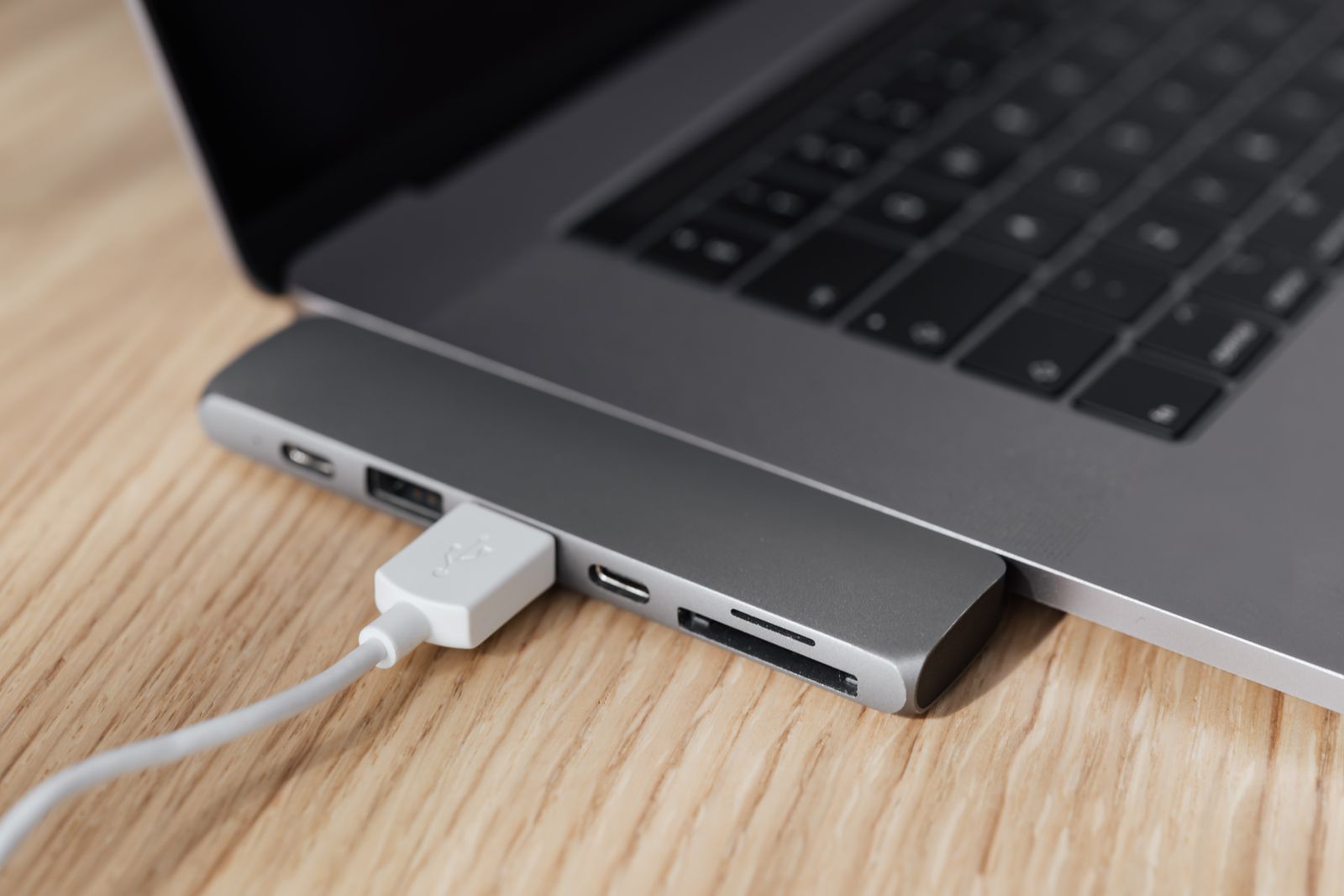
Guides
Know your kit before you buy
Which hub your laptop needs, how many watts a charger should be, which sleeve fits, how to set up a desk that is kind to your back, with keyboards, mice, webcams and more, in plain words, with the ranges in the shop for each.
Every guide
Start here
 GuidesThe laptop kit list for studentsThe few things a student laptop needs: carrying it safely, charging around campus and in halls, working well in the library, and keeping it going on a budget.
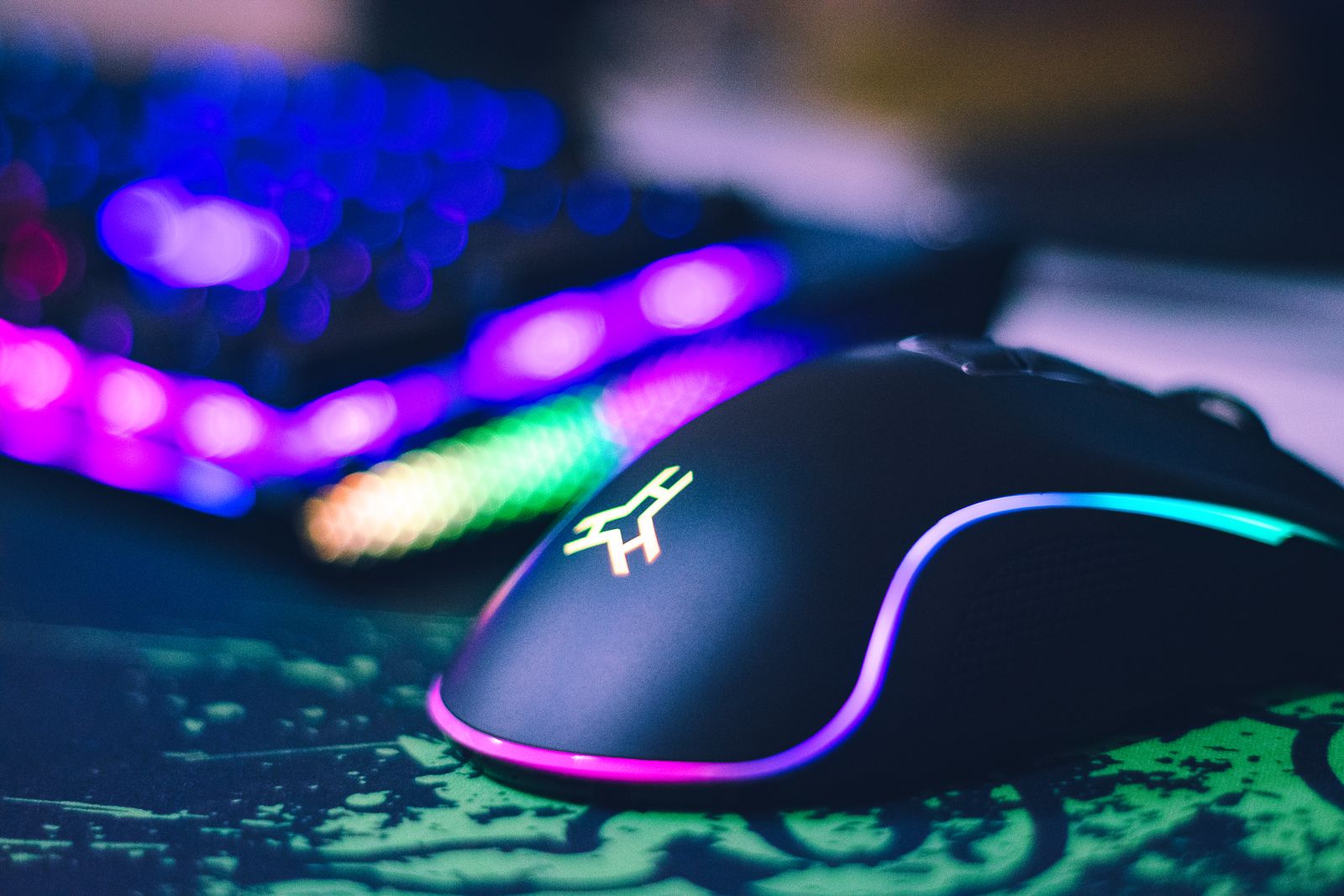 GuidesGaming on a laptop: the mice, keyboards, controllers and cooling that help
 GuidesAccessories for MacBook Air and MacBook Pro
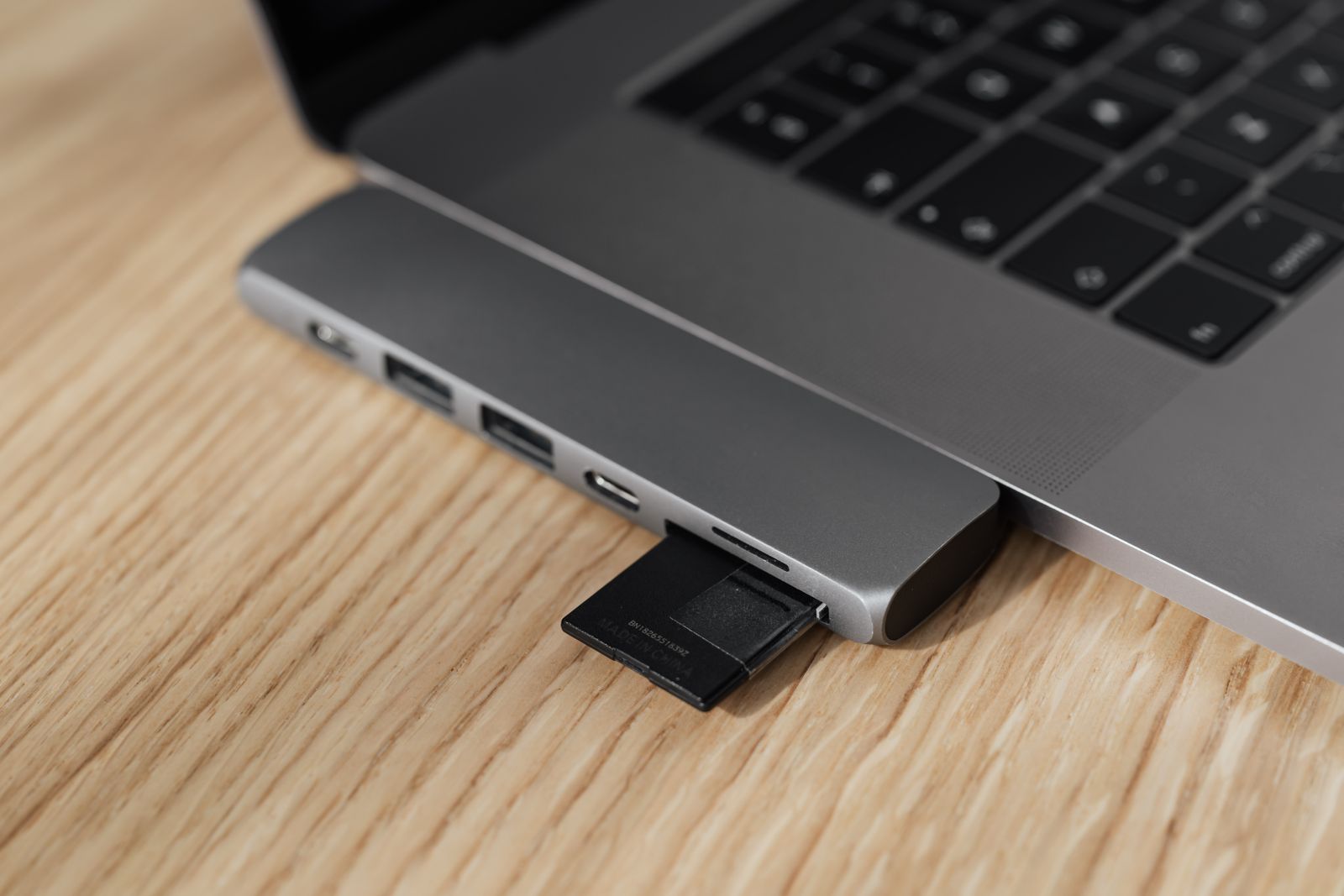 GuidesWi-Fi and Bluetooth adapters: when a laptop needs one
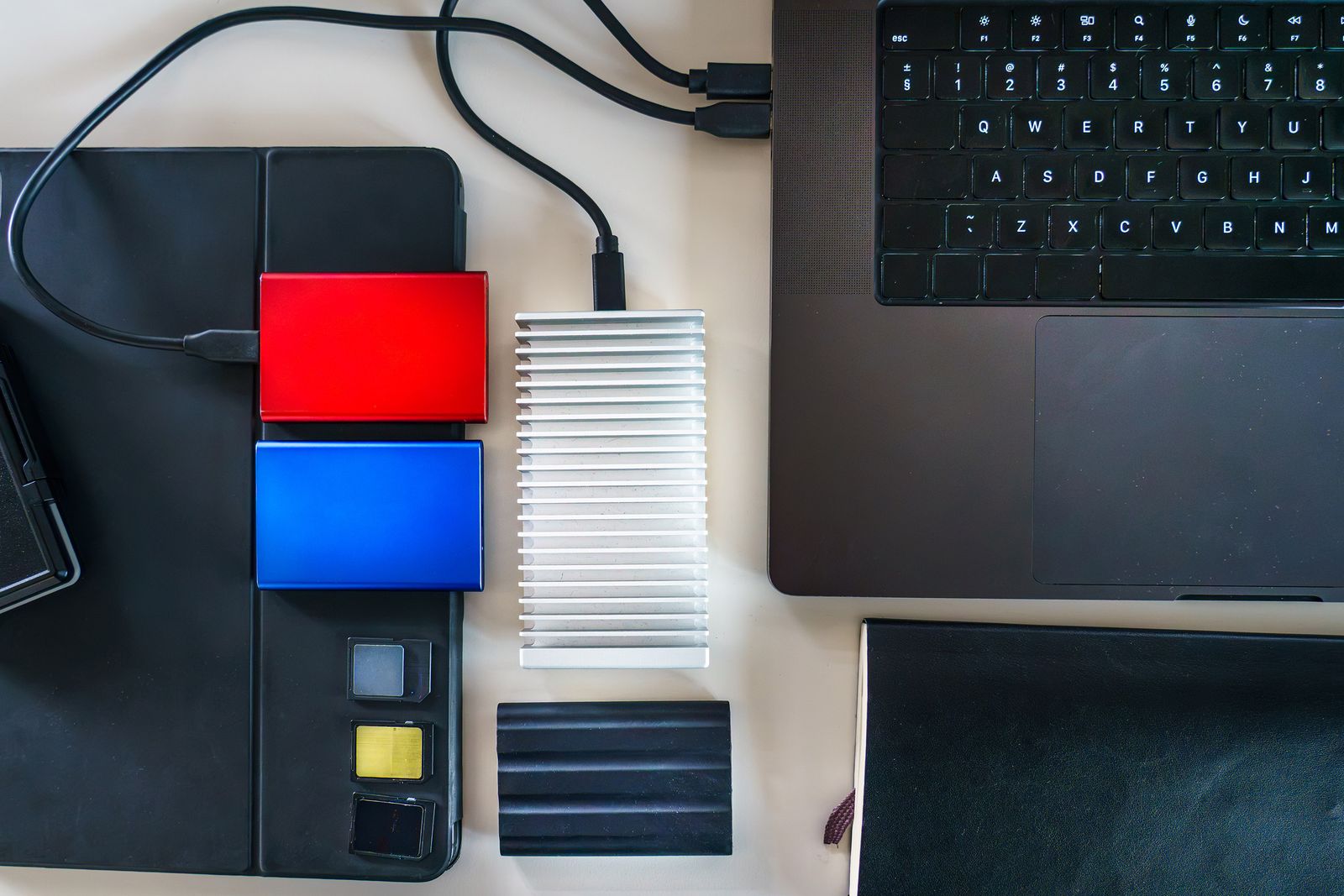 GuidesFaster storage: SSD enclosures explained
 GuidesHow to clean a laptop safely
 GuidesPrivacy and protection: filters, screen protectors, skins and locks
 GuidesPortable monitors and screen extenders
 GuidesMicrophones and headsets for calls and recording
 GuidesWebcams for video calls: picture, light and sound
 GuidesHow to keep a laptop cool
 GuidesErgonomic mice and keyboards: what they are for and who they suit
 GuidesHow to choose a keyboard for your laptop
 GuidesHow to choose a wireless mouse
 GuidesCharging a laptop on the move: power banks and car chargers
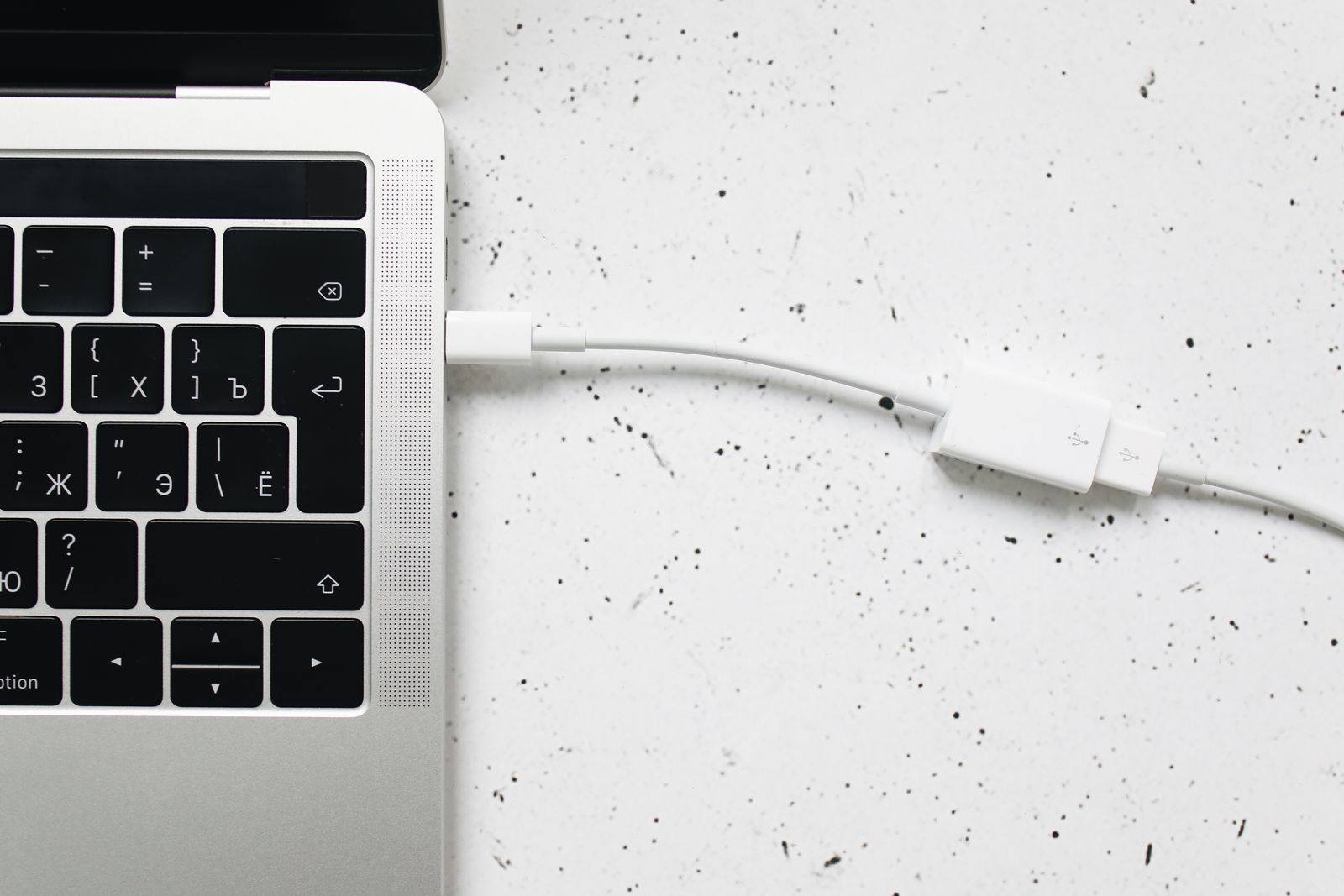 GuidesLaptop chargers explained: watts, USB-C charging and UK plugs
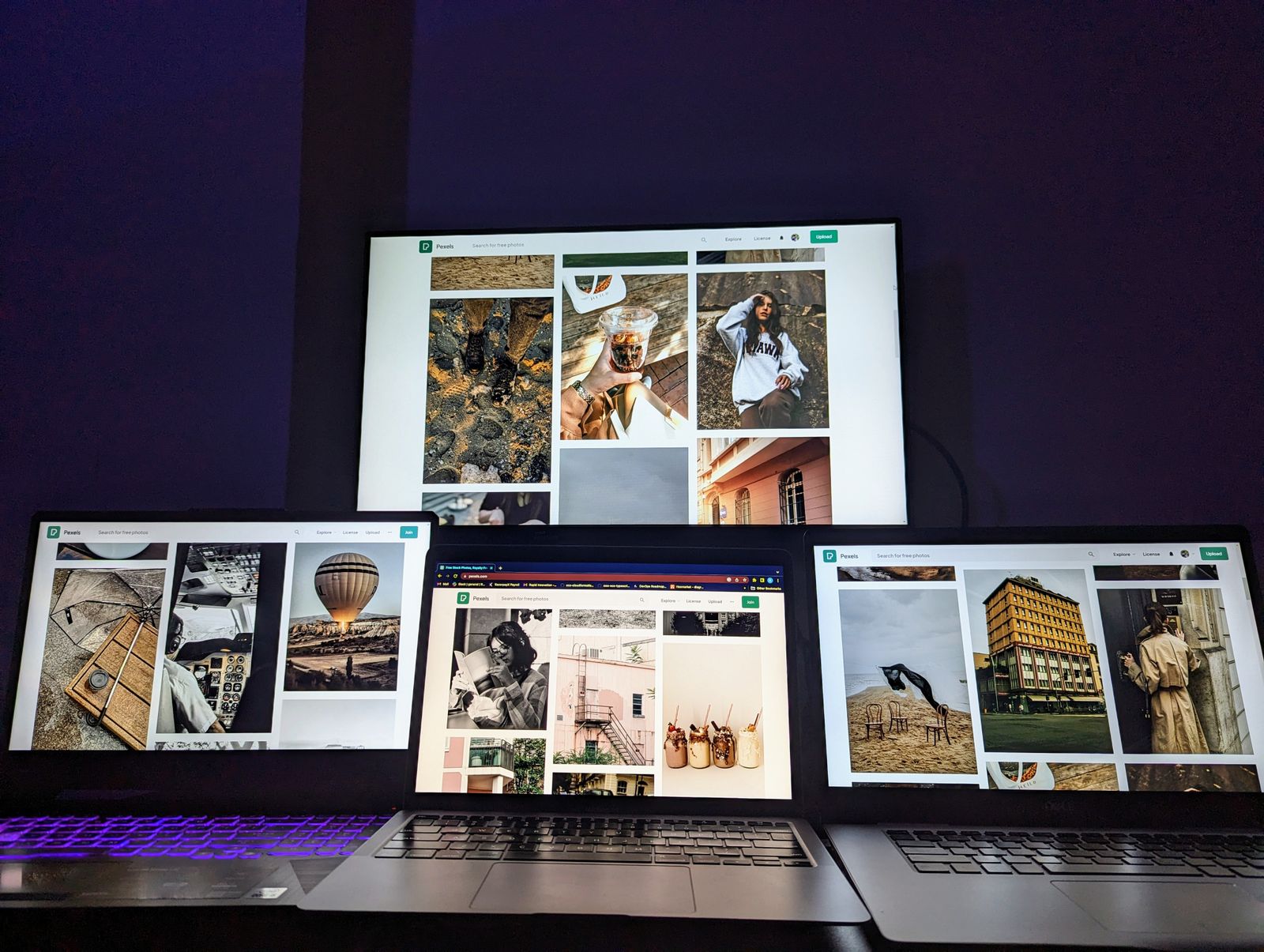 GuidesHow to connect a laptop to a monitor or TV
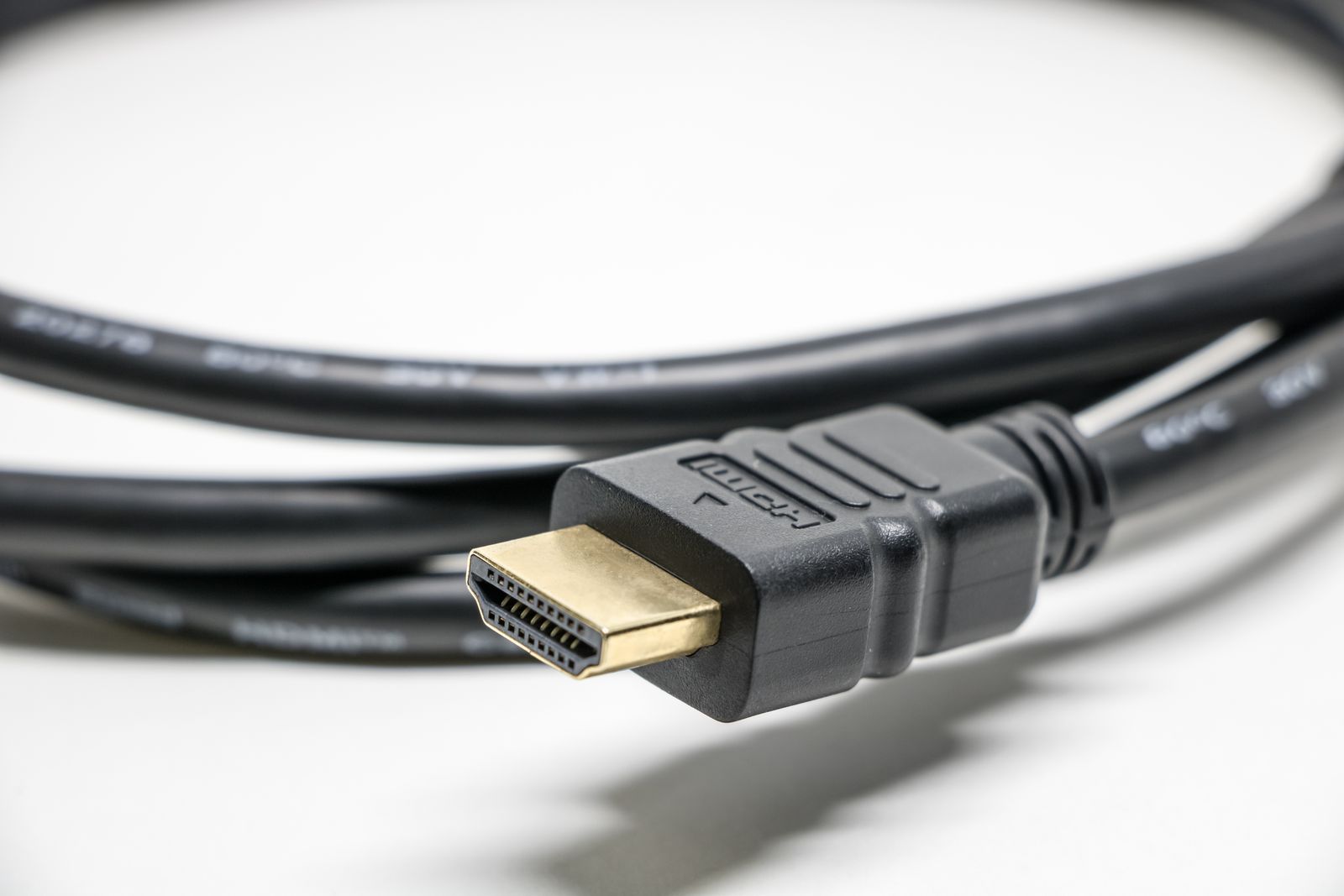 GuidesUSB-C explained: ports, cables, power and videoGuidesHow to choose a USB-C hub or docking station
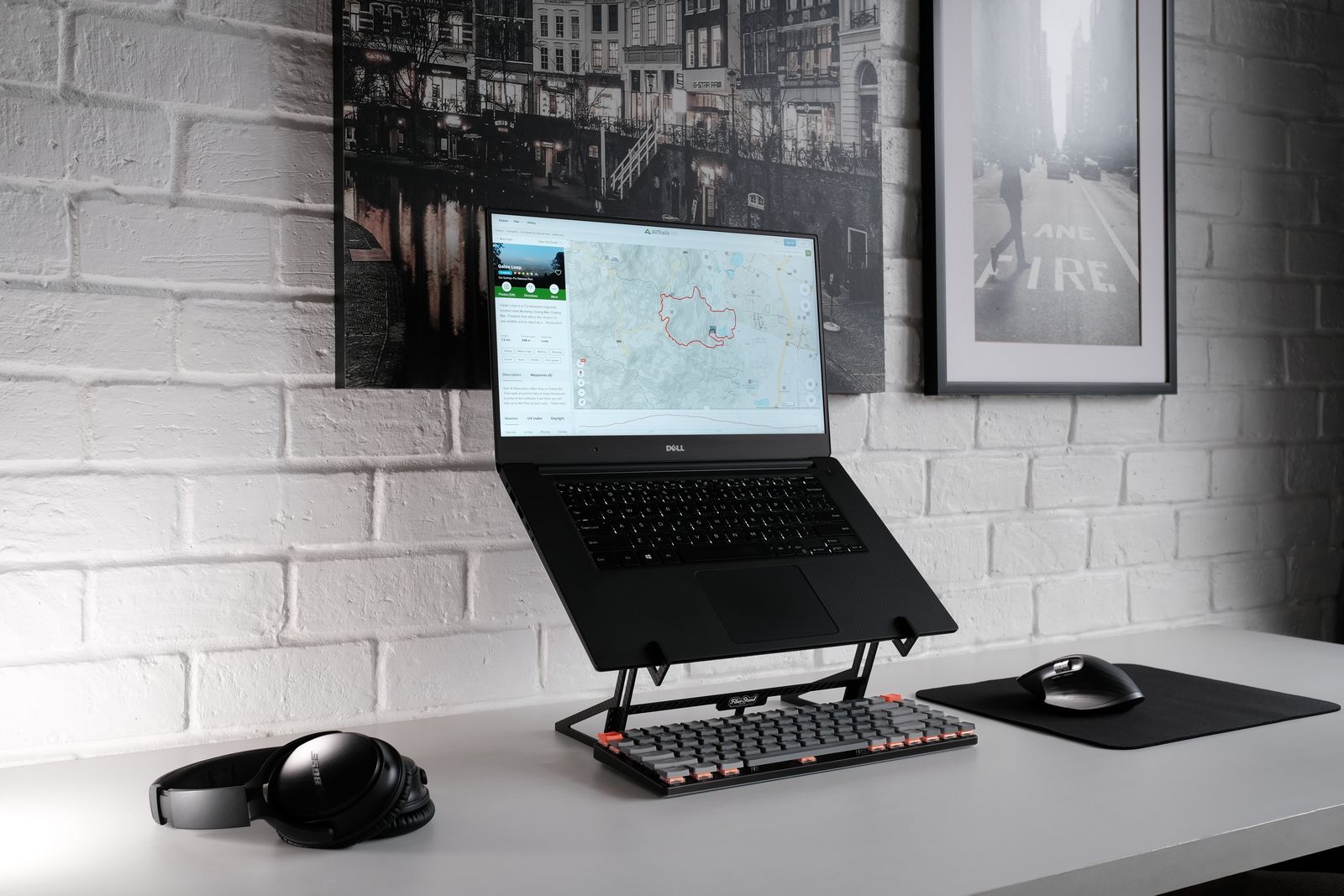 GuidesSetting up a laptop desk that is kind to your back
 GuidesHow to choose a laptop stand
 GuidesLaptop backpacks, messenger bags and briefcases compared
 GuidesLaptop sleeve sizes: how to measure your laptop
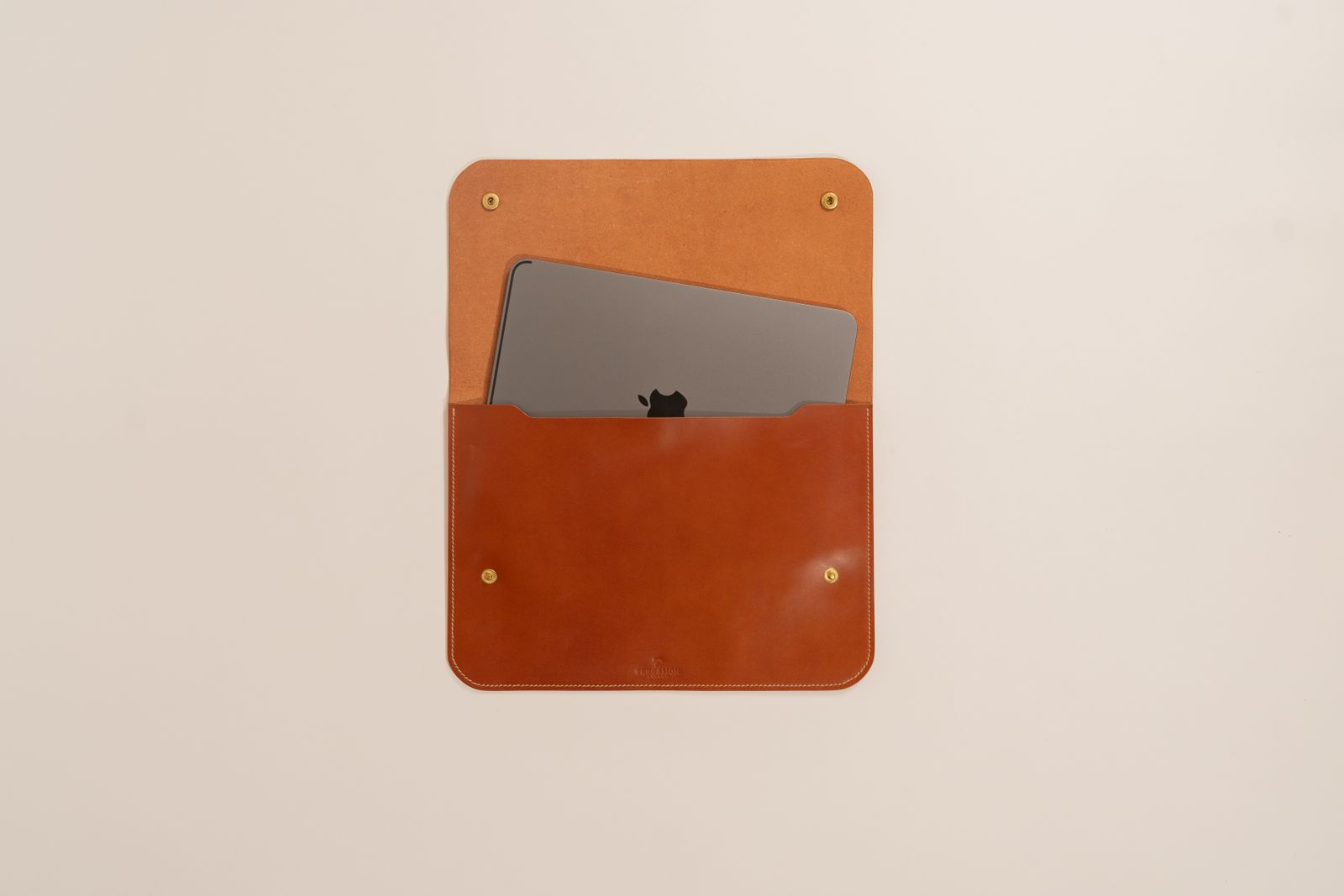 GuidesHow to choose a laptop sleeve or bag: the UK buying guide