Why accessories make a difference to games on a laptop
A laptop's own keyboard and trackpad are built for typing and browsing, not for games. Three things show it quickly. A trackpad is fine for a slow strategy game but hopeless for anything where you aim. Many games have you hold one key to move, another to run and press a third to jump, and some laptop keyboards cannot register every combination. And racing, sports and many adventure games are made for a controller and play better with one. The guide to gaming on a laptop goes through each in detail.
The four ranges
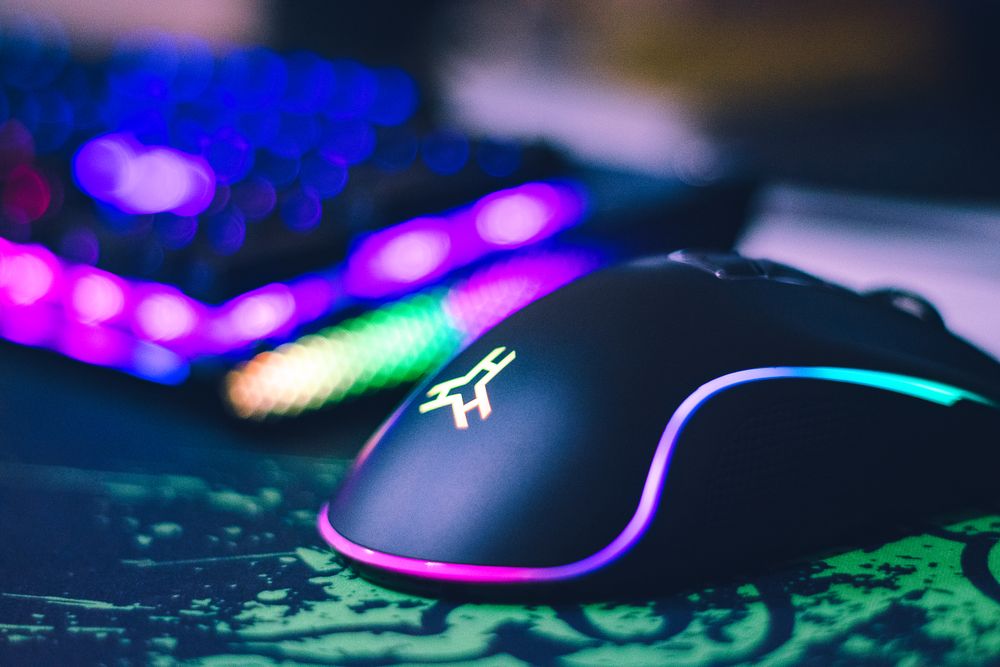
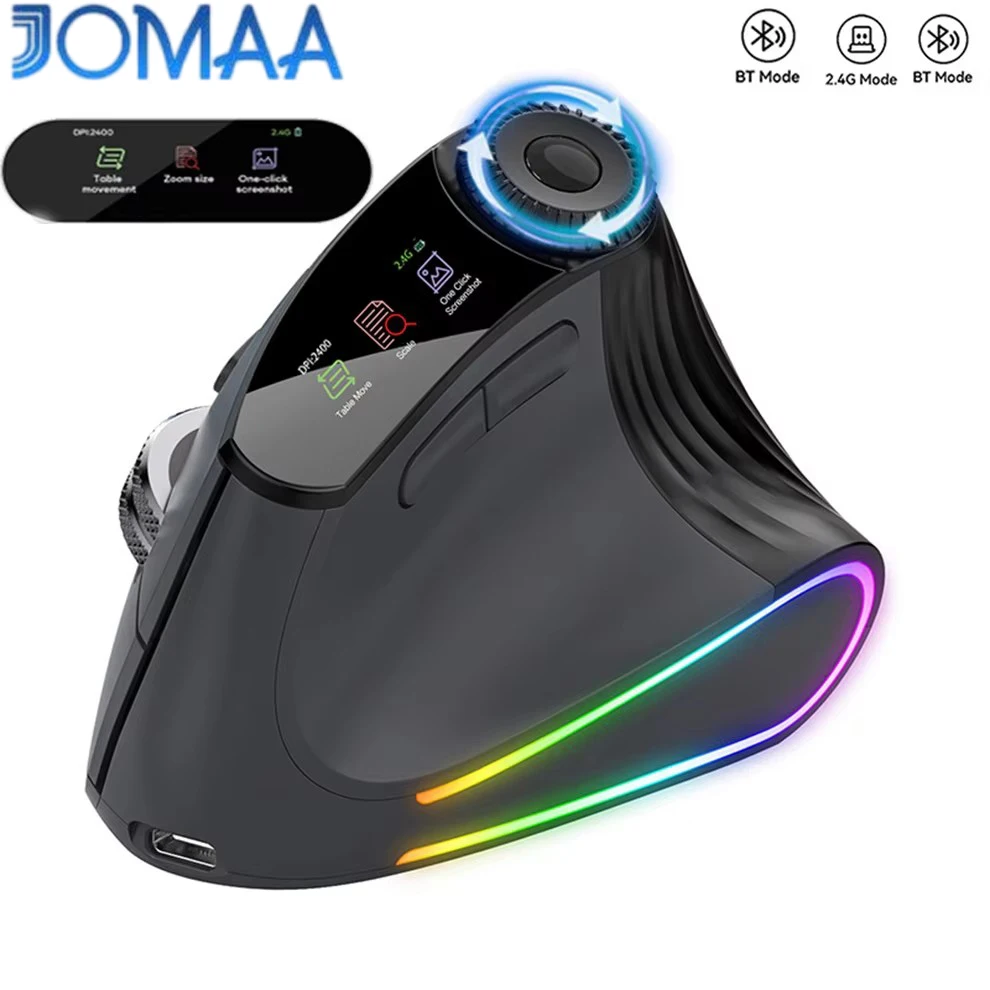
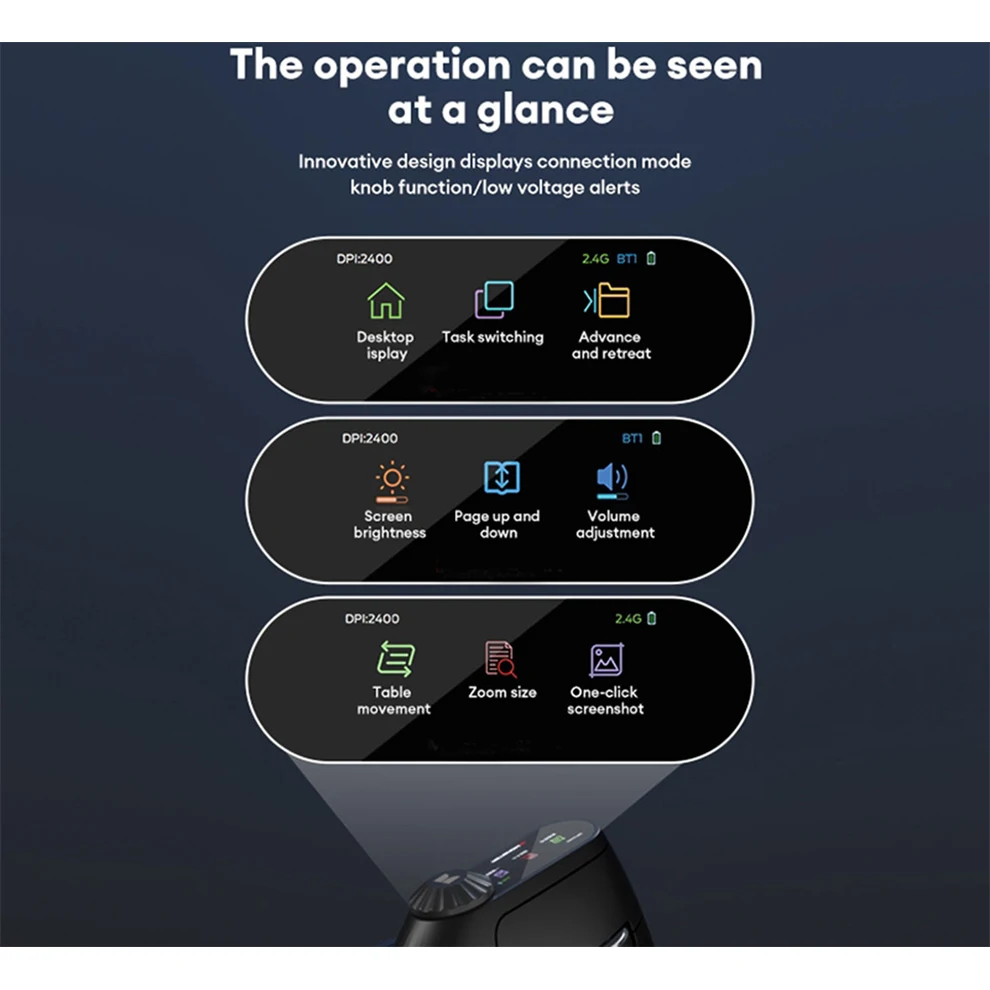
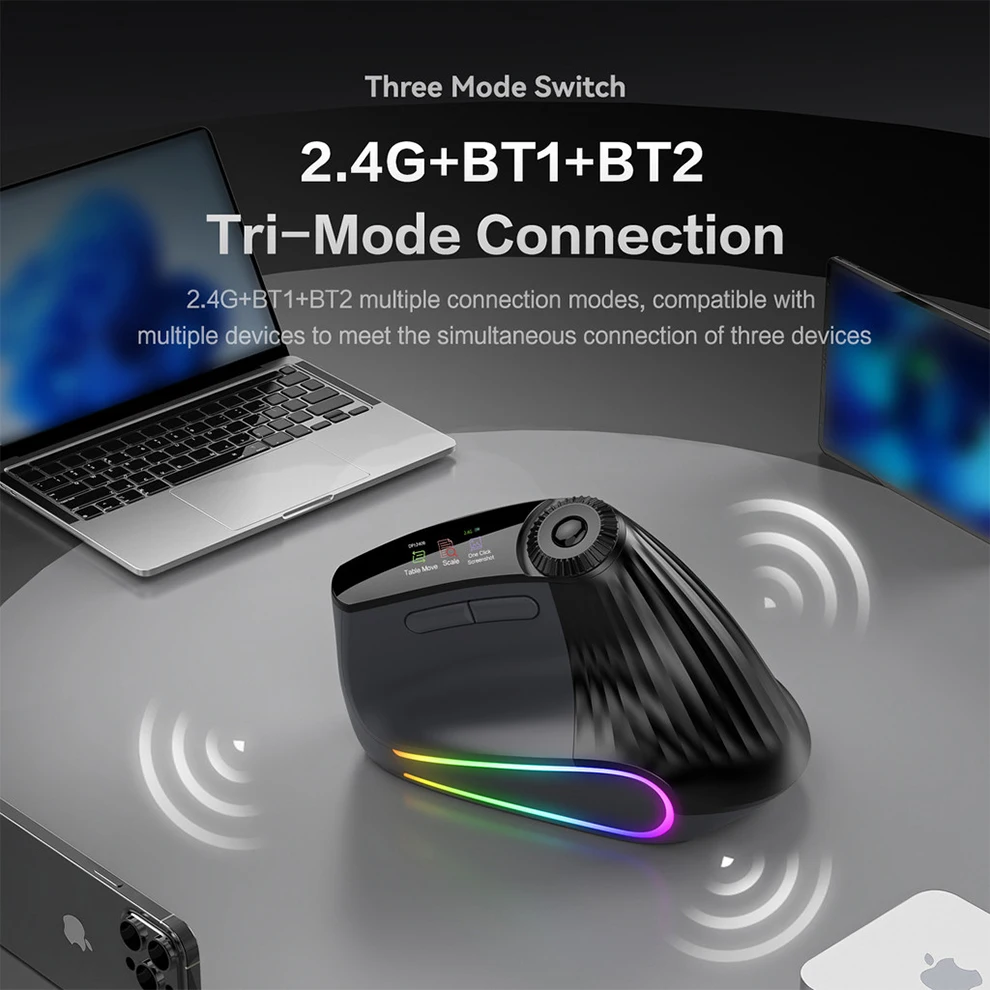
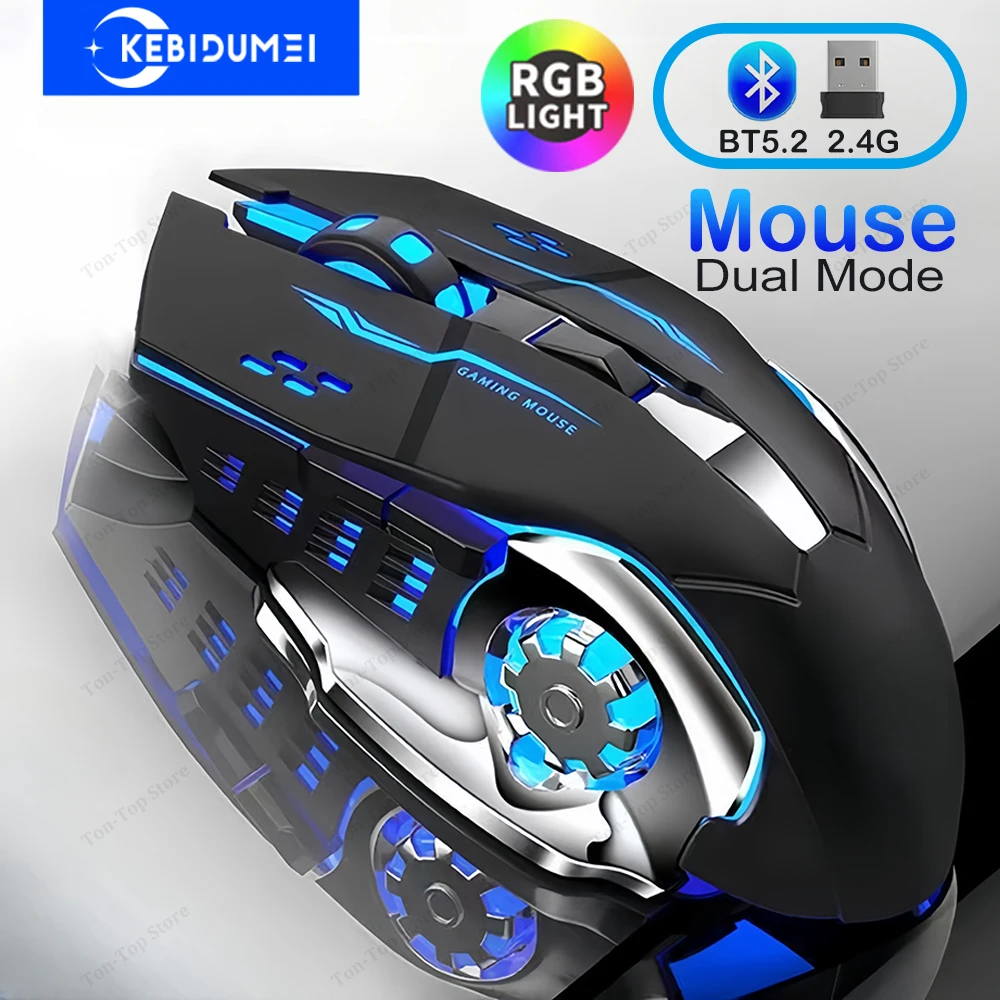
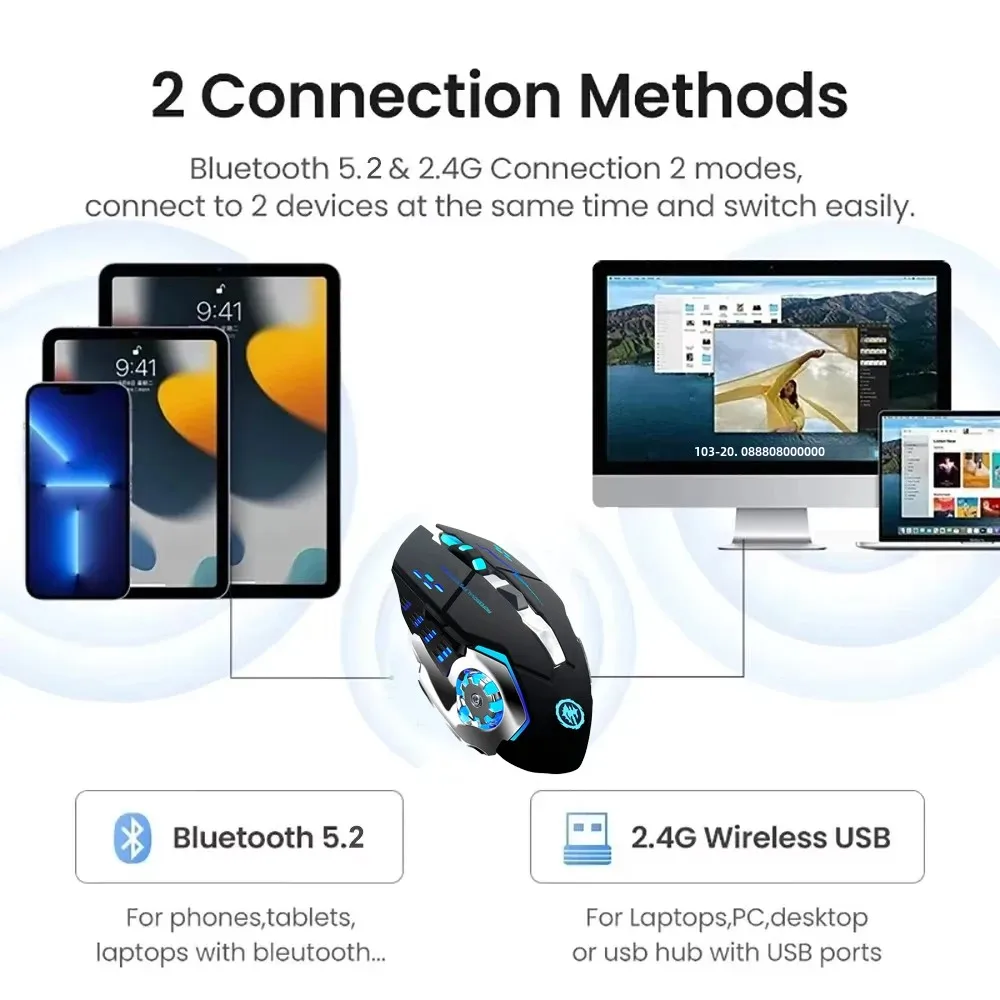
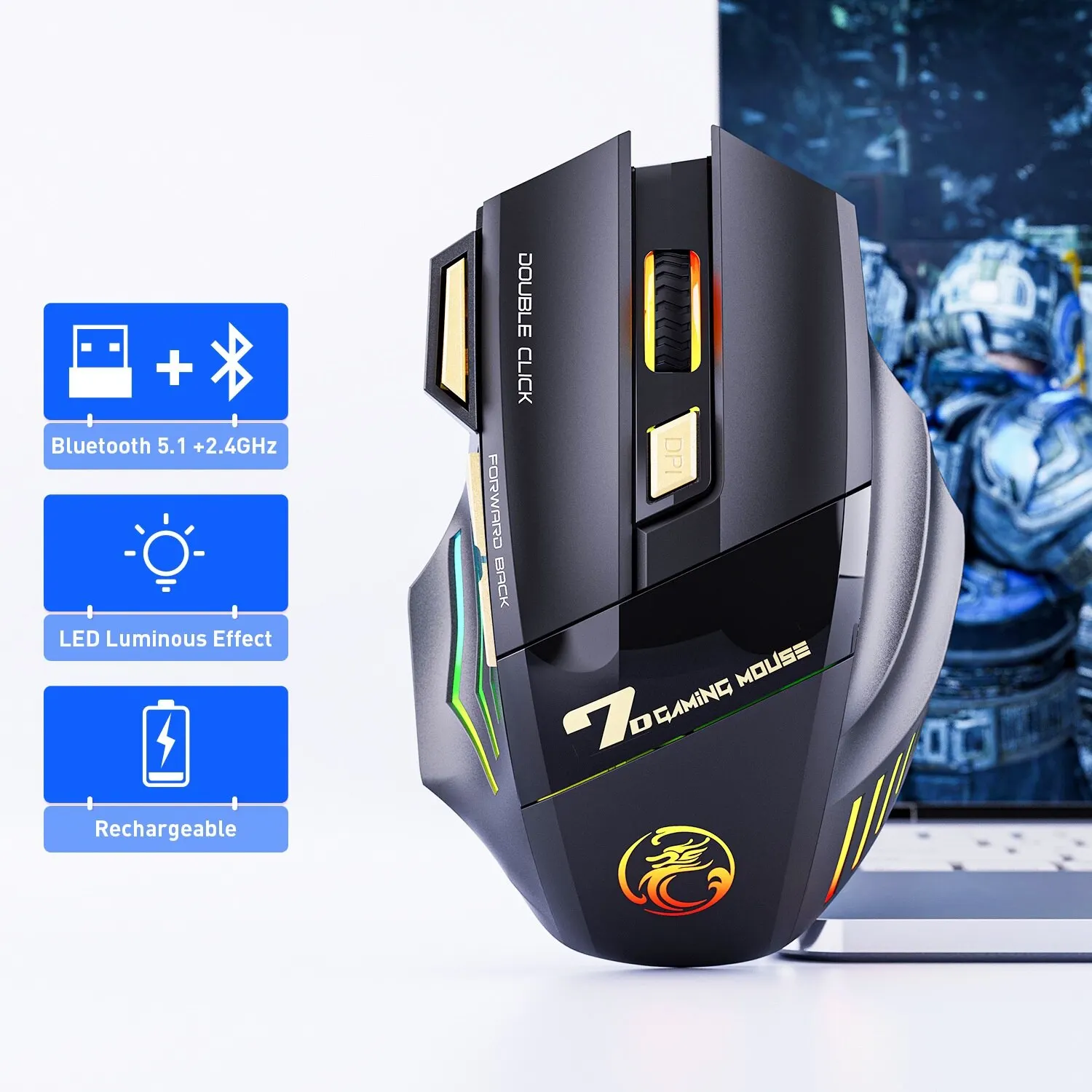
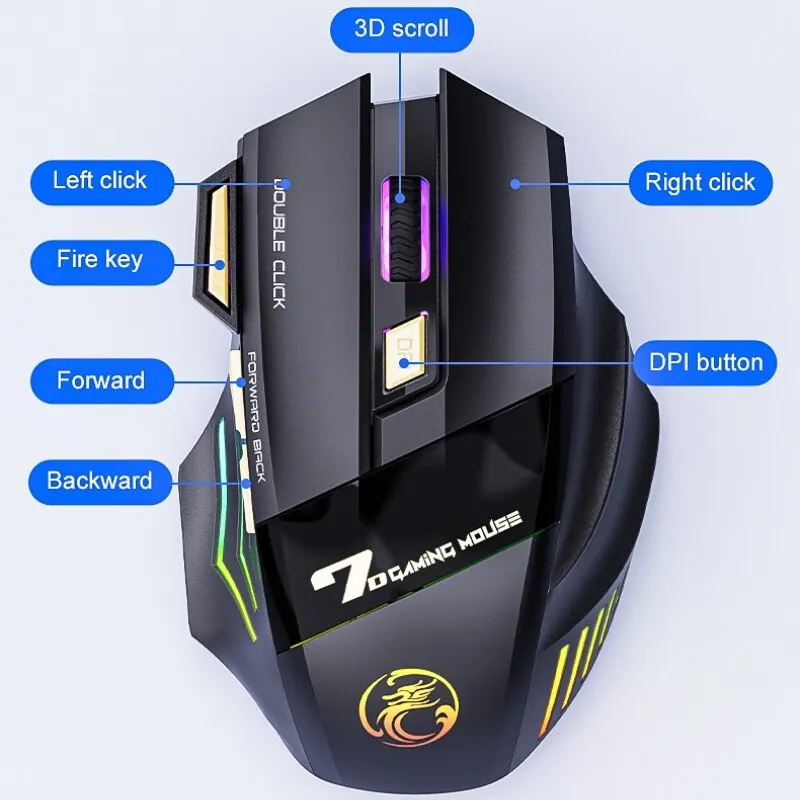
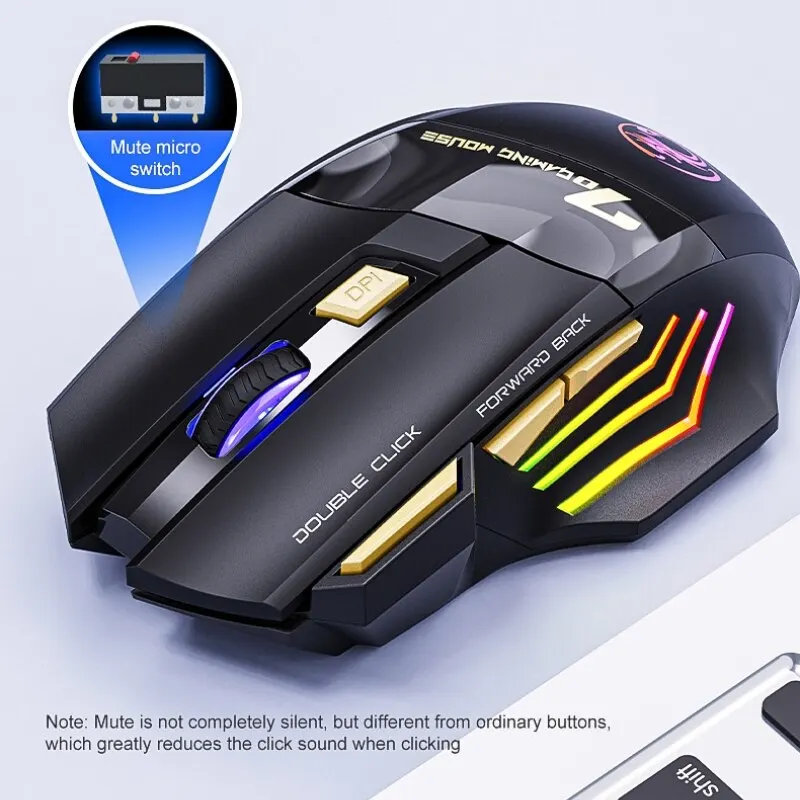
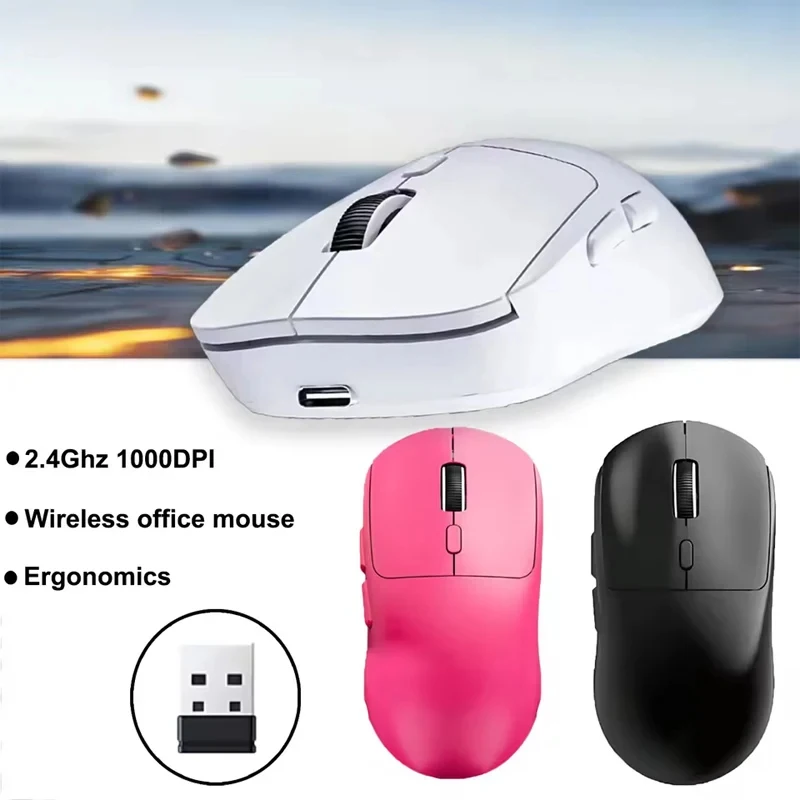
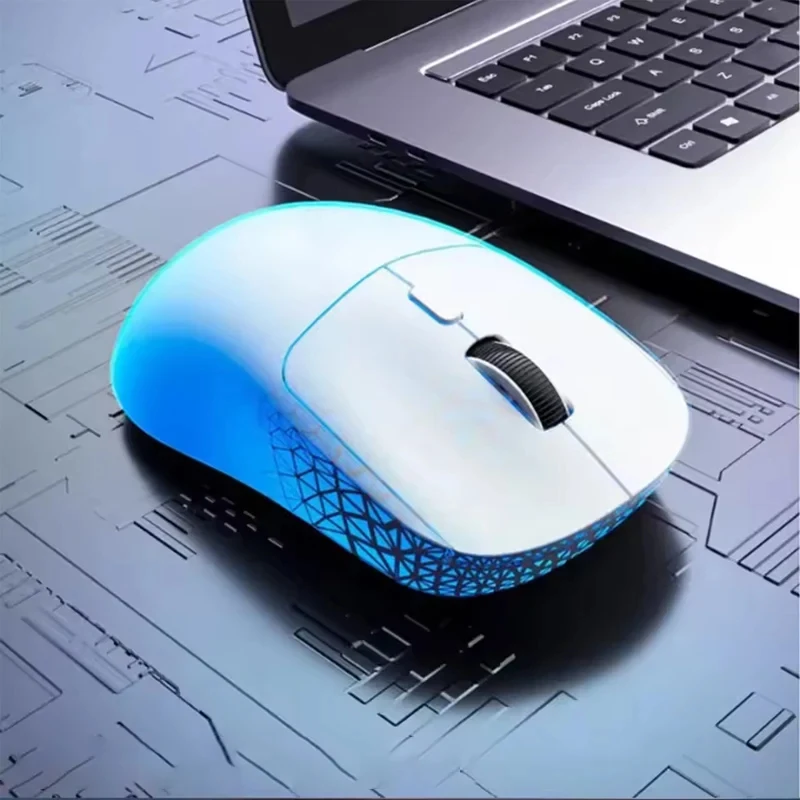
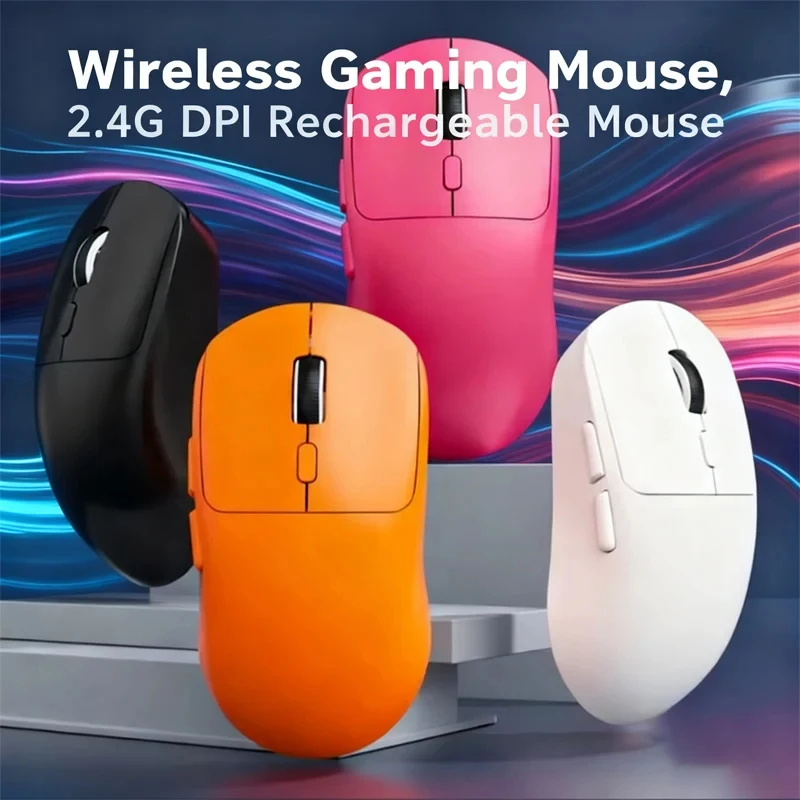
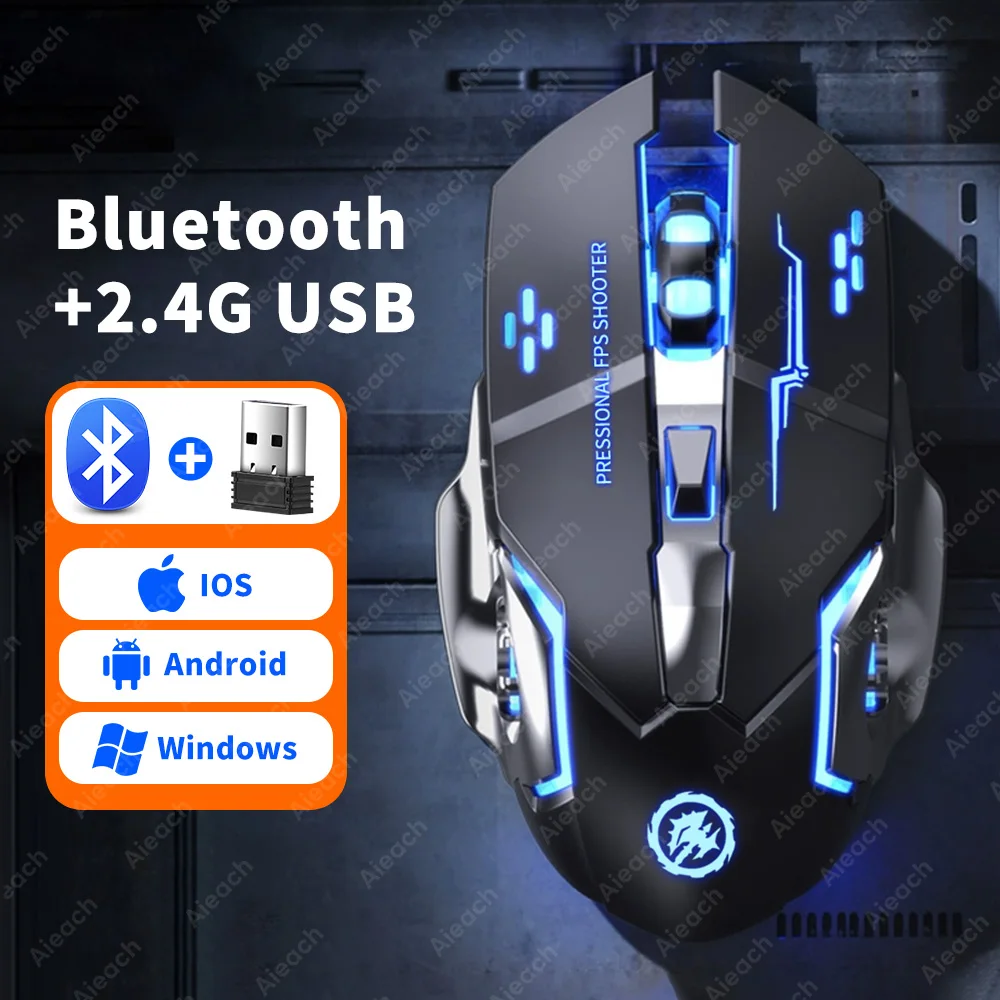
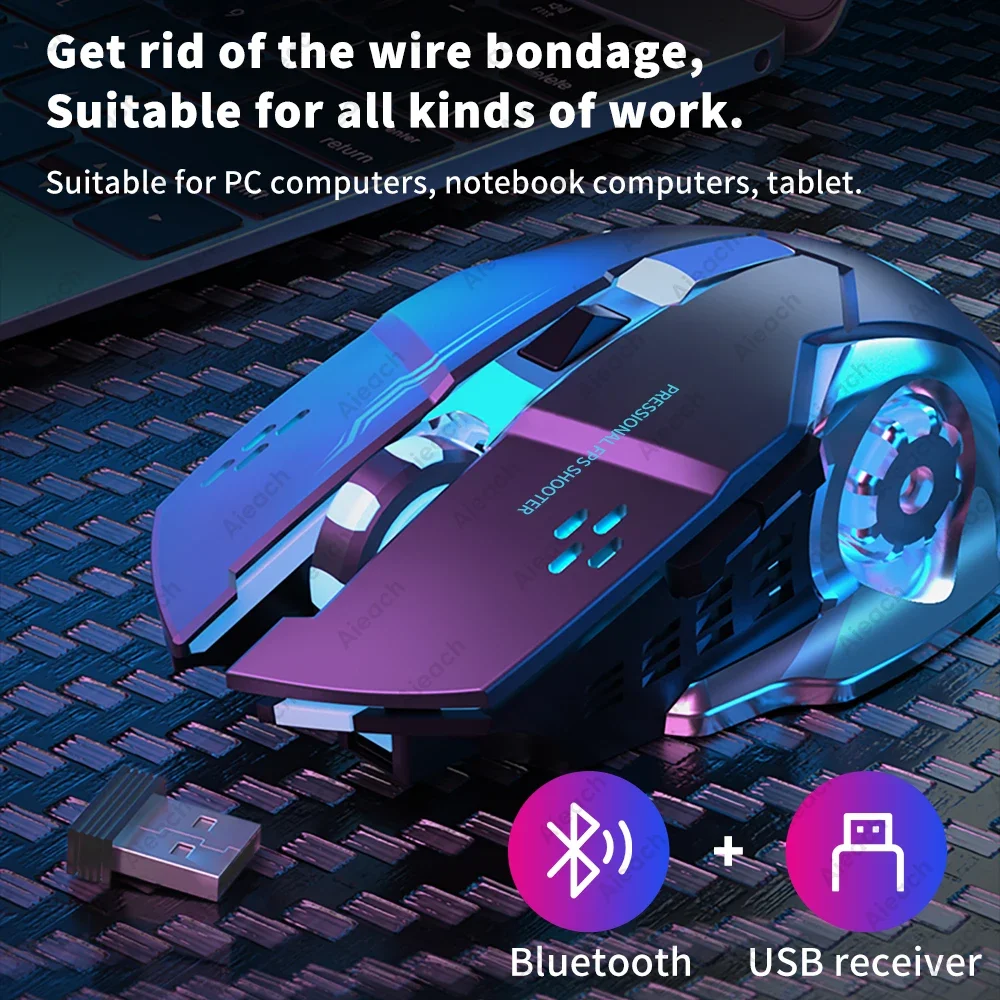
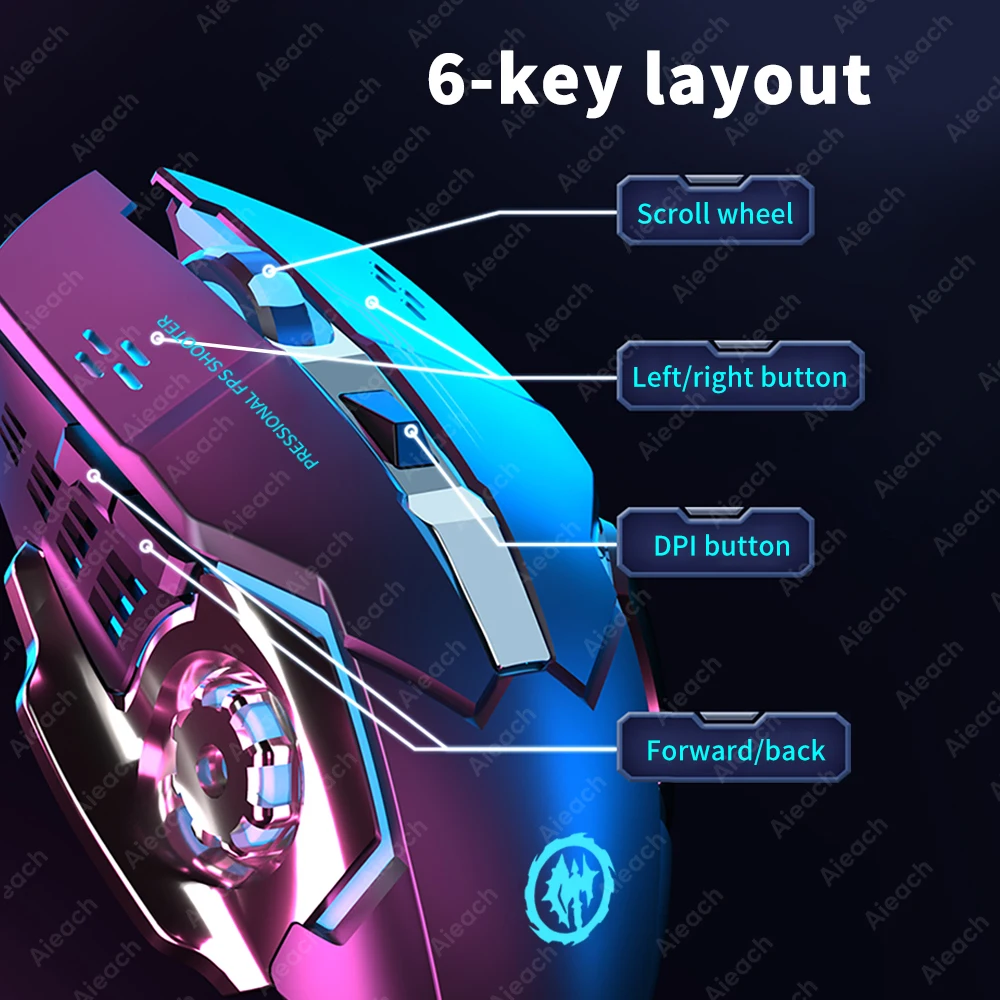
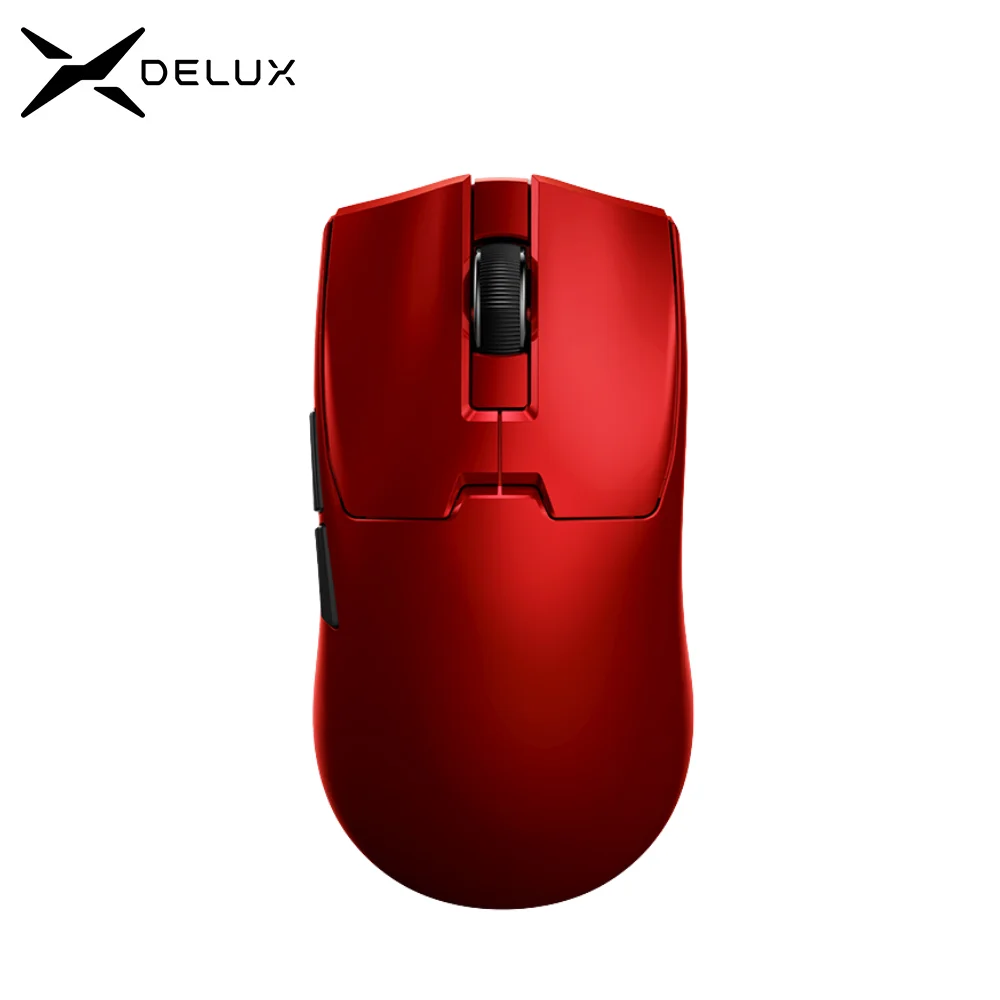
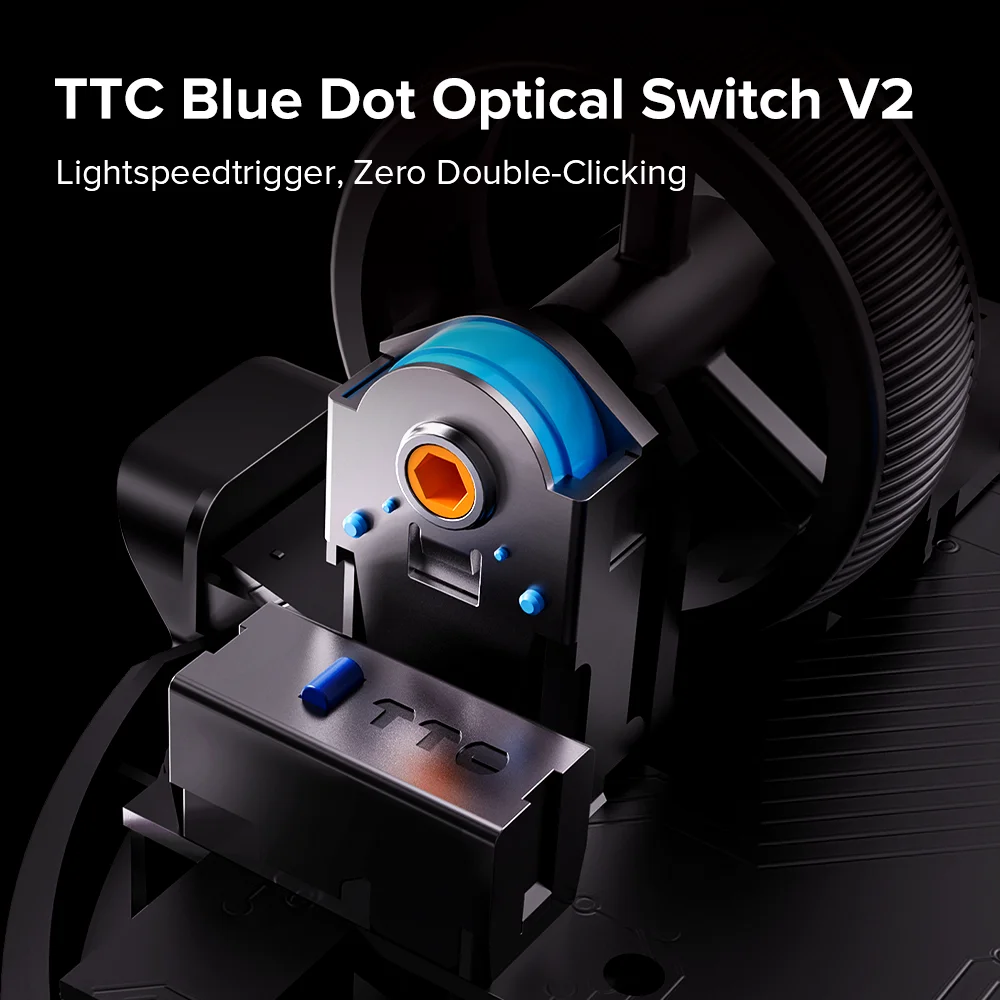
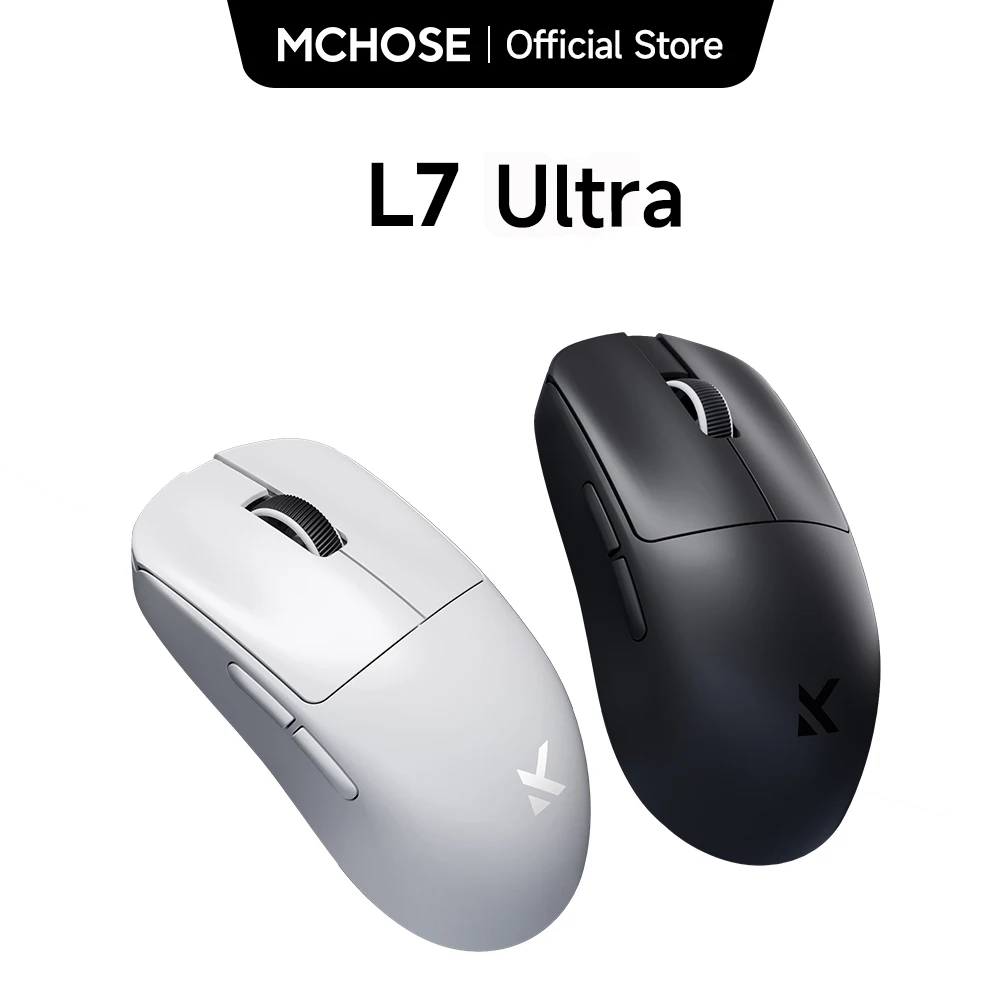
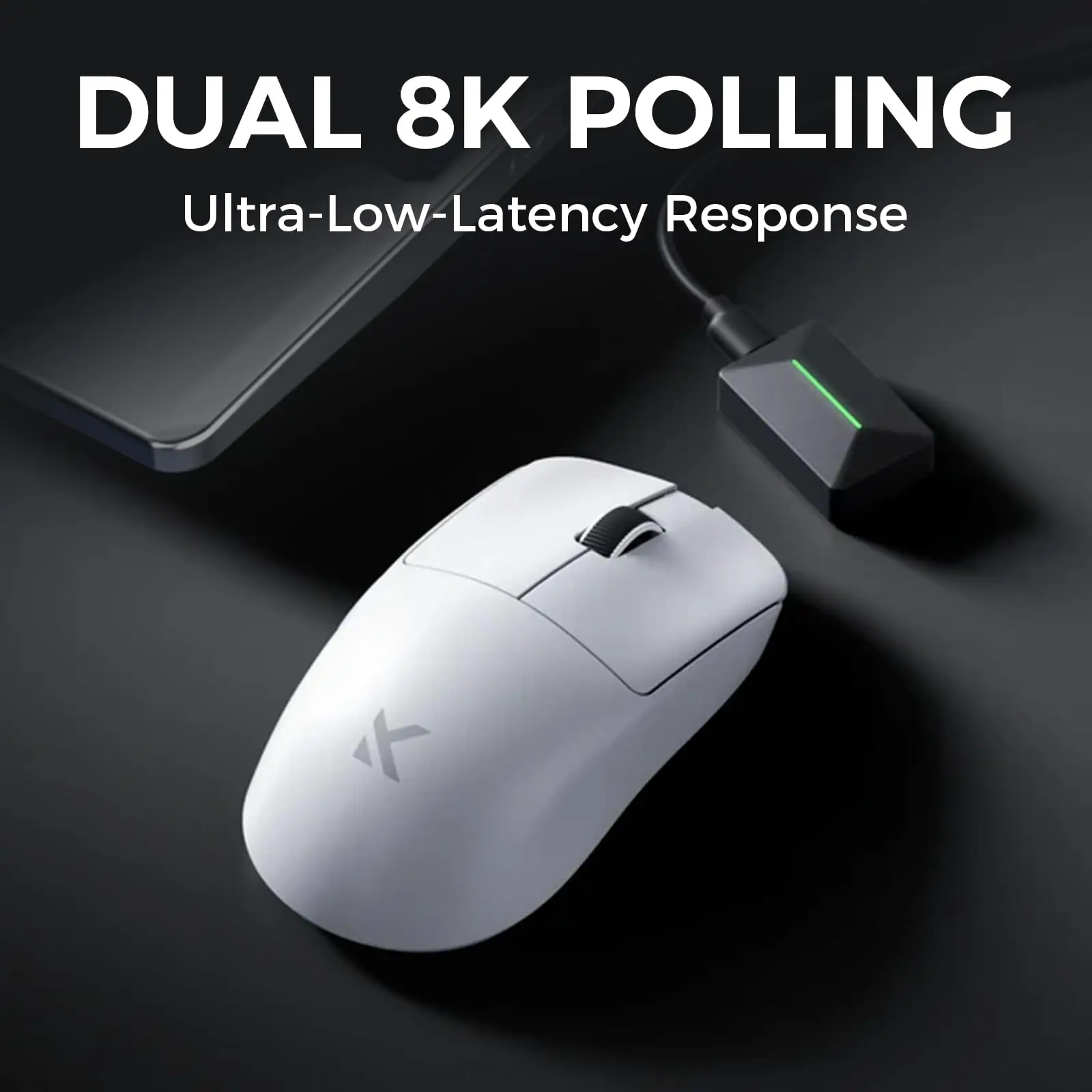
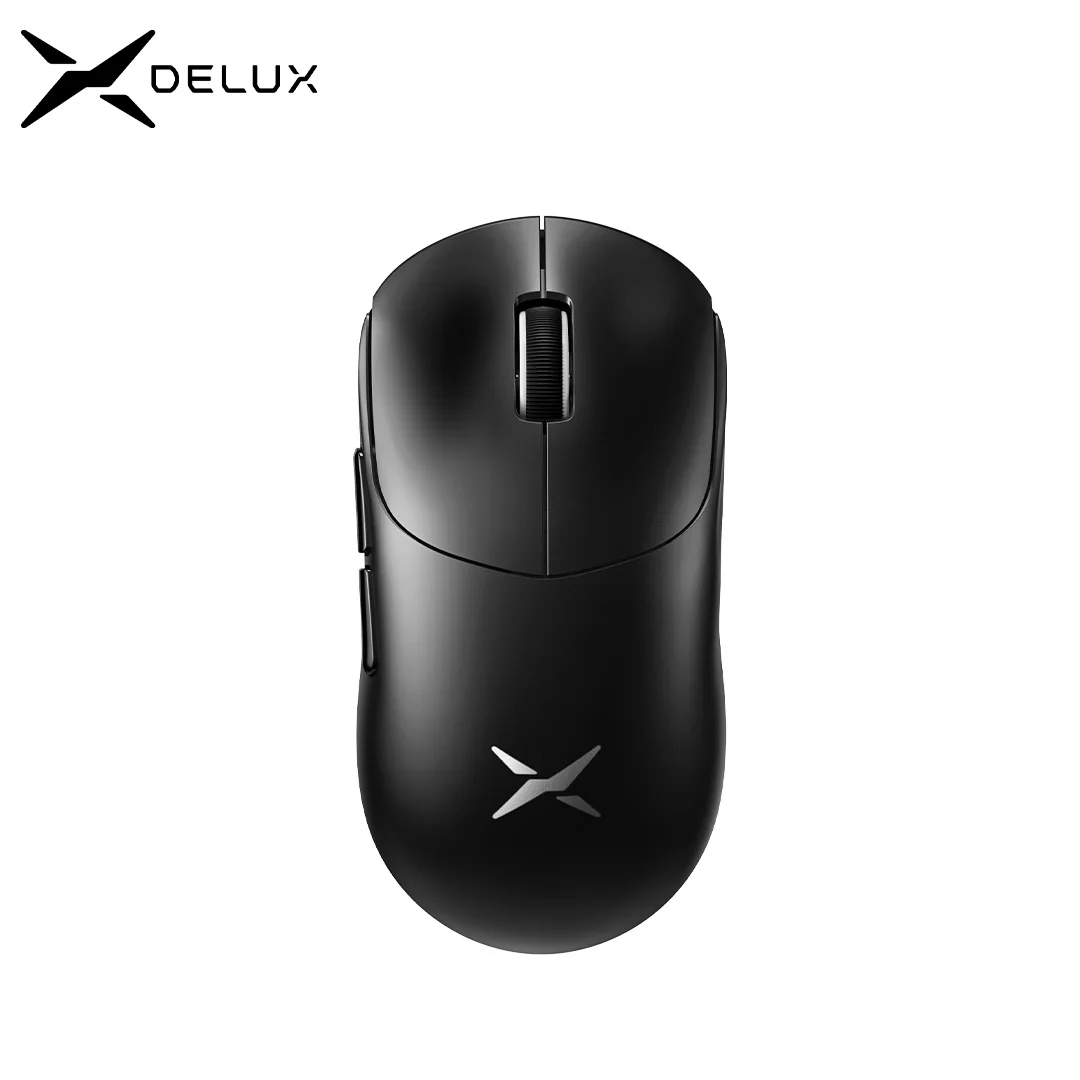
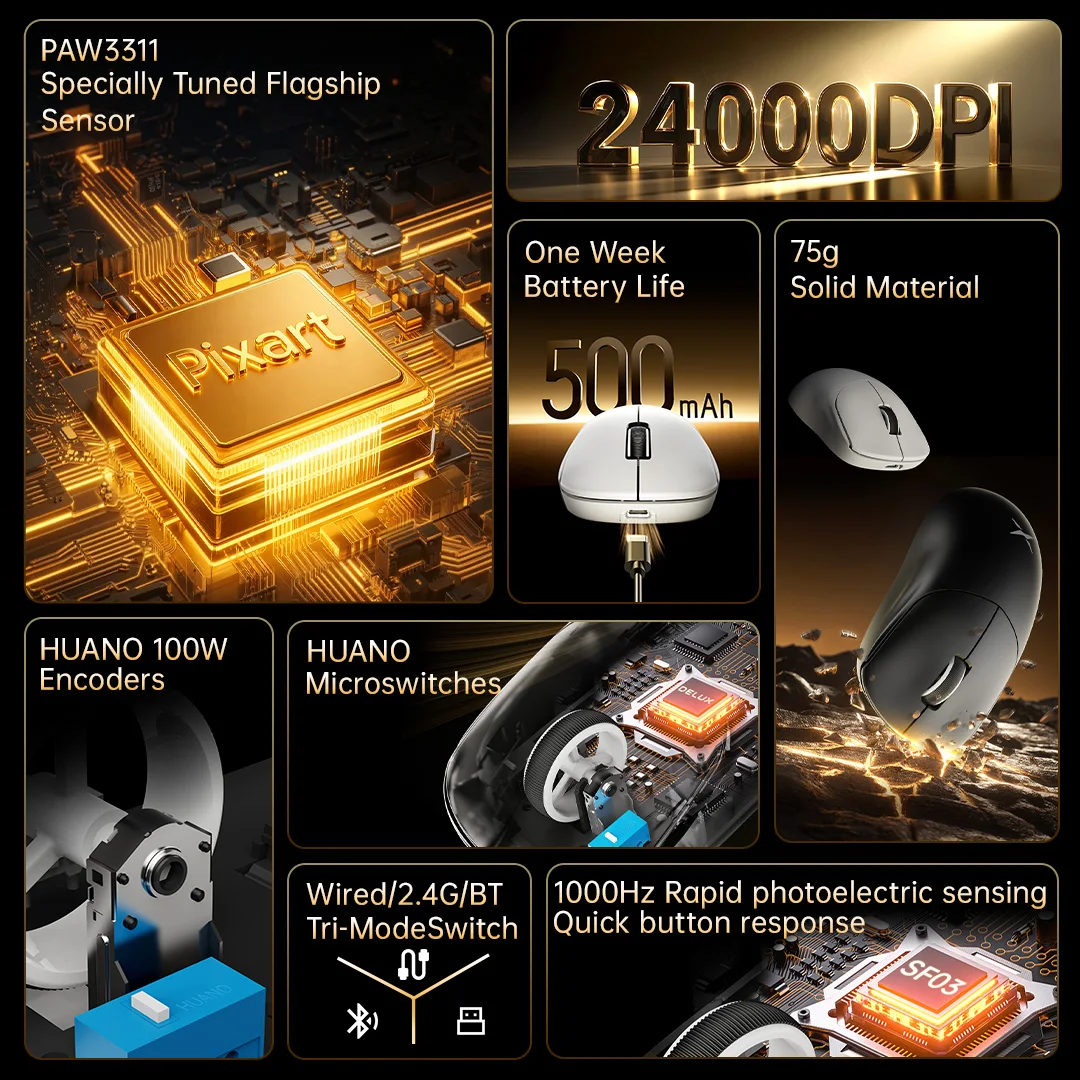
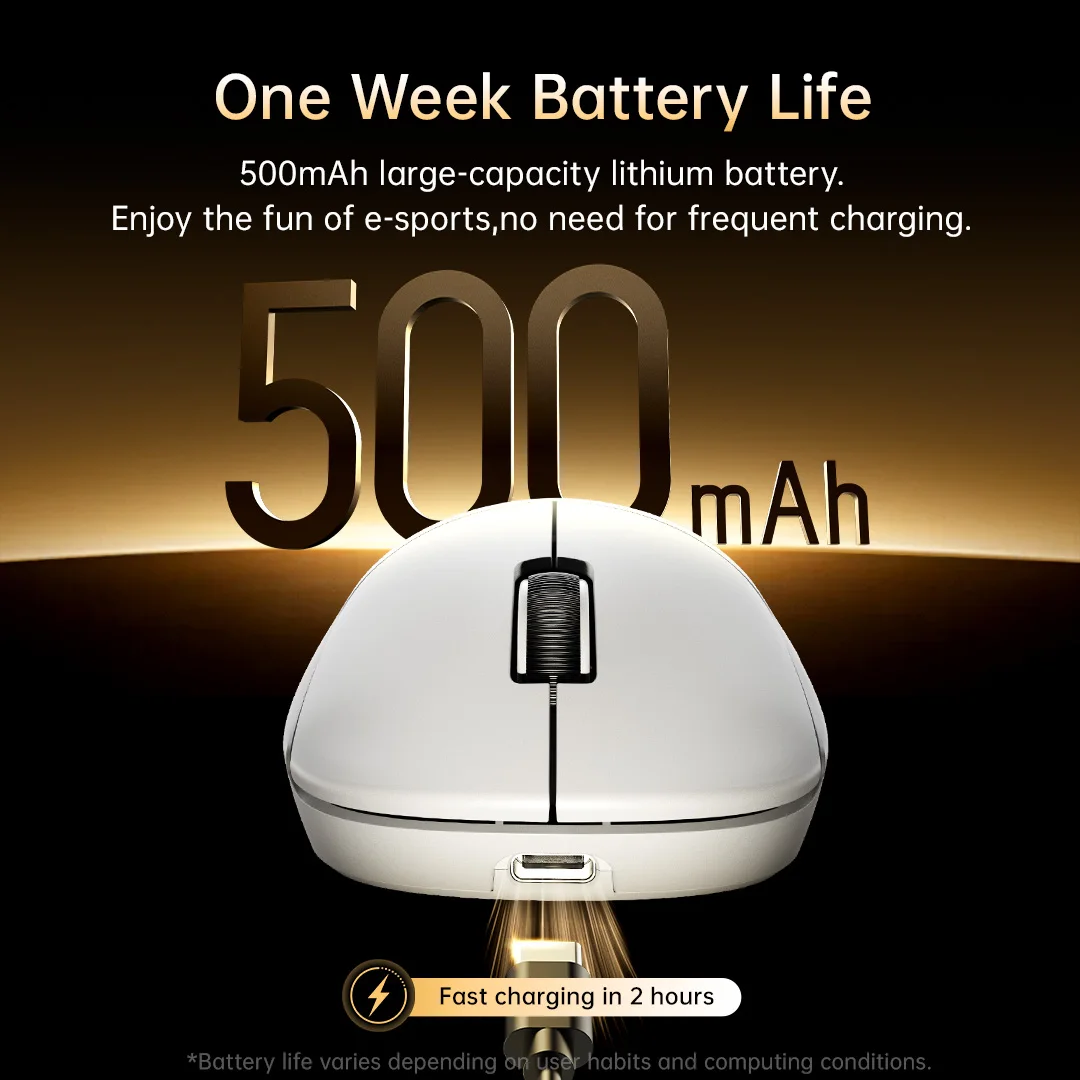
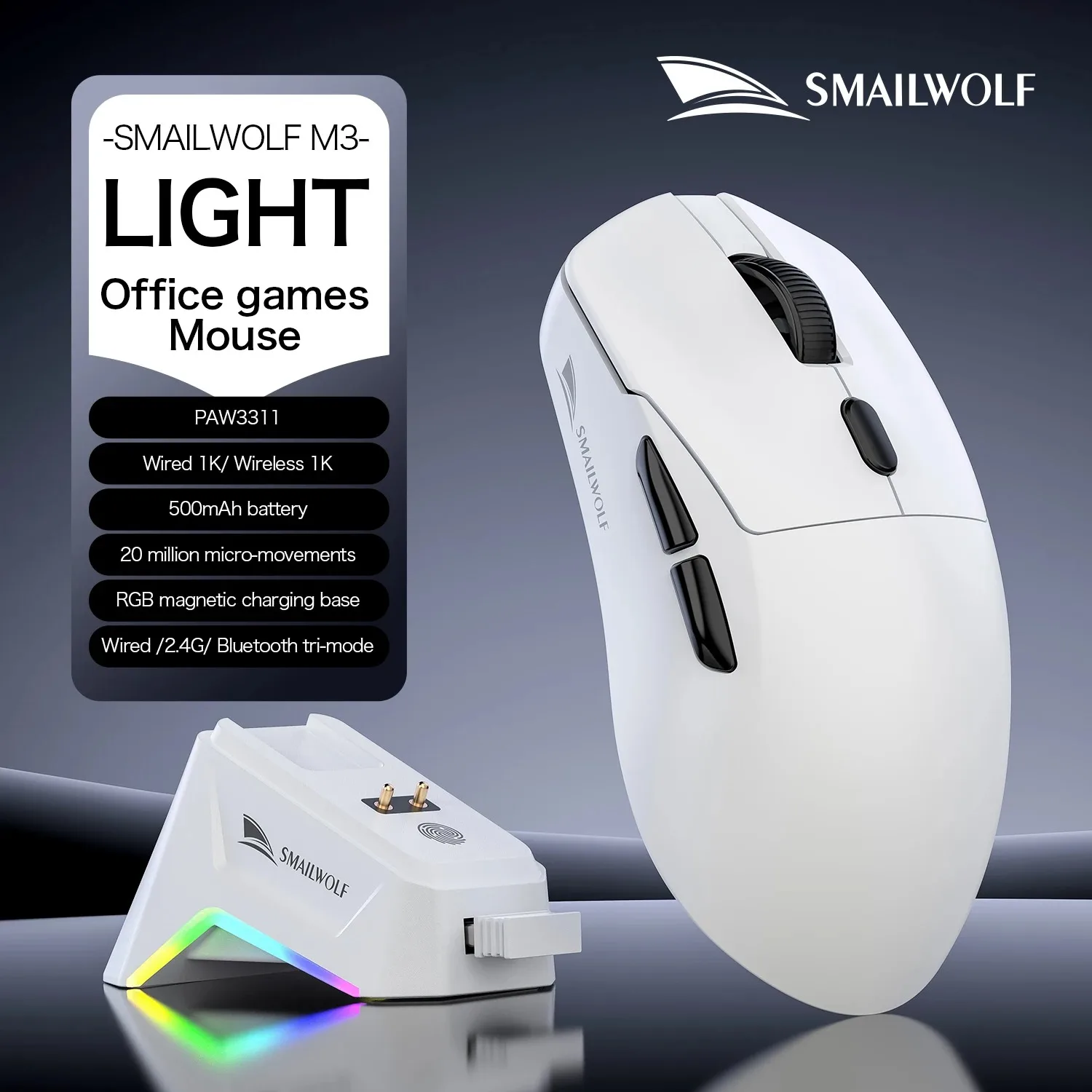
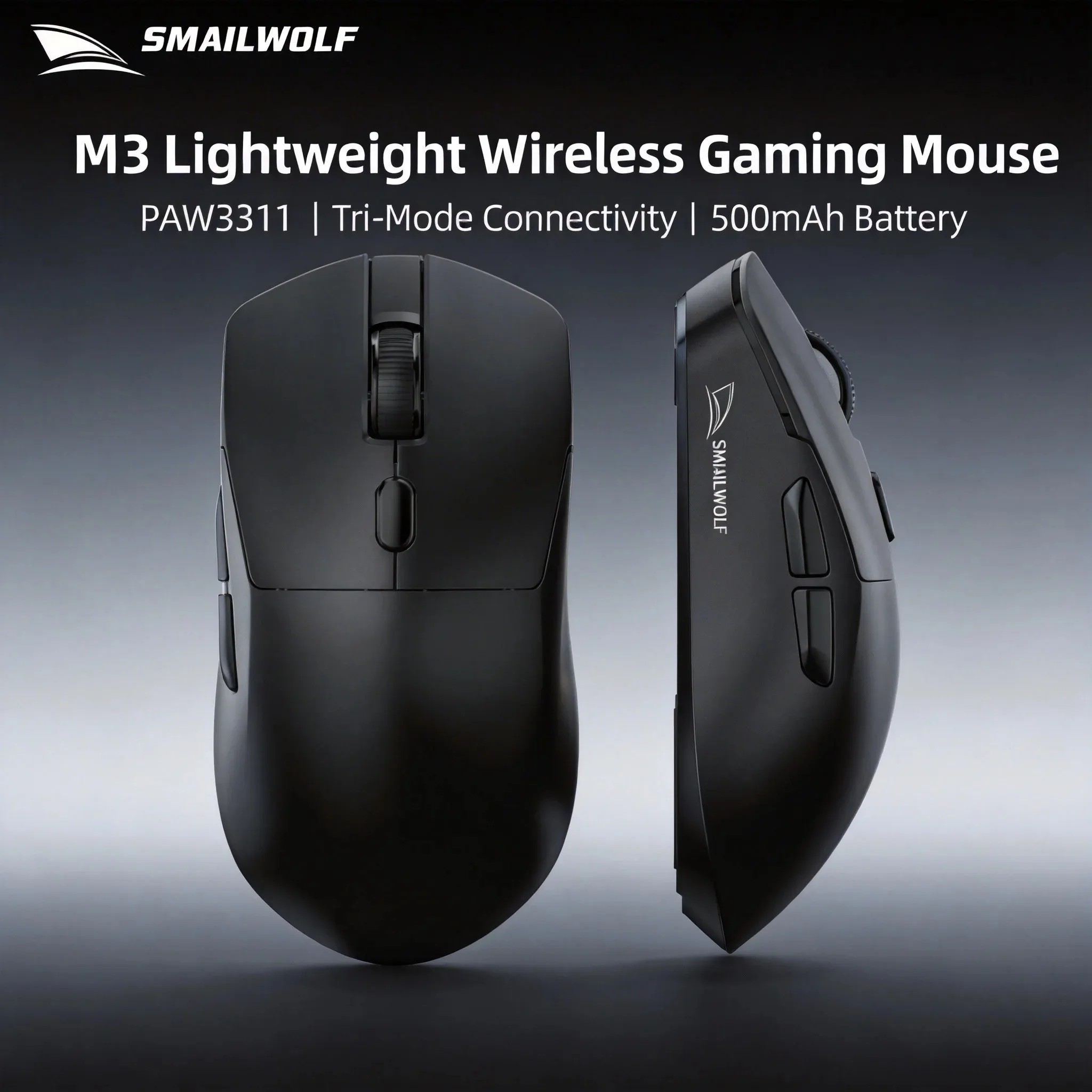
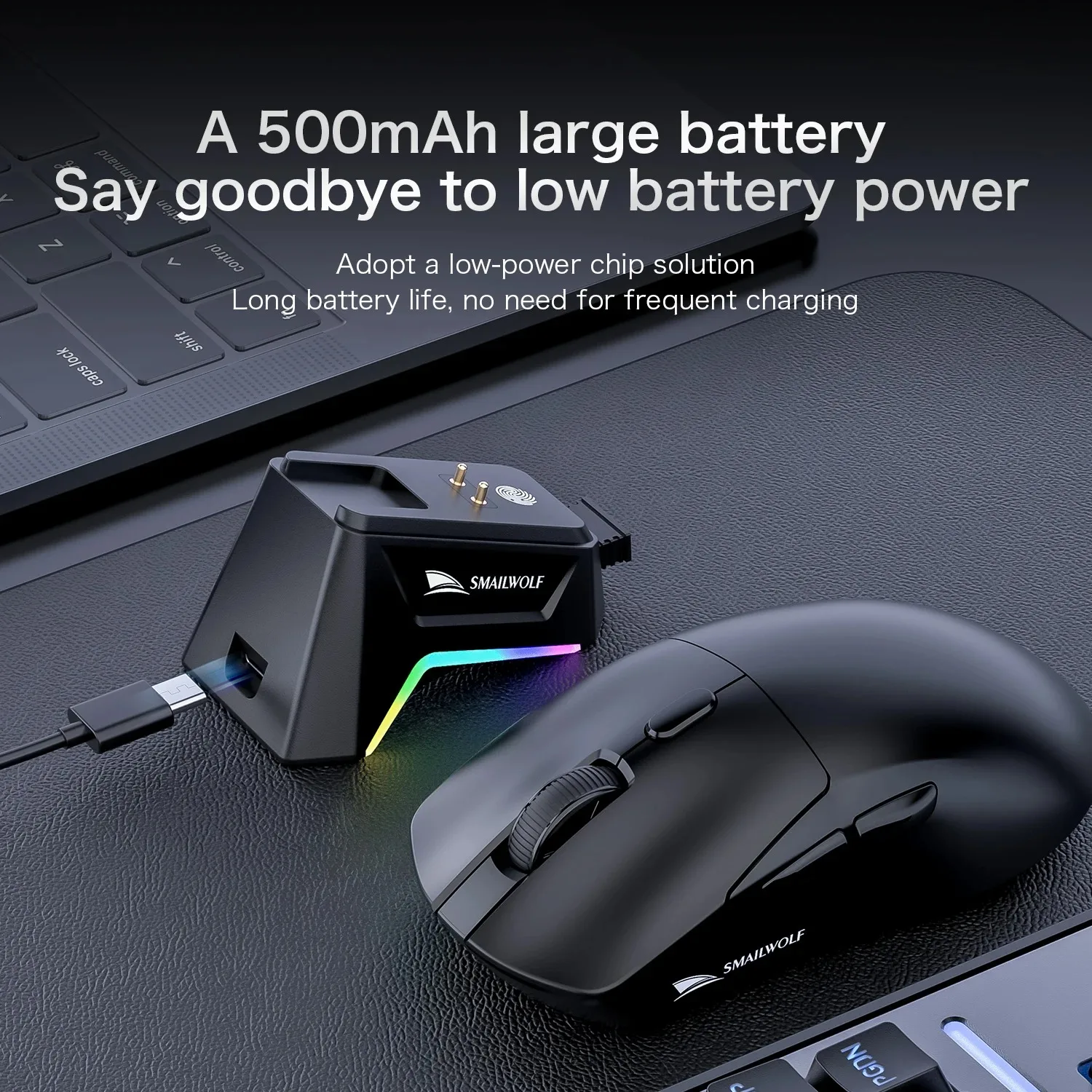
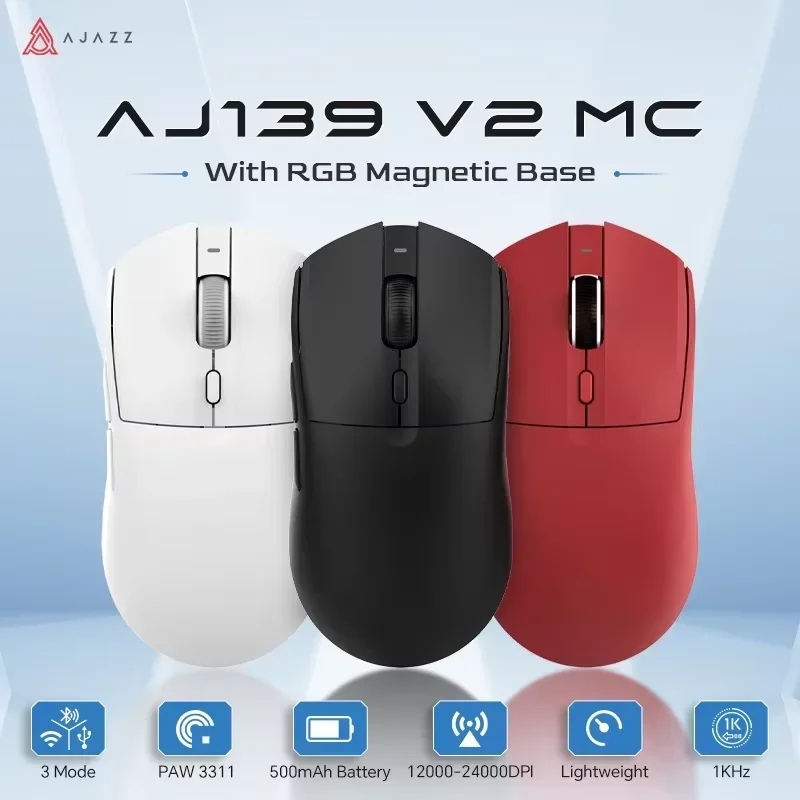
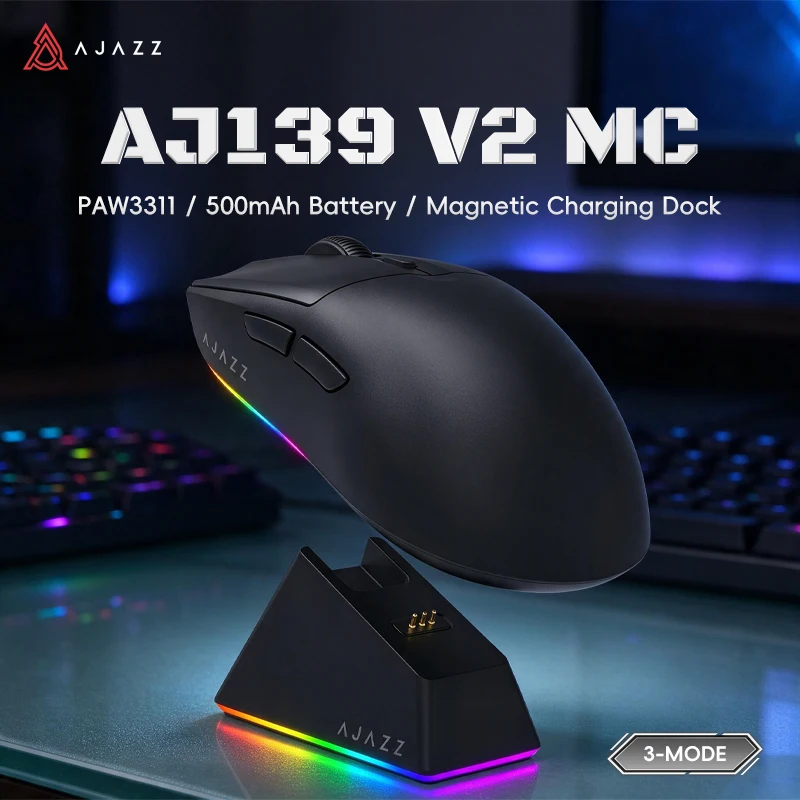
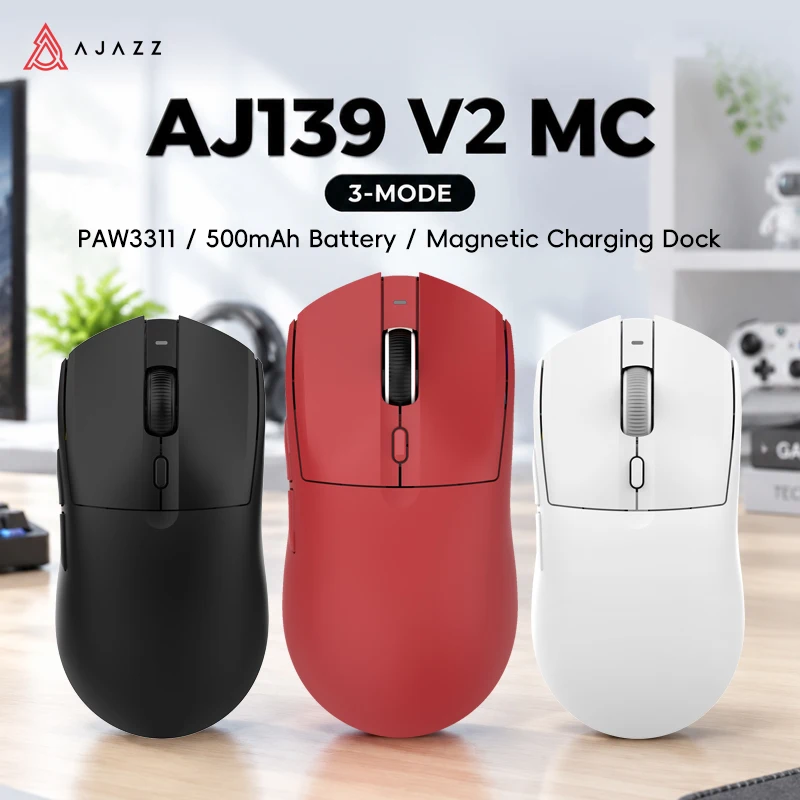
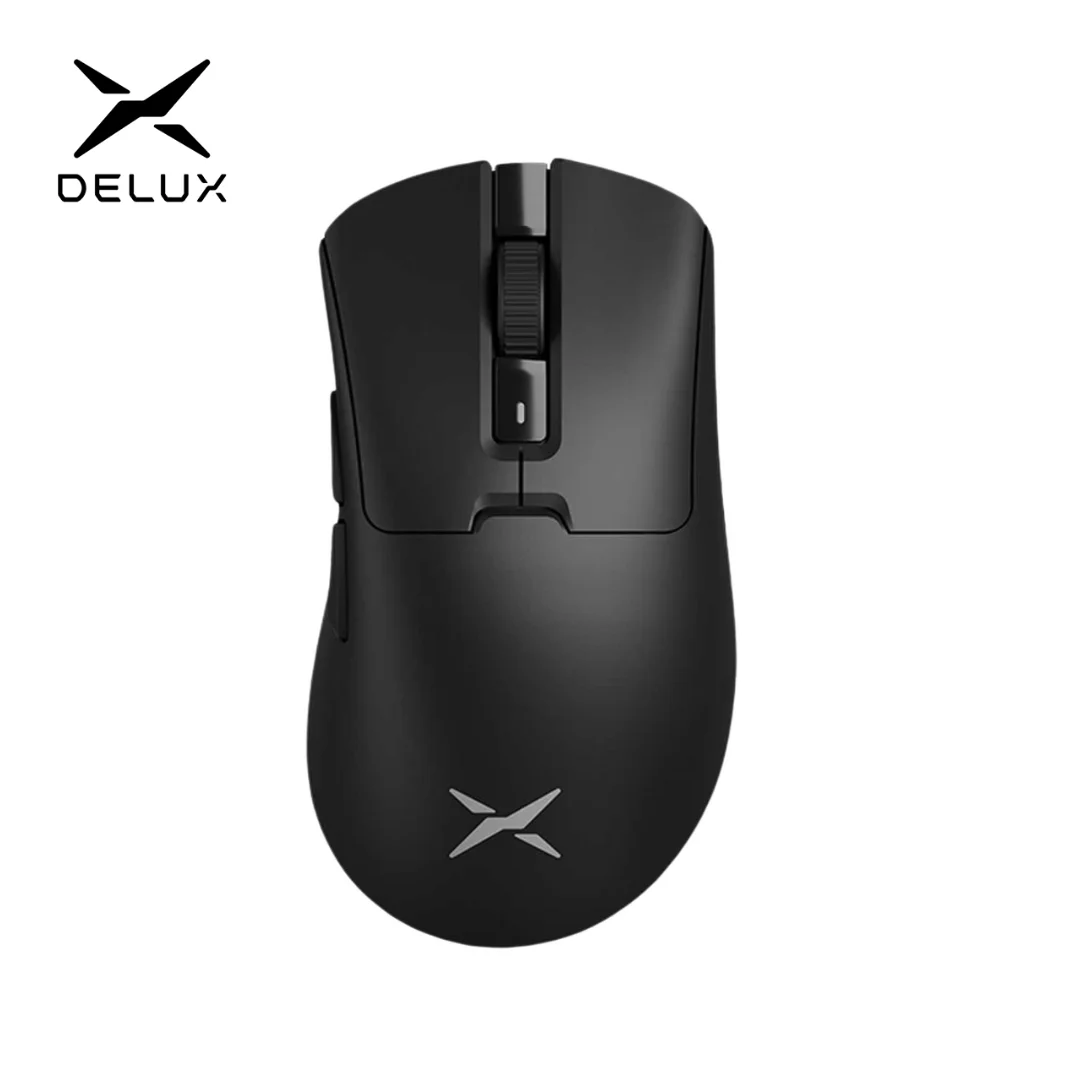
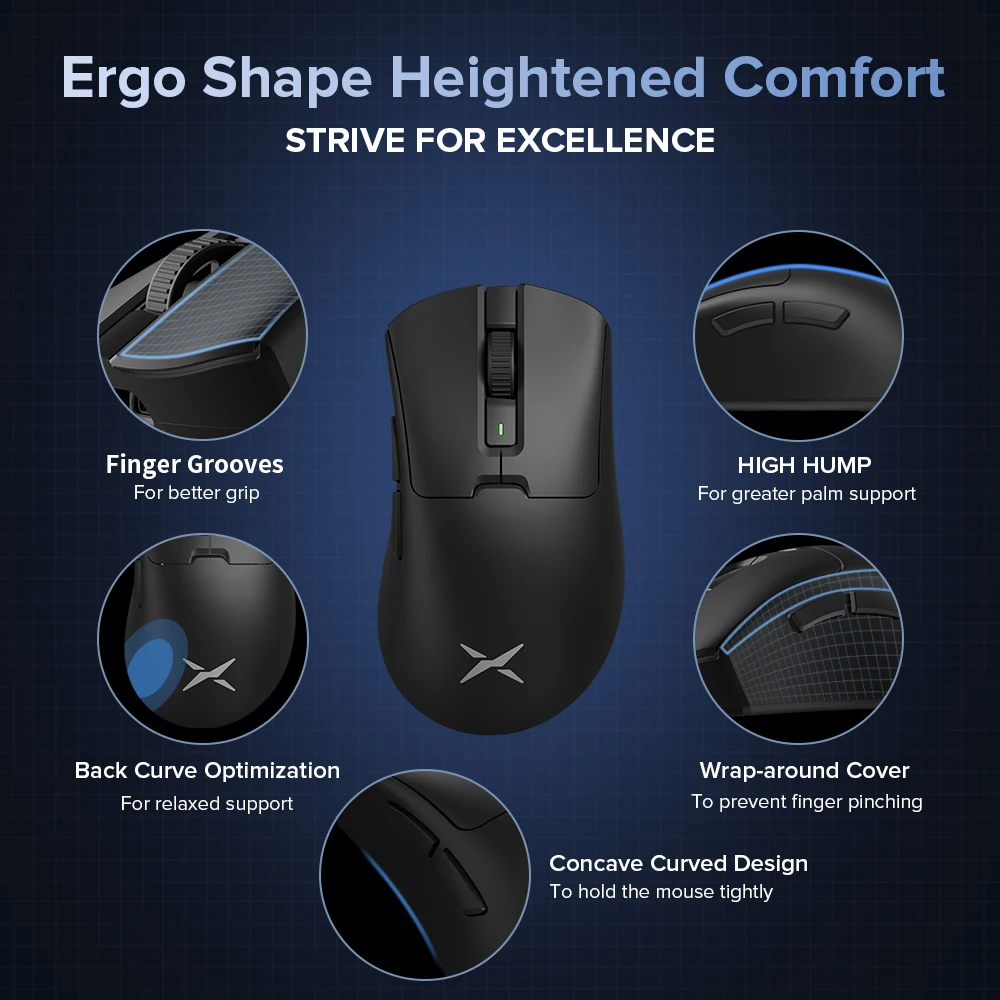
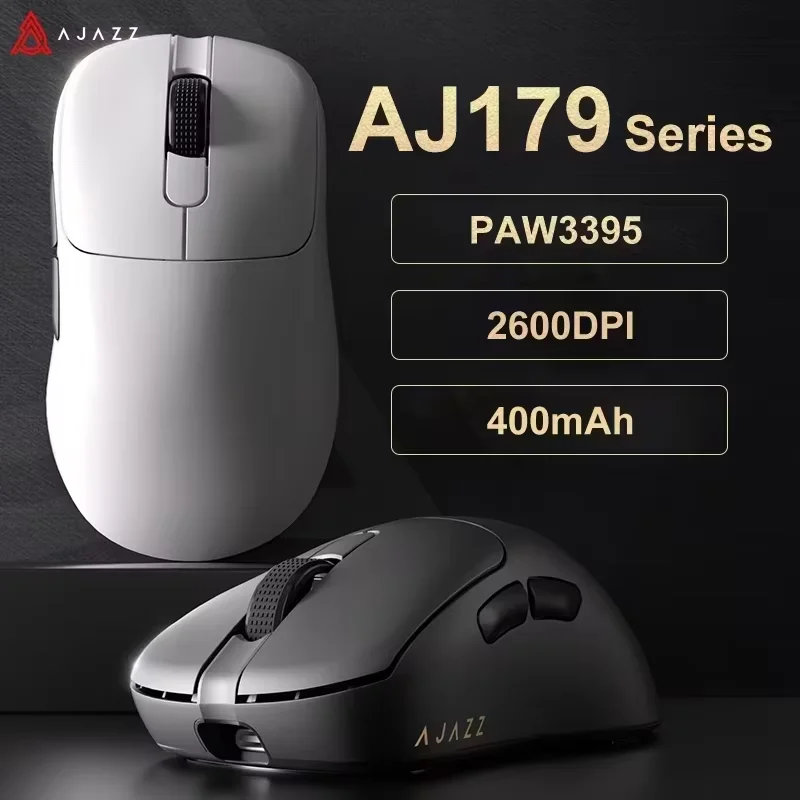
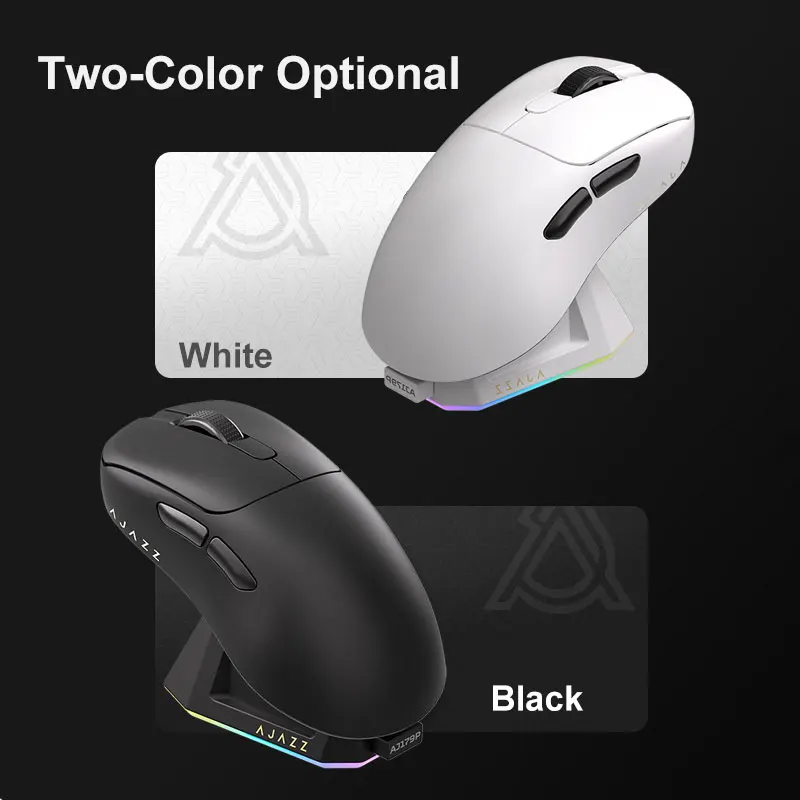
- Gaming mice track quickly and exactly, report their position many times a second, and add buttons where your thumb rests. Most here connect three ways: a USB receiver, Bluetooth or a cable. See gaming mice.
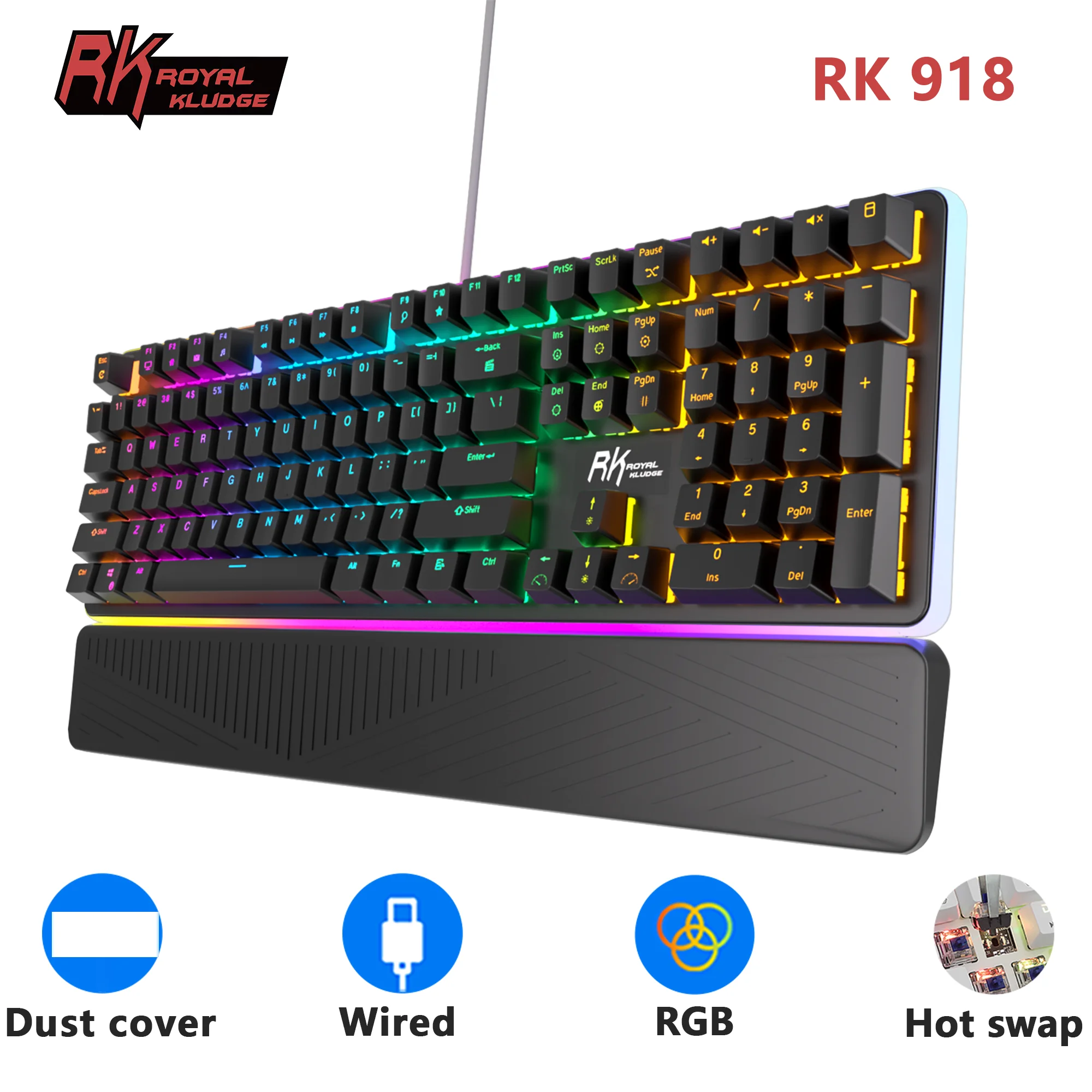
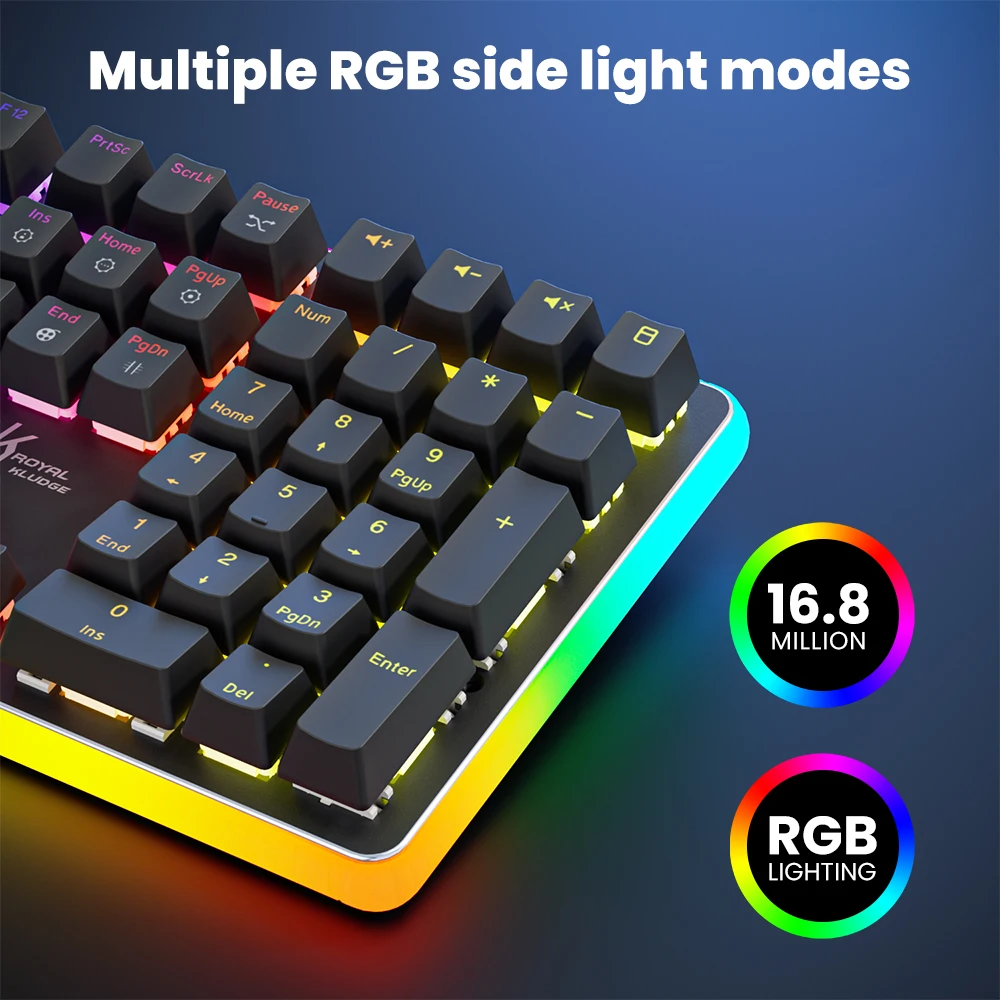
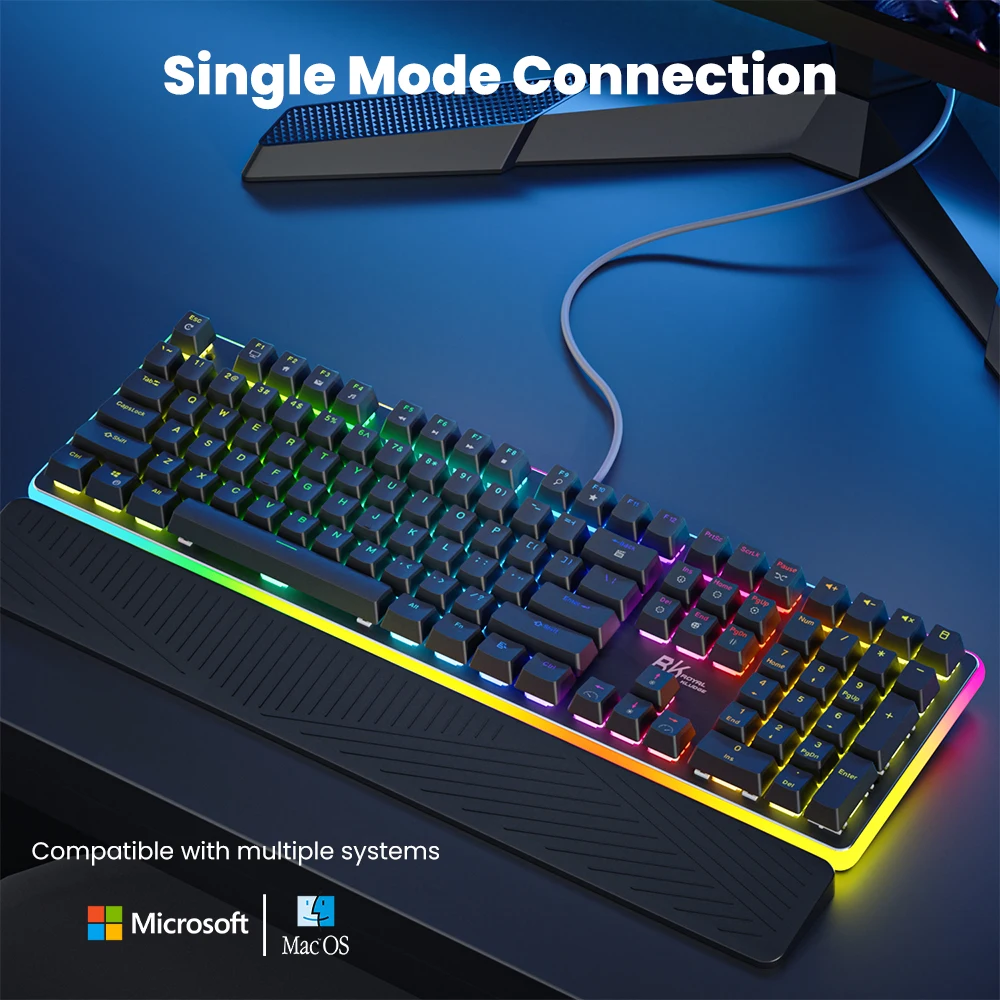
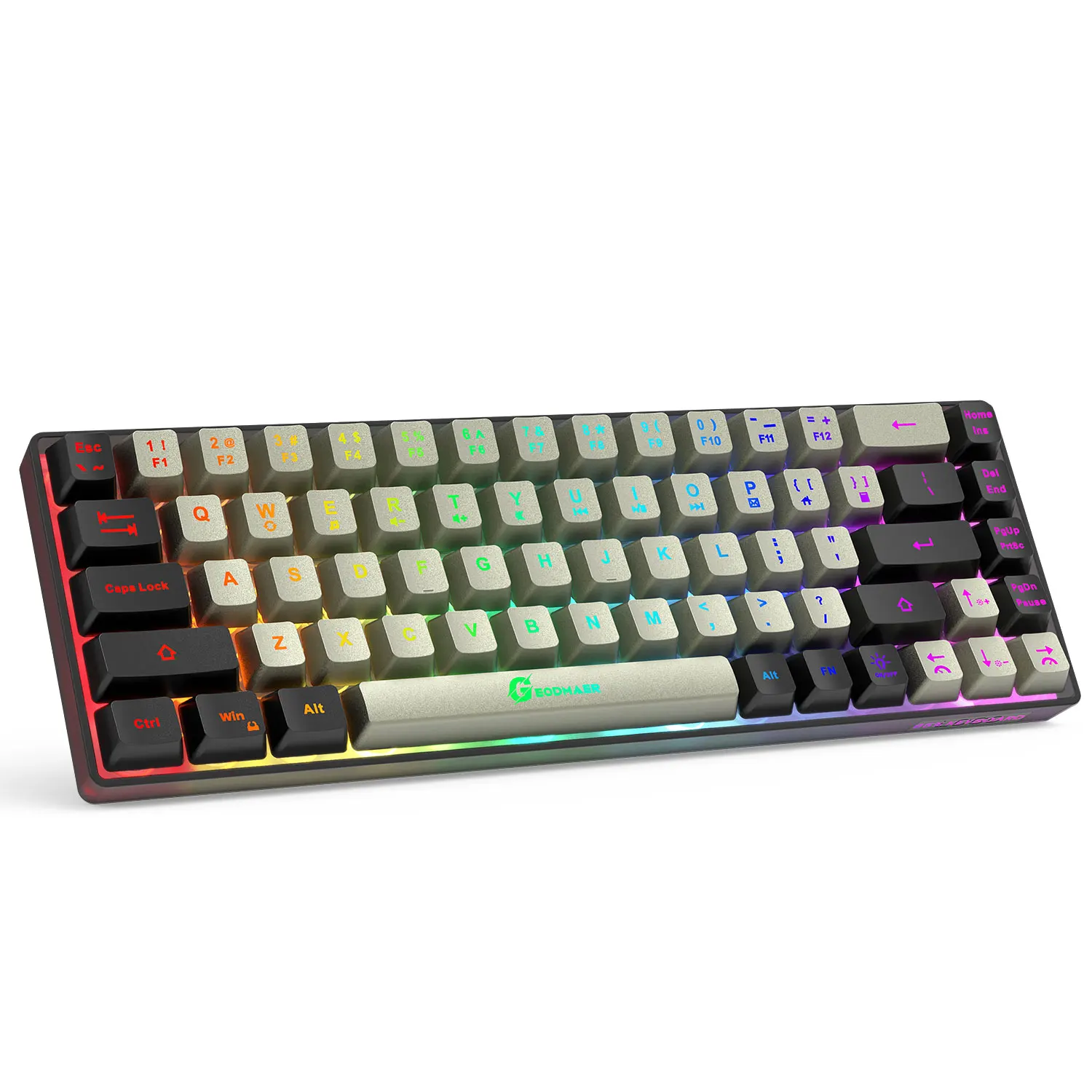
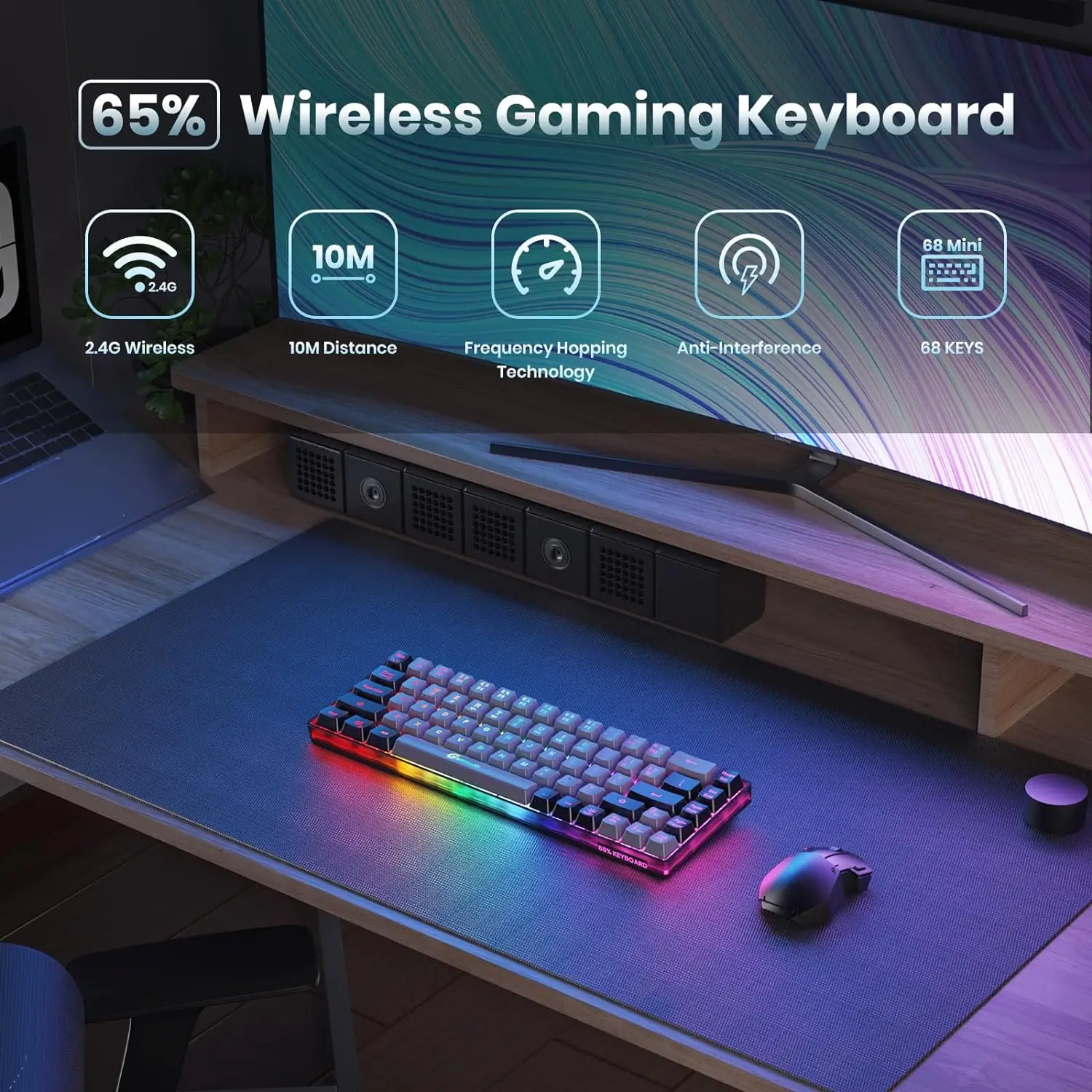
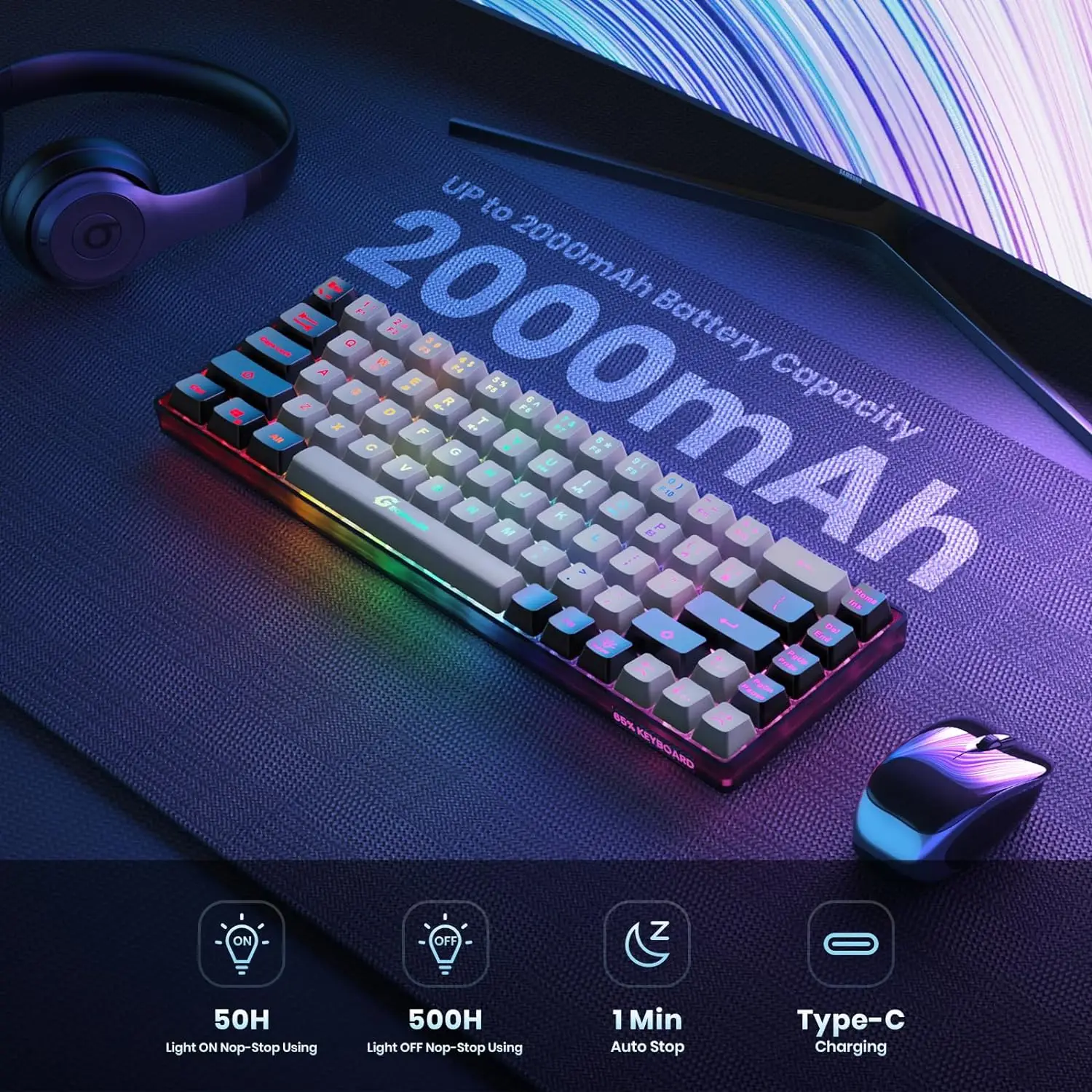
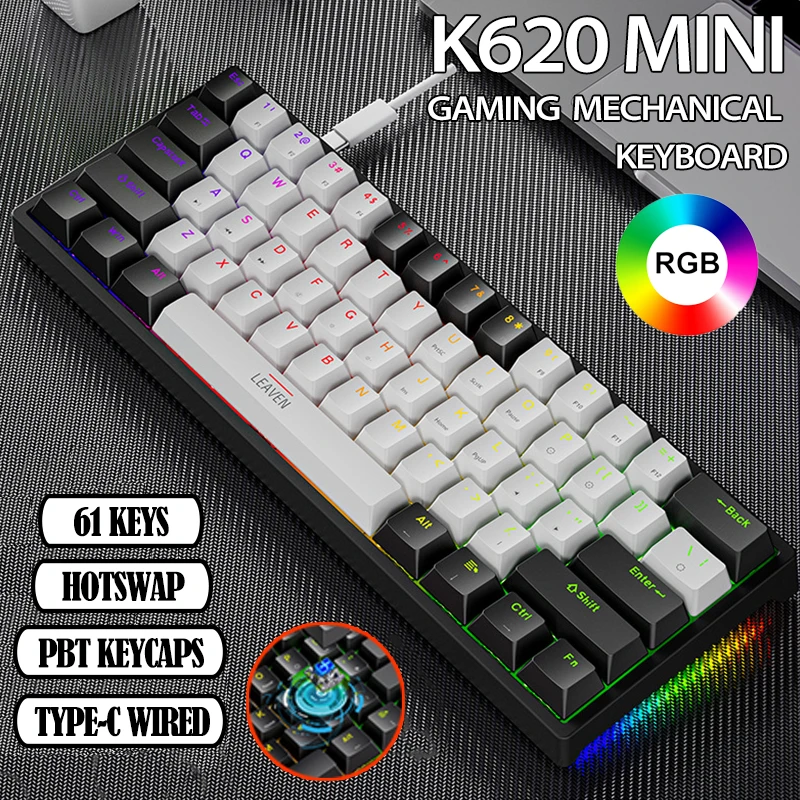
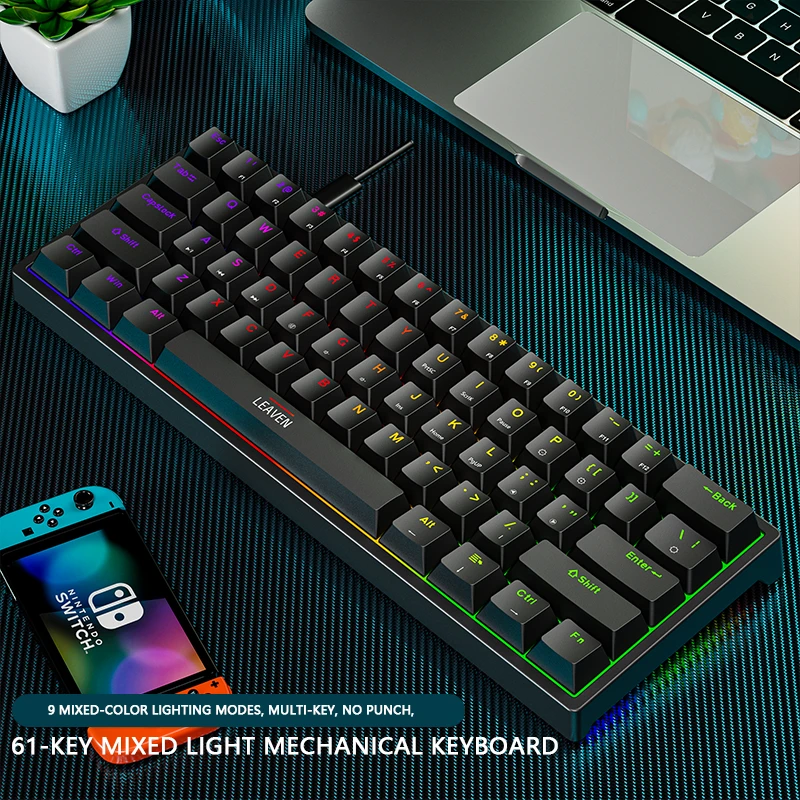
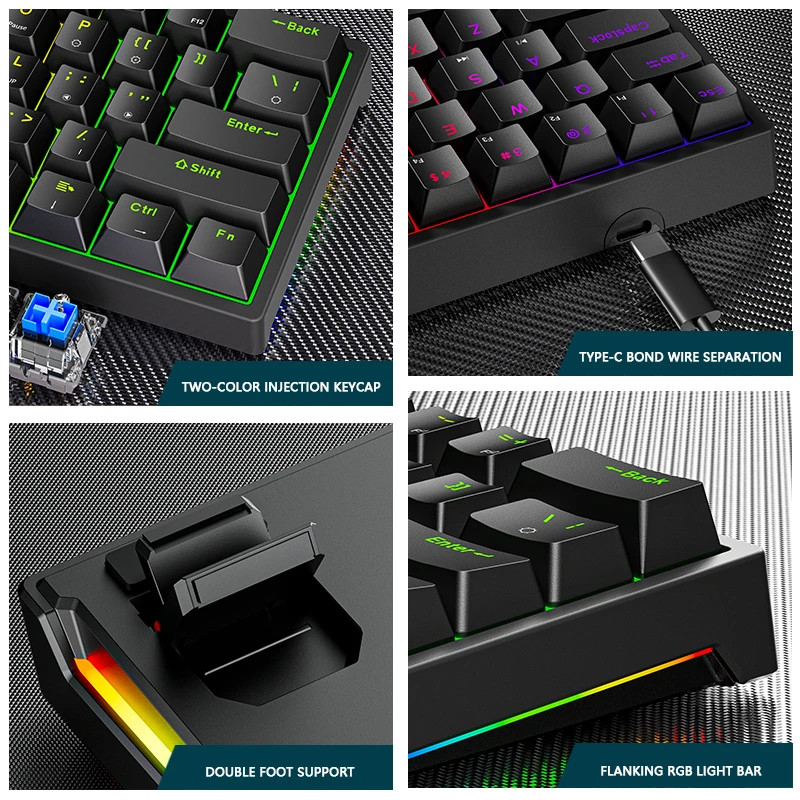
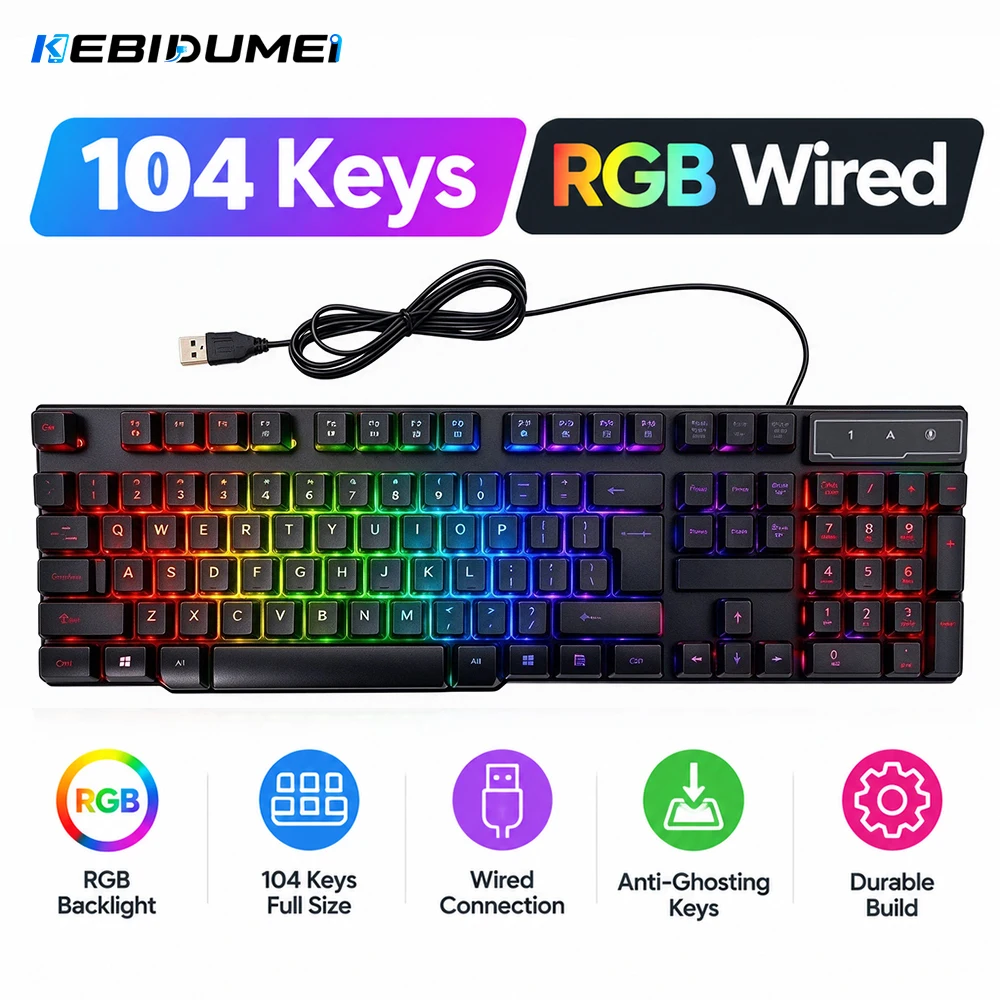
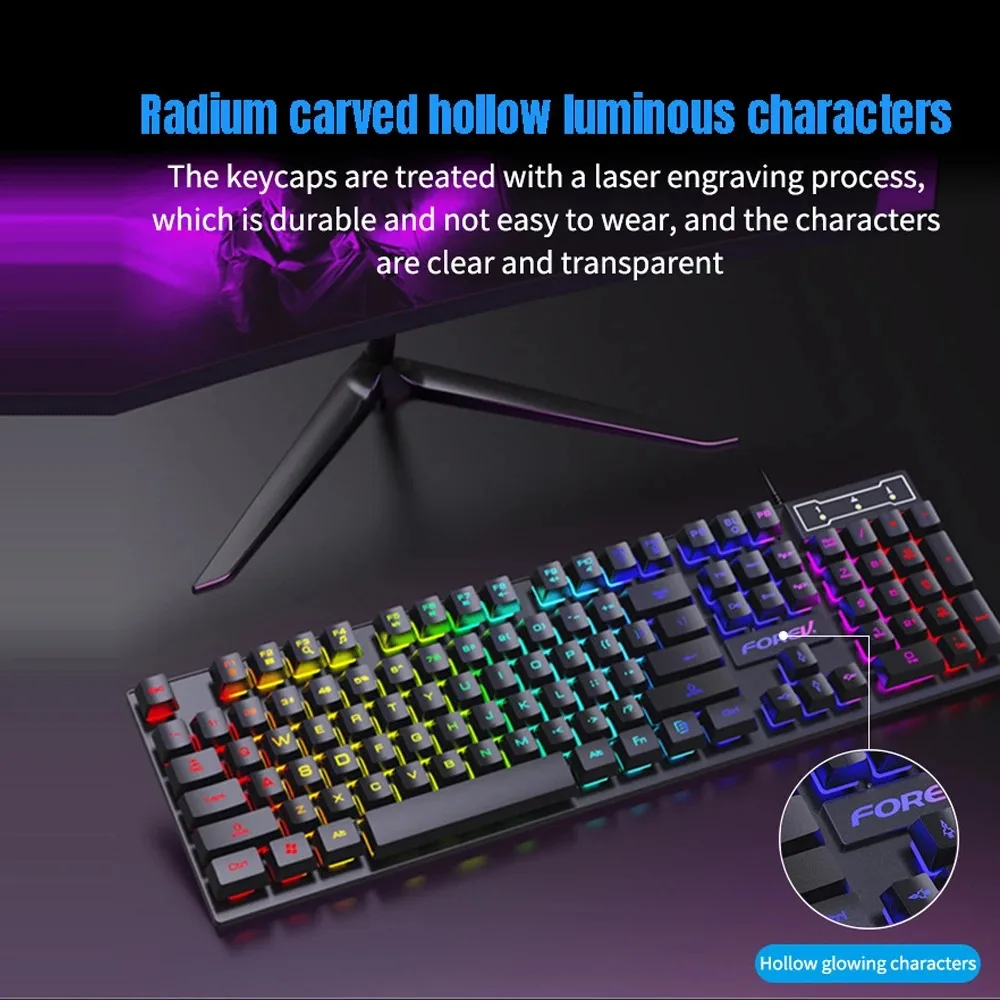
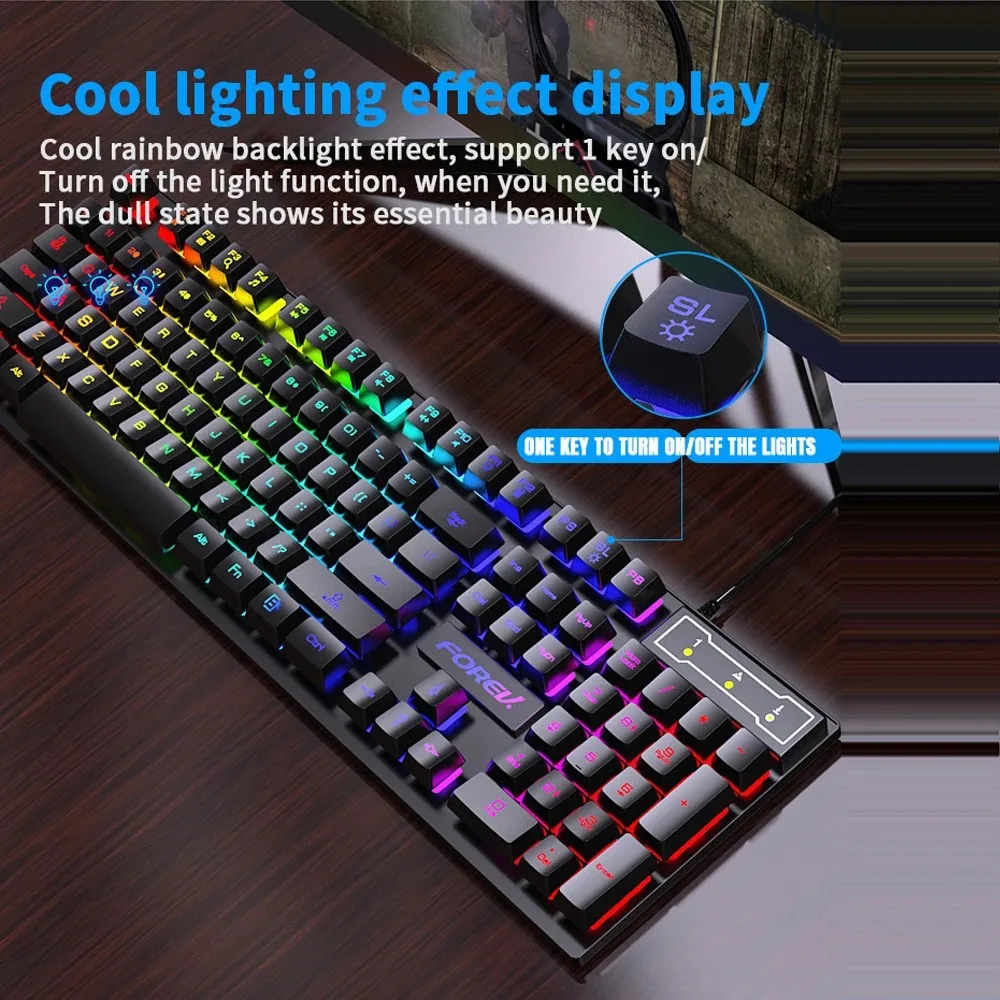
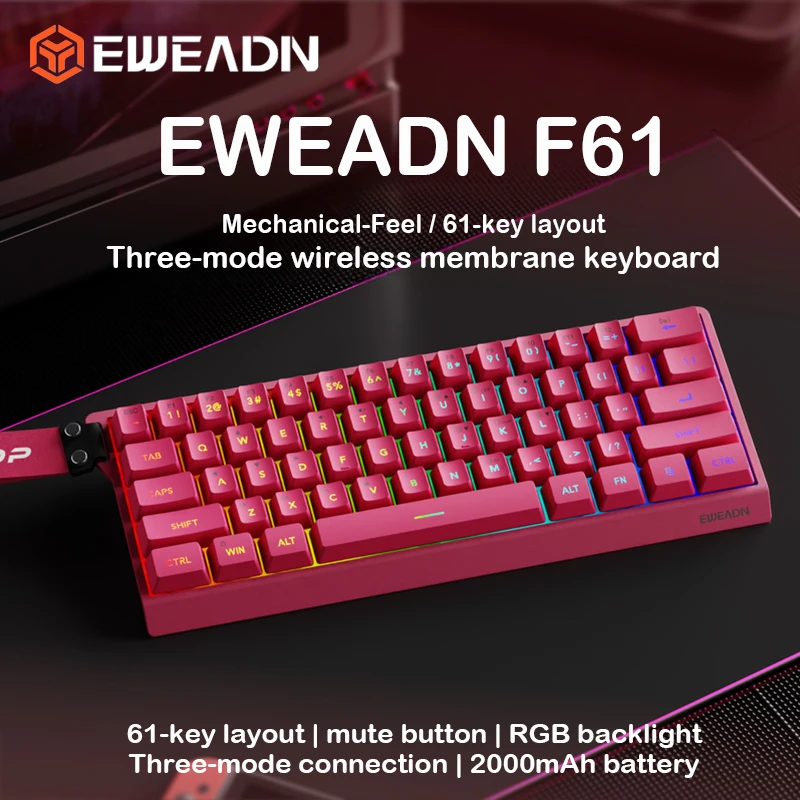
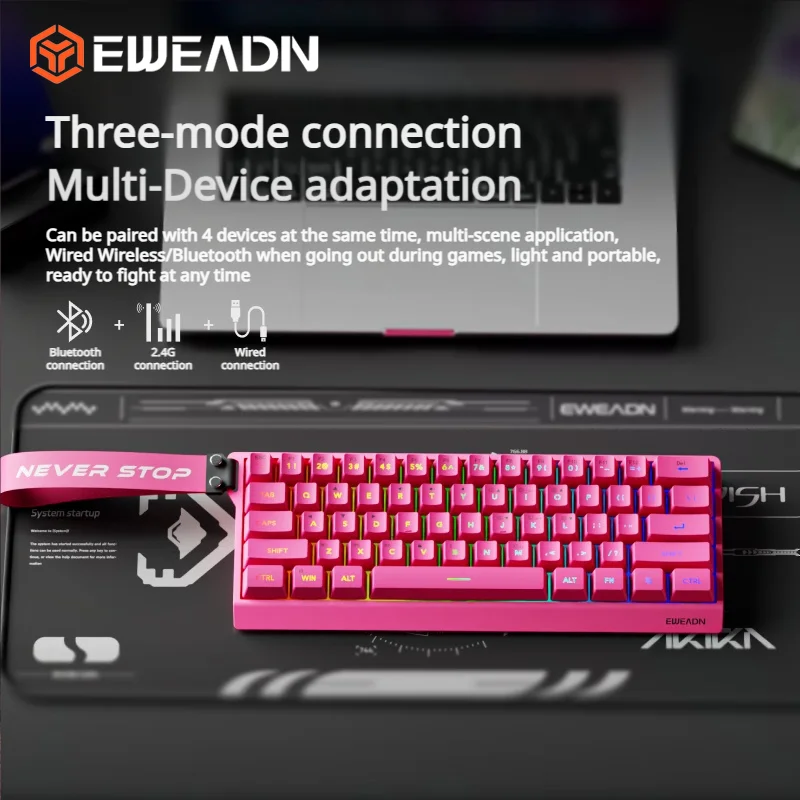
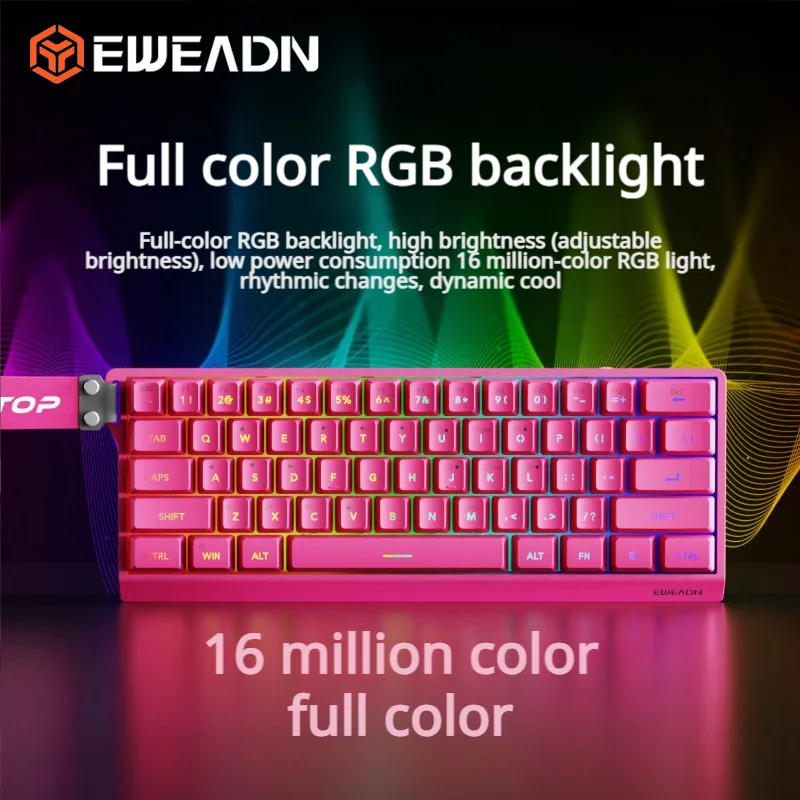
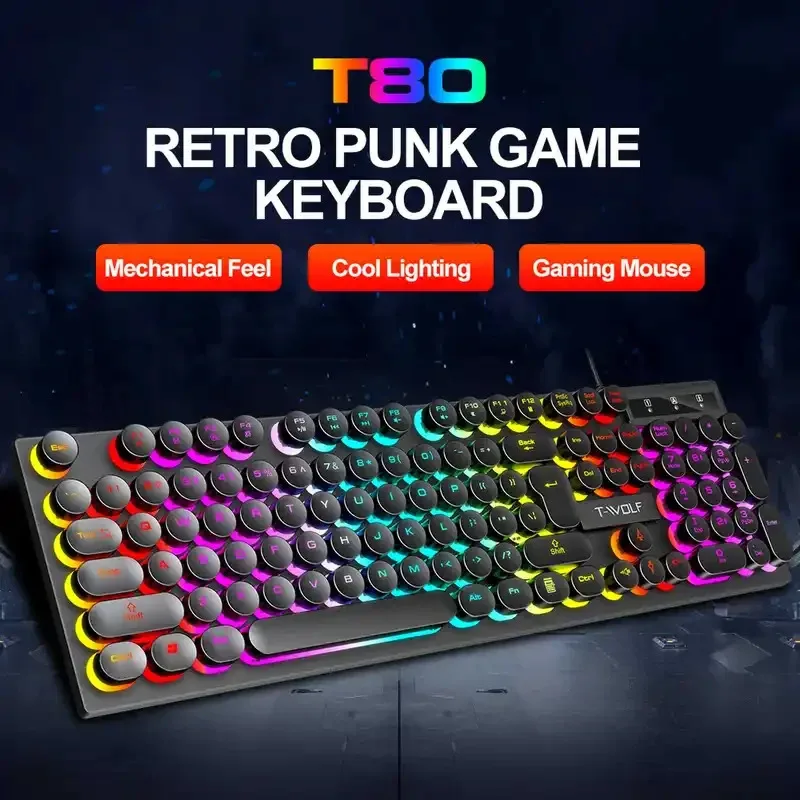
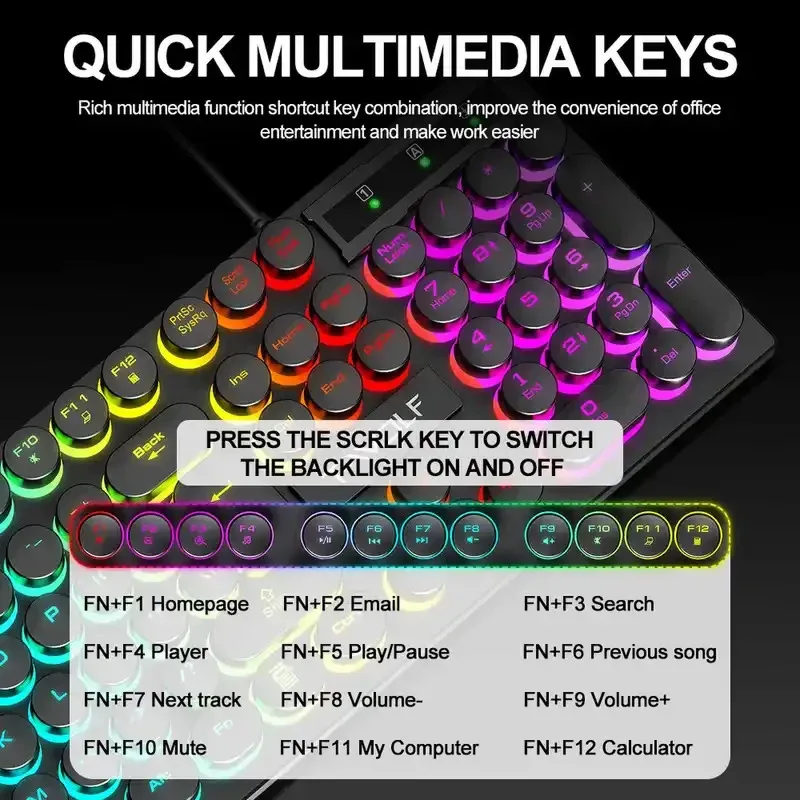
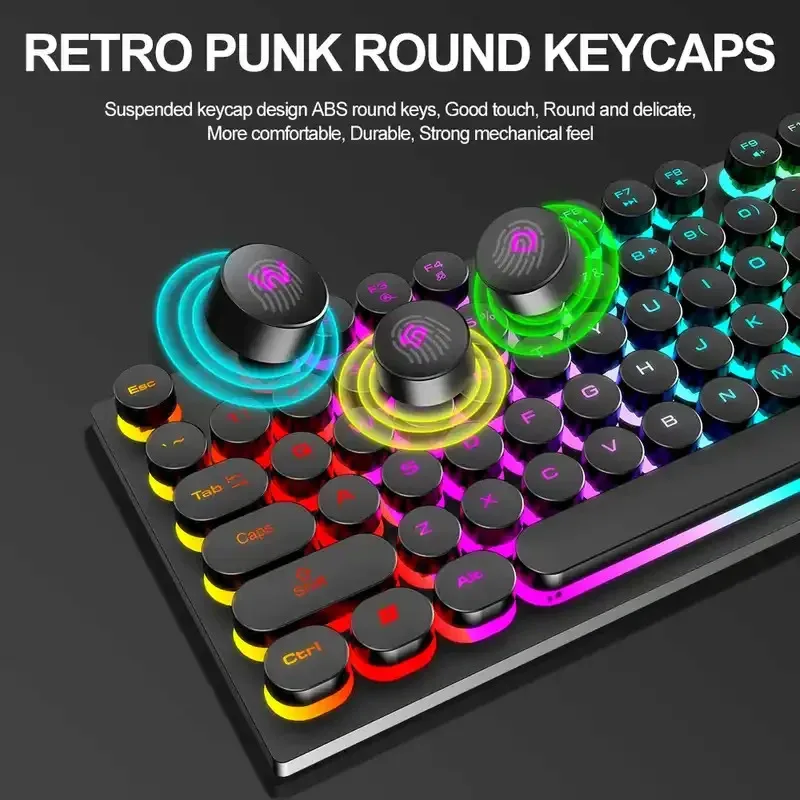
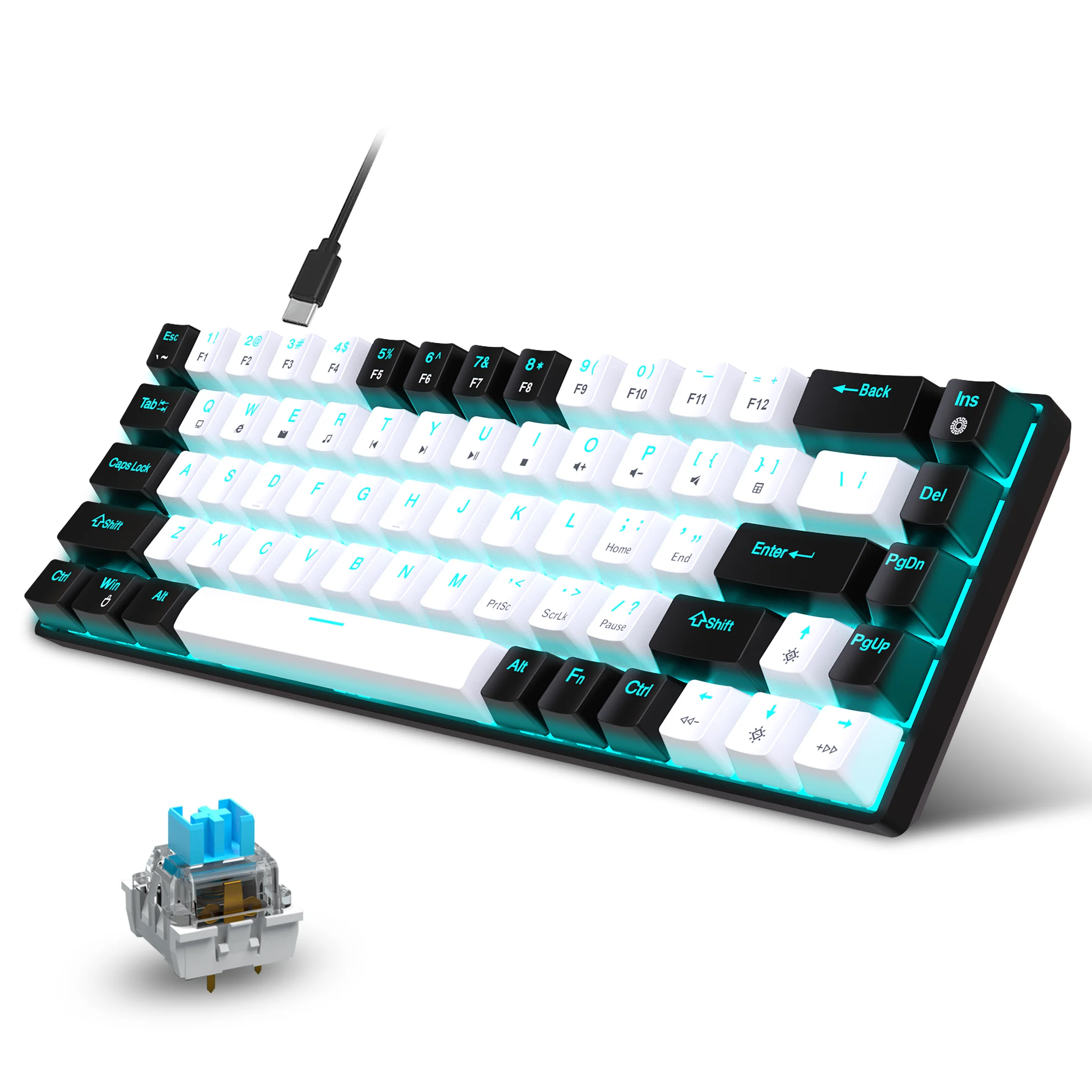
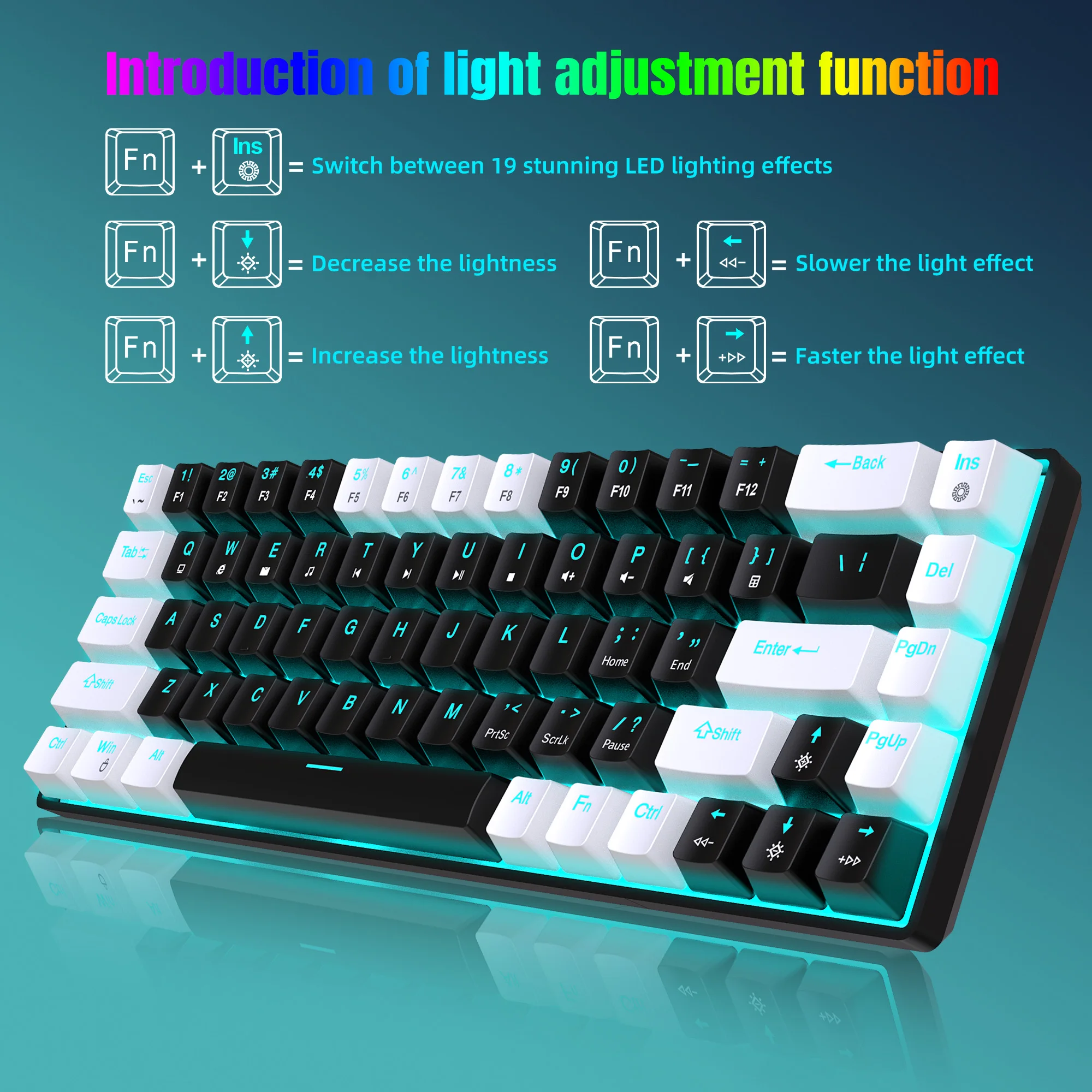
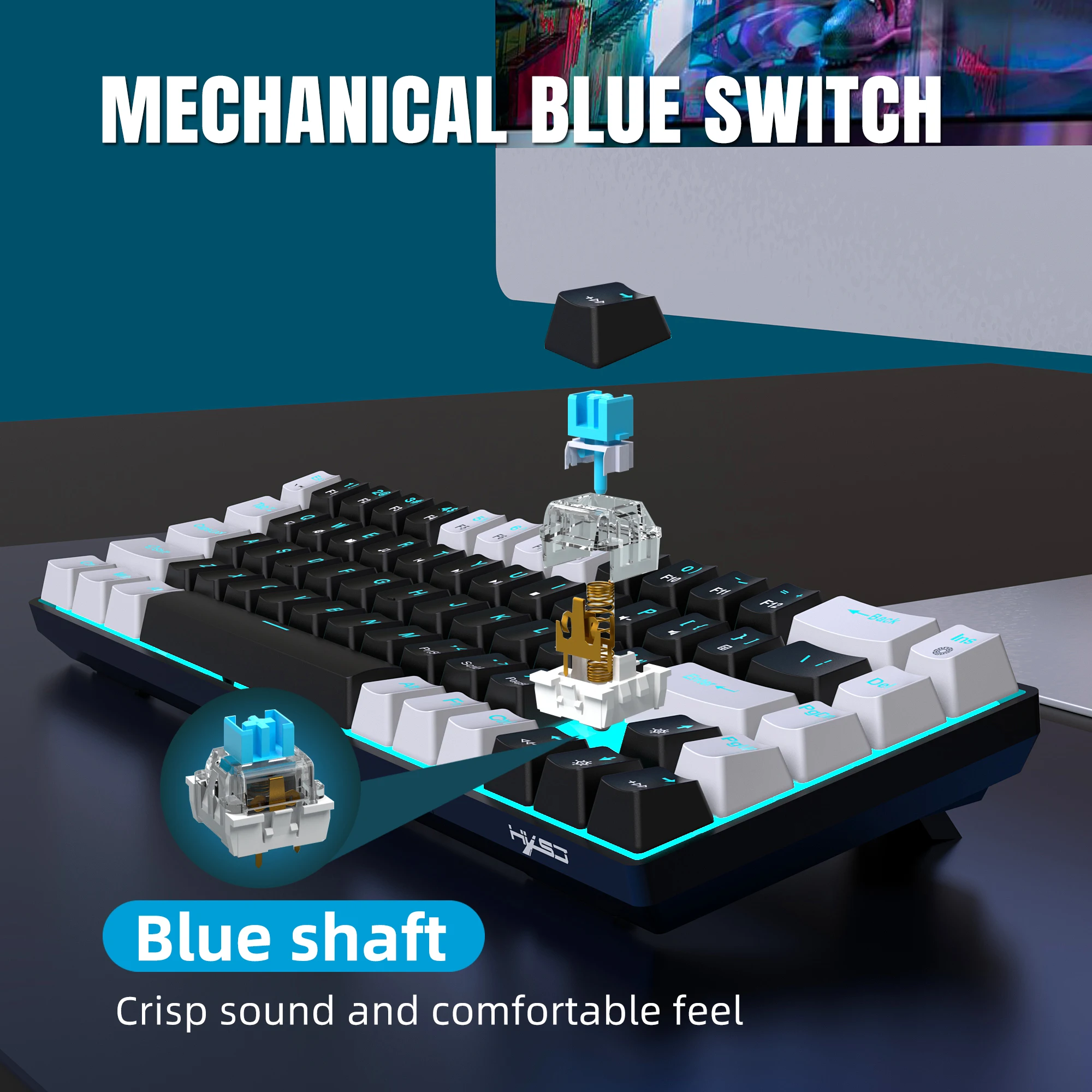
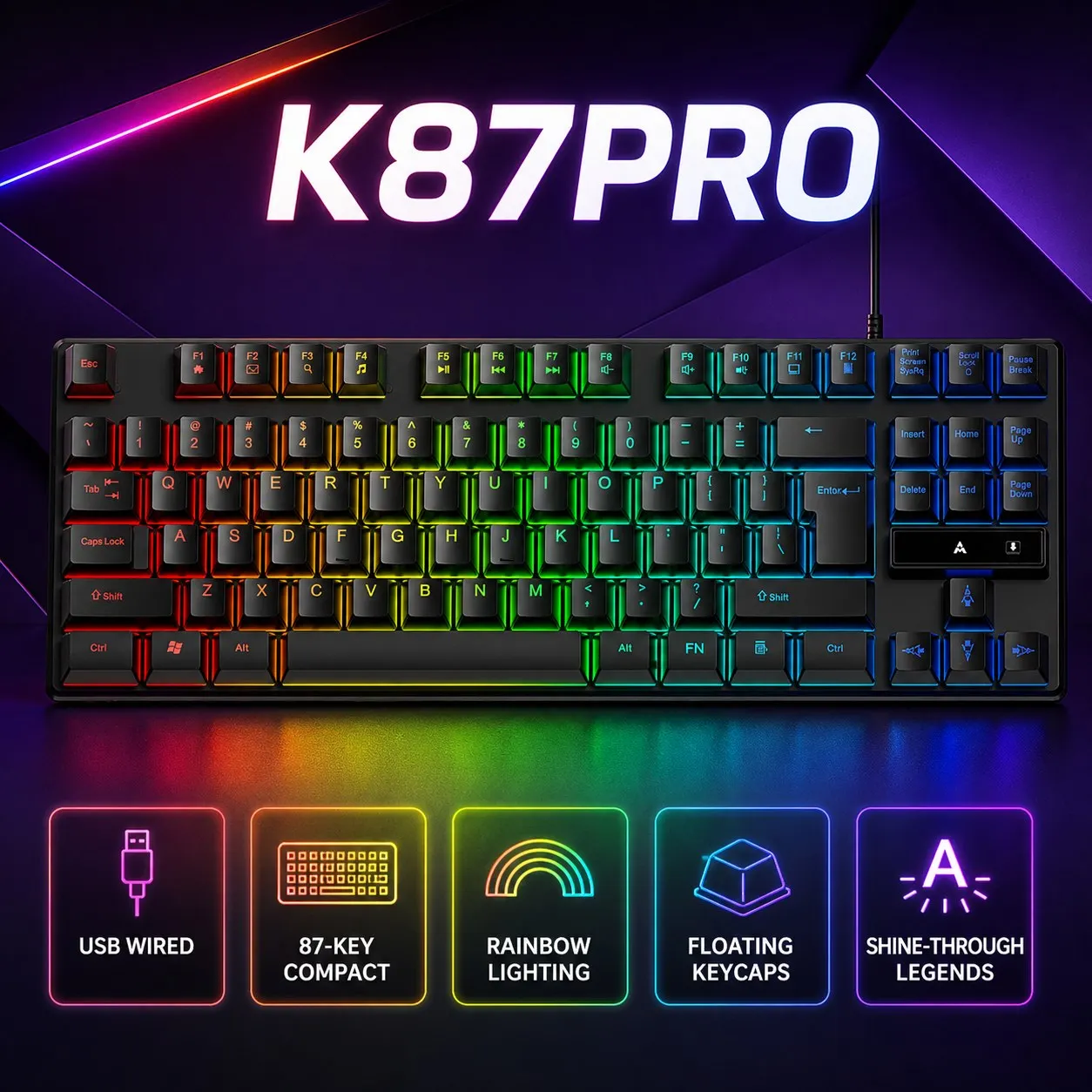
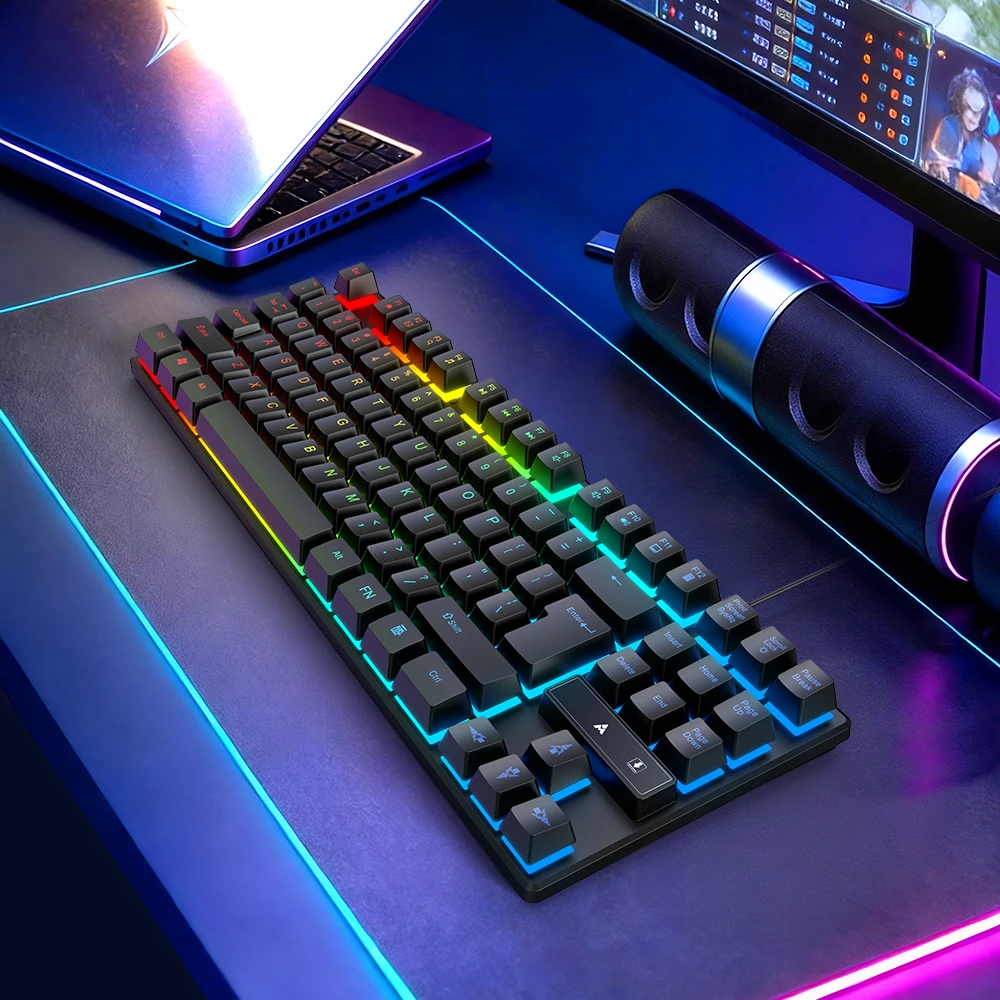
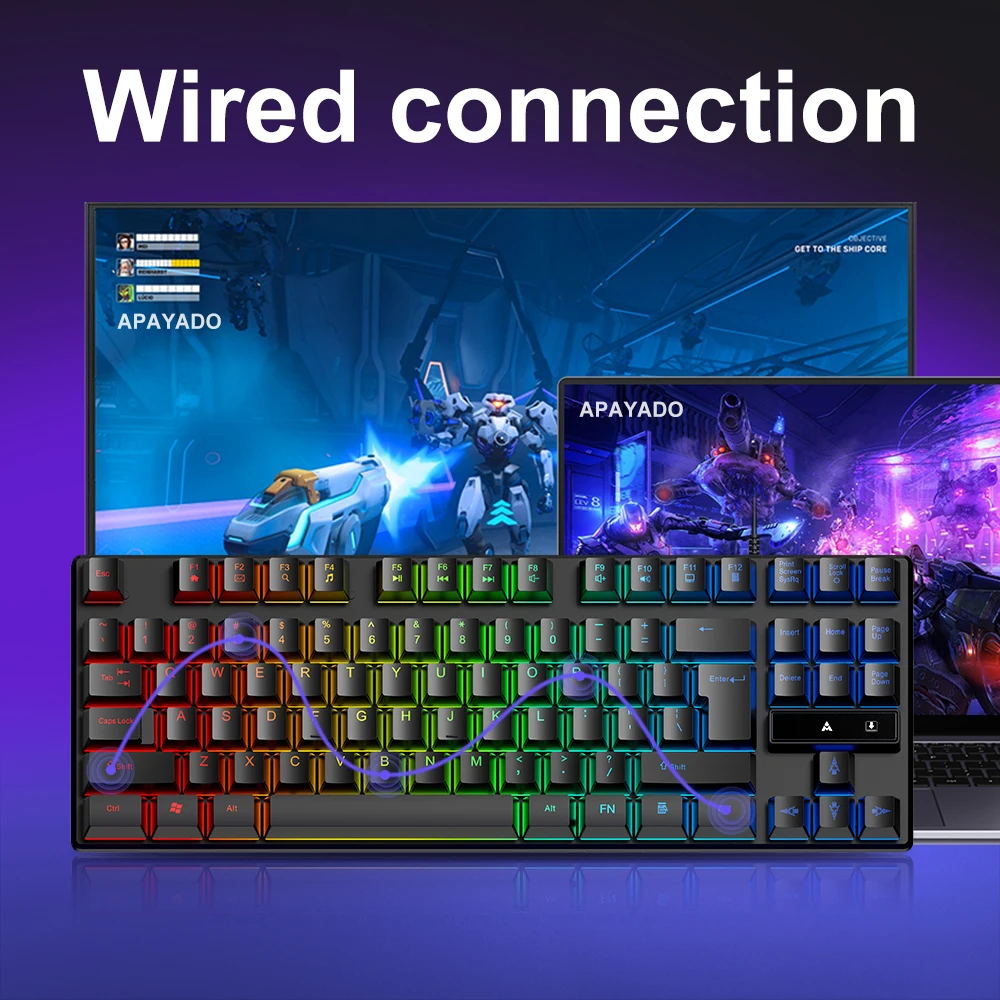
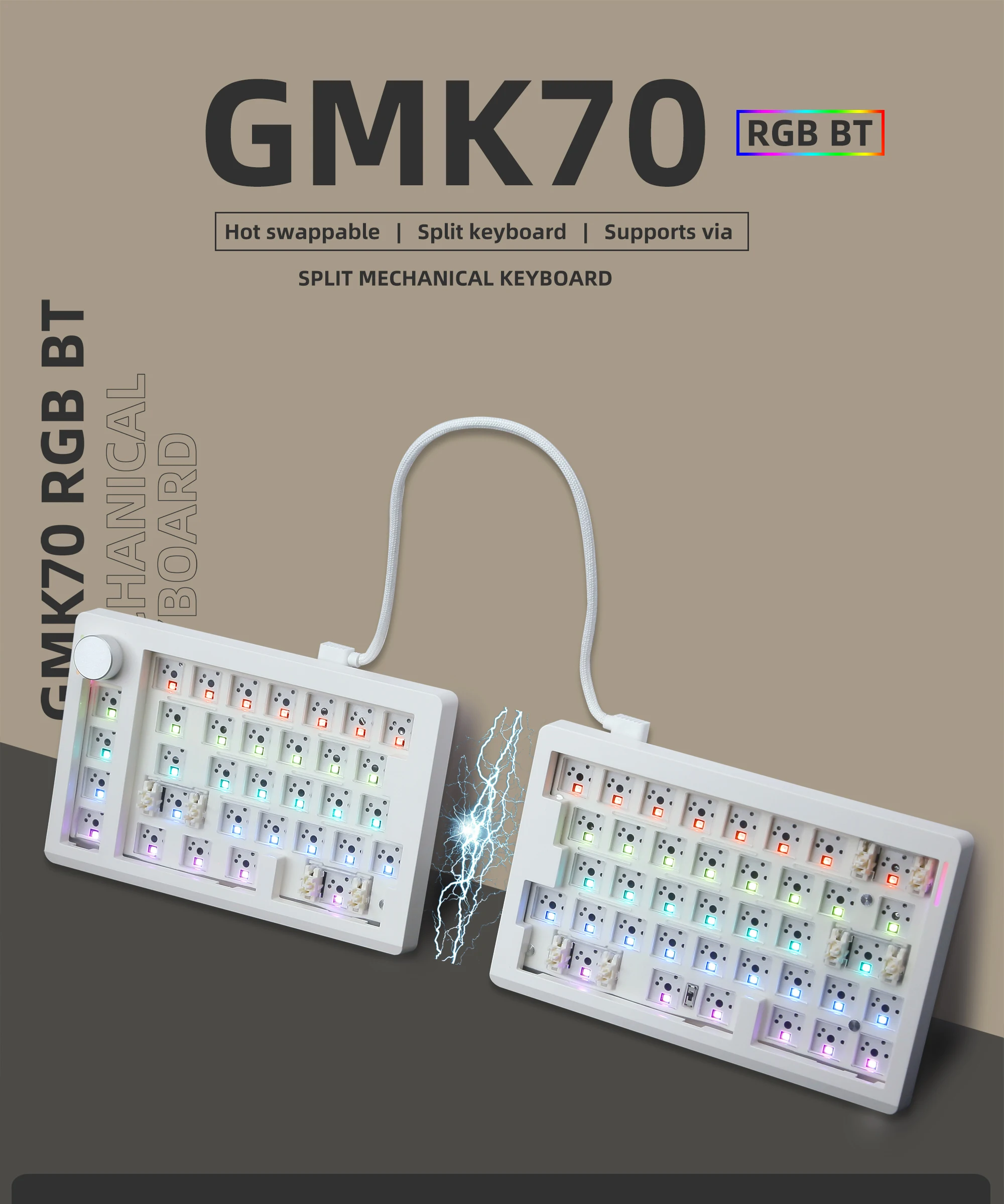
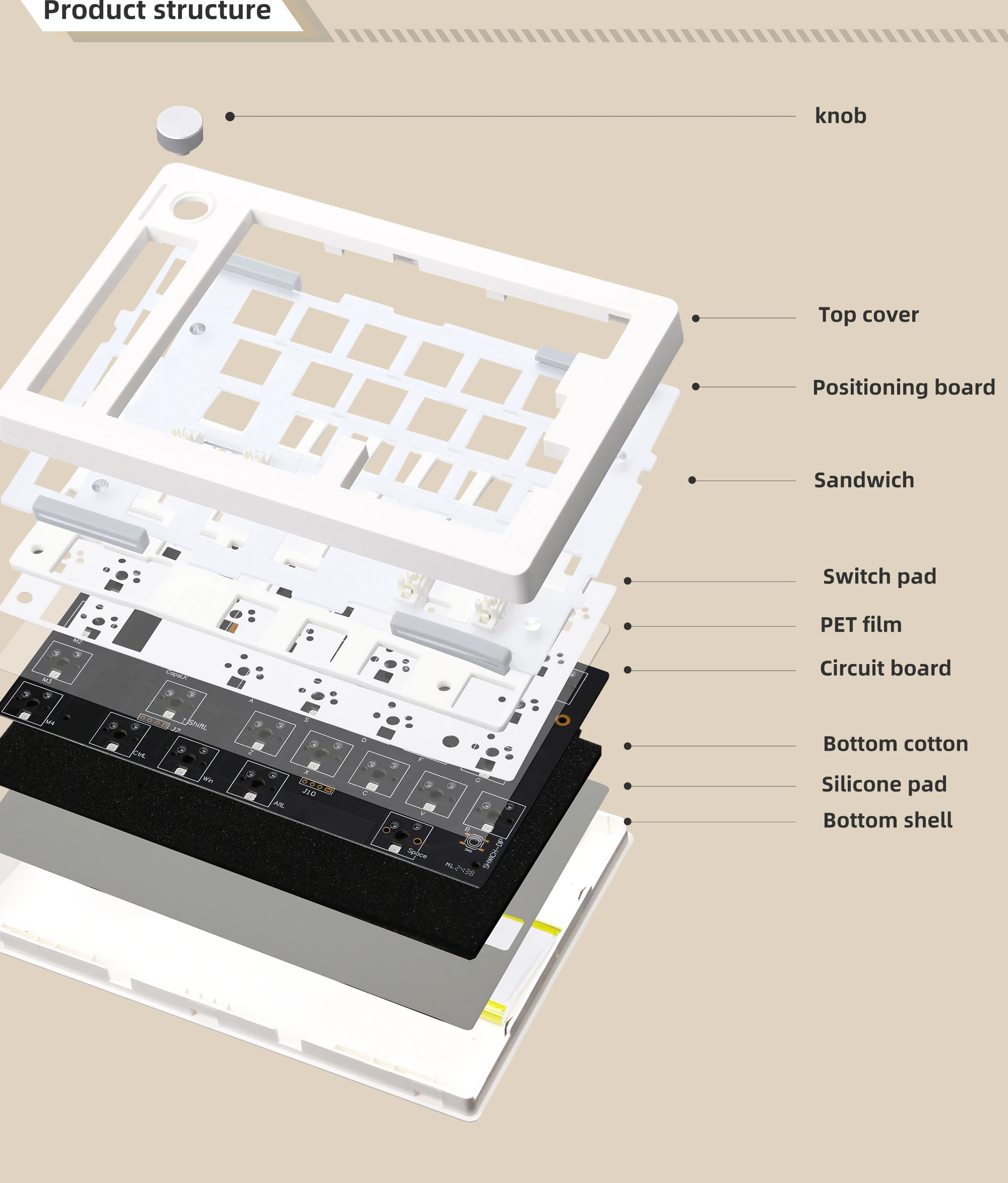
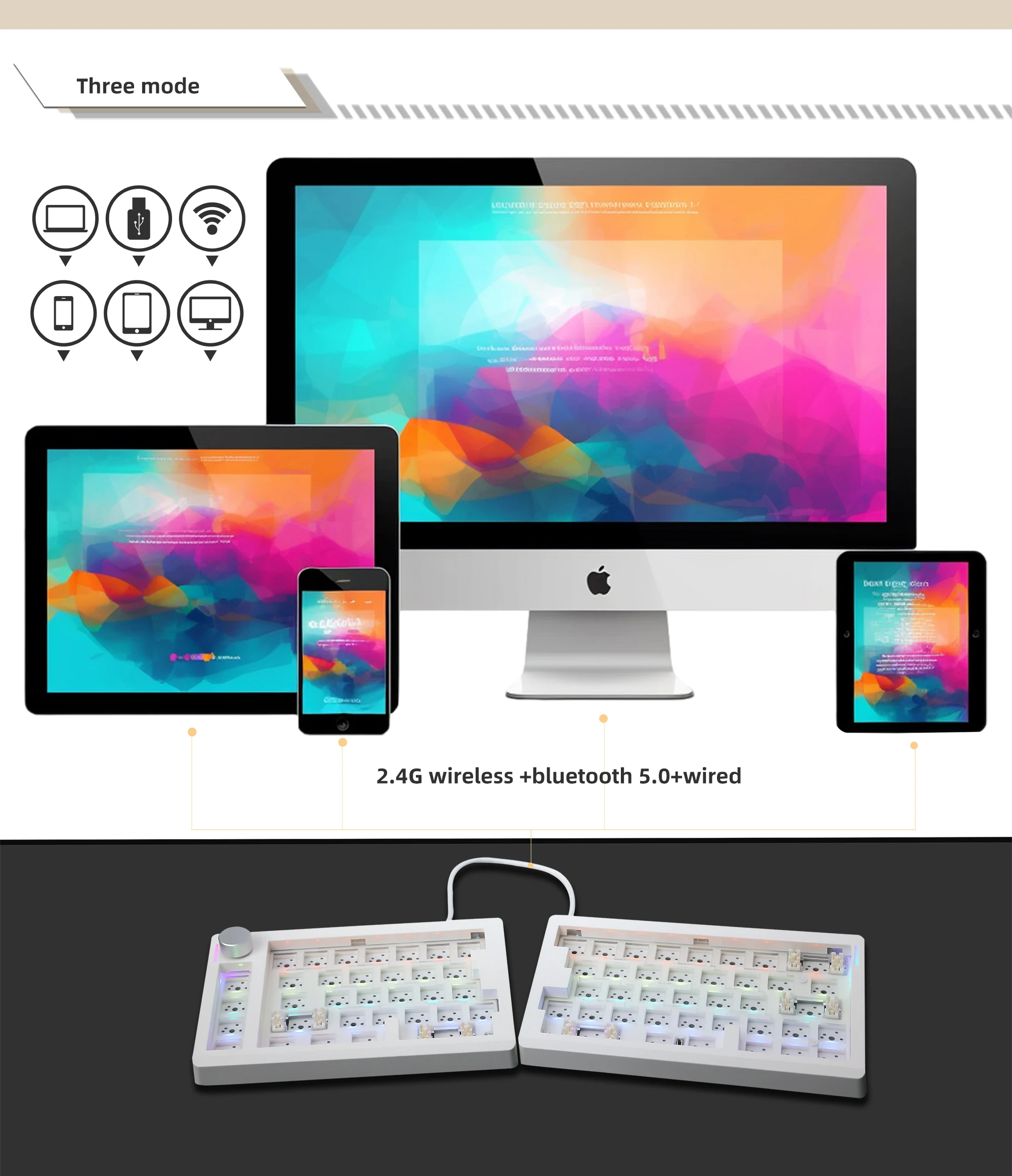
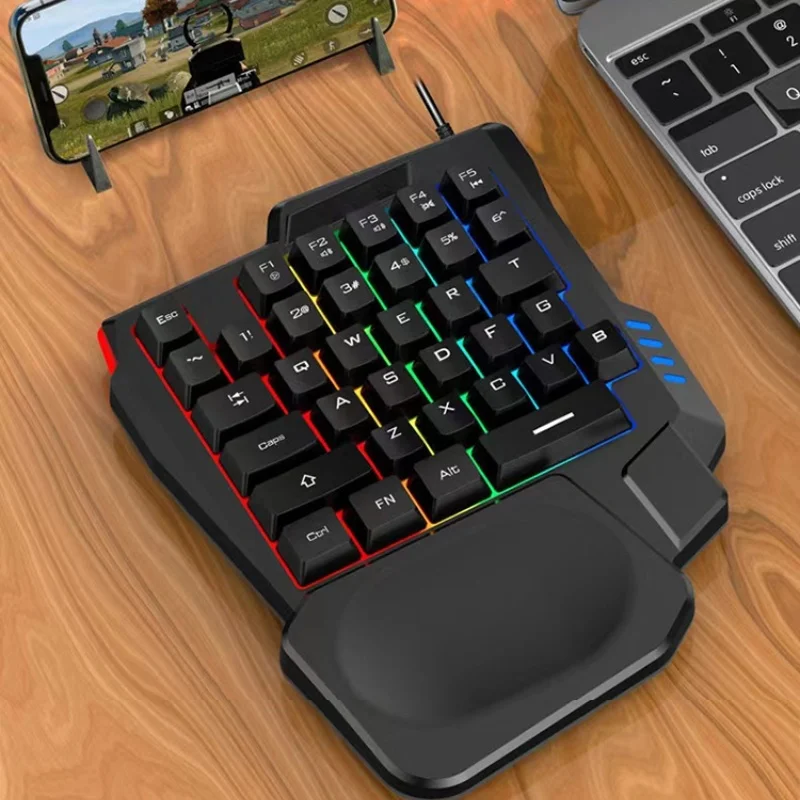
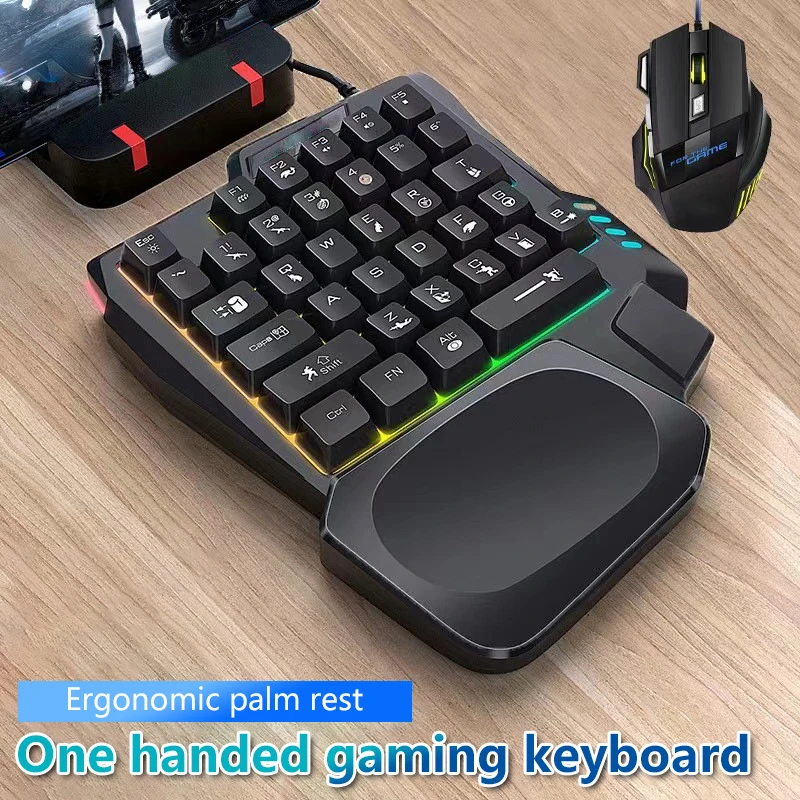
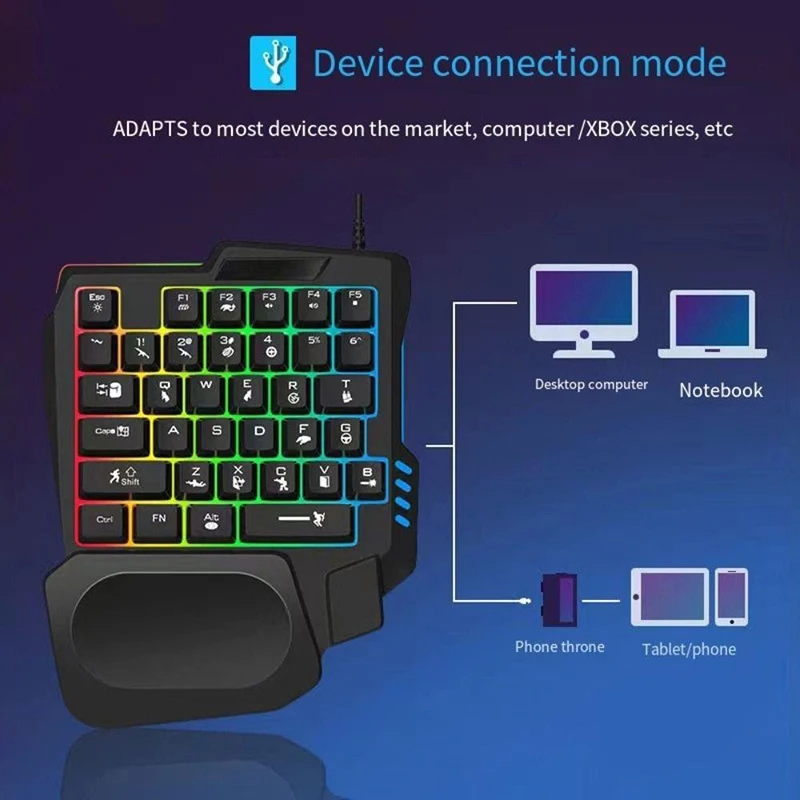
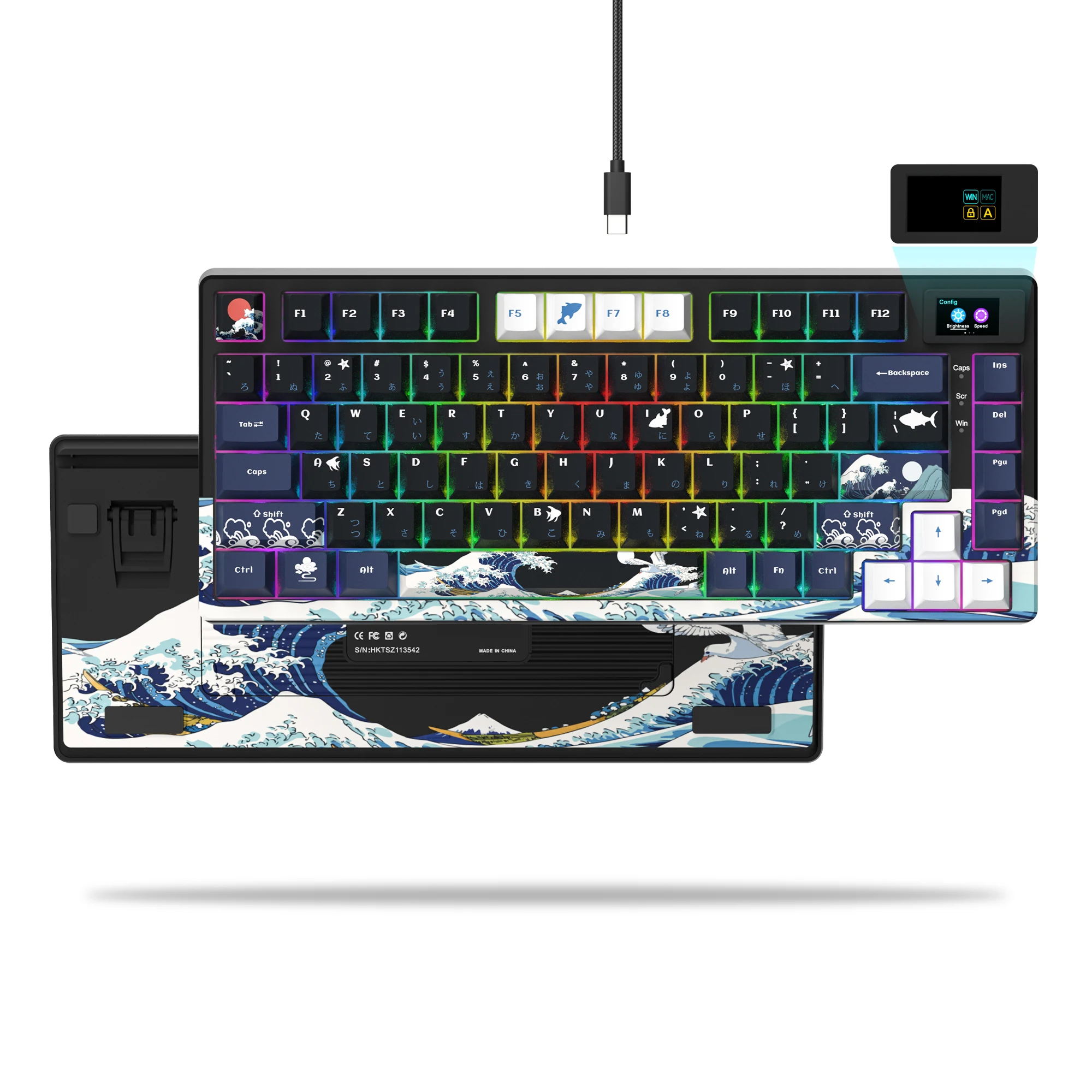
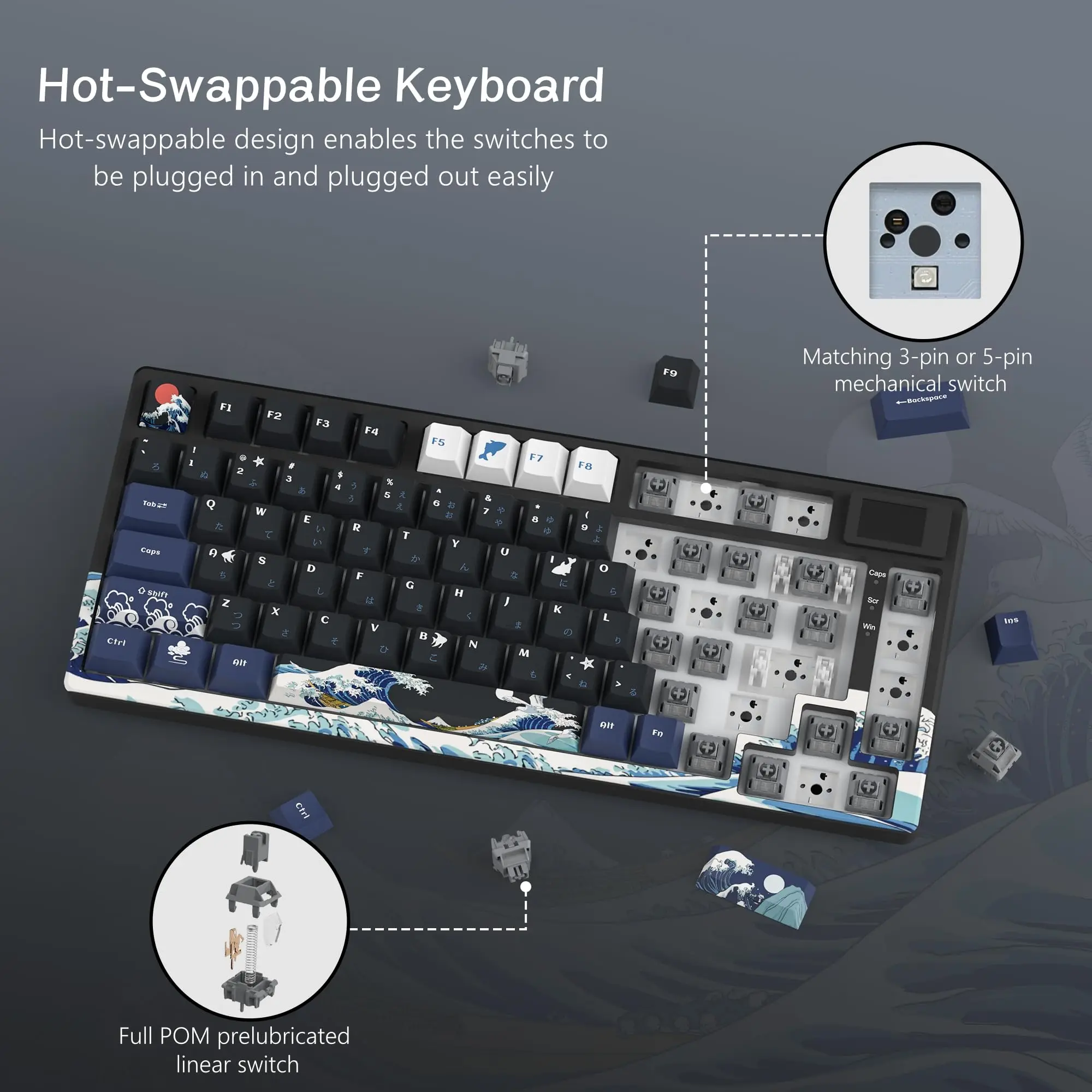
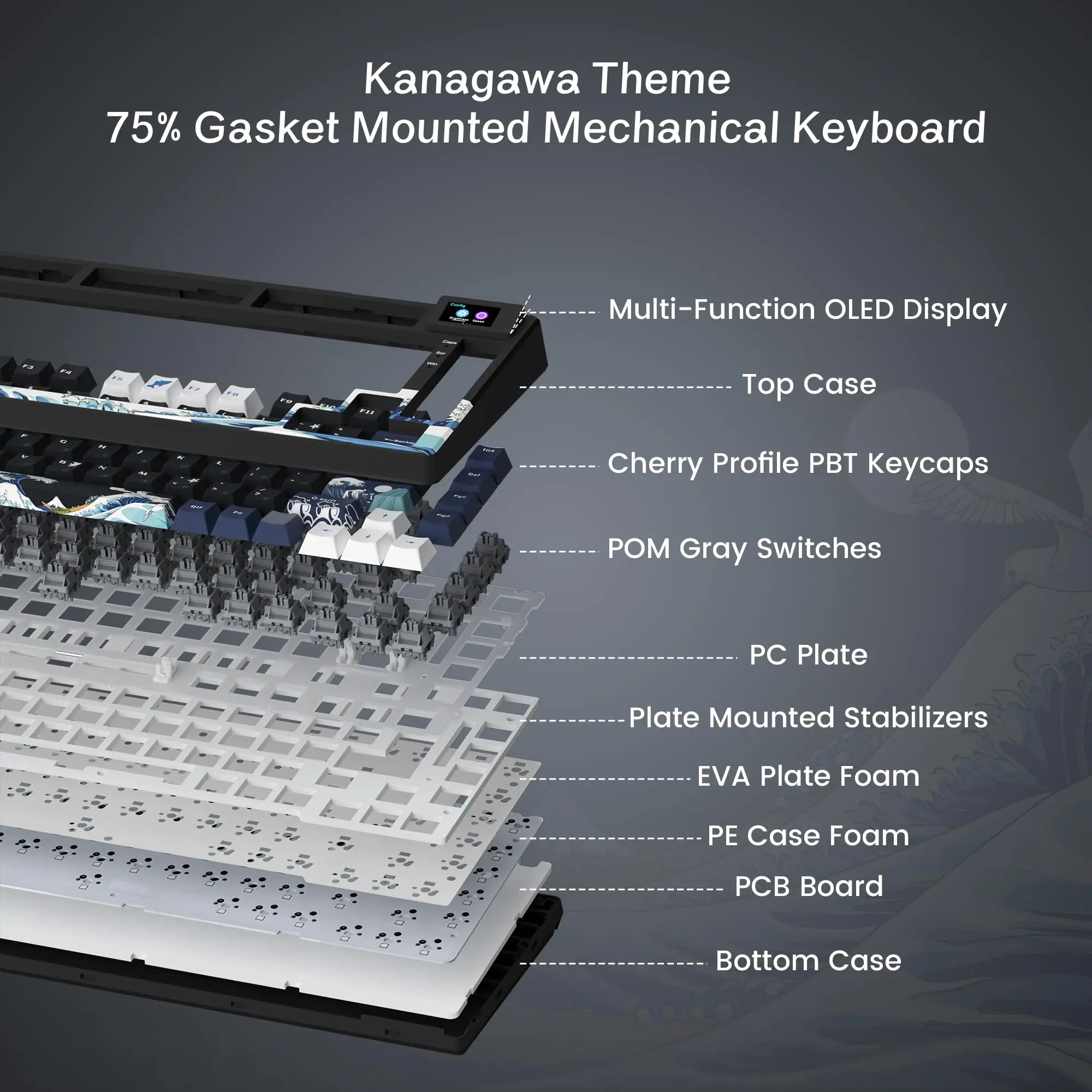
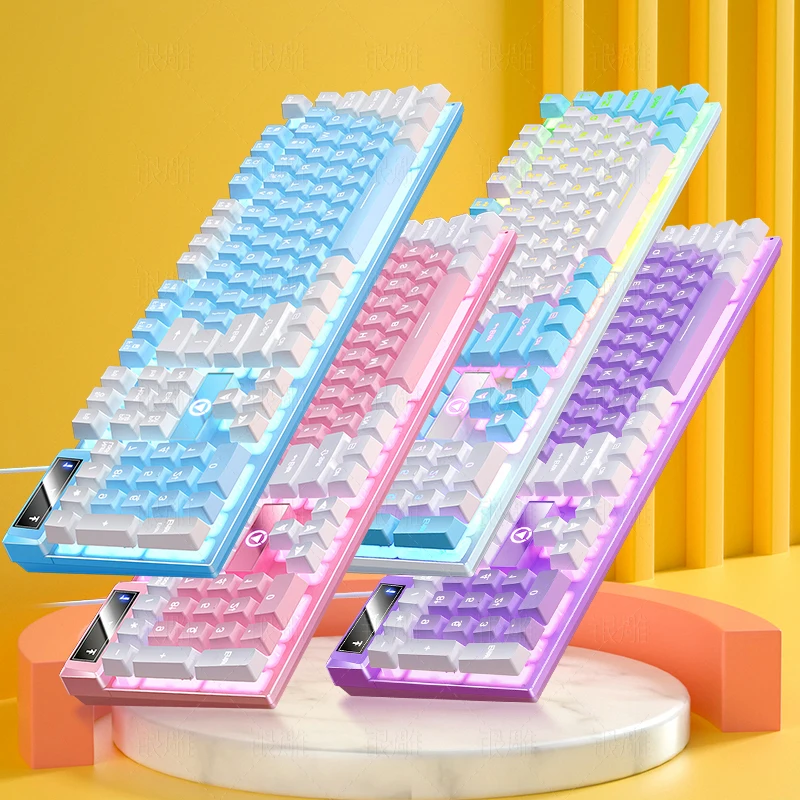
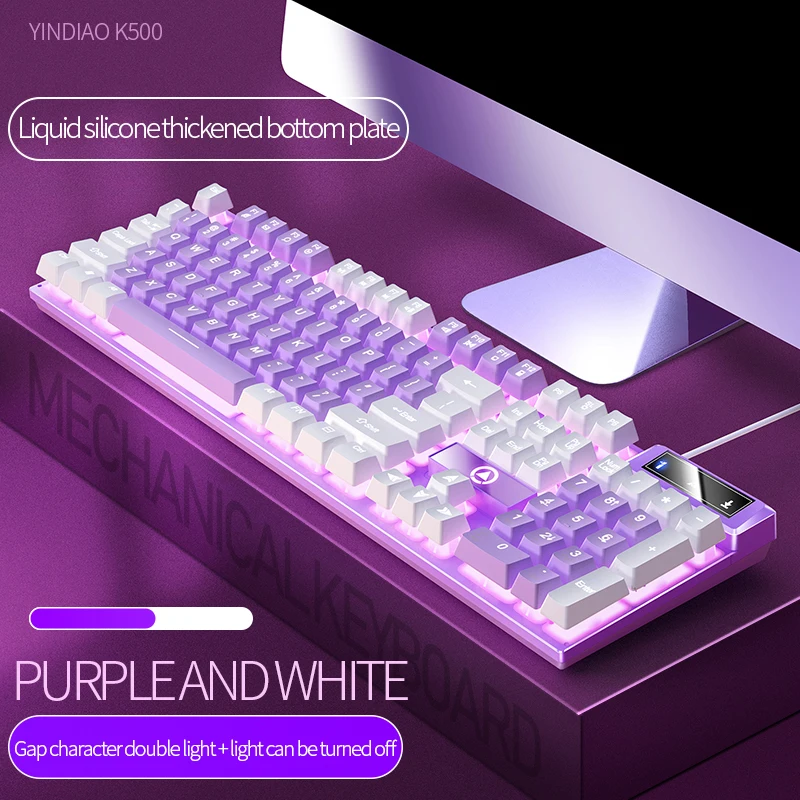
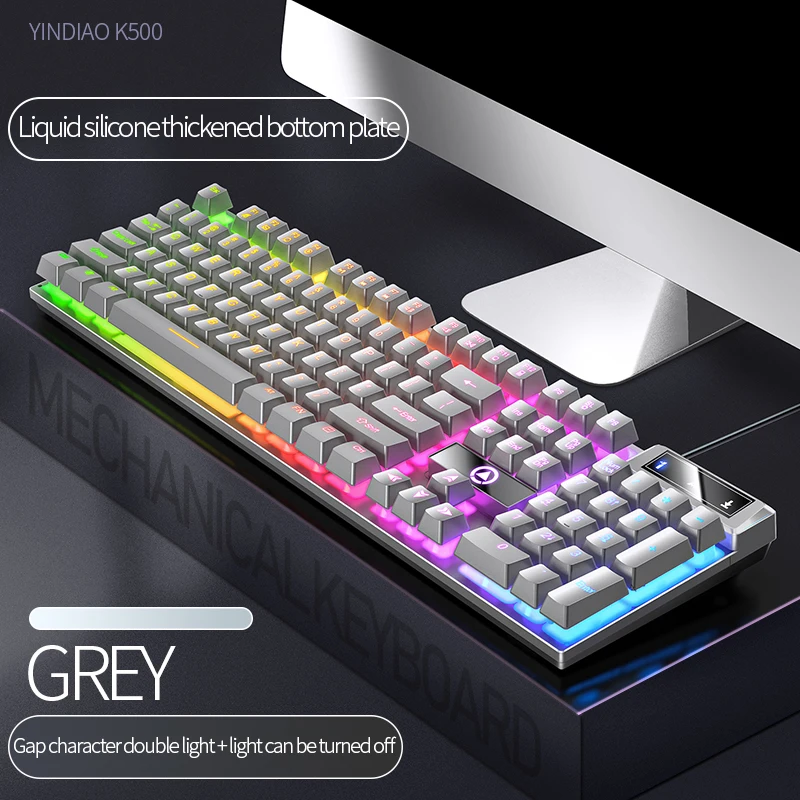
- Gaming keyboards run from full size with a number pad to compact boards that leave room for the mouse, mechanical and membrane, many lit. See gaming keyboards.
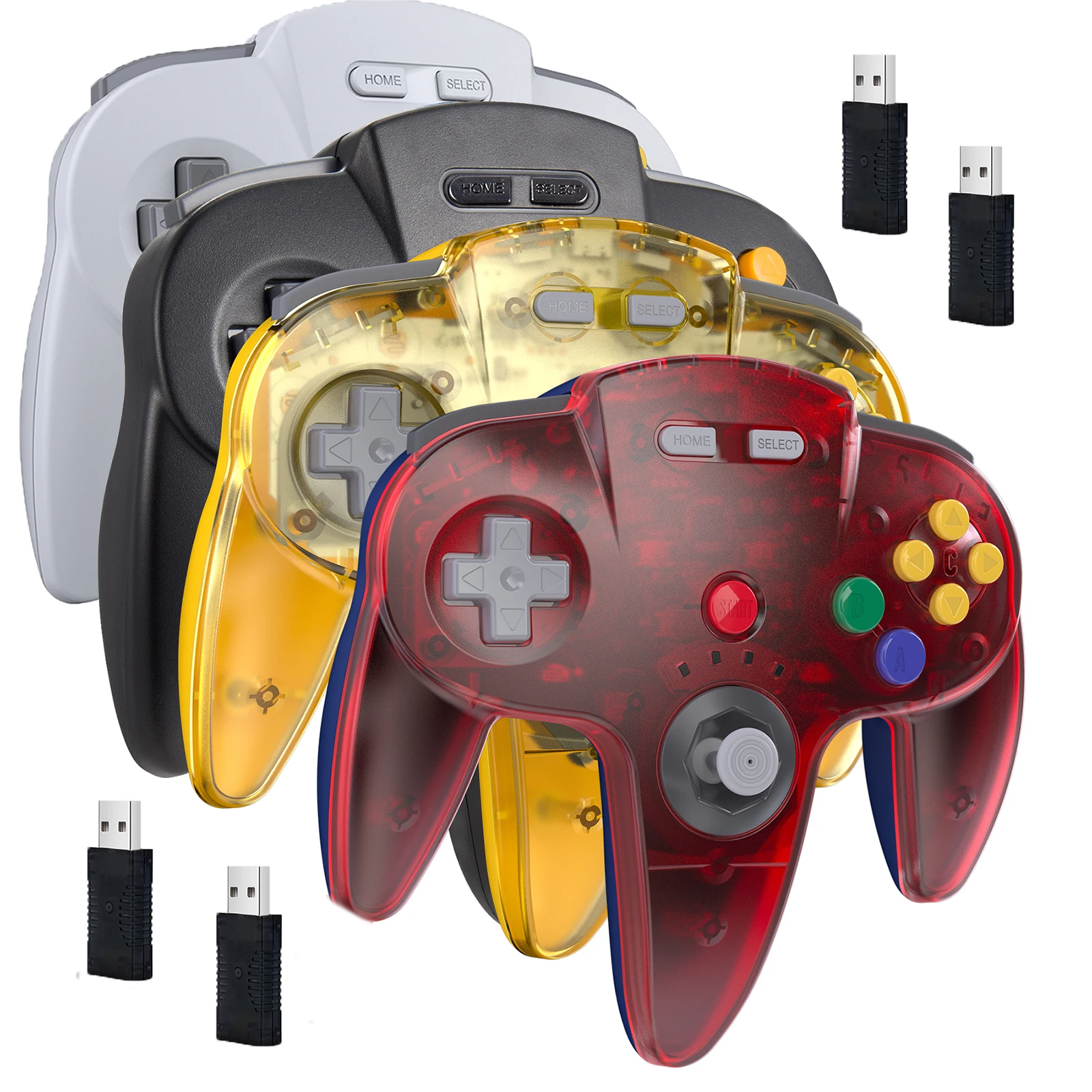
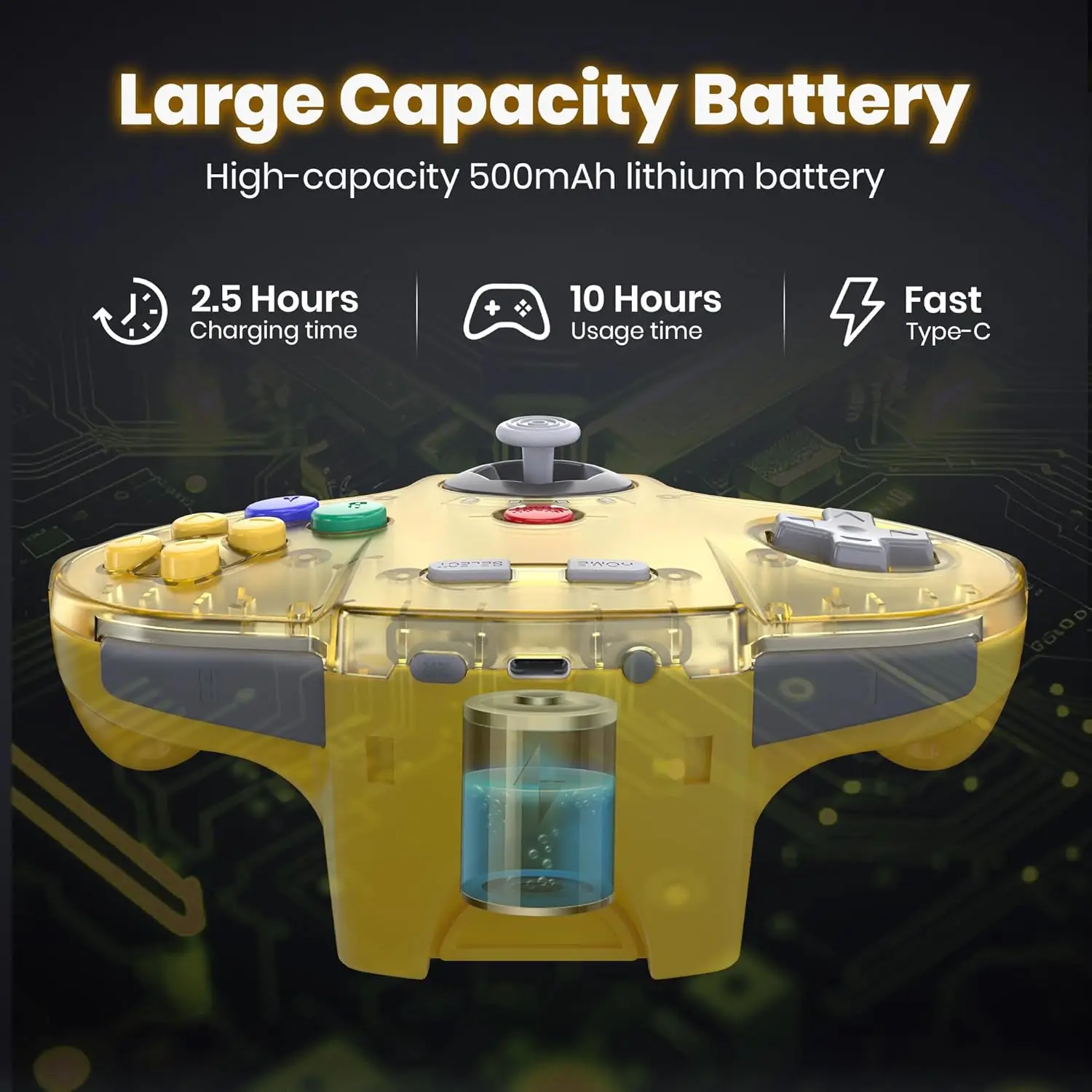
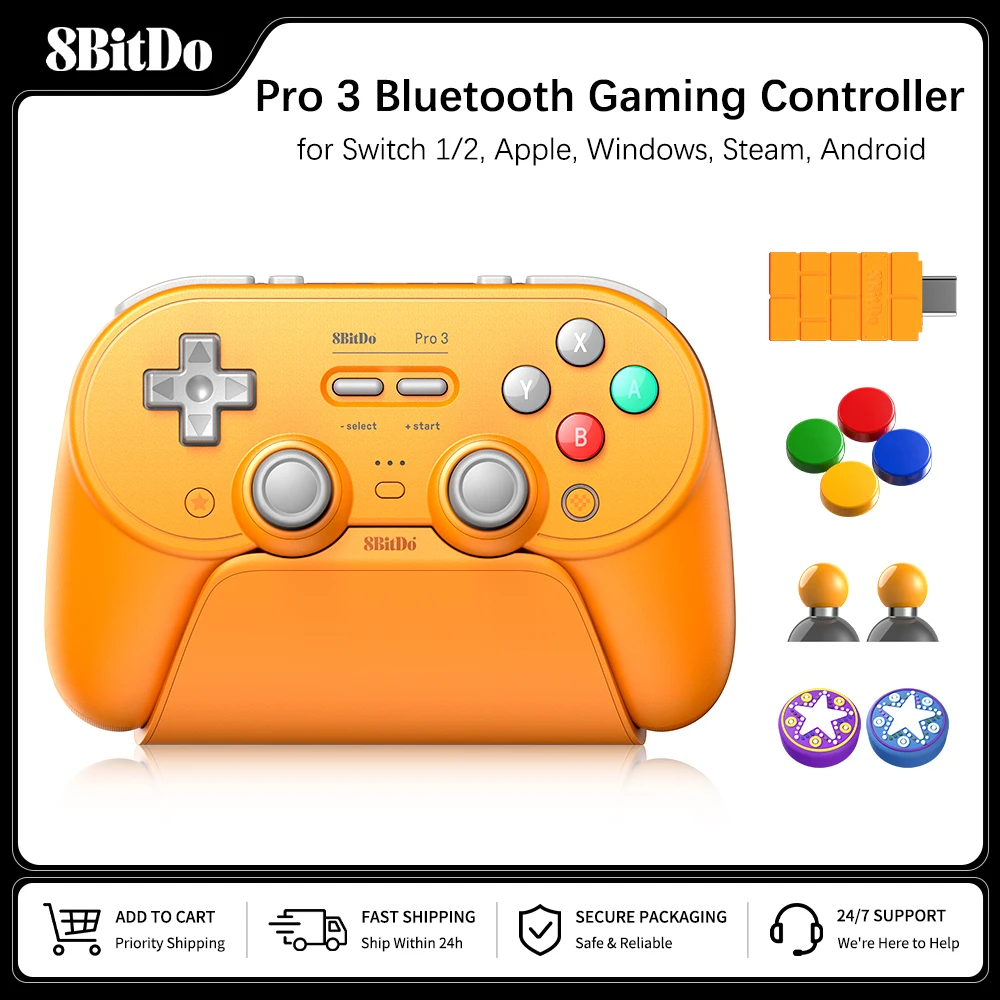
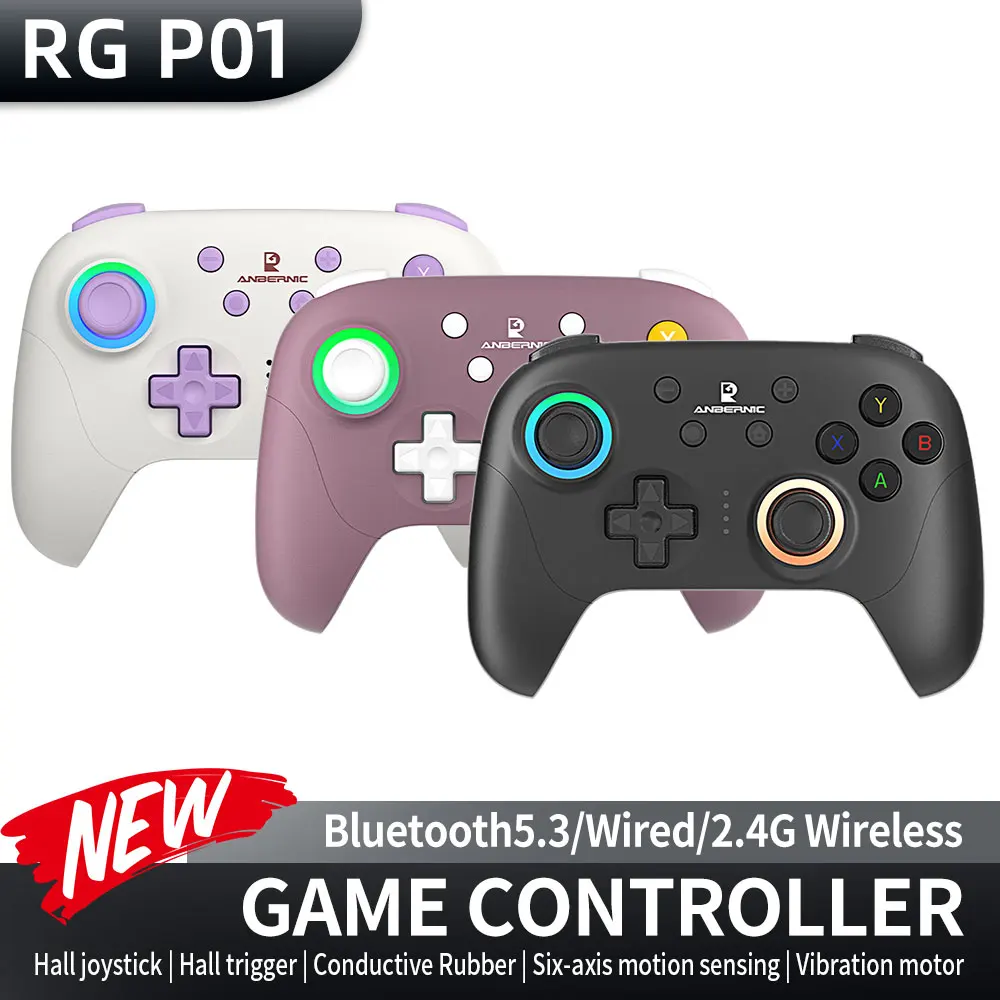
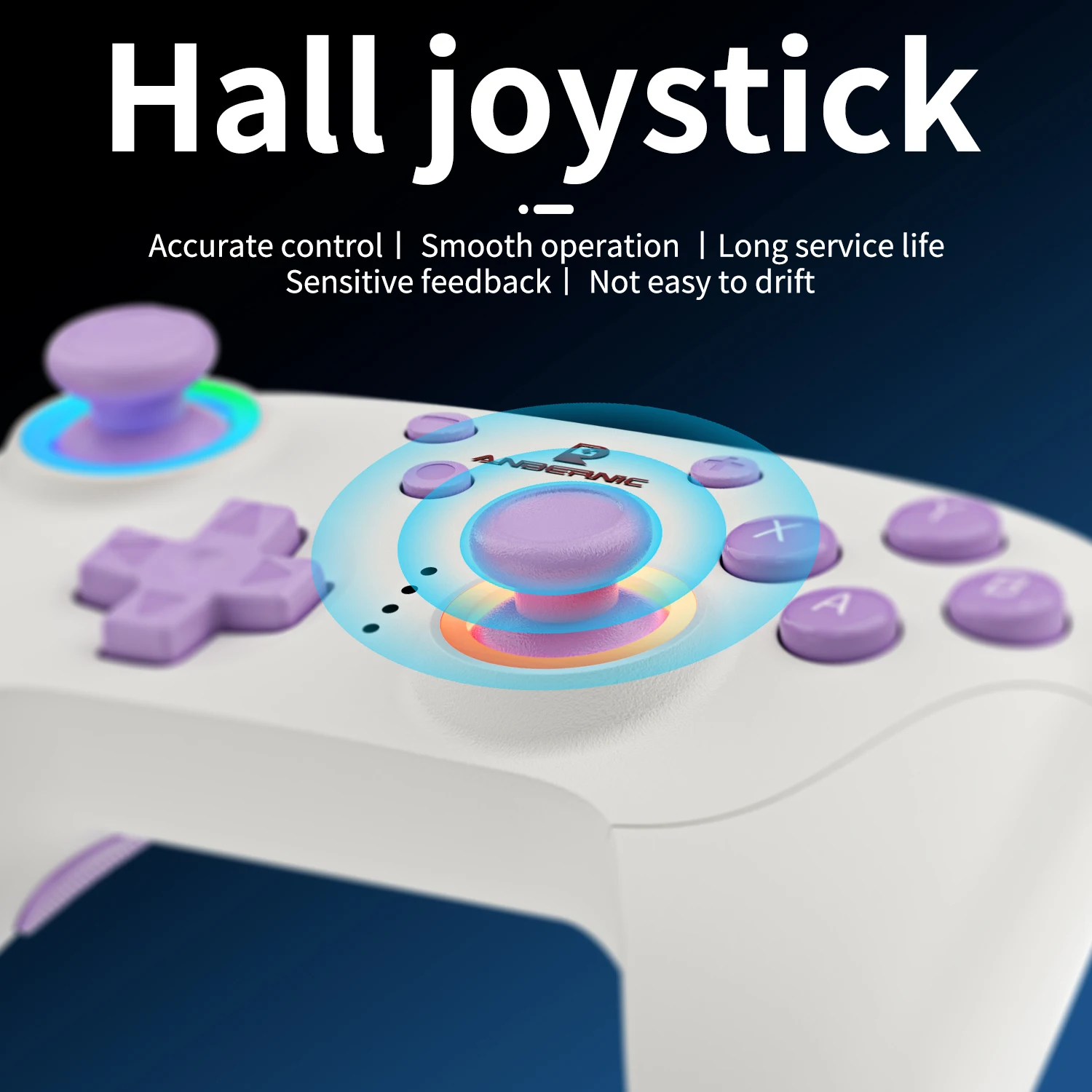
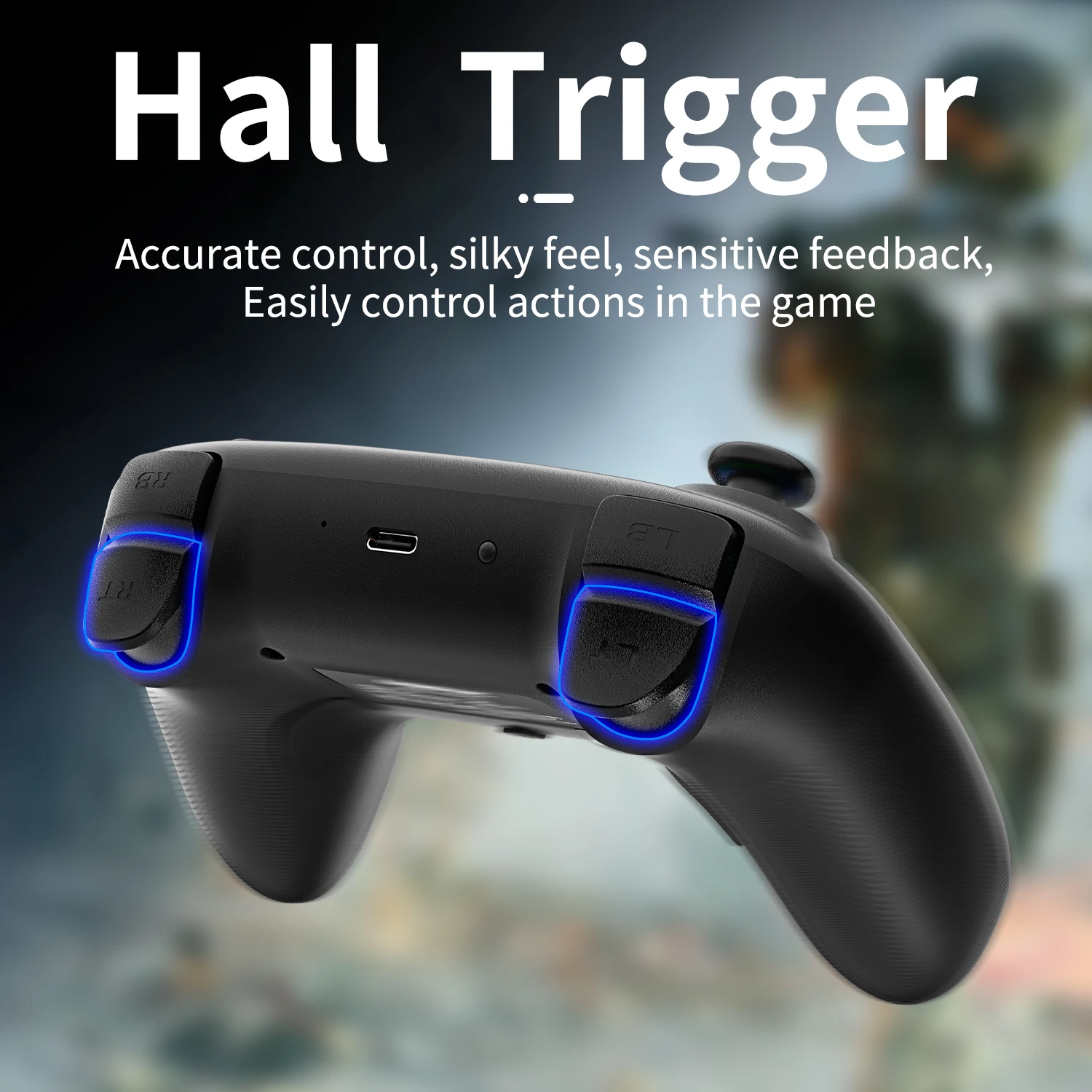
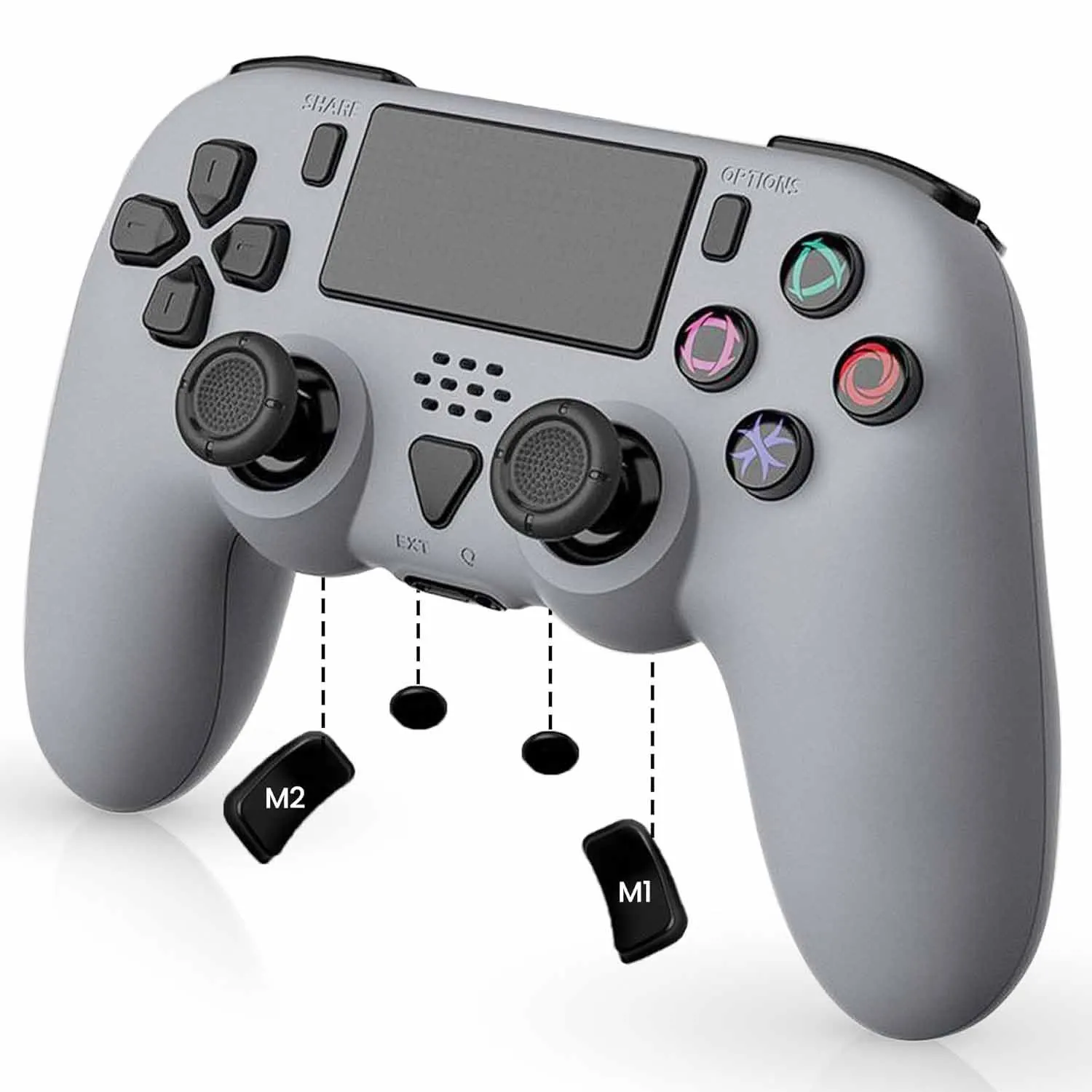
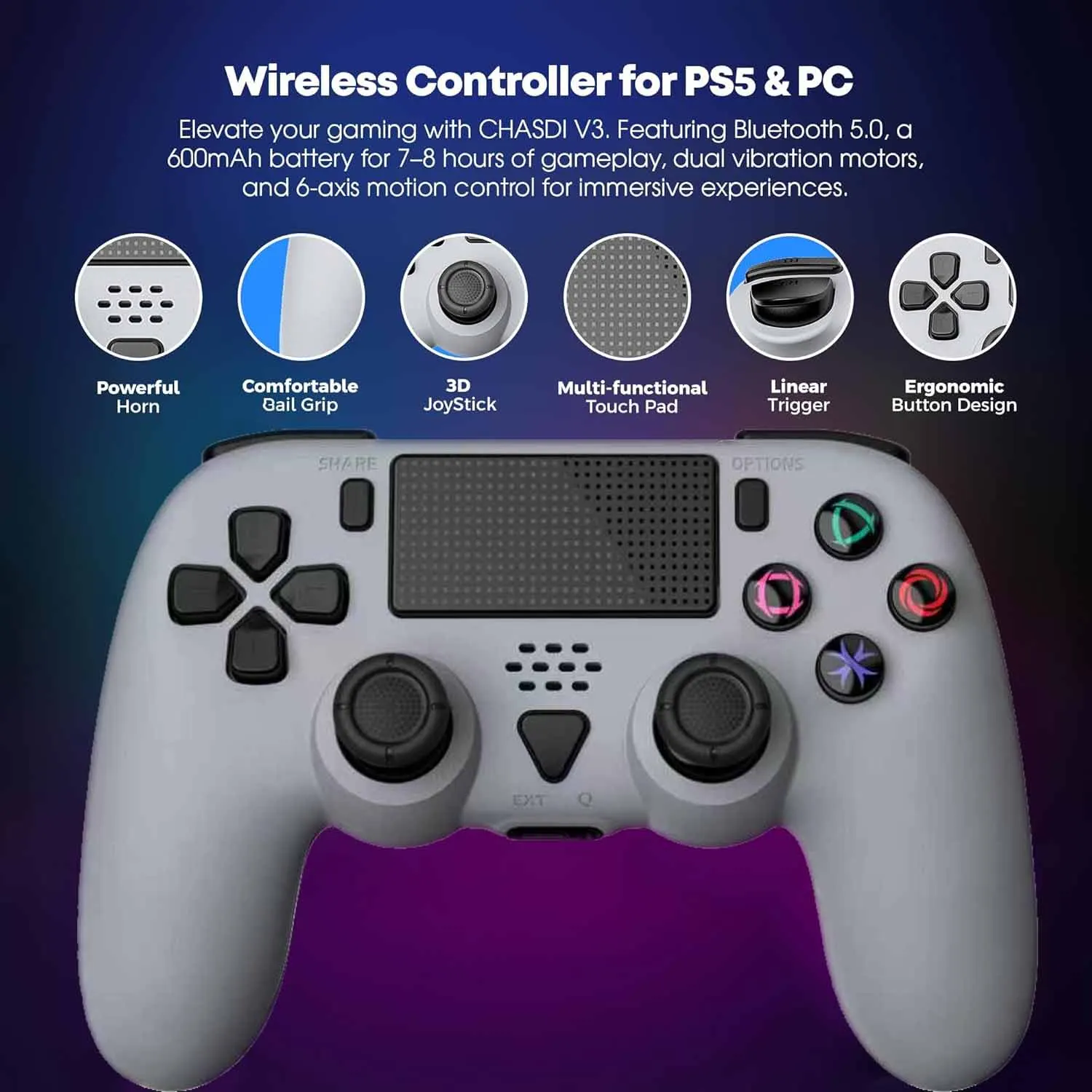
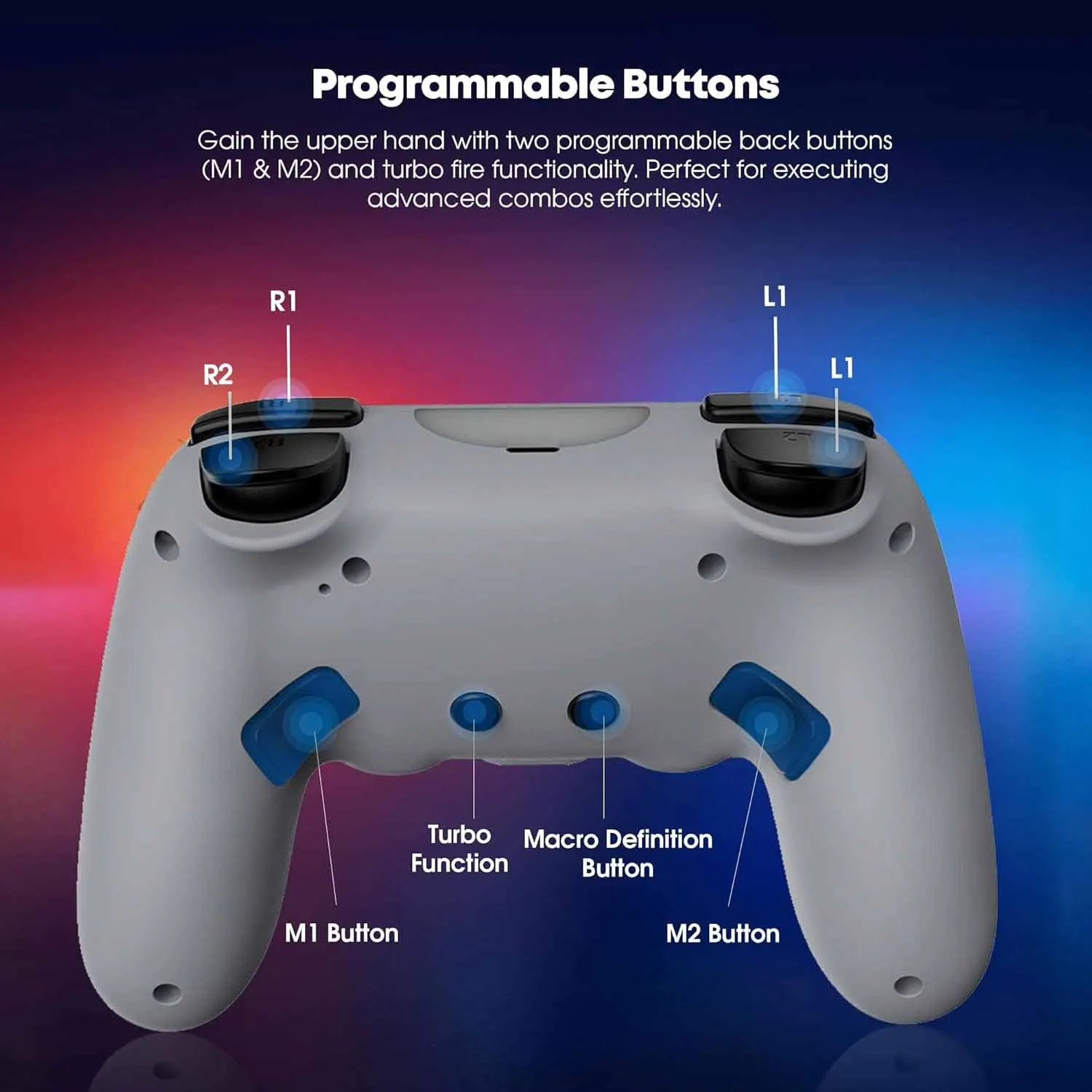
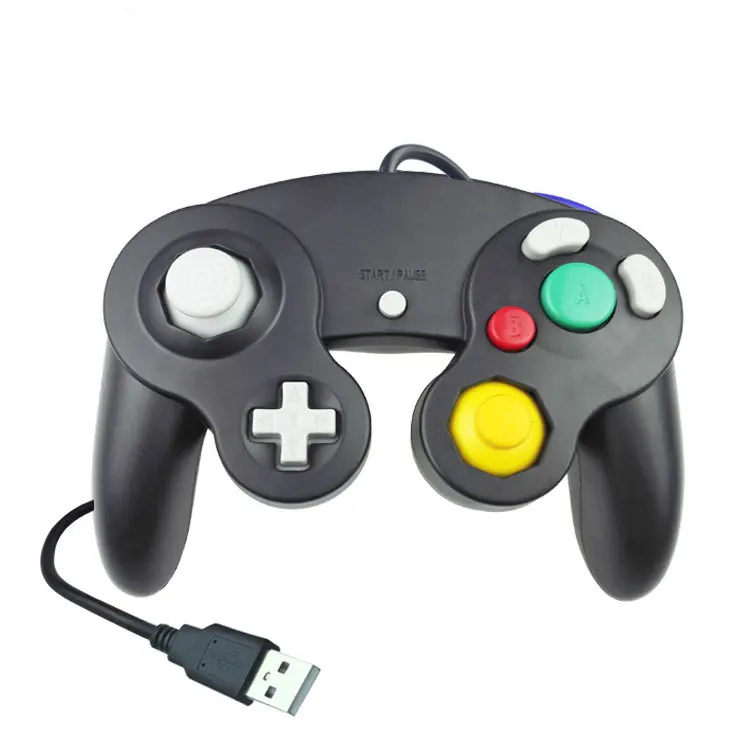
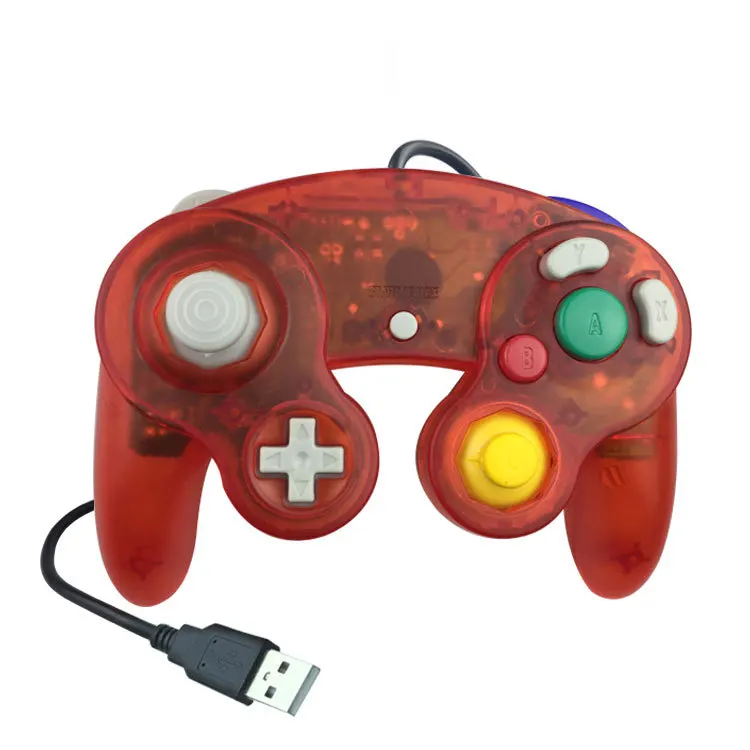
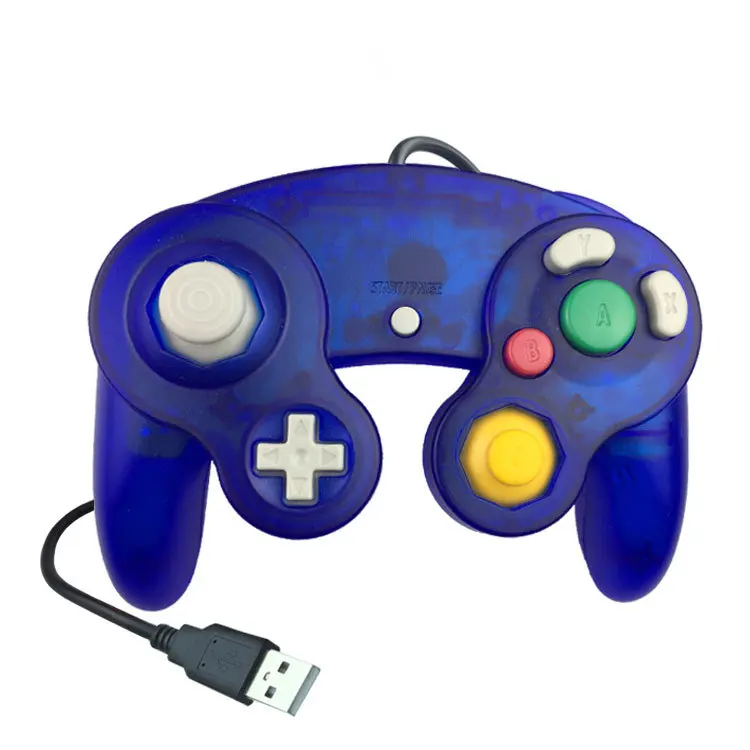
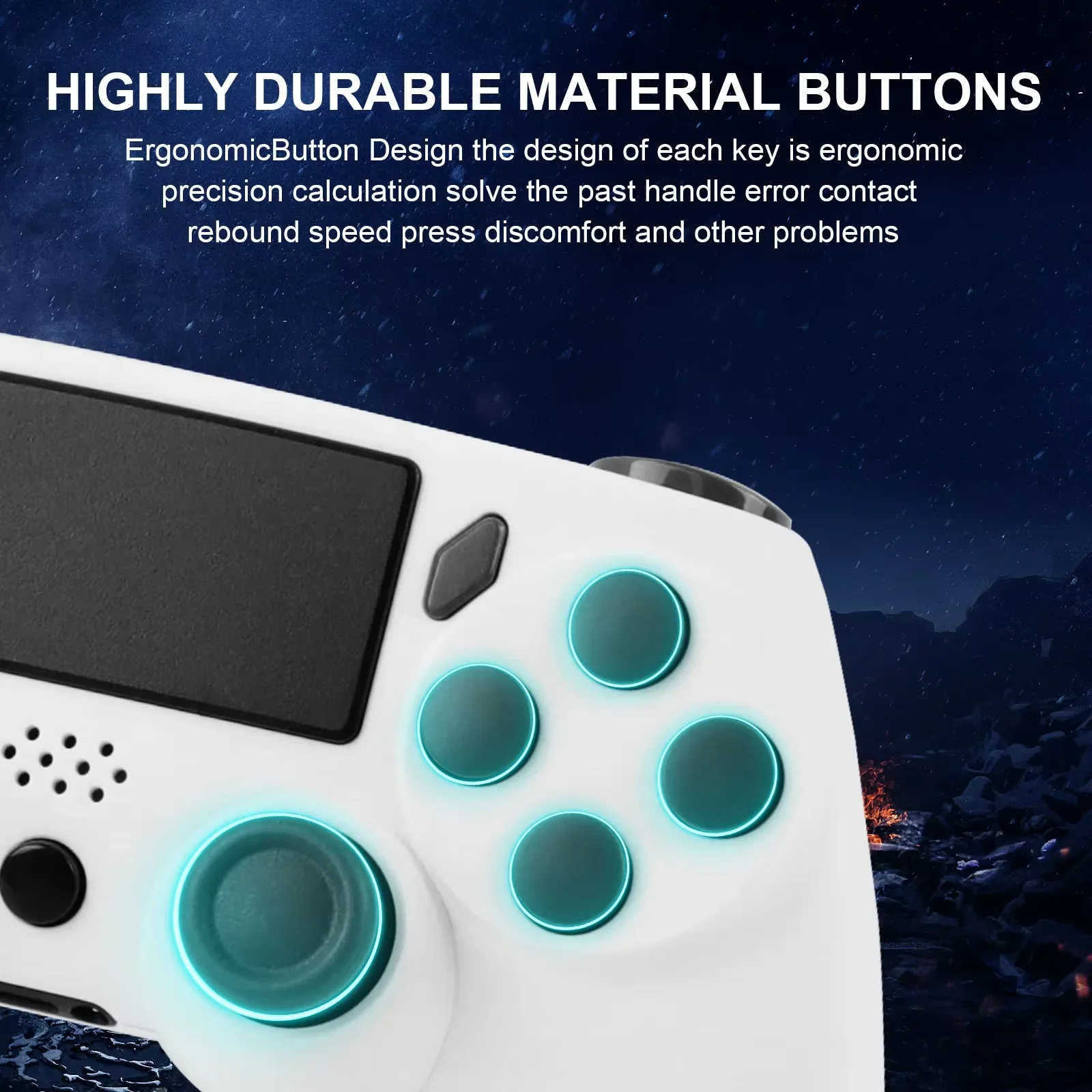
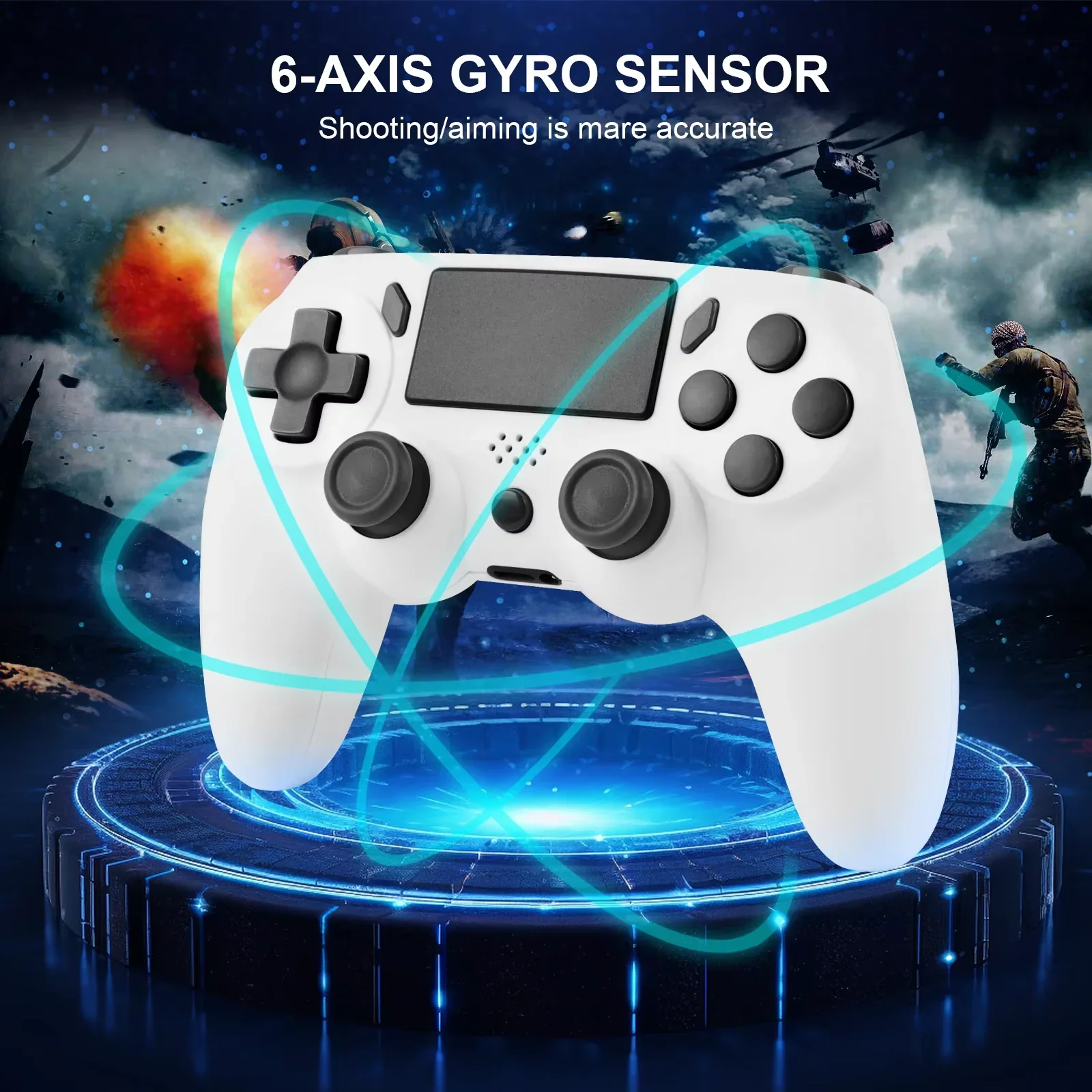
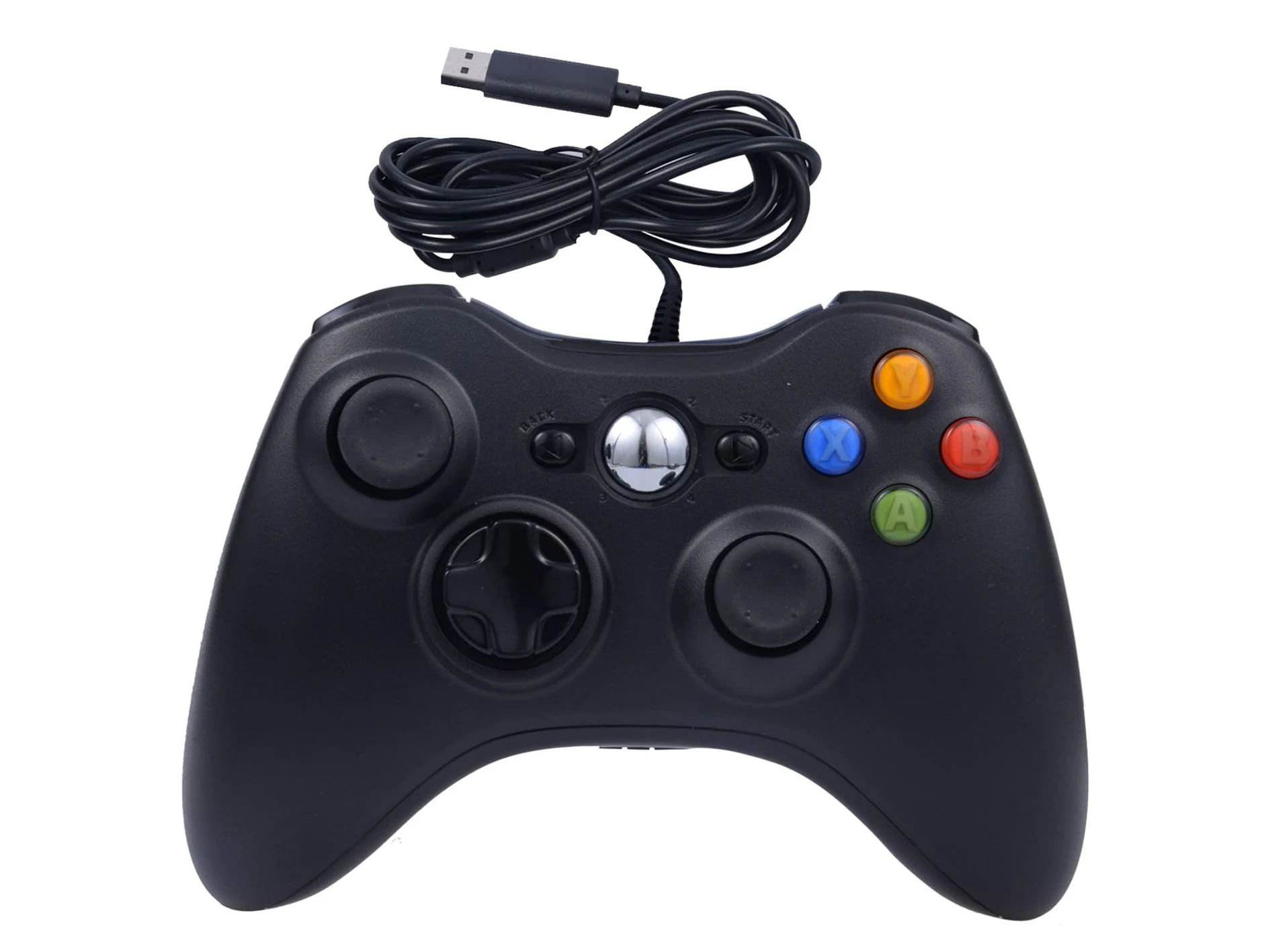
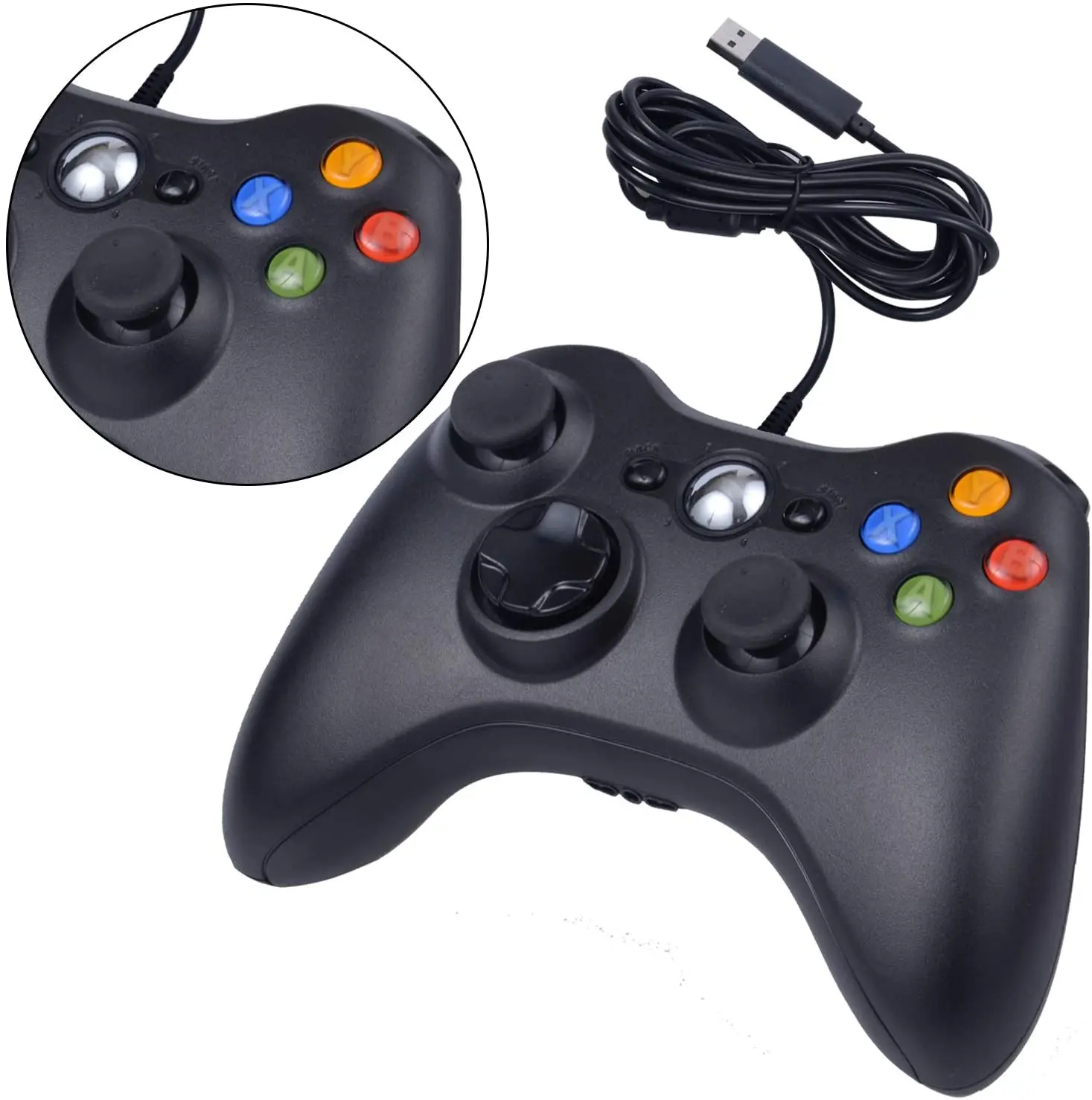
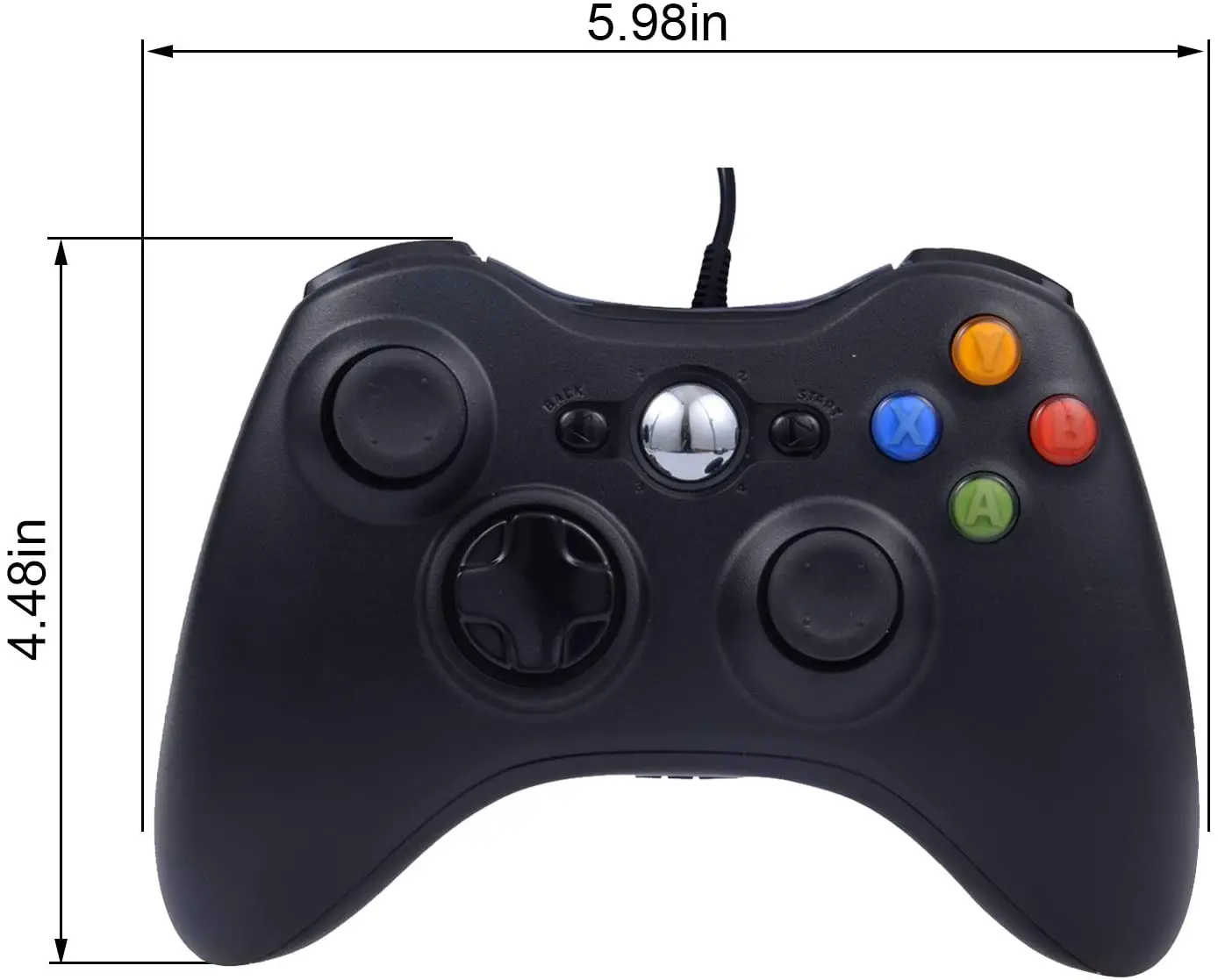
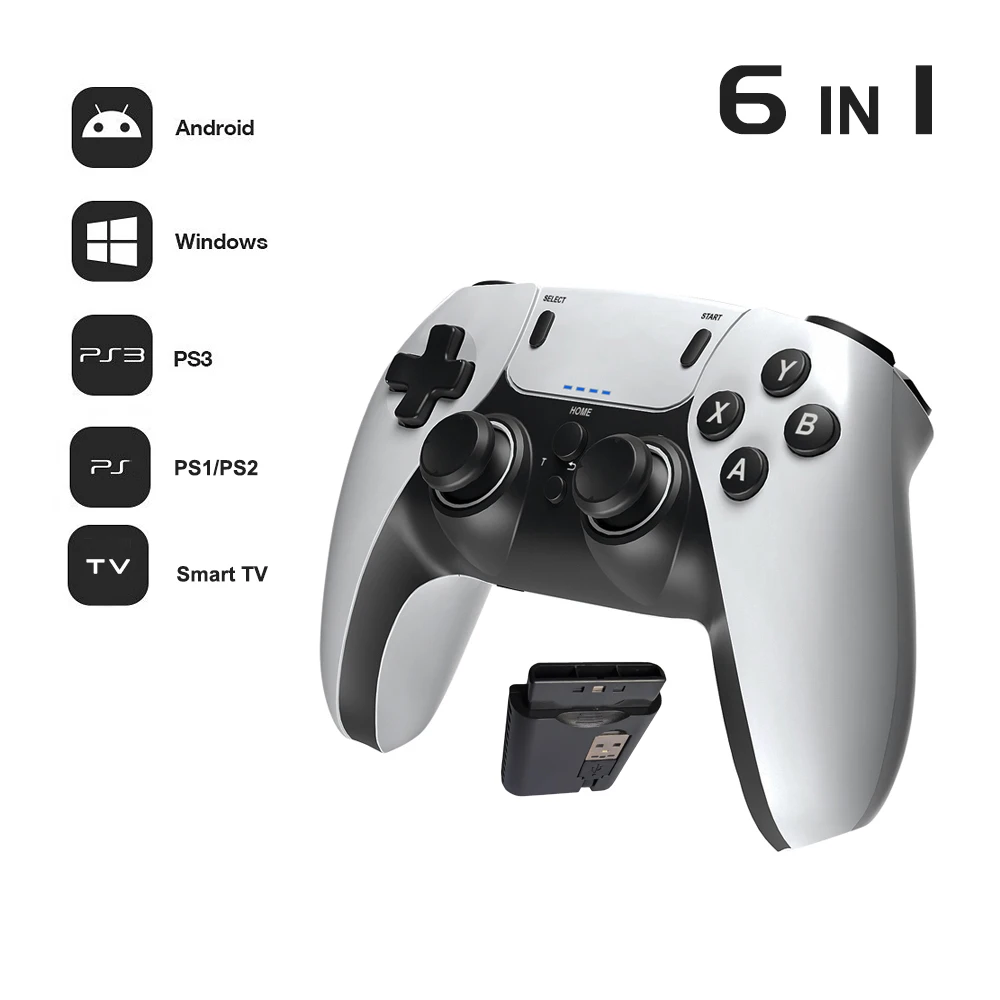
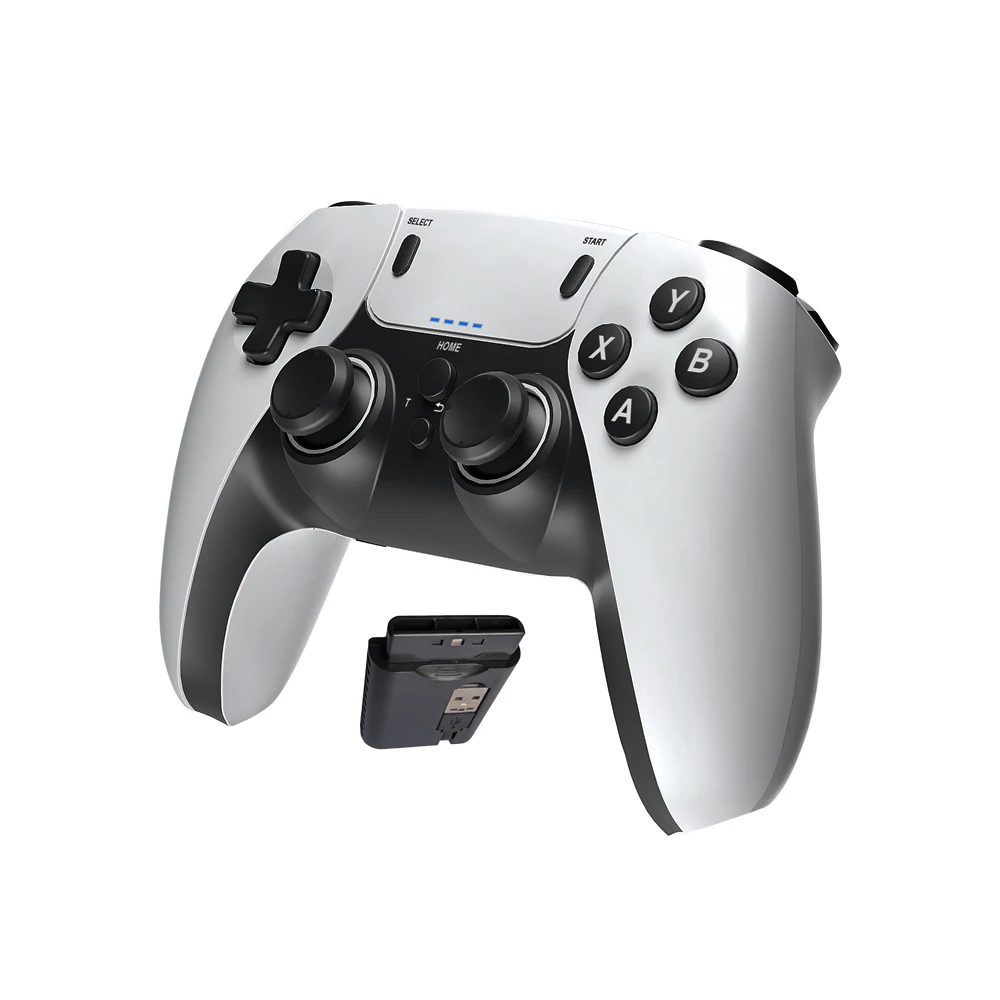
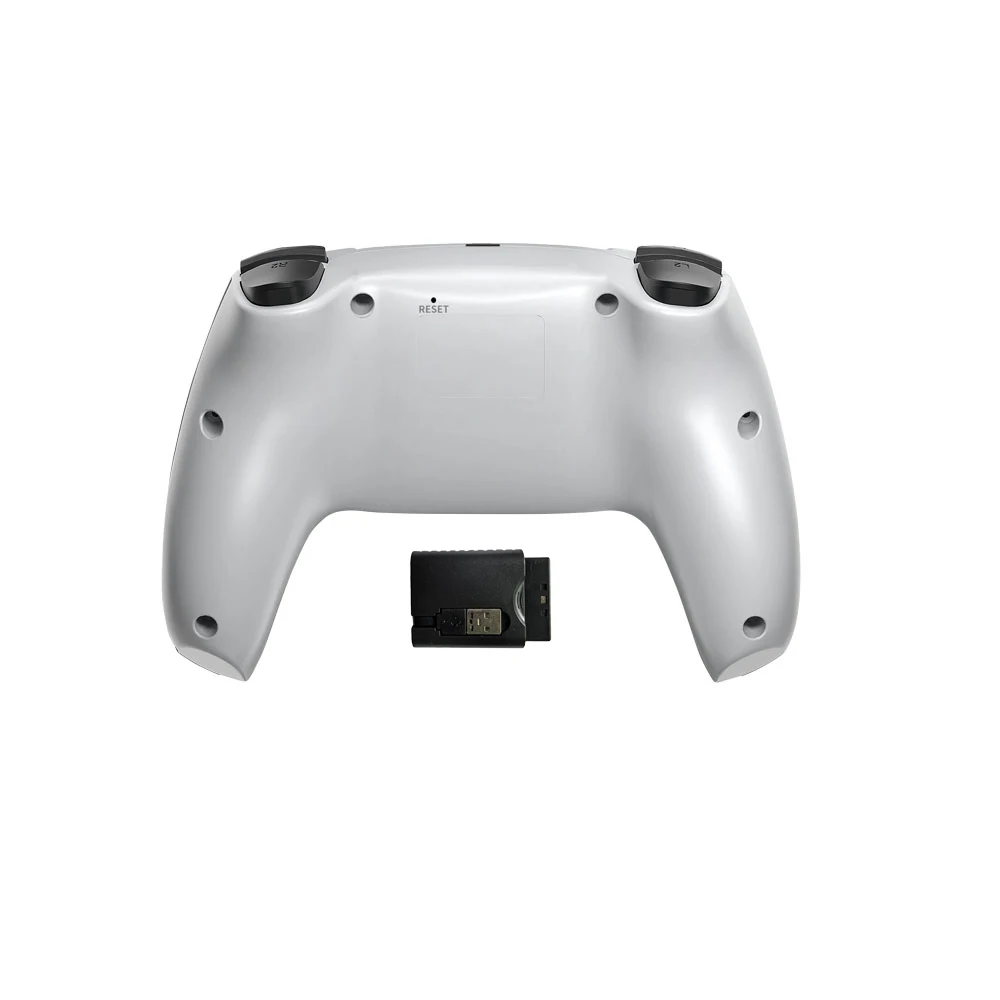
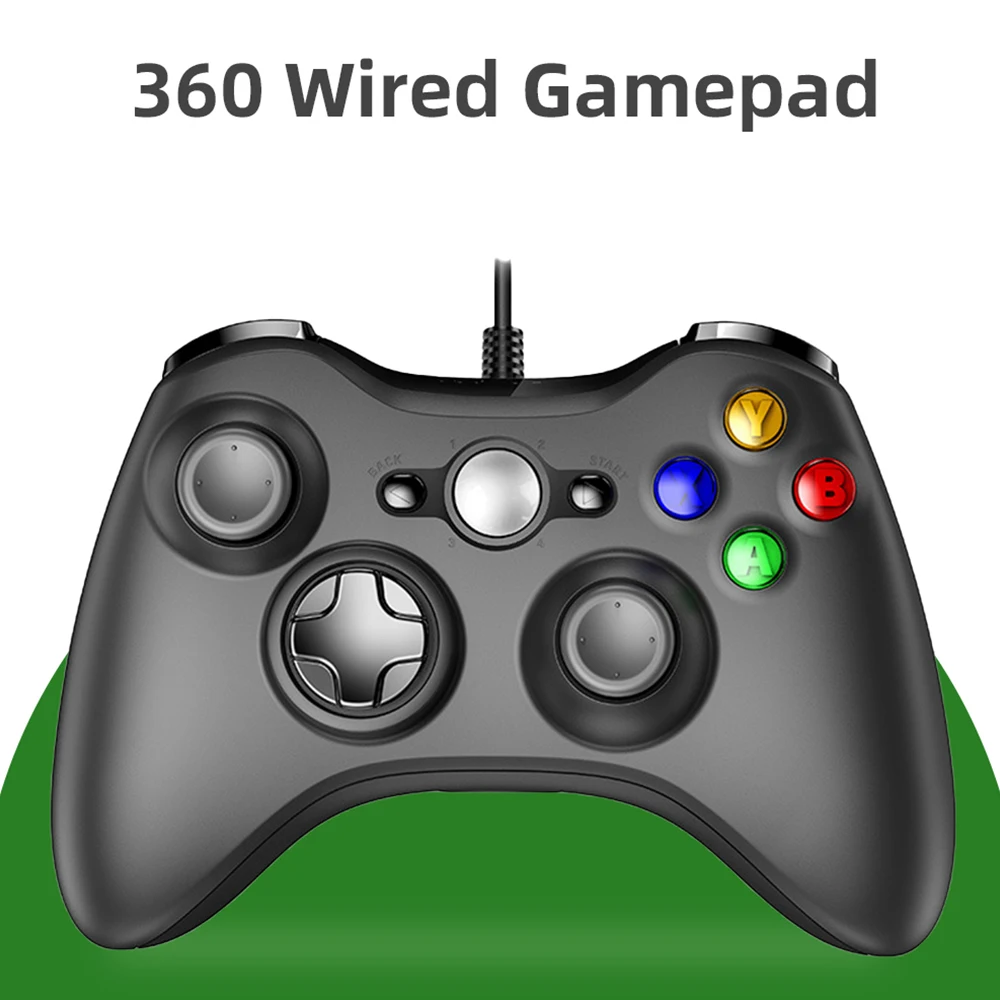
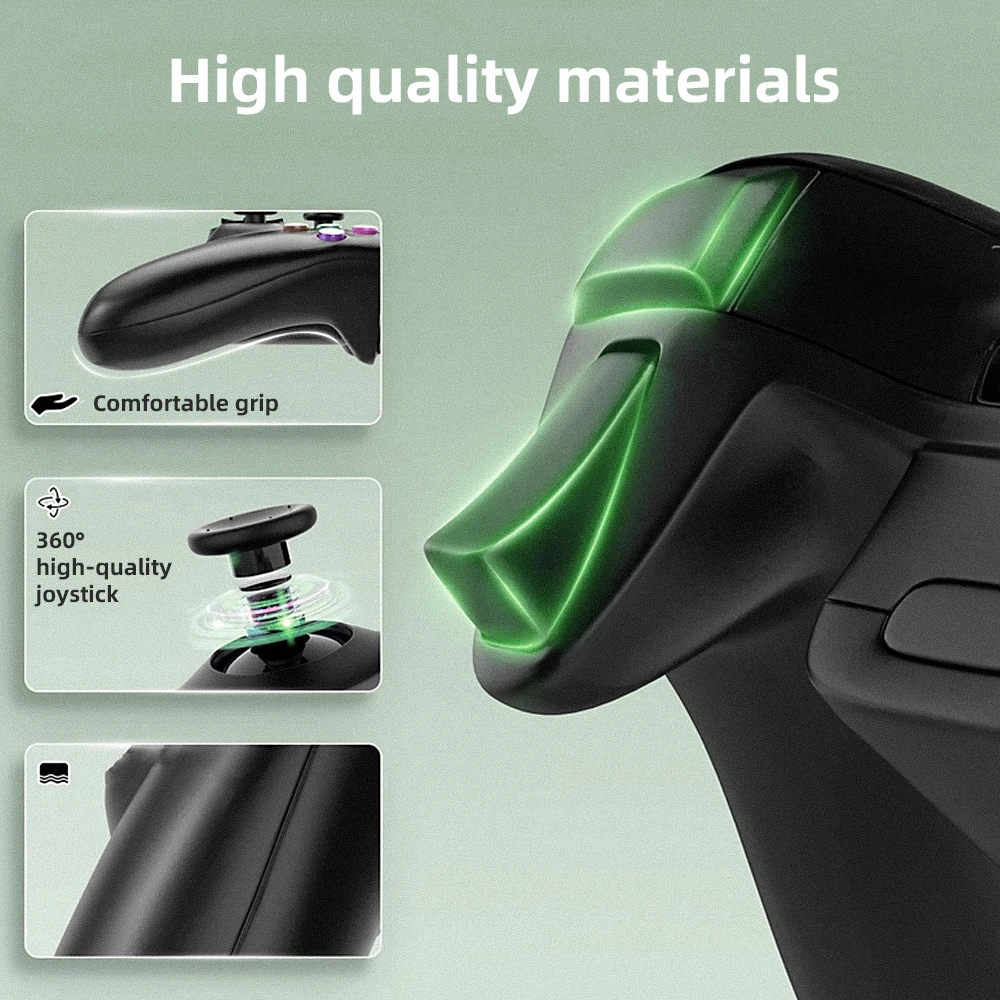
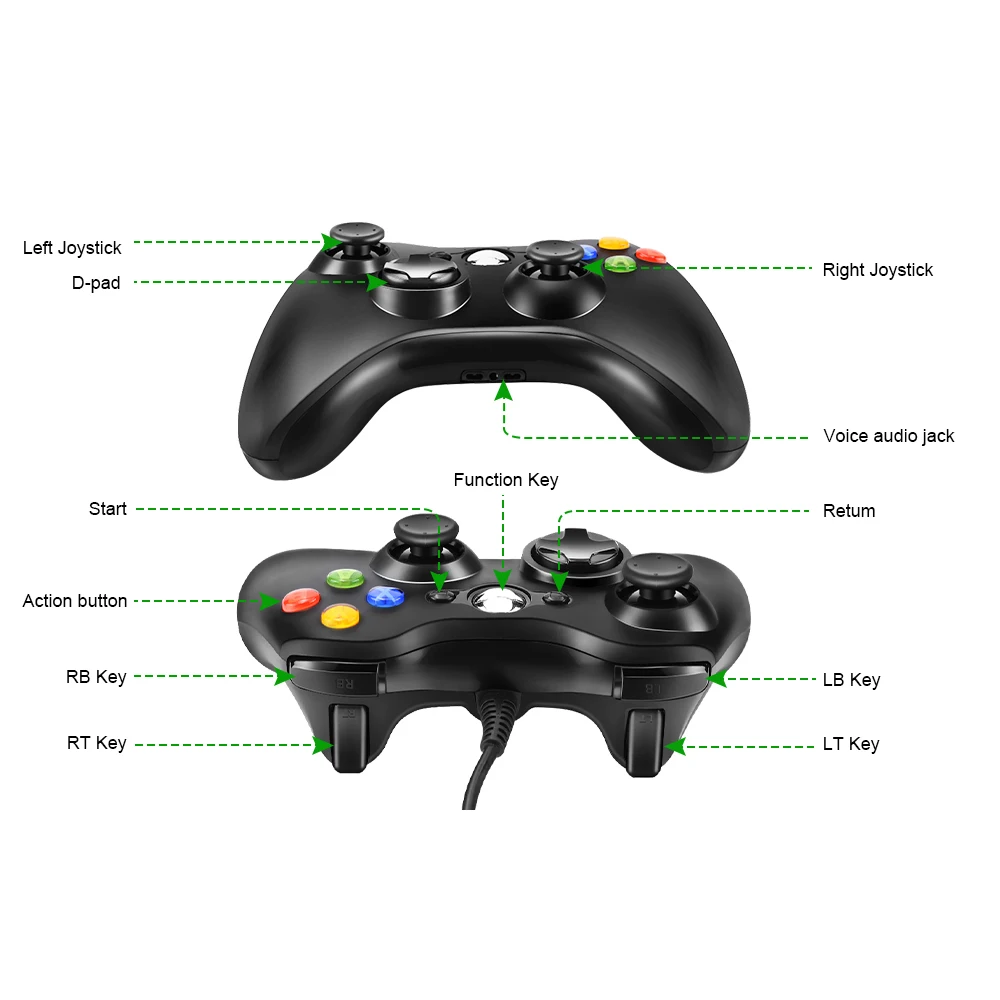
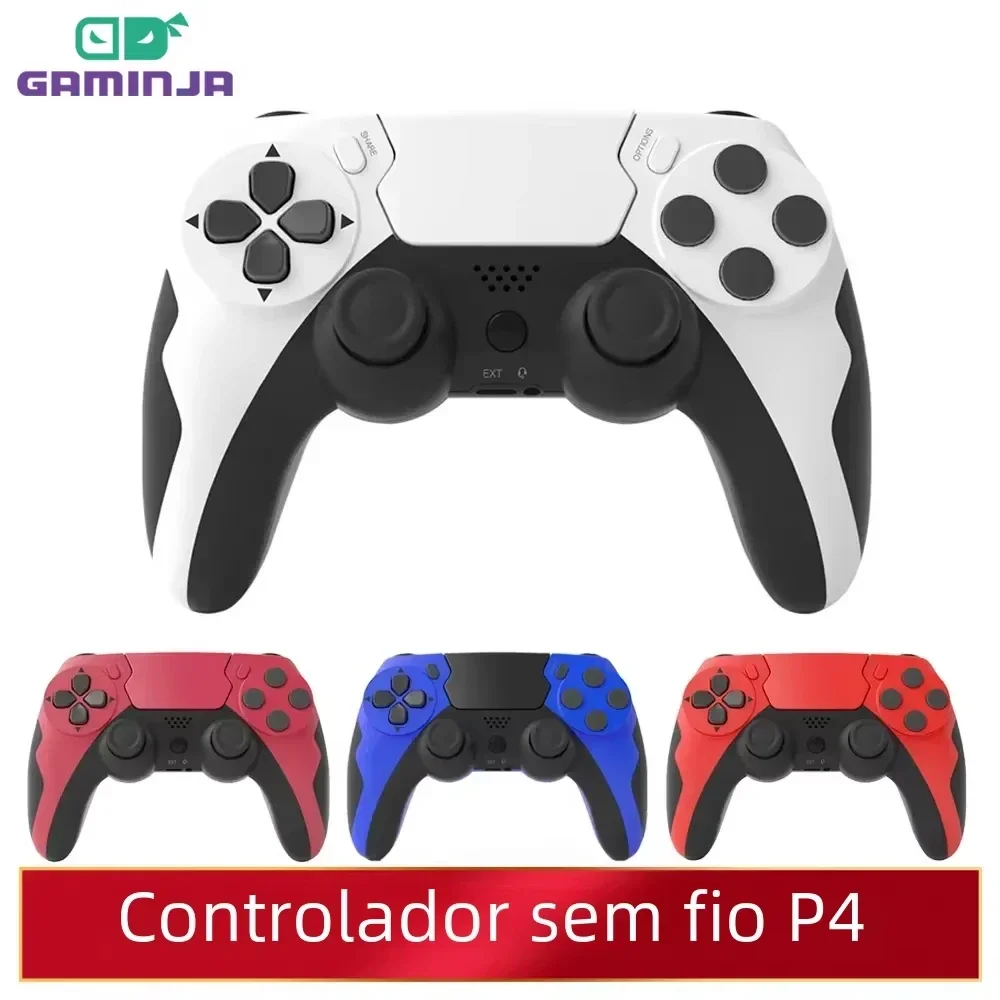
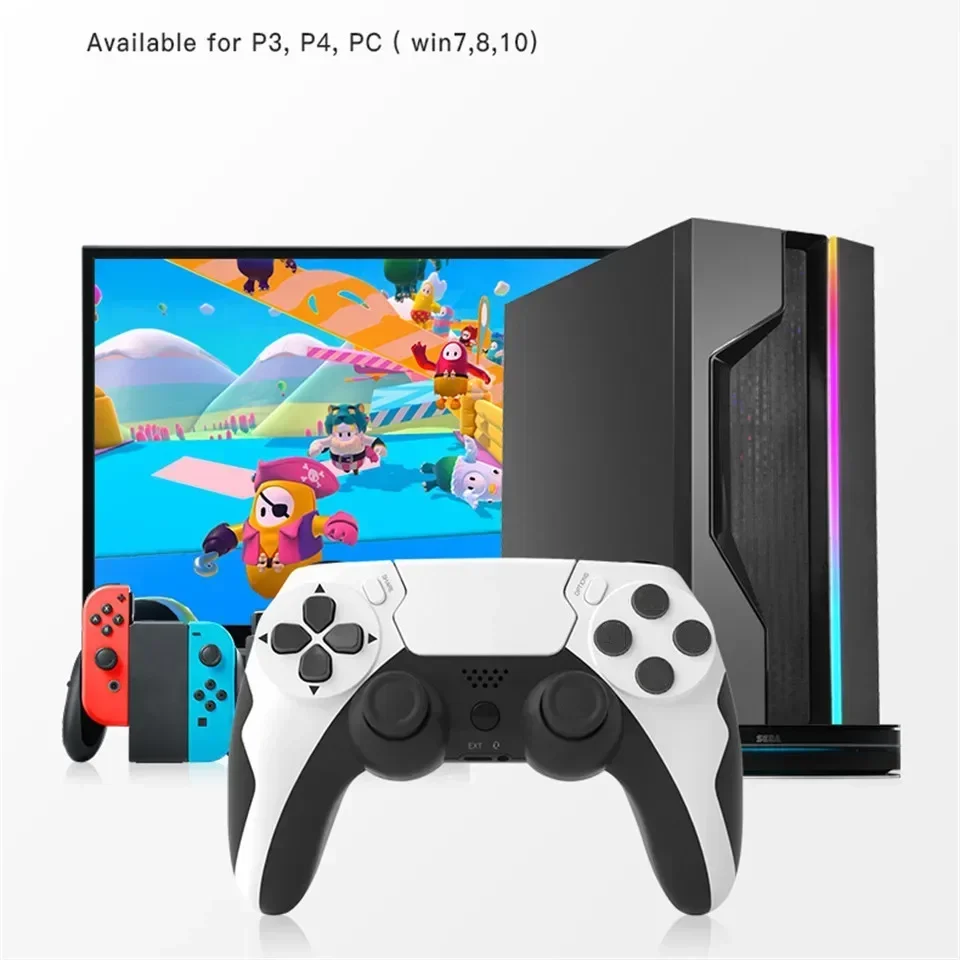
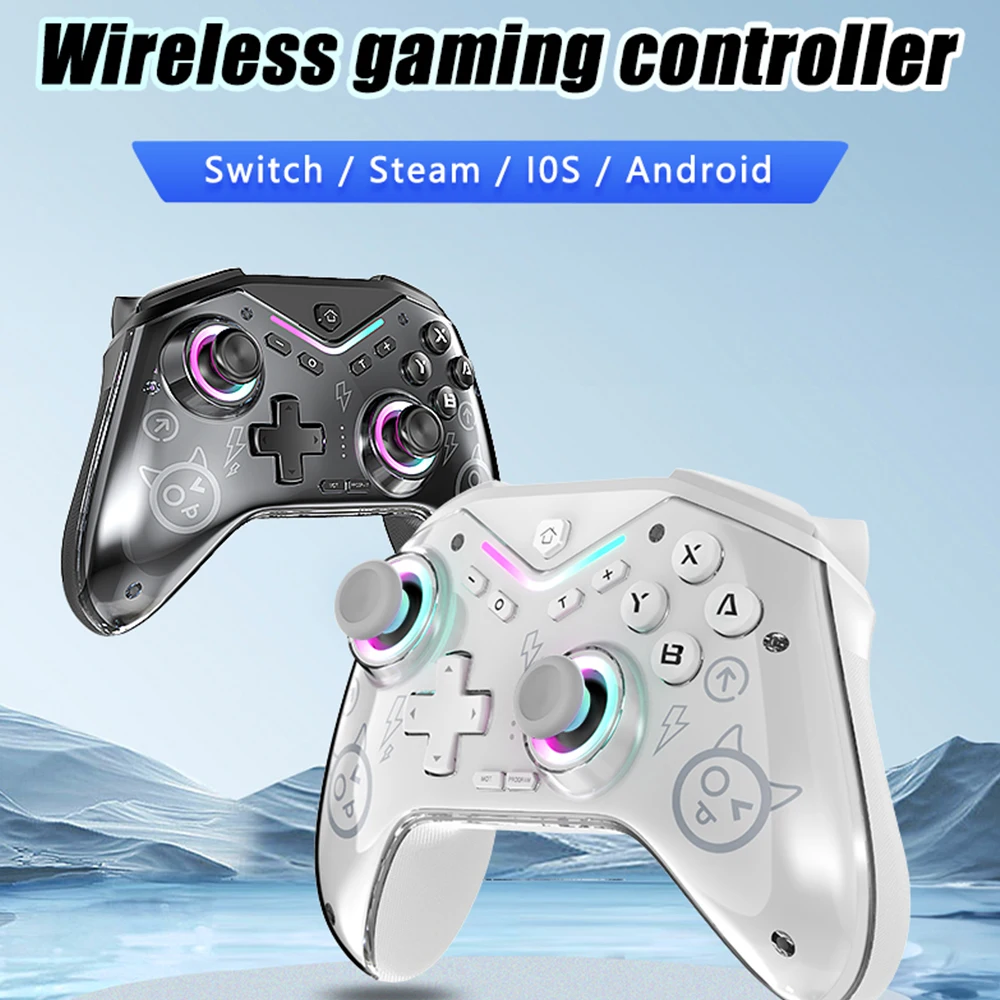
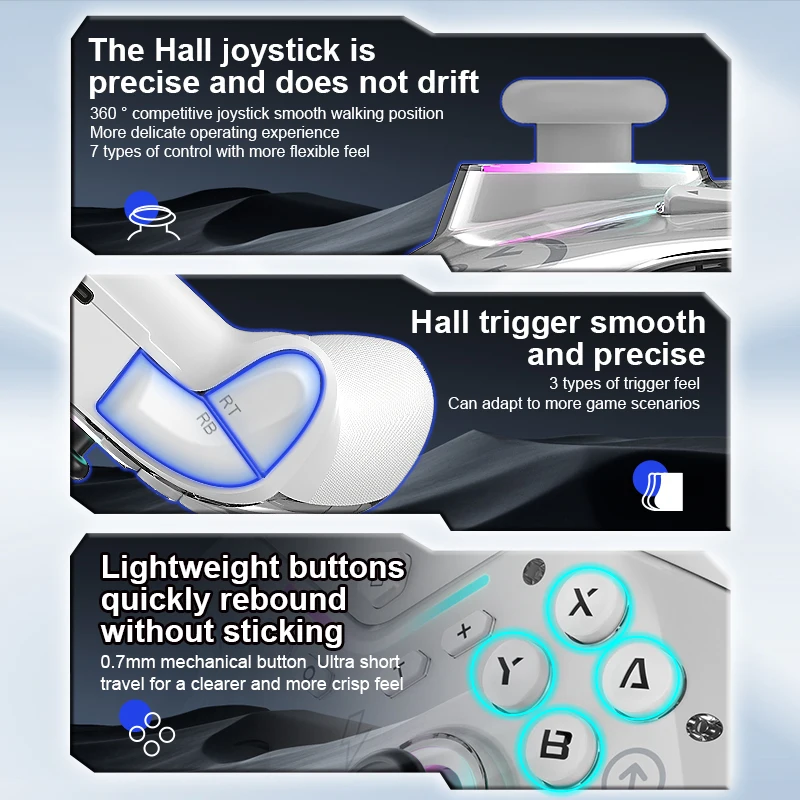
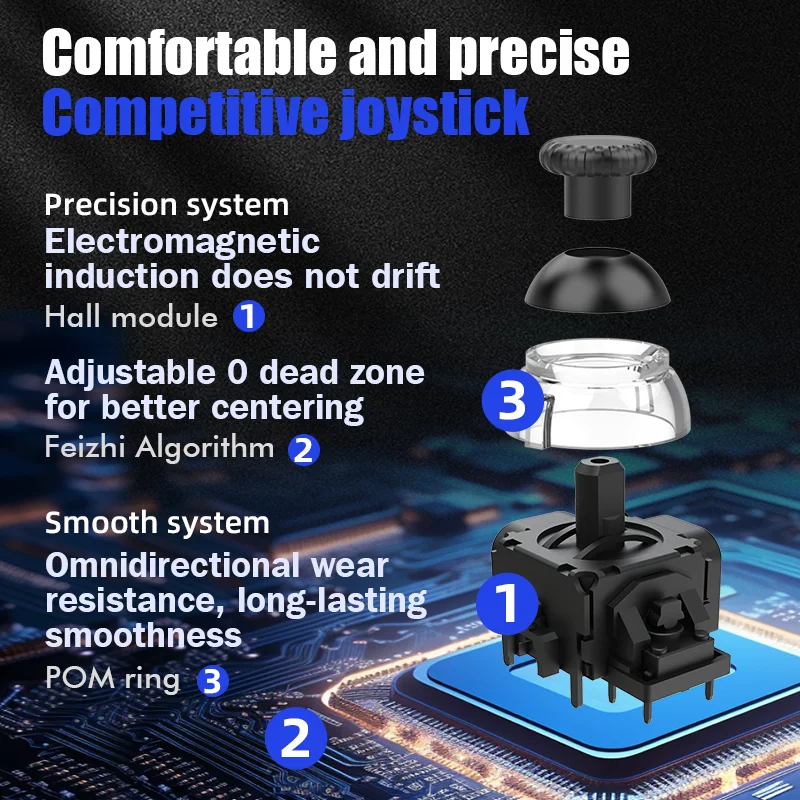
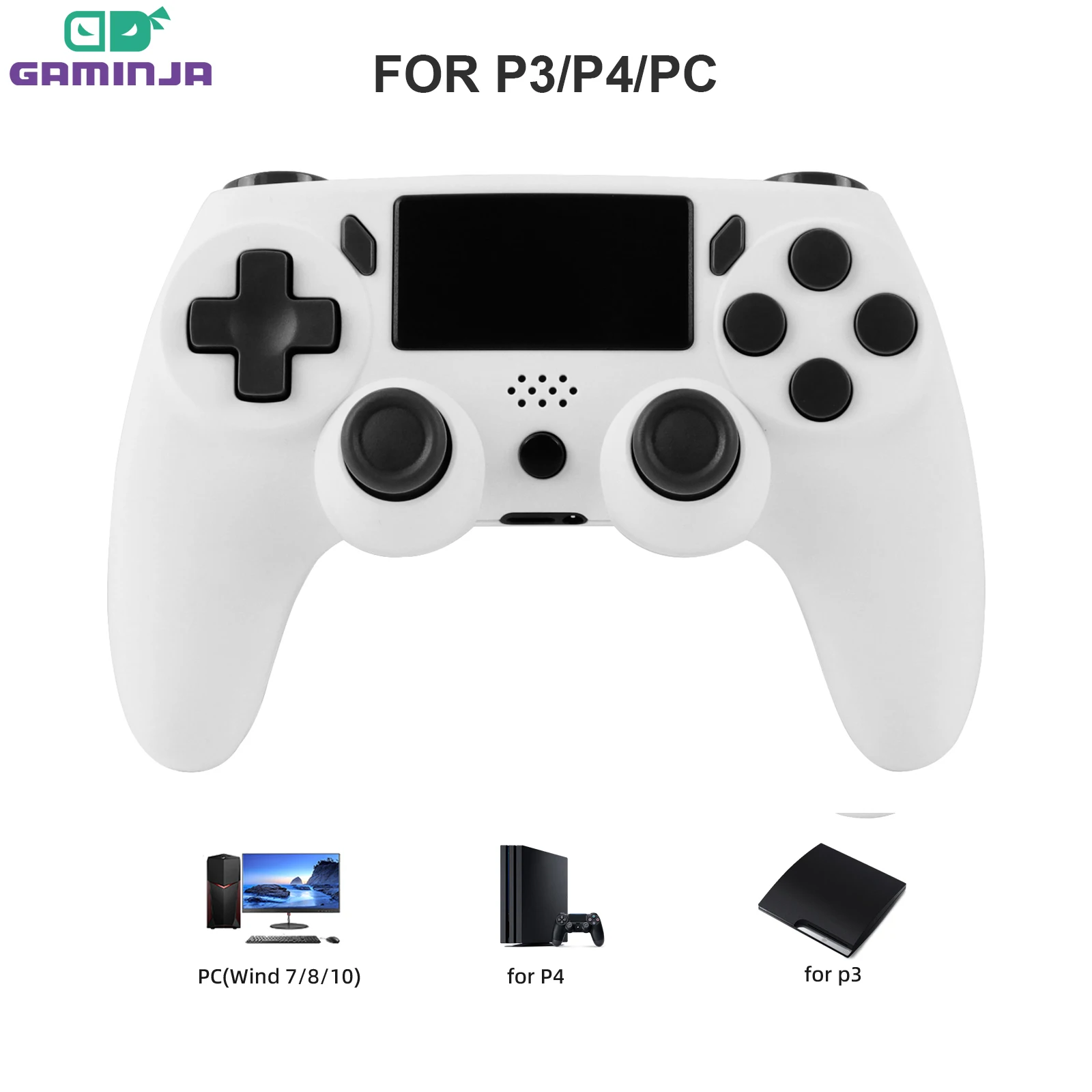
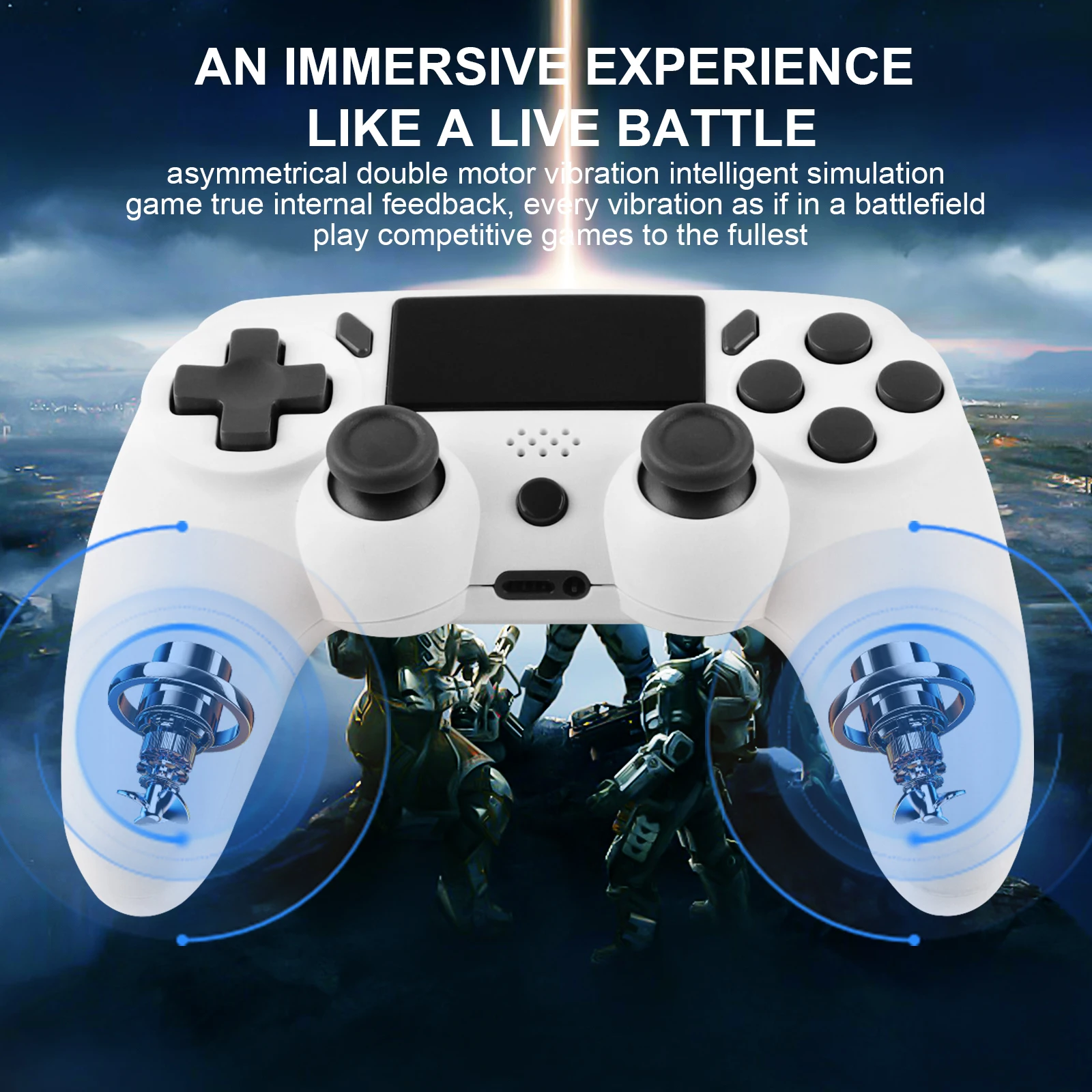
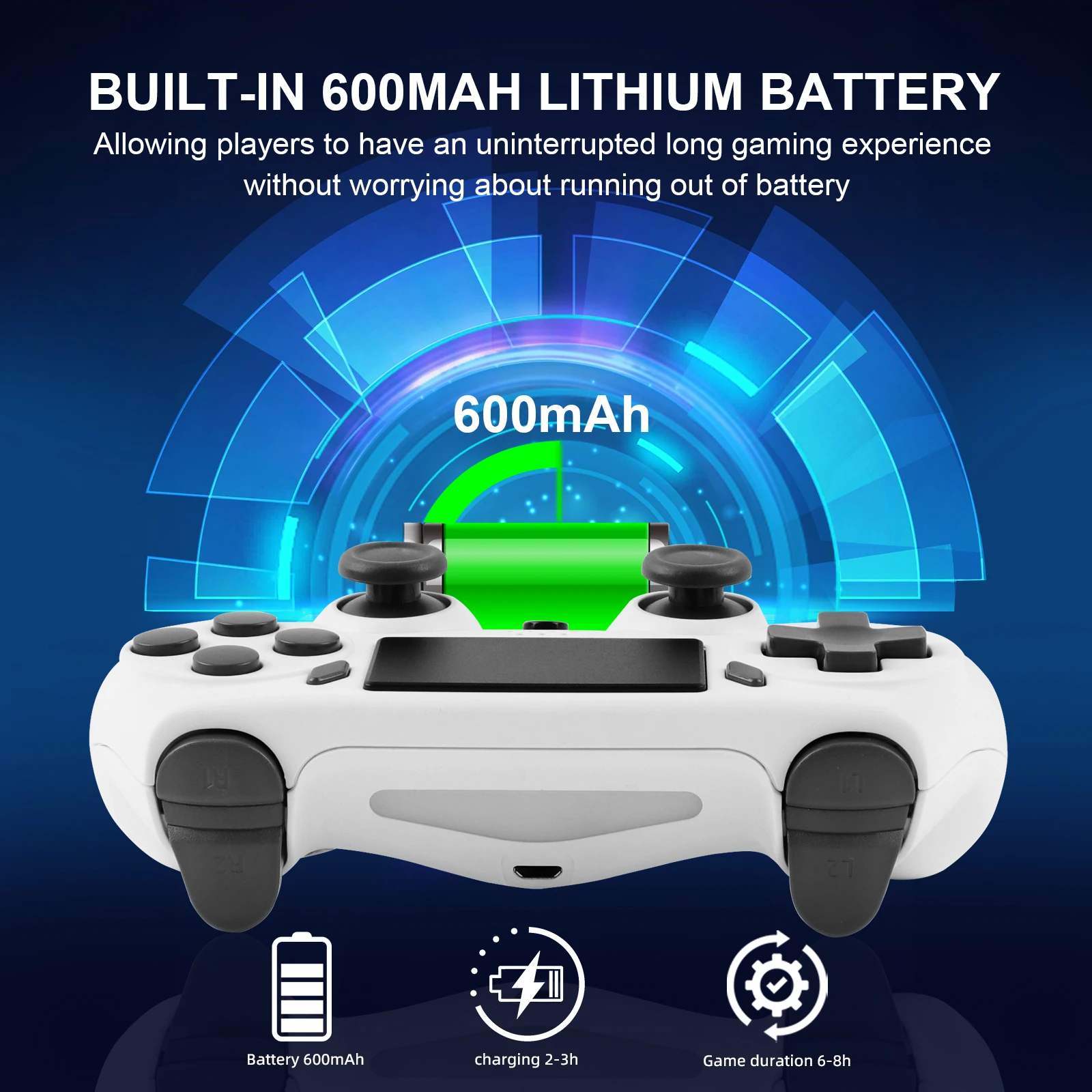
- PC controllers are gamepads that connect to a laptop by cable, their own receiver or Bluetooth, laid out like the Xbox or PlayStation pads. See PC controllers.
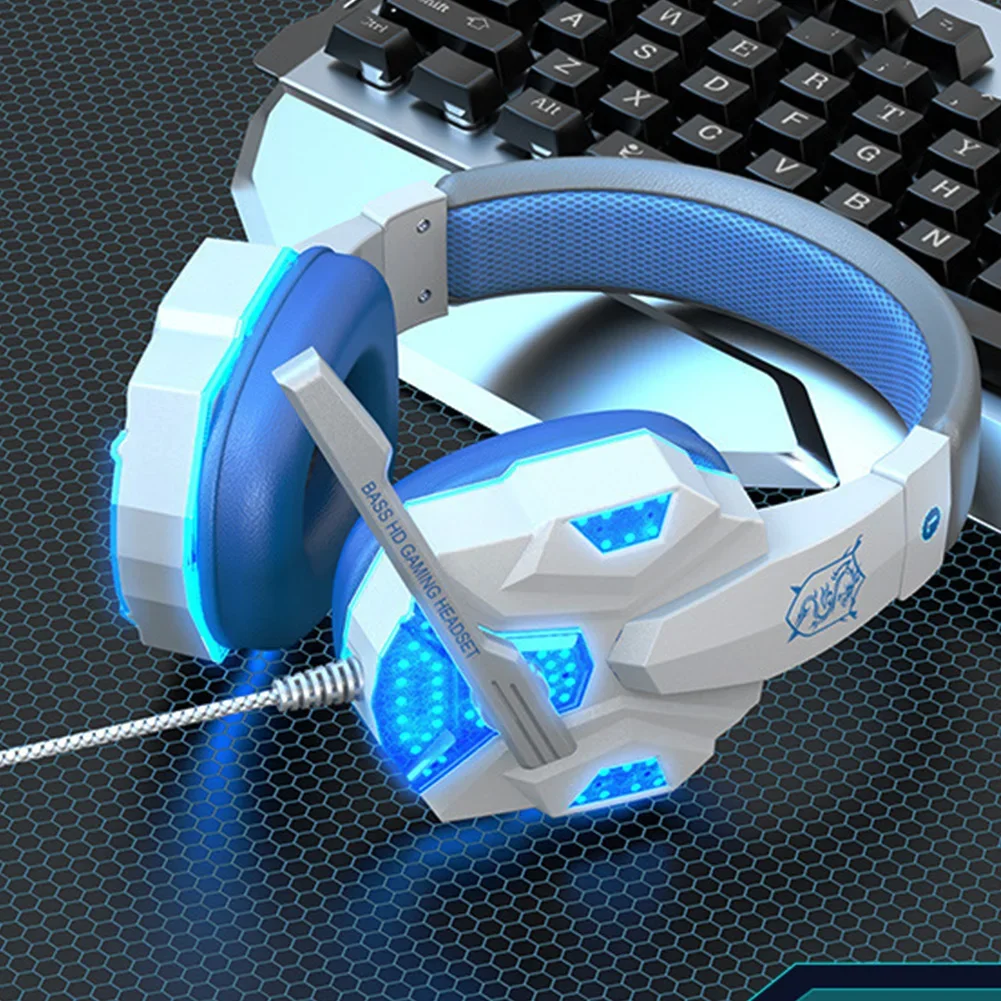
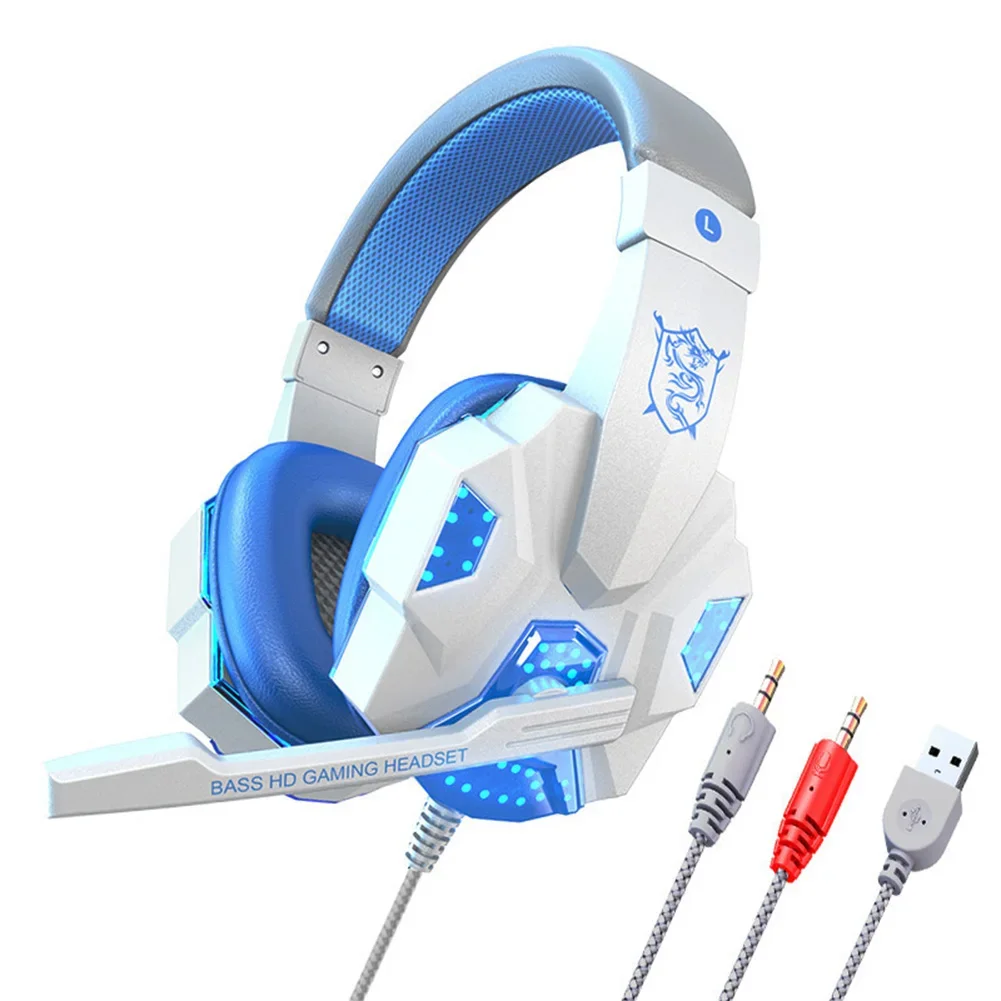
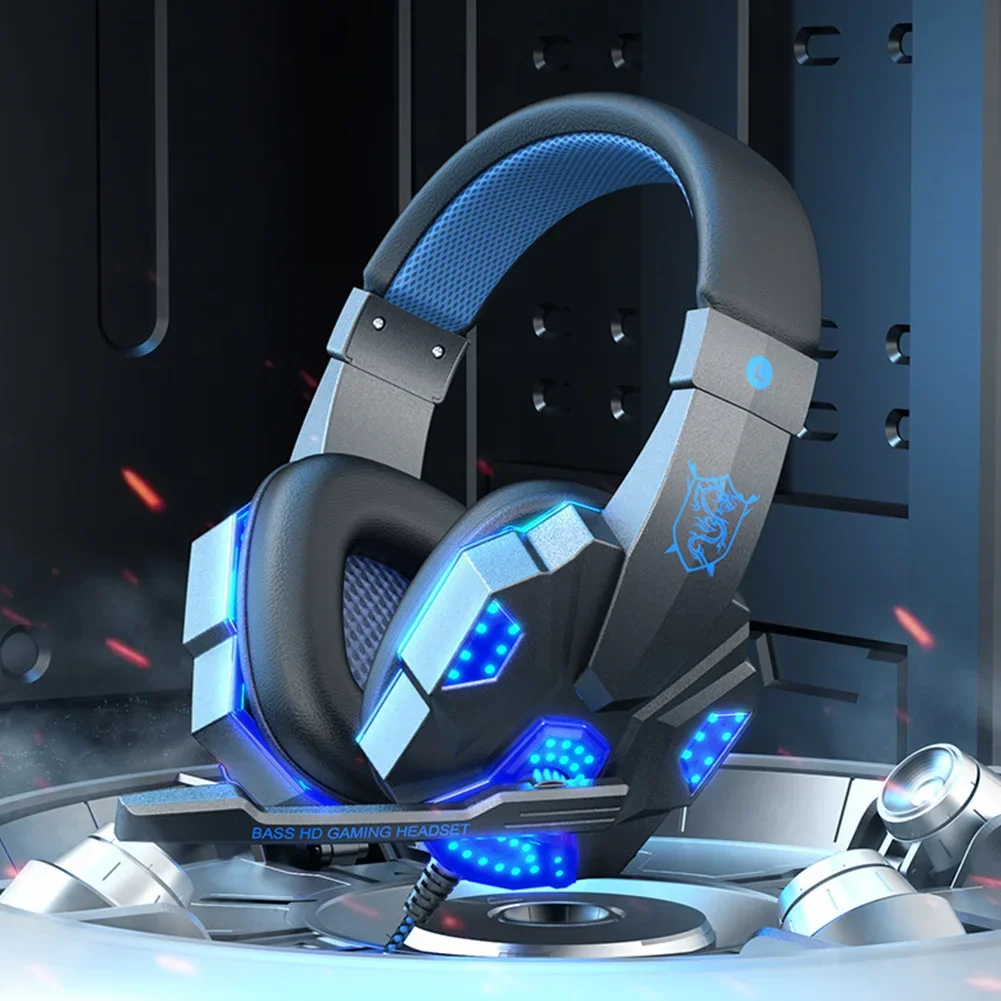
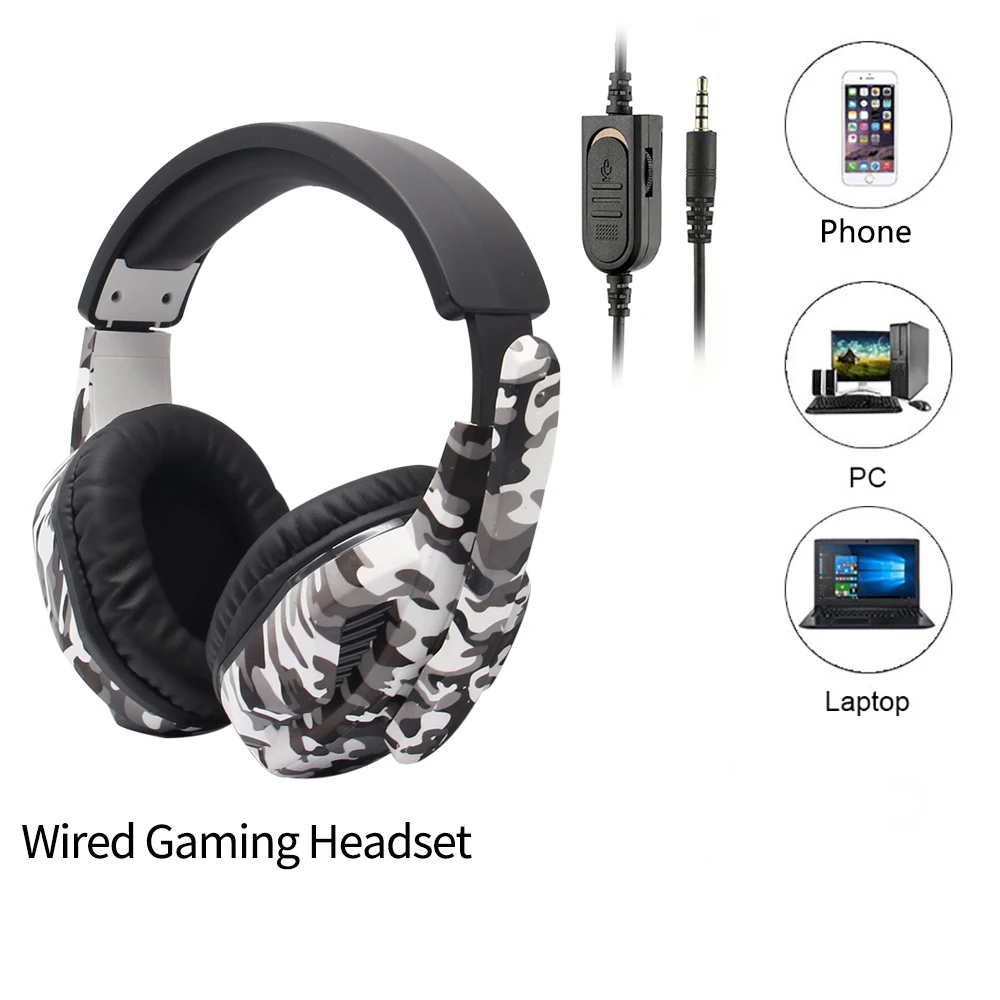
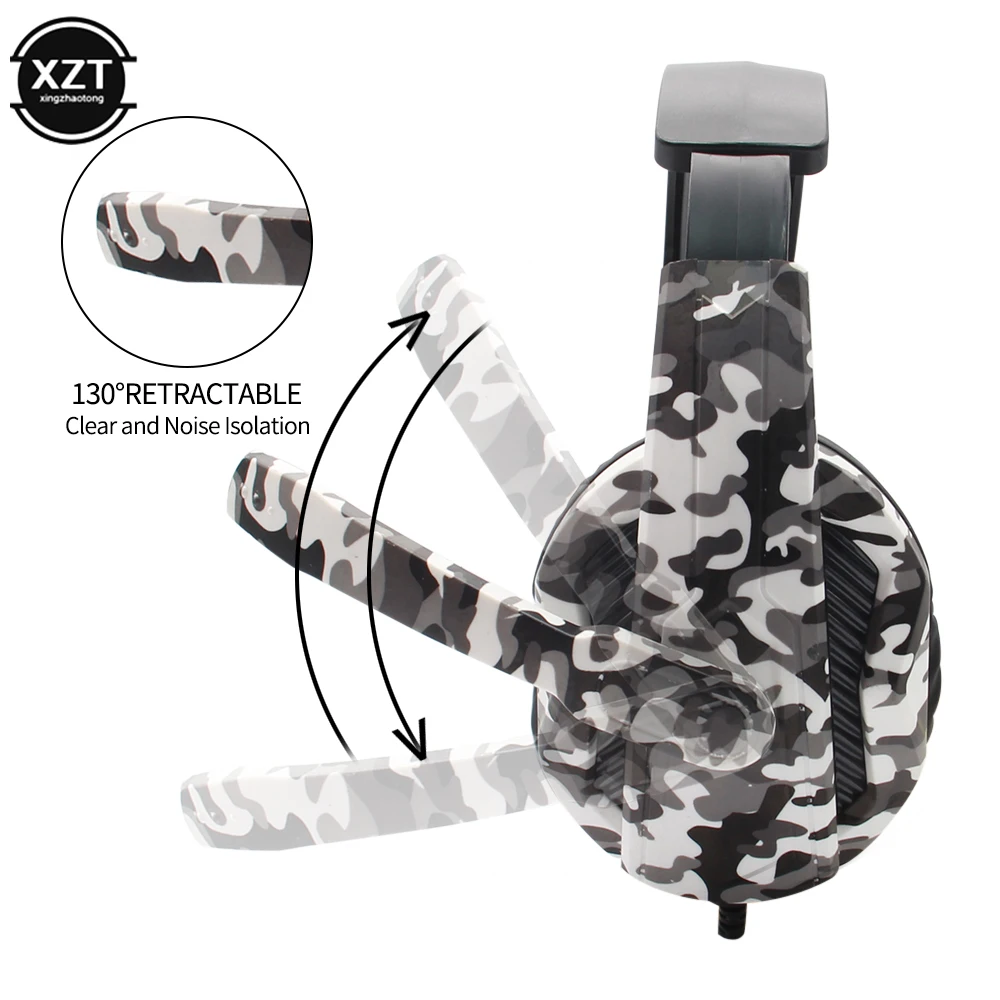
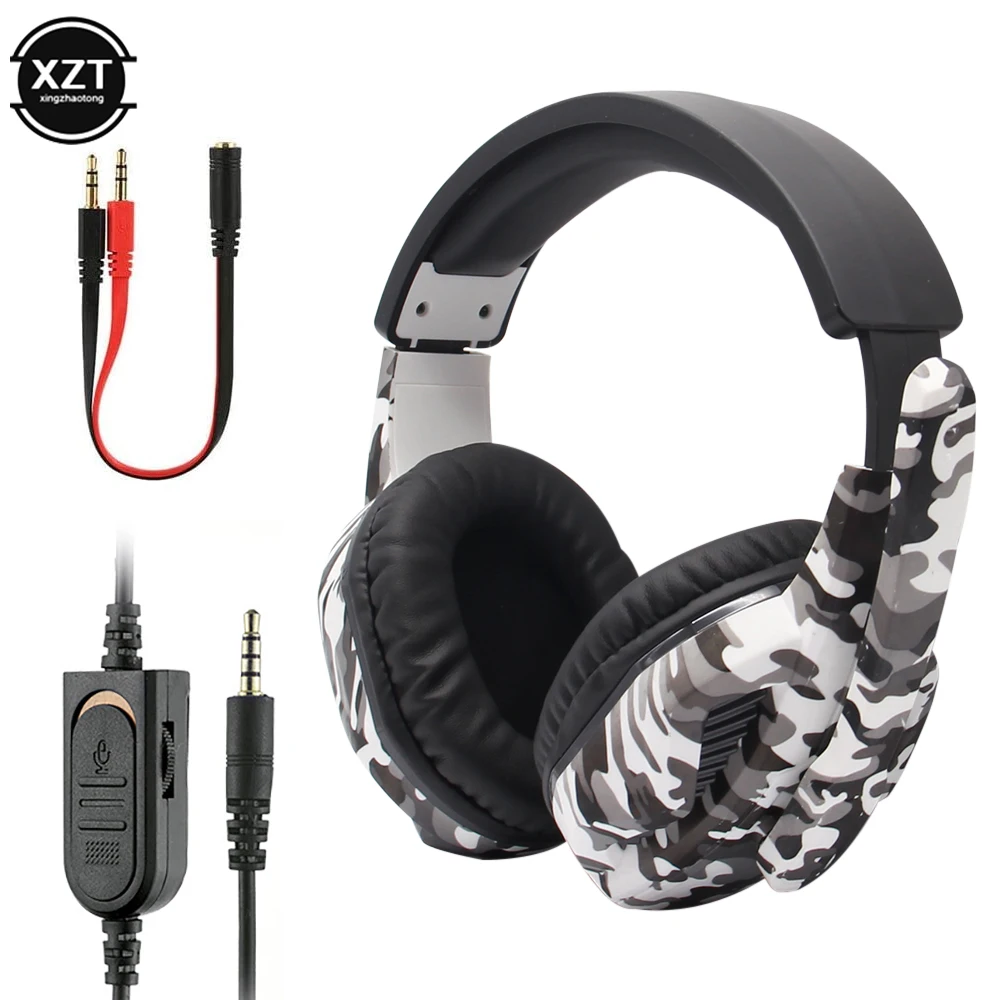
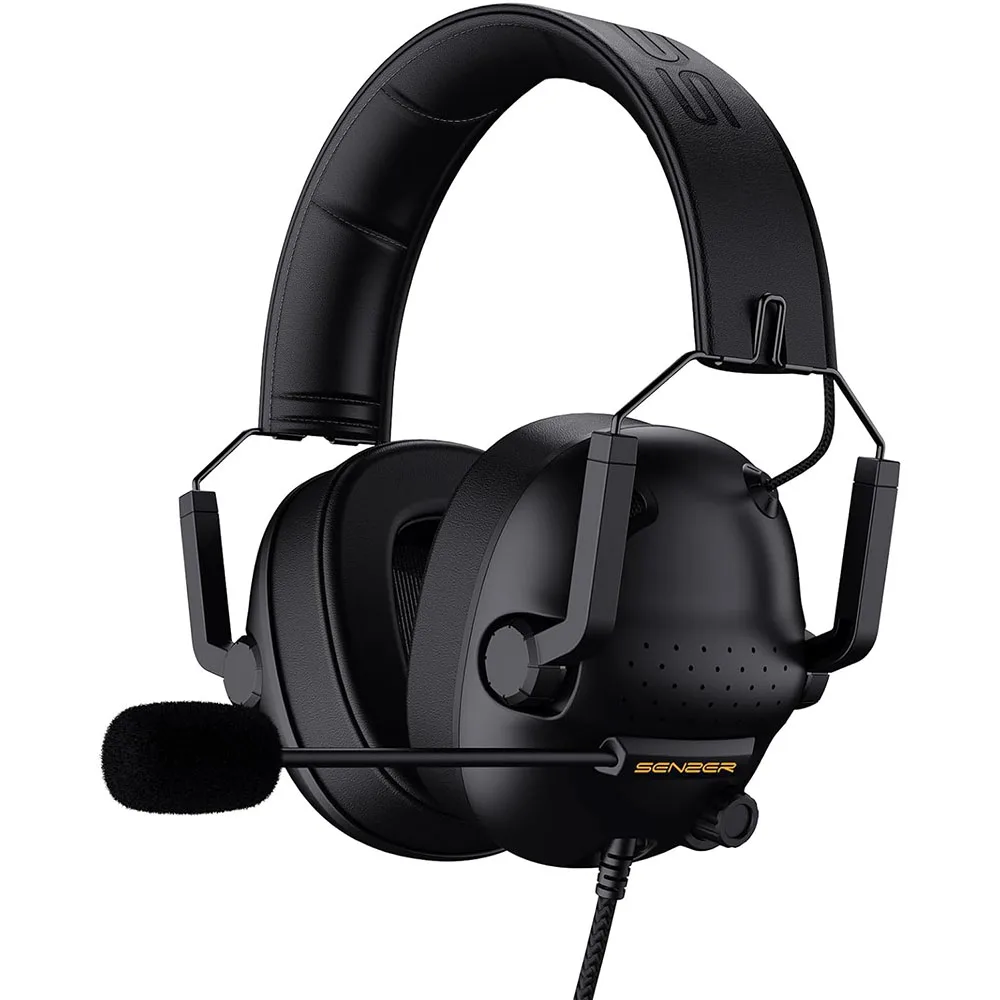
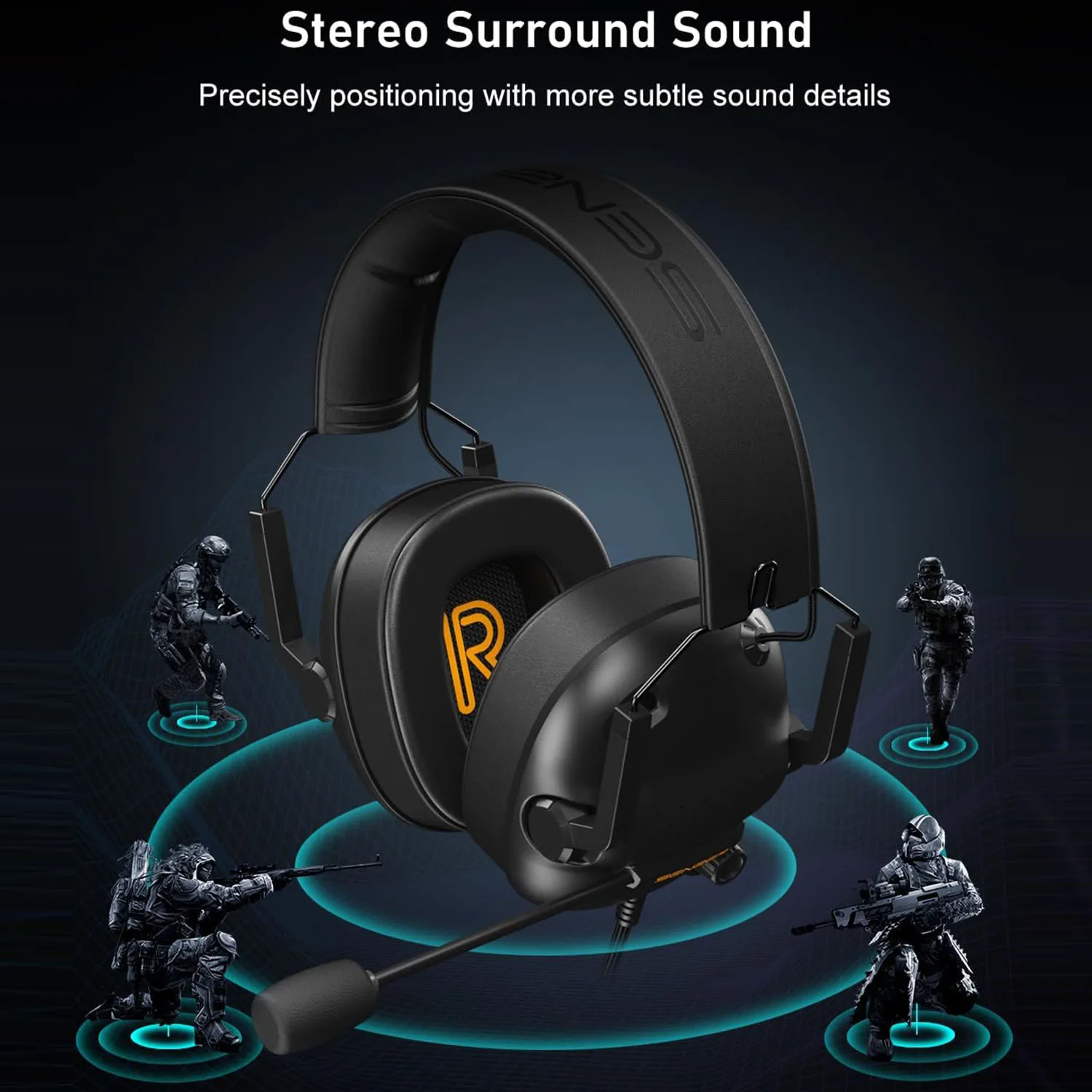
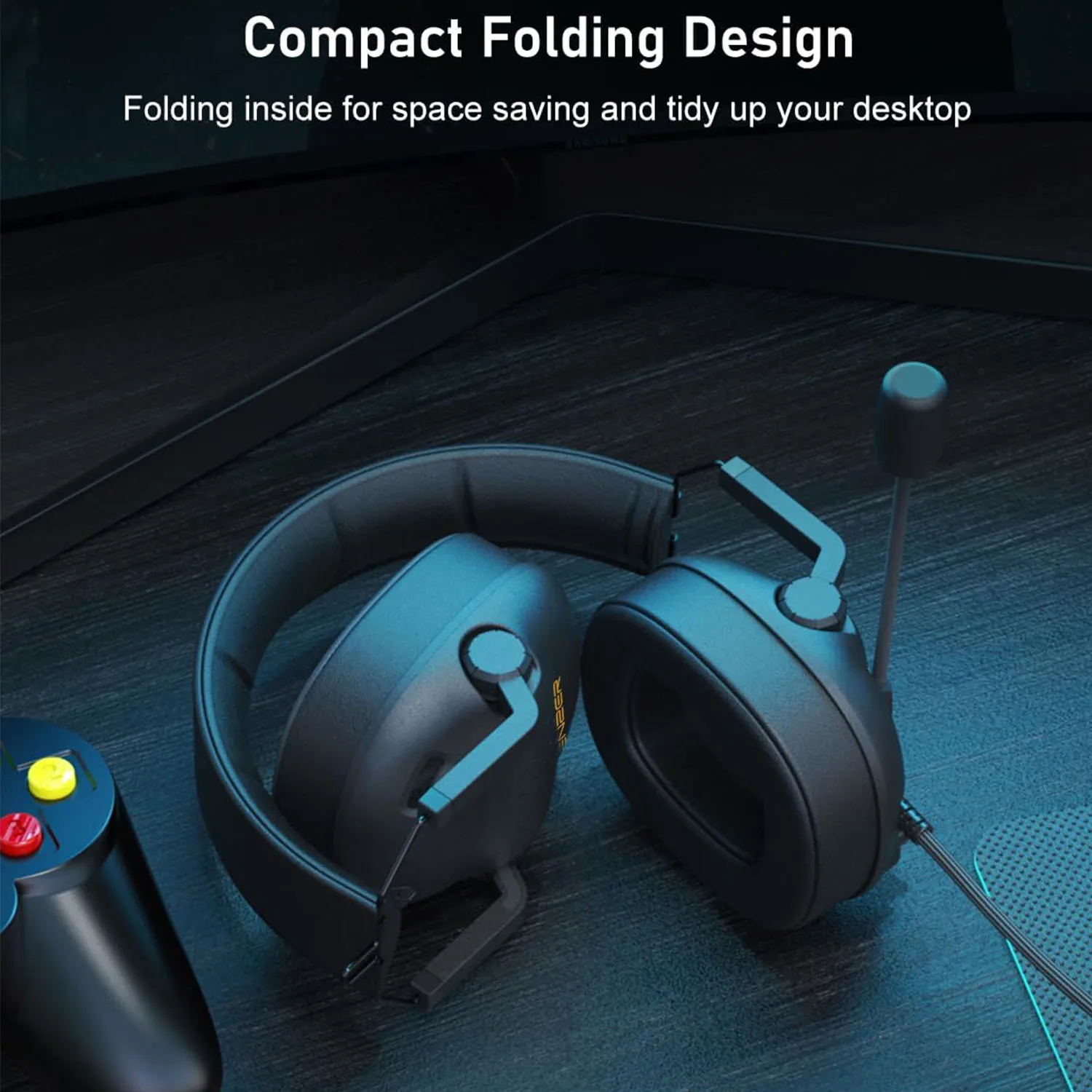
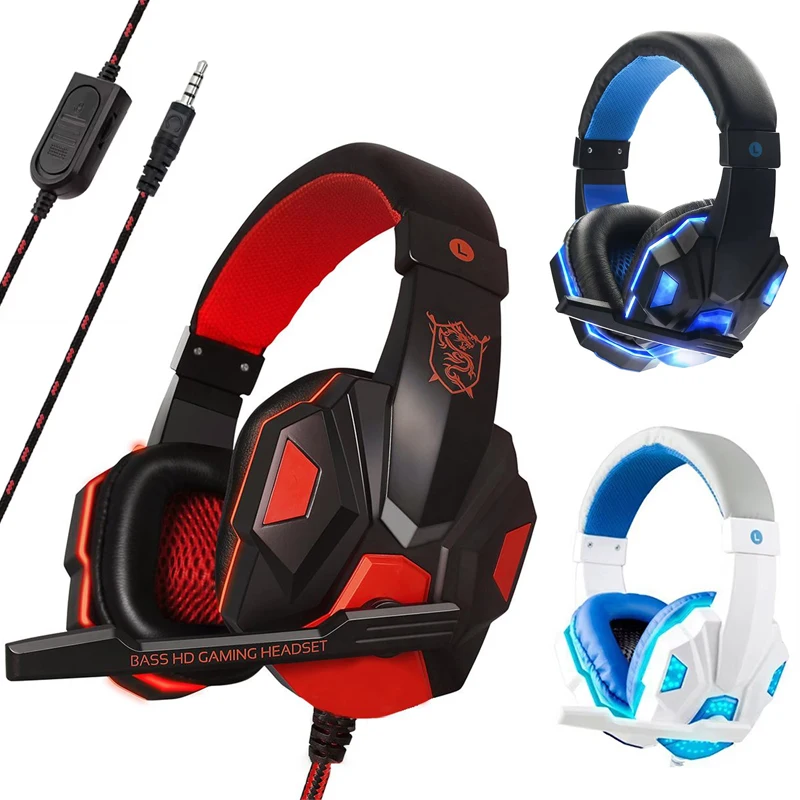
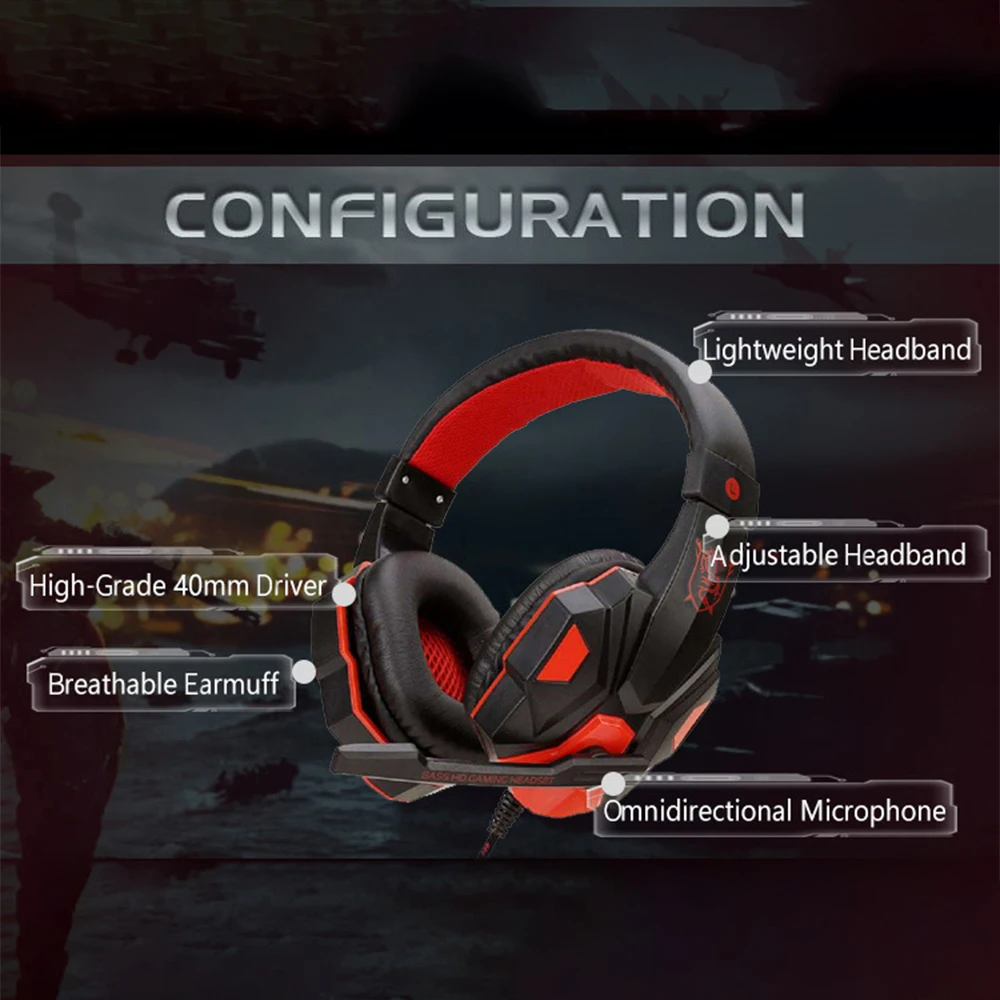
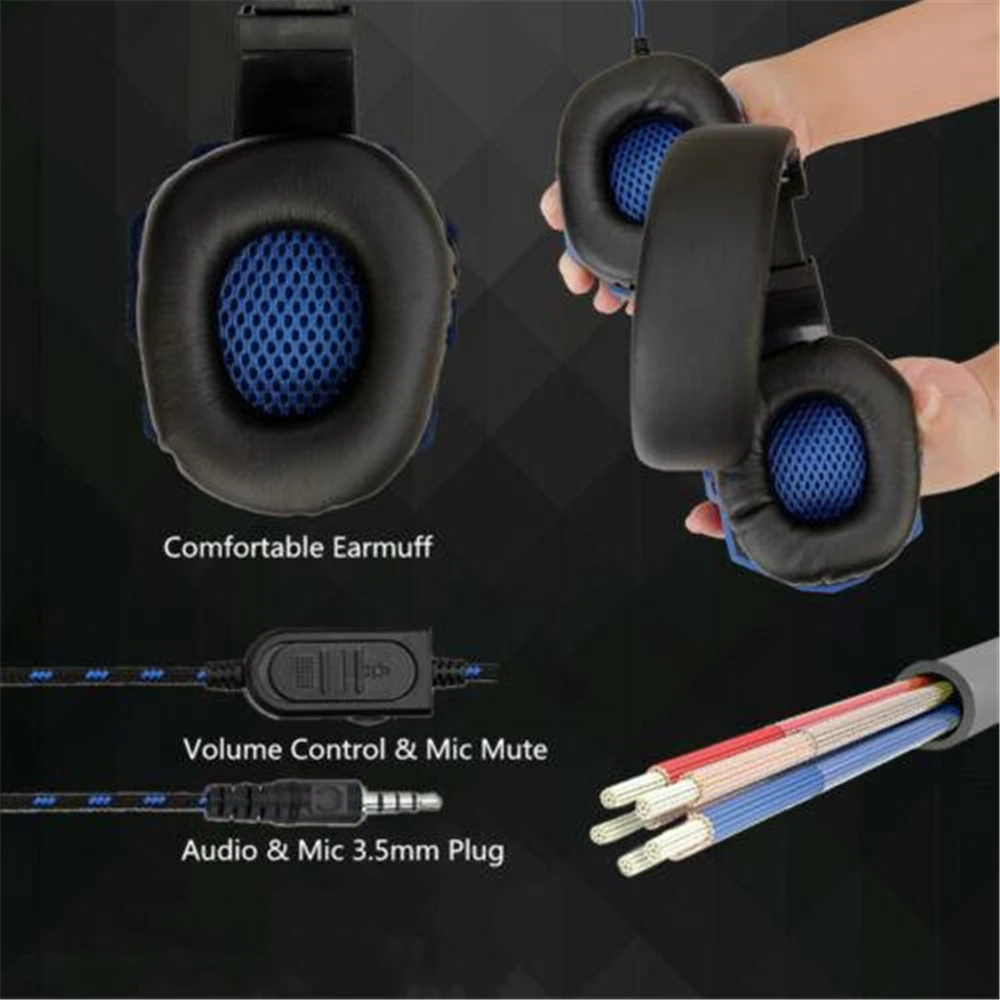
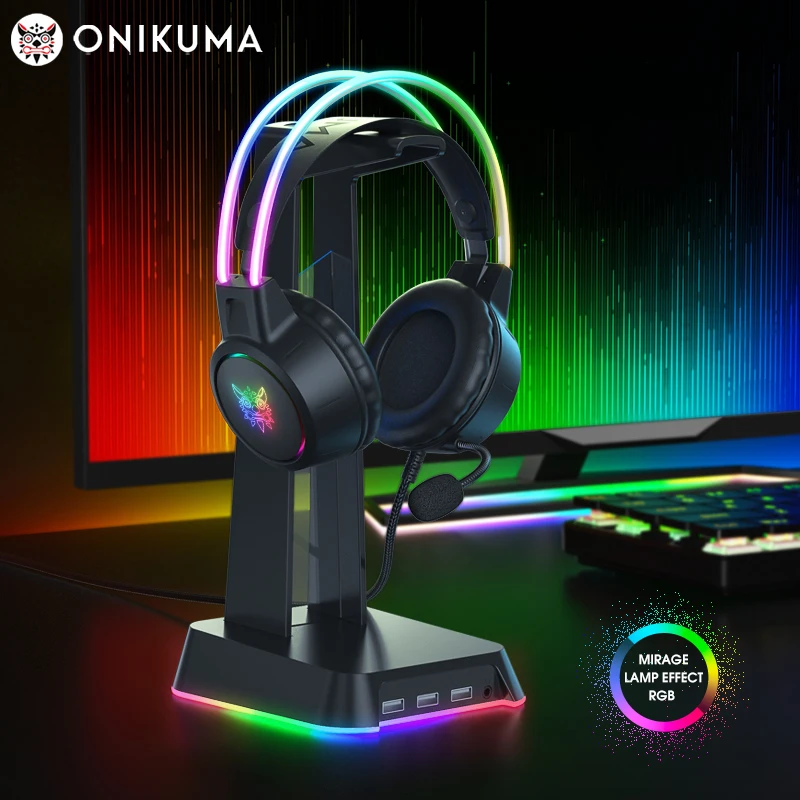
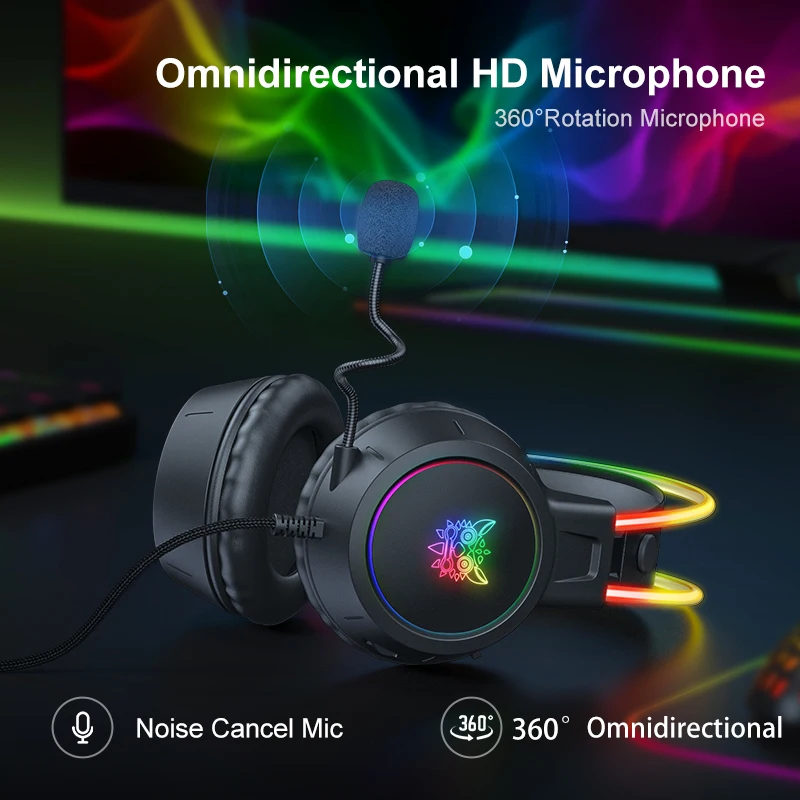
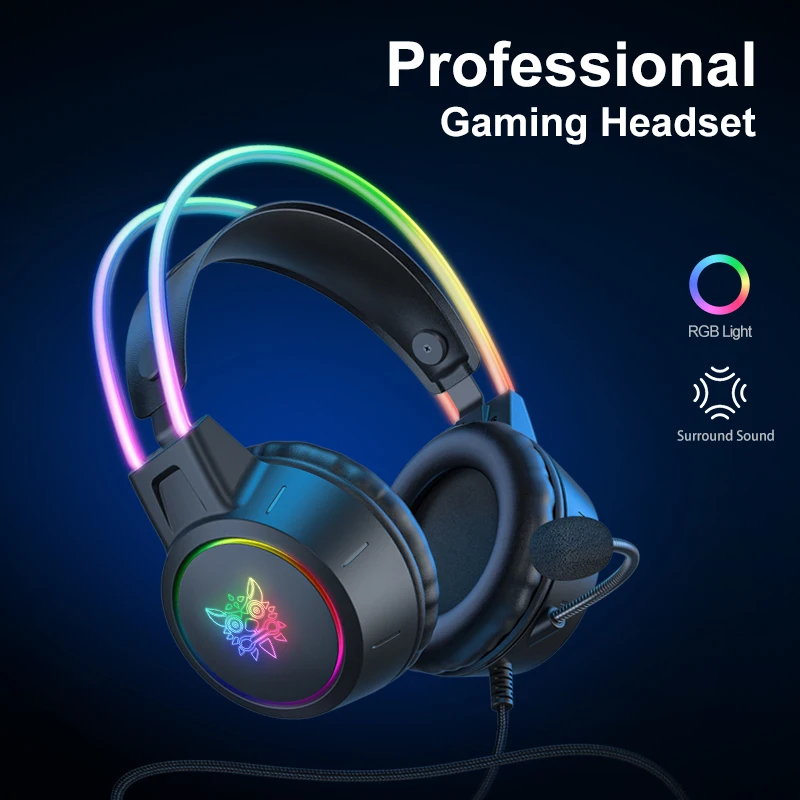
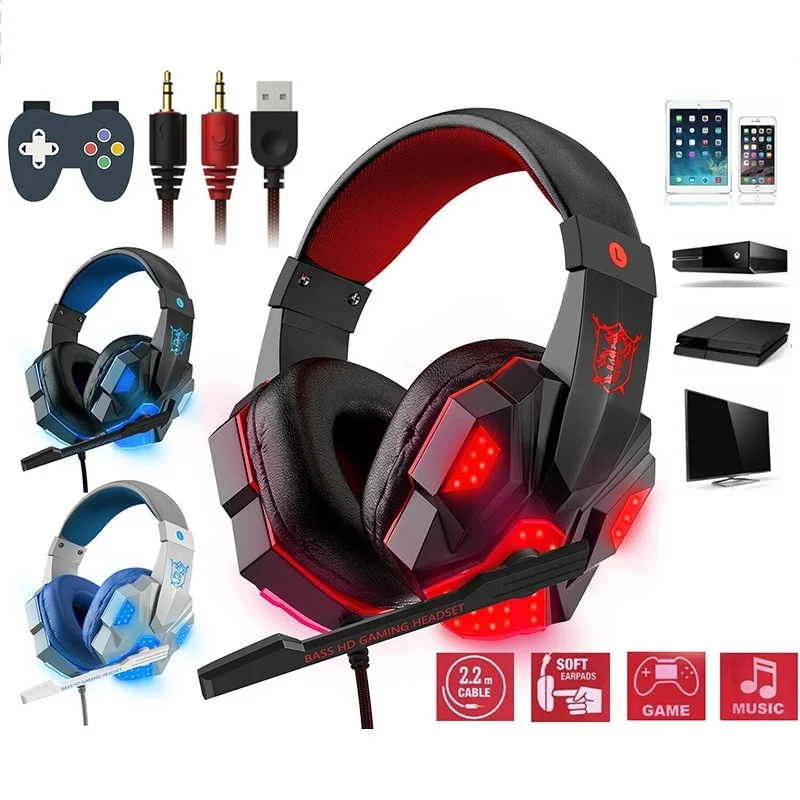
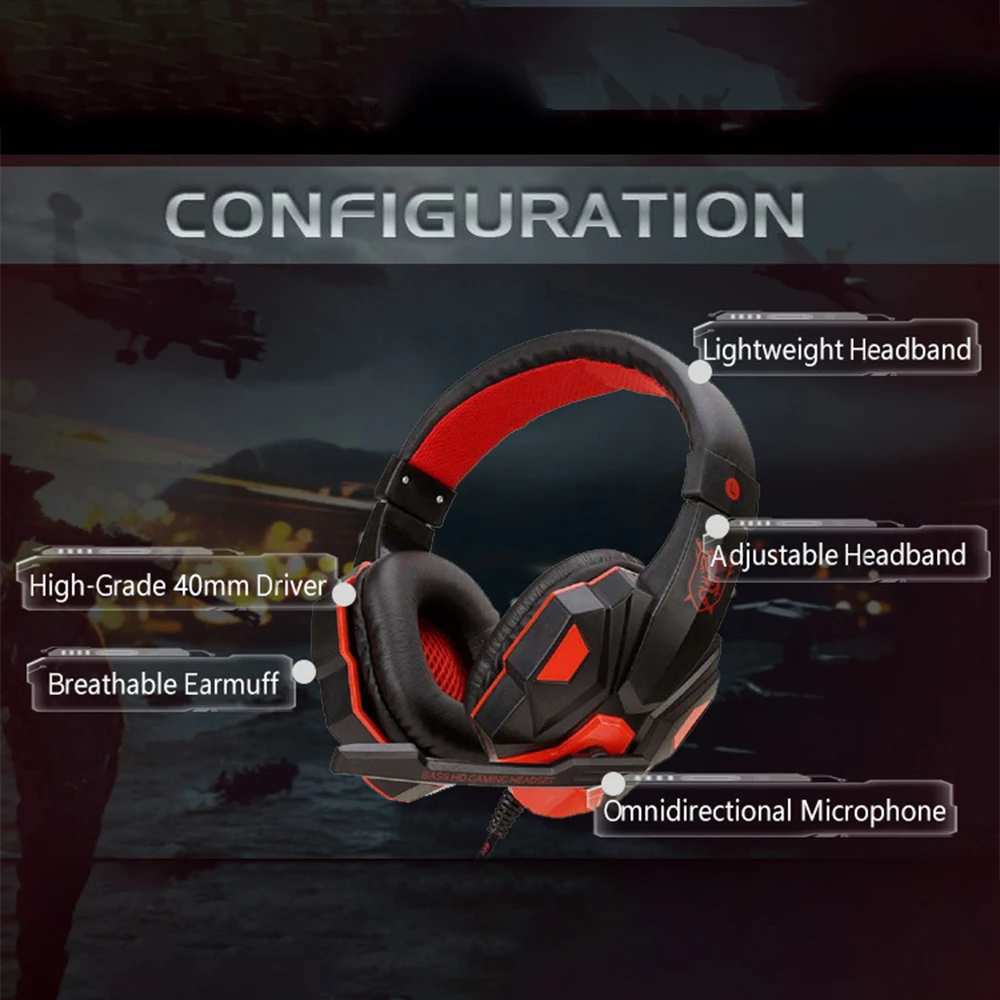
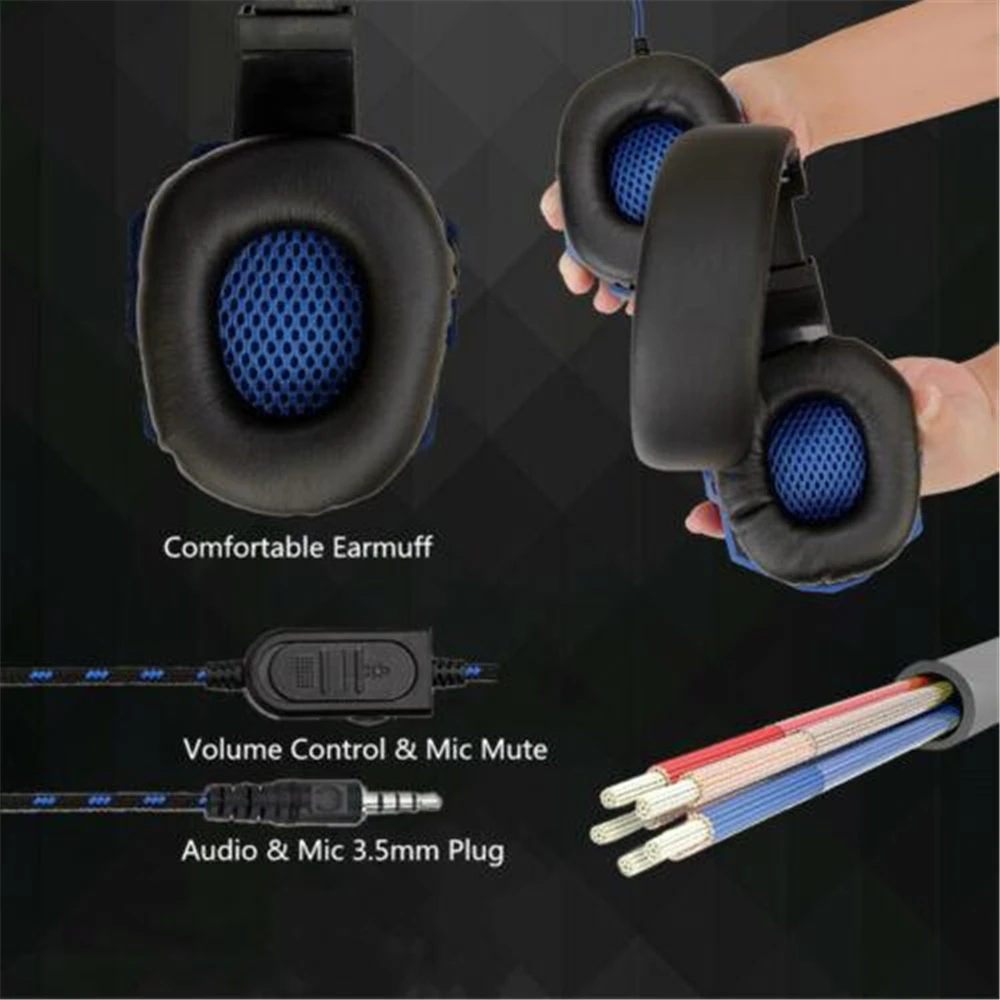
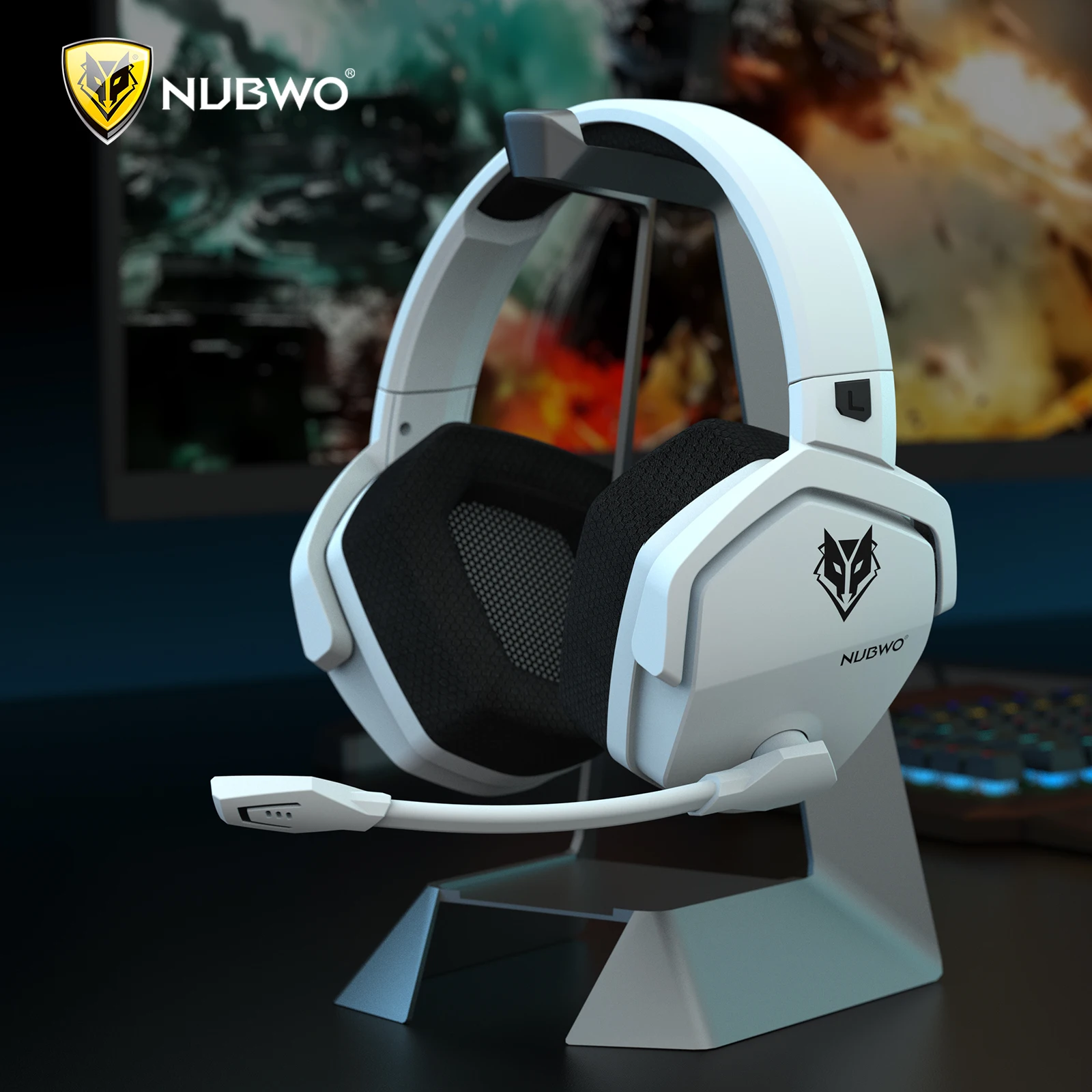
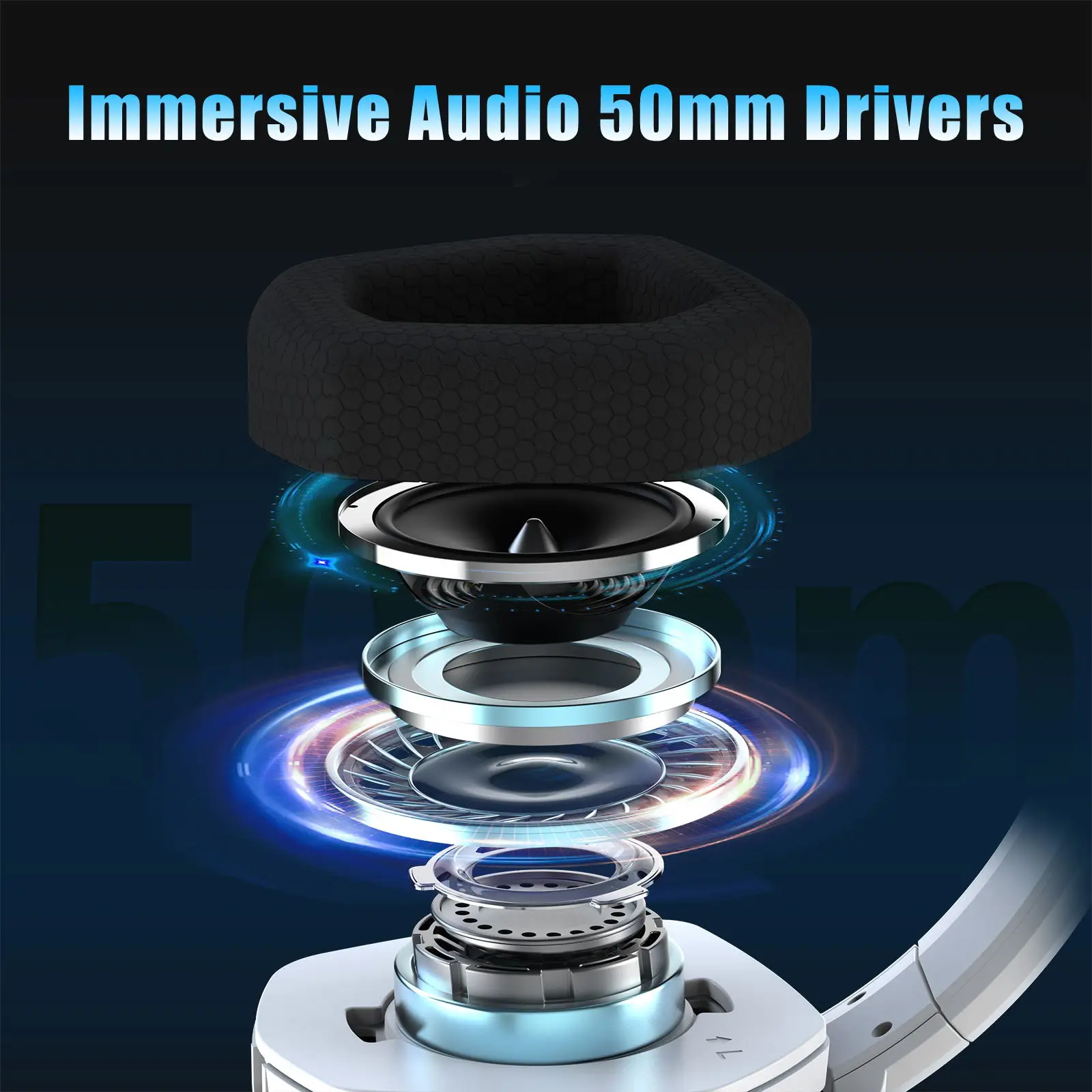
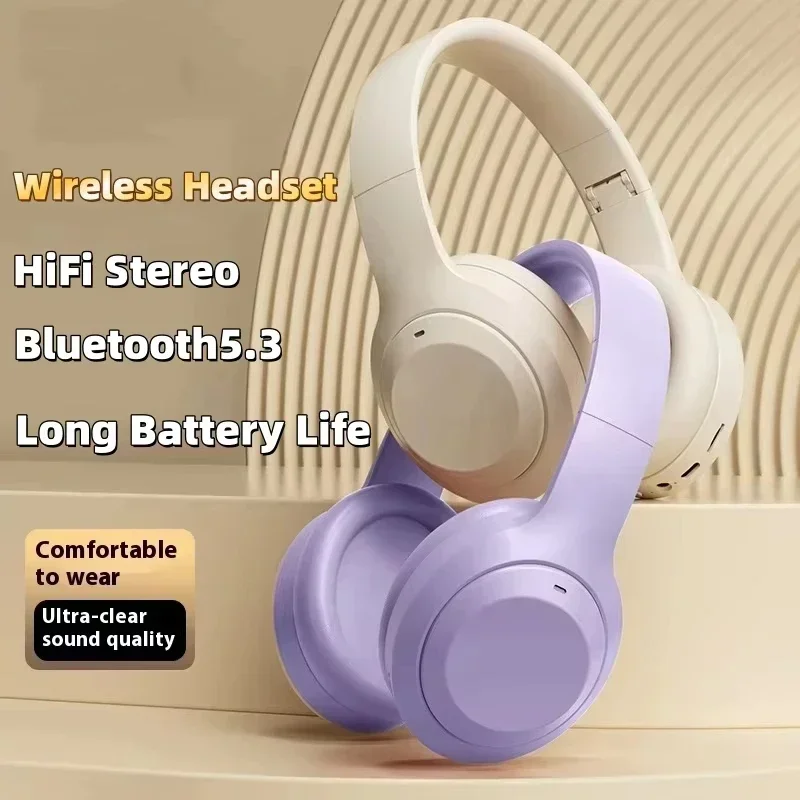
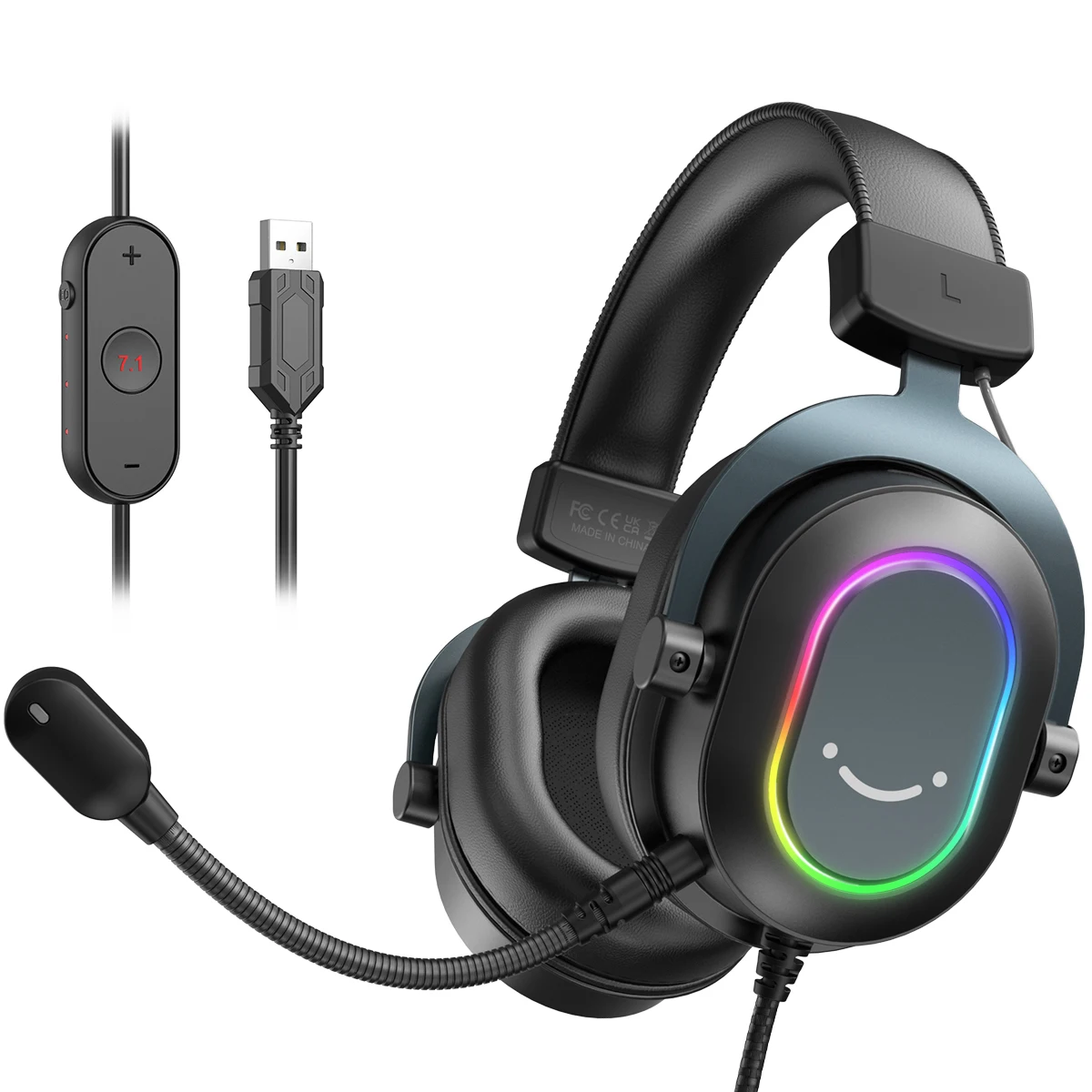
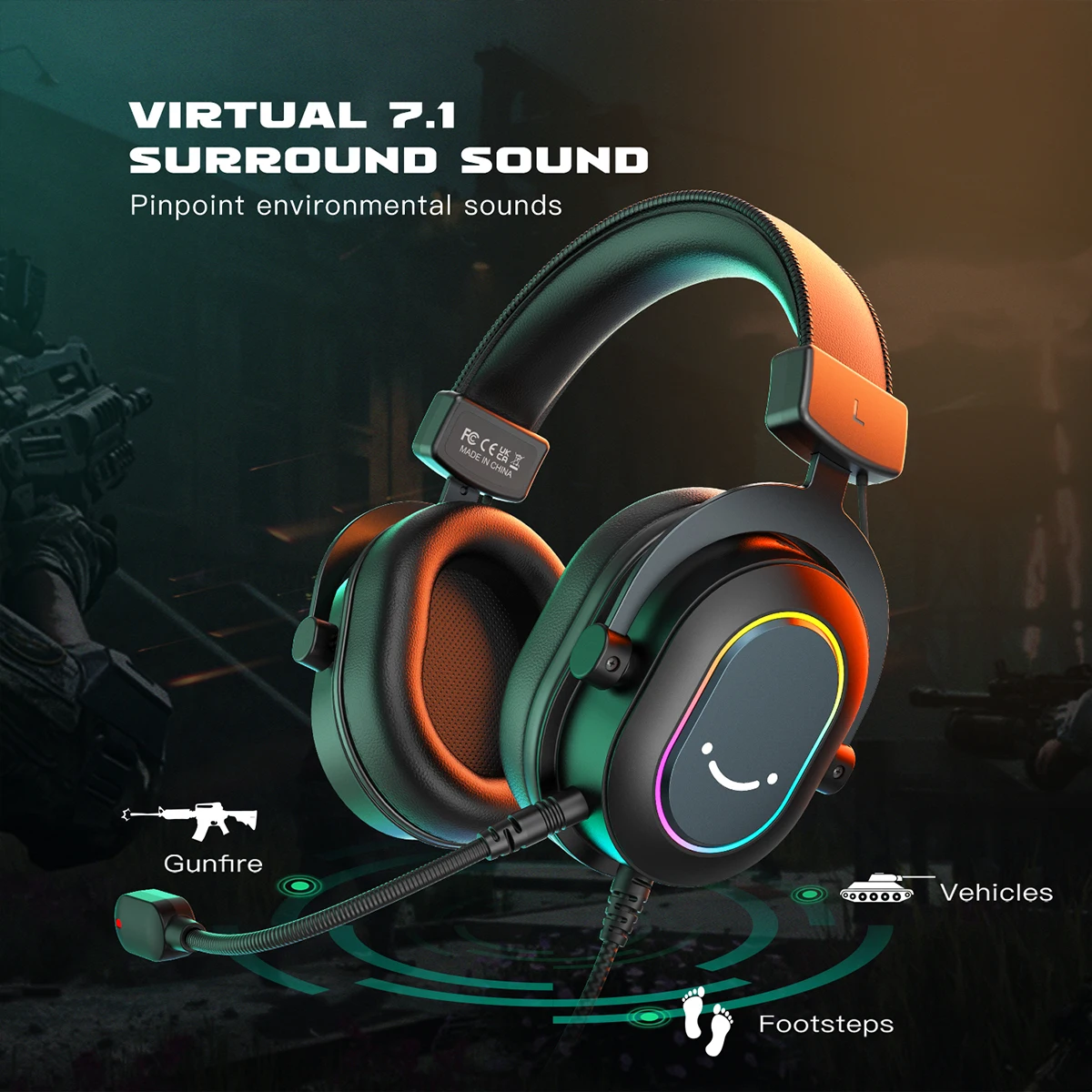
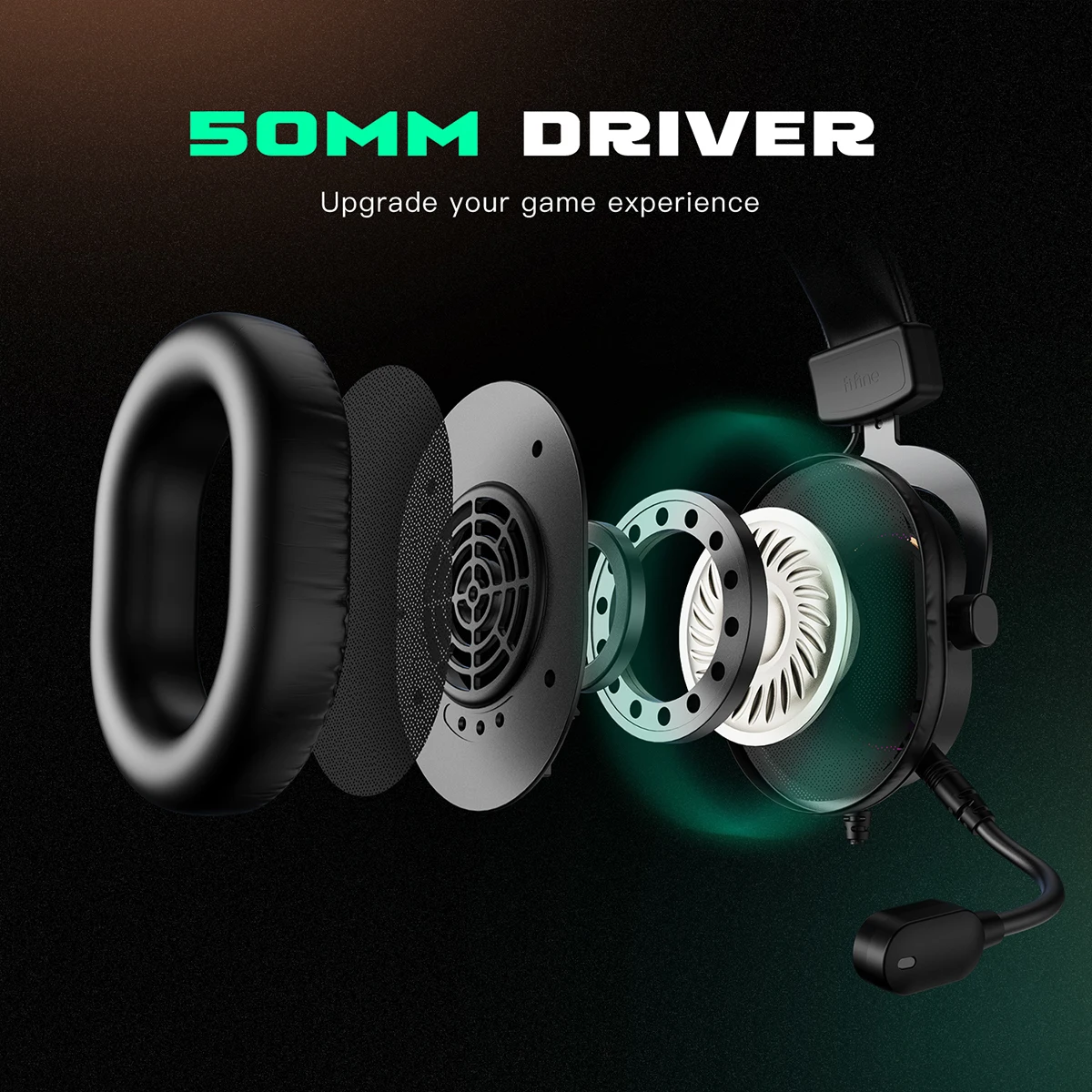
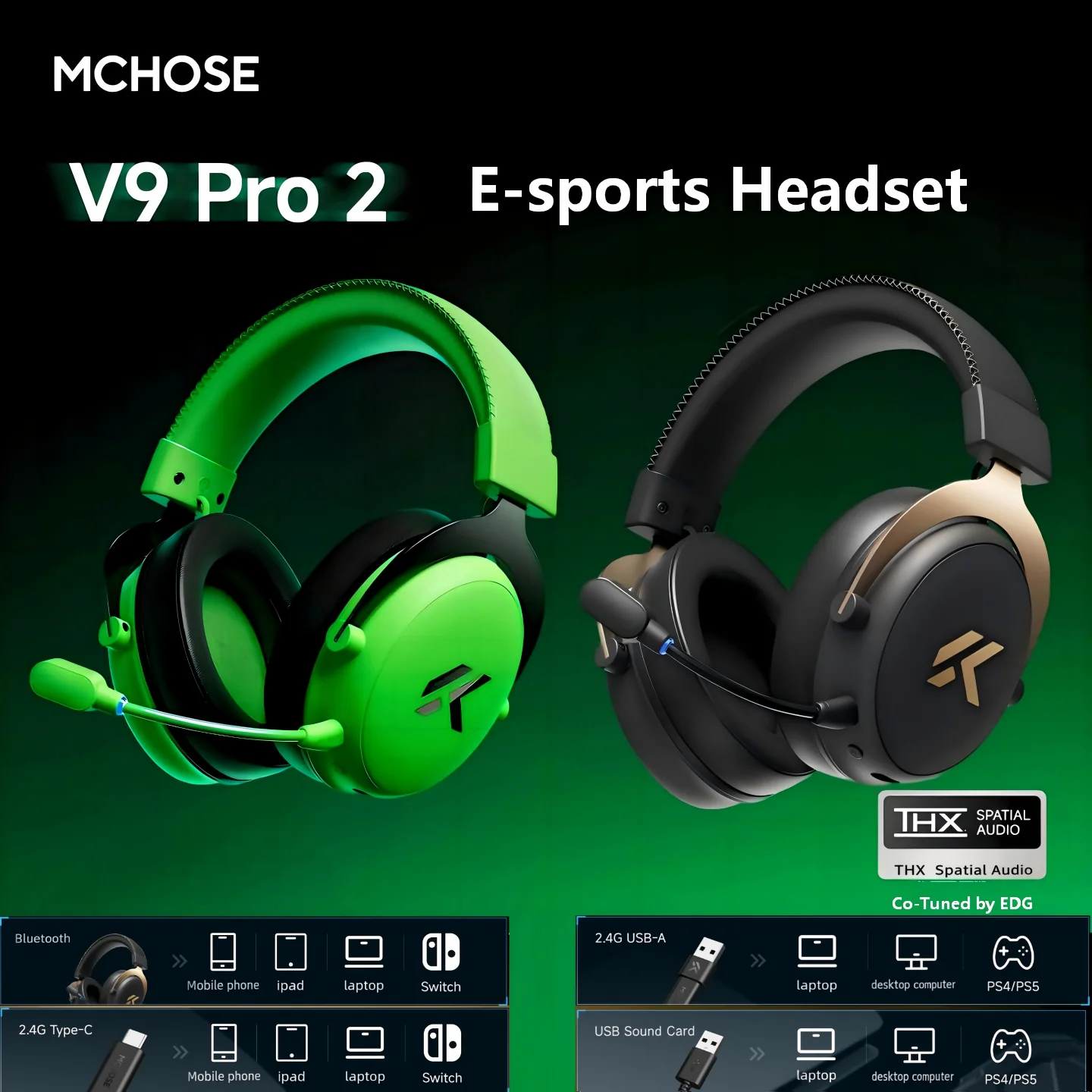
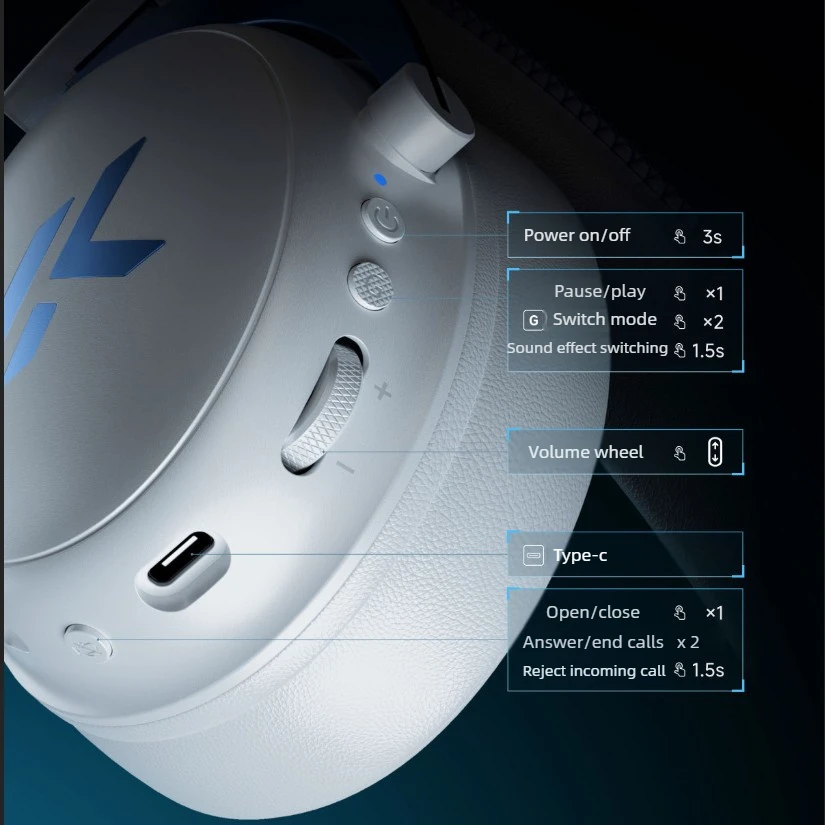
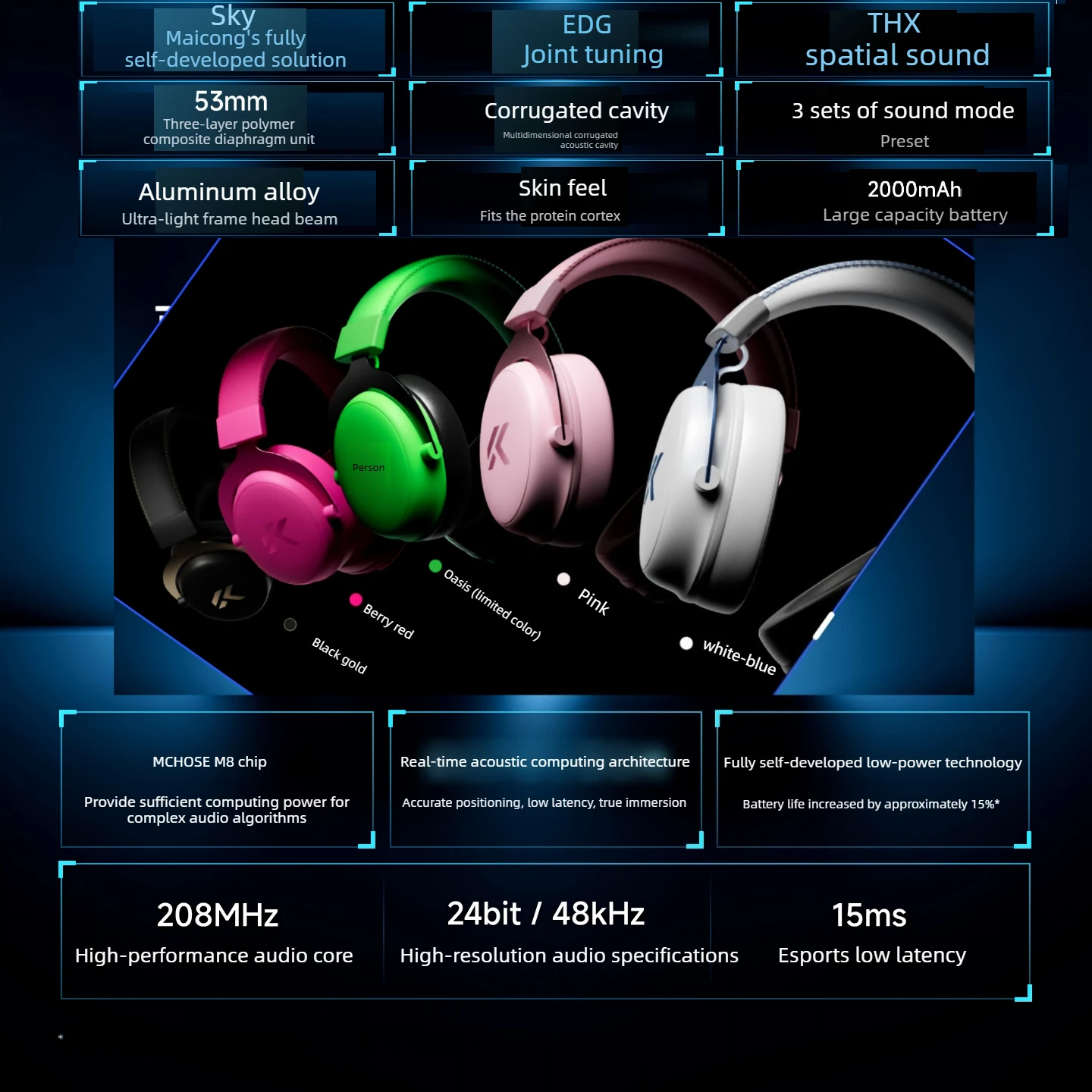
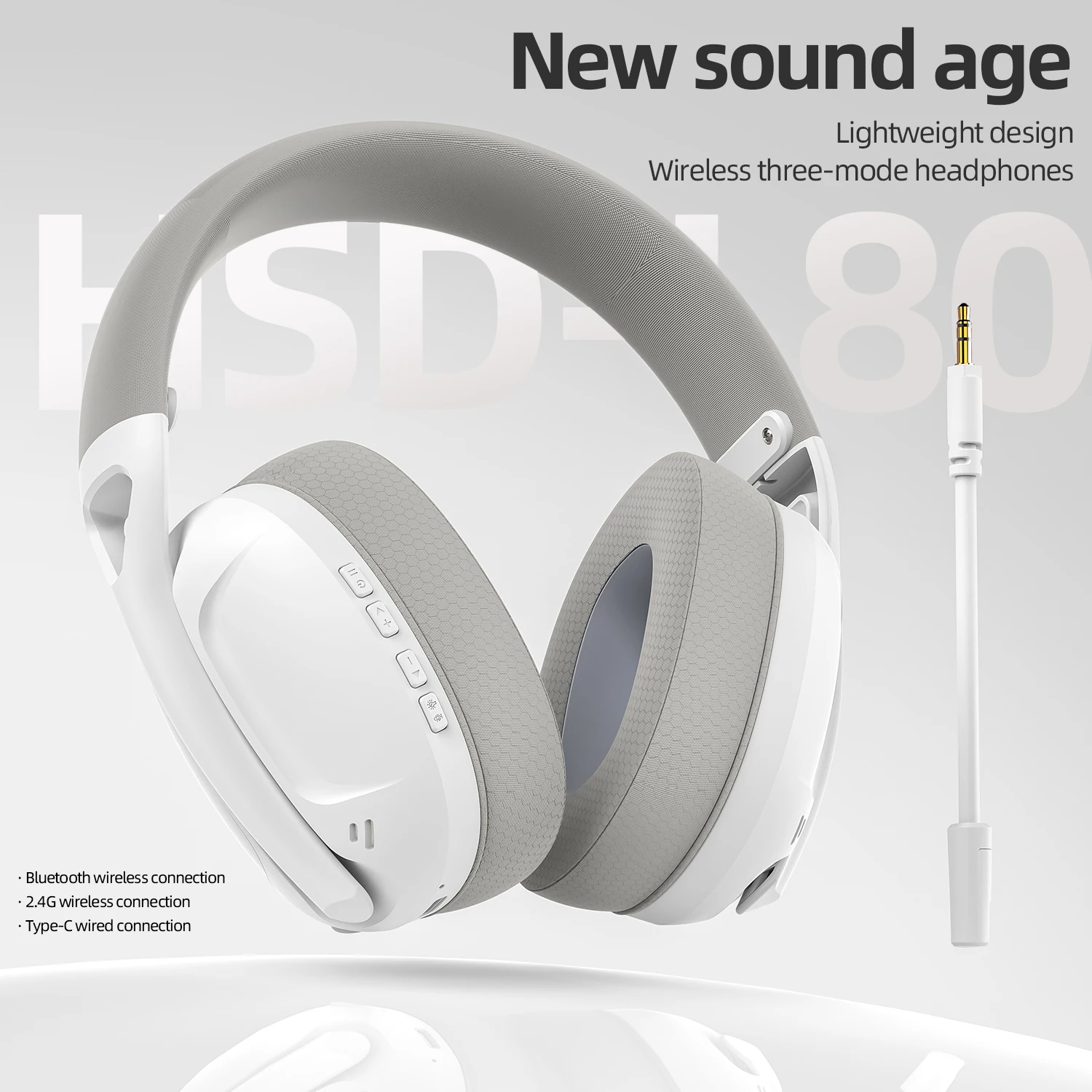
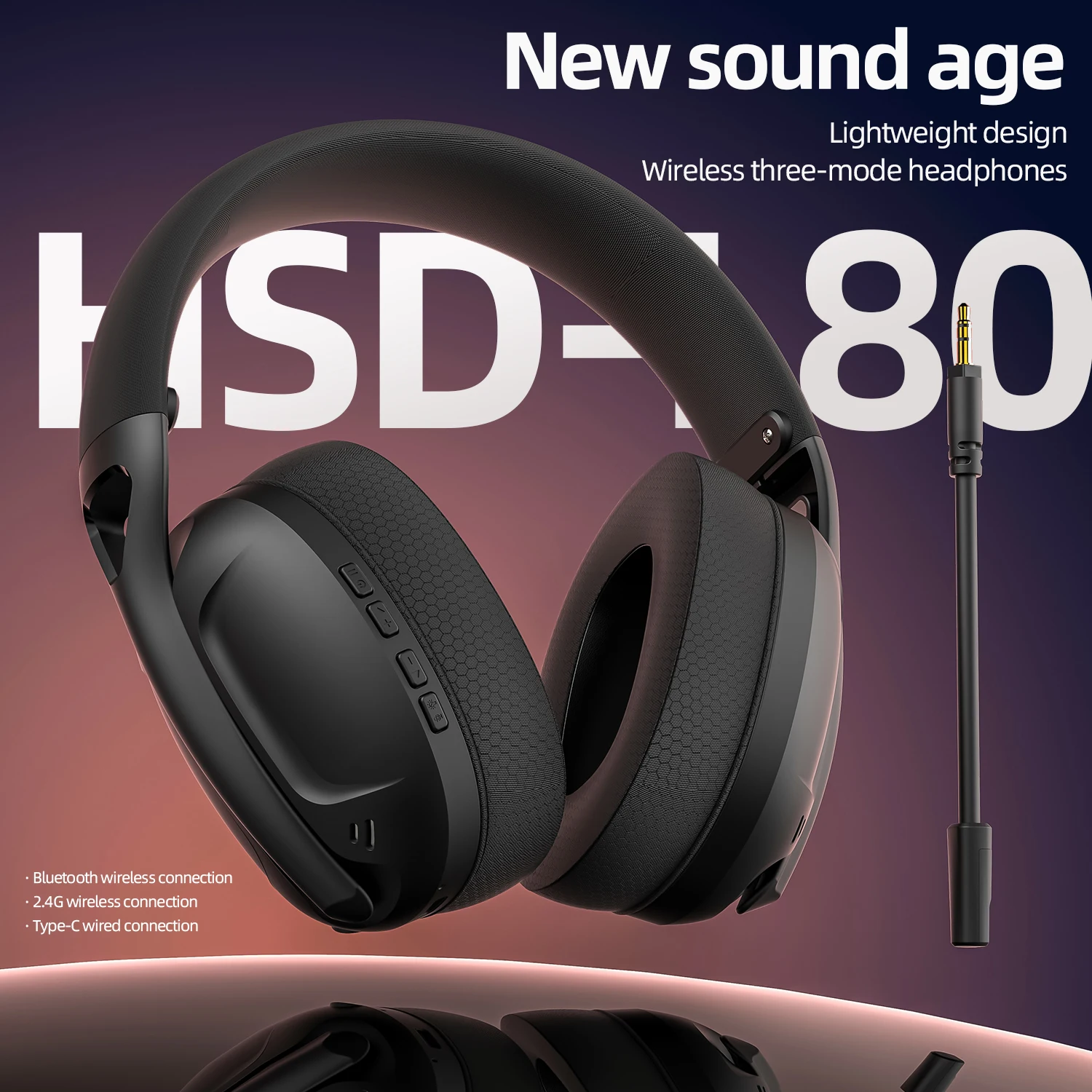
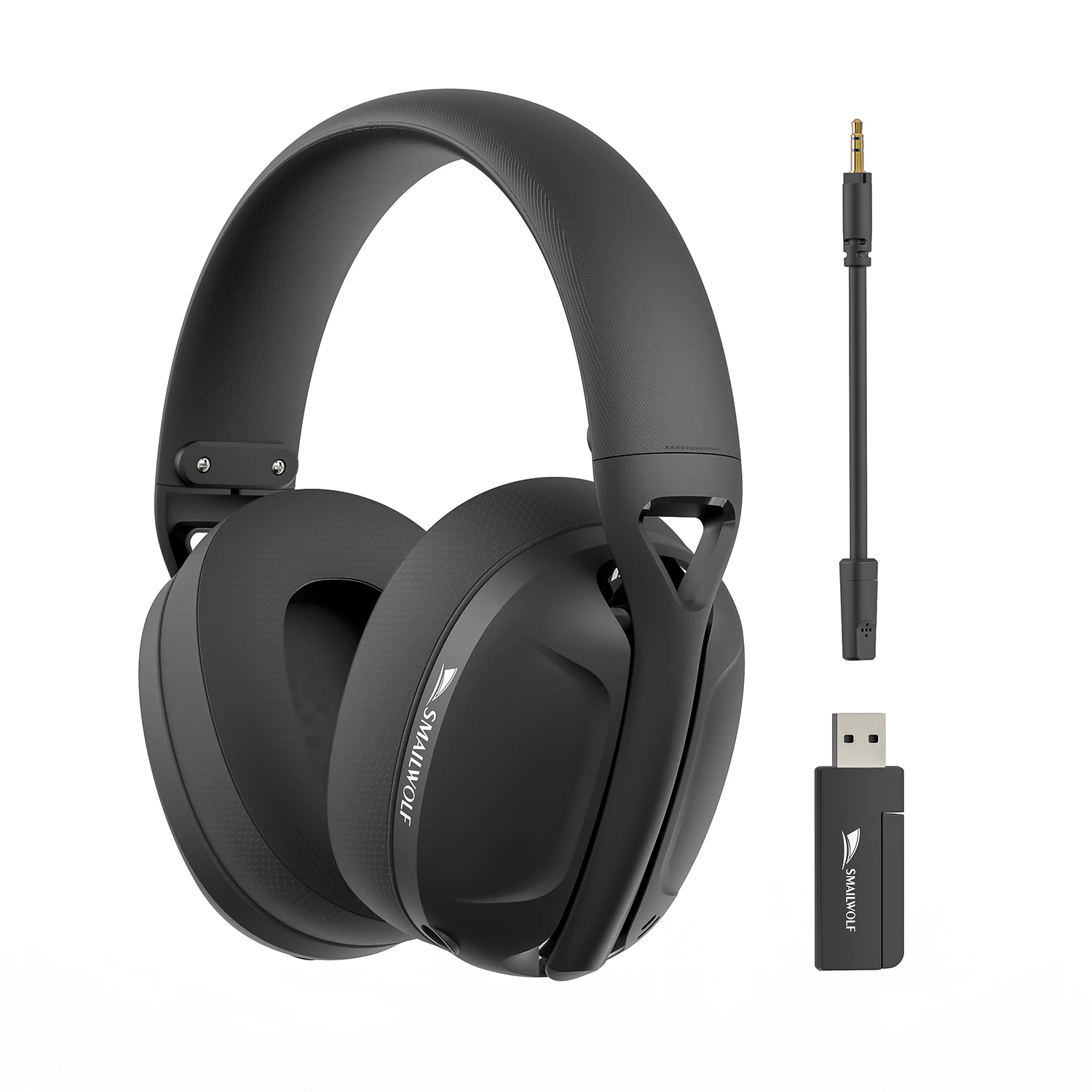
- Gaming headsets put a microphone on an arm in front of your mouth, wired or wireless, for chat with the people you play with. See gaming headsets.
At a desk or on the sofa
Think about where the laptop sits when you play. At a desk, a mouse on a large mat, a separate keyboard and a stand give you a set-up much like a desktop computer. From the sofa, a controller and a wireless headset are more comfortable, and many people connect the laptop to the TV with an HDMI cable for longer sessions.
Keeping the laptop cool while it plays
Games work a laptop harder than anything else, and heat is what slows it down. Play with it on a hard, flat surface, never on a duvet, a cushion or your lap for long, and keep the vents clear. Apple's safety information for its laptops says not to use them on a pillow, blanket or other soft material, and the same applies to any laptop. A laptop cooling pad lifts the laptop and pushes more air underneath it. Plug in for games too: many laptops slow their graphics on battery to save charge, and on Windows the Best performance power mode, under Settings, System, then Power and battery, gives games more speed.
Questions people ask about gaming on a laptop
Can I use a console controller on a laptop?
Many work by cable or Bluetooth. The controllers here say on each page which systems they work with.
Will these work on a Mac?
The basics usually do. Check each product page lists Mac, as some lighting and button software is made for Windows only.
Delivery is included in every price and tracked to your door.
More to look at