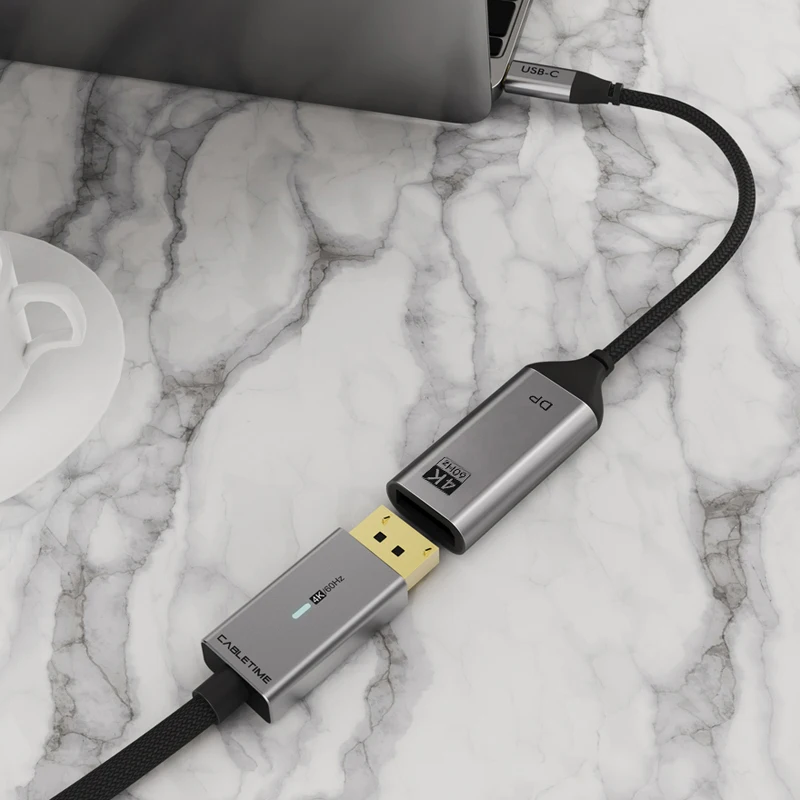
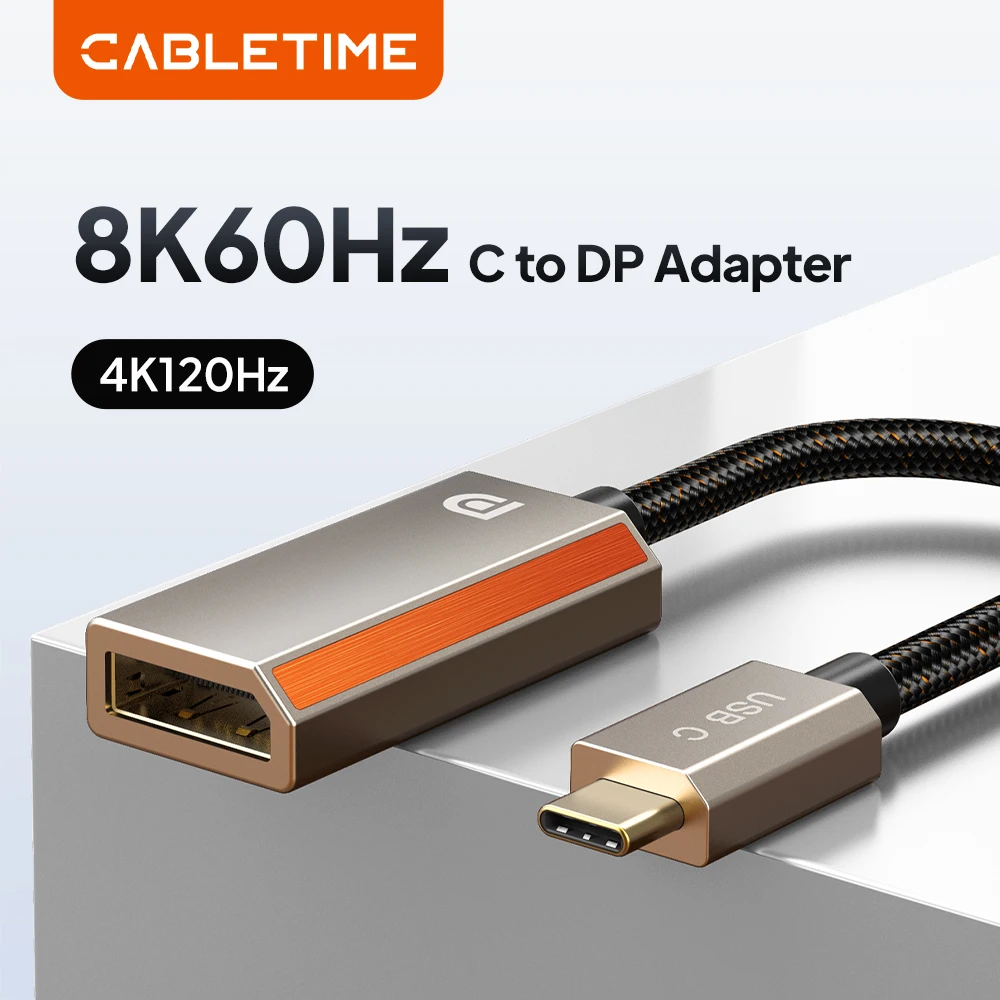
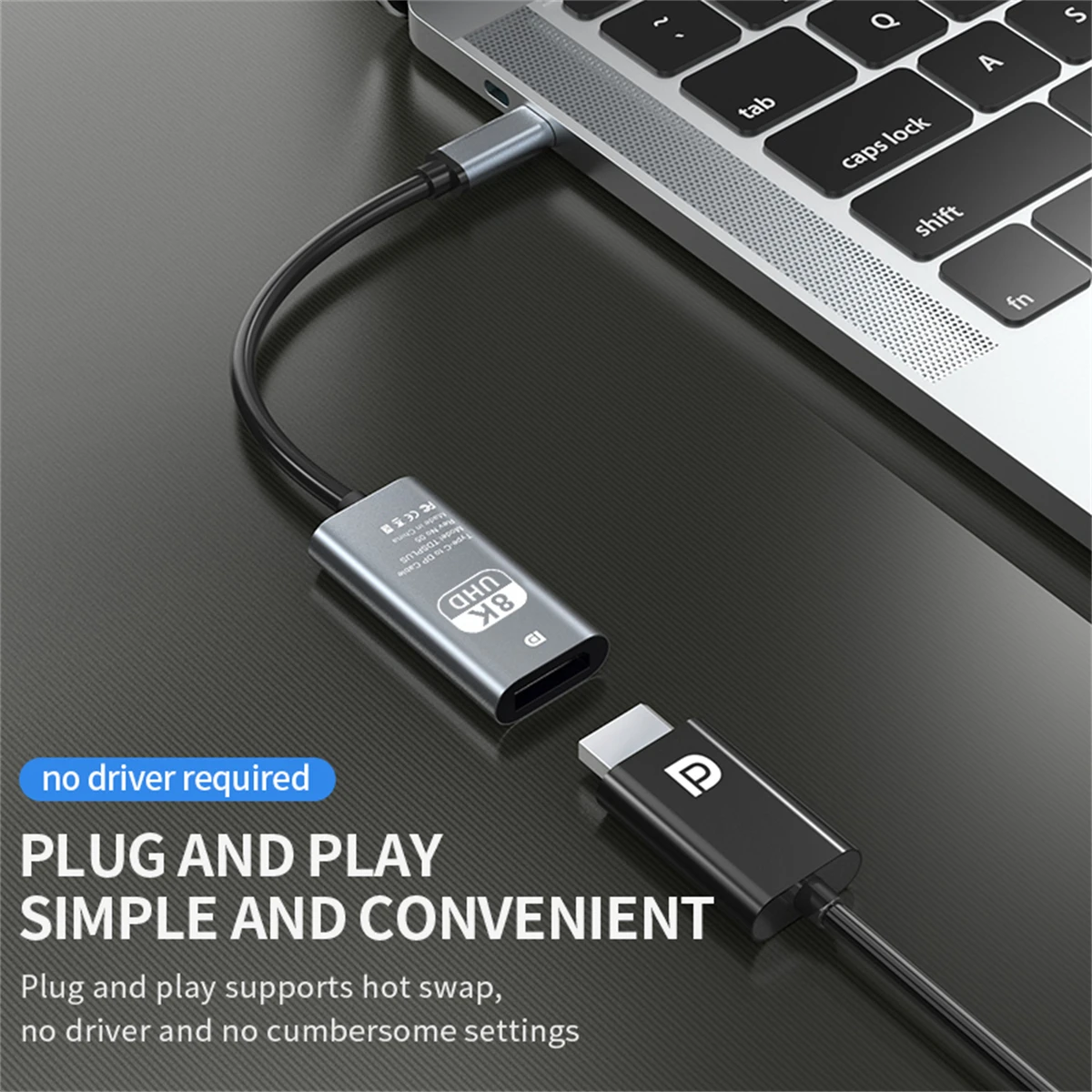
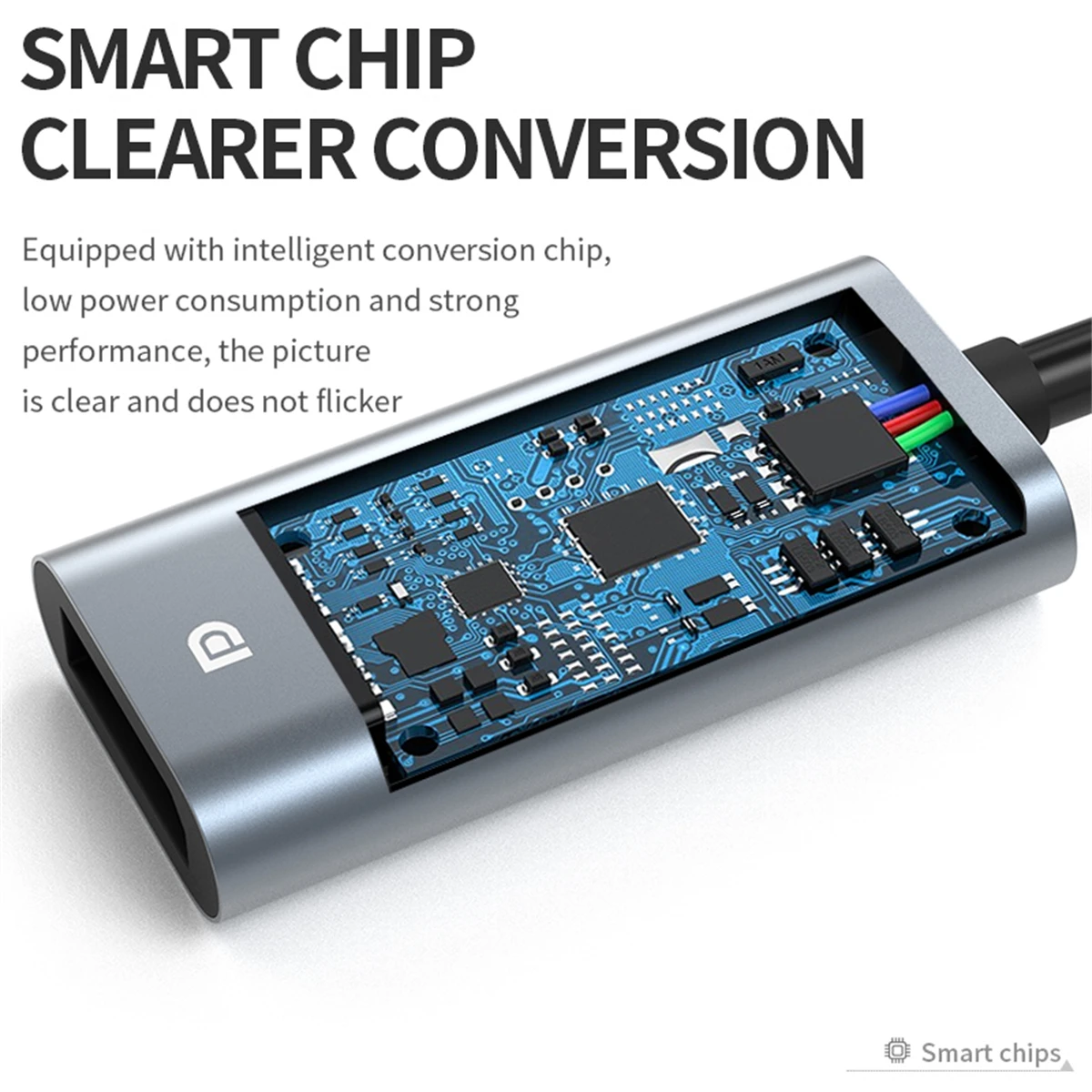
For monitors with a DisplayPort socket
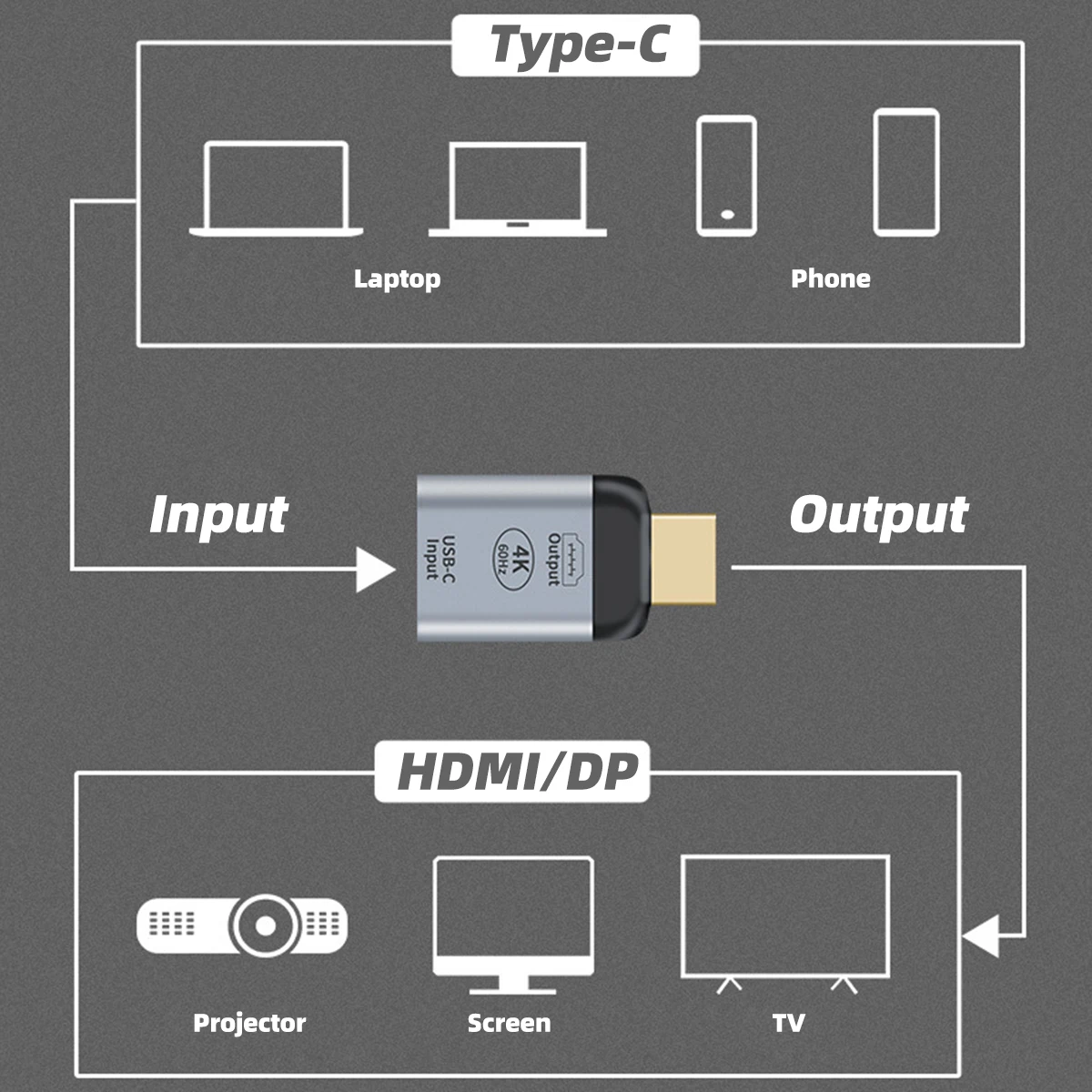
DisplayPort is the monitor socket with one corner cut off, found on most desk monitors and nearly every gaming monitor. A USB-C to DisplayPort adapter connects your laptop to it. USB-C and DisplayPort were made to work together: DisplayPort Alt Mode, set by VESA, the body behind DisplayPort, is what carries the picture down a USB-C cable, so the adapter has very little converting to do.
The kinds here
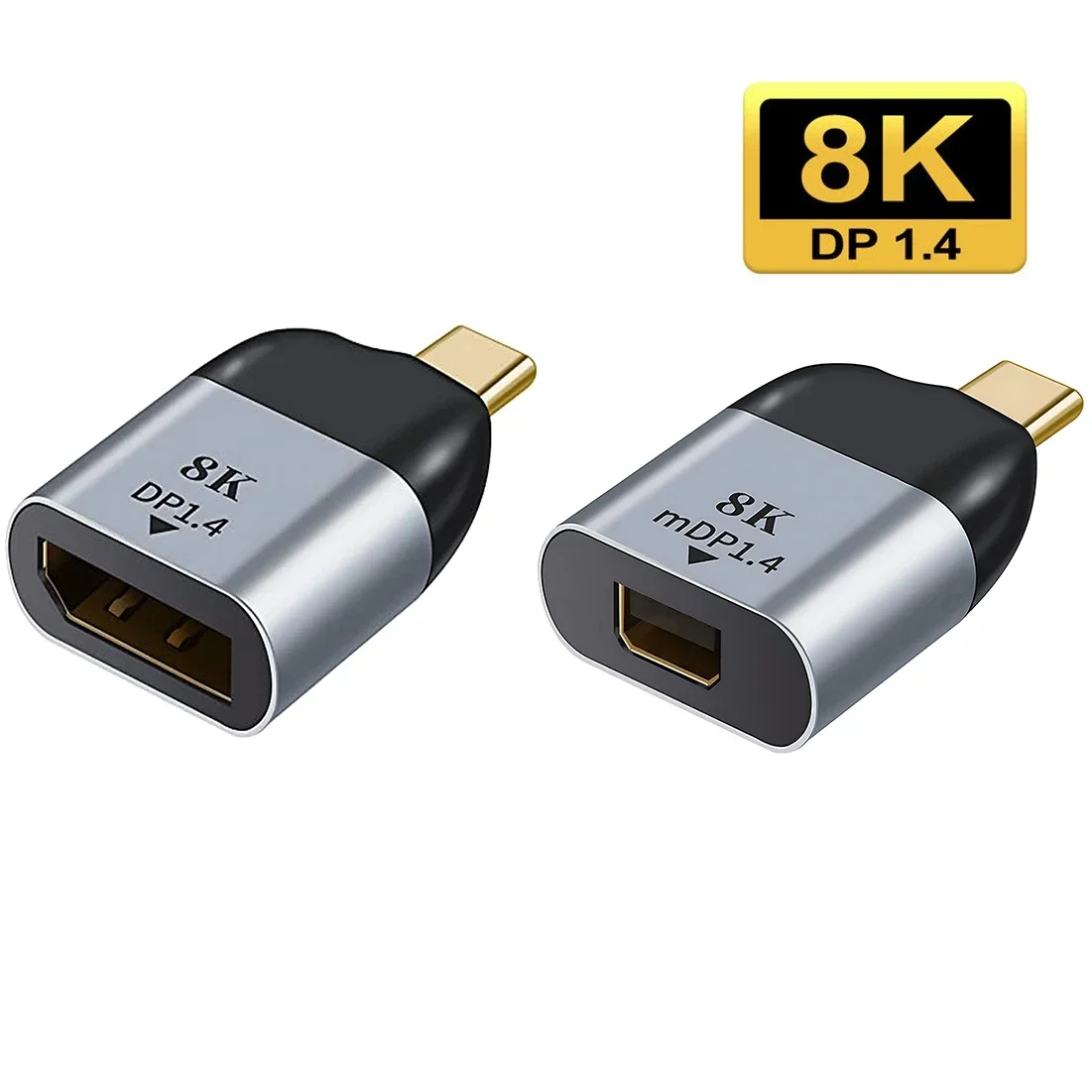
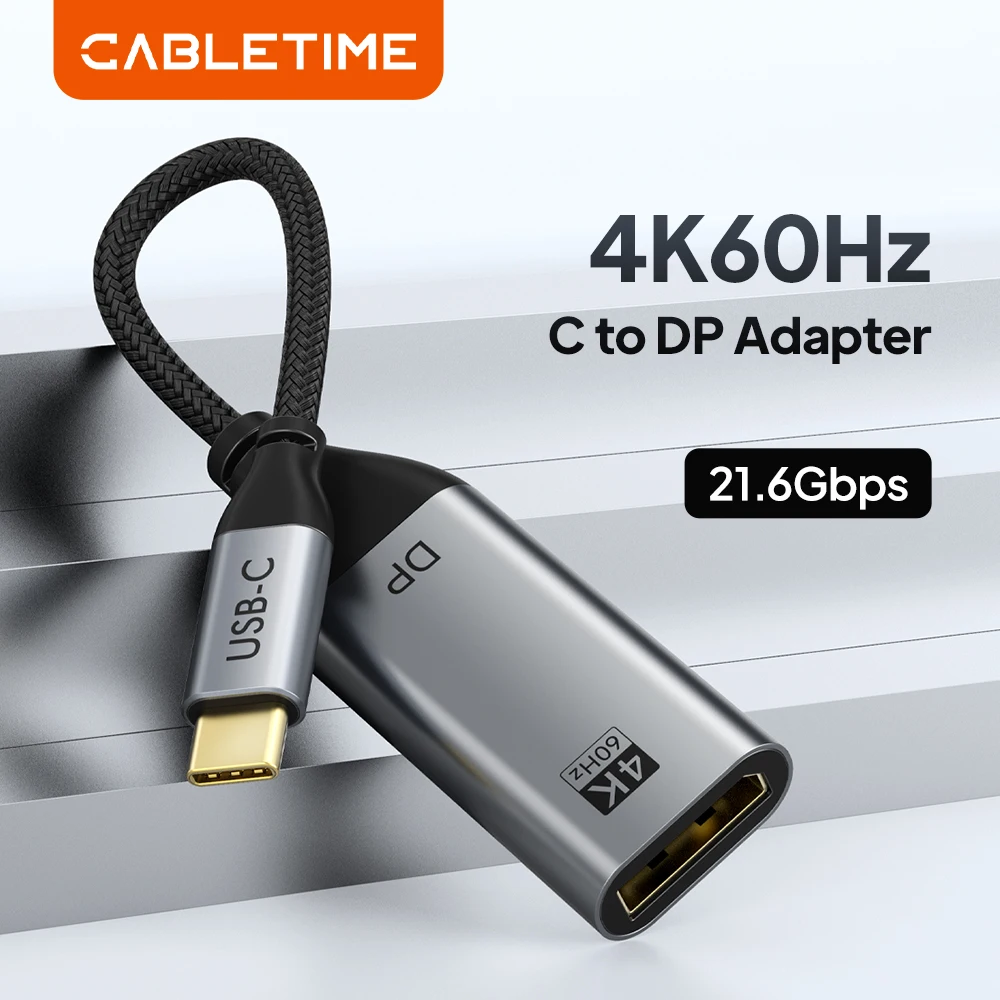
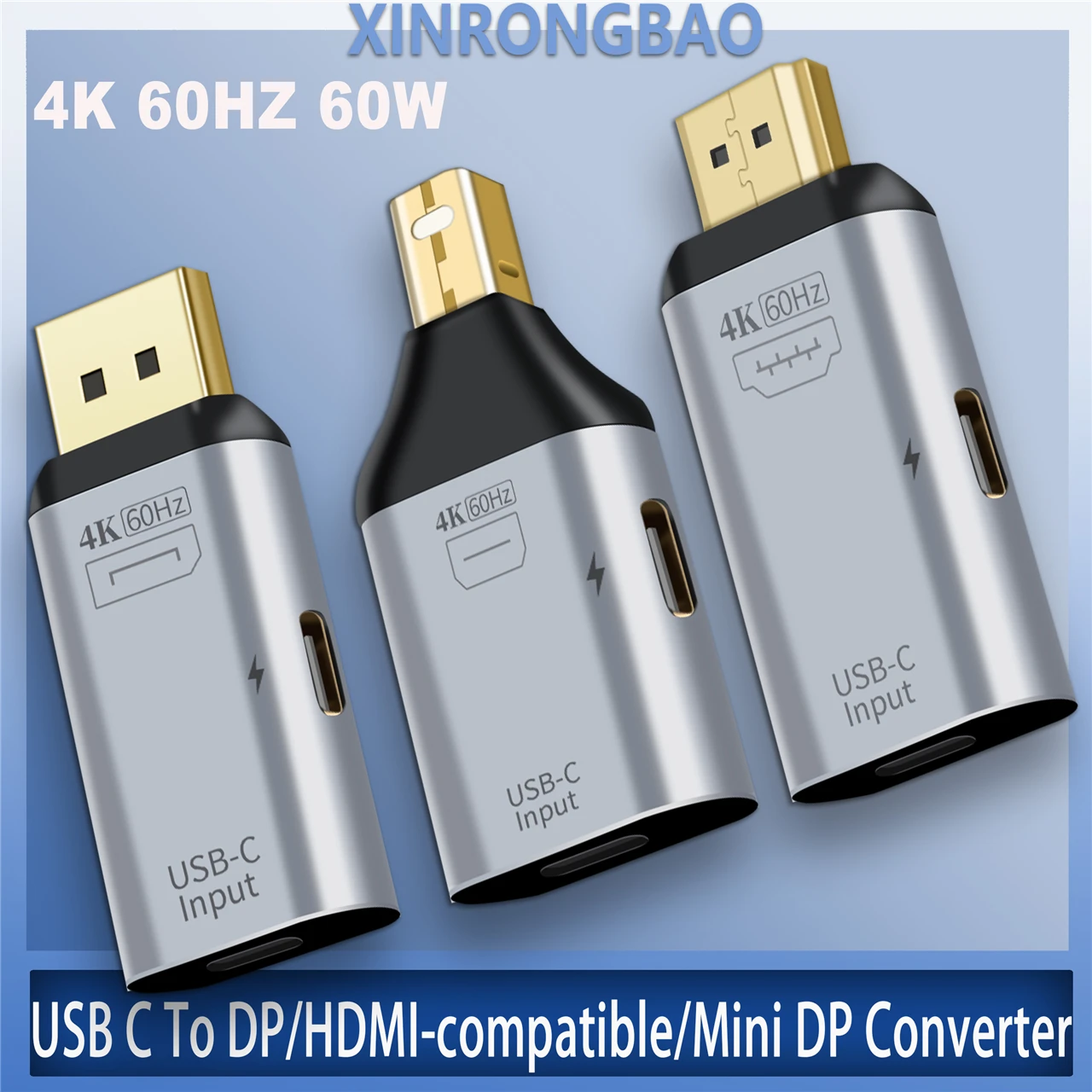
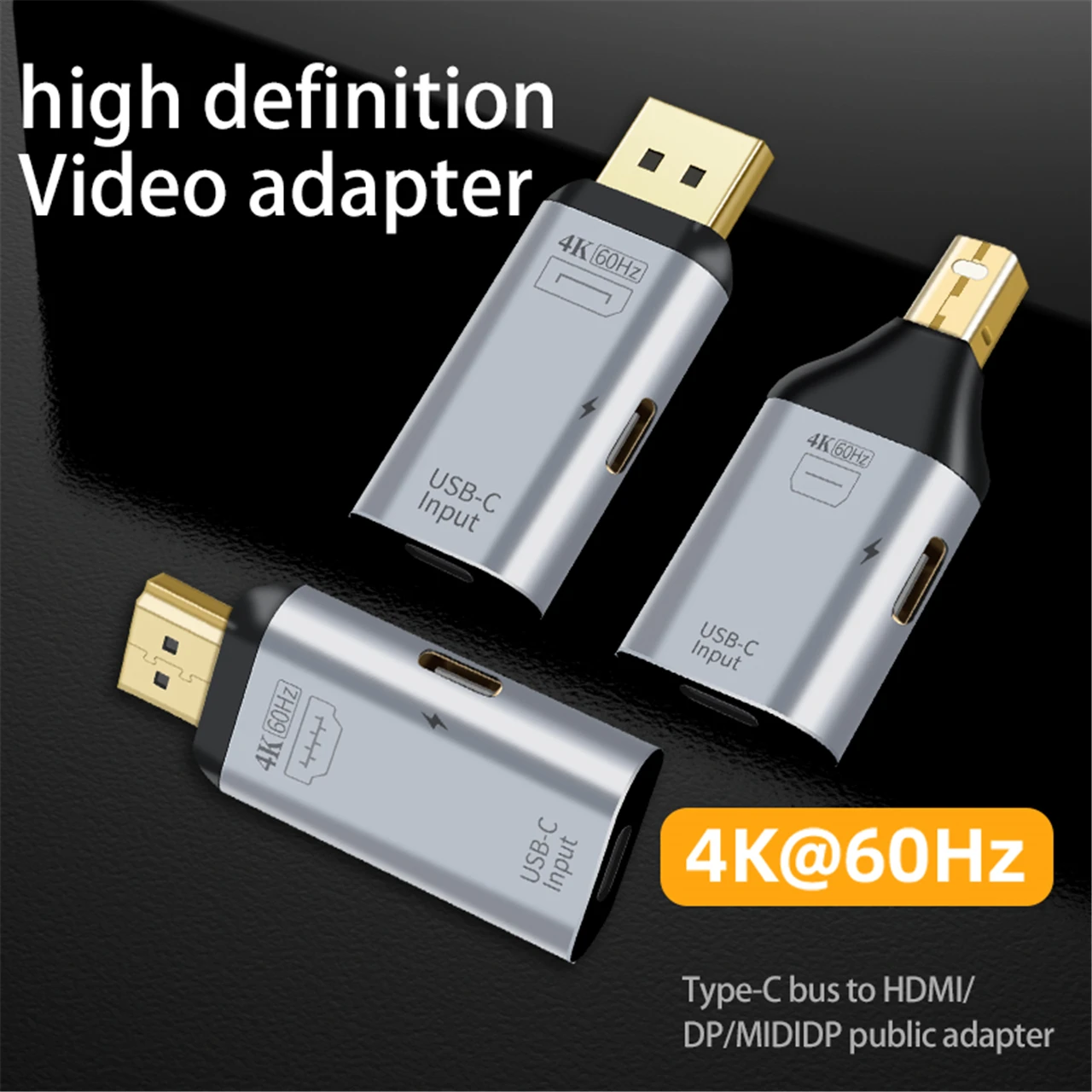
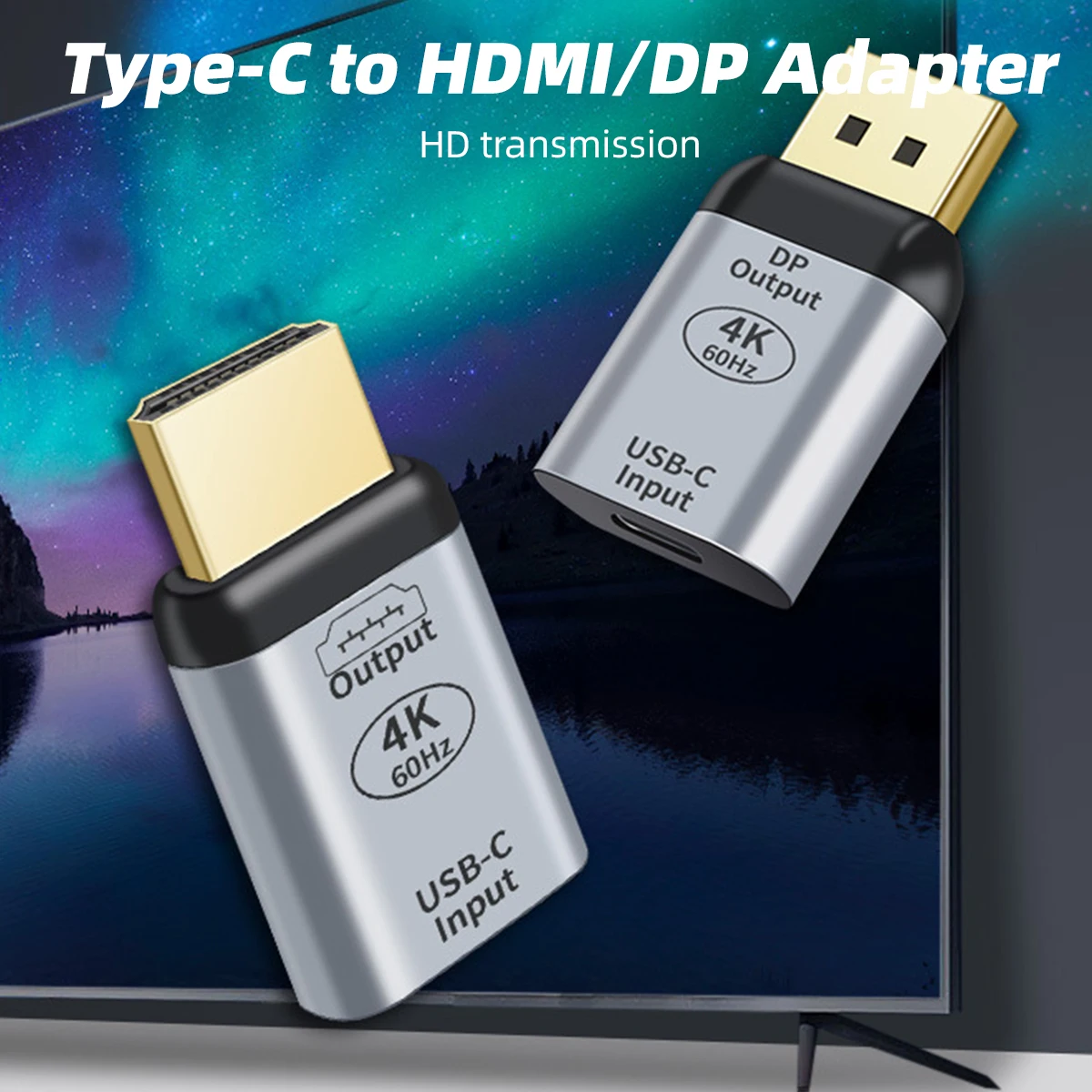
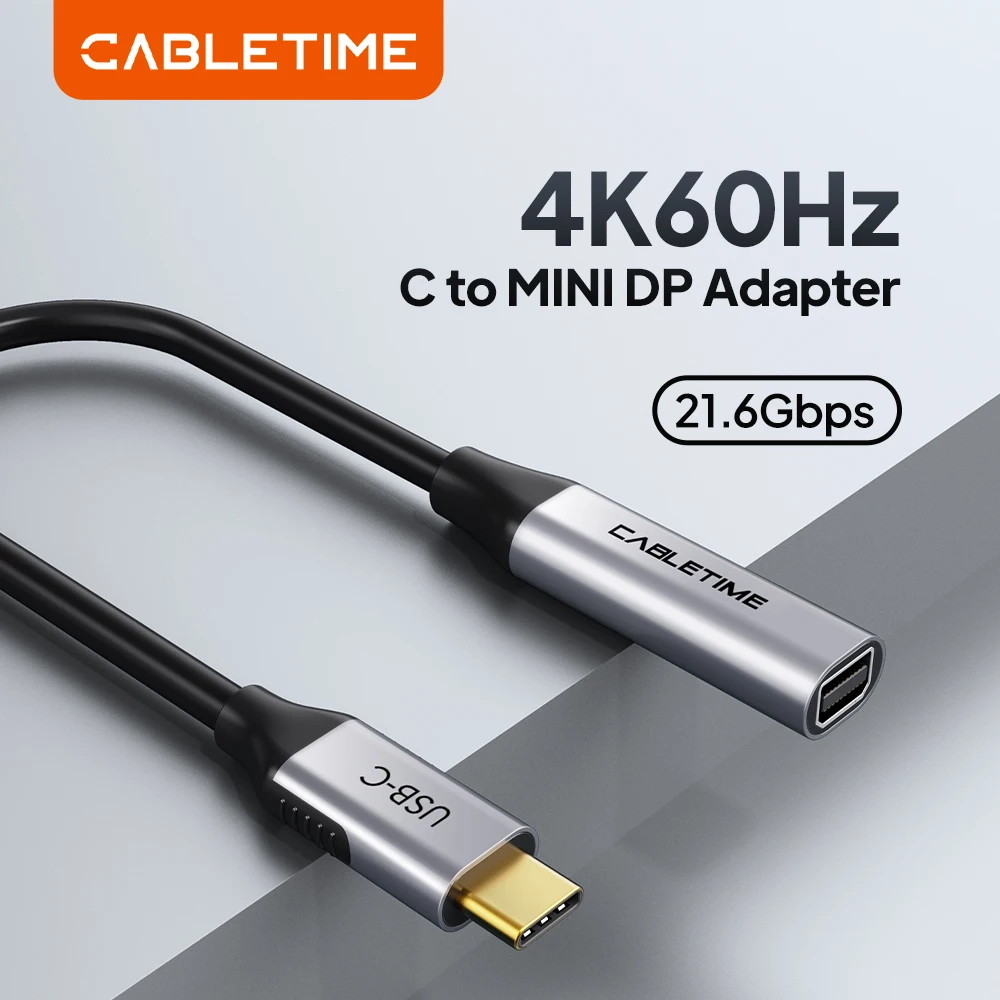
- Full-size DisplayPort adapters, short adapters and an adapter cable with a braided lead, at 4K and 60Hz.
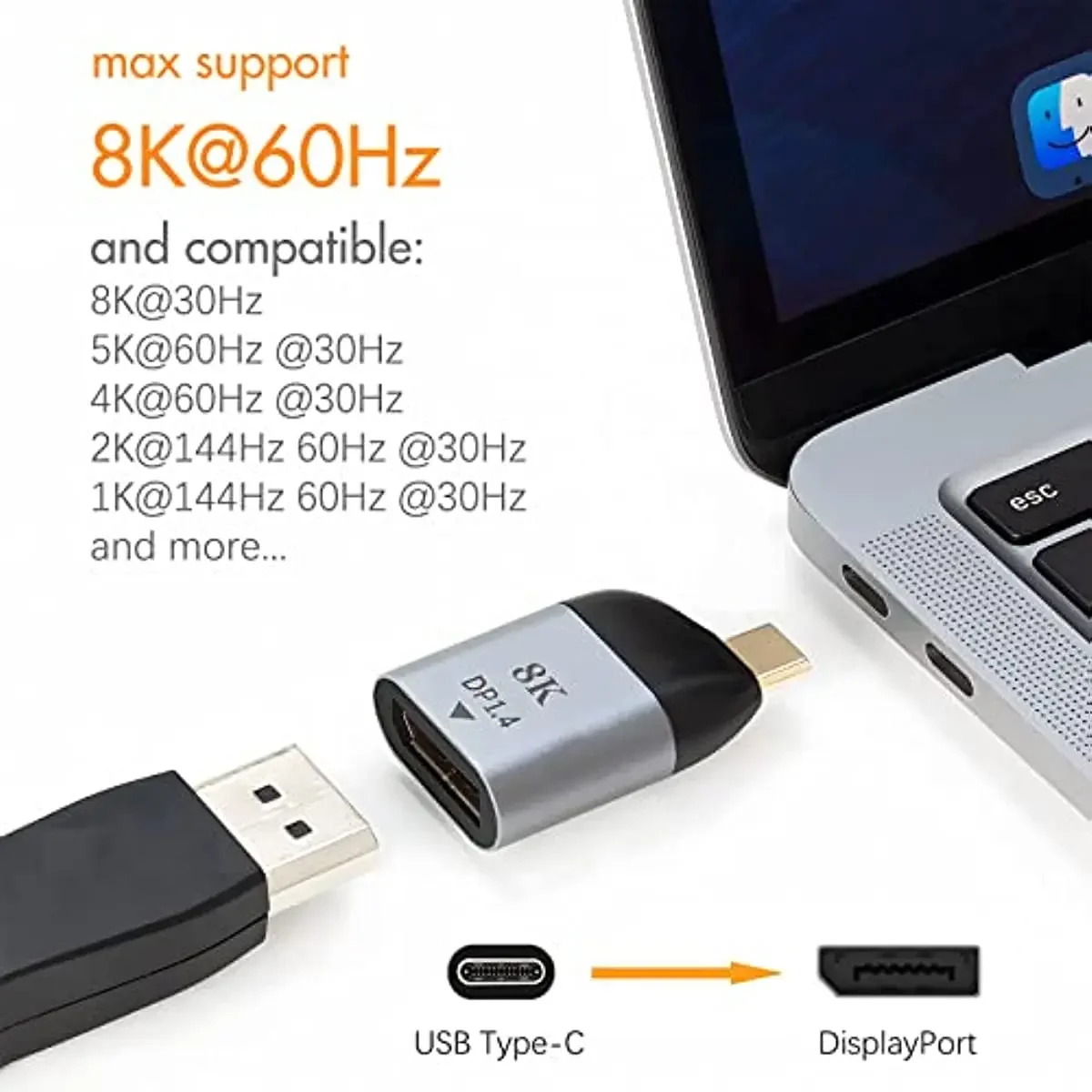
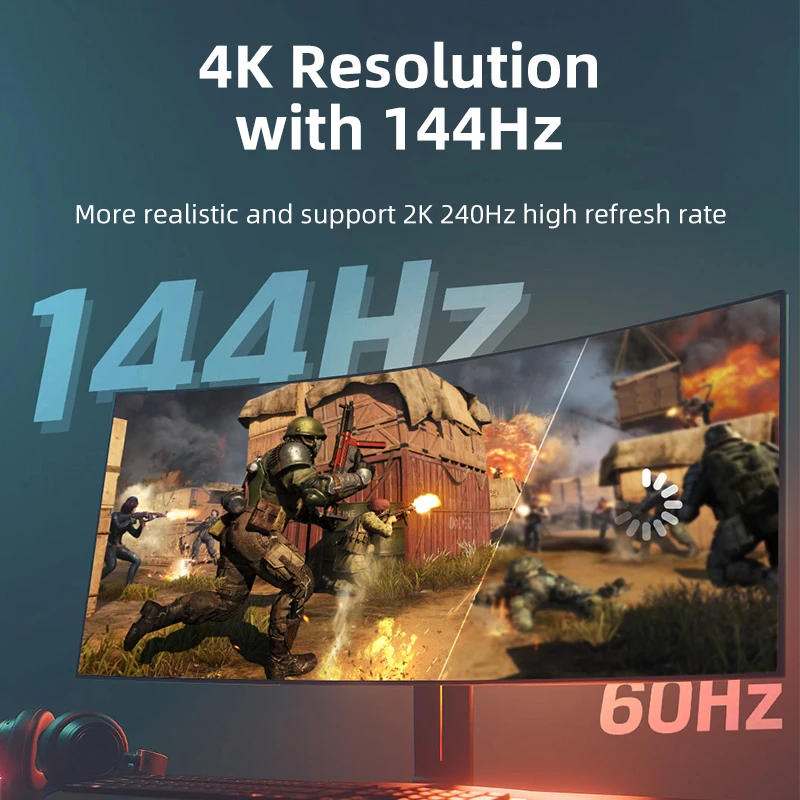
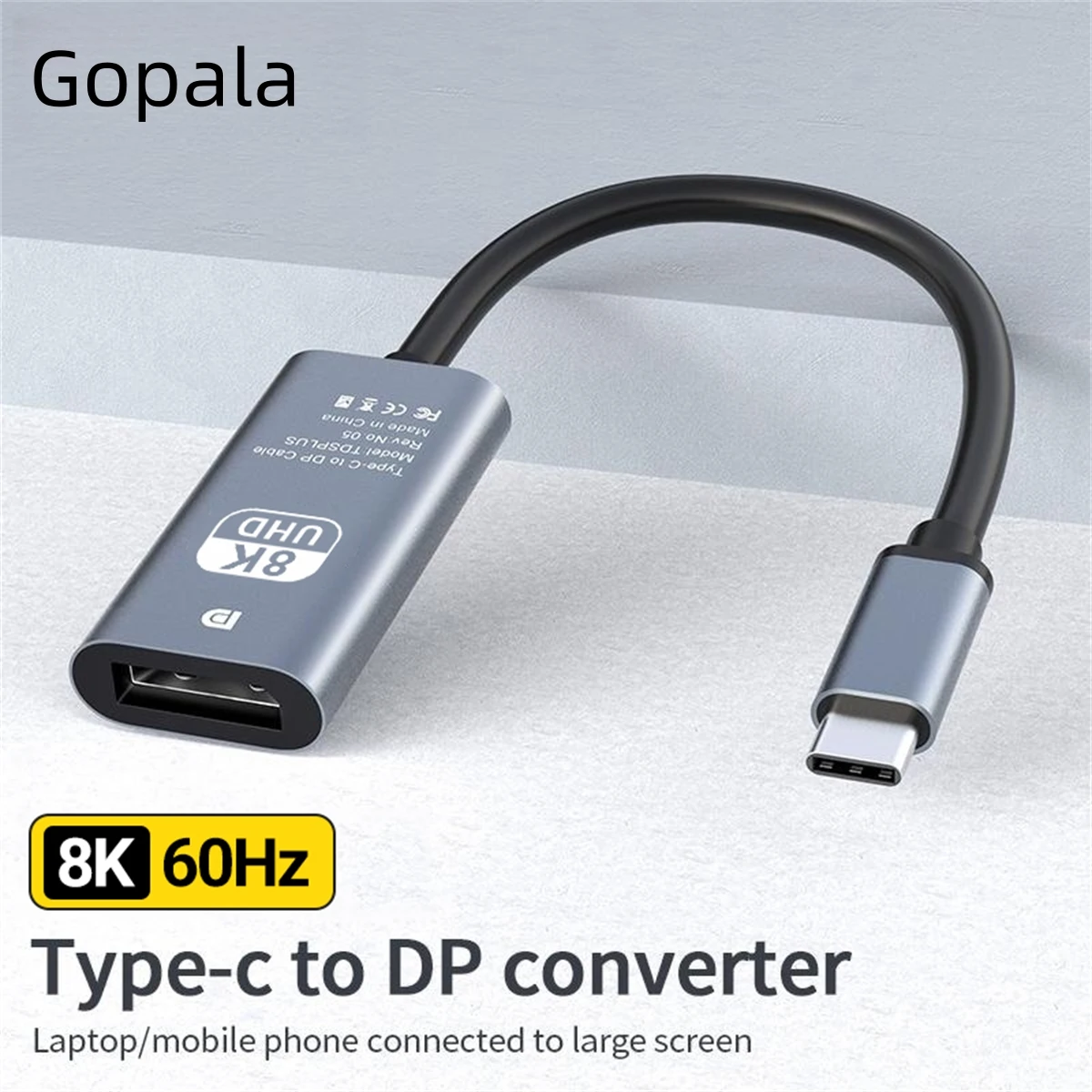
- DisplayPort 1.4 adapters listed for 8K at 60Hz and 4K at 144Hz, with HDR10 on some, for fast gaming monitors.
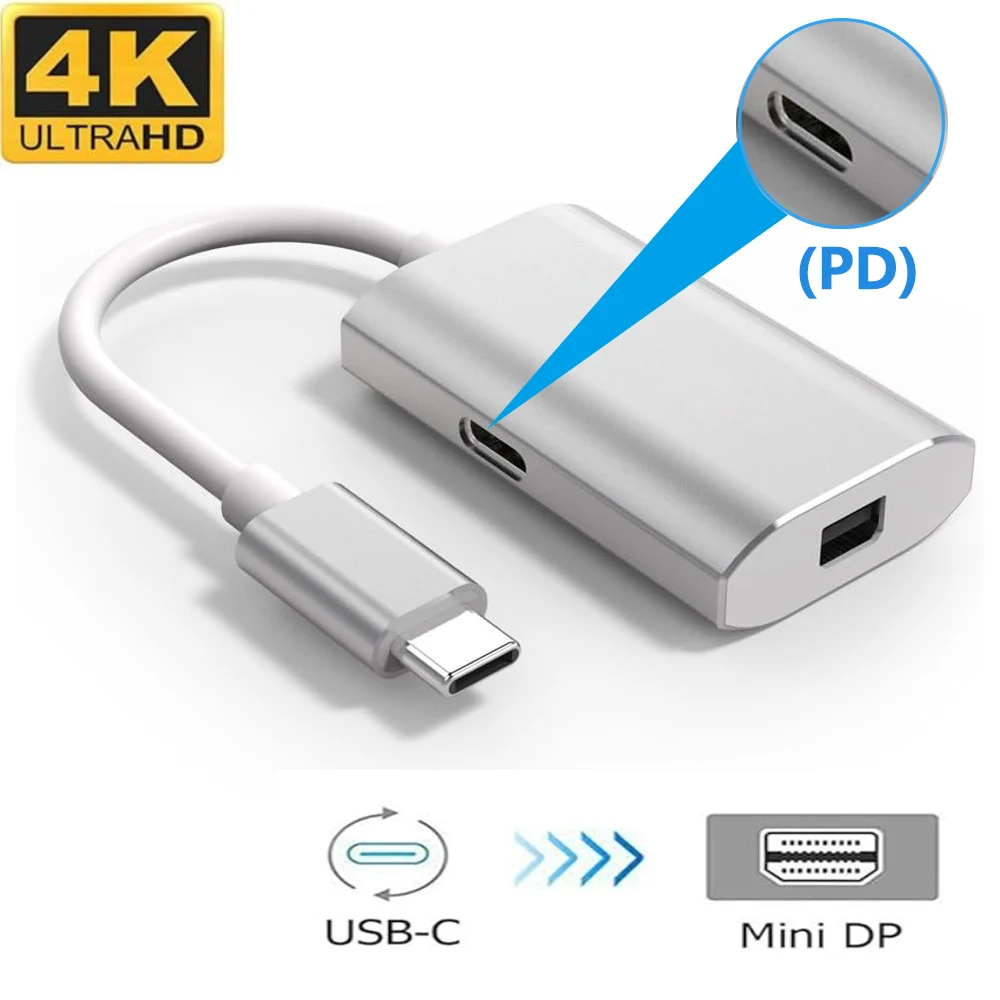
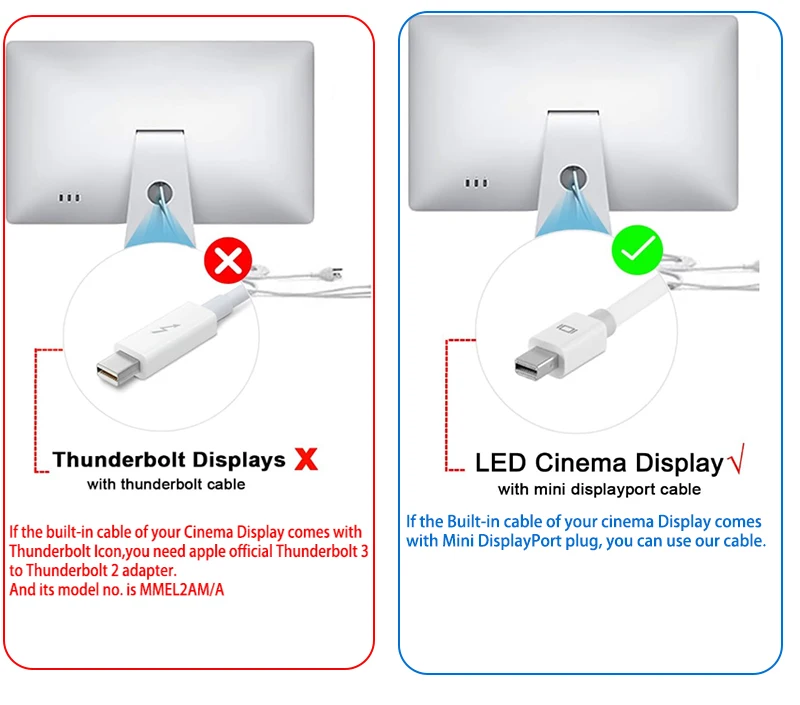
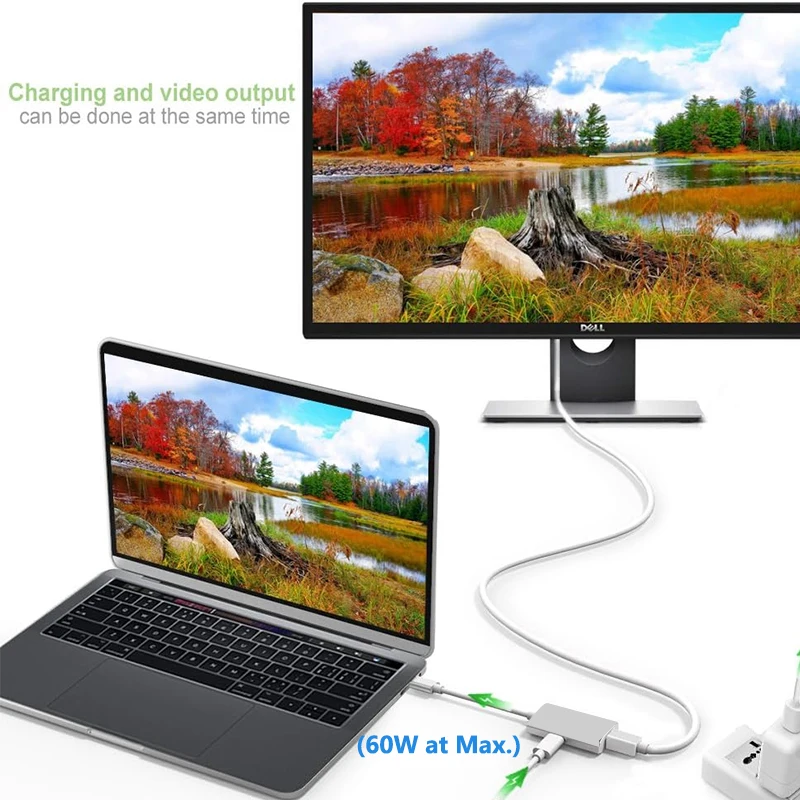
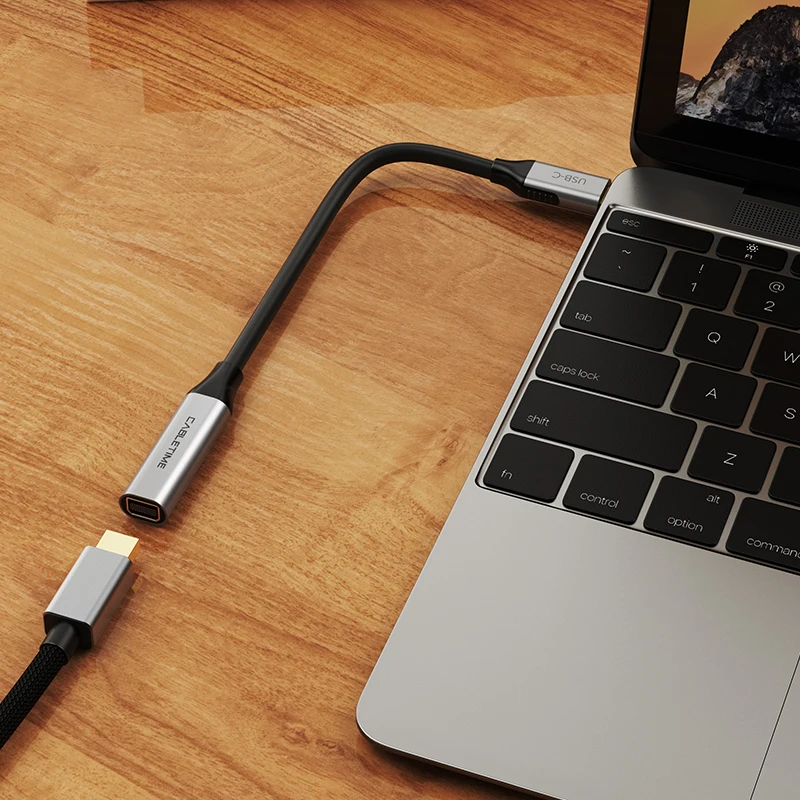
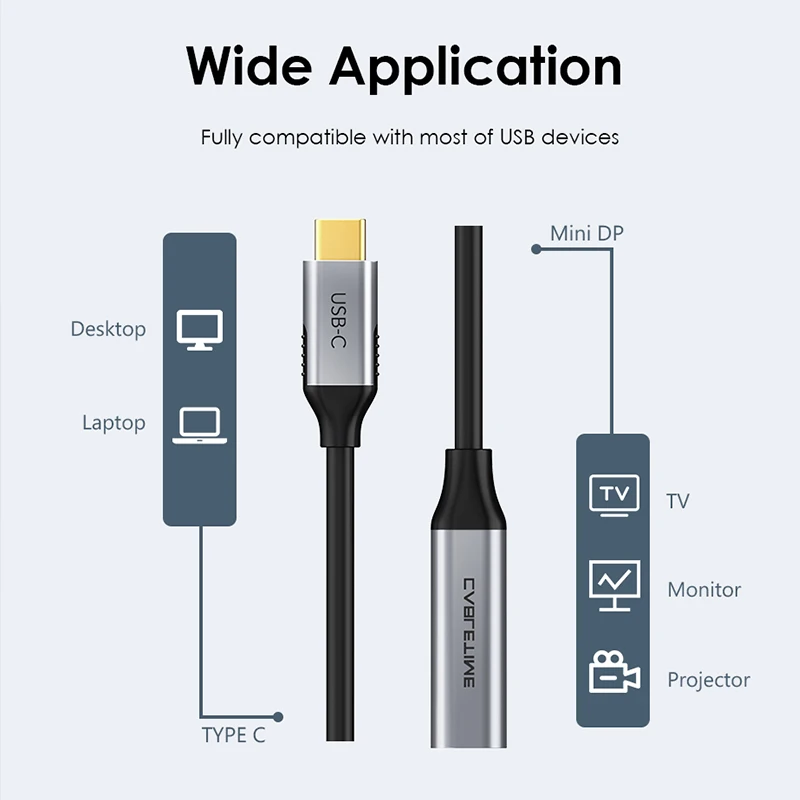
- Mini DisplayPort adapters for screens with the smaller socket, one with a USB-C charging socket listed at 60W.
- Switchable adapters that give DisplayPort, Mini DisplayPort or HDMI from one plug.
How to choose
Check the socket on your monitor: full-size DisplayPort is the common one, Mini DisplayPort is smaller and found on some older and smaller screens. Then check your laptop: the USB-C port must carry video, through DisplayPort Alt Mode, Thunderbolt or USB4, and many laptops mark it with a small DisplayPort or lightning symbol.
Then match the adapter to the screen. For an office monitor, 4K at 60Hz is plenty. For a 144Hz gaming monitor, choose a DisplayPort 1.4 adapter, and a laptop that can send that rate: its own specification says. An adapter's top figure is only reached if the laptop, the cable and the screen all support it. For the cable from adapter to monitor, see DisplayPort cables.
Questions people ask about USB-C to DisplayPort adapters
DisplayPort or HDMI for my monitor?
If the monitor has both, DisplayPort is often the one that reaches its highest refresh rate, while HDMI is the one TVs use. For a TV, see USB-C to HDMI adapters.
Why does Windows say "Display connection might be limited"?
Something in the chain cannot carry the full picture: the port, the adapter or the cable. Plug the adapter straight into the laptop, not through a hub, and try another USB-C port.
Does DisplayPort carry sound?
Yes. If the monitor has speakers or a headphone socket, choose it as the output in your sound settings.
Will it work on a Mac?
Yes on Macs with USB-C or Thunderbolt ports. The number of screens is set by the Mac: a MacBook Air with M1 or M2 runs one external display.
Can I play games on a laptop through one?
Yes, and a fast monitor is where these adapters earn their keep. See gaming on a laptop for mice, keyboards and controllers.
Delivery is included in every price and tracked to your door. Each product page says when it usually arrives.
More to look at