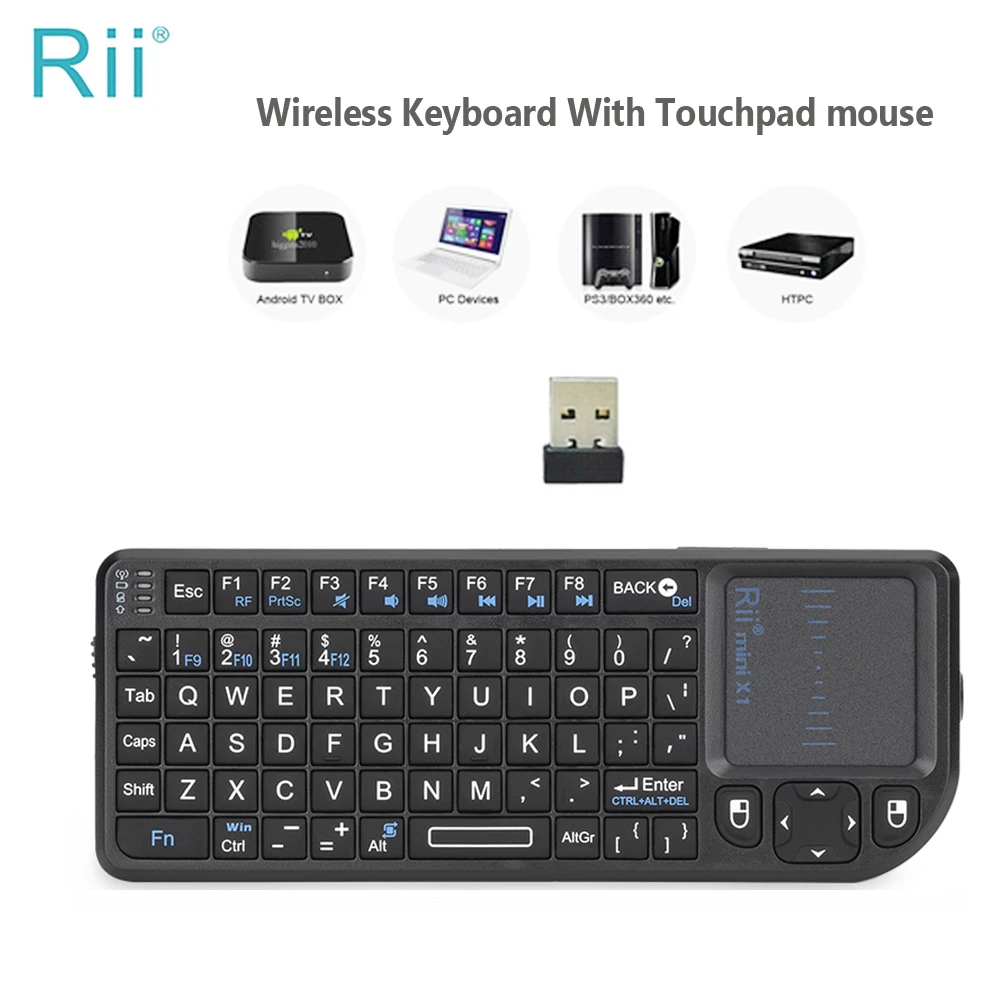
A wireless keyboard with a receiver
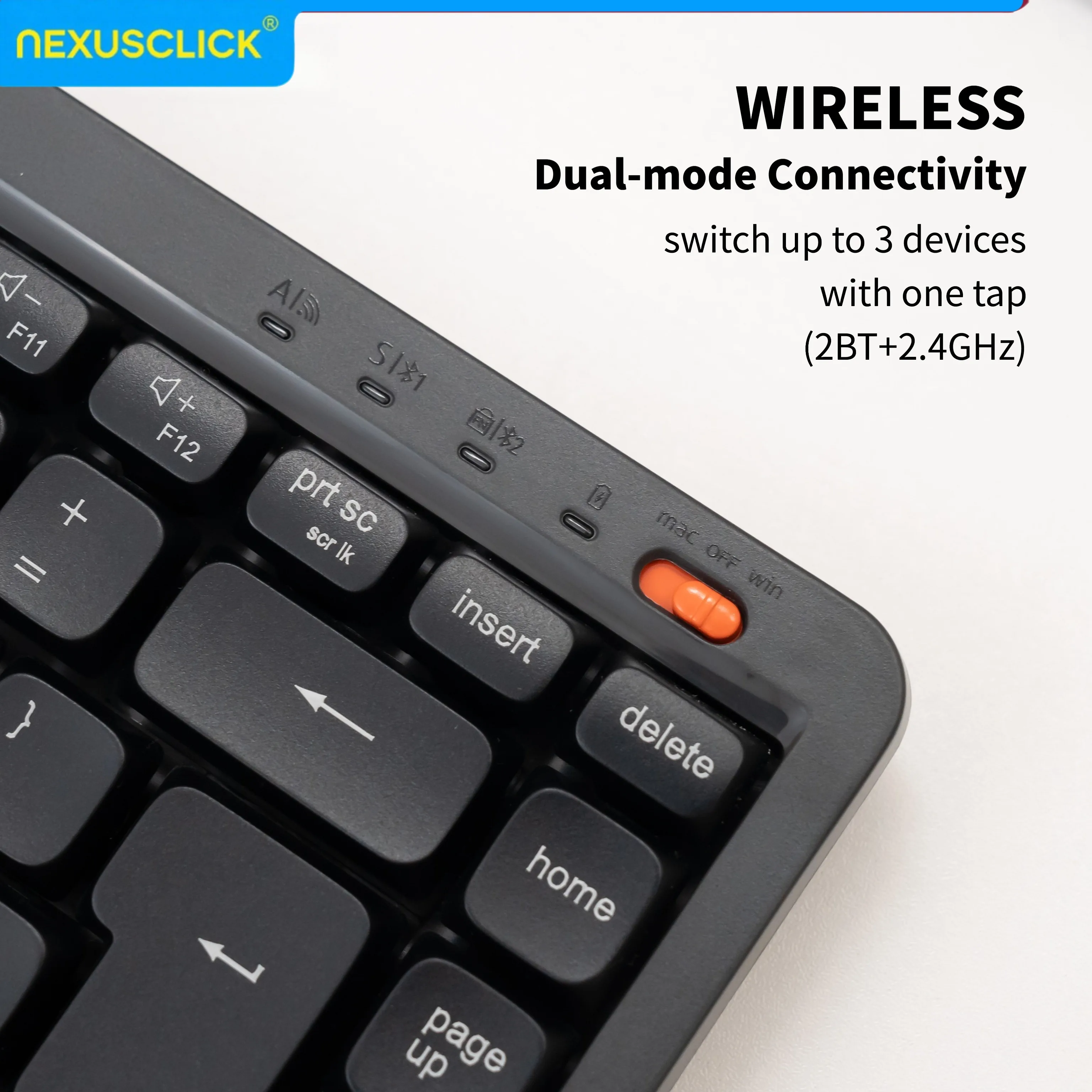
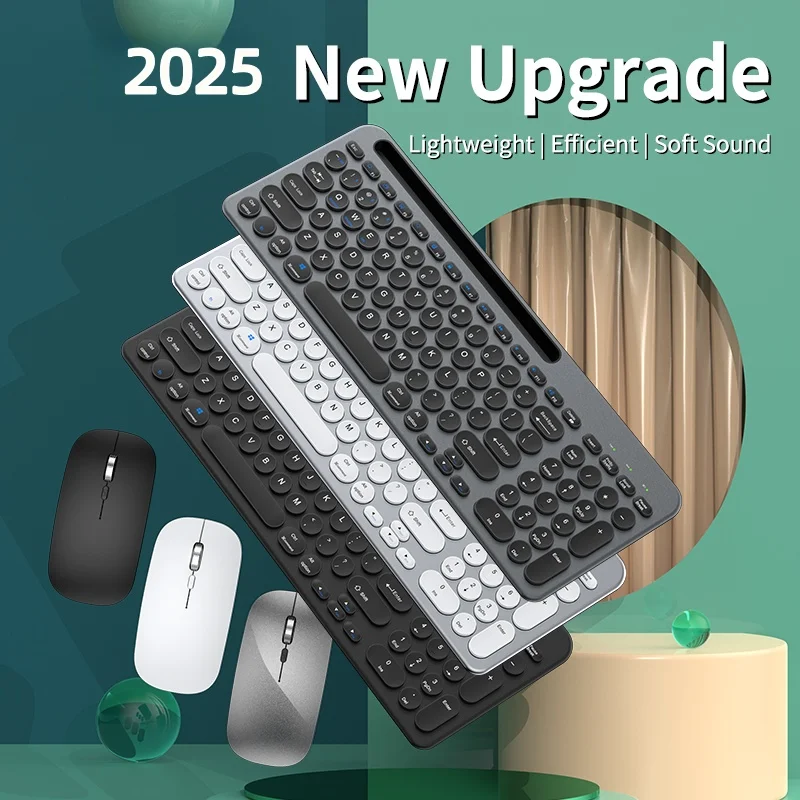
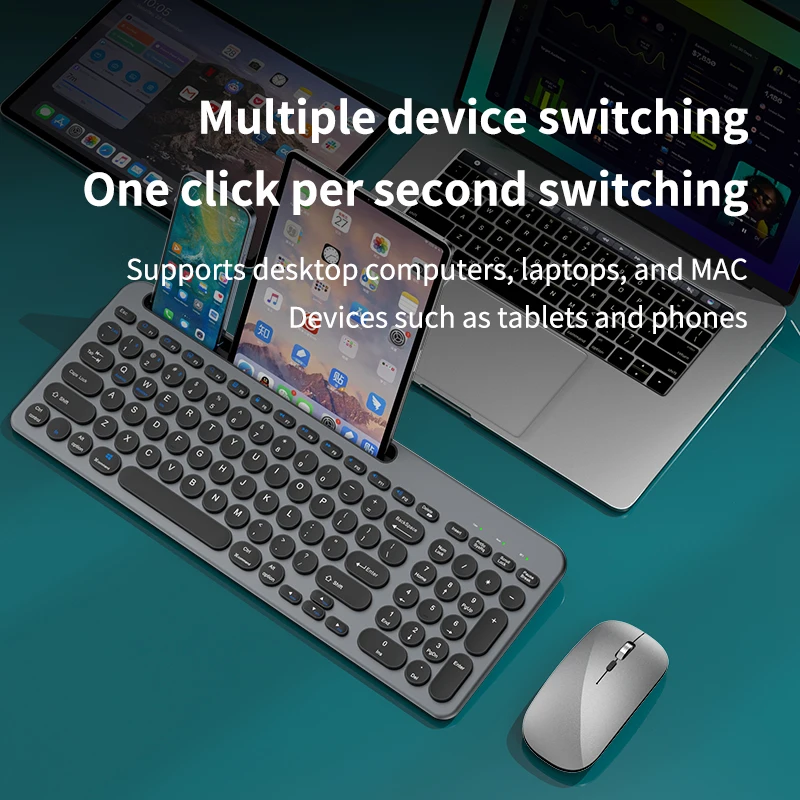
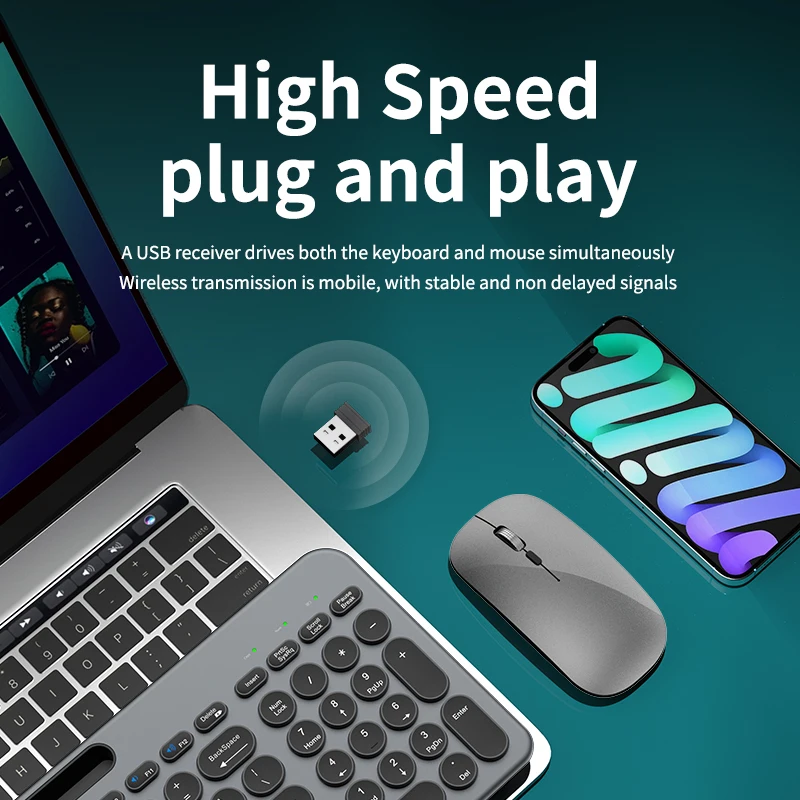
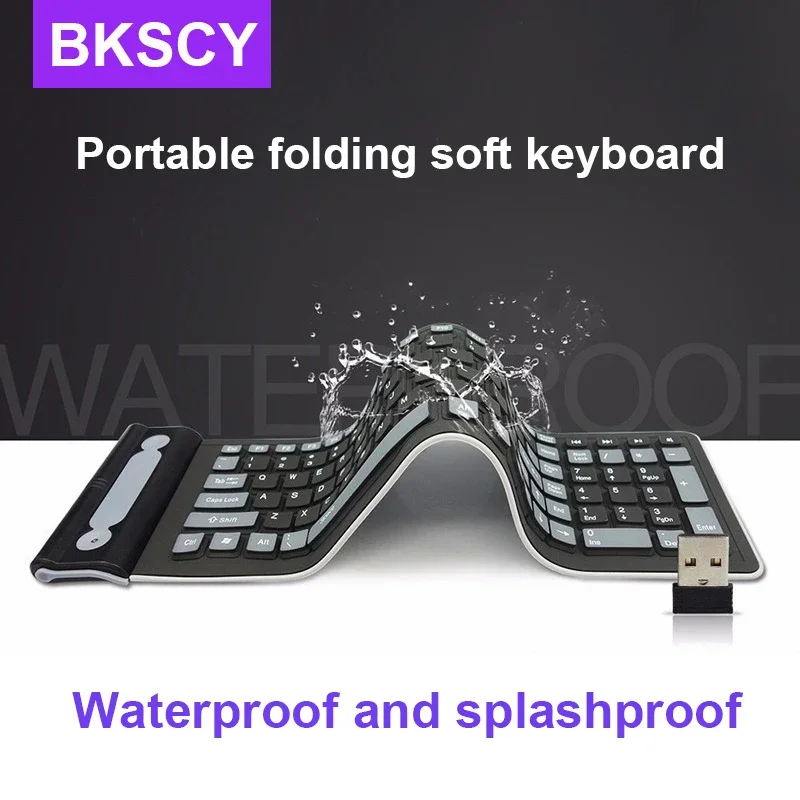
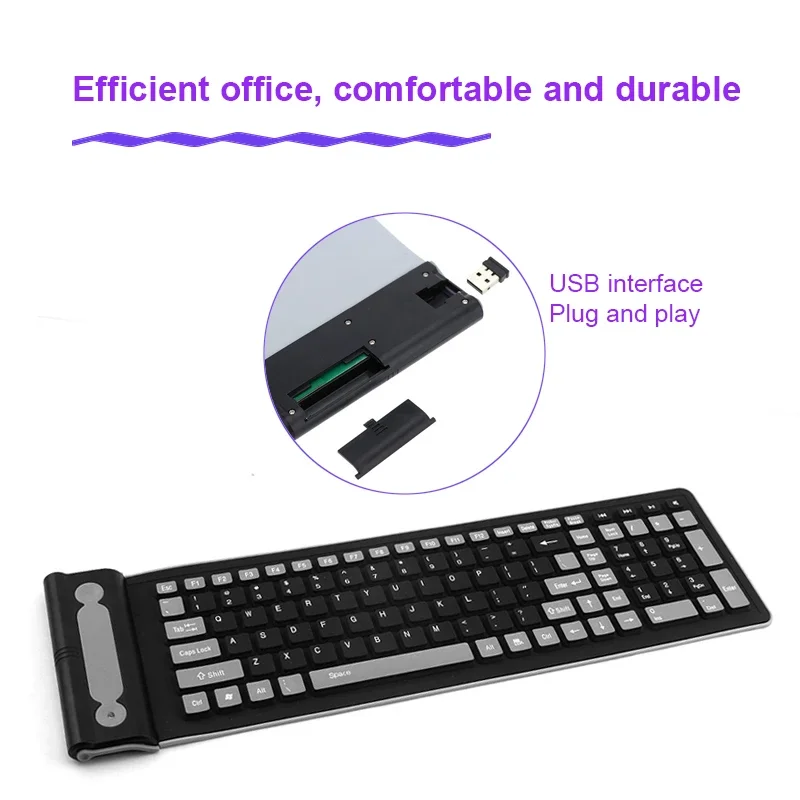
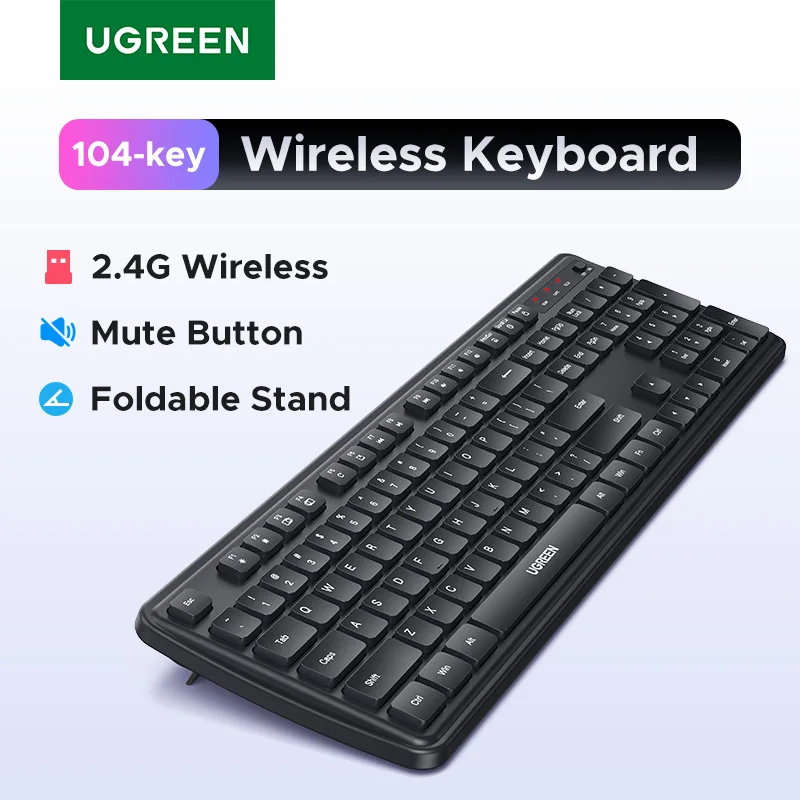
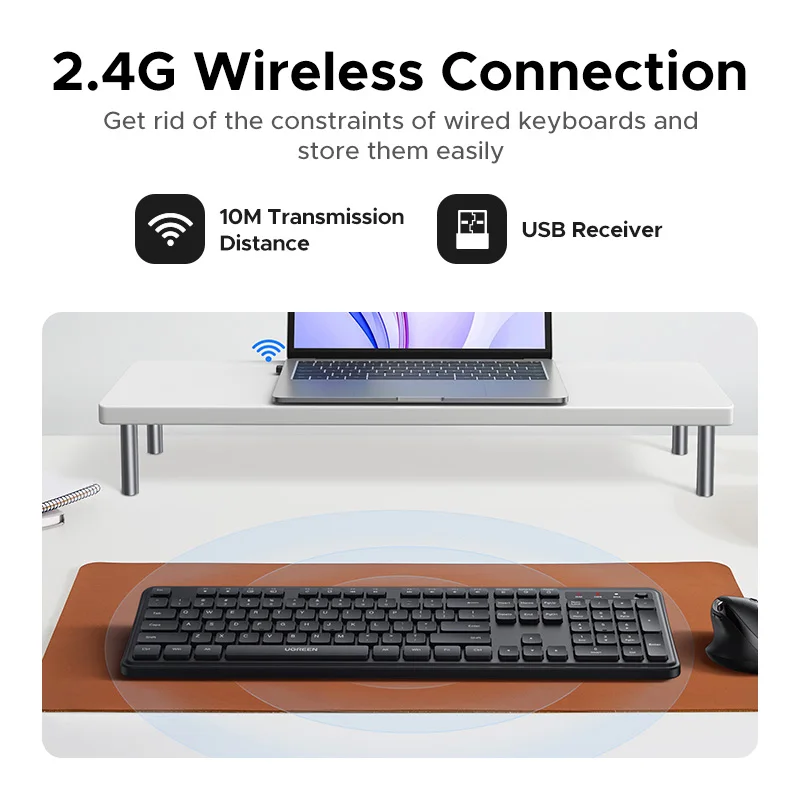
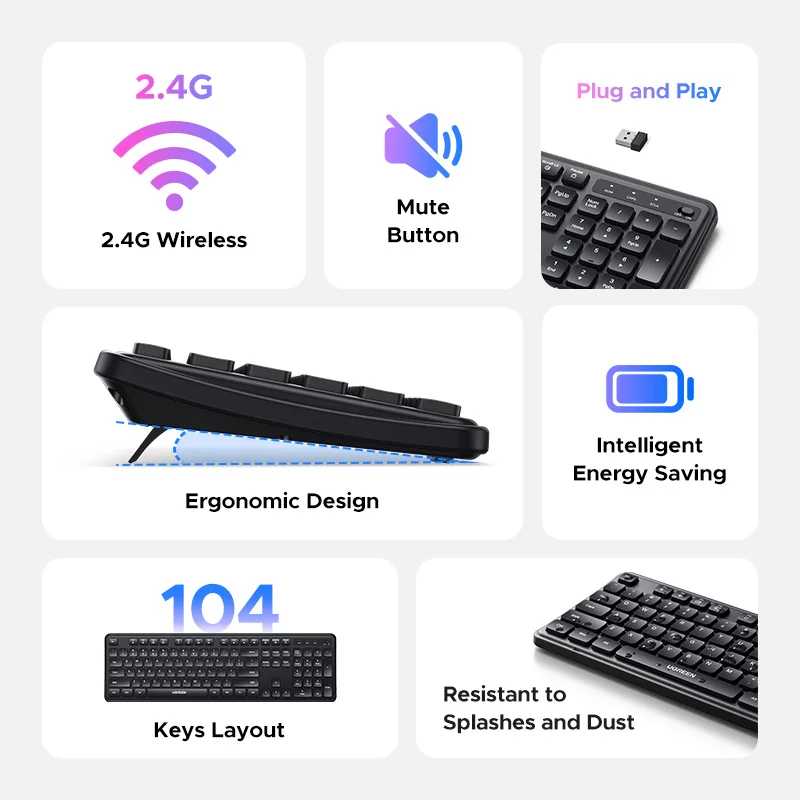
These keyboards connect through a small USB receiver, so they work the moment it is plugged in, even at the start-up screen before Bluetooth has started. Many also have Bluetooth and remember up to three devices, switching between them with Fn and a number key. That suits anyone who moves between a laptop, a tablet and a desktop in the same day.
What is in the range
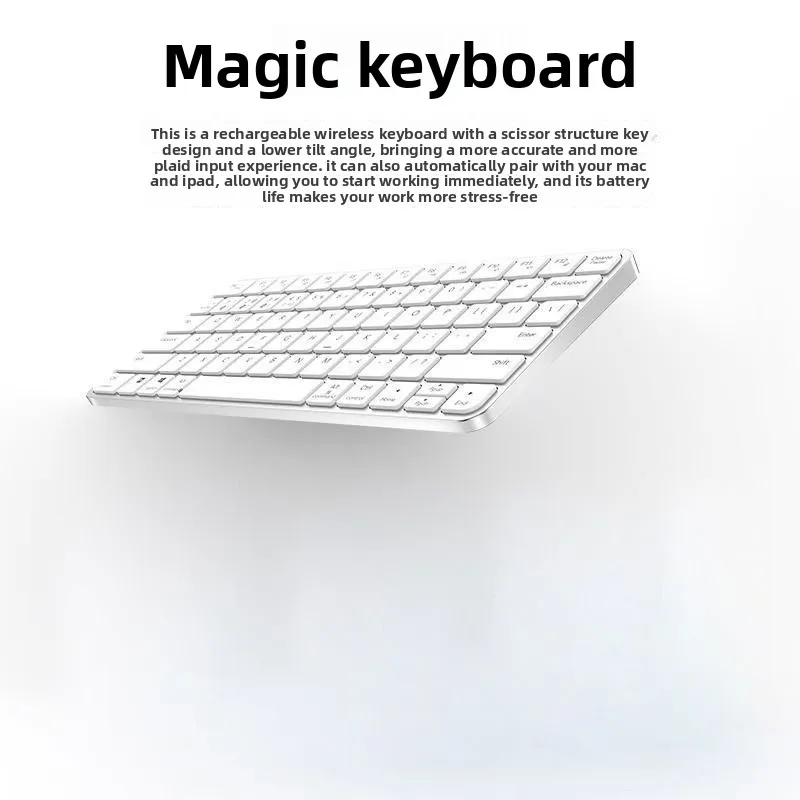
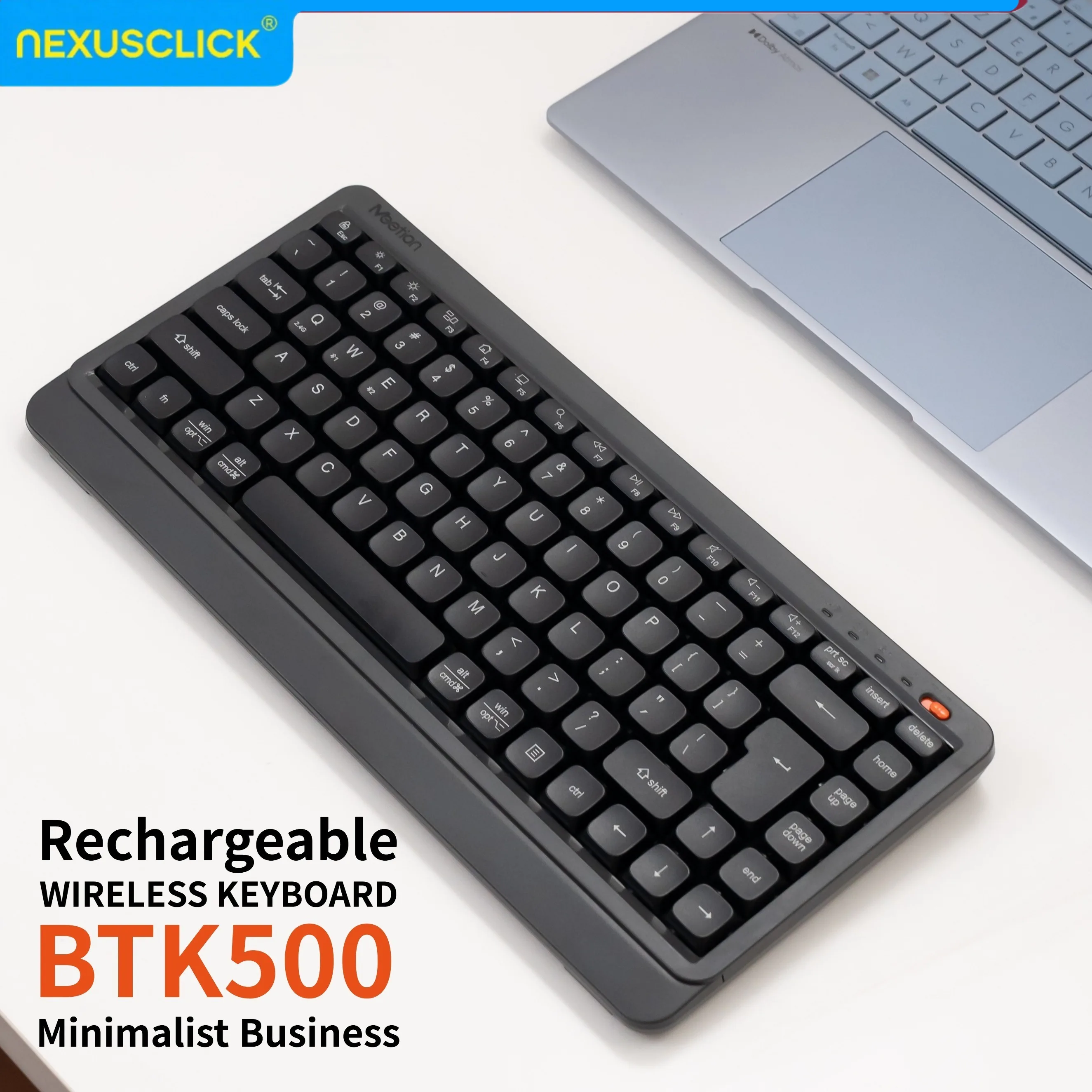
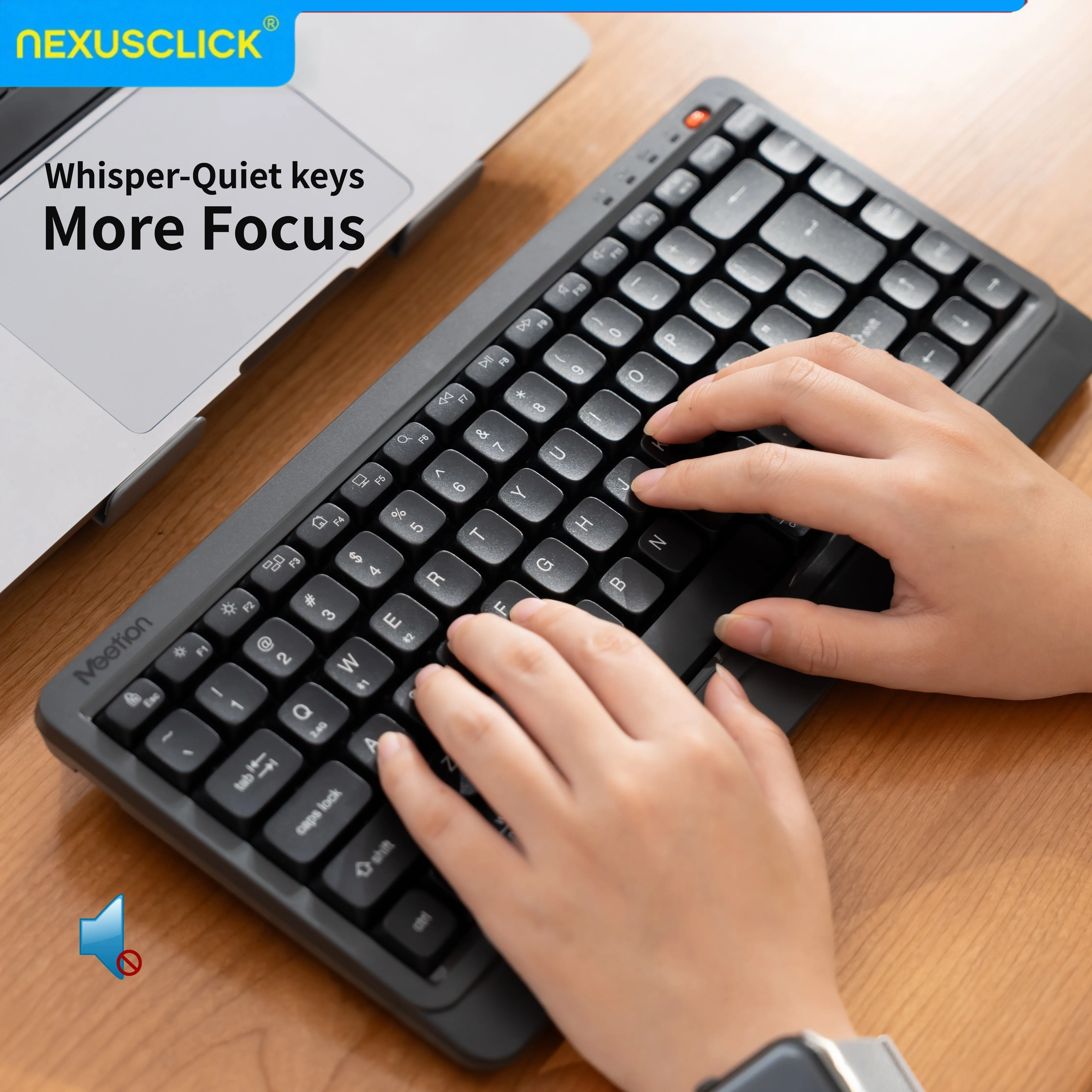
- Slim keyboards: full-size and 84-key boards with low, quiet keys, close in feel to a laptop's own.
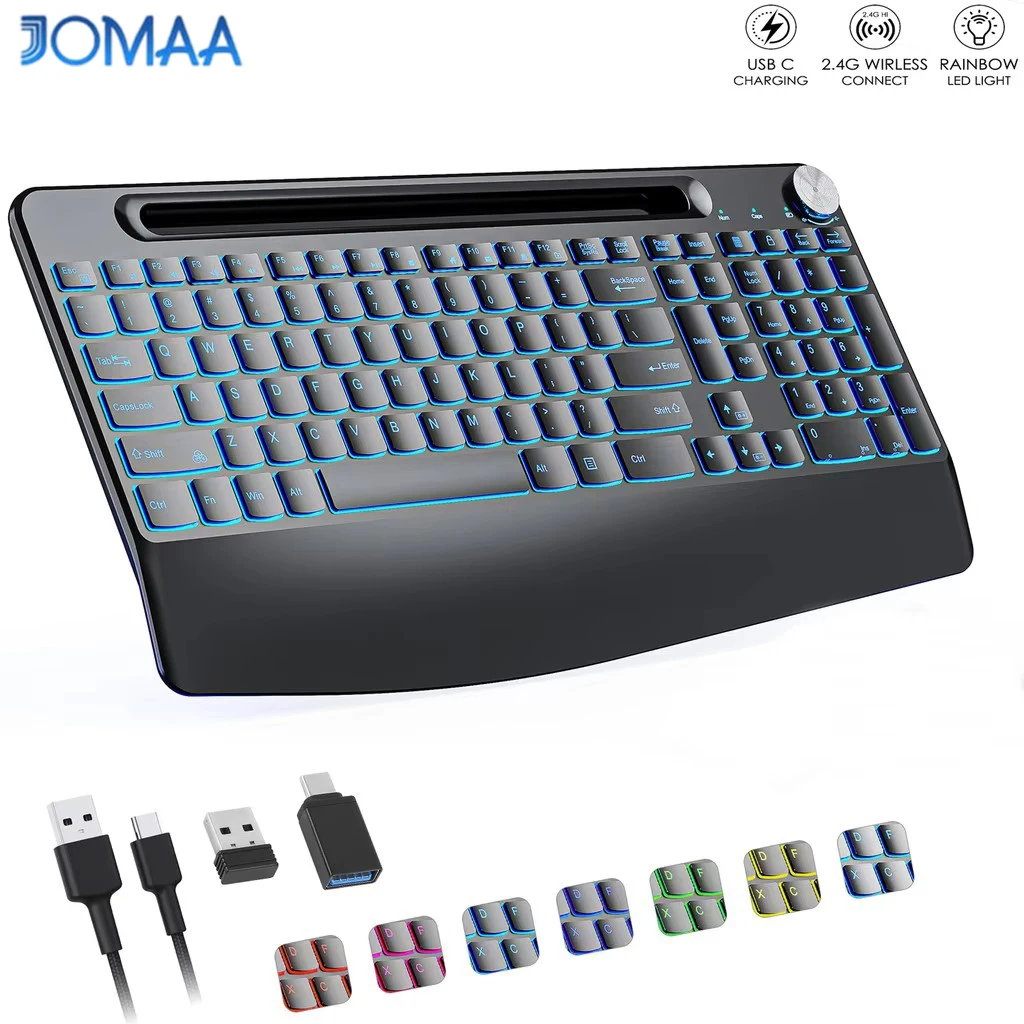
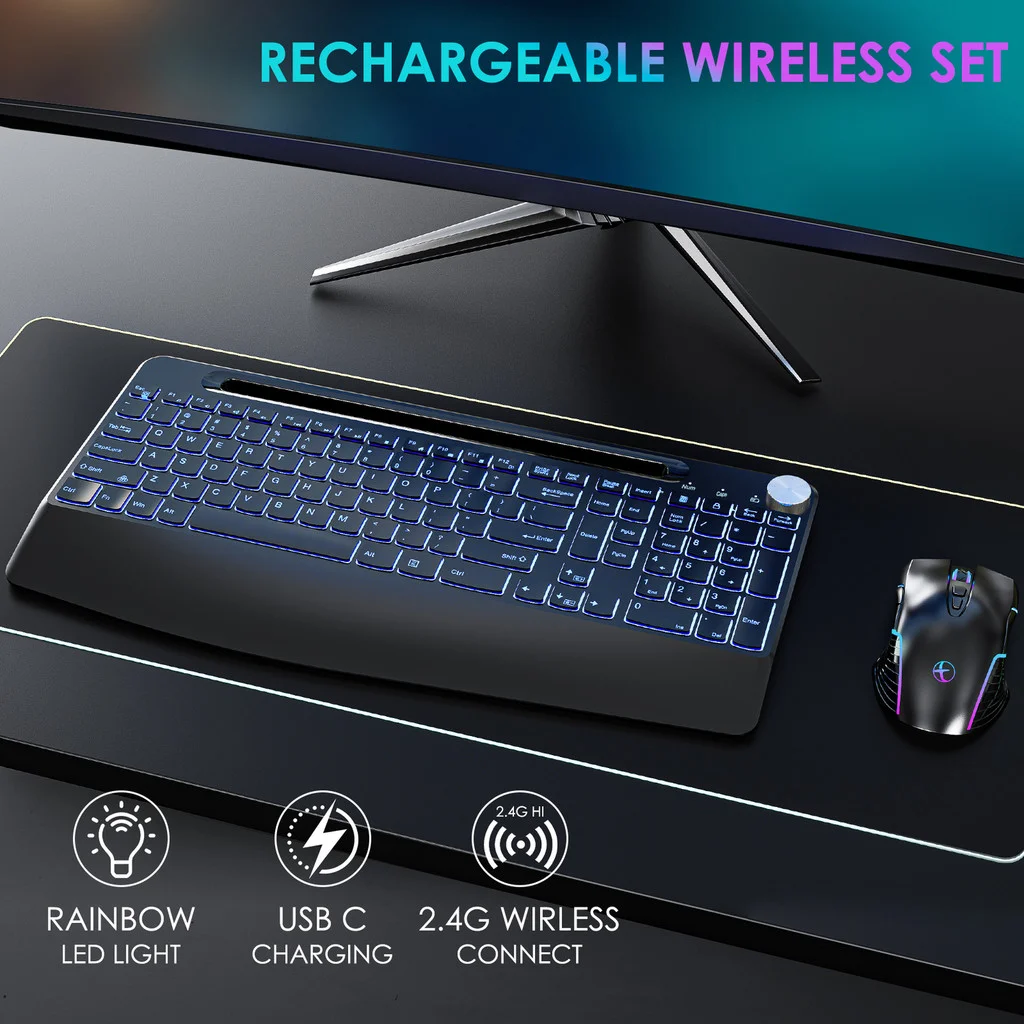
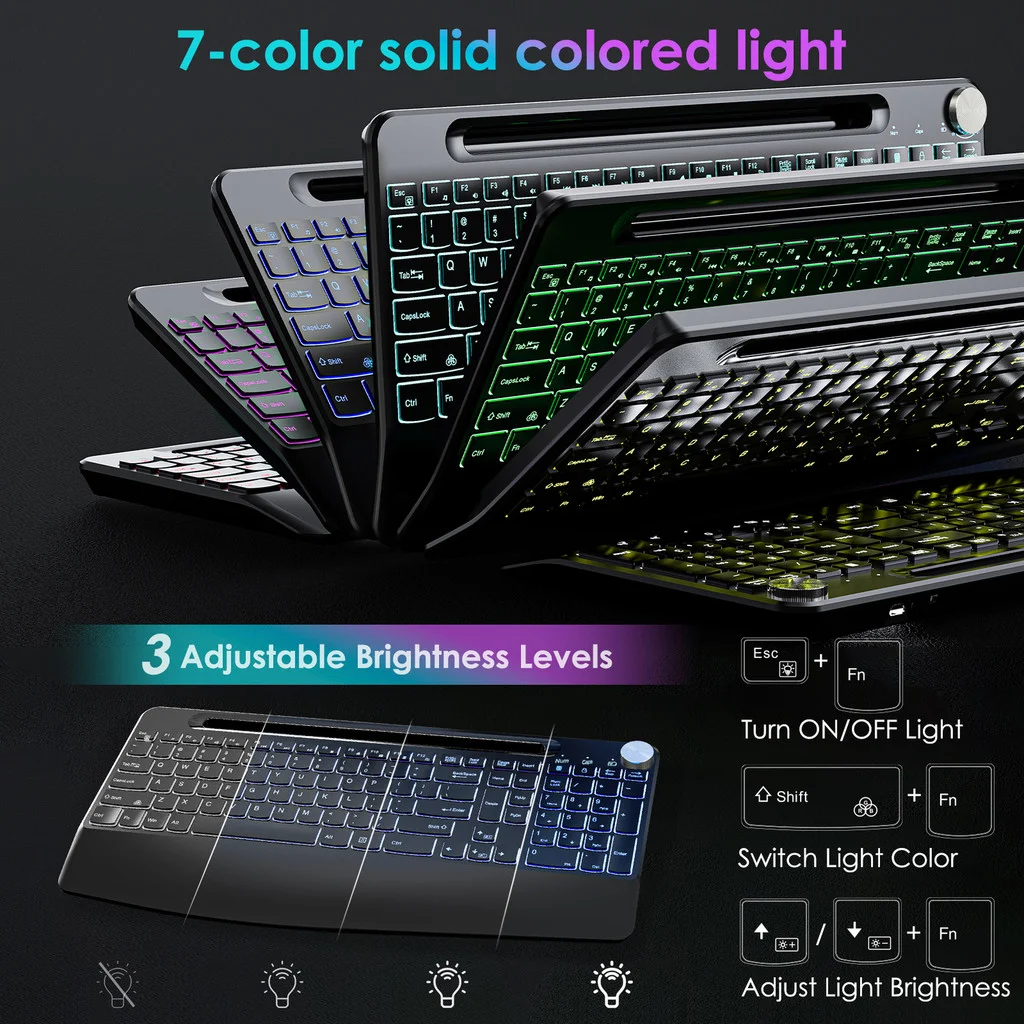
- A backlit keyboard with large-print keys, sold with a mouse and a wrist rest, for typing in low light or for anyone who finds small letters hard to read.
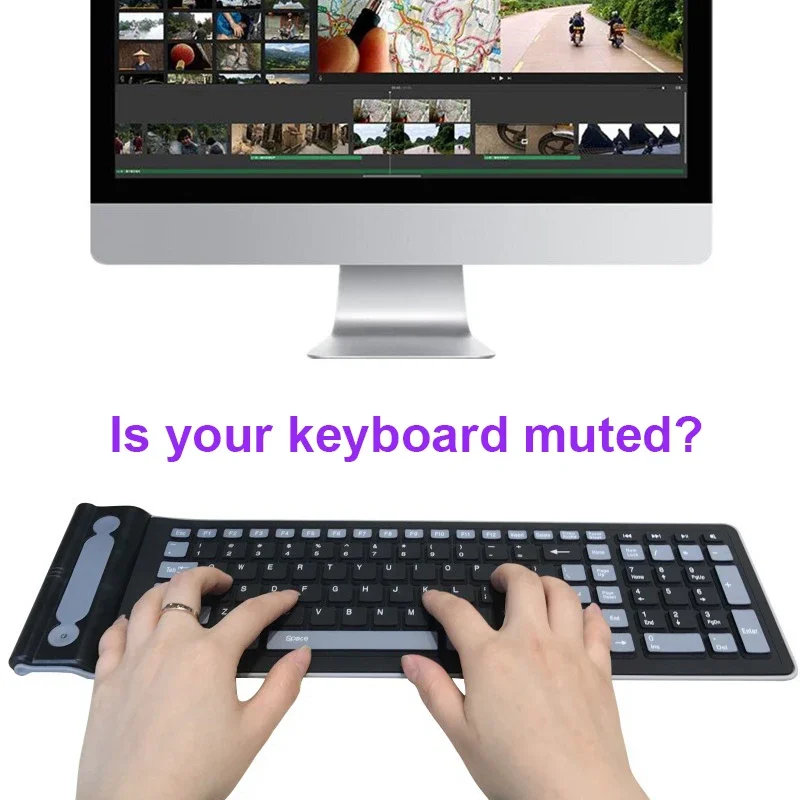
- A soft silicone keyboard that is waterproof and rolls up, for a kitchen, a workshop or a desk where drinks get knocked over.
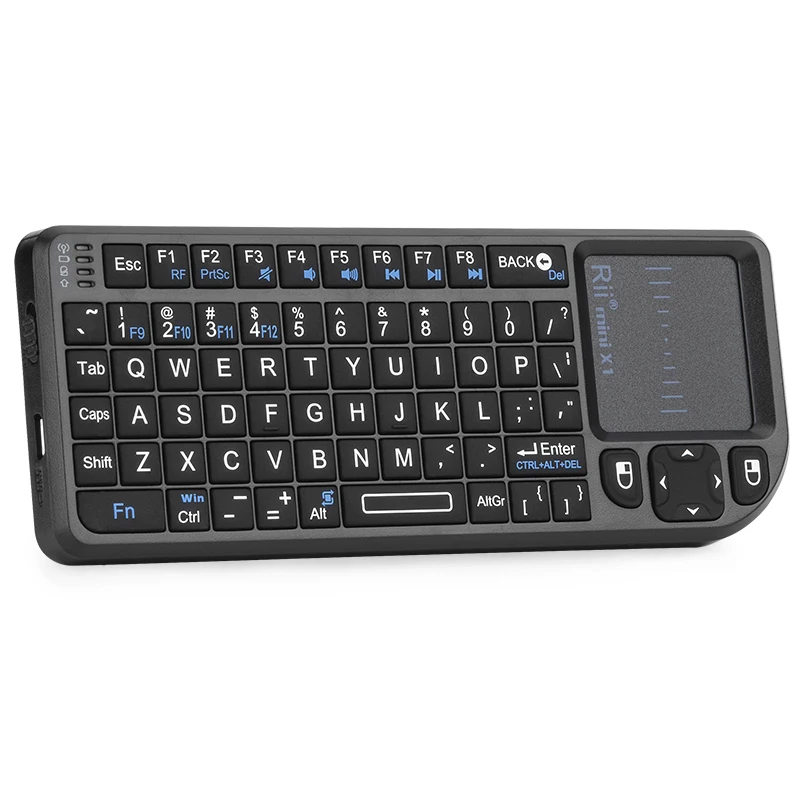
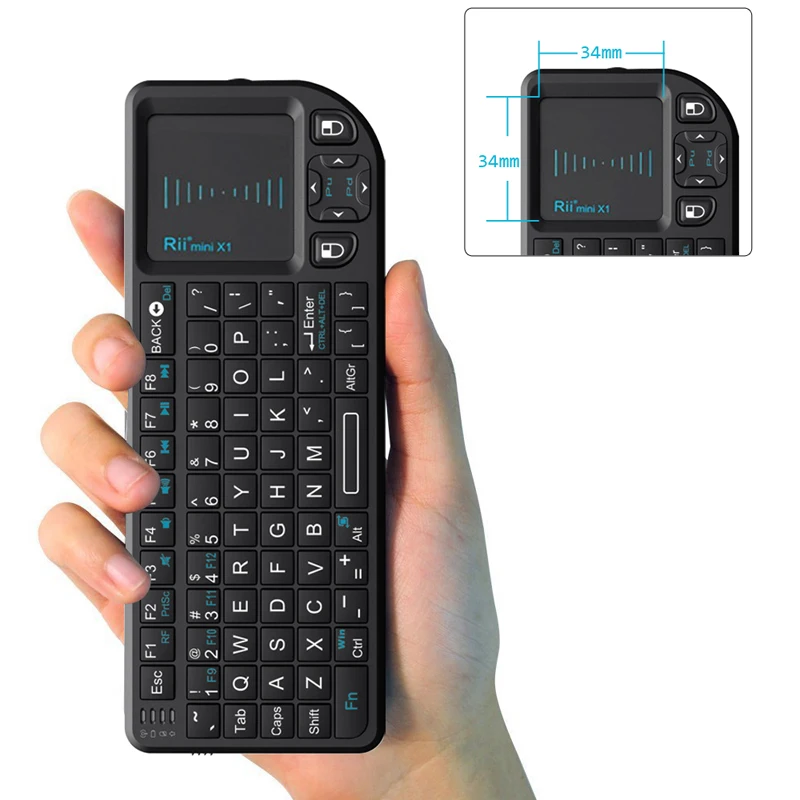
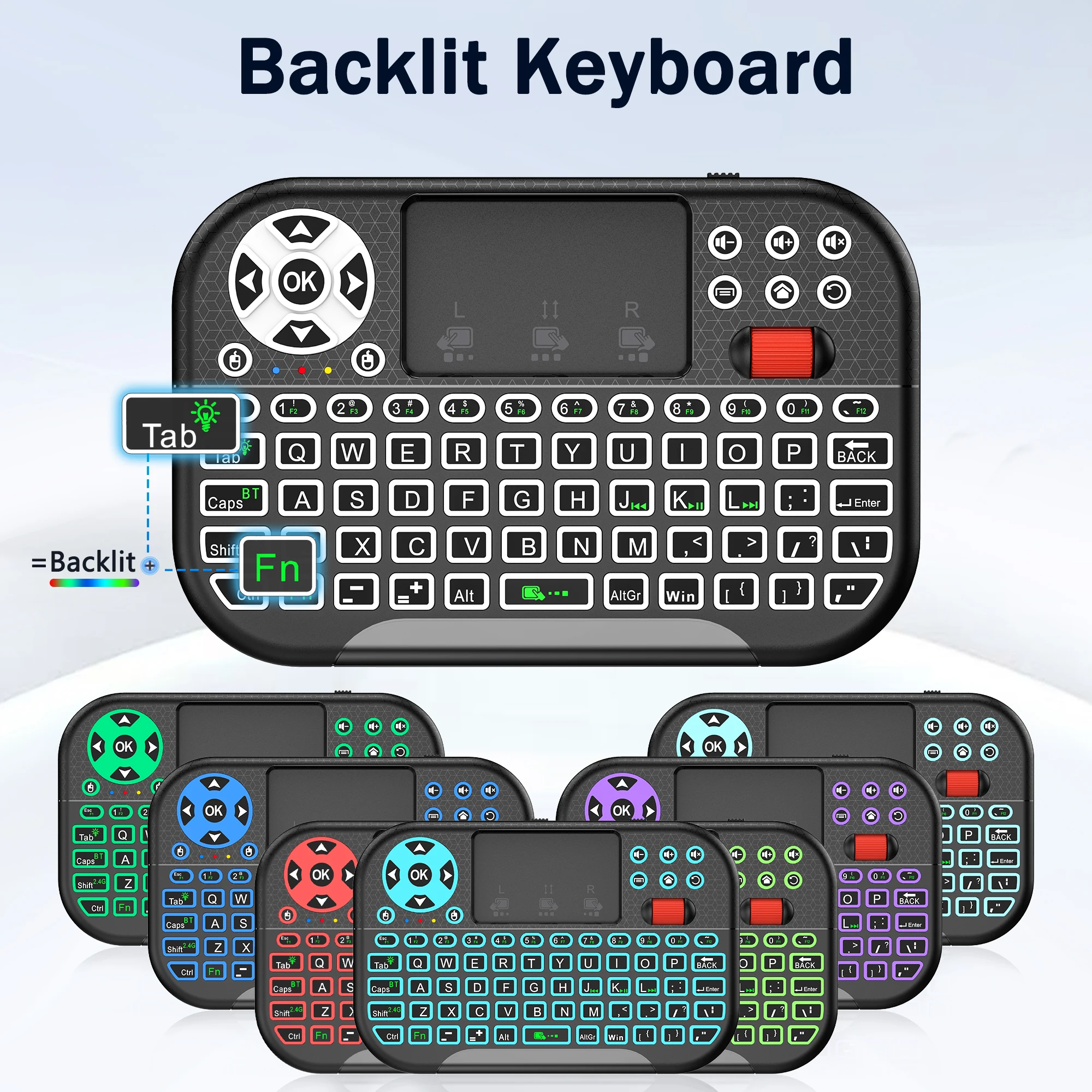
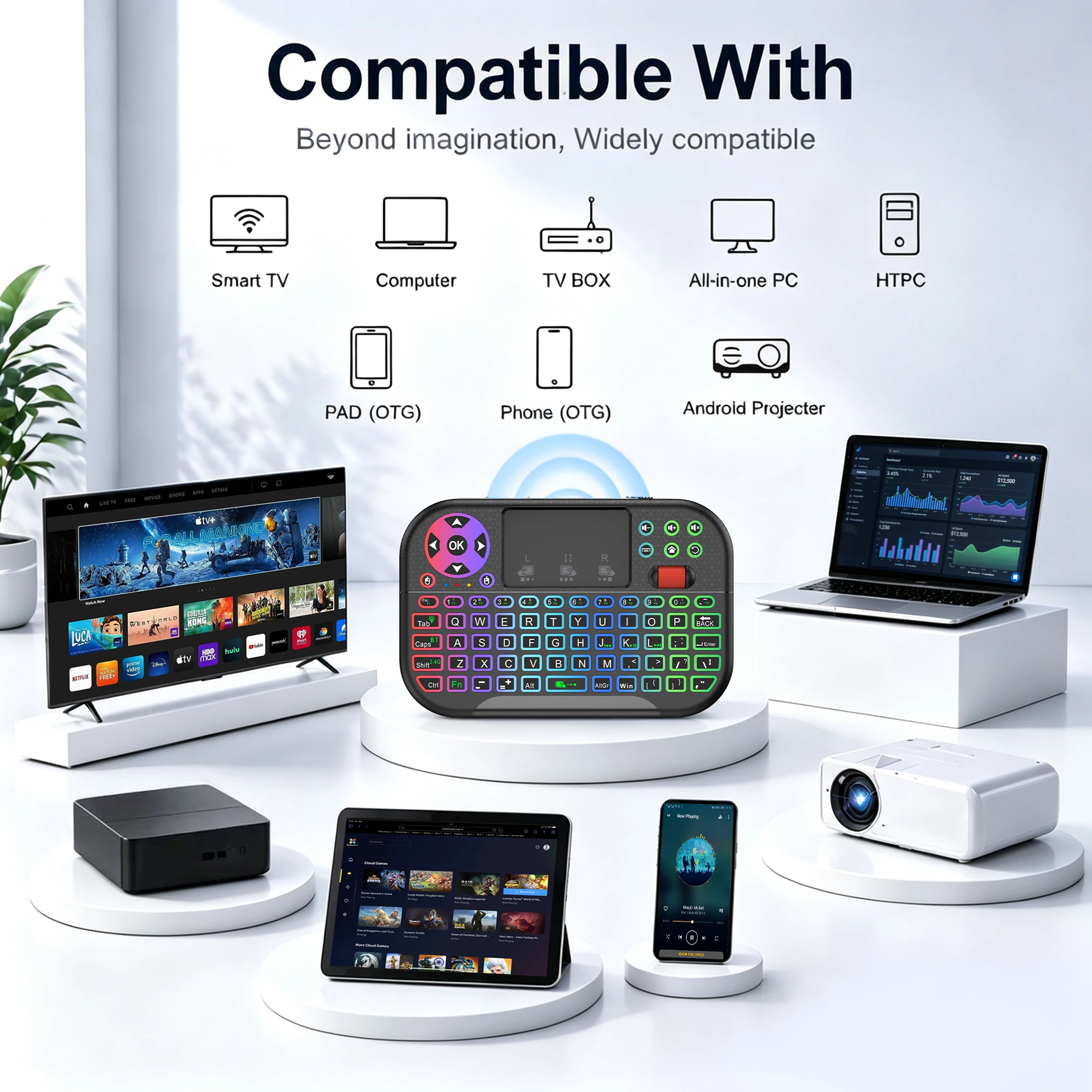
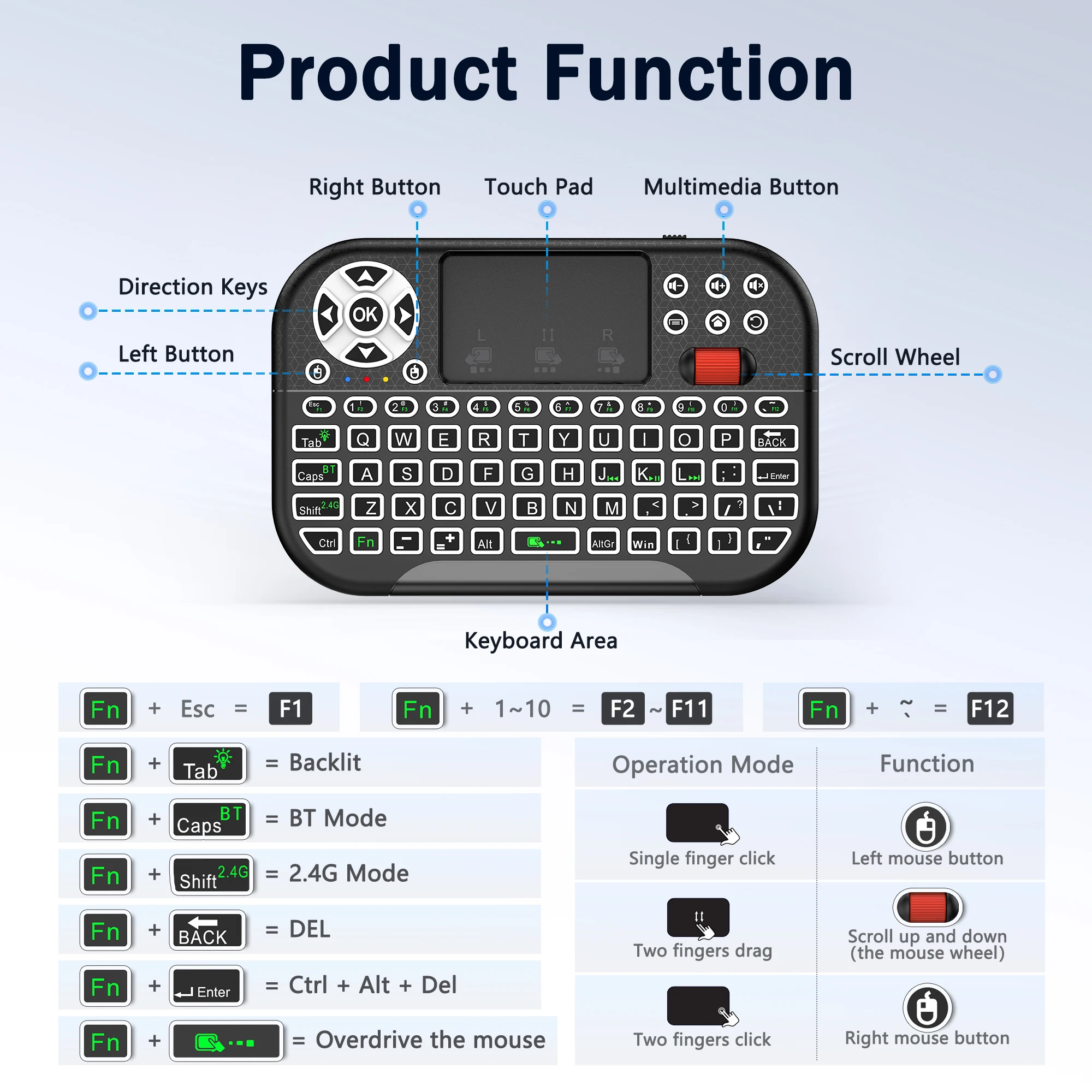
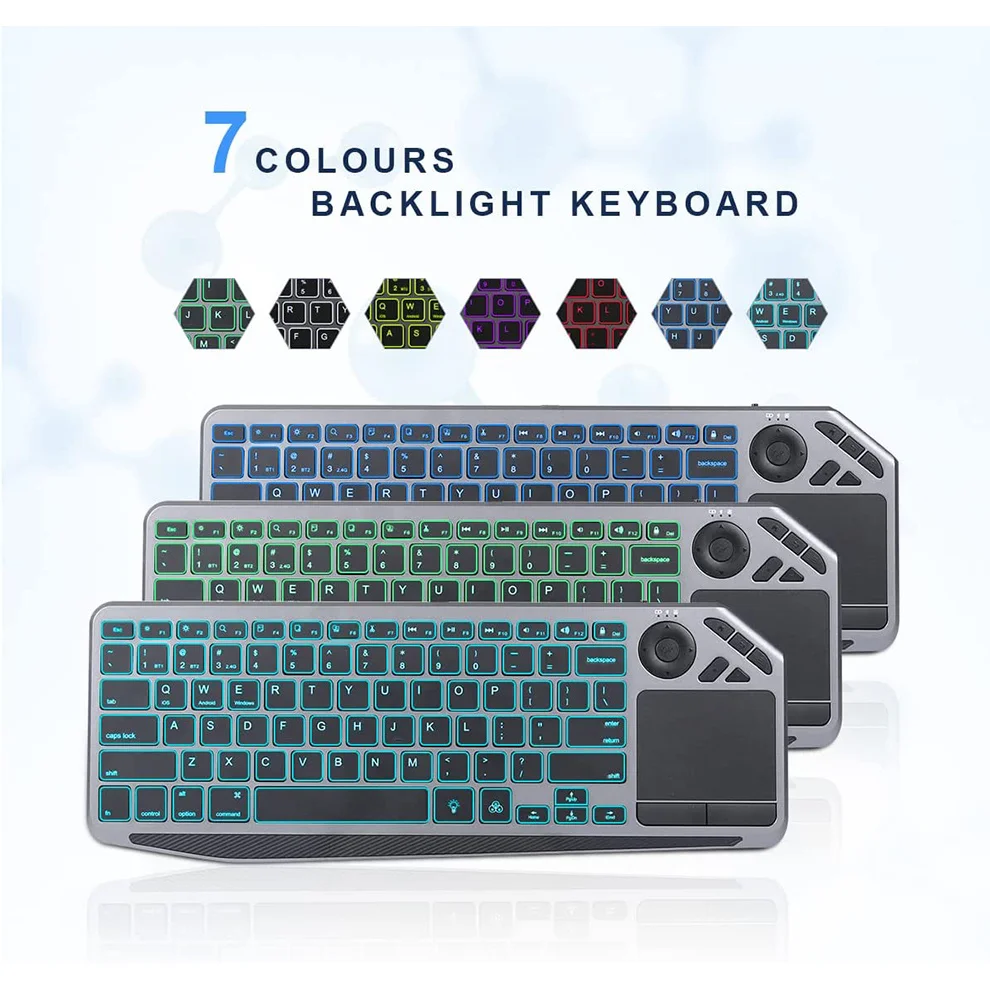
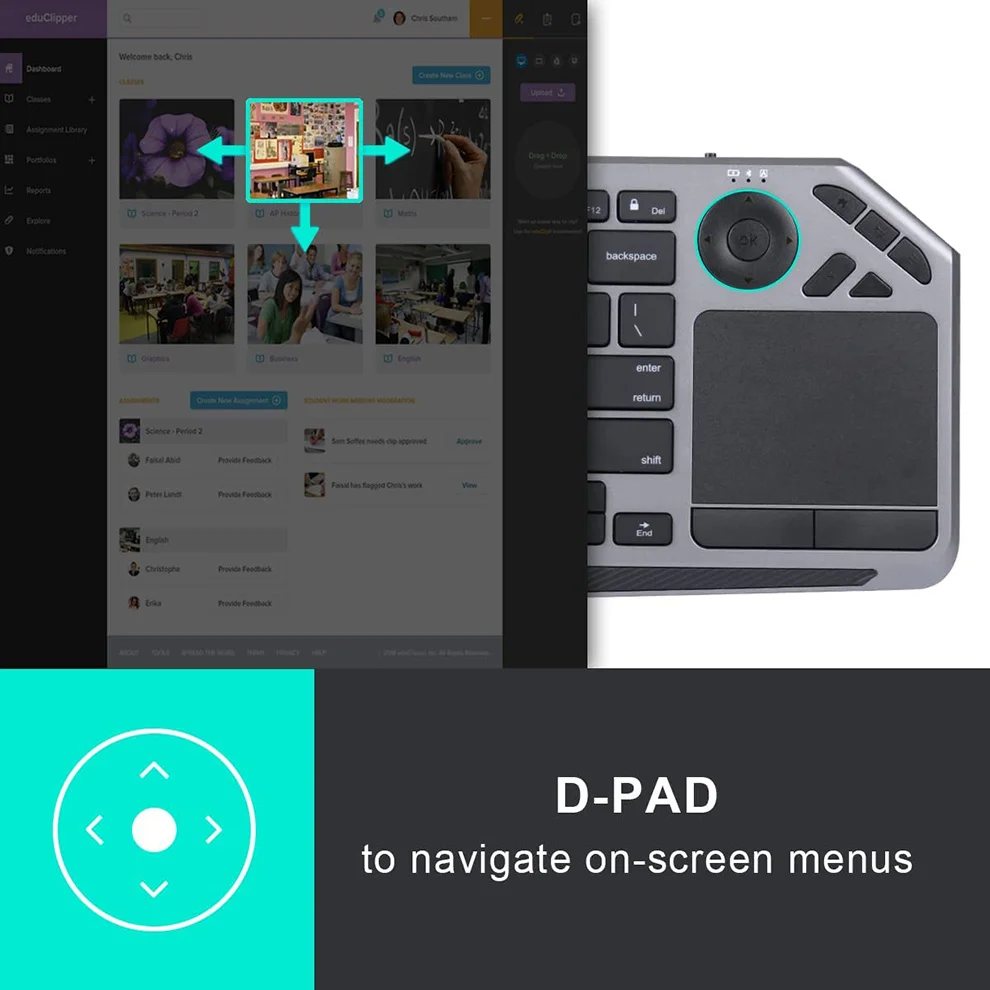
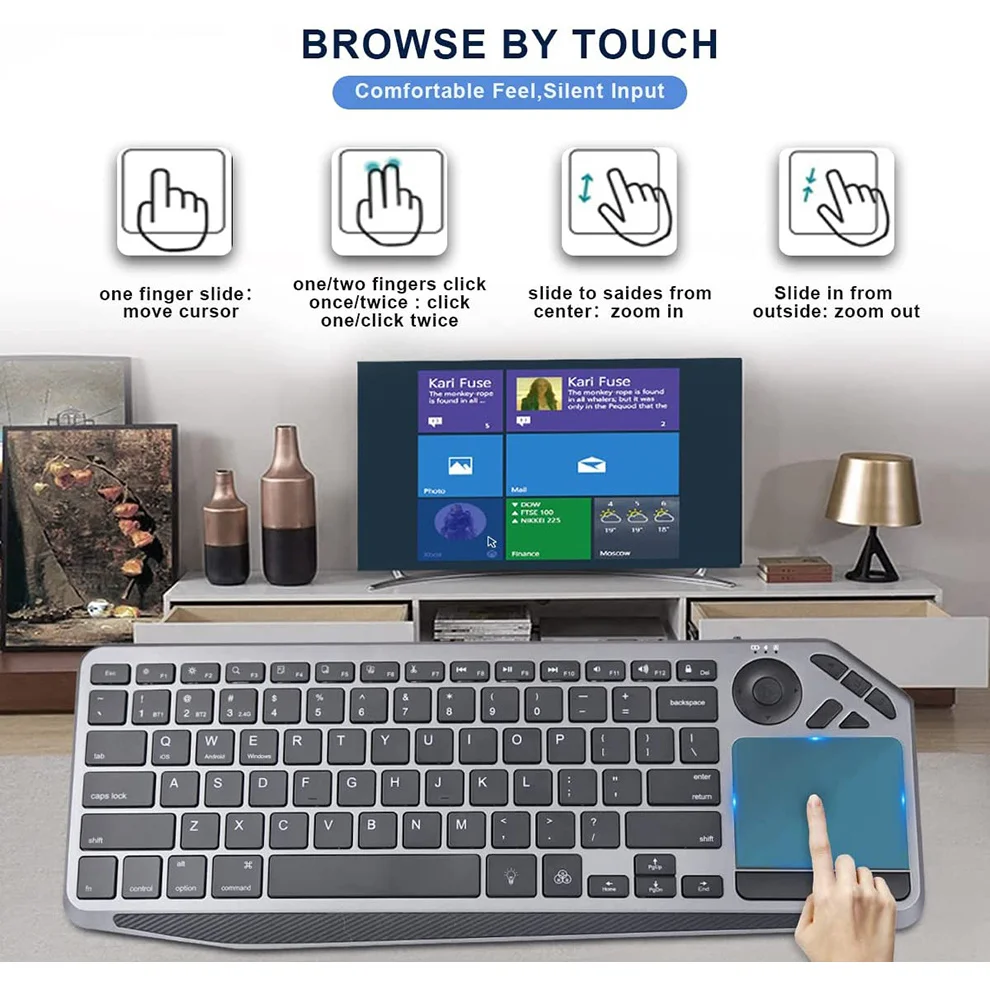
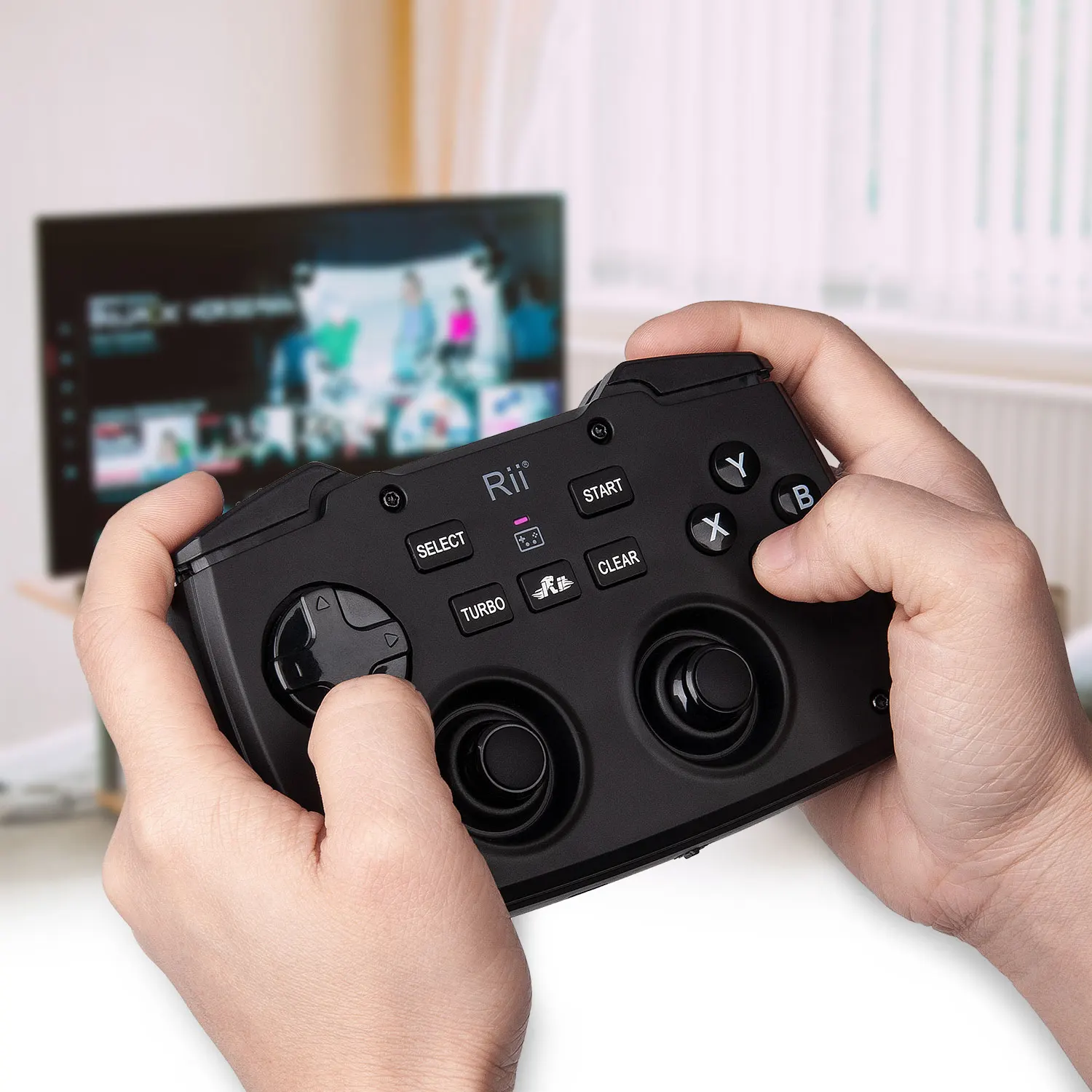
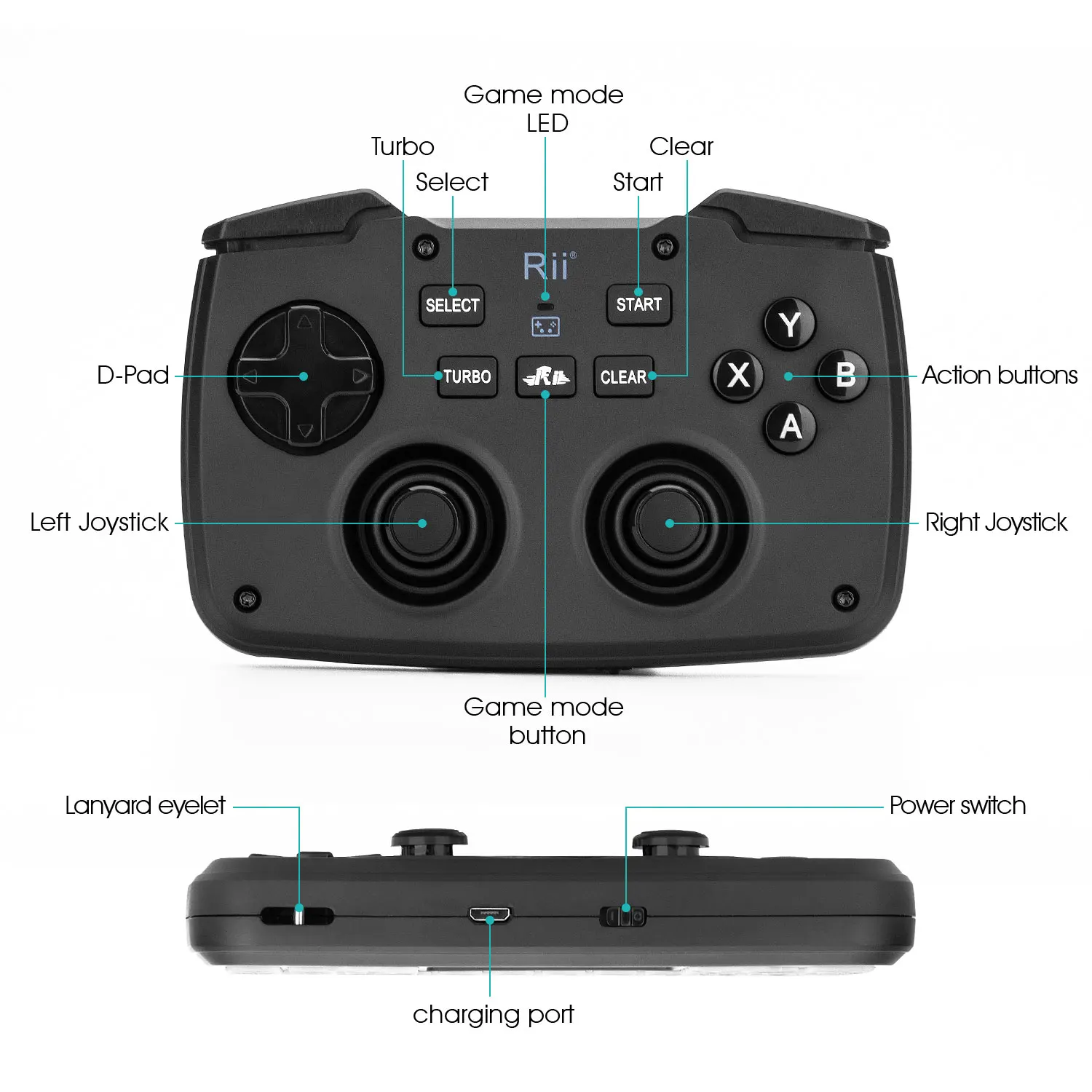
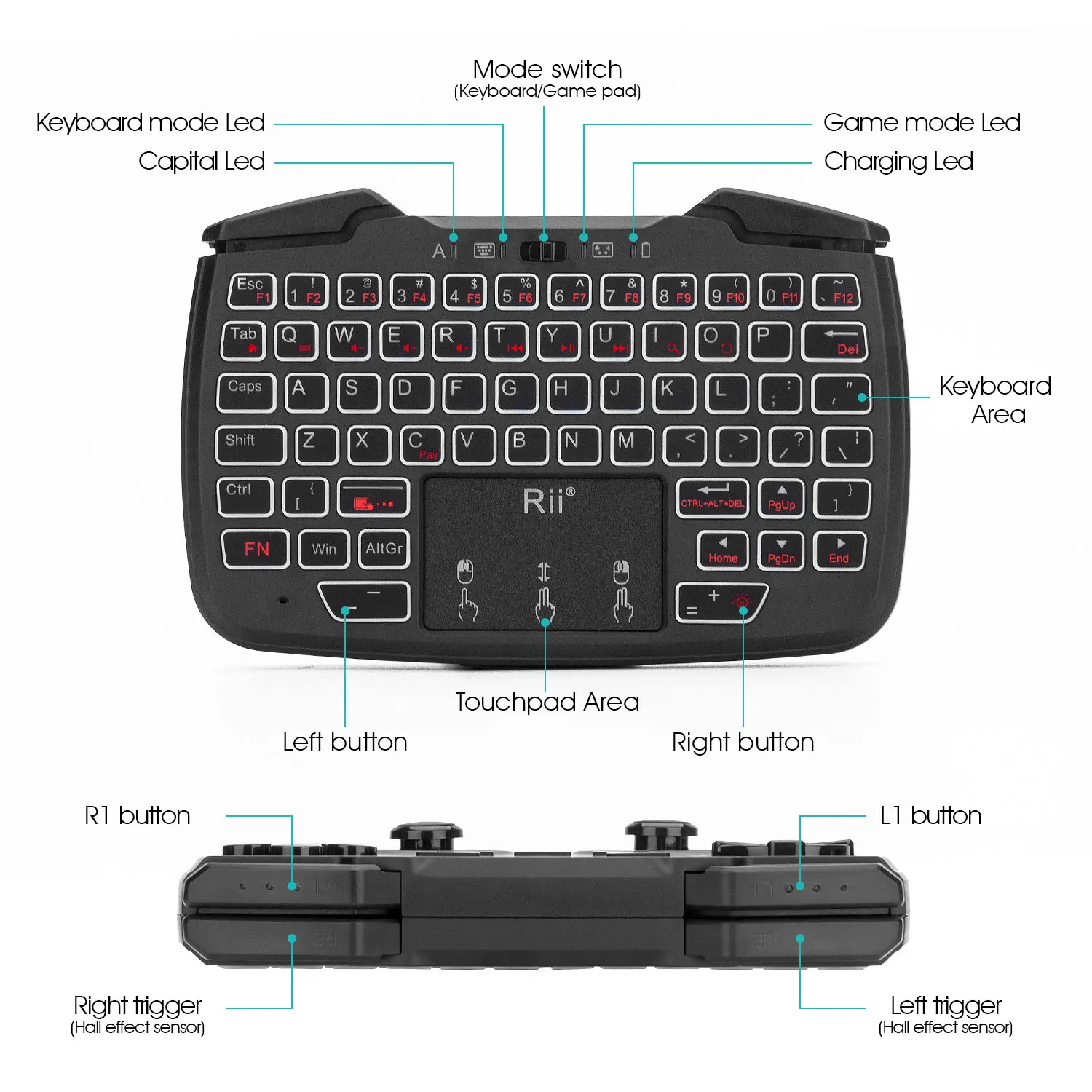
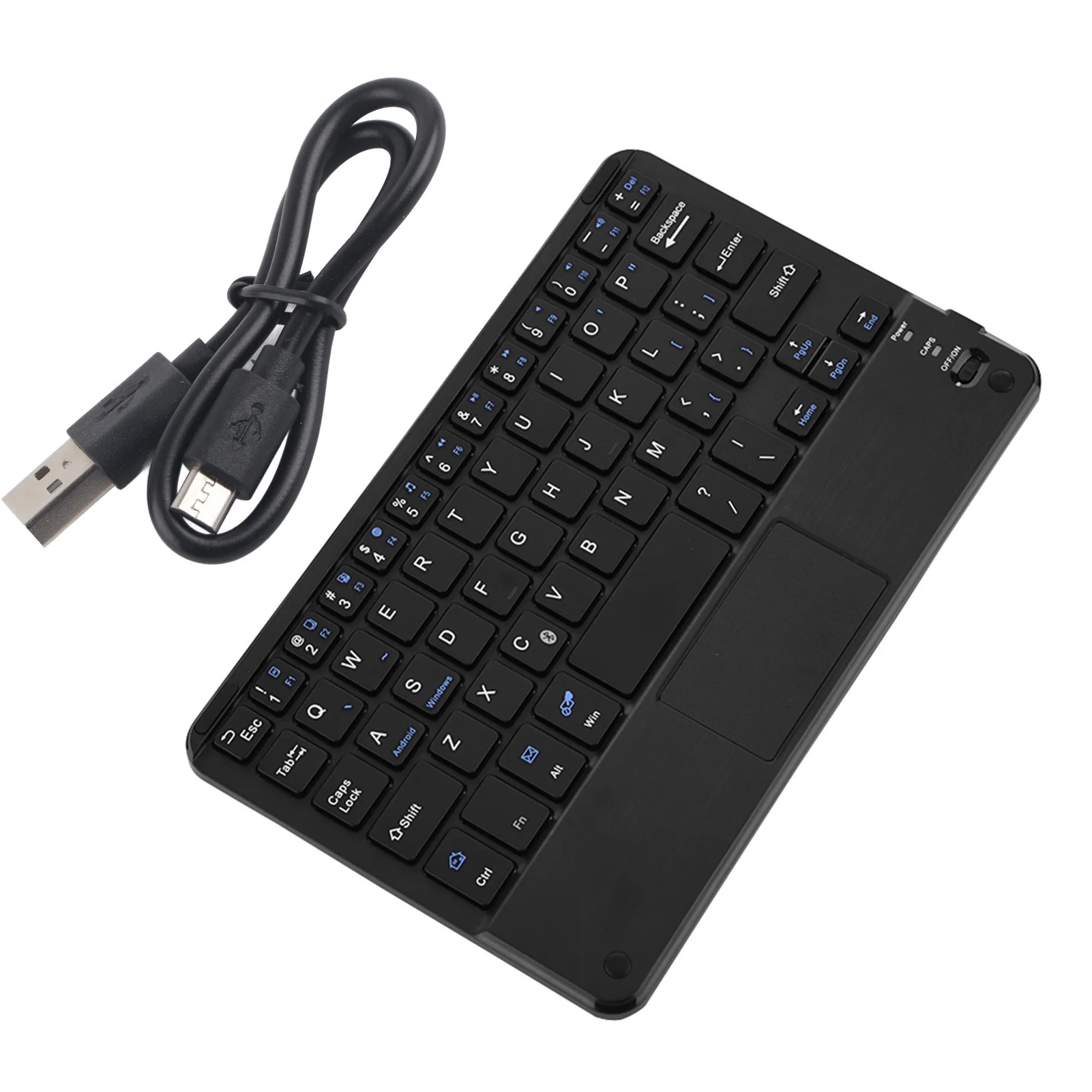
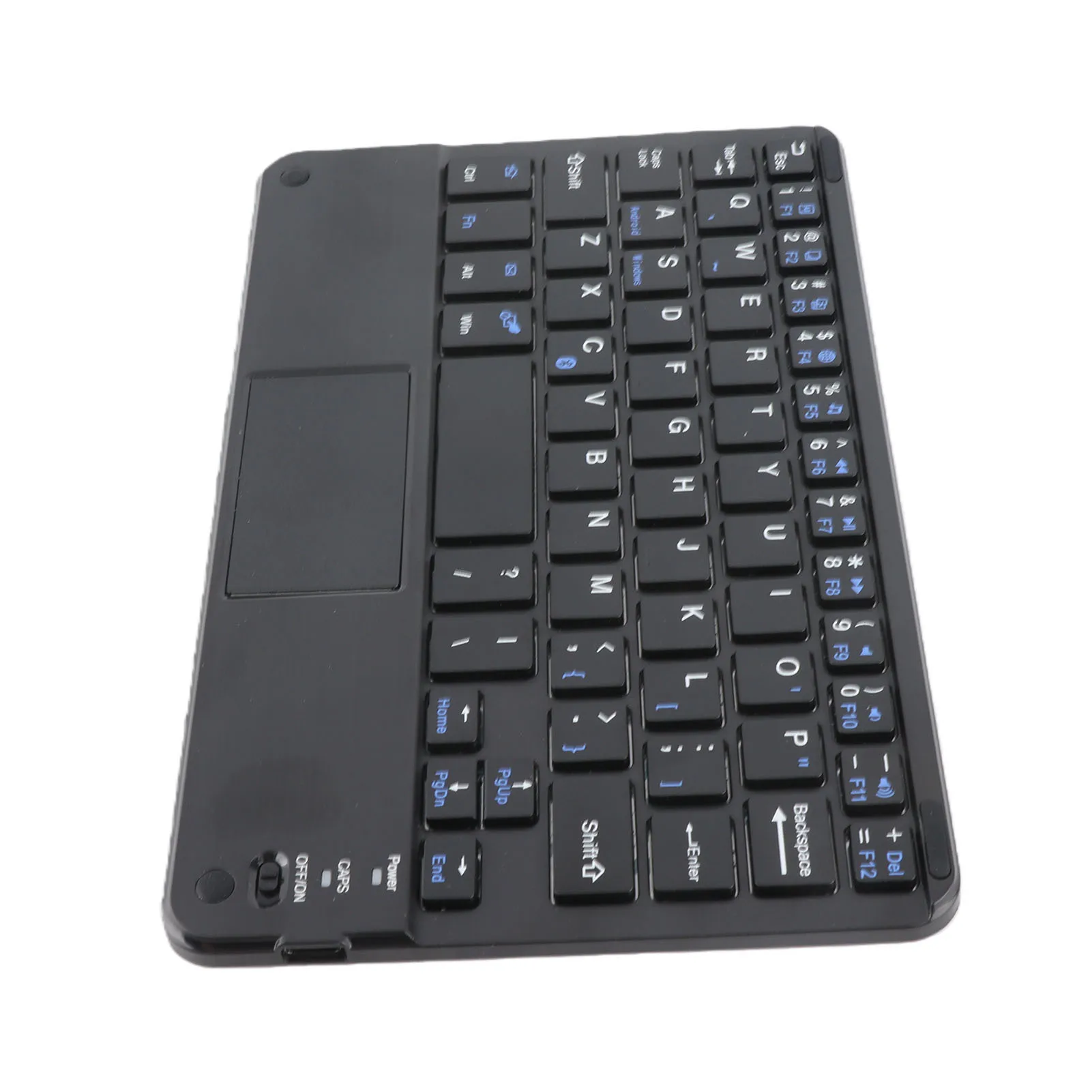
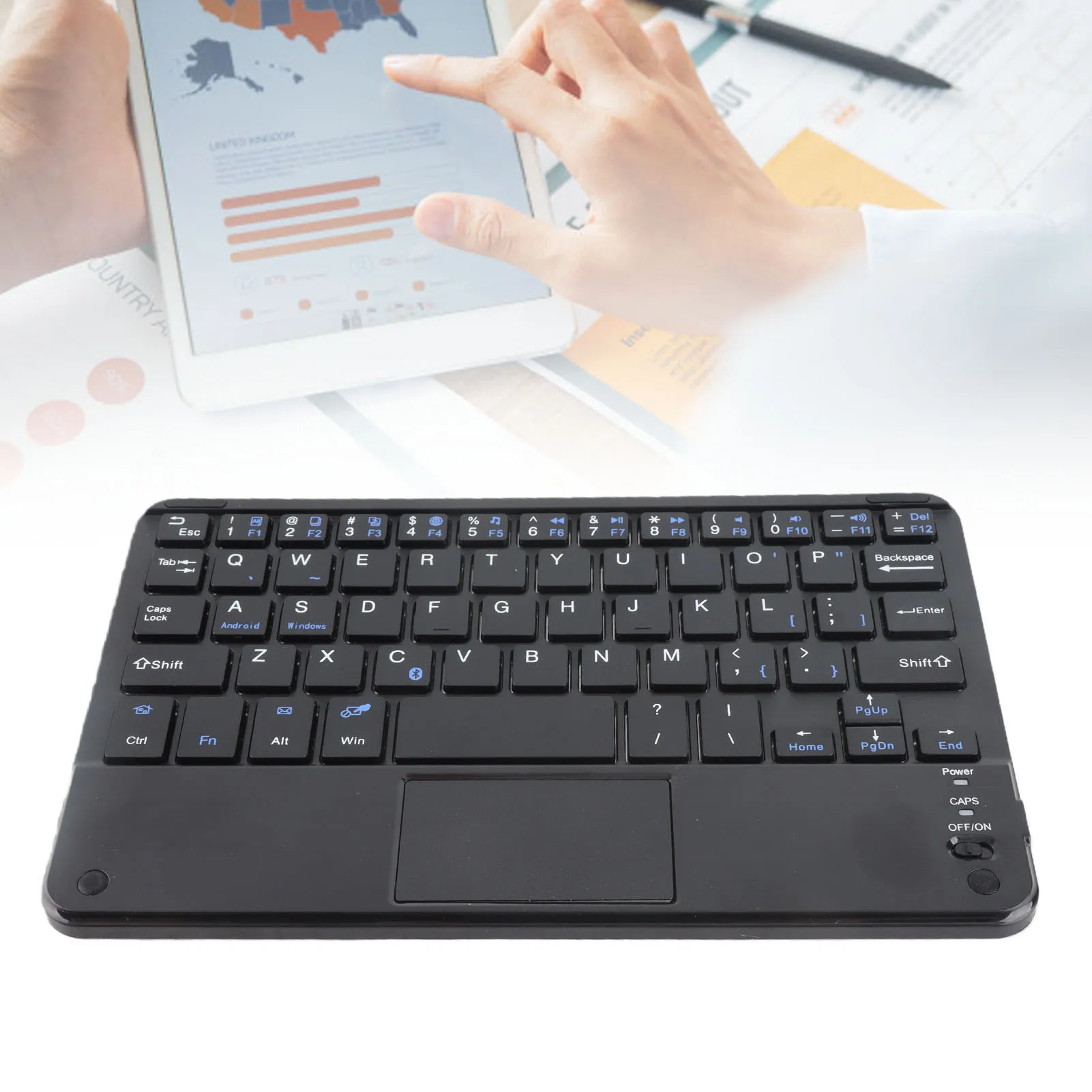
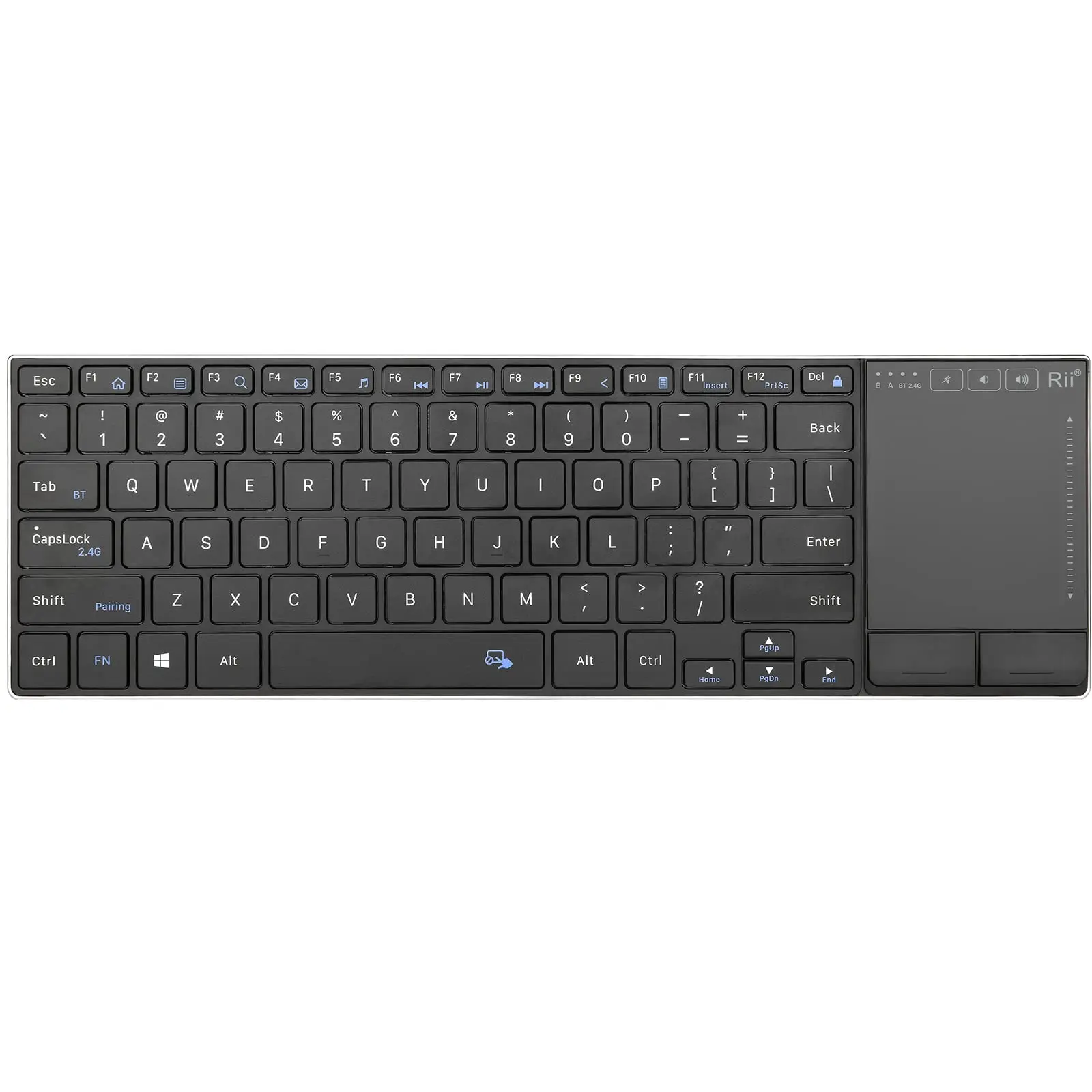
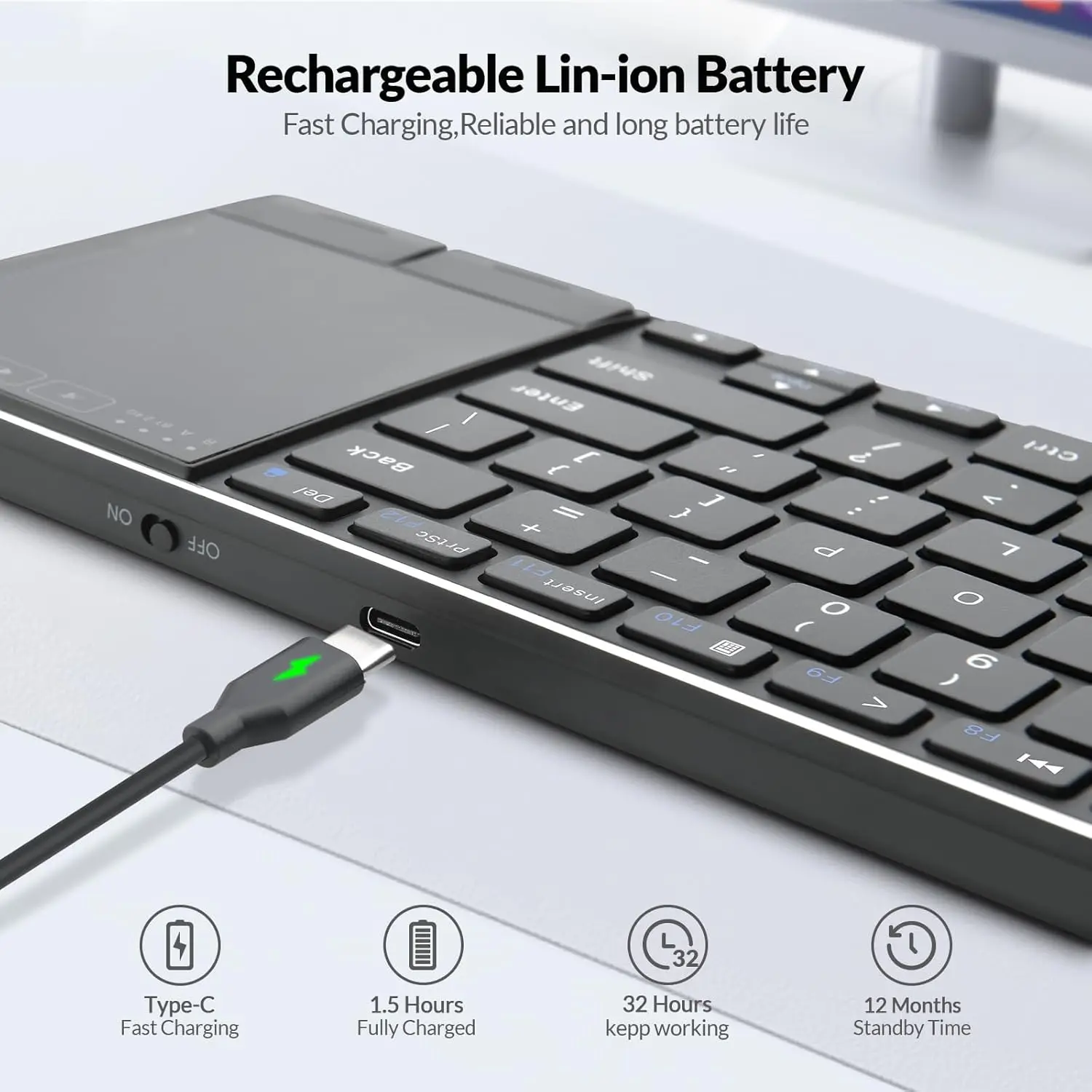
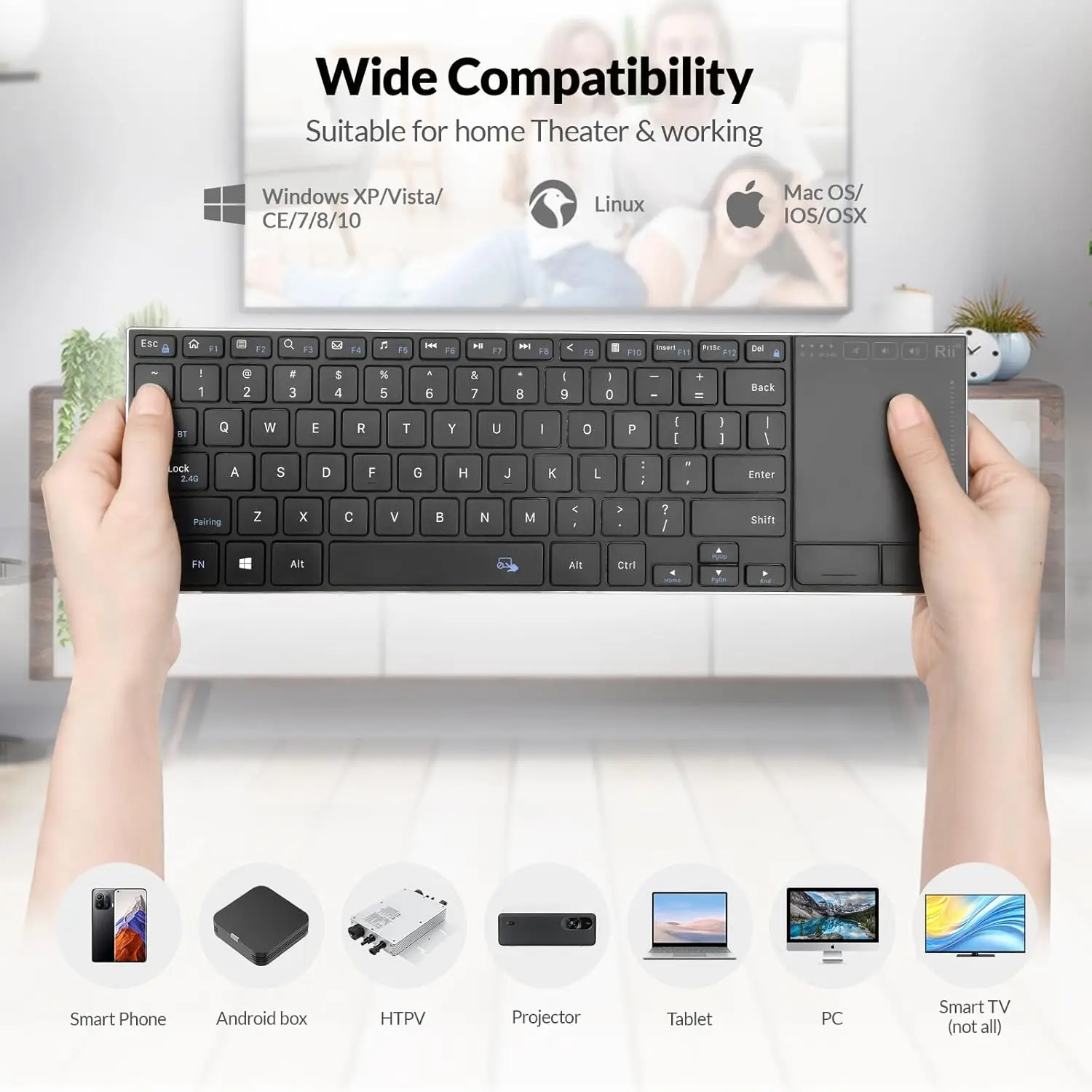
- Mini keyboards with a touchpad, held in two hands, for running a laptop plugged into a TV, a media box or a projector from across the room. Some are backlit.
Many are rechargeable by cable.
How to choose
The layout.
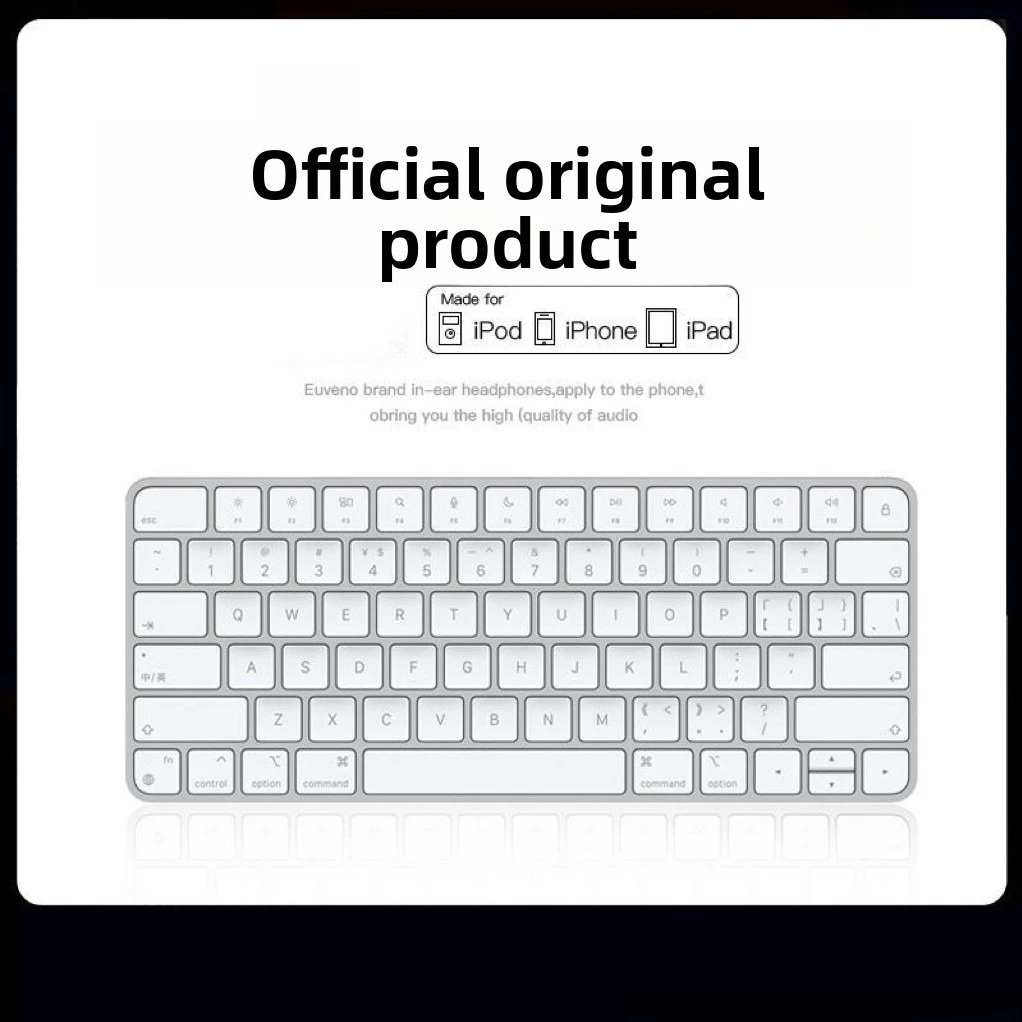
A keyboard made for the UK has the ISO layout, with a tall Enter key that spans two rows. The US layout, used in North America, has a long flat Enter key, and several symbols are printed in different places. Apple tells the layouts apart by the shape of that key, and it is the quickest check. Many keyboards here list their layout or language in the options, so read it before ordering. Then set the same layout on the laptop: in Windows 11 under Settings, Time & language, Language & region; on a Mac under System Settings, Keyboard, Text Input.
Some keyboards here are offered in several languages, and at least one comes only in a Russian layout, so the options matter.
The sockets. A receiver is a USB plug. On a laptop with only USB-C sockets, choose a keyboard that also has Bluetooth, or add a USB-C to USB-A adapter.
Desk or sofa. For a day of typing, choose a full-size or slim keyboard and set the laptop on a stand. A mini touchpad keyboard is for short bursts: searching, a password, a film.
Questions people ask about wireless keyboards
Can one receiver run a keyboard and a mouse?
Only when they are made as a pair. The keyboard and mouse sets include several that share one receiver.
Why does the keyboard type the wrong symbols?
The laptop is set to a different layout from the keyboard. Add the keyboard's layout in the laptop's language or keyboard settings, and the keys will match.
Do these work with a Chromebook?
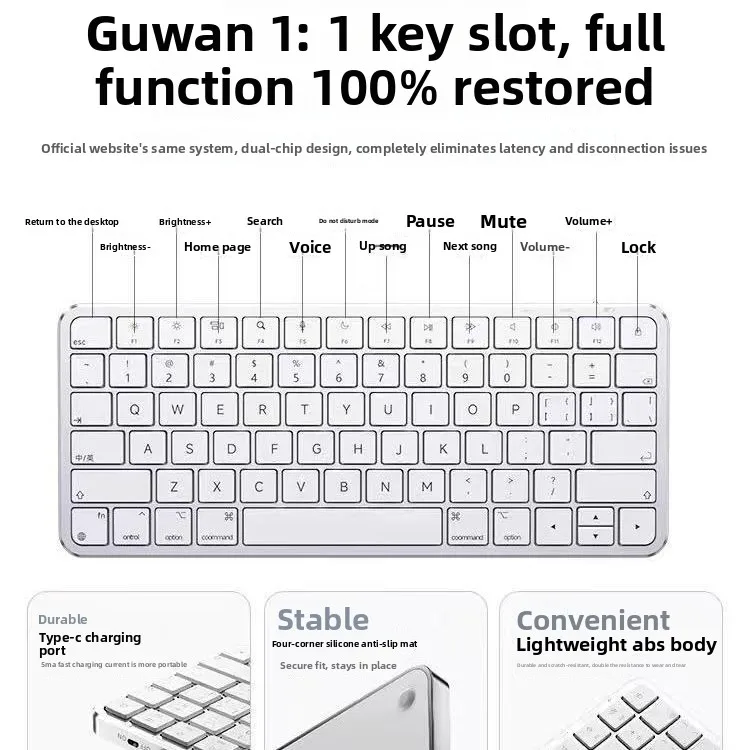
A receiver keyboard types on a Chromebook as on any laptop. Special keys along the top may do different things.
Delivery is included in every price and tracked to your door.
More to look at