Skip to the content

Delivery included in every priceTracked to your doorUK plugs on every charger

Port Dust Plugs

Small plugs that keep dust out of the ports.

Shop Port Dust Plugs

12 products

1 of 32 of 33 of 3

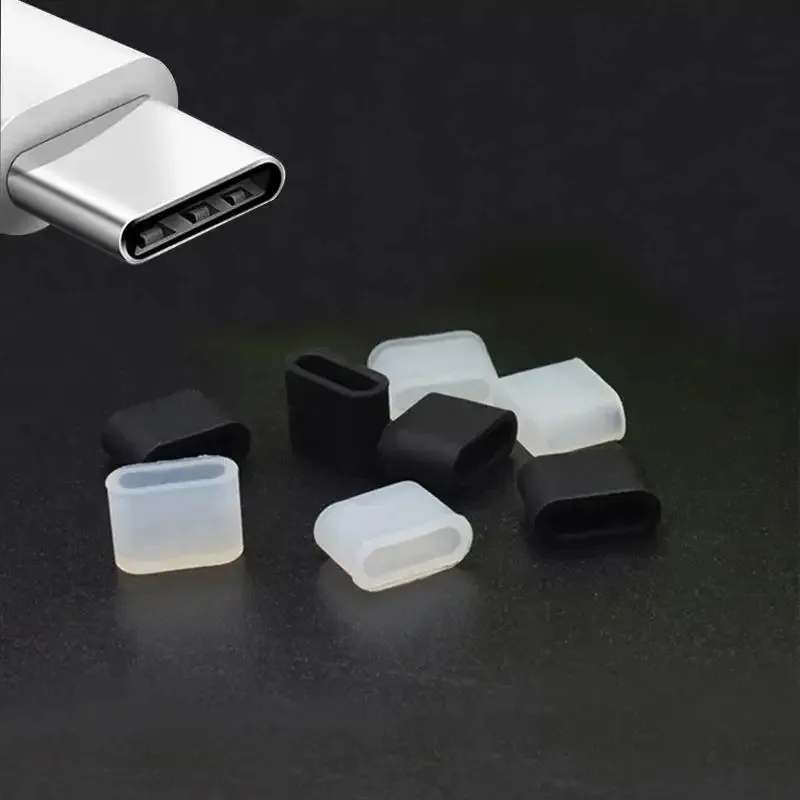
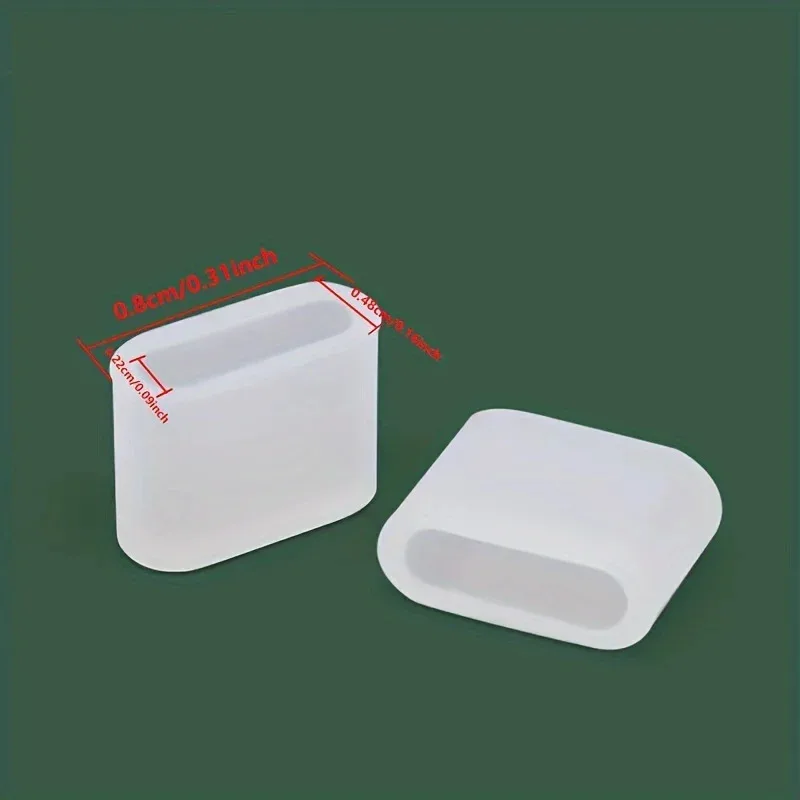
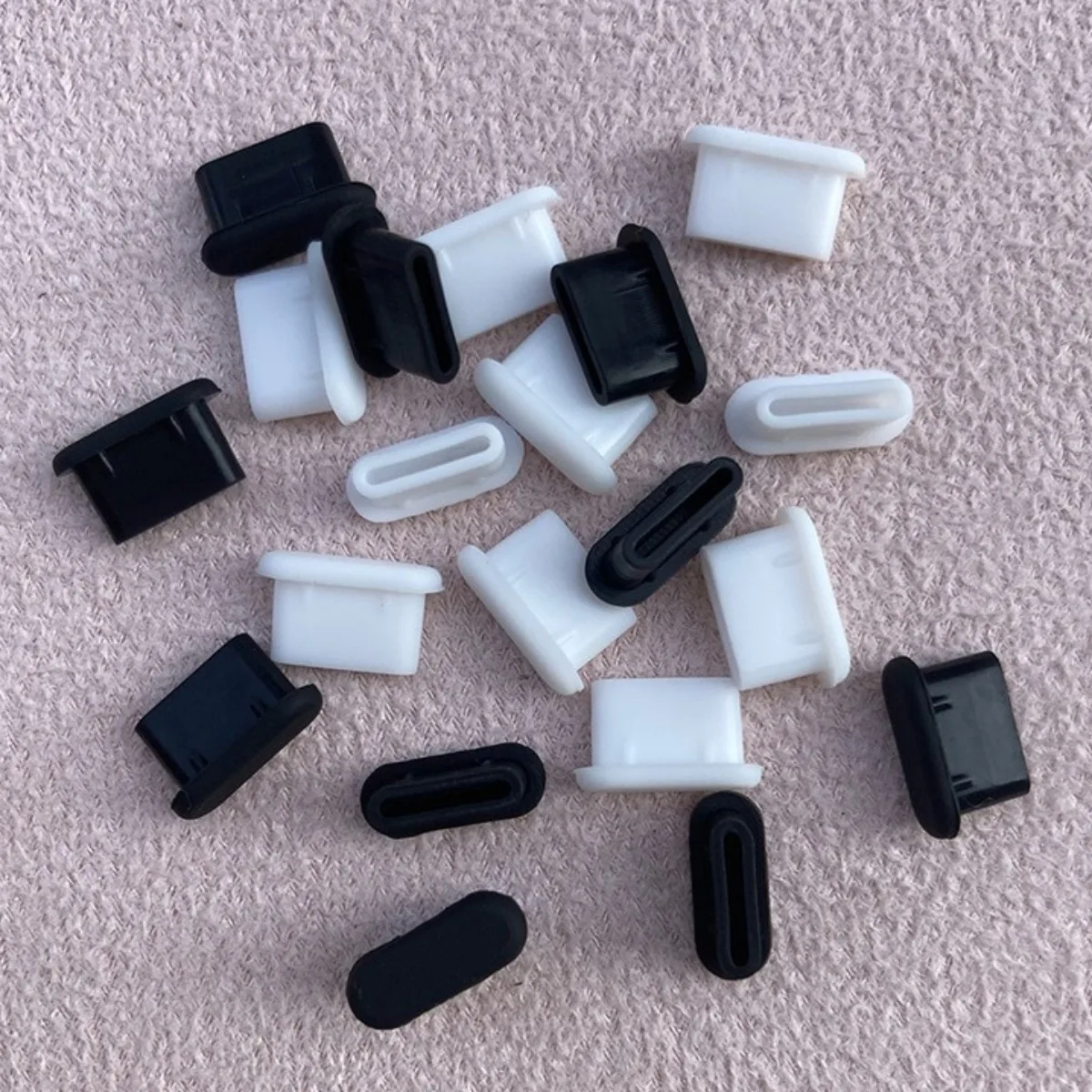
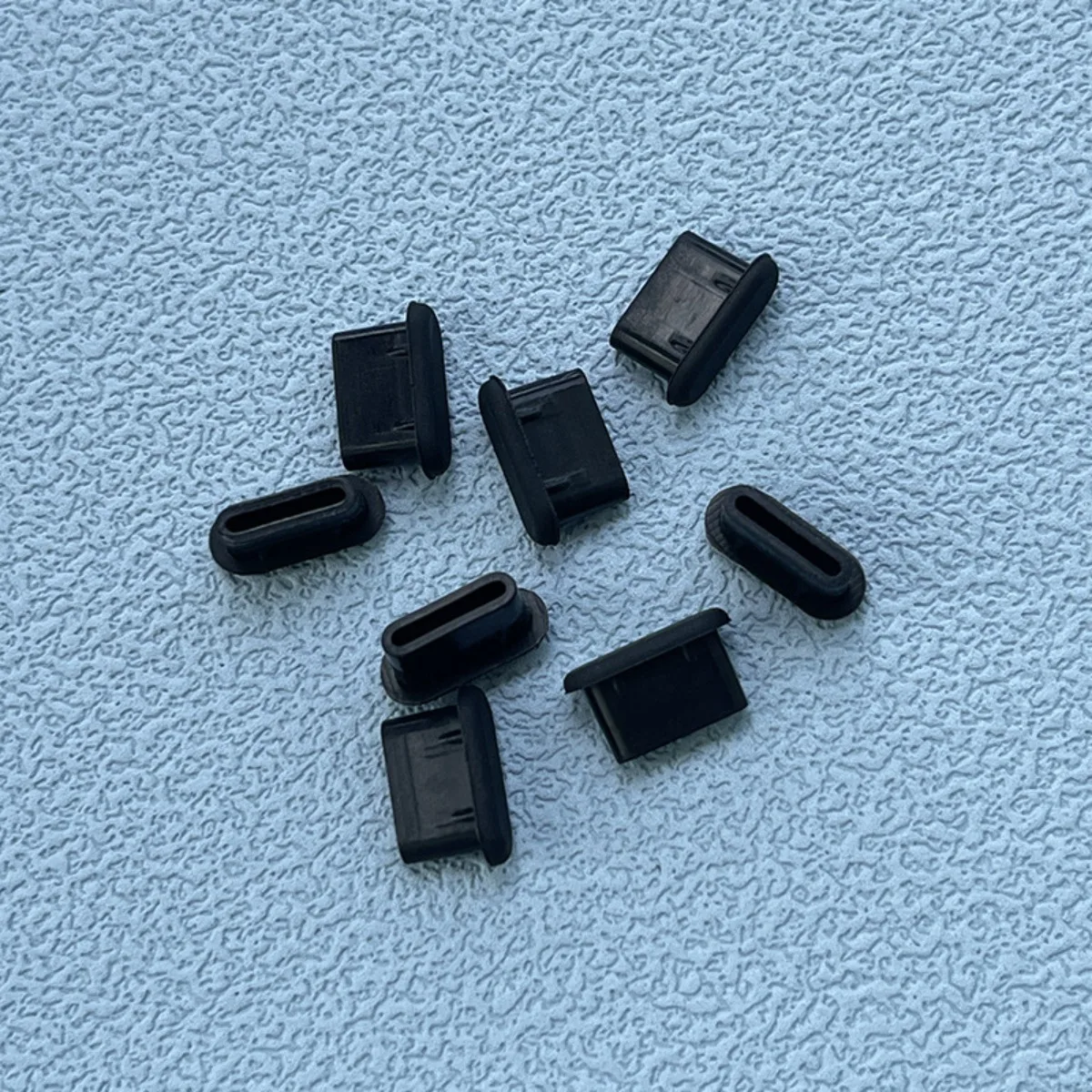
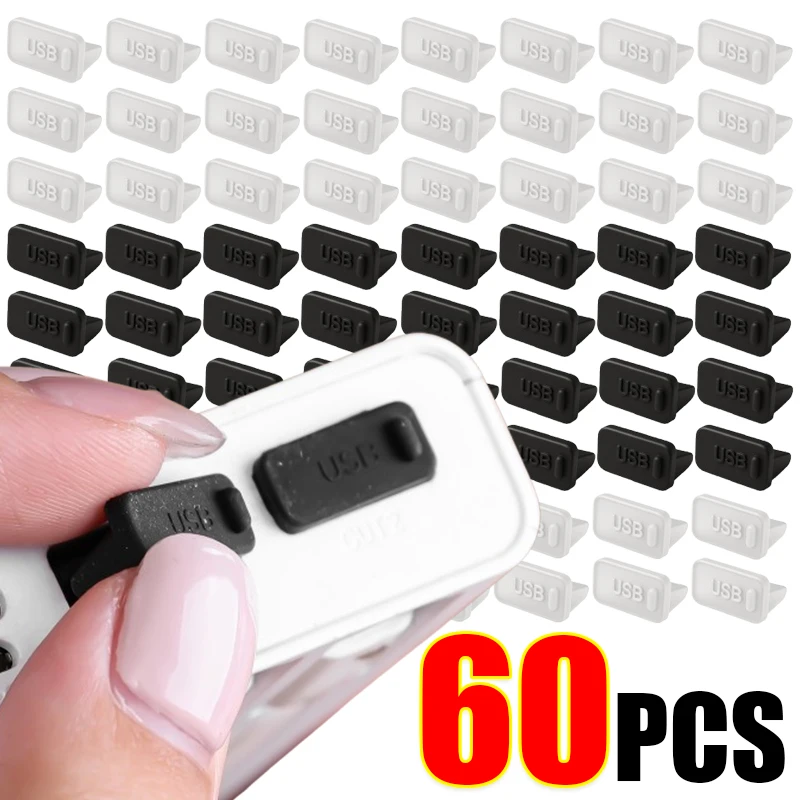
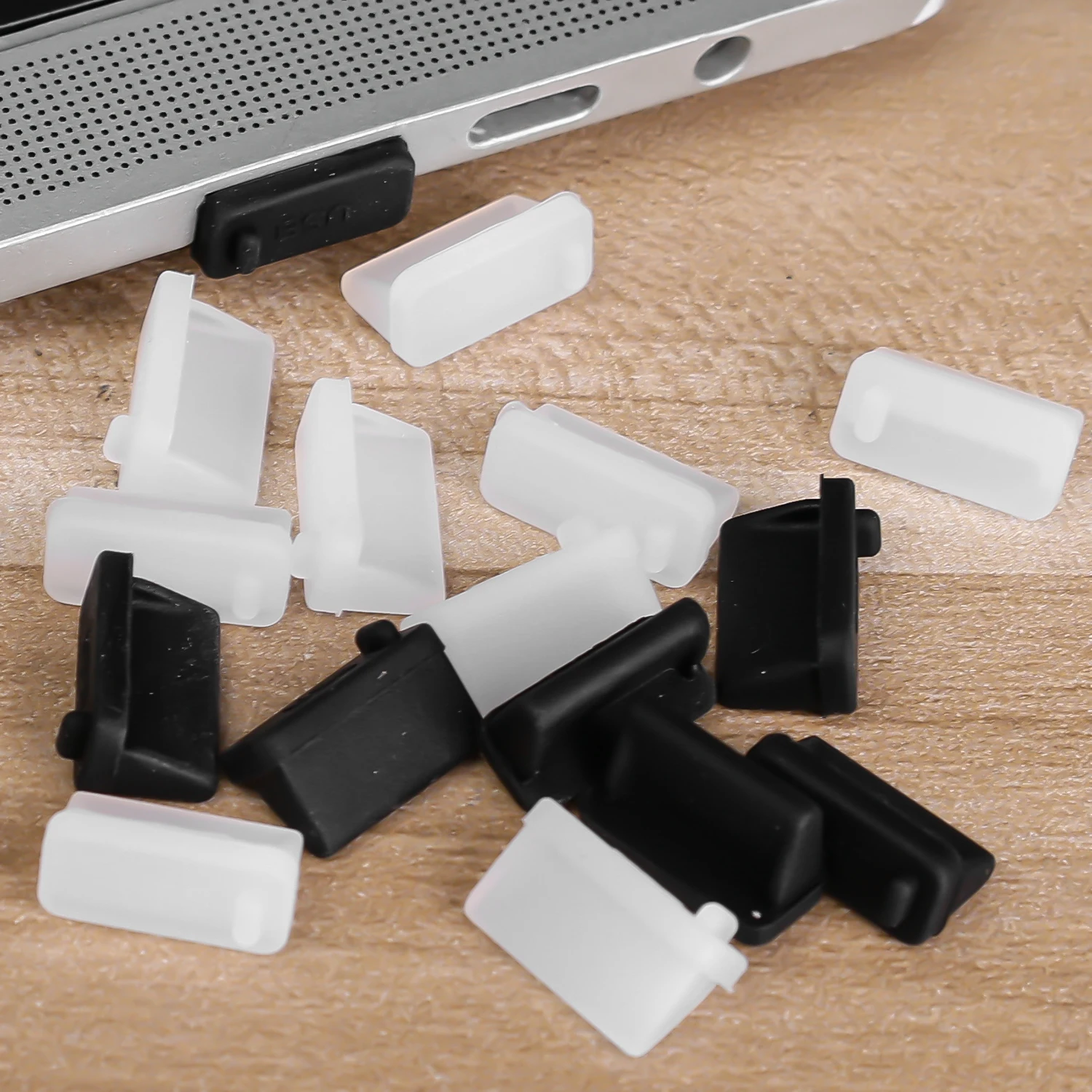
Silicone USB-C Dust Plugs - Protective Port Covers (Pack of 10)

Pack of 10 silicone dust plugs that protect USB-C ports from dust and debris.

£9.99
1 of 32 of 33 of 3

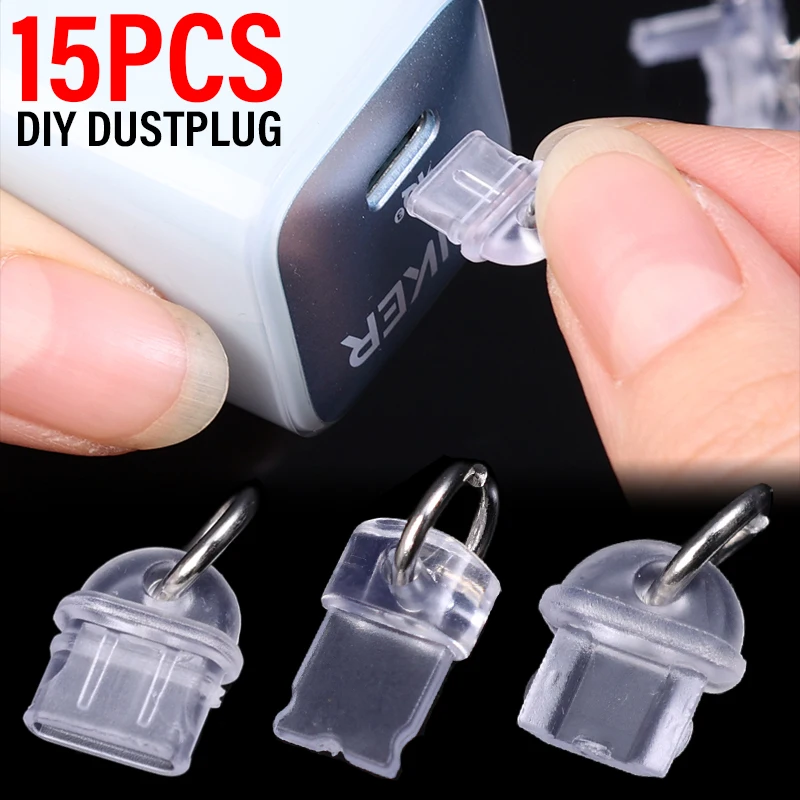
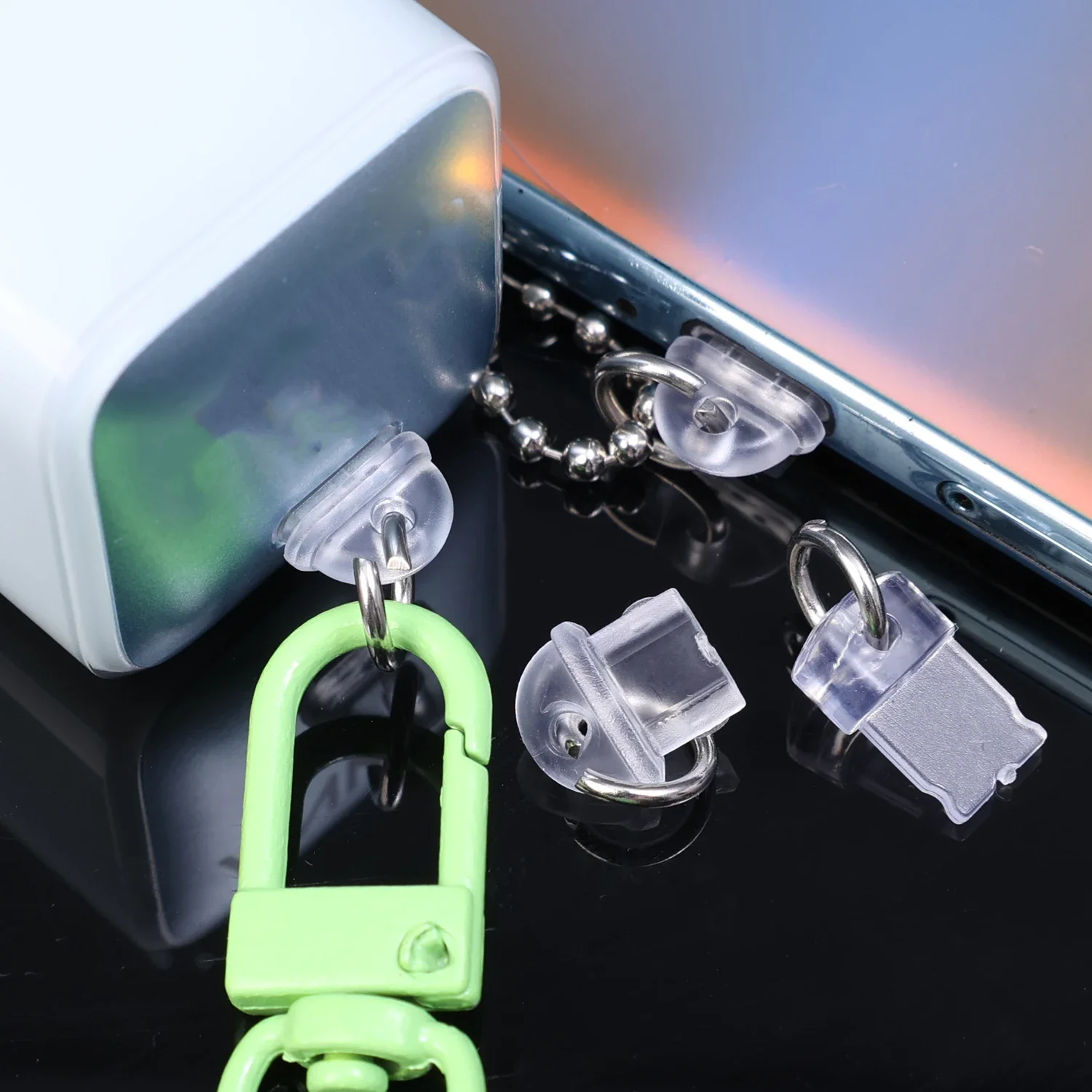
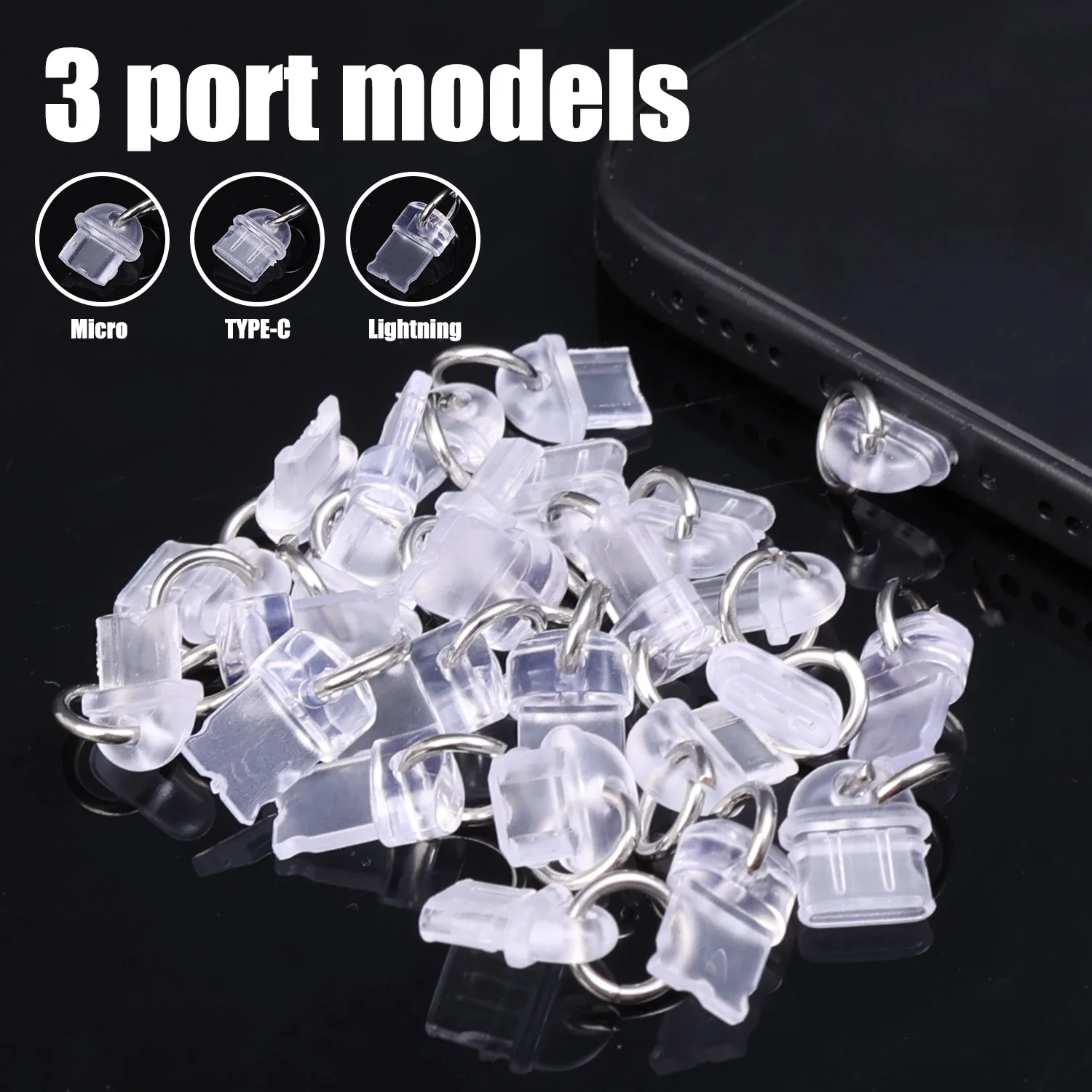
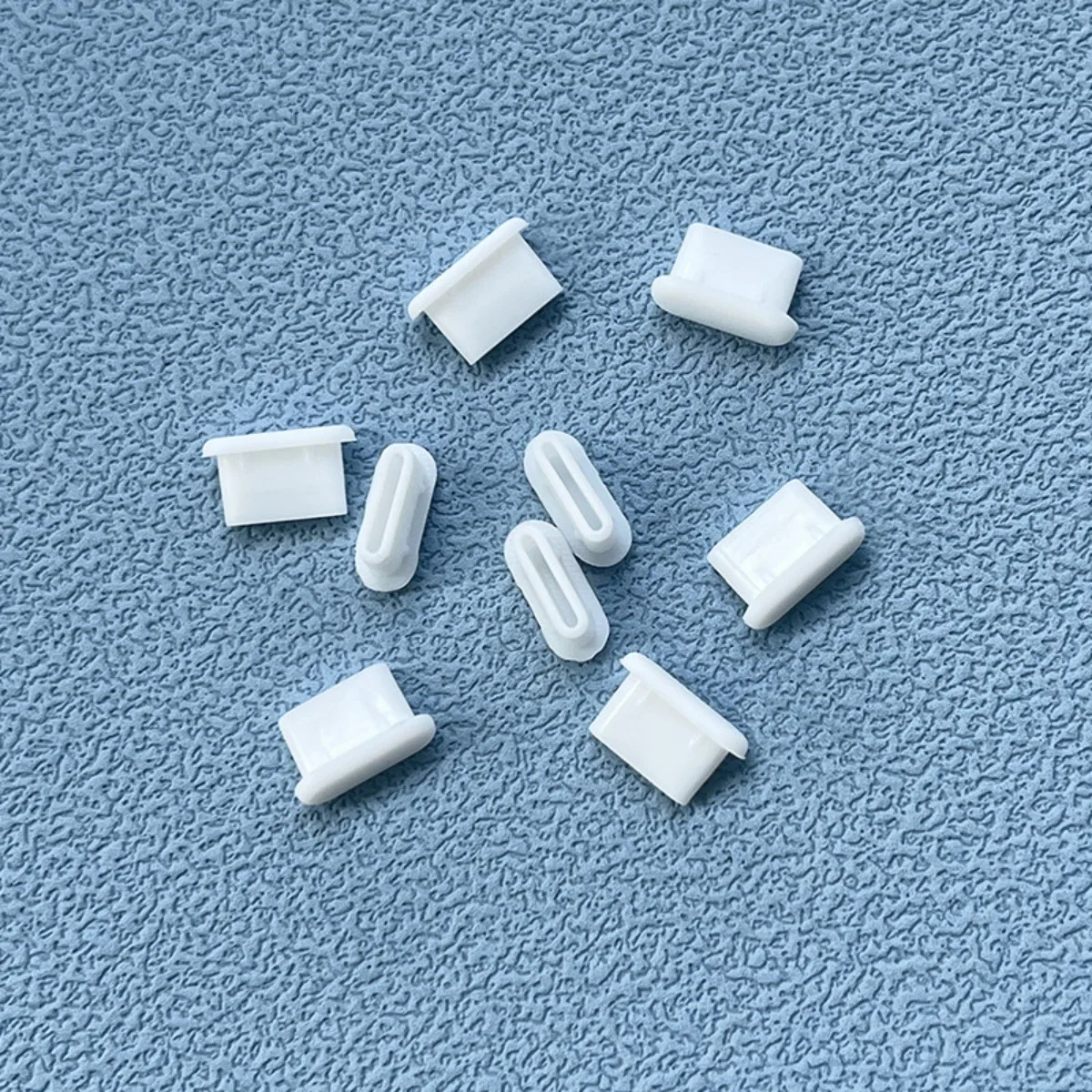
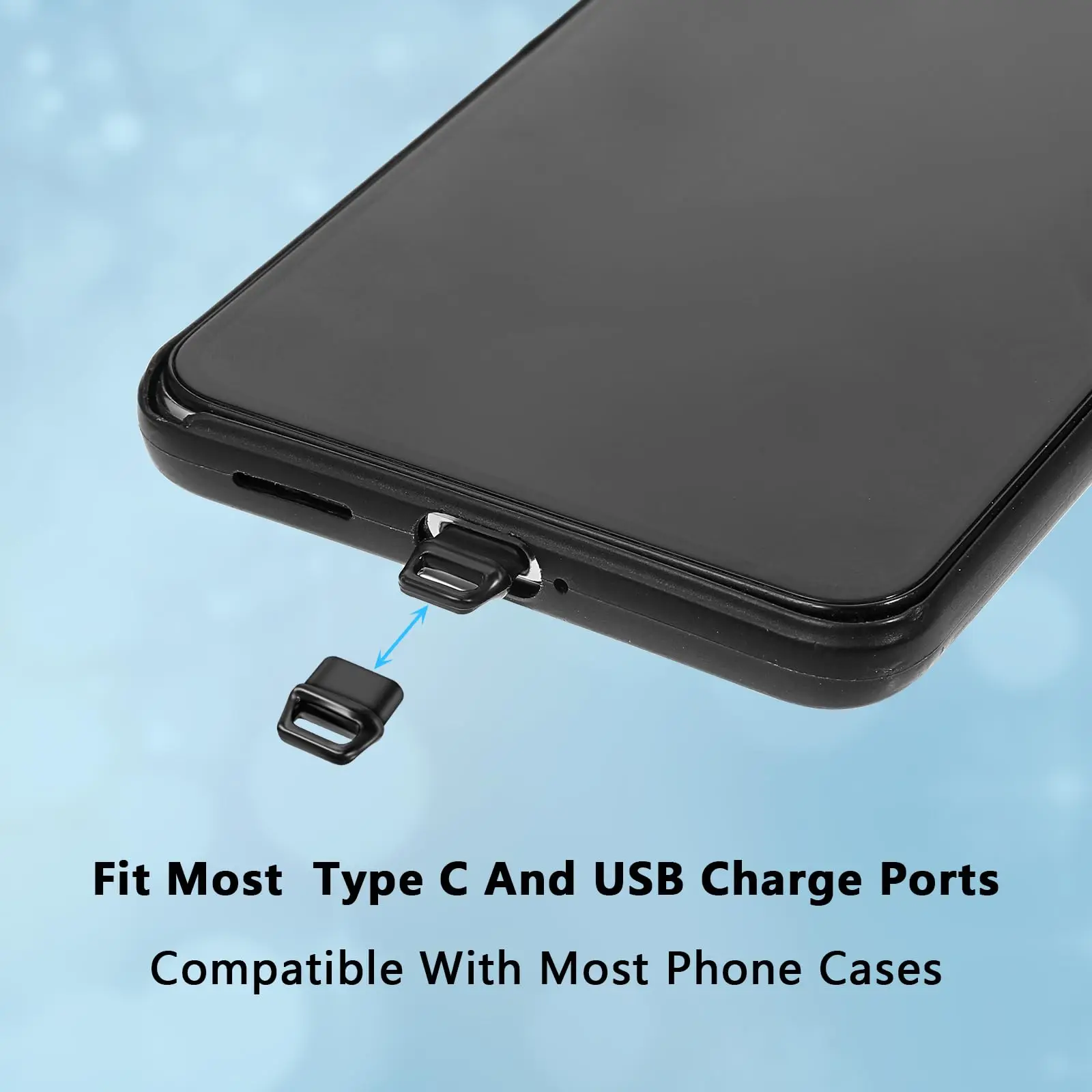
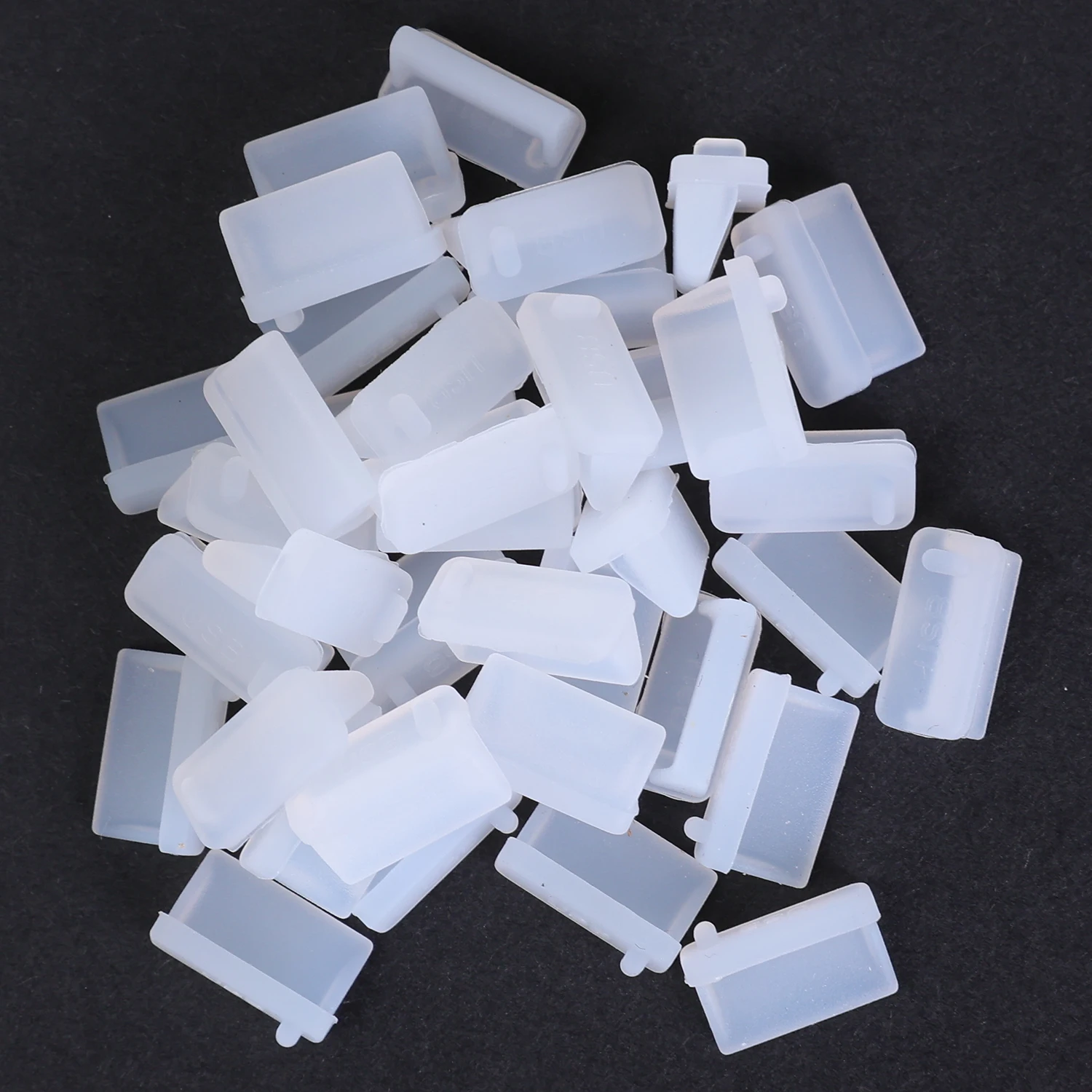
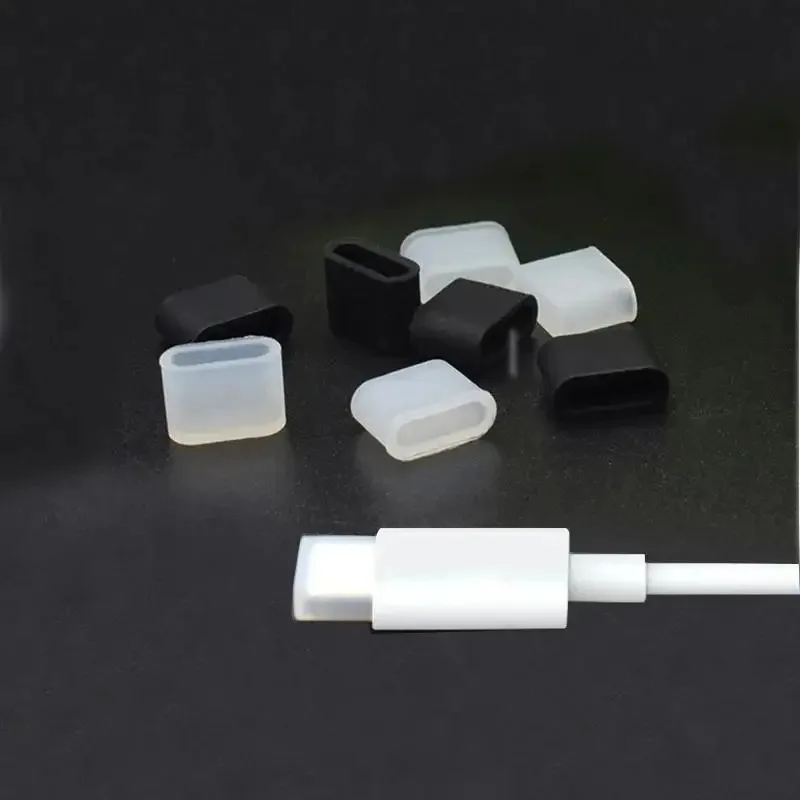
Transparent Charge Port Dust Plugs - Type-C, iOS & Micro USB

Transparent dust plugs for Type-C, iOS and Micro USB ports, protecting against dust, debris and moisture.

From £7.99
1 of 32 of 33 of 3

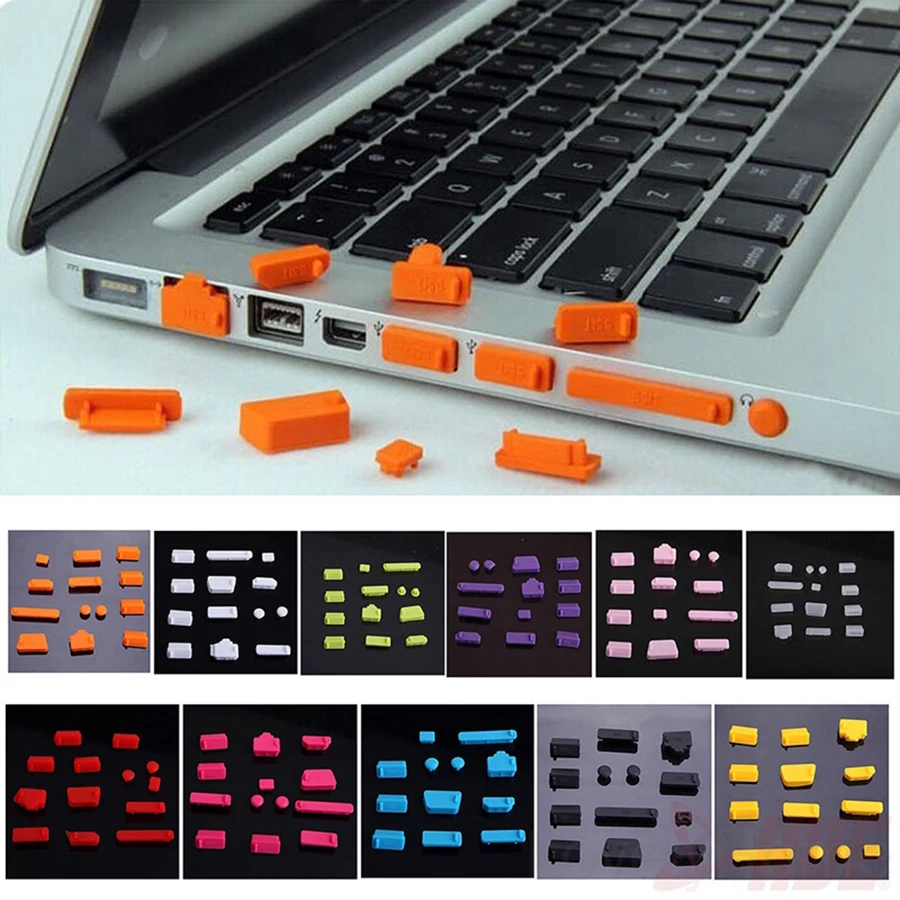
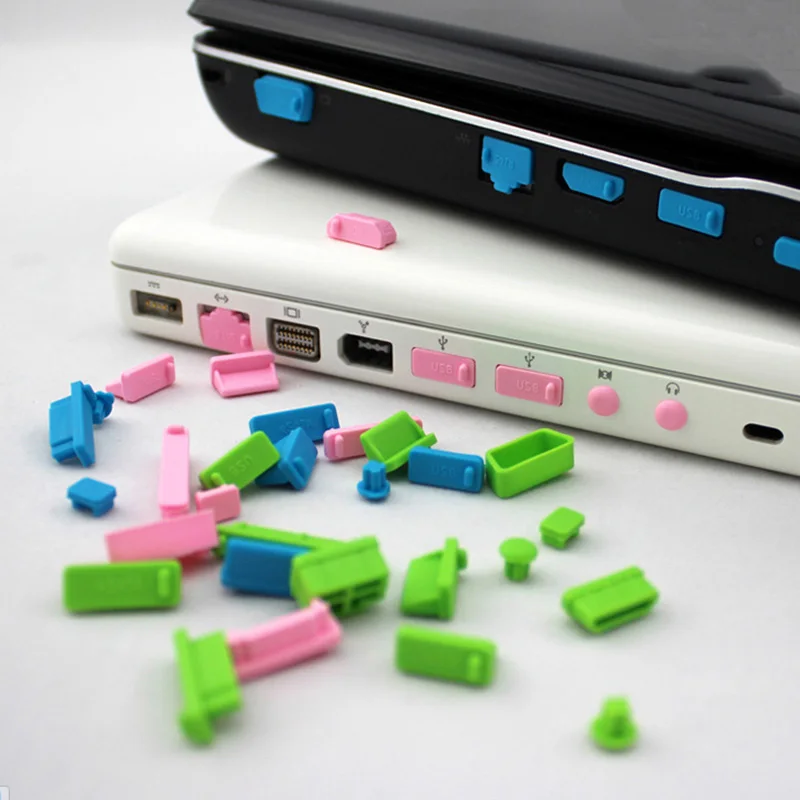
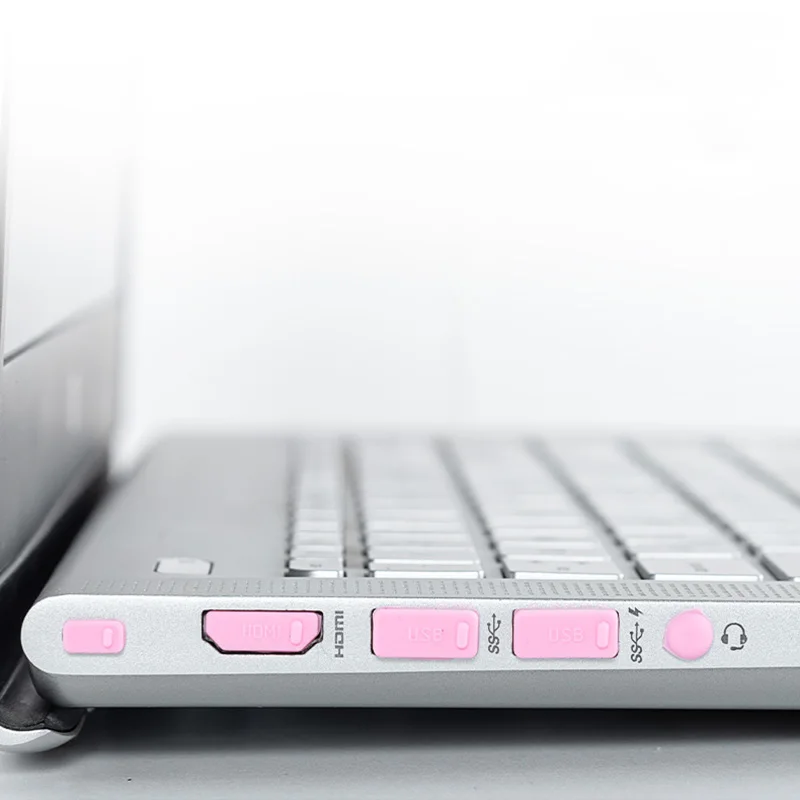
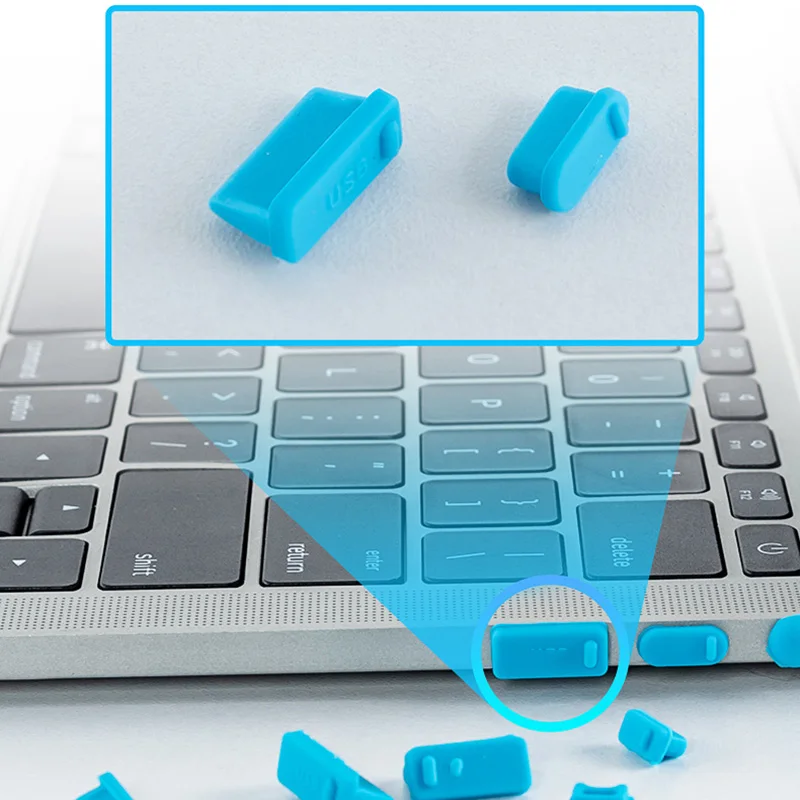
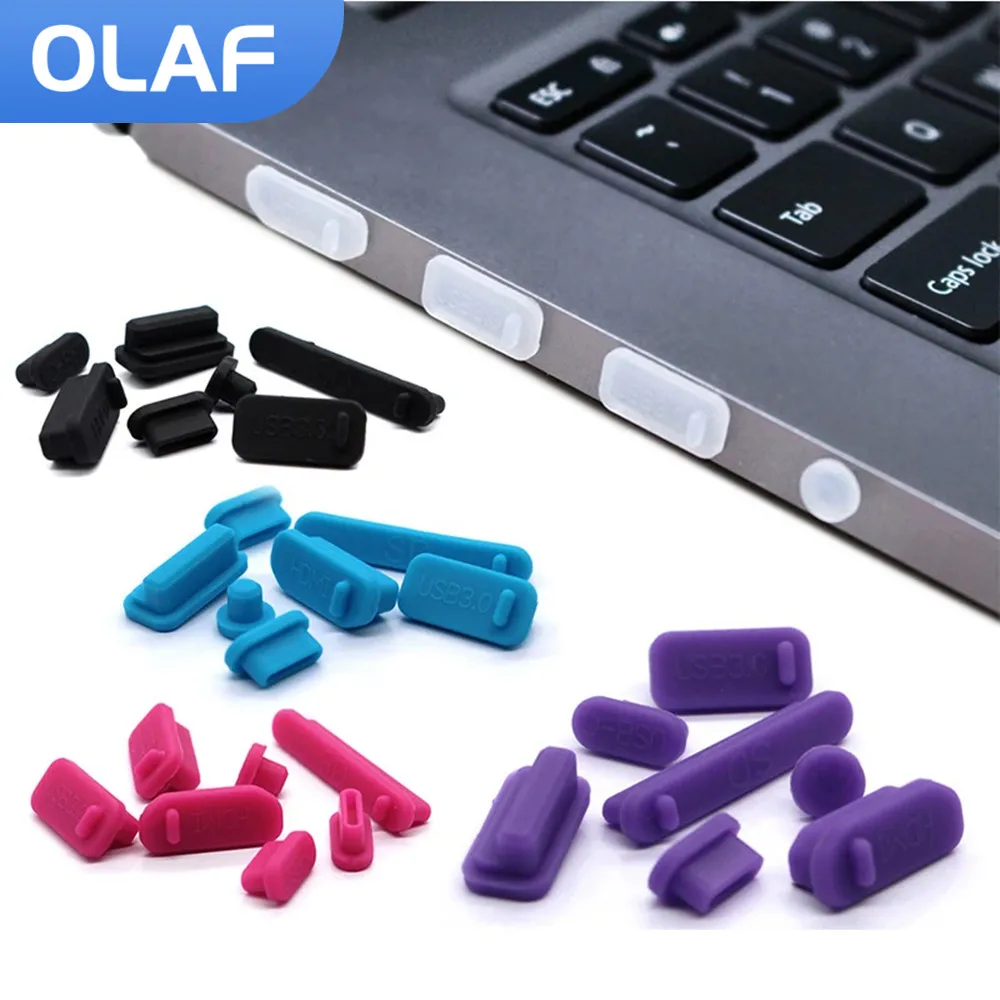
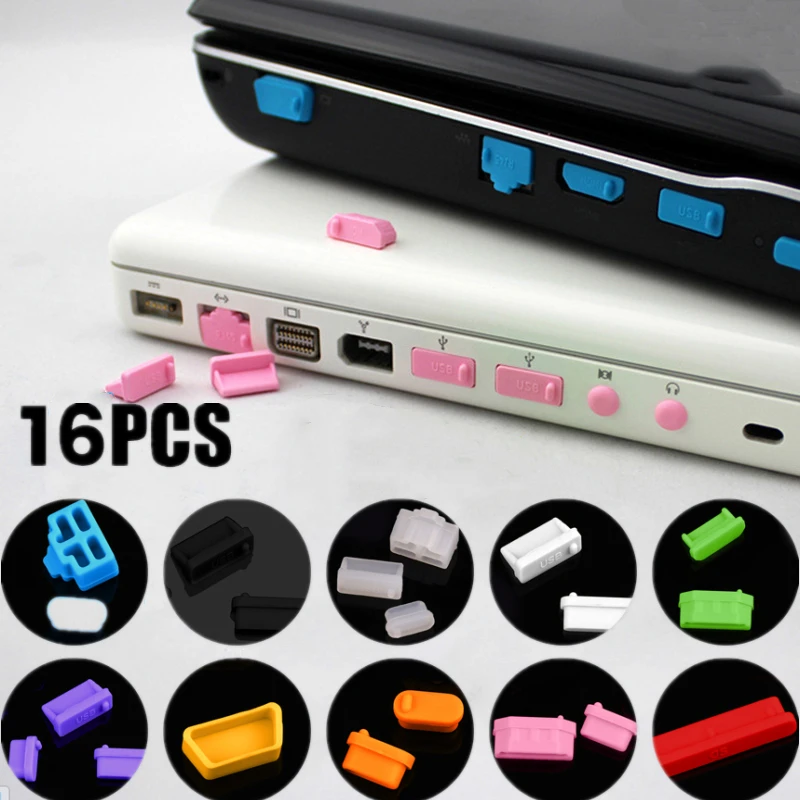
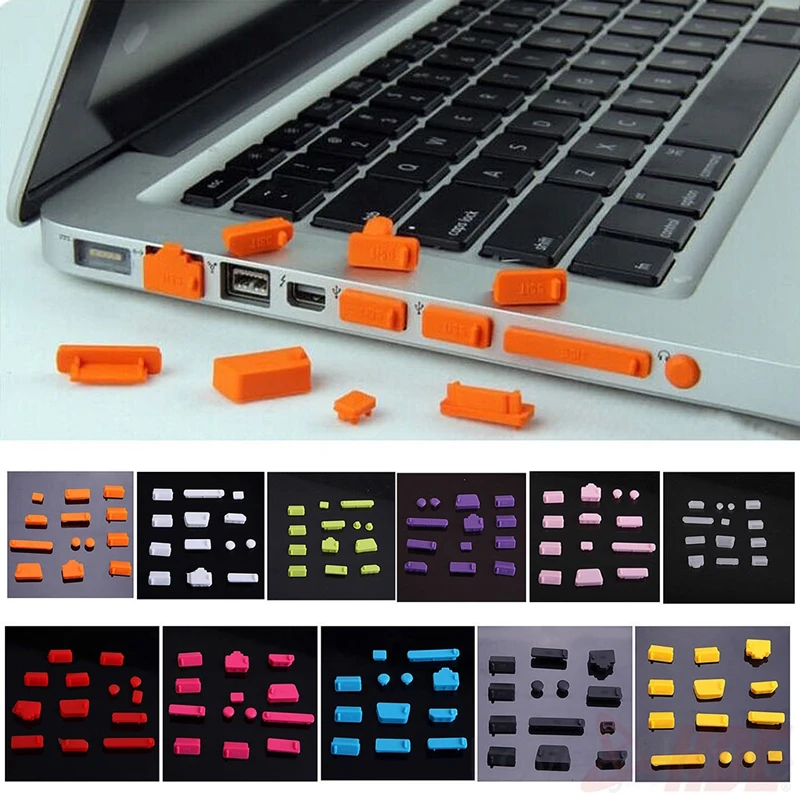
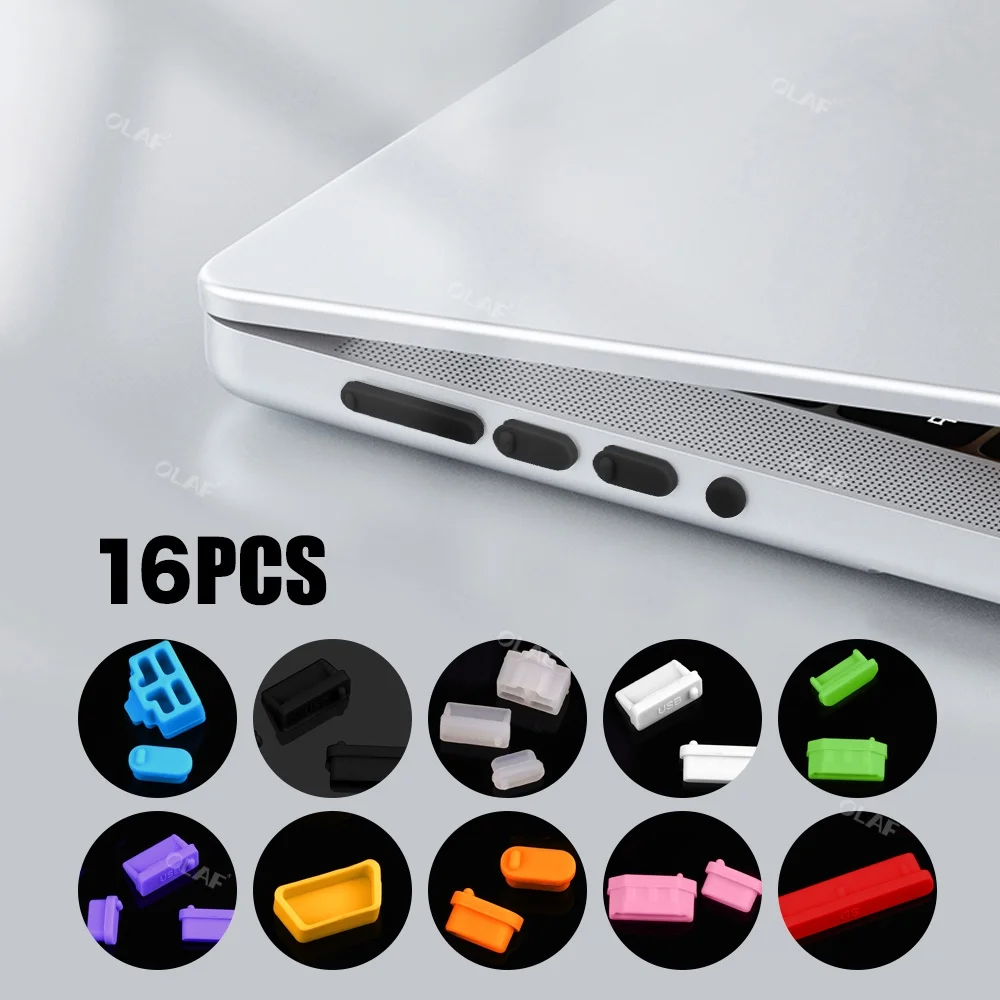
16pcs Universal Silicone Laptop Dust Plug Set - Anti Dust Port Covers

A 16-piece silicone dust plug set that covers all standard laptop ports to protect against dust, moisture and oxidation.

£8.99
1 of 32 of 33 of 3

10pcs Type-C Dust Plug Silicone Charging Port Protective Cover

Pack of 10 silicone Type-C dust plugs to help protect charging ports from dust and debris.

Only 5 left

£11.99
1 of 32 of 33 of 3

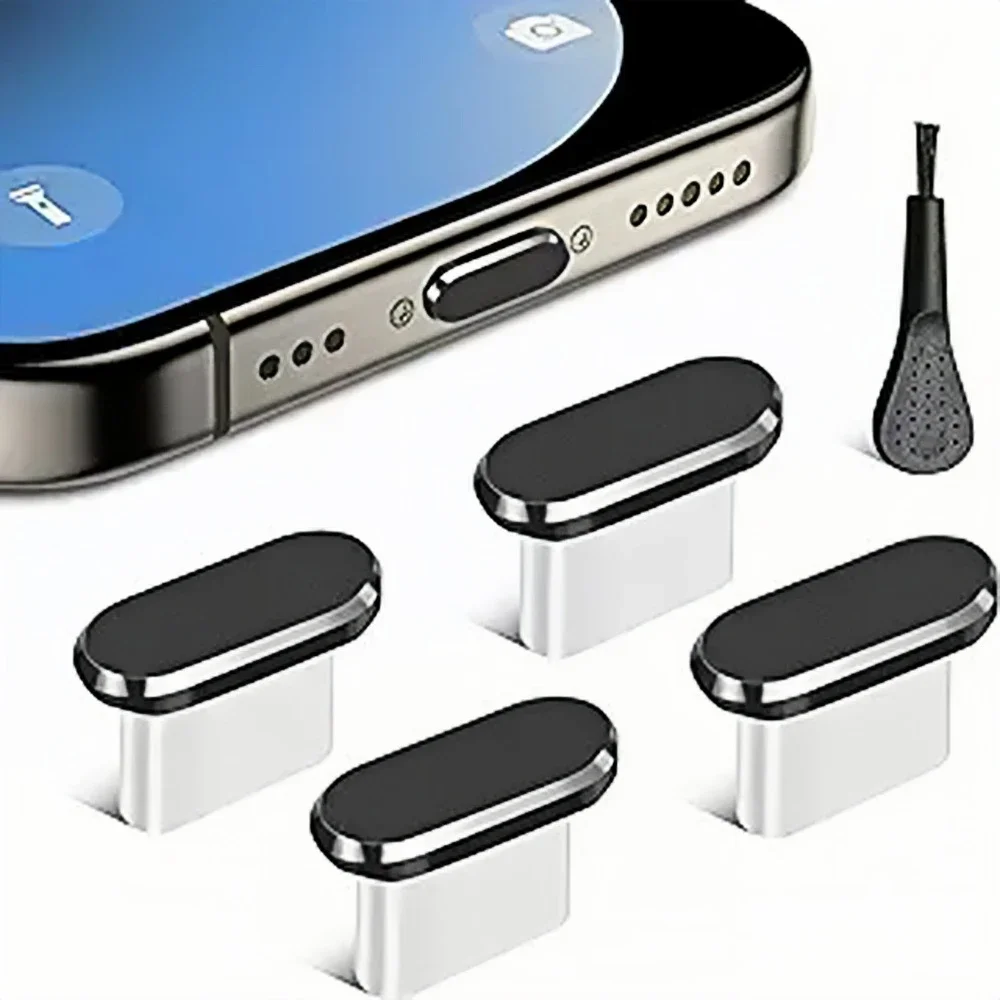
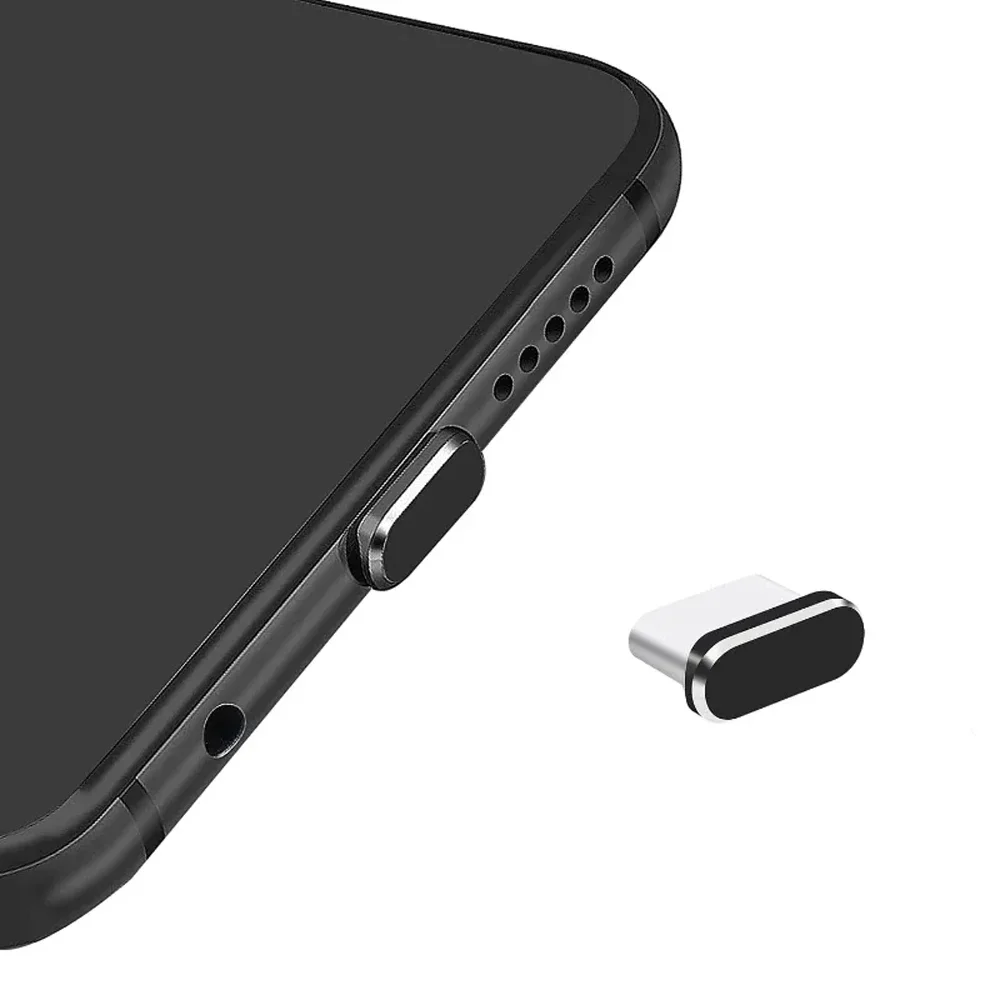
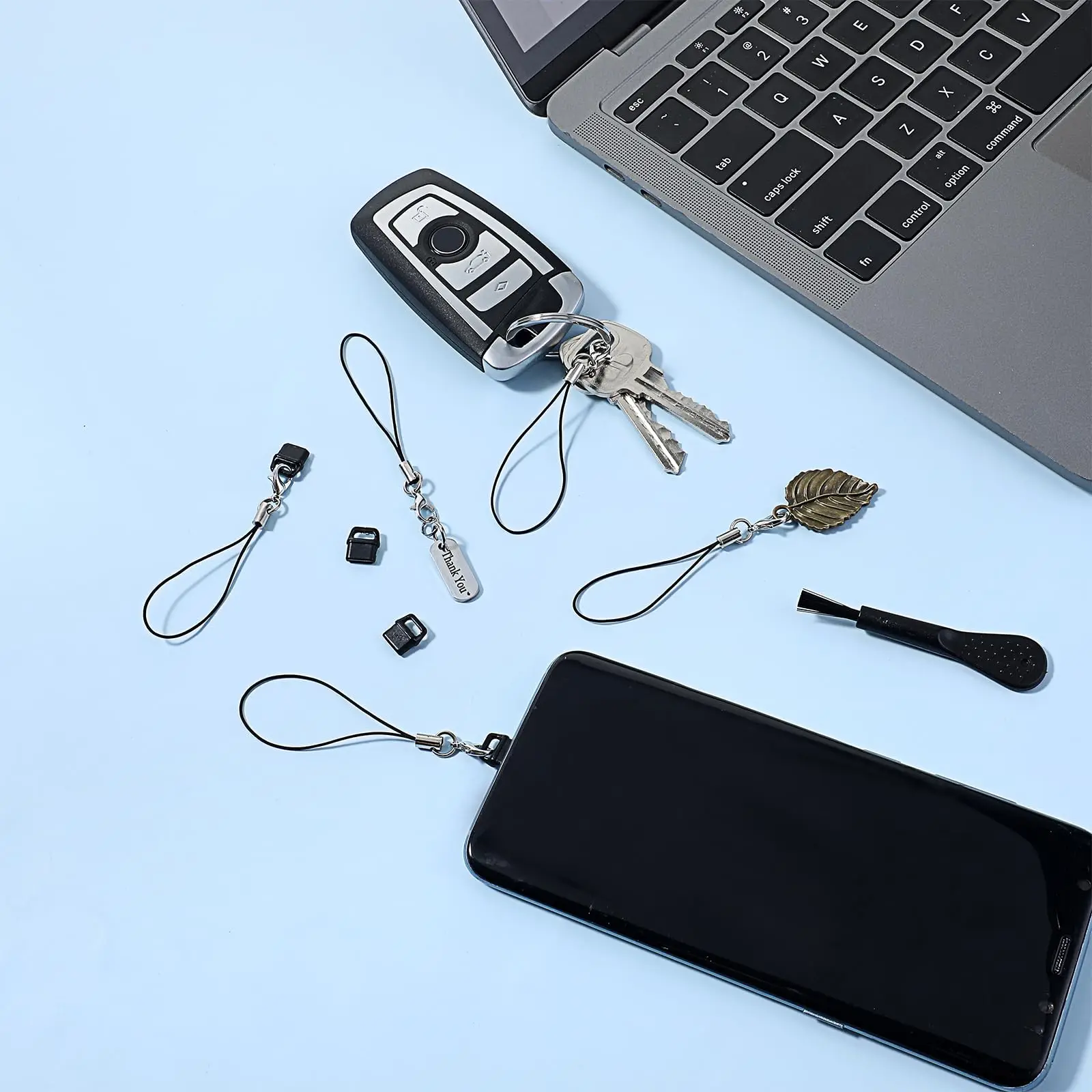
4Pcs USB-C Dust Plug with Cleaning Brush - Metal Type C Port Cover Caps

Pack of 4 metal USB-C dust plugs with built-in cleaning brush to keep your charging port free from debris.

From £9.99
1 of 32 of 33 of 3

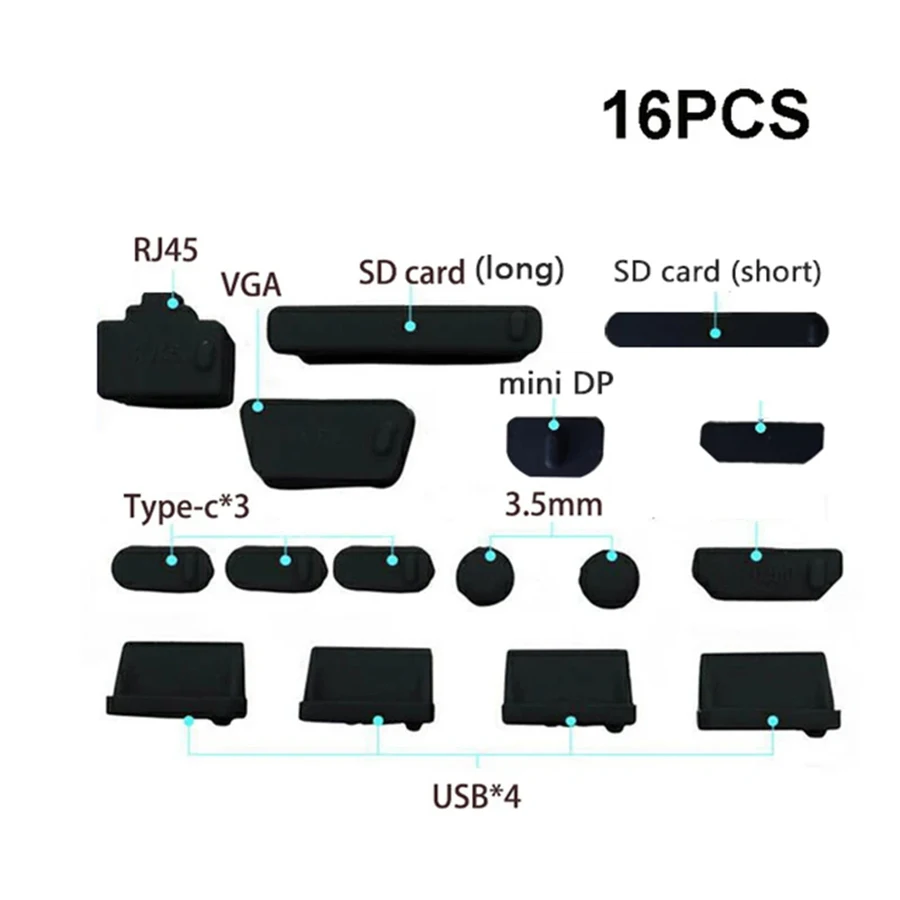
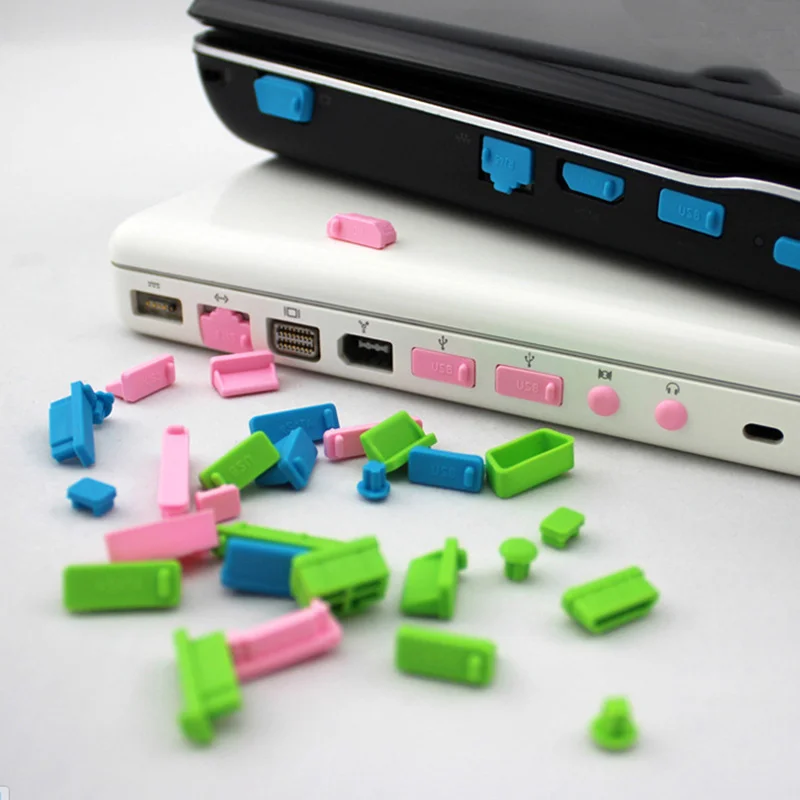
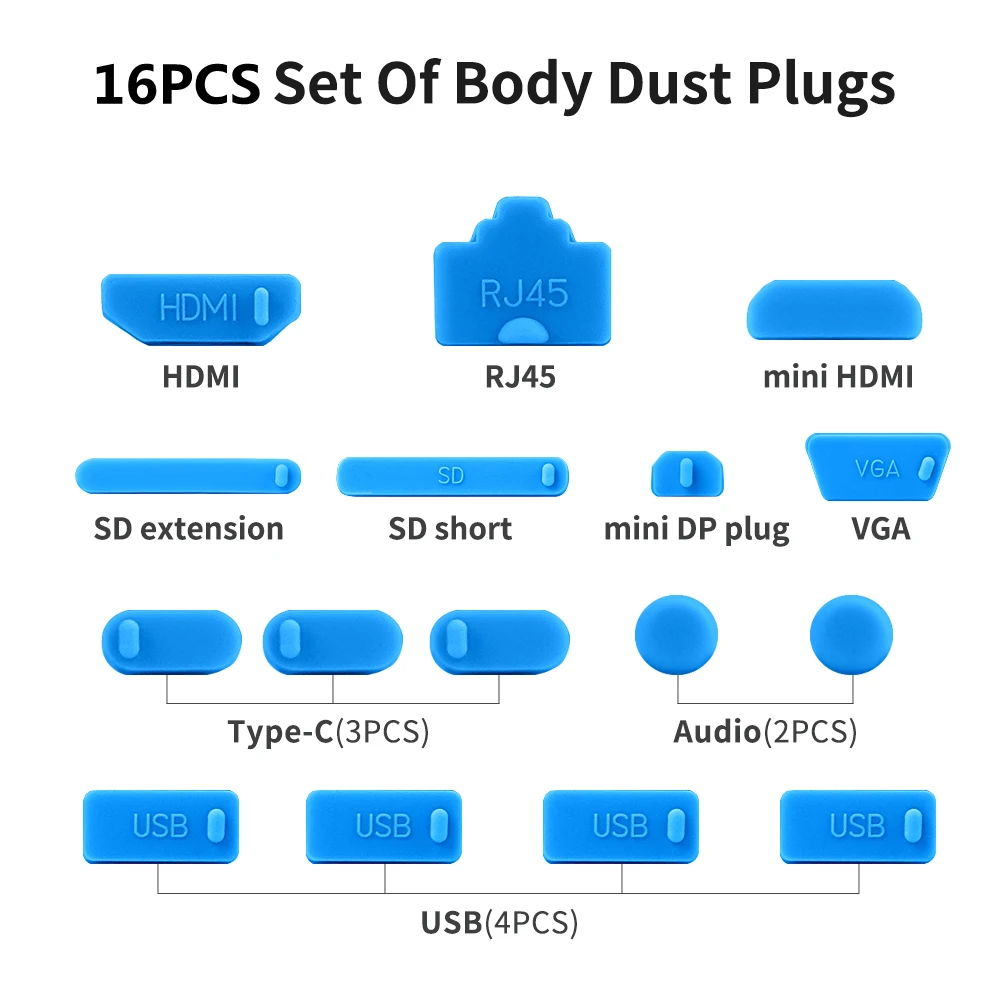
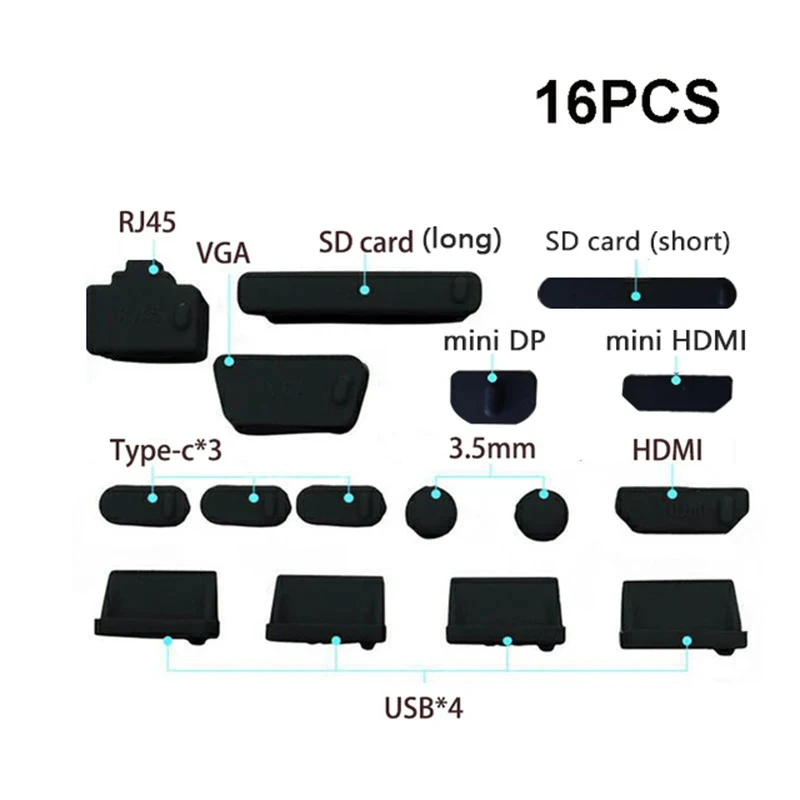
16pcs Silicone Anti Dust Plug Set for Laptop USB C HDMI RJ45 Ports

16-piece silicone dust plug set to cover and protect USB-C, USB, HDMI, SD, VGA and RJ45 ports.

£6.99
1 of 32 of 33 of 3

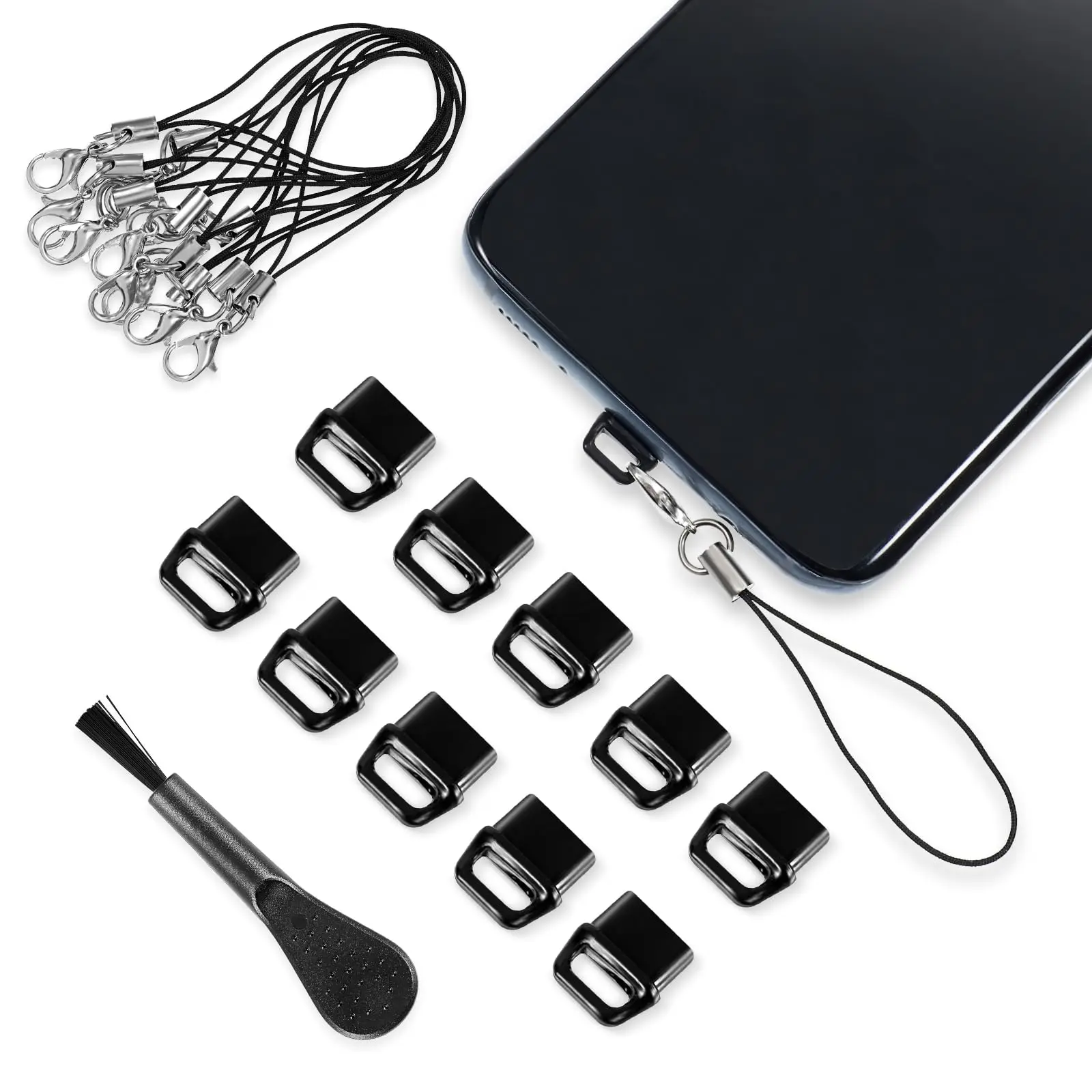
USB-C Dust Plugs - Pack of 10 with Cleaning Brush

Pack of 10 black USB-C dust plugs with cleaning brush to protect phone, laptop and headphone ports.

Only 5 left

£10.99
1 of 32 of 33 of 3

USB-C Anti Dust Plug Cover for Laptops and Notebooks

A simple push-in USB-C cap that keeps dust and debris out of your laptop's charging port.

£7.99
1 of 32 of 33 of 3

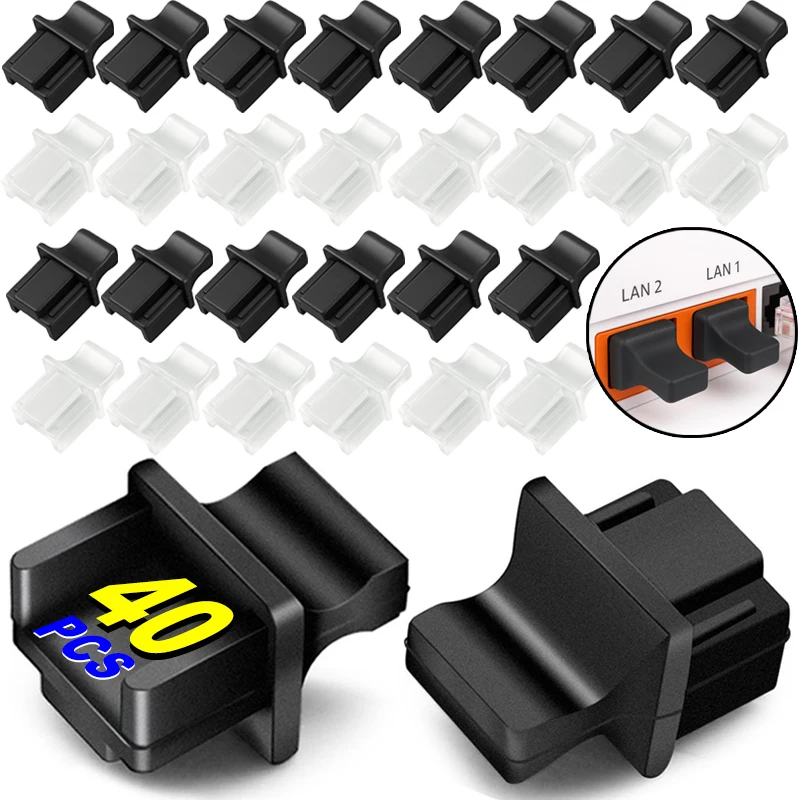
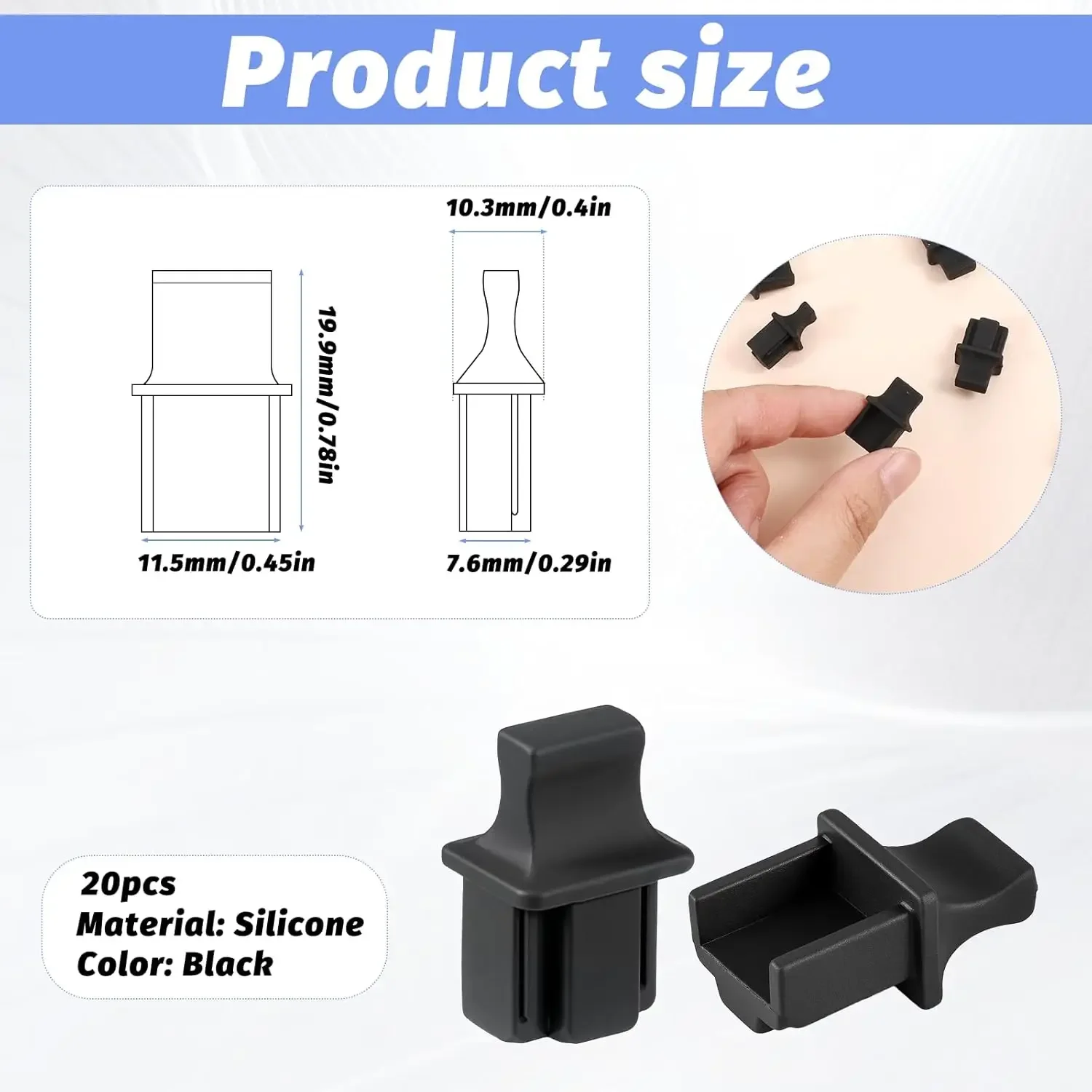
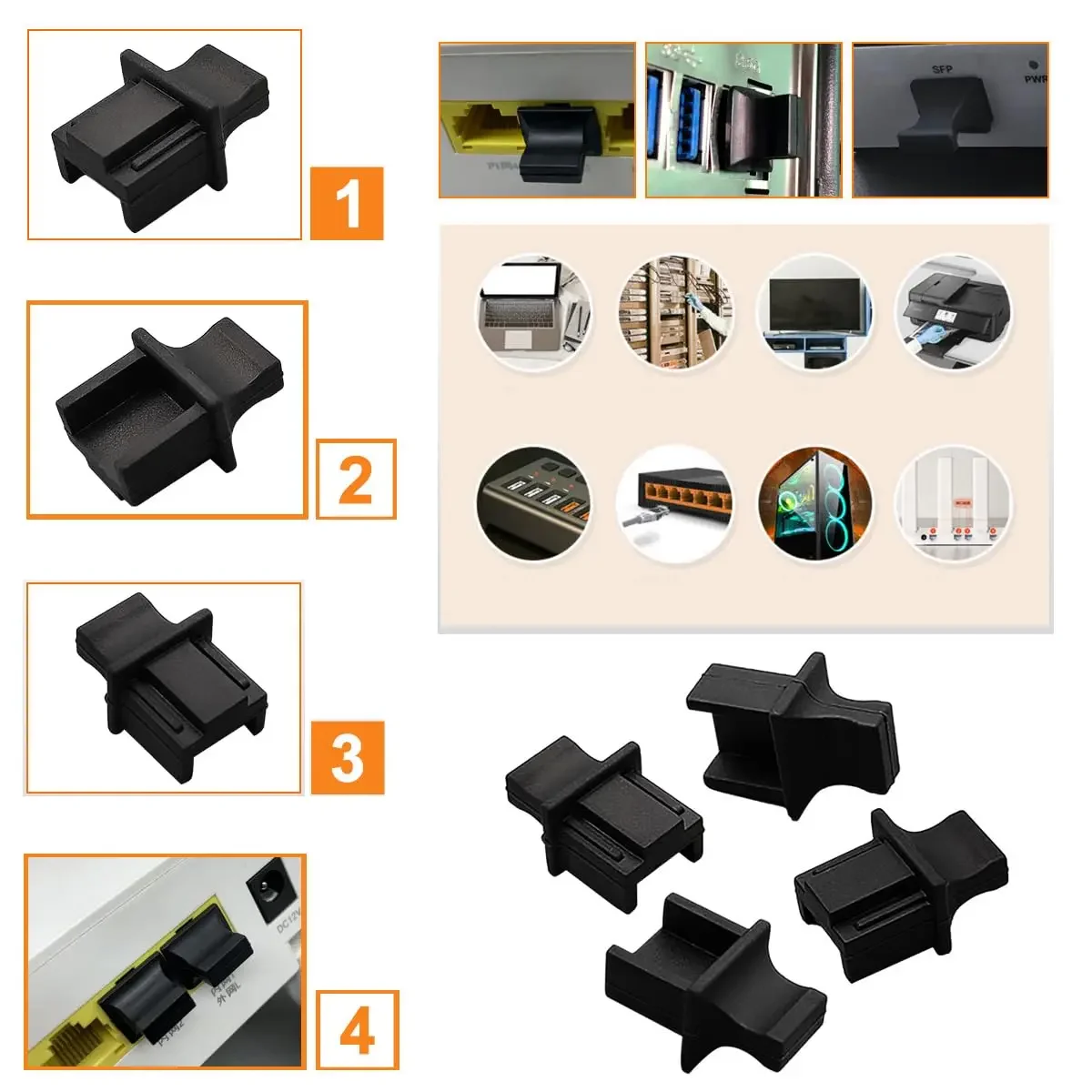
RJ45 Dust Caps - Port Protector Plugs for Network Cables

Plastic dust caps that protect RJ45 network ports from dust and moisture, sold in packs of 10 to 40.

From £7.99
1 of 32 of 33 of 3

USB A Dust Plugs for Laptops and PCs - Silicone Port Protectors

Silicone dust plugs that protect laptop and PC USB A ports from dust, debris and moisture.

From £7.99
1 of 32 of 33 of 3

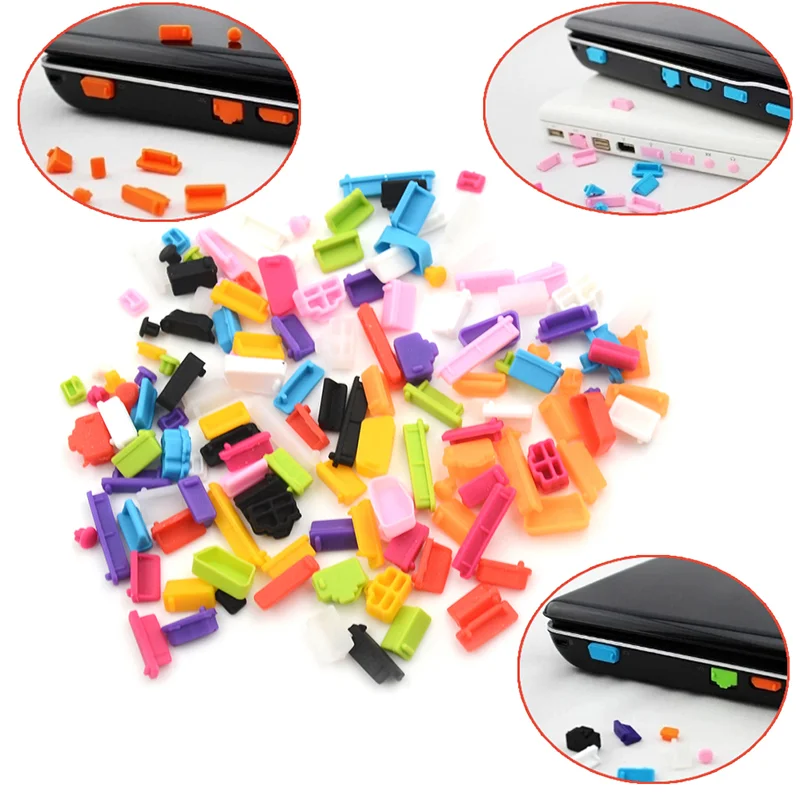
Laptop Port Dust Plug Set - USB Type C, HDMI, SD & More

A set of dust plugs for laptop ports including USB, HDMI, VGA, SD and RJ45, available in 13 or 16-piece sets.

£7.99
1 of 32 of 33 of 3

16 Piece Silicone Dust Plug Set for Laptop and PC Ports

Set of 16 silicone dust plugs that protect laptop and PC ports from dust, dirt and liquid splashes.

£7.99

Why plug a port

A laptop's sockets are open to whatever is in the bag with it. Lint, crumbs and dust collect in them, and a USB-C or charging socket packed with fluff can stop a plug going fully home, so a charger connects only now and then. A dust plug is a small stopper that sits in a socket you are not using and keeps that dirt out. Plugs are most useful on a laptop that travels, and on sockets you rarely use, such as HDMI, network and SD card slots.

Sets and single kinds

  • Full sets of 13 or 16 pieces cover the common sockets on a laptop at once: USB-C, USB-A, HDMI and mini HDMI, mini DisplayPort, the network socket, SD card slots, VGA and the headphone socket. The pieces are sized to each socket, so check which are in the set against the sockets on your laptop.
  • USB-C plugs come in packs, in silicone, and some with a small brush for clearing the socket first.
  • USB-A plugs come in larger packs for laptops and desktops with several of the older rectangular sockets.
  • Network caps are plastic covers for spare RJ45 sockets on a laptop, a router or a hub.
  • Plugs on a chain for USB-C, Lightning and Micro USB stay attached to the device, so they do not get lost.

Silicone, plastic or metal

Most plugs here are soft silicone, which grips the socket snugly and comes out with a fingernail without scraping the contacts. The plastic ones are rigid caps for network sockets. The metal USB-C plugs in this range are made for phones' charging ports. Whatever you choose, never push anything hard or metal into a laptop's socket to clean it out: the laptop makers warn that it can bend the contacts or cause a short. A short burst of air or a dry, soft brush does the job, as the guide to cleaning a laptop explains.

Fitting them

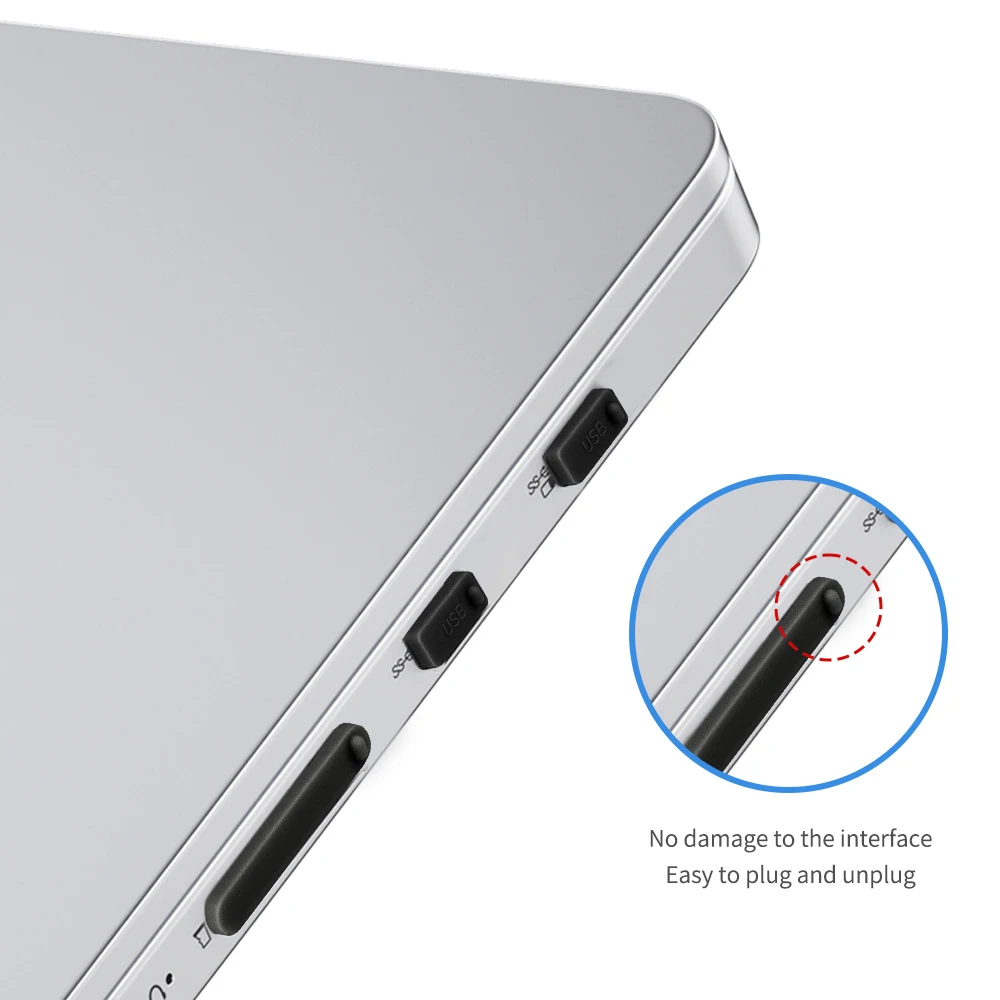
Clear the socket first with a puff of air or a soft brush, then press the plug in until it sits flush. Choose plugs that fit snugly but pull out easily. If one sits loose in your laptop's socket, it will fall out in the bag, and if it has to be forced, it is the wrong size.

Questions people ask about port dust plugs

Are dust plugs safe with young children about?

They are small parts. RoSPA says children under 36 months are most at risk of choking on small objects, and the NHS advises keeping small objects out of reach. Keep spares in a closed pouch.

Should I plug the socket I charge from?

You can, as long as the plug comes out easily each time. Plugs do most good in the sockets you hardly ever use.

More to look at
Website designed in Bristol by