Bags · Stands · Hubs · Chargers
Everything for your laptop, delivered to your door.
Sleeves and bags, stands, keyboards and mice, hubs and adapters, chargers with a UK plug, screens, webcams and more, for MacBooks and every other laptop.
Popular:Laptop sleevesLaptop standsUSB-C hubsLaptop chargersWireless miceWebcams
- Delivery includedIn every price you see
- Tracked to your doorA tracking number by email
- UK plugs onlyEvery charger, a 3-pin plug
- Find what fitsPick your laptop, see its kit
The shop
Shop by kind of kit






What fits my laptop
Pick your laptop, see what fits.
Choose your laptop and see a sleeve or bag, a charger, a hub and a stand to suit it.
Charges by USB-C
Charges by USB-C
Charges by USB-C
Charges by USB-C
Made to fit your Surface
Everything for your Surface
Made to fit your Chromebook
Sleeve or bag
Arriving in the shop soonSee what fits →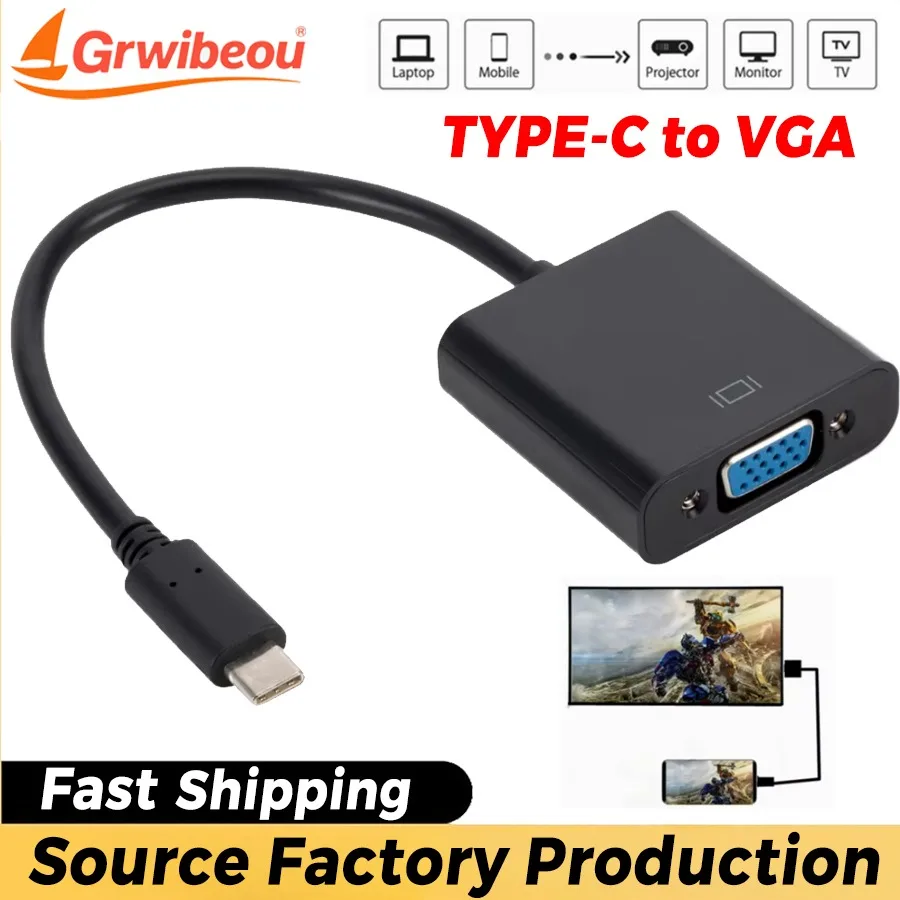
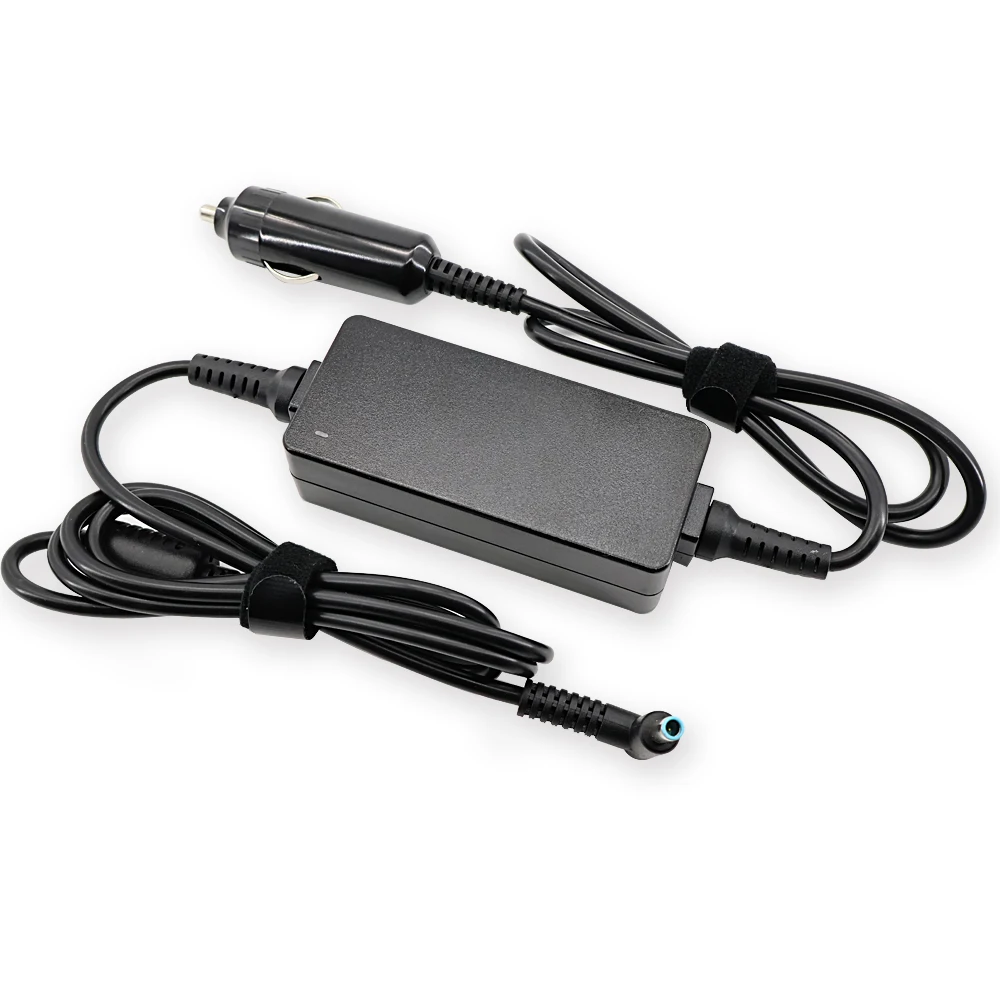
Made to fit your Lenovo
Everything for your Lenovo
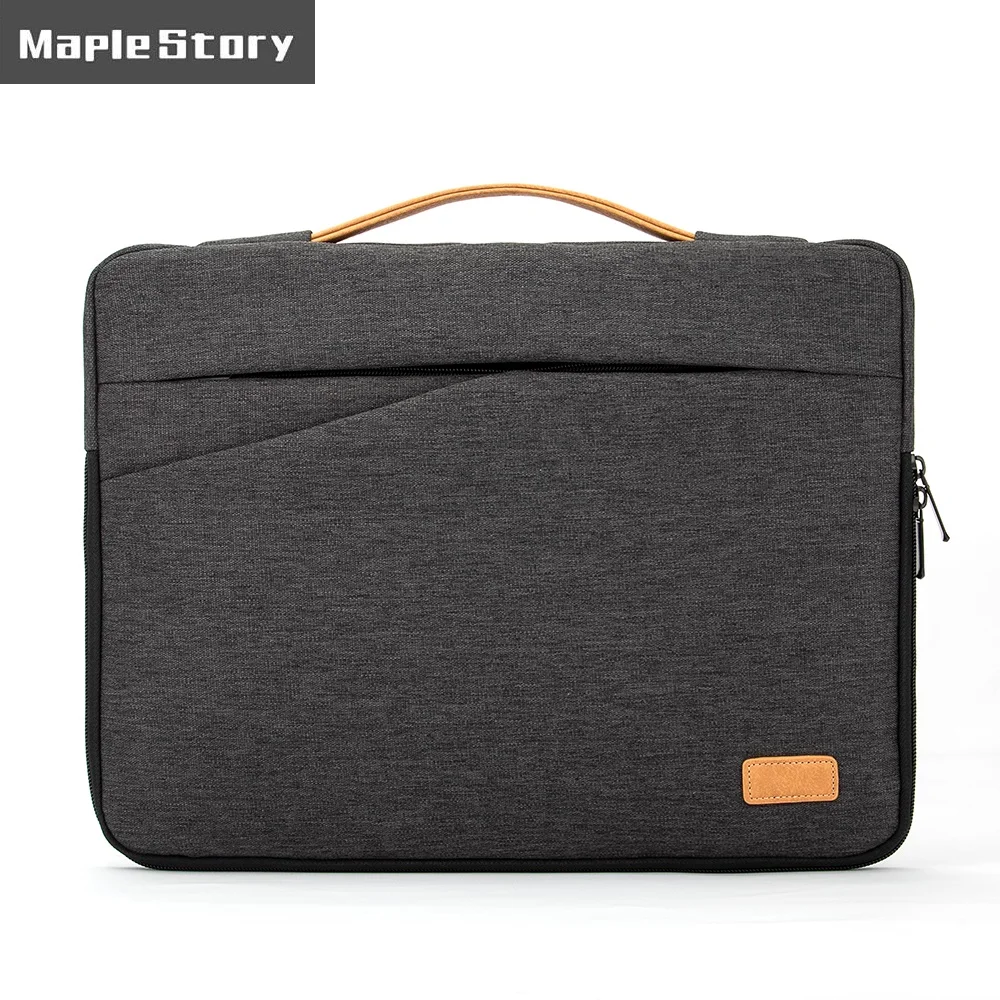
Made to fit your Asus
Everything for your Asus
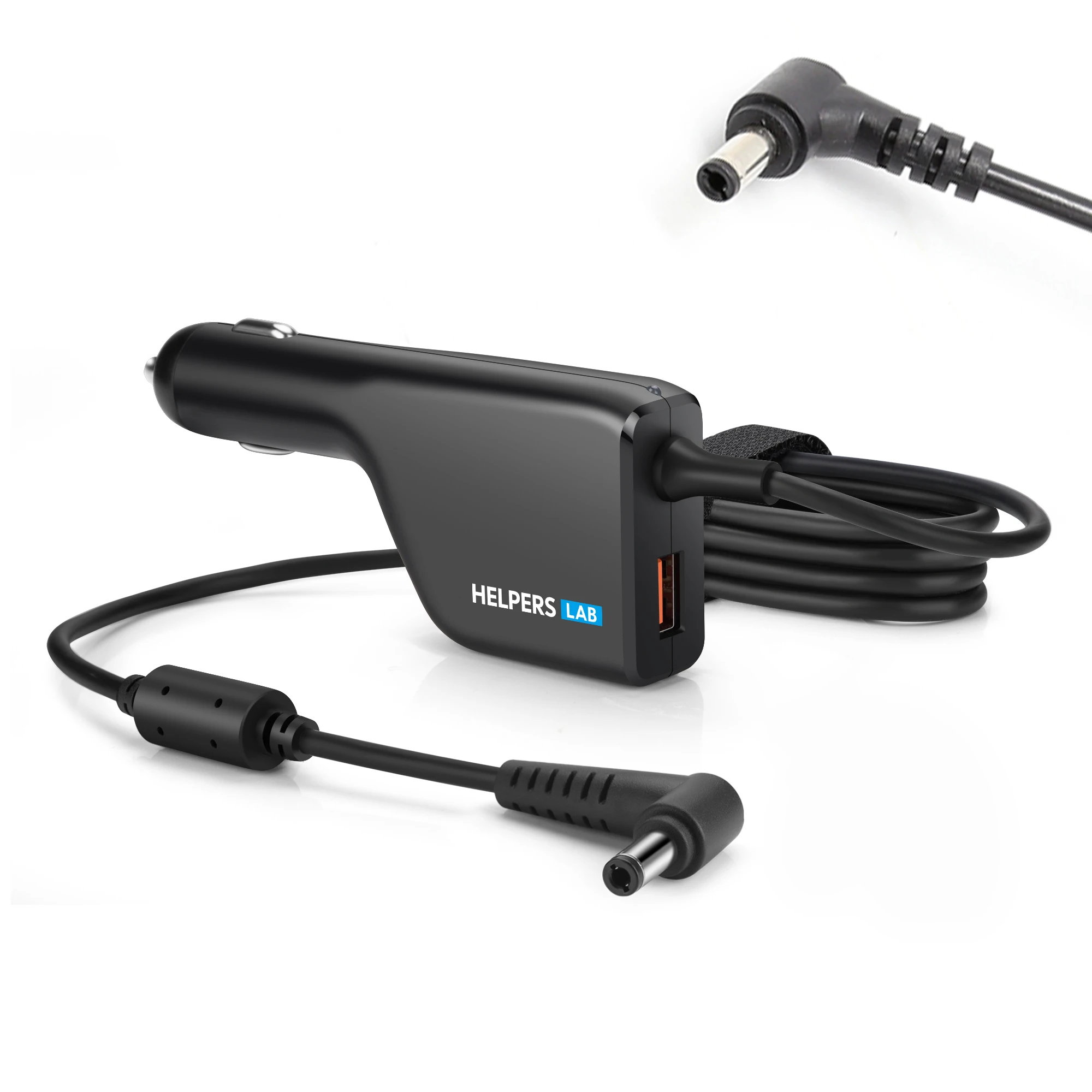
New in
Just arrived in the shop
The newest sleeves, stands, hubs, chargers and desk kit.
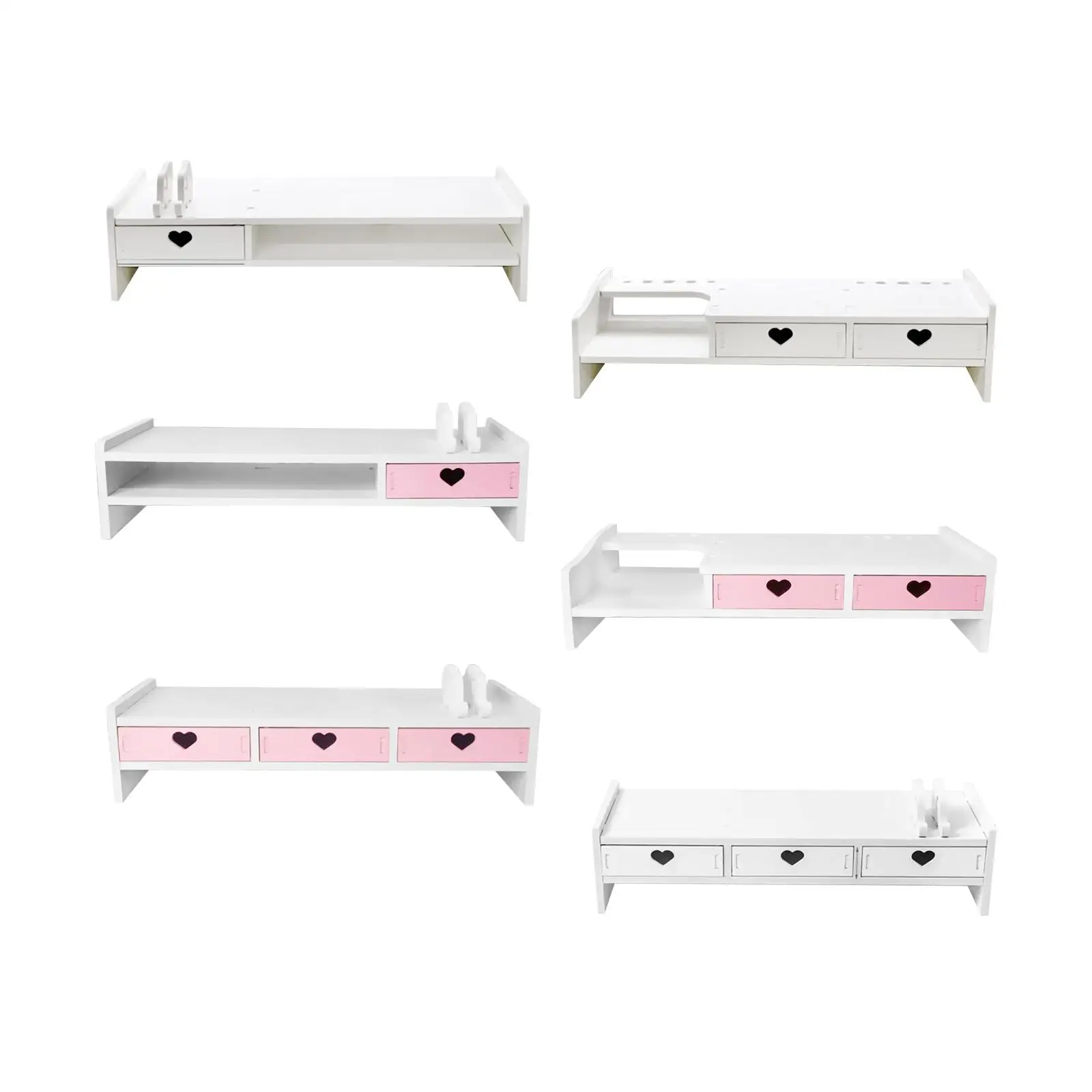
Monitor Stand Riser with Storage Drawers
A PVC monitor stand riser with drawers that lifts your screen 11.5cm and adds handy desktop storage.
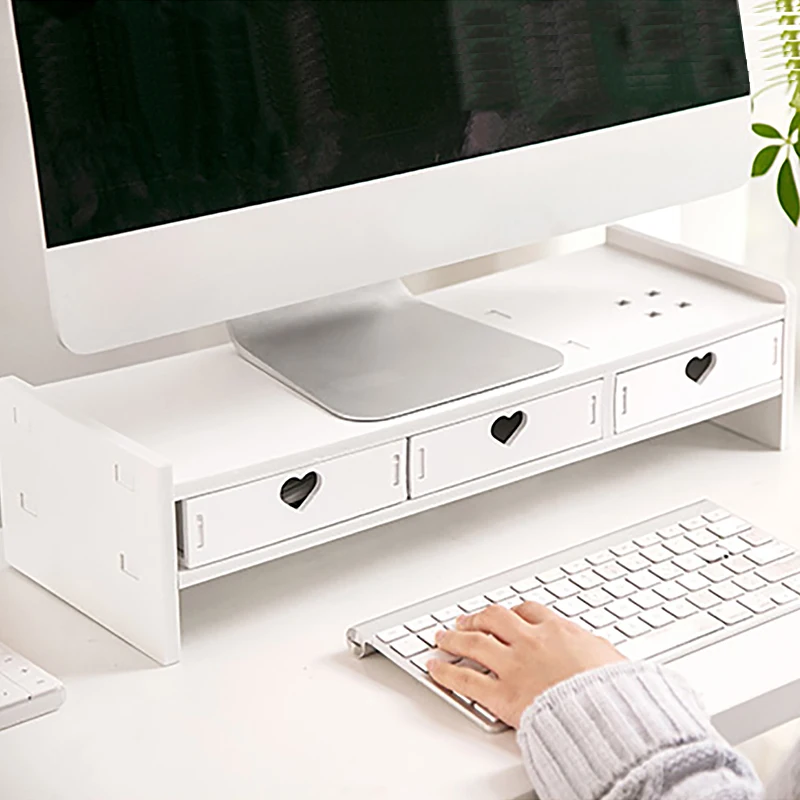
Monitor Stand Riser with Storage Drawers and Heart Design
A monitor and laptop riser with heart-shaped storage drawers, in pink and white, for a tidier desk and comfortable viewing height.
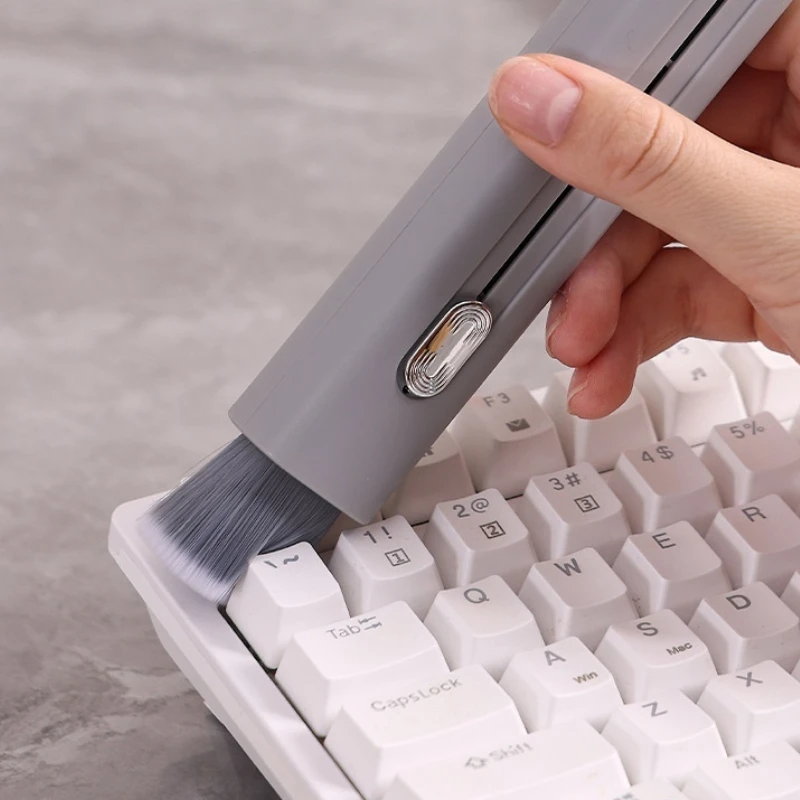
2 in 1 Soft Detail Brush Set for Keyboard Gaps, Car Interiors & Home Cleaning
A 2 in 1 soft brush set for cleaning keyboard gaps, car interiors, wheels and tight spaces around the home.
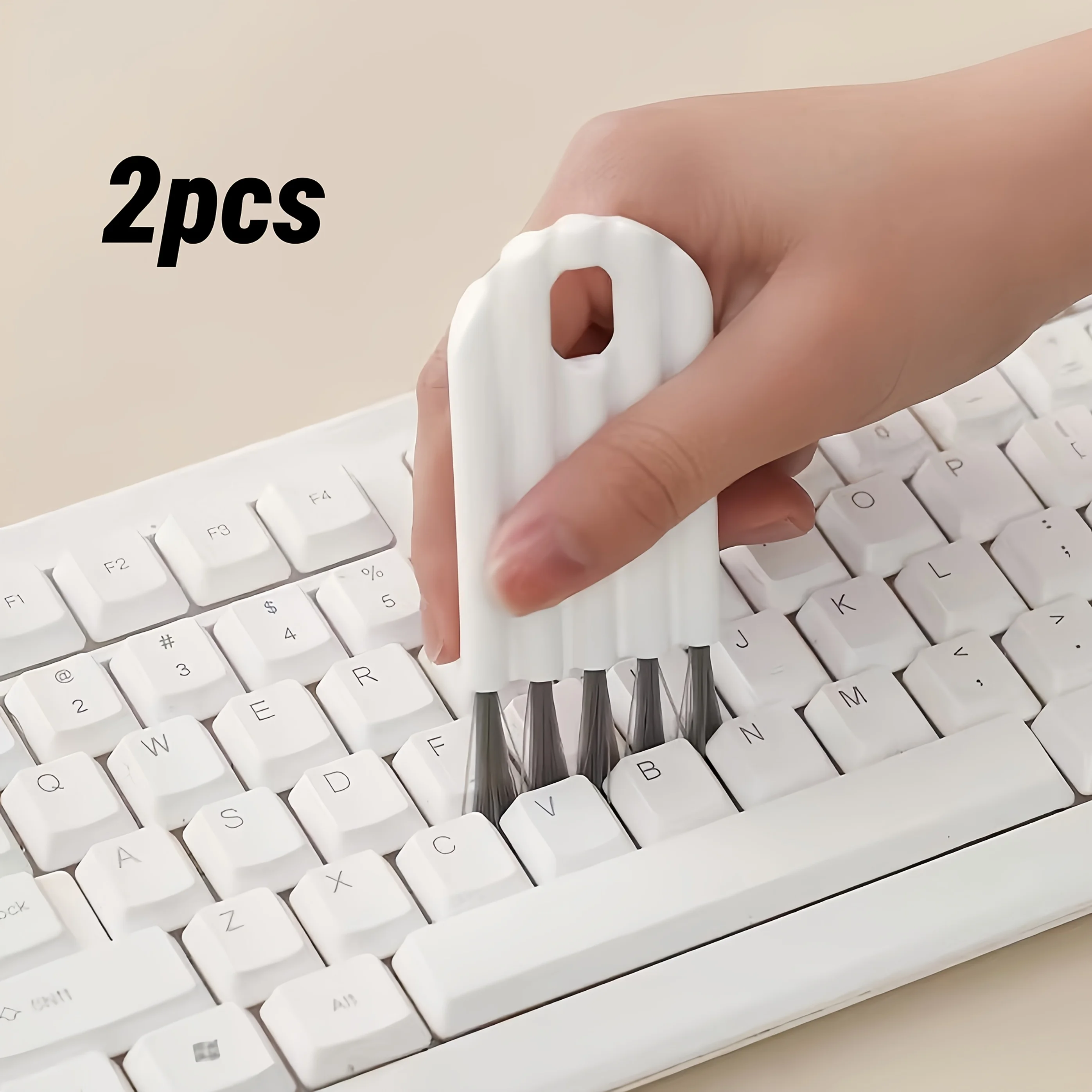
Keyboard Cleaning Brush Set (2 Pieces) - Soft Dust Removal Tool
A soft-bristled 2-piece brush set for removing dust from keyboards and tight spaces at home or in the office.

5-in-1 Keyboard Cleaning Kit with Keycap Puller
A 5-in-1 cleaning kit with keycap puller for clearing dust and grime from keyboards, earphones and other devices.
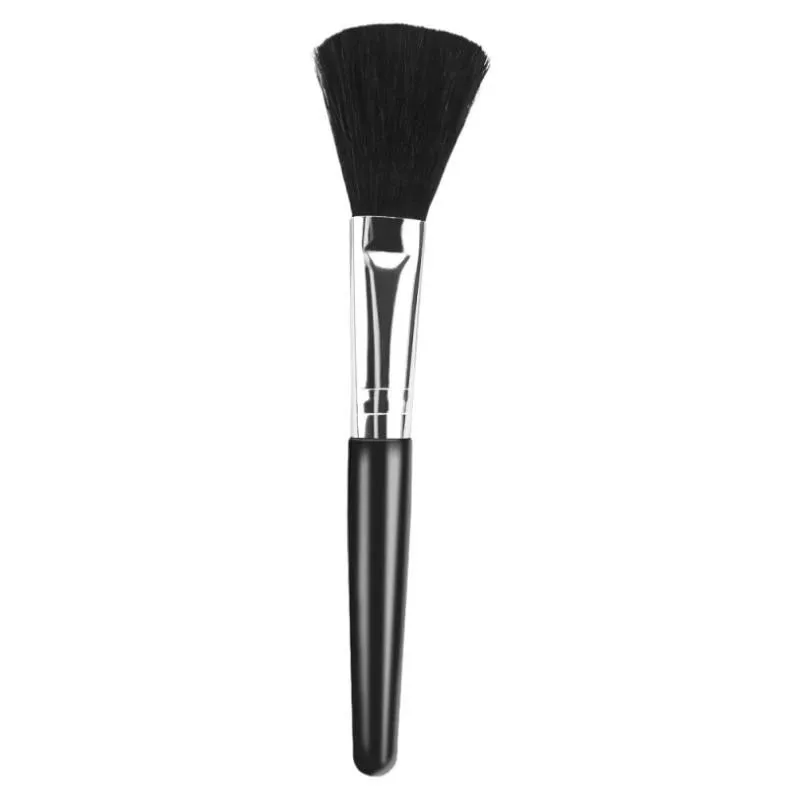
Laptop Cleaning Brush for Keyboards, Cameras and Lenses
Soft bristle brush for gently removing dust from laptops, keyboards, cameras and lenses.

10 Pcs Mini Anti-Static Keyboard Cleaning Brush Set
Set of 10 mini anti-static nylon brushes for cleaning keyboards and other electronic devices.
£10.99
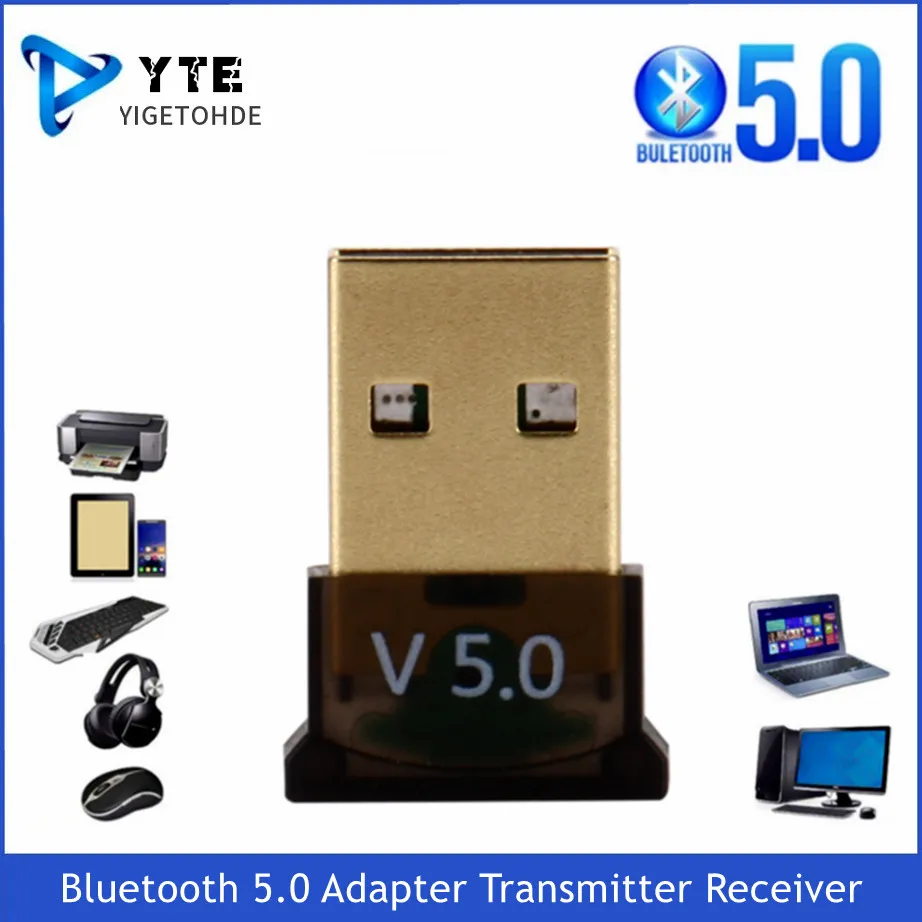
USB Bluetooth 5.0 Adapter for Desktop and Laptop
A compact USB 5.0 Bluetooth adapter that adds wireless connectivity to desktop and laptop computers.
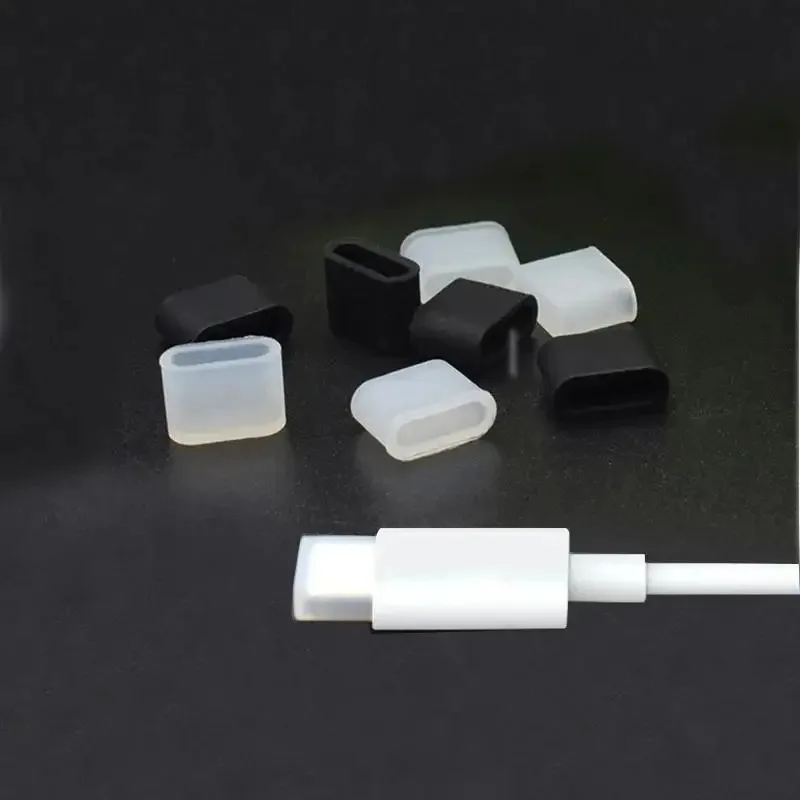
Silicone USB-C Dust Plugs - Protective Port Covers (Pack of 10)
Pack of 10 silicone dust plugs that protect USB-C ports from dust and debris.
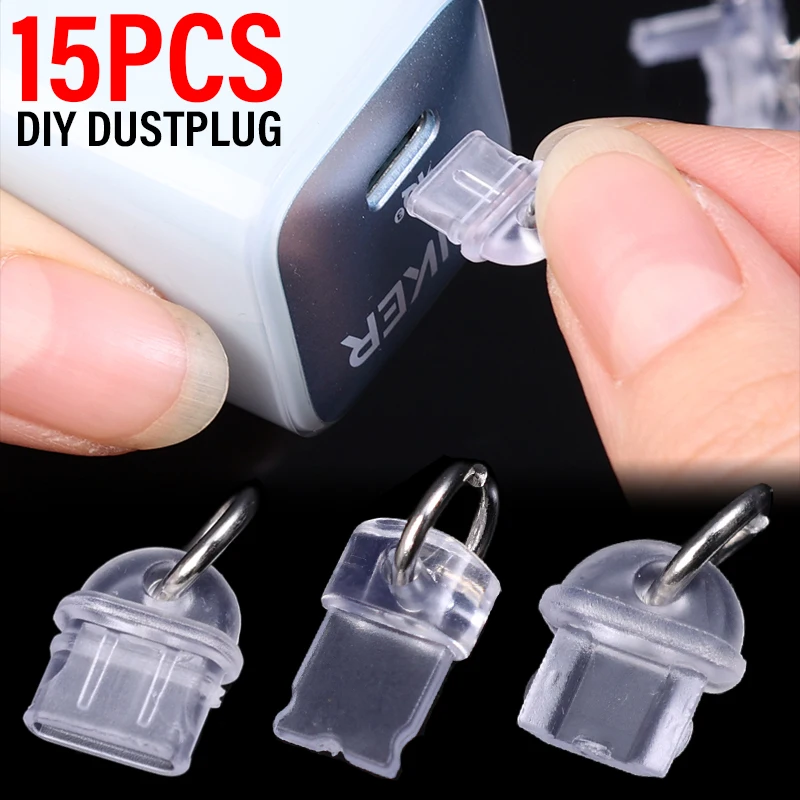
Transparent Charge Port Dust Plugs - Type-C, iOS & Micro USB
Transparent dust plugs for Type-C, iOS and Micro USB ports, protecting against dust, debris and moisture.
Port finder
What do you want to plug in?
Pick it, and see the socket it uses, what to check on your laptop, and the adapters and hubs that connect it.
HDMI: TVs, projectors and most monitors
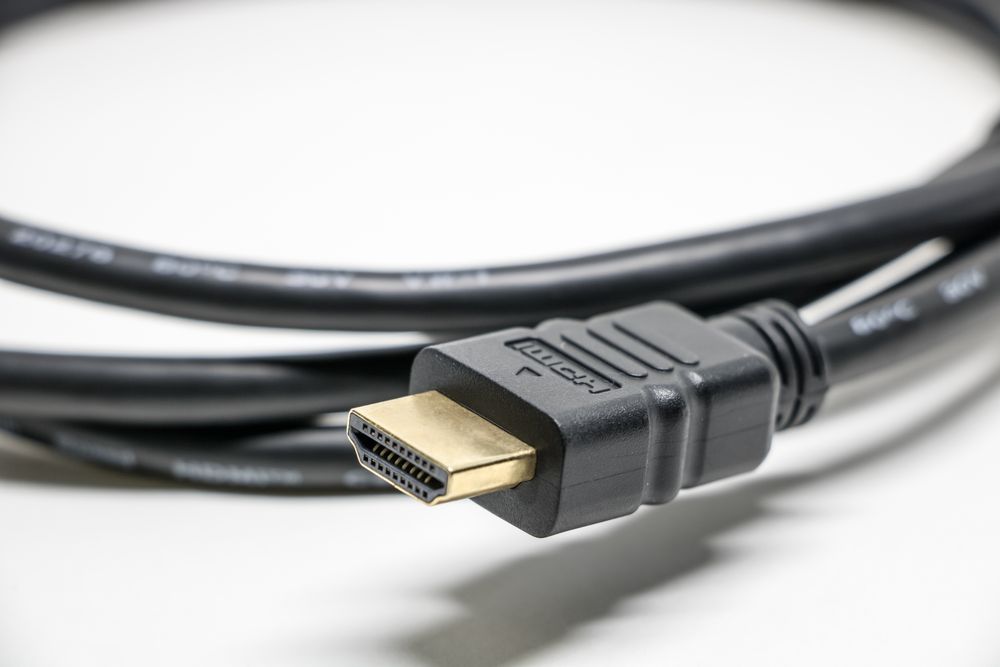
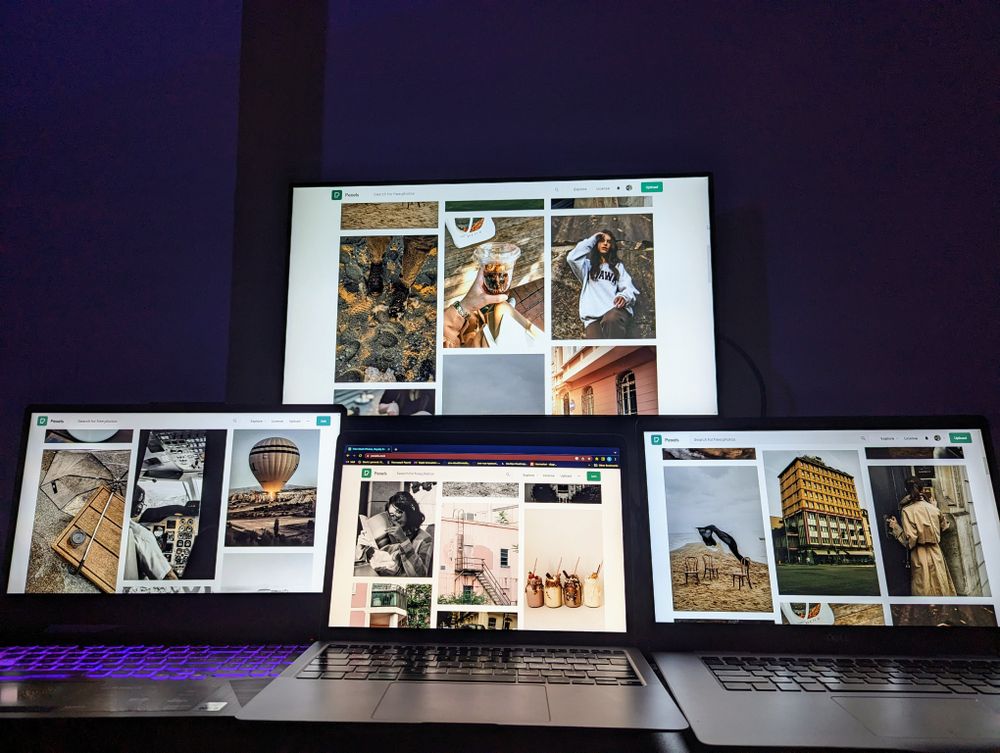
The wide socket with angled corners on the back of TVs, projectors and most monitors. A USB-C to HDMI adapter or cable puts the laptop's picture on the big screen.
- For a screen, the laptop's USB-C port must carry video: look for a DisplayPort or lightning-bolt symbol beside it, or check the laptop's specifications.
- A USB-C to HDMI cable does it in one; an adapter lets you use the HDMI cable you already have.
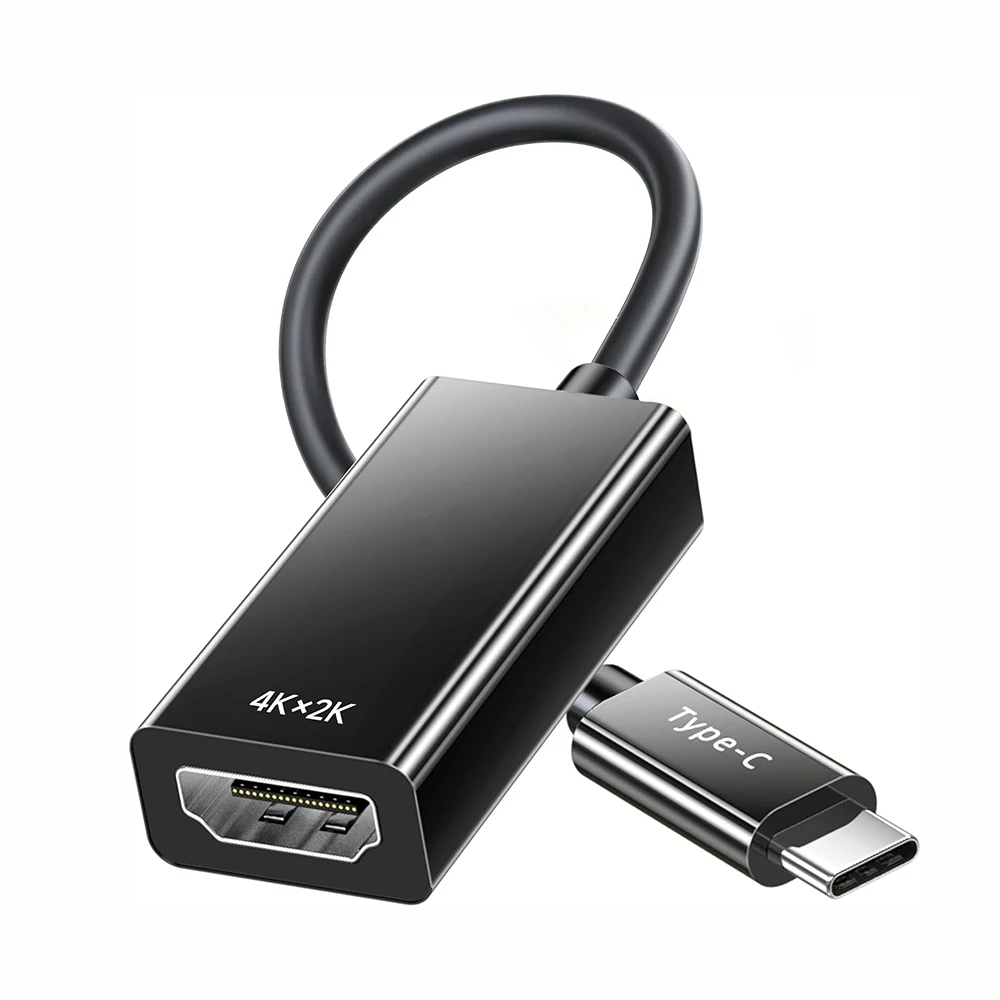
USB-C to 4K HDMI Adapter (Thunderbolt 4/3 Compatible)
USB-C to HDMI adapter for connecting compatible laptops, tablets and phones to a 4K display, no drivers needed.
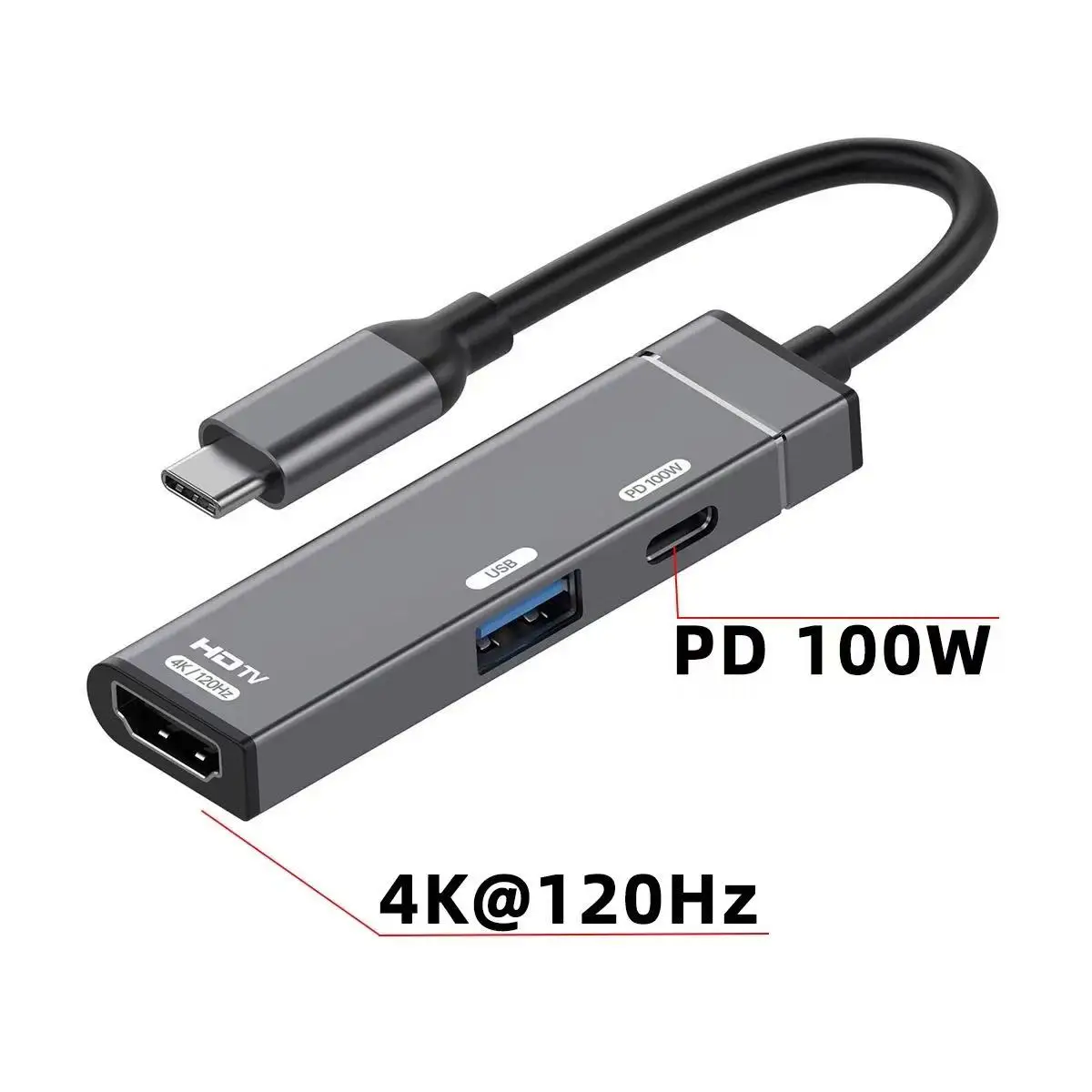
USB-C to HDMI 4K Multiport Adapter with USB 3.0 and 100W PD Charging
USB-C adapter with 4K@120Hz HDMI output, USB 3.0 port and 100W PD pass-through charging in a compact aluminium body.
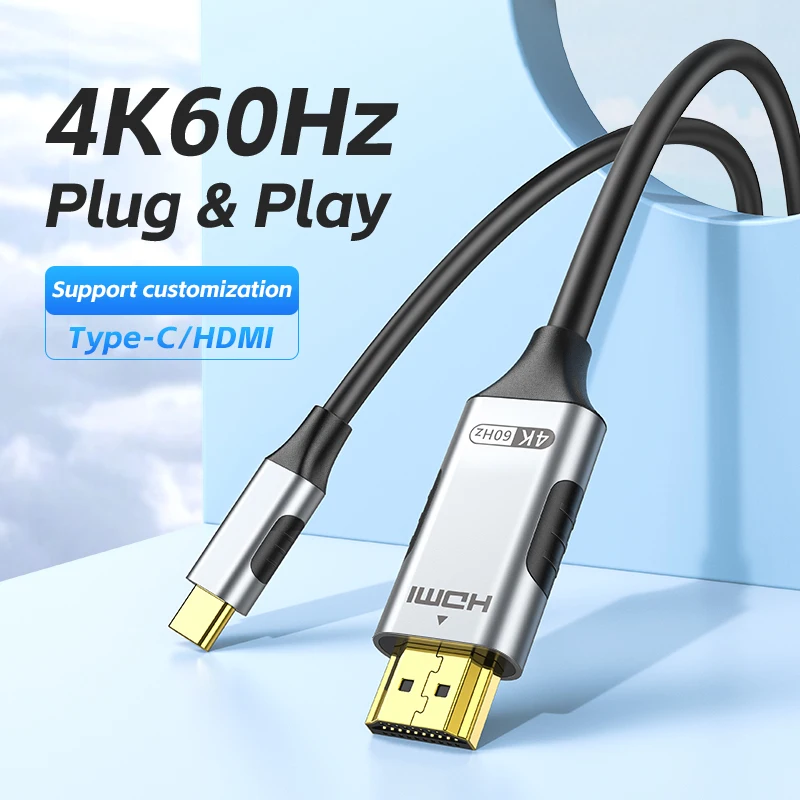
USB-C to HDMI Adapter Cable, 4K@60Hz
USB-C to HDMI cable delivering 4K@60Hz mirroring or extended display for laptops, tablets and phones with video-capable Type-C ports.
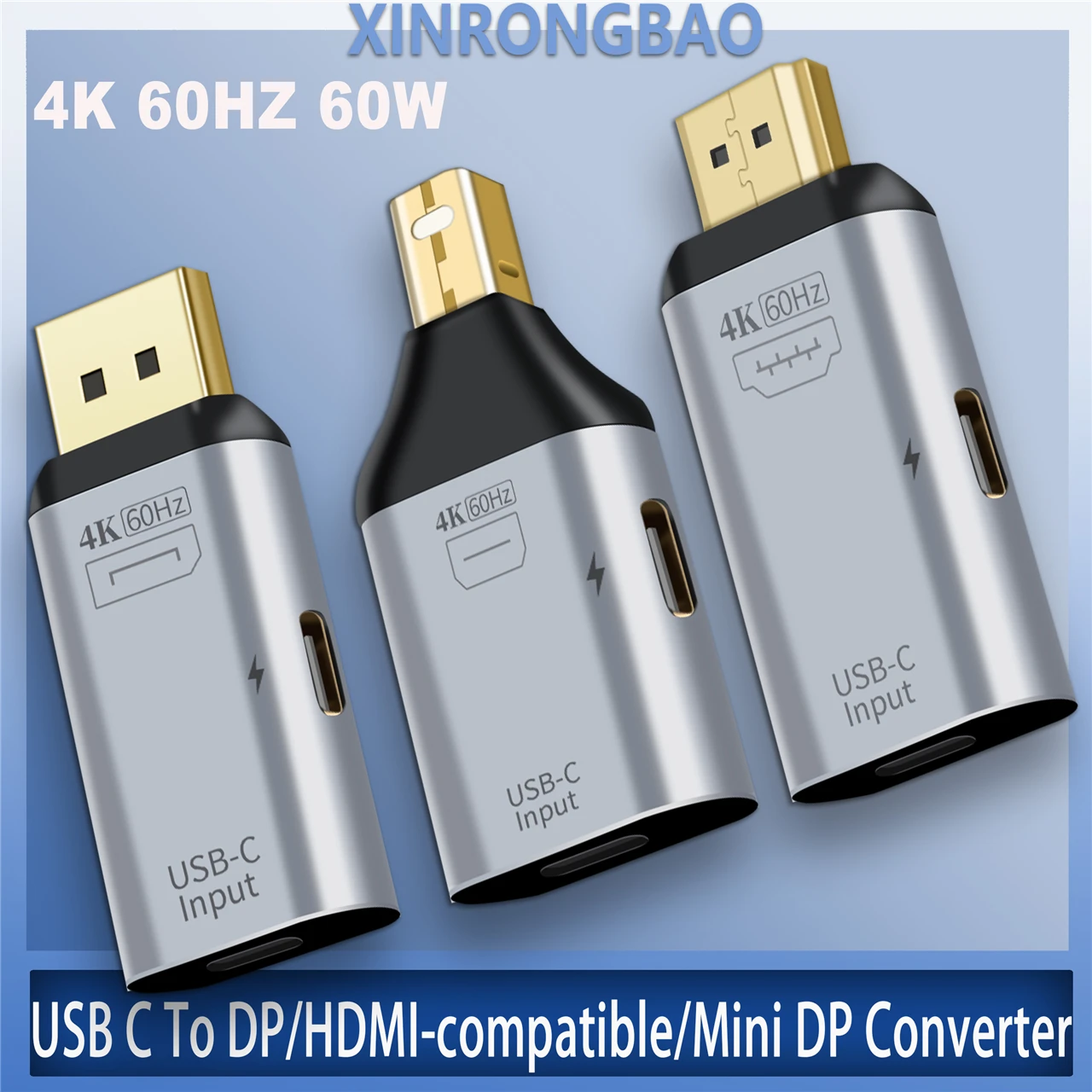
USB-C to HDMI/DP/Mini DP Adapter 4K 60Hz Thunderbolt 3 Compatible
USB-C to HDMI/DP/Mini DP adapter supporting 4K 60Hz, with an aluminium alloy shell for Mac, Windows and Android devices.
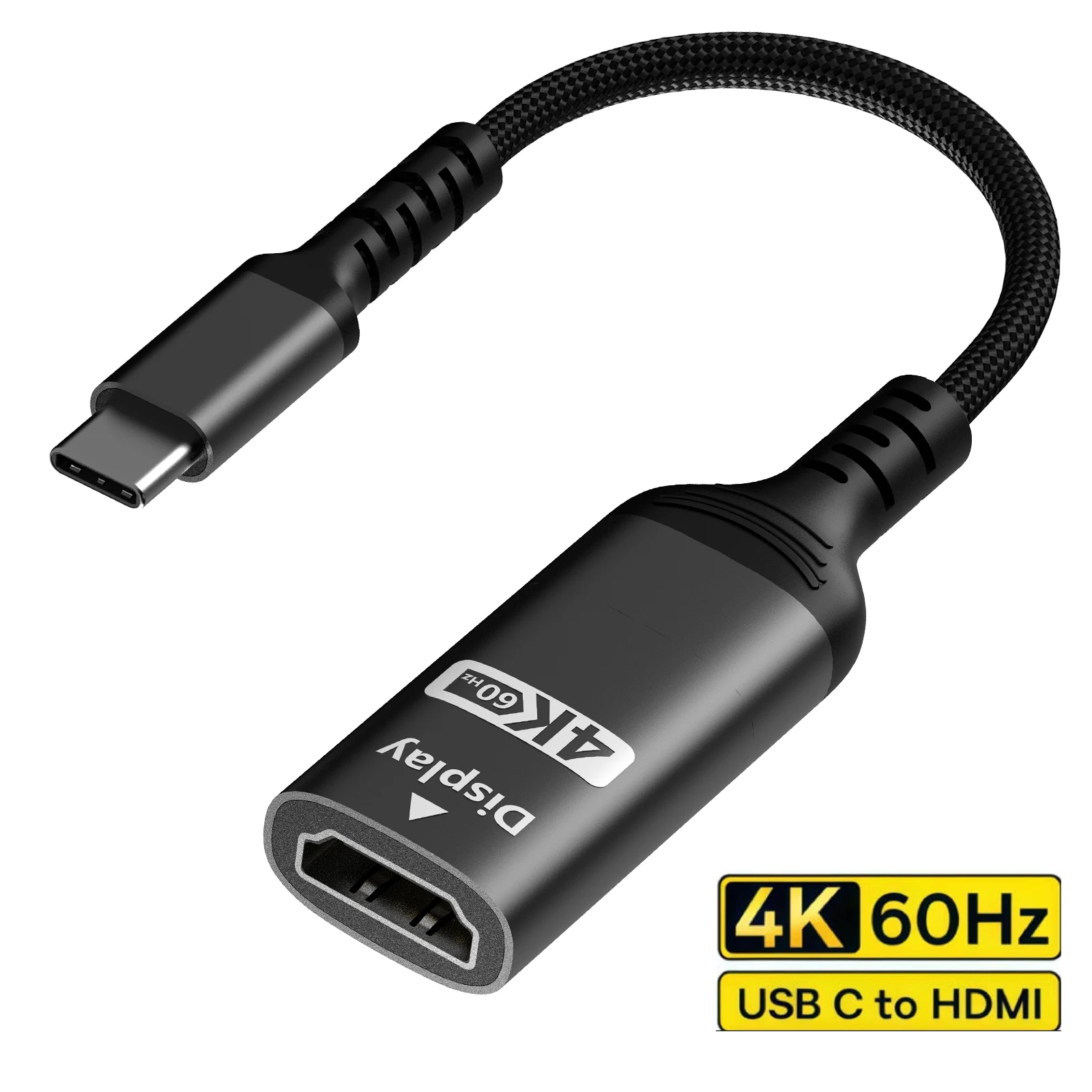
USB-C to HDMI Adapter, 4K 60Hz, Thunderbolt 3/4 Compatible
USB-C to HDMI adapter with 4K 60Hz output, compatible with Thunderbolt 3/4, iPhone, MacBook, iPad and iMac.
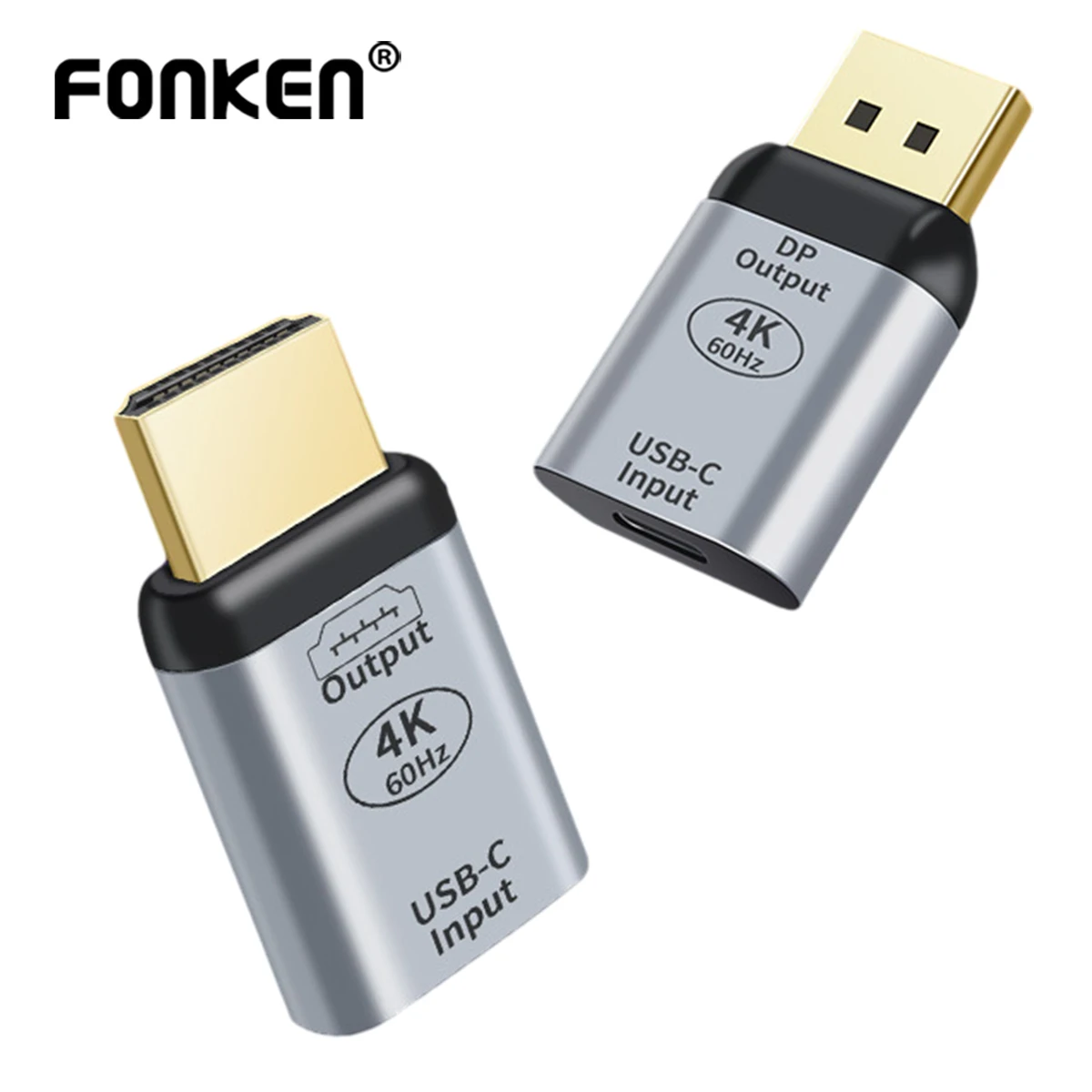
USB-C to HDMI/DP Adapter, 4K60Hz Audio Video Converter
USB-C to HDMI or DP adapter supporting 4K60Hz video with audio, for connecting laptops, Mac devices and phones to a TV or monitor.
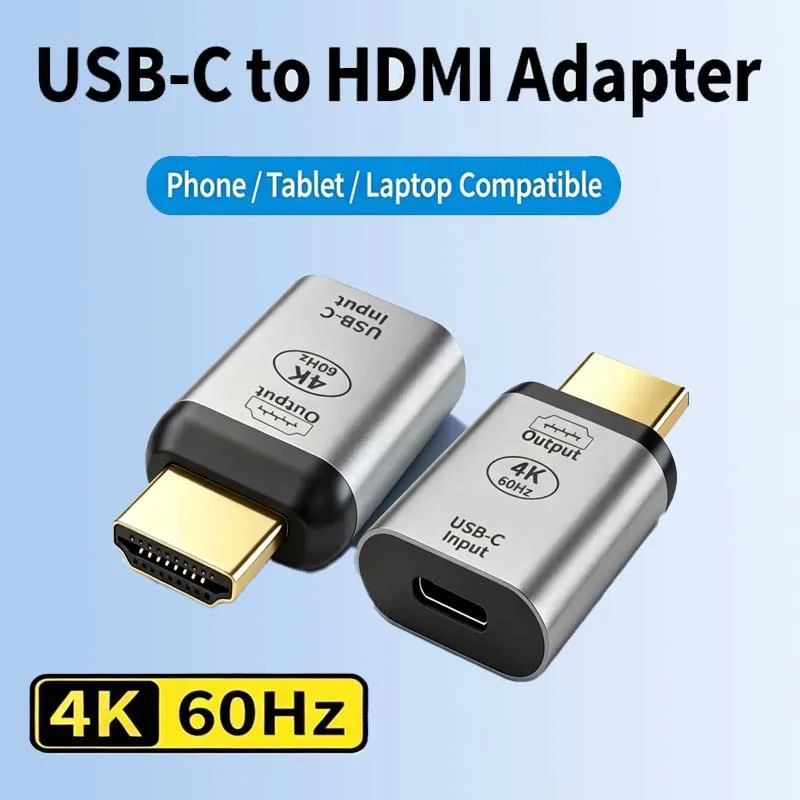
USB-C to HDMI Adapter, 4K 60Hz - Type C to HDMI Converter
USB-C to HDMI adapter supporting 4K 60Hz, for connecting Type C devices to HDTVs and displays.
DisplayPort: computer monitors
The socket with one corner cut off, found on many computer monitors. A USB-C to DisplayPort adapter connects the laptop to it.
- For a screen, the laptop's USB-C port must carry video: look for a DisplayPort or lightning-bolt symbol beside it, or check the laptop's specifications.
- If the monitor has HDMI as well, either will do: use the cable you have.
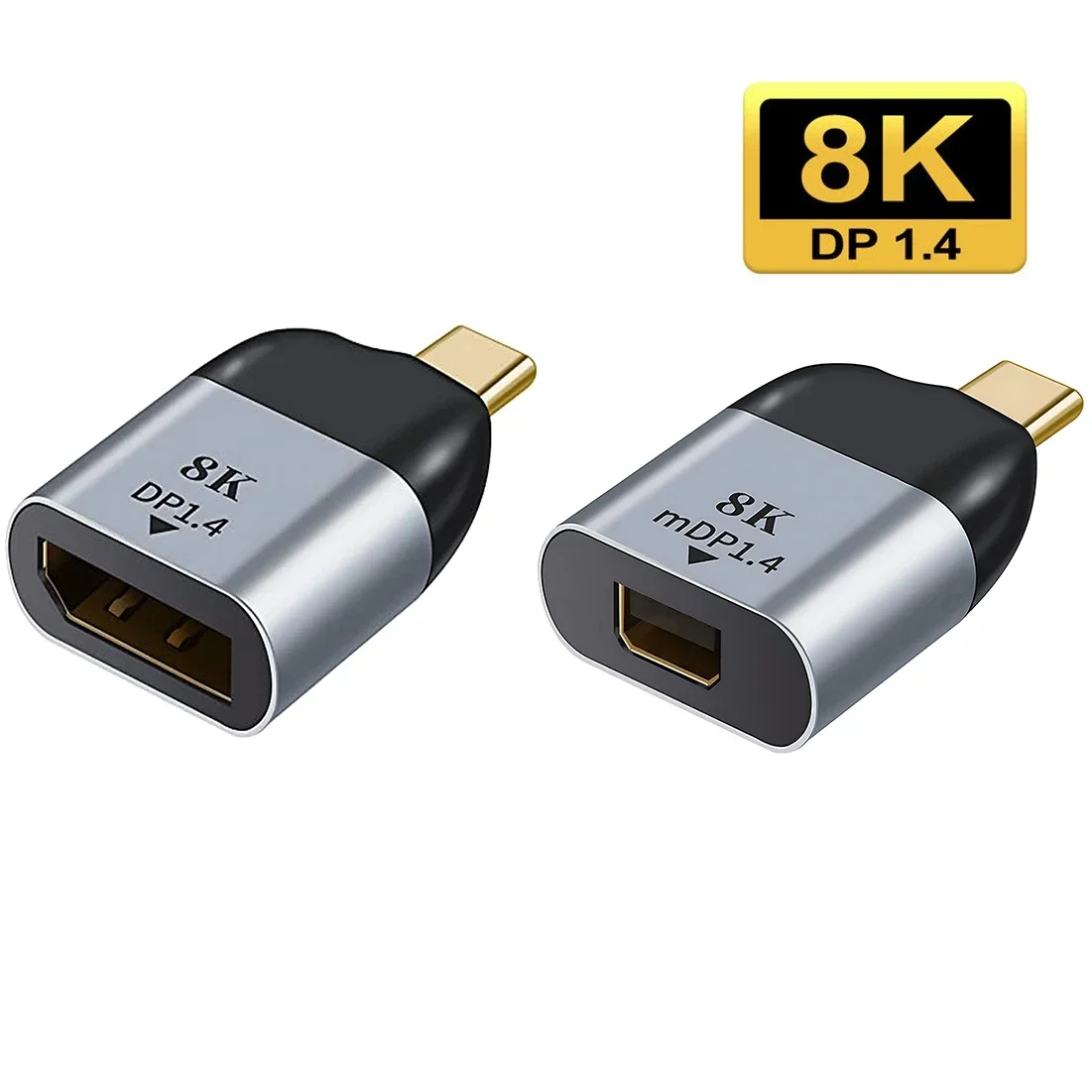
USB-C to DisplayPort 1.4 Adapter, 8K@60Hz Type-C Video Converter
USB-C to DisplayPort/Mini DisplayPort adapter supporting 8K@60Hz for mirroring or extending your display.
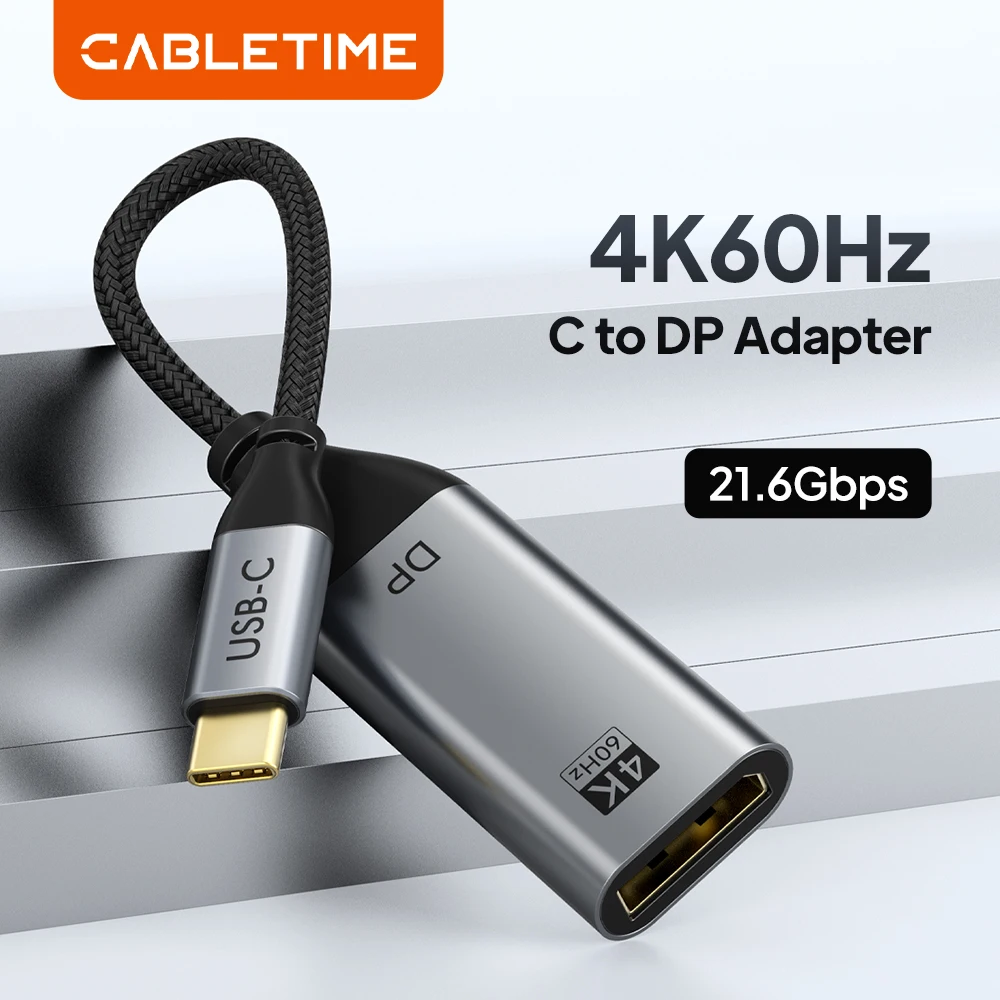
USB-C to DisplayPort Adapter, 4K@60Hz Cable for Laptop and Monitor
USB-C to DisplayPort adapter delivering 4K@60Hz video, plug and play, with gold-plated connectors and a braided cable.
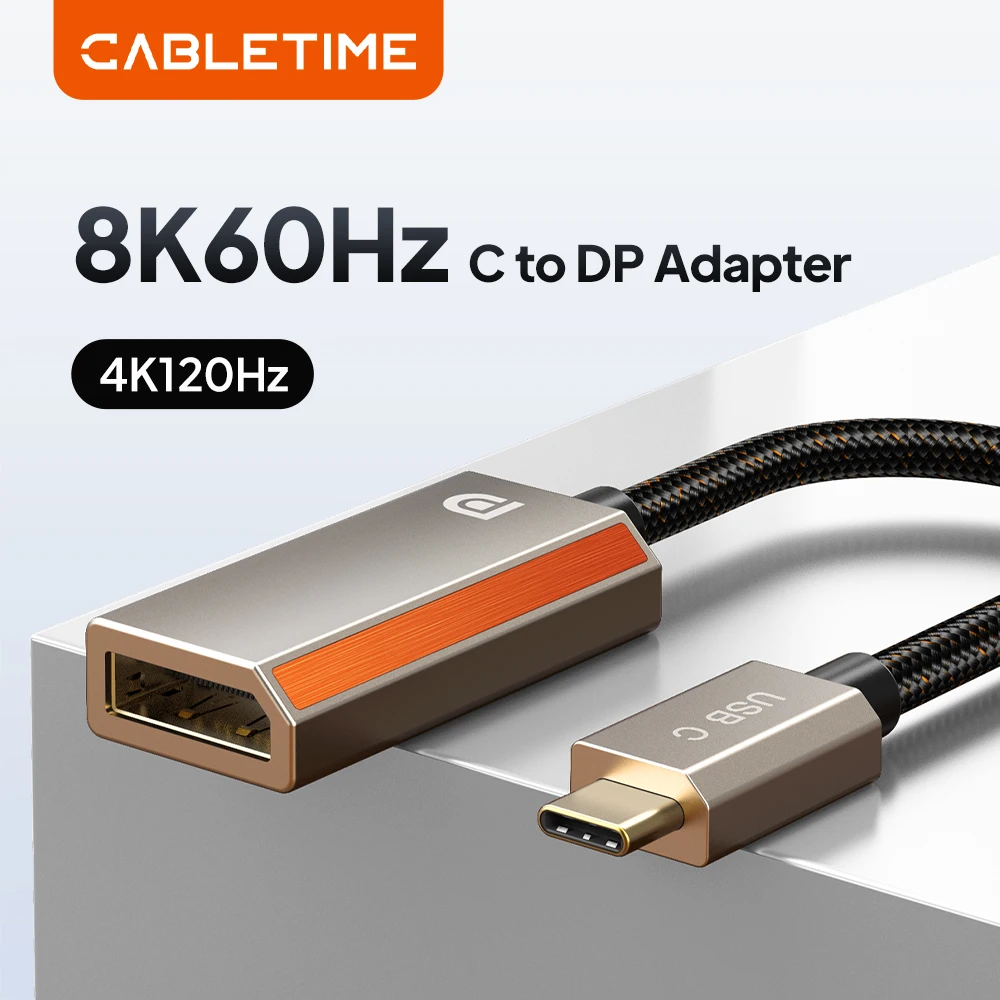
USB-C to DisplayPort Adapter 8K 60Hz 4K 144Hz HDR10
USB-C to DisplayPort adapter supporting up to 8K@60Hz with HDR10, for extending or mirroring your laptop to an external display.
From £17.99Choose
USB-C to HDMI/DP/Mini DP Adapter 4K 60Hz Thunderbolt 3 Compatible
USB-C to HDMI/DP/Mini DP adapter supporting 4K 60Hz, with an aluminium alloy shell for Mac, Windows and Android devices.
USB-C to HDMI/DP Adapter, 4K60Hz Audio Video Converter
USB-C to HDMI or DP adapter supporting 4K60Hz video with audio, for connecting laptops, Mac devices and phones to a TV or monitor.
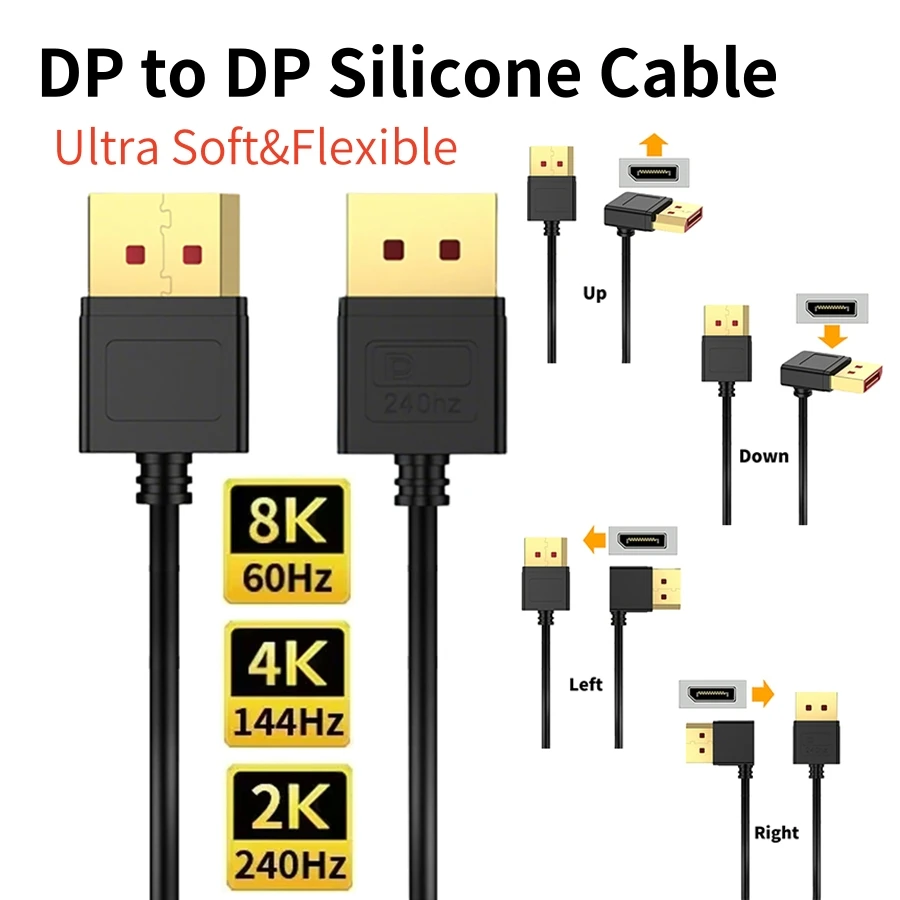
90 Degree Angled DisplayPort 1.4 Cable - 8K 60Hz 4K 144Hz Gaming Lead
Flexible 90 degree angled DisplayPort 1.4 cable supporting 8K 60Hz and 4K 144Hz for gaming monitors.
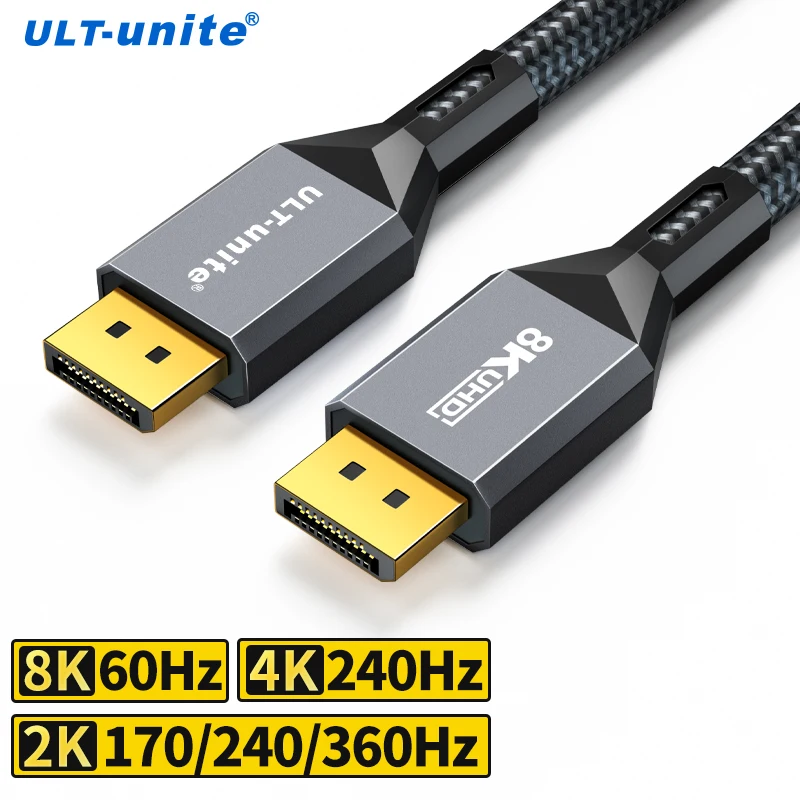
8K DisplayPort 1.4 Cable, VESA Certified, Braided DP Cord
Braided 8K DisplayPort 1.4 cable, VESA certified, supporting resolutions up to 8K@60Hz for gaming monitors and PCs.
From £12.99Choose
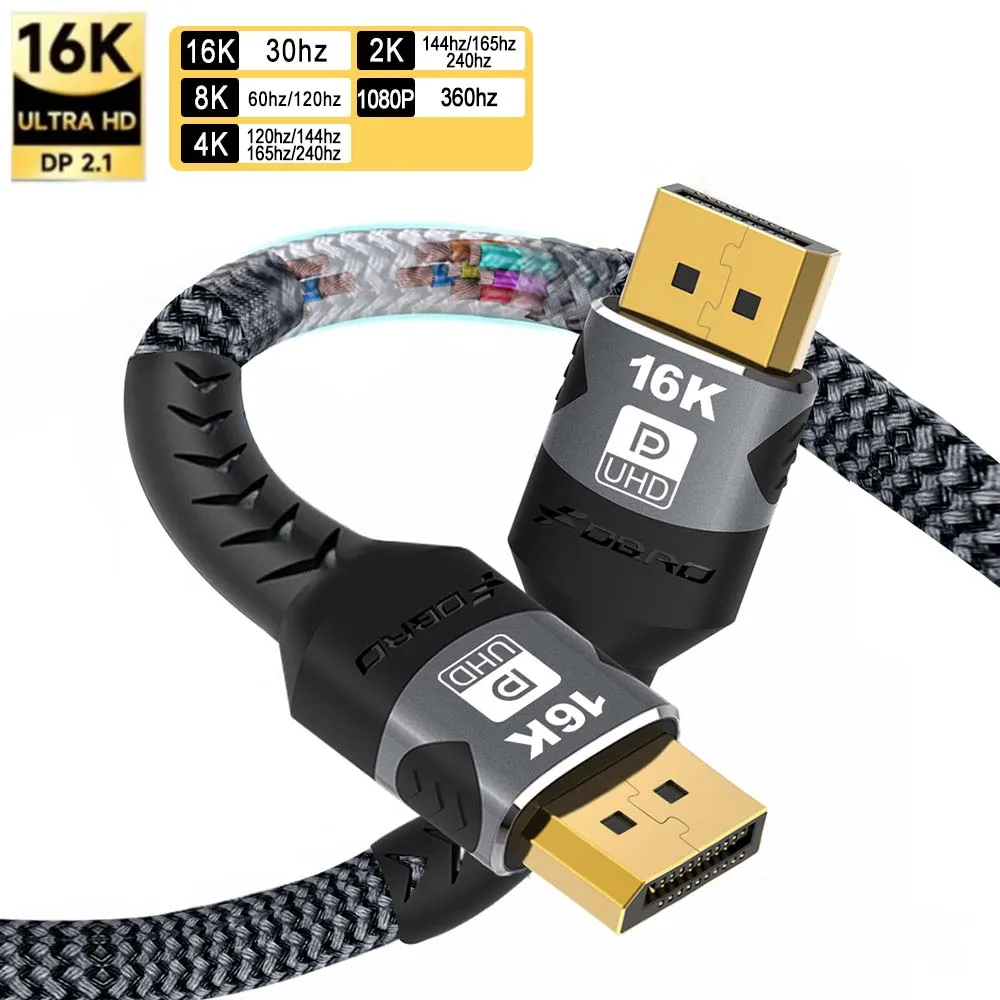
DisplayPort 2.1 Cable - 16K 30Hz, 8K 60Hz, 4K 144Hz, HBR3 80Gbps
DisplayPort 2.1 cable supporting up to 16K@30Hz, 8K@60Hz and 4K@144Hz with 80Gbps bandwidth, HDR10 and HDCP 2.2.
Ethernet: a cable from the router
The square socket with a clip, for a network cable straight from the router. Many thin laptops have no Ethernet socket of their own; an adapter adds one from a USB or USB-C port.
- You need an Ethernet cable long enough to reach the router as well as the adapter.
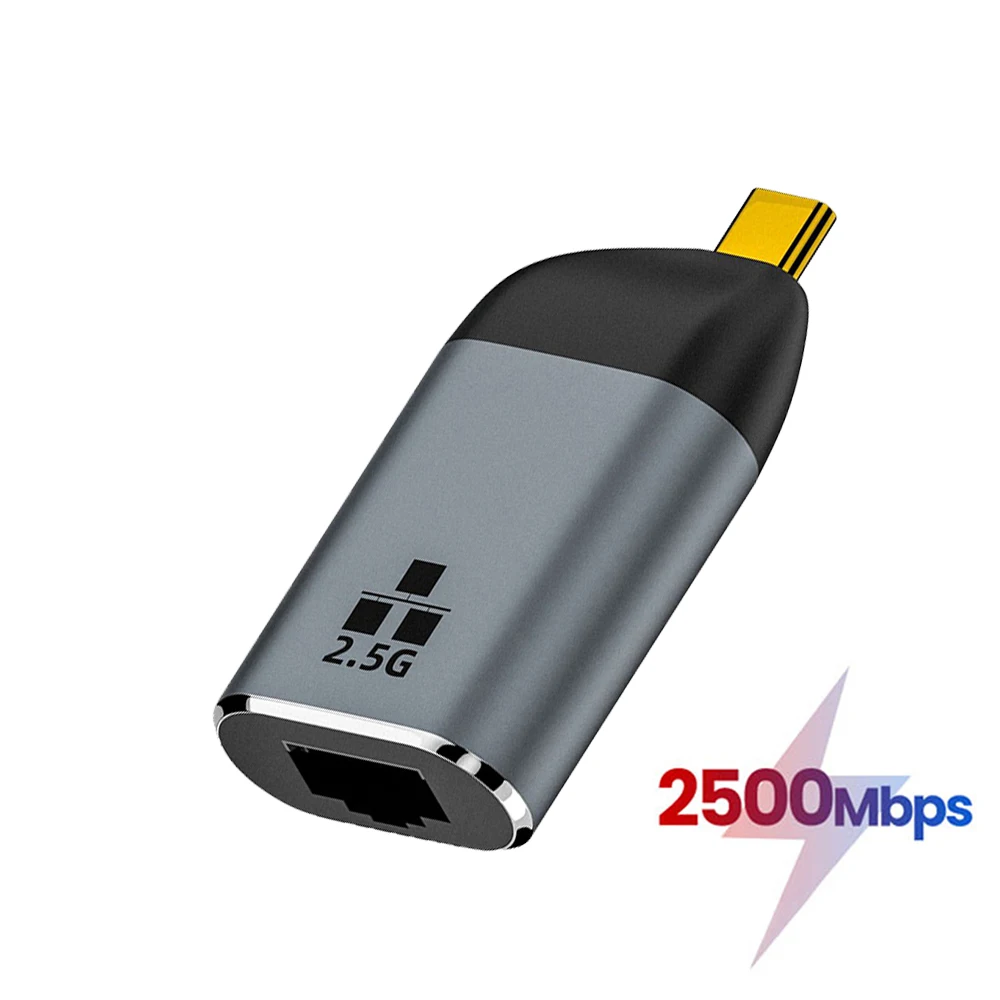
USB-C to RJ45 Ethernet Adapter - 2.5G Network Card for Laptop
USB-C to RJ45 Ethernet adapter with speeds up to 2.5Gbps for a stable wired connection on laptops and USB-C devices.
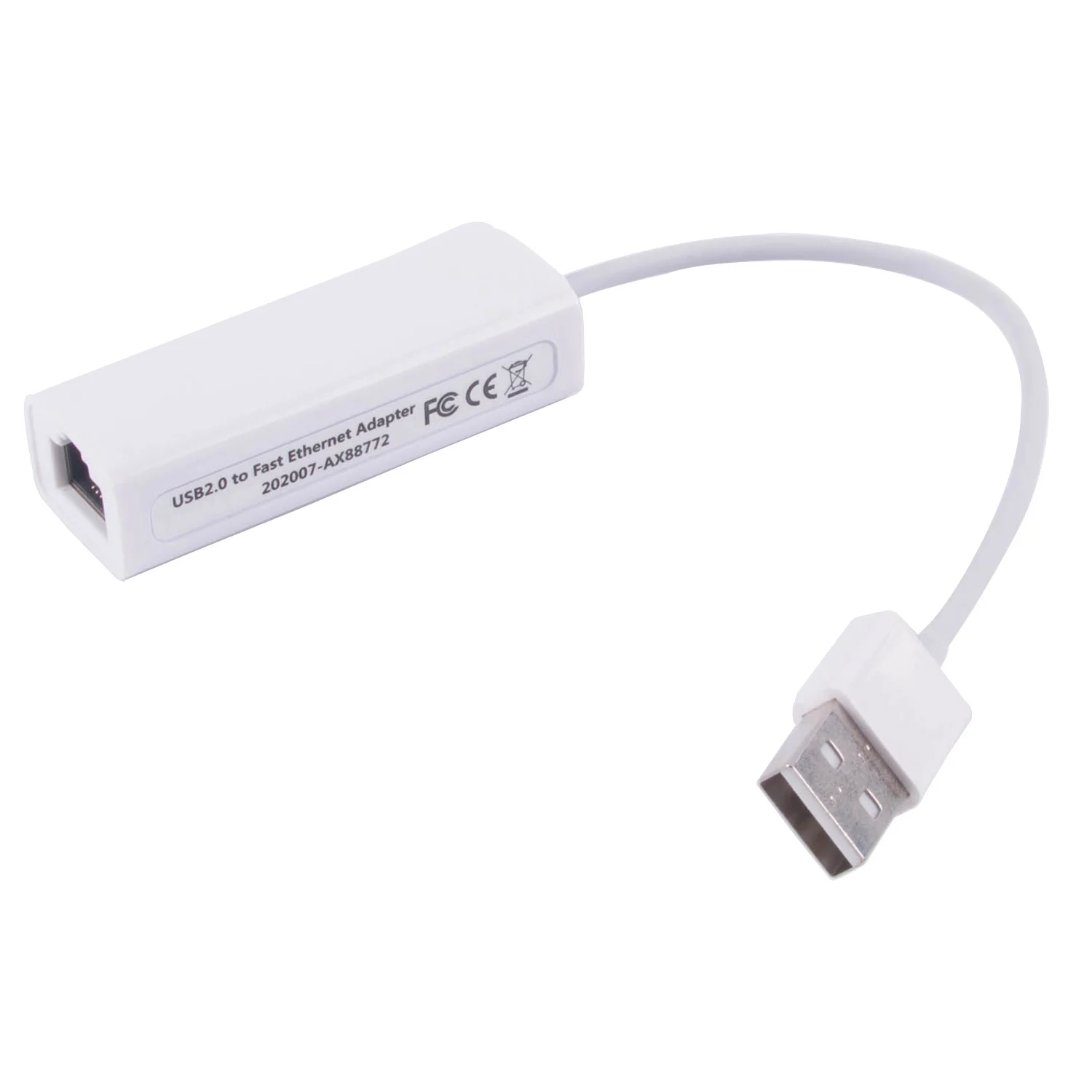
USB to RJ45 Ethernet Adapter - 10/100Mbps USB 2.0 Lan Converter
USB 2.0 to RJ45 Ethernet adapter supporting 10/100Mbps speeds, compatible with Windows, Mac and Linux.
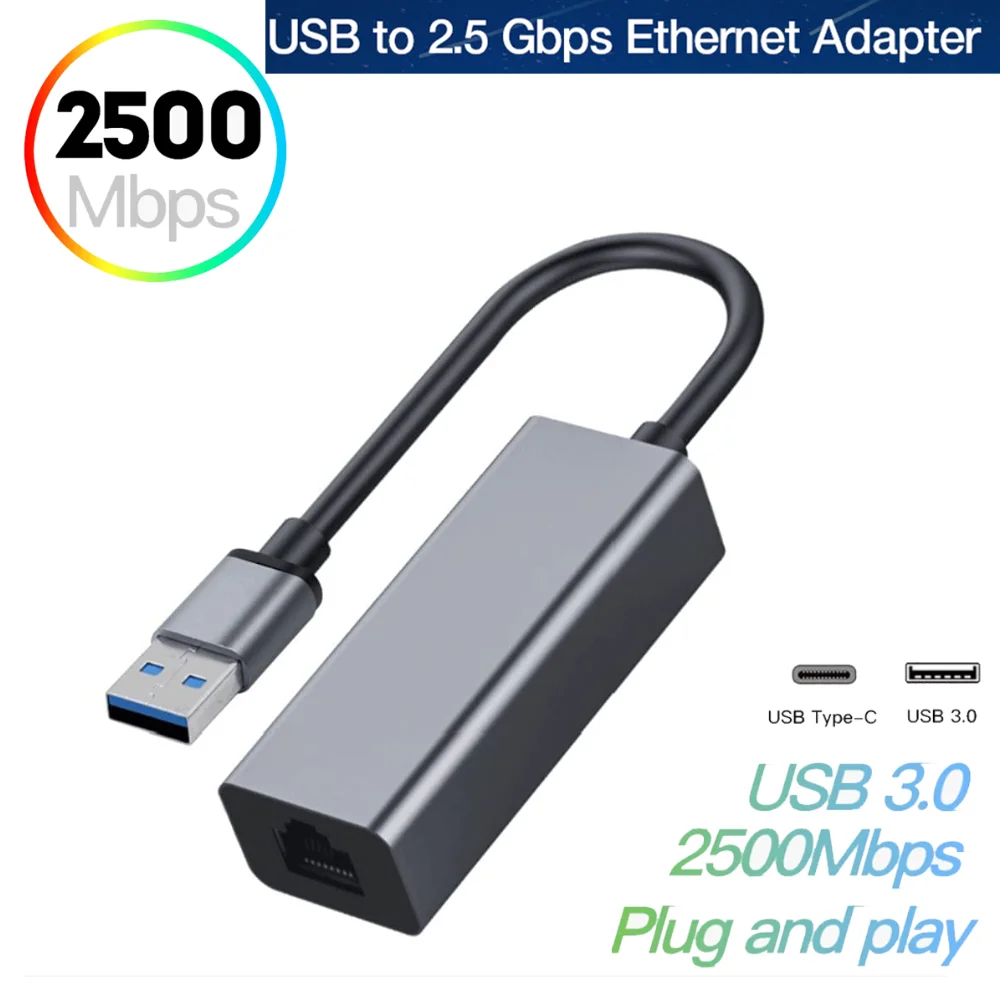
USB 3.0 to 2.5G Ethernet Adapter, RTL8156B RJ45 Network Card
USB to 2.5G RJ45 Ethernet adapter with RTL8156B chip, for adding fast wired networking to laptops and desktops.
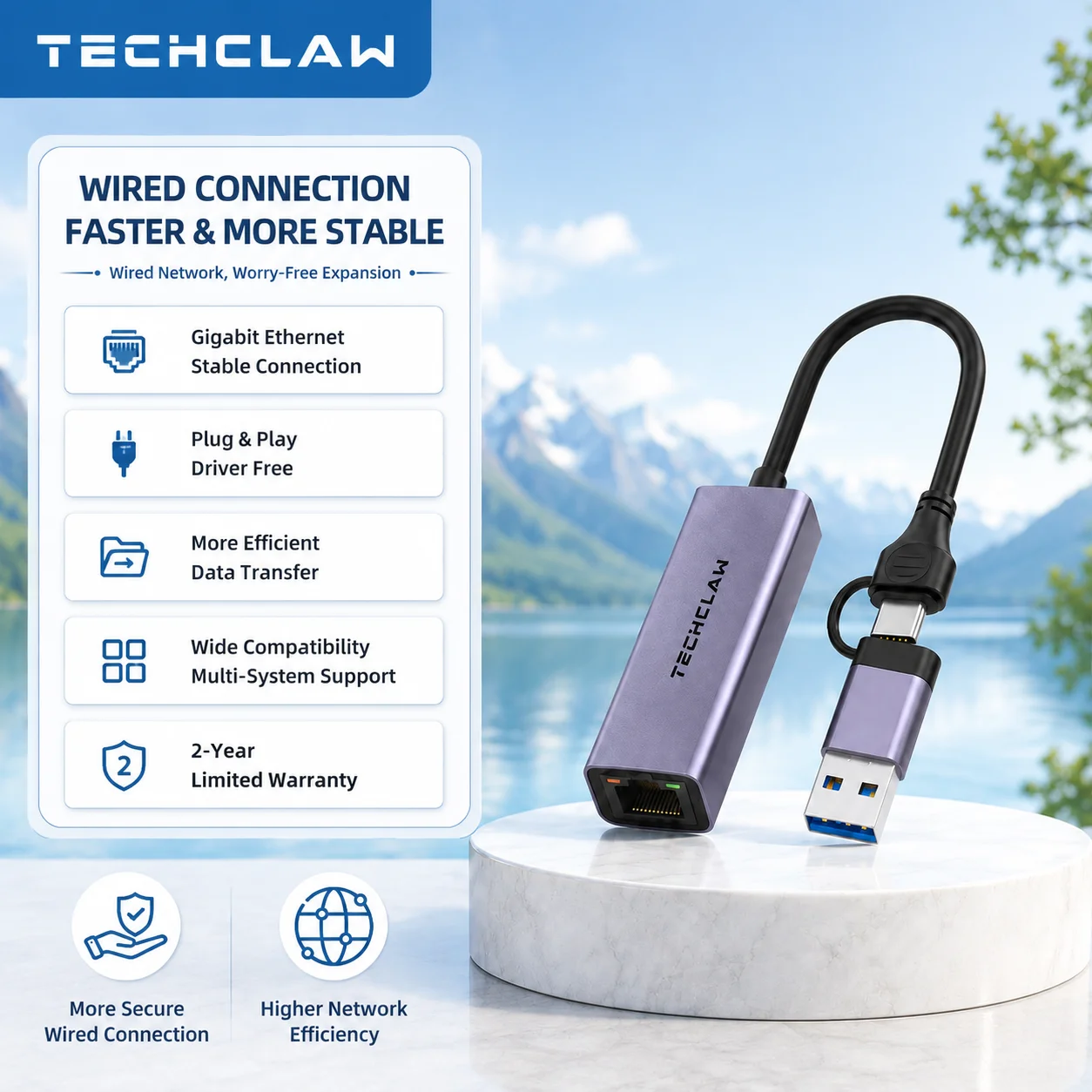
TECHCLAW USB 3.0 to Gigabit Ethernet Adapter, USB-A & USB-C to RJ45
USB 3.0 to Gigabit Ethernet adapter with USB-A and USB-C connections for fast, wired 1Gbps internet.
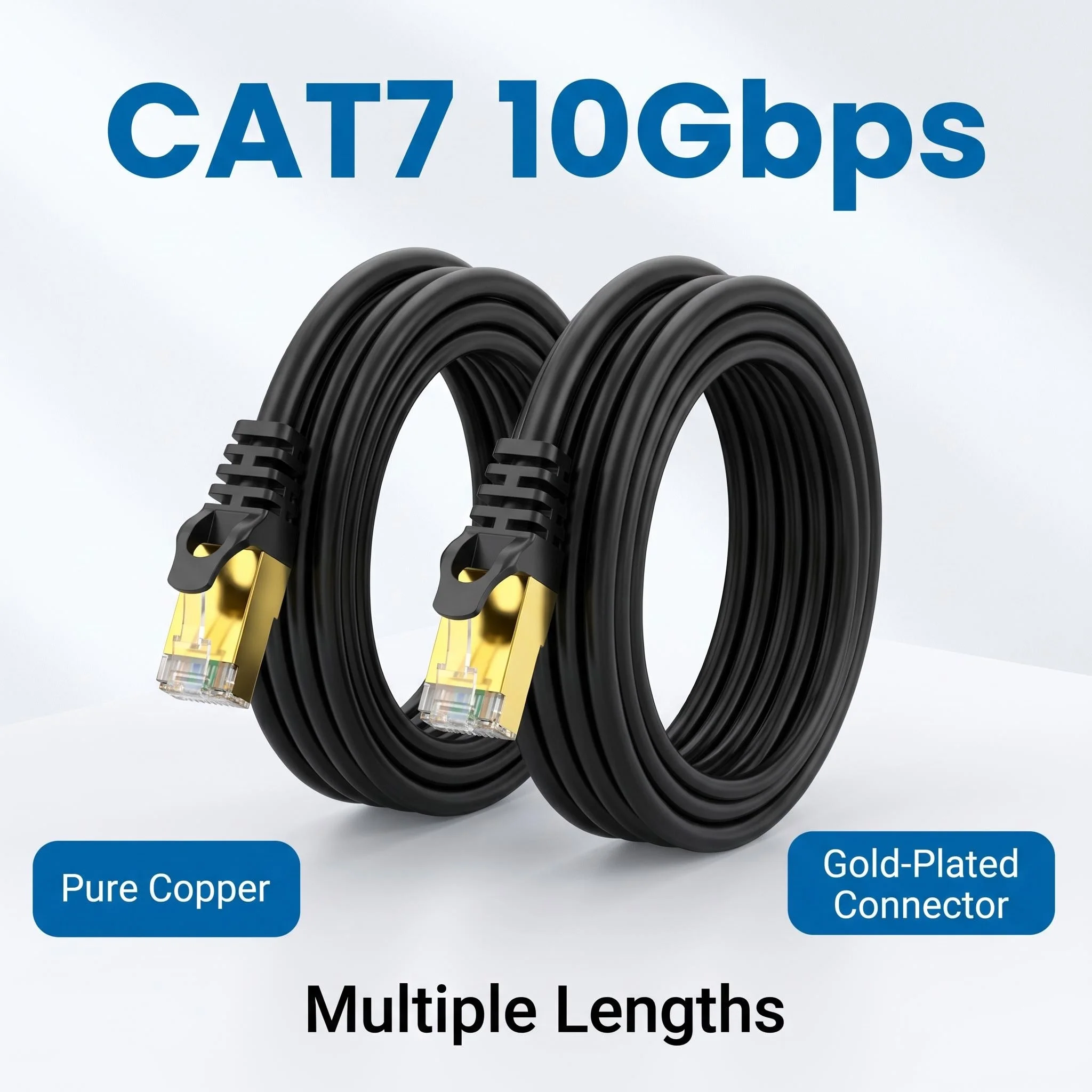
CAT7 Ethernet Cable 10Gbps Gold Plated Shielded FTP Network Lead
Shielded CAT7 ethernet cable with gold plated connectors, supporting up to 10Gbps for gaming, streaming and home networking.
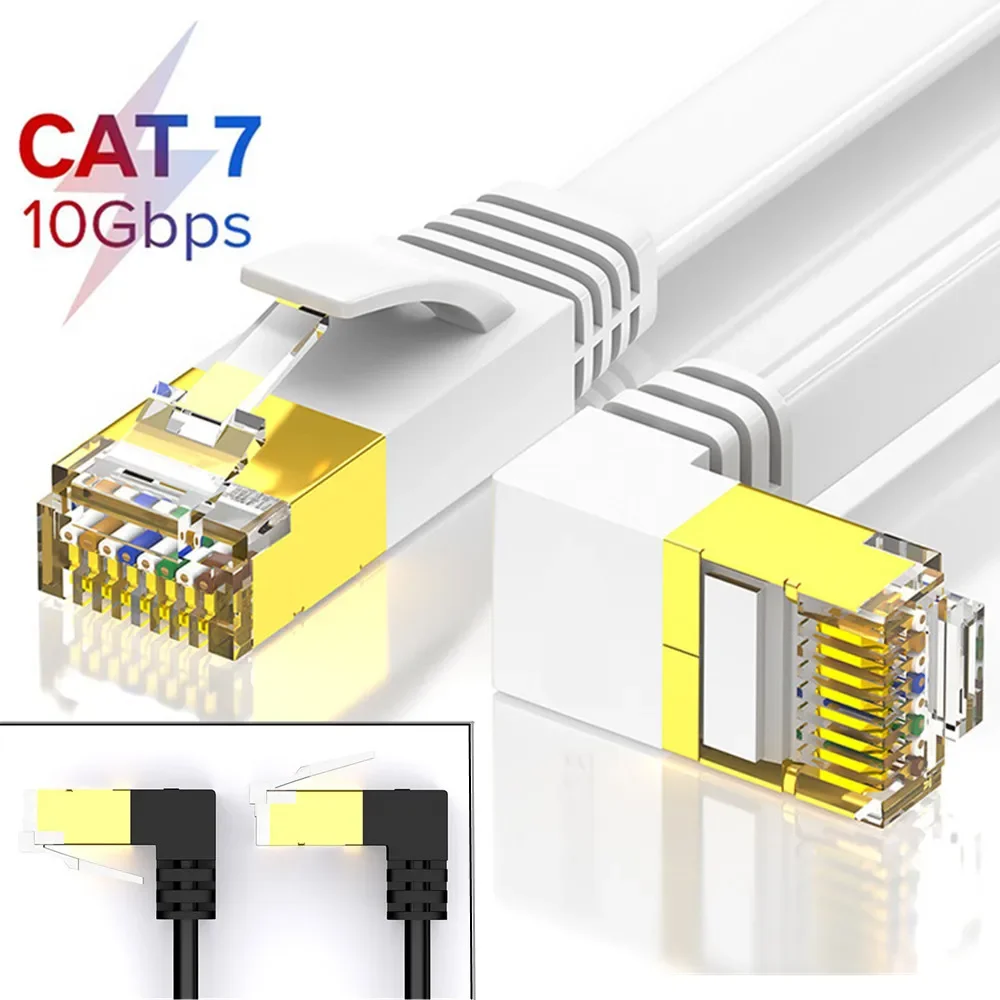
CAT7 Flat Ethernet Cable, Right Angle RJ45 Network Patch Lead
Flat CAT7 Ethernet cable with angled RJ45 connectors for neat, high-speed wired network connections.
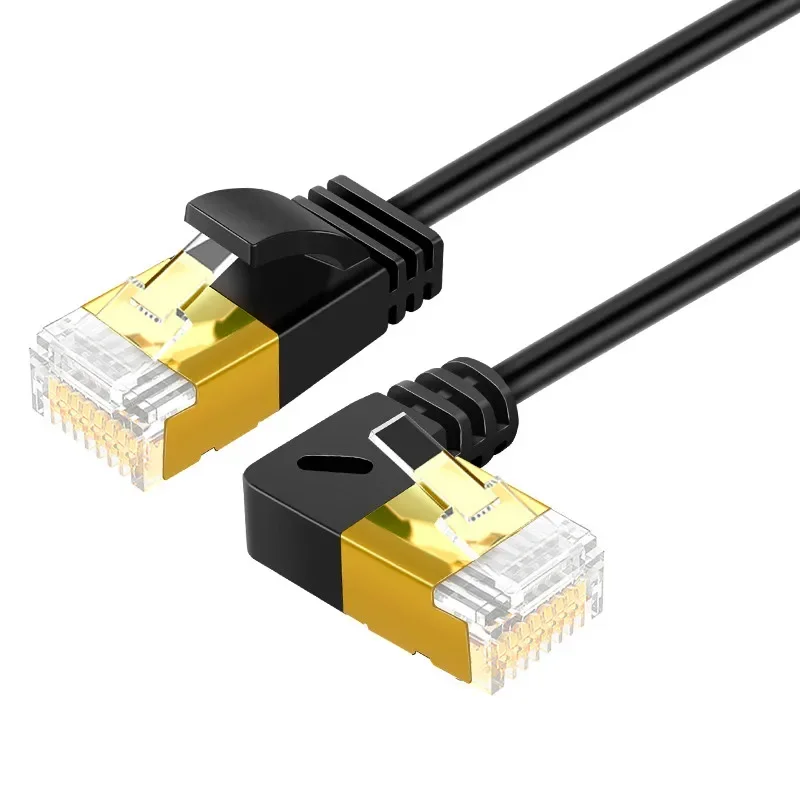
Angled CAT7 Ultra Slim Ethernet Cable, RJ45 UTP Patch Lead
Slim angled CAT7 ethernet cable with gold-plated RJ45 connectors for neat, space-saving network connections.
£10.99
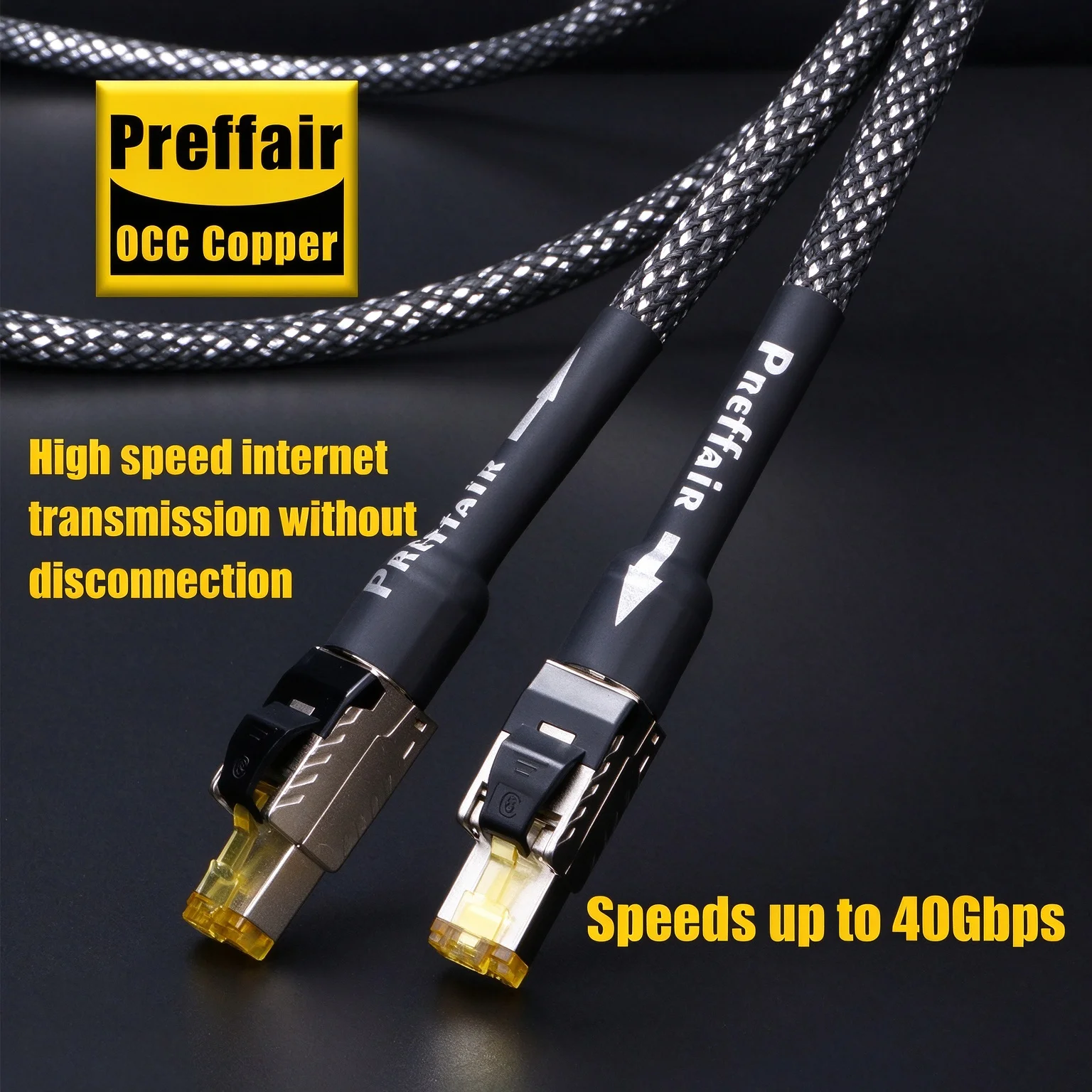
Cat8 Ethernet Cable RJ45 - 40Gbps 2000MHz Network Cable
High-speed Cat8 RJ45 Ethernet cable with silver-plated OCC conductor and braid shielding, up to 40Gbps and 2000MHz.
£32.99
USB-A: memory sticks, receivers, printers
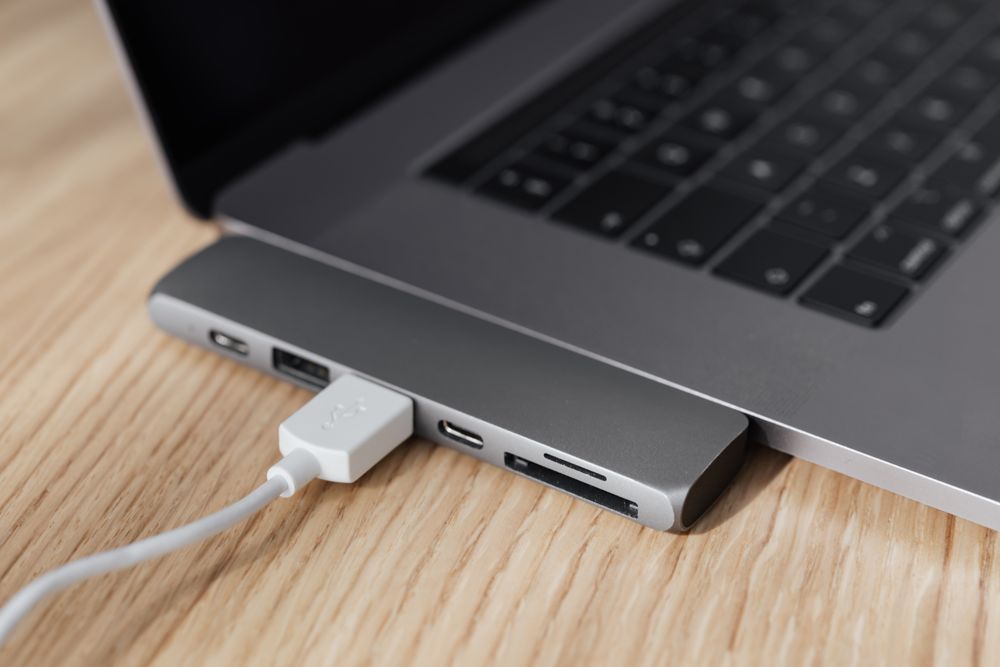
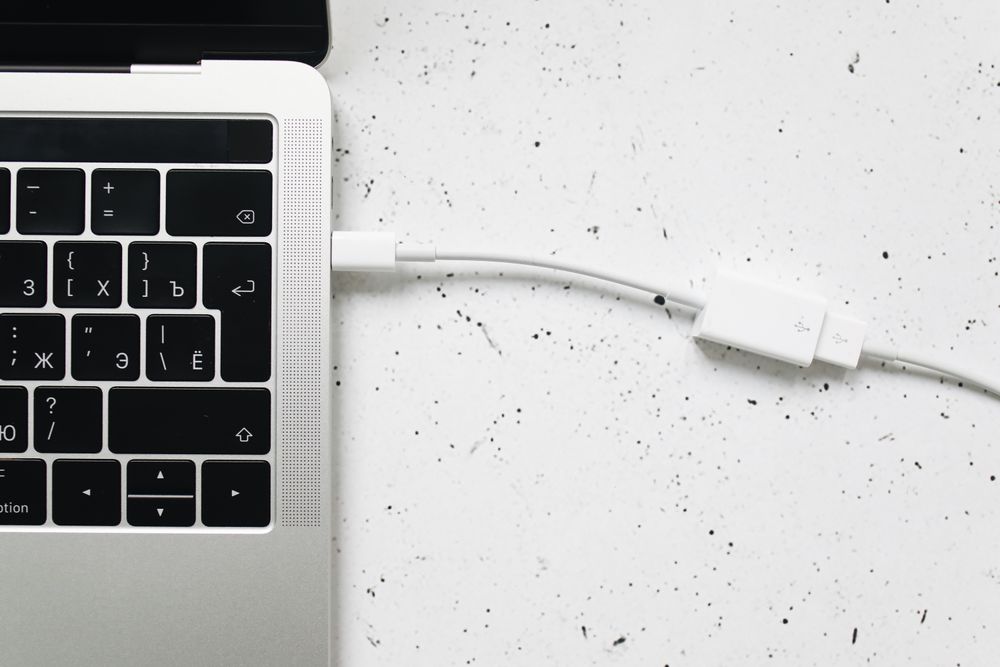
The flat rectangular plug on memory sticks, mouse and keyboard receivers, printers and older devices. A laptop with only USB-C needs an adapter or a hub for them.
- A hub gives several USB-A sockets at once from one port.
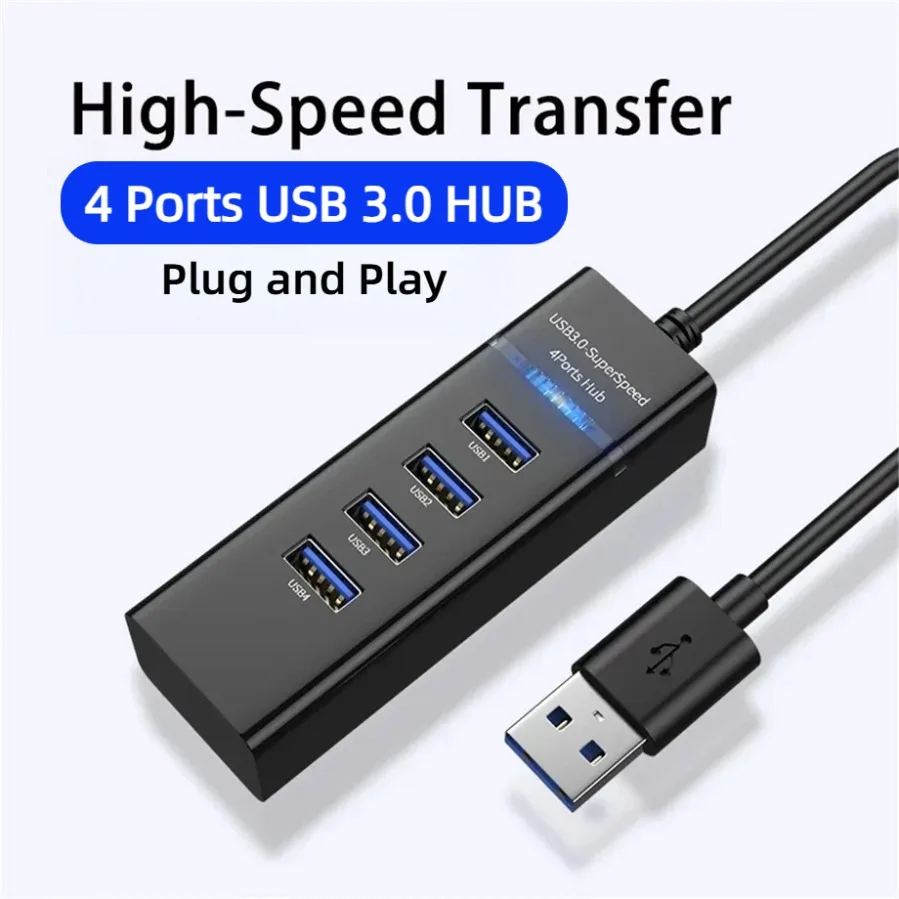
4-in-1 USB 3.0 Hub Splitter with 4 Ports
4-port USB 3.0 hub splitter with one Super-Speed 5Gbps port and three USB 2.0 ports for connecting multiple devices to one computer.
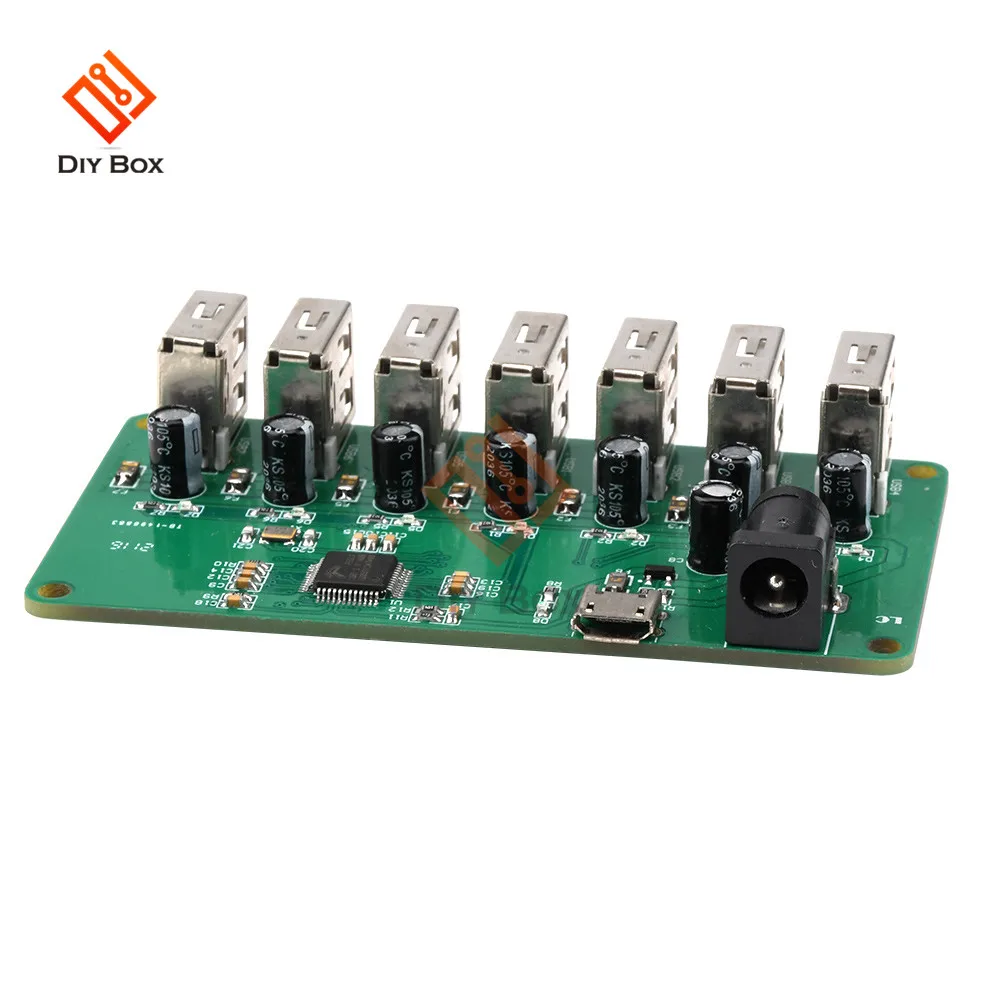
1 to 7 Port USB 2.0 Hub Splitter Module with Power Supply
A 1-to-7 port USB 2.0 hub module with LED indicators, overcurrent protection and optional external power supply.
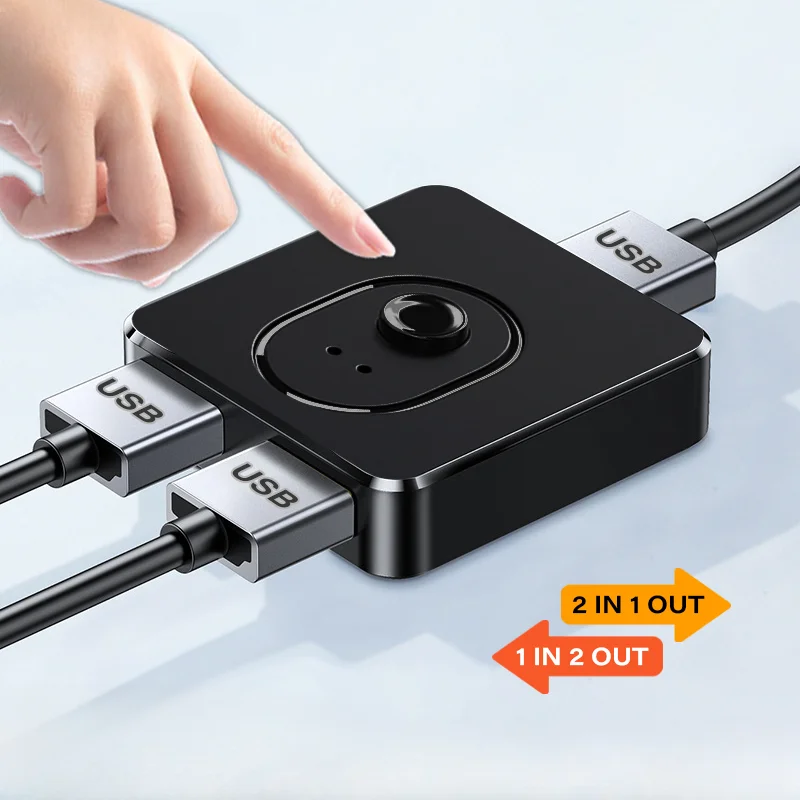
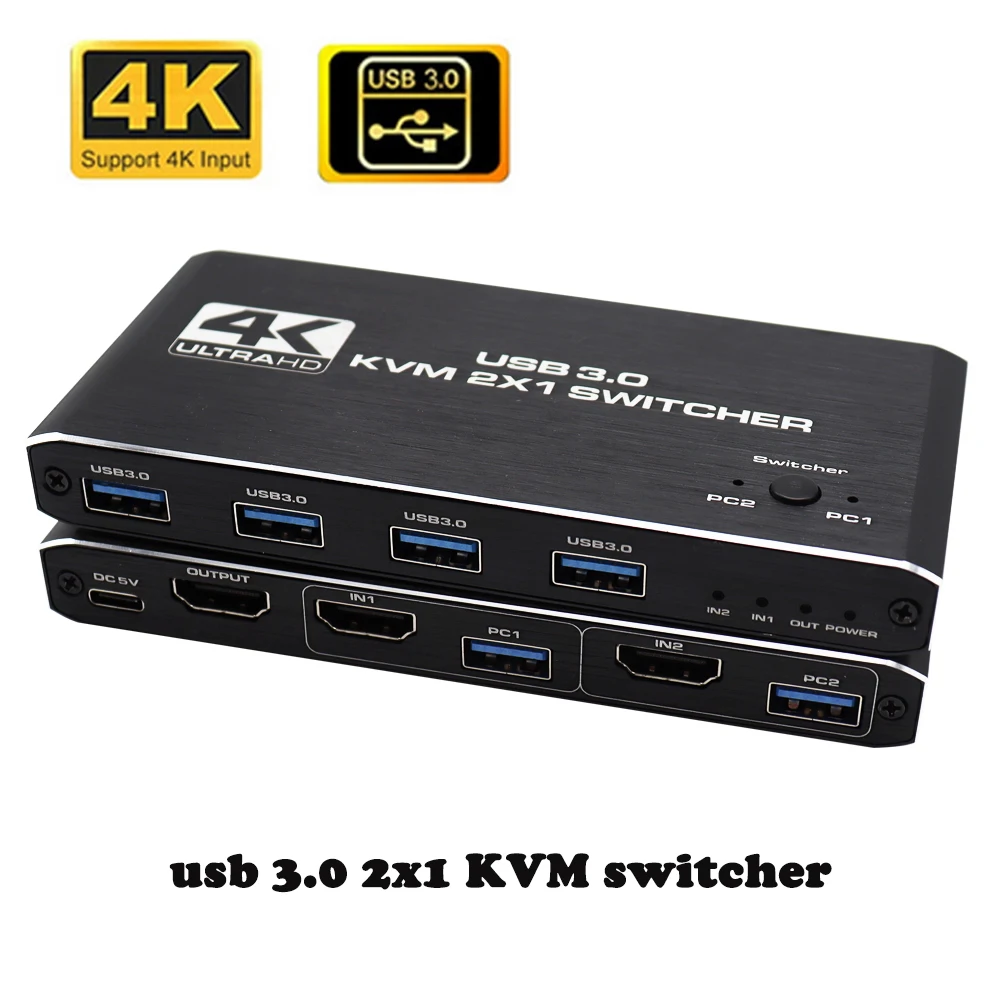
USB 2-Way Switch Hub, 1x2/2x1 USB Splitter for Shared Devices
A button-operated USB switcher that lets two computers share USB devices like printers, keyboards and mice.
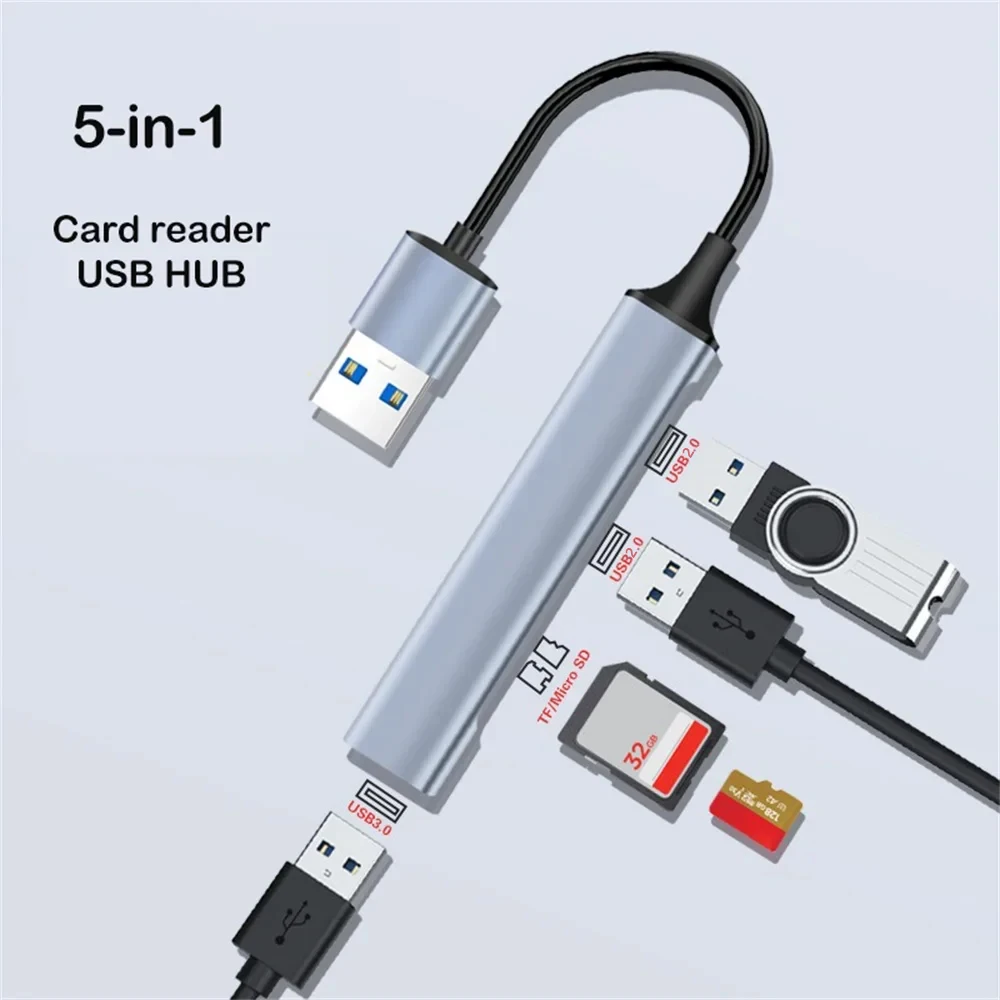
5-in-1 Aluminium USB Hub with SD/TF Card Reader
A 5-in-1 aluminium USB hub with USB 3.0, USB 2.0 and SD/TF card reader ports, available with USB-A or USB-C connectors.
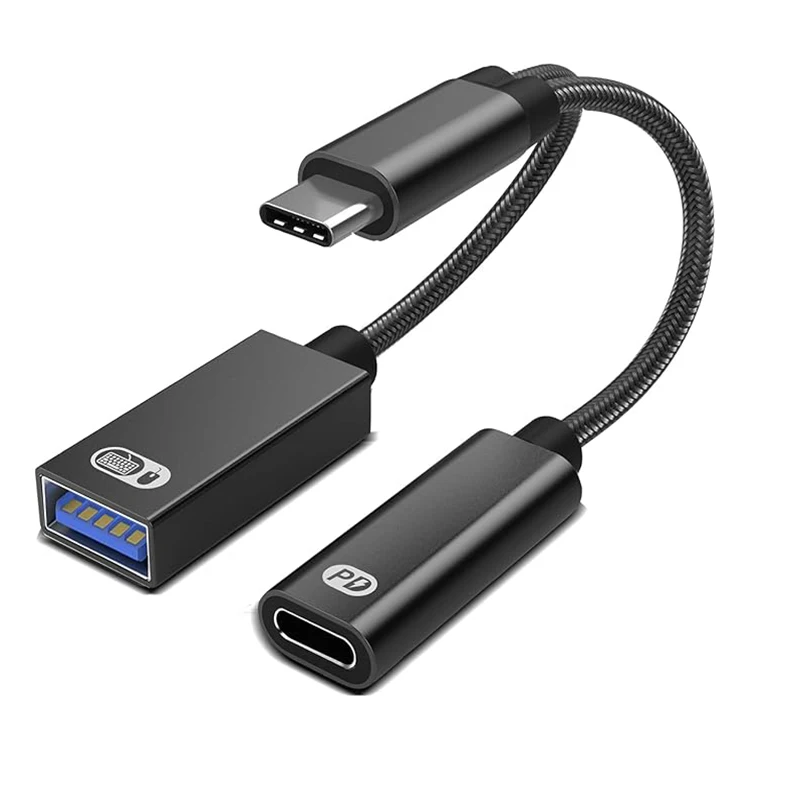
USB-C OTG Adapter Cable with Power Delivery Charging Support
A compact USB-C to USB-A OTG adapter that supports Power Delivery charging while connecting standard USB accessories.
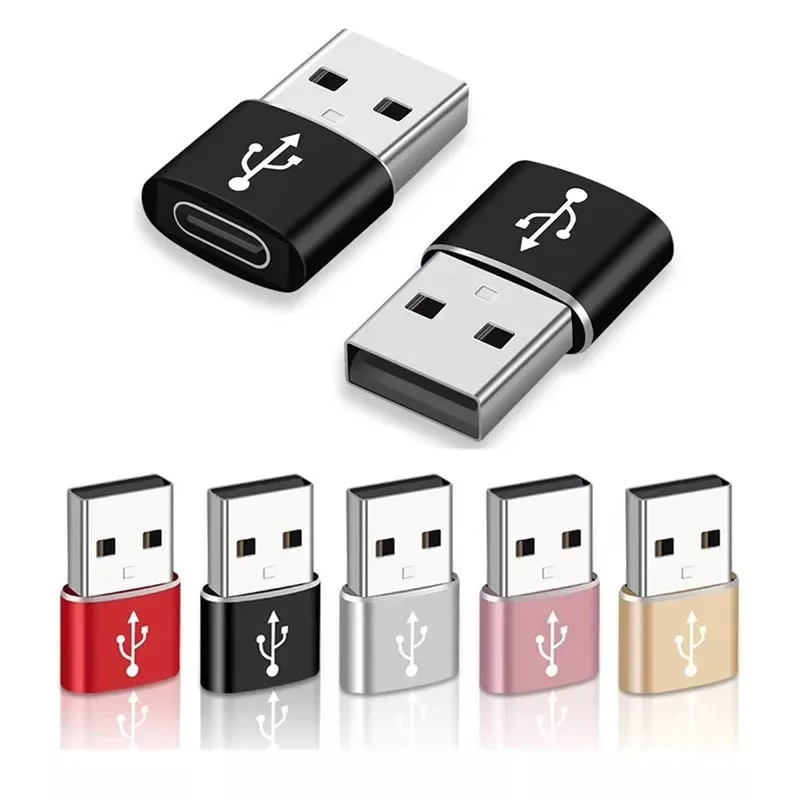
USB 3.0 to USB-C Adapter - USB Type A to Type C OTG Converter
A mini USB 3.0 to USB-C adapter for fast charging and data sync between standard USB and USB-C devices.
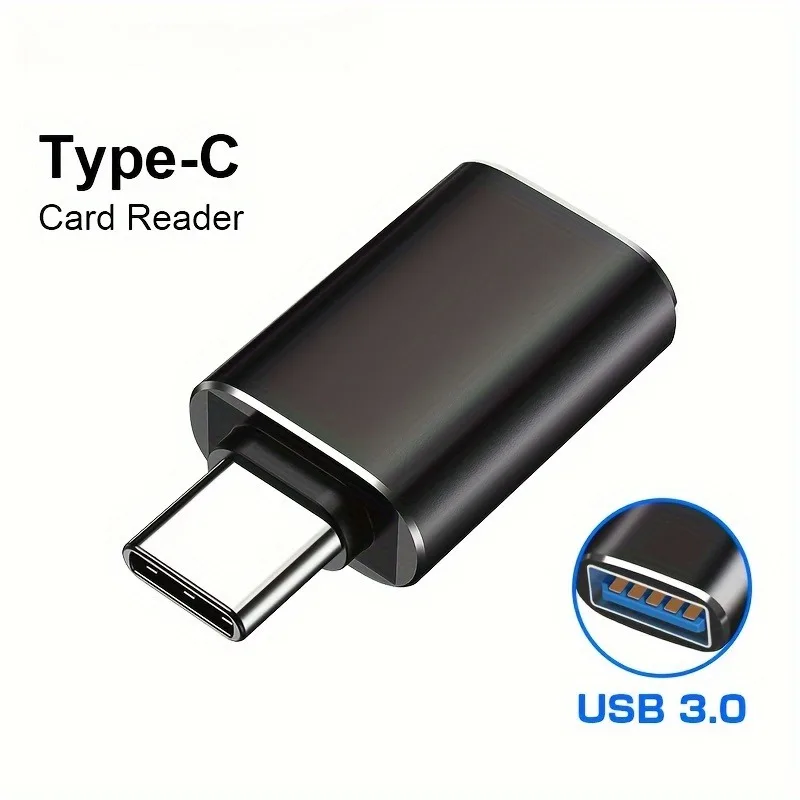
USB-C OTG Adapter - USB 3.0 to Type C Connector
Compact USB-C to USB 3.0 OTG adapter for transferring files between your Android phone and a USB flash drive.
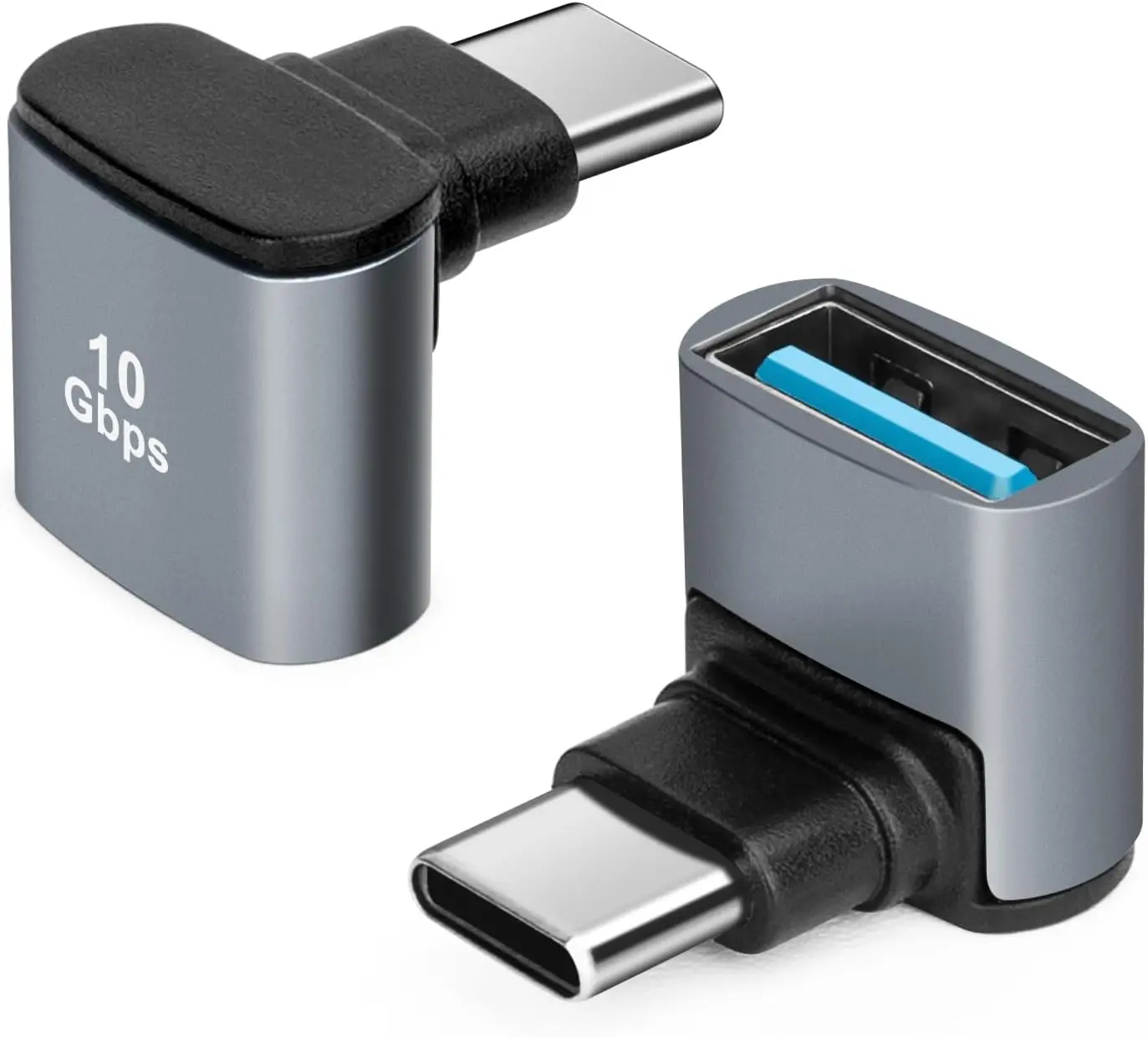
90 Degree USB C to USB 3.1 OTG Adapter, Right Angled Type C Male to USB A Female
Right-angled USB-C to USB-A adapter with OTG support and up to 10Gbps data transfer.
SD and microSD: camera and drone cards
The thin slot for the memory cards from cameras, drones and dash cams. A card reader plugs into USB-C or USB-A and takes SD and microSD cards.
- Many readers take both sizes, so one does for every card.
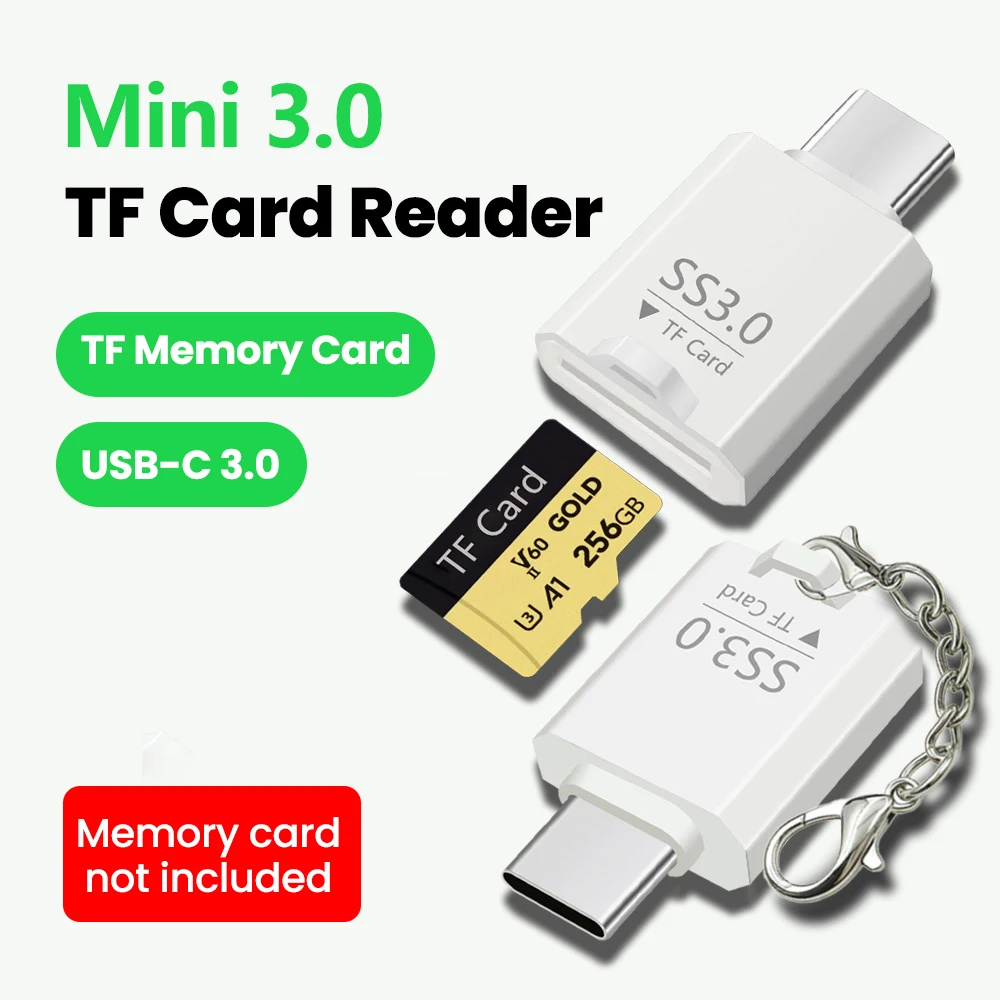
Mini USB TF Card Reader - High-Speed USB-C Memory Card Adapter
Compact USB TF card reader for fast, portable memory card transfers, available in USB2.0 or USB3.0.
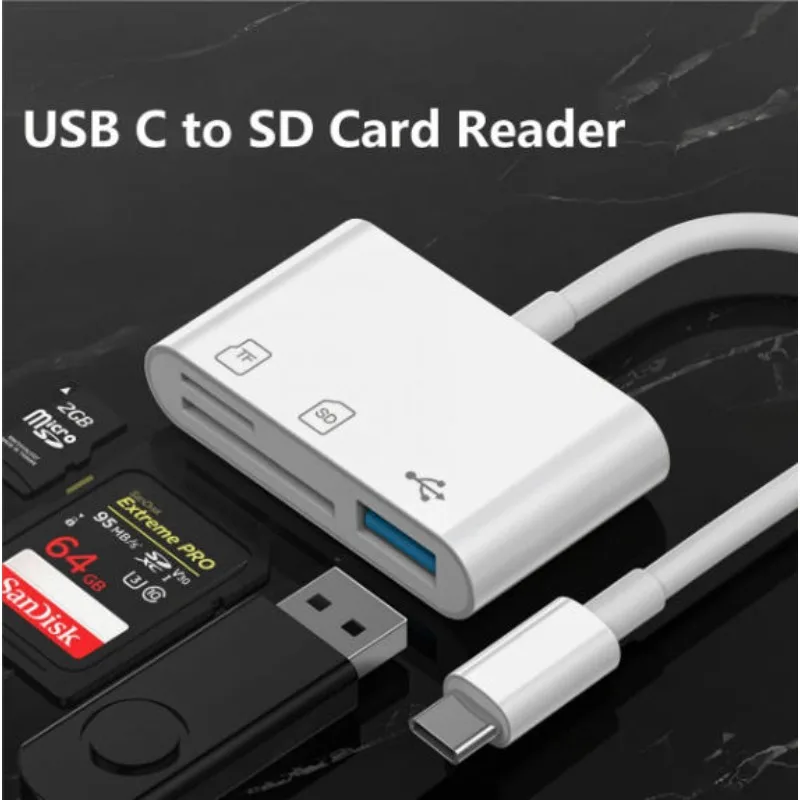
USB C to SD Card Reader Adapter with MicroSD Slot
A compact USB-C adapter that reads SD and microSD cards, compatible with iPhone 15/16, iPad and MacBook Pro/Air.
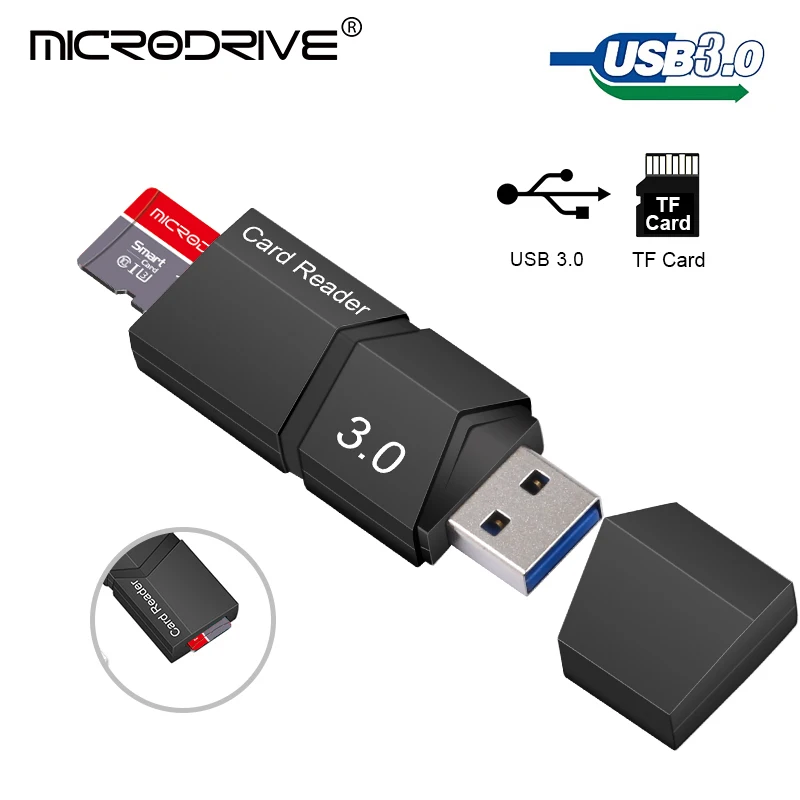
USB 3.0 Micro SD Card Reader - High Speed TF Card Adapter
Compact USB 3.0 card reader for fast, reliable transfer of Micro SD and TF card data.
£10.99
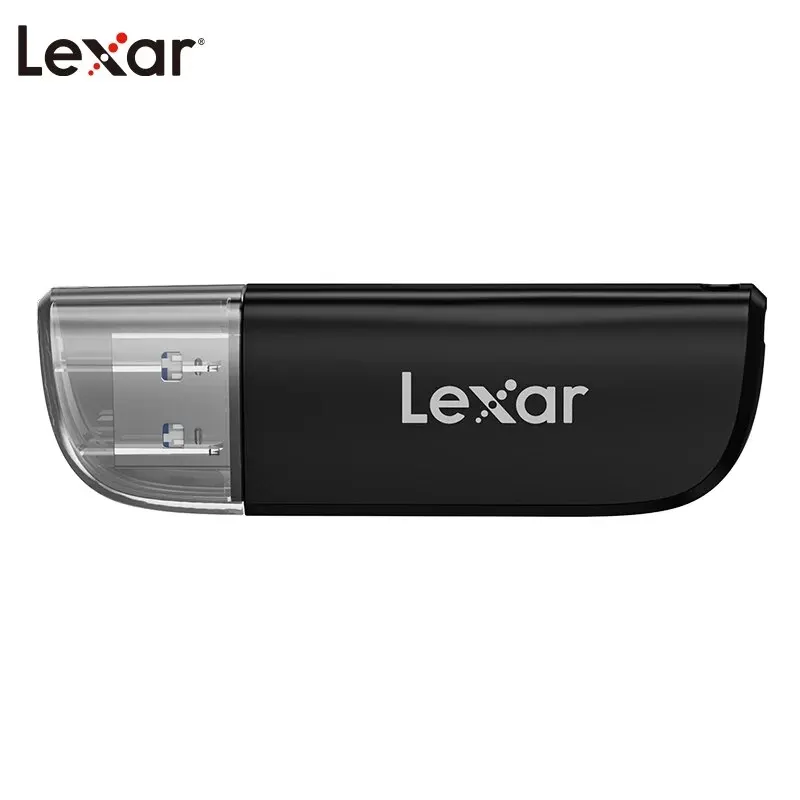
Lexar Dual-Slot USB 3.2 Micro SD Card Reader
Dual-slot USB 3.2 card reader for SD and microSD cards, supporting capacities up to 1TB.
VGA: older projectors and monitors
The blue socket with three rows of pins on older projectors and monitors, still found in schools, meeting rooms and halls.
- For a screen, the laptop's USB-C port must carry video: look for a DisplayPort or lightning-bolt symbol beside it, or check the laptop's specifications.
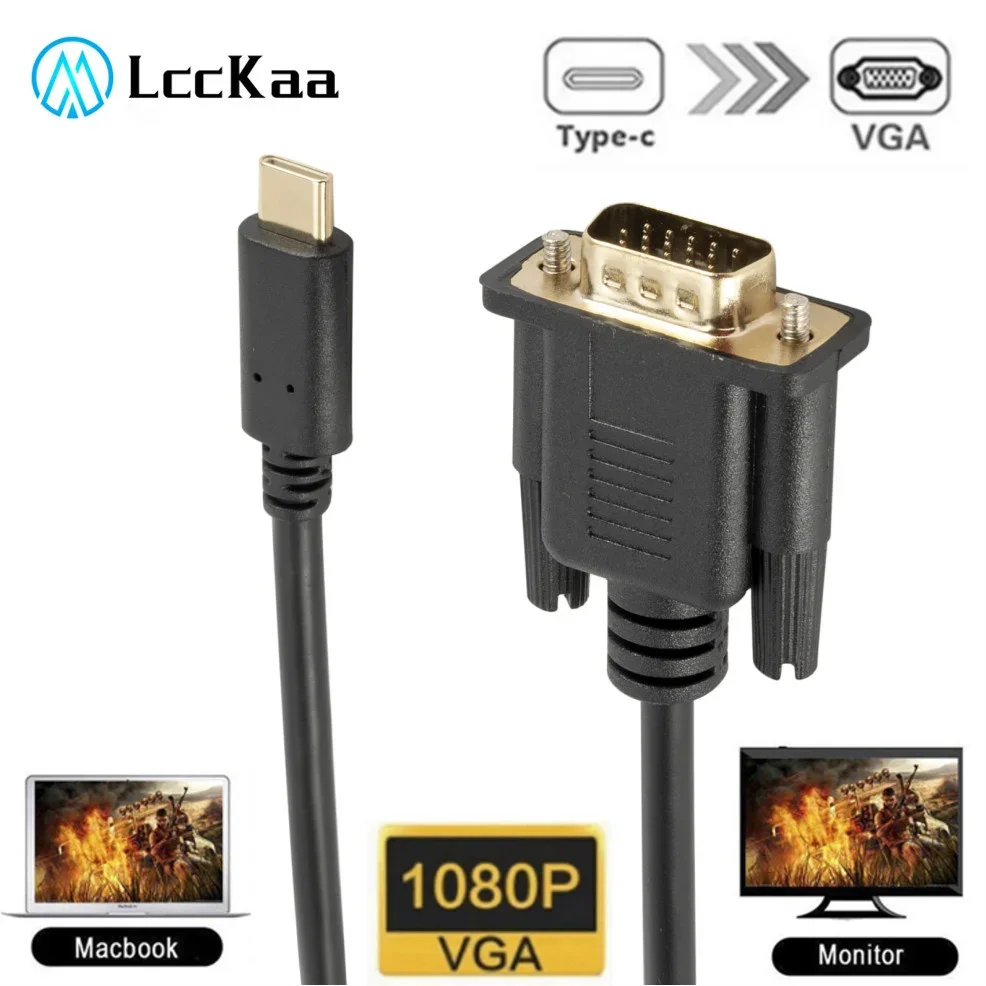
USB-C to VGA Cable - 1080P Adapter Lead for Laptop, 1.8m
1.8m USB-C to VGA adapter cable that converts a laptop's USB-C output into a VGA signal for monitors and projectors, supporting 1080P.
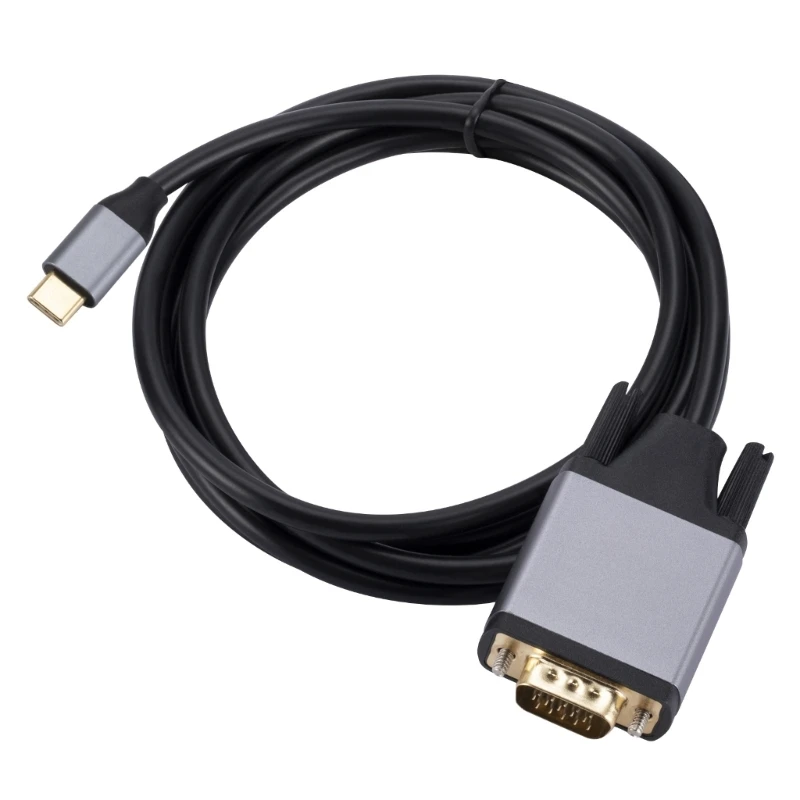
USB C to VGA Cable - High Definition Type C to VGA Converter Cord
USB C to VGA cable for mirroring or extending your screen to VGA monitors, TVs and projectors, no driver needed.
£16.99
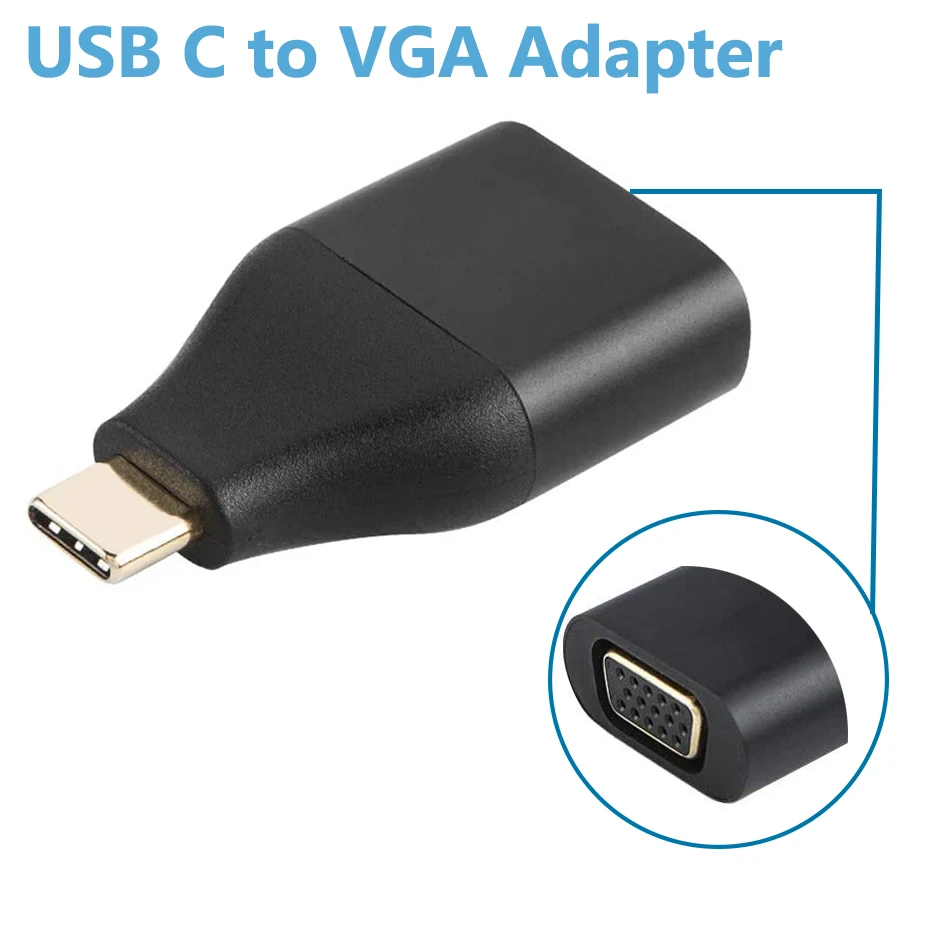
USB-C to VGA Adapter - 1080P Thunderbolt 3 Converter
USB-C to VGA adapter supporting 1080P@60Hz, plug and play, for laptops with DP Alt Mode such as MacBook and Dell/HP.
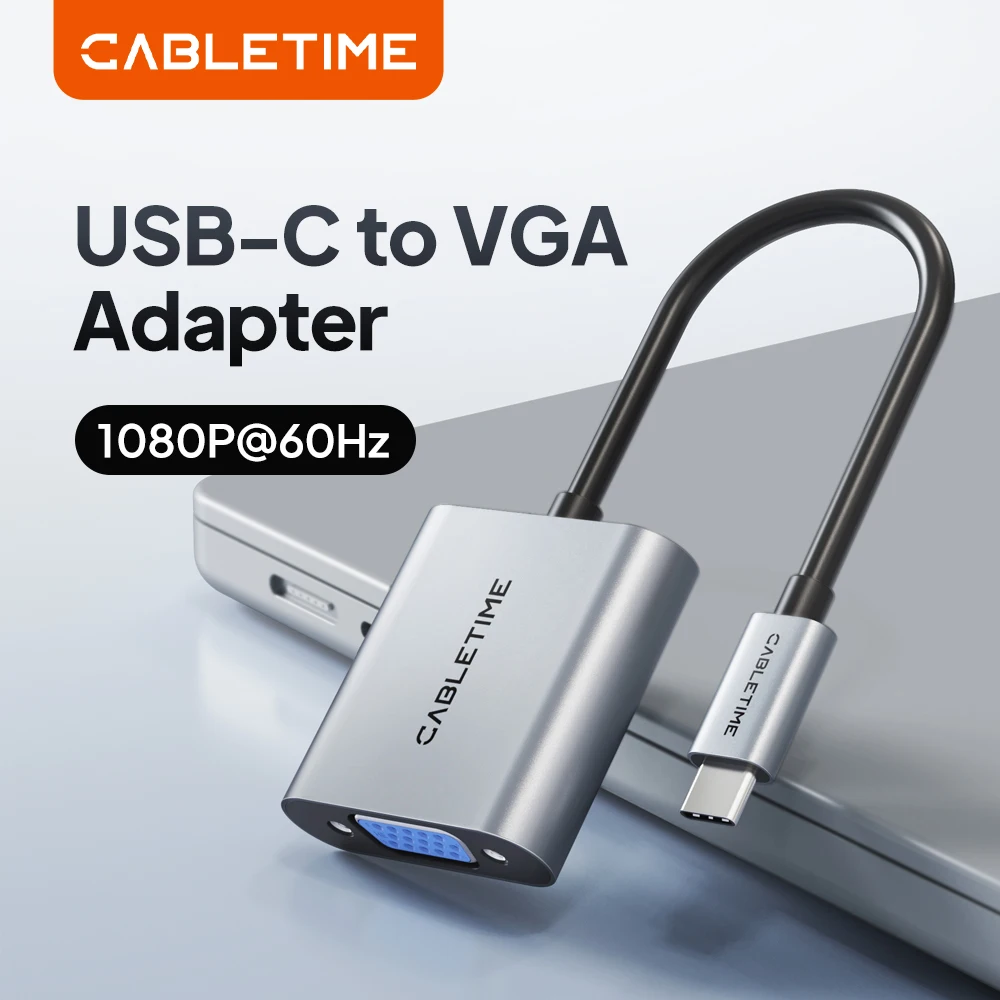
CABLETIME USB-C to VGA Adapter, 1080p 60Hz
USB-C to VGA adapter delivering 1080p 60Hz video for connecting laptops and phones to VGA monitors and projectors.
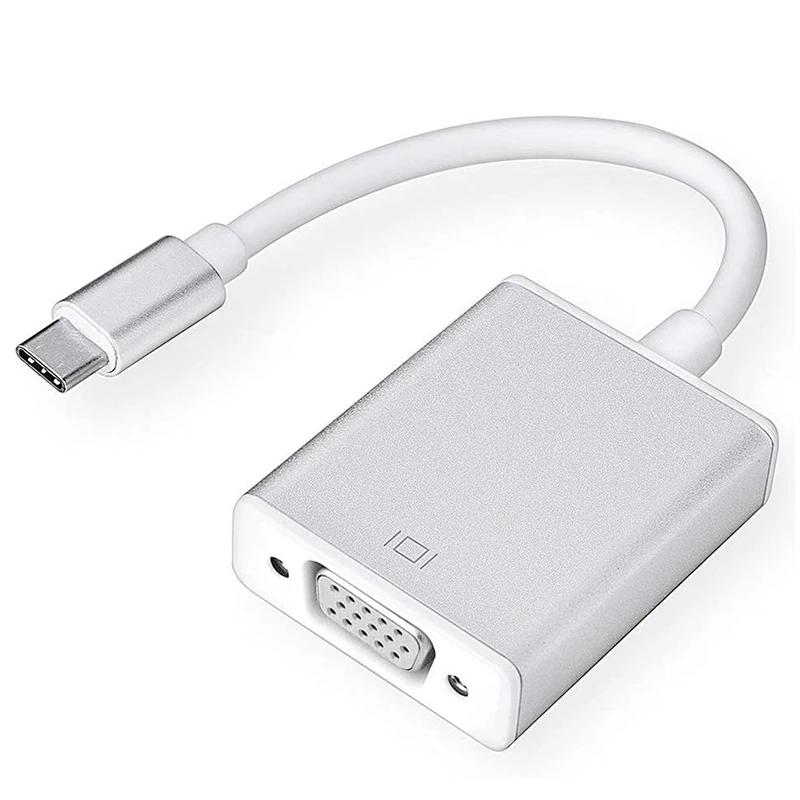
USB-C to VGA Adapter - USB 3.1 Type-C to VGA Converter
USB-C to VGA adapter for connecting DP Alt Mode laptops and tablets to VGA monitors and projectors, supporting up to 1080P.
USB-C to VGA Adaptor Cable for MacBook, Chromebook and Galaxy Devices
USB-C to VGA adaptor cable for connecting MacBook, Chromebook, Galaxy and other USB-C devices to a VGA display.
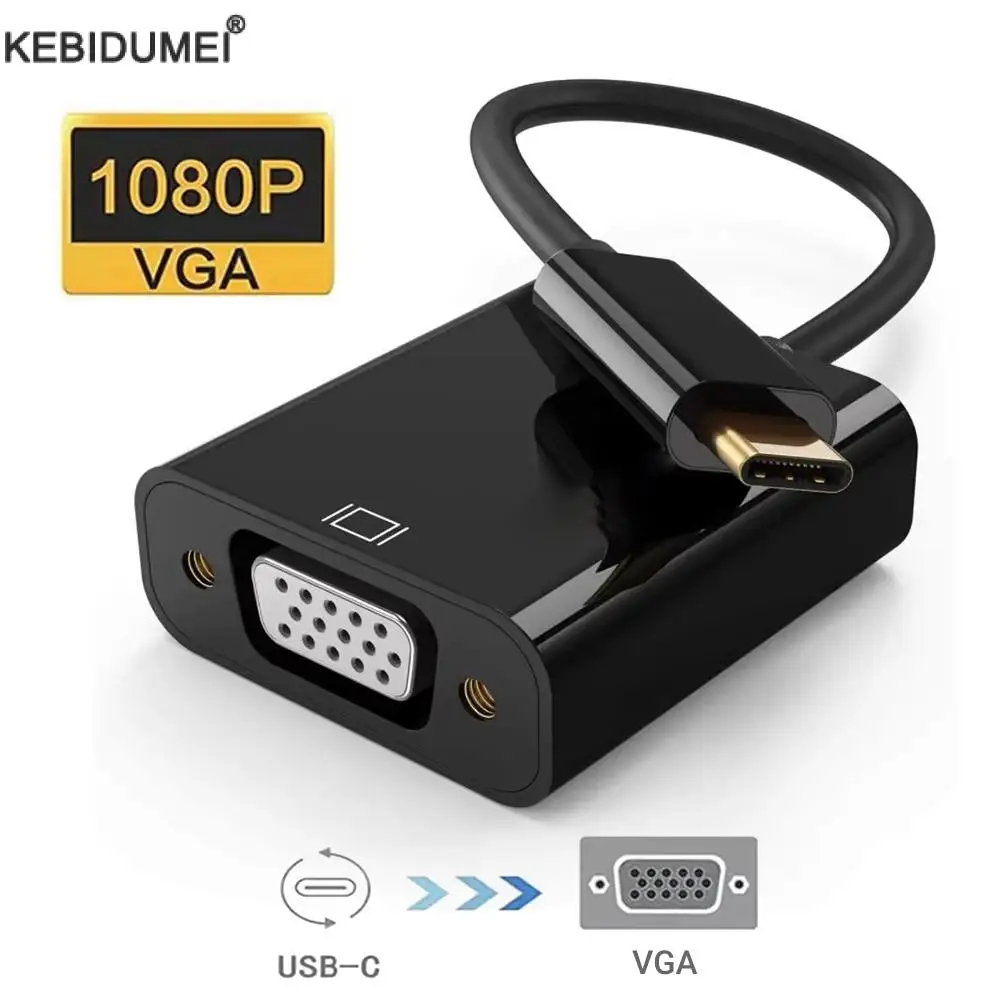
USB-C to VGA Adapter Cable - USB 3.1 Type C Male to VGA Female
USB-C to VGA adapter cable for connecting compatible laptops, tablets and phones to VGA monitors or projectors.
A hub or dock: everything from one port
A USB-C hub gives a screen, USB sockets, a card reader and often charging, all from one port. A docking station does the same on the desk, with more sockets and its own power.
- Check the hub lists every socket you need before you buy.
- Hubs that pass charging through let you charge the laptop through the hub.
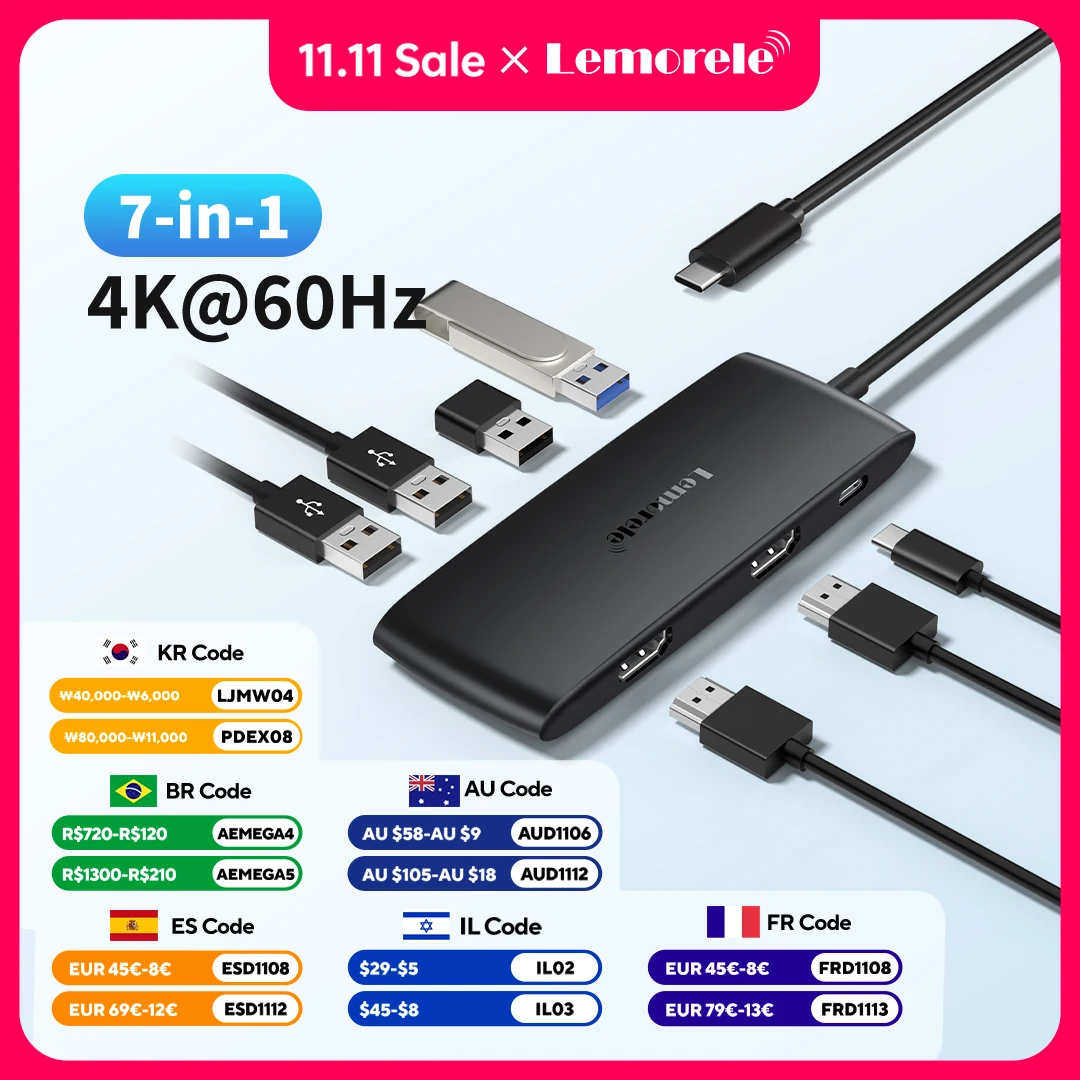
Lemorele TC510 7-in-1 USB-C Docking Station - Dual HDMI 4K@60Hz
A 7-in-1 USB-C hub with dual 4K@60Hz HDMI, USB 3.0 data transfer and 100W PD charging for laptops.
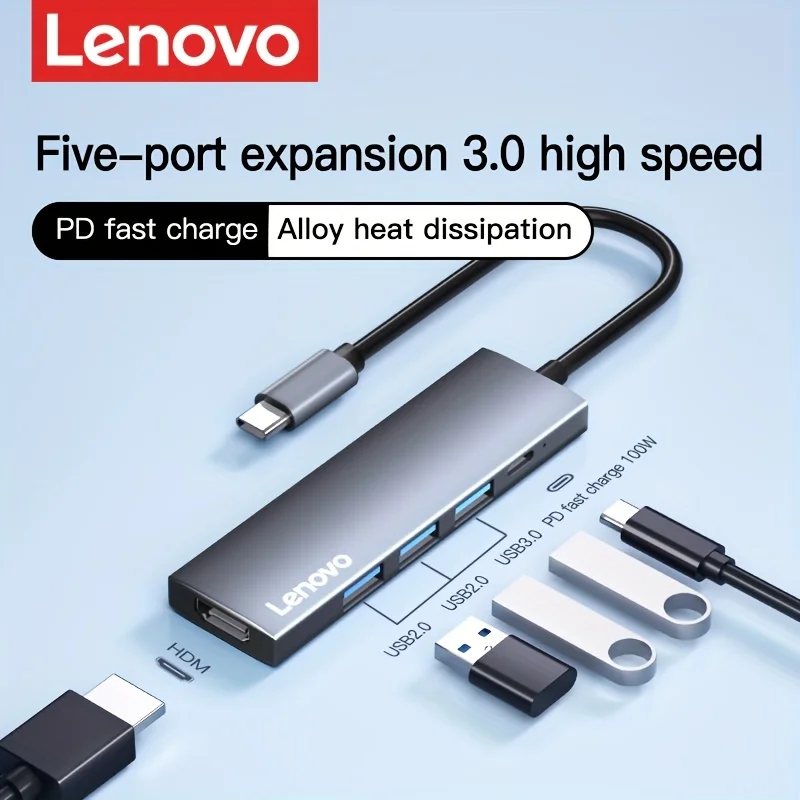
Lenovo S705 5-in-1 USB-C Docking Station, 4K HDMI, PD Fast Charging
A 5-in-1 USB-C docking station with 4K HDMI, USB 3.0 data transfer and 85W pass-through charging for laptops and tablets.
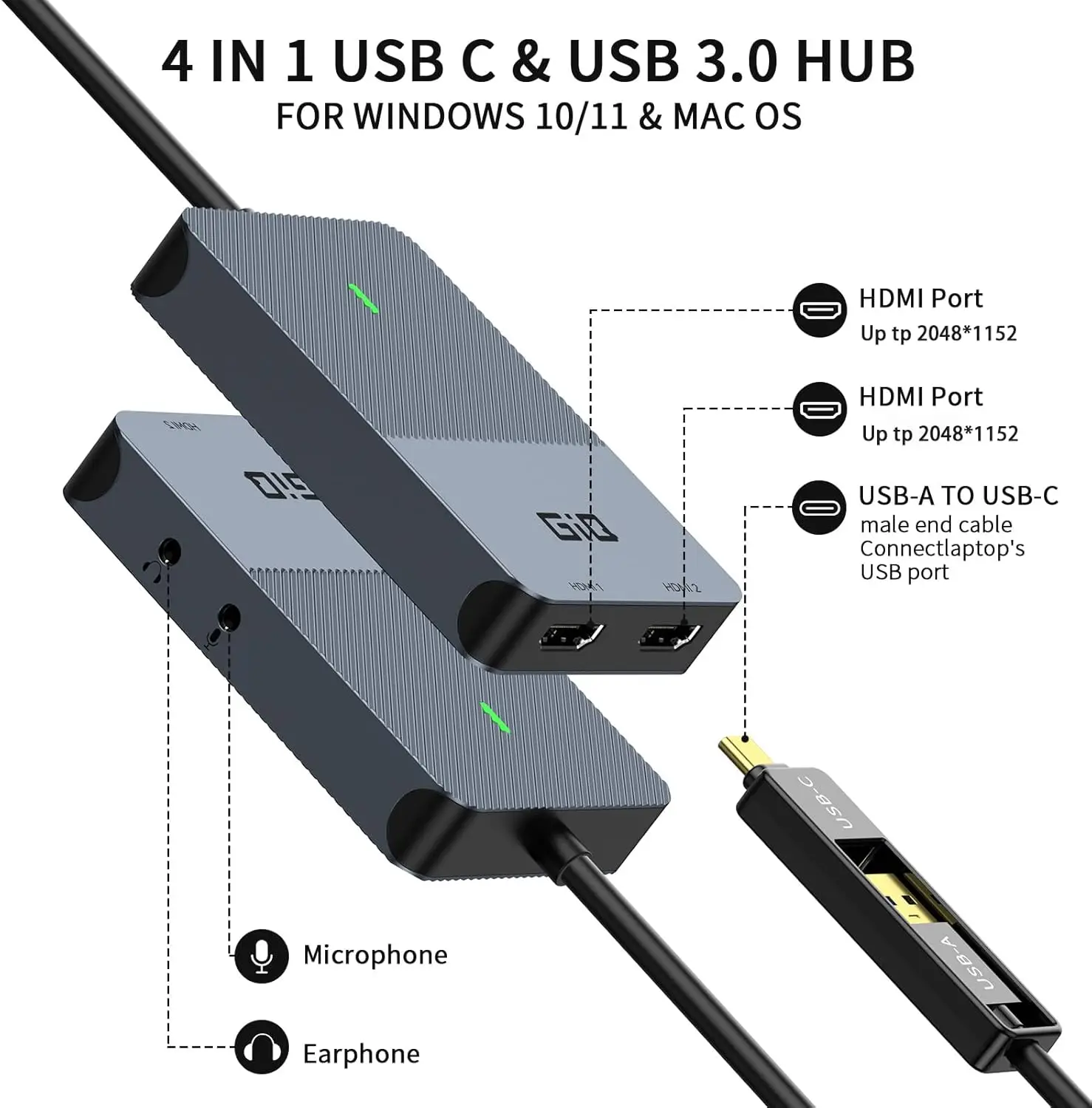
DisplayLink USB-C/USB3.0 Docking Station with Dual HDMI, Audio Jacks and OTG Adapter
A 4-in-1 DisplayLink docking hub with dual HDMI, Ethernet, card readers and audio jacks for a dual-monitor laptop setup.
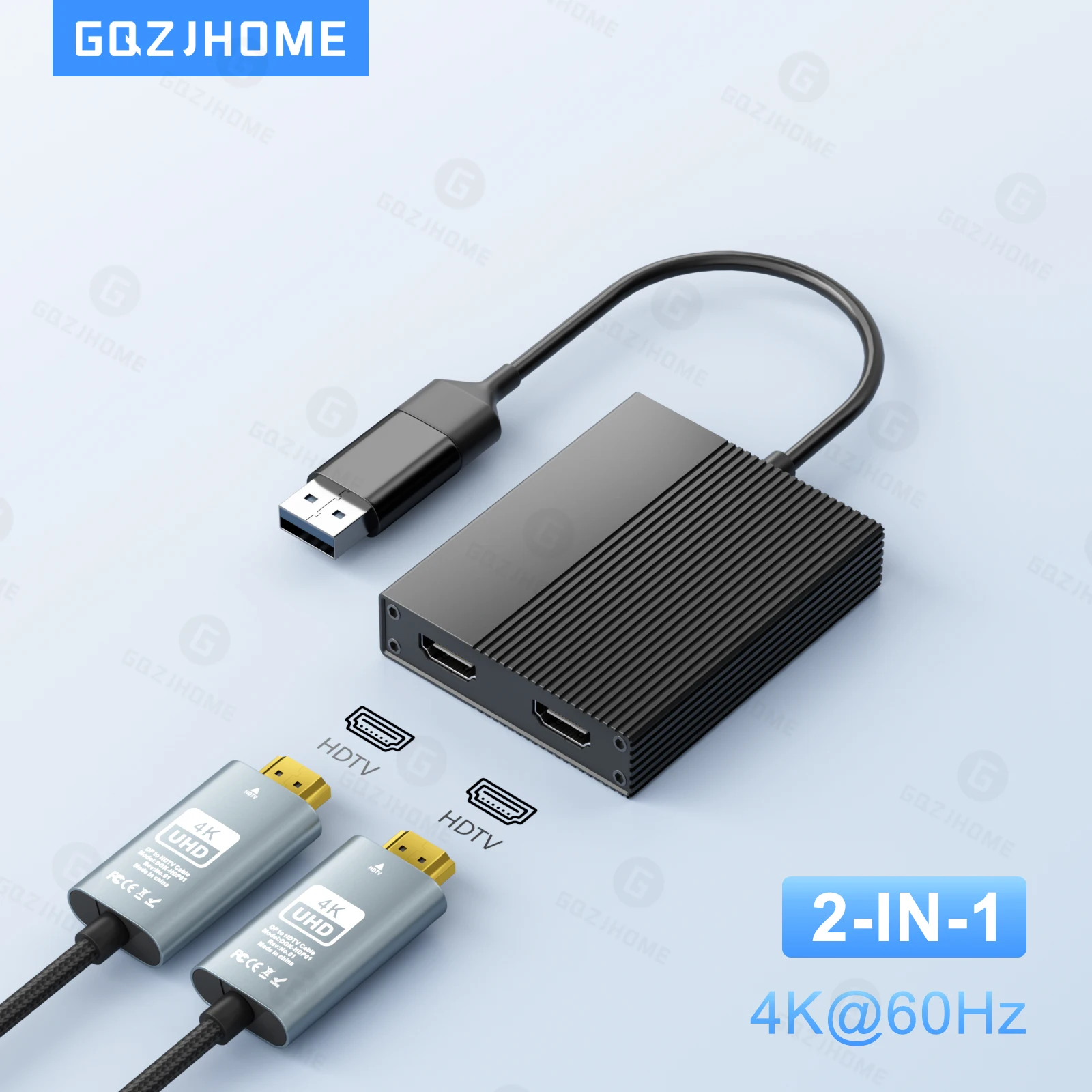
USB-C / USB 3.0 to Dual HDMI 4K 60Hz Docking Station (DisplayLink DL6950)
USB-C/USB 3.0 docking station with dual 4K 60Hz HDMI outputs, powered by the DisplayLink DL6950 chip, for Windows, Mac and more.
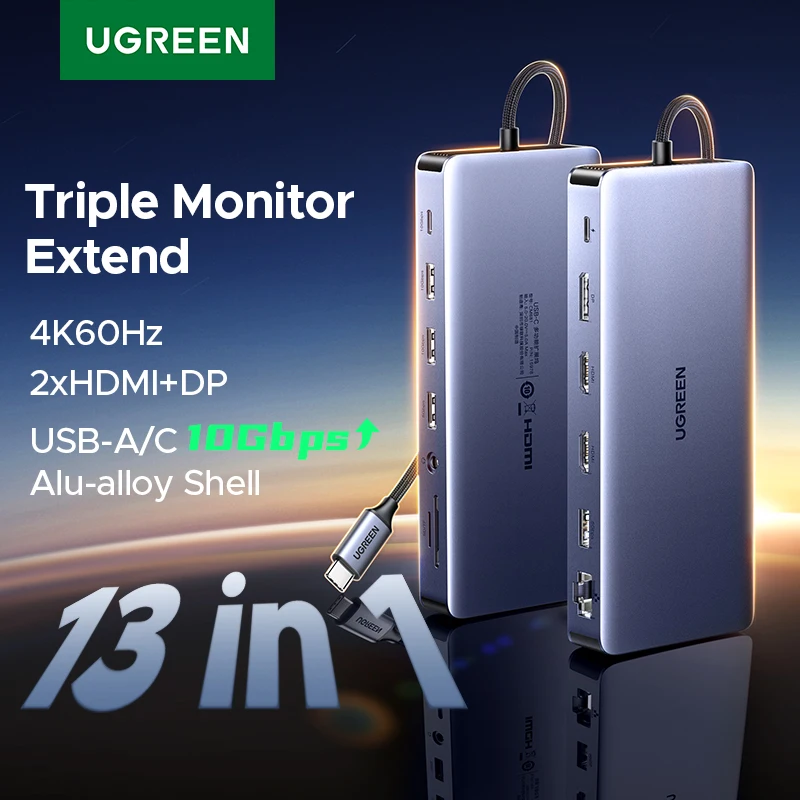
UGREEN 13-in-1 USB-C Docking Station - Triple Display 4K60Hz, 2xHDMI, DP, RJ45
13-in-1 USB-C docking station with 2x HDMI, DisplayPort, RJ45 and card readers for triple 4K display and fast data transfer.
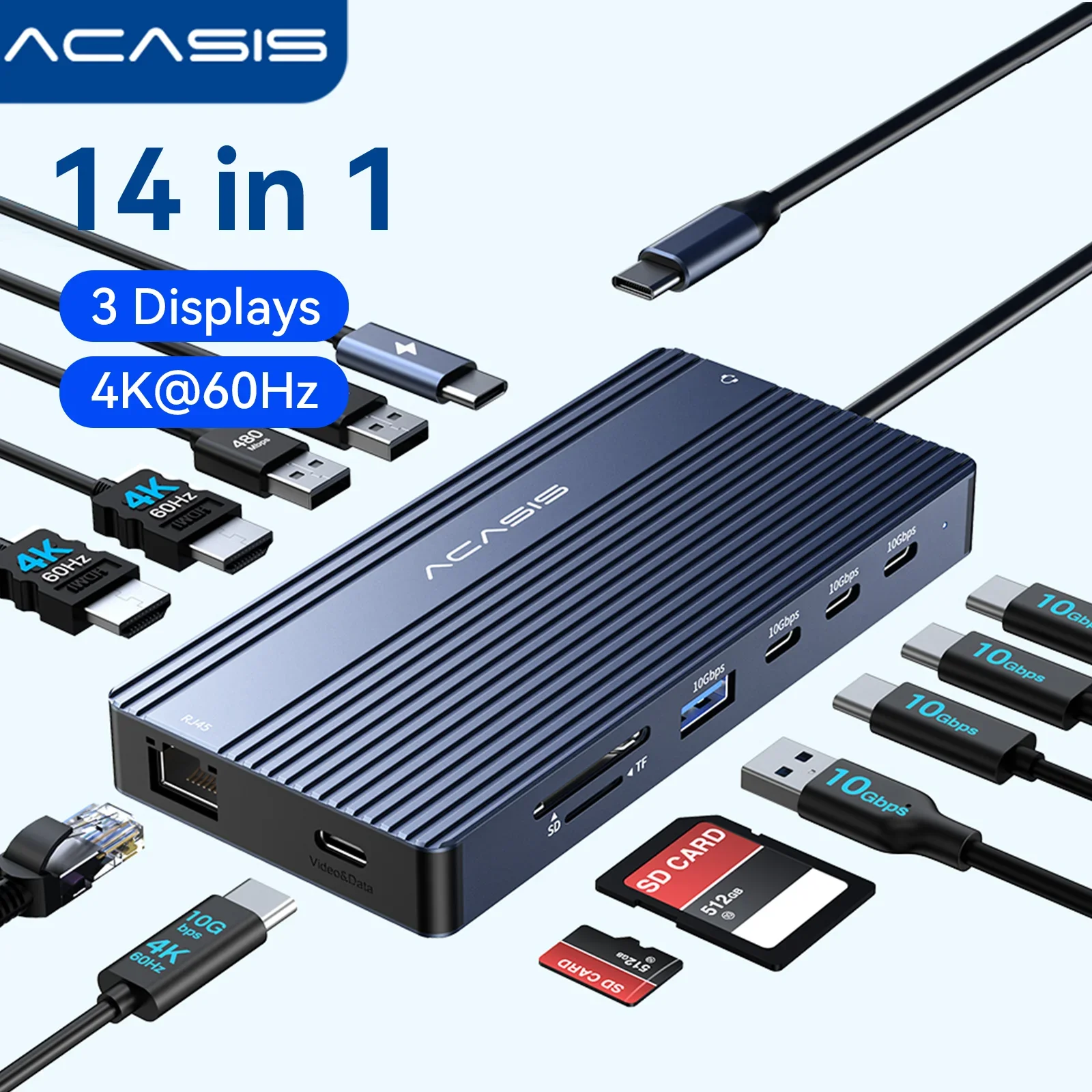
14-in-1 USB-C Docking Station, Triple Display 4K60Hz, PD100W, 10Gbps Hub
14-in-1 USB-C docking station with triple 4K60Hz display output, PD100W charging and 10Gbps data transfer for laptops and MacBooks.
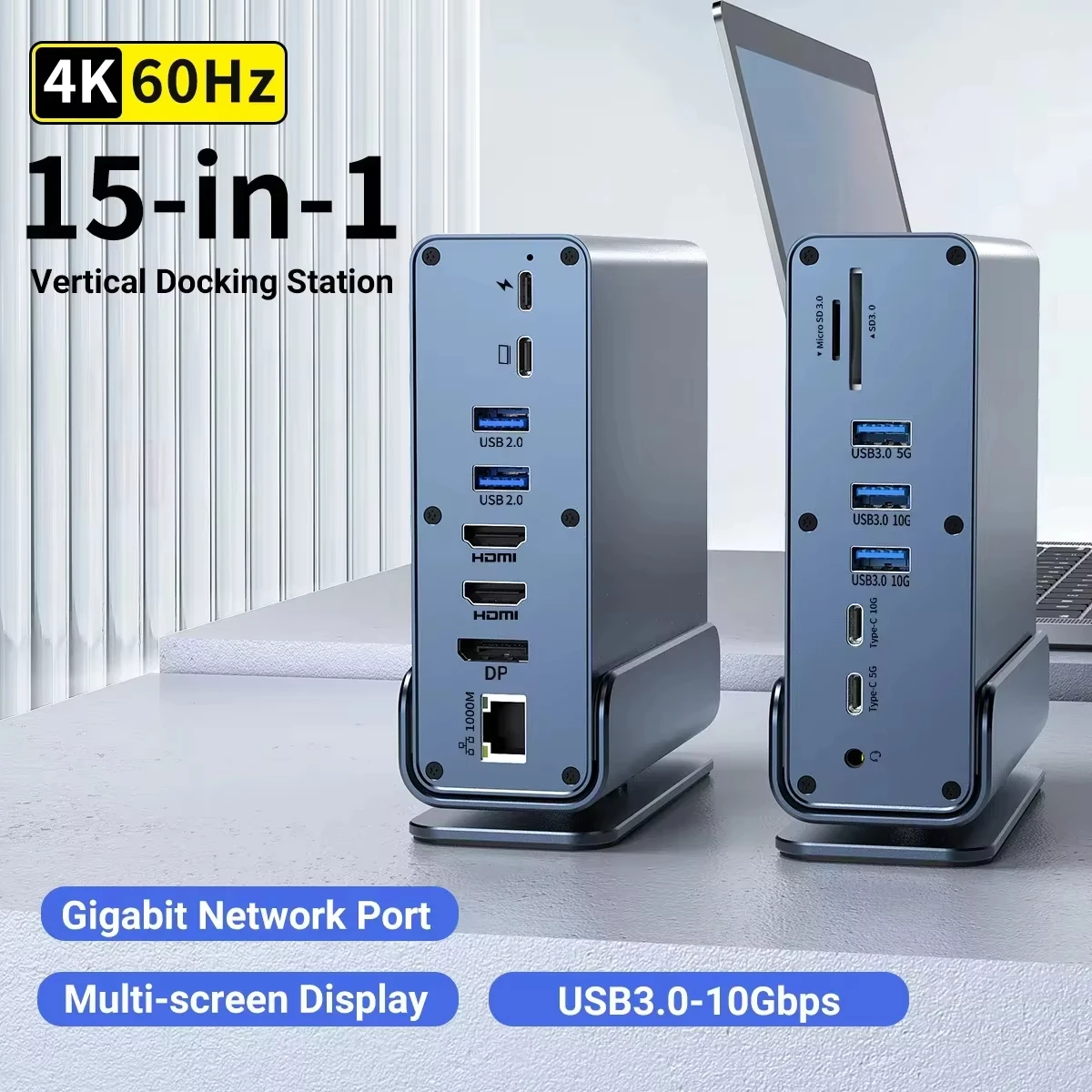
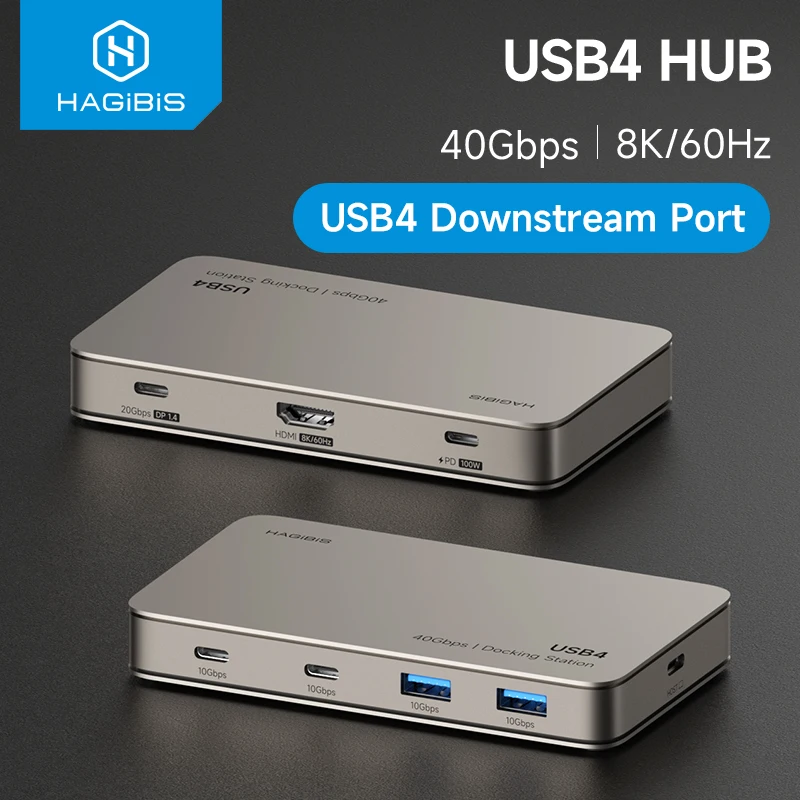
Hagibis USB4 Docking Station Triple Display USB-C Hub, Thunderbolt 4/5 Compatible, 40Gbps 8K
USB4 docking station with 40Gbps data transfer and 8K display support for MacBook Pro and Air laptops.
Desk set-up builder
Build your desk.
Tick what you want and watch it go on the desk, then see the stand, keyboard, mouse and the rest in the shop.
What do you want on the desk?
The Health and Safety Executive's guidance on working at a computer suggests raising the screen and using a separate keyboard and mouse when you work on a laptop for long periods.
Laptop stand
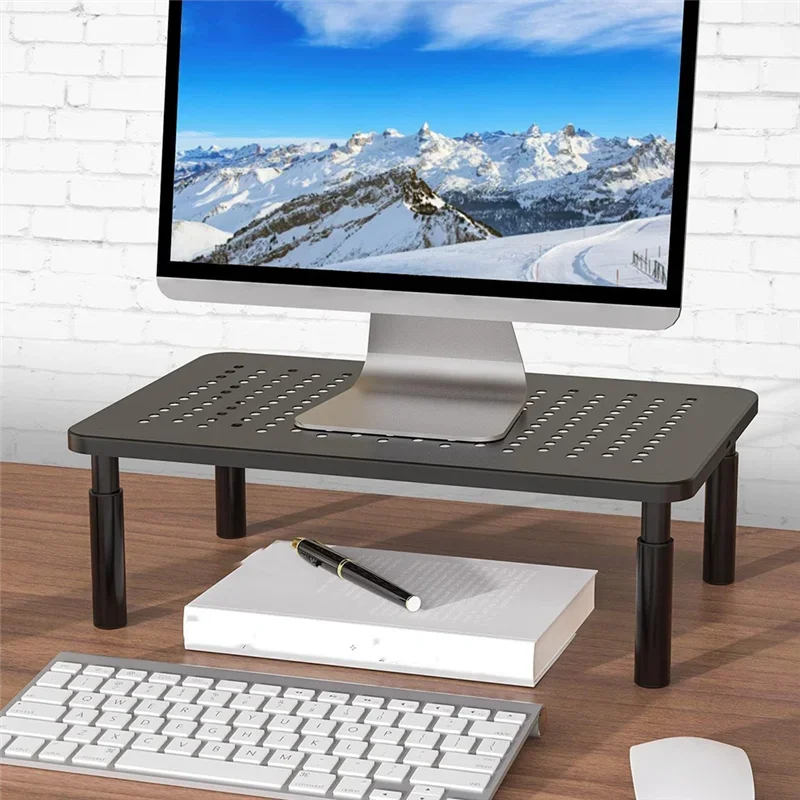
Adjustable Telescopic Monitor Stand with Storage
Telescopic monitor stand that raises your screen for better posture, with built-in storage for desk essentials.
Keyboard
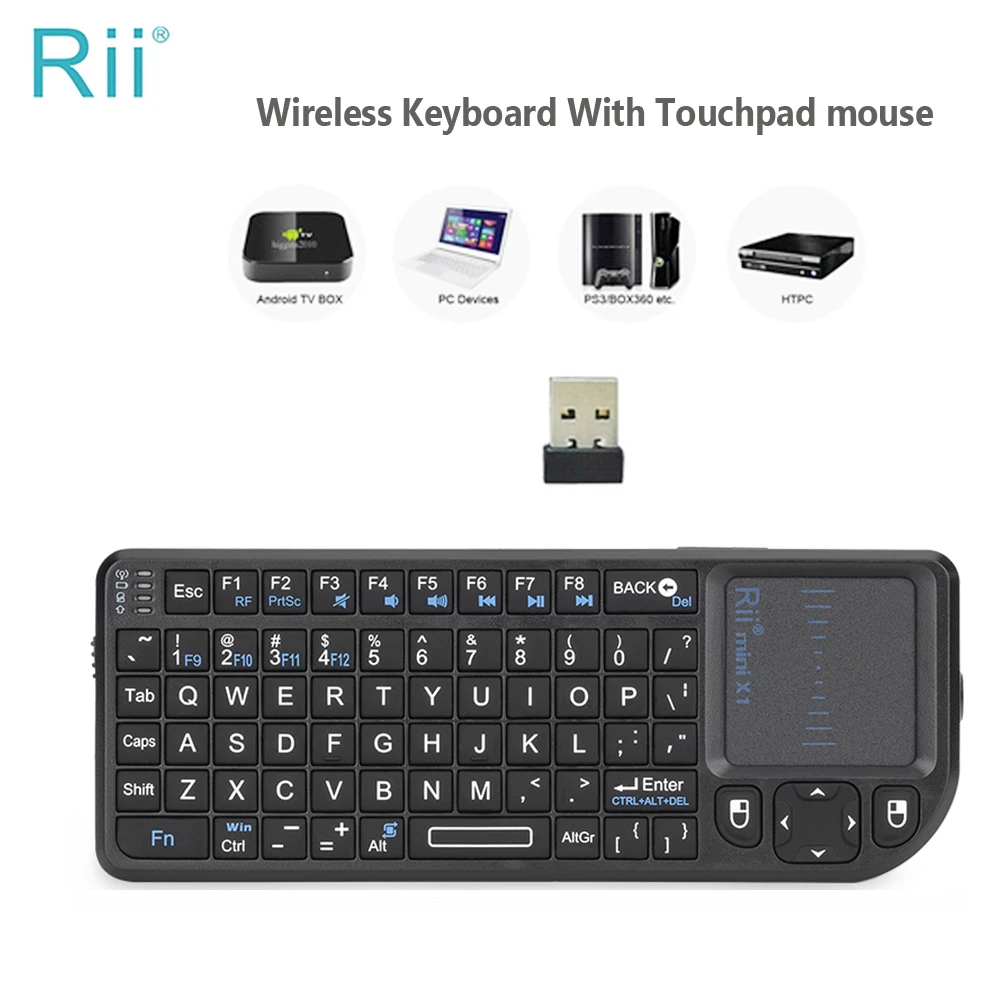
Rii X1 Mini Wireless Keyboard with Touchpad for PC, Laptop & TV Box
Compact 2.4GHz wireless keyboard with built-in touchpad mouse for PCs, laptops, smart TVs and Android TV boxes.
Mouse
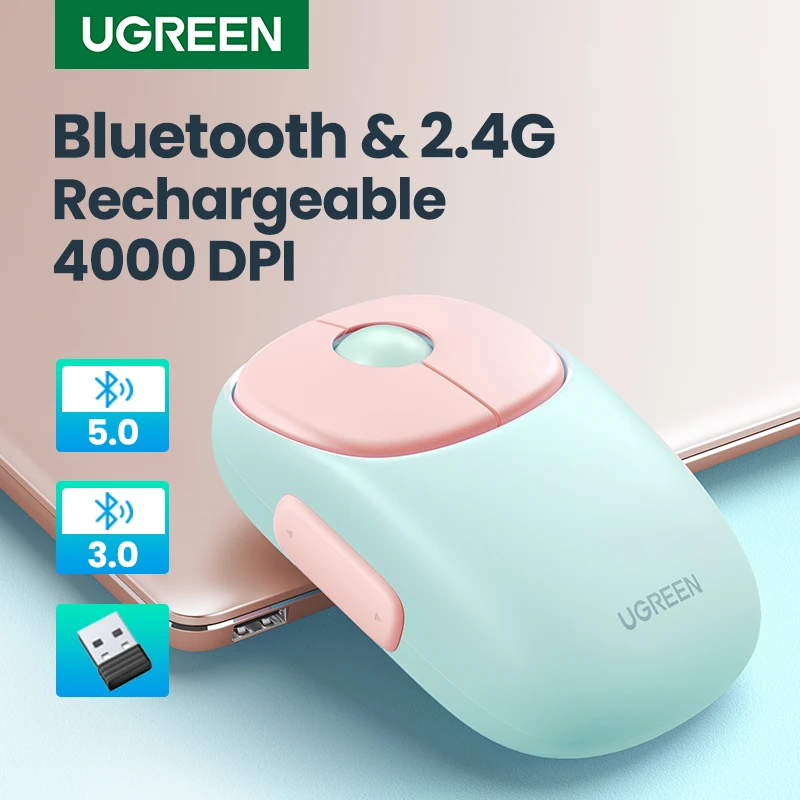
UGREEN Slim Rechargeable Wireless Mouse, Bluetooth & 2.4G, 4000 DPI
Slim rechargeable wireless mouse with Bluetooth and 2.4G dual-mode connection, quiet clicks and up to 4000 DPI.
Hub or dock
Lemorele TC510 7-in-1 USB-C Docking Station - Dual HDMI 4K@60Hz
A 7-in-1 USB-C hub with dual 4K@60Hz HDMI, USB 3.0 data transfer and 100W PD charging for laptops.
Webcam
USB Webcam with Microphone, Manual Focus HD Camera for Video Calls
Plug and play USB webcam with manual focus, built-in microphone and 360 degree rotation for video calls.
£18.99
Desk mat
XL Beige Minimalist Desk Mat and Mouse Pad
XL beige desk mat and mouse pad with a minimalist design for gaming or office desks.
£35.99
Video call light
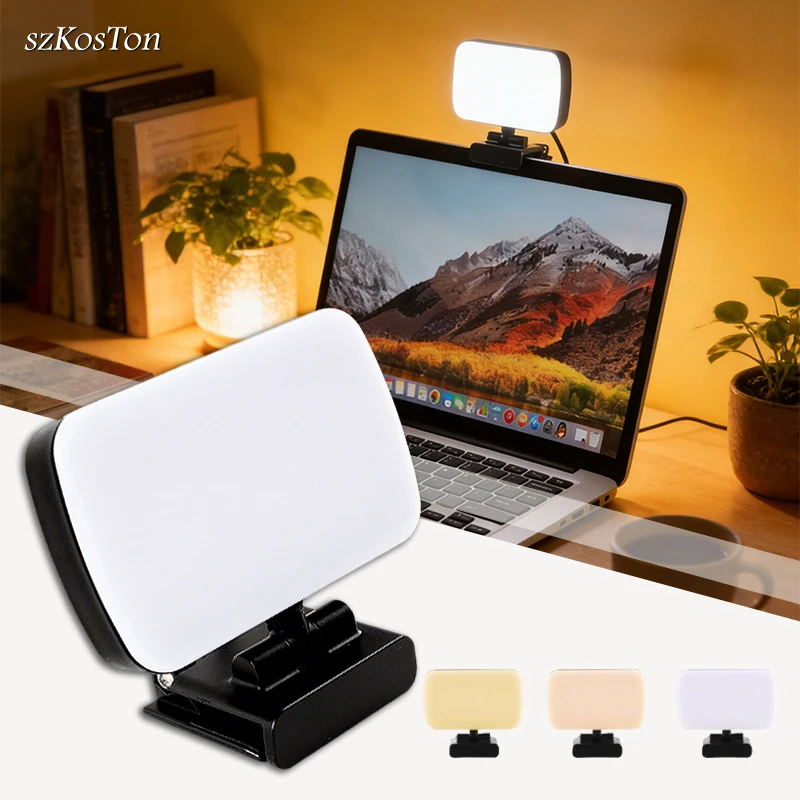
Clip-On LED Video Light for Laptops and Webcams
Clip-on LED light with adjustable brightness and colour temperature, ideal for video calls and live streaming.
£25.99
Where do you work?
Kit for the way you work
Pick the place and see what makes the laptop easier to use there, with four things worth knowing before you buy.
On the move
Light and ready for the bag: padded sleeves and backpacks, a compact hub, a charger with a UK plug and a power bank that can charge a laptop.
Shop for travellers20000mAh 100W Power Bank with LCD Touch Display
A 20000mAh 100W power bank with LCD touch display for fast-charging laptops and phones on the go.
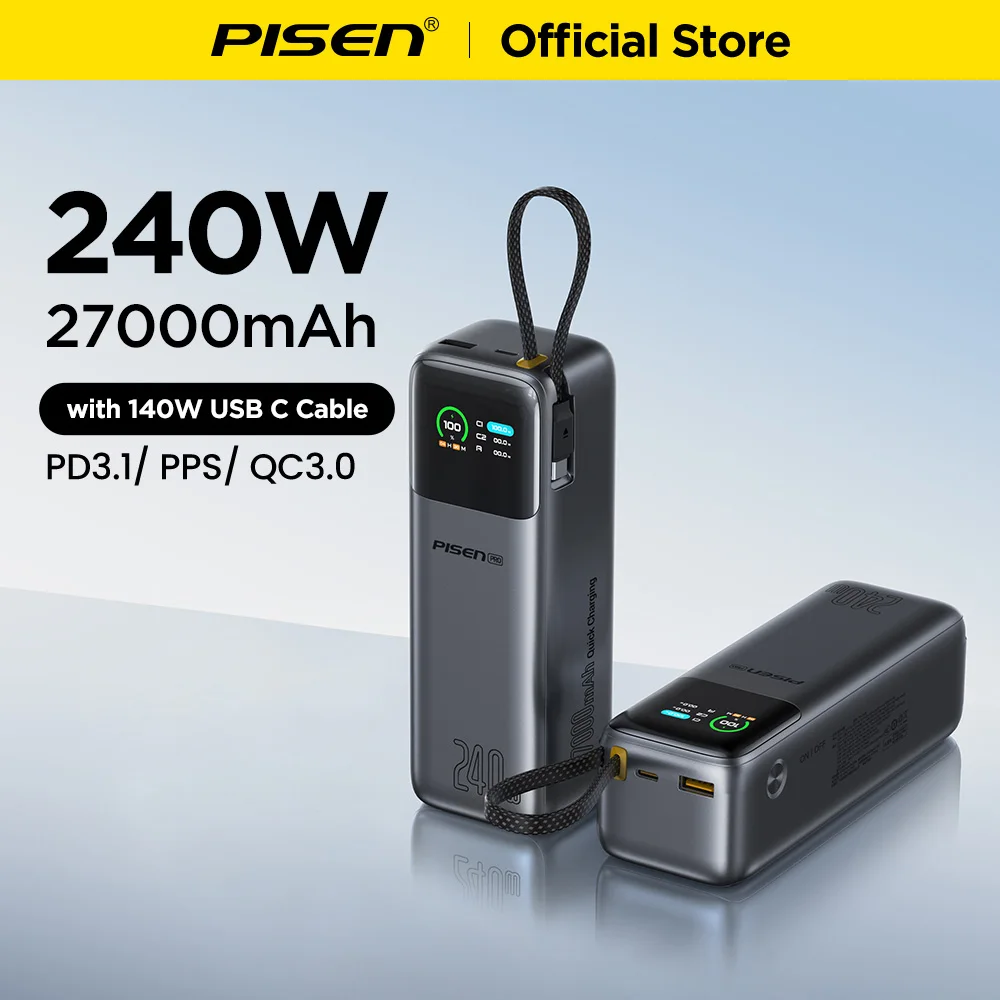
PISEN 240W 27000mAh Power Bank with Built-In 140W USB-C Cable
A 27,000mAh, 240W power bank with a built-in 140W USB-C cable for fast-charging laptops, phones and tablets.
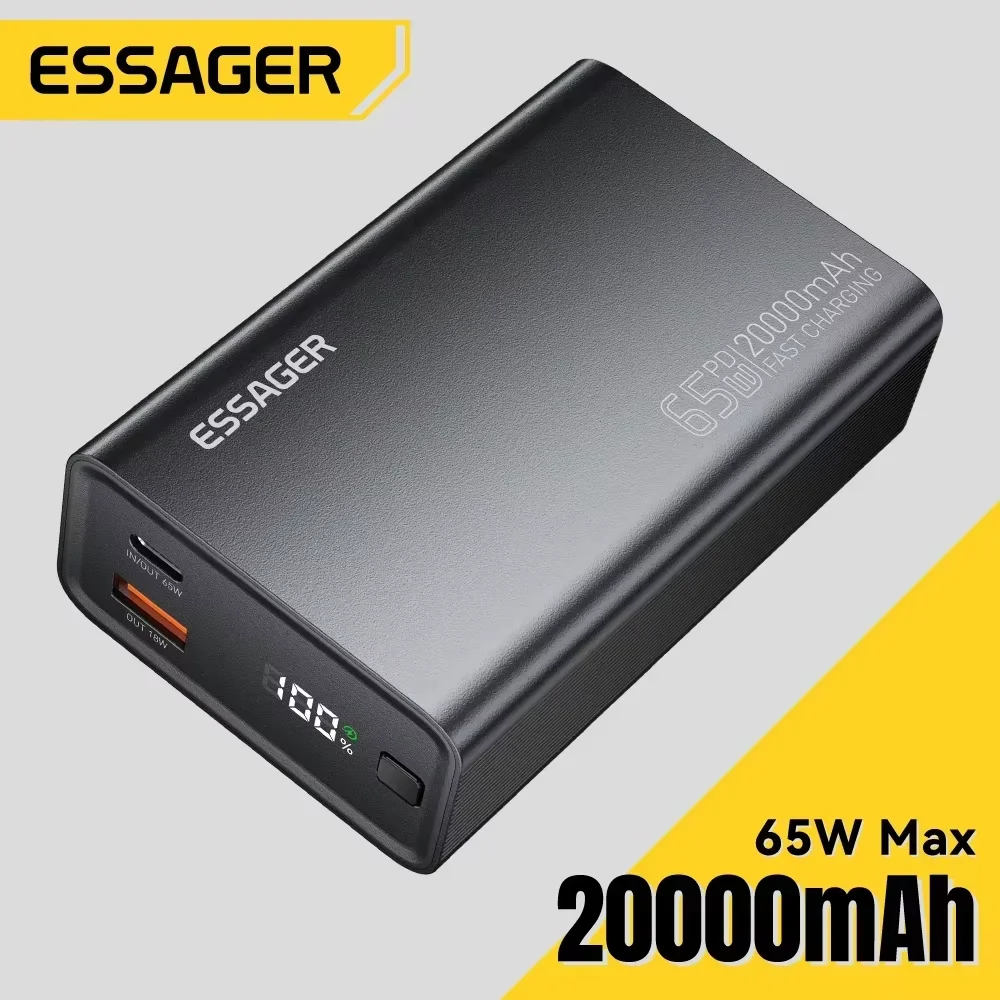
Essager 20000mAh Power Bank with 65W PD Fast Charging
Essager 20000mAh power bank with 65W PD fast charging for phones, tablets and compatible laptops.
£45.99Choose
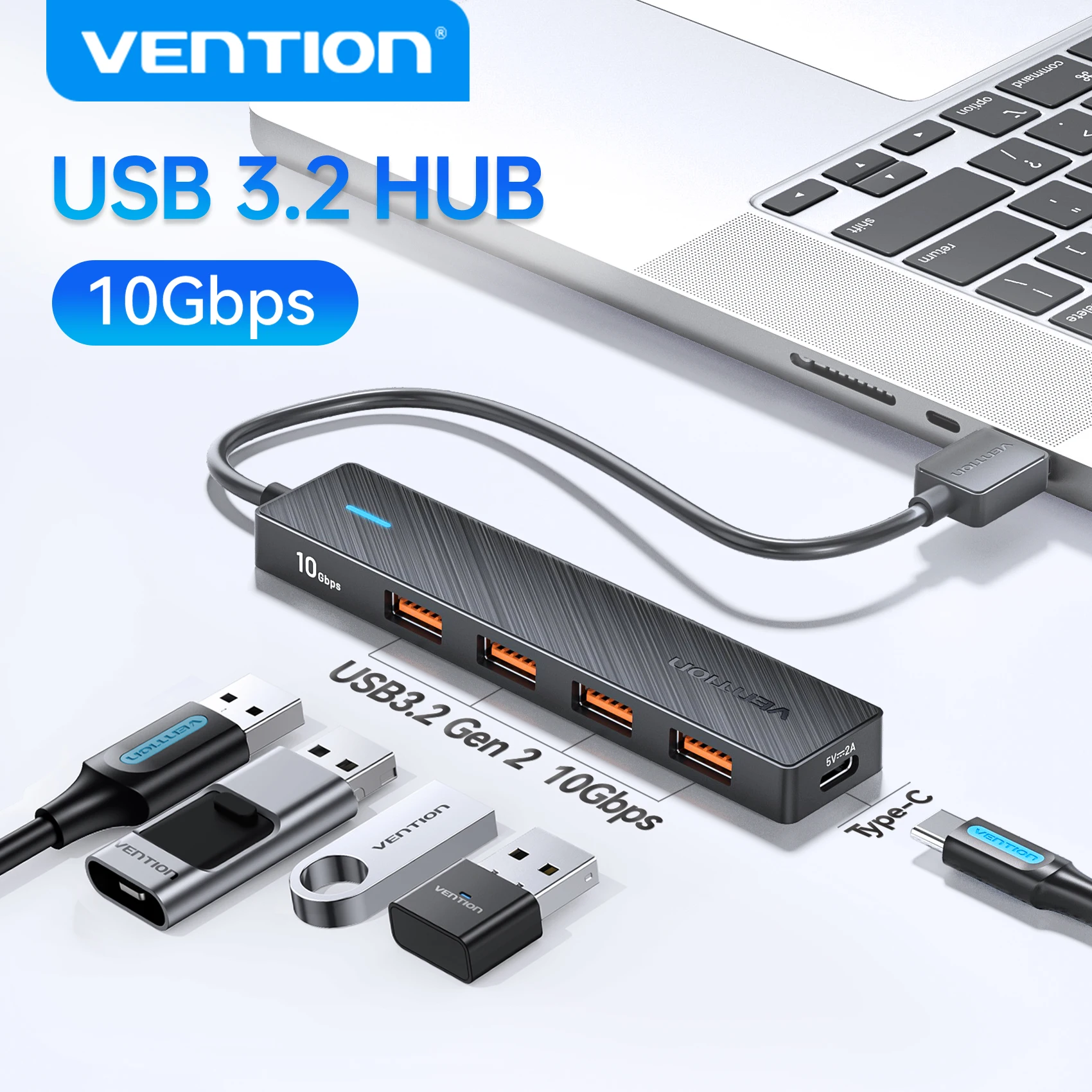
USB 3.2 Gen 2 5-Port Hub, 10Gbps USB-A and USB-C Multiport Adapter
A 5-port USB 3.2 Gen 2 hub offering 10Gbps data transfer, expanding one USB port into four for laptops, PCs and tablets.
- Check the ports first
- Look at the sockets on the side of your laptop before buying a hub or adapter, and check its USB-C port carries video if you want a screen.
- Match the watts
- A charger with fewer watts than your laptop's own may charge it slowly while you work. The watts are printed on your laptop's charger.
- Measure for a sleeve
- Screen sizes are measured corner to corner. Measure your laptop's width and depth and compare them with the sleeve's inside size.
- UK plugs only
- Every charger in the shop comes with a UK 3-pin plug, so there is no travel adapter to buy.
At the kitchen table
A proper set-up that packs away: a foldable stand, a wireless keyboard and mouse, and a webcam for calls.
Shop for home workersAdjustable Aluminium Laptop Stand - Foldable Ergonomic Riser, 7 Angles
Foldable aluminium laptop stand with 7 adjustable angles for a more comfortable, ergonomic working position.
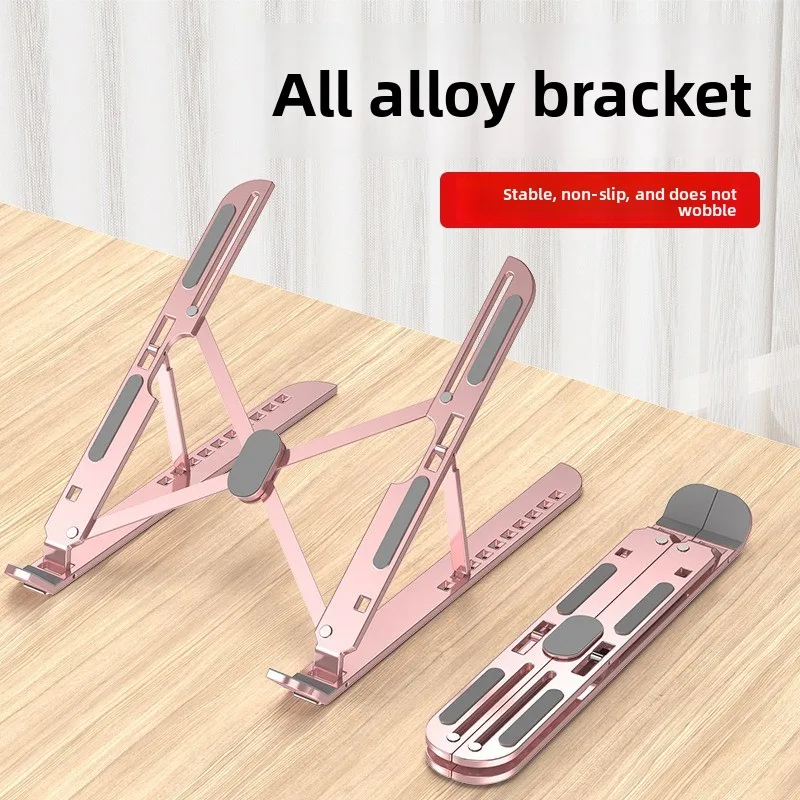
Adjustable Aluminium Laptop Stand - 10 Level Height, Foldable, 8-17 Inch
An adjustable aluminium laptop stand with 10 height levels, foldable for portability, fitting laptops from 8 to 17 inches.
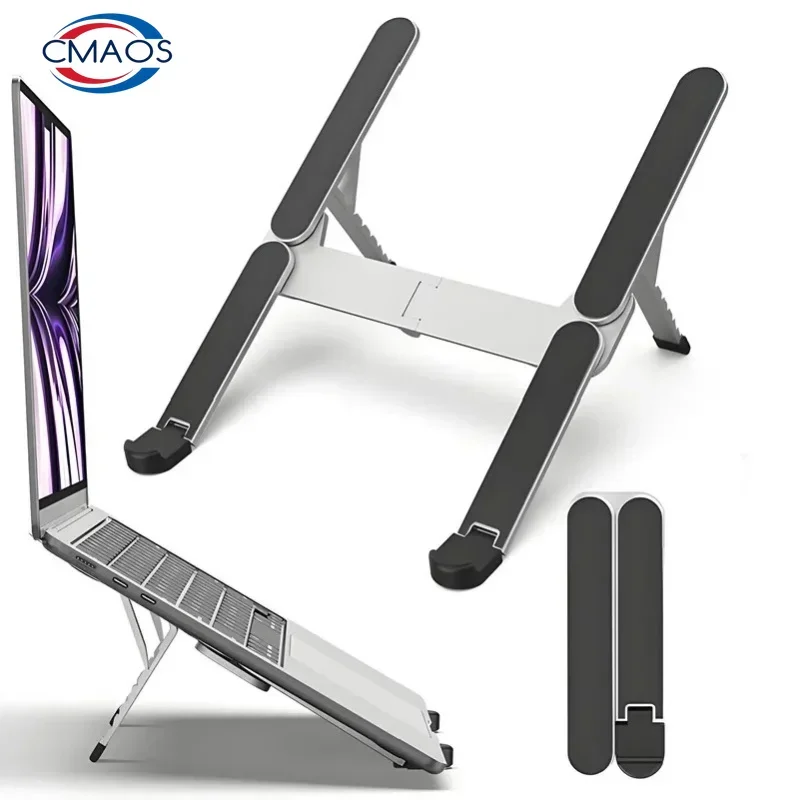
Aluminium Alloy Foldable Laptop Stand - 6 Level Adjustable, Fits 10-17 Inch
A foldable aluminium alloy laptop stand with 6-level height adjustment, fitting 10 to 17 inch devices.
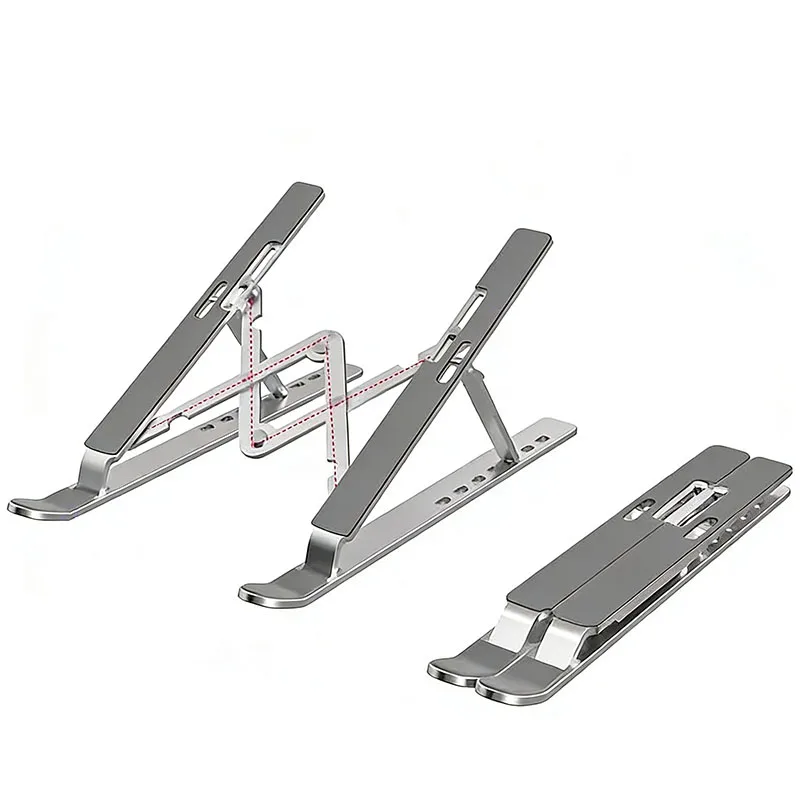
Portable Foldable Aluminium Laptop & Tablet Stand, Height-Adjustable
A foldable, height-adjustable aluminium stand that raises laptops and tablets to a comfortable viewing angle.
- Check the ports first
- Look at the sockets on the side of your laptop before buying a hub or adapter, and check its USB-C port carries video if you want a screen.
- Match the watts
- A charger with fewer watts than your laptop's own may charge it slowly while you work. The watts are printed on your laptop's charger.
- Measure for a sleeve
- Screen sizes are measured corner to corner. Measure your laptop's width and depth and compare them with the sleeve's inside size.
- UK plugs only
- Every charger in the shop comes with a UK 3-pin plug, so there is no travel adapter to buy.
On the sofa or in bed
Somewhere flat for the laptop and cooler air underneath it: lap desks, bed trays and cooling pads.
Shop lap desksWood Bed Tray Laptop Table - Adjustable Folding Lap Desk Stand
Folding bamboo bed tray and lap desk with a media bar, carry handles and a comfortable lowered front edge.
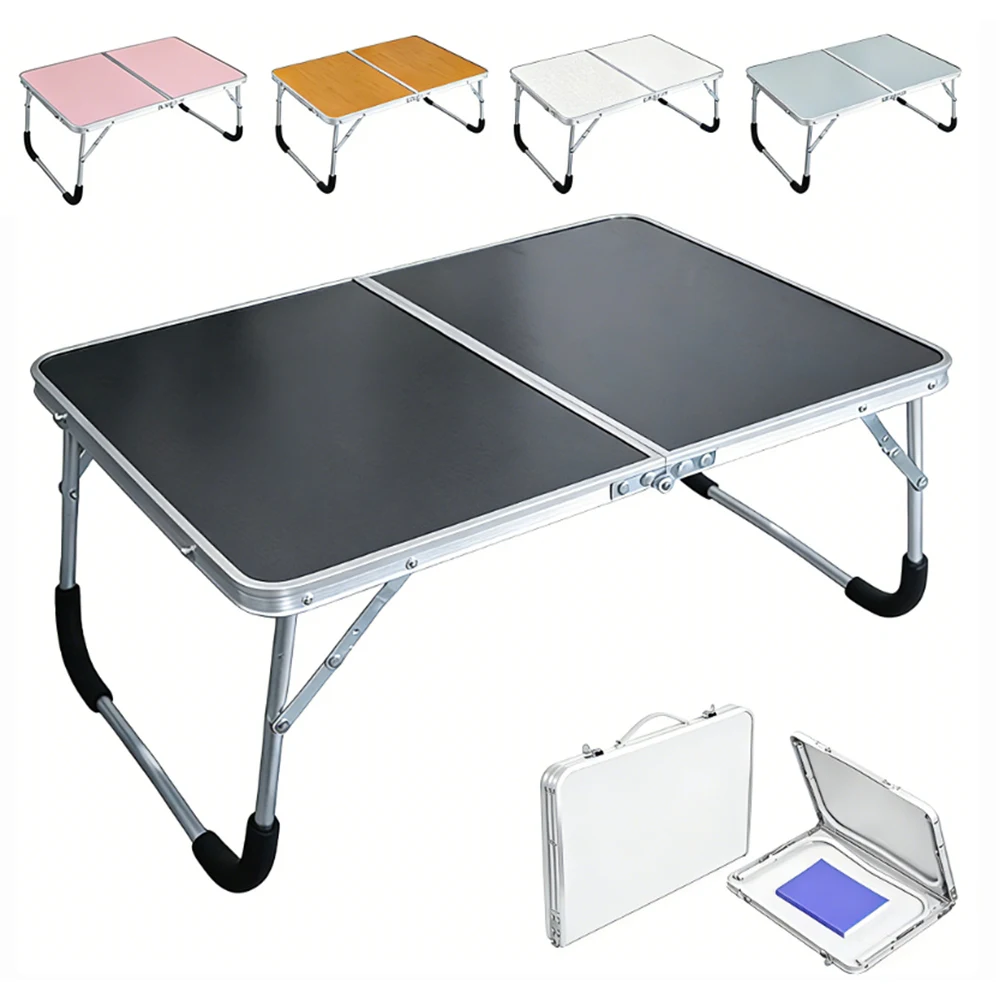
Foldable Laptop Desk - Portable Lap Table for Bed and Sofa
Lightweight foldable lap table for laptops, reading or meals, ideal for bed, sofa or small spaces.
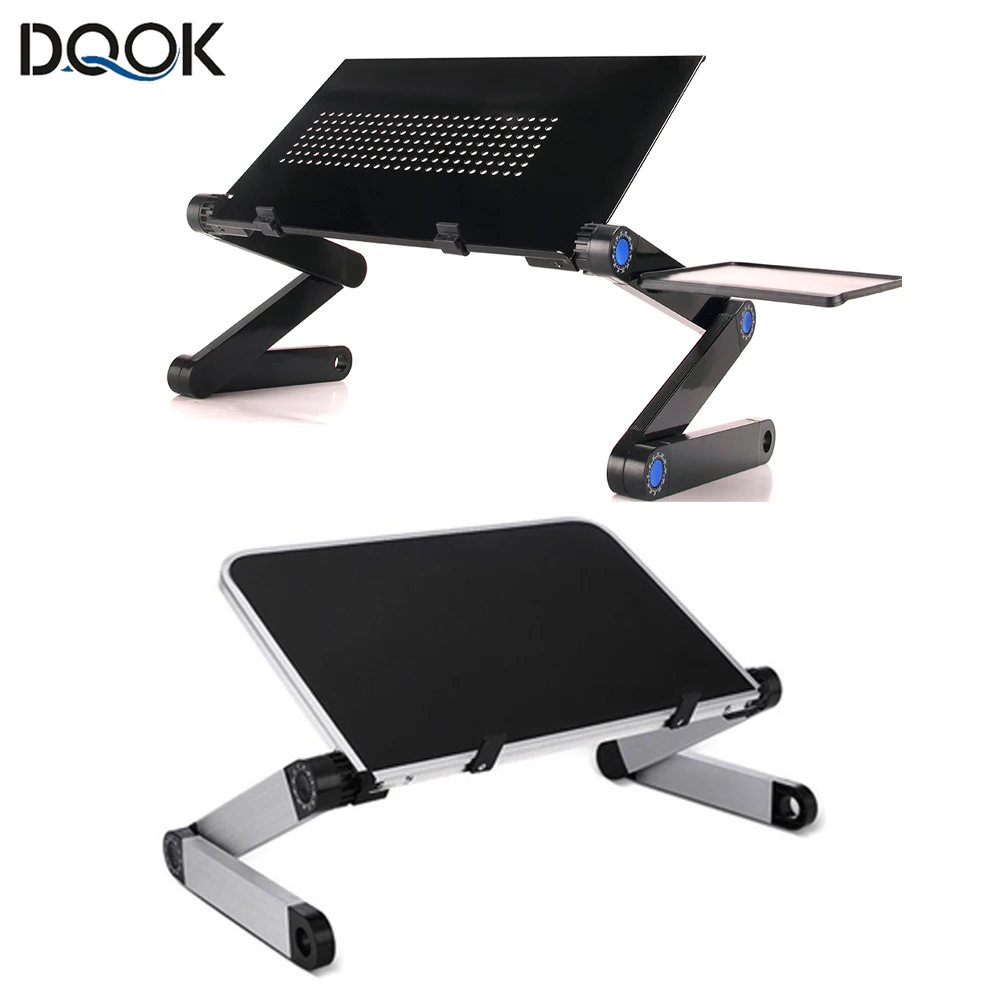
Adjustable Aluminium Laptop Desk Stand with Mouse Pad
Portable adjustable aluminium laptop stand with built-in mouse pad, ideal for use on a bed, sofa or in front of the TV.
- Check the ports first
- Look at the sockets on the side of your laptop before buying a hub or adapter, and check its USB-C port carries video if you want a screen.
- Match the watts
- A charger with fewer watts than your laptop's own may charge it slowly while you work. The watts are printed on your laptop's charger.
- Measure for a sleeve
- Screen sizes are measured corner to corner. Measure your laptop's width and depth and compare them with the sleeve's inside size.
- UK plugs only
- Every charger in the shop comes with a UK 3-pin plug, so there is no travel adapter to buy.
At a desk all day
The screen at eye level and a separate keyboard and mouse: stands, docks, ergonomic mice and wrist rests.
Shop desk set-upLemorele TC510 7-in-1 USB-C Docking Station - Dual HDMI 4K@60Hz
A 7-in-1 USB-C hub with dual 4K@60Hz HDMI, USB 3.0 data transfer and 100W PD charging for laptops.
Lenovo S705 5-in-1 USB-C Docking Station, 4K HDMI, PD Fast Charging
A 5-in-1 USB-C docking station with 4K HDMI, USB 3.0 data transfer and 85W pass-through charging for laptops and tablets.
DisplayLink USB-C/USB3.0 Docking Station with Dual HDMI, Audio Jacks and OTG Adapter
A 4-in-1 DisplayLink docking hub with dual HDMI, Ethernet, card readers and audio jacks for a dual-monitor laptop setup.
USB-C / USB 3.0 to Dual HDMI 4K 60Hz Docking Station (DisplayLink DL6950)
USB-C/USB 3.0 docking station with dual 4K 60Hz HDMI outputs, powered by the DisplayLink DL6950 chip, for Windows, Mac and more.
- Check the ports first
- Look at the sockets on the side of your laptop before buying a hub or adapter, and check its USB-C port carries video if you want a screen.
- Match the watts
- A charger with fewer watts than your laptop's own may charge it slowly while you work. The watts are printed on your laptop's charger.
- Measure for a sleeve
- Screen sizes are measured corner to corner. Measure your laptop's width and depth and compare them with the sleeve's inside size.
- UK plugs only
- Every charger in the shop comes with a UK 3-pin plug, so there is no travel adapter to buy.
Editing and creating
Room to work and somewhere to put the files: portable monitors, card readers and fast SSD enclosures.
Shop for creatorsMini USB TF Card Reader - High-Speed USB-C Memory Card Adapter
Compact USB TF card reader for fast, portable memory card transfers, available in USB2.0 or USB3.0.
USB C to SD Card Reader Adapter with MicroSD Slot
A compact USB-C adapter that reads SD and microSD cards, compatible with iPhone 15/16, iPad and MacBook Pro/Air.
USB 3.0 Micro SD Card Reader - High Speed TF Card Adapter
Compact USB 3.0 card reader for fast, reliable transfer of Micro SD and TF card data.
£10.99
Lexar Dual-Slot USB 3.2 Micro SD Card Reader
Dual-slot USB 3.2 card reader for SD and microSD cards, supporting capacities up to 1TB.
- Check the ports first
- Look at the sockets on the side of your laptop before buying a hub or adapter, and check its USB-C port carries video if you want a screen.
- Match the watts
- A charger with fewer watts than your laptop's own may charge it slowly while you work. The watts are printed on your laptop's charger.
- Measure for a sleeve
- Screen sizes are measured corner to corner. Measure your laptop's width and depth and compare them with the sleeve's inside size.
- UK plugs only
- Every charger in the shop comes with a UK 3-pin plug, so there is no travel adapter to buy.
Sleeve size guide
Which sleeve fits your laptop?
Pick the screen size and see it drawn to scale inside its sleeve, with how to measure before you buy.
Drawn to scale against a 17-inch laptop.
13-inch
- Screen sizes are measured corner to corner across the screen, not the width of the laptop.
- Two laptops with the same screen size can differ in width and depth, so measure yours and compare it with the inside size on the sleeve's page.
- A snug sleeve protects best; a bag gives room for the charger and mouse as well.
Cartoon Shockproof Laptop Sleeve Case - 12 to 17 inch
A padded, shockproof laptop sleeve with cartoon print design, available in sizes from 12 to 17 inches.
£36.99Choose
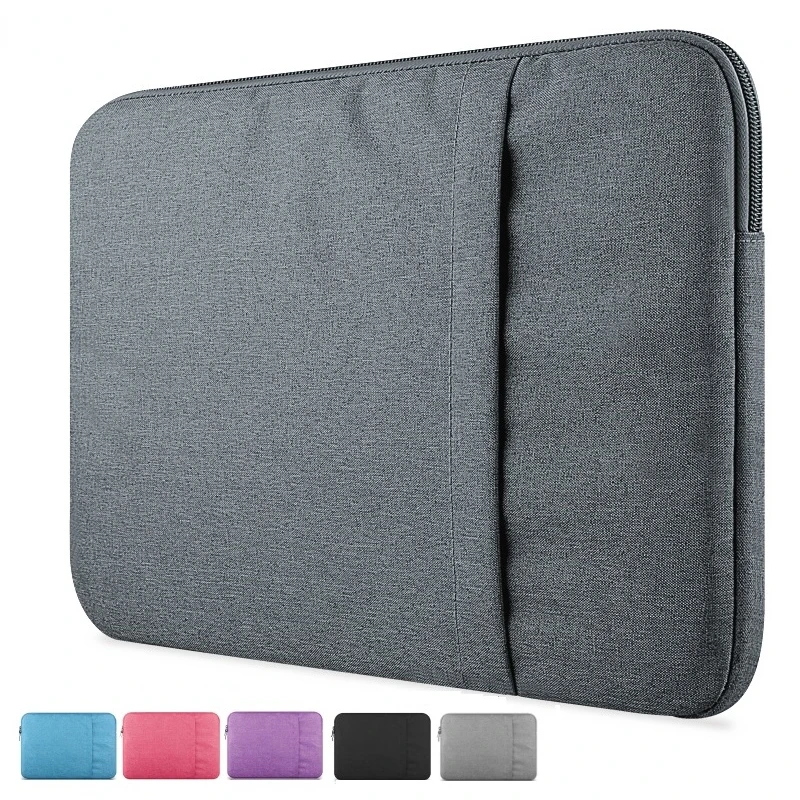
17.3" Laptop Sleeve Case
A slim protective sleeve for 17.3 inch laptops, available in three colours.
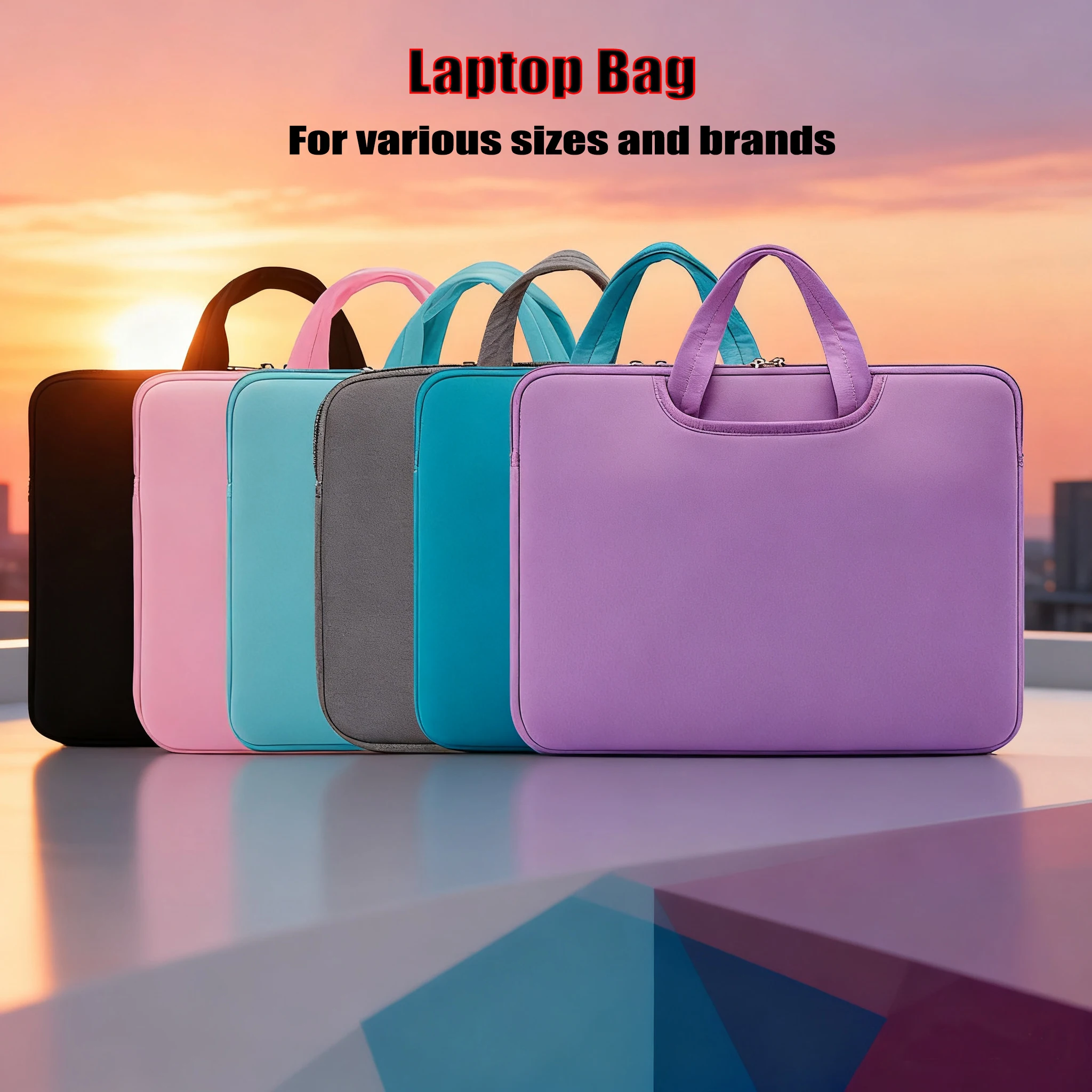
Laptop Bag for 13 to 17 Inch Computers
A protective laptop bag available in sizes from 13 to 17 inches and six colours, suited to various computer brands.
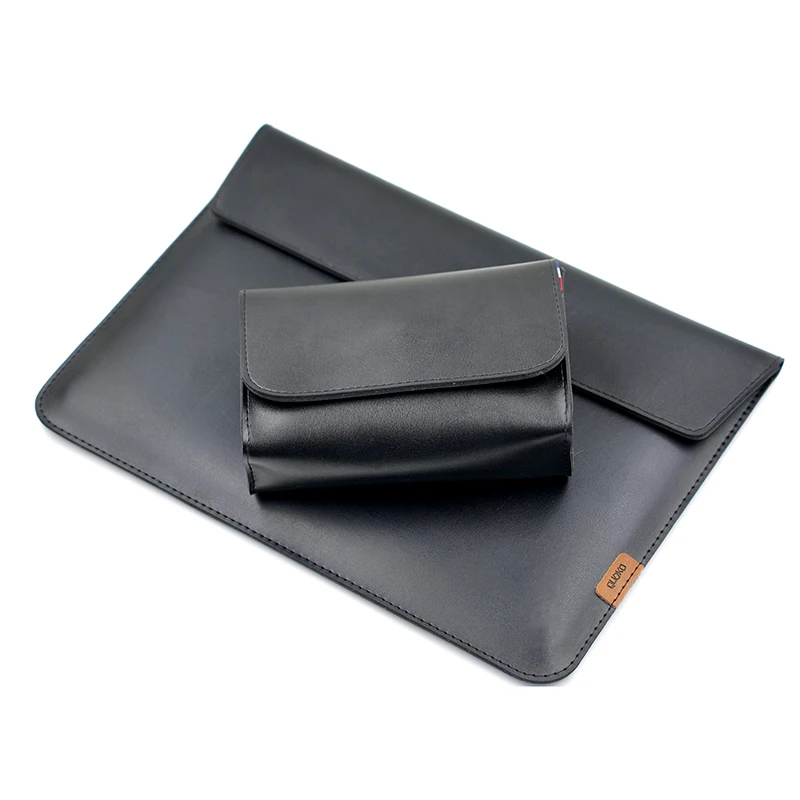
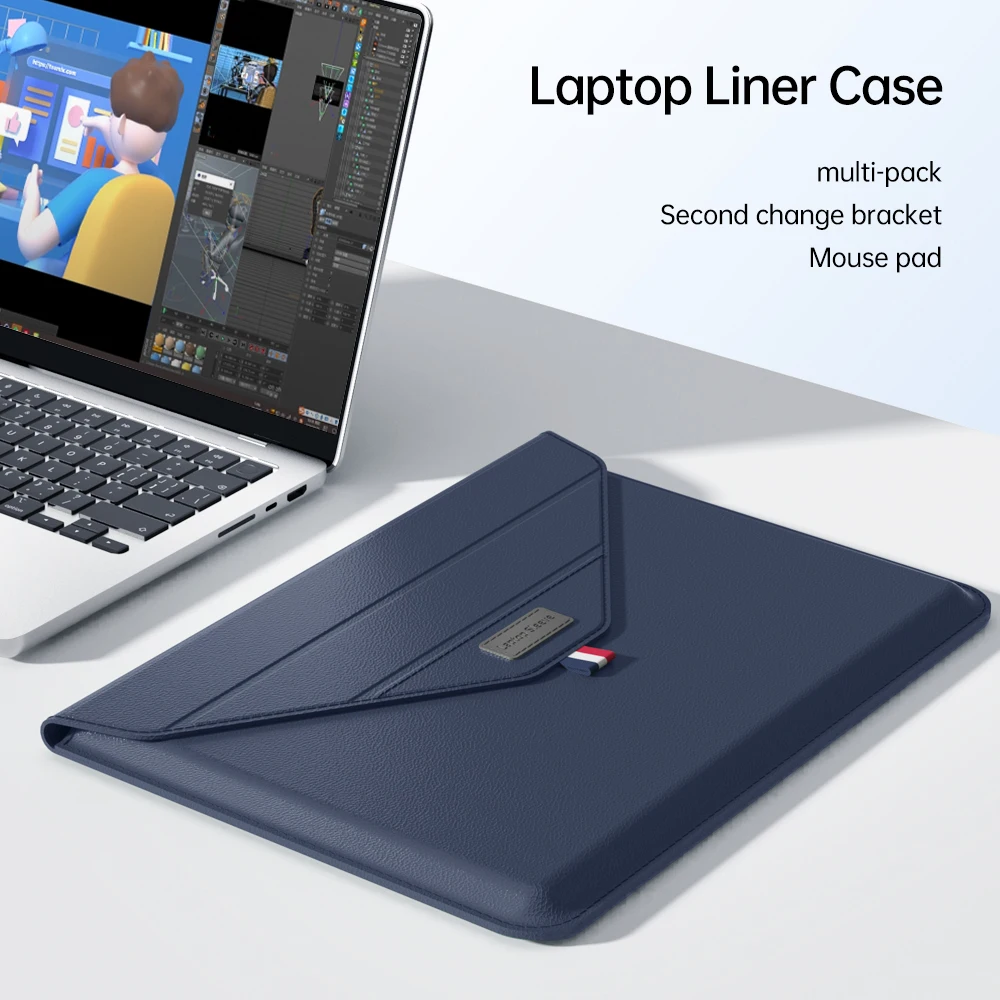
Envelope Laptop Sleeve Case for MacBook Pro, Air & MateBook
A slim envelope-style sleeve case for MacBook Pro, Air and MateBook laptops, available in three sizes and colours.
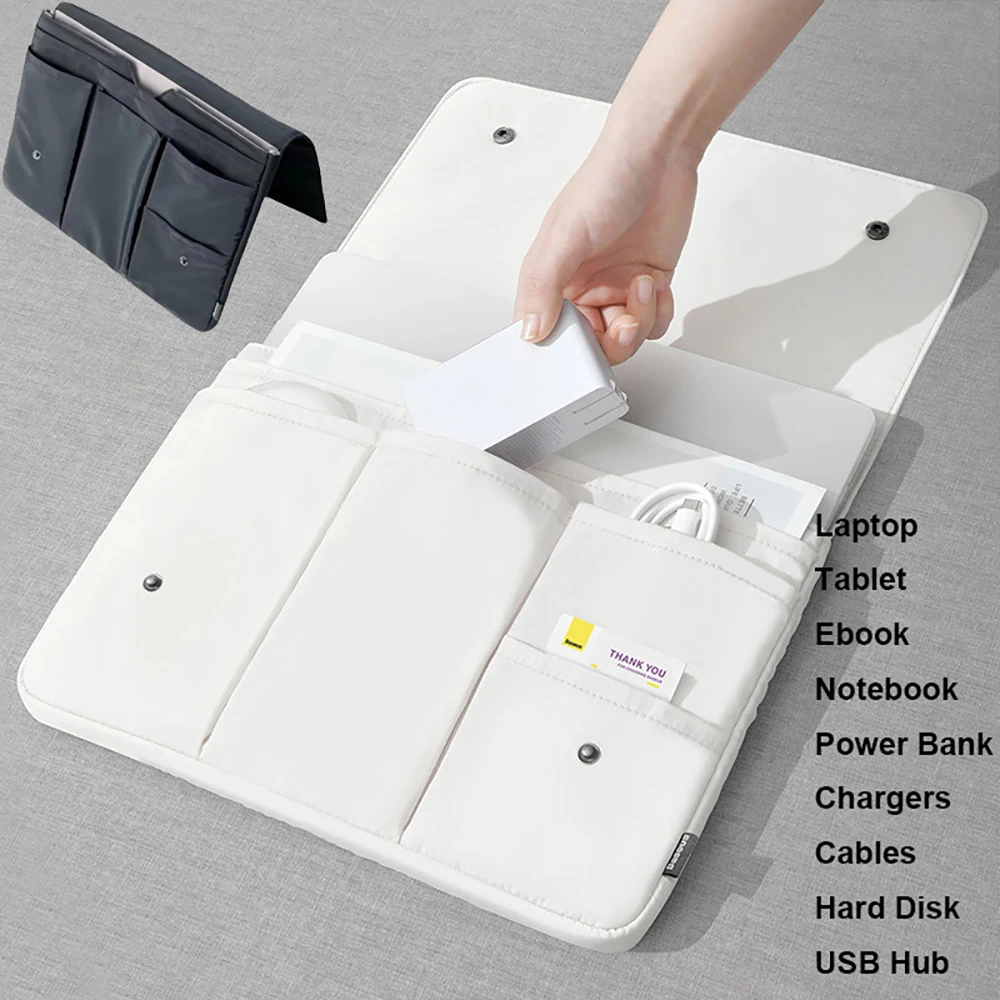
Water Resistant Laptop Sleeve Case 13-16 Inch
Water resistant laptop sleeve case in 13, 14, 15 and 16 inch sizes, suitable for most major laptop brands.
From £24.99Choose
Laptop Sleeve Case with Mouse Pad Liner for MacBook, HUAWEI, Xiaomi, Surface, HP, Dell & ASUS
Padded envelope-style laptop sleeve with mouse pad liner, available in two sizes to fit 13-15.4 inch laptops including MacBook Air 15.
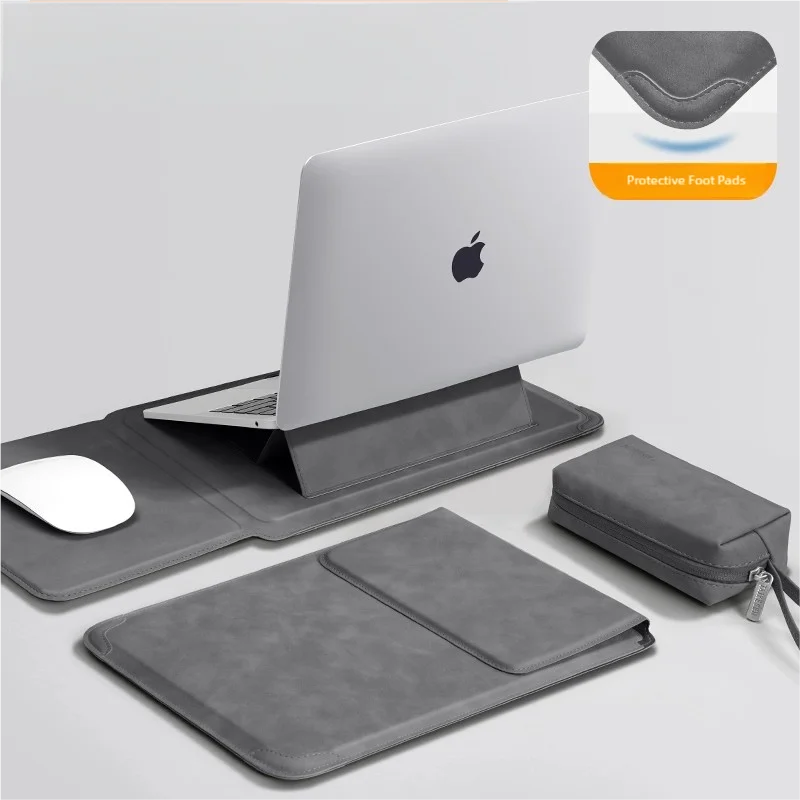
Laptop Sleeve Case with Stand for MacBook, HP, Dell & Huawei Notebooks
Protective laptop sleeve with built-in stand, available in three sizes and colours to fit MacBook, HP, Dell and Huawei devices.
Laptop Sleeve Case with Handle for MacBook, Lenovo, ASUS, Xiaomi 13.3-16 inch
Protective polyester laptop sleeve with zip closure and carry handle, fitting 13.3-16 inch laptops including MacBook, Lenovo, ASUS and Xiaomi.
Drawn to scale against a 17-inch laptop.
14-inch
- Screen sizes are measured corner to corner across the screen, not the width of the laptop.
- Two laptops with the same screen size can differ in width and depth, so measure yours and compare it with the inside size on the sleeve's page.
- A snug sleeve protects best; a bag gives room for the charger and mouse as well.
Cartoon Shockproof Laptop Sleeve Case - 12 to 17 inch
A padded, shockproof laptop sleeve with cartoon print design, available in sizes from 12 to 17 inches.
£36.99Choose
17.3" Laptop Sleeve Case
A slim protective sleeve for 17.3 inch laptops, available in three colours.
Laptop Bag for 13 to 17 Inch Computers
A protective laptop bag available in sizes from 13 to 17 inches and six colours, suited to various computer brands.
Envelope Laptop Sleeve Case for MacBook Pro, Air & MateBook
A slim envelope-style sleeve case for MacBook Pro, Air and MateBook laptops, available in three sizes and colours.
Water Resistant Laptop Sleeve Case 13-16 Inch
Water resistant laptop sleeve case in 13, 14, 15 and 16 inch sizes, suitable for most major laptop brands.
From £24.99Choose
Laptop Sleeve Case with Mouse Pad Liner for MacBook, HUAWEI, Xiaomi, Surface, HP, Dell & ASUS
Padded envelope-style laptop sleeve with mouse pad liner, available in two sizes to fit 13-15.4 inch laptops including MacBook Air 15.
Laptop Sleeve Case with Stand for MacBook, HP, Dell & Huawei Notebooks
Protective laptop sleeve with built-in stand, available in three sizes and colours to fit MacBook, HP, Dell and Huawei devices.
Laptop Sleeve Case with Handle for MacBook, Lenovo, ASUS, Xiaomi 13.3-16 inch
Protective polyester laptop sleeve with zip closure and carry handle, fitting 13.3-16 inch laptops including MacBook, Lenovo, ASUS and Xiaomi.
Drawn to scale against a 17-inch laptop.
15.6-inch
- Screen sizes are measured corner to corner across the screen, not the width of the laptop.
- Two laptops with the same screen size can differ in width and depth, so measure yours and compare it with the inside size on the sleeve's page.
- A snug sleeve protects best; a bag gives room for the charger and mouse as well.
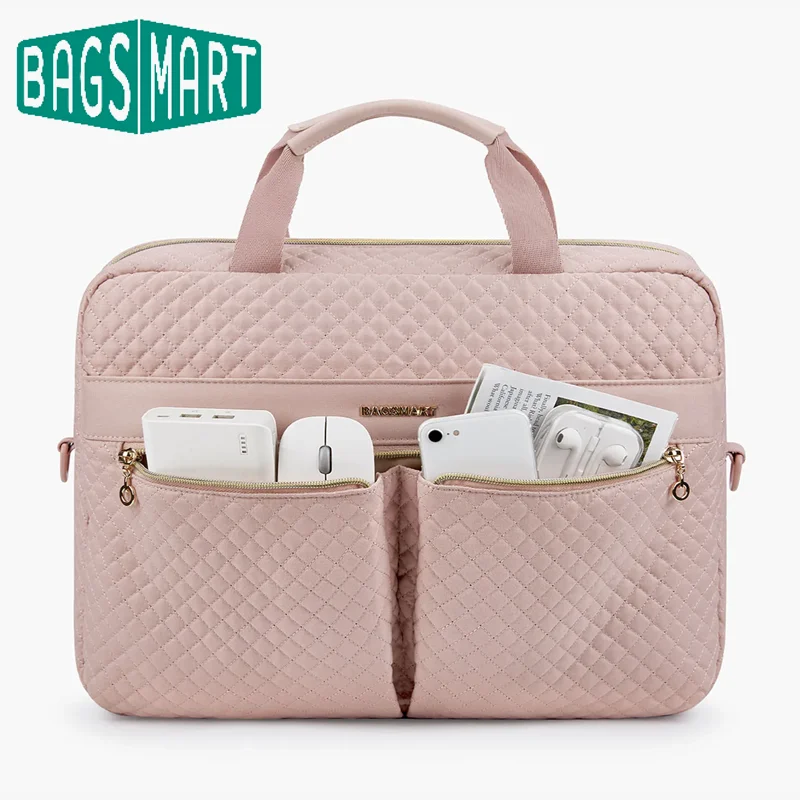
Universal Laptop Bag with Multiple Compartments, 15.6" / 17.3"
Padded laptop bag with multiple compartments, available in 15.6 inch and 17.3 inch sizes for work, travel or daily commuting.
From £42.99Choose
Cartoon Shockproof Laptop Sleeve Case - 12 to 17 inch
A padded, shockproof laptop sleeve with cartoon print design, available in sizes from 12 to 17 inches.
£36.99Choose
17.3" Laptop Sleeve Case
A slim protective sleeve for 17.3 inch laptops, available in three colours.
Laptop Bag for 13 to 17 Inch Computers
A protective laptop bag available in sizes from 13 to 17 inches and six colours, suited to various computer brands.
Envelope Laptop Sleeve Case for MacBook Pro, Air & MateBook
A slim envelope-style sleeve case for MacBook Pro, Air and MateBook laptops, available in three sizes and colours.
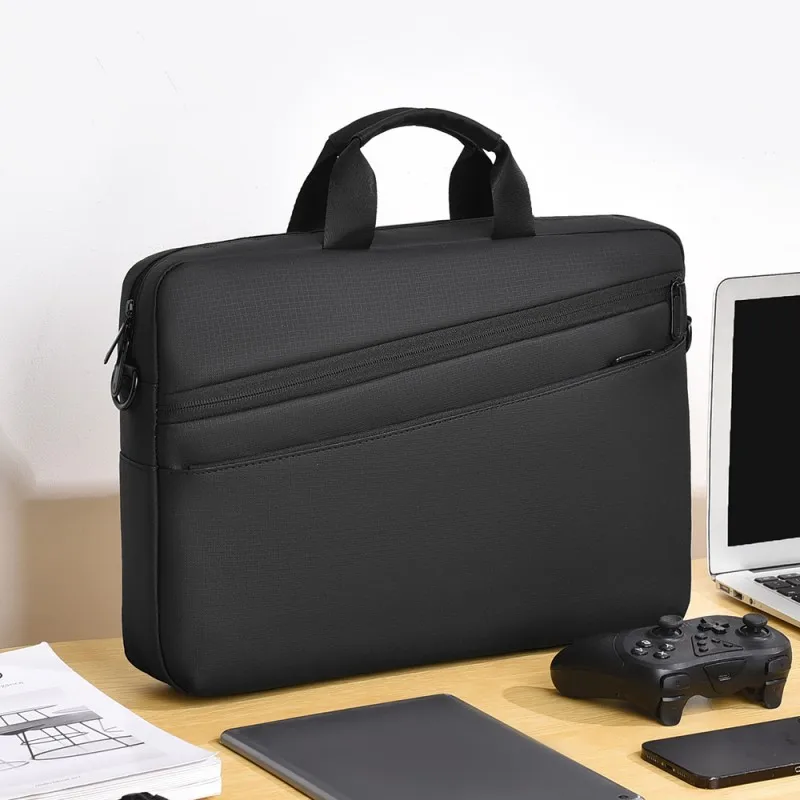
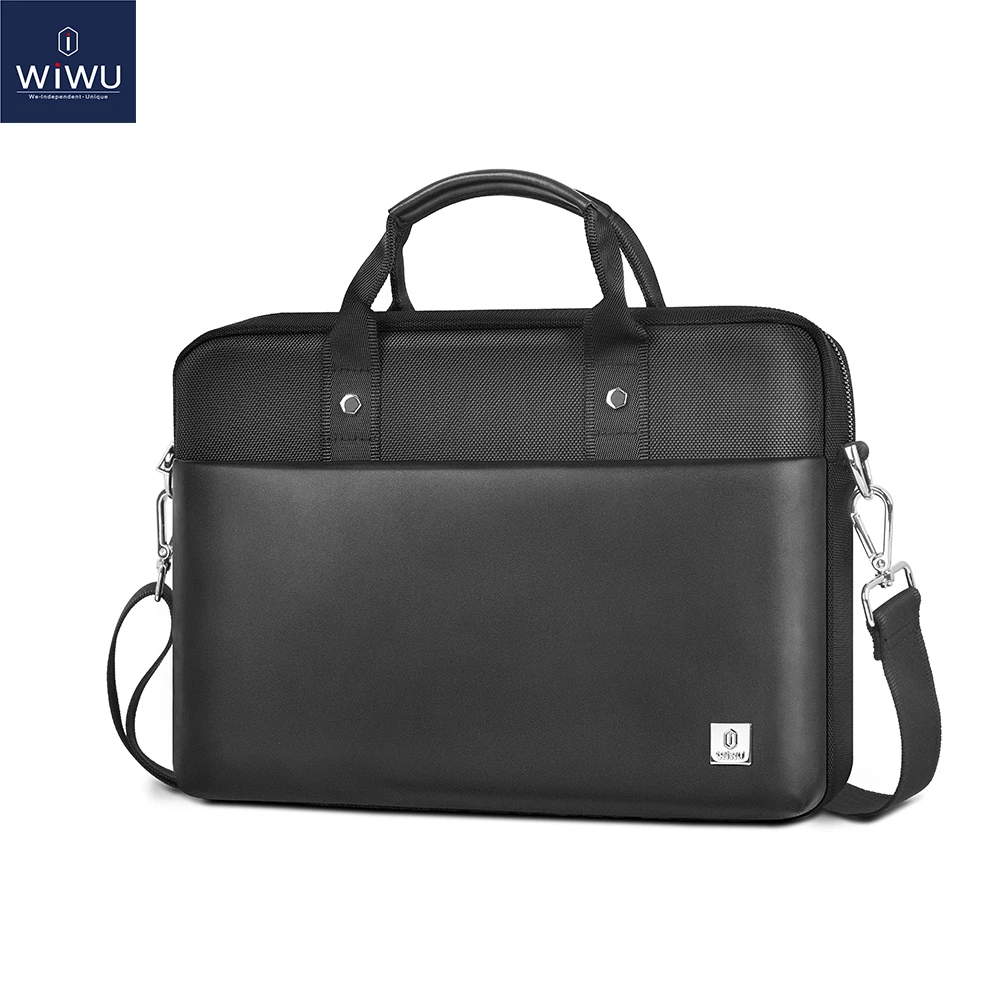
Men's Laptop Briefcase Bag 15.6-17.3 Inch with Adjustable Shoulder Strap
A business briefcase bag for laptops 15.6-17.3 inches with an adjustable shoulder strap, ideal for daily commuting.
Water Resistant Laptop Sleeve Case 13-16 Inch
Water resistant laptop sleeve case in 13, 14, 15 and 16 inch sizes, suitable for most major laptop brands.
From £24.99Choose
Laptop Sleeve Case with Mouse Pad Liner for MacBook, HUAWEI, Xiaomi, Surface, HP, Dell & ASUS
Padded envelope-style laptop sleeve with mouse pad liner, available in two sizes to fit 13-15.4 inch laptops including MacBook Air 15.
Drawn to scale against a 17-inch laptop.
16-inch
- Screen sizes are measured corner to corner across the screen, not the width of the laptop.
- Two laptops with the same screen size can differ in width and depth, so measure yours and compare it with the inside size on the sleeve's page.
- A snug sleeve protects best; a bag gives room for the charger and mouse as well.
Laptop Bag for 13 to 17 Inch Computers
A protective laptop bag available in sizes from 13 to 17 inches and six colours, suited to various computer brands.
Envelope Laptop Sleeve Case for MacBook Pro, Air & MateBook
A slim envelope-style sleeve case for MacBook Pro, Air and MateBook laptops, available in three sizes and colours.
Men's Laptop Briefcase Bag 15.6-17.3 Inch with Adjustable Shoulder Strap
A business briefcase bag for laptops 15.6-17.3 inches with an adjustable shoulder strap, ideal for daily commuting.
Water Resistant Laptop Sleeve Case 13-16 Inch
Water resistant laptop sleeve case in 13, 14, 15 and 16 inch sizes, suitable for most major laptop brands.
From £24.99Choose
Laptop Sleeve Case with Stand for MacBook, HP, Dell & Huawei Notebooks
Protective laptop sleeve with built-in stand, available in three sizes and colours to fit MacBook, HP, Dell and Huawei devices.
Laptop Sleeve Case with Handle for MacBook, Lenovo, ASUS, Xiaomi 13.3-16 inch
Protective polyester laptop sleeve with zip closure and carry handle, fitting 13.3-16 inch laptops including MacBook, Lenovo, ASUS and Xiaomi.
Drawn to scale against a 17-inch laptop.
17-inch
- Screen sizes are measured corner to corner across the screen, not the width of the laptop.
- Two laptops with the same screen size can differ in width and depth, so measure yours and compare it with the inside size on the sleeve's page.
- A snug sleeve protects best; a bag gives room for the charger and mouse as well.
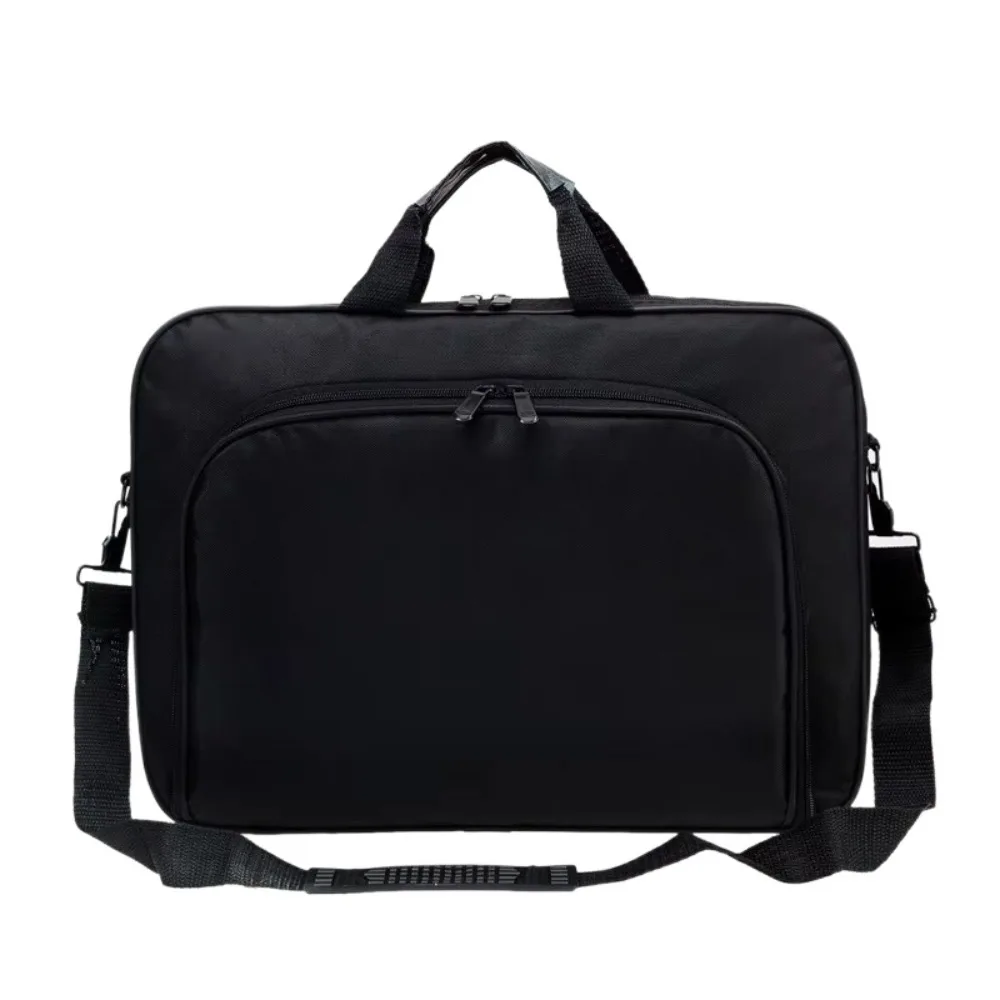
15 / 15.6 / 17 Inch Laptop Bag Dual Zipper Handheld Shoulder Bag
A waterproof nylon laptop bag with dual zippers, available in 15, 15.6 and 17 inch sizes, suitable for most laptop brands.
Universal Laptop Bag with Multiple Compartments, 15.6" / 17.3"
Padded laptop bag with multiple compartments, available in 15.6 inch and 17.3 inch sizes for work, travel or daily commuting.
From £42.99Choose
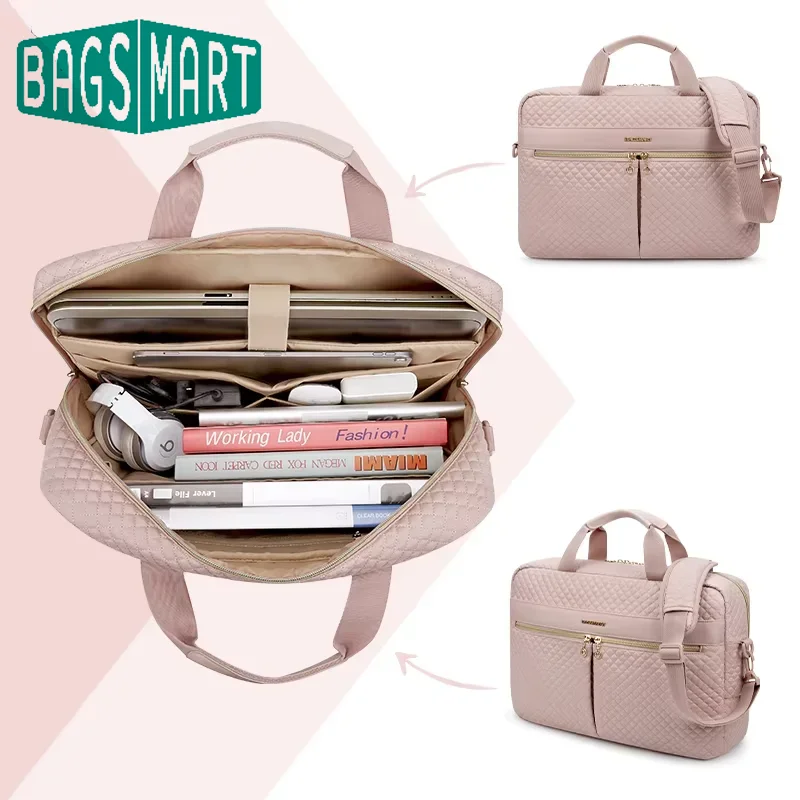
17 Inch Laptop Bag - Multi-Compartment Shoulder Messenger Briefcase
Multi-compartment shoulder bag with padded laptop section, built for 17.3 inch laptops and daily commuting.
Cartoon Shockproof Laptop Sleeve Case - 12 to 17 inch
A padded, shockproof laptop sleeve with cartoon print design, available in sizes from 12 to 17 inches.
£36.99Choose
17.3" Laptop Sleeve Case
A slim protective sleeve for 17.3 inch laptops, available in three colours.
Laptop Bag for 13 to 17 Inch Computers
A protective laptop bag available in sizes from 13 to 17 inches and six colours, suited to various computer brands.
Men's Laptop Briefcase Bag 15.6-17.3 Inch with Adjustable Shoulder Strap
A business briefcase bag for laptops 15.6-17.3 inches with an adjustable shoulder strap, ideal for daily commuting.
Popular
What people come for
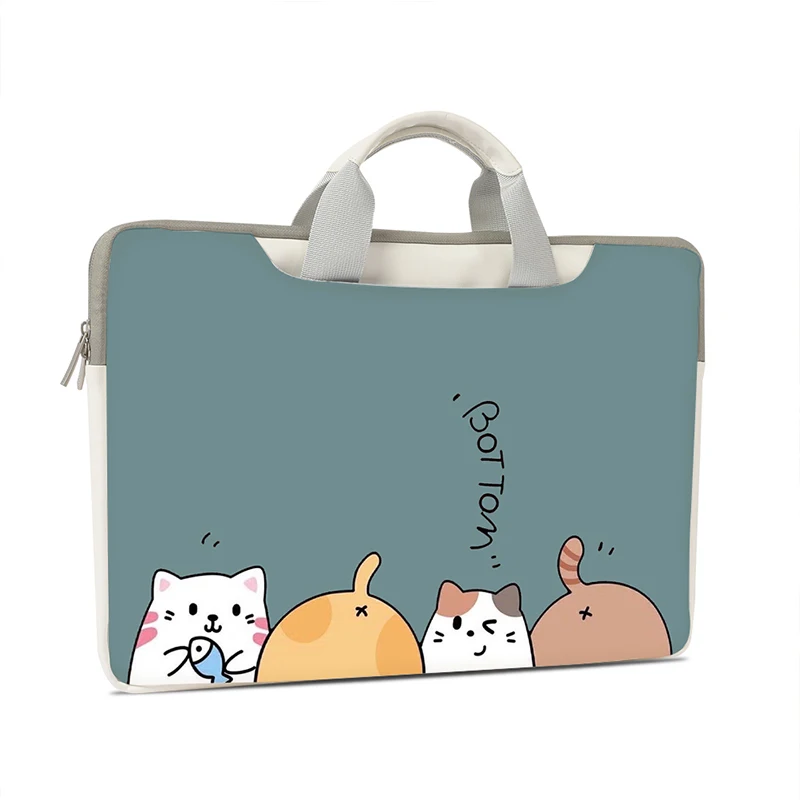 Laptop Sleeves13-inch Laptop Sleeves
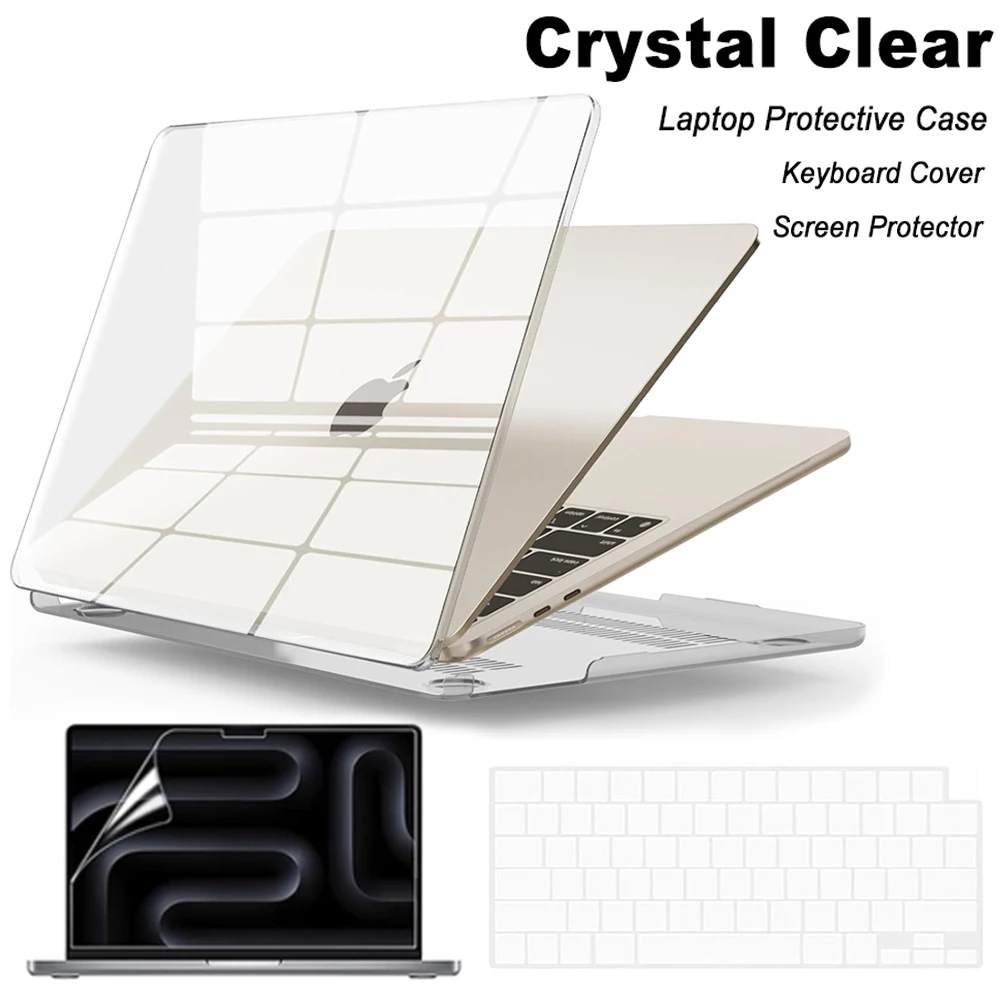 Laptop Bags, Cases and SleevesMacBook Hard-Shell Cases
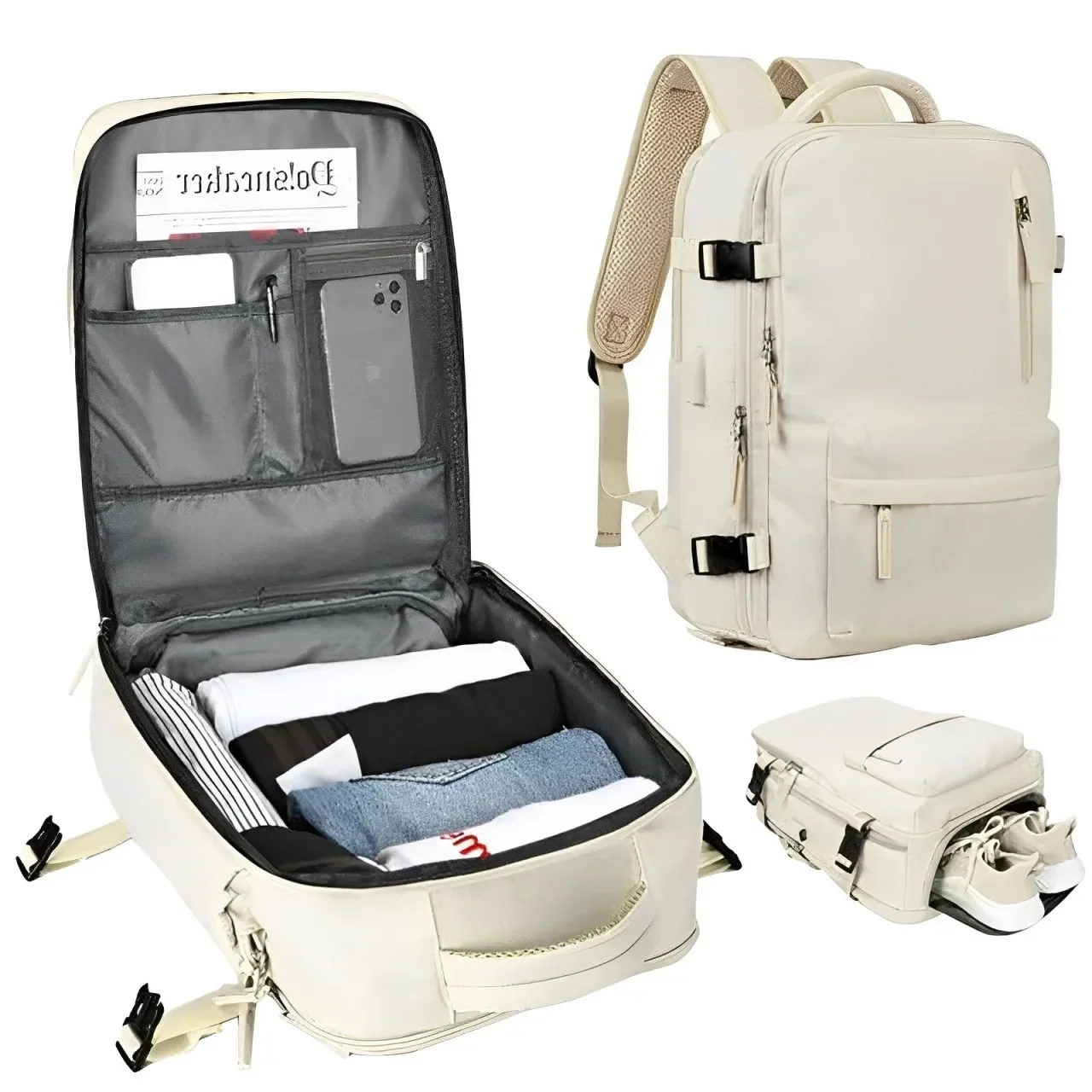 Laptop BagsLaptop Backpacks
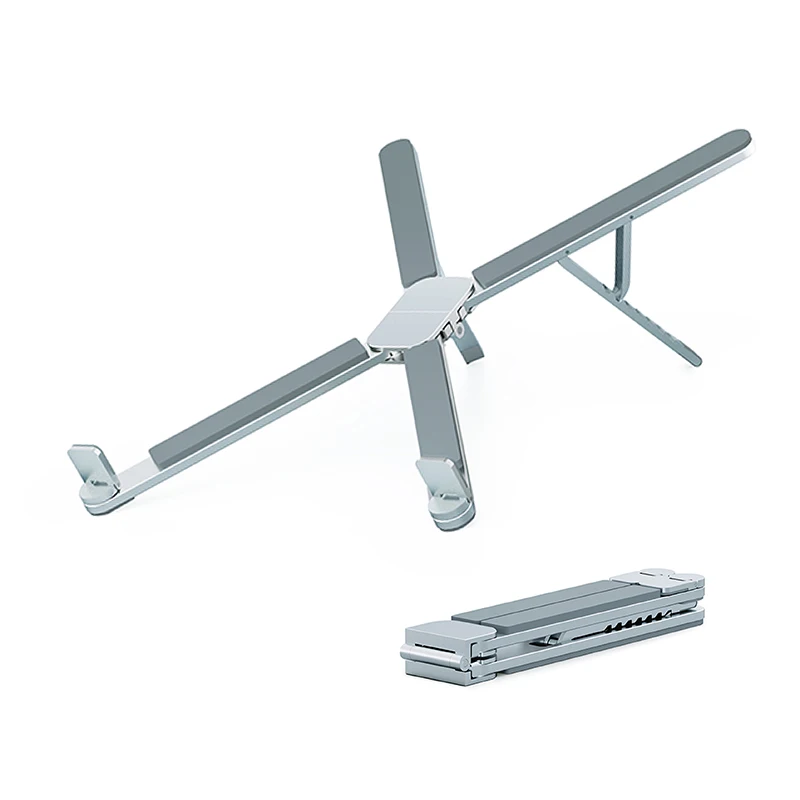 Laptop Stands and RisersFoldable Aluminium Laptop Stands
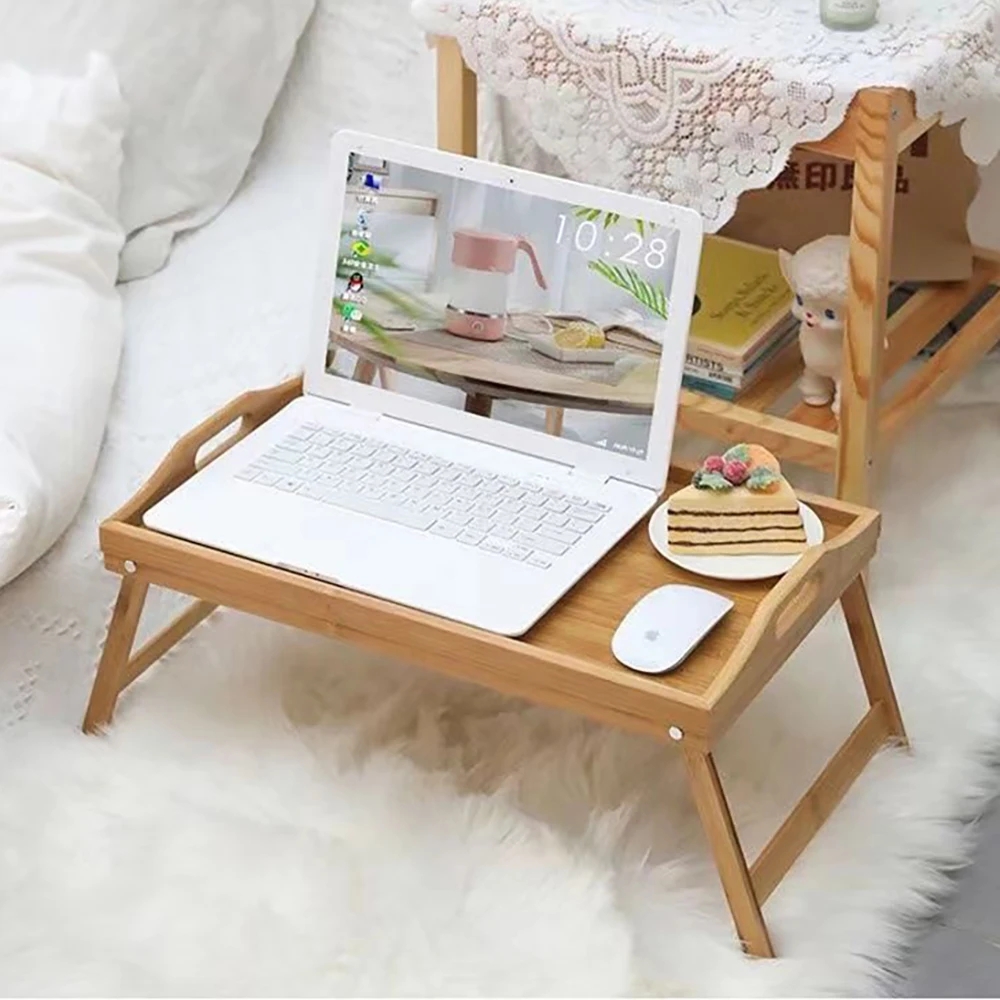 Laptop Stands and RisersAdjustable Laptop Stands
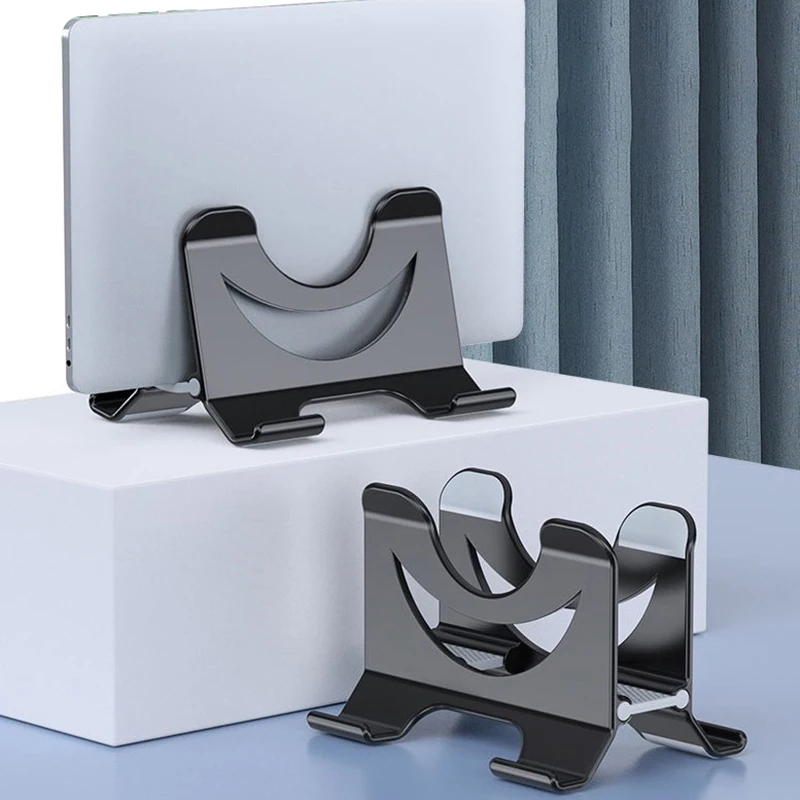 Laptop Stands and RisersVertical Laptop StandsLaptop CoolingLaptop Cooling Pads
 MiceWireless Mice
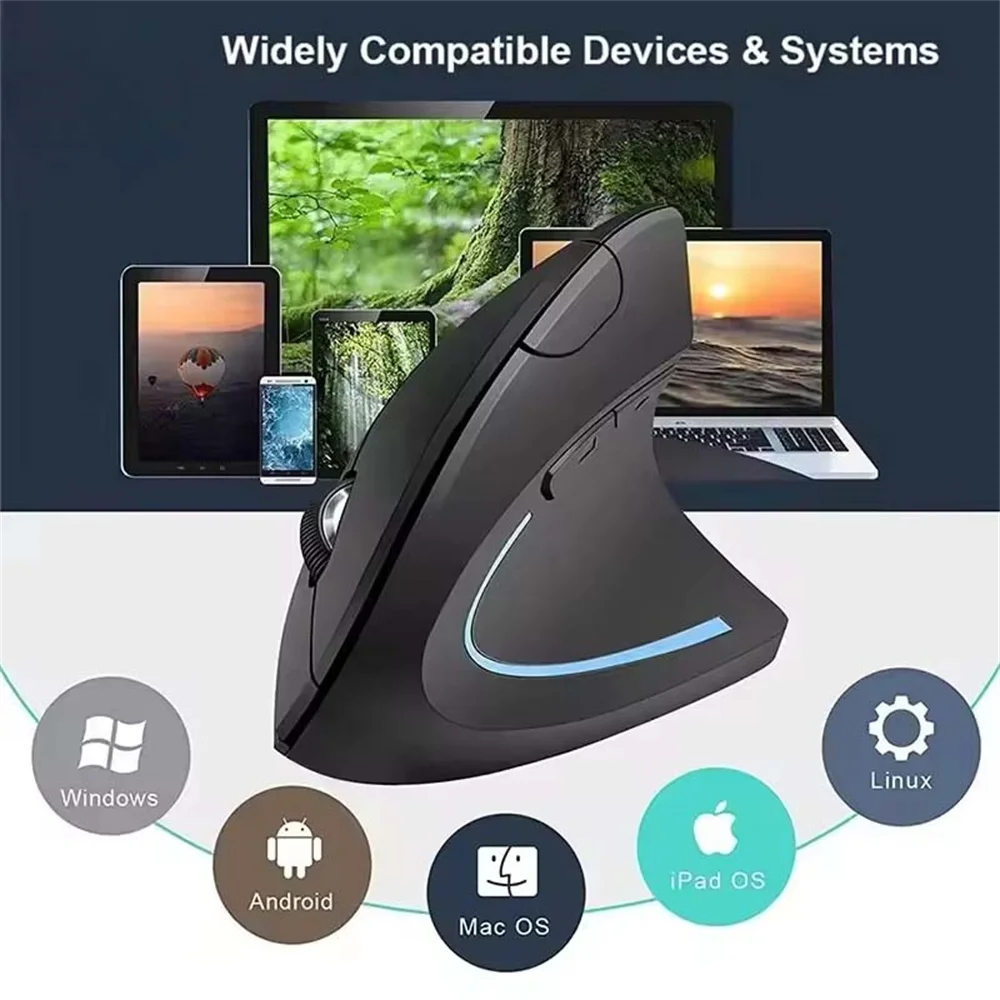 MiceErgonomic and Vertical Mice
 KeyboardsWireless Keyboards
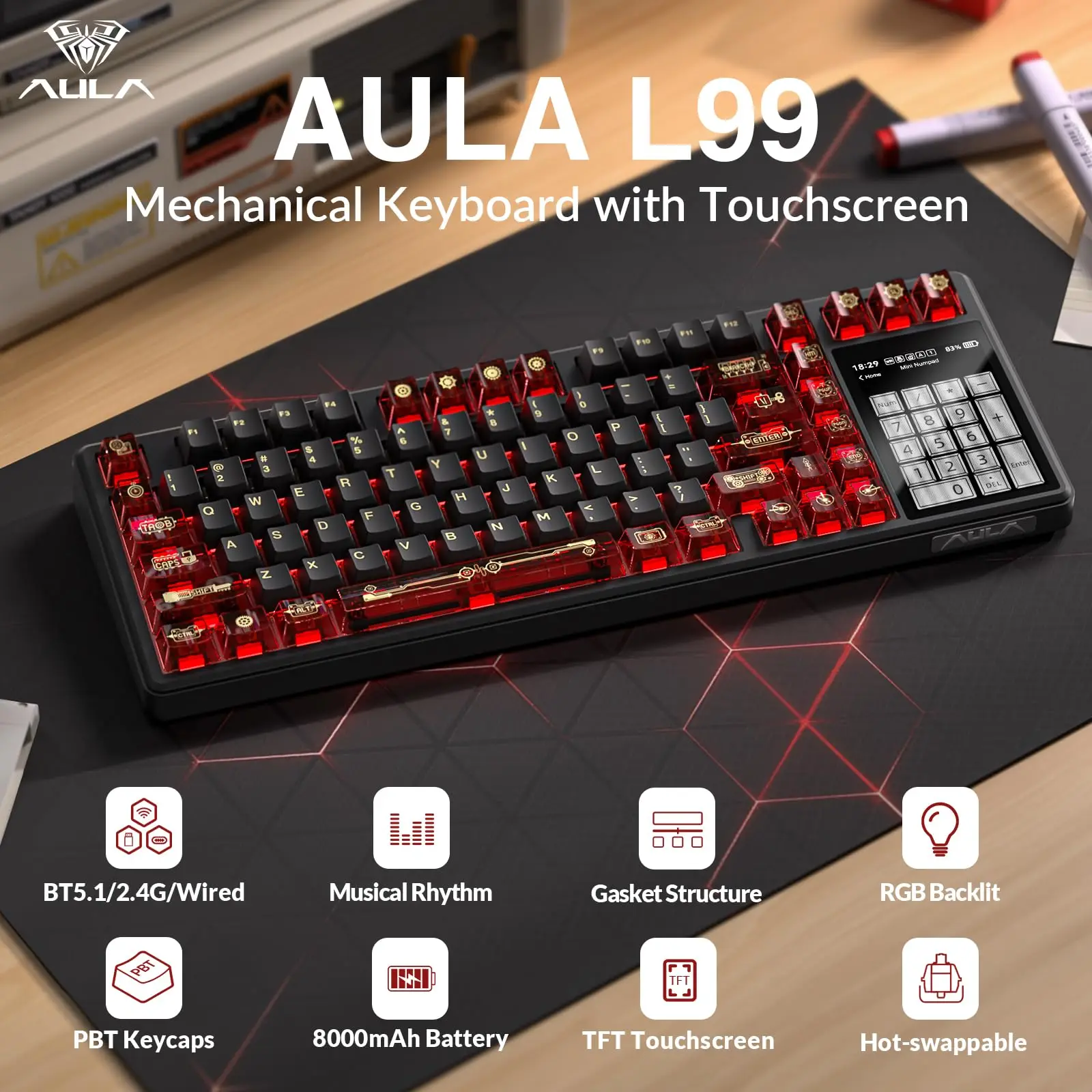 KeyboardsMechanical Keyboards
 Keyboards and MiceMouse Mats and Desk Mats
 Hubs, Docks and AdaptersUSB-C Hubs
 Hubs, Docks and AdaptersLaptop Docking Stations
 Display AdaptersUSB-C to HDMI Adapters
 Hubs, Docks and AdaptersEthernet AdaptersCables and Cable TidyingUSB-C to USB-C Laptop Cables
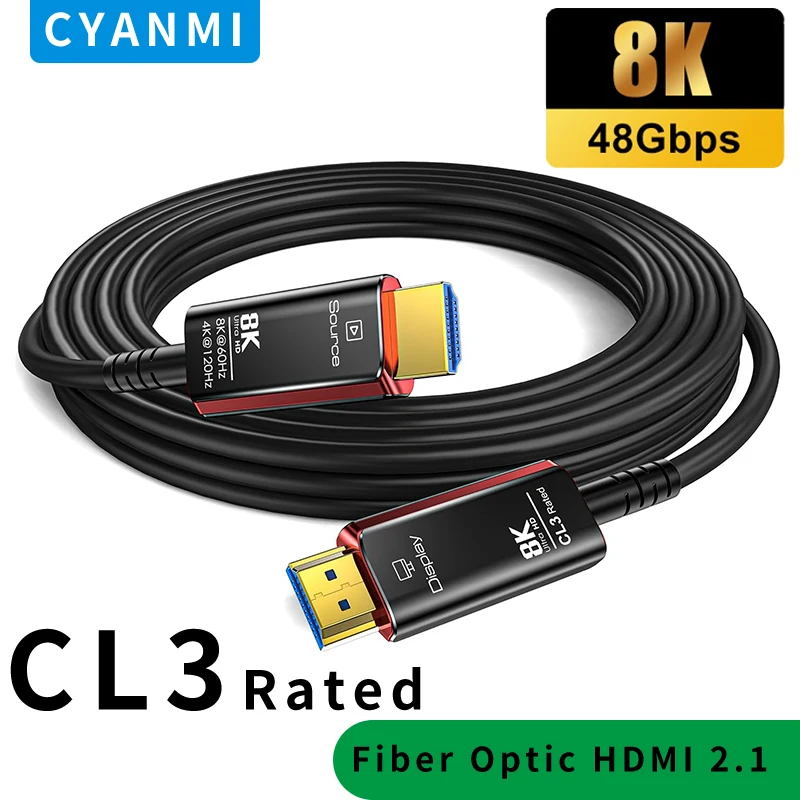 Cables and Cable TidyingHDMI Cables
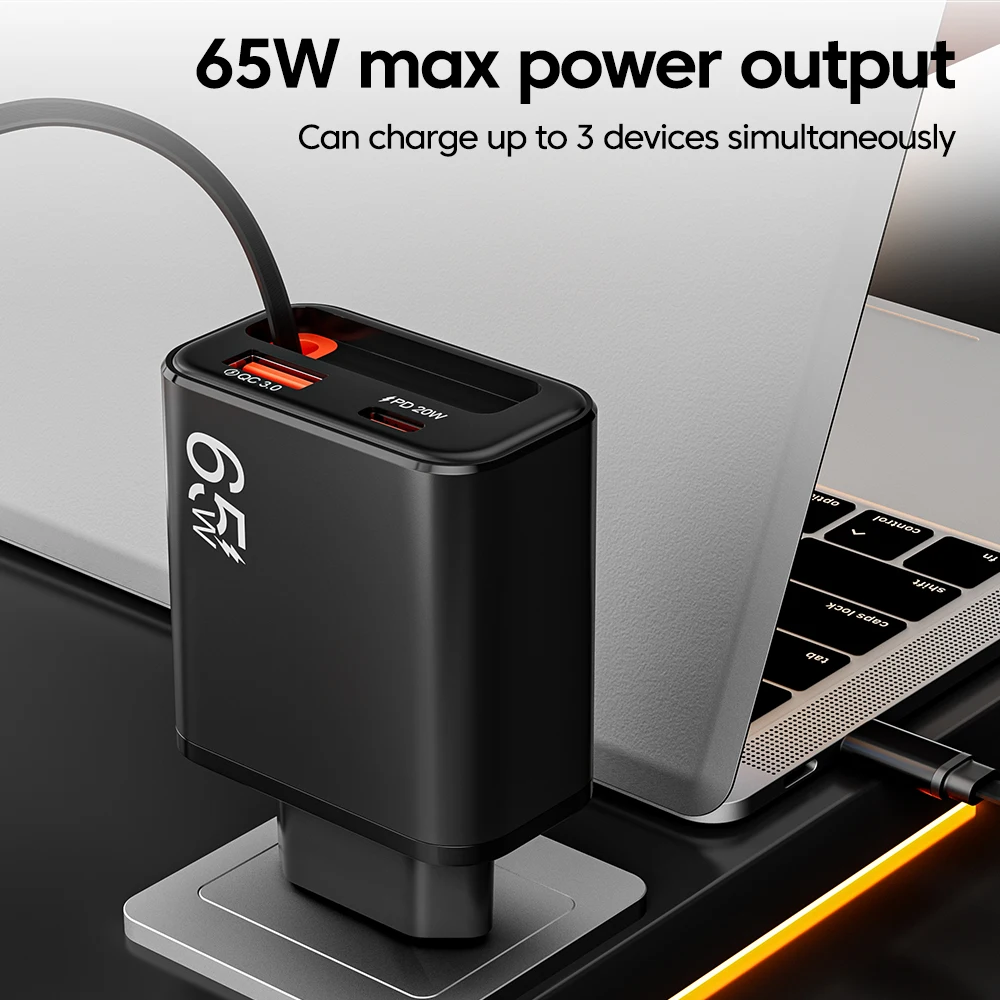 USB-C Laptop Chargers65W USB-C Laptop Chargers
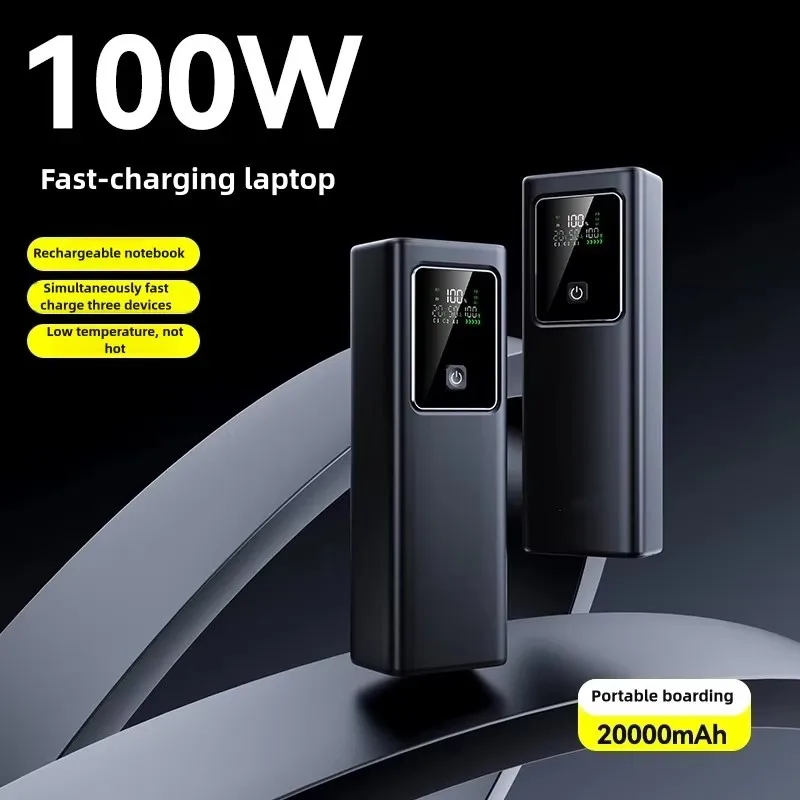 Laptop Charging and PowerLaptop Power BanksScreens and Screen ProtectionPortable Monitors
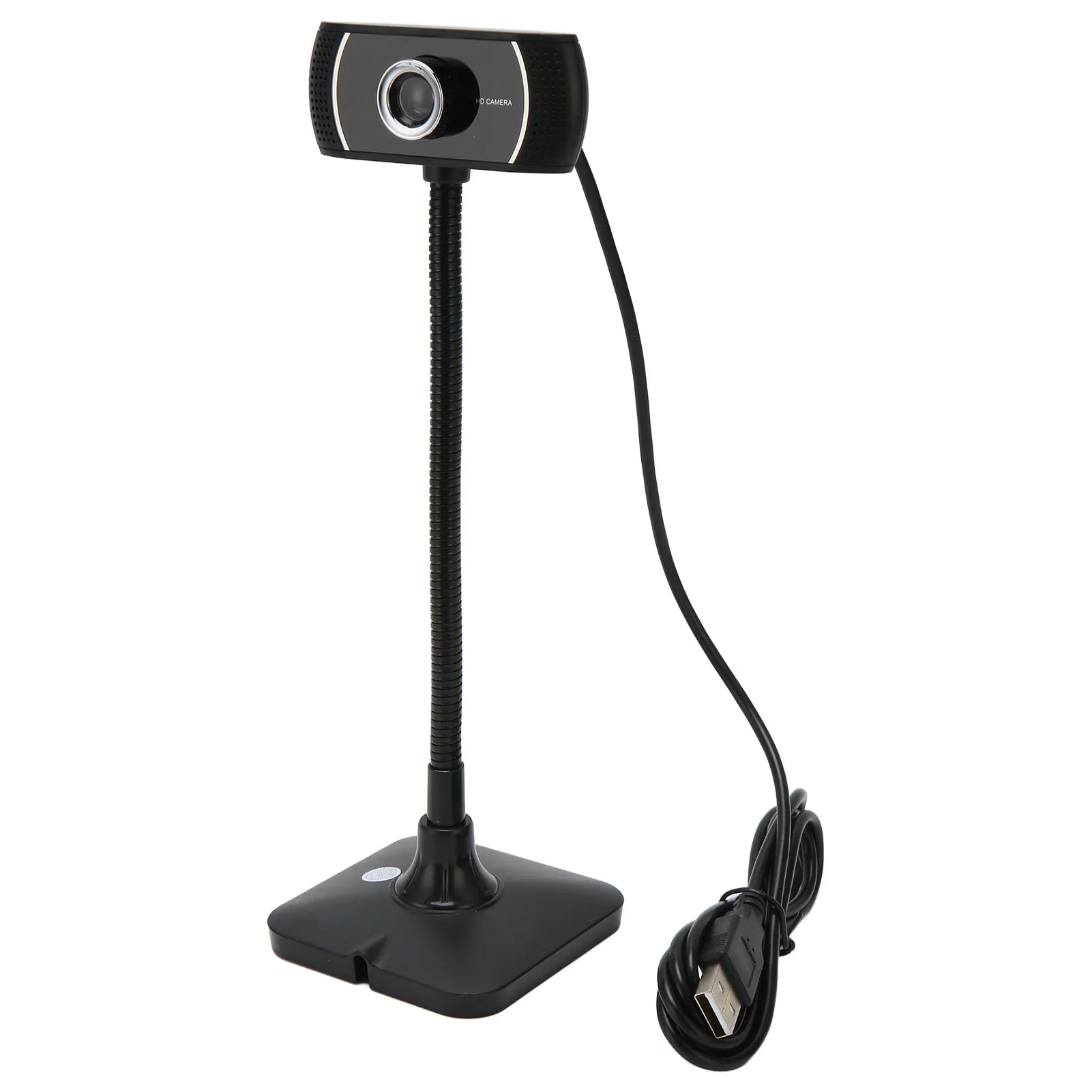 Video Calls and AudioWebcams
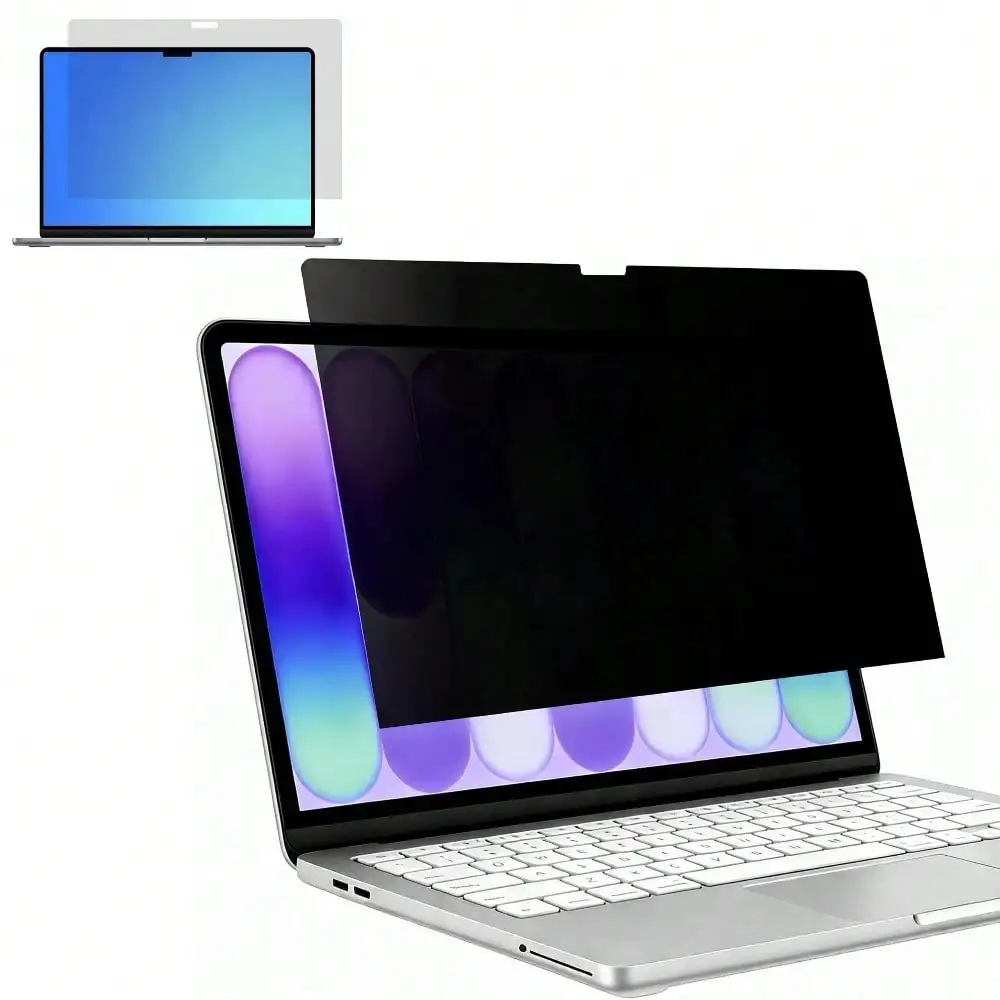 Screens and Screen ProtectionLaptop Privacy FiltersLaptop Cleaning and CareLaptop Cleaning Kits
About the shop
One shop for everything round your laptop
A sleeve for a new laptop, a stand and keyboard for working at home, a hub for a screen, a charger with a UK plug for the office or a webcam for calls: every kind of laptop accessory is here, sorted by what it does and by the laptop it fits.
Alongside the shop are guides to the questions people ask before they buy: which hub a laptop needs, how many watts a charger should be, which sleeve size to choose and how to set up a desk that is kind to your back.
- Delivery includedThe price you see is the price you pay, delivered.
- Tracked to your doorA tracking number by email as soon as it ships.
- Sorted by your laptopFind it by laptop, by screen size or by port.
- Guides before you buyHubs, chargers, sleeves and desks, in plain words.



Delivery
How your order reaches you
Every order is sent from our supplier's warehouse and tracked all the way to your door.
- Step 1You order
Choose your kit and pay at the checkout. Delivery is already in the price.
- Step 2It is sent to you
Your order goes straight to our supplier's warehouse, which packs it and sends it.
- Step 3You can track it
You get an email with the tracking number as soon as it ships.
- Step 4It arrives
Delivery times are shown on each product before you buy.
Guides
Know your kit before you buy
Hubs, chargers, sleeves, stands and desk set-up, written in plain words.

Questions
Asked before buying
Anything else, use the chat in the corner.
ReturnsI want to cancel an order I have just placed
Send us a message through our contact page as soon as you can, with your order number.
If we haven't yet sent it to our supplier, we cancel it and refund you in full. If it is already on its way, let it arrive and send it back as a change of mind (below). You still get your money back.
ShopHow much is delivery?
Delivery is included in every price. What you see on the product is what you pay.
ShopHow do I track my order?
As soon as your order ships you get an email with its tracking number. You can also follow it on Track my order with your order number and email address.
ReturnsIt has arrived and I've changed my mind
Tell us within 14 days of the day it arrived, through our contact page, with your order number.
We send you the address to return it to. It depends on the supplier, which is why we tell you each time. Send it back within 14 days of telling us; you pay the return postage, so please keep the receipt. Pack it the way it came, in its own packaging if you still have it. If you're sending back a power bank, tell us when you get in touch: carriers have their own rules on batteries, and we tell you how to send it.
We refund the full price you paid within 14 days of getting it back, or of you showing us you've posted it.
ReturnsIt's damaged, faulty or not what I ordered
Send us a message through our contact page with your order number, a line on what's wrong and a photograph of it: a cracked stand, a hub or charger that doesn't work, a missing part, the wrong size or connector.
We put it right at our cost: a replacement, or a full refund if you'd rather. If we need it back, we tell you where to send it and pay the postage. Within 30 days of it arriving you can always choose a full refund.
If a power bank or charger has swollen, is leaking or gets very hot, stop using it and unplug it straight away, and please don't post it: send us a photograph and we'll tell you what to do.
ShopWhere is my order sent from?
Orders are sent from our supplier's warehouse straight to you. The delivery time for each product is shown on its page before you buy.
Show all 9 questions
ShopWill it fit my laptop?
Each sleeve, case, screen protector and privacy filter says on its page which laptops or screen sizes it fits. What fits my laptop shows what suits each laptop, and the sleeve size guide shows how to measure.
ReturnsIt hasn't arrived
Check the tracking on our order tracking page first, and the delivery time on the product's page. Most orders arrive within 2 weeks of being placed, and every product on sale usually arrives within 3 weeks. Each product's page says when that product usually arrives, before you buy.
If it hasn't come by then, or the tracking hasn't moved for two weeks, send us a message with your order number and we'll chase it. If it's been lost, we send it again or refund you in full.
ShopWhich charger does my laptop need?
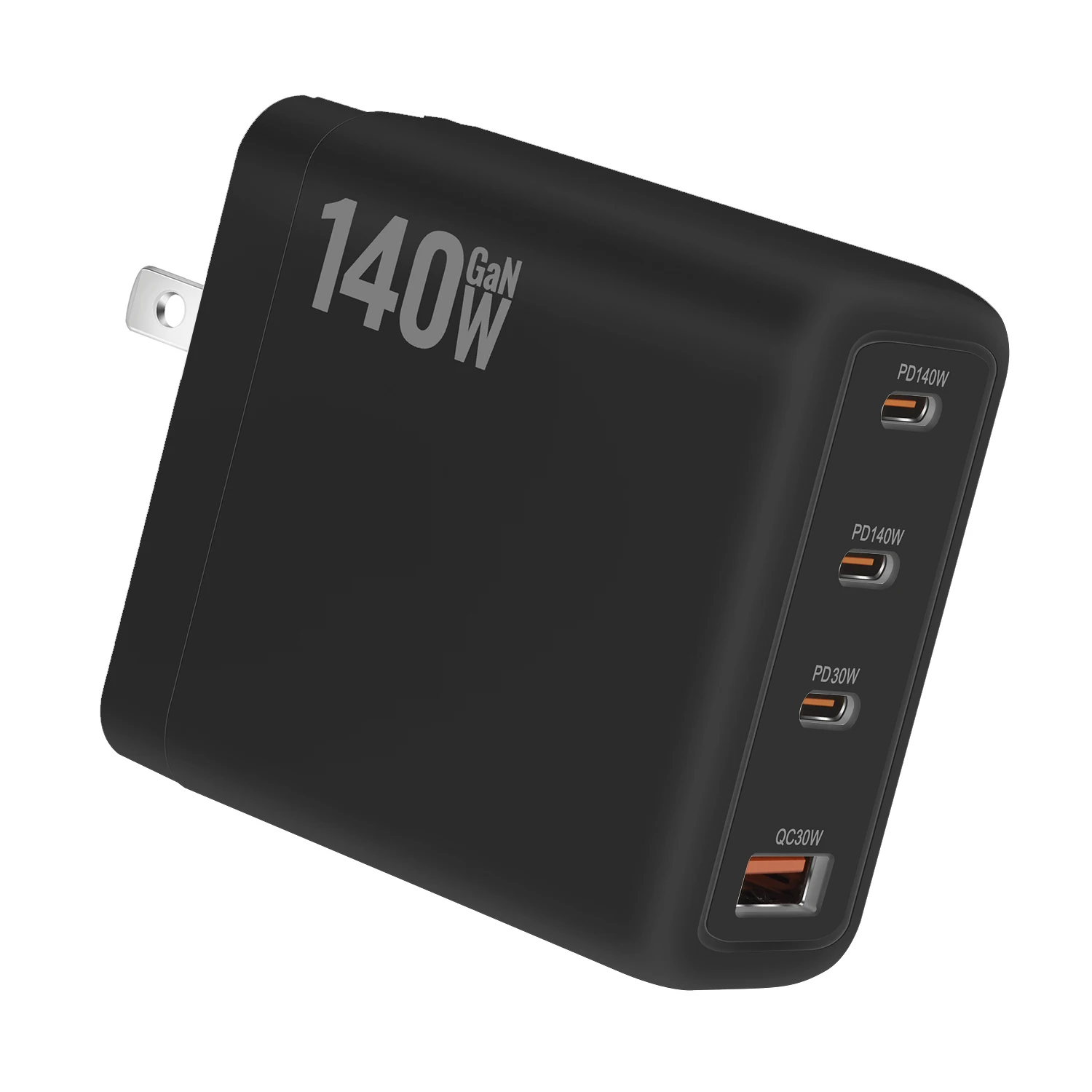
Look at the watts printed on your laptop's own charger and its plug. A USB-C laptop charges from a USB-C charger with the same watts or more, and a cable rated for it. Every charger in the shop has a UK 3-pin plug.

Ordered something?
Follow your parcel here.
Put in your order number and email address to see where your parcel is.