Games that play better with a controller
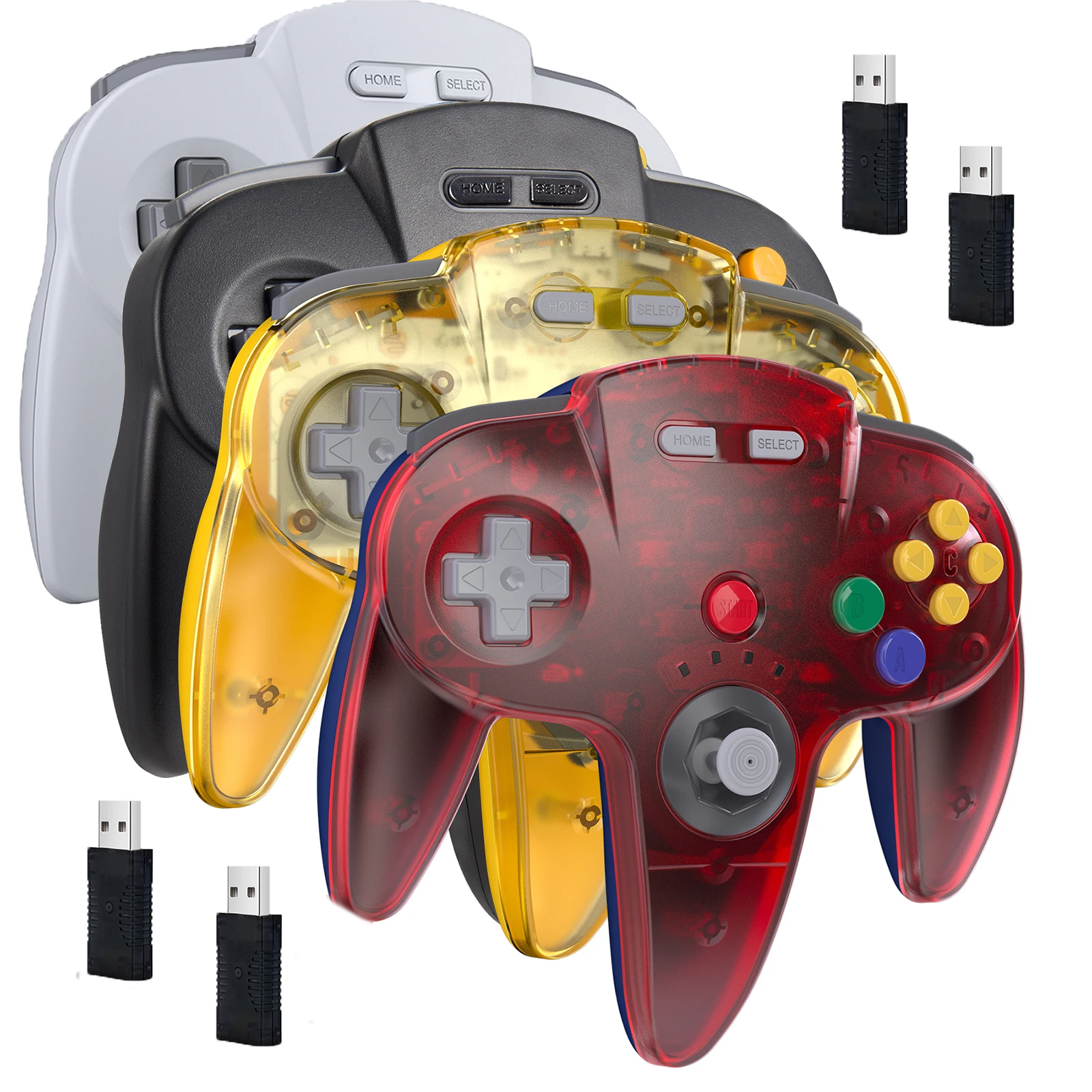
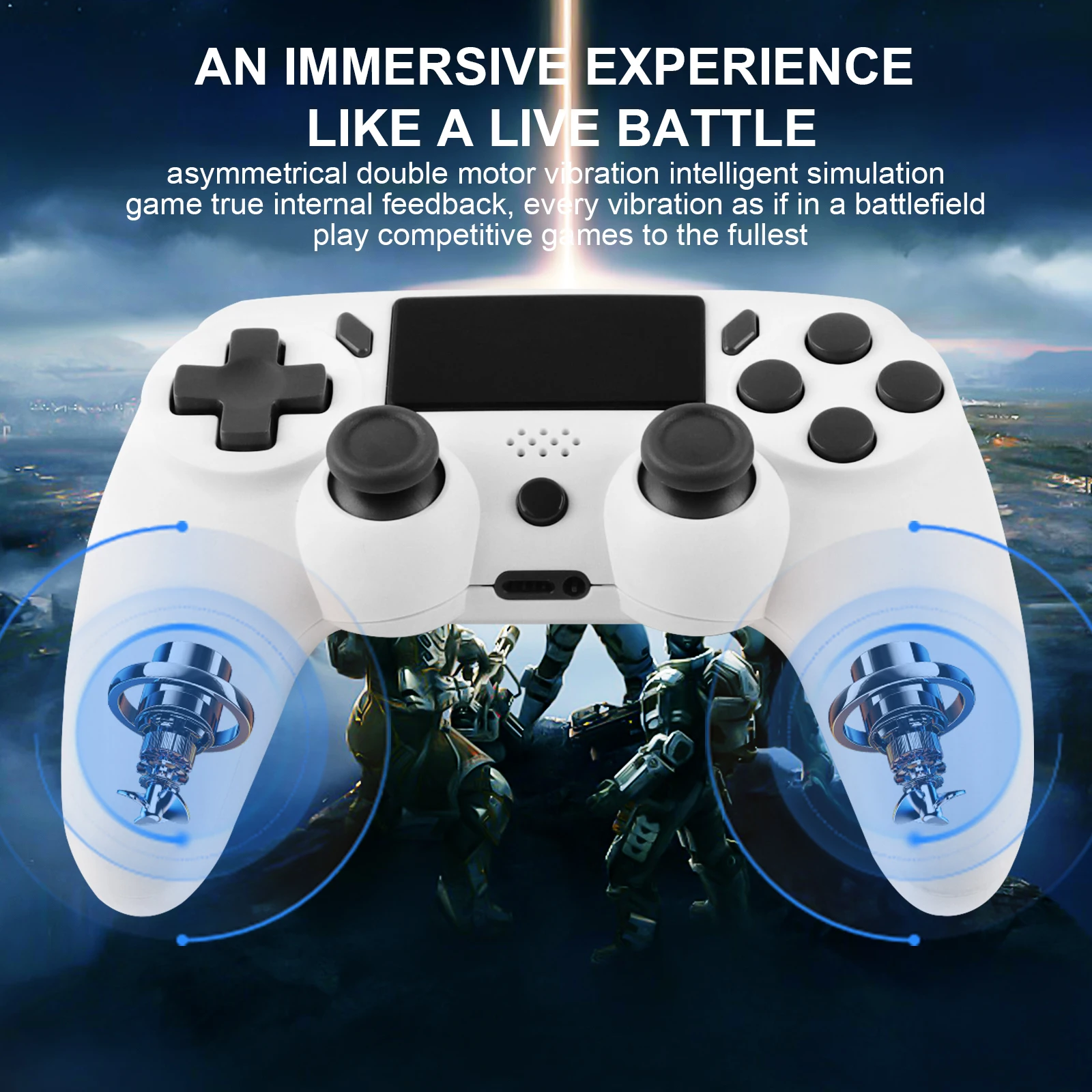
Many games on a computer play just as well, or better, with a controller: racing, football, fighting, platform and many adventure games are designed around one. A controller also lets you sit back from the laptop, or play from the sofa with the laptop connected to a TV. The controllers here connect to a laptop by a USB cable, by their own wireless receiver, or by Bluetooth, and most add vibration.
The kinds of controller here
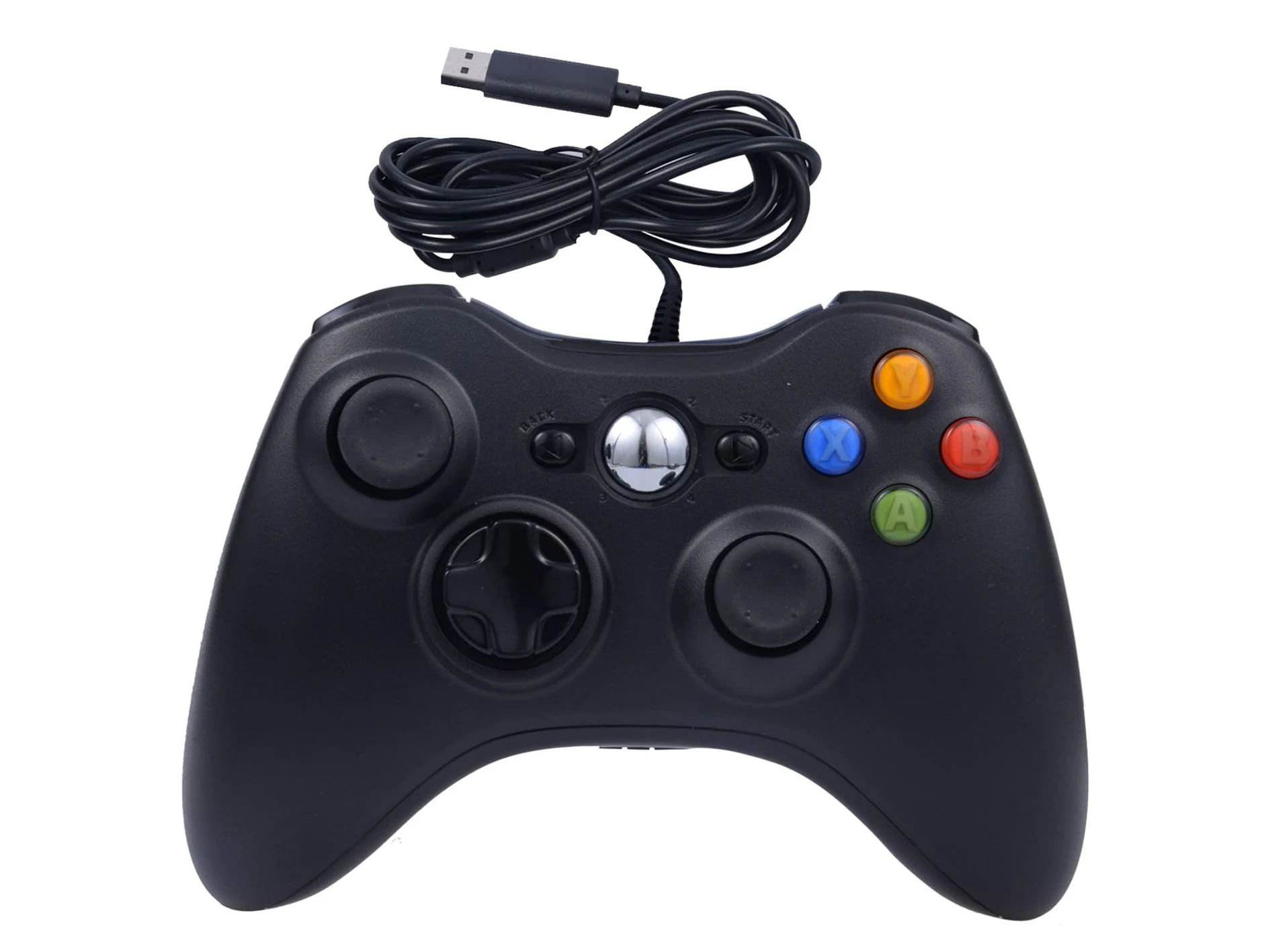
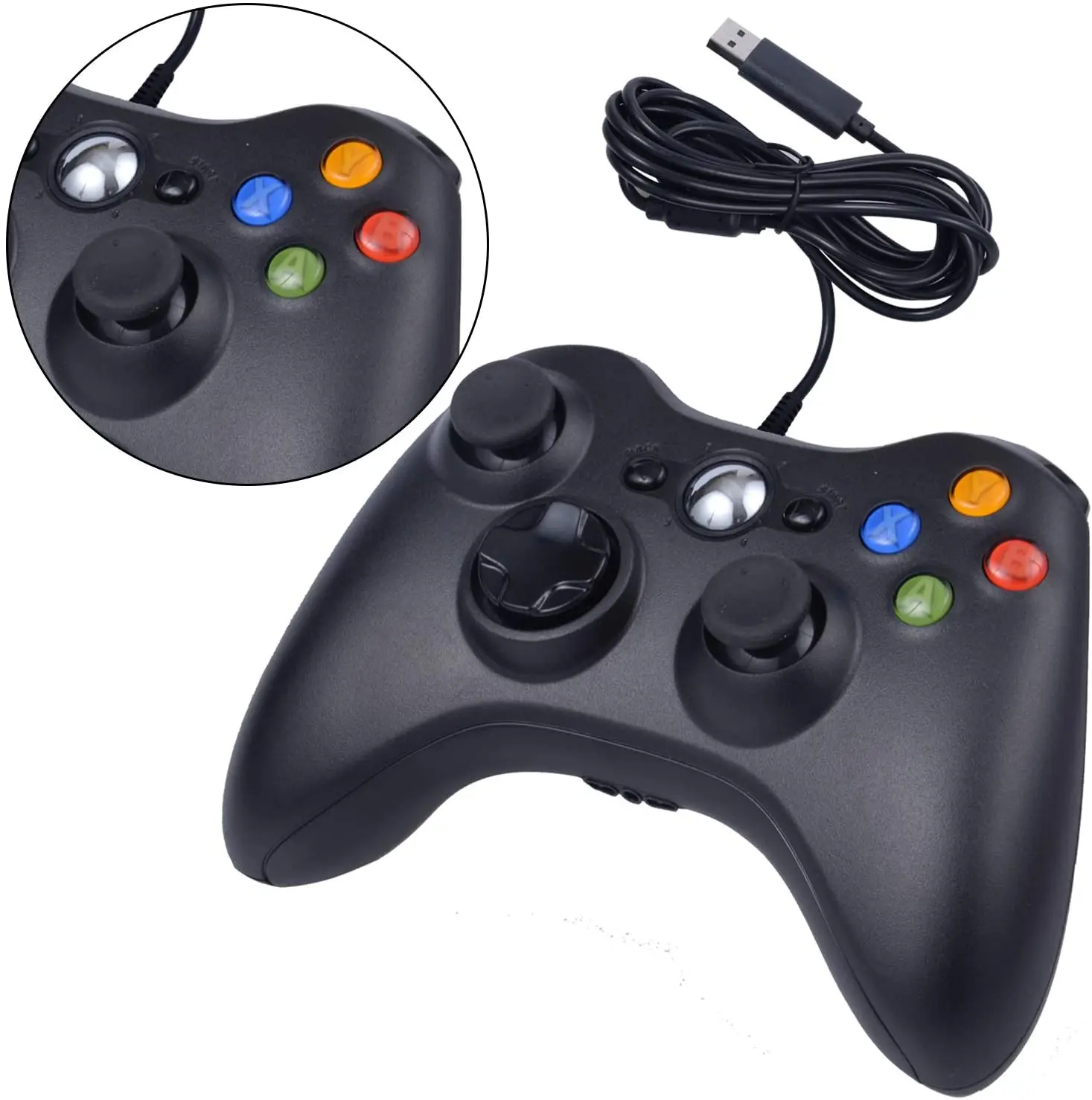
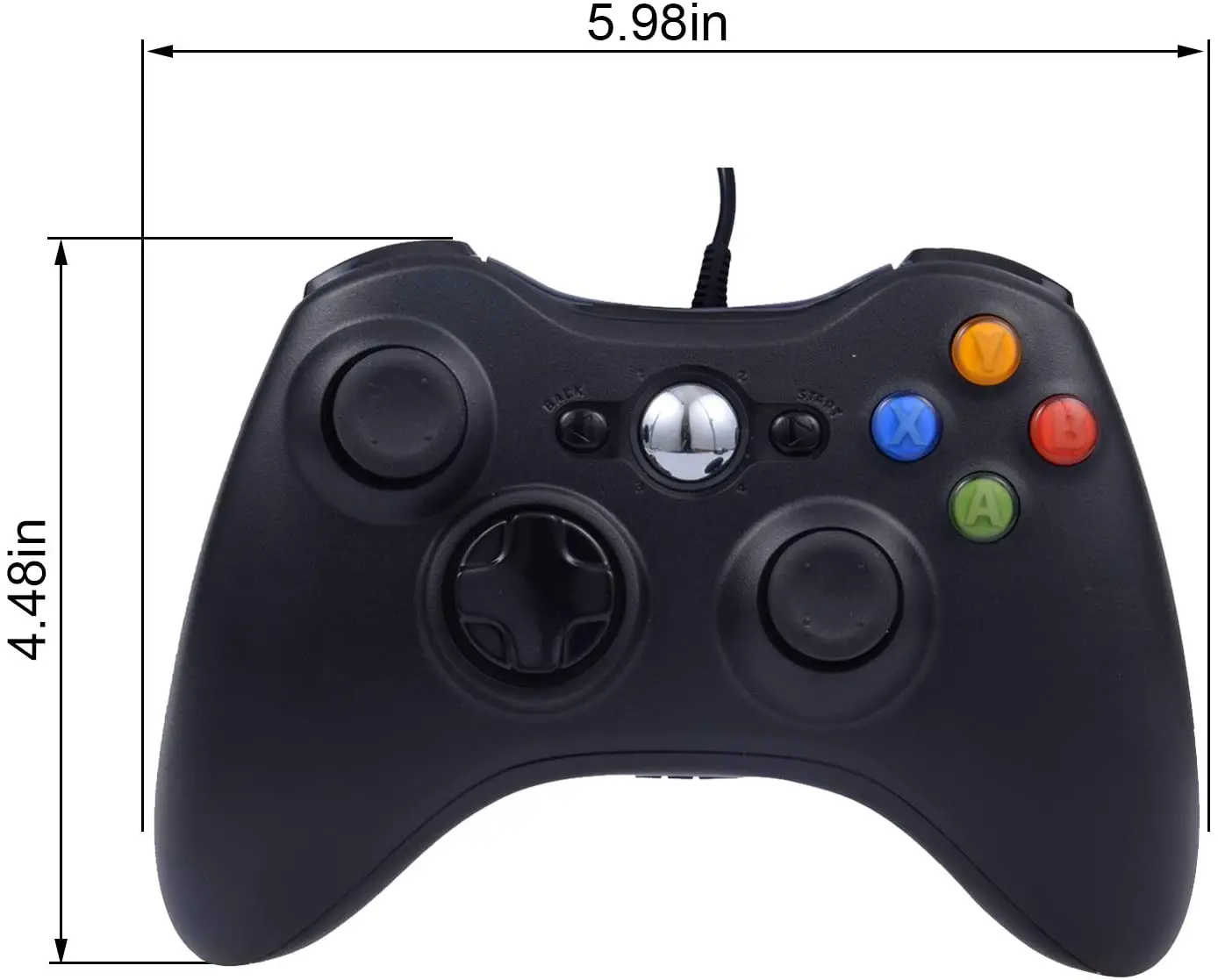
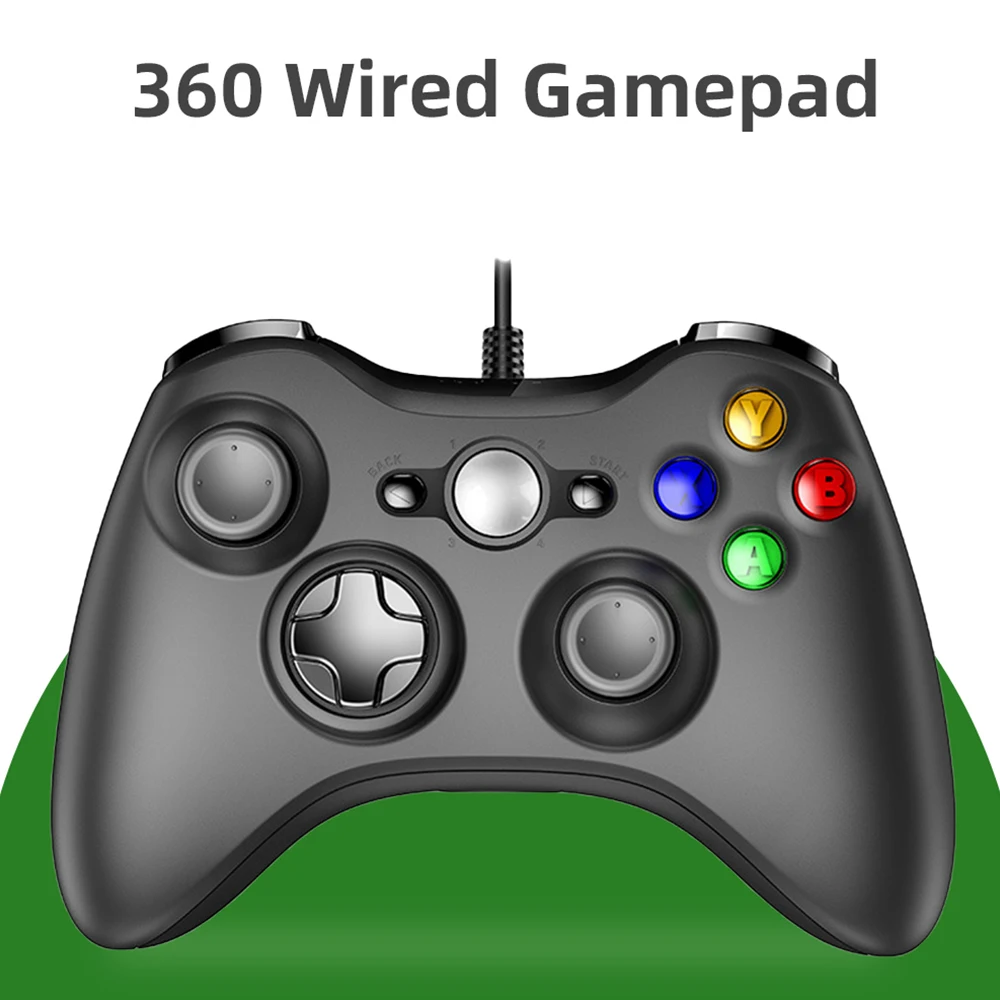
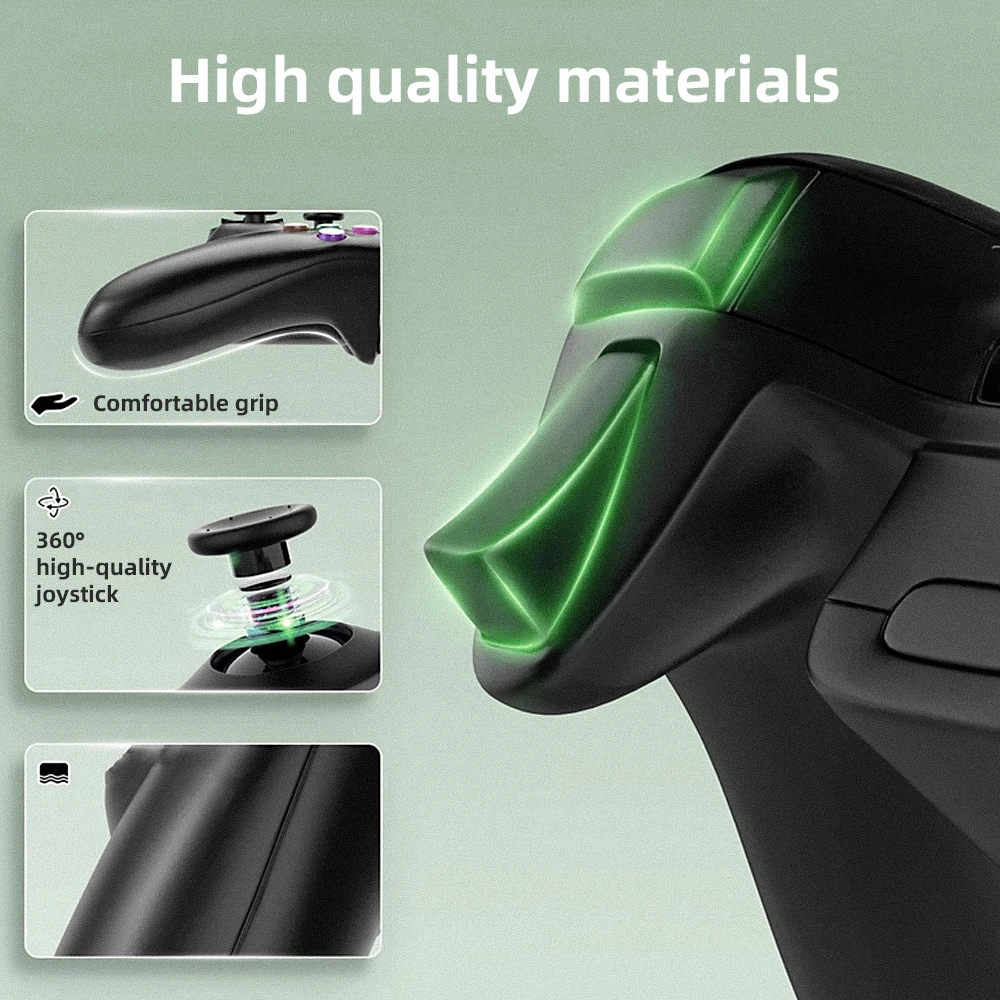
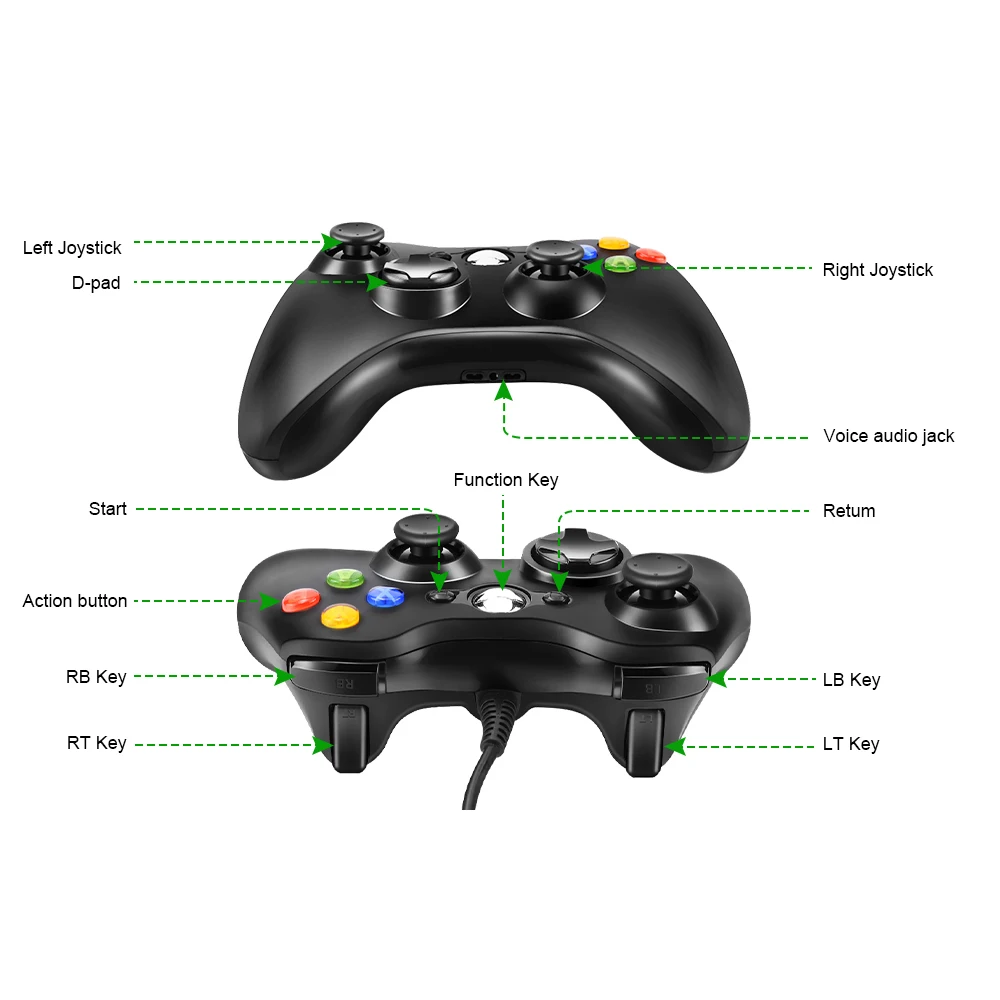
- Wired pads in the Xbox 360 style, for Windows laptops and Steam. They plug in and work, with nothing to charge.
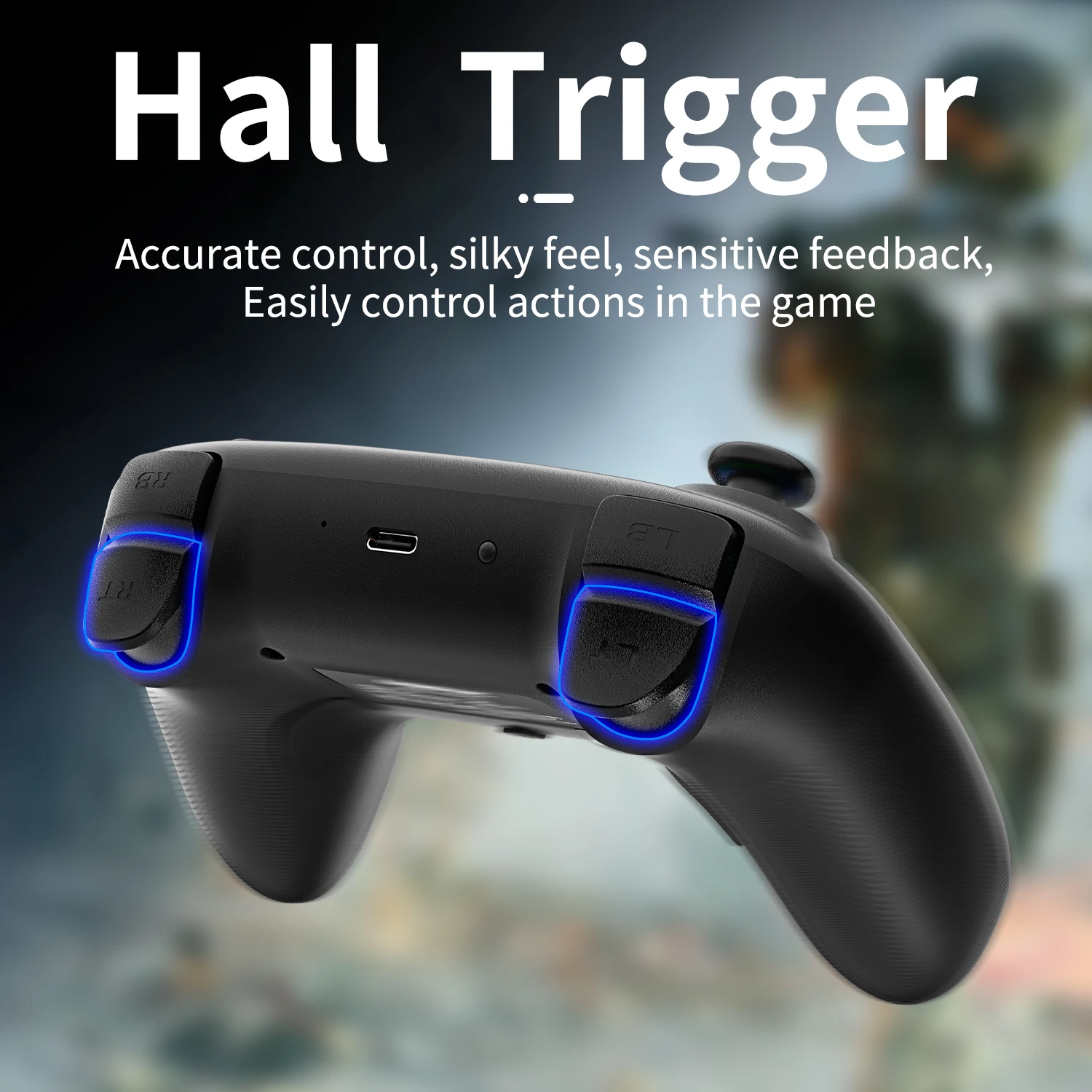
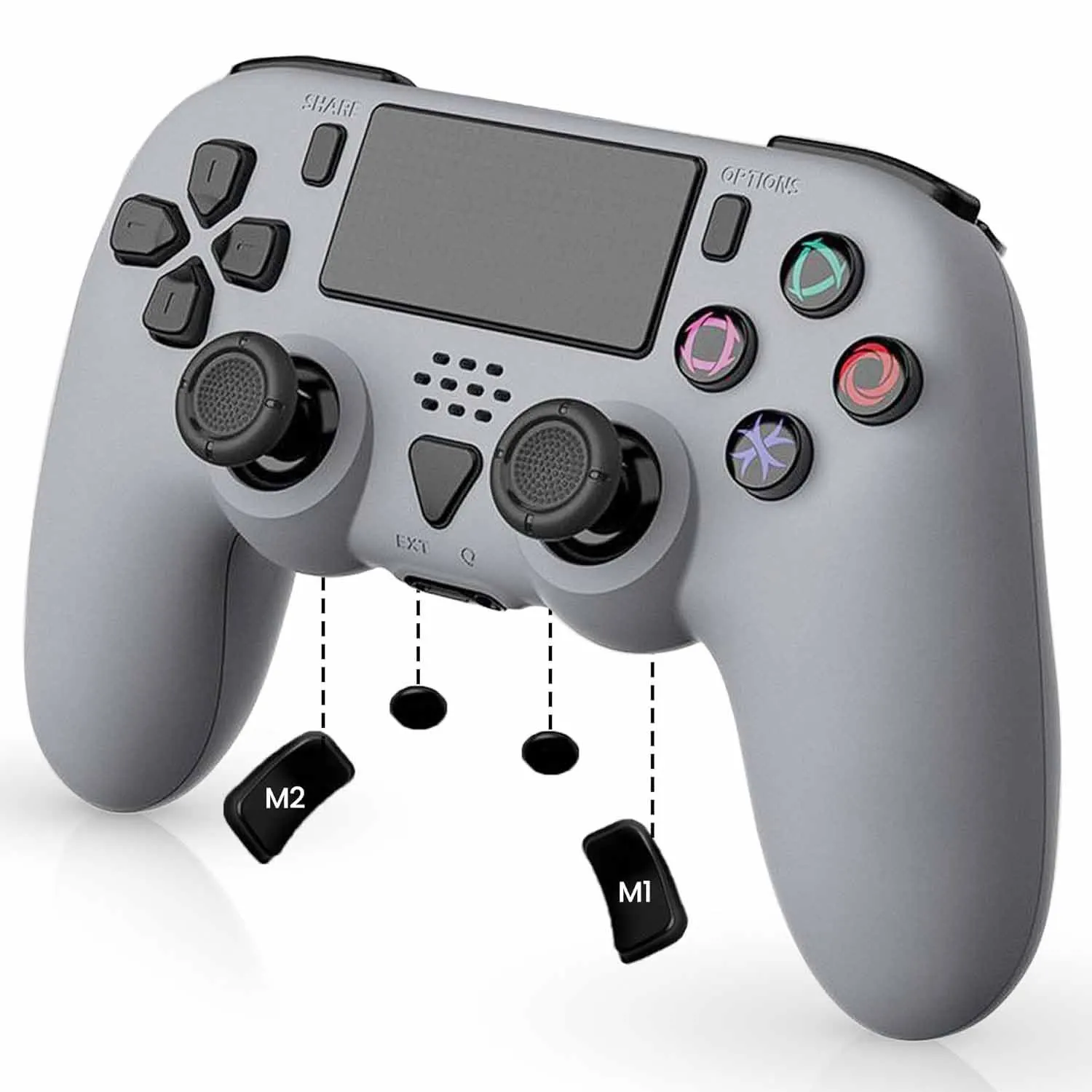
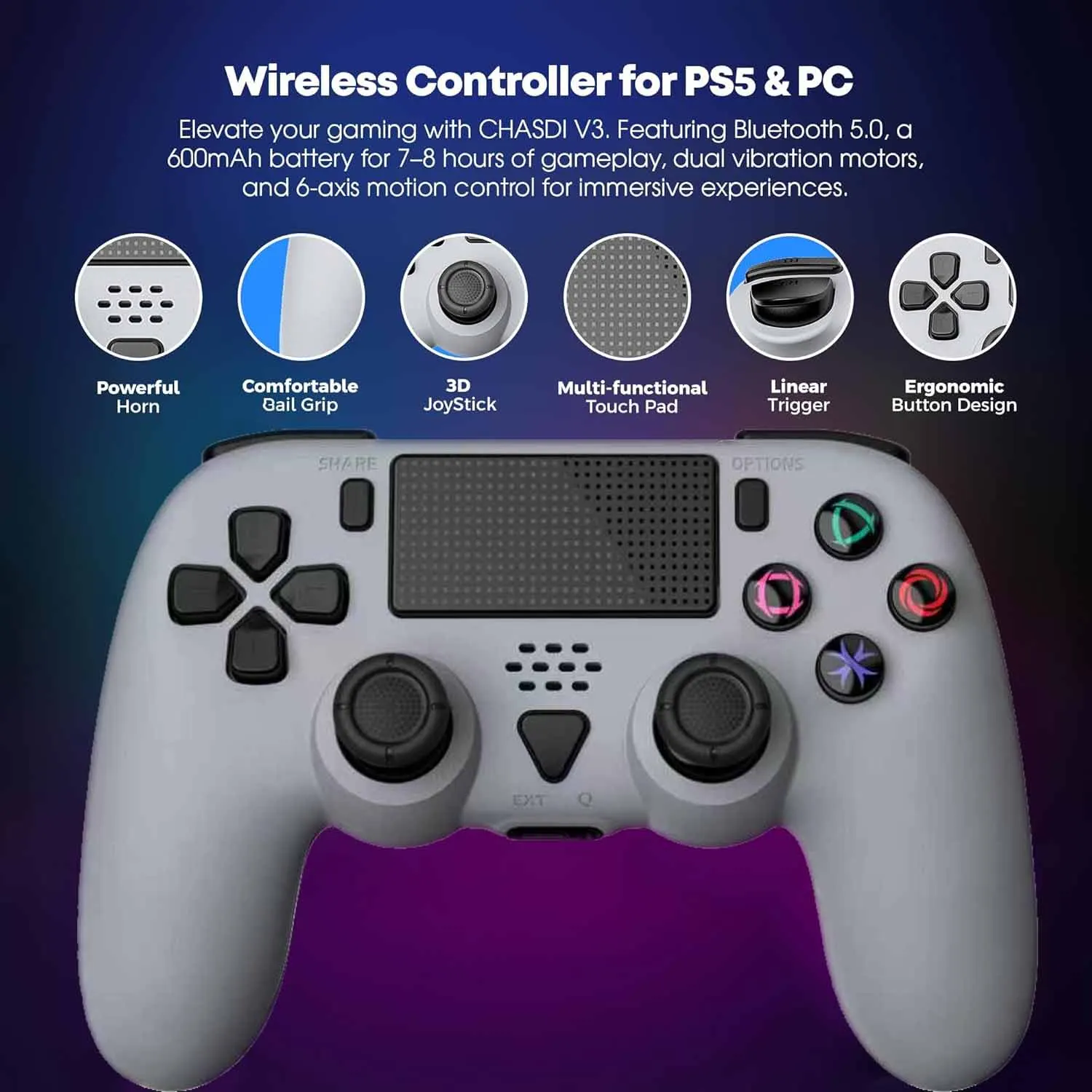
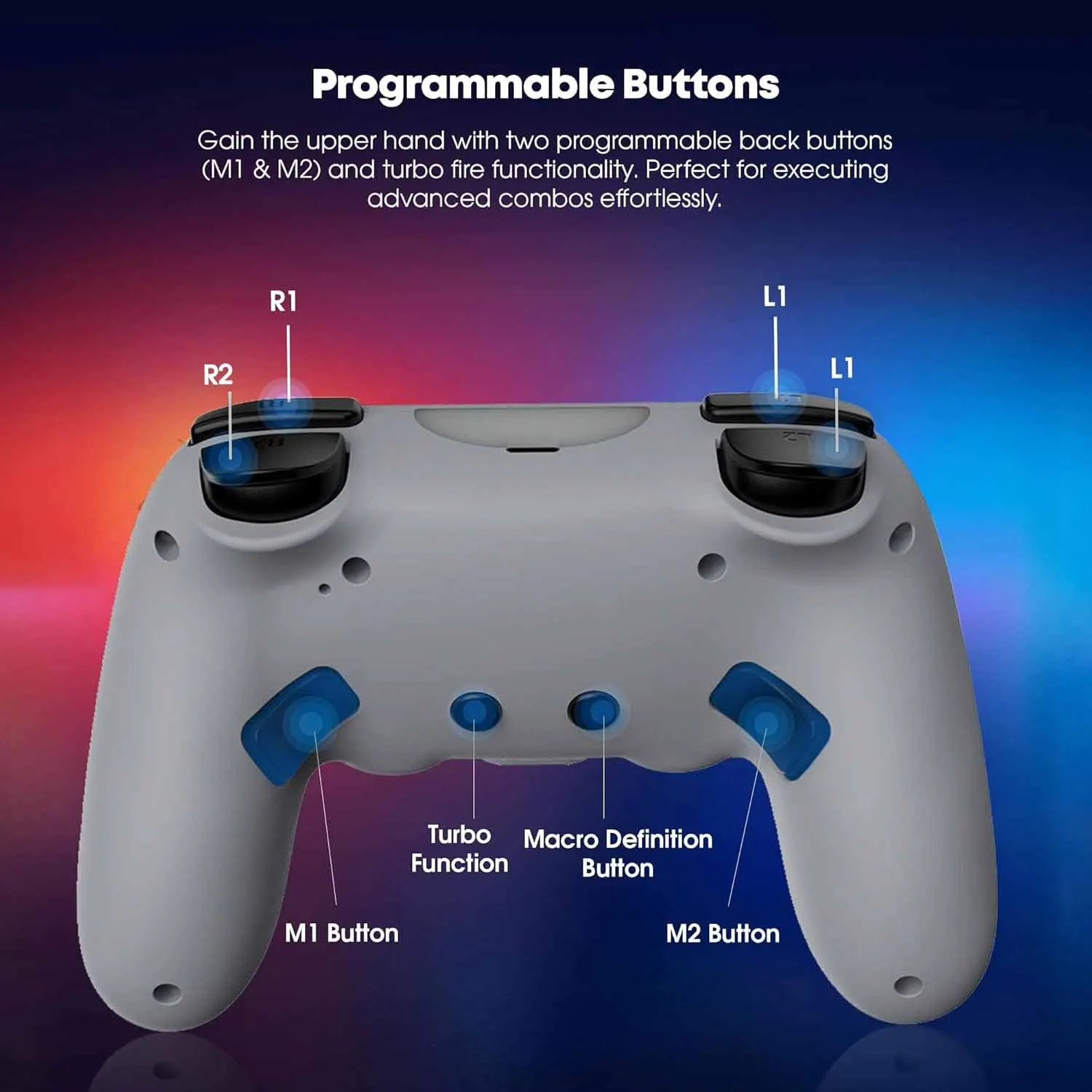
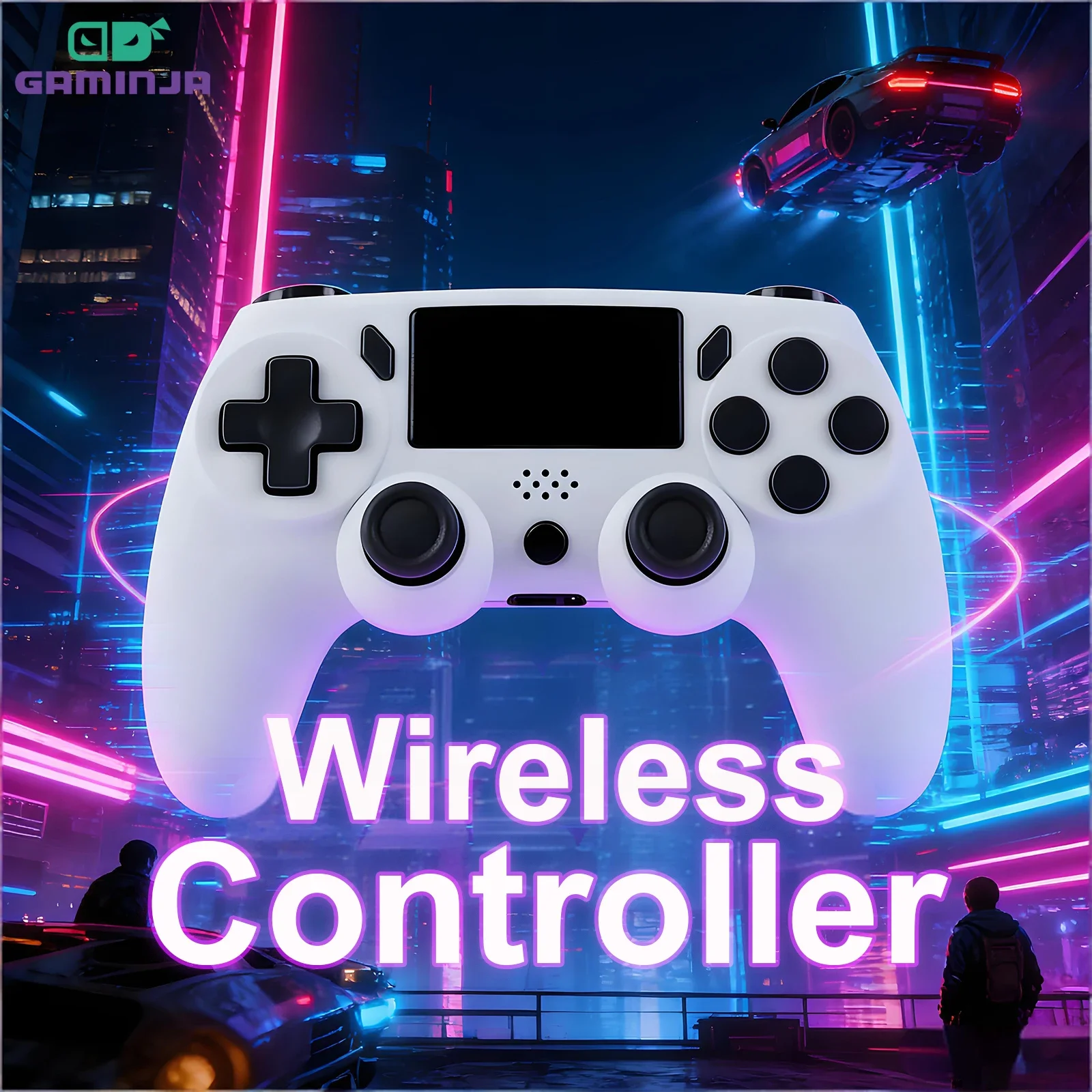
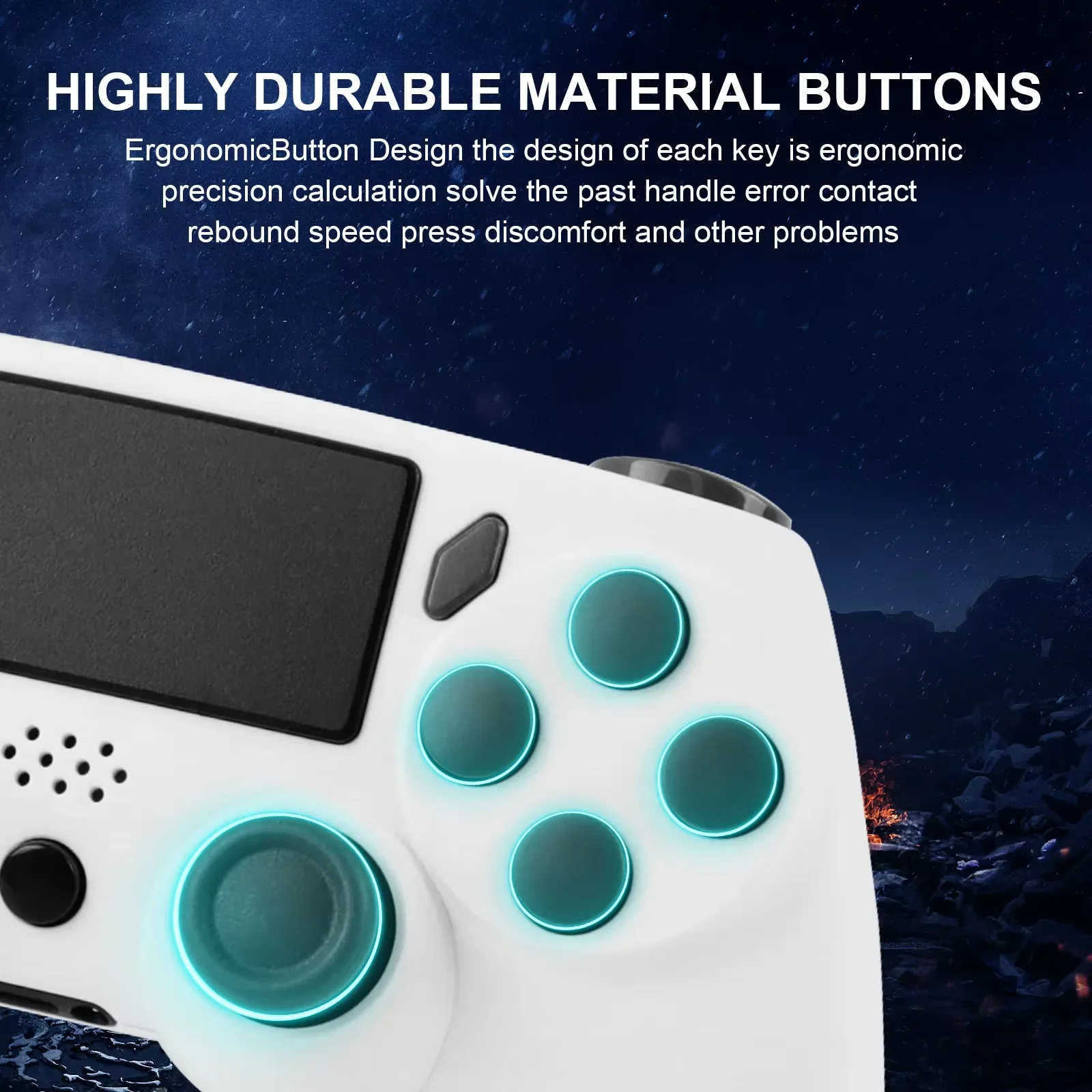
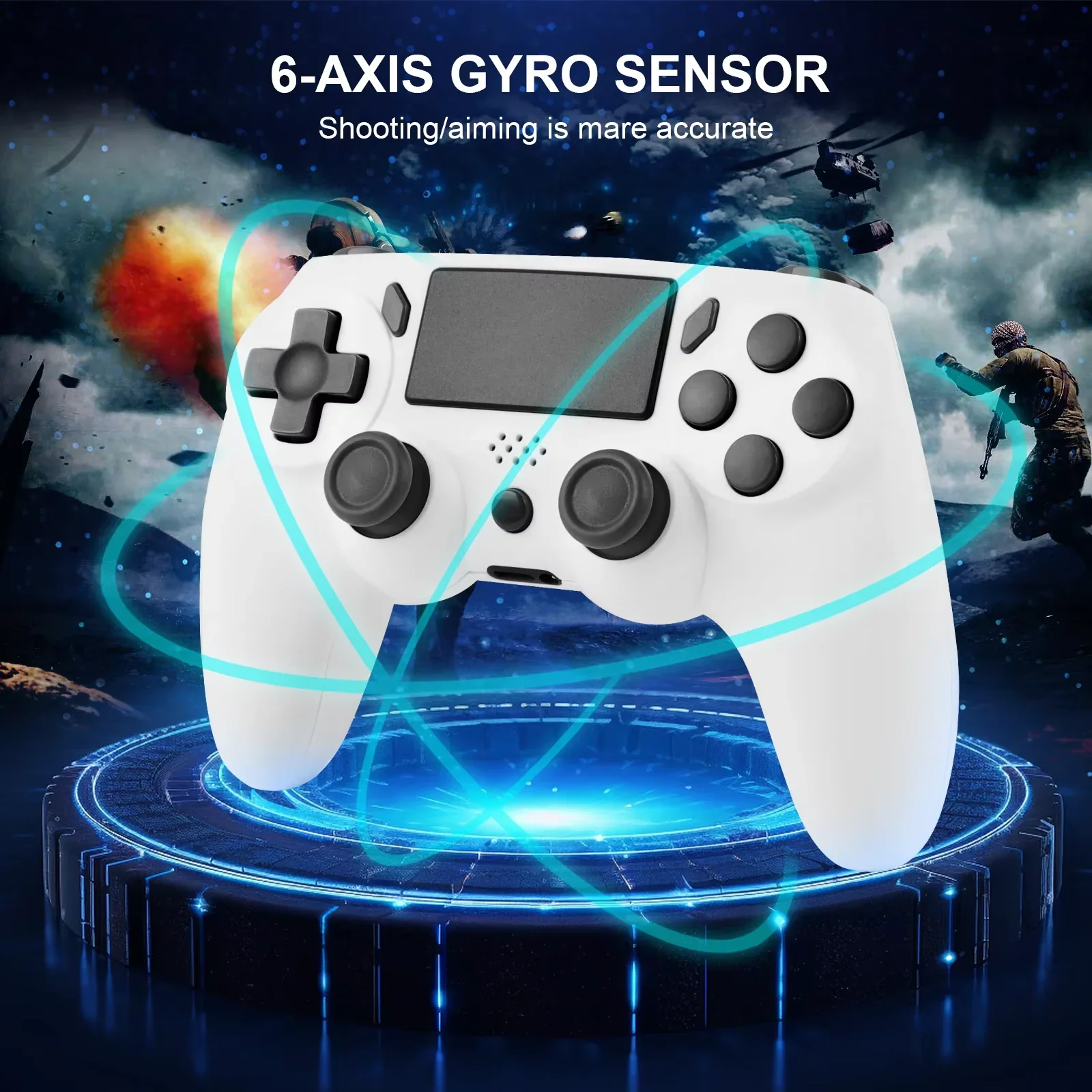
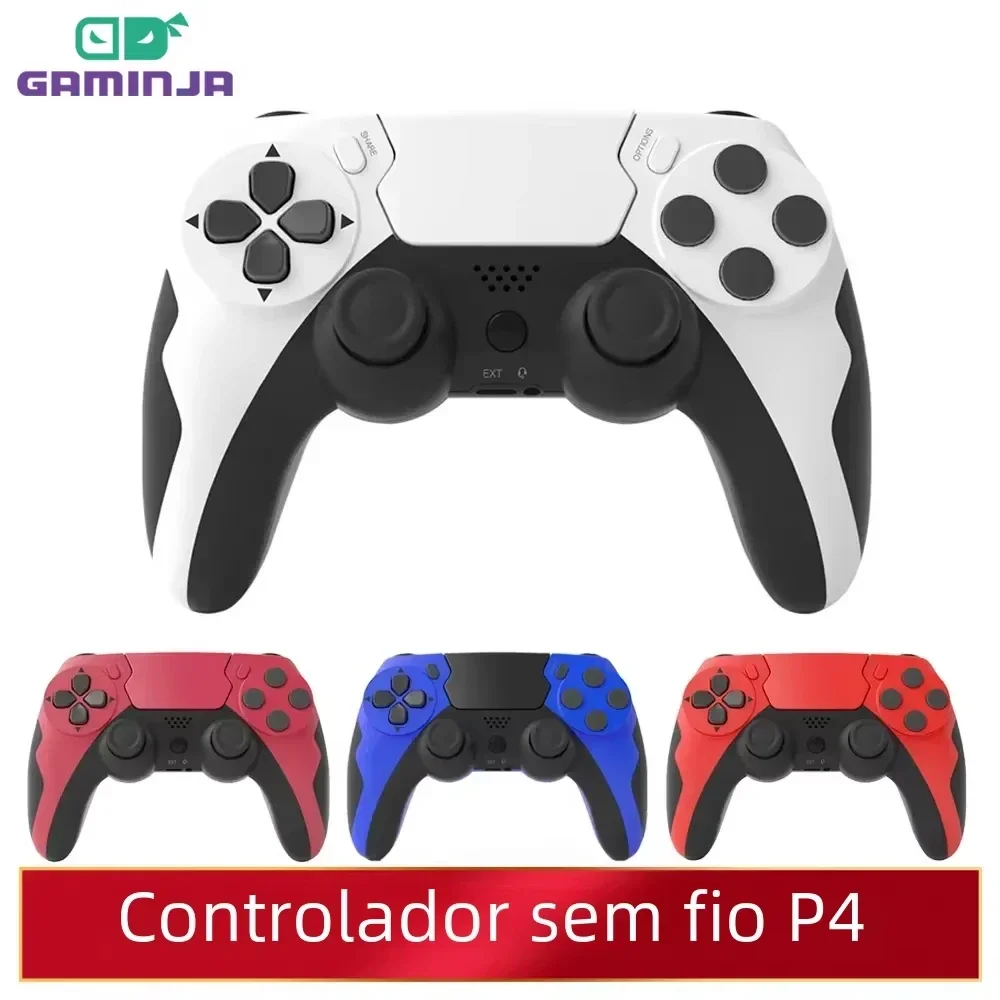
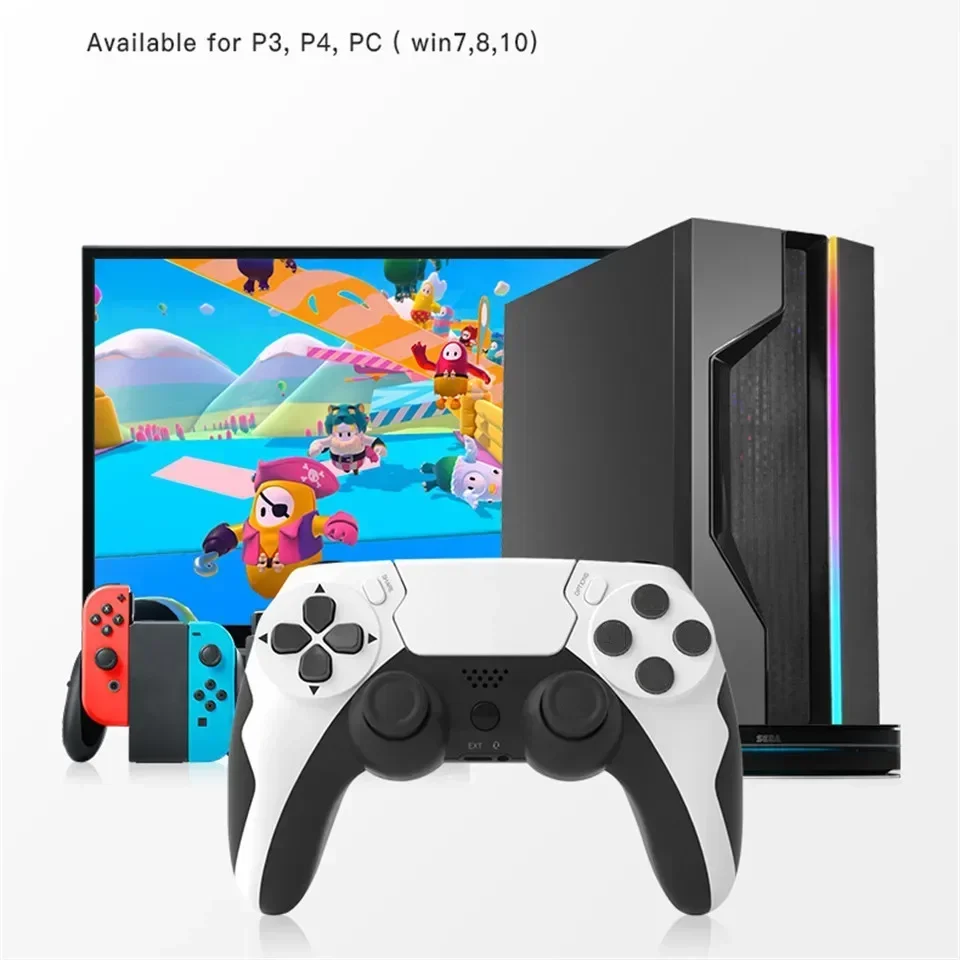
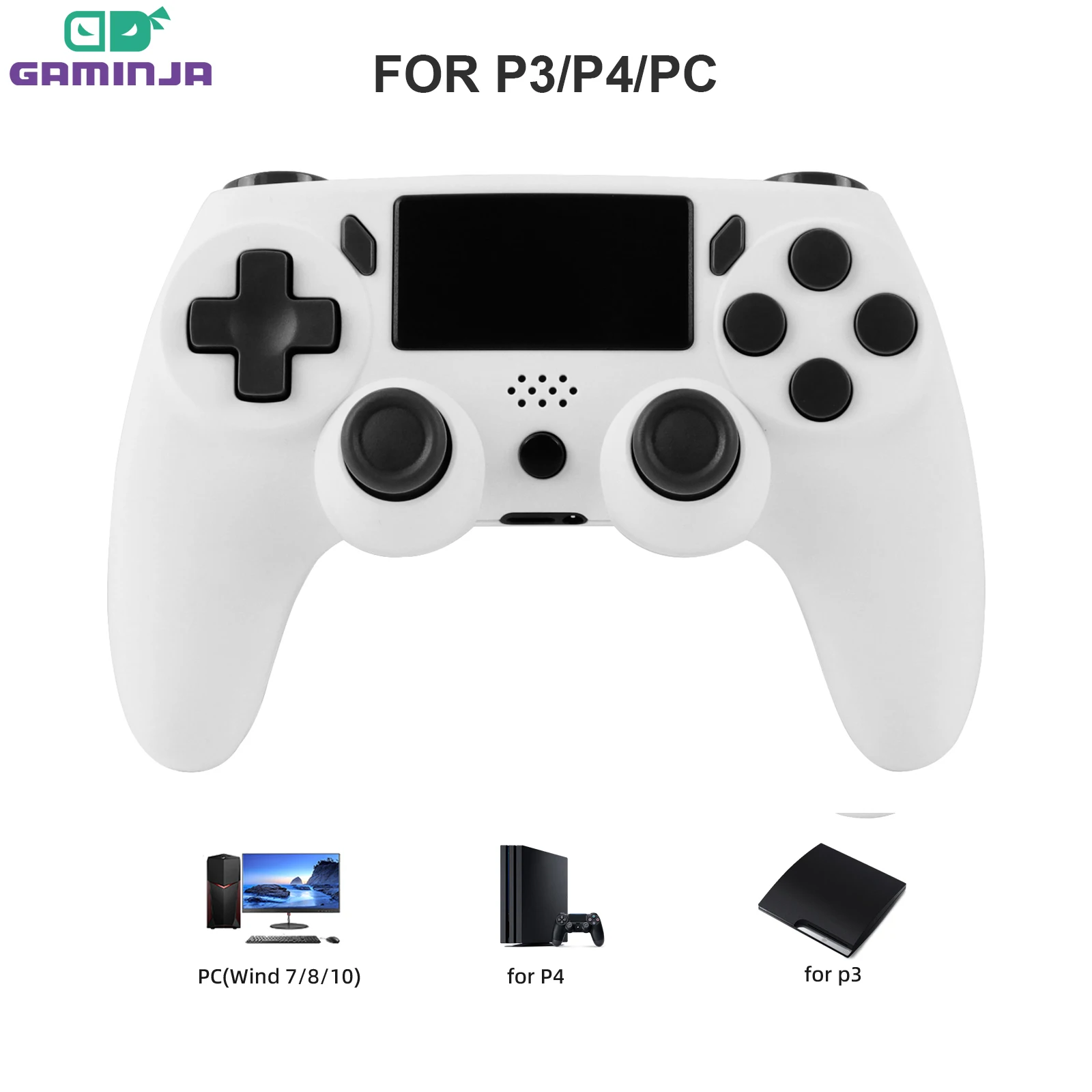
- Bluetooth pads in the PlayStation style, compatible with PS4, PS3 and PC, many with a touchpad, a light bar and motion sensing from a six-axis gyroscope. One is for PS5 and PC, with turbo, macros and extra buttons on the back.
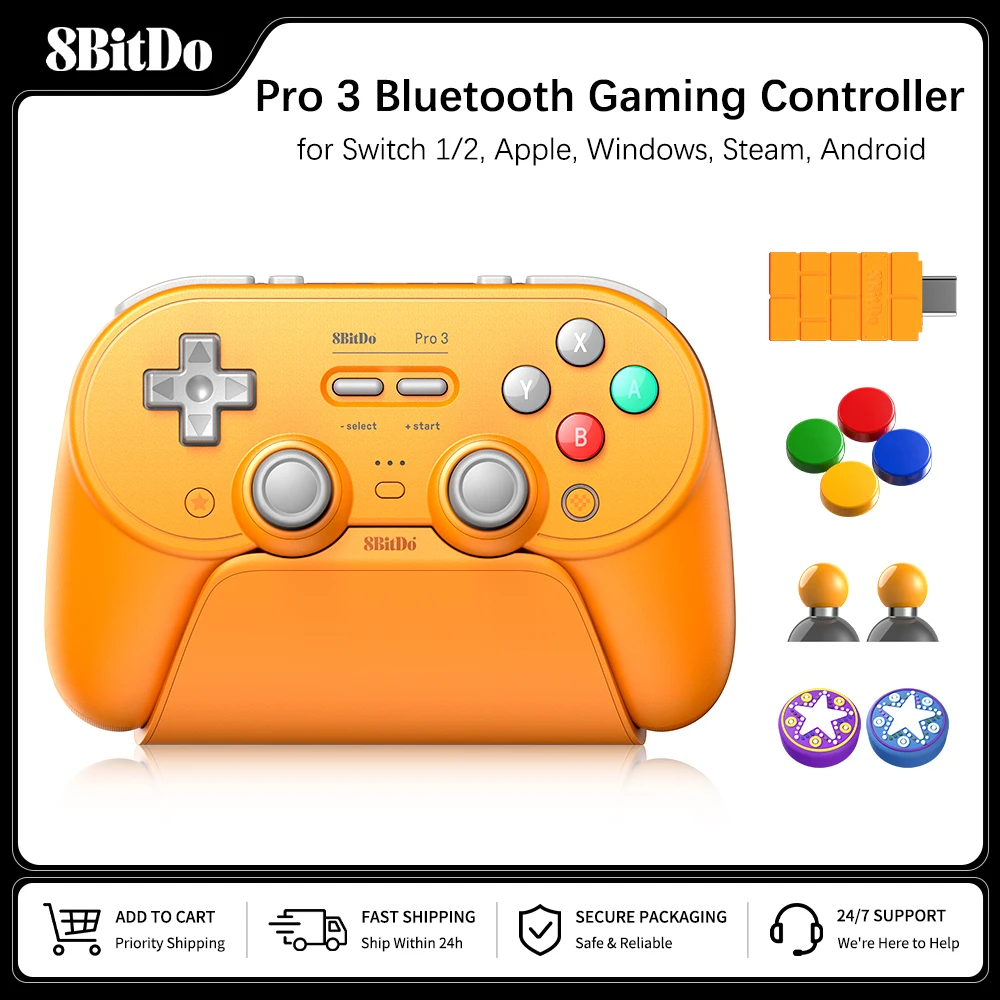
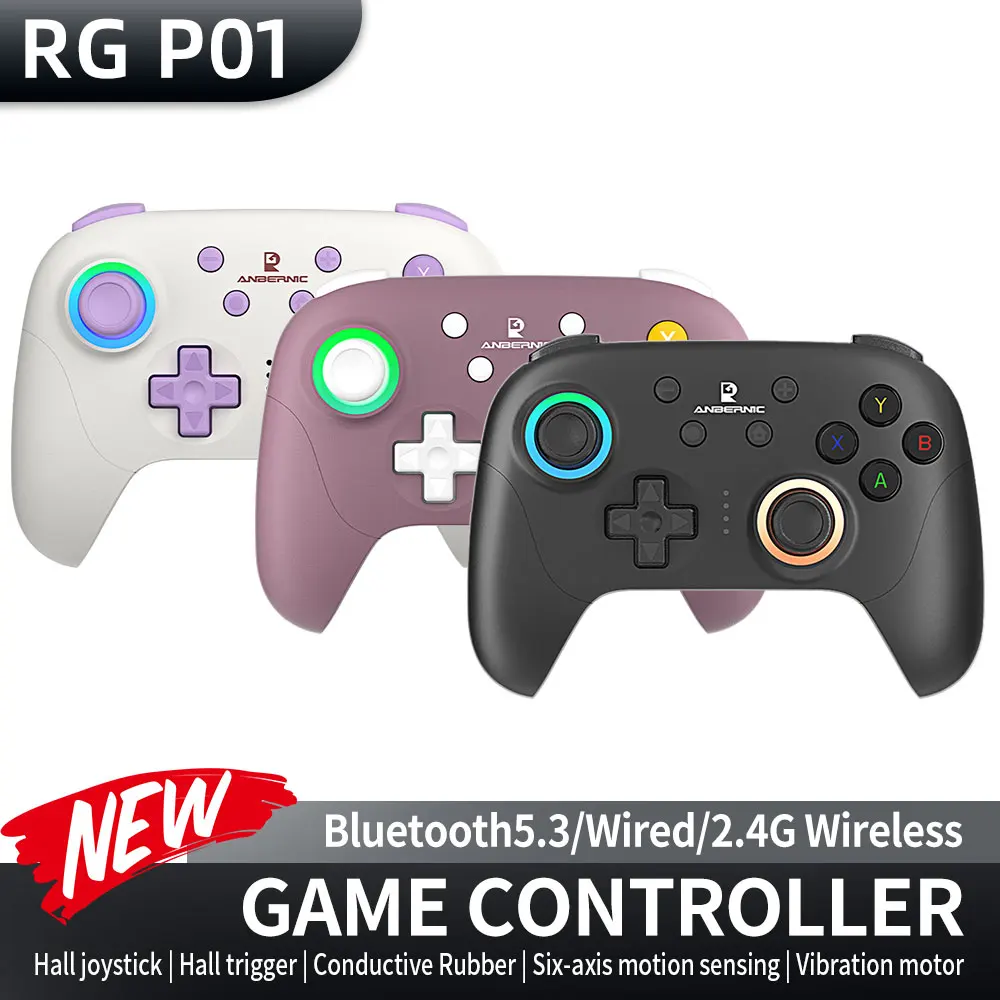
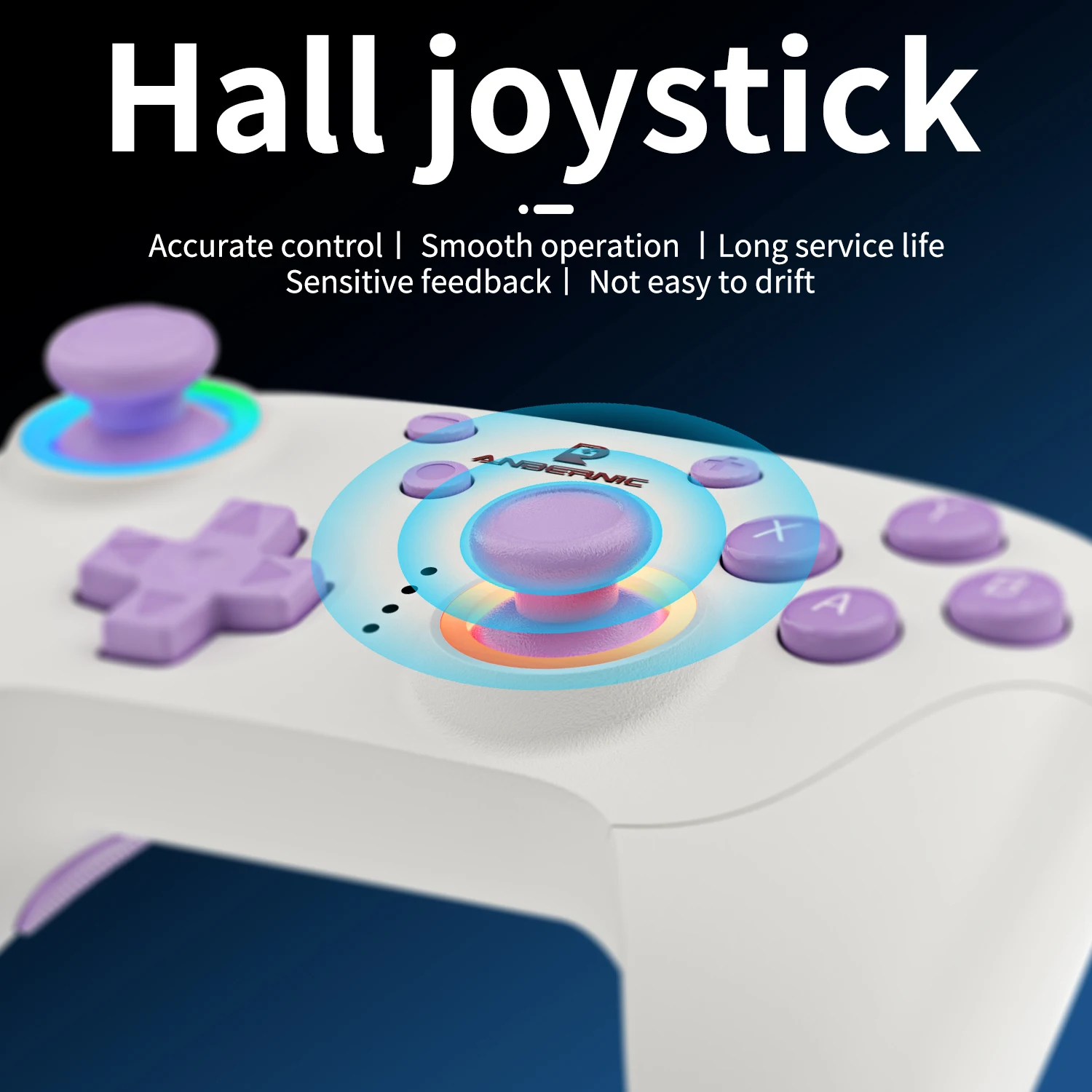
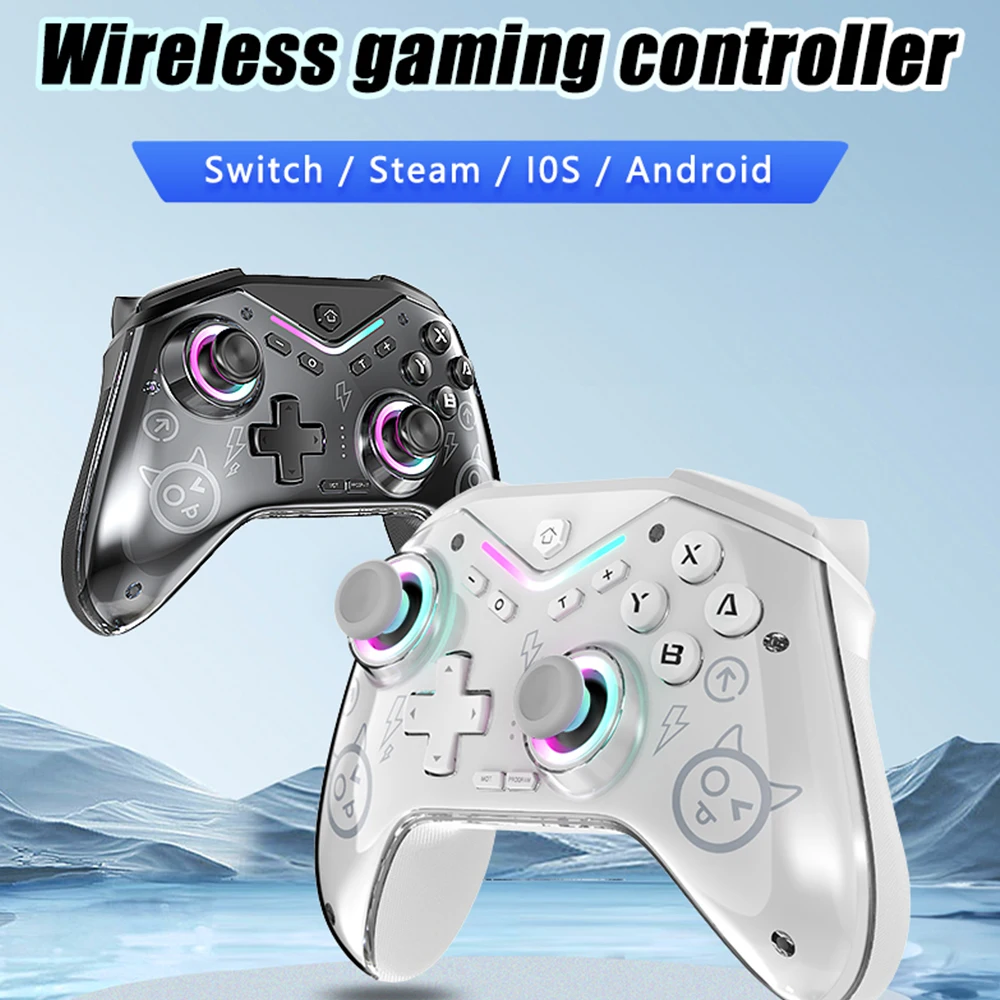
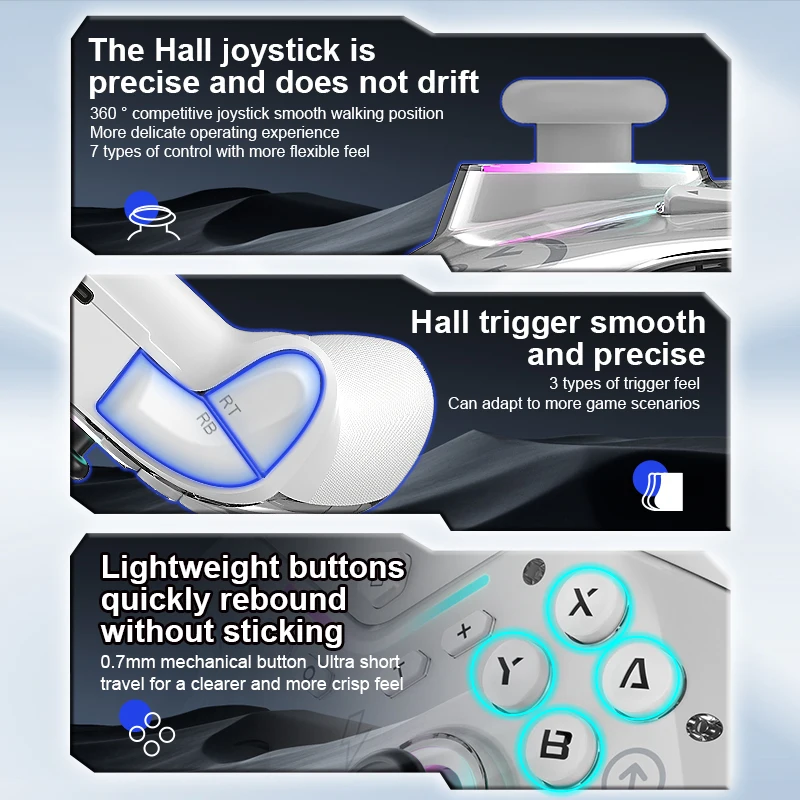
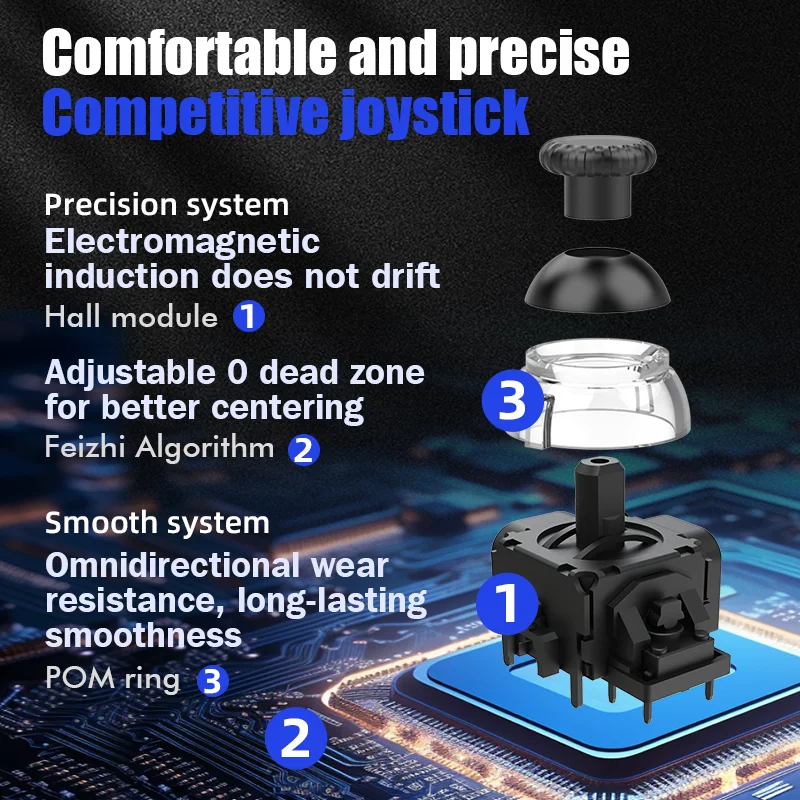
- Multi-system pads that list Windows, Mac, Android, Steam and Switch, some with what their makers call Hall effect or TMR sticks, described as resisting drift.
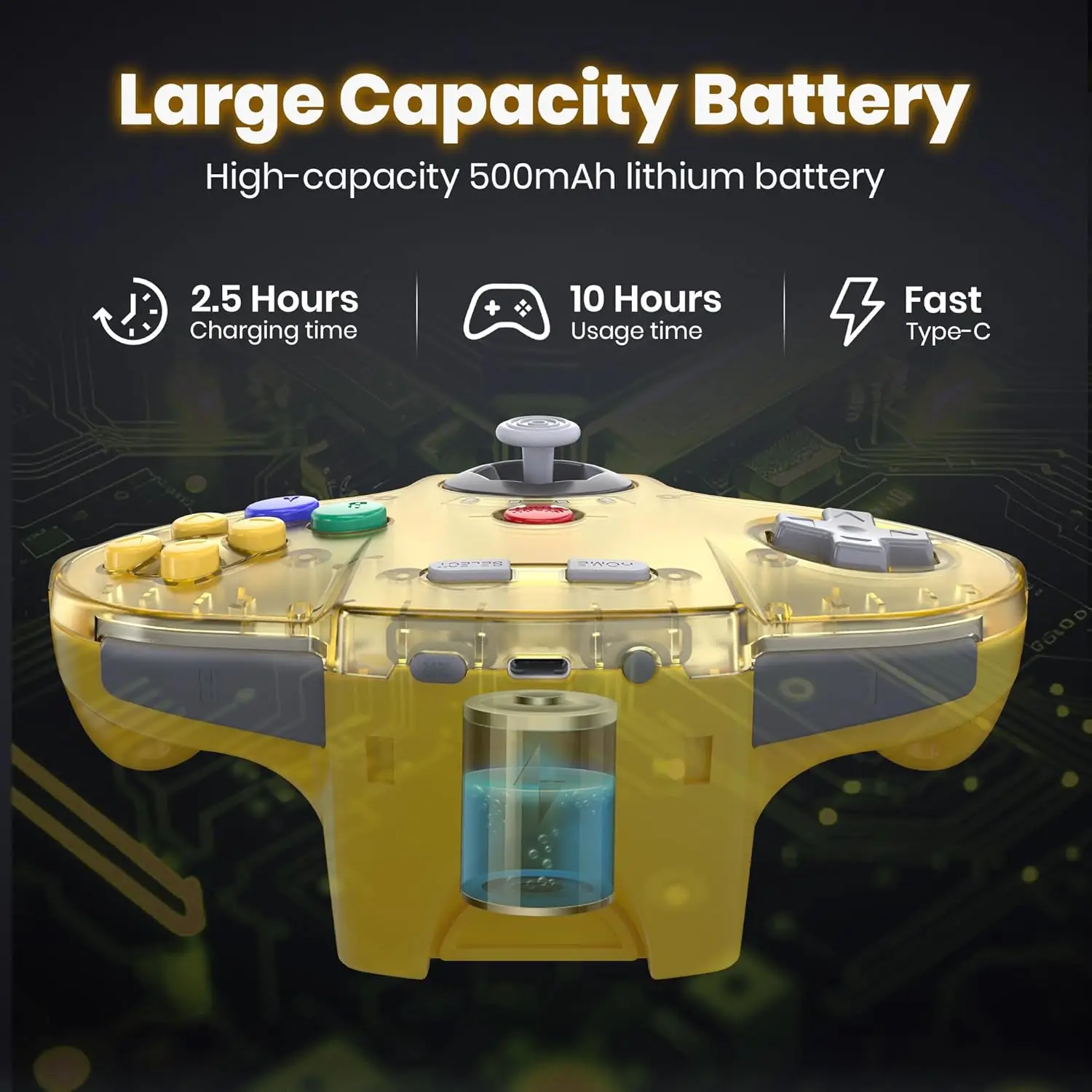
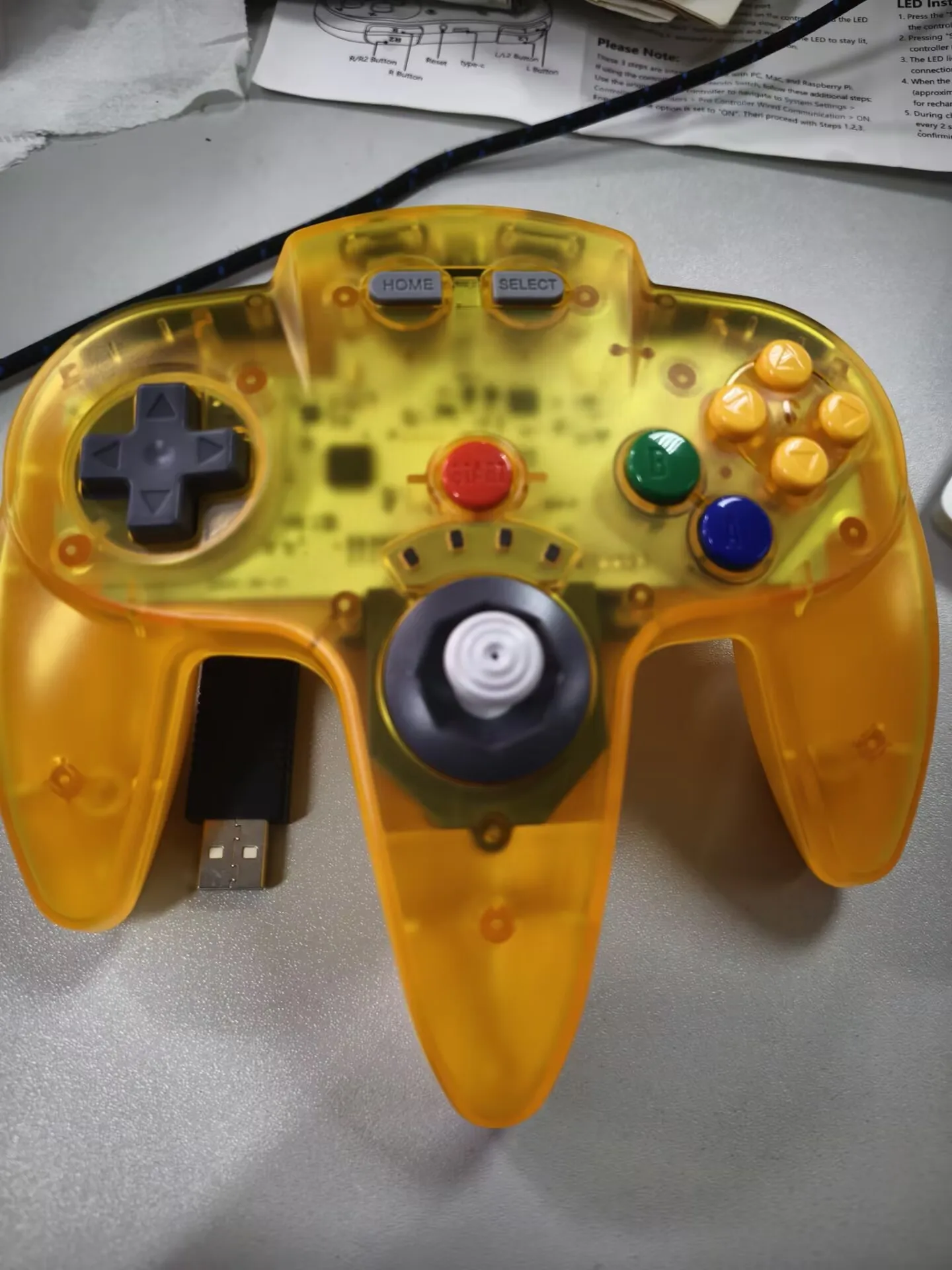
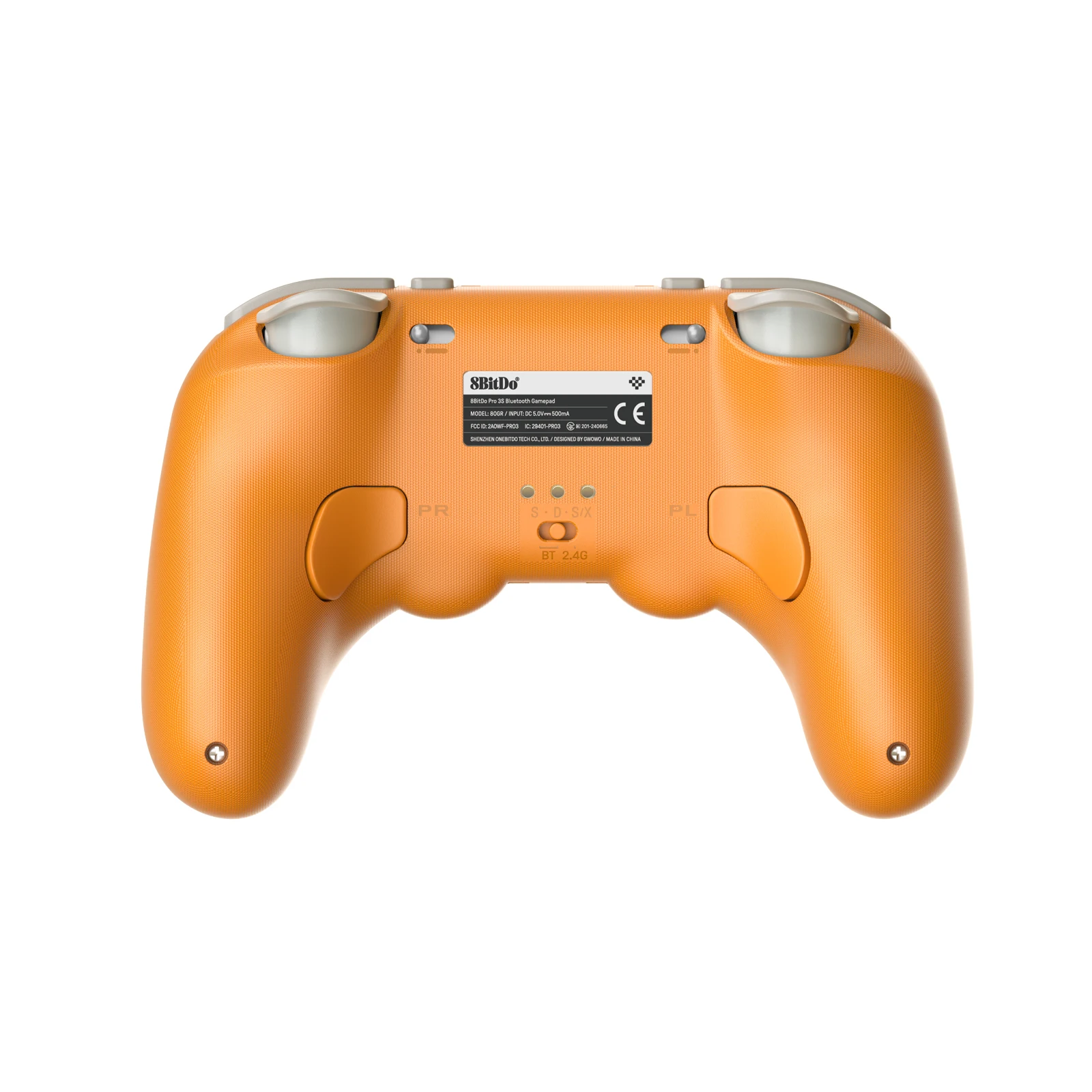
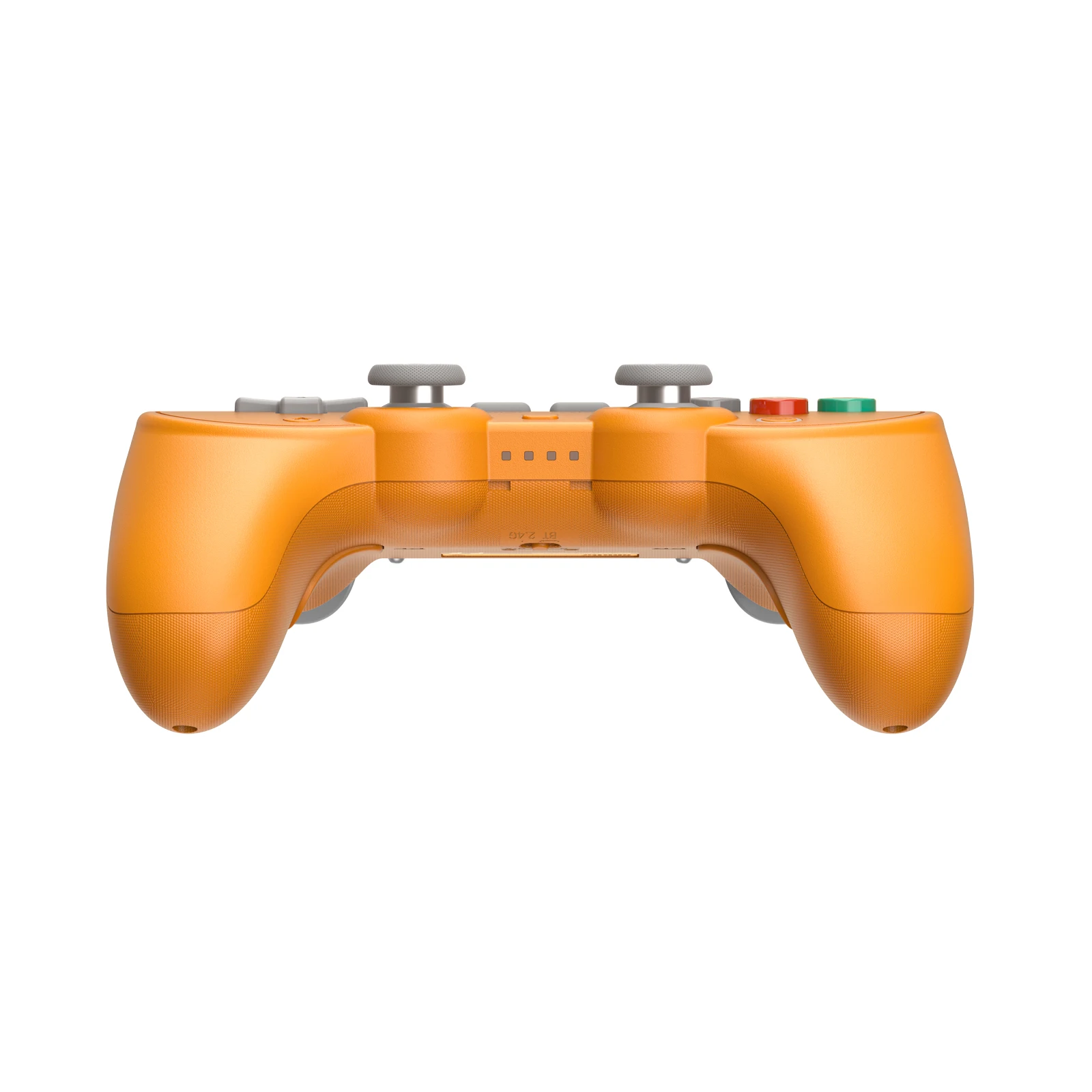
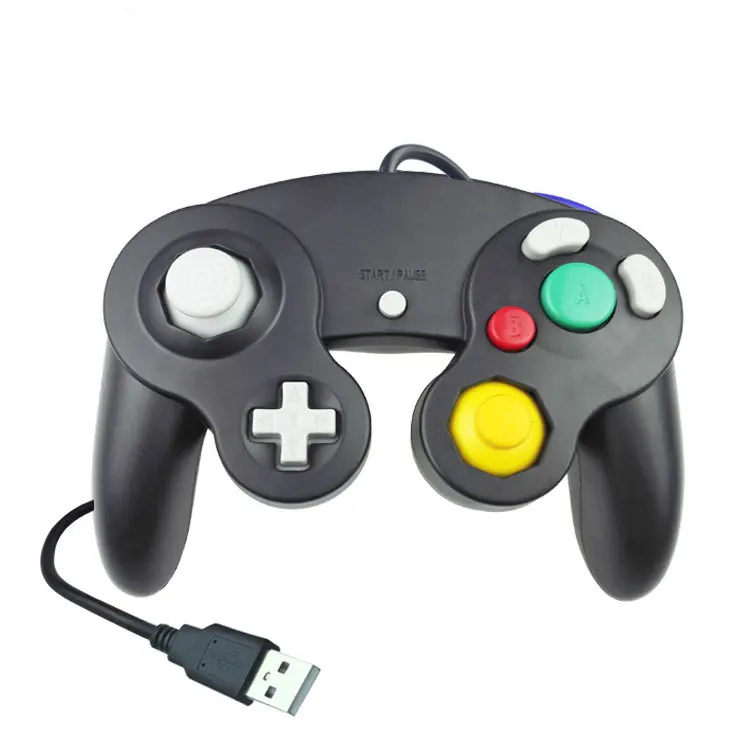
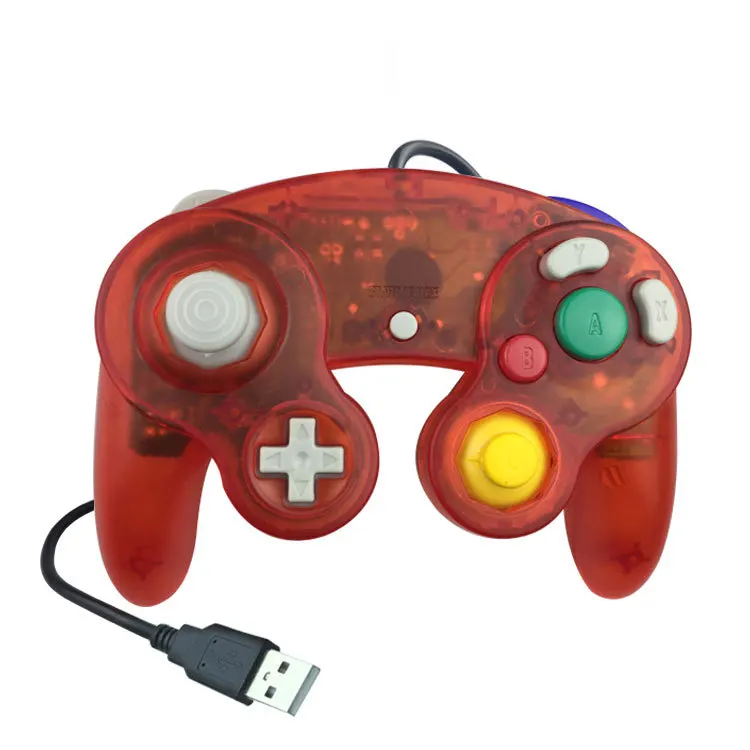
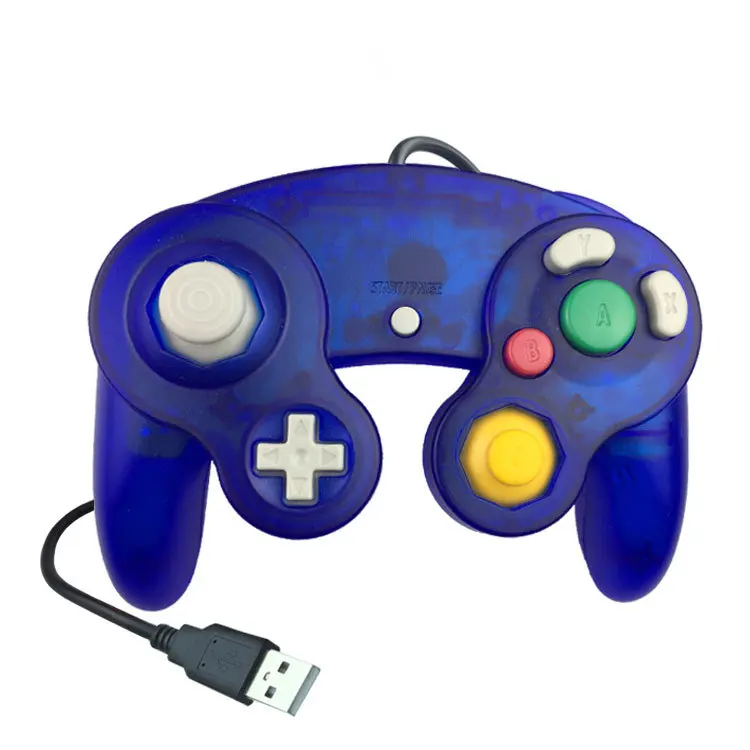
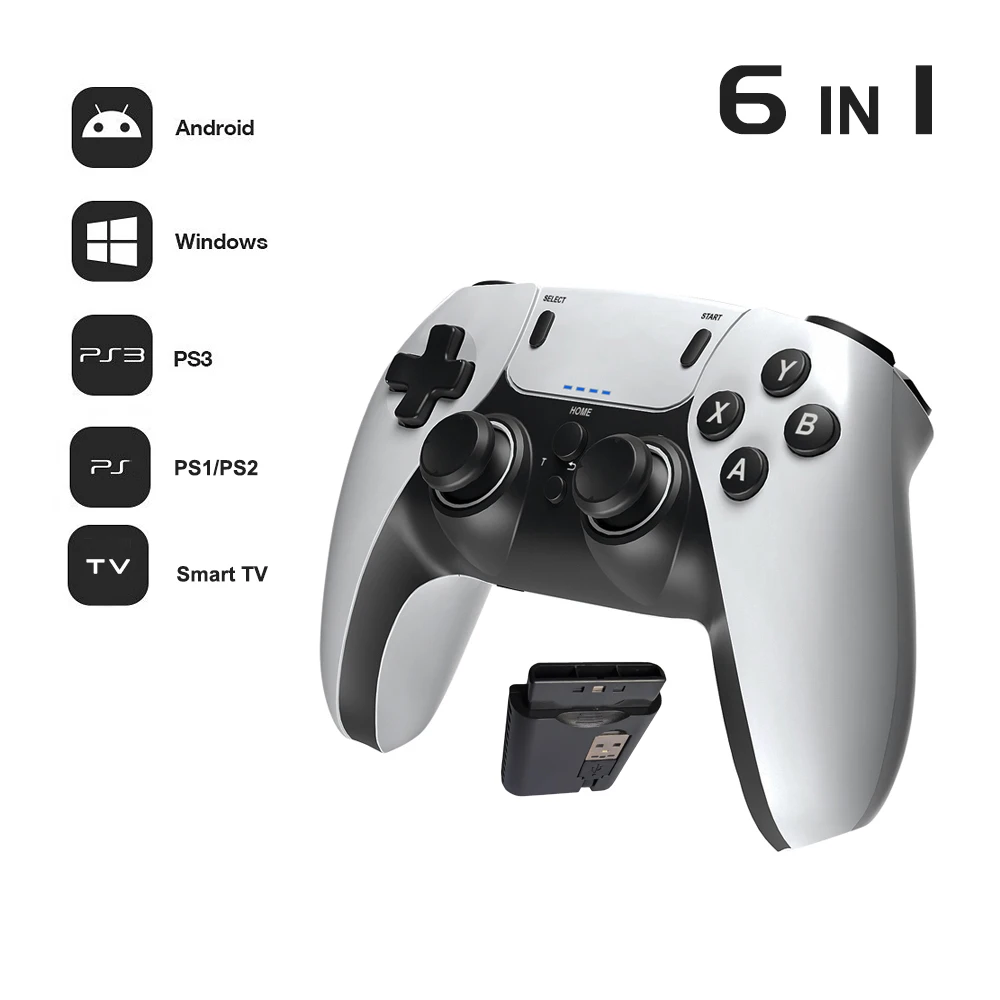
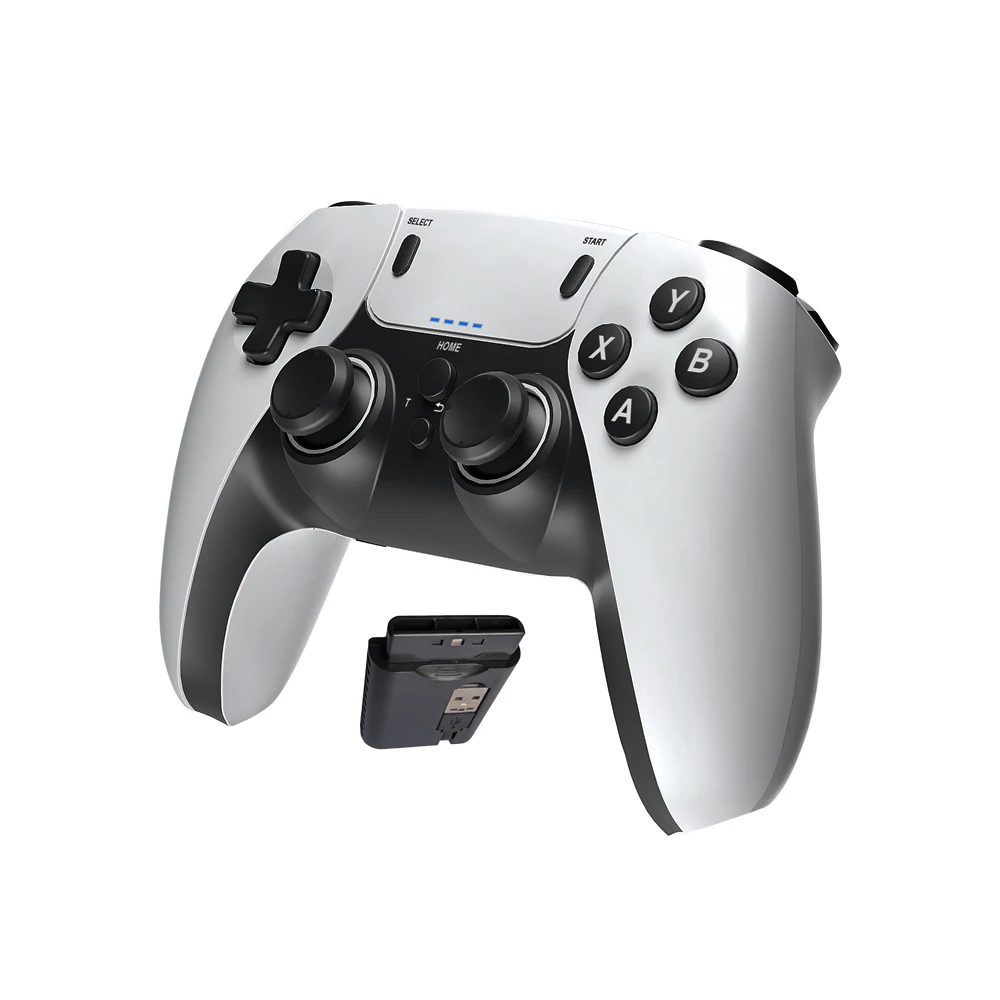
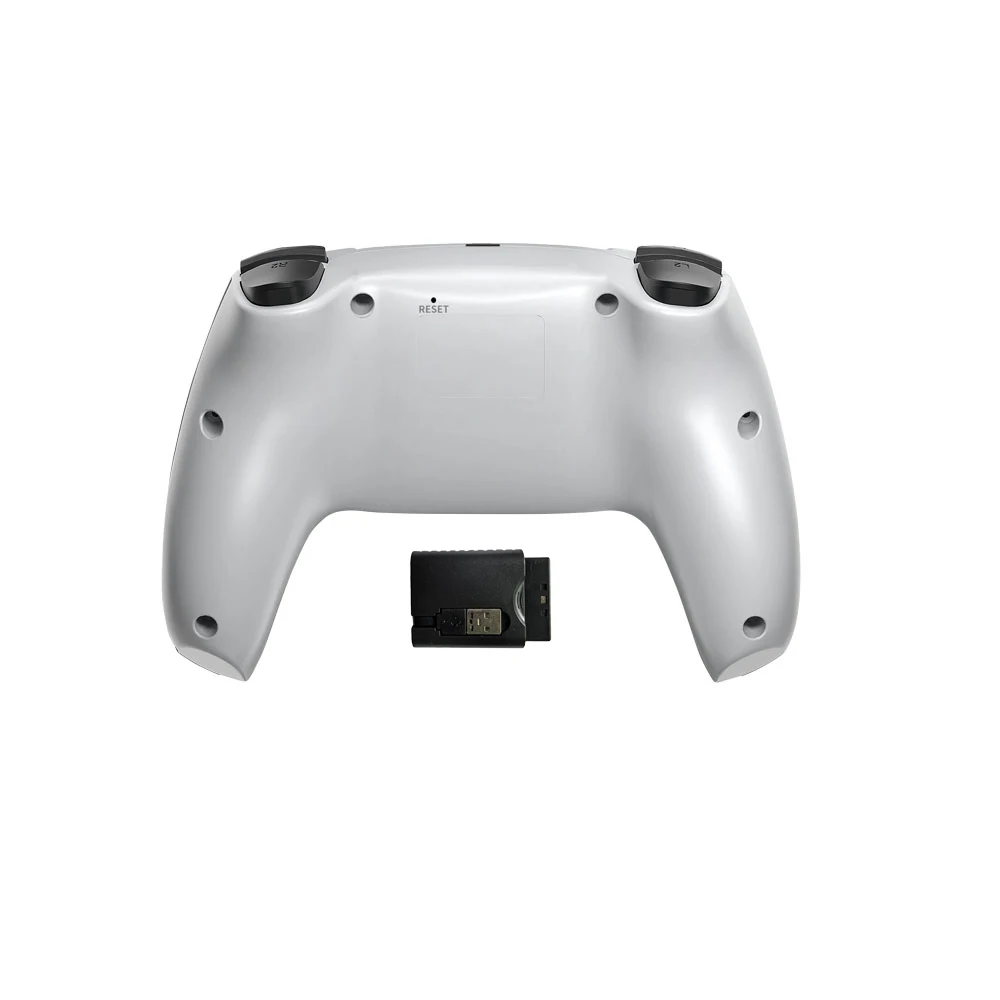
- A pad with its own 2.4GHz receiver, compatible with PC, Mac, Switch and Raspberry Pi, and a retro-style USB pad for PC and Mac.
Controllers on Windows
Most modern games on Windows expect a controller laid out like an Xbox one: two sticks, a cross-shaped direction pad, four face buttons, two shoulder buttons and two triggers. Microsoft's developer documentation calls the system Windows games use to read this kind of controller XInput, and an older one DirectInput. Many controllers have a switch or a button combination to choose between them. If a game does not see your controller, setting it to XInput is the first thing to try, then the controller settings in the game or its launcher.
Controllers on a Mac
Apple's support page says a Mac can pair with Xbox, PlayStation "or other Bluetooth games controller", by putting the controller into pairing mode and choosing it in Bluetooth settings. It adds that features such as lights vary by controller and by the app. So for a Mac, choose a controller whose page lists Mac or macOS.
Questions people ask about PC controllers
Will an Xbox 360-style wired controller work on my laptop?
The wired pads here list Windows 7 to 11 and Steam. One is also made for the Xbox 360 console itself and says it is not compatible with other Xbox models.
My laptop only has USB-C sockets. Can I use a USB controller?
Yes, with a USB-C to USB-A adapter for the cable or receiver. A laptop without Bluetooth can add it with a Bluetooth adapter.
More to look at