When you need an HDMI cable
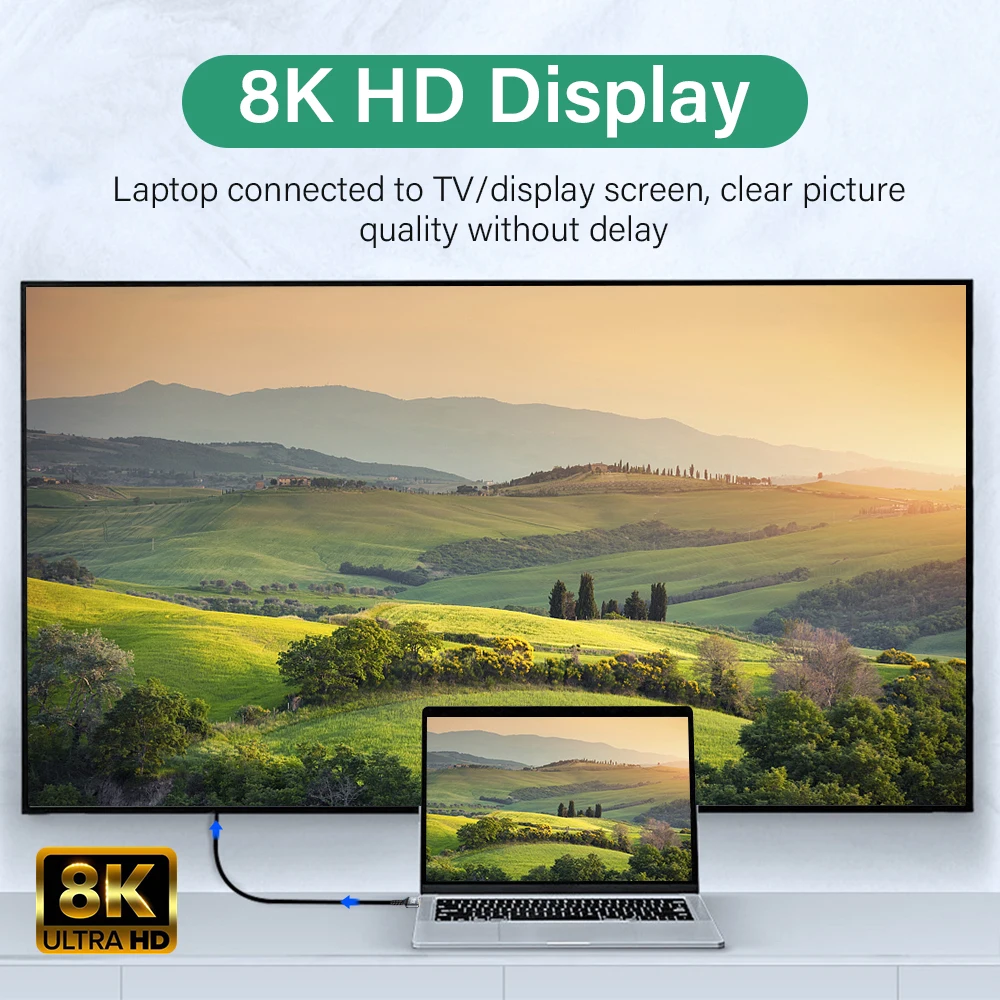
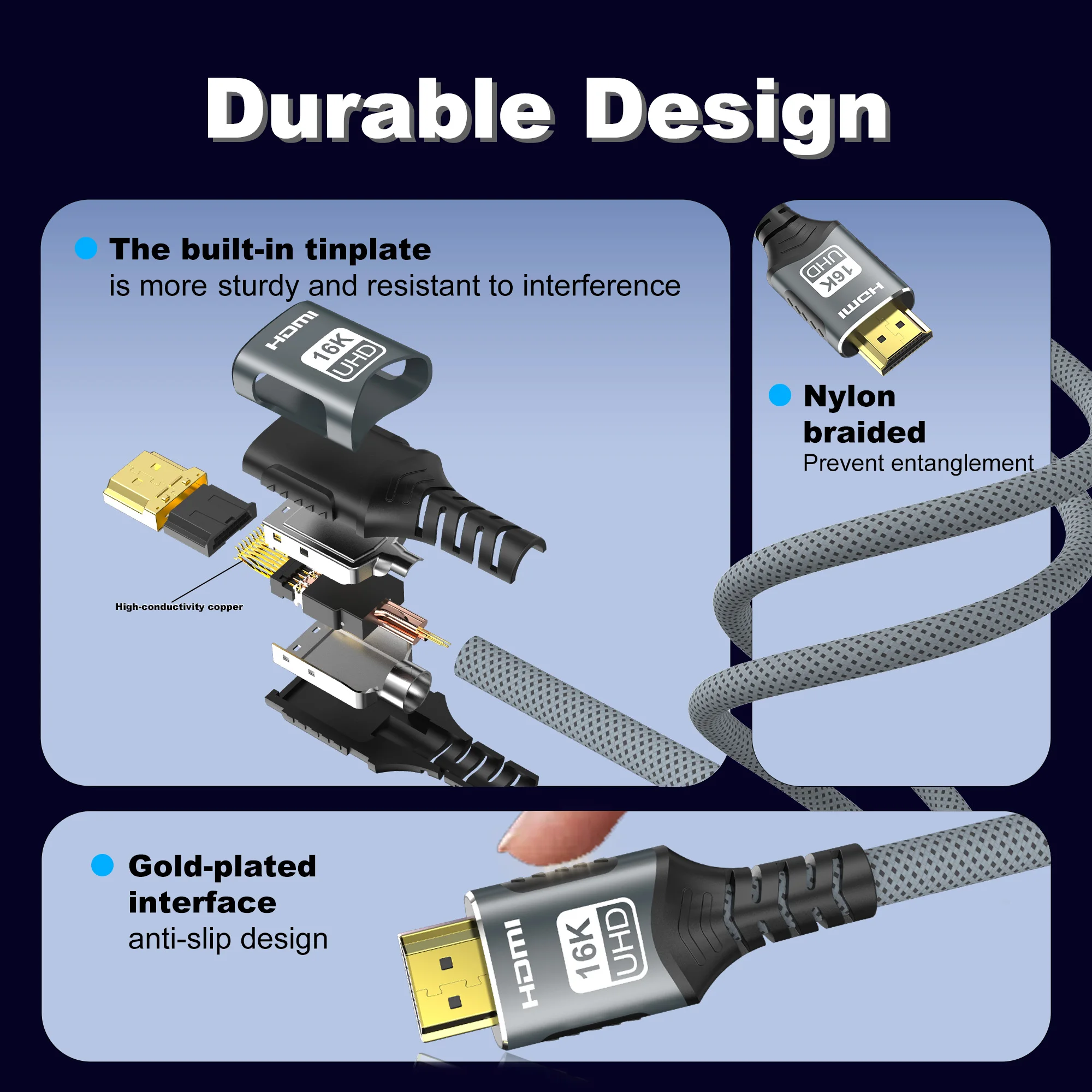
HDMI carries the picture and the sound in one cable, which is why it is the socket on almost every television and projector, and on many monitors. If your laptop has a full-size HDMI socket, an HDMI cable is all you need to put it on the big screen. If it only has USB-C, look at USB-C to HDMI cables, or a USB-C to HDMI adapter that lets you use an HDMI cable already plugged into the TV.
What you will find here
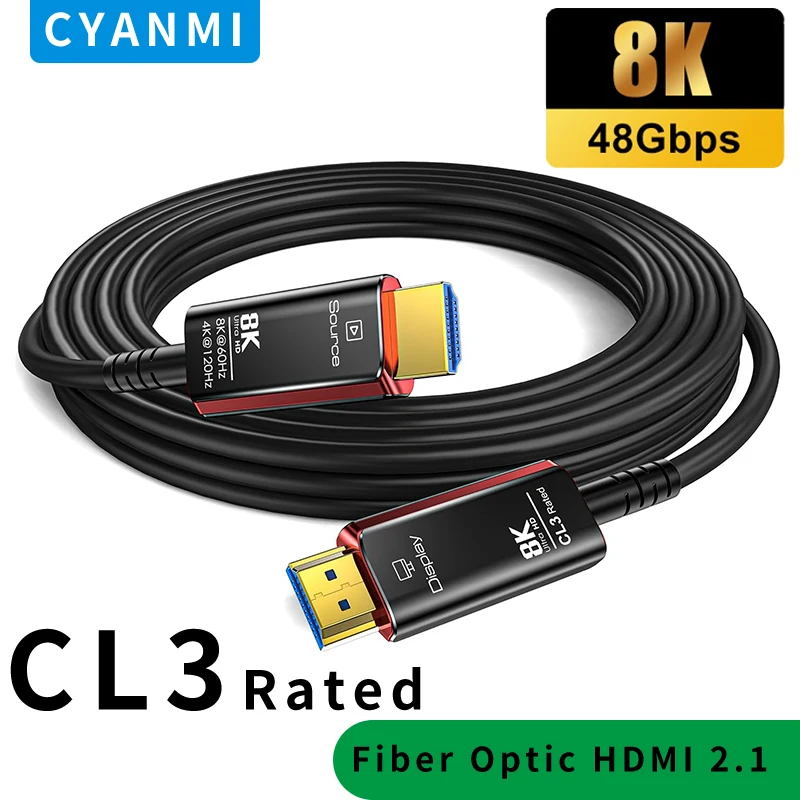
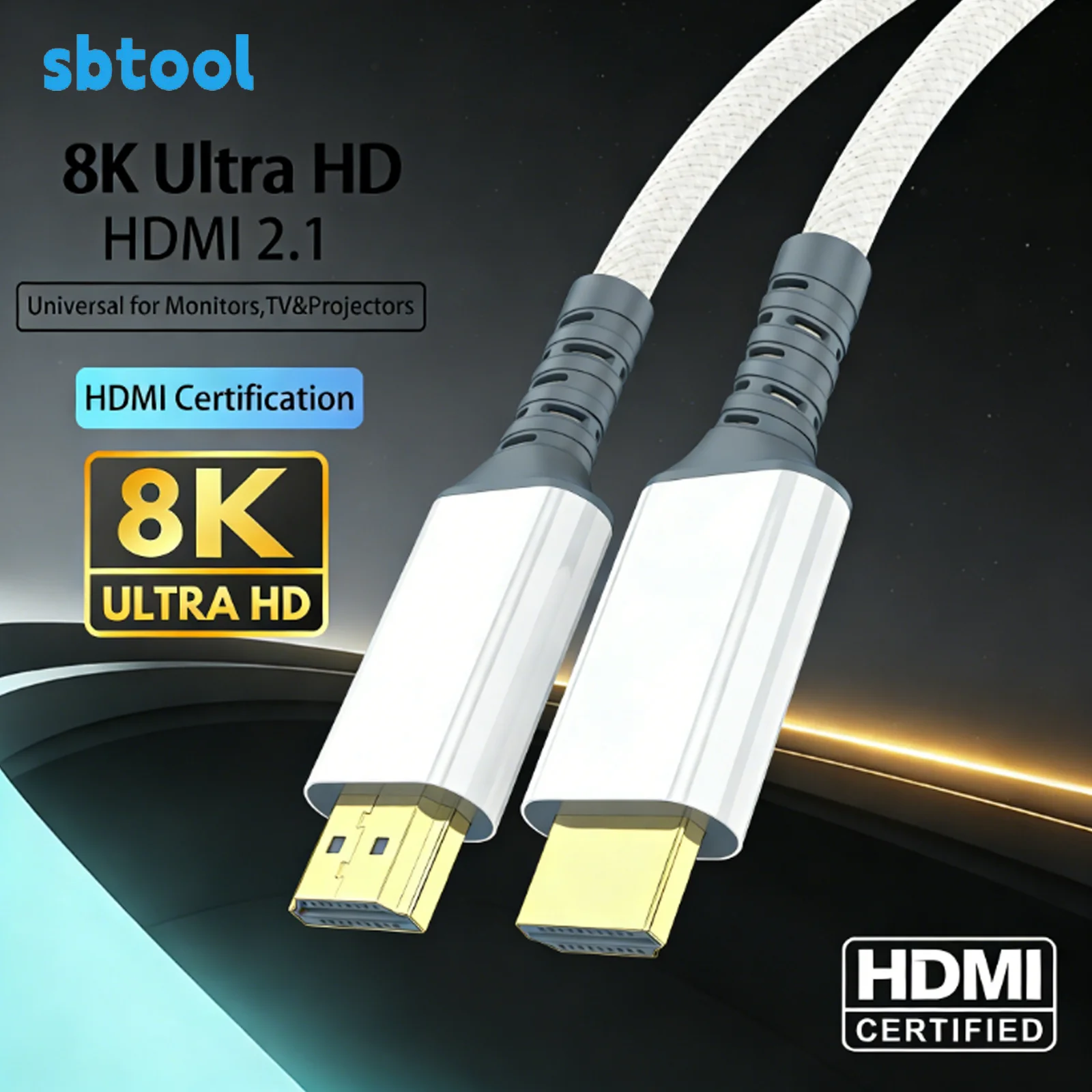
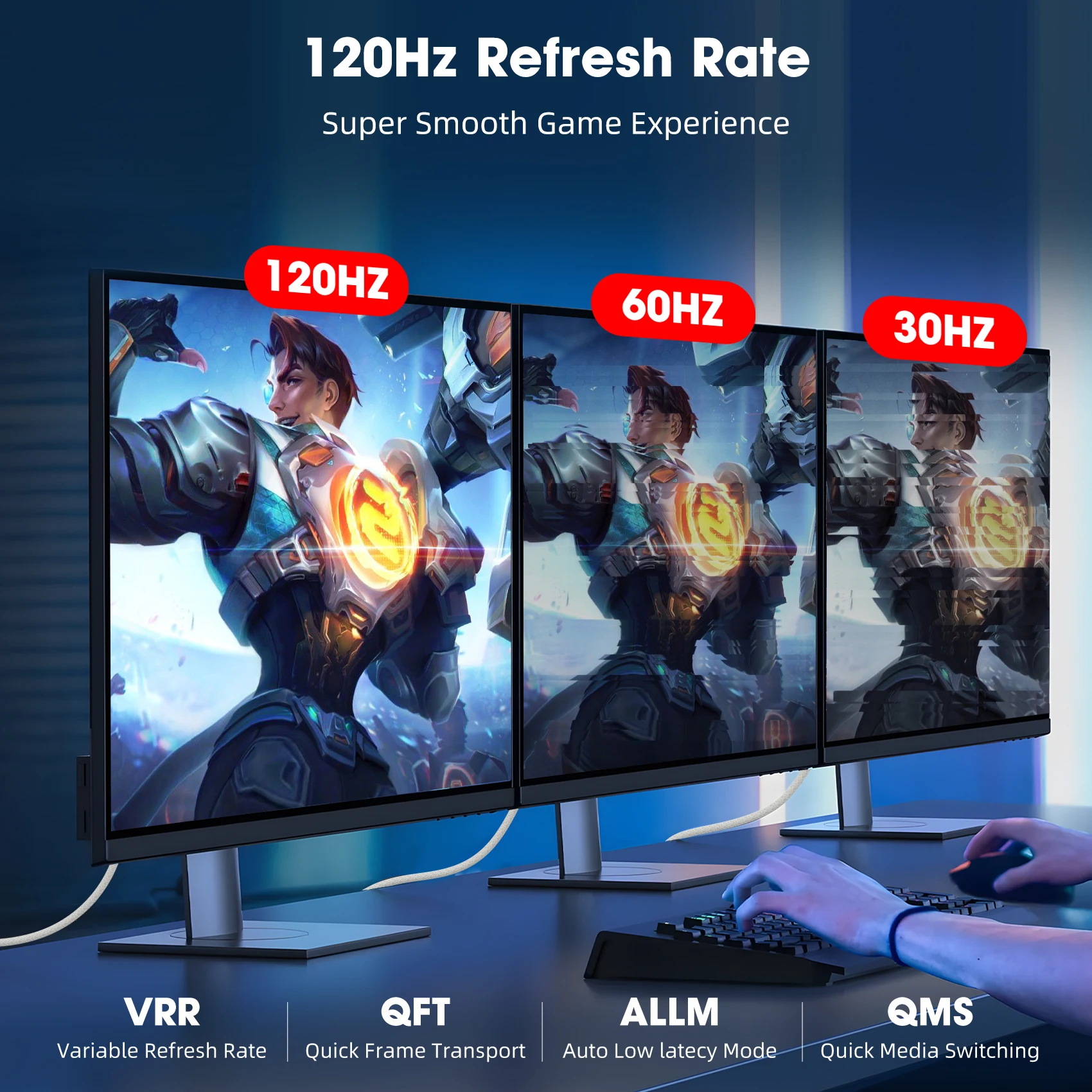
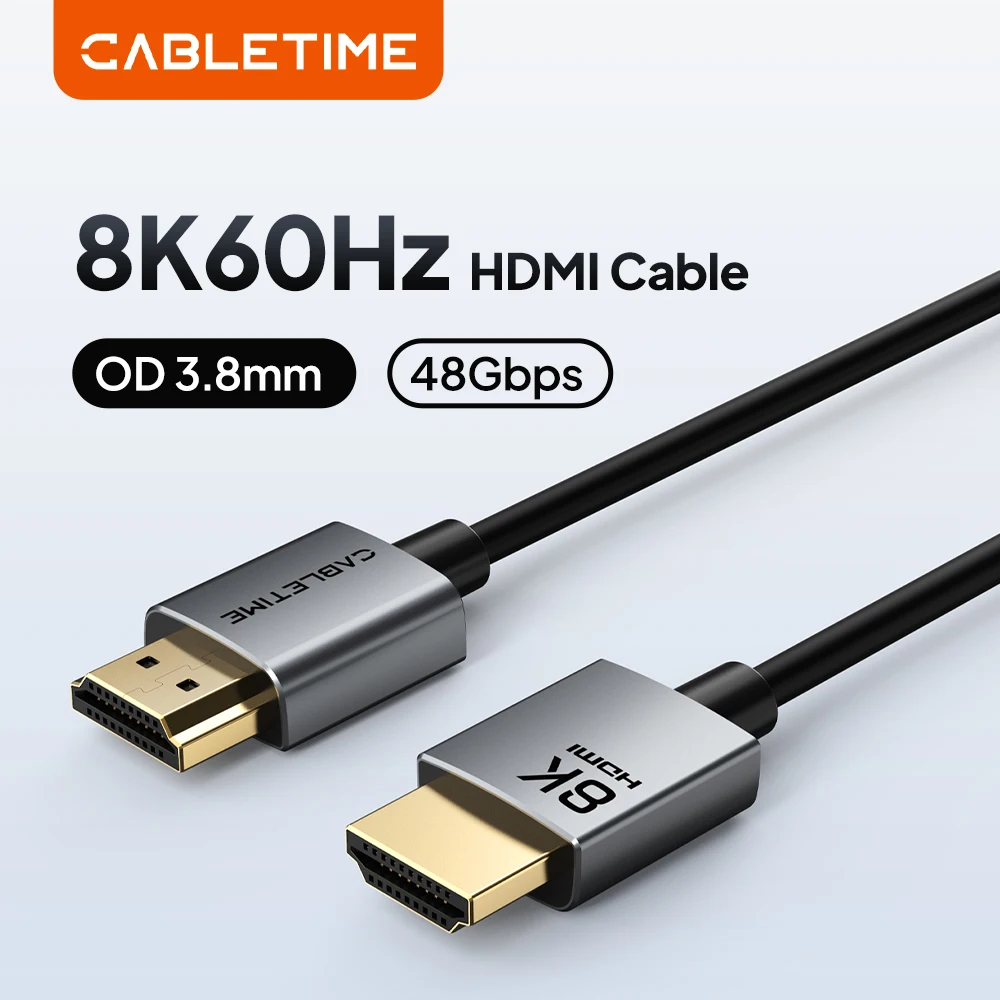
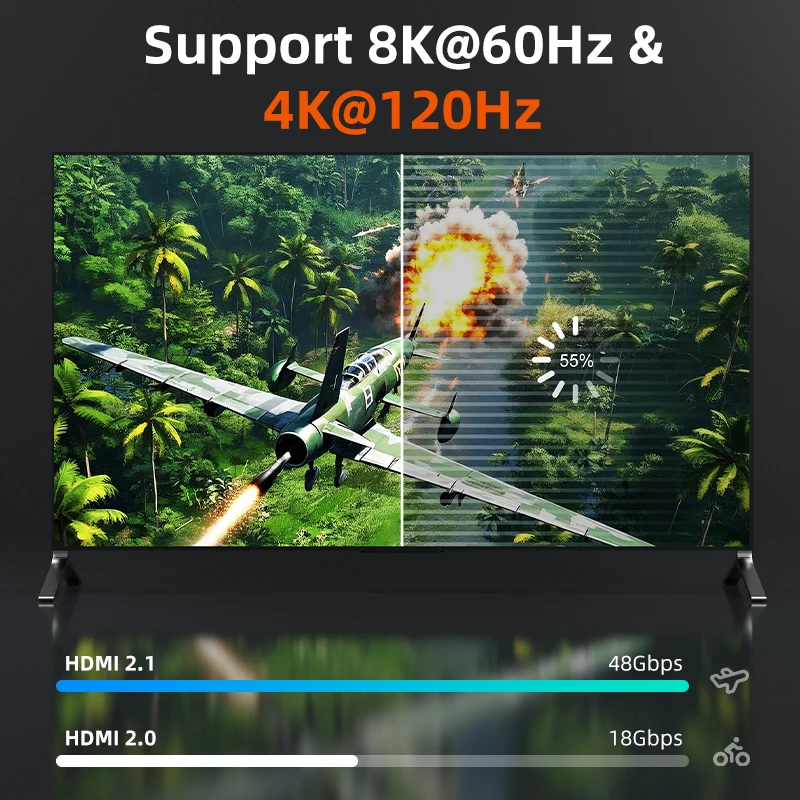
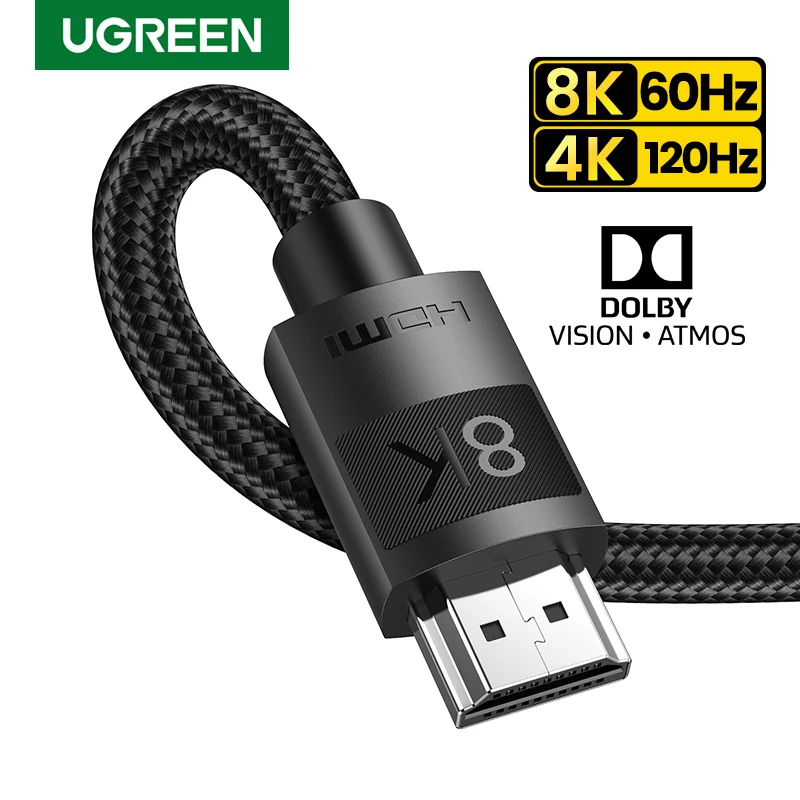
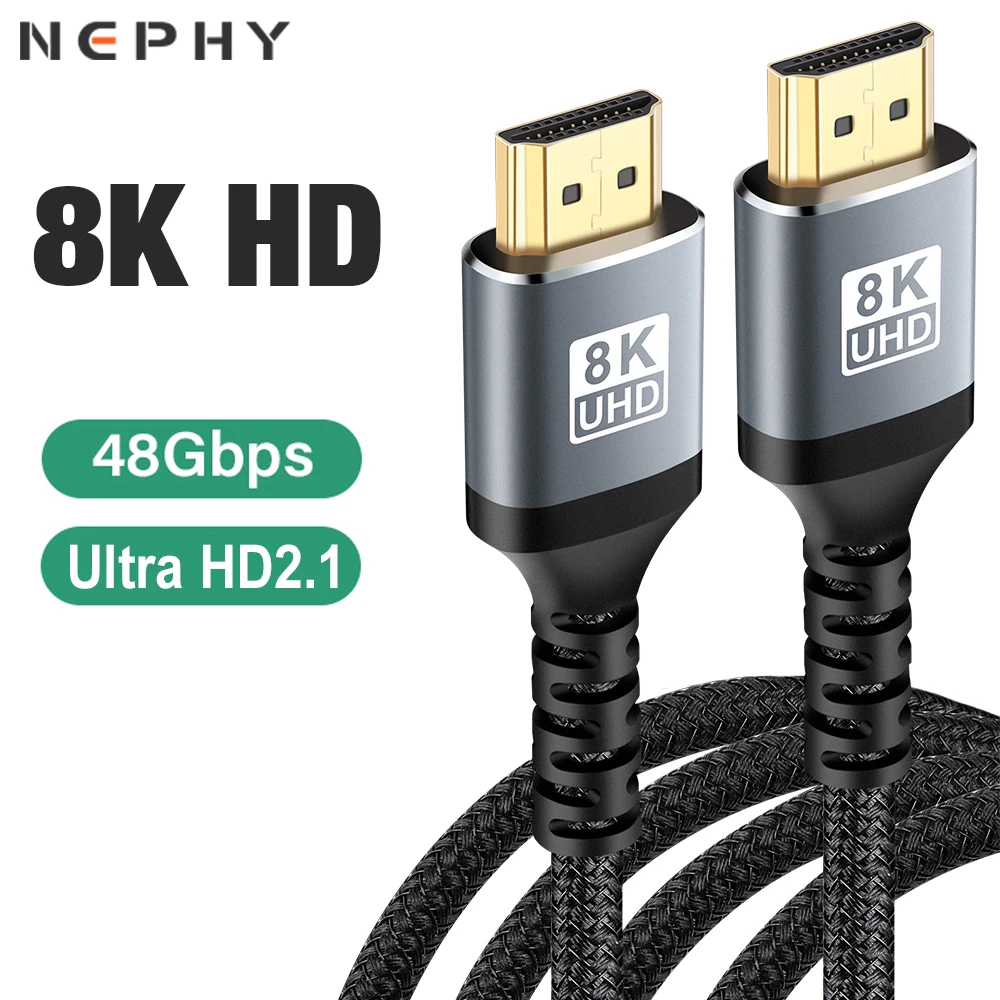
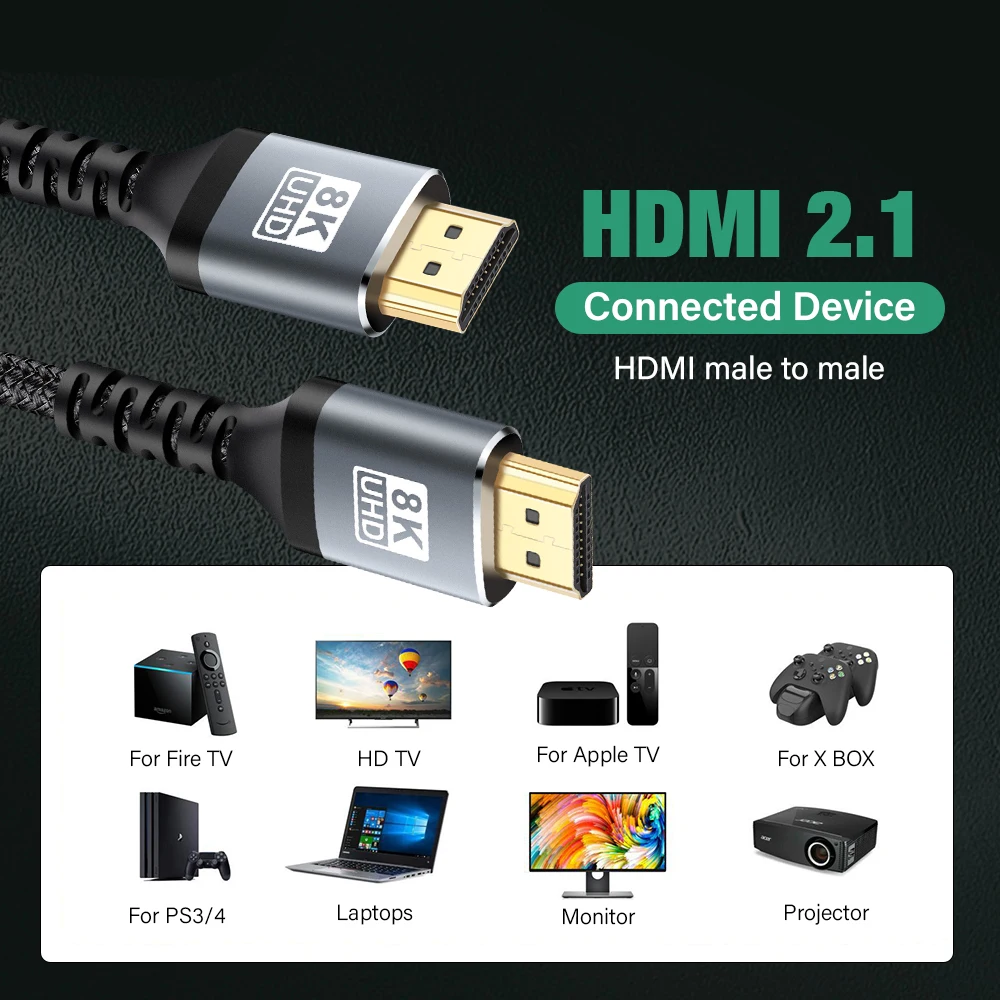
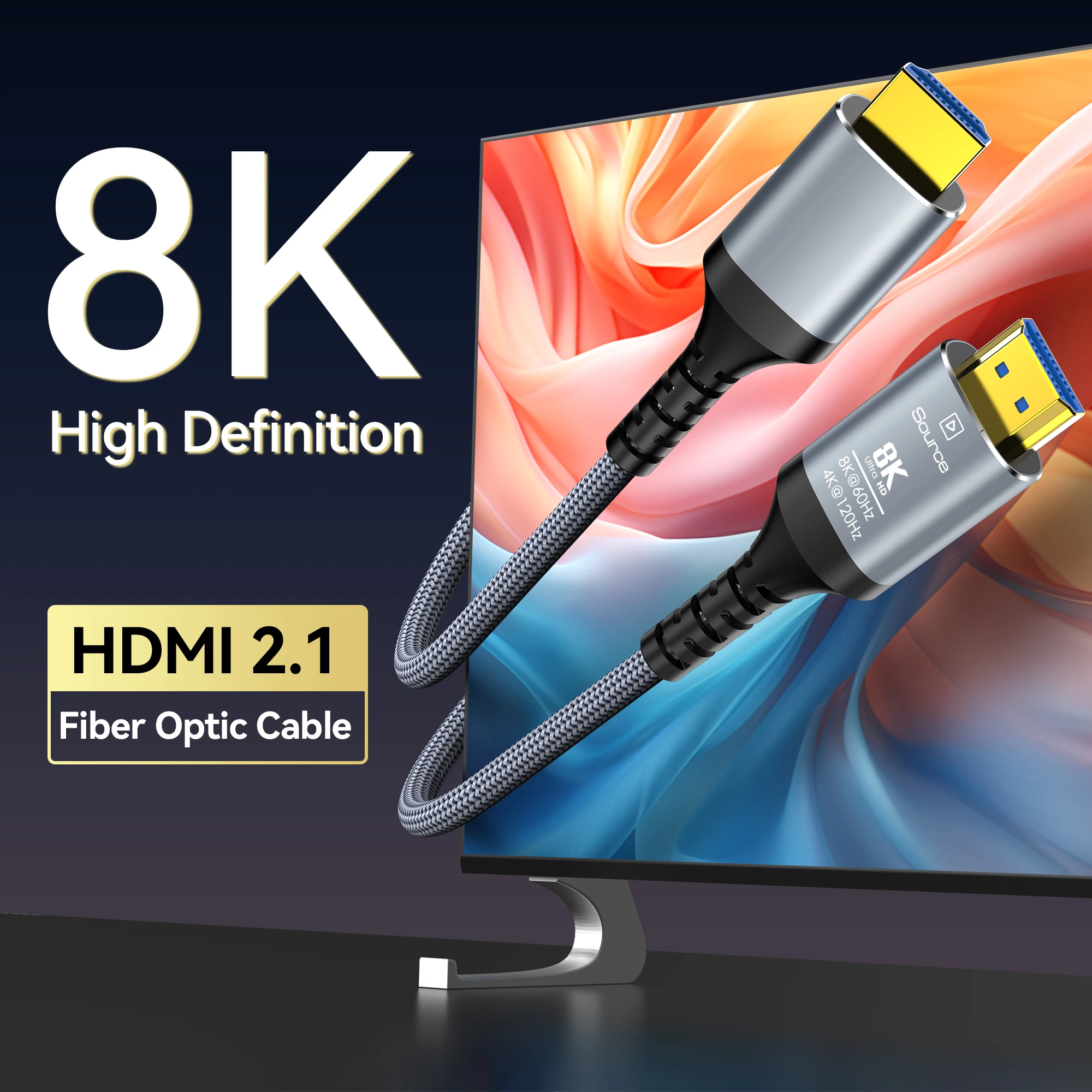
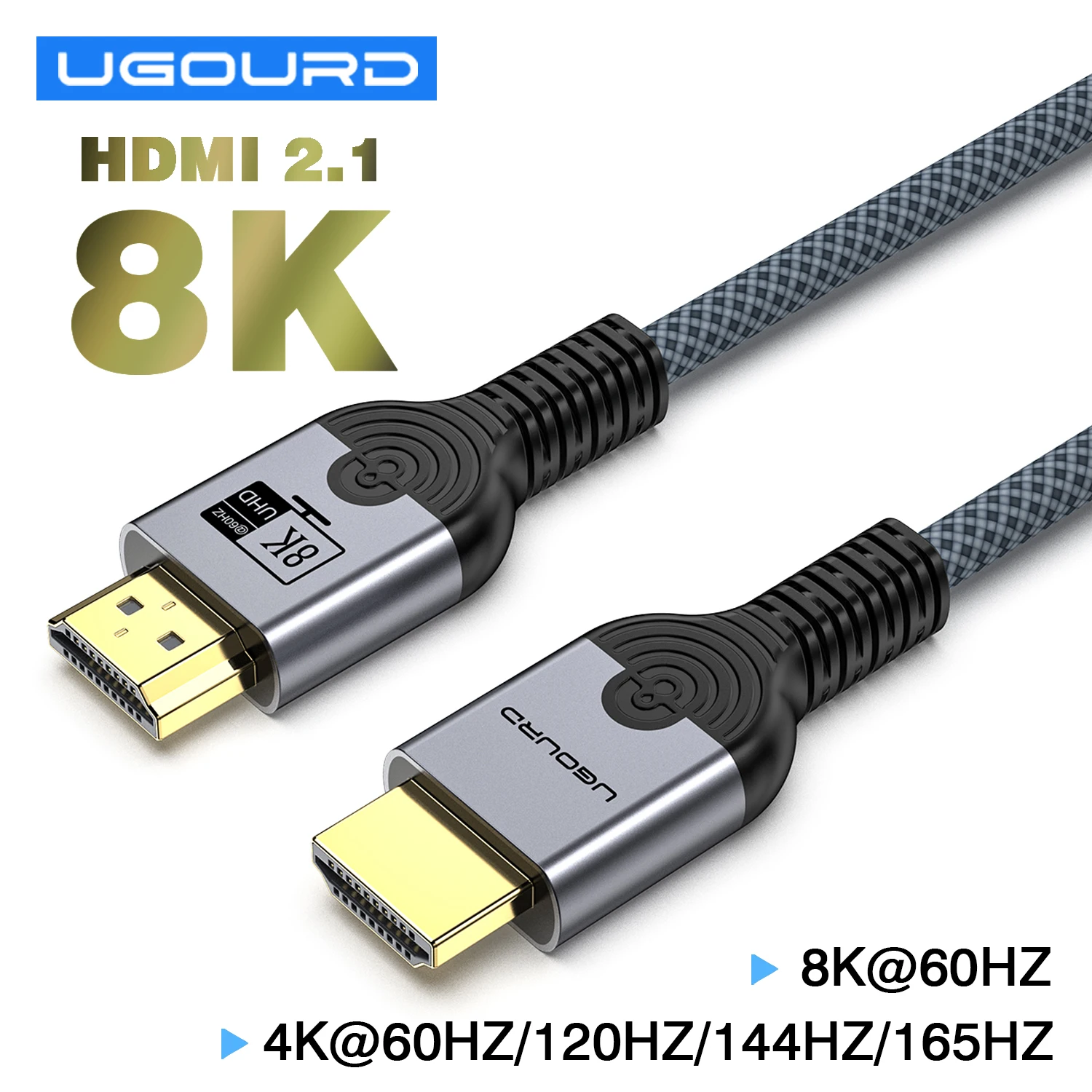
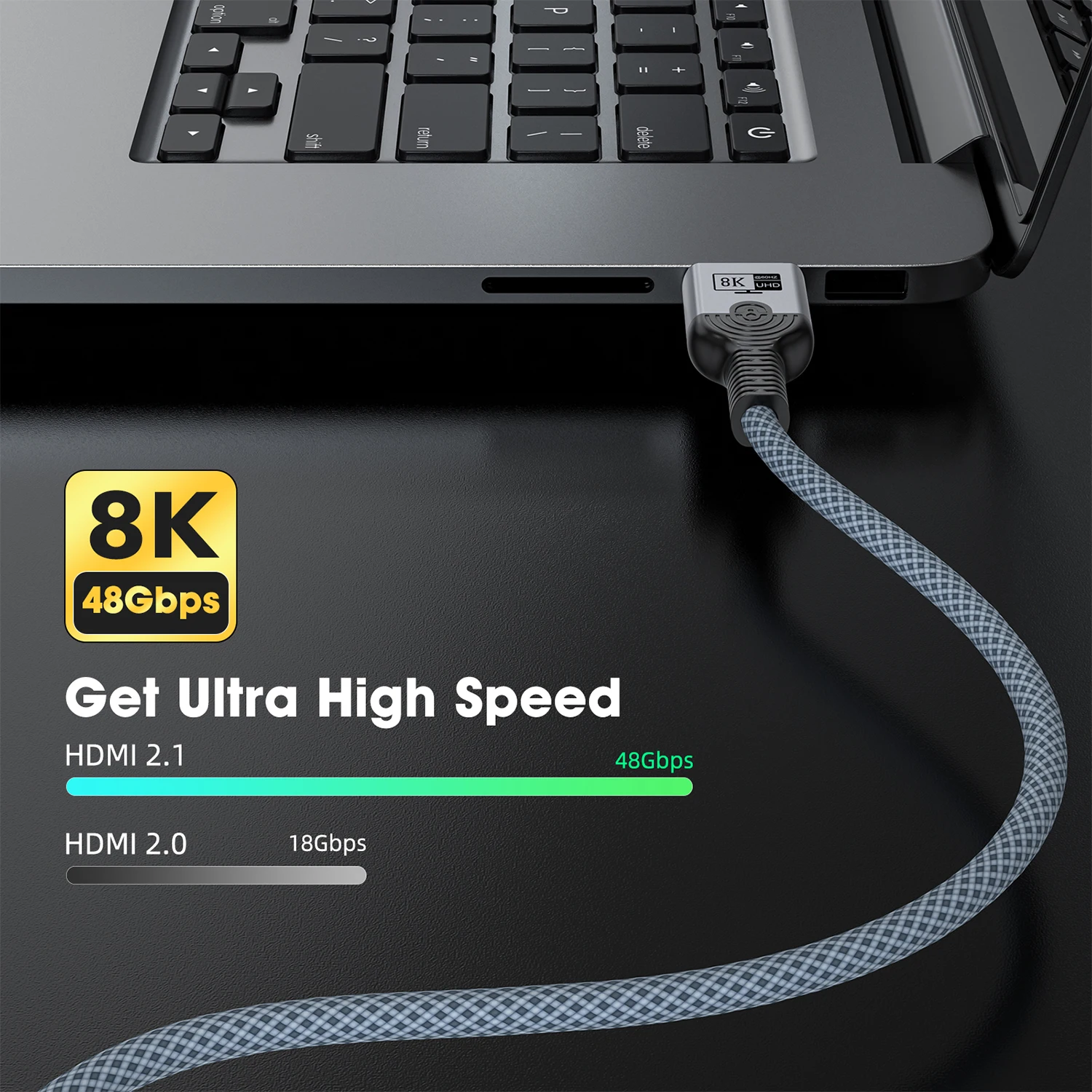
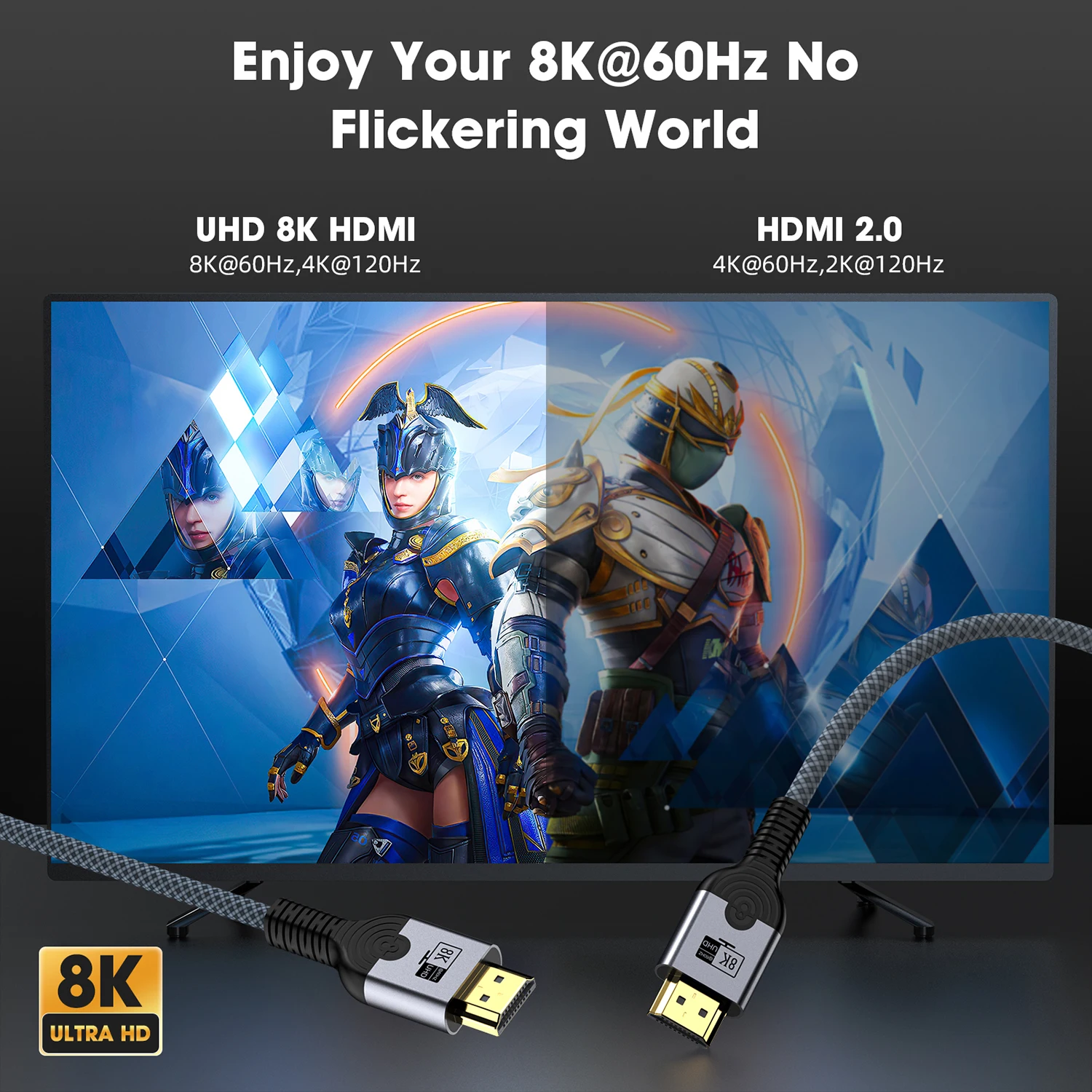
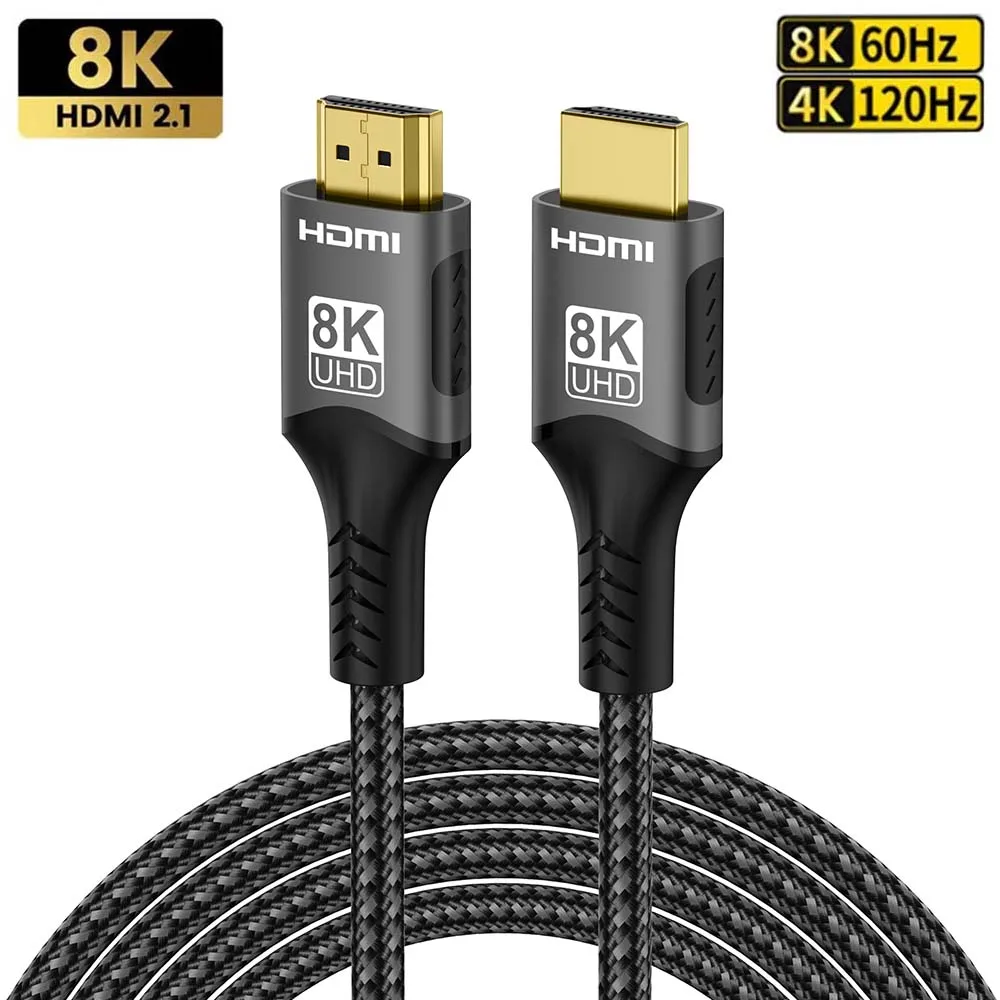
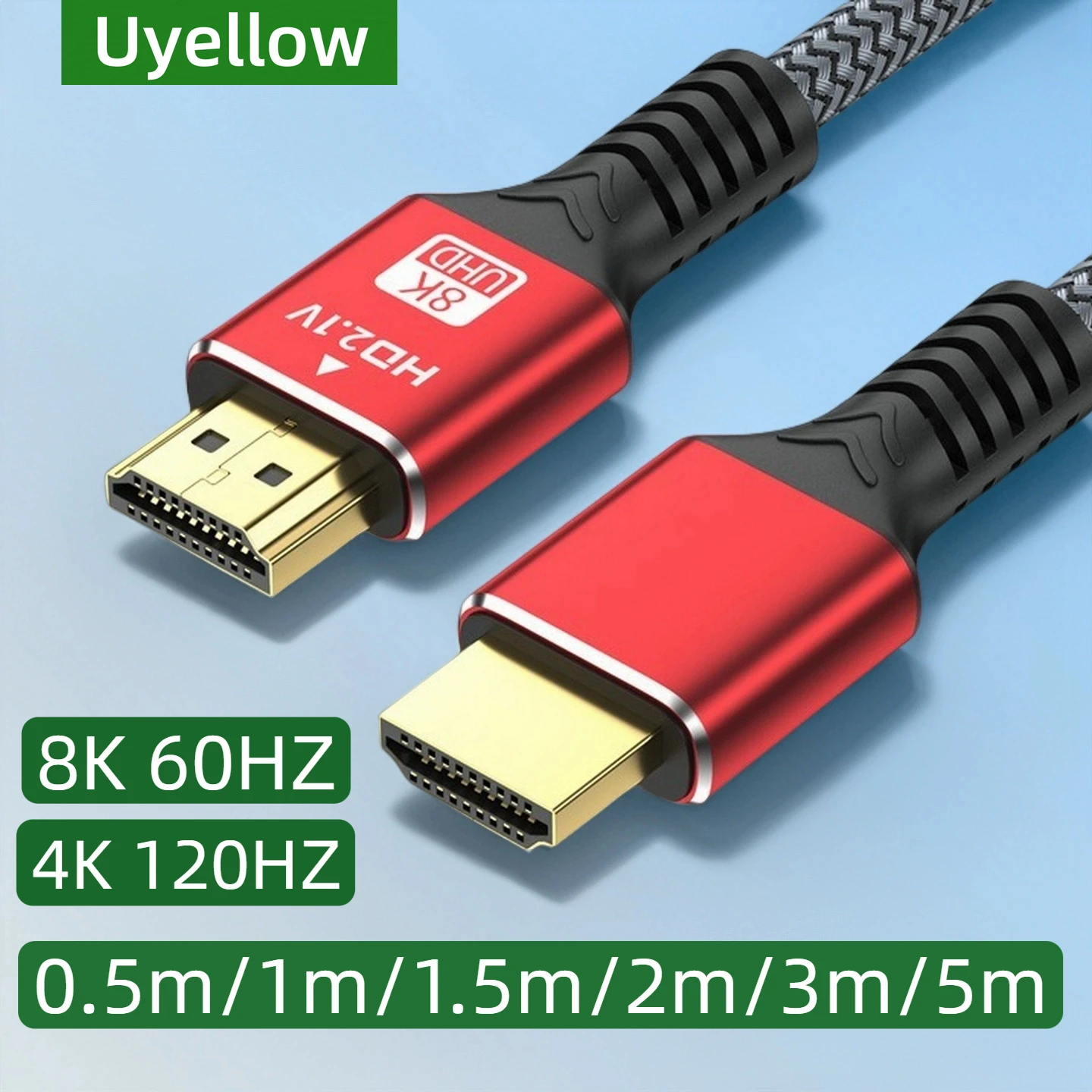
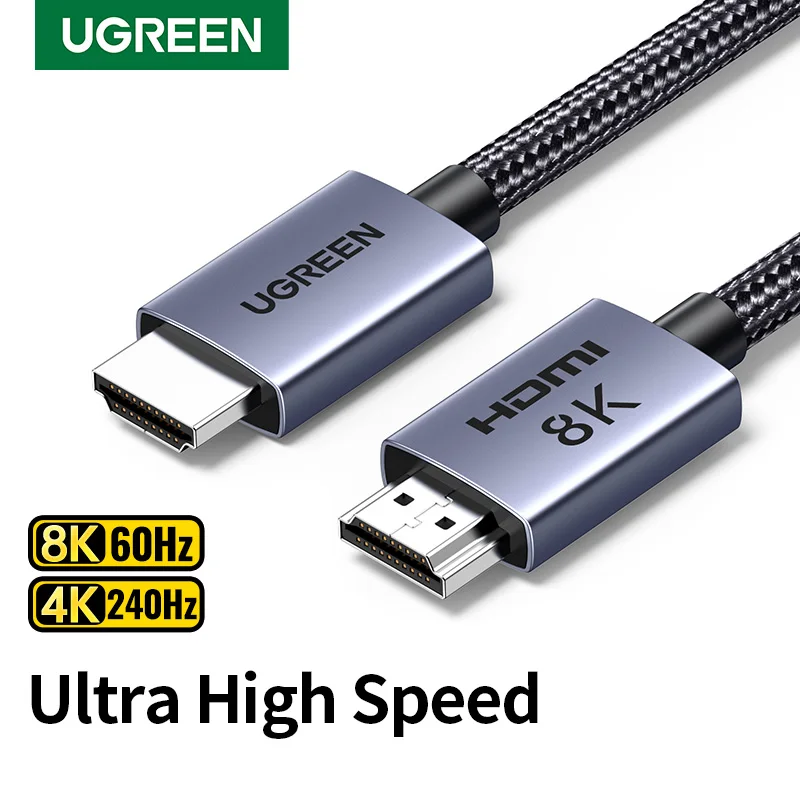
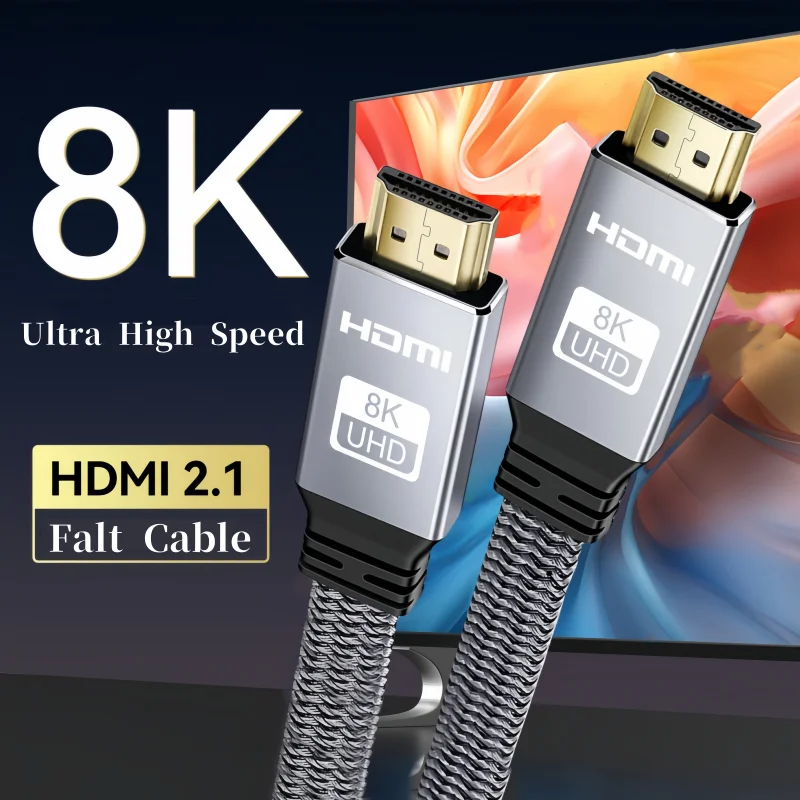
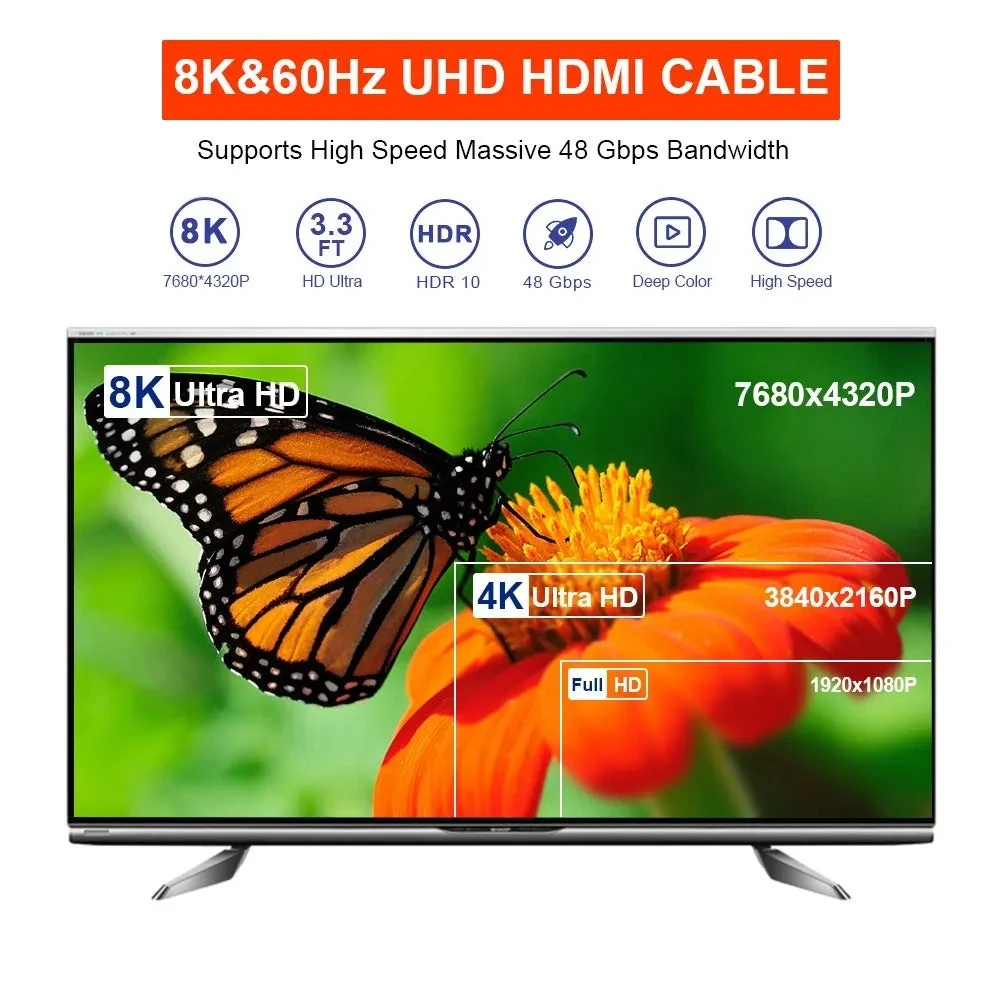
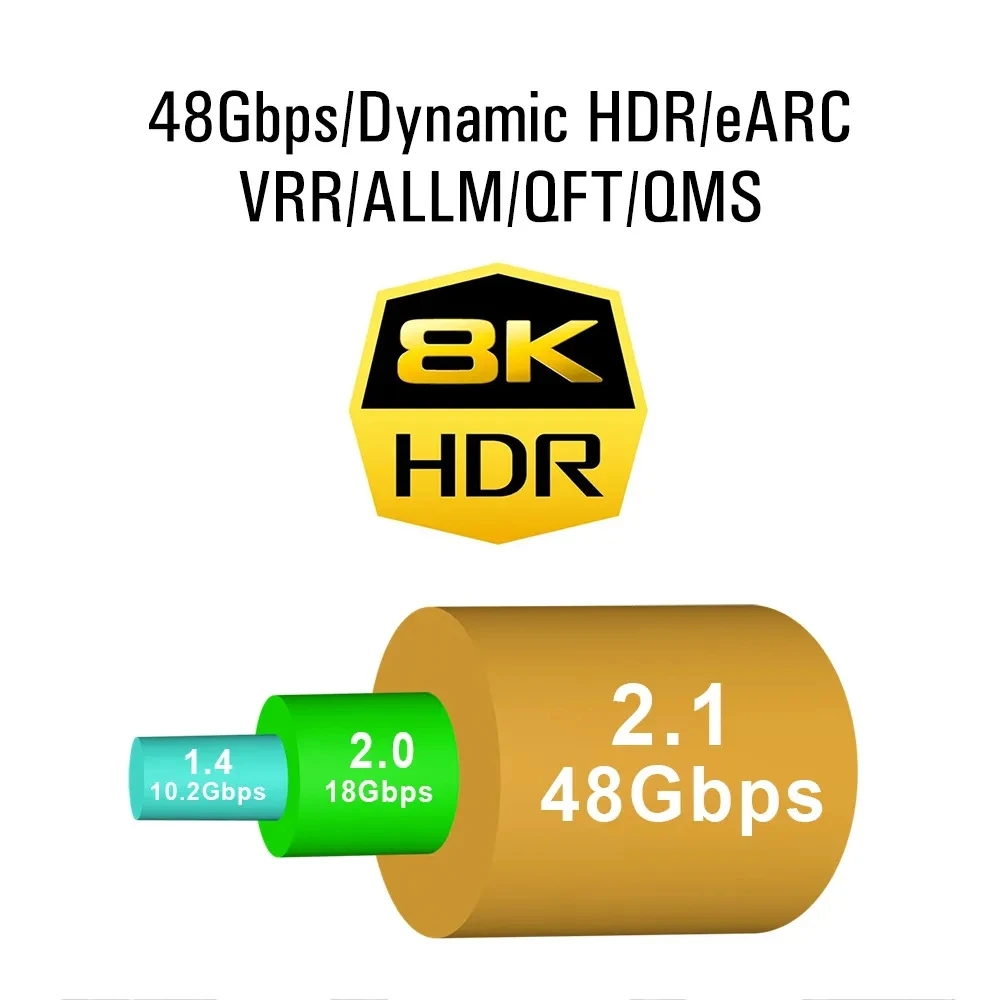
- 48Gbps cables, described on the box as HDMI 2.1, for 4K at 120Hz and 8K at 60Hz. These make up most of the range.
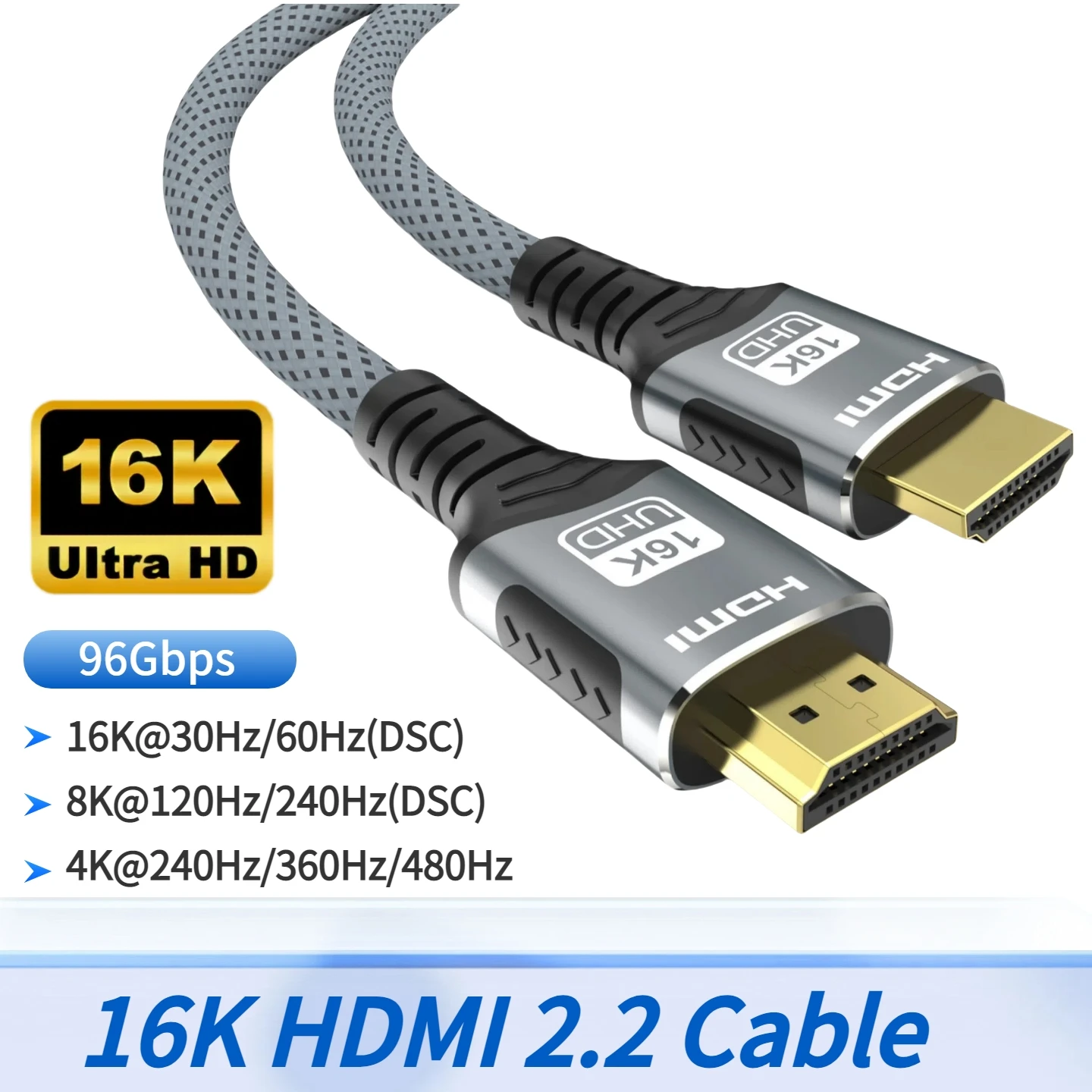
- A 96Gbps cable described as HDMI 2.2, for the newest screens.
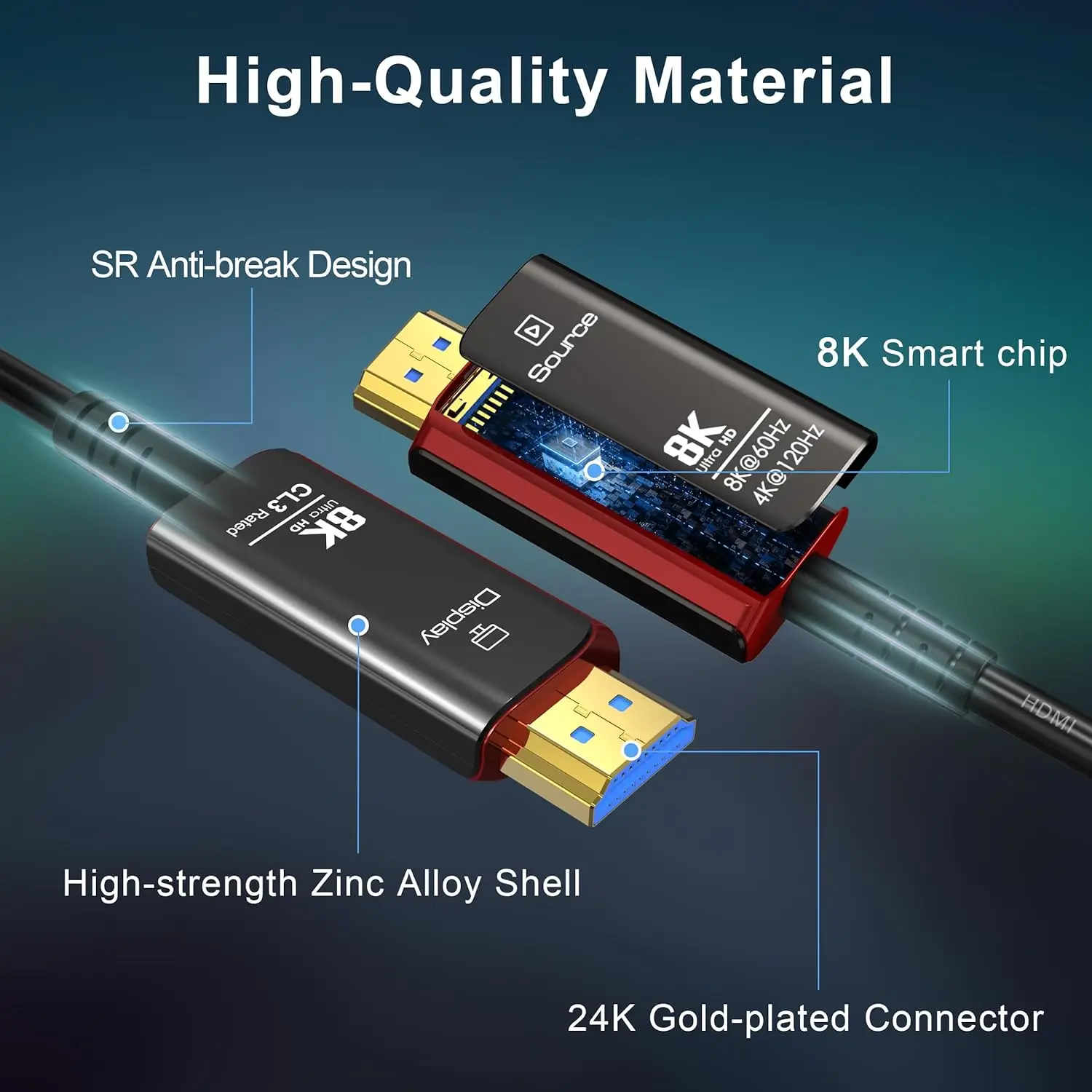
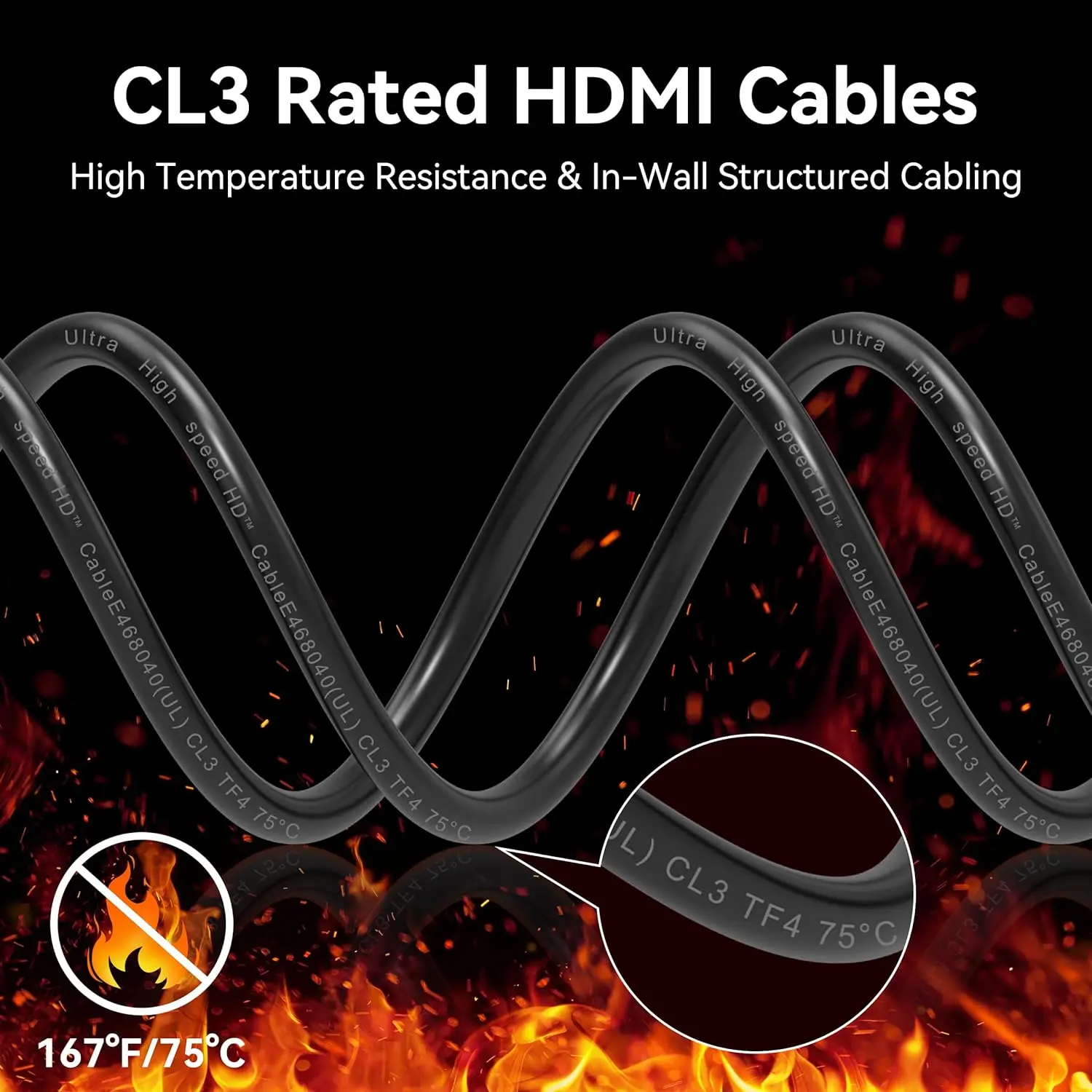
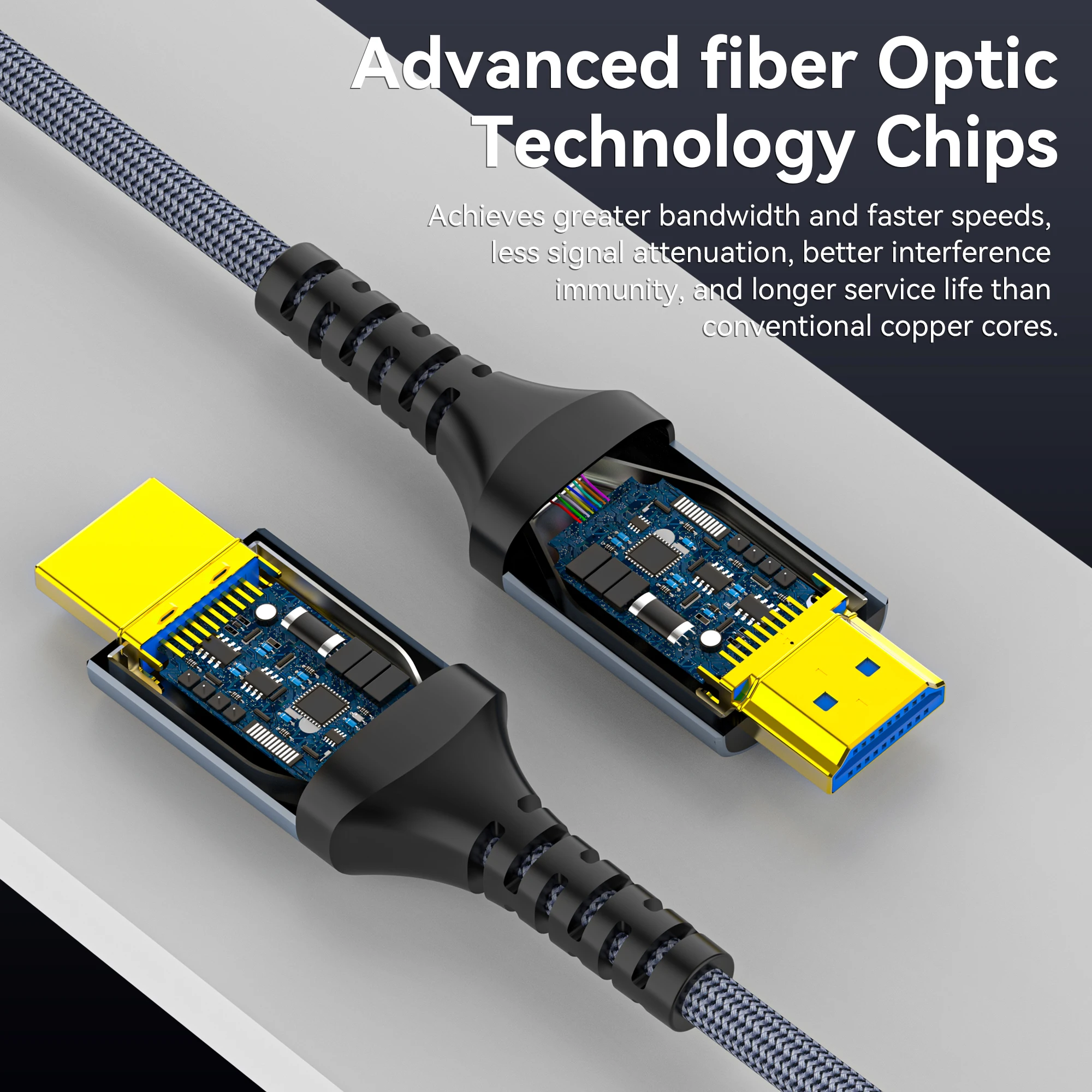
- Fibre optic cables for long runs across a room or through a wall, from a couple of metres to tens of metres. Some are rated CL3 for fitting inside a wall.
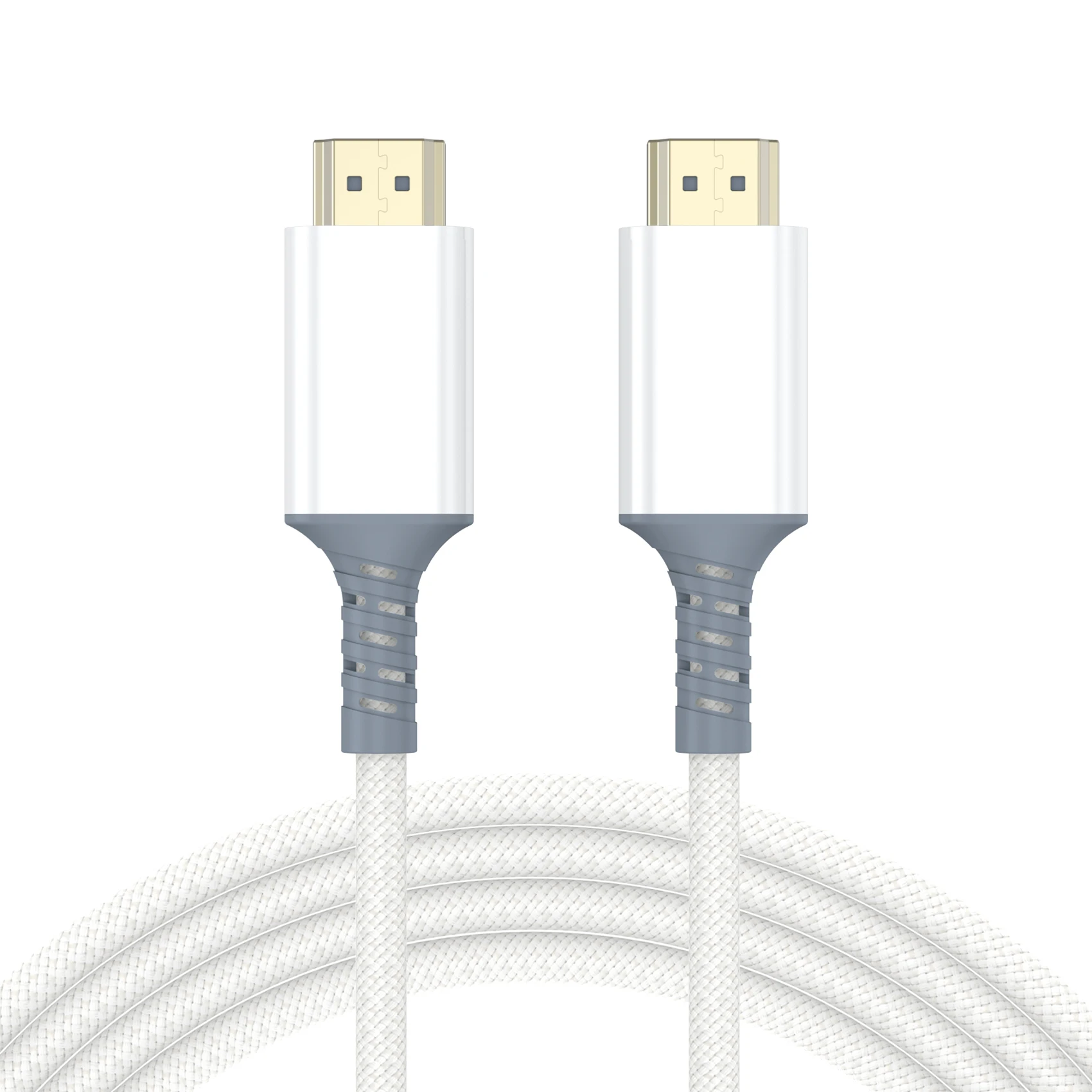
- Slim, flat, braided and white cables for a tidy desk or a cable that runs under a rug or along a skirting board.
How to choose: the cable name, then the length
HDMI cables are named by what they have been made to carry. The HDMI Licensing Administrator, which looks after the standard, lists them like this:
- High Speed: 1080p, and 4K at 30Hz.
- Premium High Speed: 4K at 60Hz with HDR.
- Ultra High Speed: up to 48Gbps, for 4K at 120Hz and 8K at 60Hz.
- Ultra96: up to 96Gbps, for the features of HDMI 2.2.
The picture you get is the lowest of three limits: what the laptop sends, what the cable carries and what the screen shows. The laptop maker's specification page says what its HDMI socket can send. Certified Ultra High Speed cables carry a label with a QR code you can scan with a phone to check it.
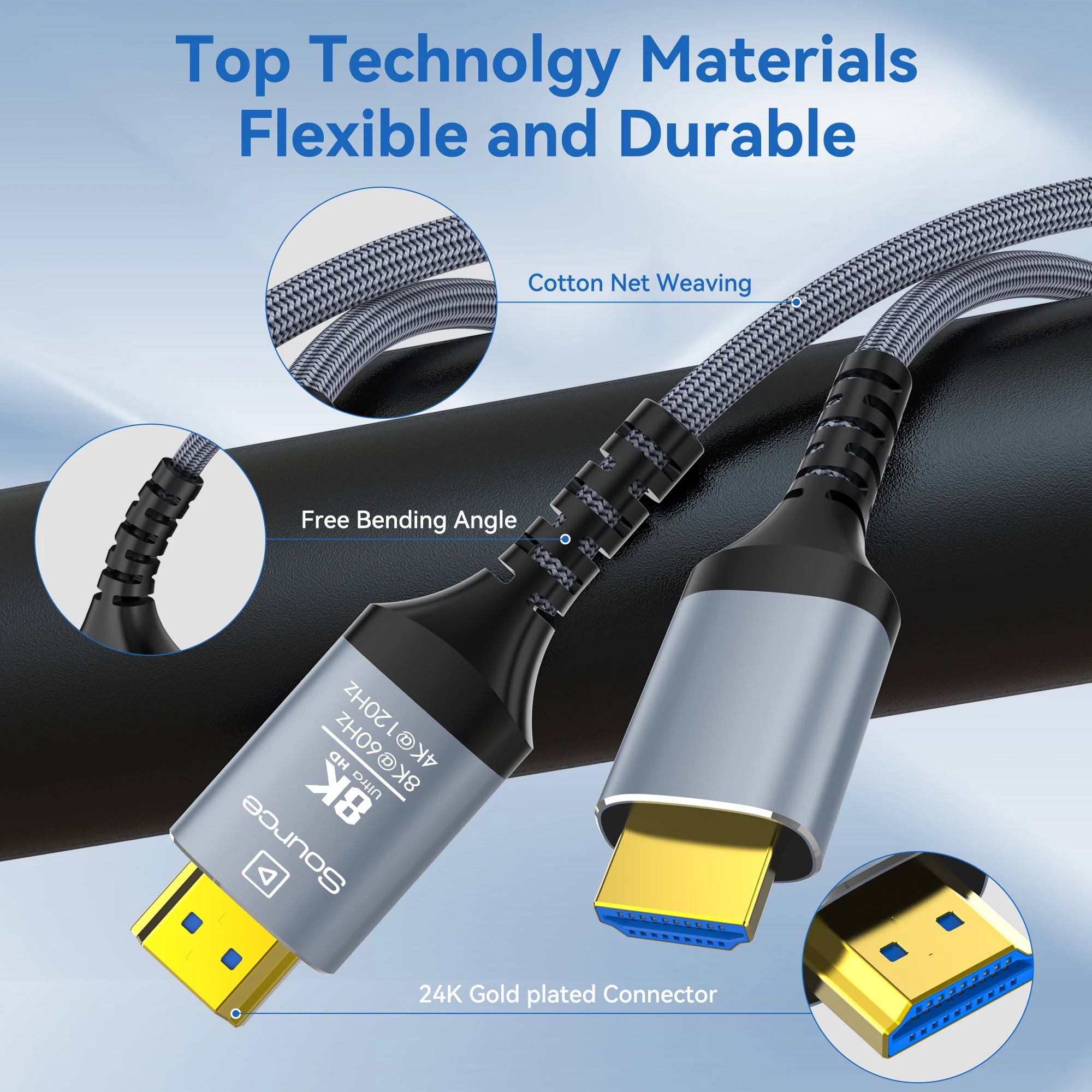
For length, measure the route rather than the straight line, and allow a little slack. A fibre optic cable works one way only: its ends are marked SOURCE and DISPLAY, and the source end goes into the laptop.
Questions people ask about HDMI cables
Do I need a special cable for 4K?
For 4K at 60Hz, a Premium High Speed cable or better. For 4K at 120Hz, which some gaming laptops send, an Ultra High Speed cable.
Why does the picture flicker at the higher resolution?
If it is steady at a lower setting and drops out at a higher one, the cable is the likely cause. Try a cable made for the higher rate, or a shorter one.
Can I run one laptop to two screens?
See HDMI switches and splitters, or a docking station with two screen outputs.
Delivery is included in every price and tracked to your door.
More to look at