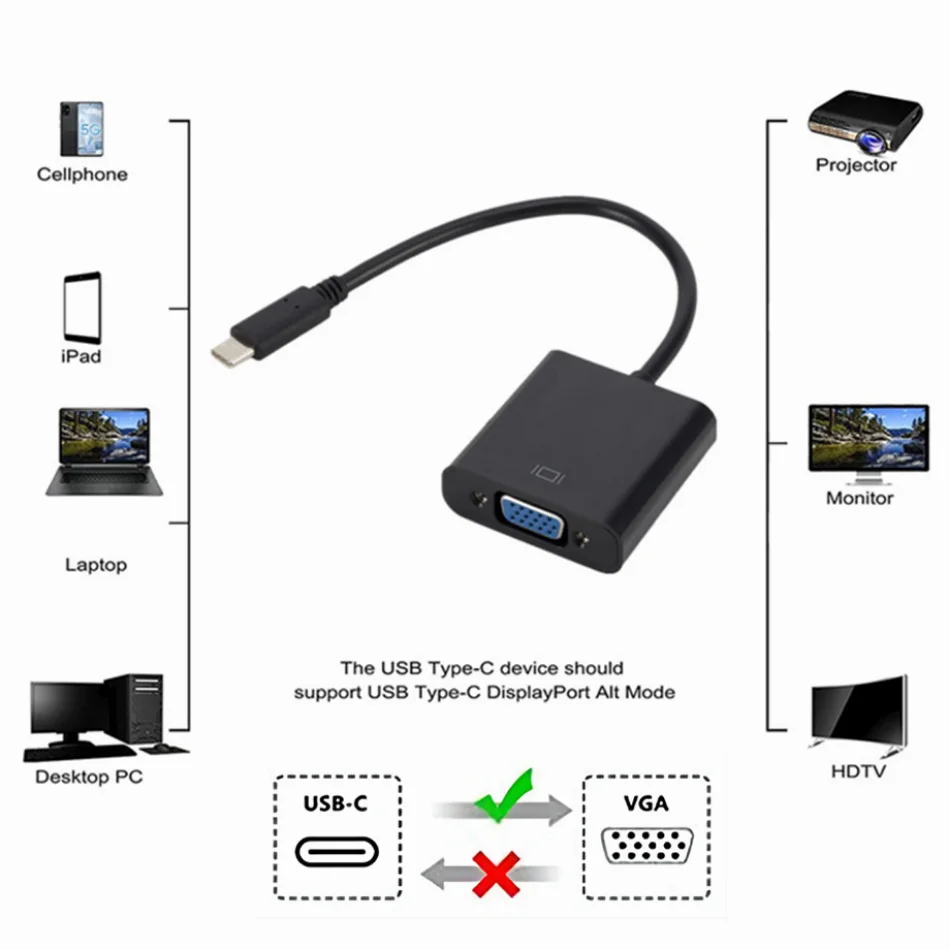
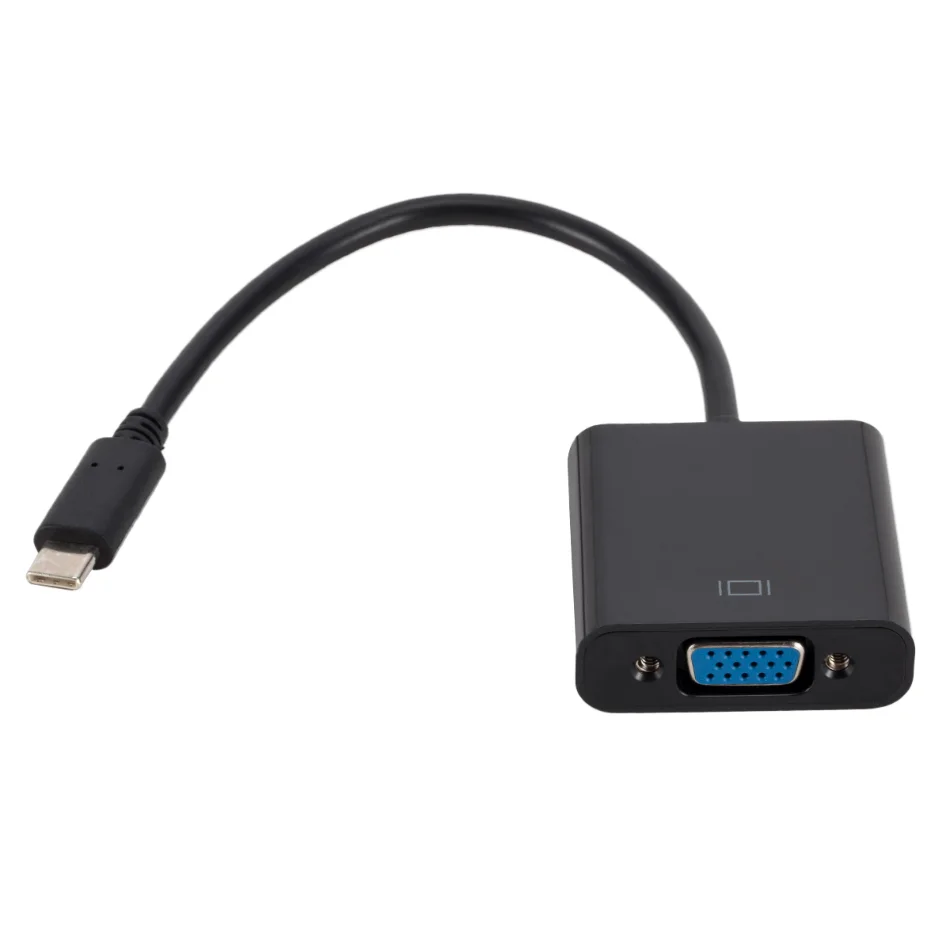
For the projector that only has VGA
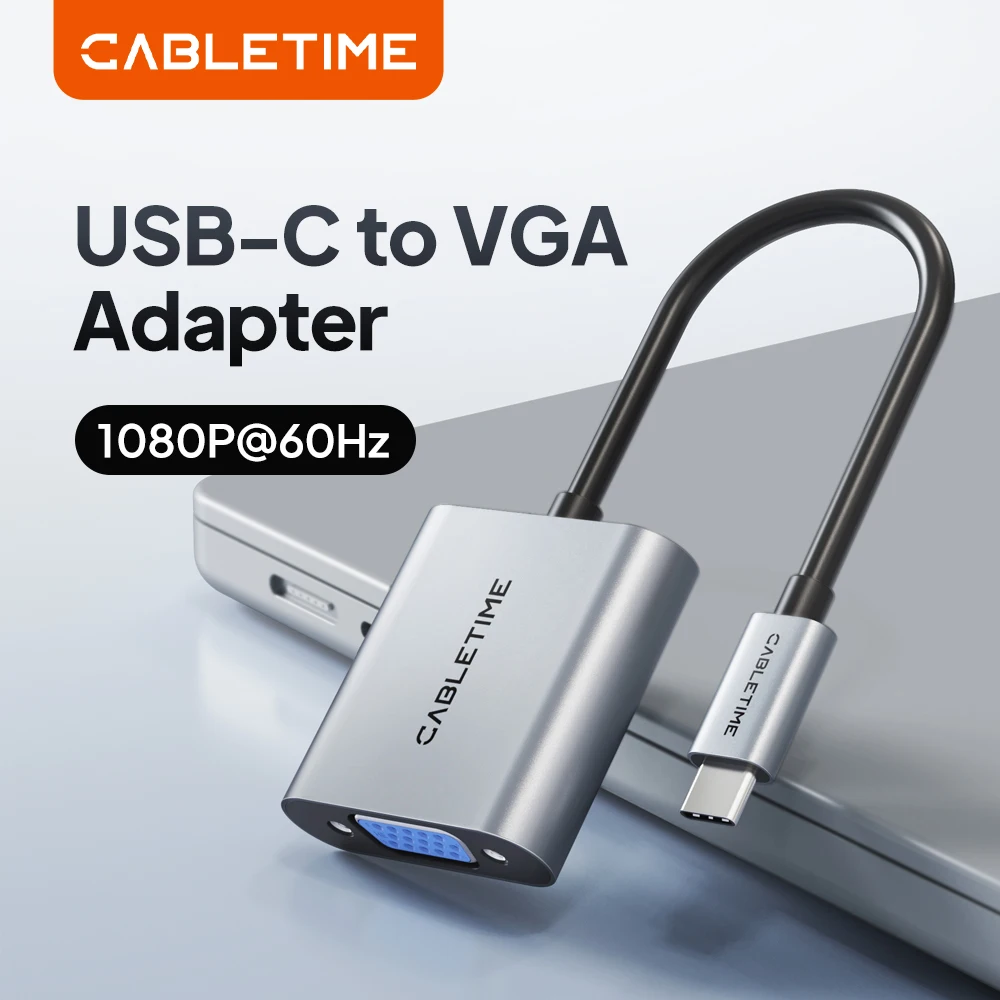
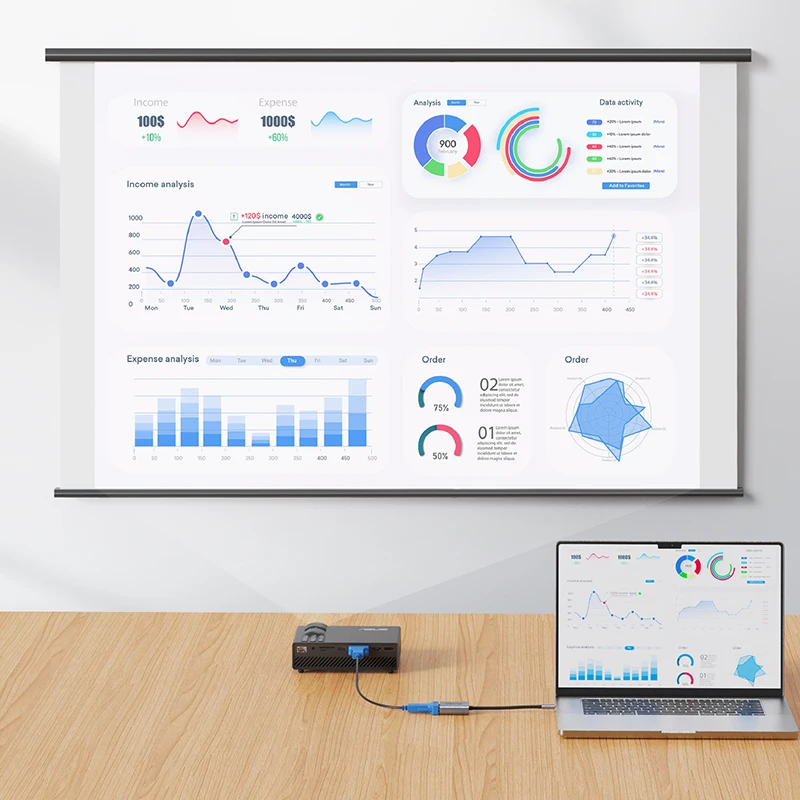
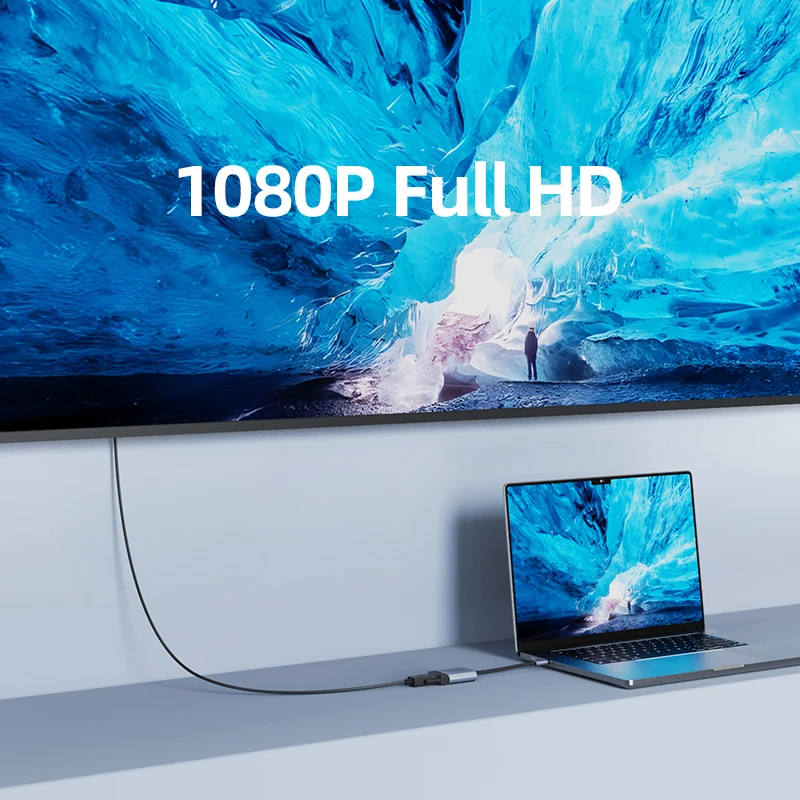
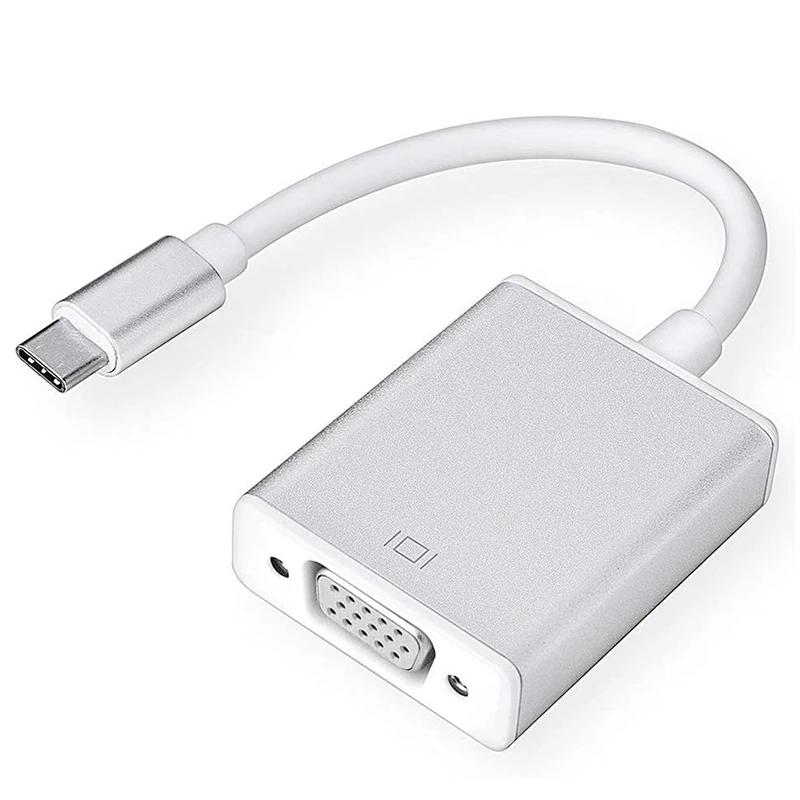
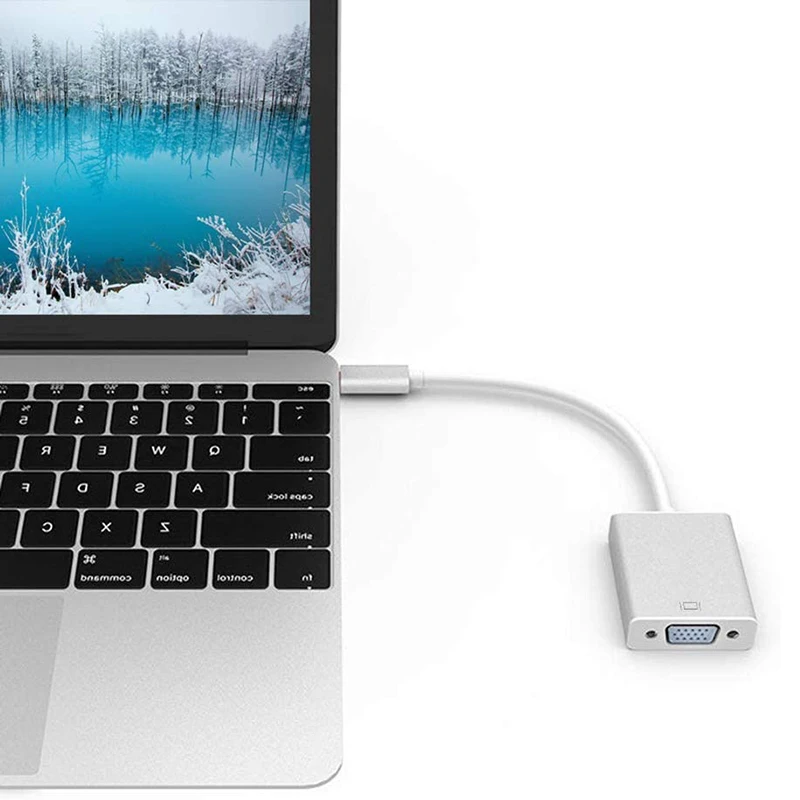
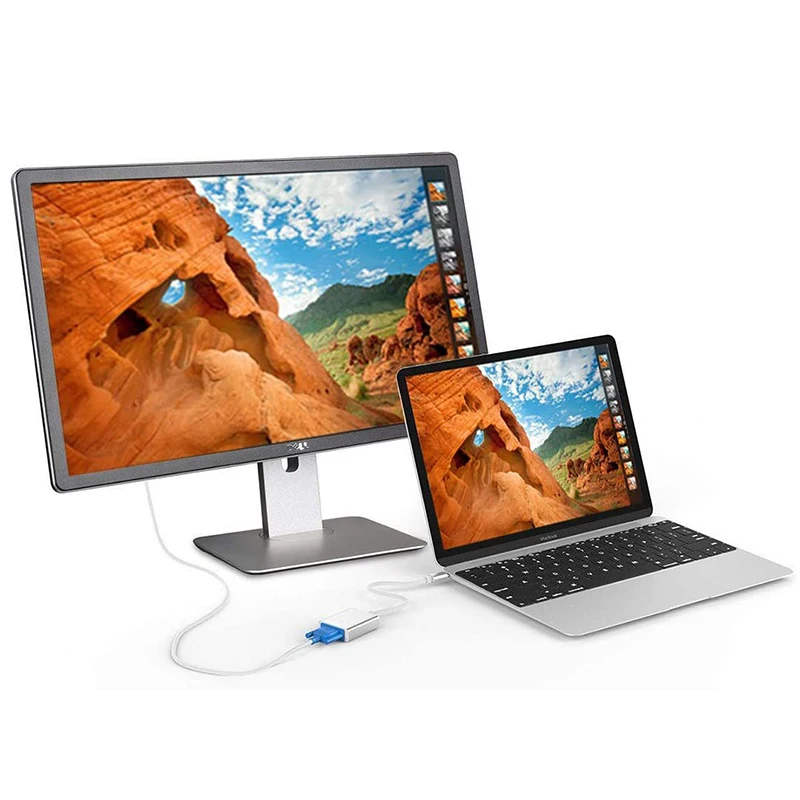
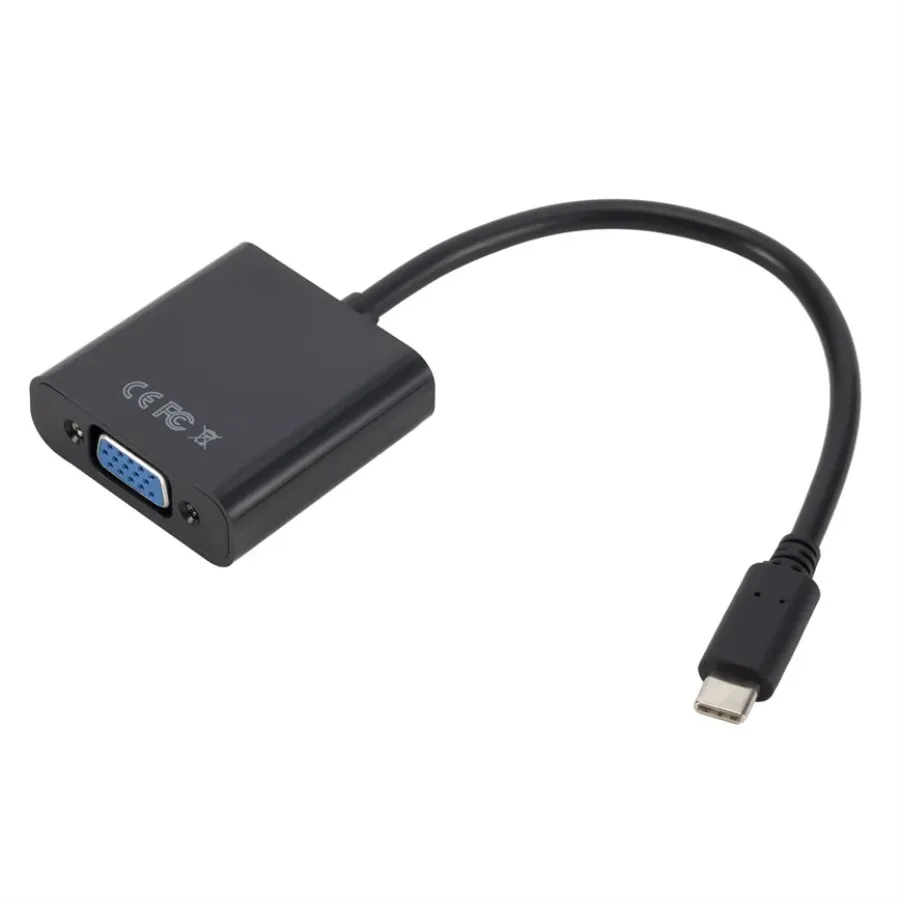
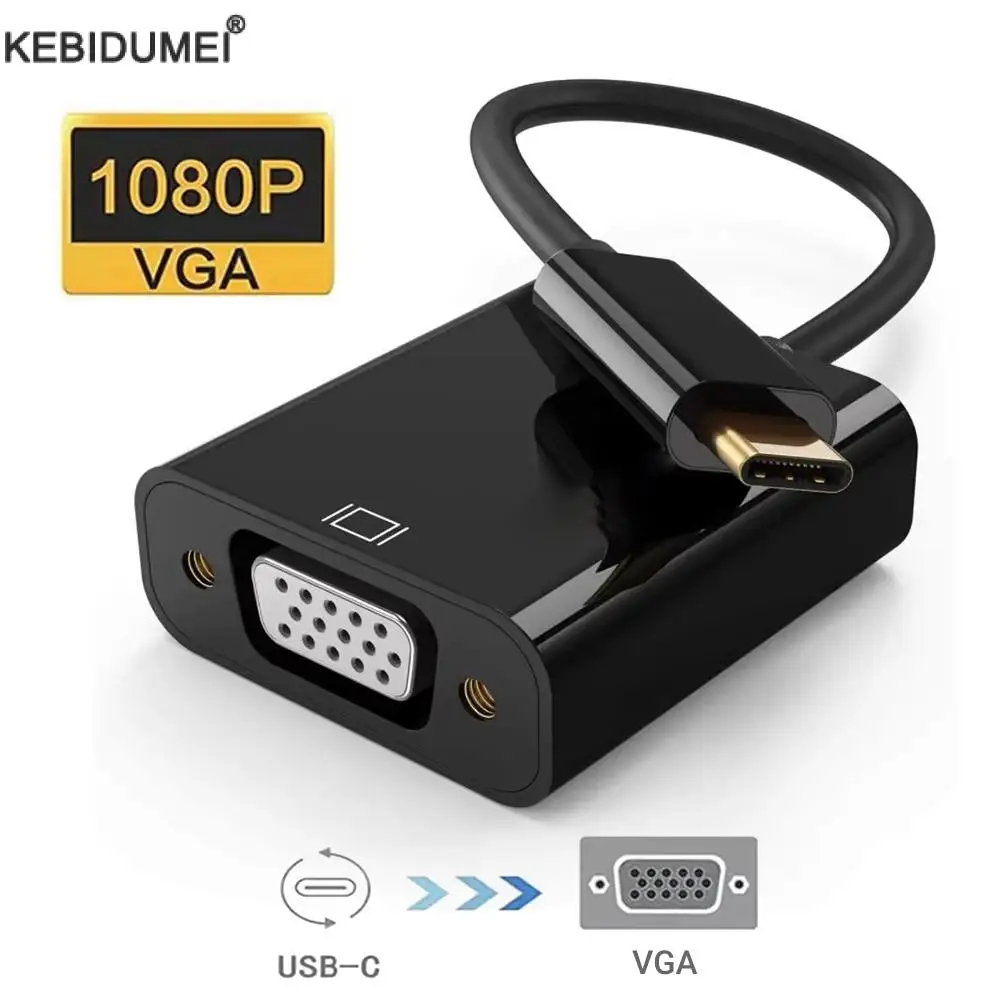
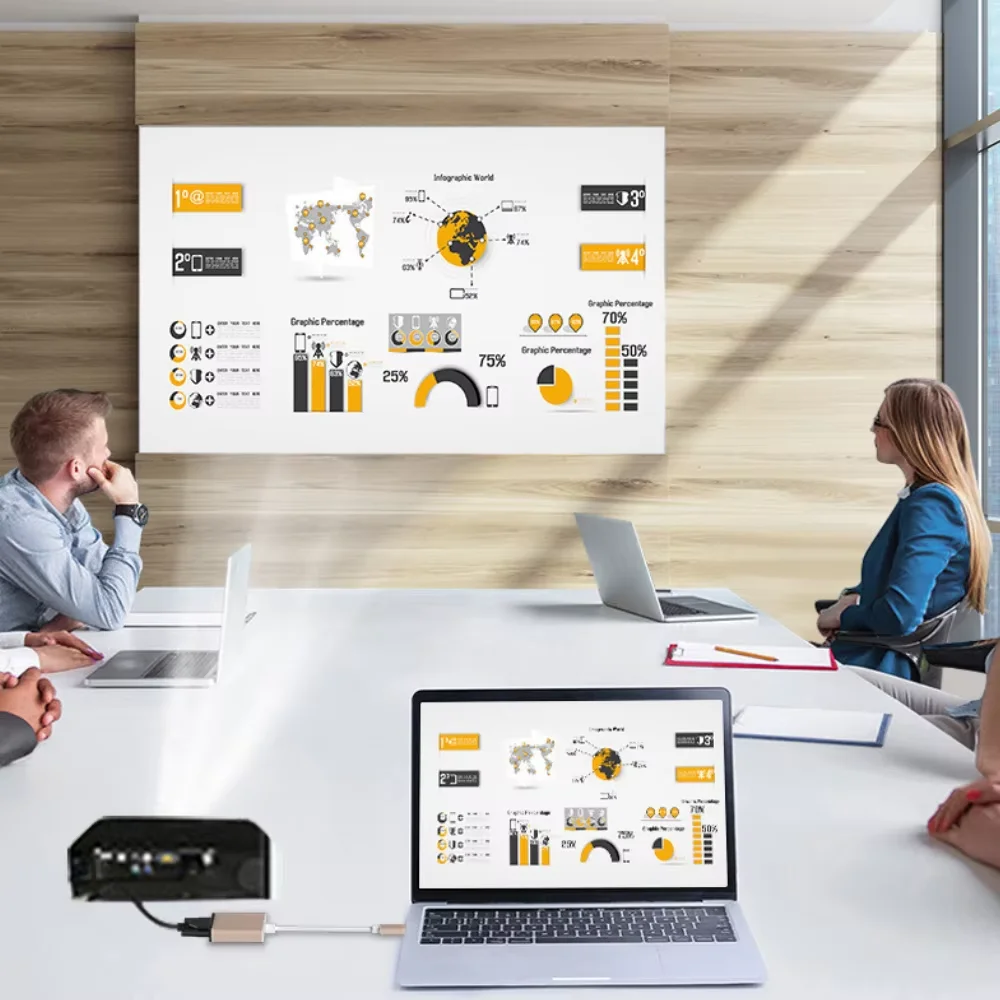
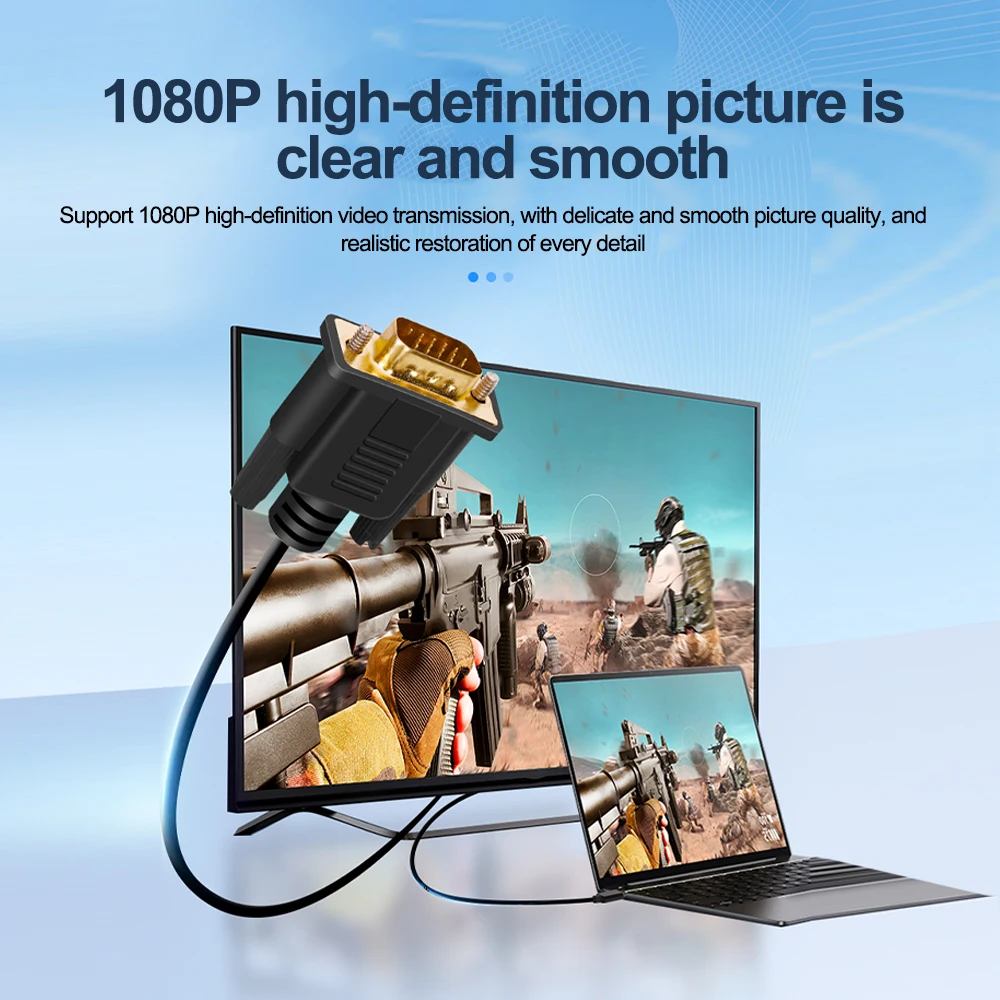
VGA is the blue socket with fifteen pins in three rows and two screws either side. New laptops dropped it years ago, but plenty of projectors in classrooms, church halls and meeting rooms, and older monitors, still have nothing else. A USB-C to VGA adapter lets a modern laptop use them. Everything here is listed at up to 1080p, the full HD picture these screens were made for, and several at 1080p at 60Hz.
The kinds here
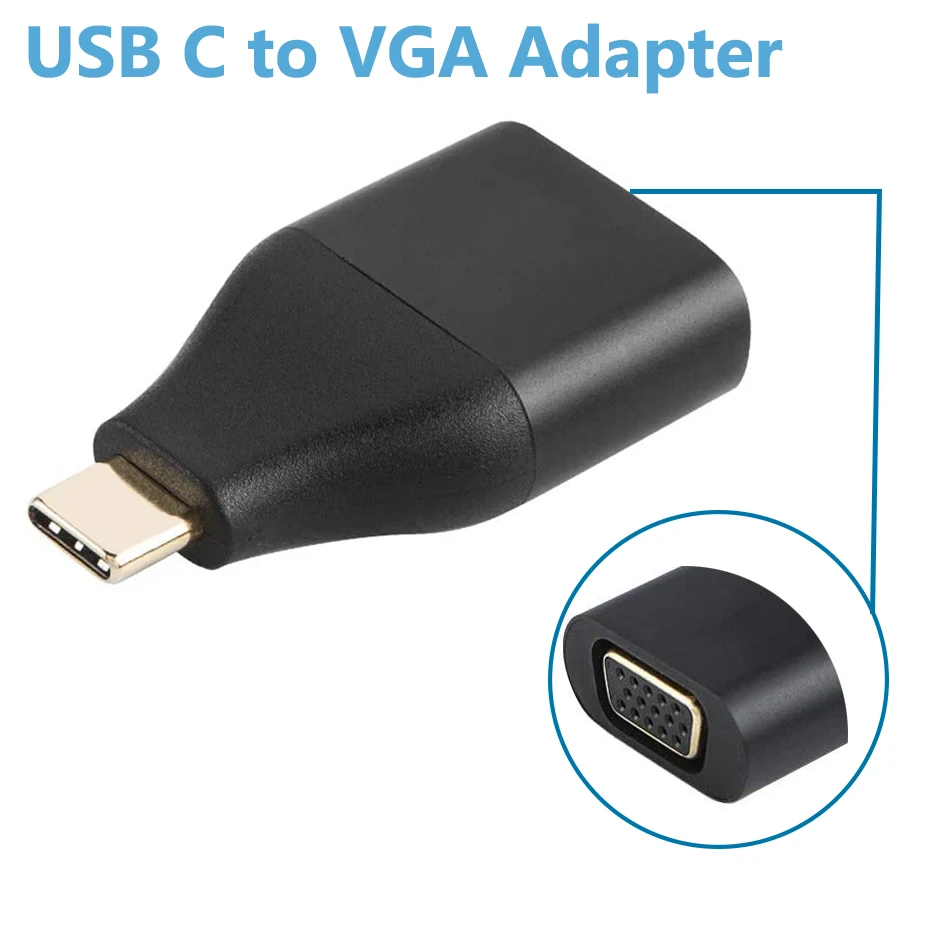
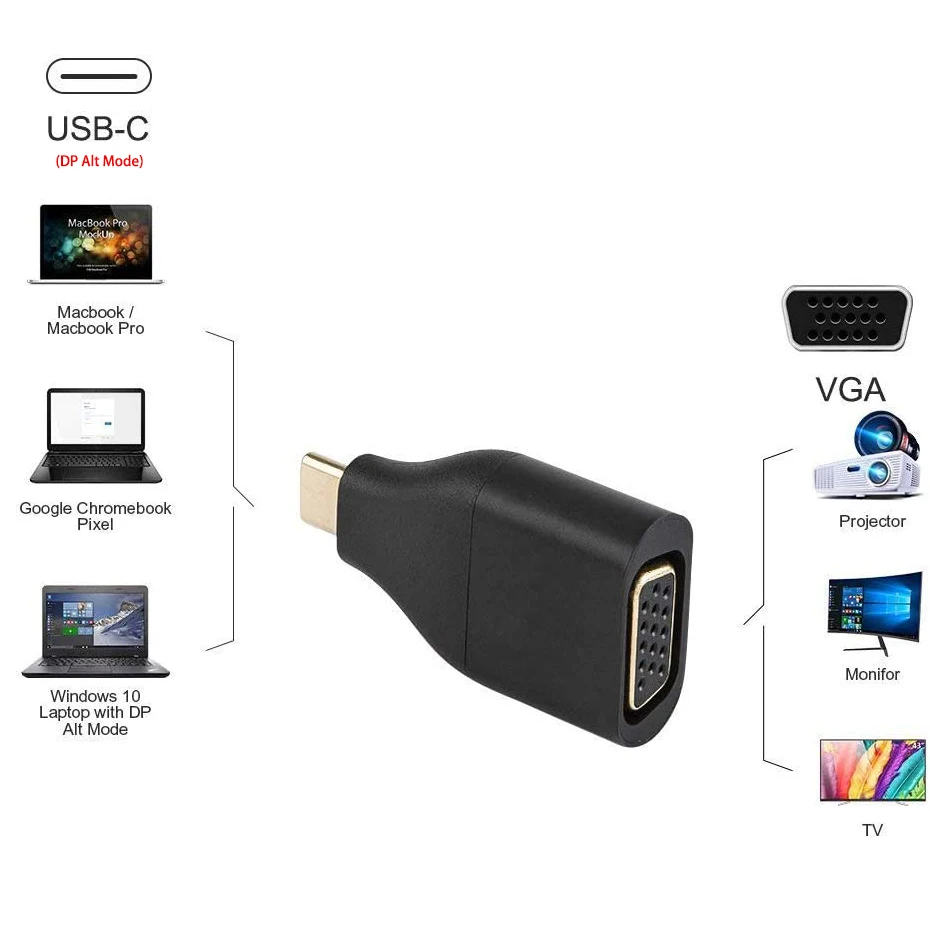
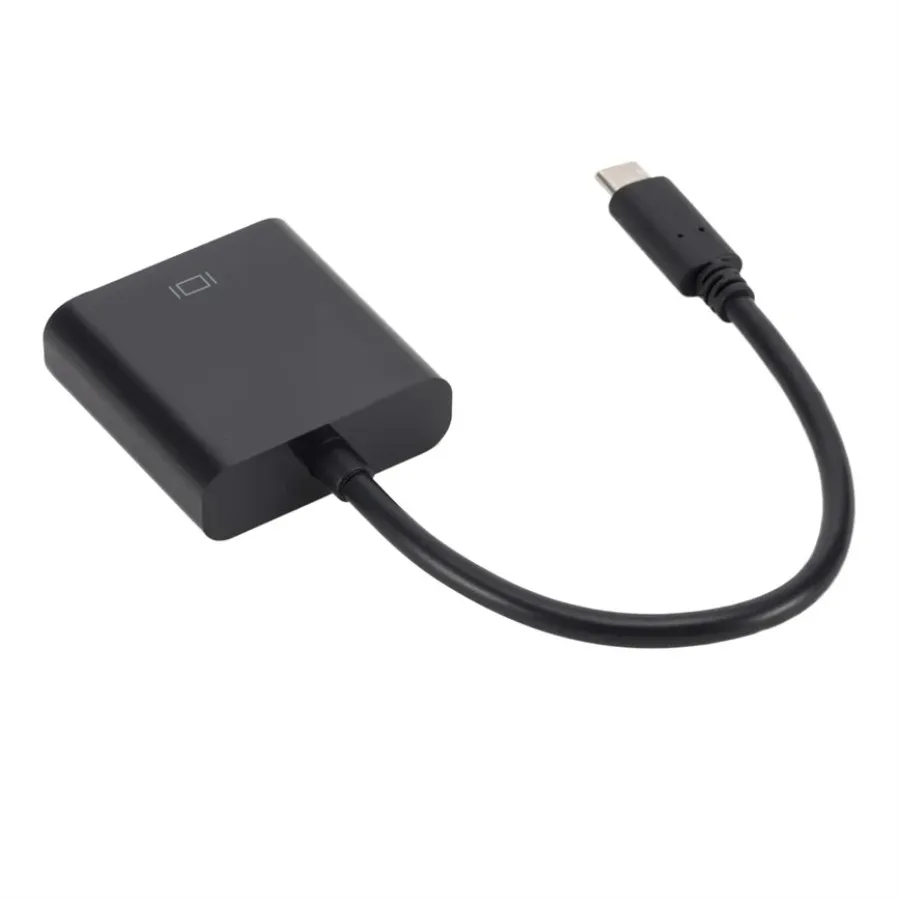
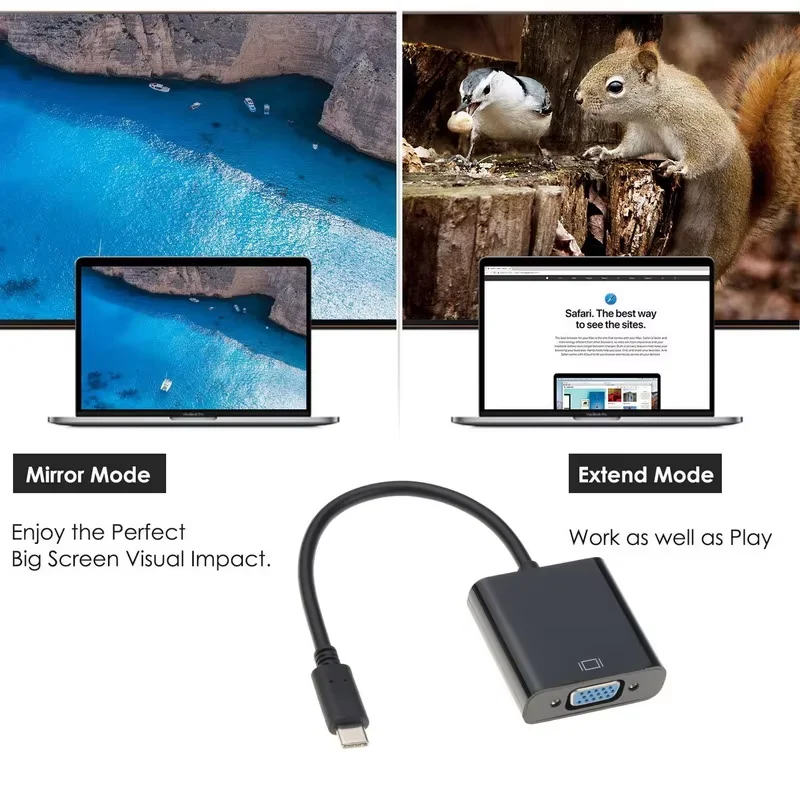
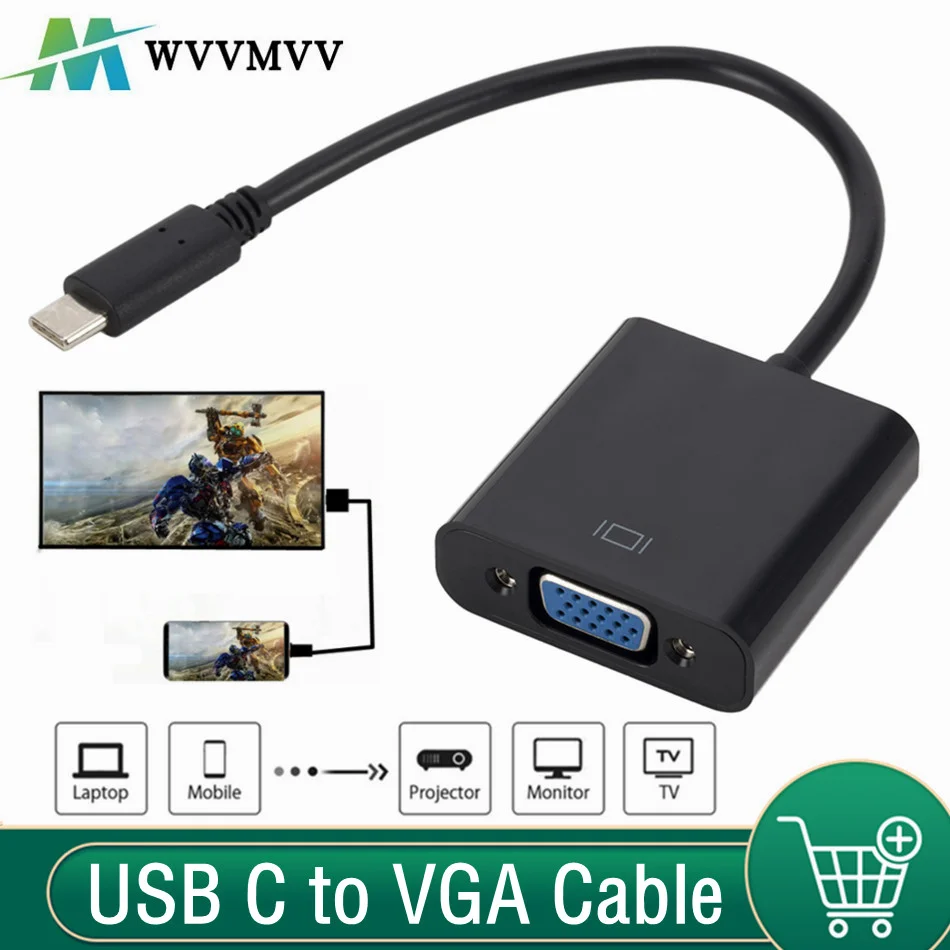
- Short adapters: a small plug with a VGA socket, so you use the VGA cable already plugged into the projector.
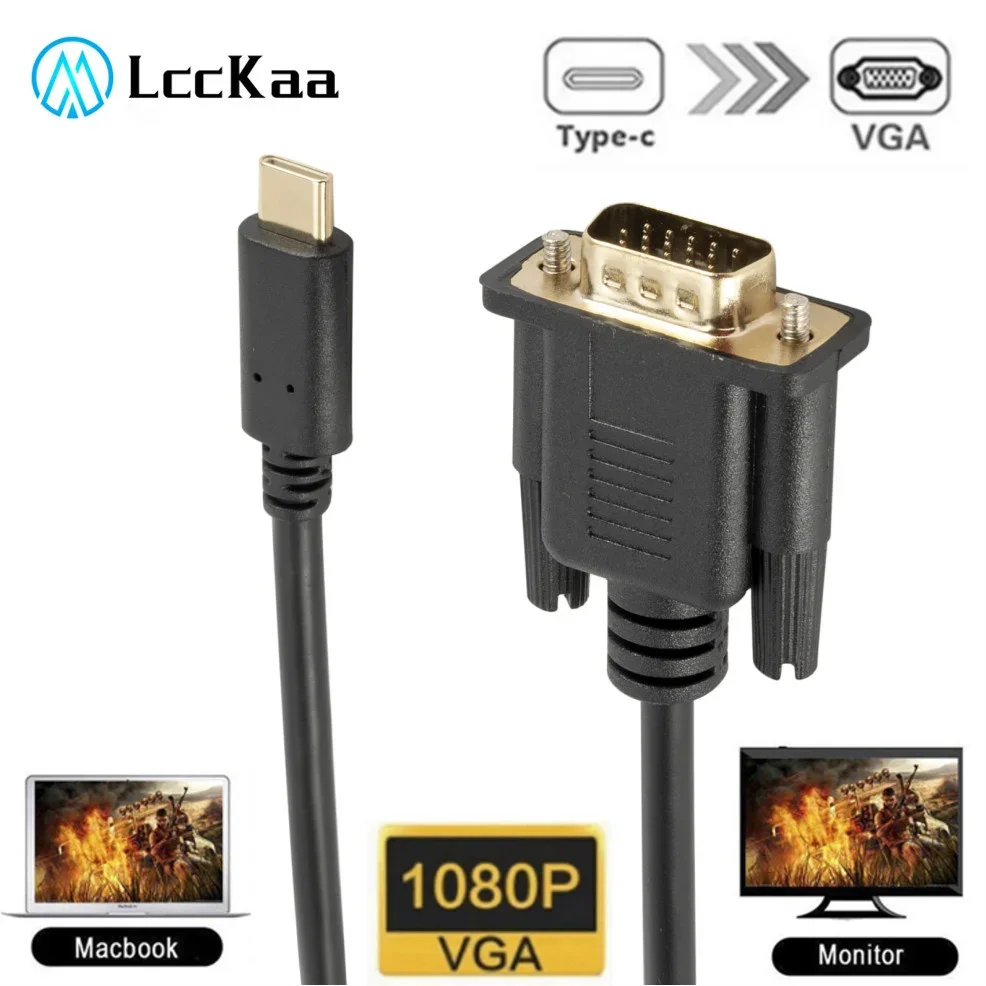
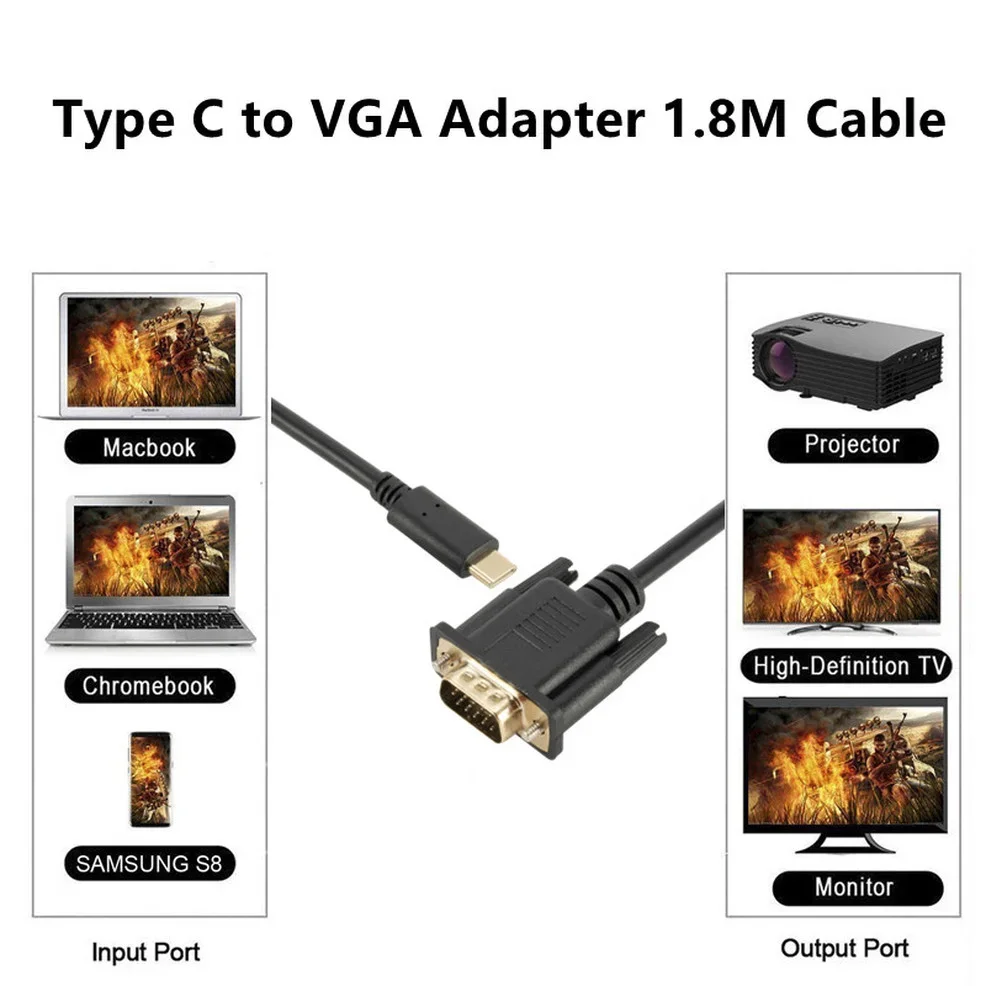
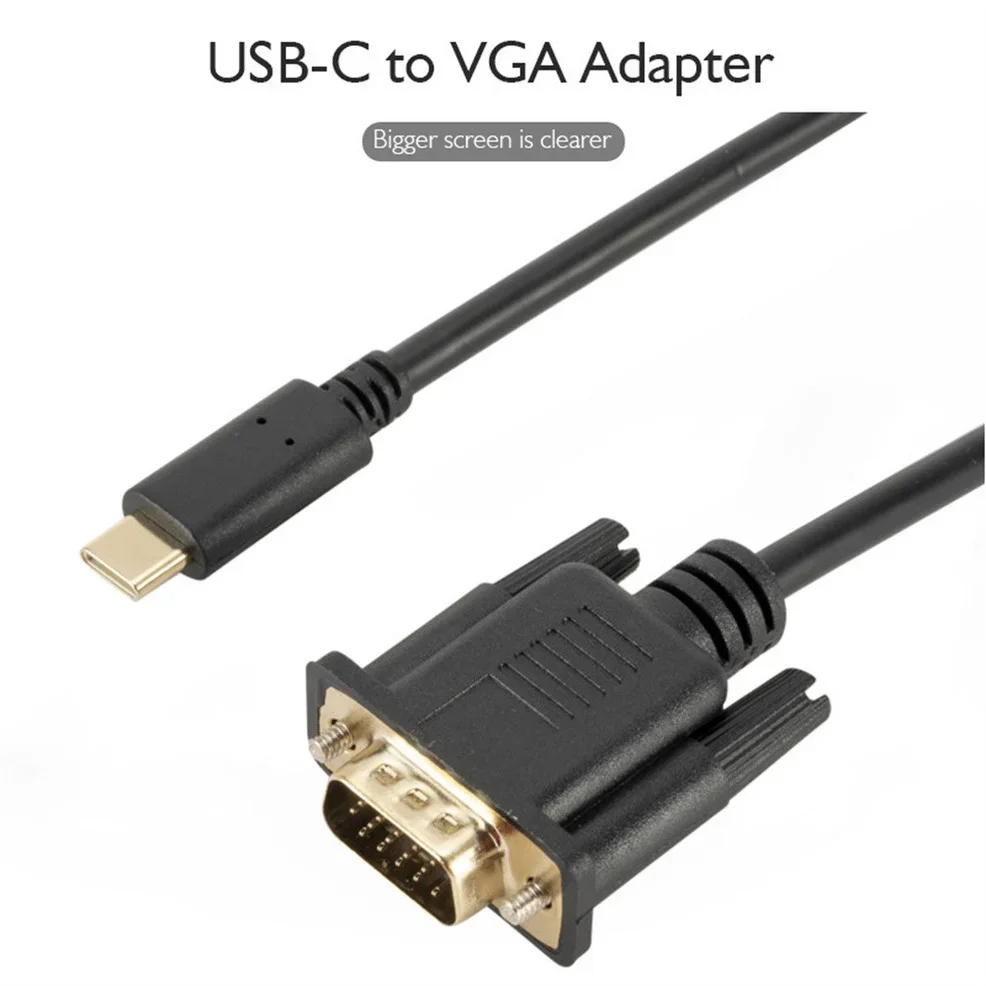
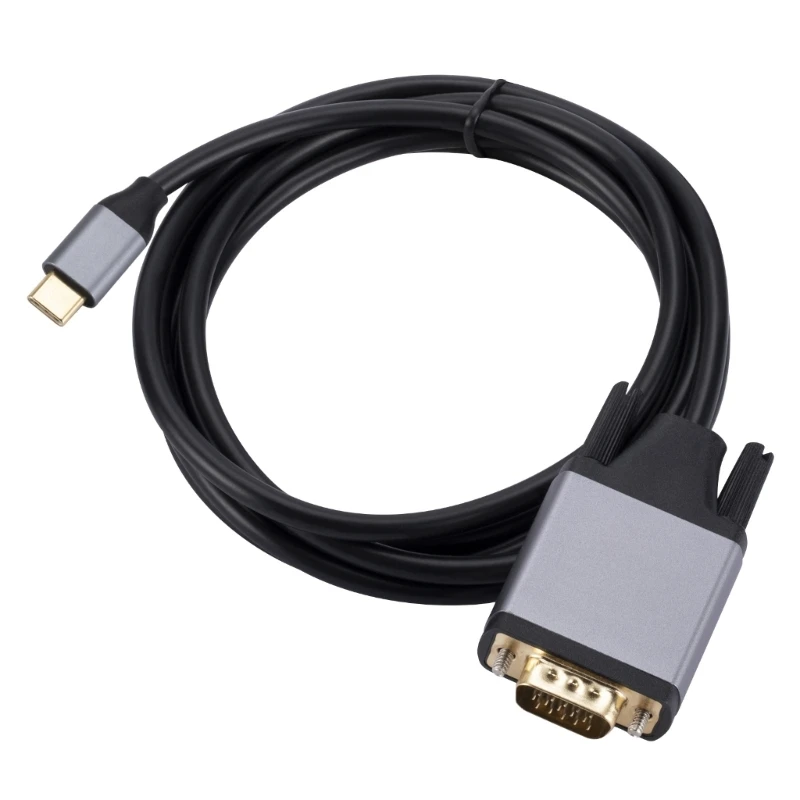
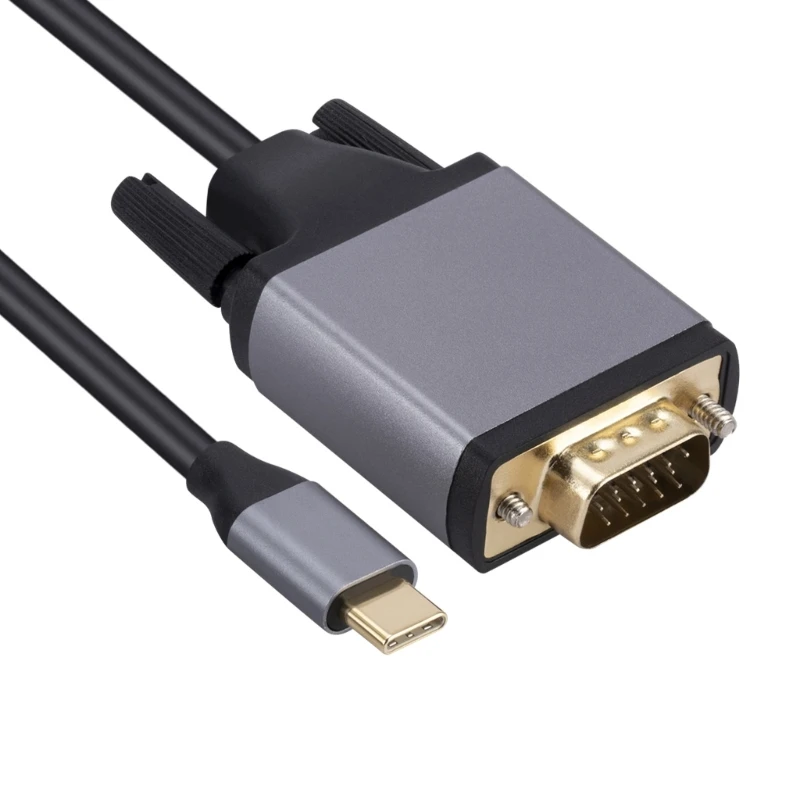
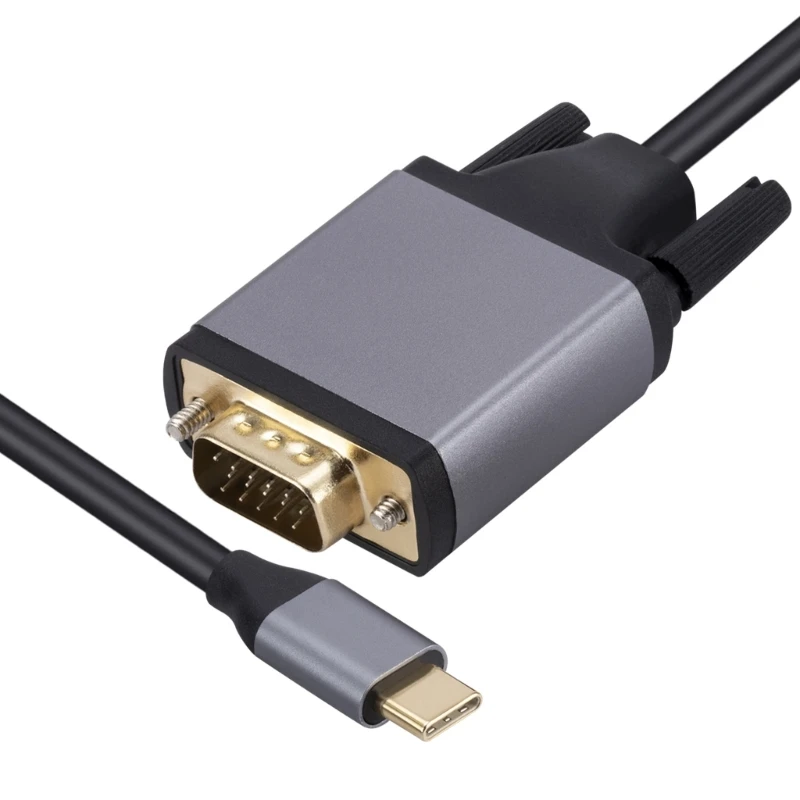
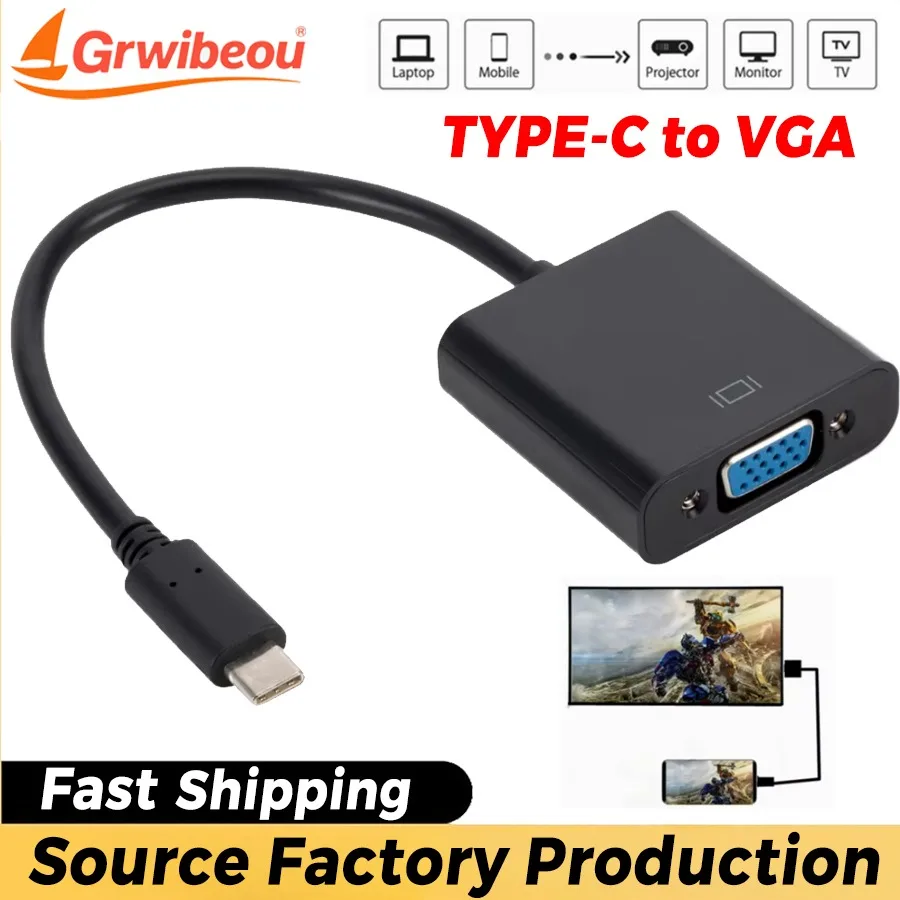
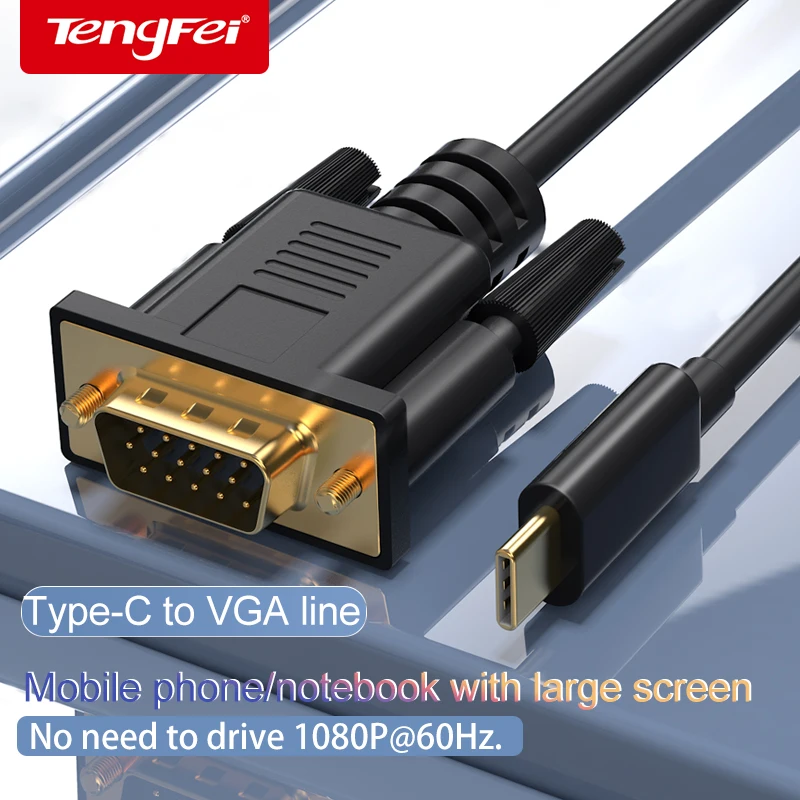
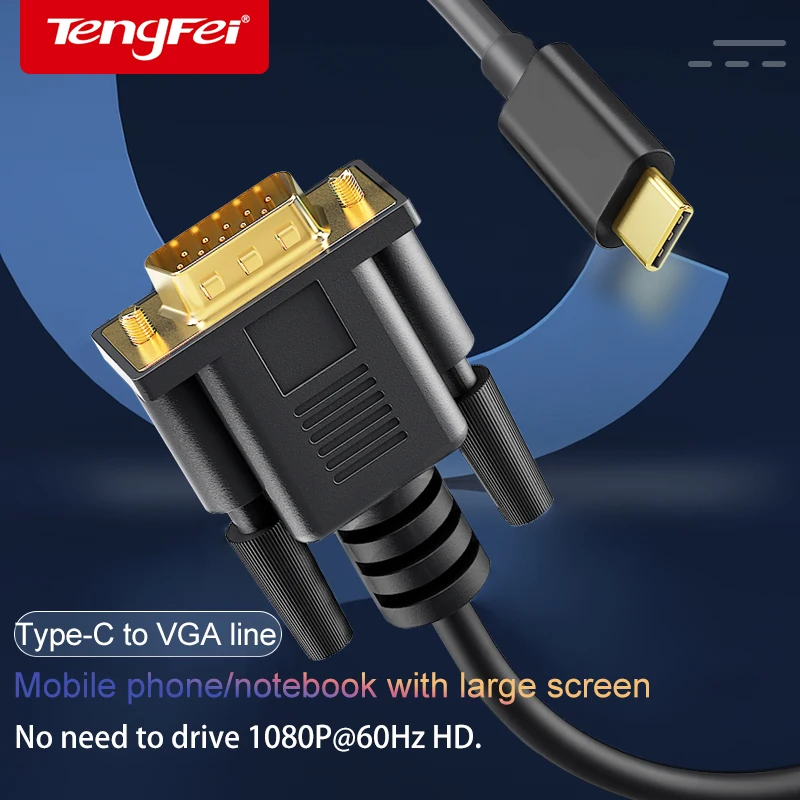
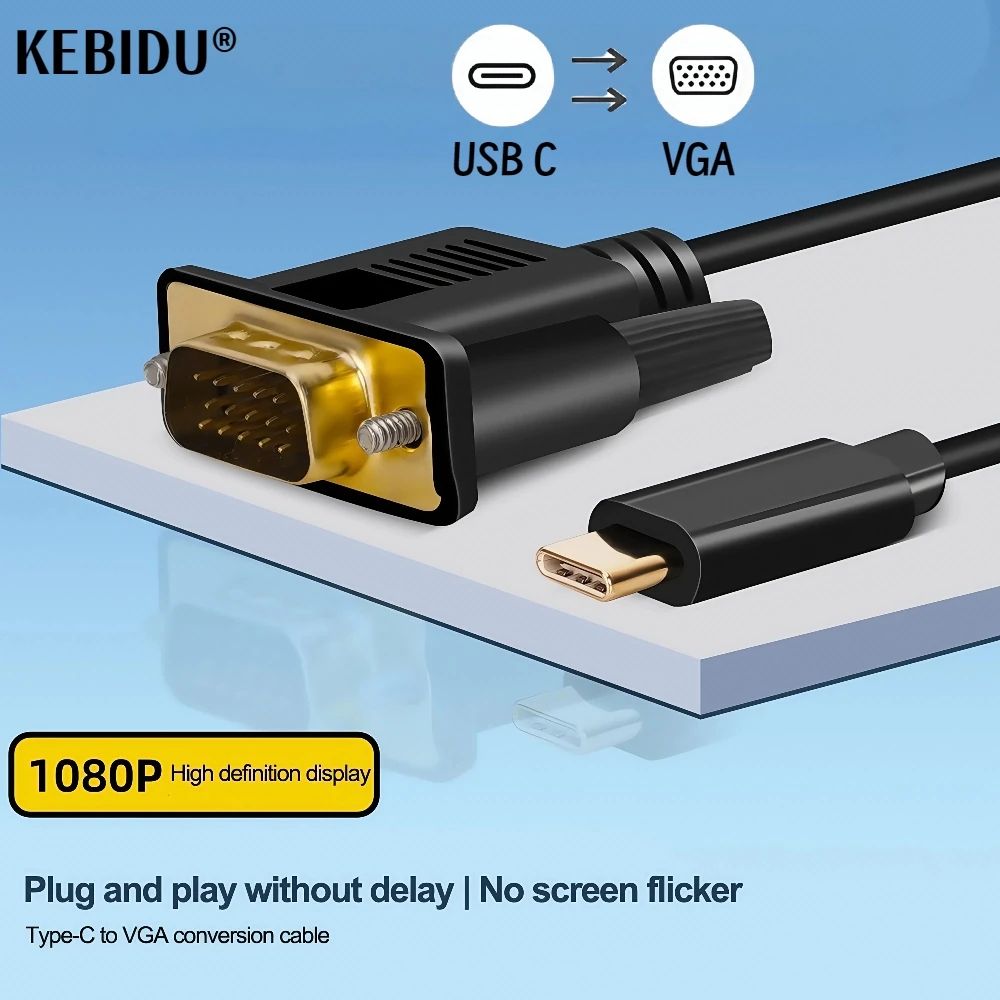
- Adapter cables about 1.8m long, with USB-C at one end and a VGA plug at the other, for a monitor or projector without a cable of its own.
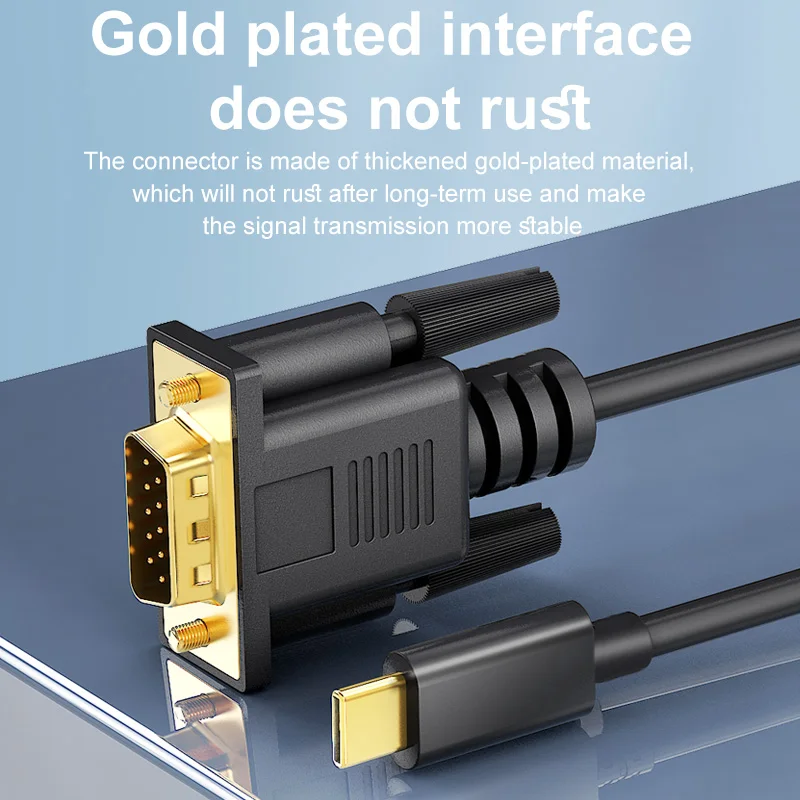
- A gold-plated adapter cable also offered as USB-C to DVI and as HDMI to VGA, for an older screen with a DVI socket or a laptop with HDMI.
Choose a short adapter if the projector already has its VGA lead plugged in, which is usual in halls and classrooms, and an adapter cable for a monitor or projector you plug into yourself.
Before you buy
The laptop's USB-C port must carry video, which means DisplayPort Alt Mode, Thunderbolt or USB4. The adapters here say so in their listings. Your laptop's specification page tells you which ports do this.
VGA carries the picture only, never sound. In a hall, plug the laptop's headphone socket into the room's speakers, or use a USB speaker. If the projector also has HDMI, a USB-C to HDMI adapter carries sound and a sharper picture.
VGA is an analogue signal, so on a modern screen the picture looks softer than through HDMI. For an old projector it is exactly what was meant to be plugged in.
Questions people ask about USB-C to VGA adapters
The projector says "no signal". What now?
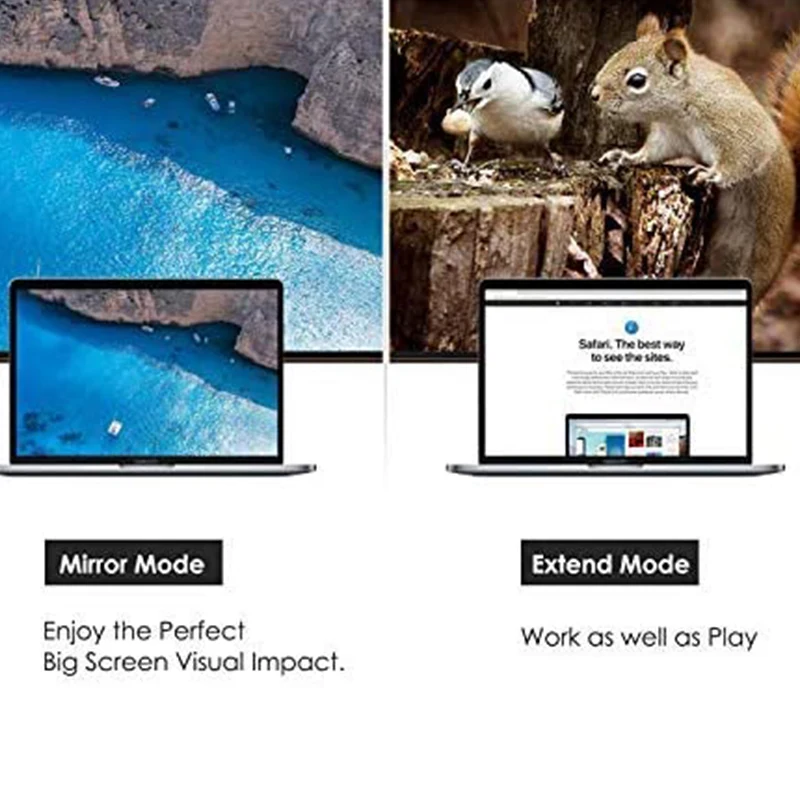
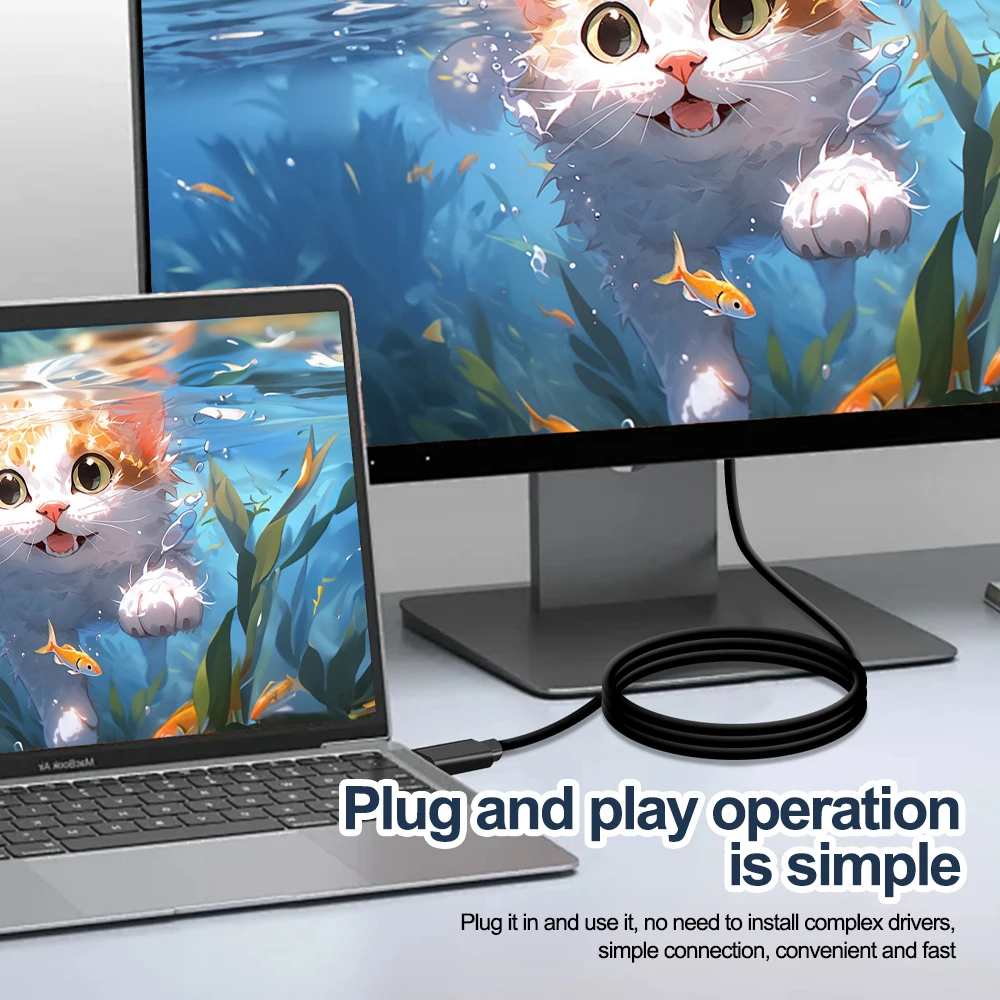
Choose the VGA or "computer" input on the projector, then press the Windows logo key and P and choose Duplicate. On a Mac, open System Settings, then Displays. If nothing shows, try the laptop's other USB-C ports.
Why does the picture look stretched or blurred?
Set the laptop's display resolution to the projector's own, which its menu or manual gives, and use Duplicate rather than Extend. Every adapter here tops out at 1080p, so a higher setting will not help.
Can I carry one for presentations?
Yes. A short adapter fits in a tech pouch with a HDMI adapter, so you are ready for either kind of projector.
Delivery is included in every price and tracked to your door. Each product page says when it usually arrives.
More to look at