More screen, or a better-kept one
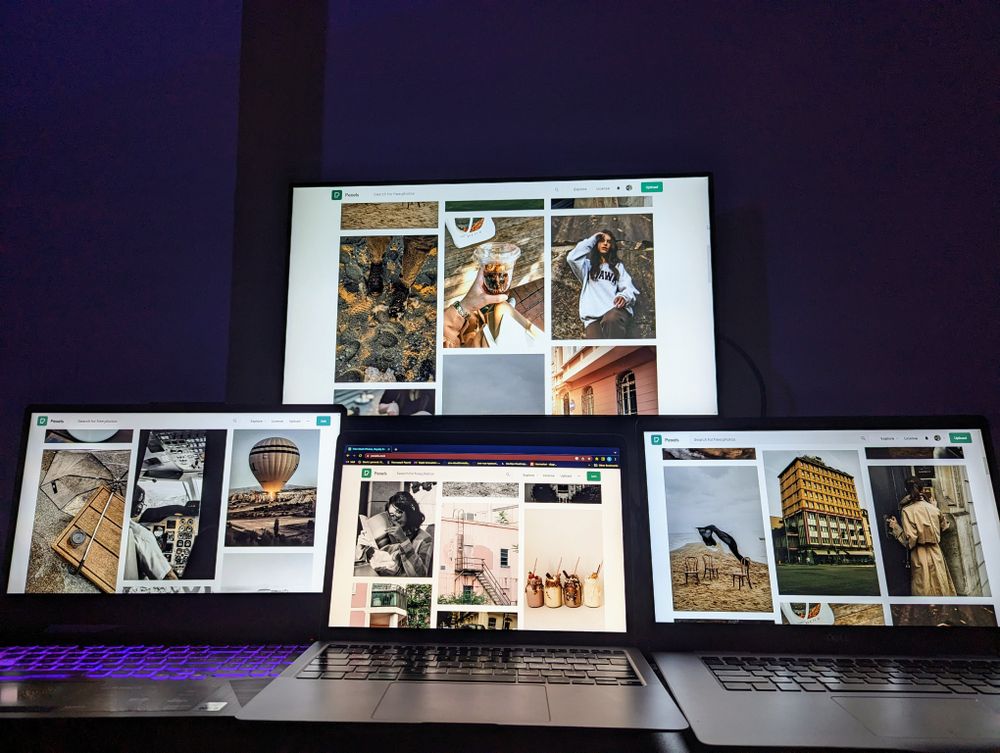
This department is about the laptop's screen in two ways. The first is having more of it: a second screen you can carry in a bag, or extra screens that fix to the laptop itself, so a spreadsheet sits beside your email and a call sits beside your notes. The second is looking after the screen you have: keeping it private on a train, cutting reflections from a window, guarding it from scratches, and closing the camera above it when you are not on a call.
The five ranges
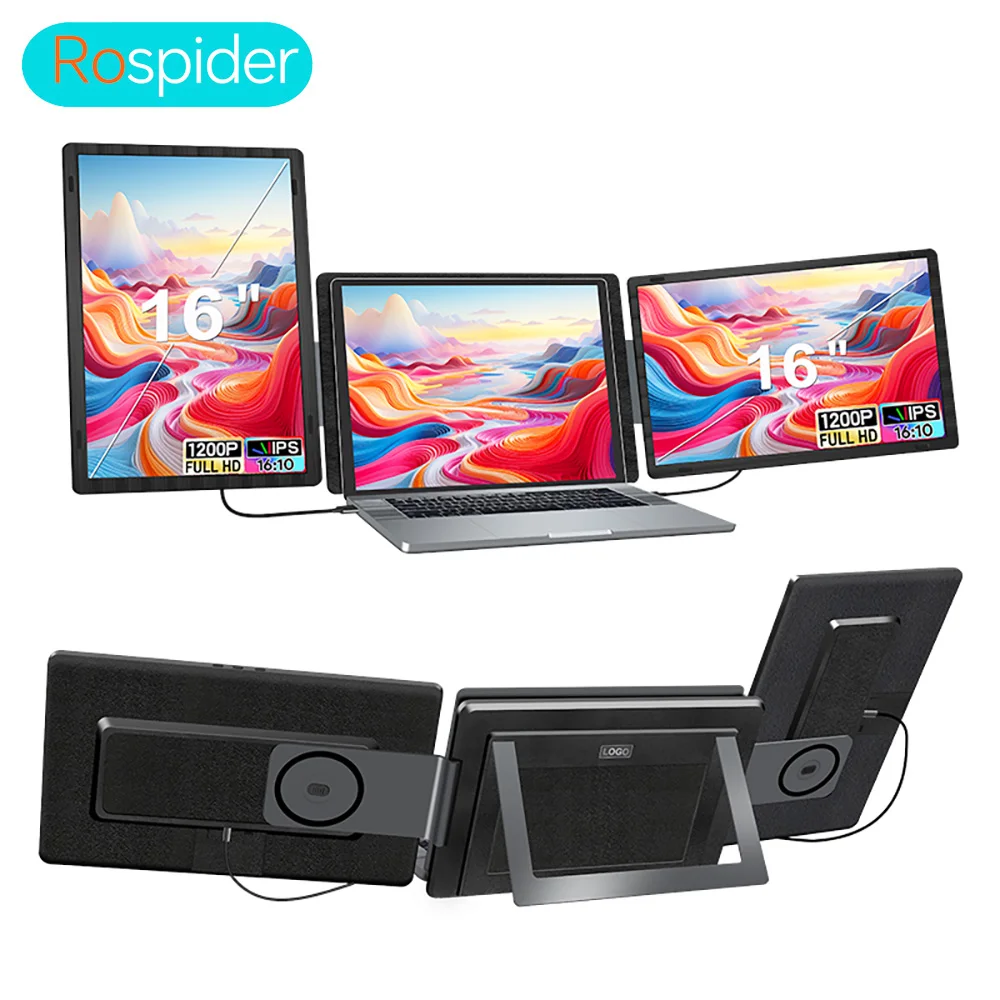
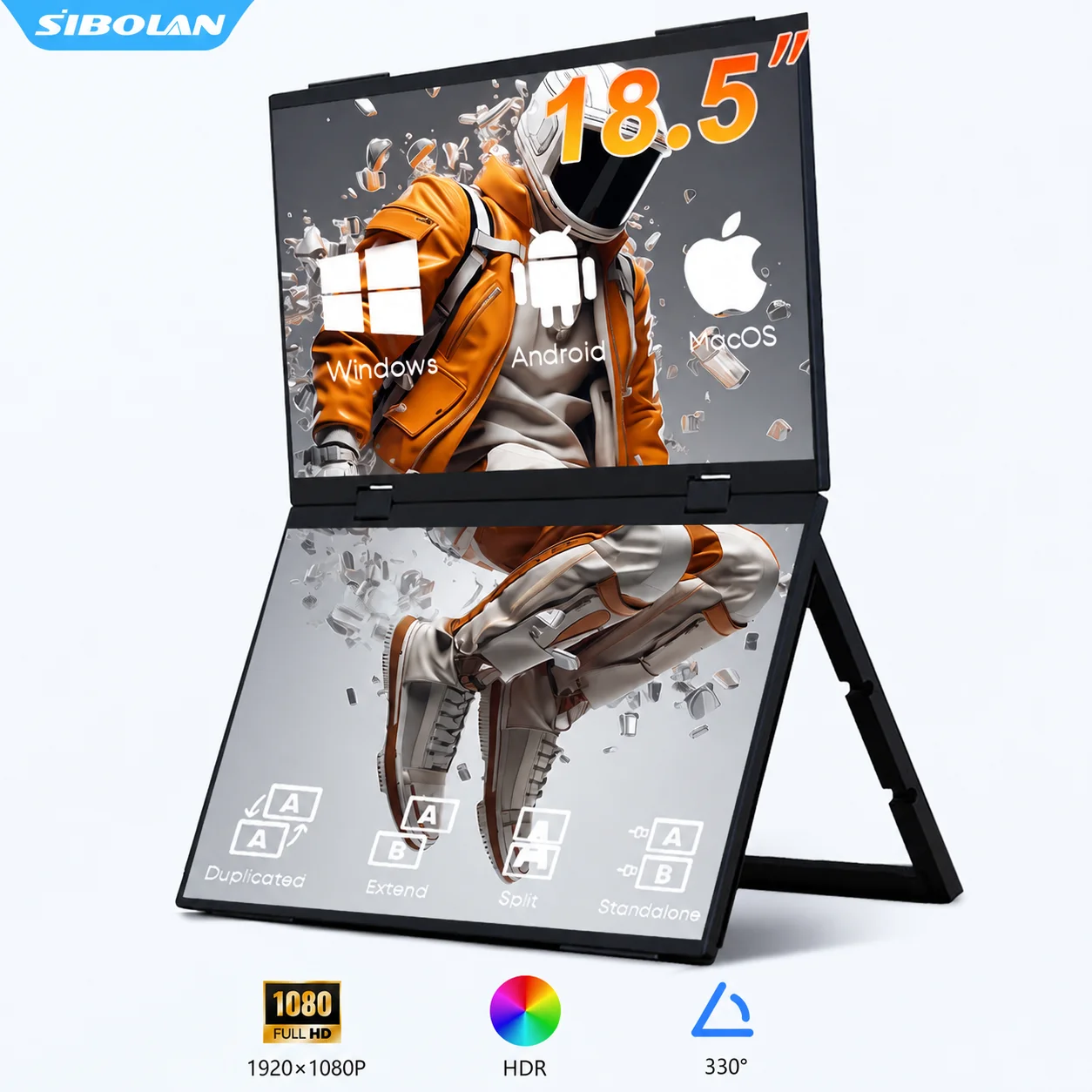
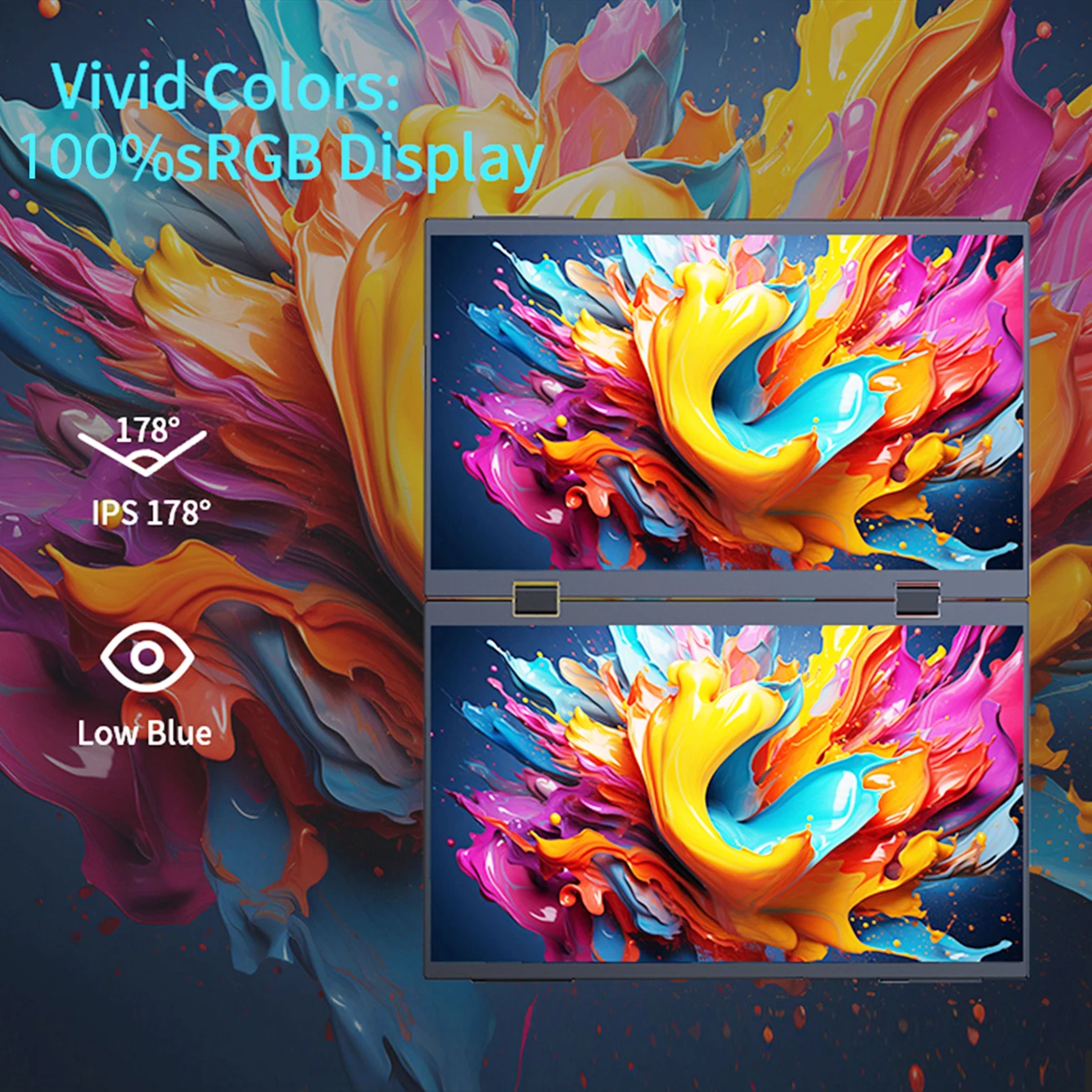
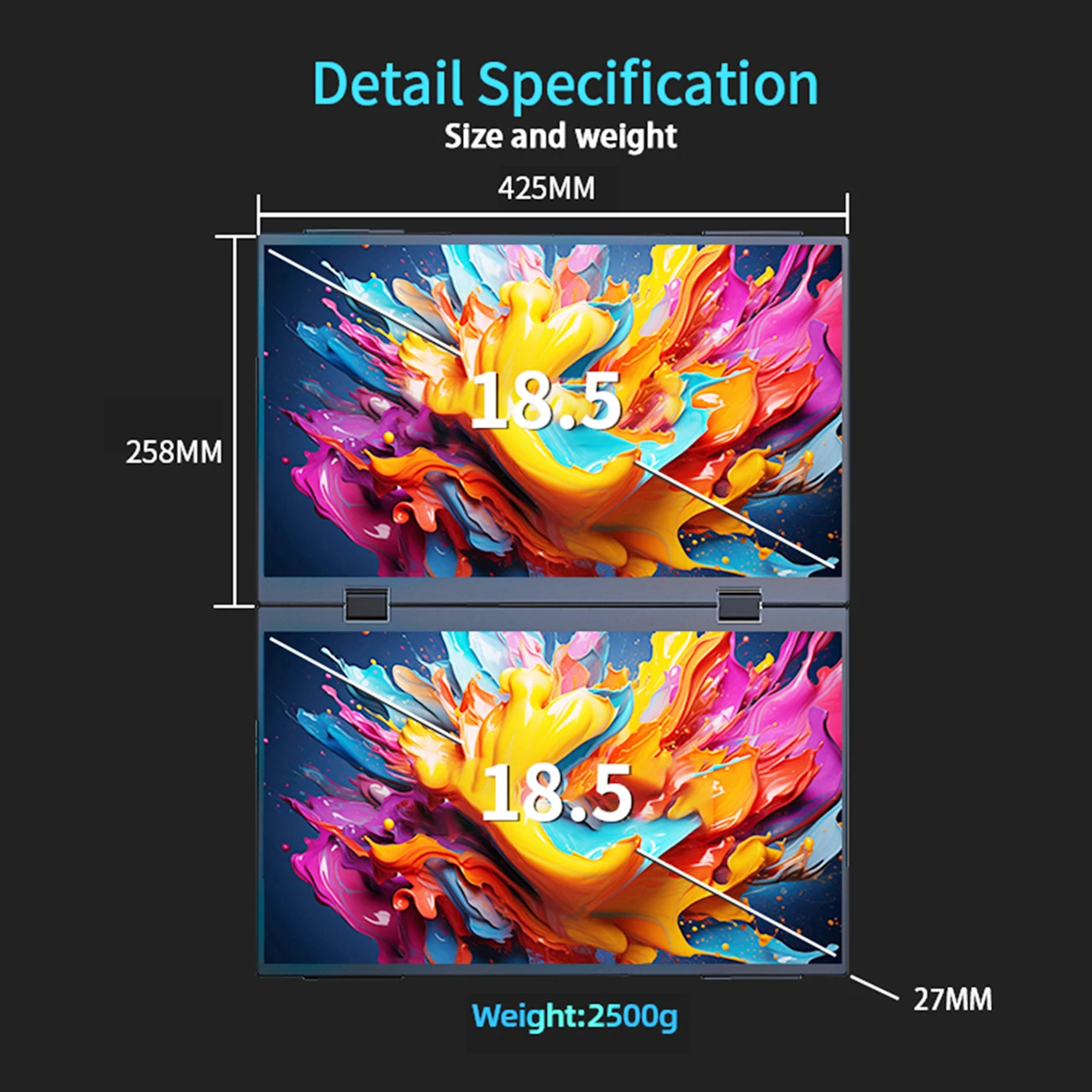
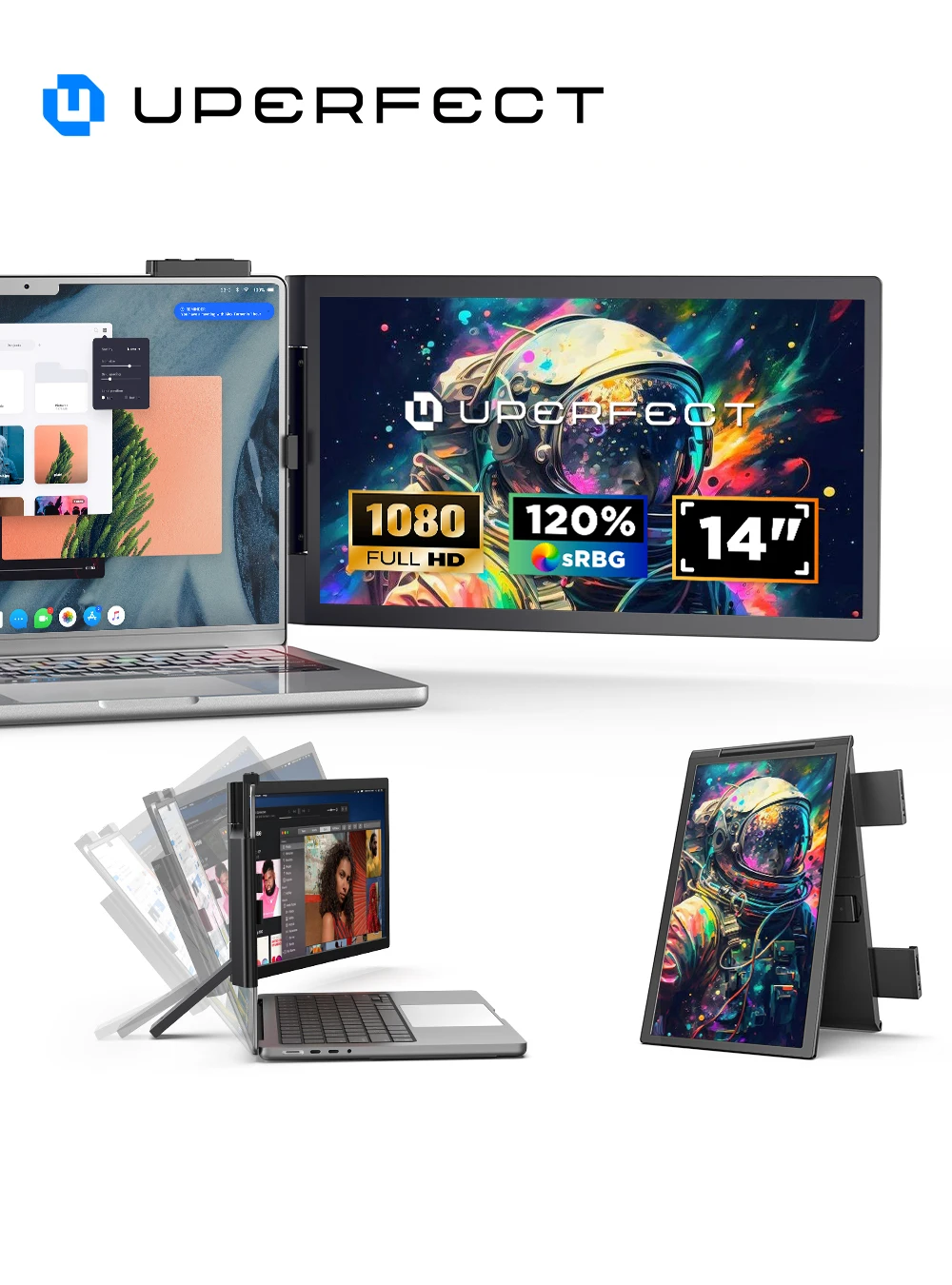
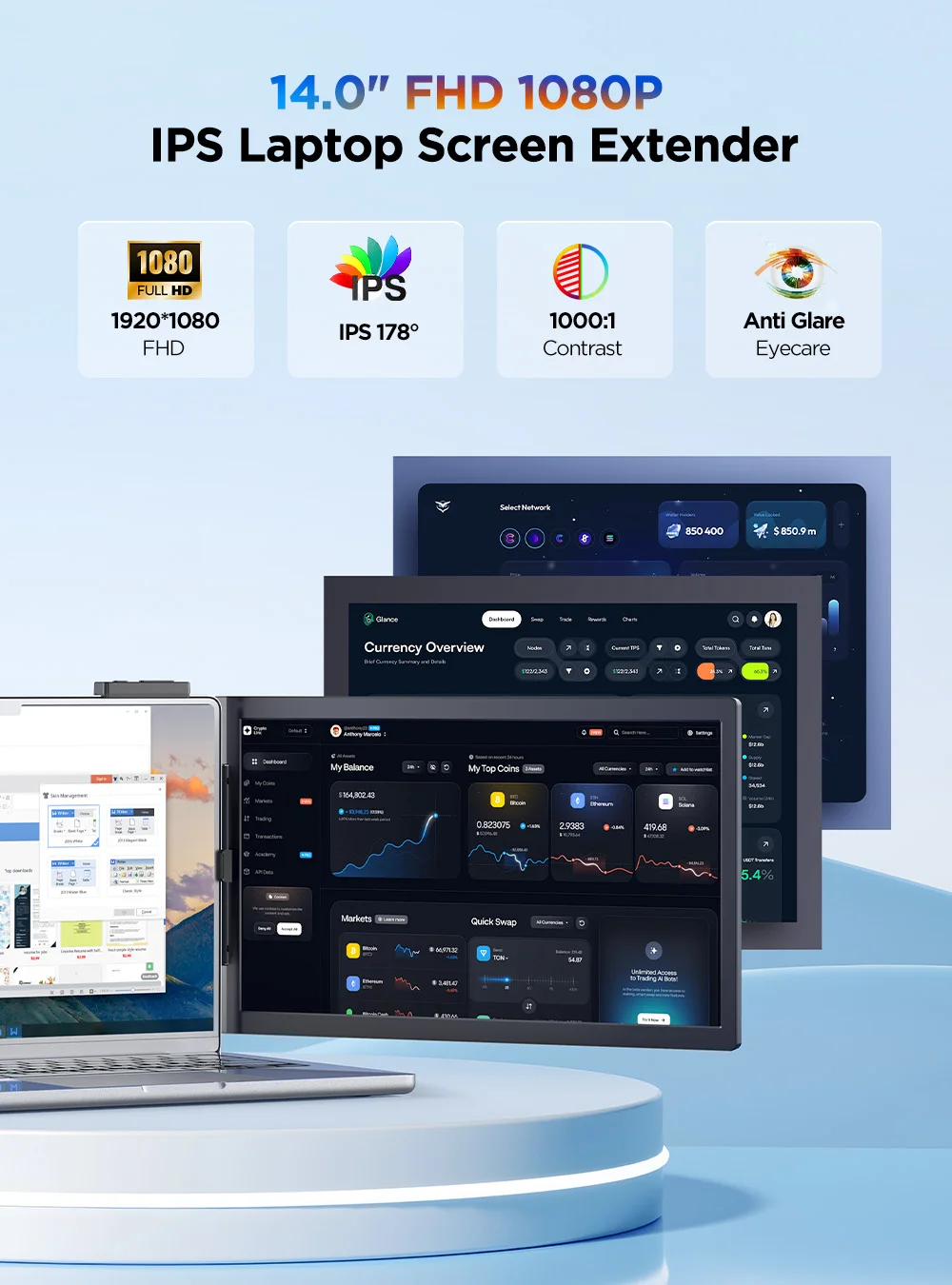
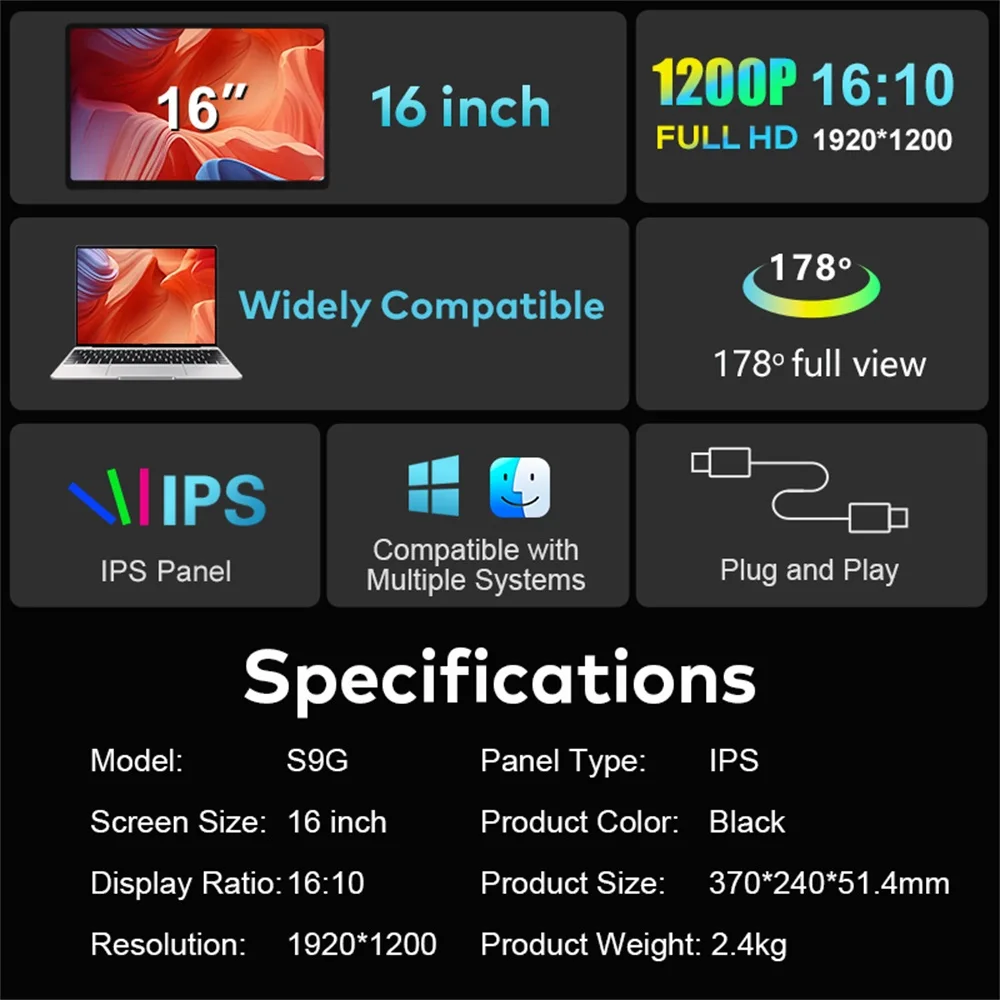
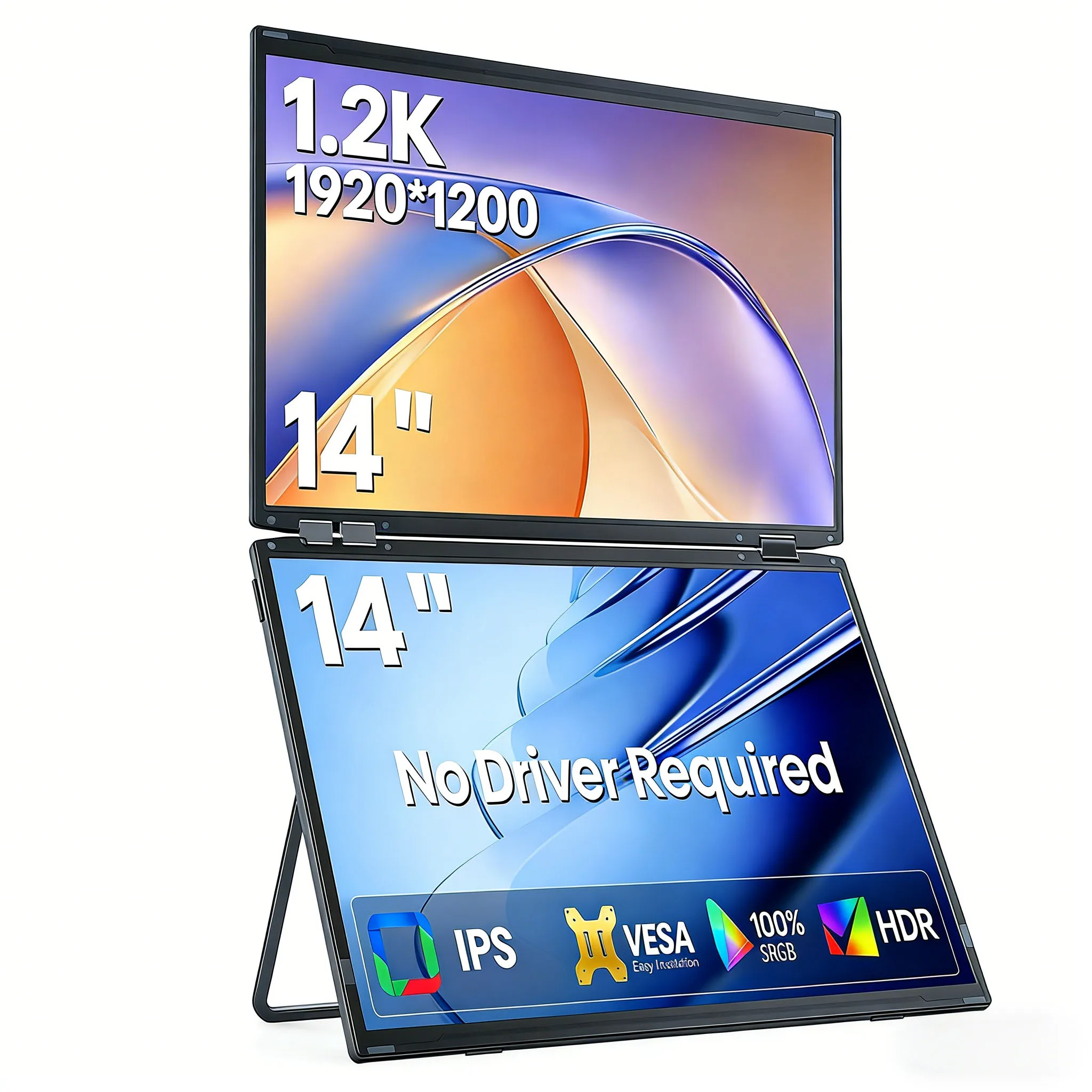
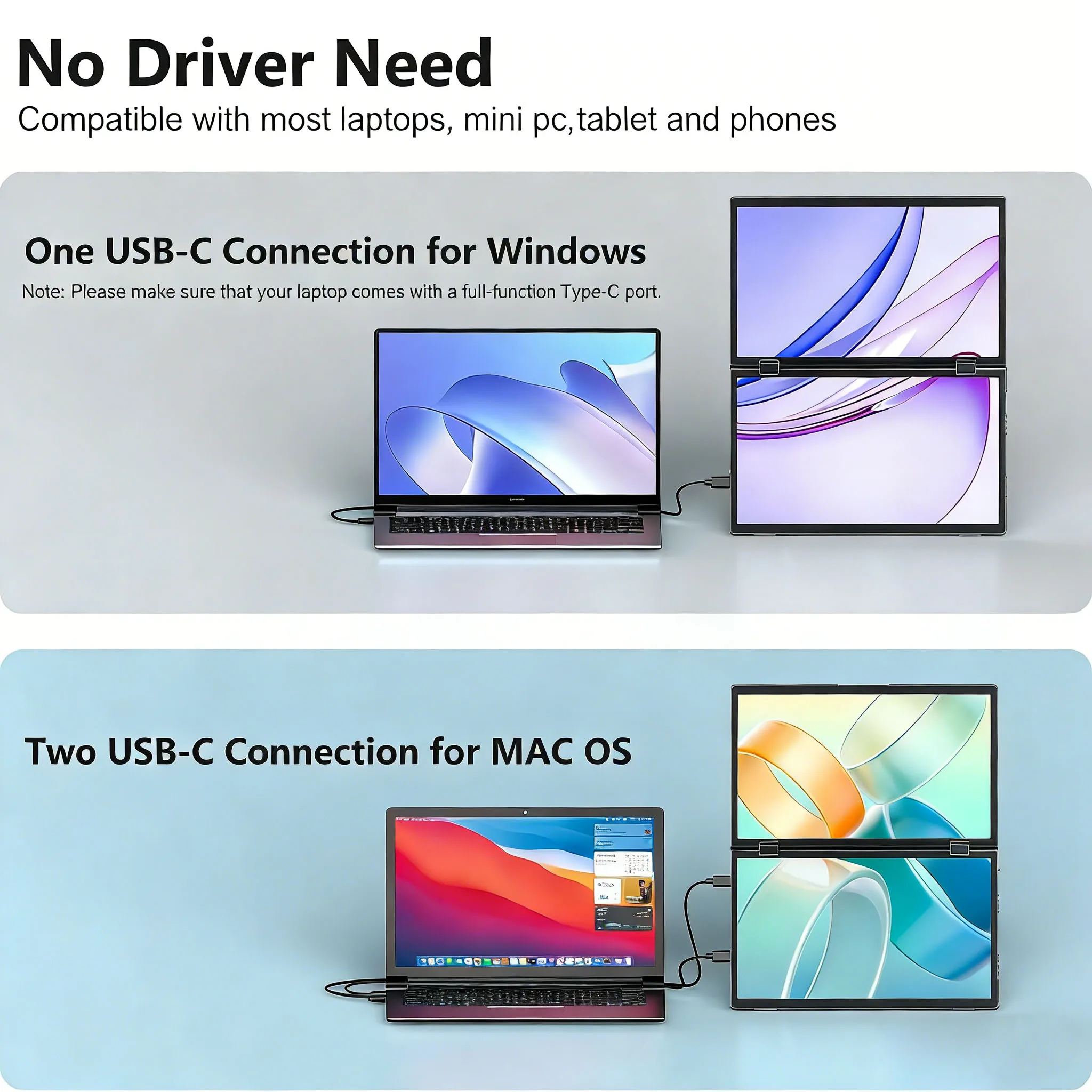
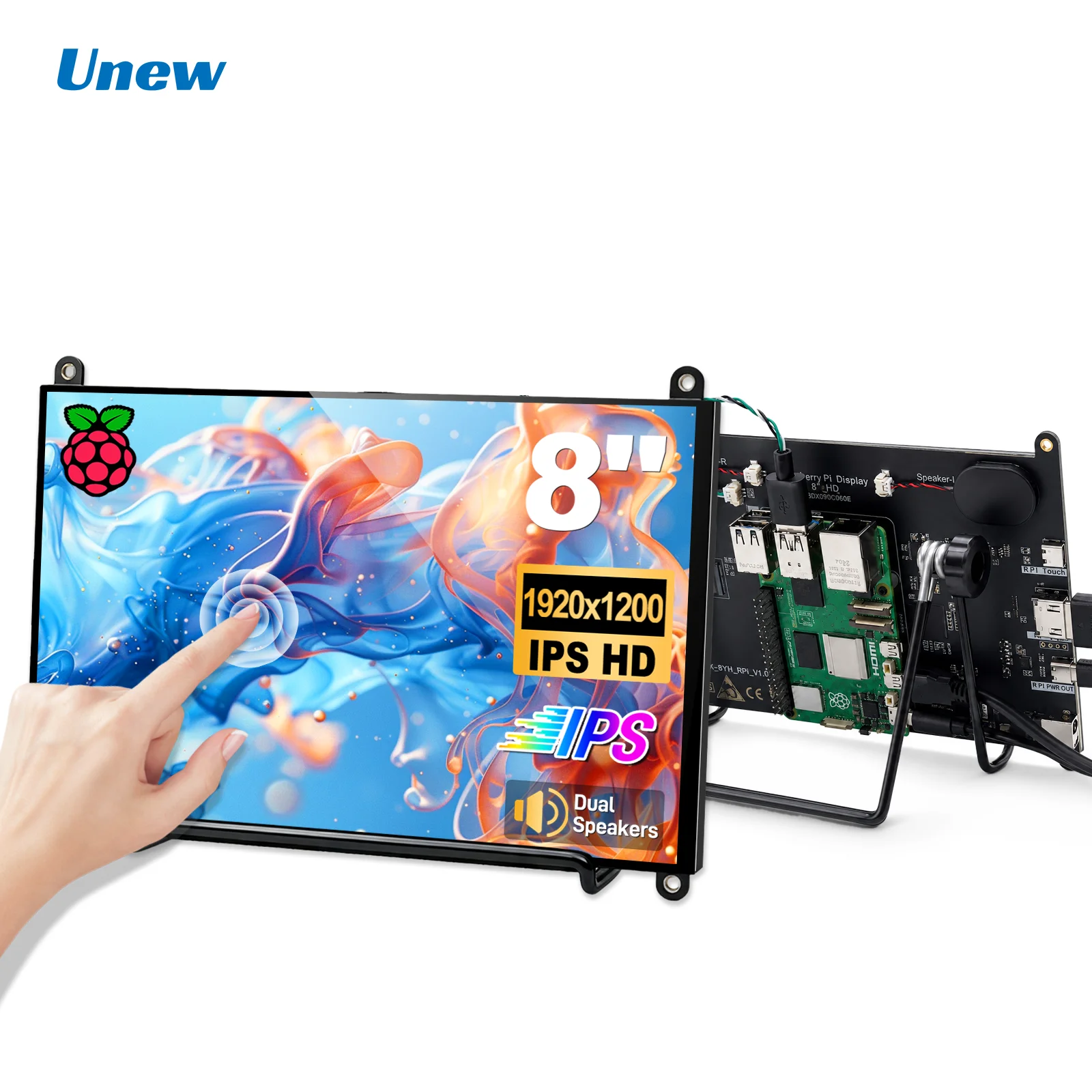
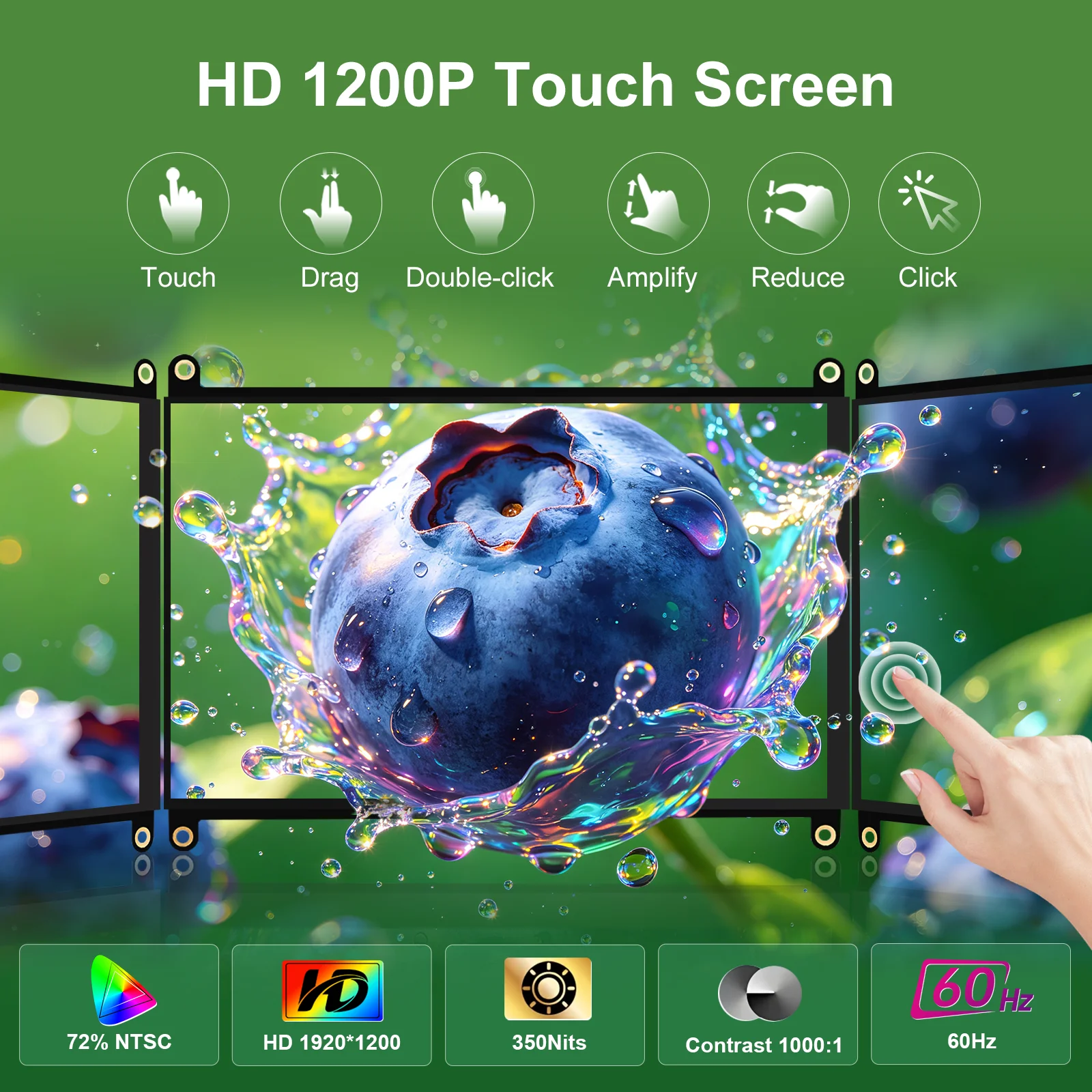
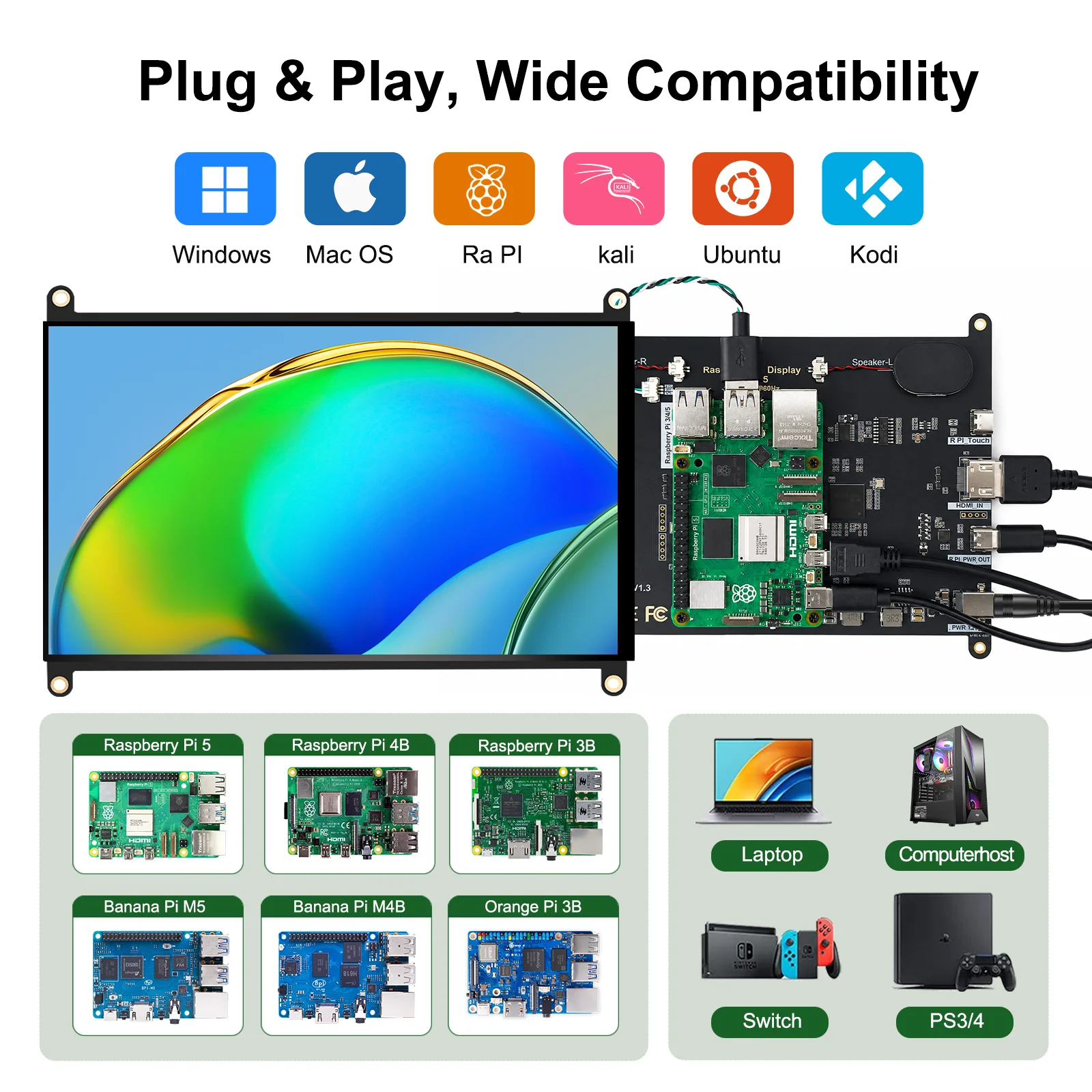
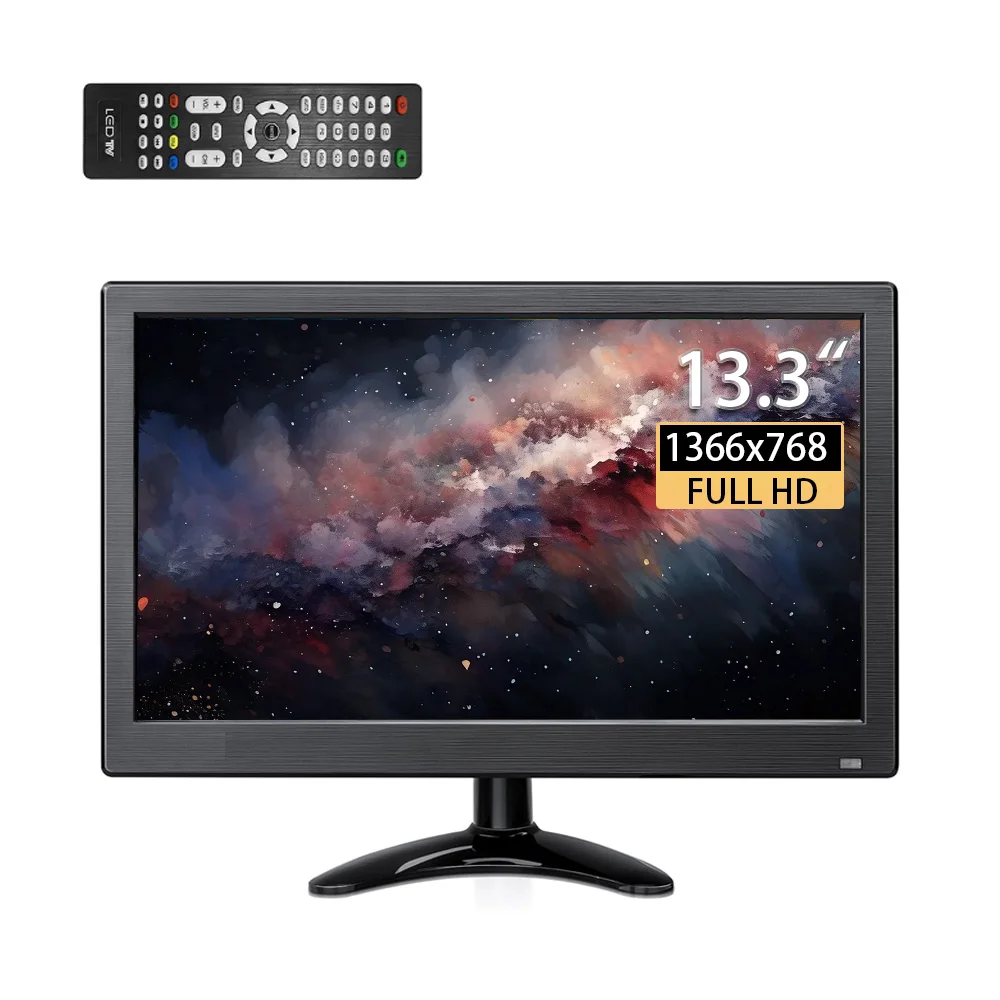
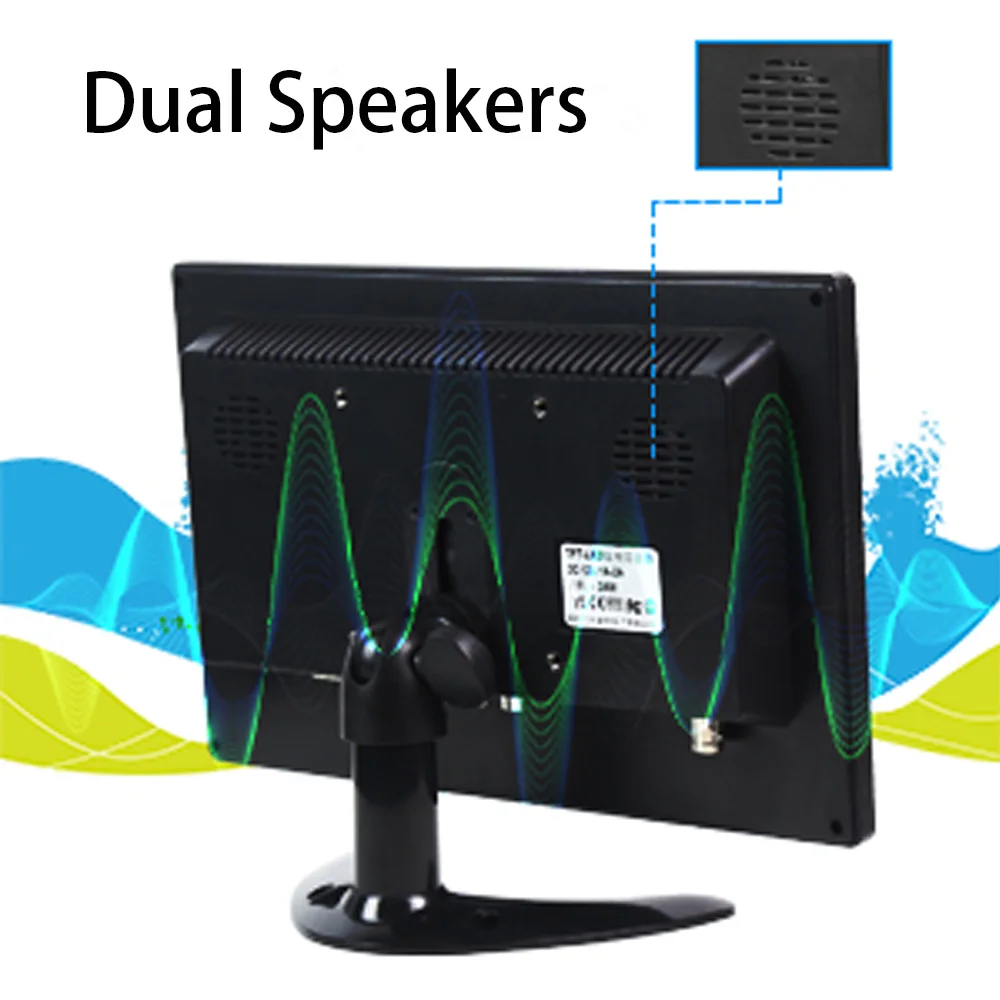
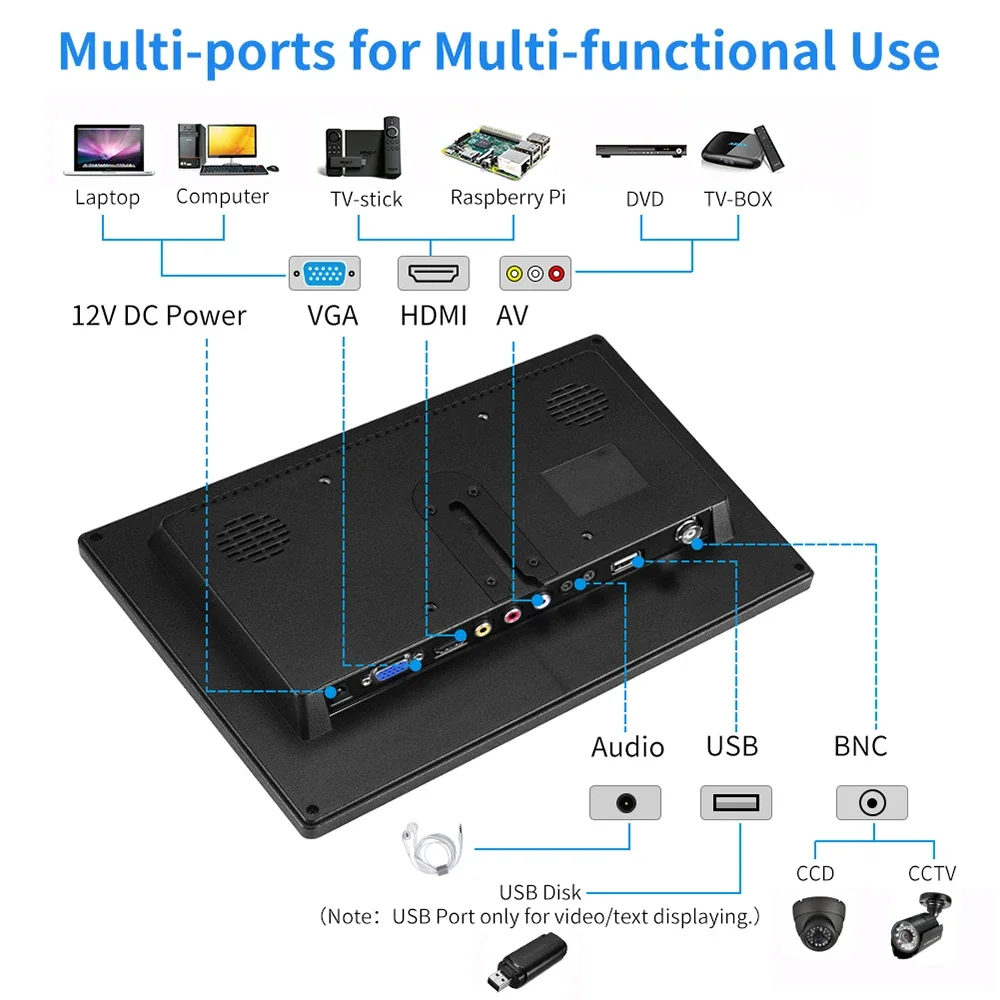
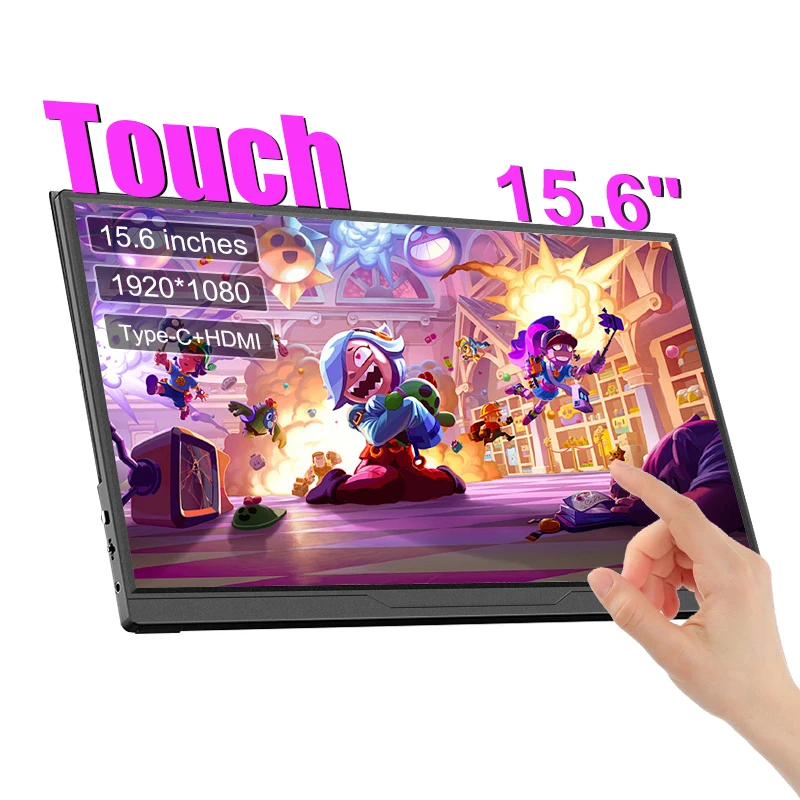
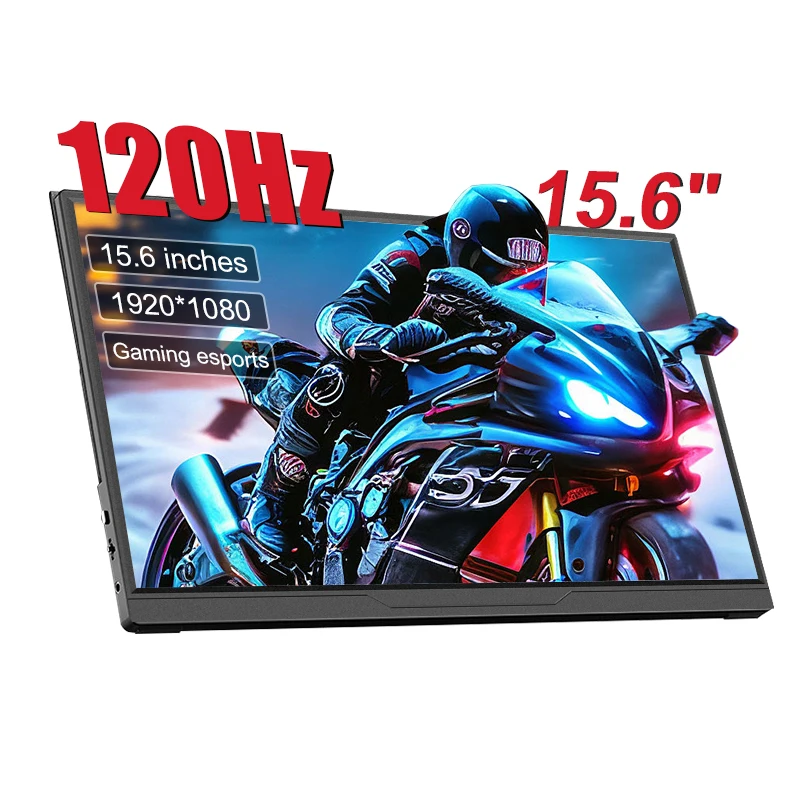
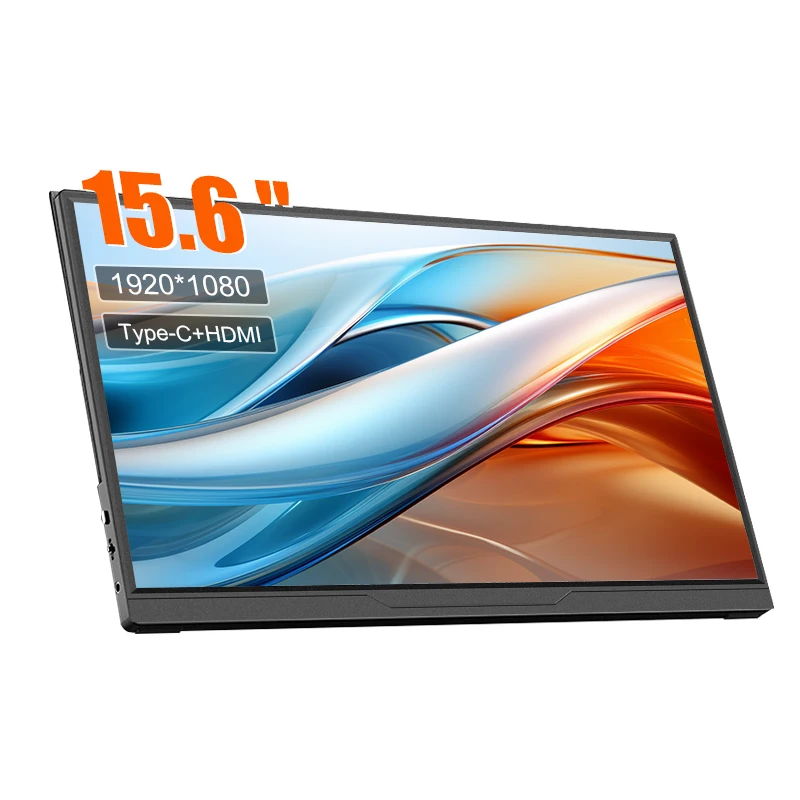
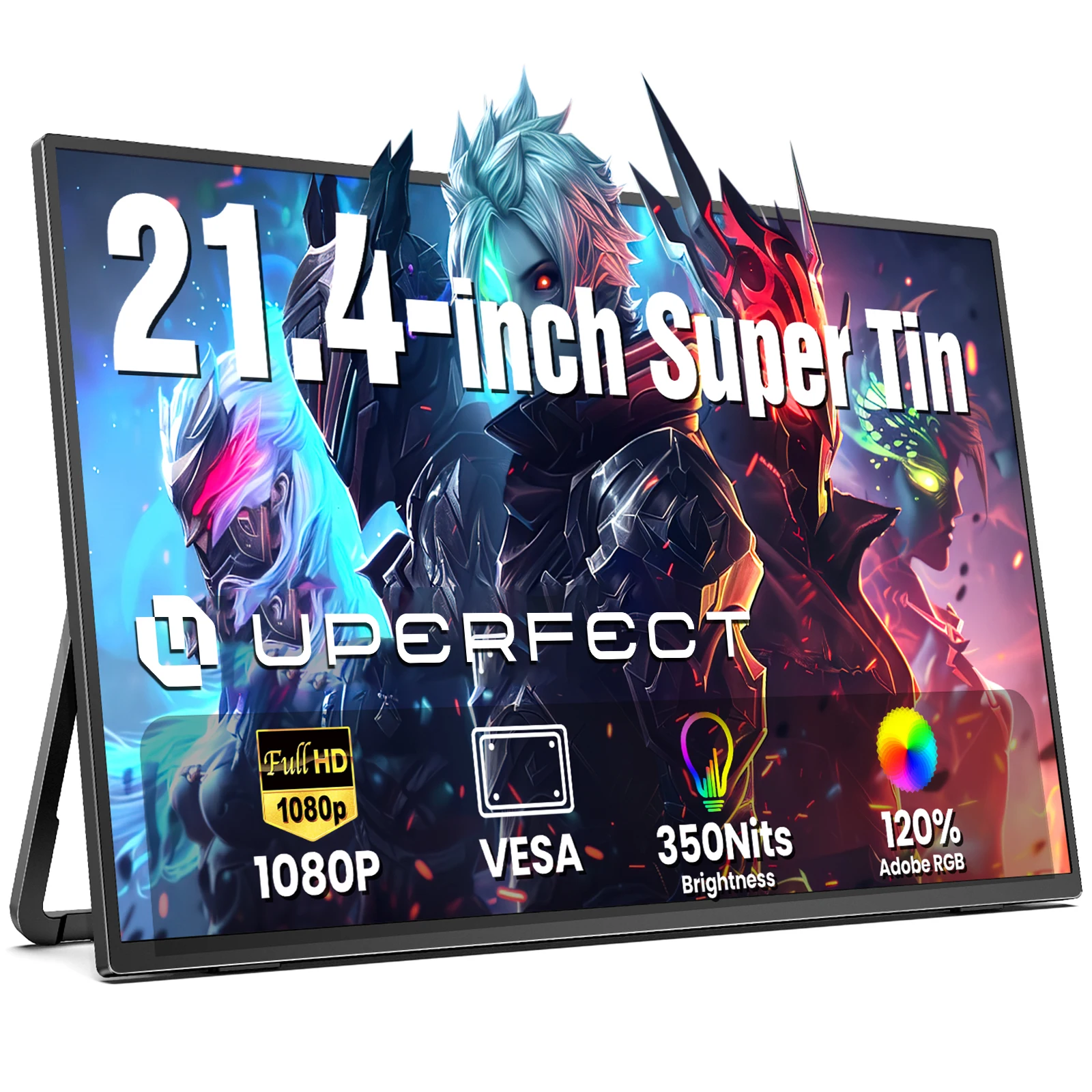
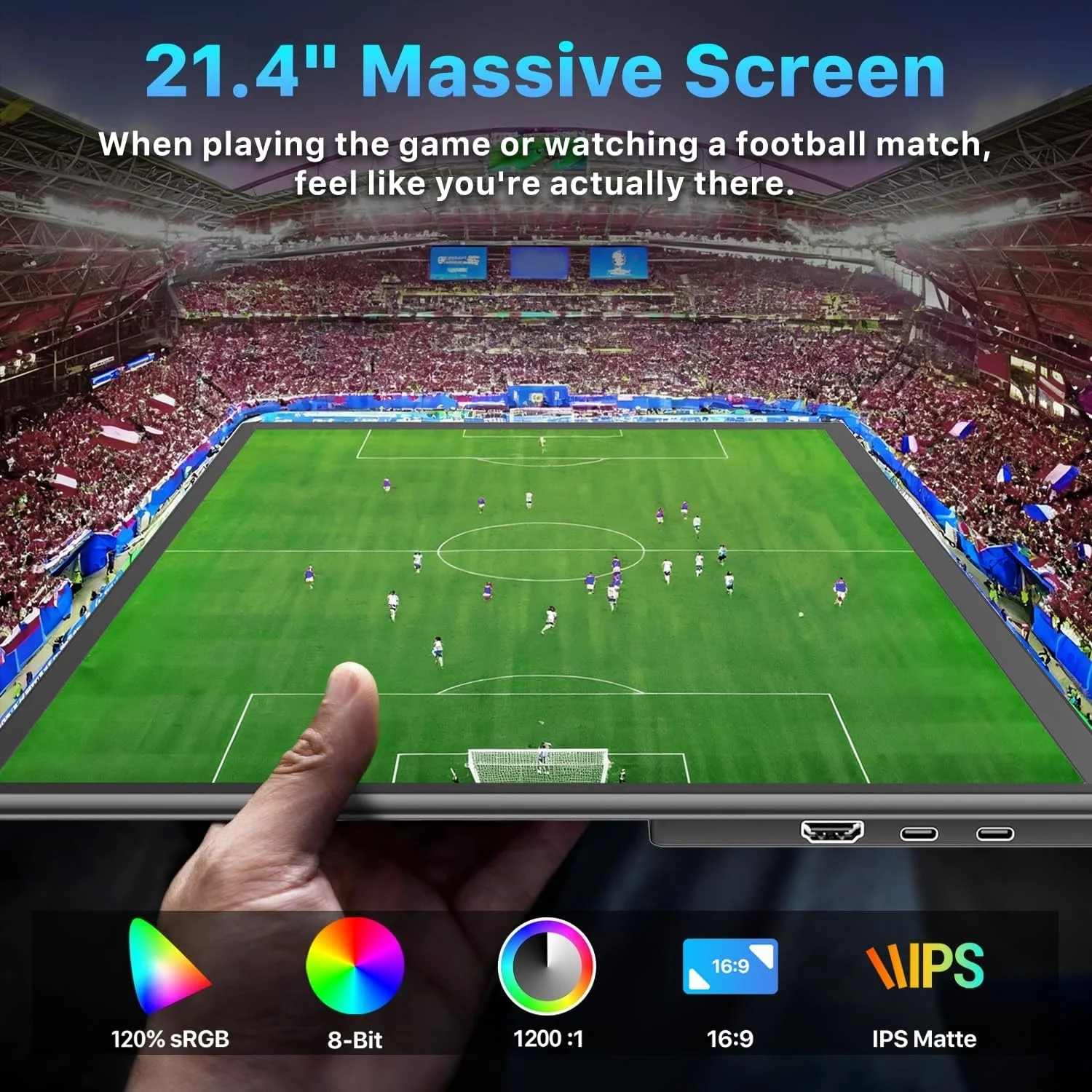
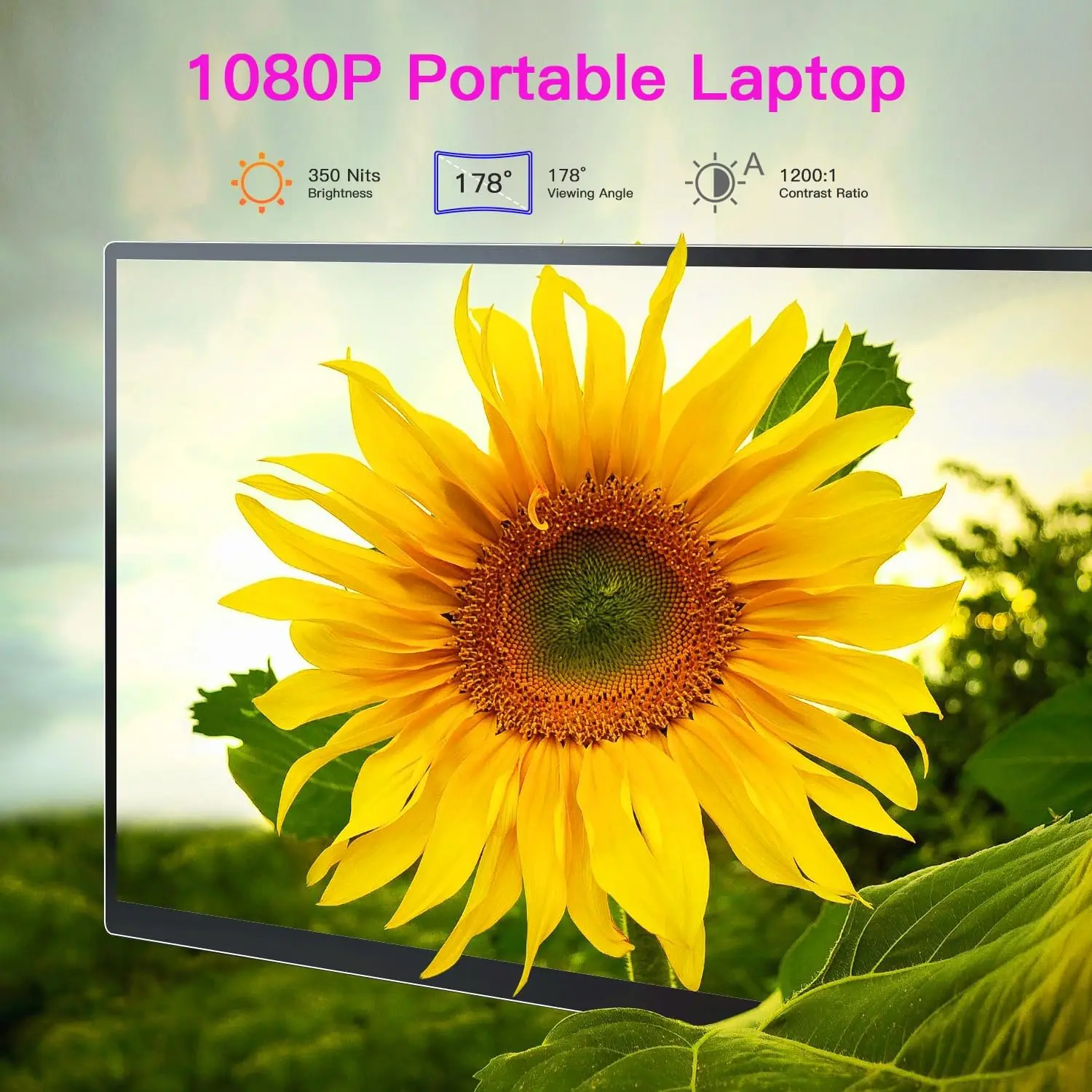
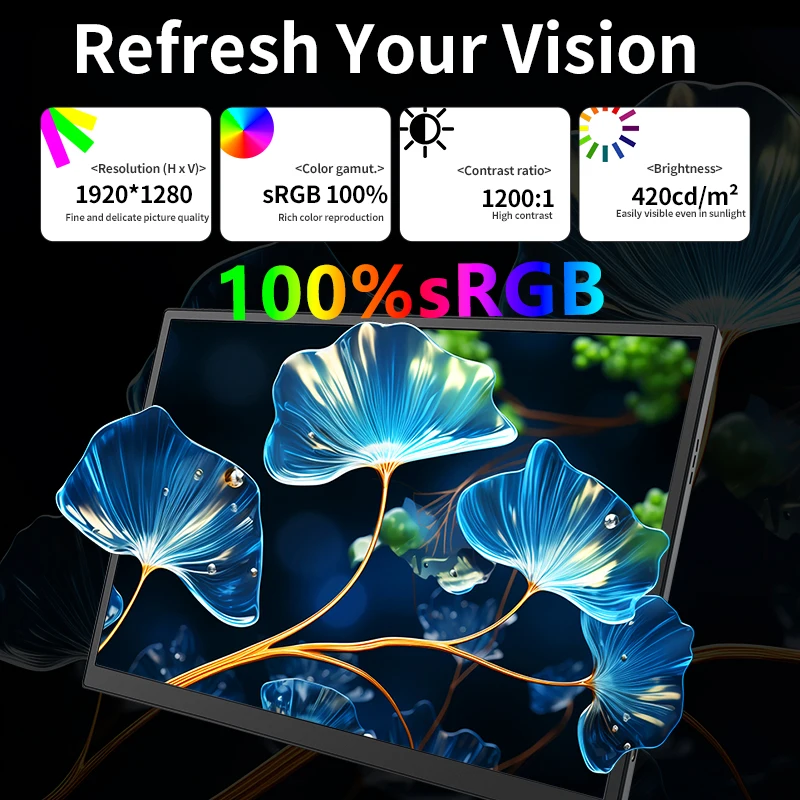
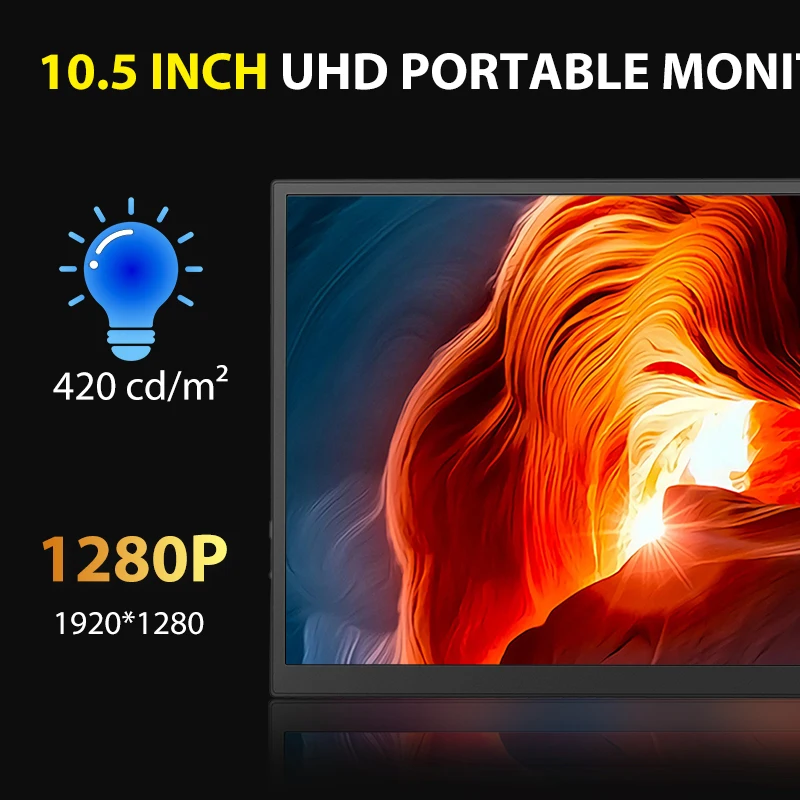
- Portable monitors are thin, separate screens, most between 14 and 16 inches, that stand beside the laptop on a fold-out stand or cover. Most take a picture through USB-C or mini HDMI, and many have small speakers.
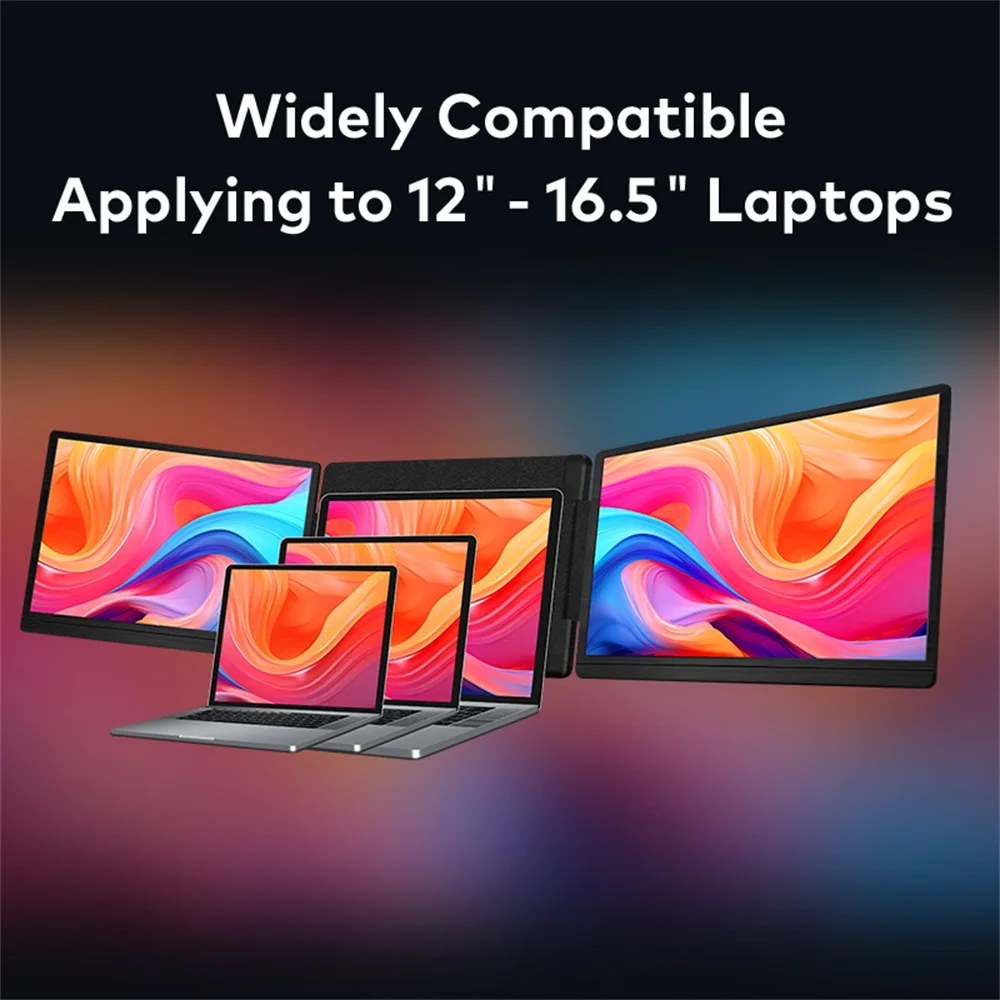
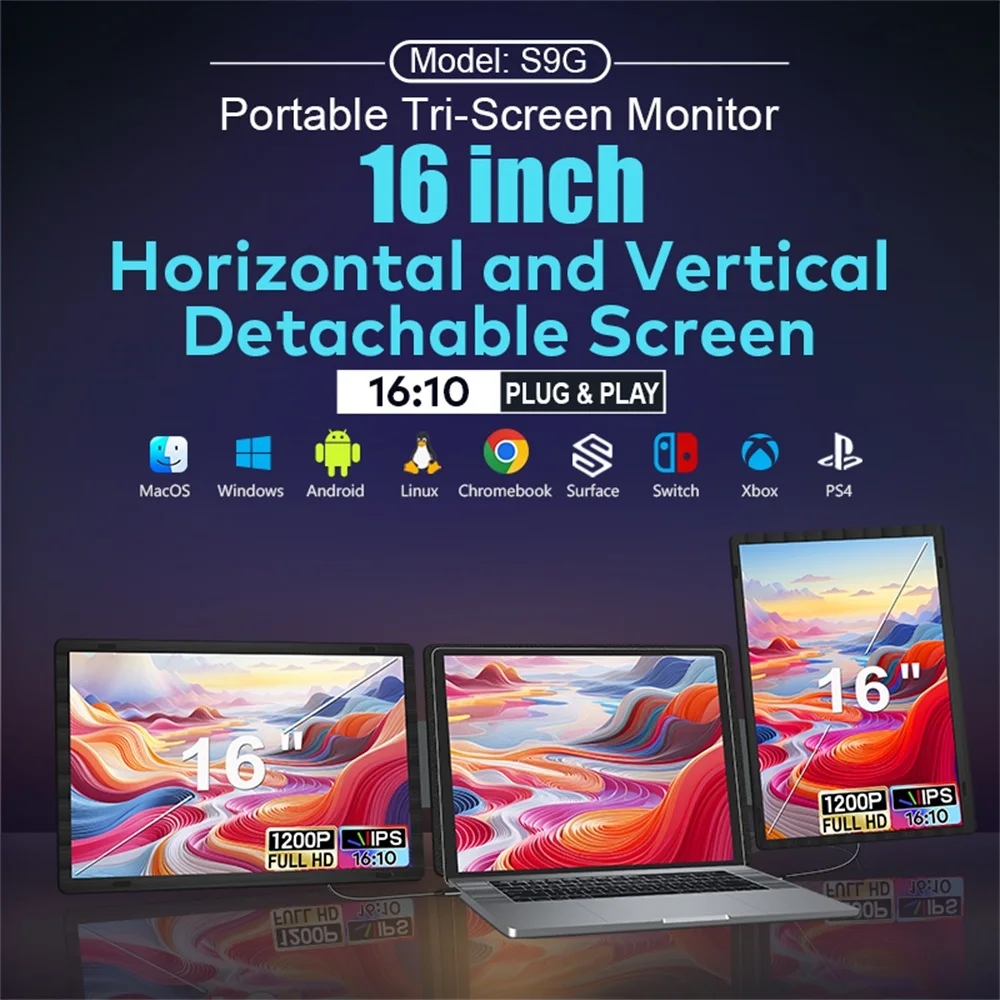
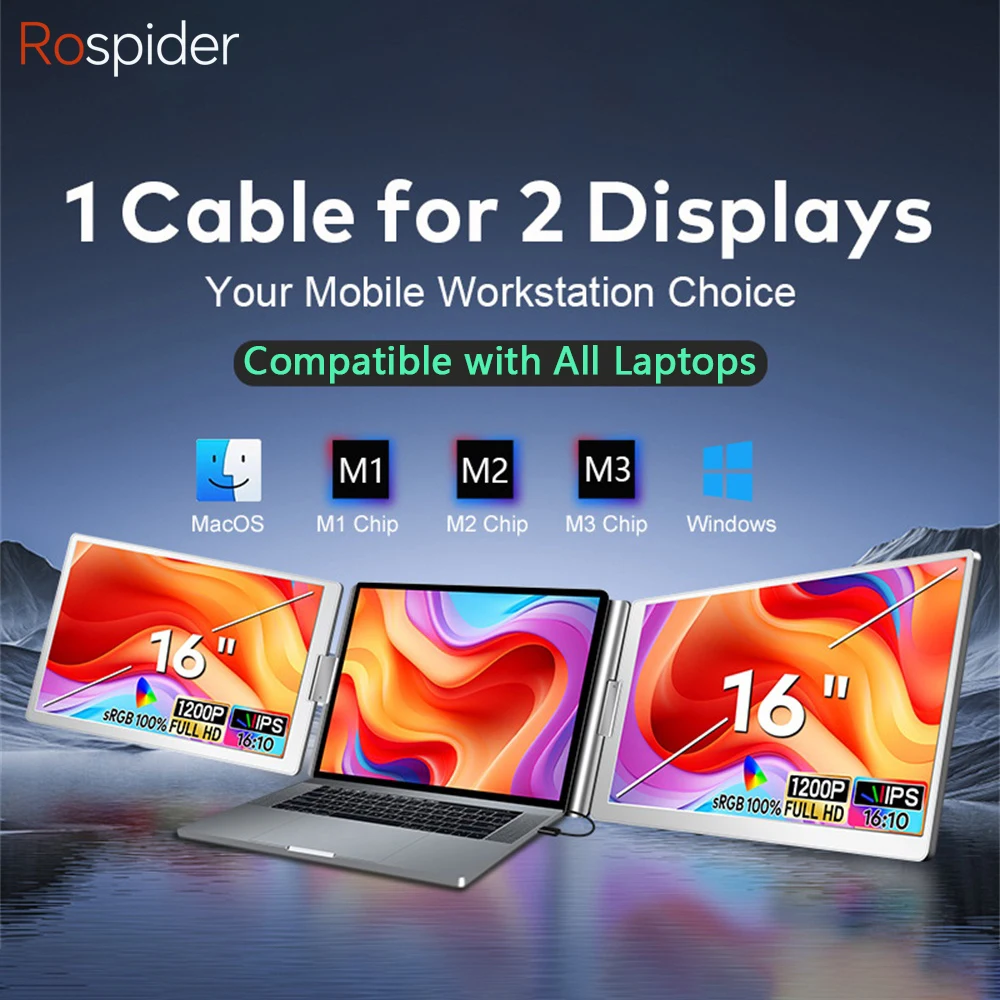
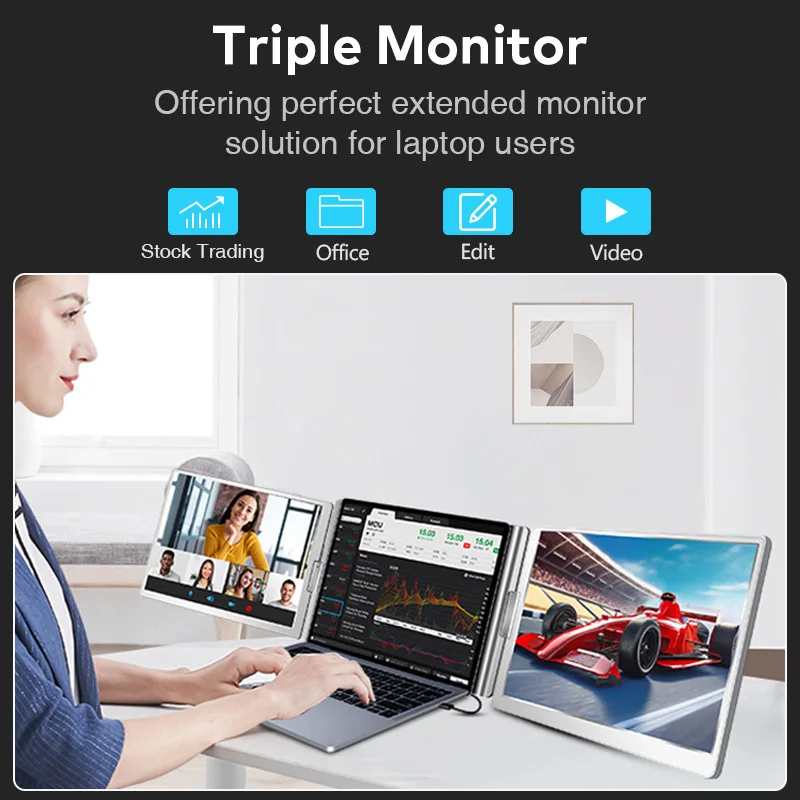
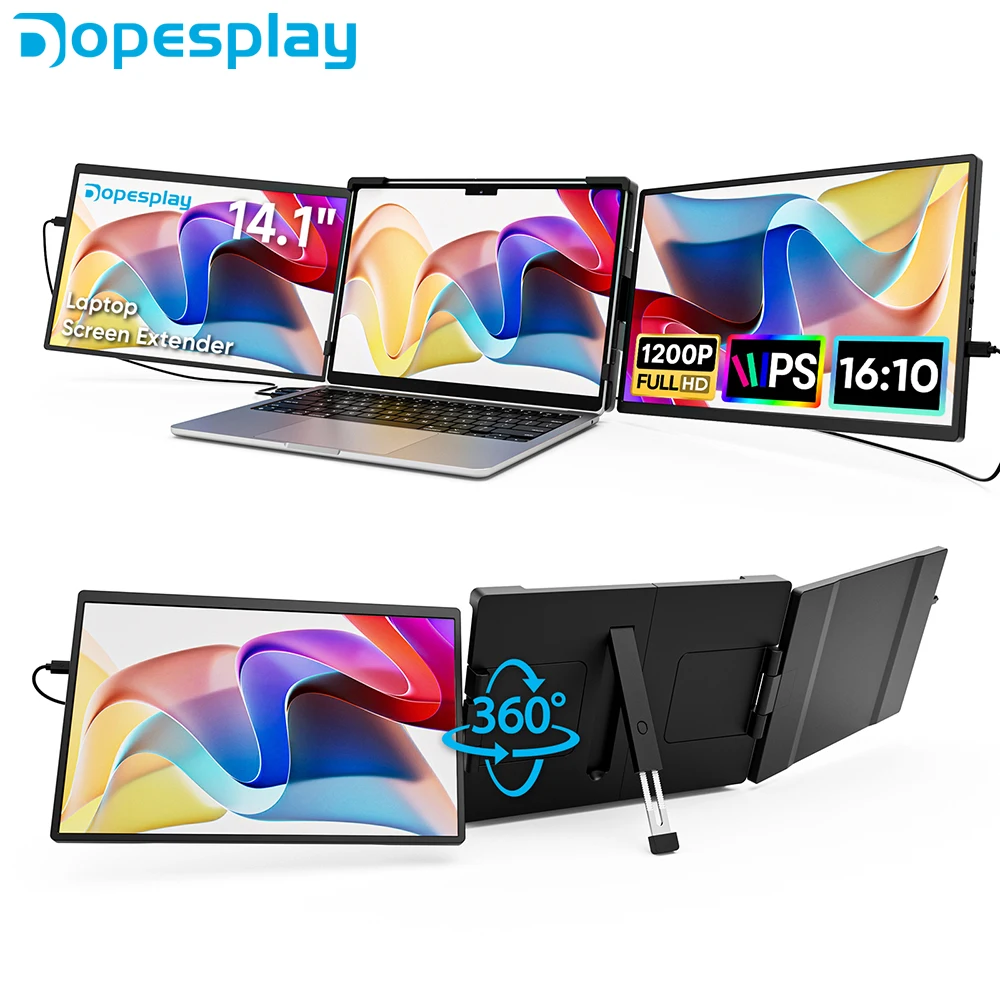
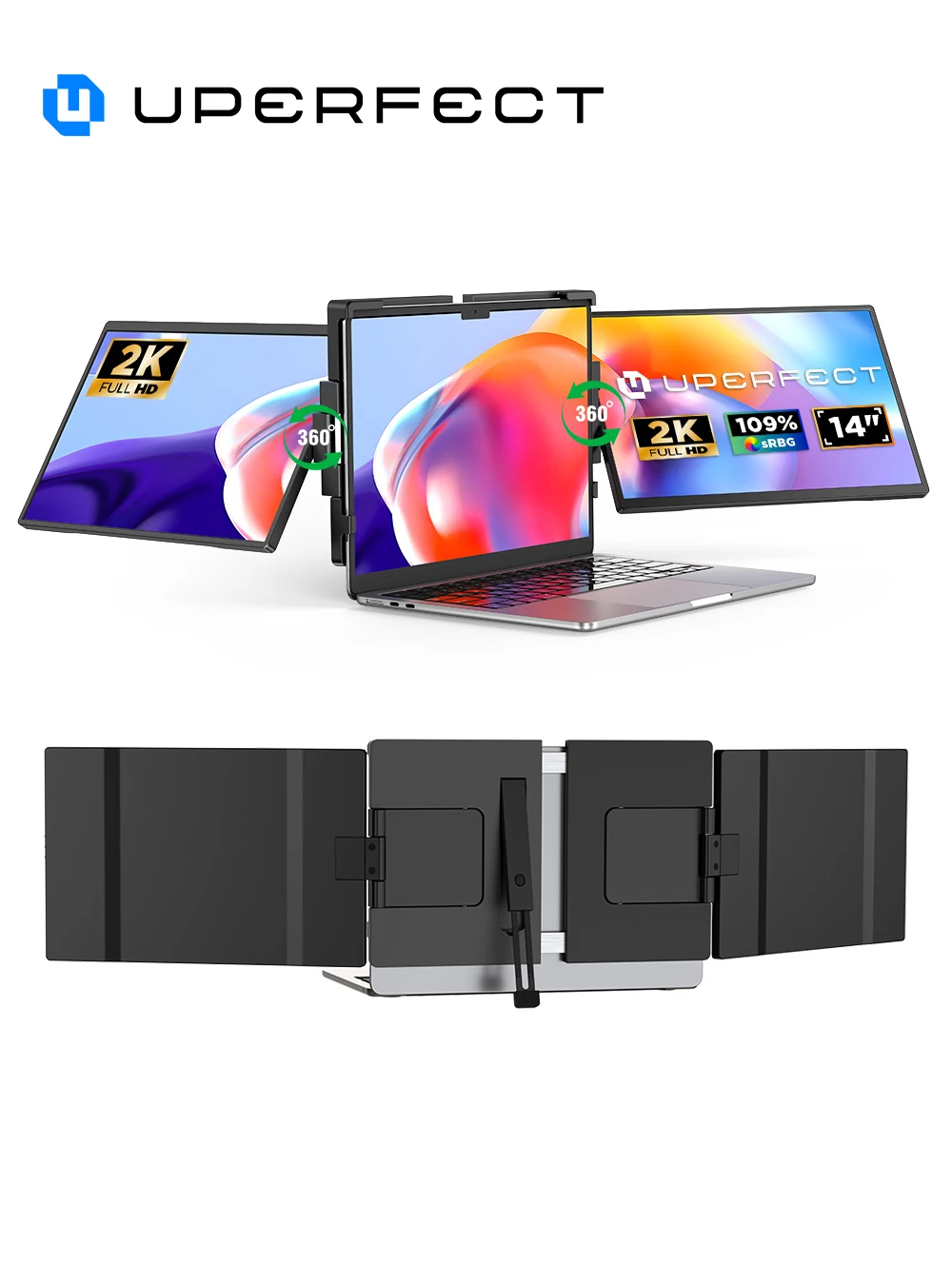
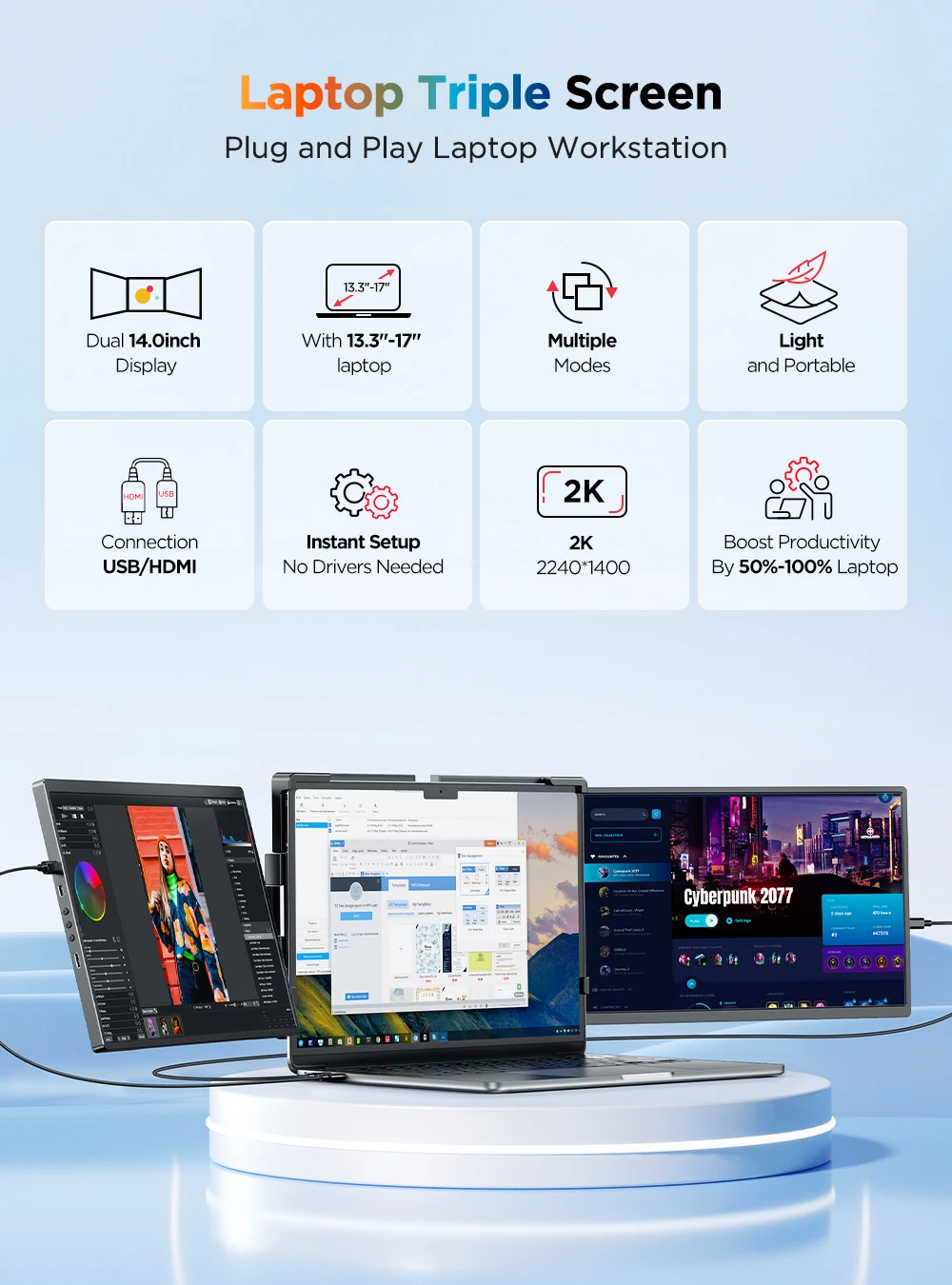
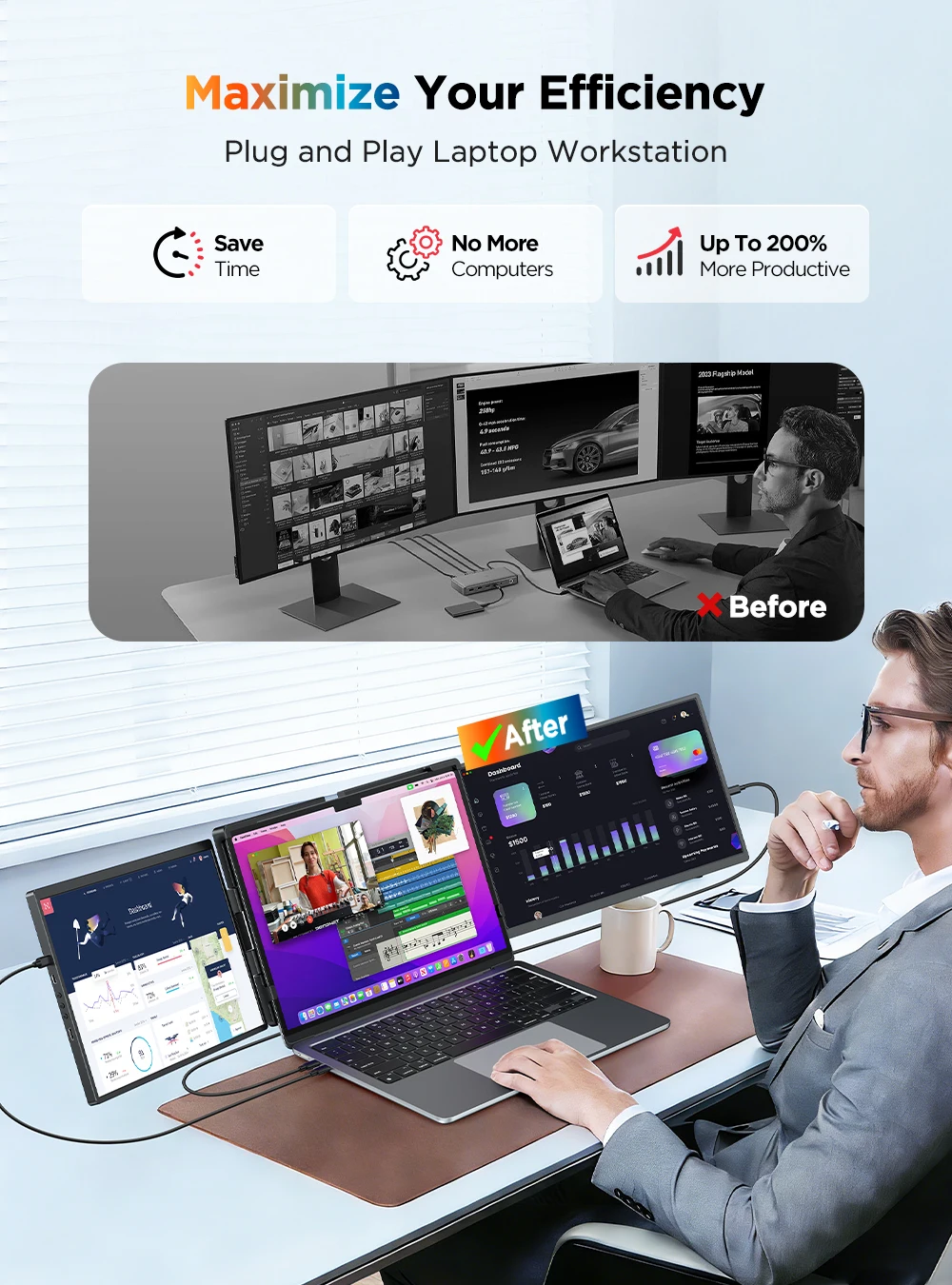
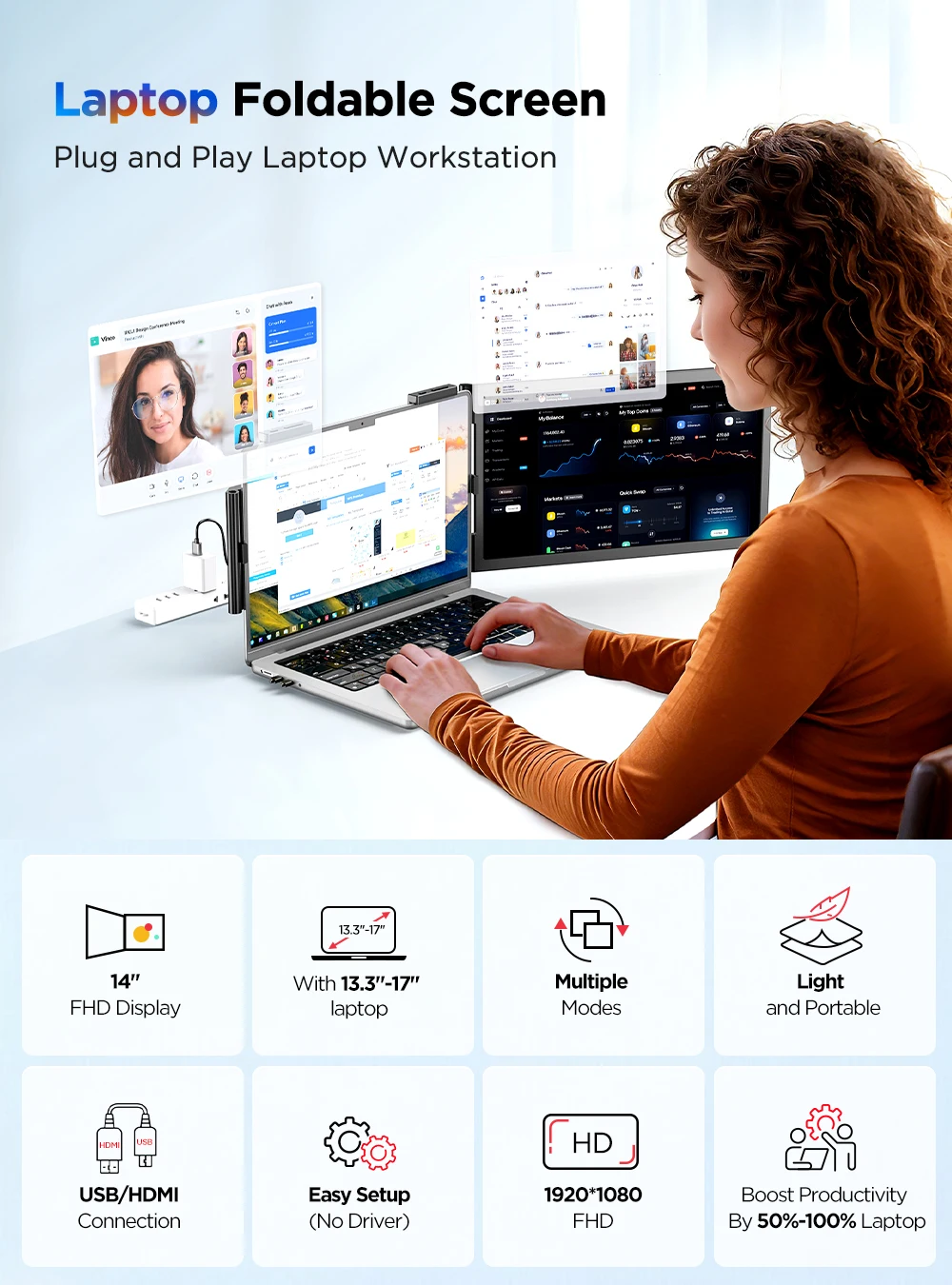
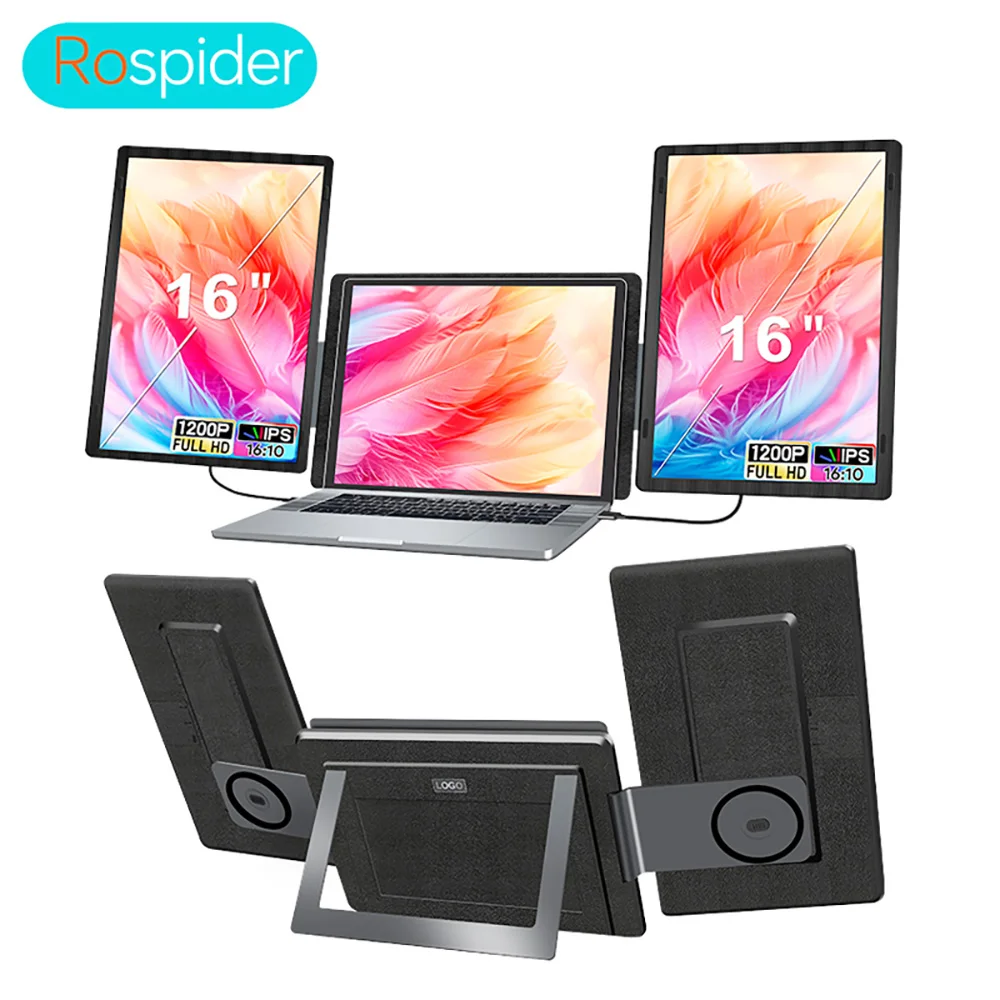
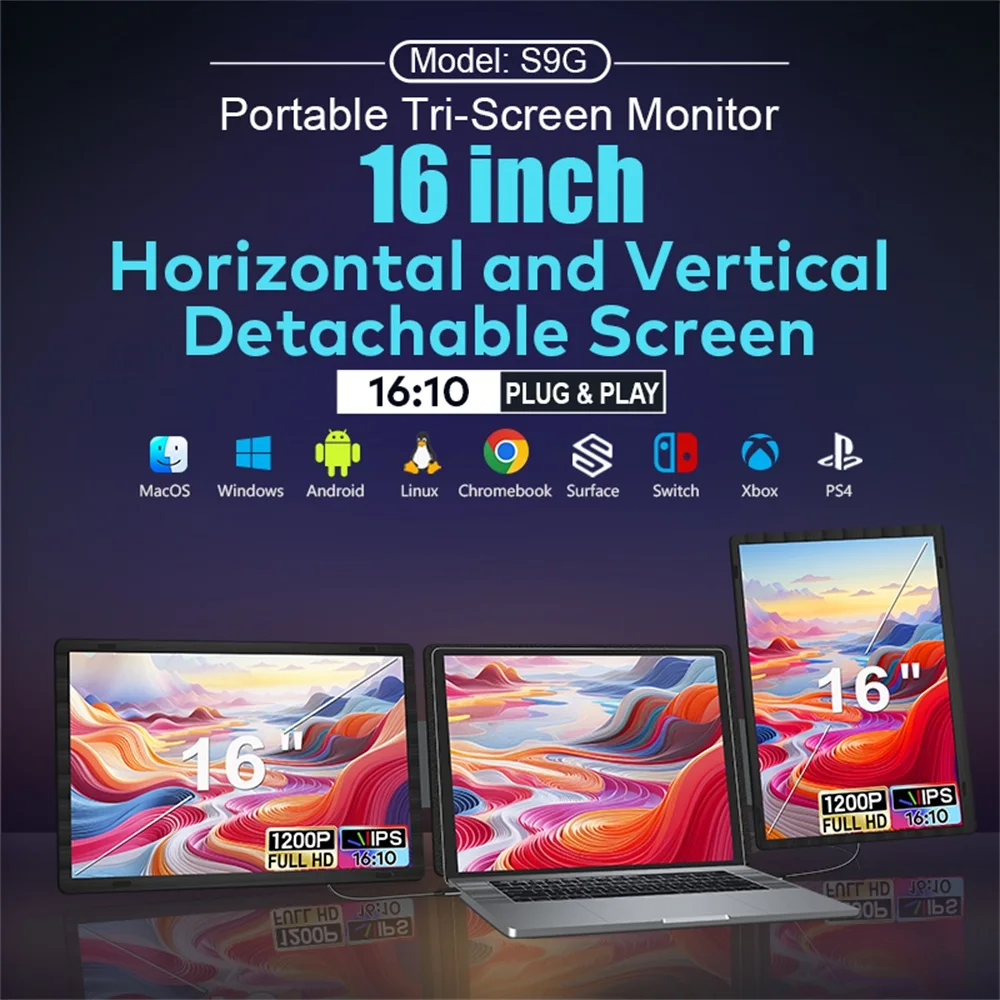
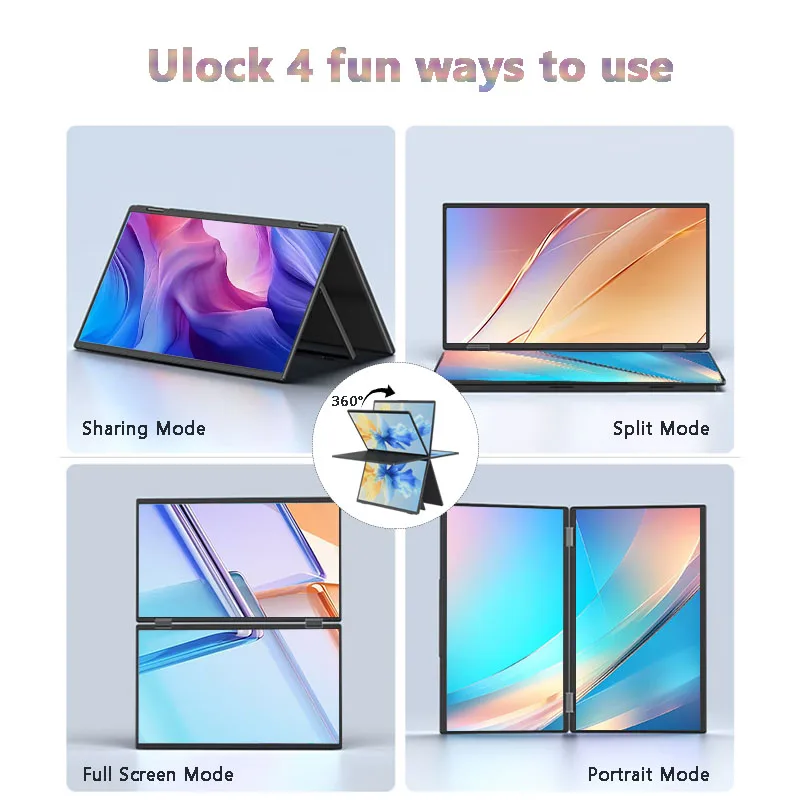
- Laptop screen extenders fix to the back of the laptop's lid and fold out a screen on one or both sides, so one laptop becomes a set of three screens without a desk full of monitors.
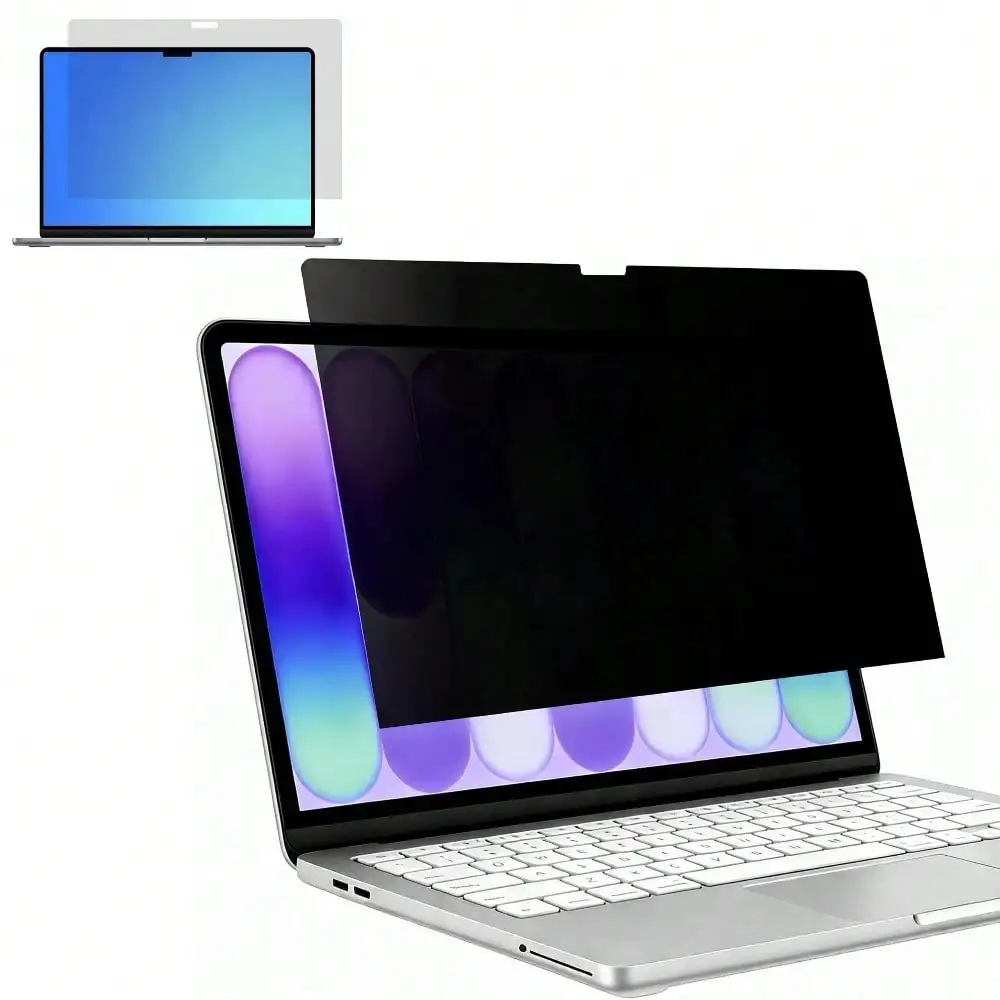
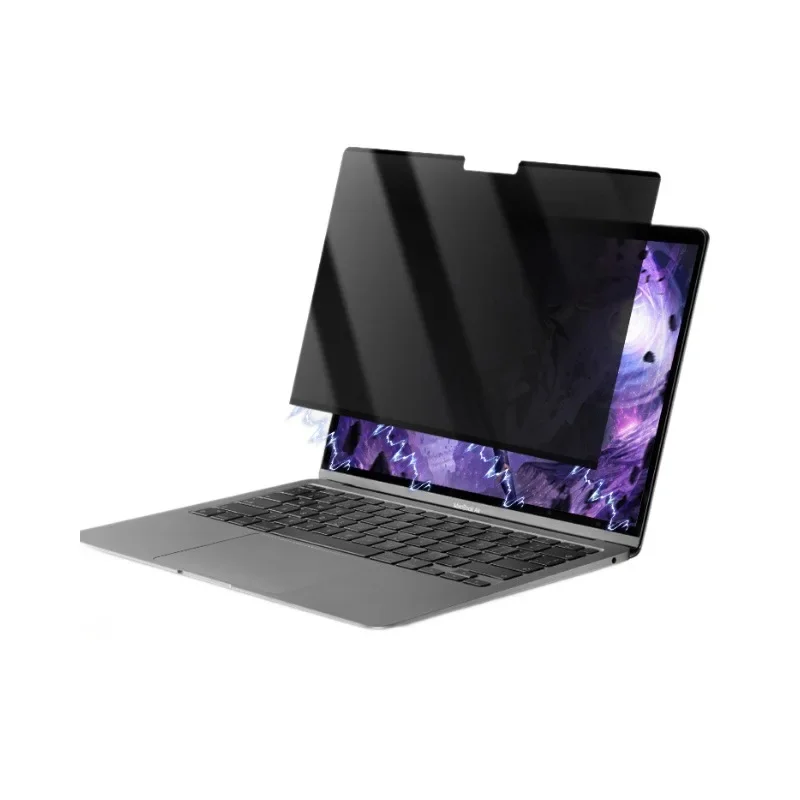
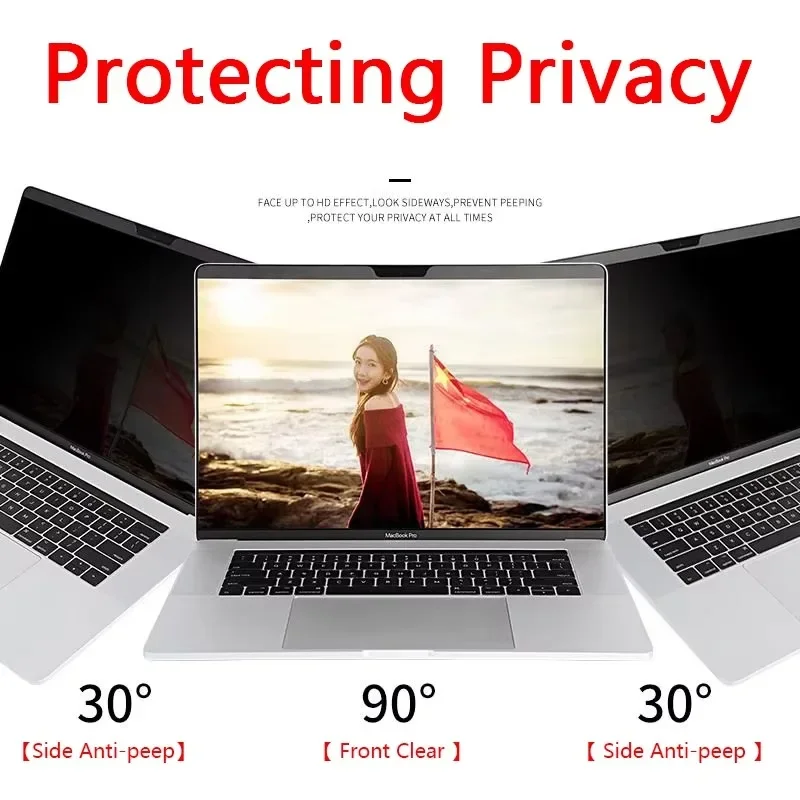
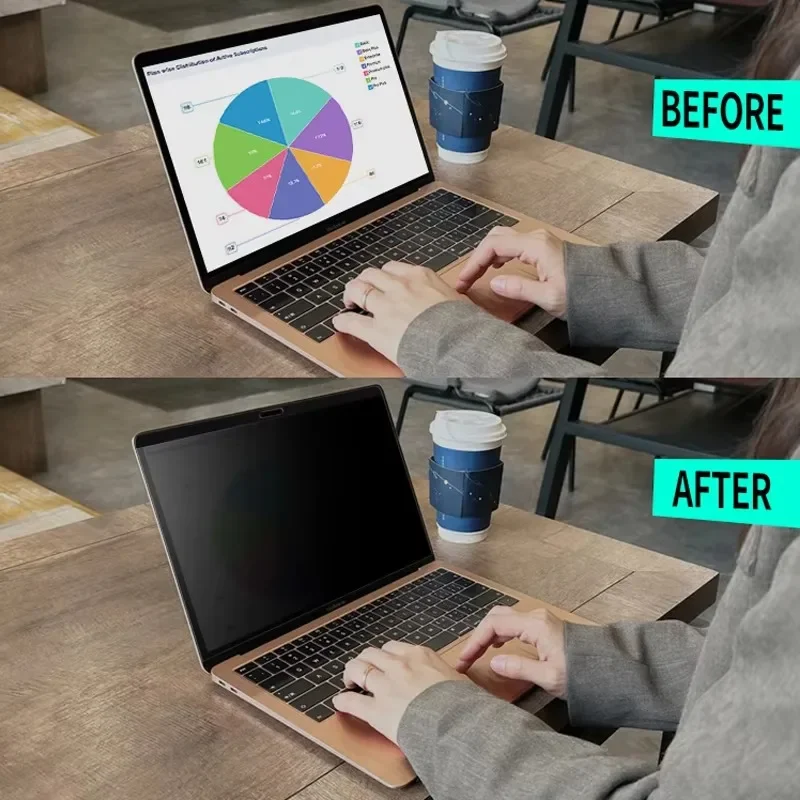
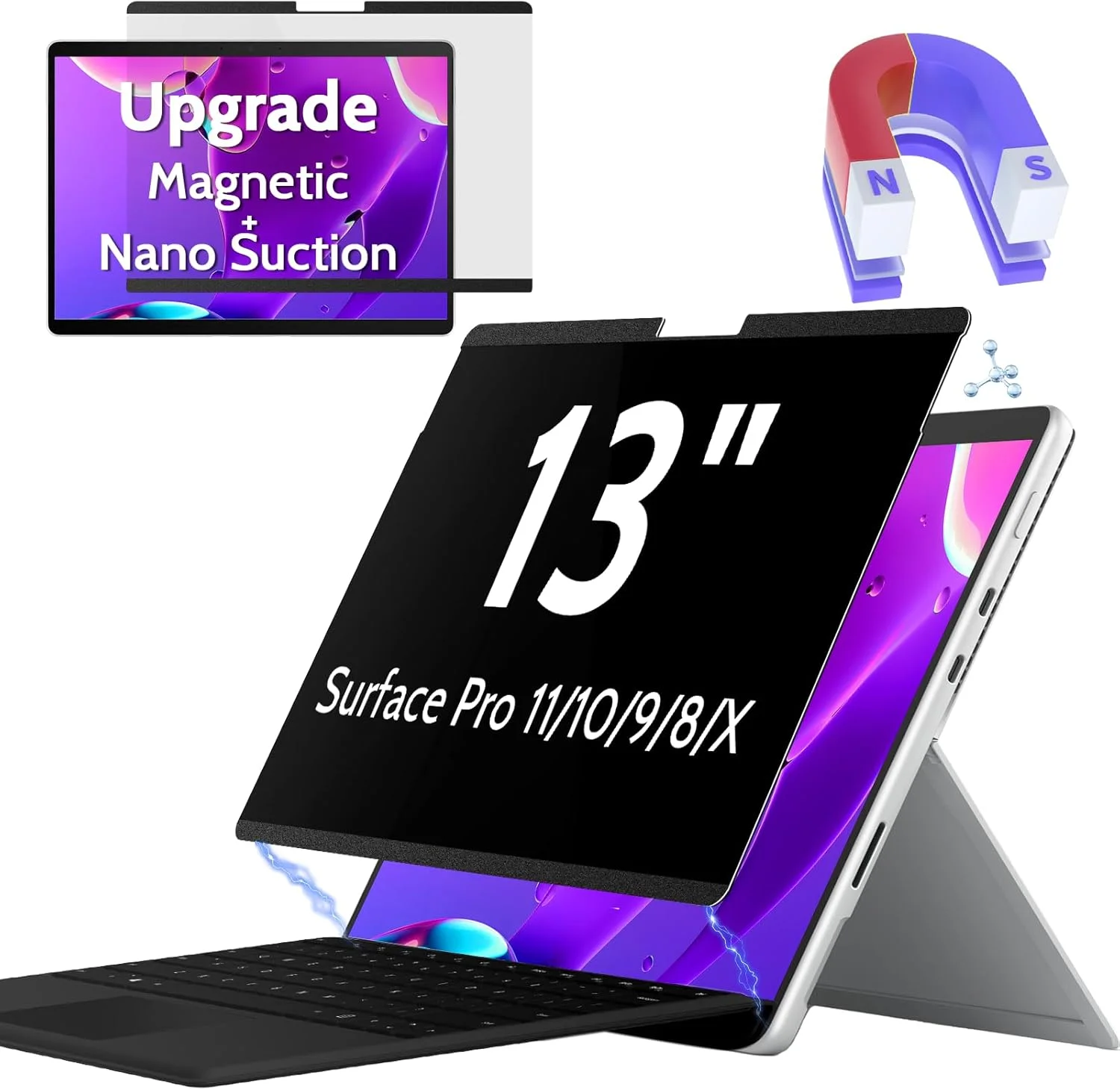
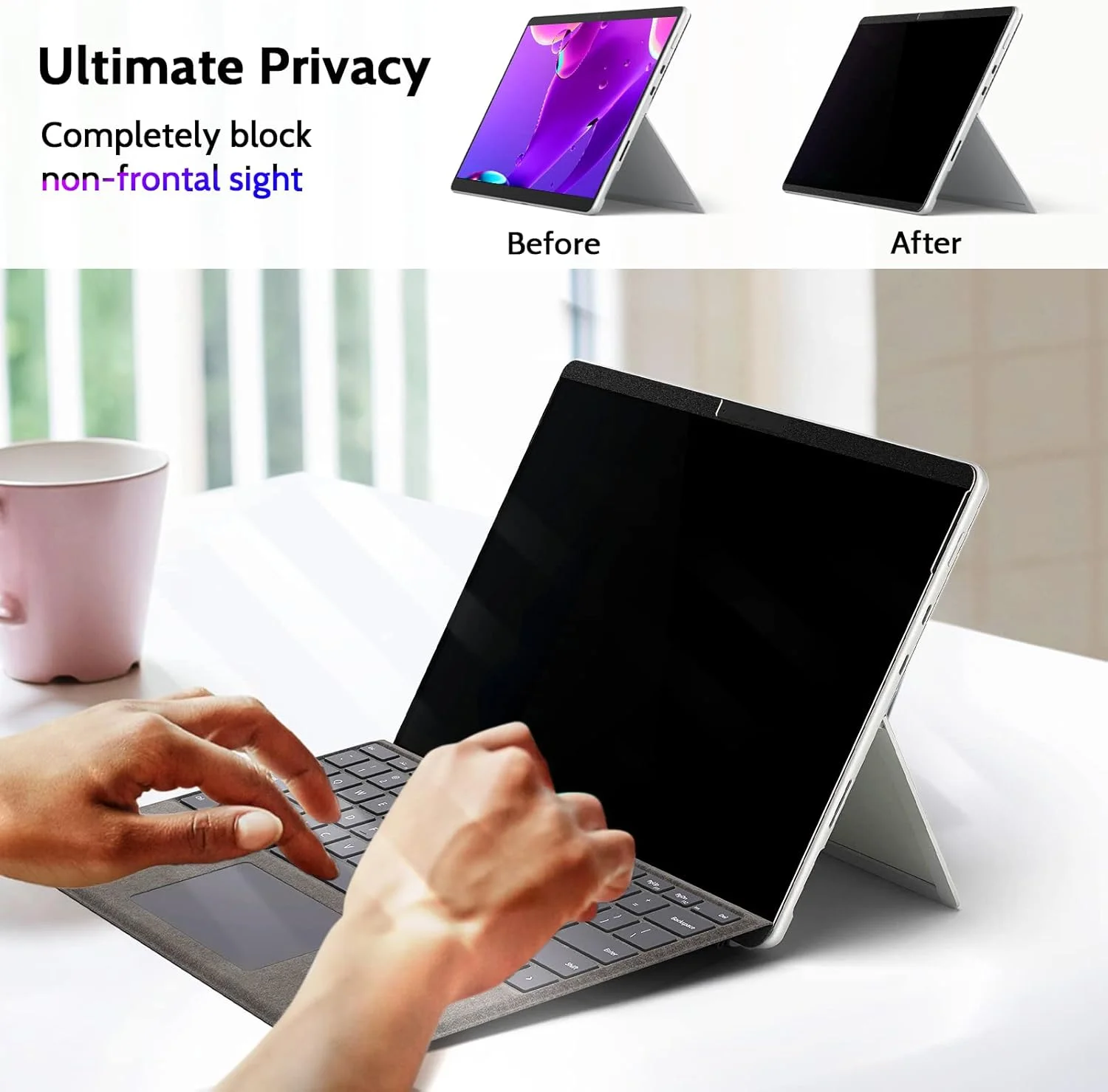
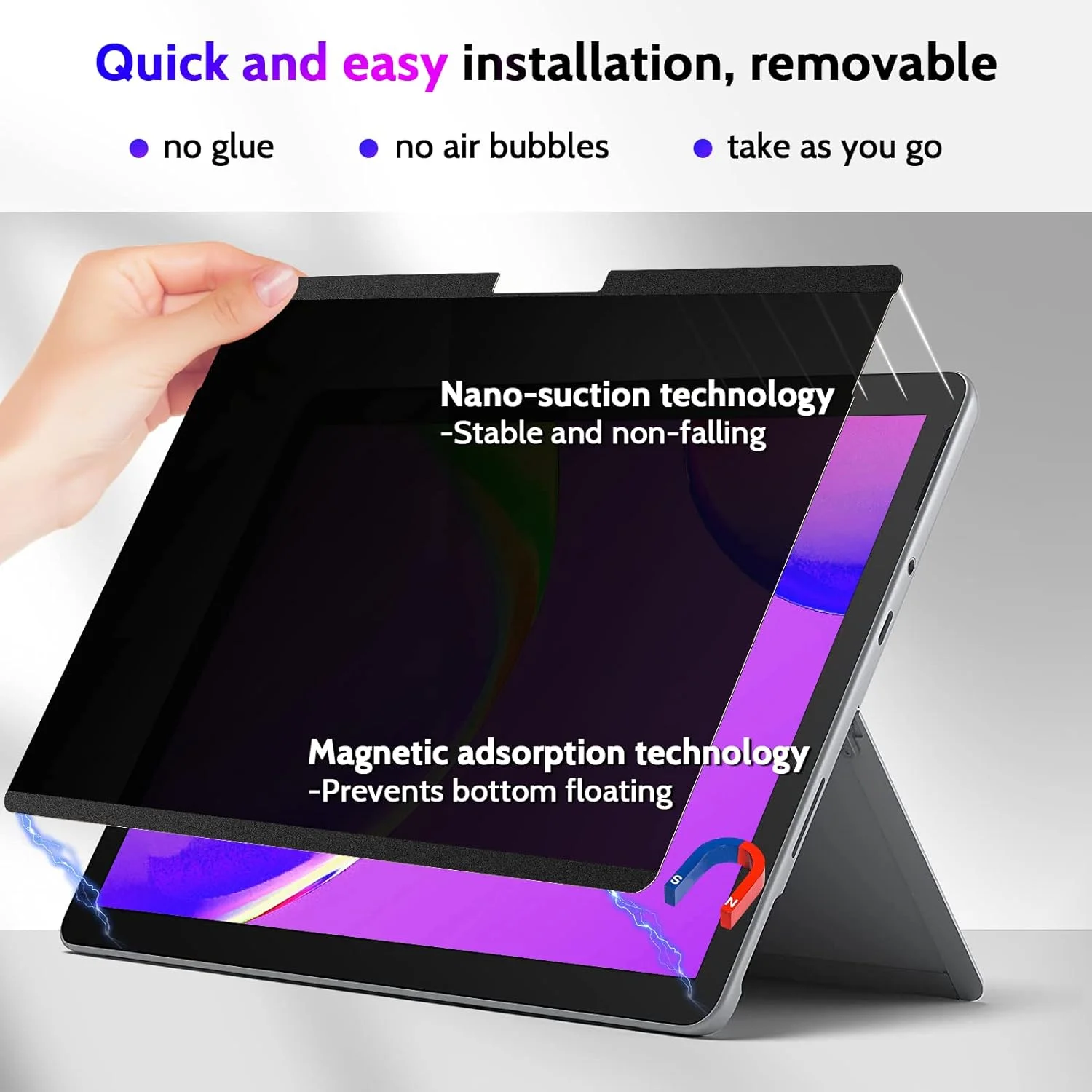
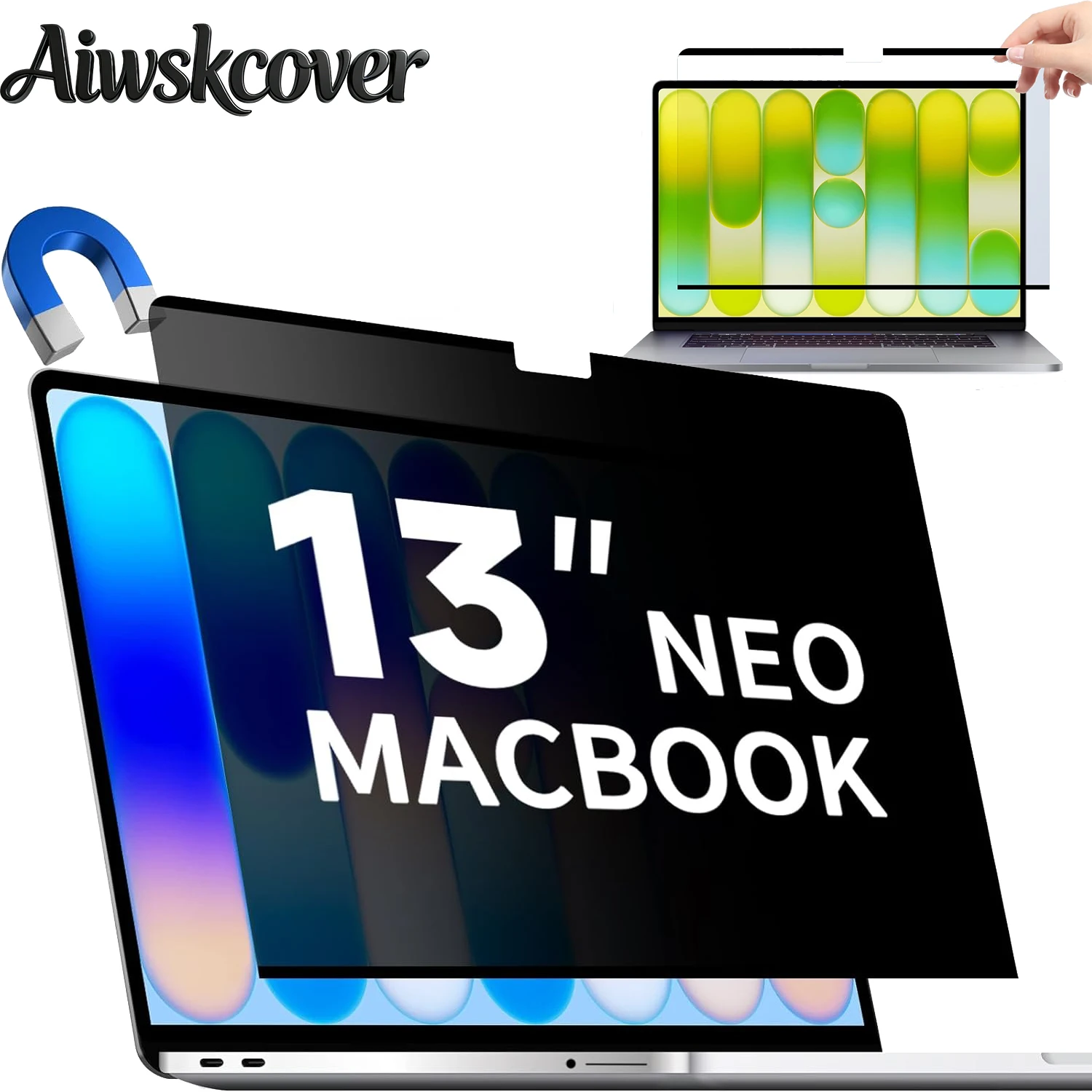
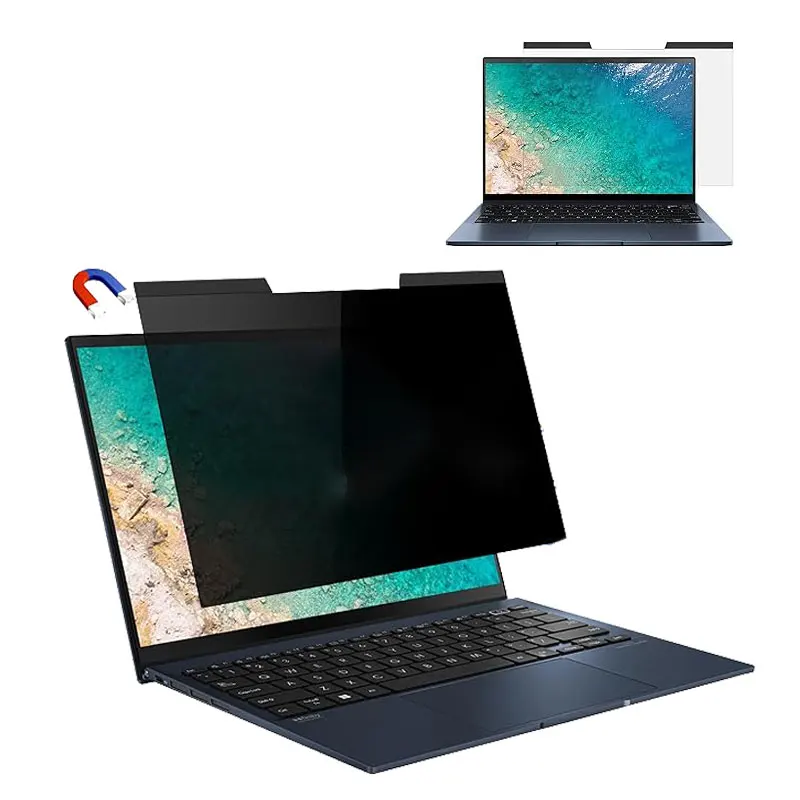
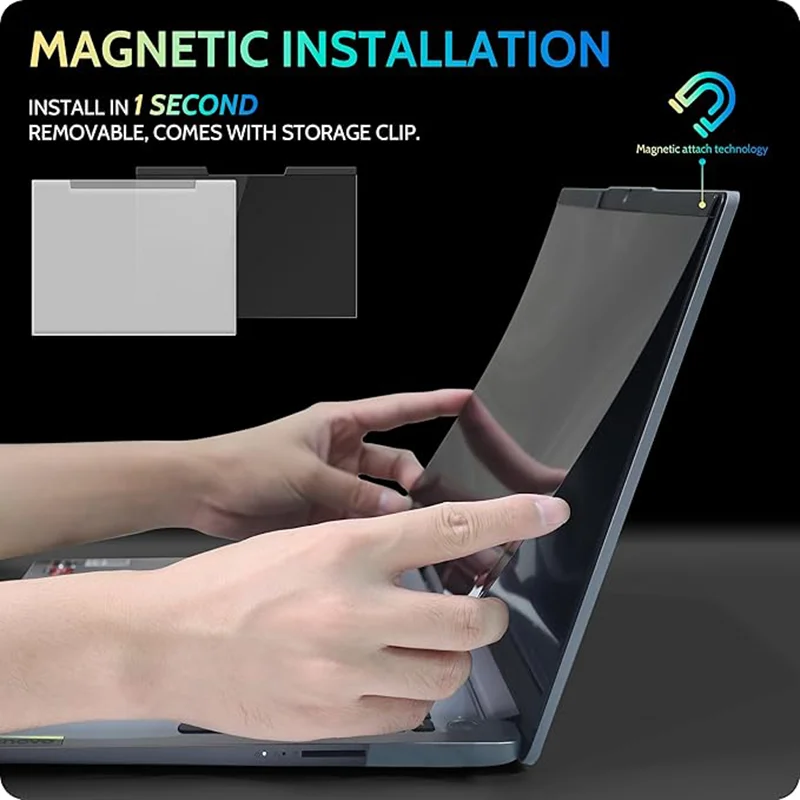
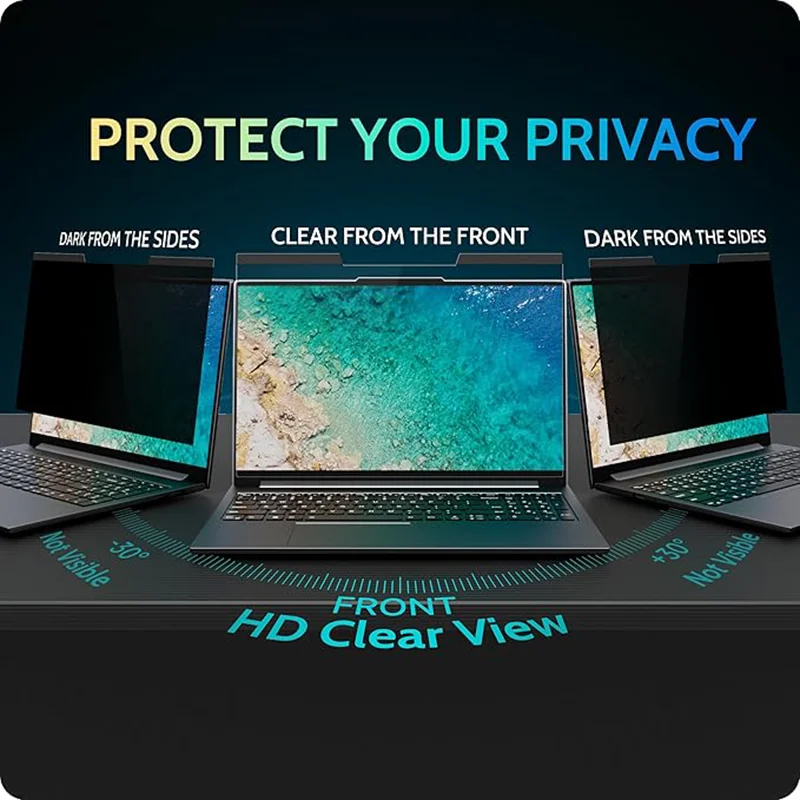
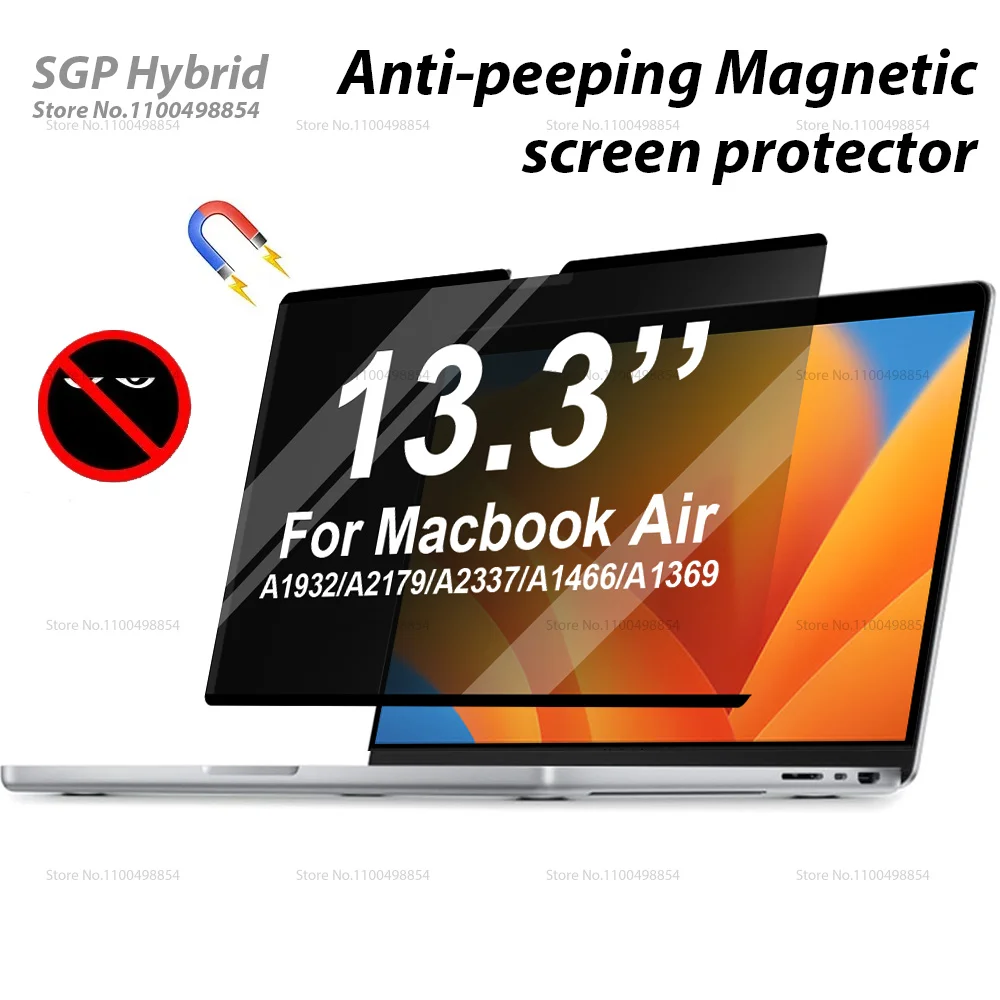
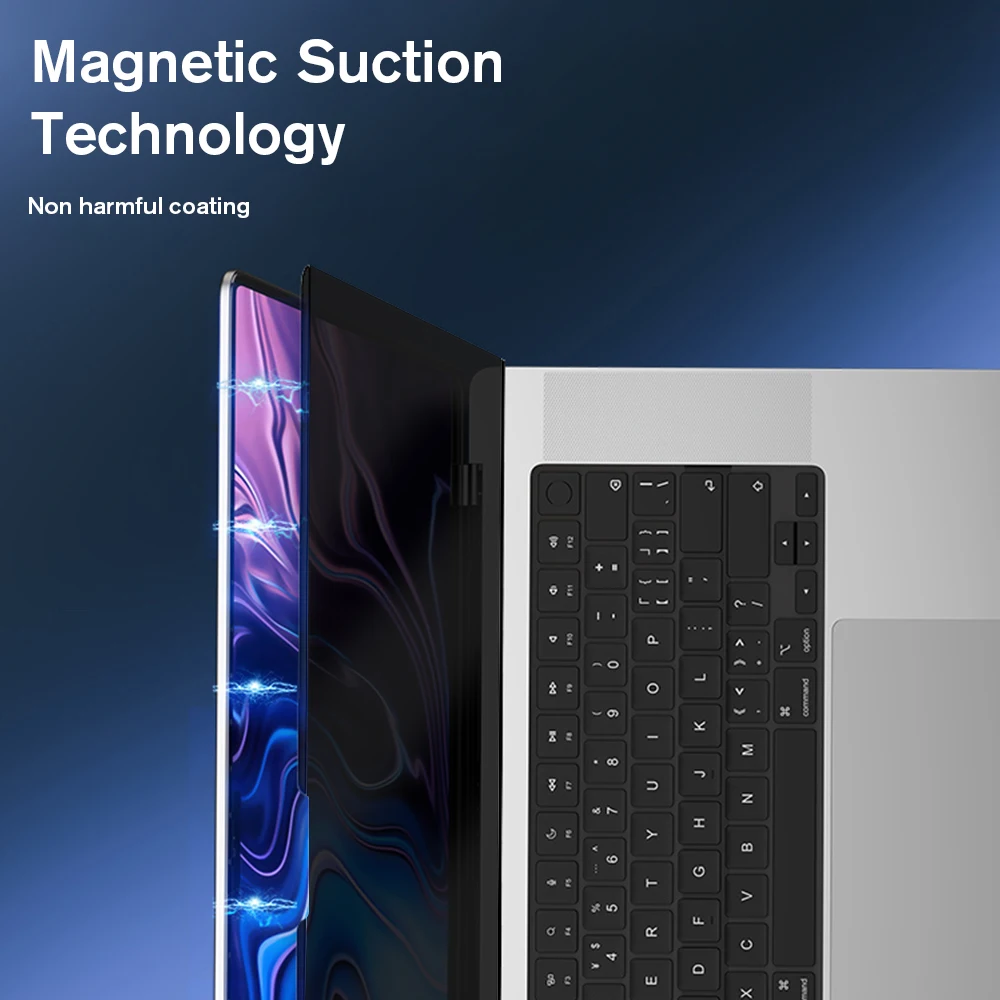
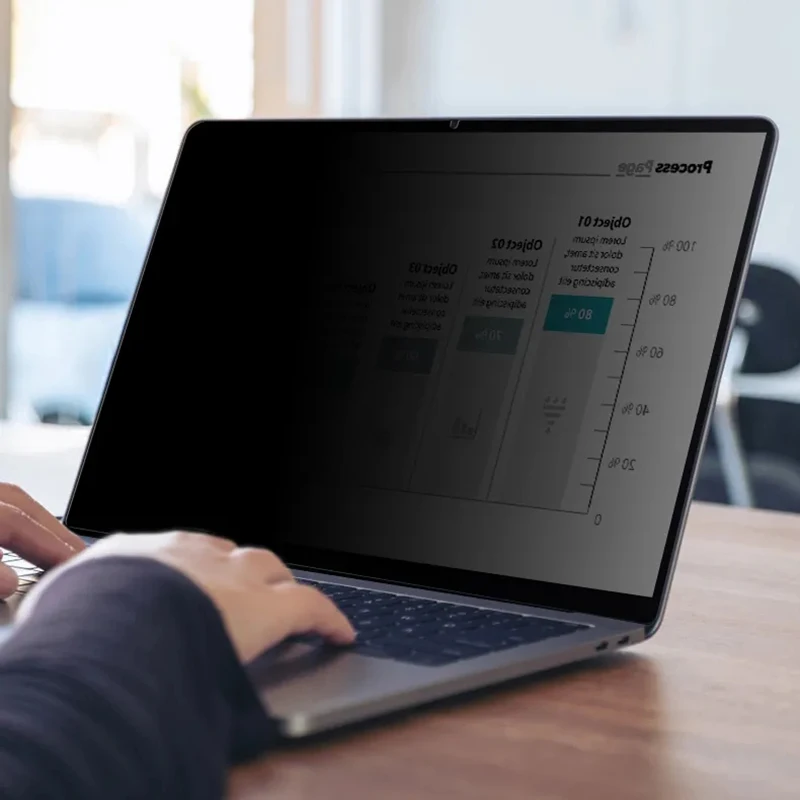
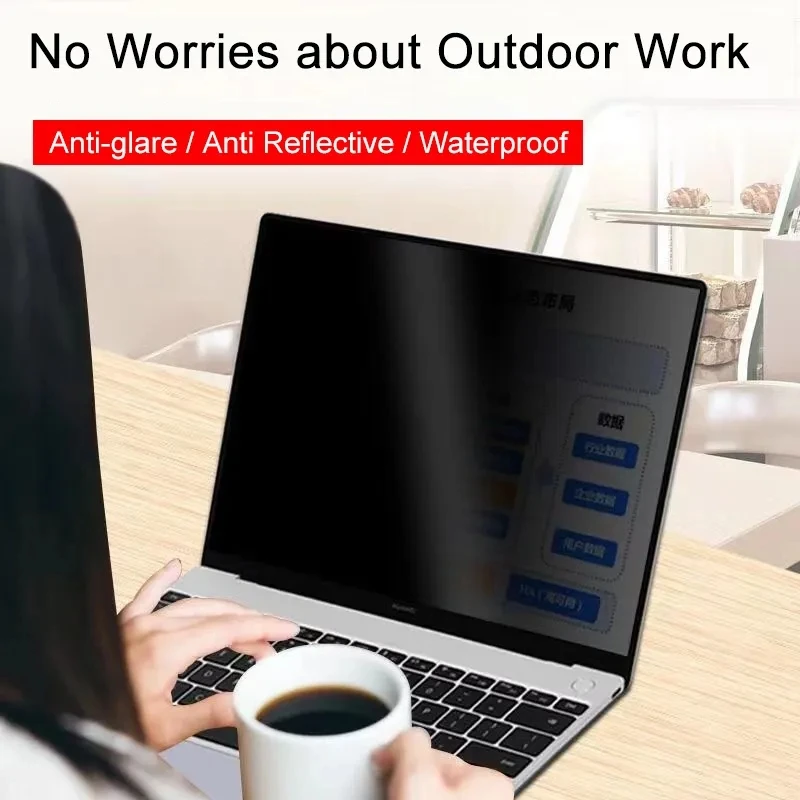
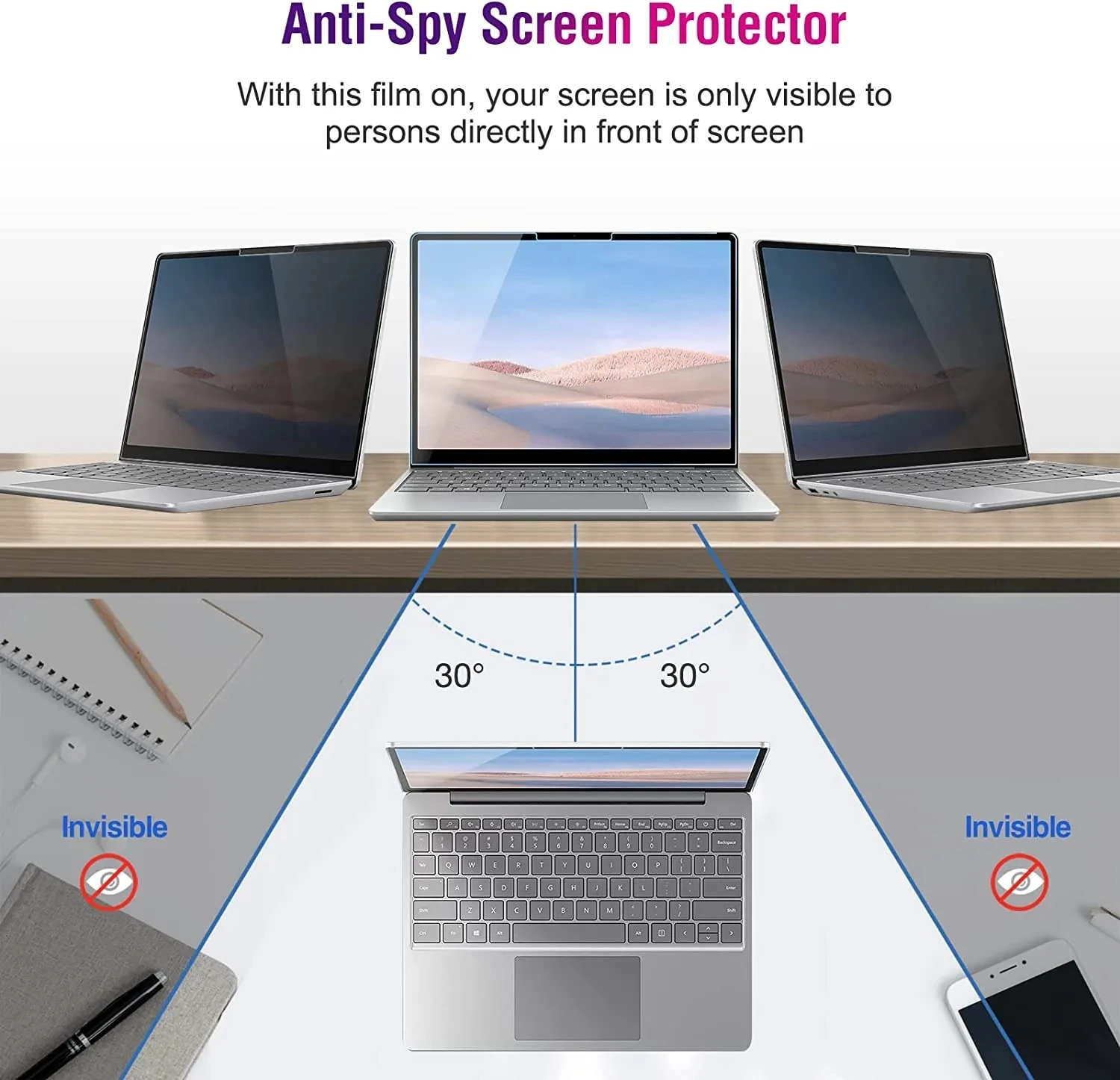
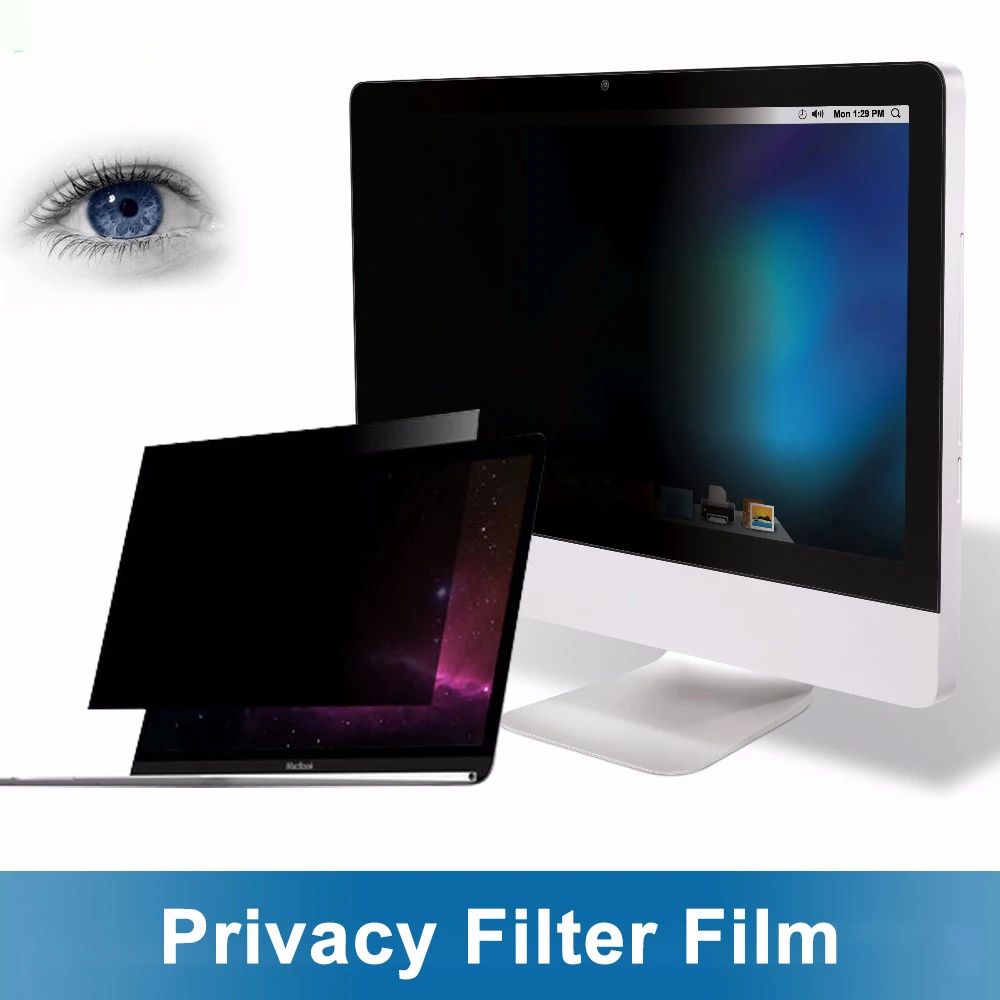
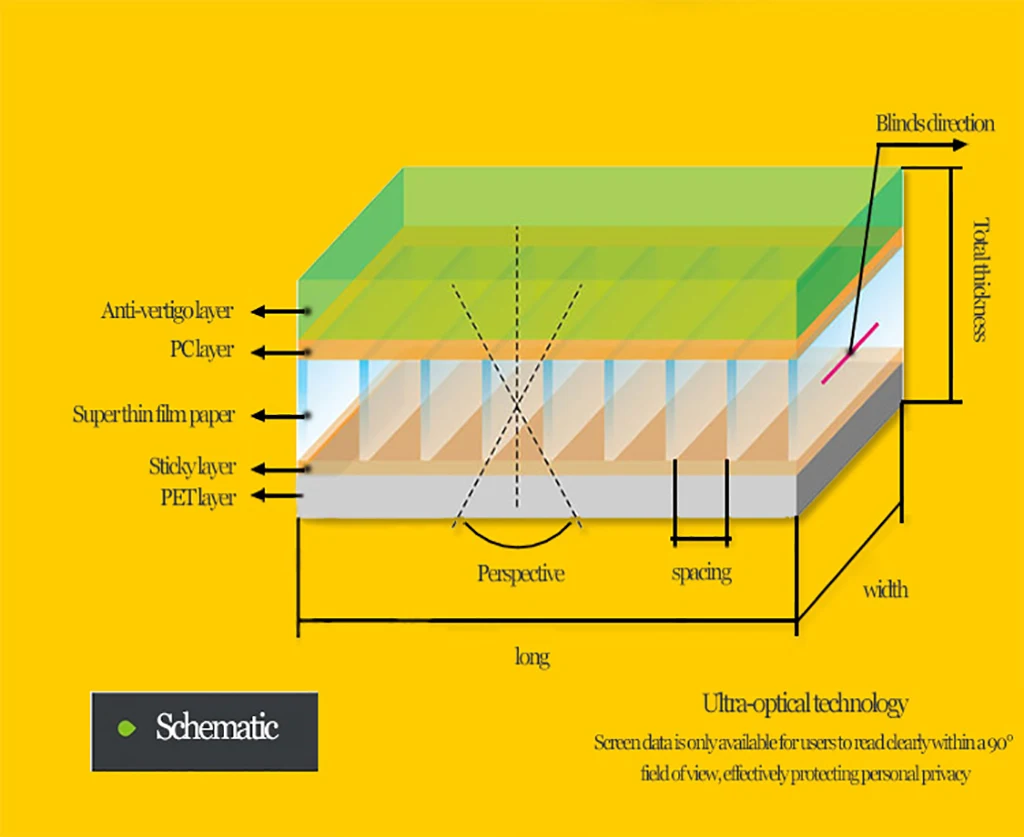
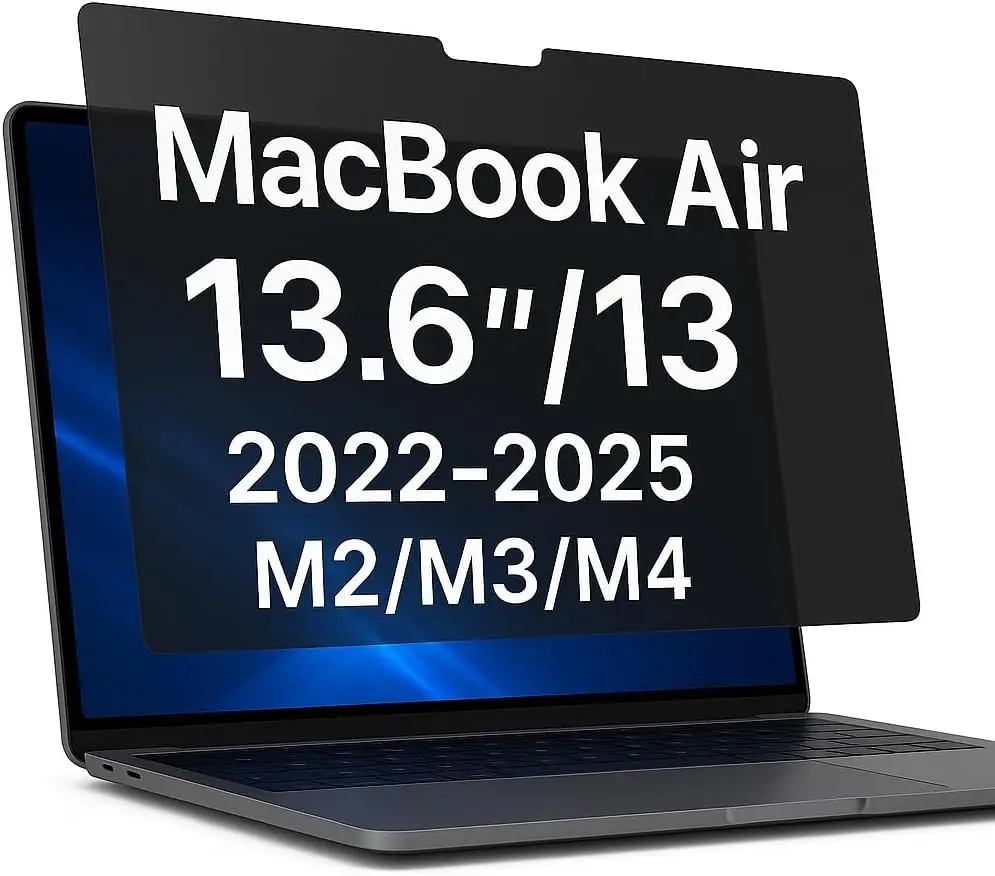
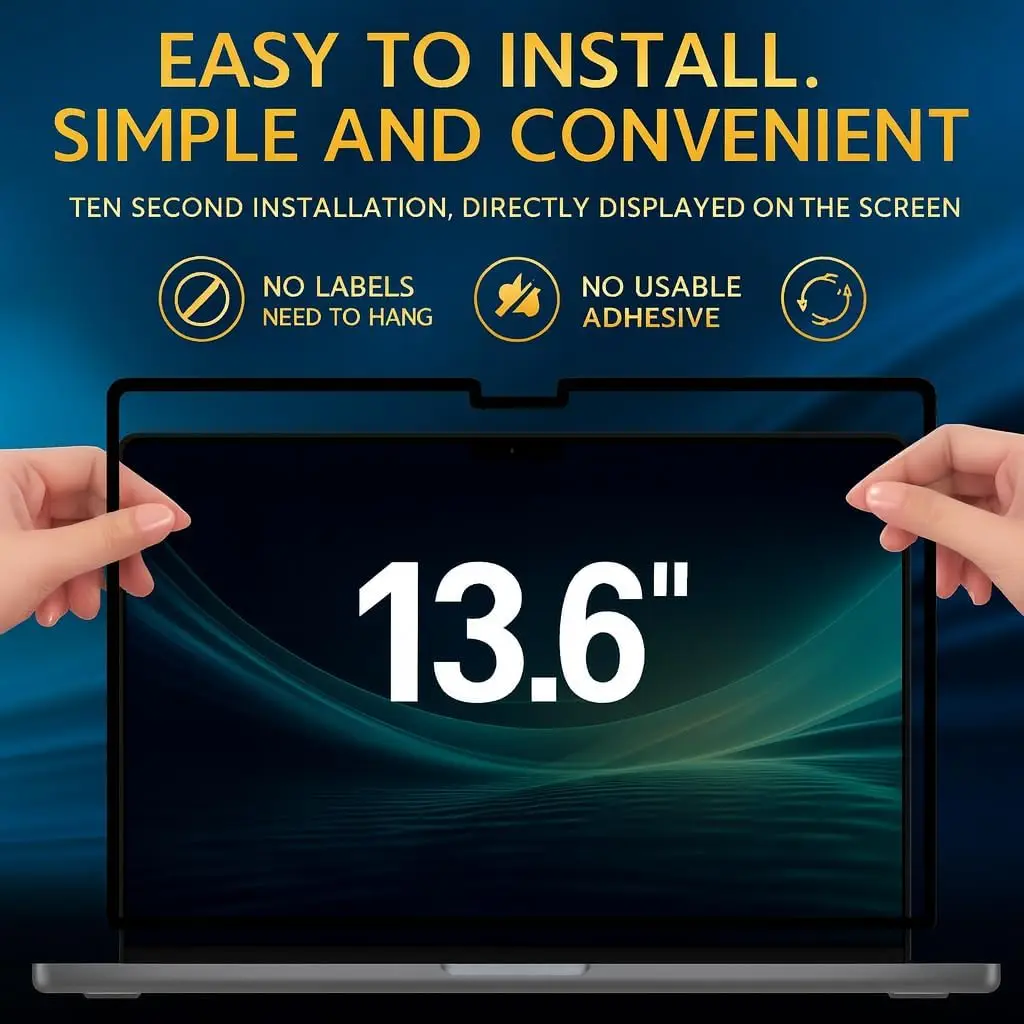
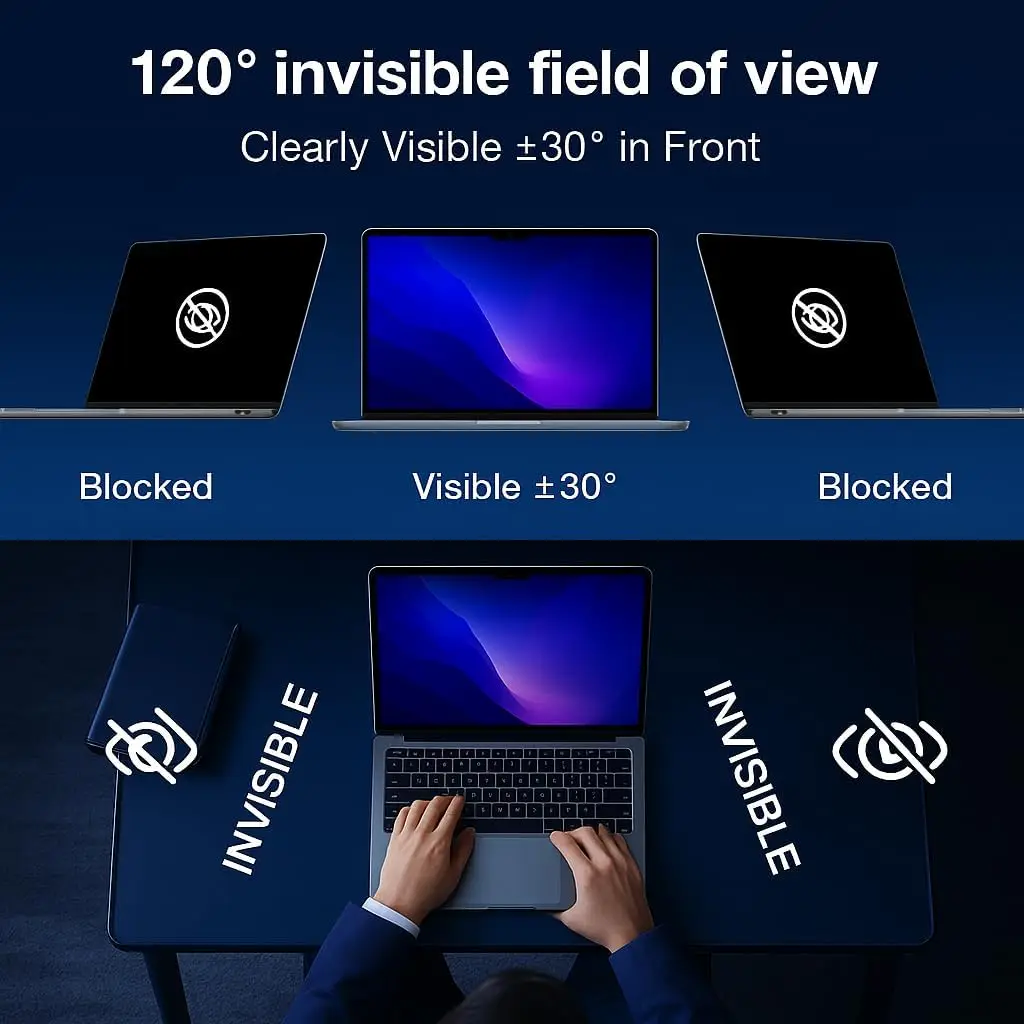
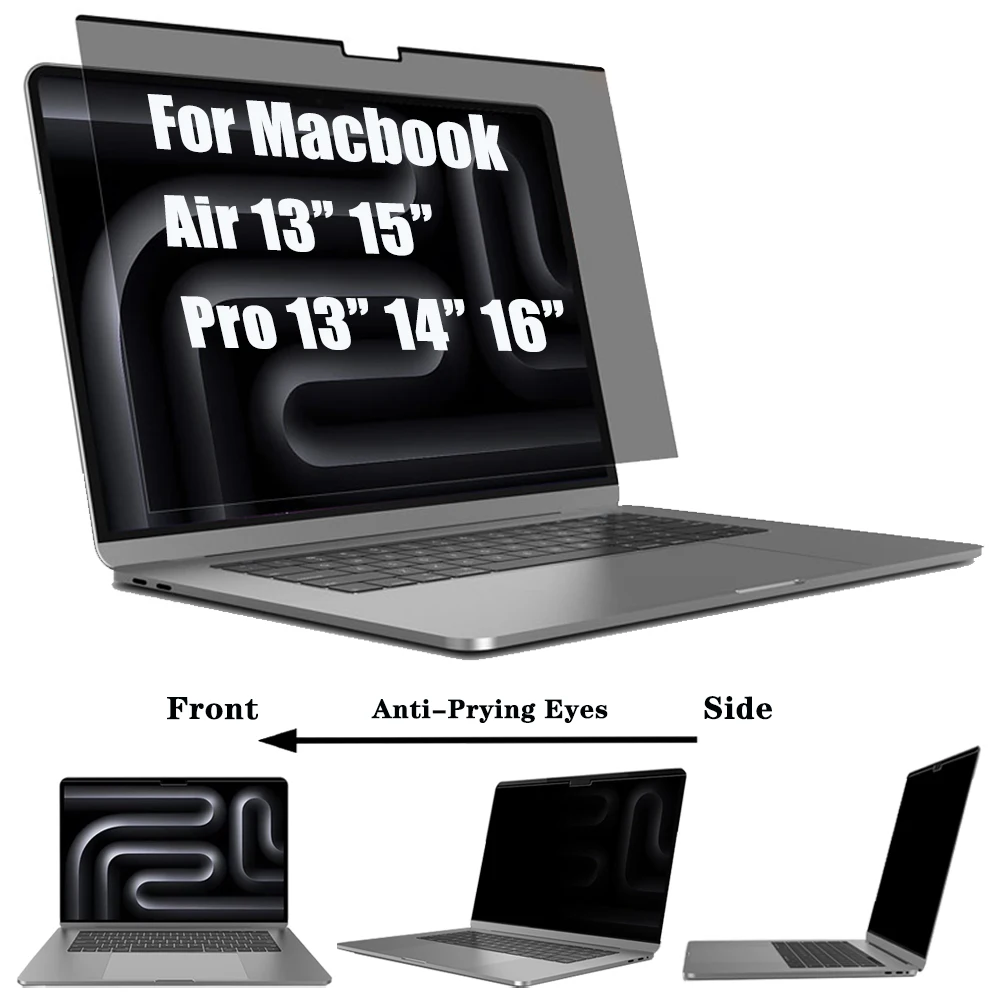
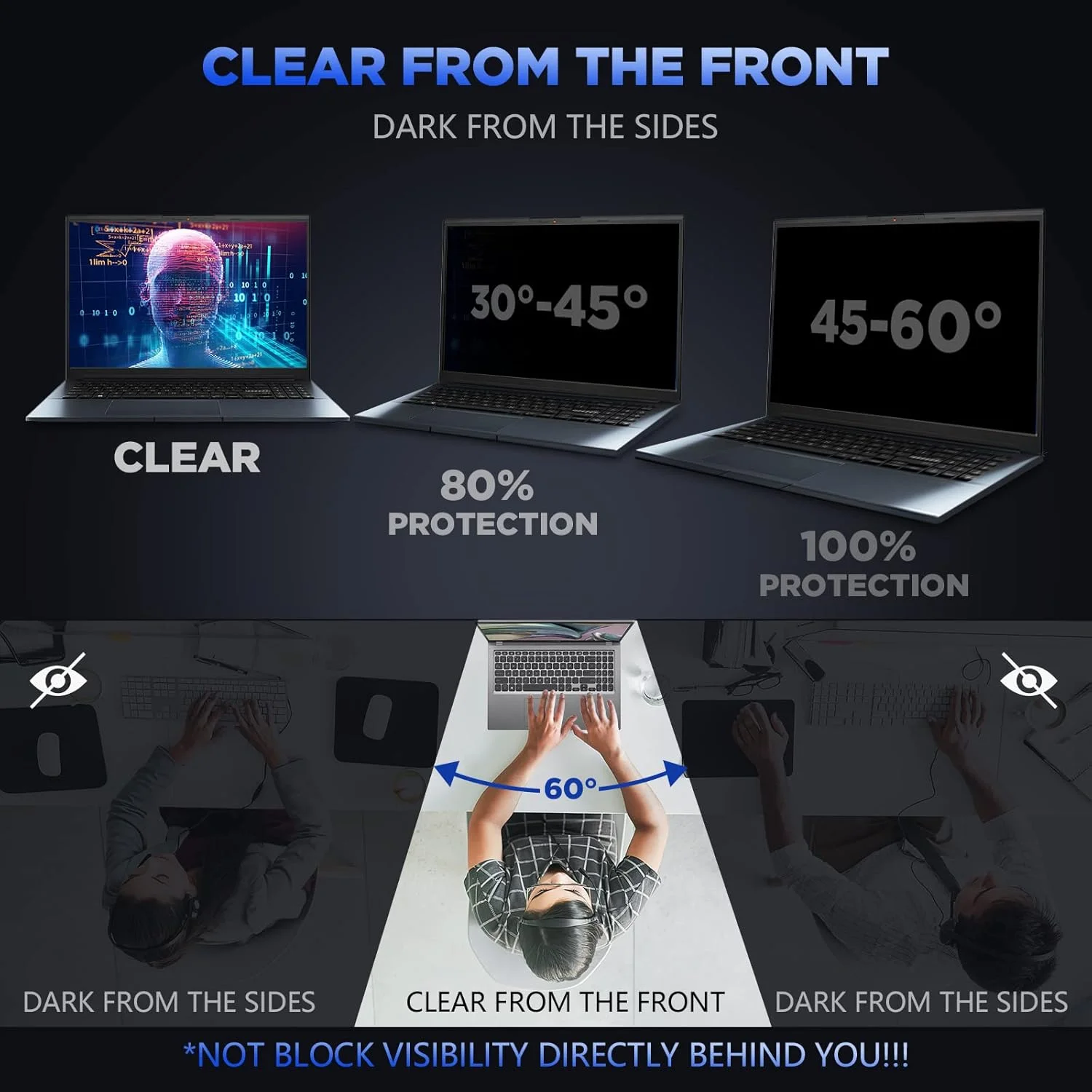
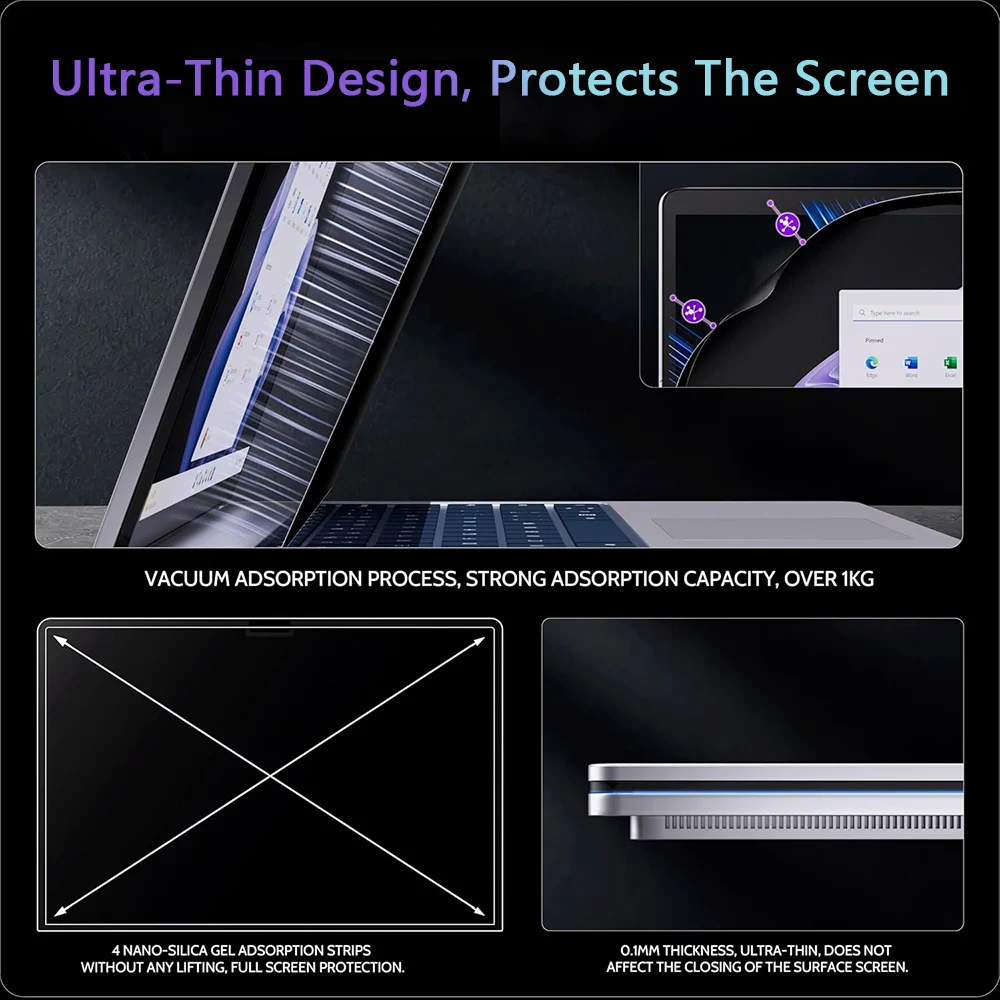
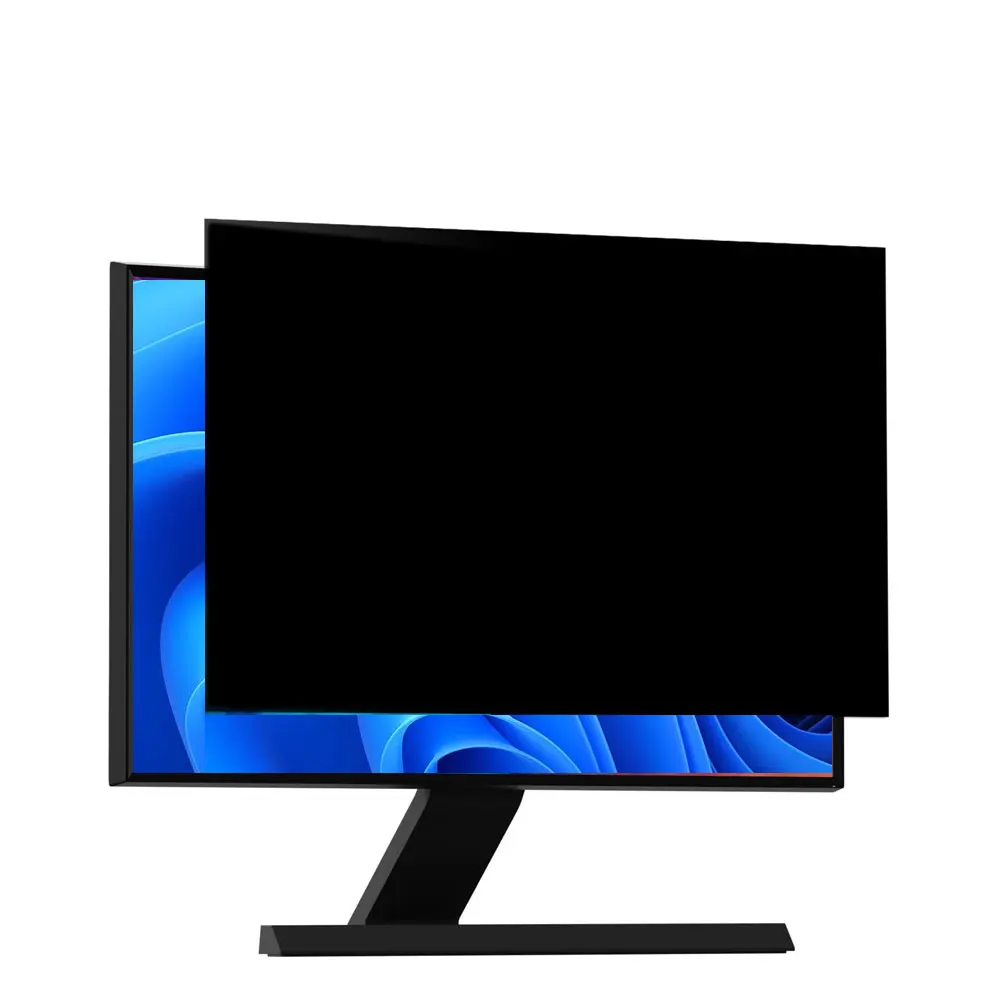
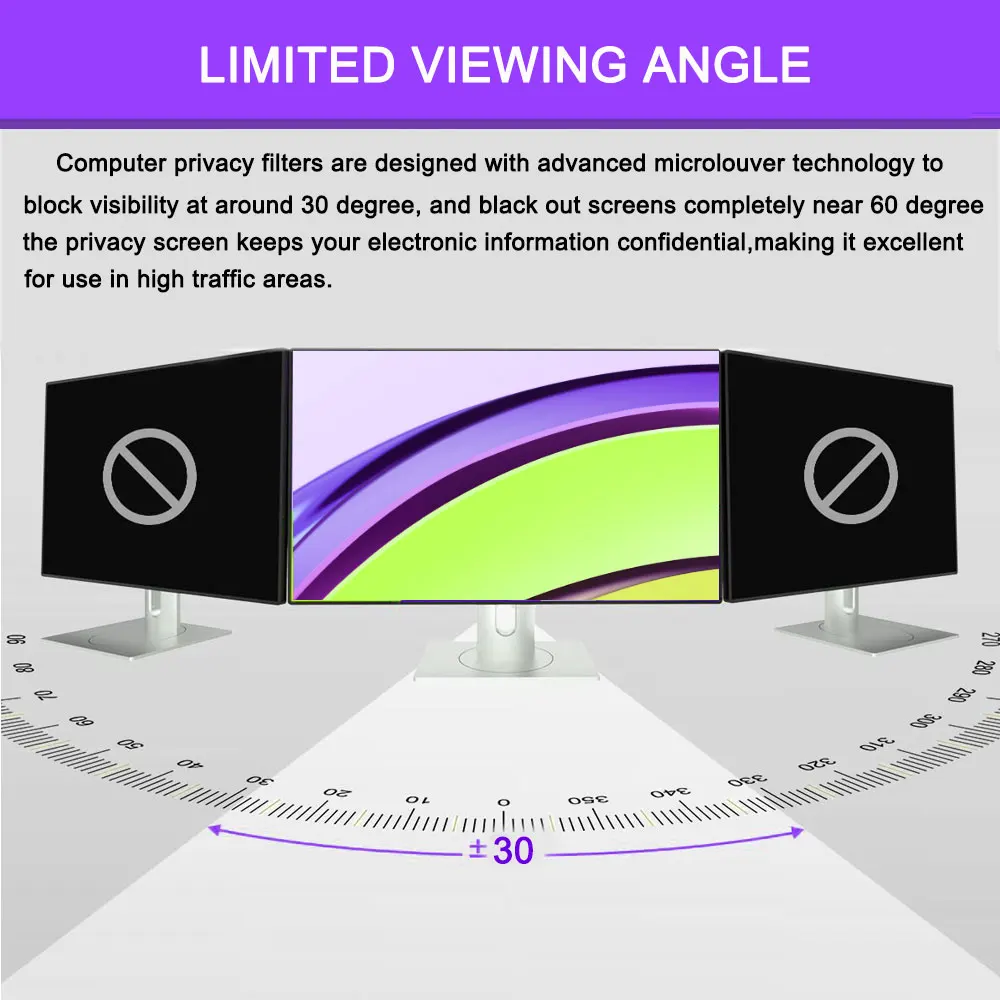
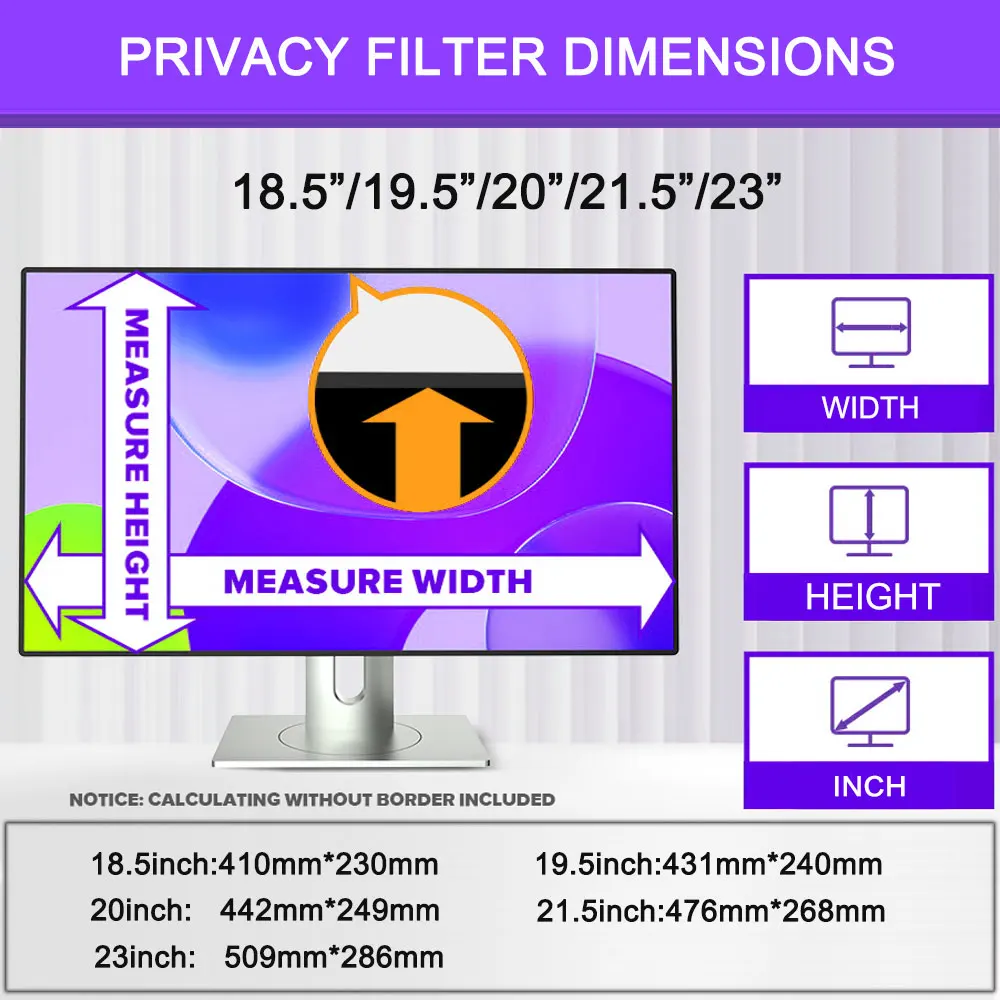
- Laptop privacy filters sit over the screen and make it look dark to anyone at the side, while you can still read it straight on. They fit by magnets, by gentle suction or as a film.
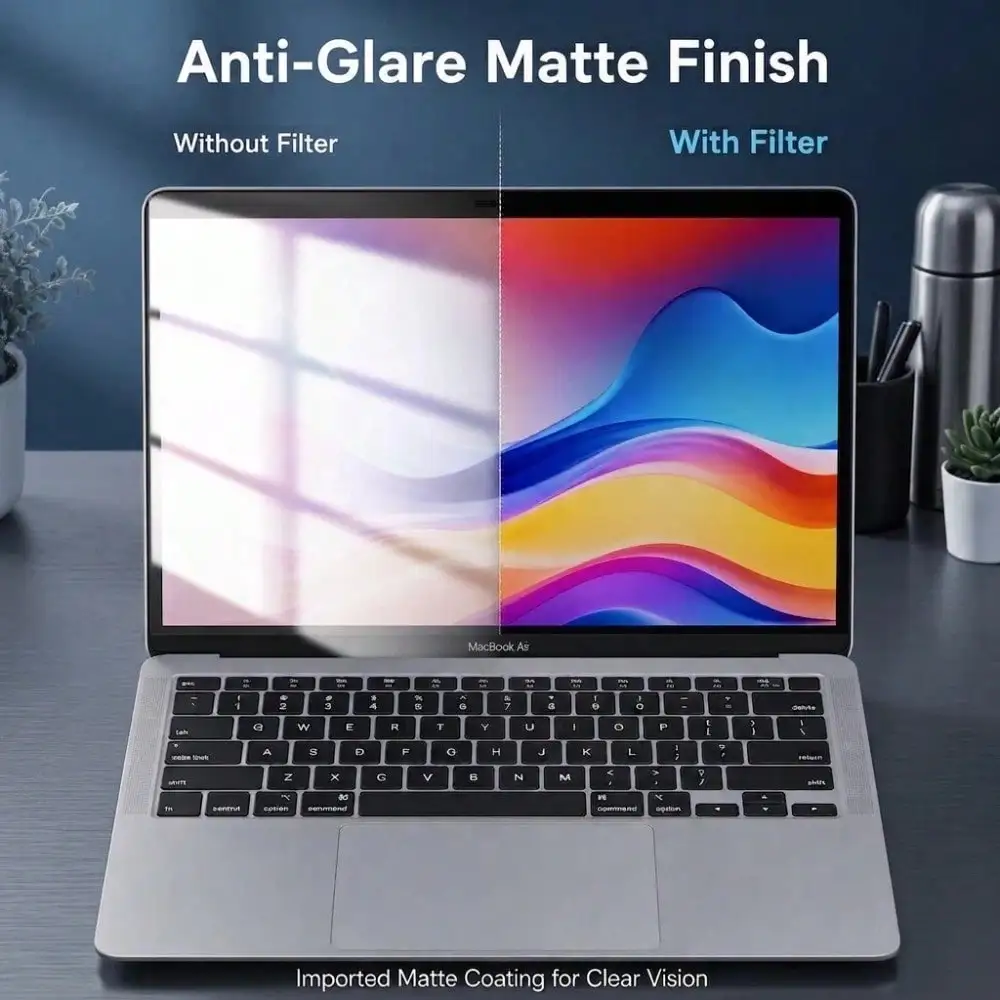
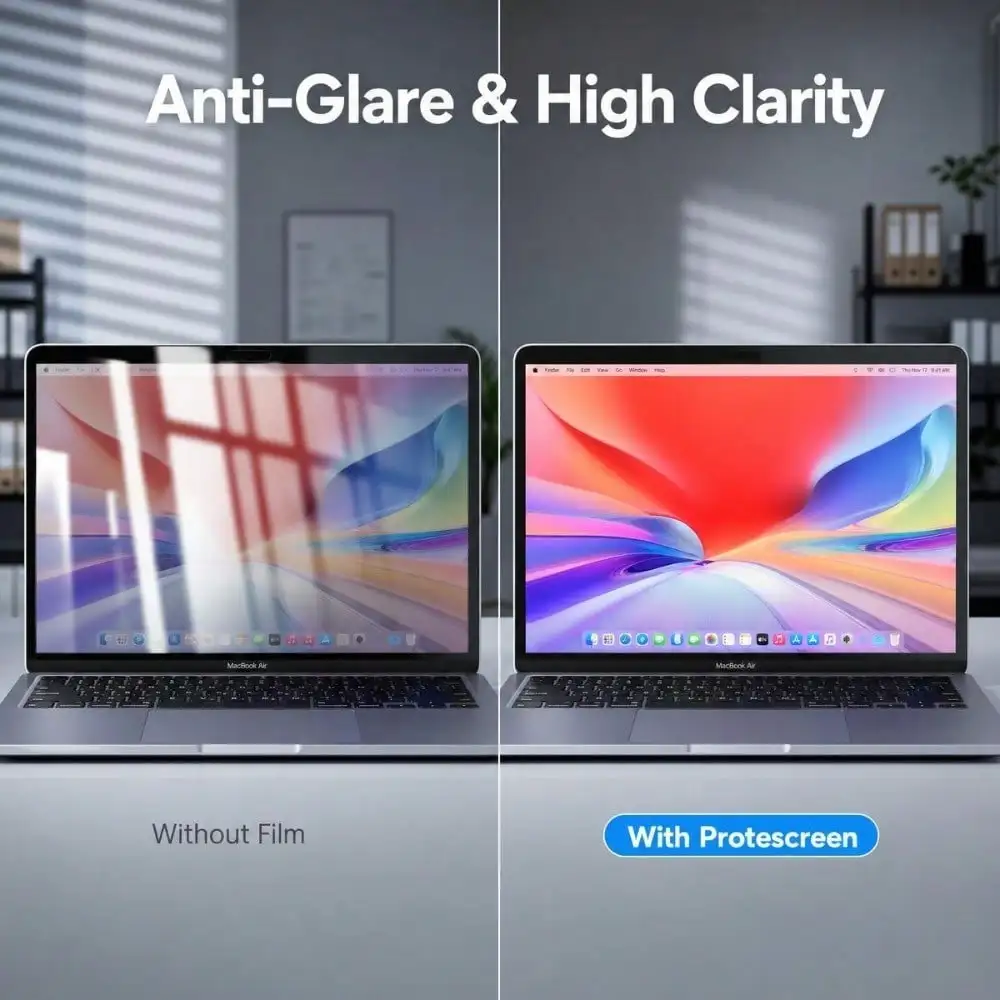
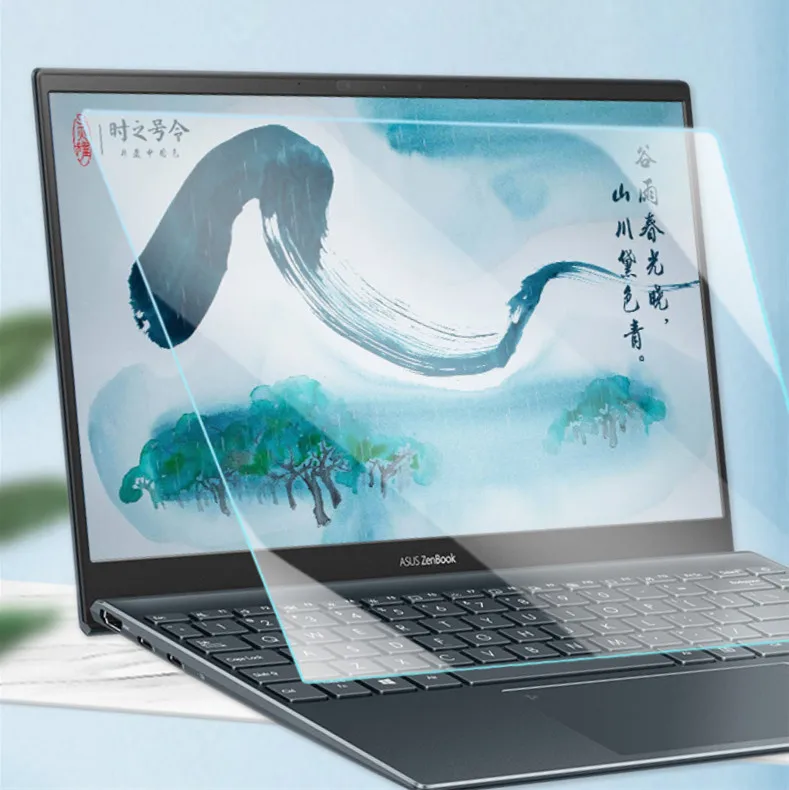
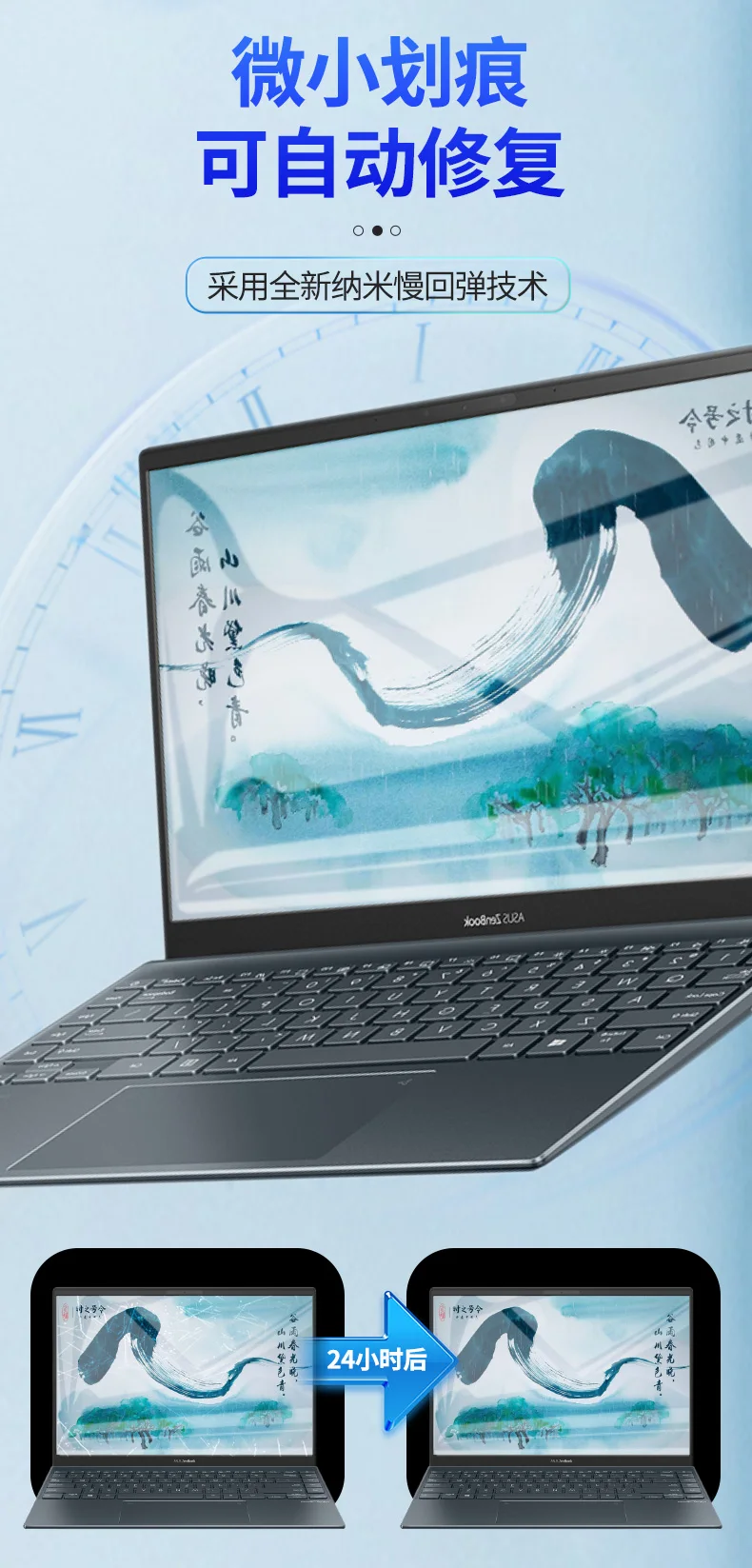
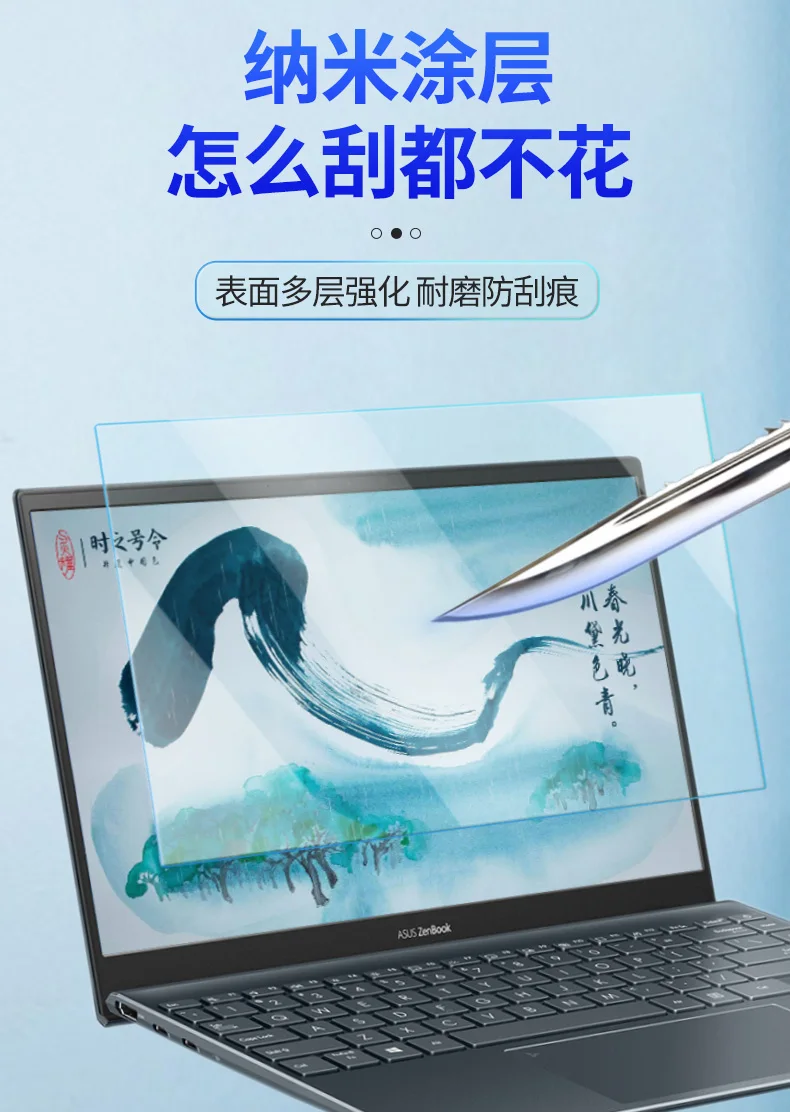
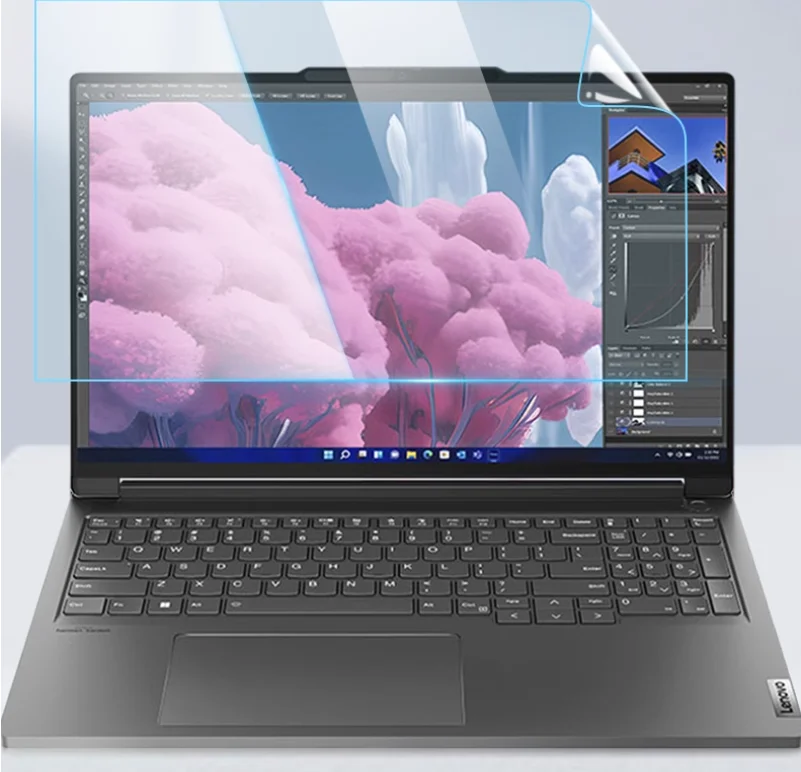
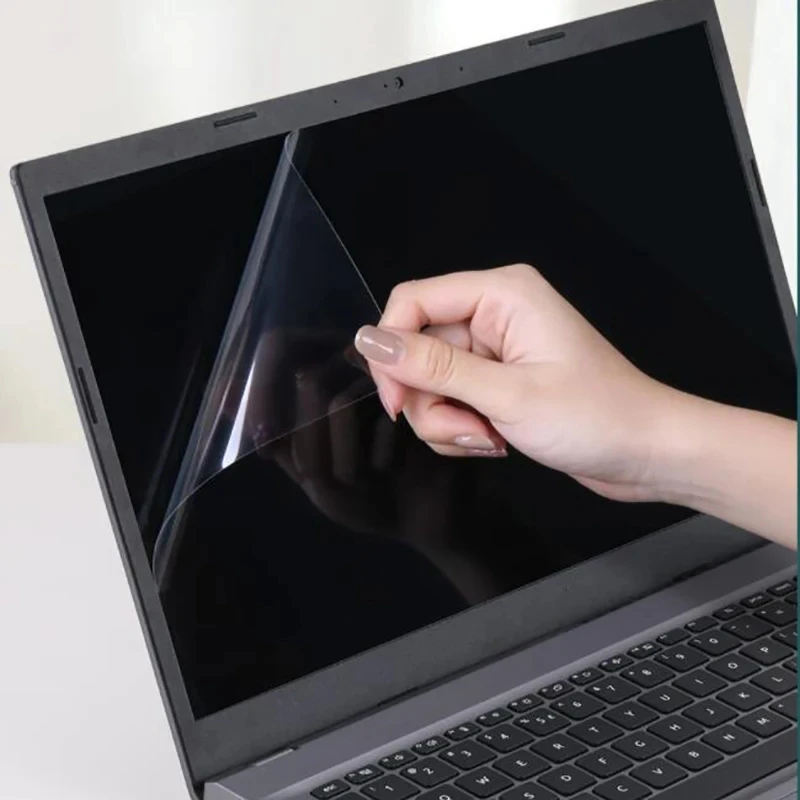
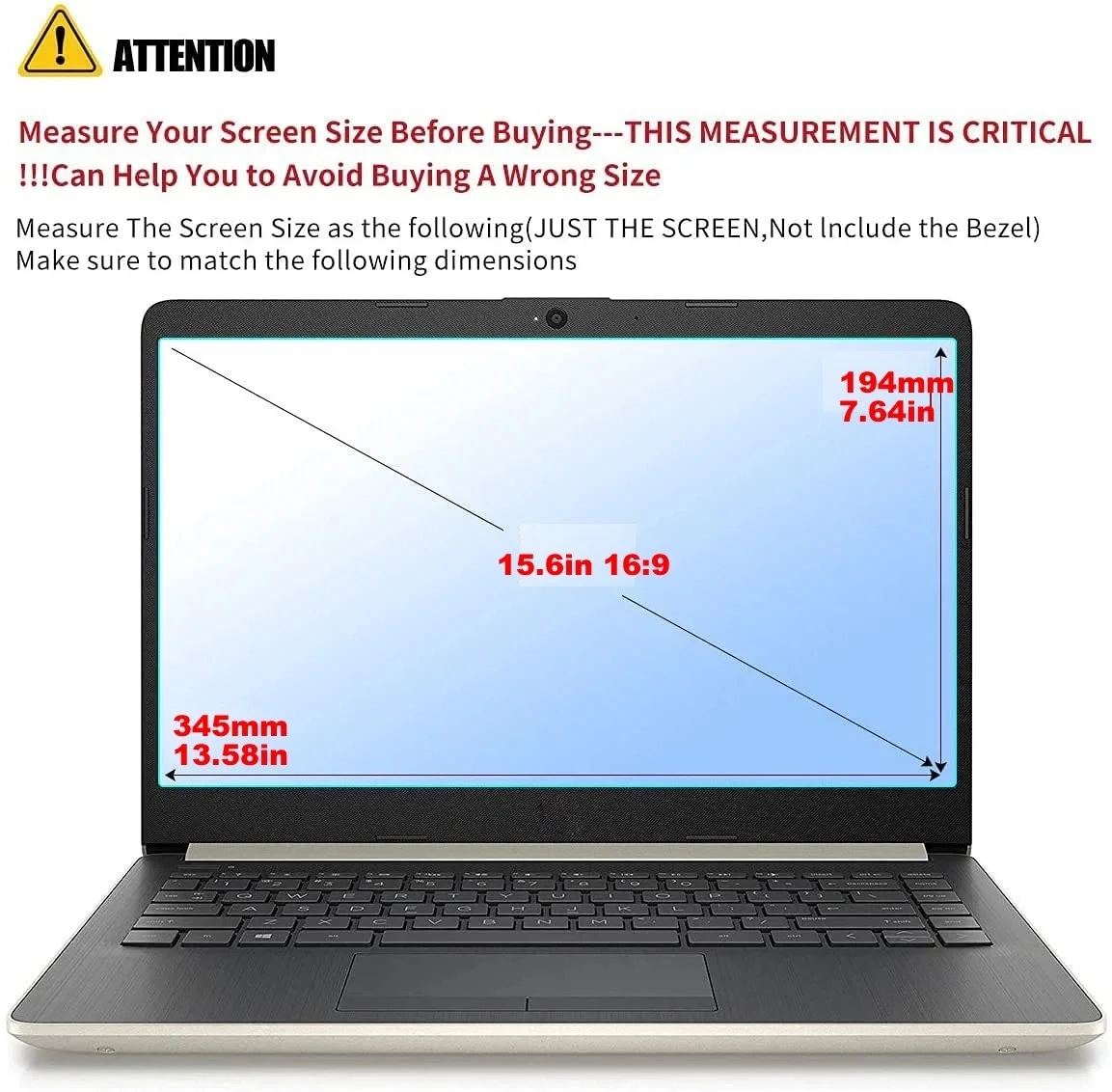
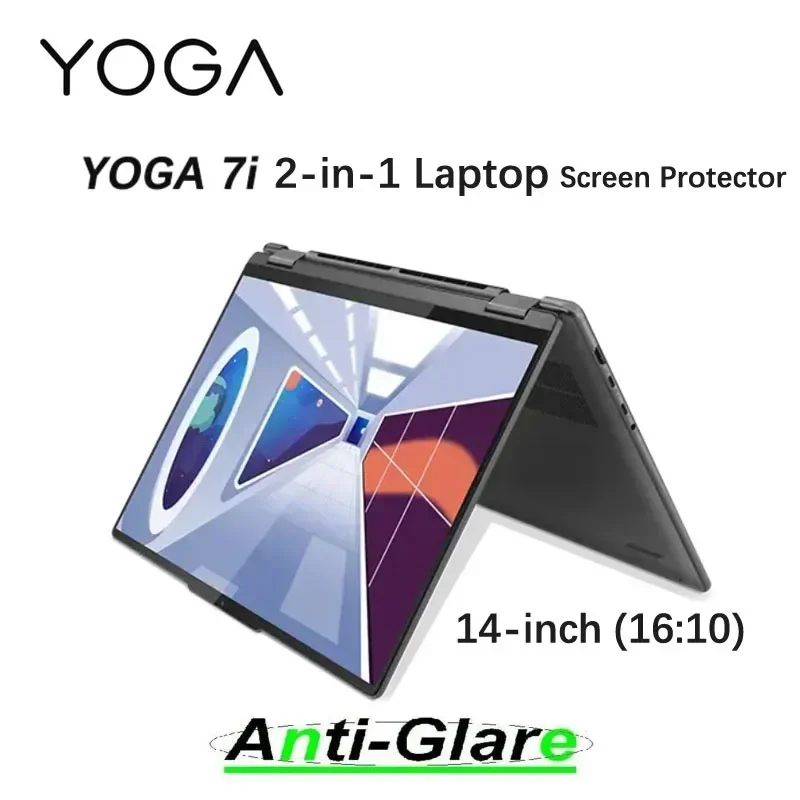
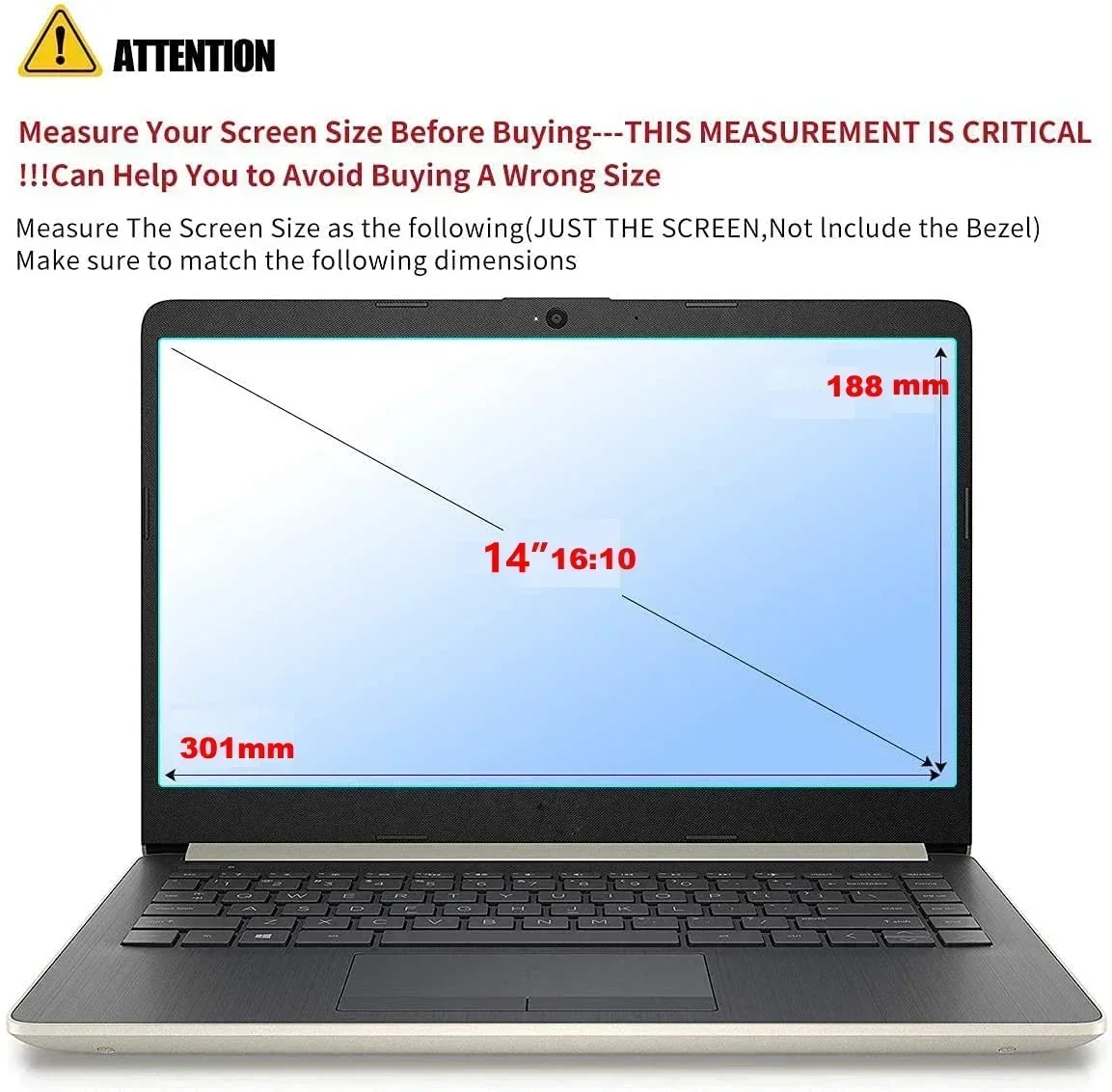
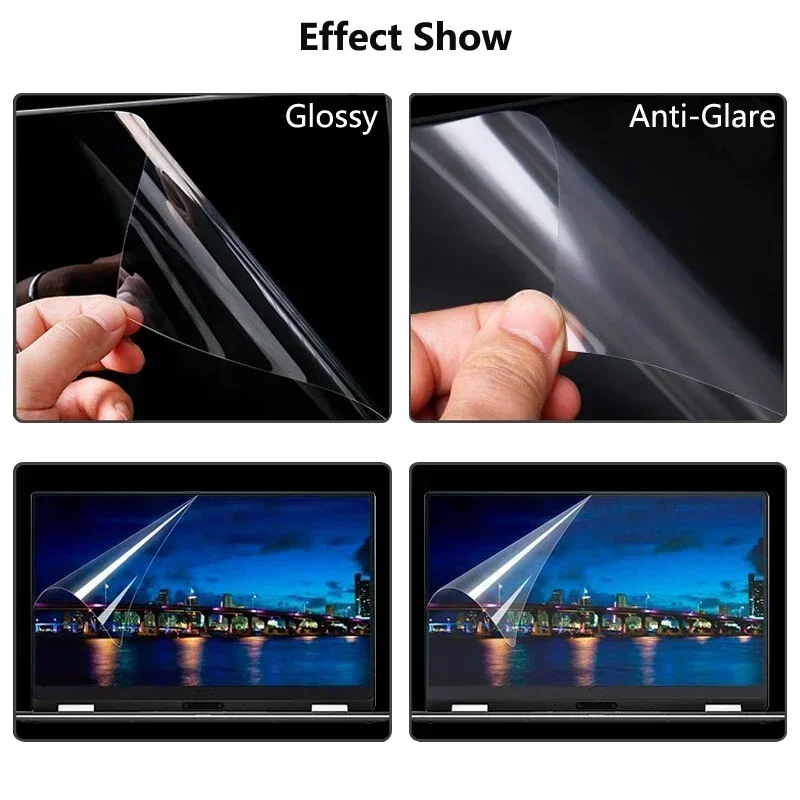
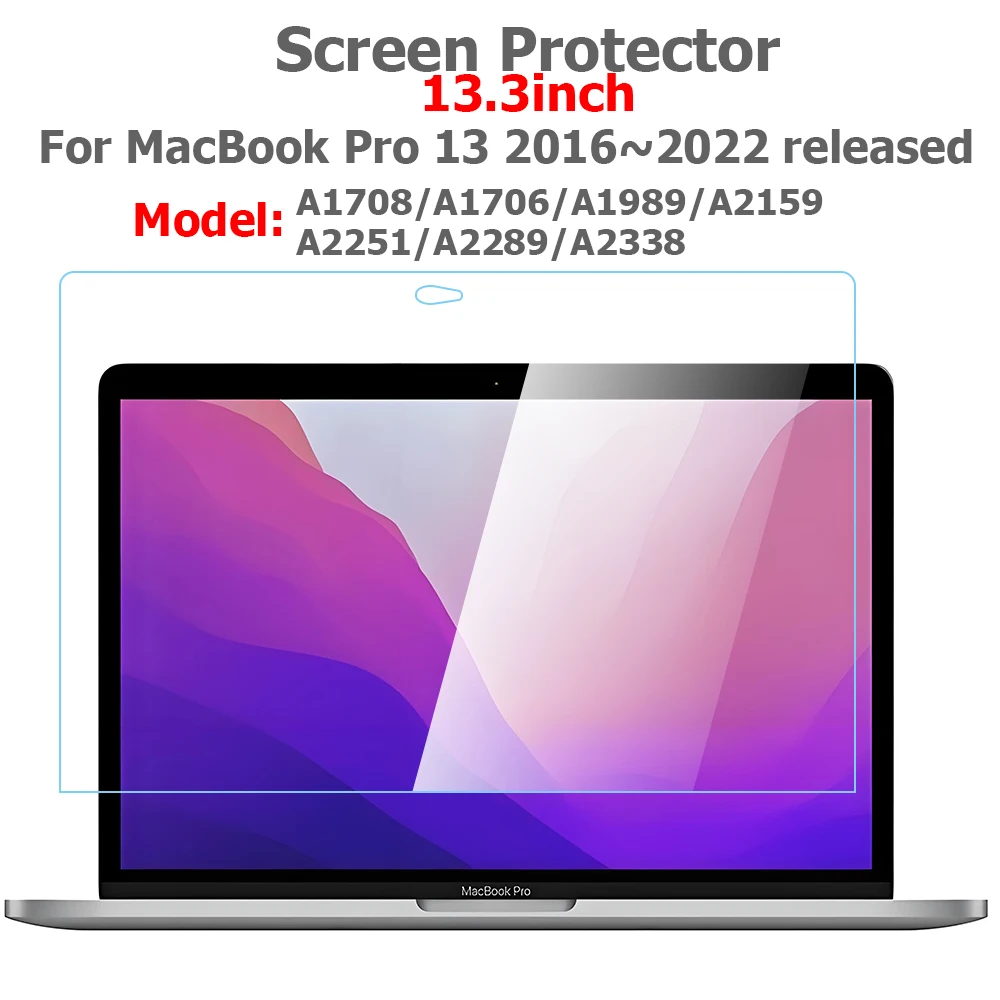
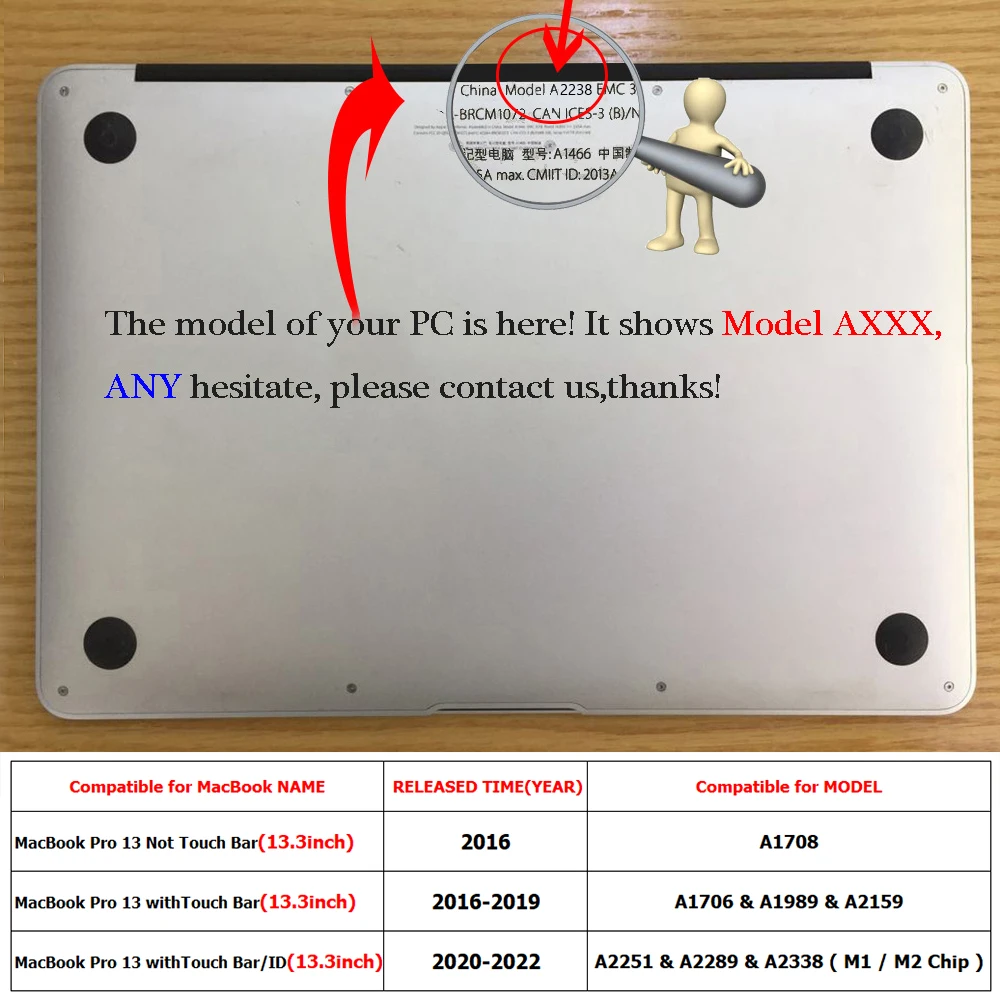
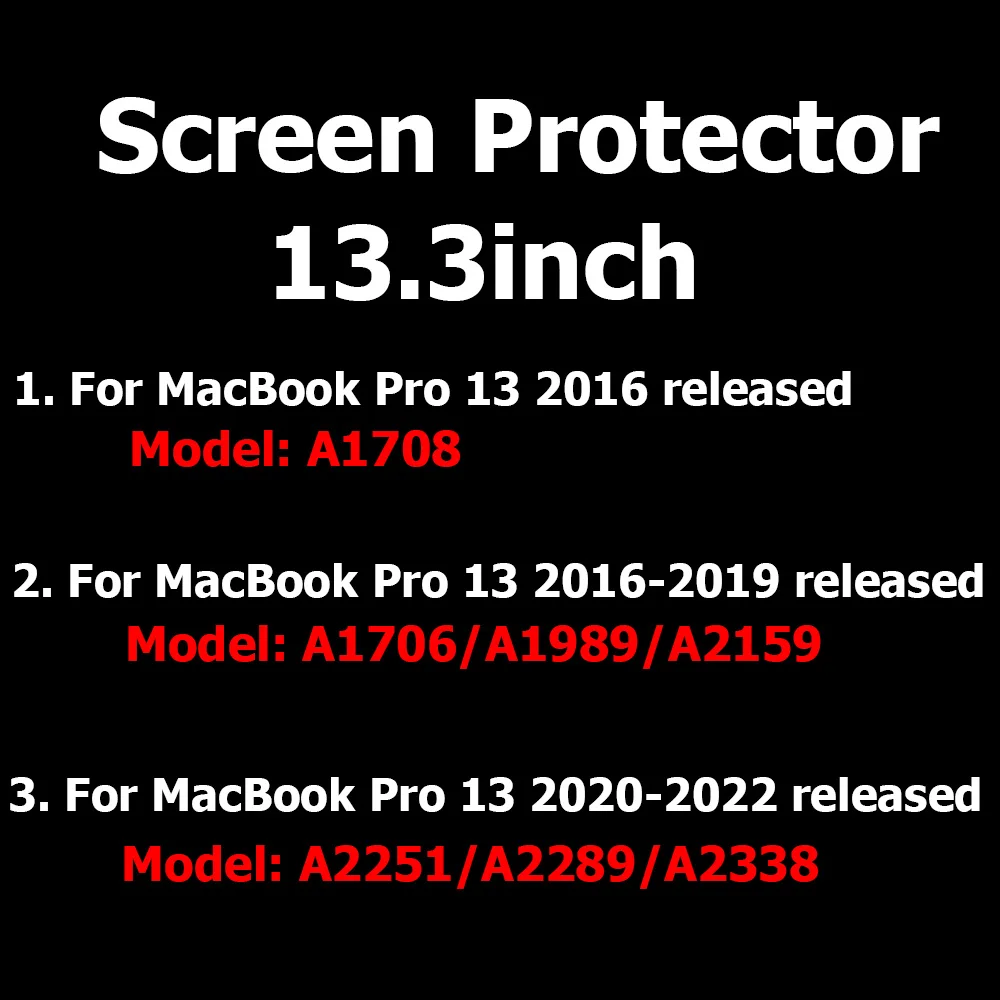
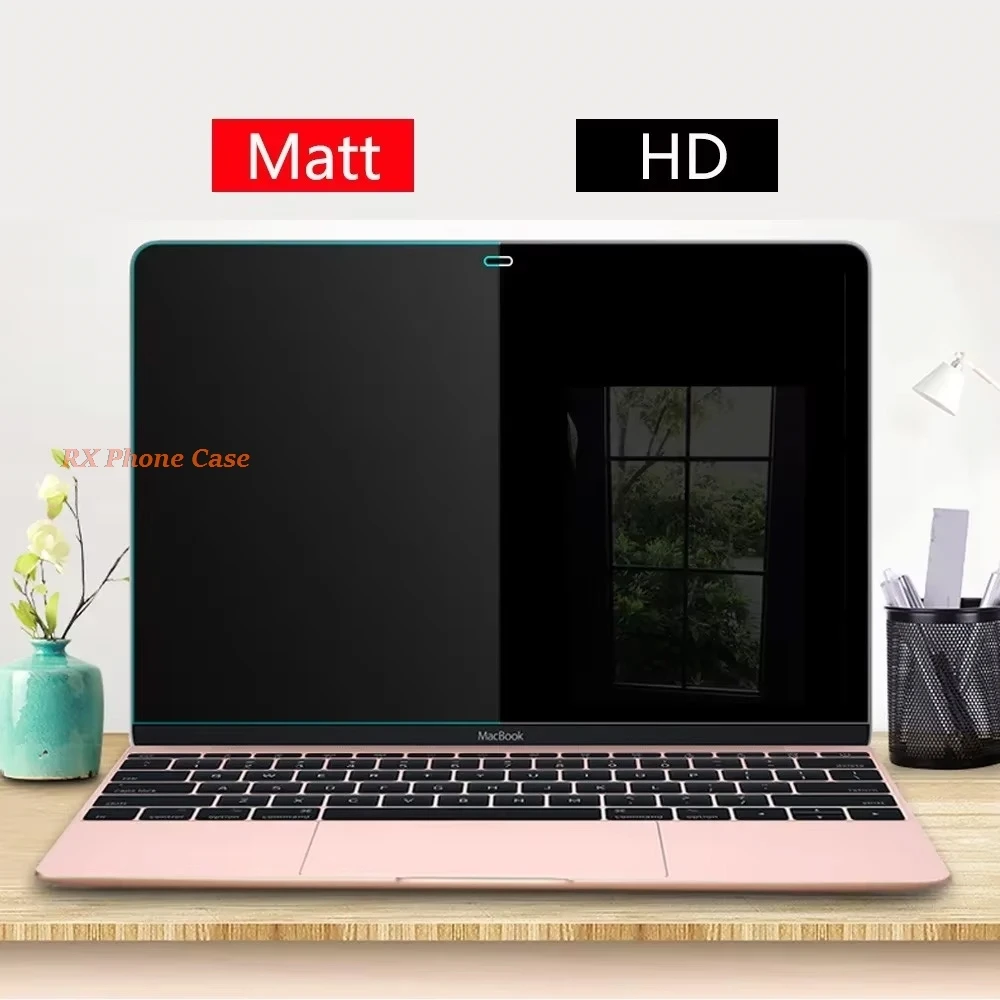
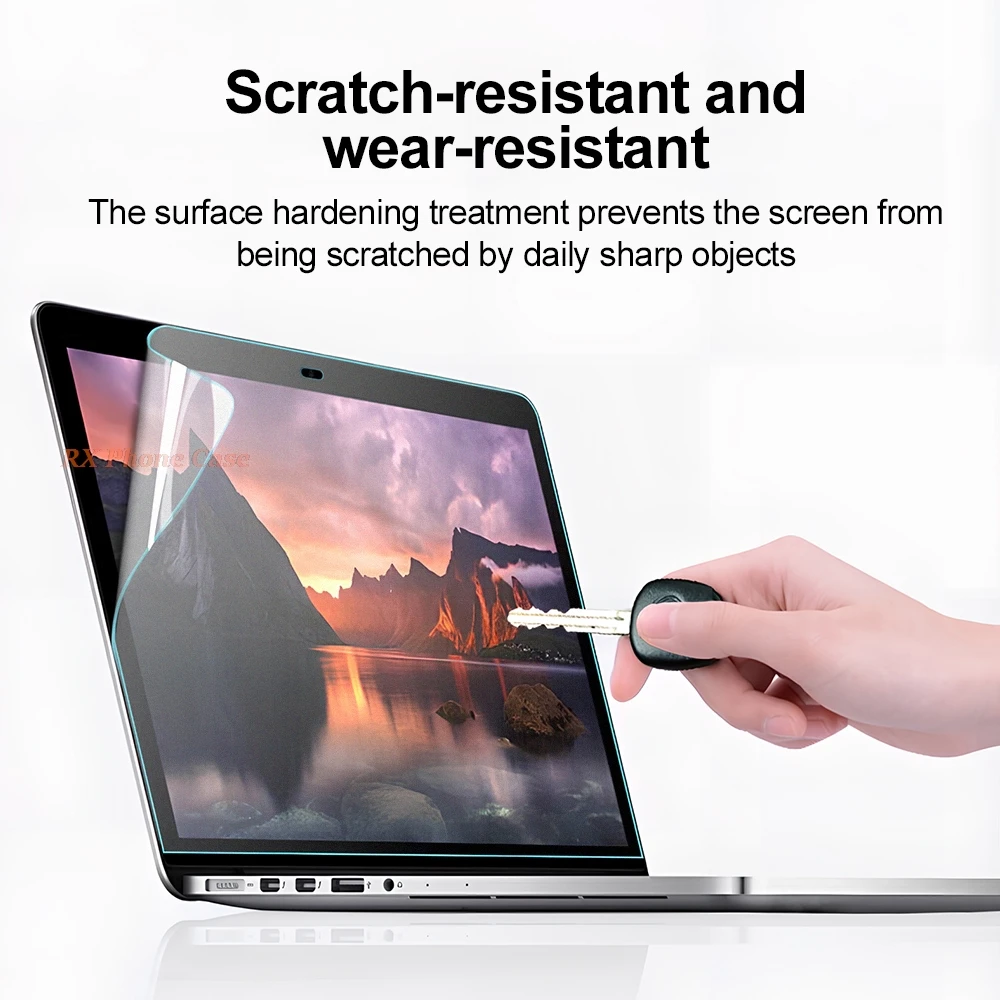
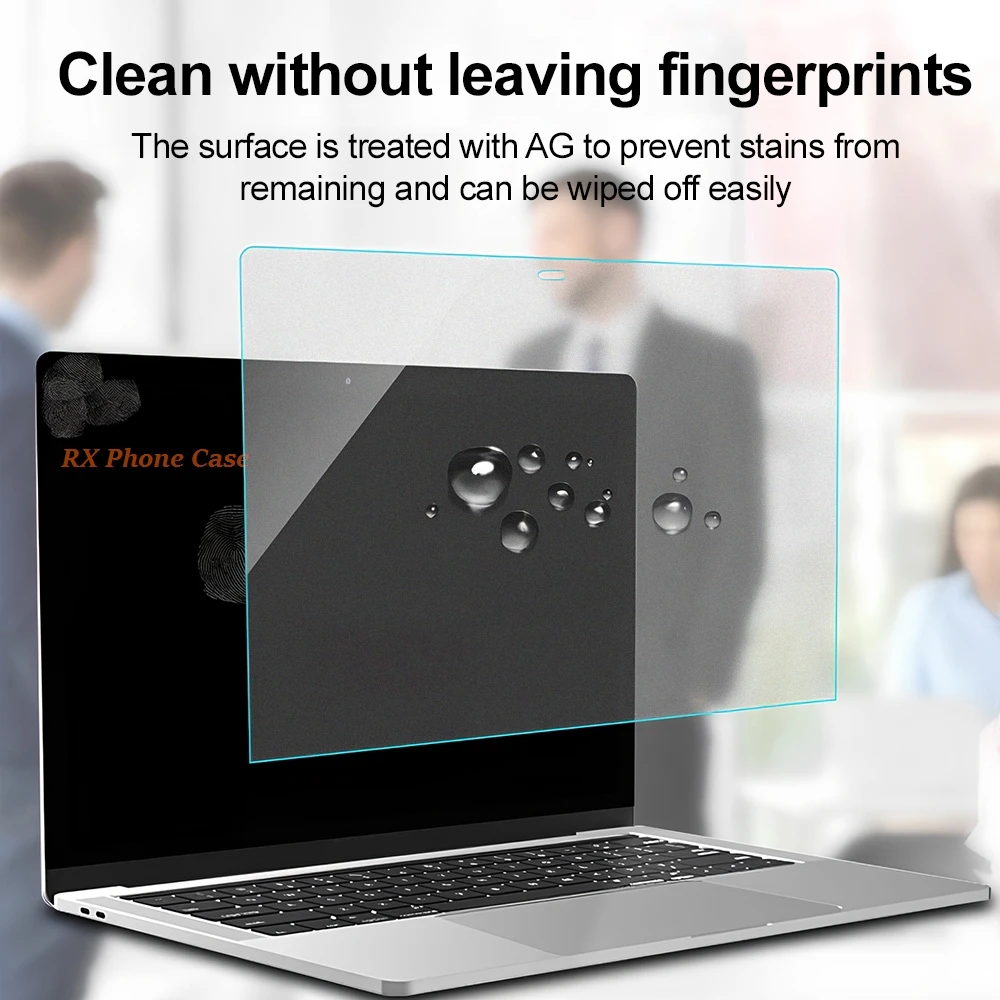
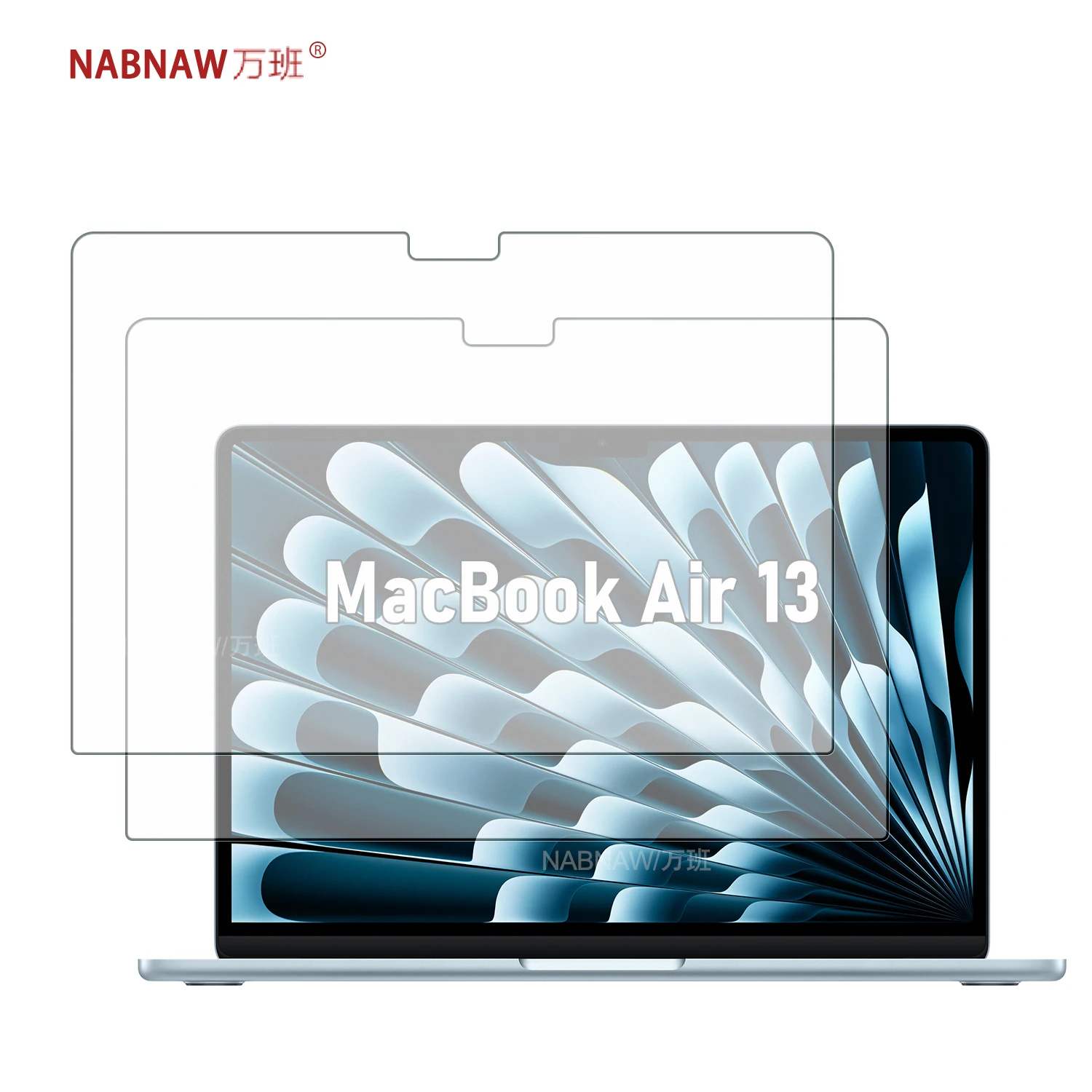
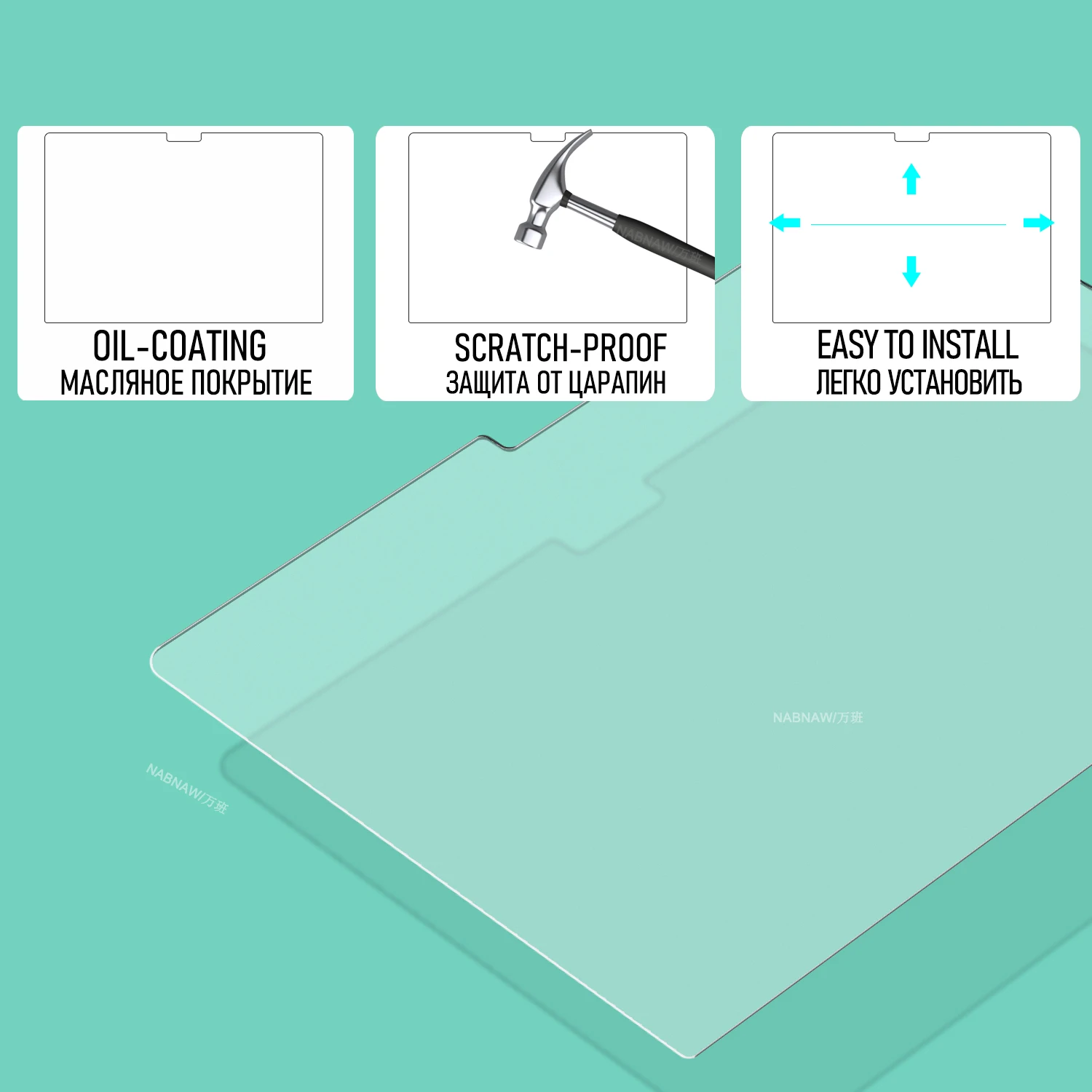
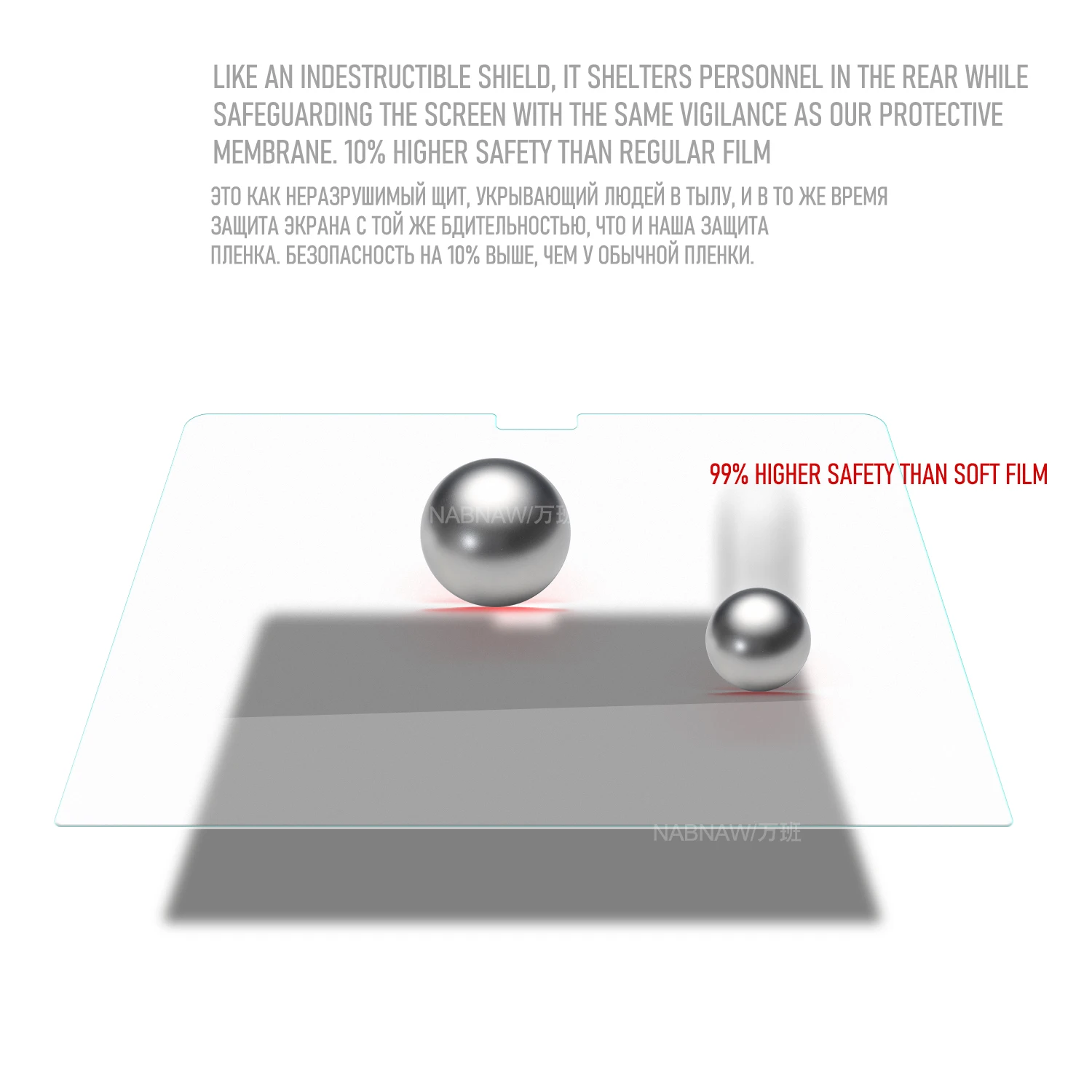
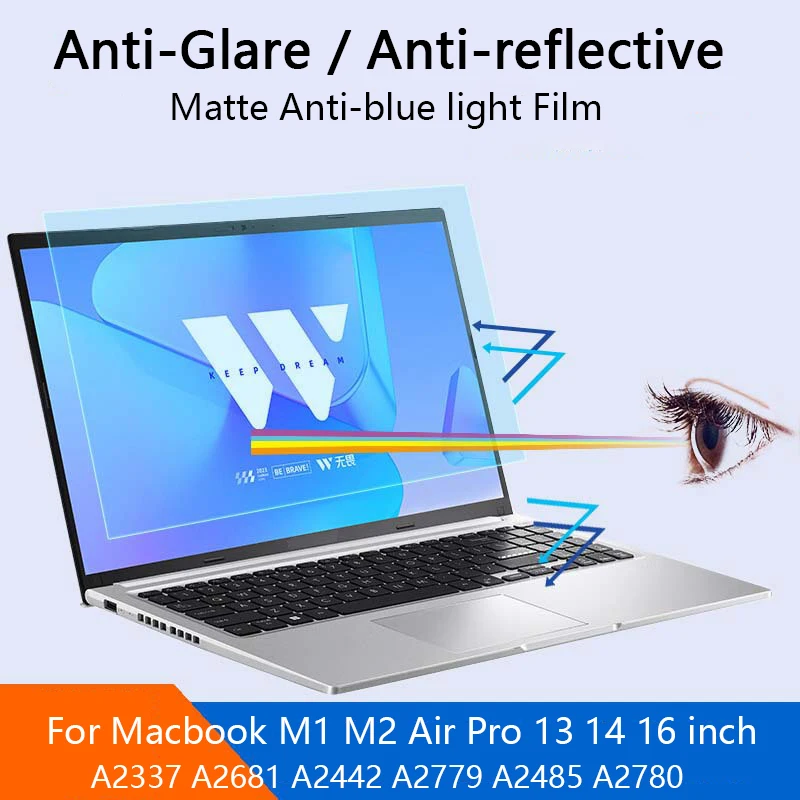
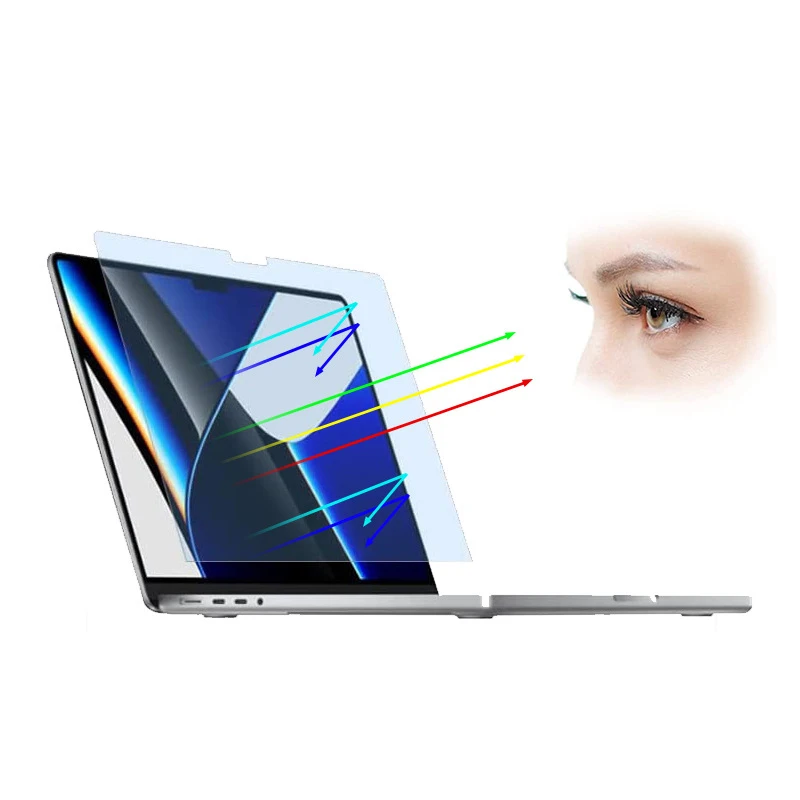
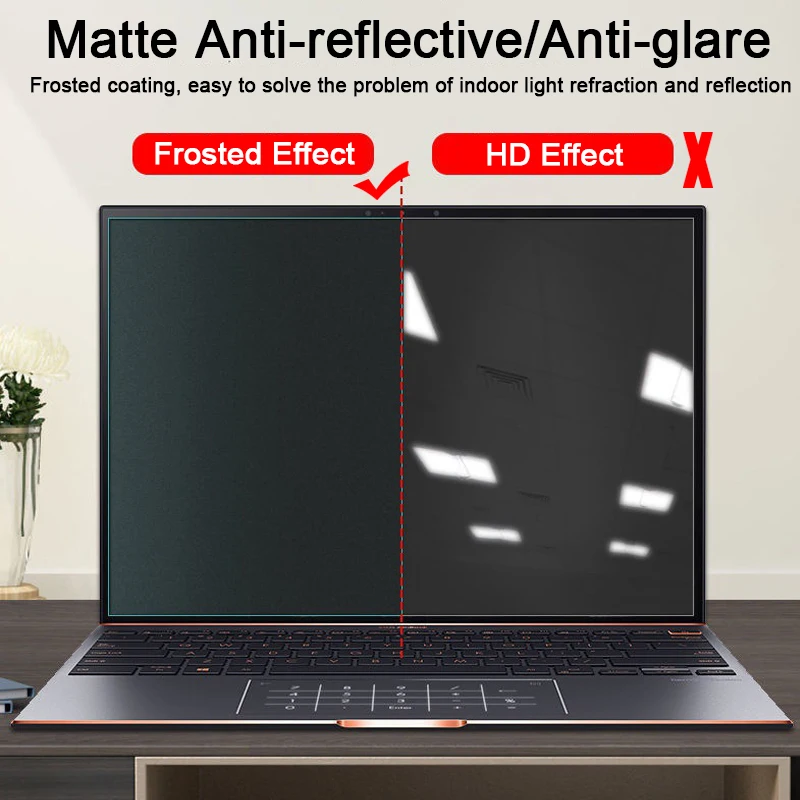
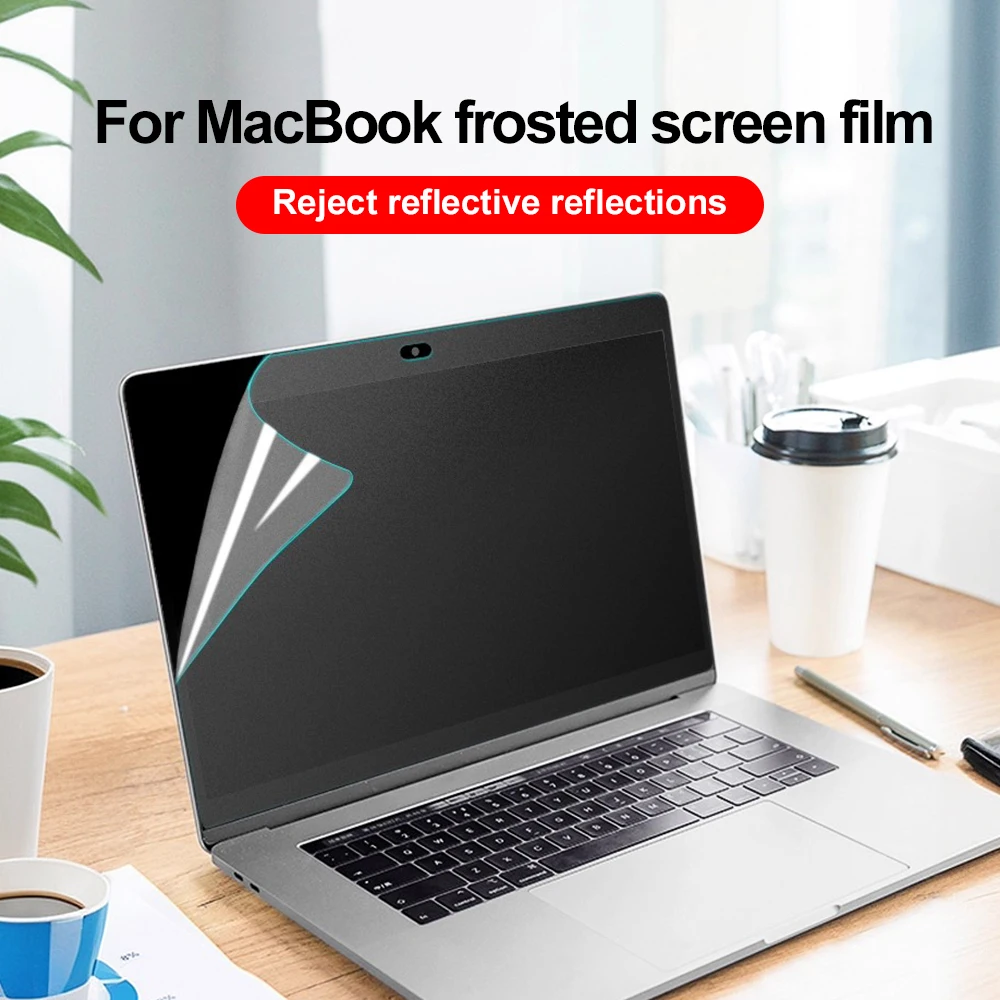
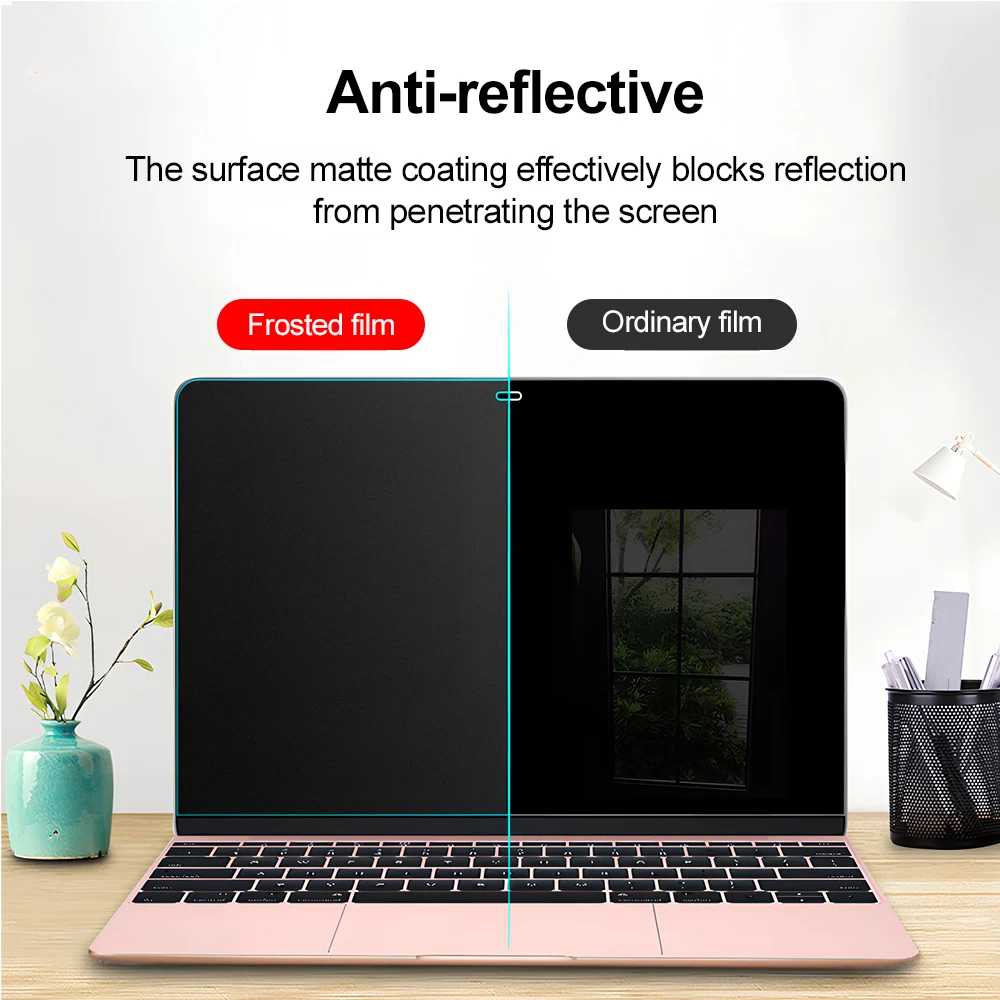
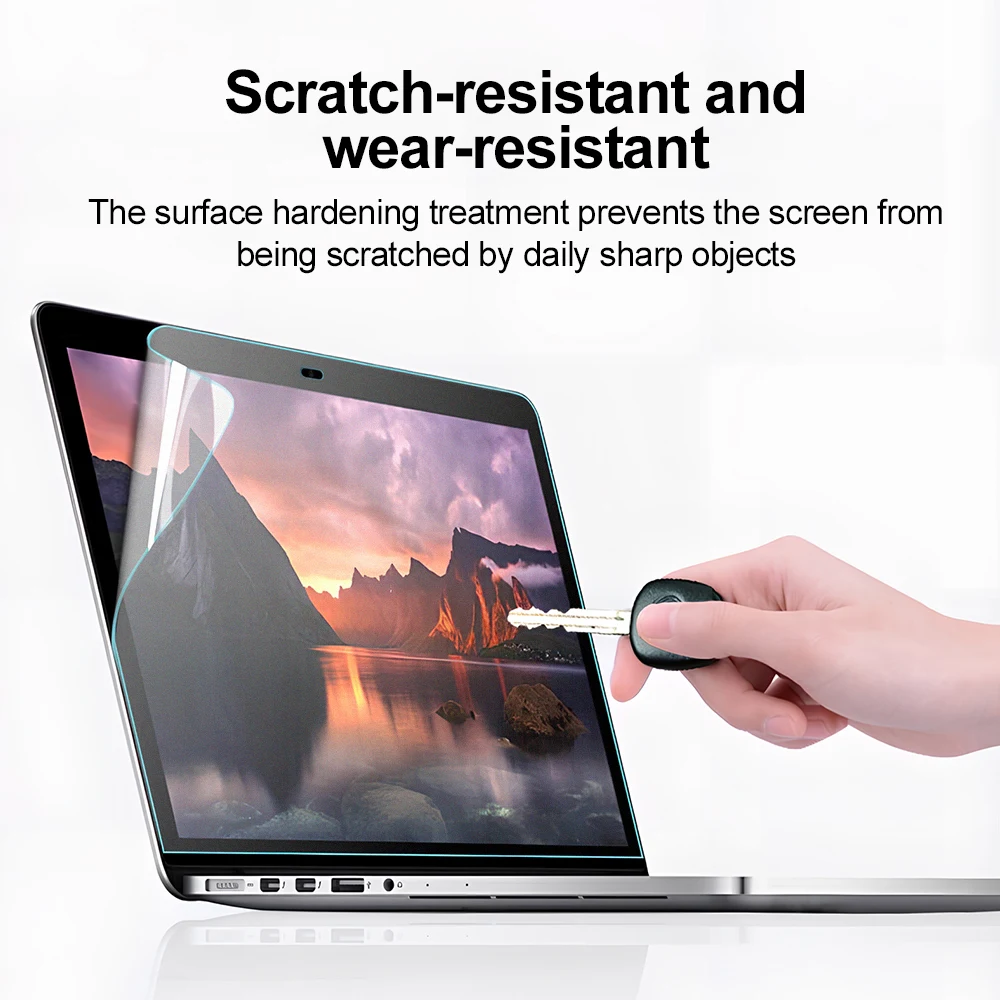
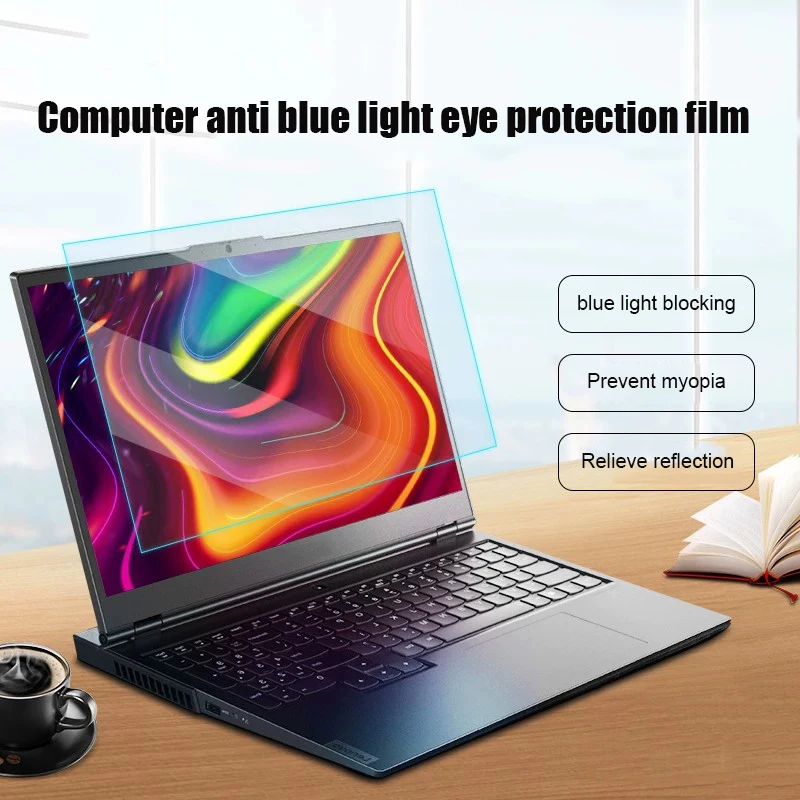
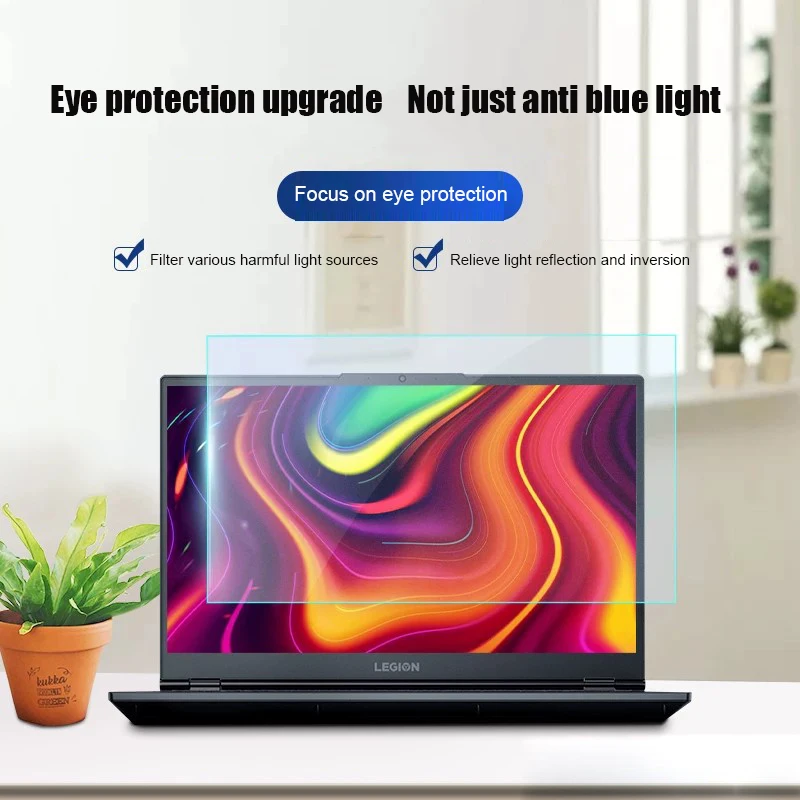
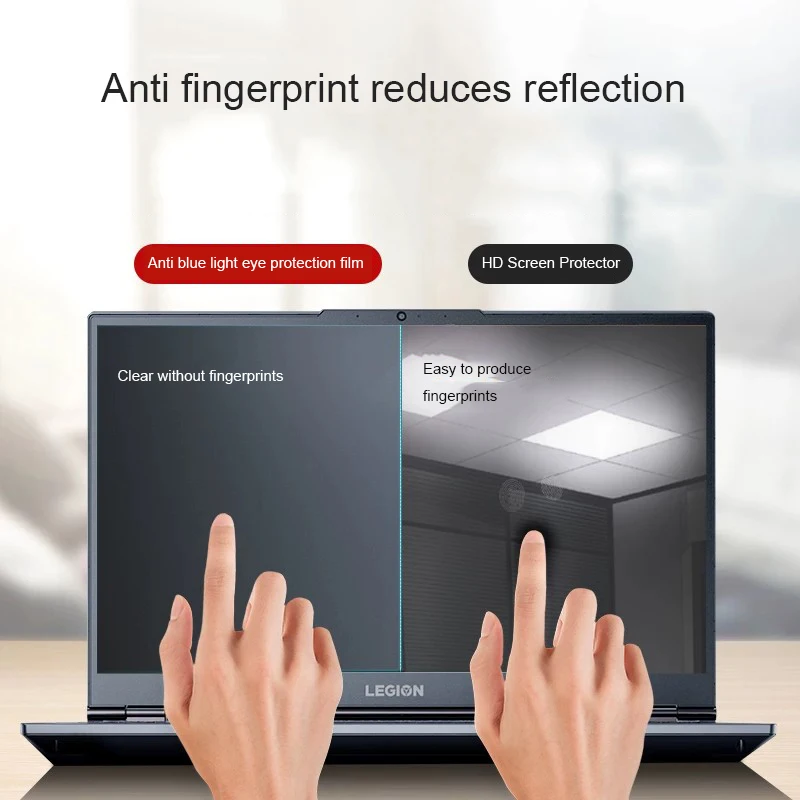
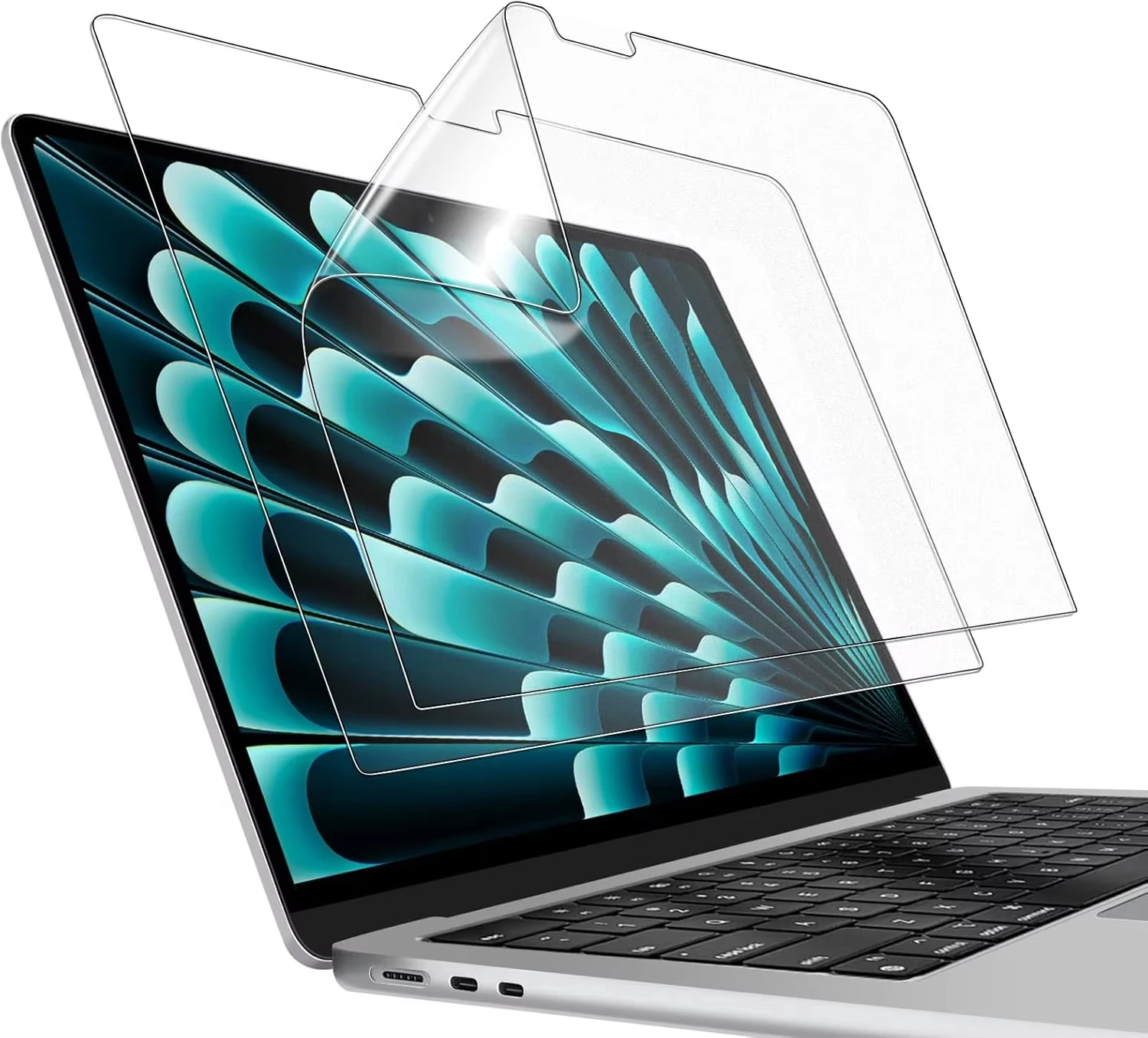
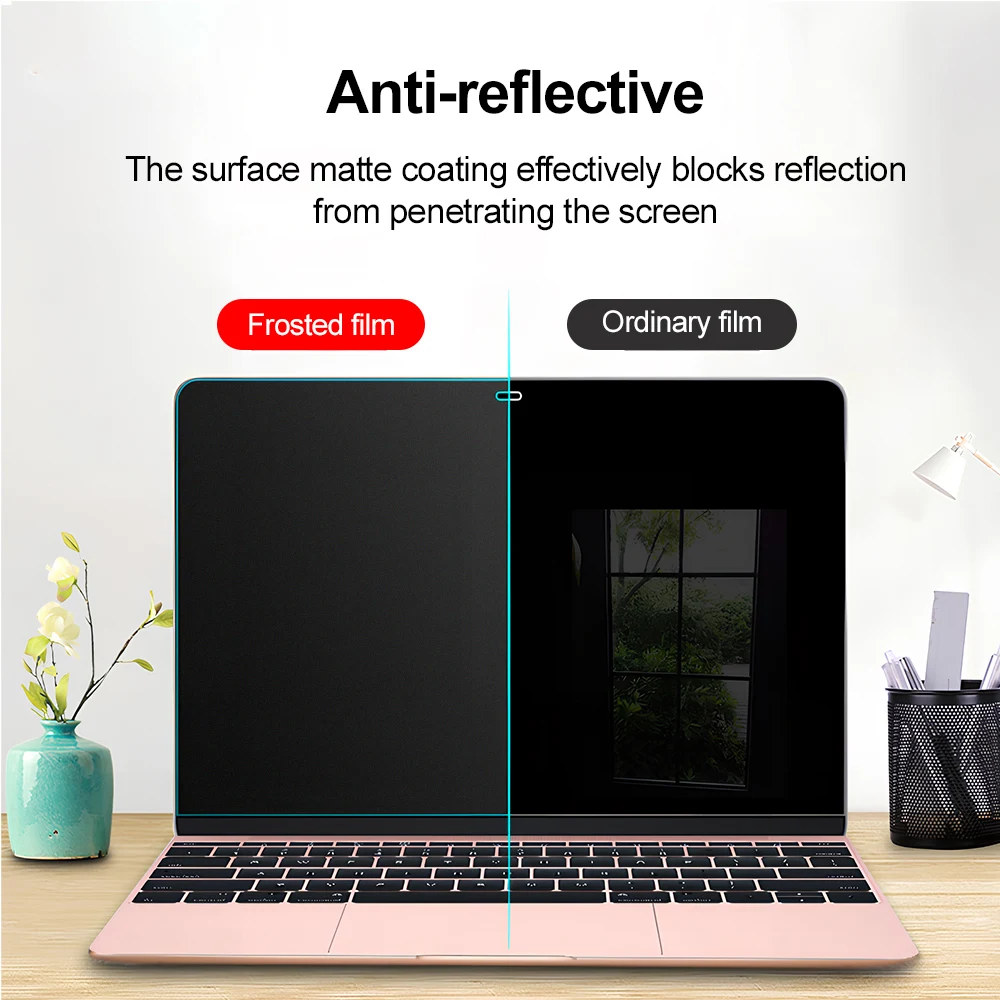
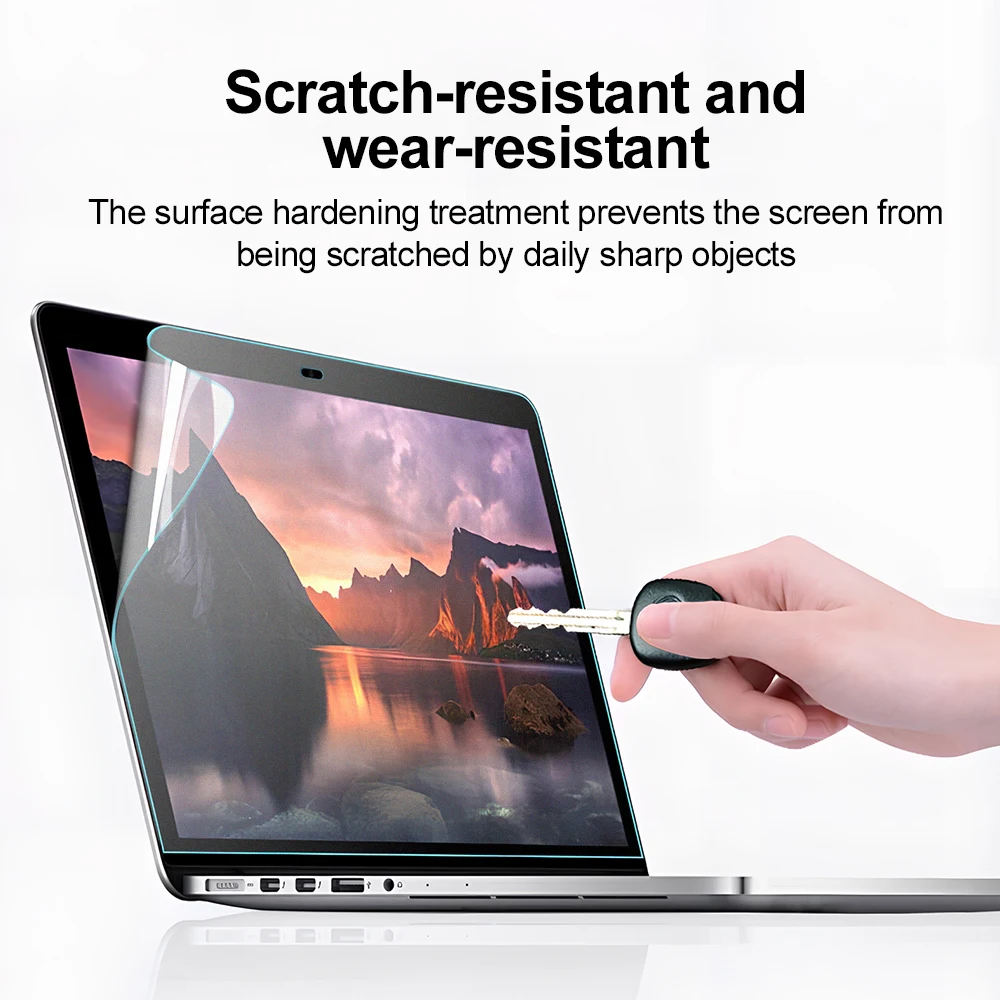
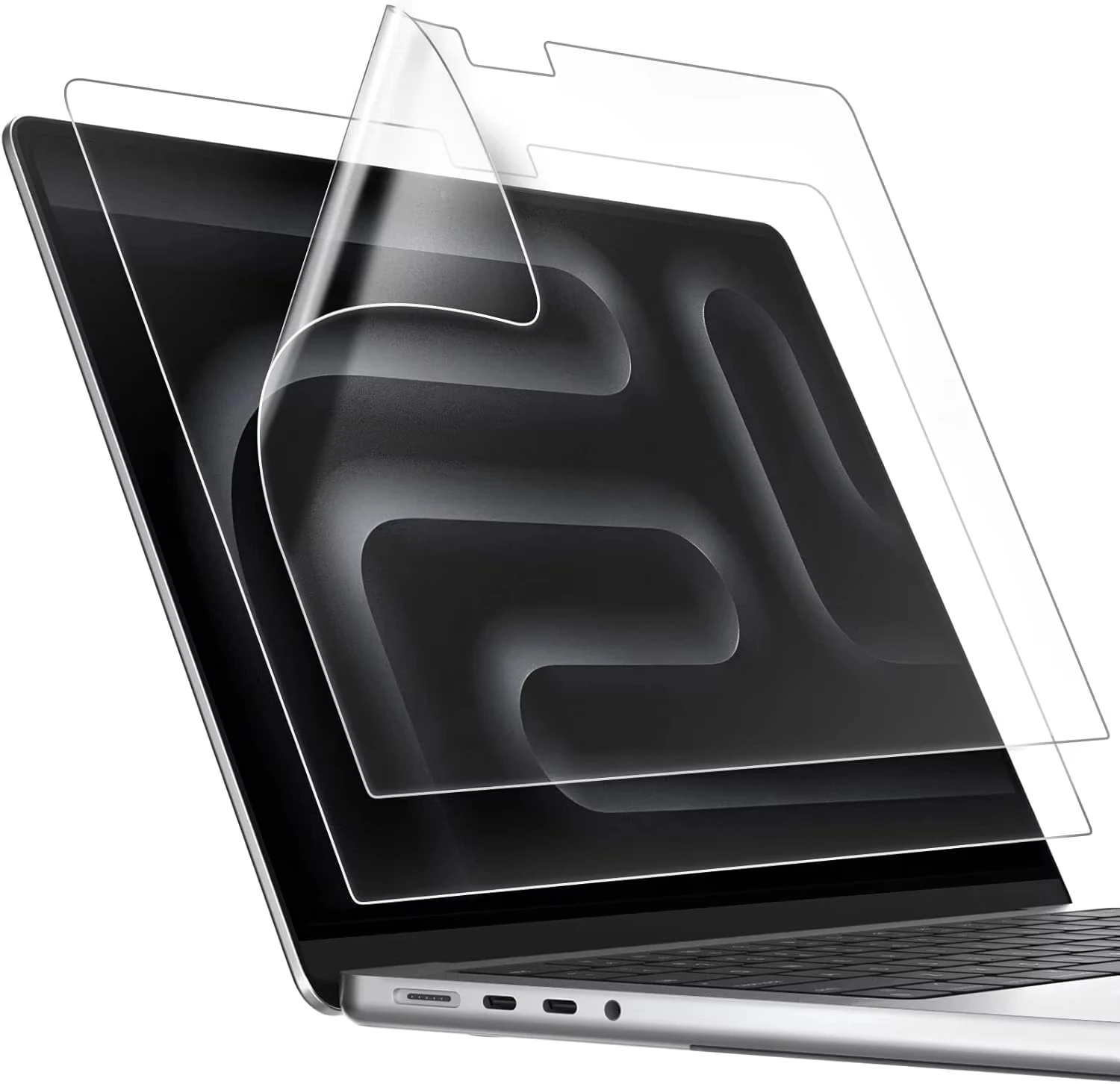
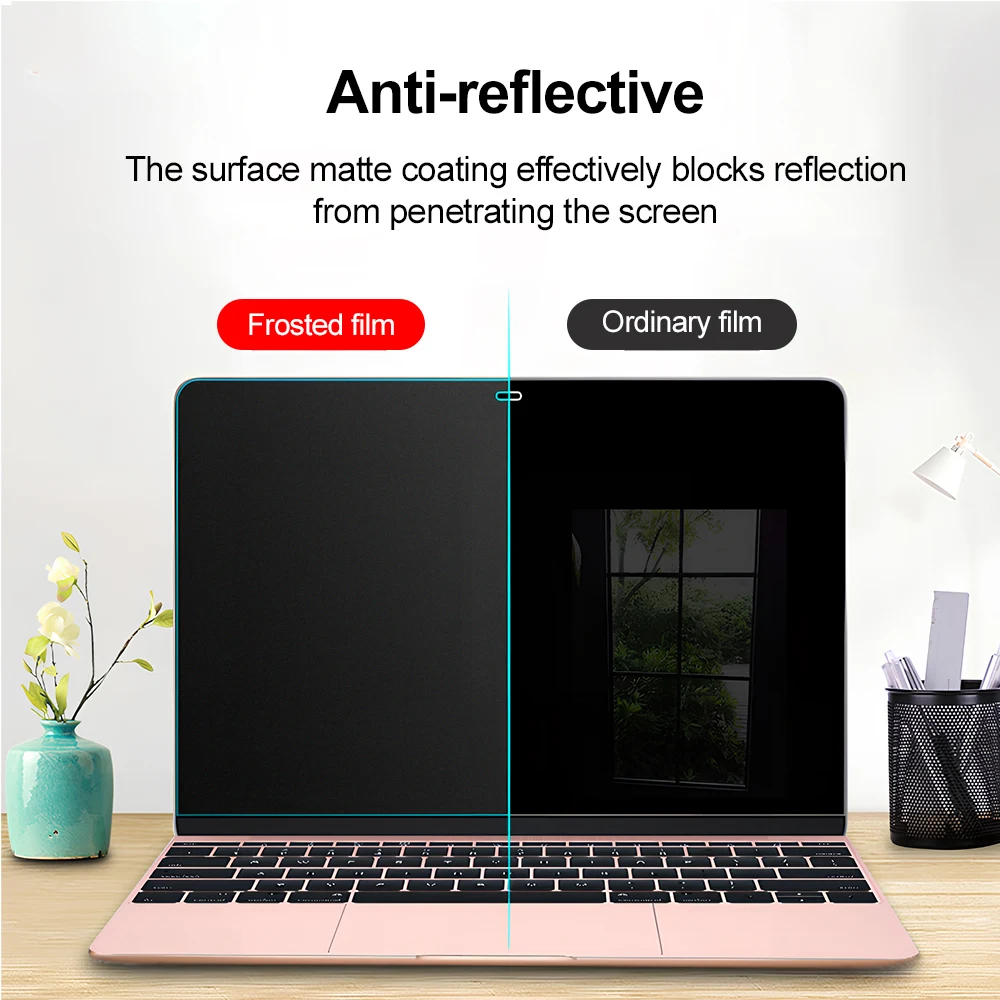
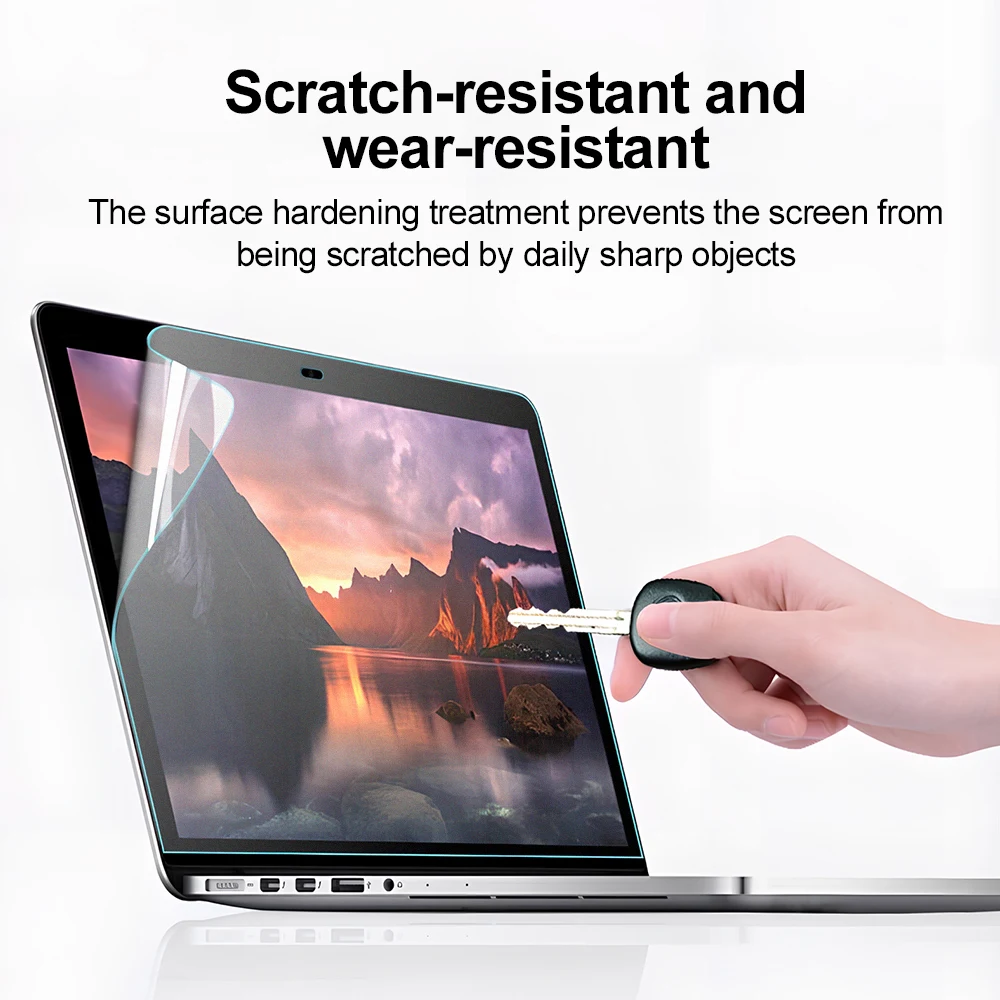
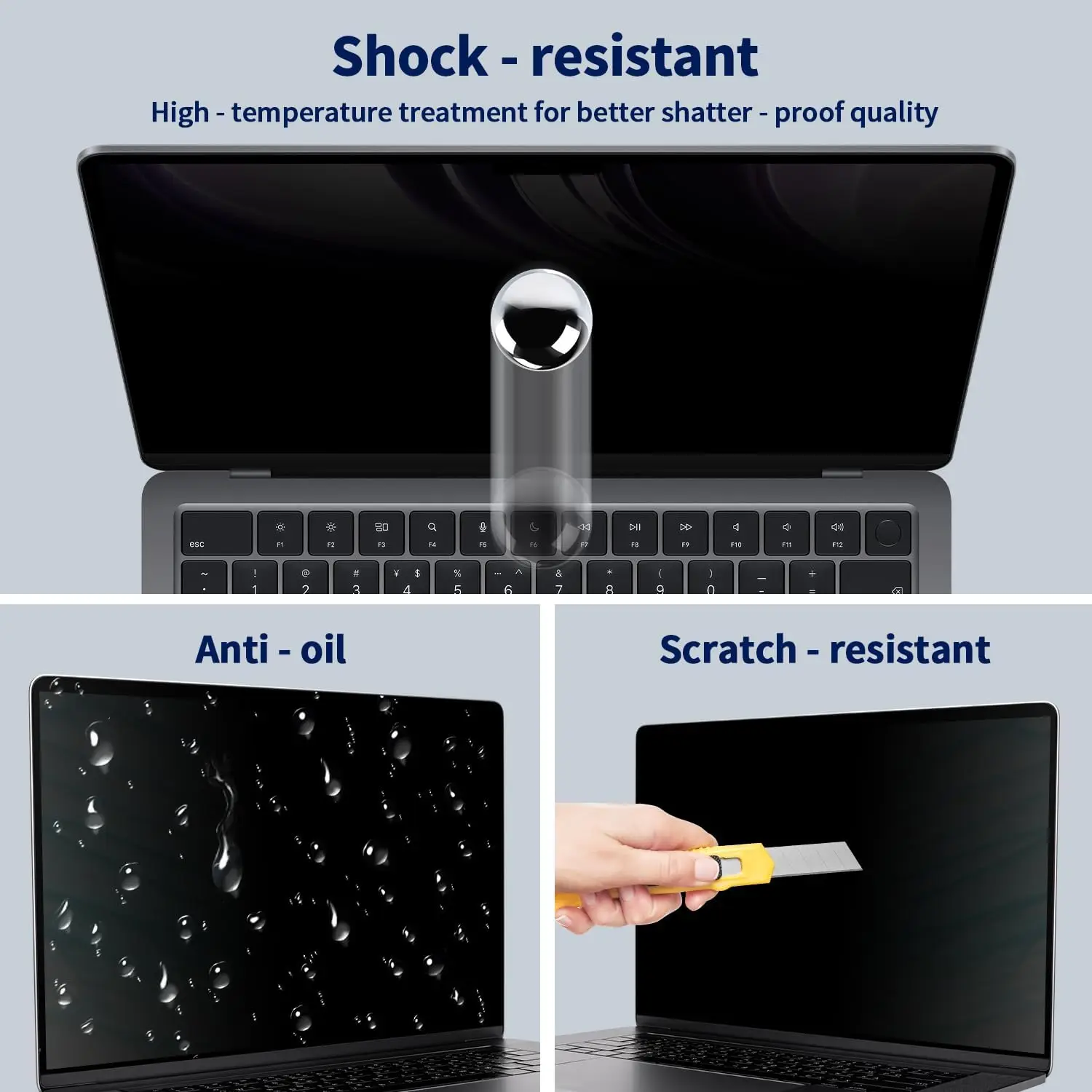
- Laptop screen protectors are matte, clear and blue-light films, and a few tempered glass protectors, cut to fit a laptop's screen.
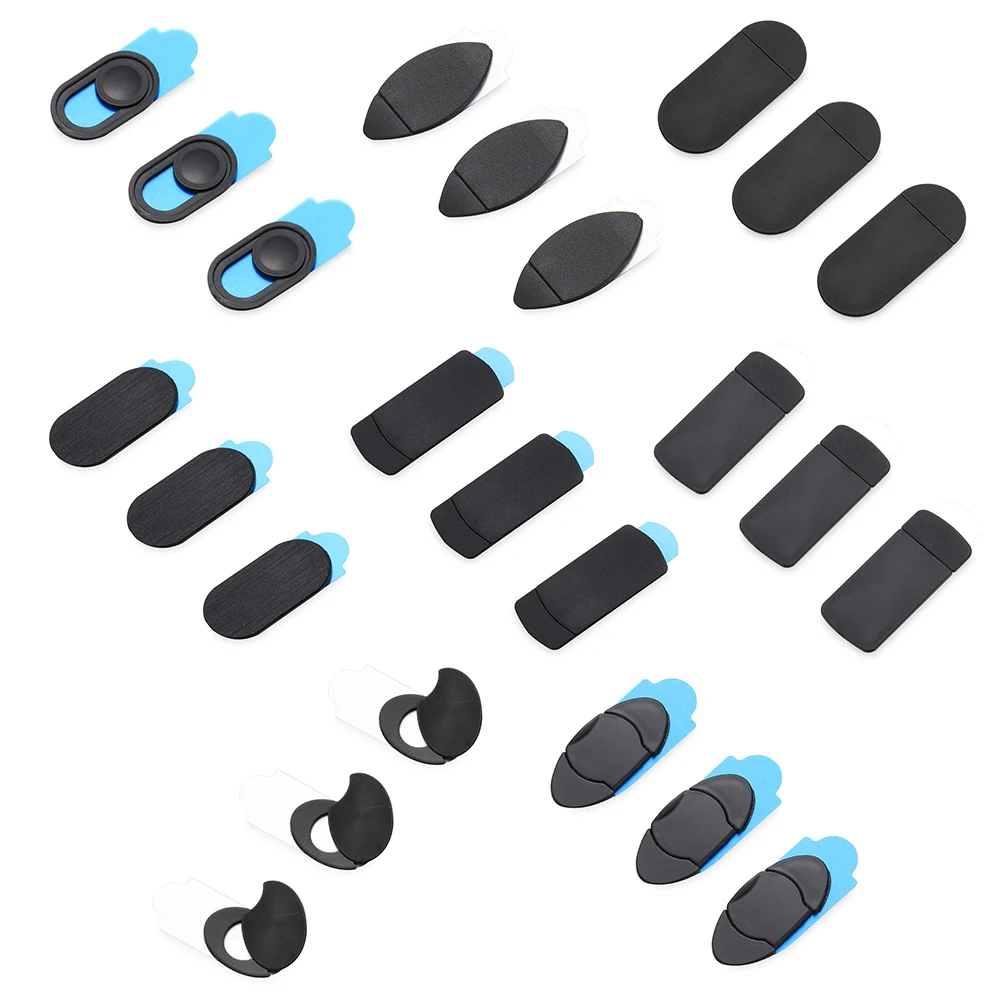
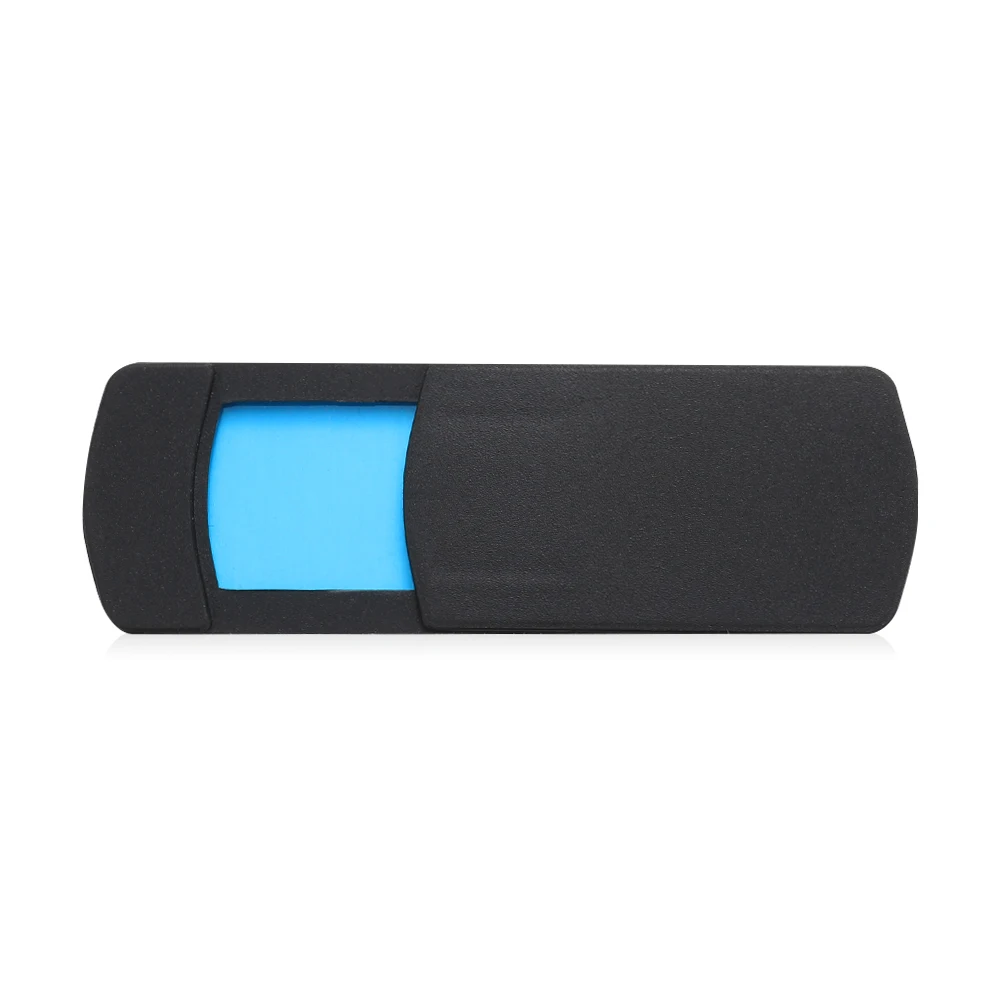
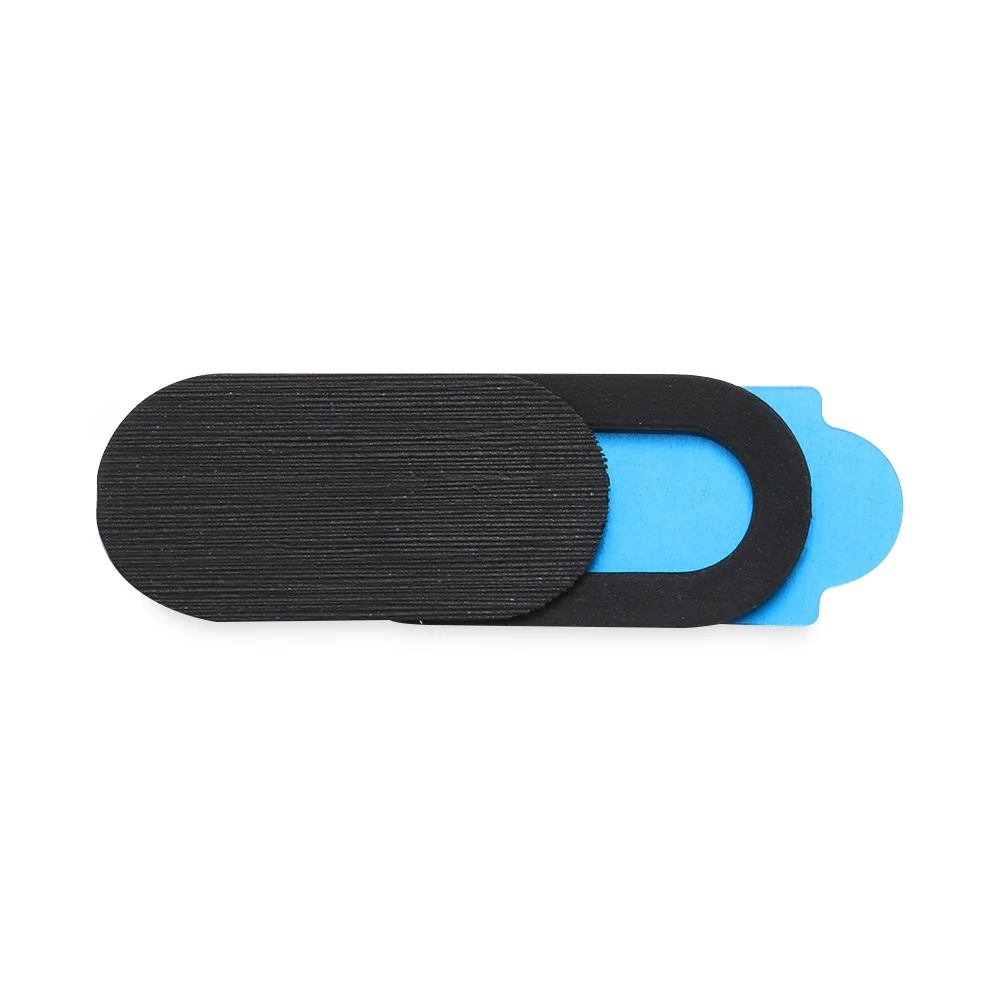
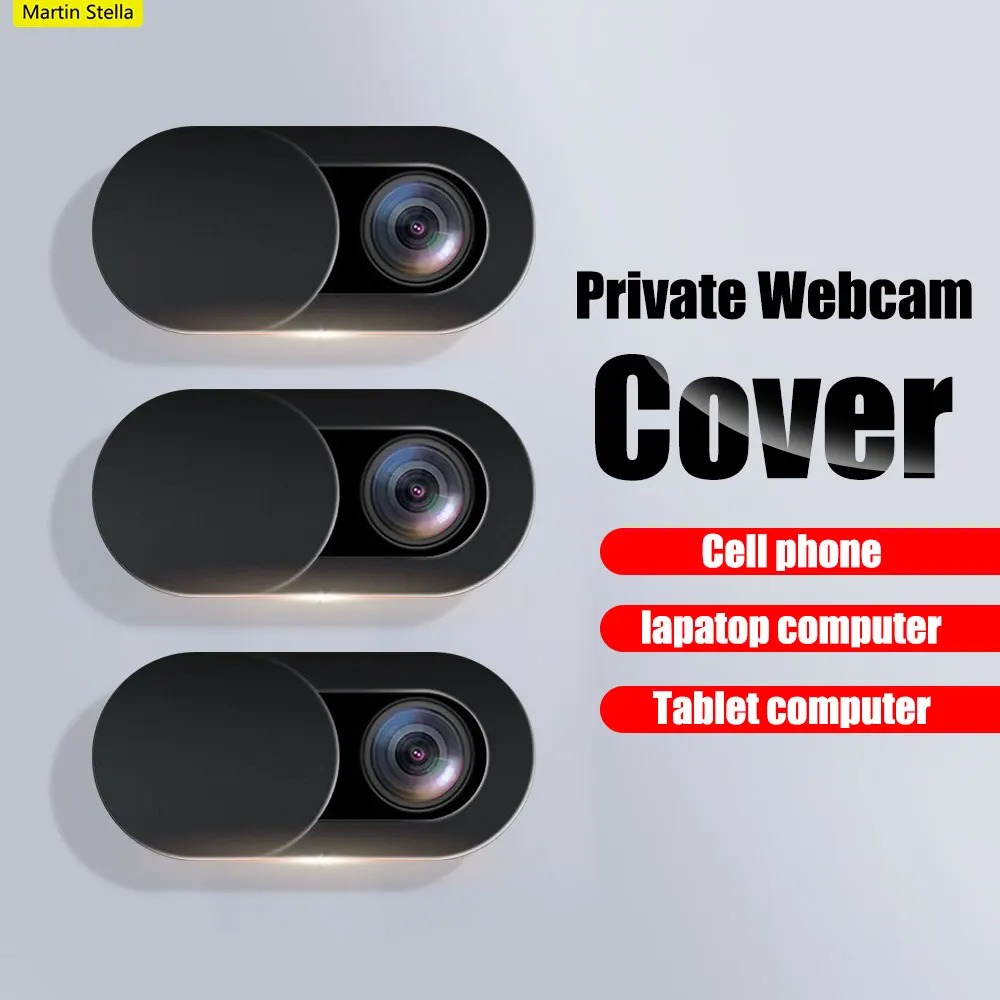
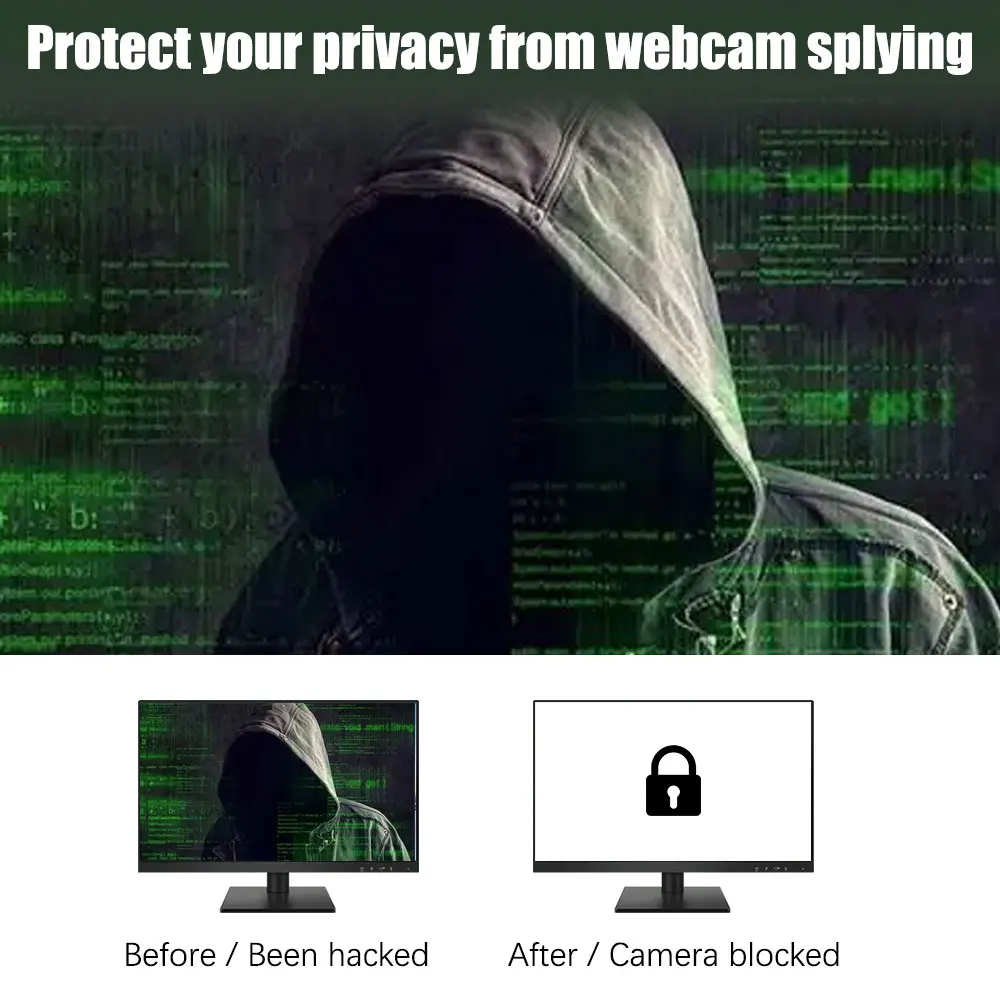
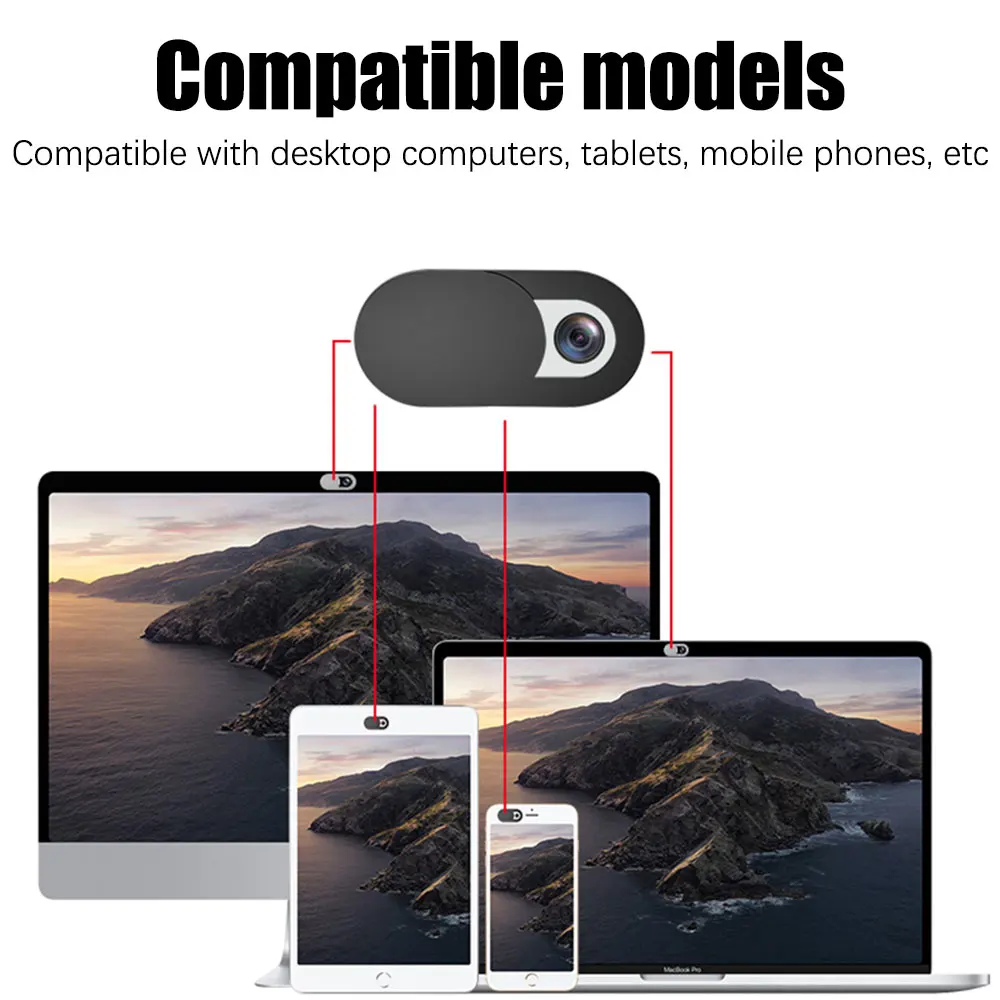
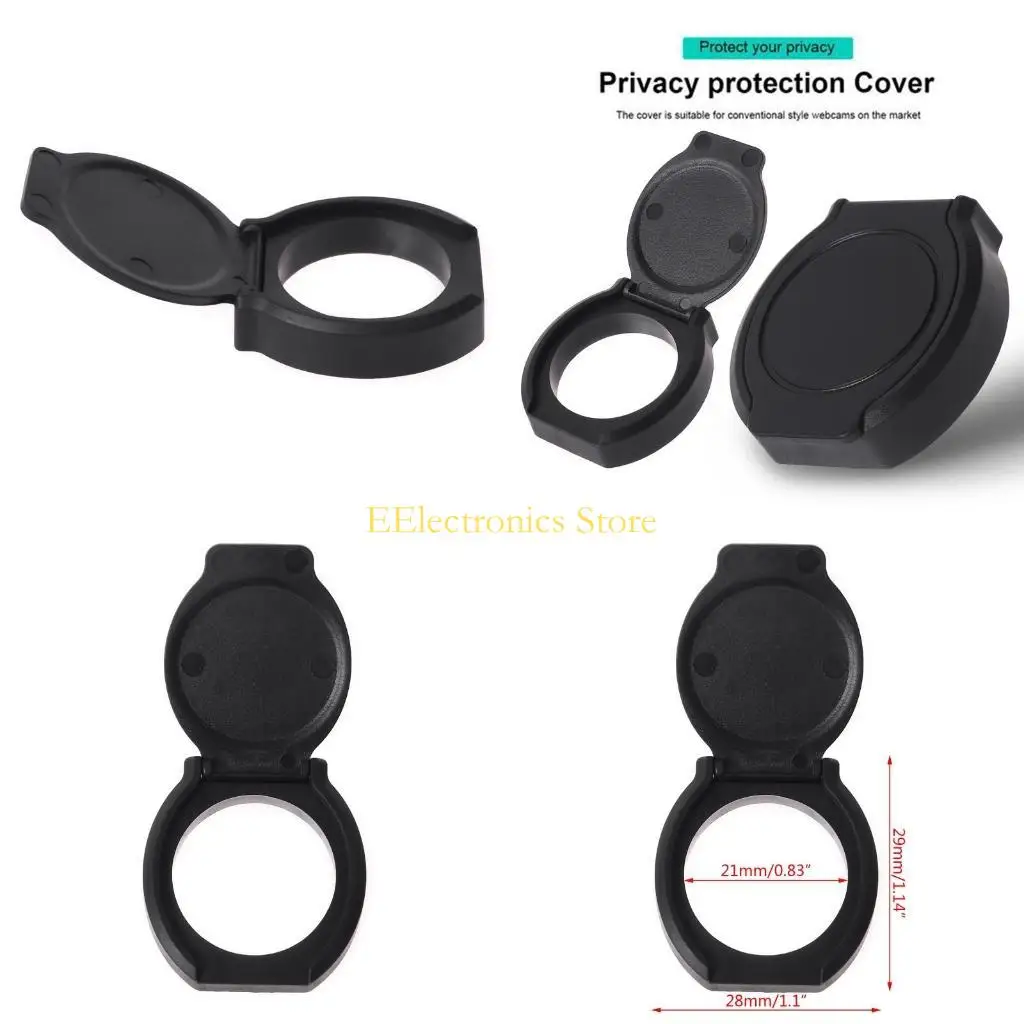
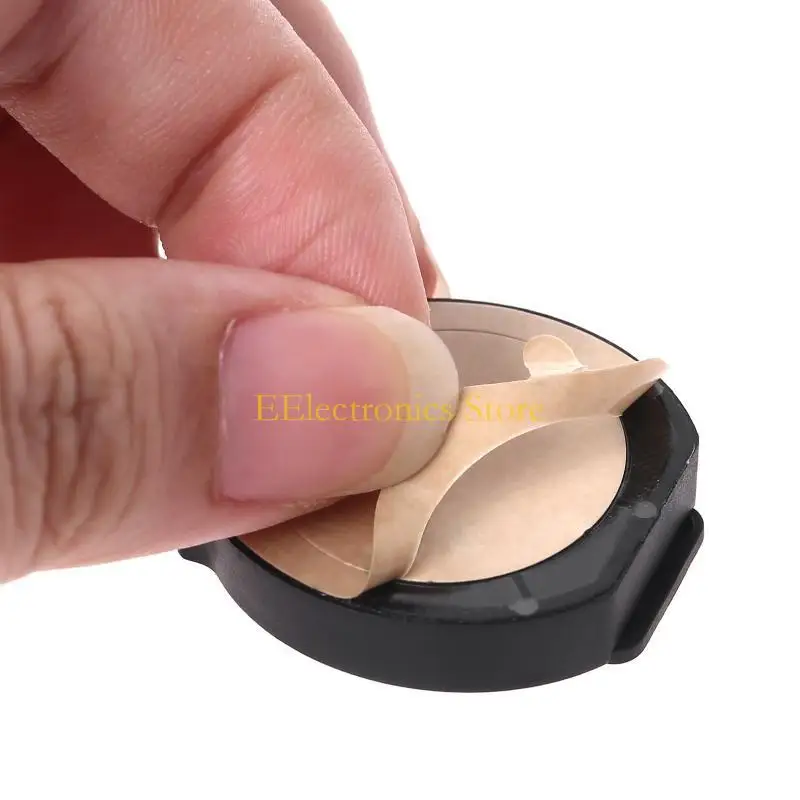
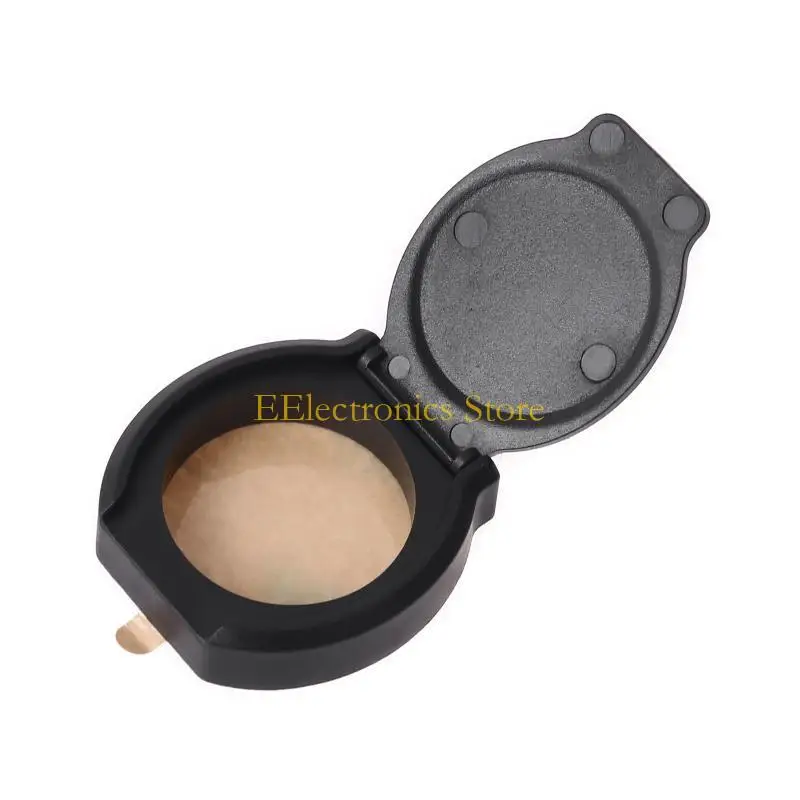
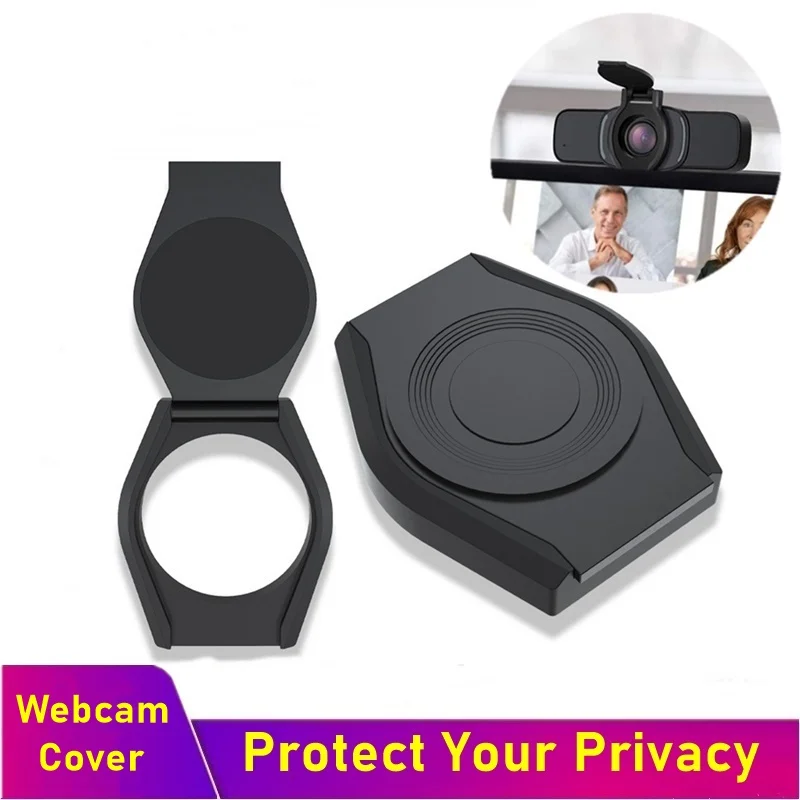
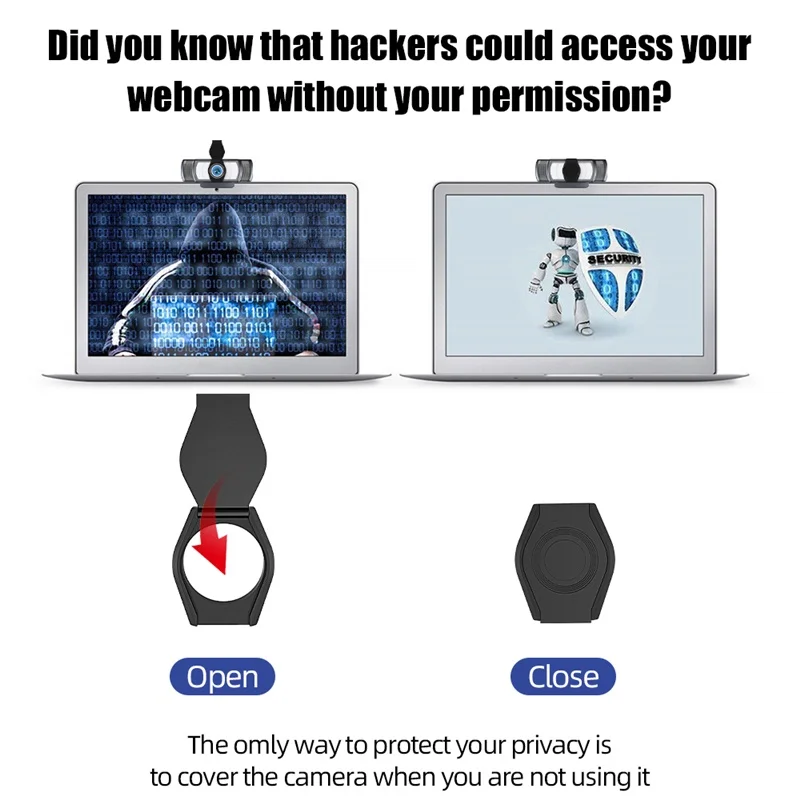
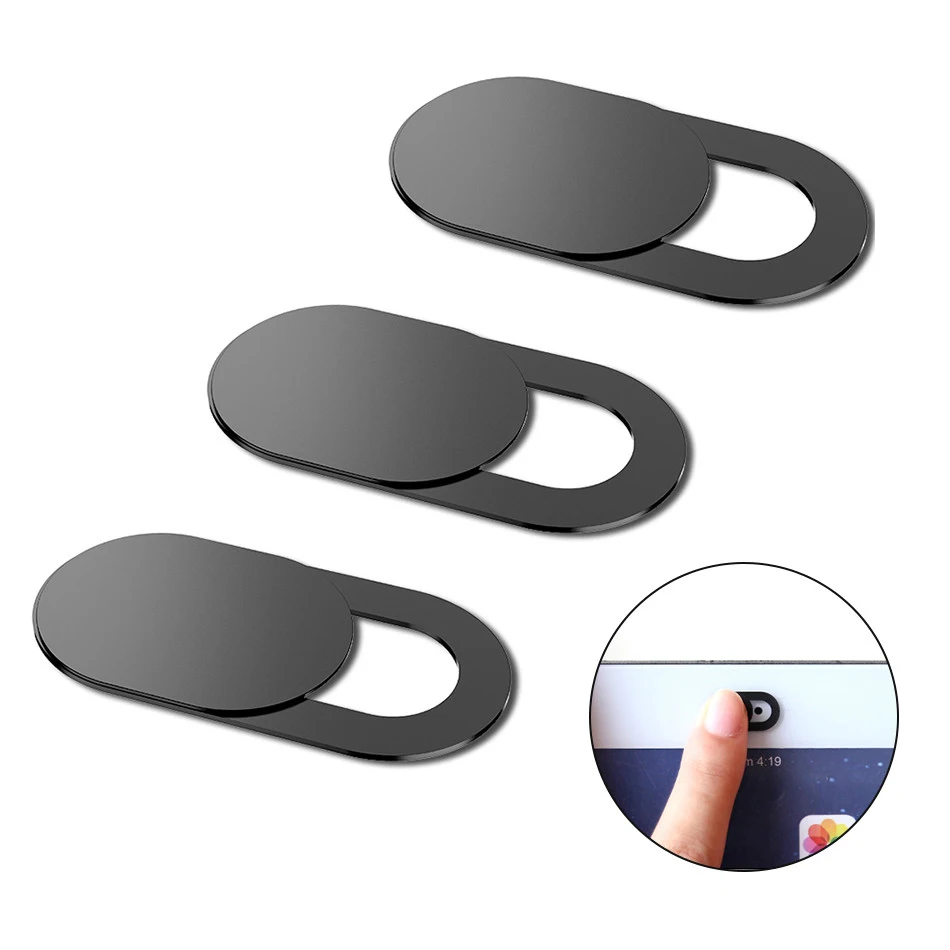
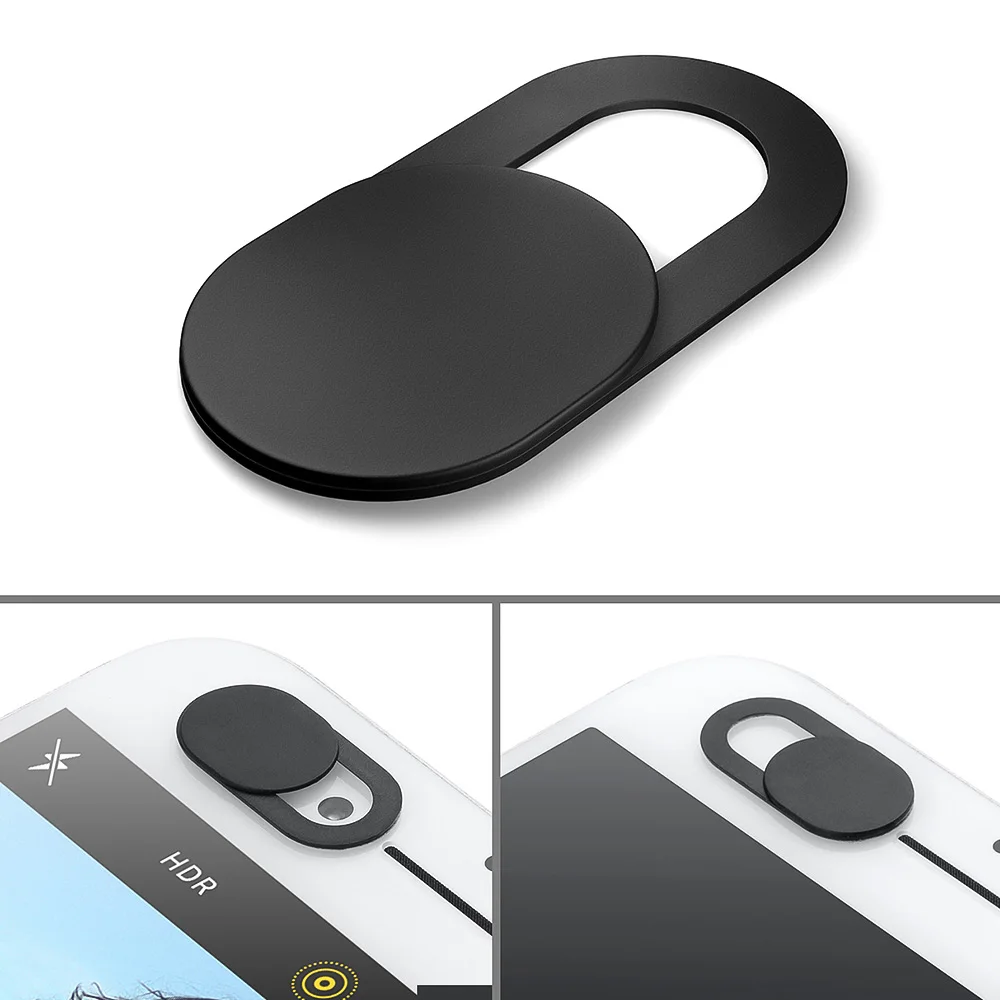
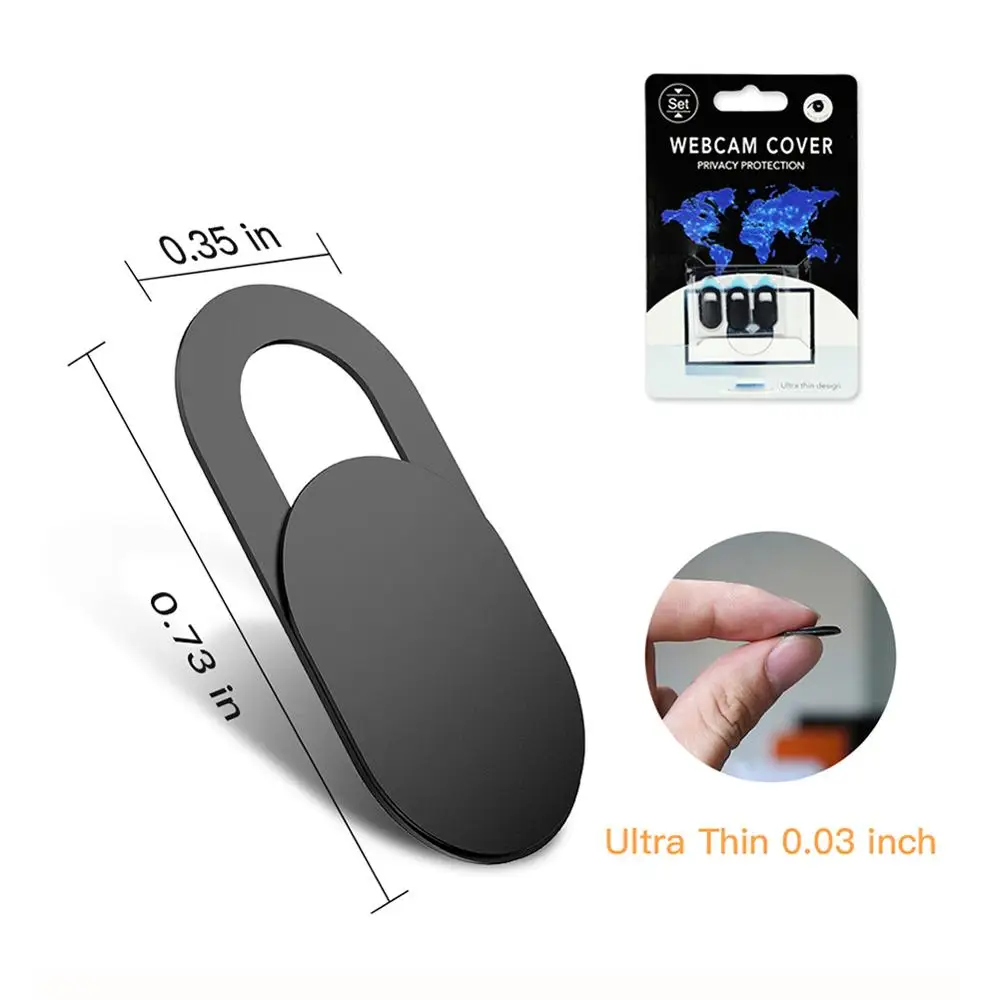
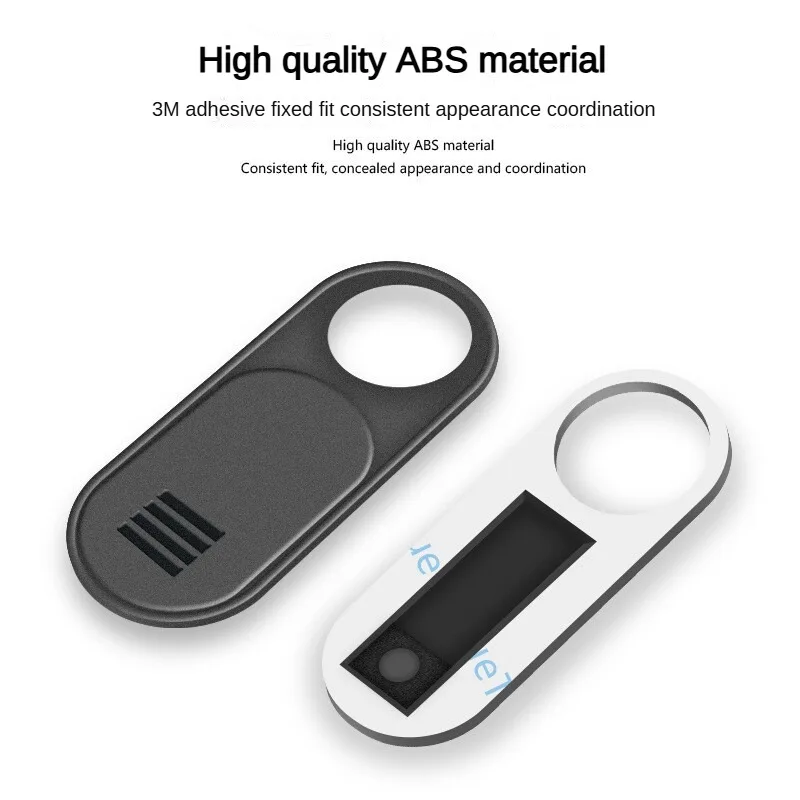
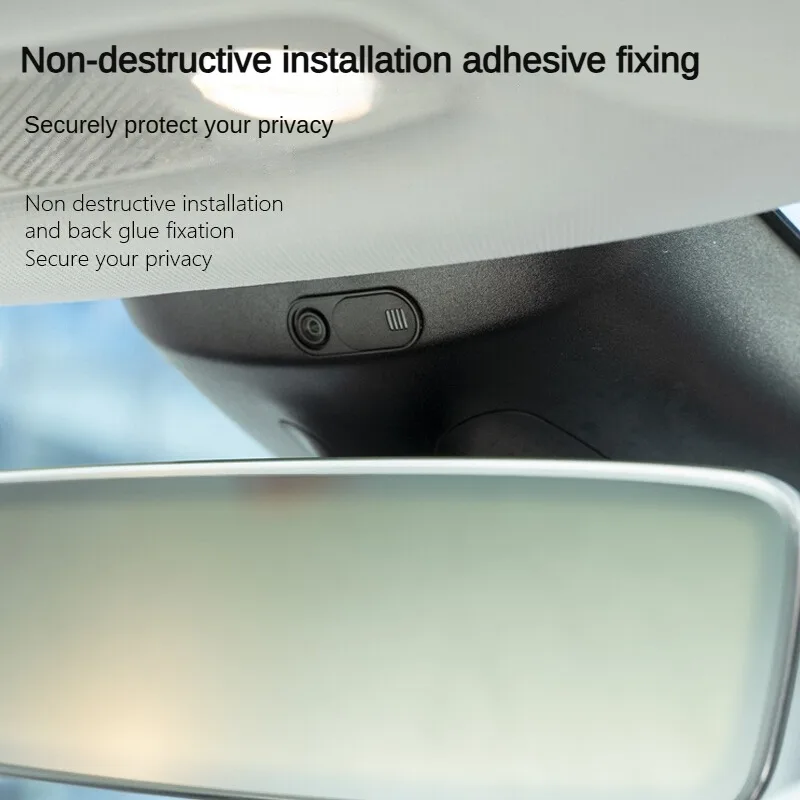
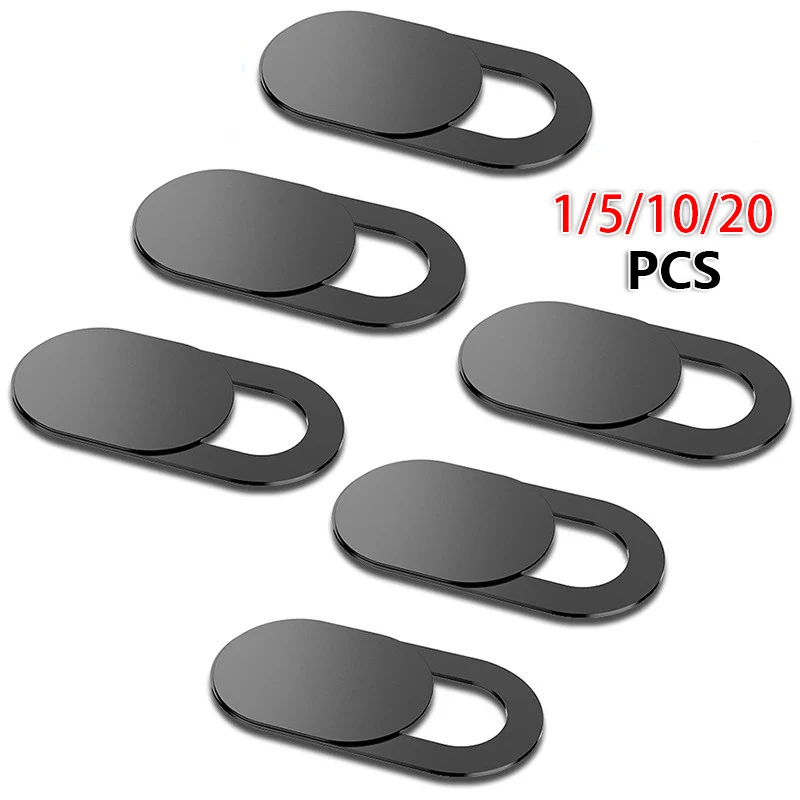
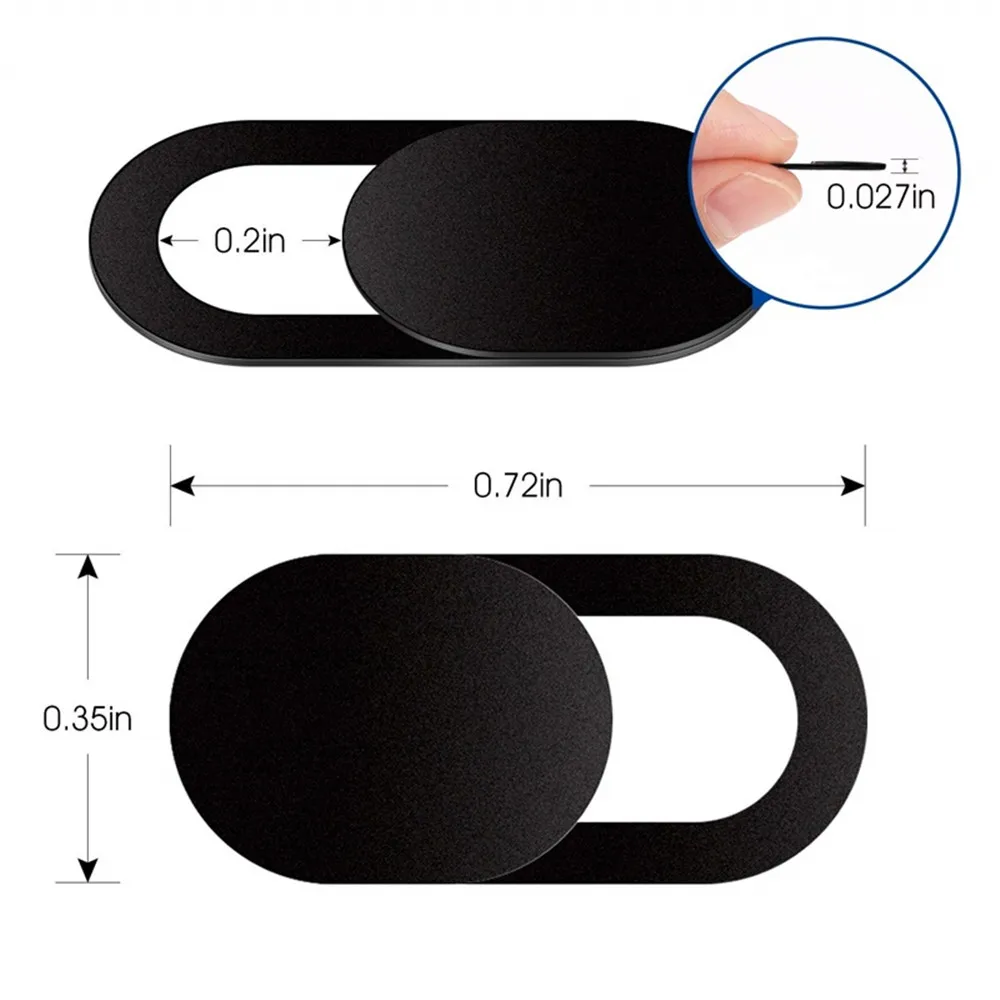
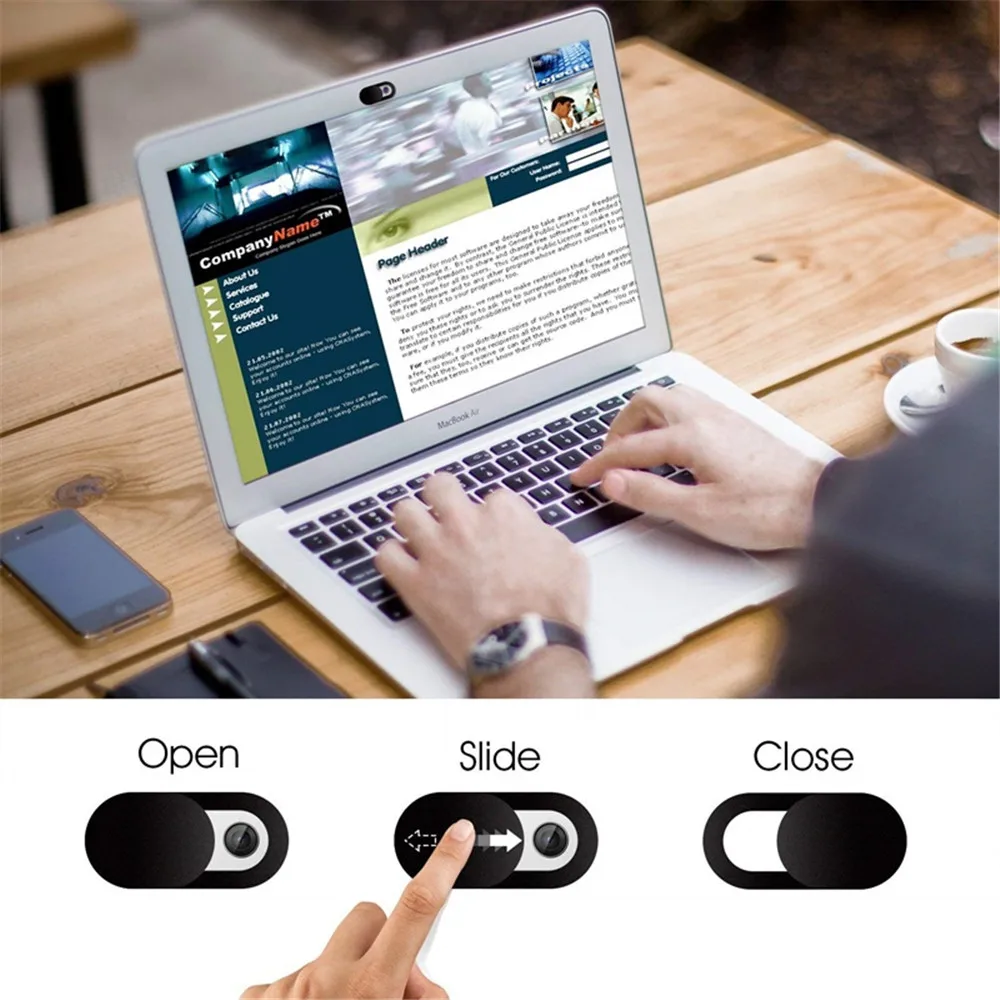
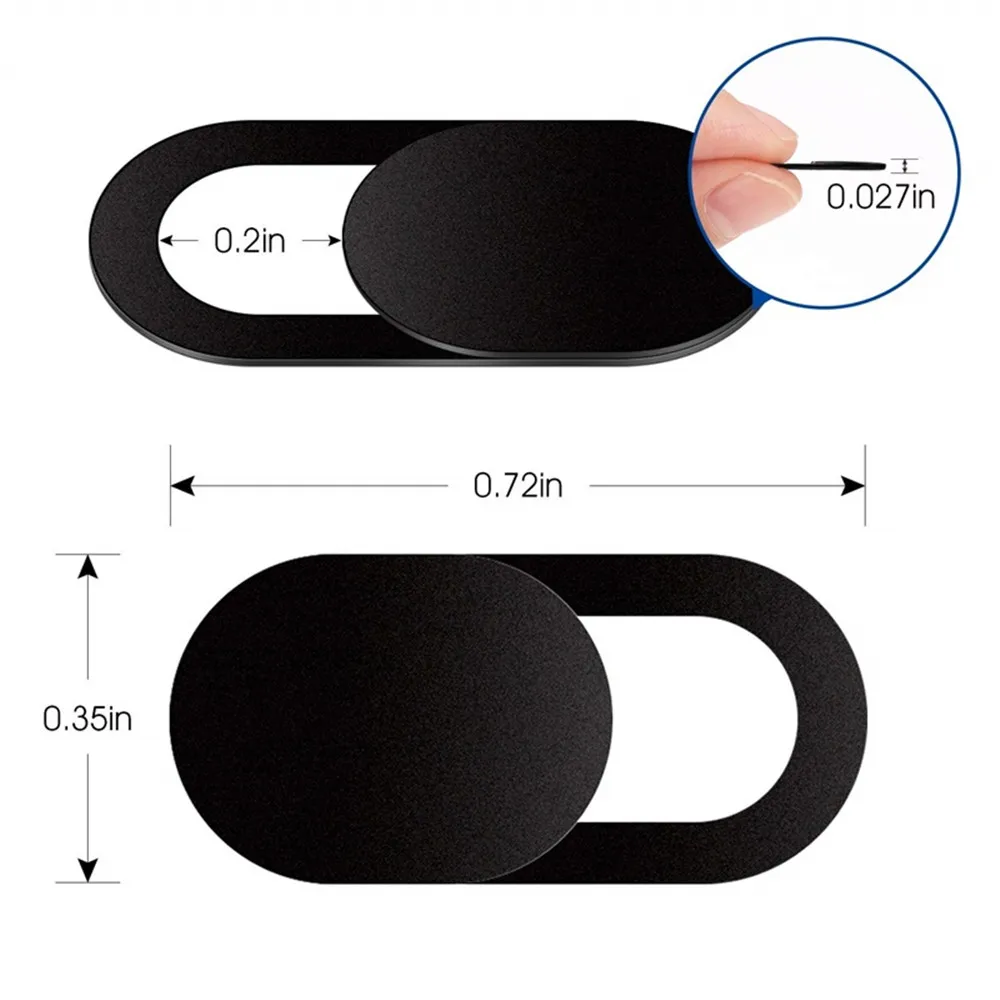
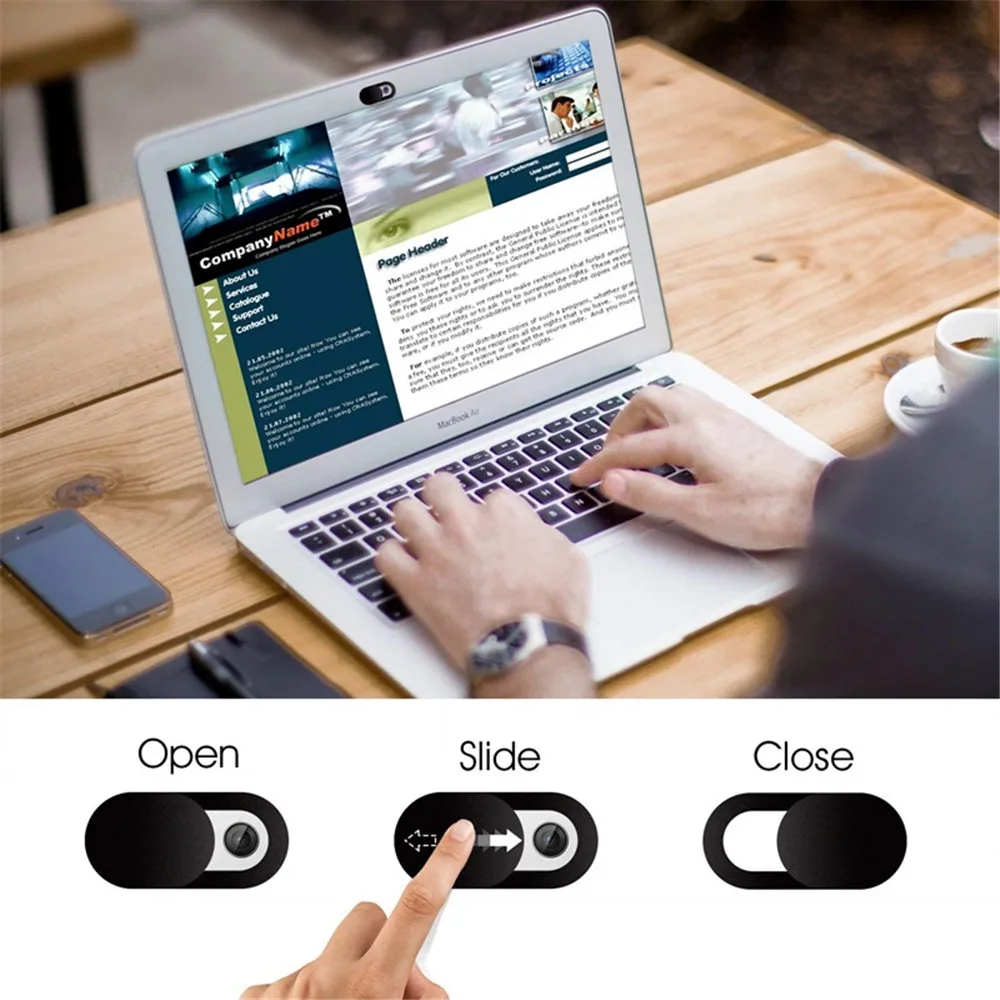
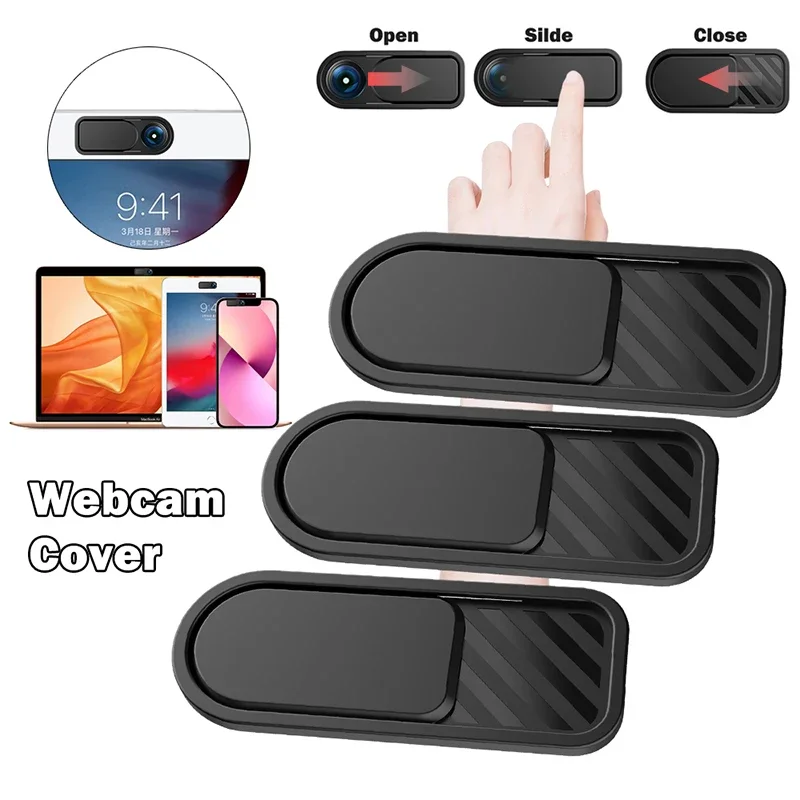
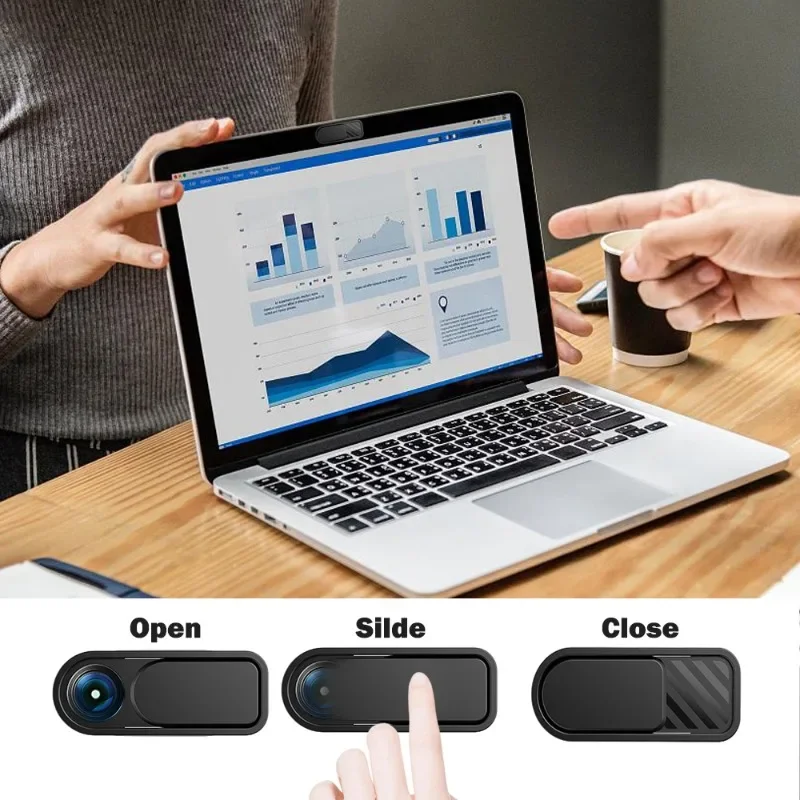
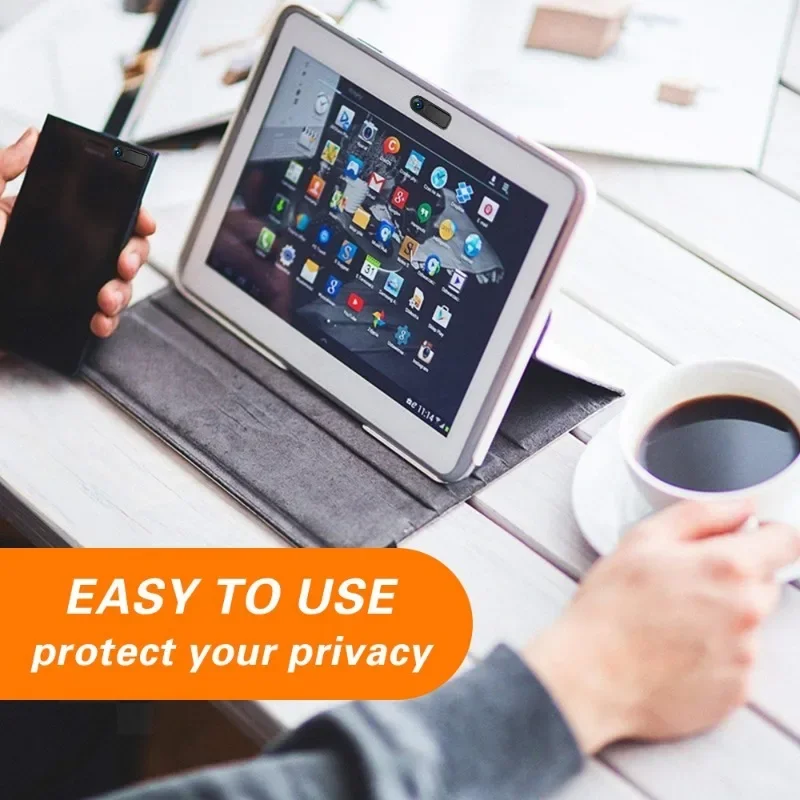
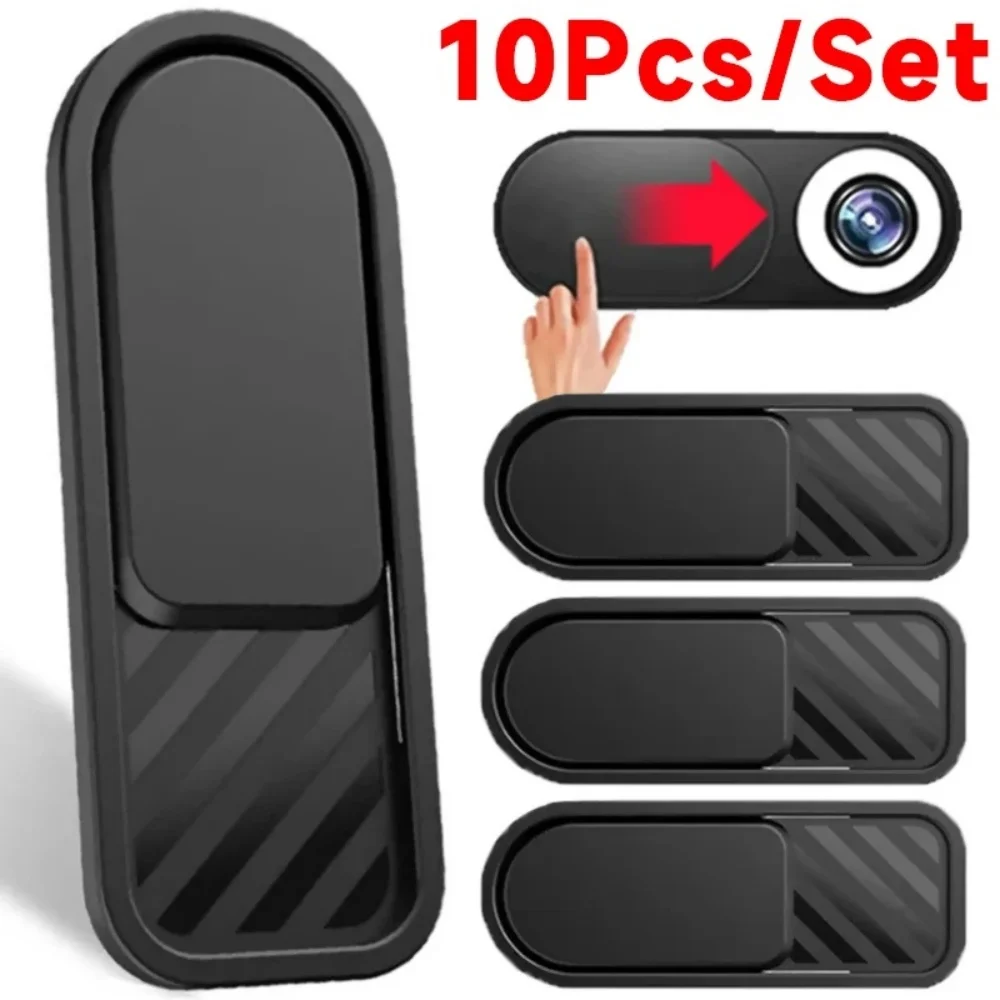
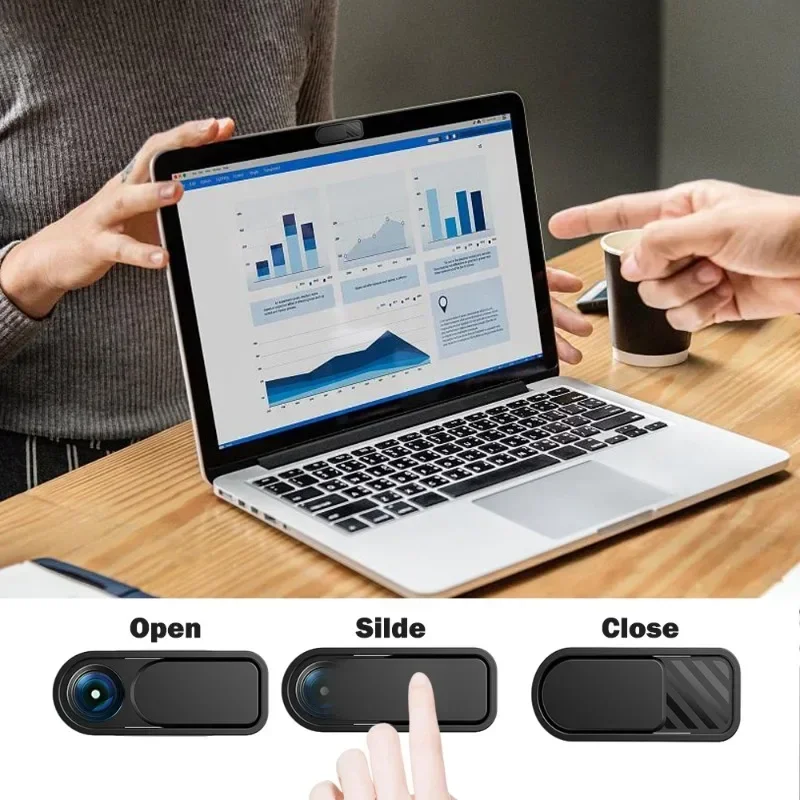
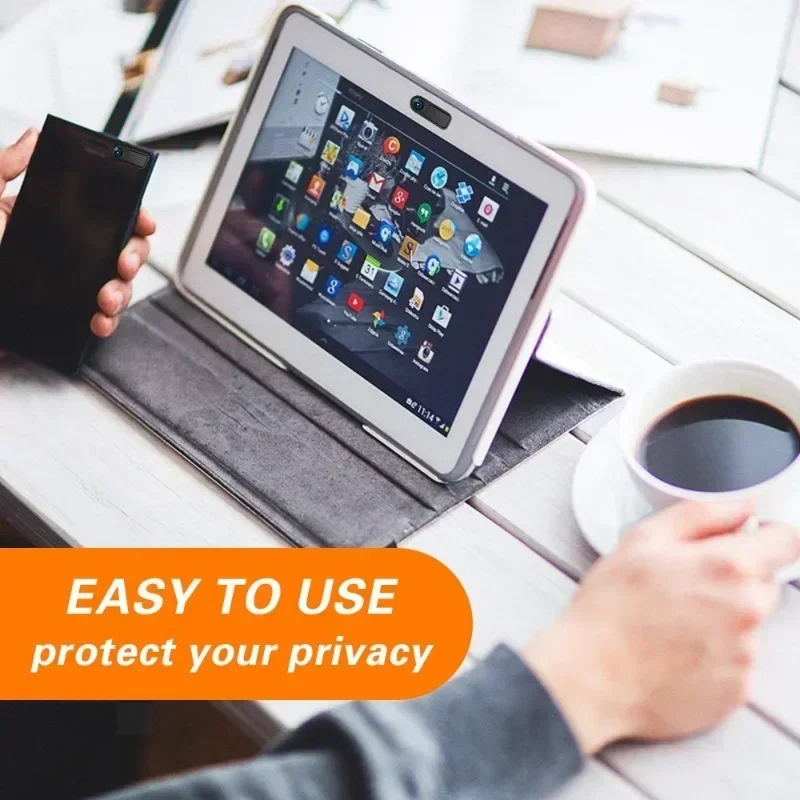
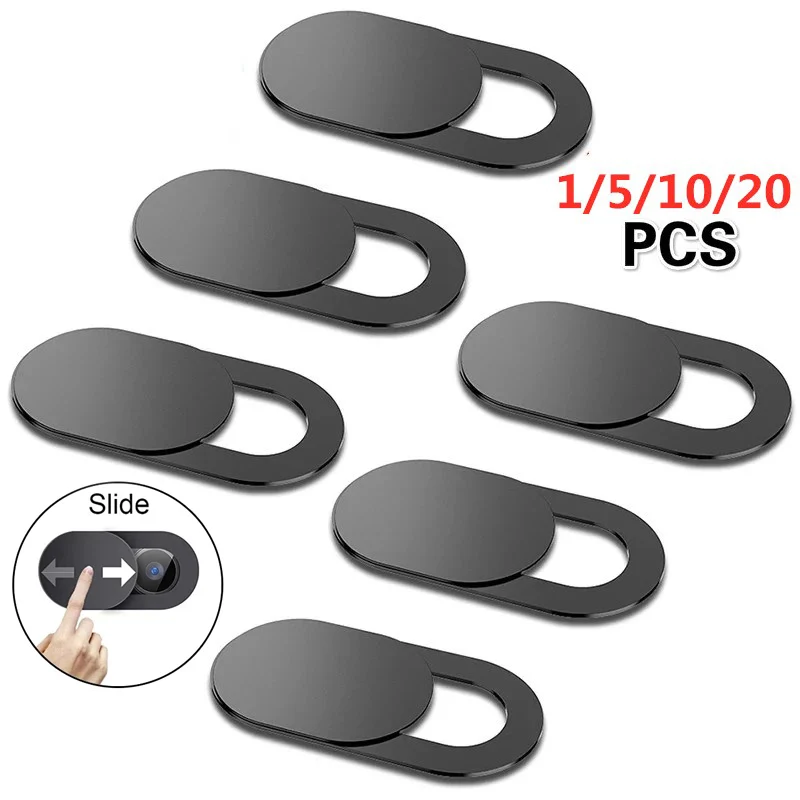
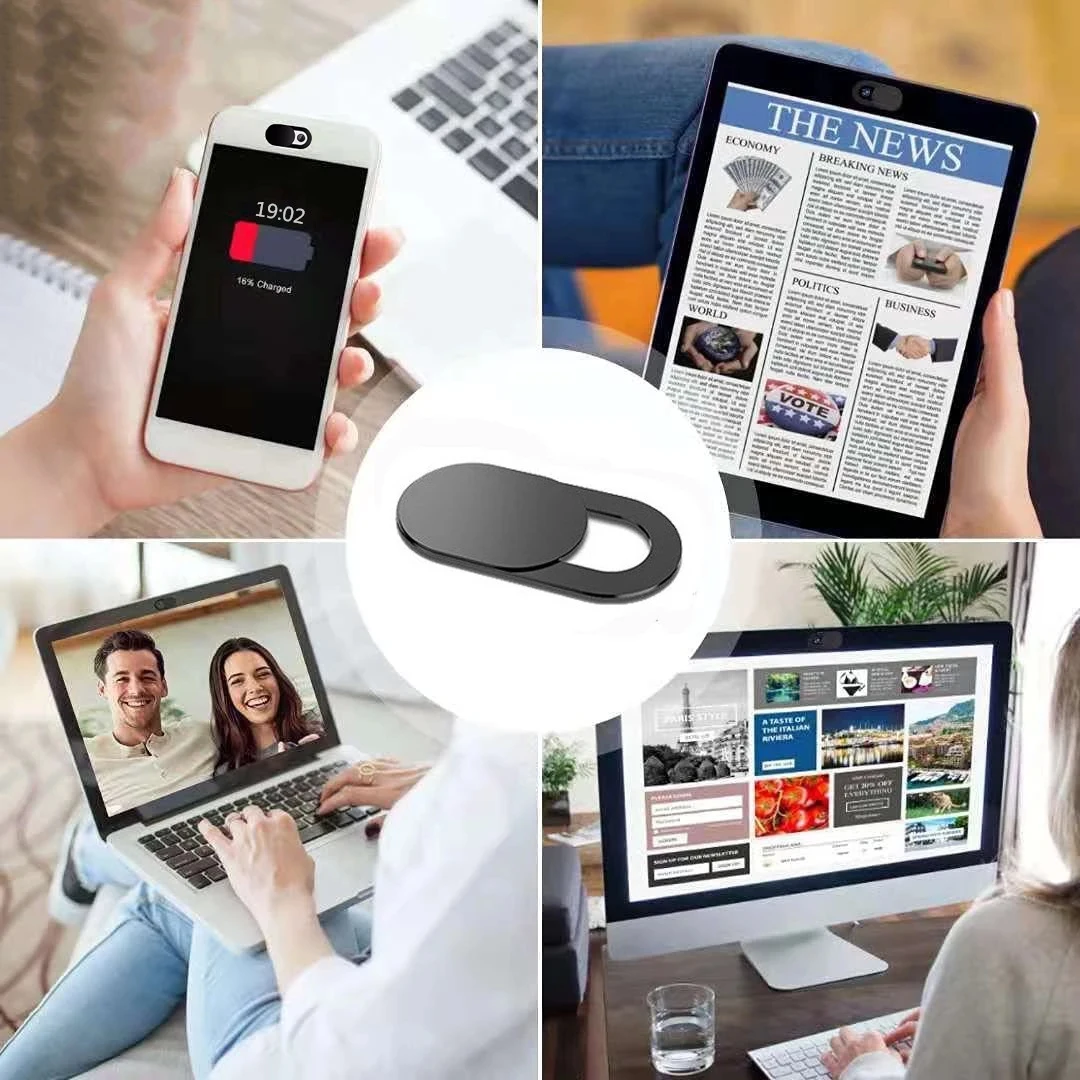
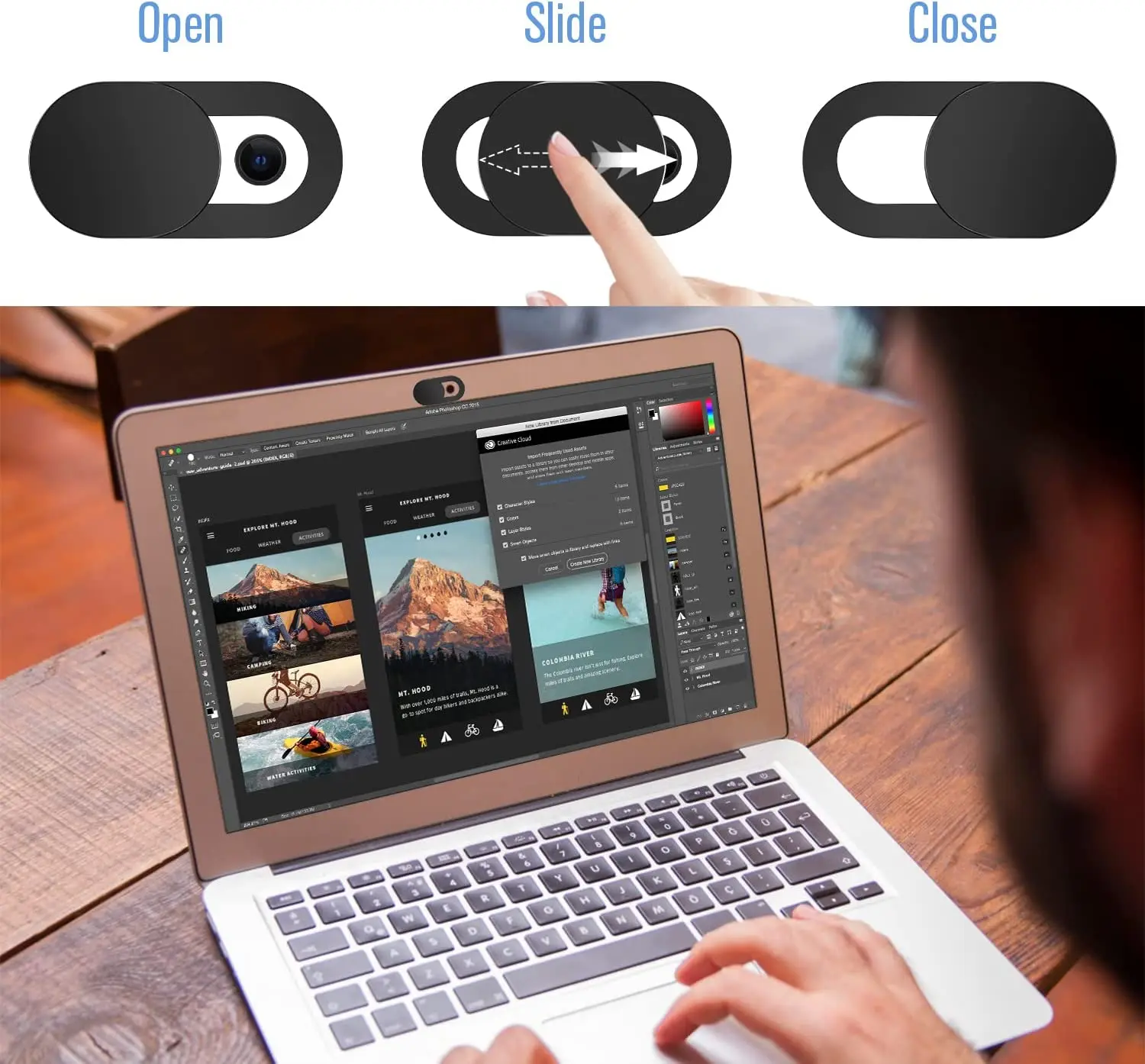
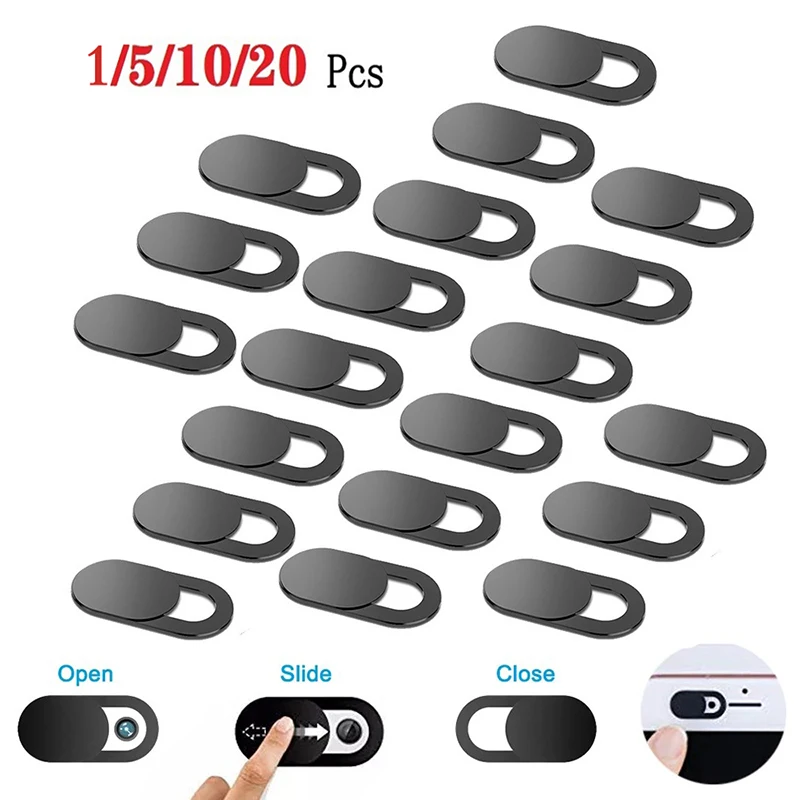
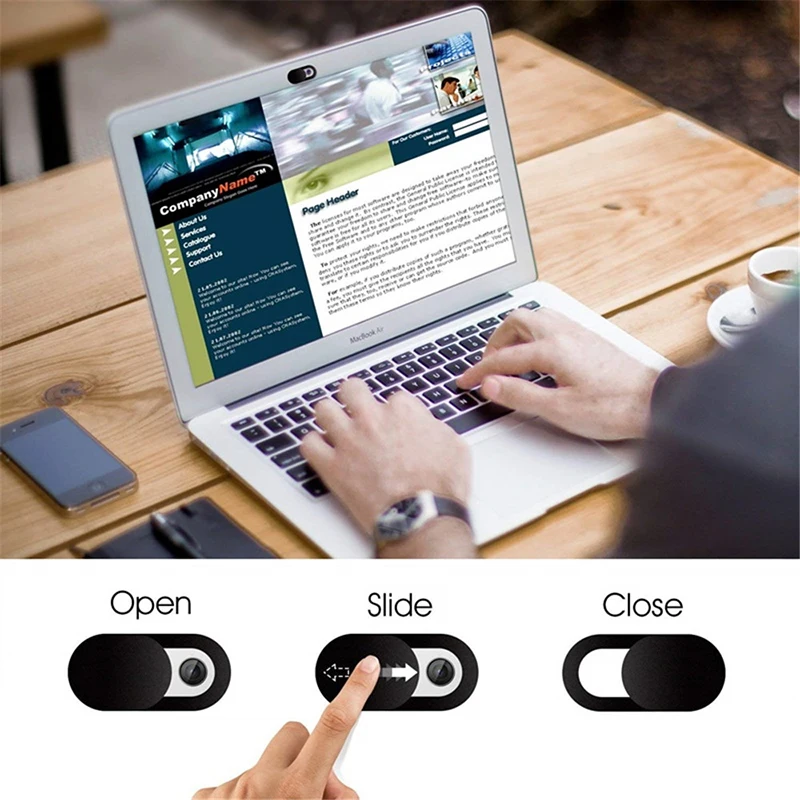
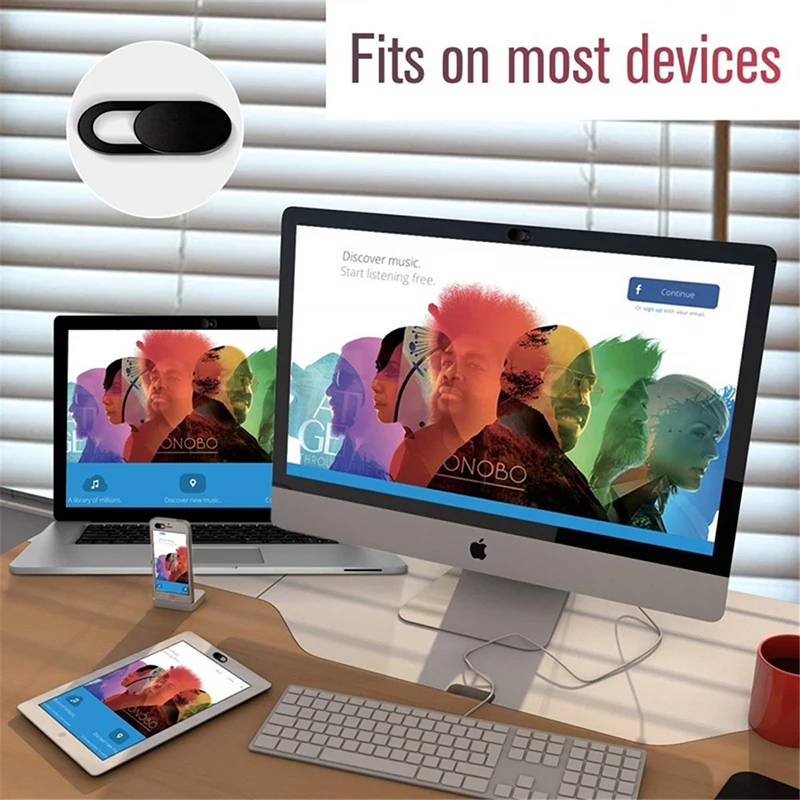
- Webcam covers are small sliding shutters that stick beside the camera and close over it.
Which you need
If you work at one desk, a full-size monitor on a desk is the usual answer, and the hubs, docks and adapters connect one. A portable monitor makes sense when the second screen has to travel: to the office on some days, to a hotel, to a client. An extender suits people who want the most screen in the smallest space, and do not mind the extra weight on the lid.
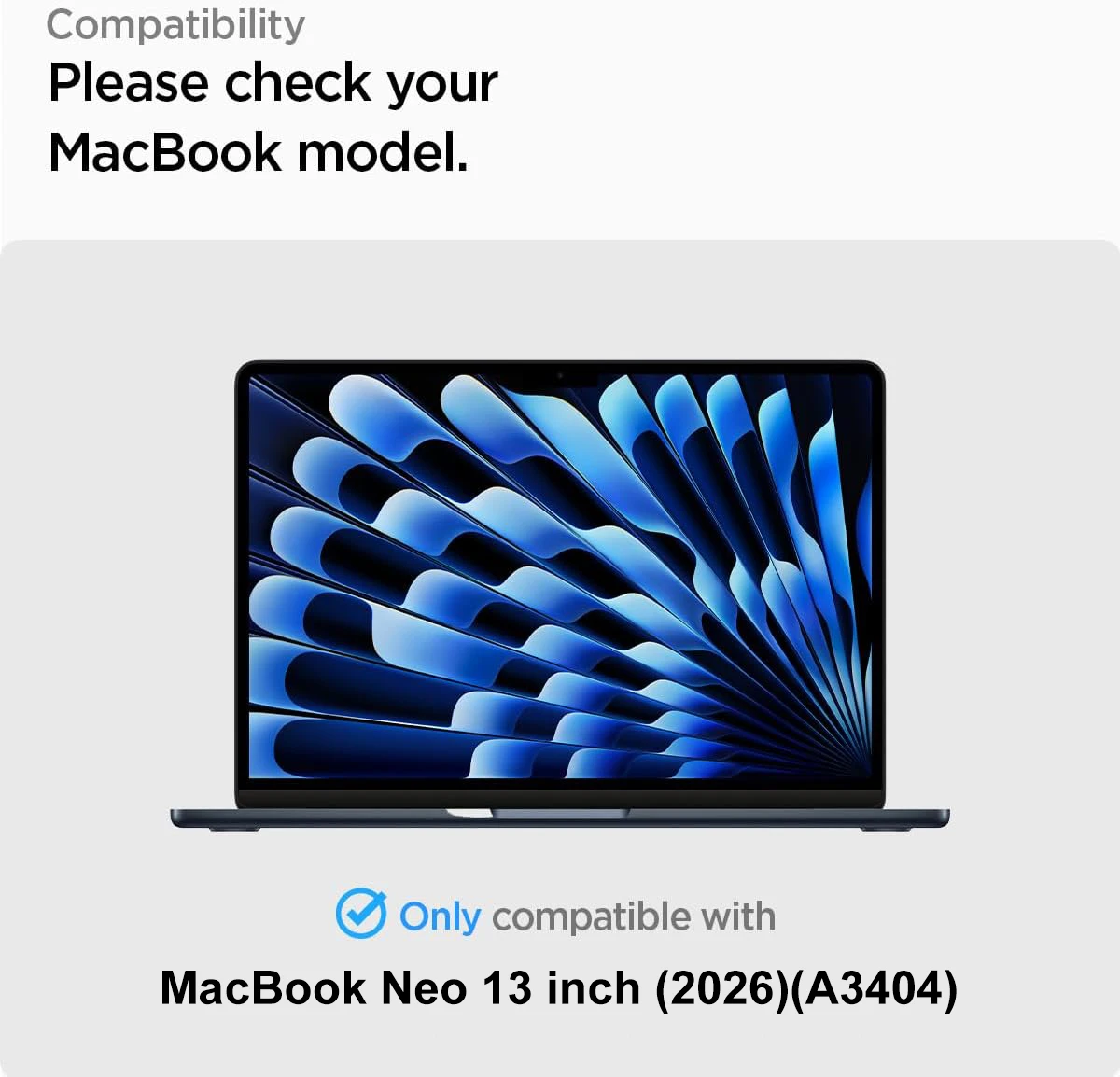
For protection, start with what bothers you. People reading over your shoulder calls for a privacy filter. Reflections from a window or bright lights call for a matte anti-glare film, though the Health and Safety Executive's advice is to move the screen, use the blinds and adjust the brightness first. Scratches call for a clear film or glass. Our guide to privacy and protection goes through each, and portable monitors and screen extenders covers second screens in full.
Questions people ask about screens and screen protection
Will a second screen work with my laptop?
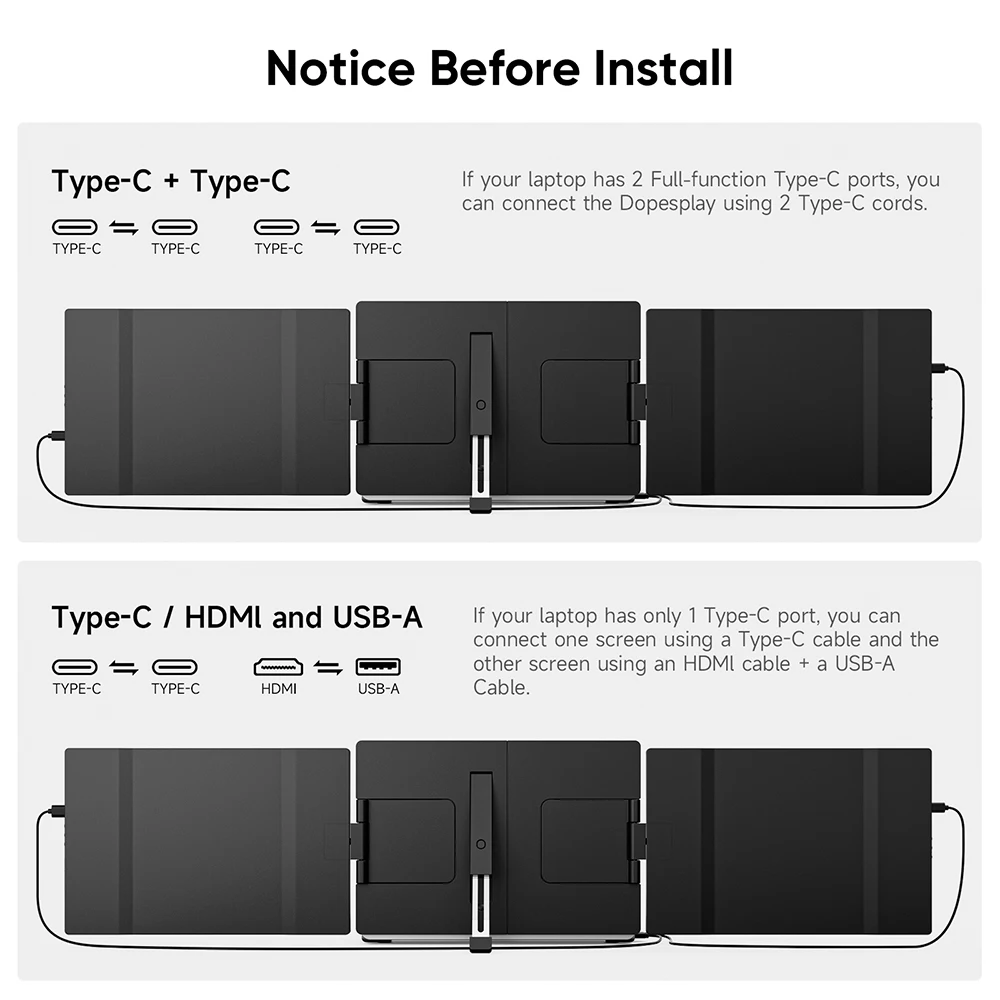
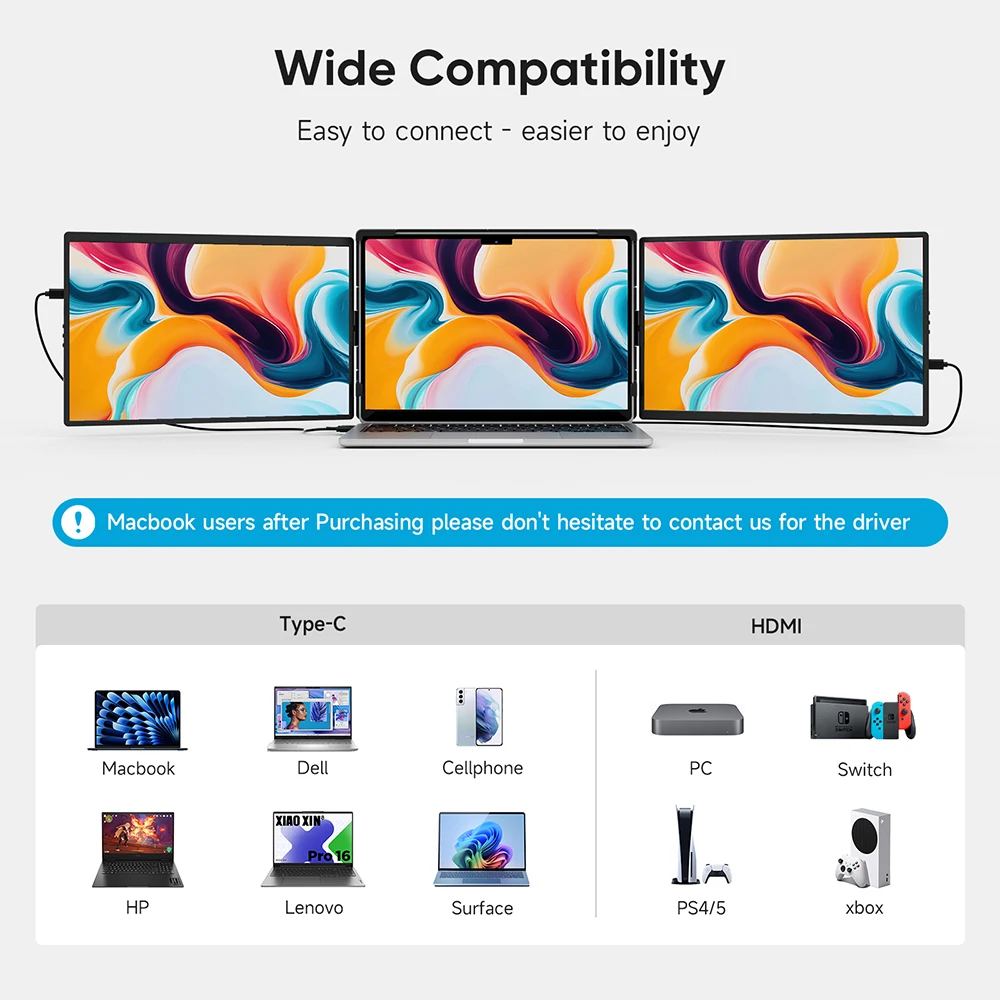
For a one-cable USB-C connection, the laptop's USB-C port has to carry a picture. VESA explains that ports which do usually show a small DisplayPort logo, and the laptop's own documentation will say. Otherwise use HDMI, which most portable monitors also take.
Can a privacy filter and a screen protector be used together?
Most privacy filters also protect the screen from scratches, so one is usually enough. A removable magnetic filter can sit over a thin film if you want both.
Do I need a webcam cover?
It is a personal choice. A cover gives a physical block you can see, but on a MacBook Apple advises against closing the lid with a cover thicker than 0.1mm. The webcam covers page explains more.
How long does delivery take?
Delivery is included in every price and tracked to your door. Each product page says when that item usually arrives, so check it before ordering for a set date.
More to look at