A desk set-up through one cable
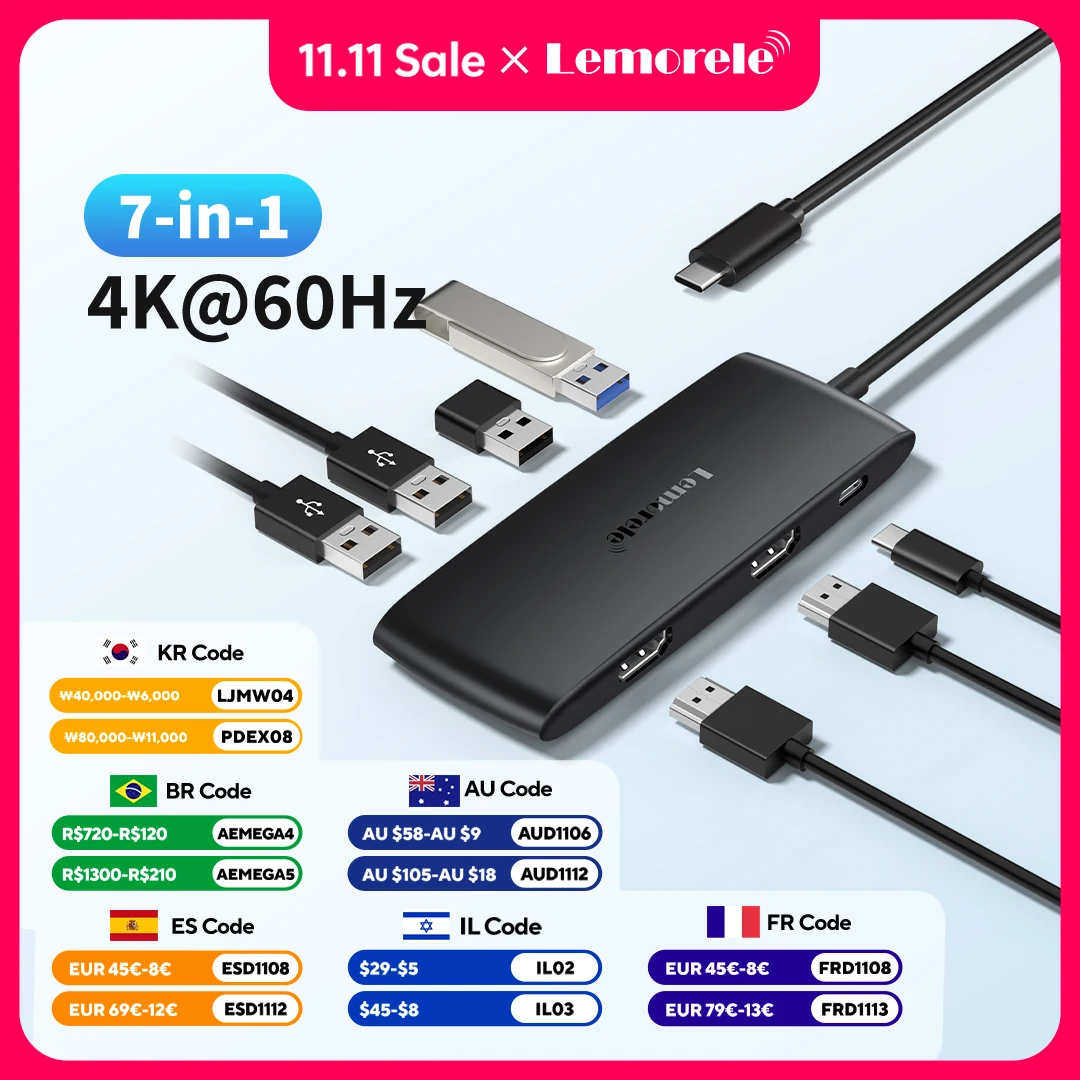
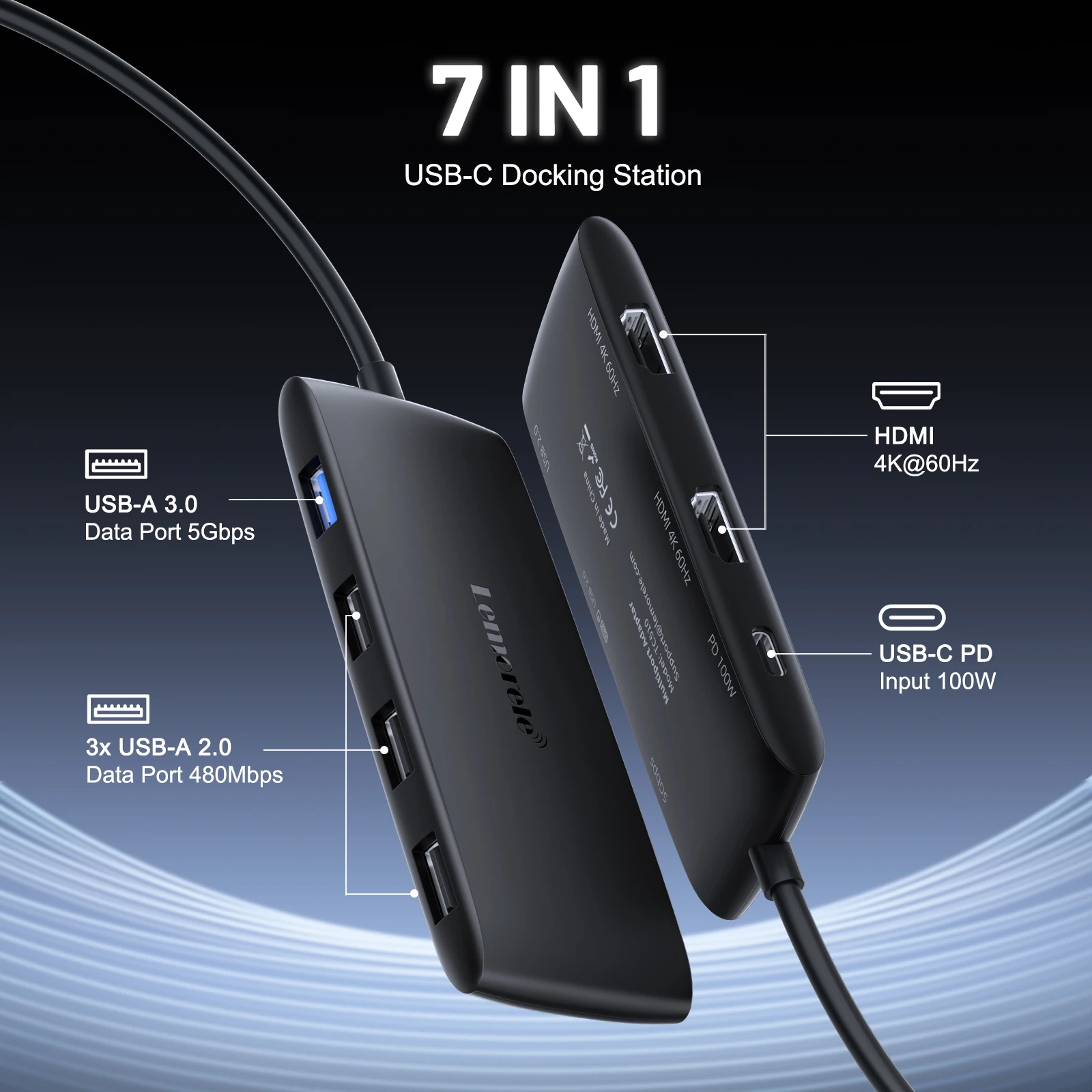
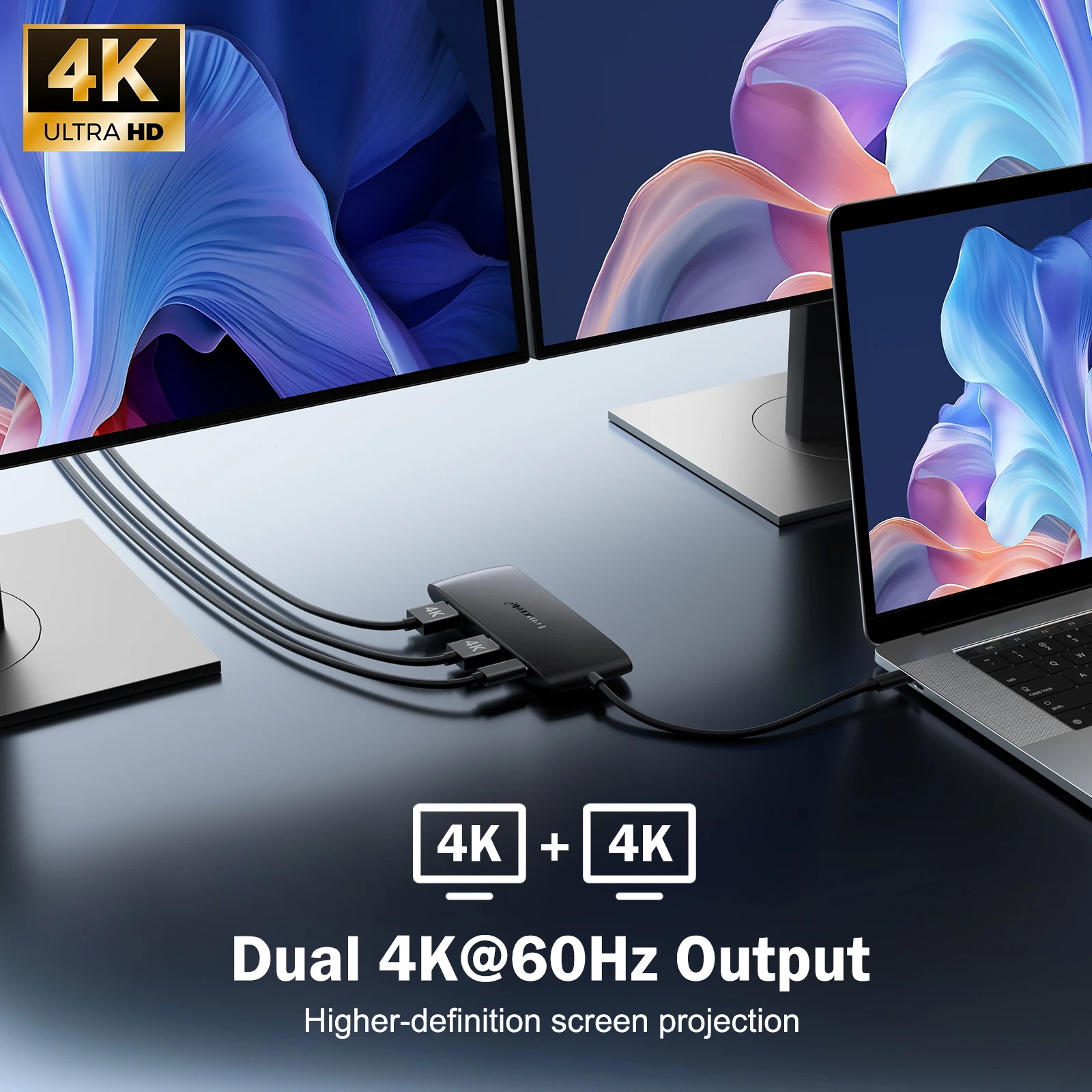
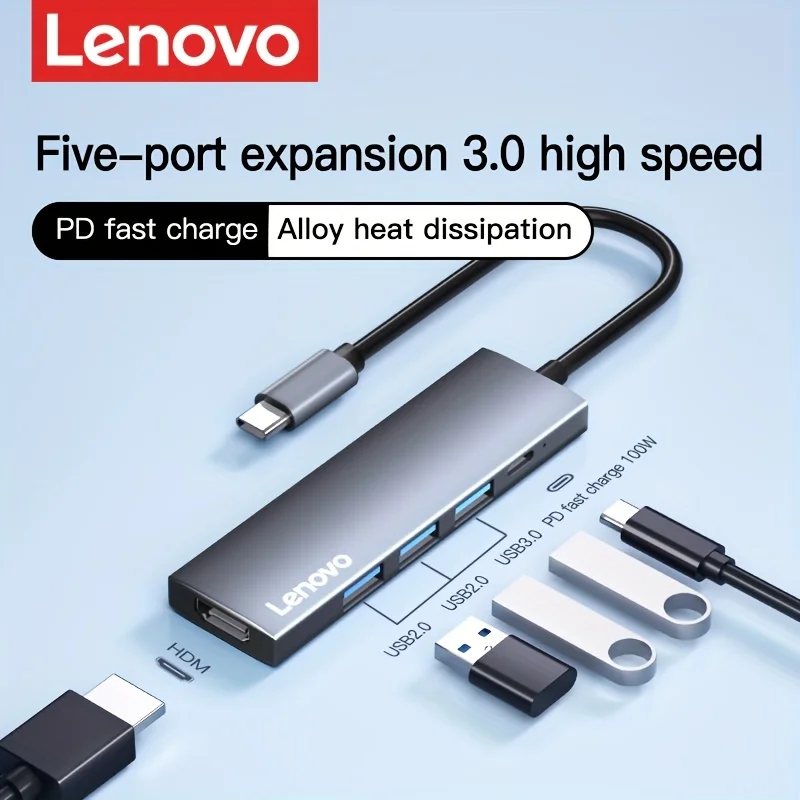
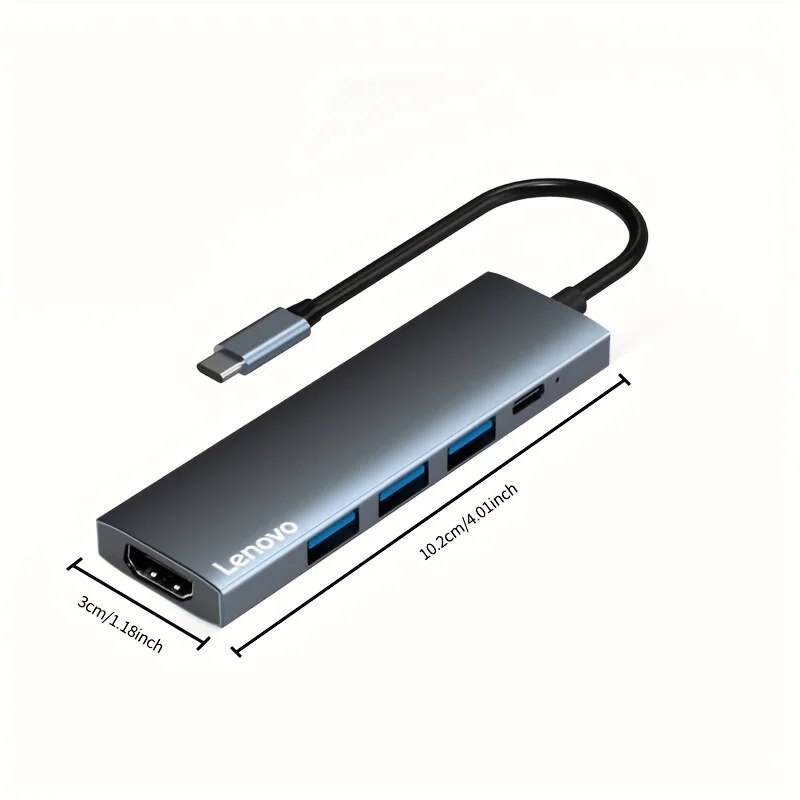
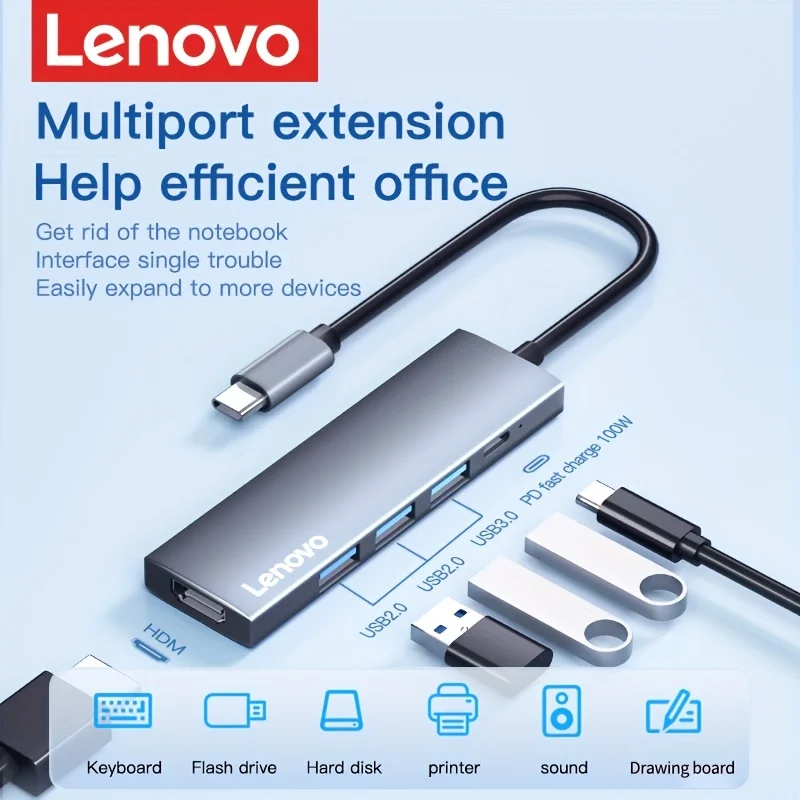
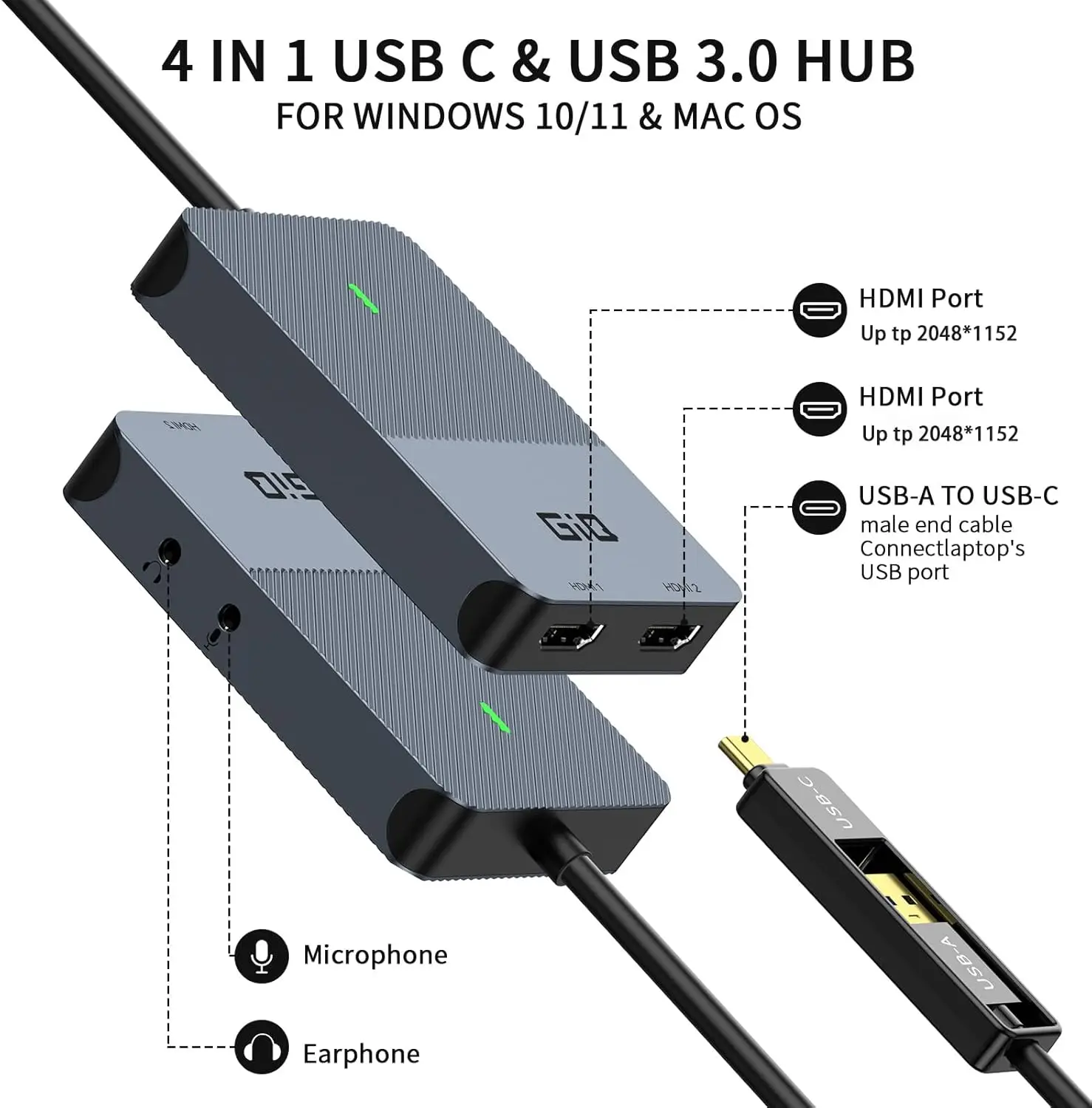
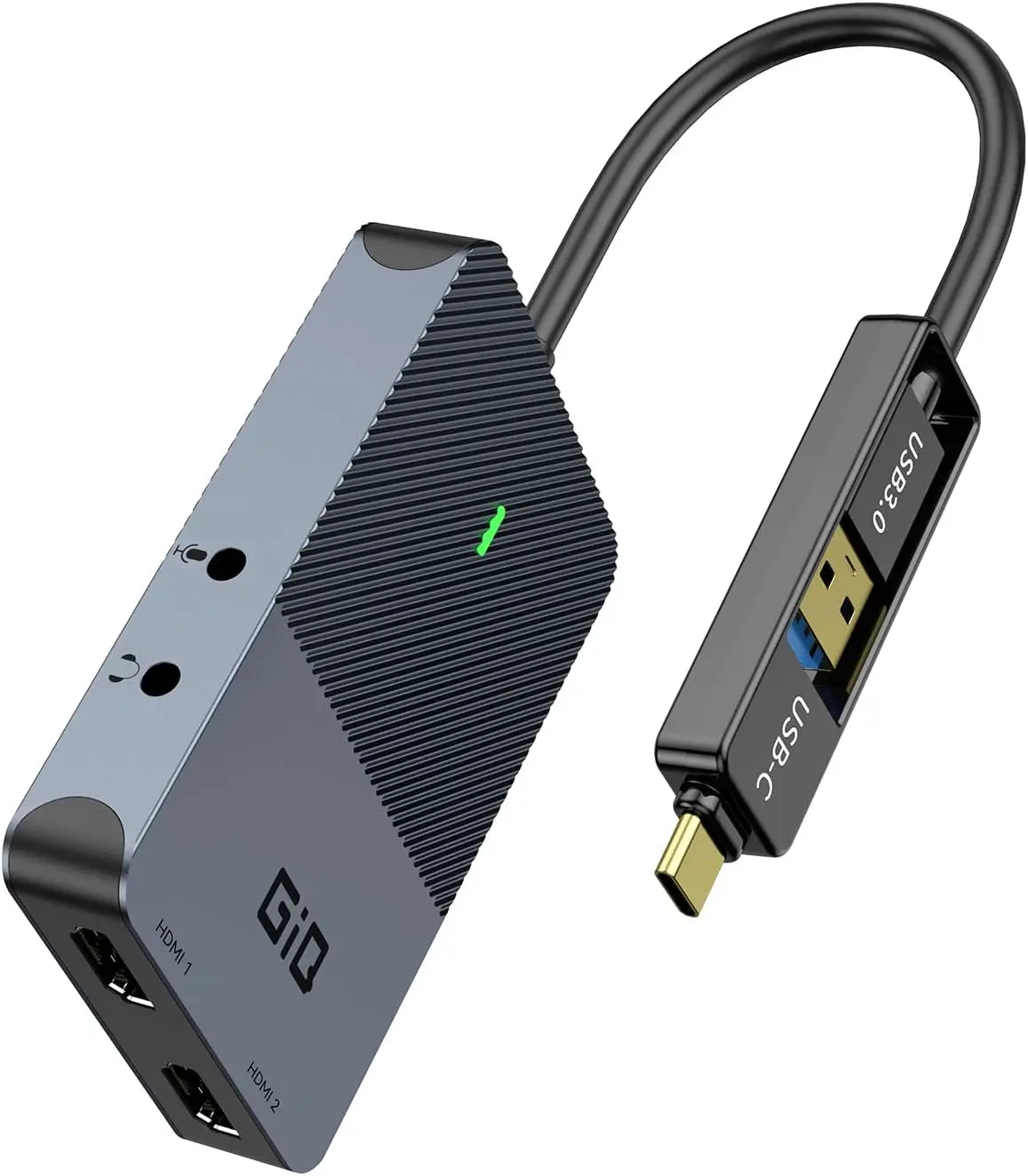
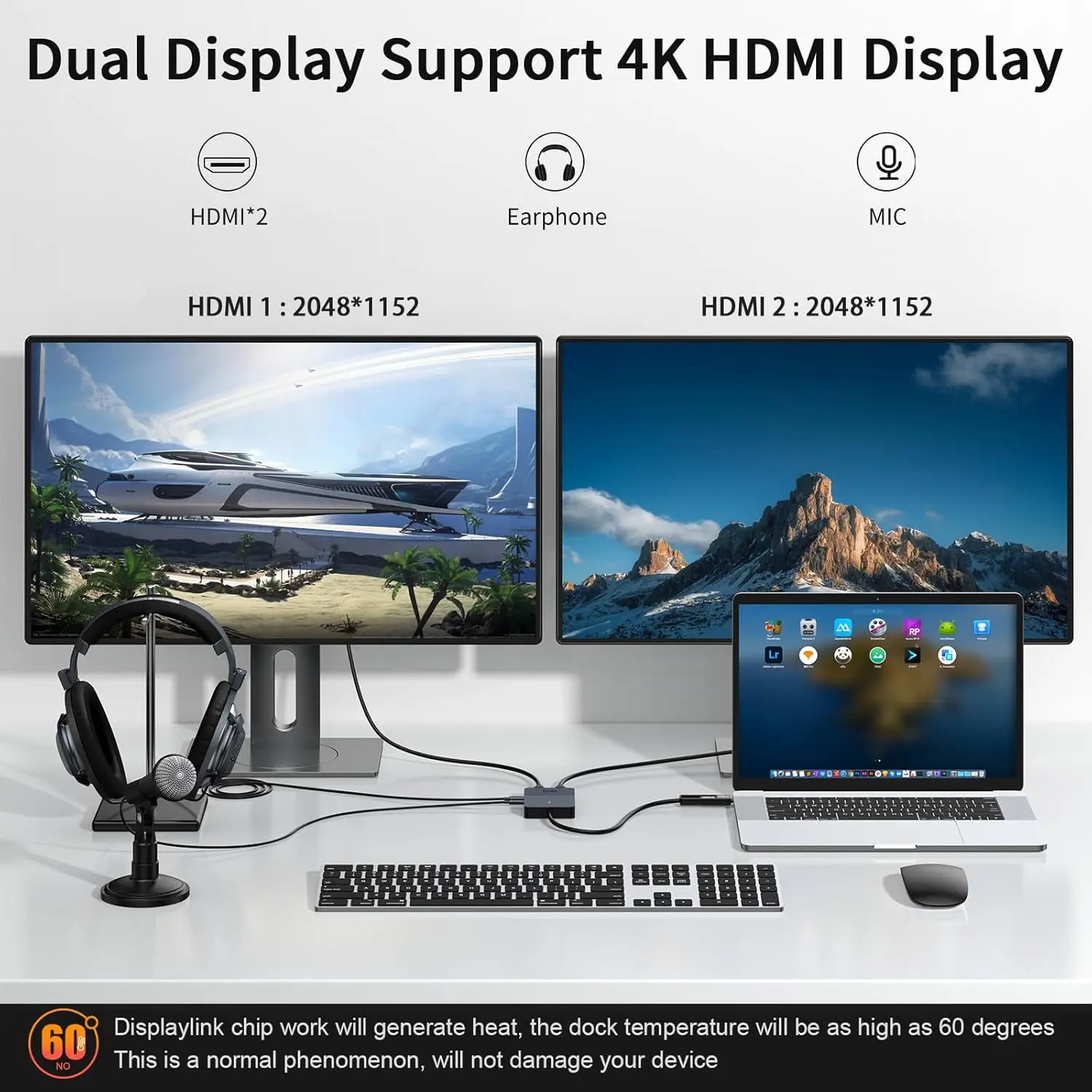
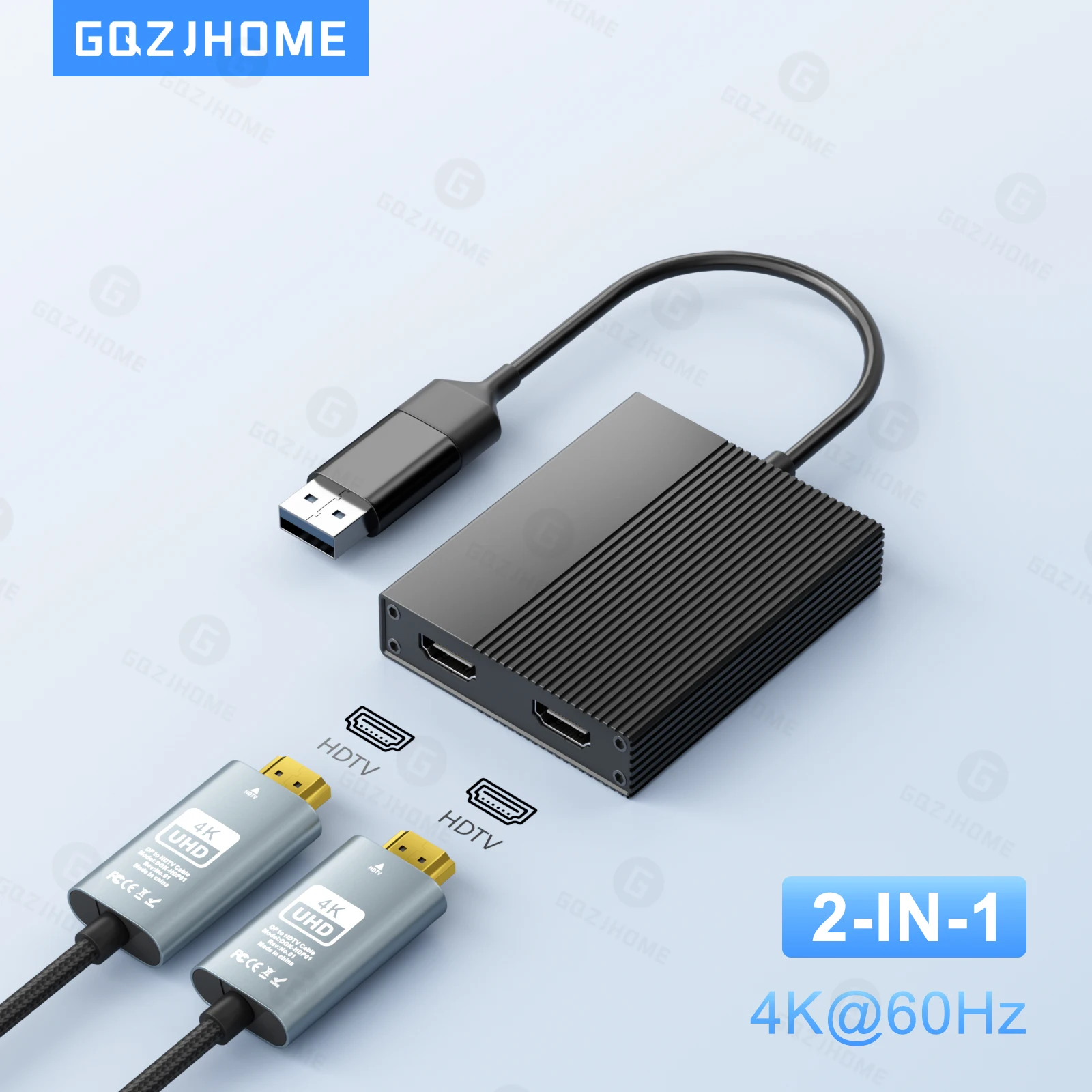
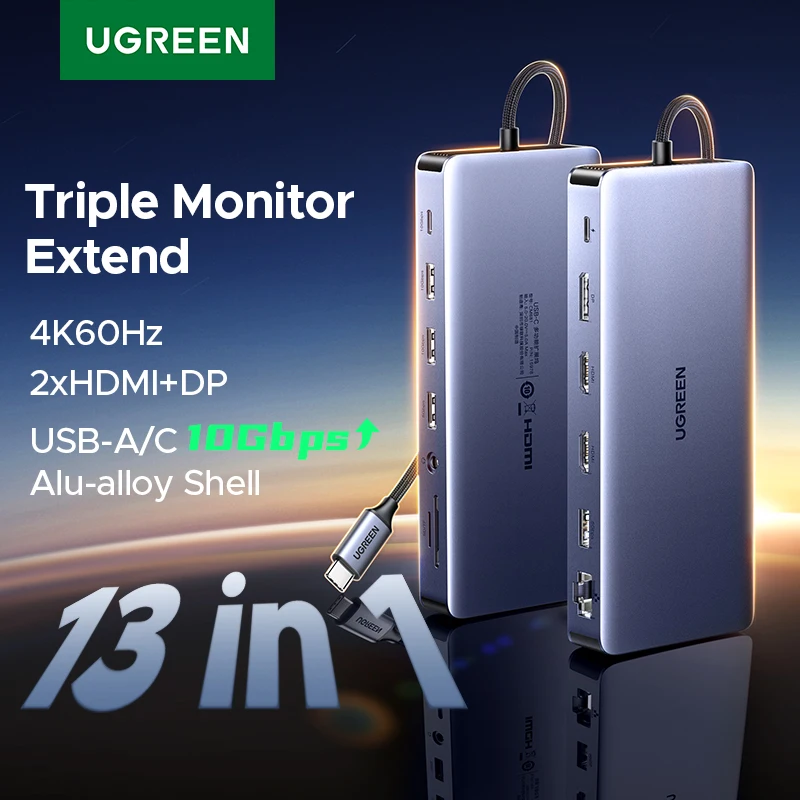
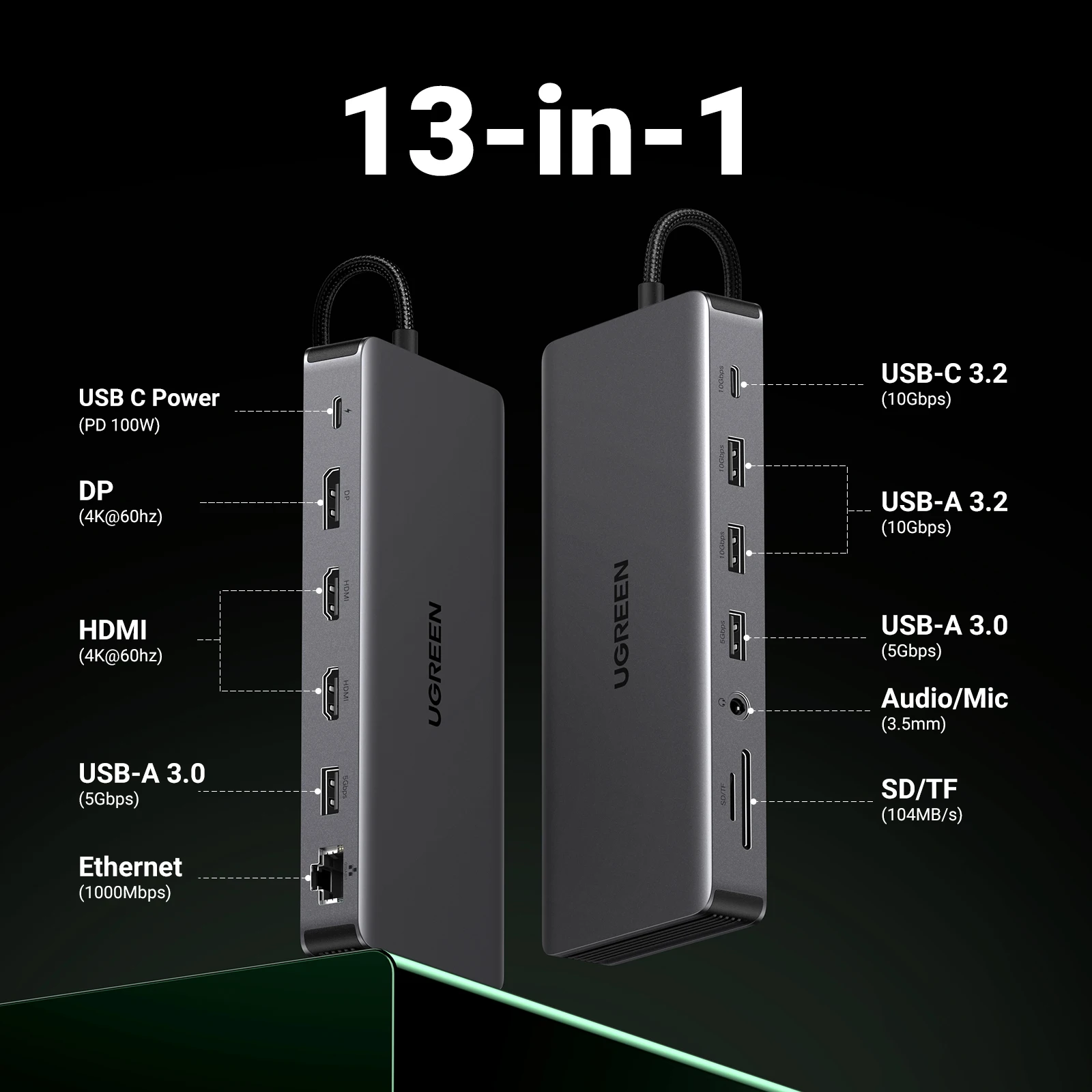
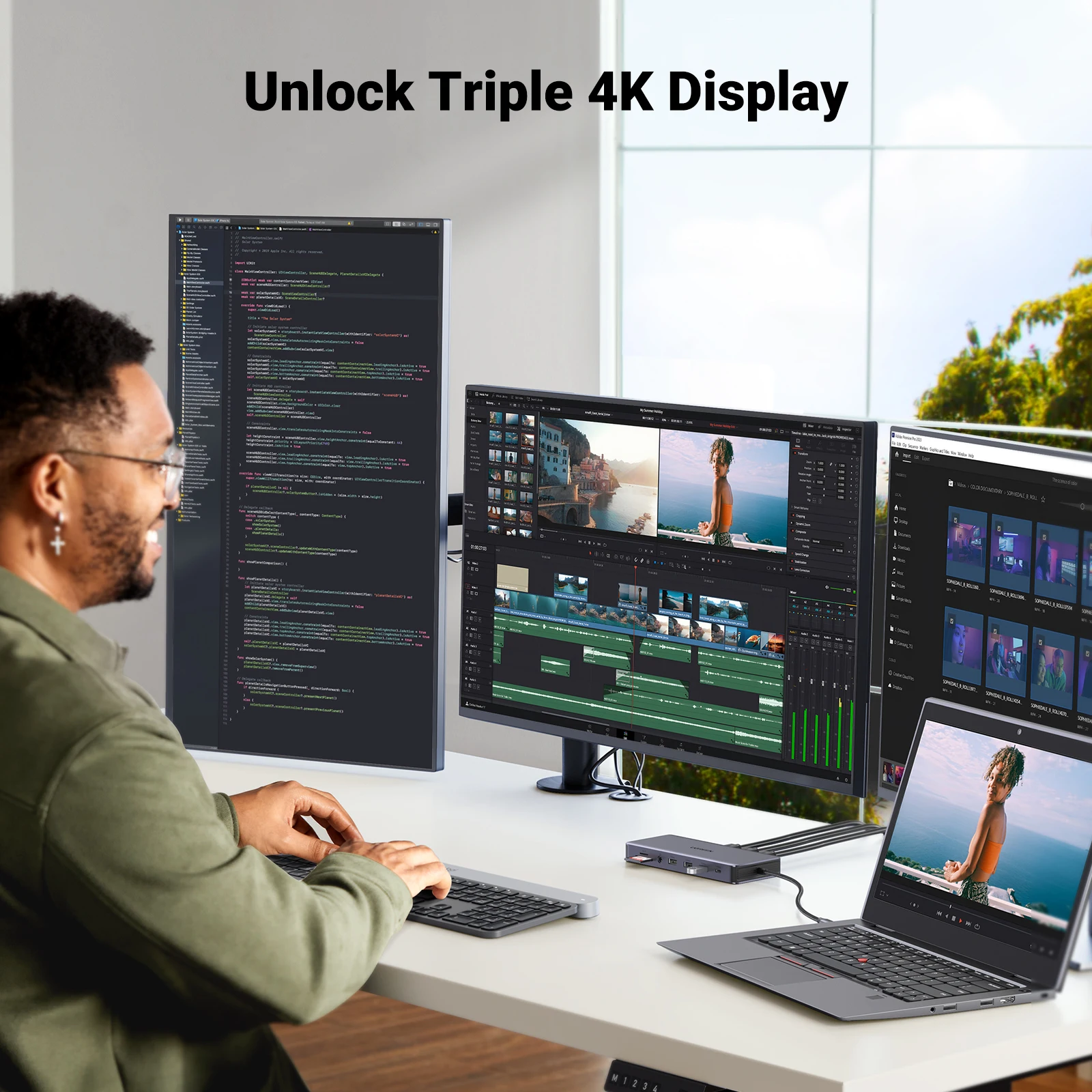
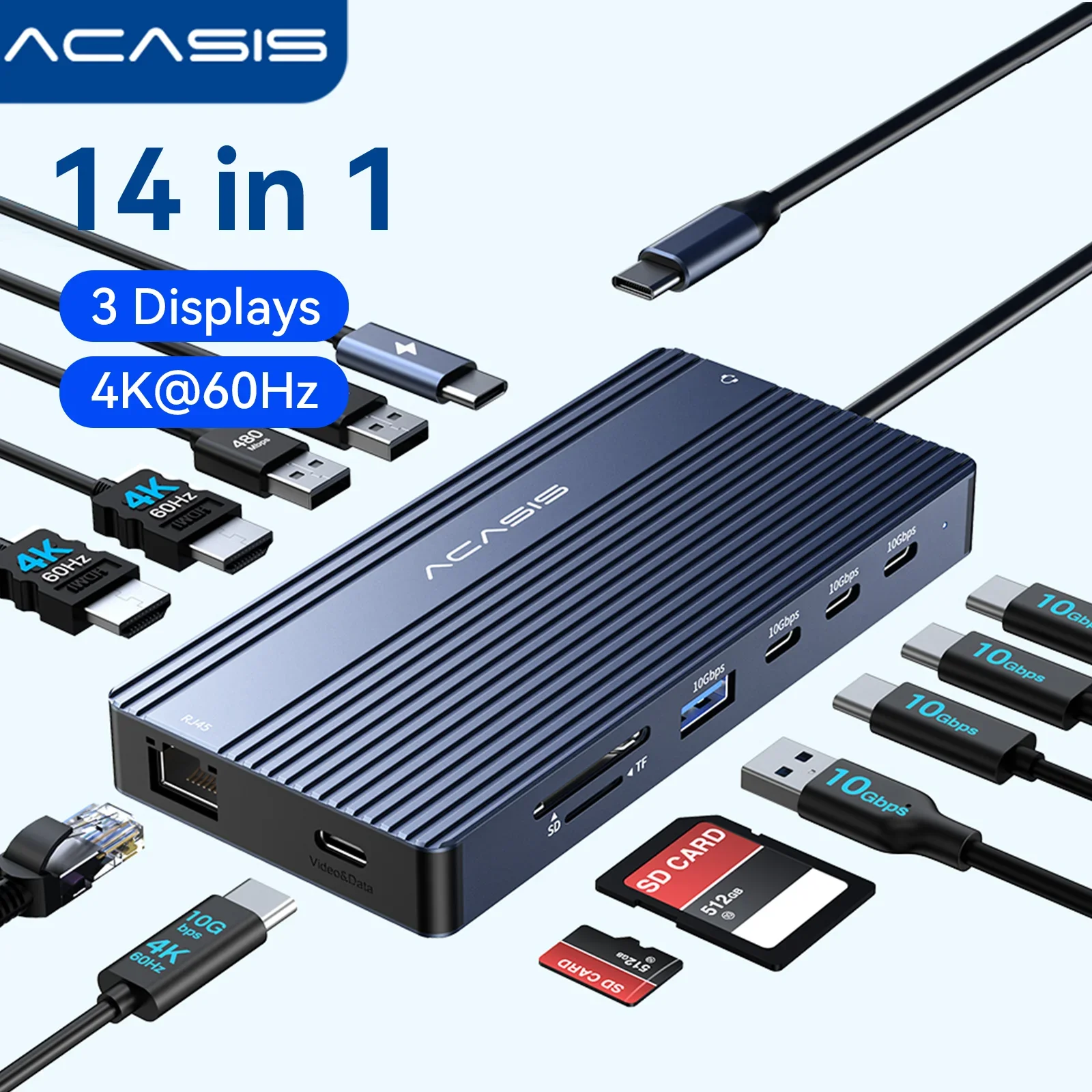
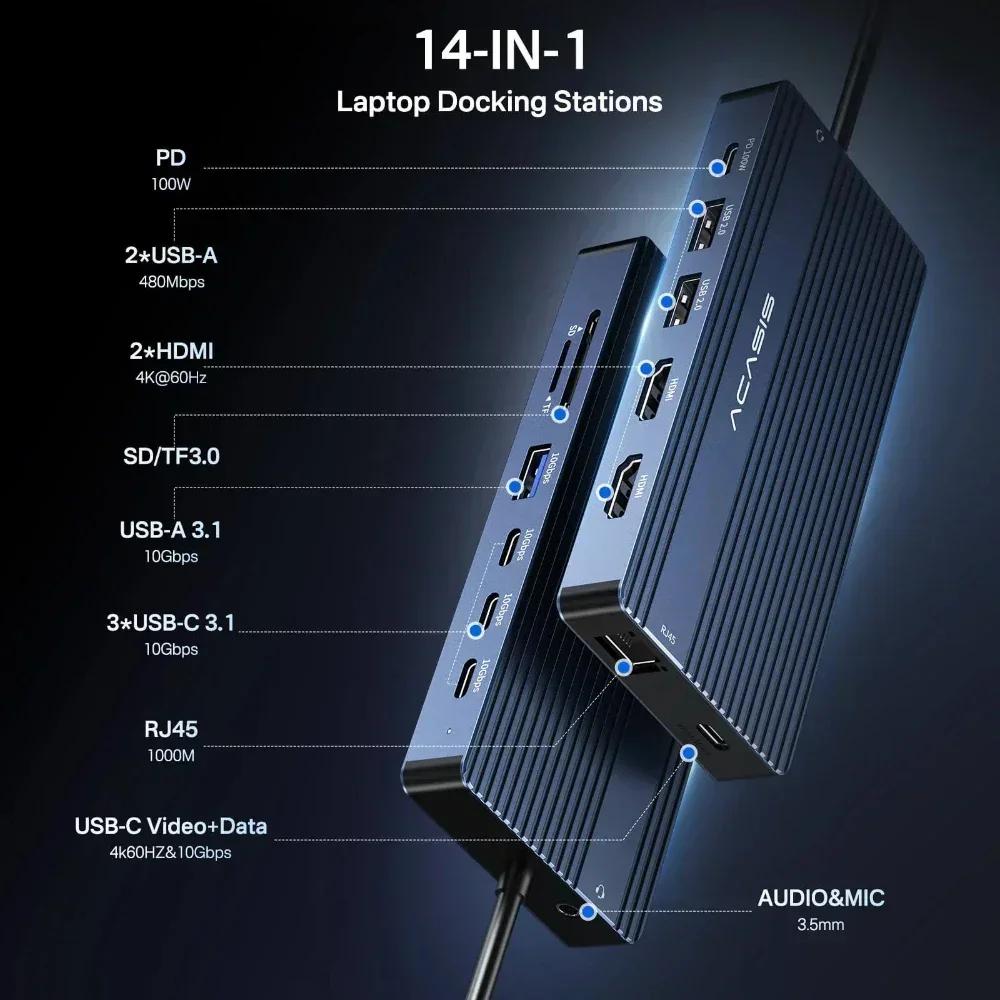
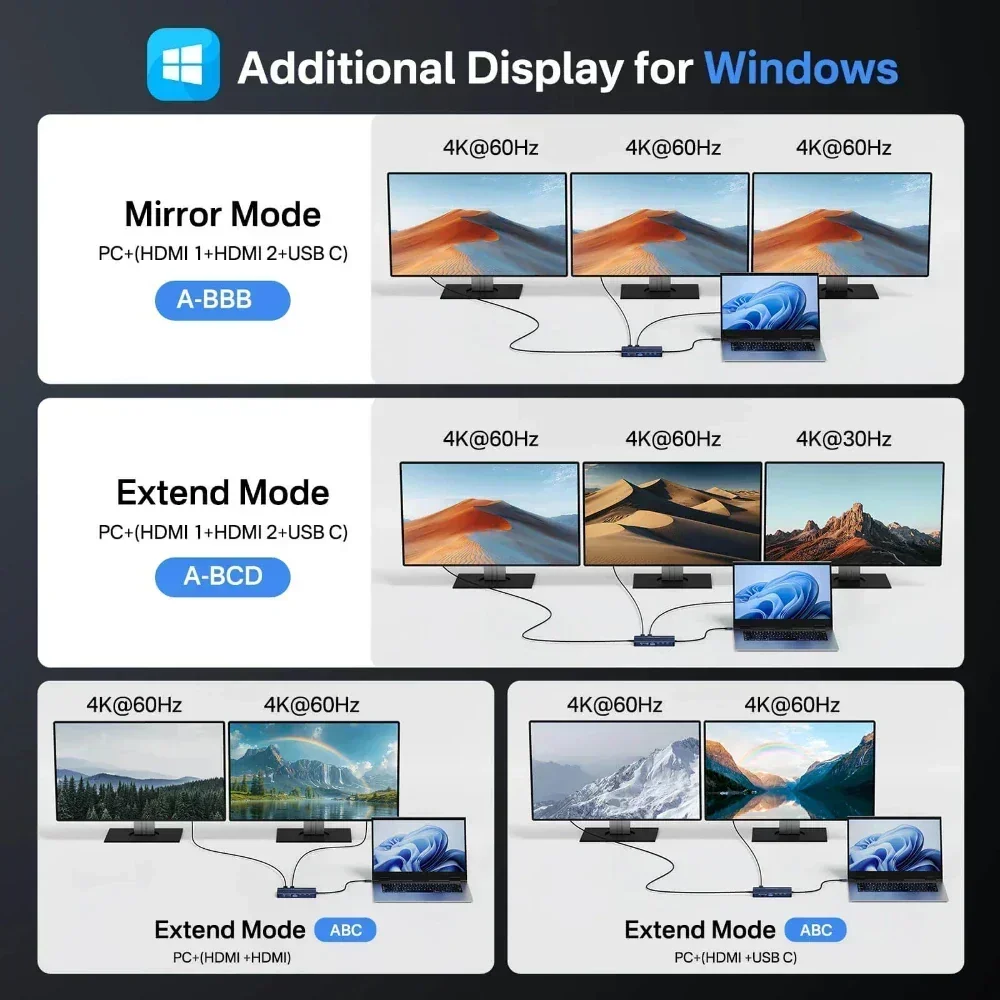
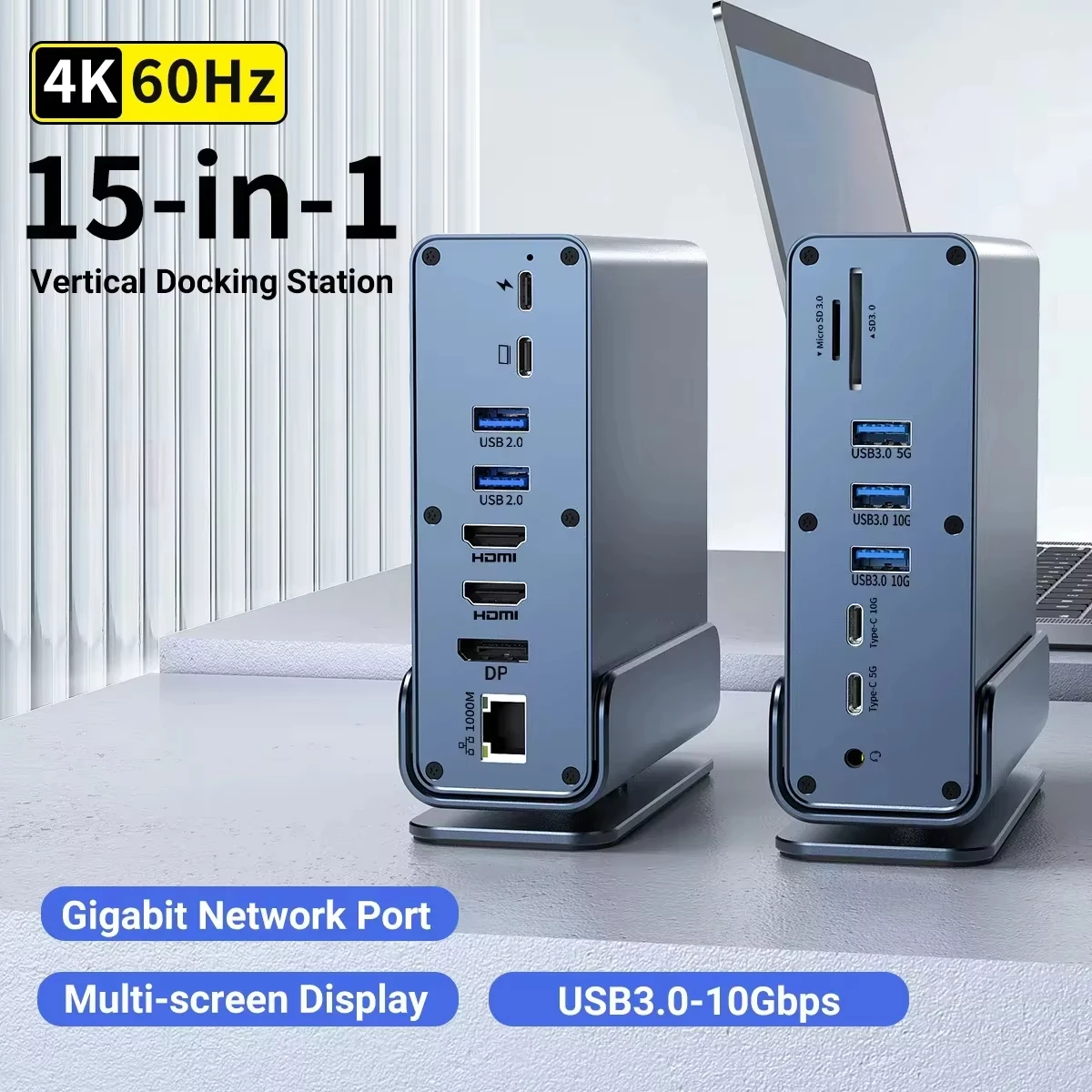
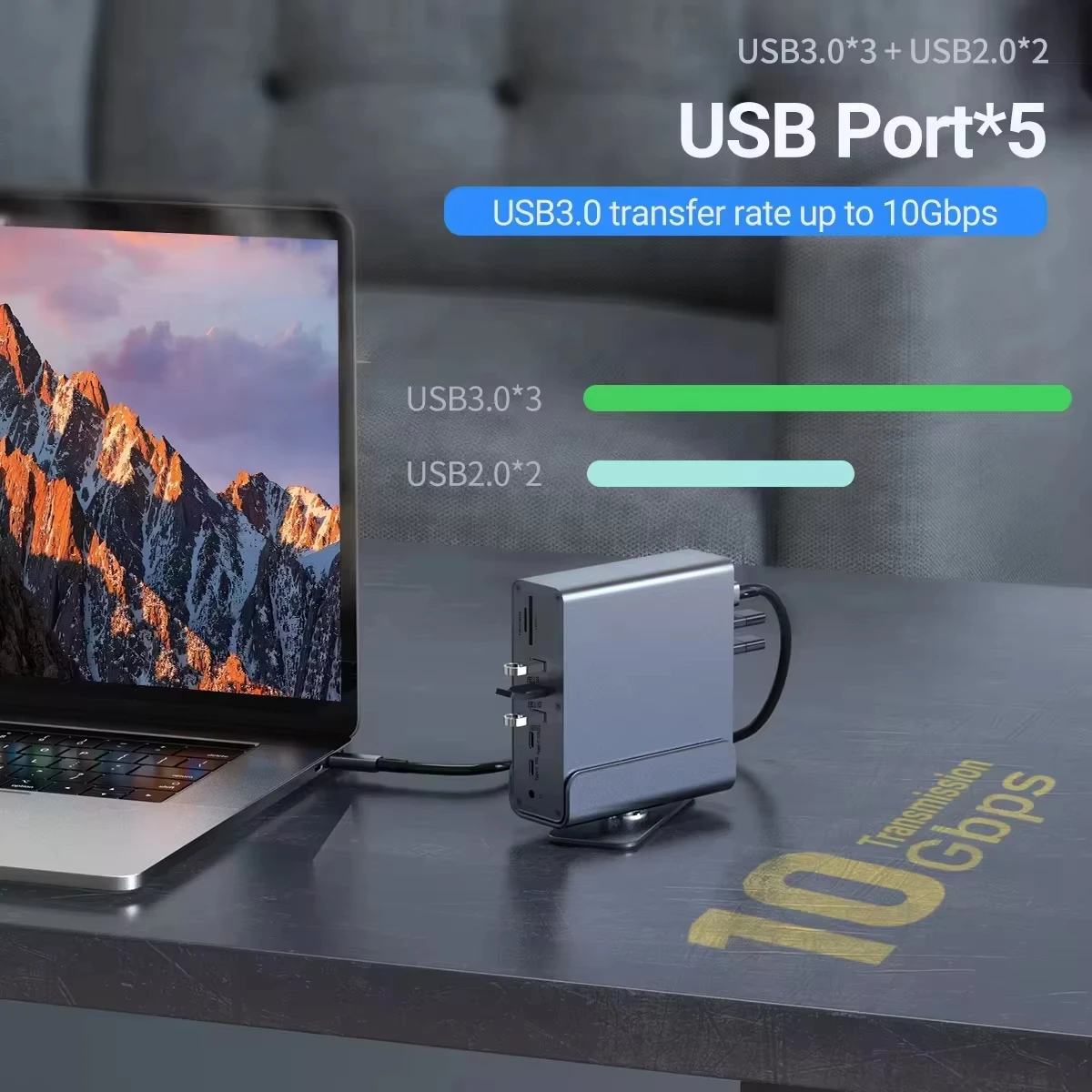
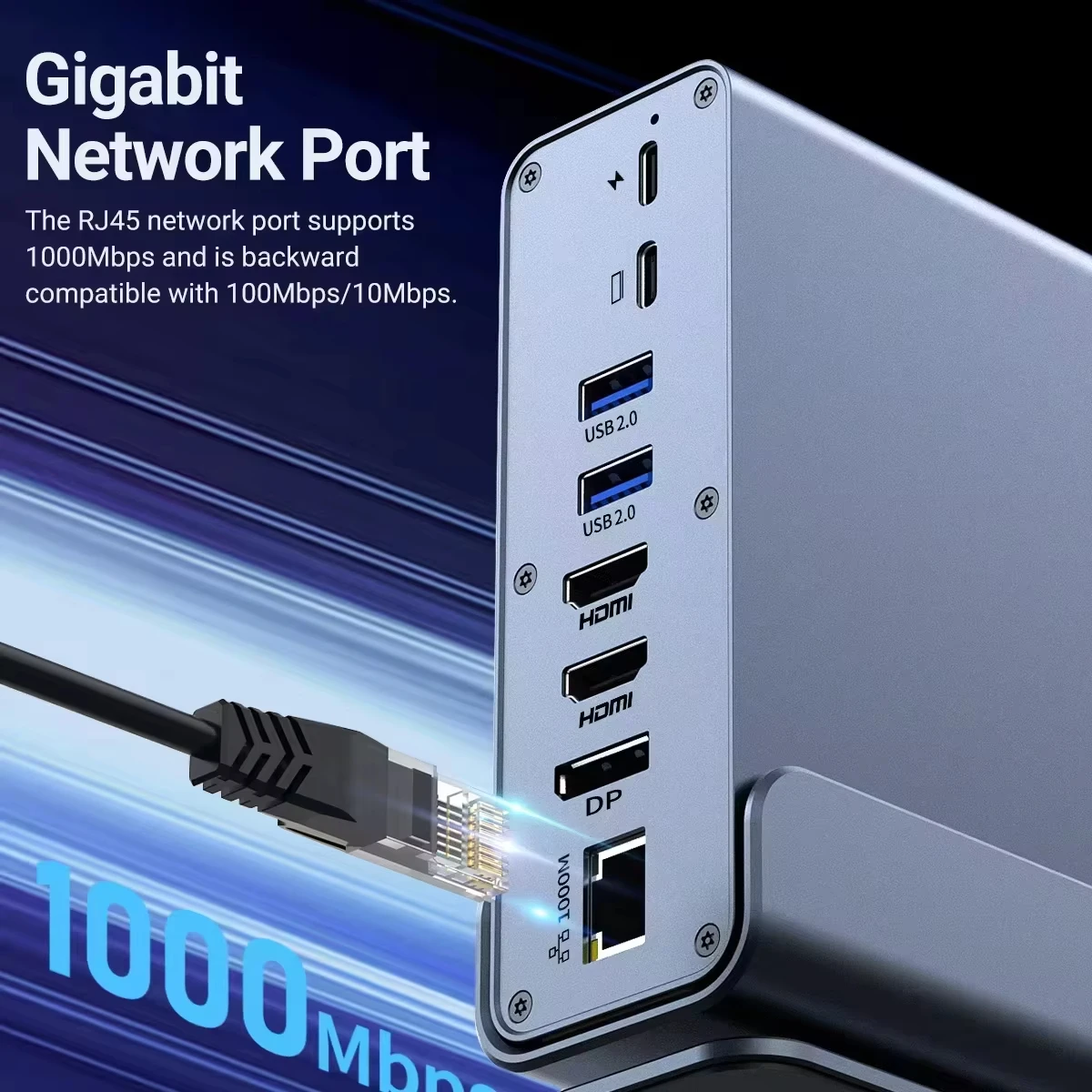
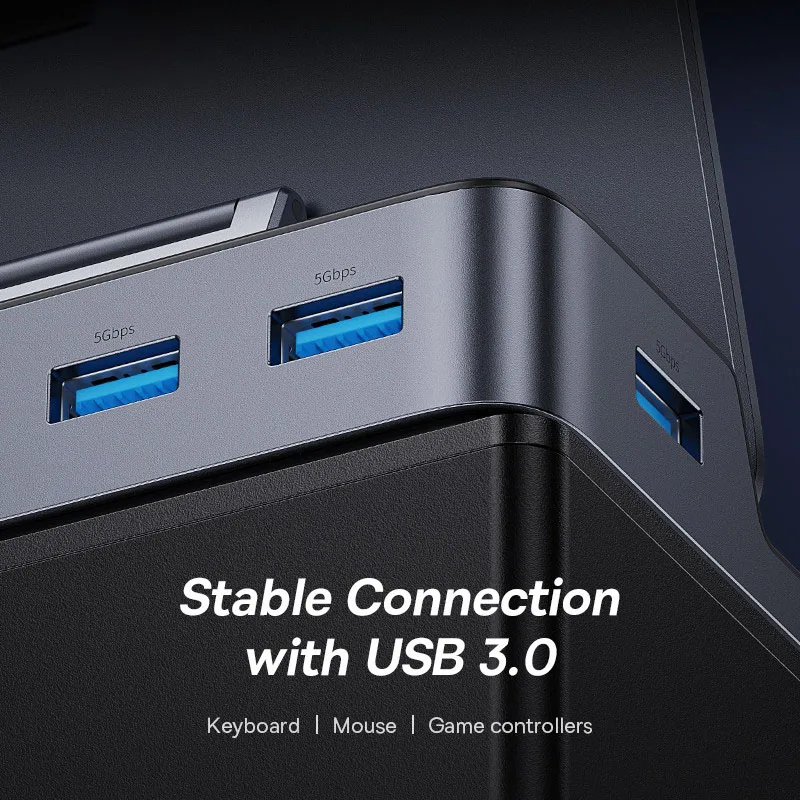
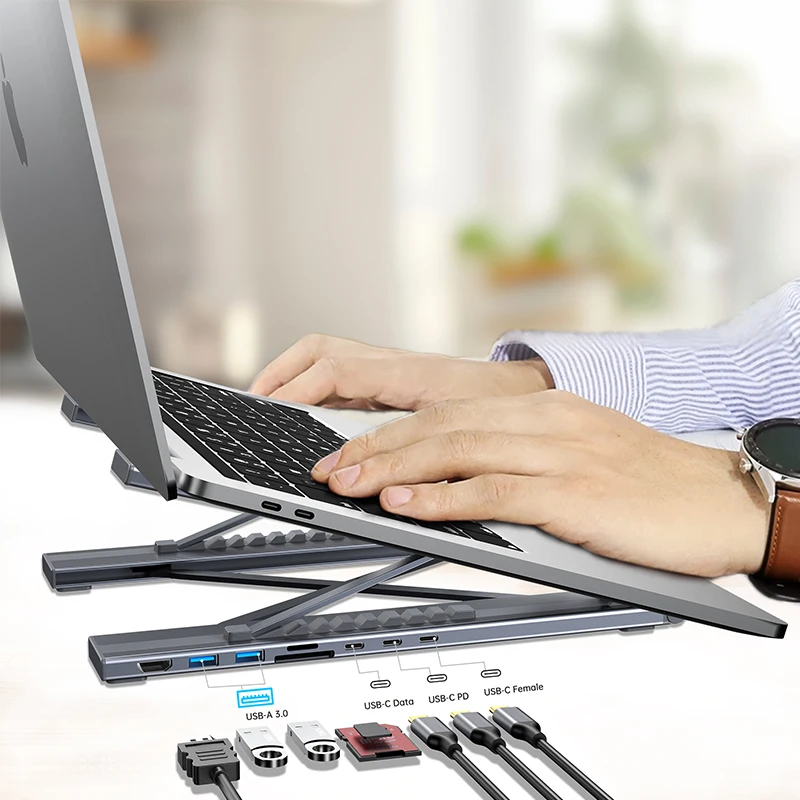
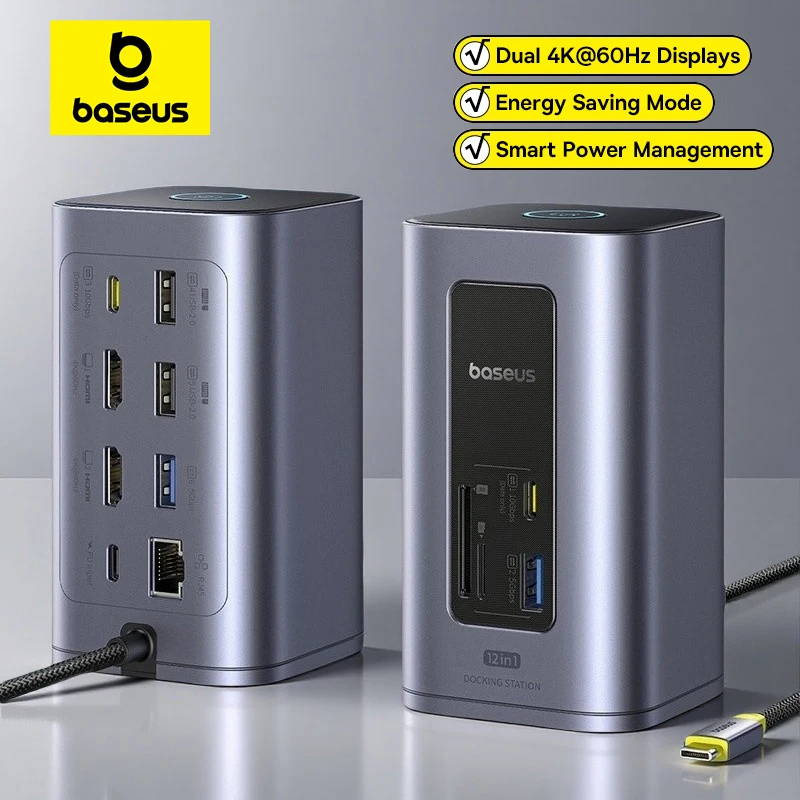
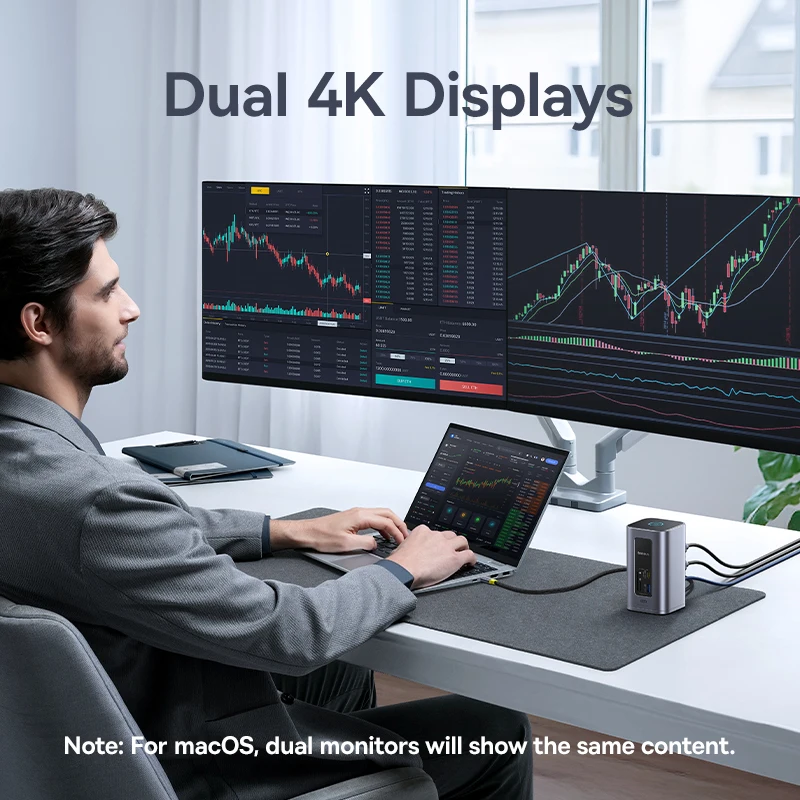
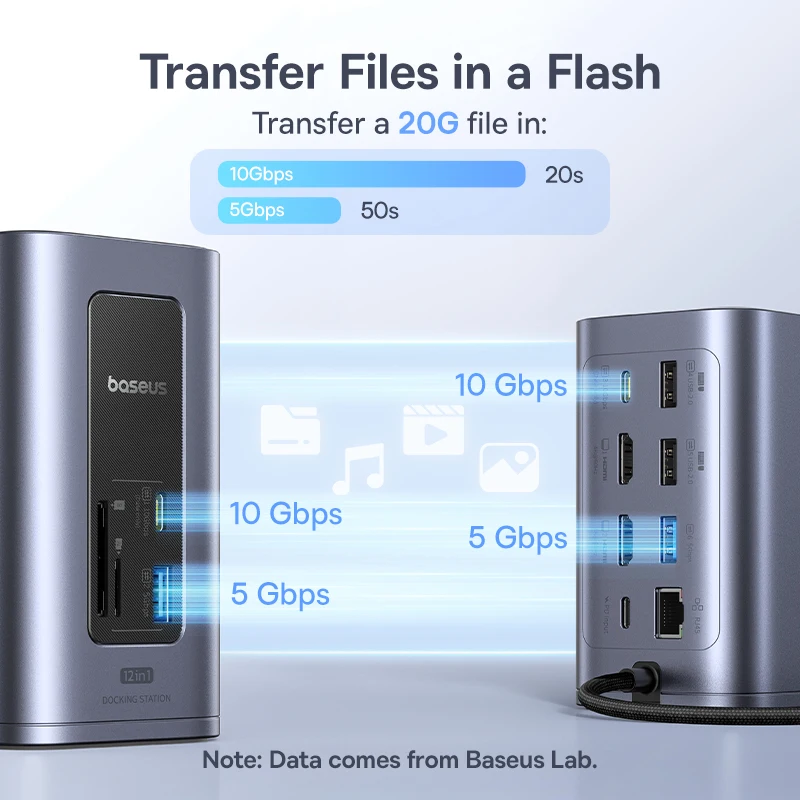
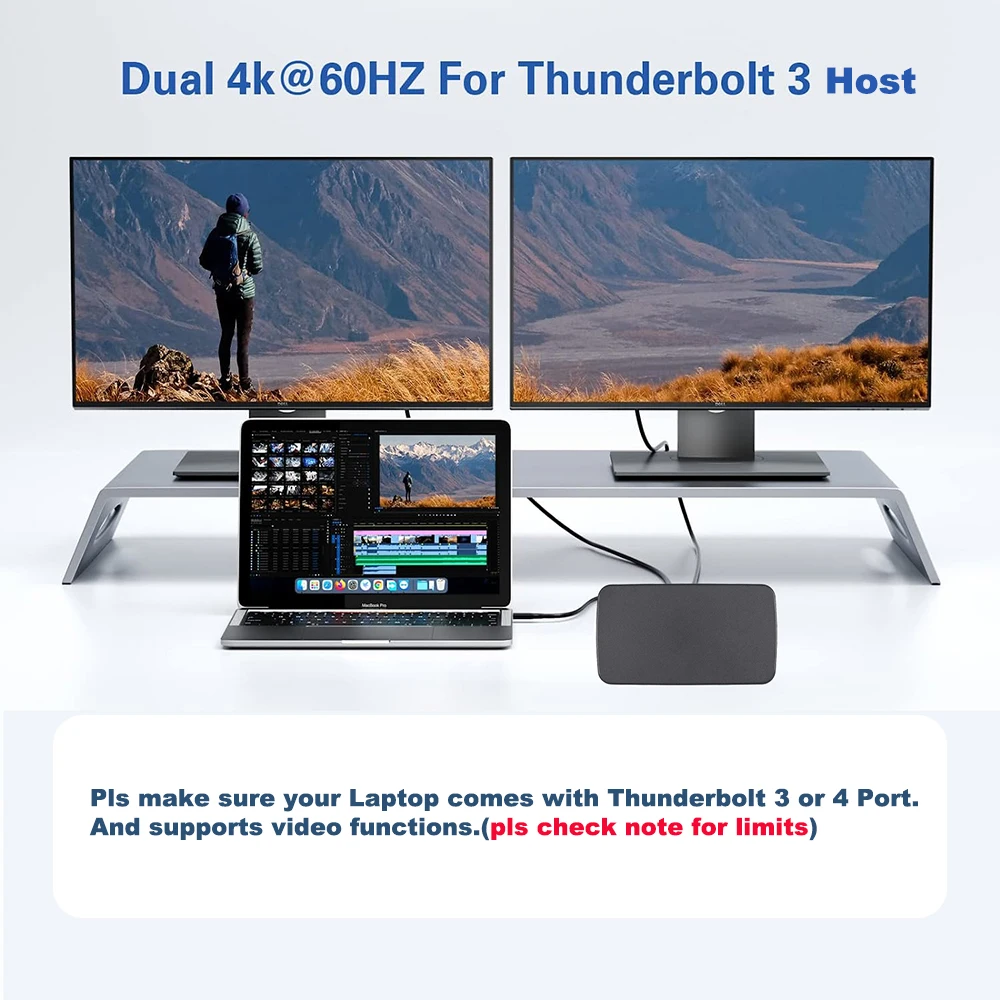
A docking station stays on the desk with your screens, keyboard, mouse, network cable and charger plugged into it. You connect the laptop with one cable when you sit down and unplug one cable when you leave. The docks here run from five-in-one to fifteen-in-one, with dual HDMI at 4K 60Hz on many, and triple-display docks with two HDMI and a DisplayPort.
The kinds of dock here
- USB-C docks work through a USB-C port that carries video. Most pass charging on to the laptop, listed at 85W or 100W.
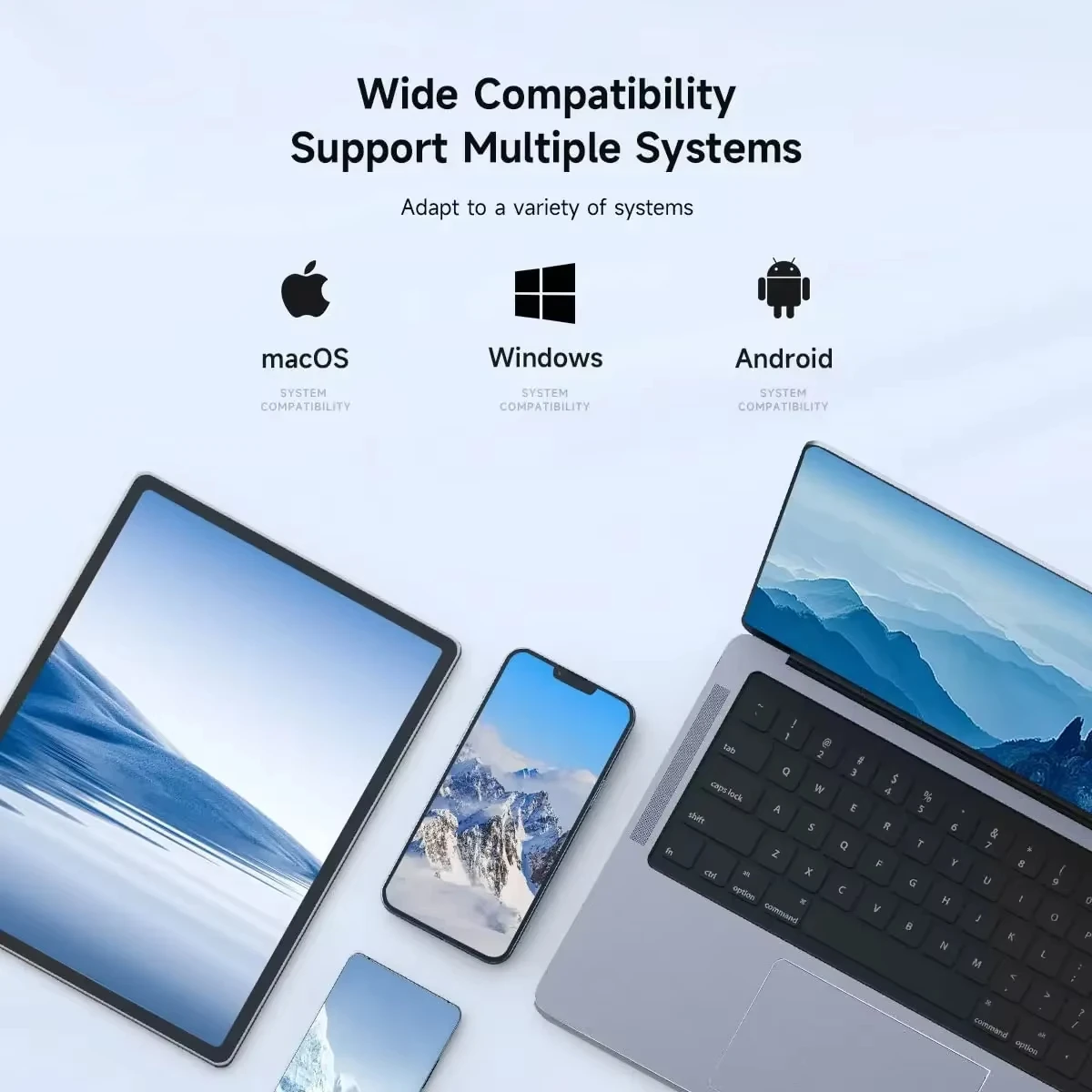
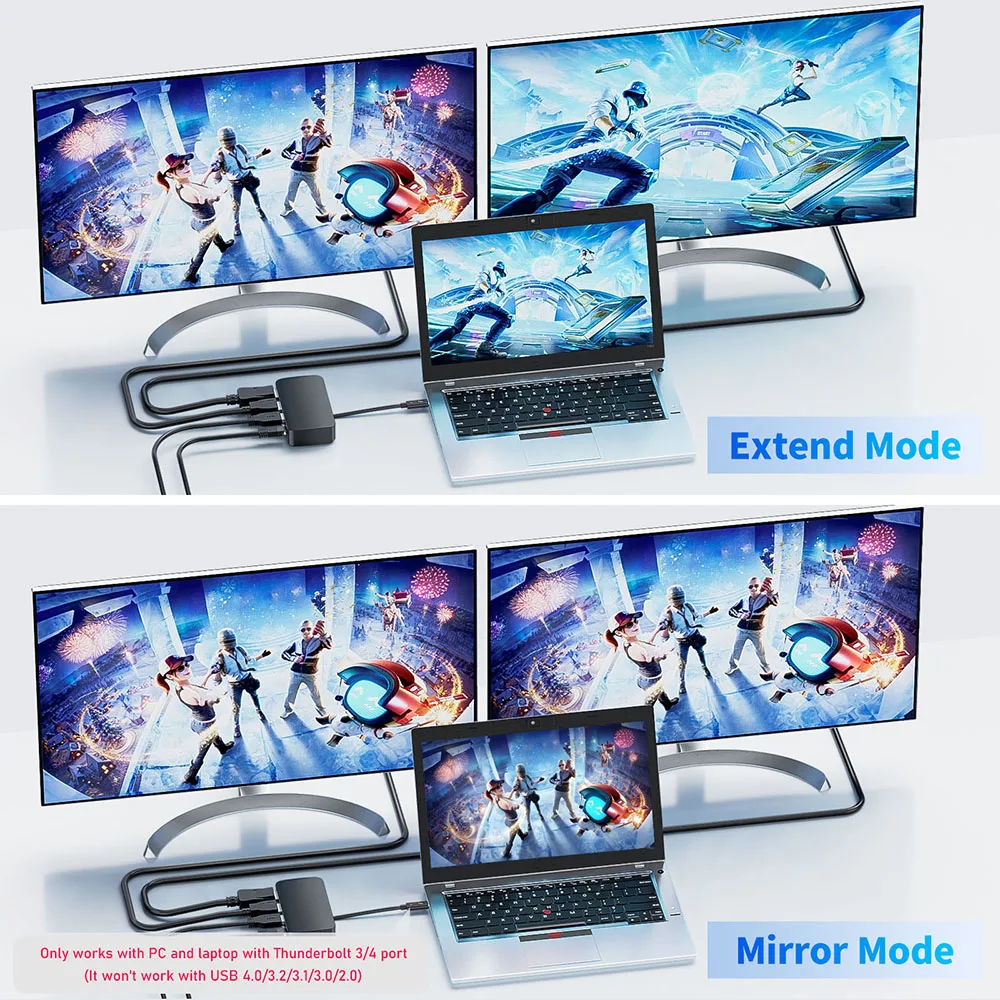
- DisplayLink docks run their screens through driver software you install once. They work on a USB-C or a USB-A 3.0 port, and they are the usual way to get two separate screens on a Mac that would otherwise show the same picture twice.
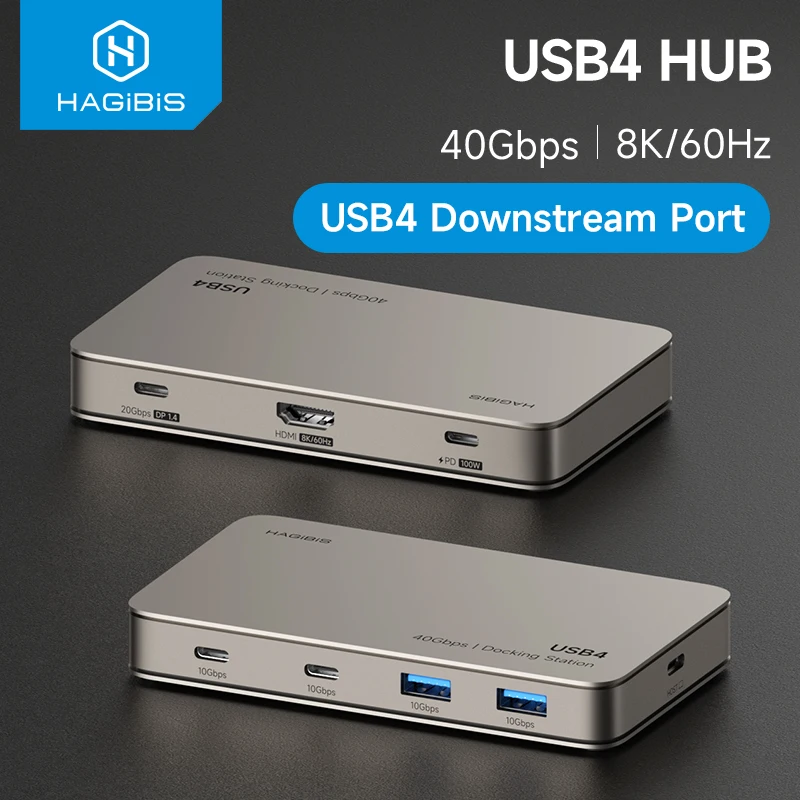
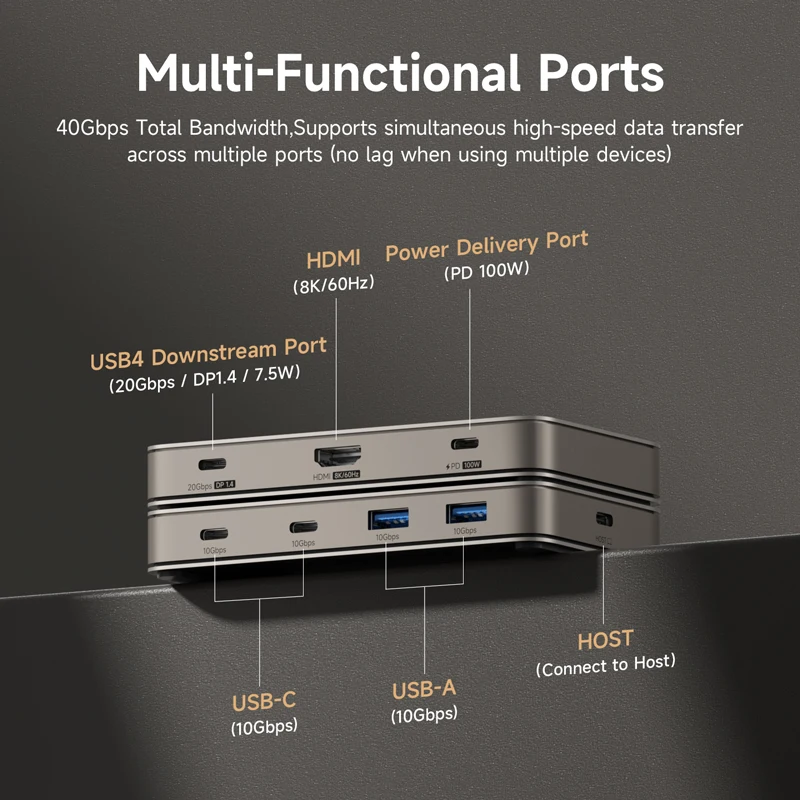
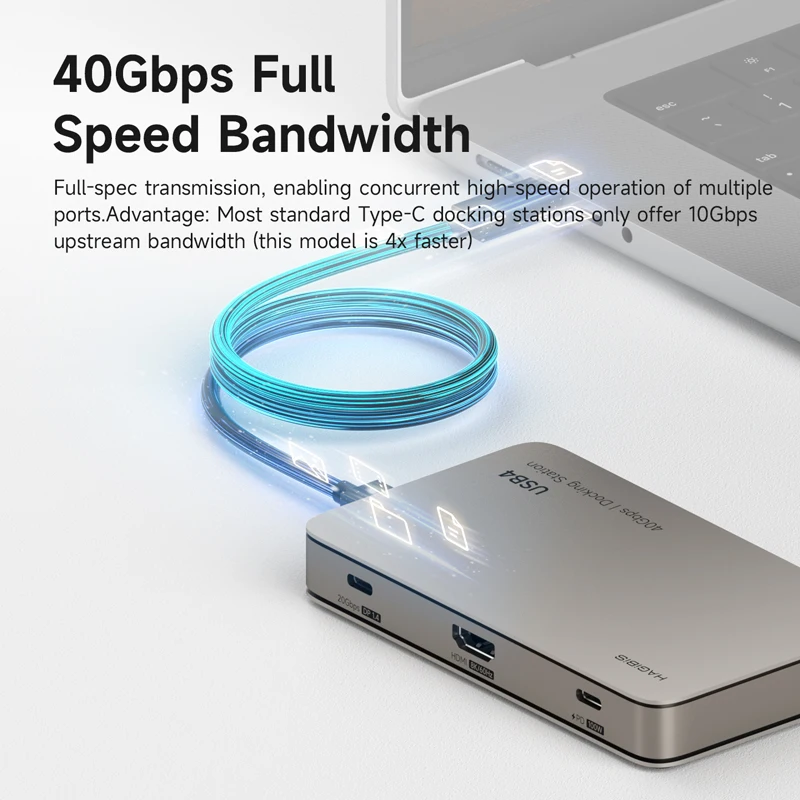
- A USB4 dock, listed at 40Gbps, for laptops with a USB4 or Thunderbolt port.
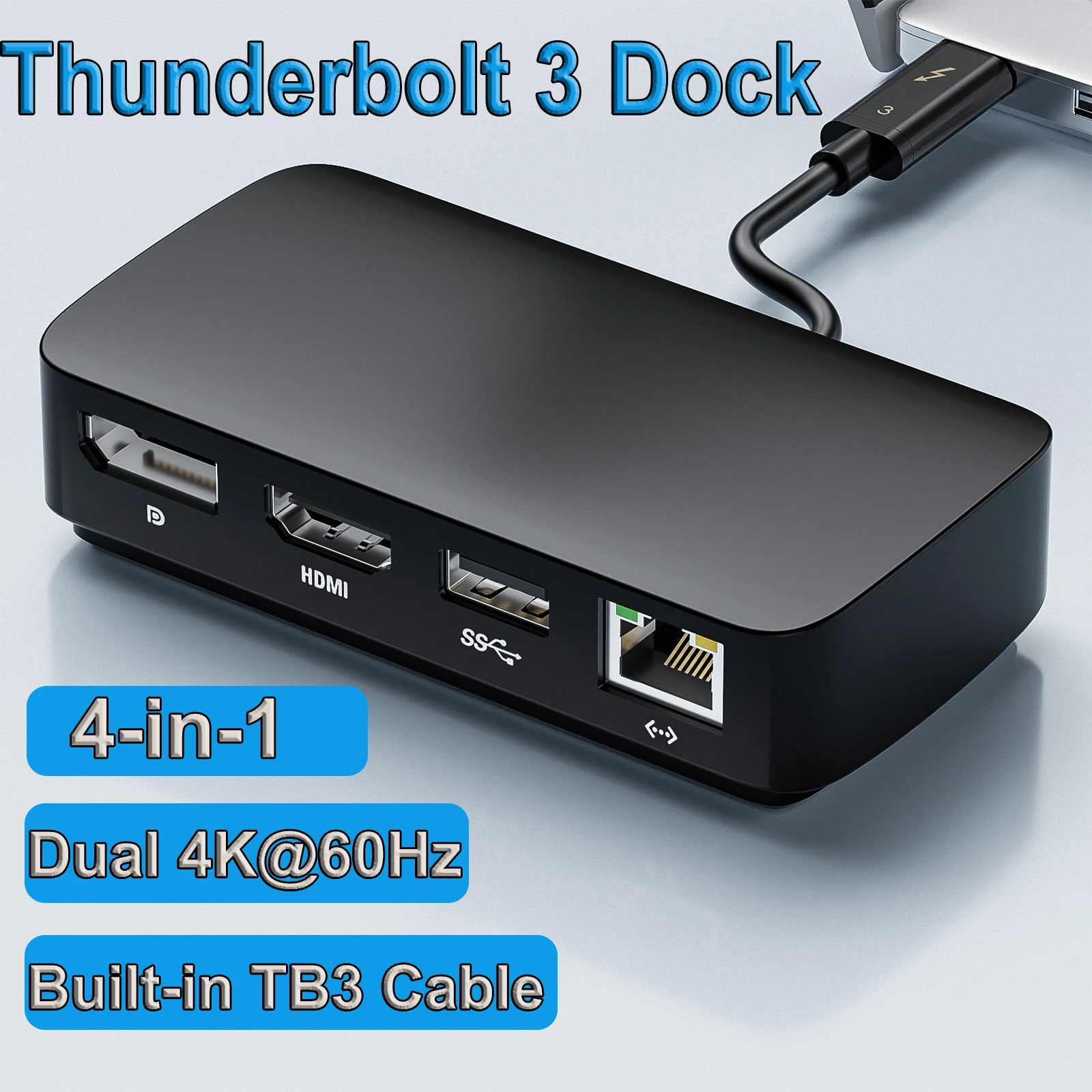
- A Thunderbolt 3 dock with its own built-in cable, for laptops with a Thunderbolt 3 or 4 port.
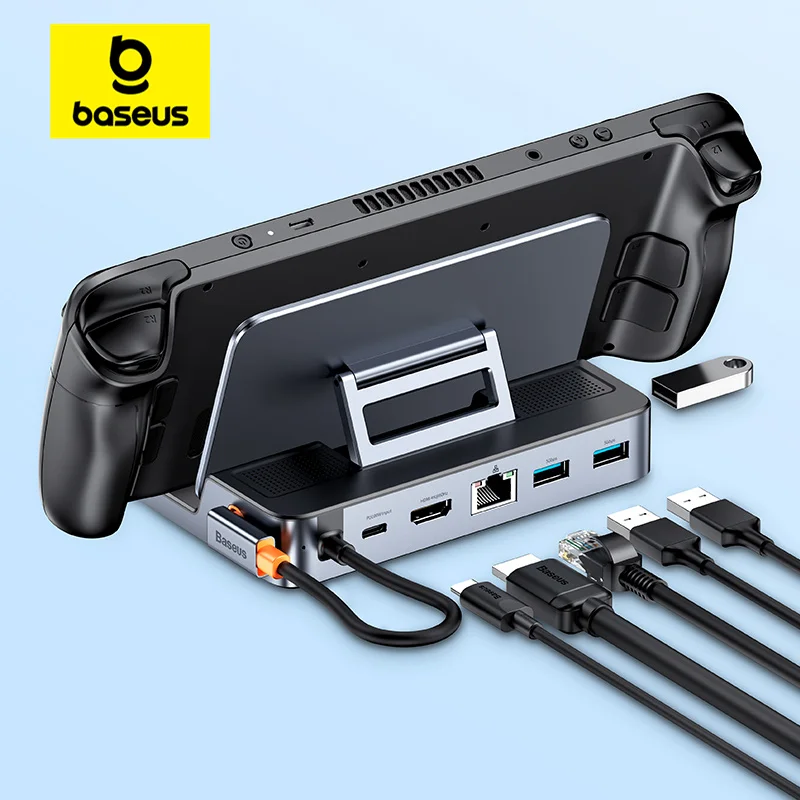
- A small dock for a handheld games console, listed for Steam Deck and Switch, with HDMI, Ethernet and USB.
How many screens your laptop can run
The laptop sets the limit, not the dock. A MacBook Air with M1 or M2 runs one external display. A MacBook Air with M4 runs up to two, and a dock does not raise that. Many Macs mirror rather than extend two screens through an ordinary USB-C dock, which is where DisplayLink comes in. Windows laptops vary by model: check the specification, and if Windows says "Display connection might be limited", the port or the cable is the cause. Thunderbolt 4 and USB4 ports carry the most: Thunderbolt 4 drives two 4K screens.
Power and plugs
A dock keeps a little of the charger's power for itself, so give it a charger rated above what your laptop needs. Where a dock comes with its own power supply, choose the UK plug option. Matching chargers are in USB-C laptop chargers.
Questions people ask about docking stations
Hub or dock?
A USB-C hub is small and travels. A dock stays put and usually carries more screens and sockets.
Can I close the lid and use the screens?
Usually. On Windows, set what closing the lid does in Power Options, under the setting for when it is plugged in.
What cables do I need?
One for each screen: HDMI cables or DisplayPort cables, to match the dock's sockets and your monitor.
Delivery is included in every price and tracked to your door. Each product page says when it usually arrives.
More to look at