A pocket drive from a bare M.2 SSD
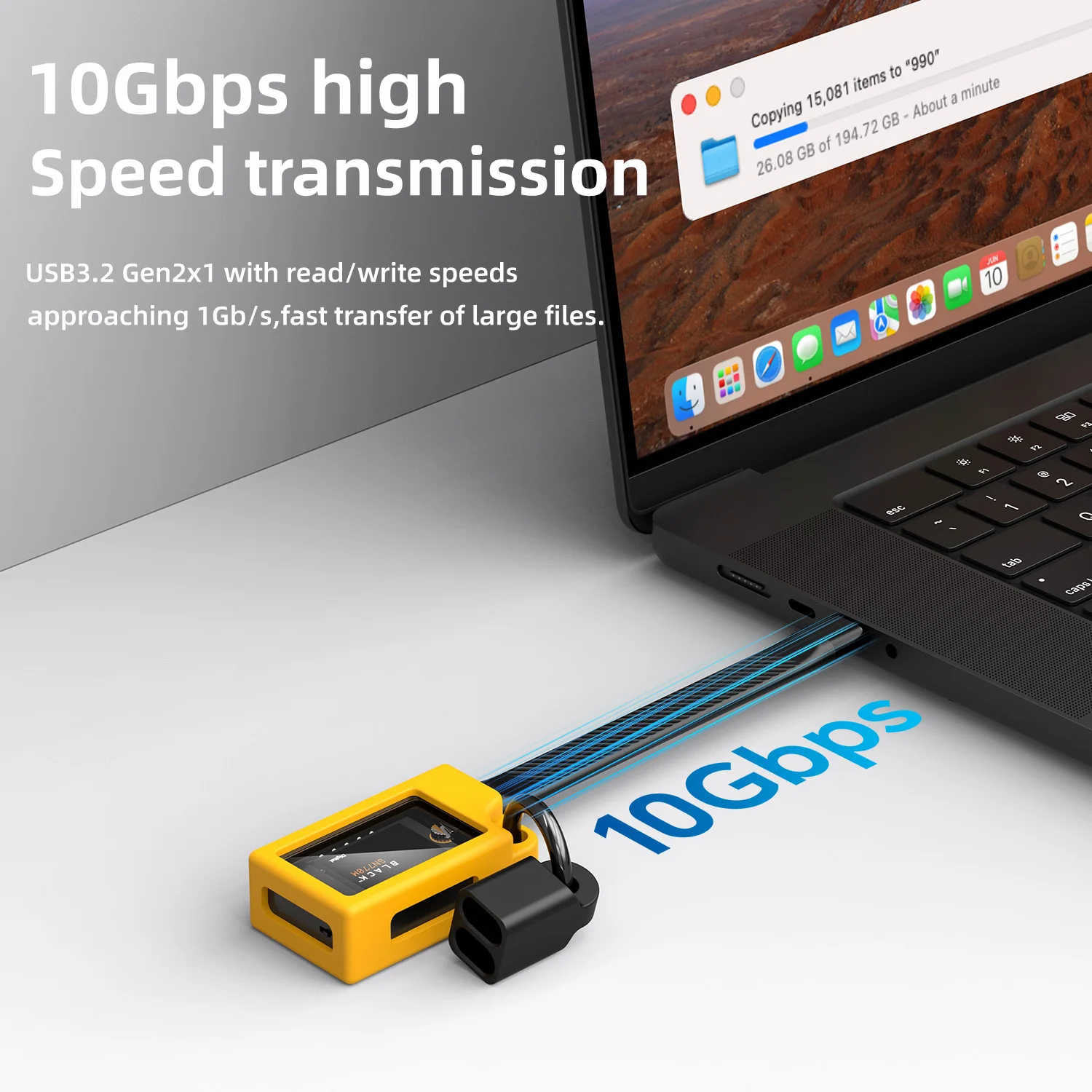
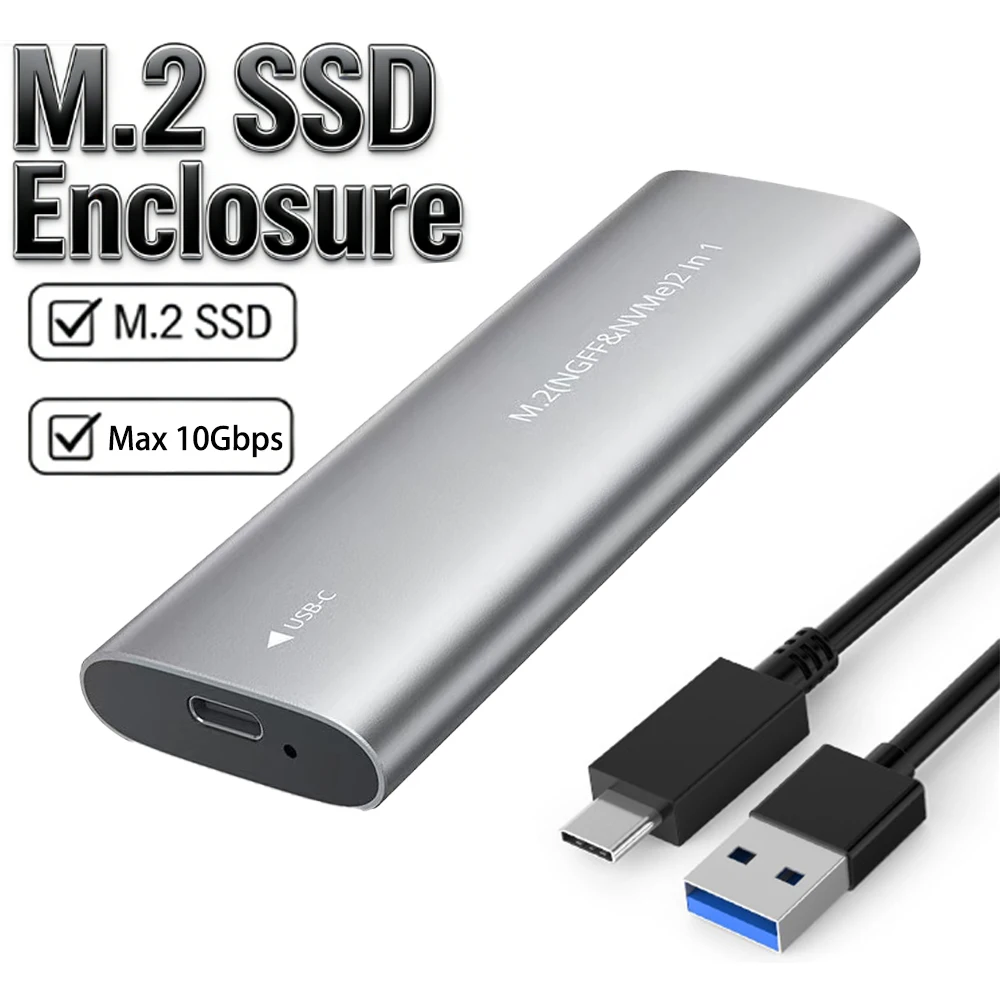
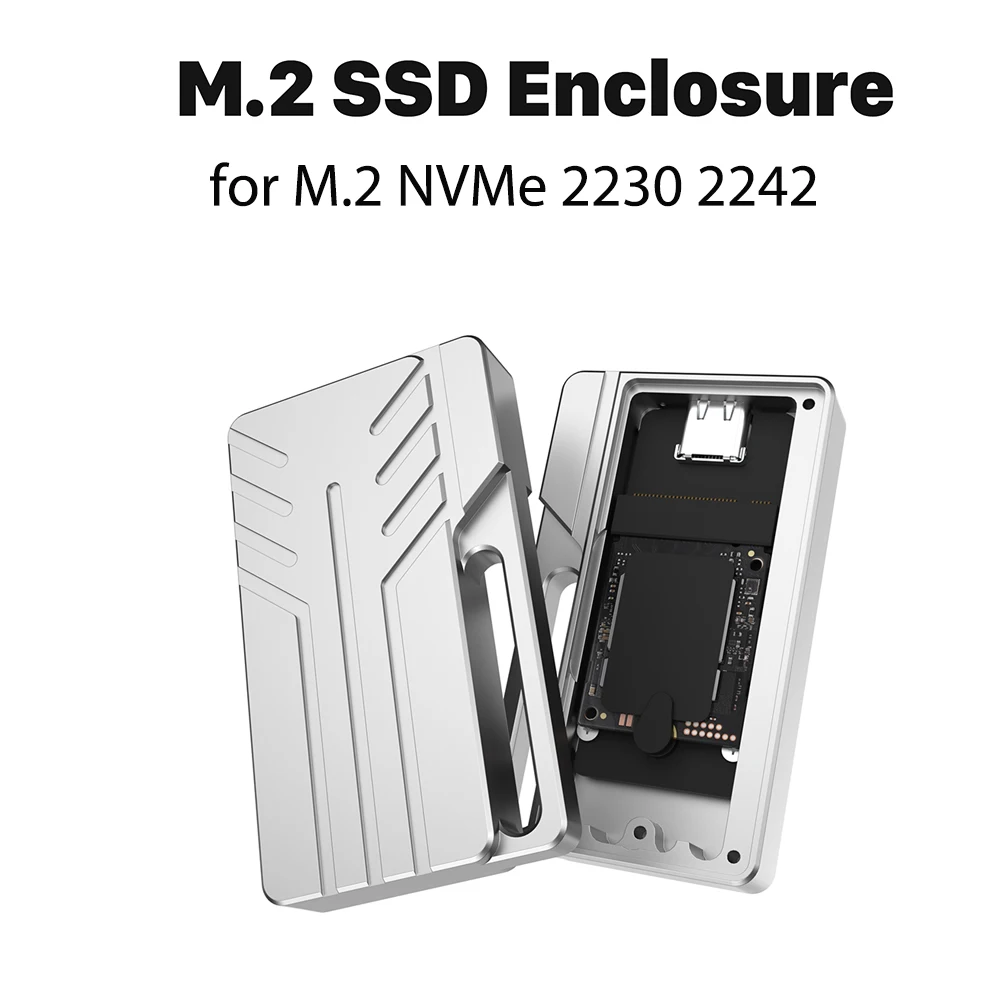
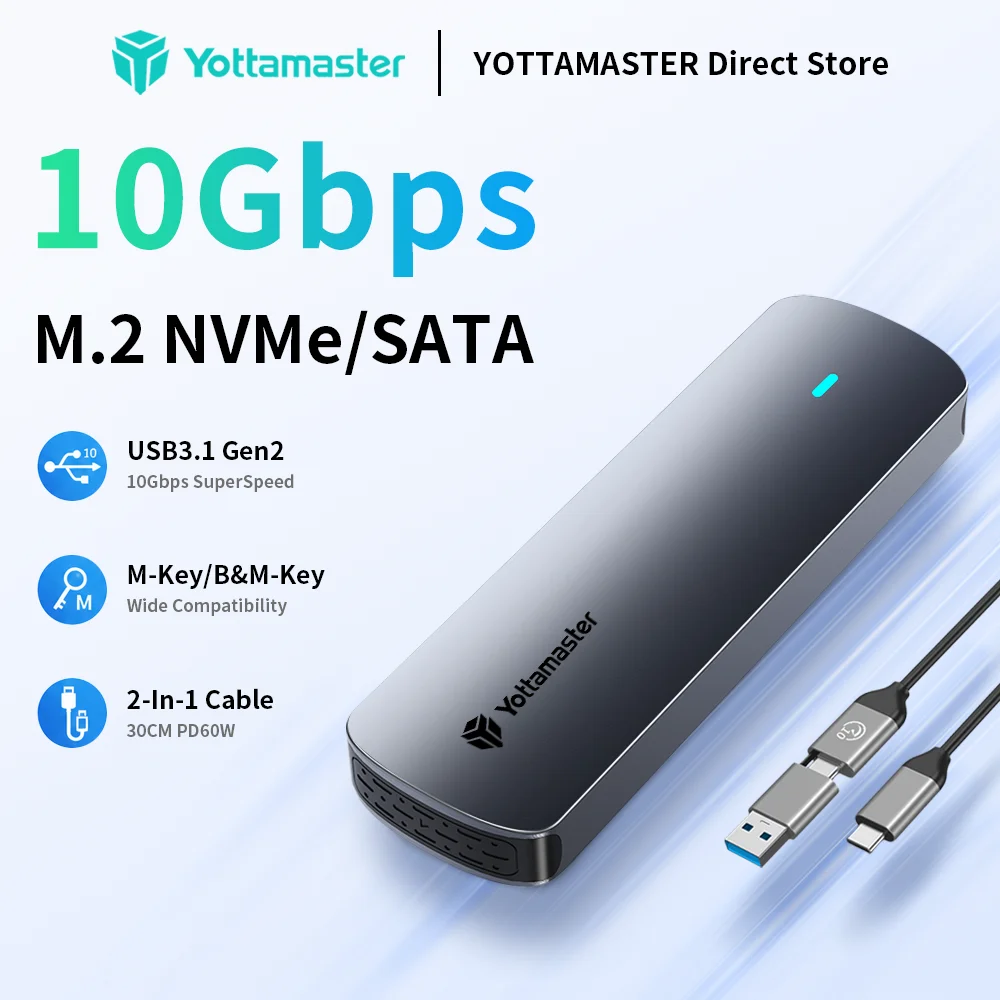
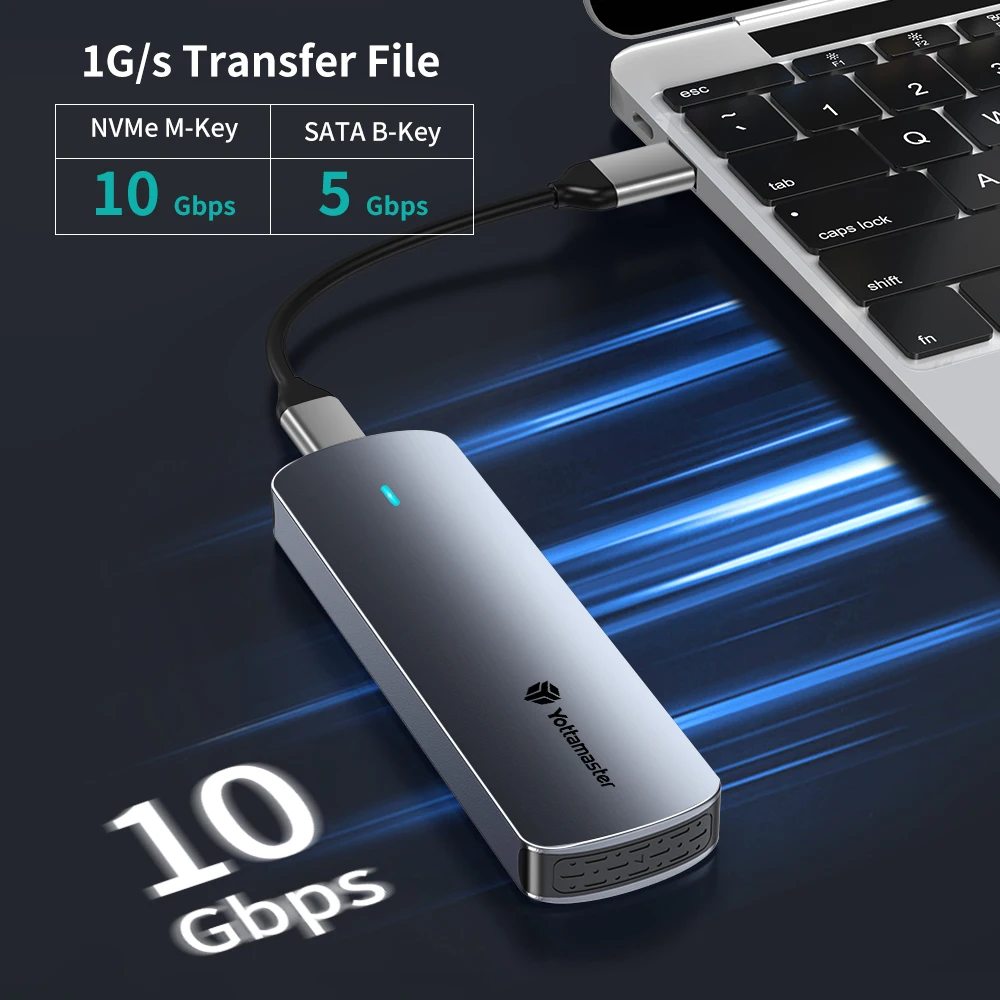
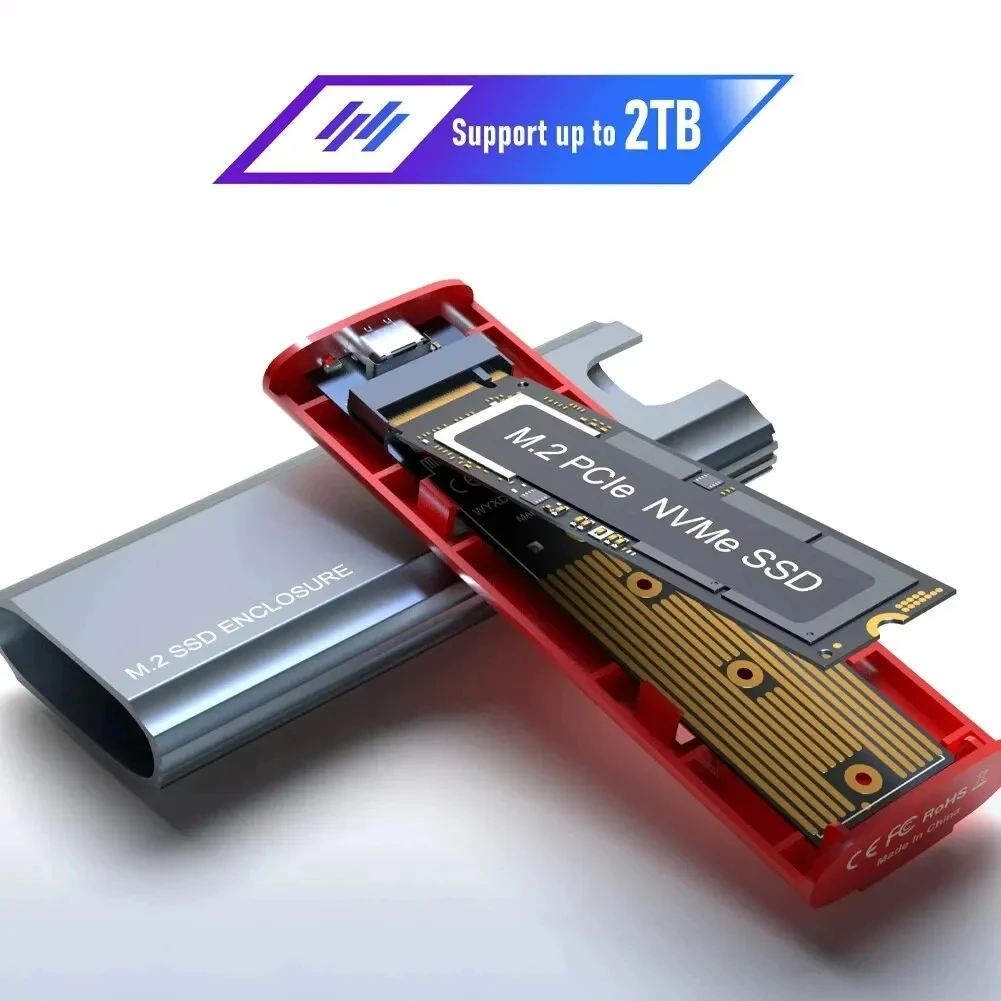
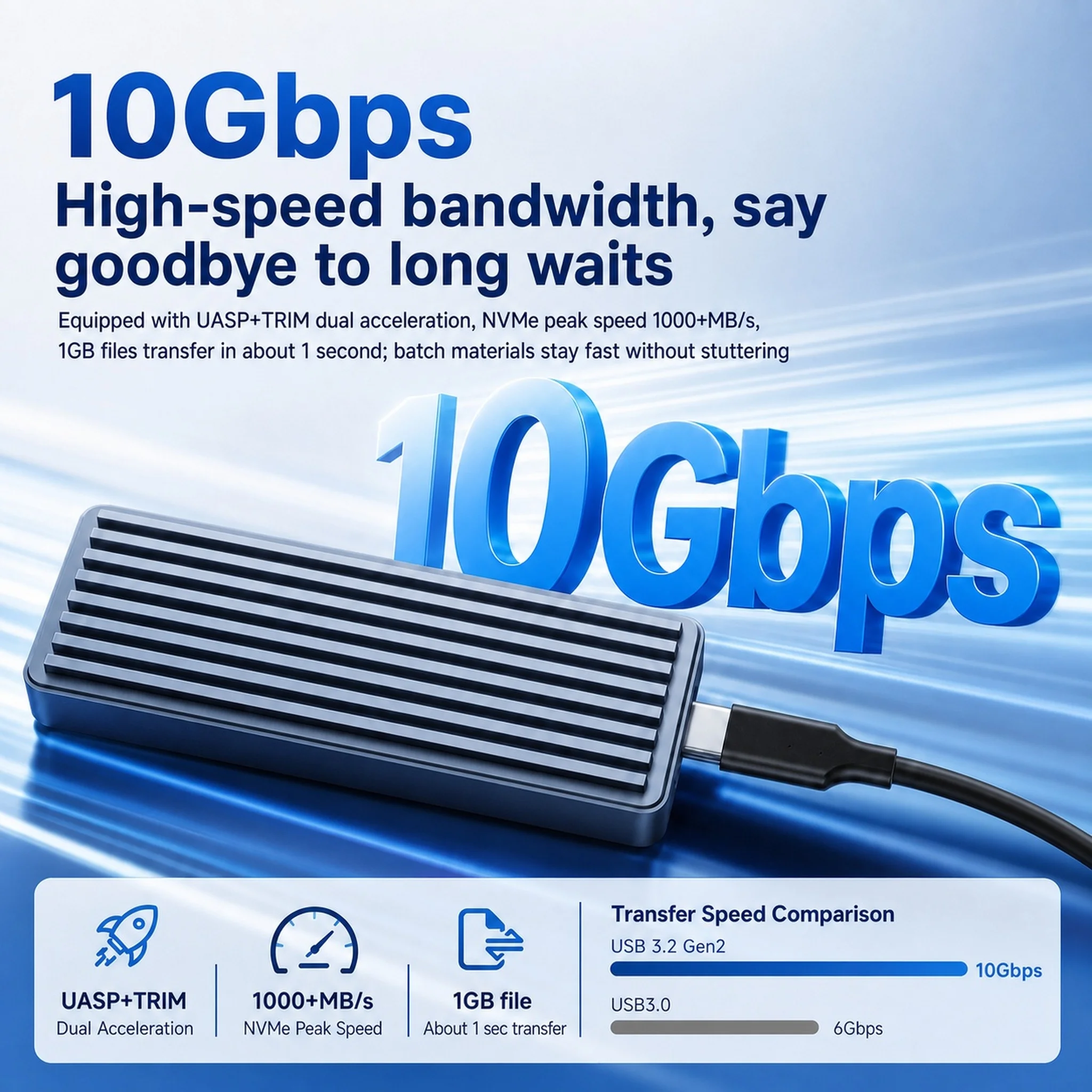
An M.2 enclosure turns the small stick-shaped SSD from a laptop or desktop into a portable drive with a USB-C socket. It is how most people reuse the drive left over after an upgrade, or build a fast drive for video and backups. The enclosures here are sold empty, and most connect at 10Gbps over USB-C.
The kinds here
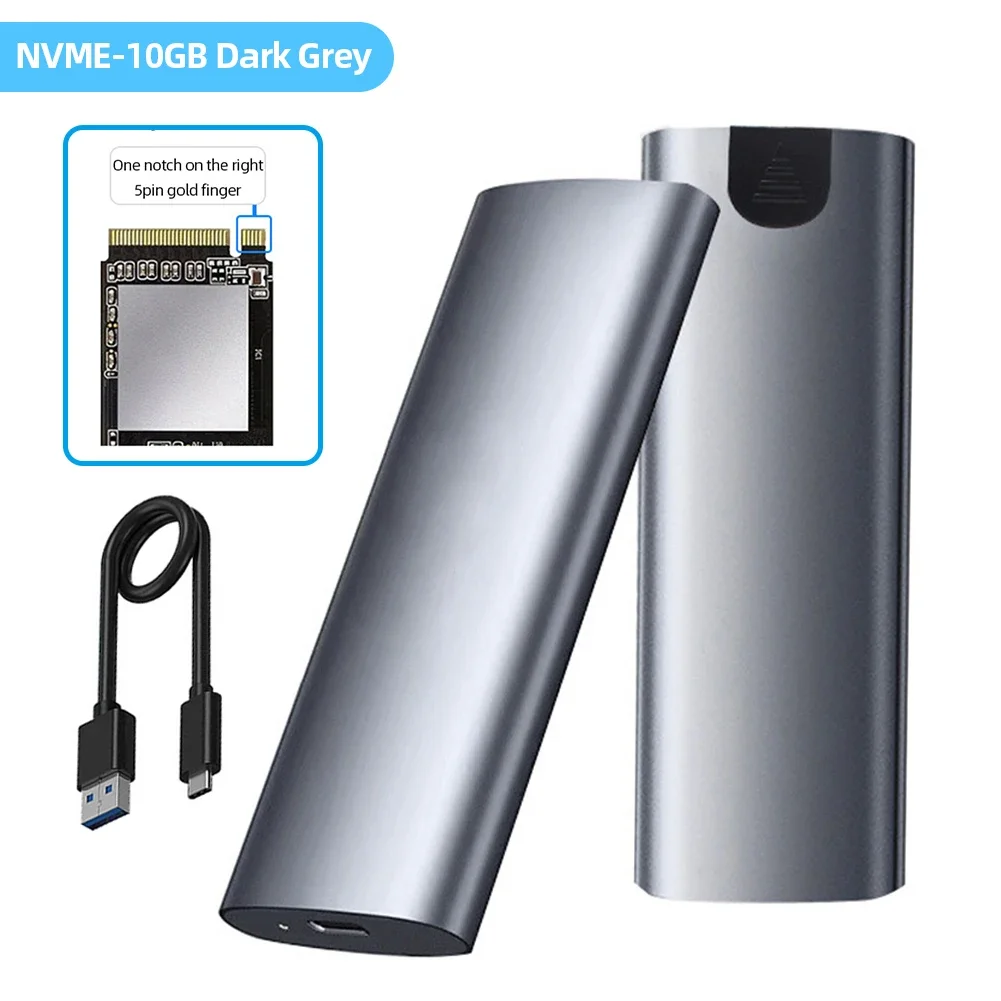
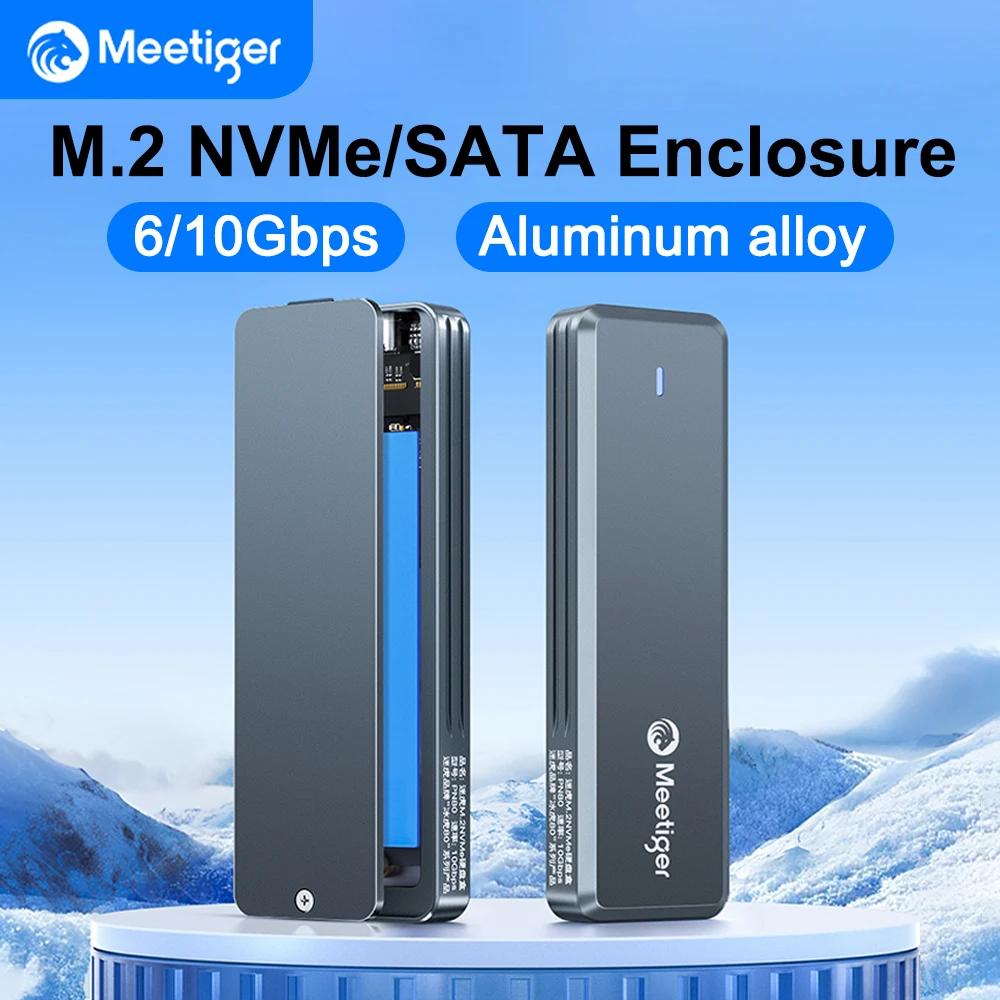
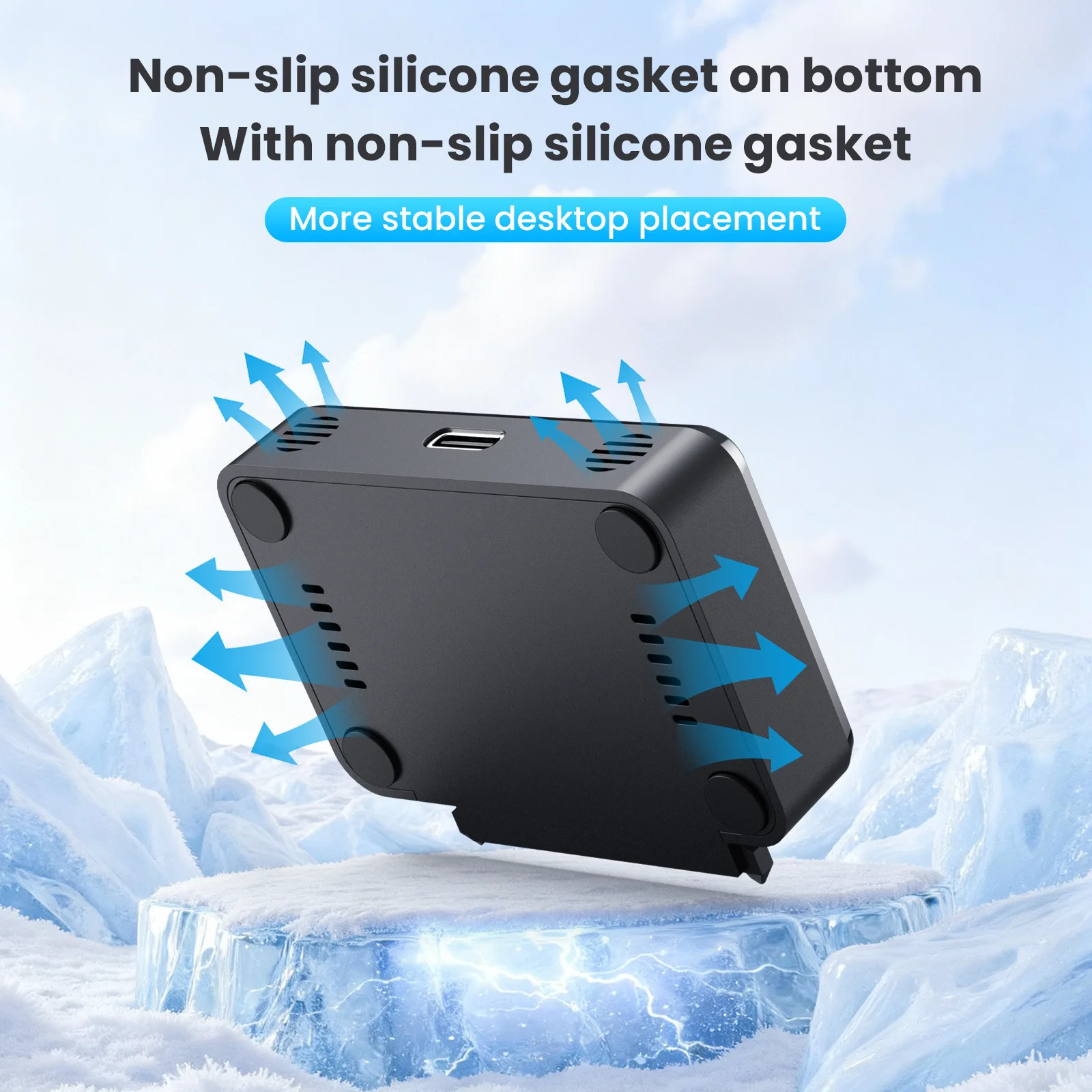
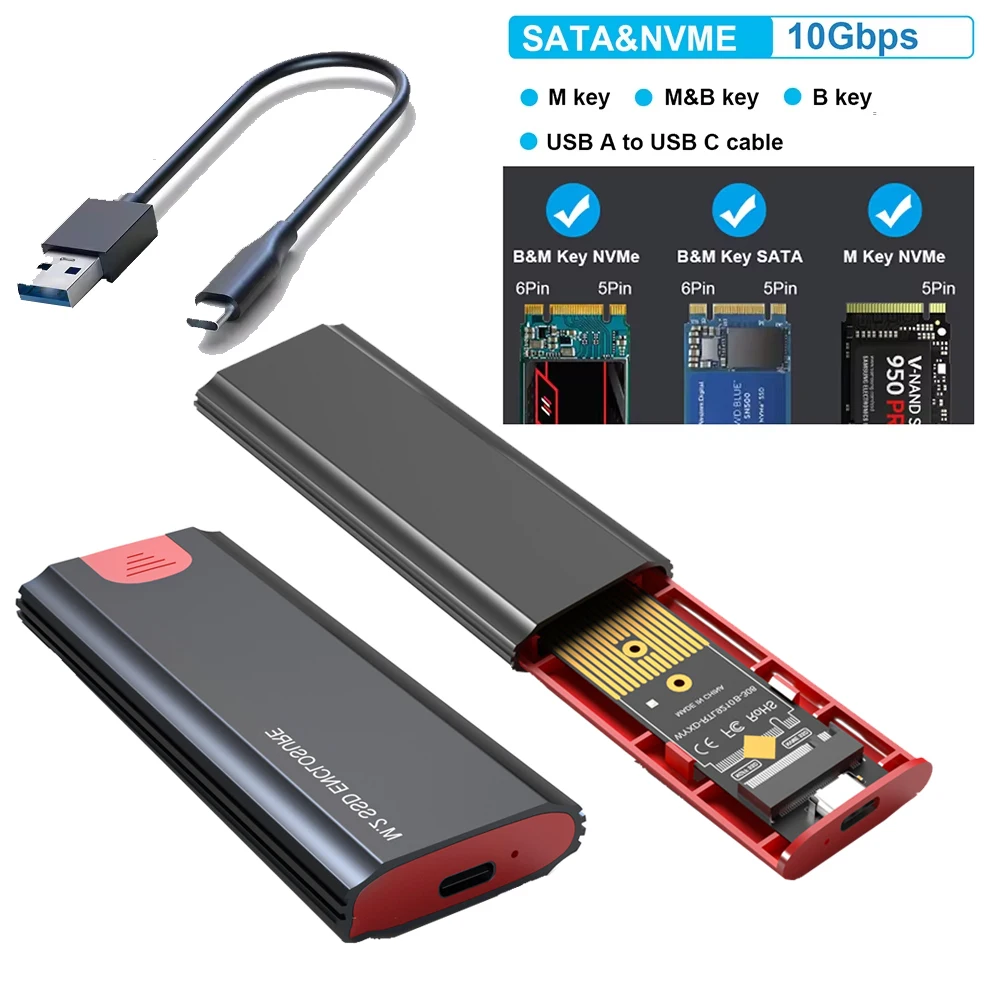
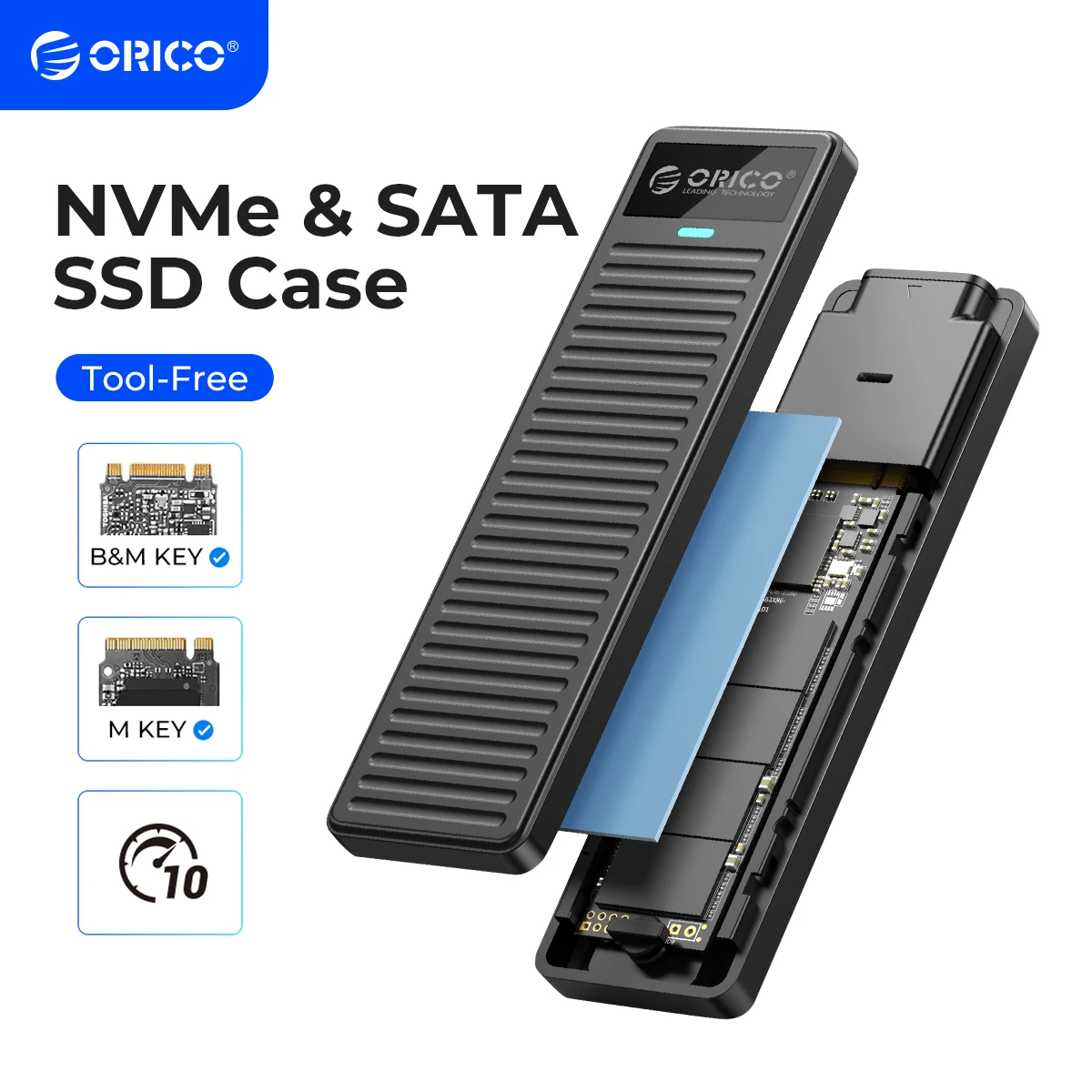
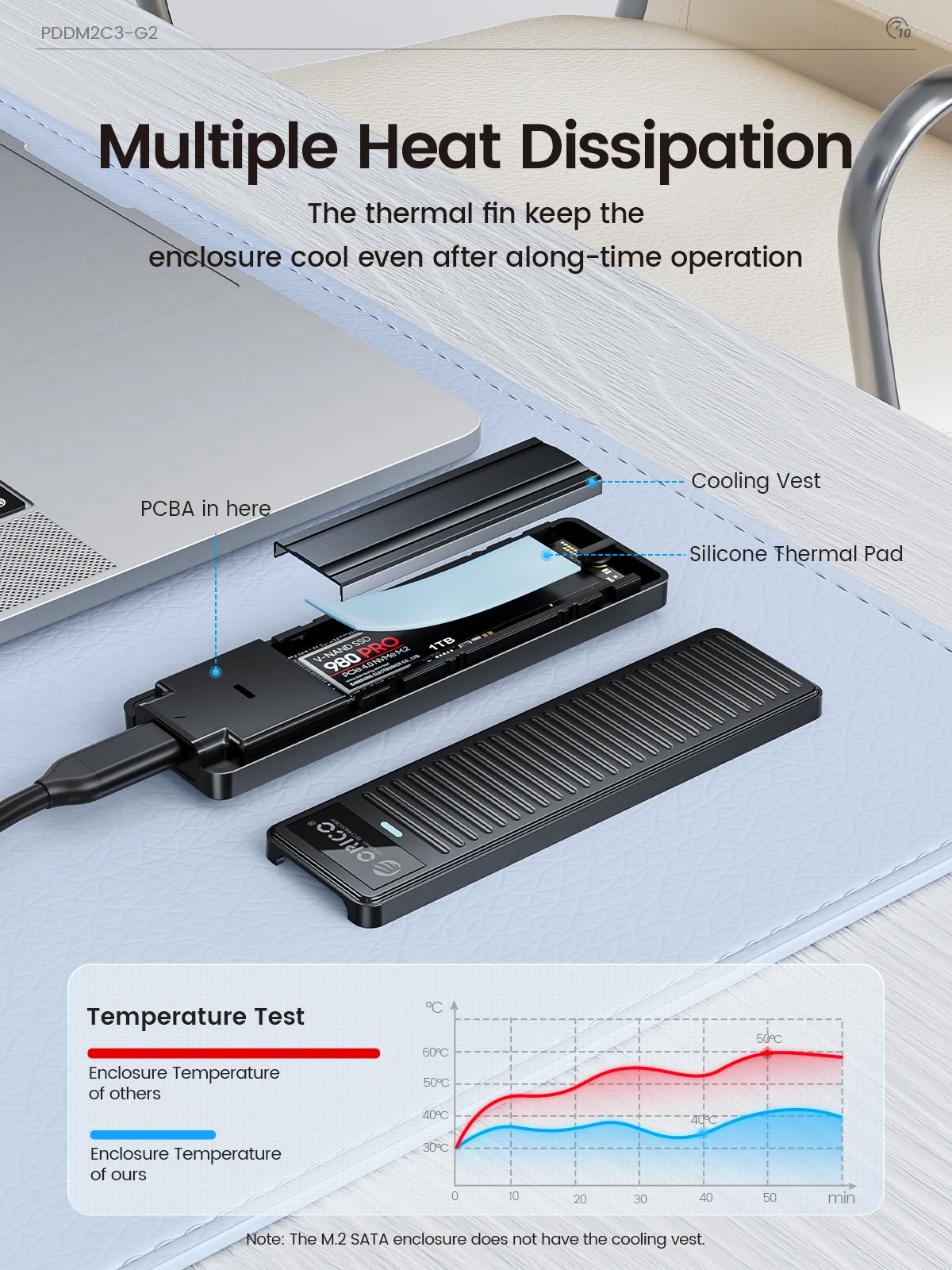
- Aluminium cases, which draw heat away from the drive, many opening without tools.
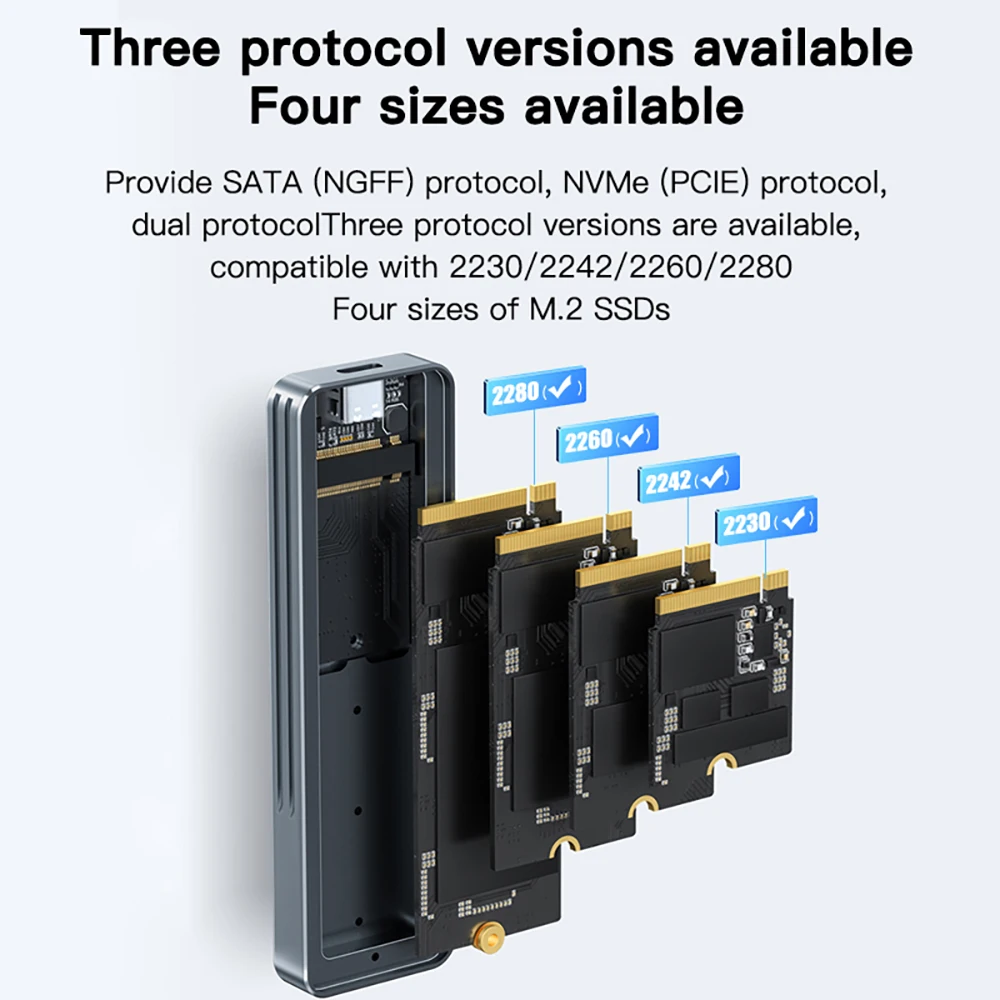
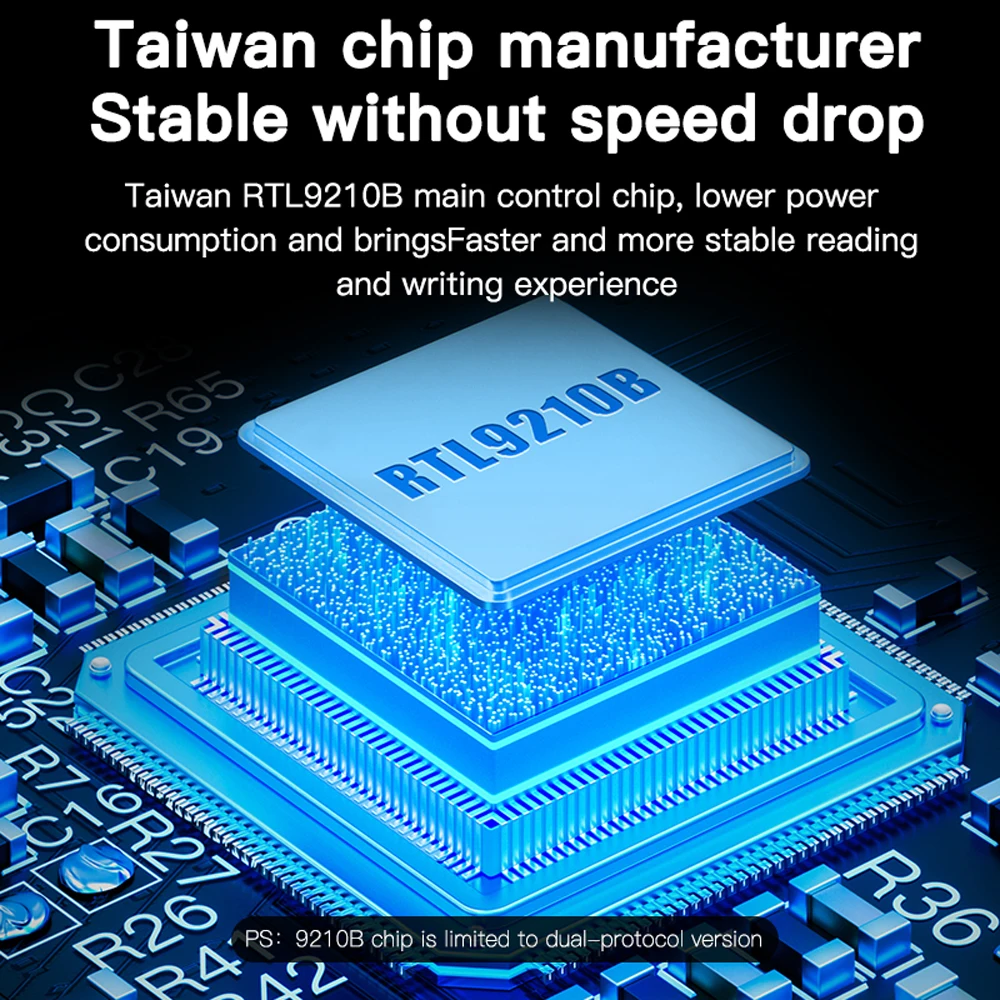
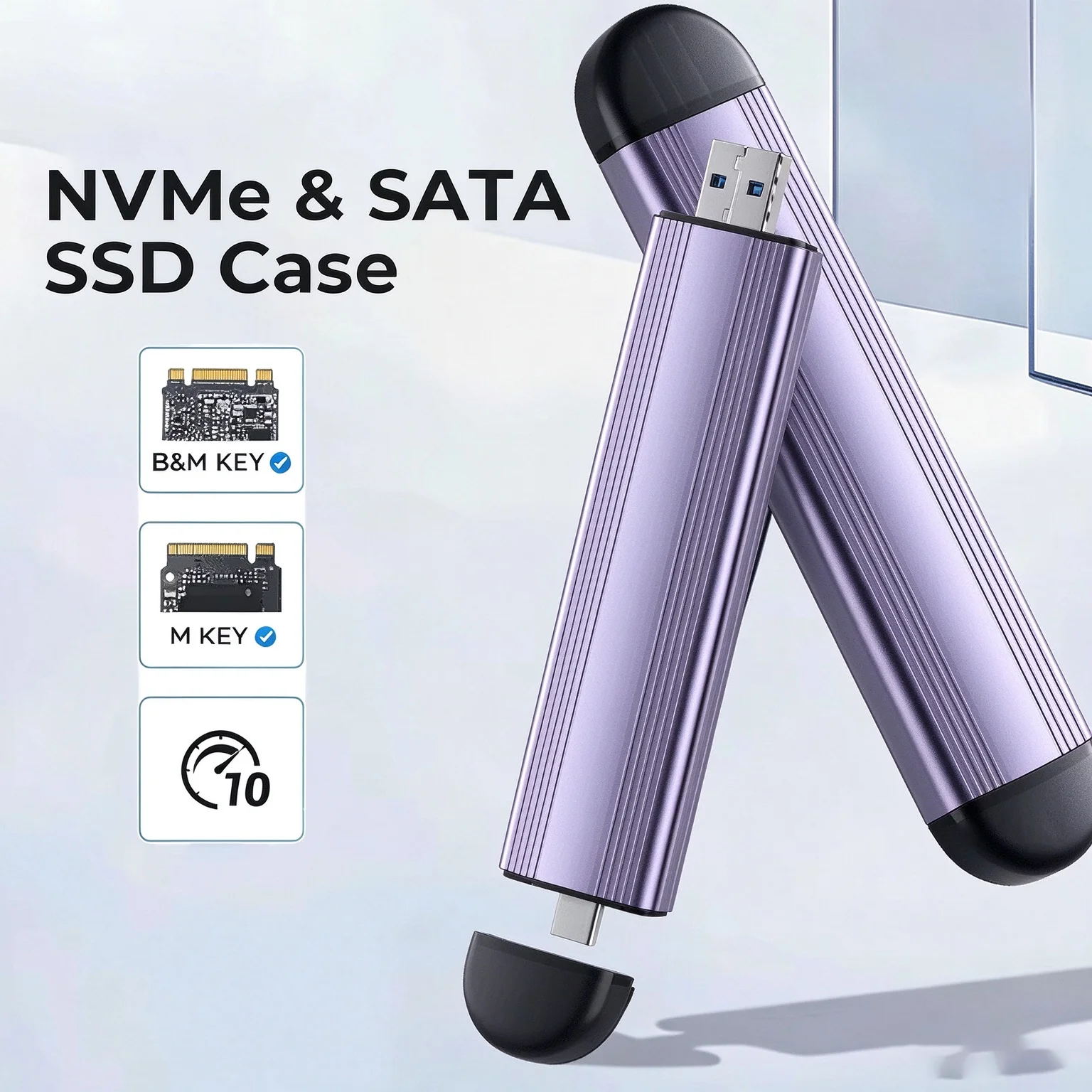
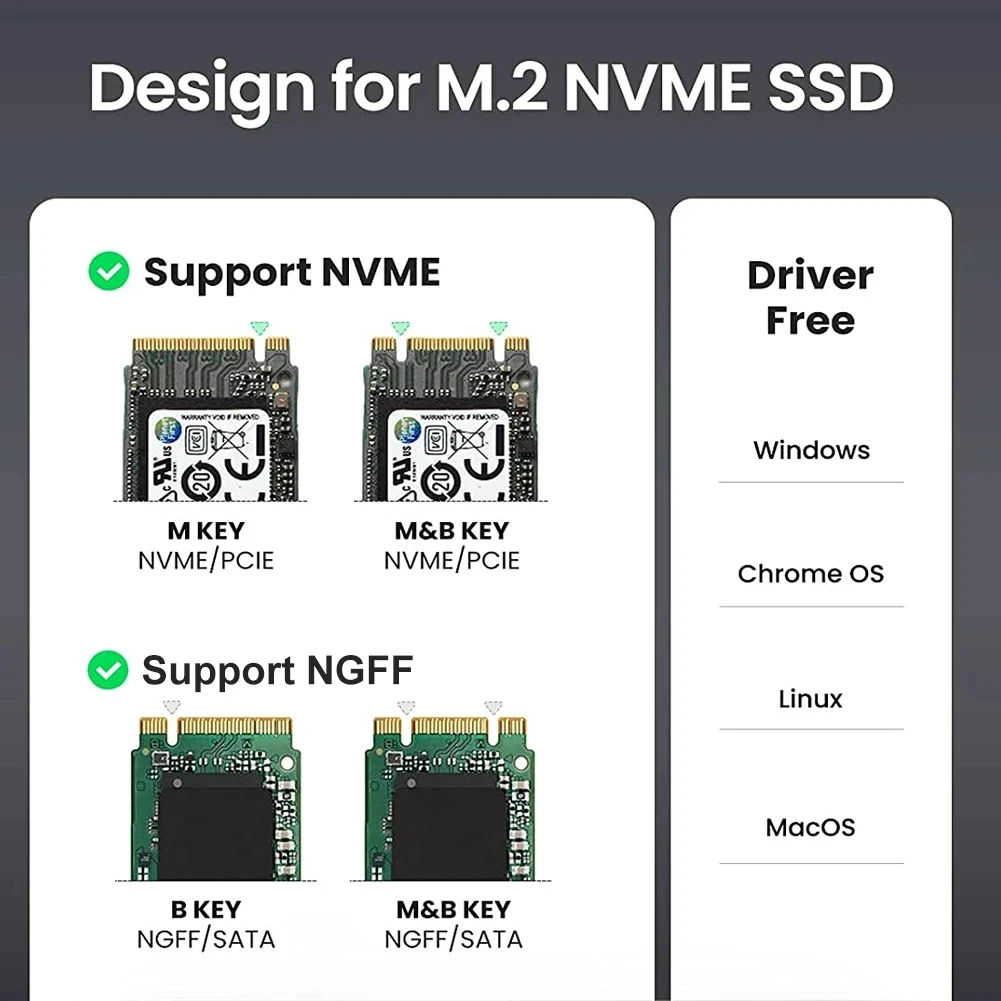
- NVMe-only, SATA-only or dual cases that take either kind of M.2 drive.
- A 20Gbps enclosure, listed as USB 3.2 Gen 2x2, for laptops with a 20Gbps port.
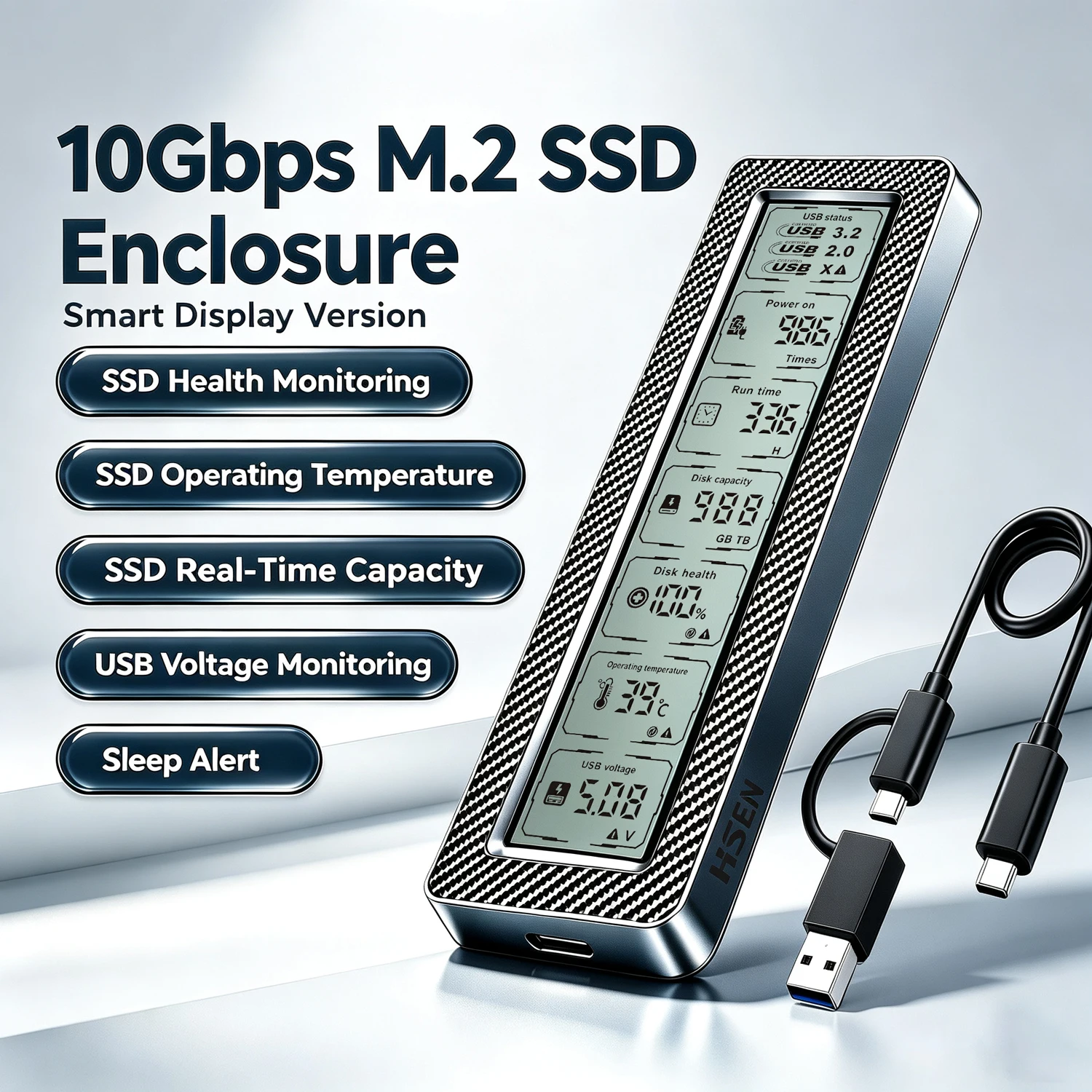
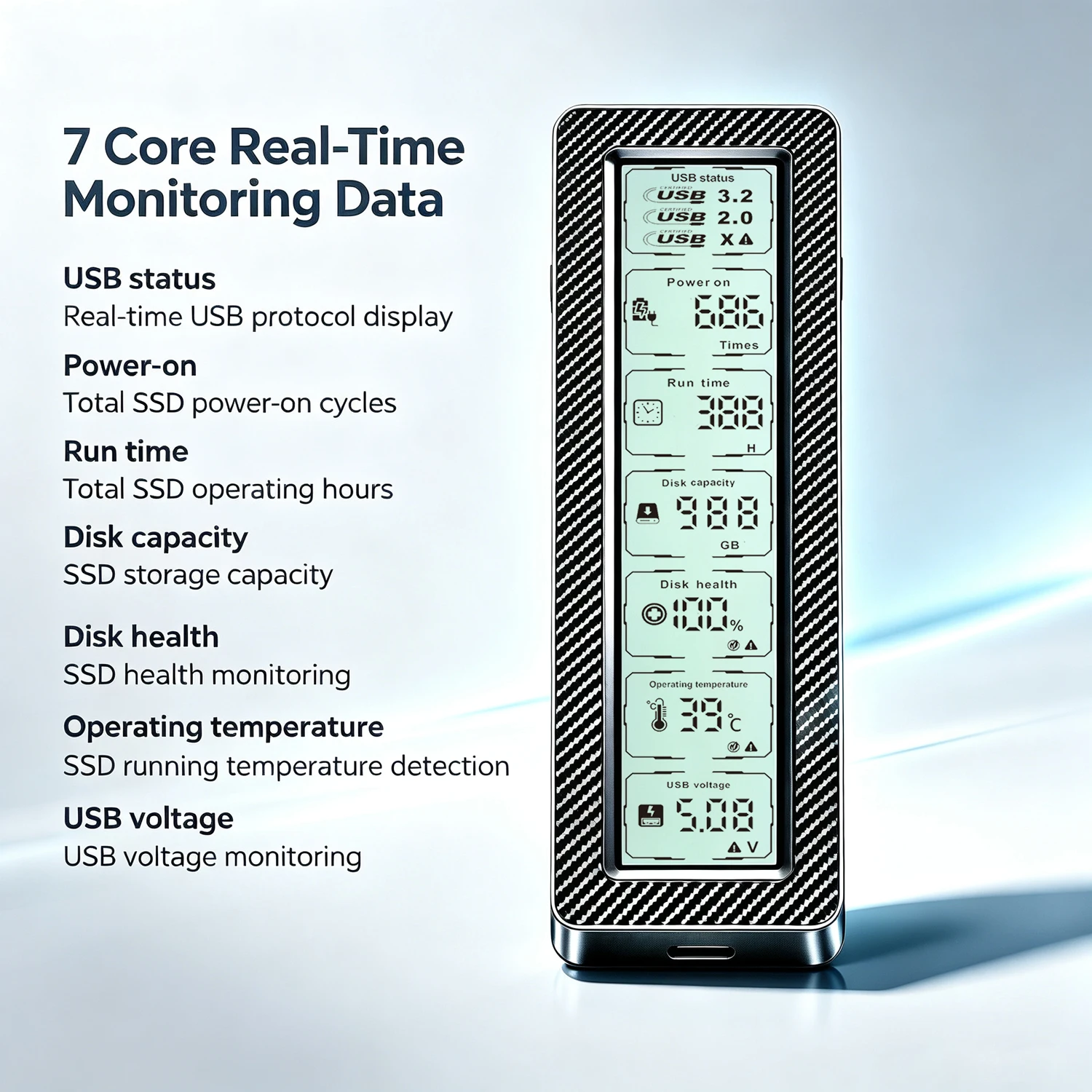
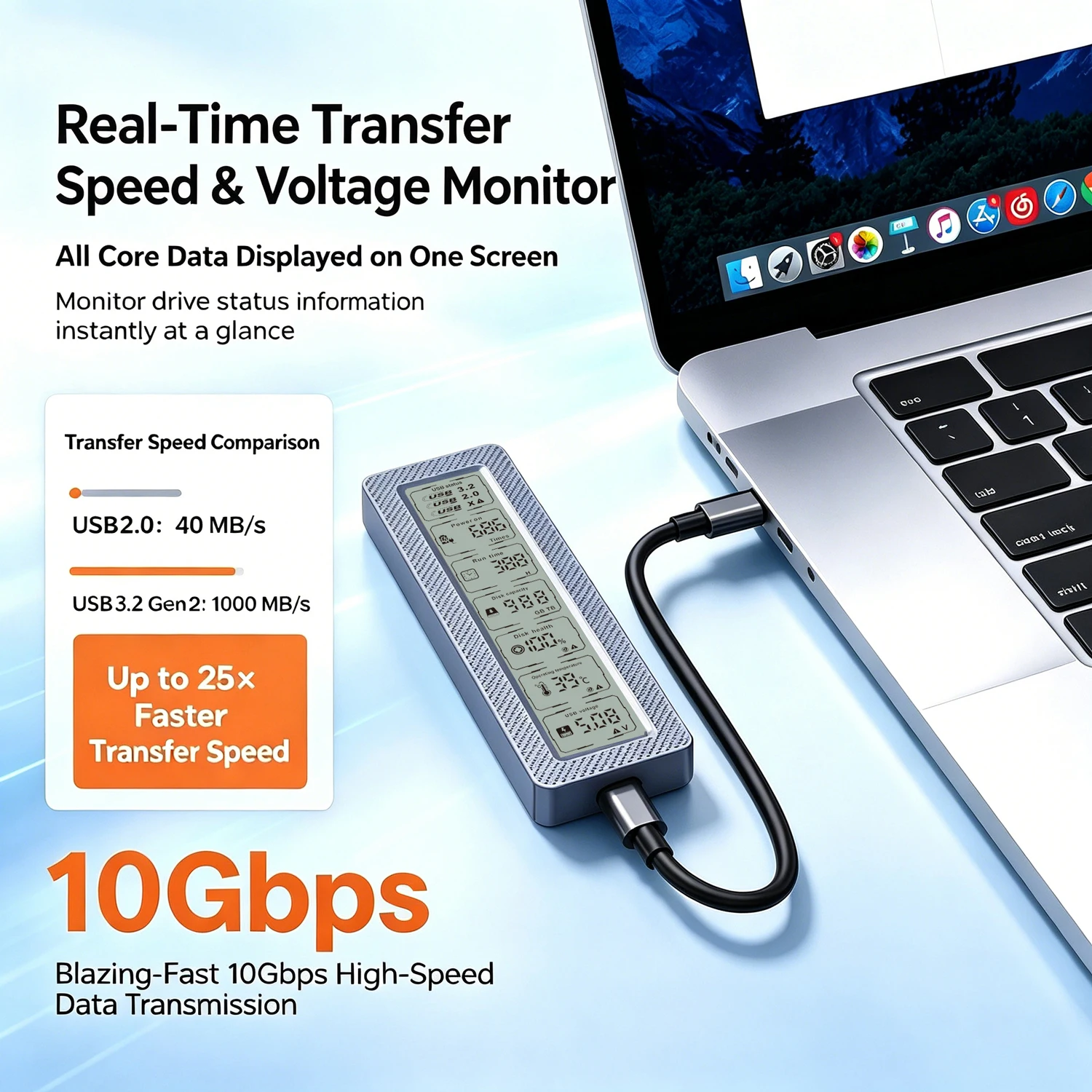
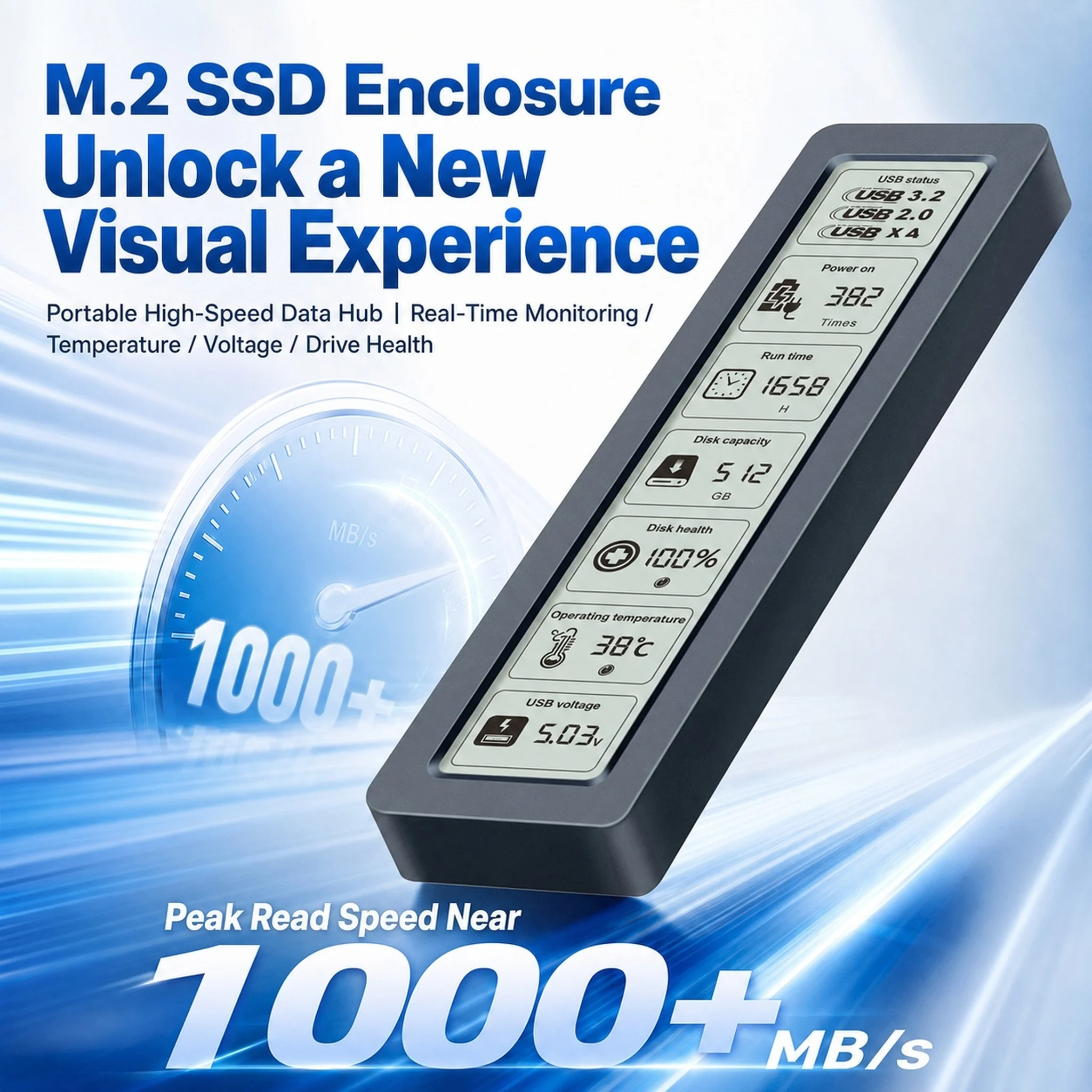
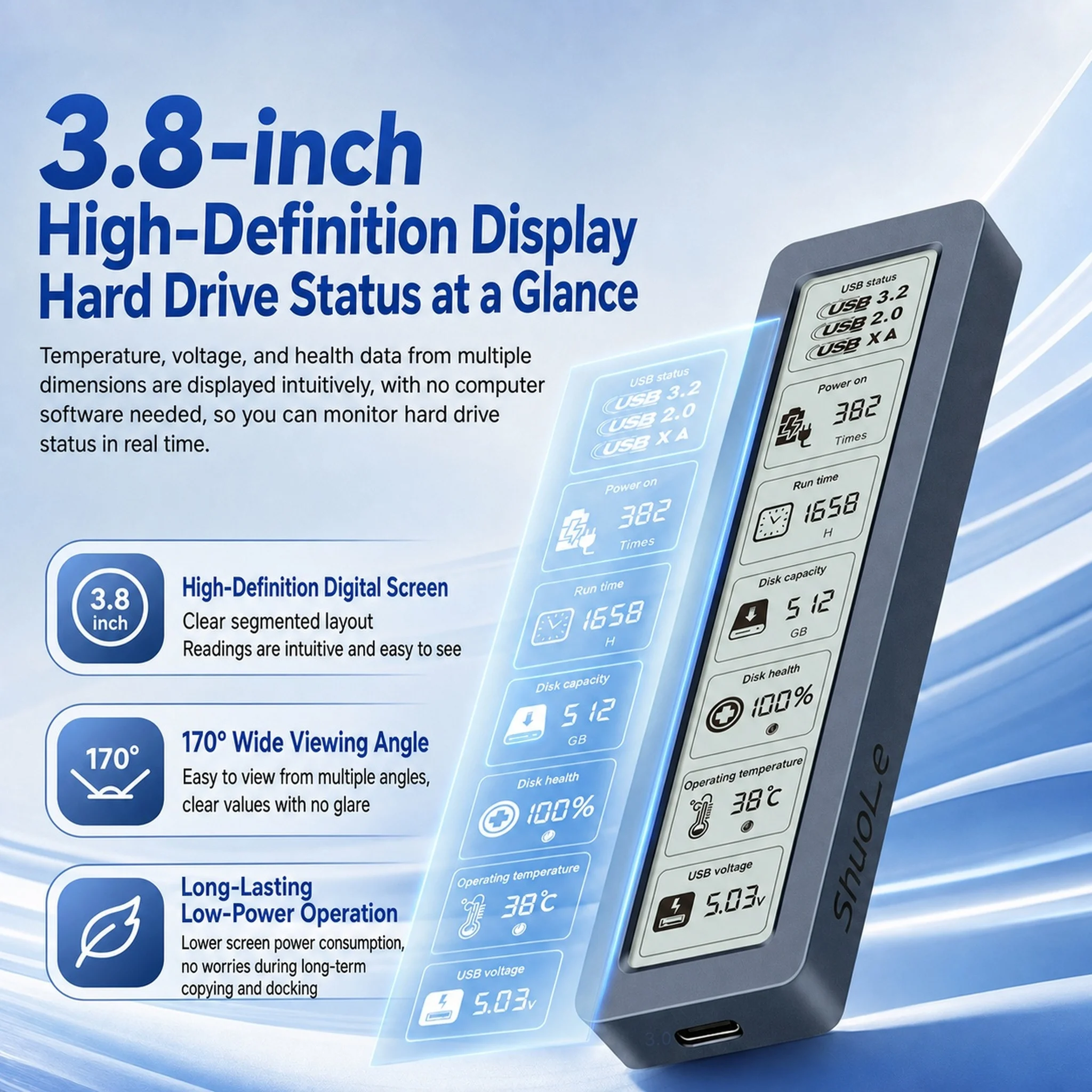
- Cases with a small screen that shows the drive's health and temperature as you work.
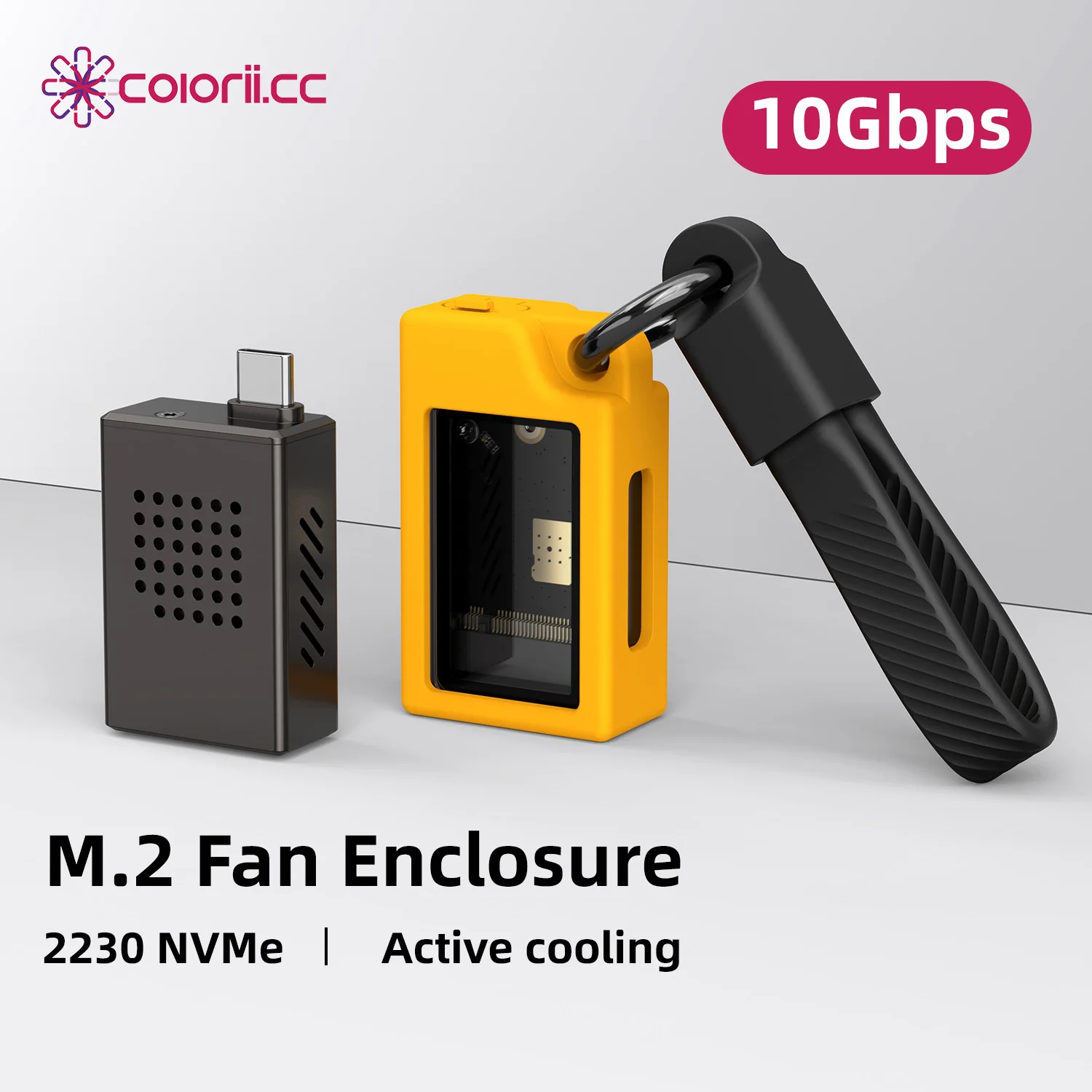
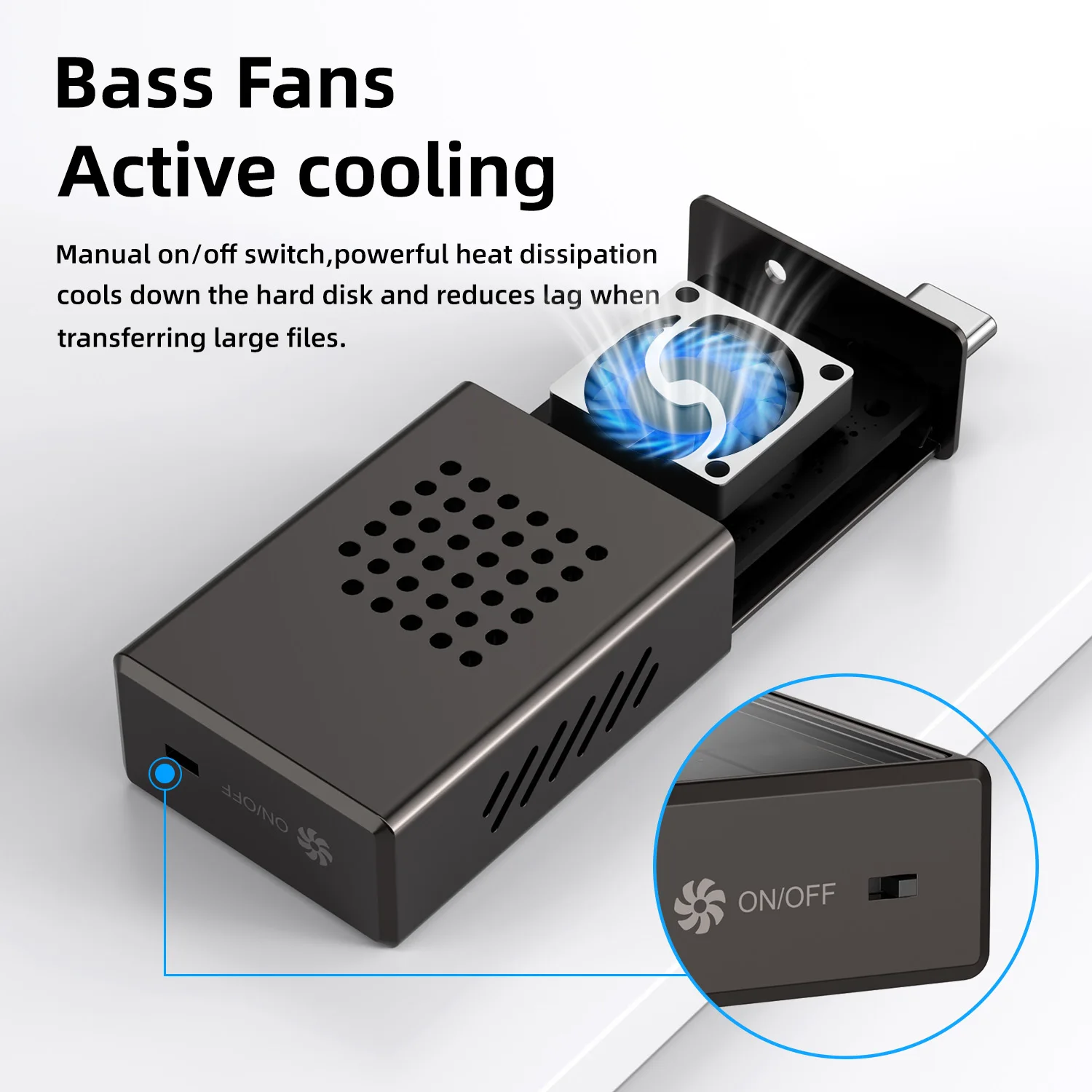
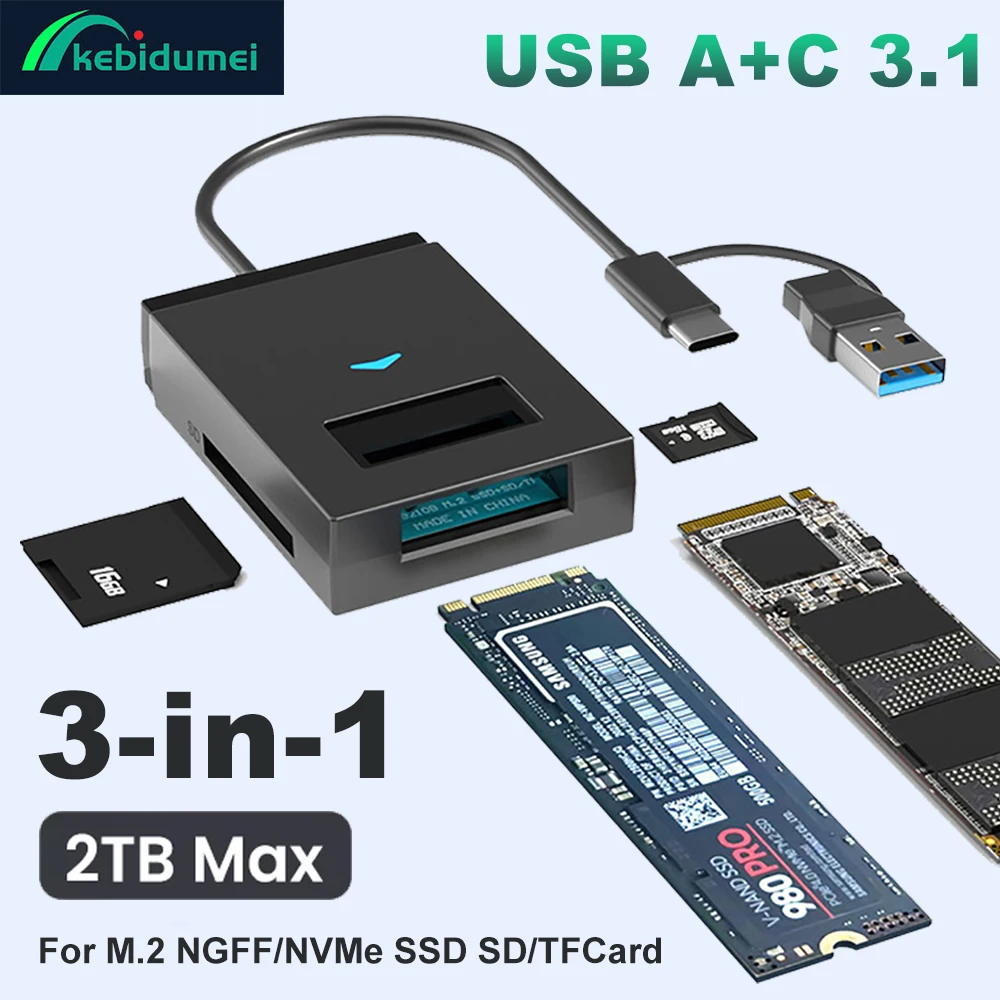
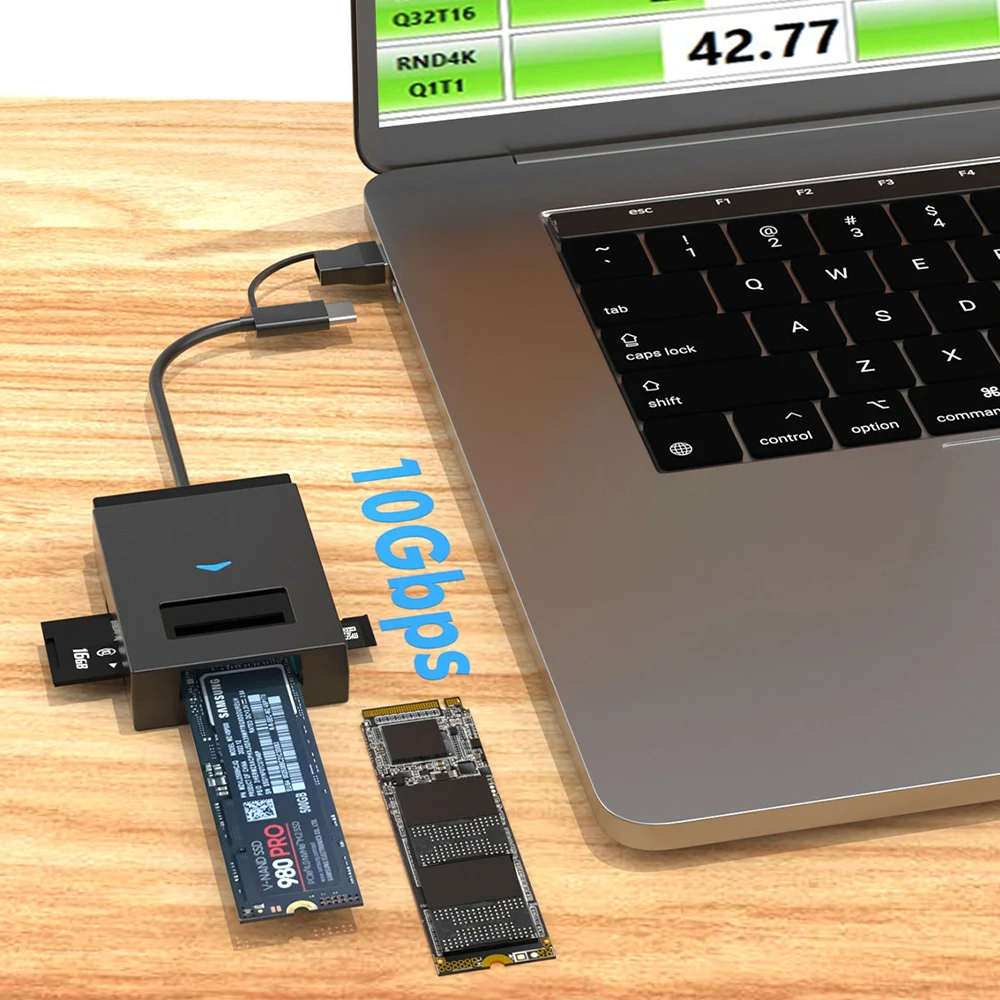
- A case with a fan for the short 2230 drives, and one with an SD and microSD slot built in.
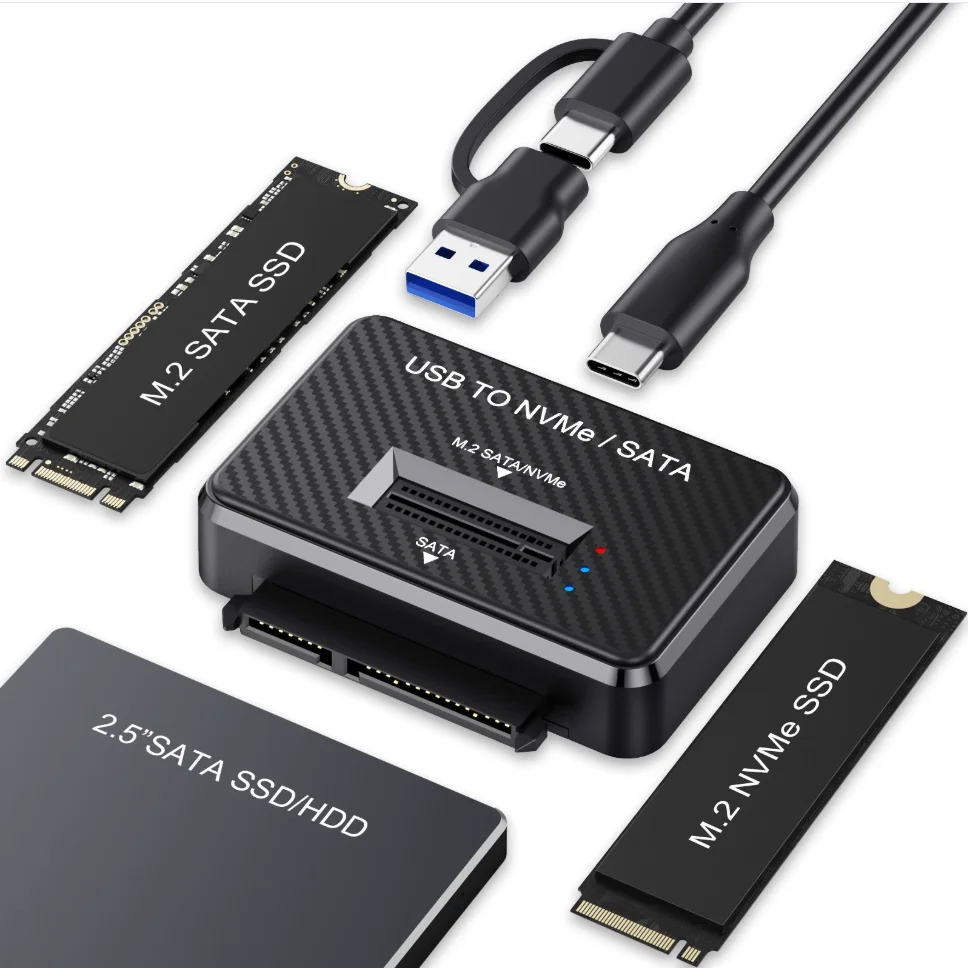
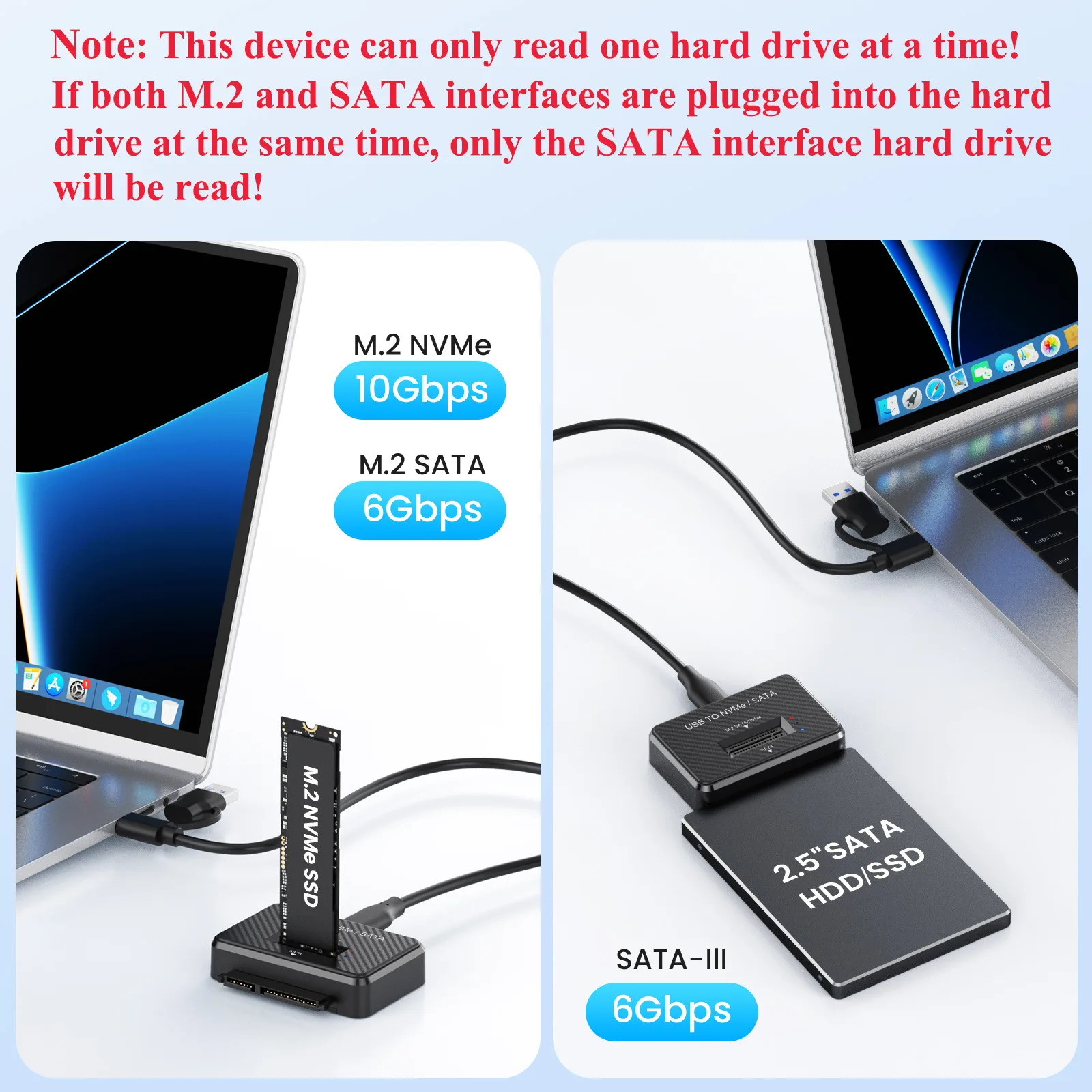
- A bare adapter that also takes a 2.5-inch SATA drive.
How to choose
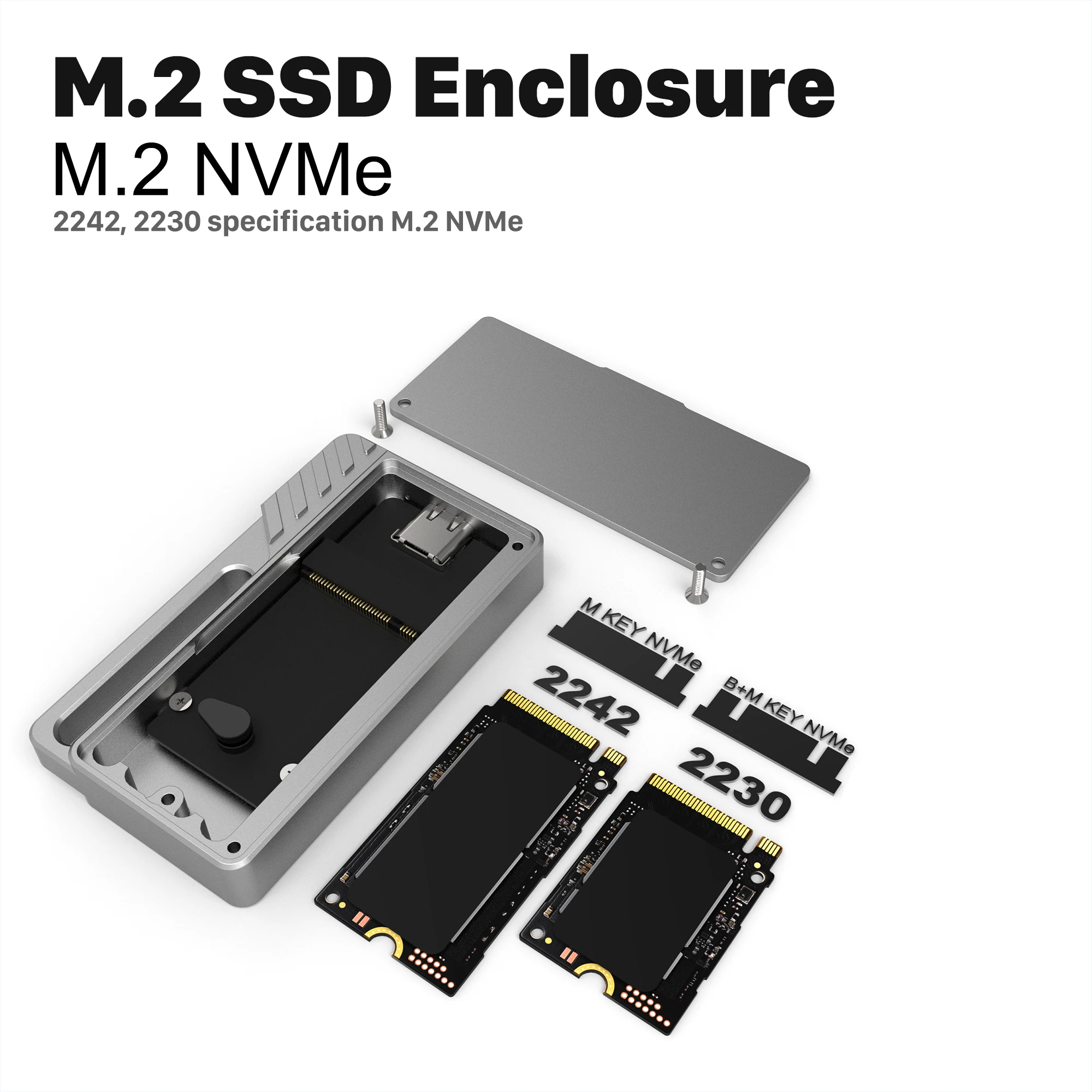
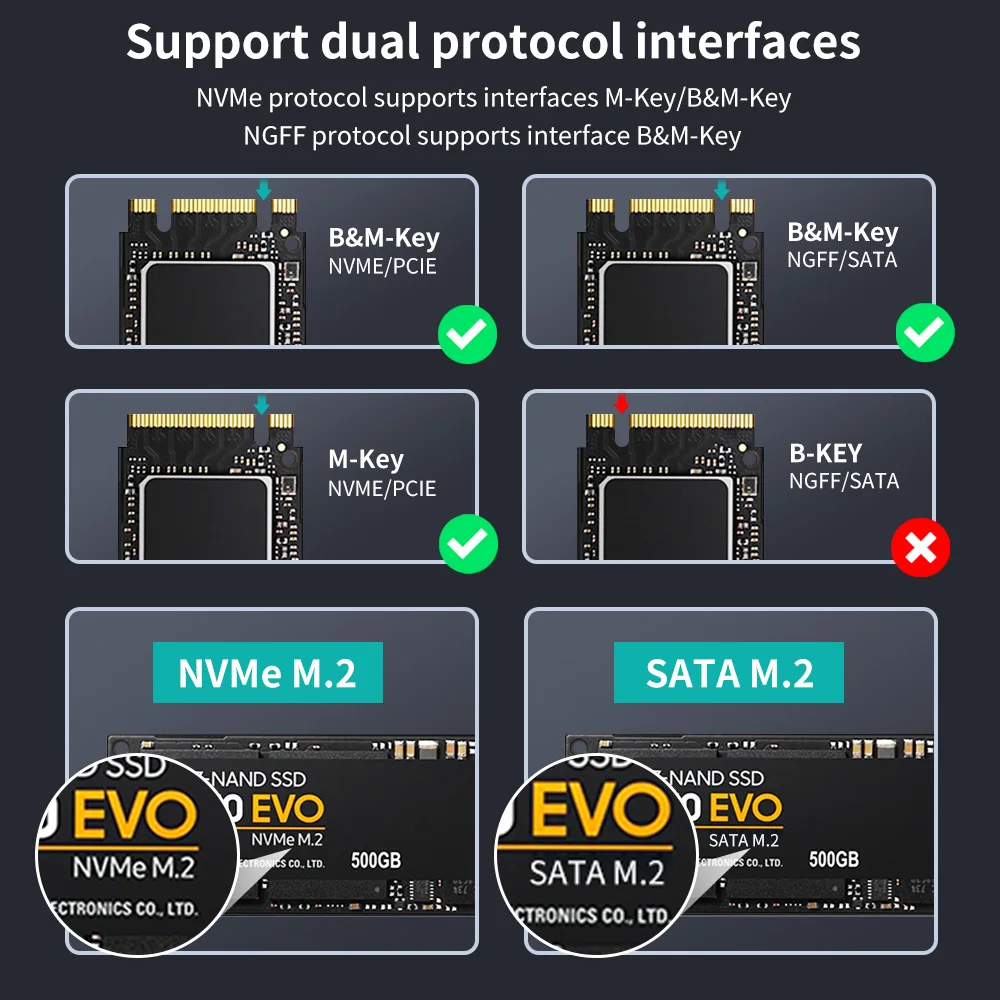
Kind of drive. NVMe drives are the fast kind and have one notch in the connector, the M key. SATA M.2 drives usually have two, the B and M keys. An NVMe-only case will not run a SATA drive, so if you are not sure, choose a dual case.
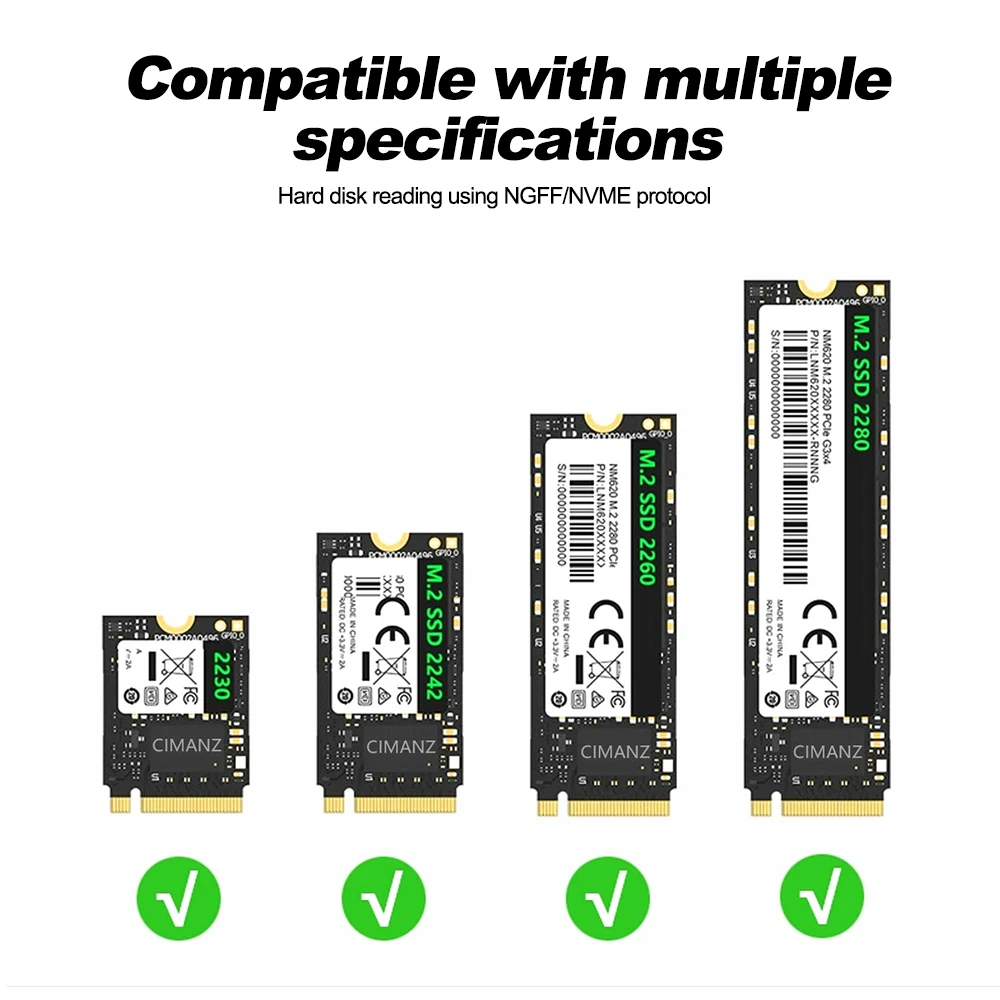
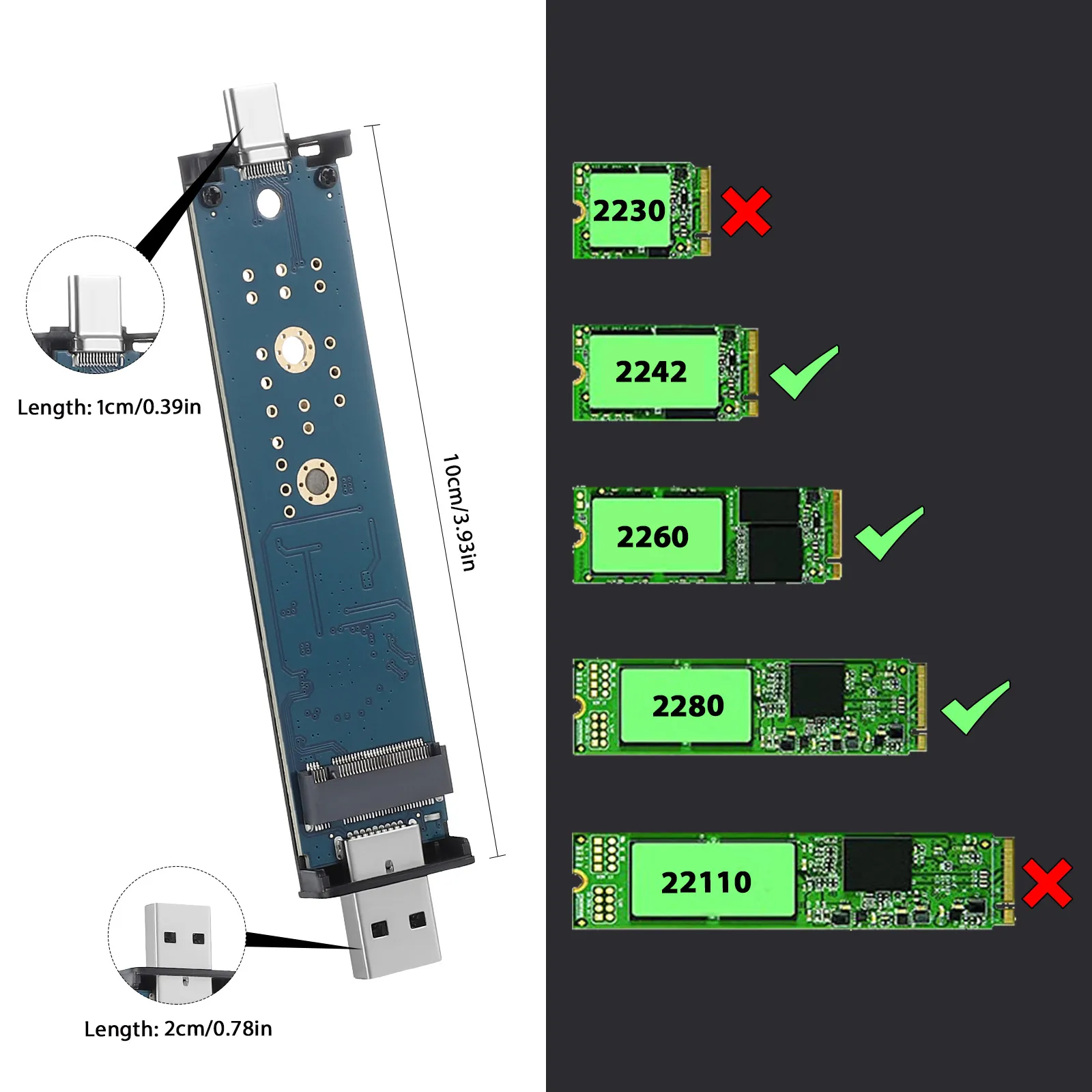
Length. M.2 drives are 22mm wide; the number on the label gives width and length, so 2280 is 80mm long and 2230 is 30mm. Most cases here take 2230 to 2280, and a few take only the short ones.
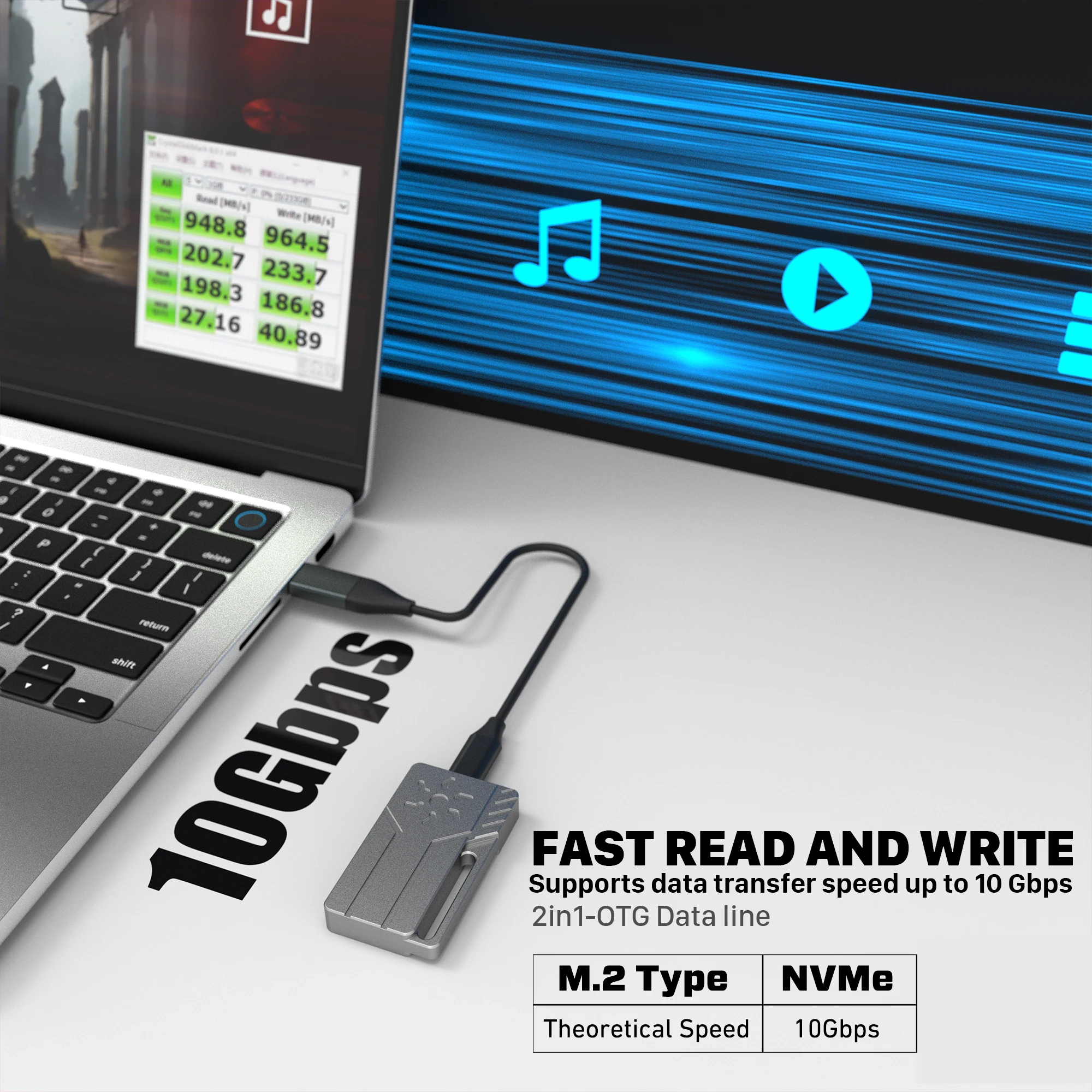
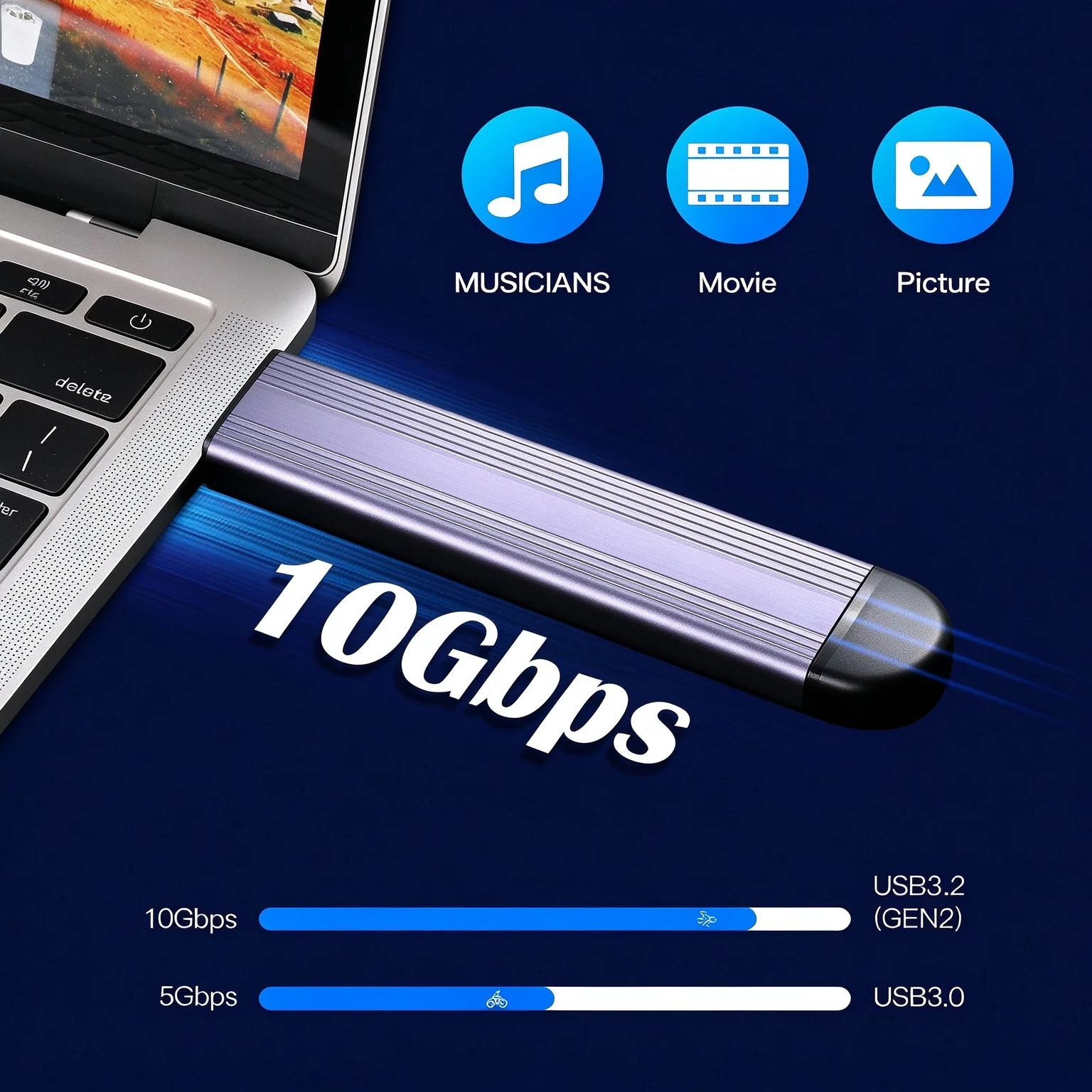
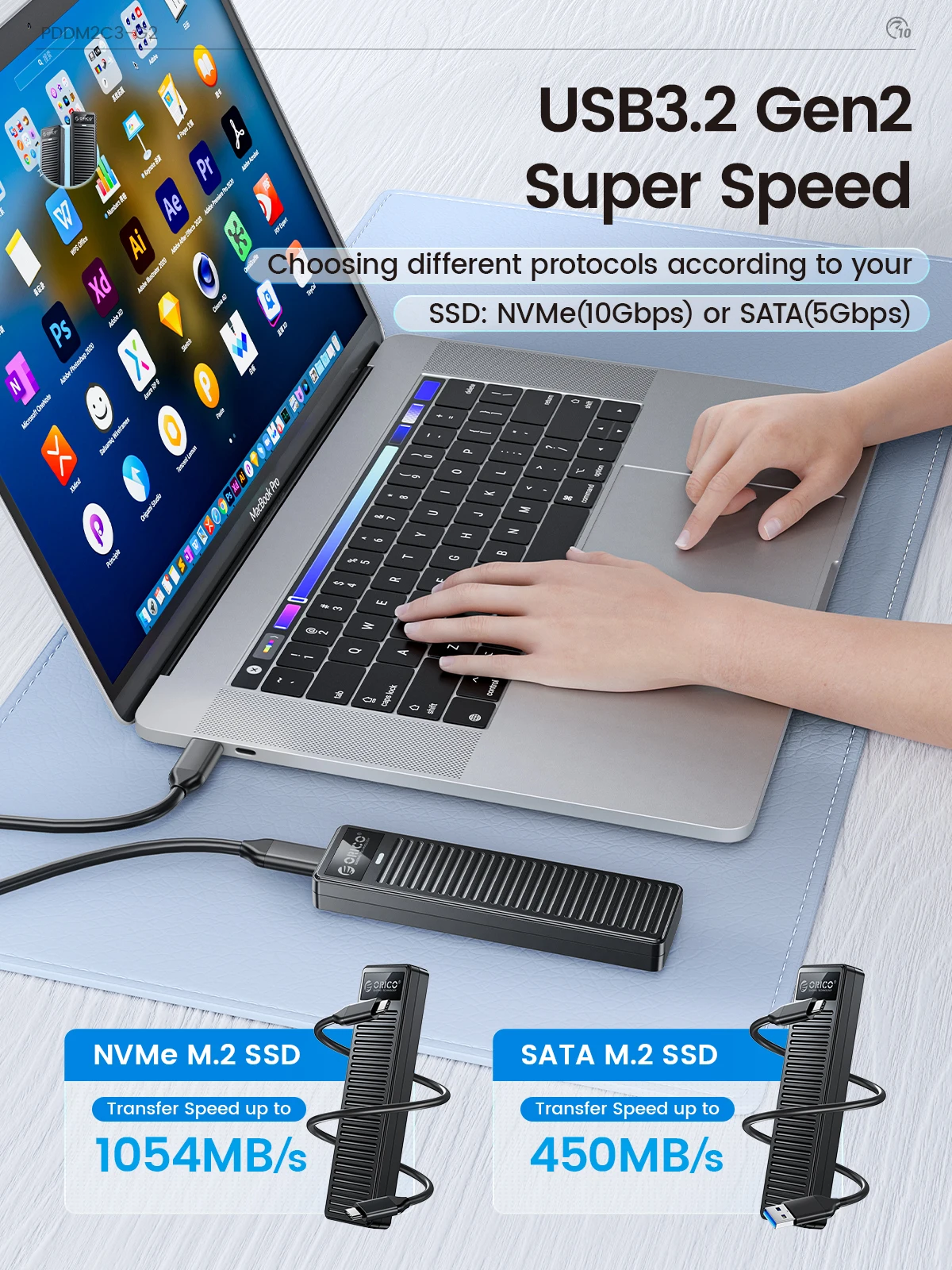
Speed. USB 10Gbps is about 1,250 megabytes a second on paper, and real copies are slower. A SATA drive tops out near 600 megabytes a second whatever the case, so the gain from 10Gbps or 20Gbps is with NVMe drives. A 20Gbps case runs at 10Gbps in a 10Gbps port: a USB link runs at the slowest speed both ends share.
Questions people ask about M.2 SSD enclosures
Why does the drive slow down on long copies?
NVMe drives slow themselves when they get hot, to protect themselves. An aluminium case with a thermal pad, or one with a fan, keeps them cooler for longer.
Does it need a power supply?
No. It runs from the laptop's USB port.
How do I set up a new drive?
On Windows, initialise it in Disk Management. On a Mac, use Disk Utility; ExFAT works on both. Our guide SSD enclosures explained covers it step by step.
Is the cable included?
Each listing shows what comes in the box. Use a cable rated for 10Gbps or faster: a slow cable holds a fast drive back. See USB-C to USB-C cables.
Delivery is included in every price and tracked to your door. Each product page says when it usually arrives.
More to look at