One cable from laptop to screen
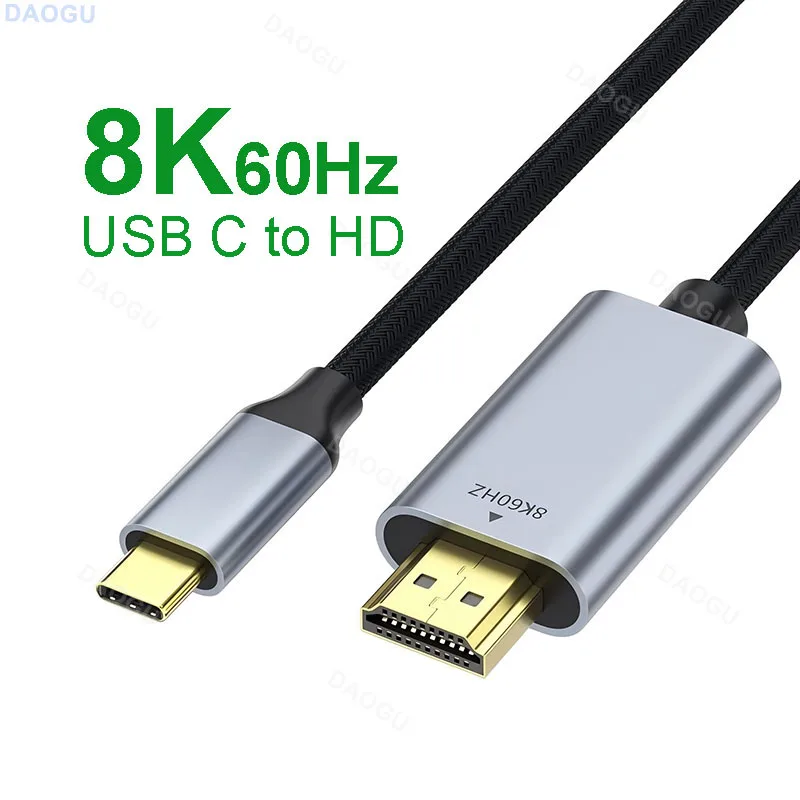
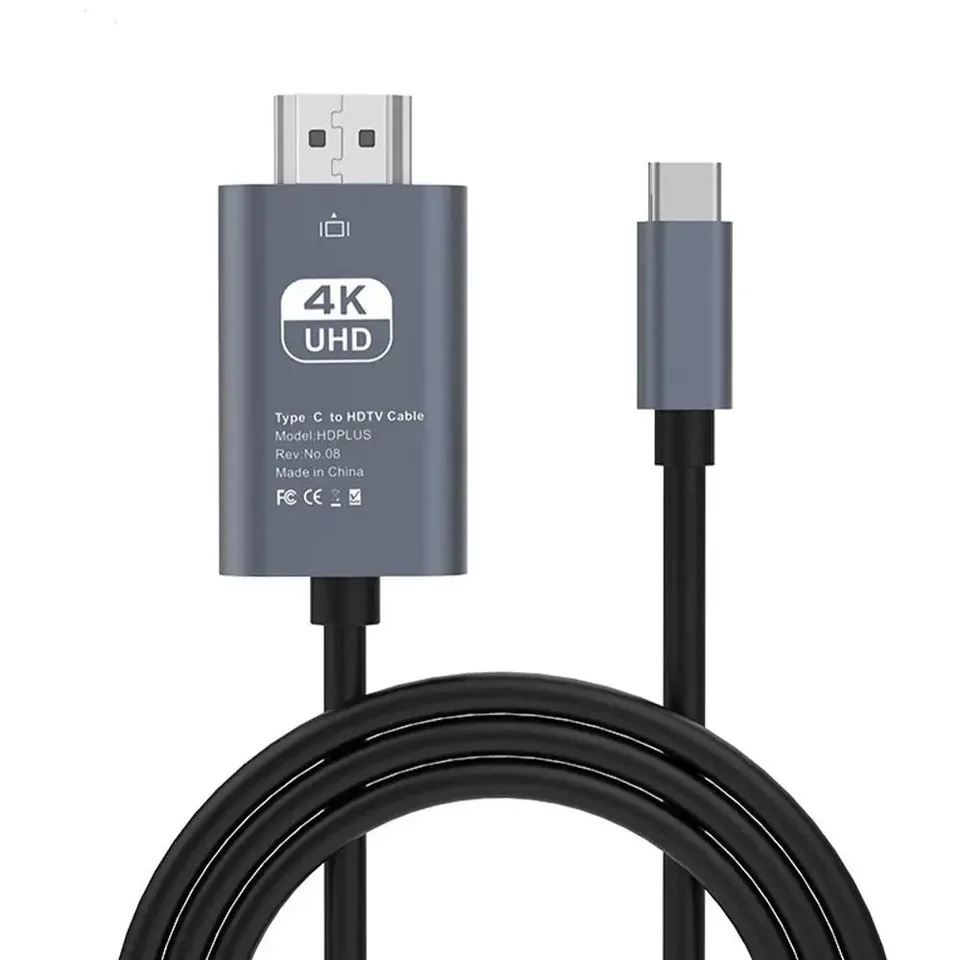
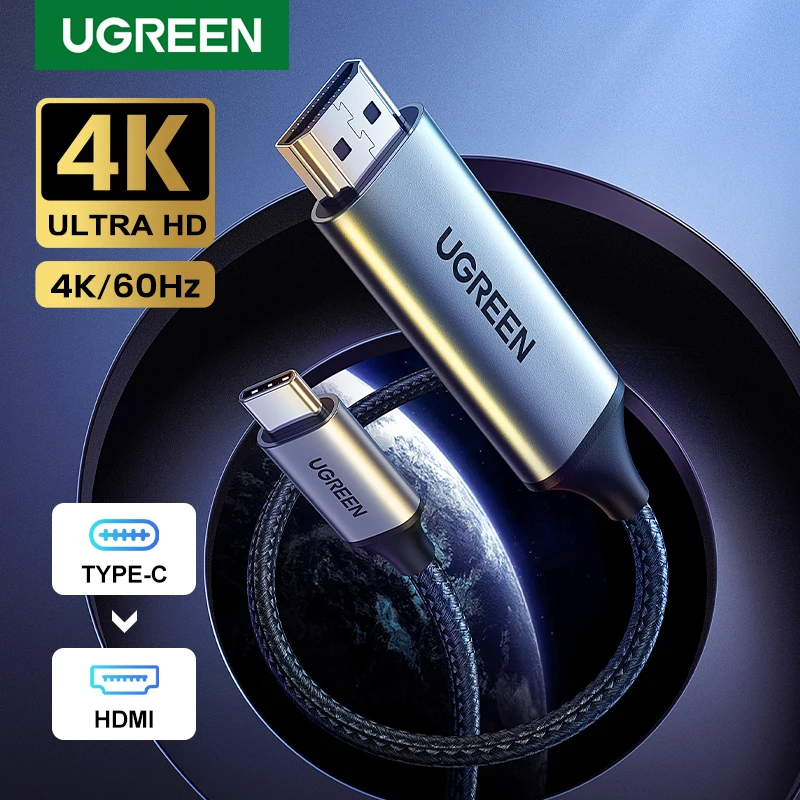
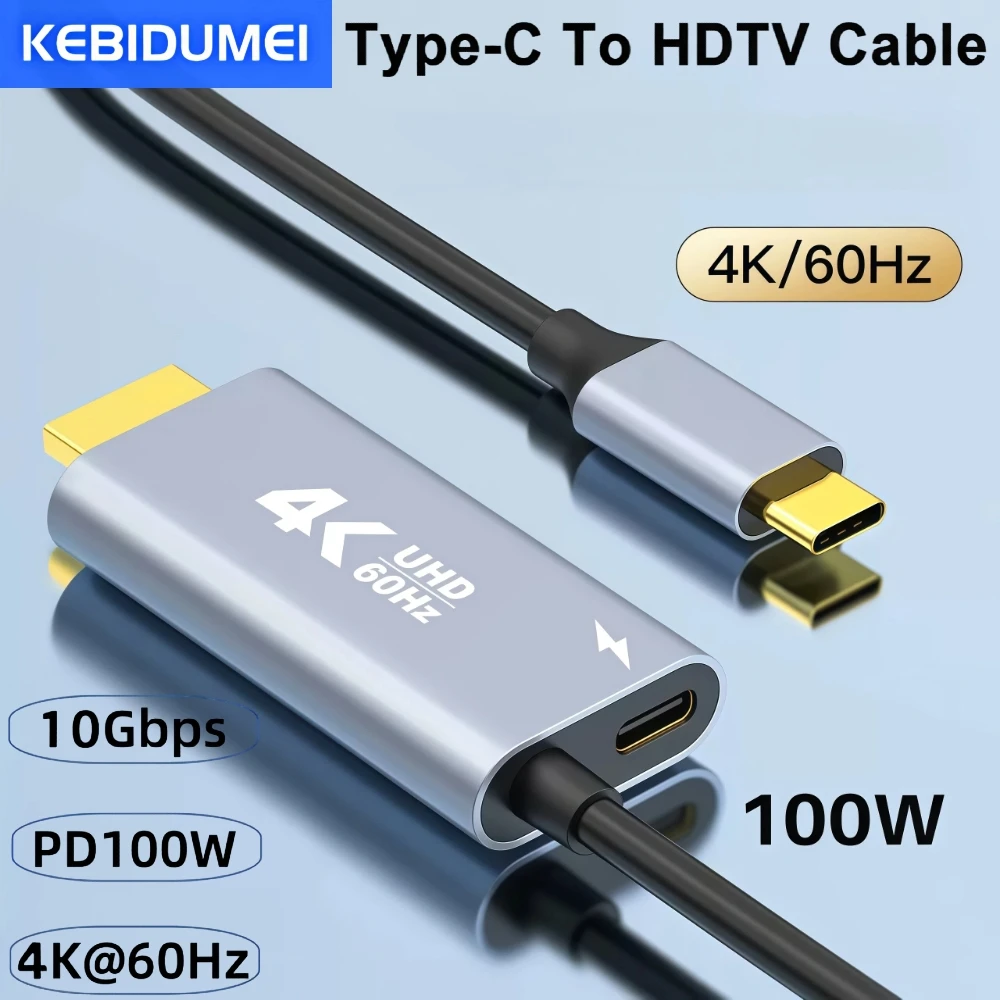
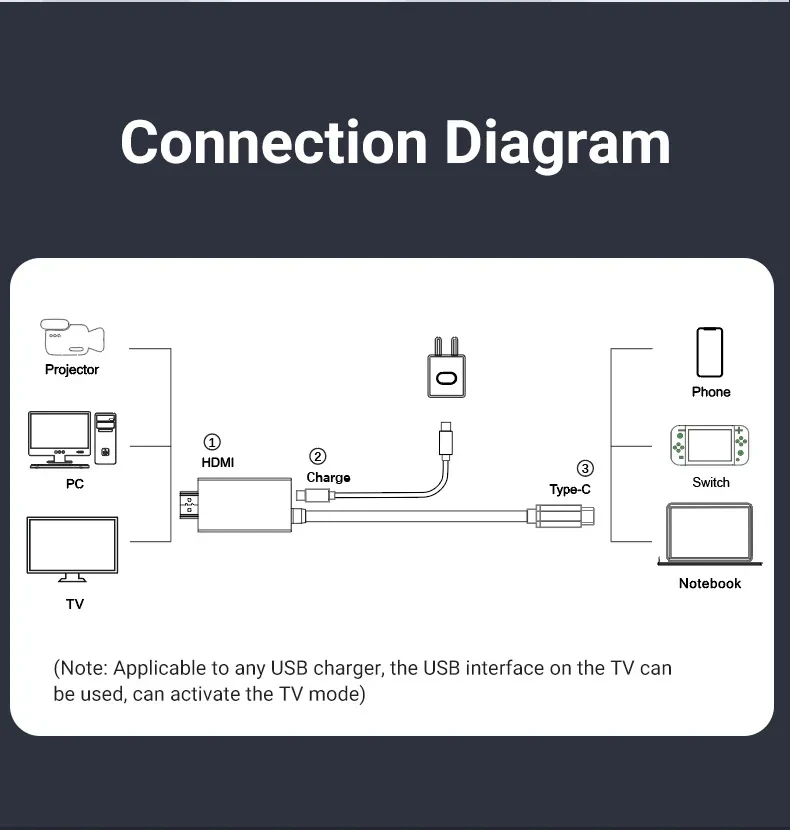
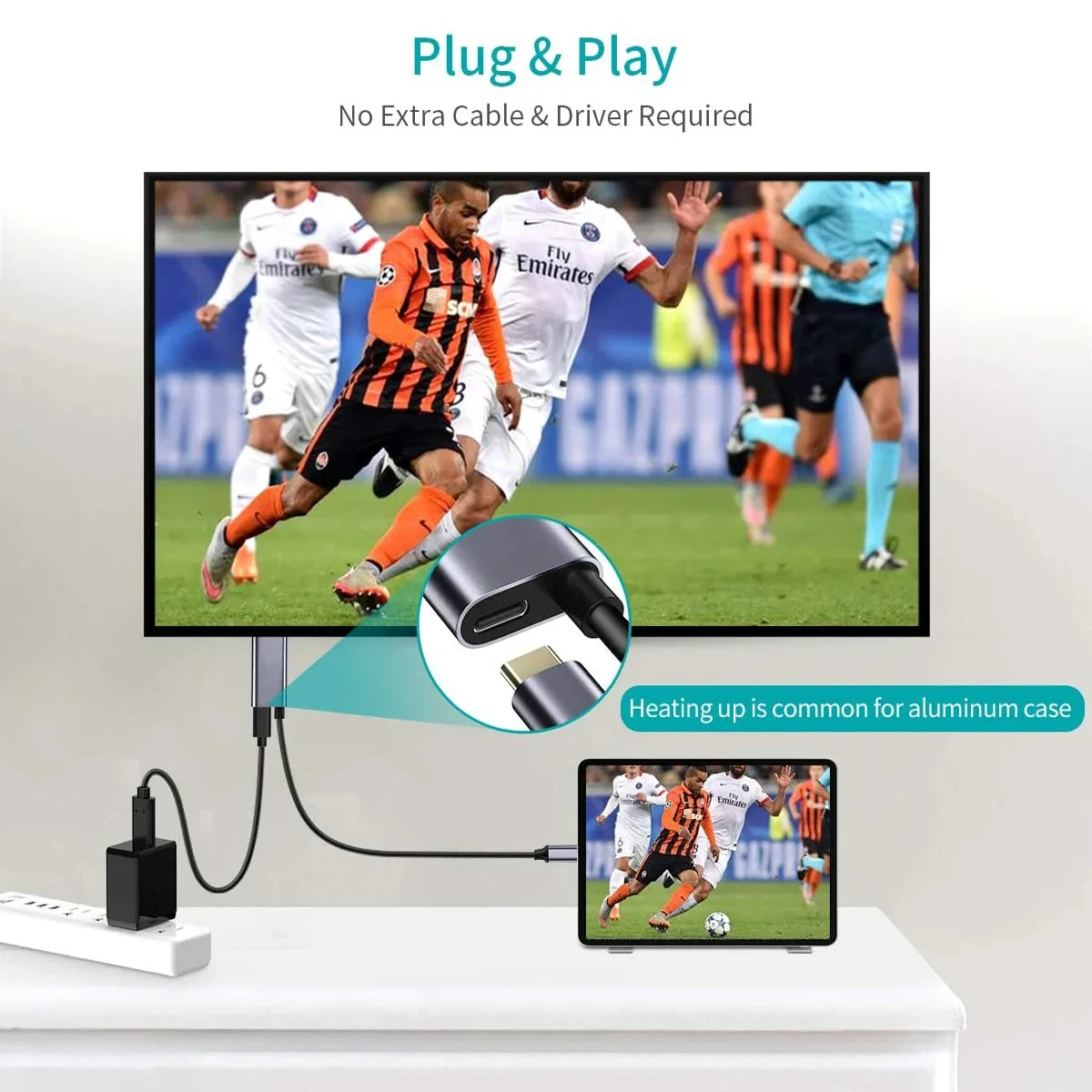
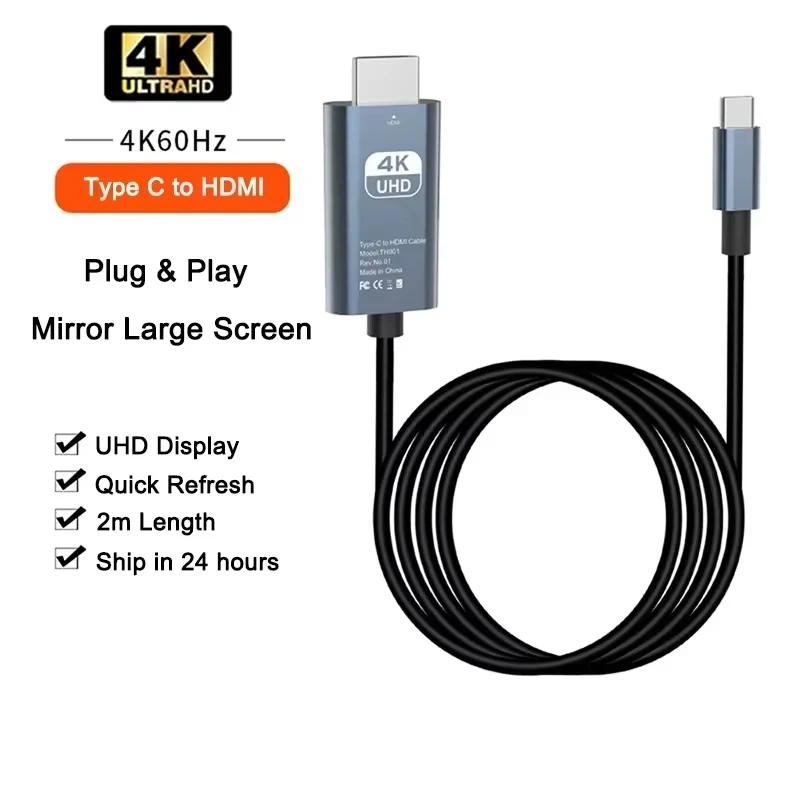
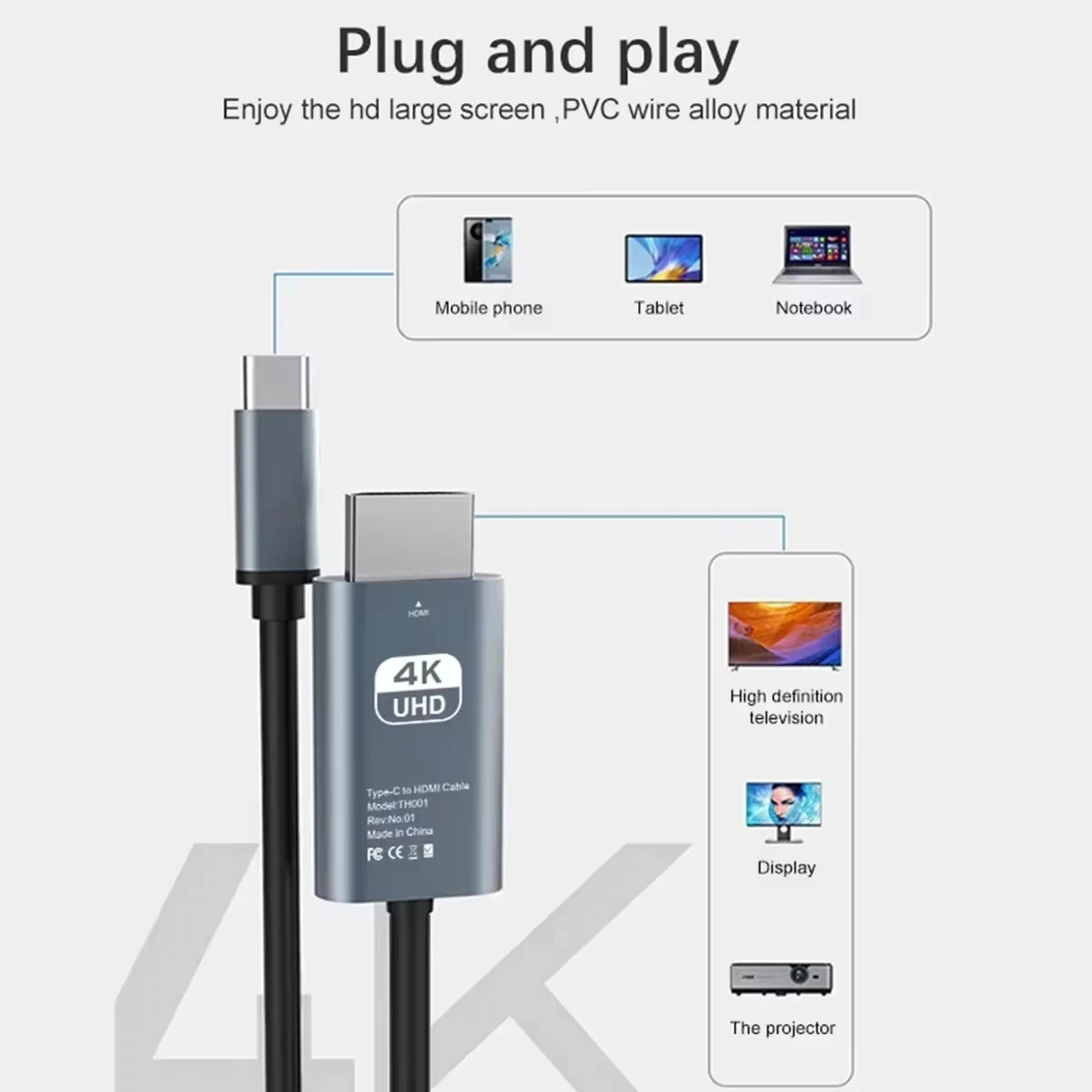
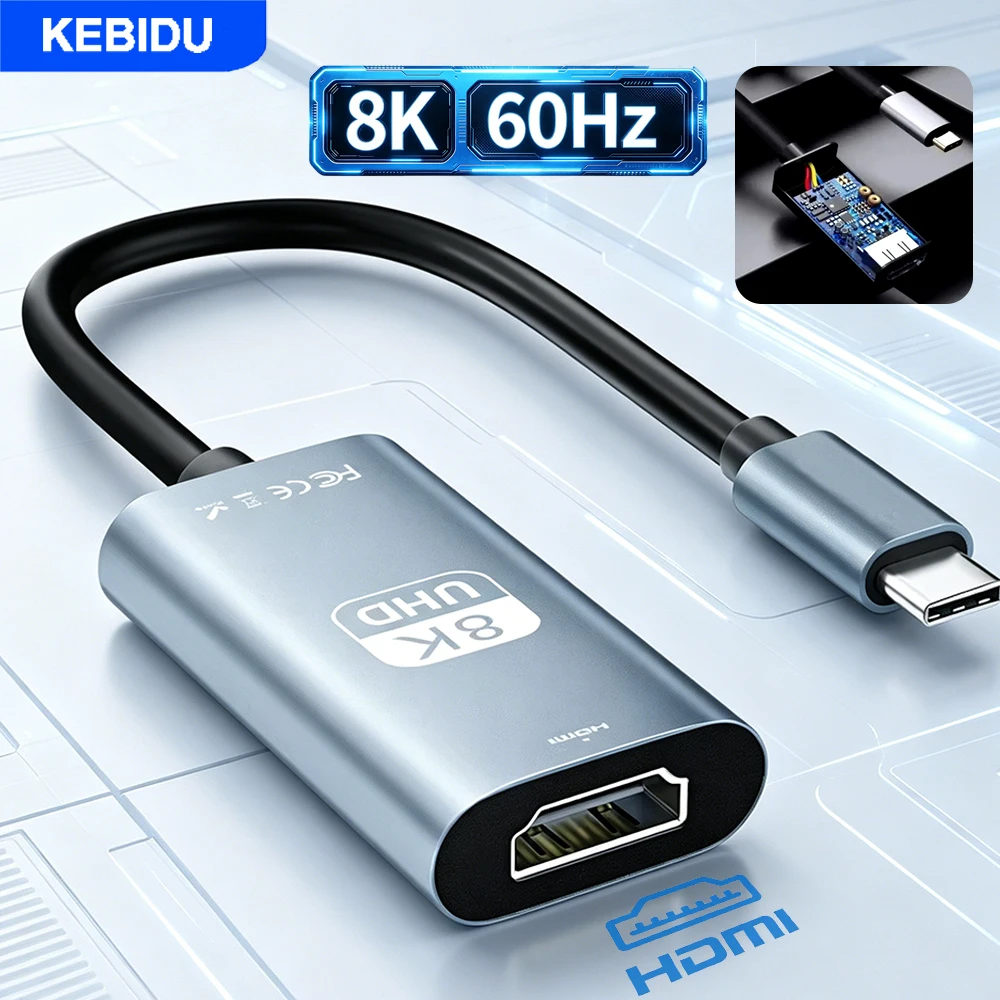
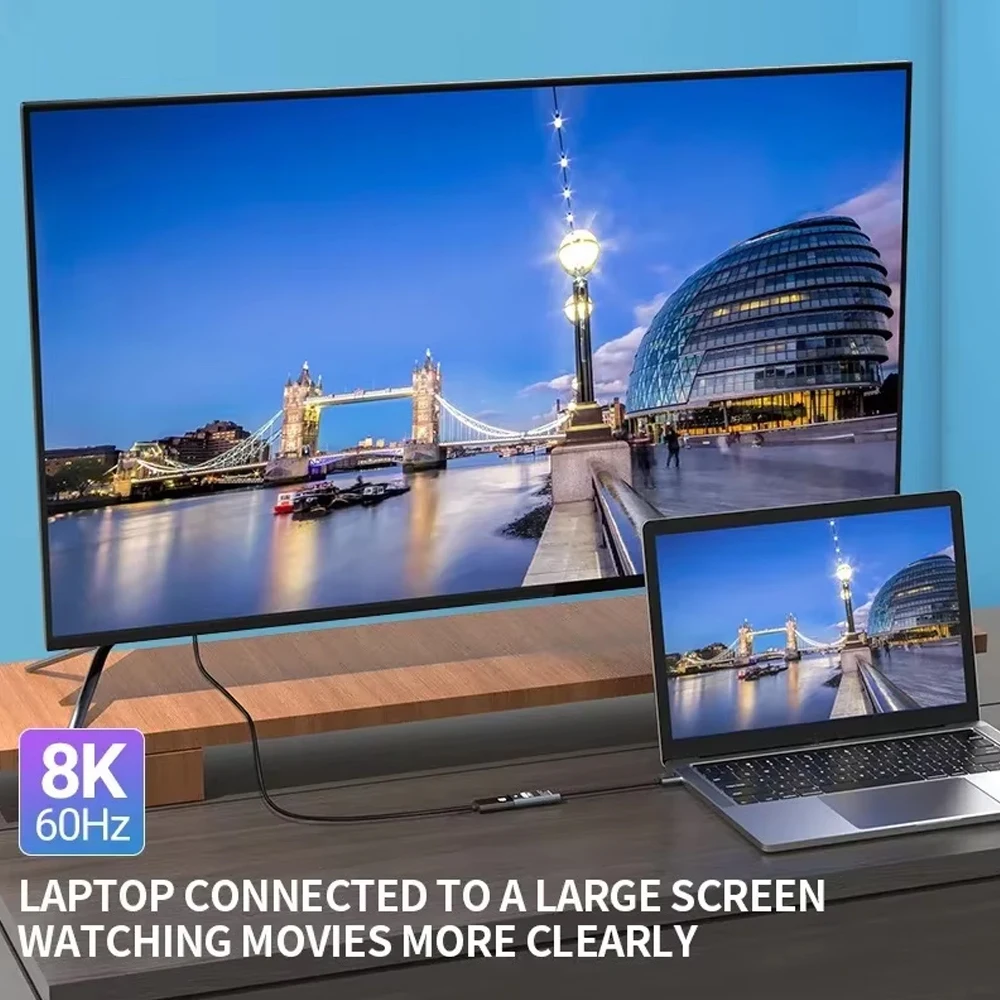
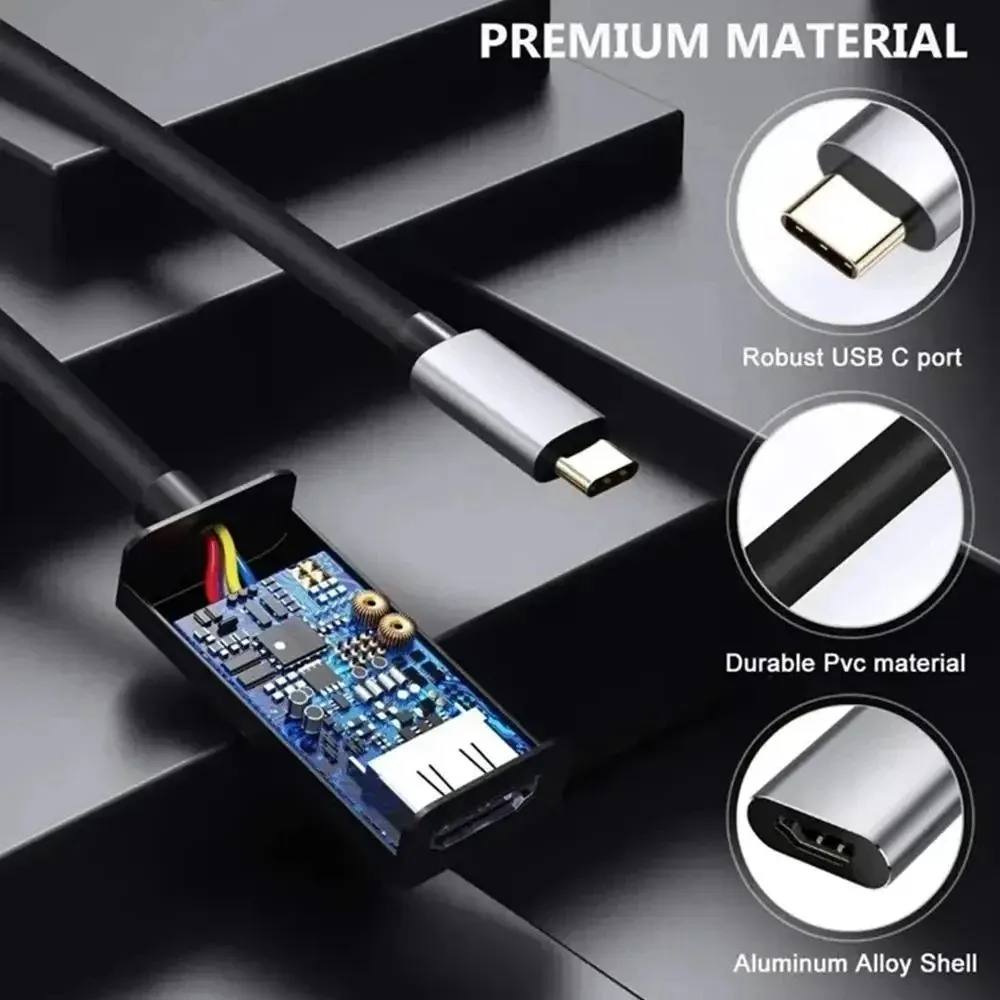
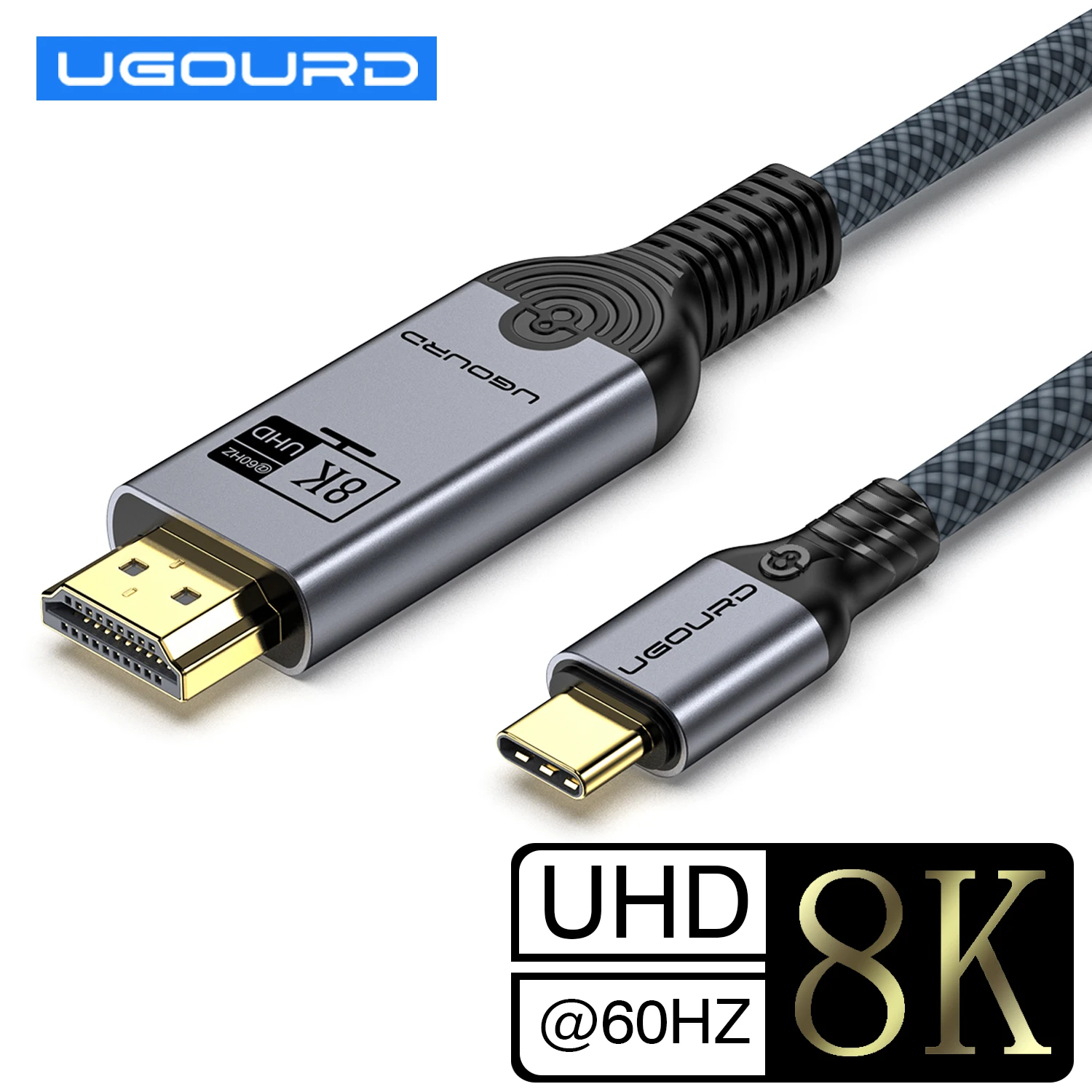
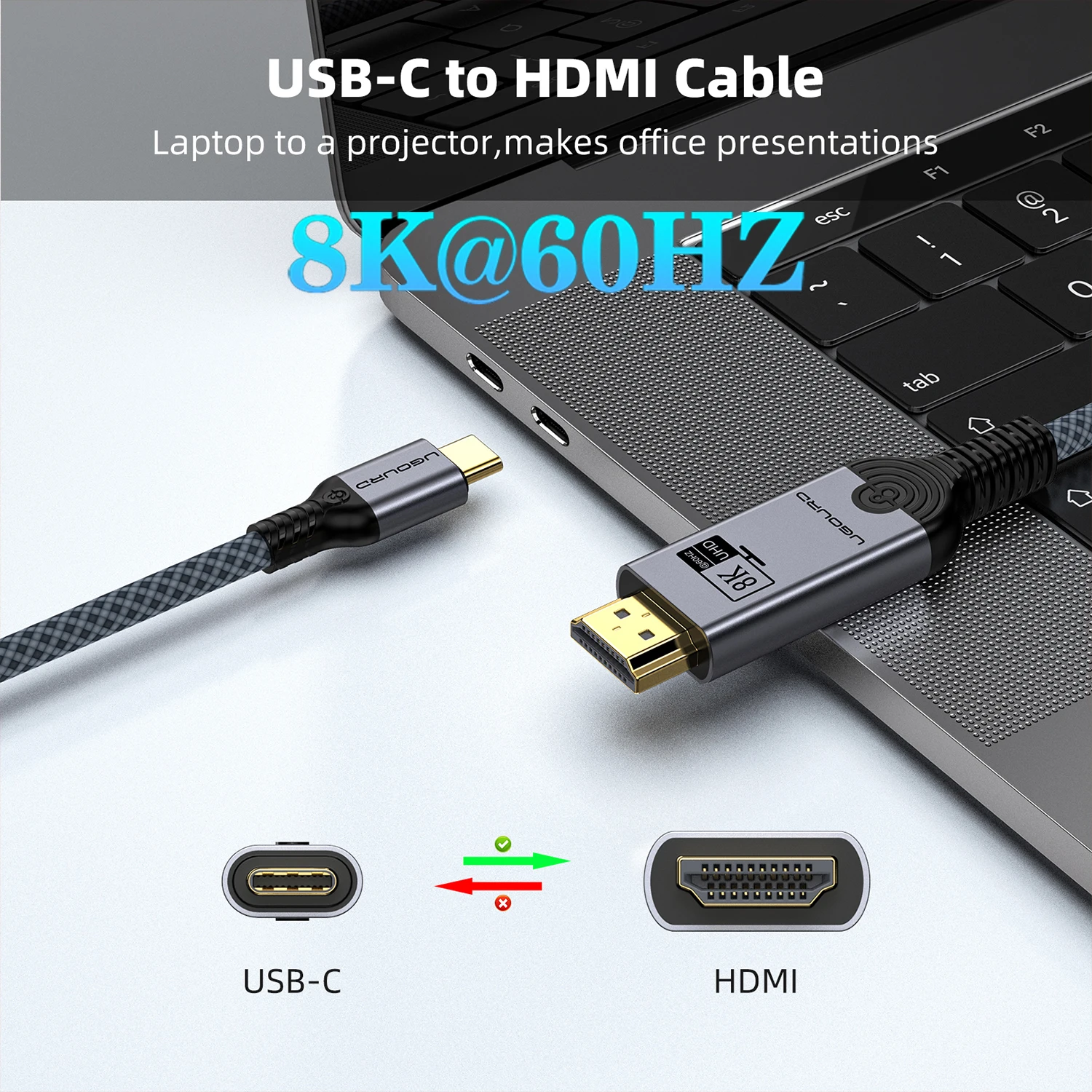
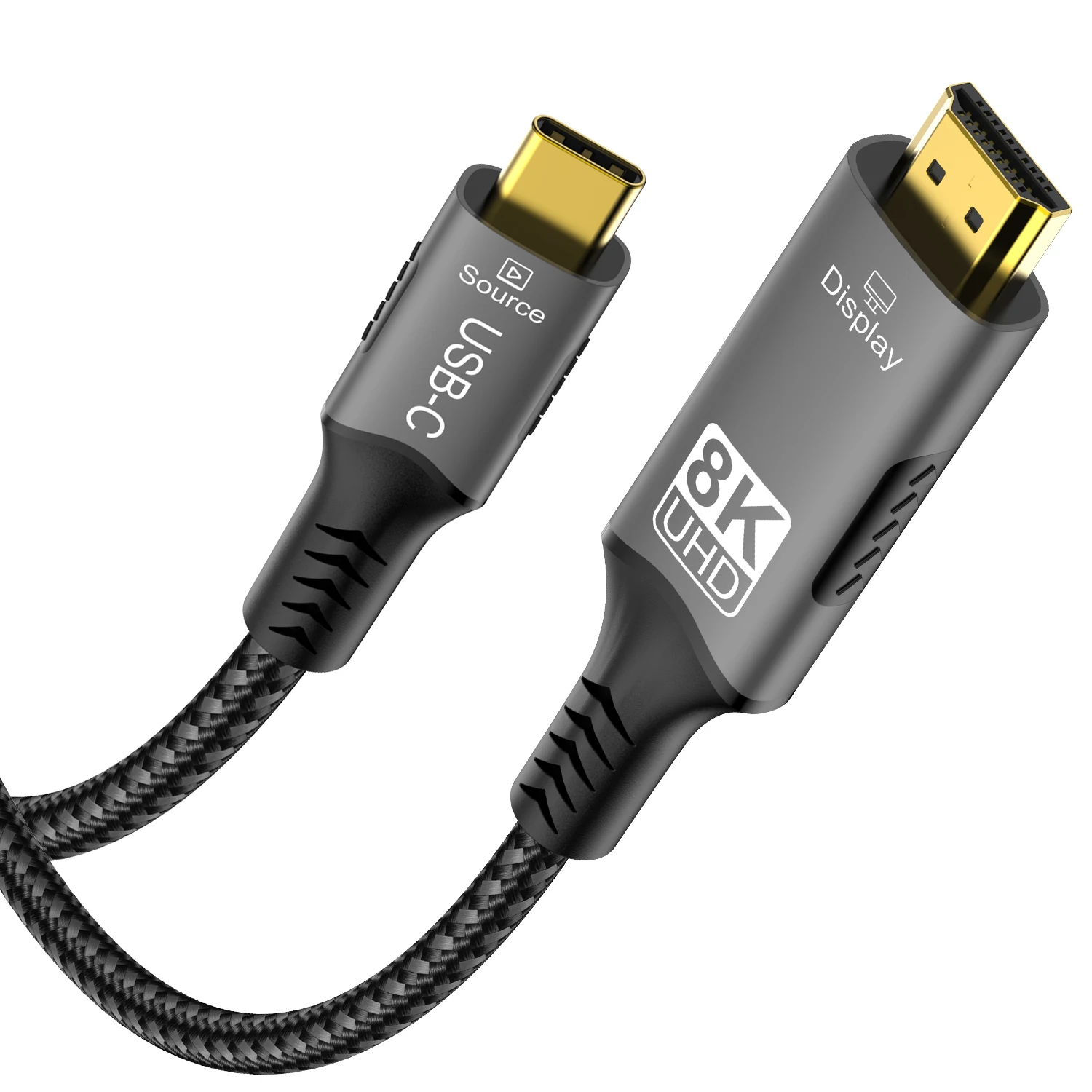
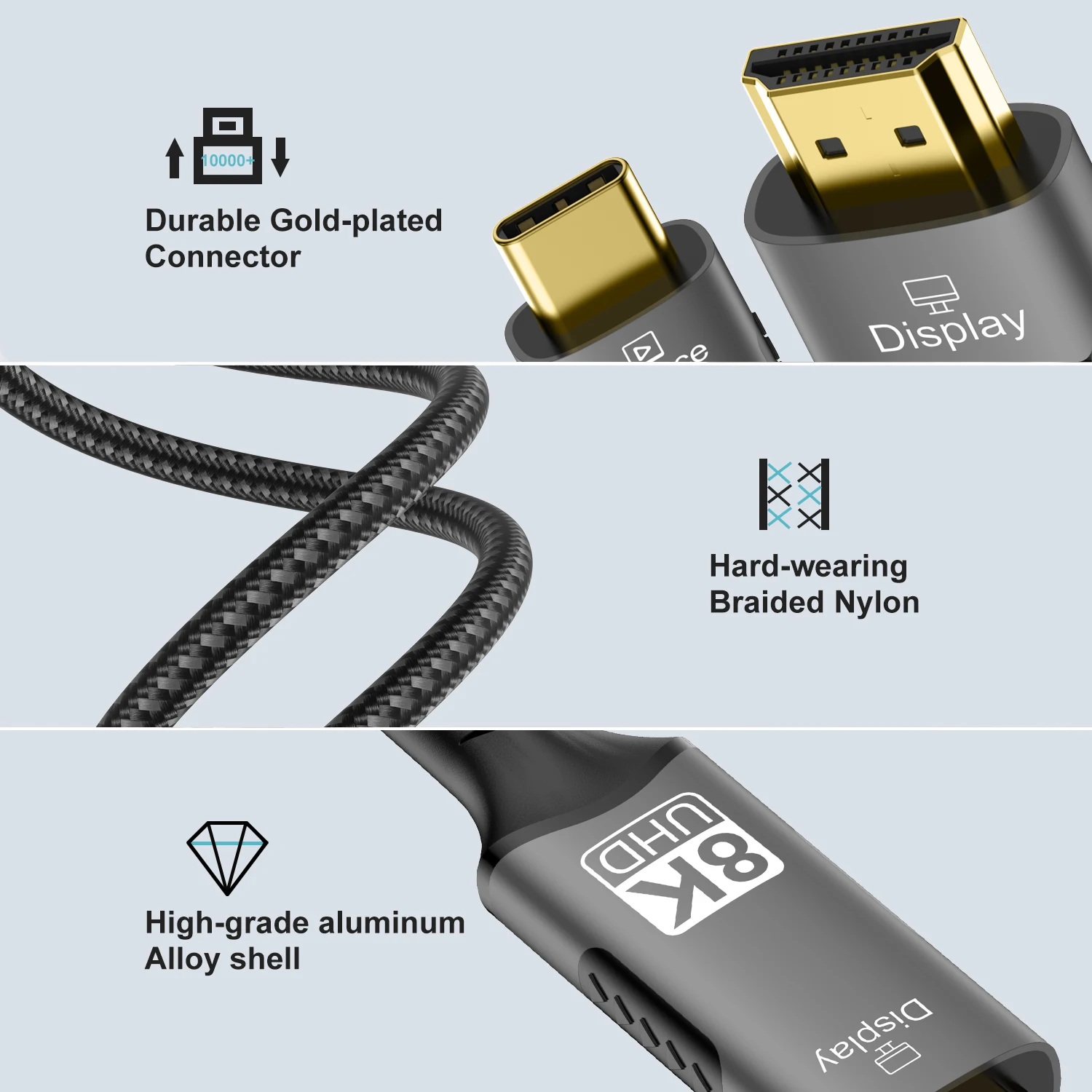
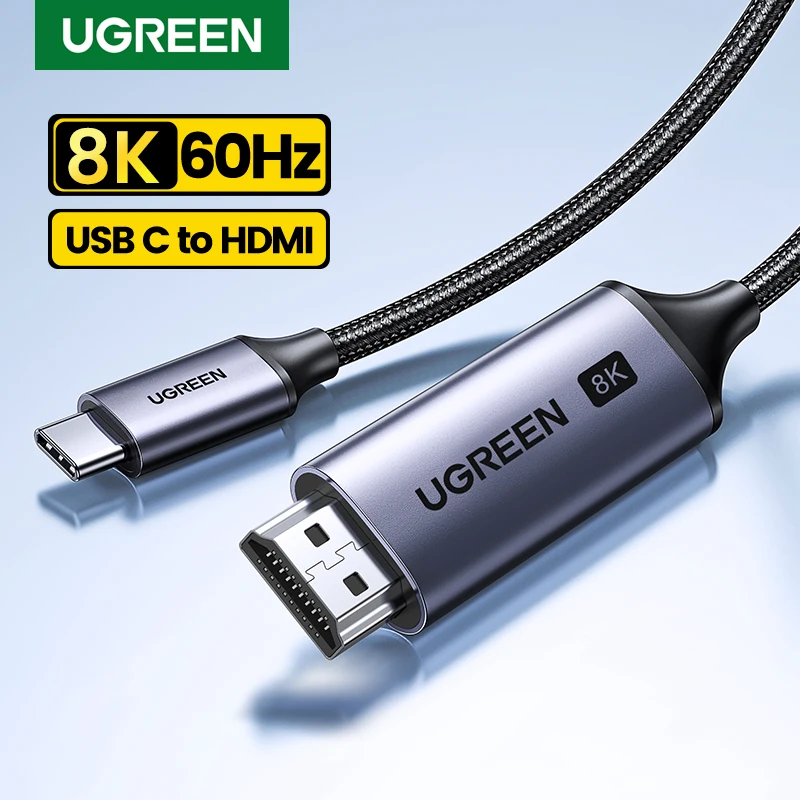
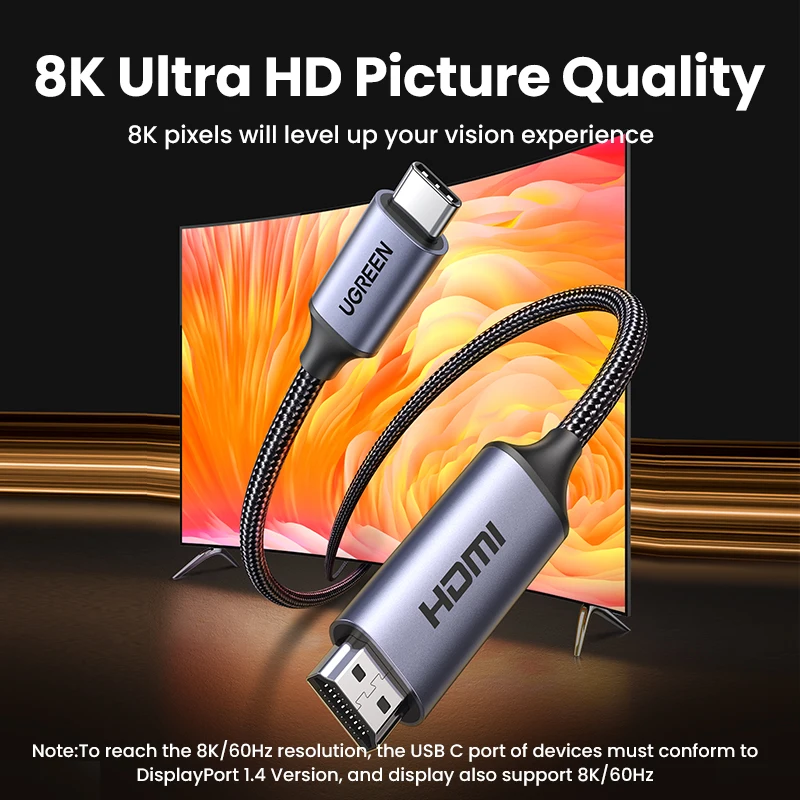
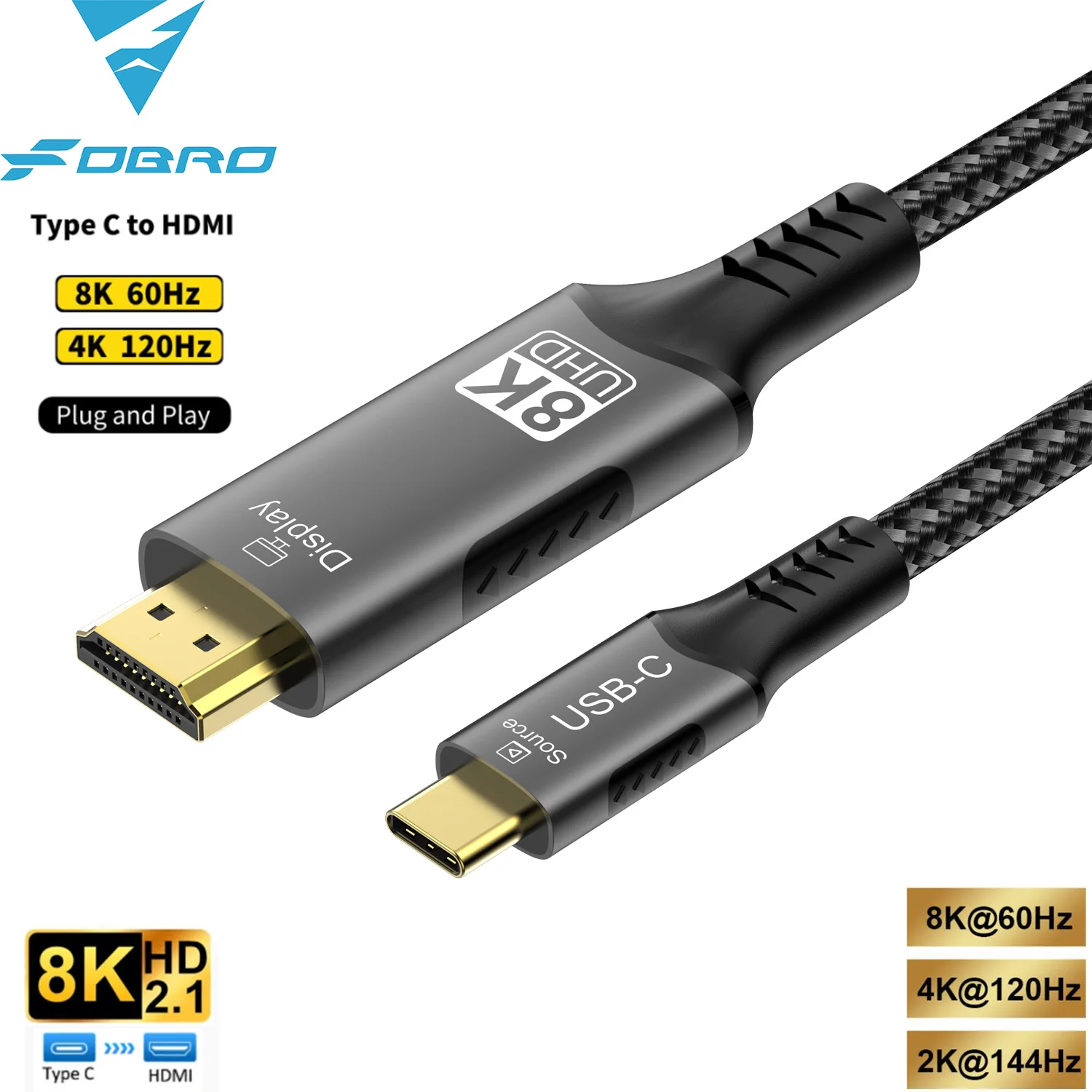
A USB-C to HDMI cable has a USB-C plug at one end and an HDMI plug at the other, with the converter built into the cable. It takes a picture from a USB-C laptop to a television, an HDMI monitor or a projector, with nothing else to carry and one fewer joint than an adapter and a separate cable. If you would rather use the HDMI cable already plugged into the TV, a small USB-C to HDMI adapter does the same job and lives in the bag.
What you will find here
- 4K at 60Hz cables, the everyday choice for a 4K television or monitor.
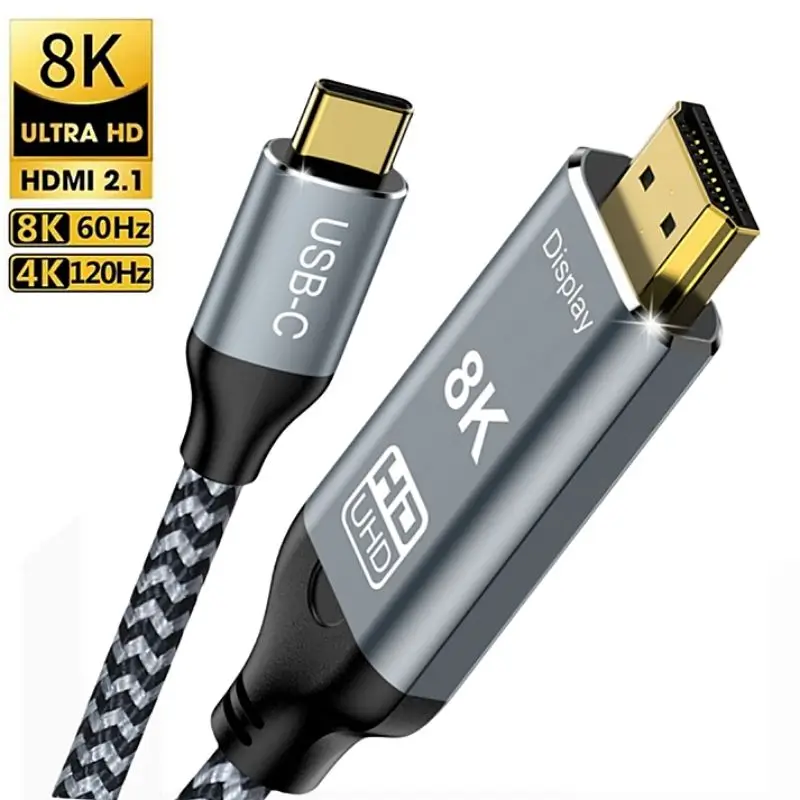
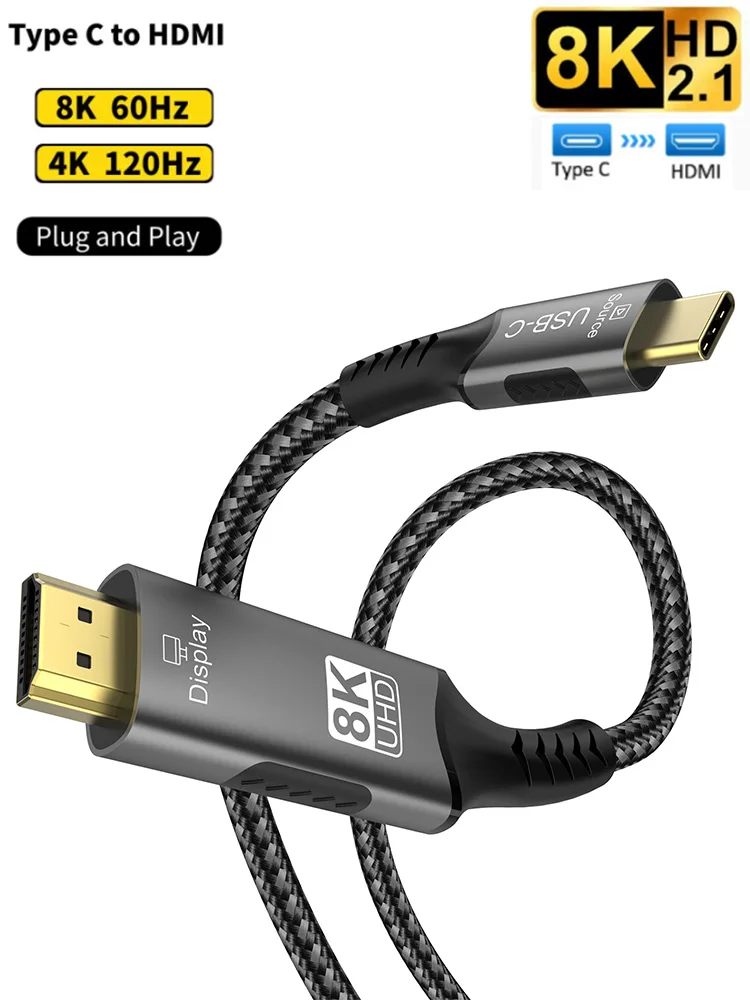
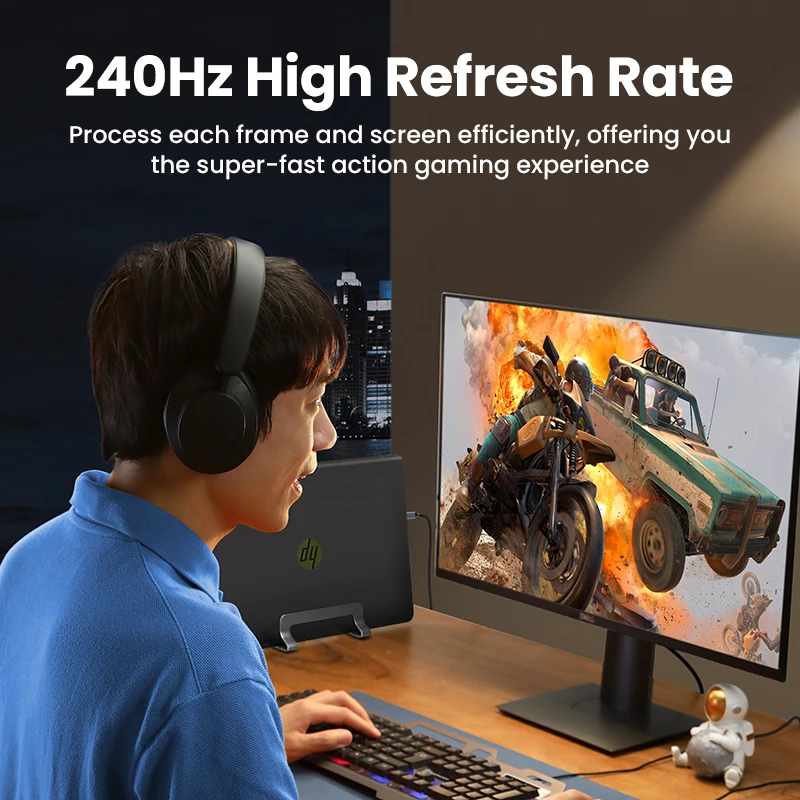
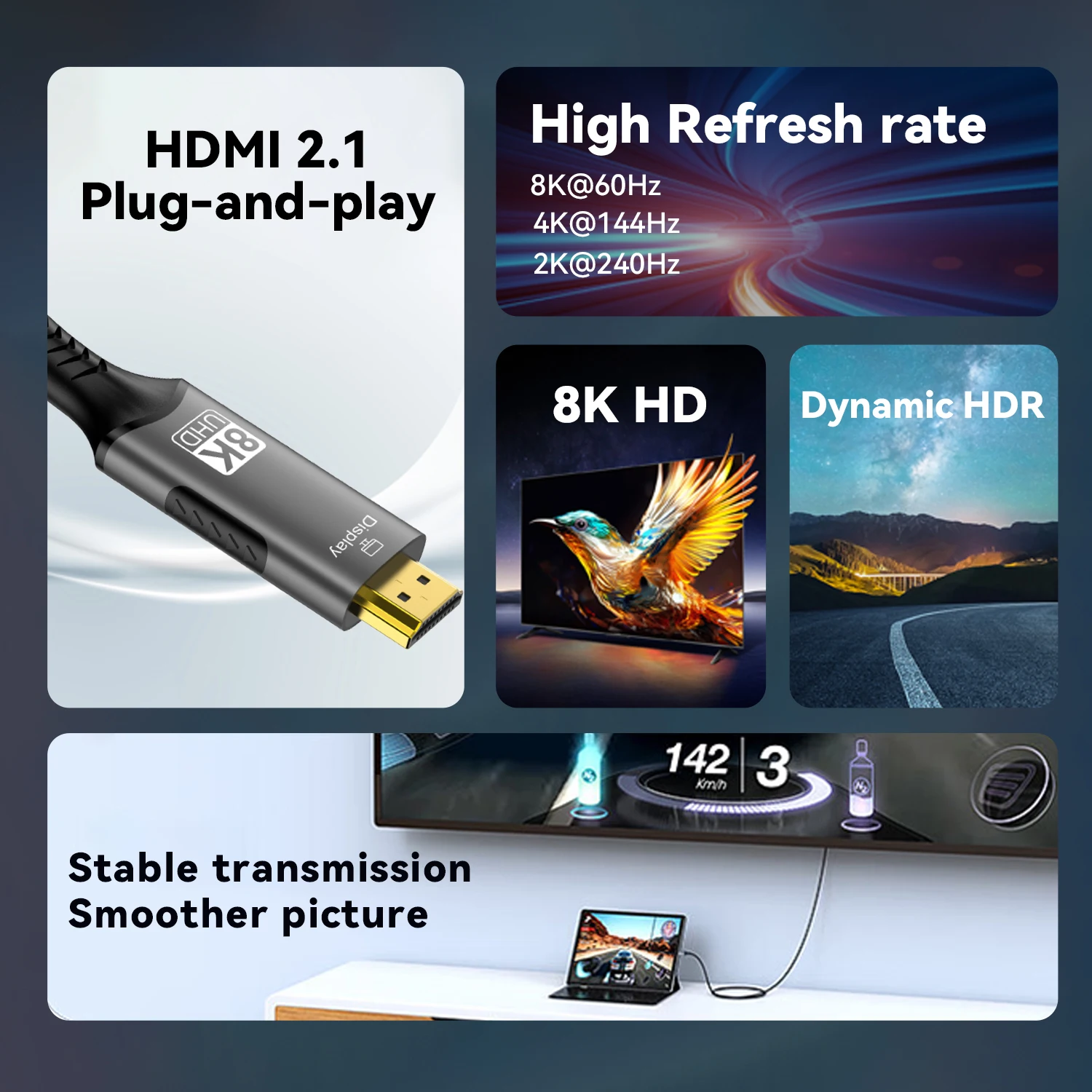
- 8K at 60Hz and 4K at 120Hz versions, for high-refresh screens and laptops that can send it.
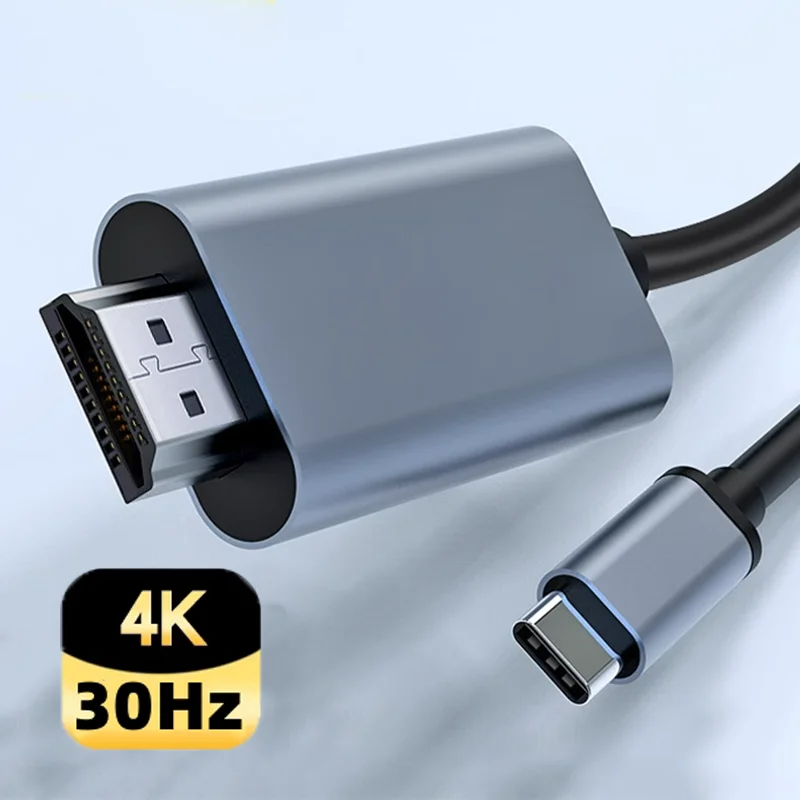
- 4K at 30Hz cables, fine for slides and documents on a projector, less smooth for video or moving the mouse.
- A cable with a USB-C charging socket on the plug, so the laptop charges while it sends the picture.
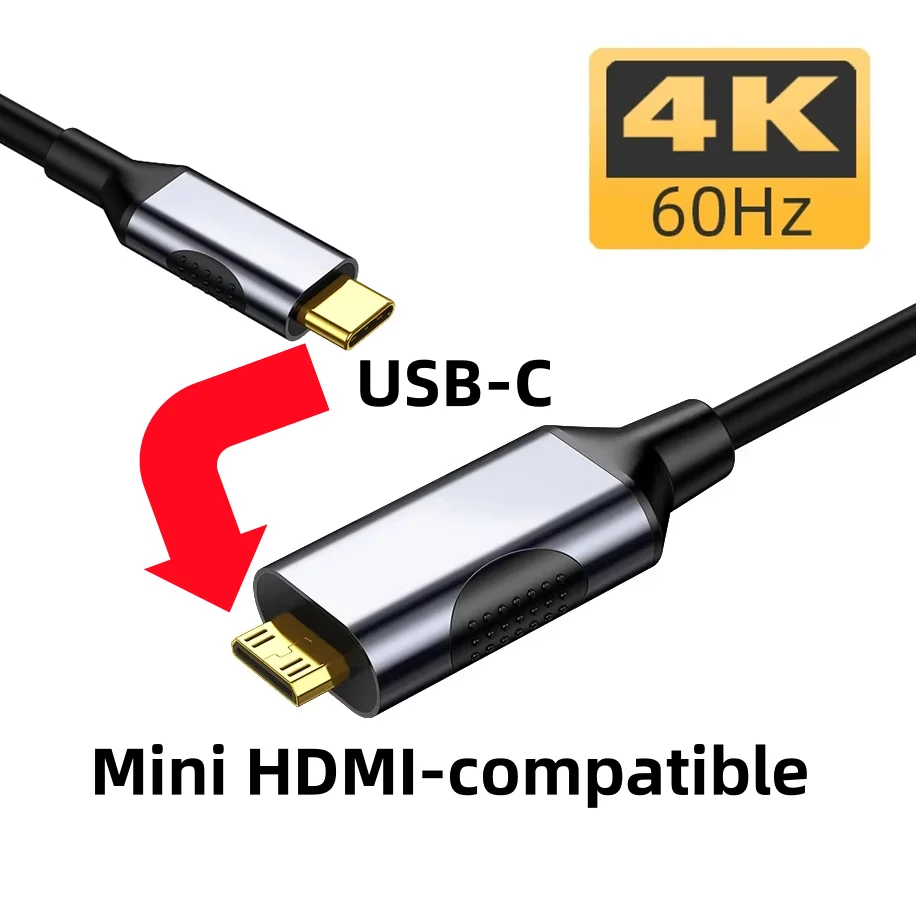
- A USB-C to Mini HDMI cable for a screen, often a small portable one, with the smaller HDMI socket.
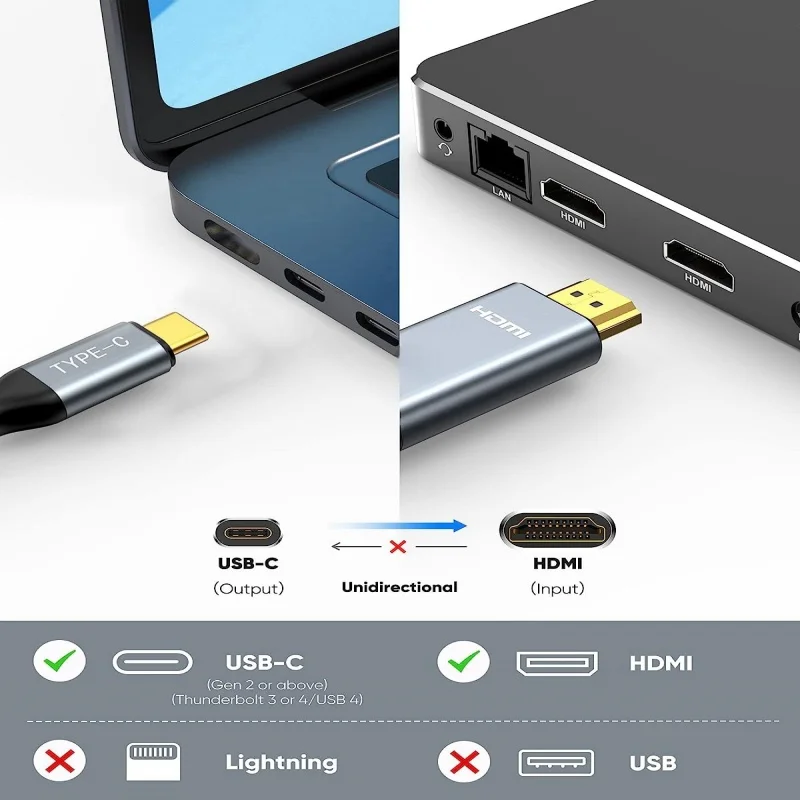
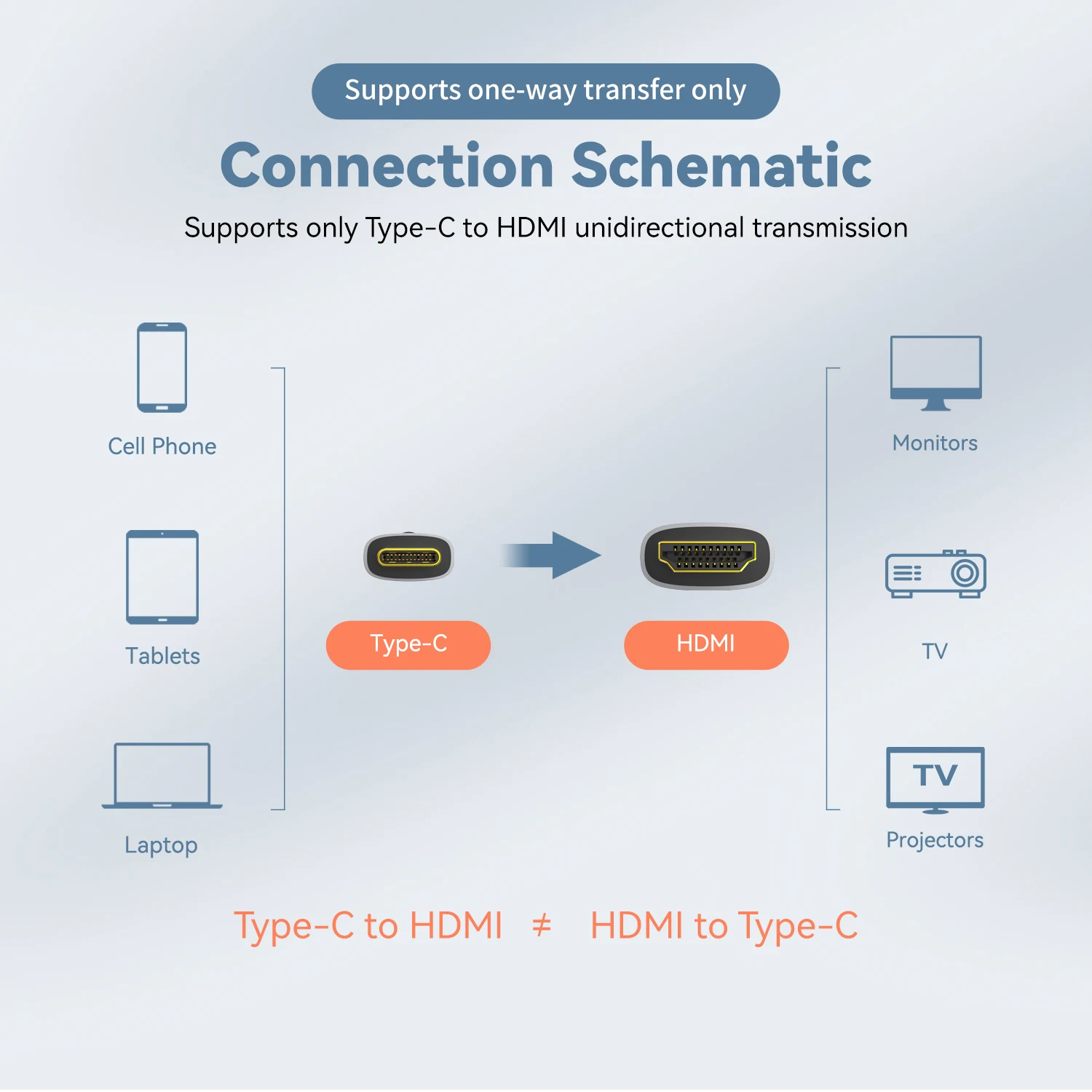
Lengths run from one to a few metres, and many are braided. These cables work one way: from the USB-C laptop to the HDMI screen, not the other way round.
How to choose: the socket first
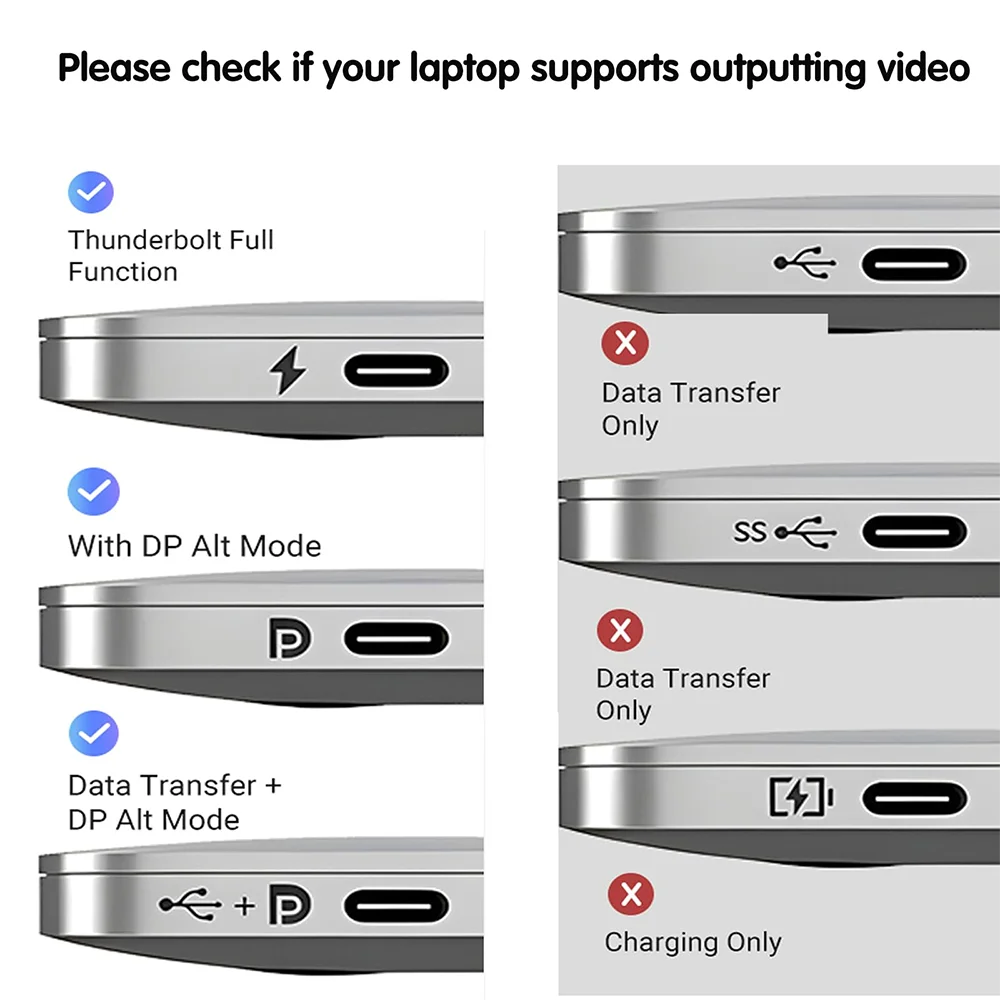
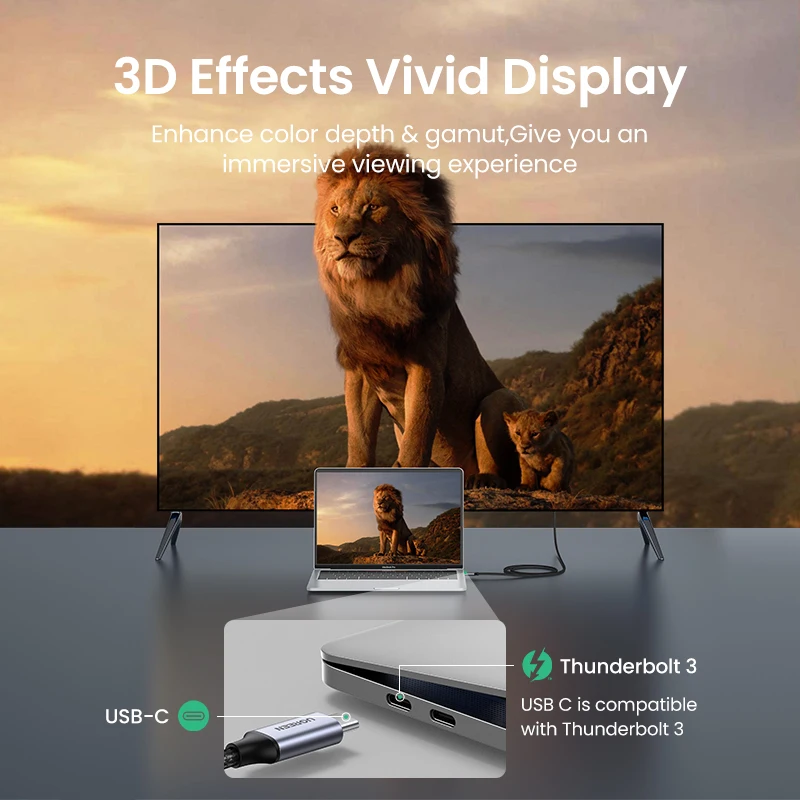
Not every USB-C socket sends a picture. Video over USB-C uses DisplayPort Alt Mode, a VESA standard that is optional for the laptop maker. Look for a small D-shaped DisplayPort symbol or a lightning bolt beside the socket, or check the laptop's specification page for "DisplayPort", "DP Alt Mode", "video output" or Thunderbolt against that socket. If it is not there, no cable will bring up a picture.
Then match the cable to the screen. A 4K television at 60Hz wants a 4K 60Hz cable. A cable rated higher than the screen does no harm, and one rated lower holds the picture back. Finally, measure the distance from the laptop to the screen's HDMI socket and choose the shortest length that reaches with some slack.
Questions people ask about USB-C to HDMI cables
Will it work with my laptop?
It will if the USB-C socket you plug into sends video, which the laptop maker's specifications say.
Can I charge the laptop at the same time?
With the version that has a charging socket, yes. Otherwise use another USB-C socket, or a USB-C hub with HDMI and charging.
Does it carry sound?
Yes. HDMI carries sound with the picture. If the TV stays silent, choose it as the sound output in the laptop's settings.
Delivery is included in every price and tracked to your door.
More to look at