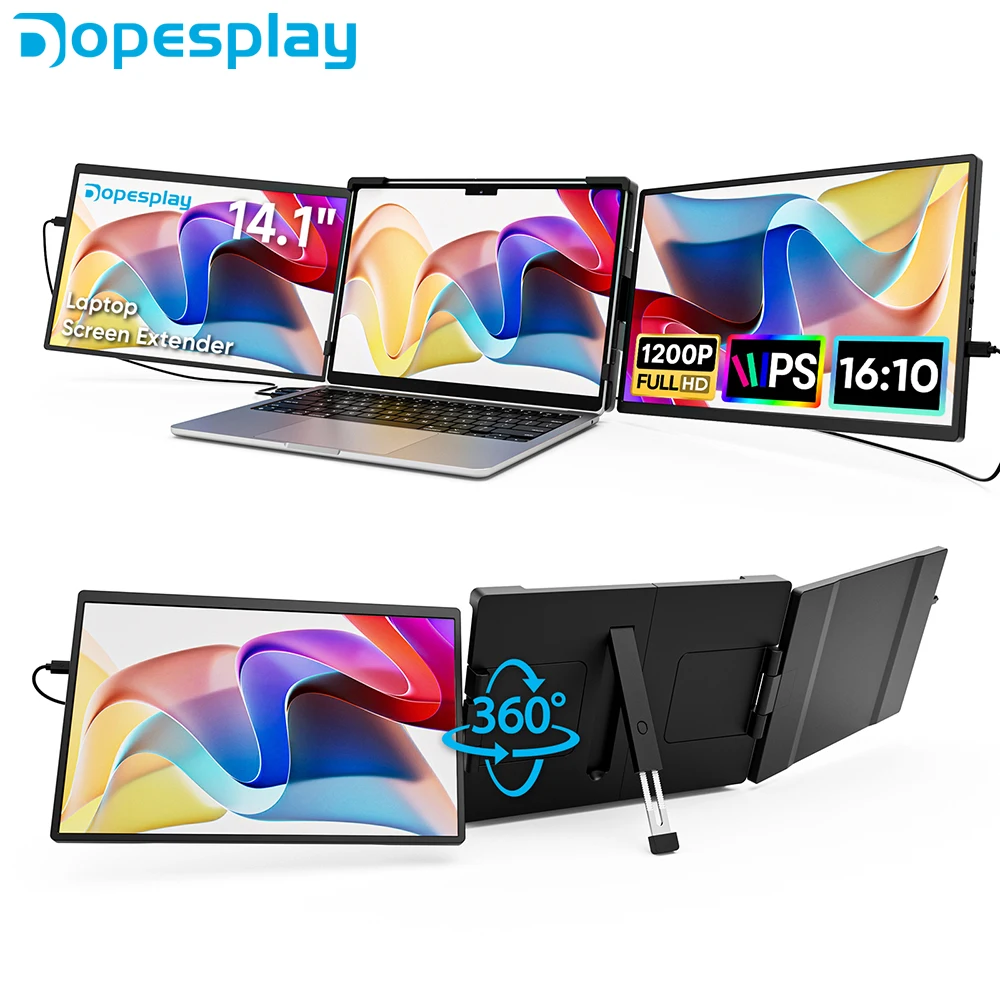
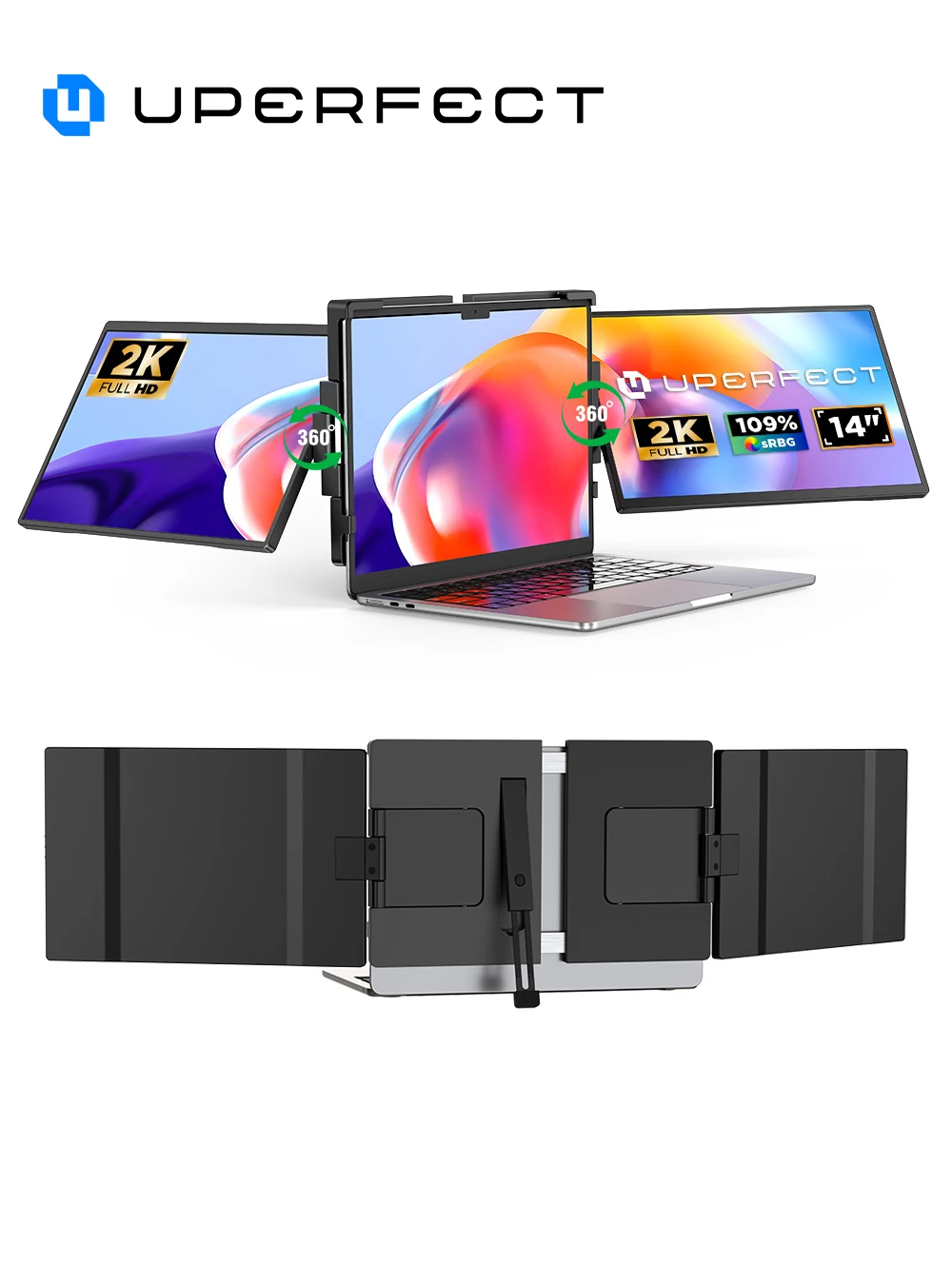
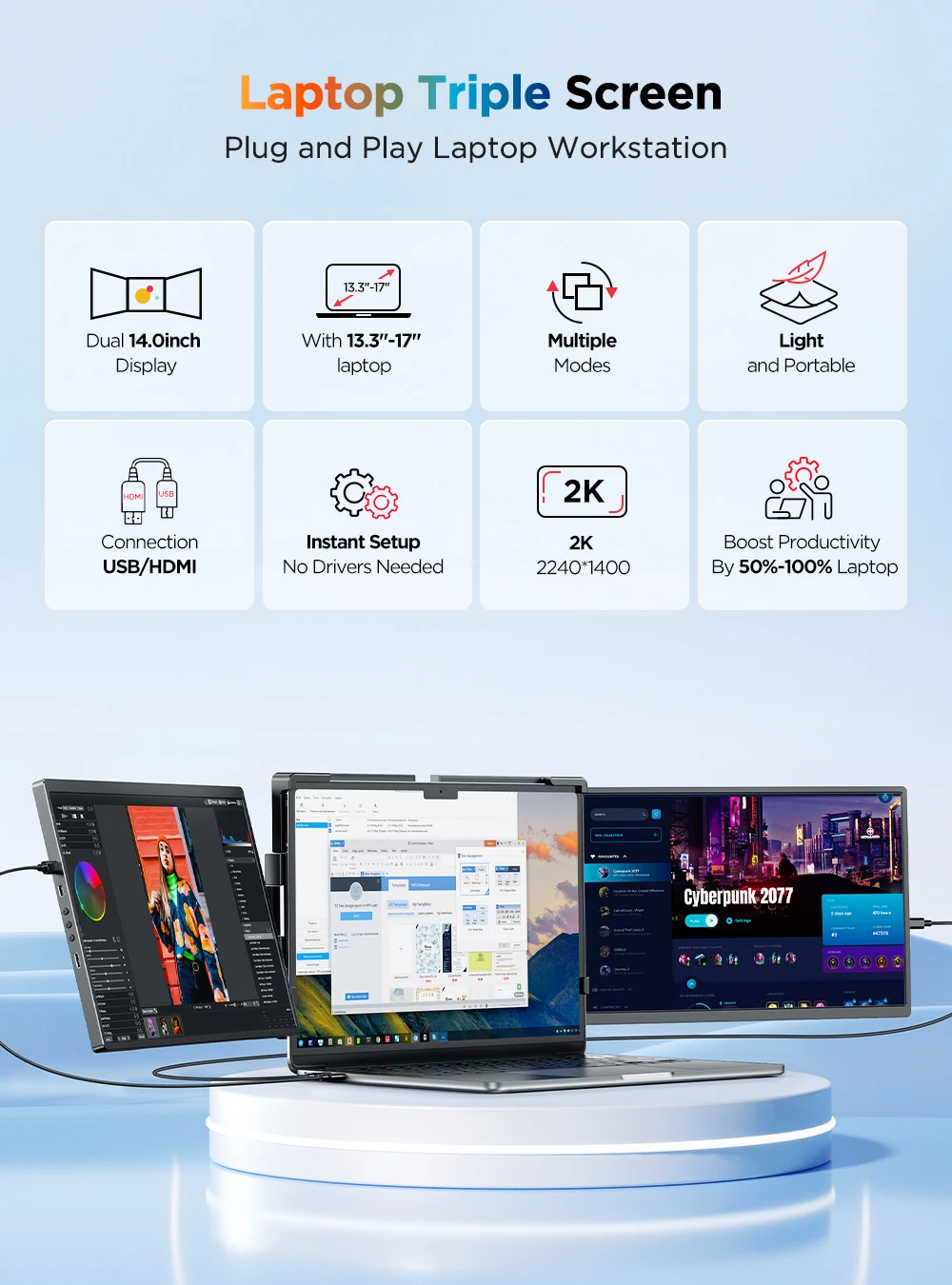
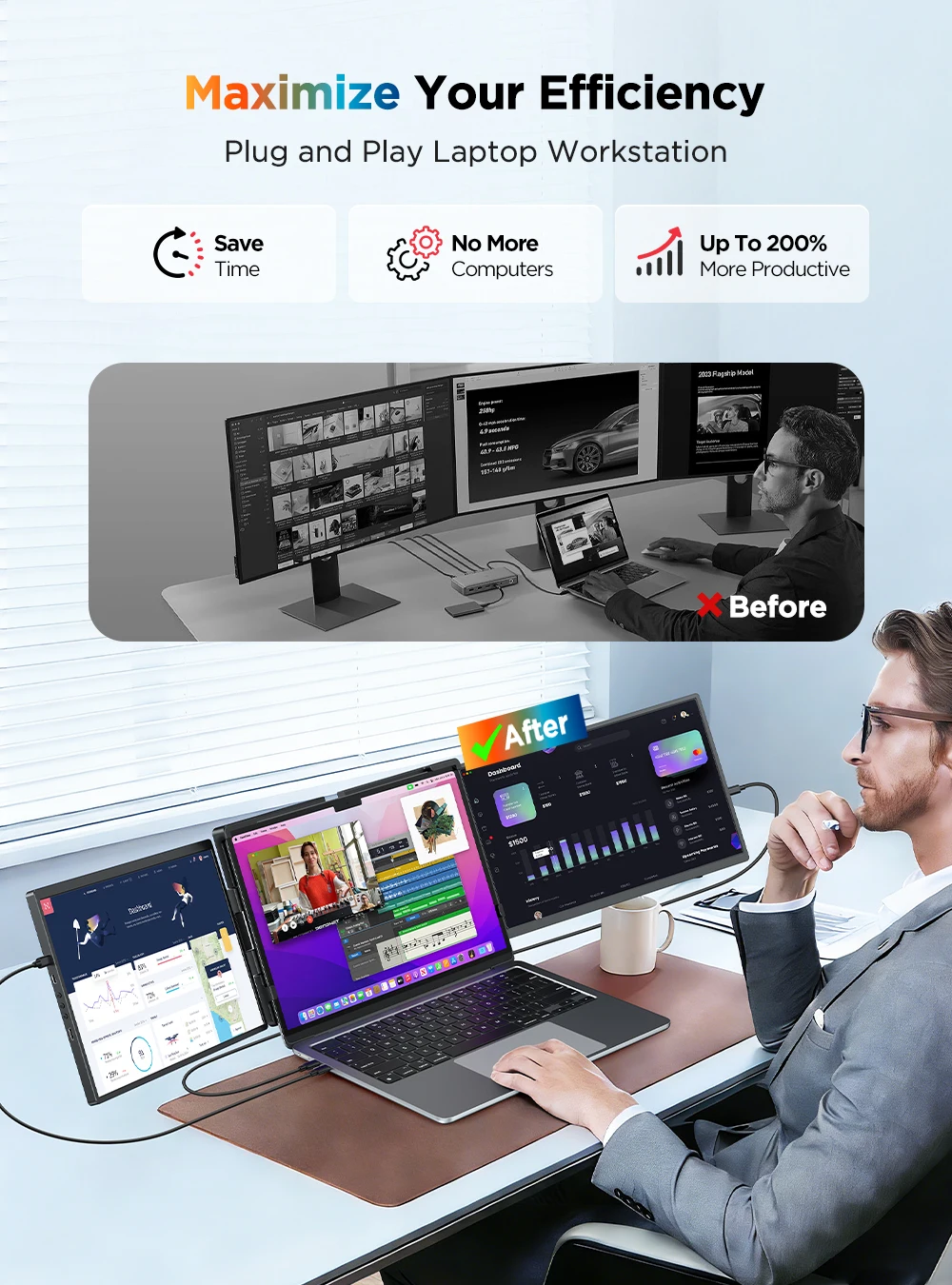
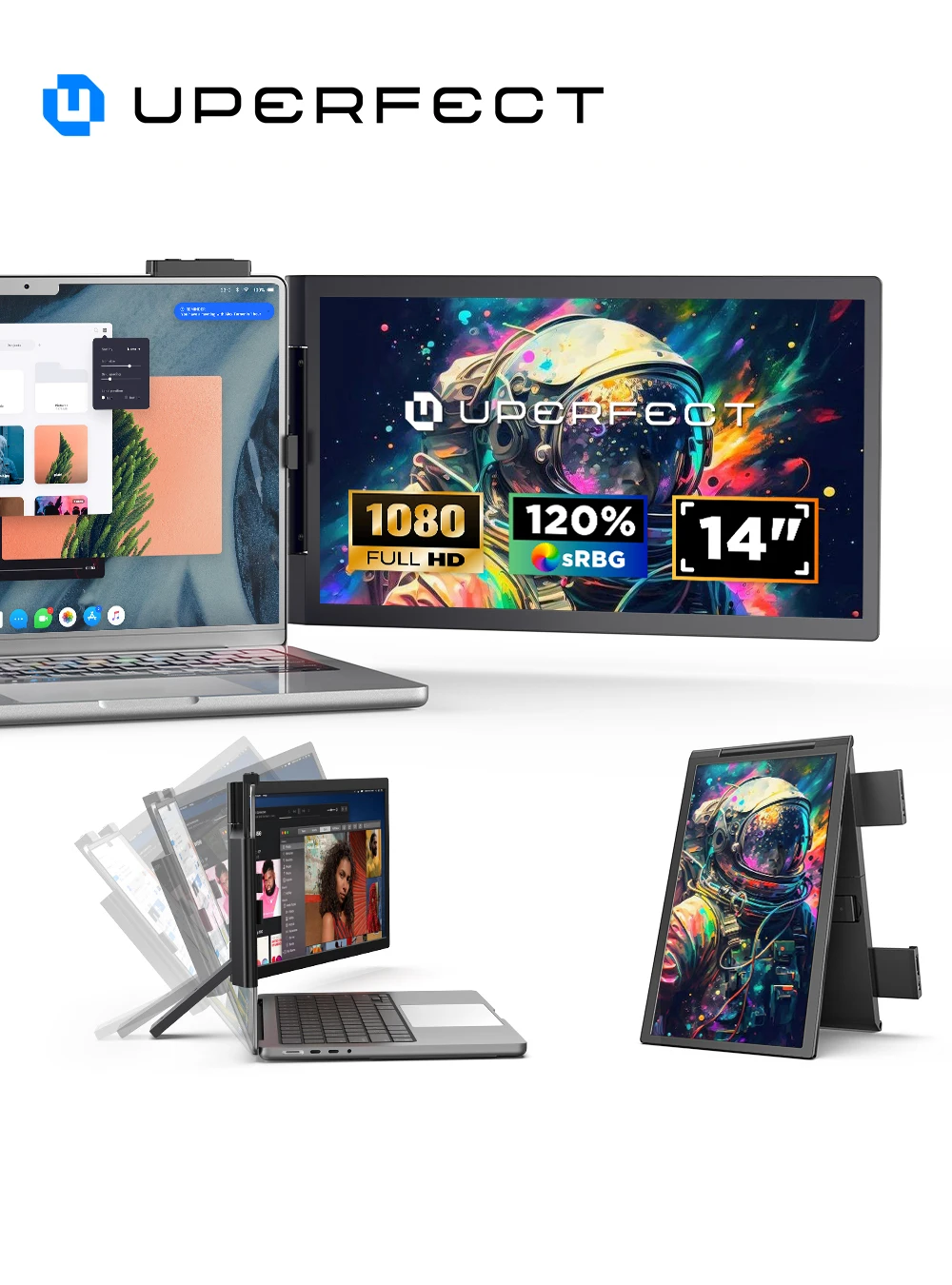
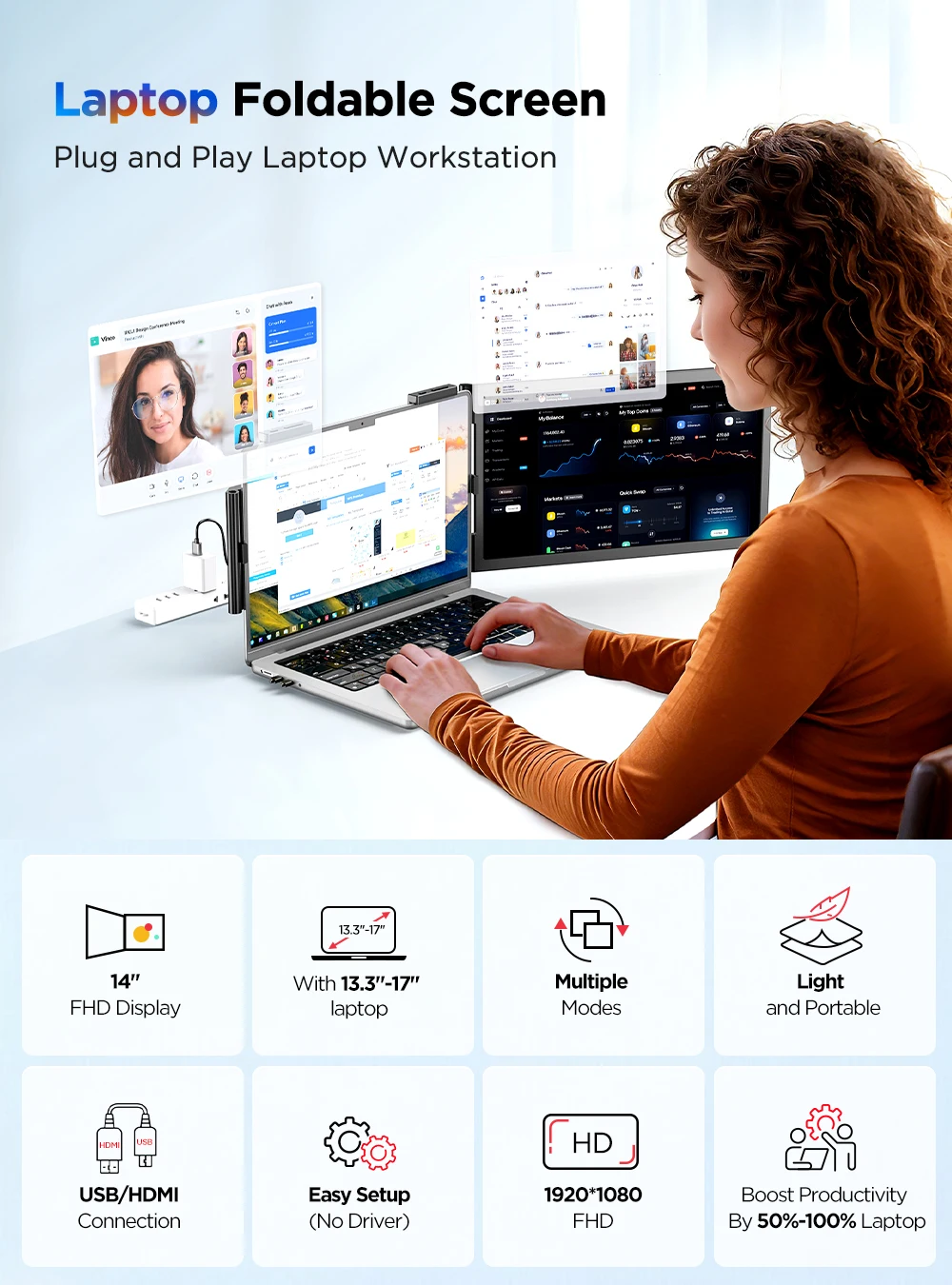
Three screens from one laptop
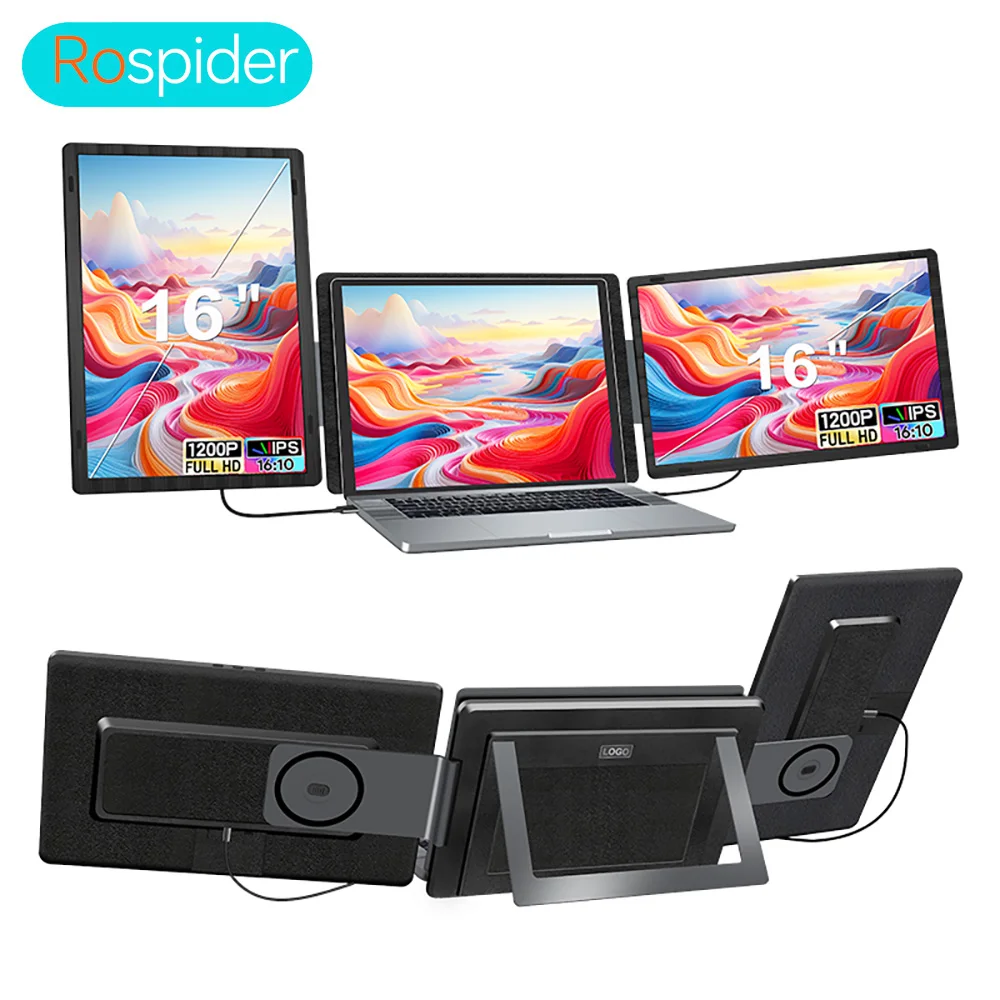
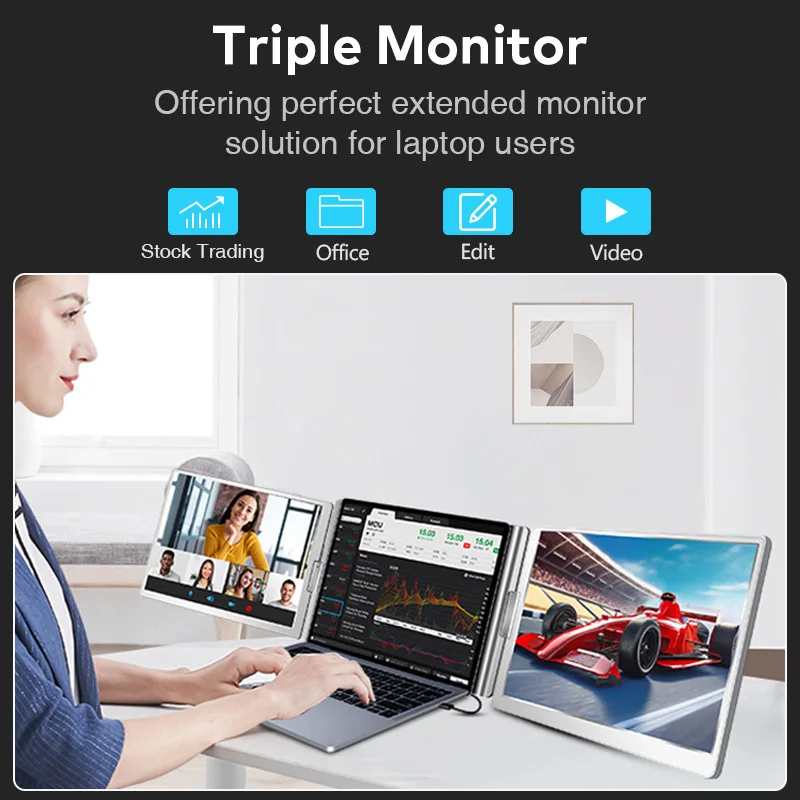
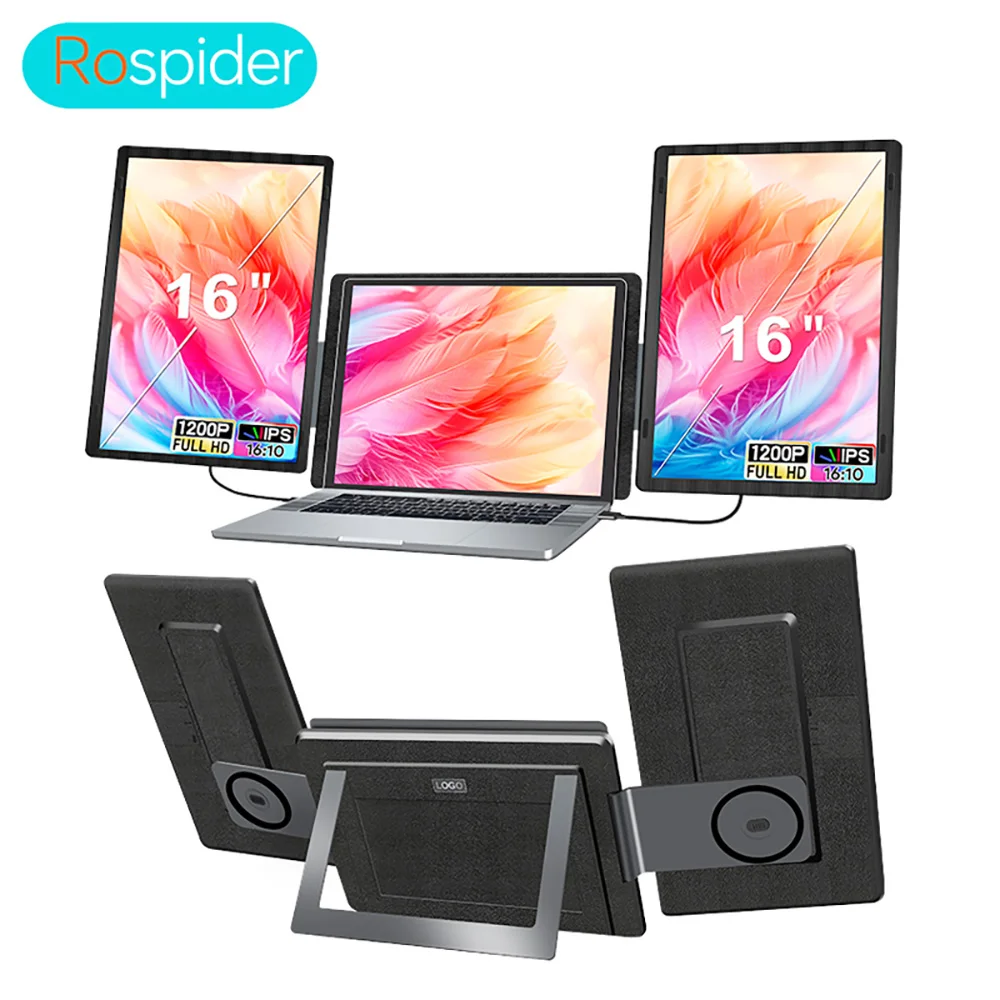
A screen extender is a frame that fixes to the back of your laptop's lid, with a screen on one or both sides that swings out when you need it. With both open, the laptop becomes a row of three screens; folded, the extender closes up behind the lid for the bag. It suits people who work across several windows at once, such as spreadsheets, code, trading screens or design work, and who move between home, office and travel. Most of the extenders here are dual-screen models, with two panels either side of the laptop.
What is in this range
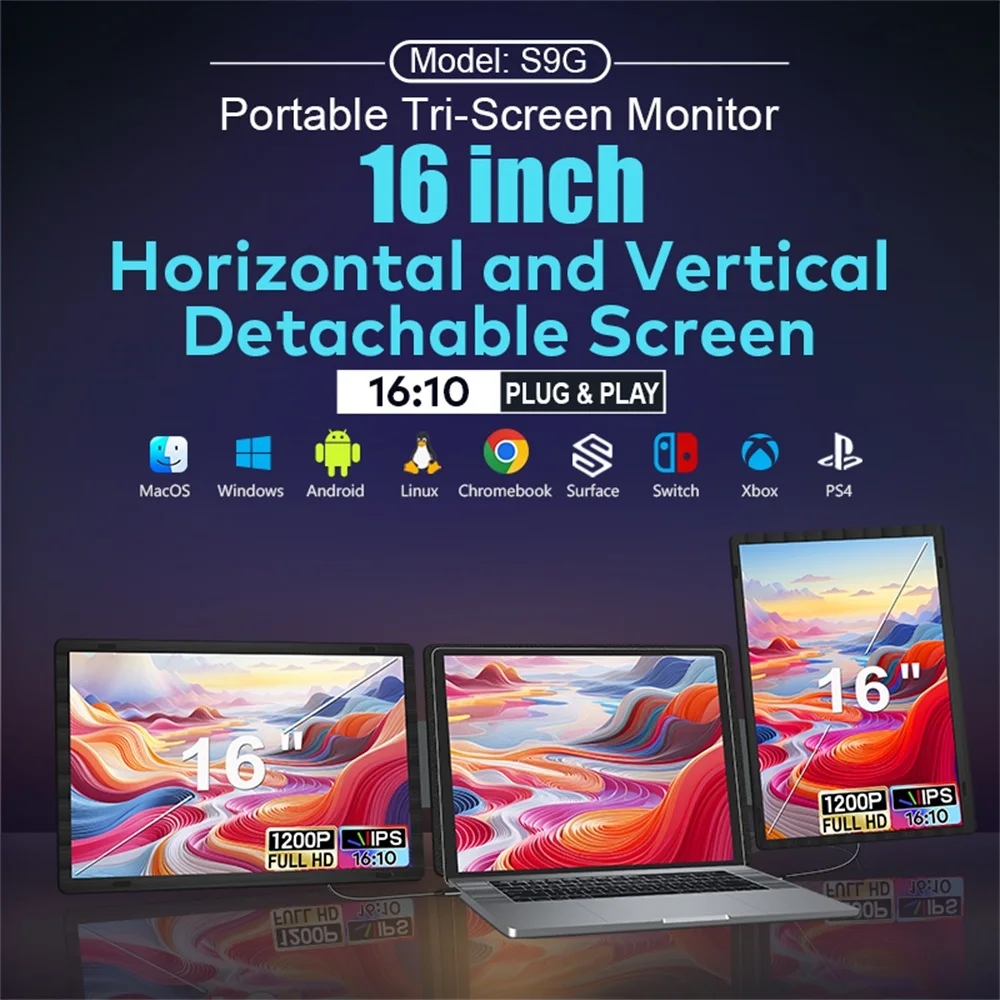
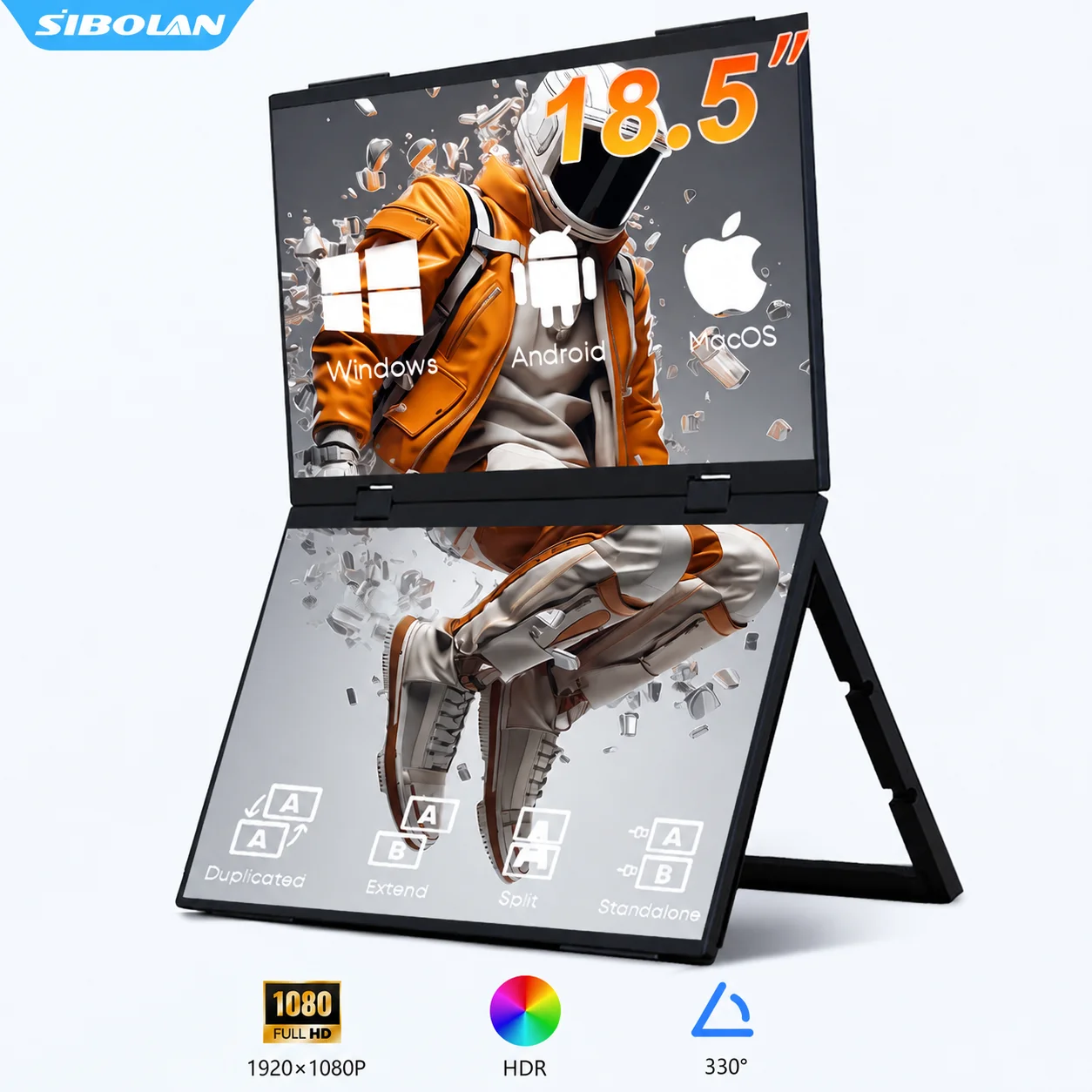
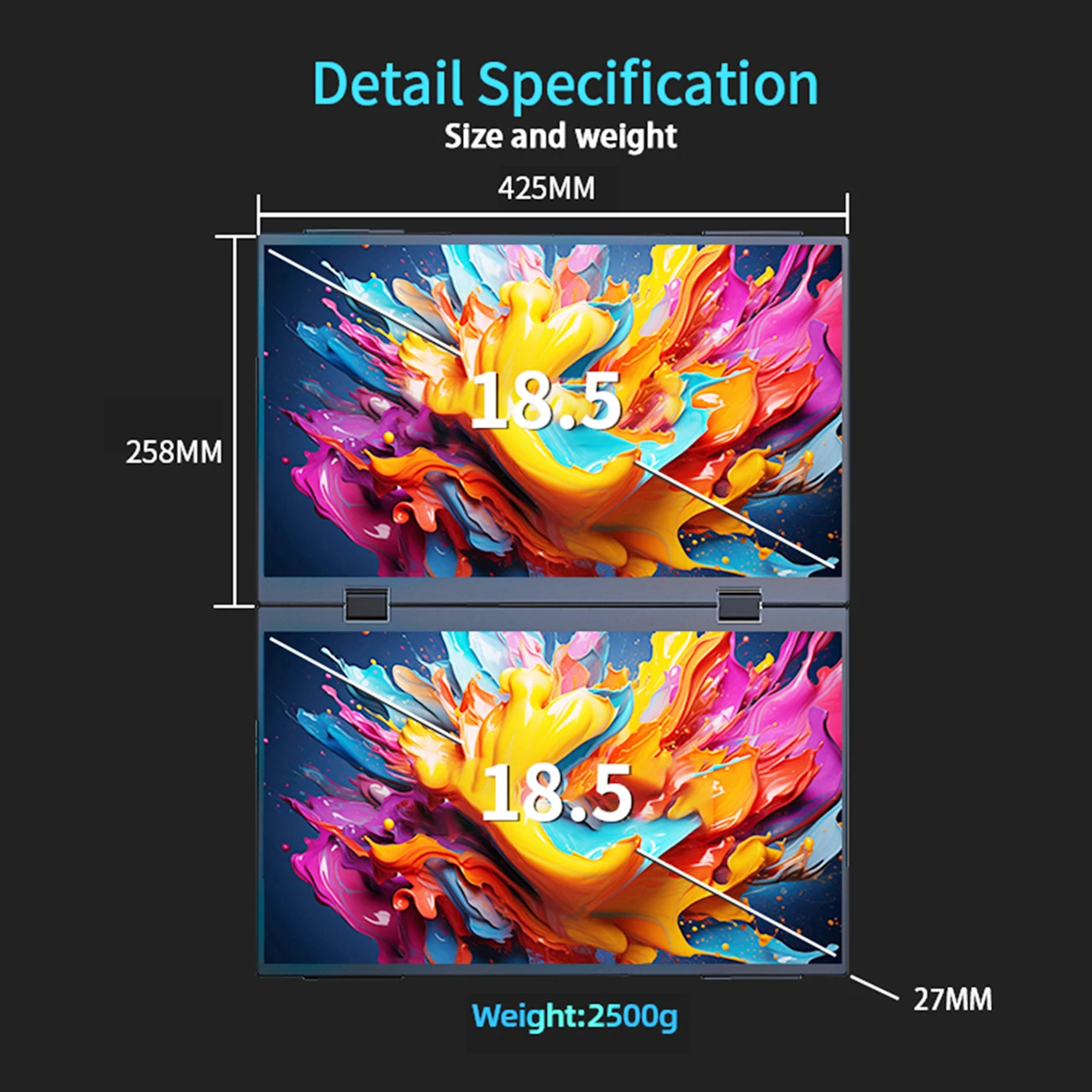
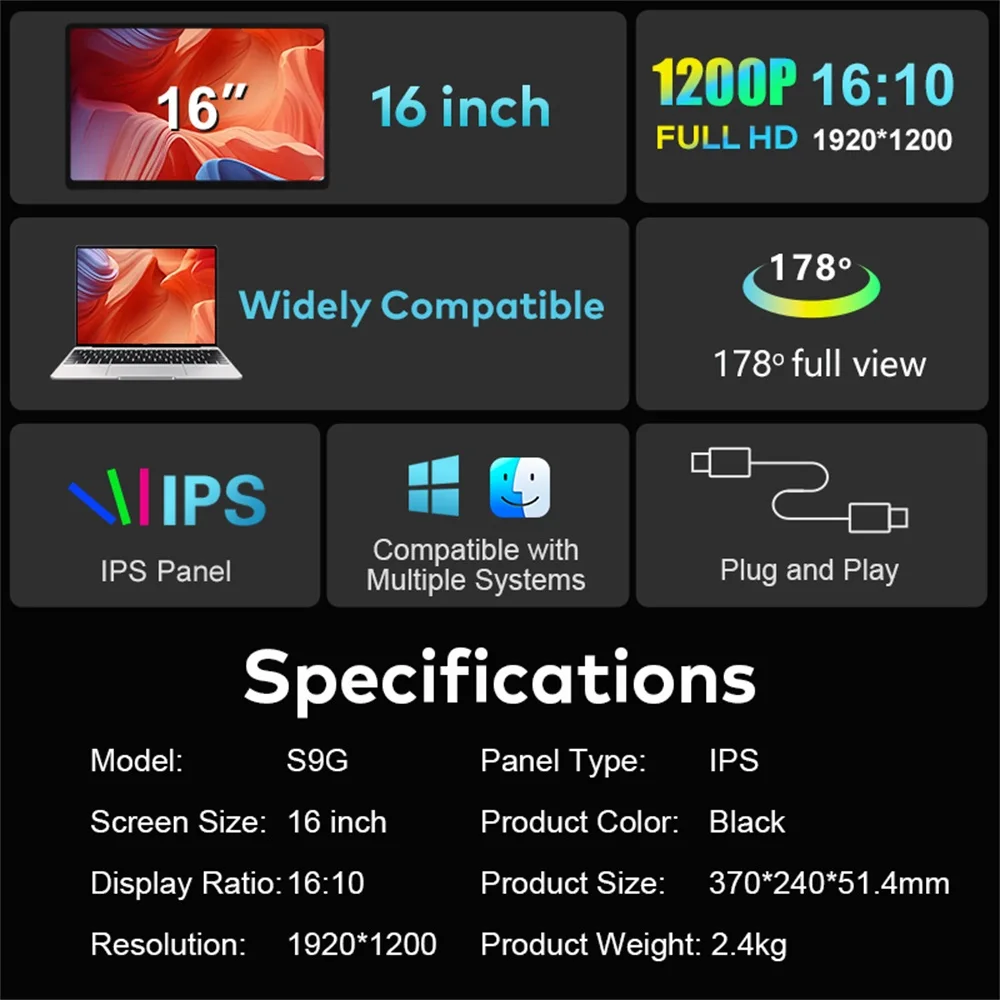
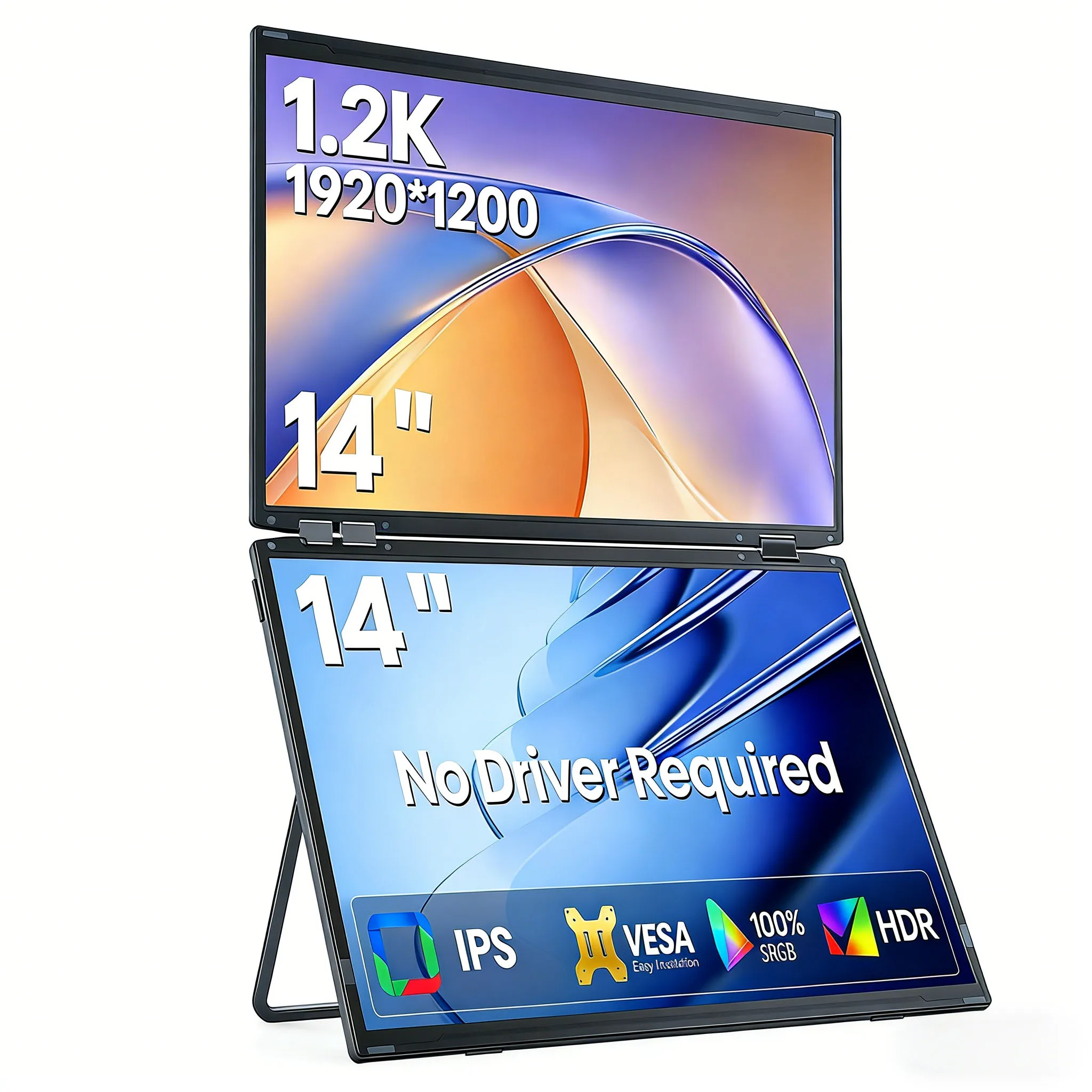
- Sizes. The panels are 14, 15.6, 16 and 18.5 inches. A bigger panel gives more room but adds more weight and width.
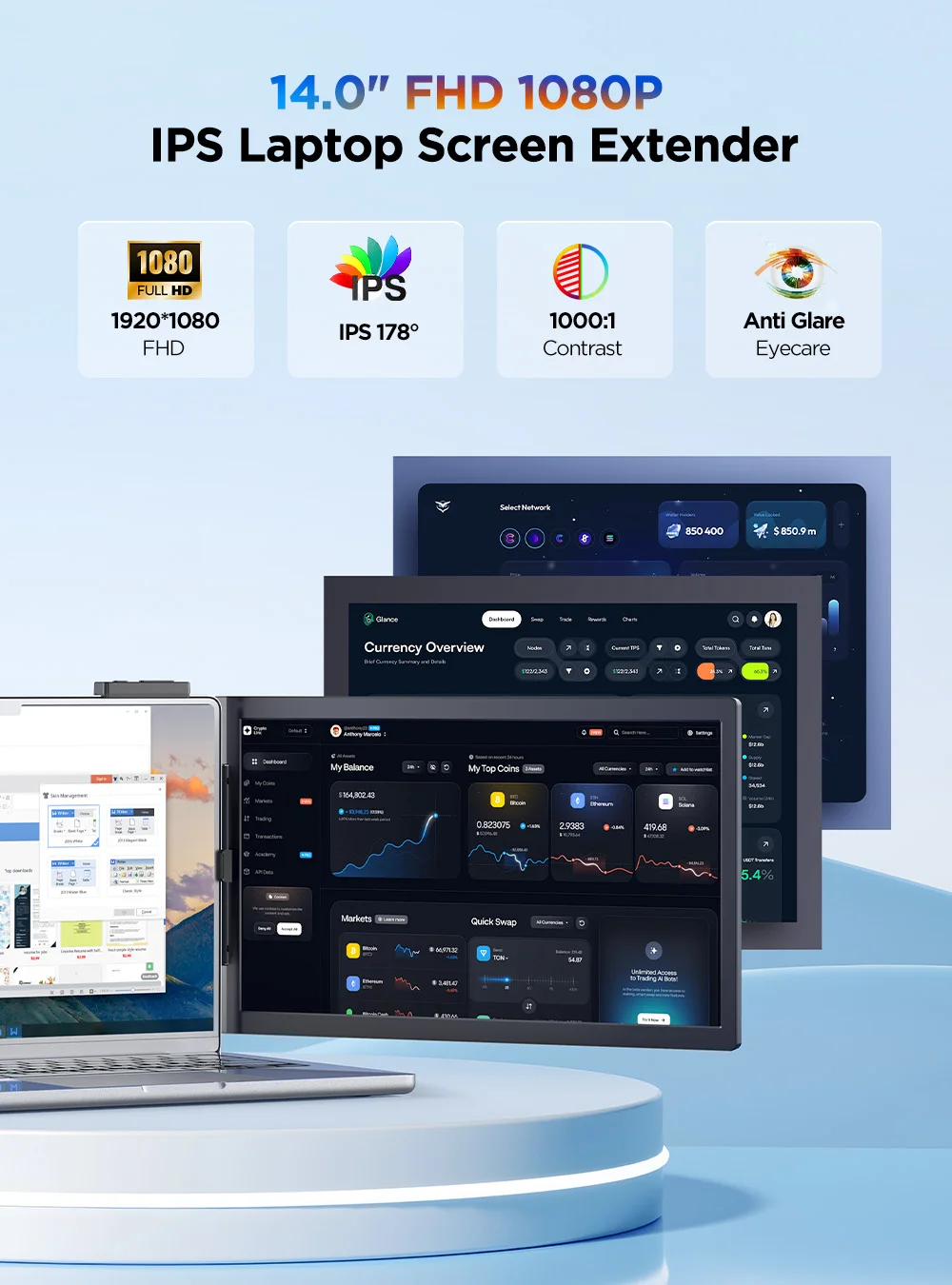
- Resolution. Most are Full HD (1920 x 1080) or 1920 x 1200; some offer a sharper 2K or 2560-line version.
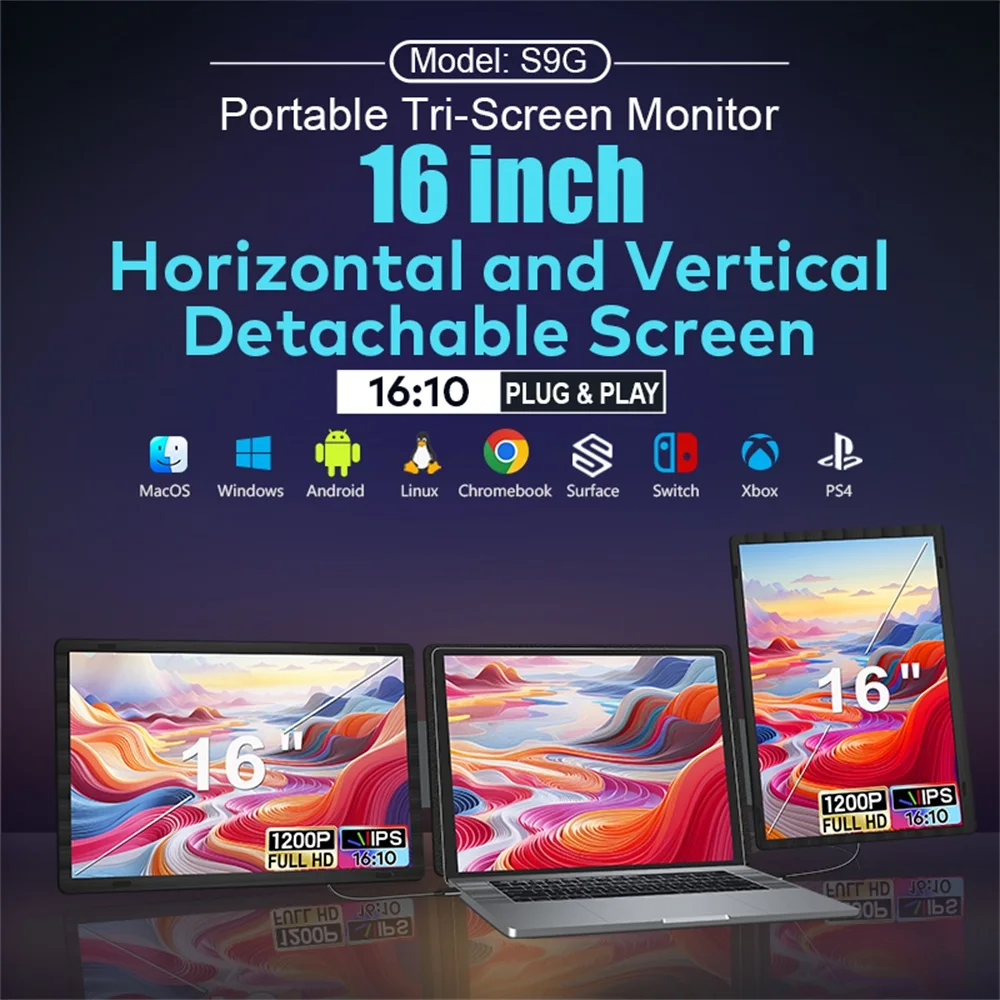
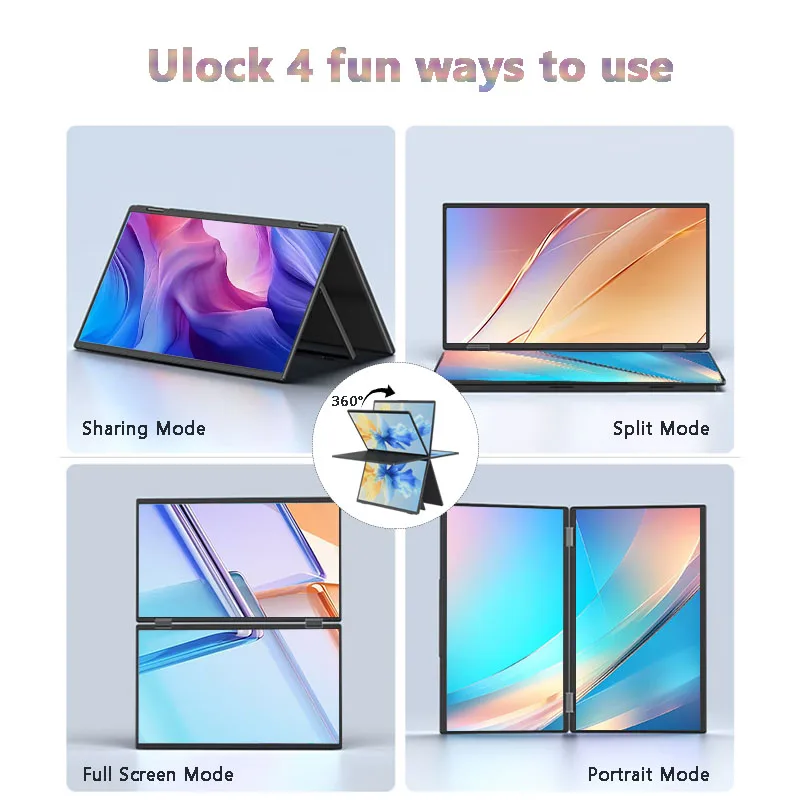
- Movement. The screens rotate and fold, so one can face a colleague across the table or turn upright for a long document. Some turn their picture round by themselves, using a sensor that knows which way up they are.
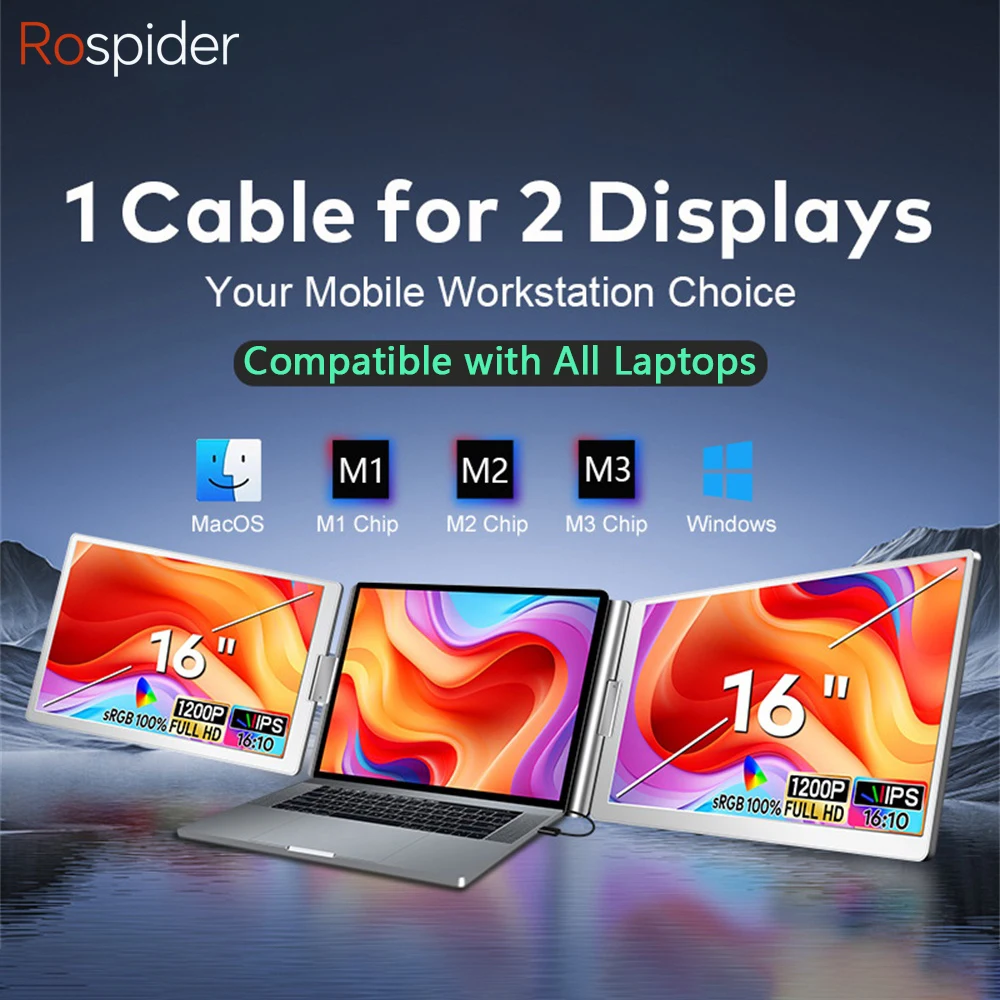
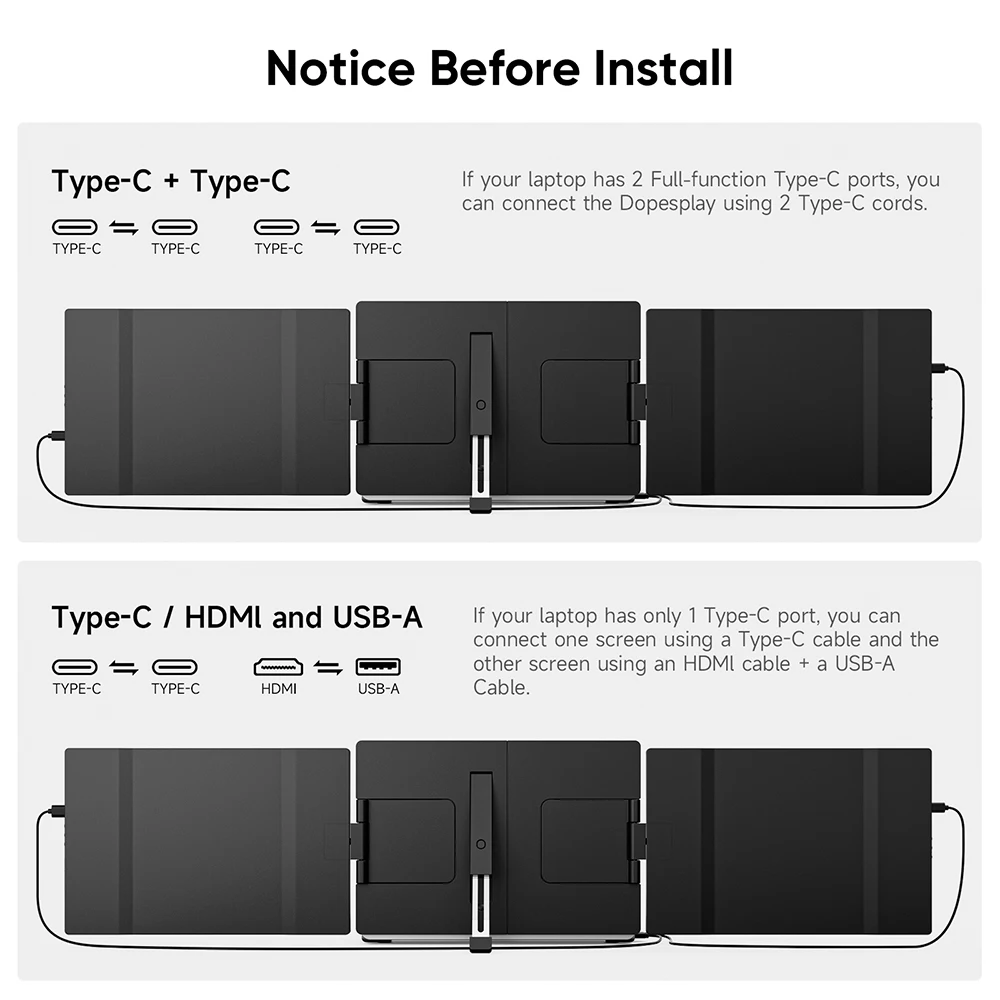
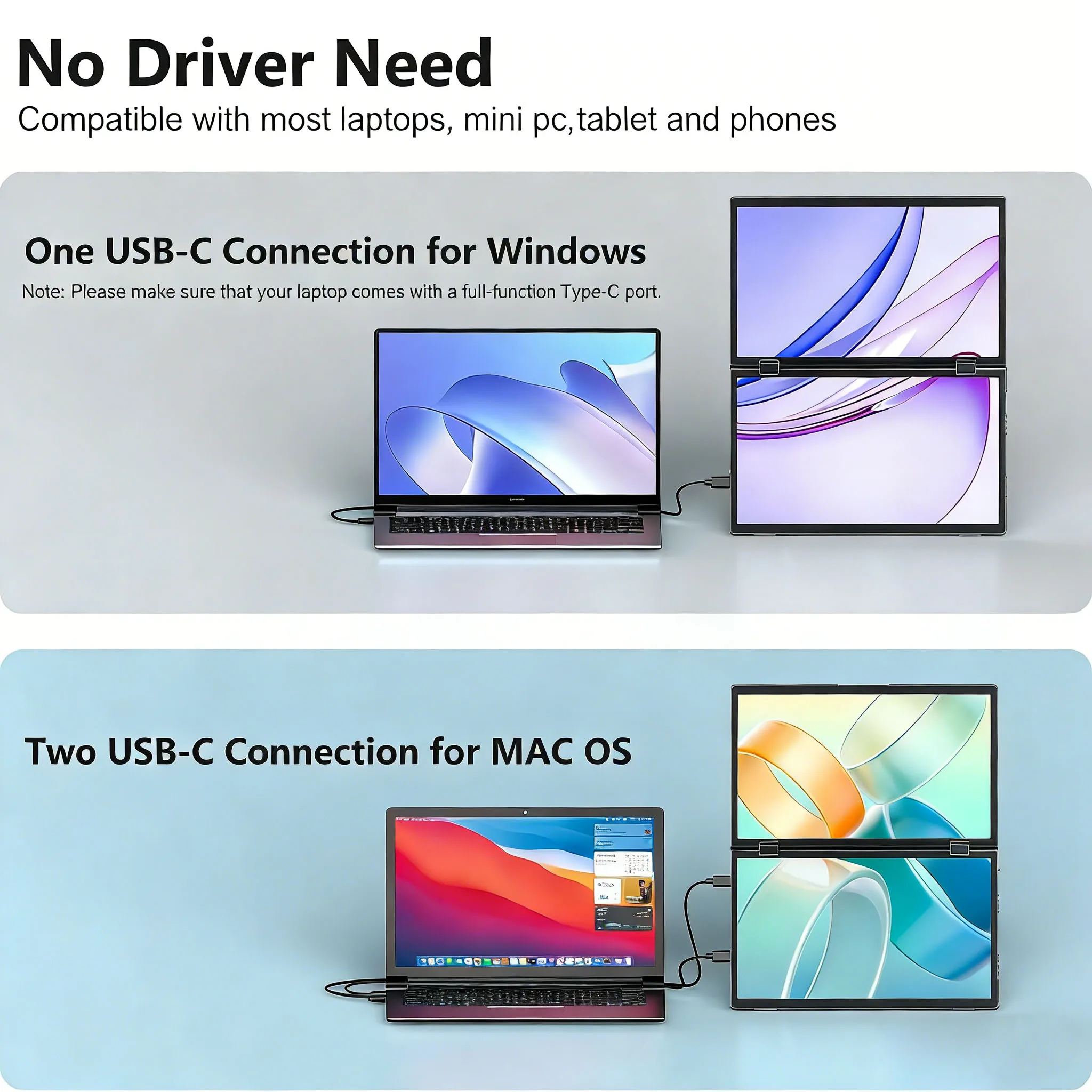
- Connections. Most connect by a full-featured USB-C cable, some also by HDMI, and one by a USB-C port or two USB ports.
Fit and compatibility
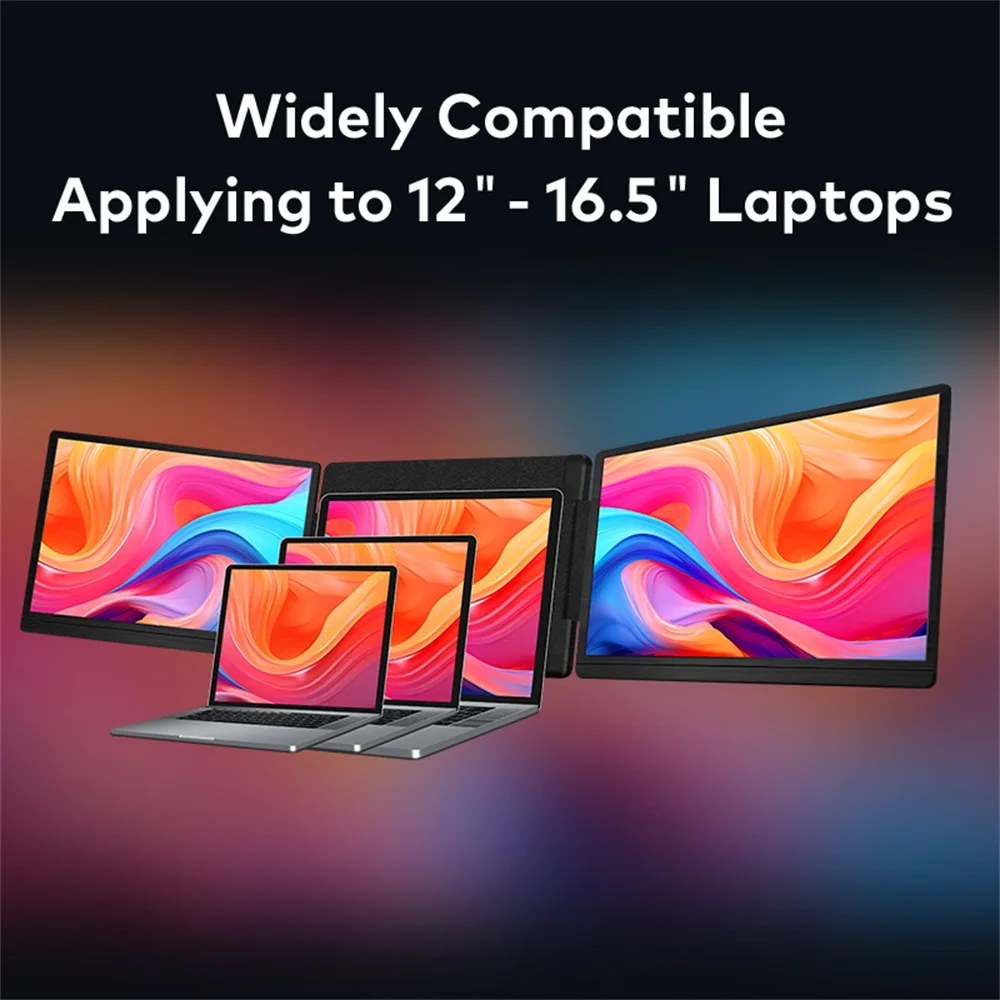
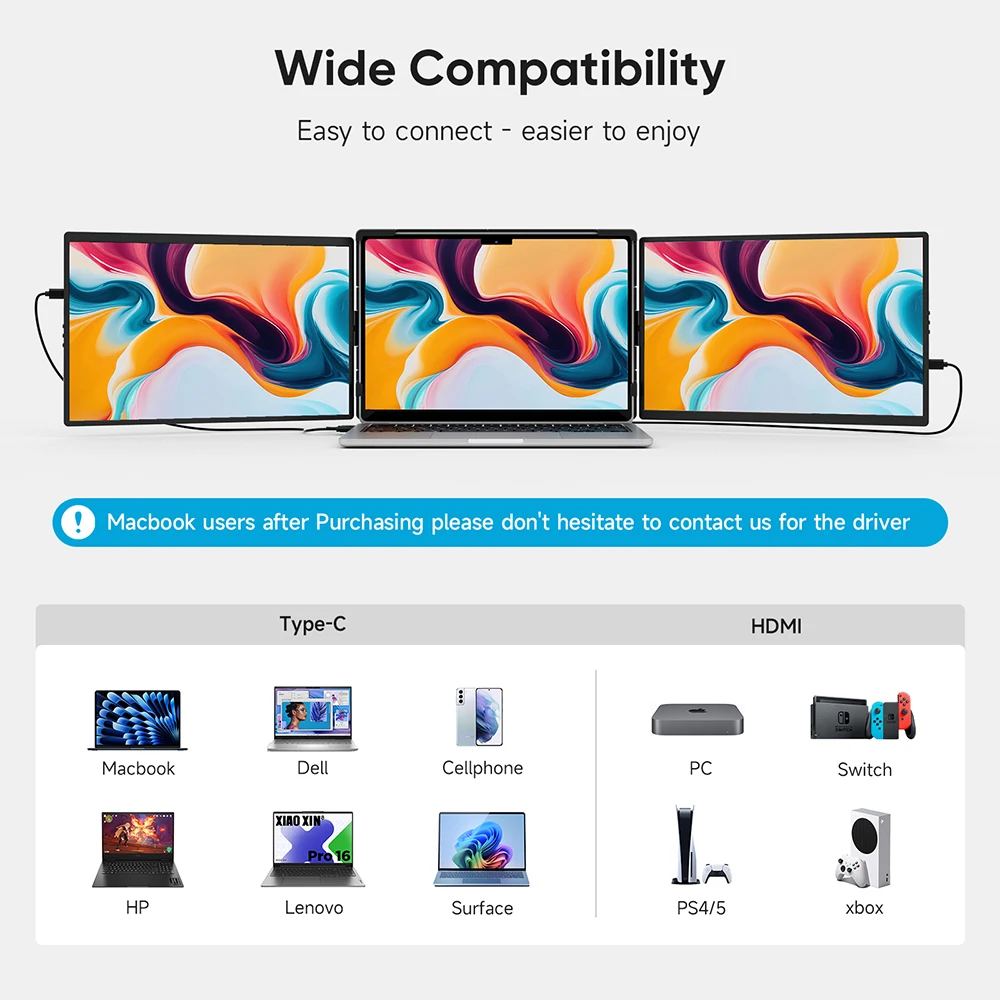
Two things decide whether an extender suits your laptop. The first is size. The frame clamps or hangs on the lid, and each product gives the laptop sizes it fits; two, for example, fit laptops from about 13 to 17 inches. The second is how many screens the laptop can drive. A one-cable USB-C connection needs a port that carries a picture (DisplayPort Alt Mode), and a laptop only runs as many external screens as its maker allows. Apple's specifications for the MacBook Air with the M2 chip give one external display, and two extenders here list the Mac chips they work with and say they do not work with the standard M1, M2 or M3 chips. Another says a Mac cannot extend across both of its screens. Read the list on the product page before ordering. Our guide to portable monitors and screen extenders explains more.
Questions people ask about screen extenders
Is it heavy on the lid?
It adds weight behind the screen, so use it on a firm table and let the kickstand take the load rather than the laptop's hinge. If your laptop is light or its hinge is loose, a portable monitor that stands on its own may suit you better.
Can I use just one side?
Yes. Each screen opens on its own, and your laptop's display settings let you turn one off.
Does it need power?
Many run from the laptop through USB-C. Some take a second power cable, from a USB-C charger or a hub. The product page says which.
How long does delivery take?
Delivery is included in every price and tracked to your door. Each product page says when that extender usually arrives, so check it before ordering for a set date.
More to look at