Bluetooth from a USB port
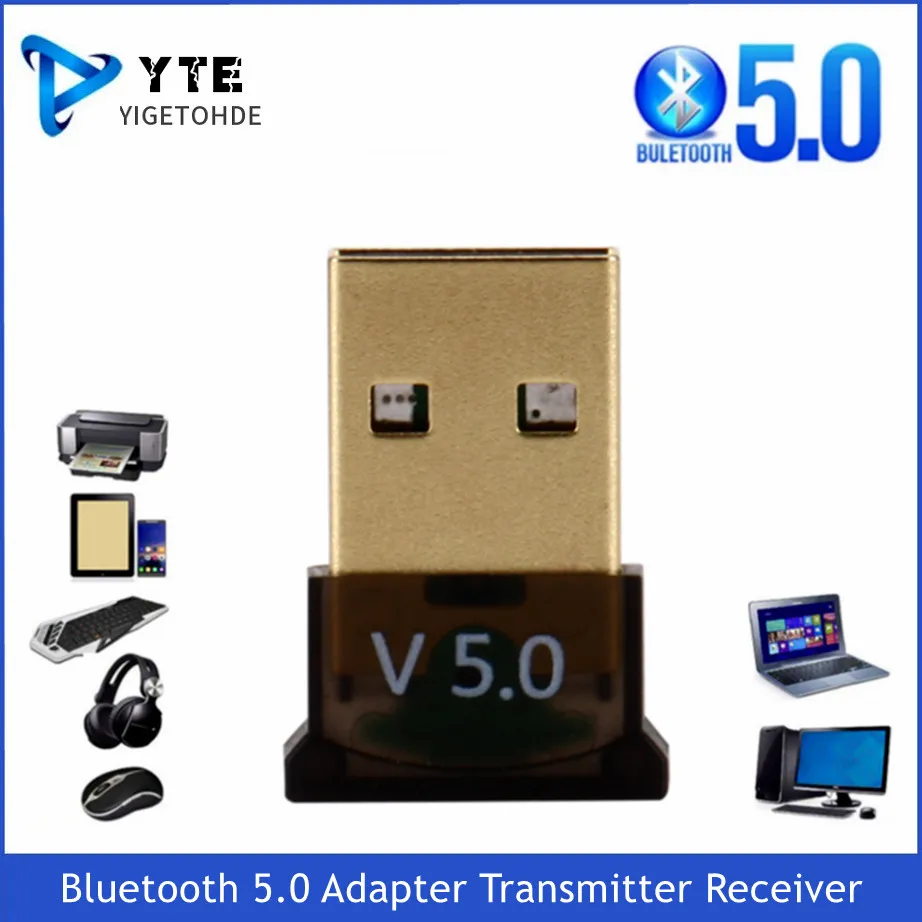
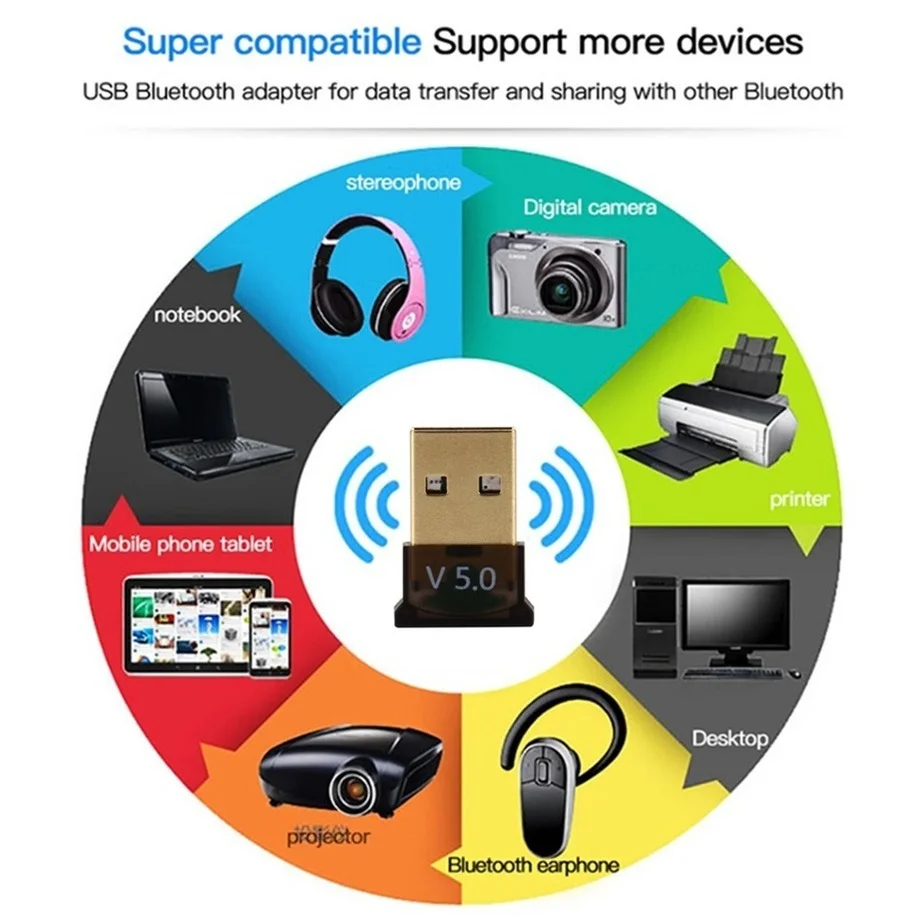
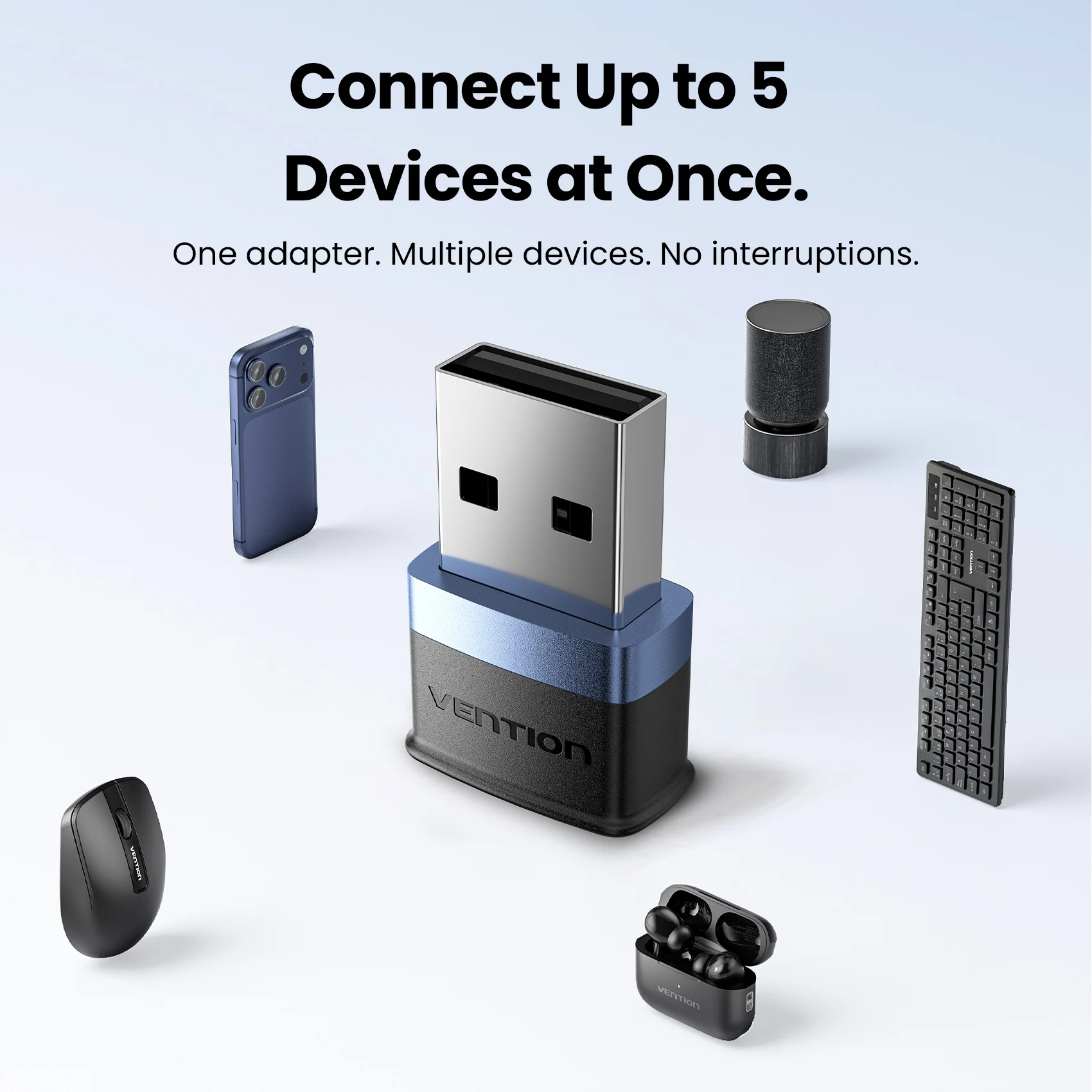
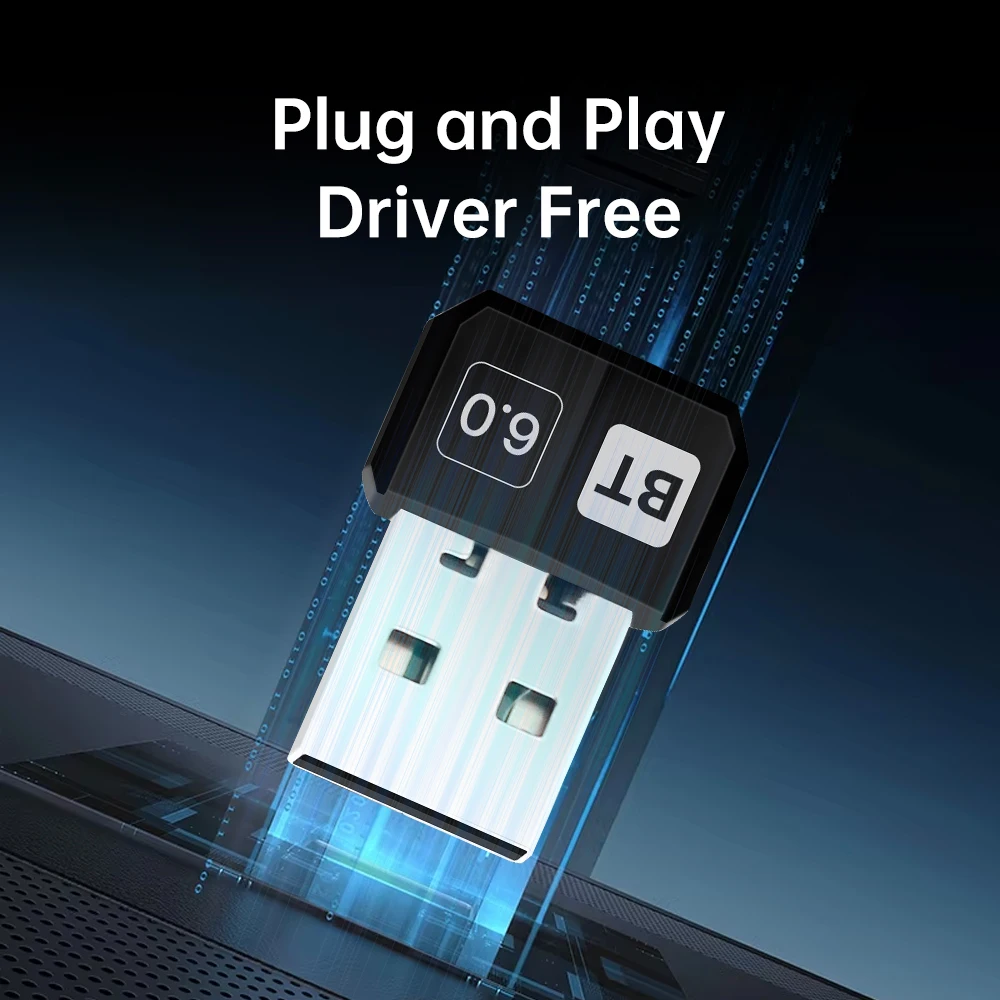
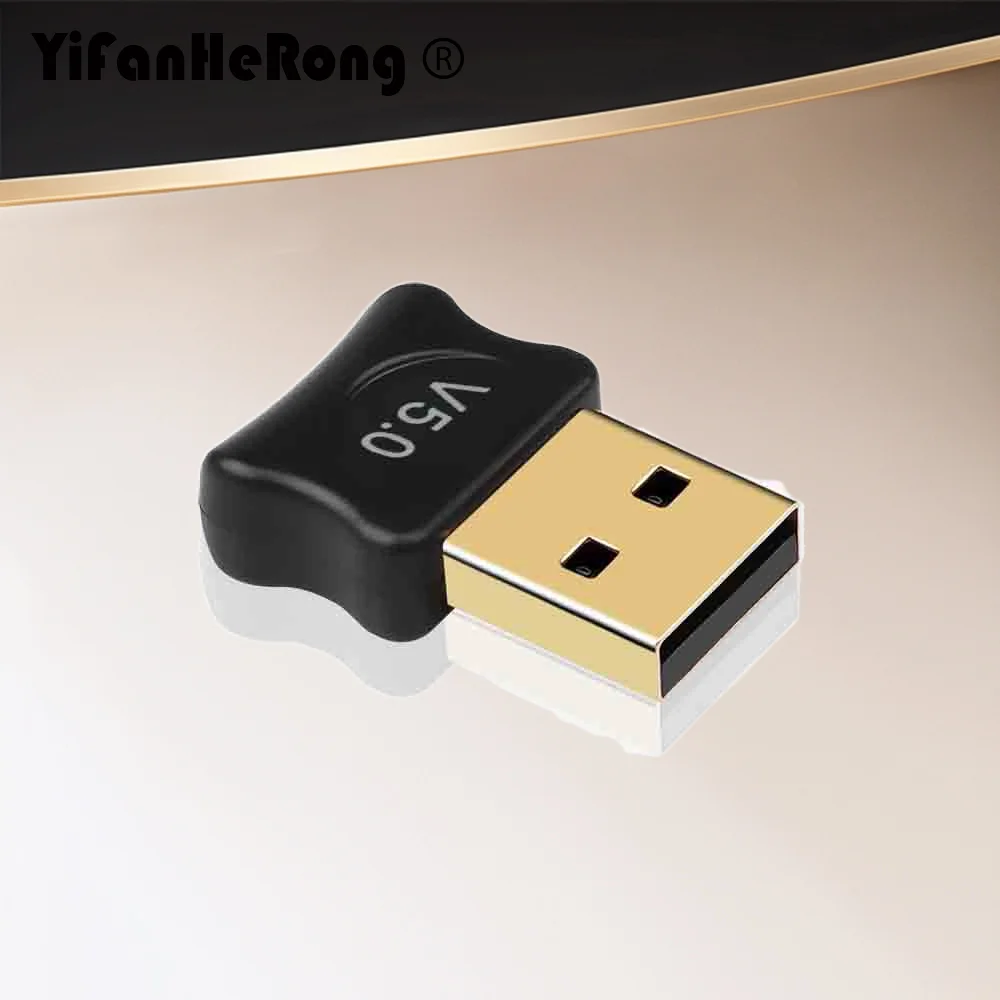
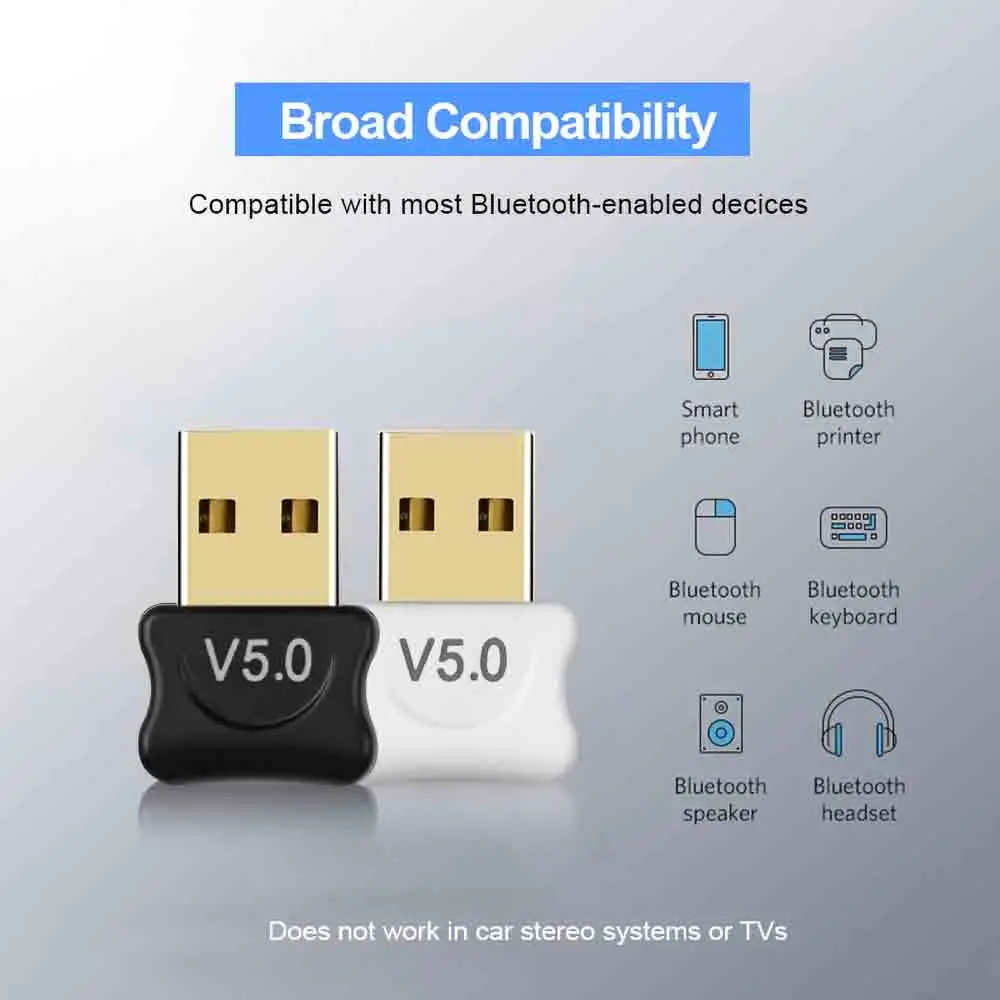
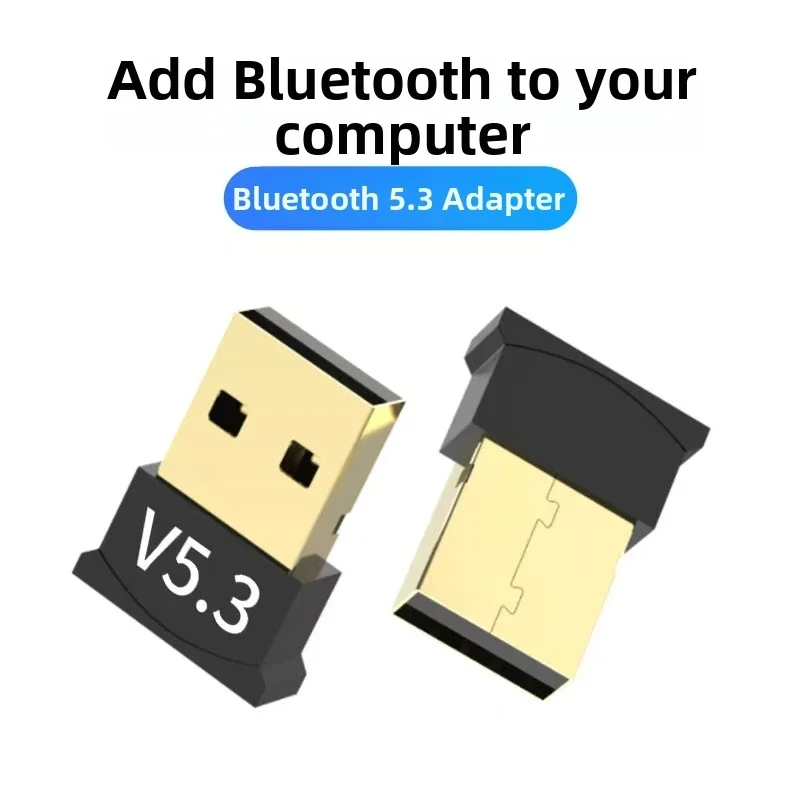
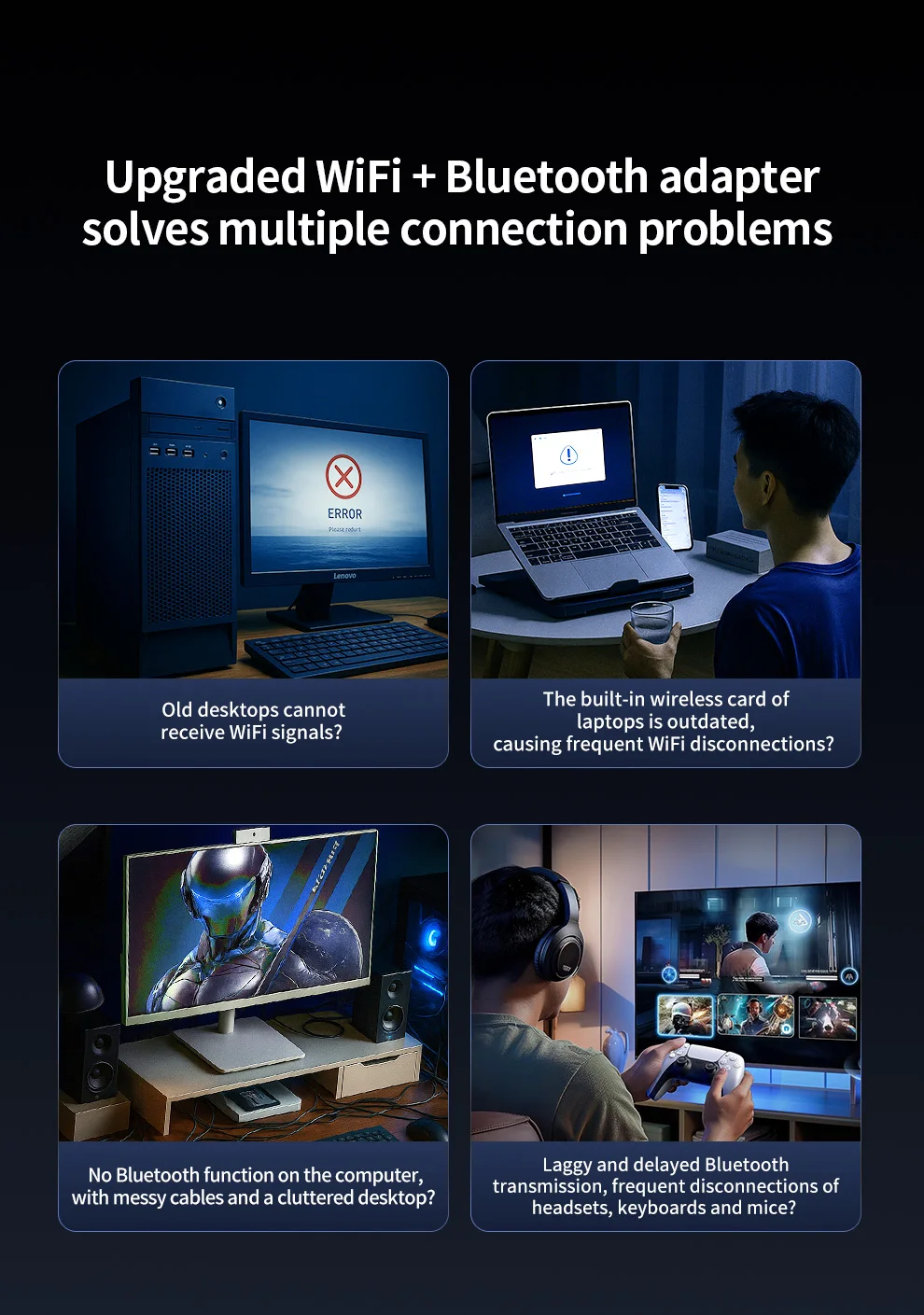
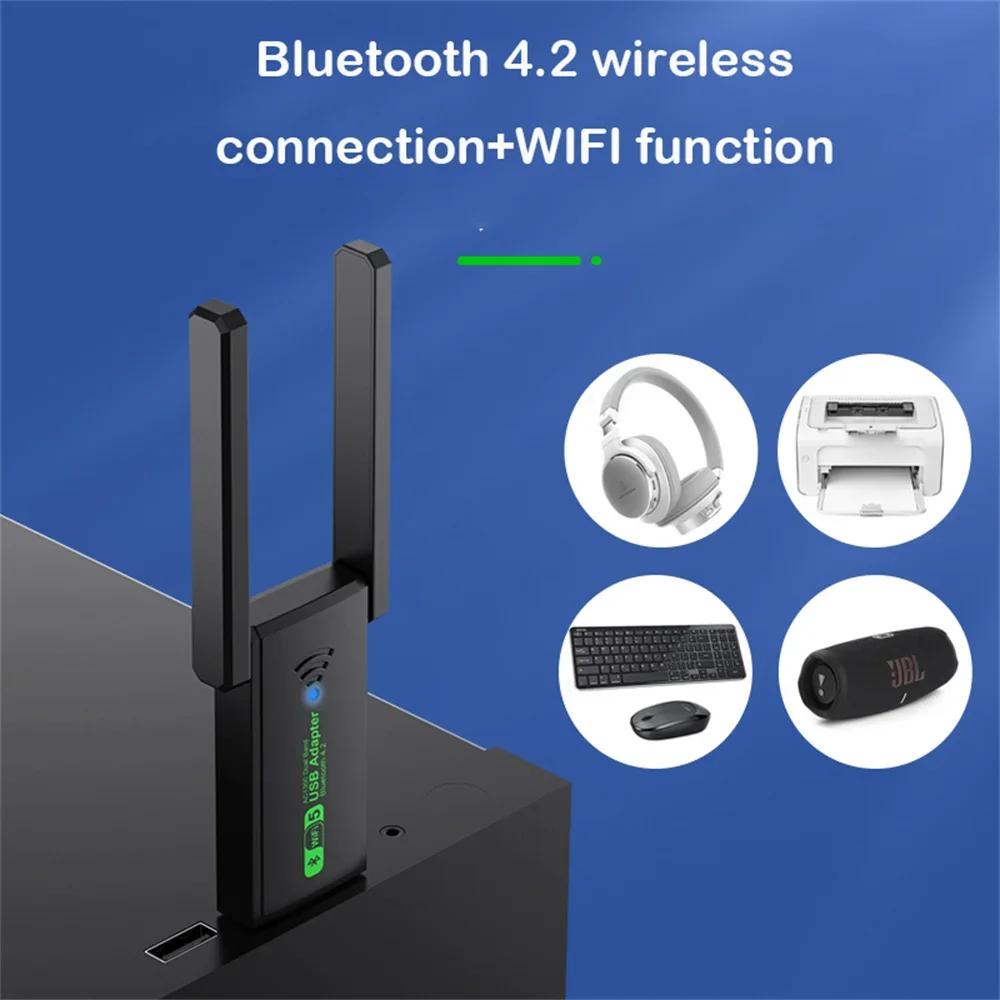
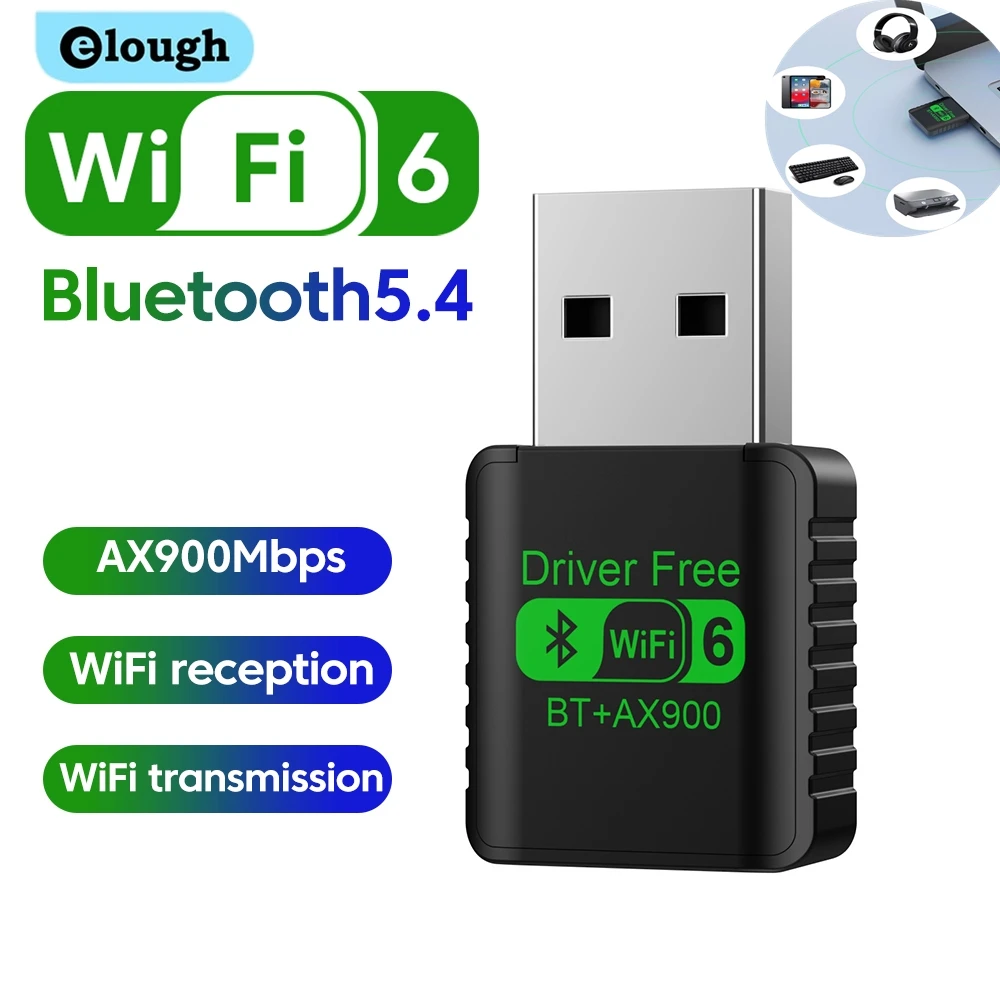
A USB Bluetooth adapter gives a laptop or PC Bluetooth when it has none, when the built-in one has failed, or when it keeps dropping your headphones. It is a small plug that stays in a USB port, and through it you pair headphones, speakers, keyboards, mice, printers and game controllers. Most here are listed for Windows 10 and 11, several with no driver to install.
The kinds here
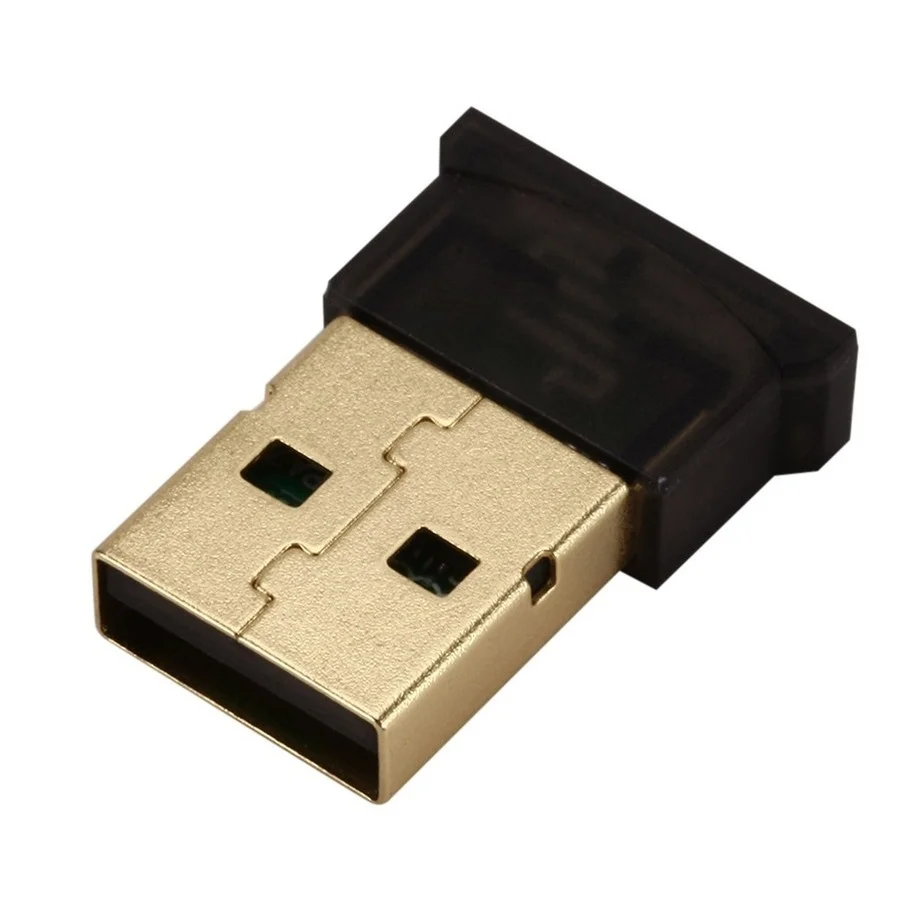
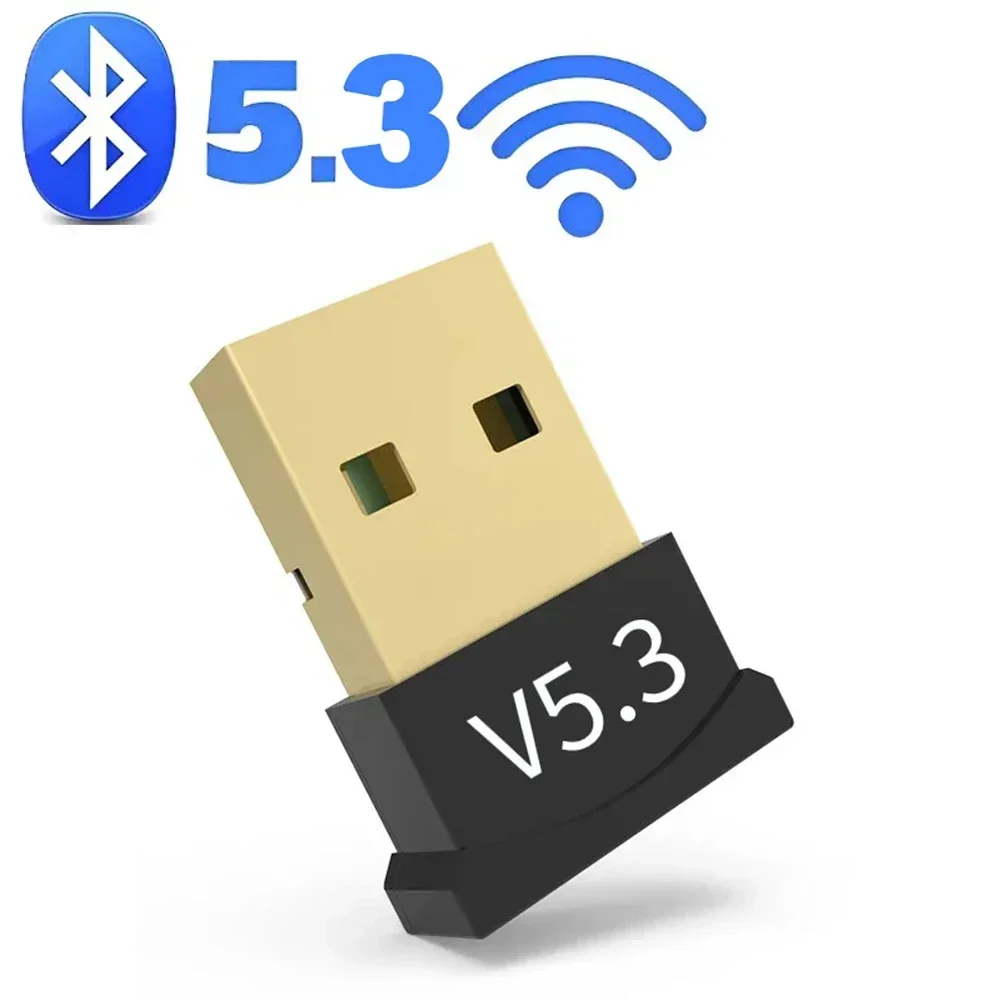
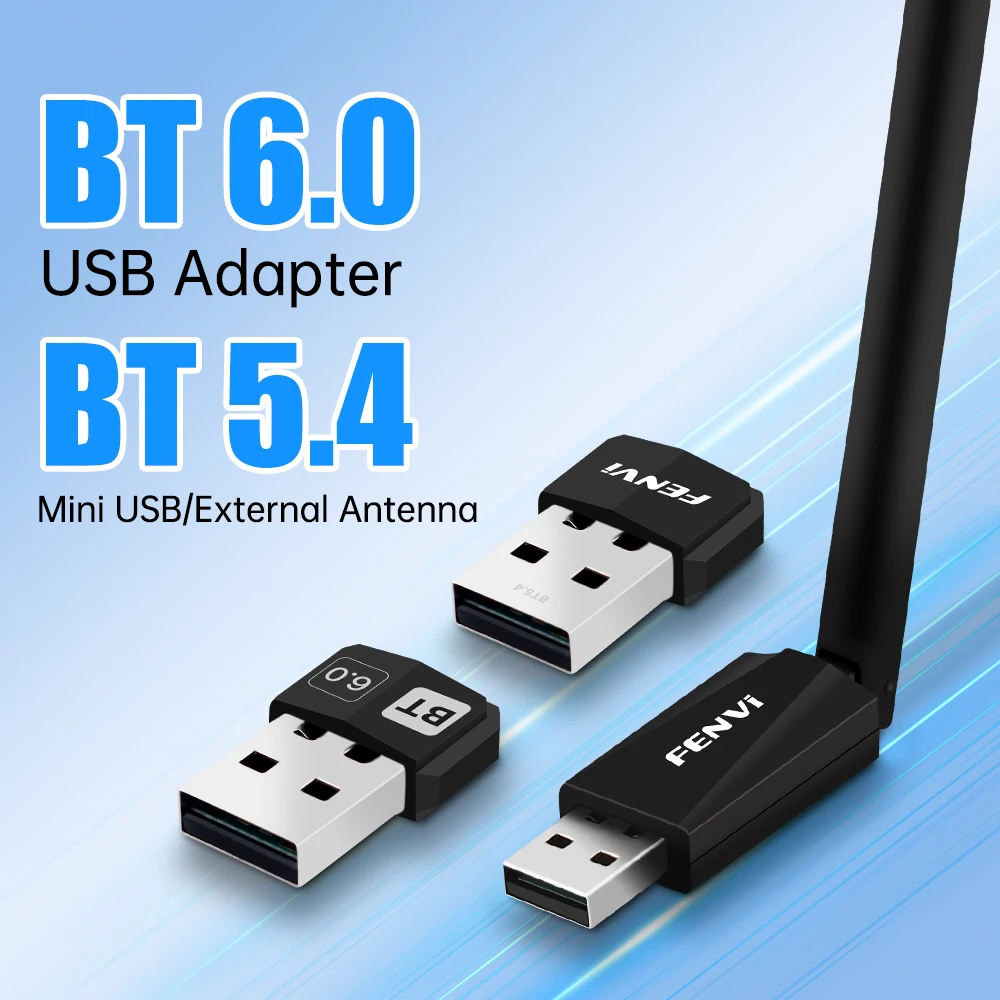
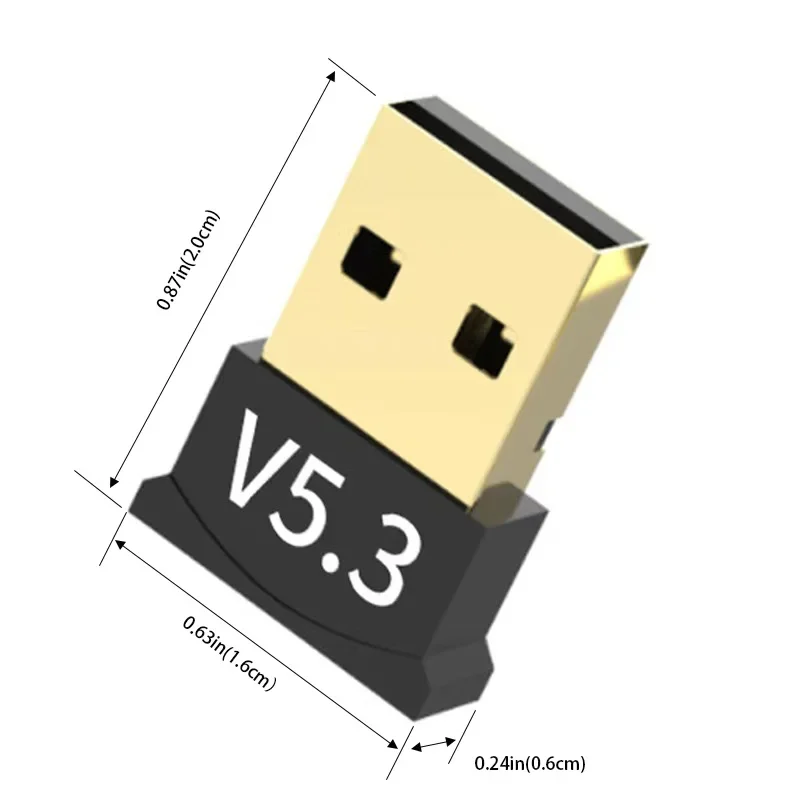
- Small adapters listed as Bluetooth 5.0, 5.1, 5.3, 5.4 and 6.0, barely longer than the port, so they can stay in a laptop.
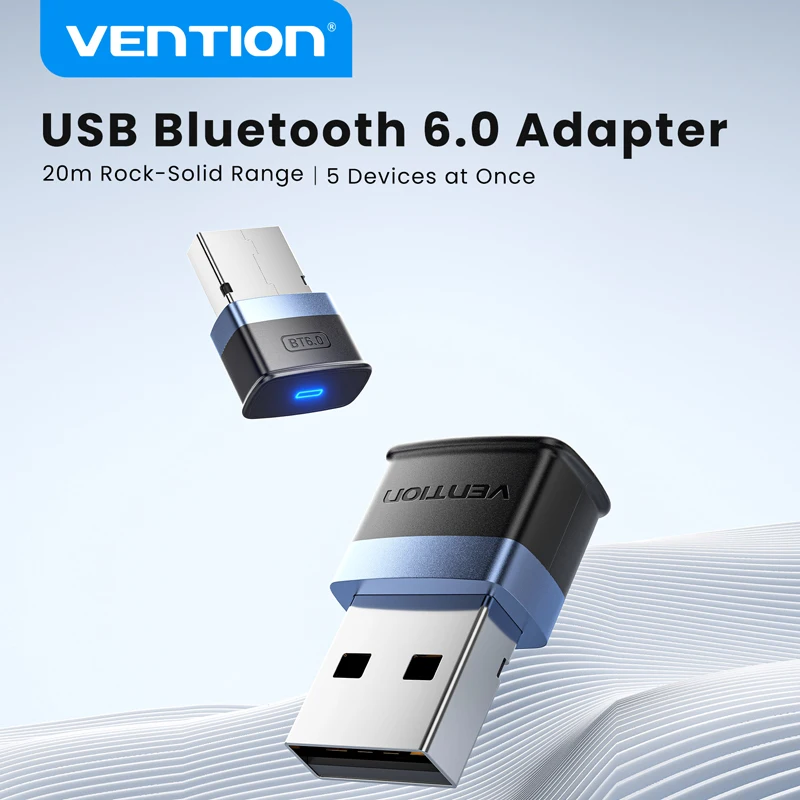
- A long-range adapter on Bluetooth 6.0, listed for up to five devices at once.
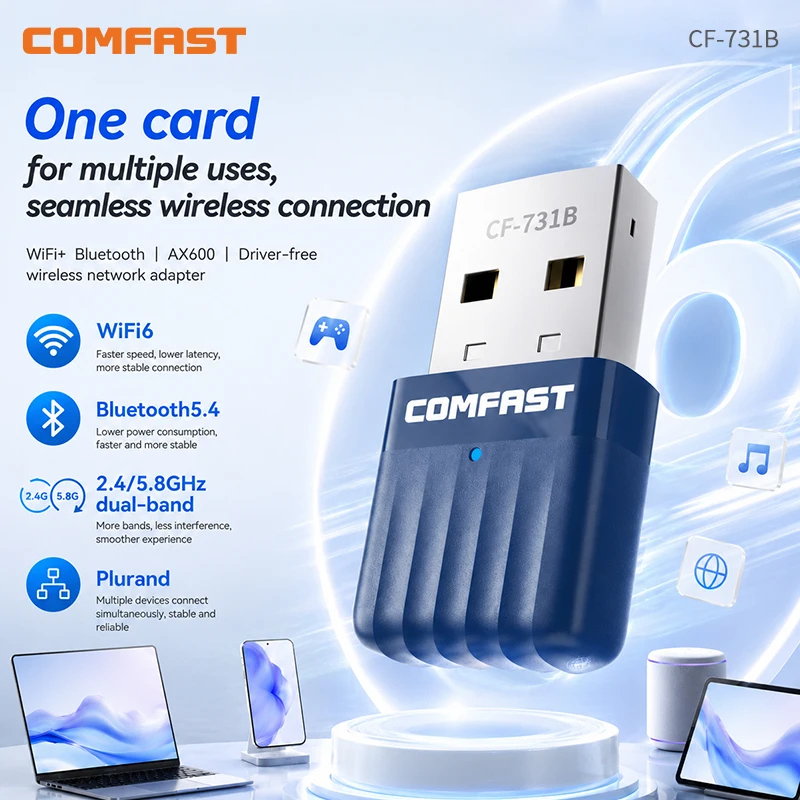
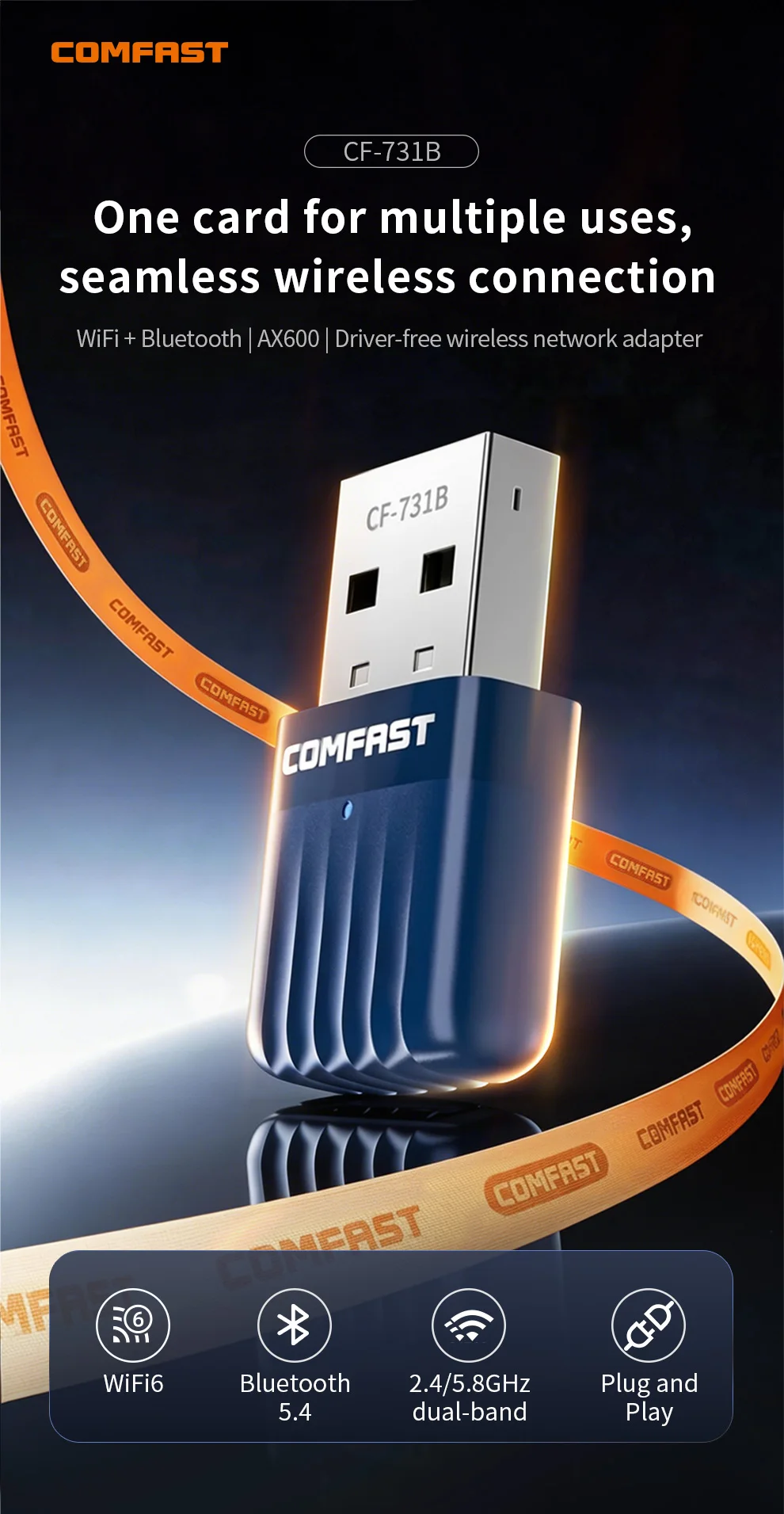
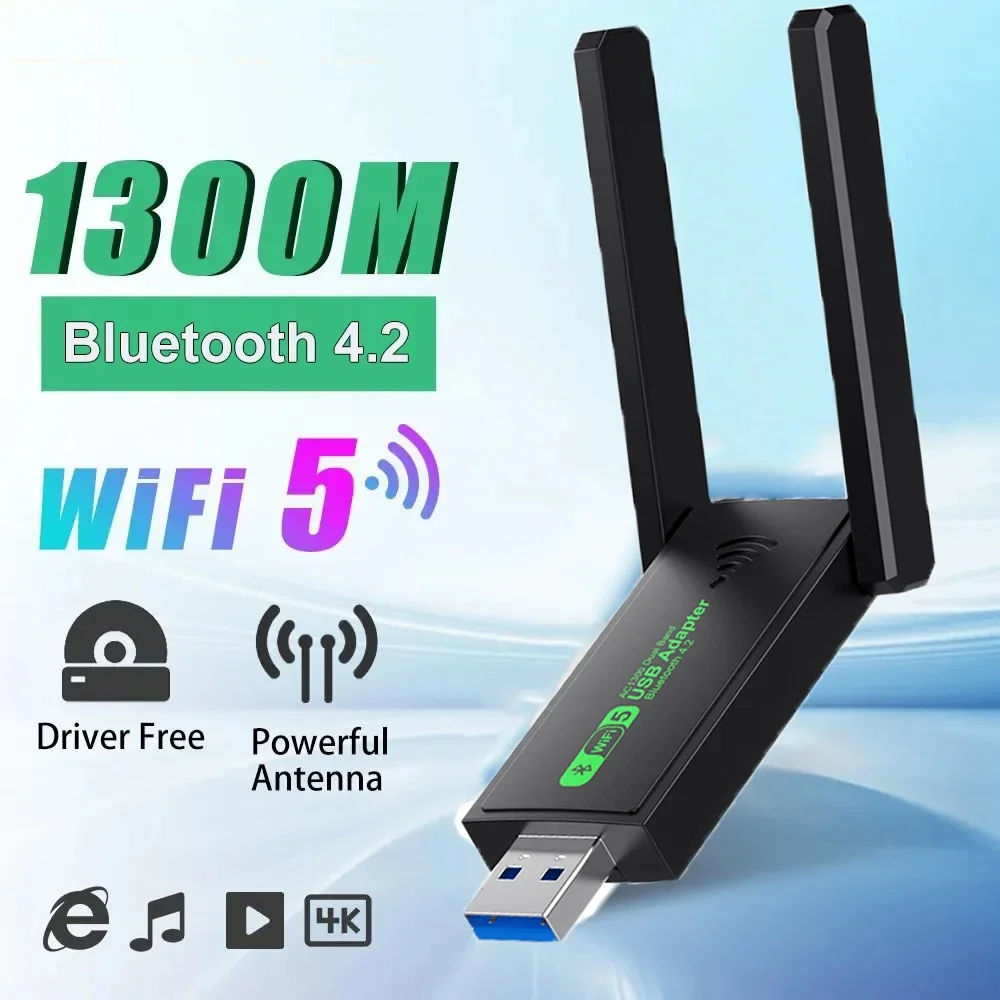
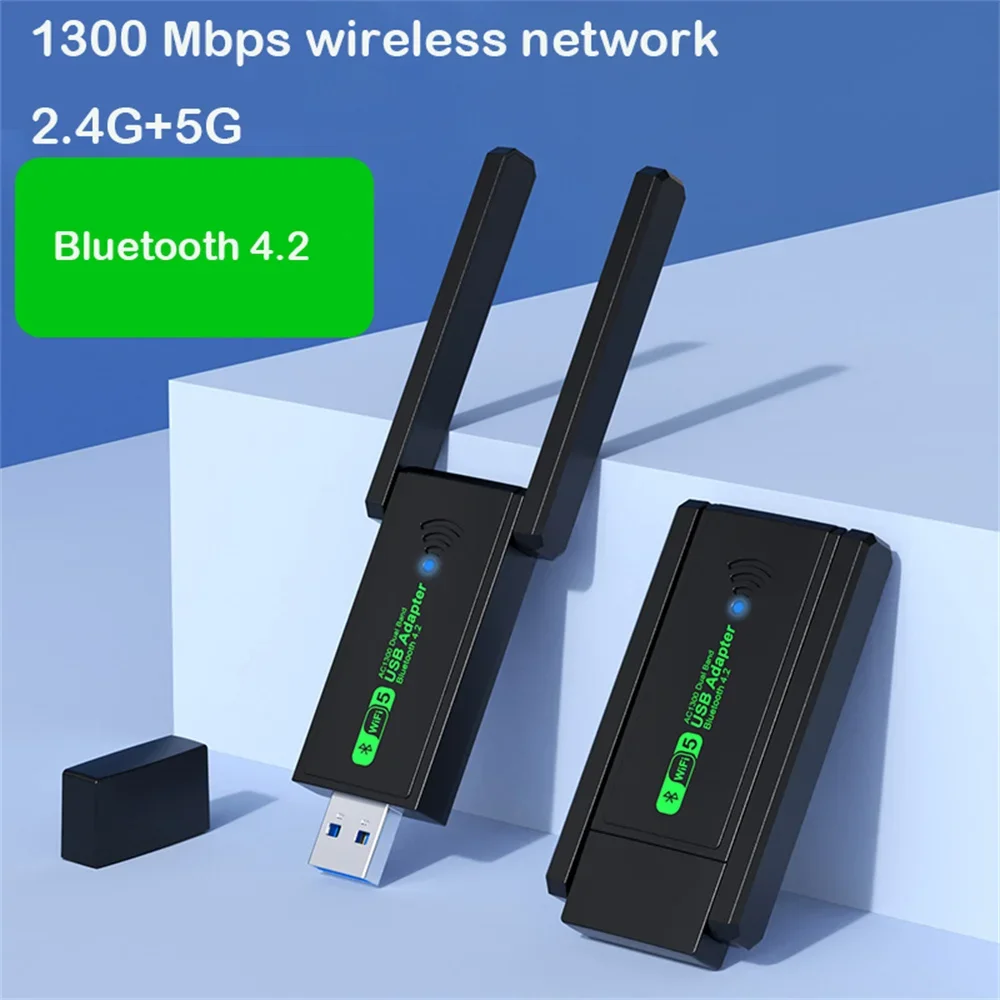
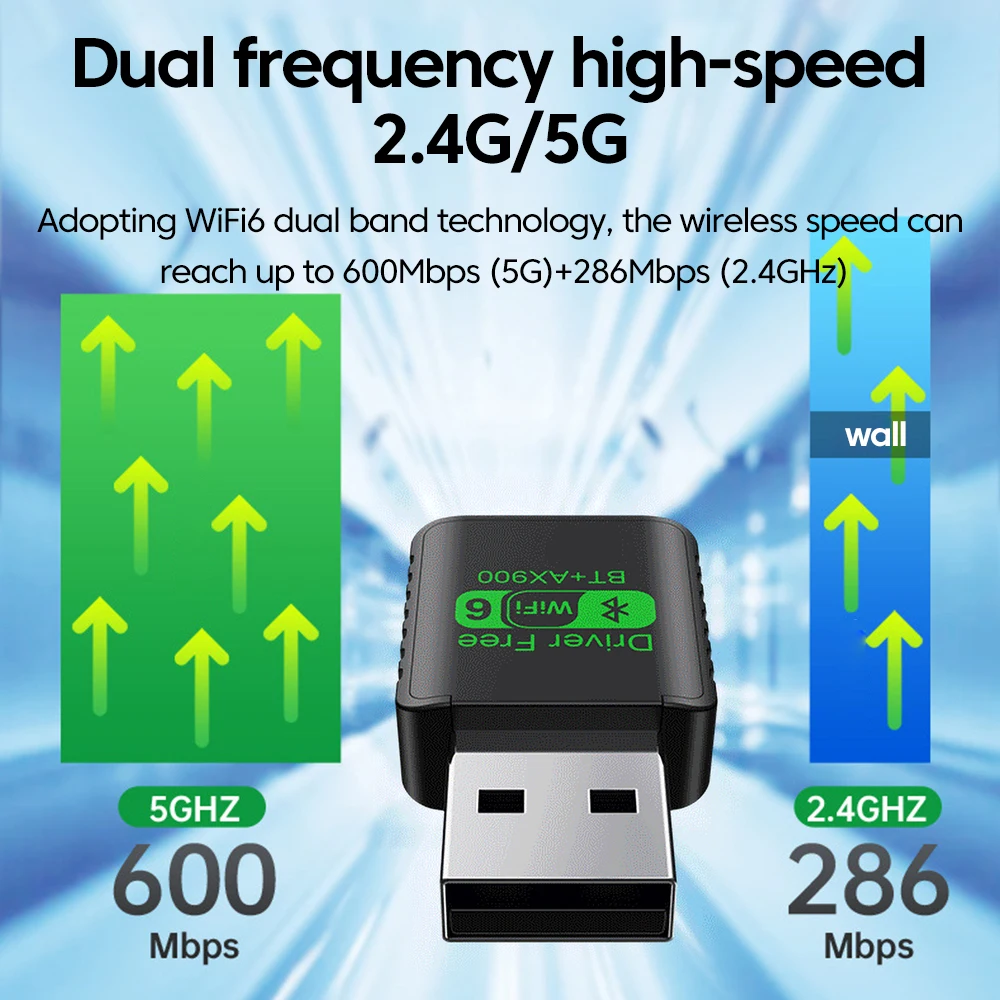
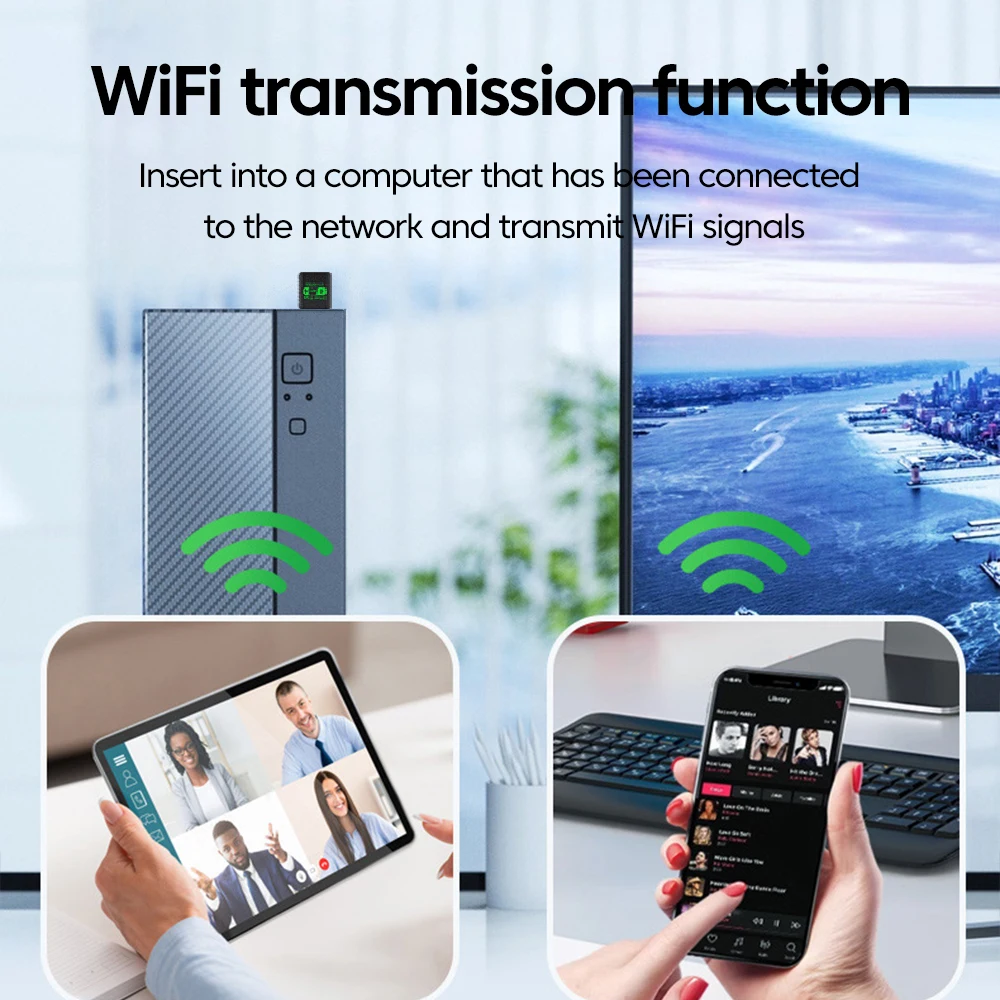
- Wi-Fi adapters with Bluetooth built in, for a PC that needs both. These also appear in USB Wi-Fi adapters.
How to choose
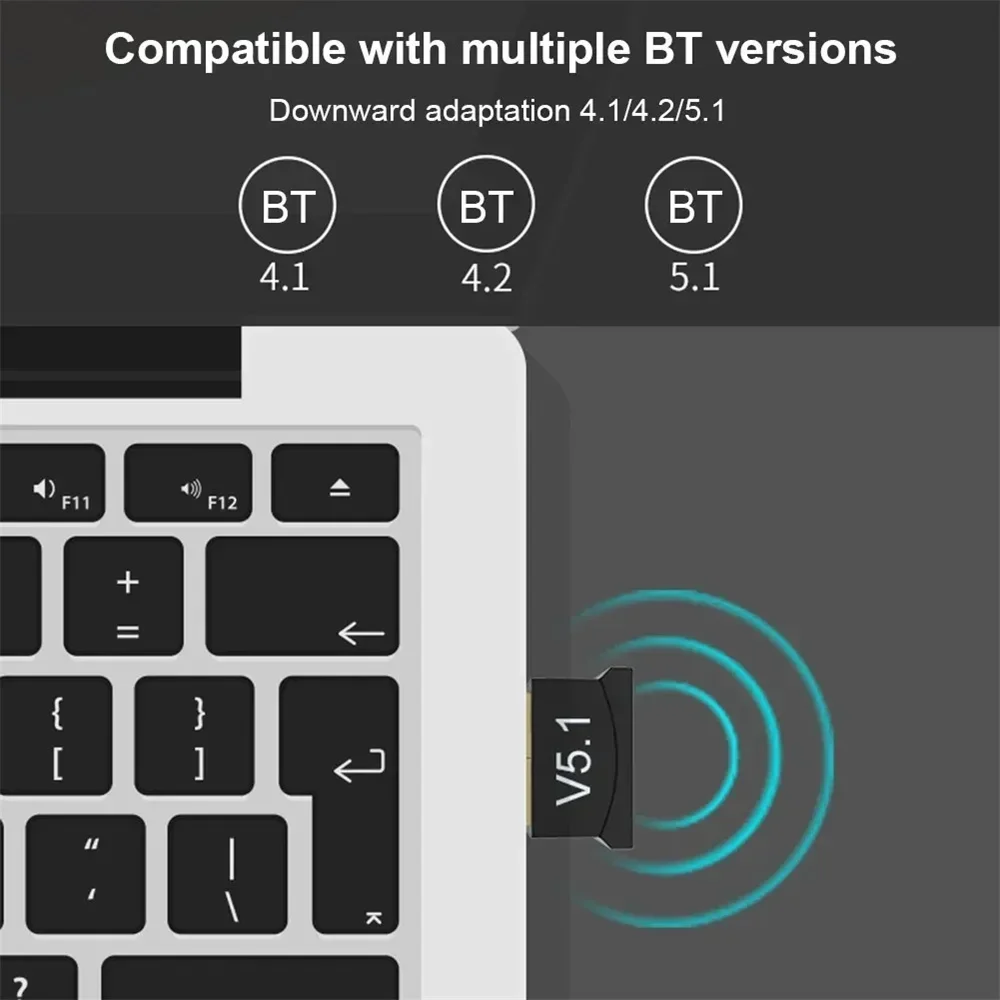
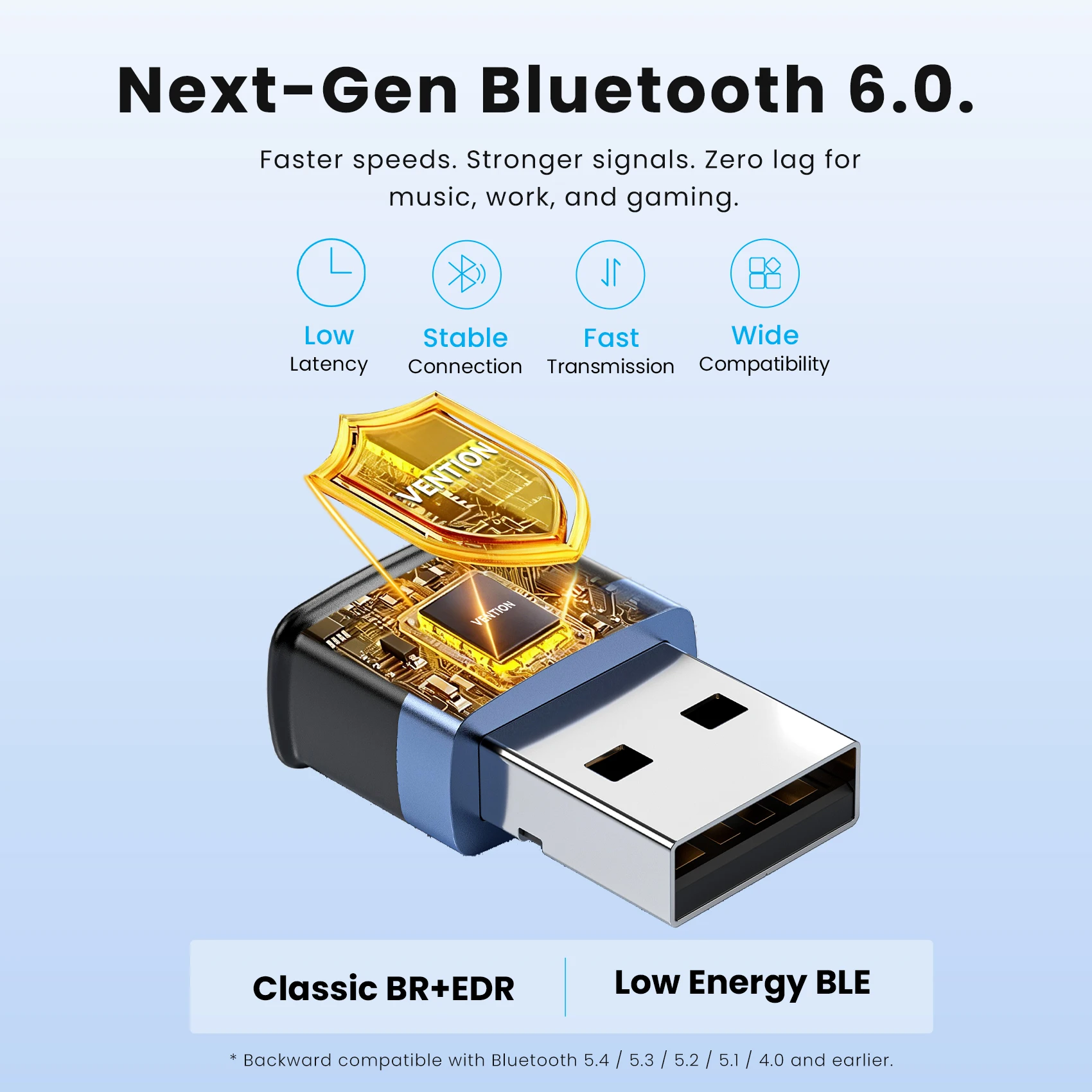
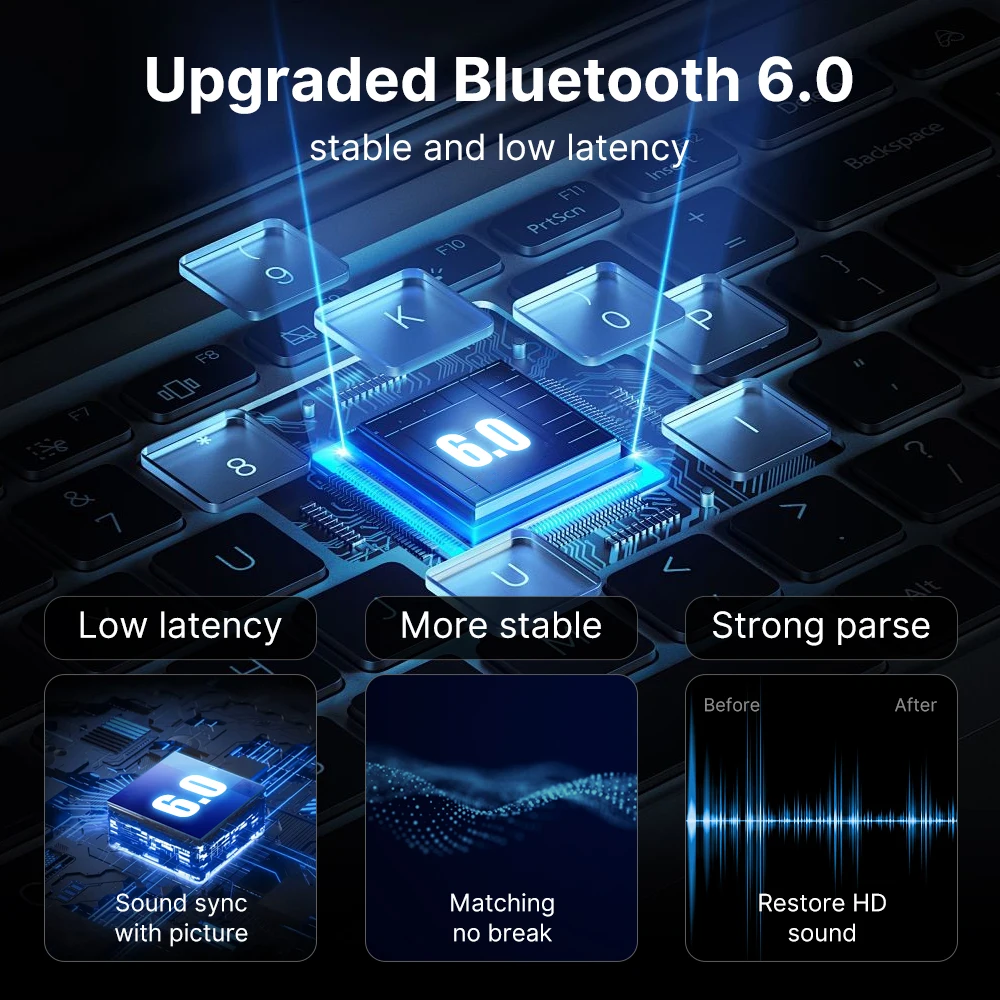
Version. Bluetooth is designed to work across versions: the Bluetooth SIG requires new versions to stay compatible with earlier ones. So a newer adapter still pairs with your older headphones, and the two use the features both have. A newer adapter is a sensible choice for the devices you buy next.
Range. The Bluetooth SIG says range runs from under a metre to over a kilometre depending on how a device is designed, and walls cut it. For a laptop on a desk, any of these reaches across a room.
Your system. Most listings name Windows. If you use a Mac or Linux, check the listing names your system before you buy.
Questions people ask about Bluetooth adapters
Do I need to turn off my laptop's own Bluetooth?
Usually, yes. Two Bluetooth adapters in one Windows PC tend to conflict, so open Device Manager, find the built-in one under Bluetooth and disable it, then pair your devices again through the new one.
Does it need a driver?
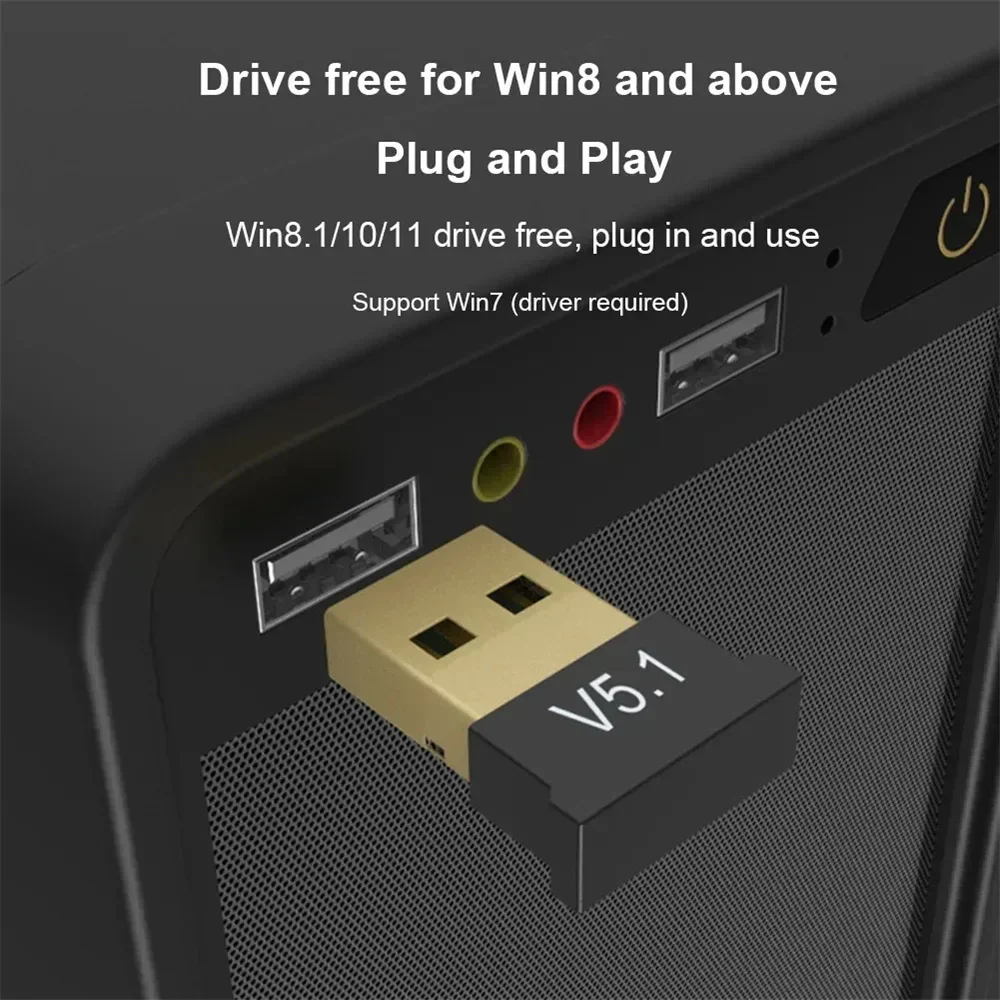
Several are listed as driver-free on Windows 10 and 11. If one stops working, Microsoft's own fix is to uninstall it in Device Manager, restart the computer, and let Windows find it again with Scan for hardware changes.
Why does my headset crackle?
Bluetooth uses the 2.4 GHz band, and USB 3 ports and drives nearby can give off noise in it. Move the adapter to a USB 2.0 port or onto a short USB extension cable, away from drives and hubs.
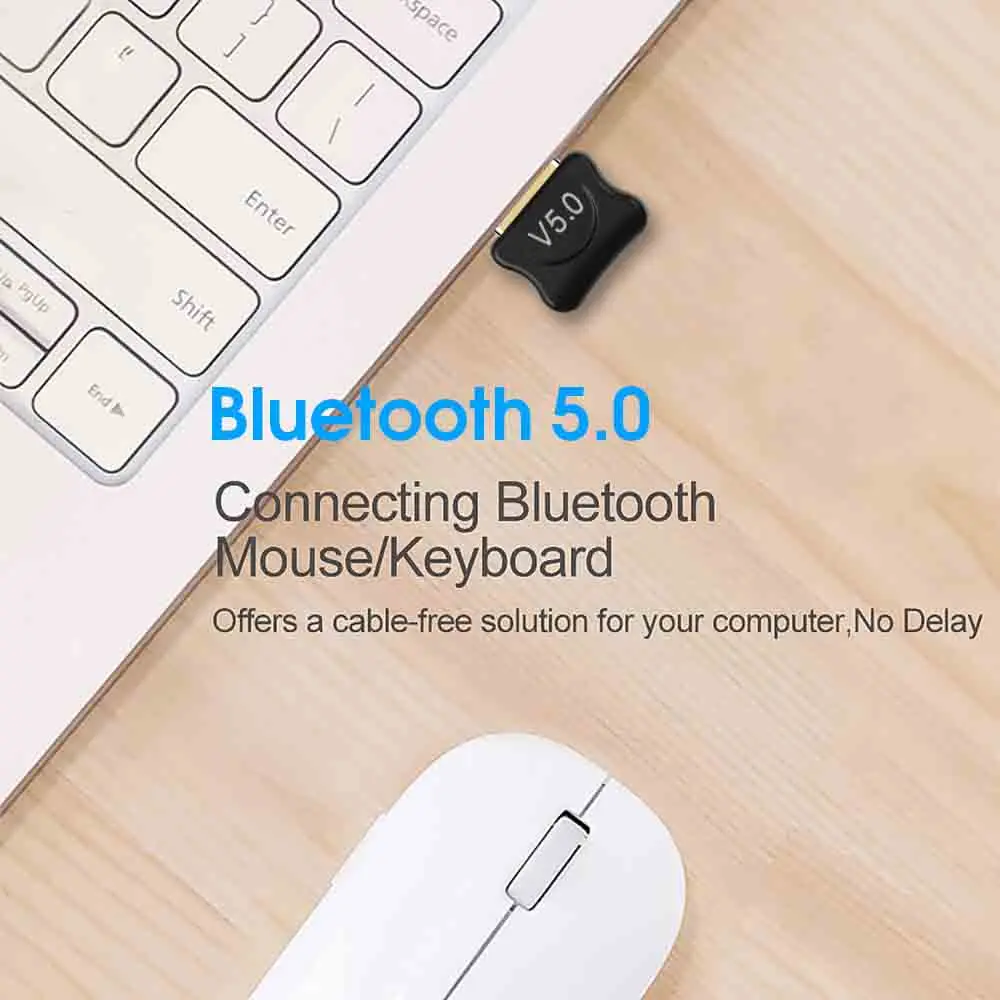
Can I use a Bluetooth mouse and keyboard with it?
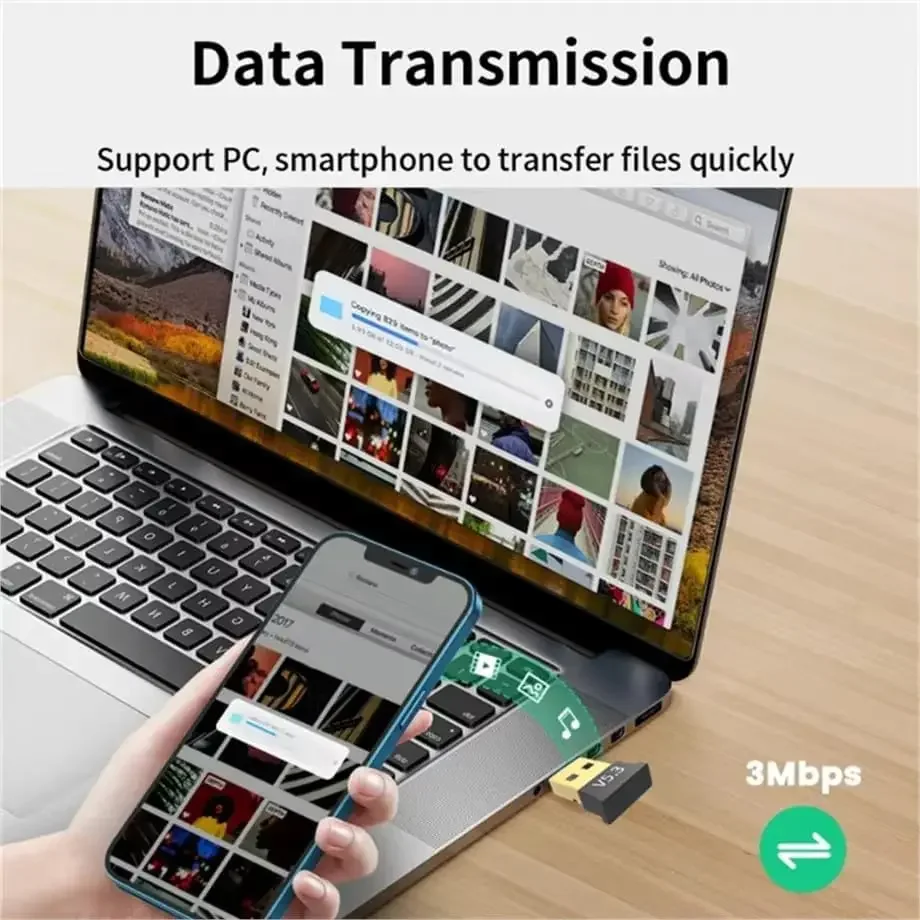
Yes, that is one of its main jobs. See Bluetooth mice and Bluetooth keyboards, or headsets with a microphone for calls.
More in the guide Wi-Fi and Bluetooth adapters: when a laptop needs one.
Delivery is included in every price and tracked to your door. Each product page says when it usually arrives.
More to look at