Skip to the content

Delivery included in every priceTracked to your doorUK plugs on every charger

Laptop Cooling Pads

Pads with fans that the laptop sits on.

Shop Laptop Cooling Pads

12 products

1 of 32 of 33 of 3

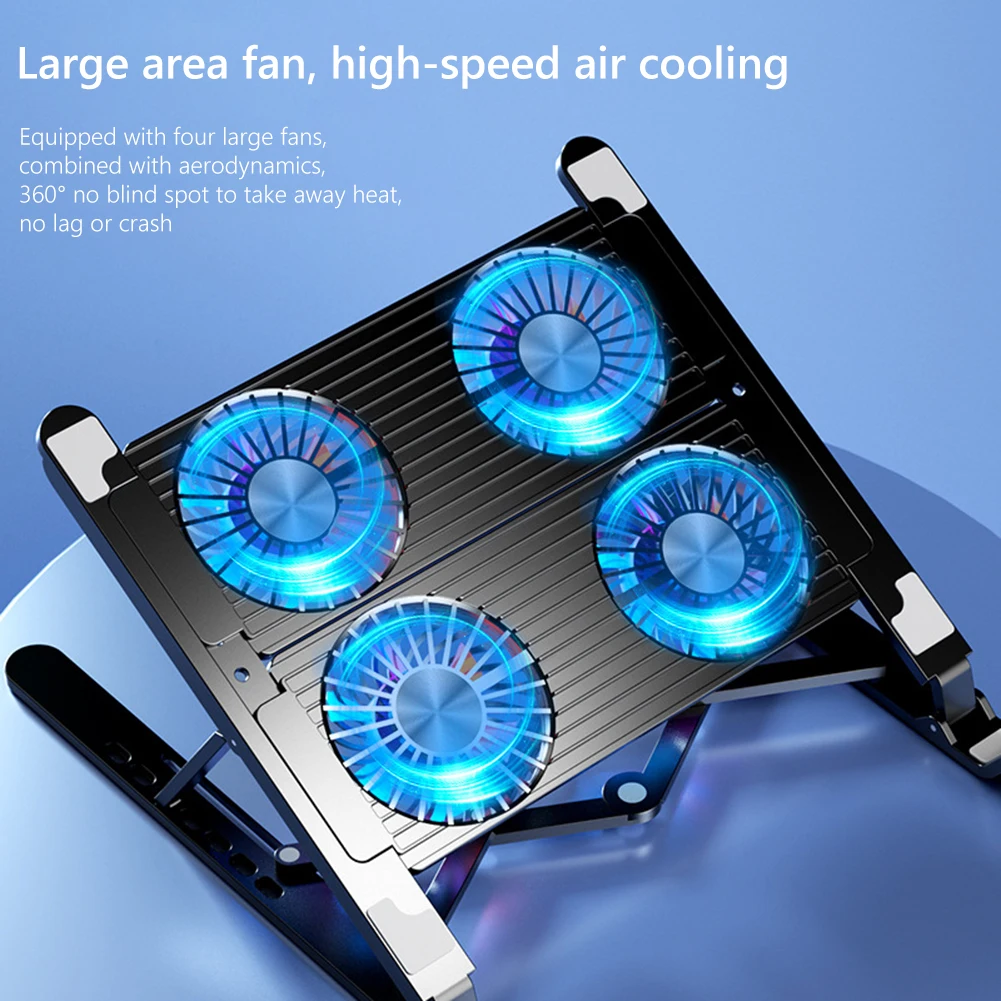
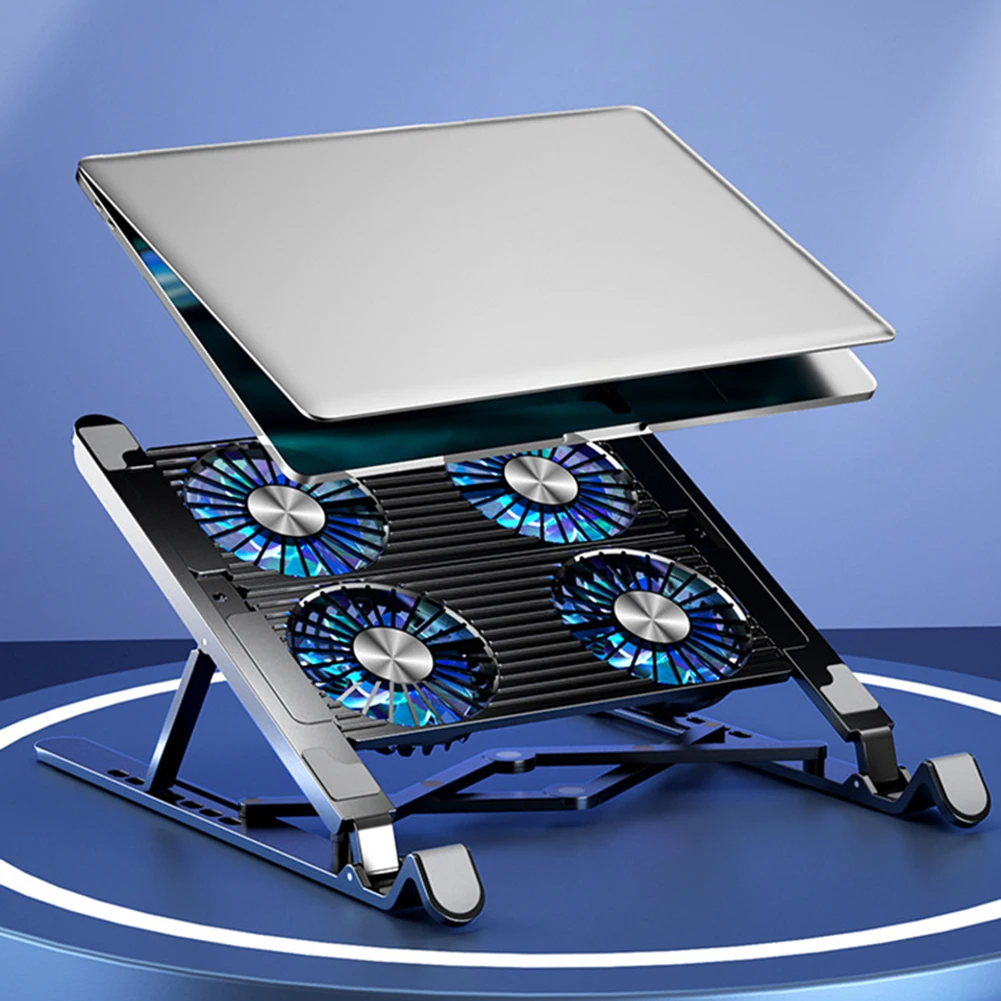
Laptop Cooling Pad with 4 Fans, LED Screen and Adjustable Height for 12-17 Inch Laptops

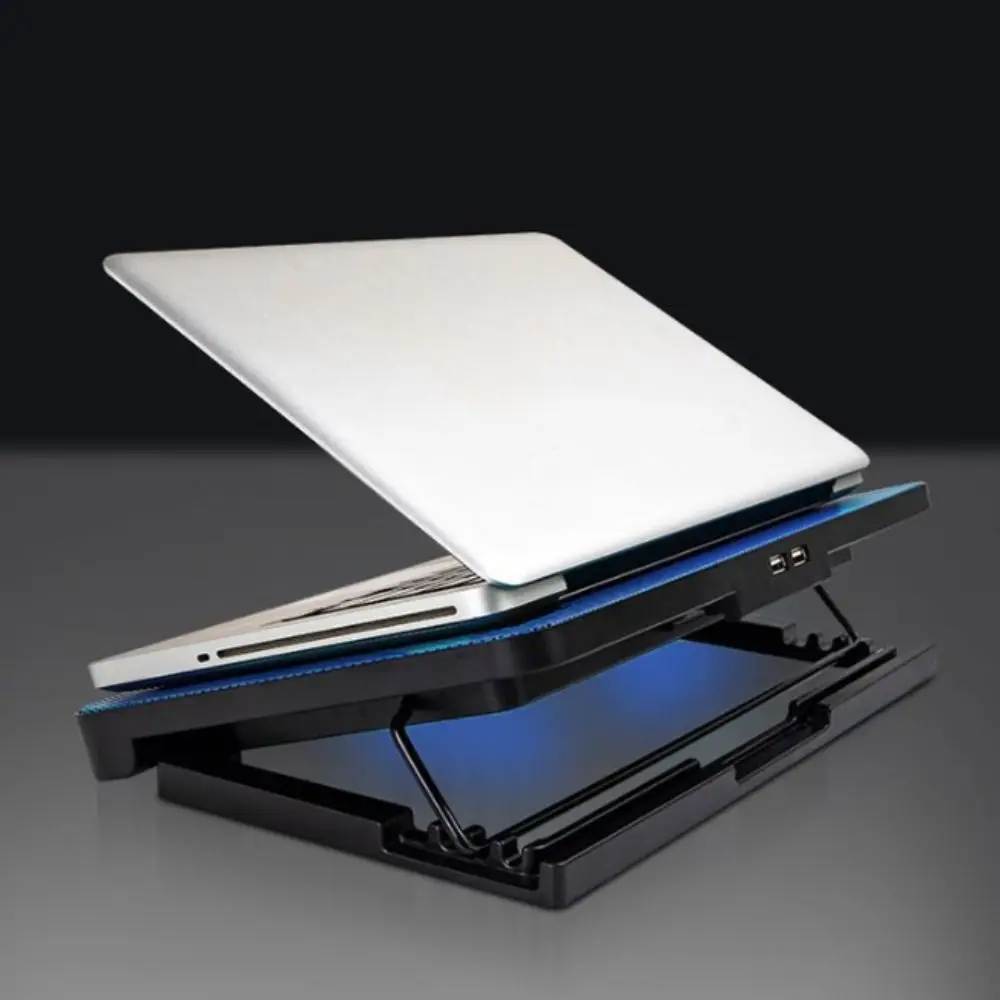
Four-fan laptop cooling pad with LED speed display and 5-level height adjustment, for laptops up to 17 inches.

£41.99
1 of 32 of 33 of 3

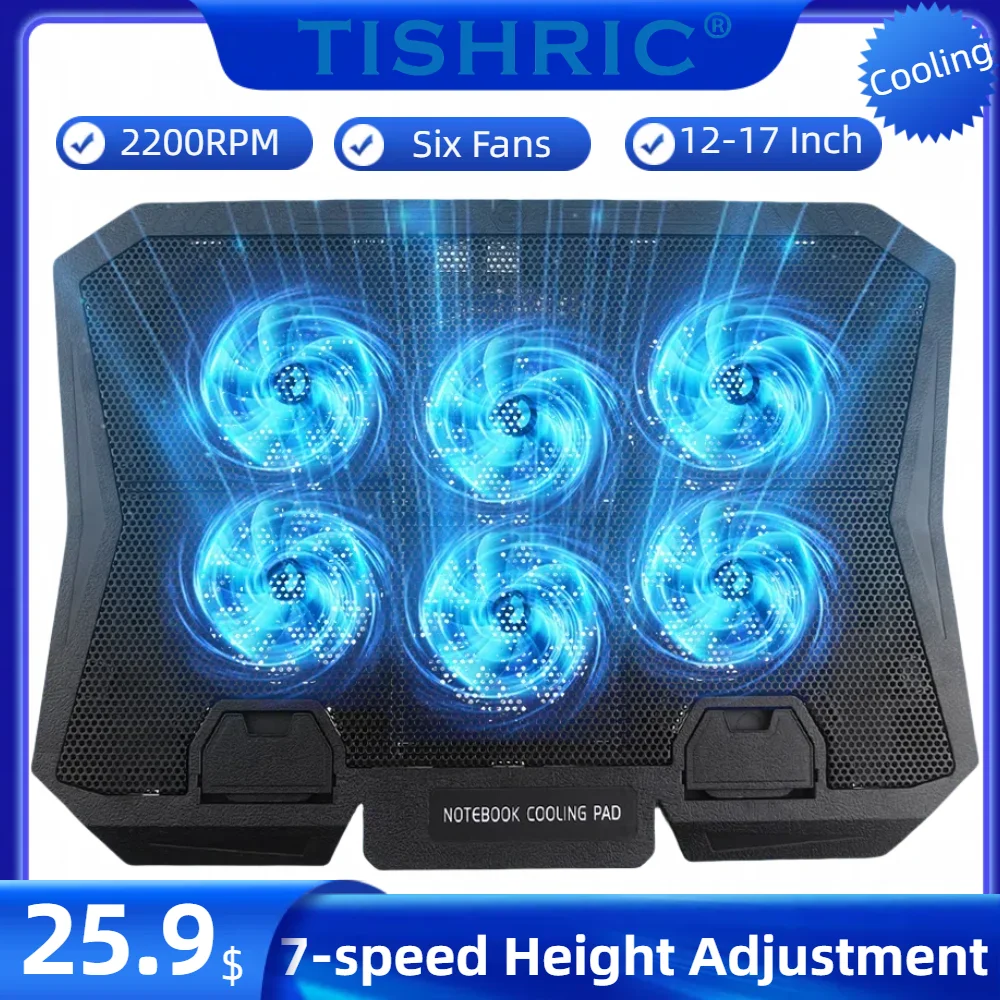
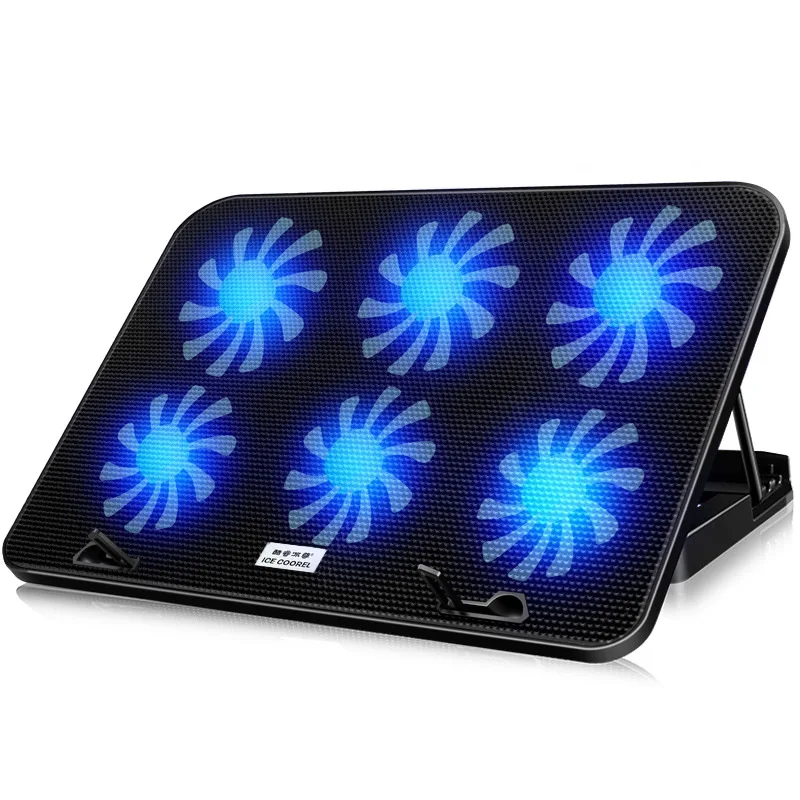
TISHIRC Six-Fan Laptop Cooling Pad with 7-Speed Height Adjustment (12-17 Inch)

A six-fan cooling pad with 7-speed height adjustment, suited to laptops from 12 to 17 inches.

£35.99
1 of 32 of 33 of 3

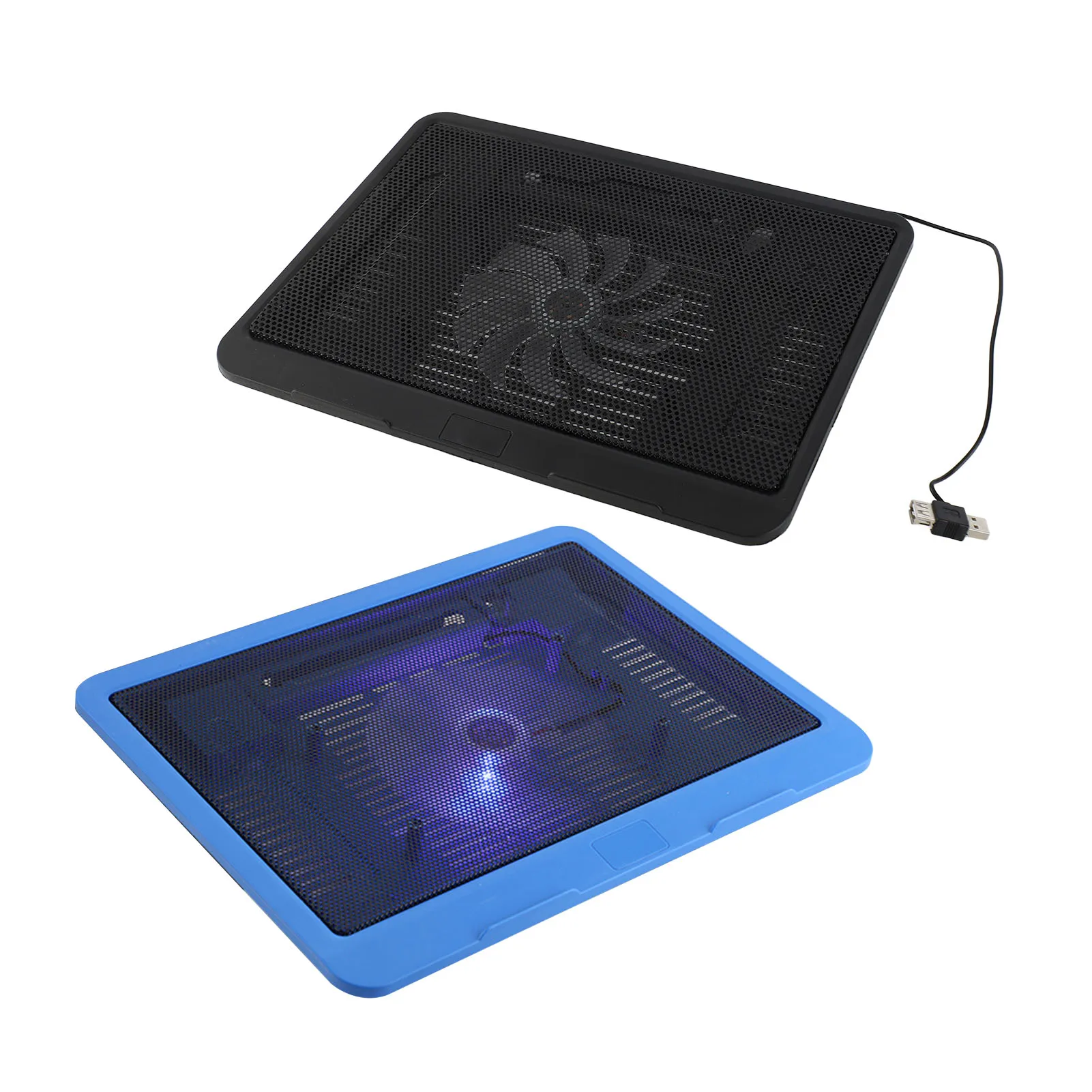
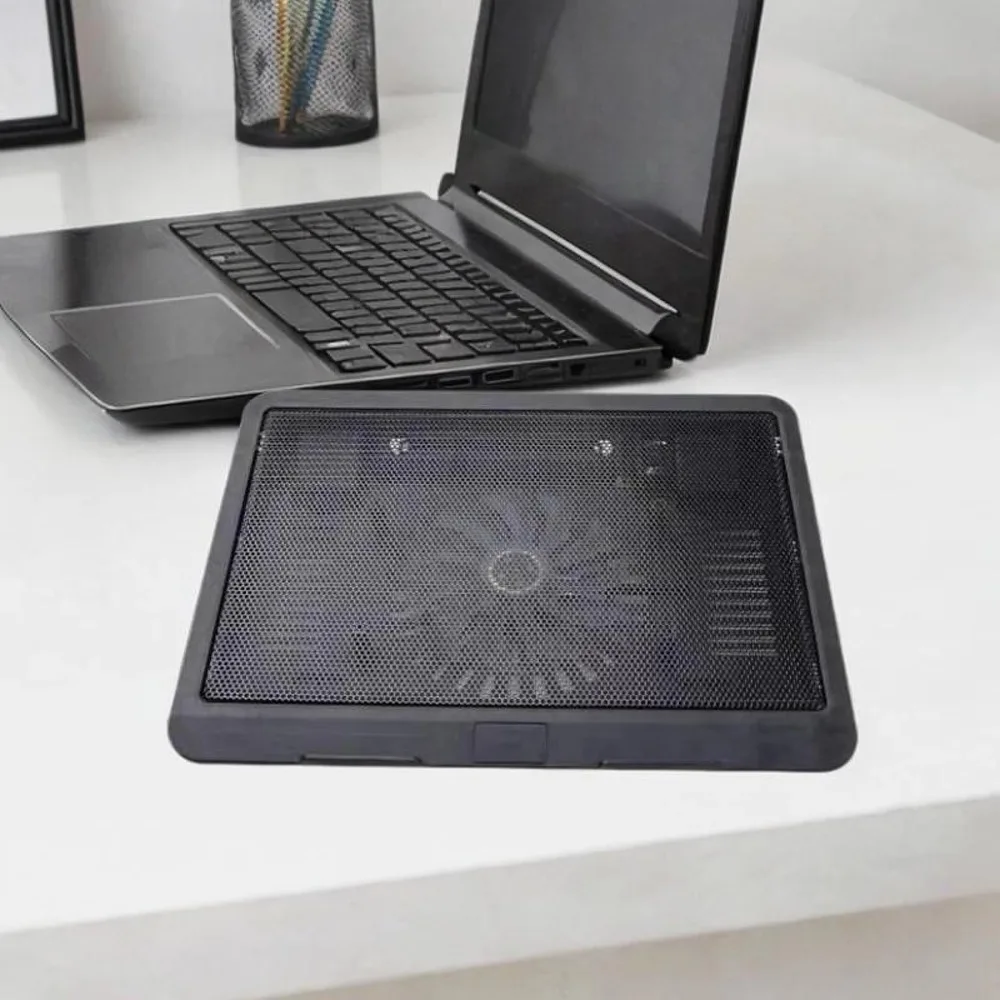
Laptop Cooling Pad with Big Fan and USB Stand for 14" Laptops and Below

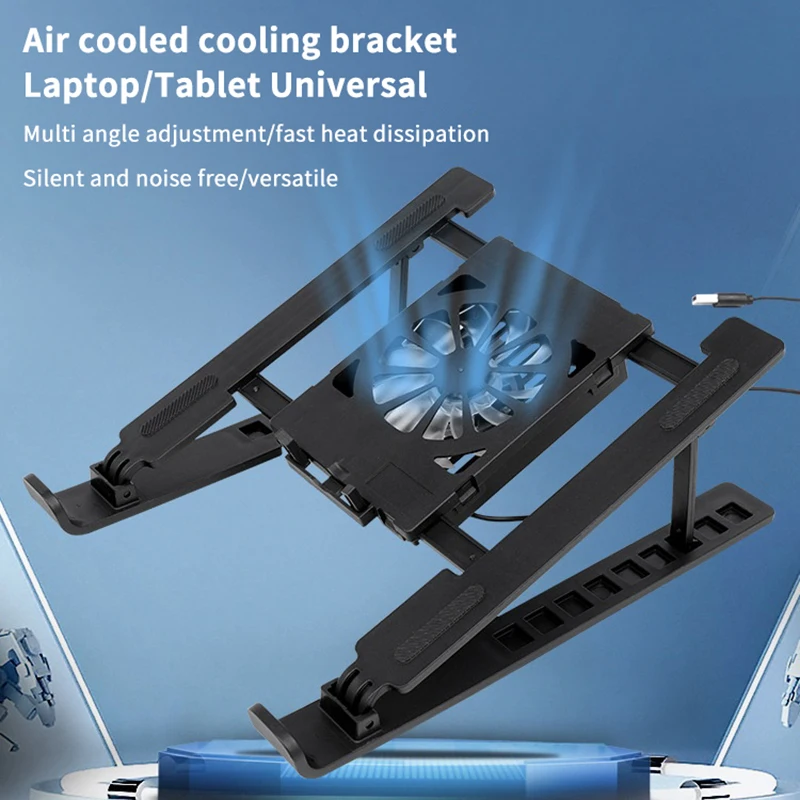
A quiet USB-powered cooling pad with a built-in fan and ergonomic stand for laptops 14 inches or below.

From £24.99
1 of 32 of 33 of 3

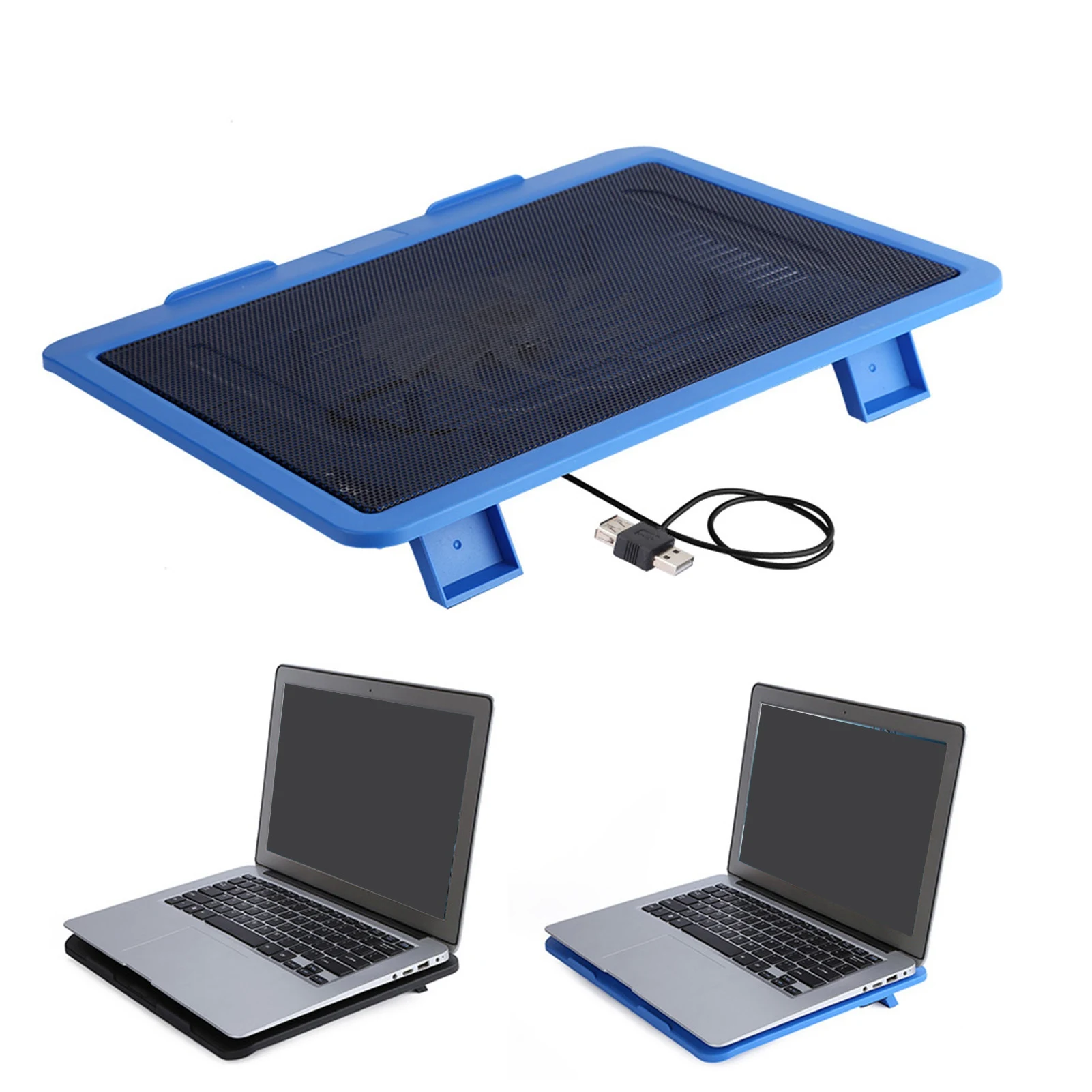
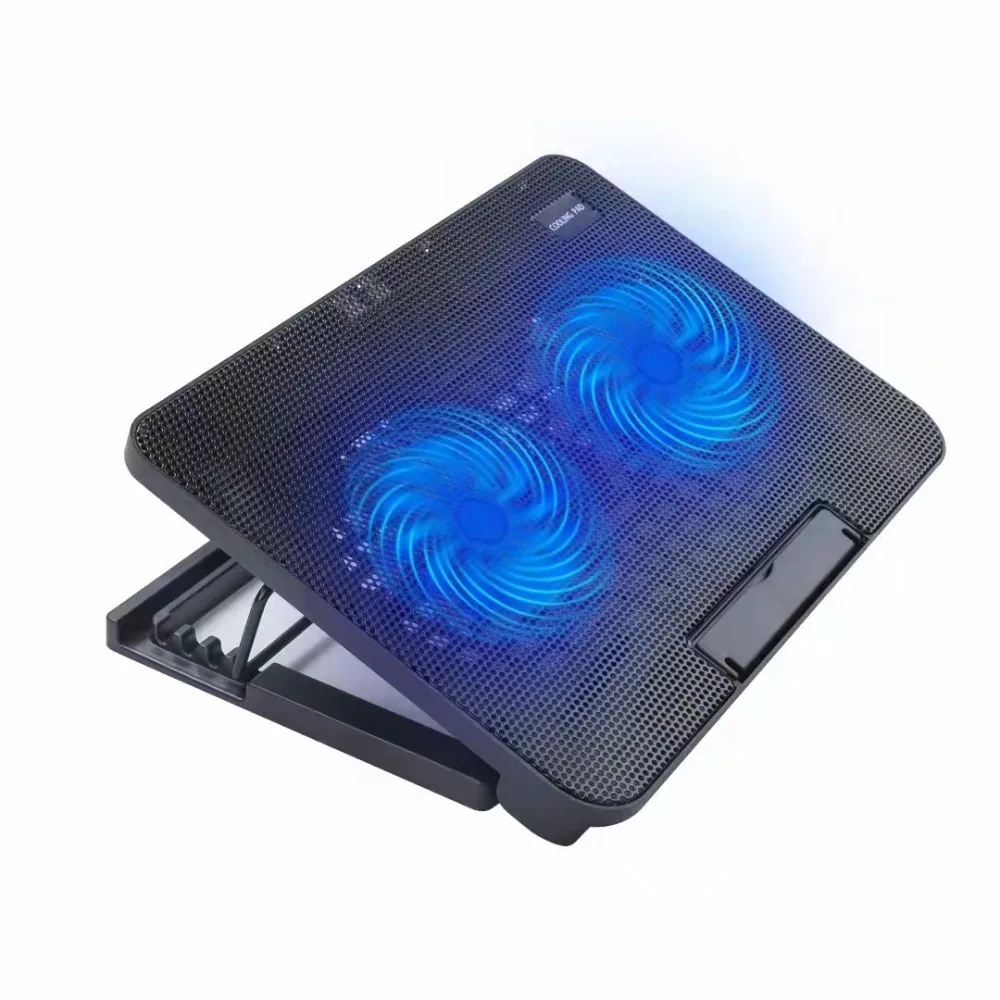
USB Powered Laptop Cooling Pad with LED Light, Fits 12-17 Inch Laptops

USB powered laptop cooling pad with two quiet fans and an adjustable stand, fits laptops from 12 to 17 inches.

£26.99
1 of 32 of 33 of 3

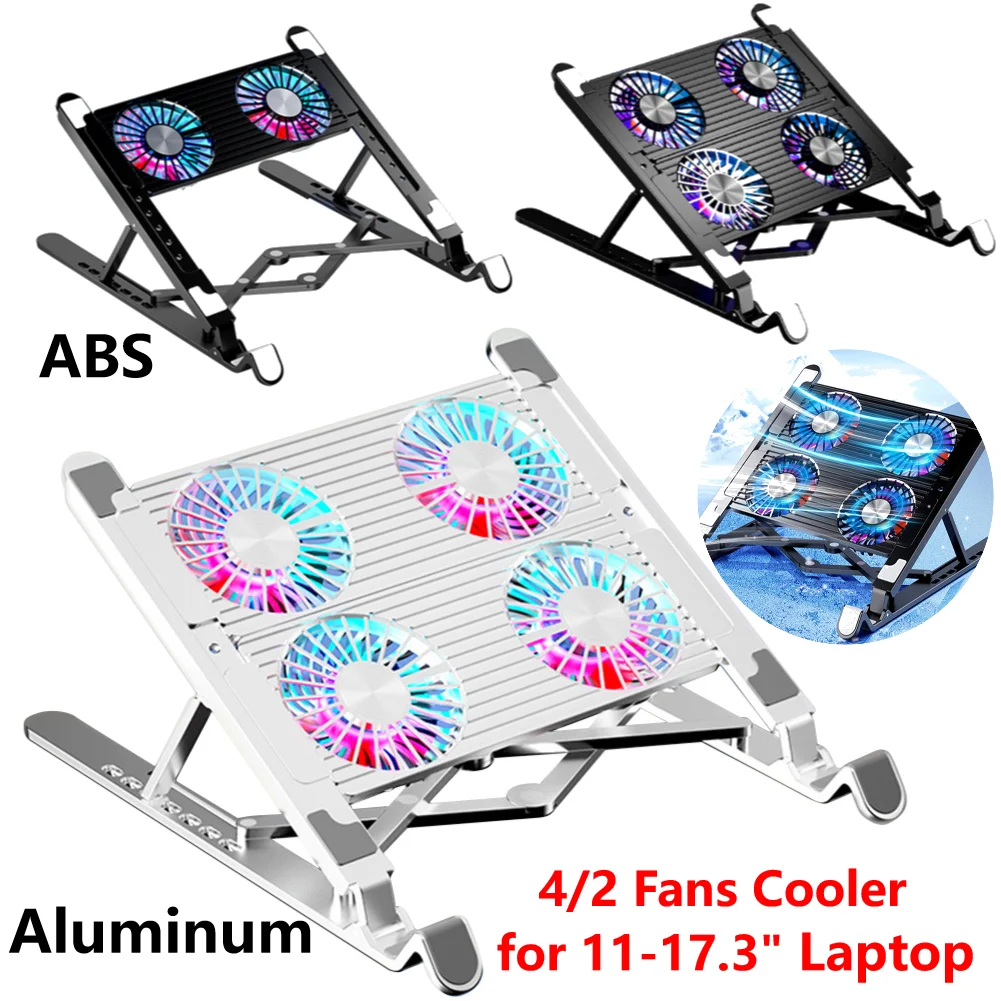
Foldable Laptop Cooling Pad with RGB Fans, 7 Height Settings, 11-17.3 Inch

Foldable RGB laptop cooling pad with 2 or 4 fans and 7 height settings, suitable for 11-17.3 inch devices.

From £32.99
1 of 32 of 33 of 3

Adjustable Laptop Cooling Pad with Metal Mesh and LED Light

Metal mesh laptop cooling pad with USB connection and LED light, available in single or double fan versions.

From £23.99
1 of 32 of 33 of 3

Foldable Laptop Cooling Stand with Cooling Fan

A foldable laptop cooling stand with a built-in fan that raises your laptop for a comfier angle and better airflow.

Only 3 left

£19.99
1 of 32 of 33 of 3

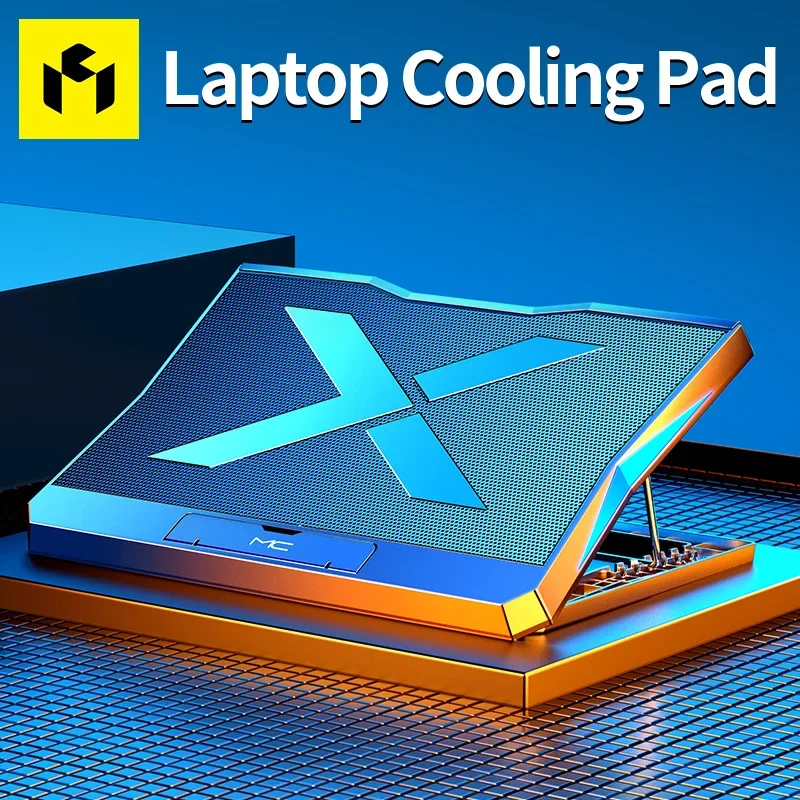
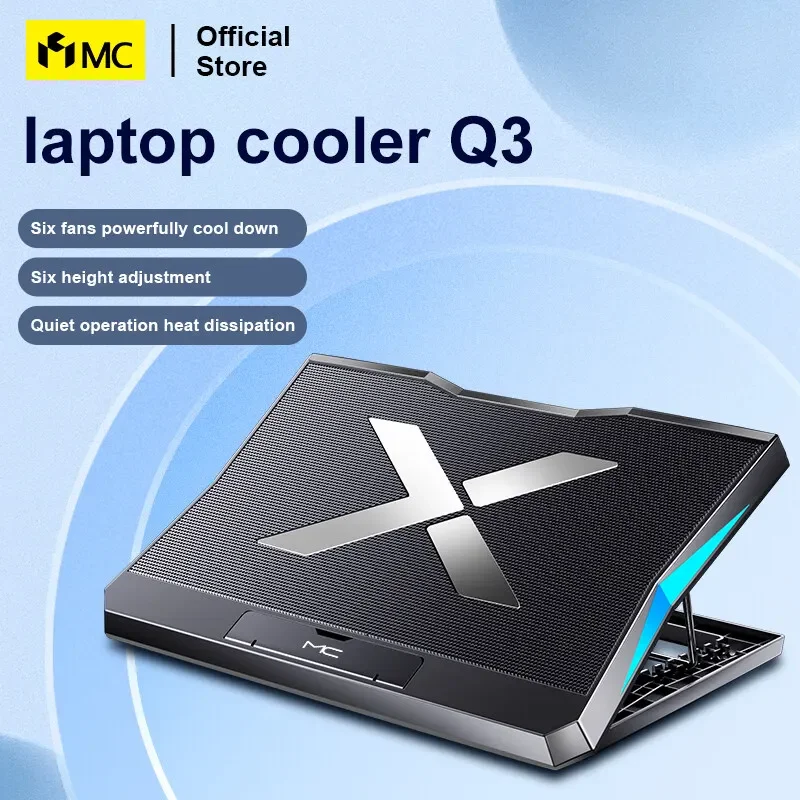
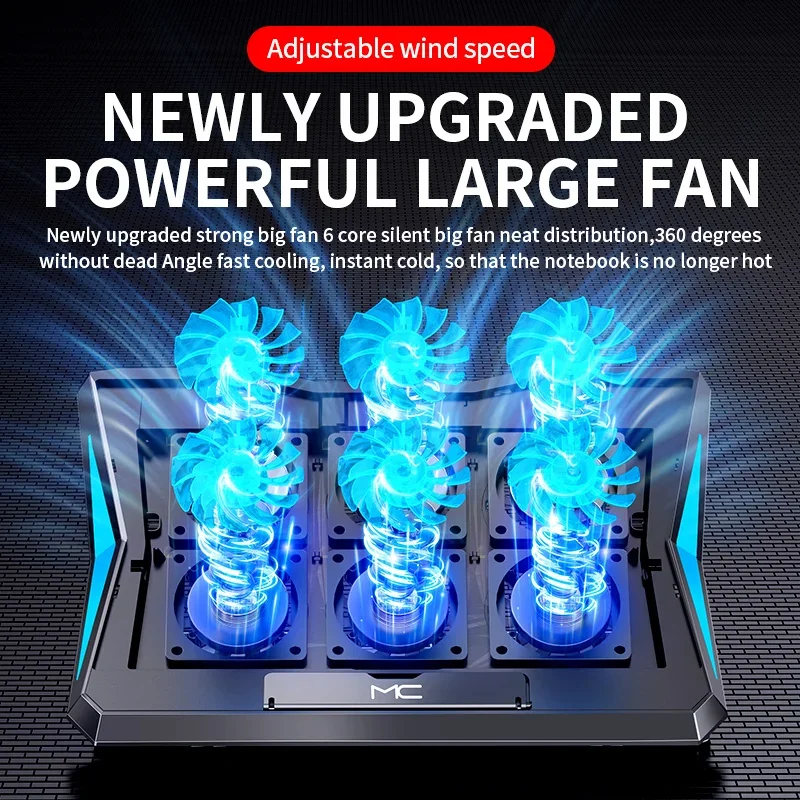
Q3 Gaming Laptop Cooler with Six Fans, Adjustable Height Stand for Laptops up to 15.6-inch

A six-fan cooling pad with adjustable height, designed to keep laptops up to 15.6 inches cool and quiet.

£37.99
1 of 32 of 33 of 3

A9 RGB 6-Fan Laptop Cooling Stand for 13-18 Inch Laptops

A 6-fan RGB cooling stand with metal mesh build, suitable for laptops from 13 to 18 inches.

From £32.99
1 of 32 of 33 of 3

Foldable Laptop Cooler Stand with 4 Fans for 13-17.3 Inch Notebooks

Foldable 4-fan laptop cooling stand with adjustable angle, fits 13-17.3 inch notebooks.

£32.99
1 of 32 of 33 of 3

17 Inch Gaming Laptop Cooling Pad with LED Screen and Two USB Ports

A 17 inch laptop cooling pad with a 2600RPM fan, LED screen and two USB ports.

From £30.99
1 of 32 of 33 of 3

Large Laptop Cooling Stand for 12-16 Inch Notebooks with Two Fans

Metal-panel laptop cooling stand with two adjustable-speed fans, four angle settings and two USB ports, for 12-16 inch notebooks.

From £31.99

A platform that blows air at the base

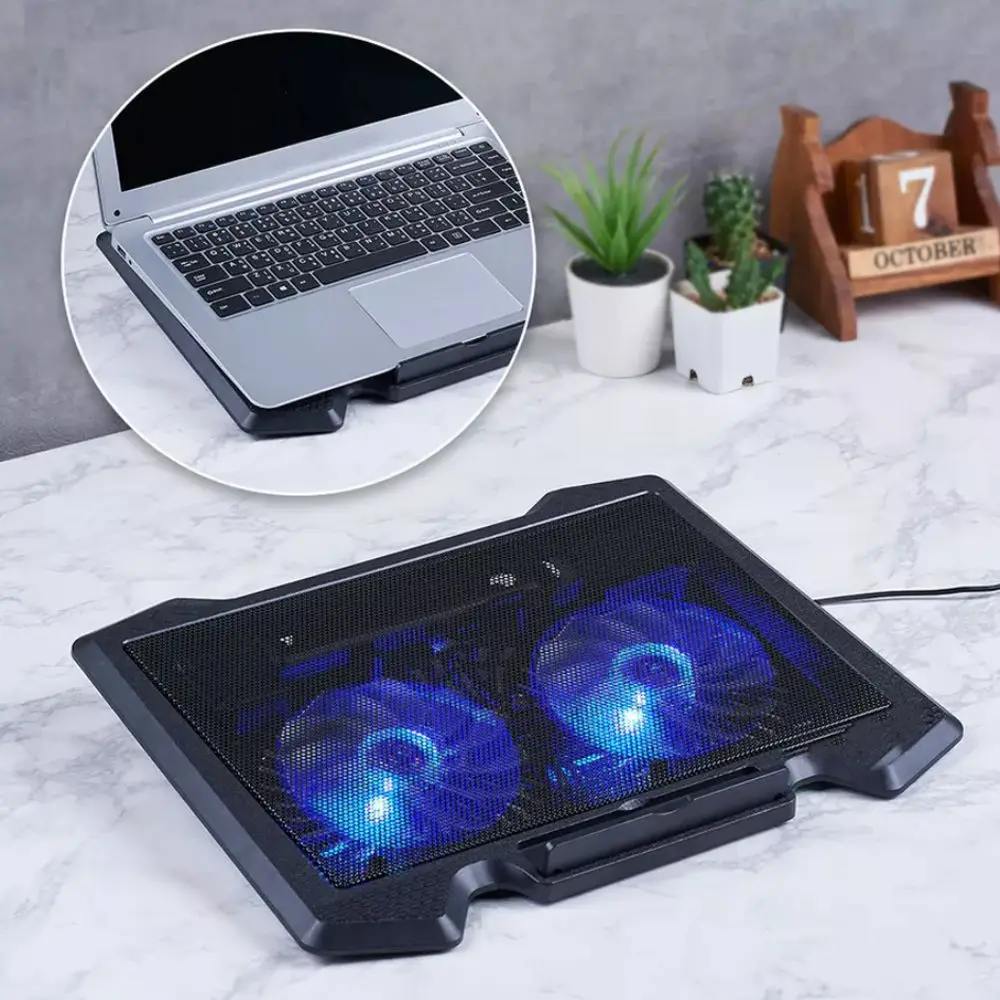
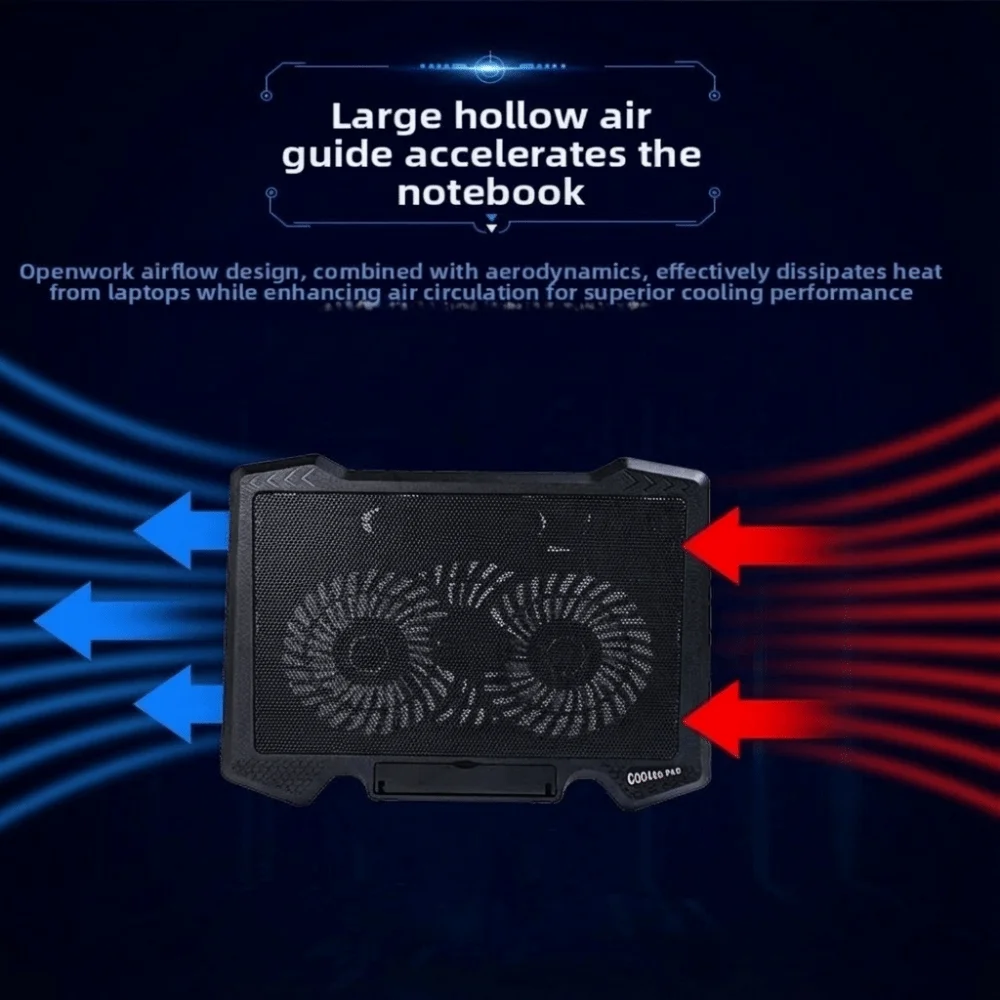
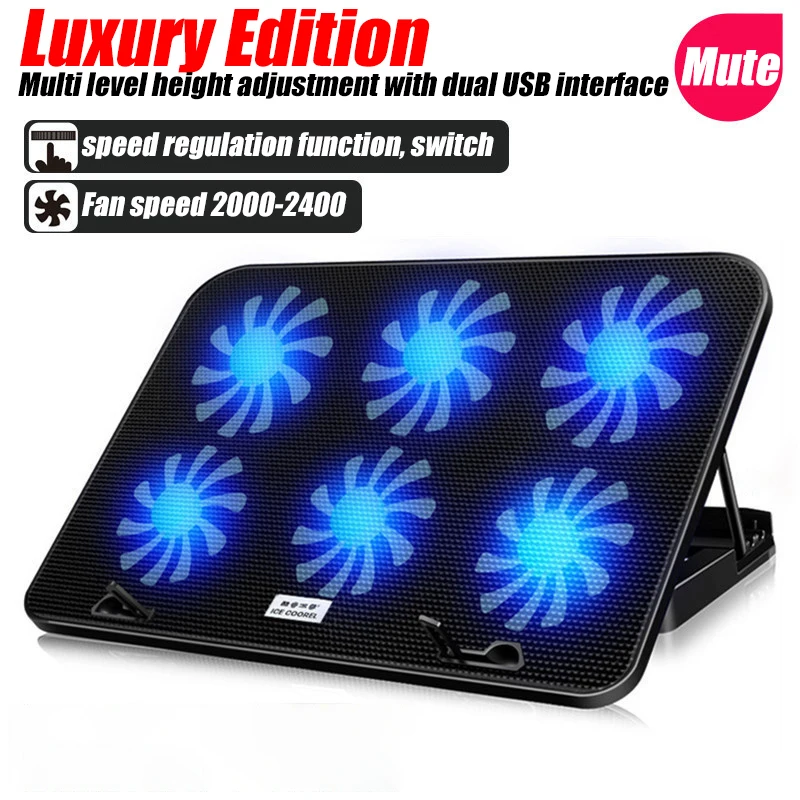
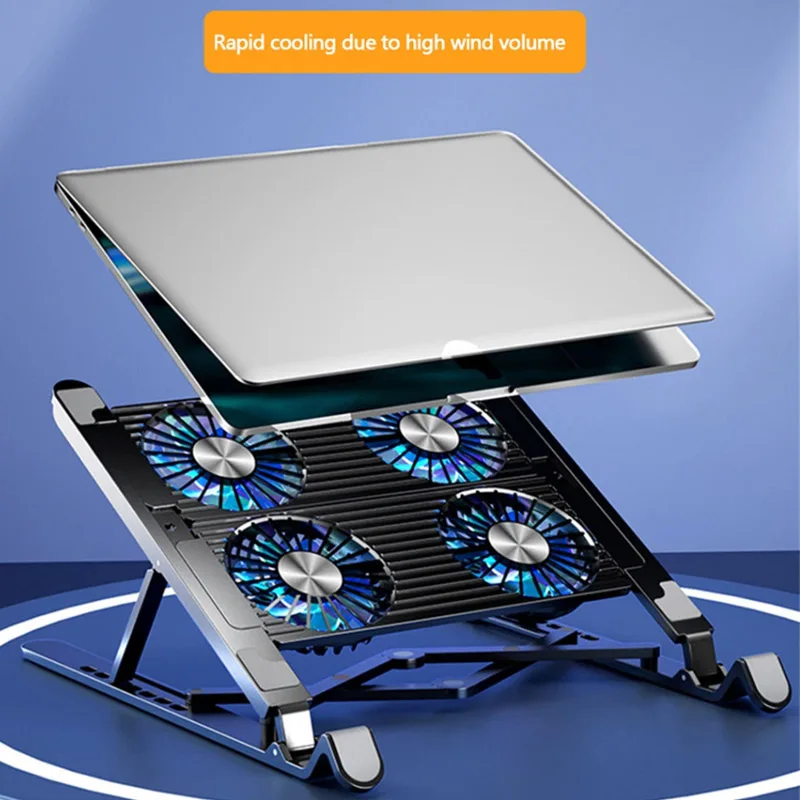
A laptop cooling pad is a flat or tilting platform with fans underneath and a mesh top. The laptop sits on the mesh, and the fans blow air up at its base, where most laptops draw air in. Dell describes a cooling pad as having its own fans that supplement the fans in the laptop. They help most when the laptop's own cooling is struggling: in a warm room, on a long game or a video export, or on a soft surface.

What is in this range

  • Pads with one big fan, which suit a laptop with its intake in the middle of the base.
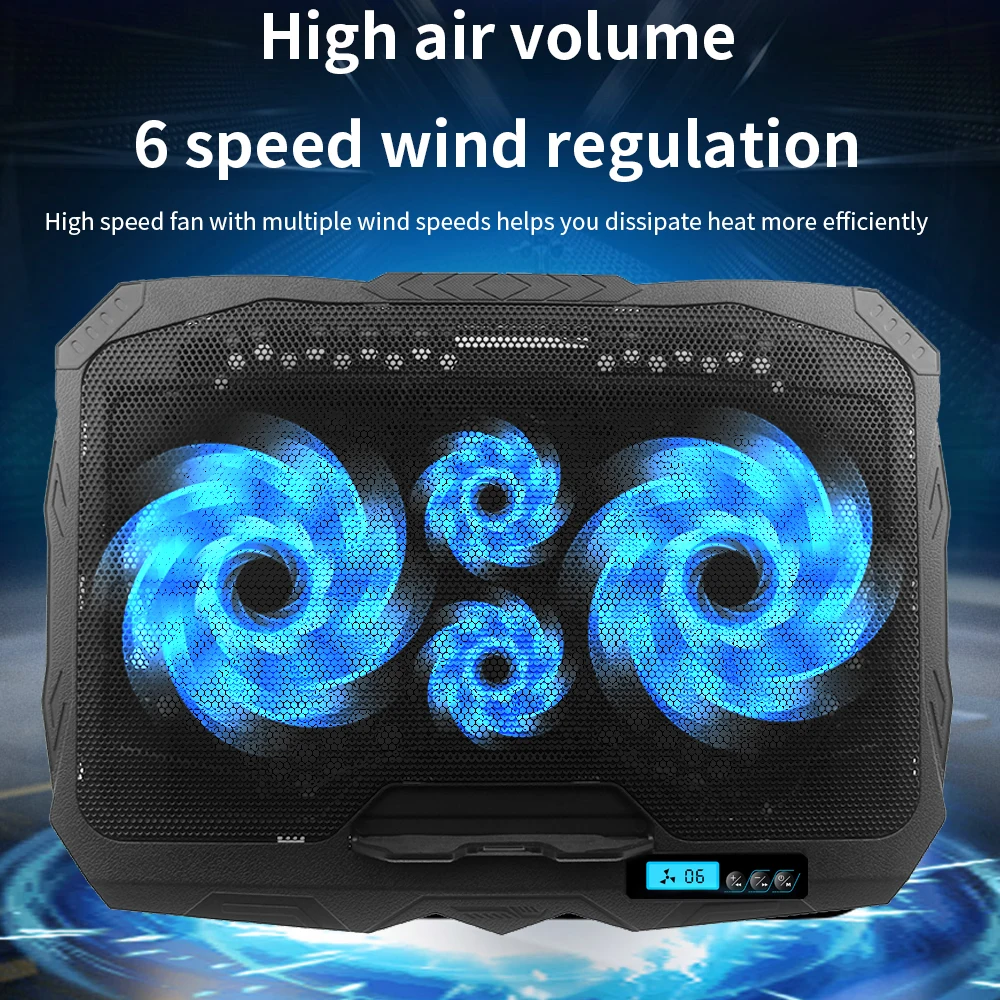
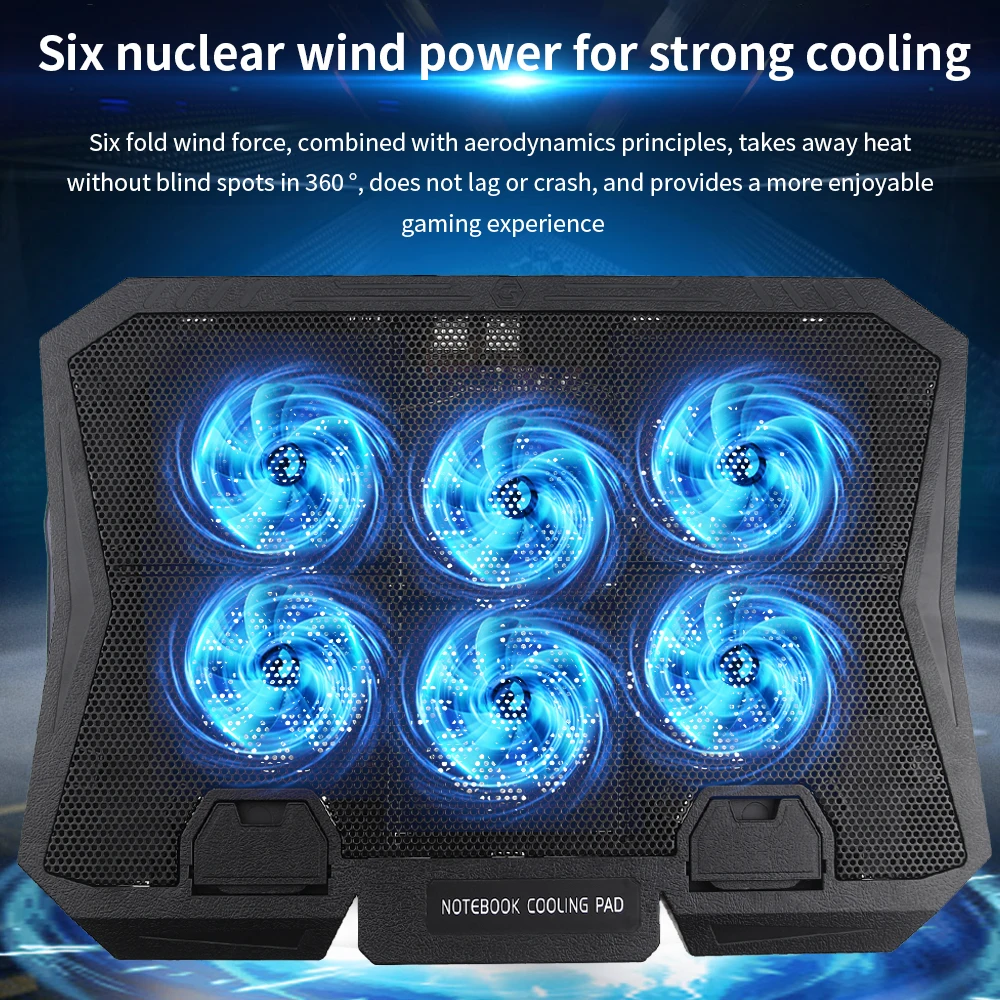
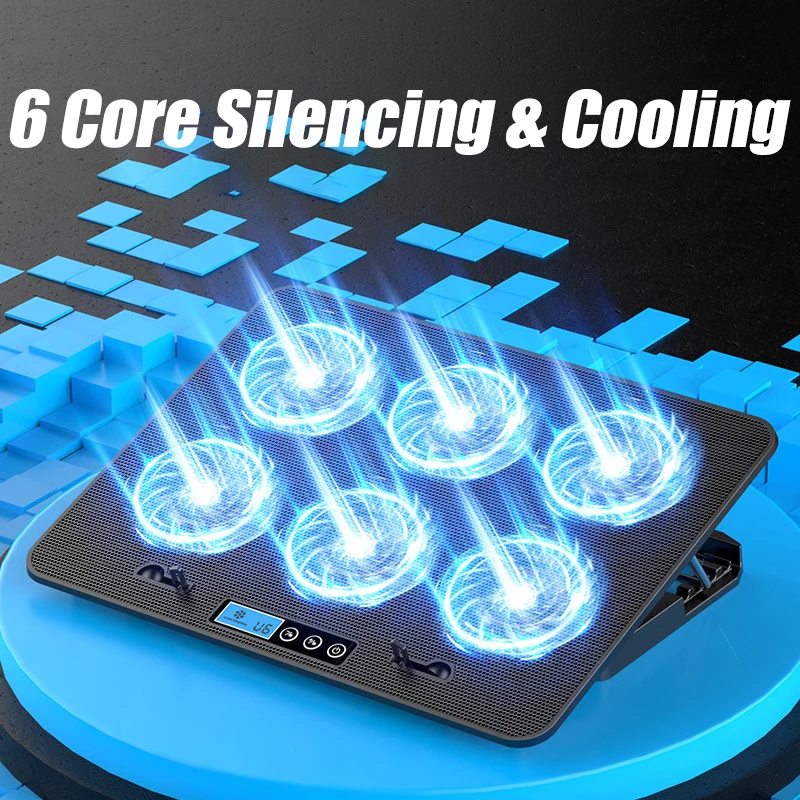
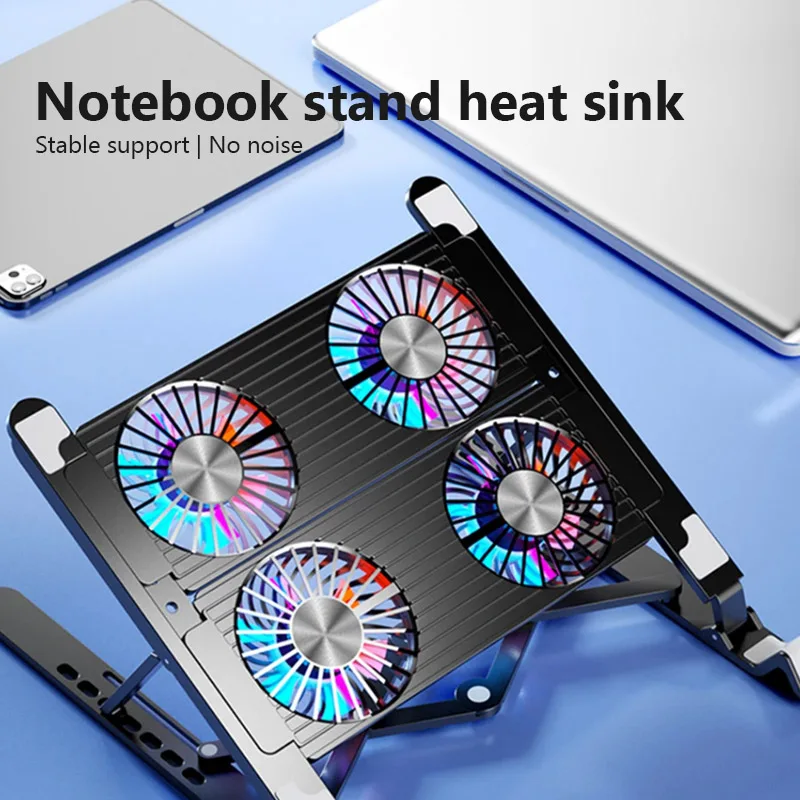
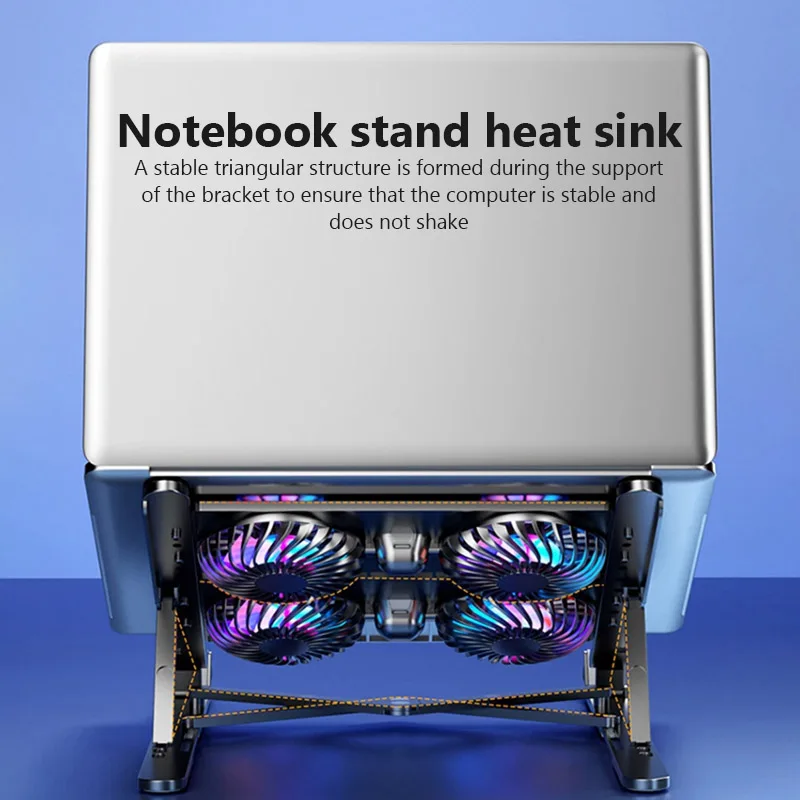
  • Pads with two, four or six fans, which spread the air across more of the base.
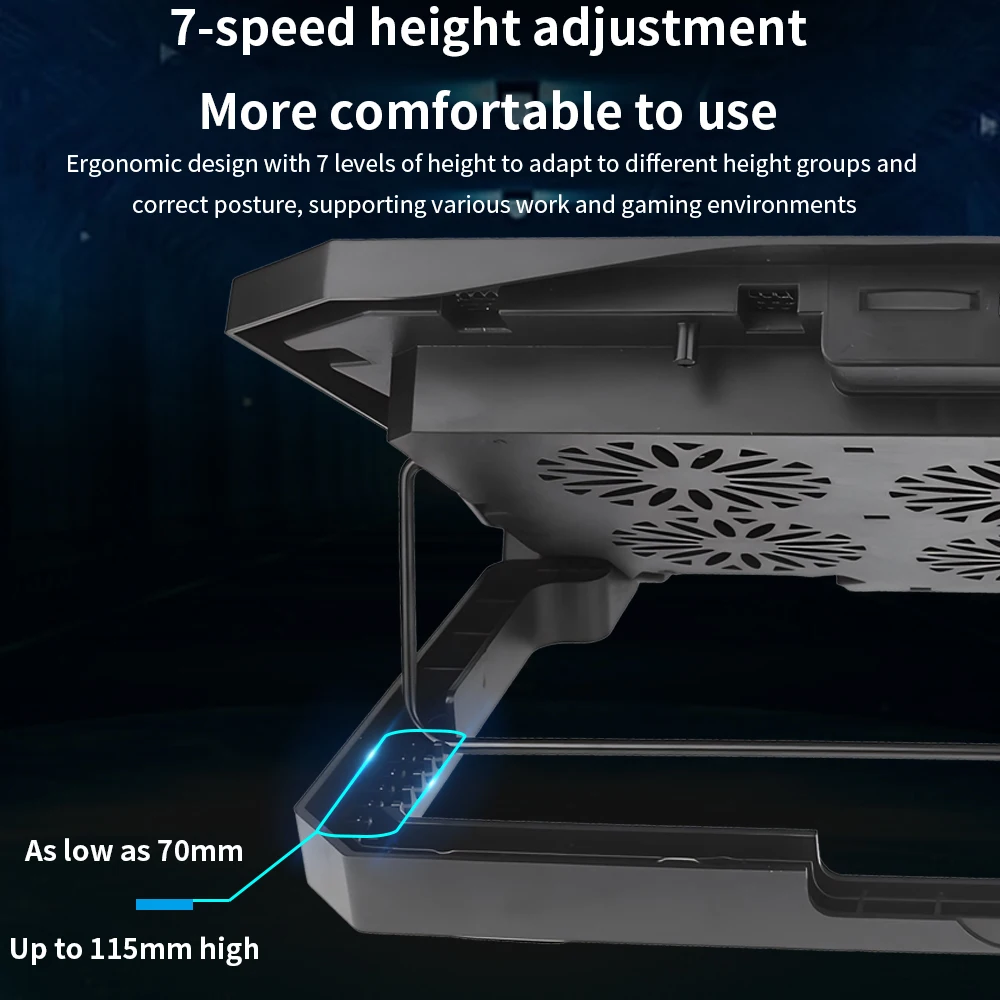
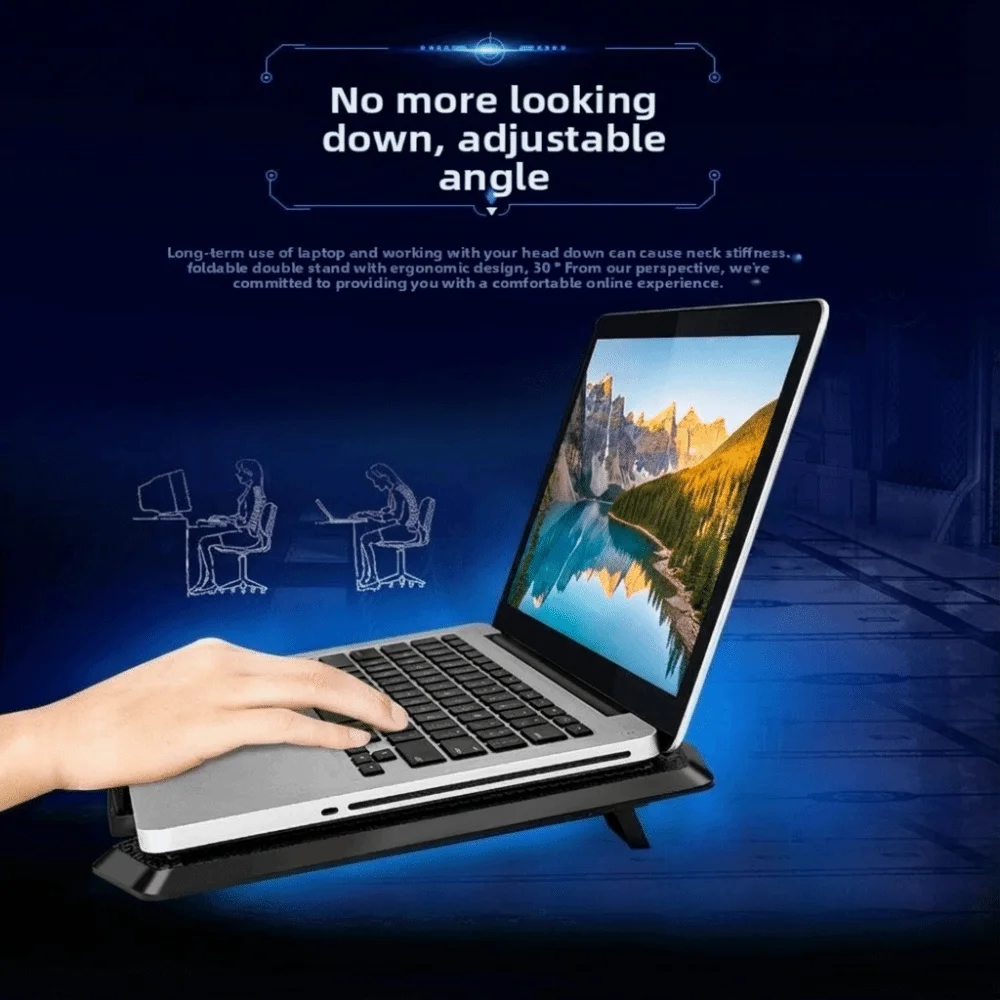
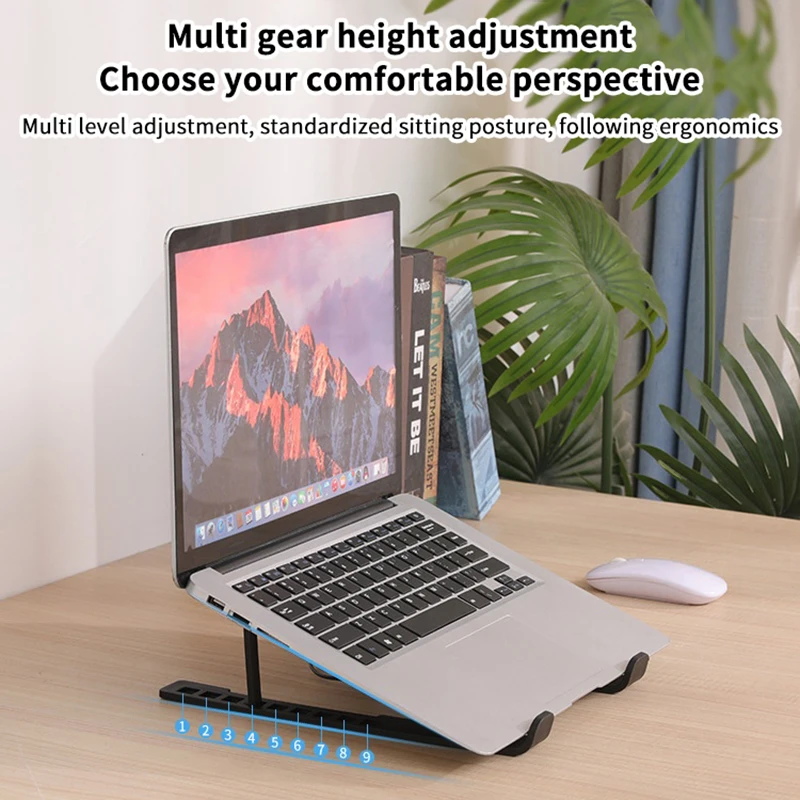
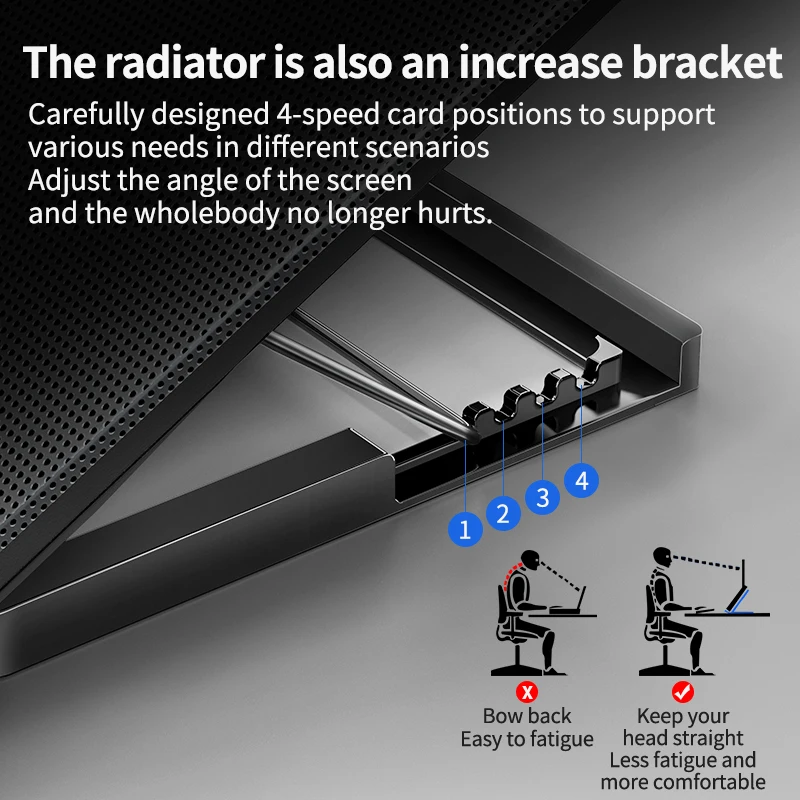
  • Height settings. Many pads here tilt or rise through several positions, which lifts the screen a little and slopes the keyboard.
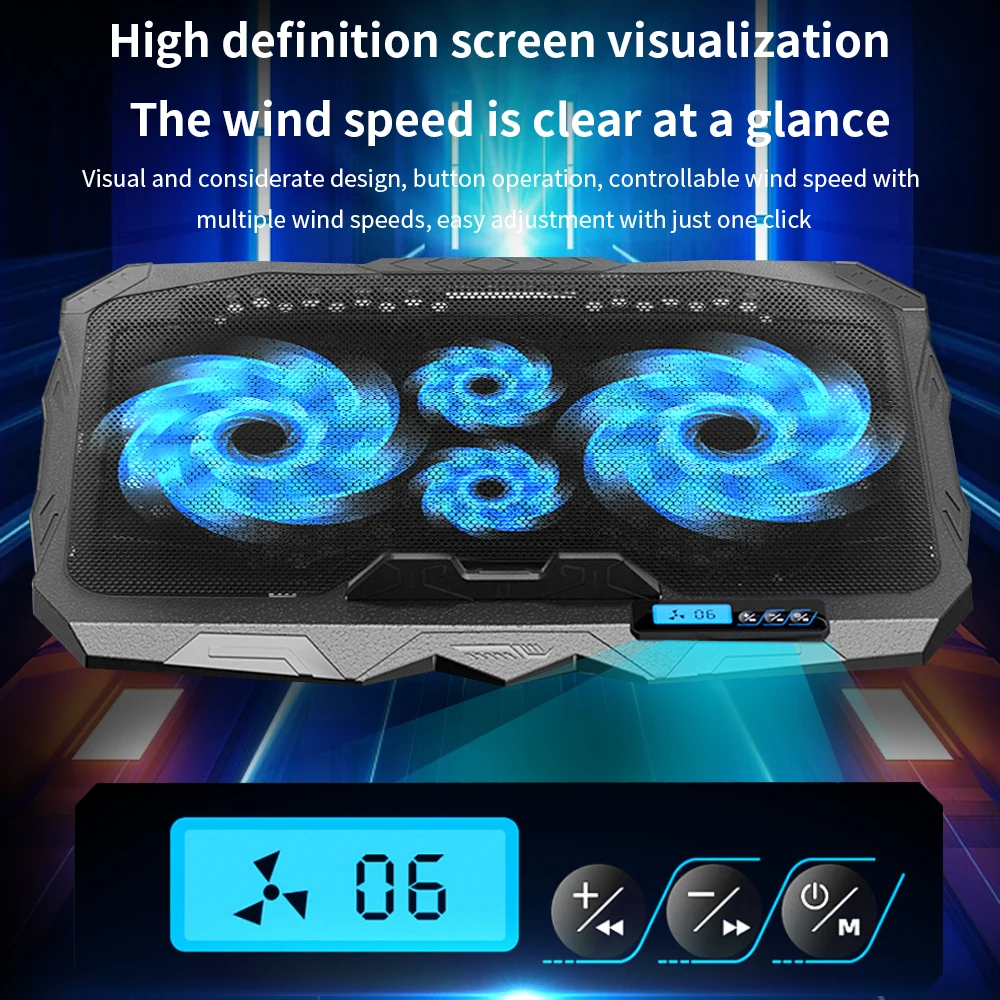
  • Lights and screens. Several have LED or RGB lights, and some have a small screen showing the fan speed setting.
  • Spare USB sockets on some pads, so plugging in the pad does not cost you a port.

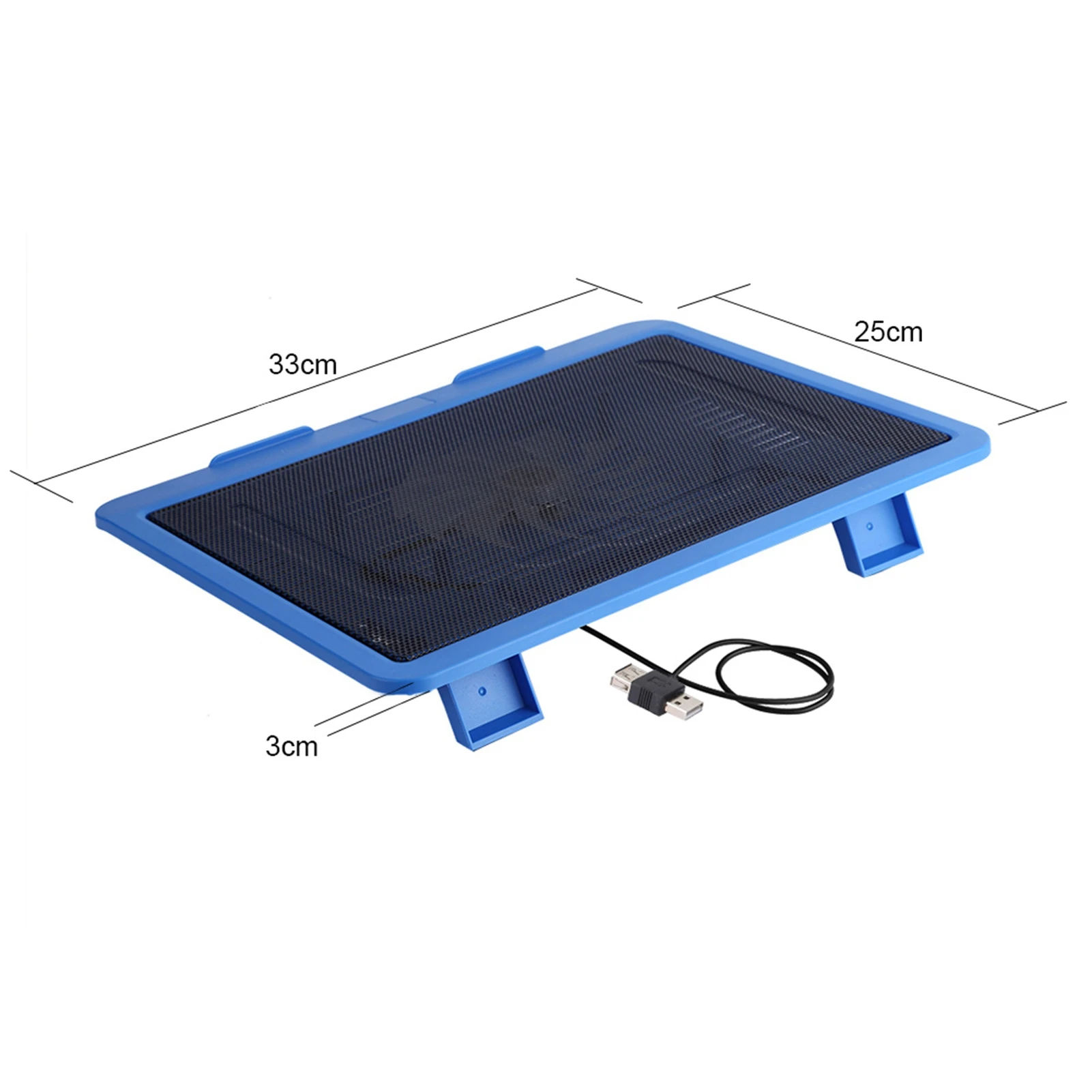
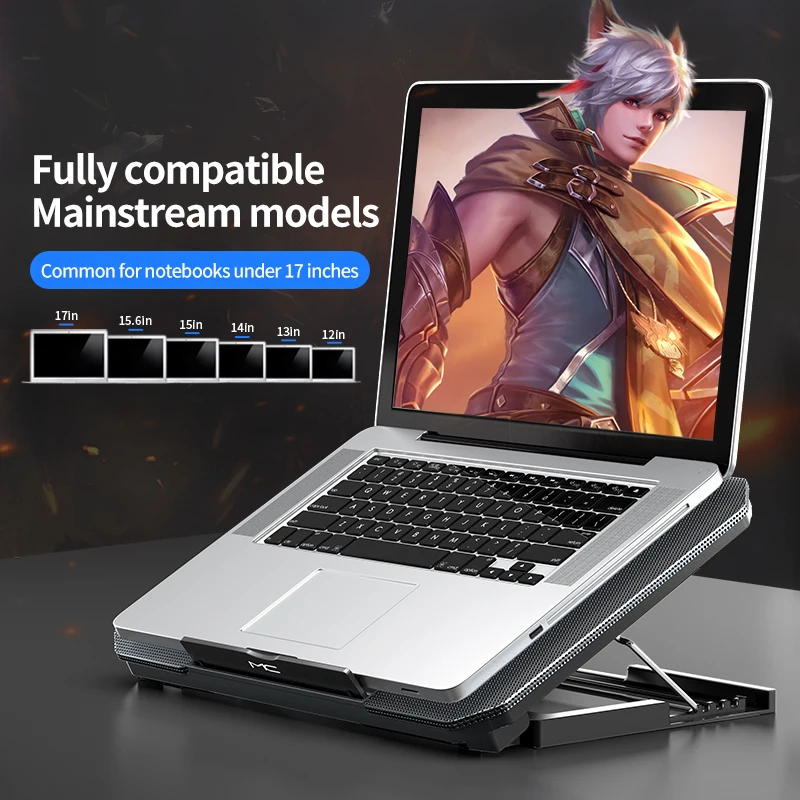
The sizes stated run up to 15.6, 16, 17 and 18 inches, with one pad for laptops of 14 inches and below.

How to choose a cooling pad

Size. The pad should be at least as big as the laptop, so the laptop is fully supported and its intake vents sit over the mesh. Check your screen size is inside the size the pad states.

Fan position. Turn the laptop over and look where the intake slots are. Choose a pad whose fans sit under them.

Noise. A pad adds its own fan sound. Many have a speed control, so you can turn it down for calls and quiet work.

Power. Most pads run from a USB port on the laptop. On the charger this makes no difference; on battery the fans draw on the battery too. Many have a USB-A plug, so a laptop with only USB-C sockets needs a USB-C to USB-A adapter or a hub.

Questions people ask about laptop cooling pads

Do cooling pads actually work?

They add airflow to a laptop that draws air in through its base, and help most on soft surfaces, in warm rooms and under long, heavy work. Lenovo says pads are especially useful on a bed or a sofa.

Will a cooling pad help a MacBook Air?

Very little. Apple describes the MacBook Air with Apple silicon as fanless, so there is no intake for the pad's fans to feed. An open aluminium stand is usually enough.

Can I type on the laptop on a pad?

Yes, at a low tilt. At the higher settings, a separate keyboard is more comfortable.

More to look at
Website designed in Bristol by