When a laptop needs help with heat
Every laptop gets warm, and most deal with it on their own: fans draw air in through vents, usually on the bottom or the sides, and push it out at the back or the side. When the laptop cannot keep up, it slows itself down, gets loud, and in the worst cases switches off. A cooler adds airflow from outside. Dell describes a cooling pad as having its own fans that supplement the laptop's, and Lenovo says pads are especially useful on soft surfaces such as a bed or a sofa.
The three kinds in this department
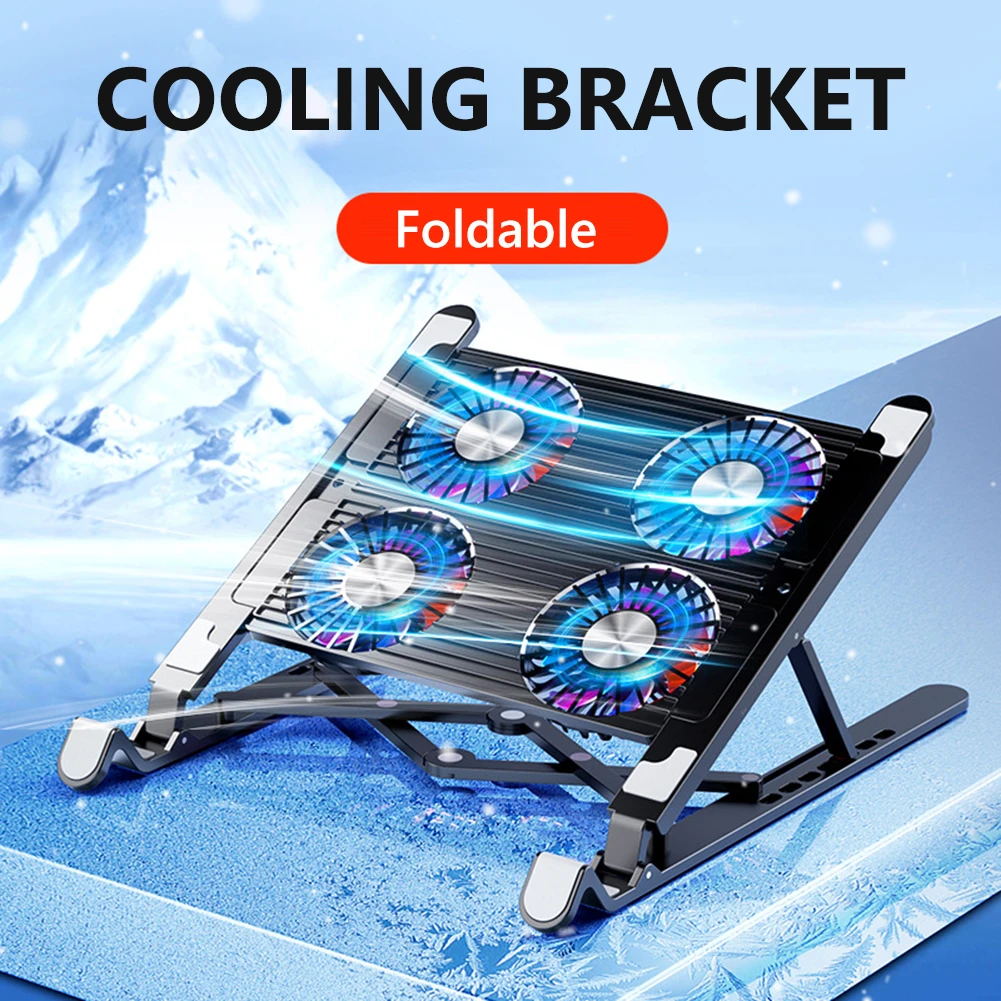
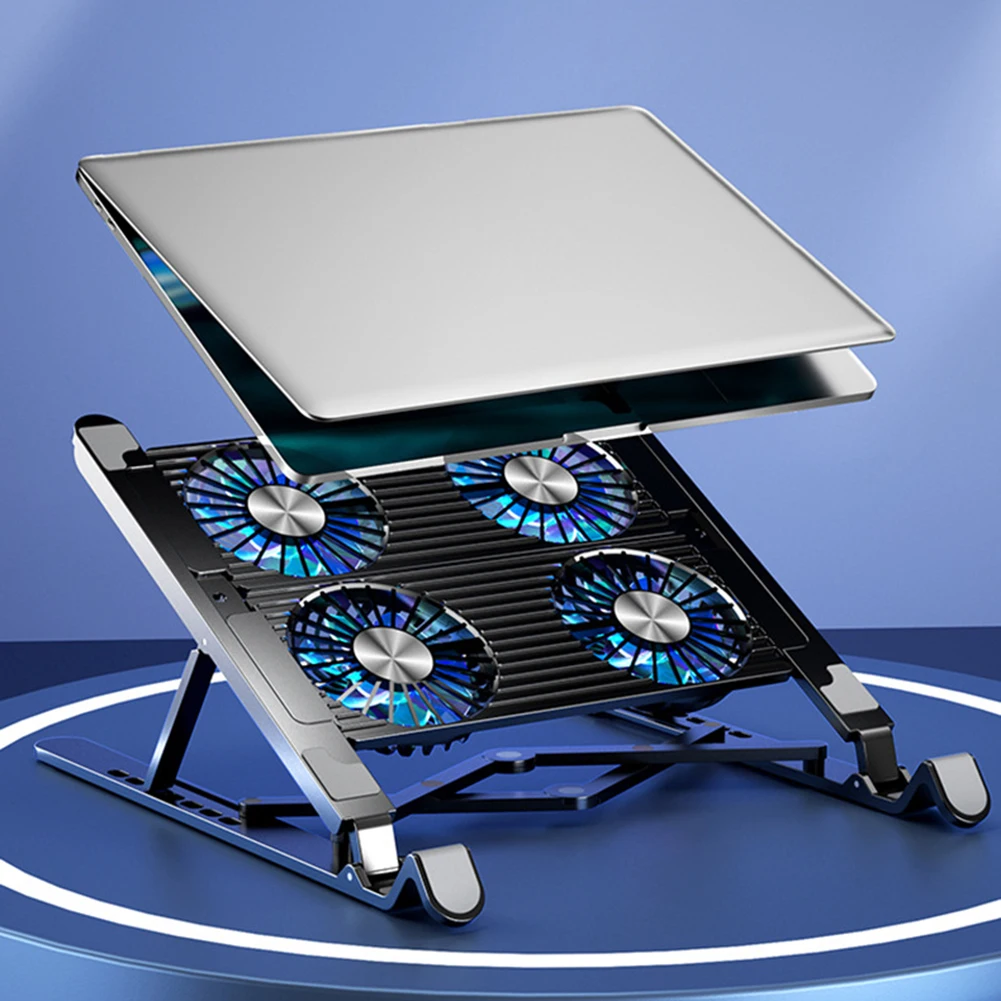
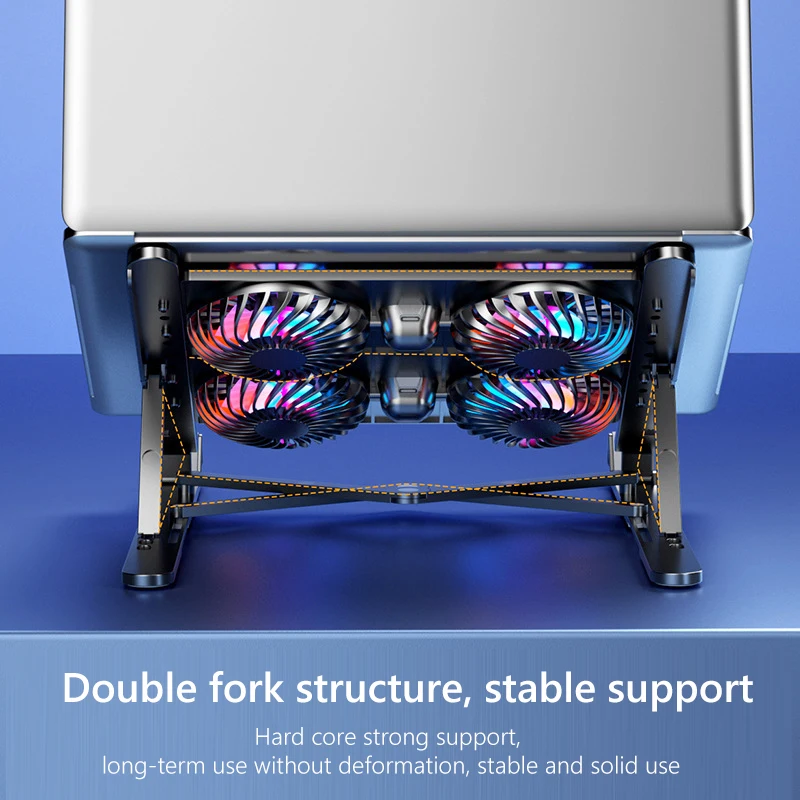
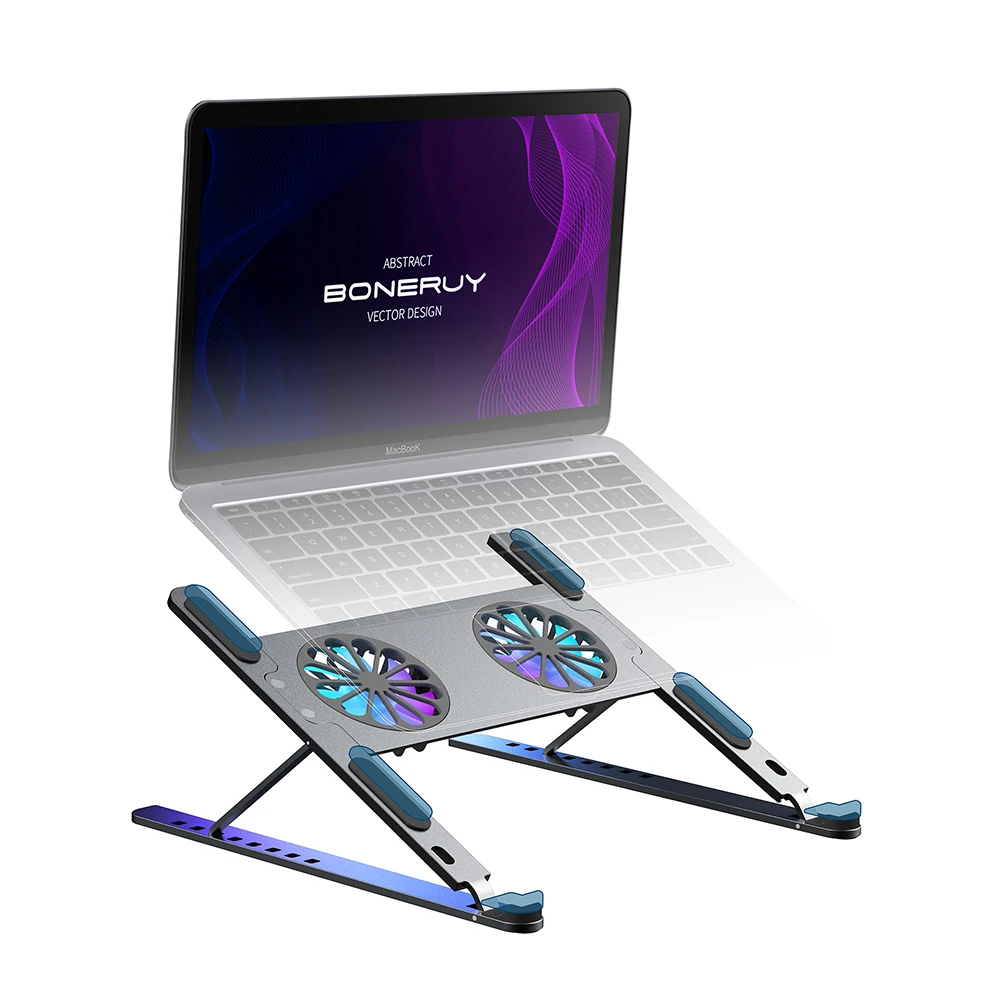
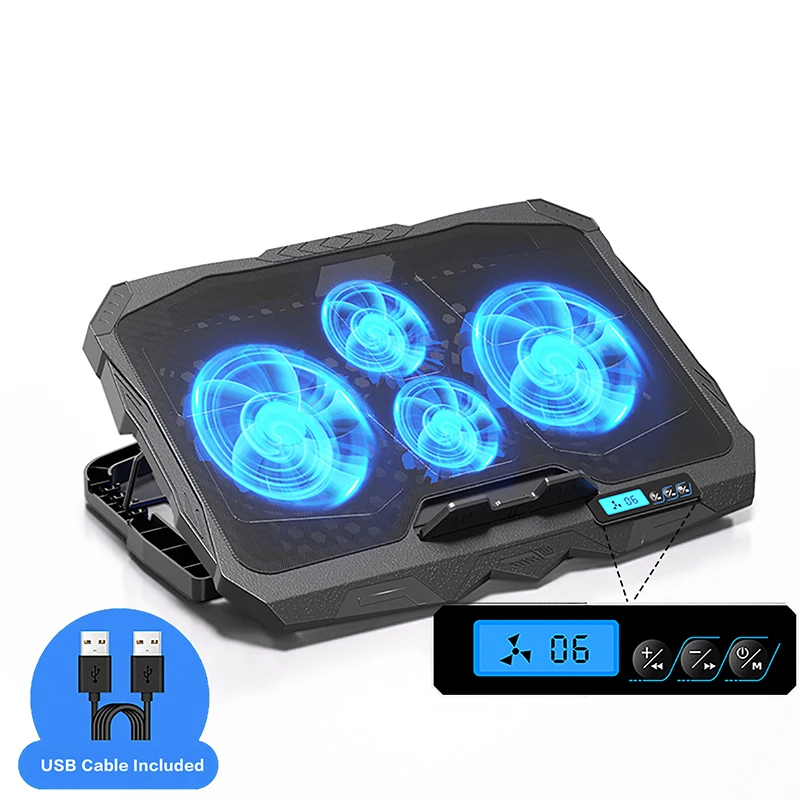
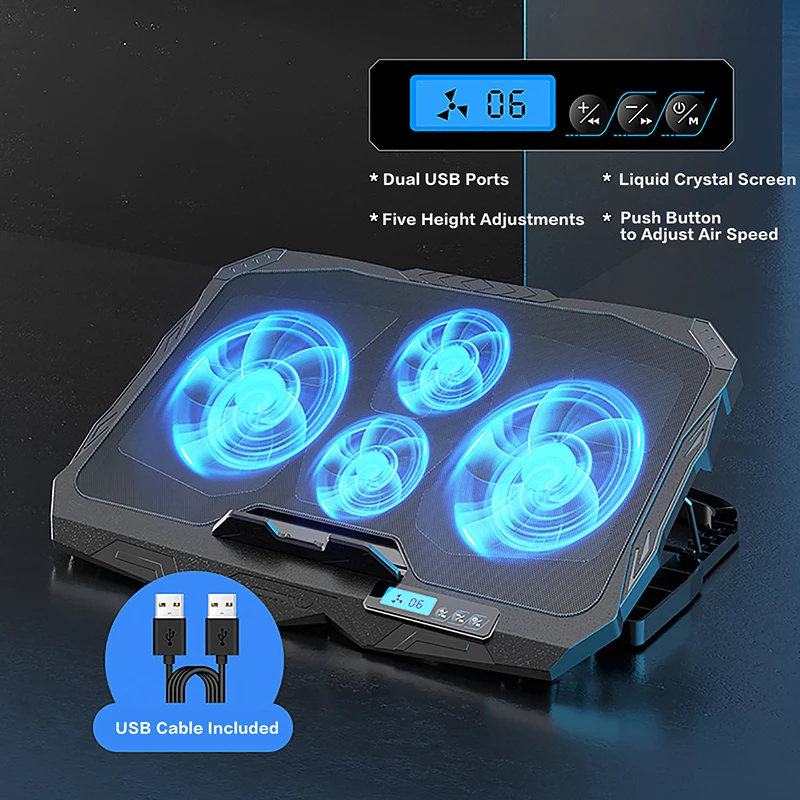
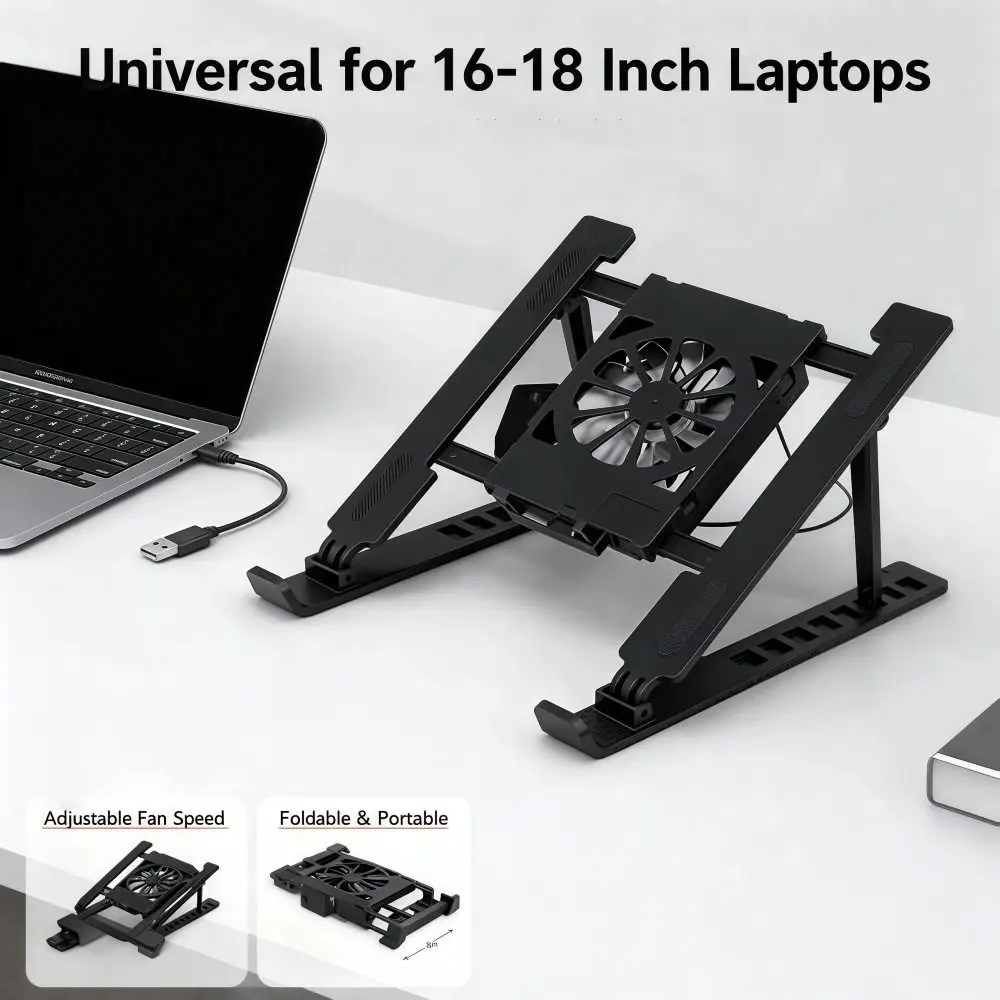
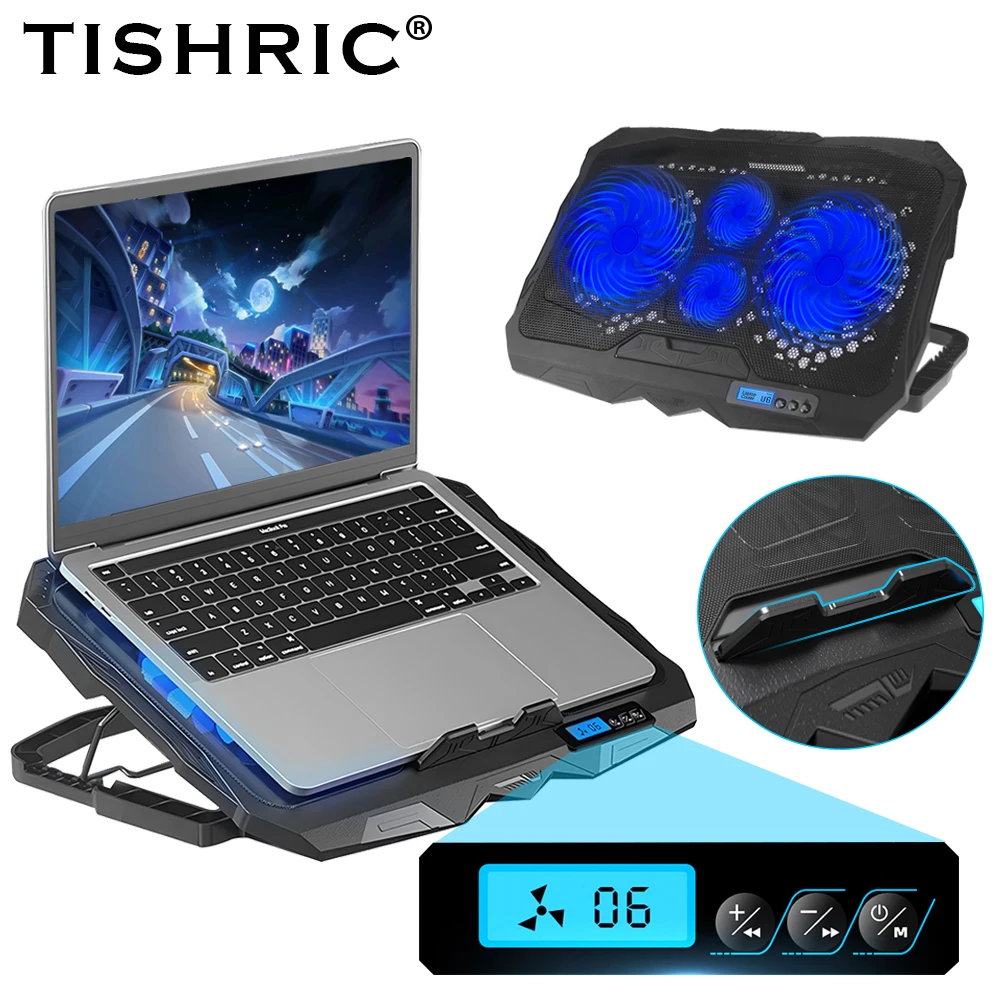
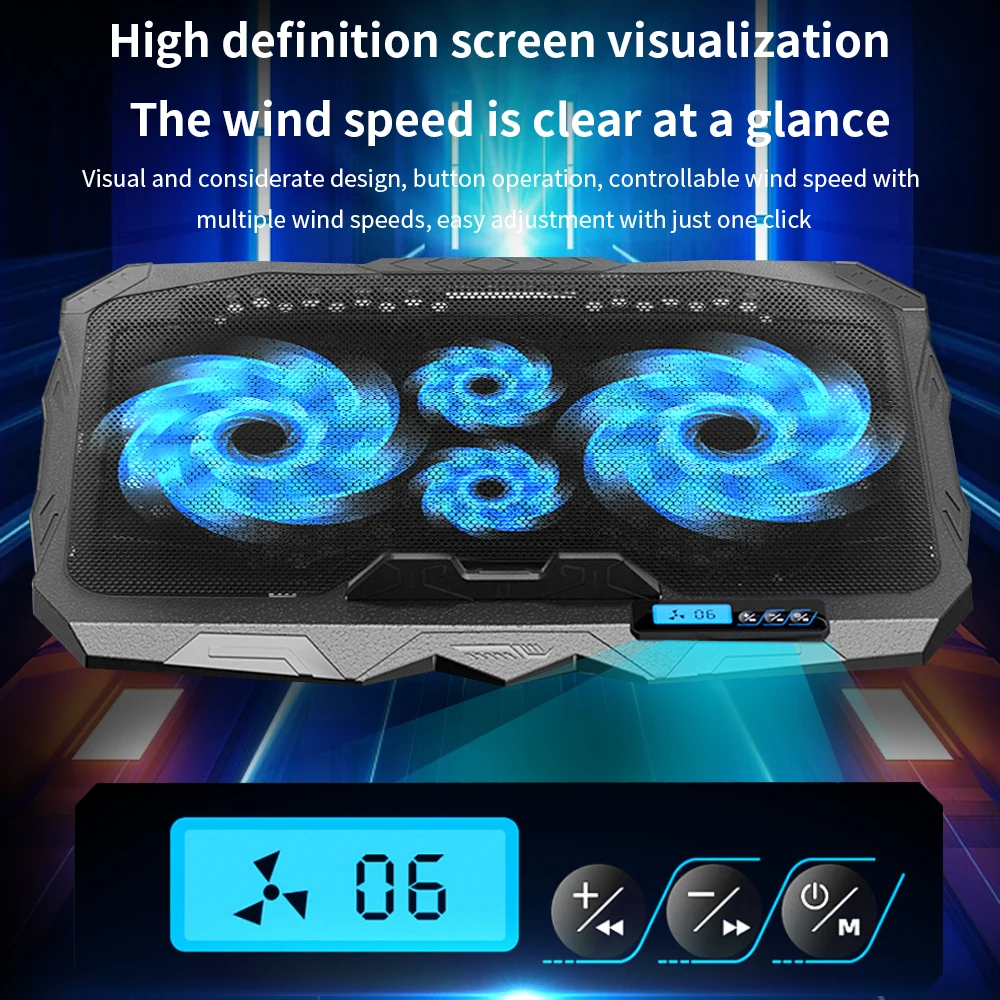
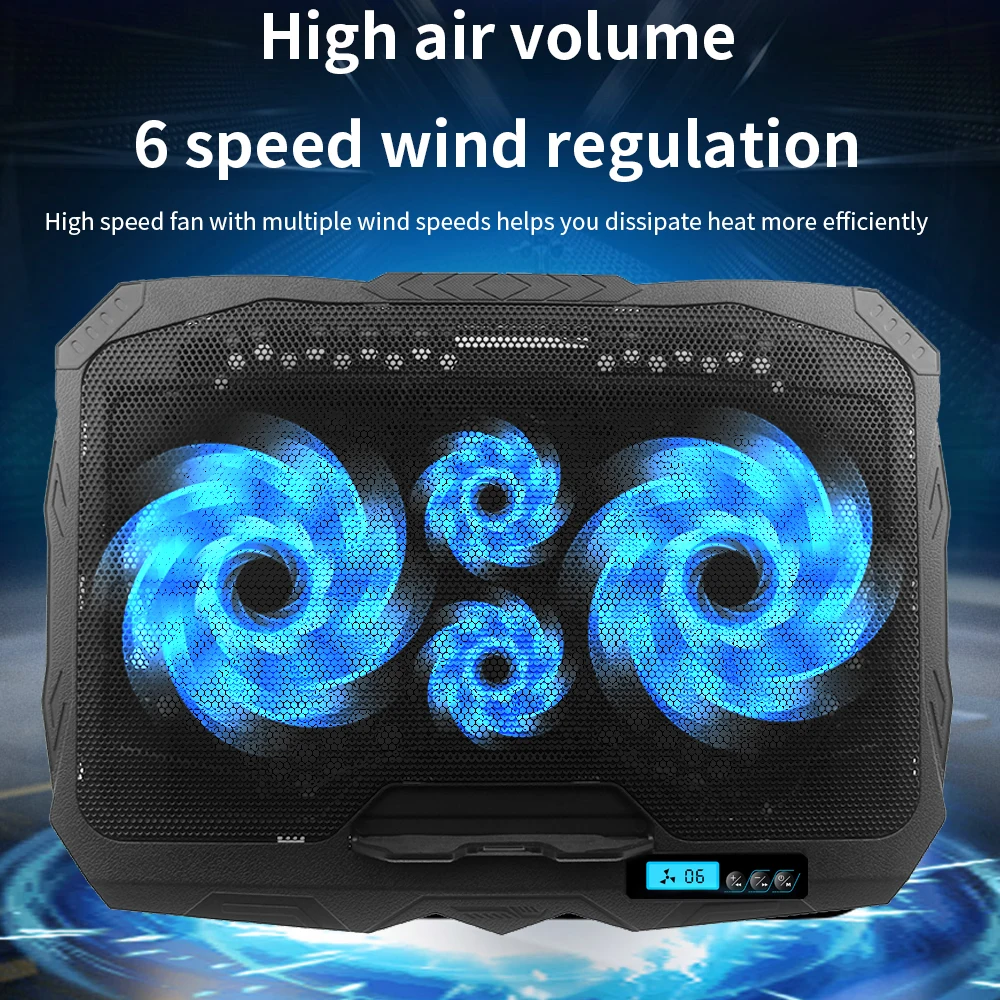
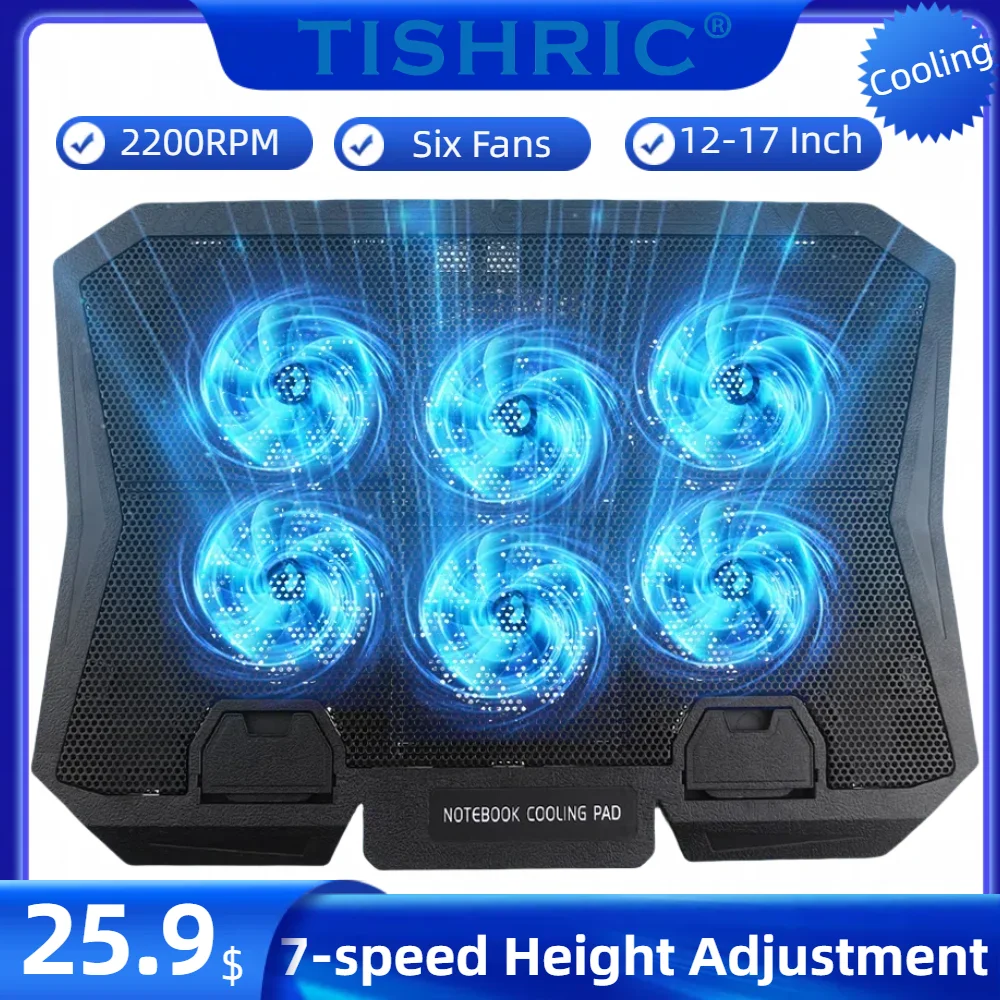
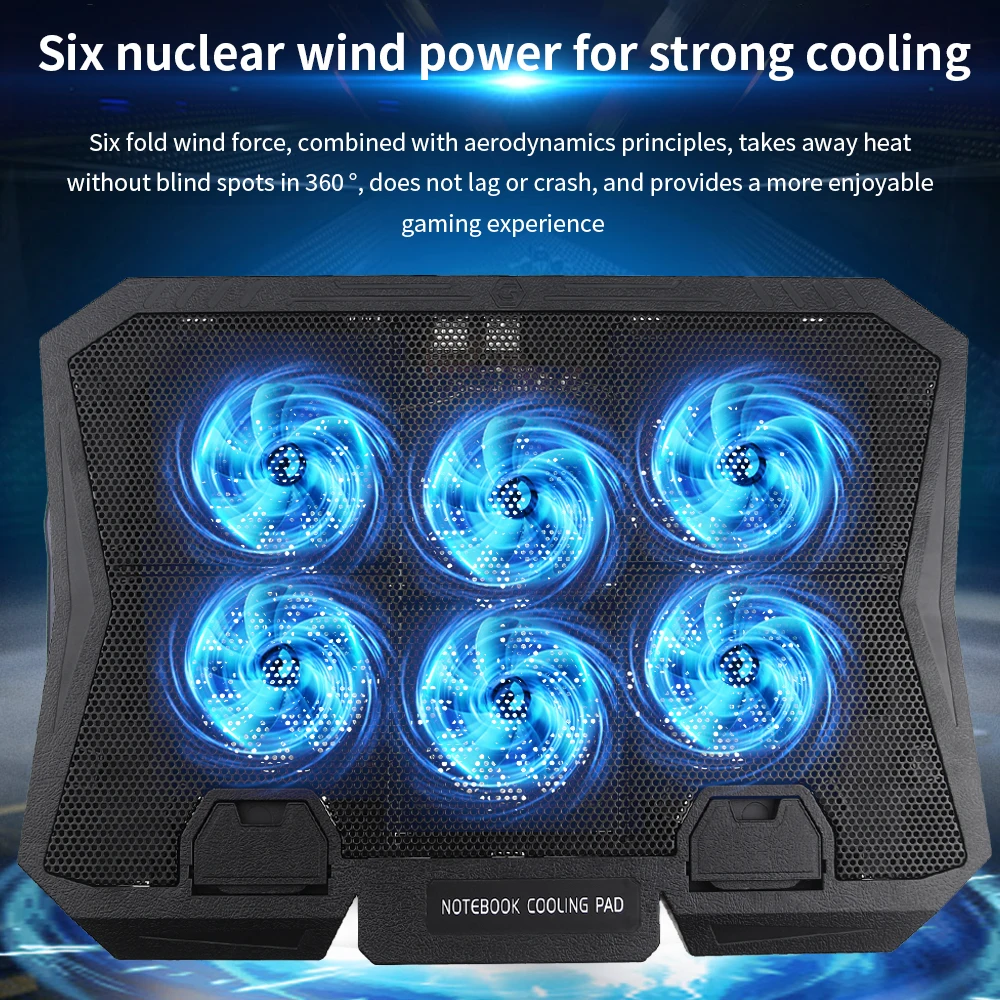
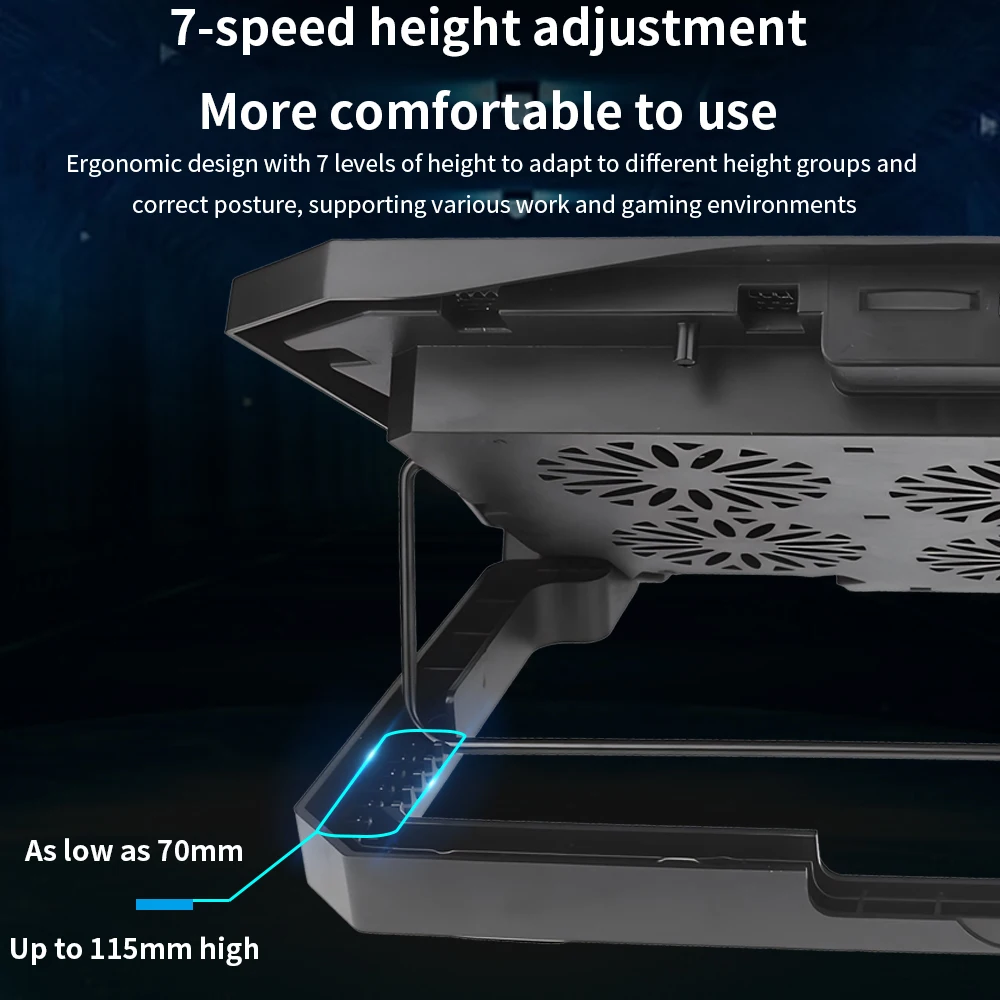
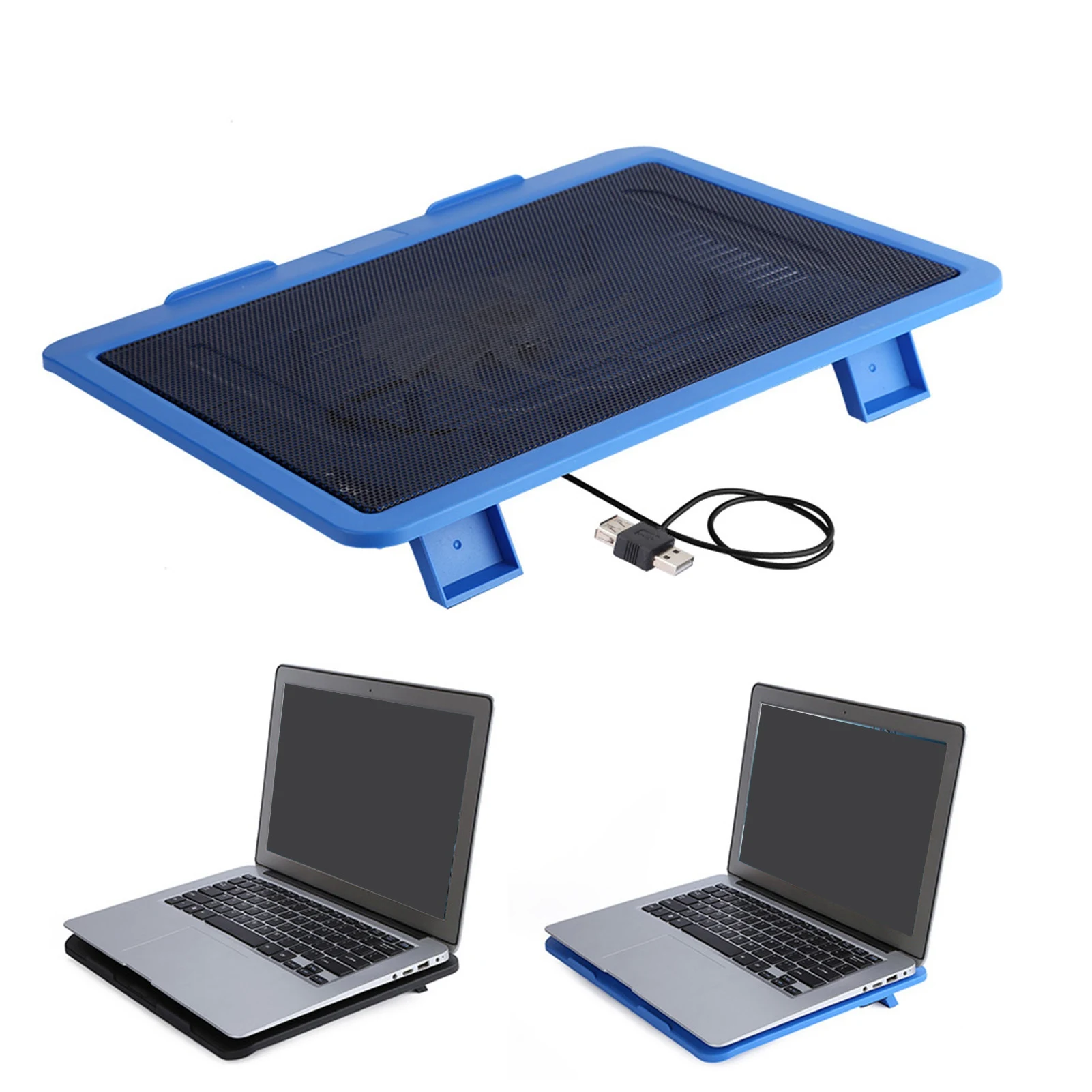
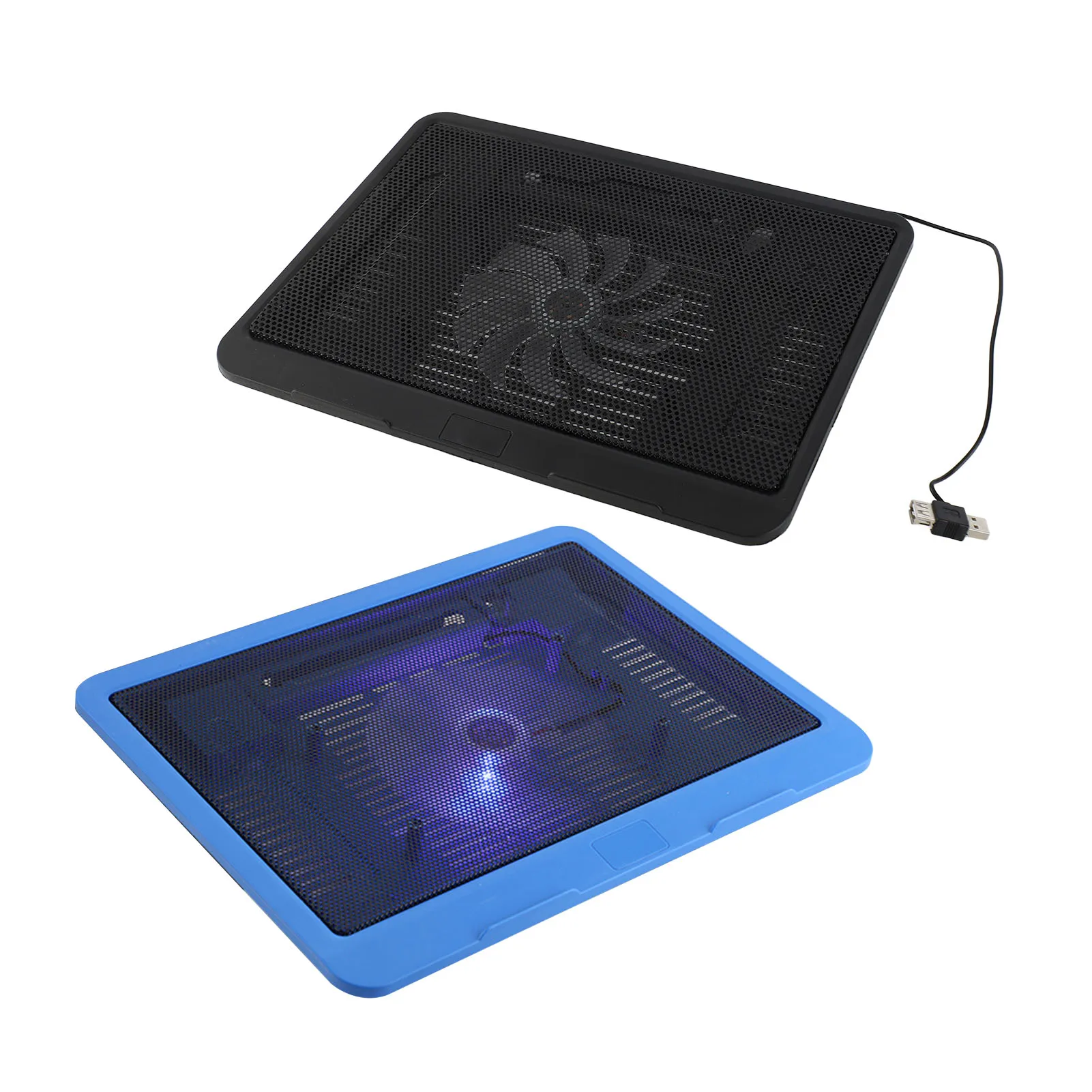
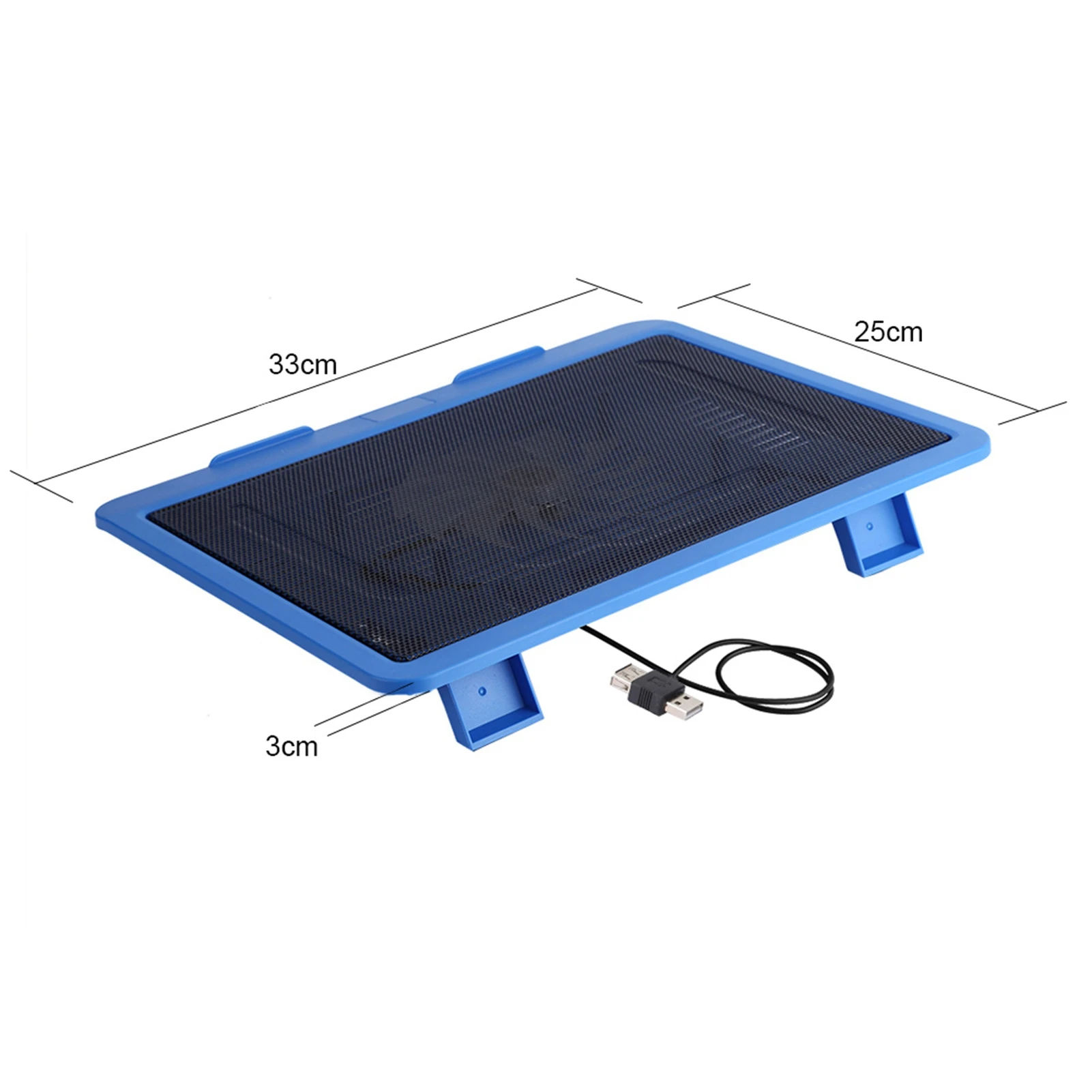
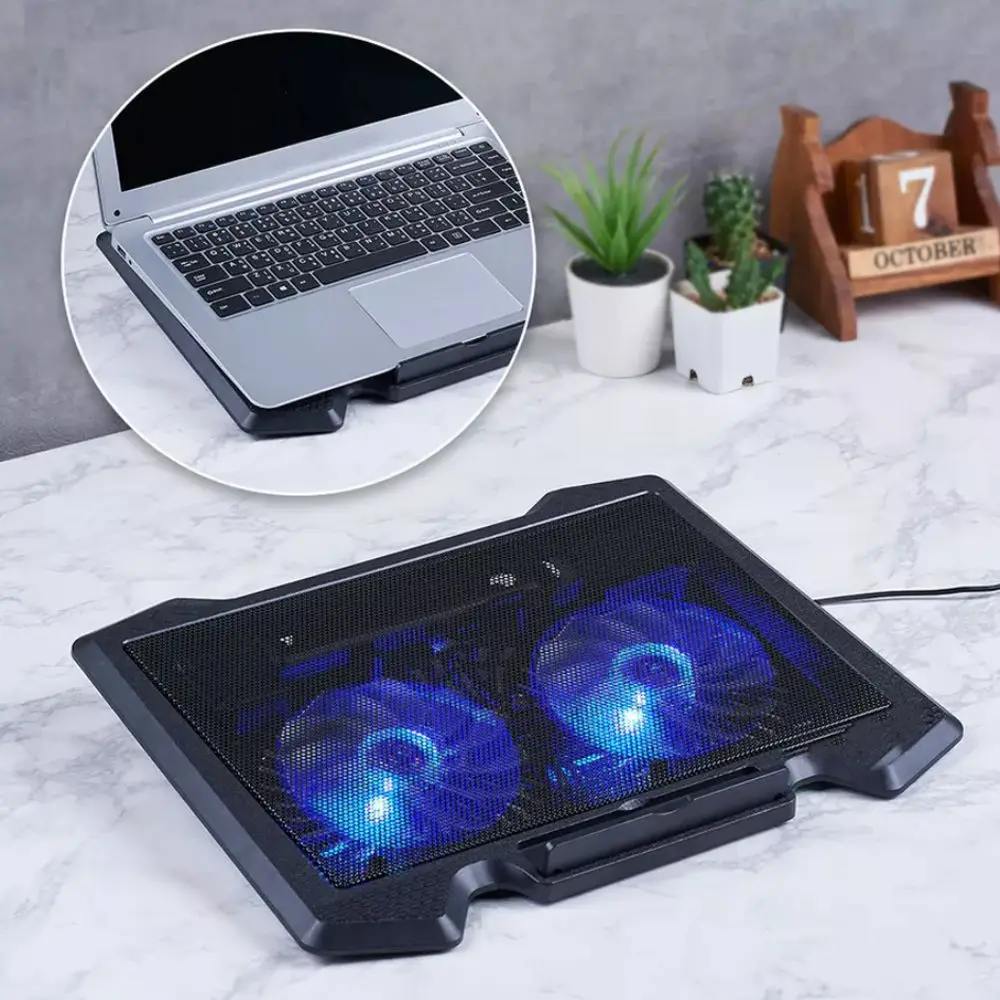
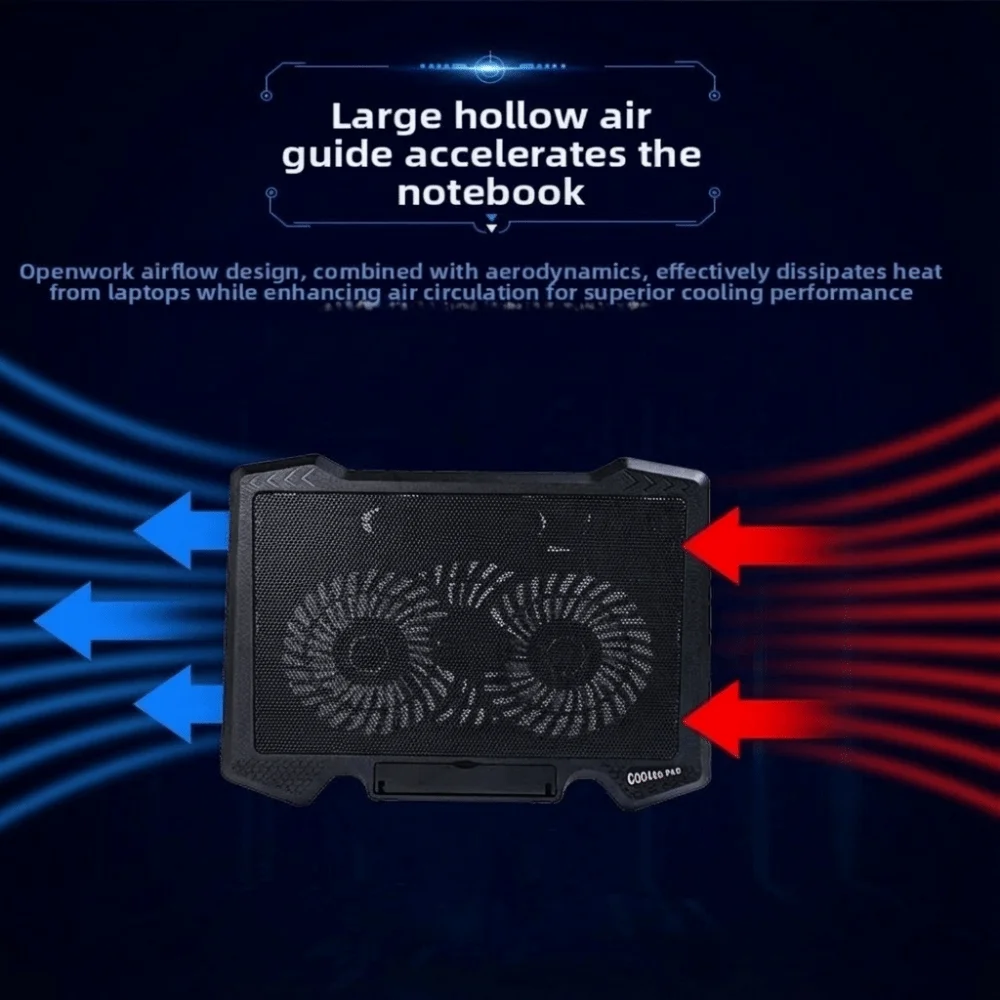
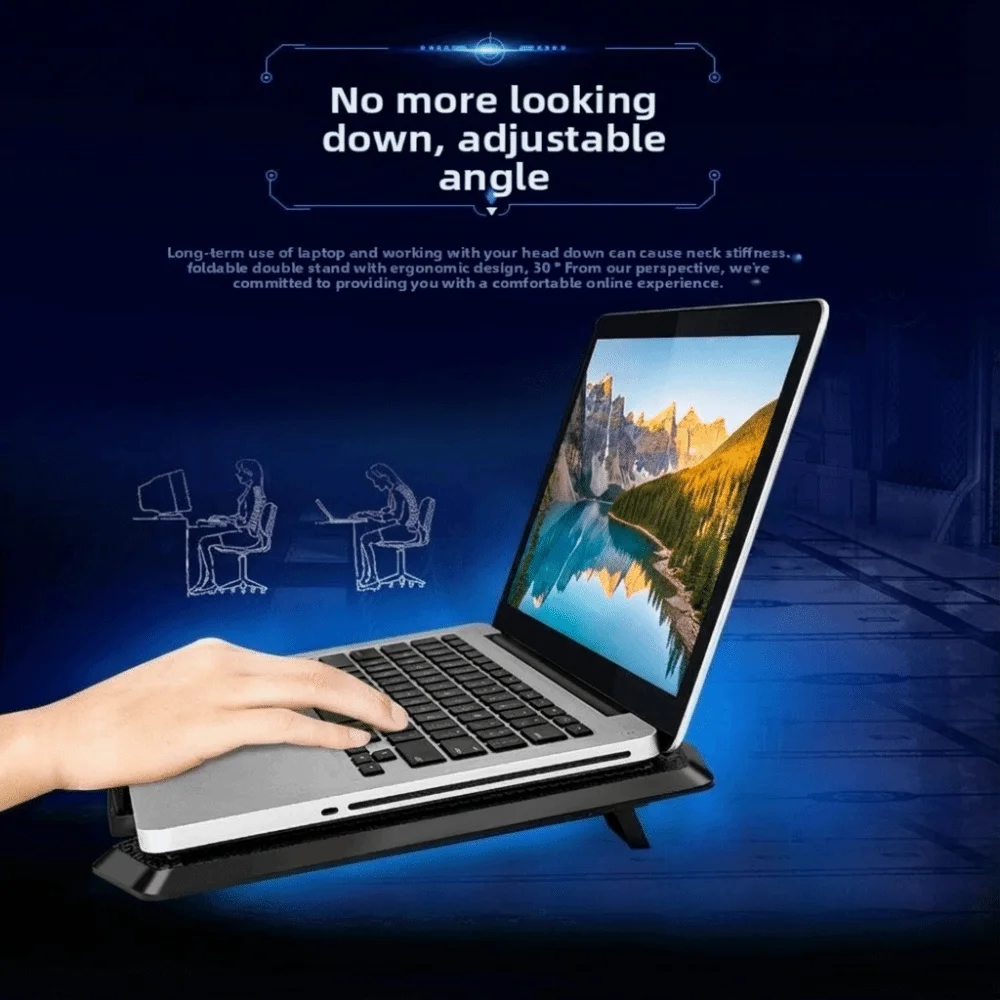
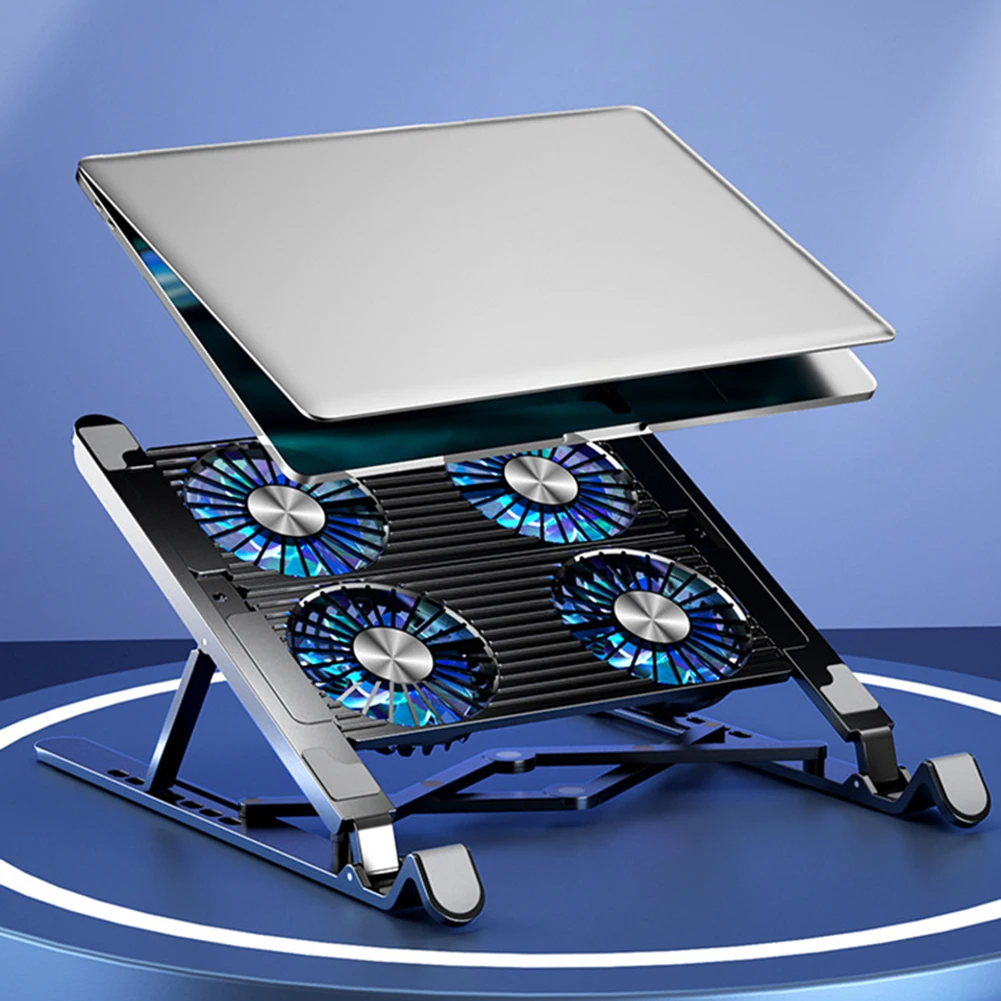
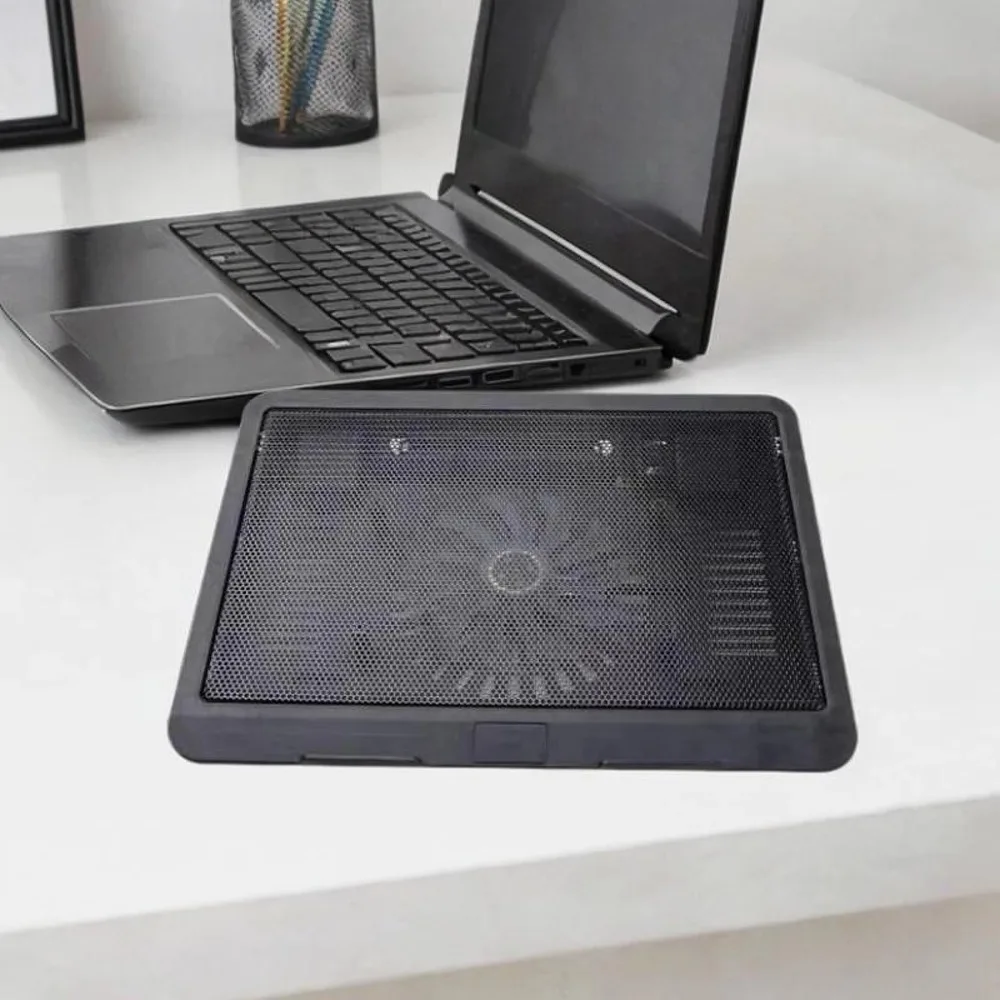
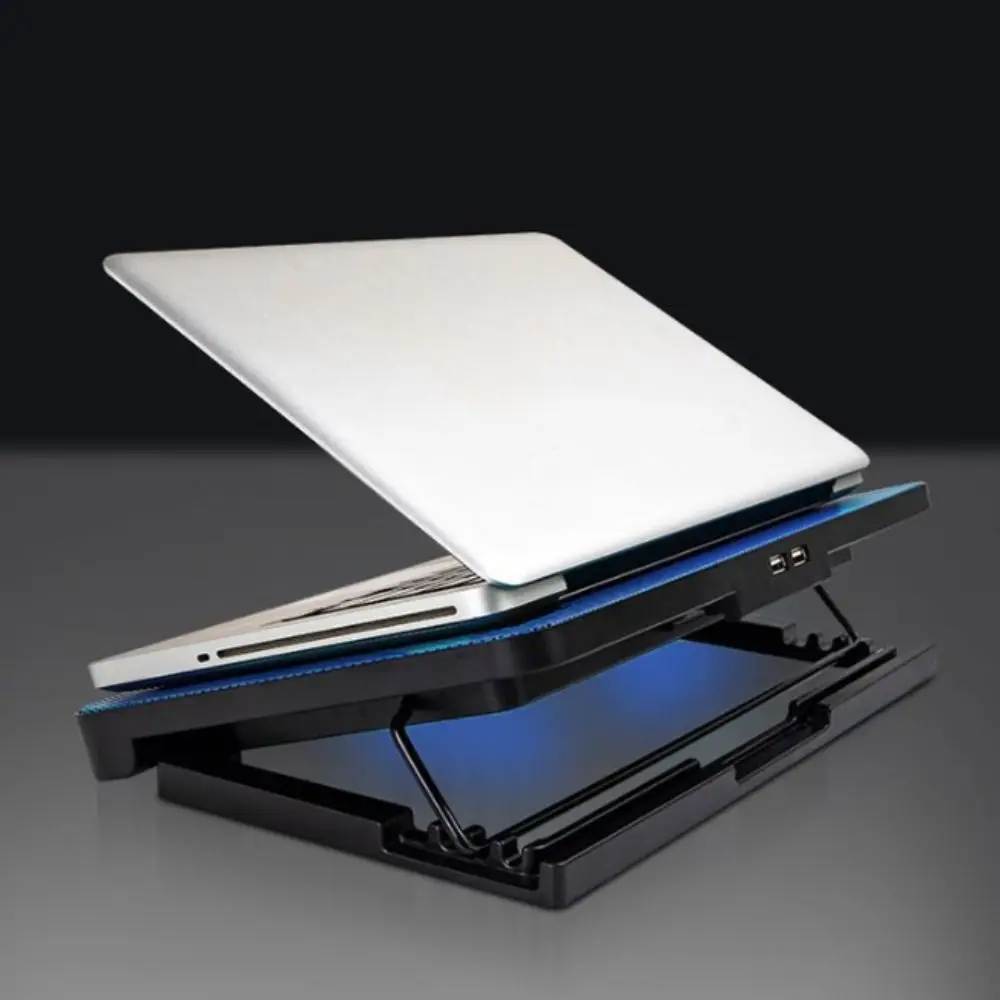
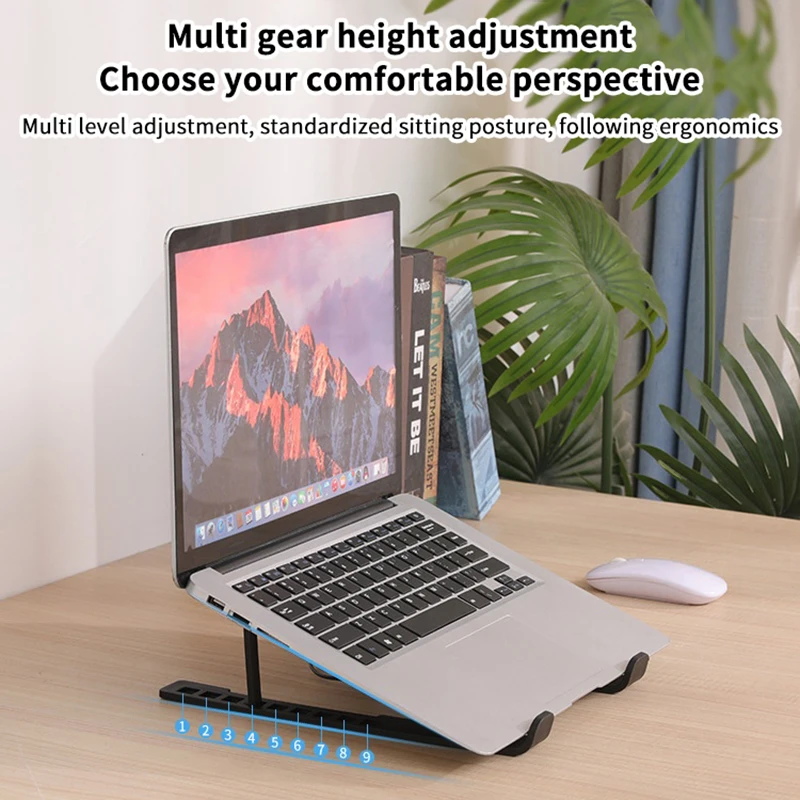
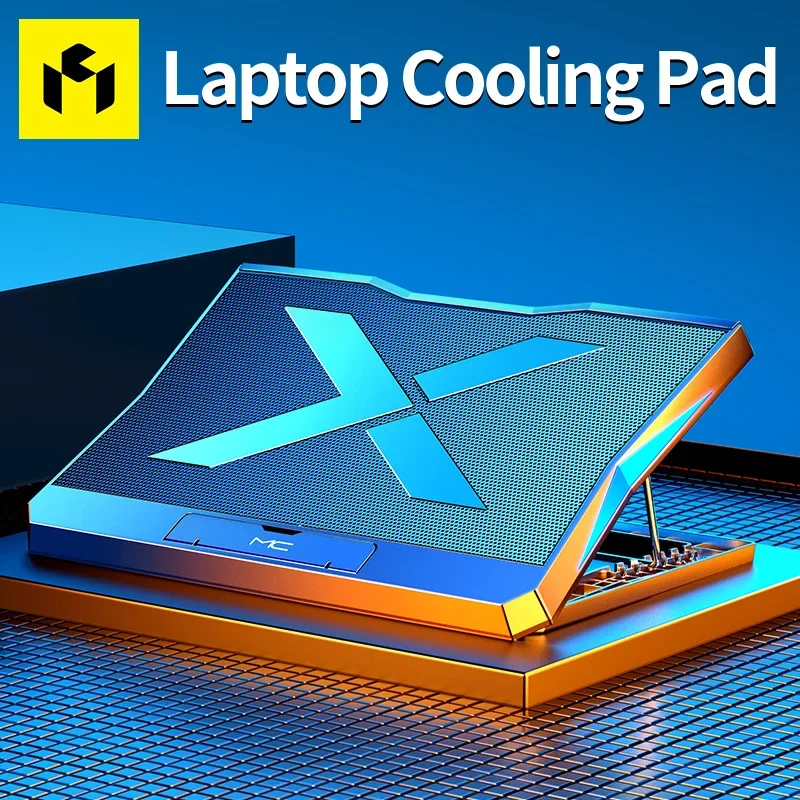
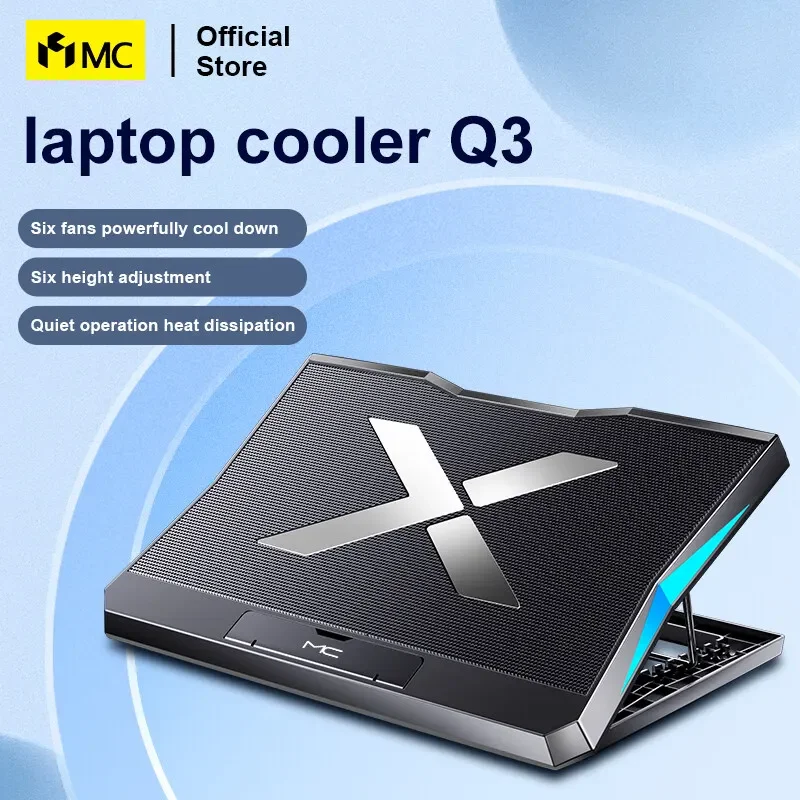
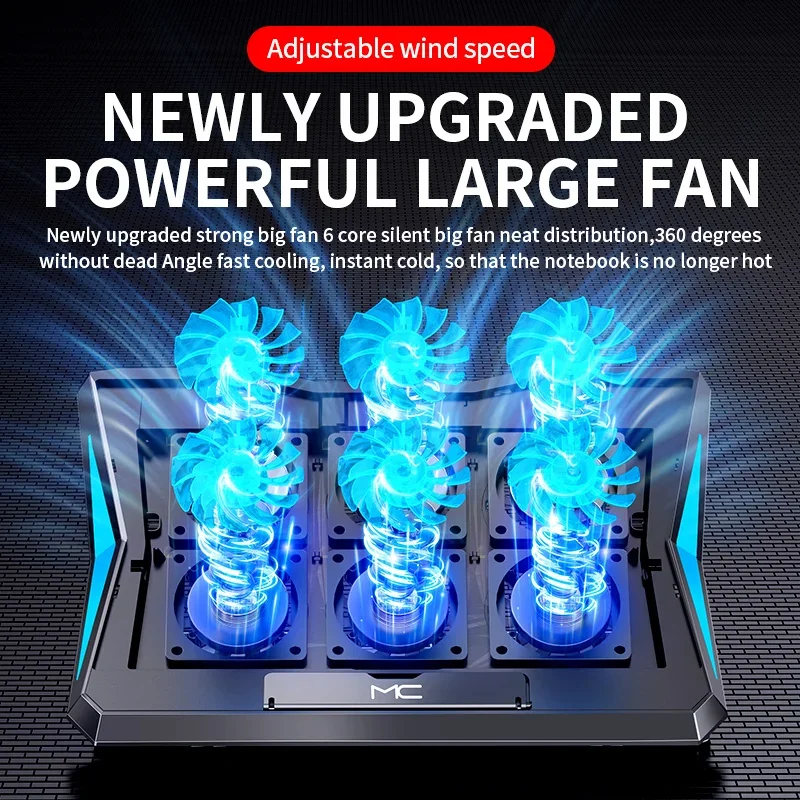
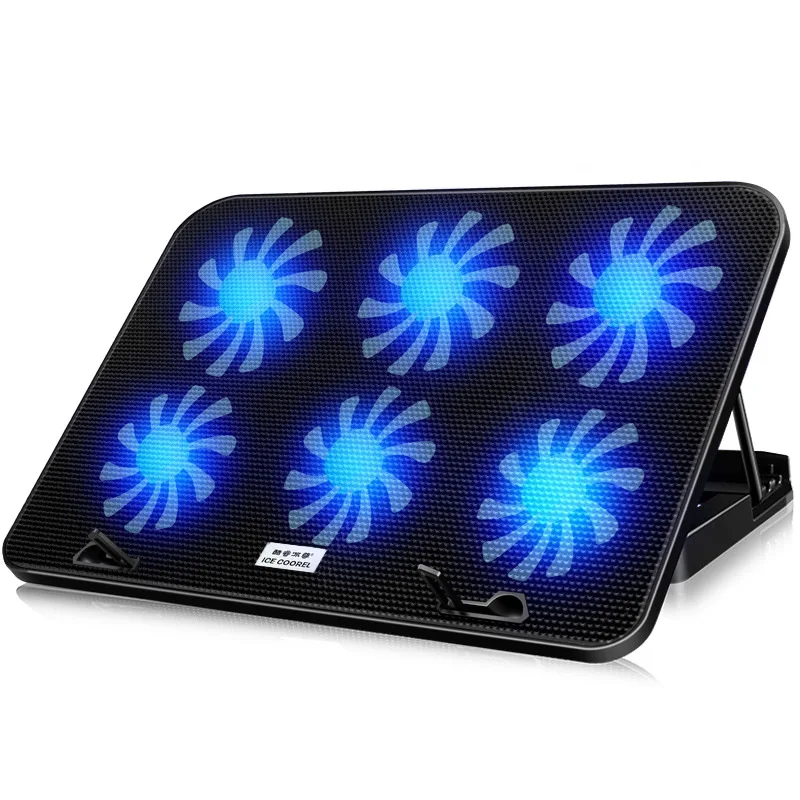
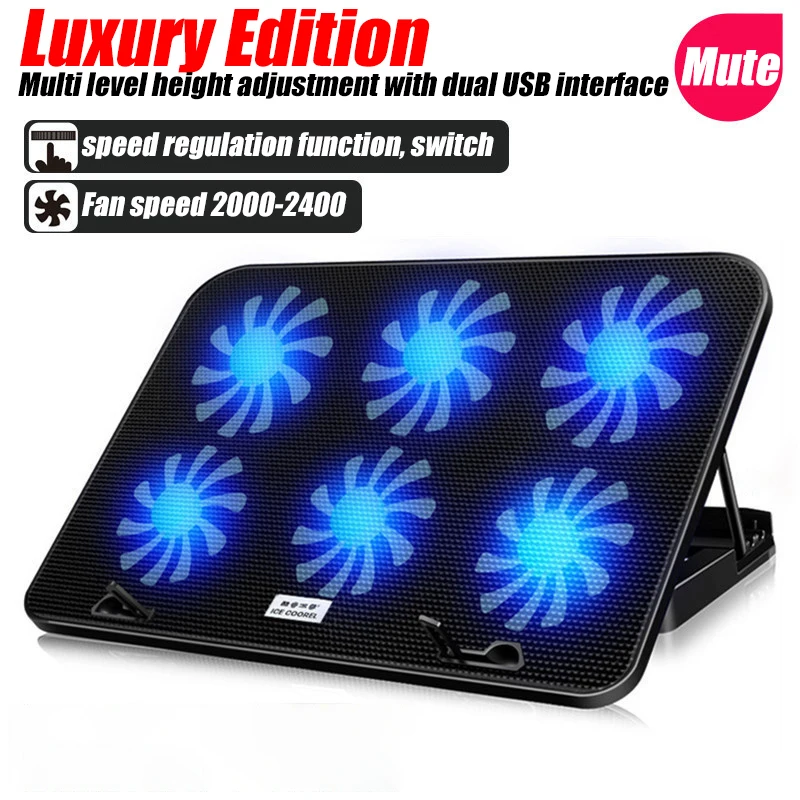
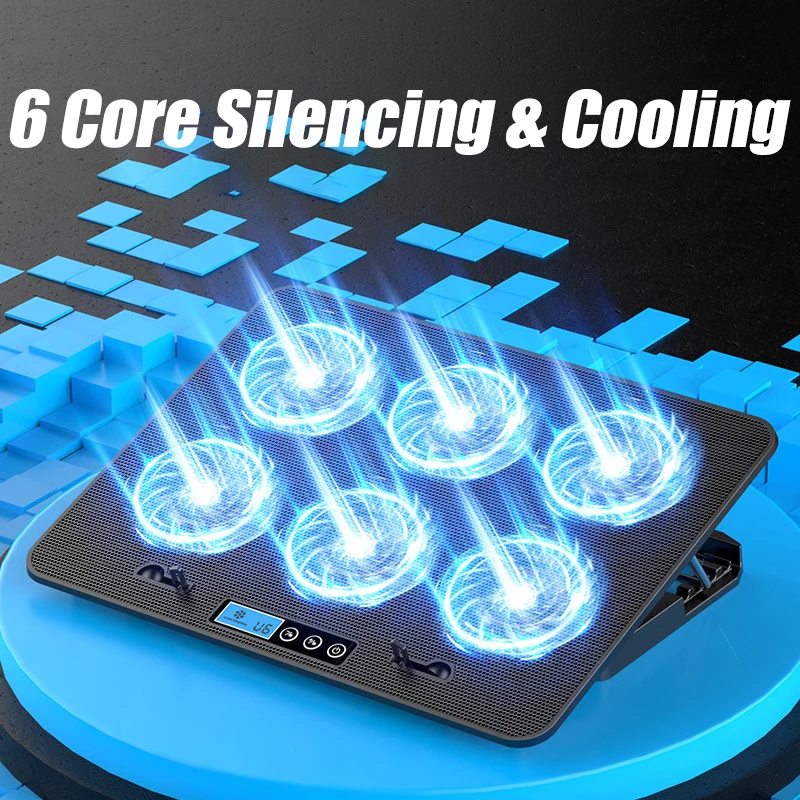
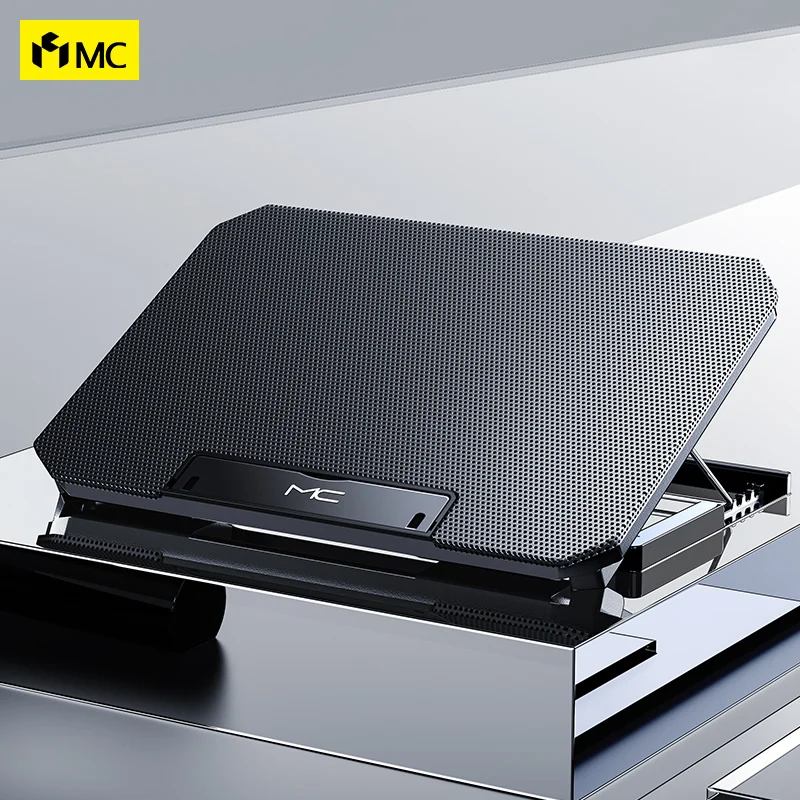
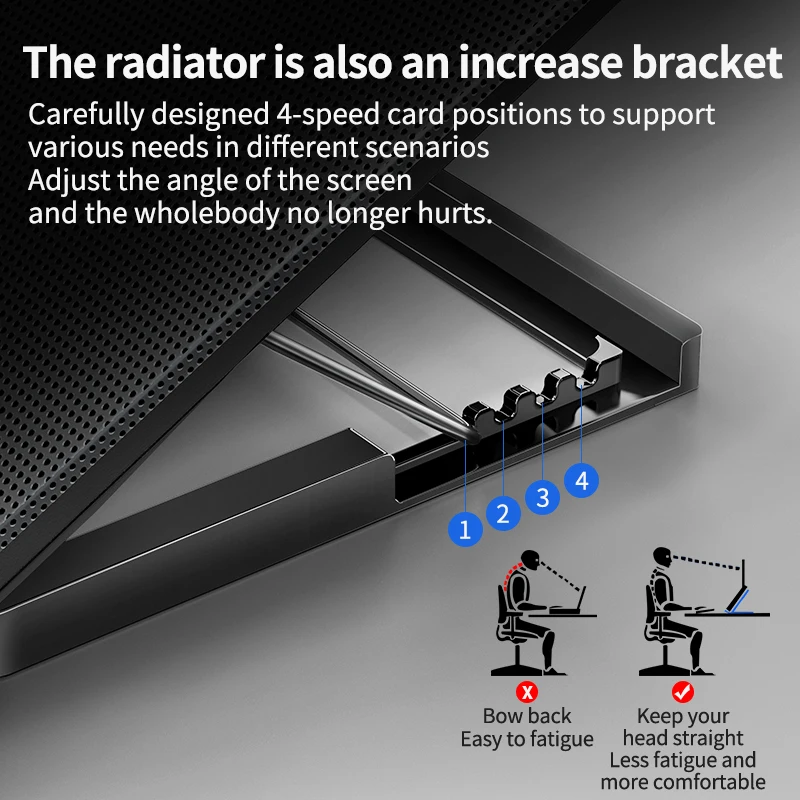
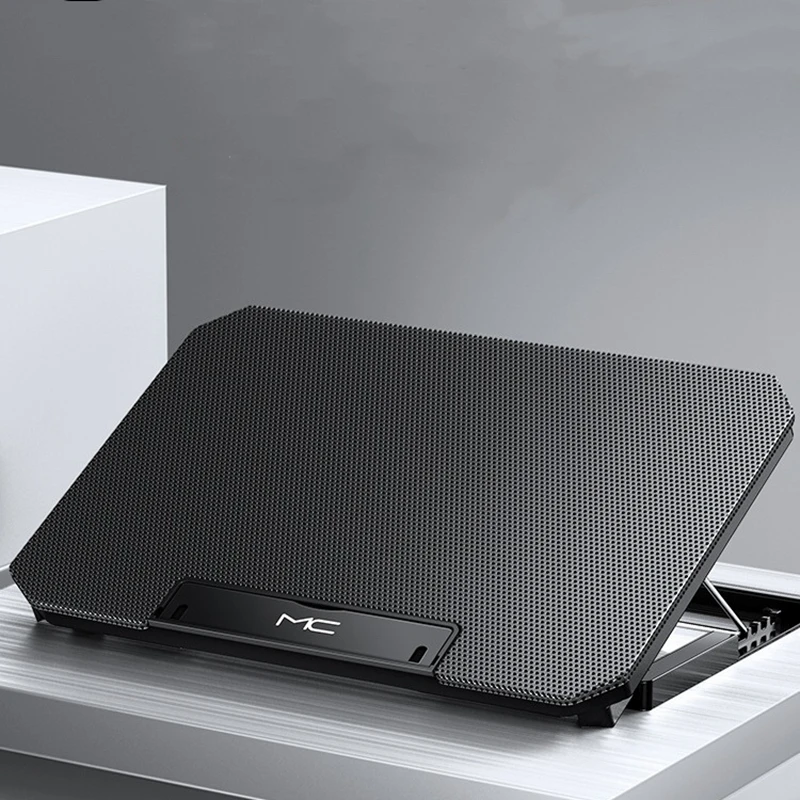
- Laptop cooling pads are mesh-topped platforms with fans underneath. The laptop sits on top and the fans blow air up at its base. Many tilt, and several have lights and a small screen for the fan speed.
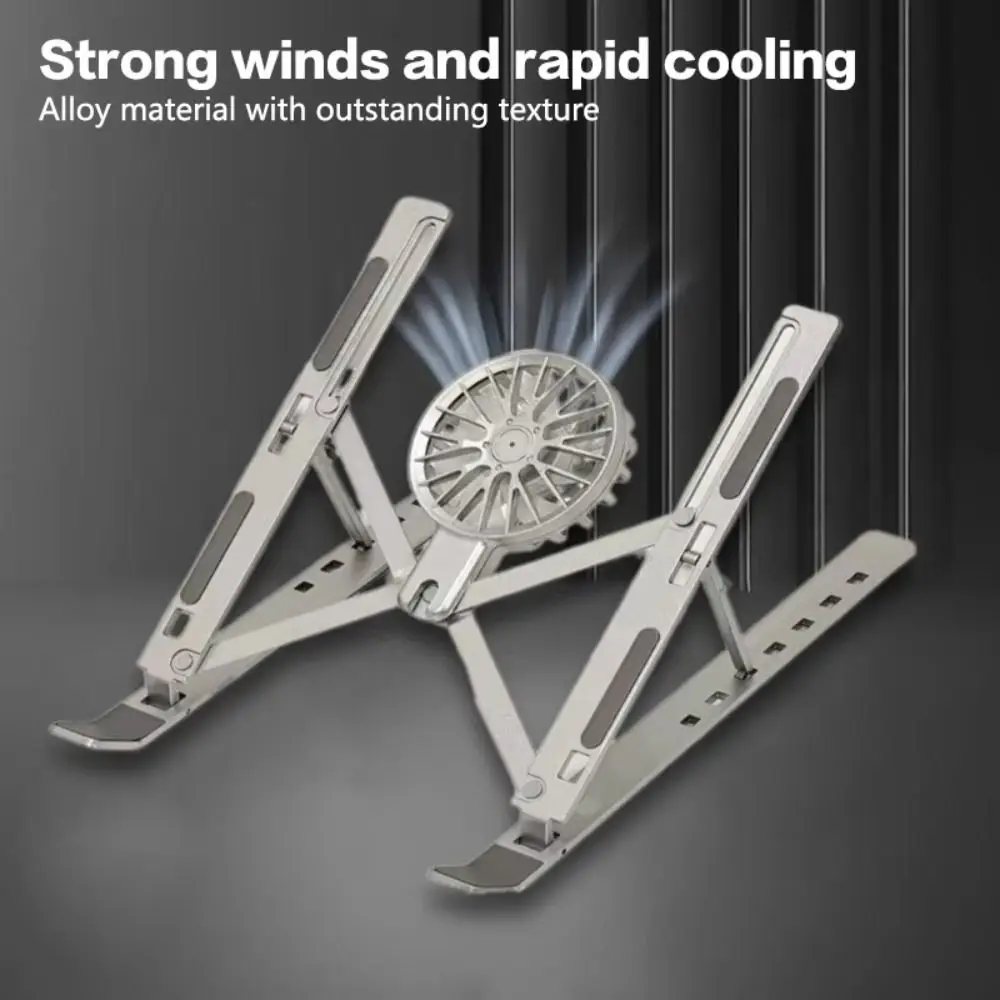
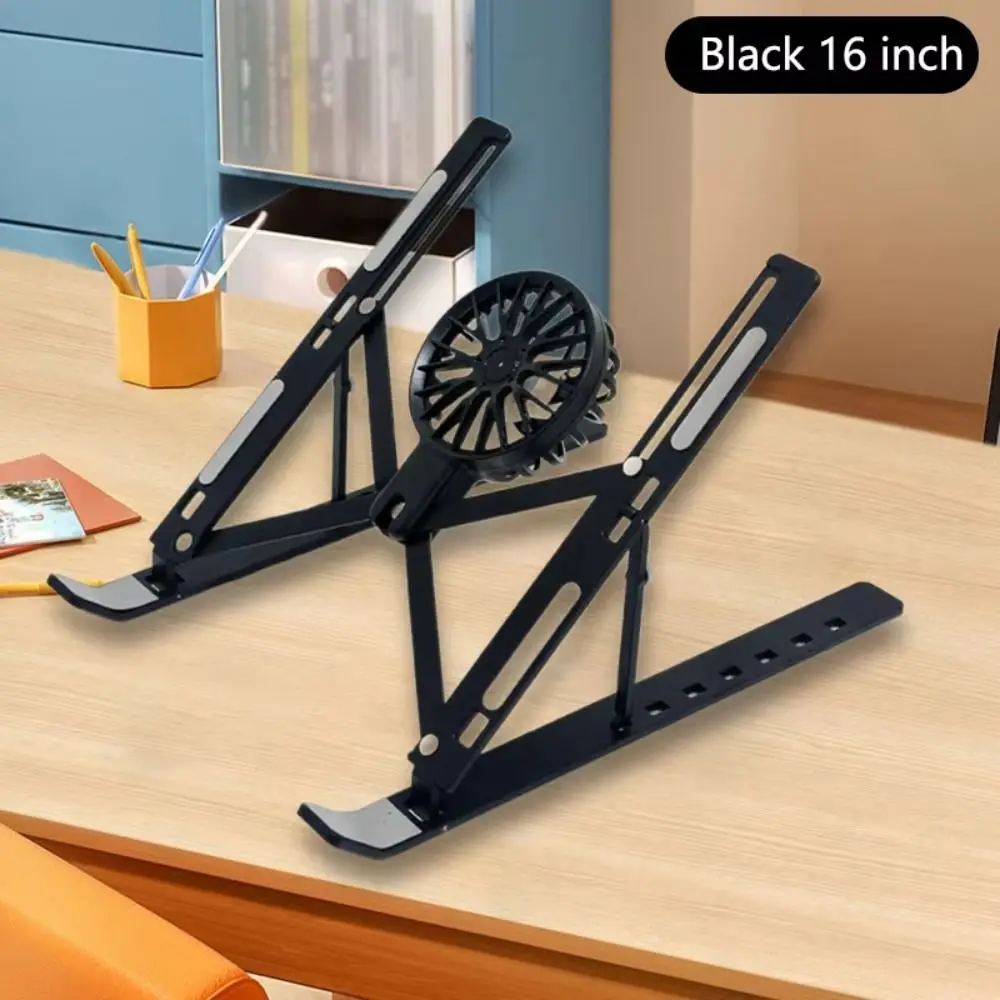
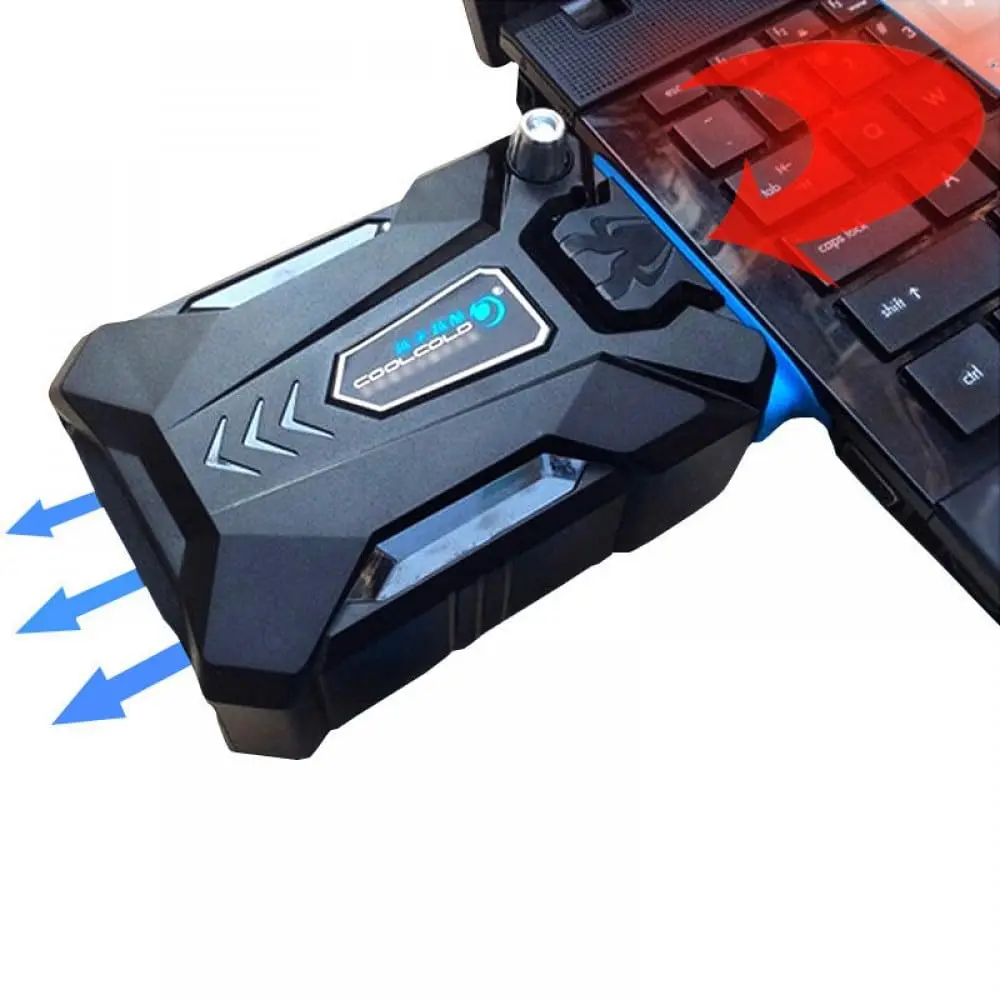
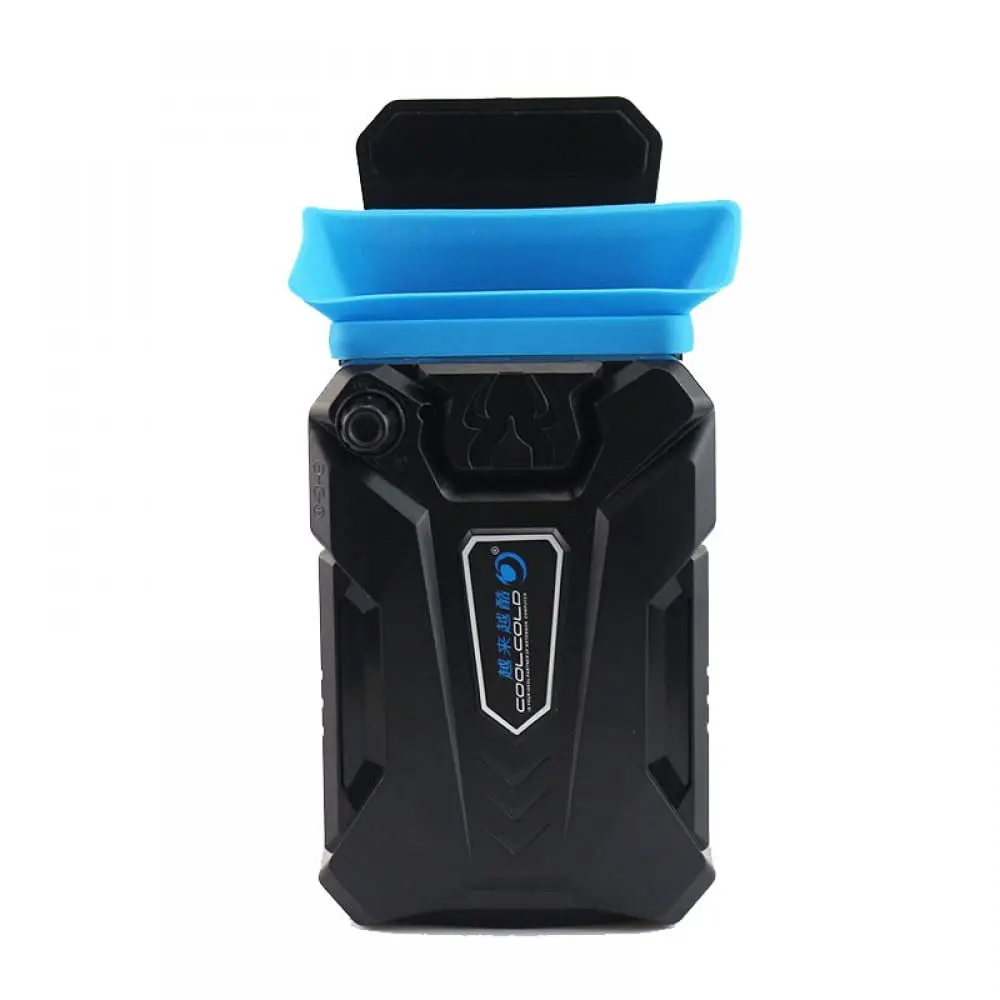
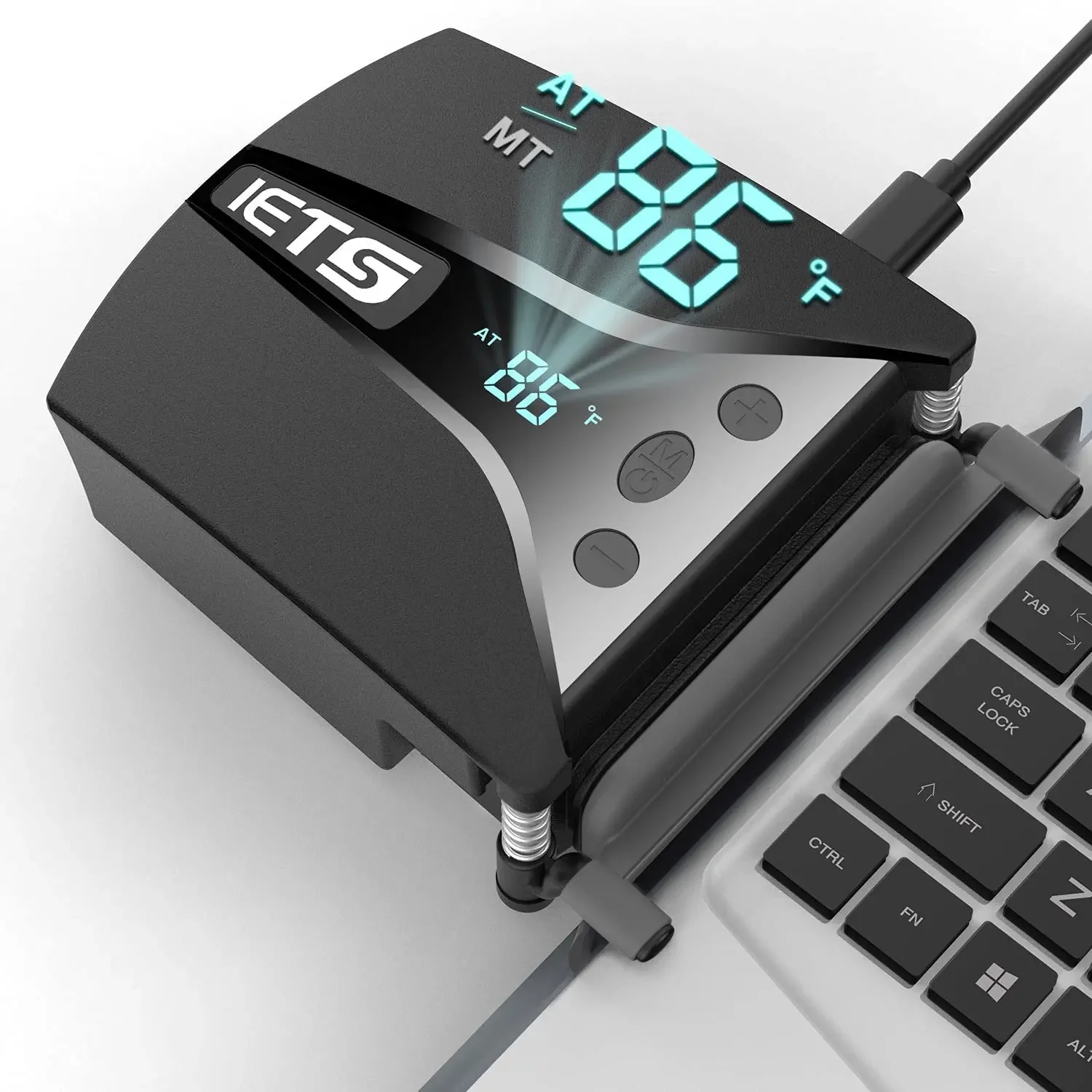
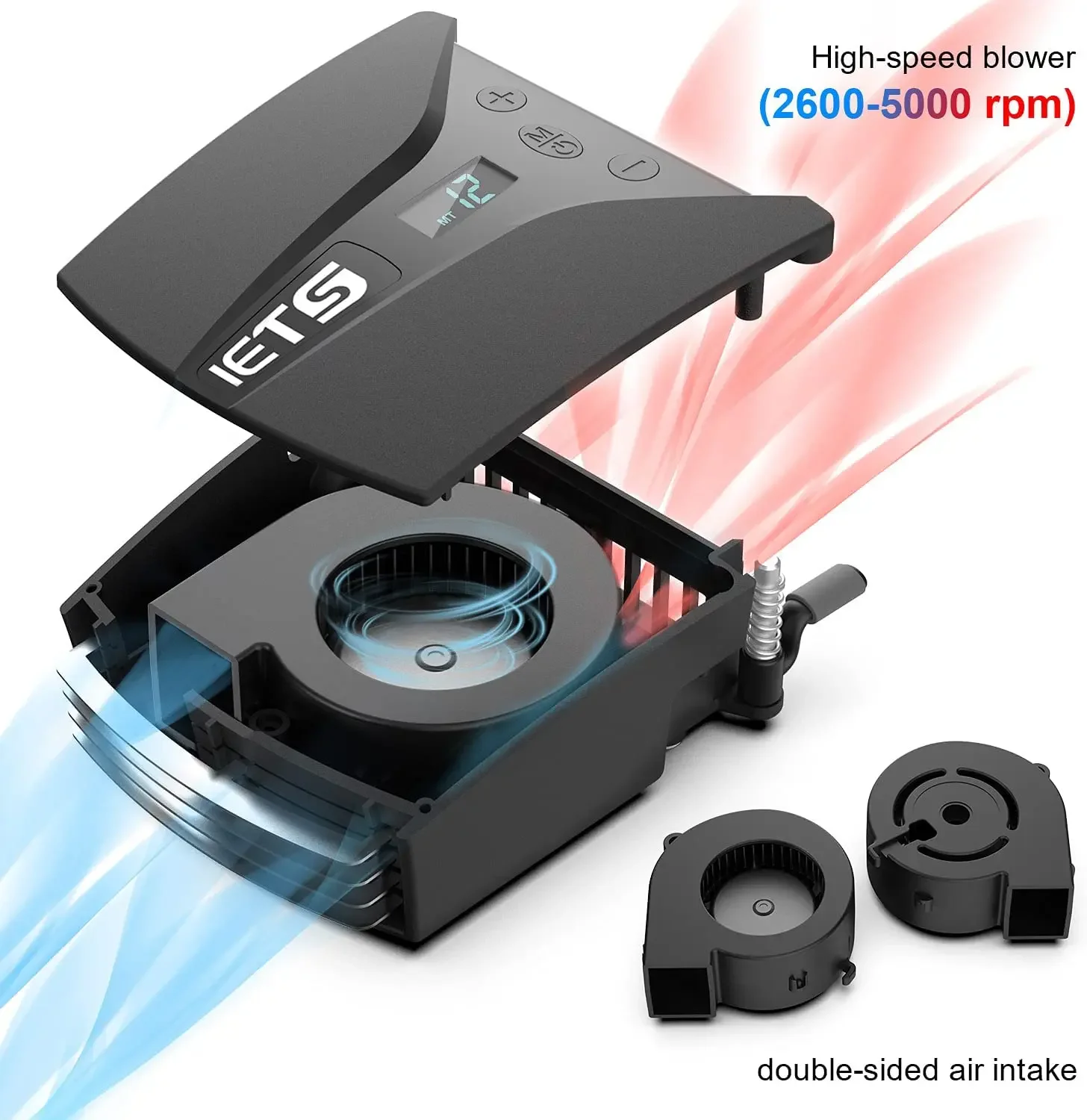
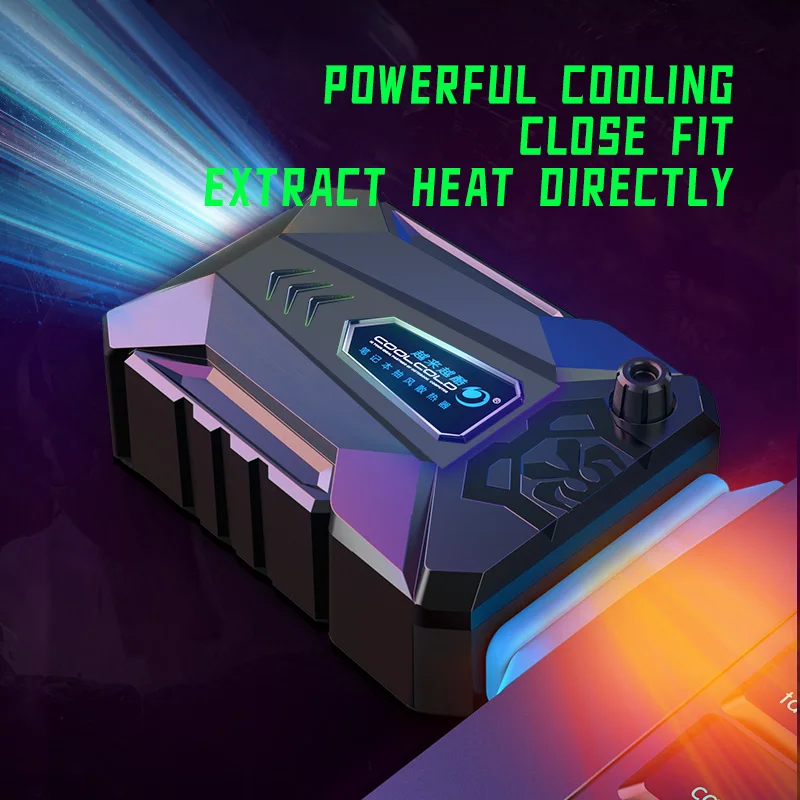
- Clip-on laptop fan coolers are small units that fit against the laptop's vent and draw the hot air out with a fan of their own.
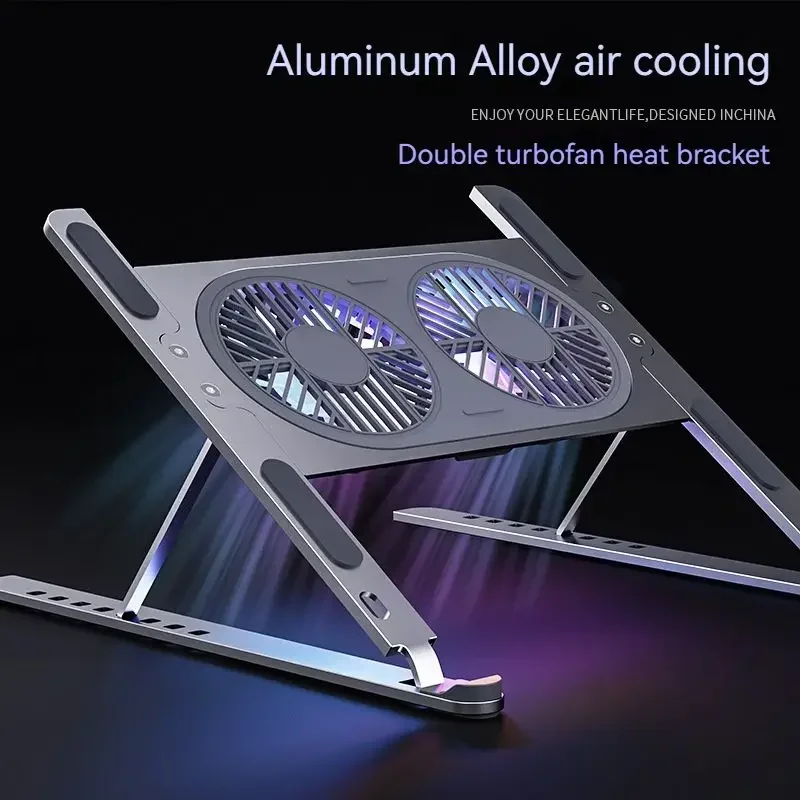
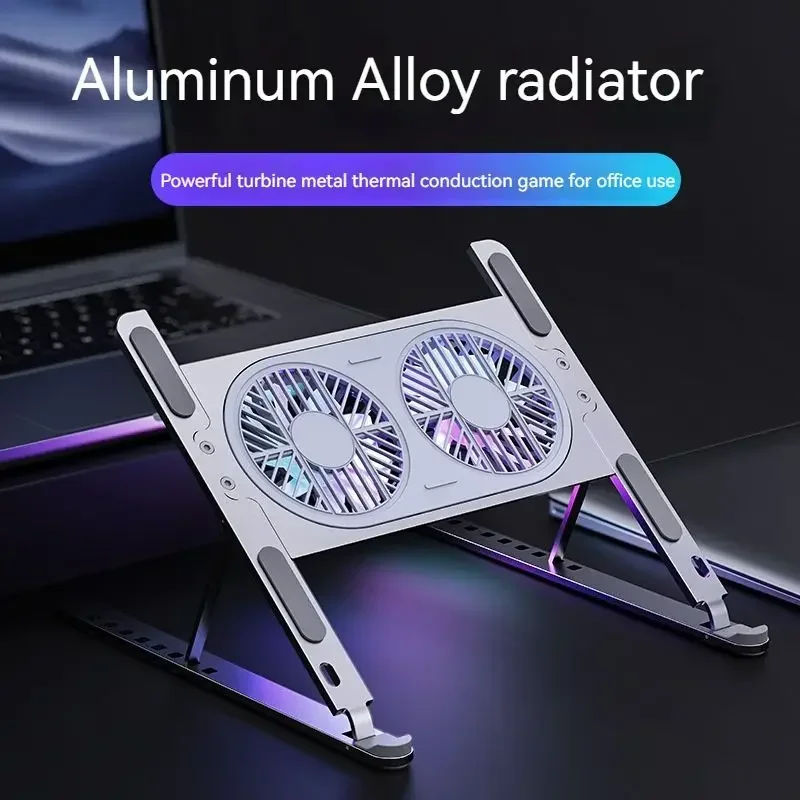
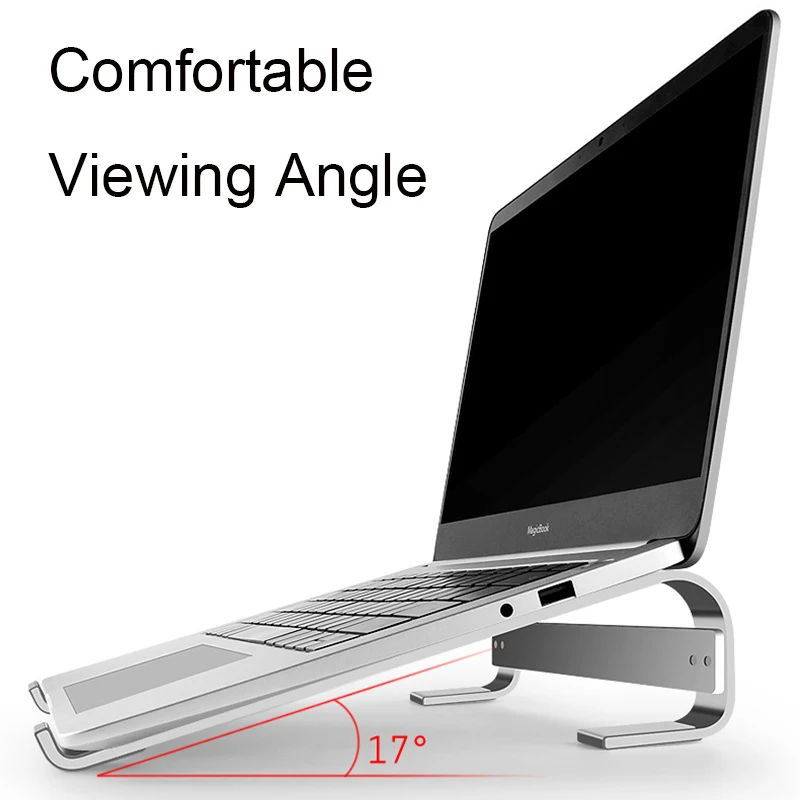
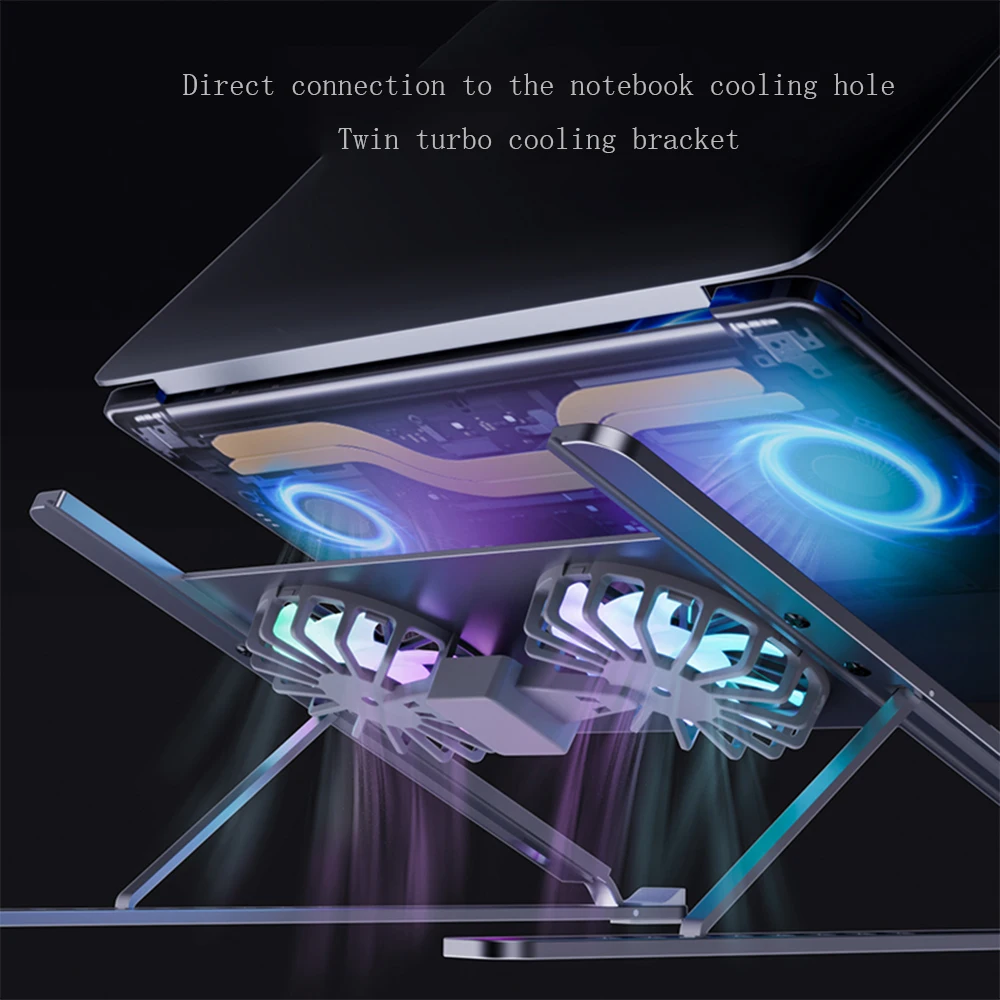
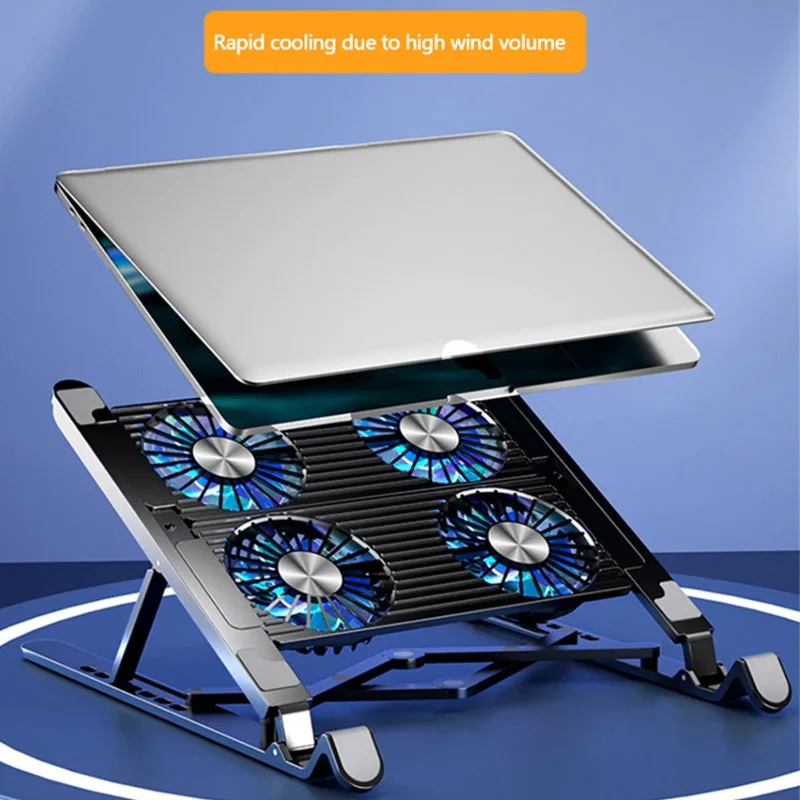
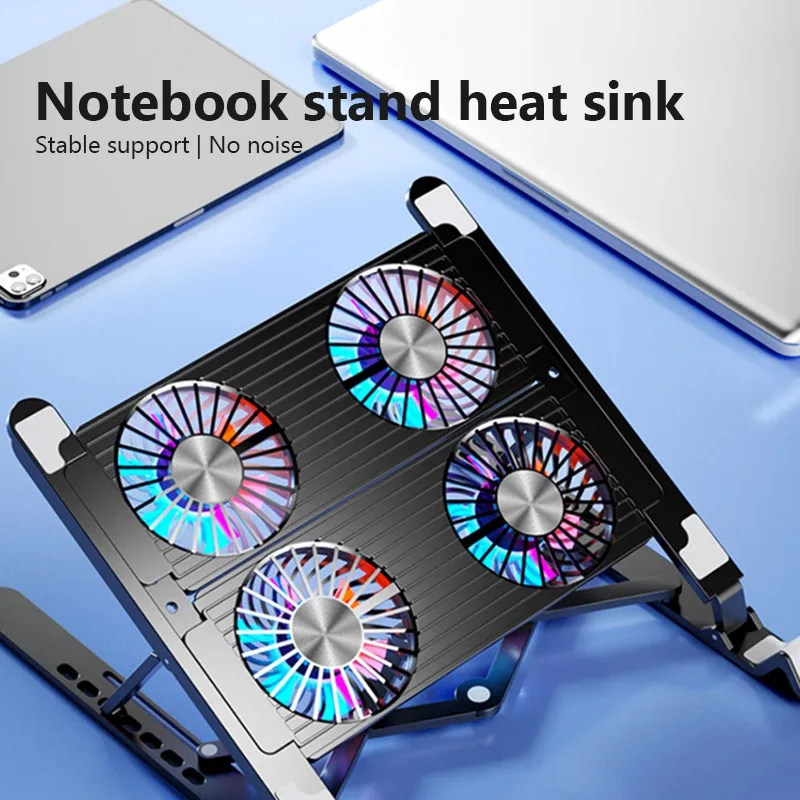
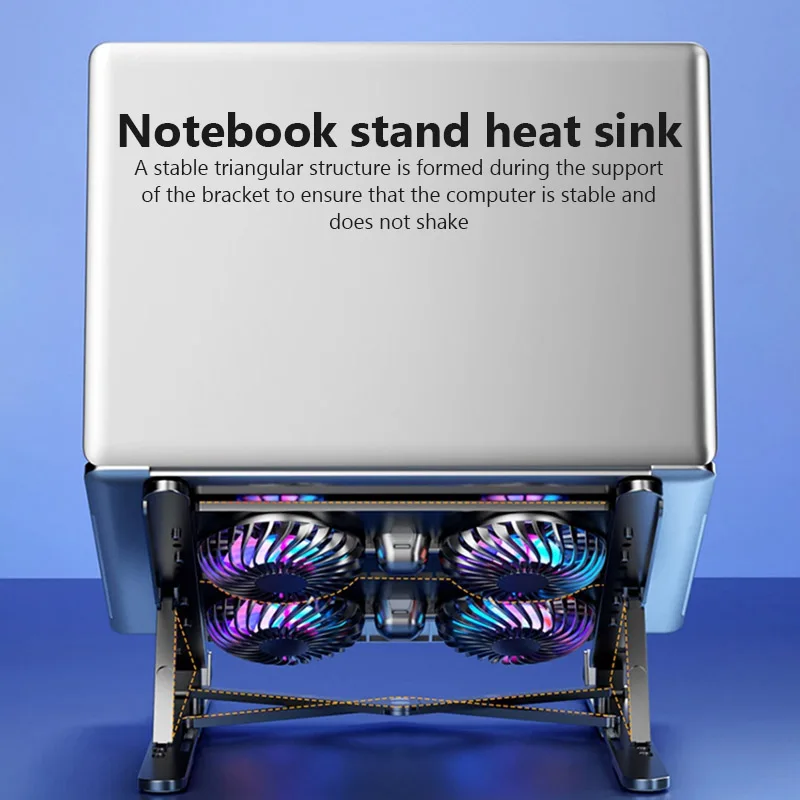
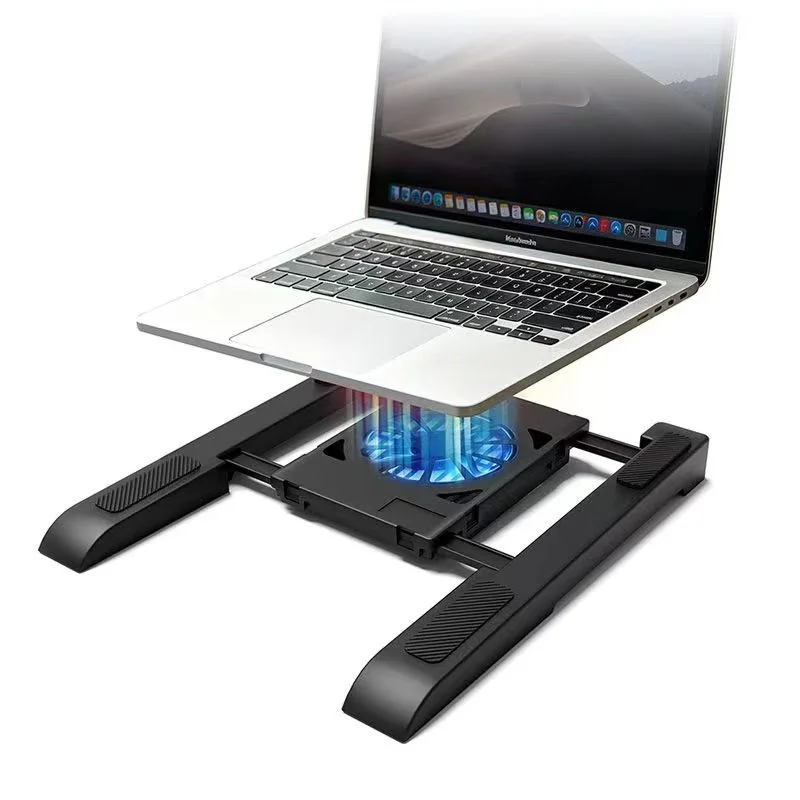
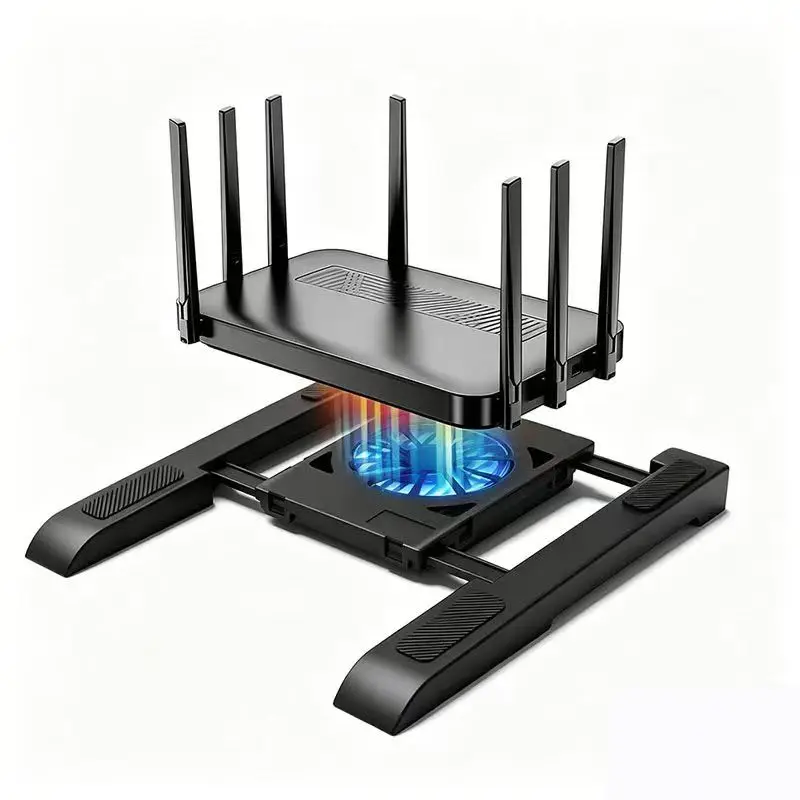
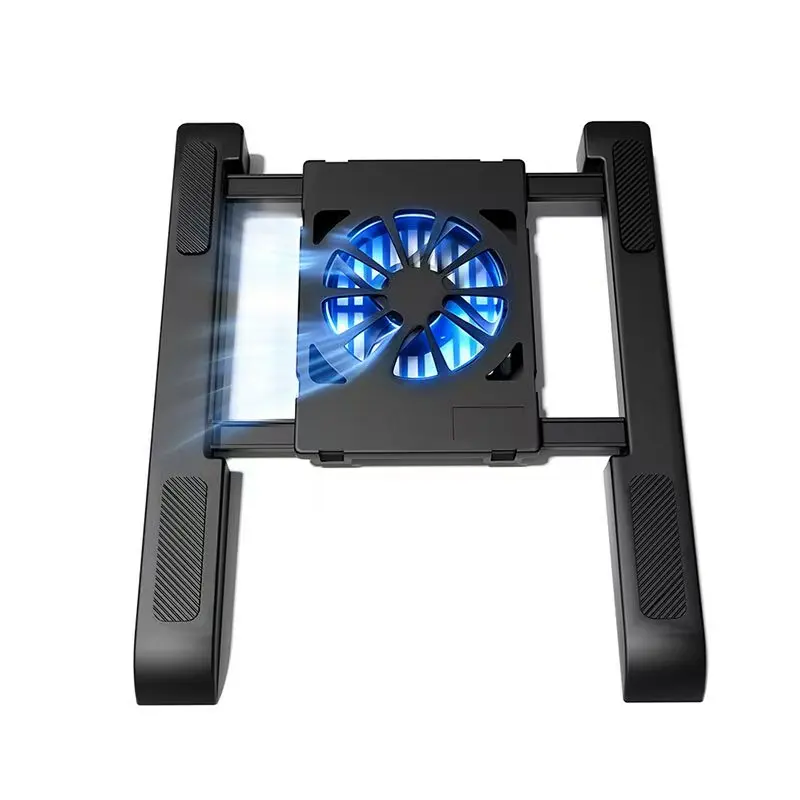
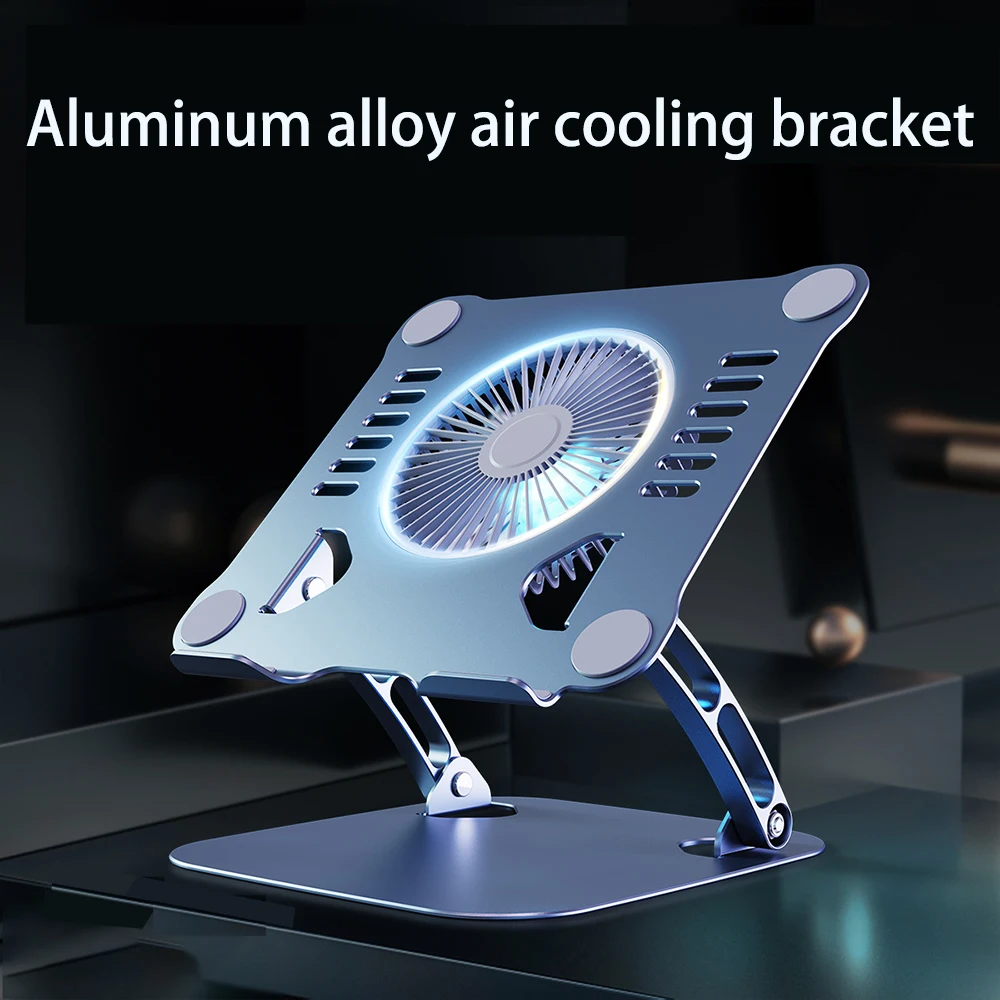
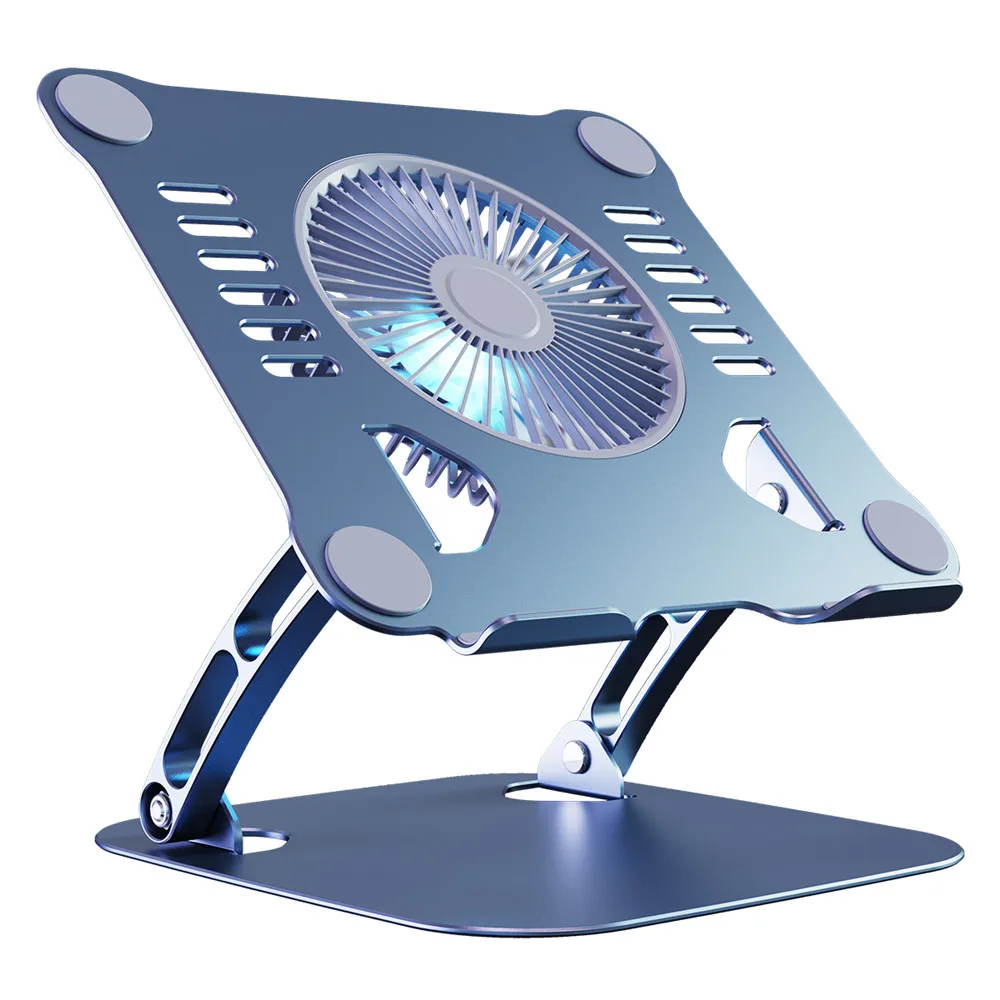
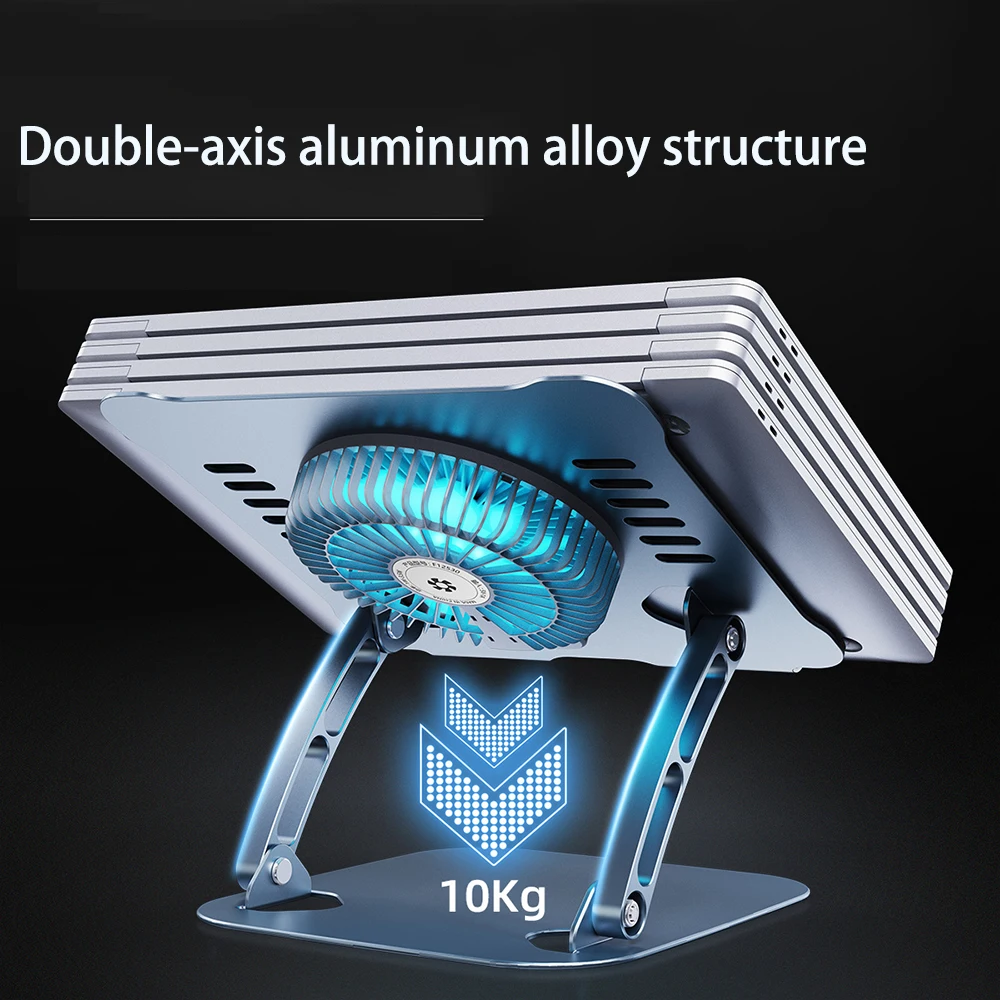
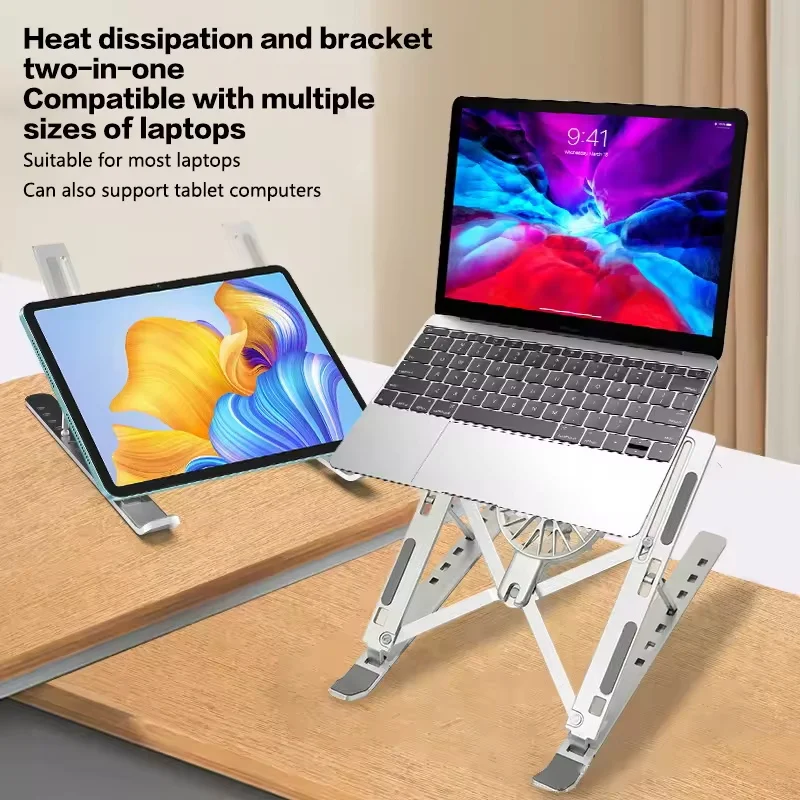
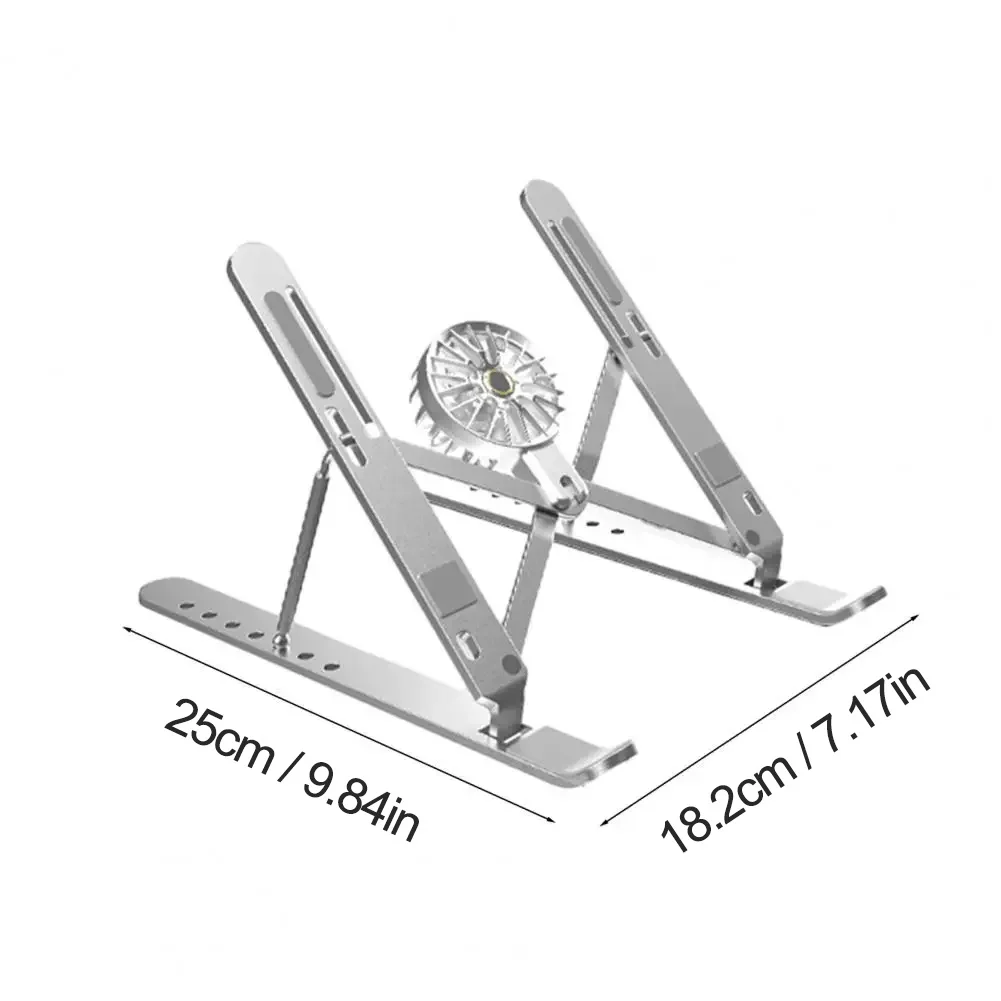
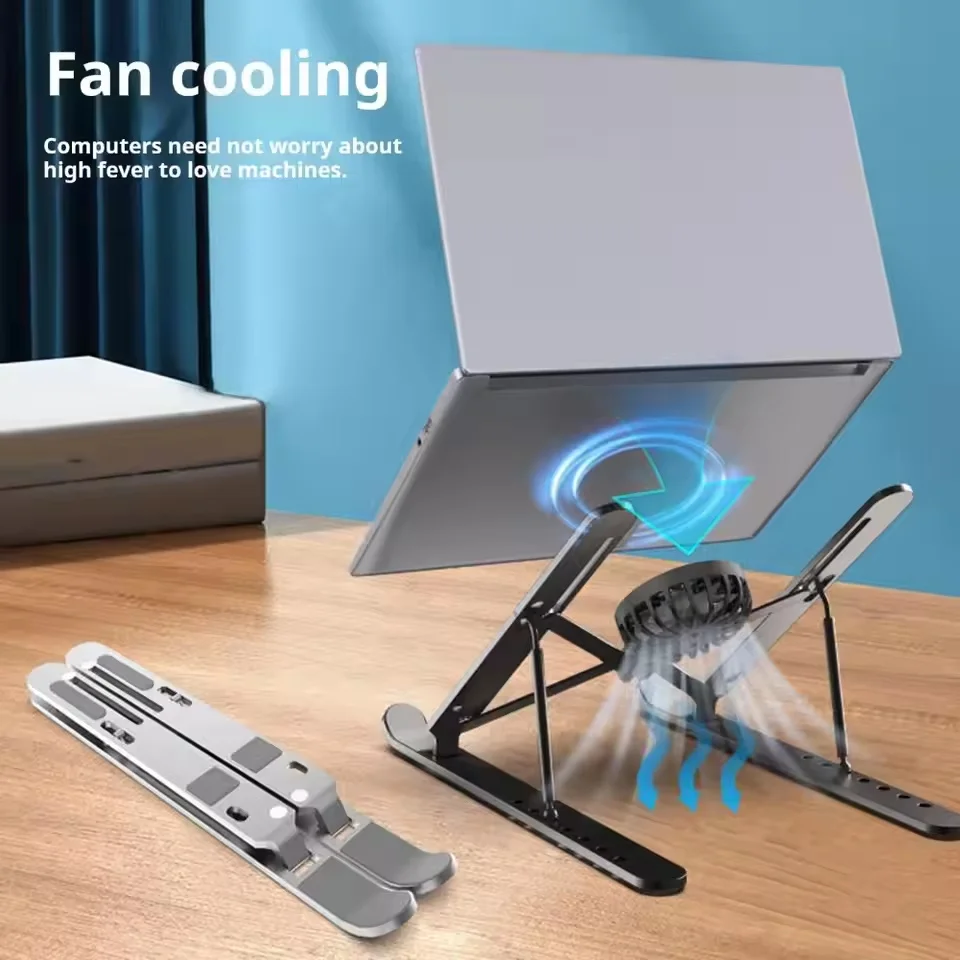
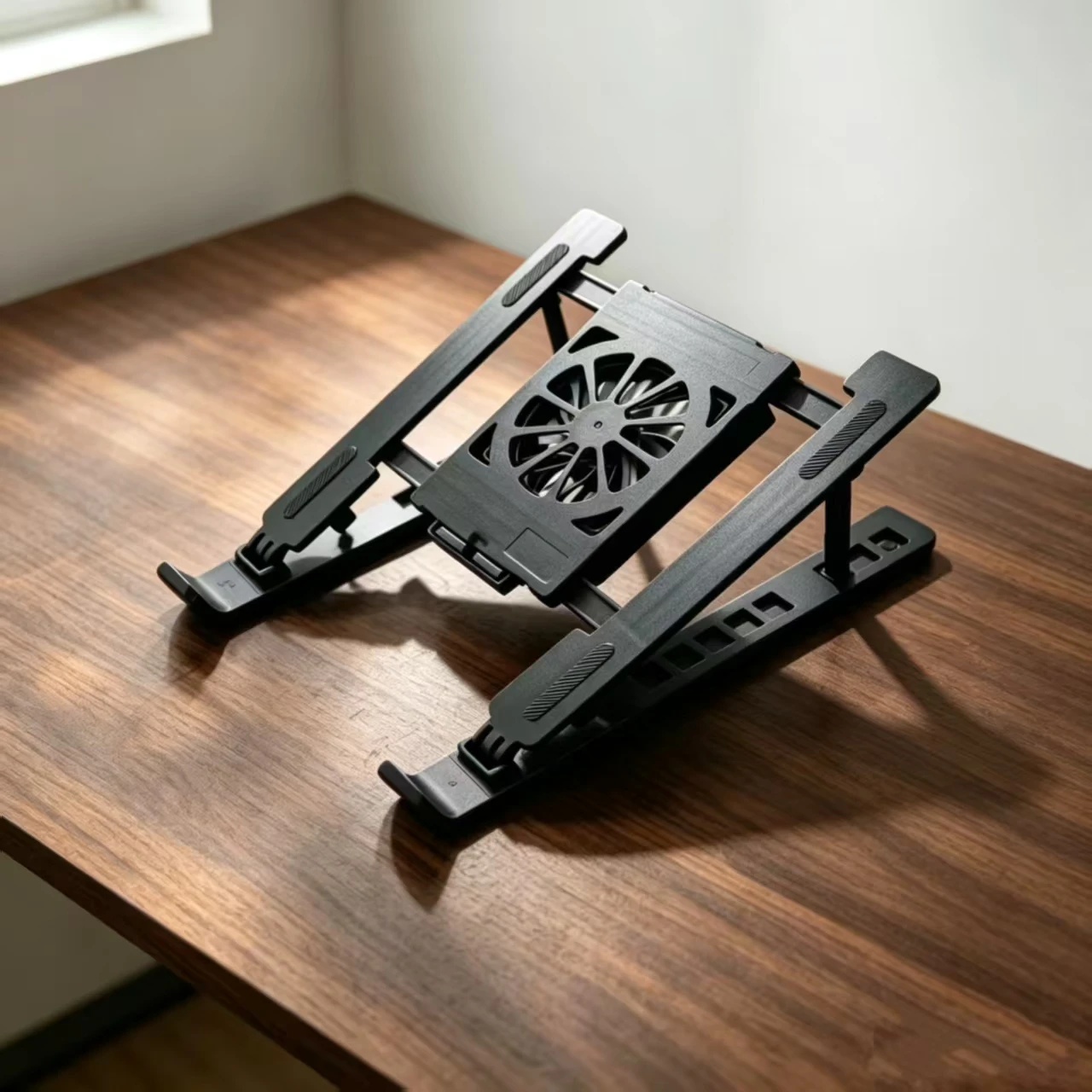
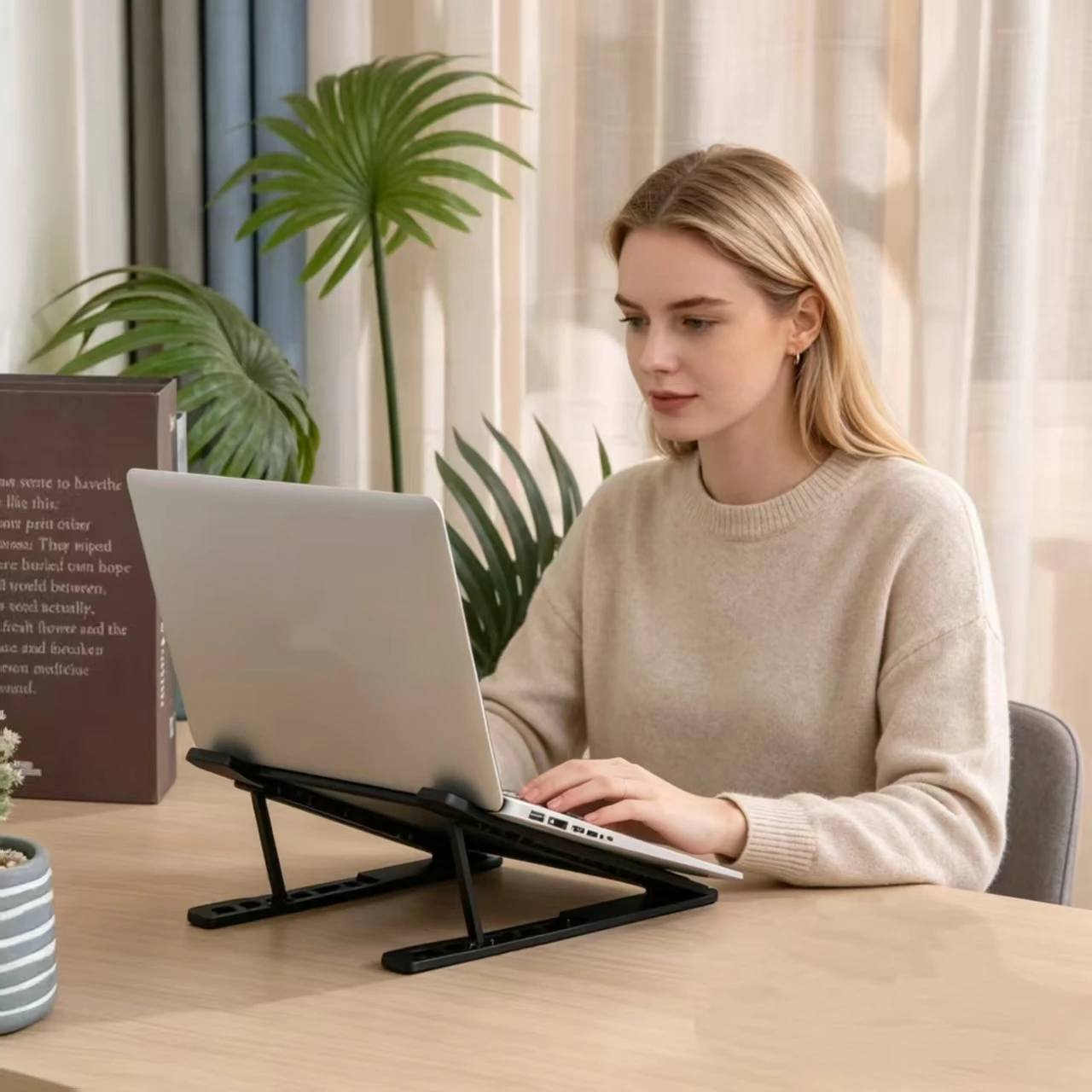
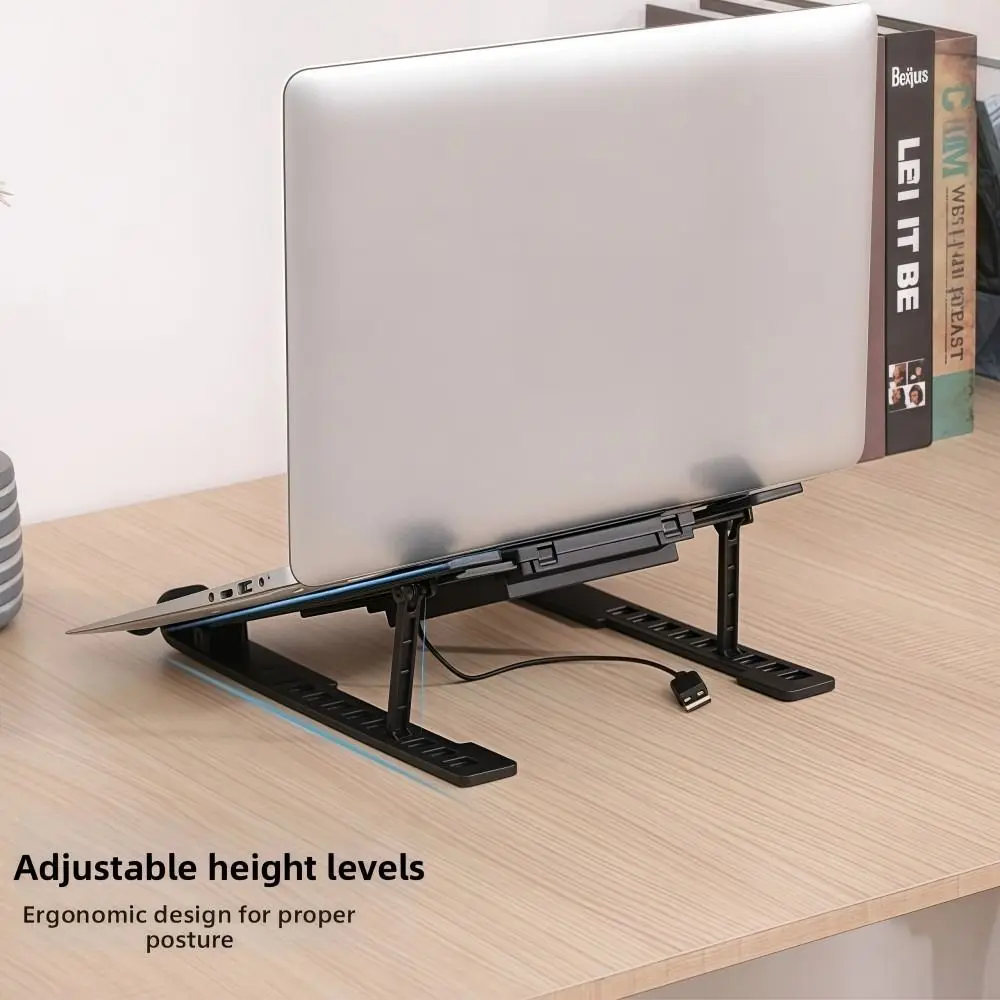
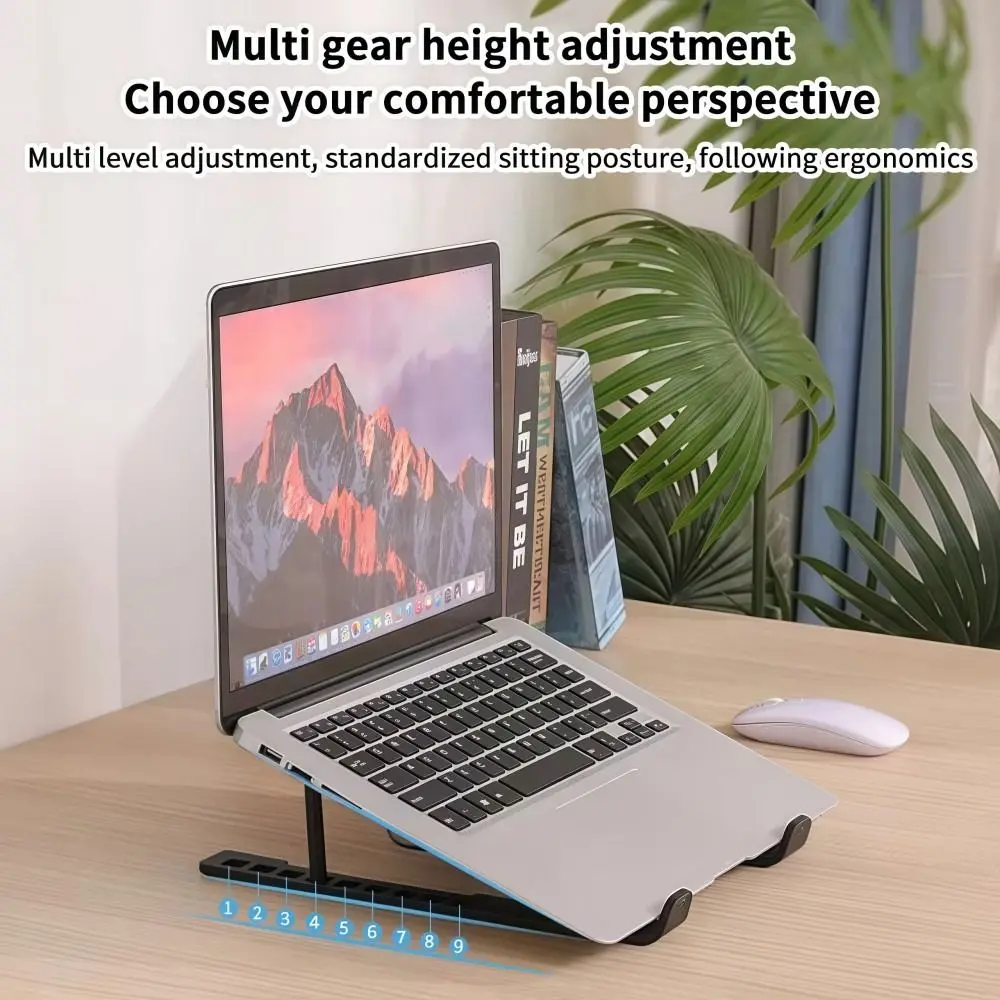
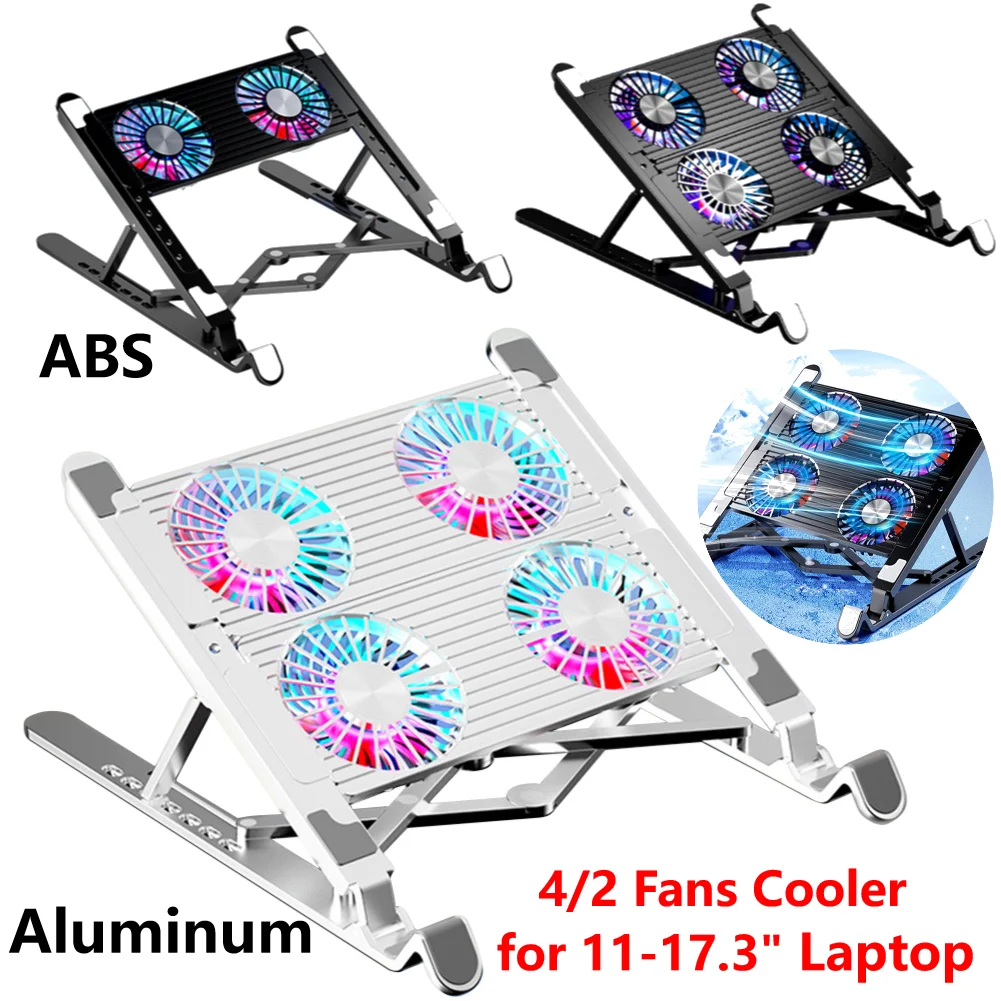
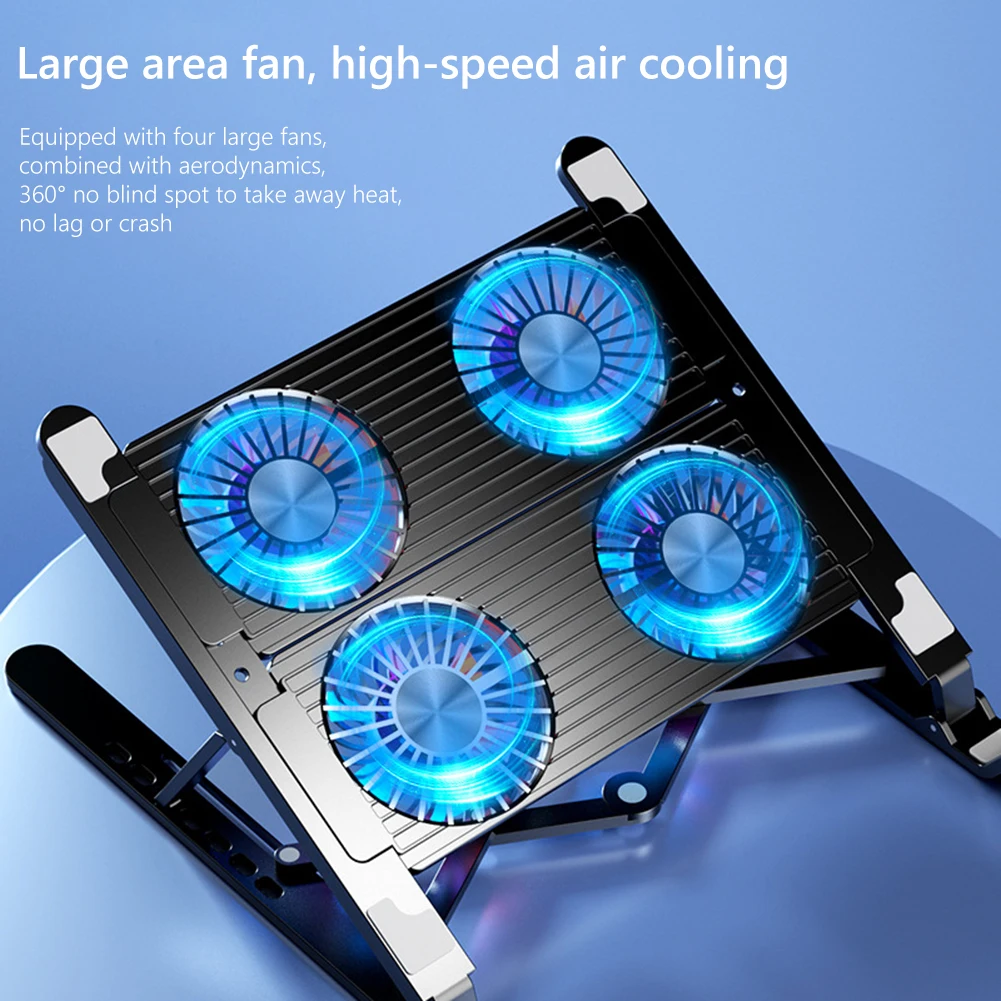
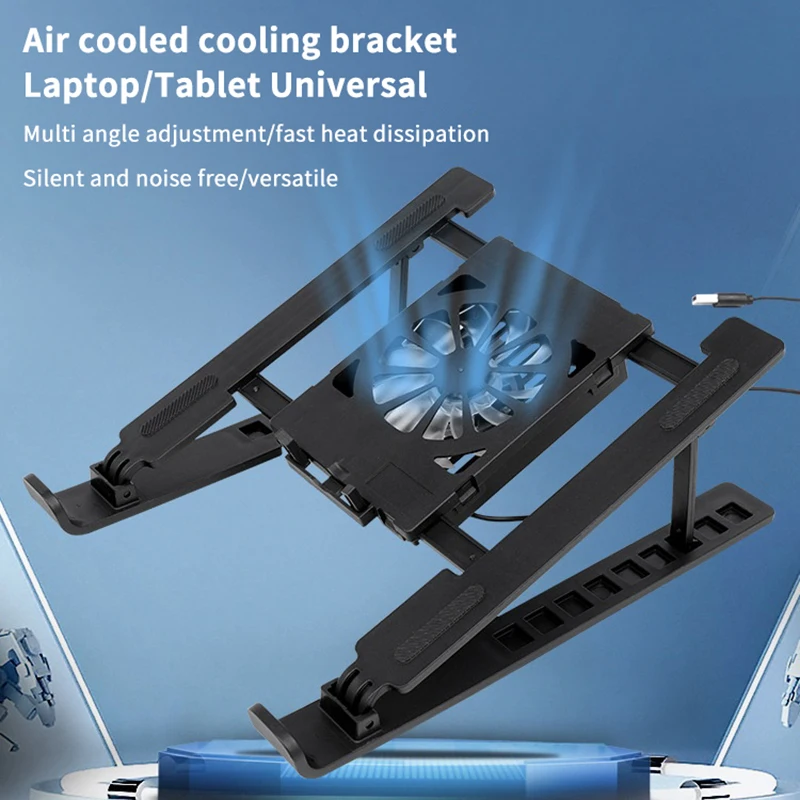
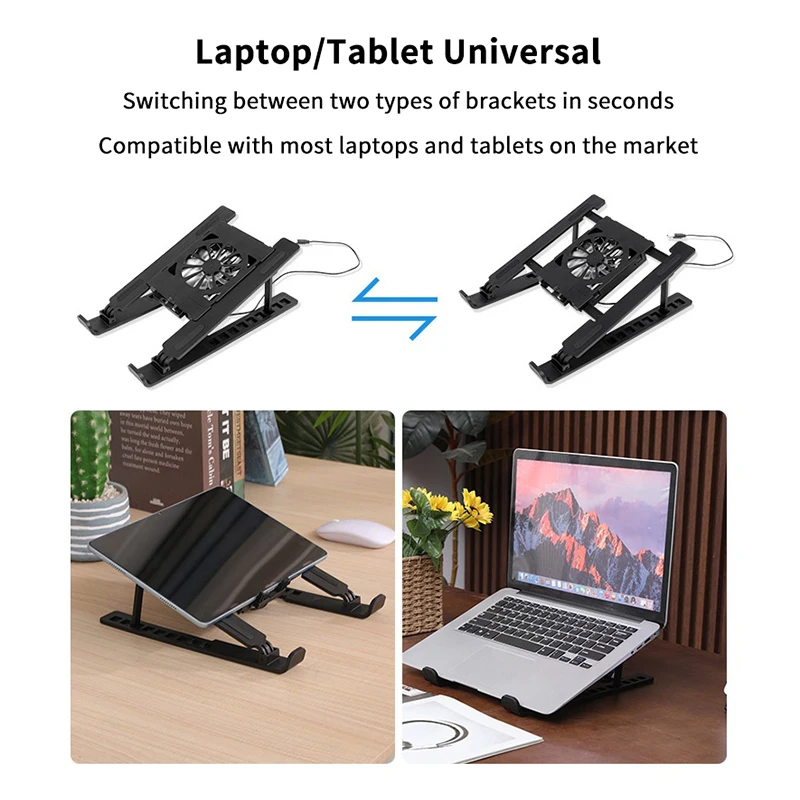
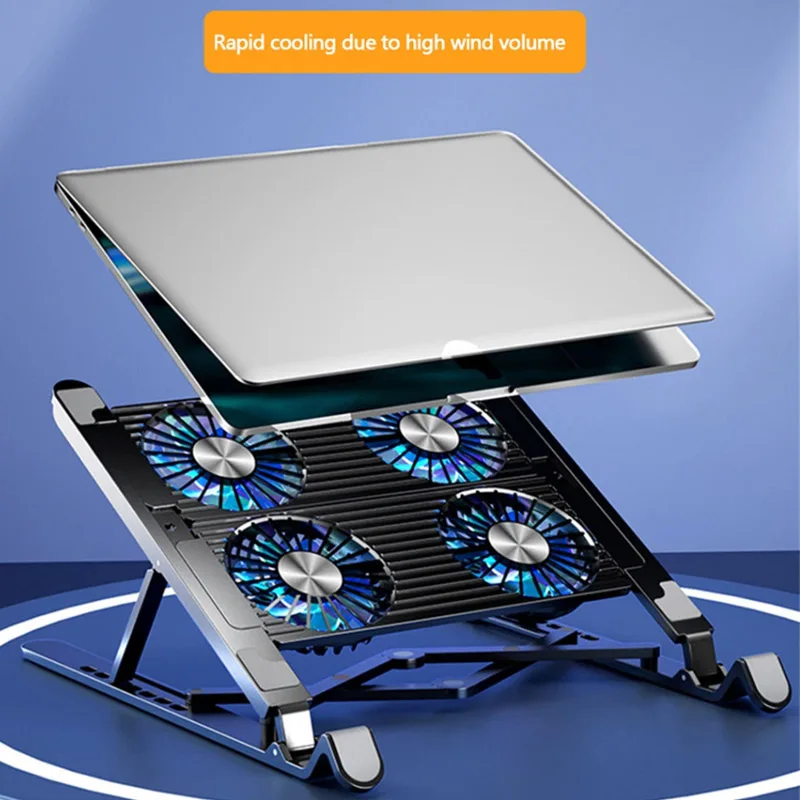
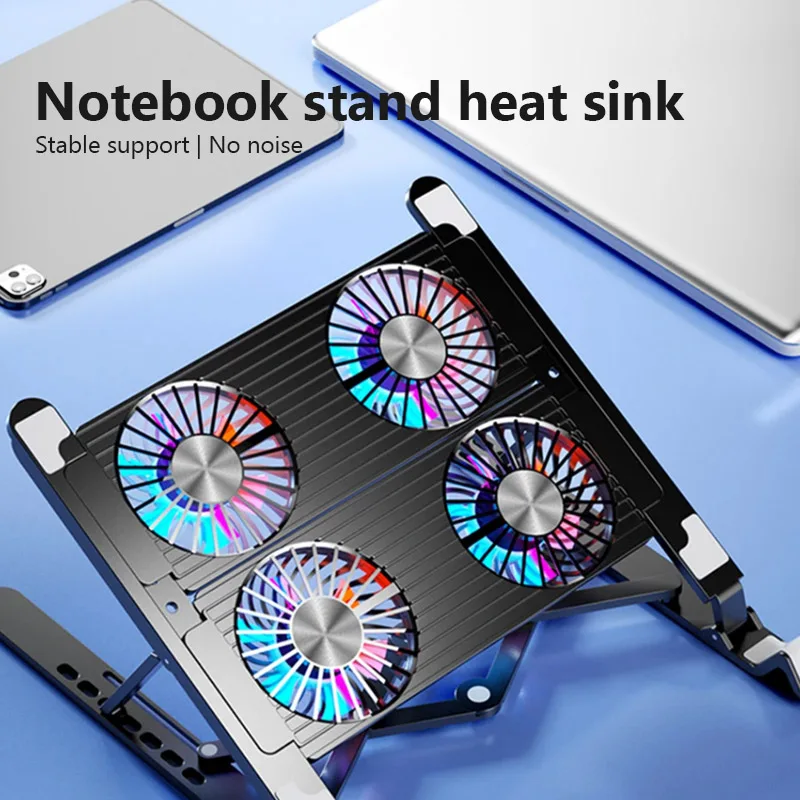
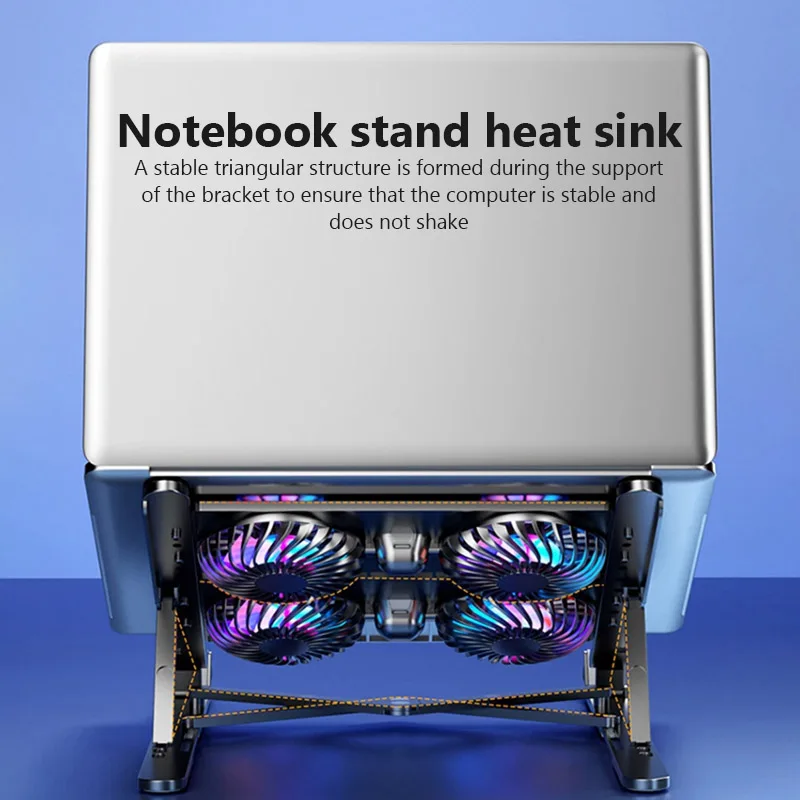
- Cooling stands with fans are laptop stands with fans built in: they raise the screen and cool the base at once.
Who gets the most from a cooler
Coolers help most where the laptop's own cooling is struggling: on soft surfaces, in a warm room, and under long, heavy work such as games, video editing and exporting. Laptops built for games usually have larger vents for that reason, and the gaming department has the mice, keyboards and headsets to go with them.
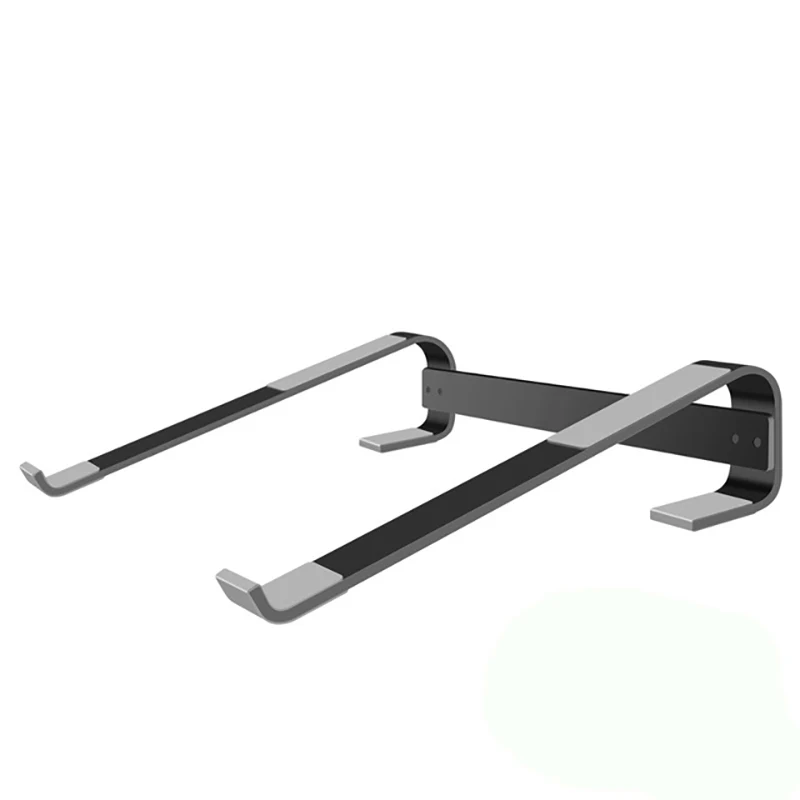
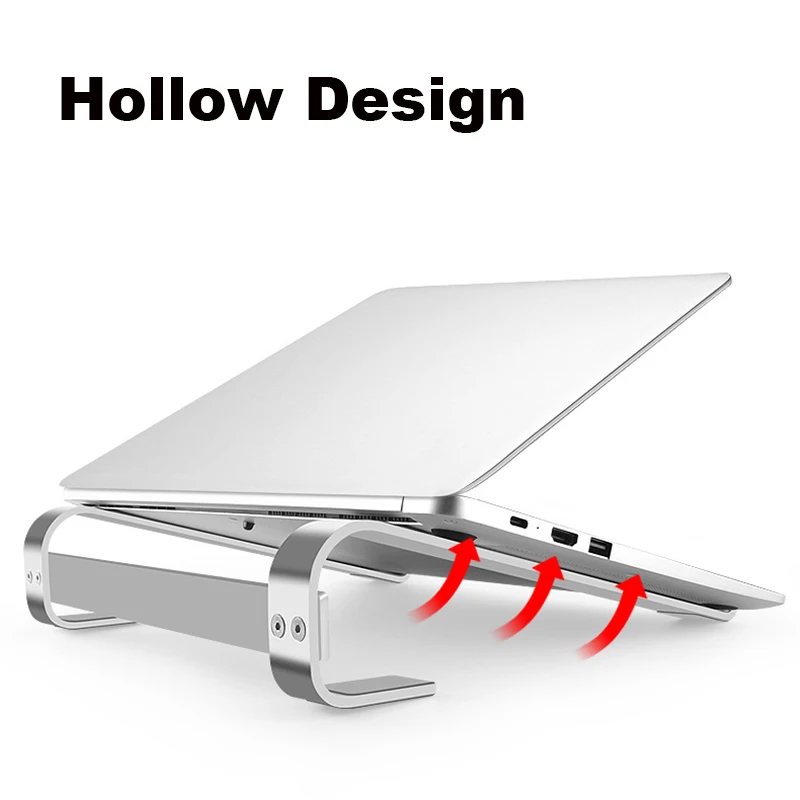
A cooler does much less for a fanless laptop. Apple describes the MacBook Air with Apple silicon as having a silent, fanless design, so there is no intake for a pad's fans to feed. A plain foldable stand that leaves the base open is often all such a laptop needs.
Before you buy
Turn the laptop over and find the vents. Move it onto a hard, flat surface. Clean the vents with the laptop switched off: an electric air duster does it without cans. Close programs you are not using. If it still runs hot under the work you need it for, a cooler is the next step. The guide to keeping a laptop cool goes through it in order.
Questions people ask about laptop coolers
How are coolers powered?
Most take their power from a USB port on the laptop. Many have a USB-A plug, so a laptop with only USB-C sockets needs a USB-C to USB-A adapter.
Can a cooler fix a laptop that keeps shutting down?
Not if a fan has failed or the vents are packed with dust. A fan that grinds or scrapes is a repair for the laptop maker or a repairer.
How long does delivery take?
Delivery is included in every price and tracked to your door. Each product page says when it usually arrives.
More to look at