Skip to the content

Delivery included in every priceTracked to your doorUK plugs on every charger

2.5-inch Drive Cases

Cases for 2.5-inch SATA drives.

Shop 2.5-inch Drive Cases

12 products

1 of 32 of 33 of 3

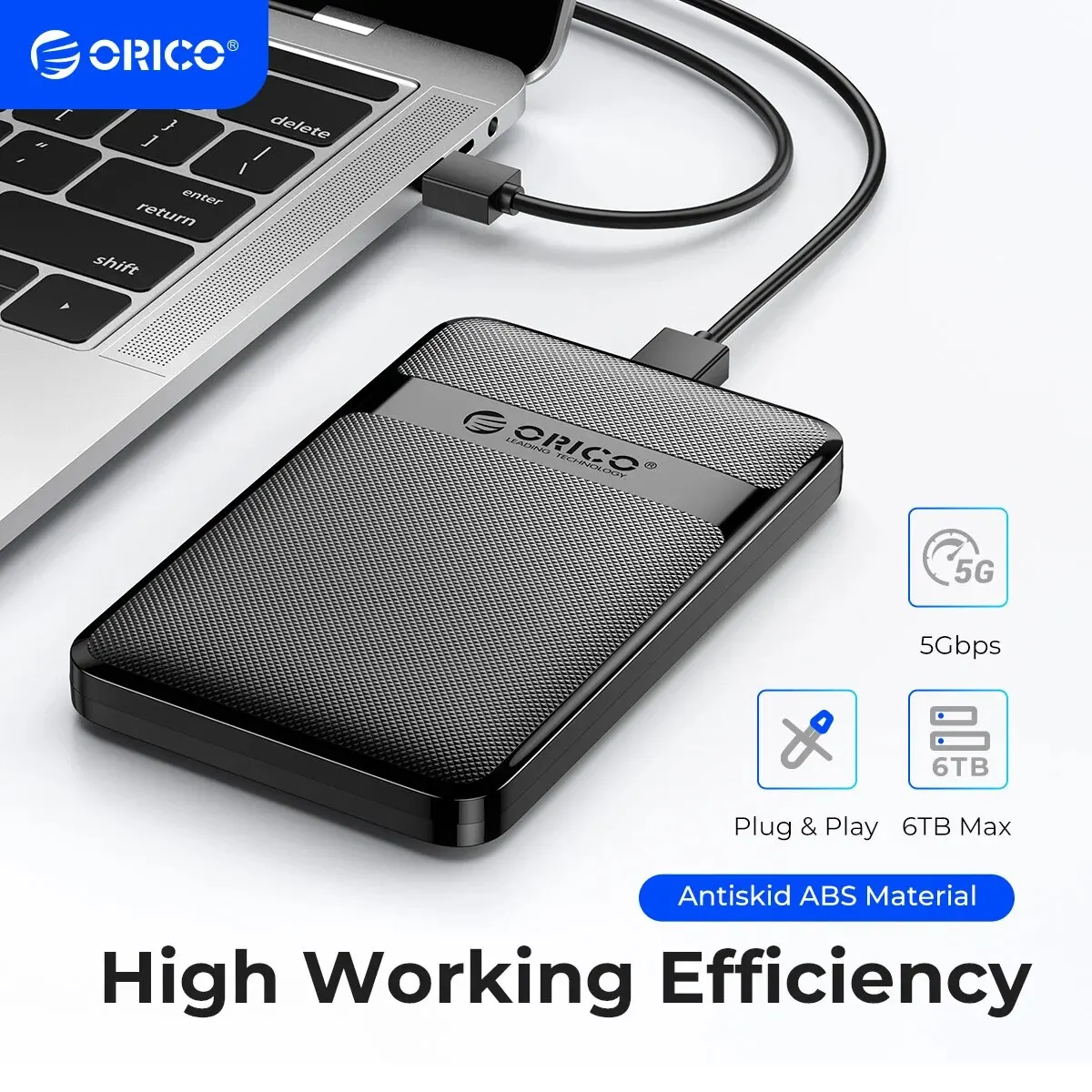
ORICO 2.5" External Hard Drive Enclosure - USB 3.0 to SATA III, Tool-Free

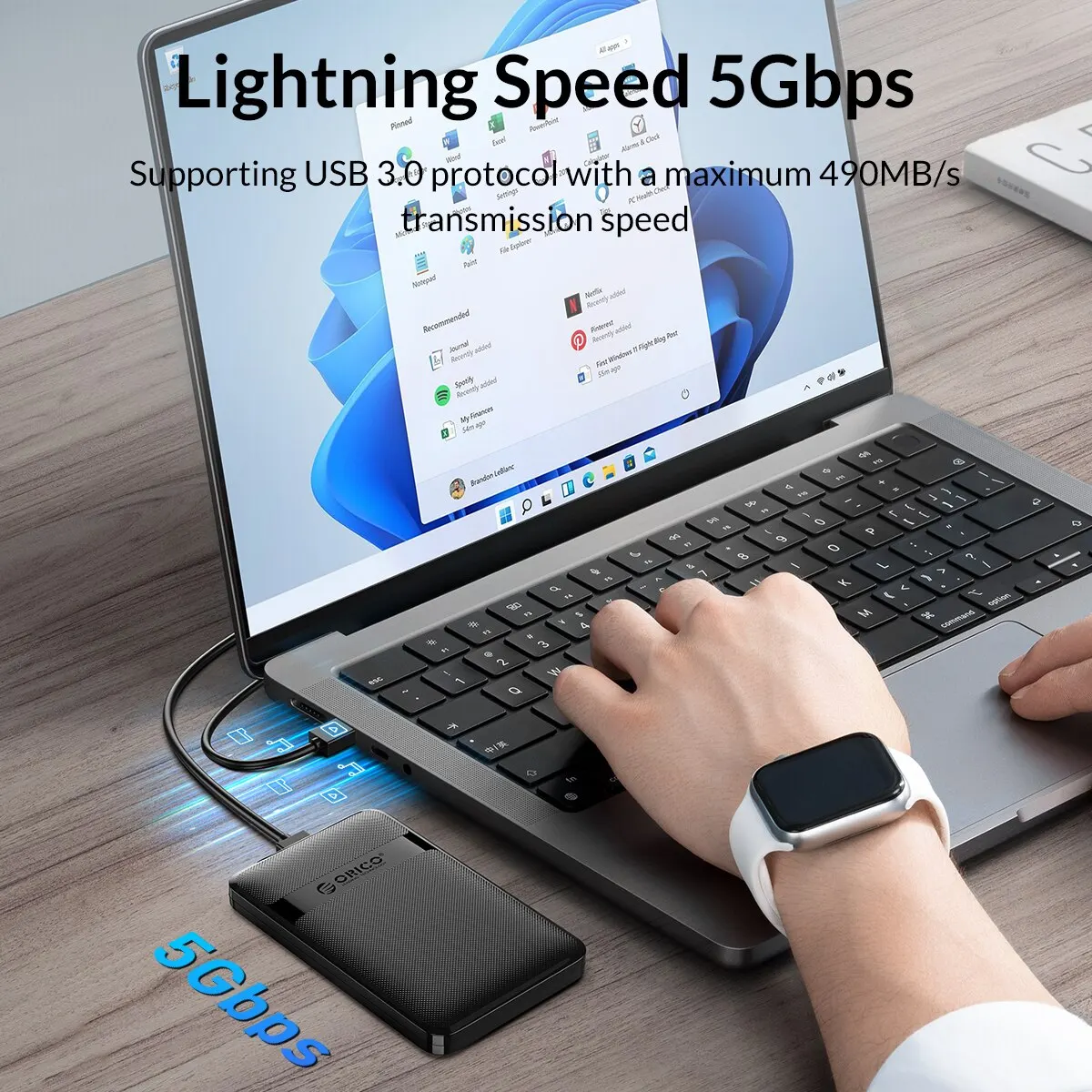
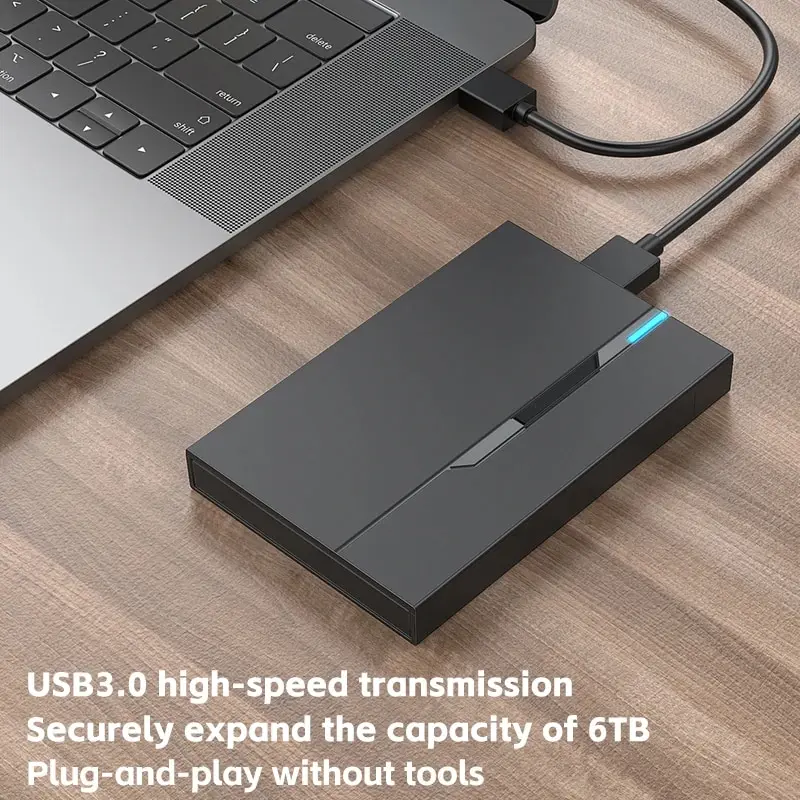
Tool-free 2.5-inch SATA HDD/SSD enclosure with USB 3.0 connection, supporting drives up to 6TB.

£15.99
1 of 32 of 33 of 3

USB 3.0 2.5 Inch SATA HDD/SSD Enclosure, Tool-Free External Case

Tool-free USB 3.0 enclosure for 2.5 inch SATA hard drives and SSDs up to 2TB.

£10.99
1 of 32 of 33 of 3

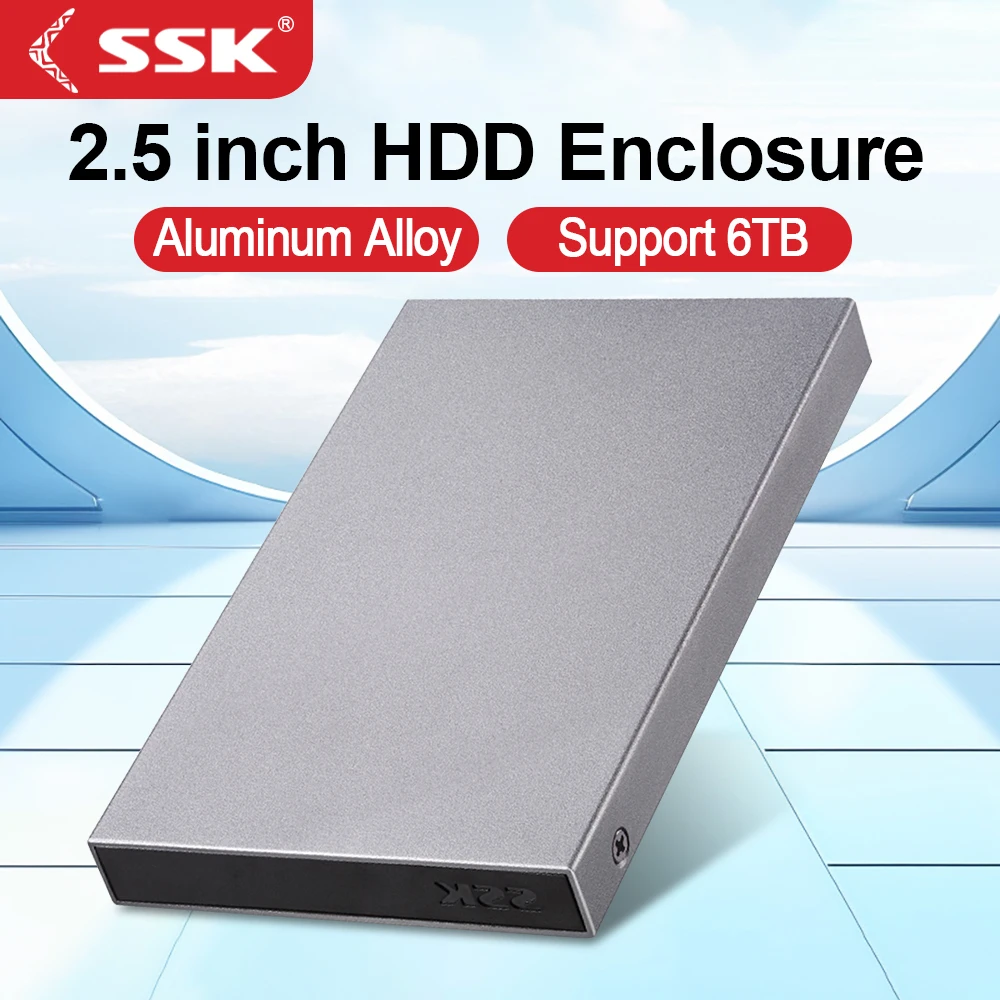
SSK Aluminium 2.5 Inch USB-C Hard Drive Enclosure for SATA HDD/SSD

Aluminium 2.5 inch USB-C enclosure for SATA HDD/SSD with UASP support and 6Gbps transfer speed.

From £24.99Choose
1 of 32 of 33 of 3

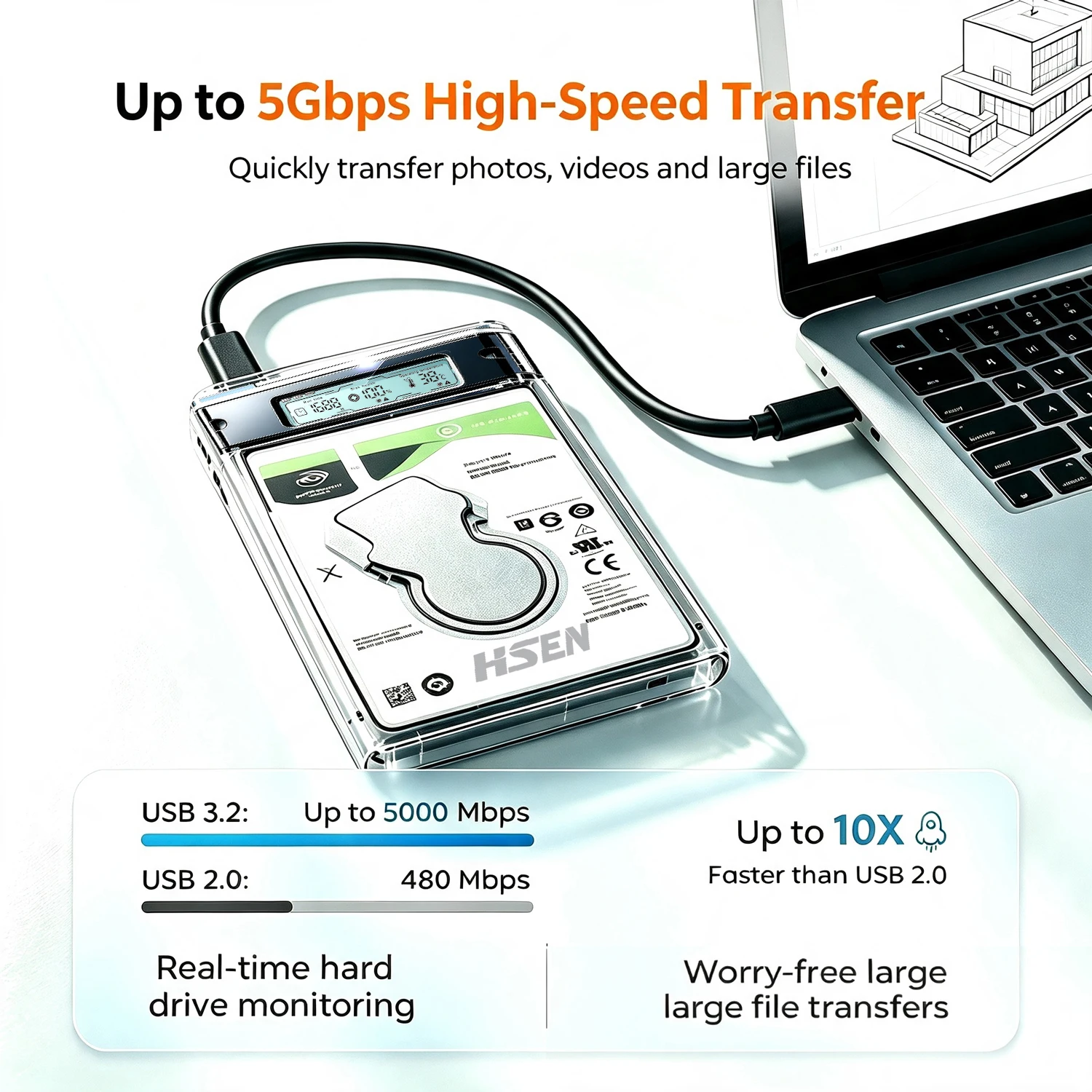
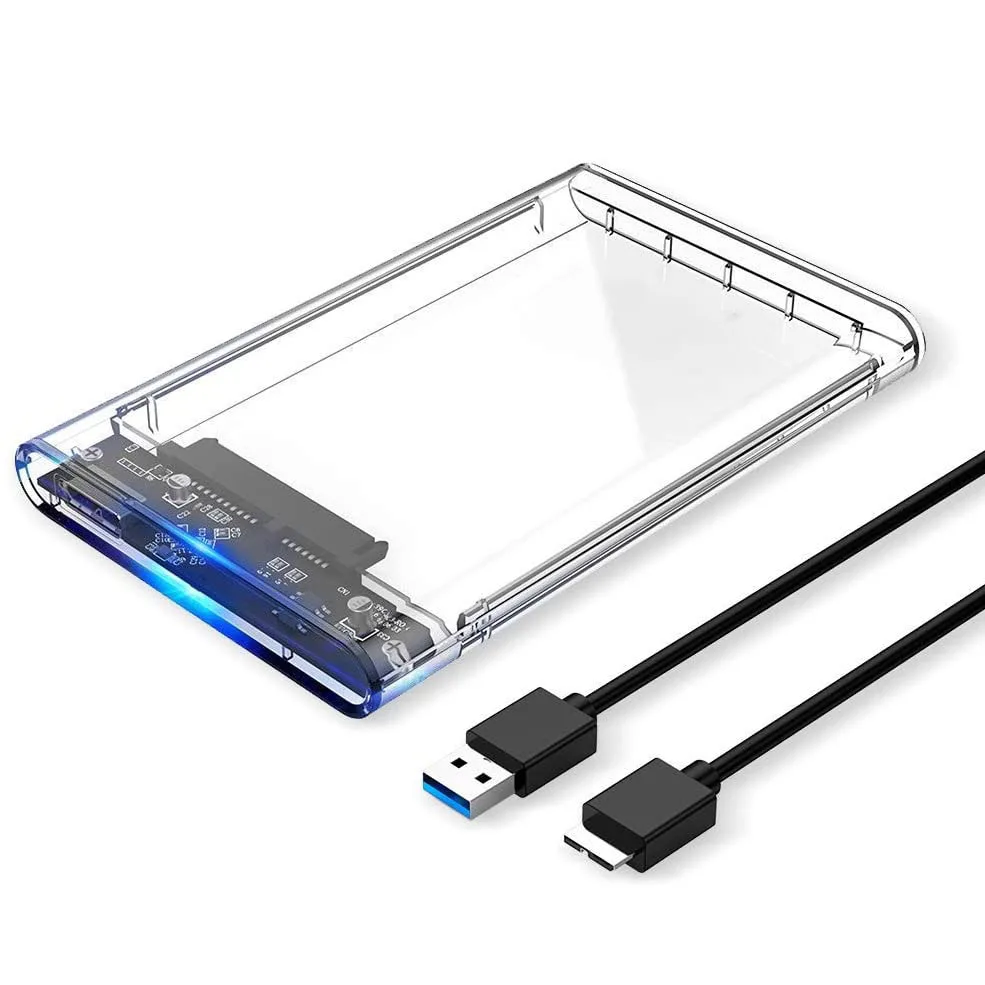
Transparent 2.5" SATA SSD/HDD Enclosure with Smart Health Display - USB 3.0

Transparent USB 3.0 enclosure for 2.5" SATA SSDs/HDDs up to 8TB, with optional real-time health display and tool-free installation.

From £10.99
1 of 32 of 33 of 3

2.5 Inch USB 3.0/3.1 SATA HDD/SSD Enclosure - Supports up to 15mm Drives

Tool-free USB 3.0/3.1 enclosure for 2.5 inch SATA HDDs and SSDs up to 6TB, in 7mm to 15mm thicknesses.

£13.99
1 of 32 of 33 of 3

USB 3.0 Tool-Free 2.5 Inch SATA Hard Drive Enclosure, Clear

Tool-free USB 3.0 enclosure for 2.5 inch SATA SSDs and HDDs up to 2TB, with UASP support and a clear case.

£12.99
1 of 32 of 33 of 3

ORICO 2.5 Inch SATA to USB3.0/Type-C HDD Enclosure

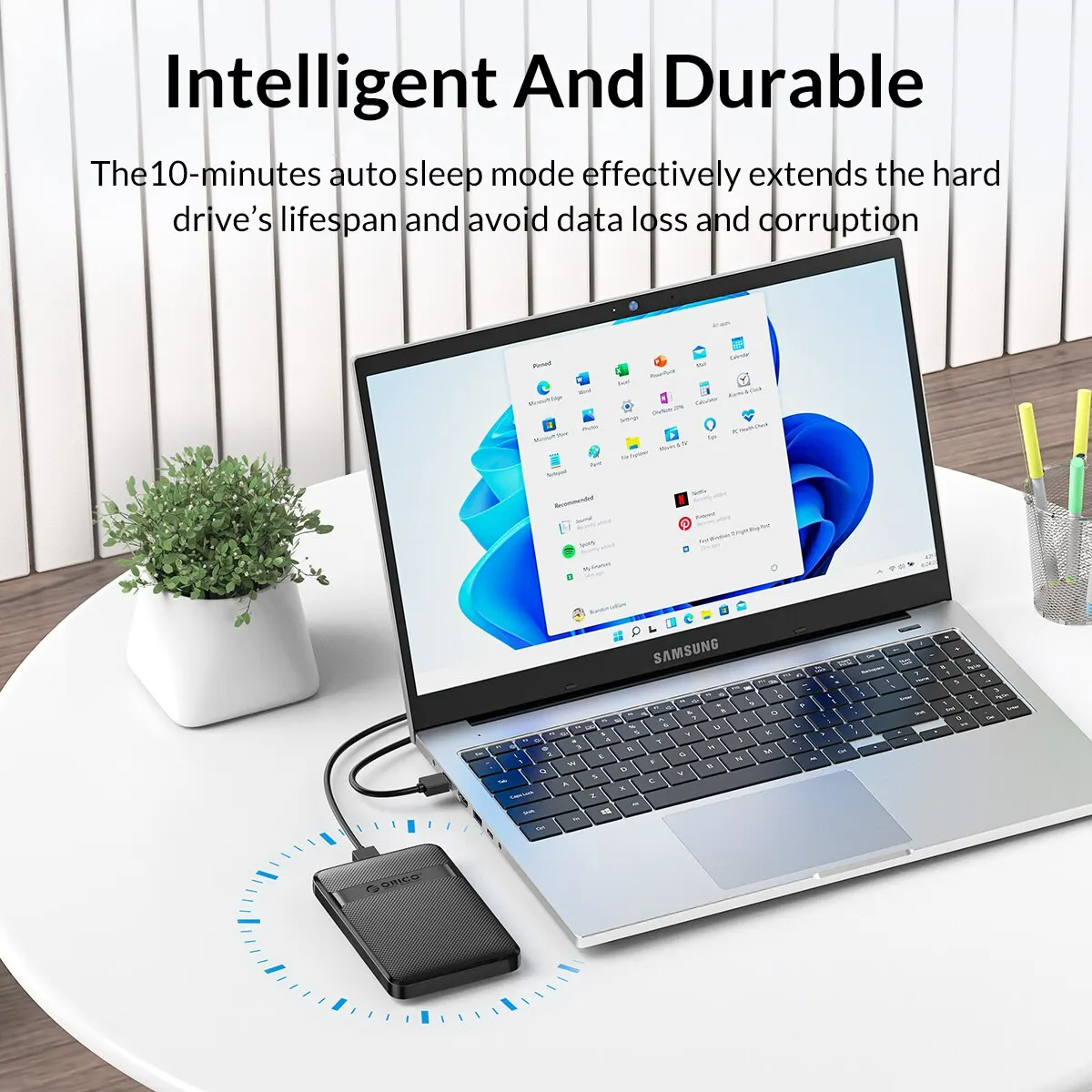
ORICO USB3.0/Type-C enclosure for 2.5 inch SATA hard drives, with auto-sleep and up to 6Gbps speed.

From £13.99
1 of 32 of 33 of 3

2.5" External Hard Drive Enclosure USB 3.0 Case for SATA SSD/HDD up to 6TB

Tool-free USB 3.0 enclosure for 2.5" SATA SSD/HDD up to 6TB, with anti-vibration cushioning and LED status indicator.

From £15.99
1 of 32 of 33 of 3

2.5 Inch SATA Hard Drive Enclosure, USB 3.0/Type C, Transparent, UASP Support

Transparent 2.5 inch enclosure that turns a SATA HDD or SSD into a fast external USB drive, with UASP support.

From £10.99
1 of 32 of 33 of 3

USB 3.0 2.5" SATA HDD/SSD External Enclosure Case

USB 3.0 enclosure for 2.5 inch SATA HDD/SSD drives, with plug-and-play setup and LED activity light.

£10.99
1 of 32 of 33 of 3

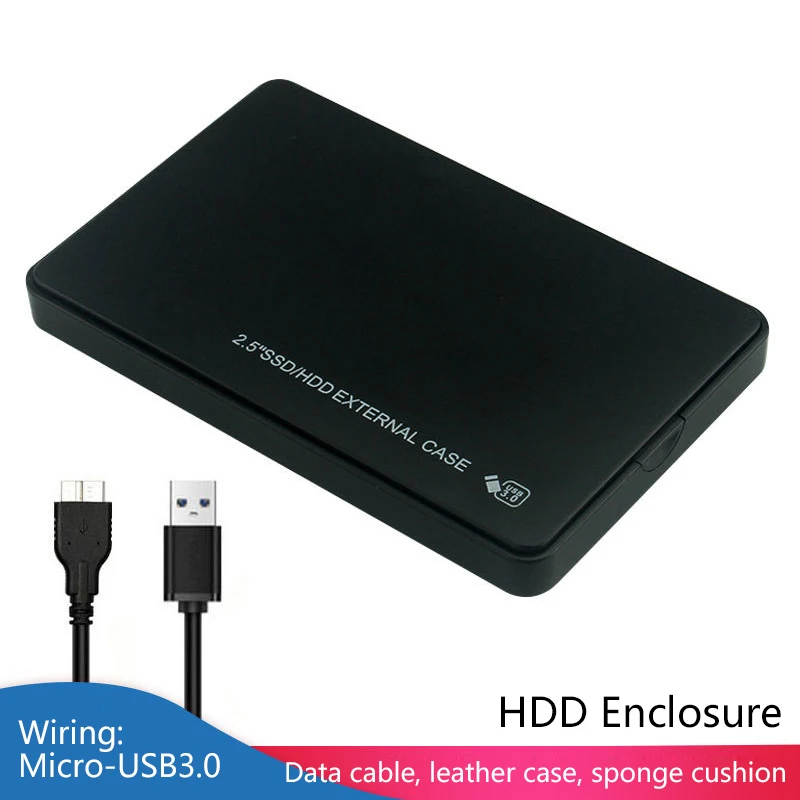
2.5" SATA to USB HDD Enclosure - External Hard Drive Case for SSD/HDD

Plastic 2.5" SATA to USB enclosure for turning an SSD or HDD into a portable external drive.

From £11.99

Rescue an old laptop drive

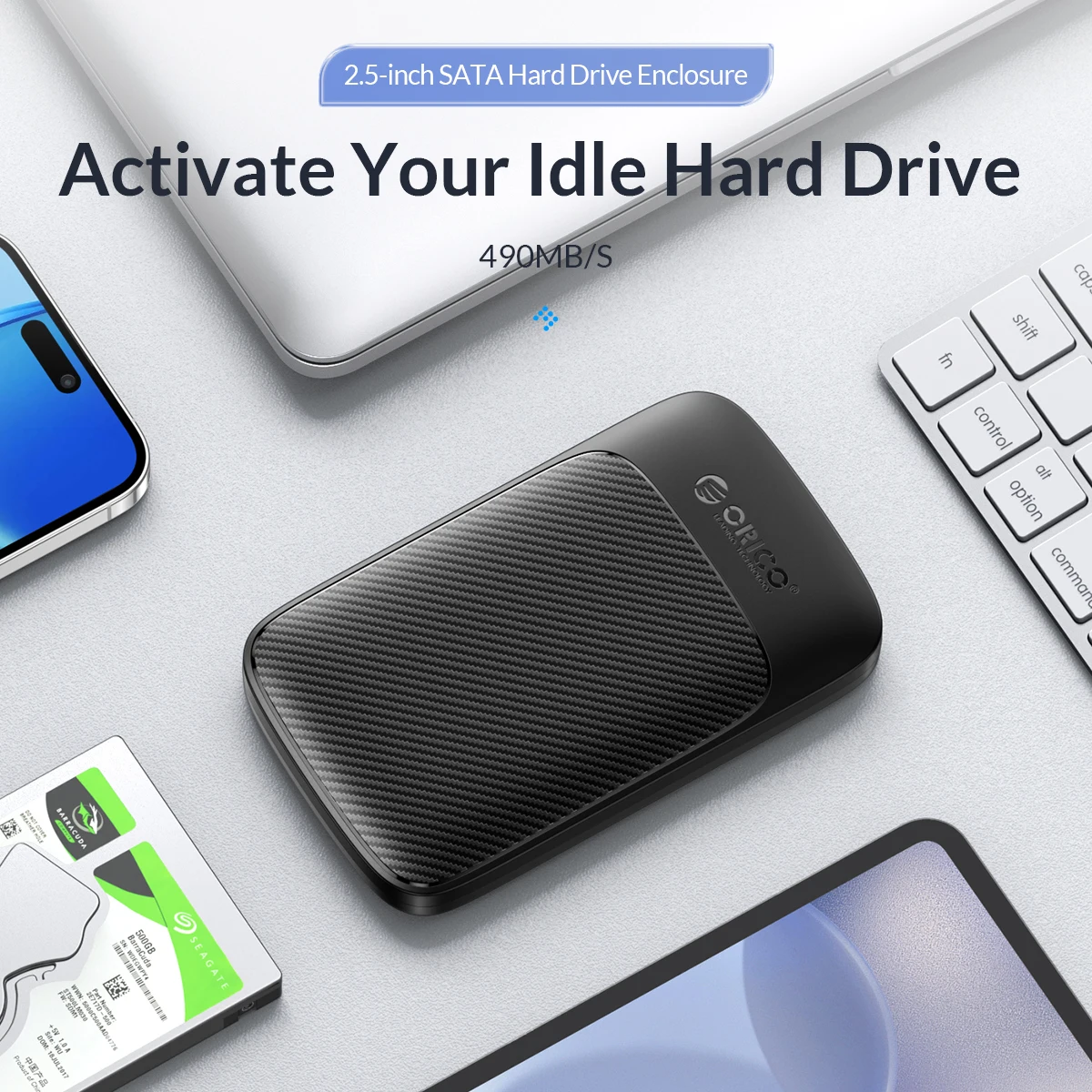
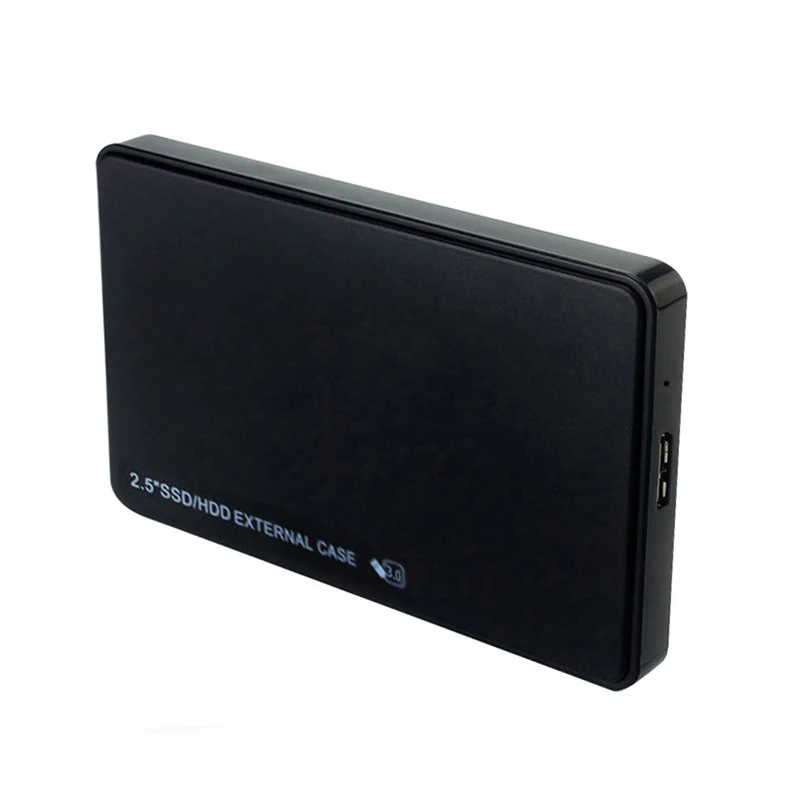
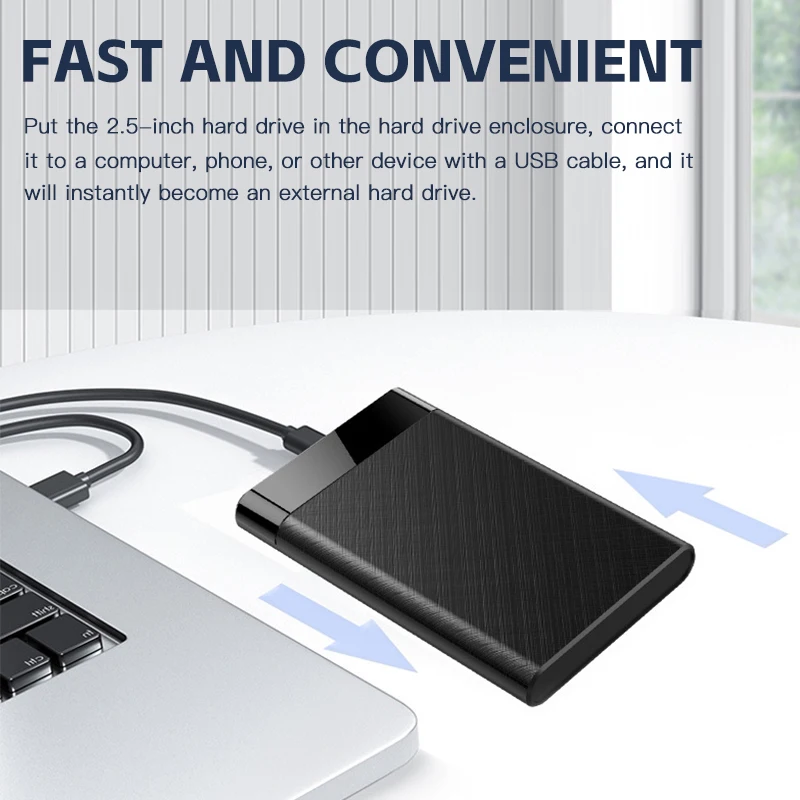
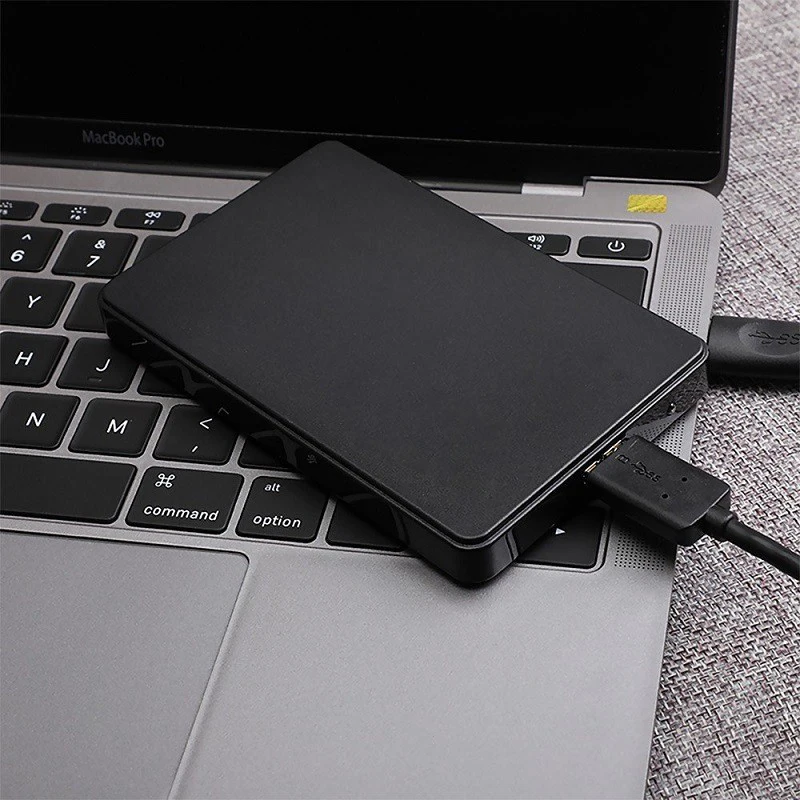
A 2.5-inch drive is the flat rectangular drive used in laptops for years, either a spinning hard drive or a SATA SSD of the same size. A drive case turns one into an external USB drive, which is how most people get the photos and files off an old laptop, or make a backup drive from a spare SSD. The cases here are sold empty and connect over USB 3.0, now labelled USB 5Gbps.

The kinds here

  • Tool-free cases that open with a clip or slide, the drive pushed in and done.
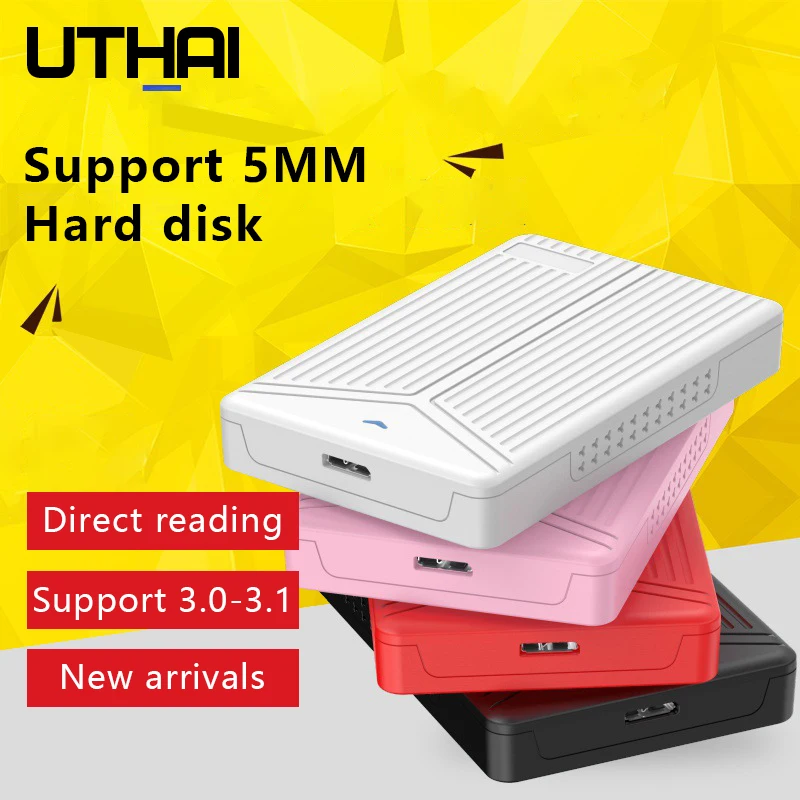
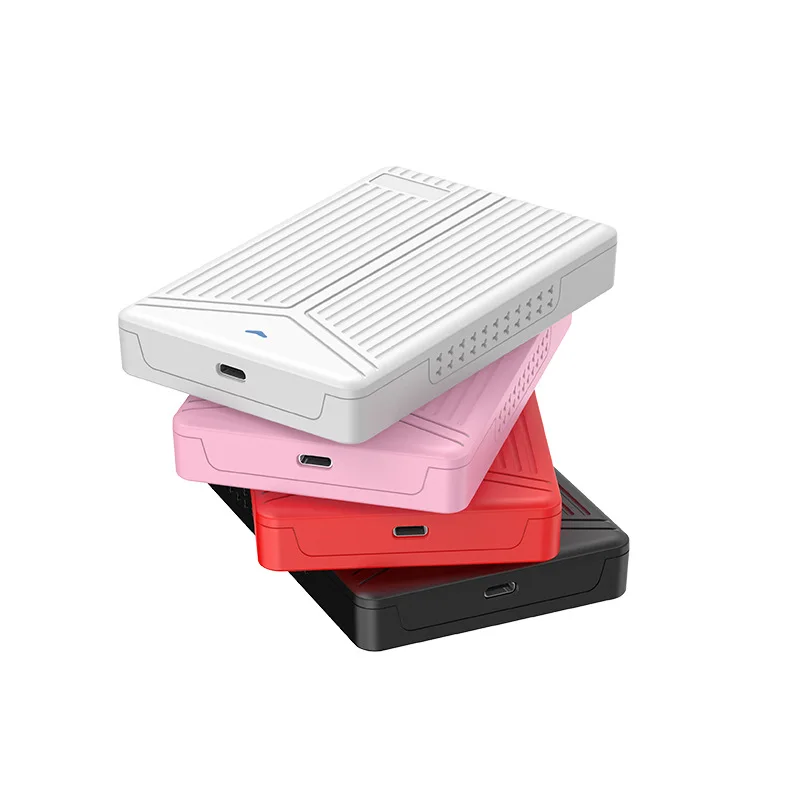
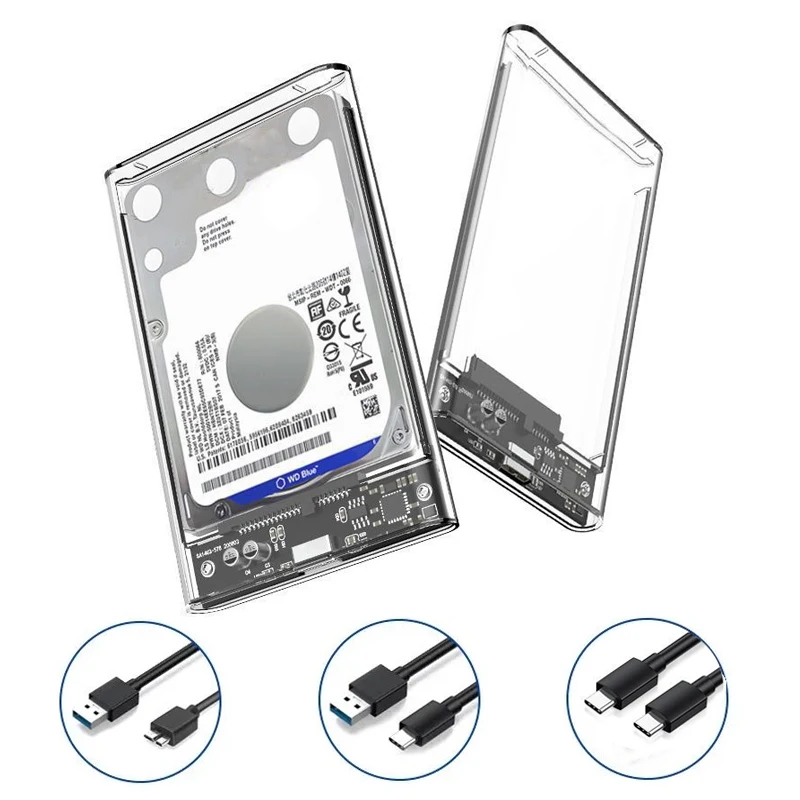
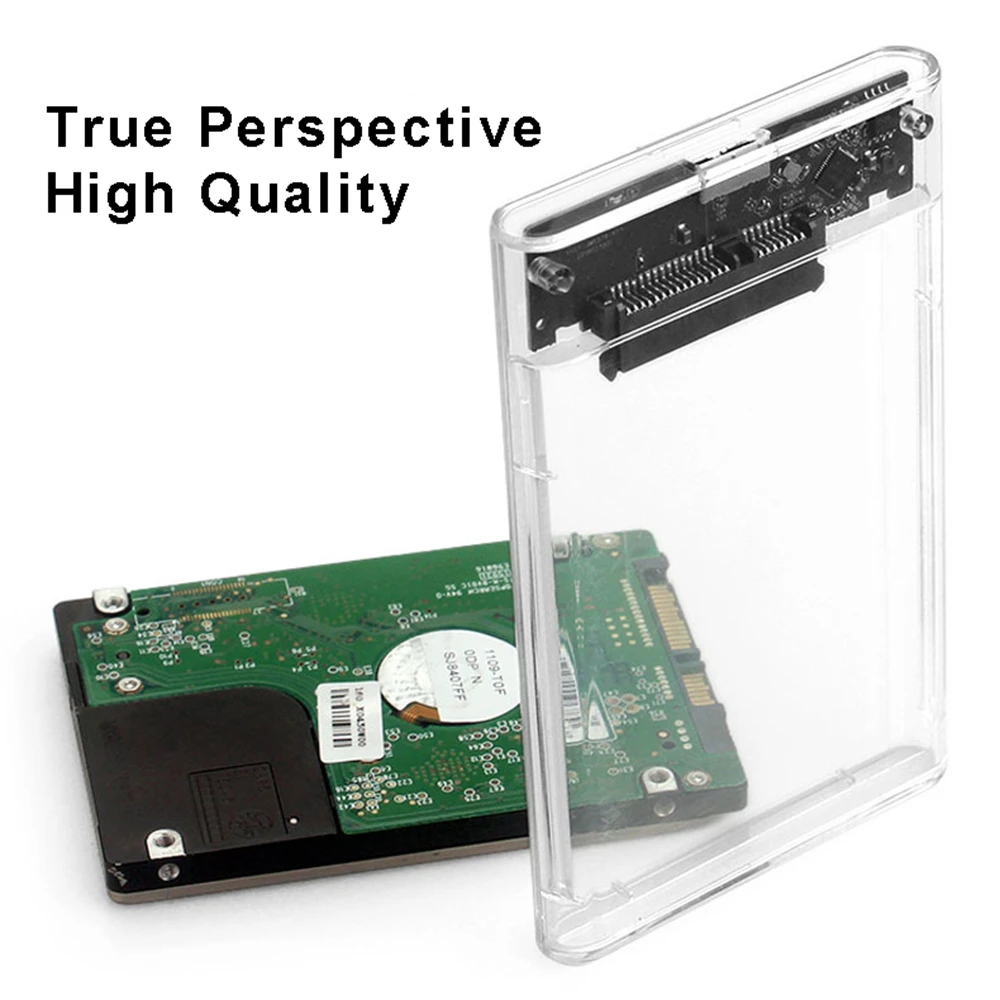
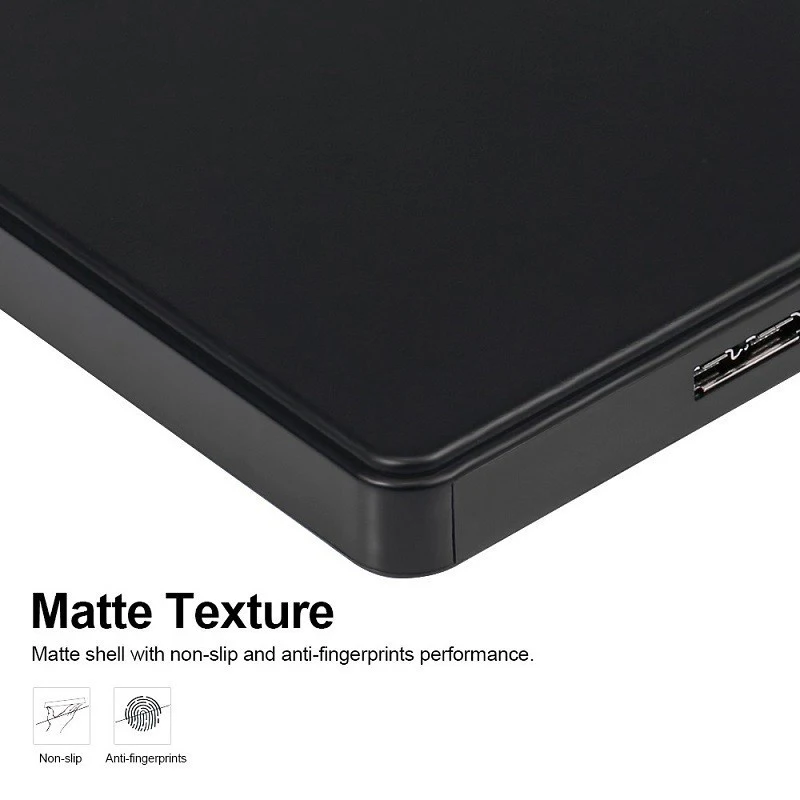
  • Clear cases that show the drive inside, and coloured plastic ones.
  • Aluminium cases, sturdier and better at shedding heat.
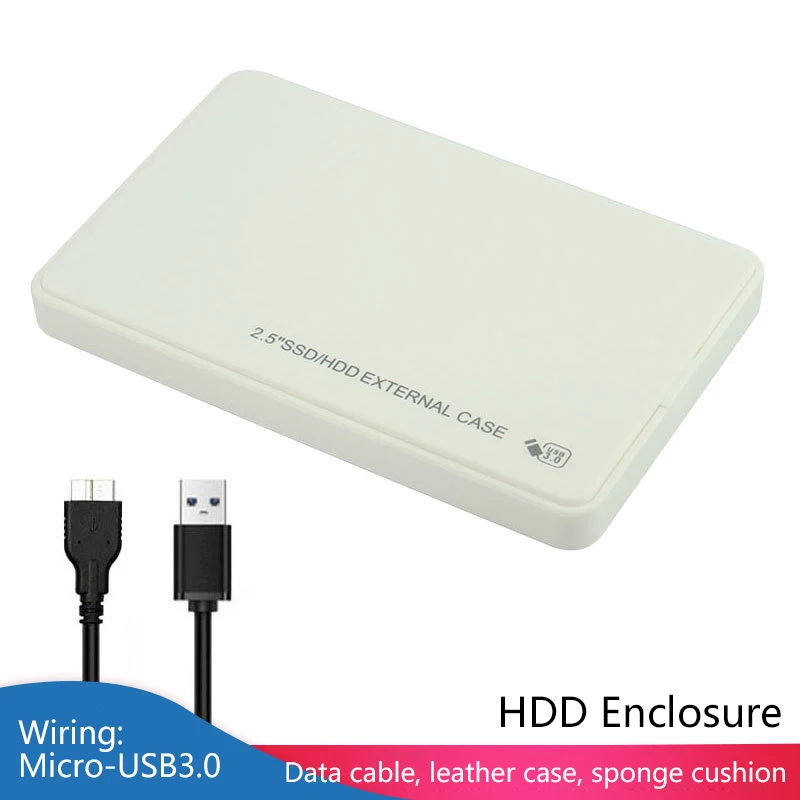
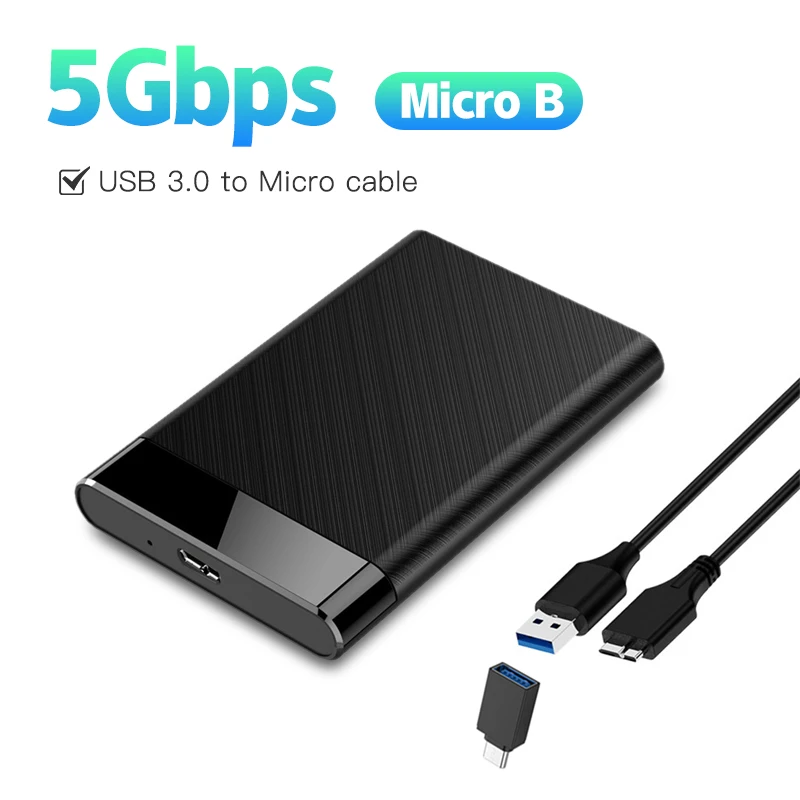
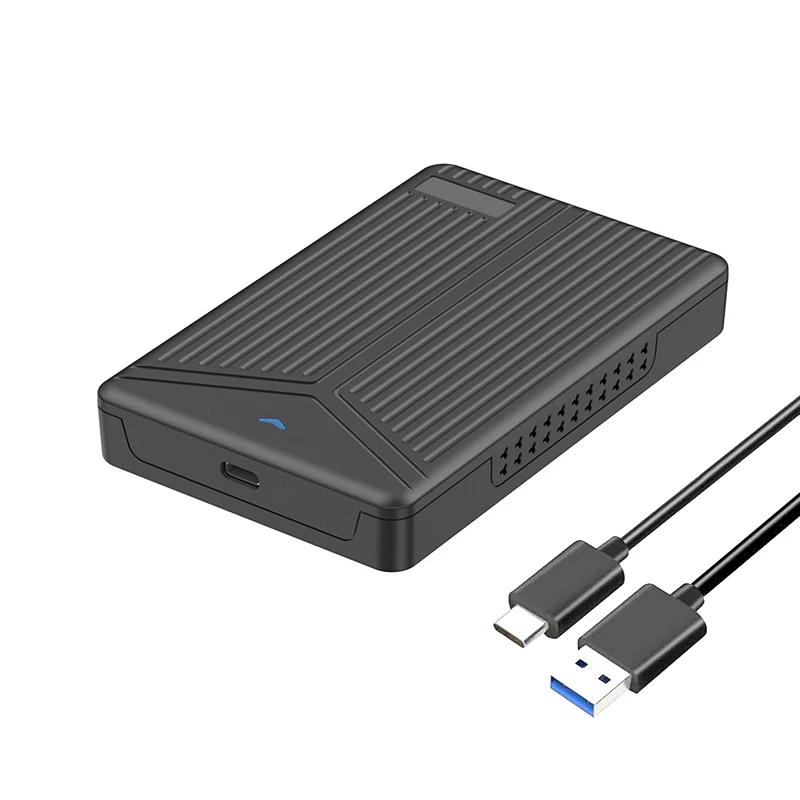
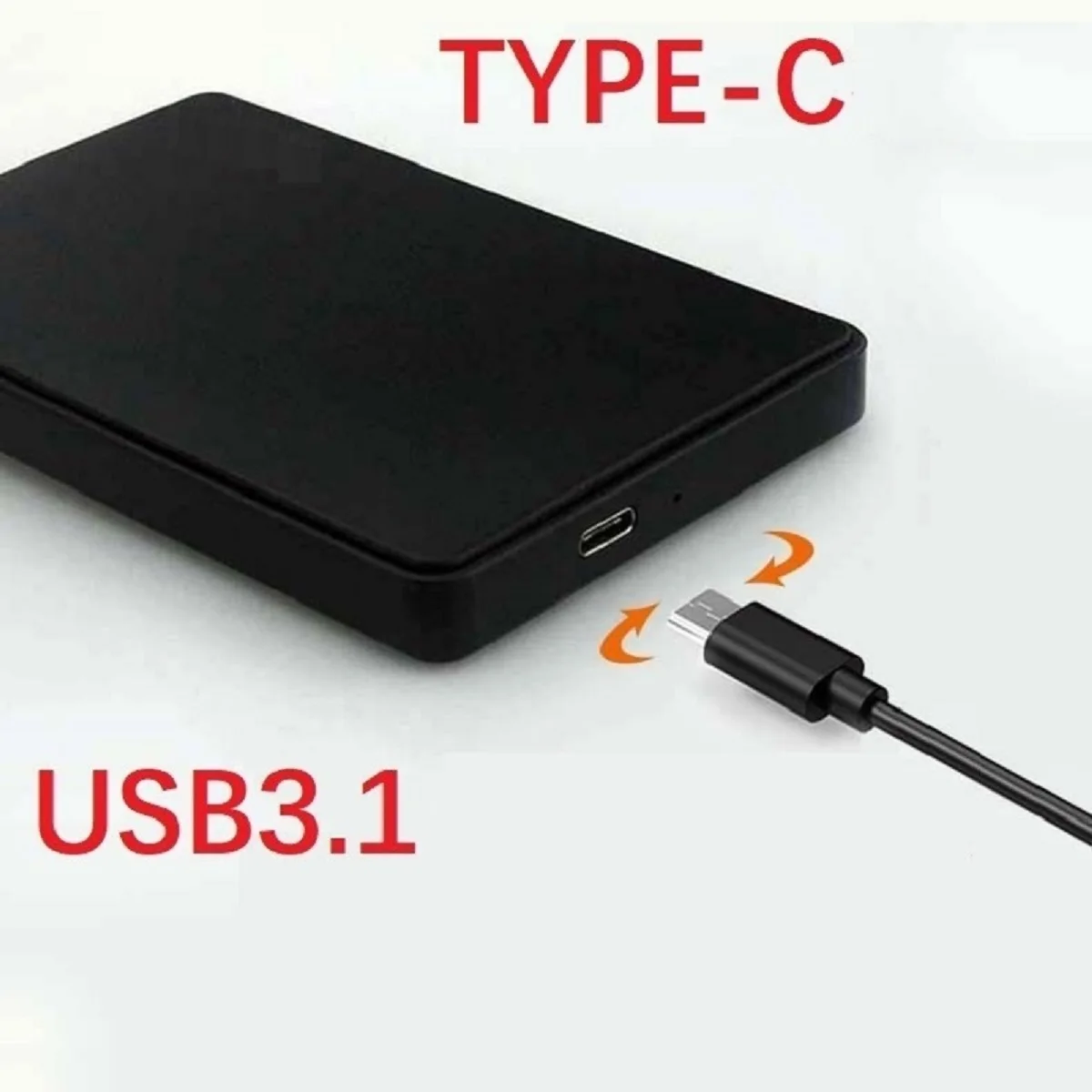
  • Cases with a USB-C socket, and others with the older flat Micro-B USB 3.0 socket. Several come with a cable for USB-A or USB-C laptops.
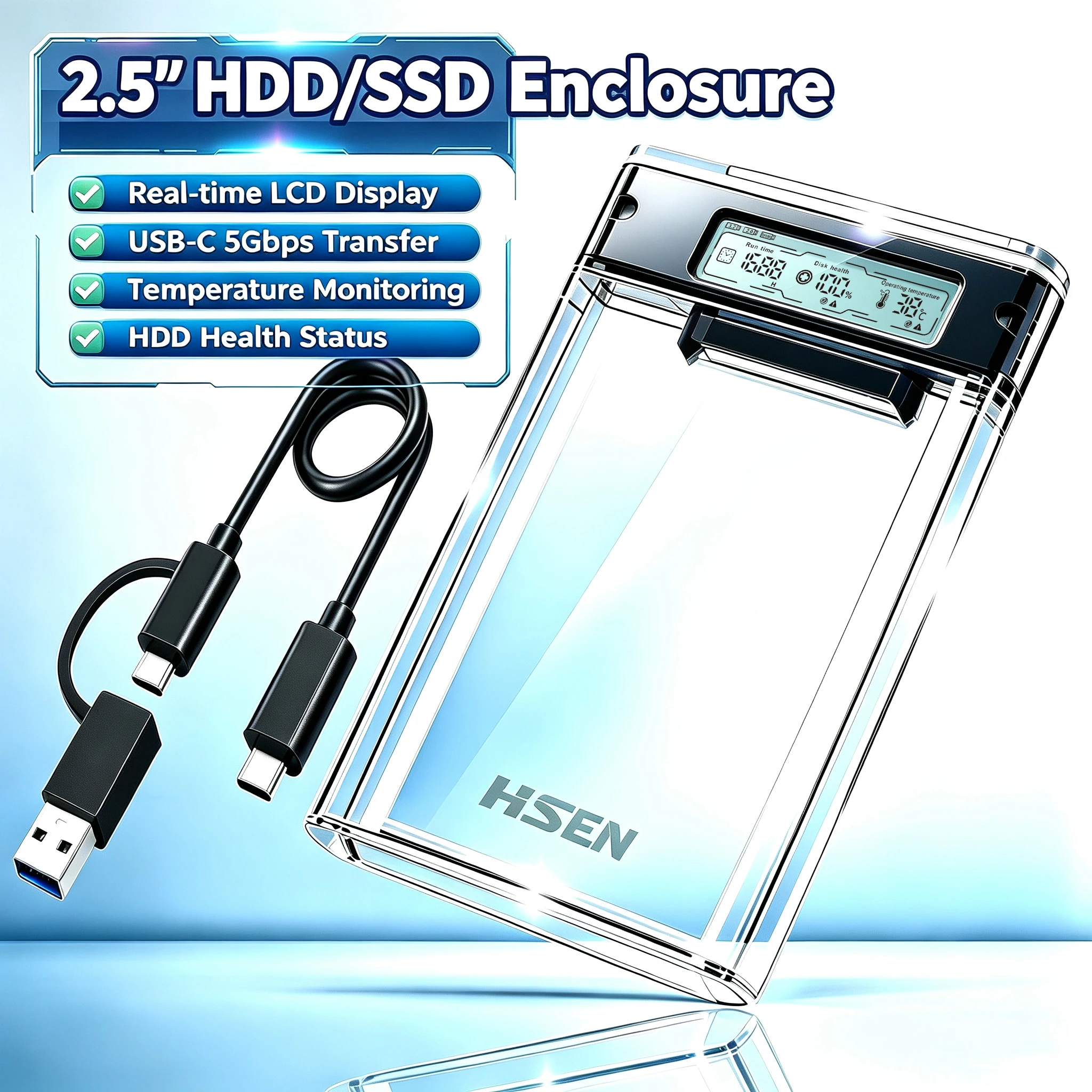
  • A case with a small health display for the drive inside.

How to choose

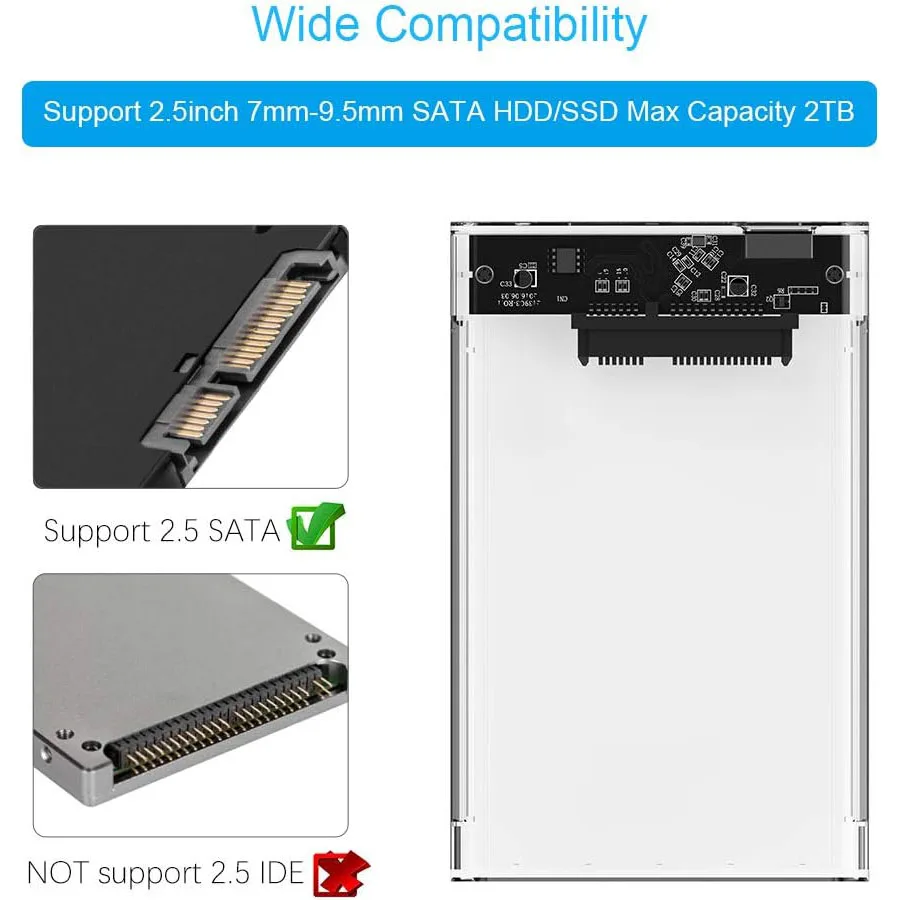
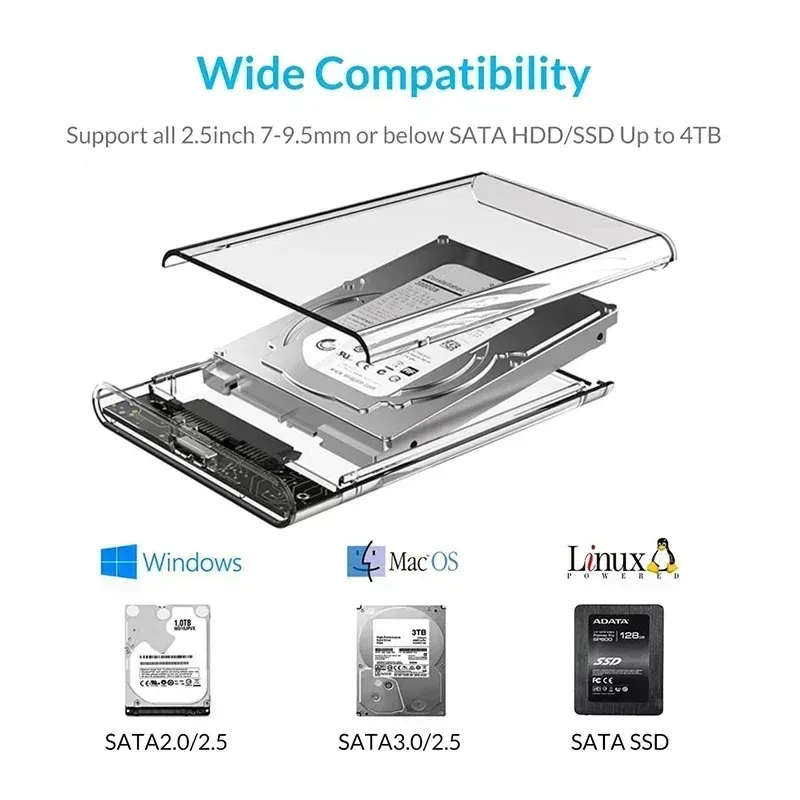
The drive. Every case here is for 2.5-inch SATA drives, hard drive or SSD. A bigger 3.5-inch desktop drive will not fit, and an M.2 stick needs an M.2 SSD enclosure instead.

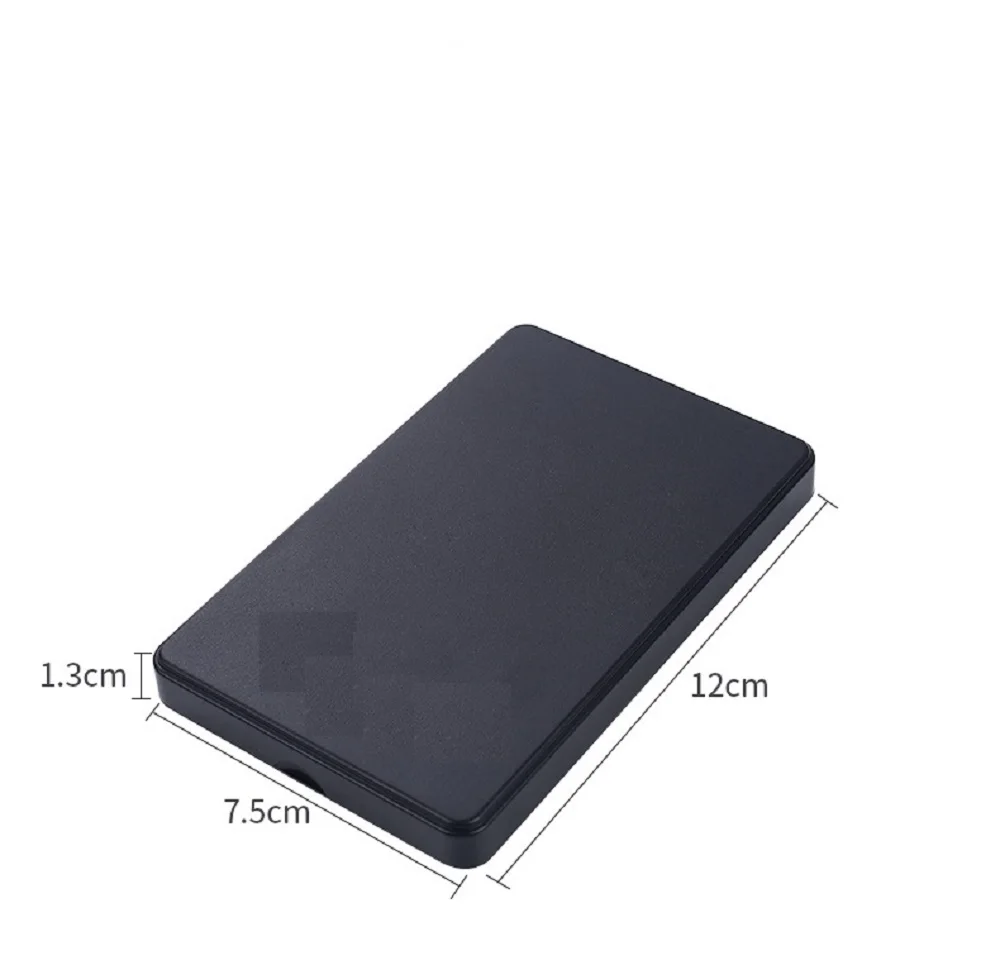
Thickness. Most laptop drives are thin, but some older, larger ones are thicker. One case here lists drives from 7mm to 15mm. Measure yours, and check the case's listing.

Size of drive. Each listing gives the largest drive it takes, from 2TB to 8TB.

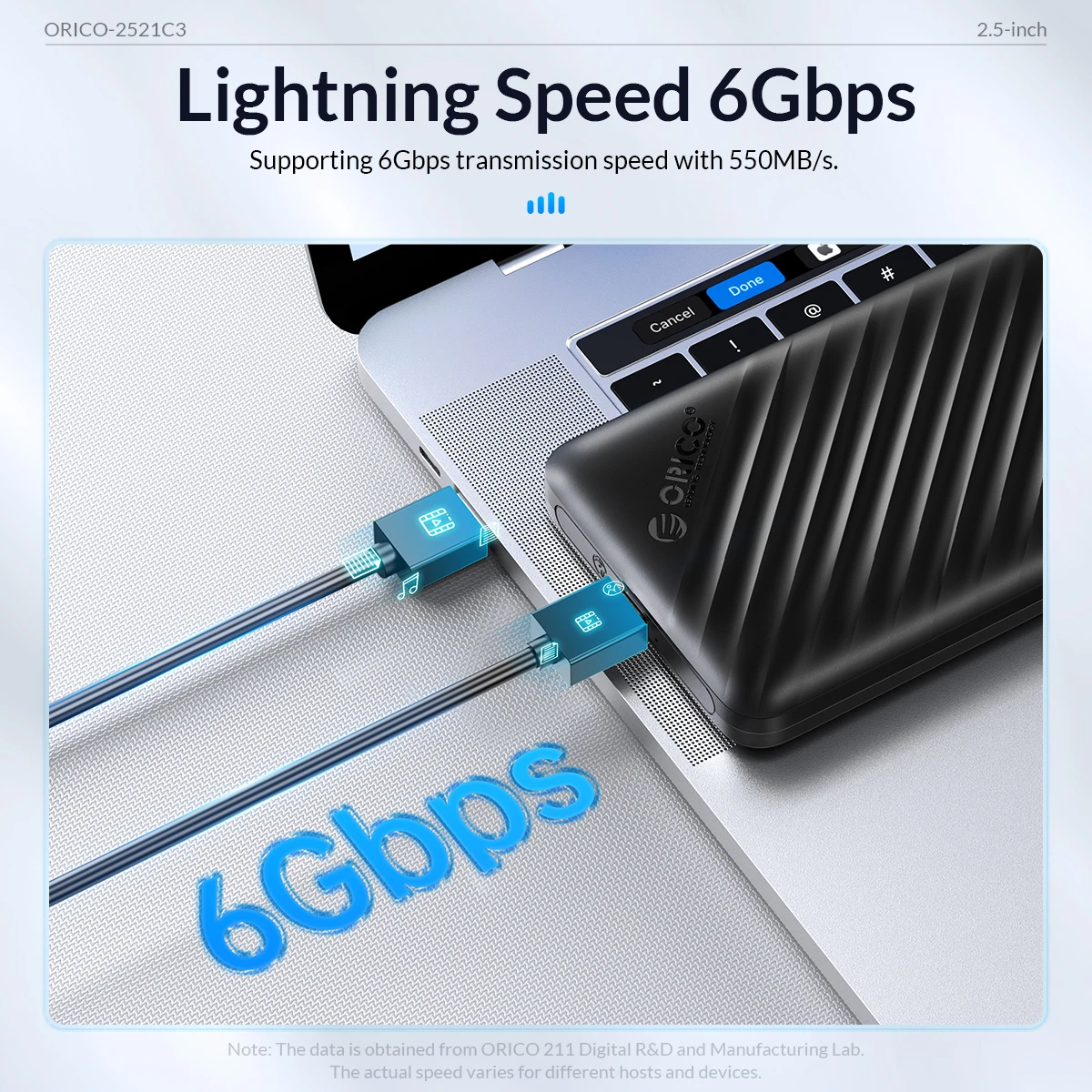
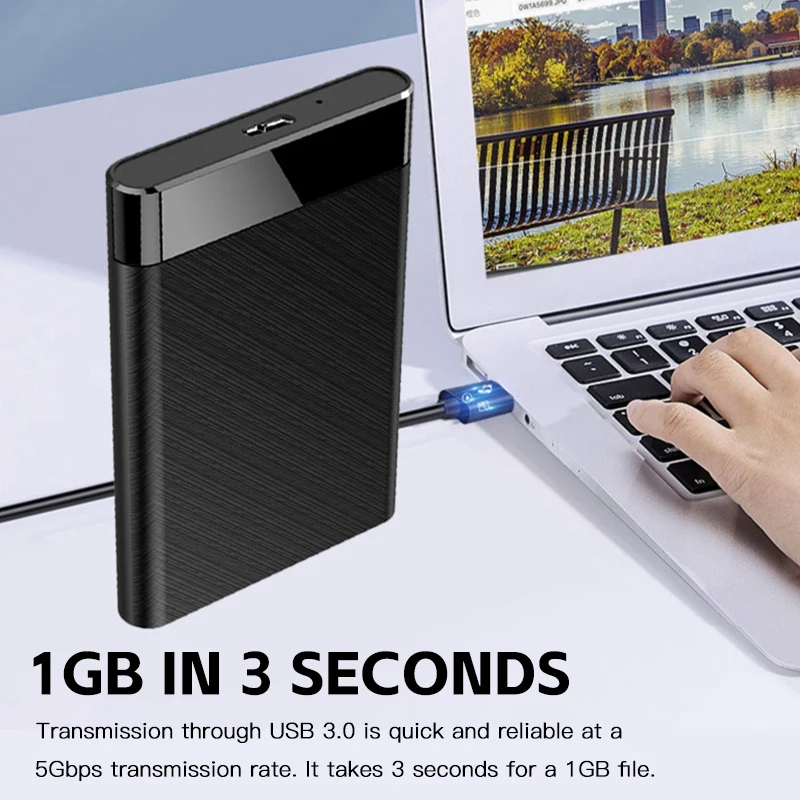
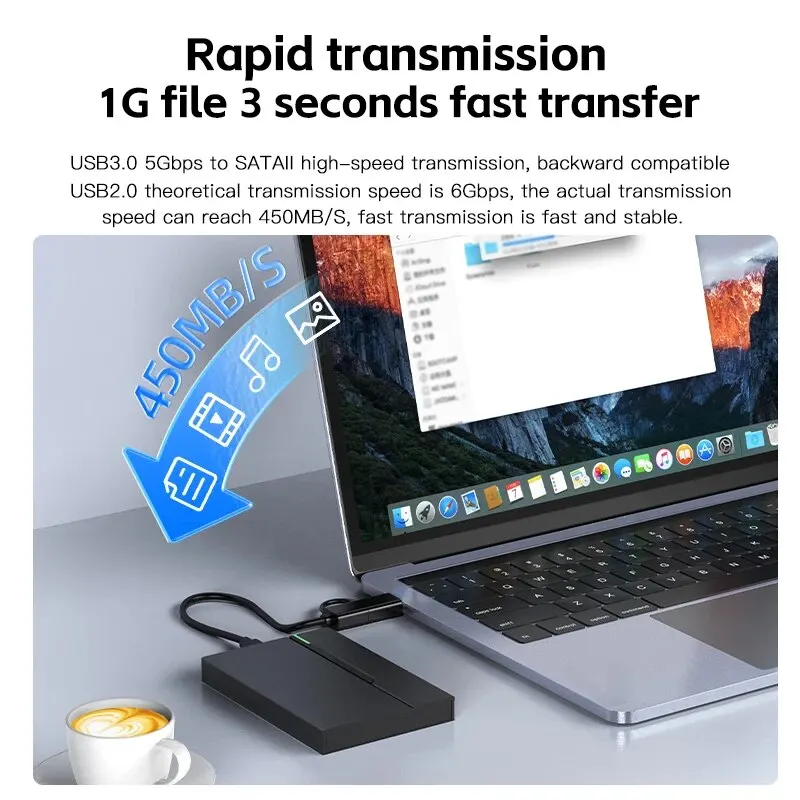
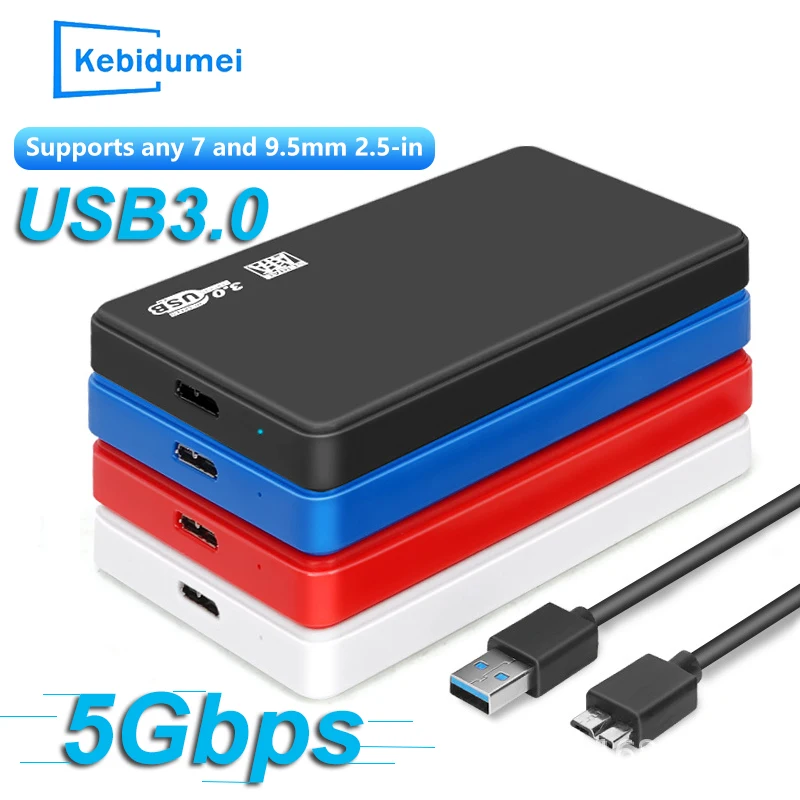
Speed. USB 5Gbps works out at just over 600 megabytes a second on paper, which is about what the SATA connection inside the drive can carry, near 600 megabytes a second. So a 5Gbps case suits a SATA SSD, and a hard drive is slower than either. Several cases list UASP, a faster way of moving data over USB on computers that support it.

Questions people ask about 2.5-inch drive cases

Will my files still be there?

Yes. Putting a working drive in a case does not change what is on it, and it opens like any external drive. A drive from a Mac opens on another Mac; a Windows drive opens on Windows.

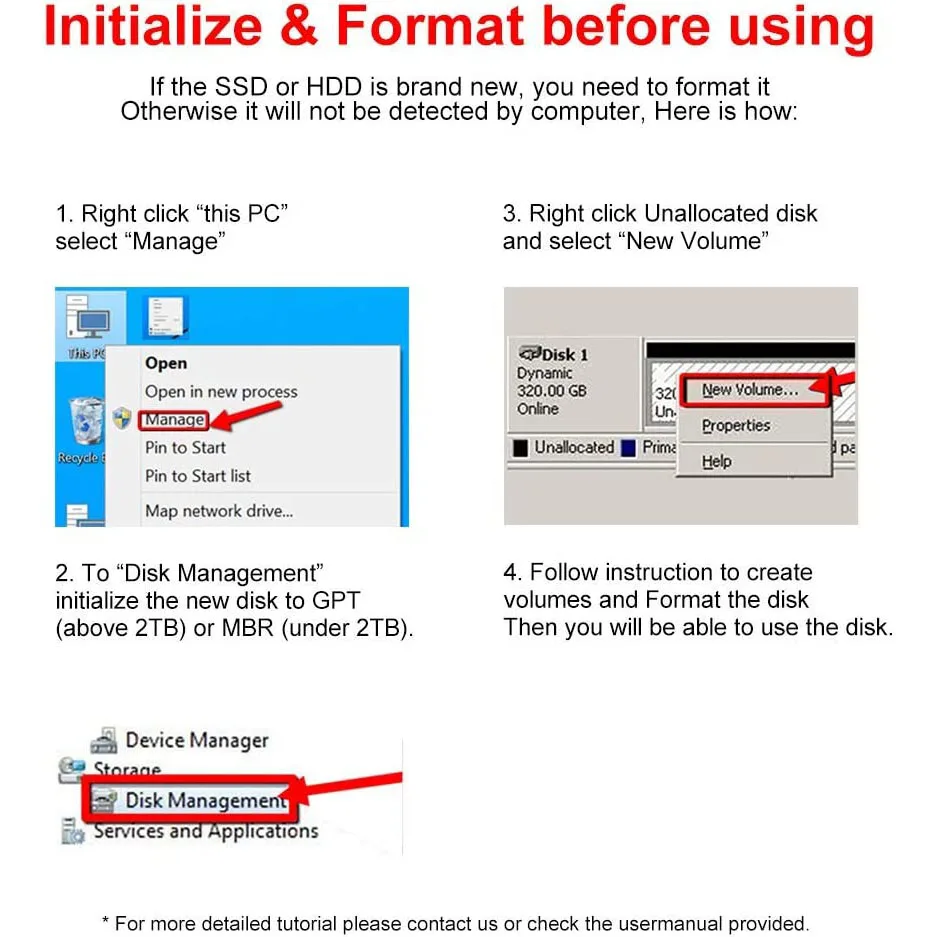
Why does a new drive not show up?

A new, empty drive must be initialised first, in Disk Management on Windows or Disk Utility on a Mac. Format it as ExFAT to use it on both.

Does it need power?

No, it runs from the USB port. A hard drive is happier in a port straight on the laptop than through a busy hub.

Delivery is included in every price and tracked to your door. Each product page says when it usually arrives.

More to look at
Website designed in Bristol by