Skip to the content

Delivery included in every priceTracked to your doorUK plugs on every charger

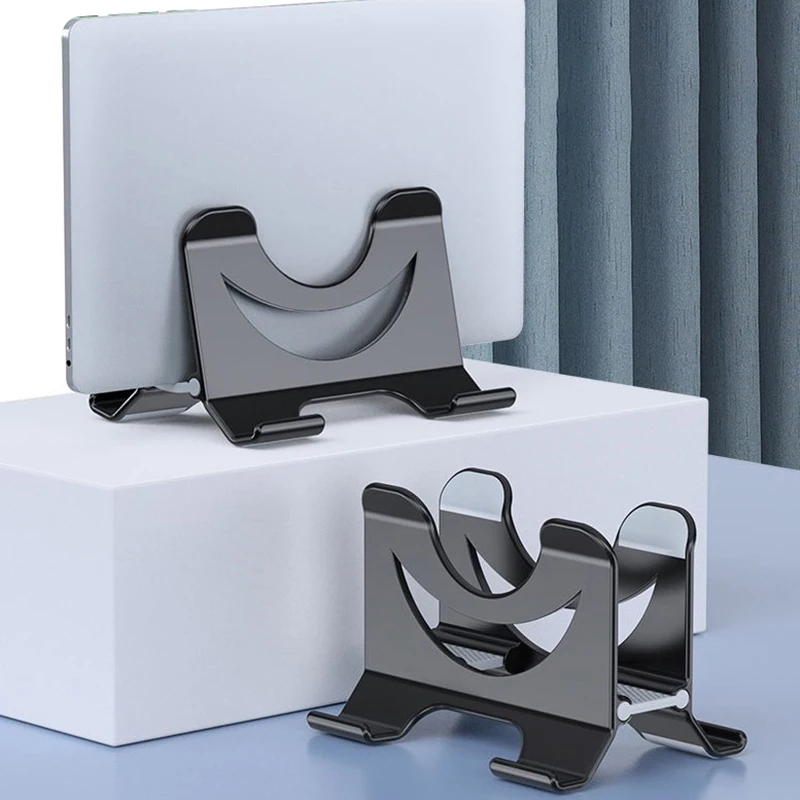
Vertical Laptop Stands

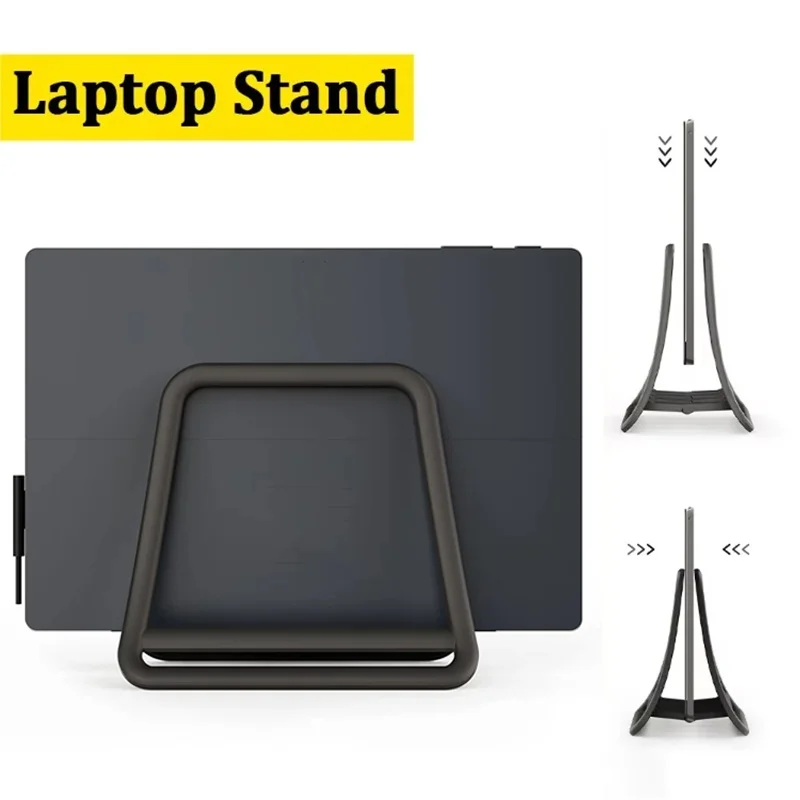
Holders that stand a closed laptop on its edge.

Shop Vertical Laptop Stands

12 products

1 of 32 of 33 of 3

Vertical Stand for Mac Mini, Adjustable Anti-Slip Desktop Holder

An adjustable vertical stand that holds your Mac Mini upright, saving desk space with an anti-slip, secure base.

£20.99
1 of 32 of 33 of 3

Aluminium Alloy Vertical Laptop Stand, Foldable Desktop Holder

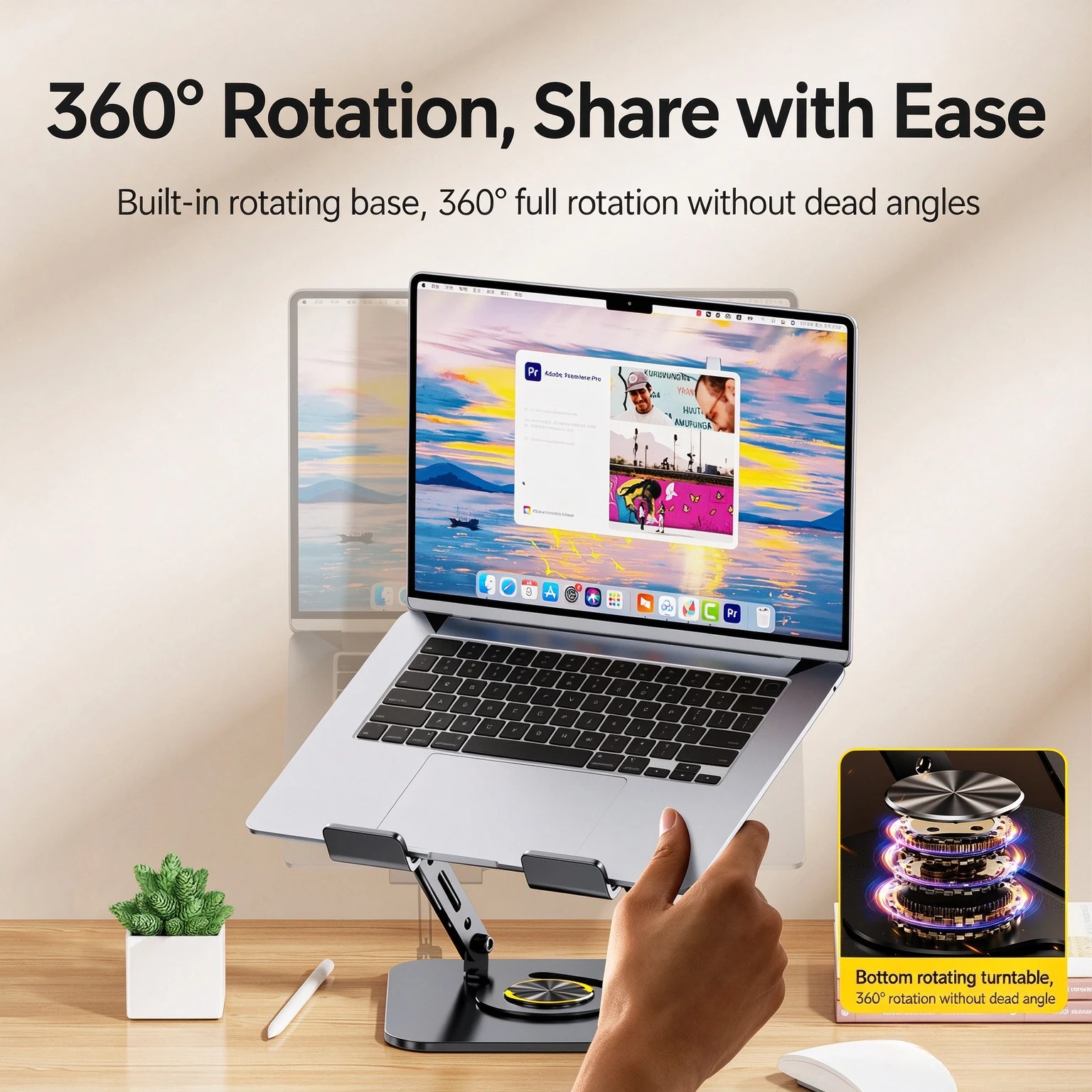
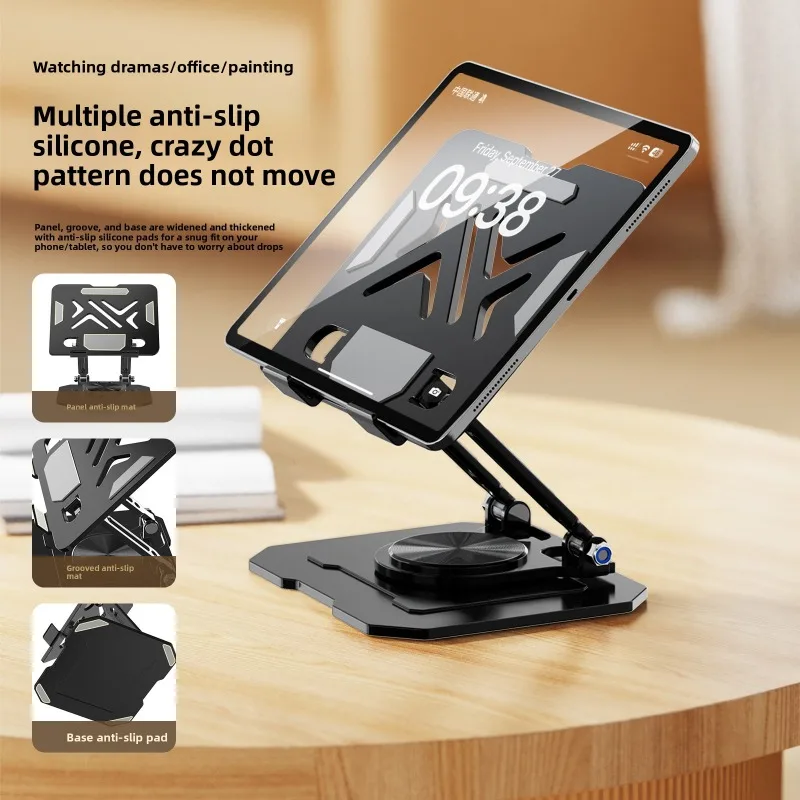
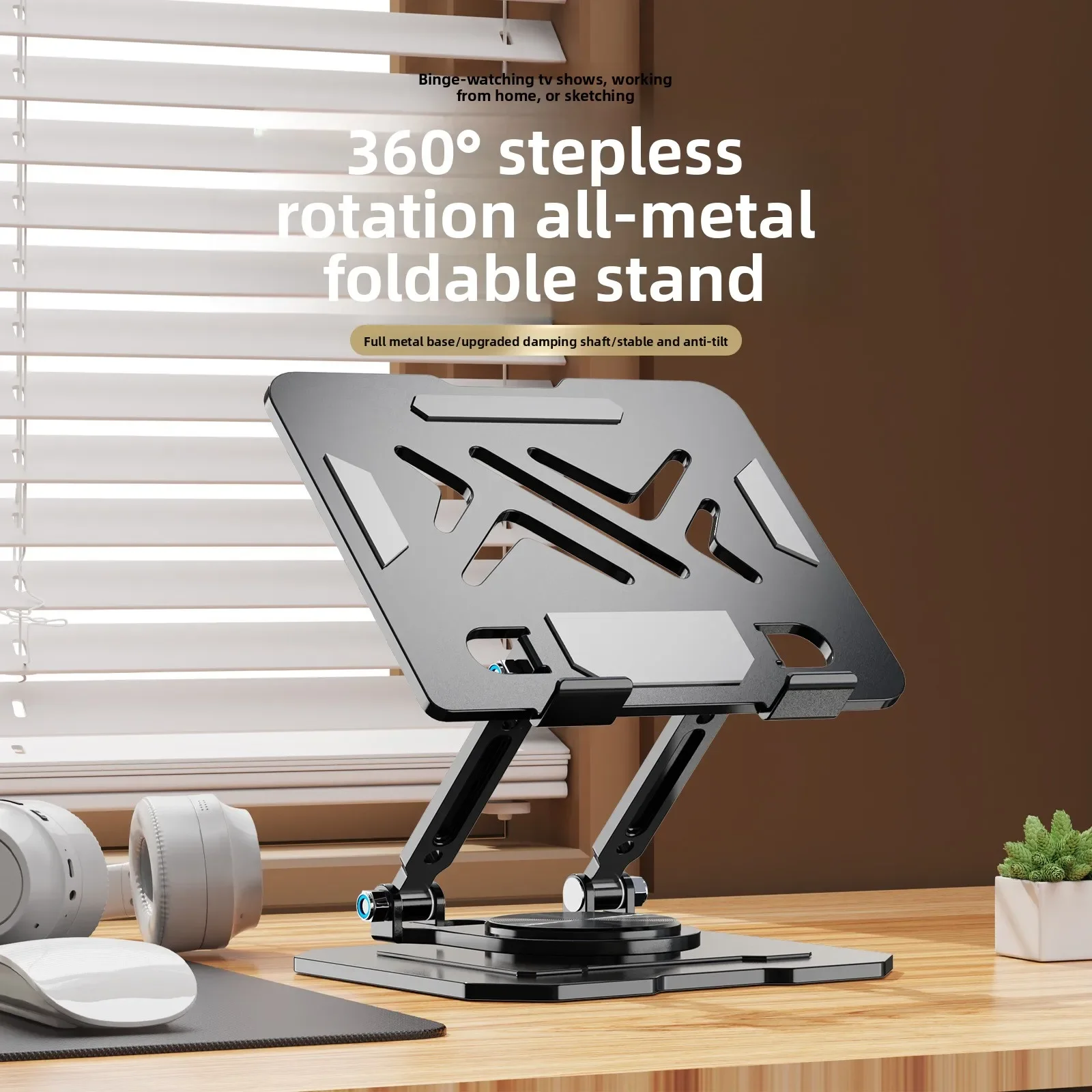
A foldable aluminium alloy stand that holds your laptop or iPad upright, with 360° rotation for flexible desk positioning.

£20.99
1 of 32 of 33 of 3

Vertical Laptop Stand - Space Saving Detachable Desktop Holder

A detachable vertical stand that holds your laptop upright, saving desk space.

£16.99
1 of 32 of 33 of 3

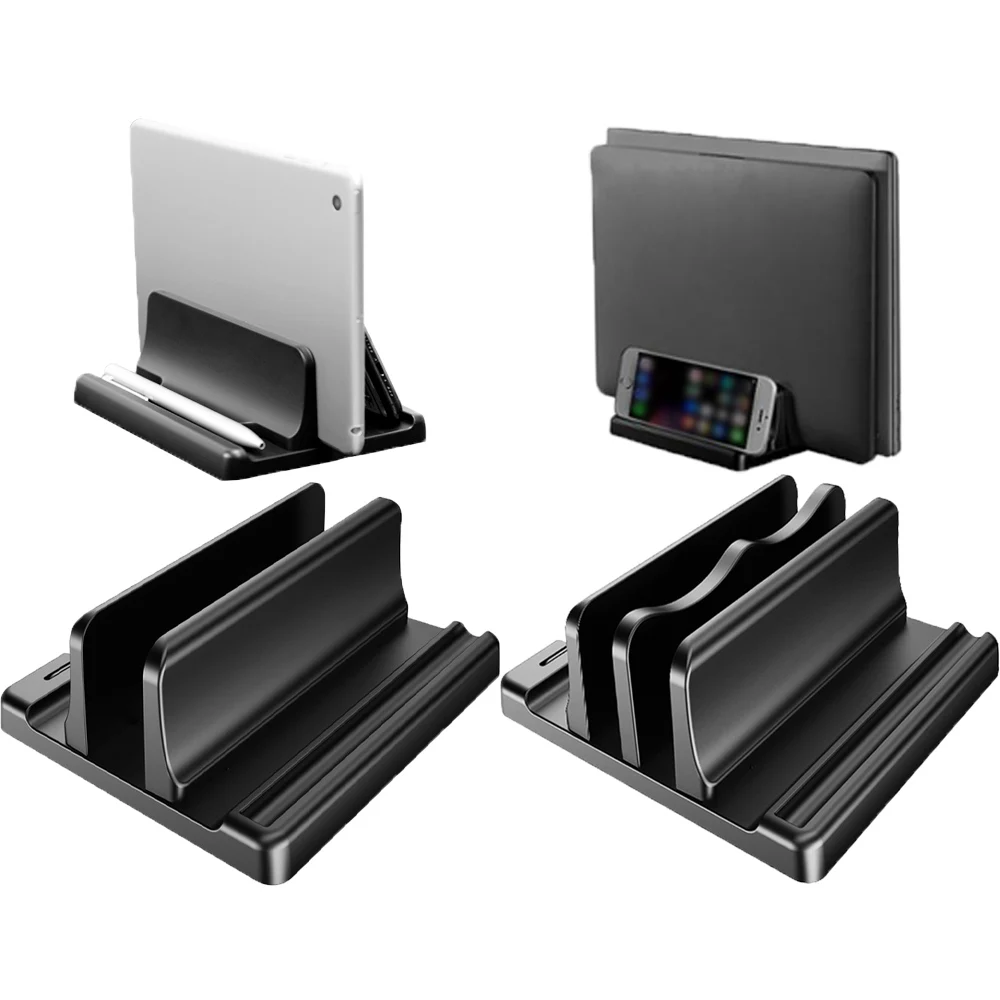
4-in-1 Dual-Slot Adjustable Vertical Laptop Stand

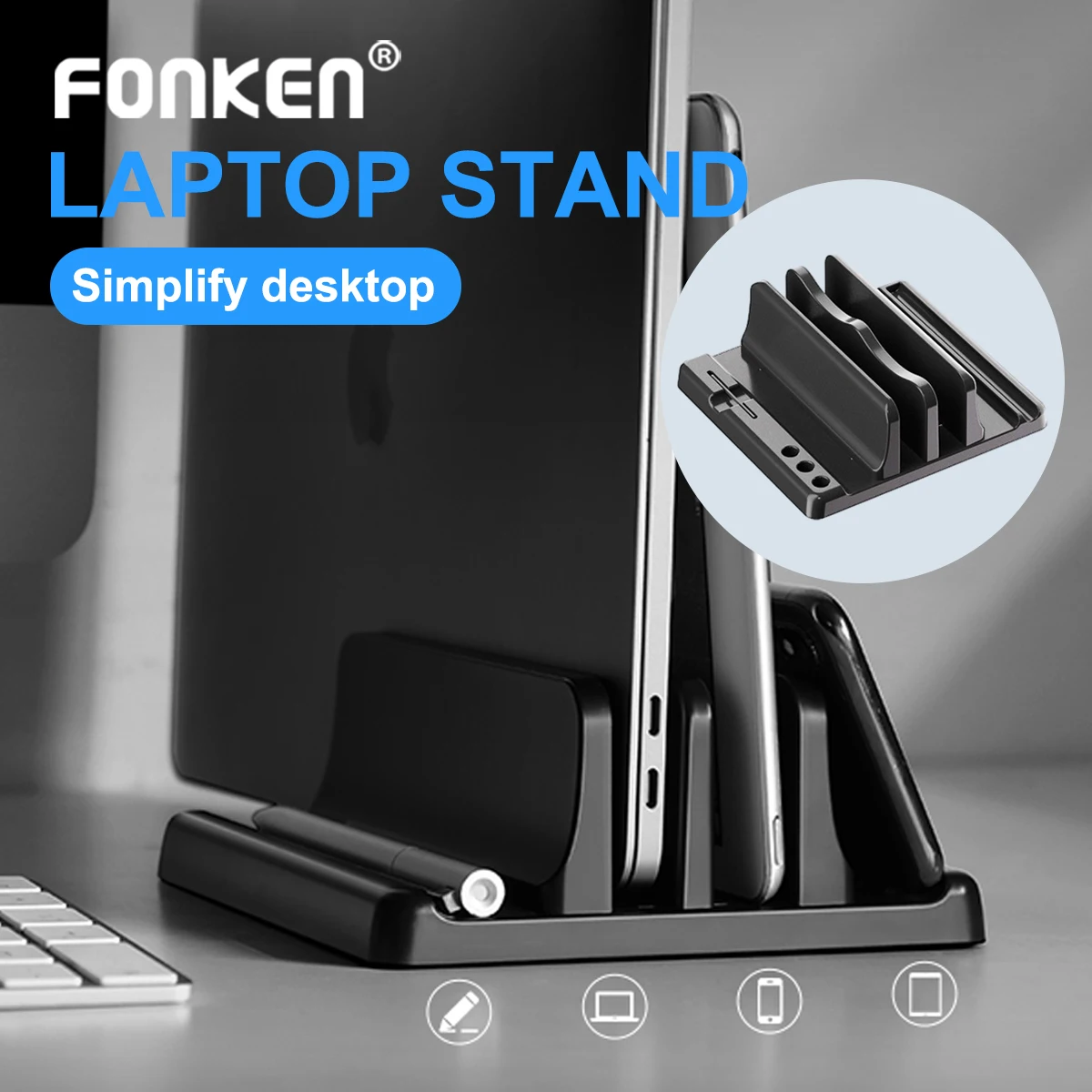
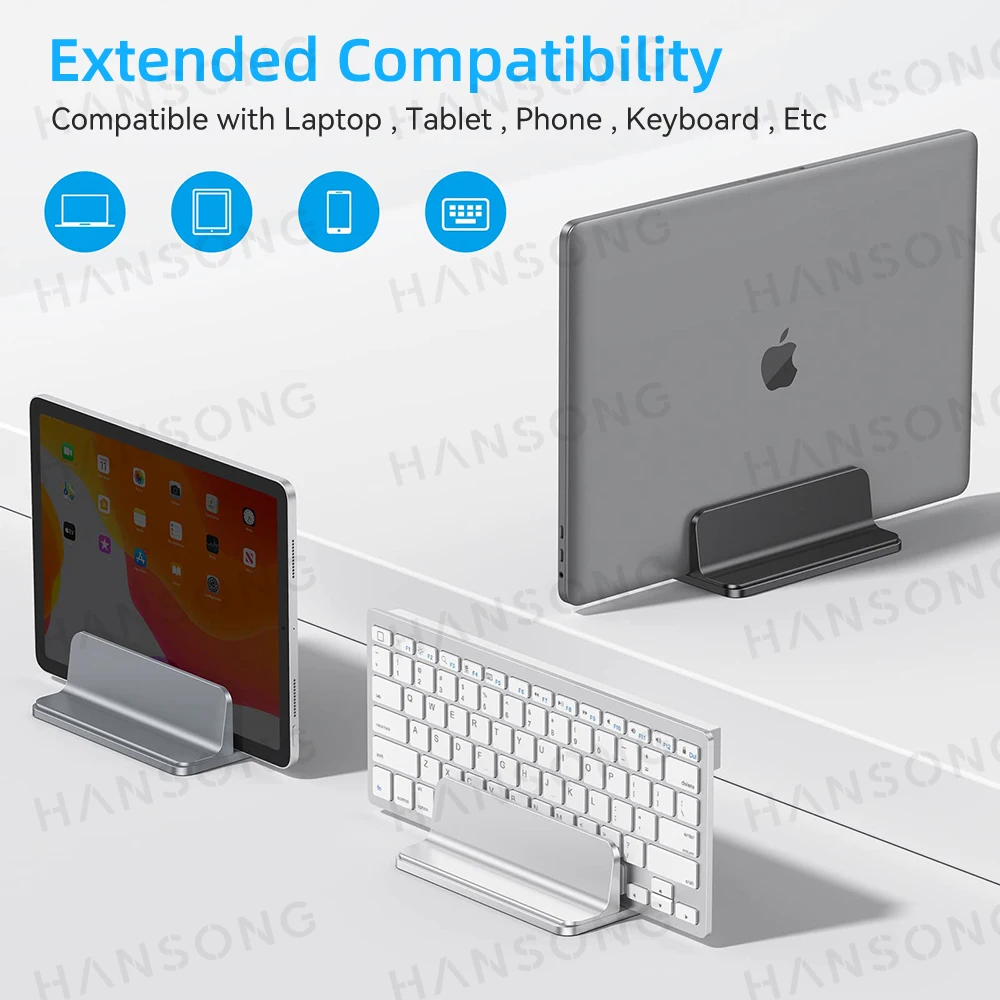
A space-saving vertical stand that holds laptops, tablets or books upright, with single or dual-slot options.

From £16.99
1 of 32 of 33 of 3

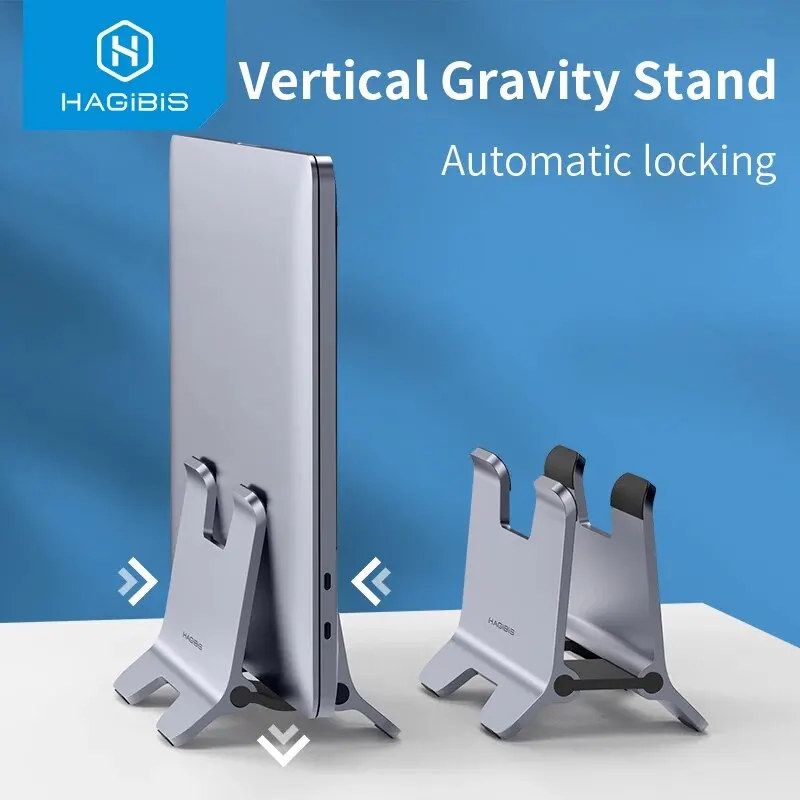
Hagibis Vertical Laptop Stand - Aluminium Desktop Holder

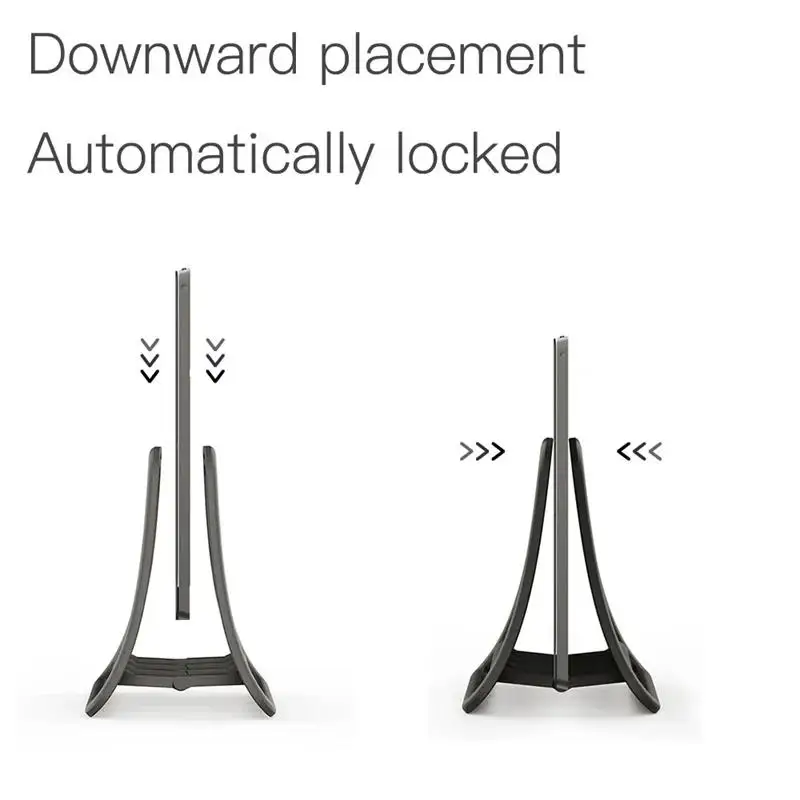
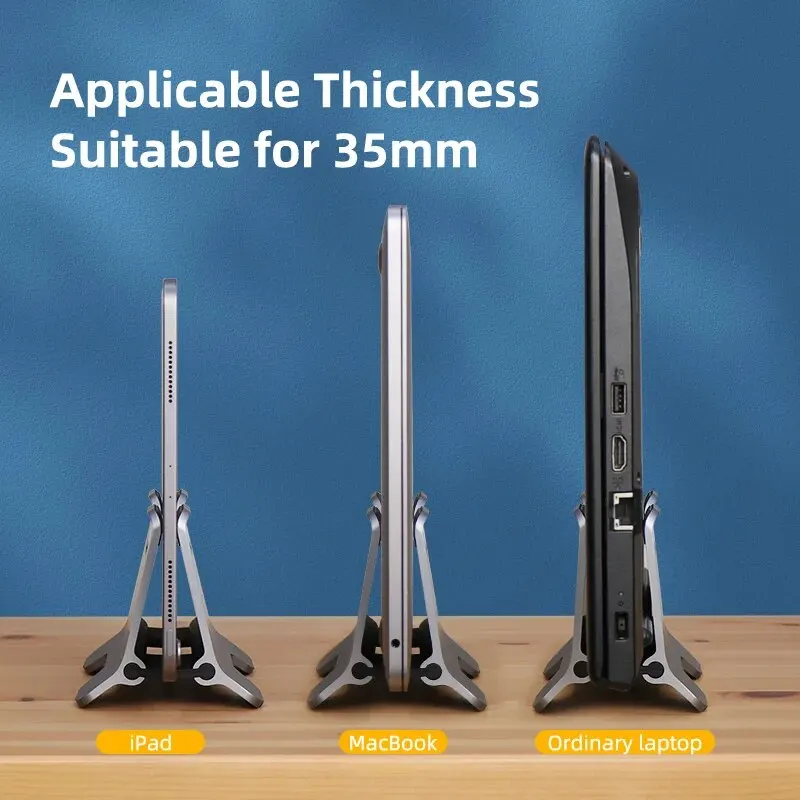
Space-saving vertical laptop stand with gravity locking grip, suitable for laptops up to 35mm thick.

£35.99
1 of 32 of 33 of 3

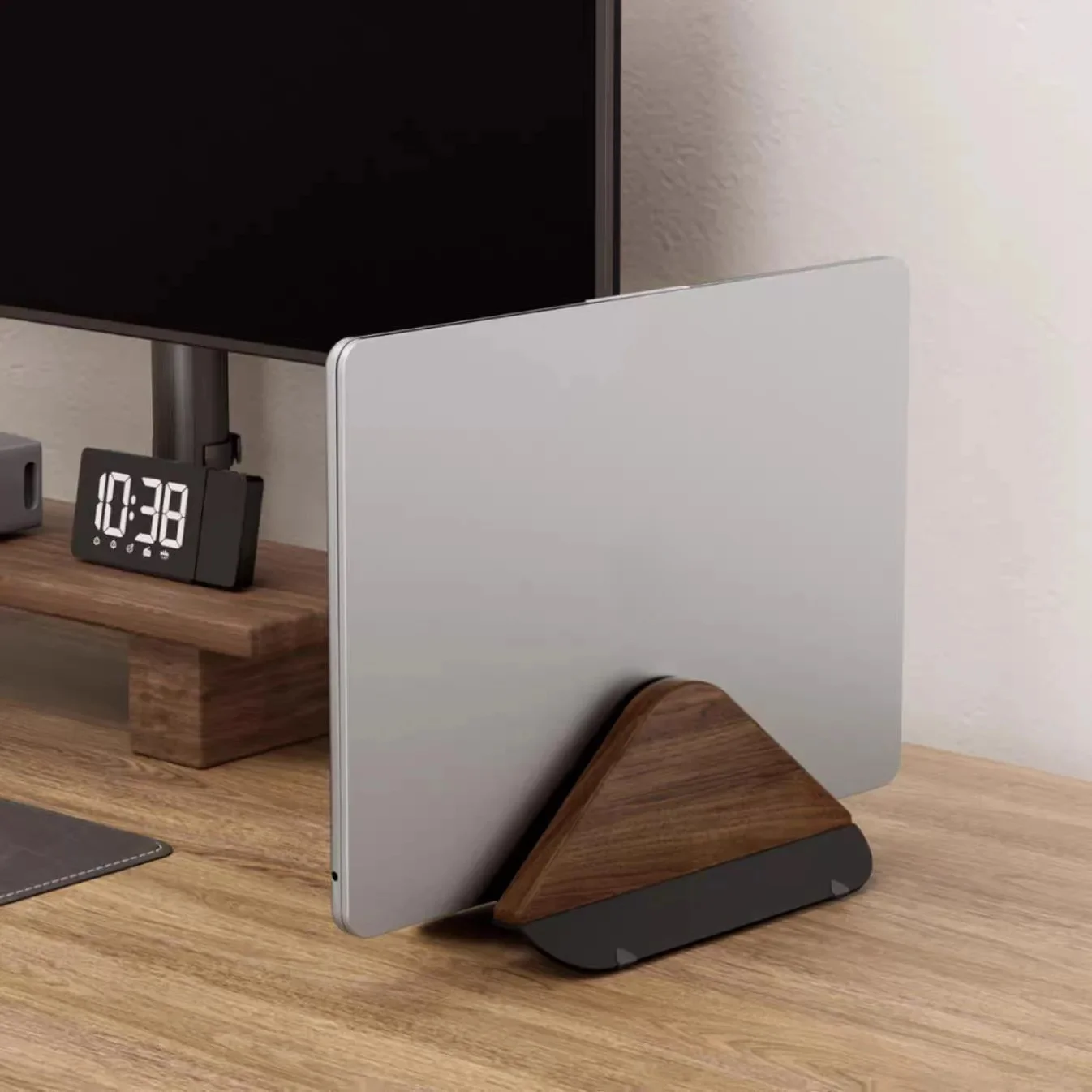
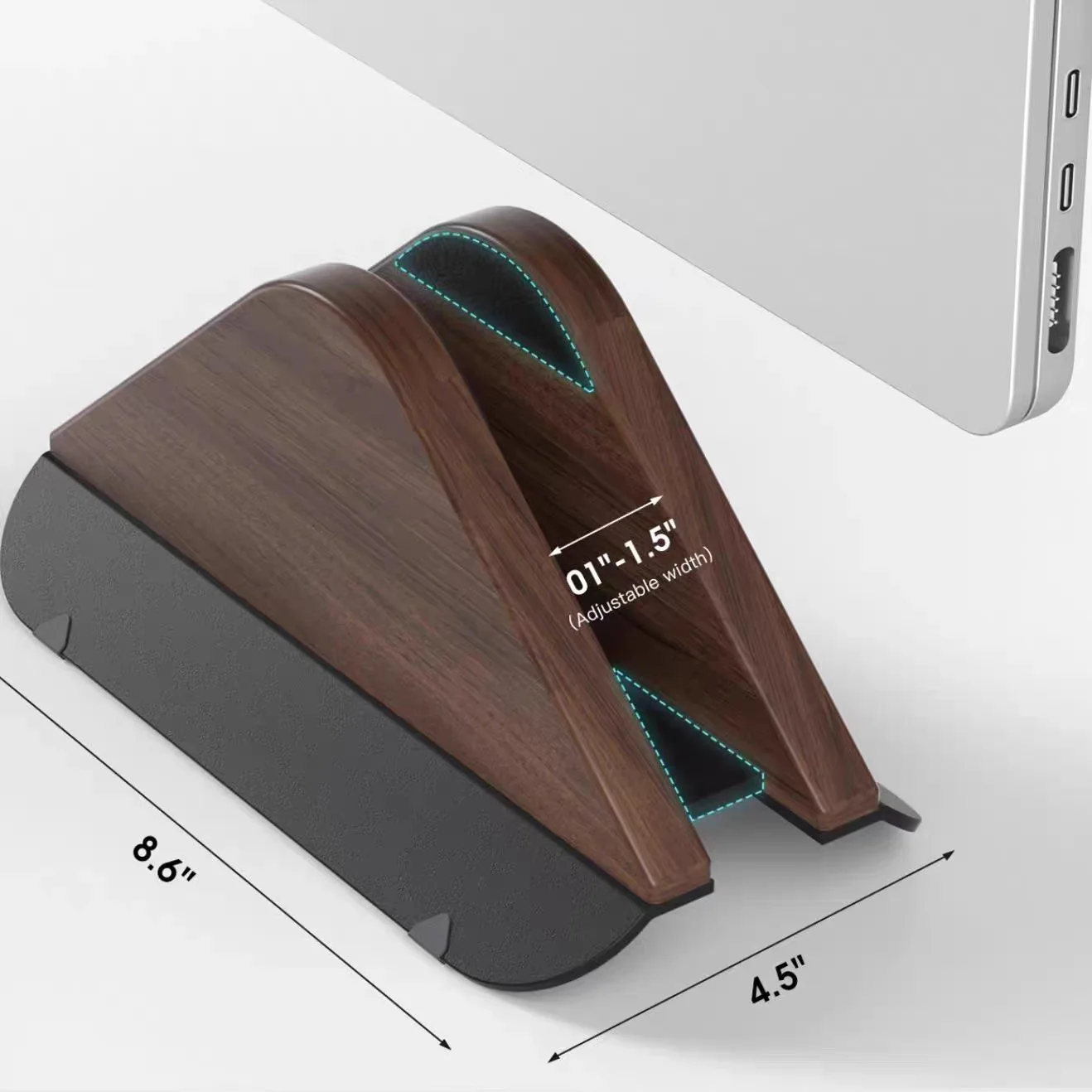
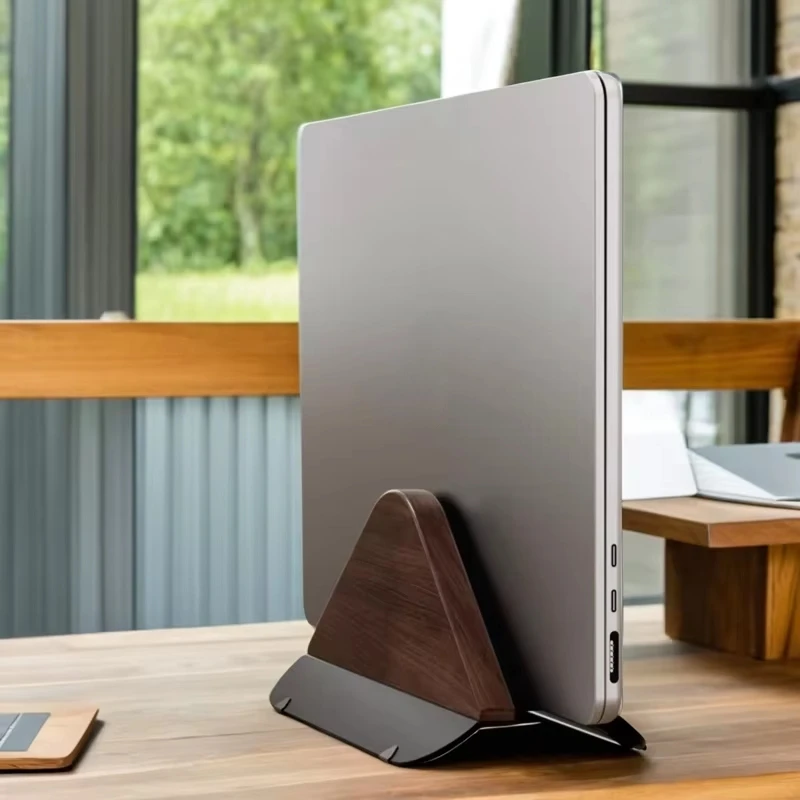
Wooden Vertical Laptop Stand for MacBook - Adjustable Desktop Holder

A solid wood vertical laptop stand that saves desk space and suits clamshell desktop docking setups.

Only 4 left

£38.99
1 of 32 of 33 of 3

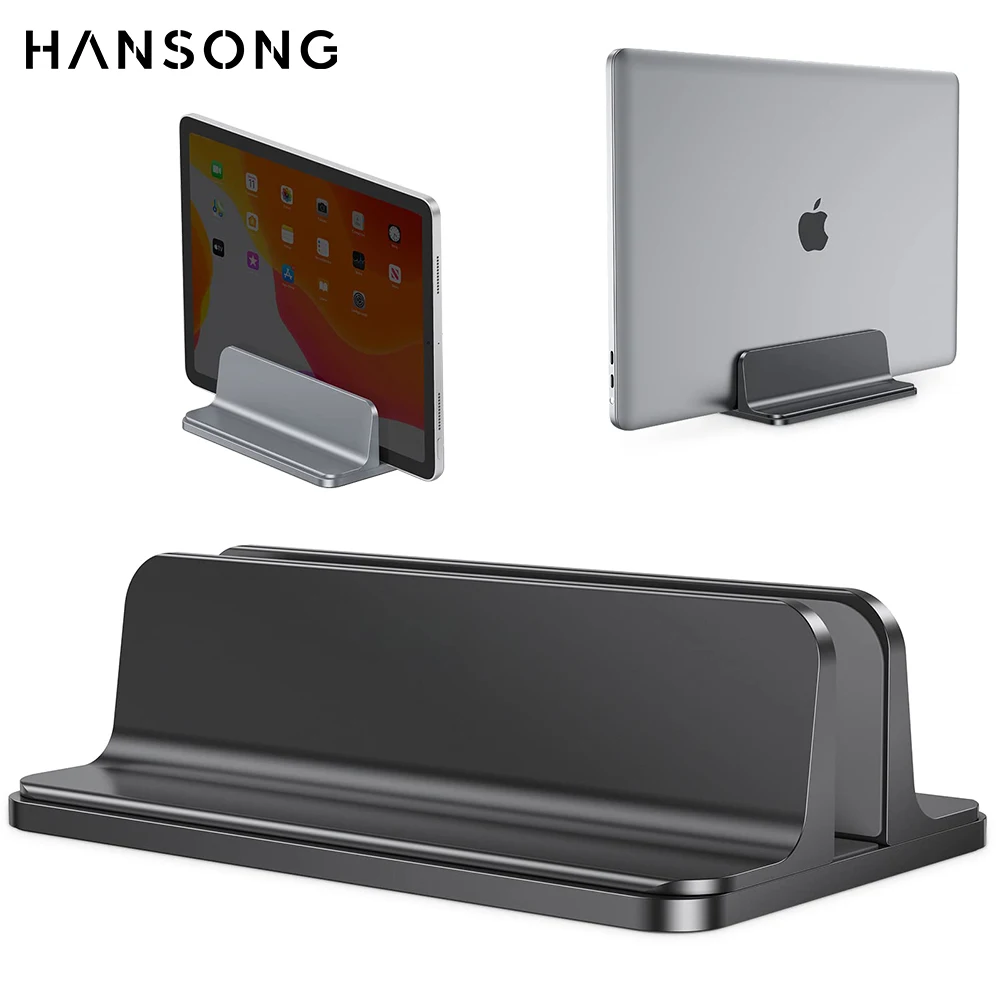
Vertical Laptop Stand, Aluminium Alloy, Adjustable Dock for MacBook and Laptops

An adjustable aluminium vertical stand that holds your laptop, tablet or MacBook upright to save desk space.

£32.99
1 of 32 of 33 of 3

Adjustable Vertical Laptop Stand - Space Saving Desktop Organiser

An adjustable vertical stand that holds laptops upright, saving desk space in the office or at home.

From £17.99
1 of 32 of 33 of 3

Adjustable Vertical Laptop Stand - Space-Saving Desktop Storage

A space-saving vertical stand that holds your laptop or tablet upright to free up desk space.

Only 3 left

£22.99
1 of 32 of 33 of 3

Vertical Laptop Stand - Adjustable Aluminium Notebook Holder

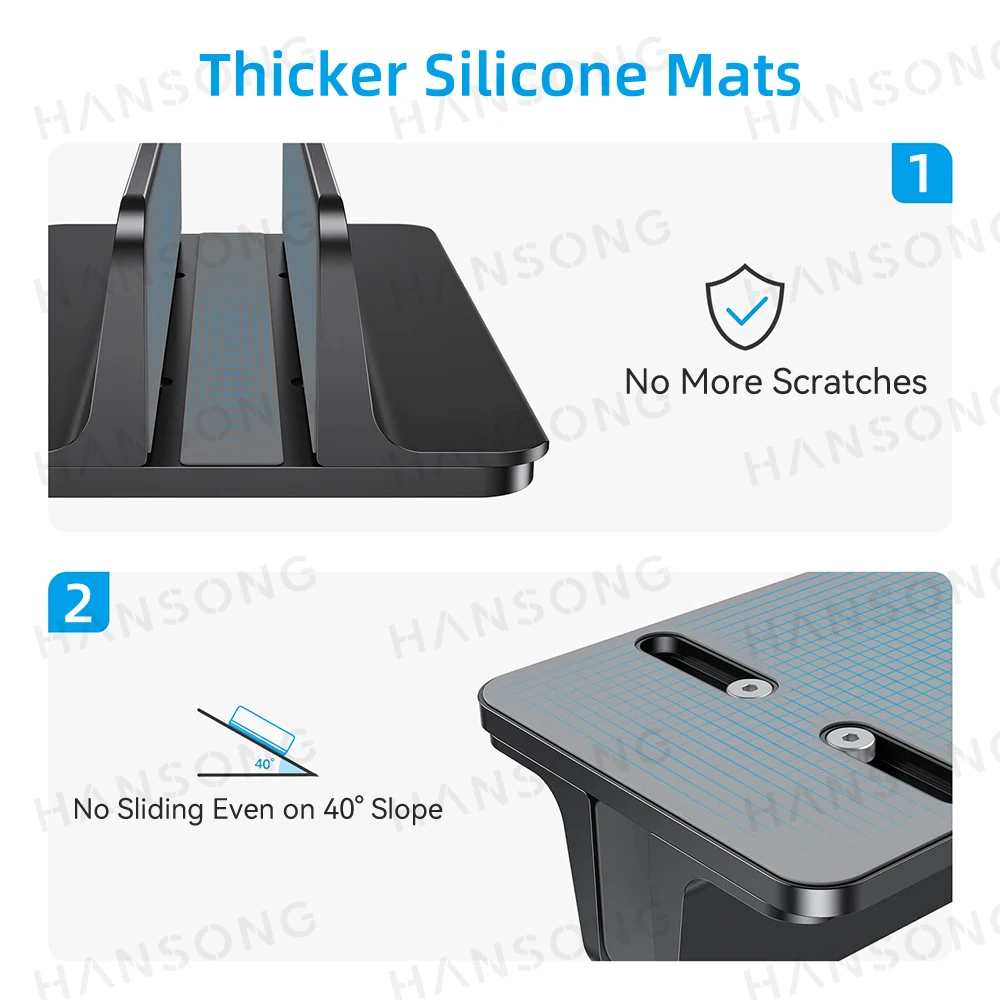
Adjustable aluminium vertical laptop stand with non-slip silicone mat, fits 10-17.3in laptops and tablets.

From £33.99
1 of 32 of 33 of 3

Vertical Laptop Stand, Tool-Free Adjustable Aluminium Holder

A tool-free adjustable aluminium vertical laptop stand that frees up desk space and supports most laptops.

From £20.99
1 of 32 of 33 of 3

Vertical Laptop Stand with Dual Slots - Space Saving Desk Holder

A space-saving vertical stand that holds one or two laptops upright on your desk.

From £19.99

A laptop on its edge

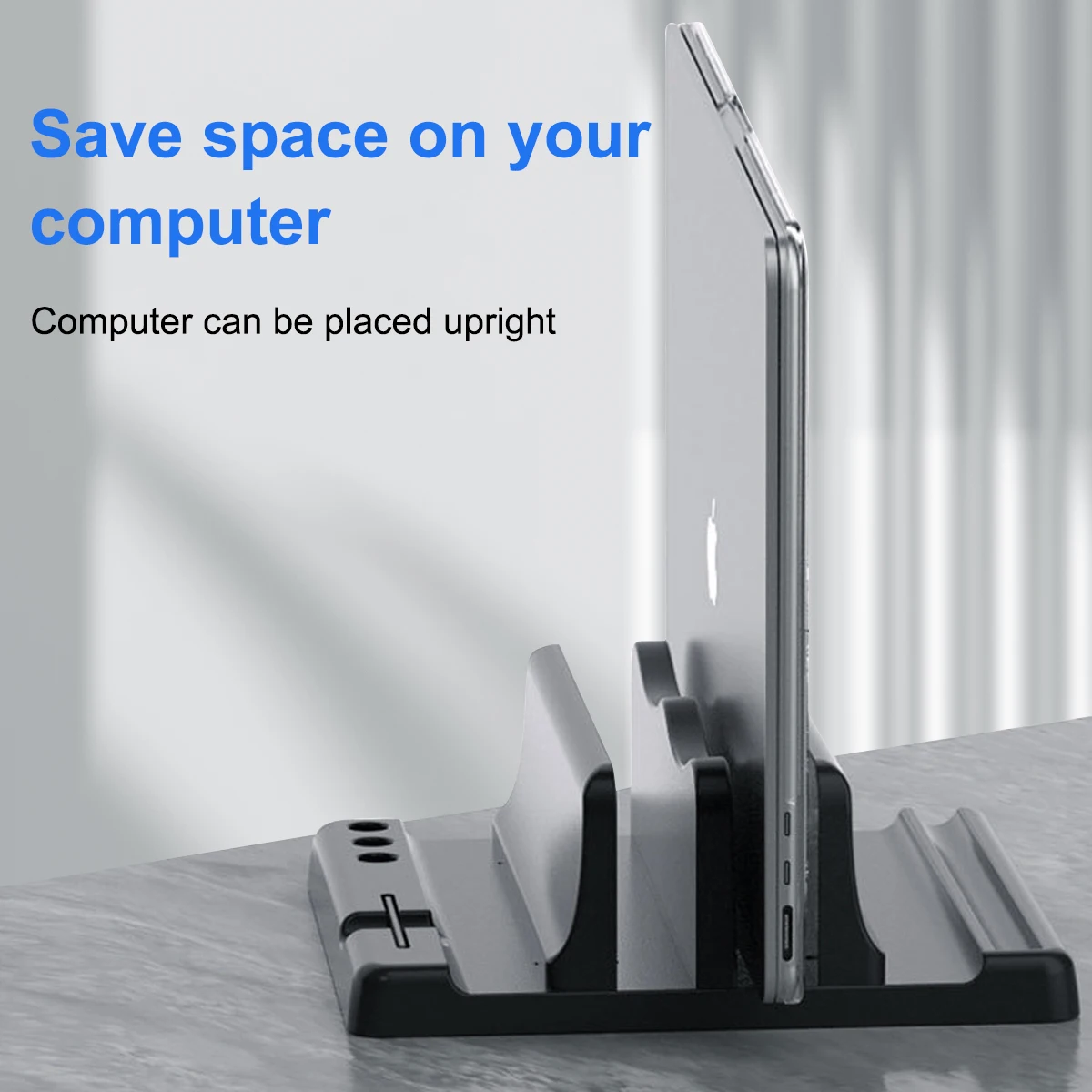
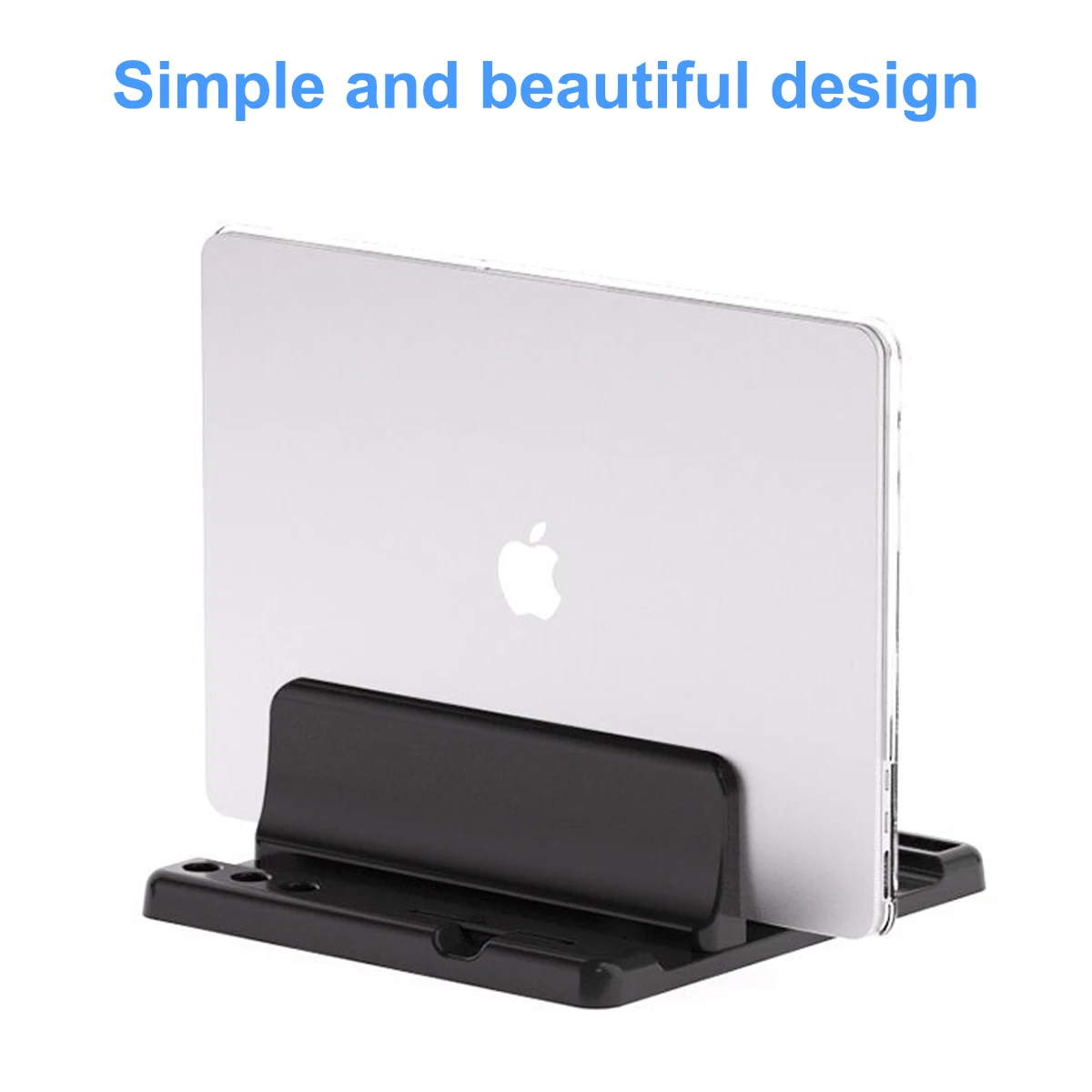
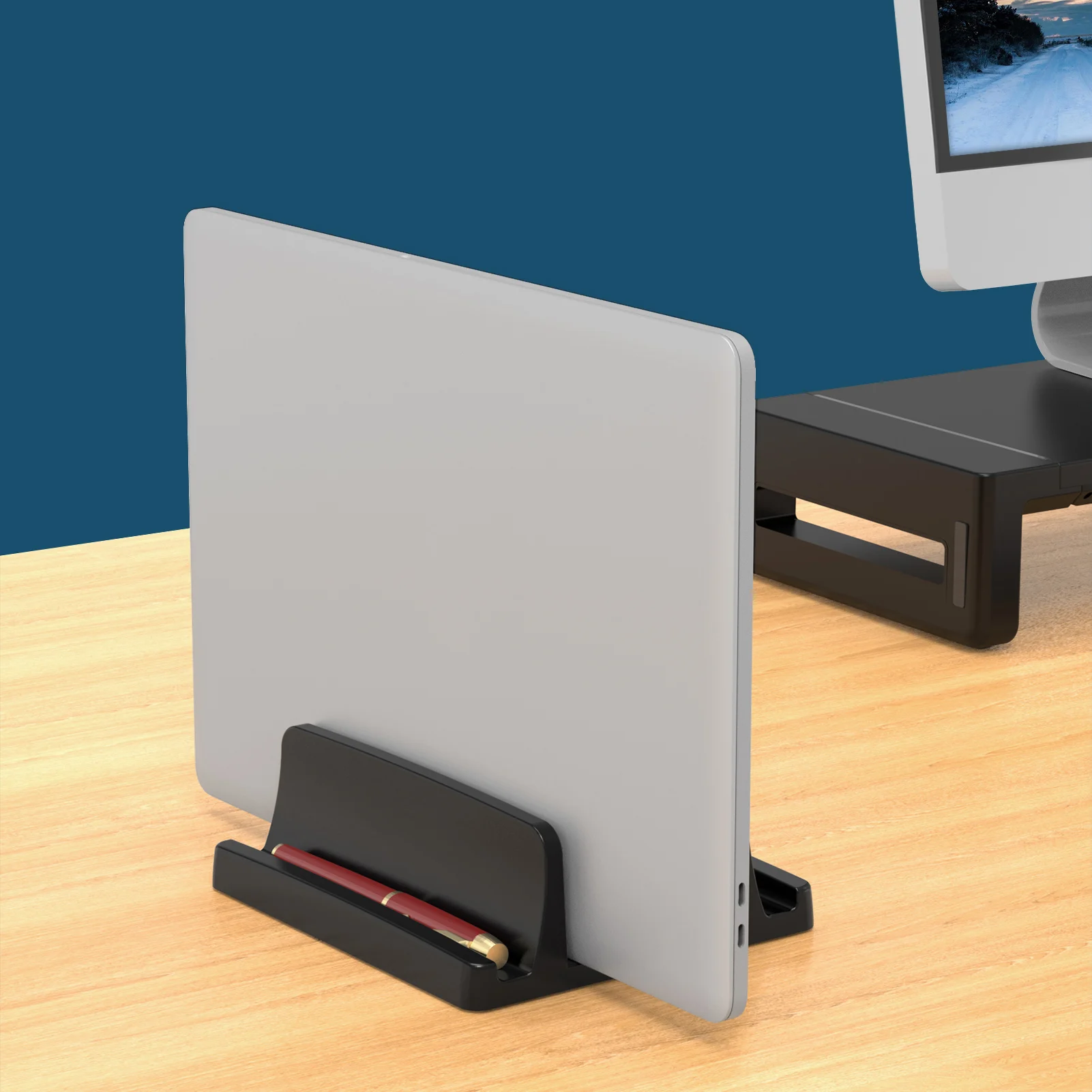
A vertical laptop stand holds a closed laptop upright, like a book on a shelf, so it takes up a strip of desk a few centimetres wide instead of the space of an open laptop. You do not look at the laptop's own screen at all. A monitor, keyboard and mouse do the work, and the laptop does the computing from the side of the desk. It suits anyone who uses a laptop as a desktop computer during the day and takes it away in the evening.

What is in this range

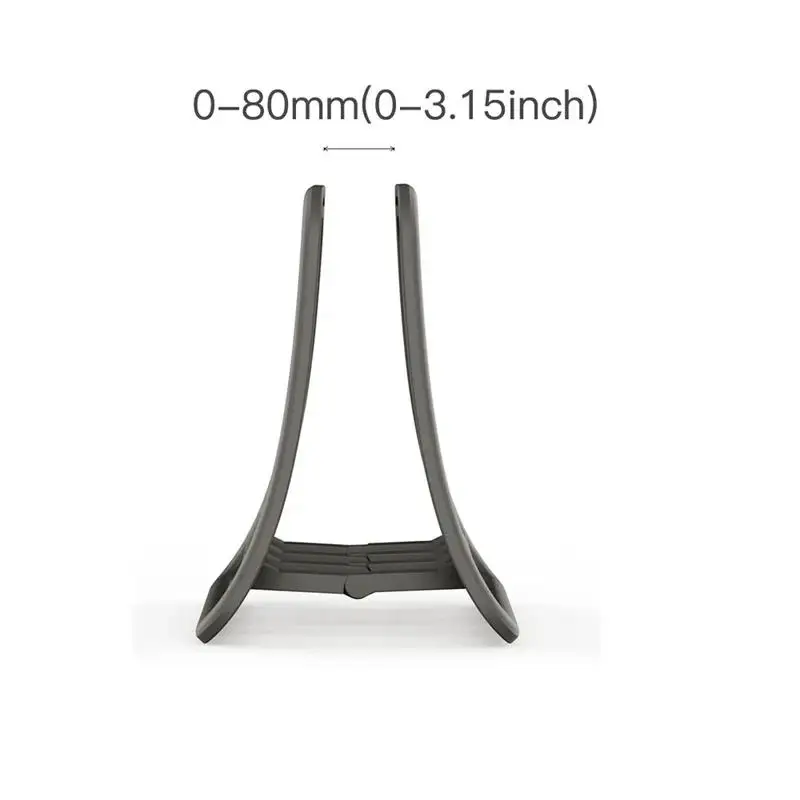
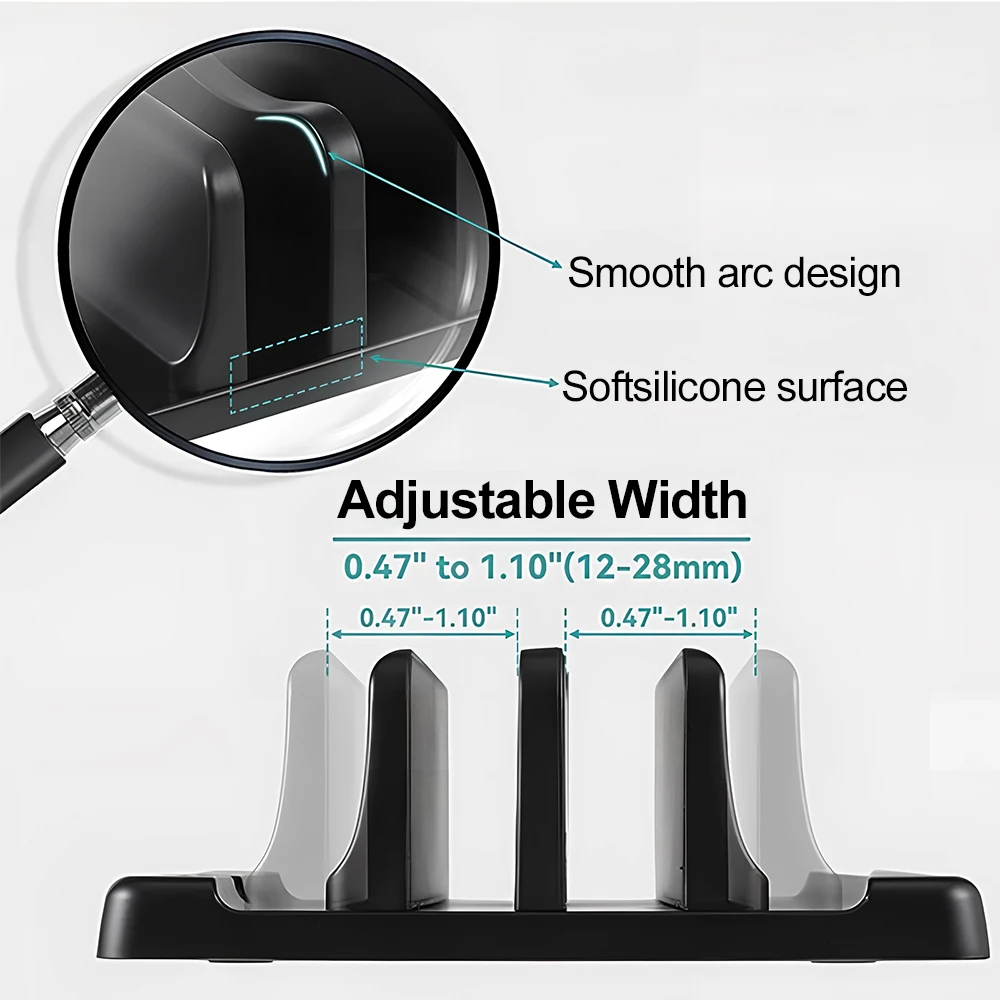
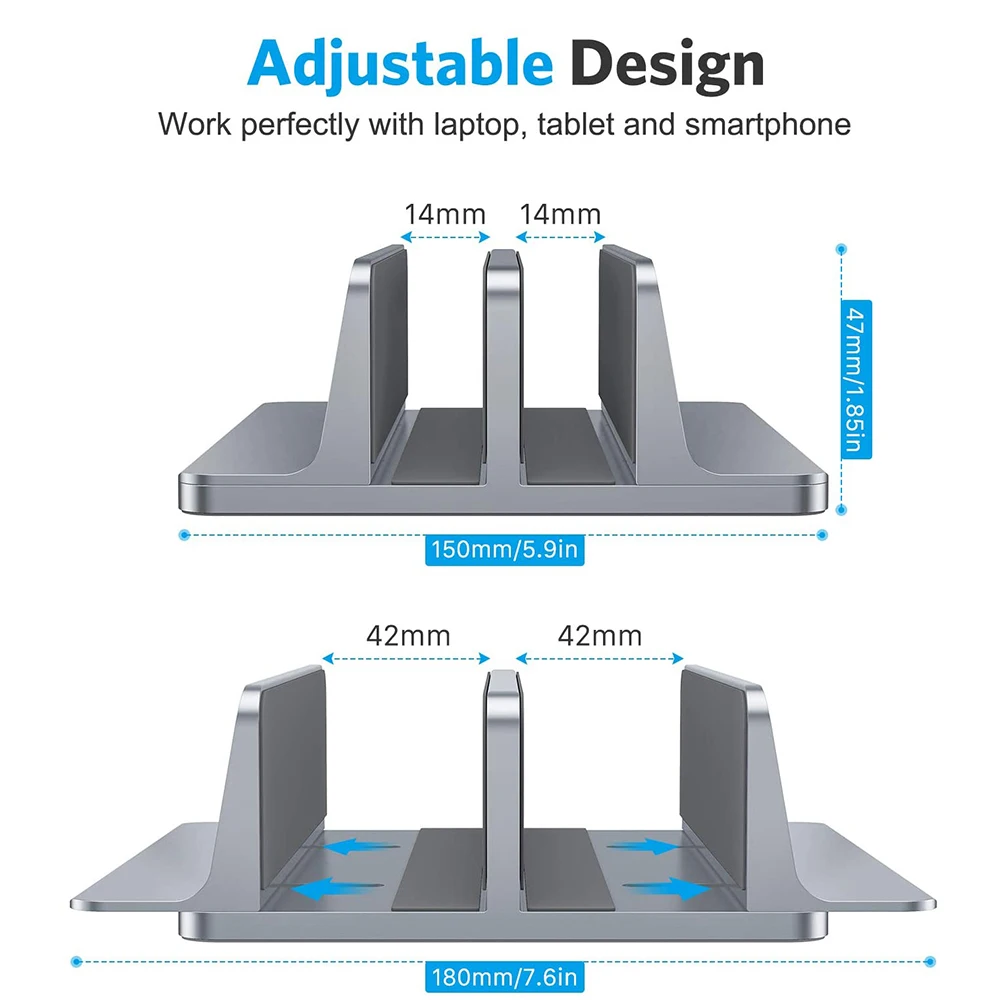
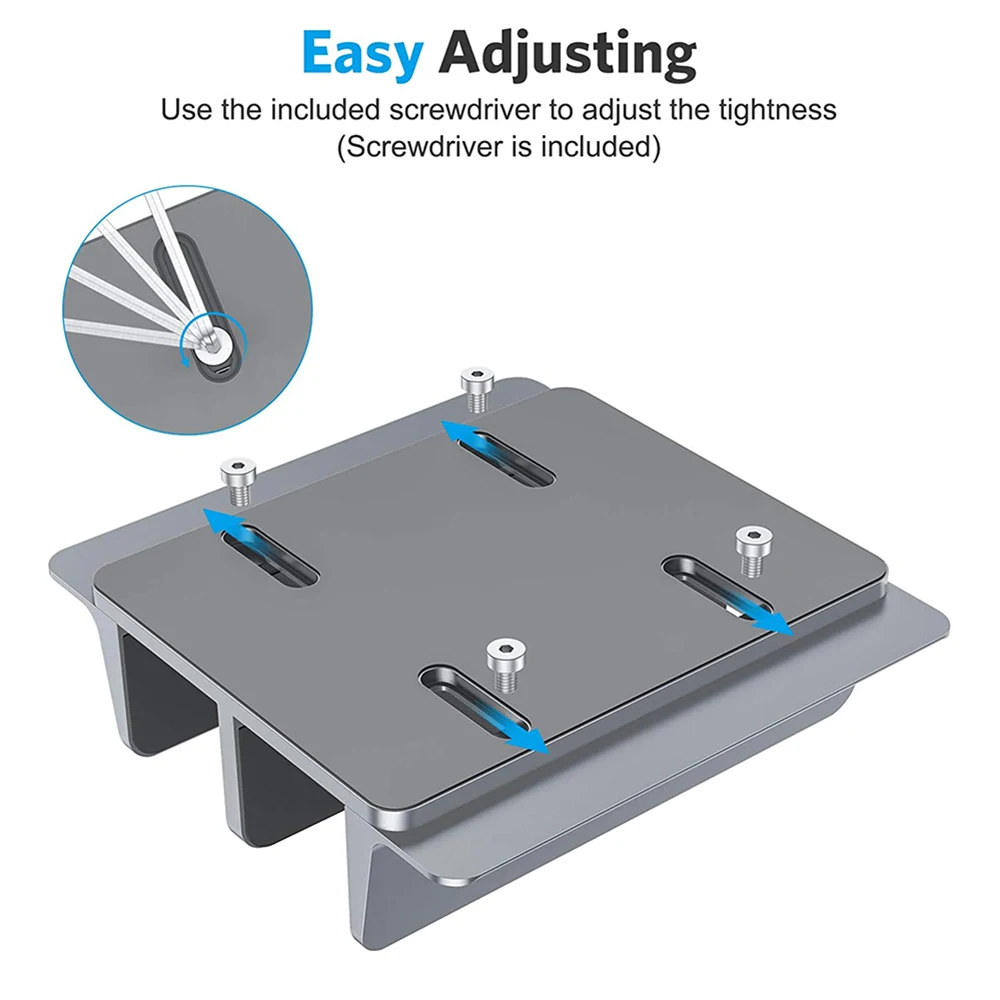
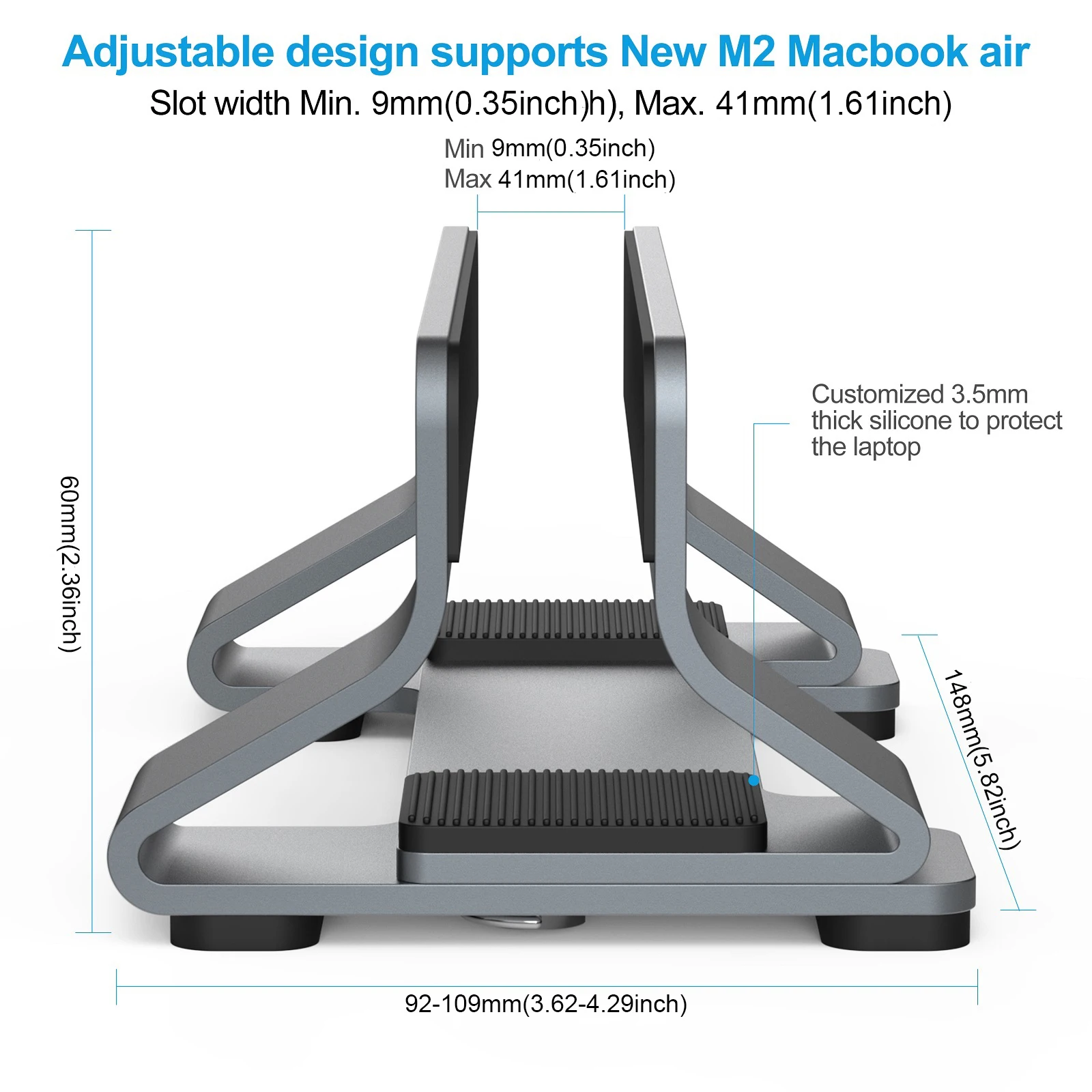
  • Aluminium stands with a slot that widens and narrows. The ranges stated here run from about 14mm up to 42mm on some and 69mm on others, so check your laptop's thickness against it.
  • A gravity-lock stand whose grip closes on its own as the laptop is set into it, for laptops up to 35mm thick.
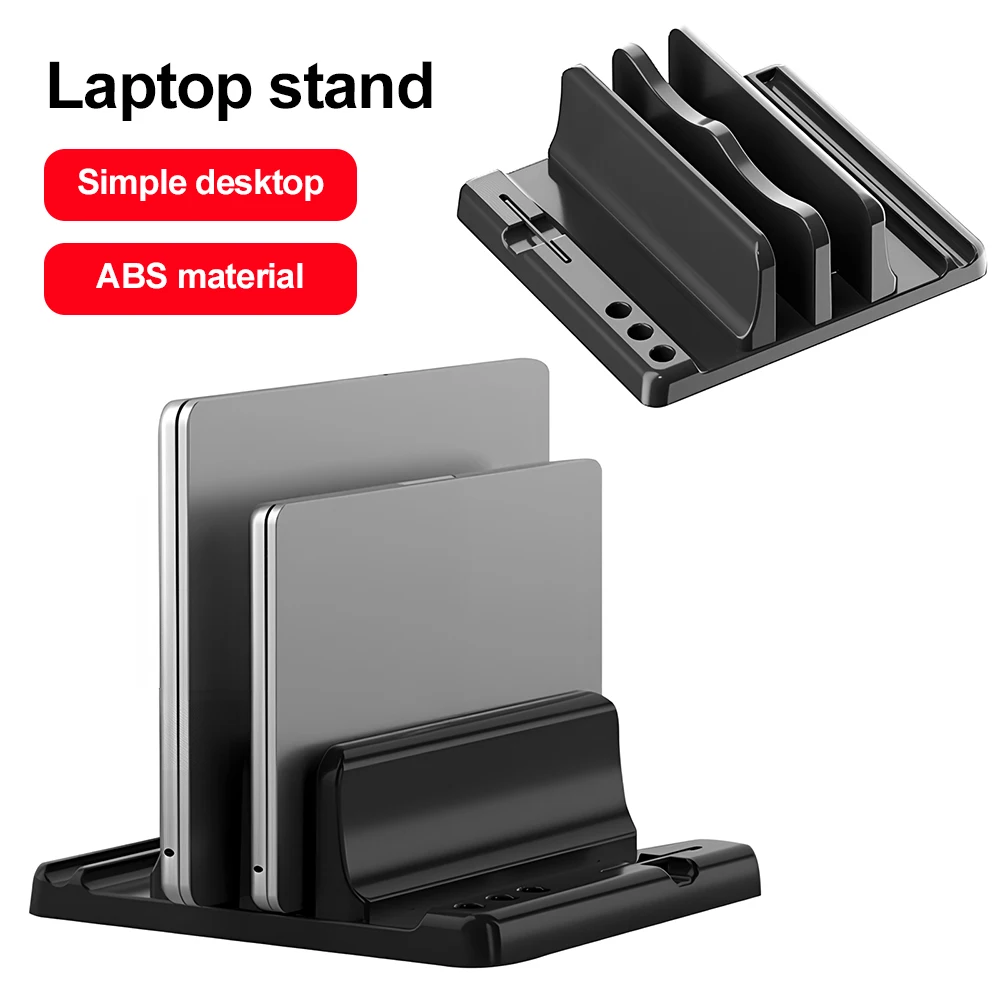
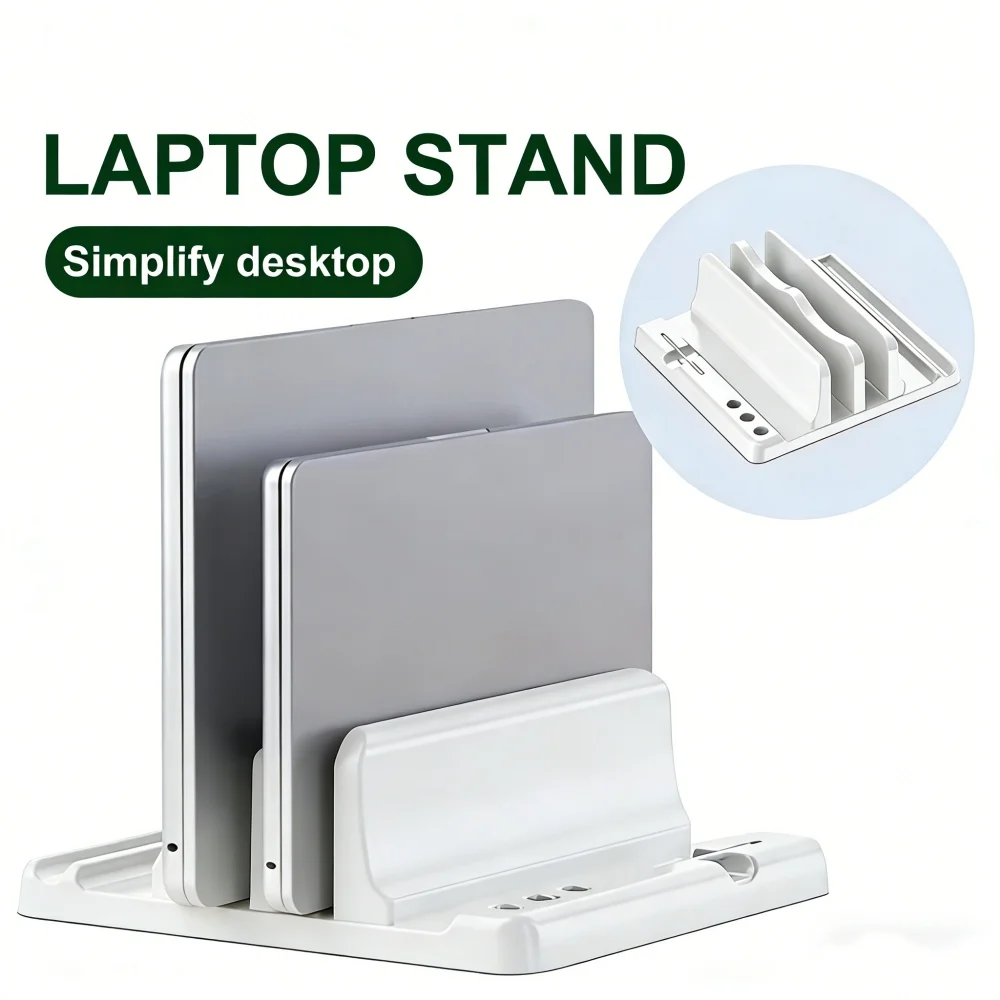
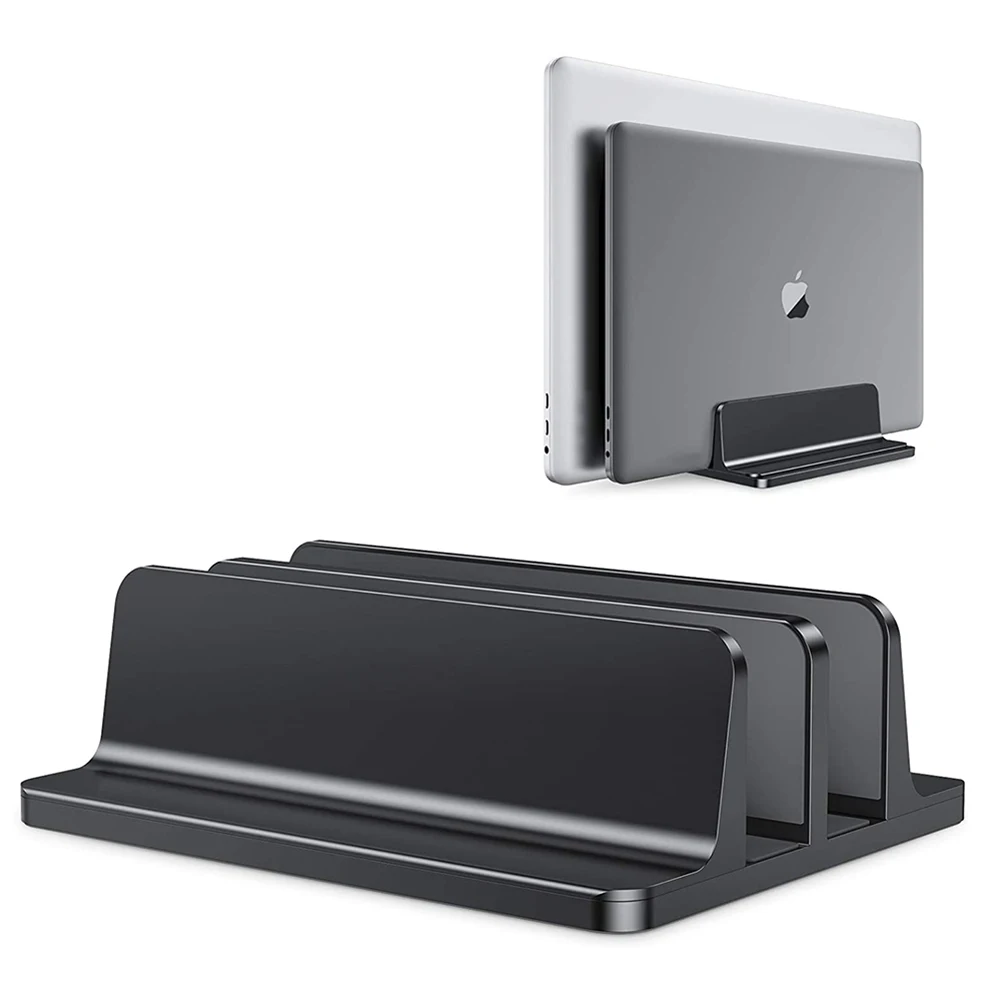
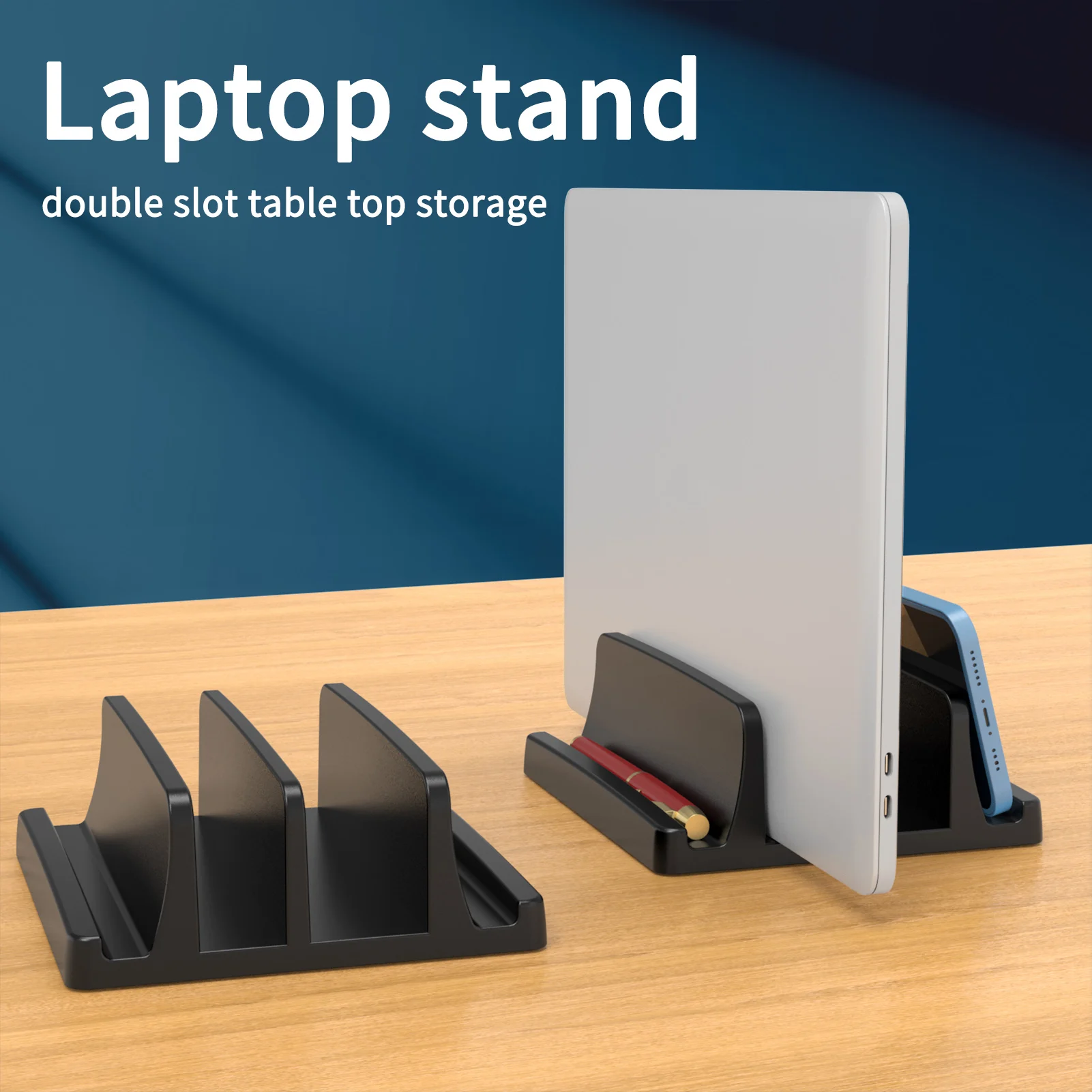
  • Dual-slot stands that hold two laptops, or a laptop and a tablet, side by side.
  • Plastic and wooden holders, and one stand made for a Mac mini.

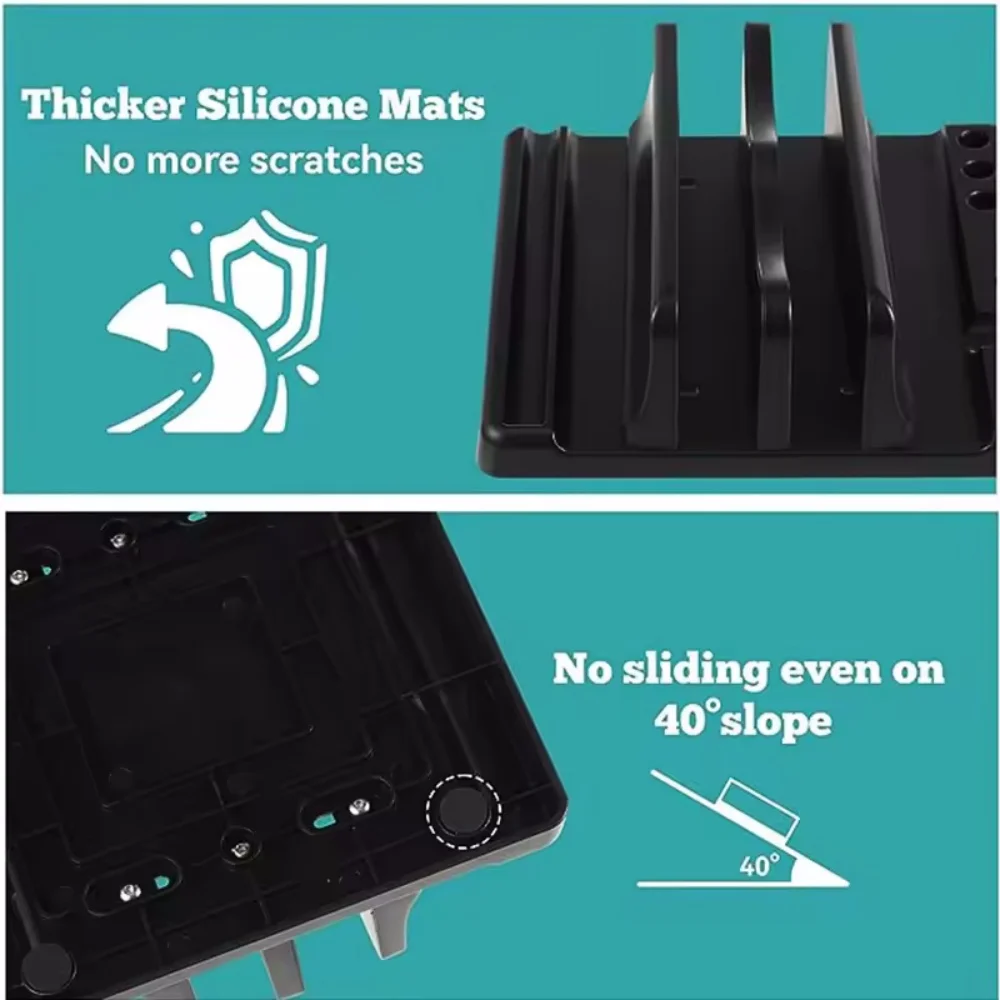
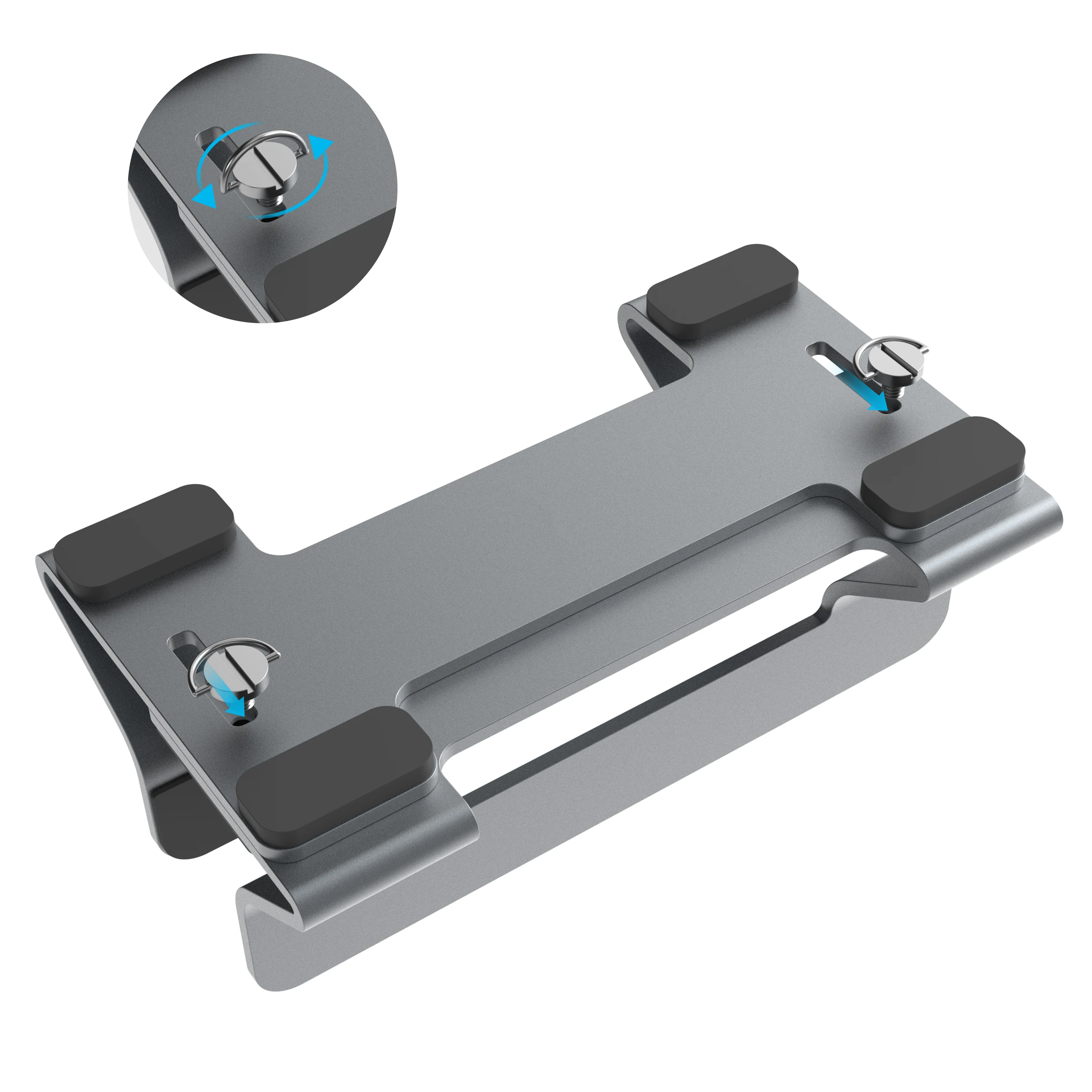
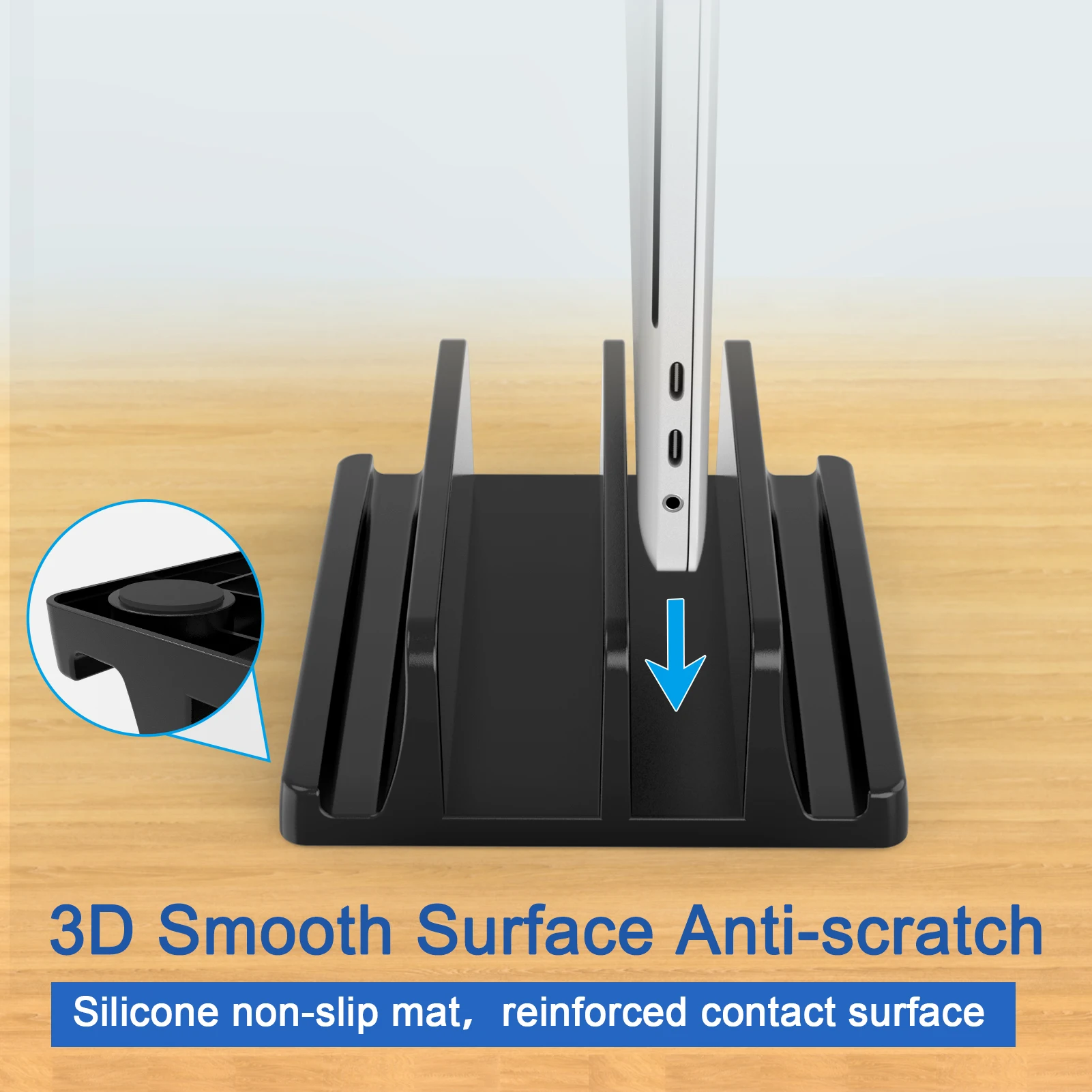
Most have silicone pads inside the slot and on the base, so the laptop's finish is not scratched and the stand does not slide.

Running a laptop with the lid shut

This needs a little setting up. Apple says that to use a Mac laptop with the lid closed you need an external display, a keyboard and a mouse or trackpad connected, and the Mac connected to power. On a Windows laptop, the power settings include what closing the lid does; set it to do nothing while plugged in.

Because everything plugs into the laptop, a vertical stand is usually paired with a docking station or a USB-C hub, so one cable connects the monitor, keyboard, mouse and charger. The guide to choosing a USB-C hub or docking station explains which to pick.

How to choose a vertical stand

Thickness. Measure the closed laptop at its thickest point, in its case if it stays in one.

Vents. Look where your laptop's vents are before you stand it up, so the edge that sits in the slot does not cover one.

Ports. Check the cables can reach the ports on the side that faces up.

Questions people ask about vertical laptop stands

Is it bad for a laptop to stand upright?

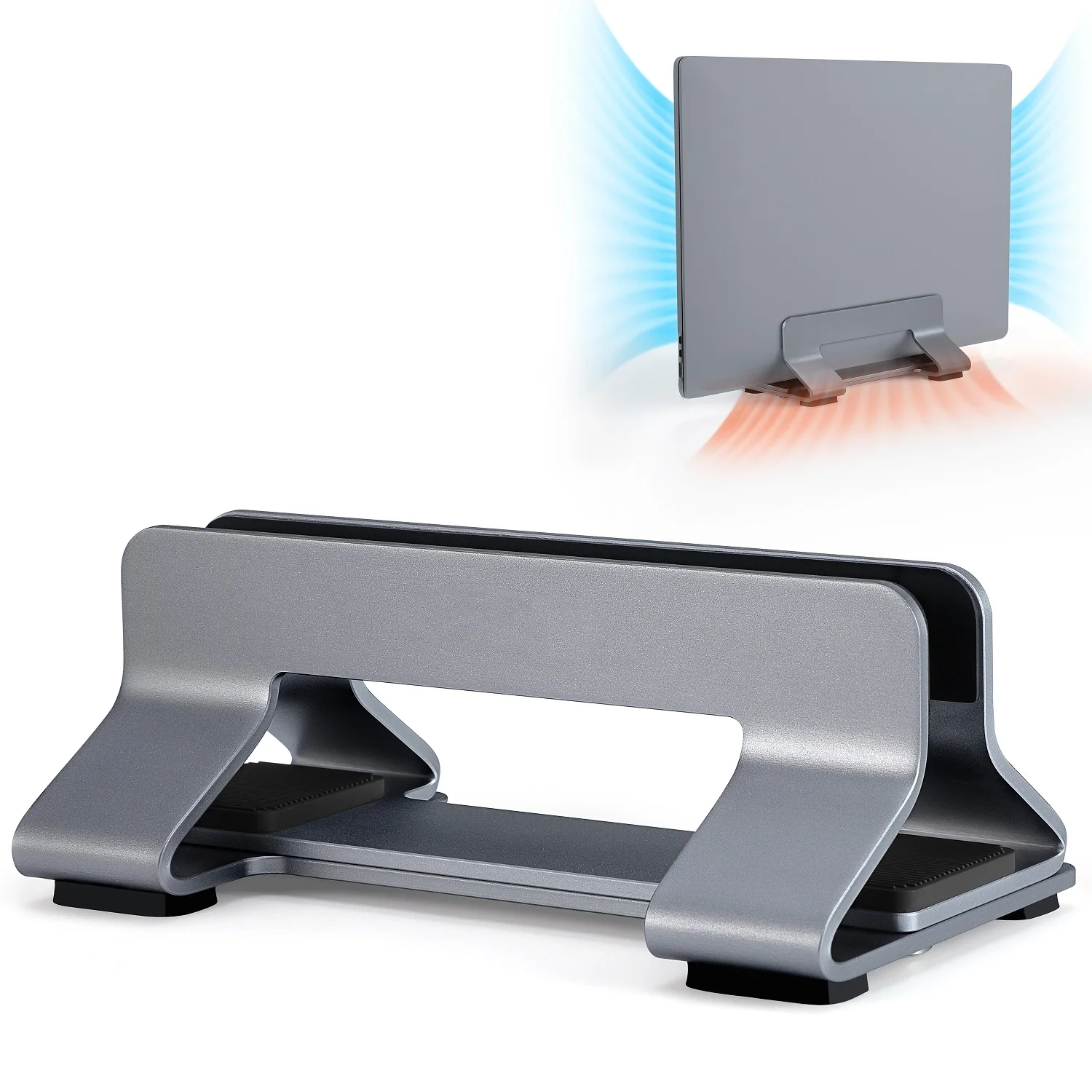
No. Standing on its edge leaves both sides of the base open to the air, as long as no vent is down in the slot.

Can I fit a laptop in a hard-shell case?

Yes, if the closed laptop and case together are inside the slot range the stand states.

More to look at
Website designed in Bristol by