Everything with a USB-C connector
USB-C is the small, oval plug that goes in either way up, and it is now the main port on most new laptops, MacBooks included. One USB-C port can charge the laptop, move data and send a picture to a screen, which is why so much of the shop has it somewhere. This page lists every hub, adapter, cable, charger, enclosure and screen whose name, short description or choices mention USB-C, Type-C or Thunderbolt. It is the biggest of the connector pages, and many products here also appear on the HDMI or USB-A pages, because they have those connectors too.
What is here
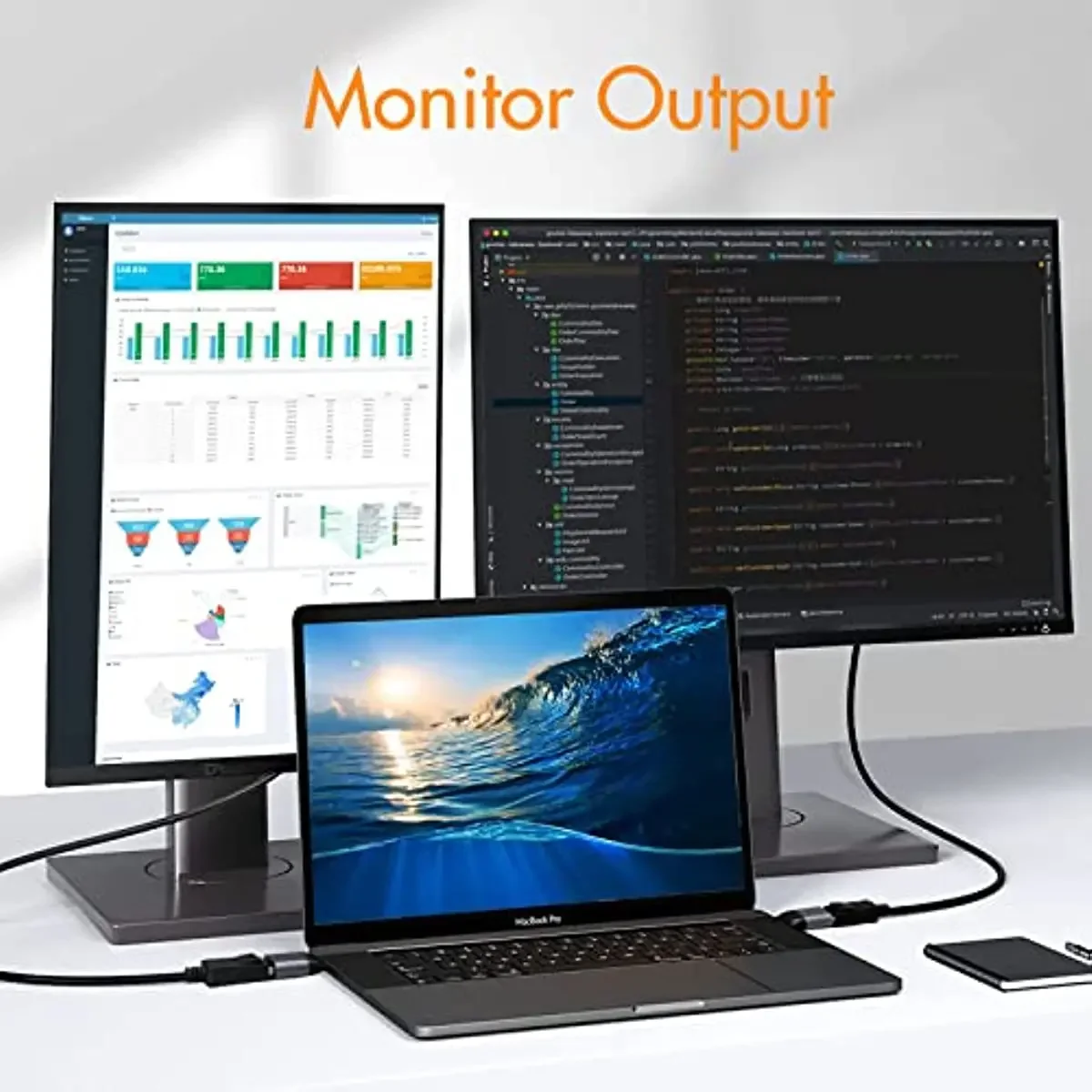
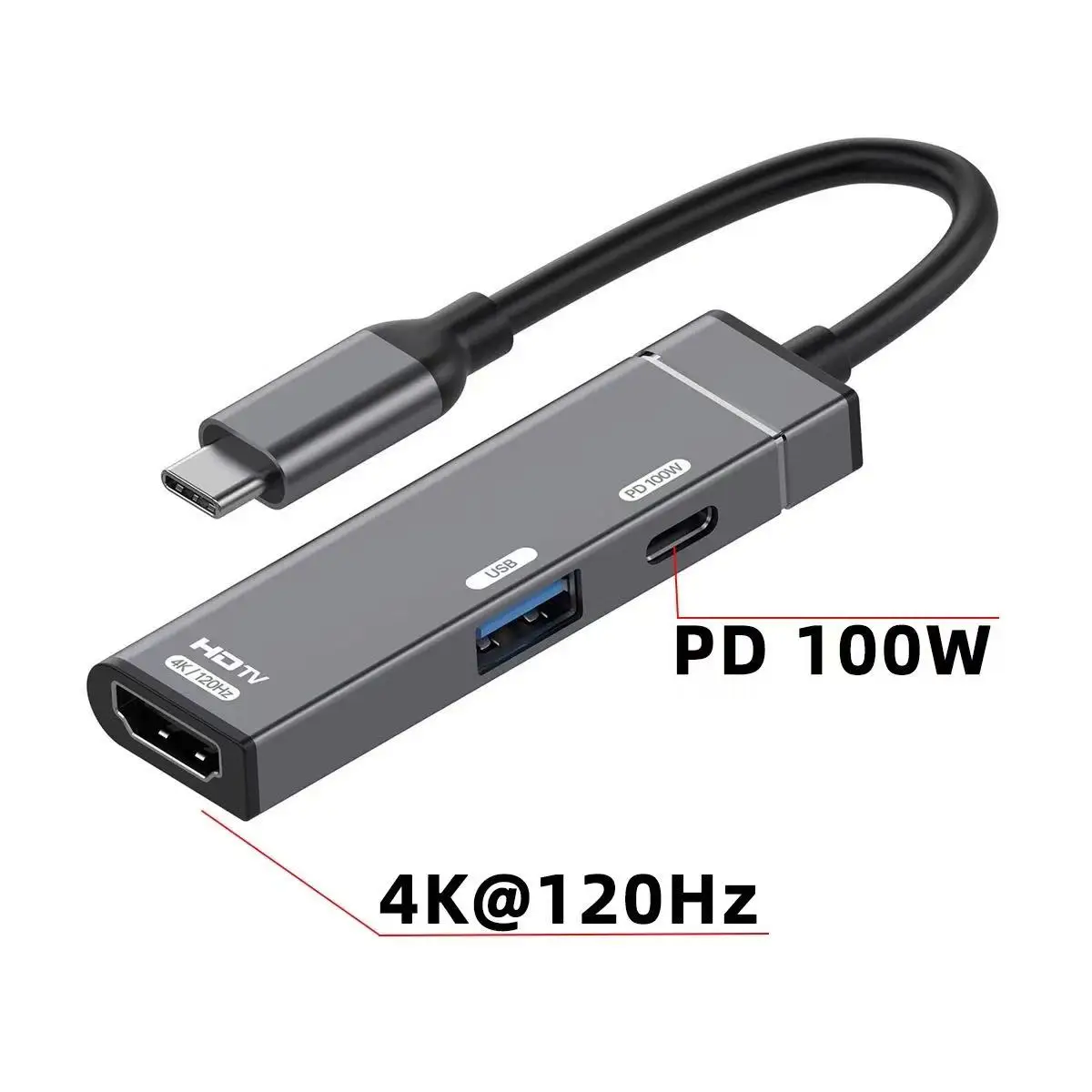
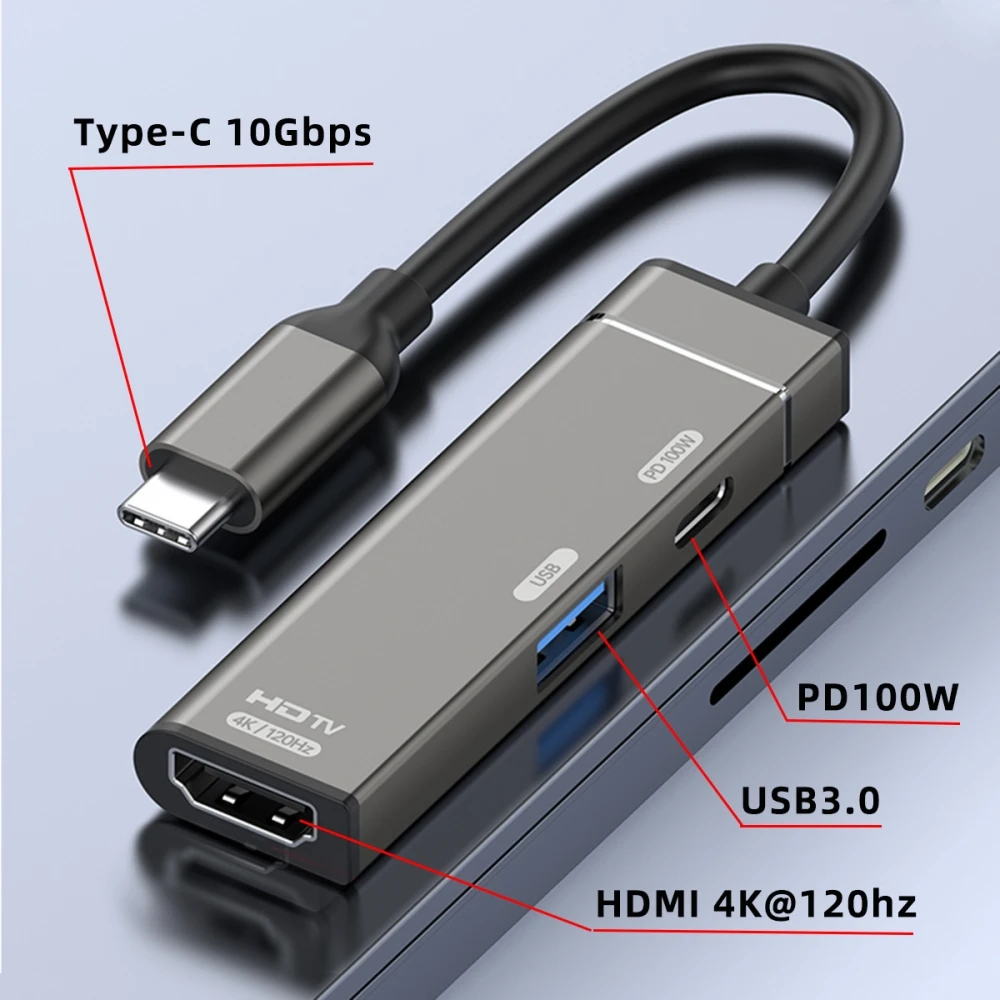
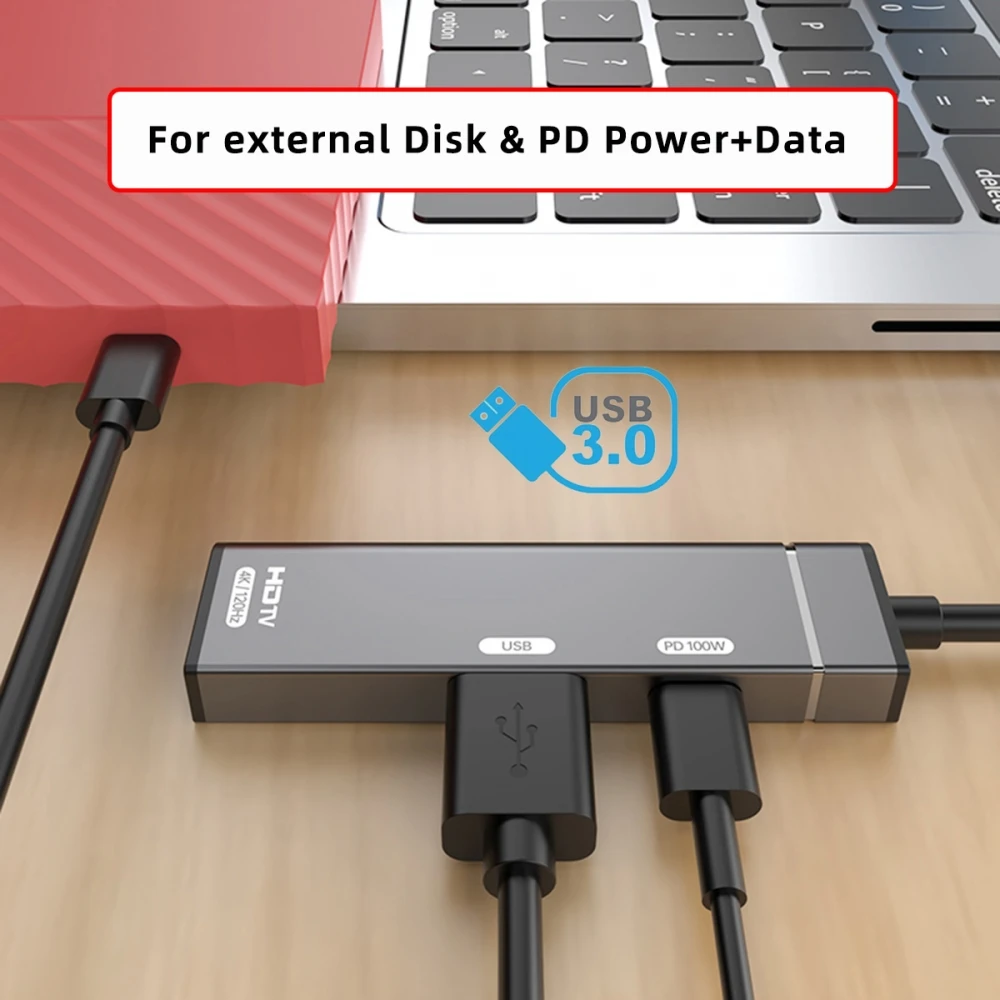
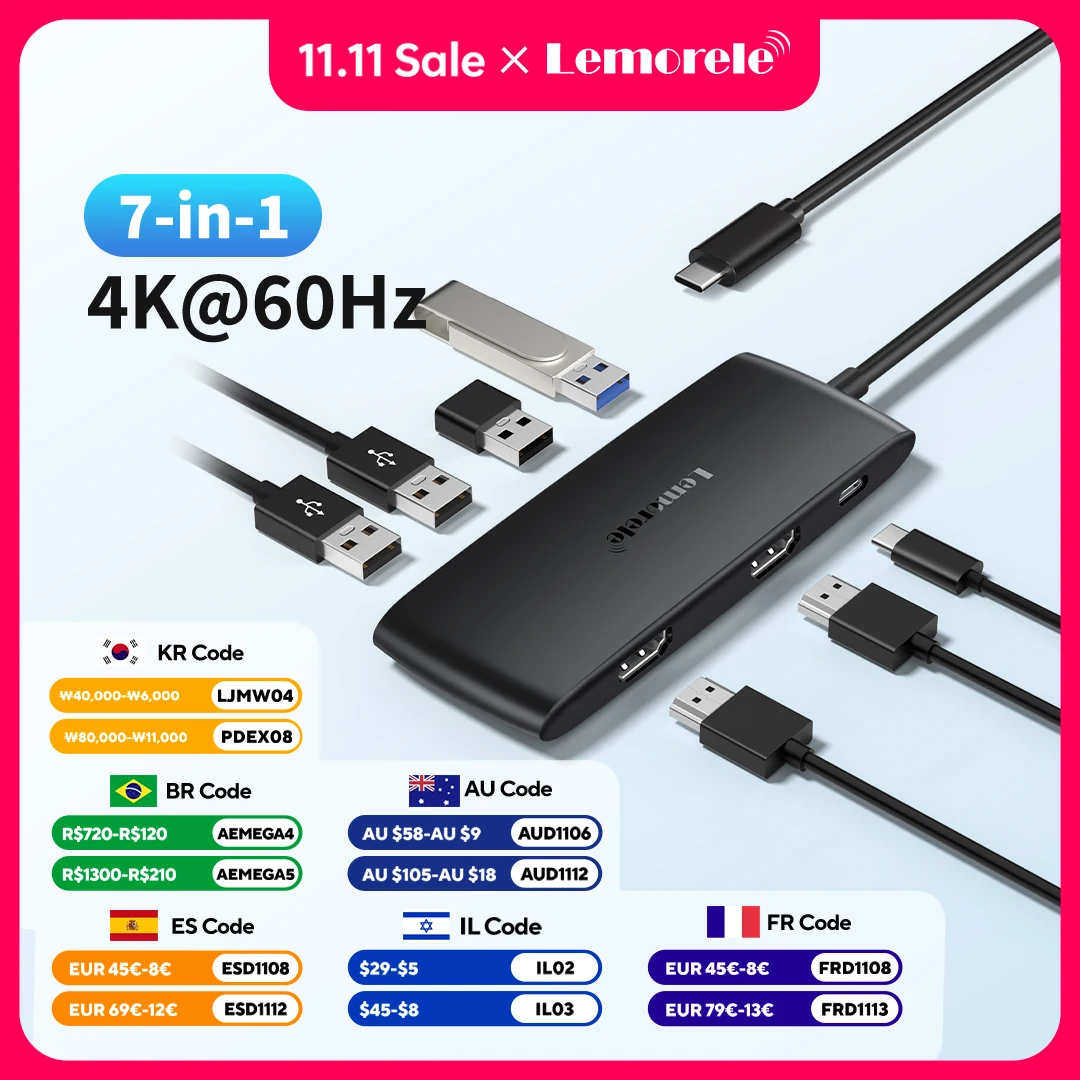
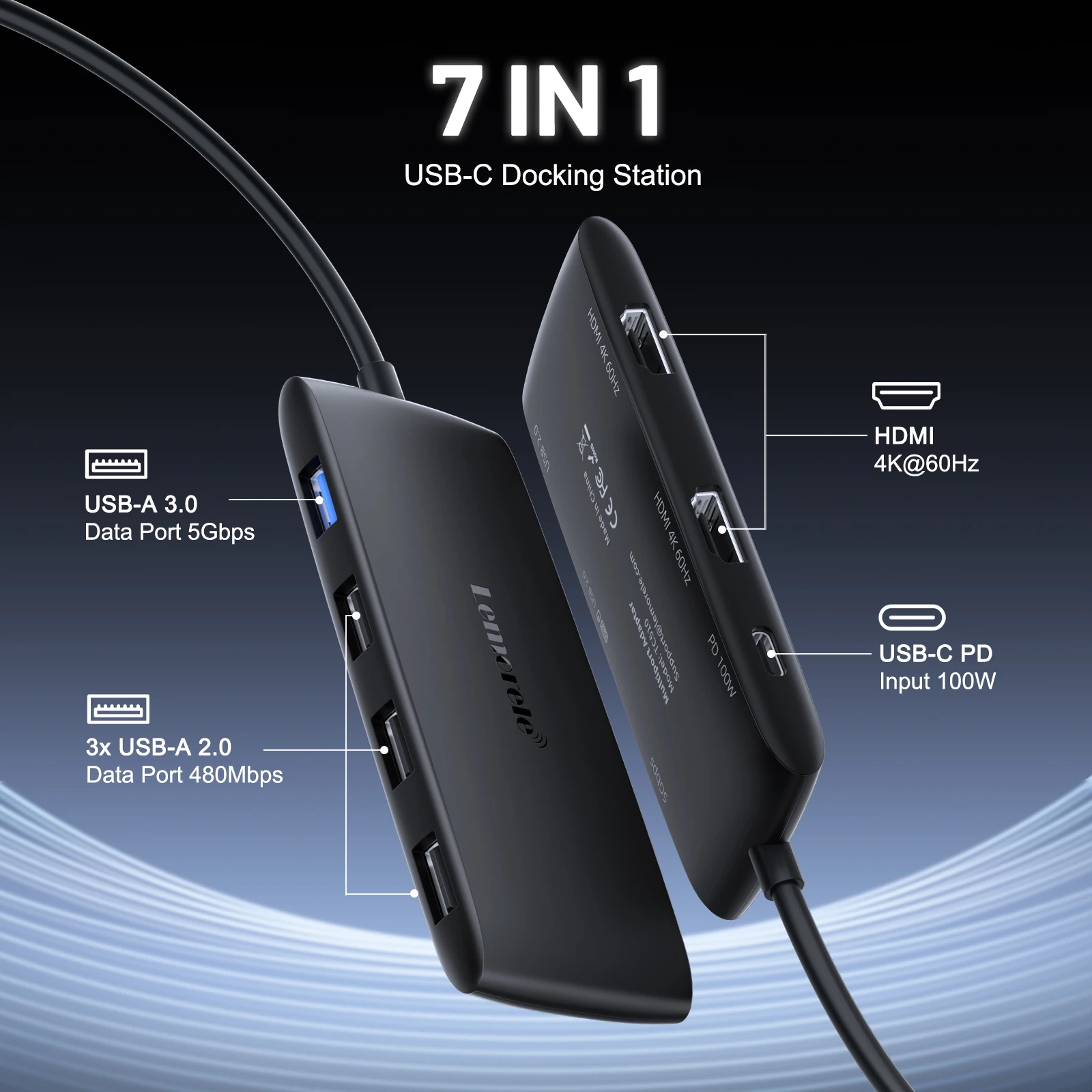
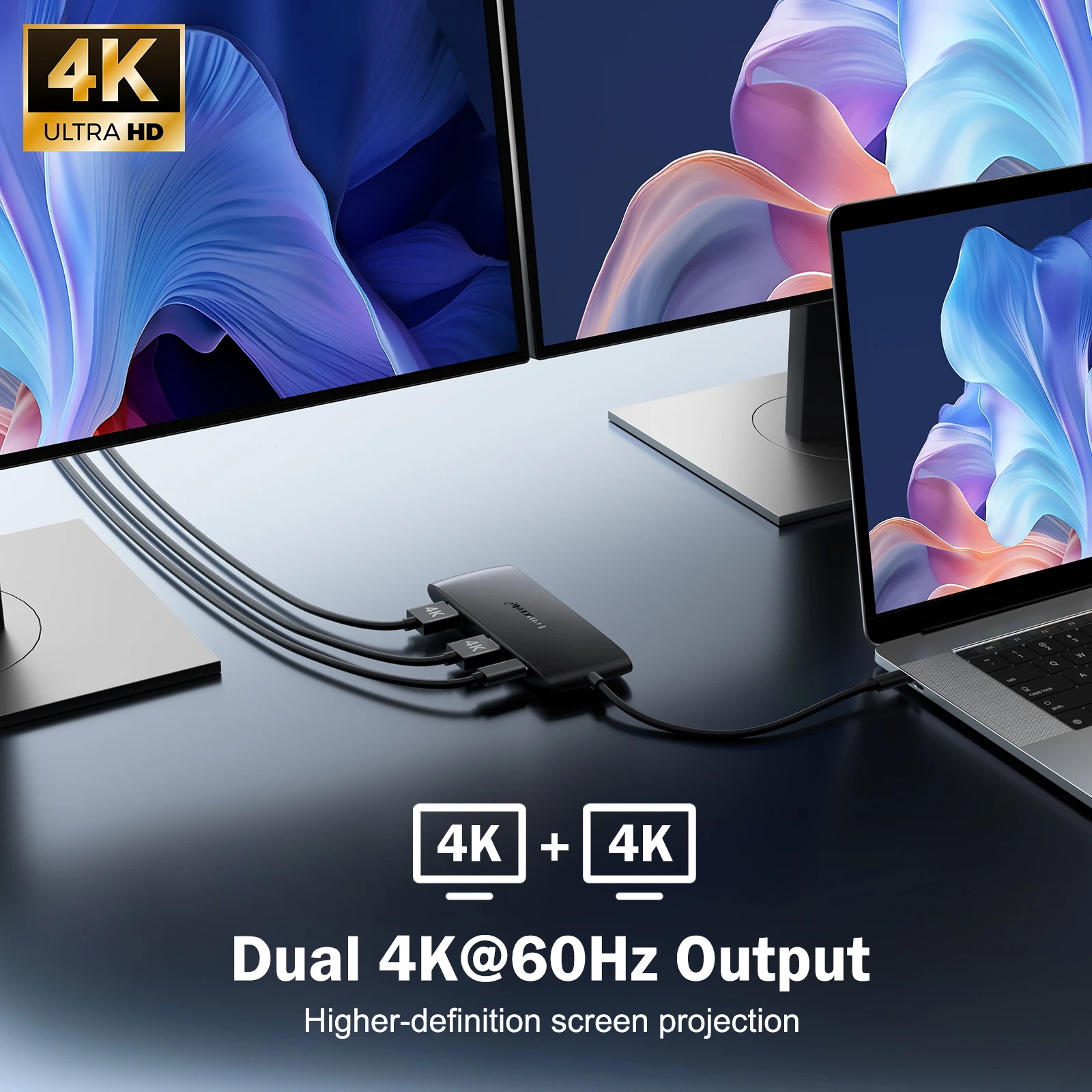
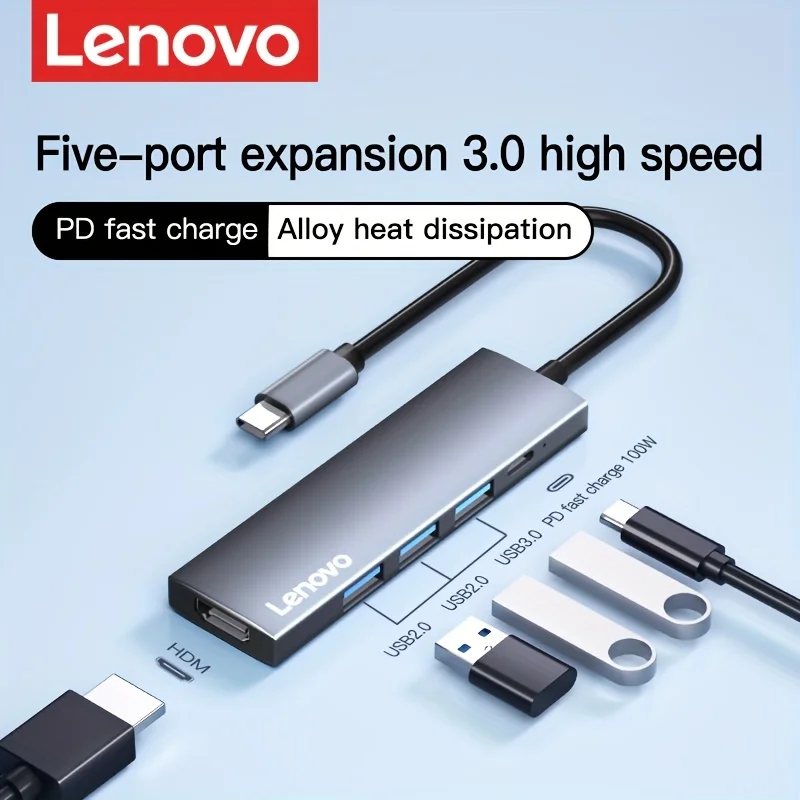
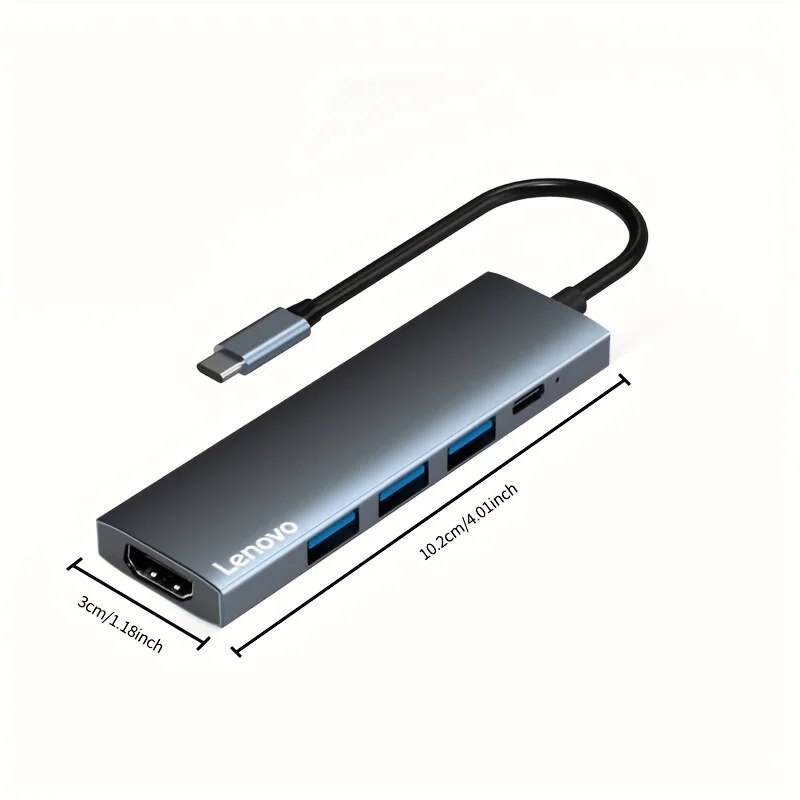
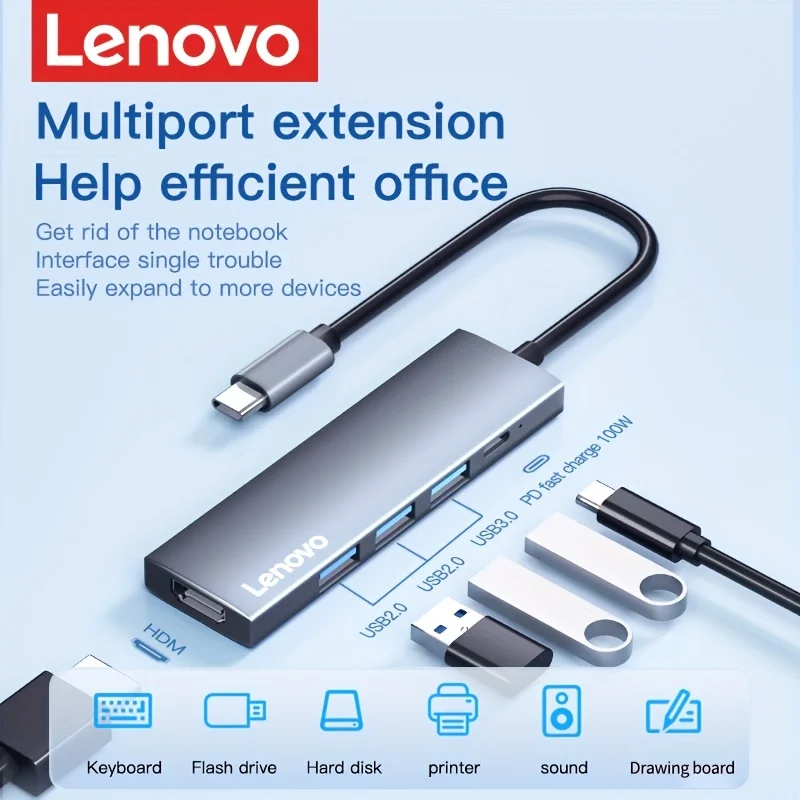
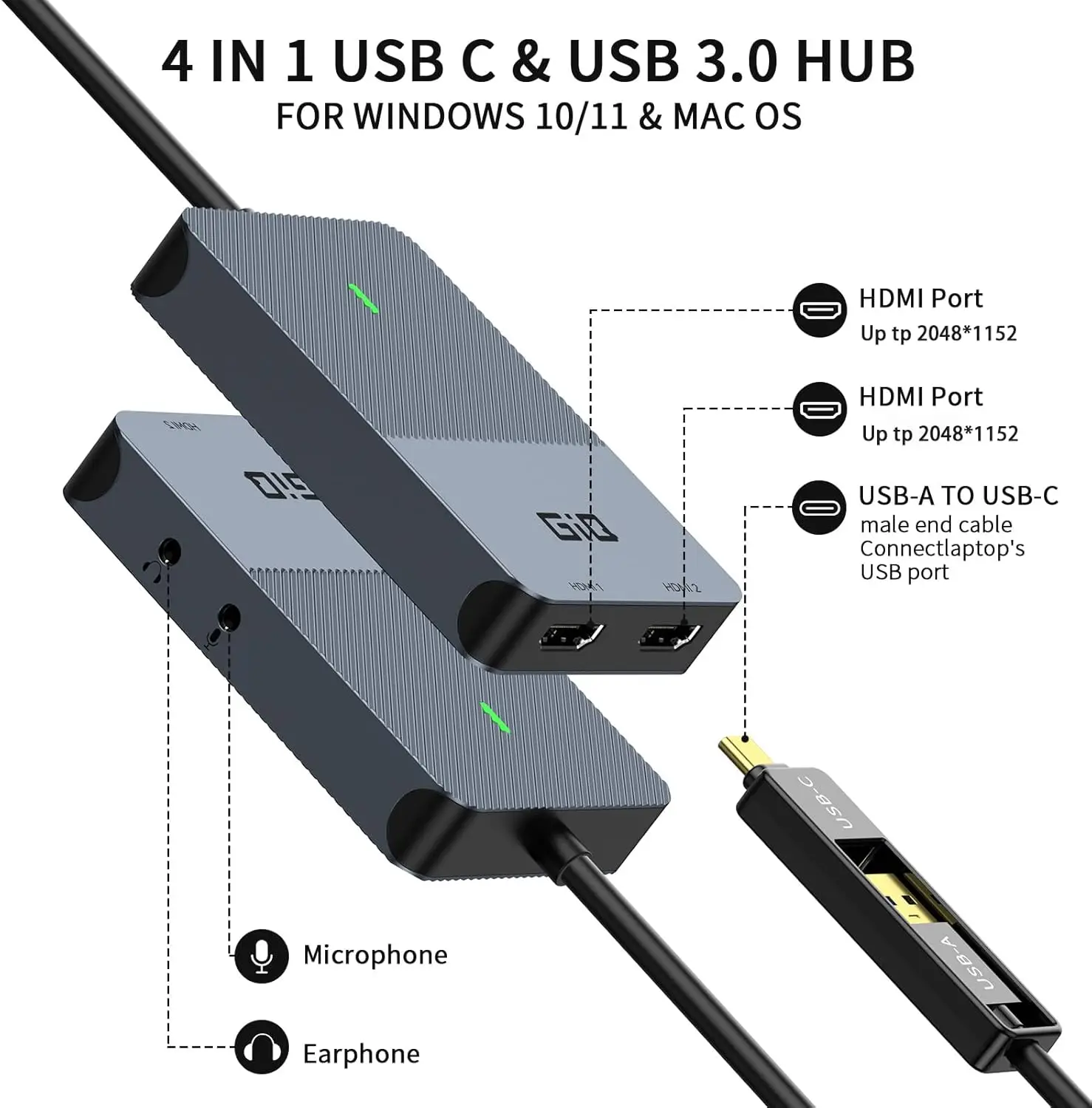
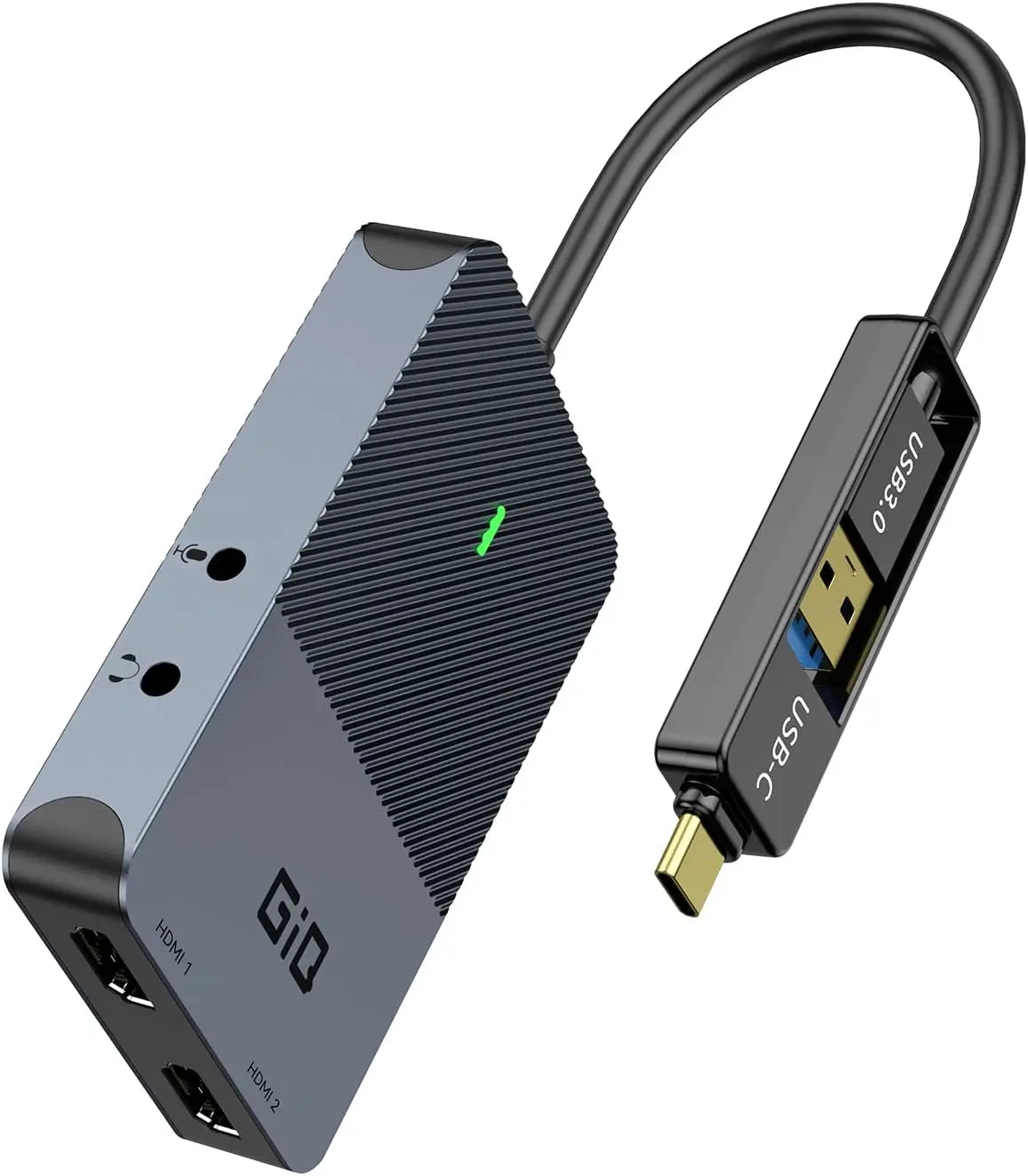
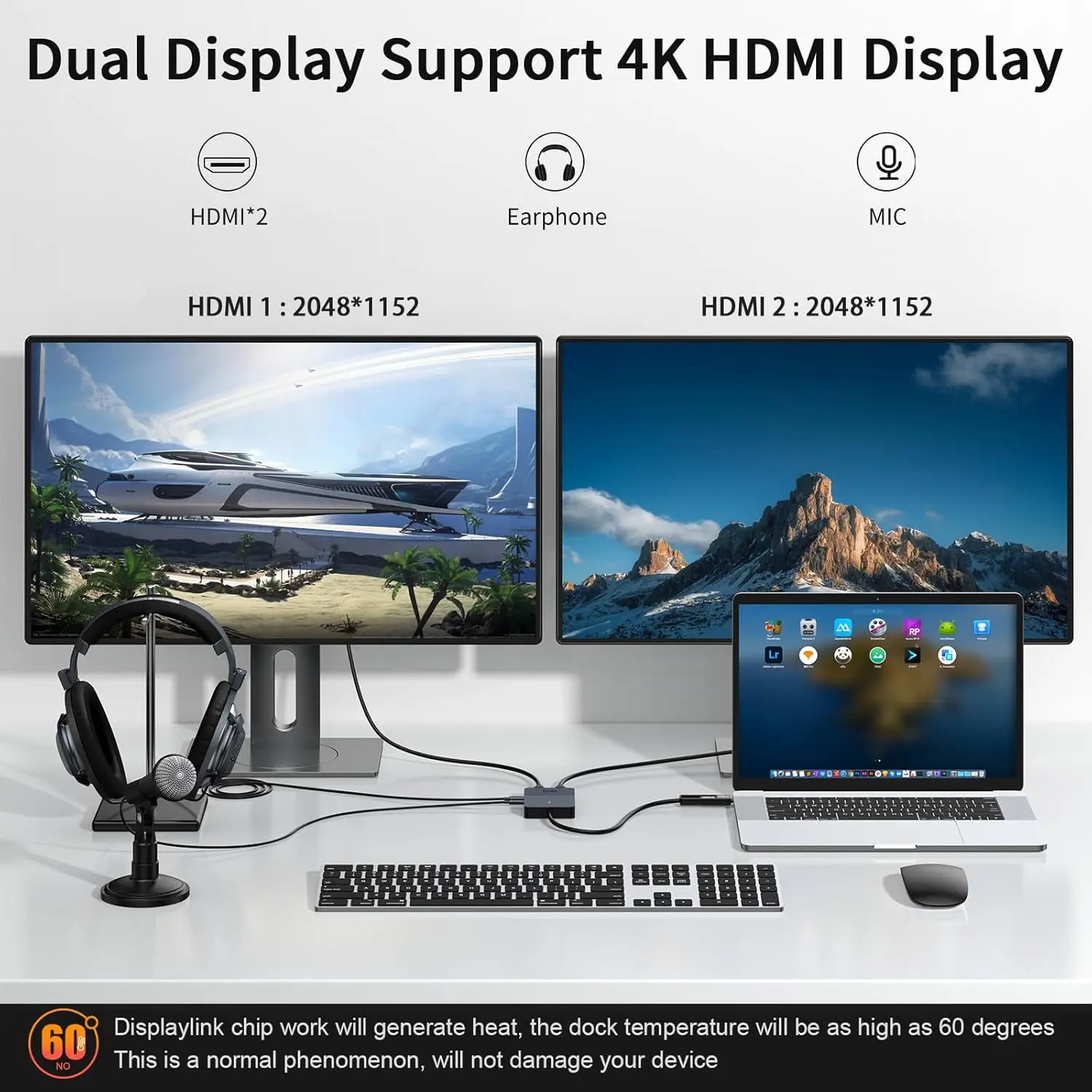
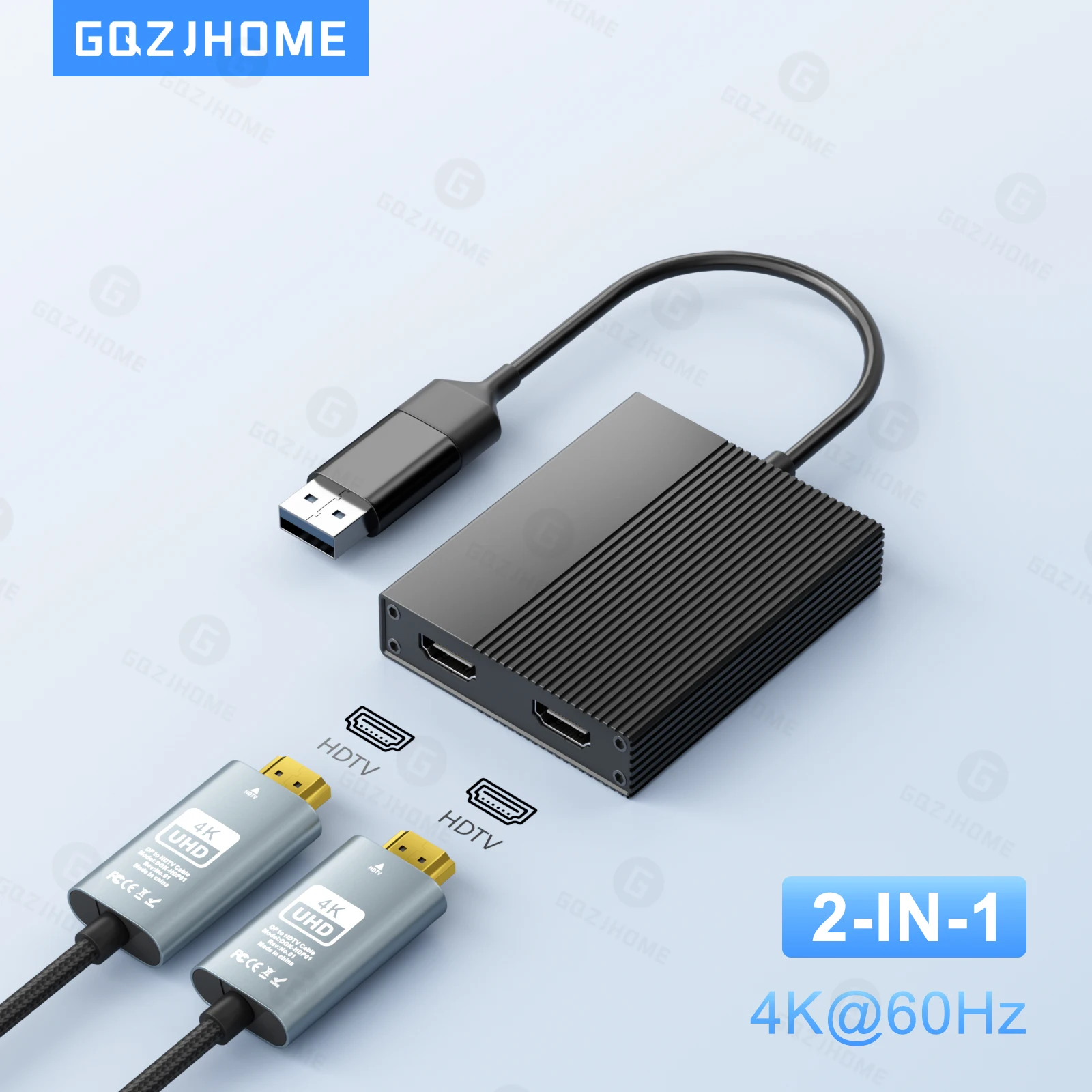
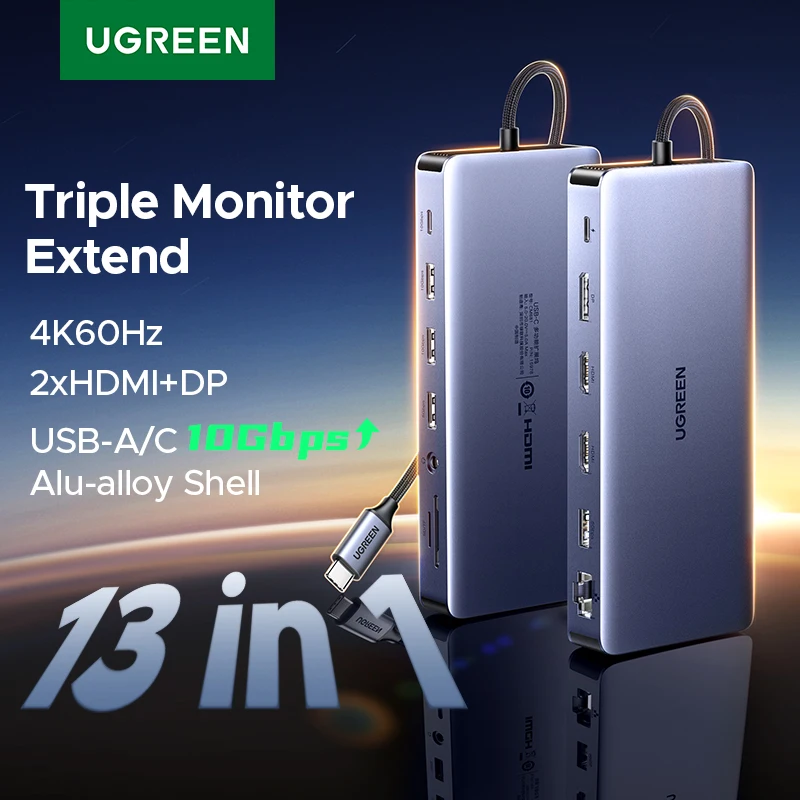
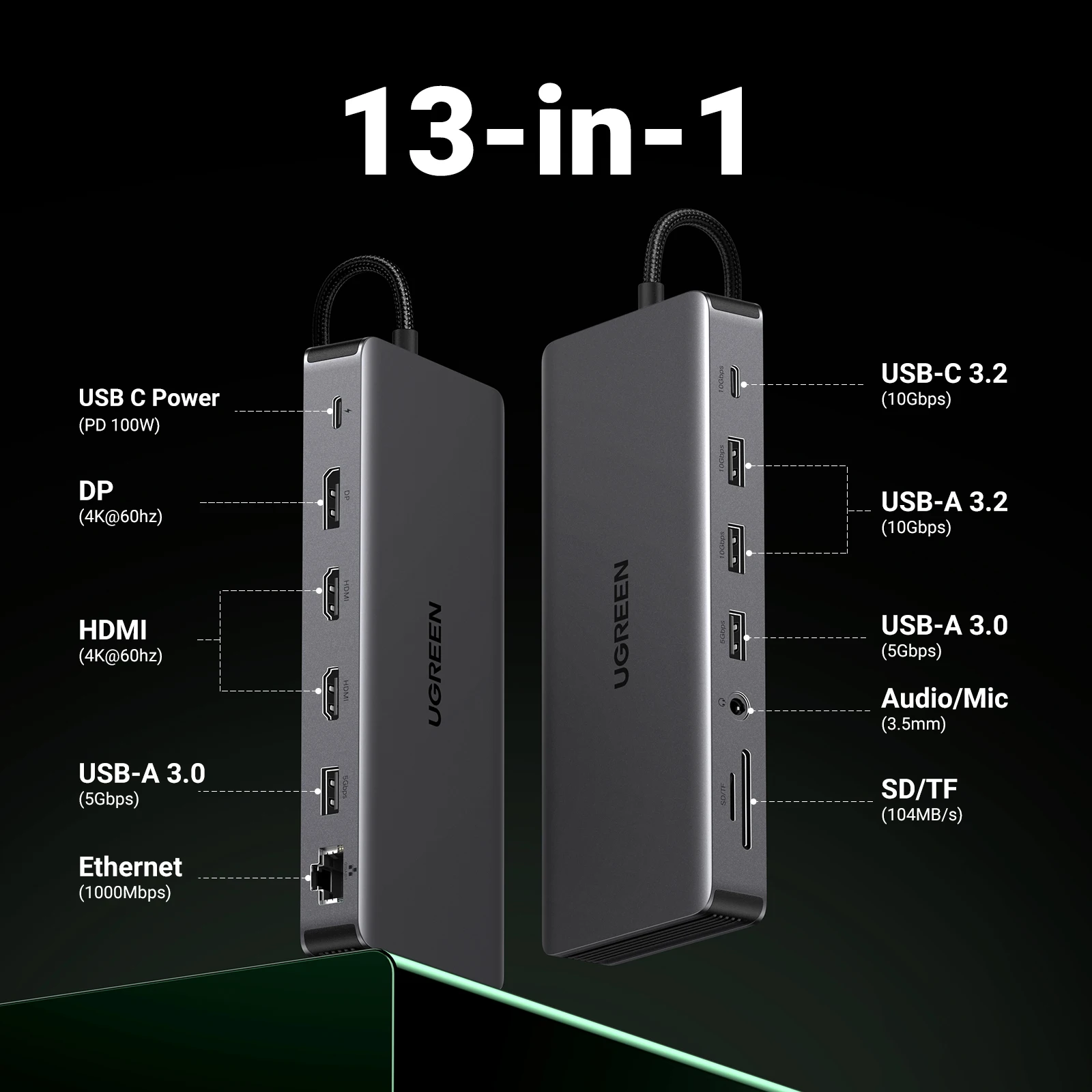
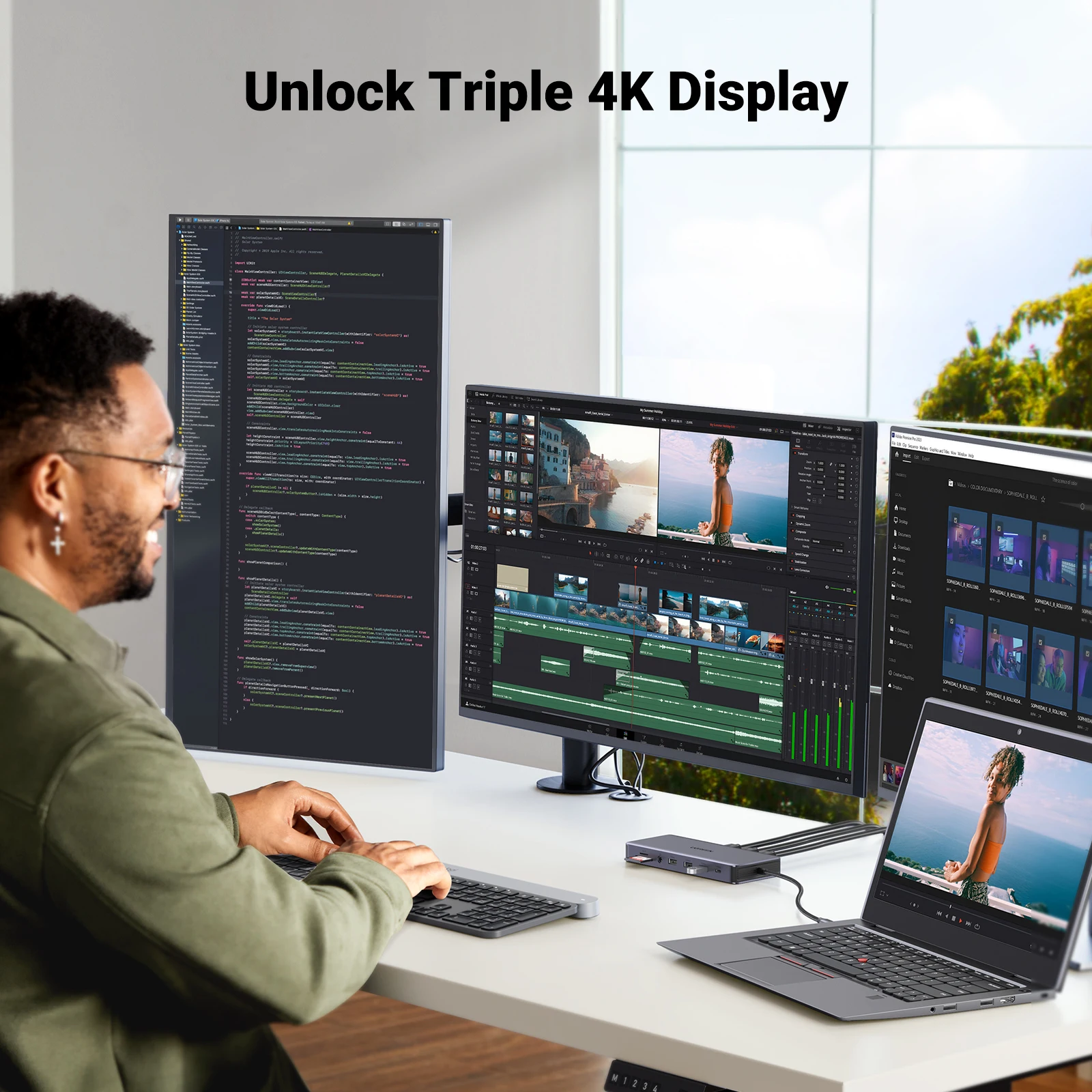
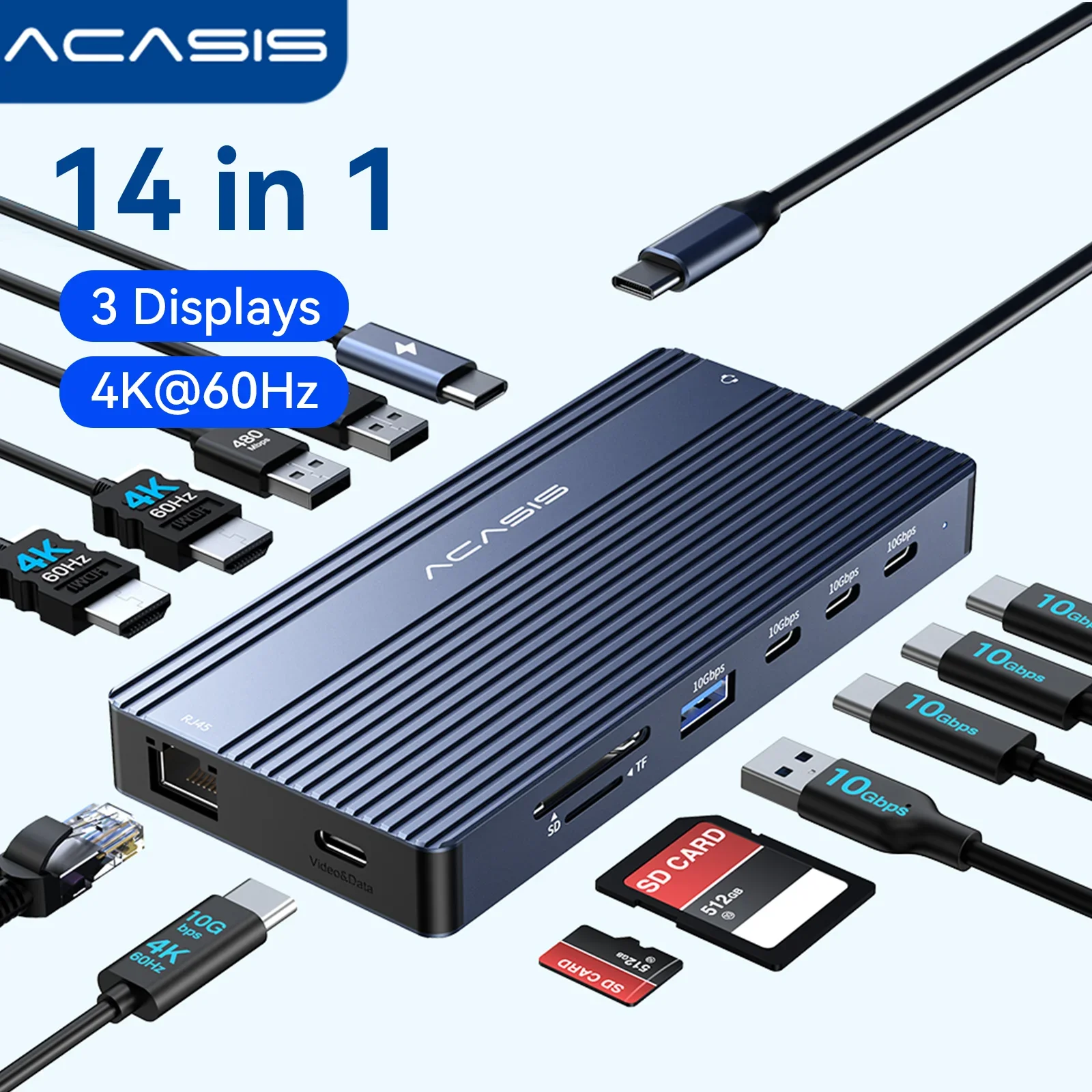
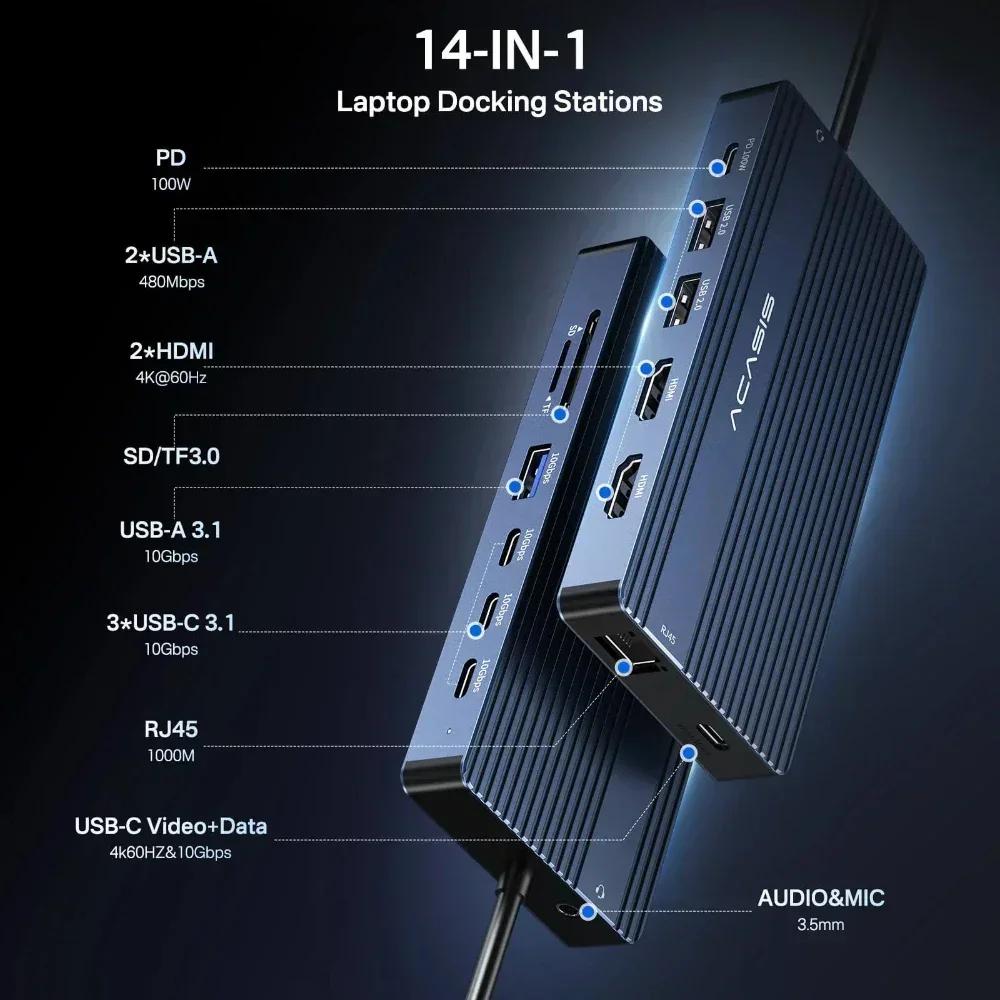
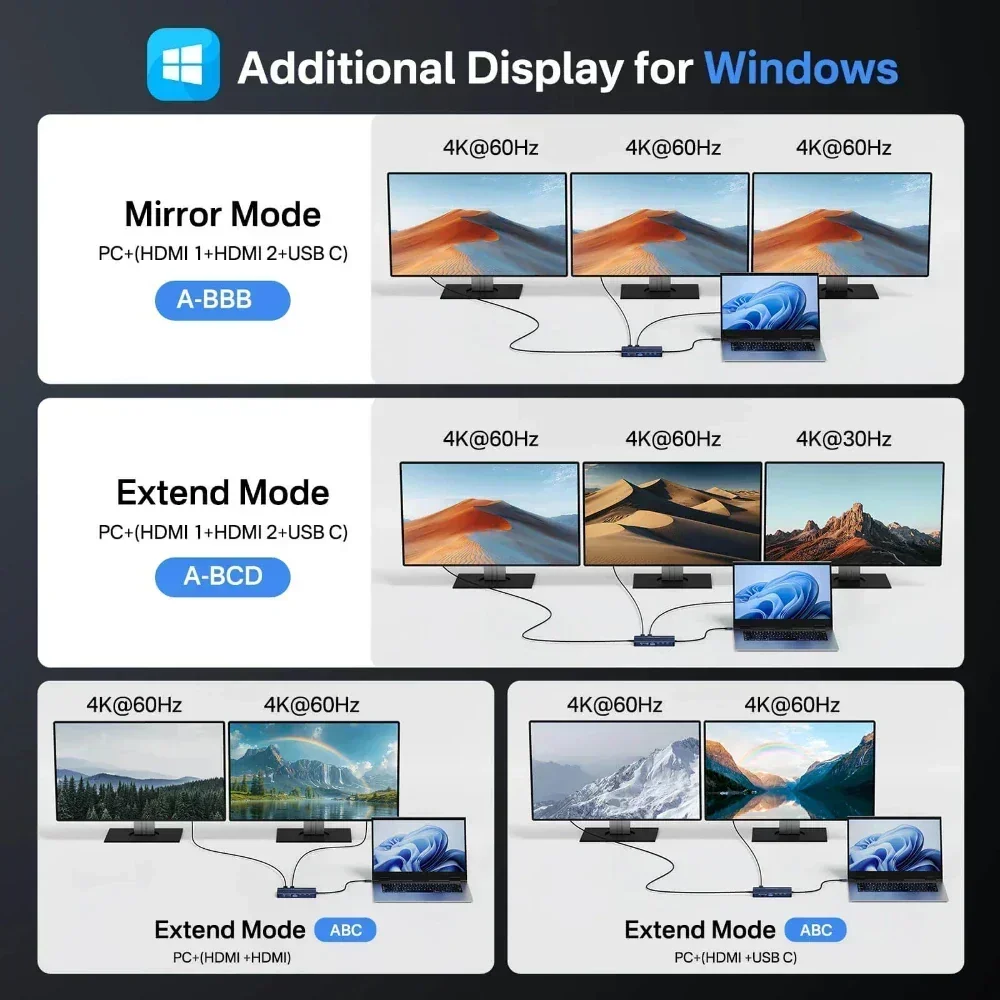
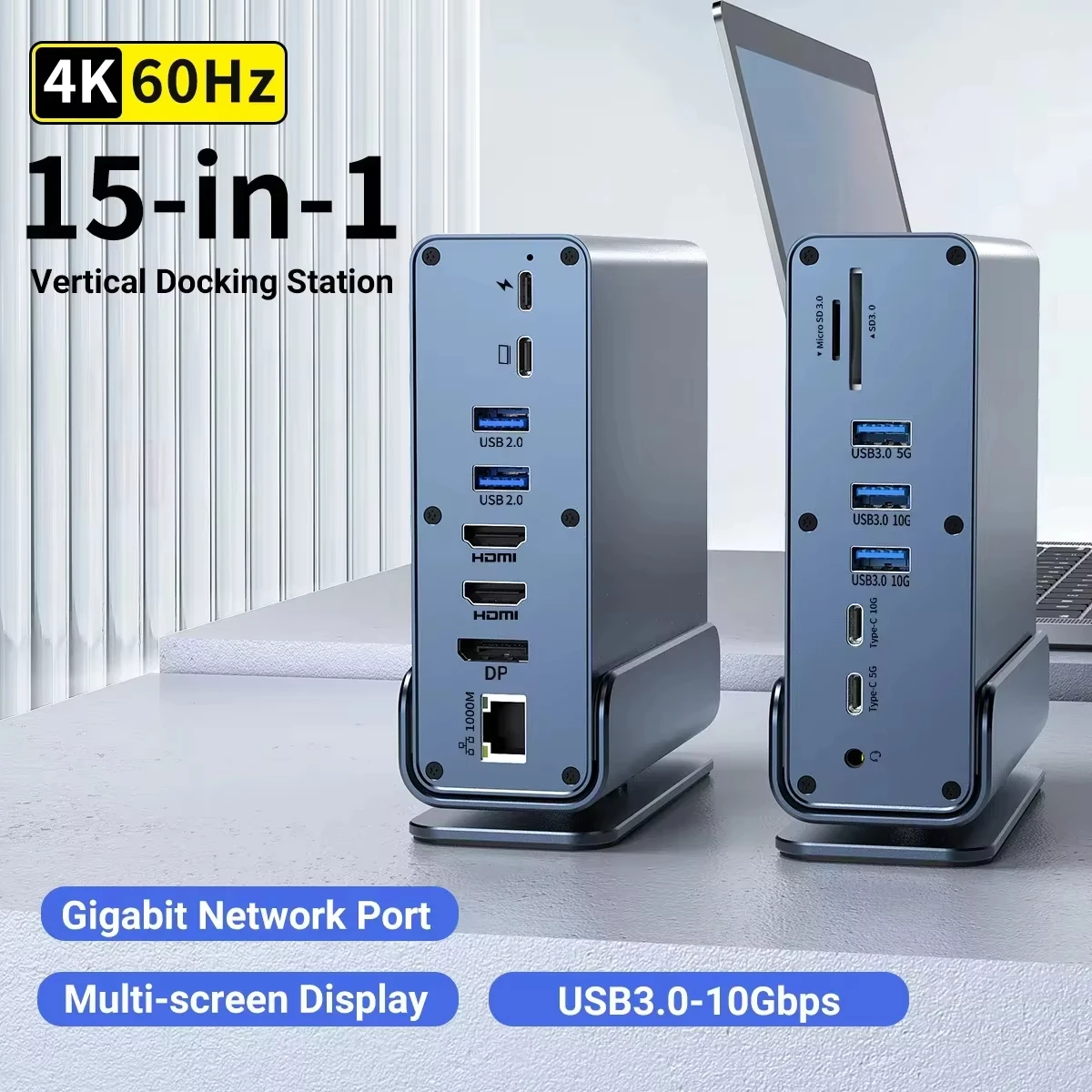
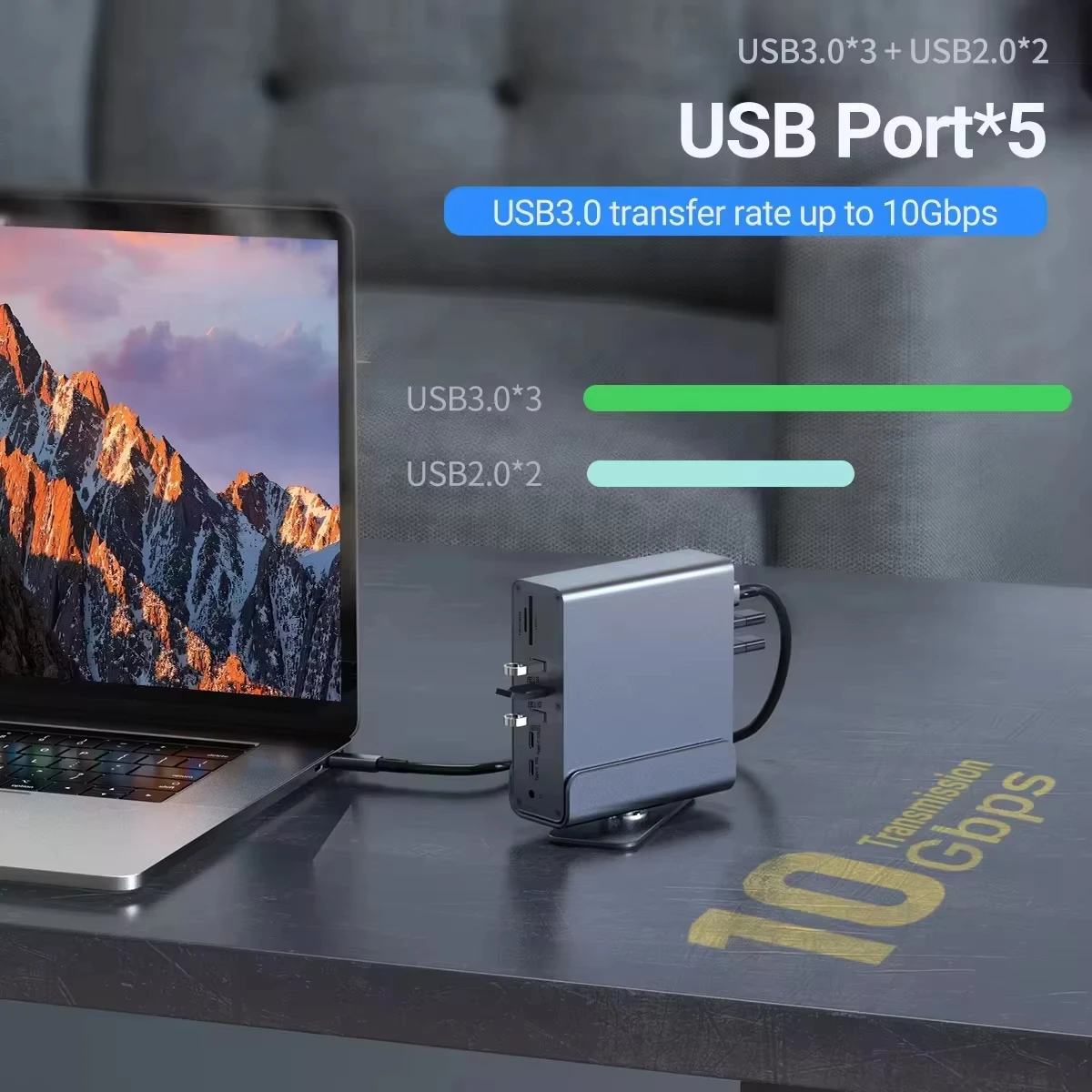
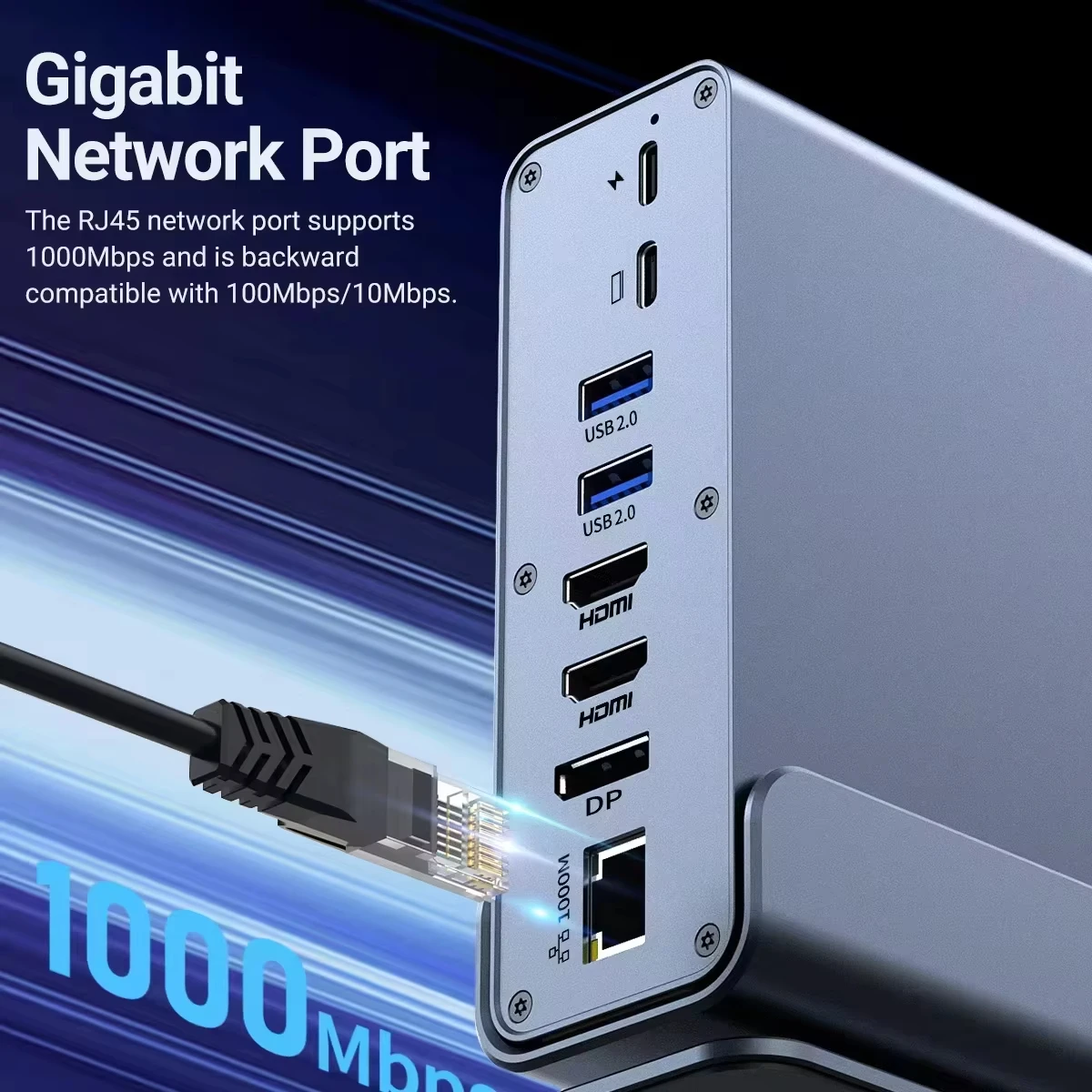
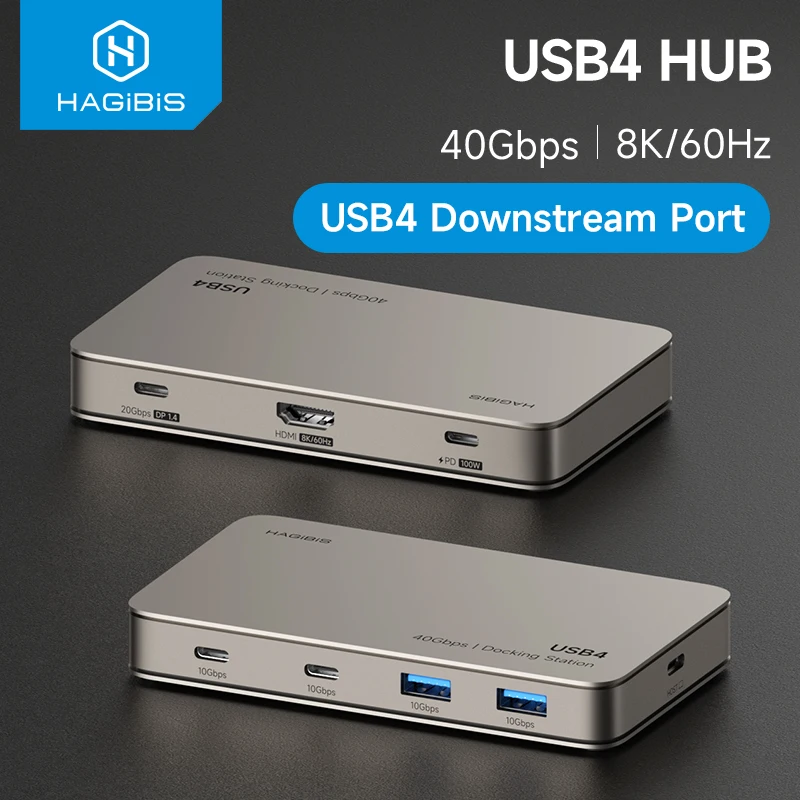
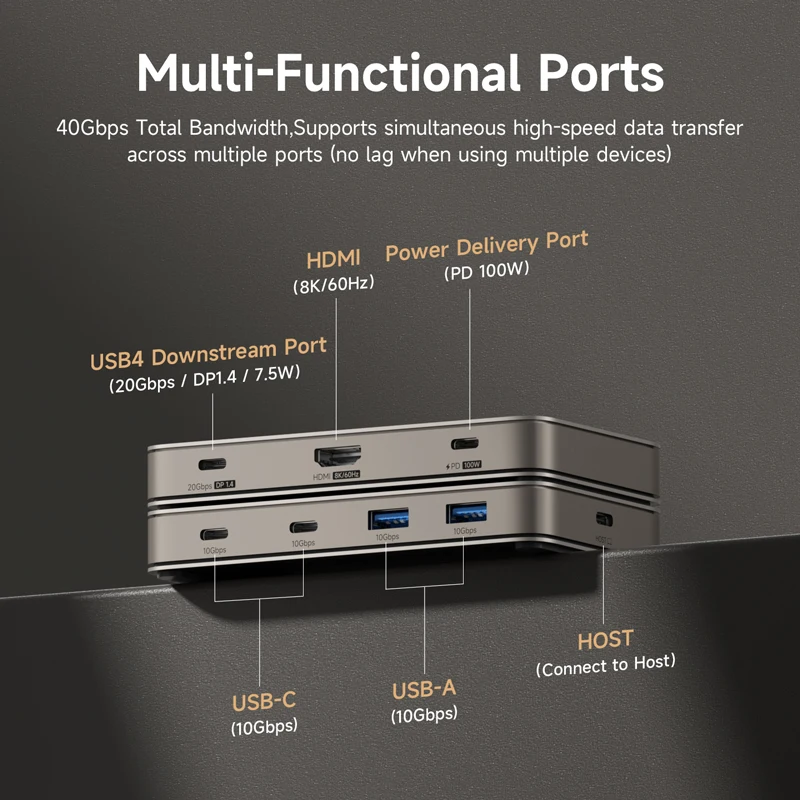
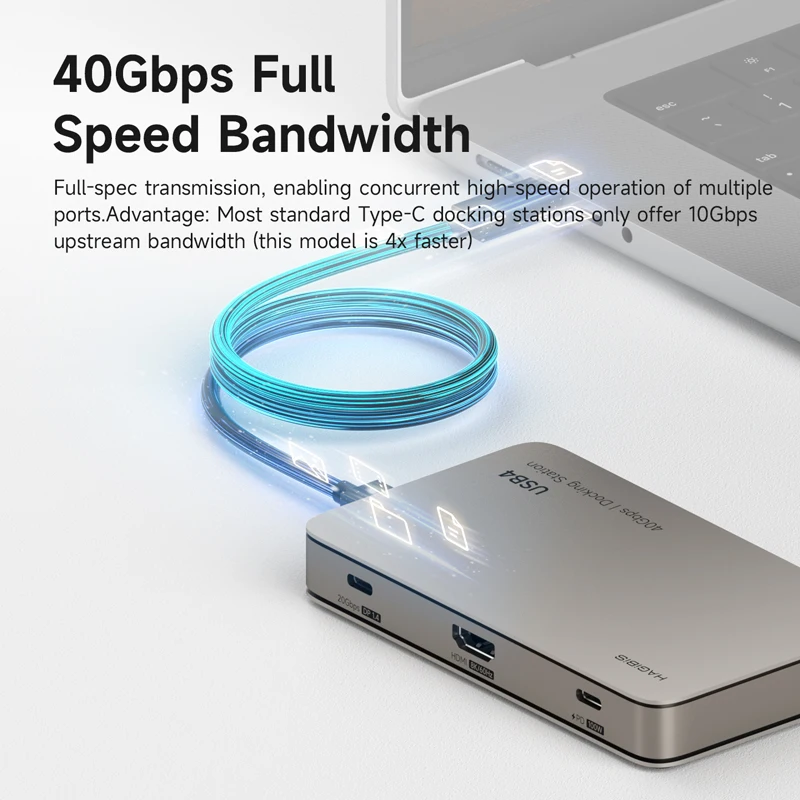
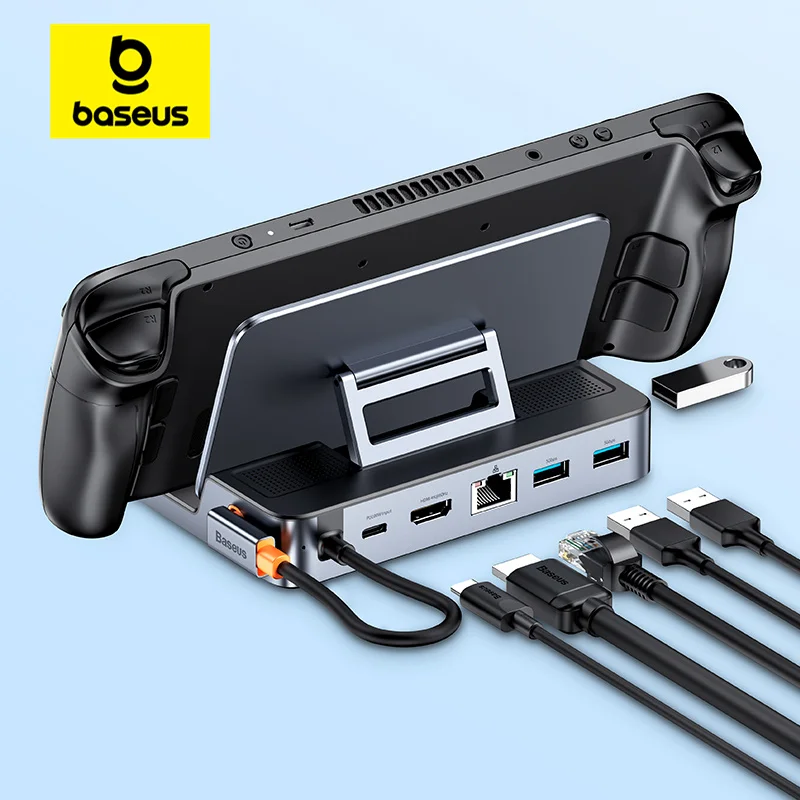
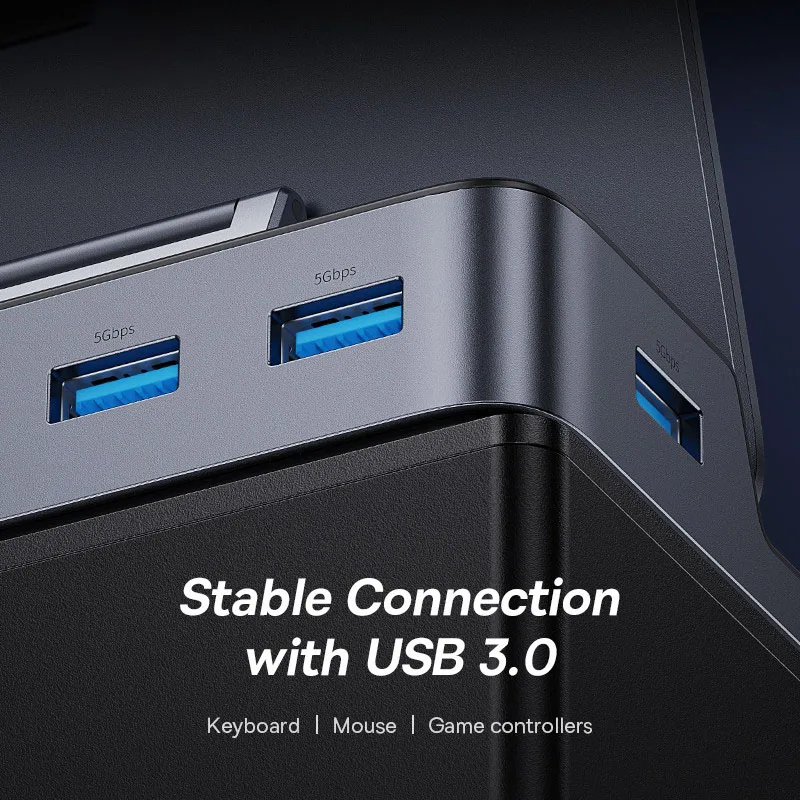
- Hubs and docks that turn one USB-C port into several: HDMI and DisplayPort outputs, USB-A ports, Ethernet, SD card slots and a USB-C socket that passes charging through. See USB-C hubs and docking stations.
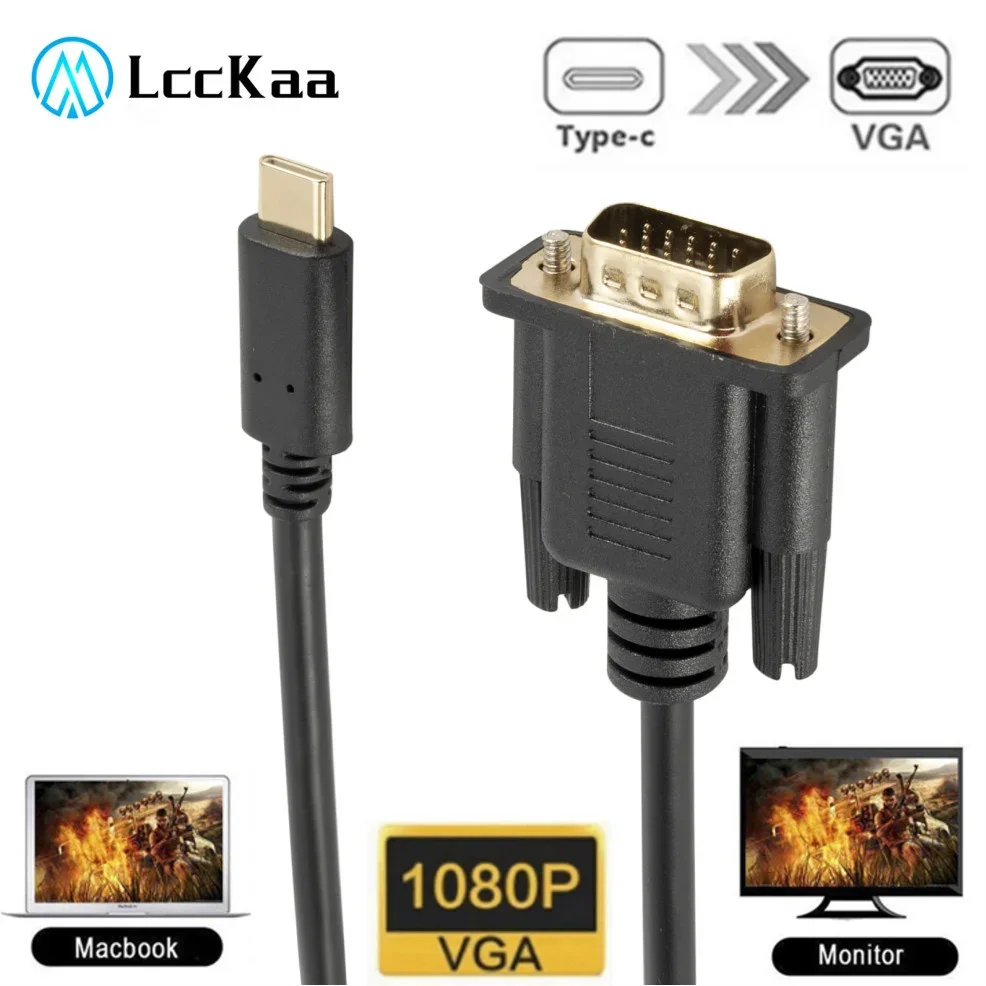
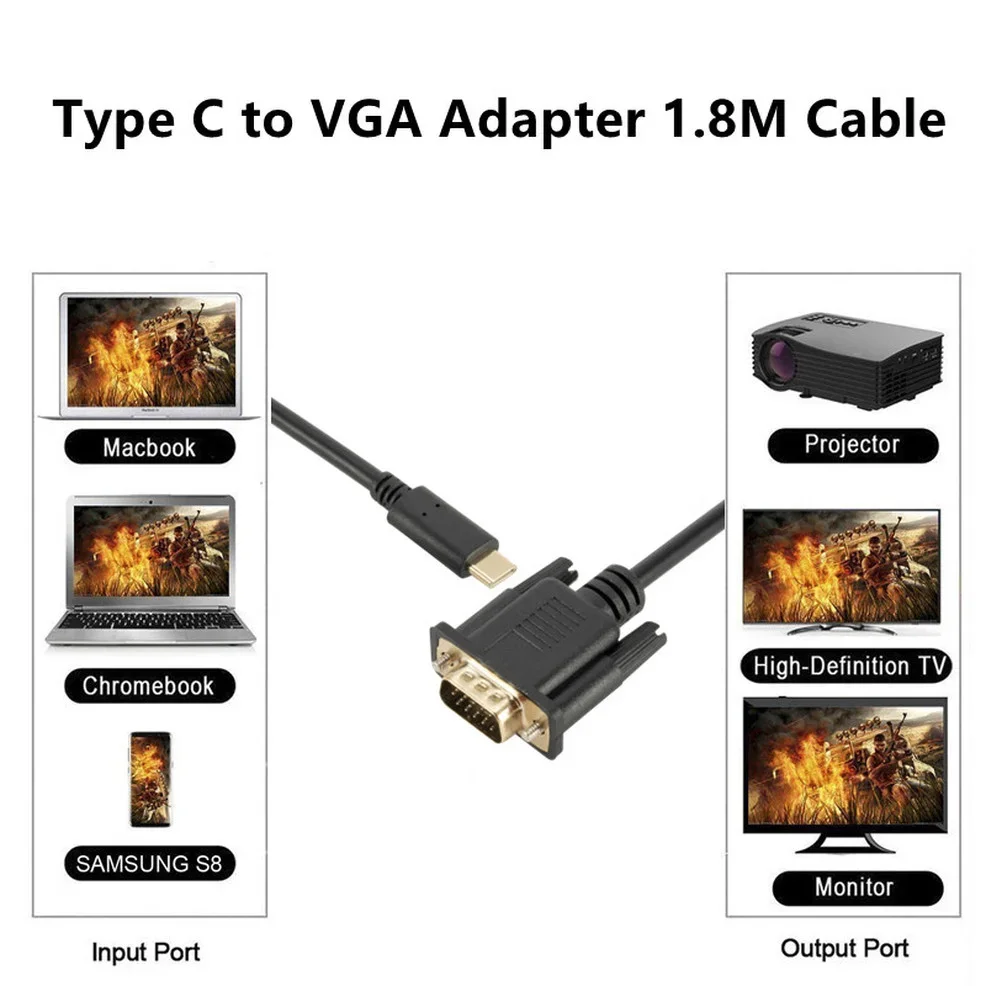
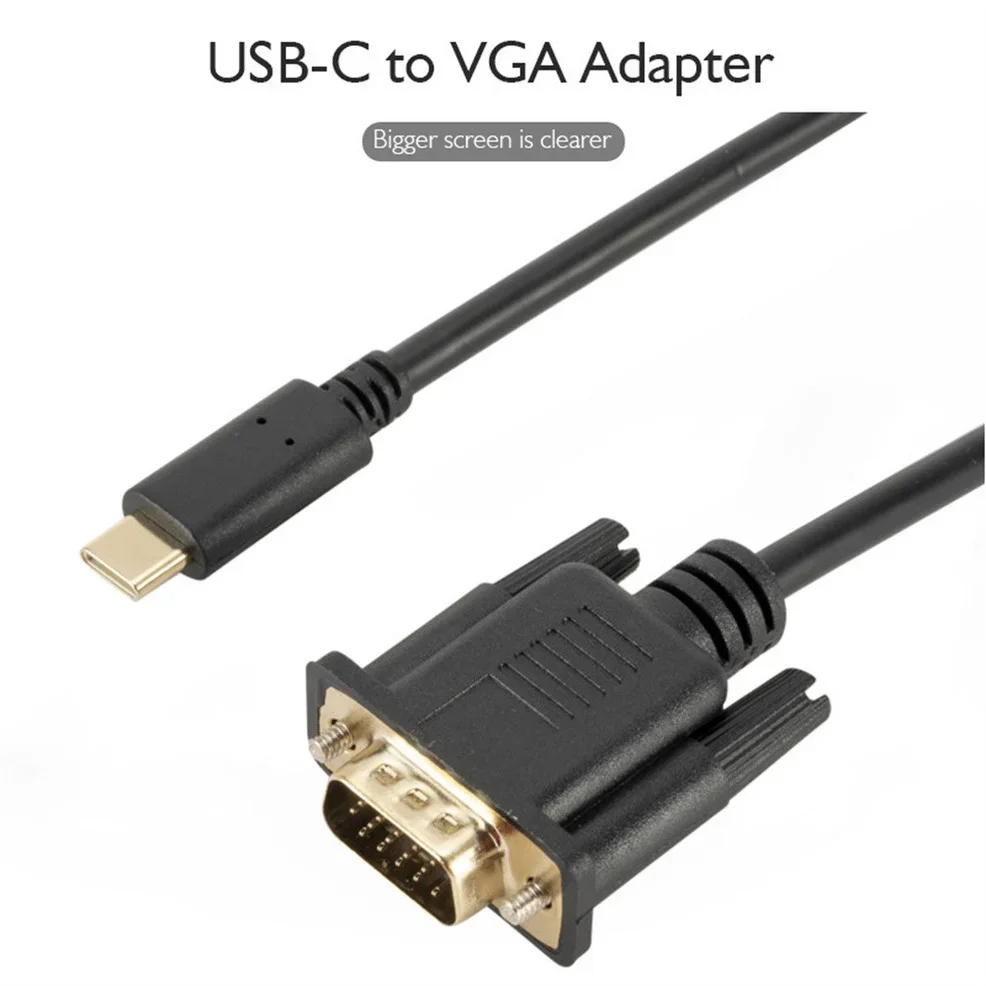
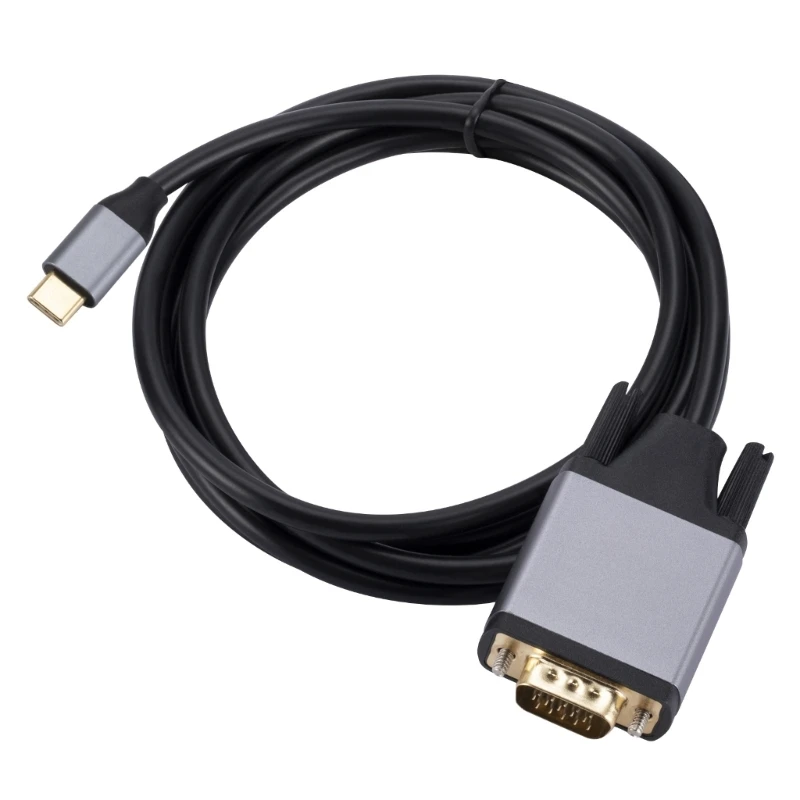
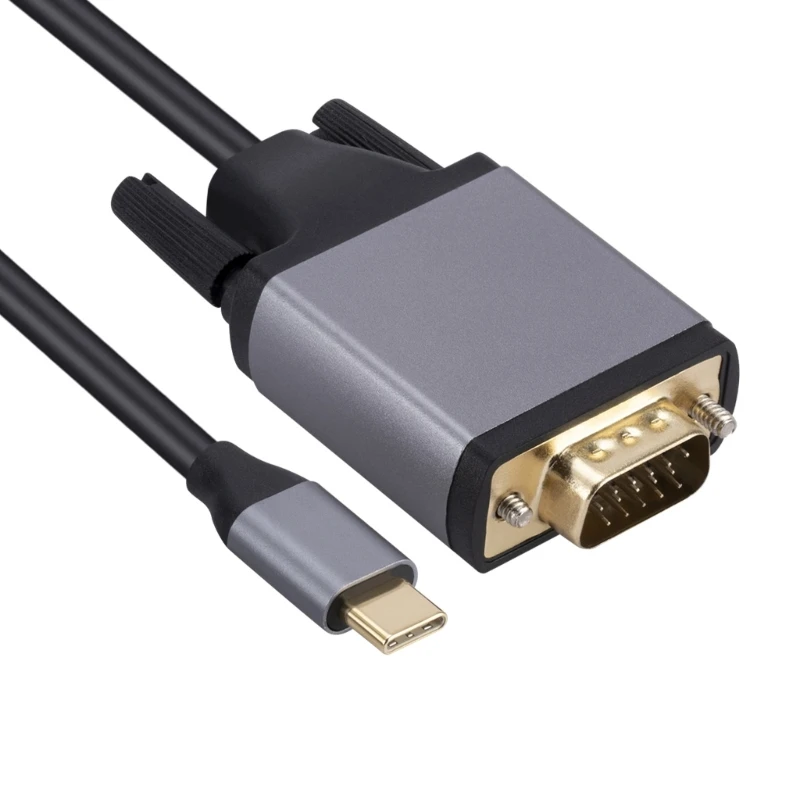
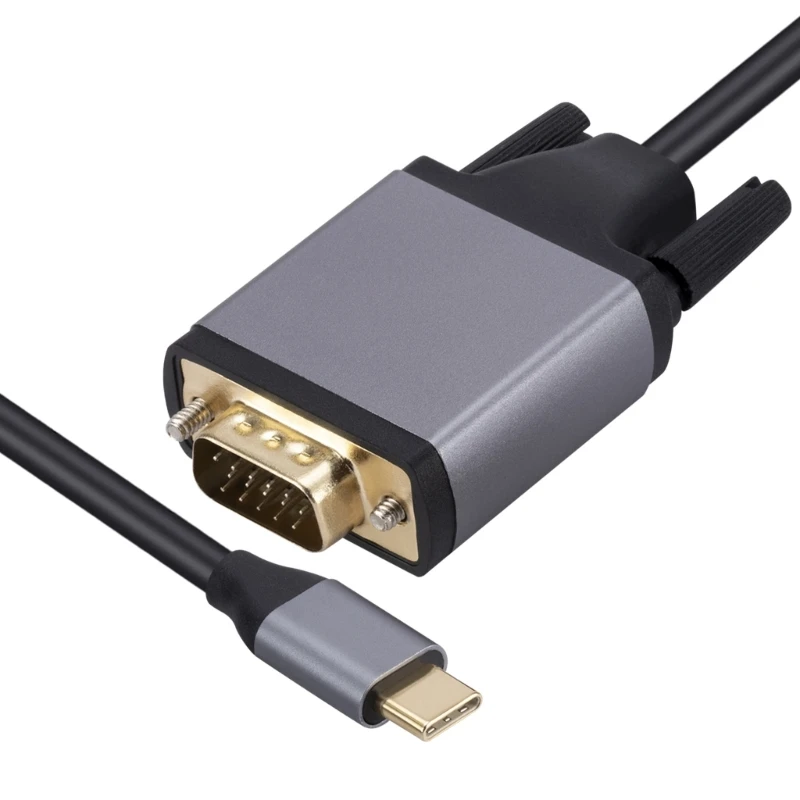
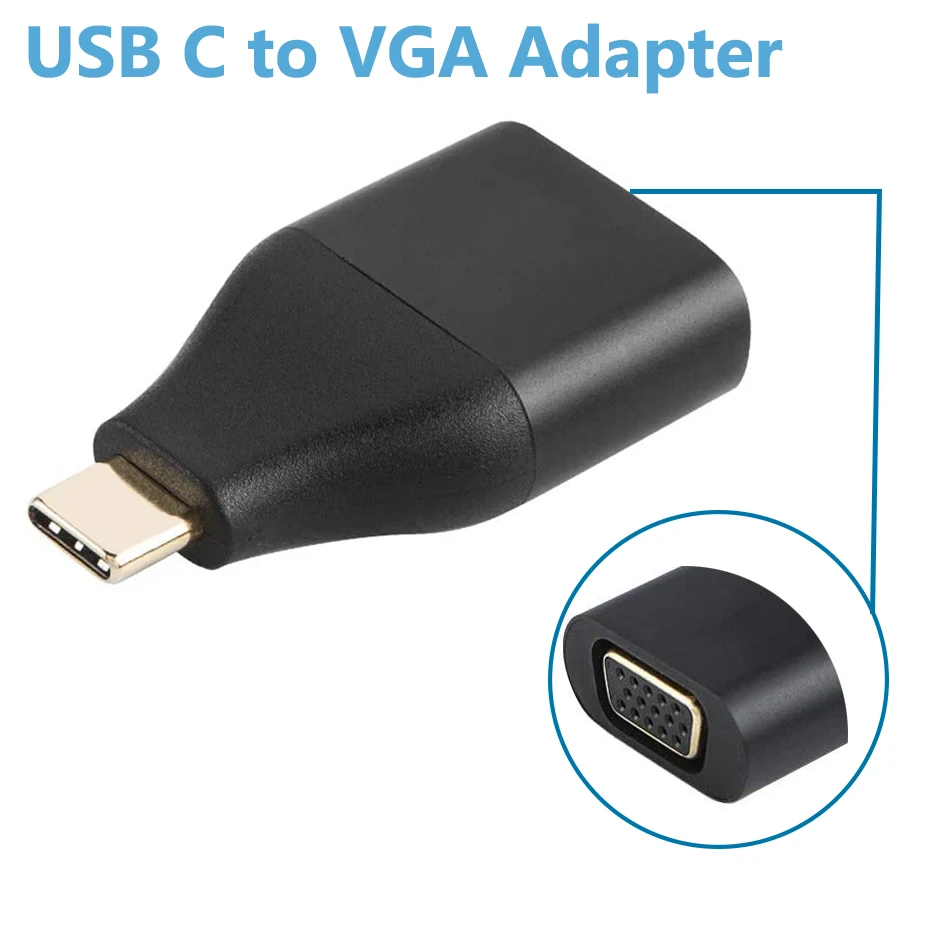
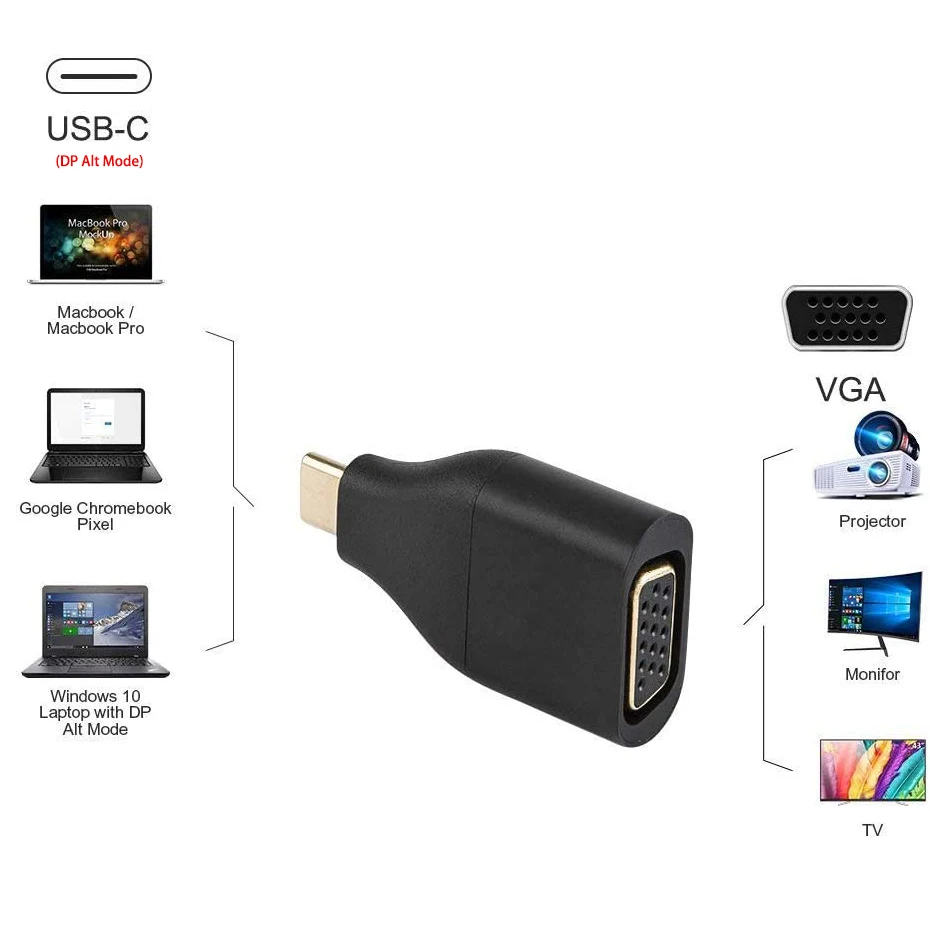
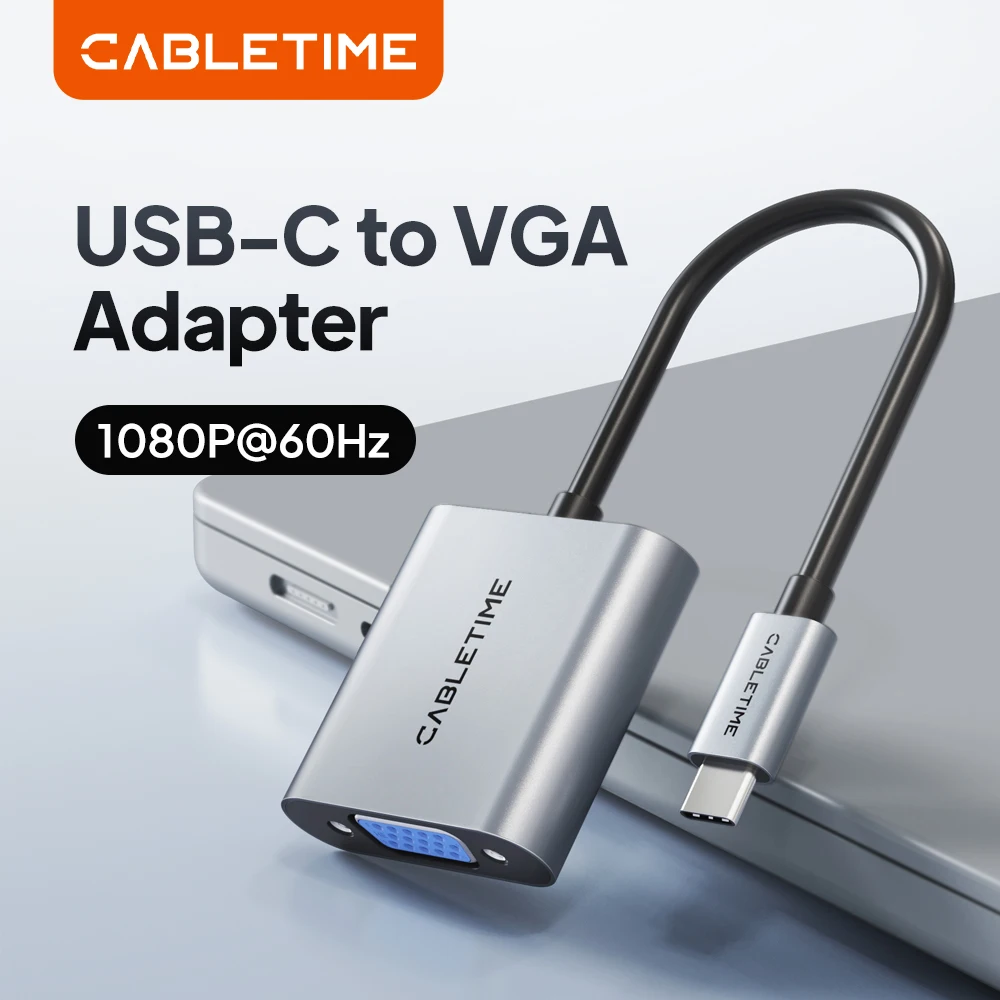
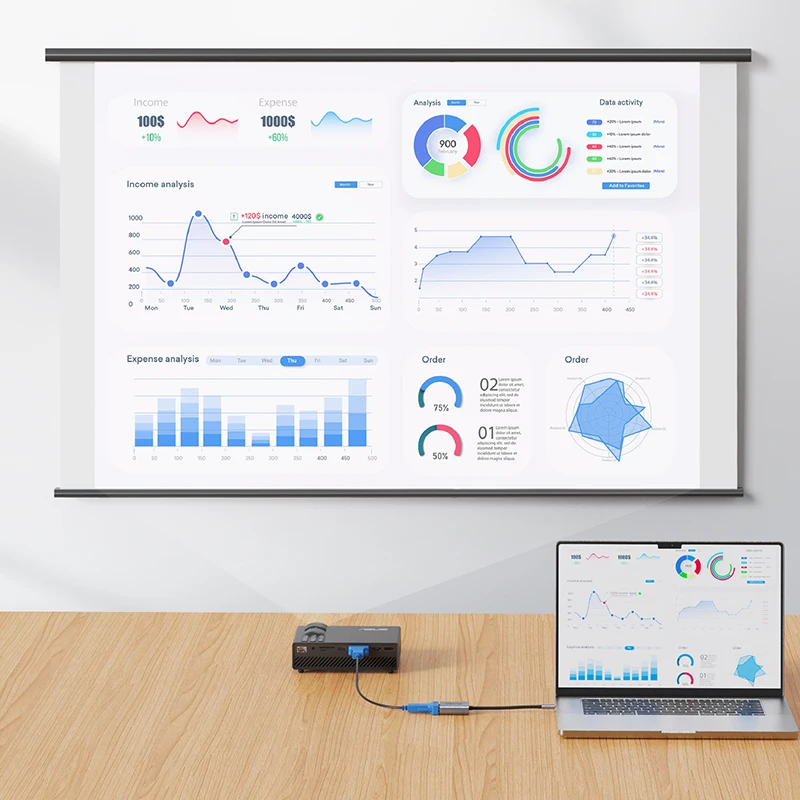
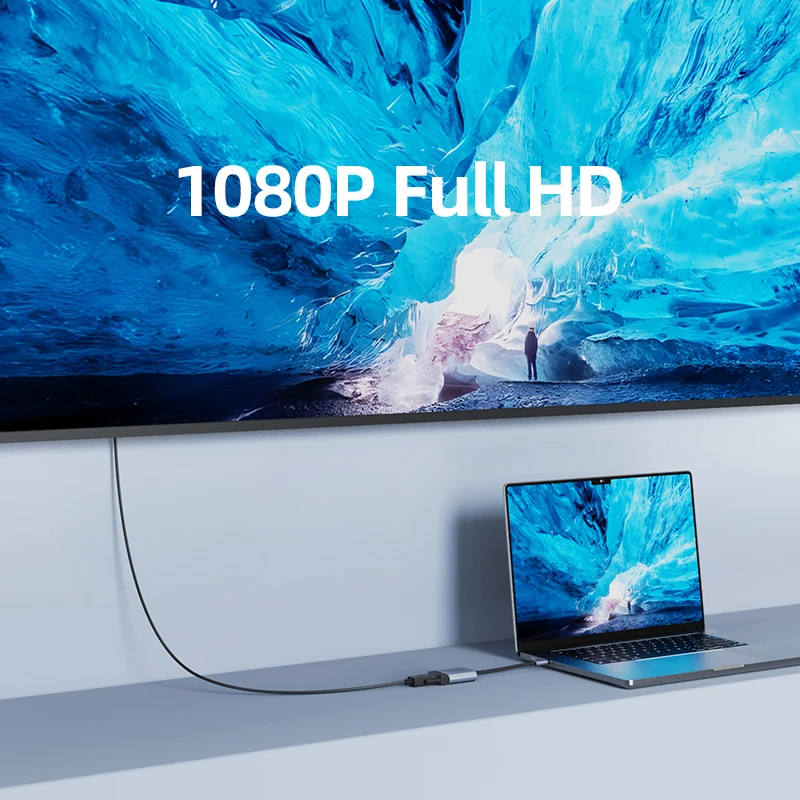
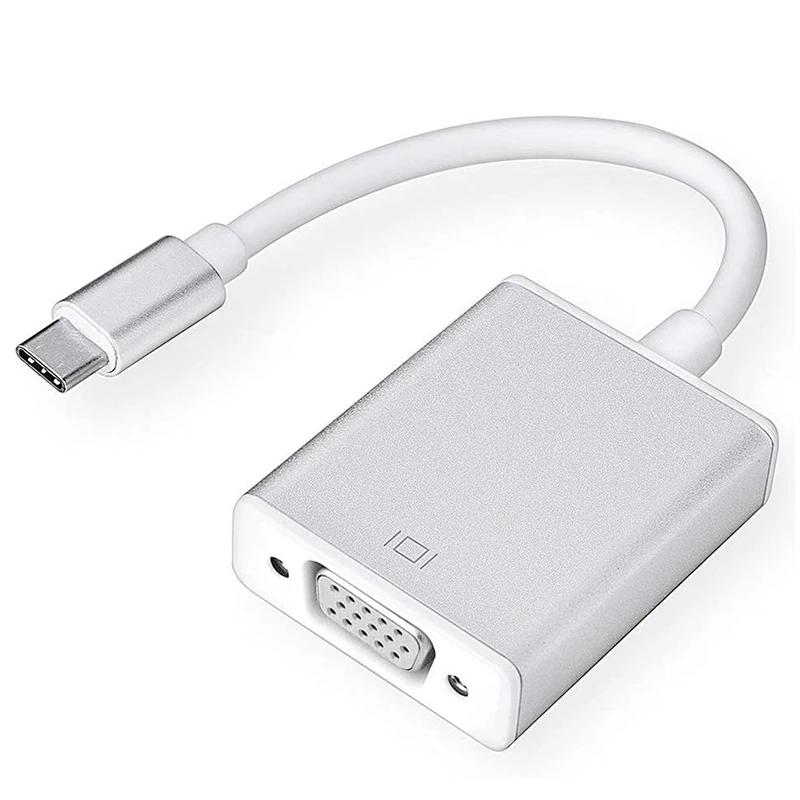
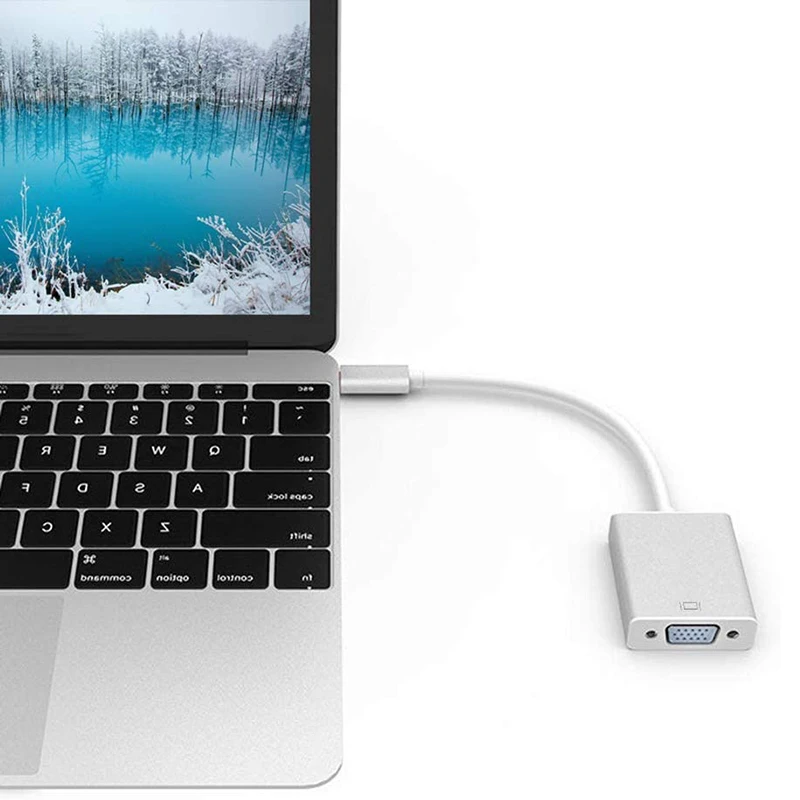
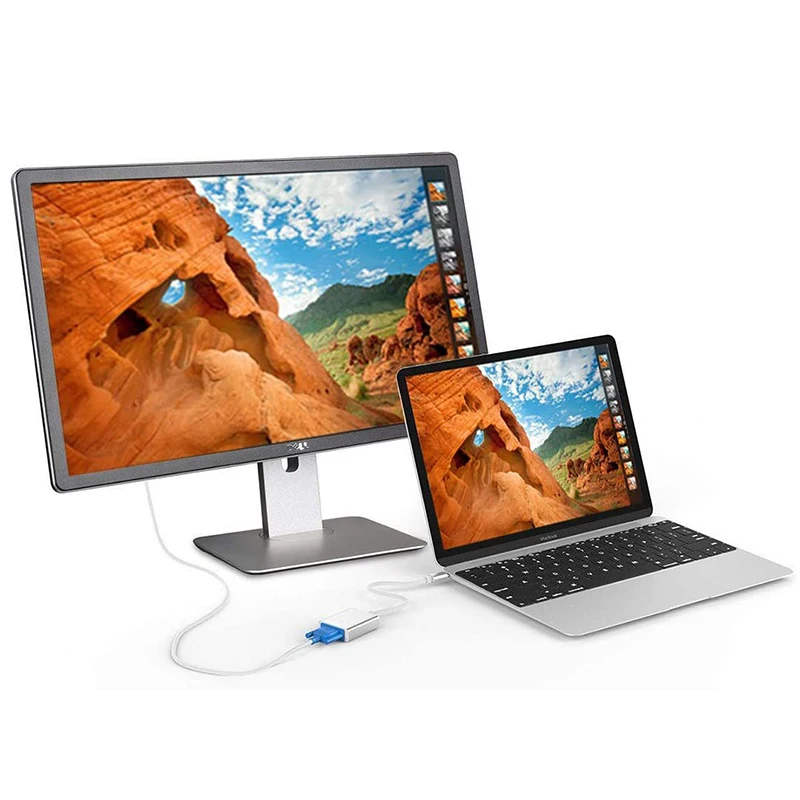
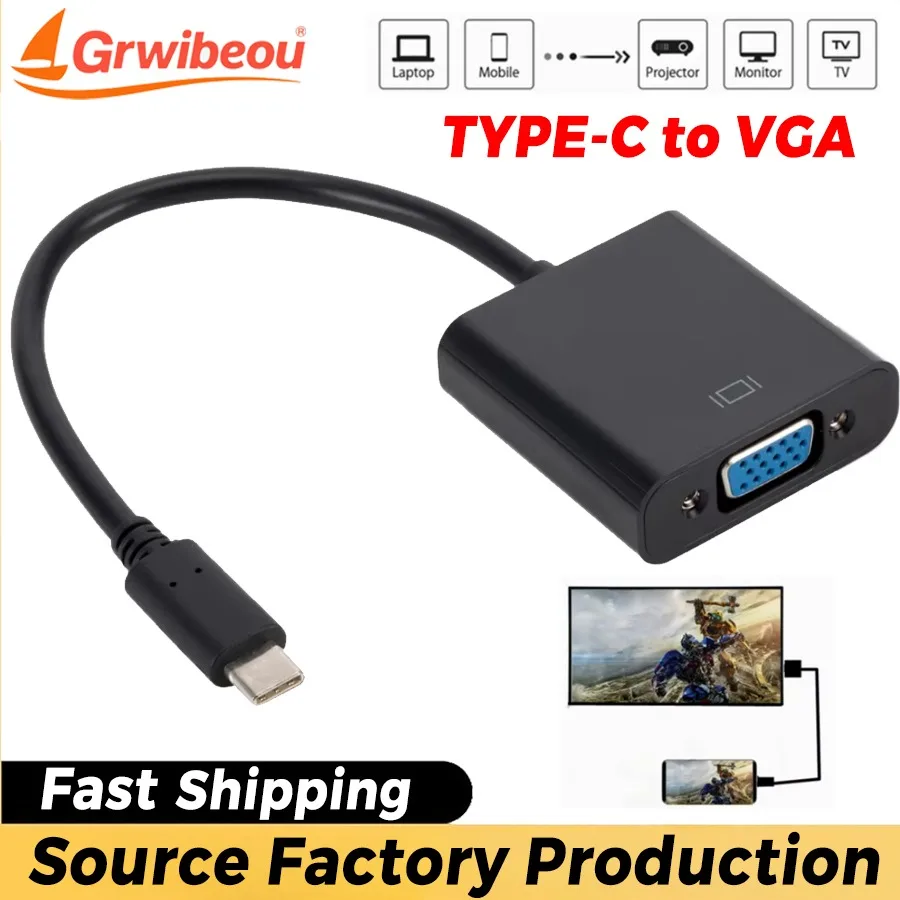
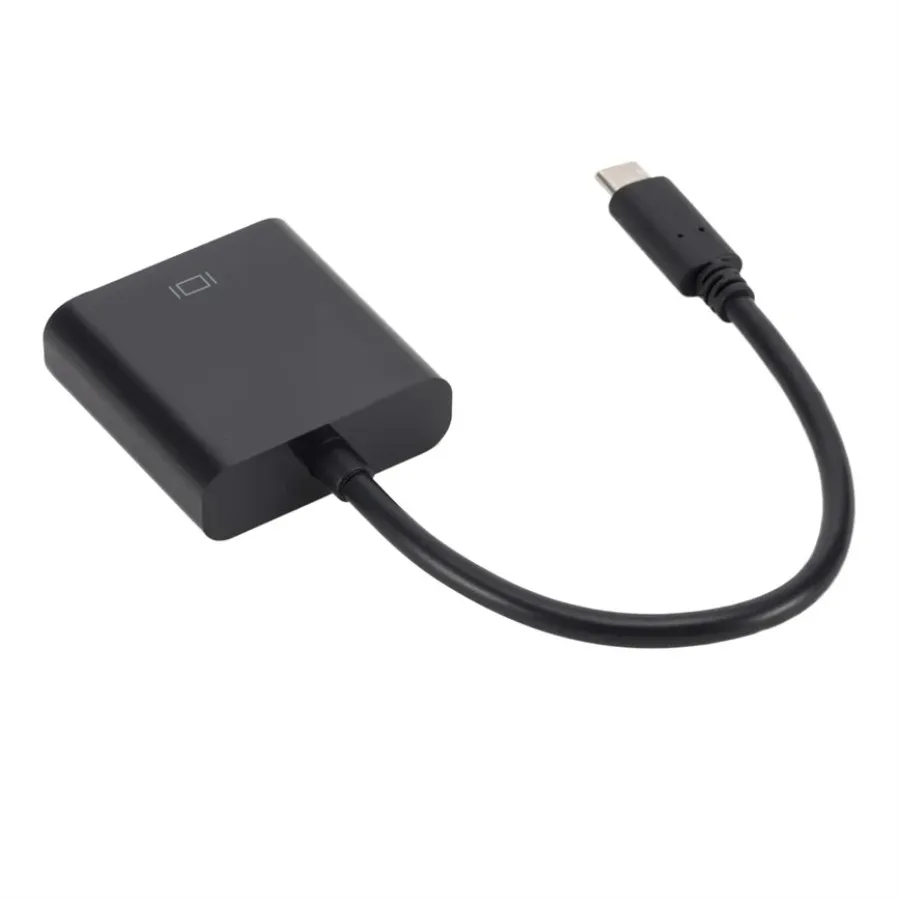
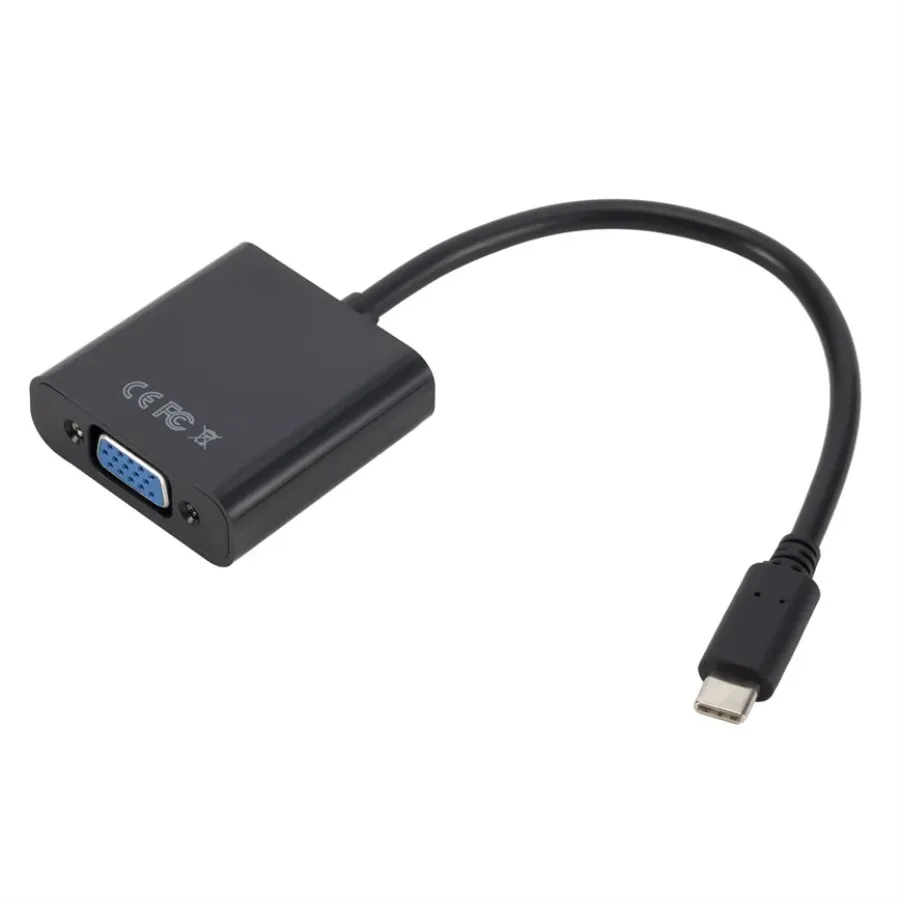
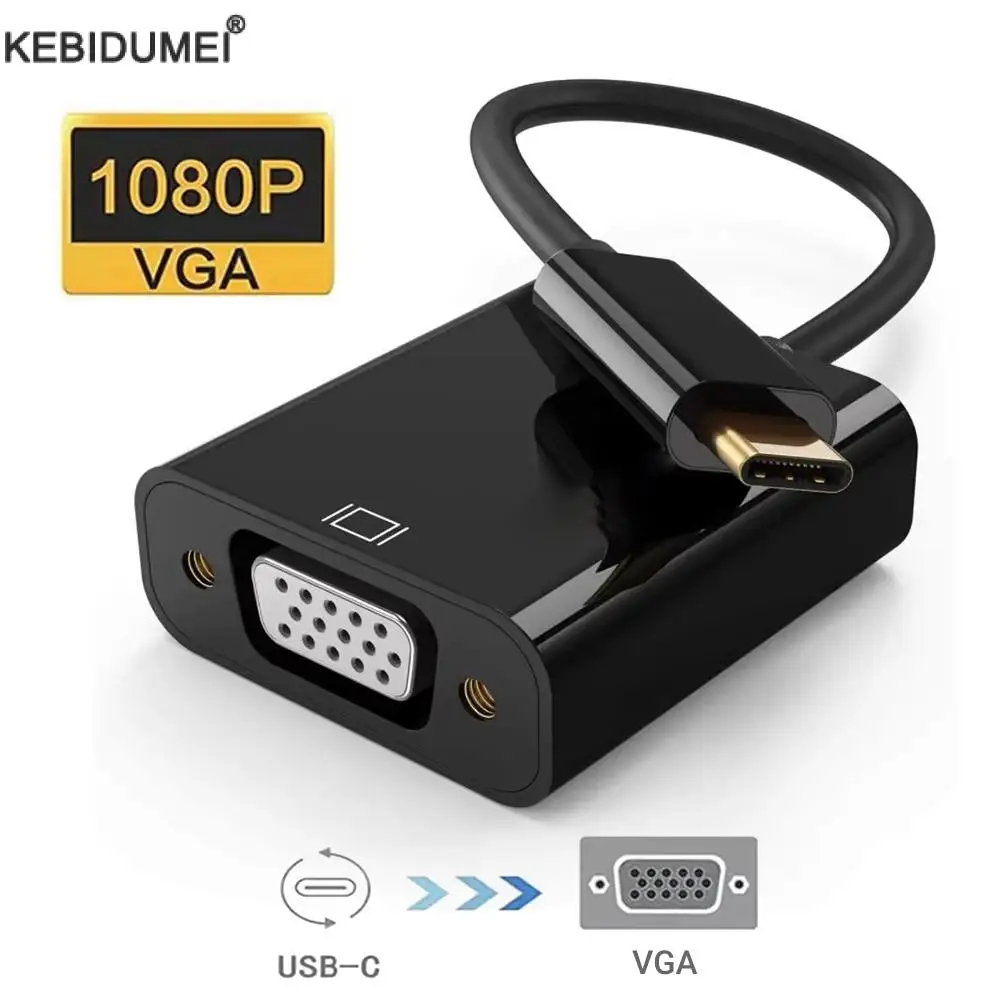
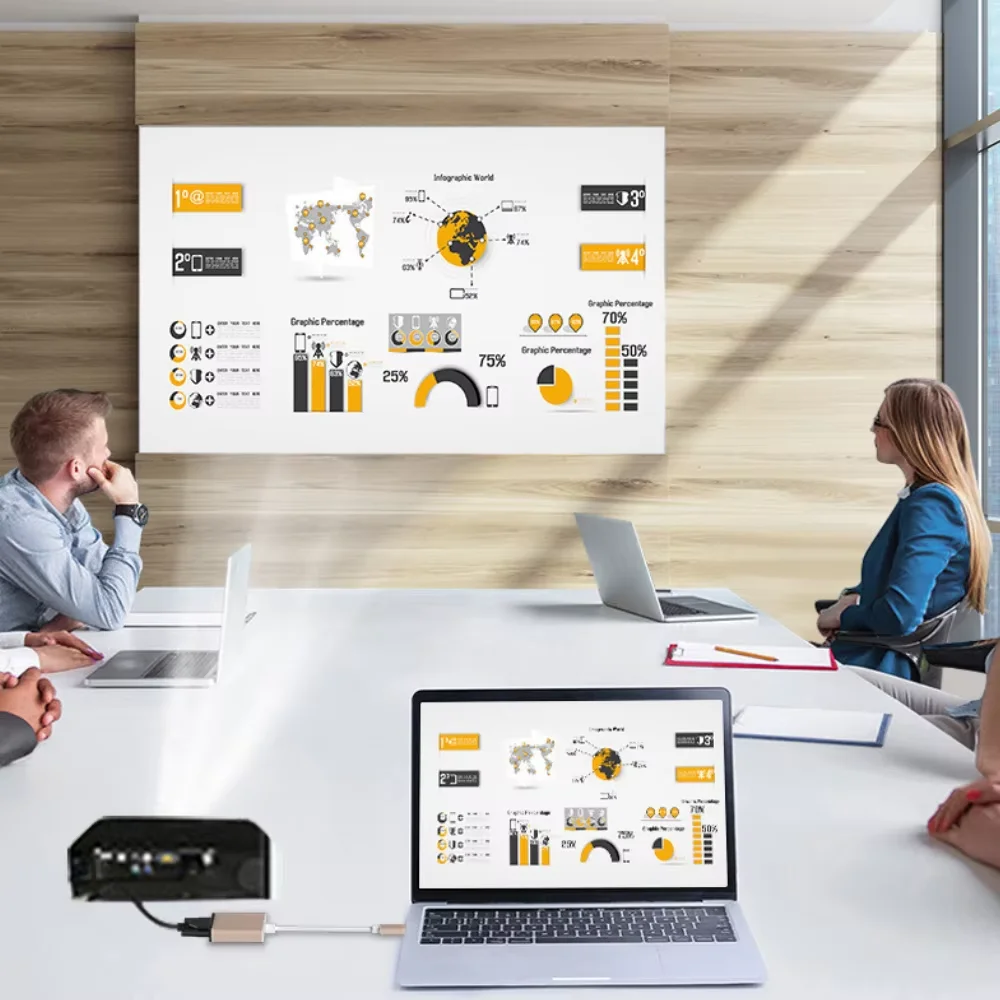
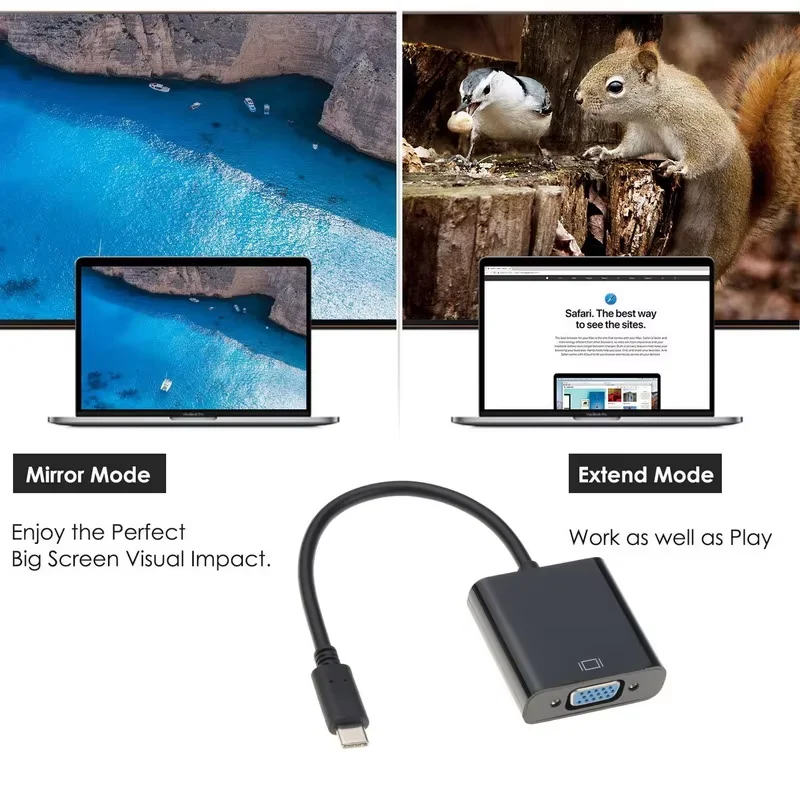
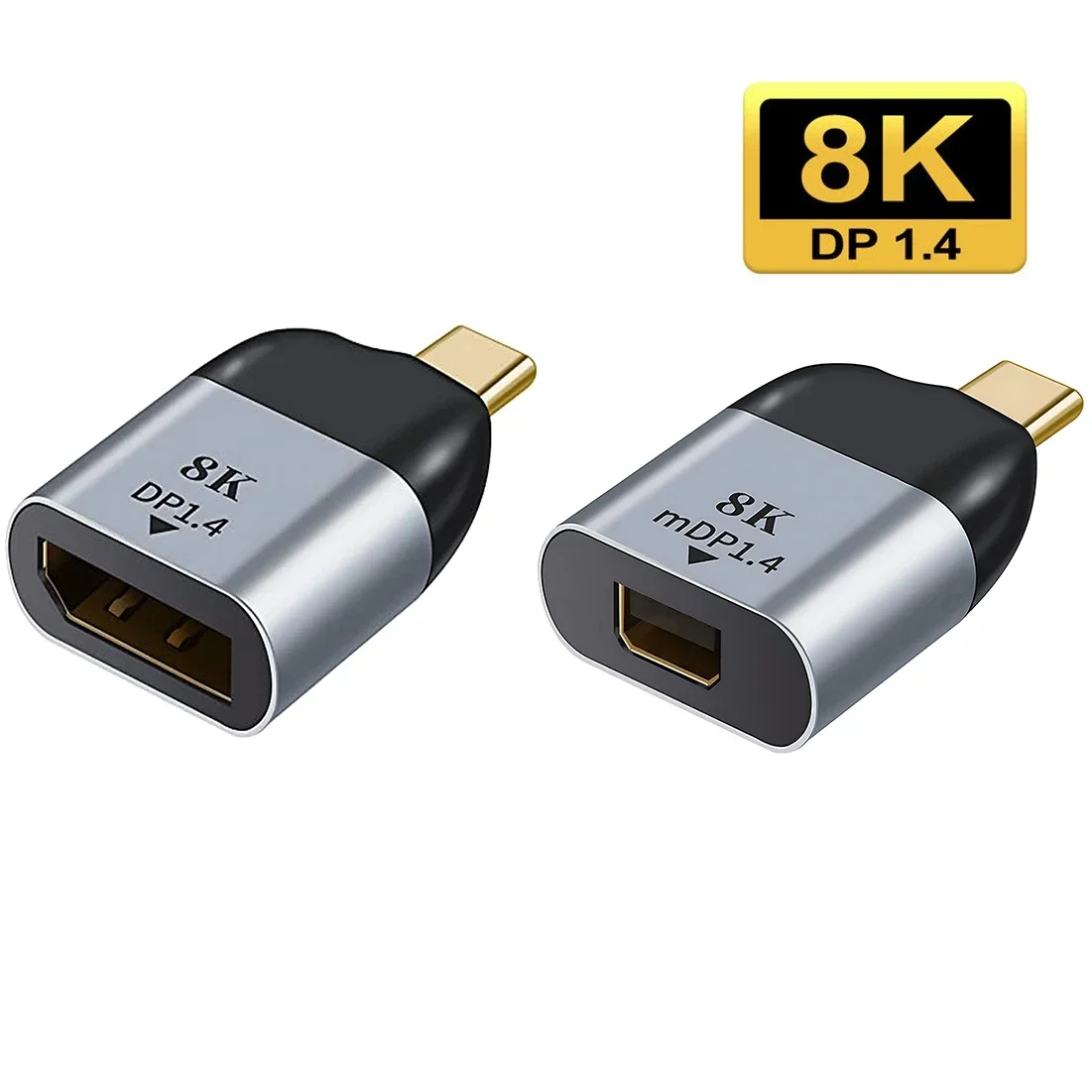
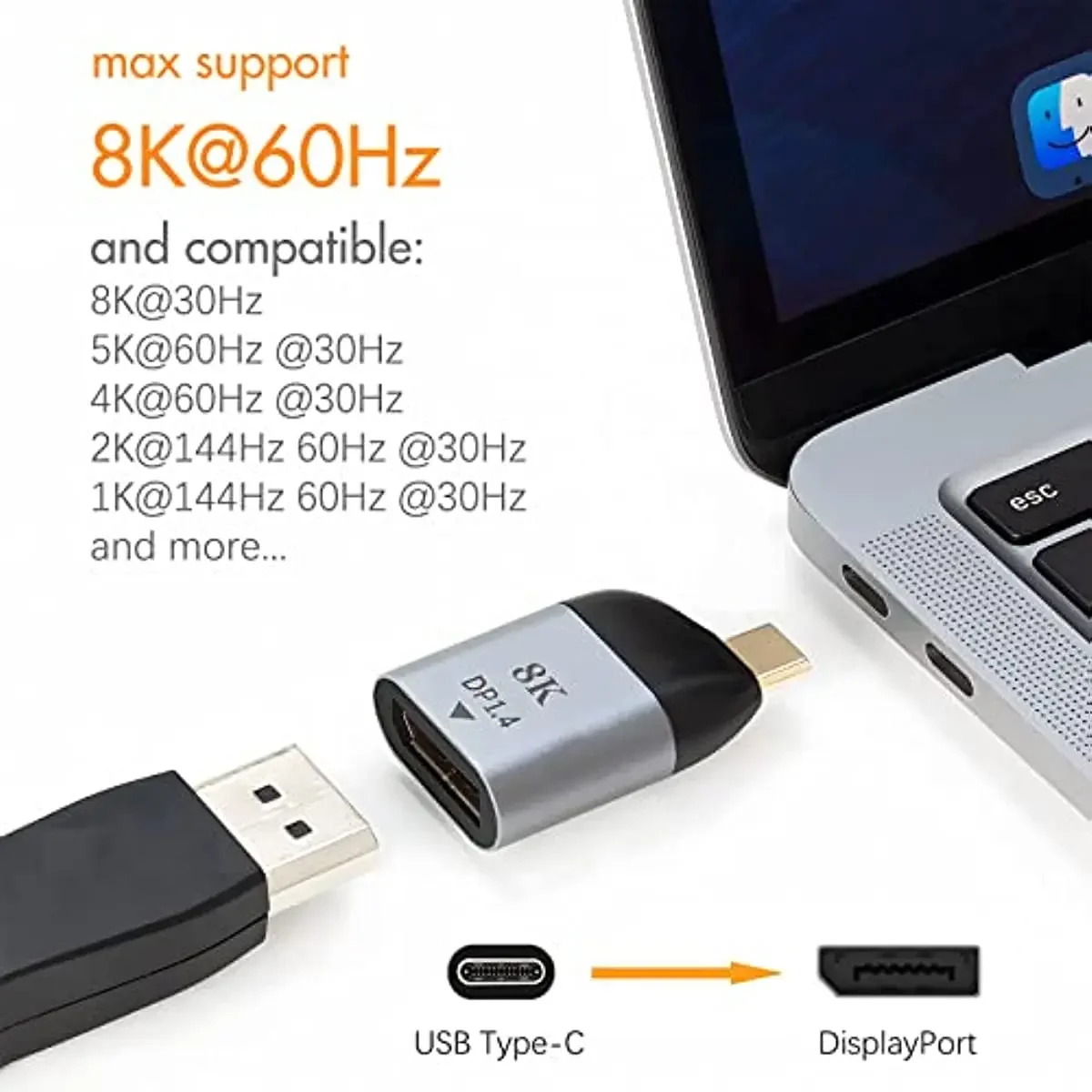
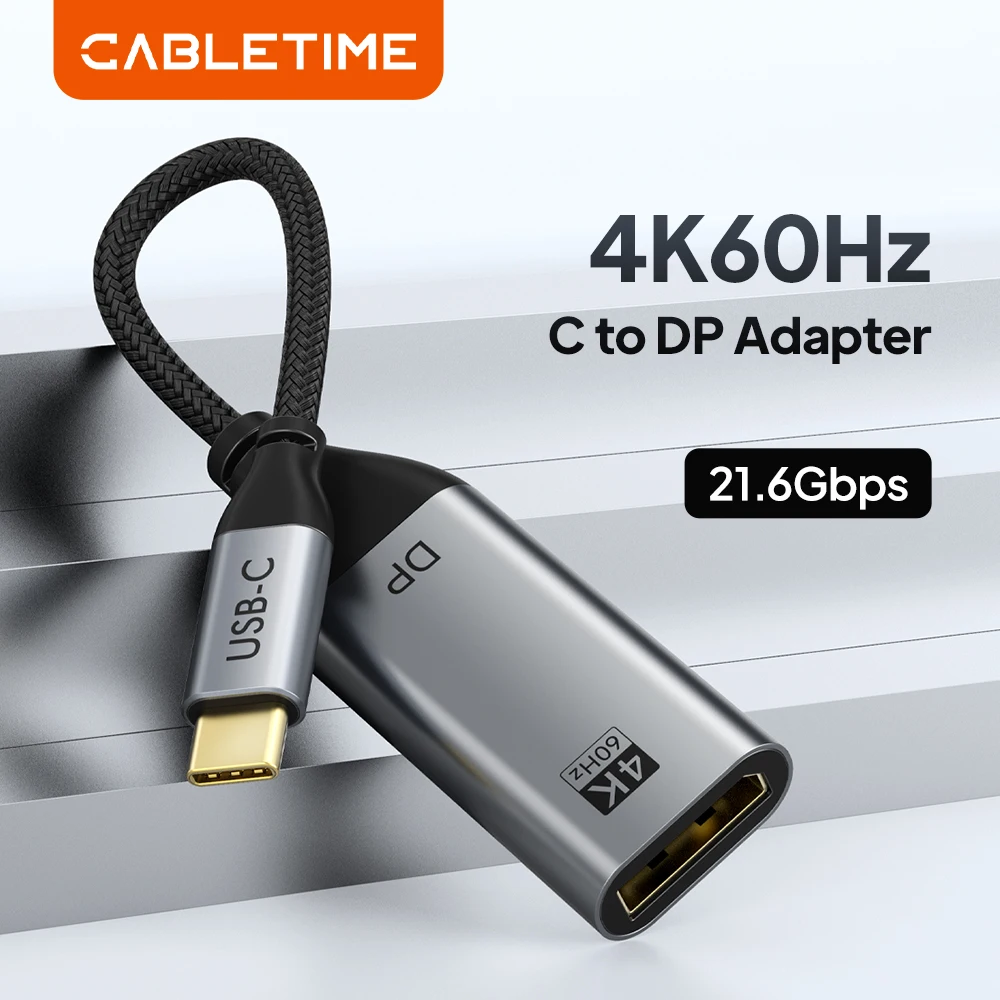
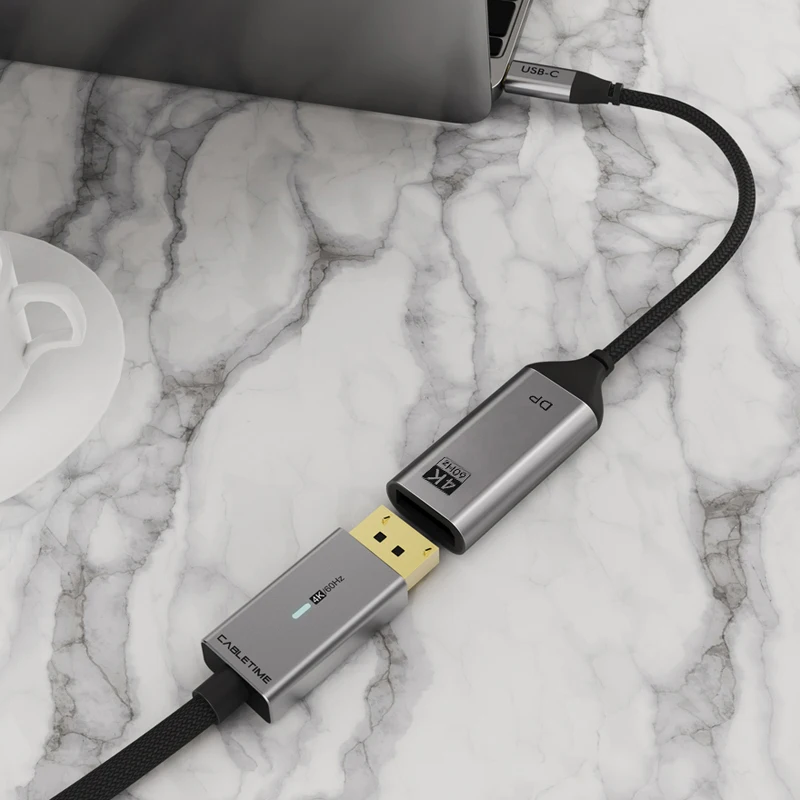
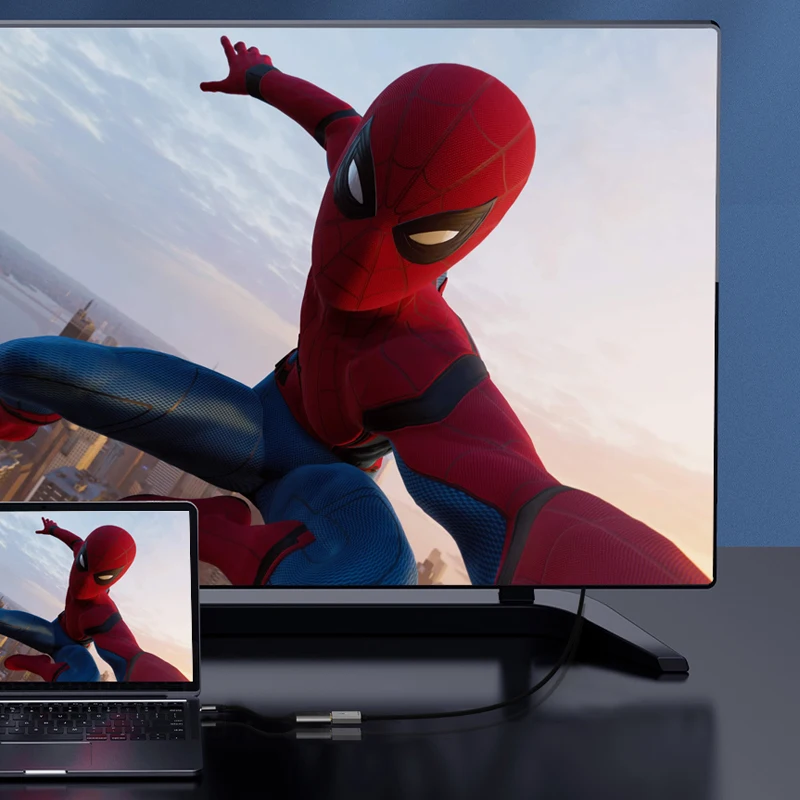
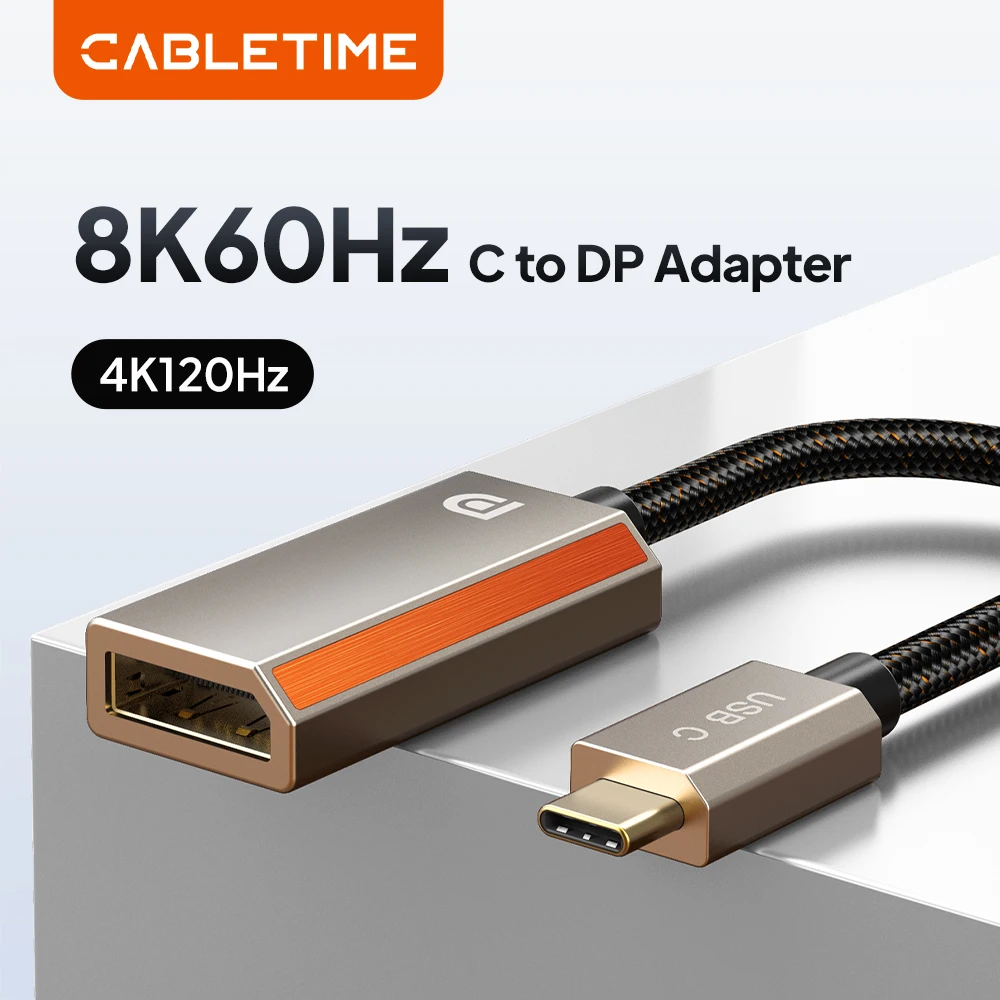
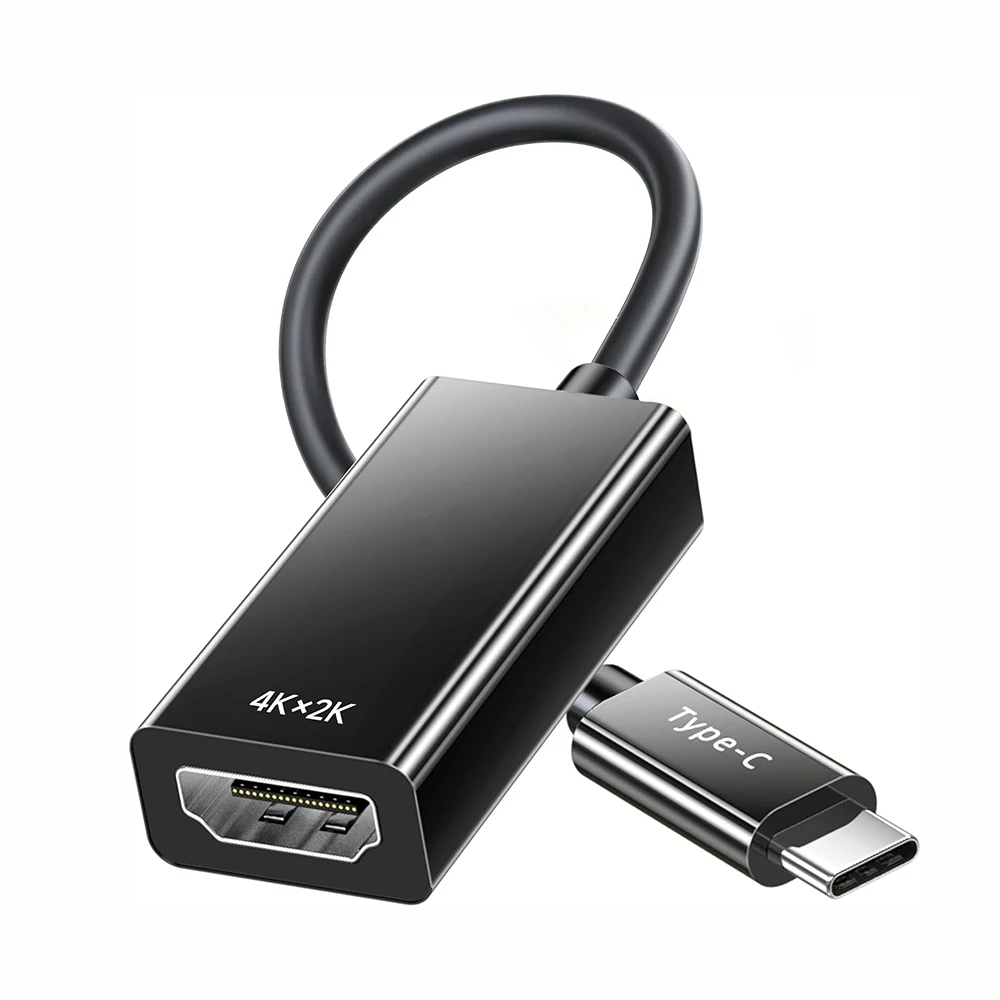
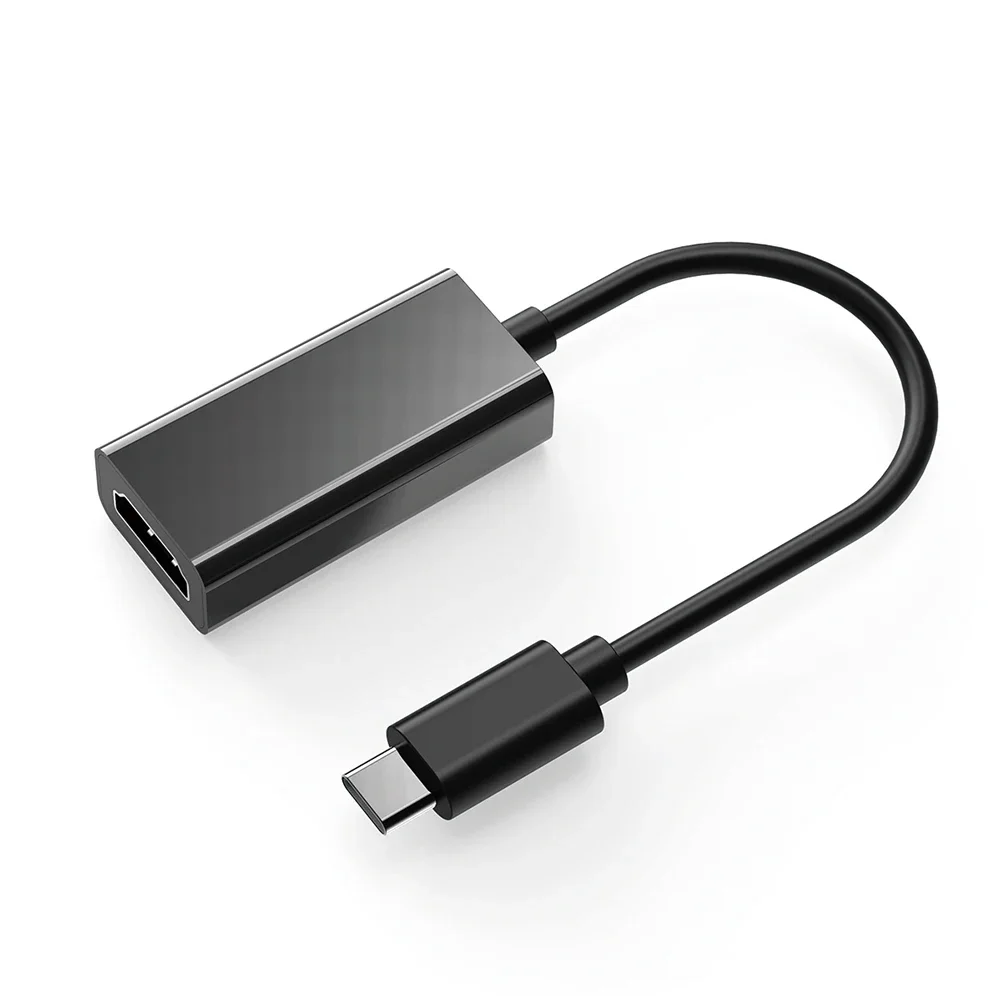
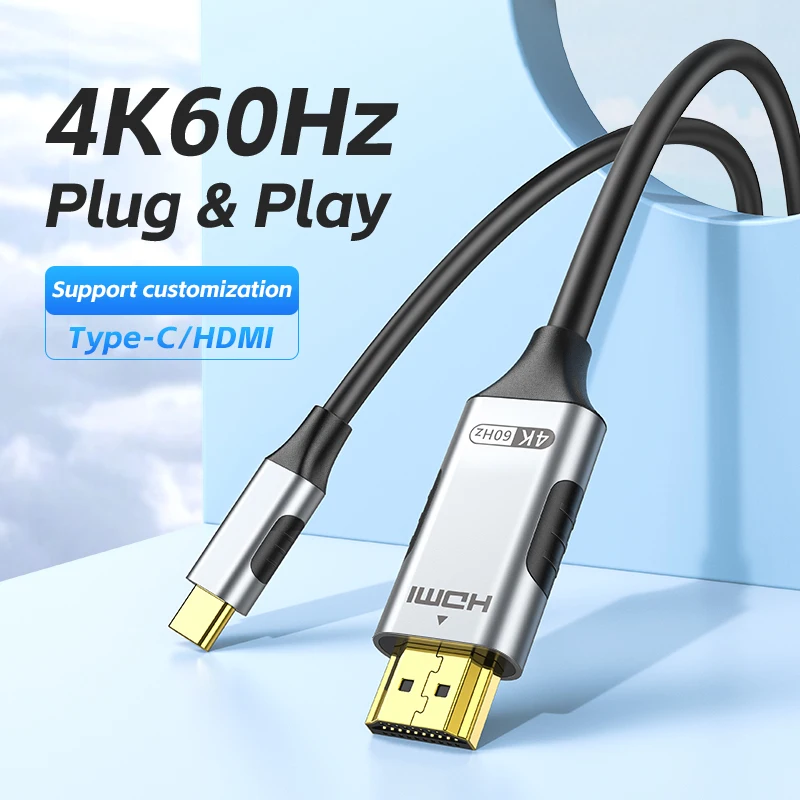
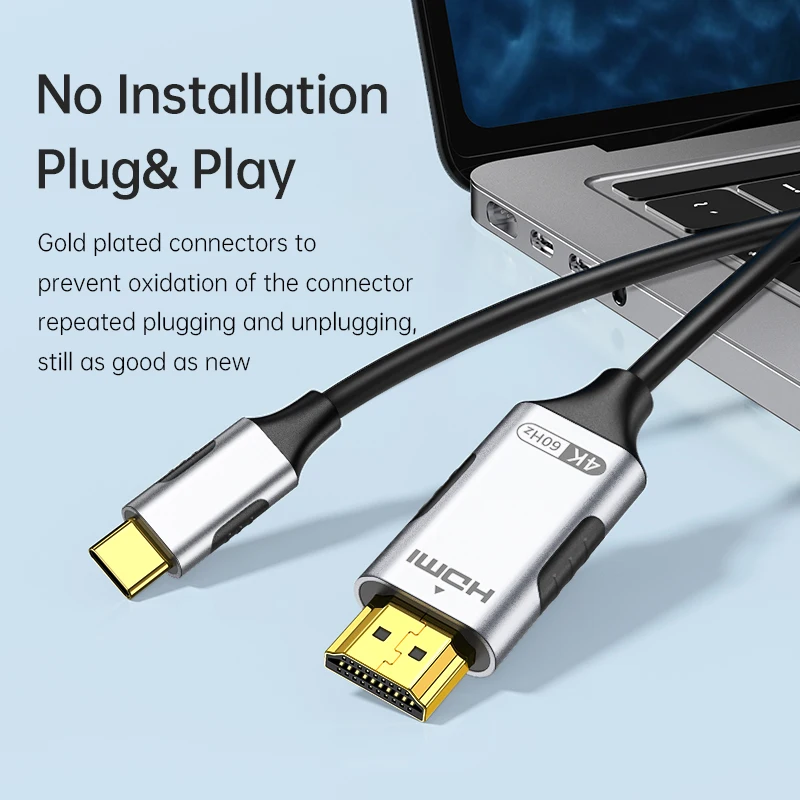
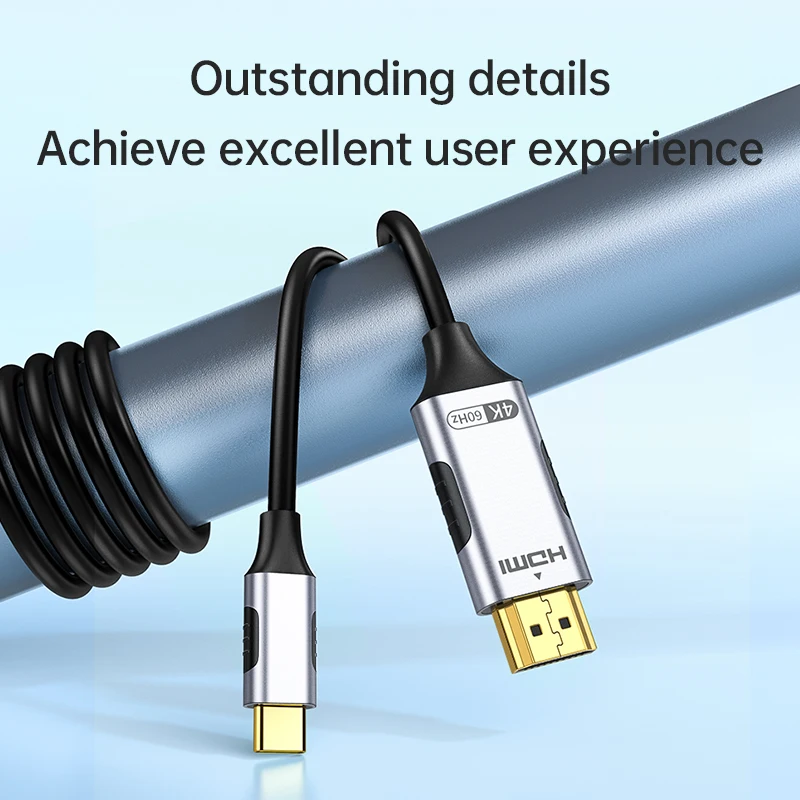
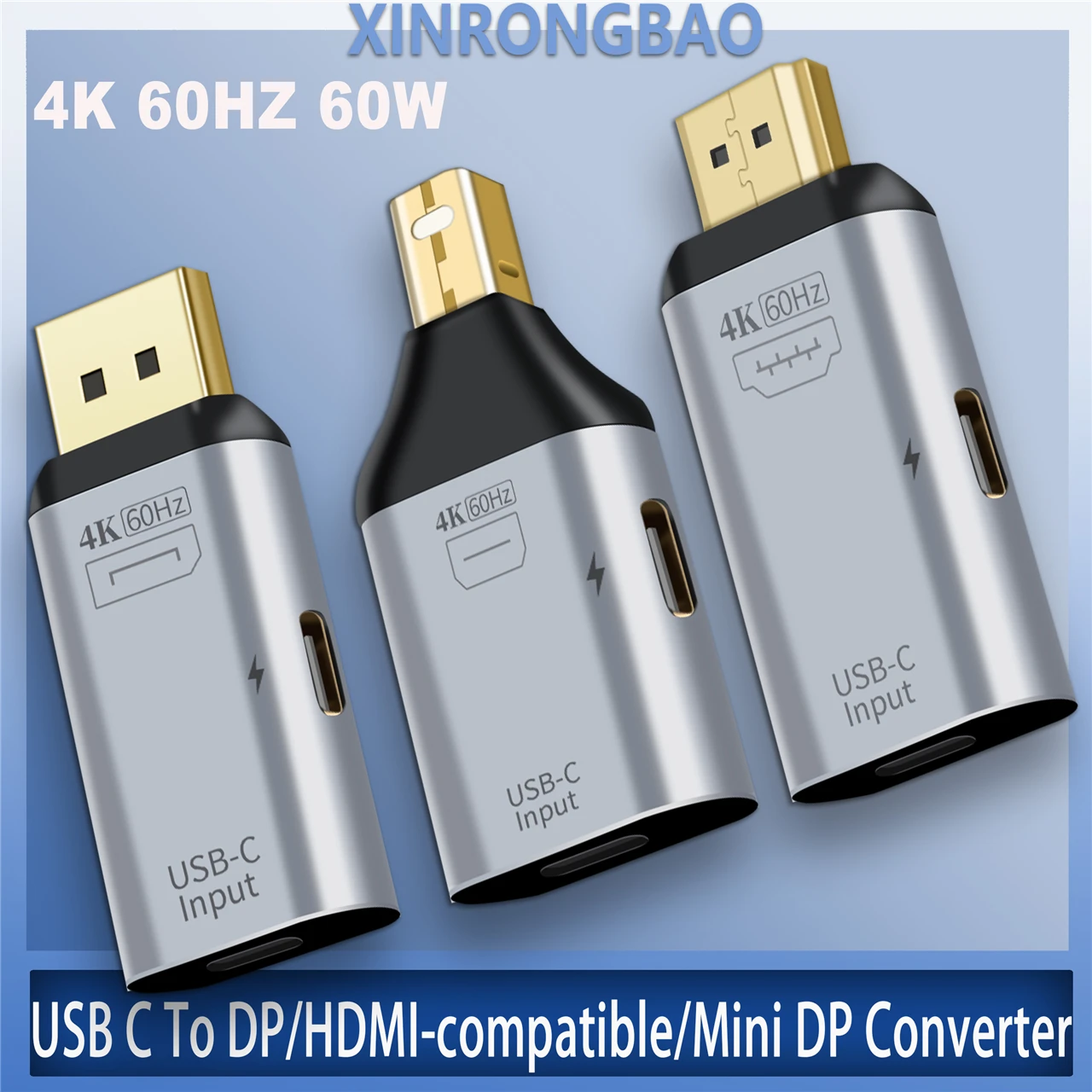
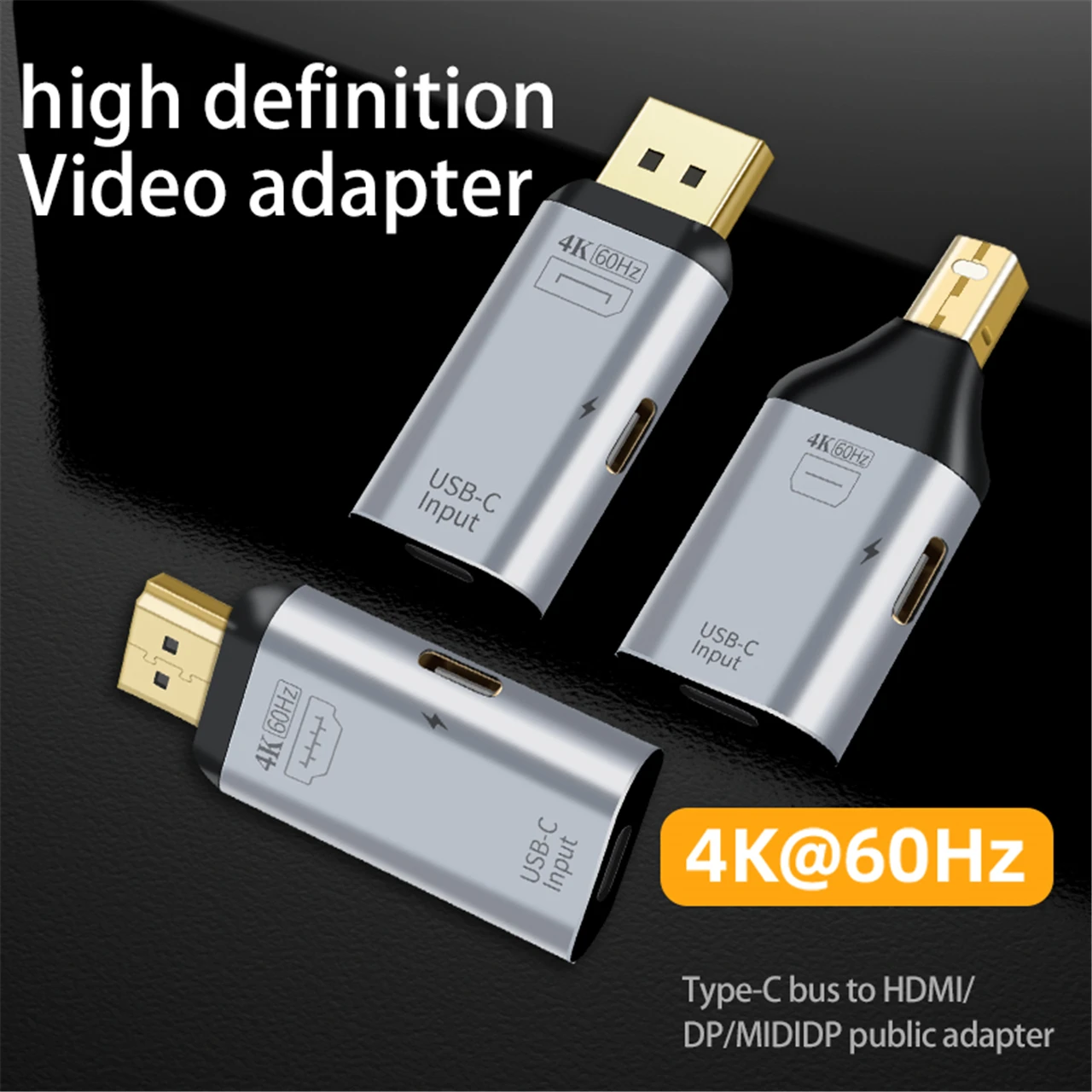
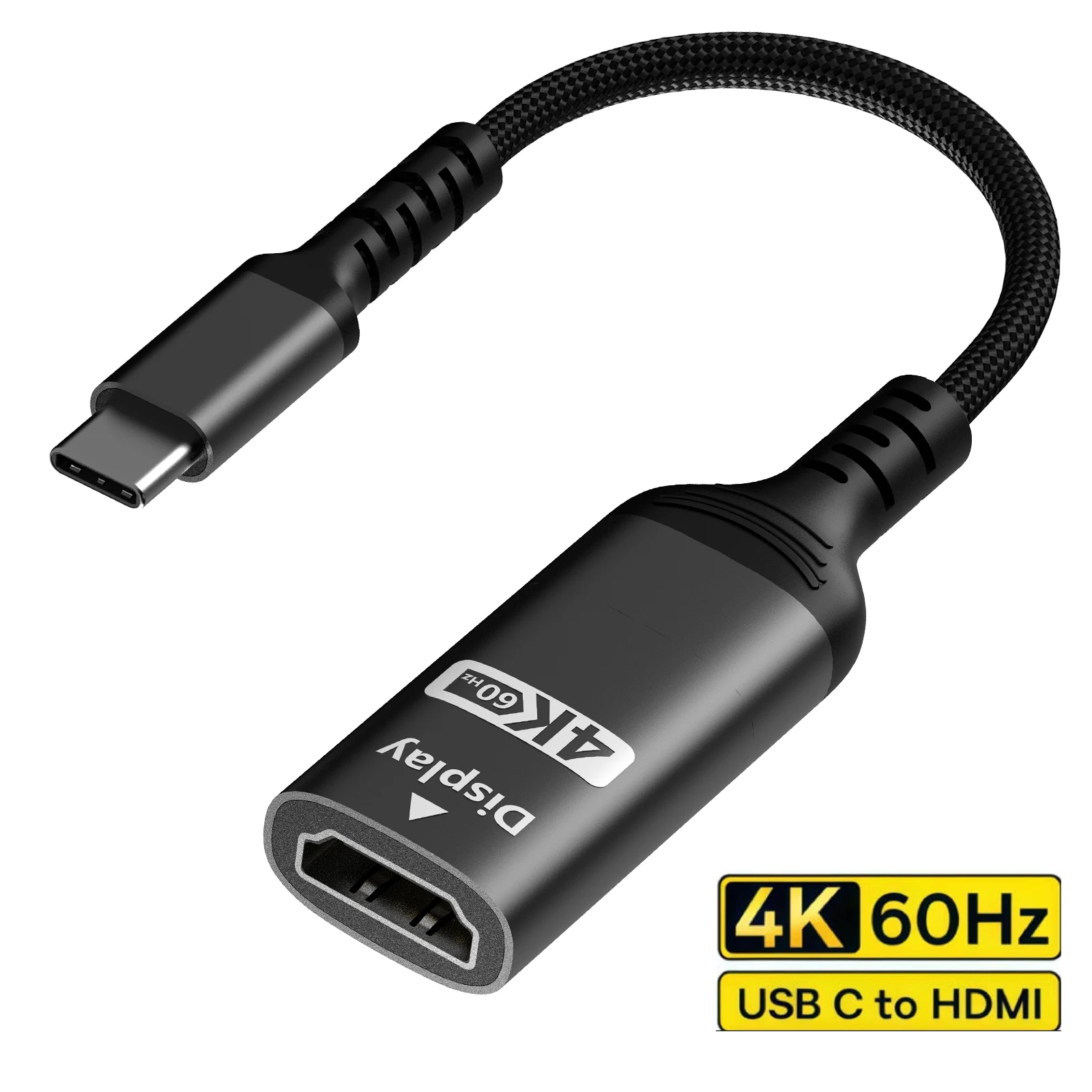
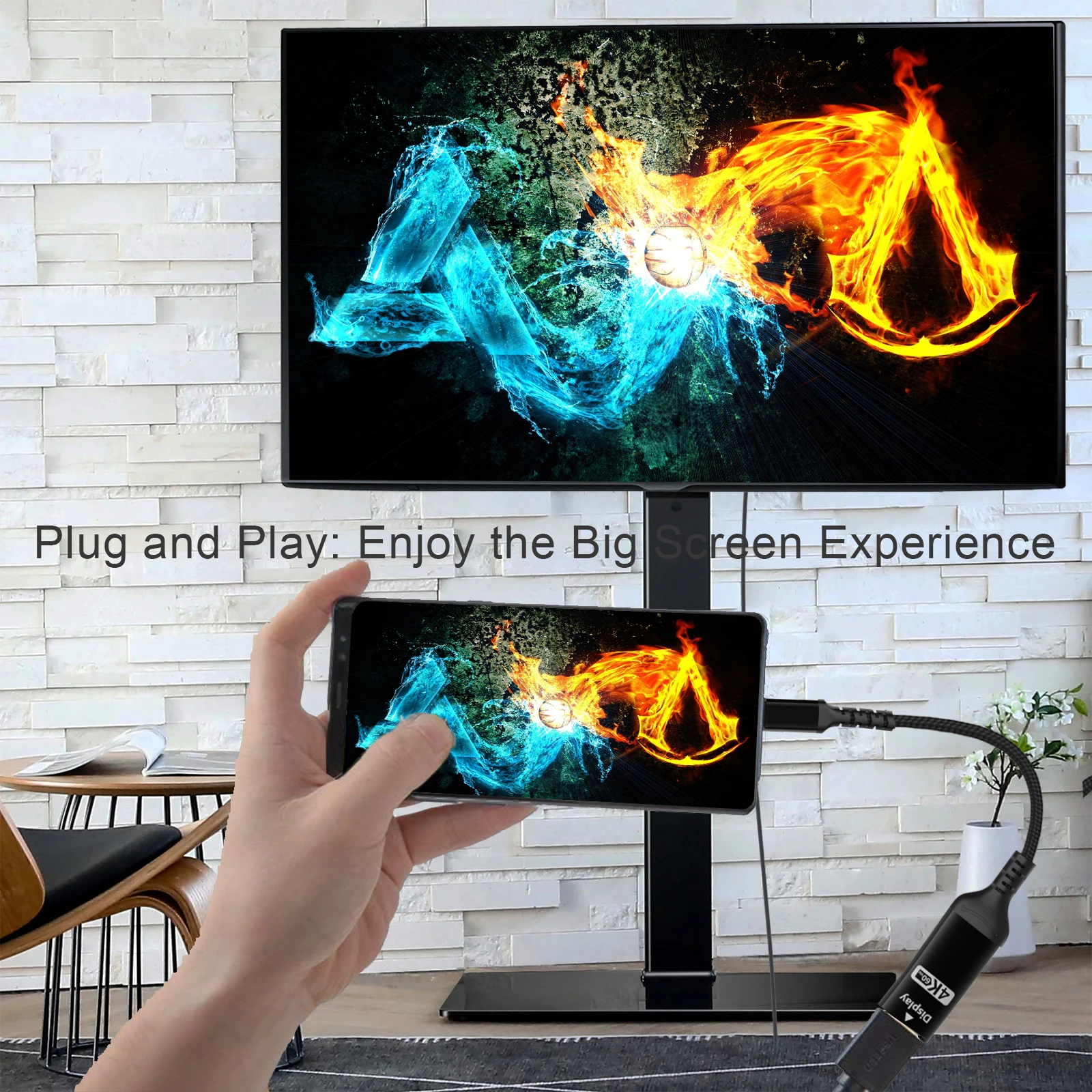
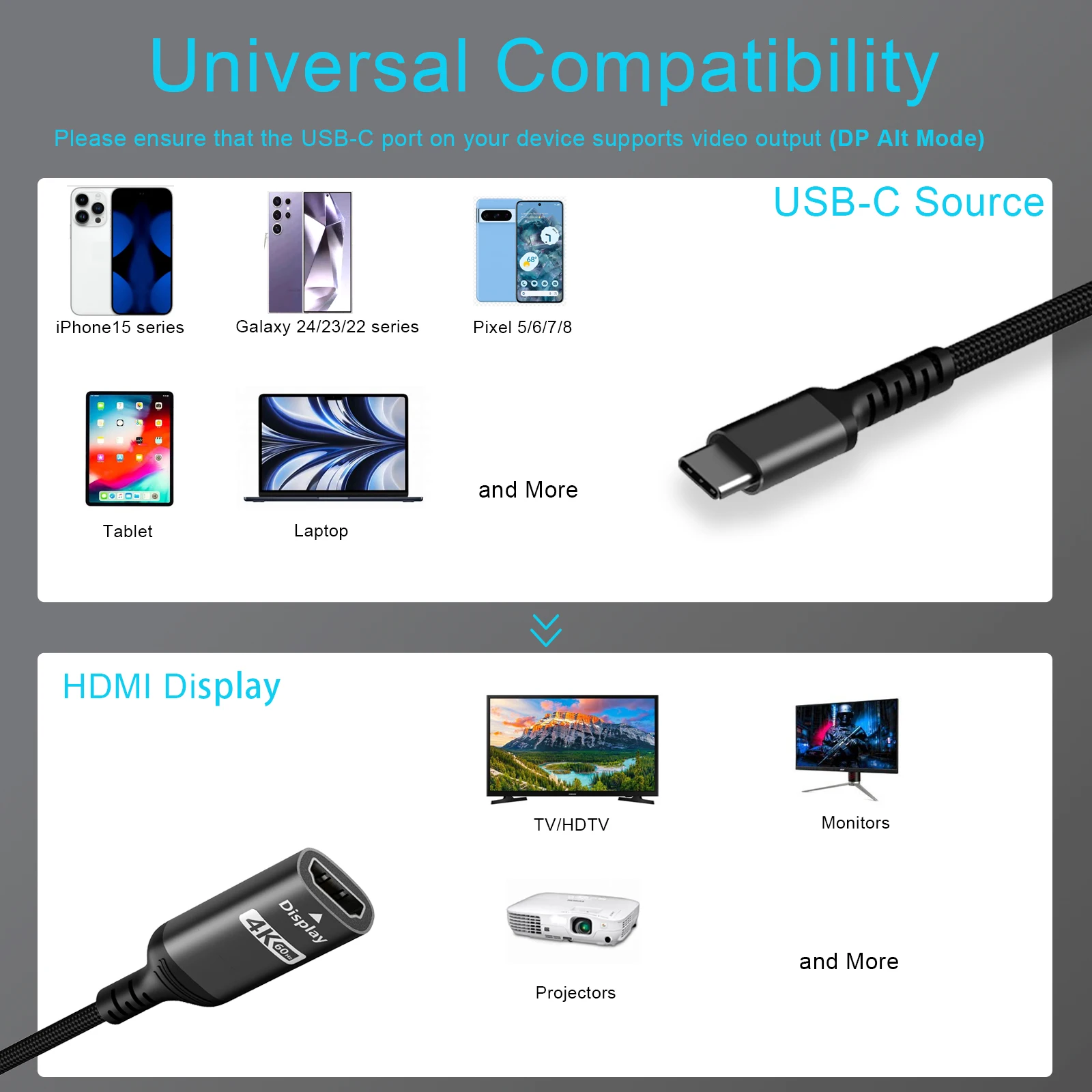
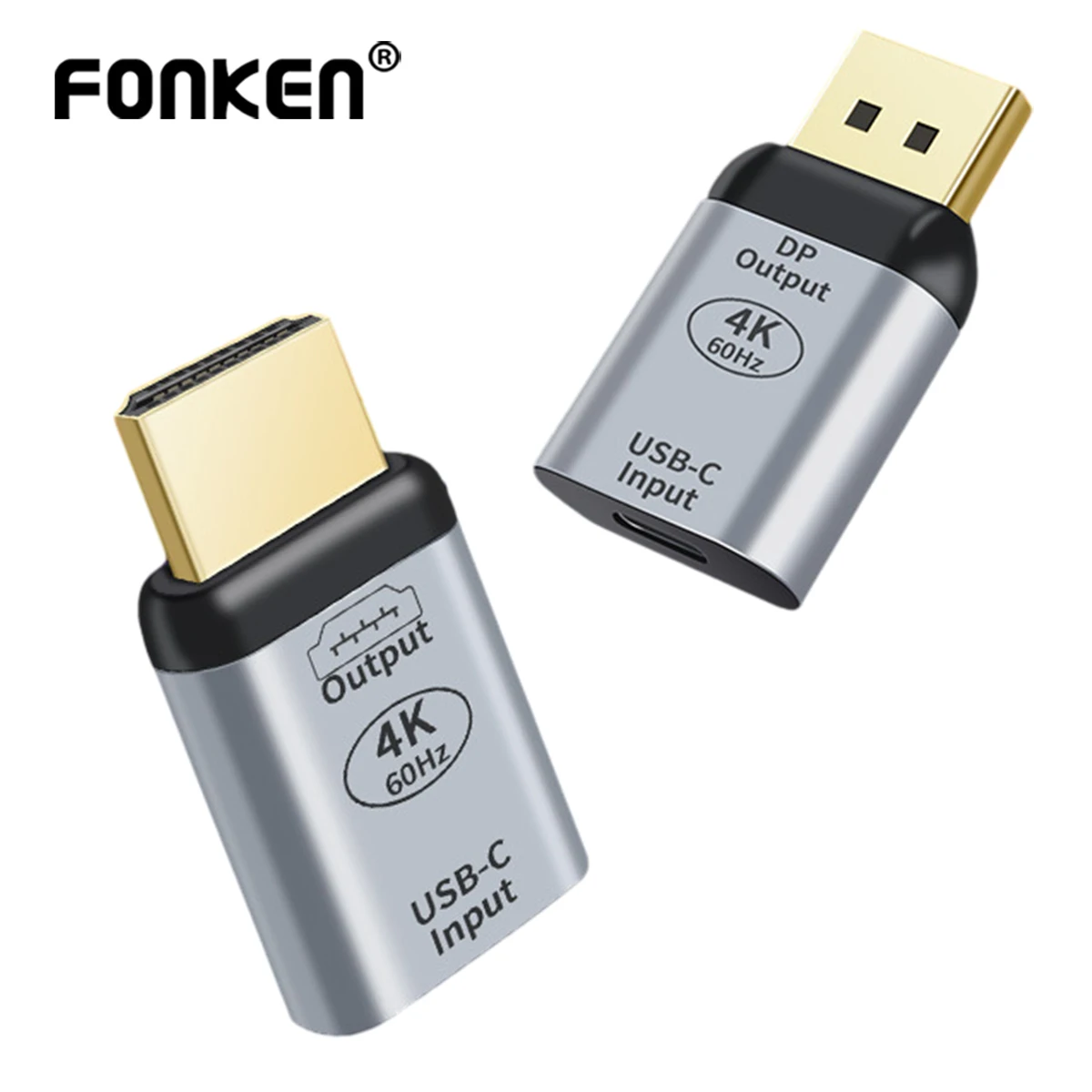
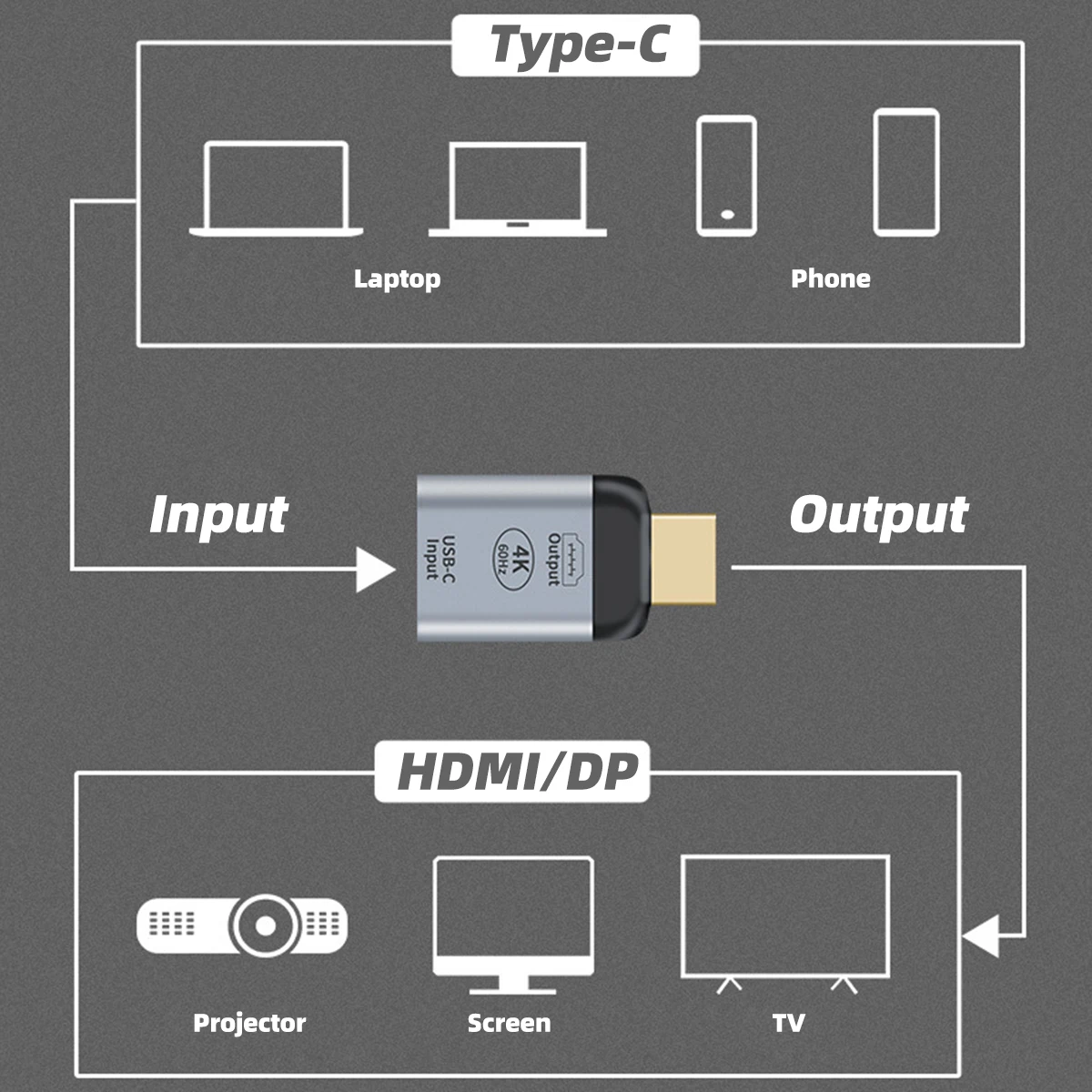
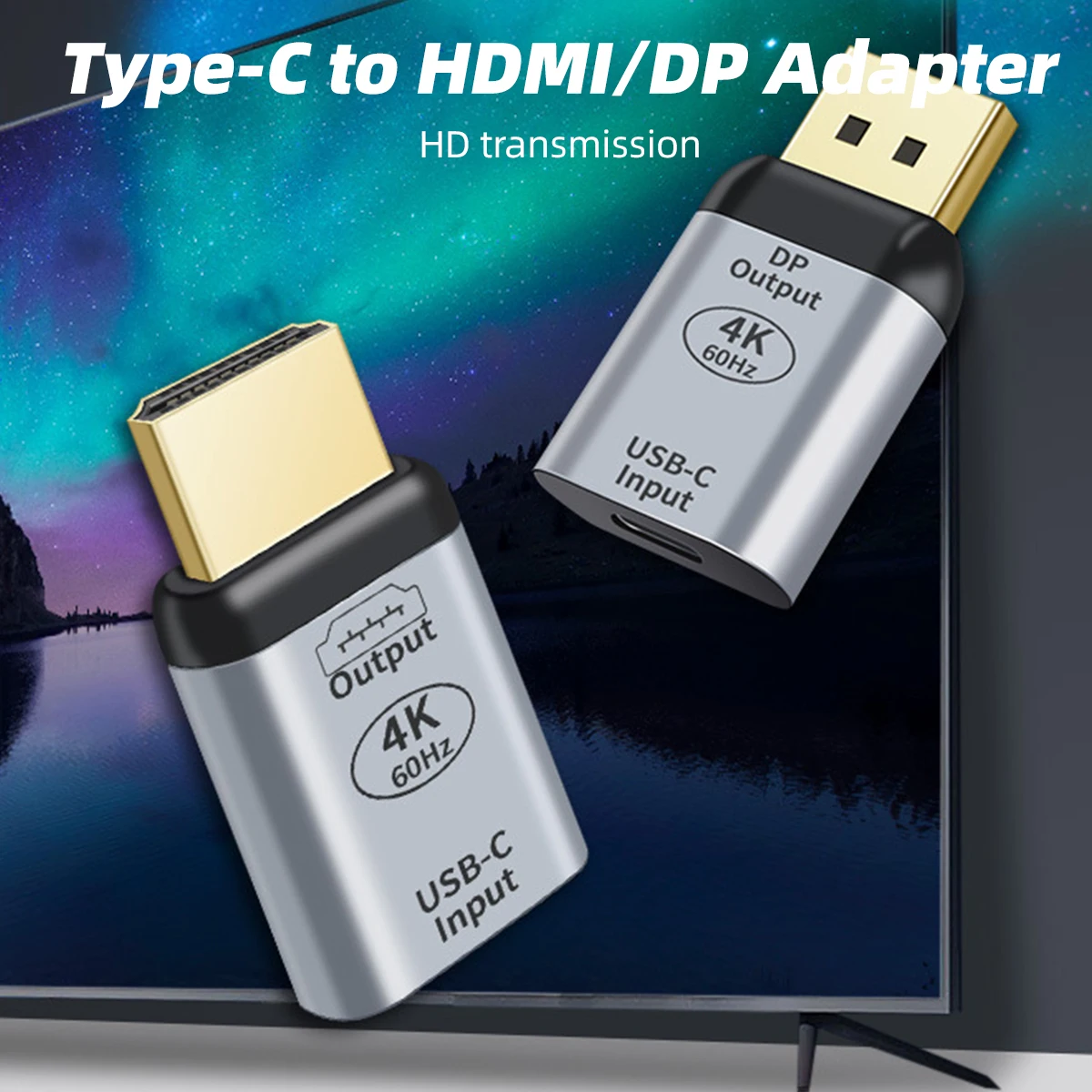
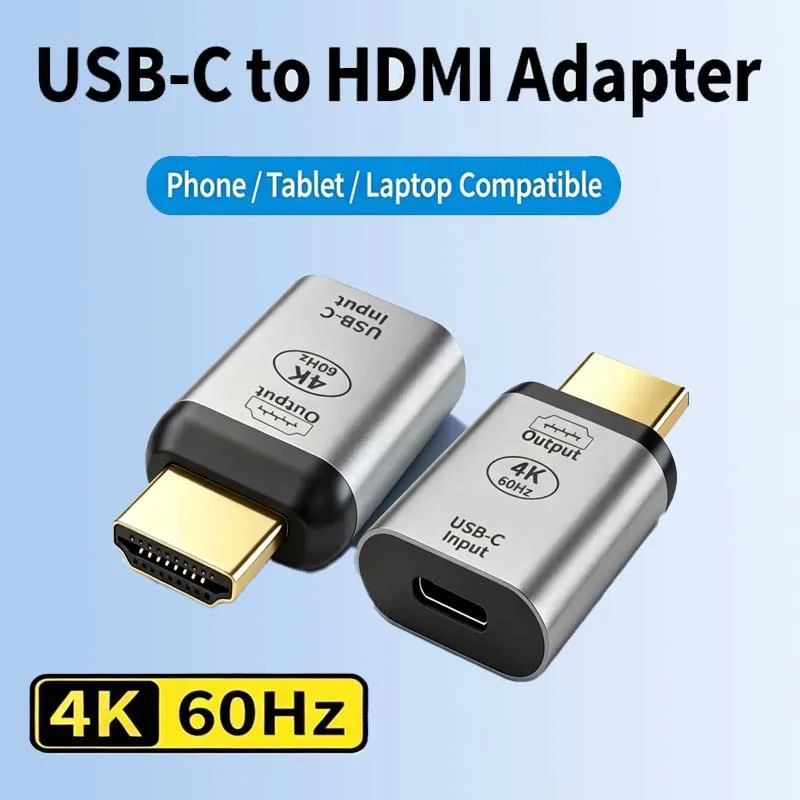
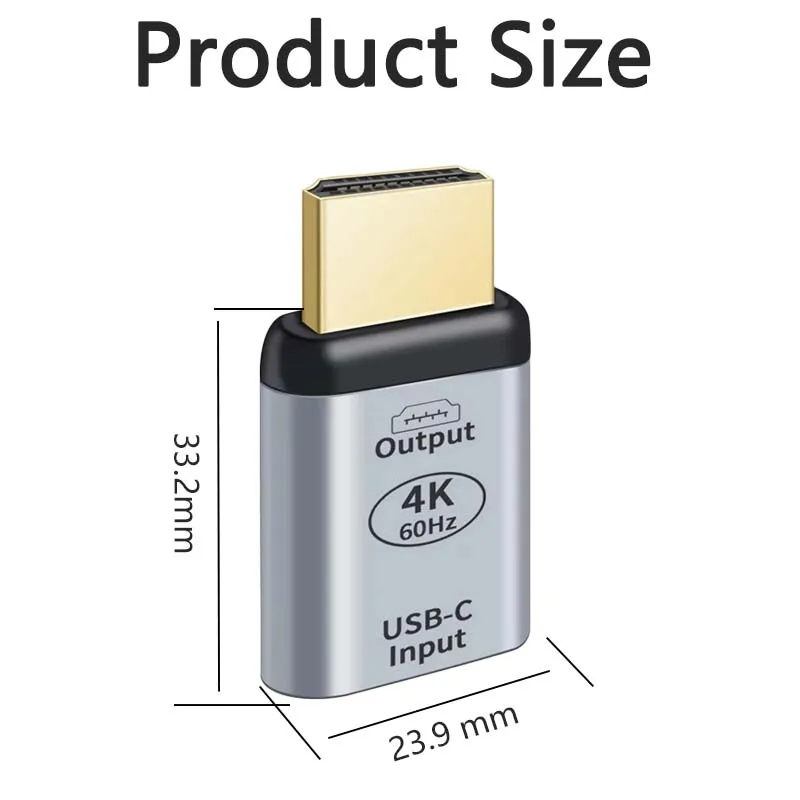
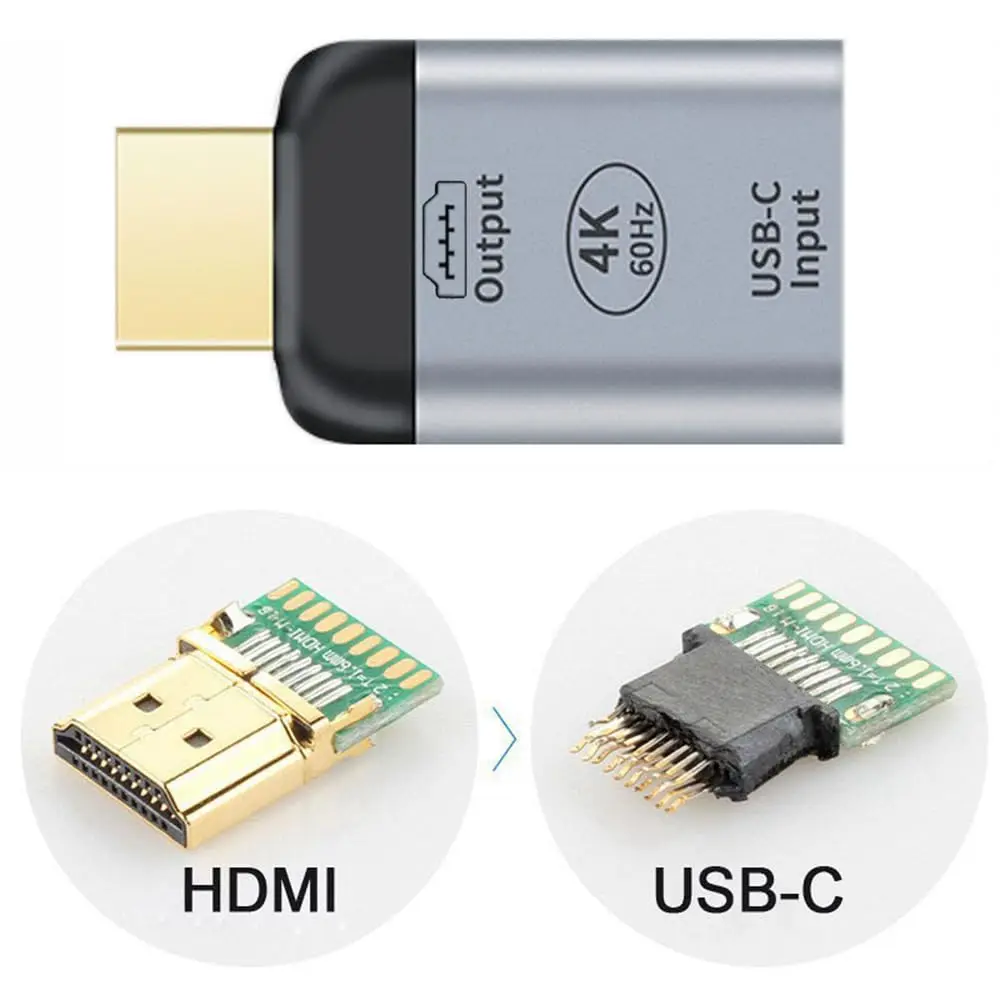
- Display adapters and cables: USB-C to HDMI, DisplayPort, Mini DisplayPort and VGA. See display adapters.
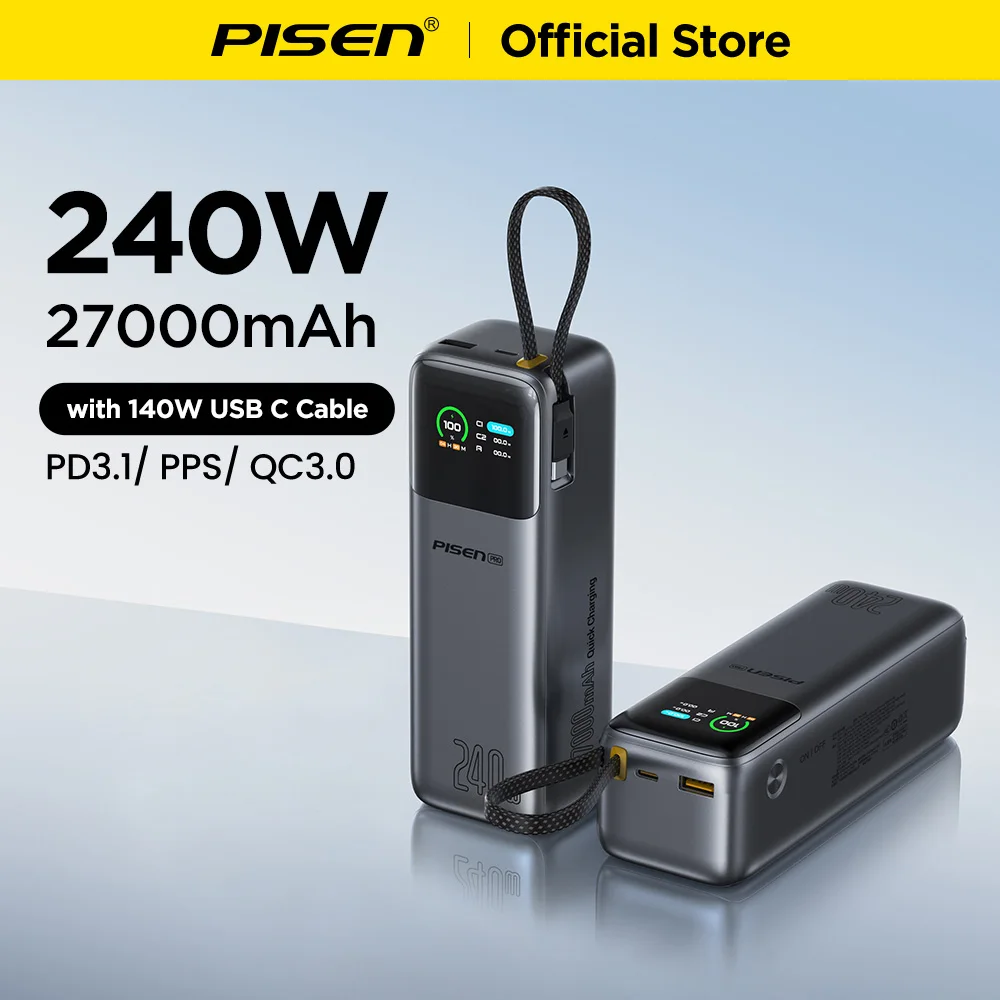
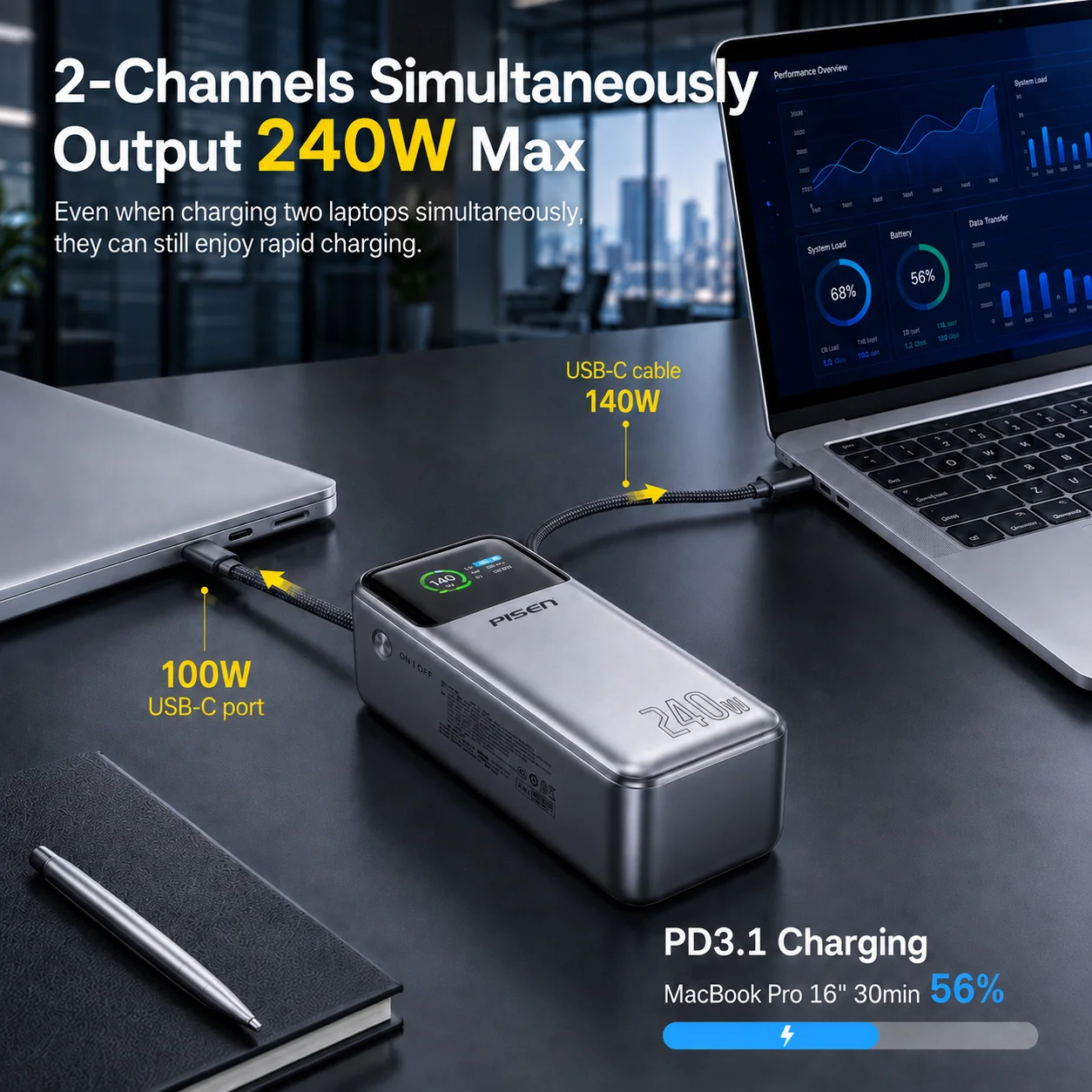
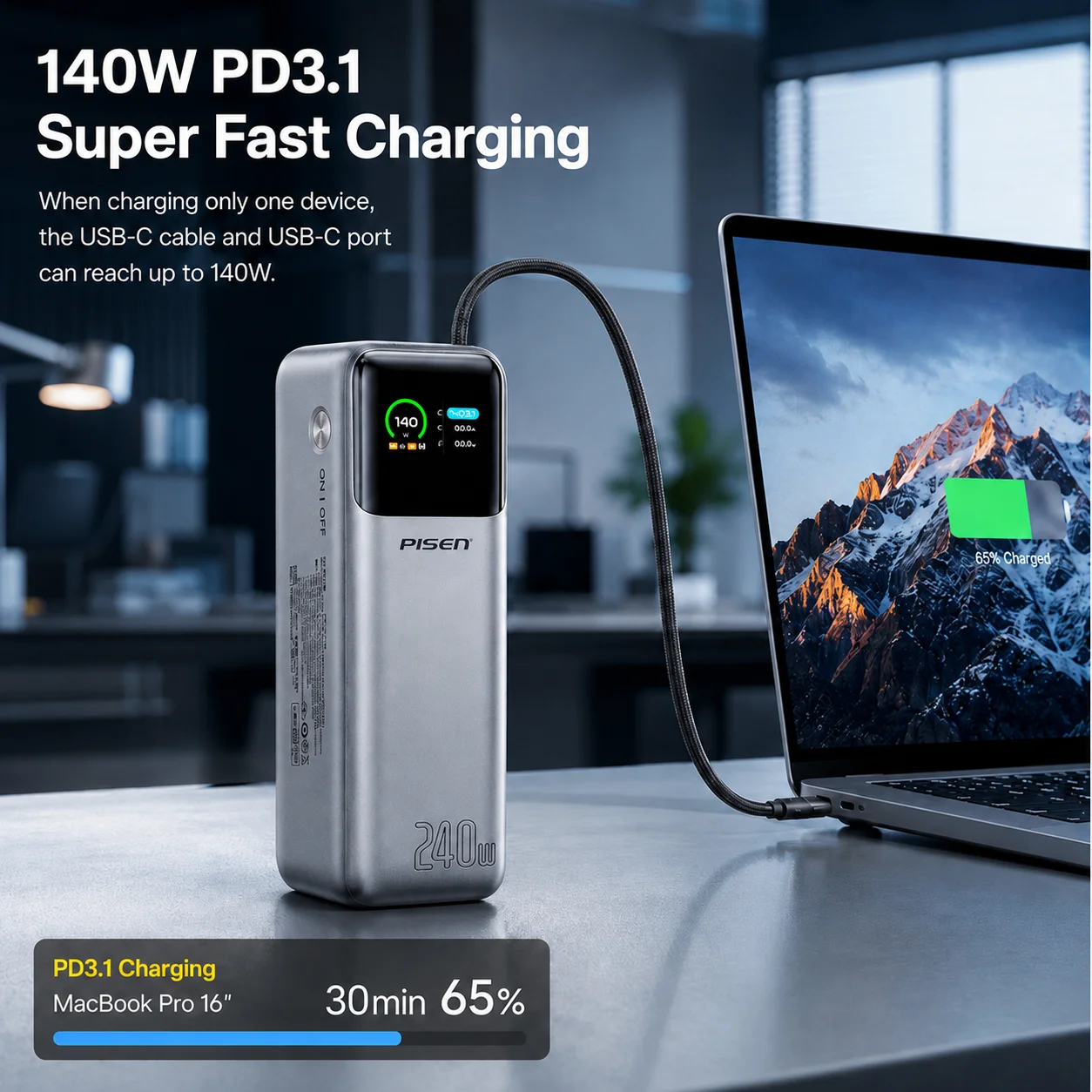
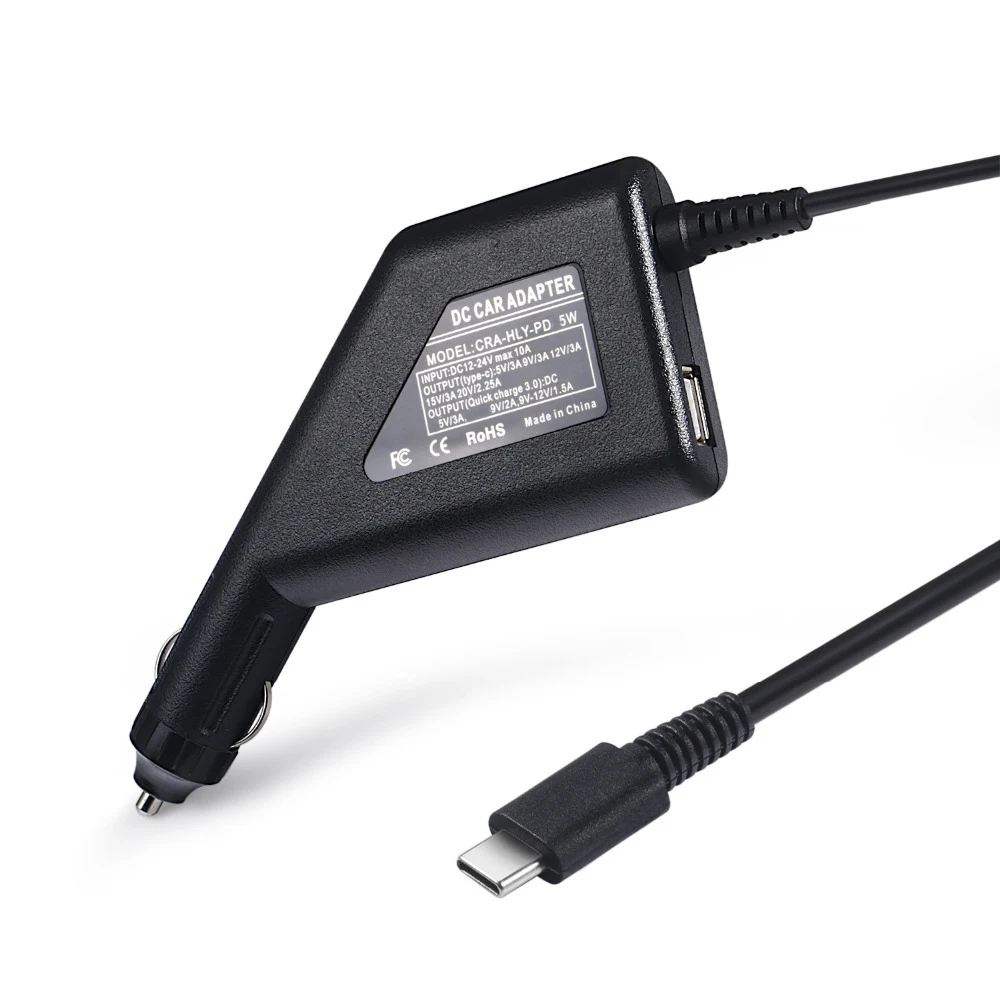
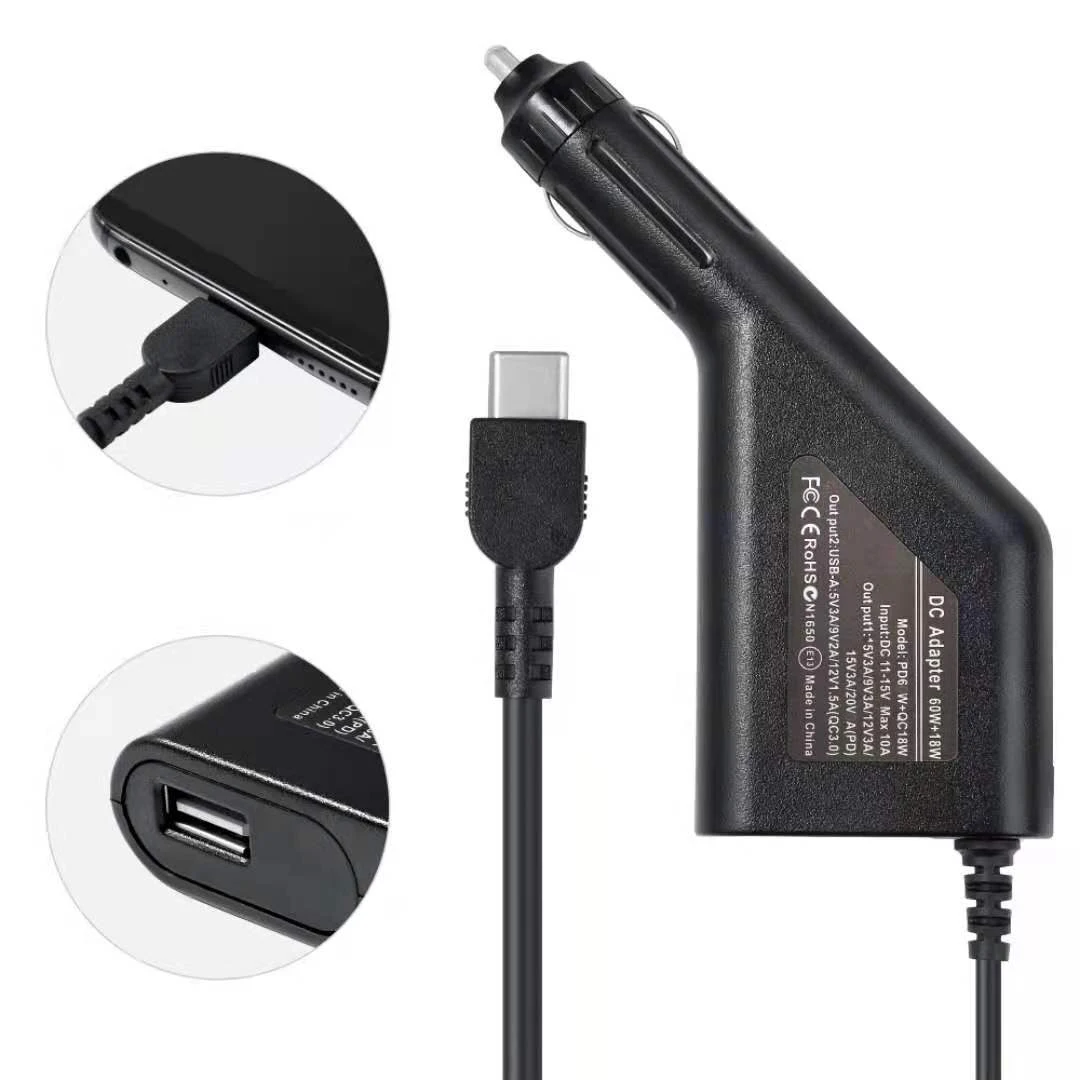
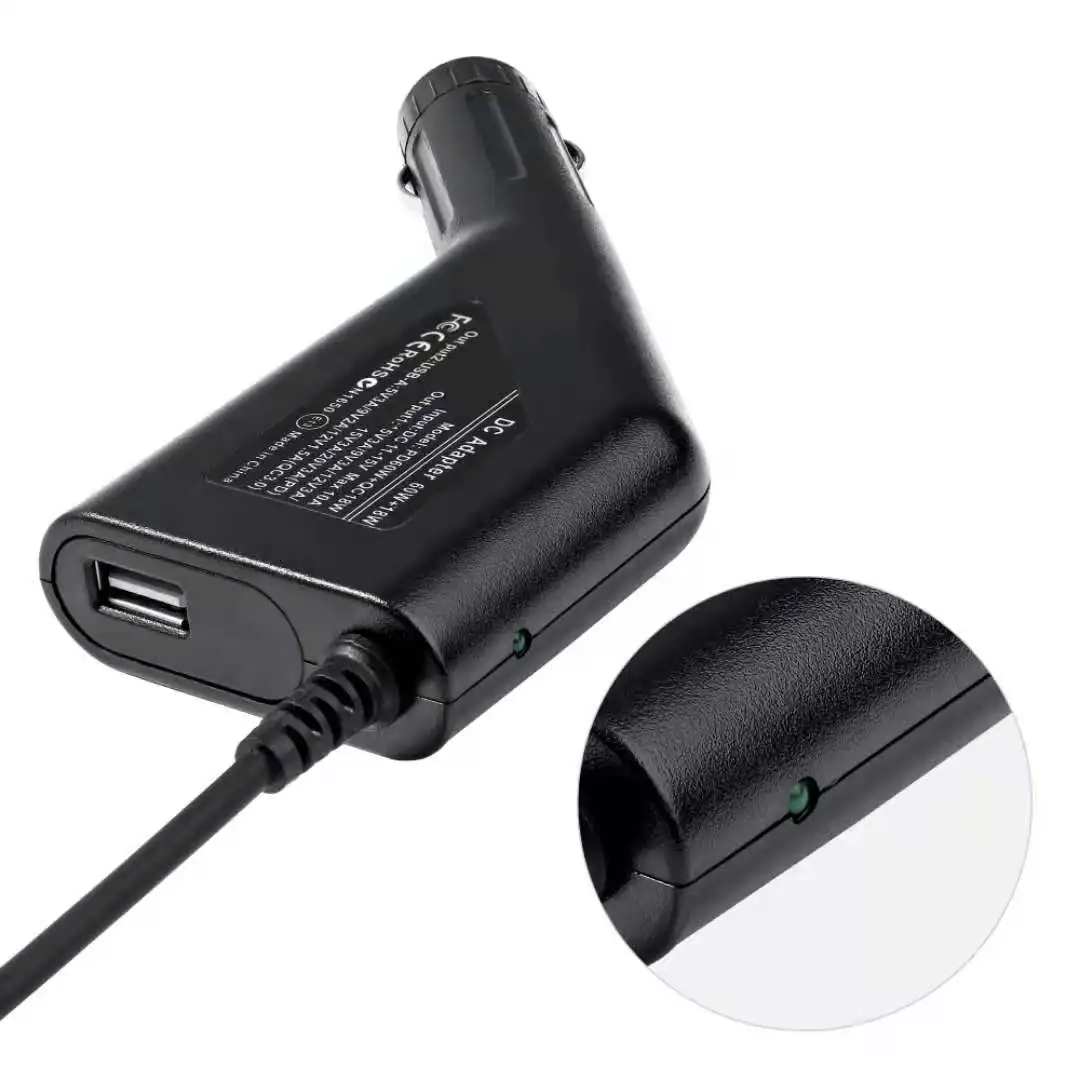
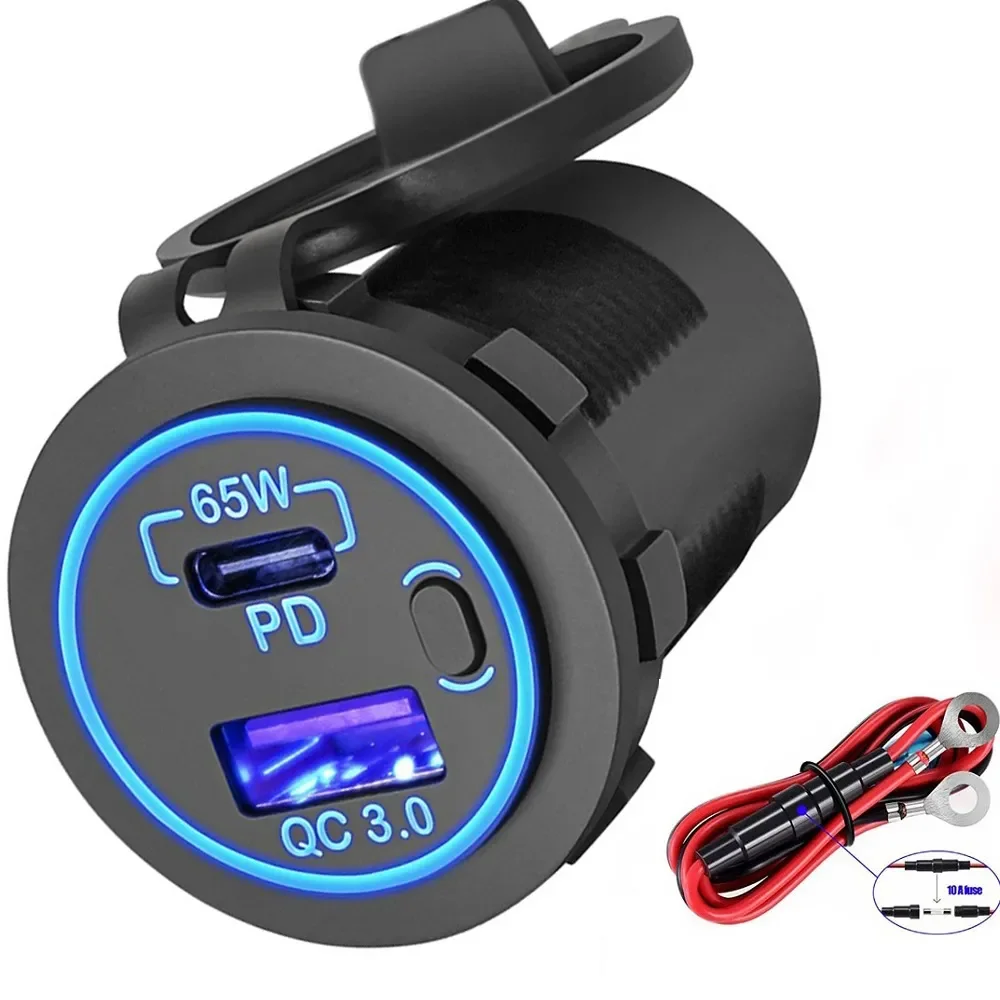
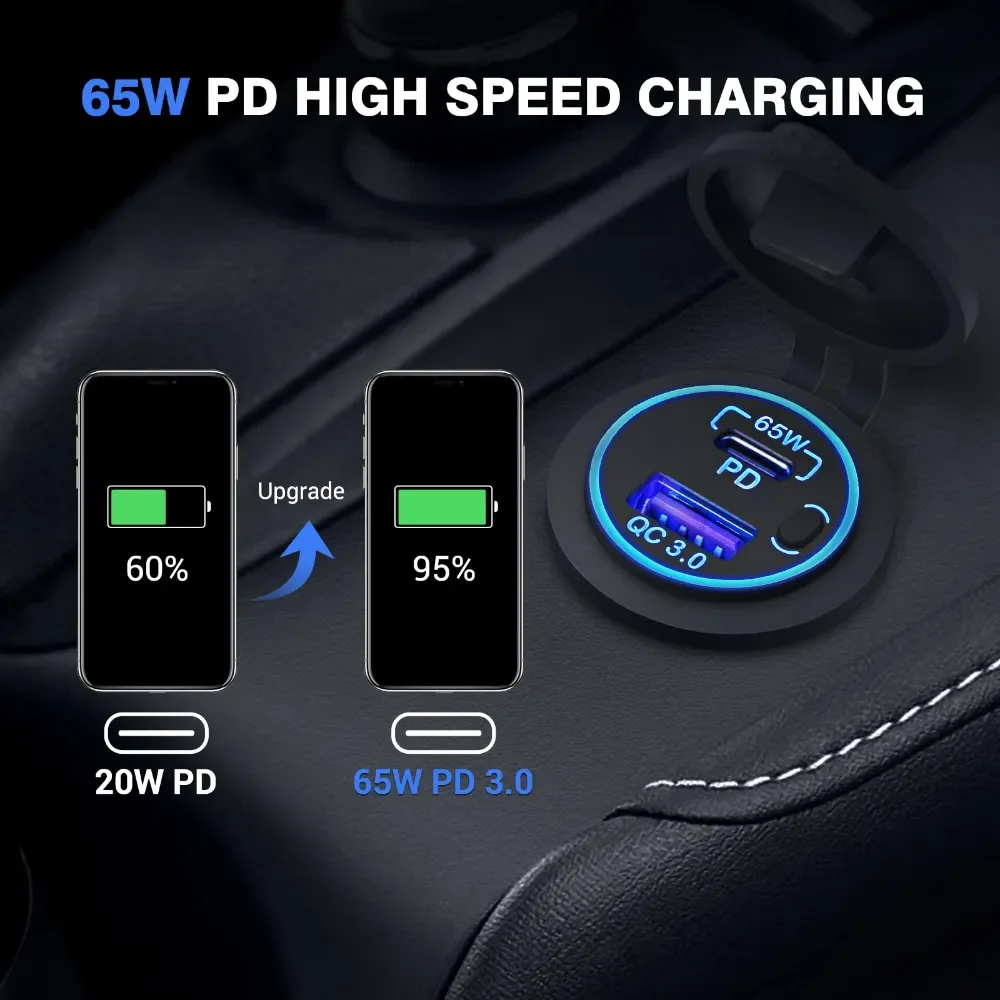
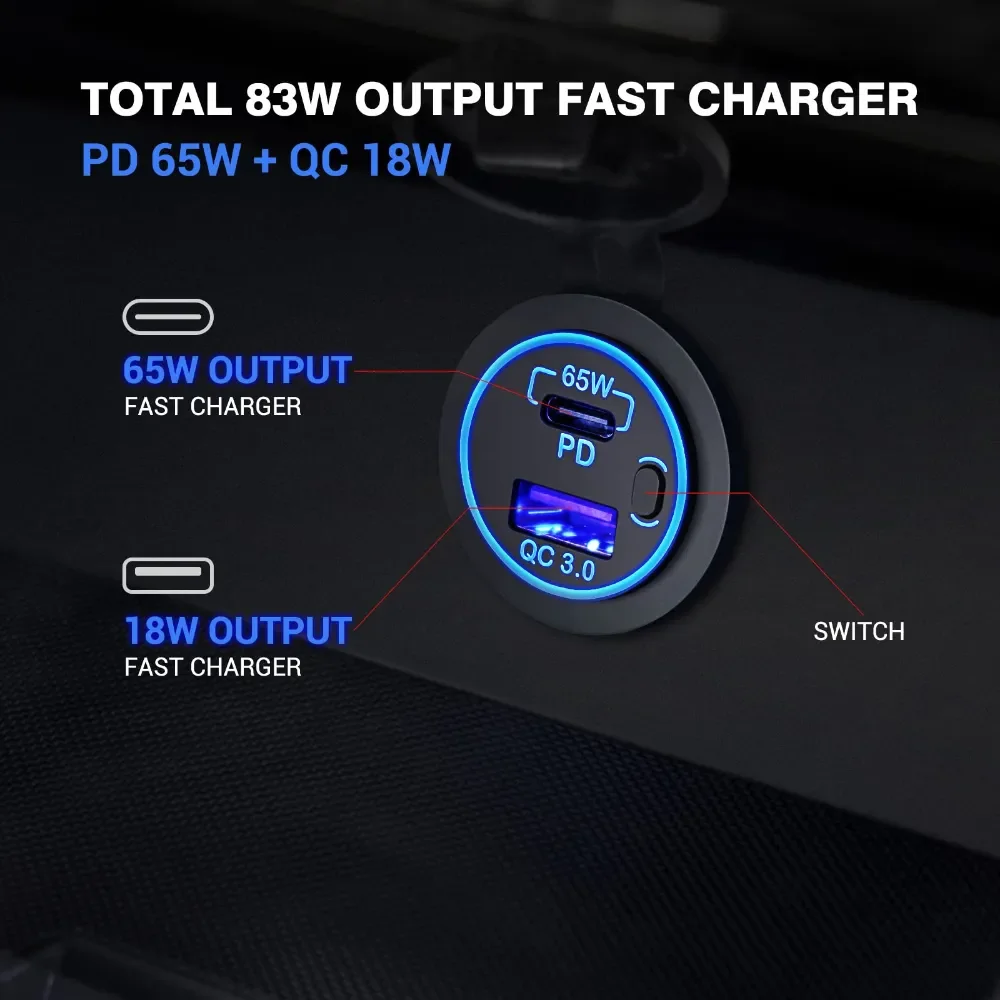
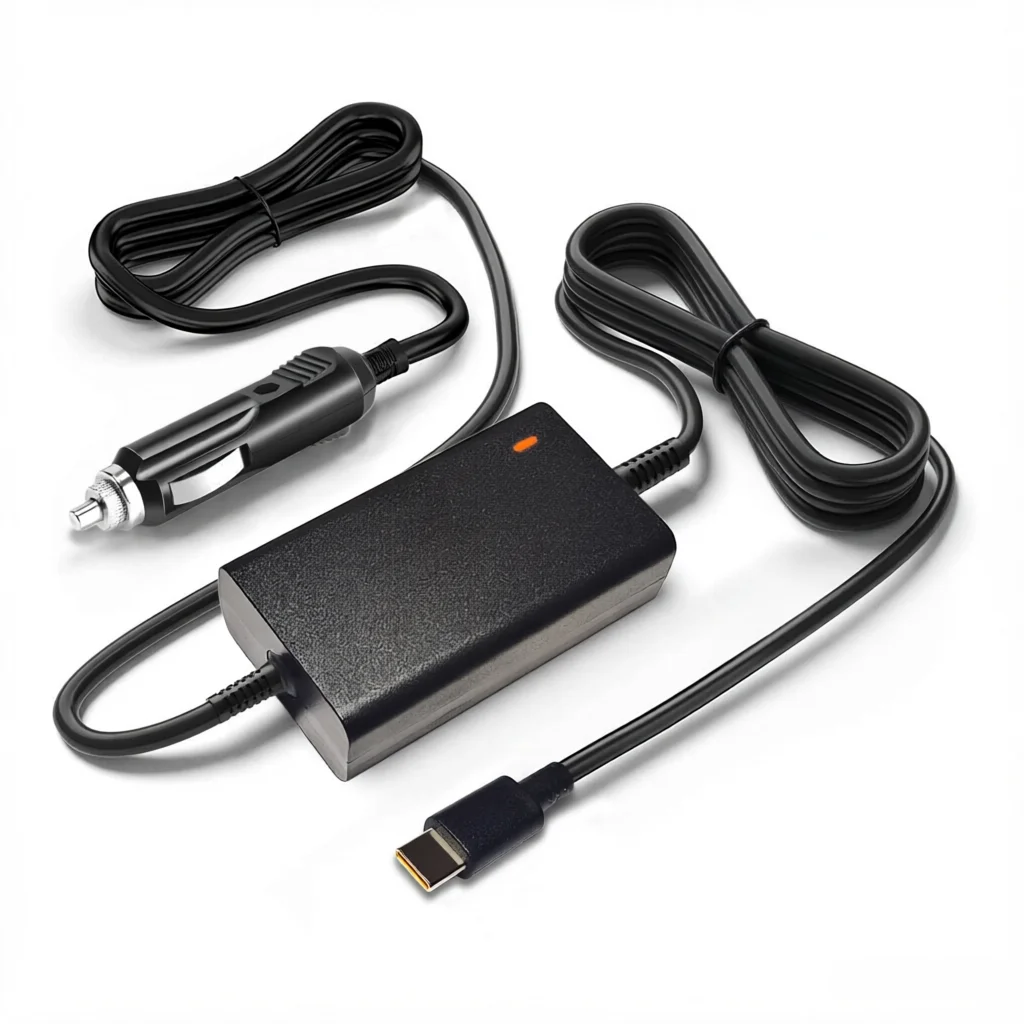
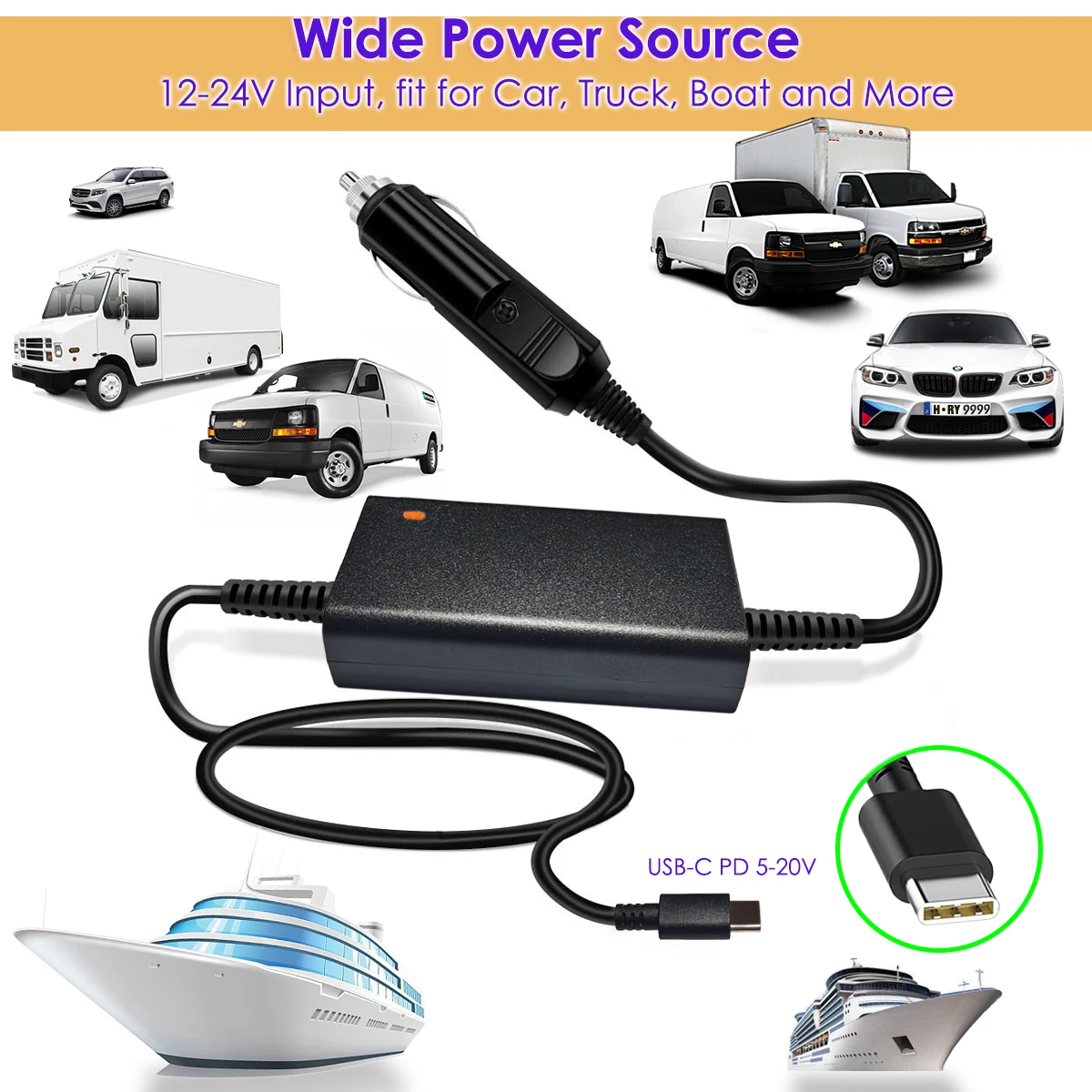
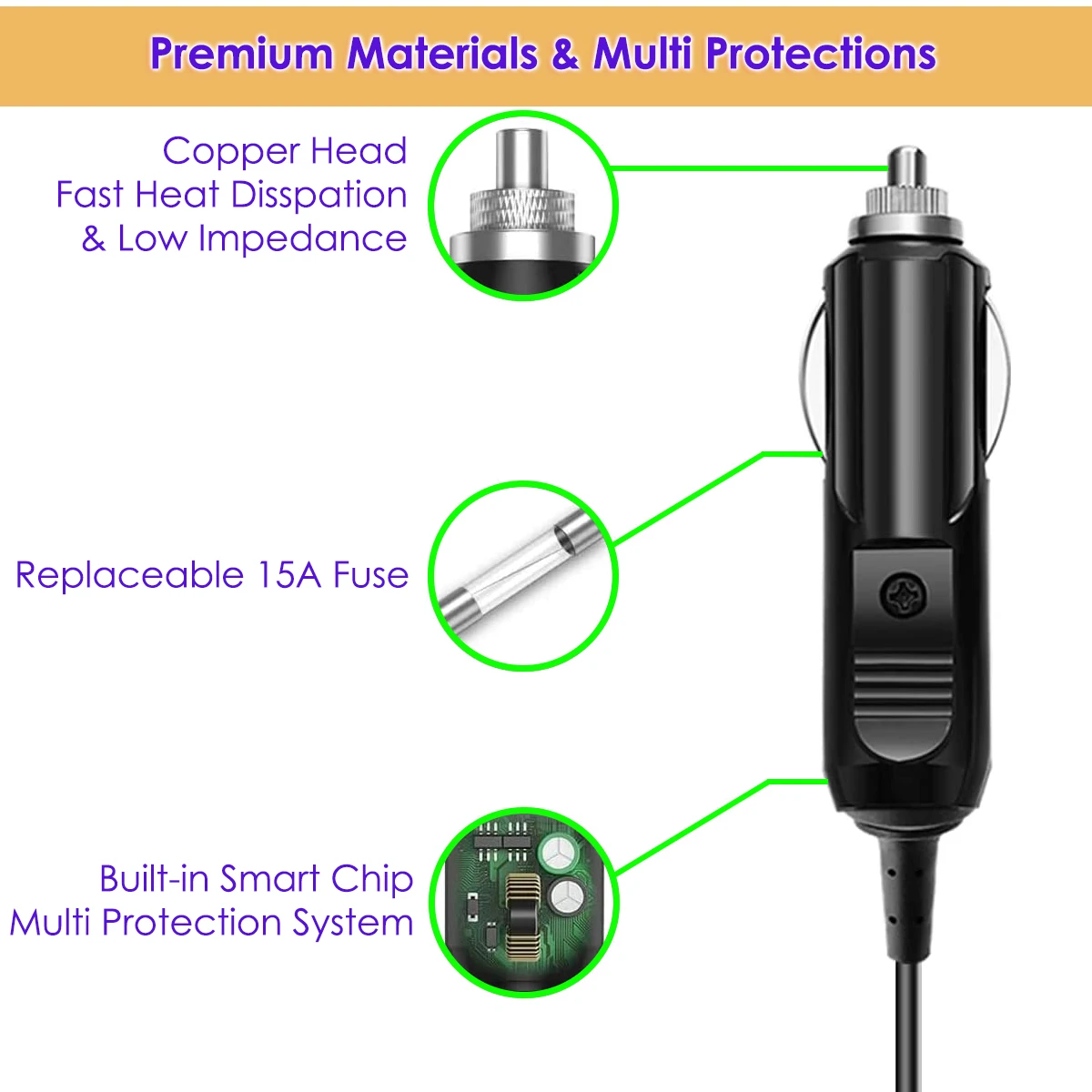
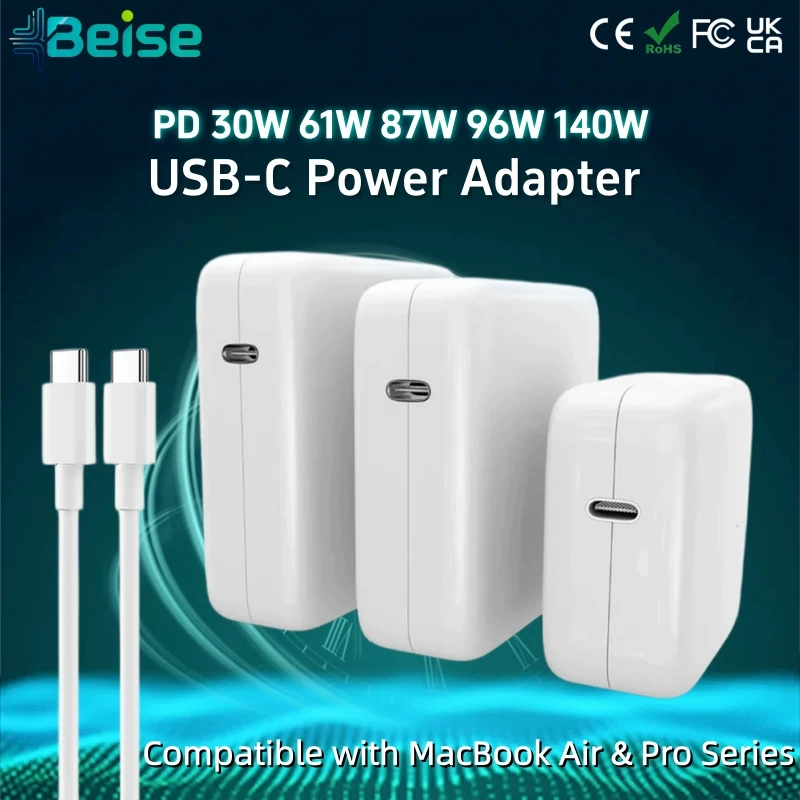
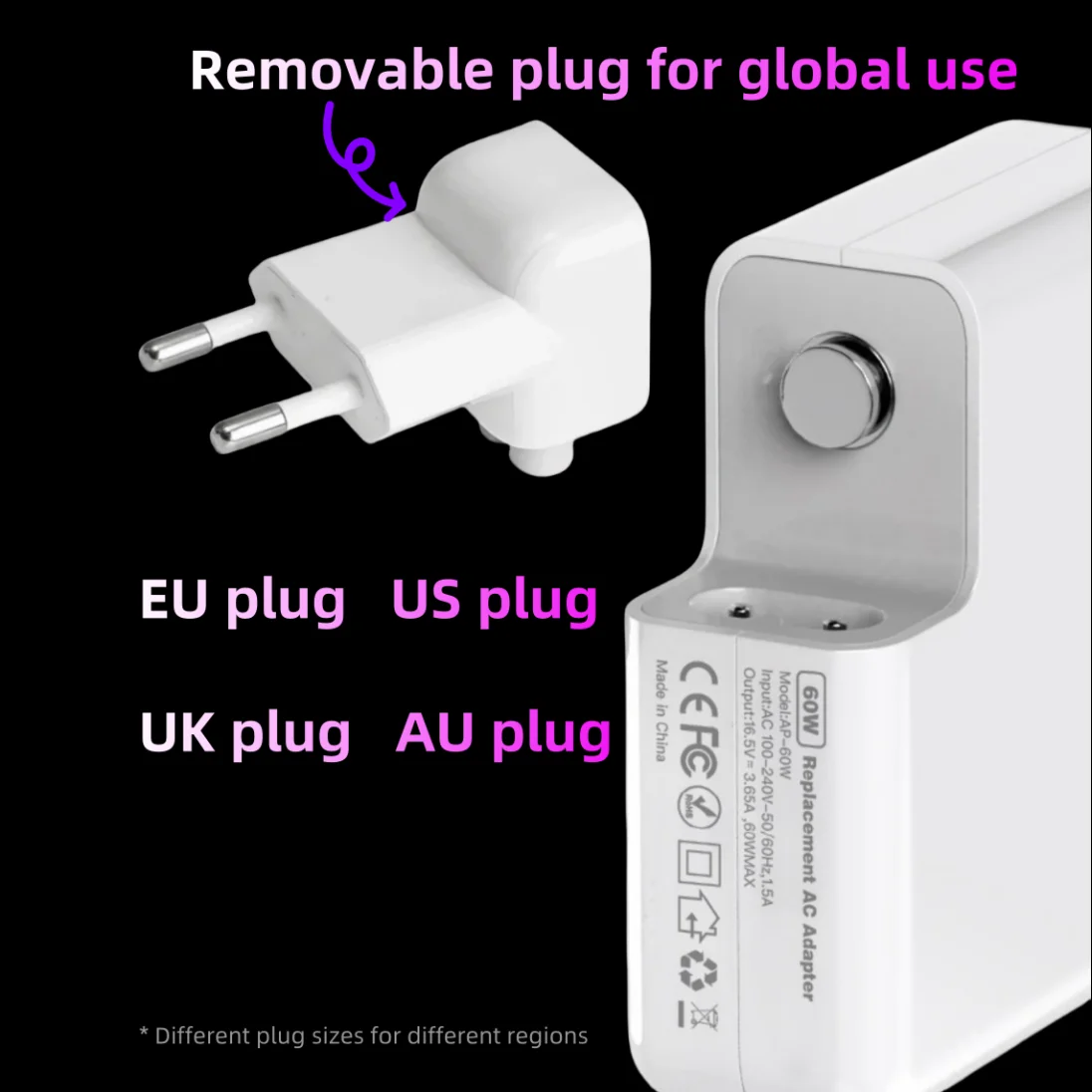
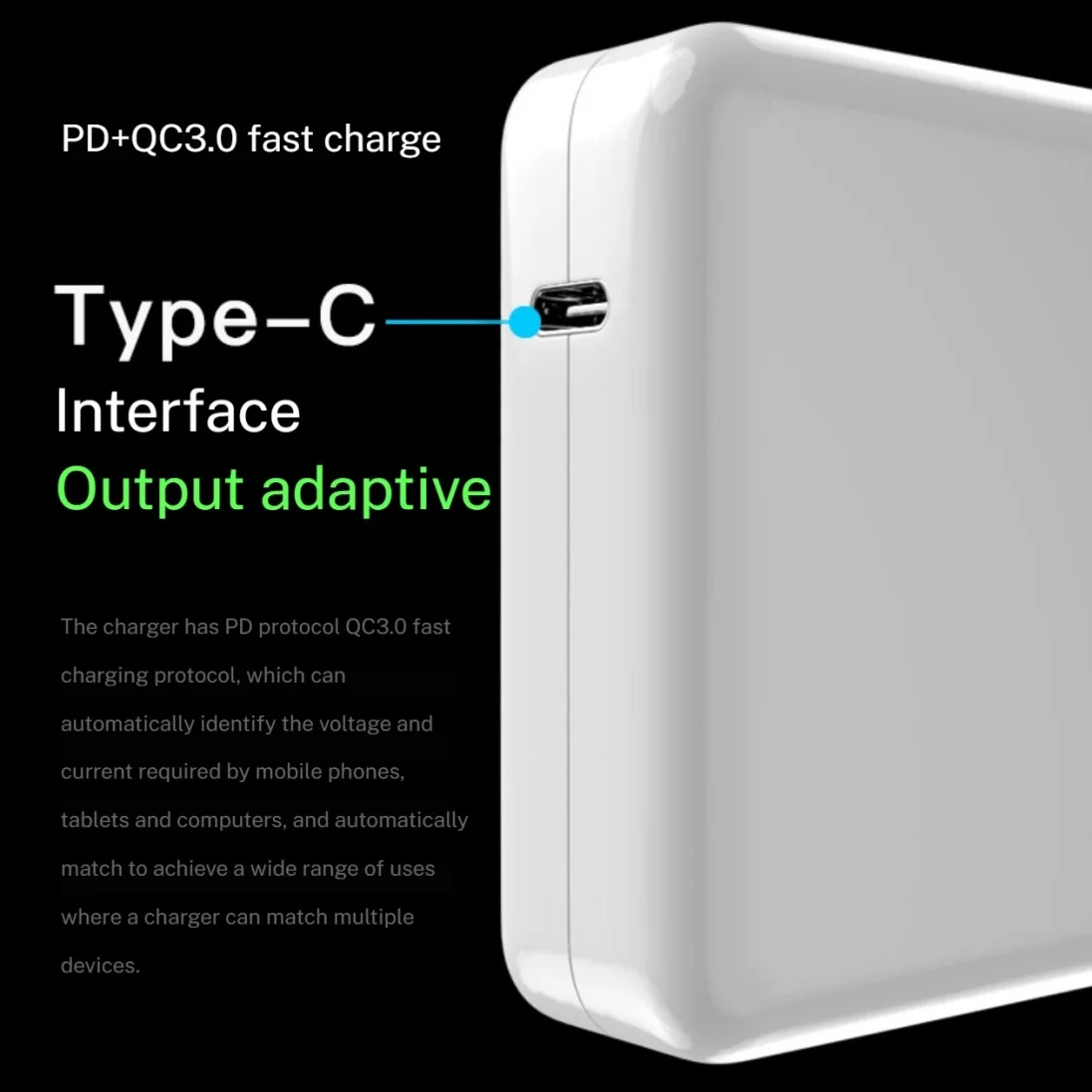
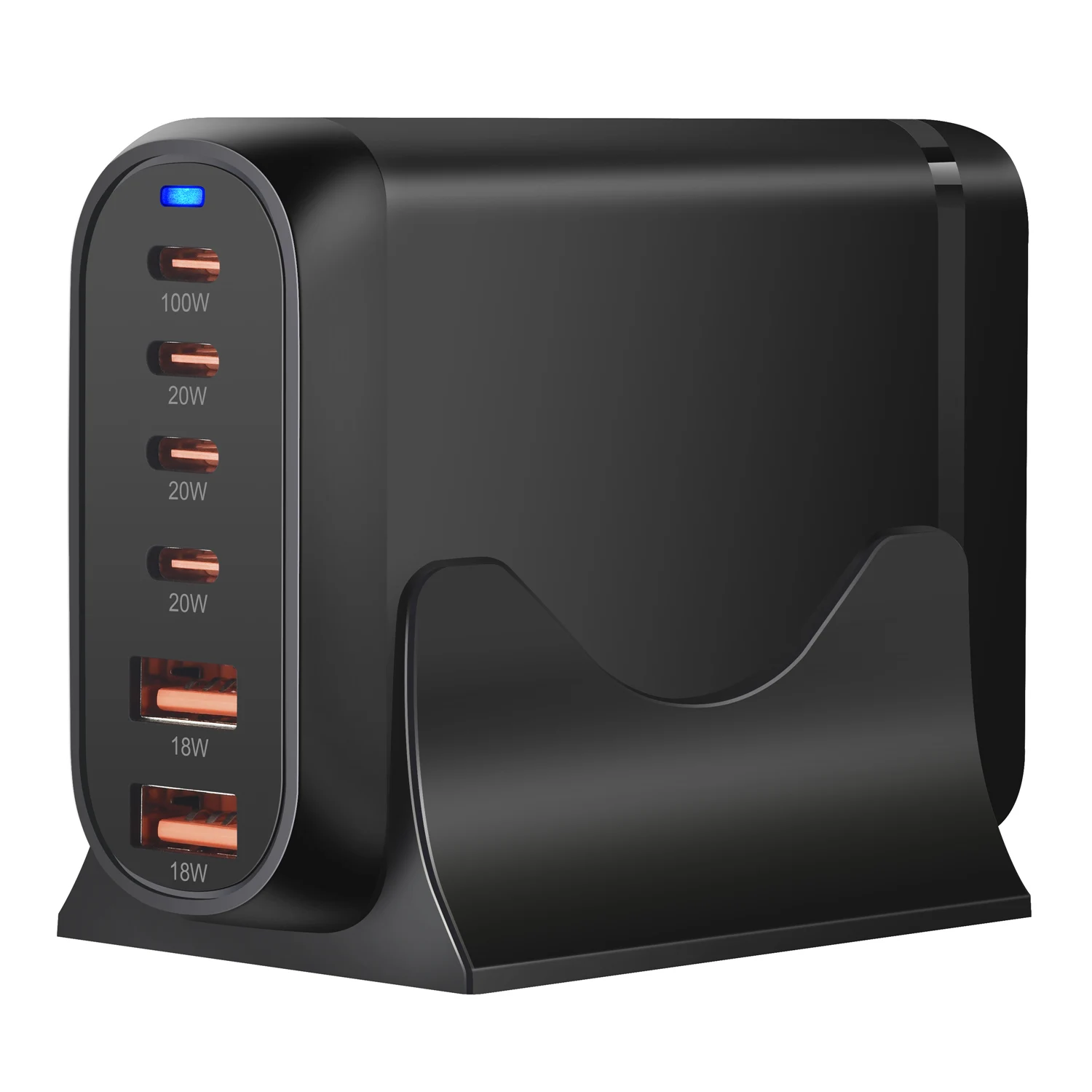
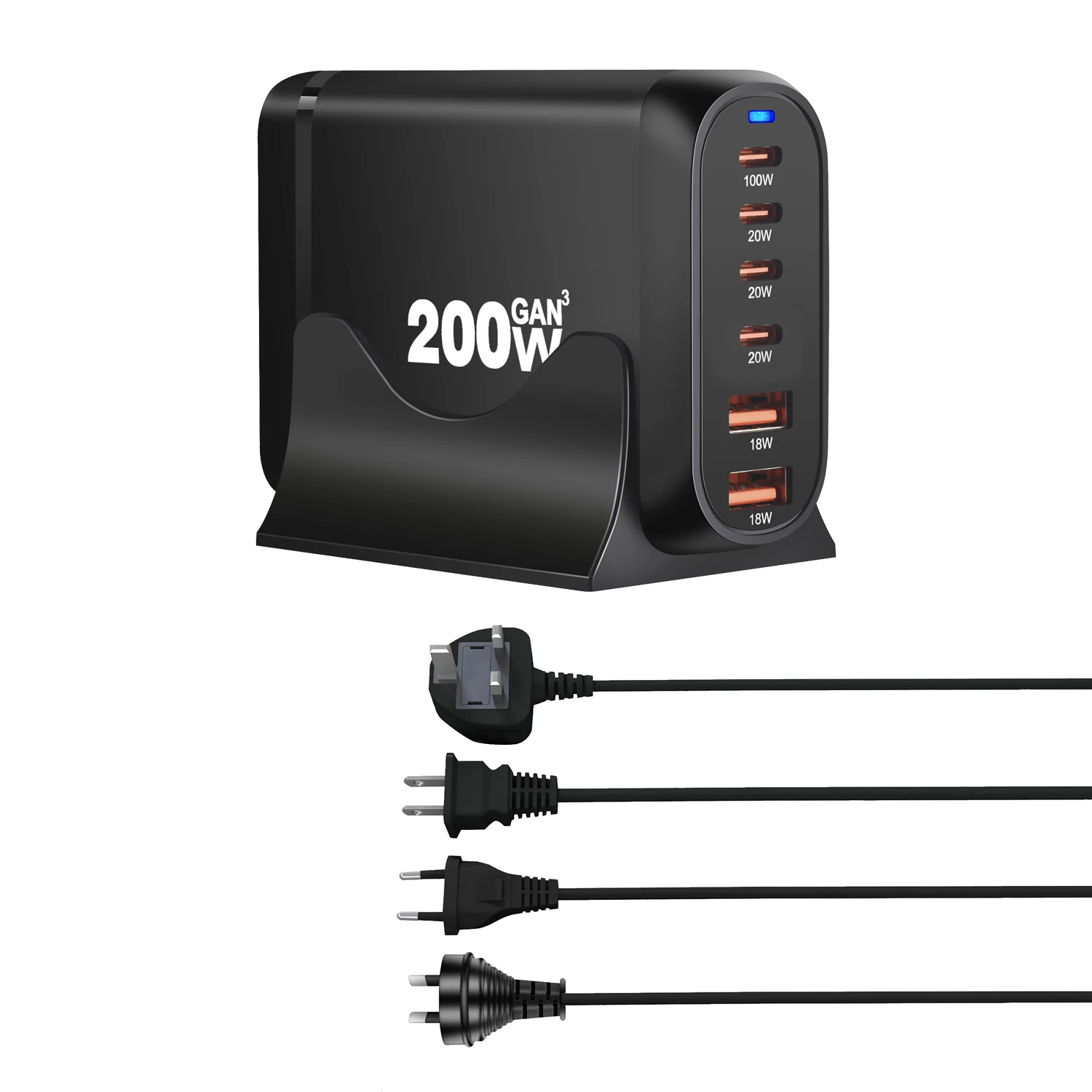
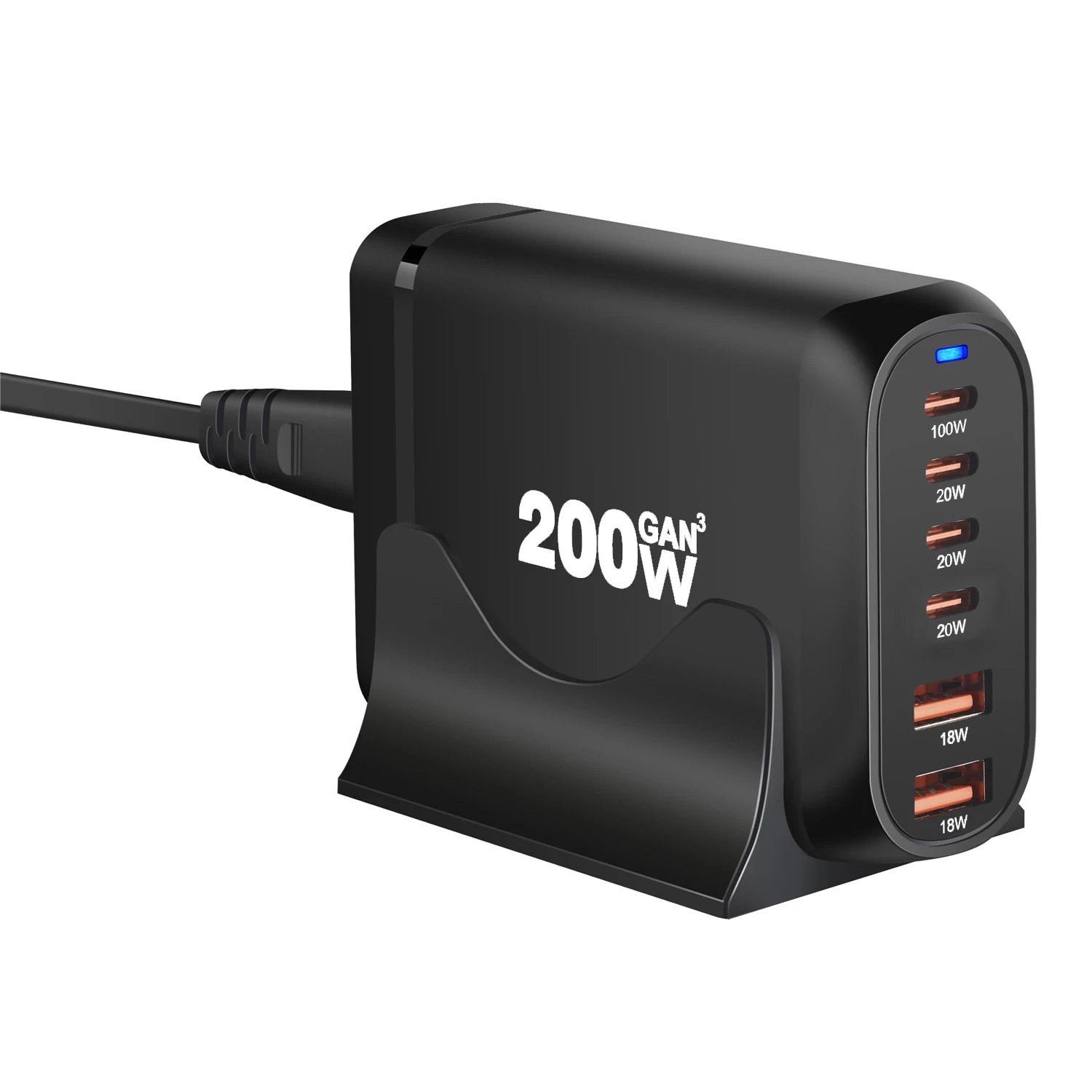
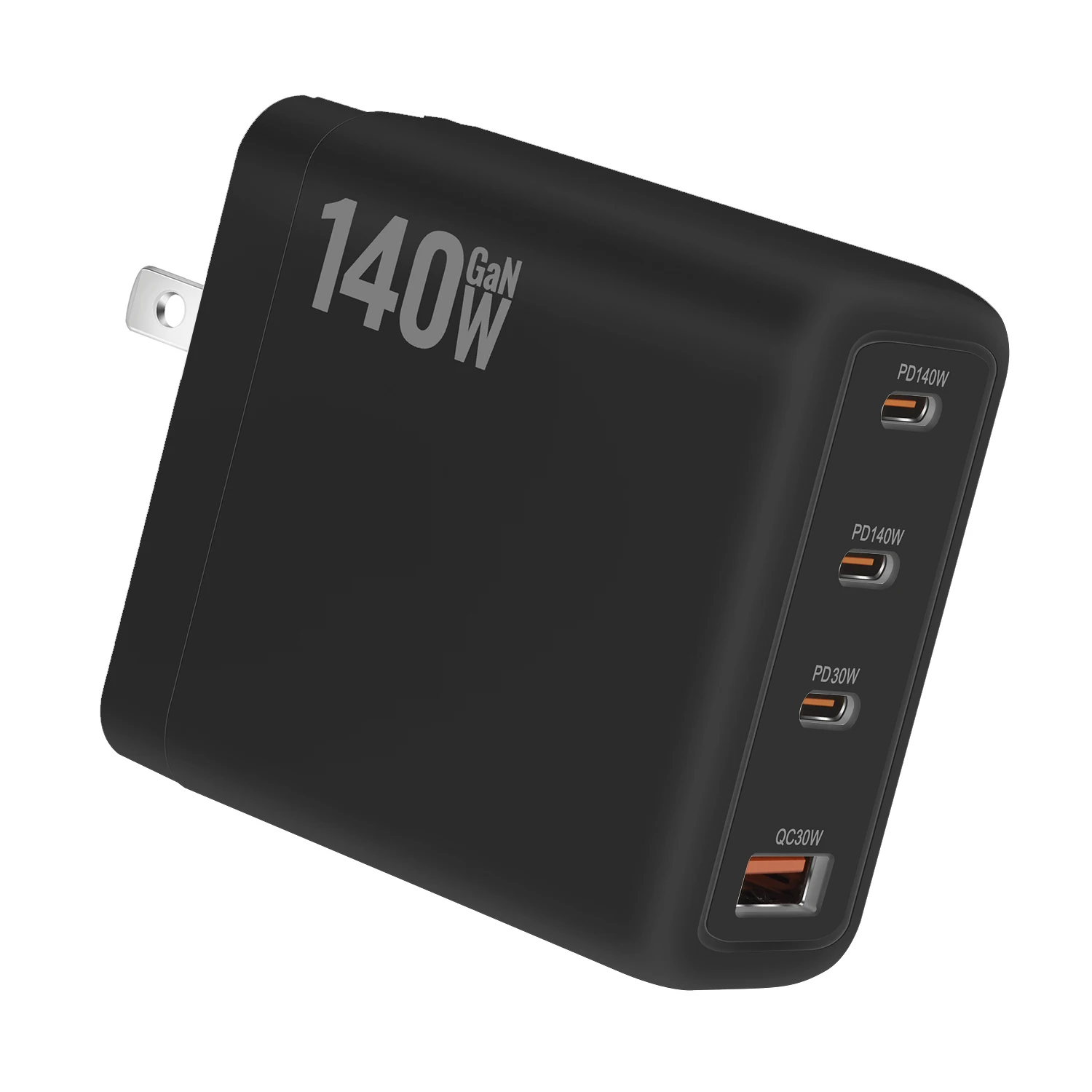
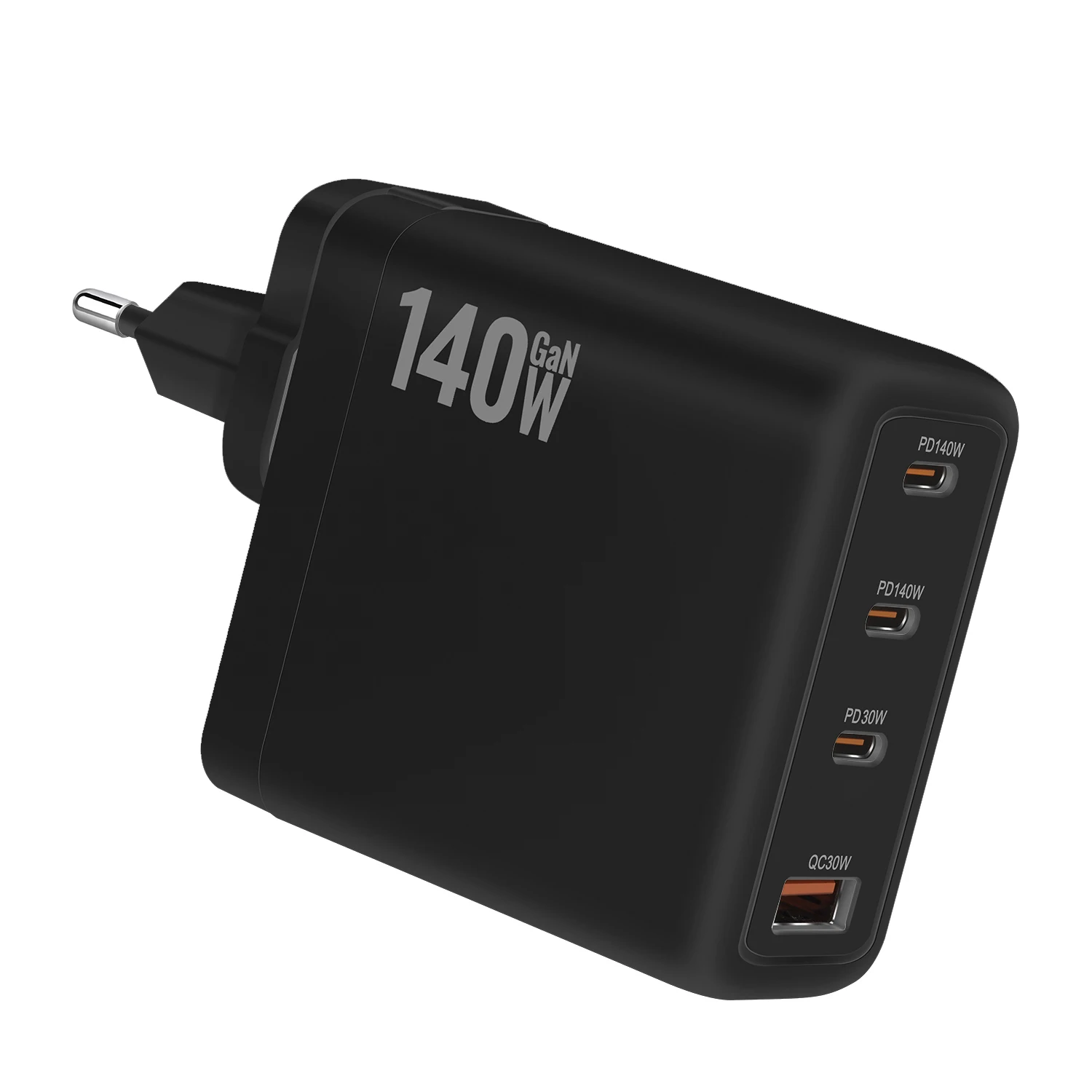
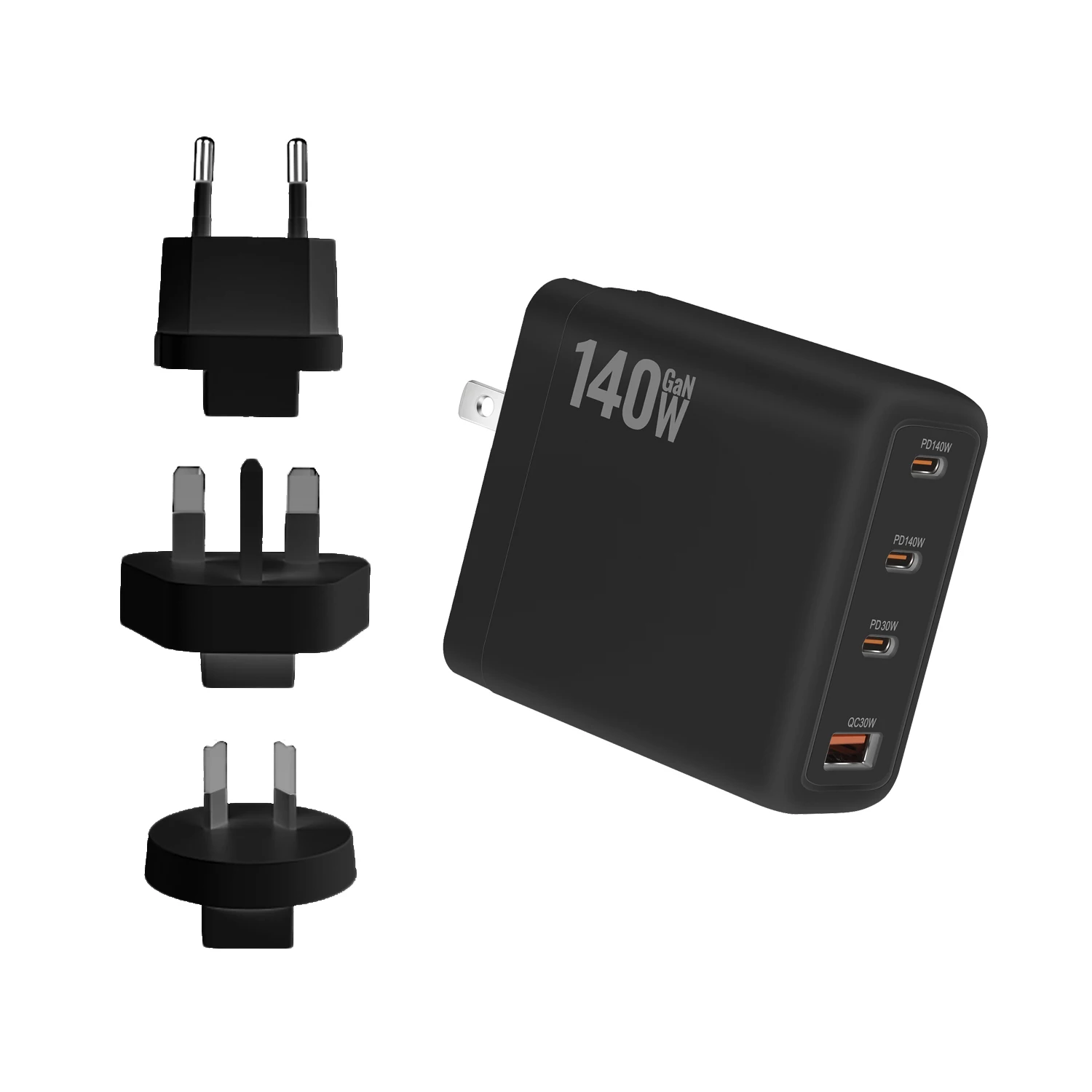
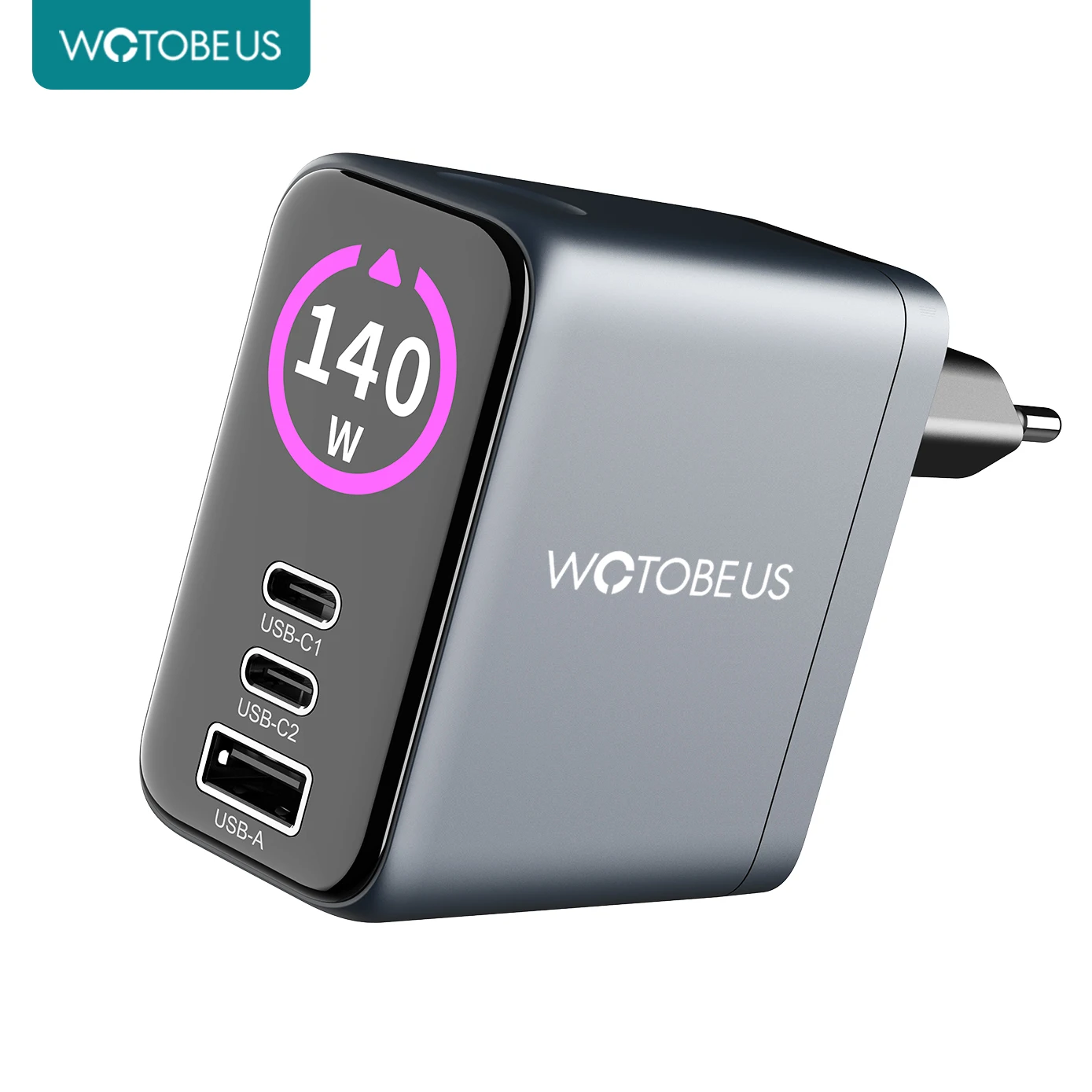
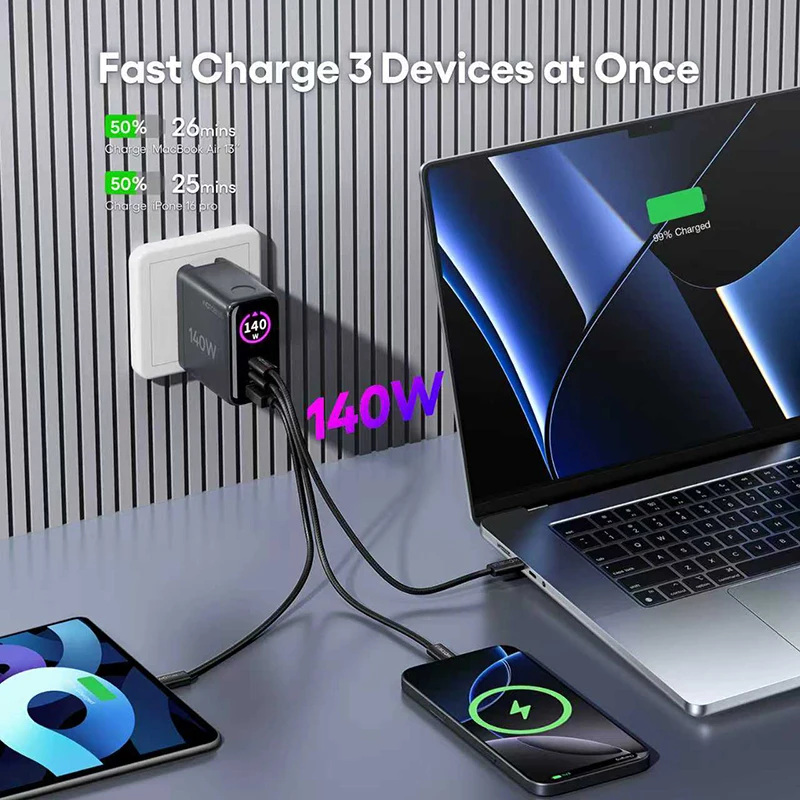
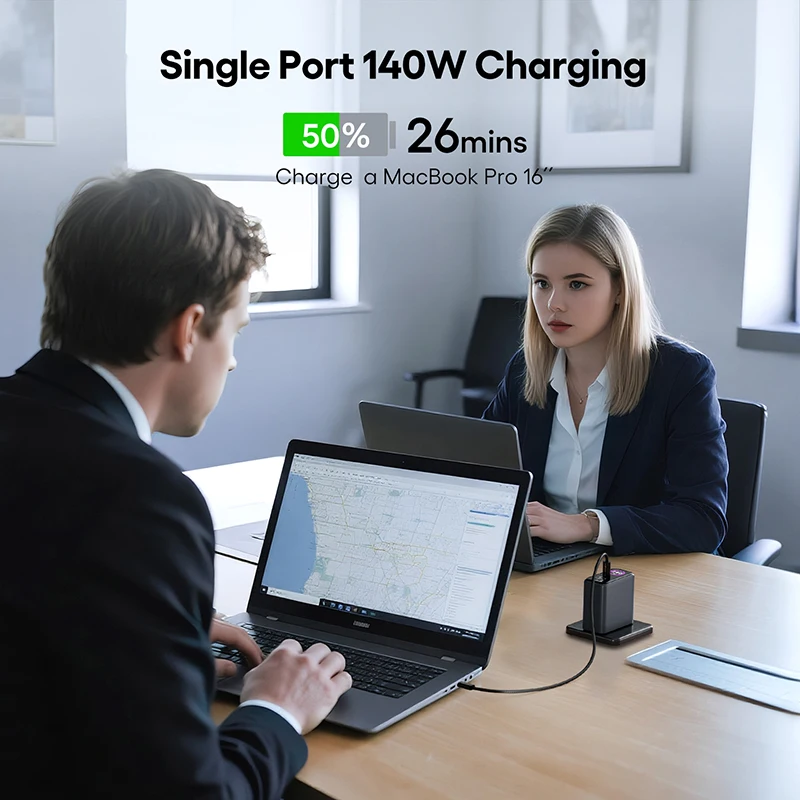
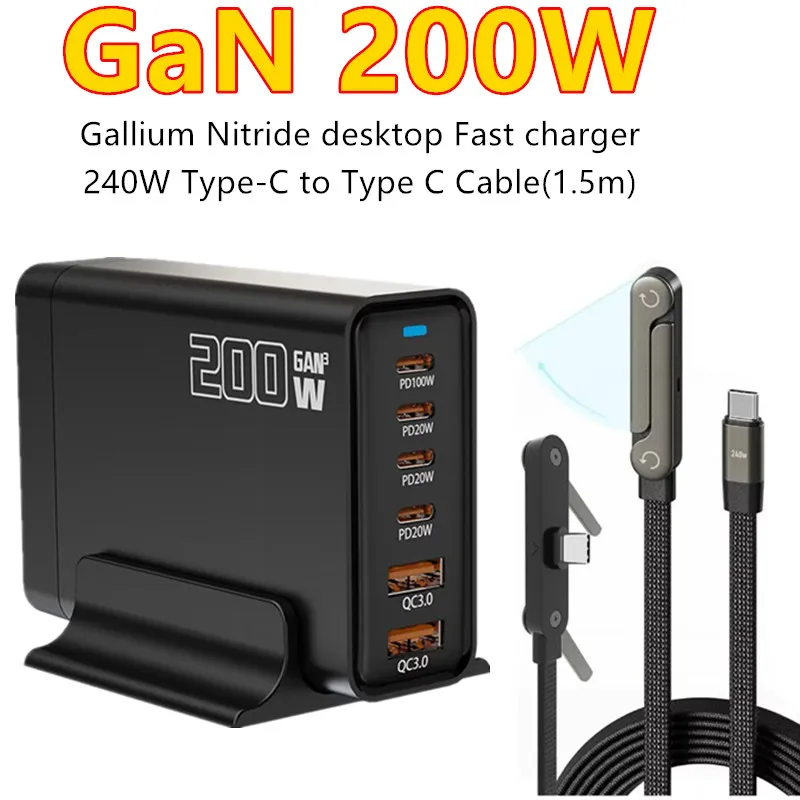
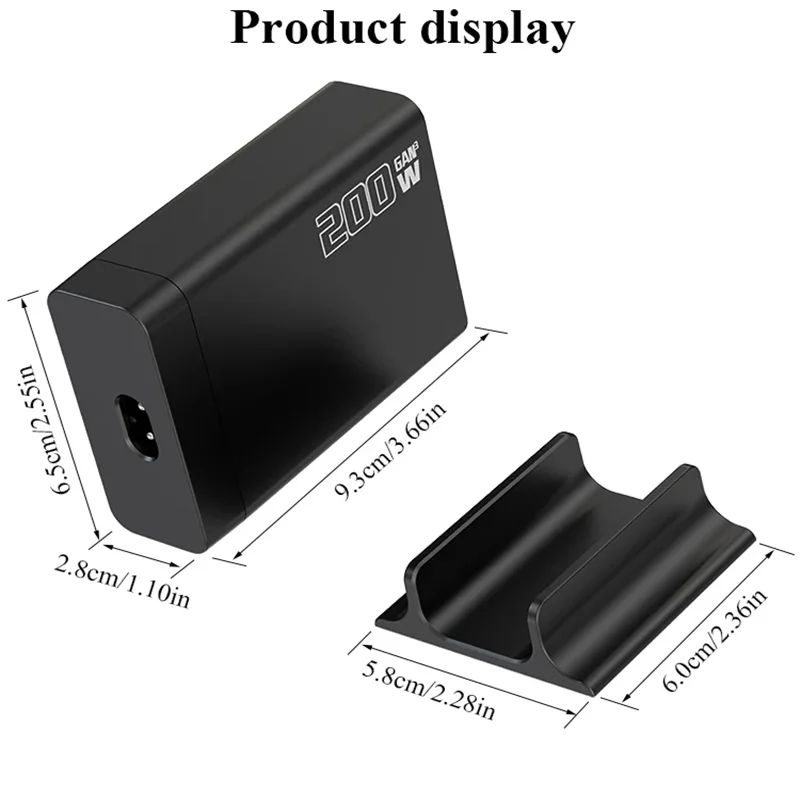
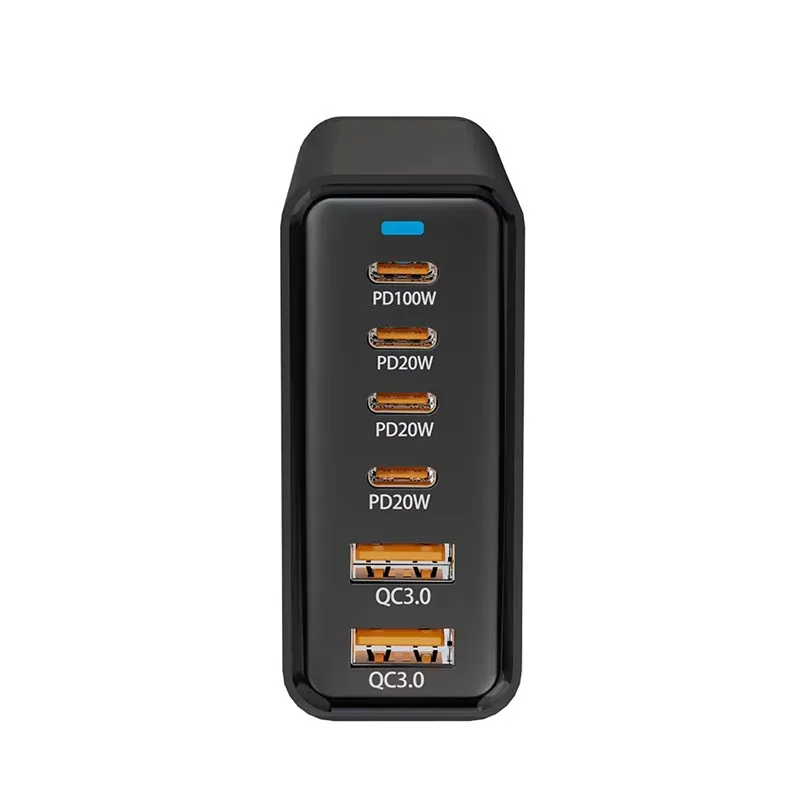
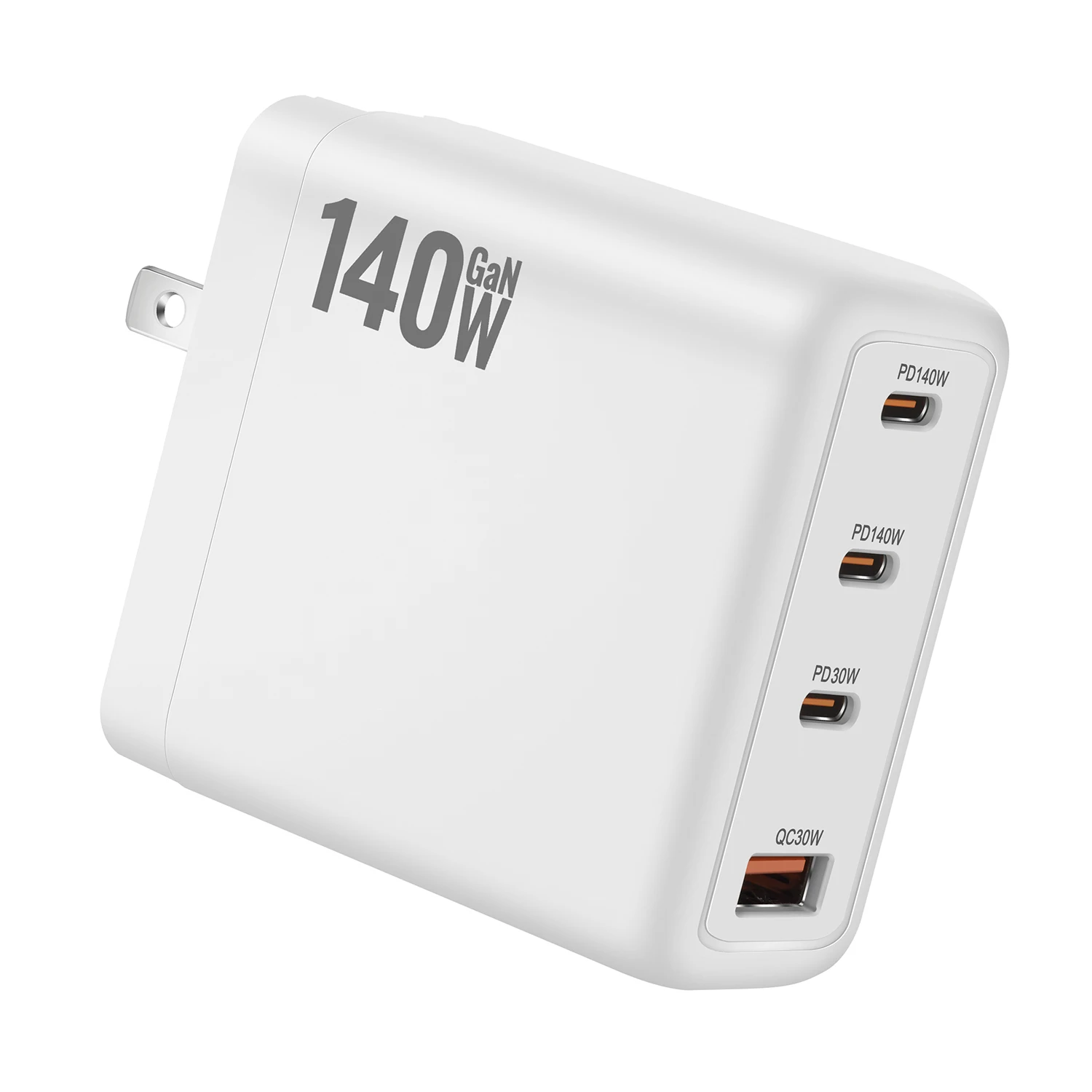
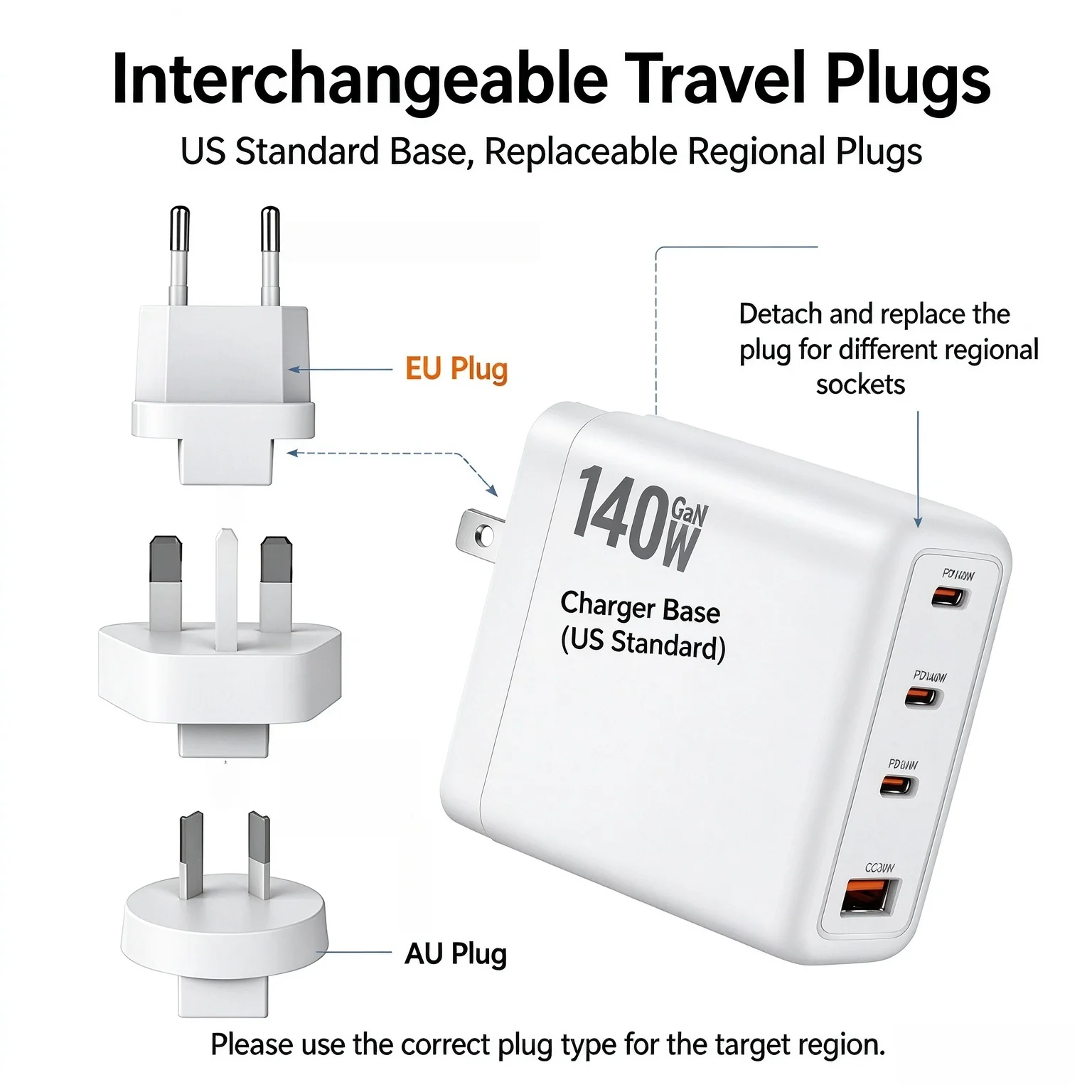
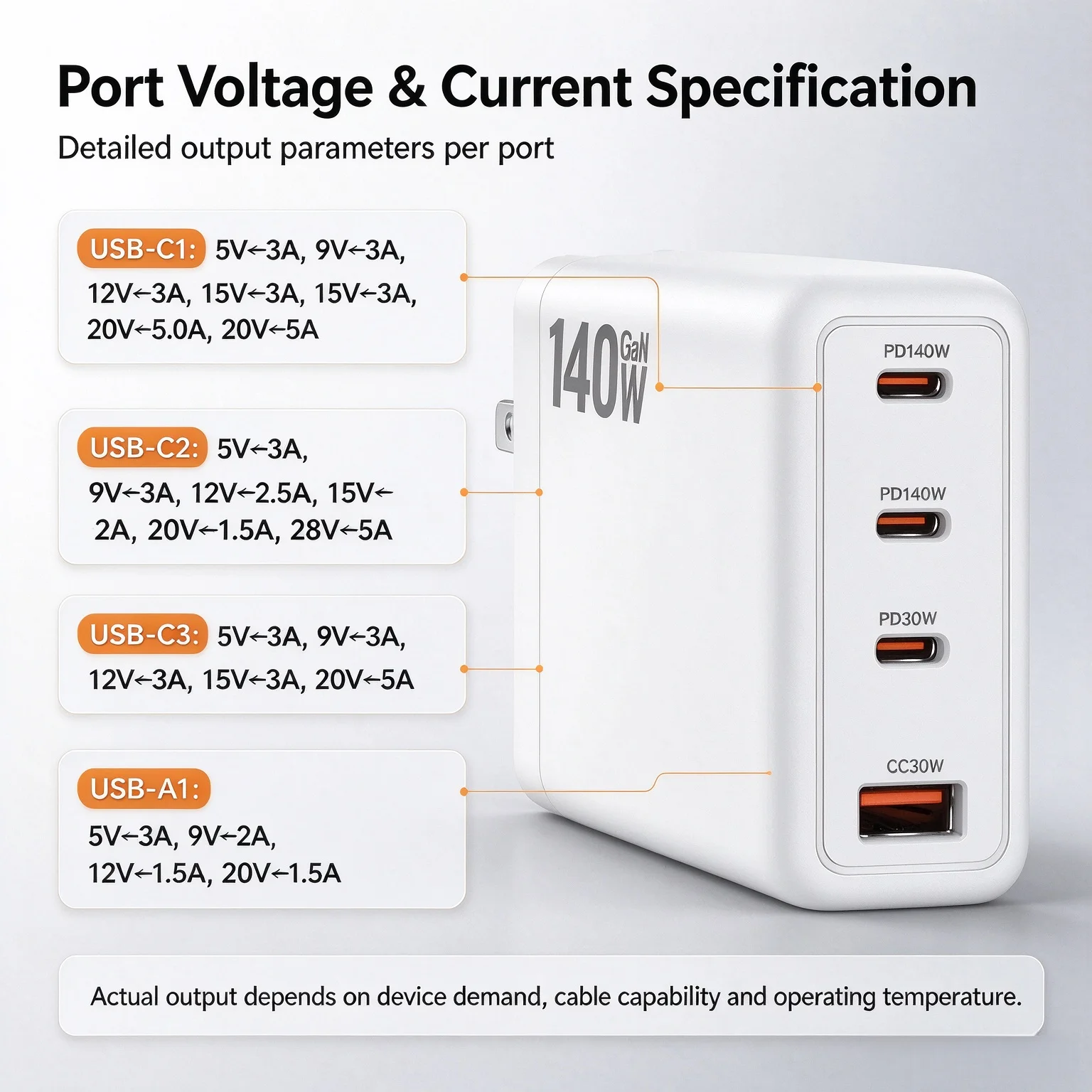
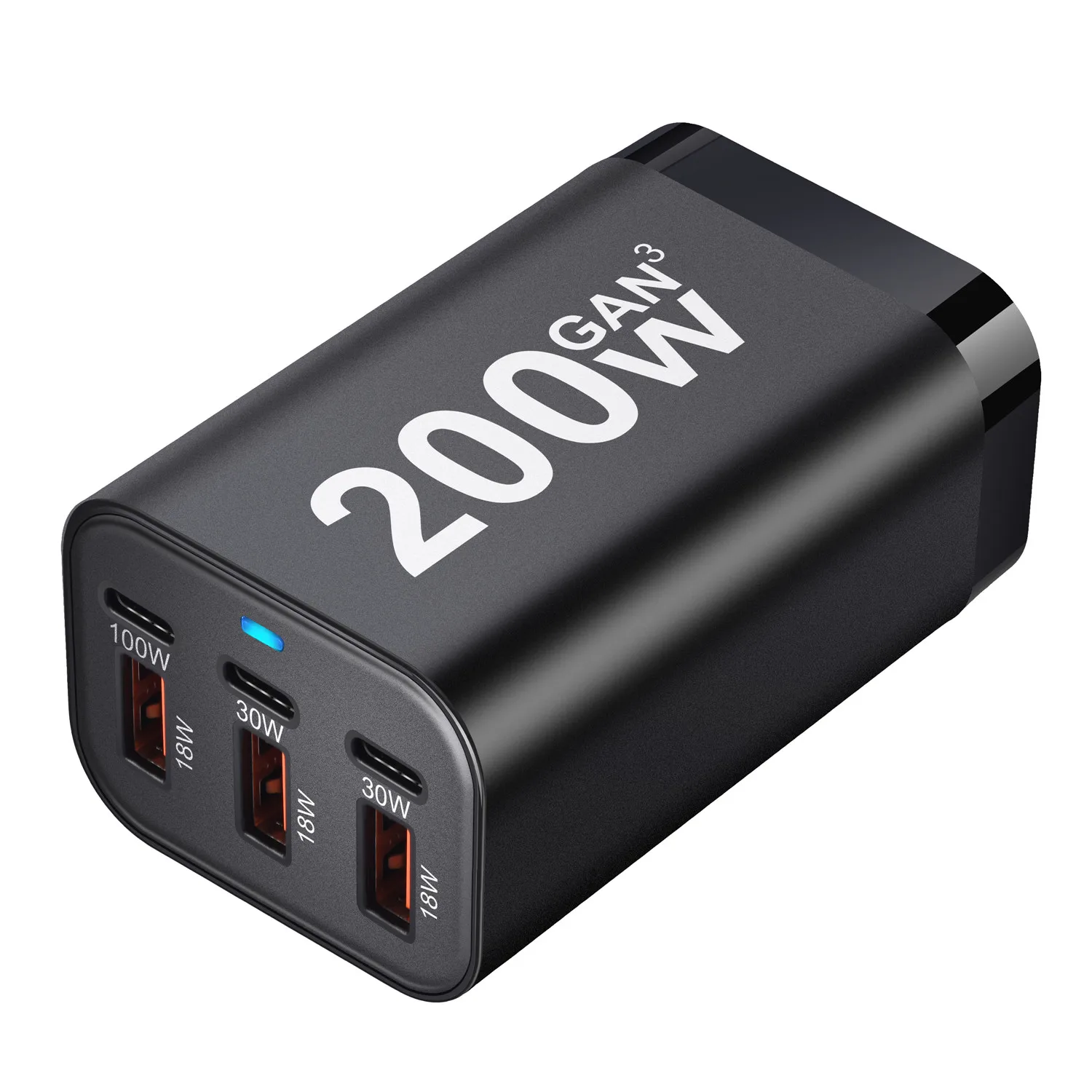
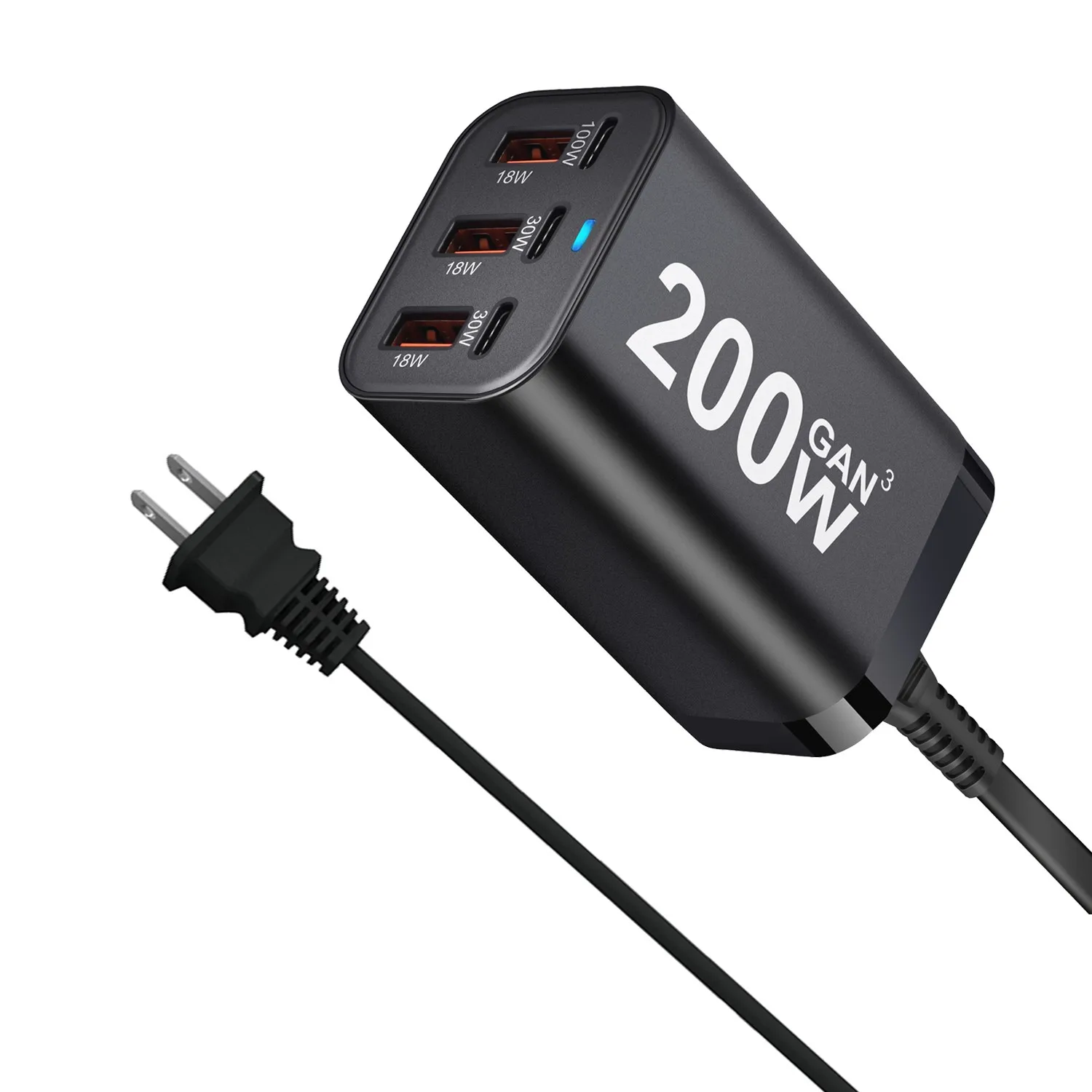
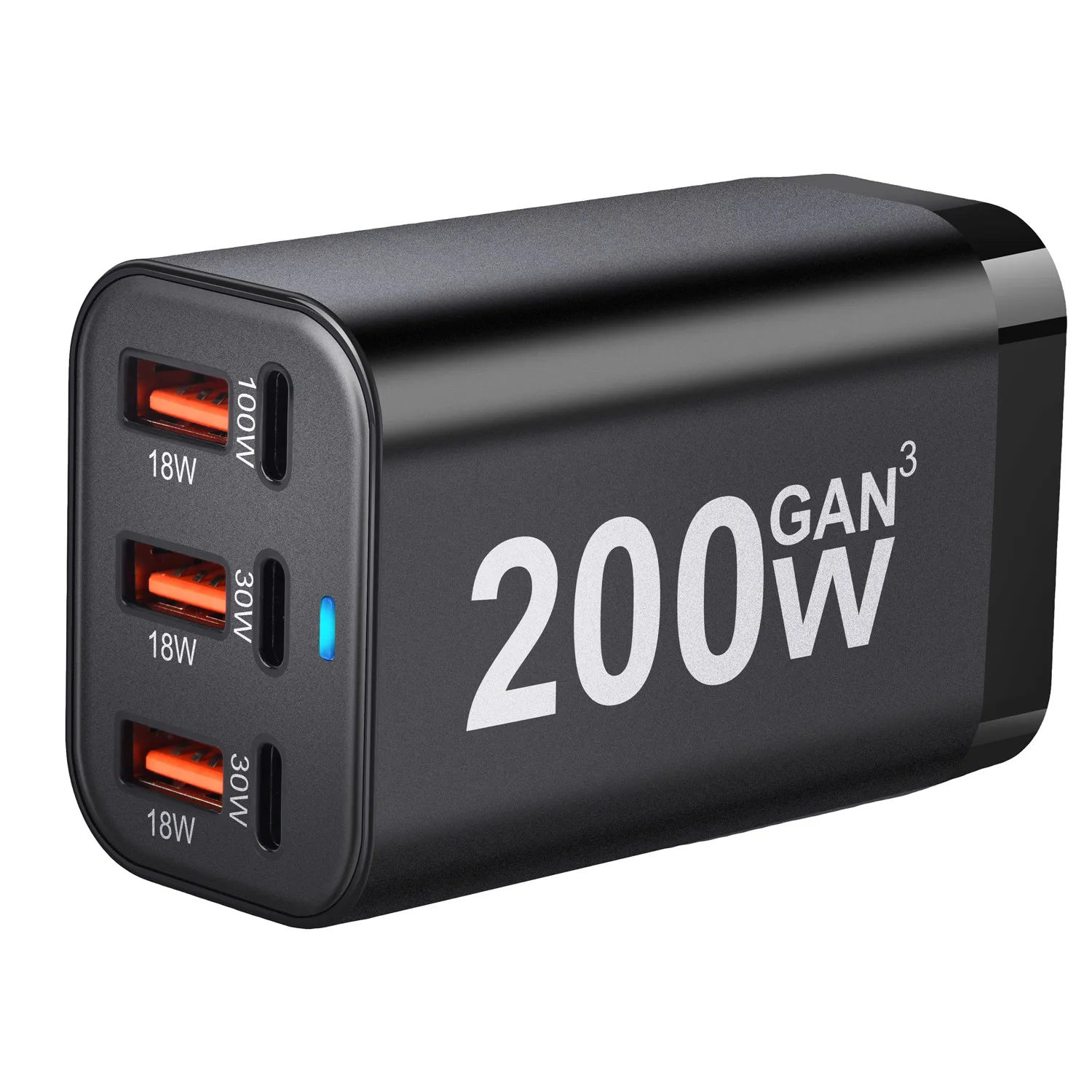
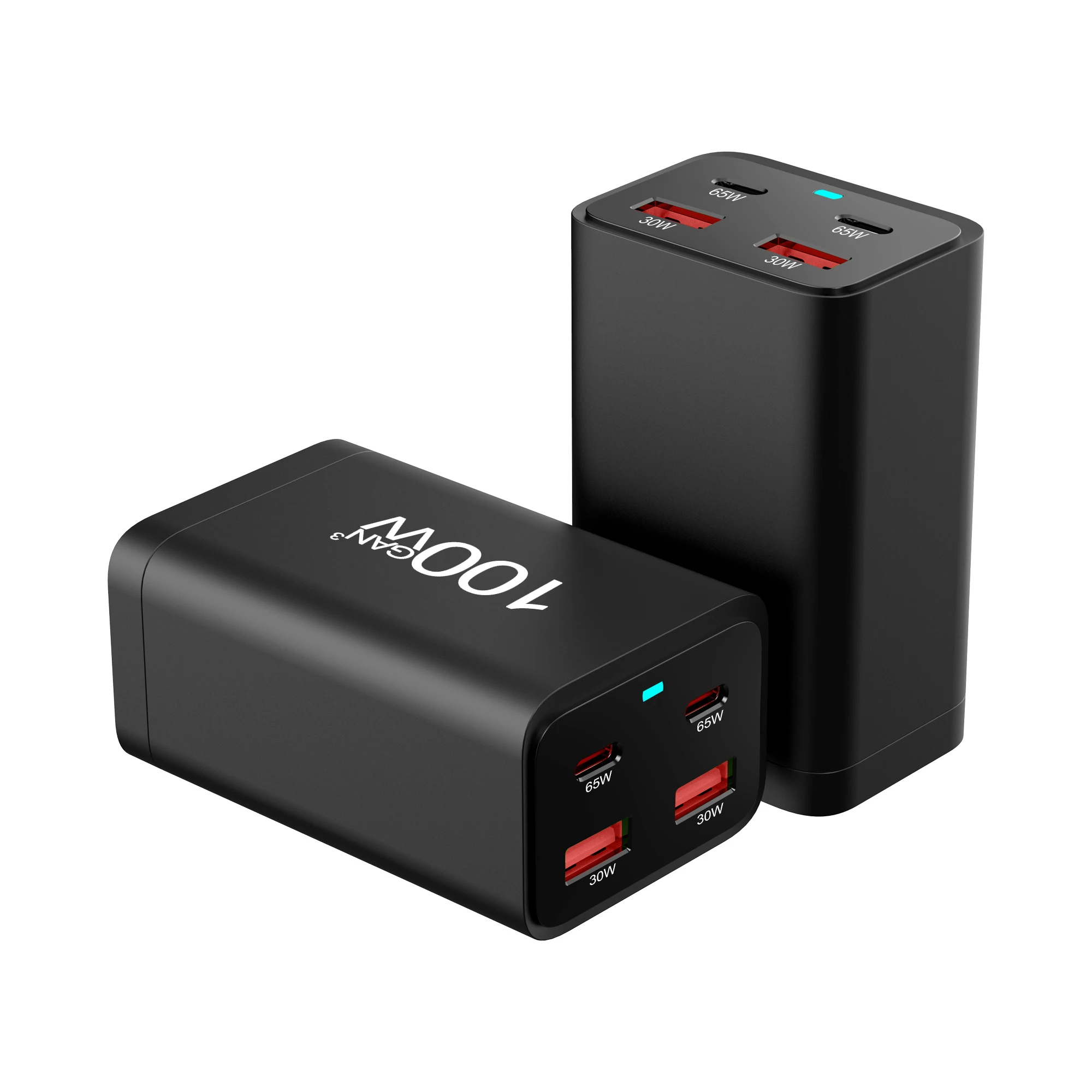
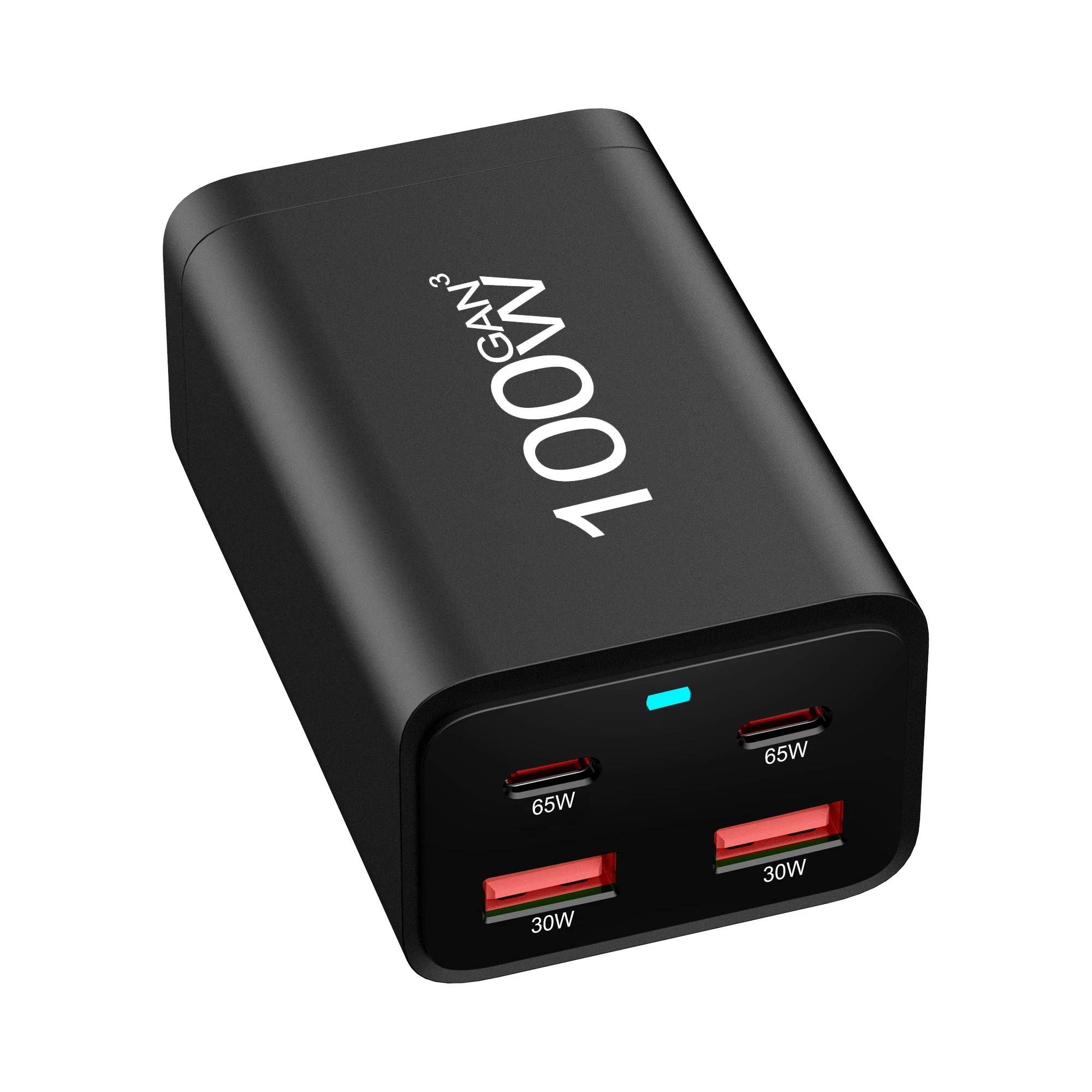
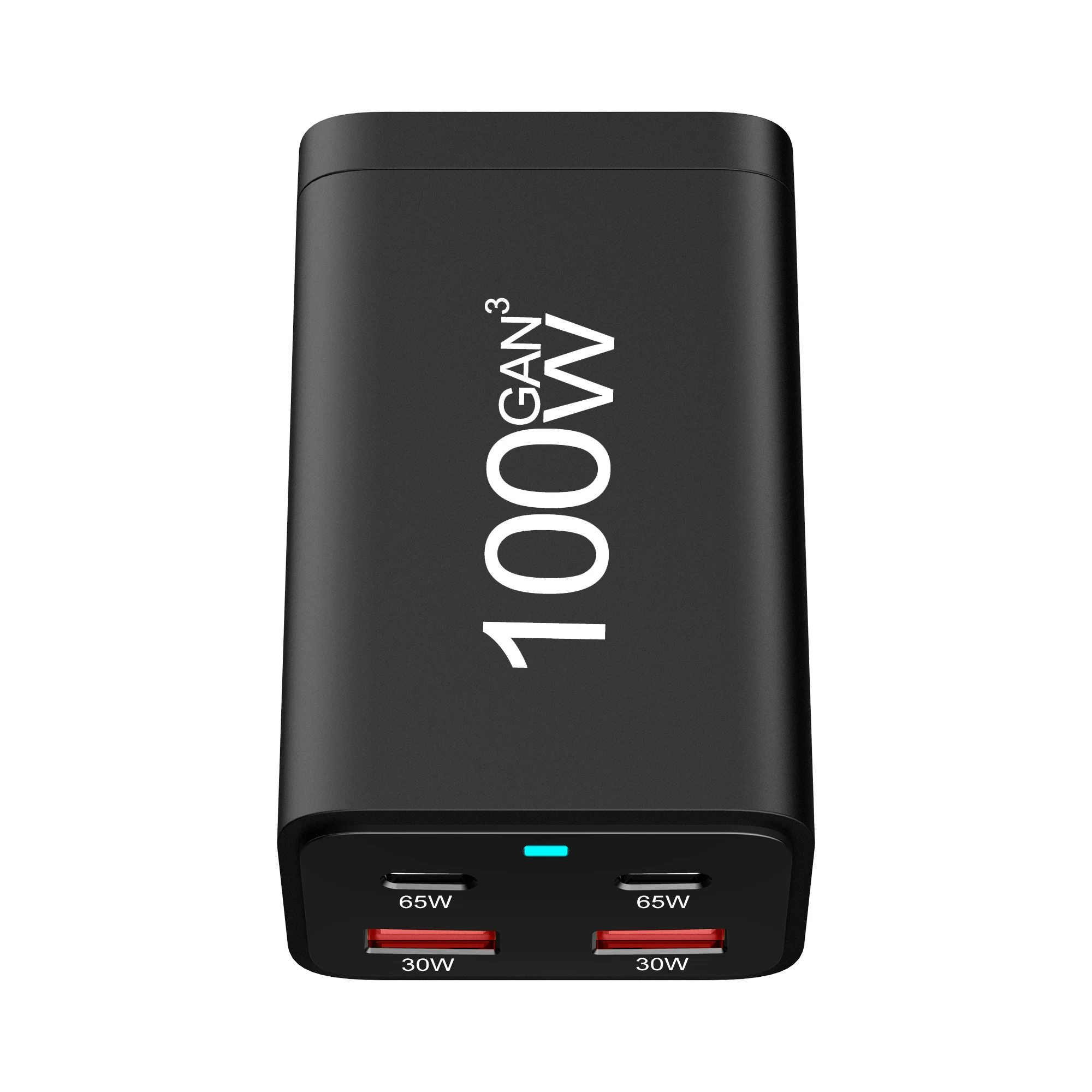
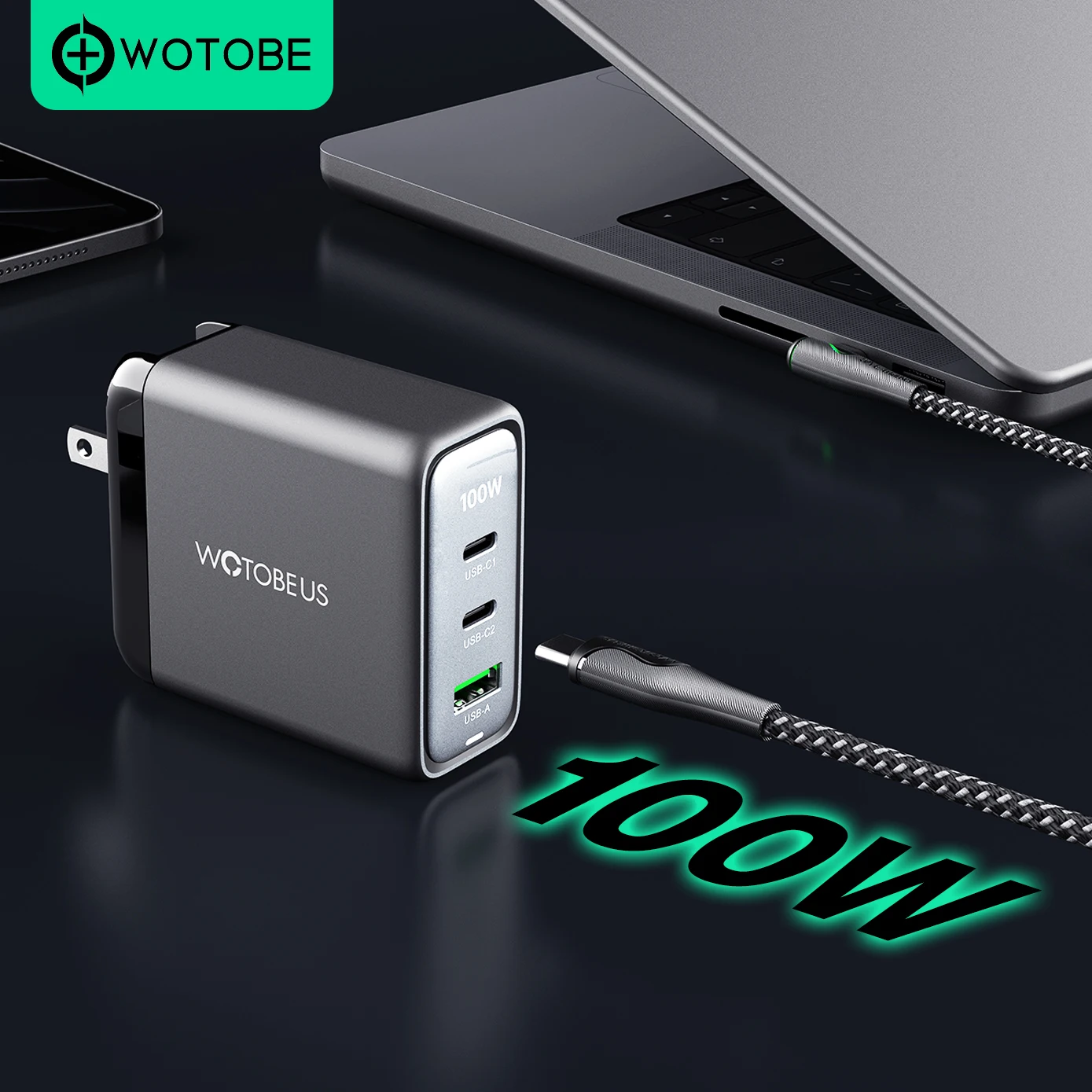
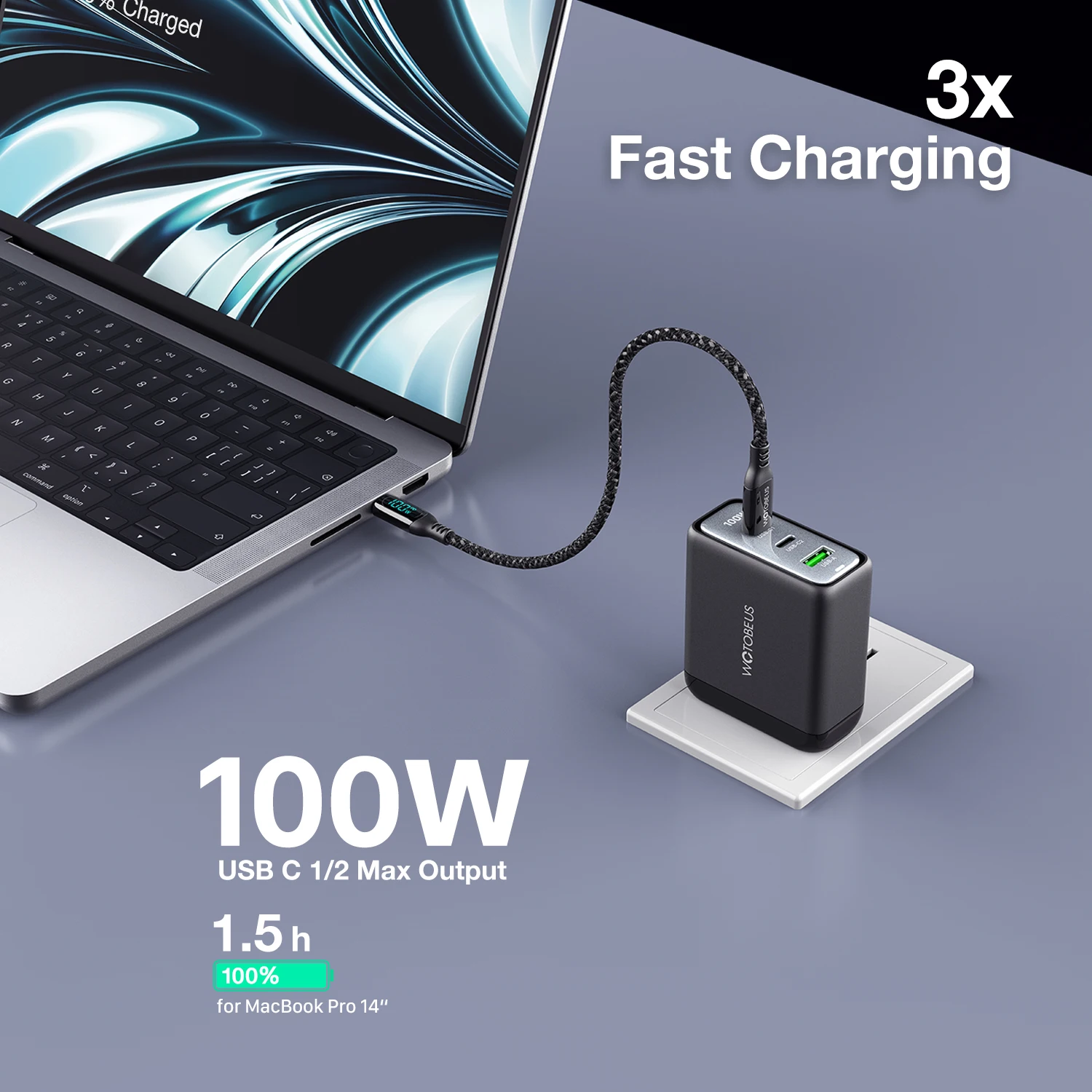
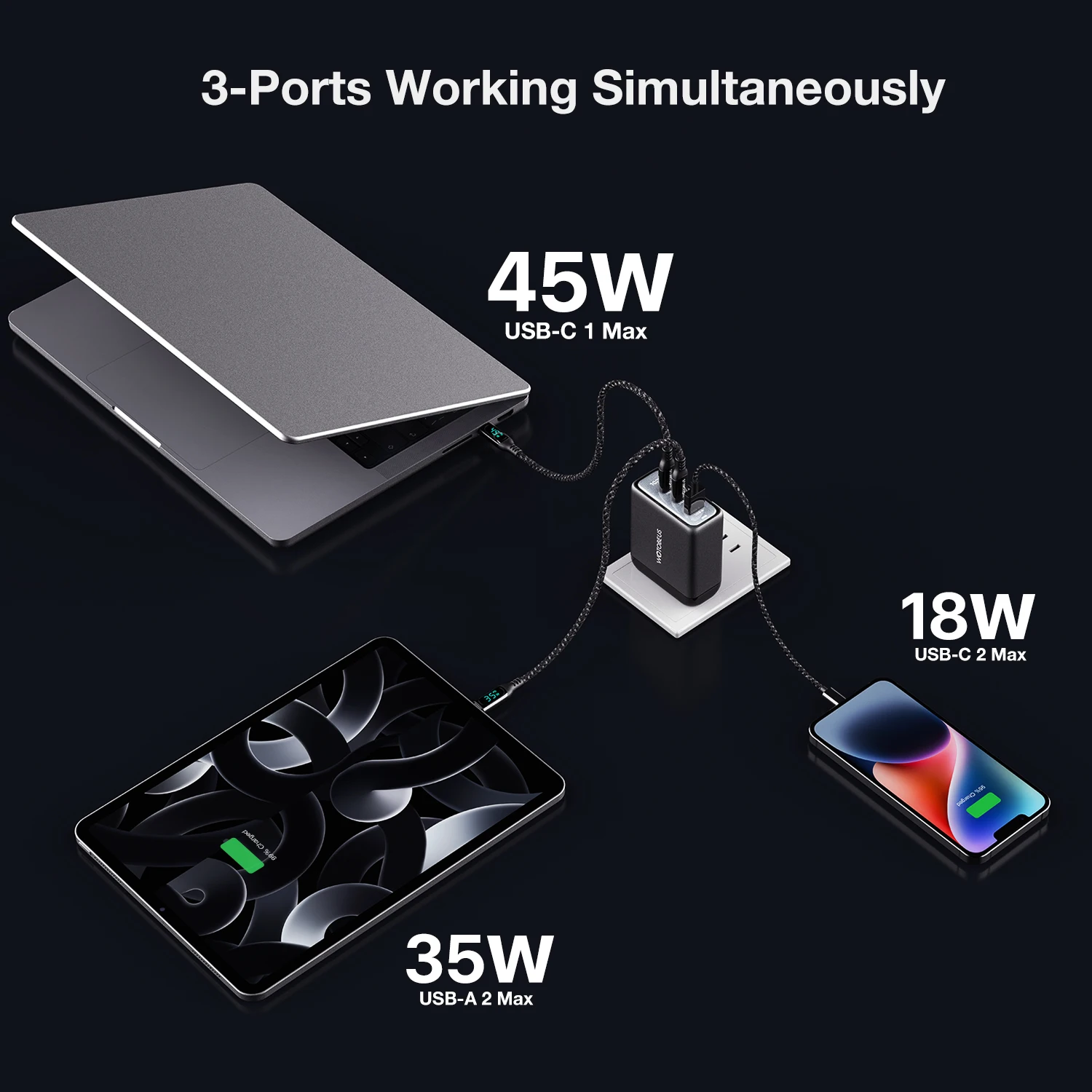
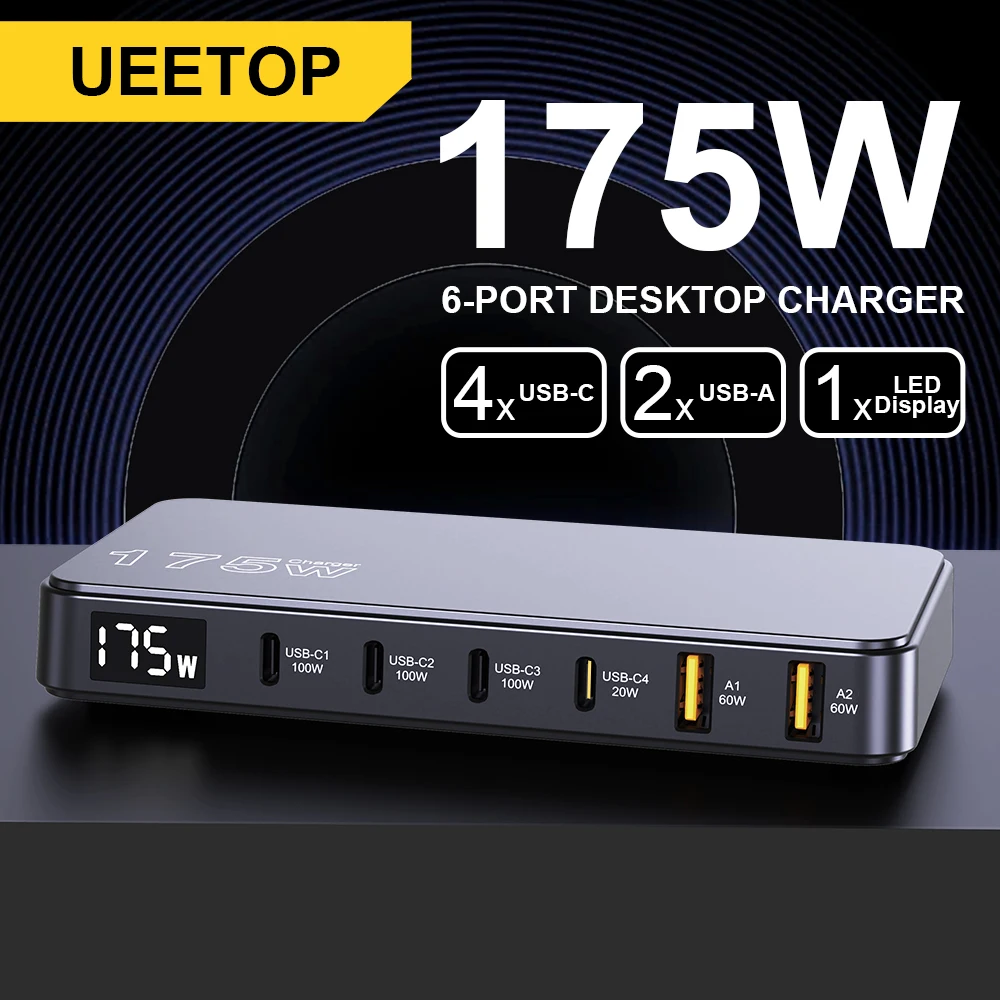
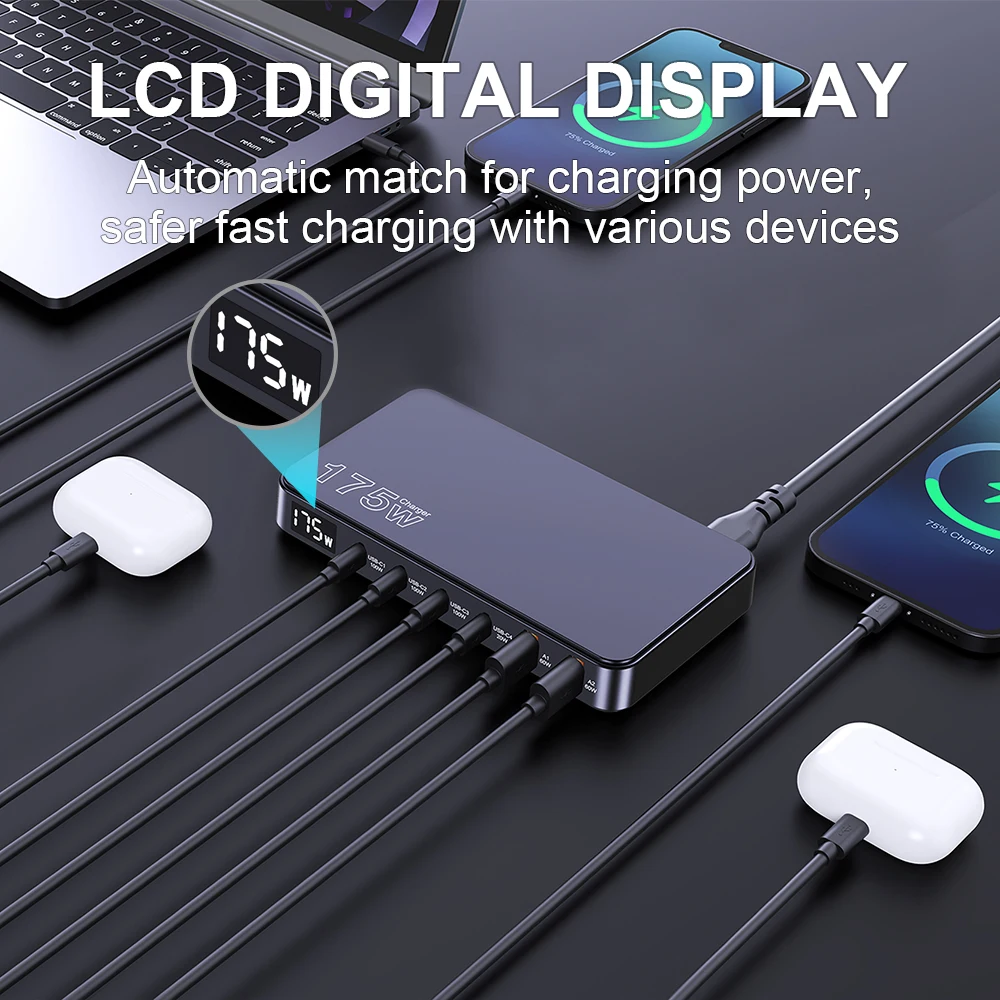
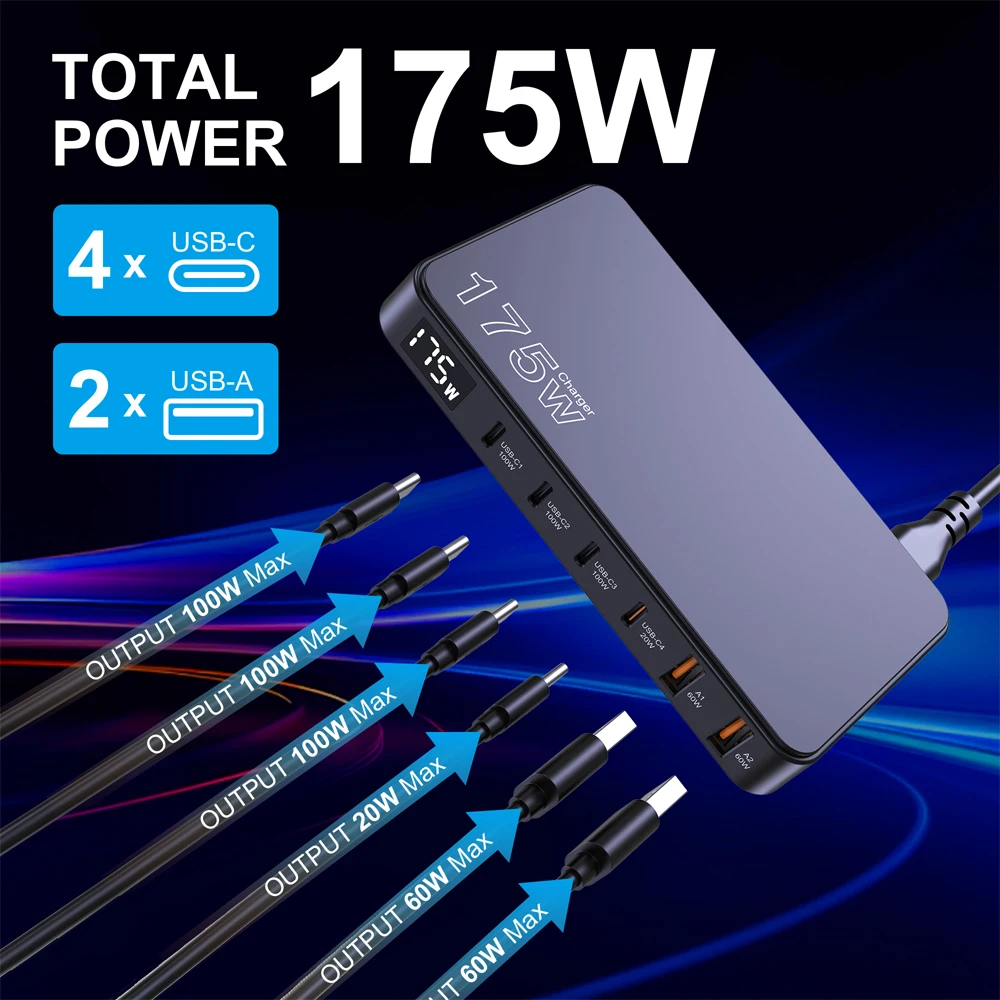
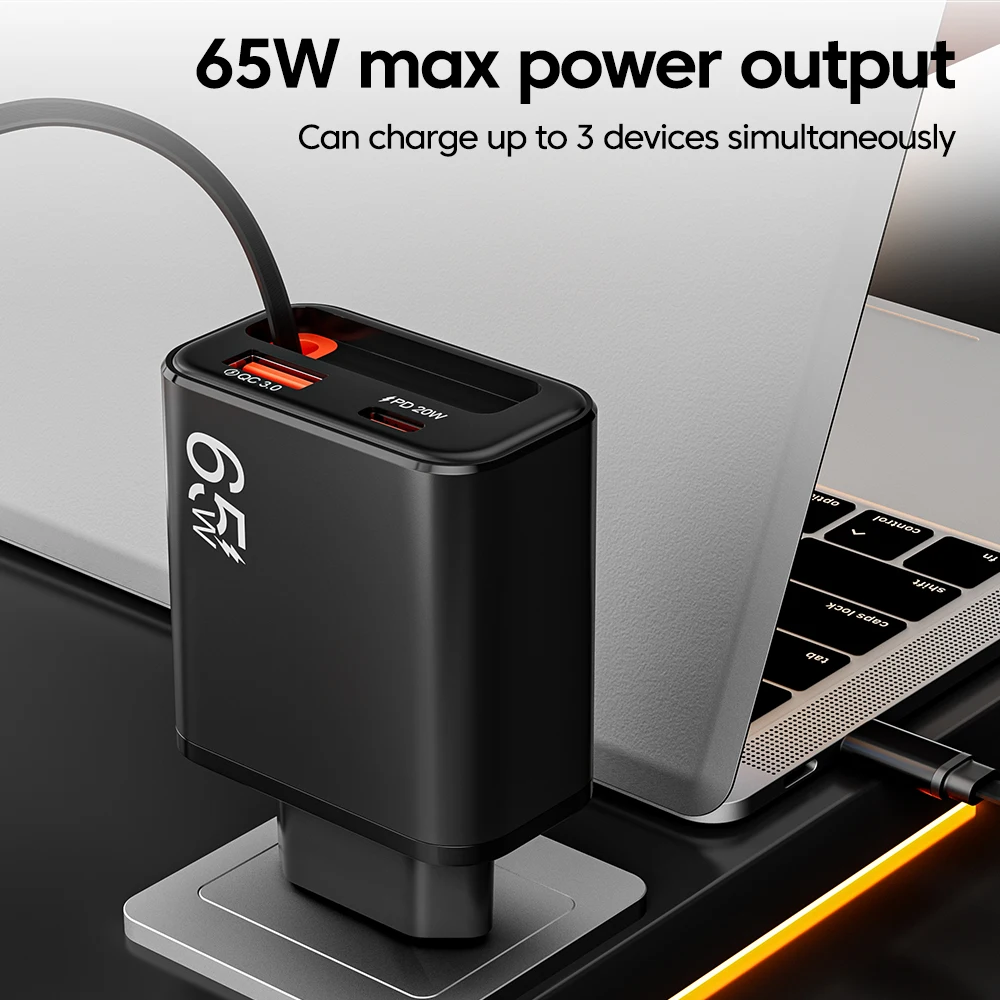
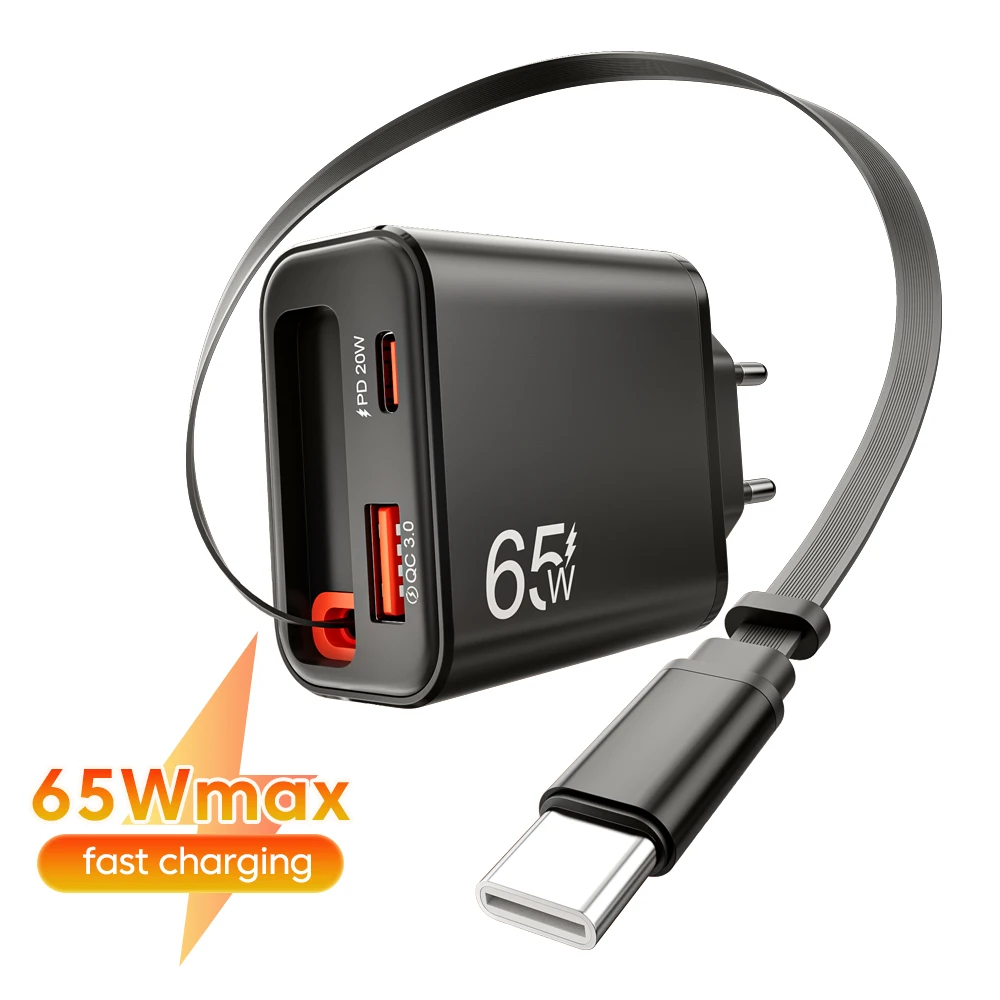
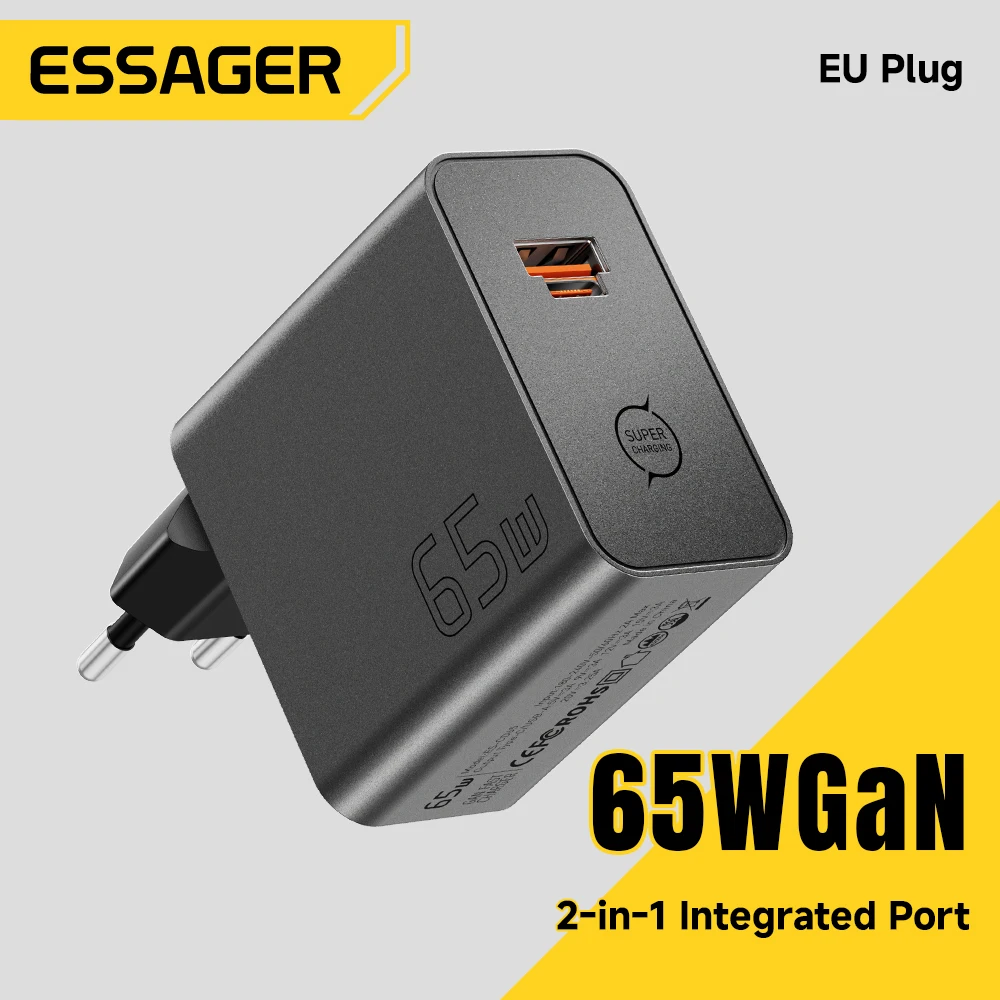
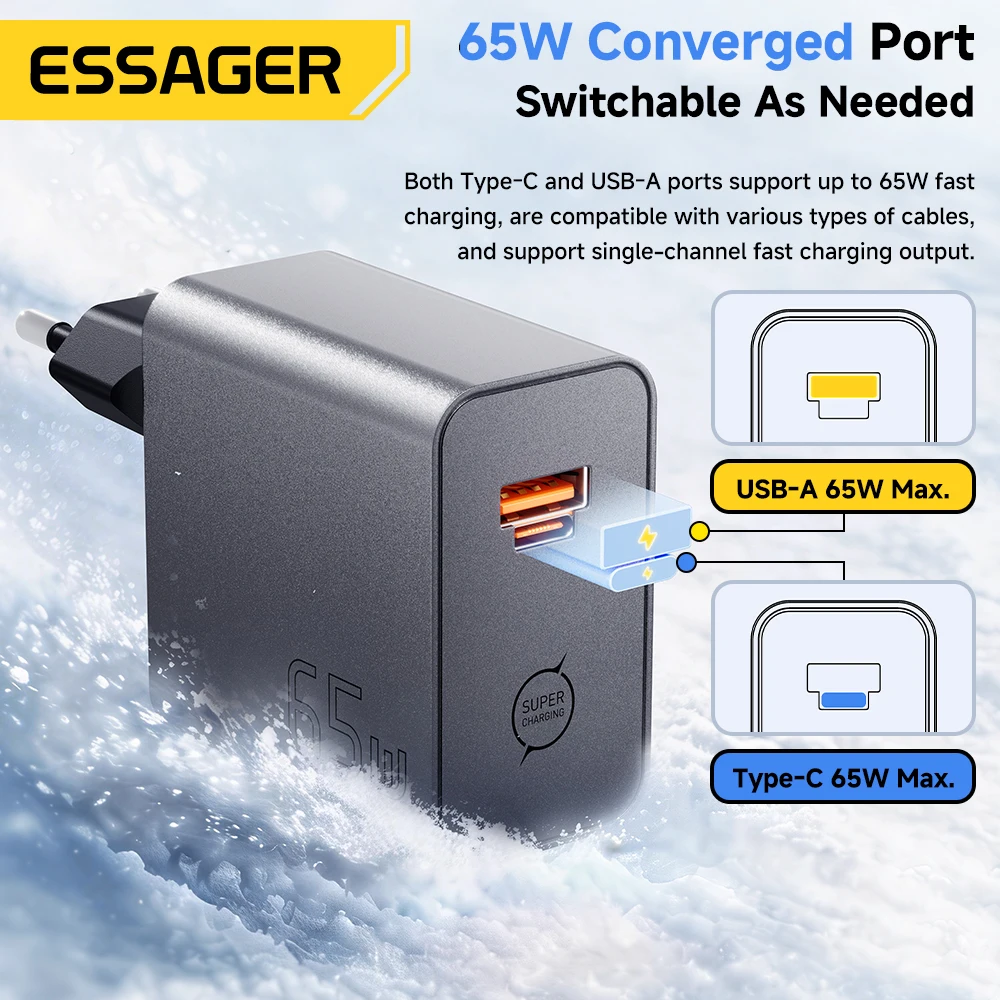
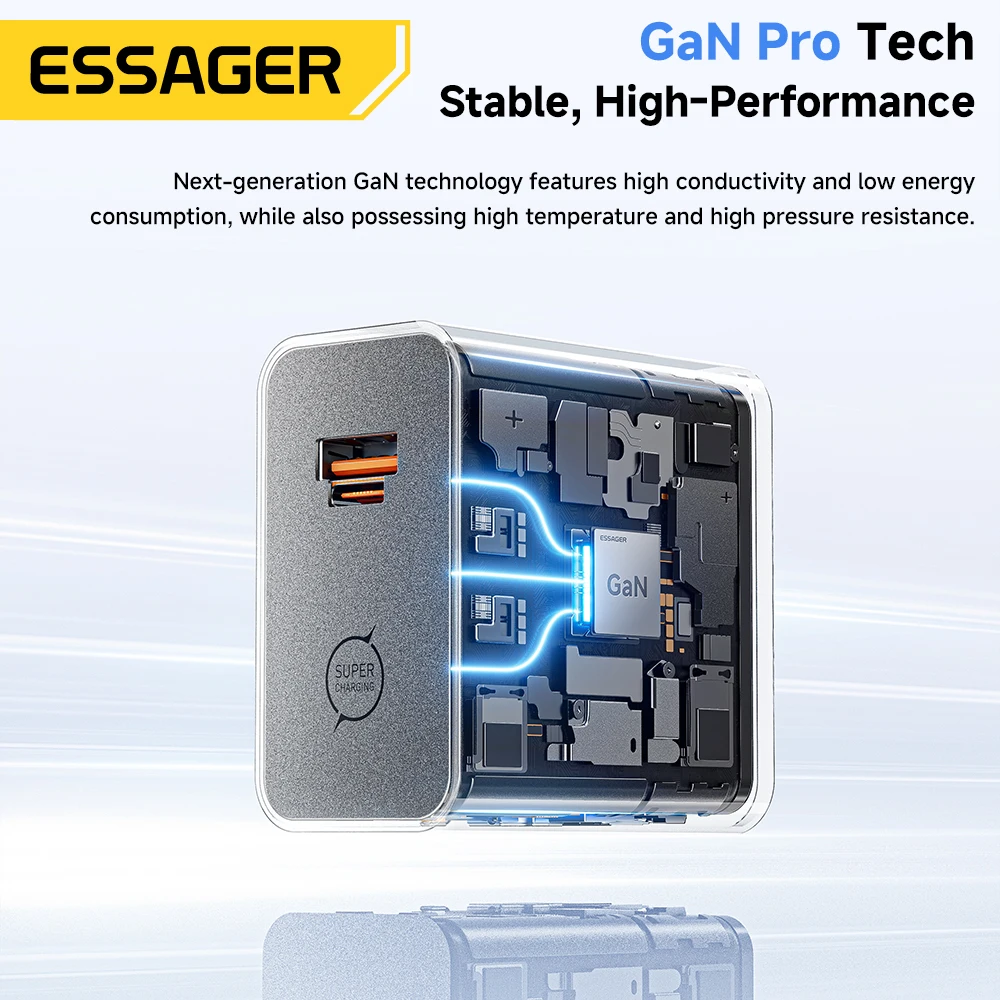
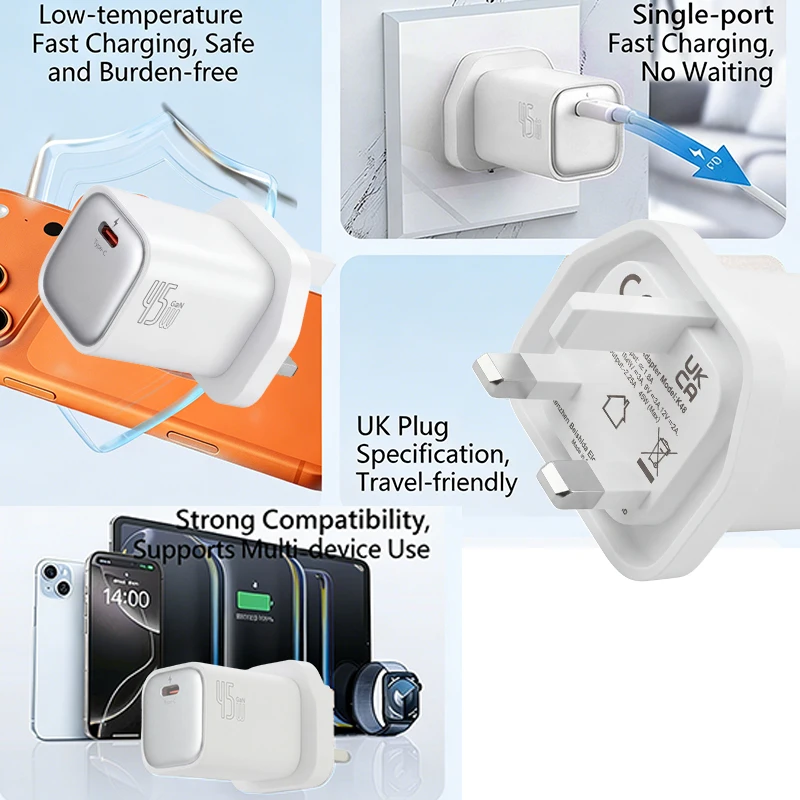
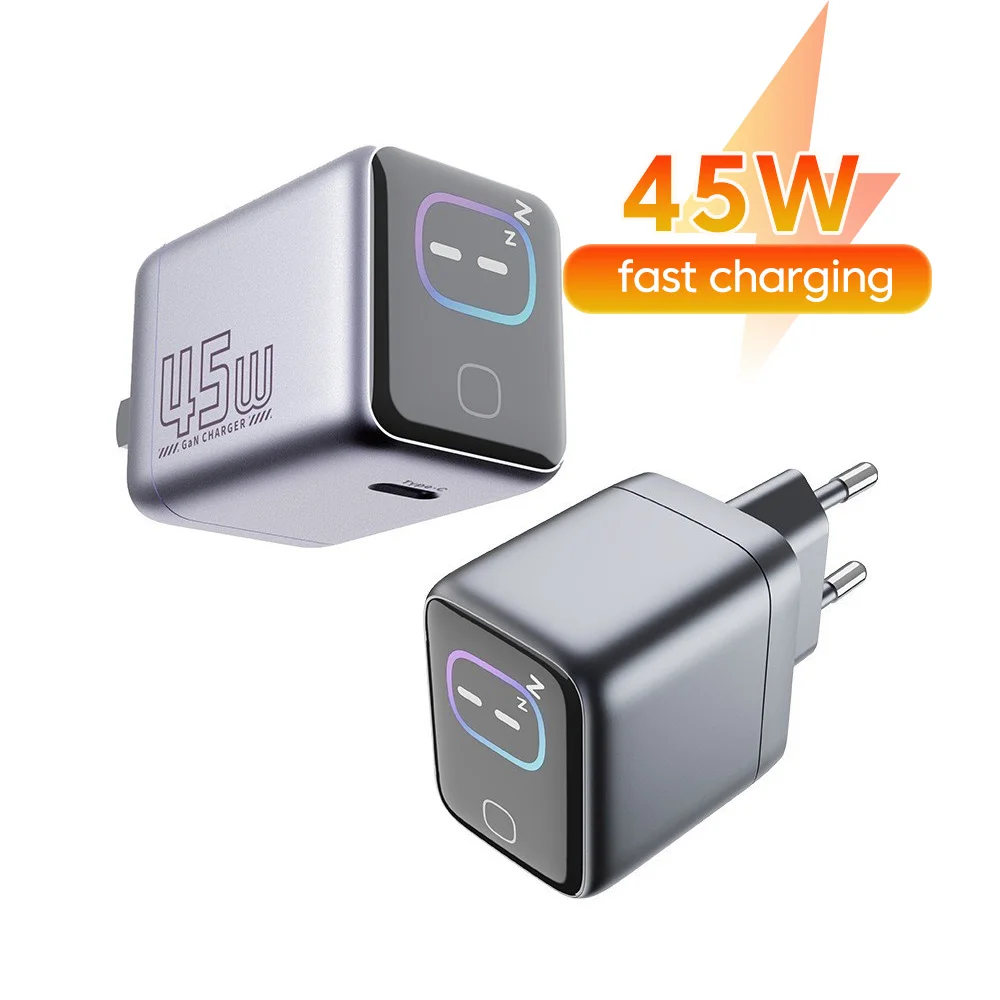
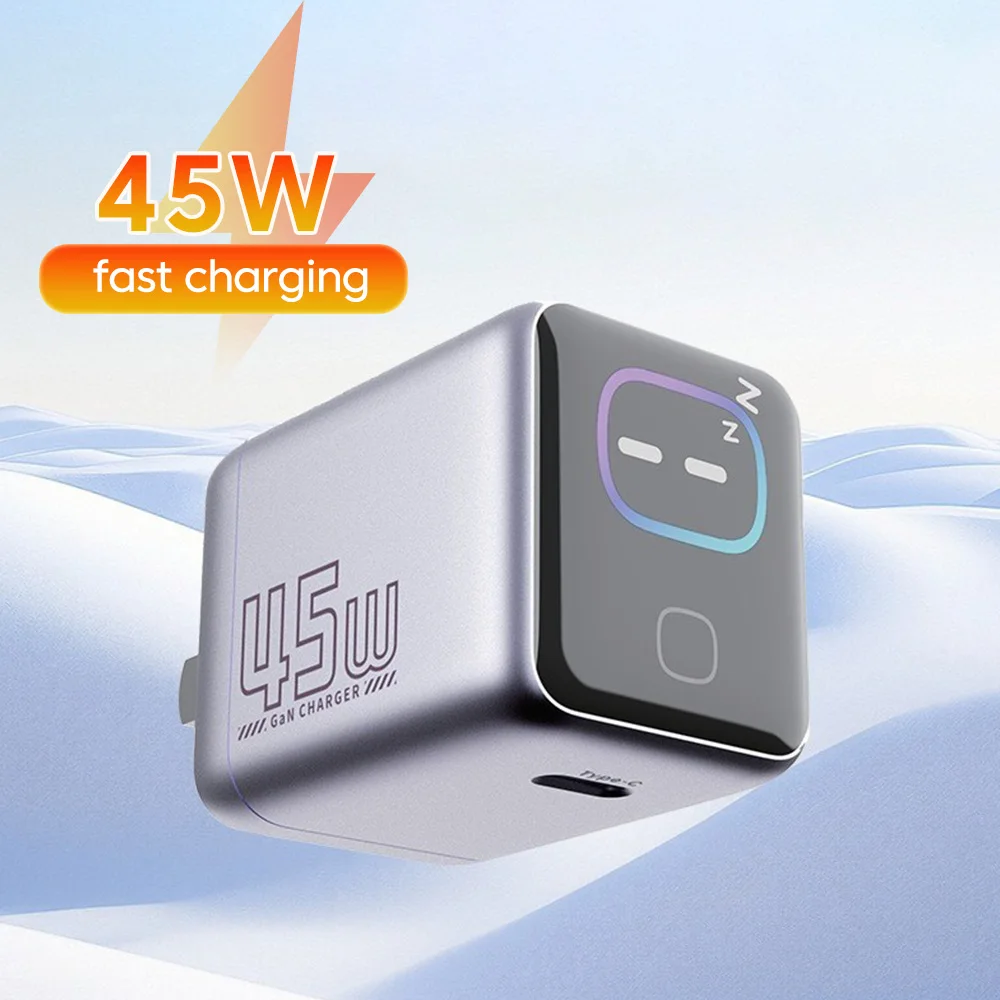
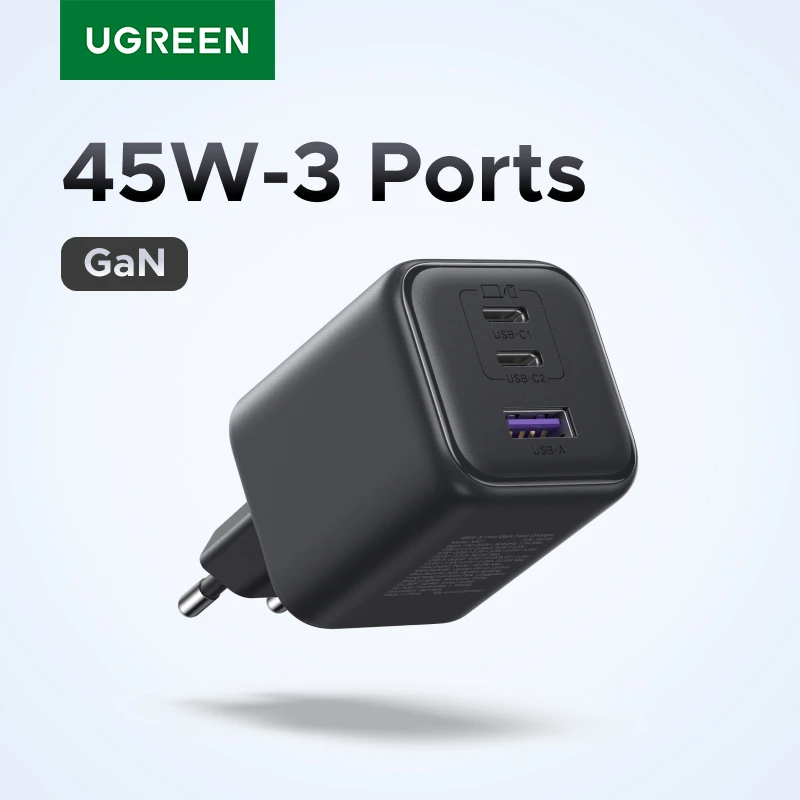
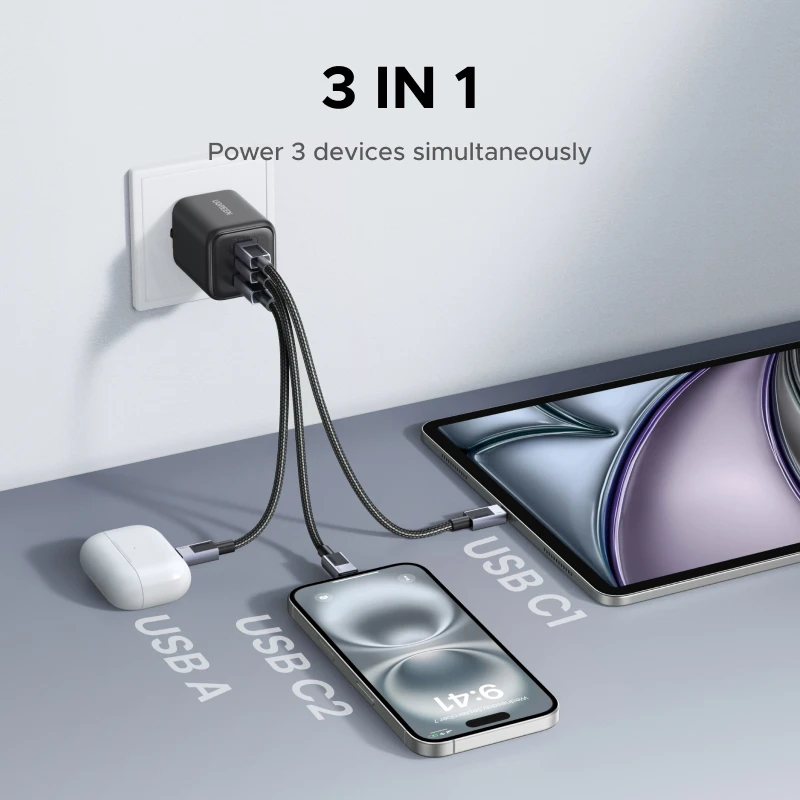
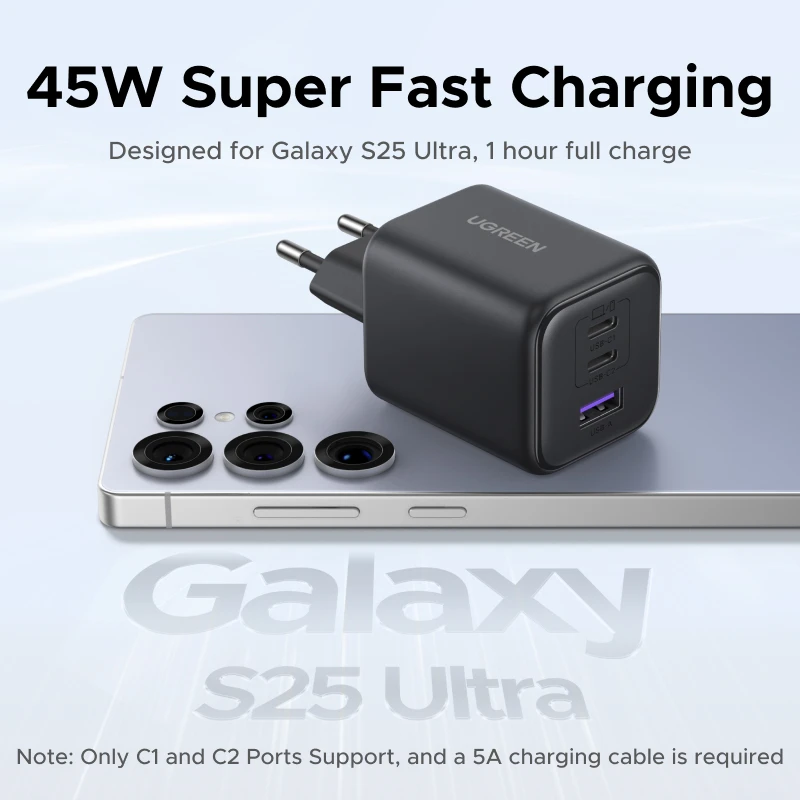
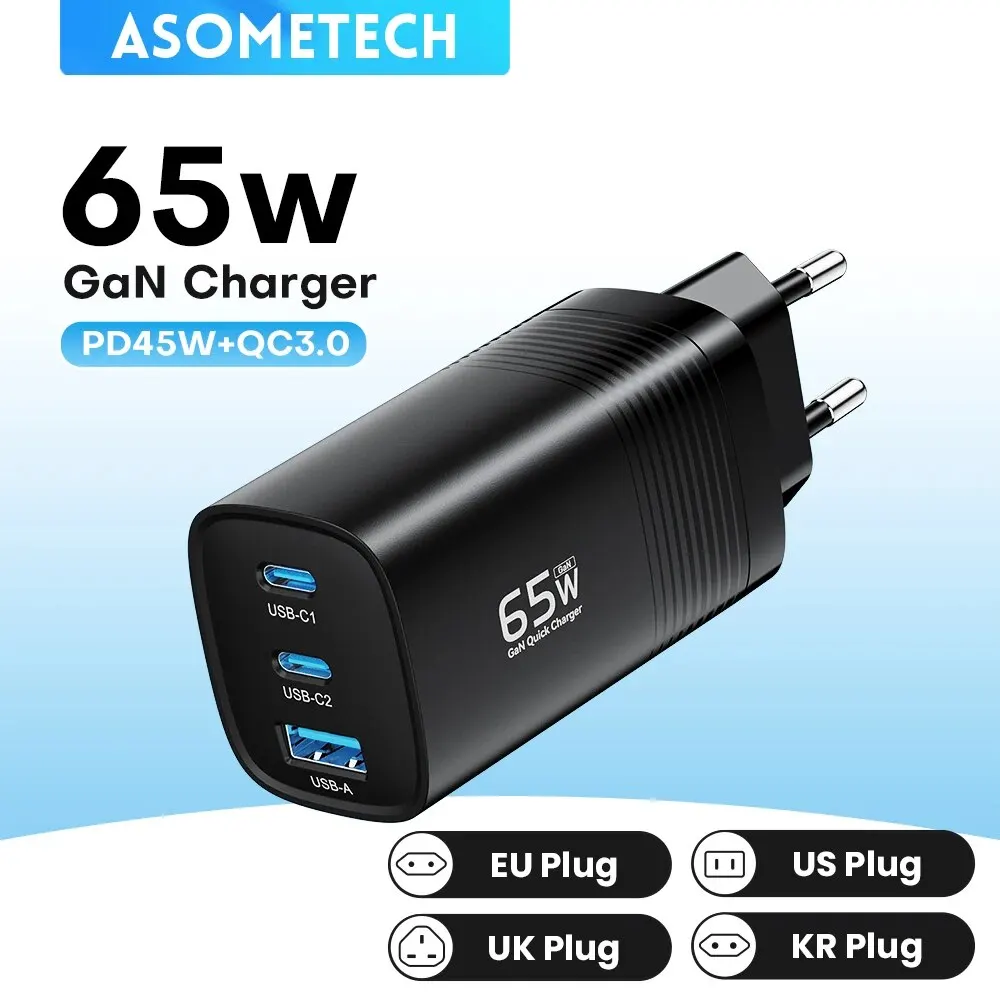
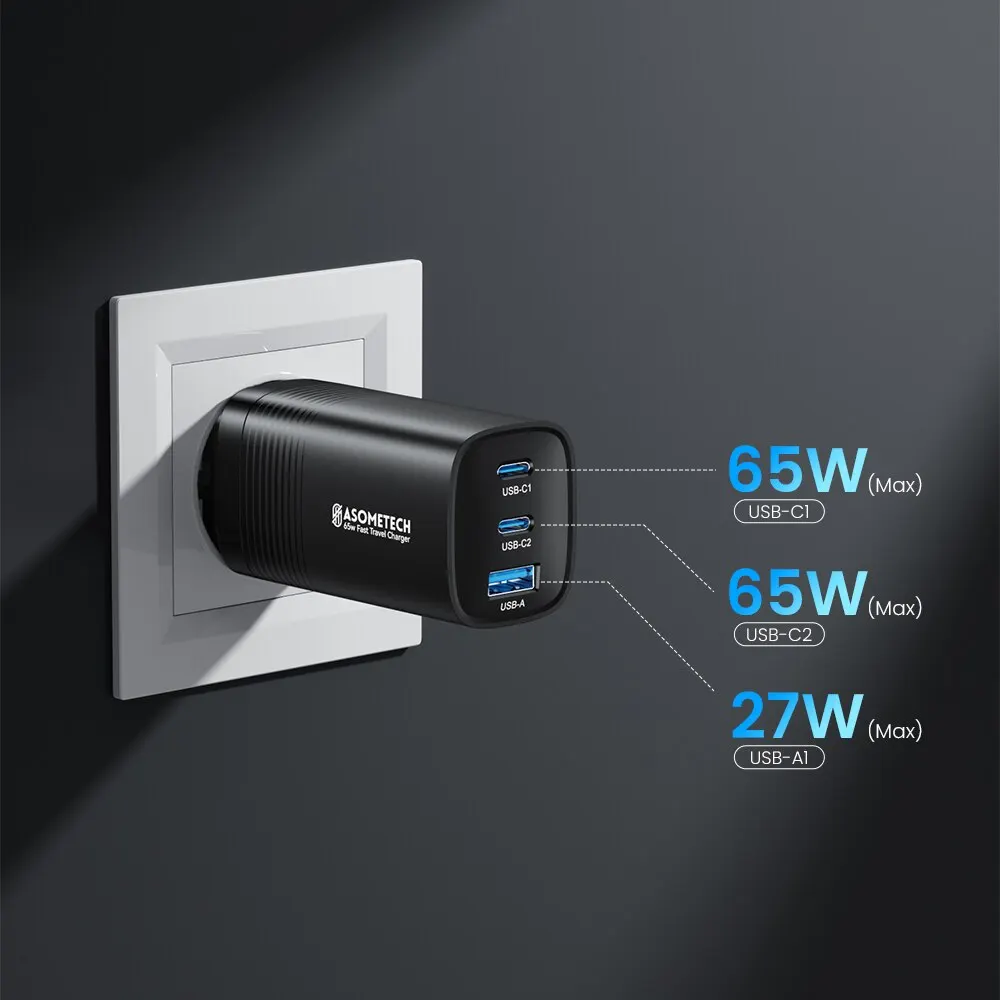
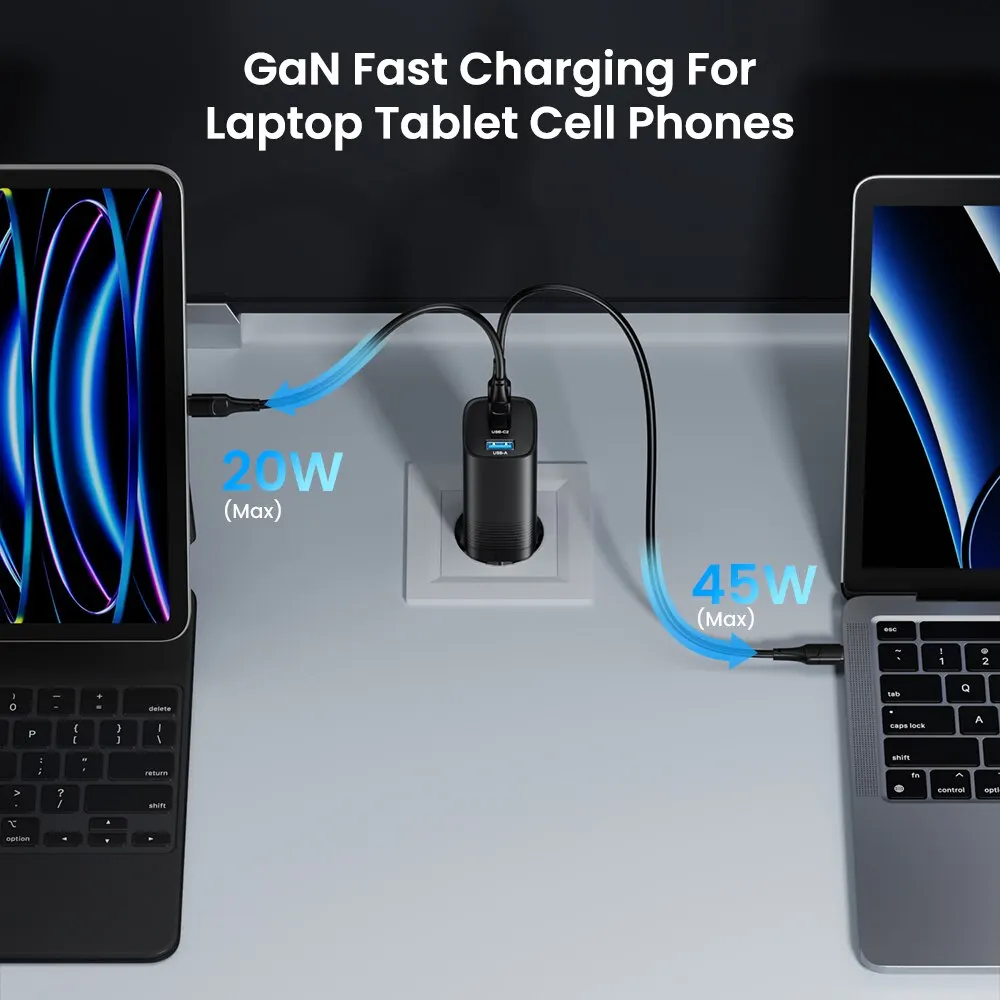
- Chargers, power banks and car chargers with USB-C outputs, and USB-C to USB-C charging cables.
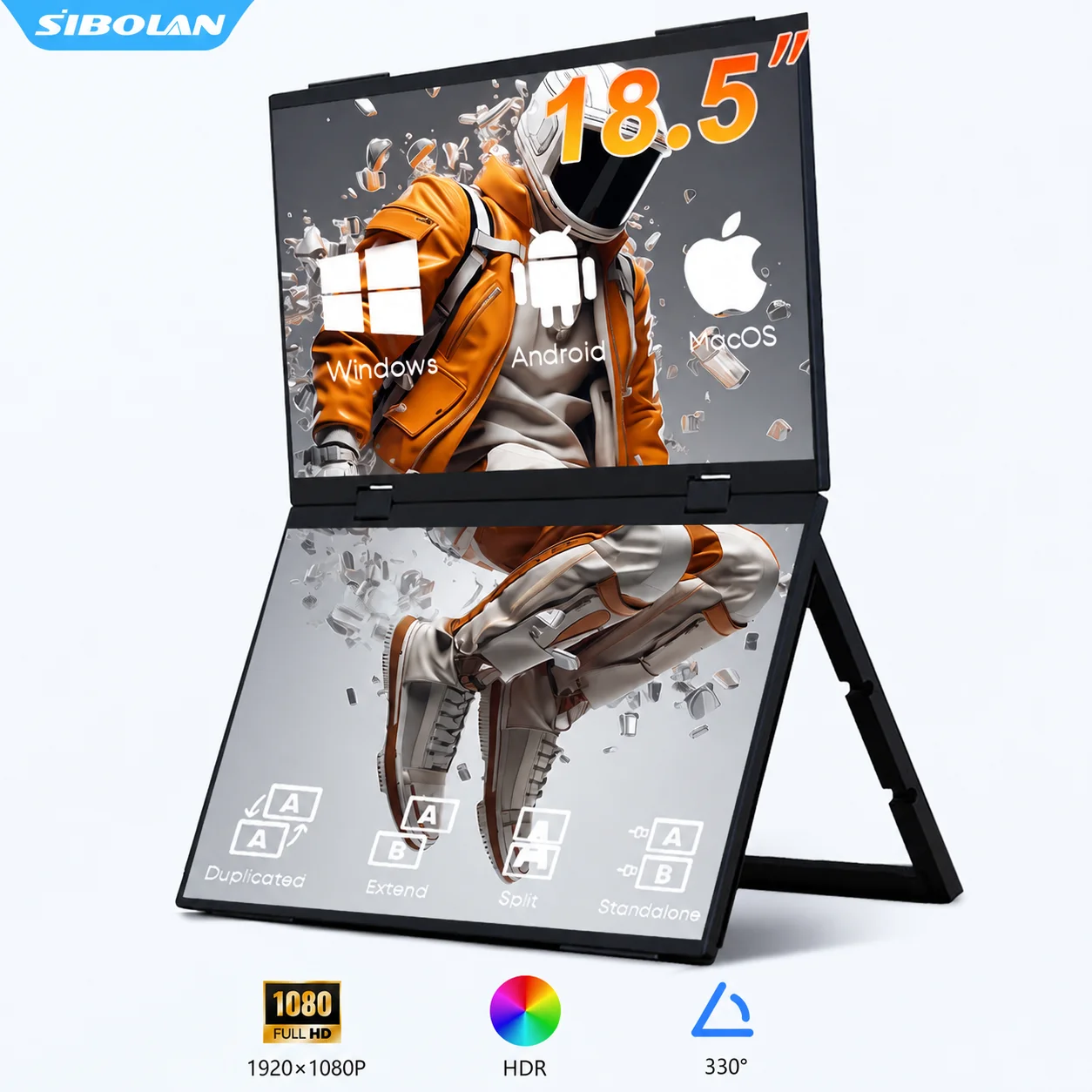
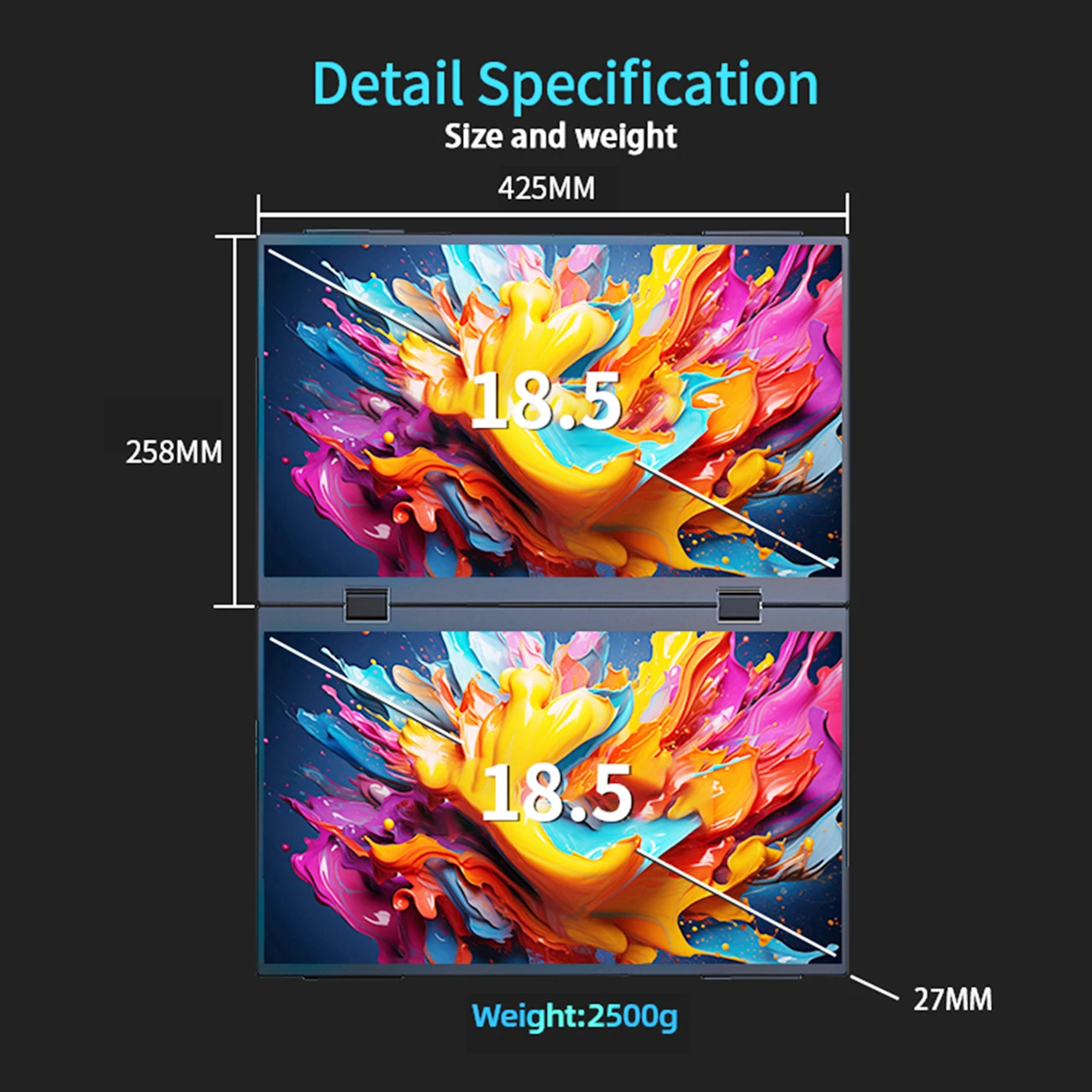
- Storage and more: M.2 and 2.5-inch drive enclosures, card readers, Ethernet adapters, sound cards and portable monitors that run from a single USB-C cable.
What your USB-C port can do
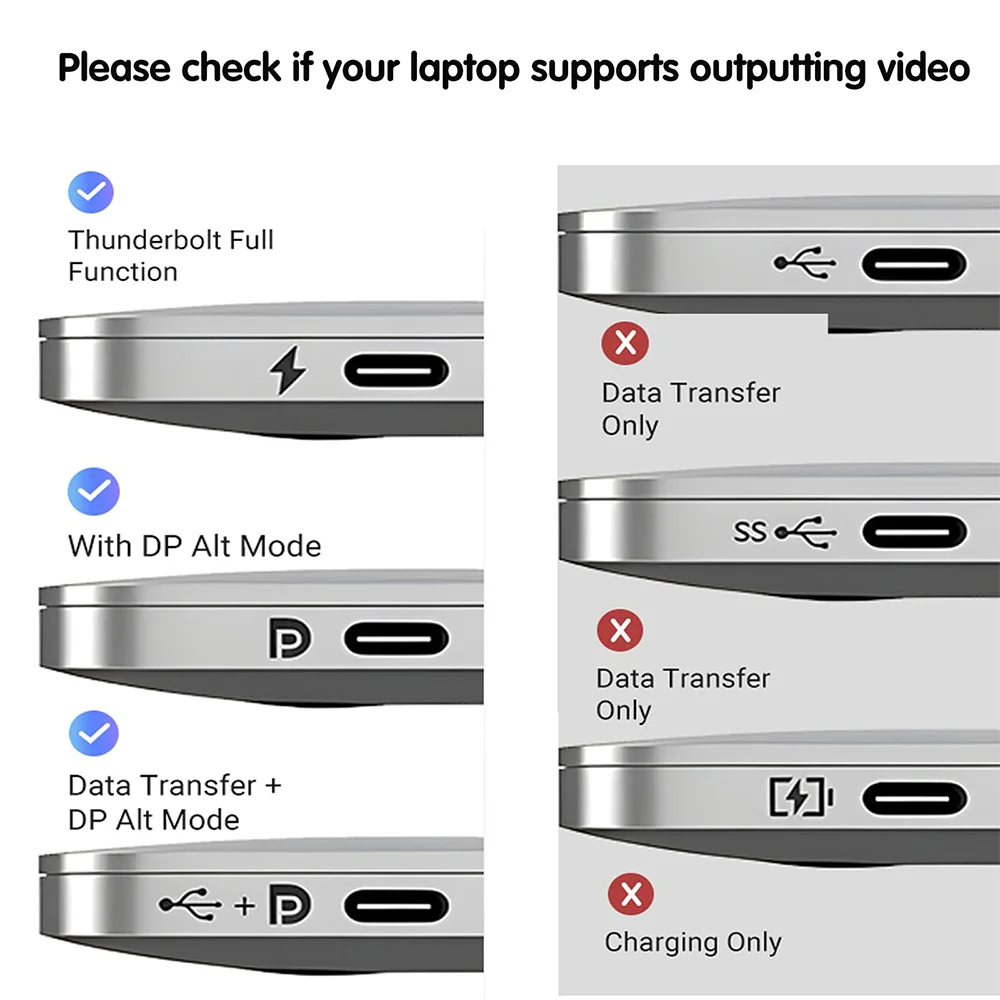
The plug is the same on every USB-C port, but what goes through it is not. Three things to check on your laptop's specification page from its maker:
- Video. A picture travels over USB-C by DisplayPort Alt Mode, a standard from VESA. A port that supports it normally shows the DisplayPort logo. Without it, a USB-C to HDMI adapter will not show a picture.
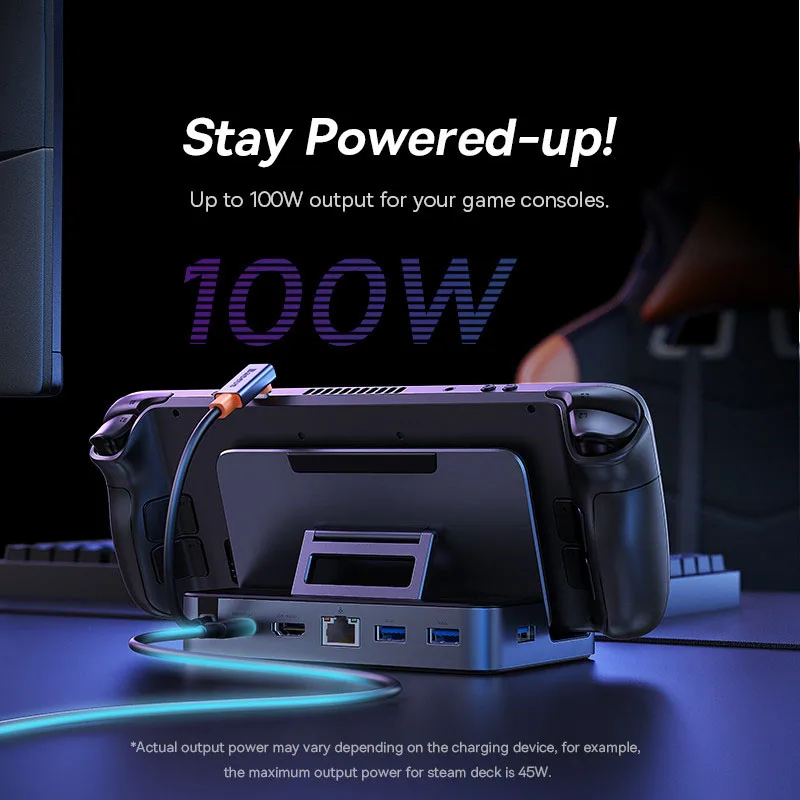
- Charging. Laptops charge over USB-C by USB Power Delivery, which allows up to 240W on the newest chargers and cables. The laptop takes only the power it needs.
- Speed. The USB-IF names speeds on the box: USB 5Gbps, 10Gbps, 20Gbps, 40Gbps and 80Gbps. A hub or enclosure runs at the slower of its own speed and the port's.
Questions people ask about USB-C
Are all USB-C cables the same?
No. Certified USB-C cables are labelled 60W or 240W for power, and most with a data speed too. A cable sold only for charging may not carry a picture or full-speed data. See USB-C to USB-C laptop cables.
Can a USB-C hub charge my laptop at the same time?
If it has a Power Delivery input, yes: plug the laptop's charger into the hub. The hub keeps a little of the power for itself, so the laptop gets slightly less than the charger's figure.
Where do I learn more?
Our guide USB-C explained covers ports, cables, power and video in more depth.
More to look at