Why a laptop needs a stand
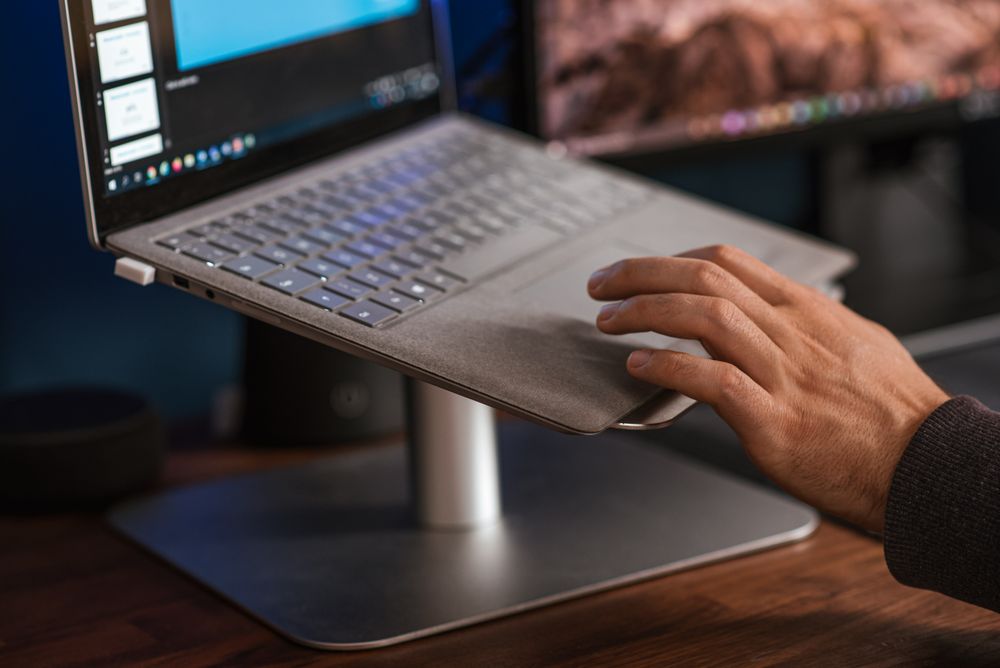
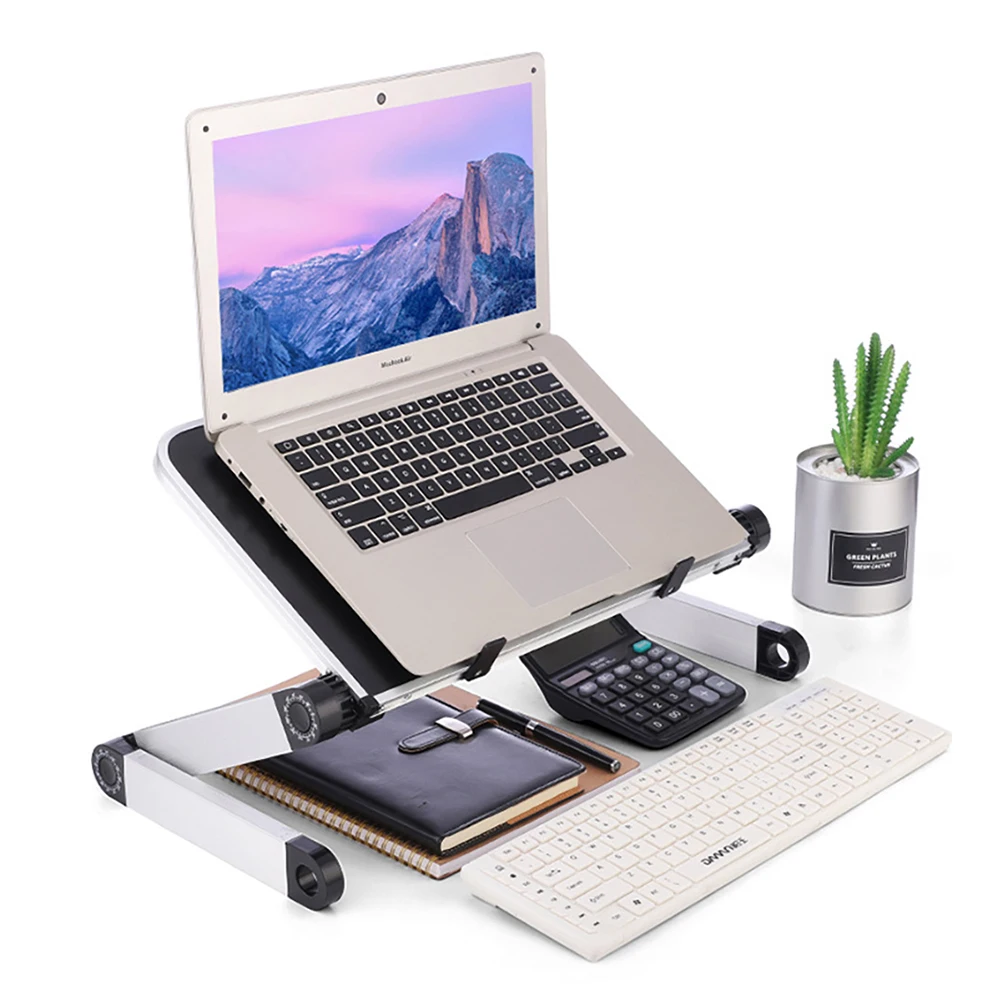
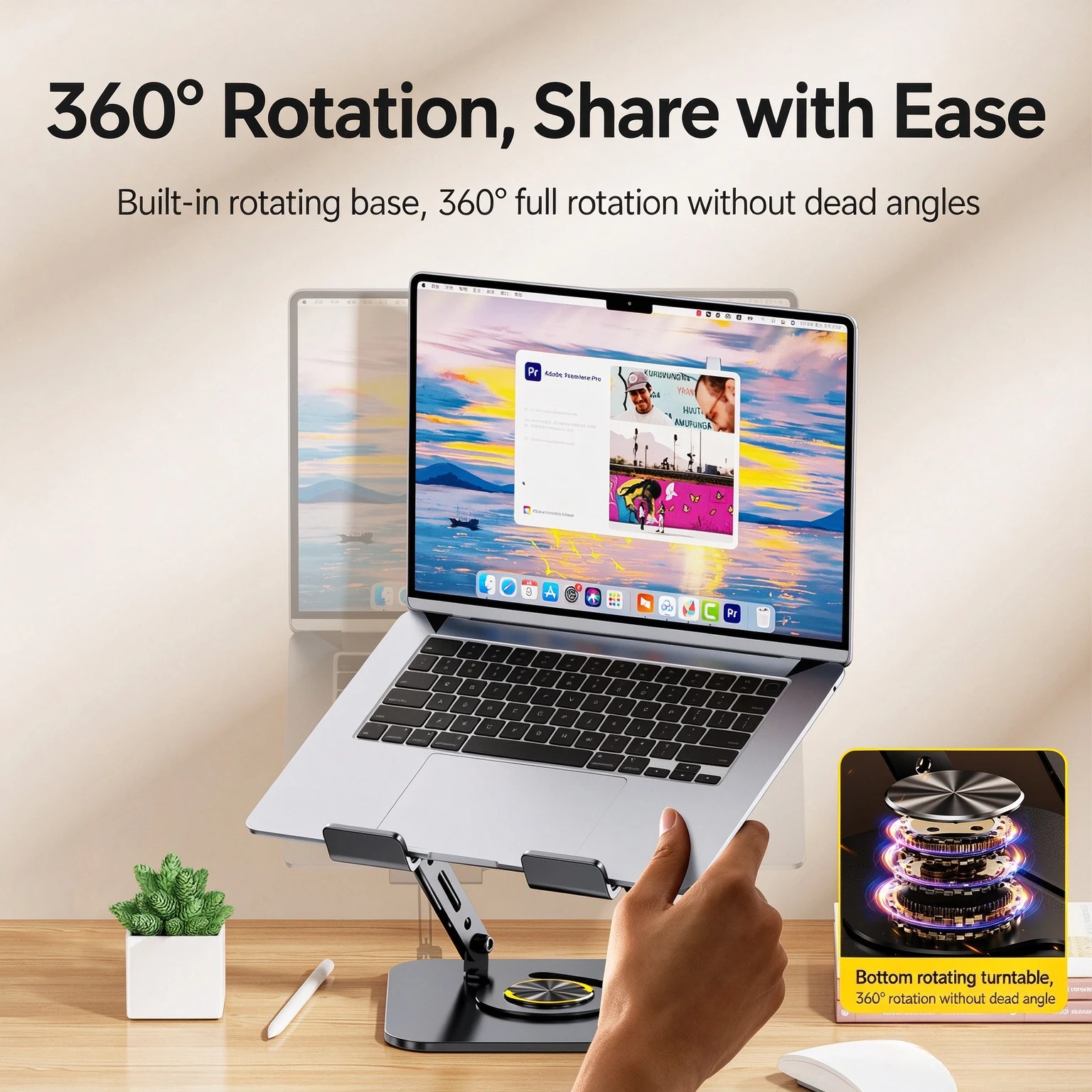
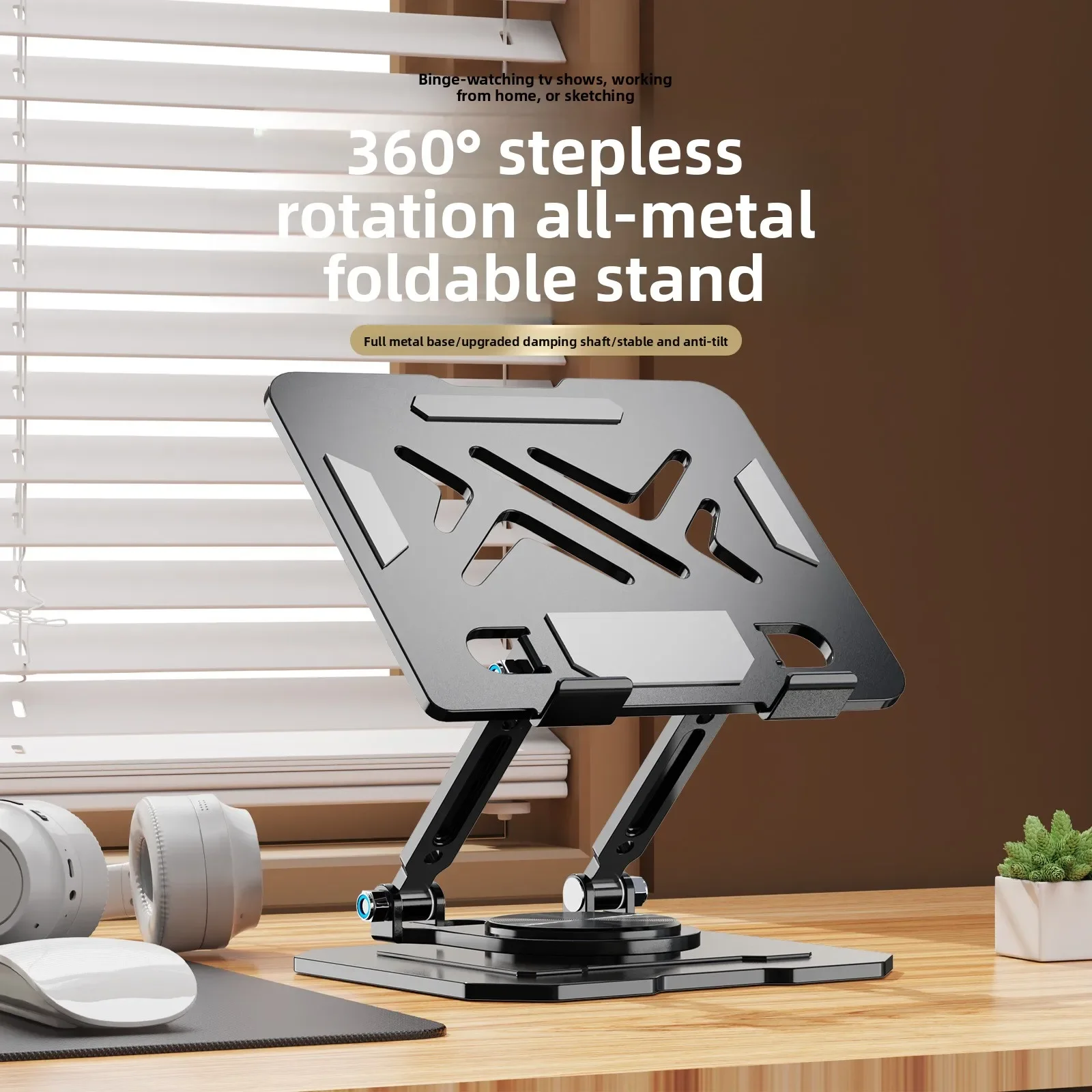
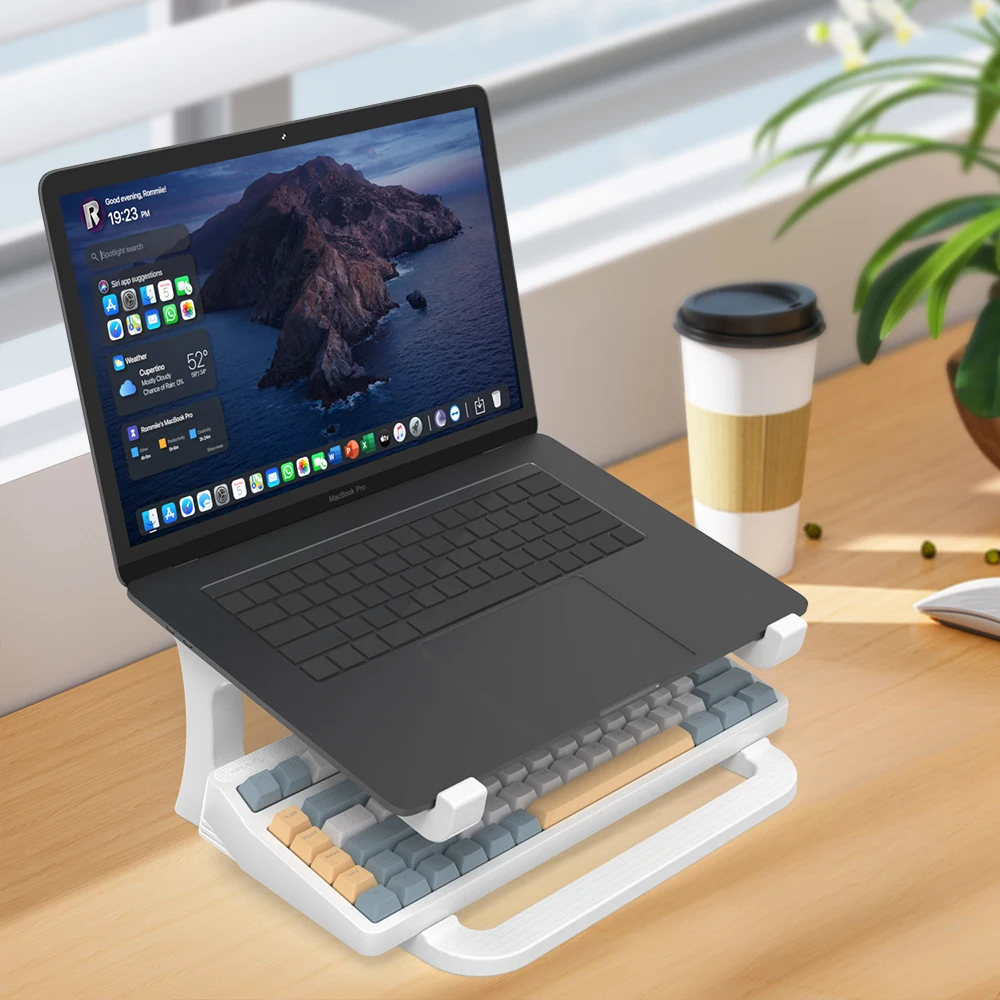
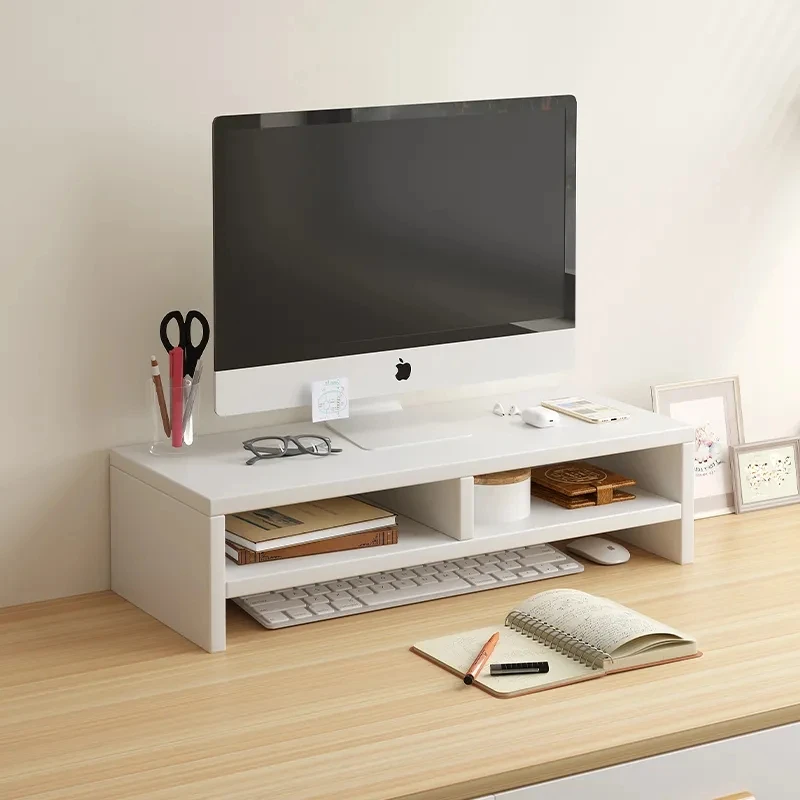
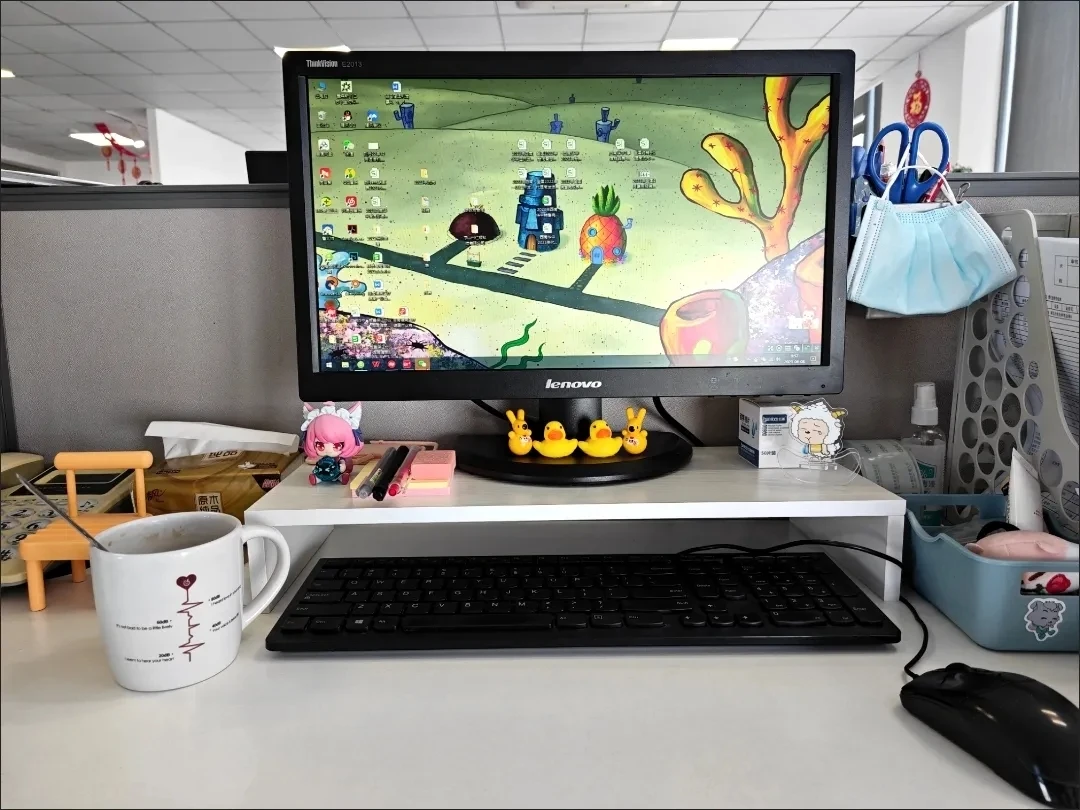
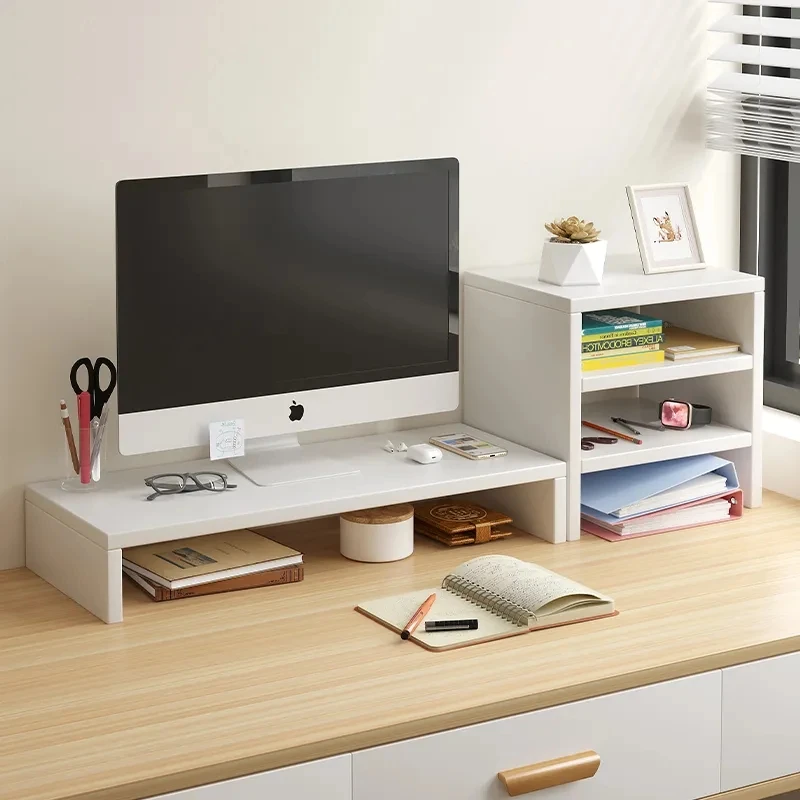
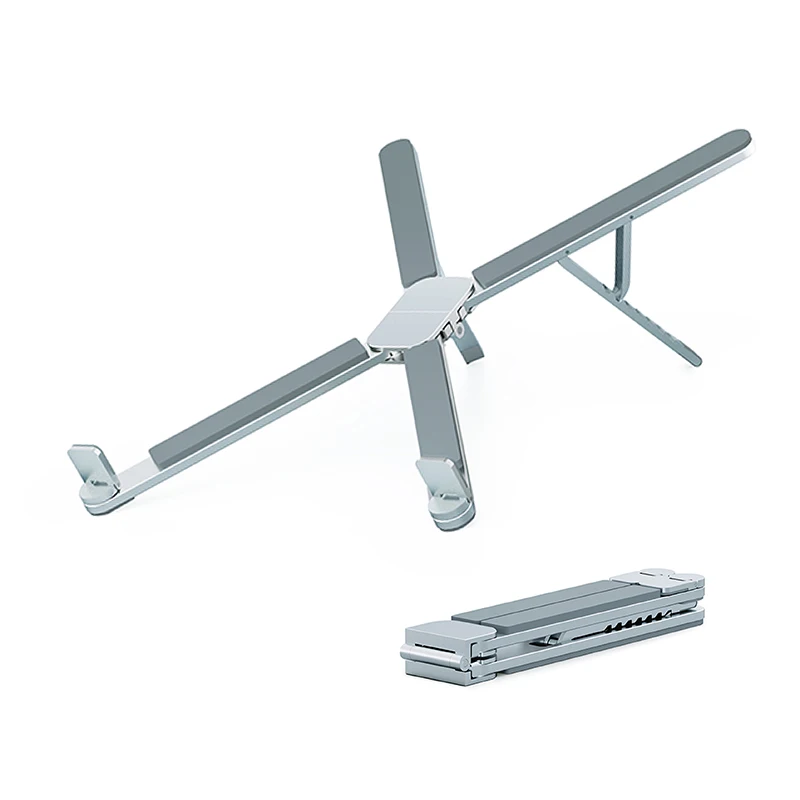
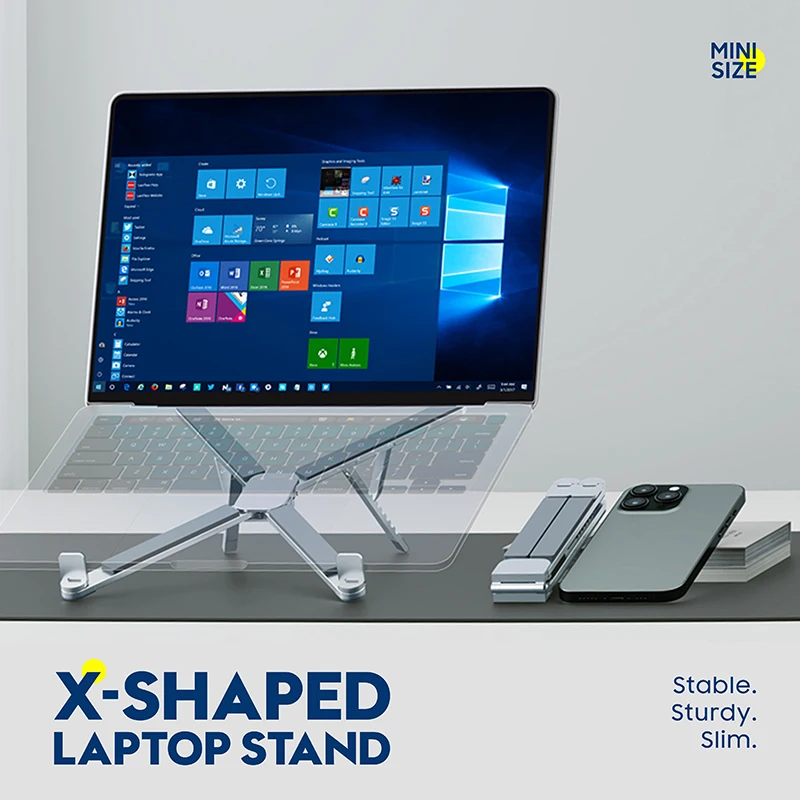
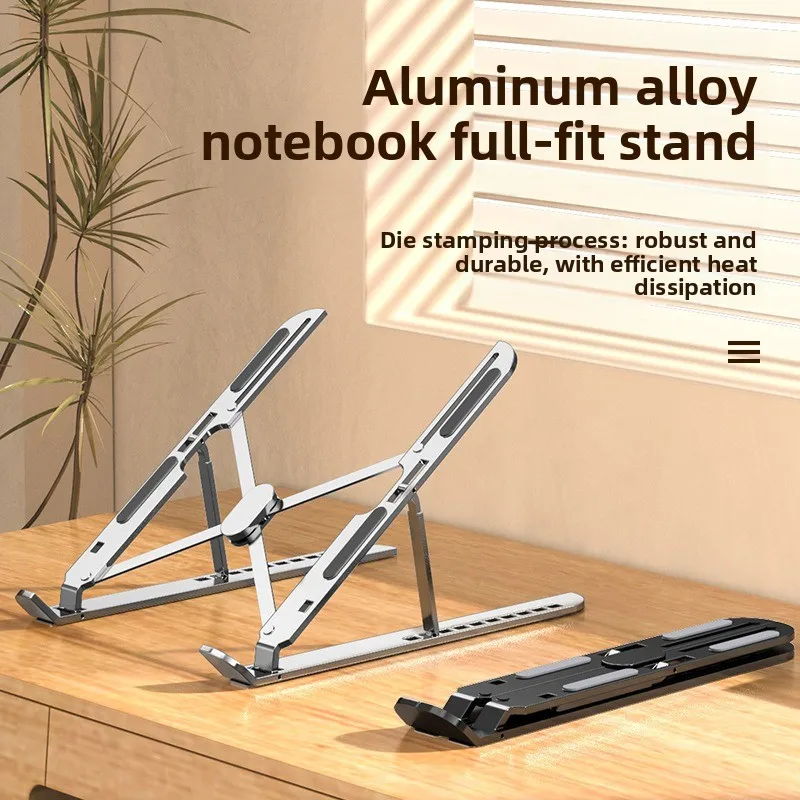
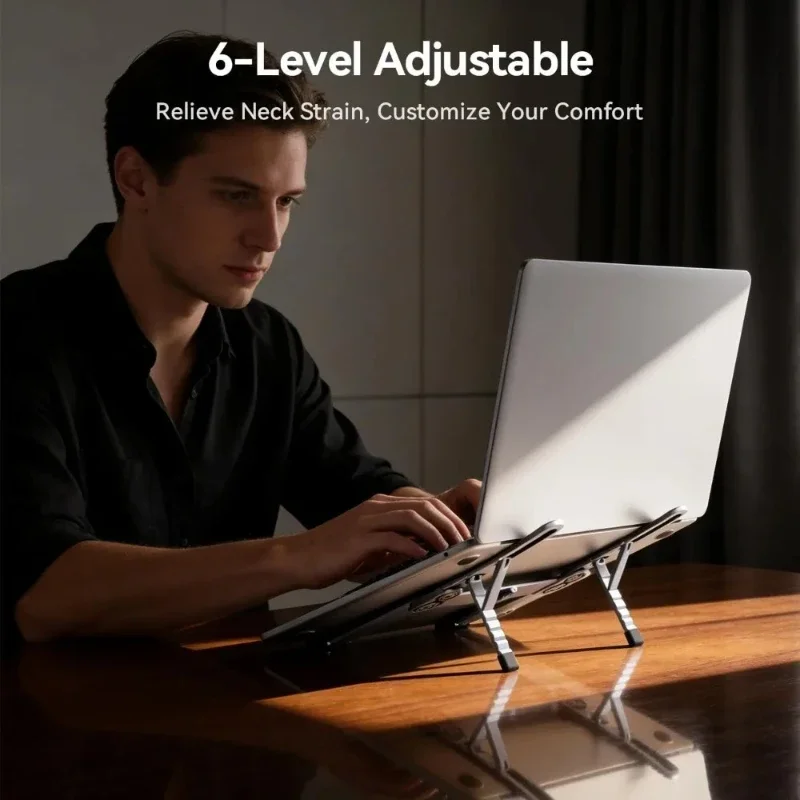
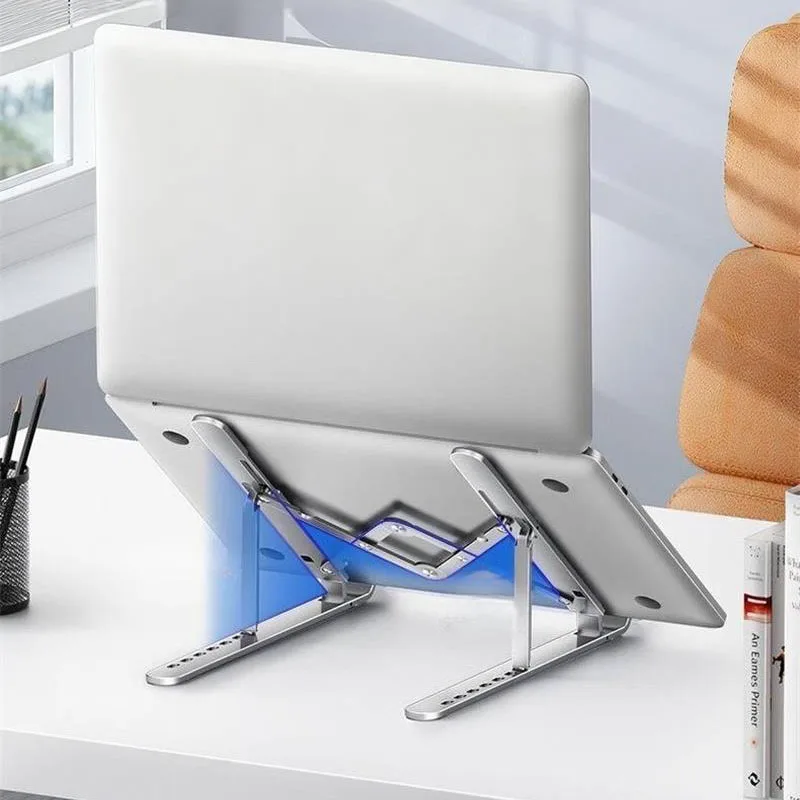
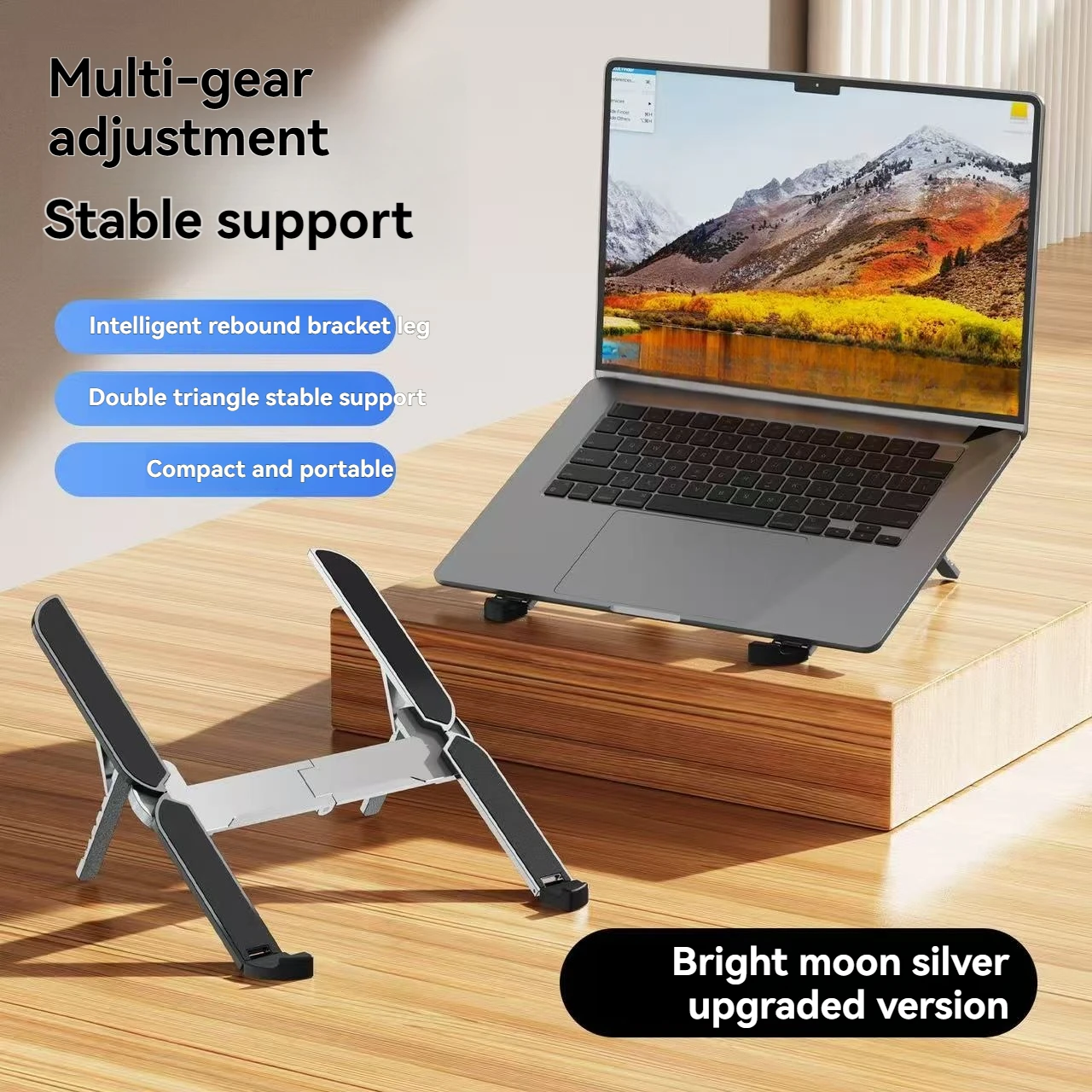
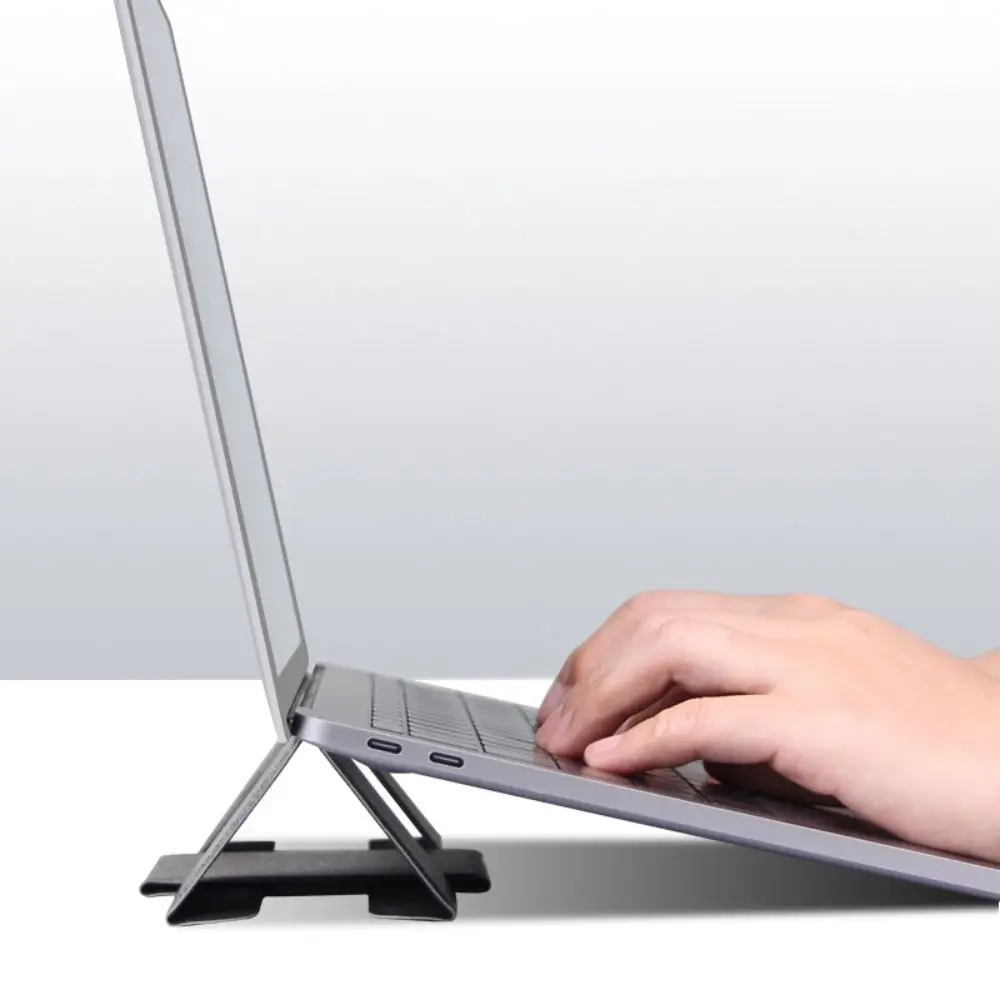
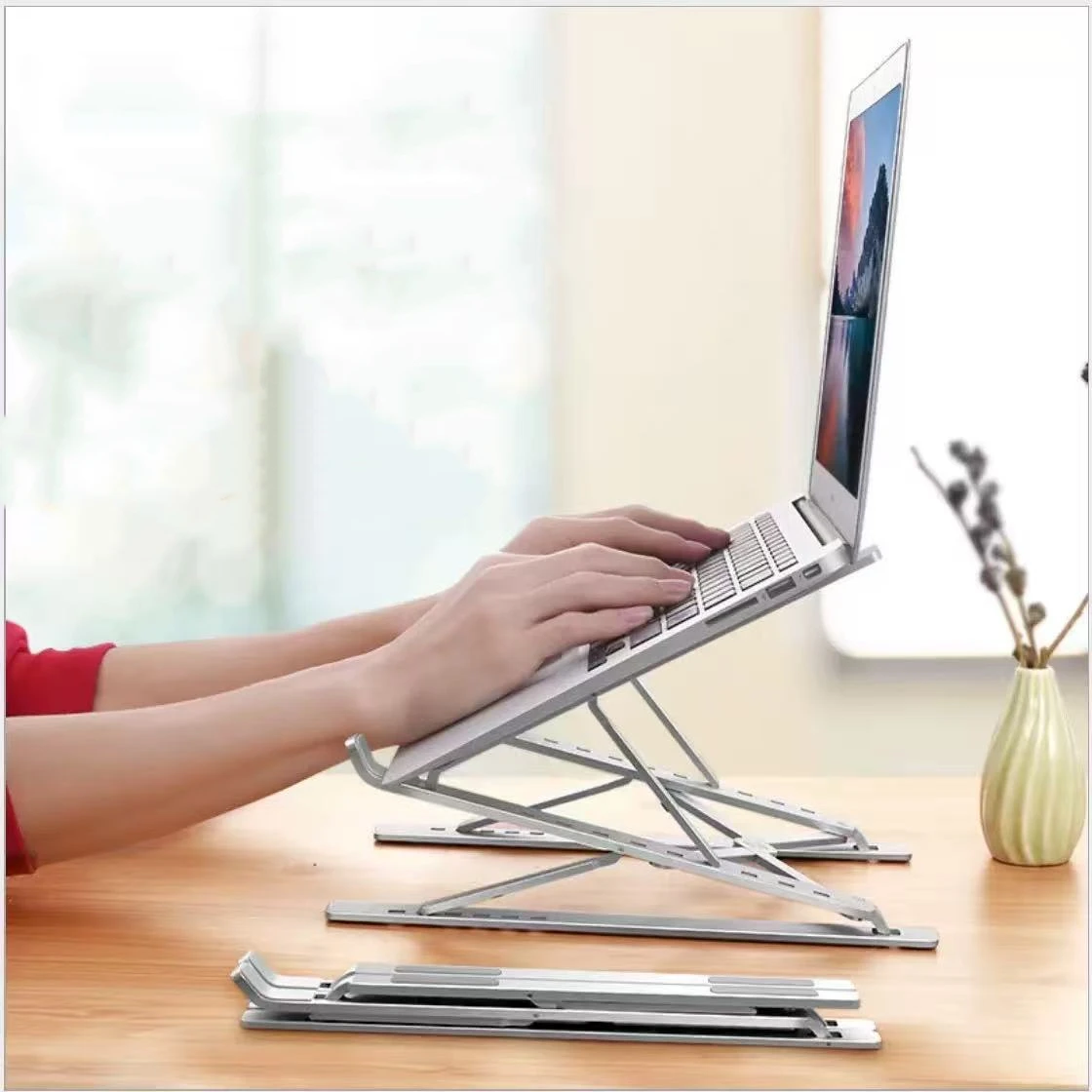
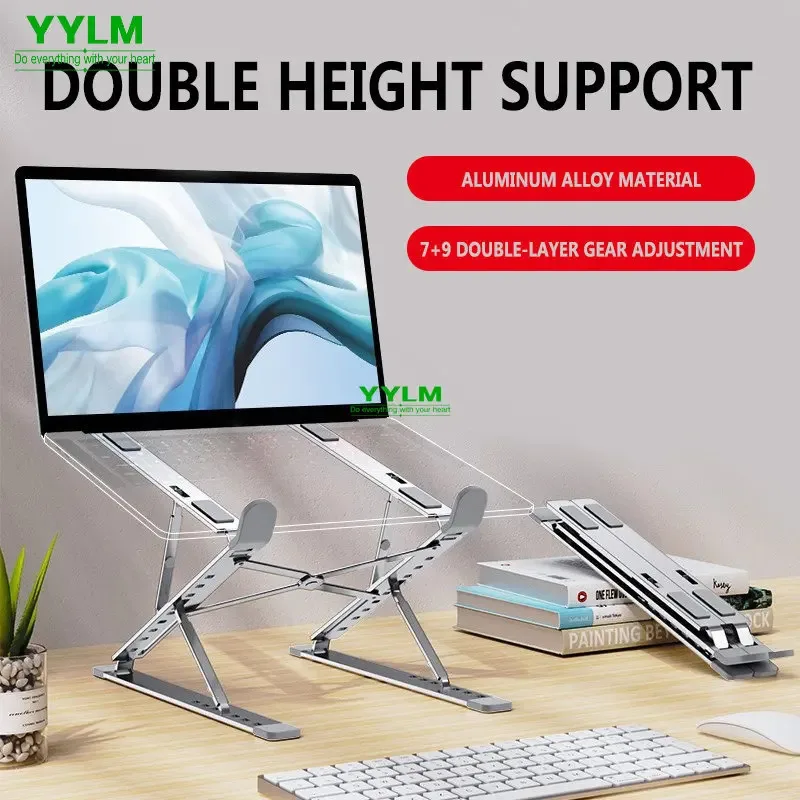
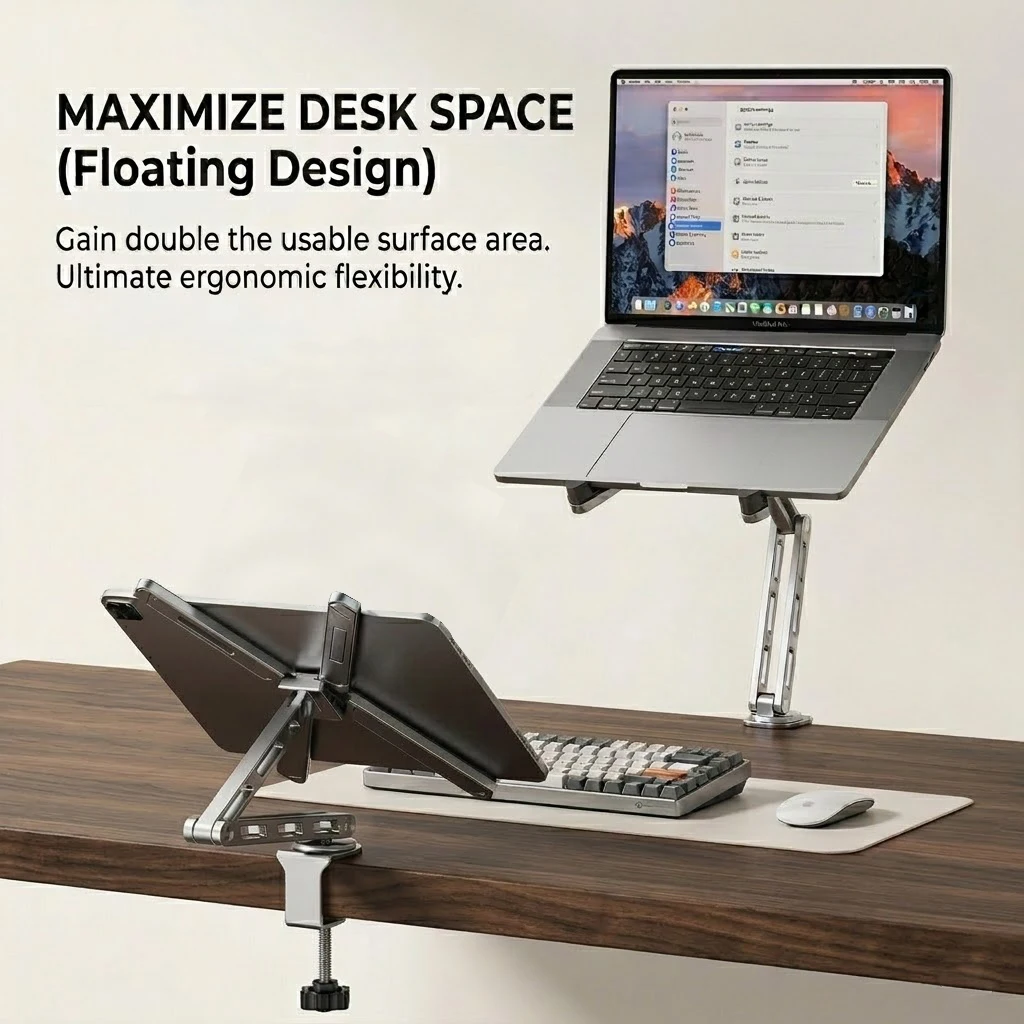
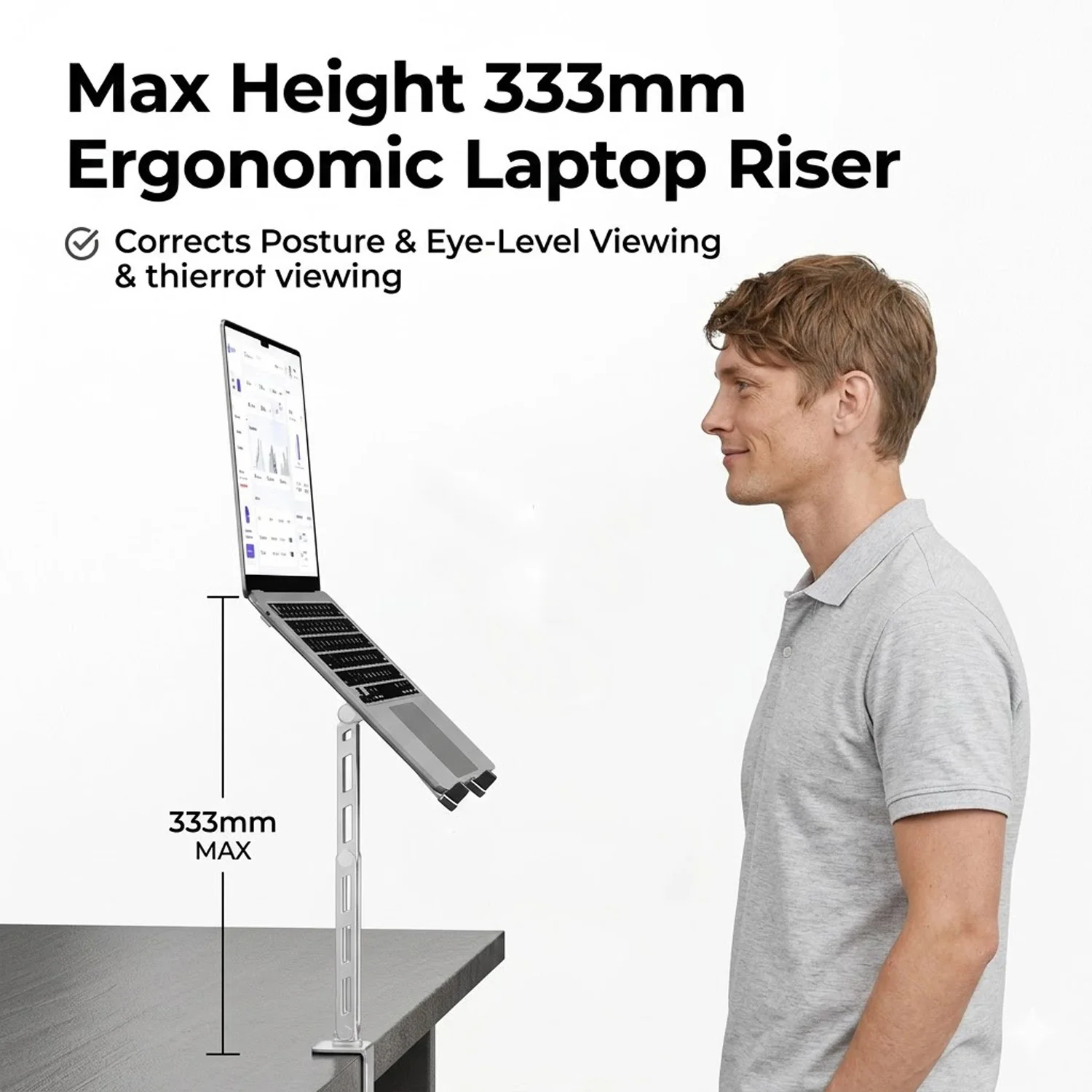
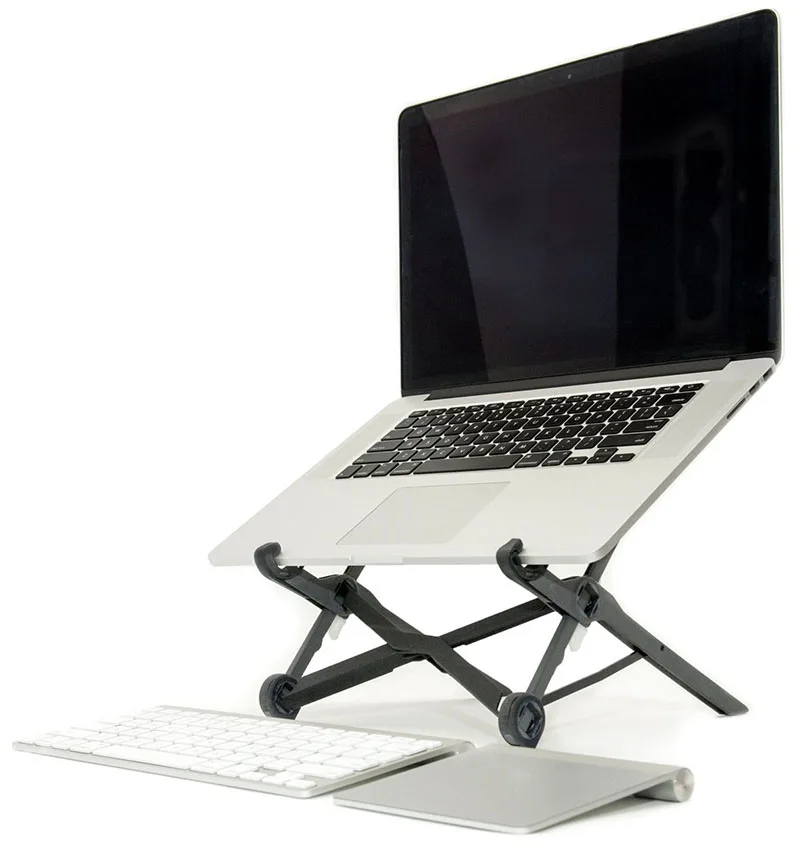
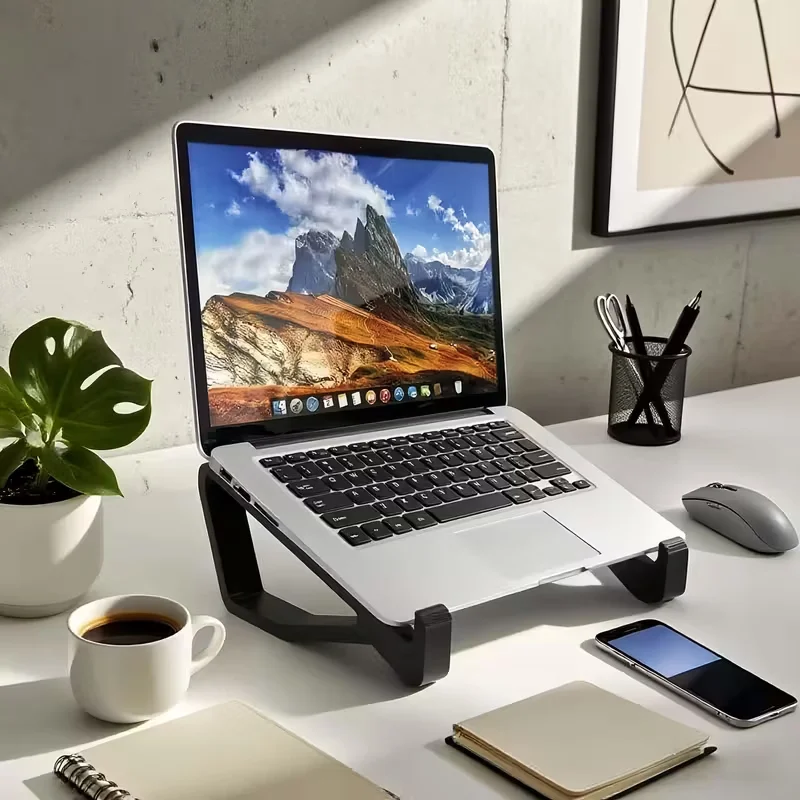
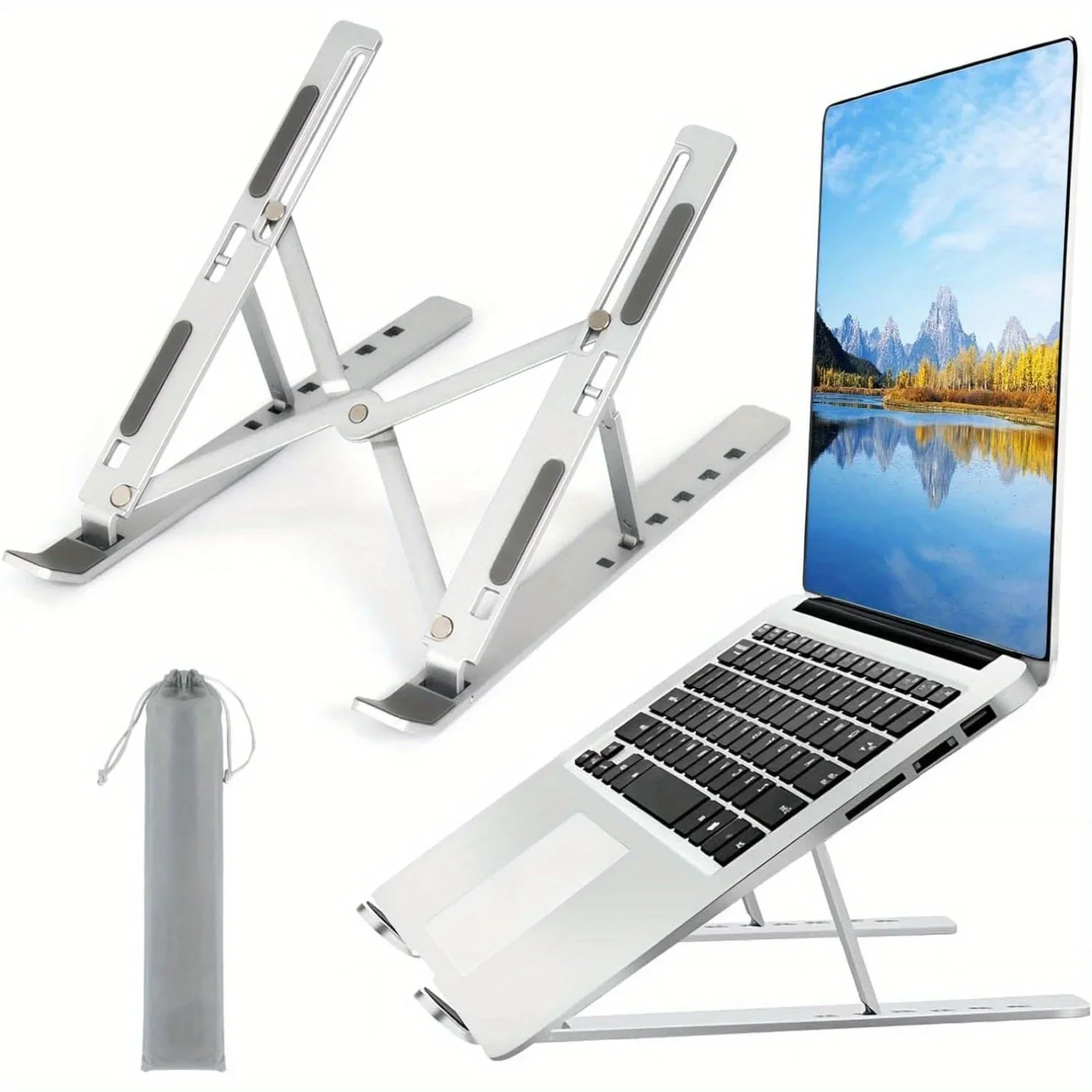
A laptop joins its screen to its keyboard. Put the keyboard where your hands want it and the screen sits low, so you spend the day looking down. The Health and Safety Executive's advice for working at a screen is to have the top of the screen level with your eyes and about an arm's length away, with your forearms roughly horizontal. For a laptop, it suggests a separate keyboard and mouse so the screen can be raised on a laptop riser, and notes that raiser blocks are commonly used. A stand is a riser made for the job.
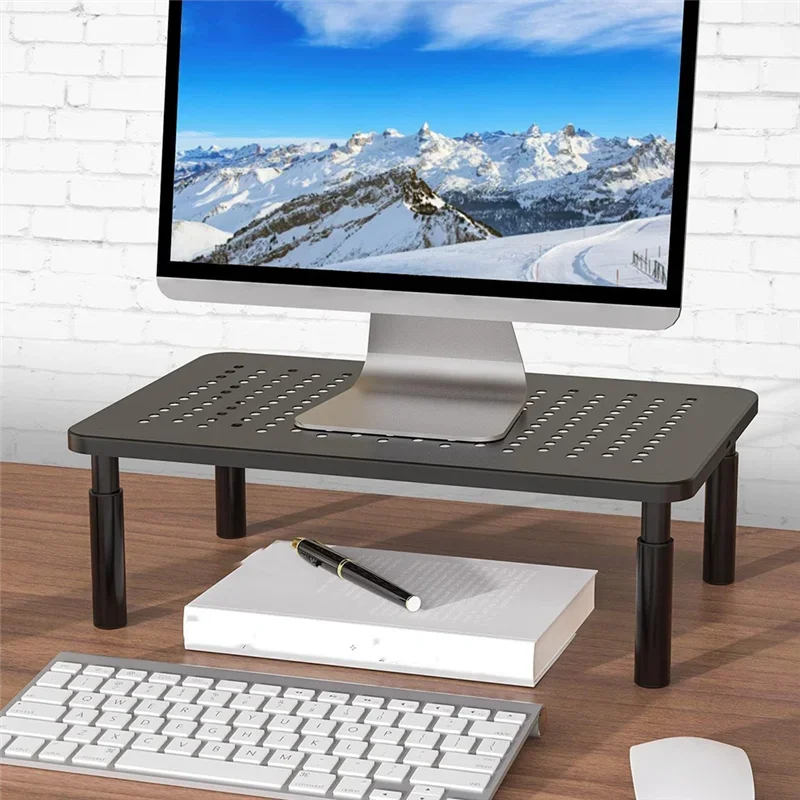
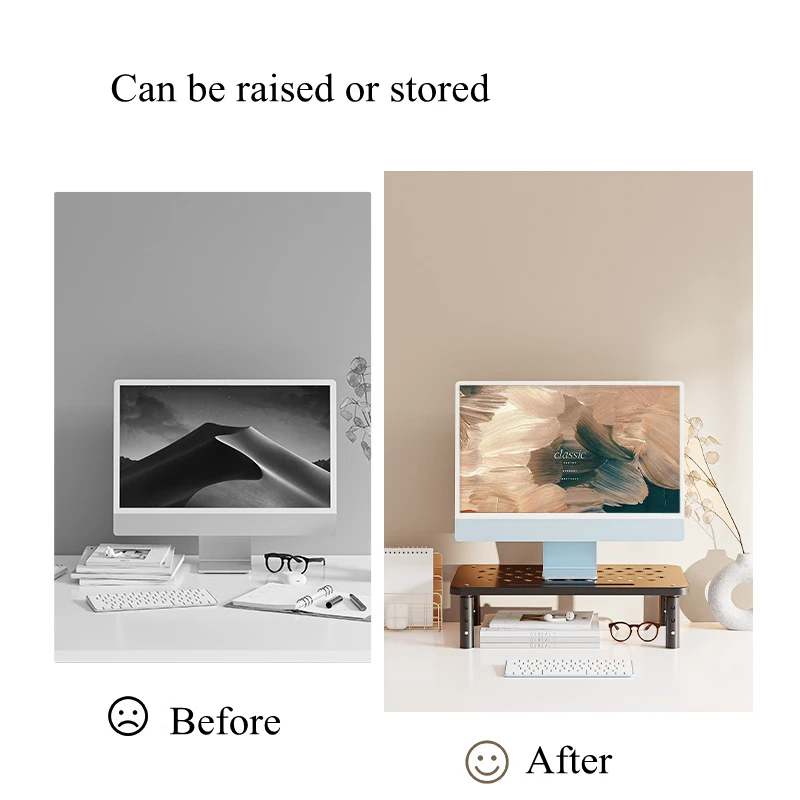
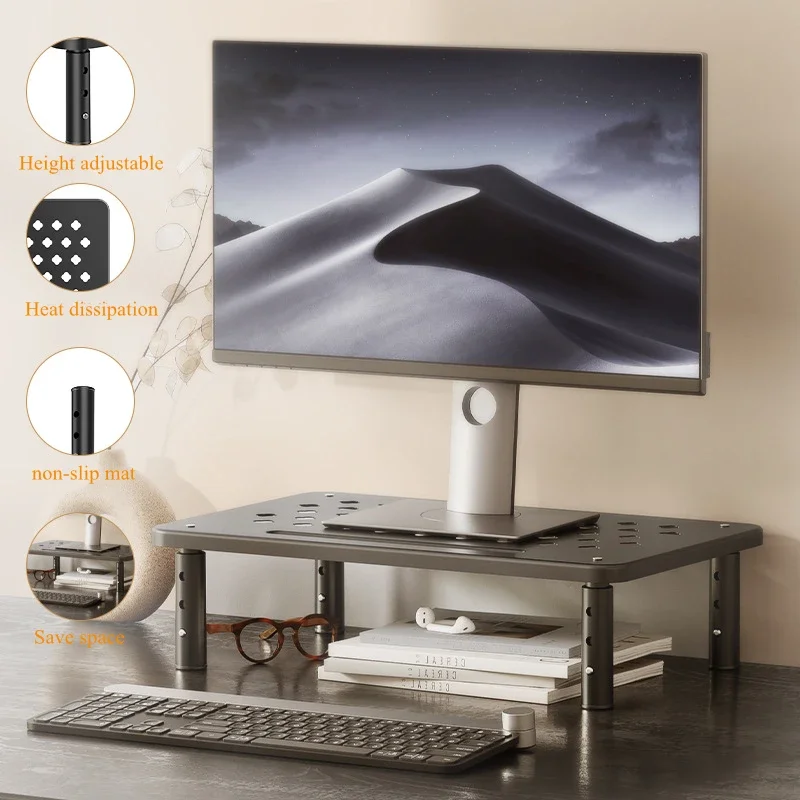
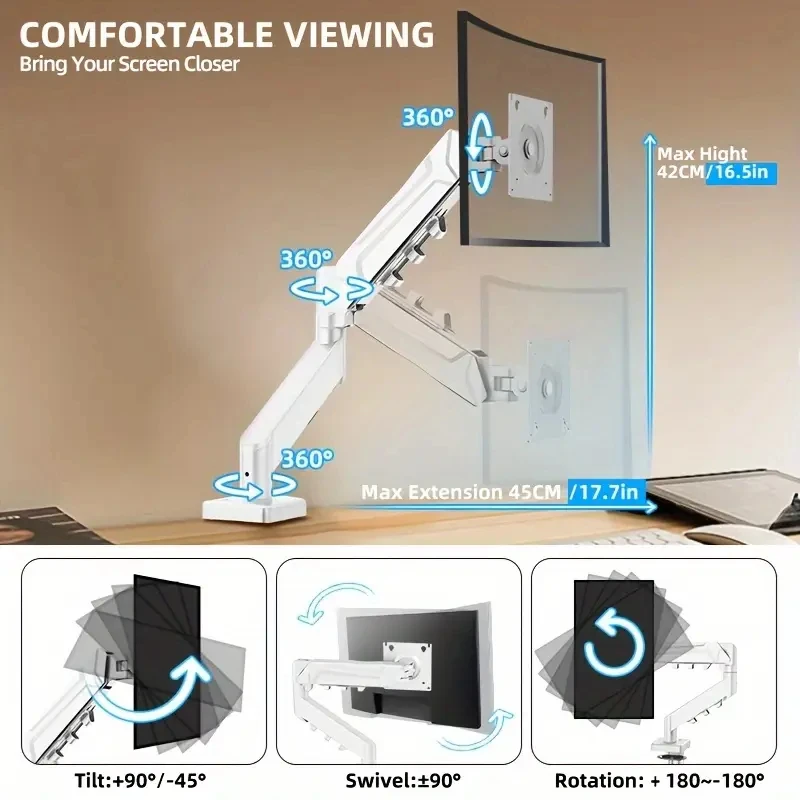
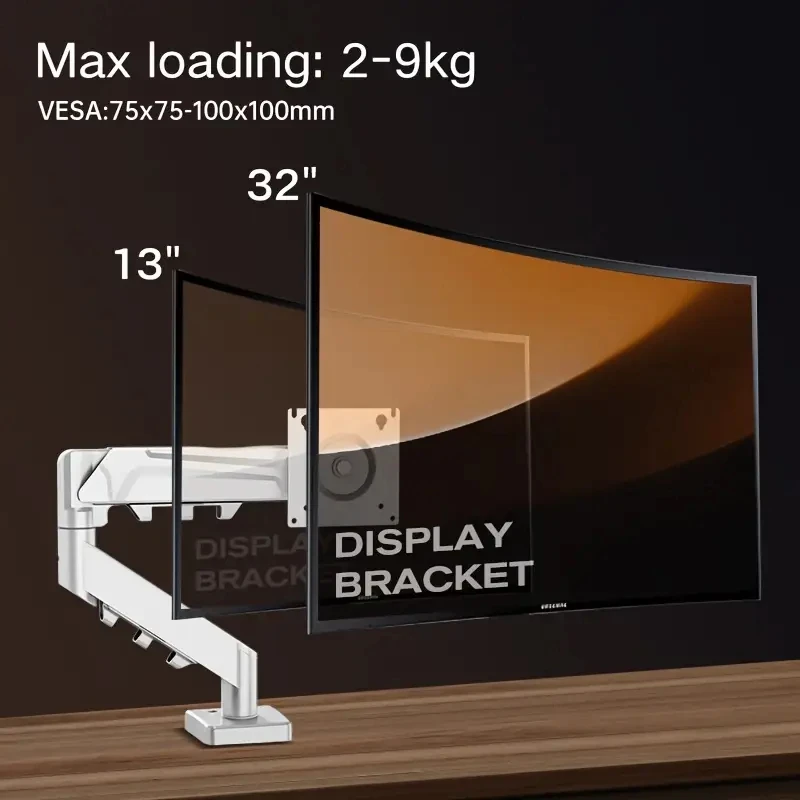
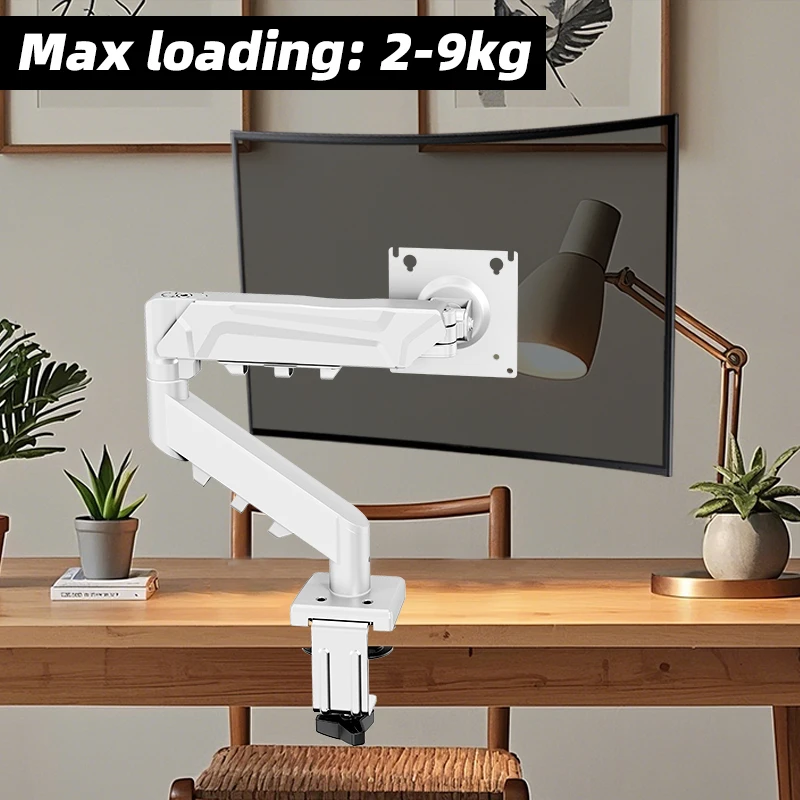
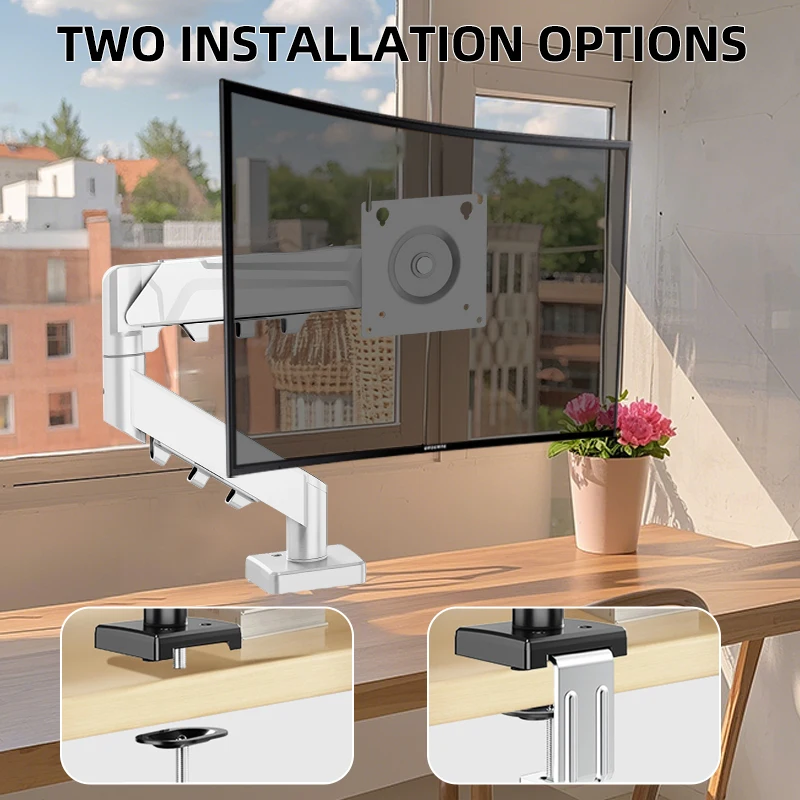
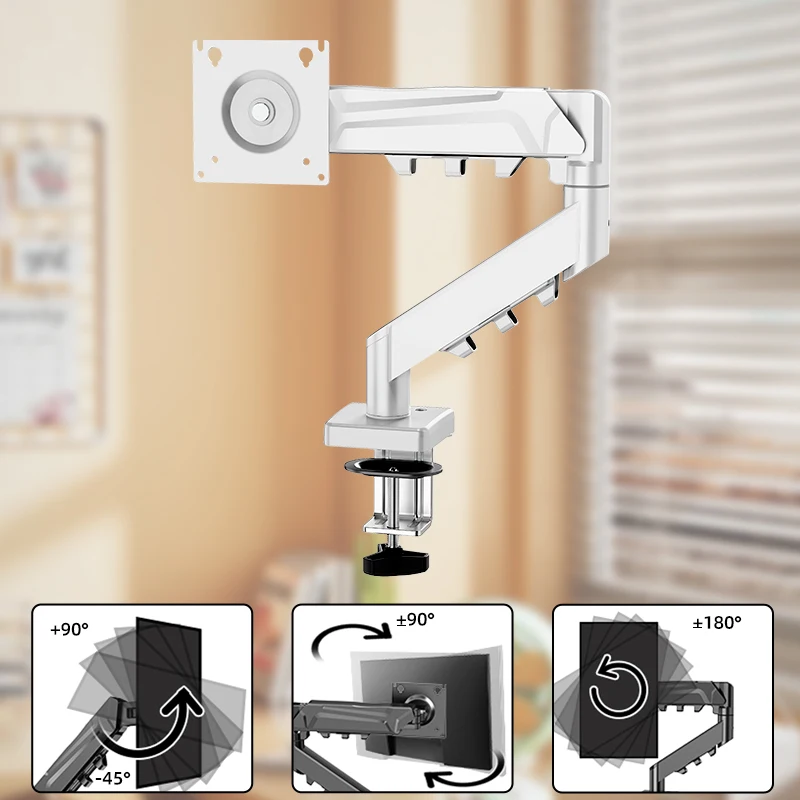
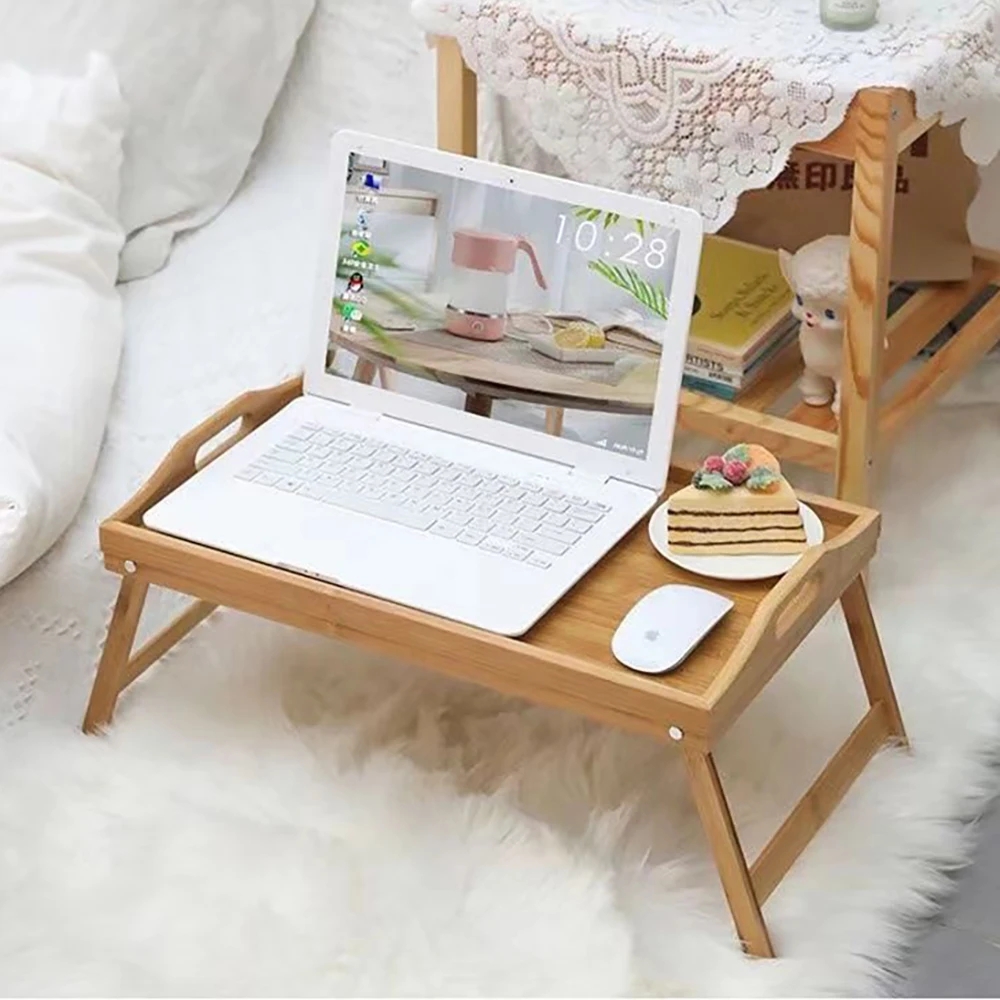
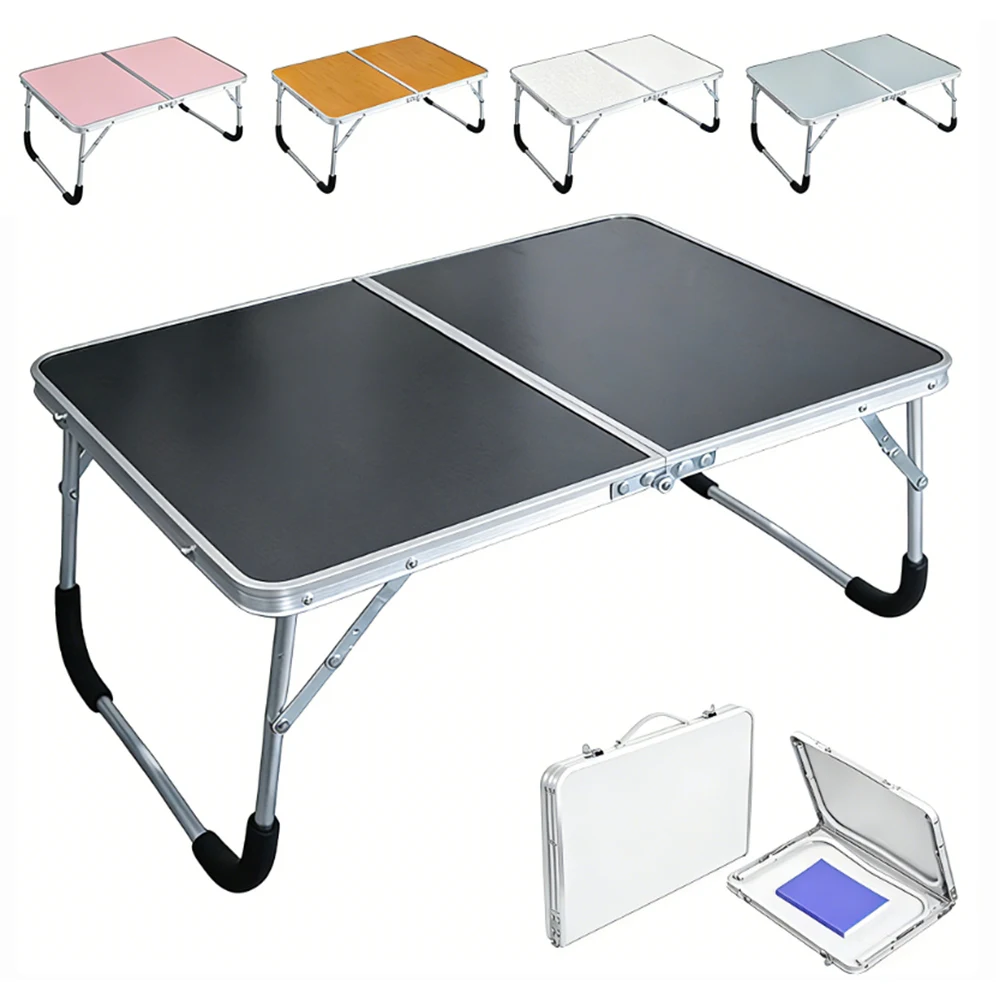
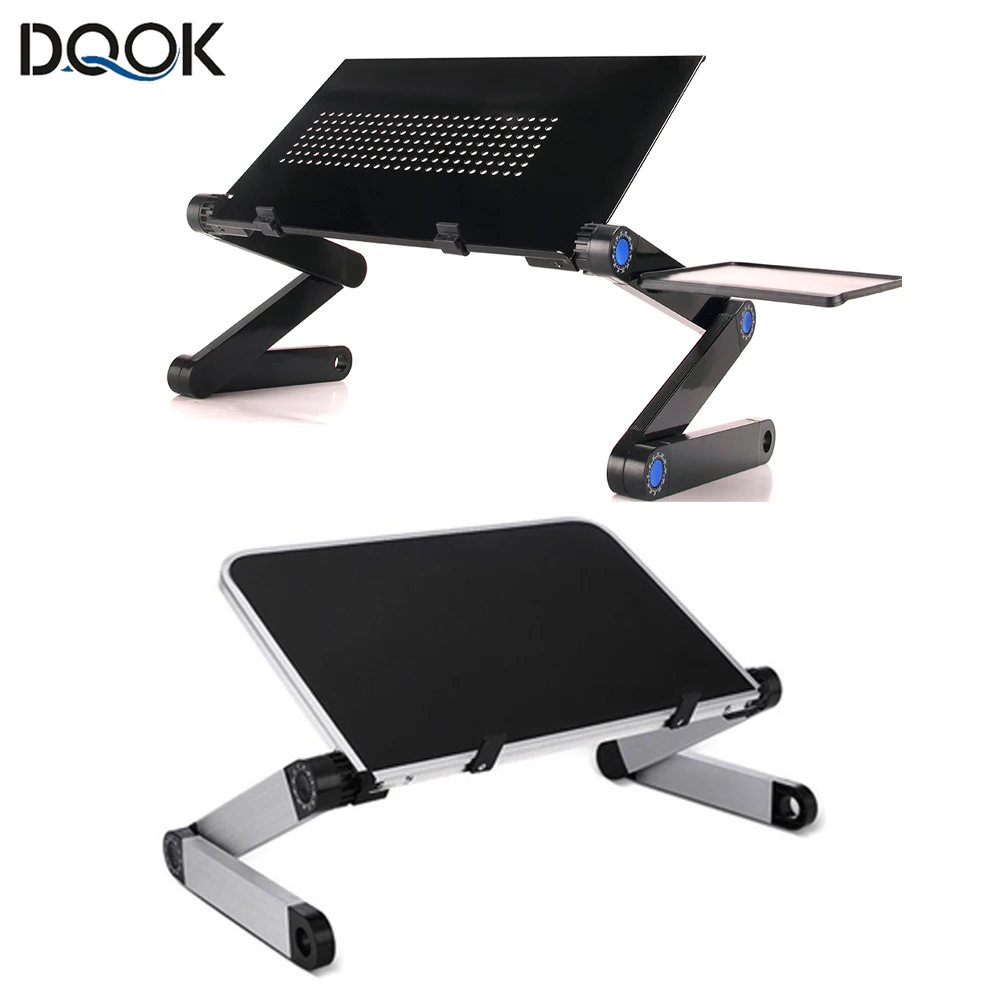
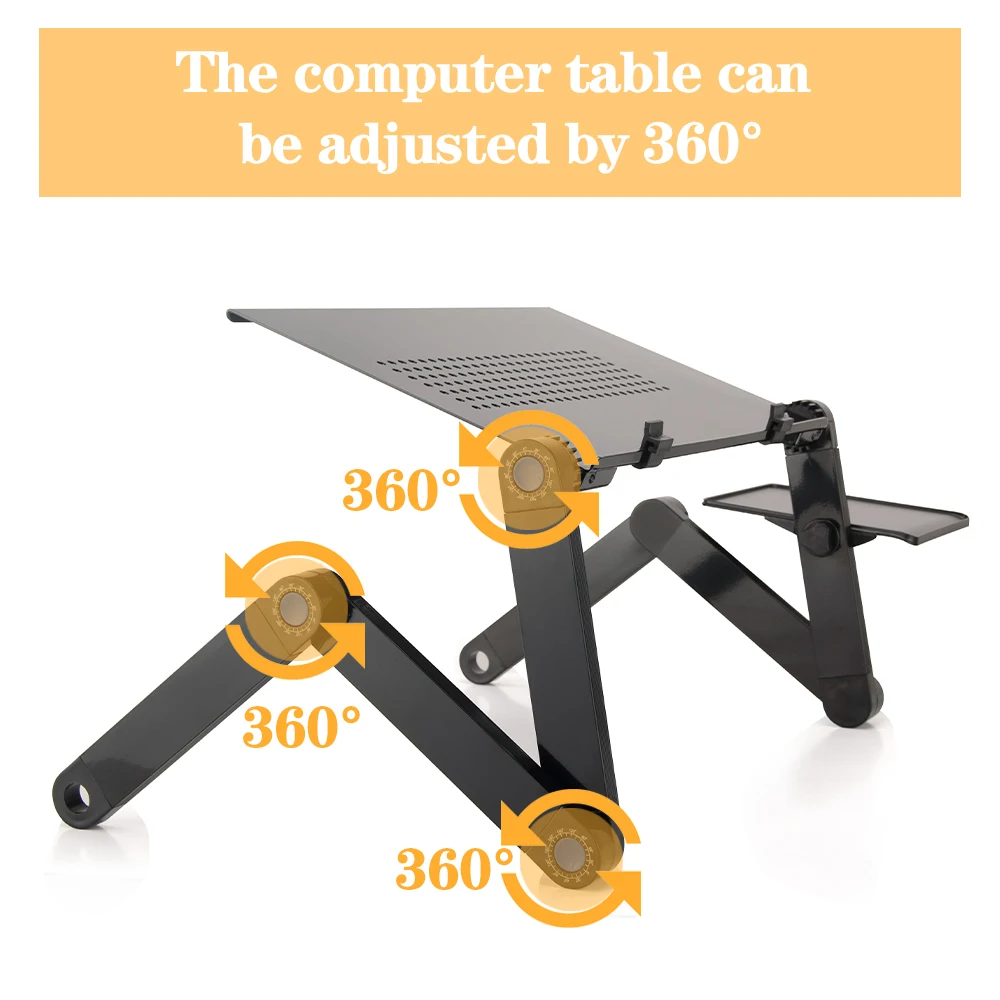
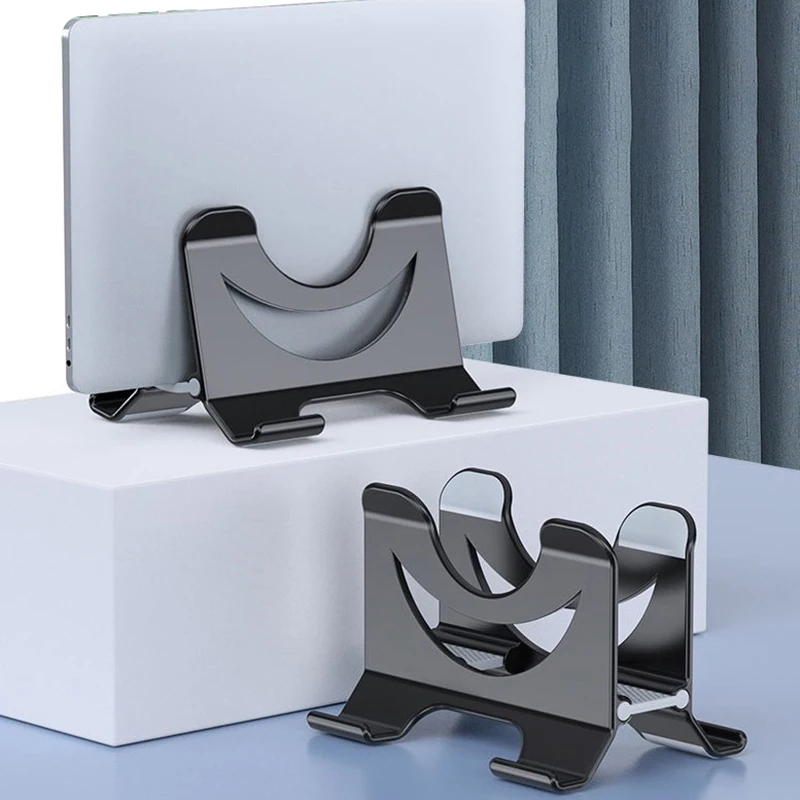
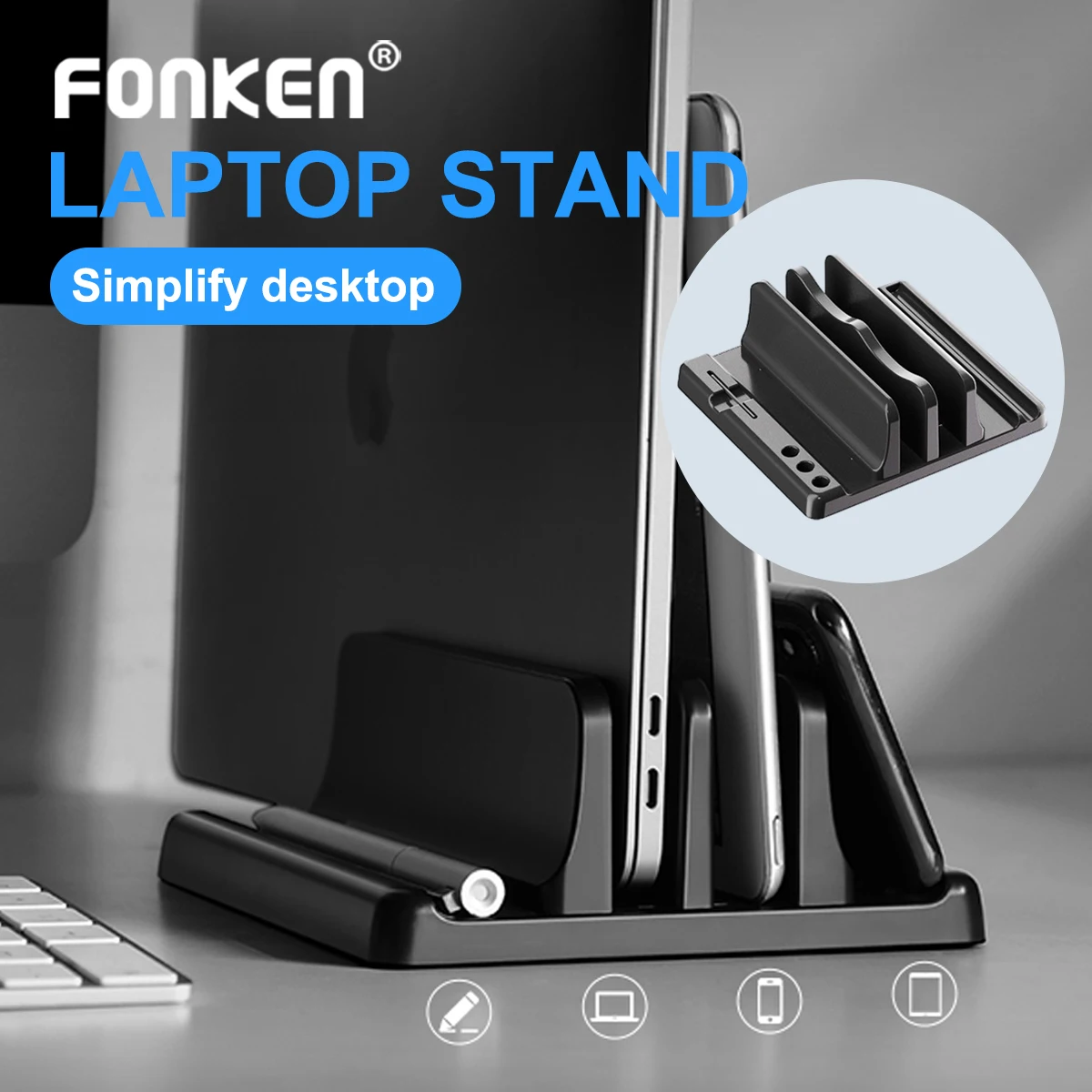
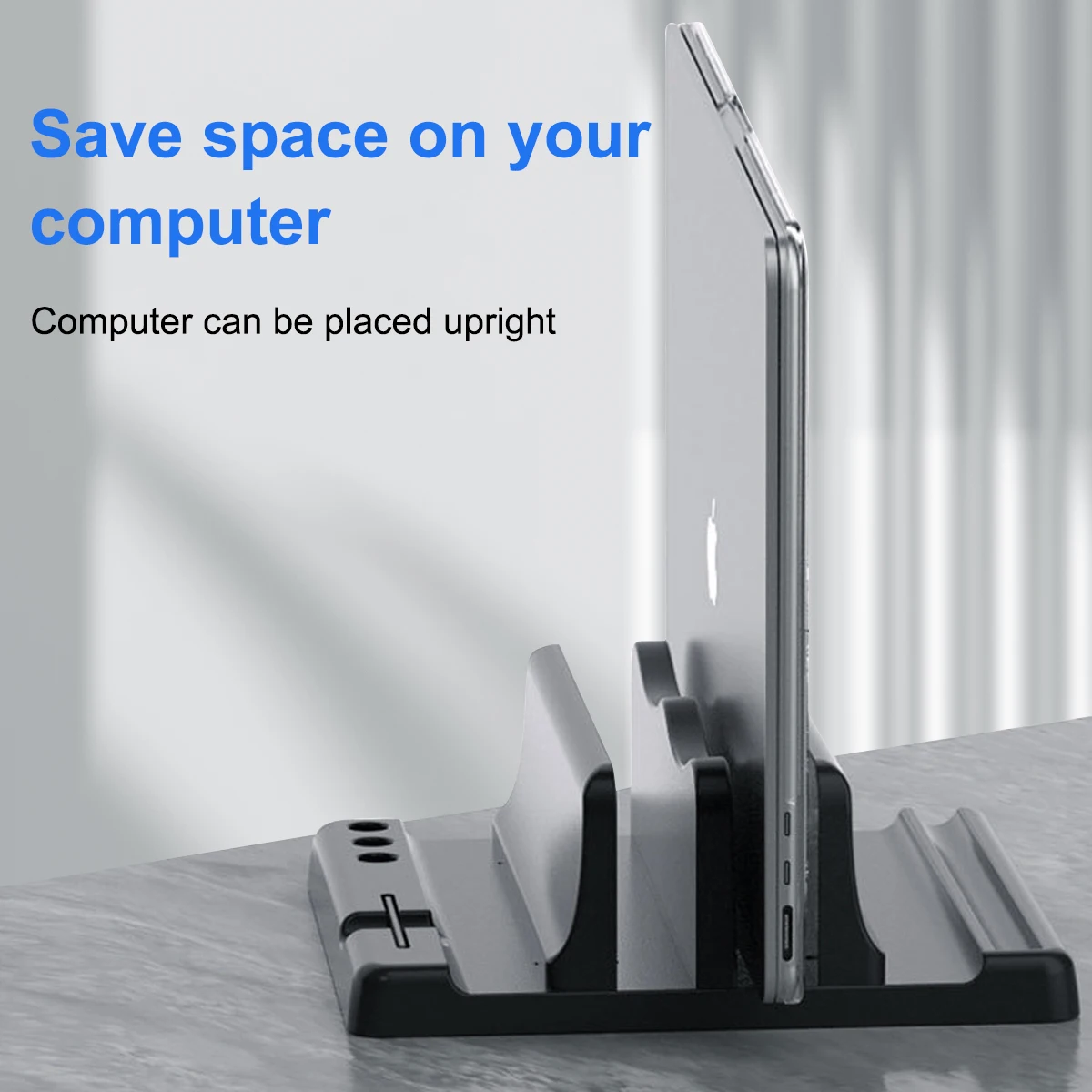
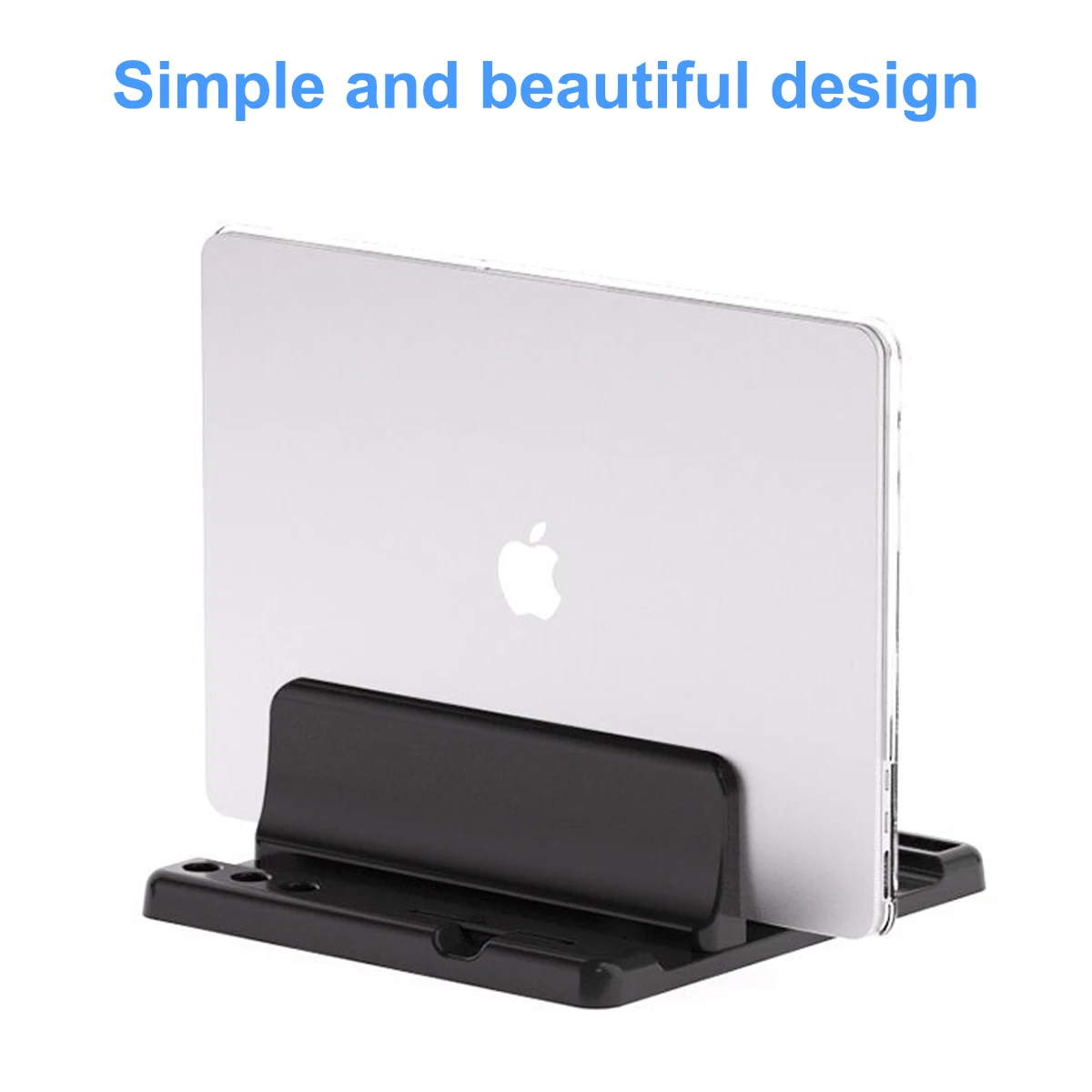
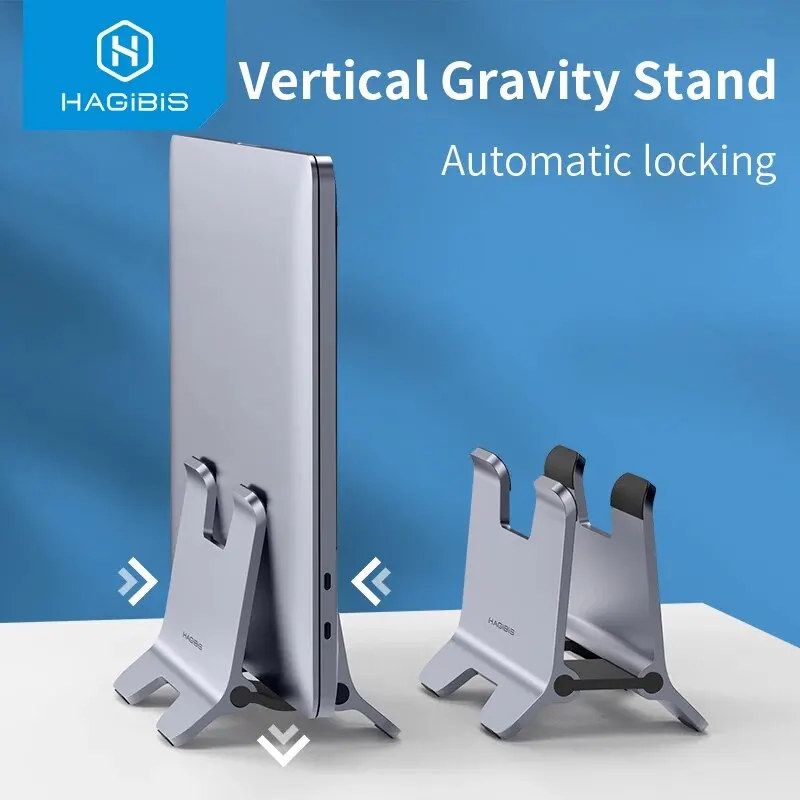
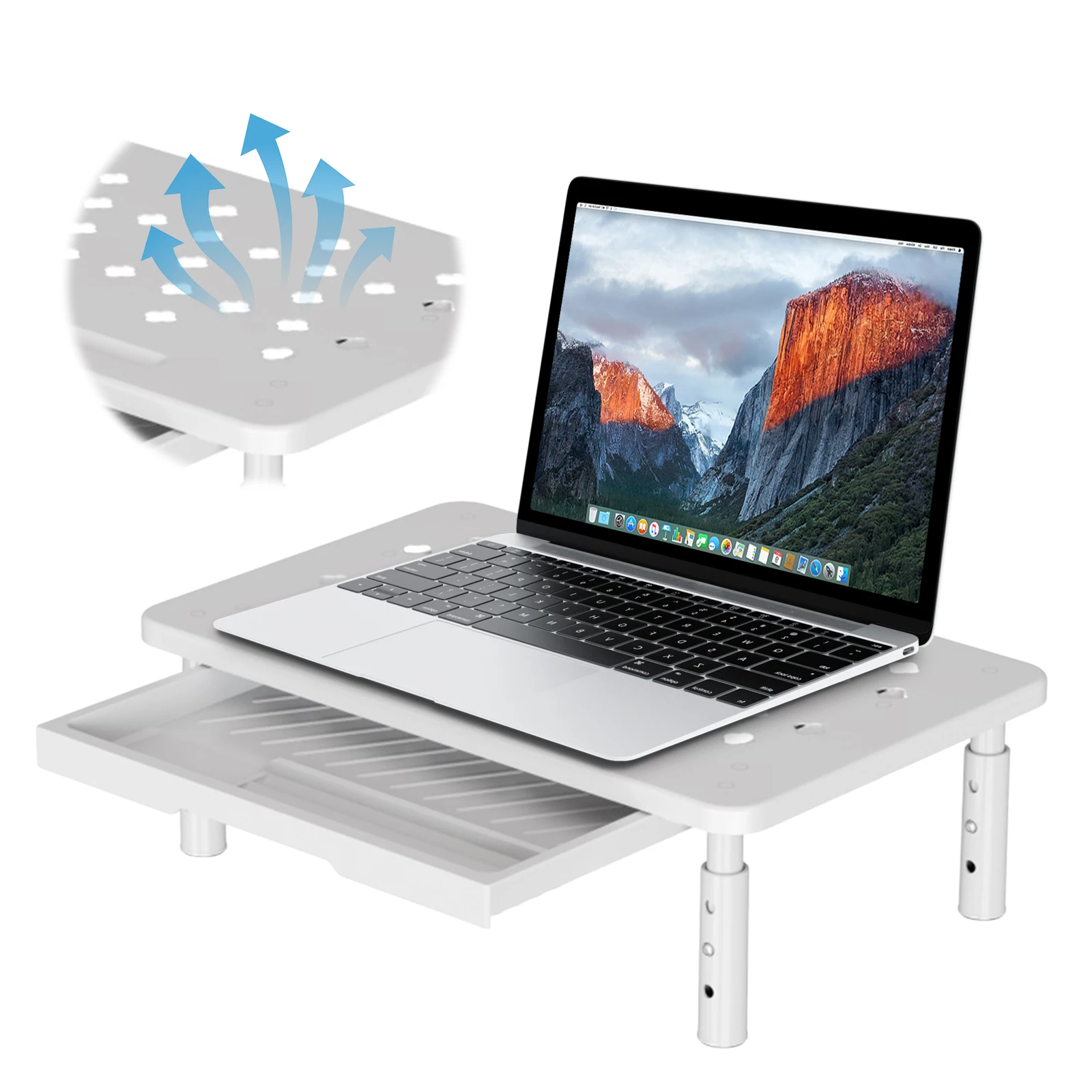
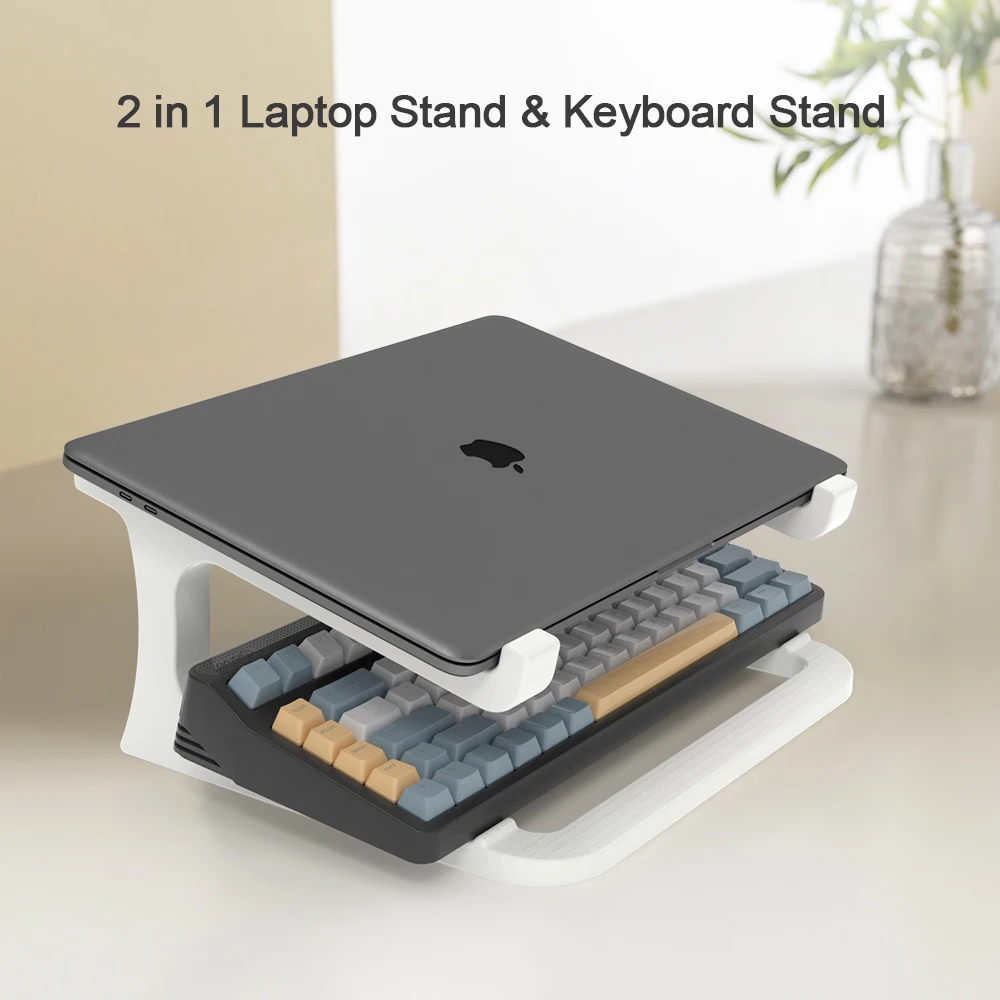
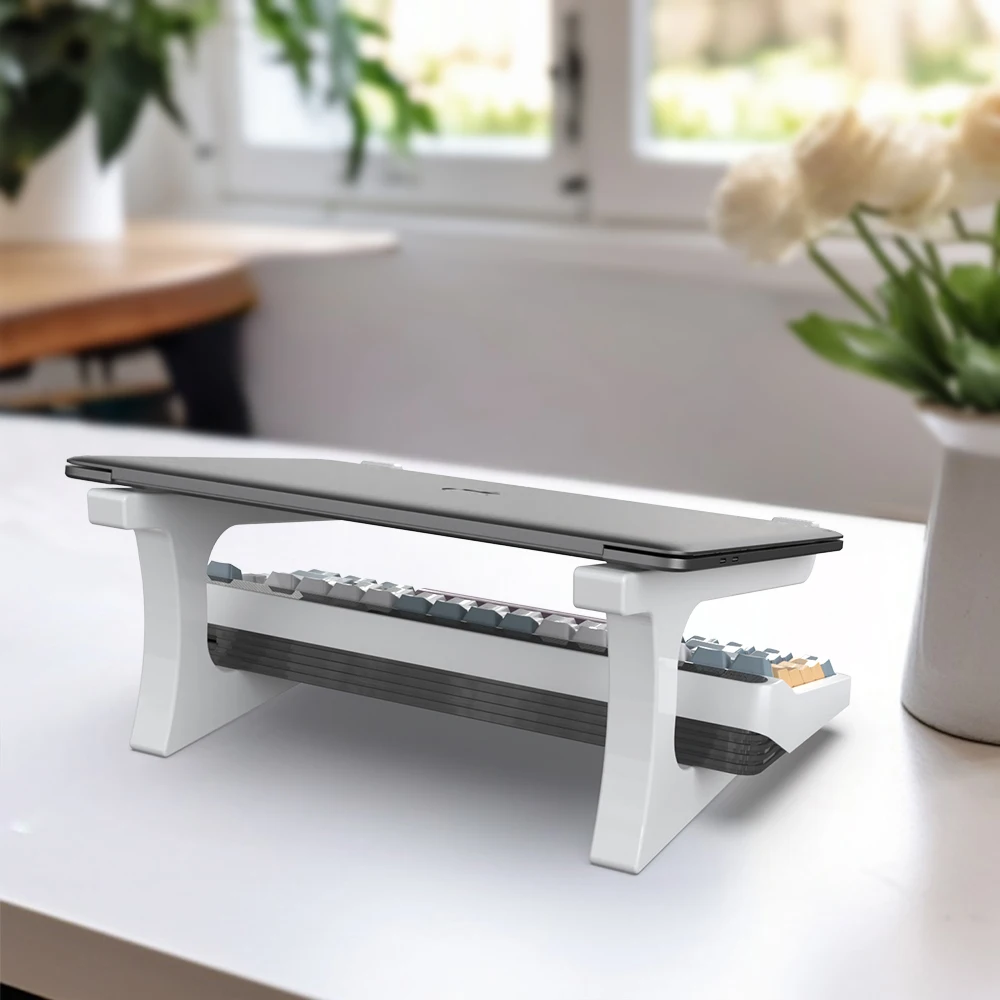
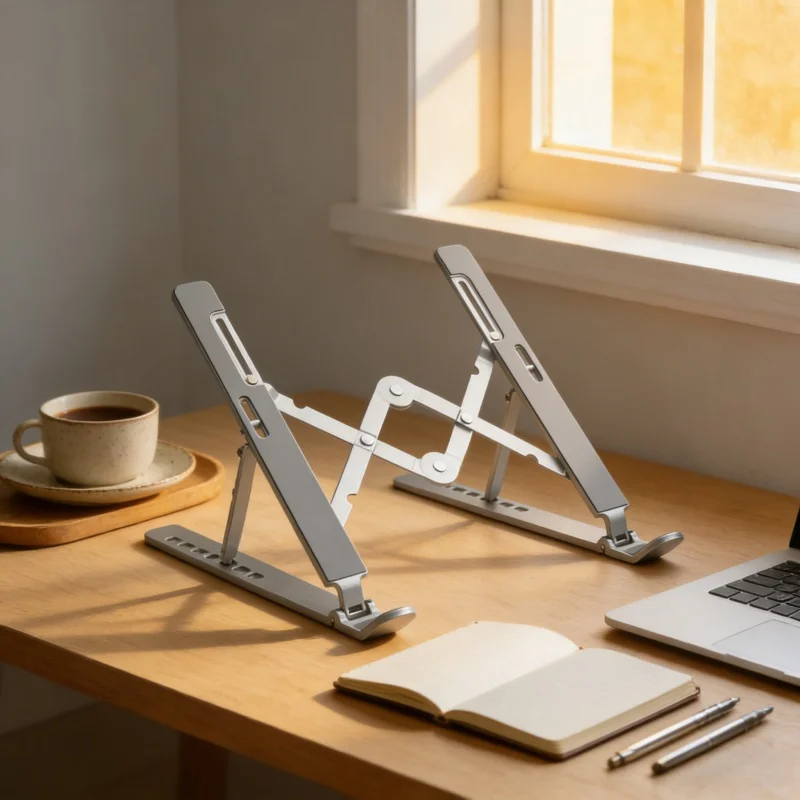
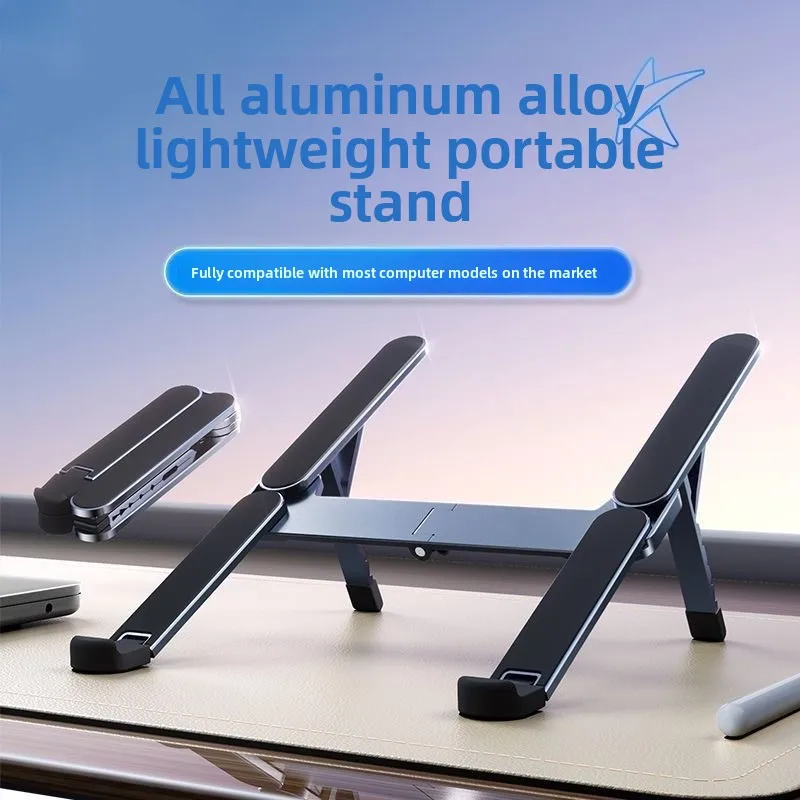
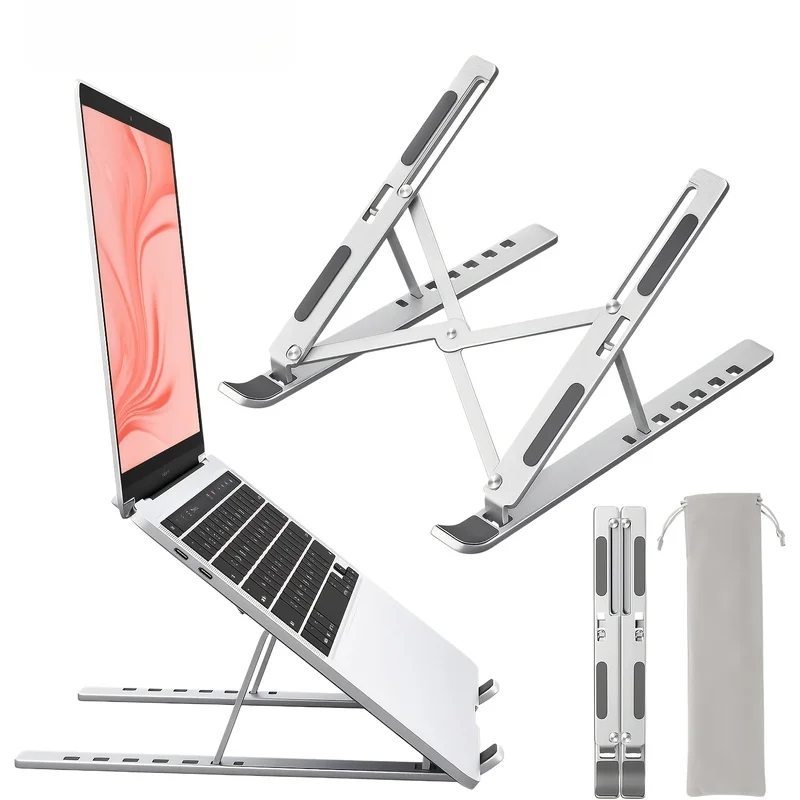
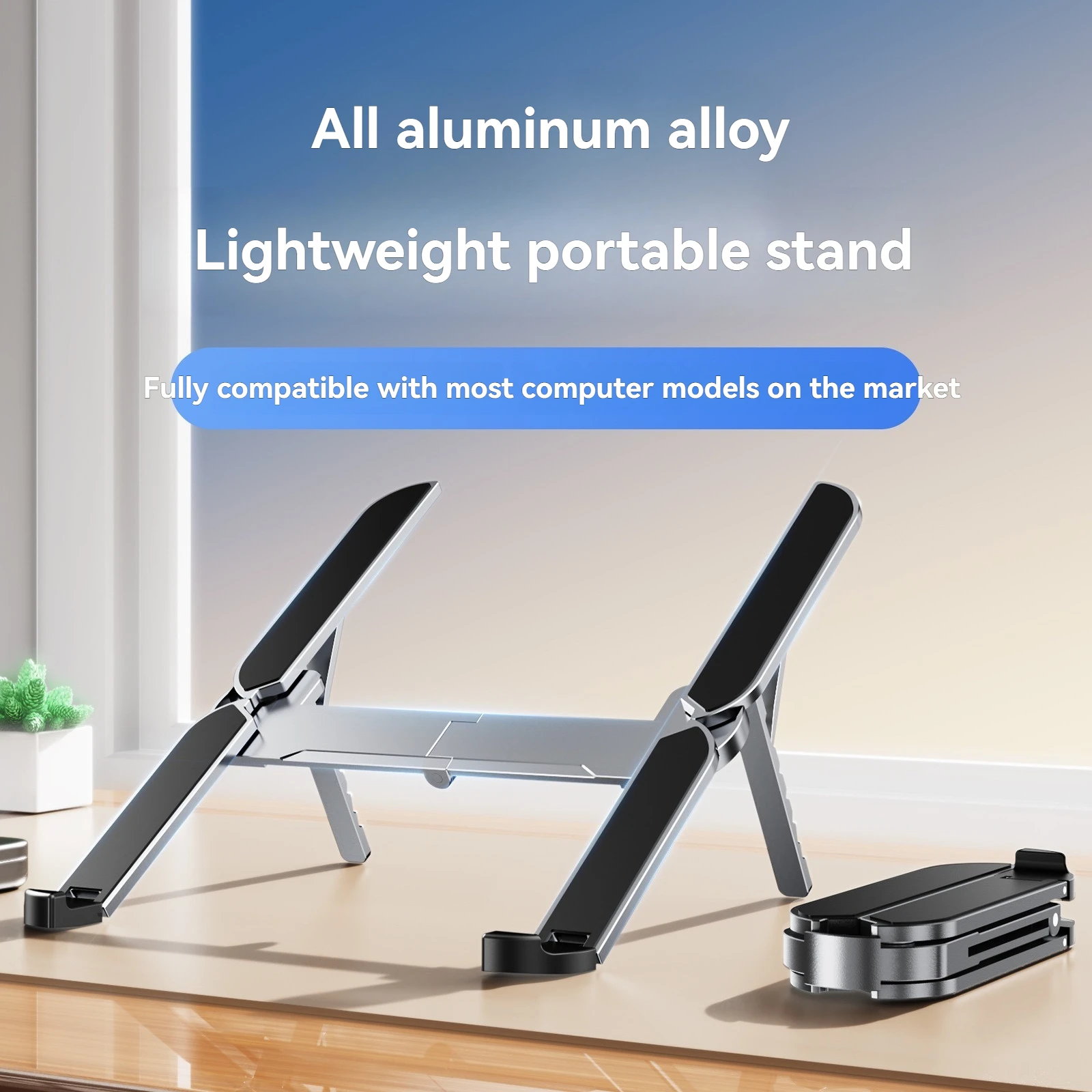
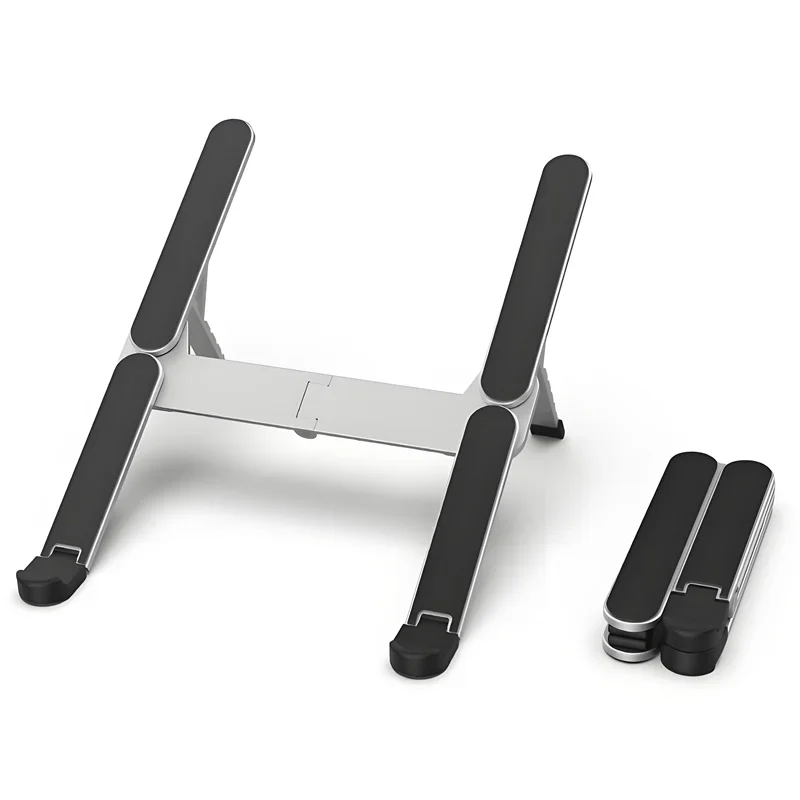
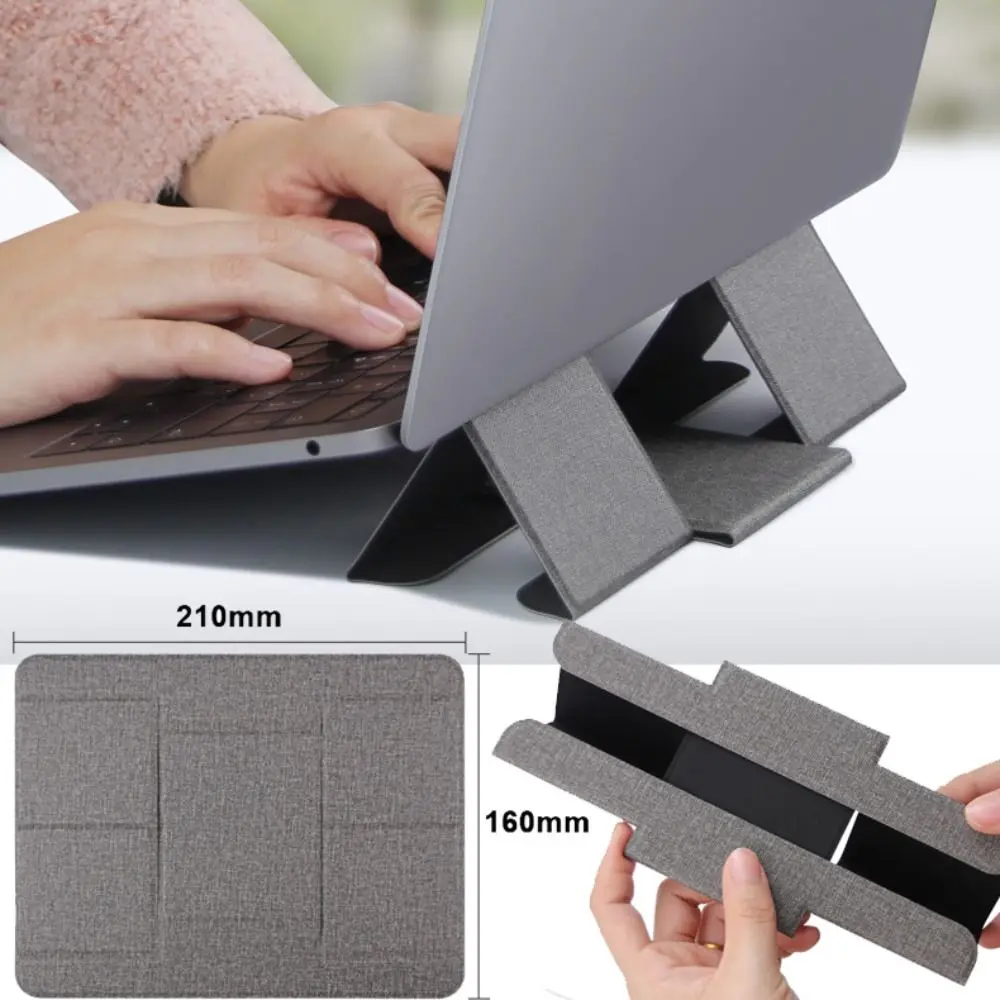
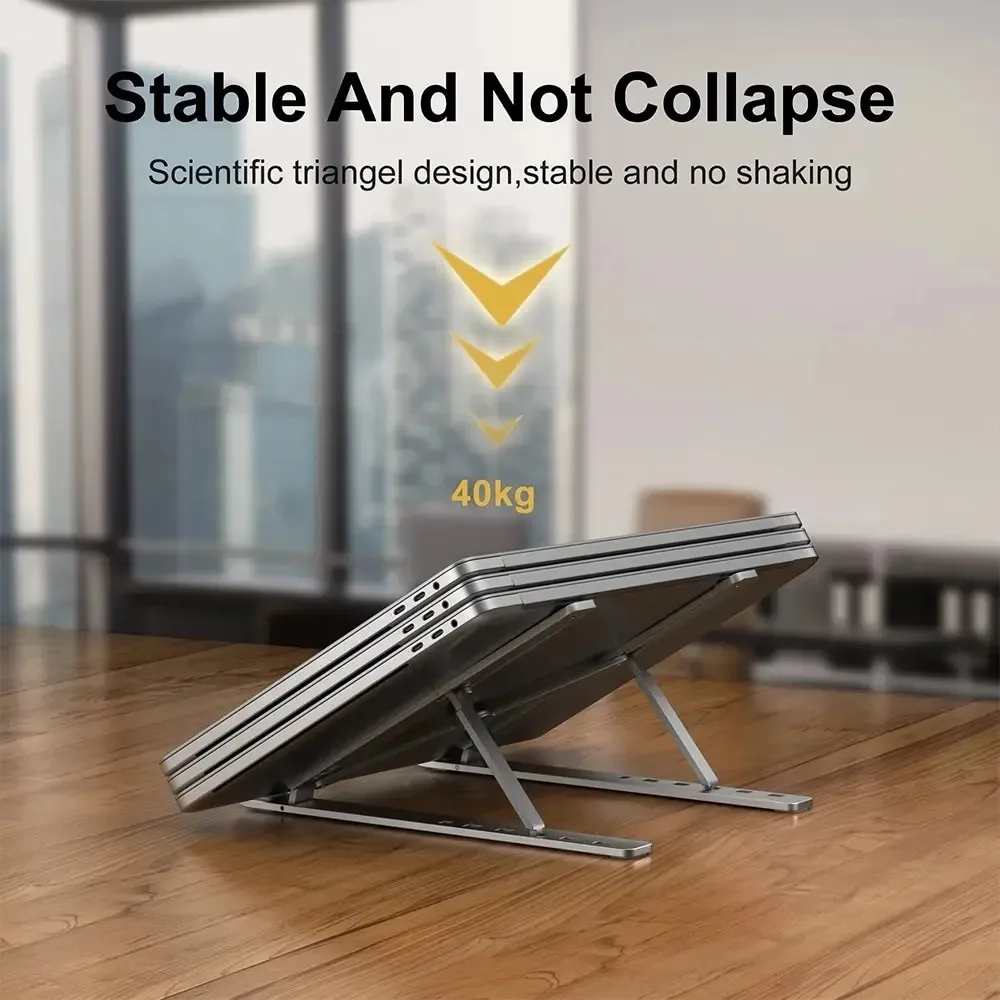
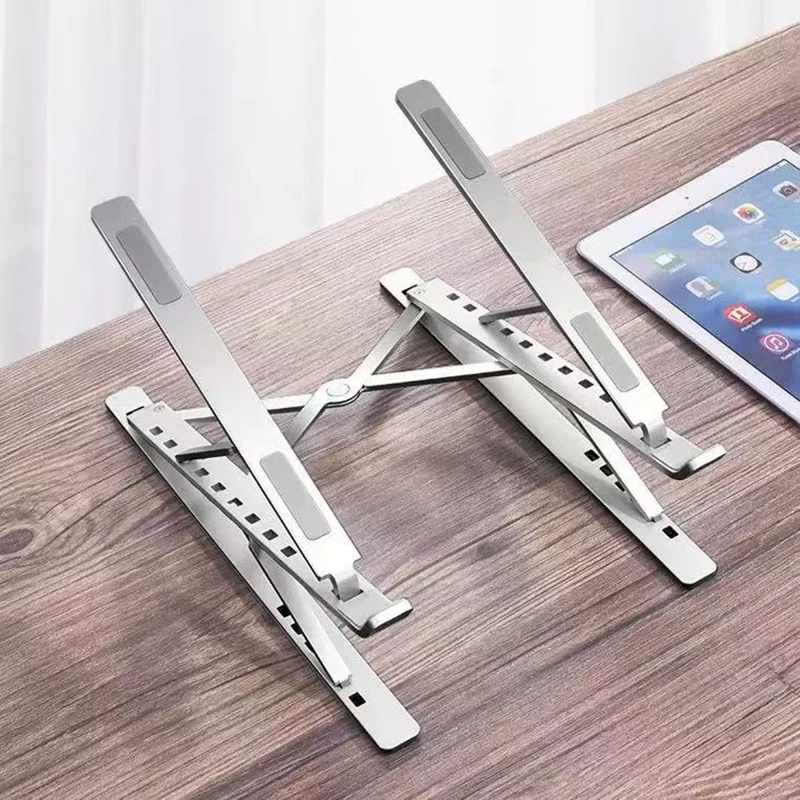
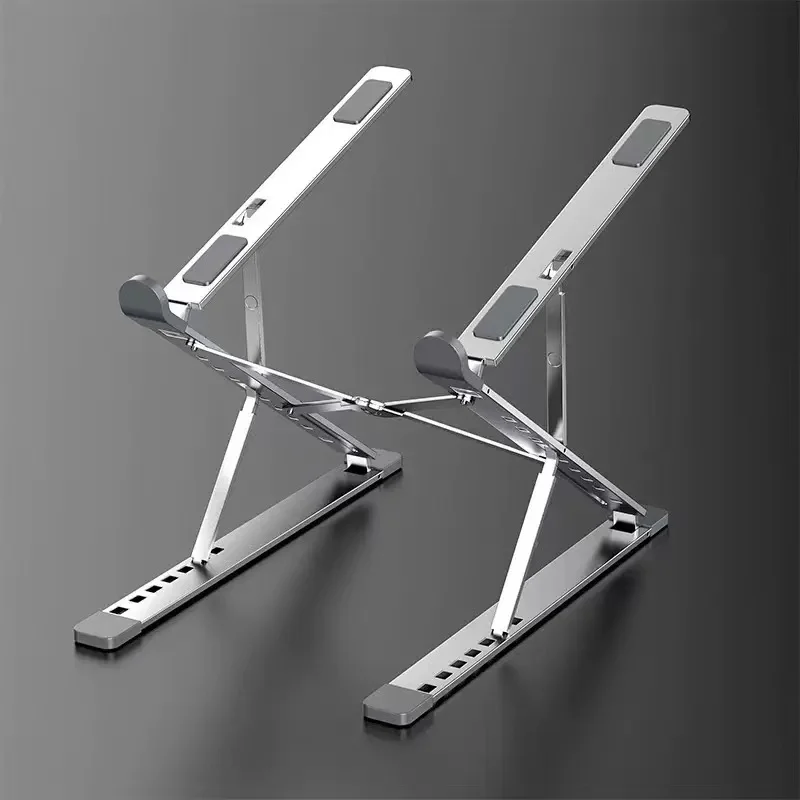
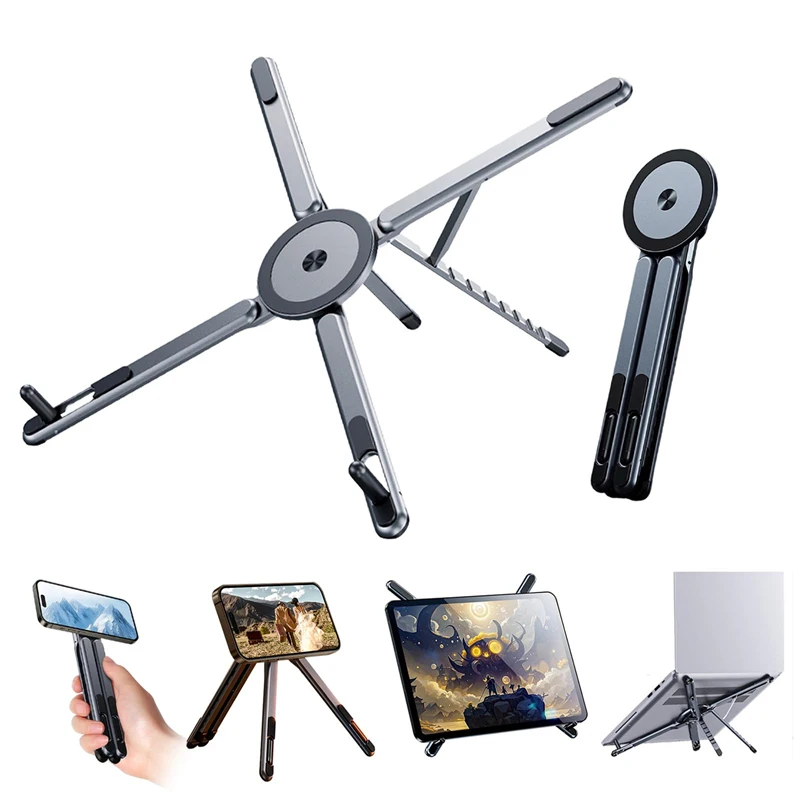
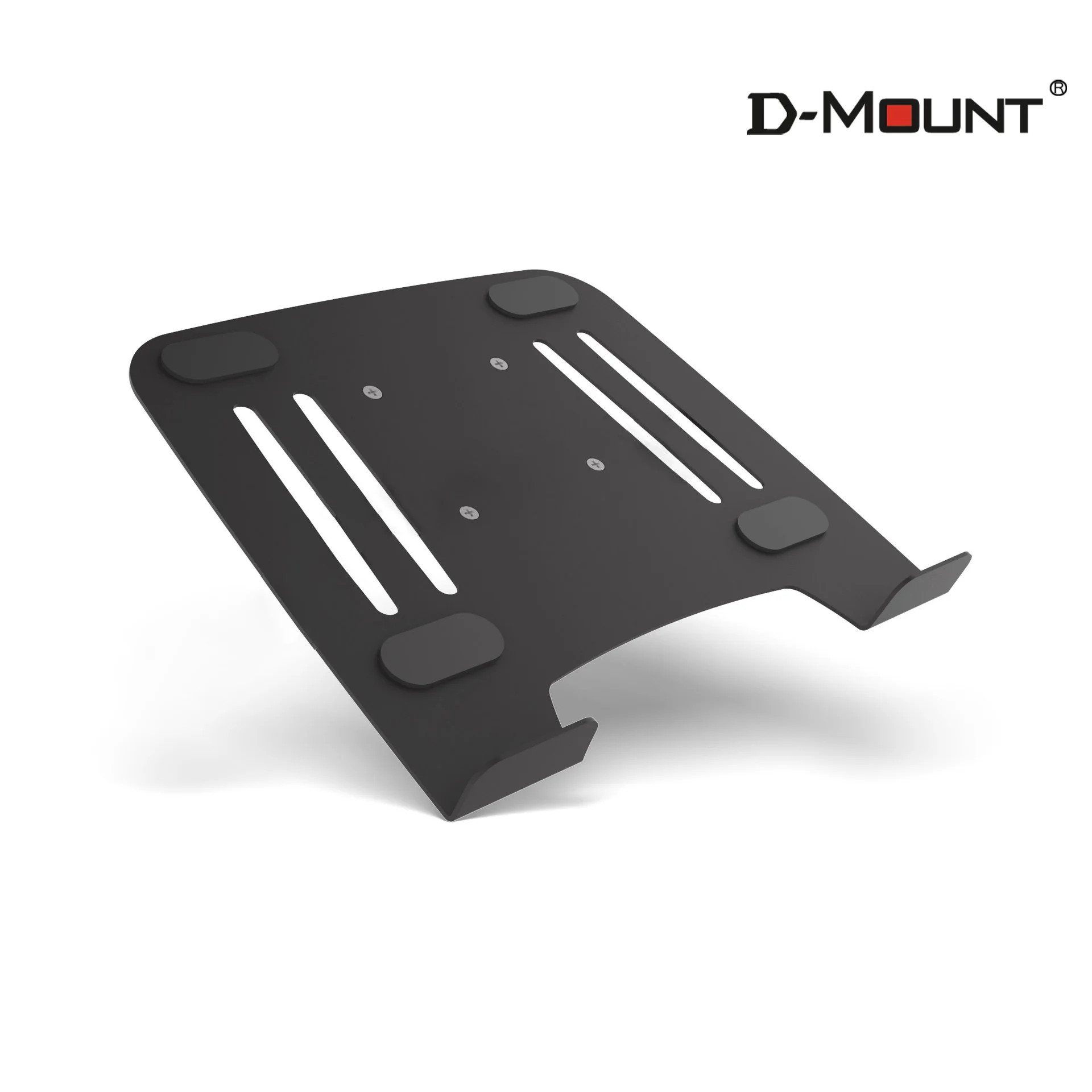
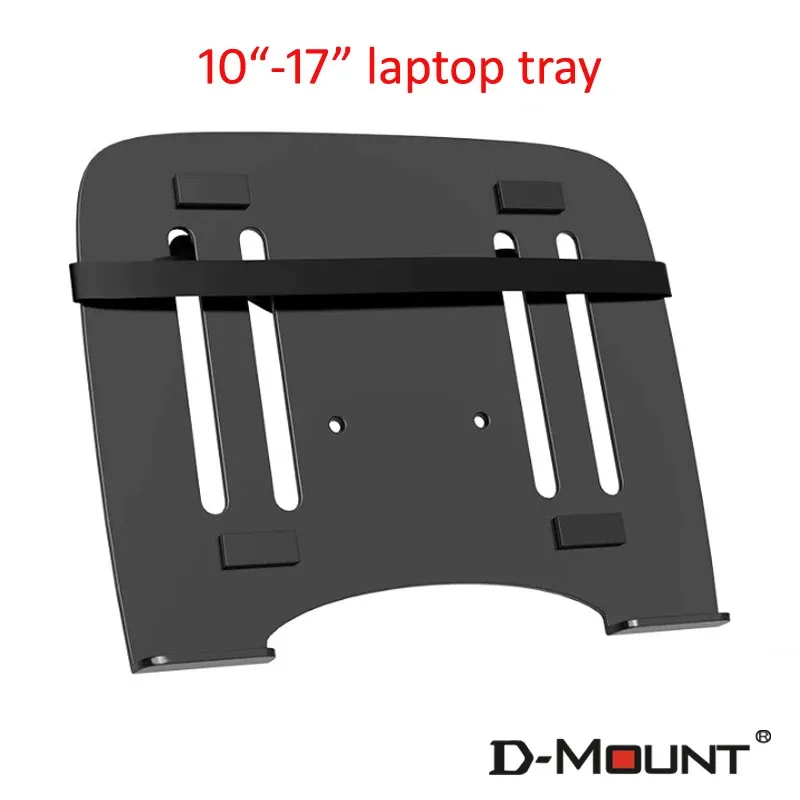
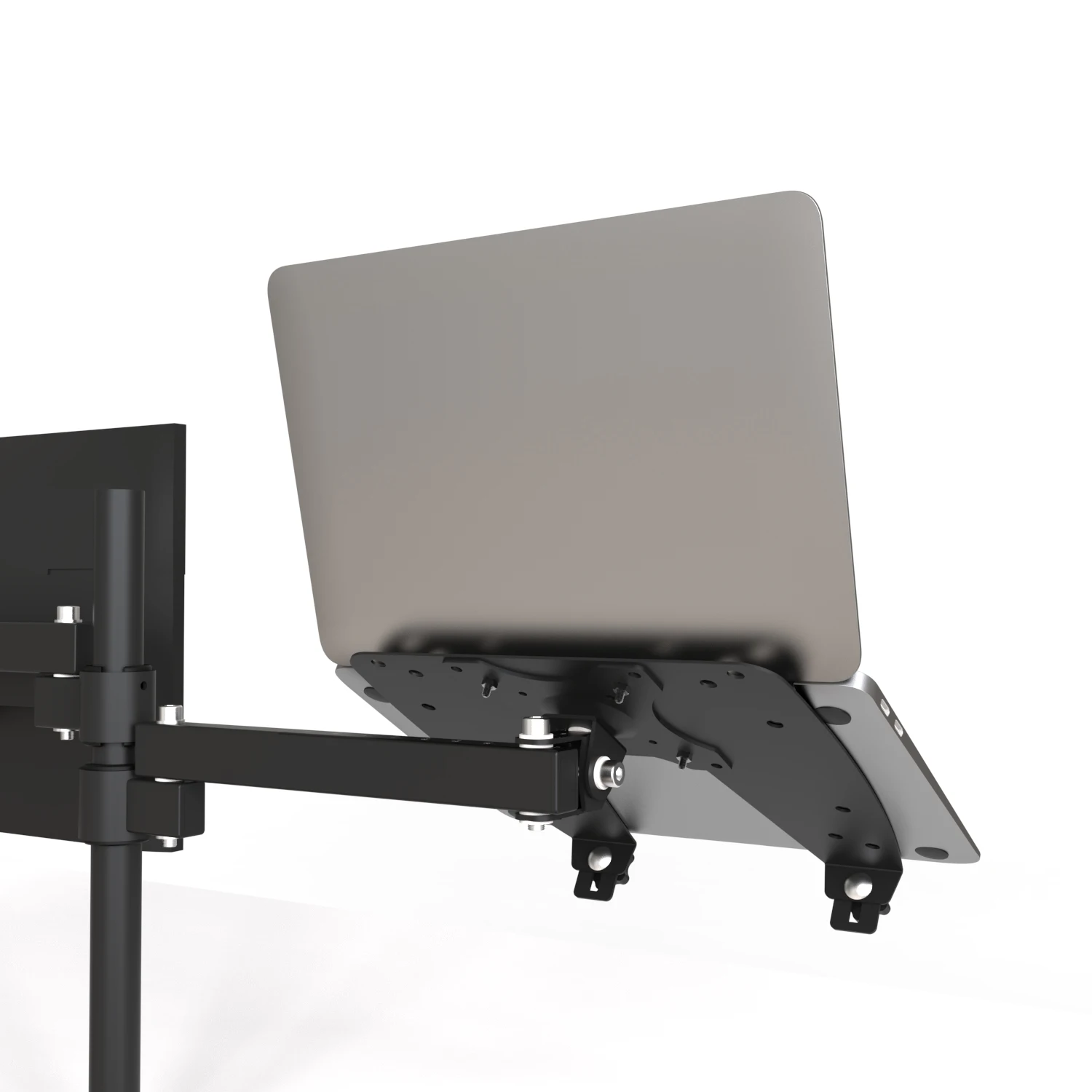
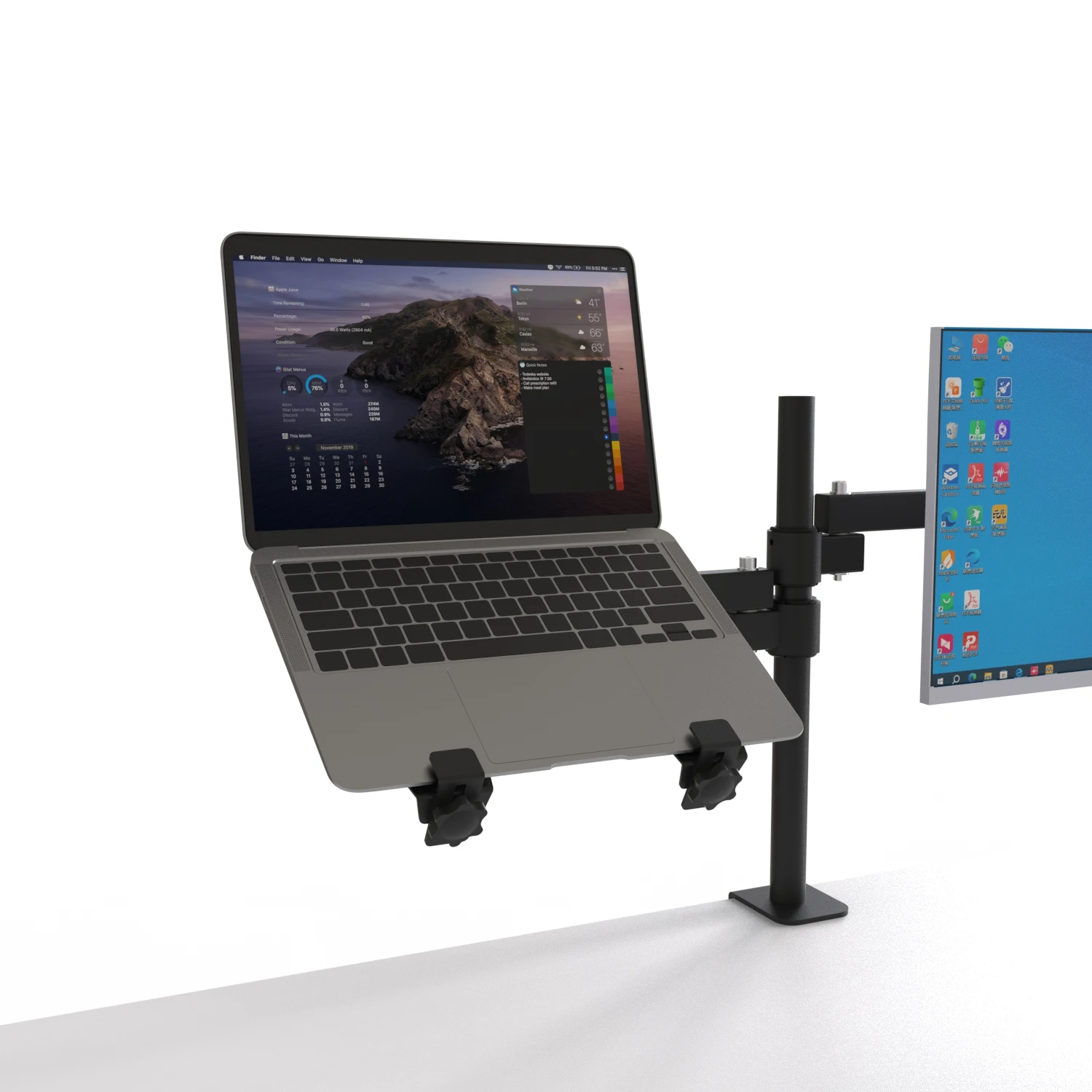
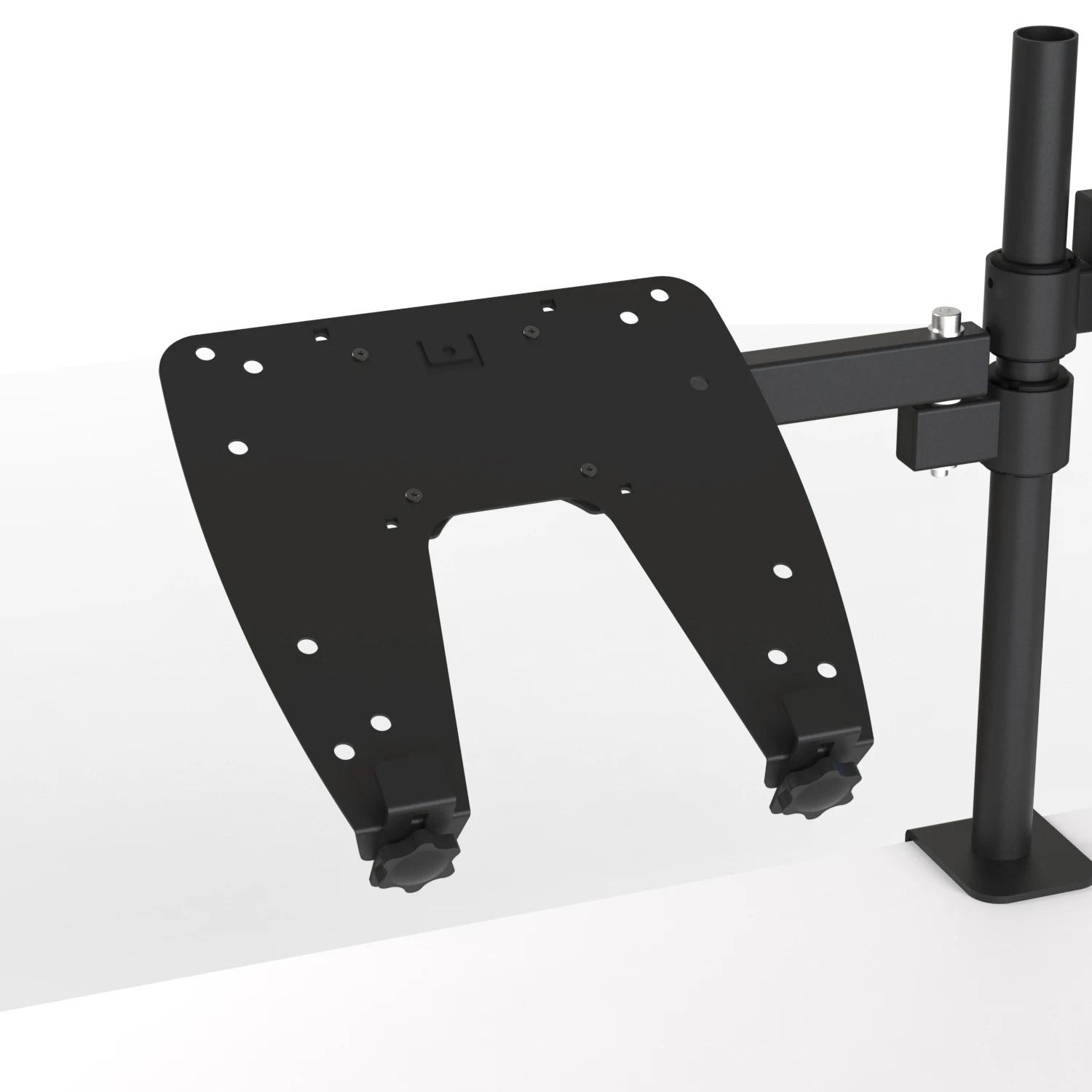
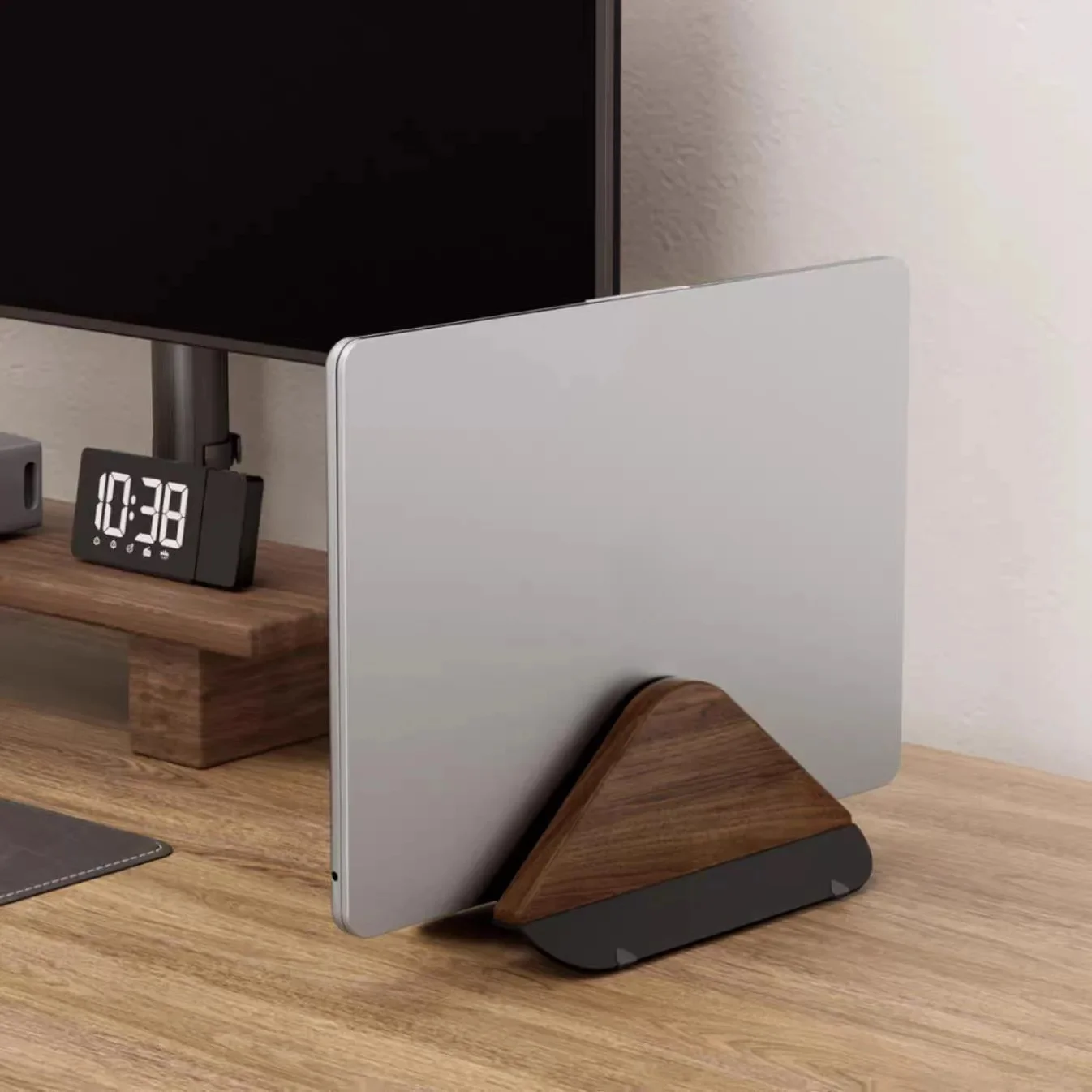
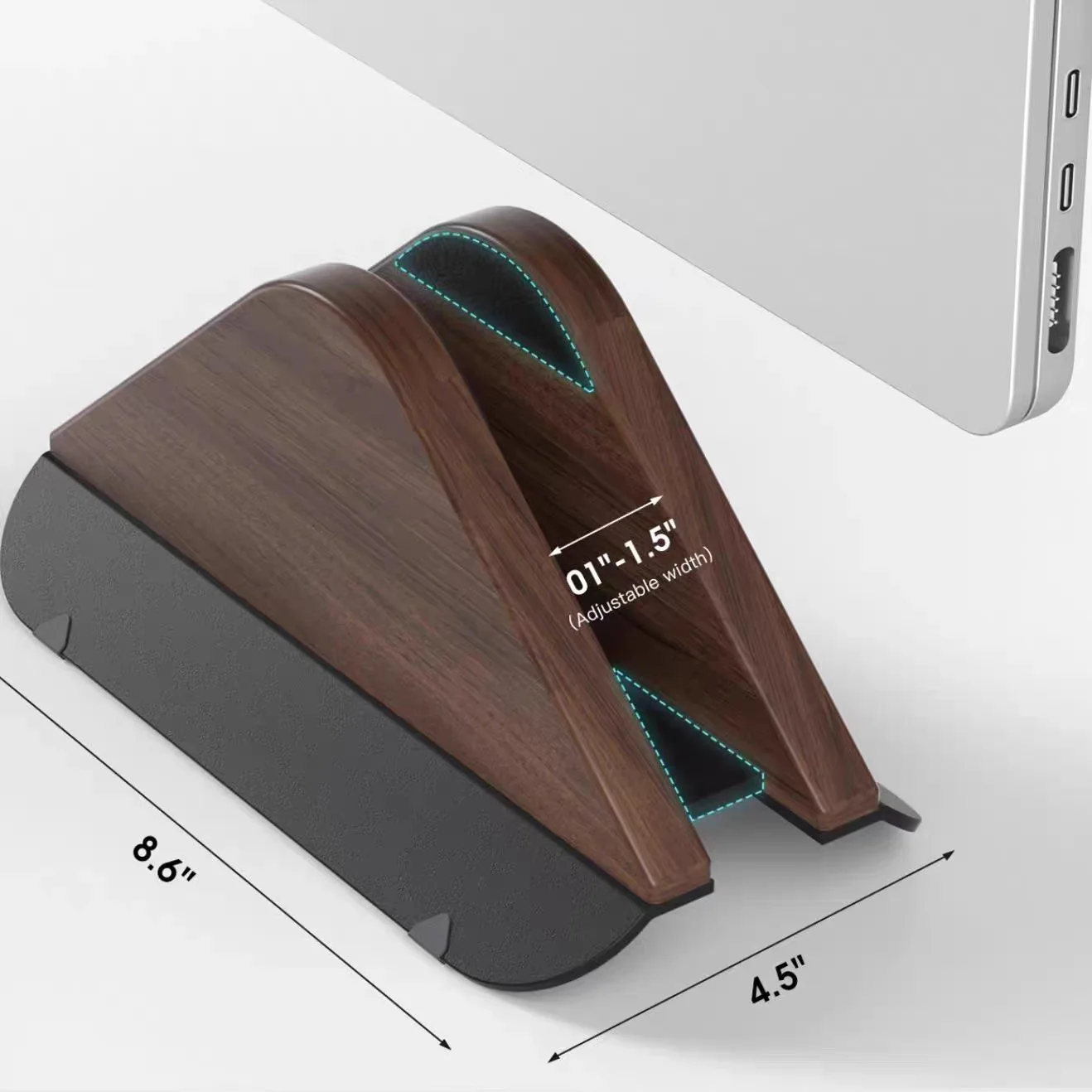
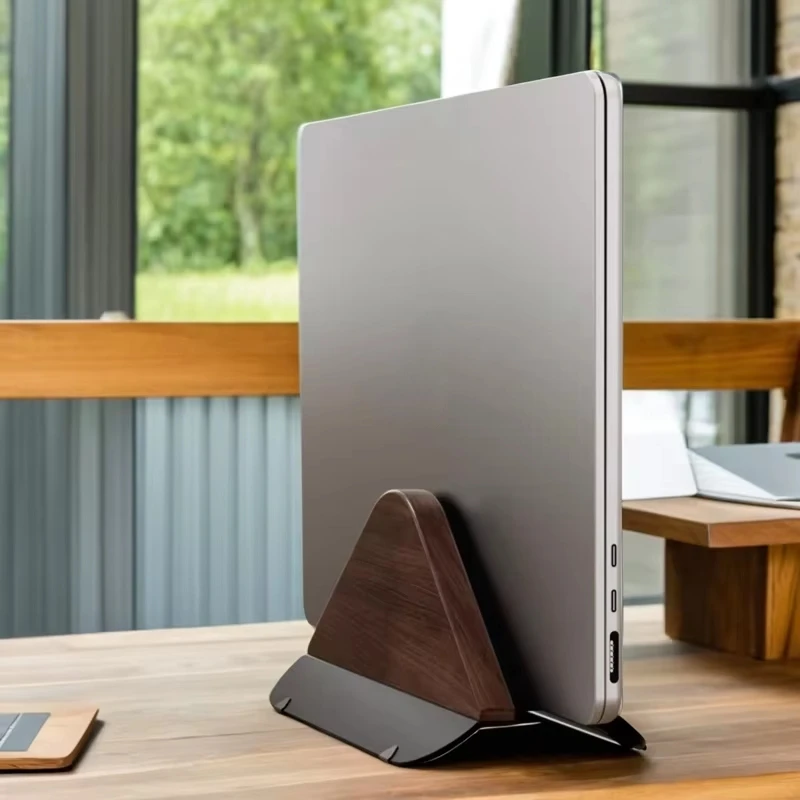
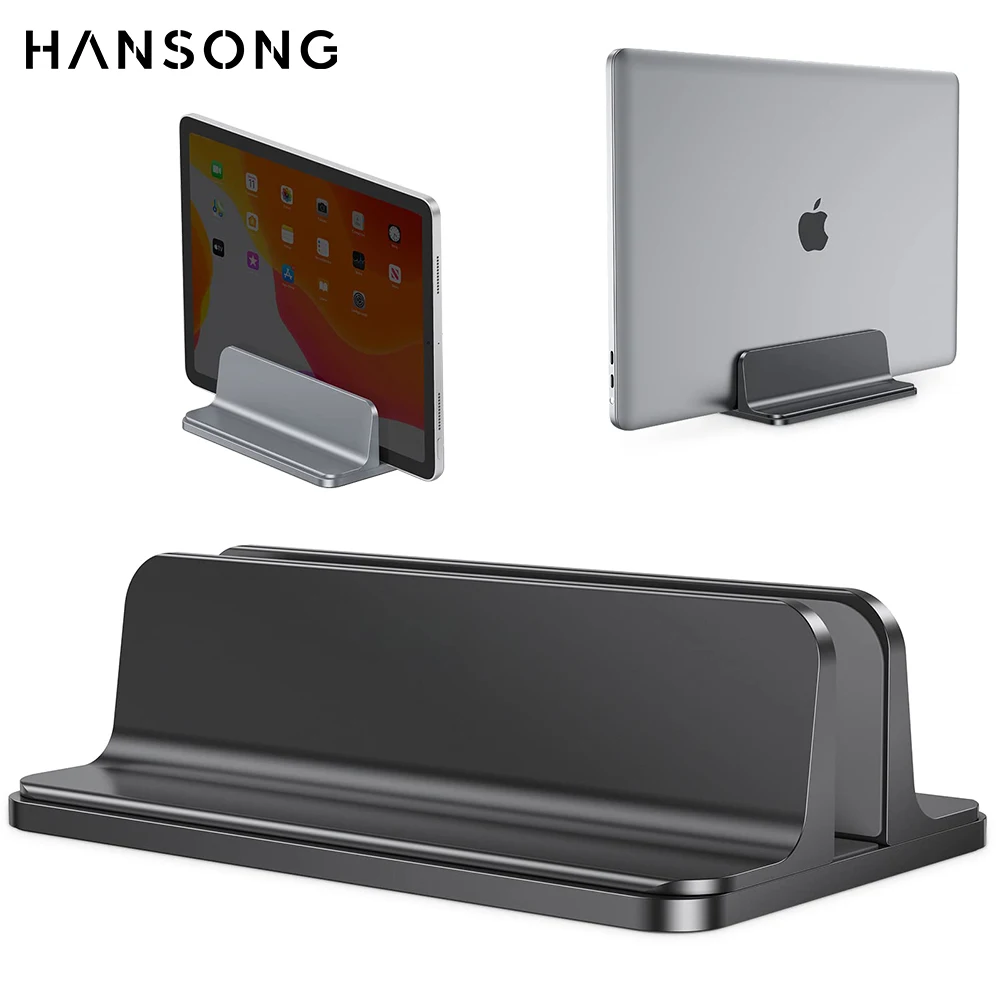
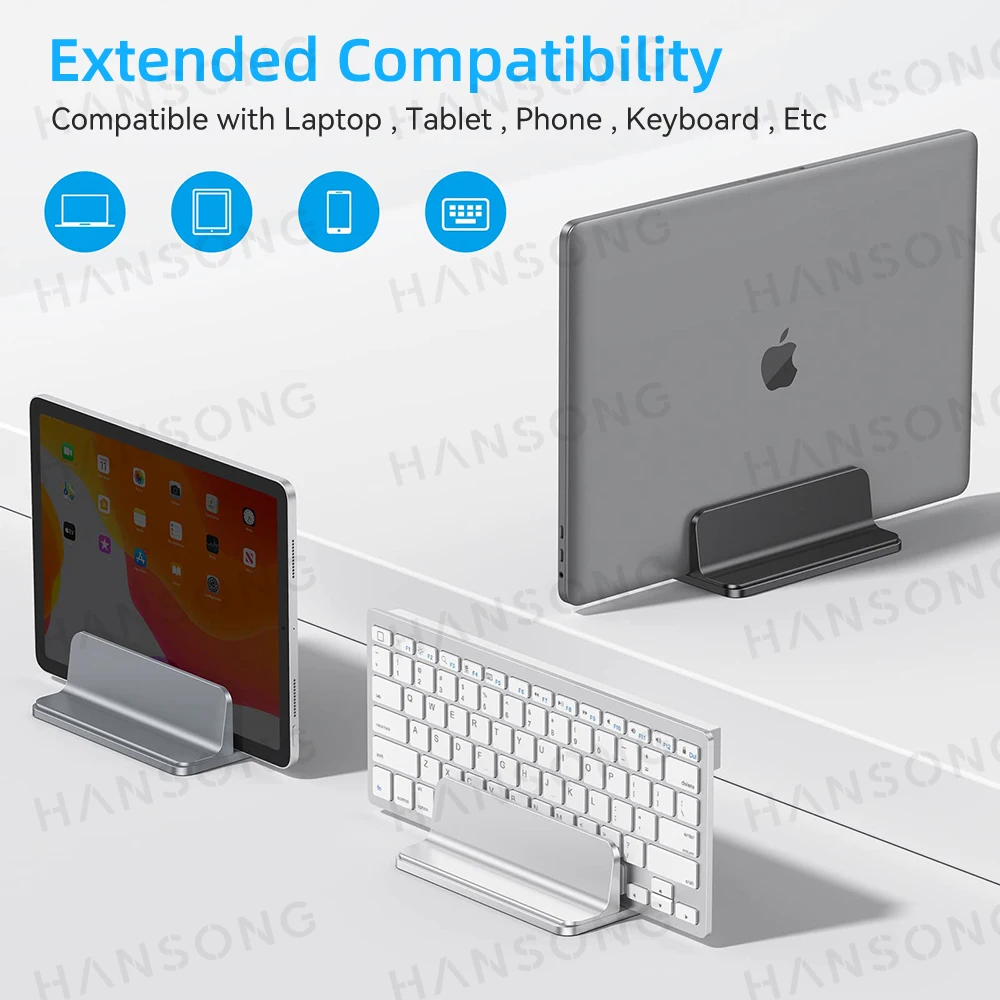
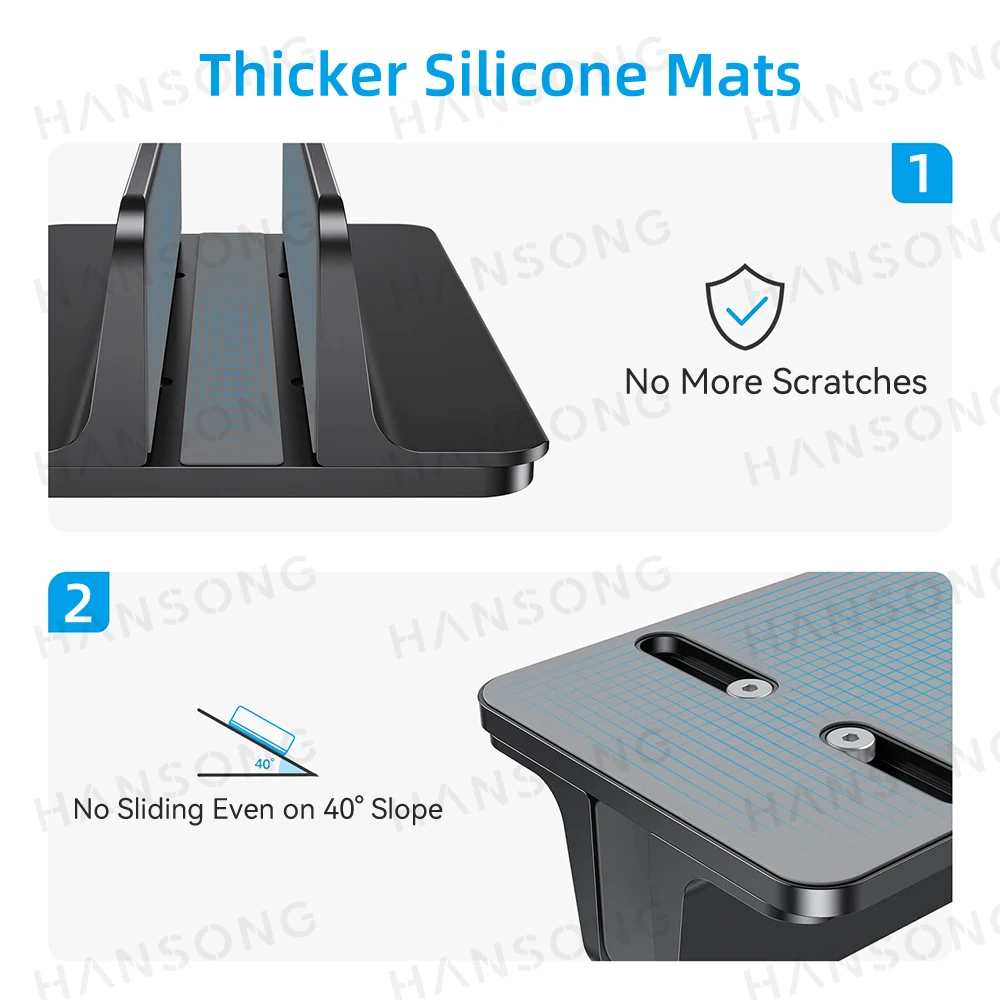
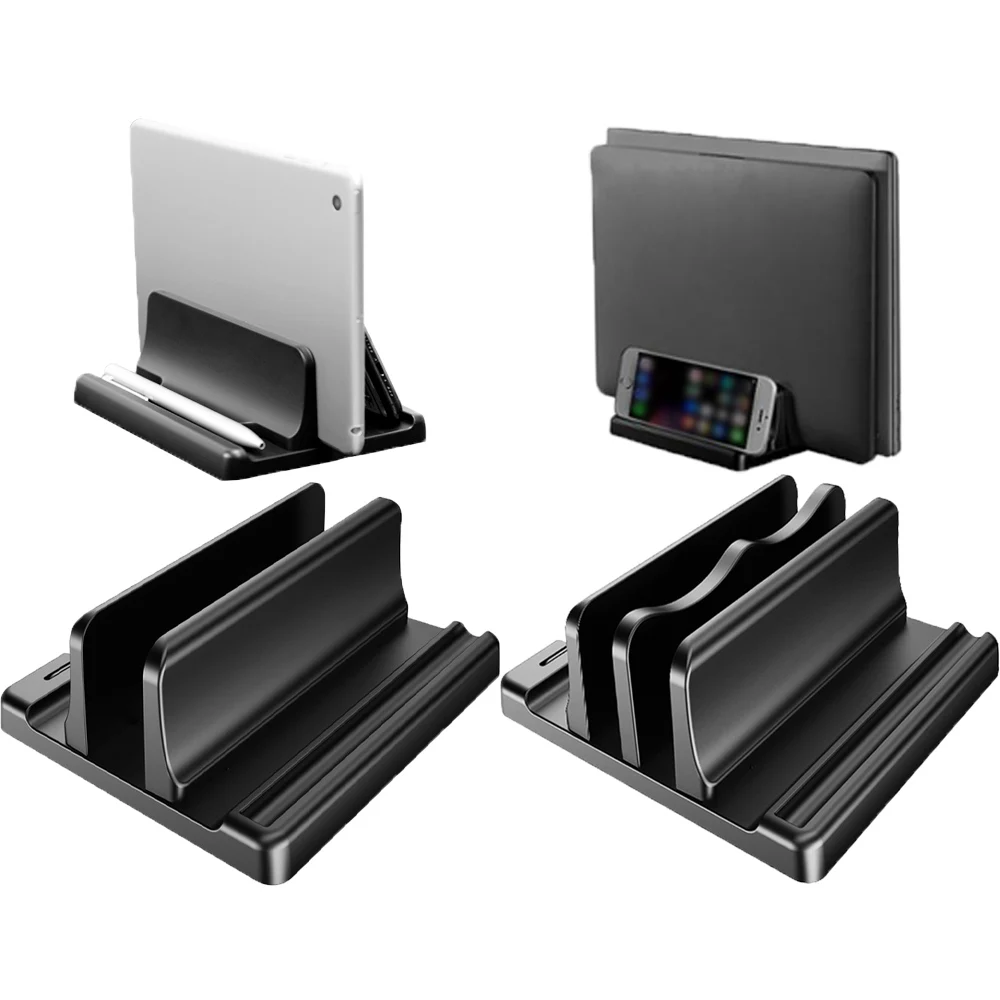
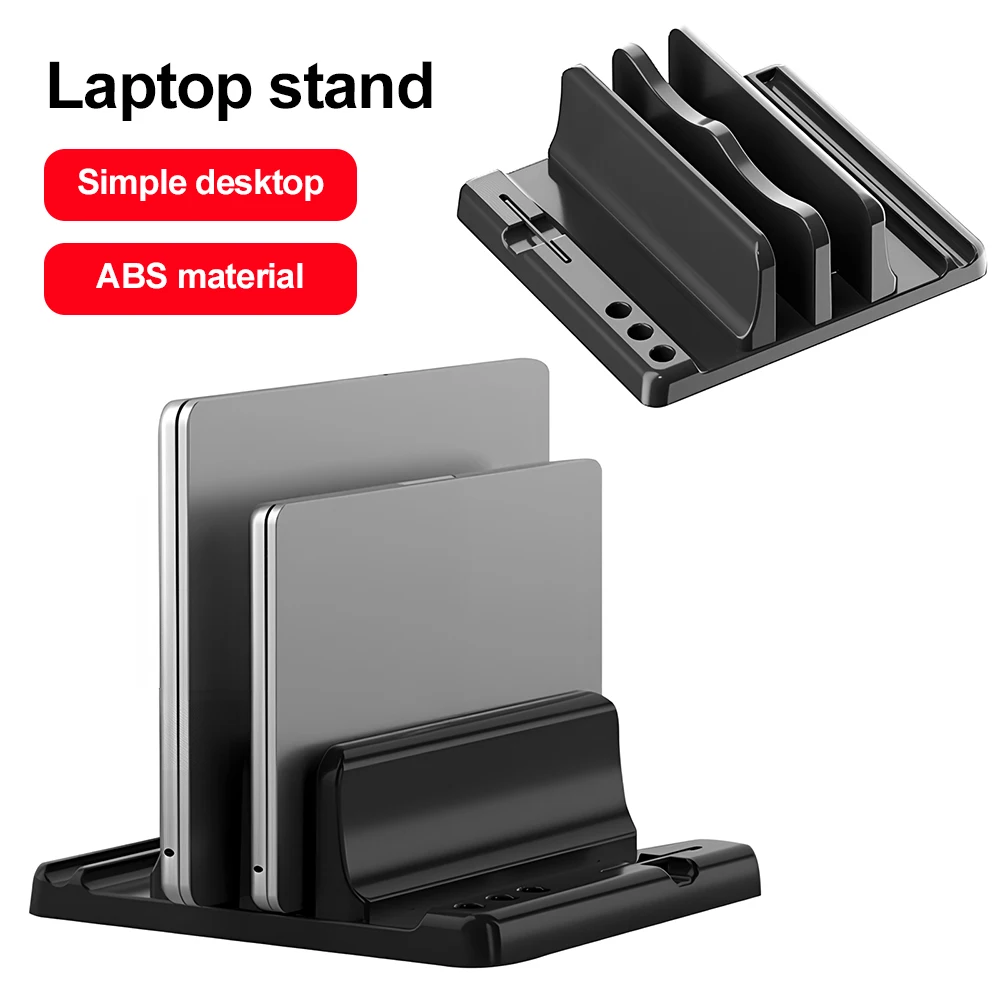
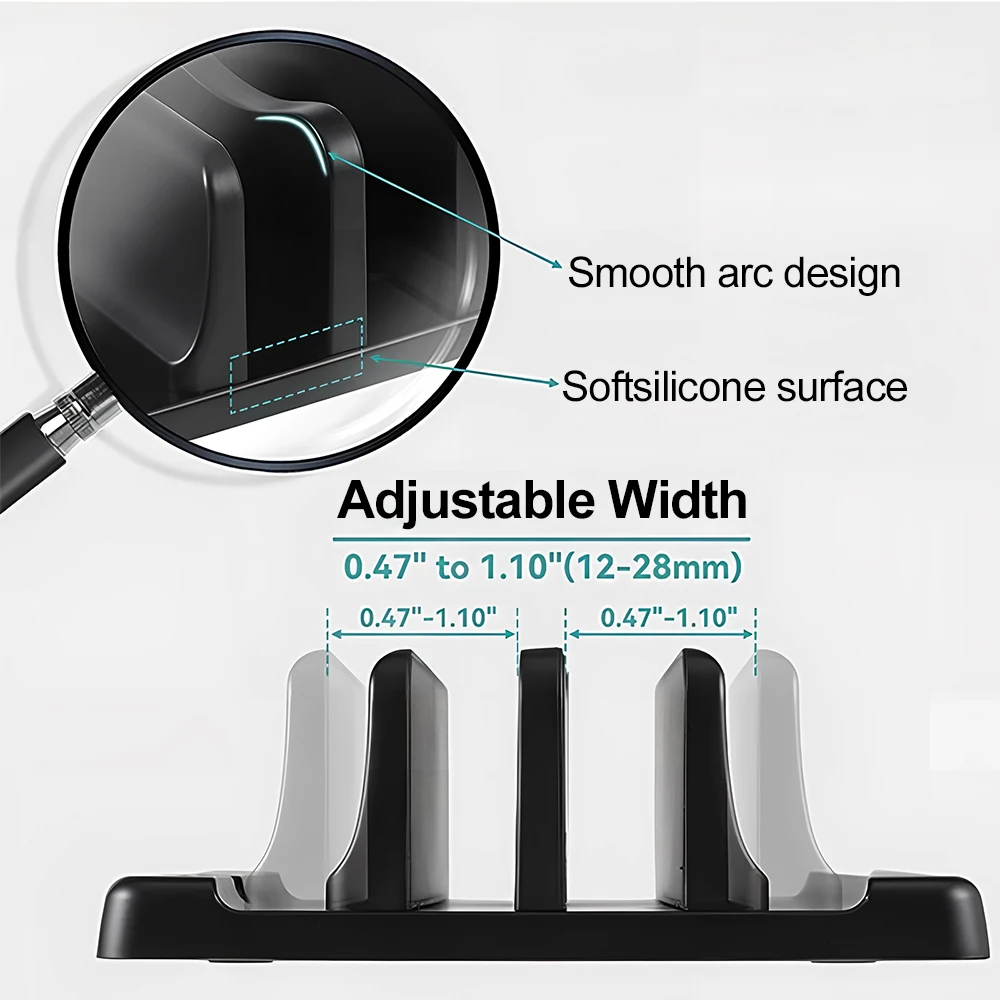
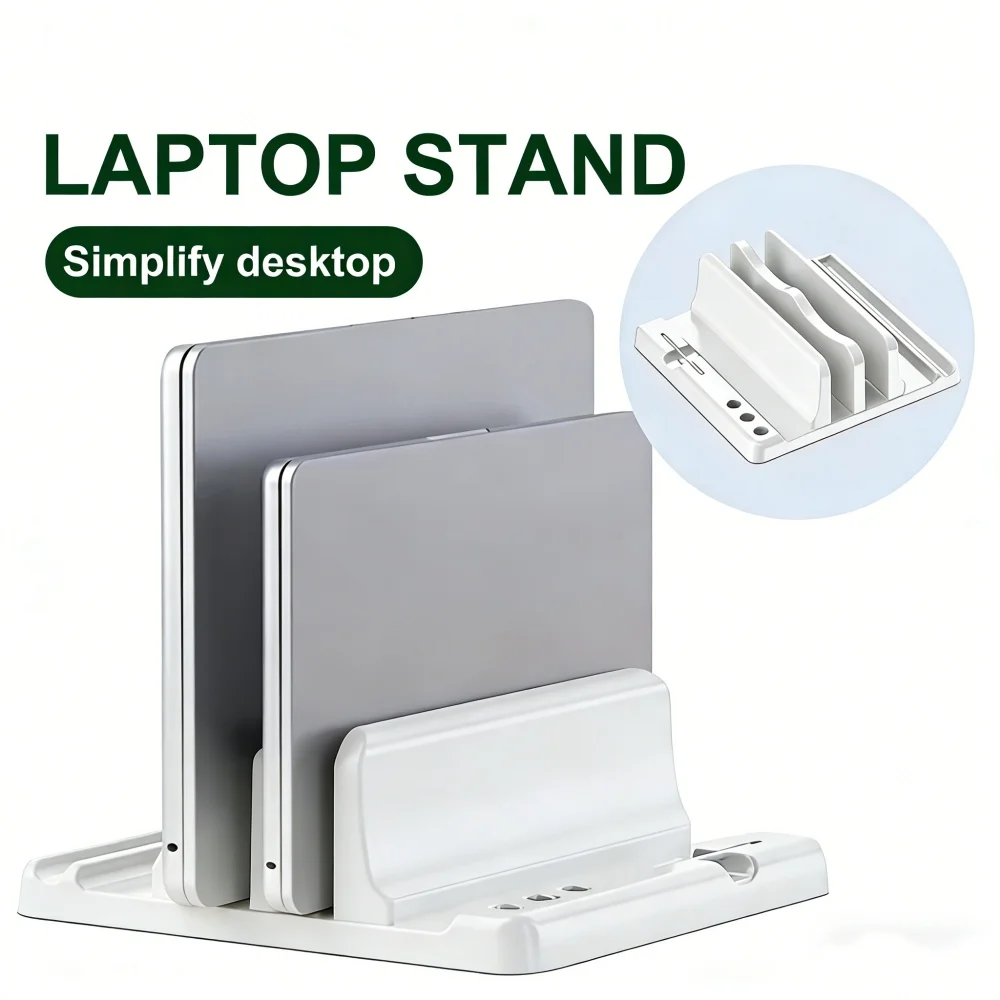
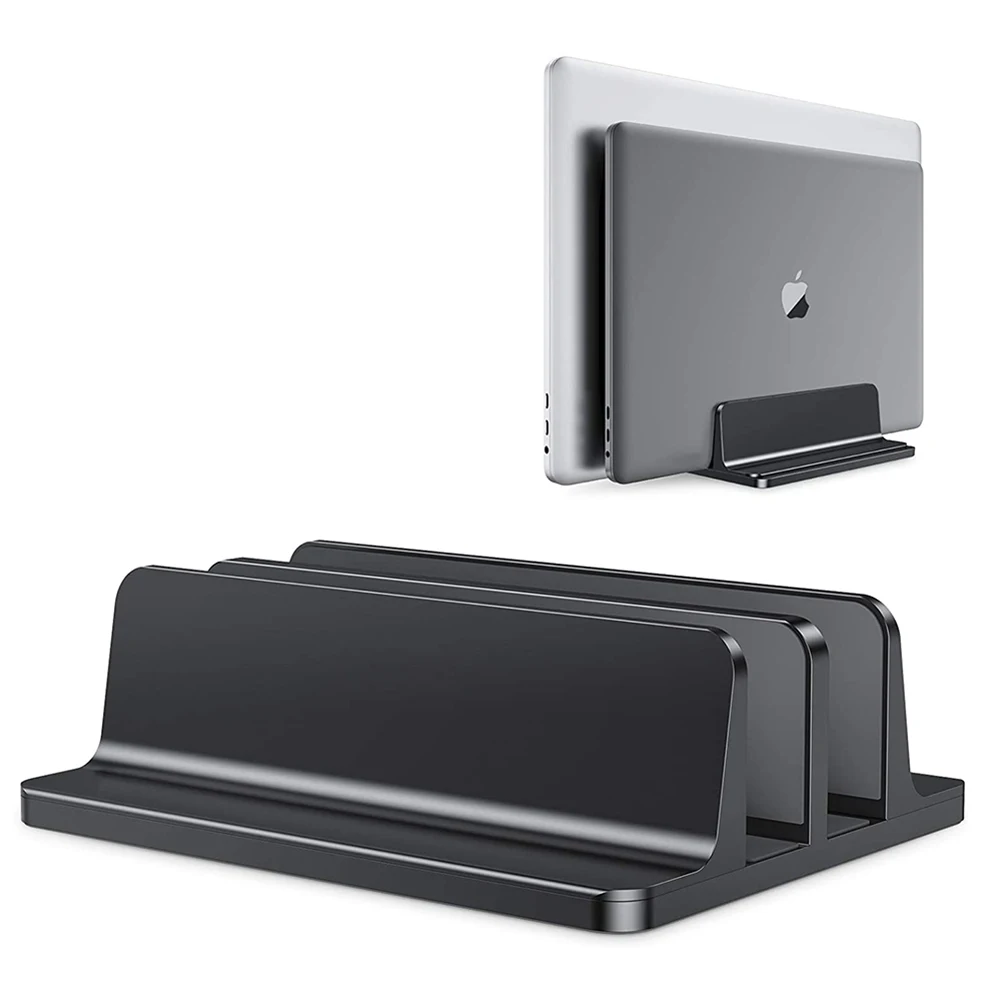
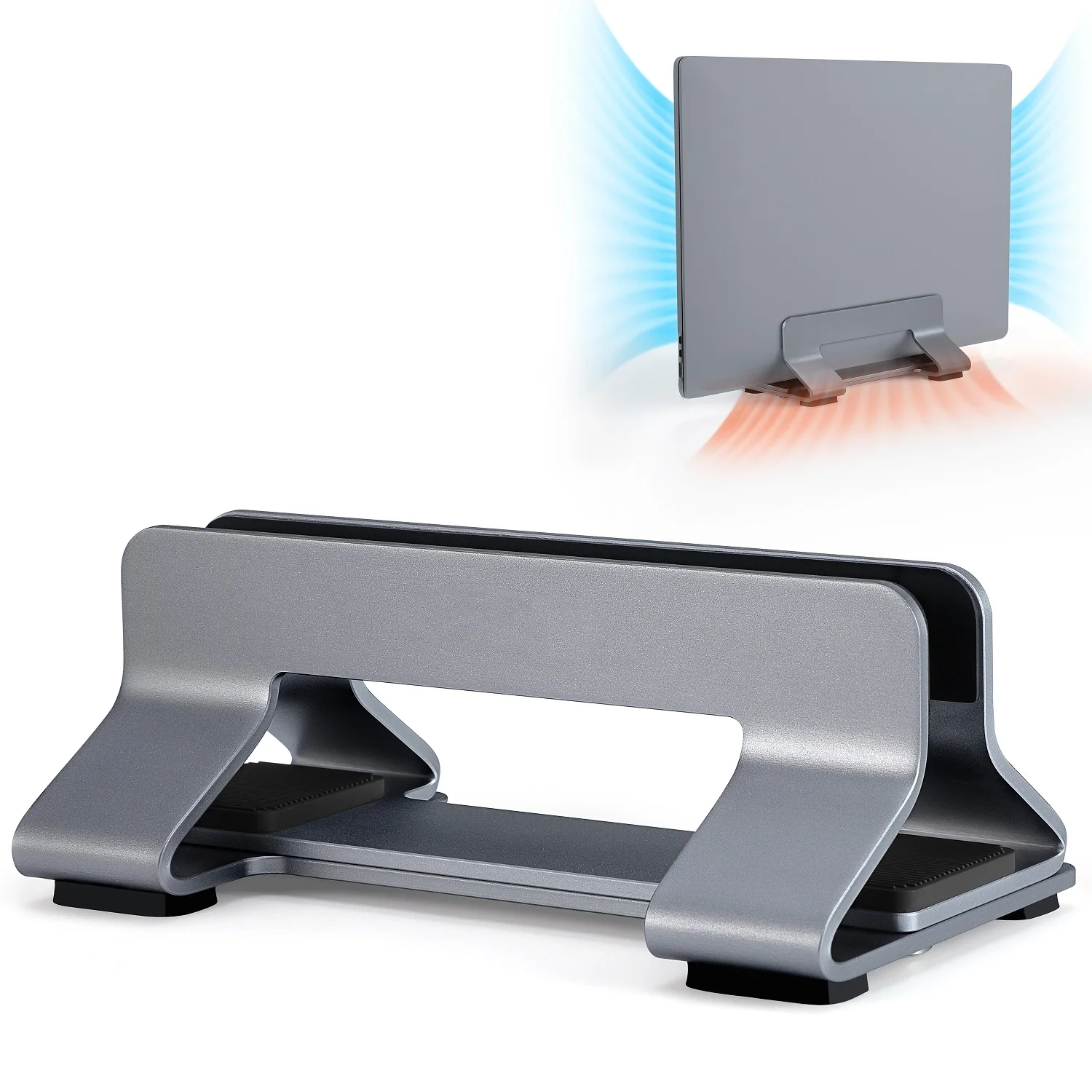
The kinds of stand in this department
How to choose
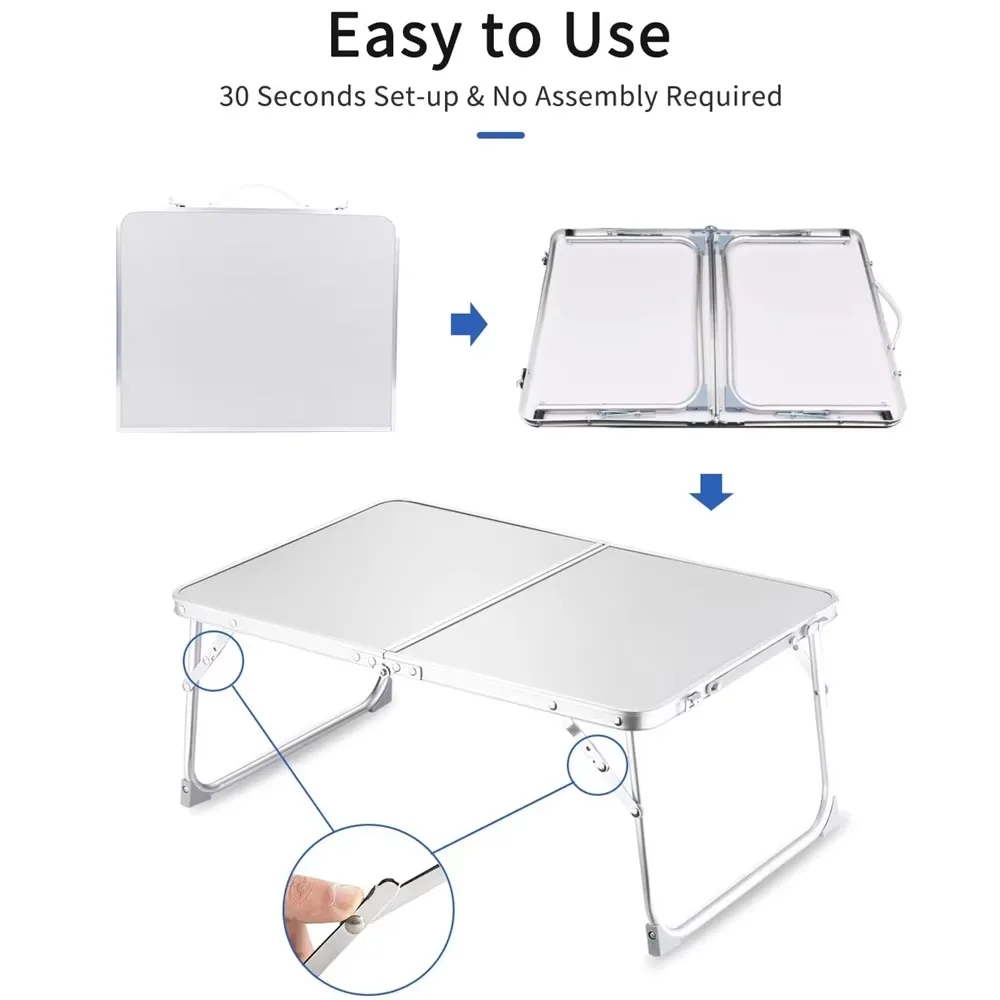
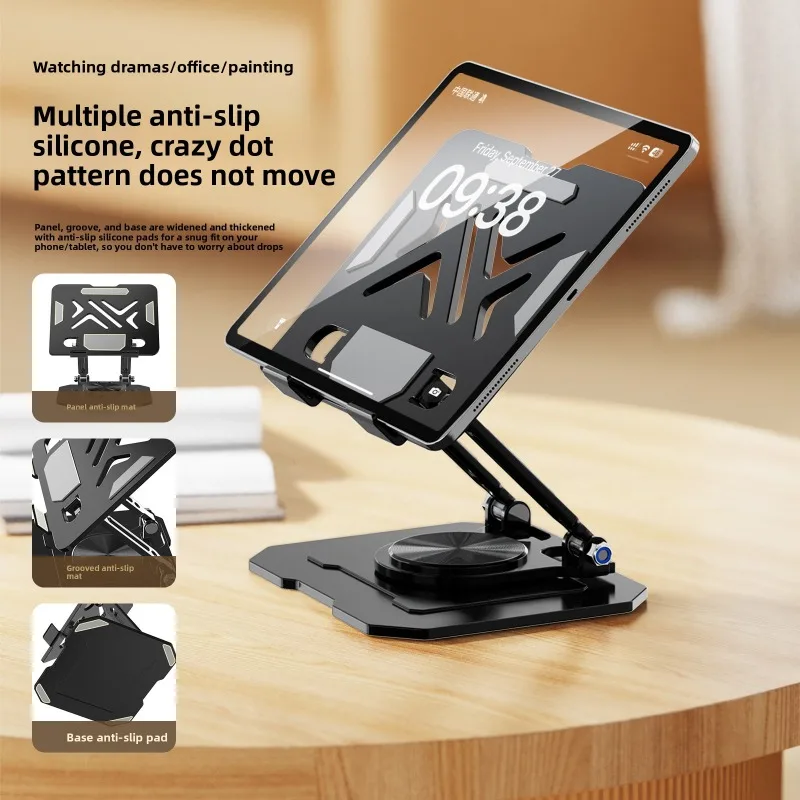
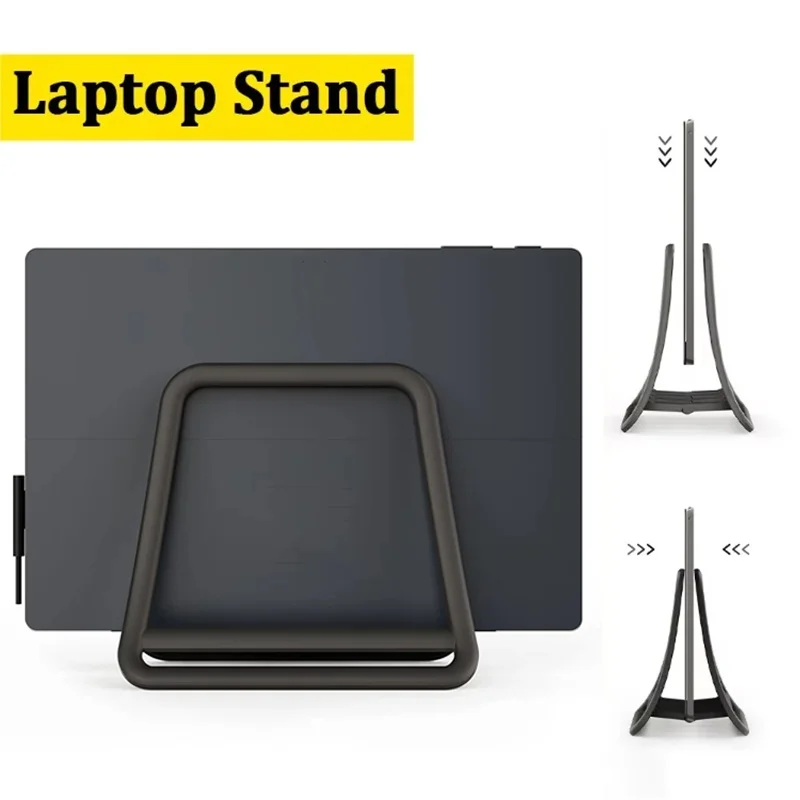
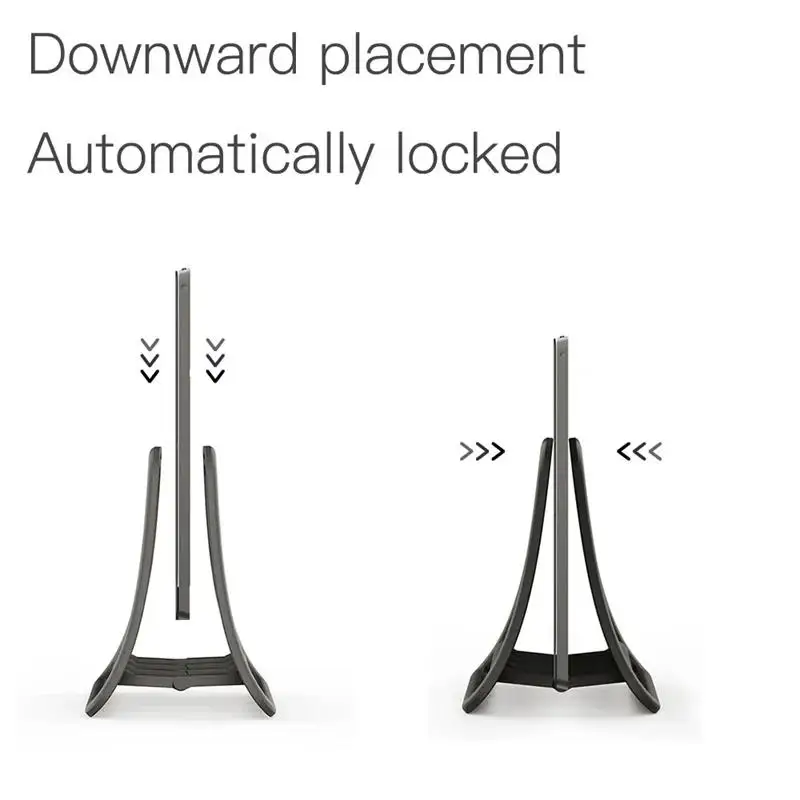
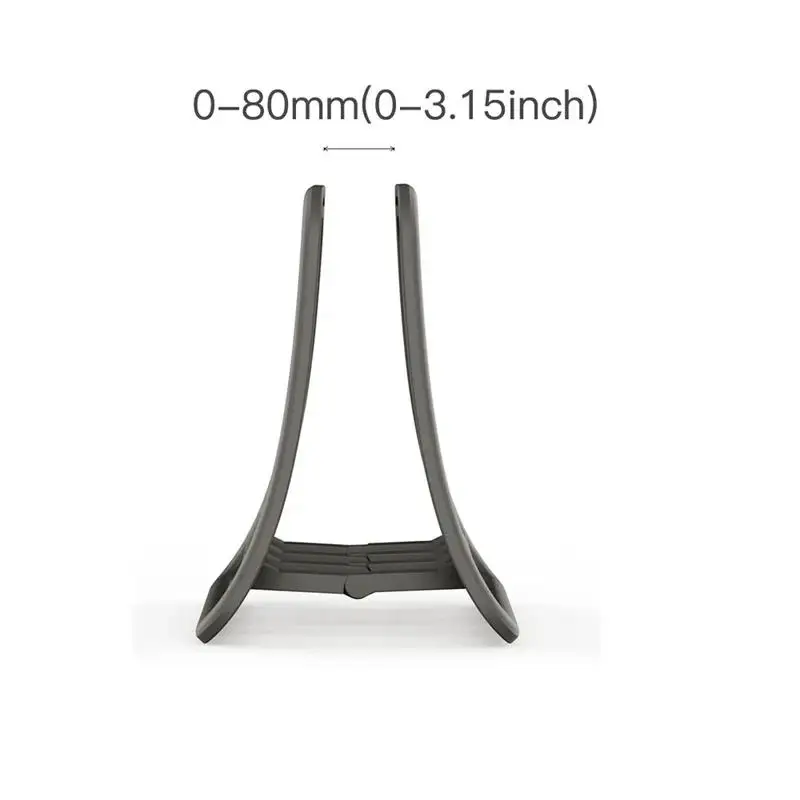
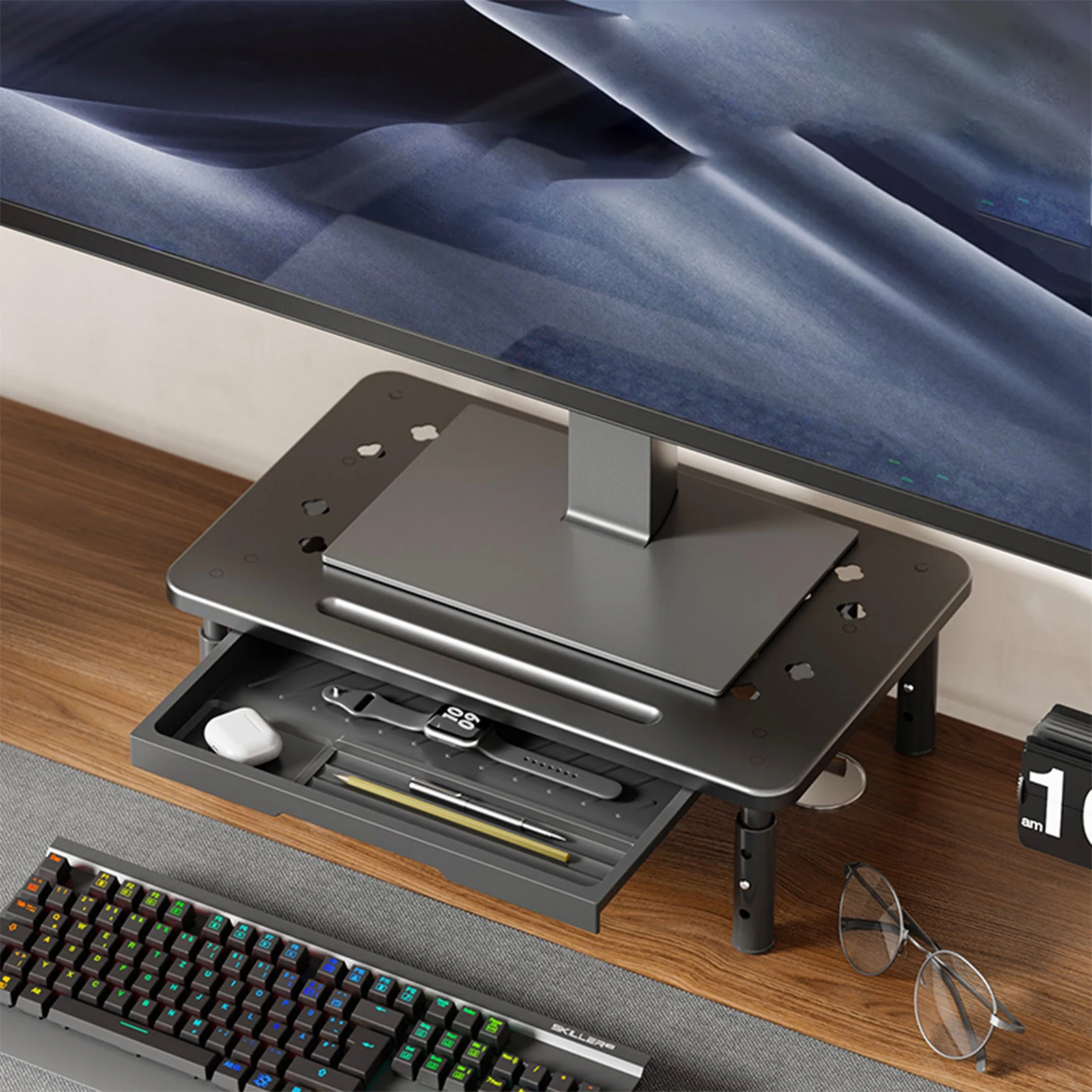
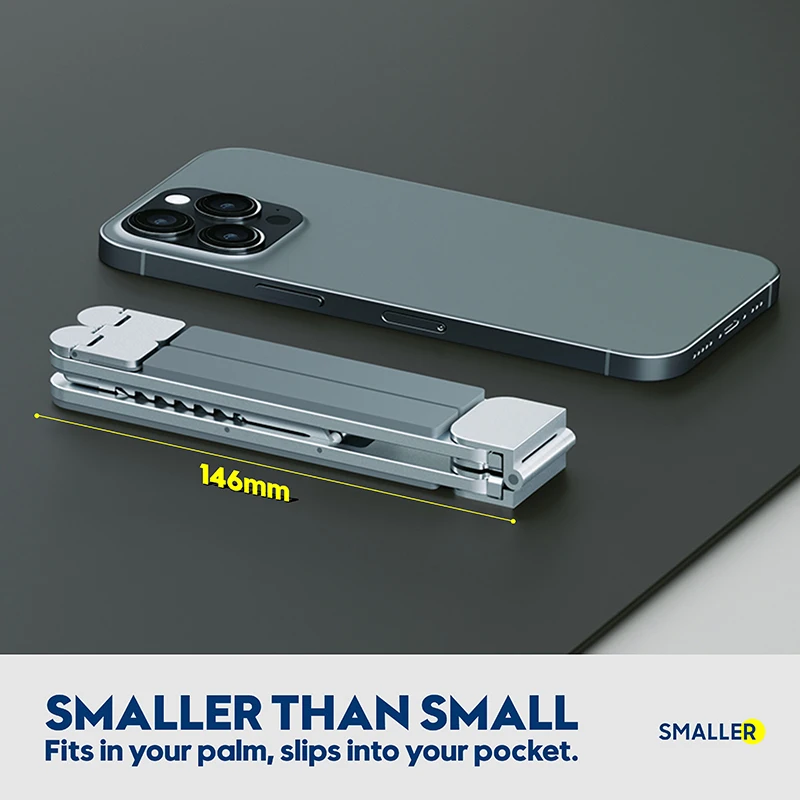
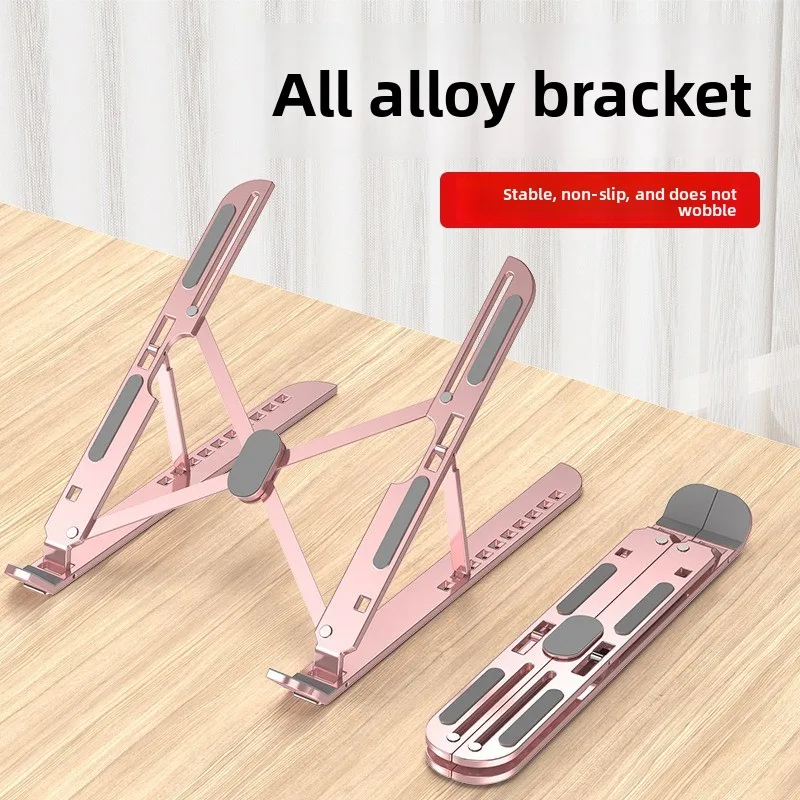
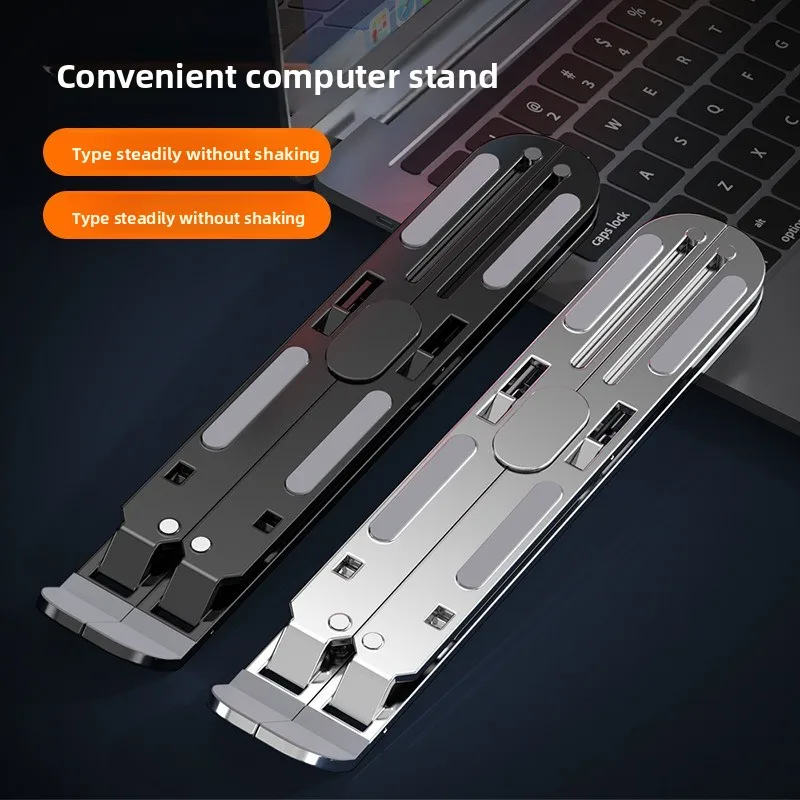
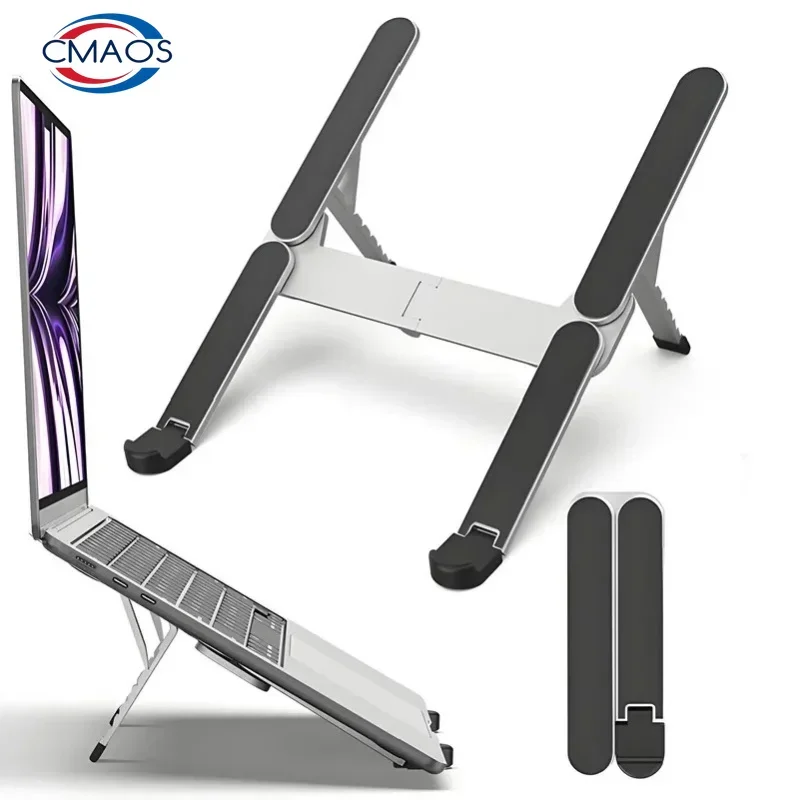
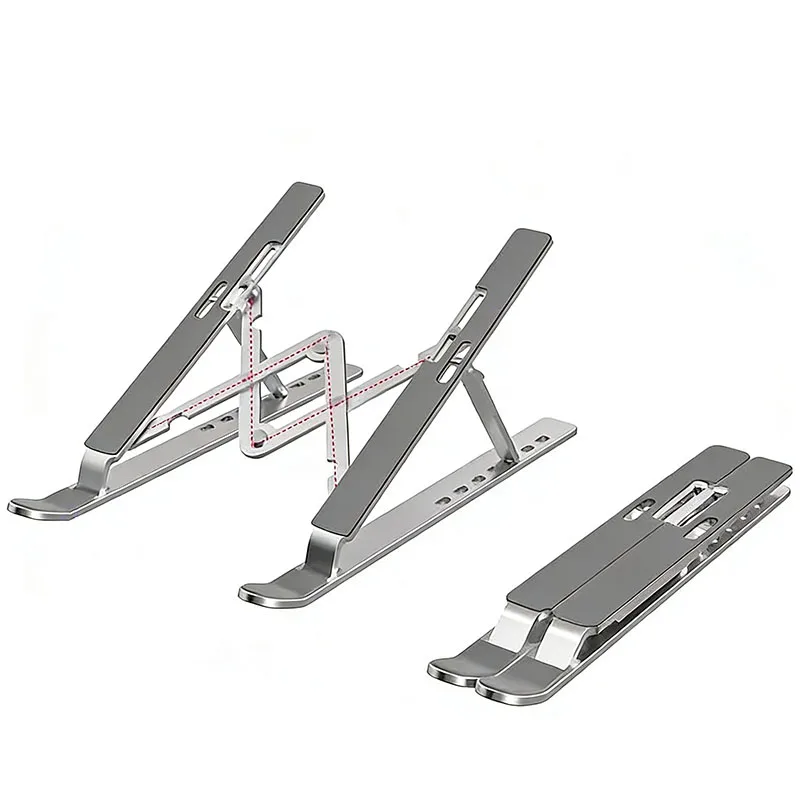
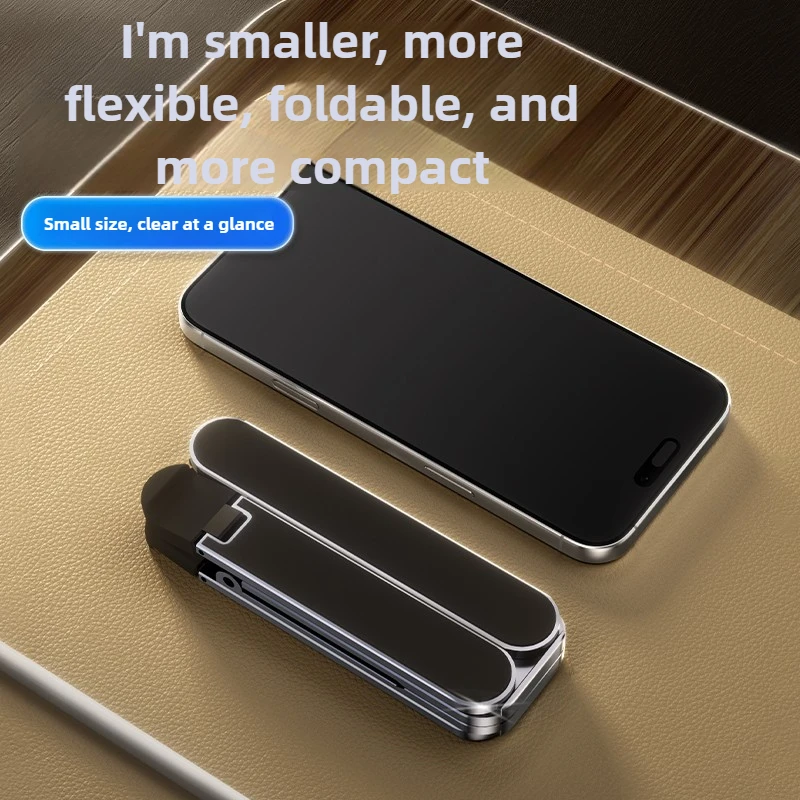
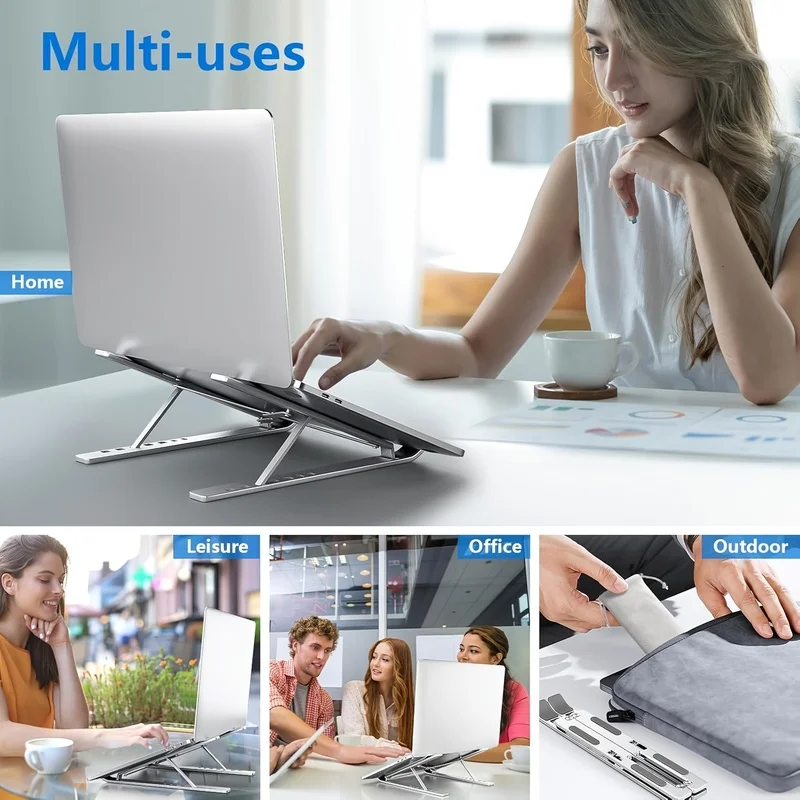
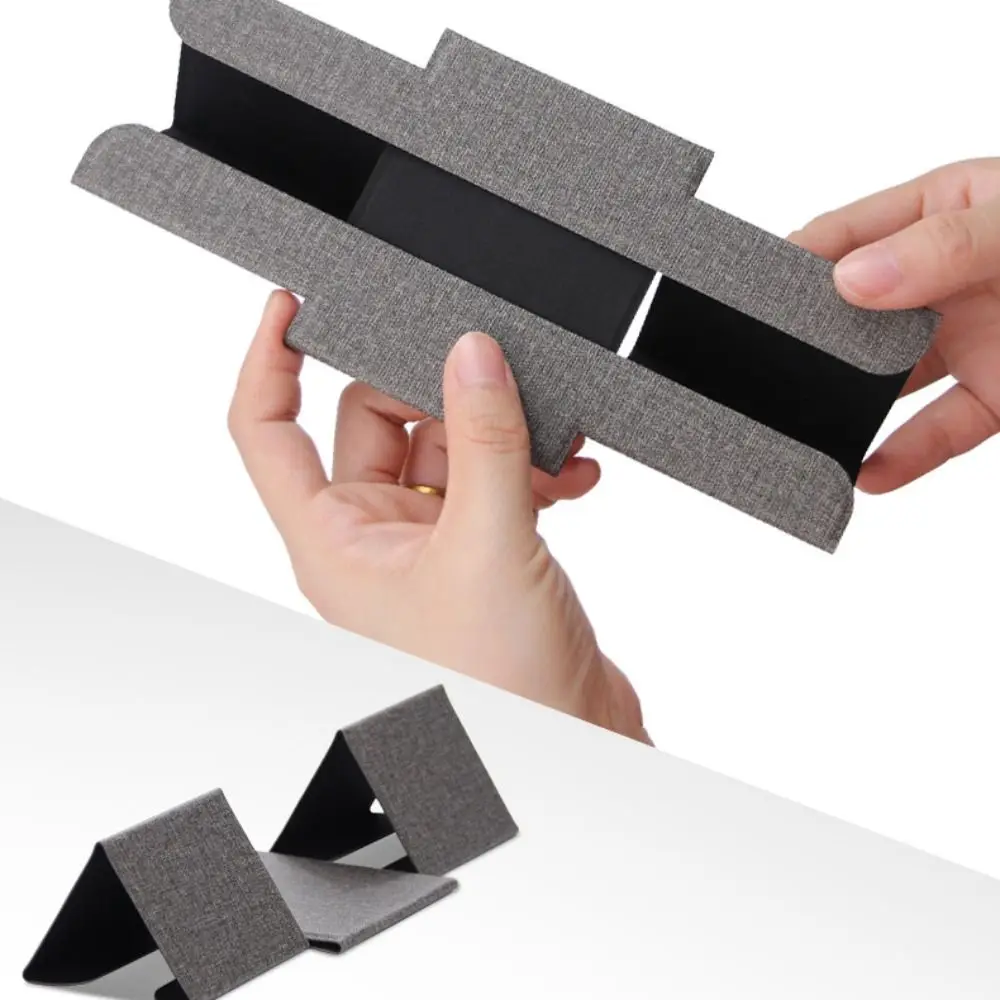
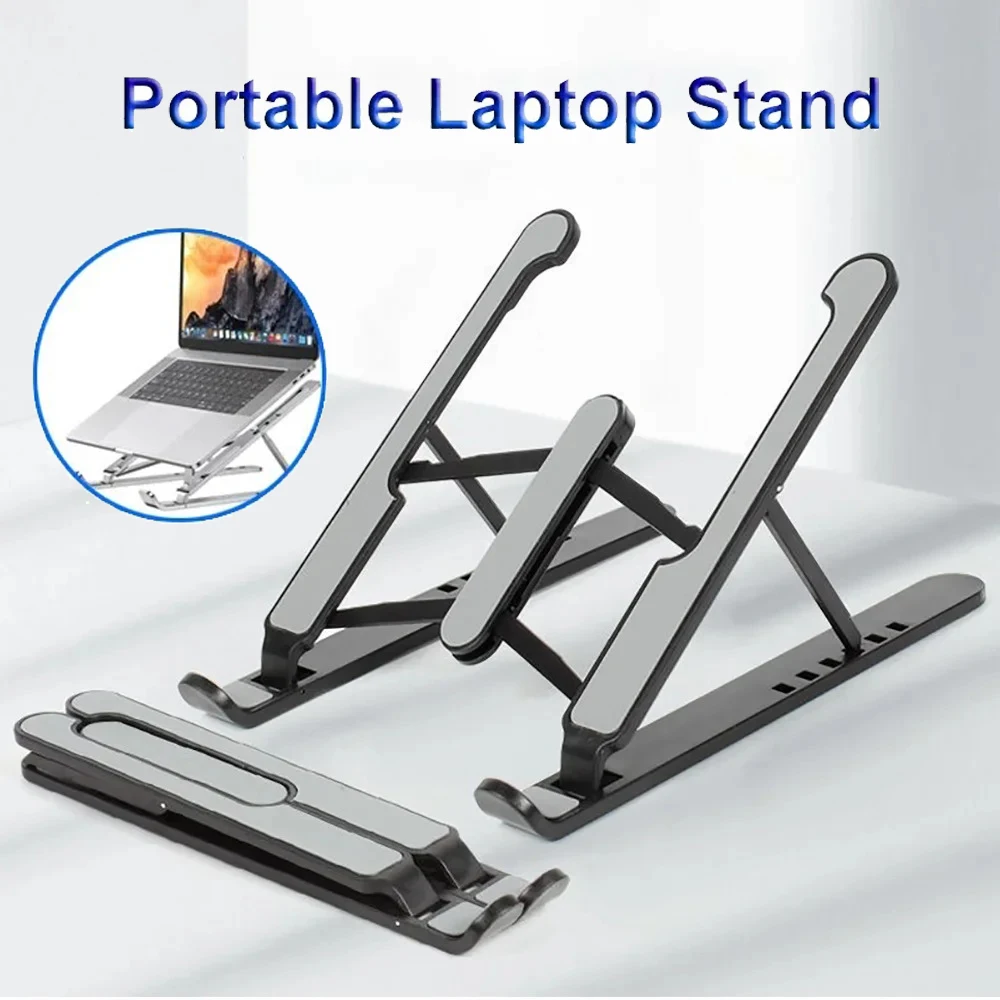
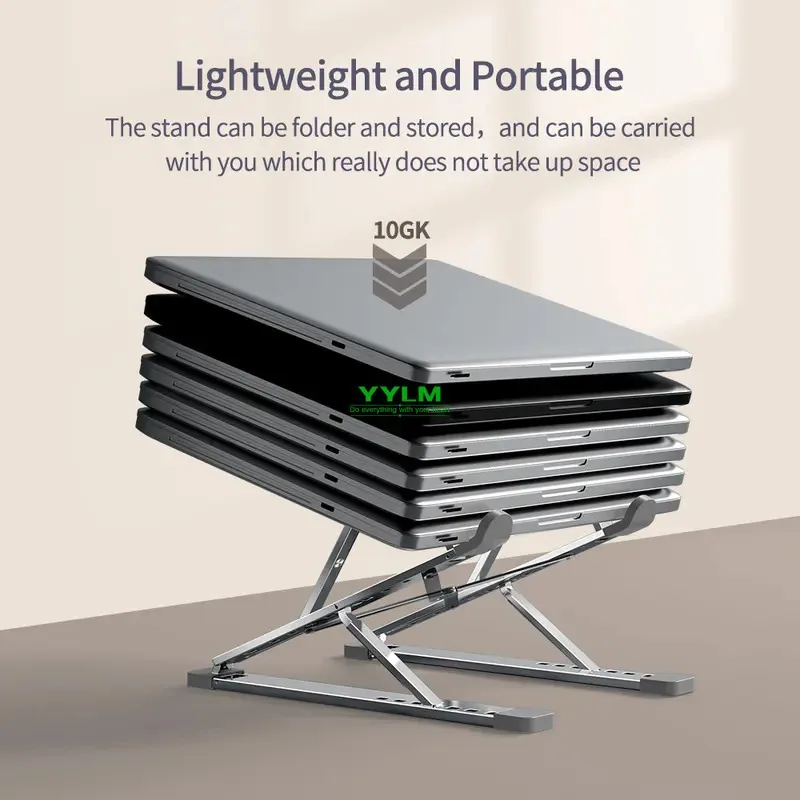
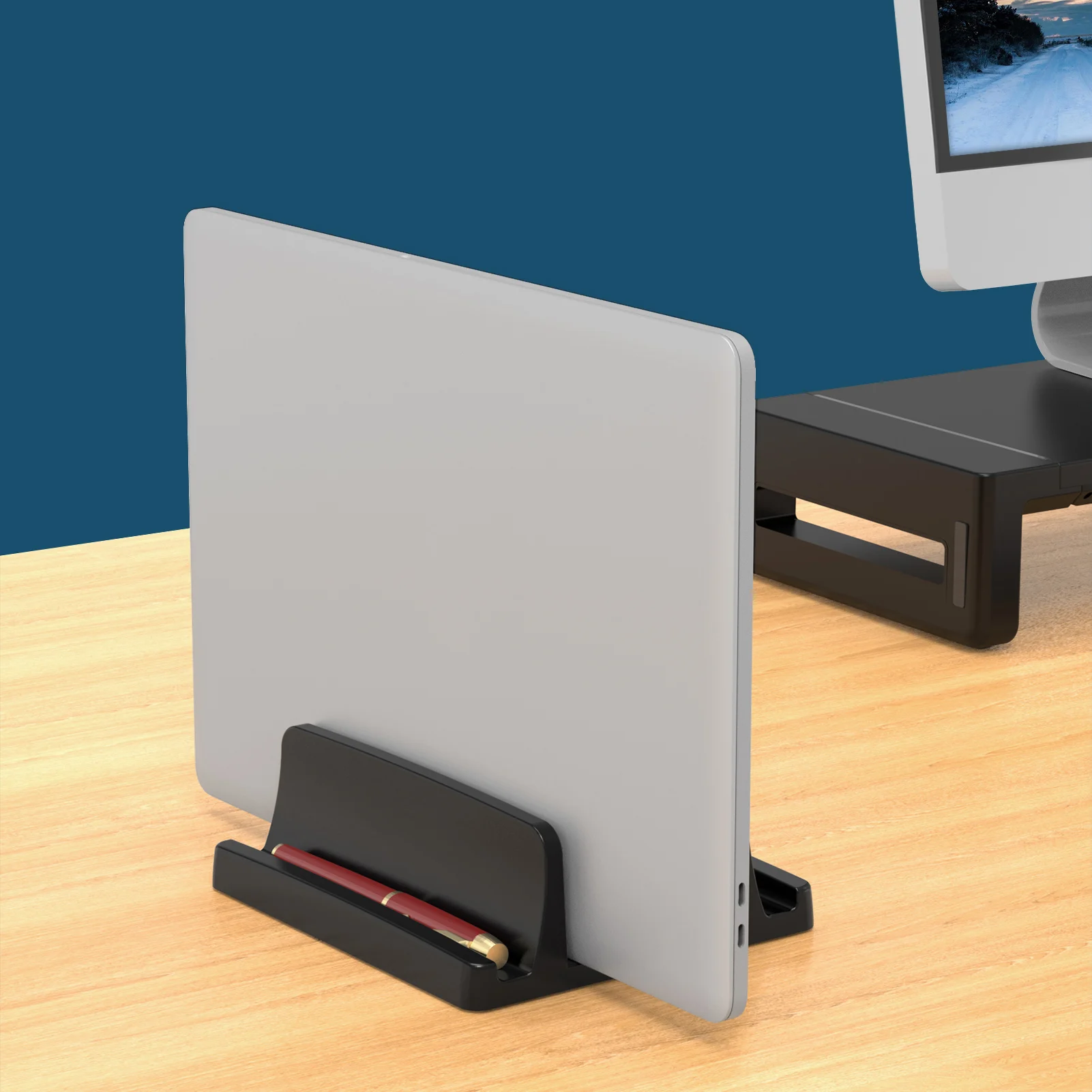
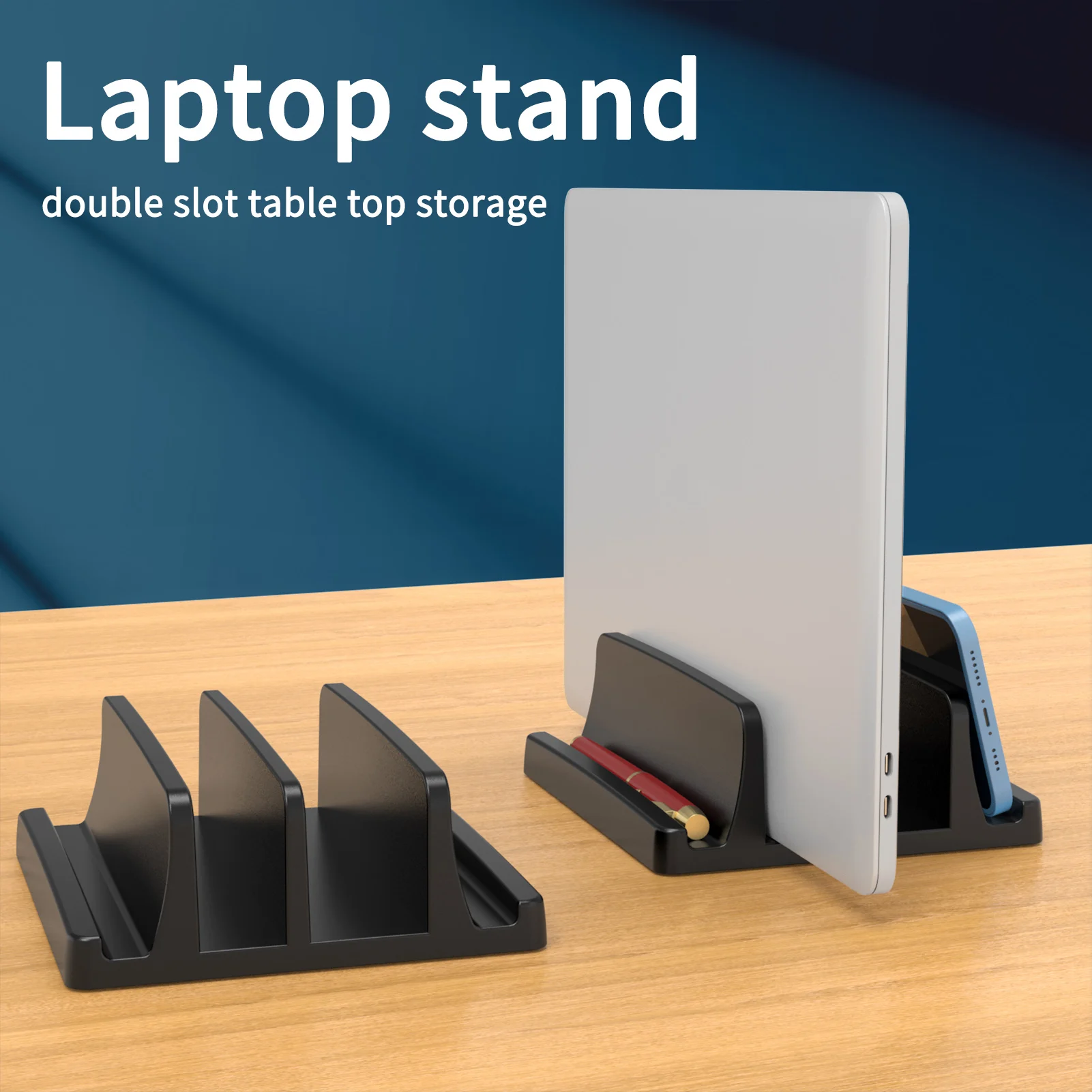
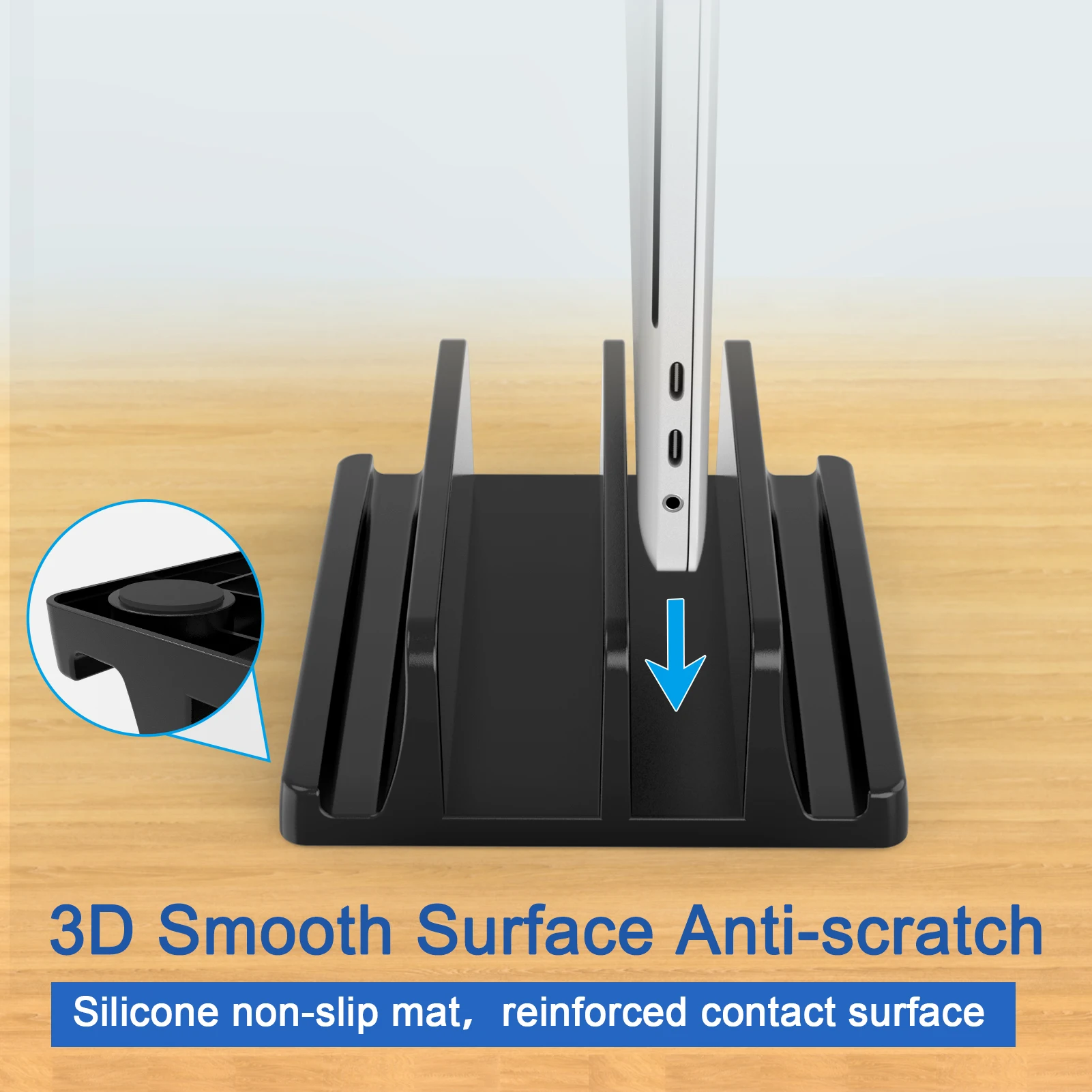
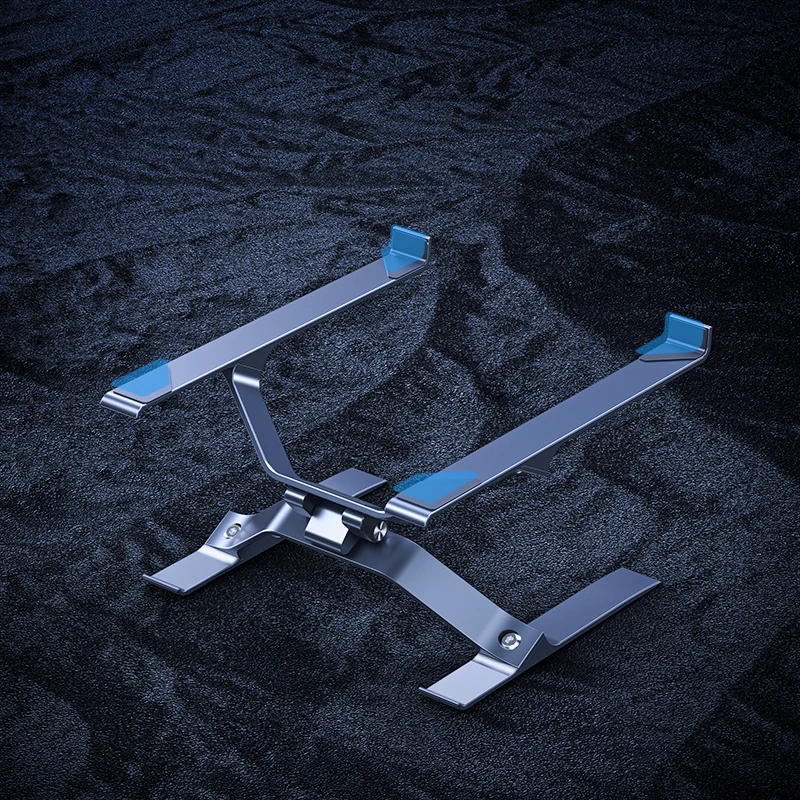
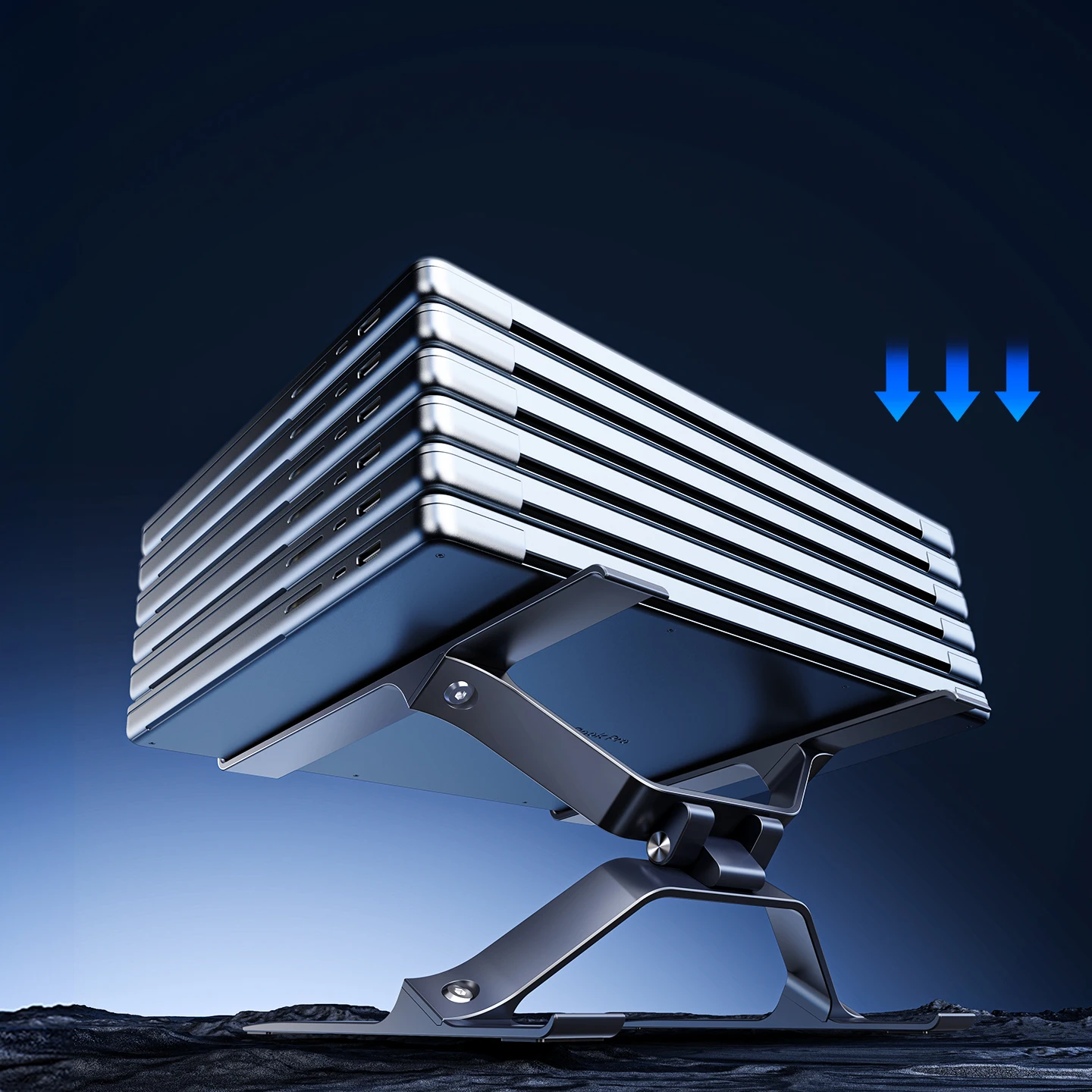
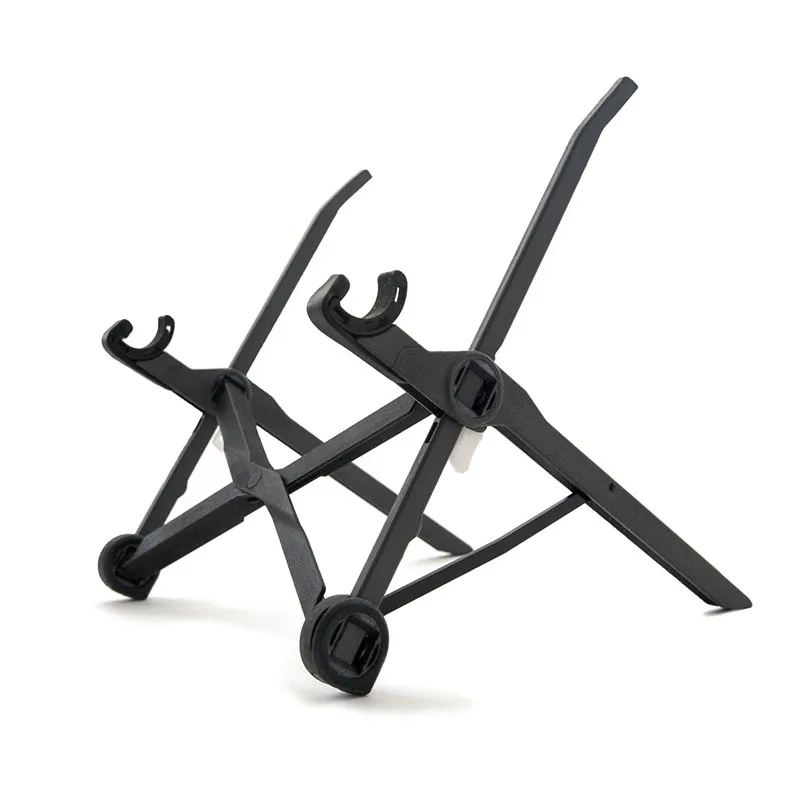
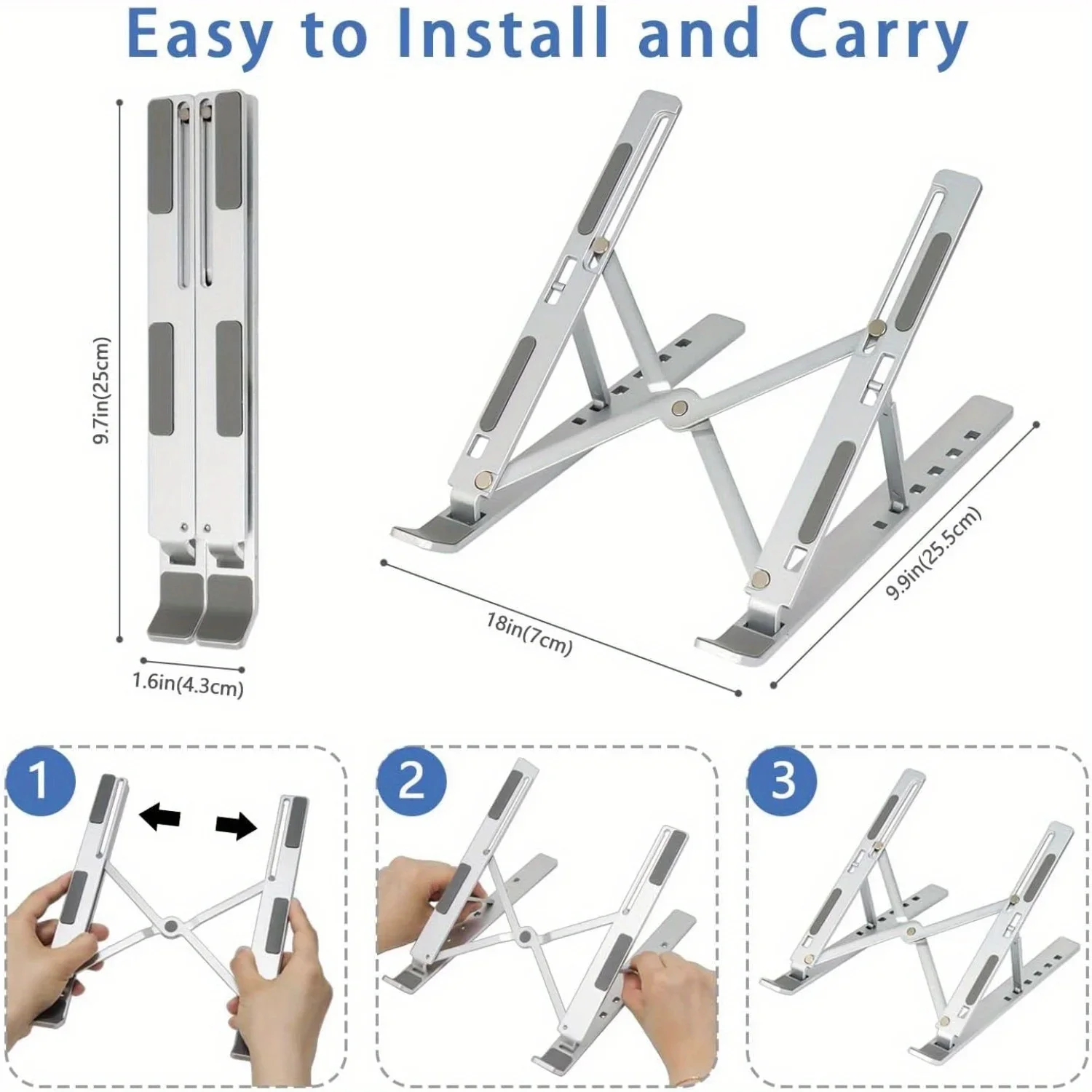
Start with where you work. If you move between home, the office and a library, a foldable stand travels with you. If the laptop lives on one desk, an adjustable stand reaches higher and holds firmer. If you already run a monitor and want the laptop out of the way, a vertical stand or an arm tray does that.
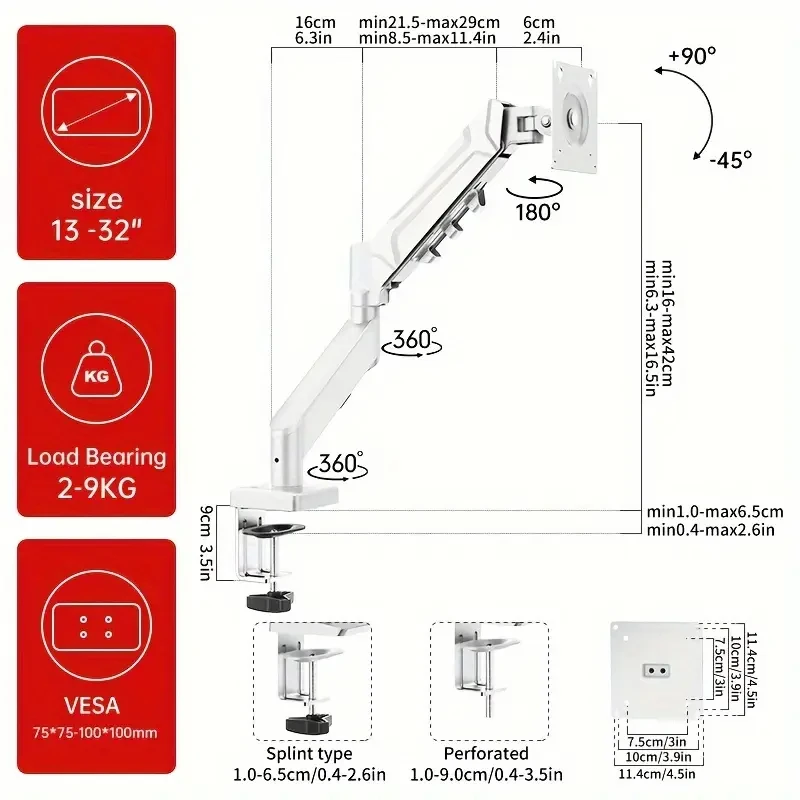
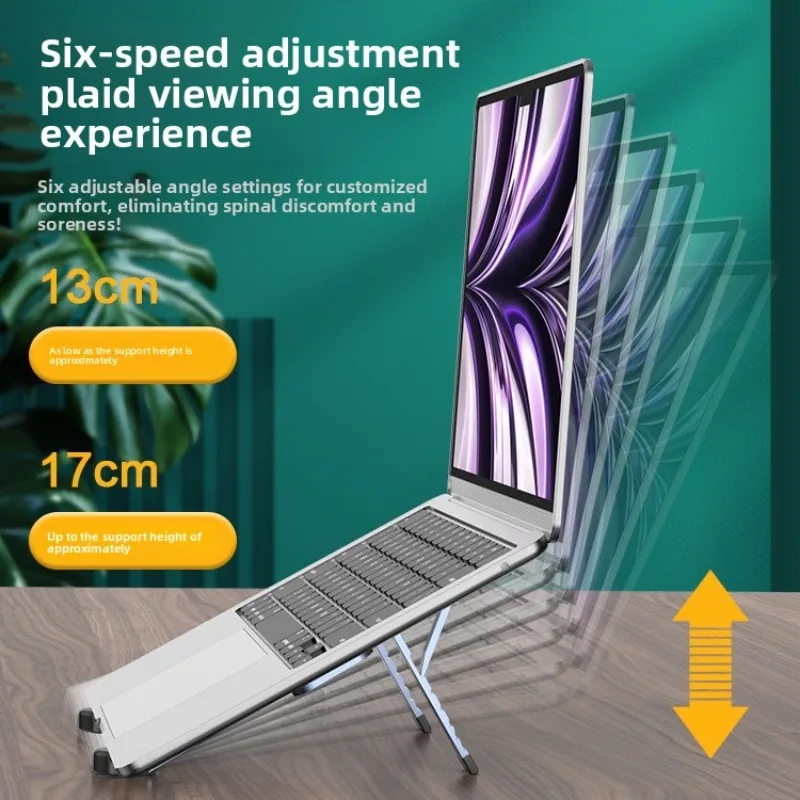
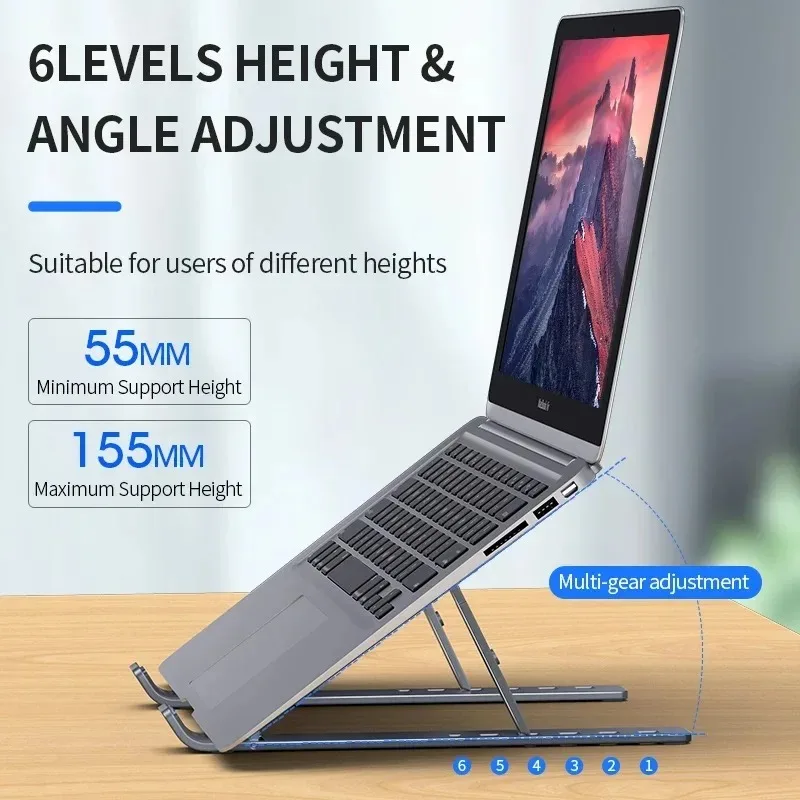
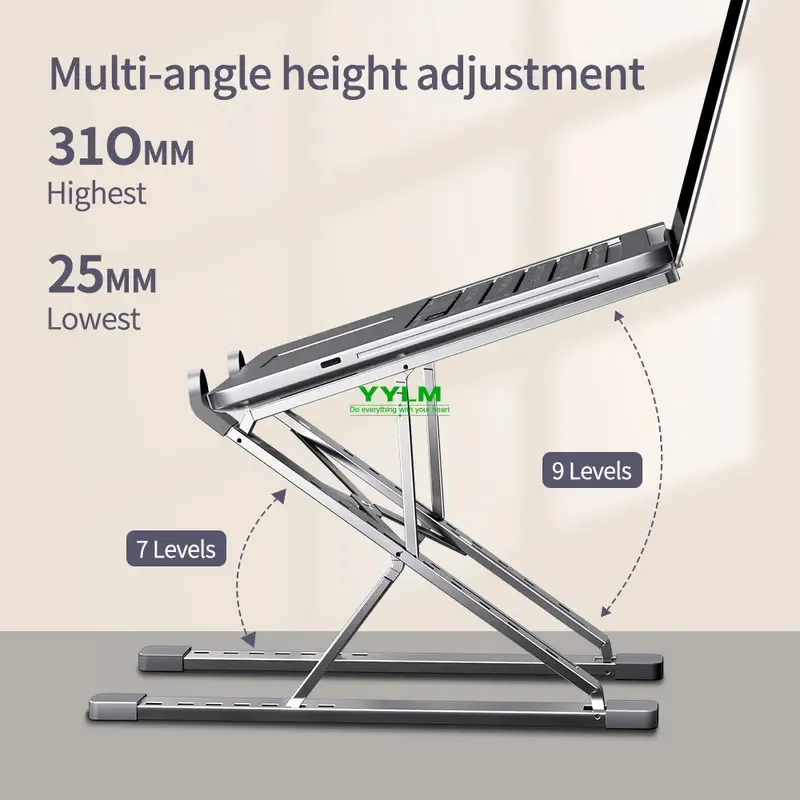
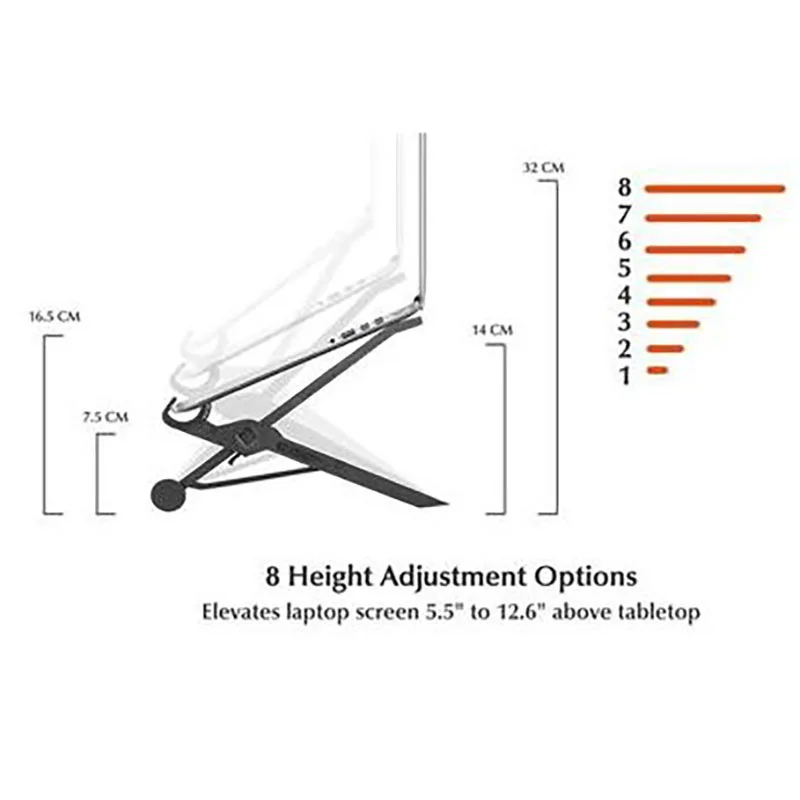
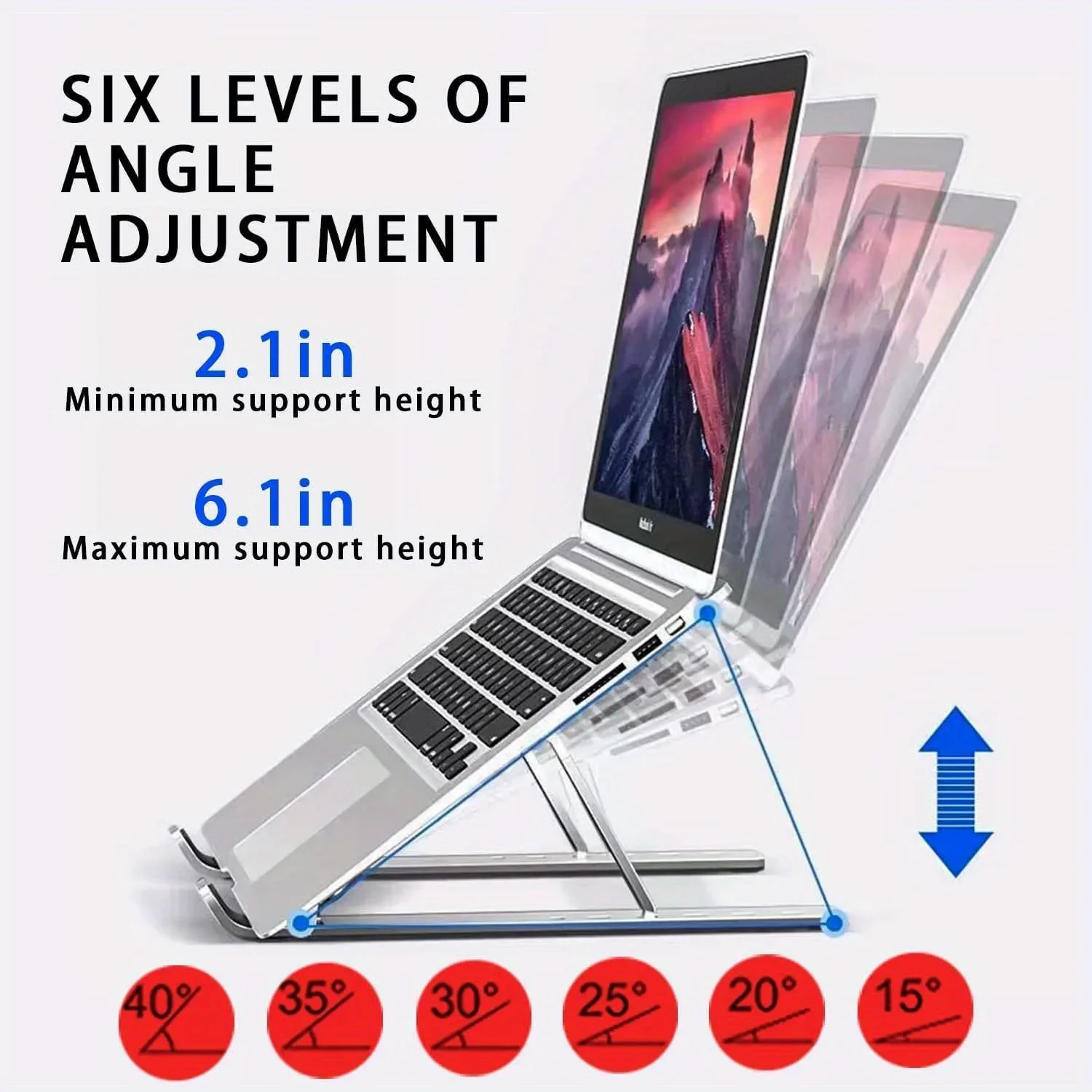
Then think about height. Set your chair first, so your forearms are roughly level with the desk, then measure from the desk to your eyes and compare it with the top of the laptop's screen. The difference is roughly how much lift you need. Check the stand's highest setting against it, and the laptop sizes it states.
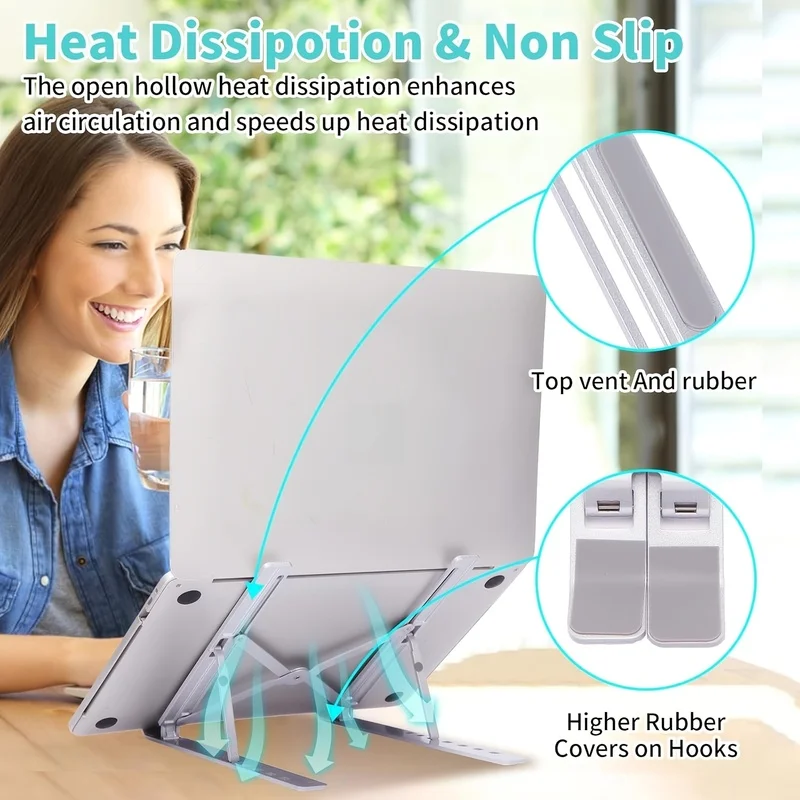
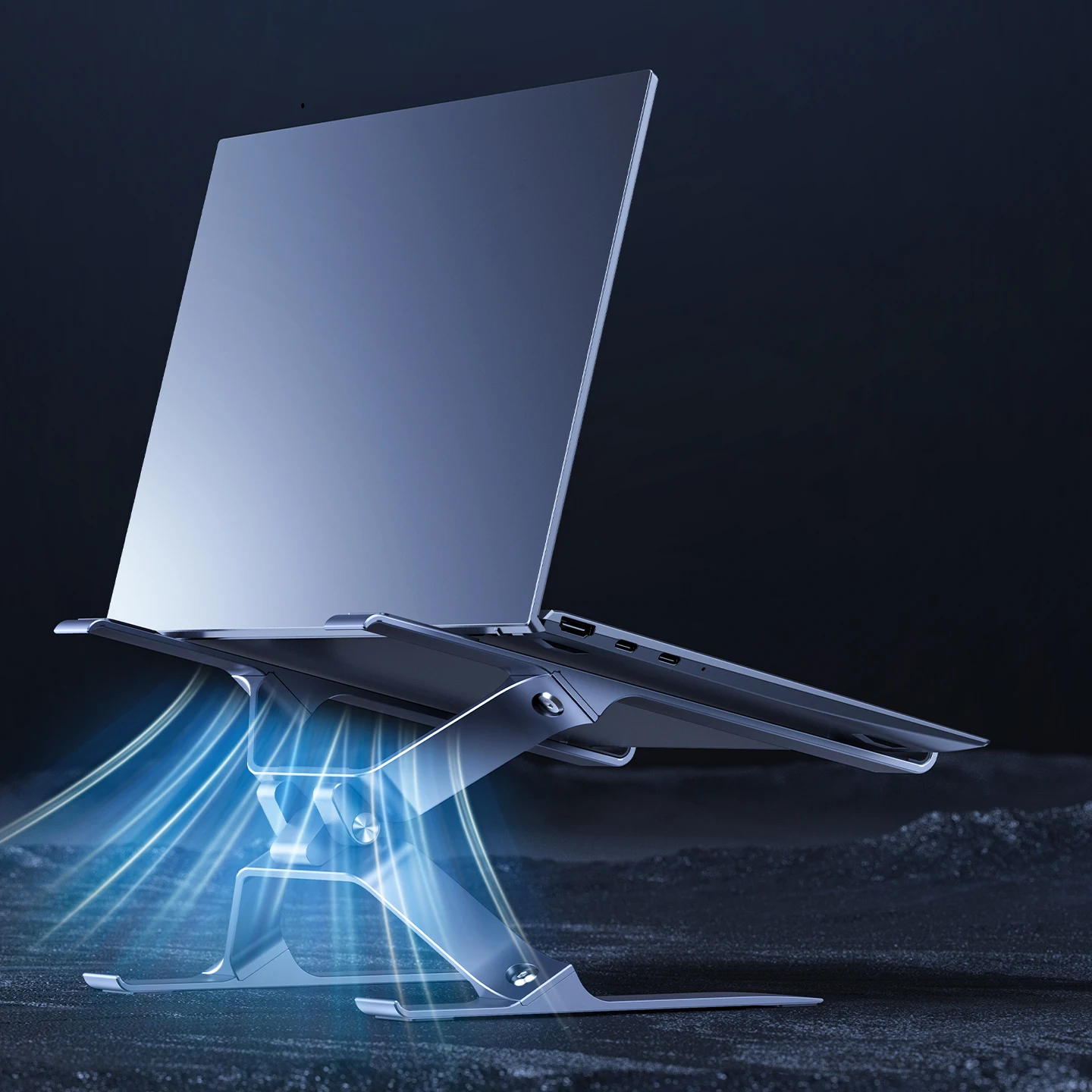
A raised laptop needs a keyboard and a mouse on the desk in front of it, or you end up typing with your arms lifted. If the laptop runs hot, cooling stands with fans raise it and blow air under it at the same time.
Questions people ask about laptop stands
Do I need a separate keyboard with a laptop stand?
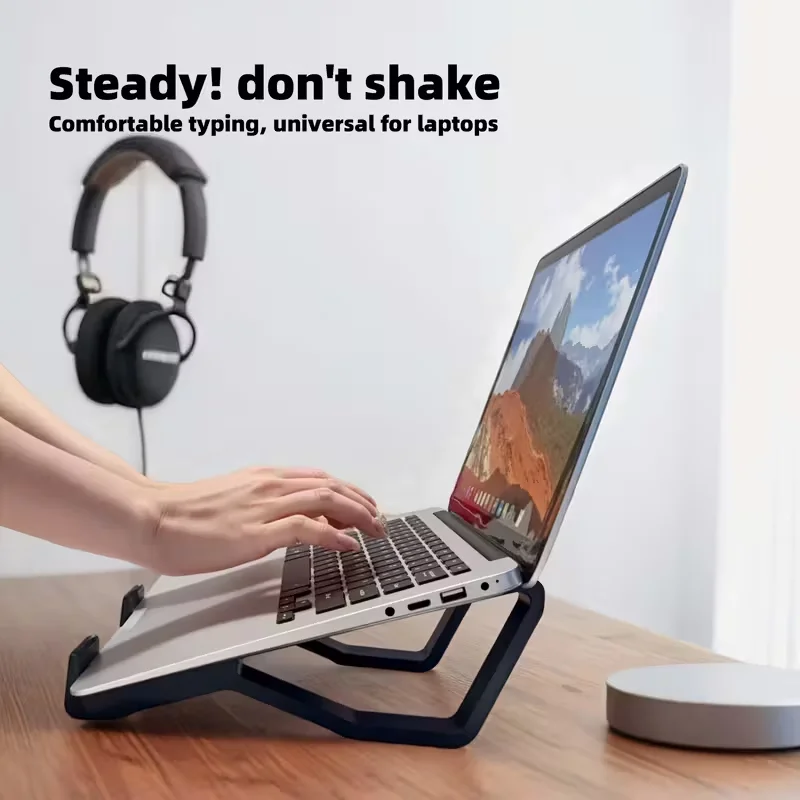
Yes, for anything longer than a few minutes. On a stand the laptop's own keyboard is too high to type on comfortably, so a separate keyboard and mouse take over the typing.
Will a stand fit my laptop?
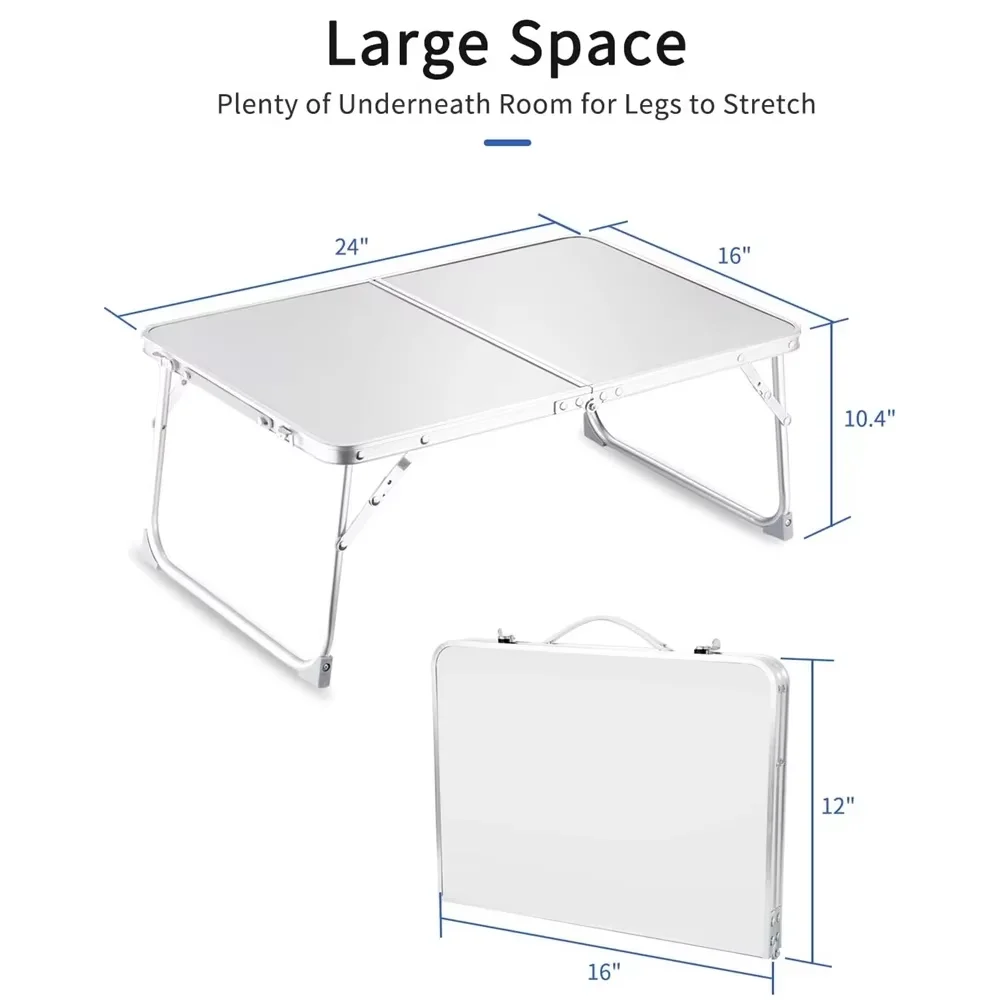
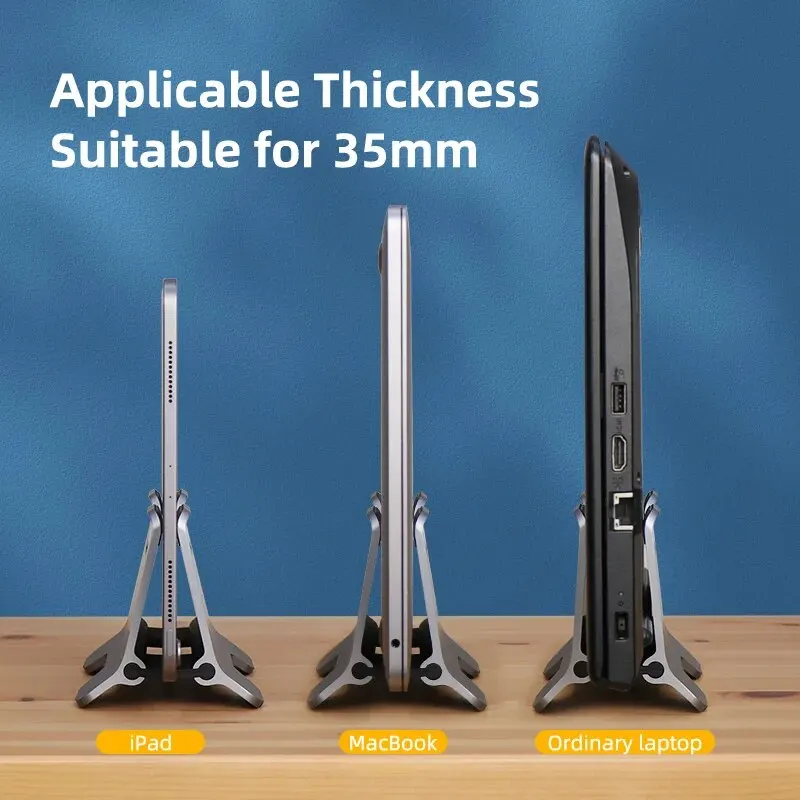
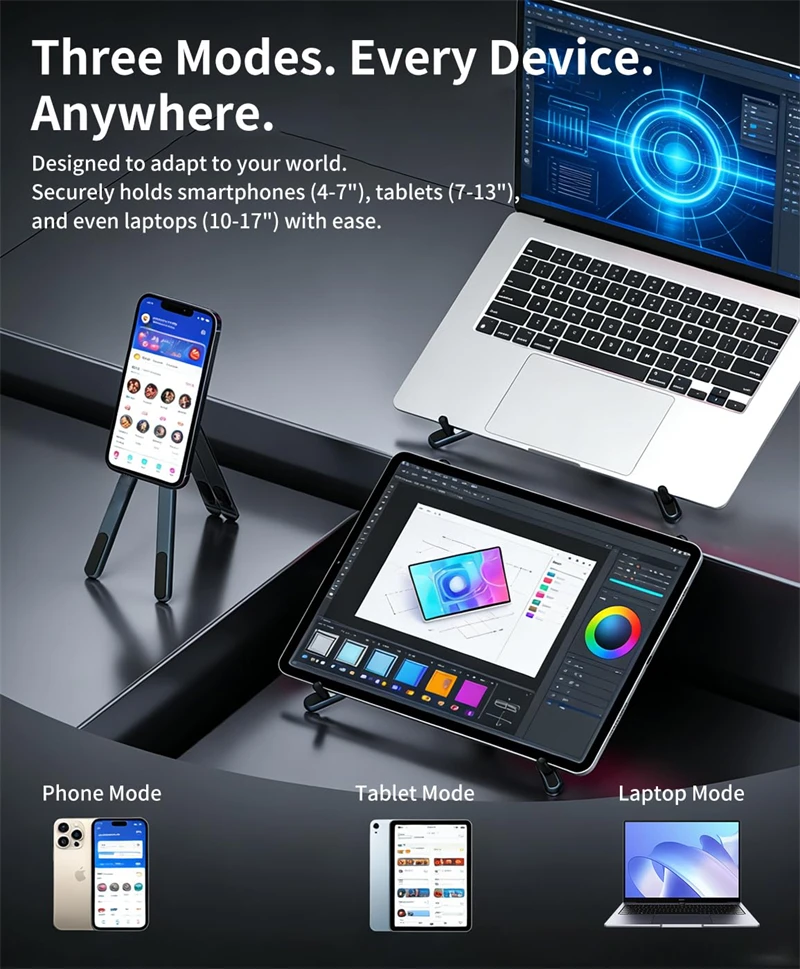
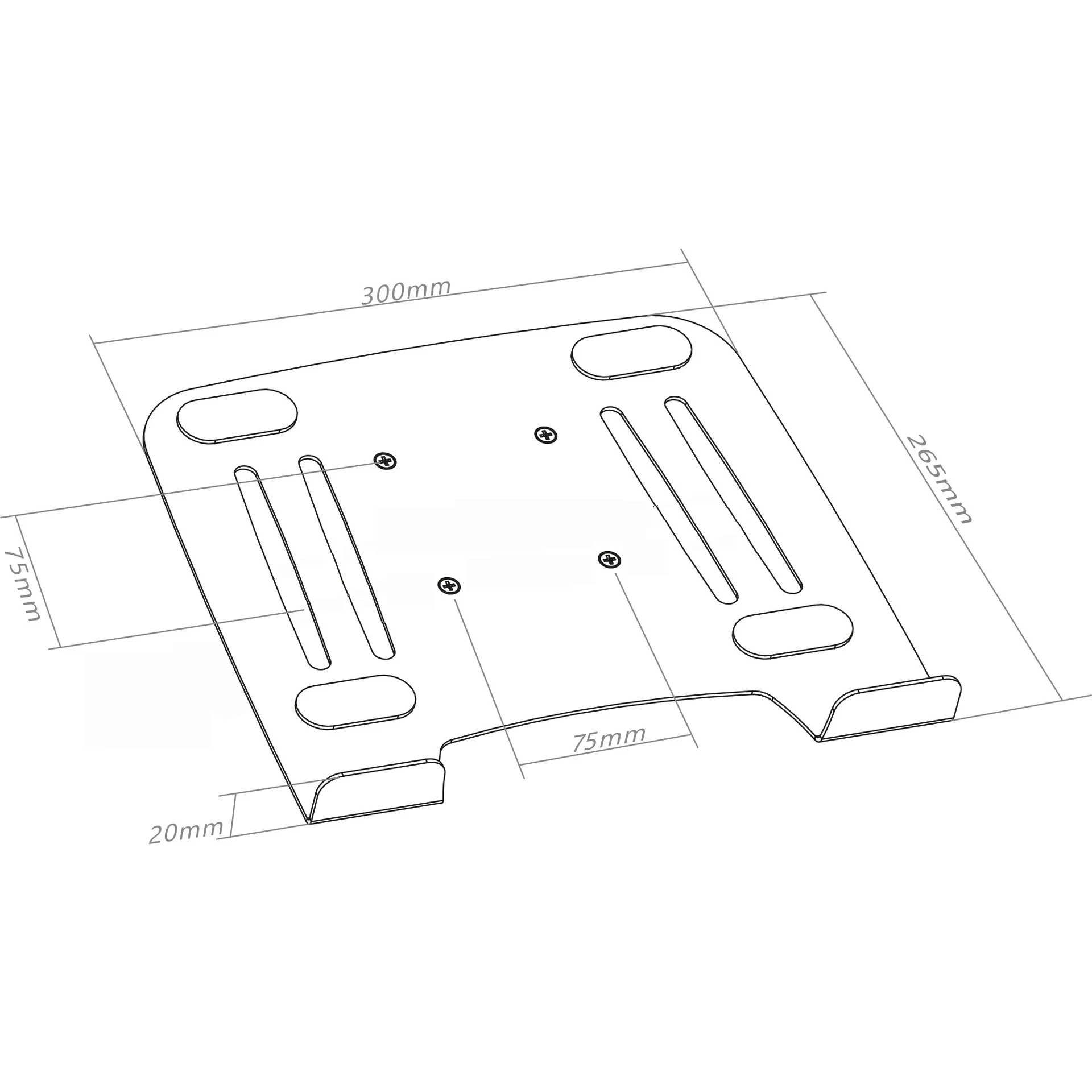
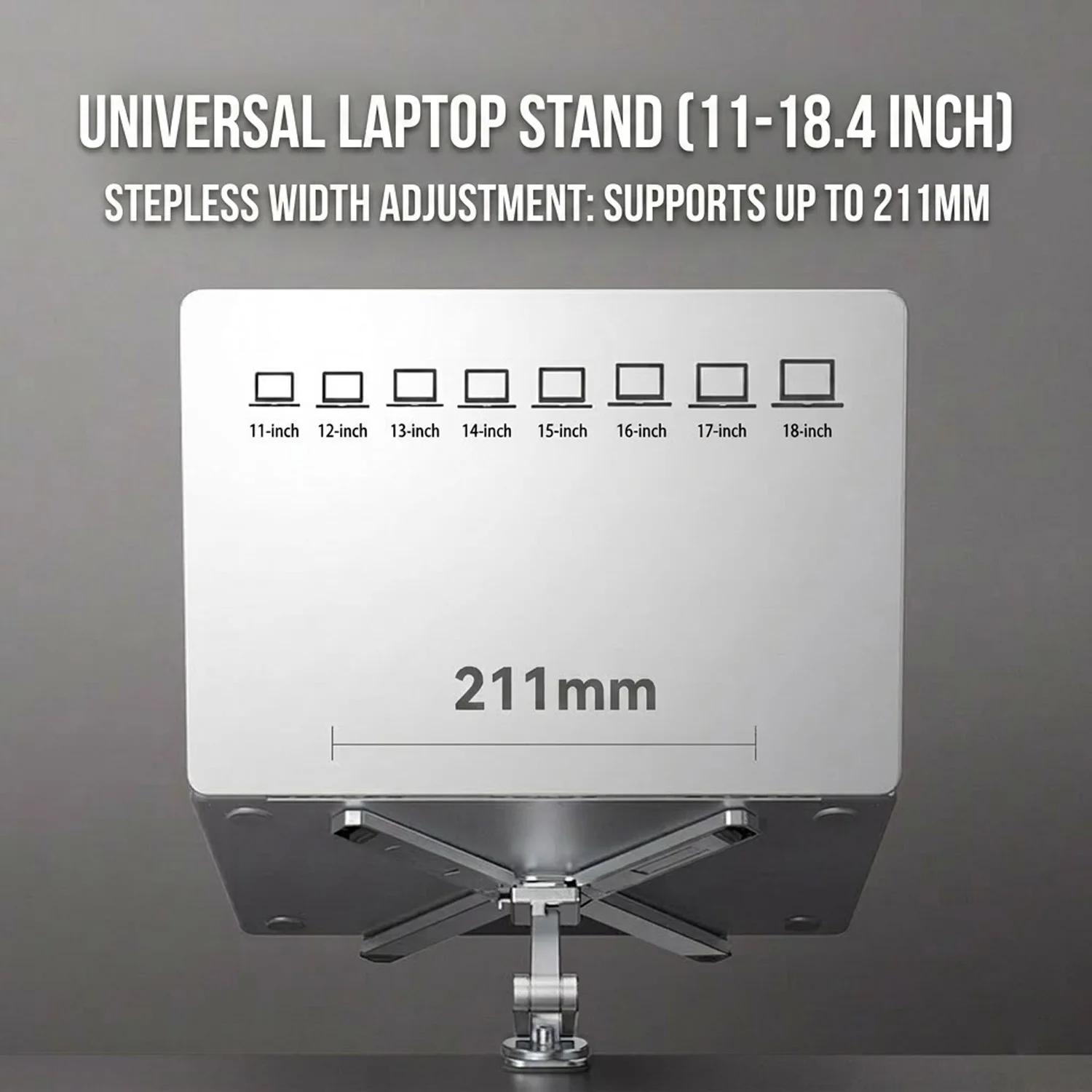
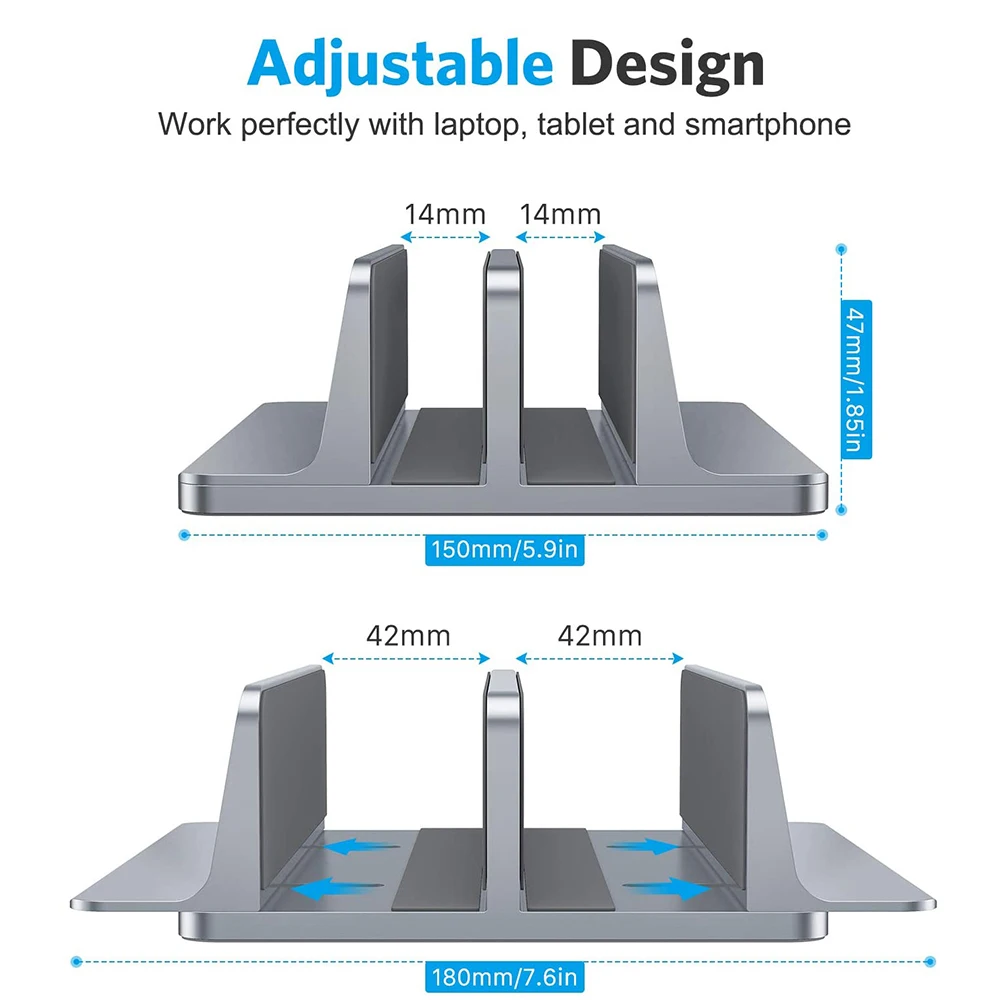
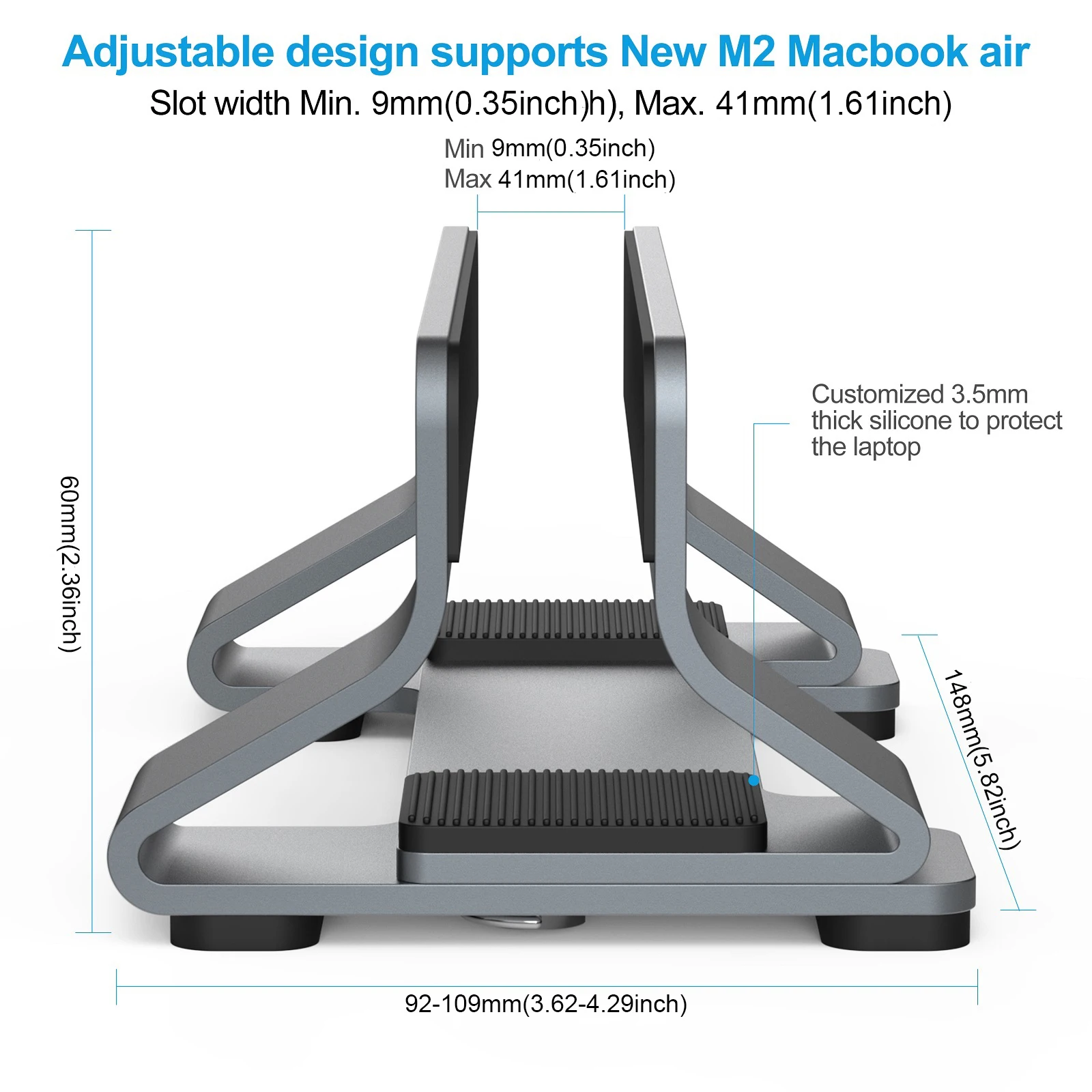
Each stand states the laptop sizes it takes, usually as a range of screen sizes. Check yours is inside it, and that the stand's front lip does not cover a port.
How long does delivery take?
Delivery is included in every price and tracked to your door. Each product page says when it usually arrives.
More to look at