Turn a spare drive into fast storage
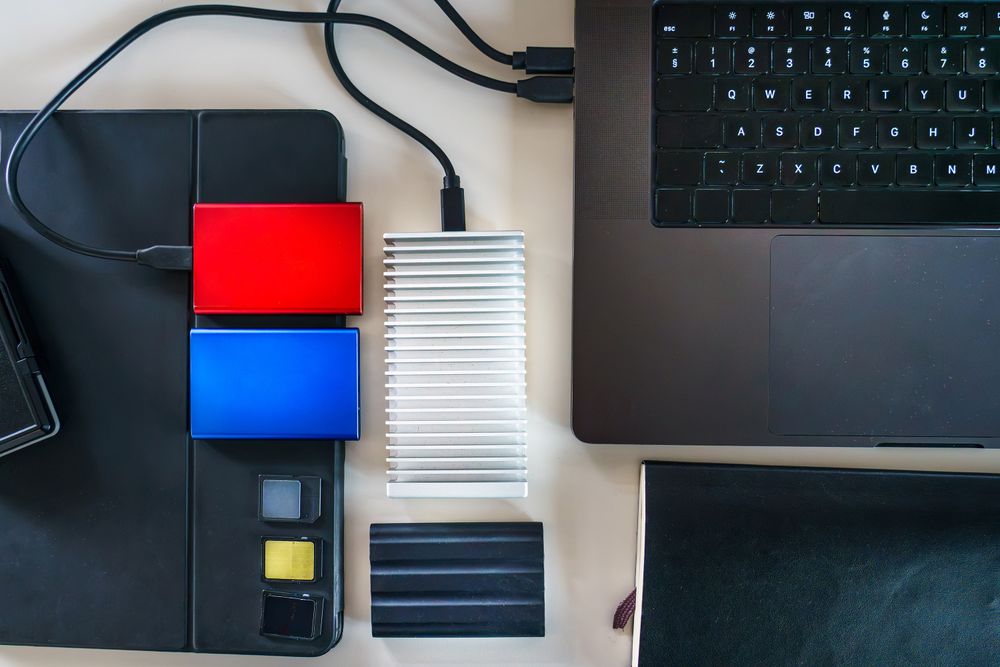
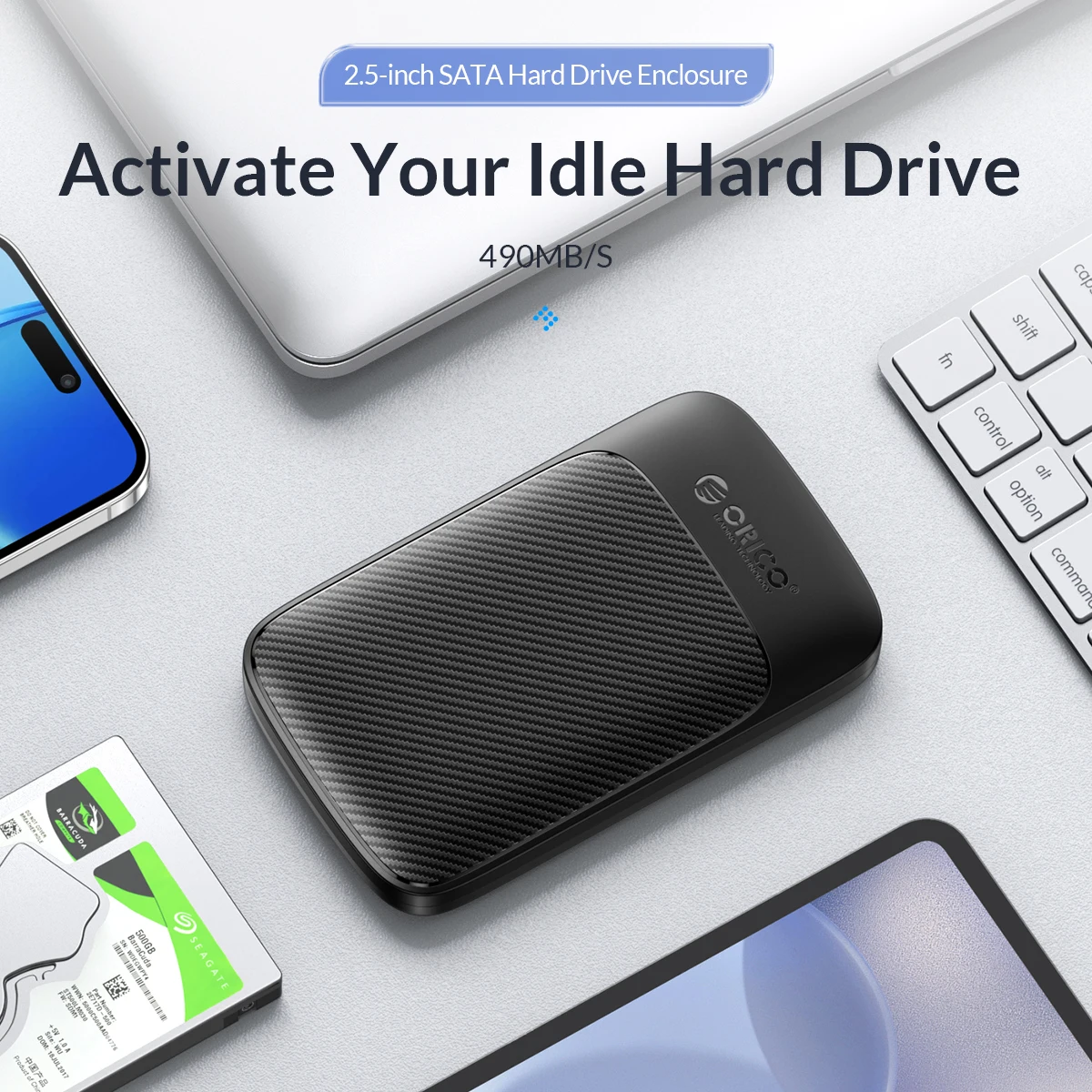
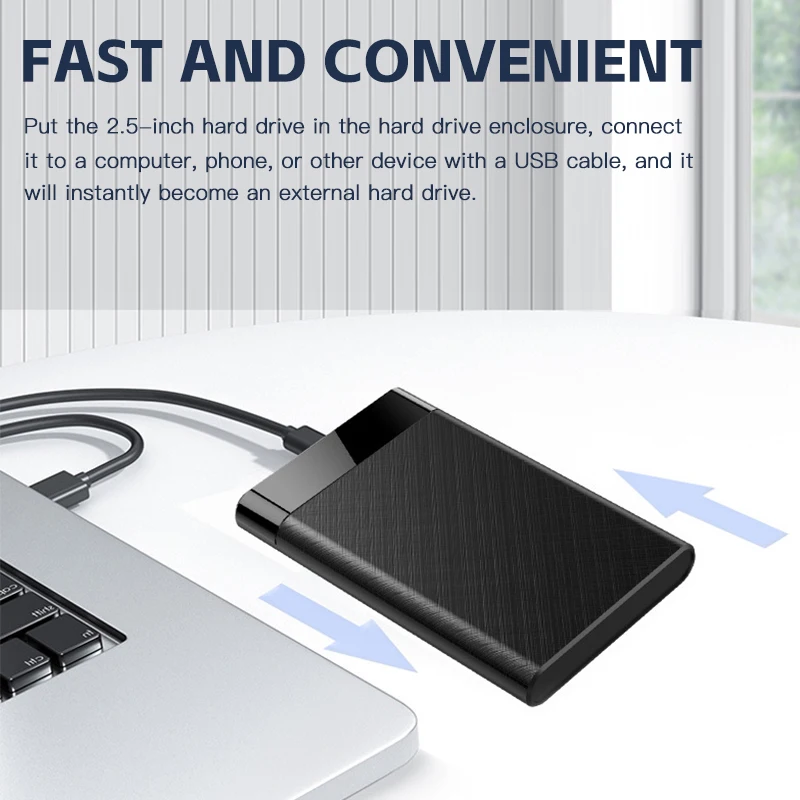
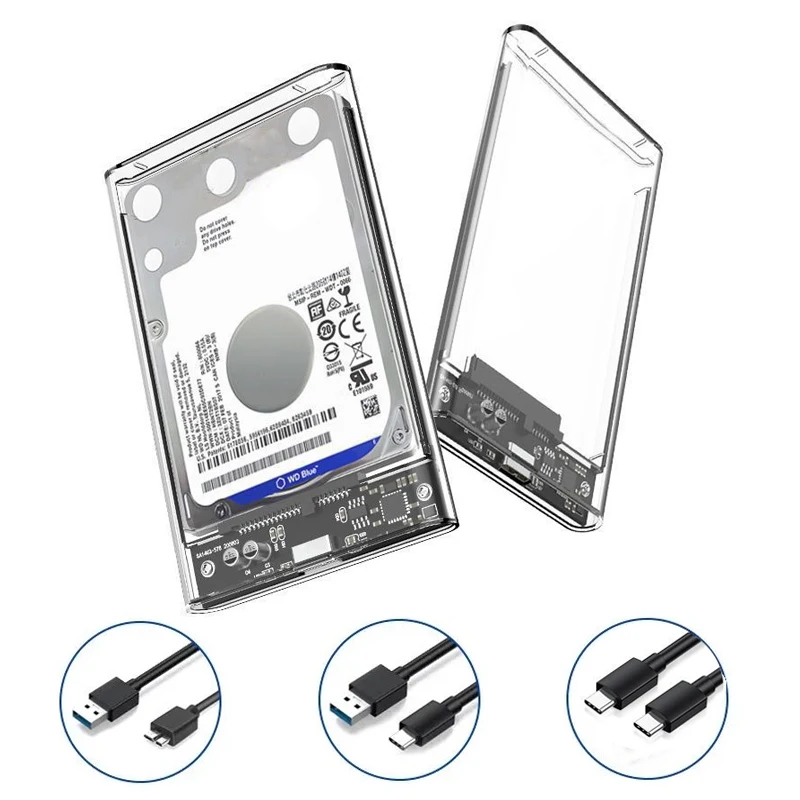
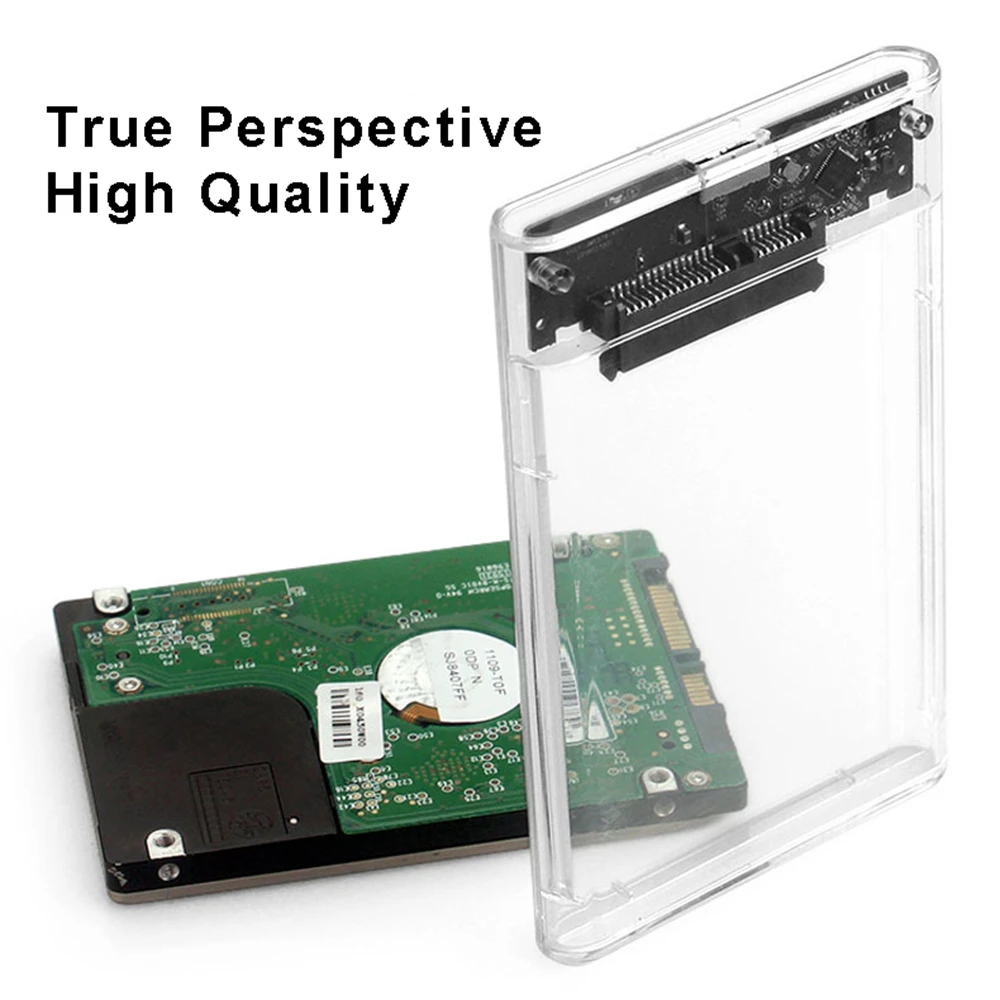
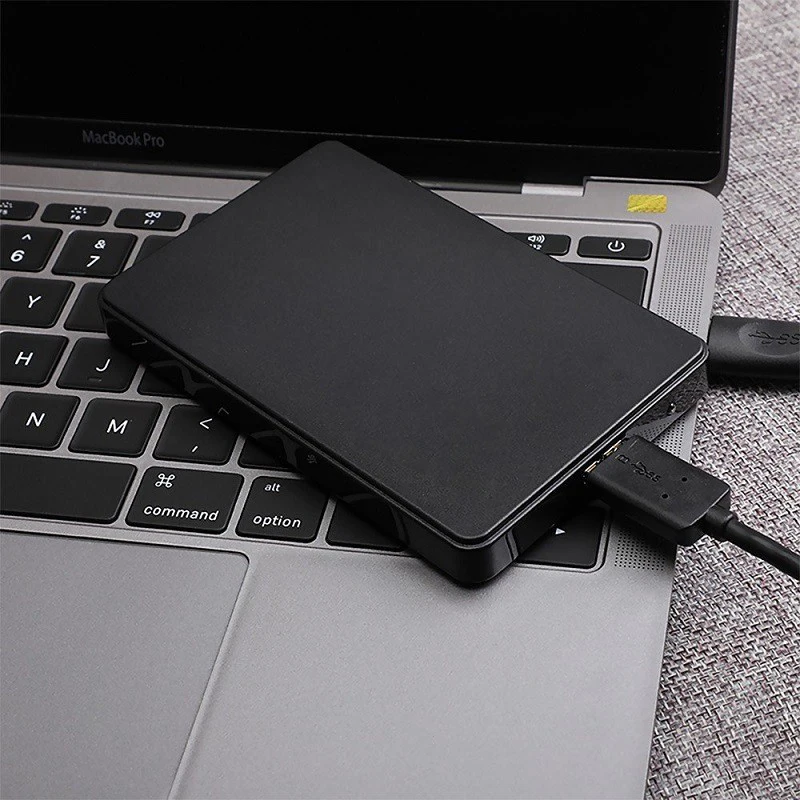
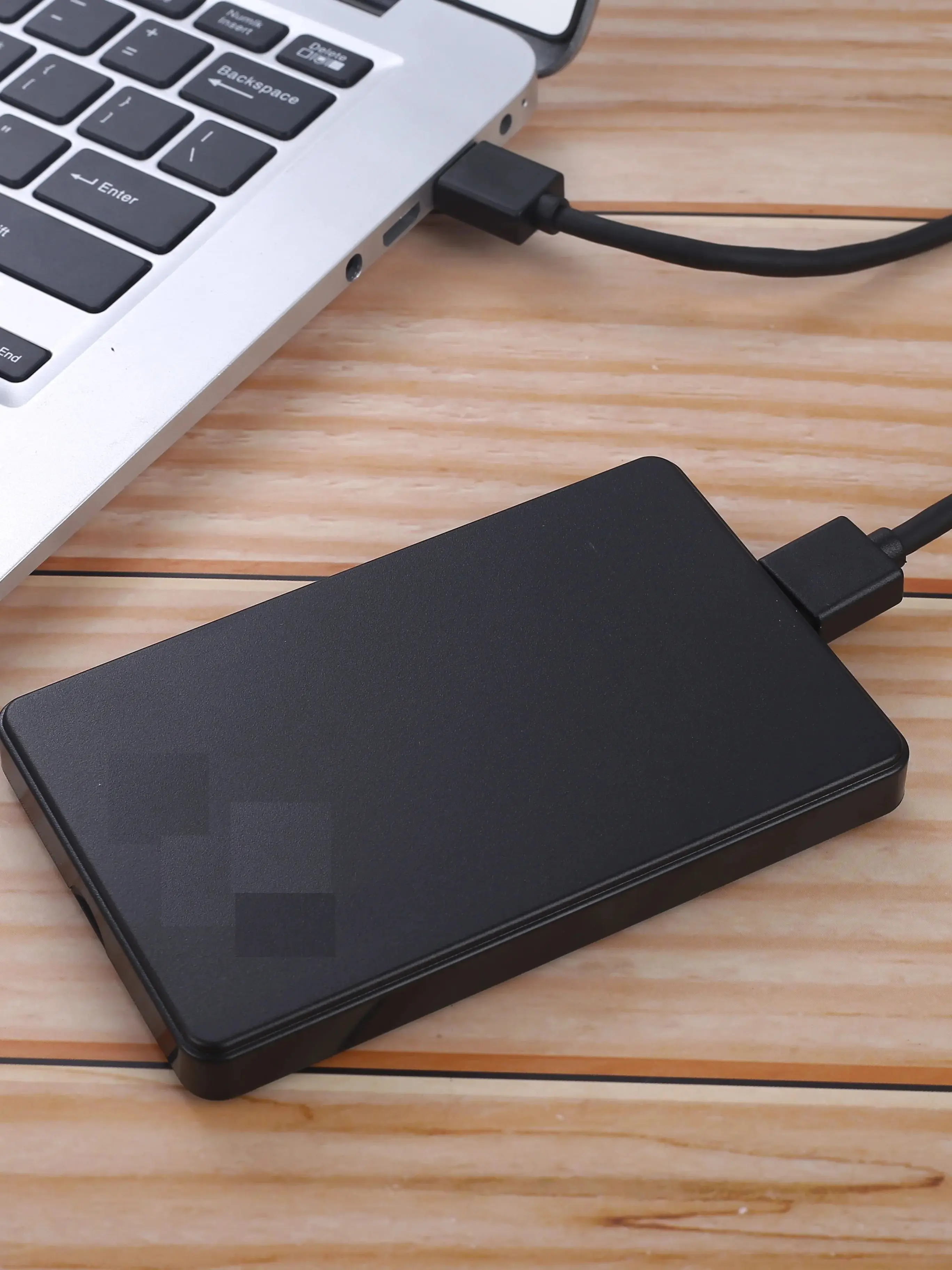
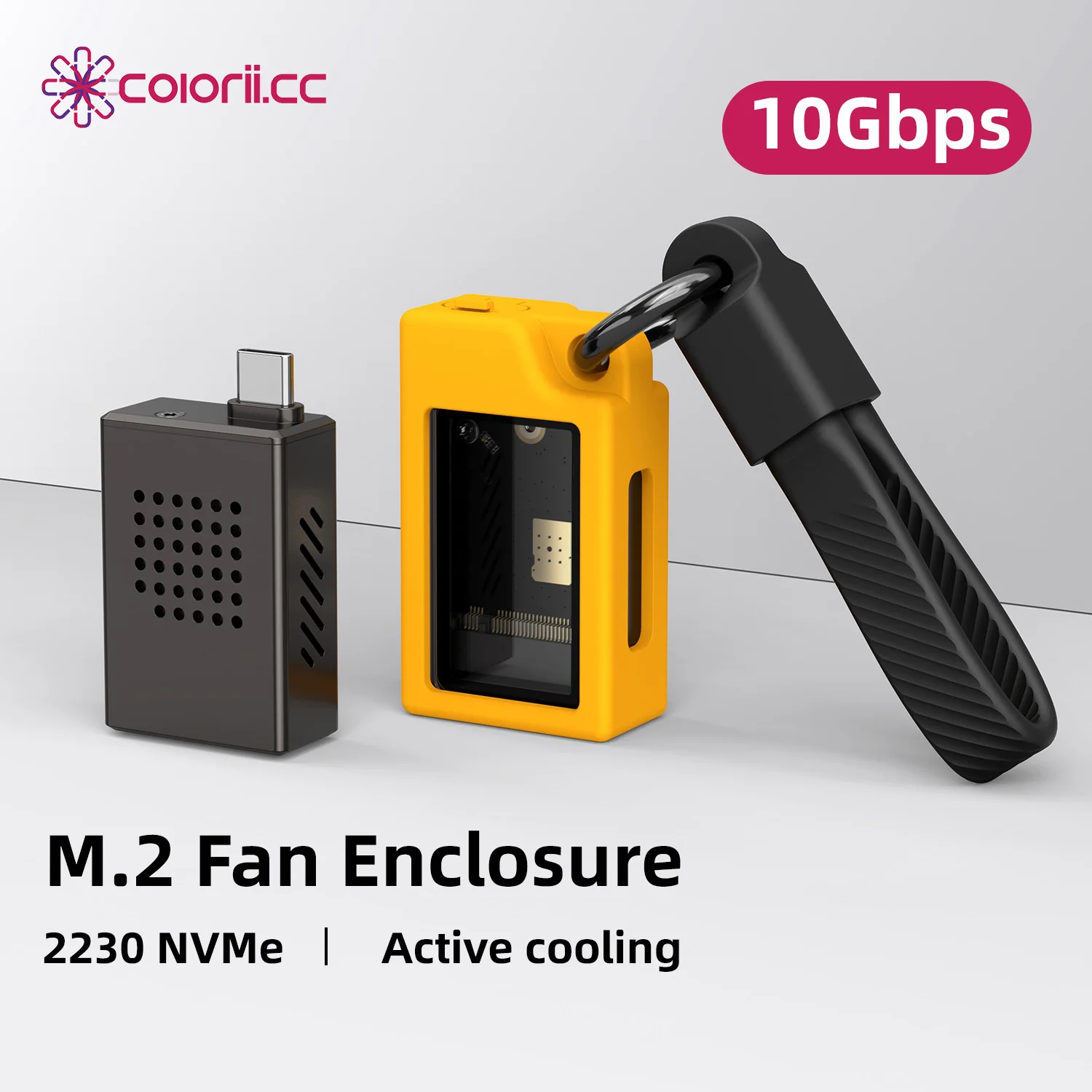
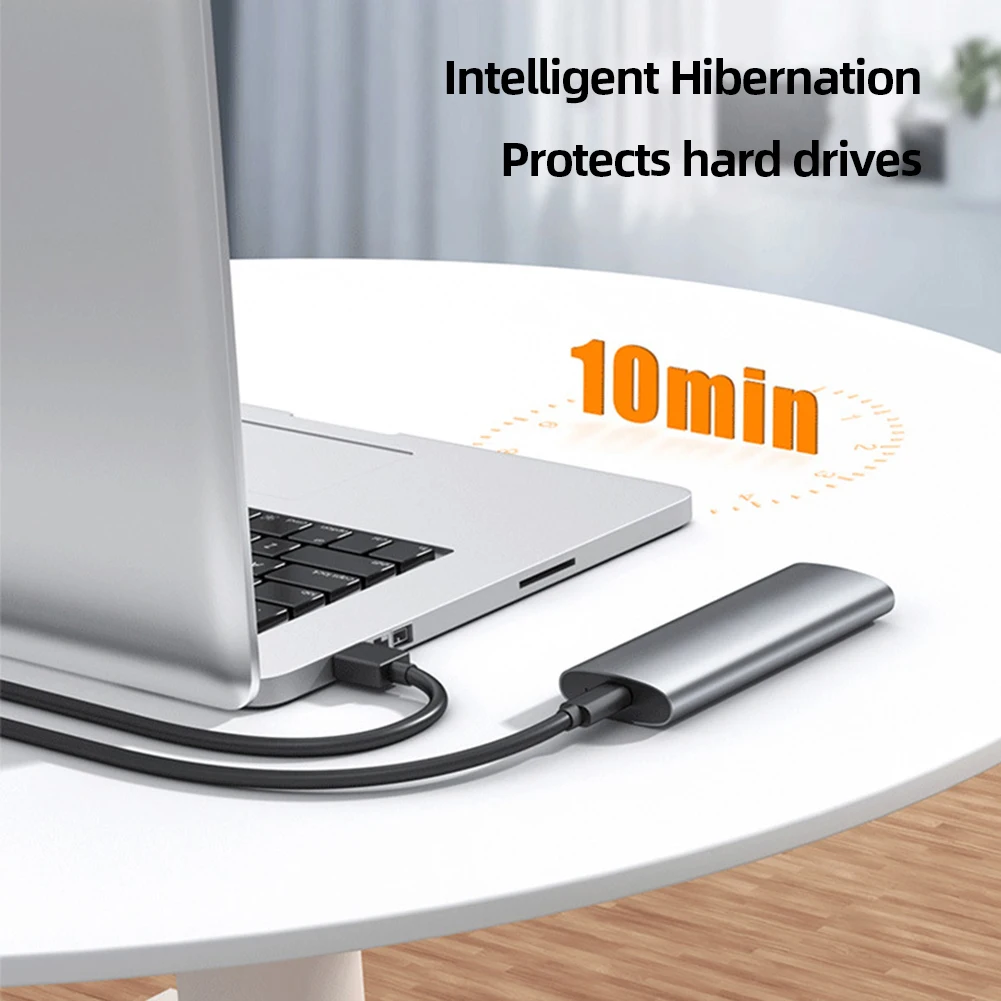
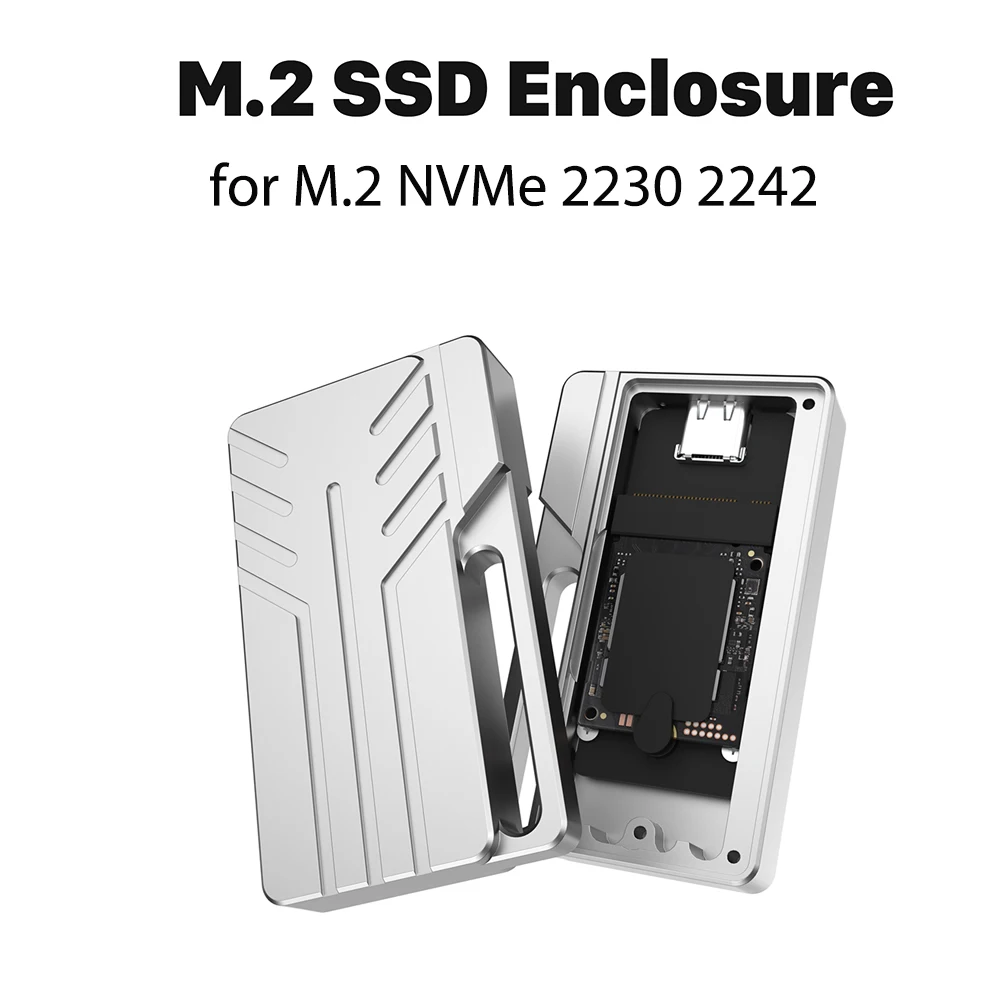
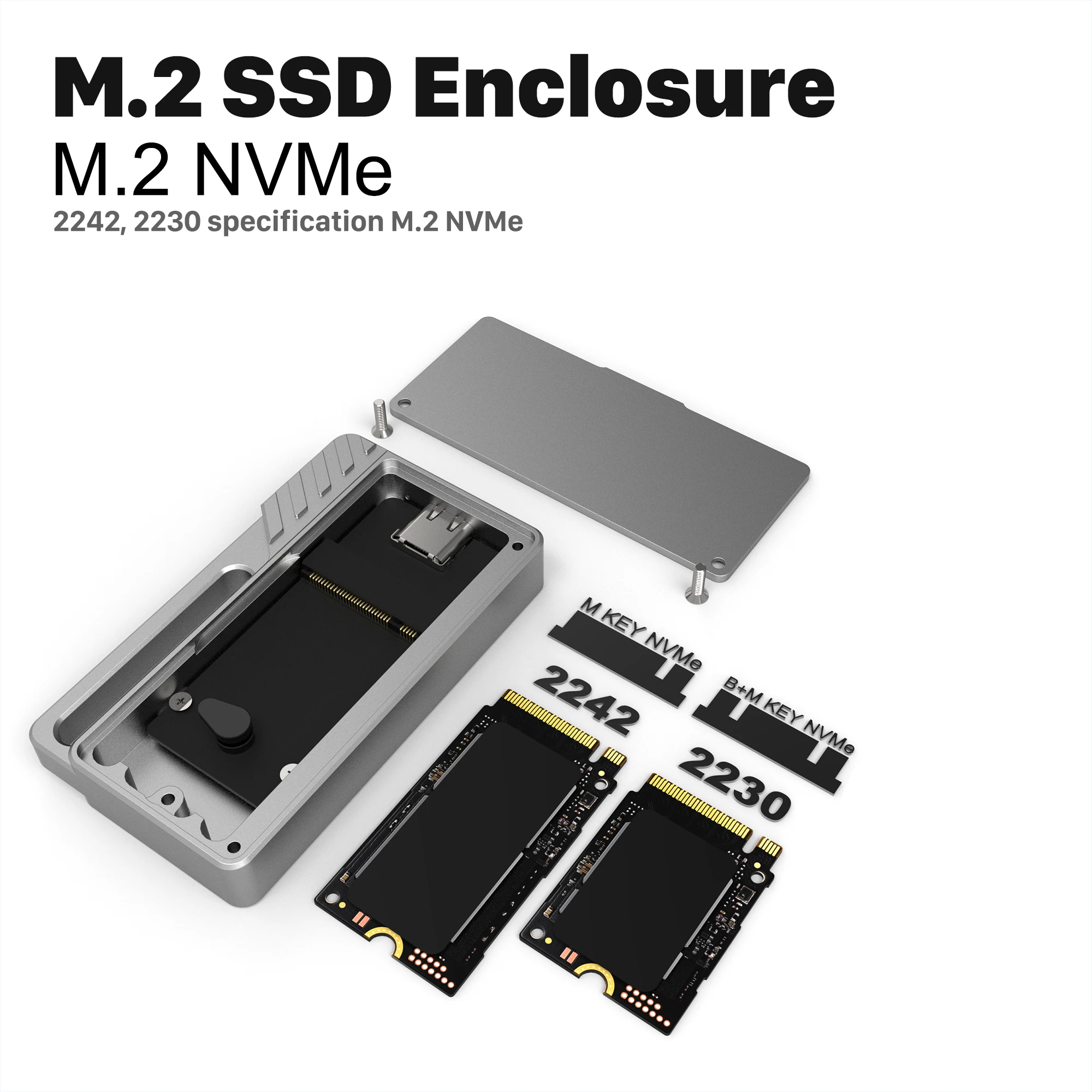
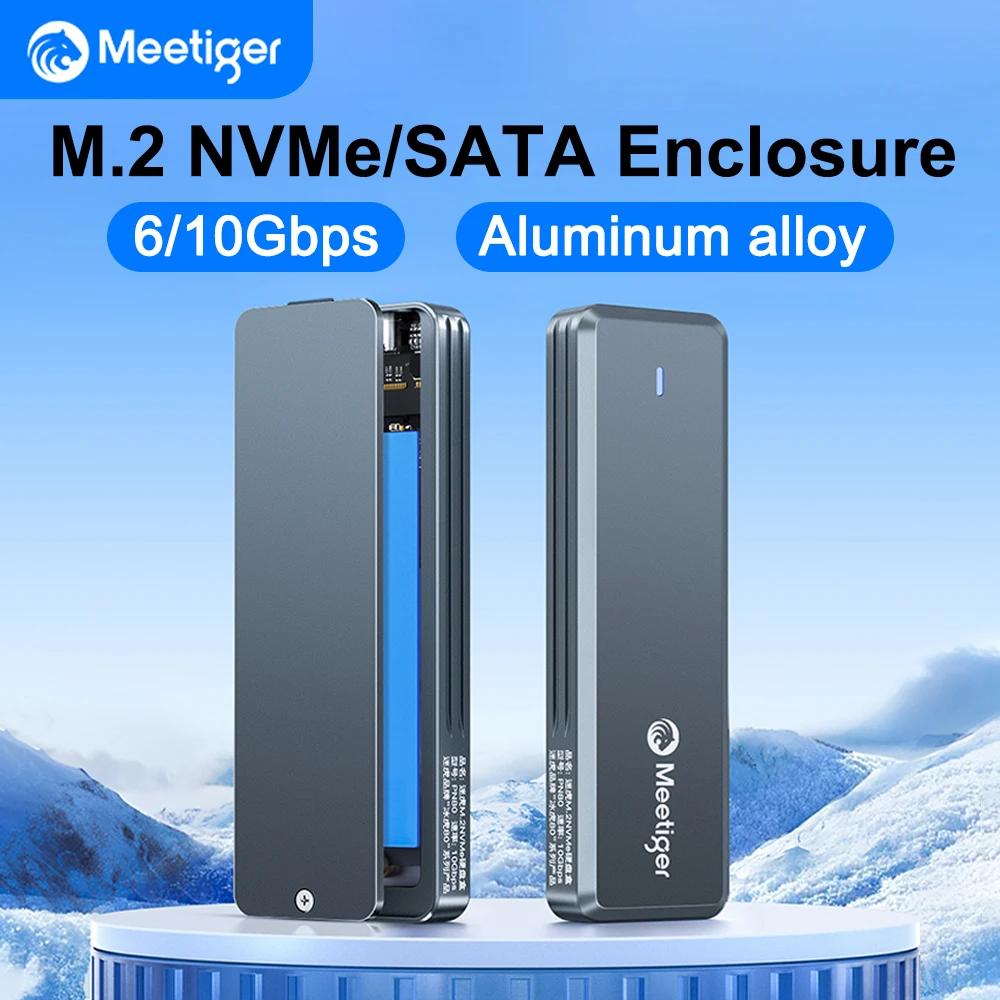
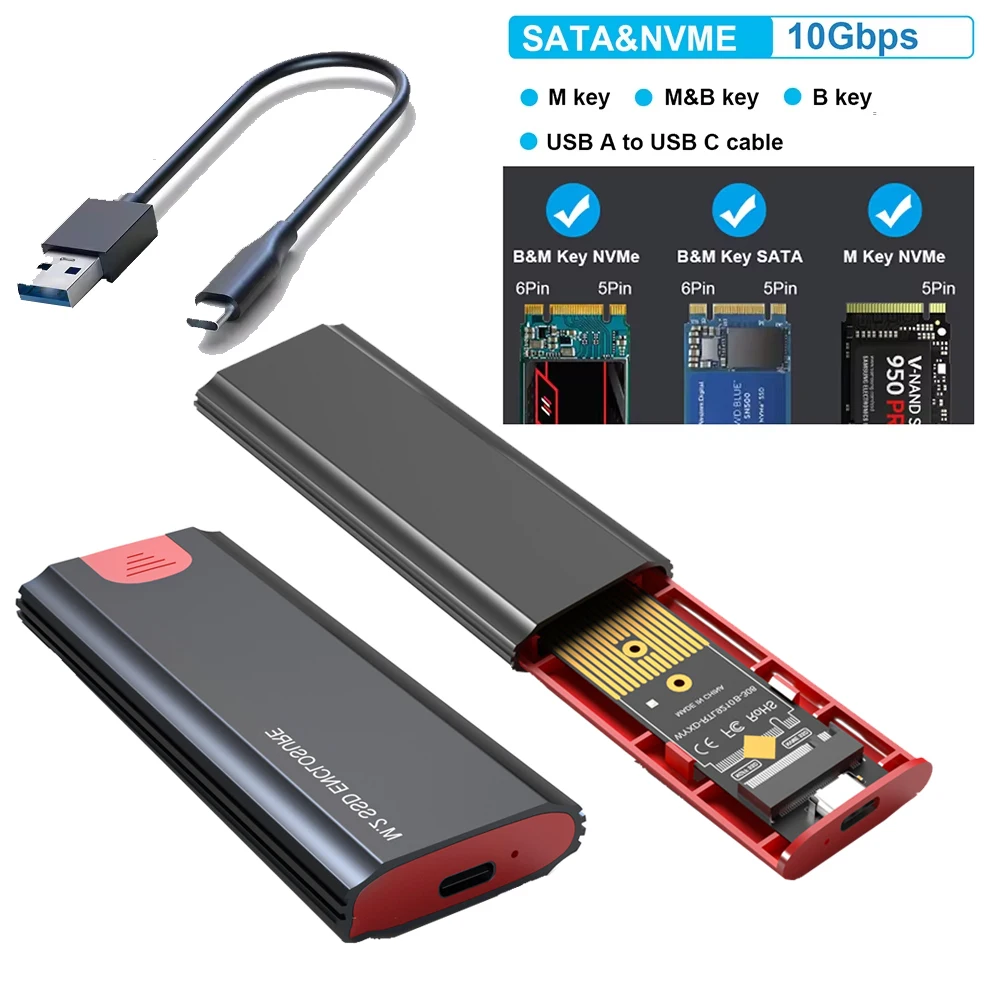
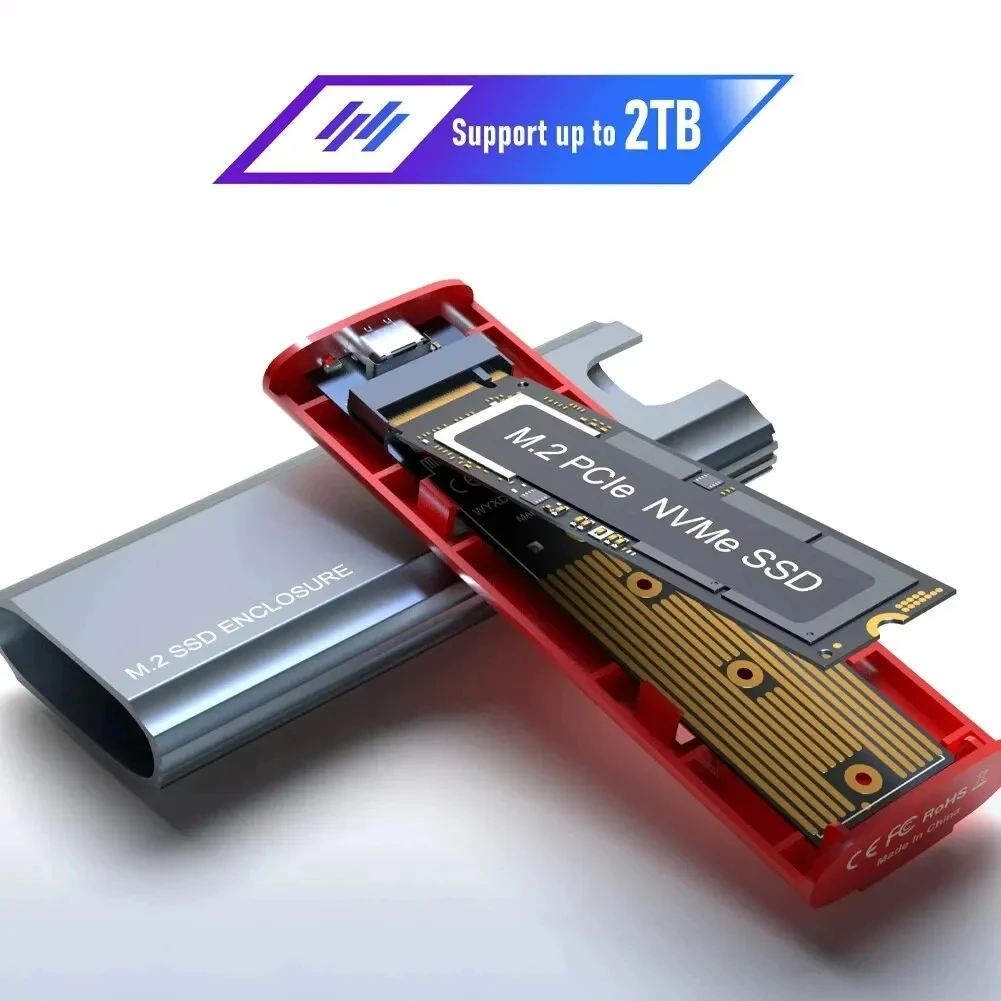
An enclosure is a case with a USB socket that a bare drive slots into. Close it up, plug it into your laptop, and the drive works as an external drive. It is the cheapest way to add storage when you already have a drive: the one left over when you upgraded your laptop, an old drive full of photos you want to reach, or a new SSD bought to make your own portable drive. Everything in this department is sold empty: the drive goes in.
The two ranges
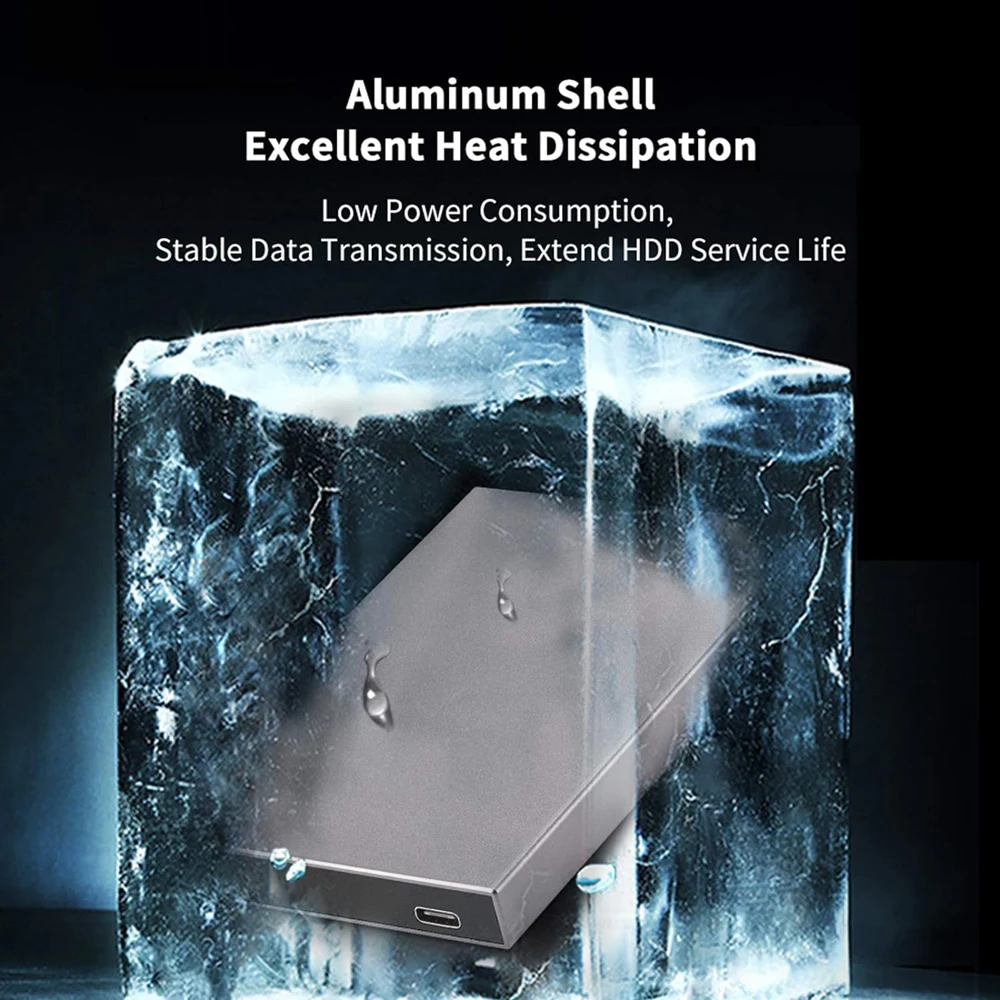
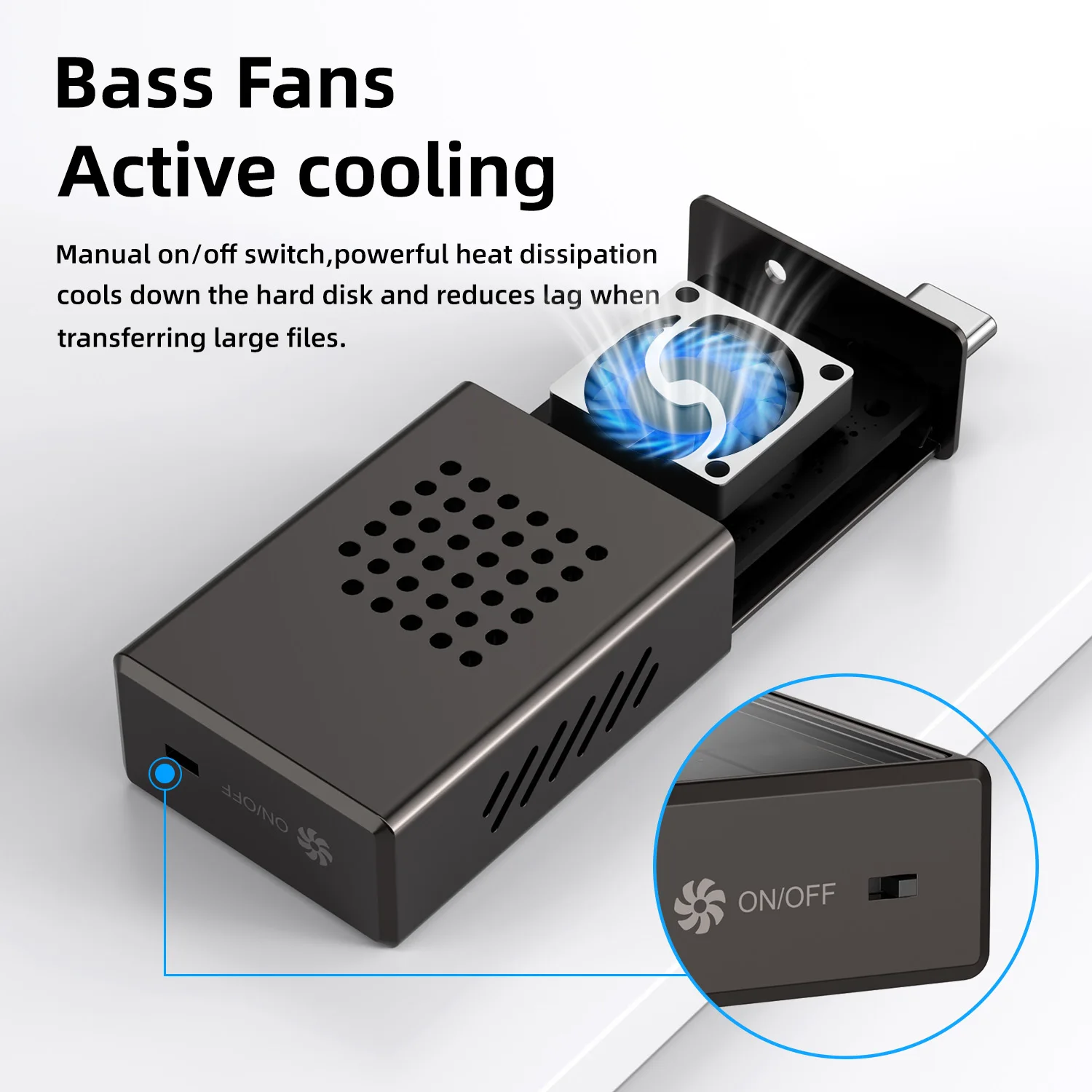
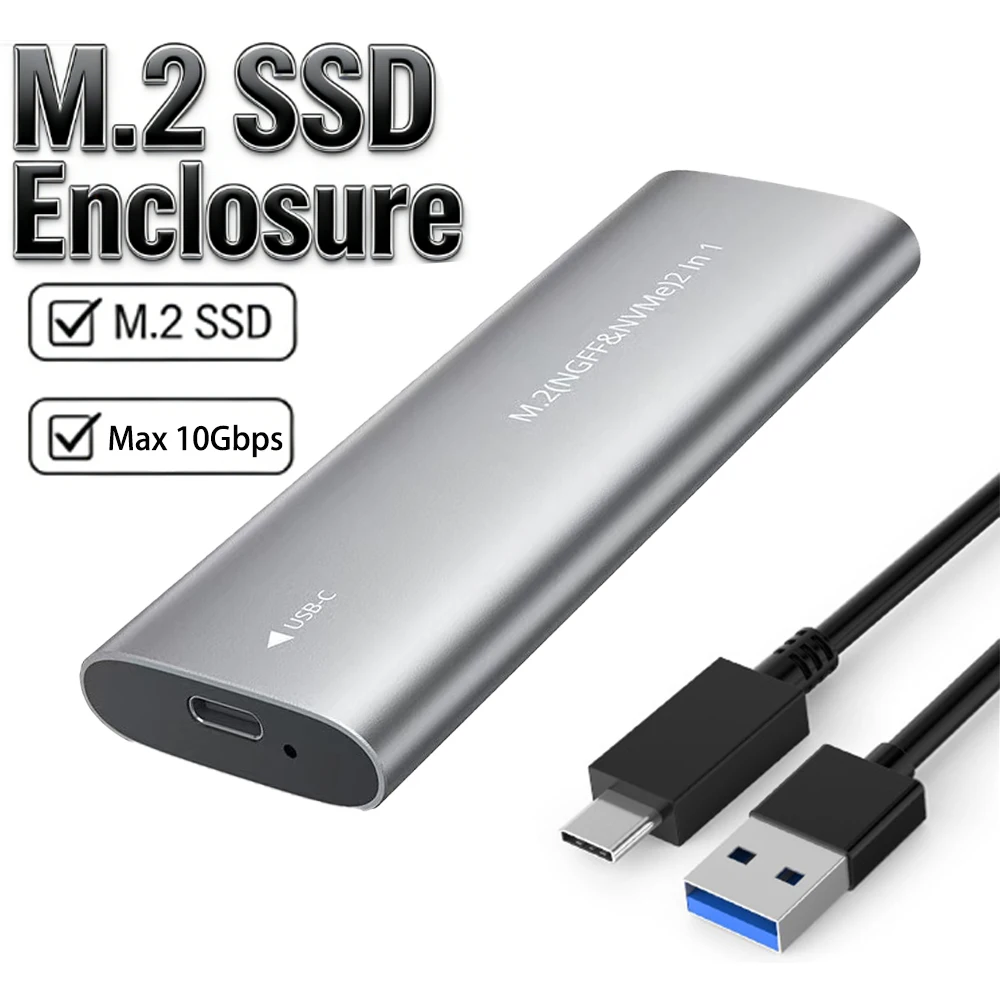
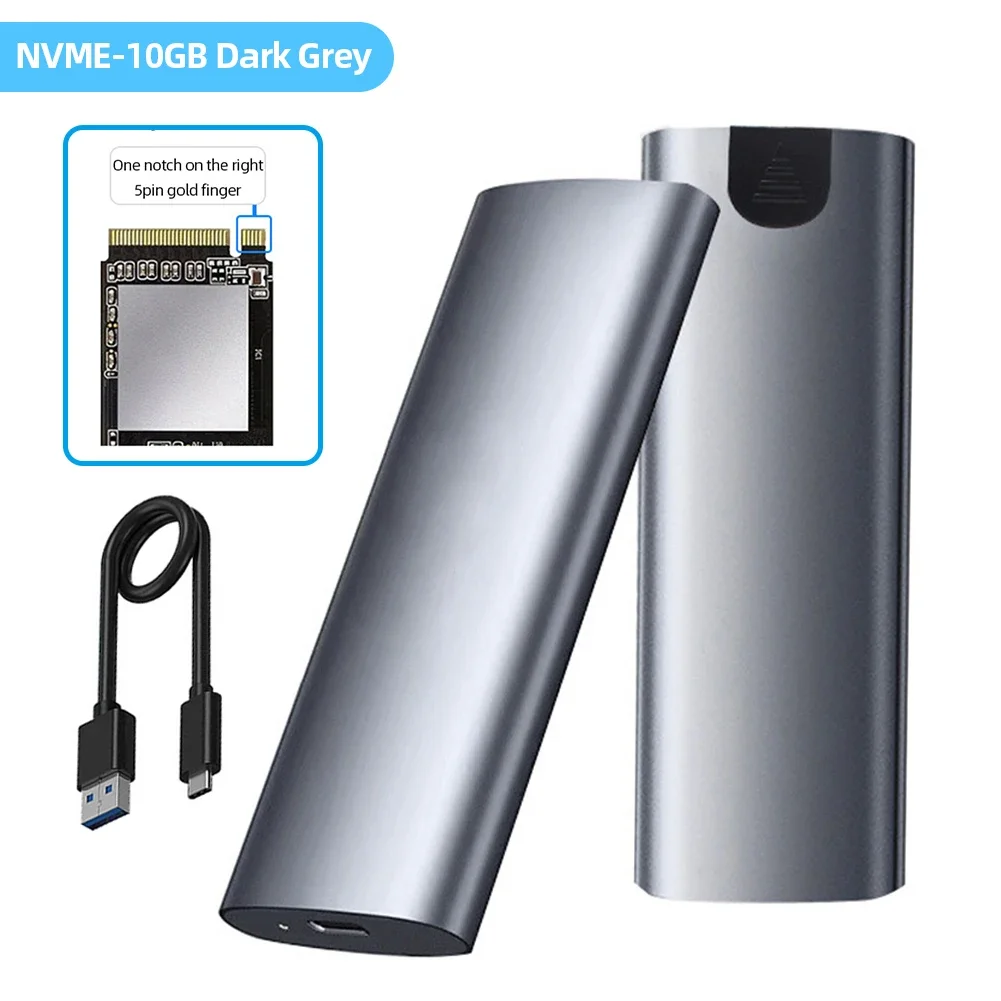
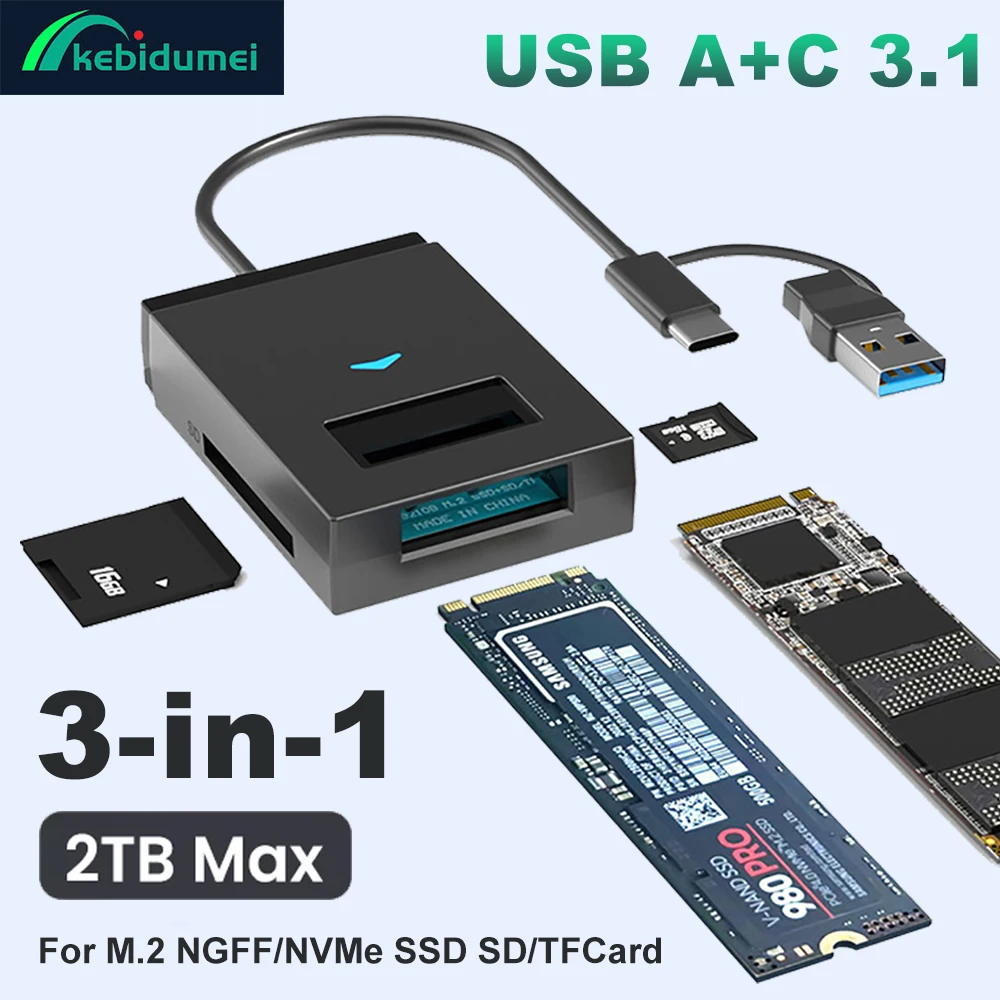
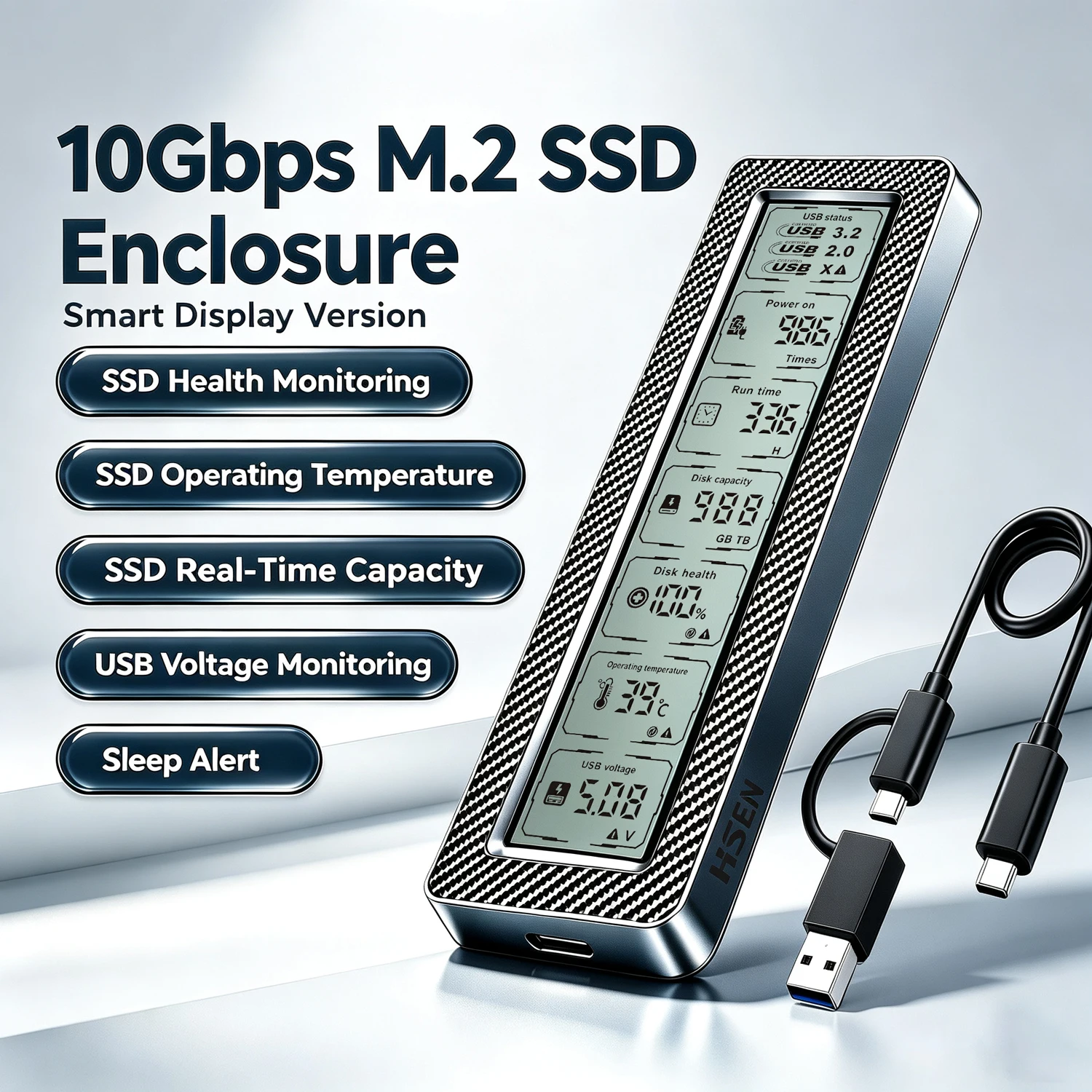
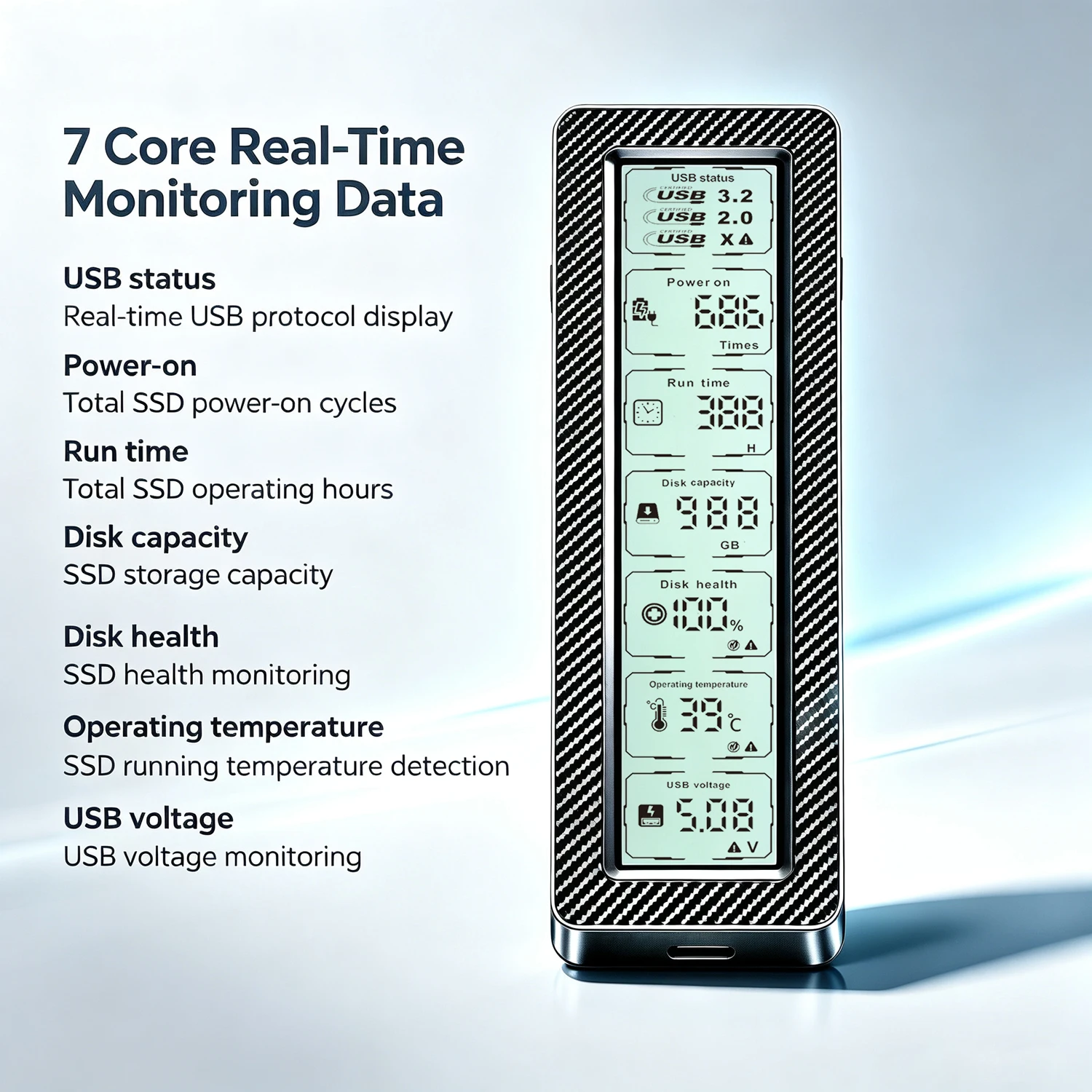
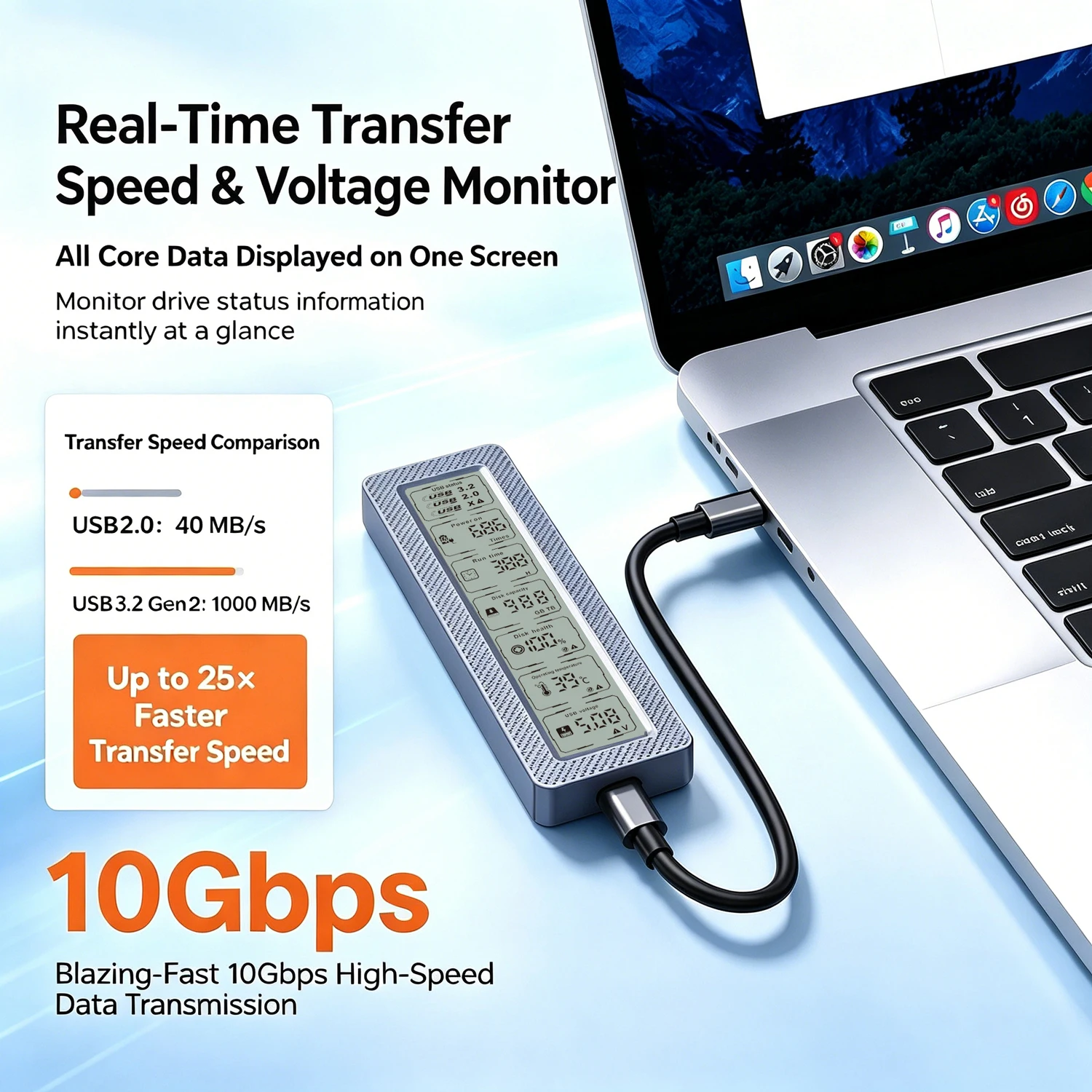
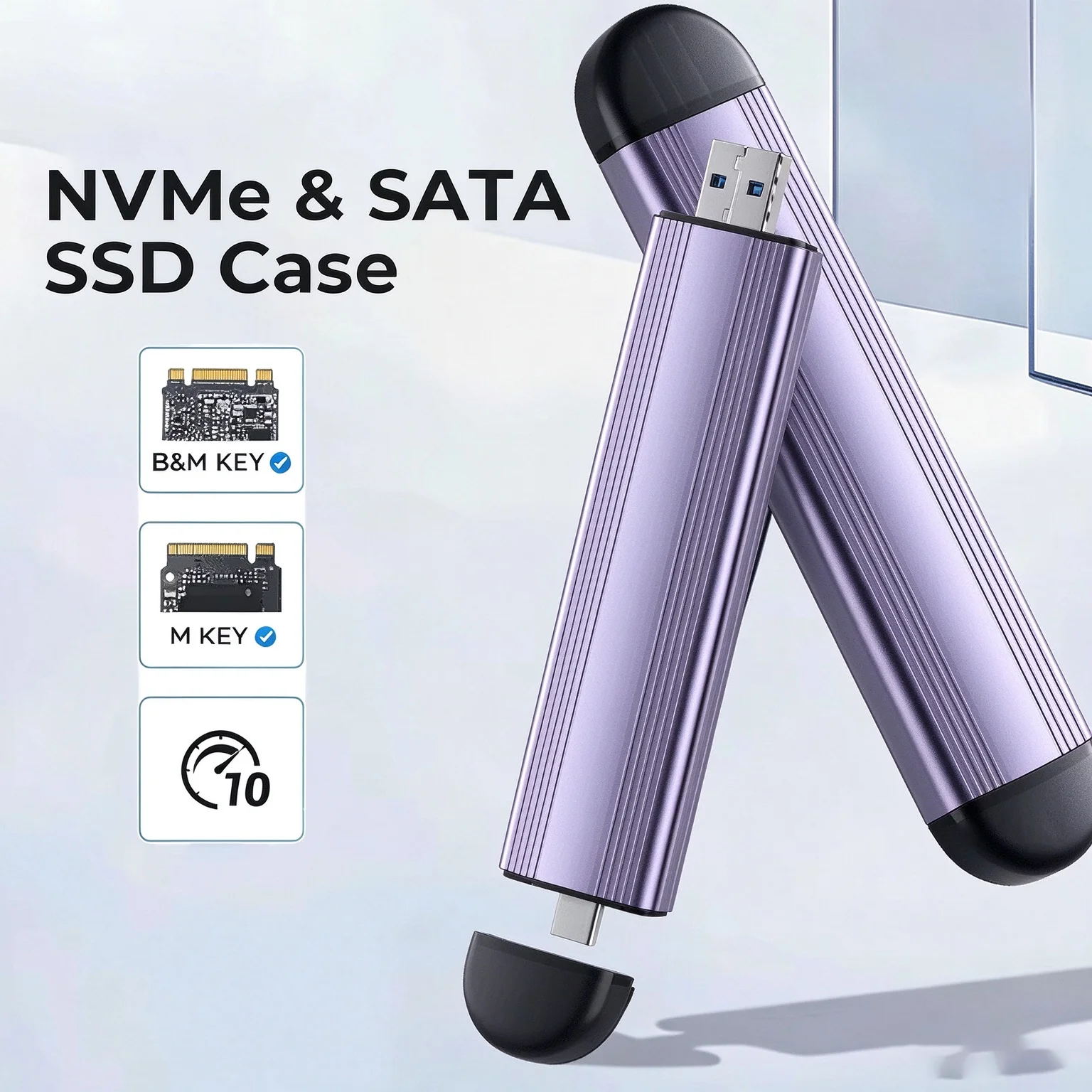
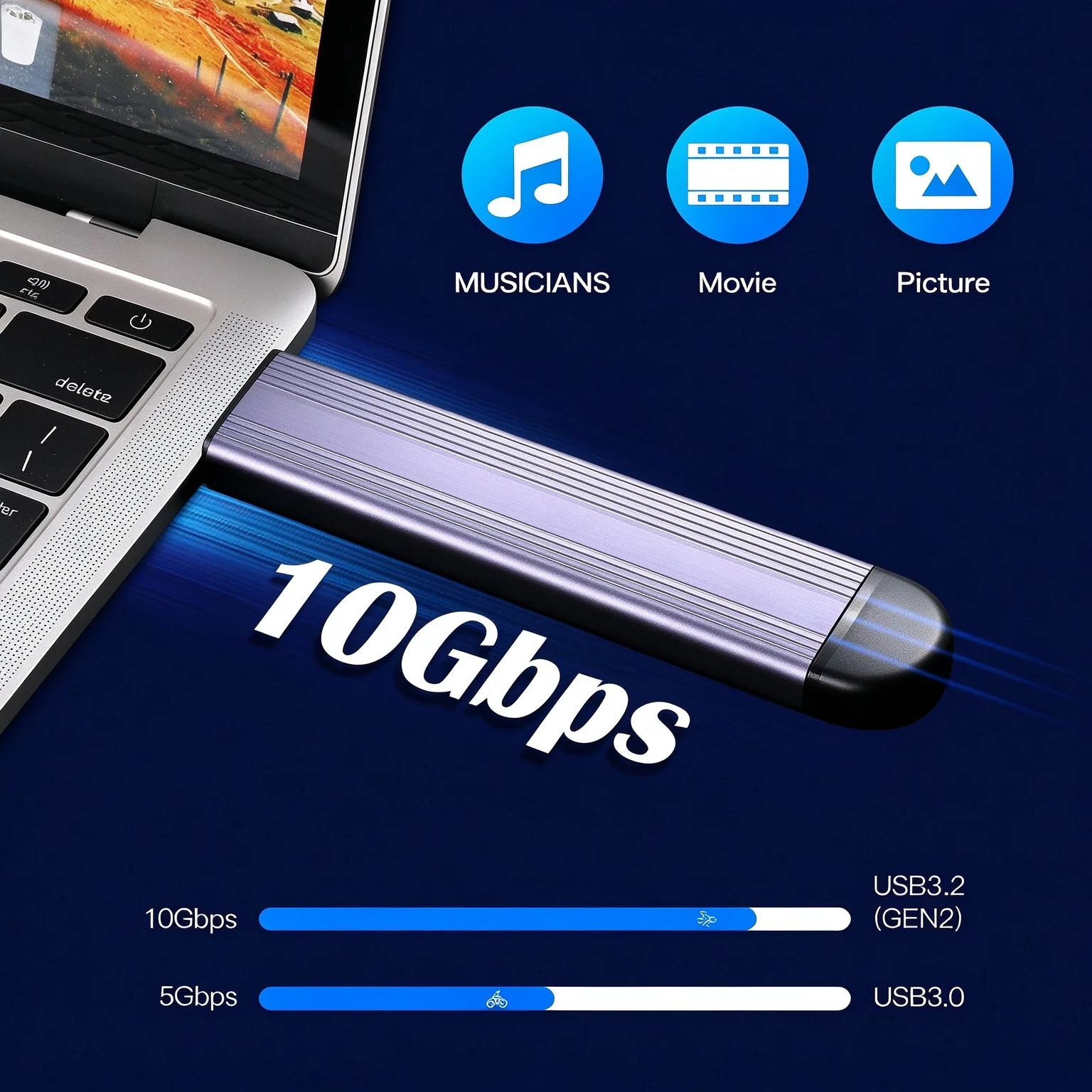
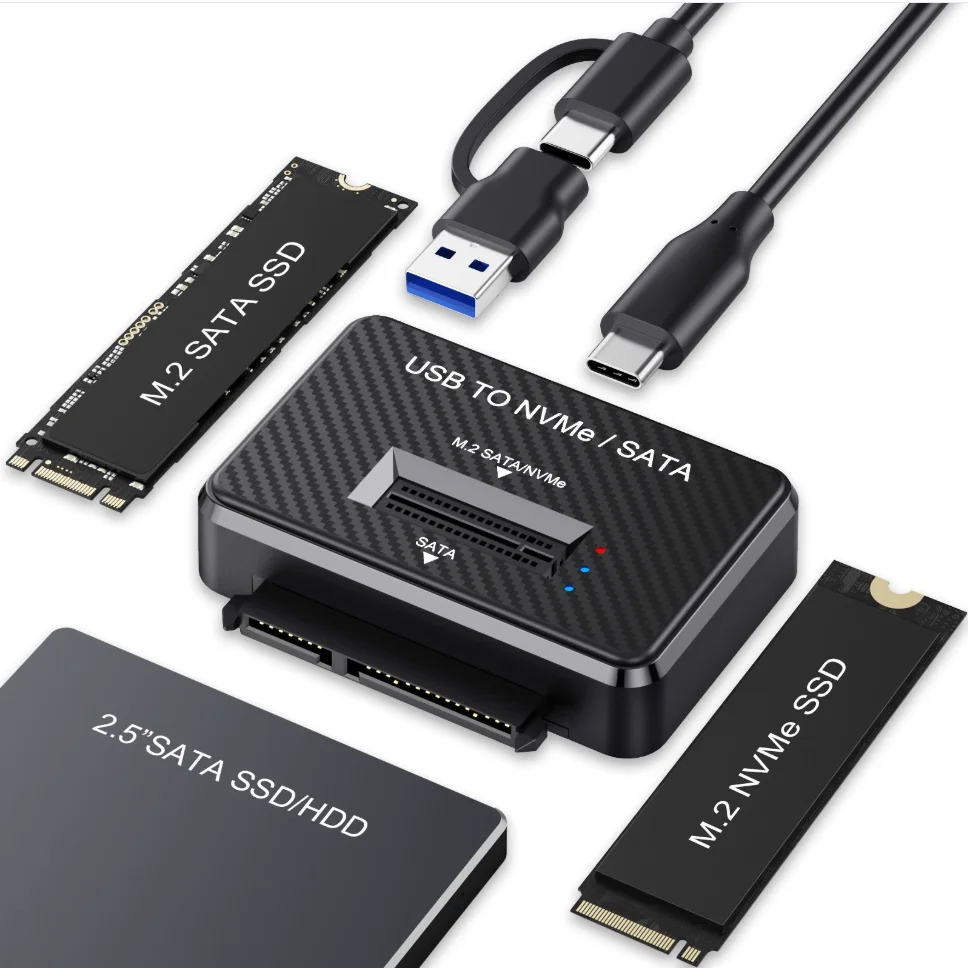
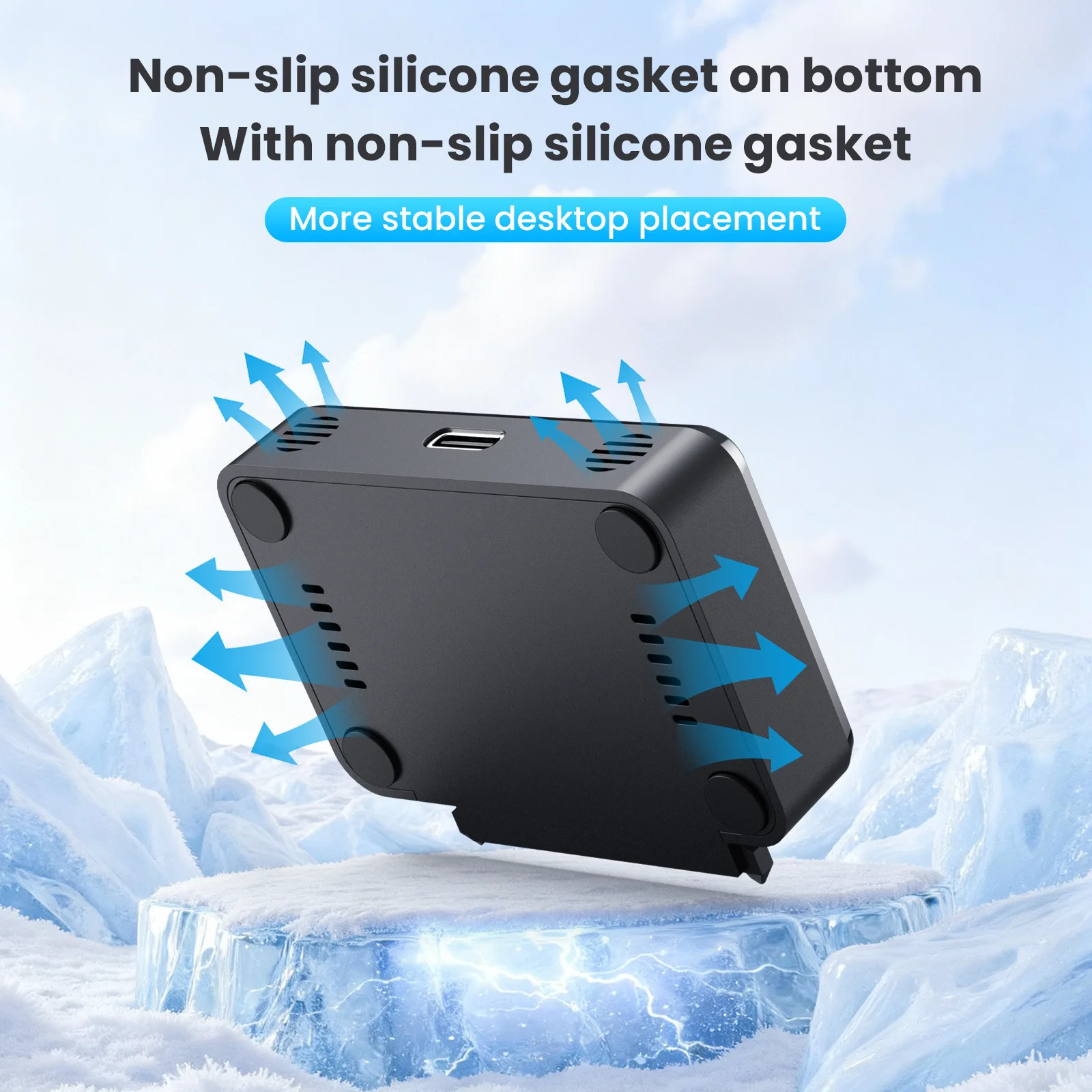
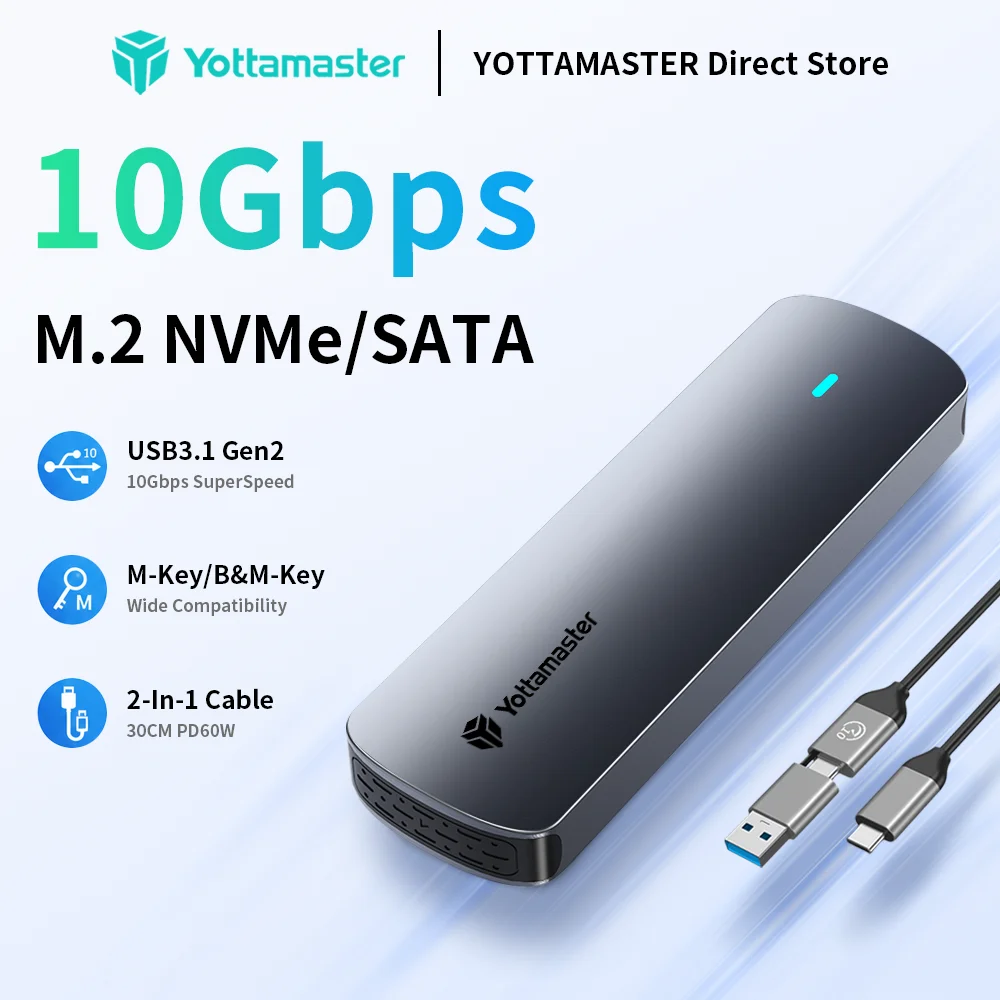
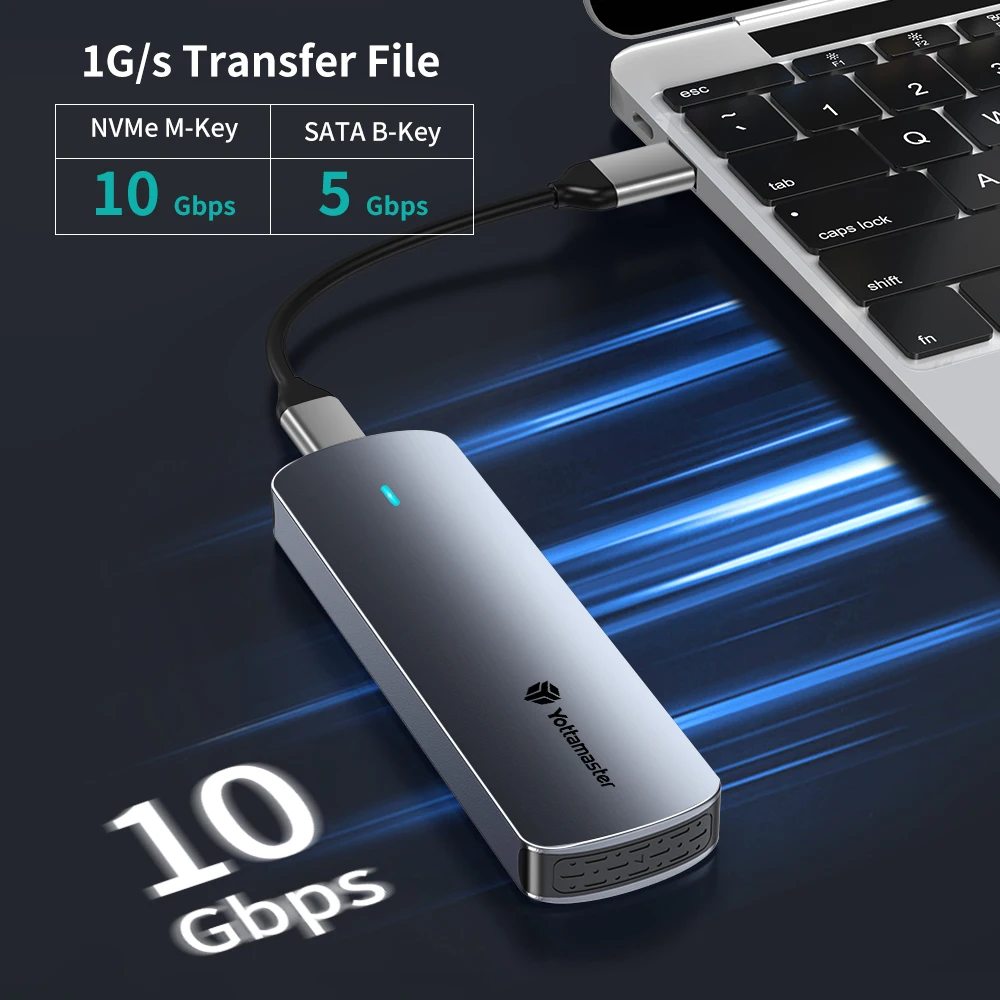
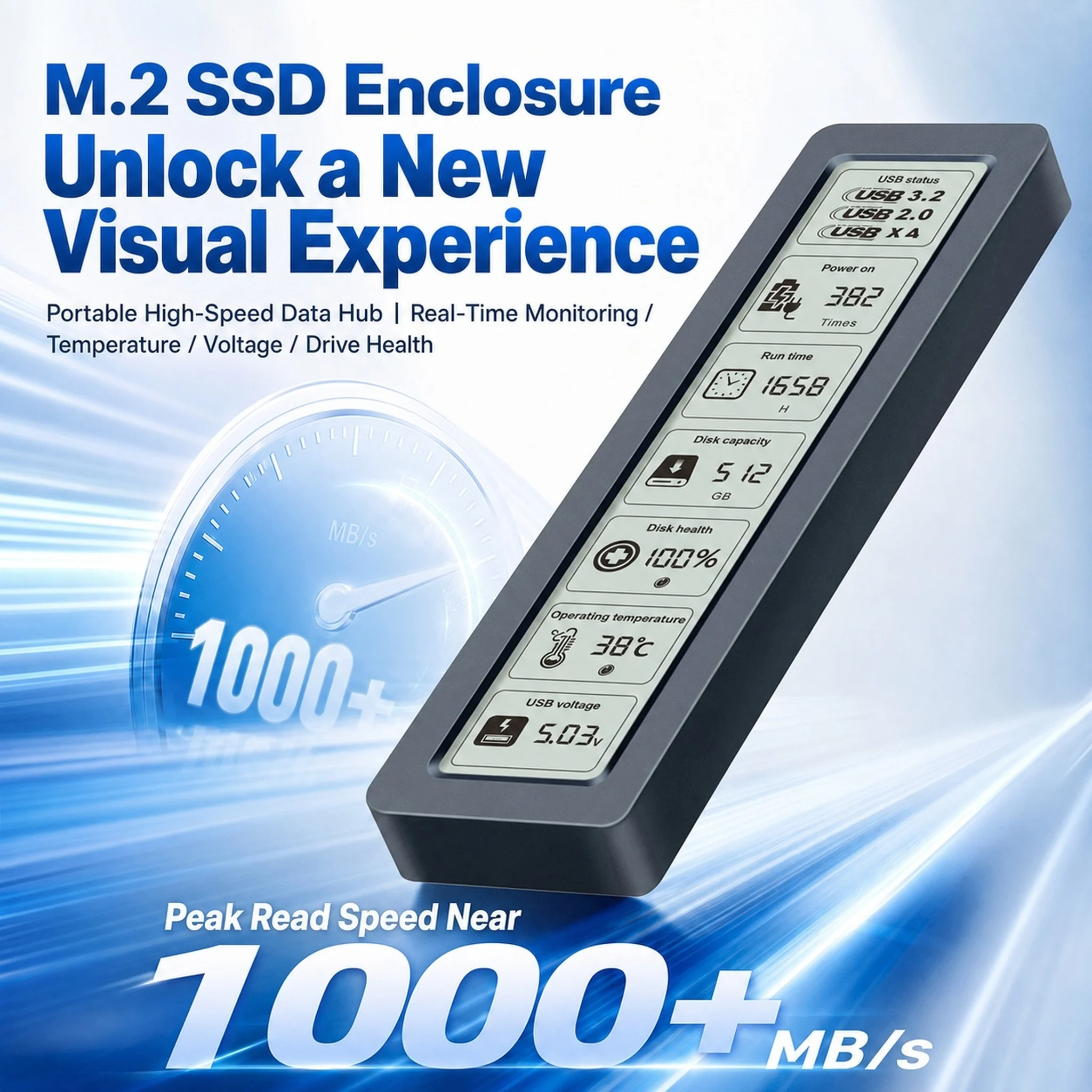
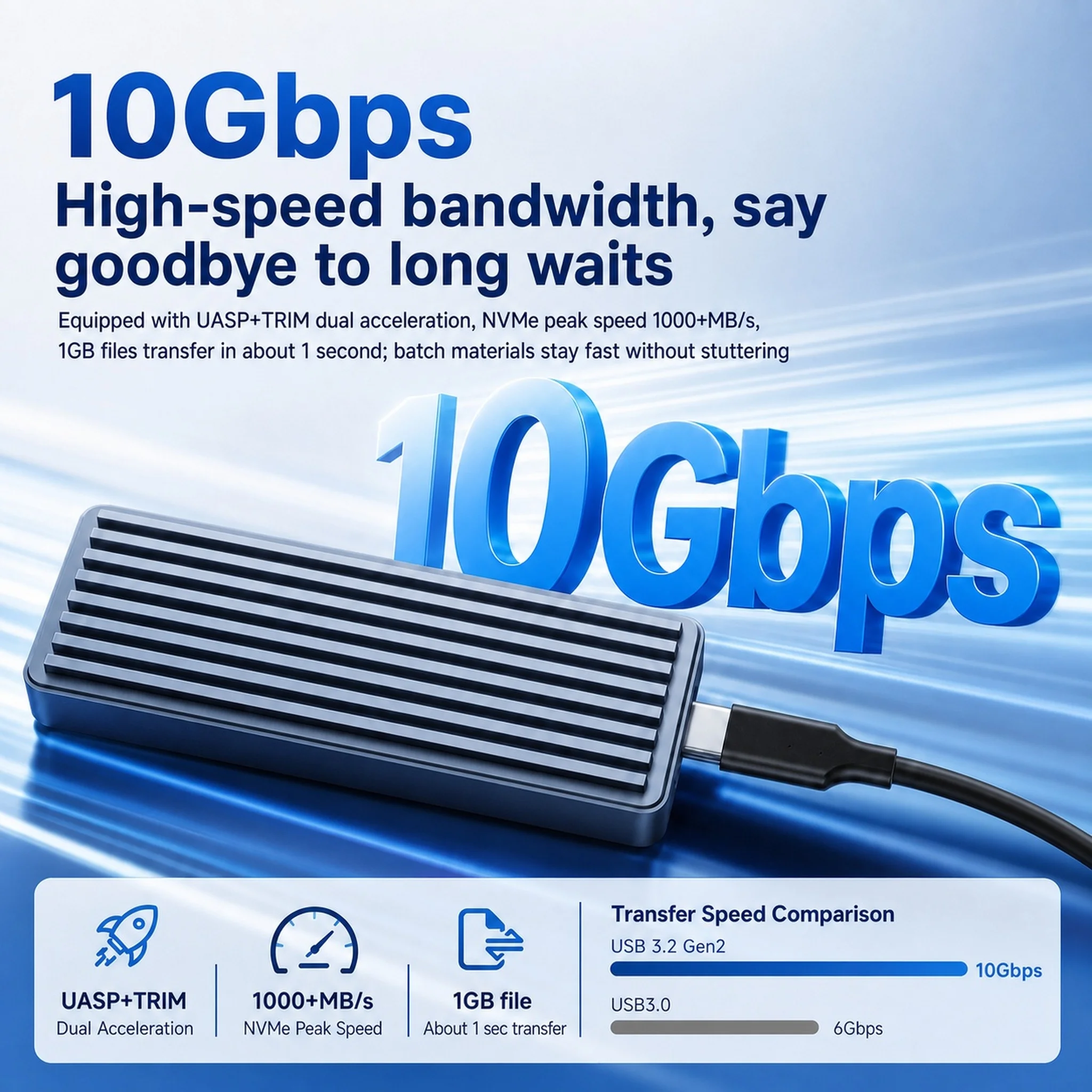
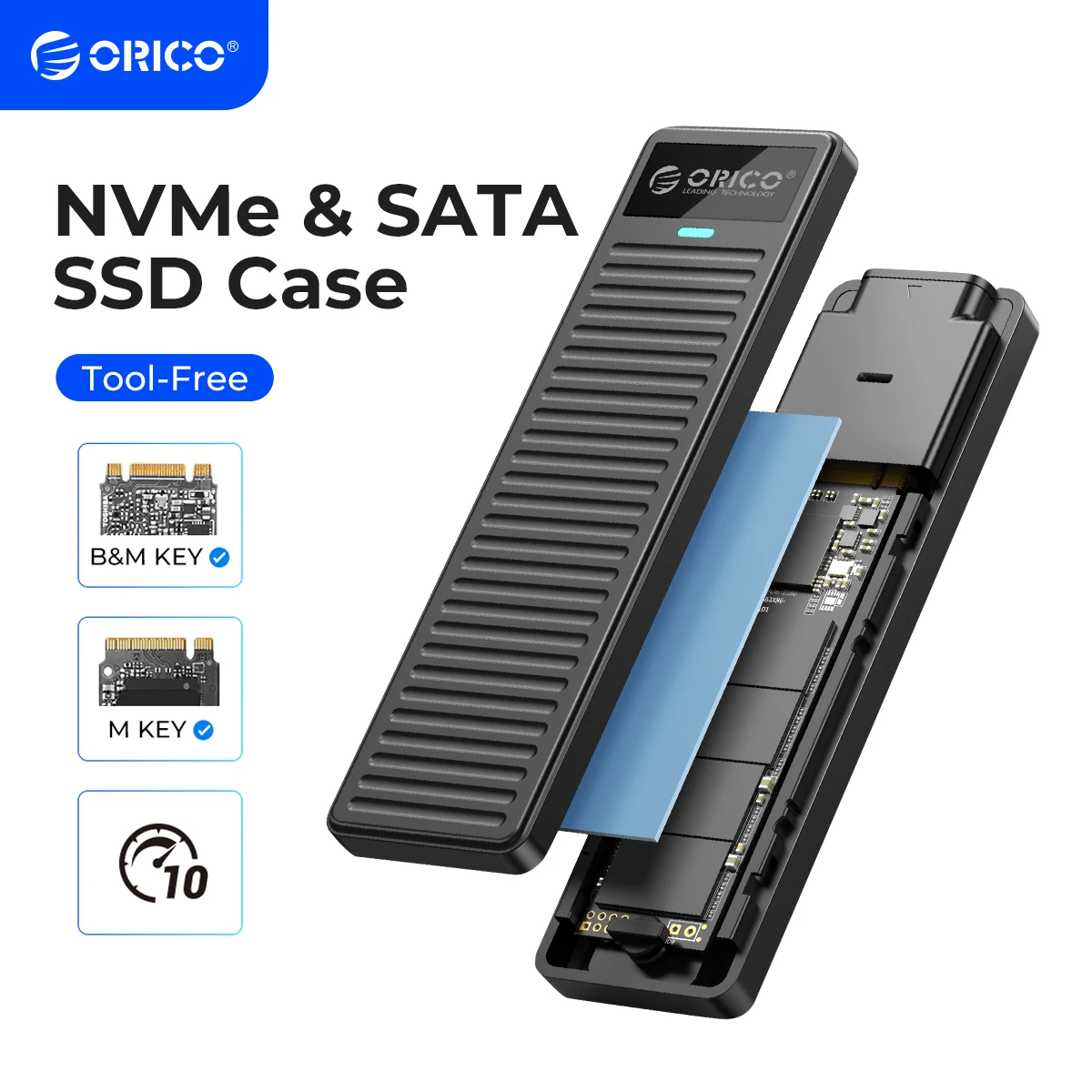
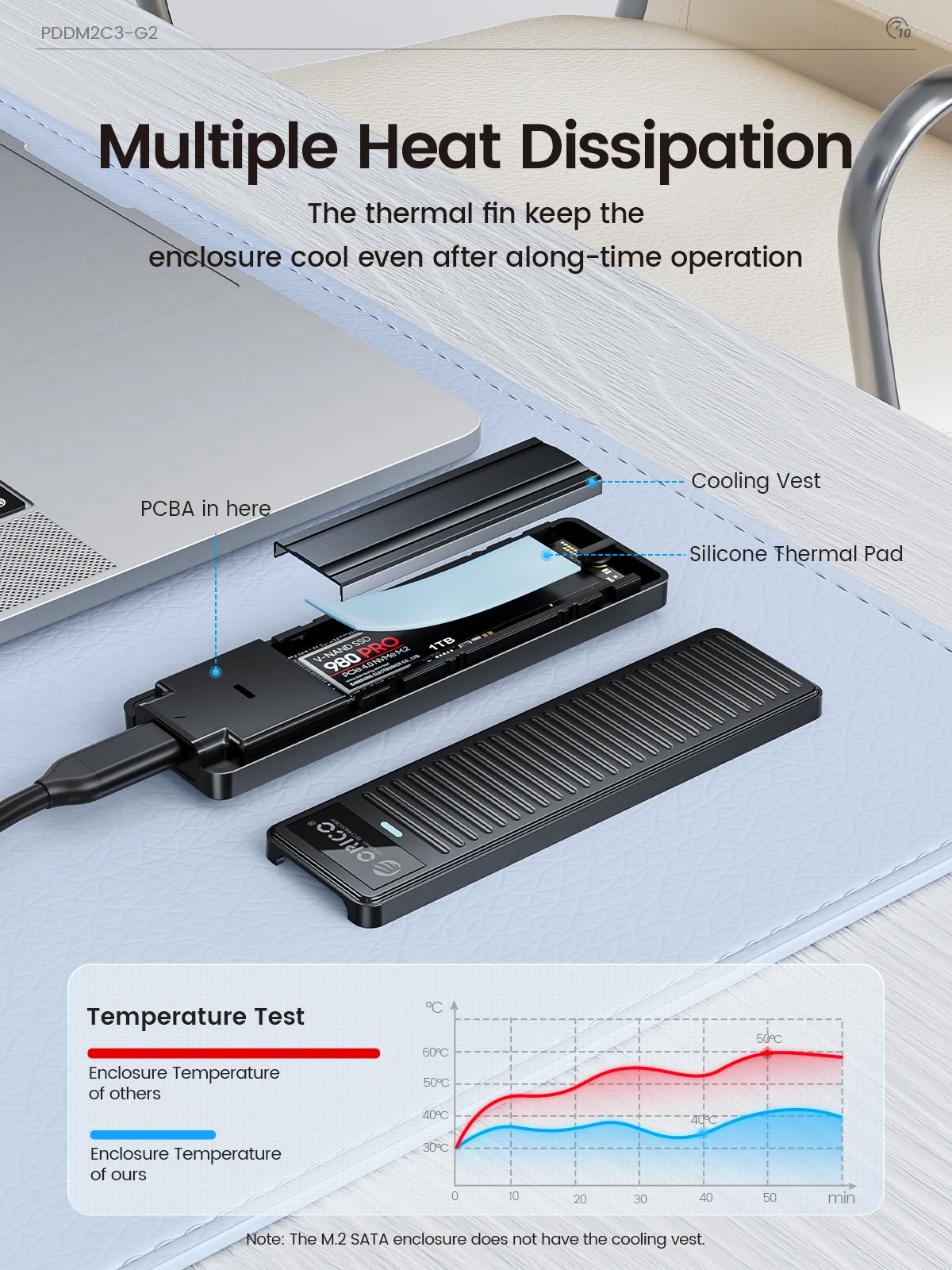
- M.2 SSD enclosures take the small stick-shaped drives found in modern laptops and desktops, NVMe or SATA. Most connect at 10Gbps, one at 20Gbps, many in aluminium cases that help the drive keep cool.
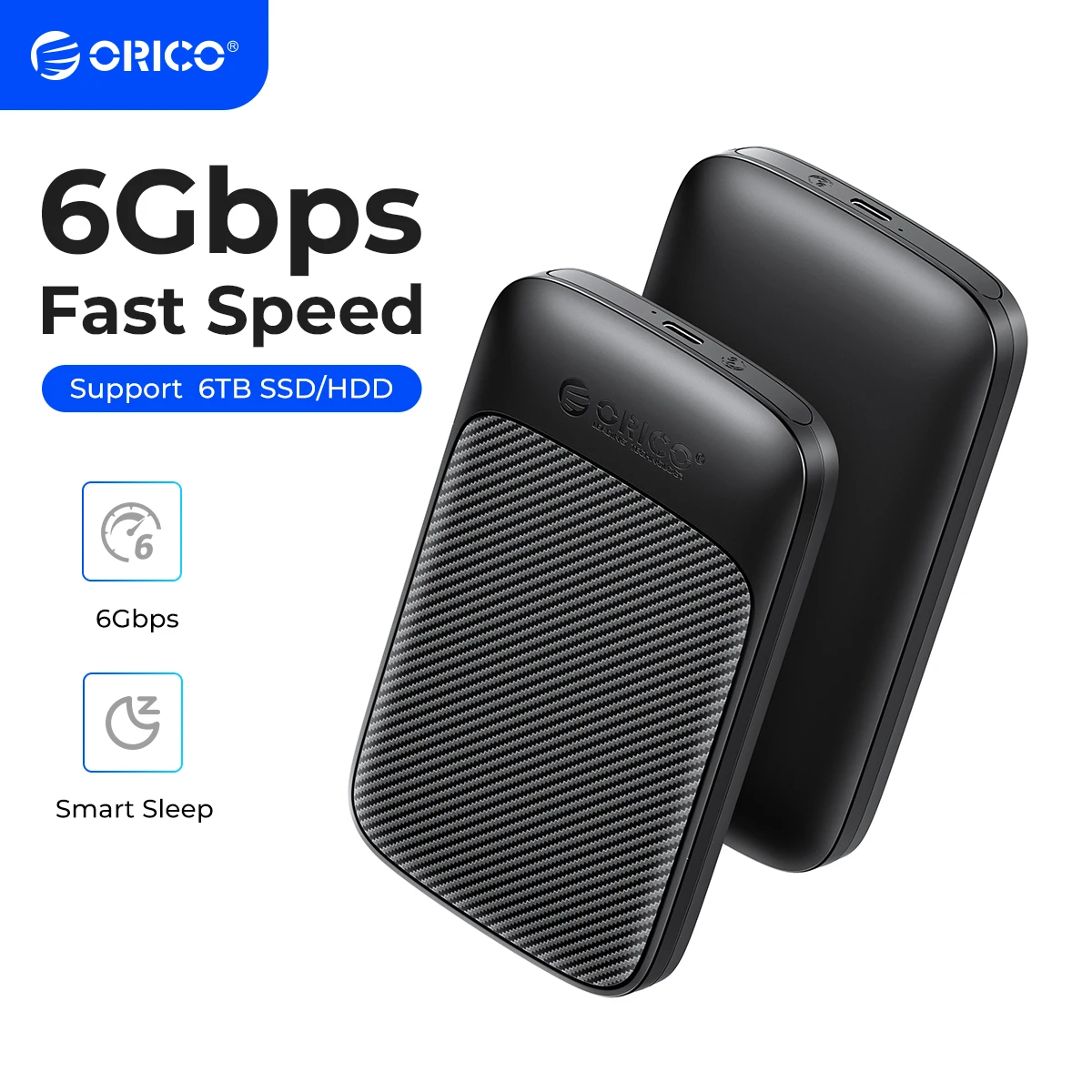
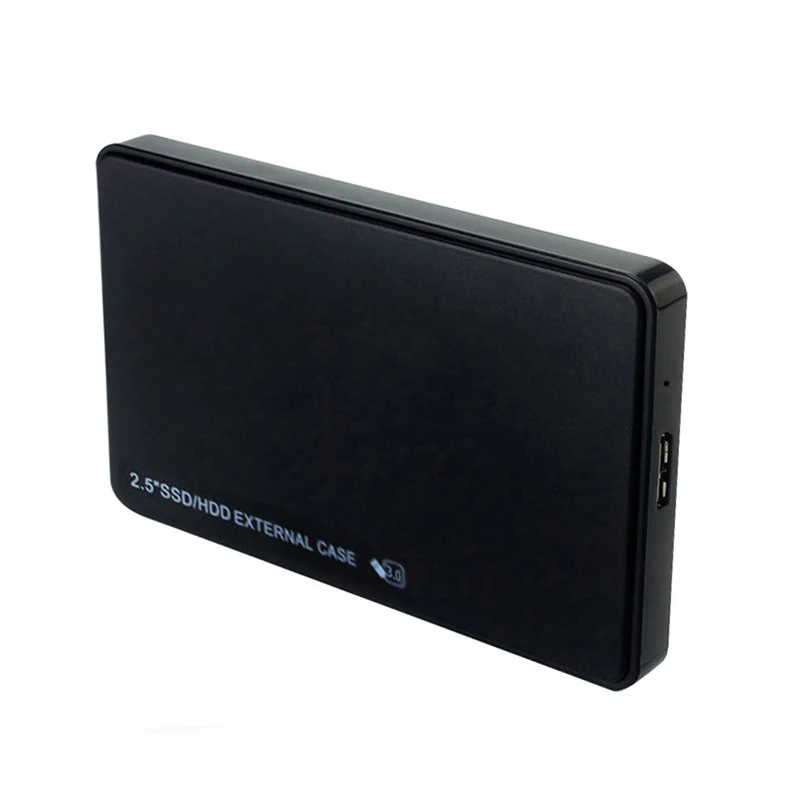
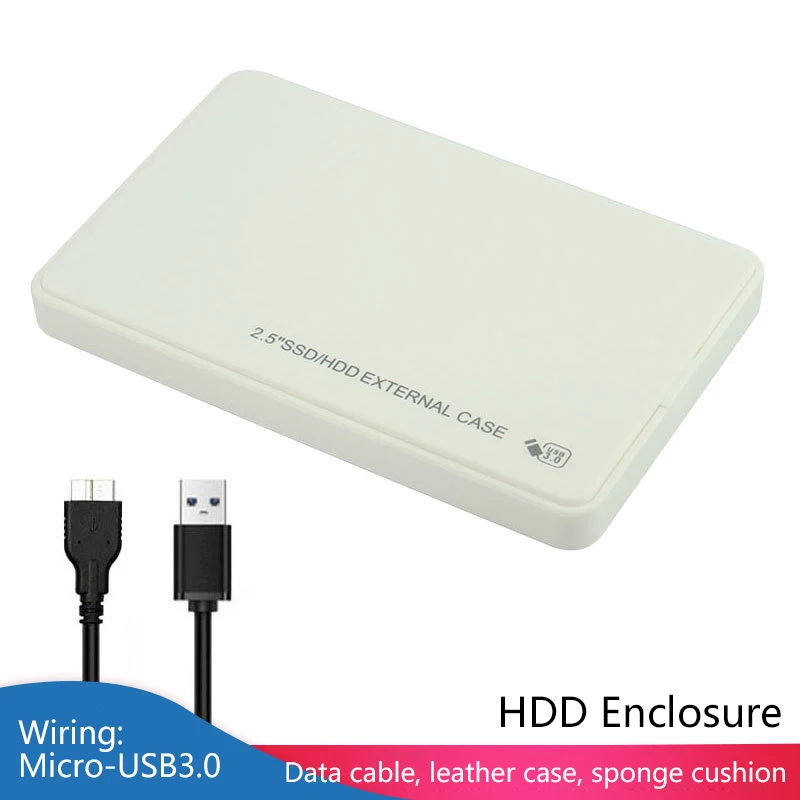
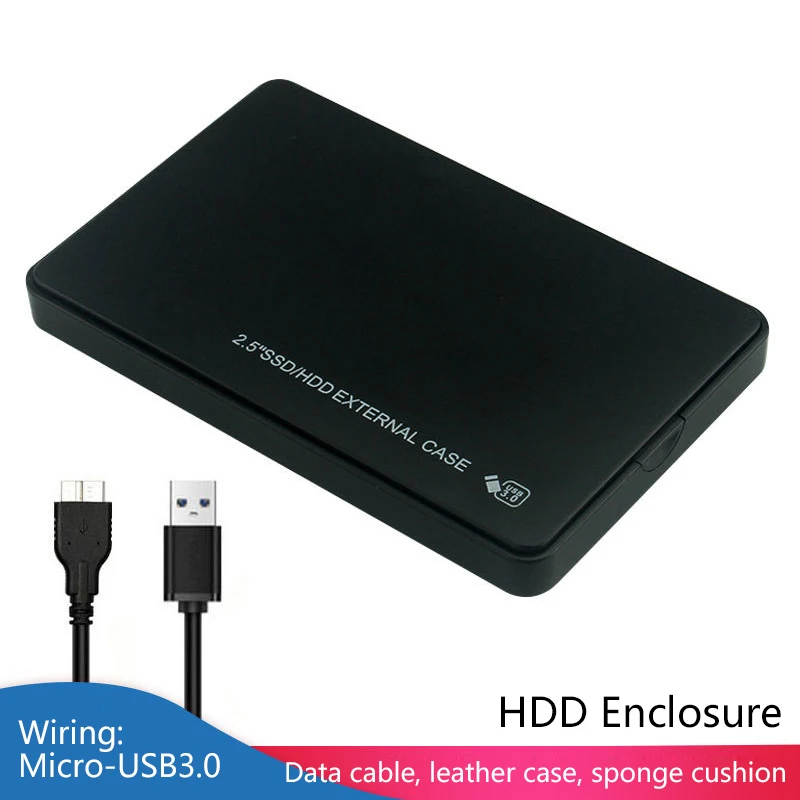
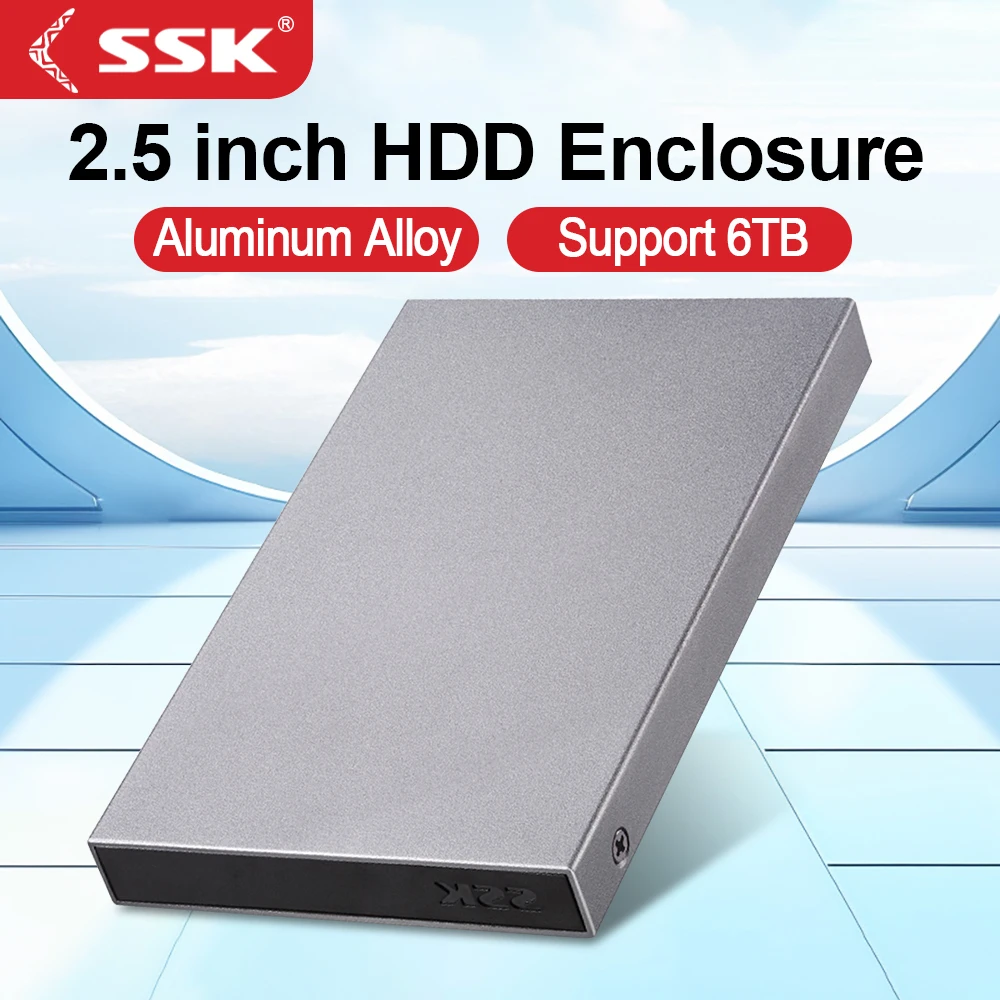
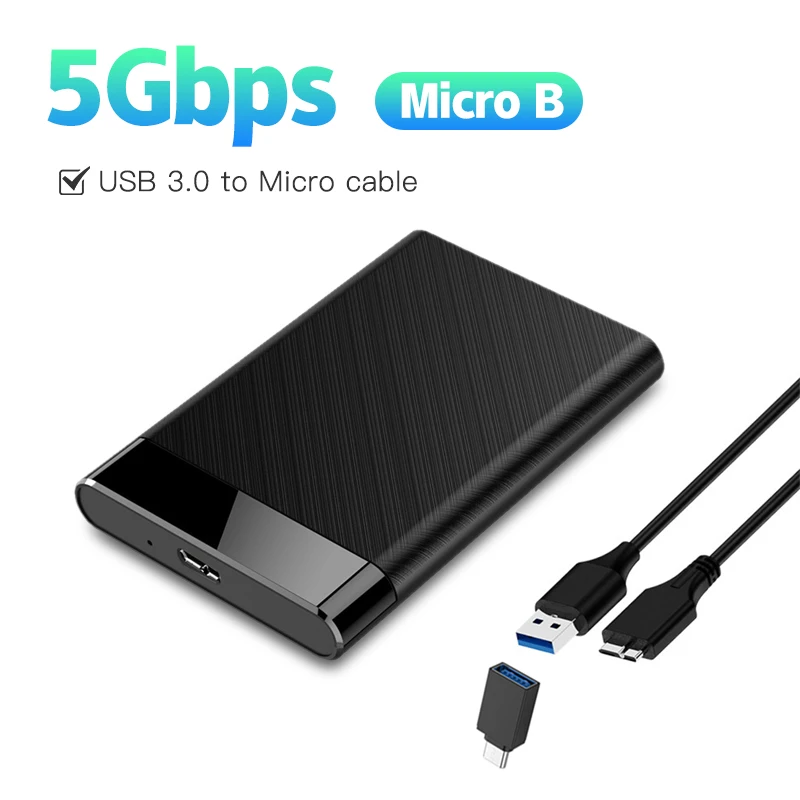
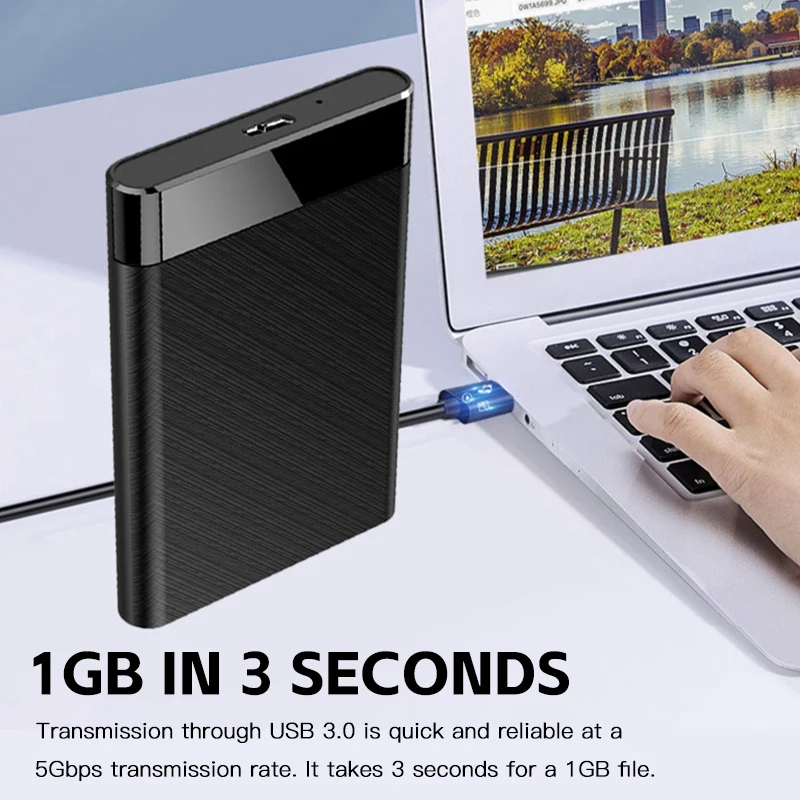
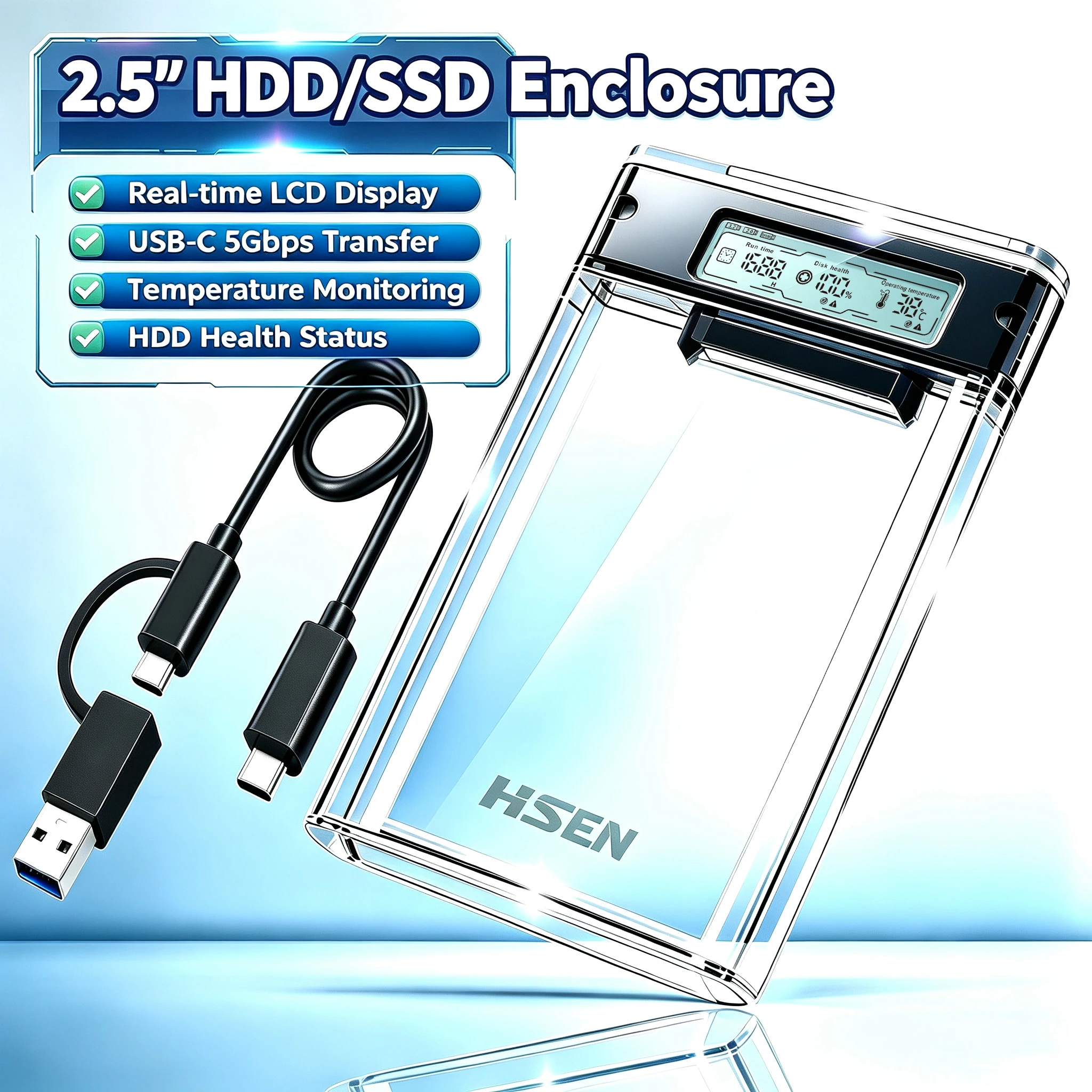
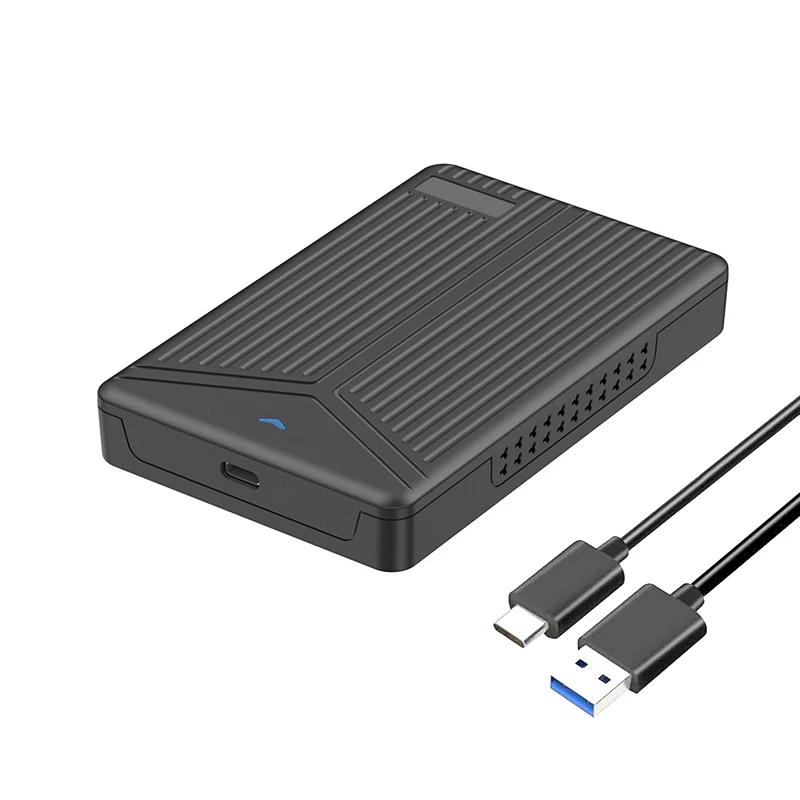
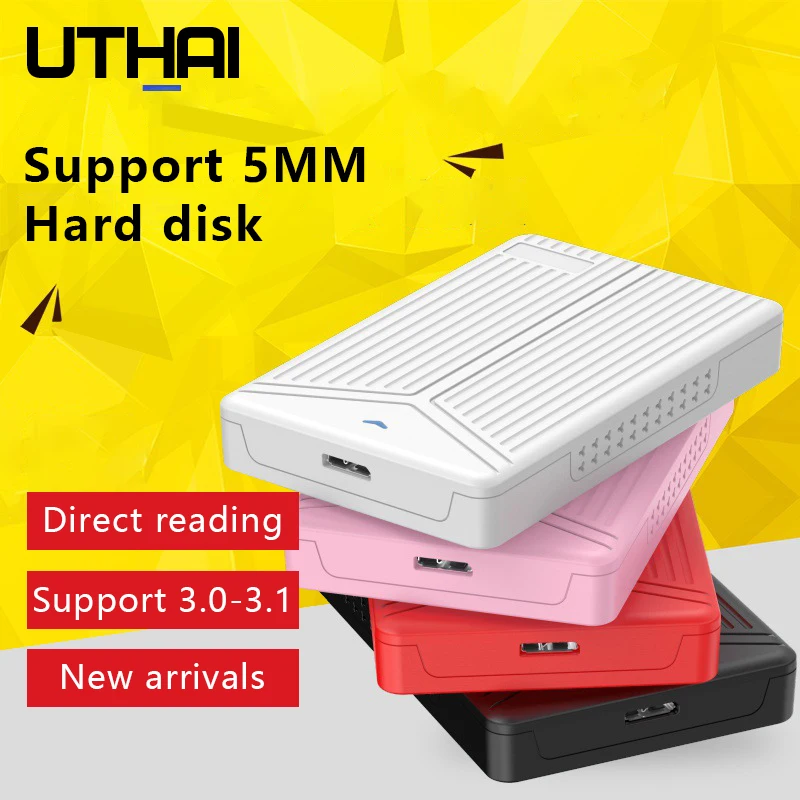
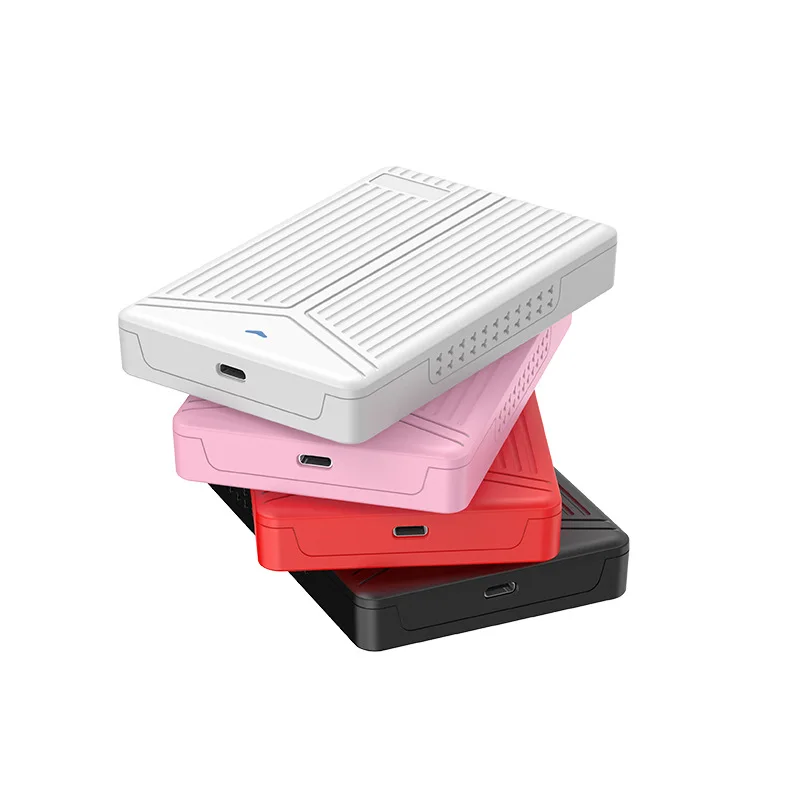
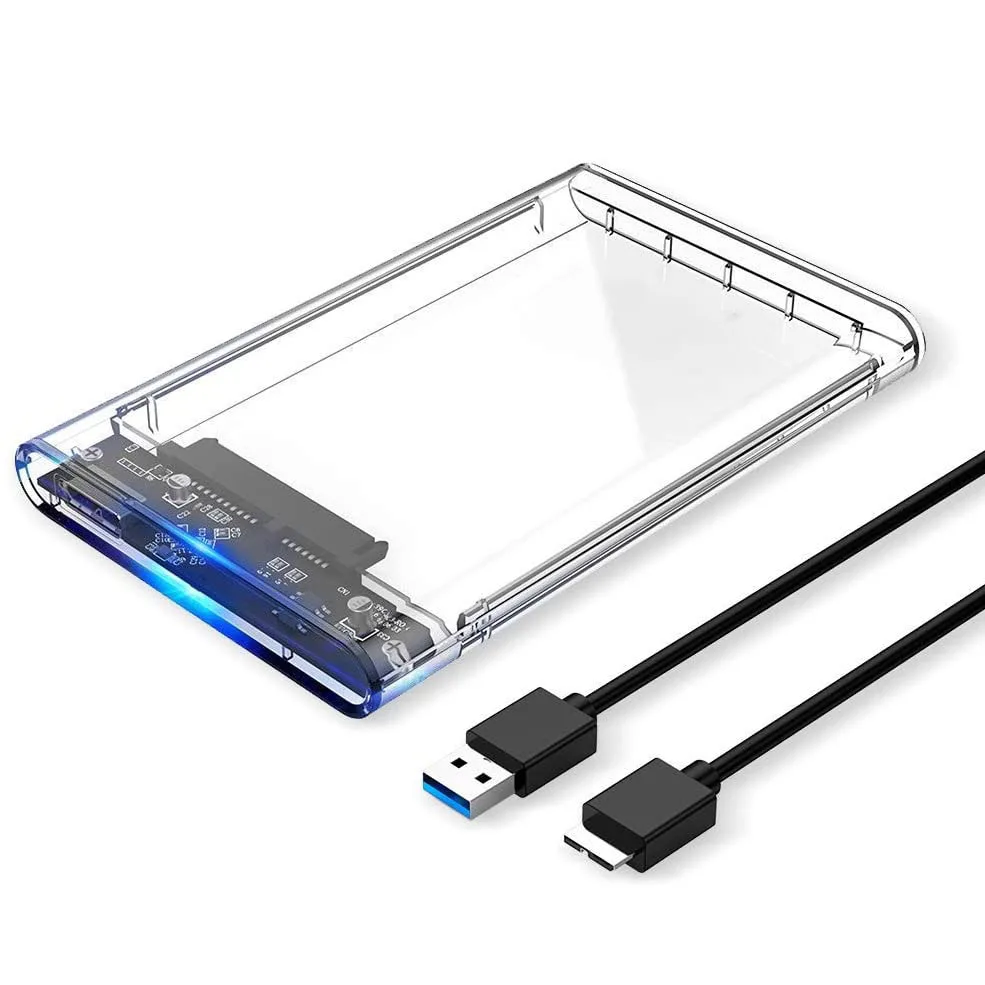
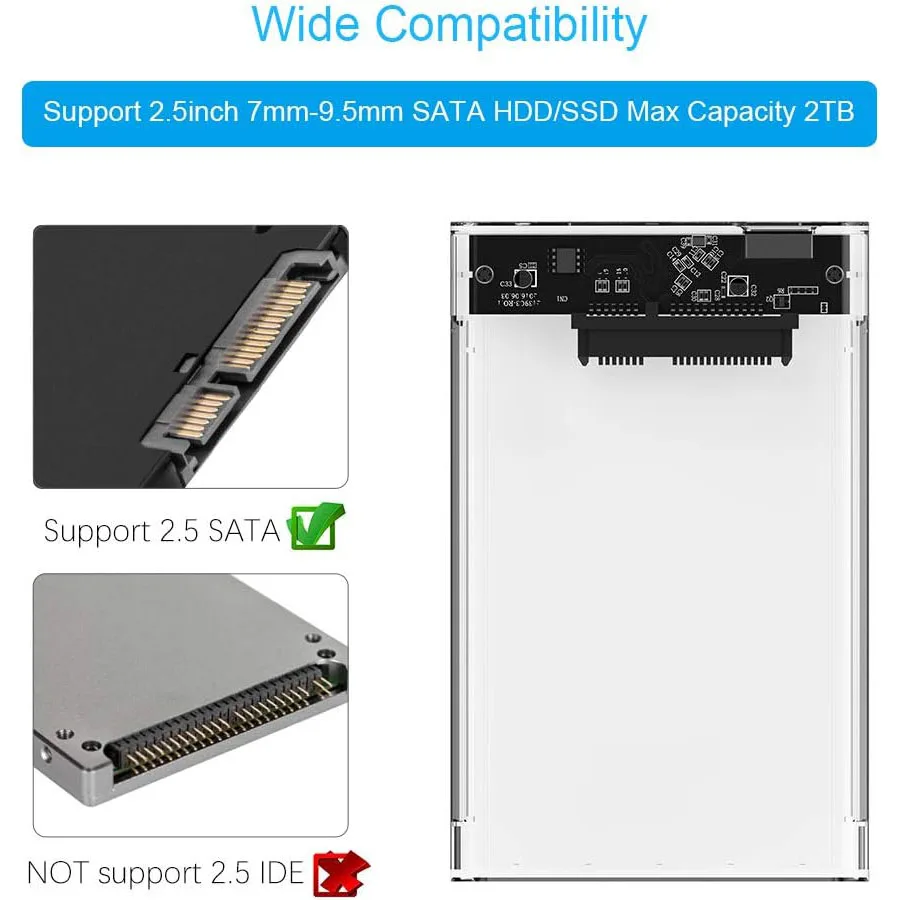
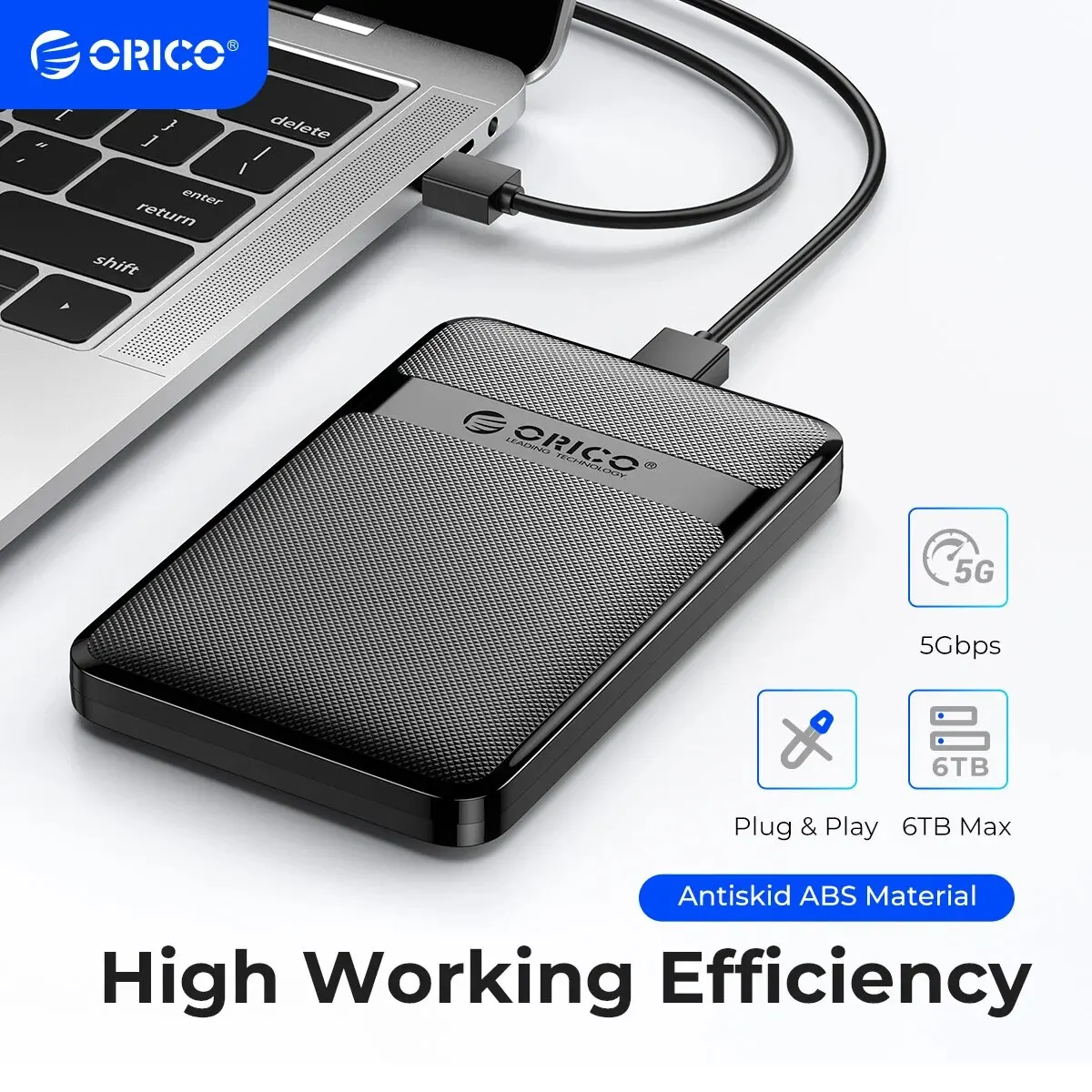
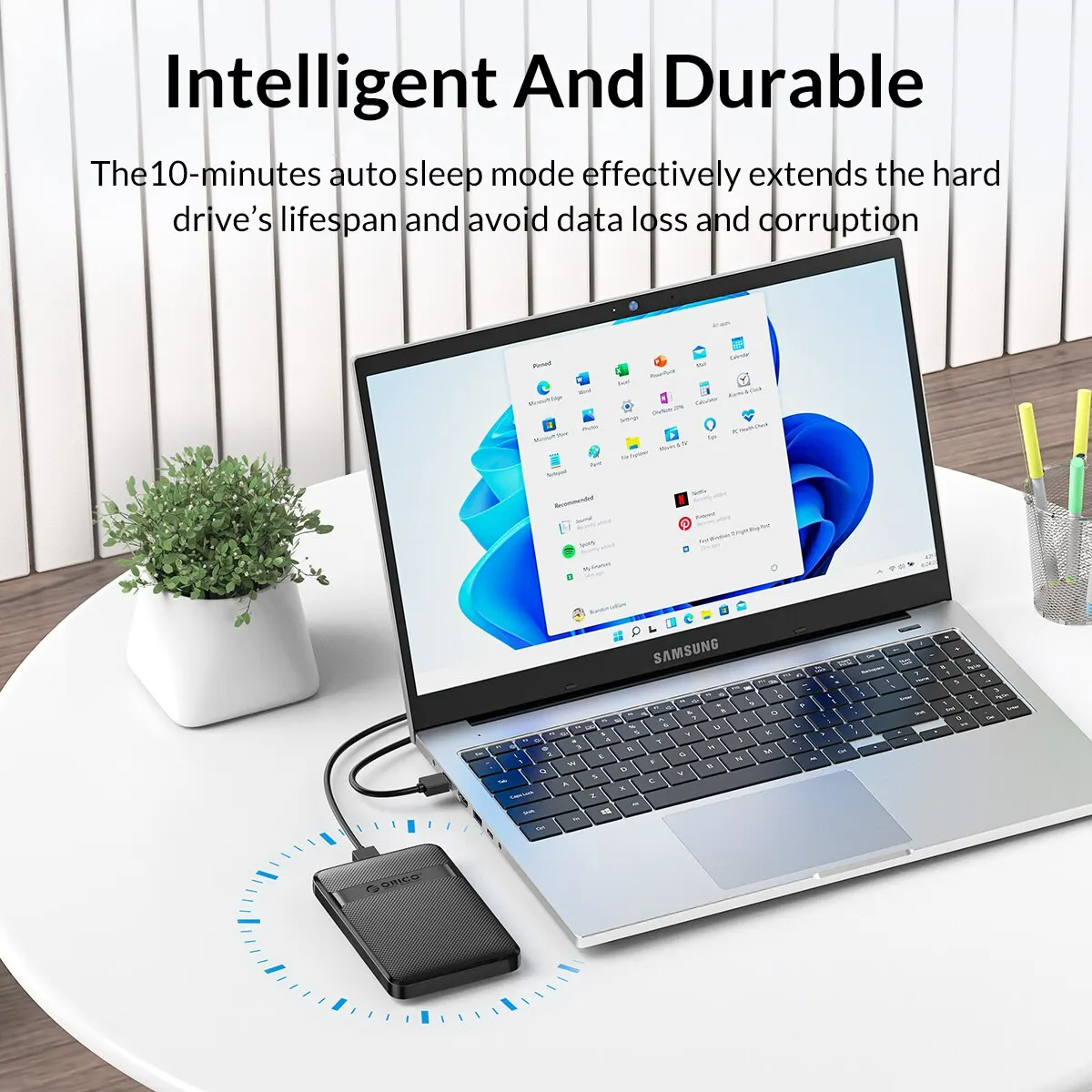
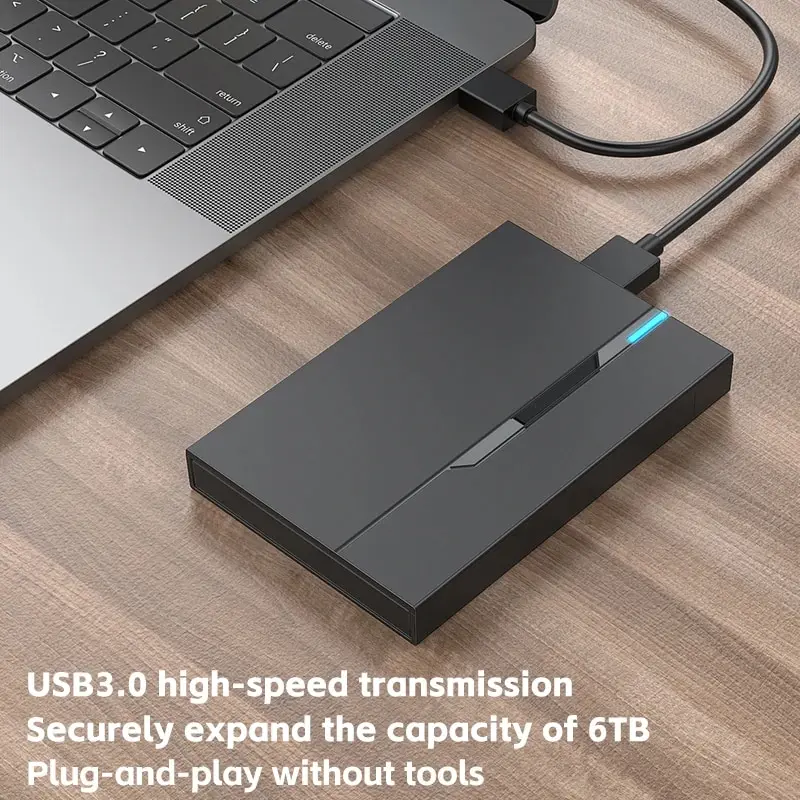
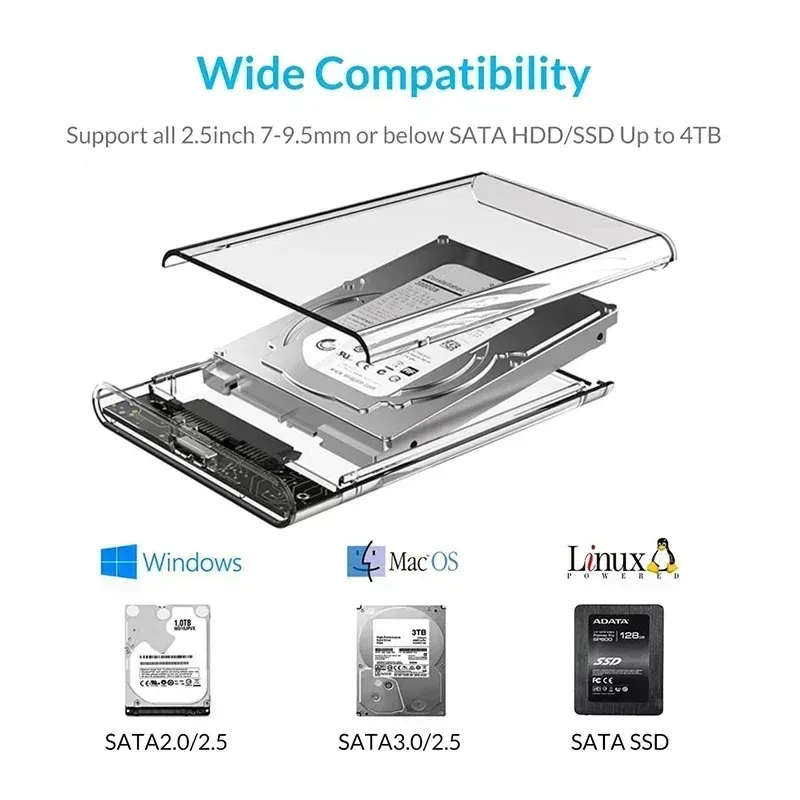
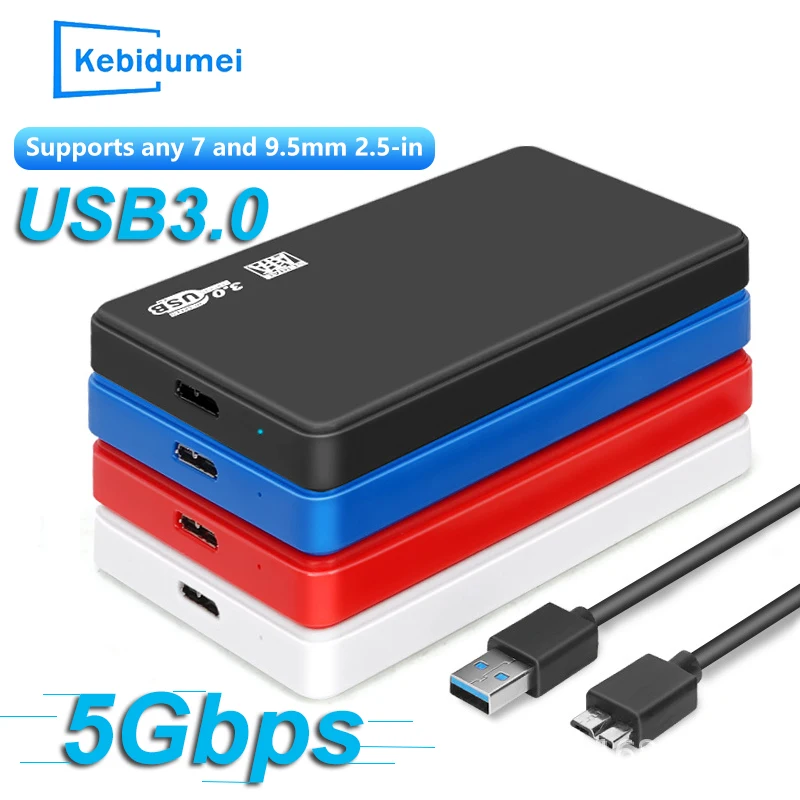
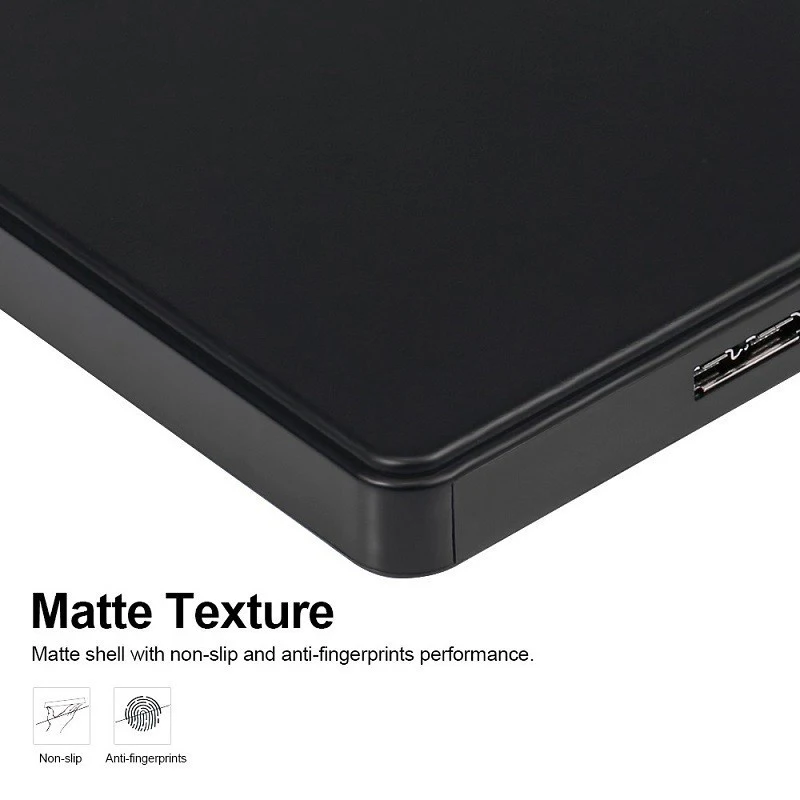
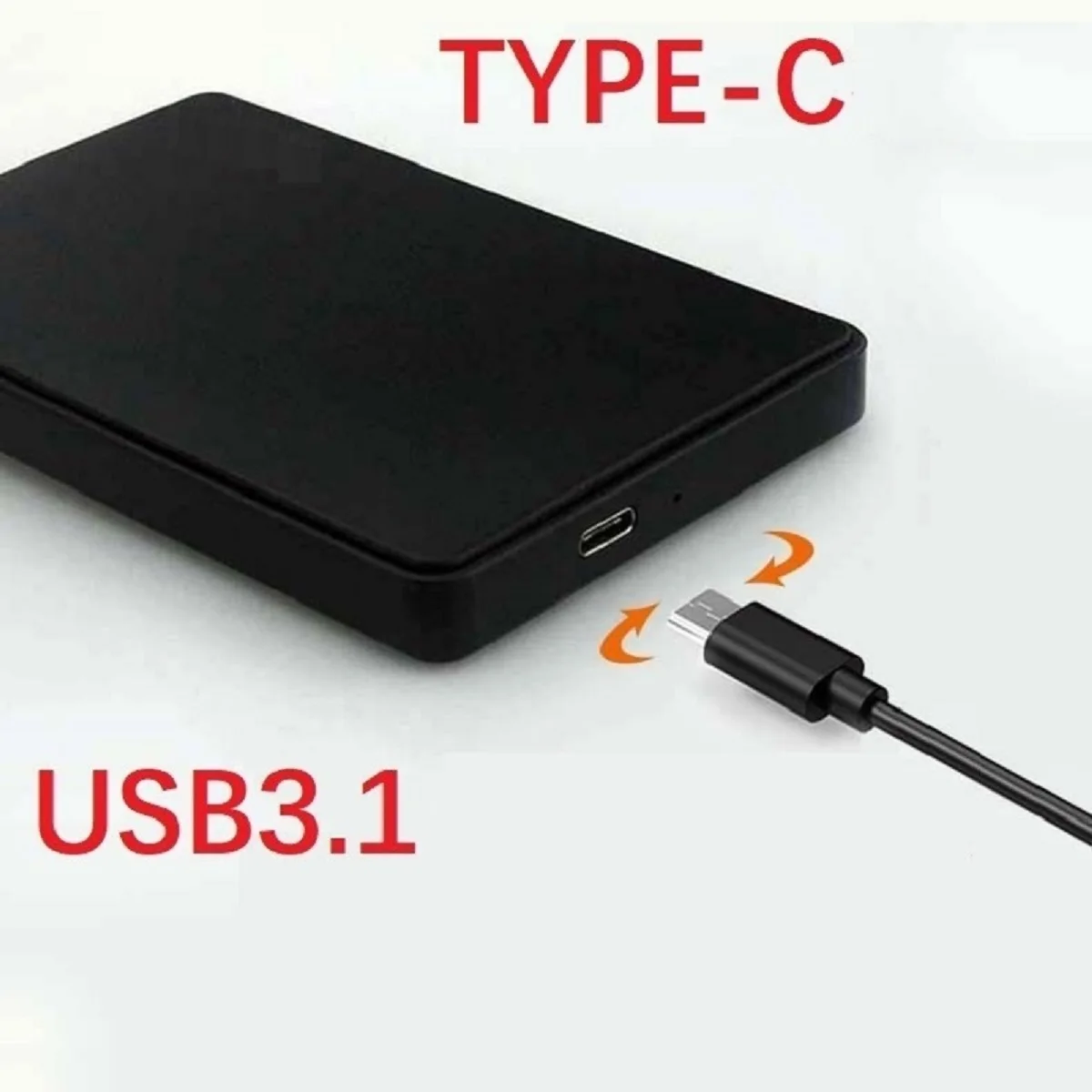
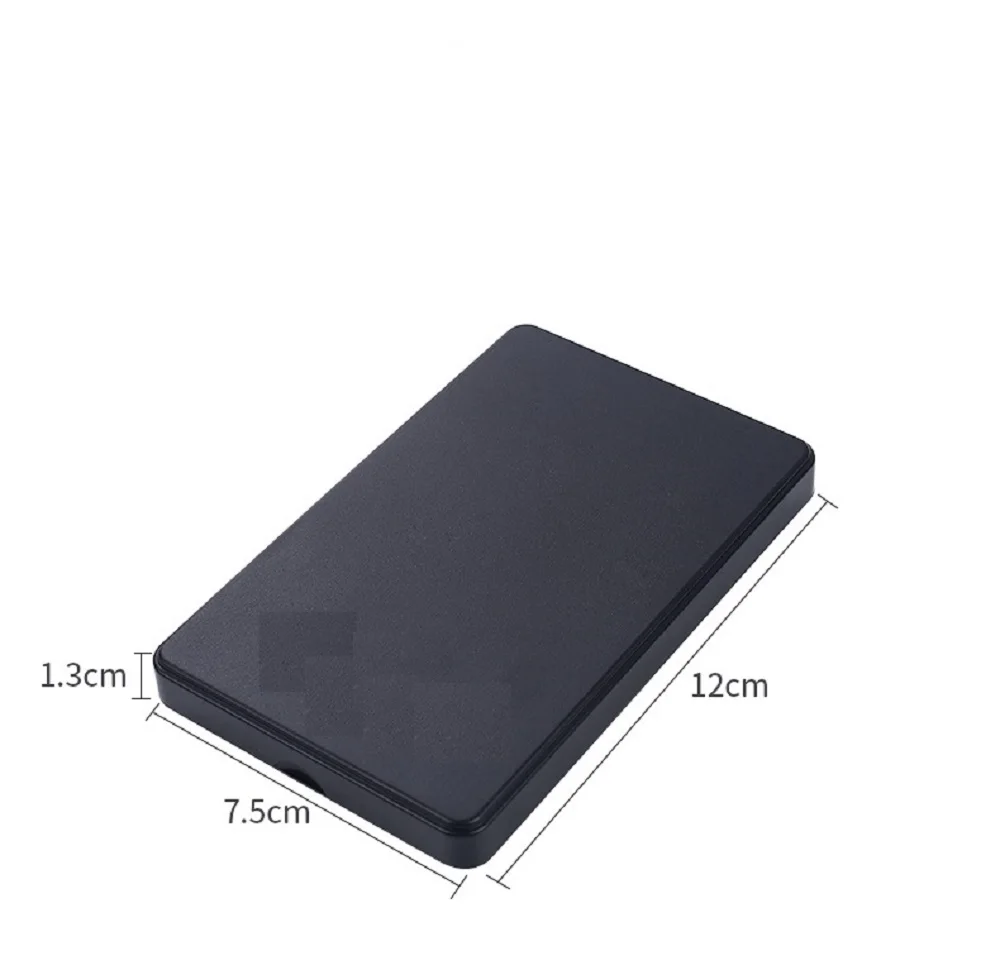
- 2.5-inch drive cases take the flat rectangular drives used in older laptops, either hard drives or SATA SSDs, over USB 3.0.
Which one fits your drive
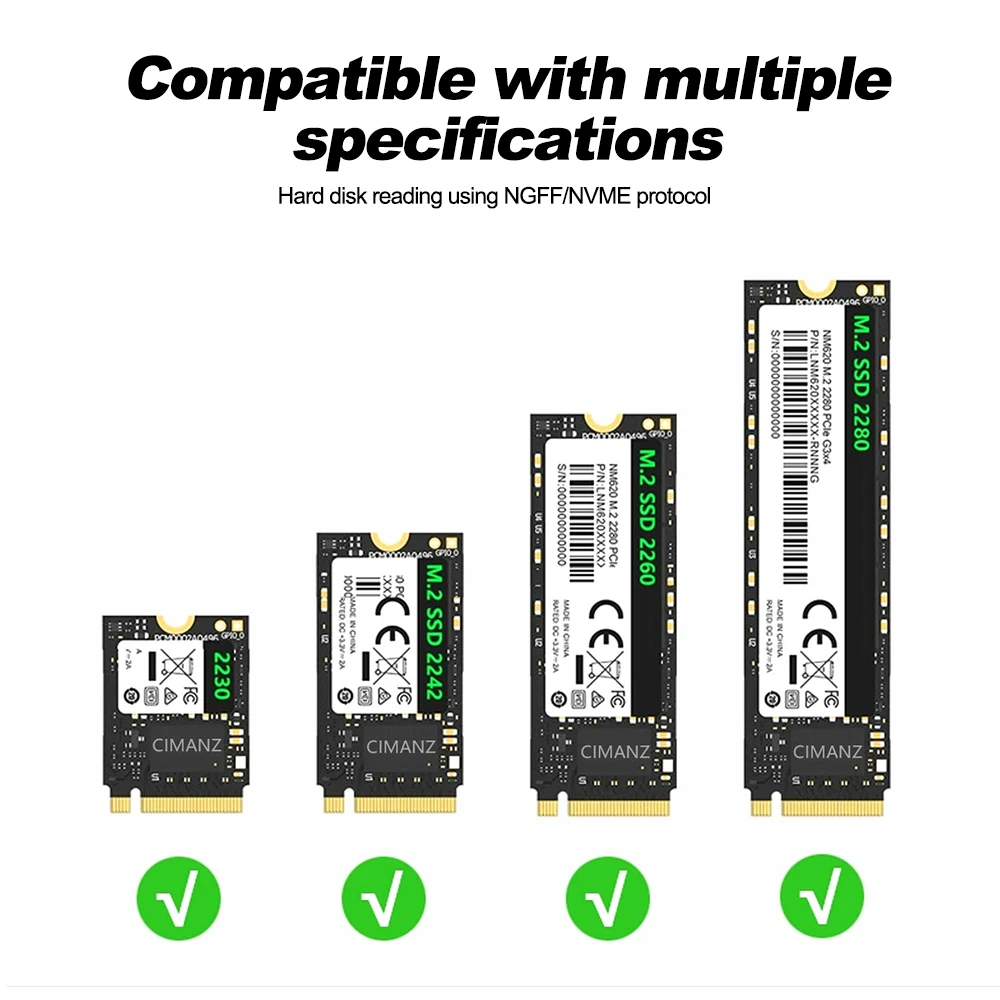
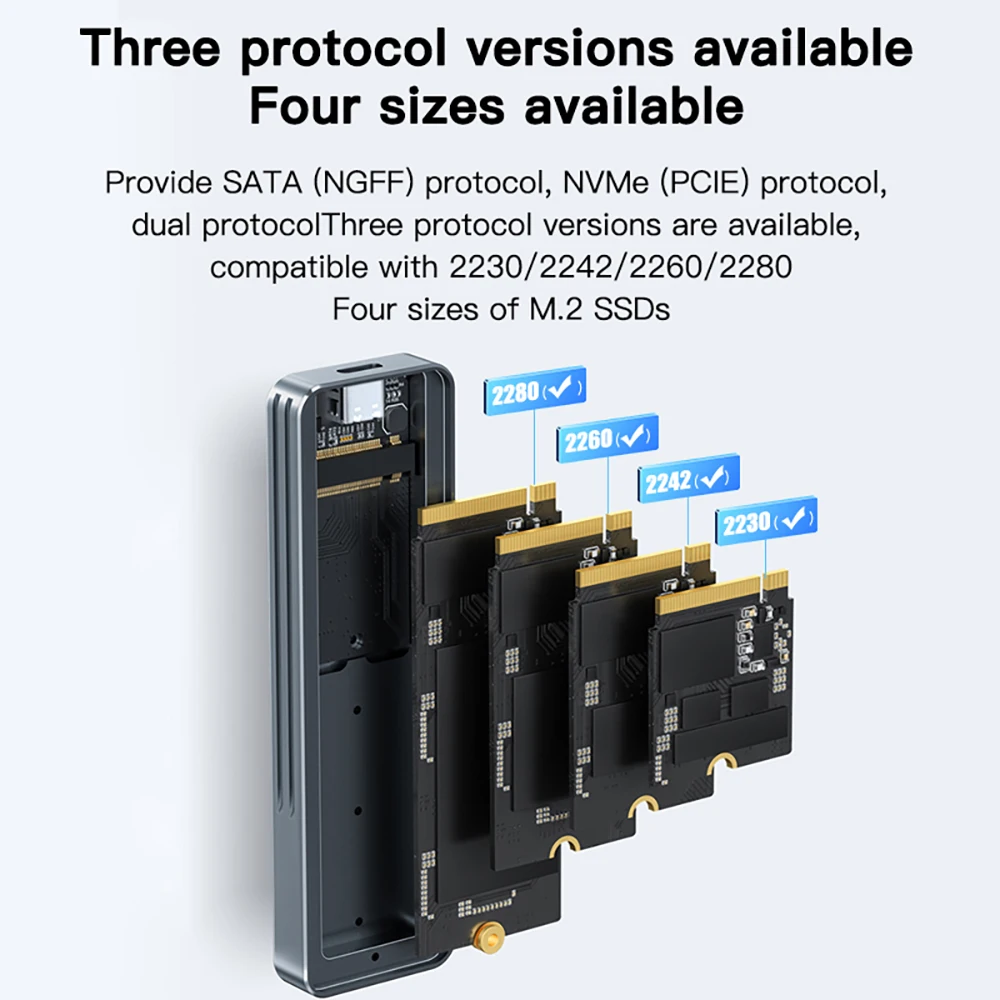
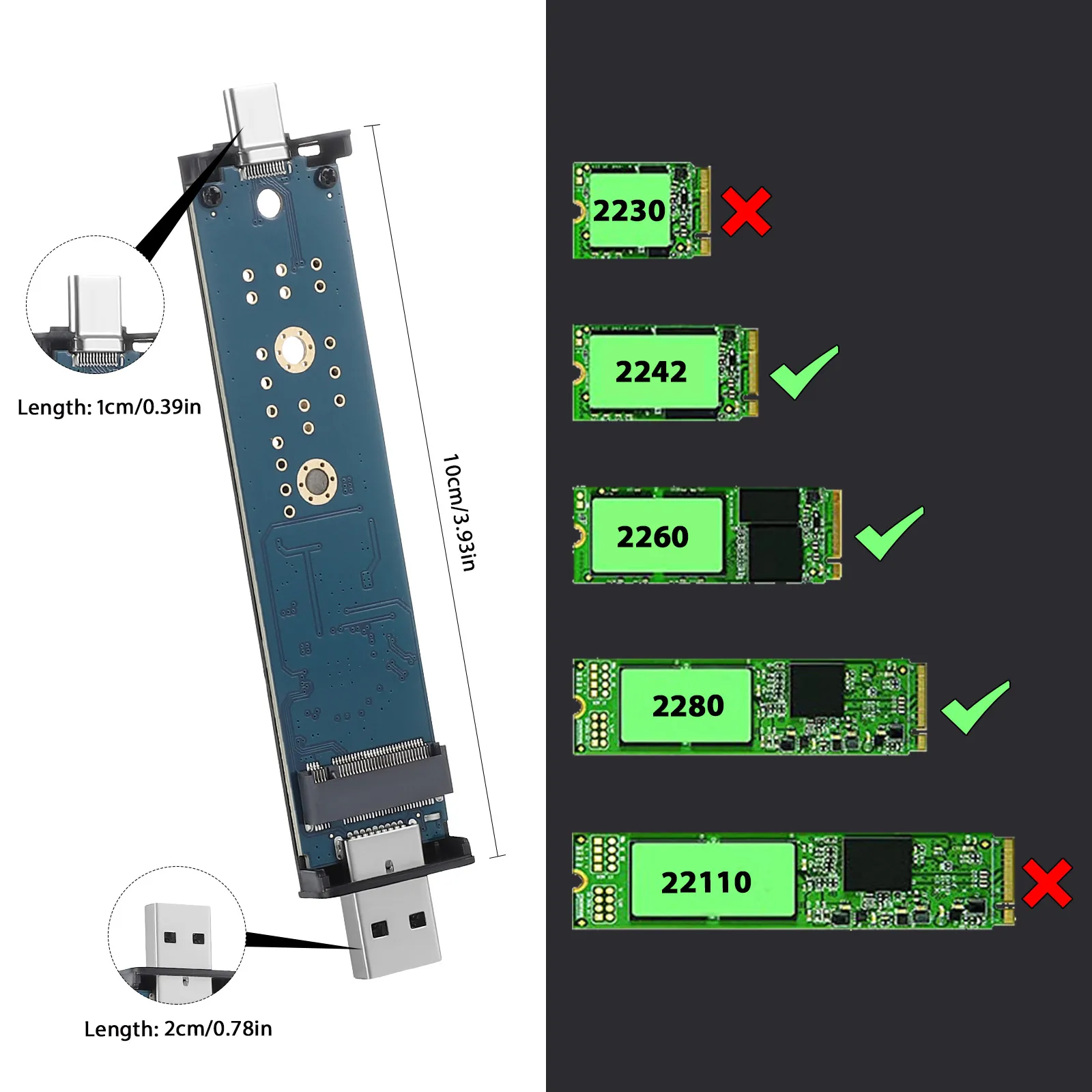
Look at the drive. A stick about the width of a finger, 22mm wide and anything from 30mm to 80mm long, is an M.2 drive: the number on it, such as 2280, gives its width and length in millimetres. A flat box about the size of a deck of cards, with a wide socket at one end, is a 2.5-inch drive. A bigger, heavier box is a 3.5-inch desktop drive, and none of these cases takes one.
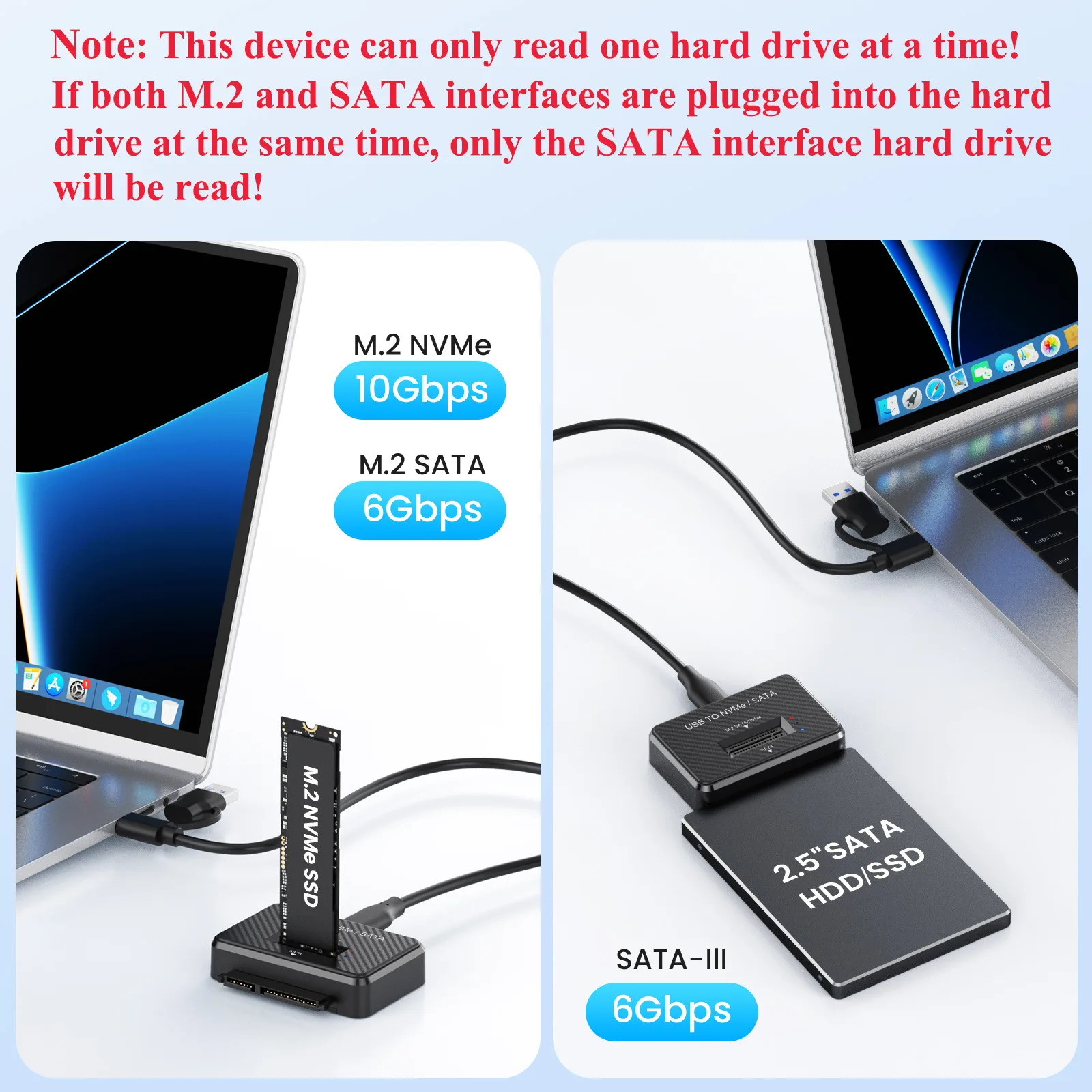
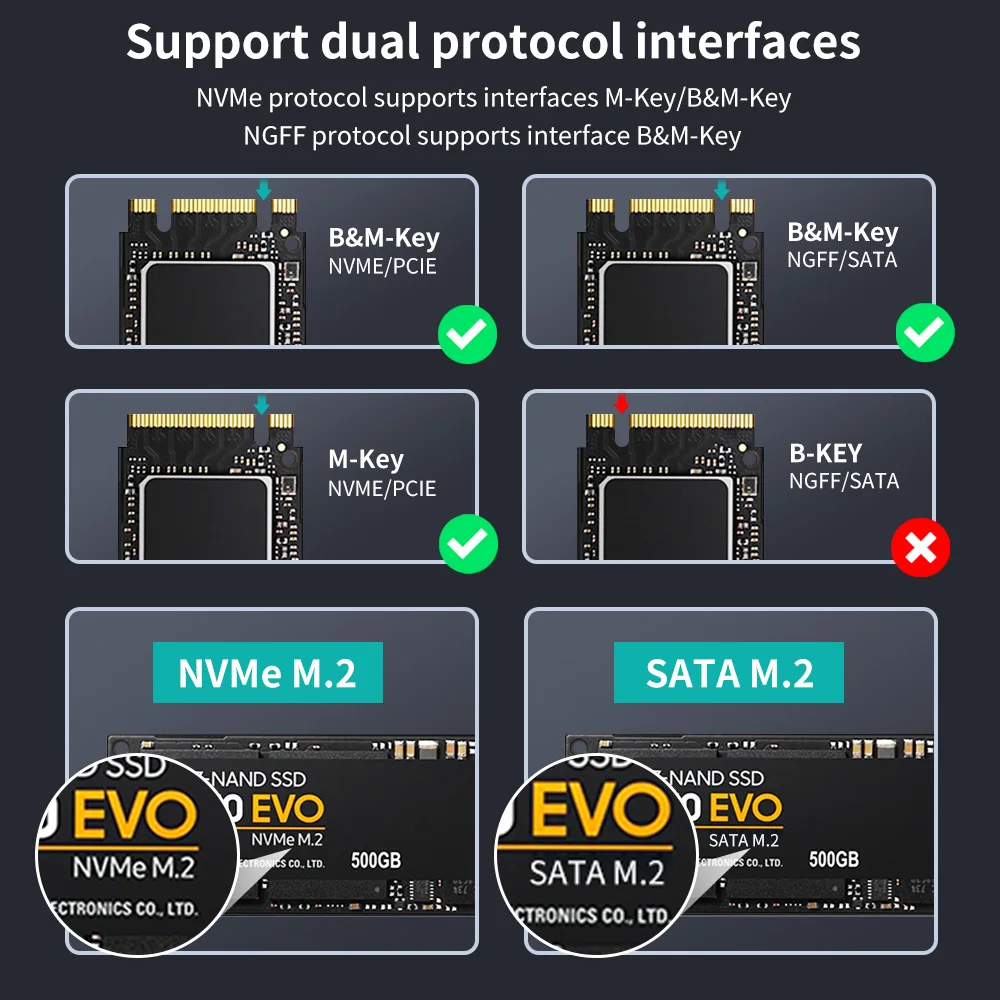
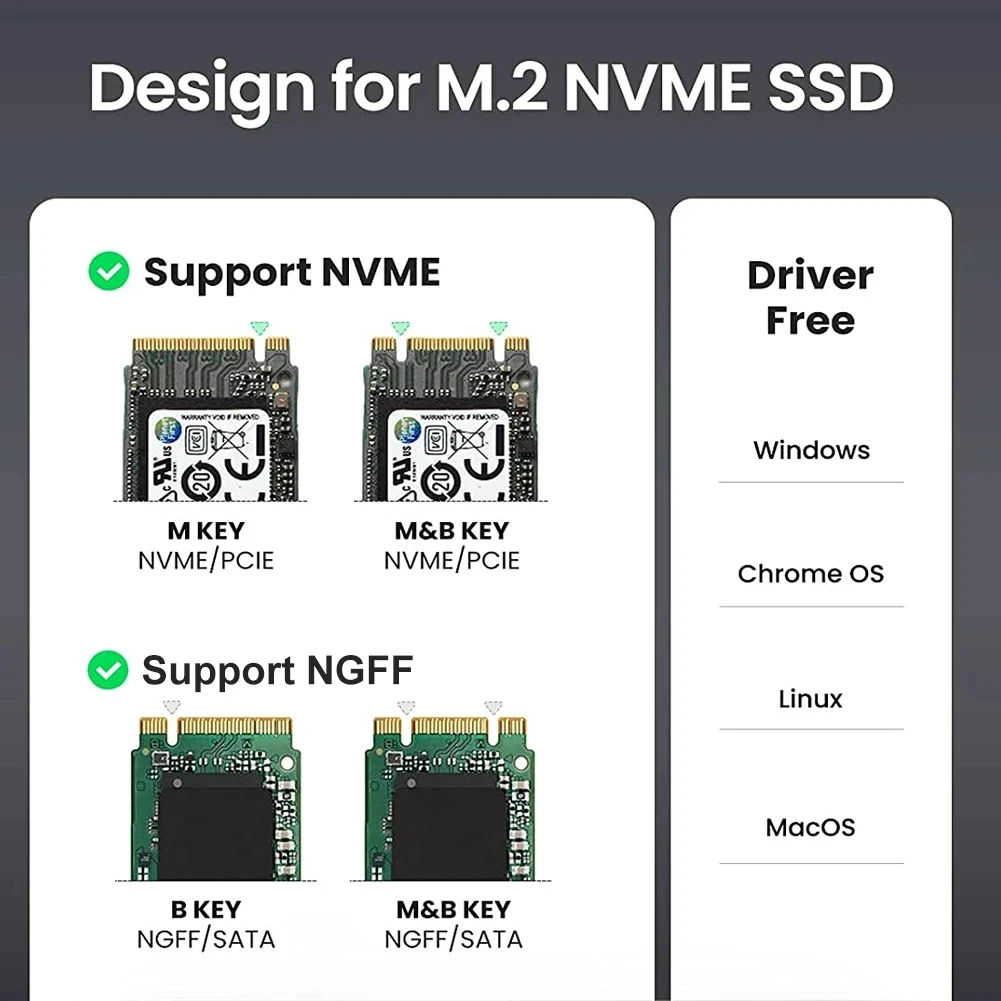
With M.2, check NVMe or SATA too. NVMe drives are the fast kind, with one notch in the connector, called the M key. SATA M.2 drives usually have two notches. Several enclosures here take either kind. Our guide SSD enclosures explained shows how to tell.
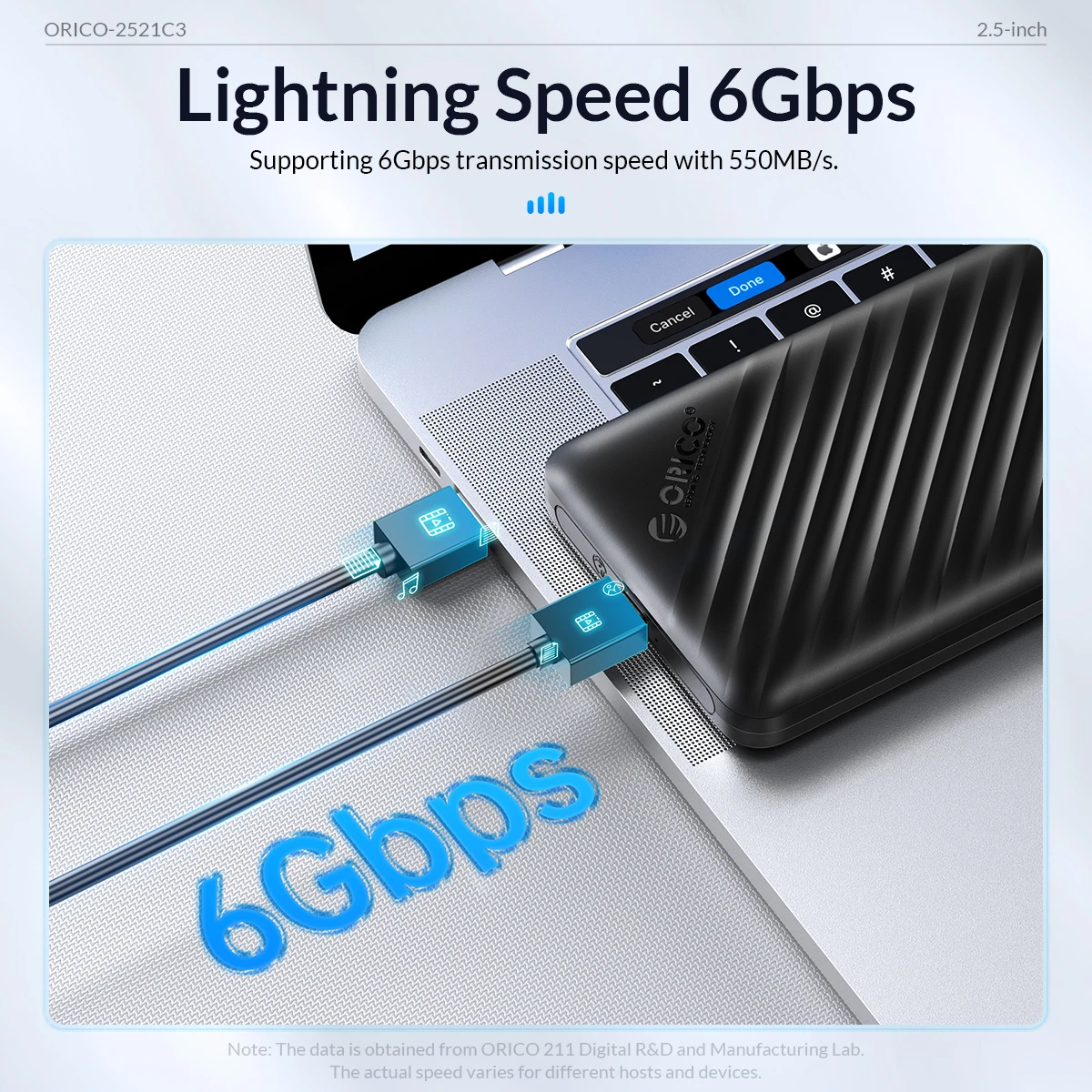
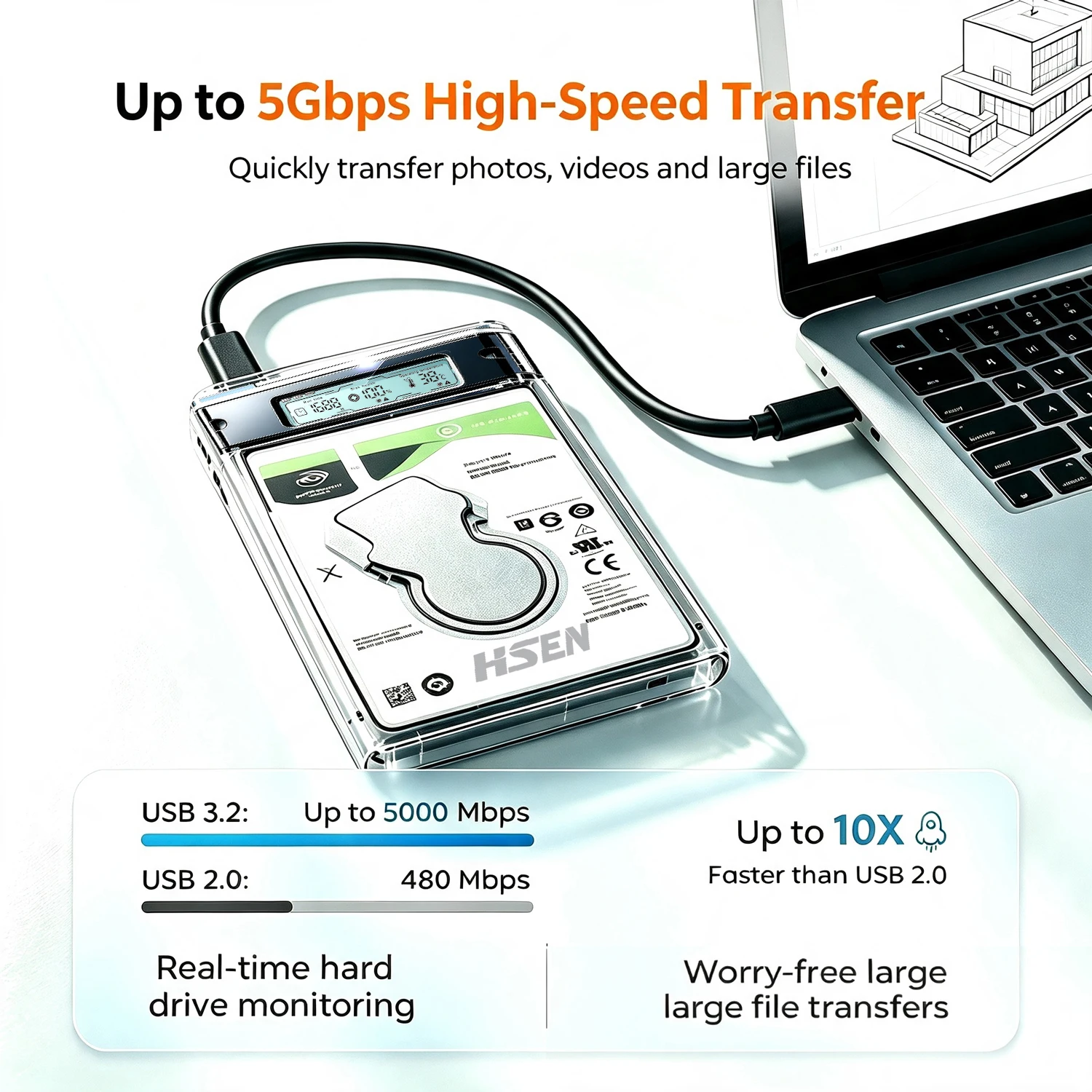
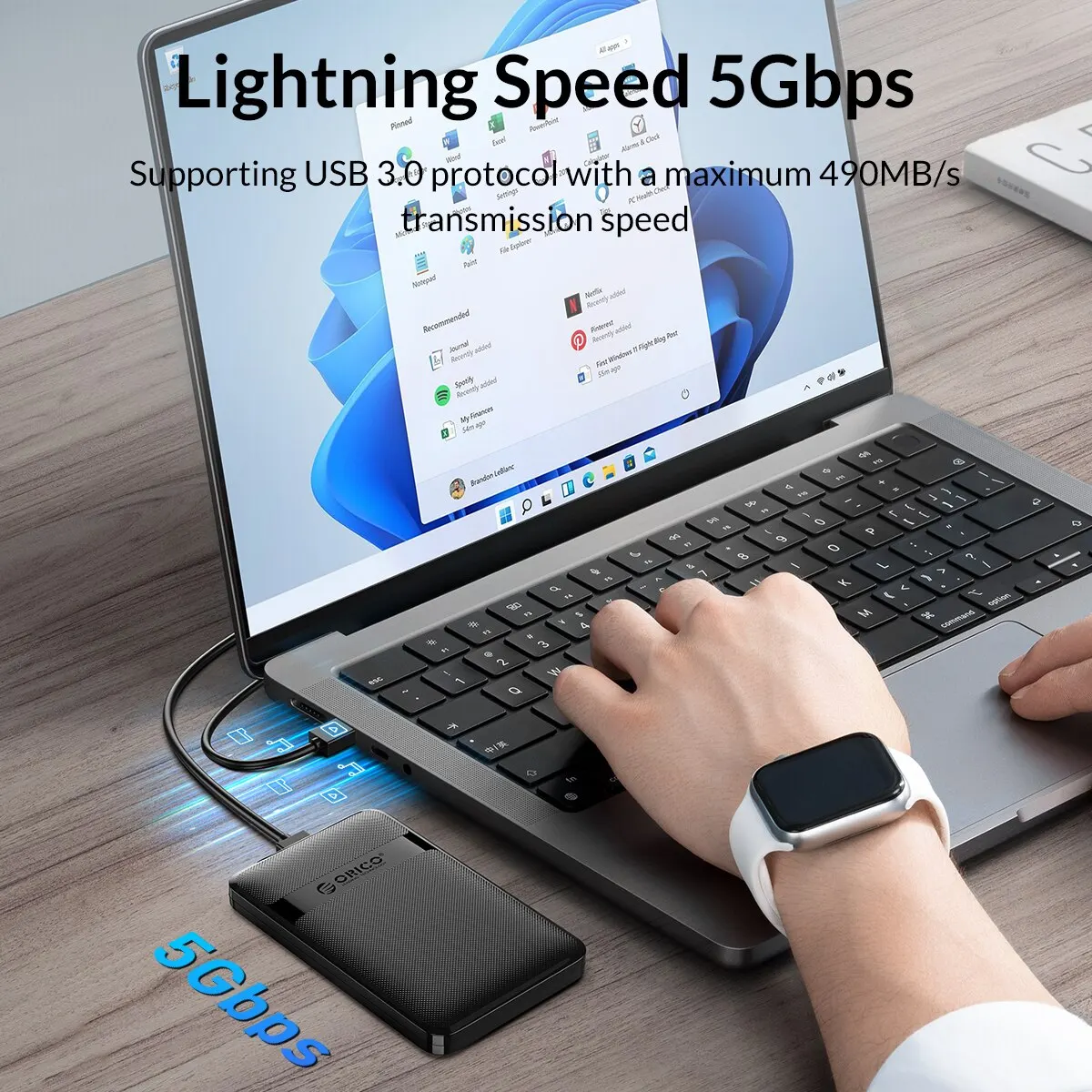
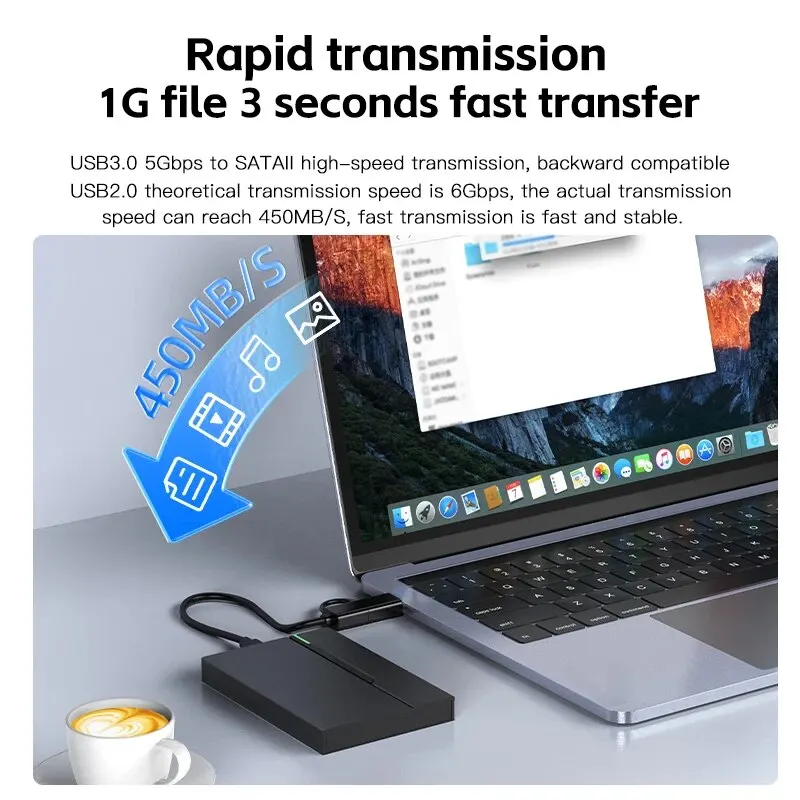
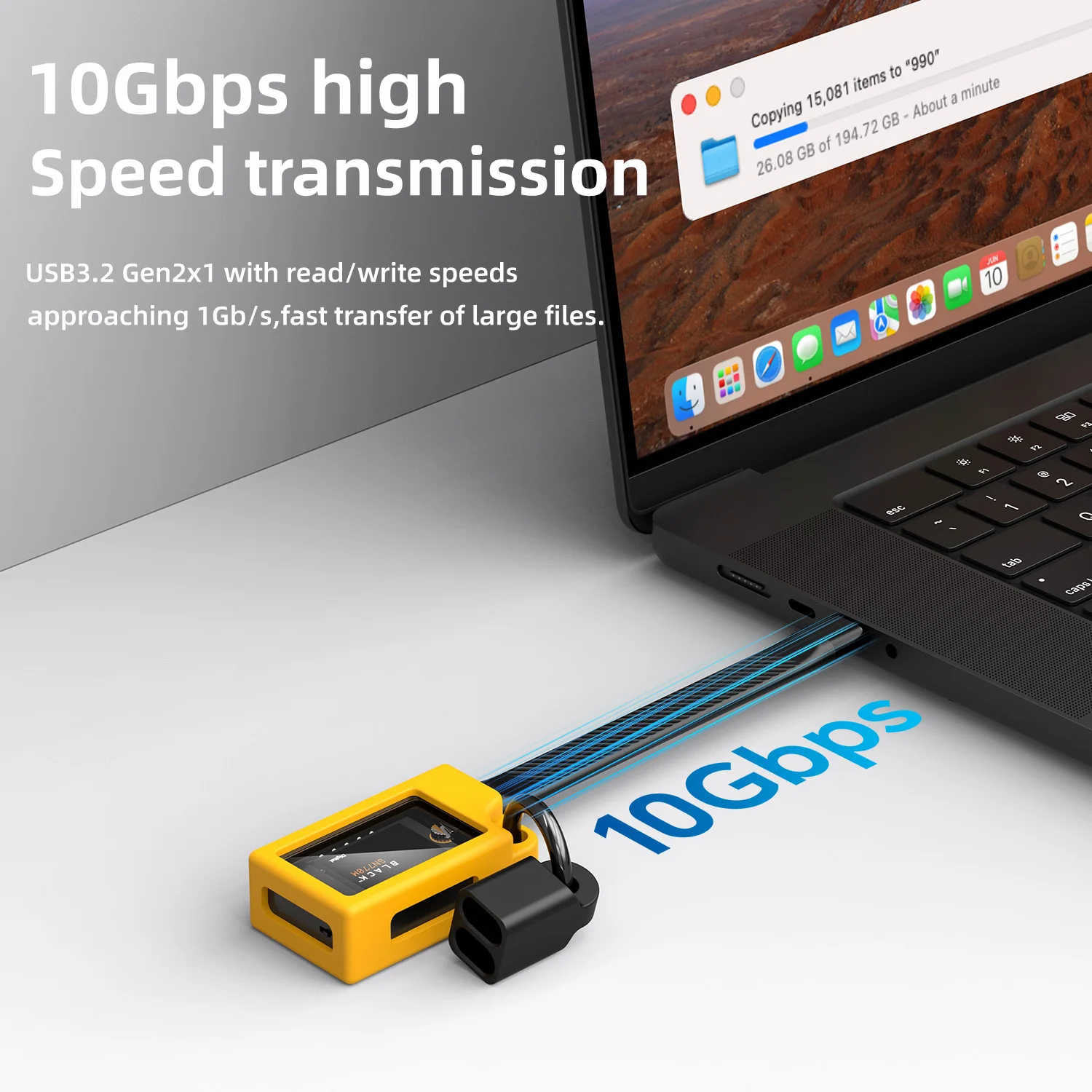
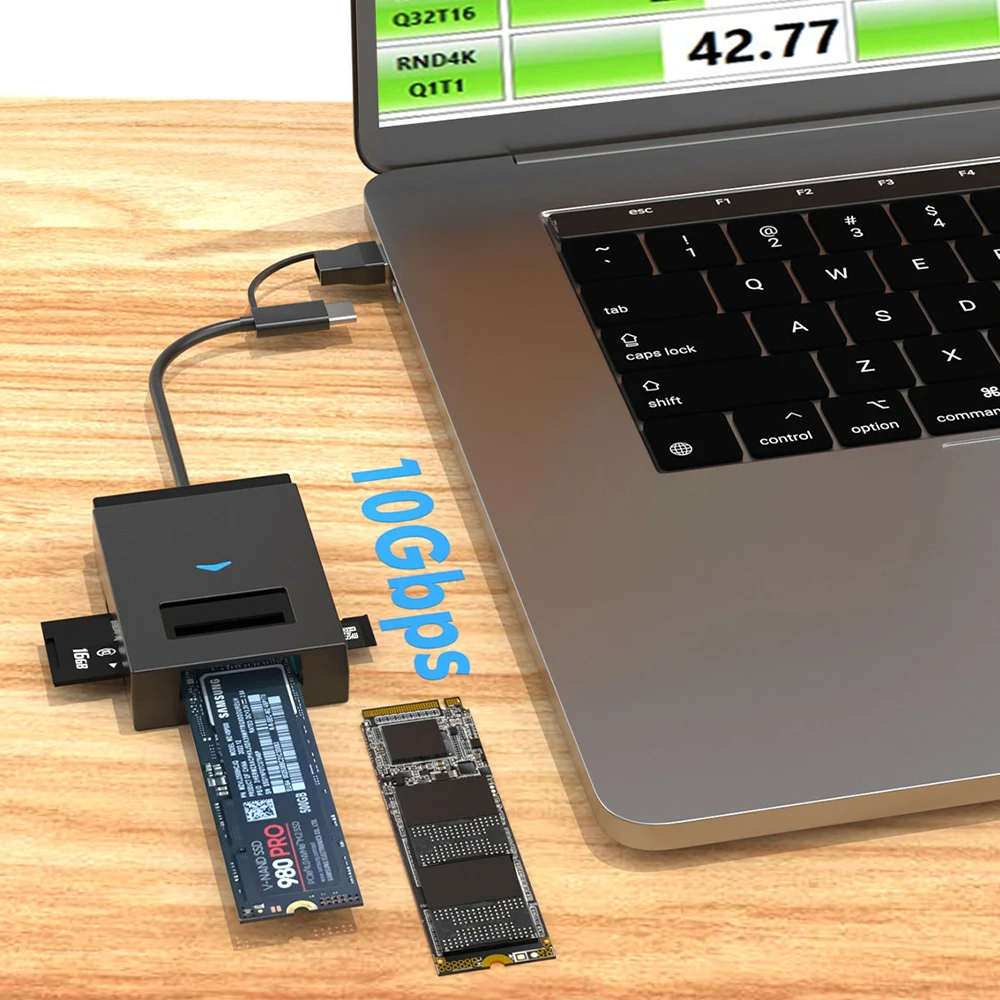
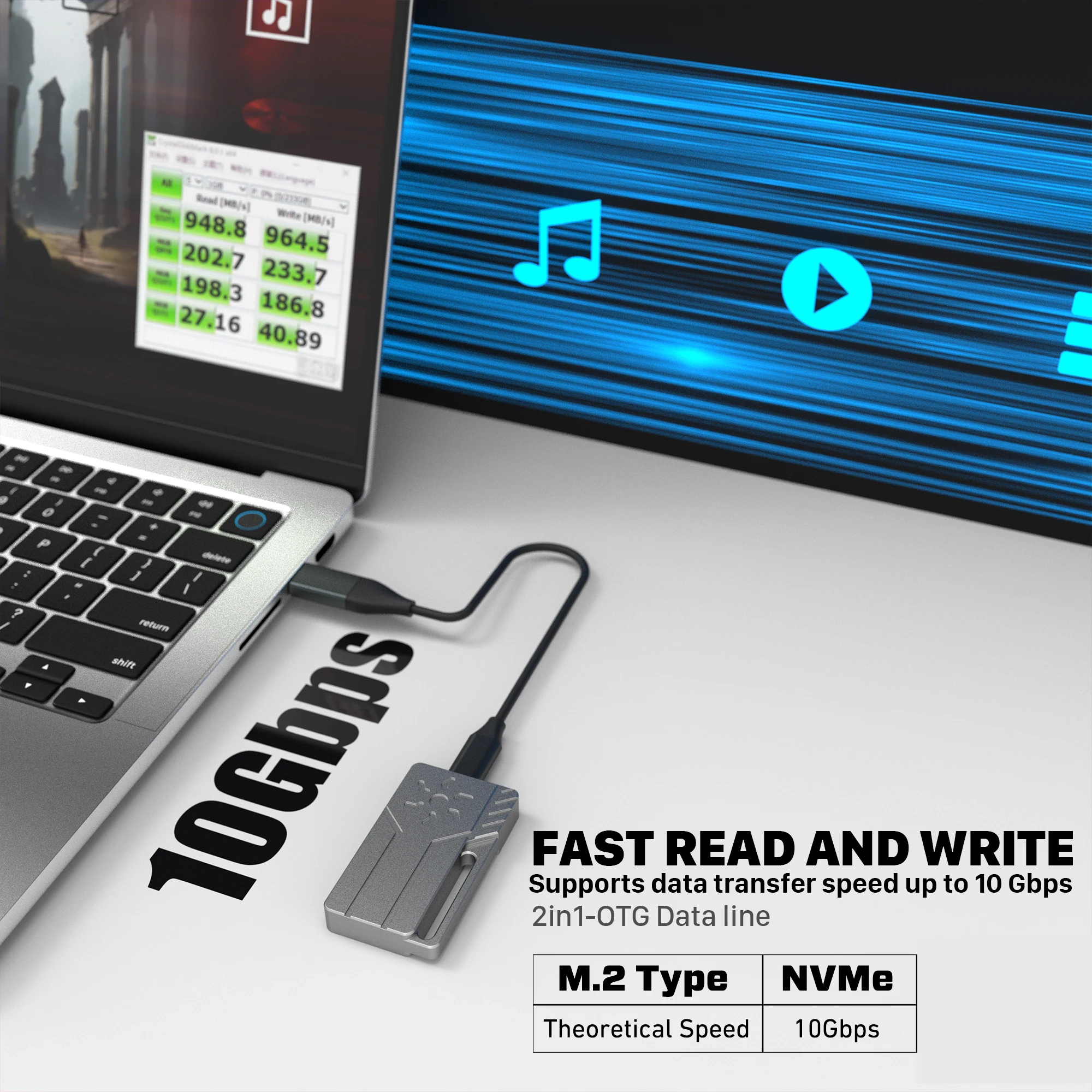
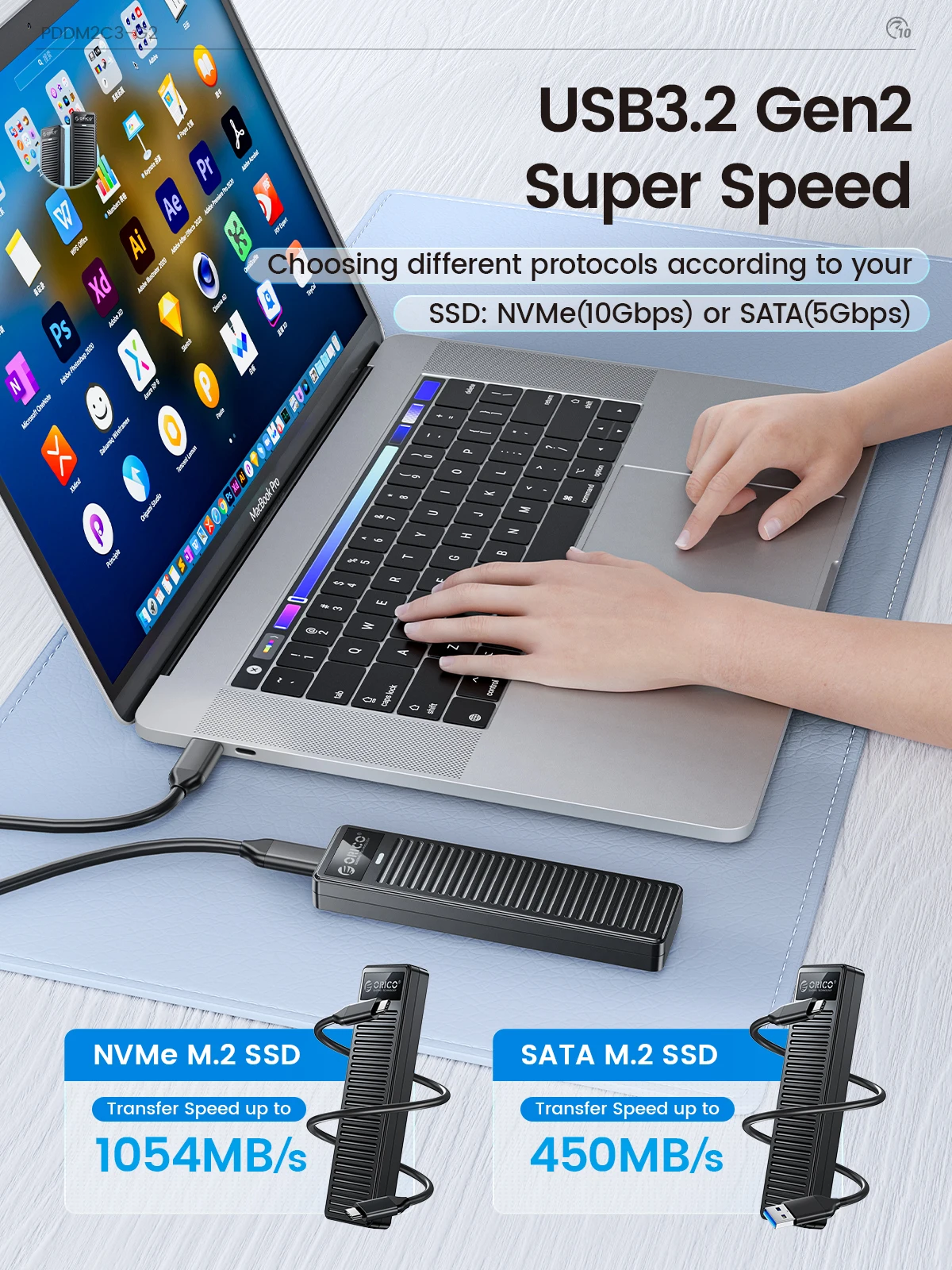
Then think about speed. Most M.2 enclosures here connect at 10Gbps over USB-C, and the 2.5-inch cases at USB 5Gbps. A USB link runs at the slowest speed both ends share, so plug a fast enclosure into a fast port on the laptop. A 2.5-inch SATA drive cannot use more than about 600 megabytes a second anyway, which a 5Gbps case already matches.
Questions people ask about drive enclosures
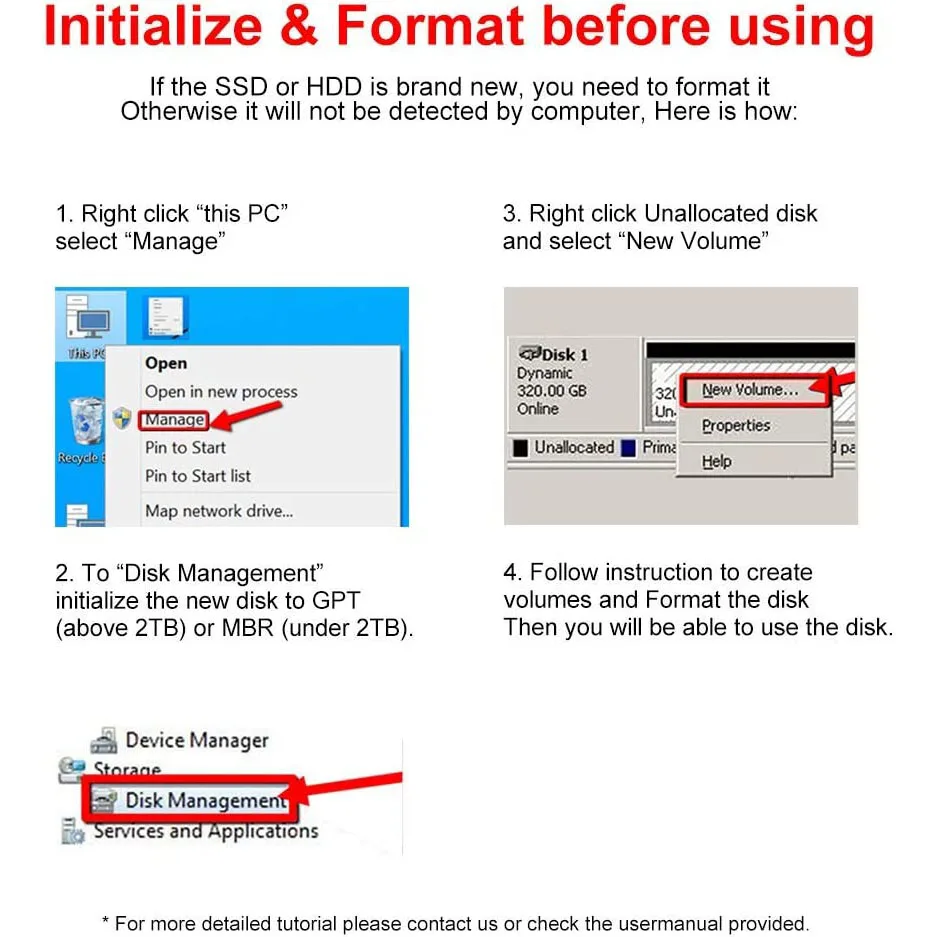
Why does the new drive not appear in Windows?
A brand-new drive has to be set up first. Open Disk Management, initialise the disk, then create a volume on it.
Will it work on both a Mac and Windows?
Yes if you format it as ExFAT, which both read and write. Disk Utility on a Mac offers it.
Is it as fast as the drive inside my laptop?
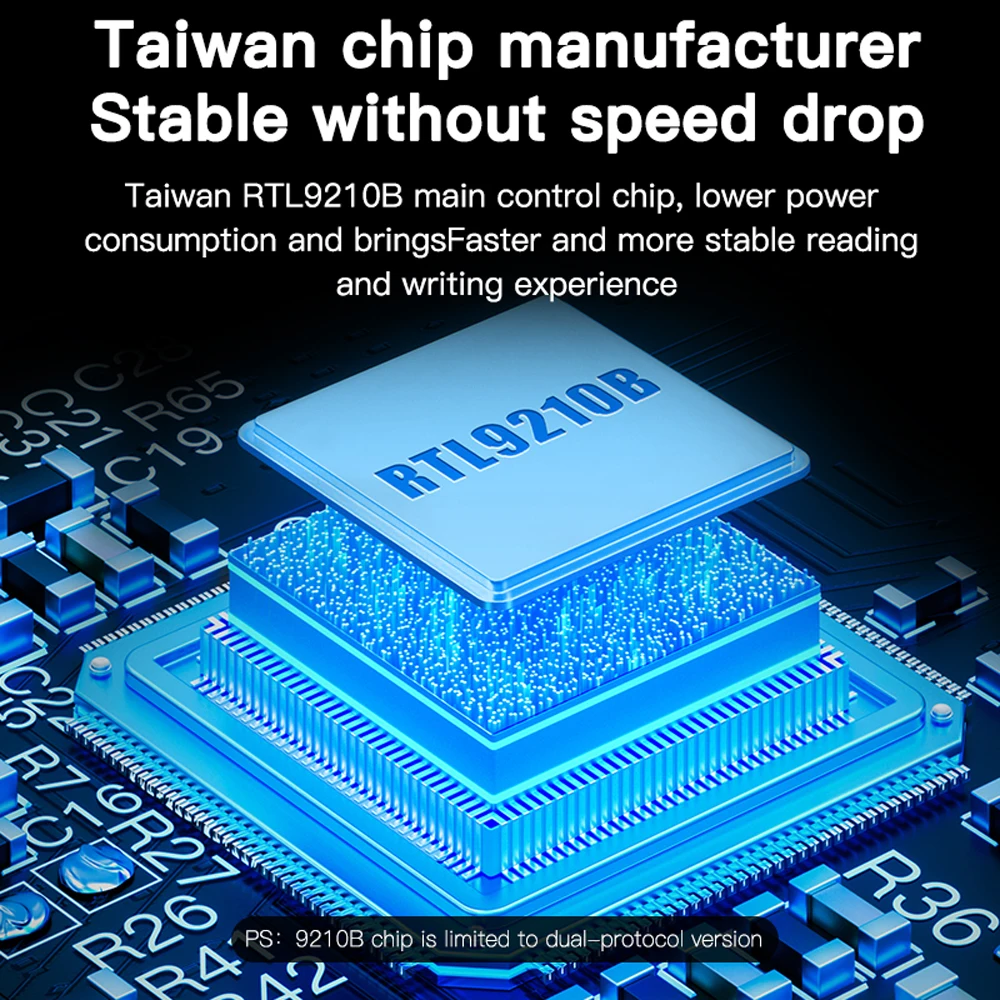
The USB link sets the limit. An NVMe drive in a 10Gbps enclosure is still far quicker than a hard drive or a memory stick.
Delivery is included in every price and tracked to your door. Each product page says when it usually arrives.
More to look at