A mouse for a laptop
A trackpad does the job for a few minutes. For a spreadsheet, a drawing or a long day of email, a mouse is quicker and more precise, and it lets the laptop sit further back or up on a stand. The mice in this group are small enough to carry in a bag, and most are rechargeable.
The three ranges
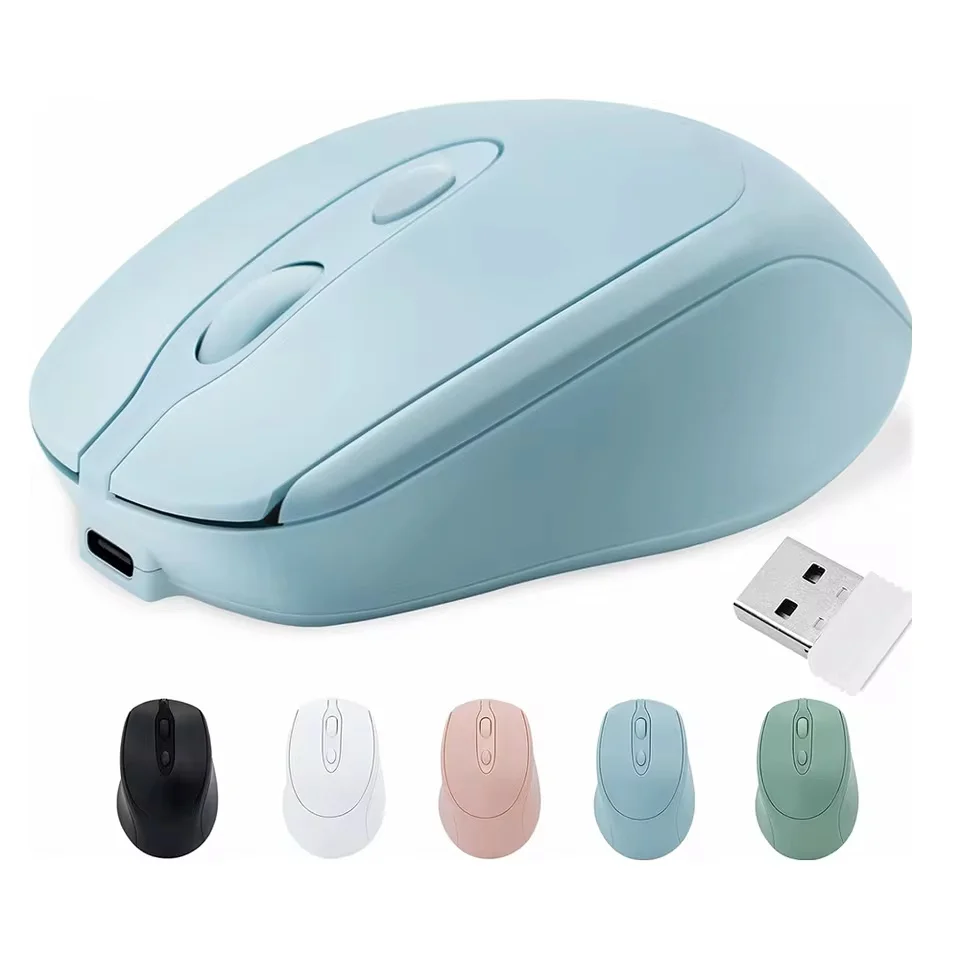
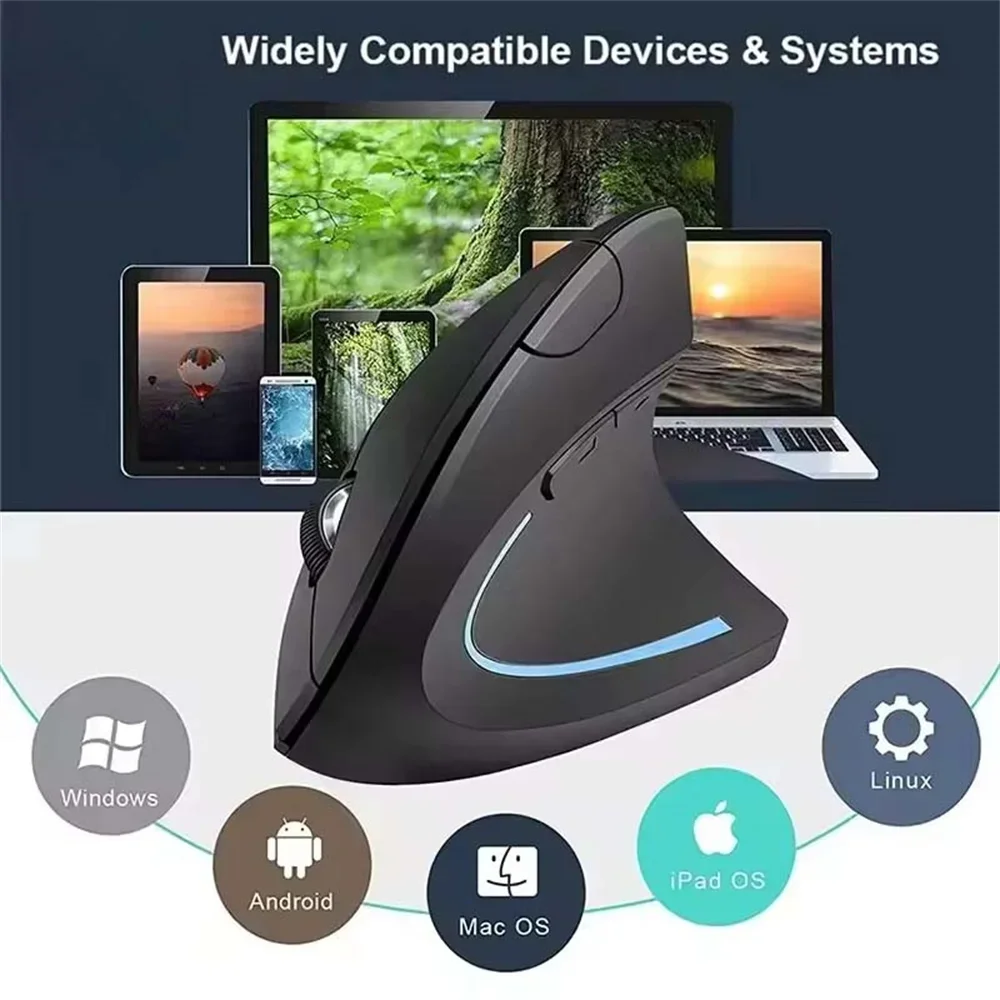
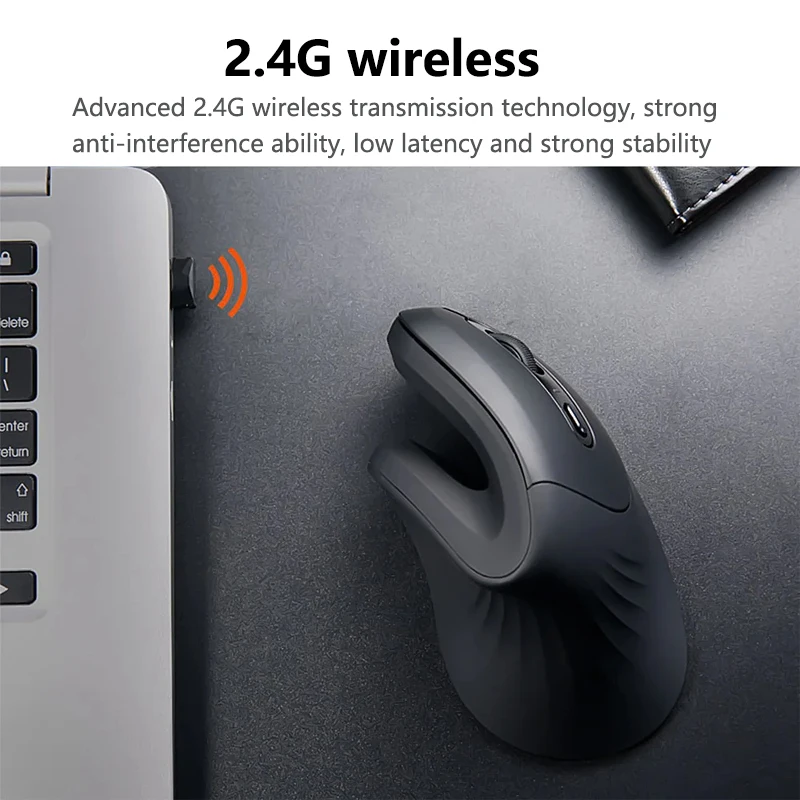
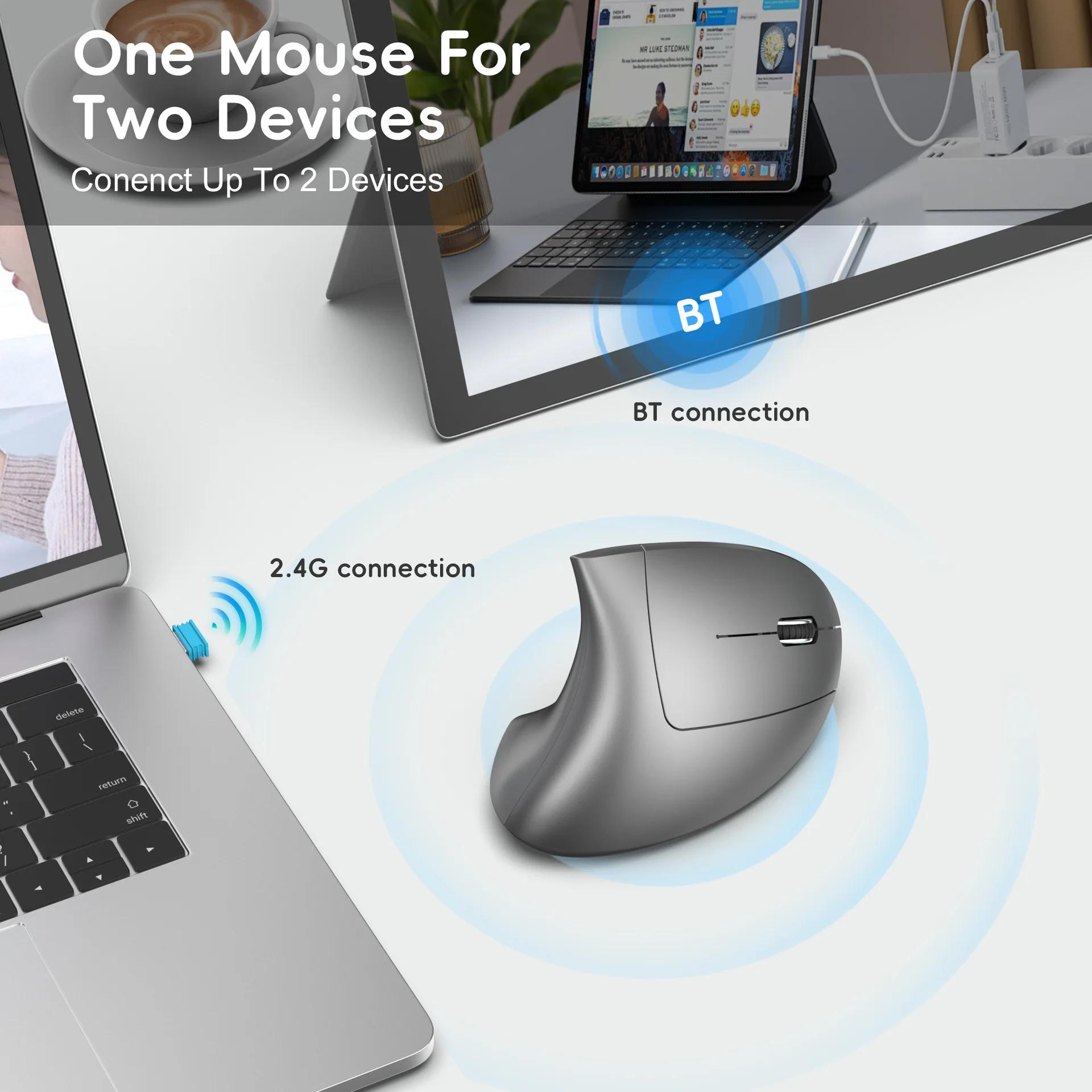
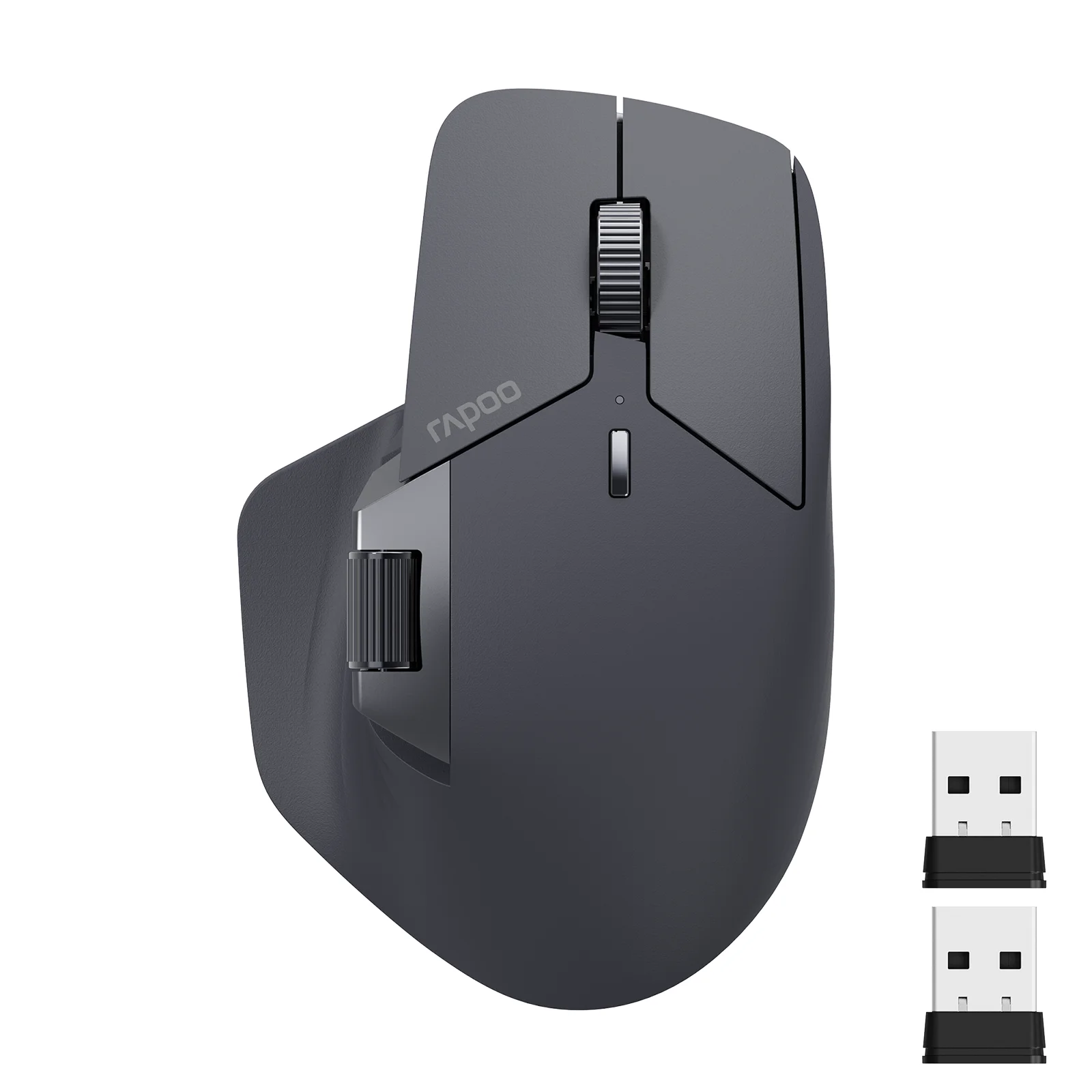
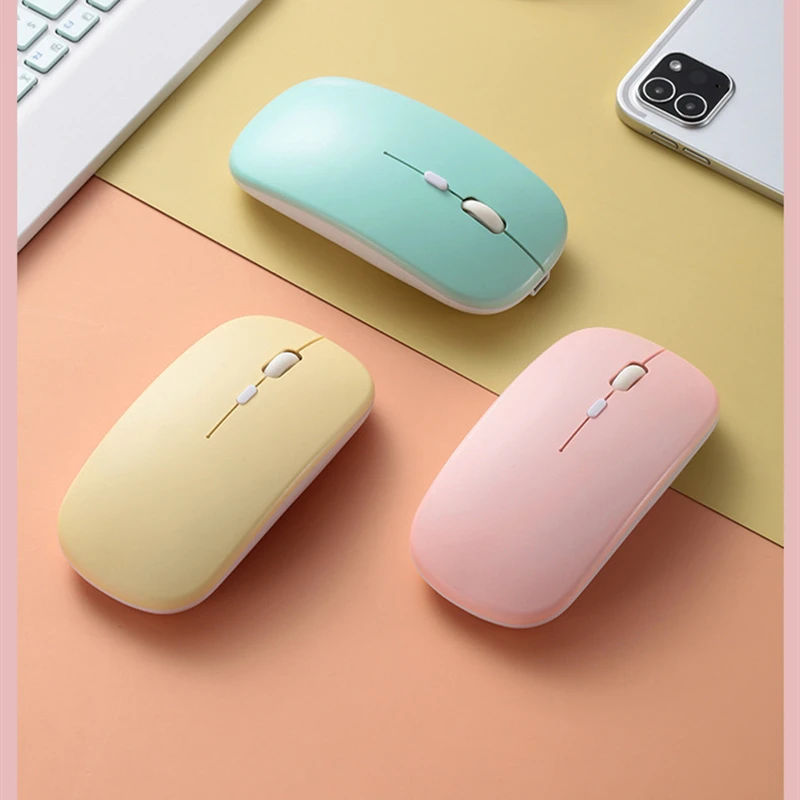
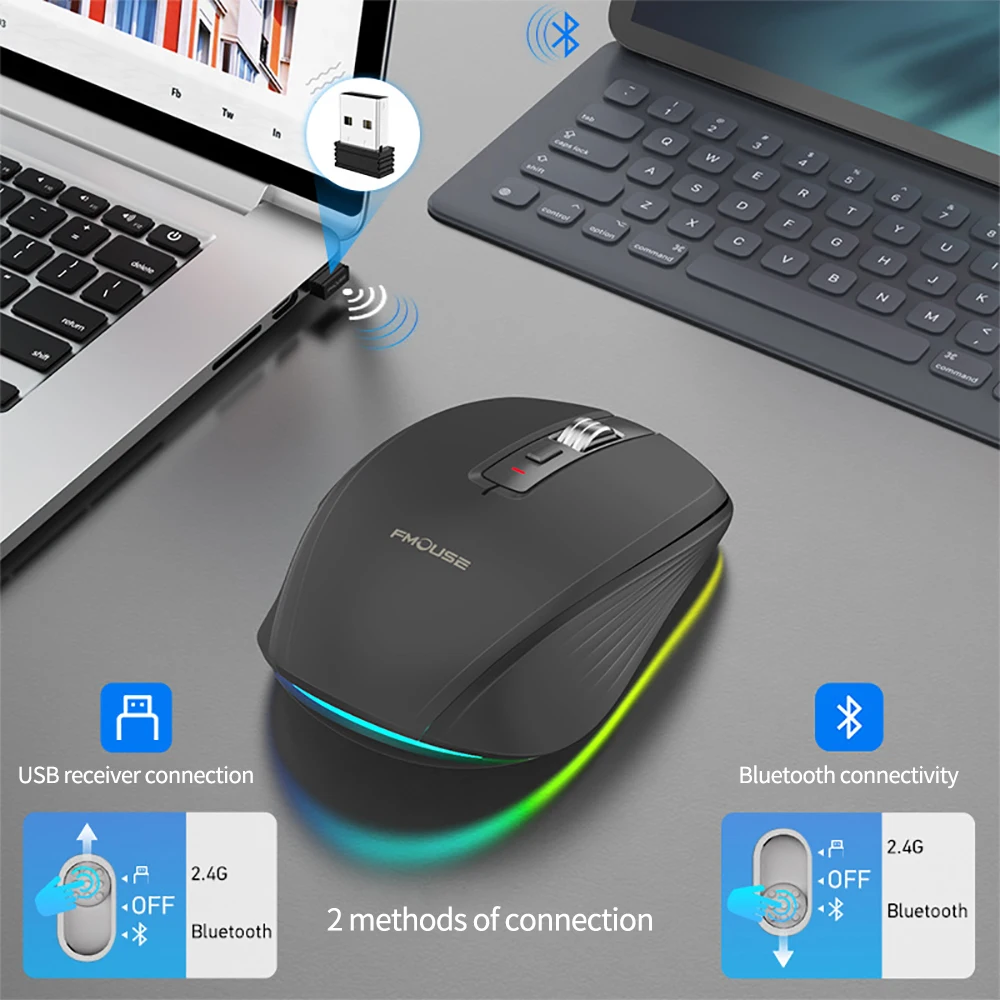
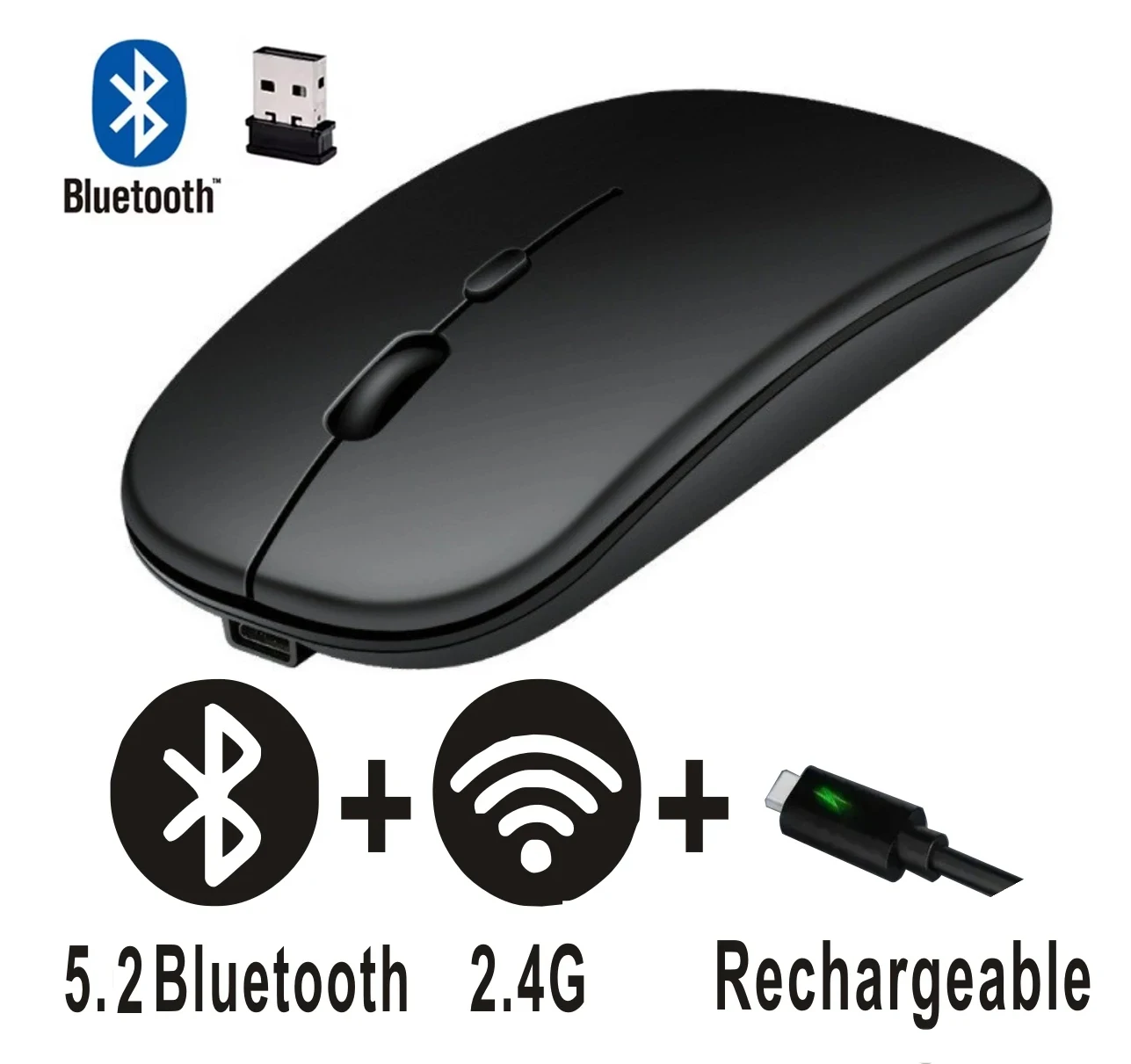
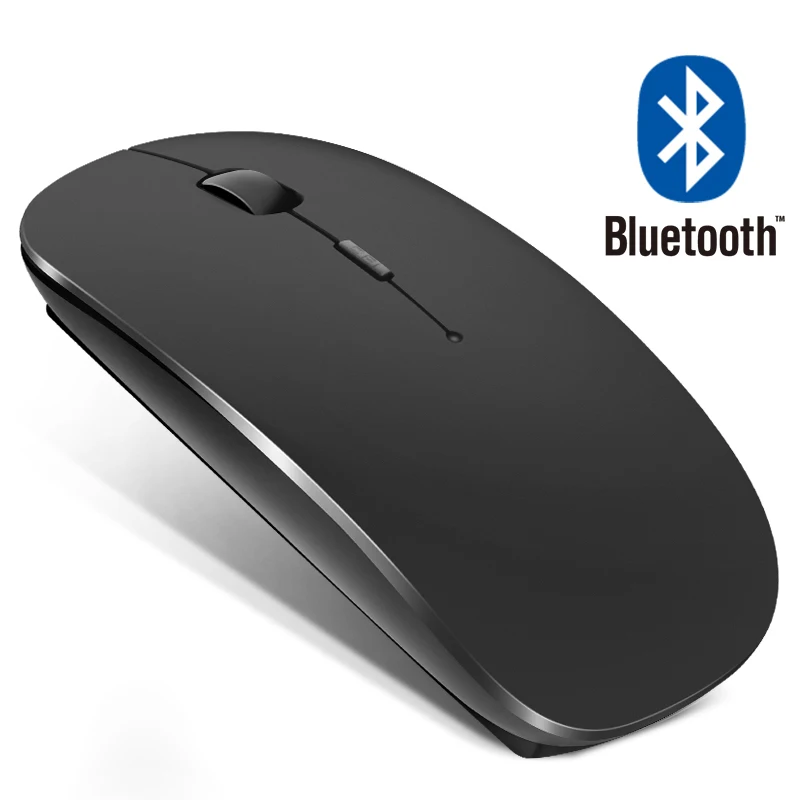
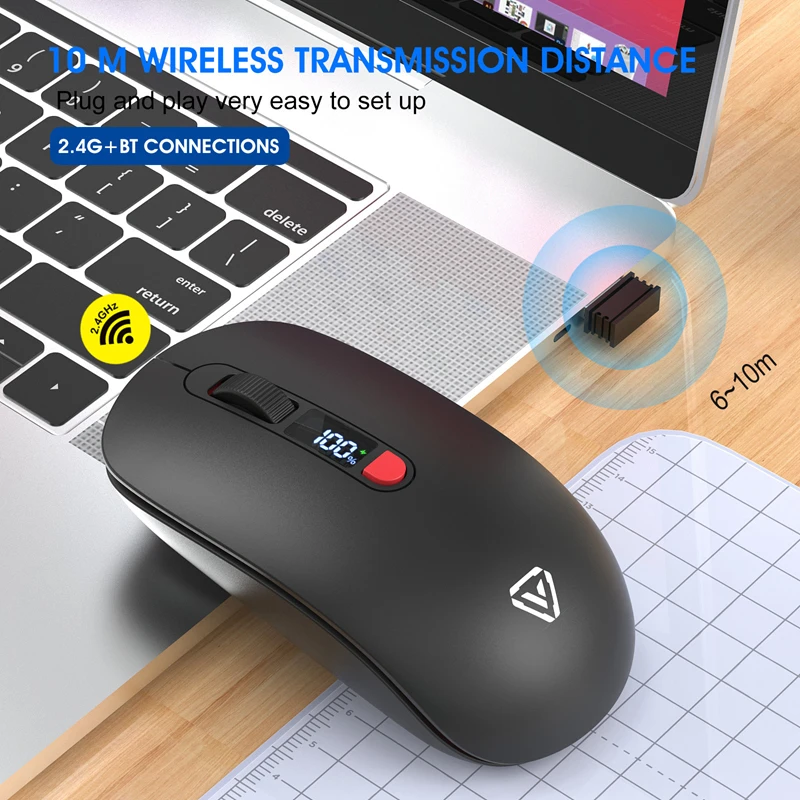
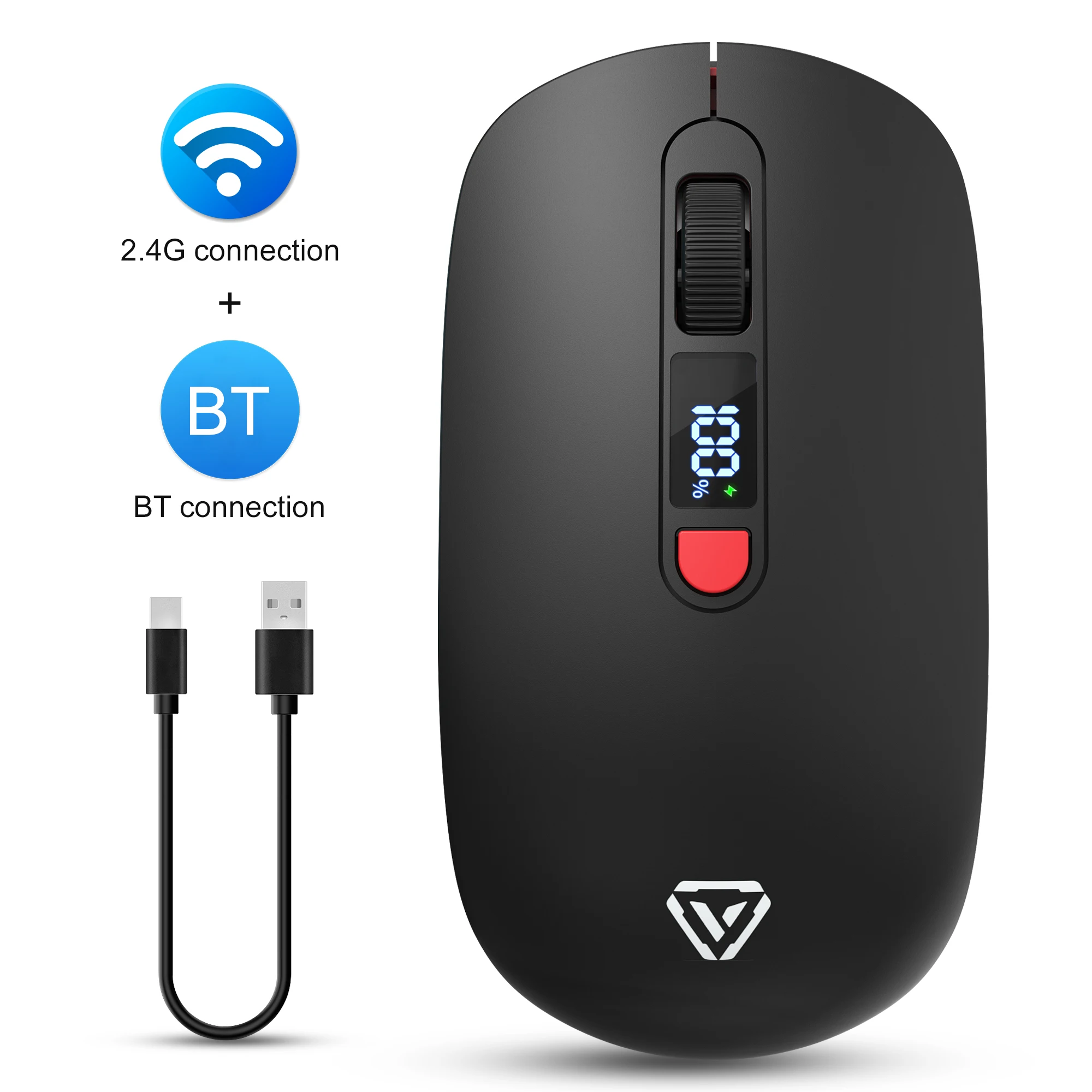
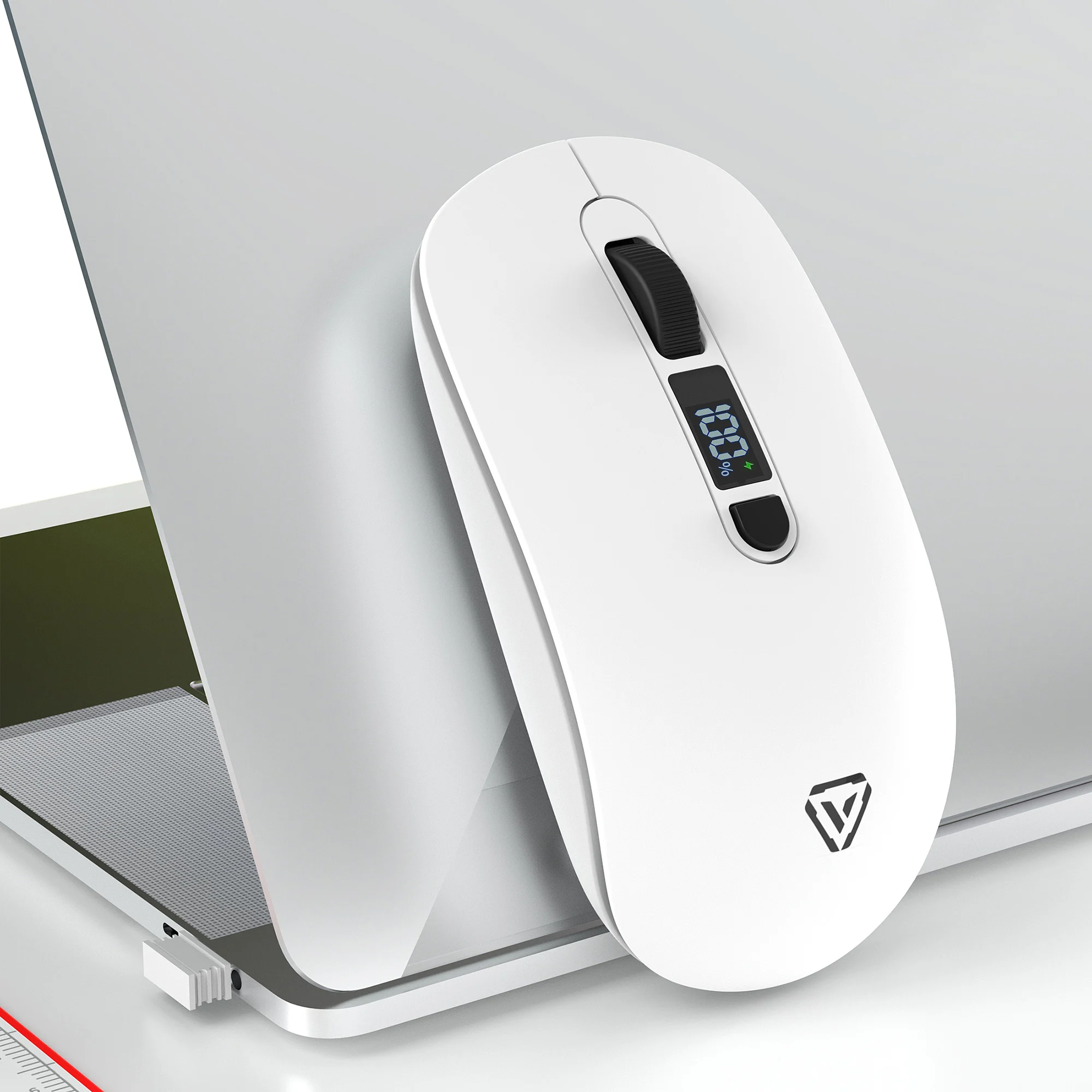
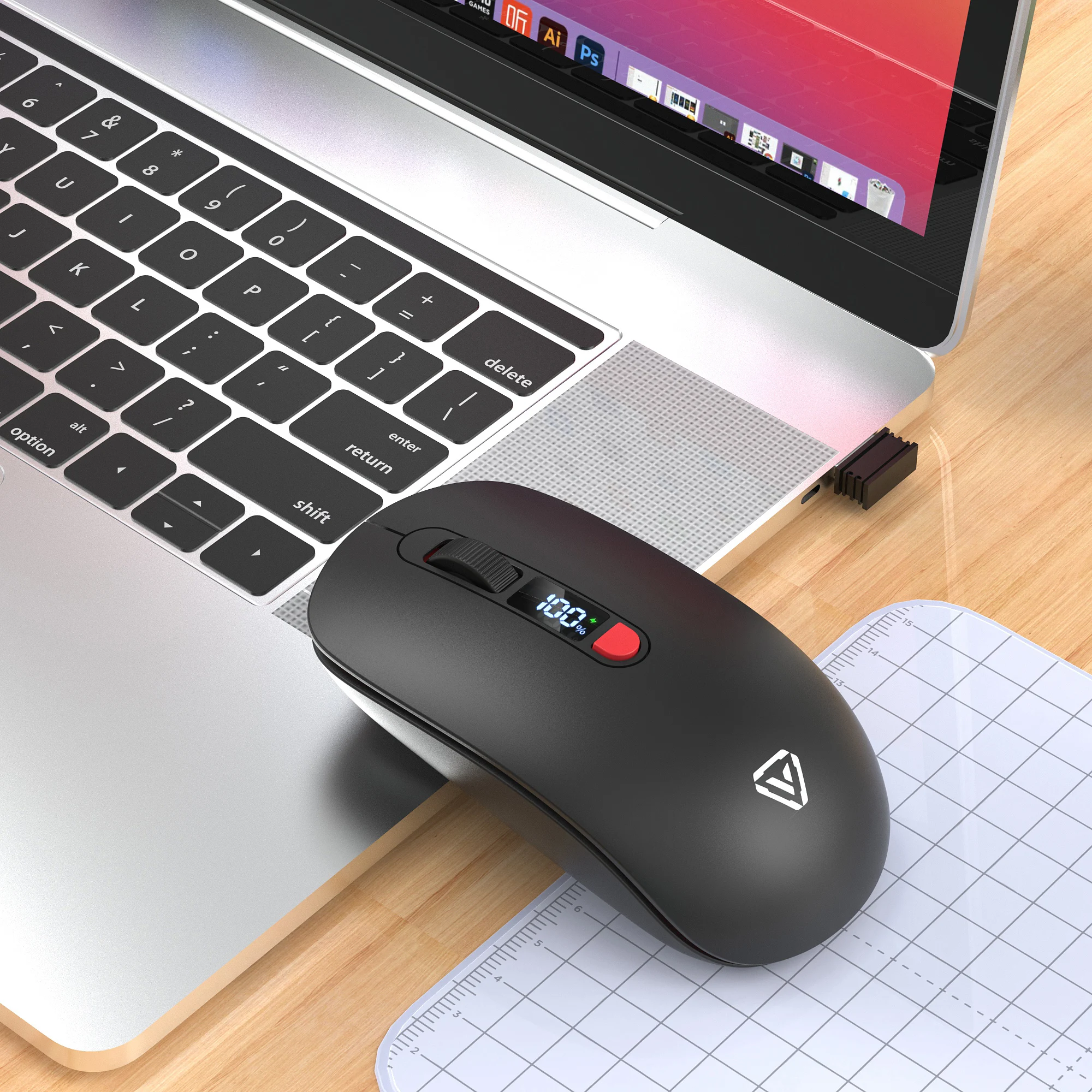
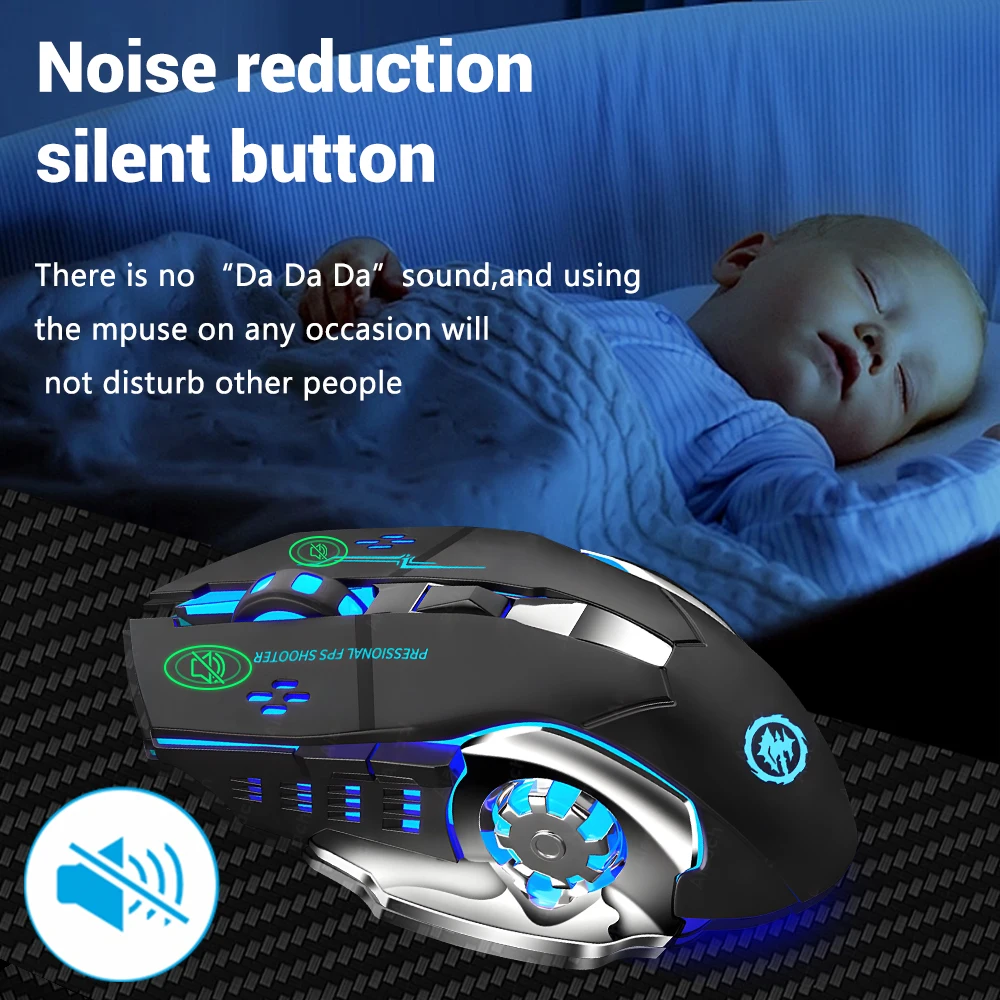
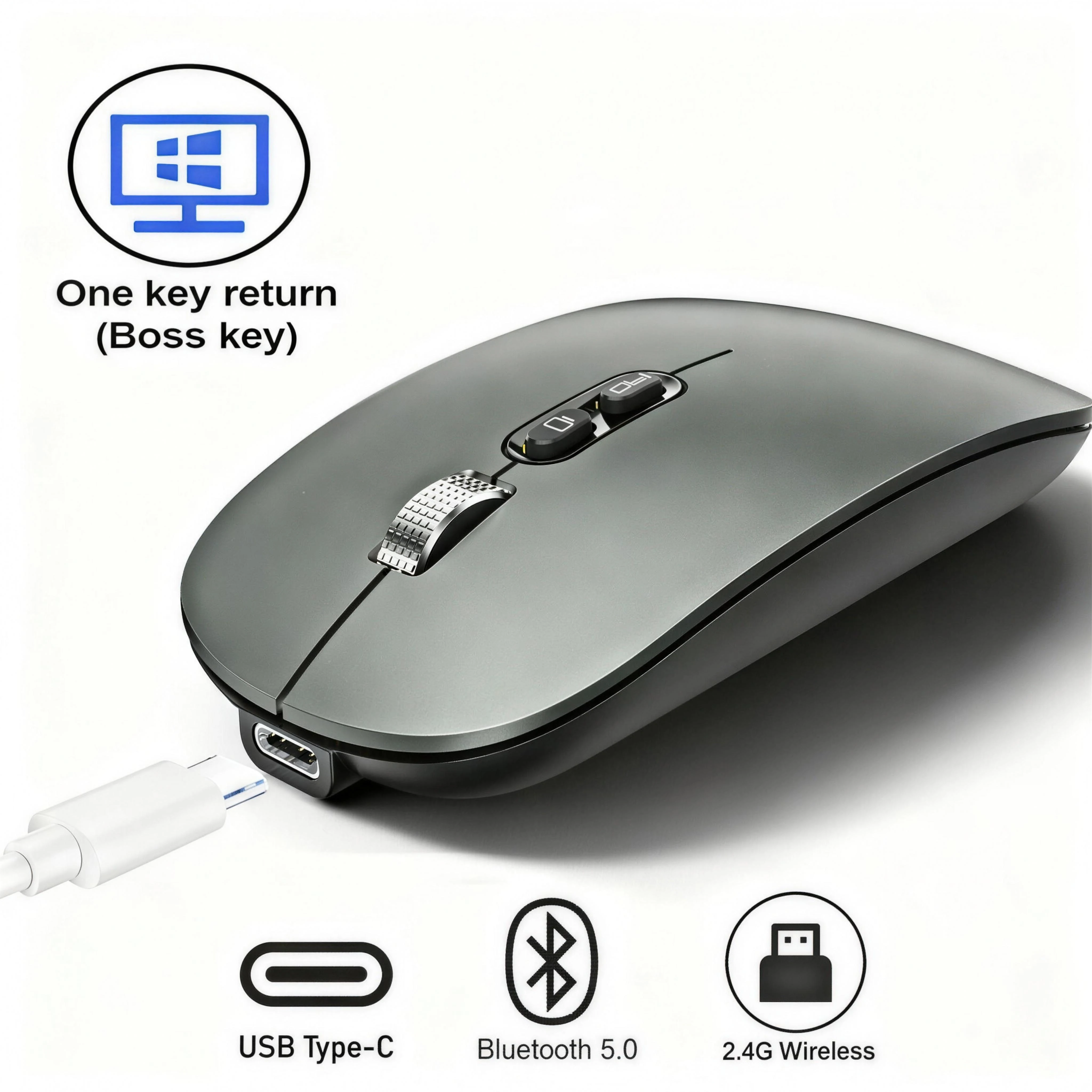
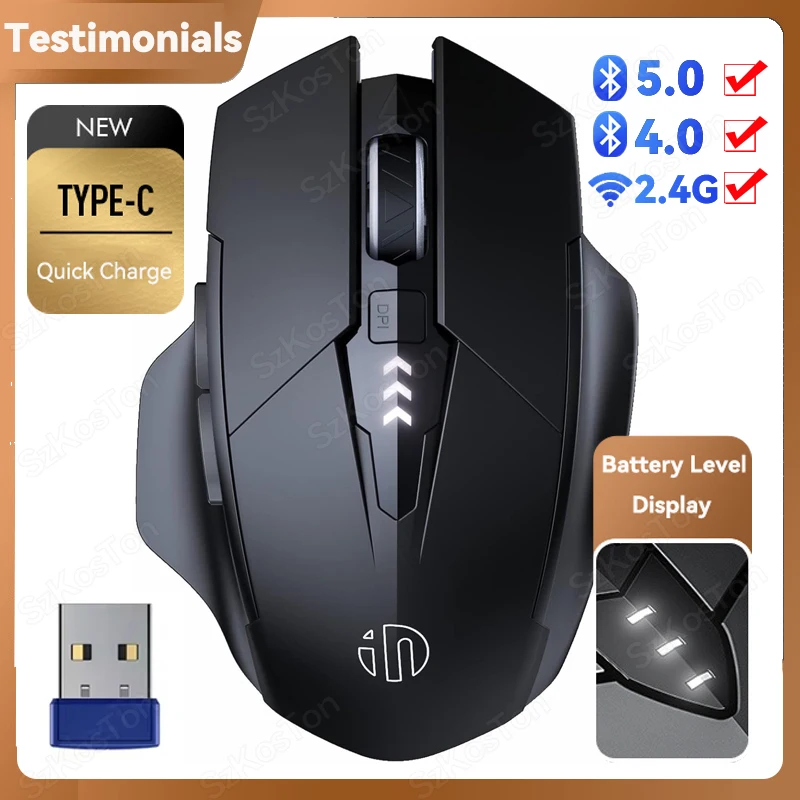
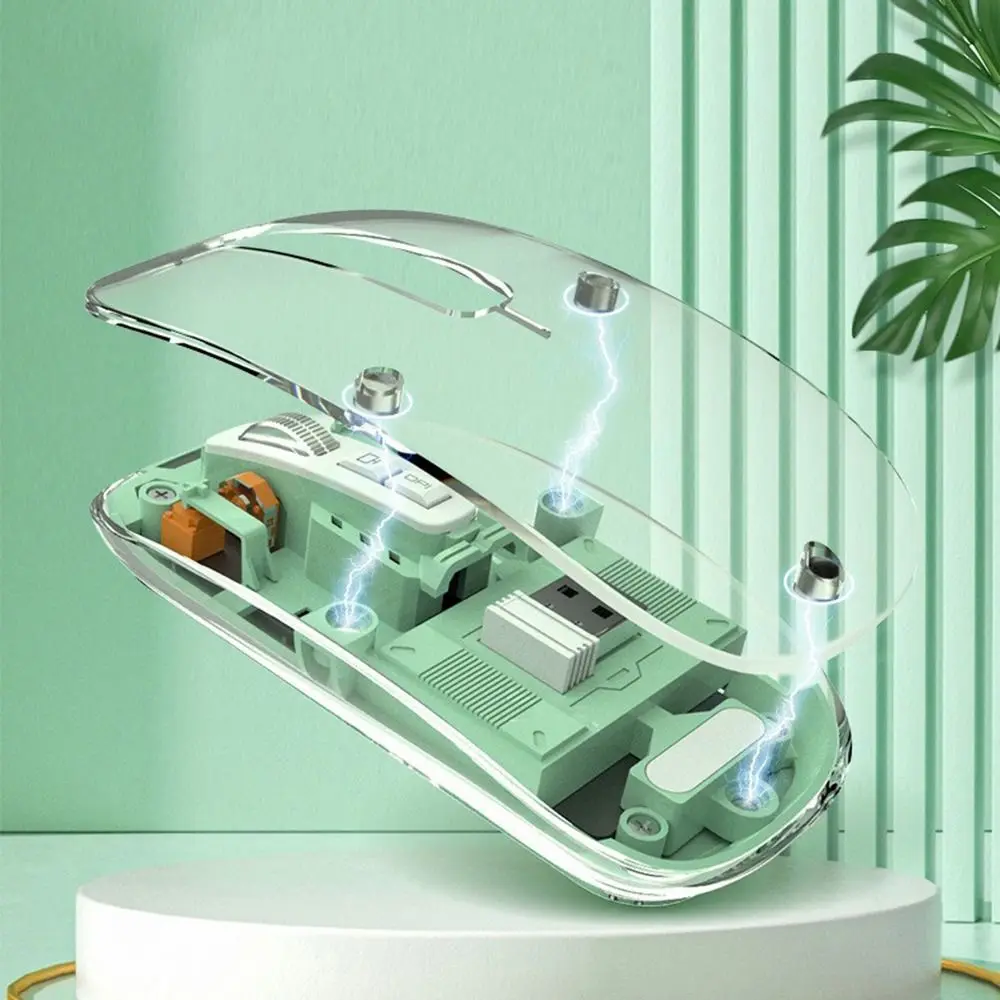
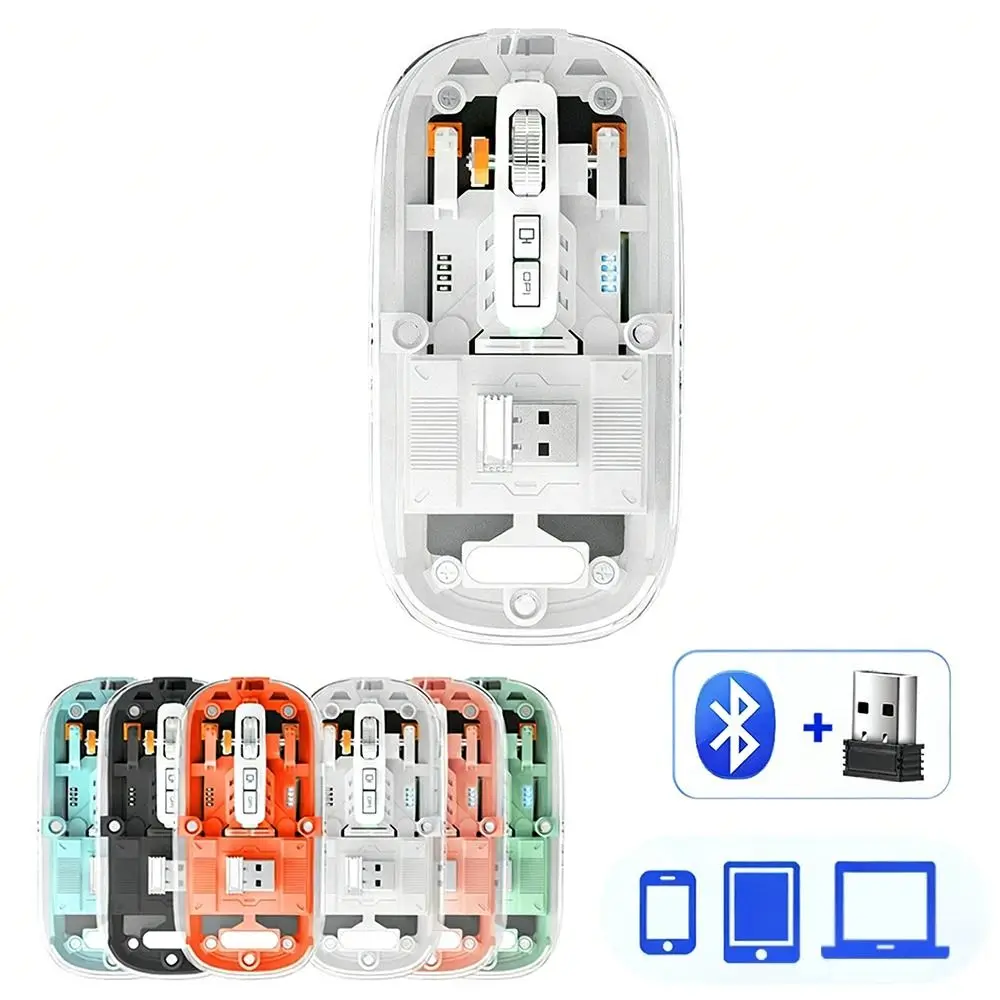
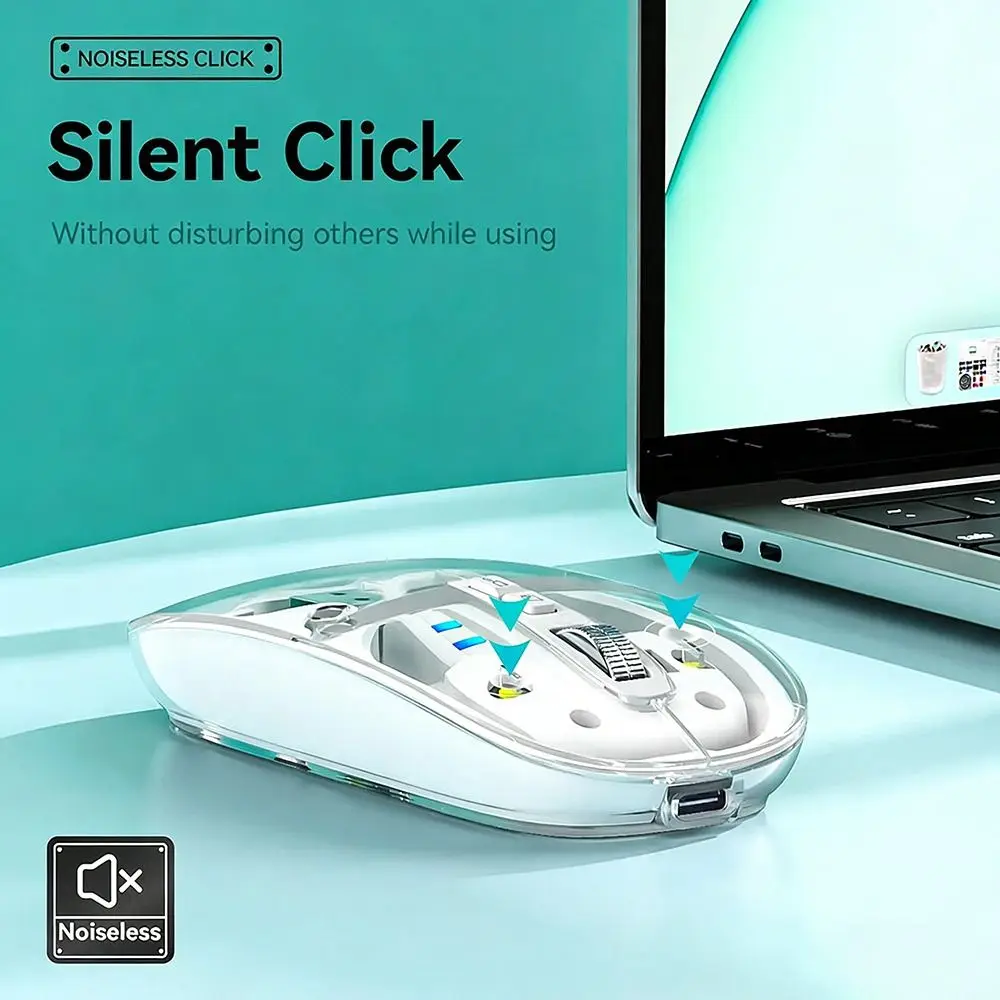
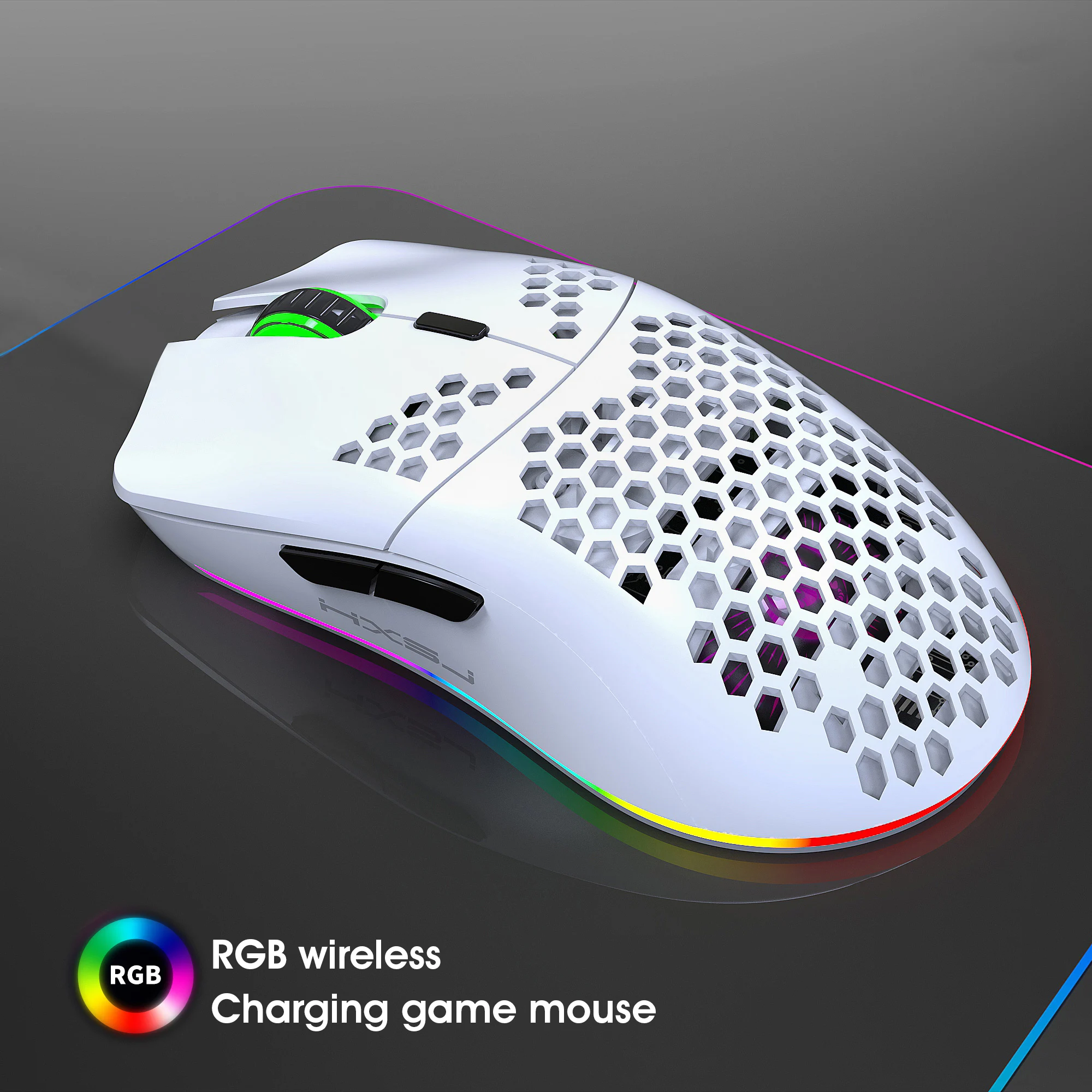
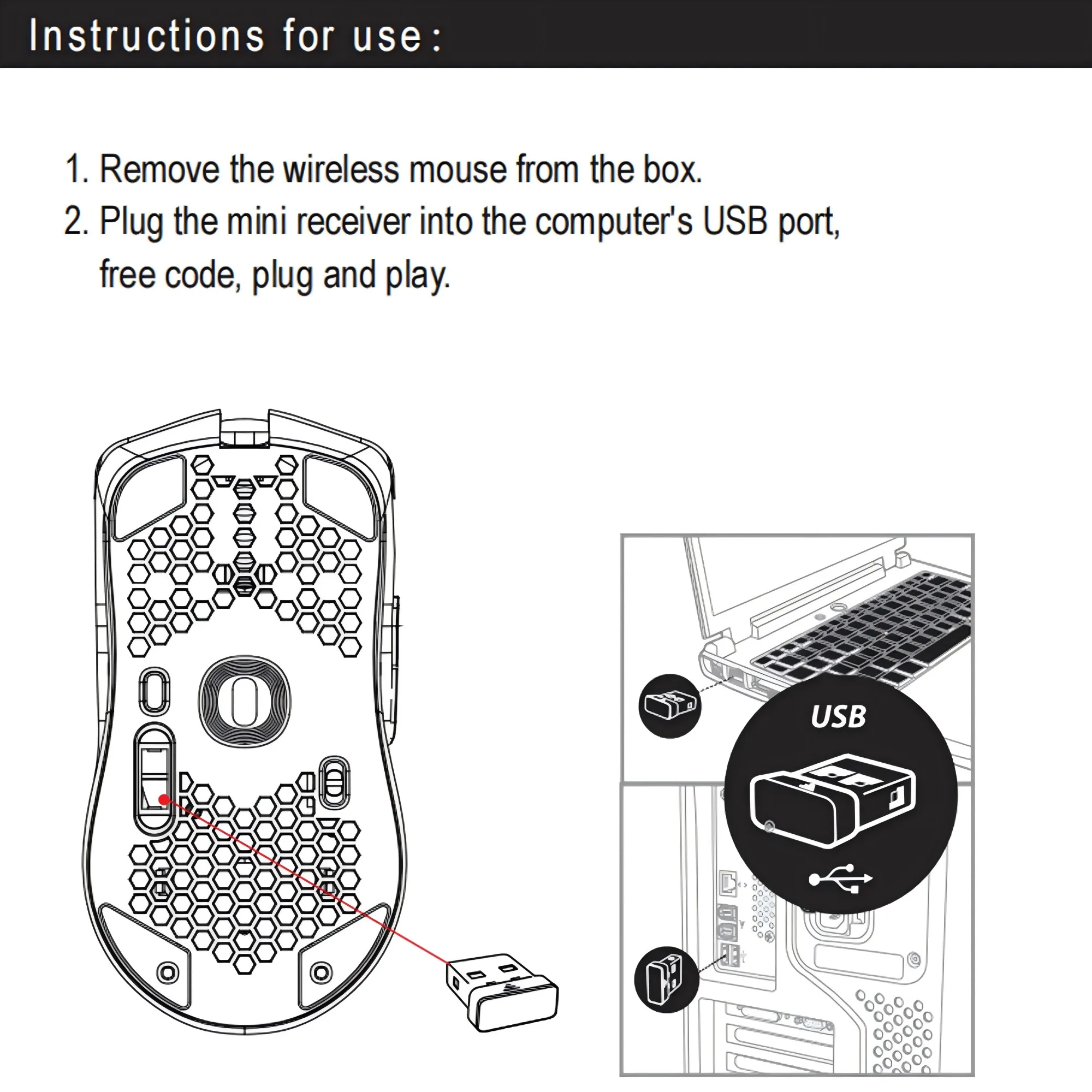
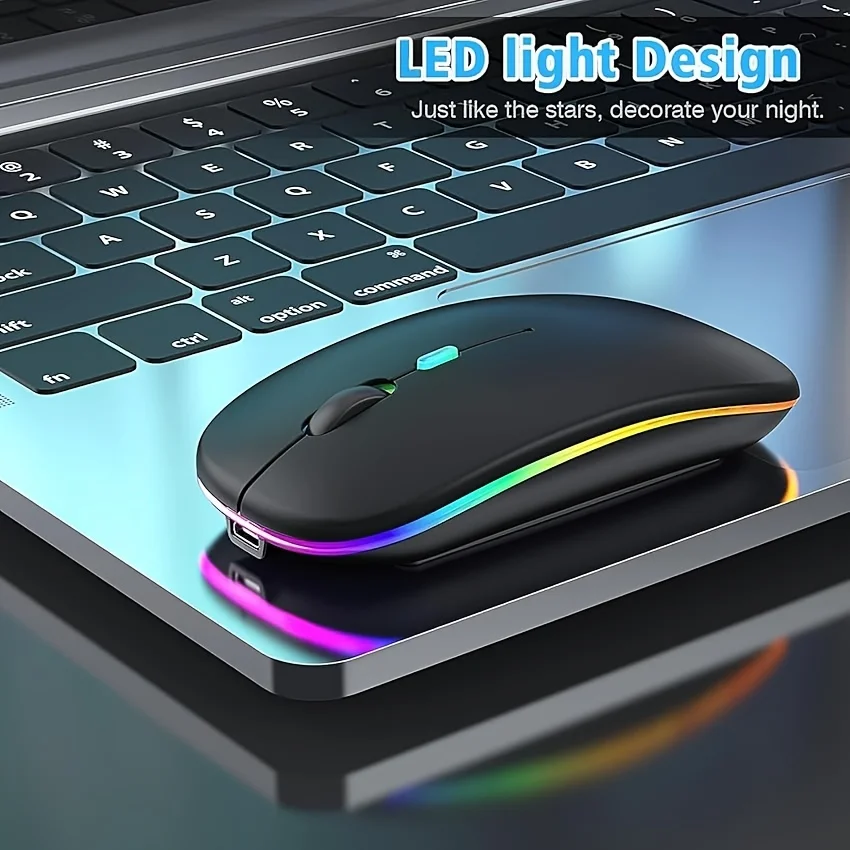
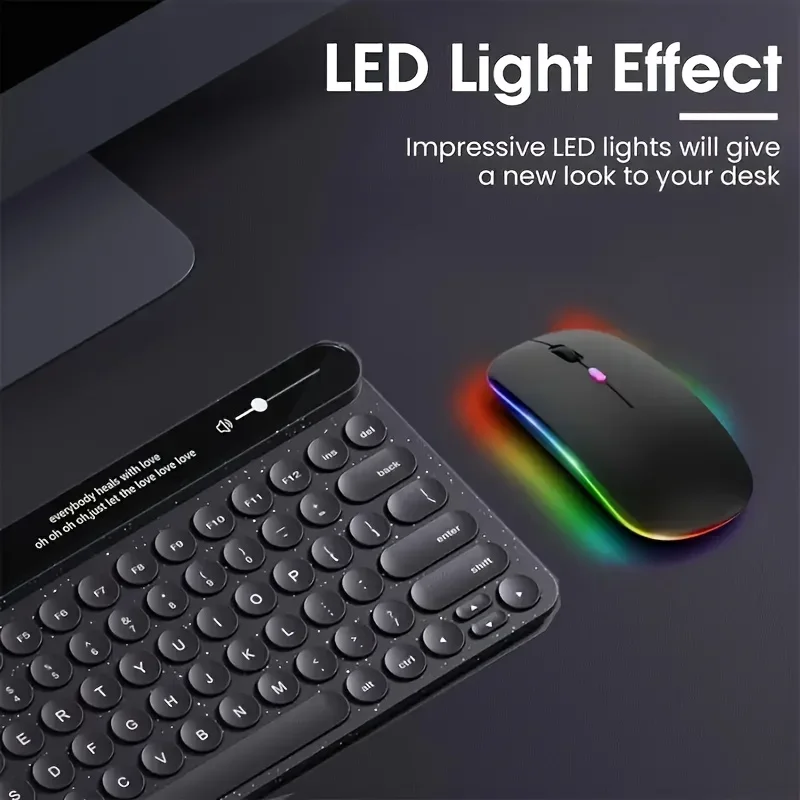
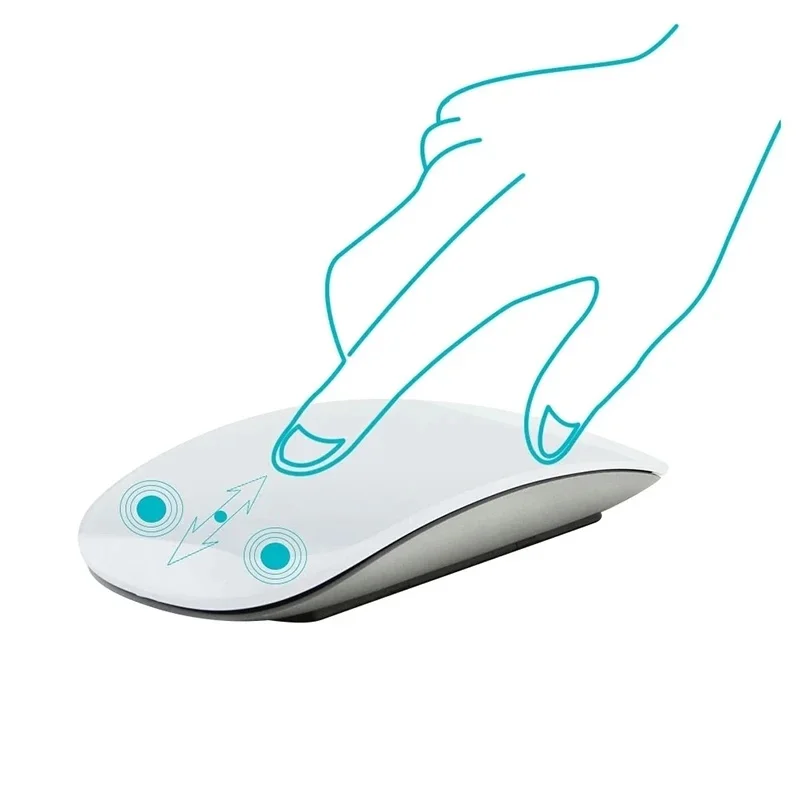
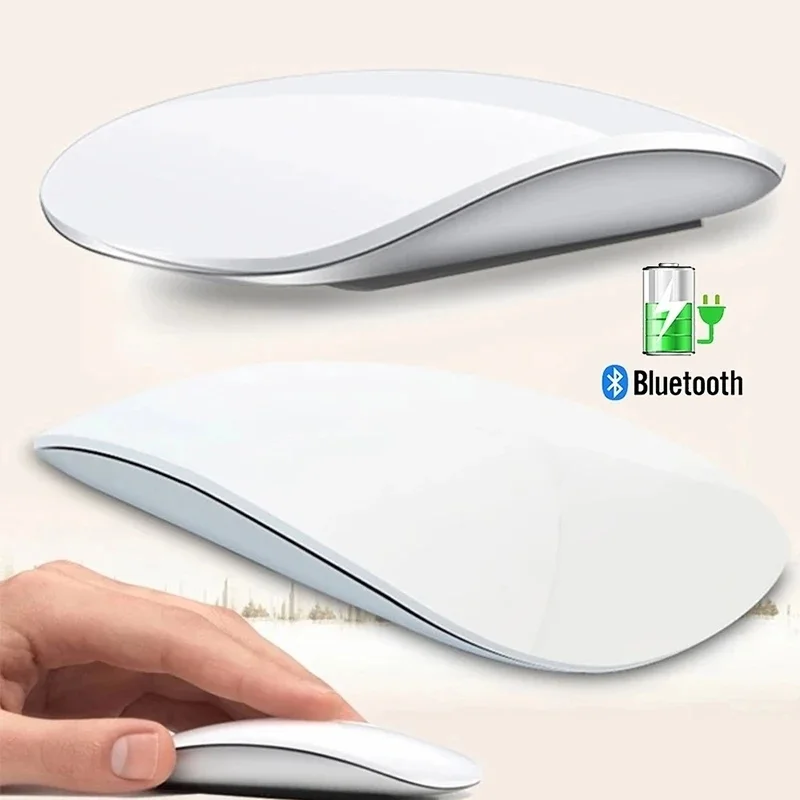
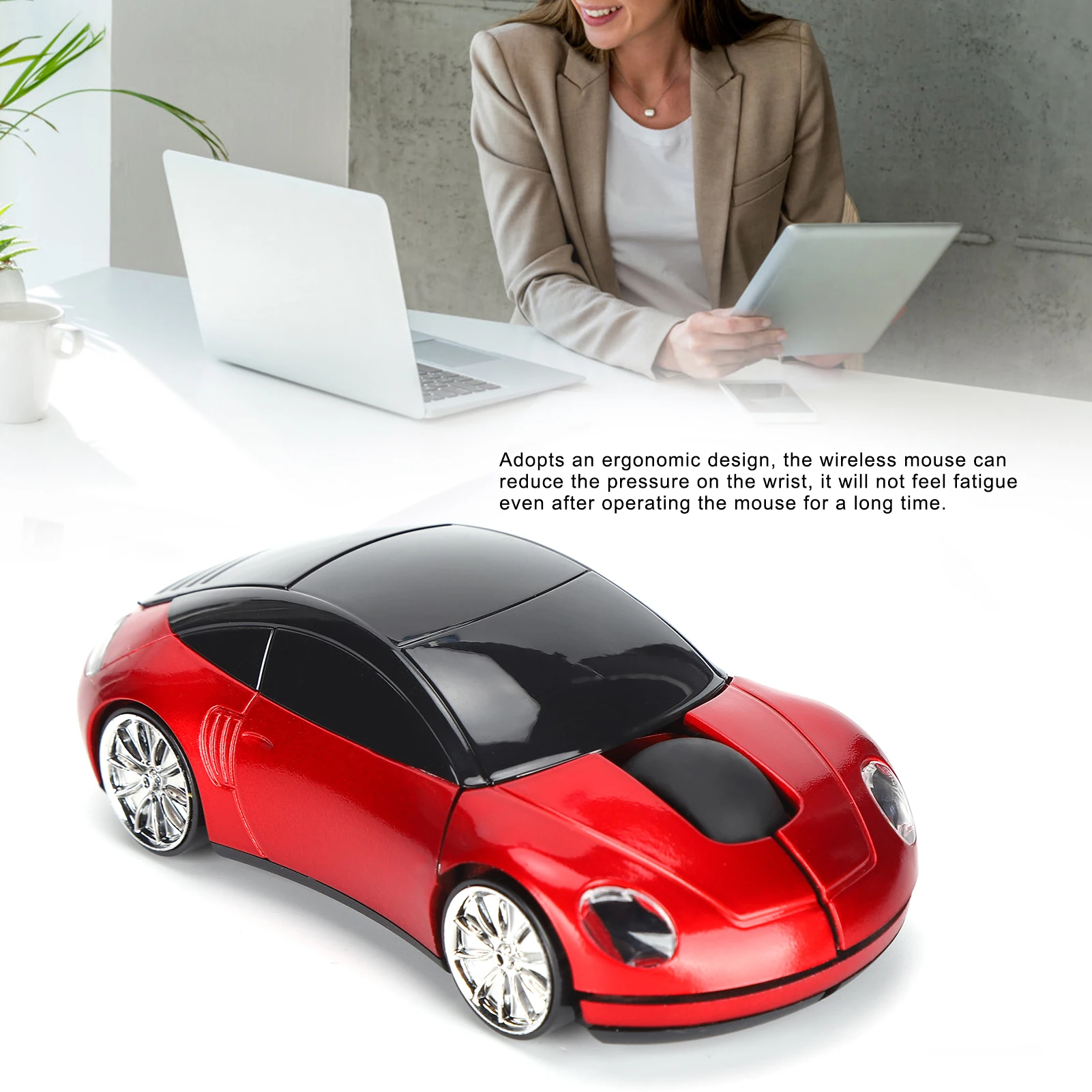
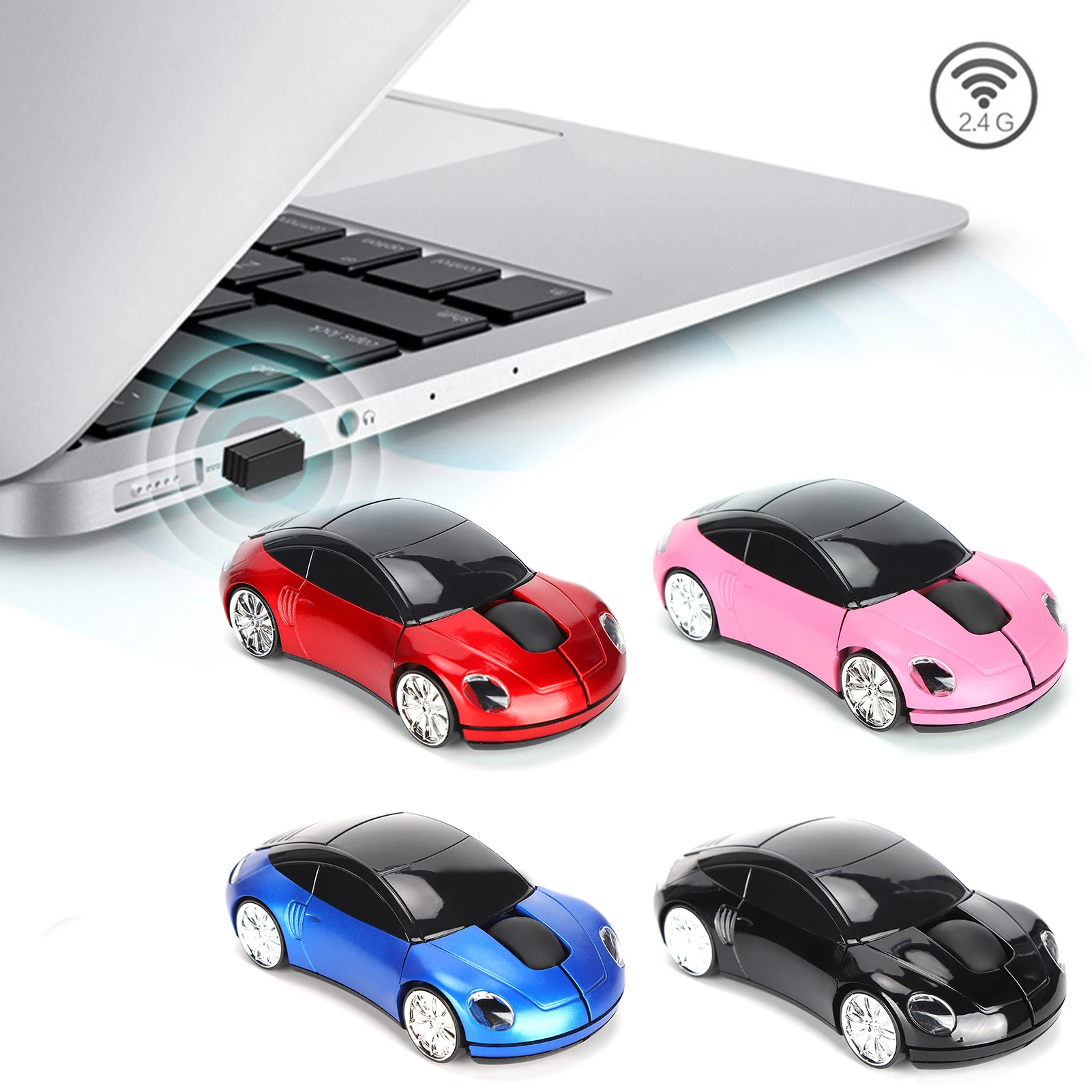
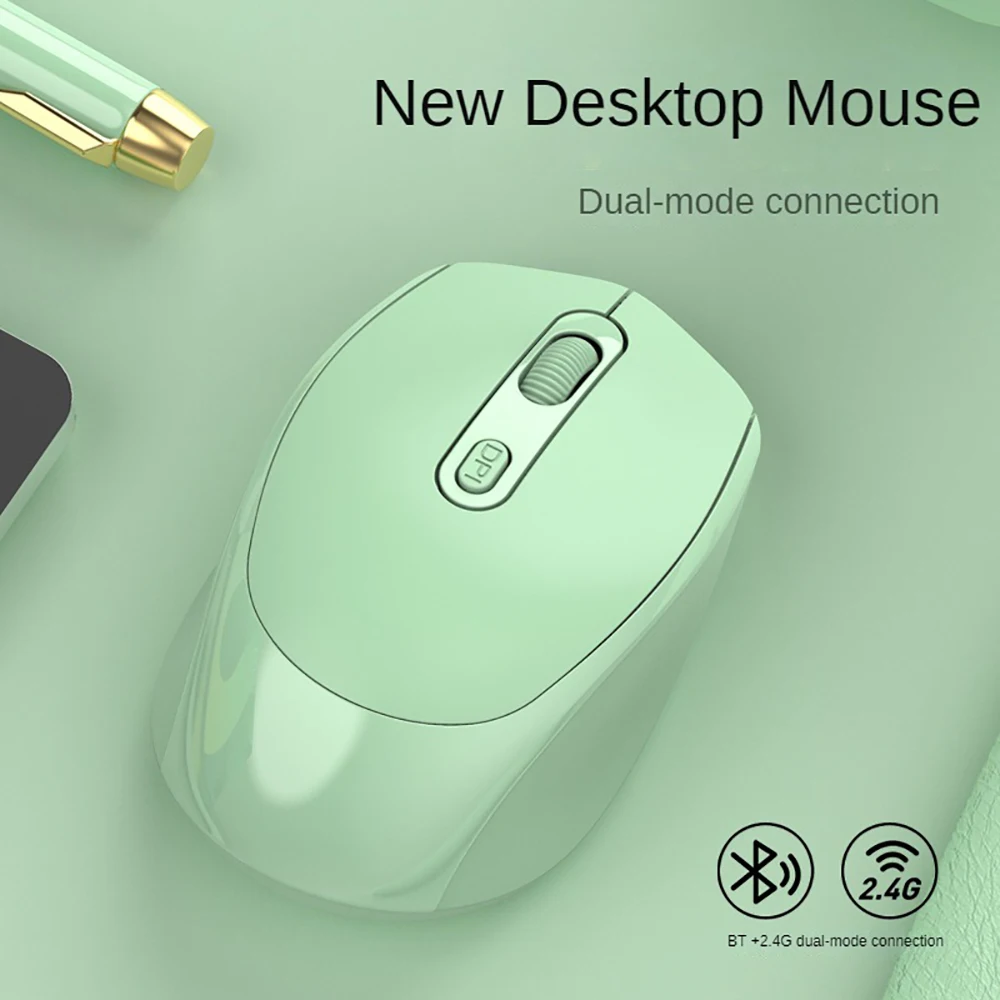
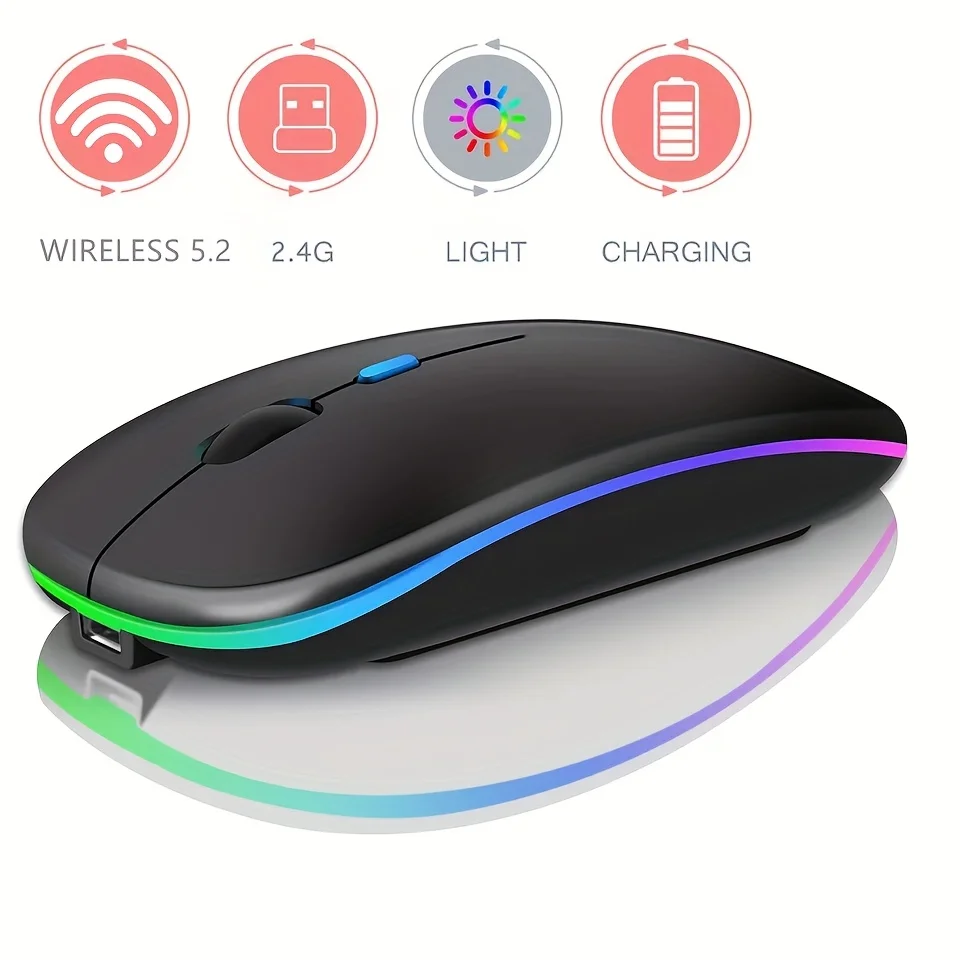
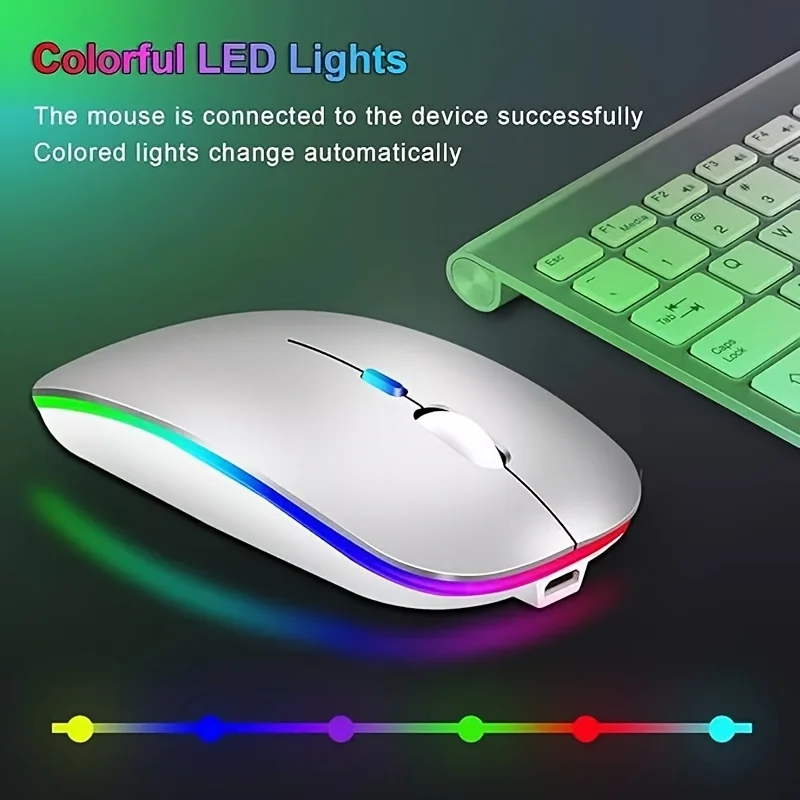
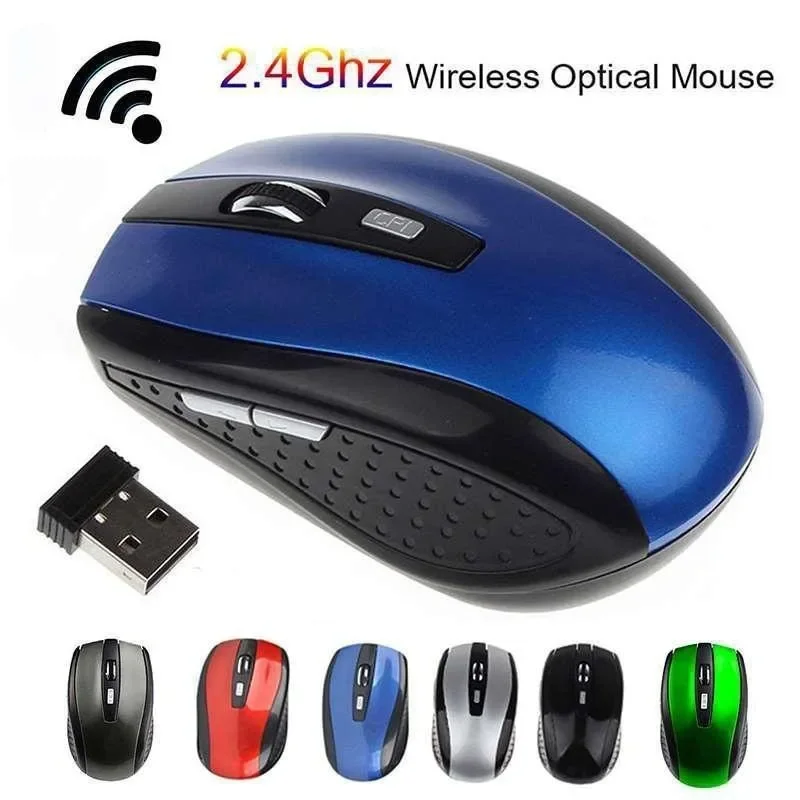
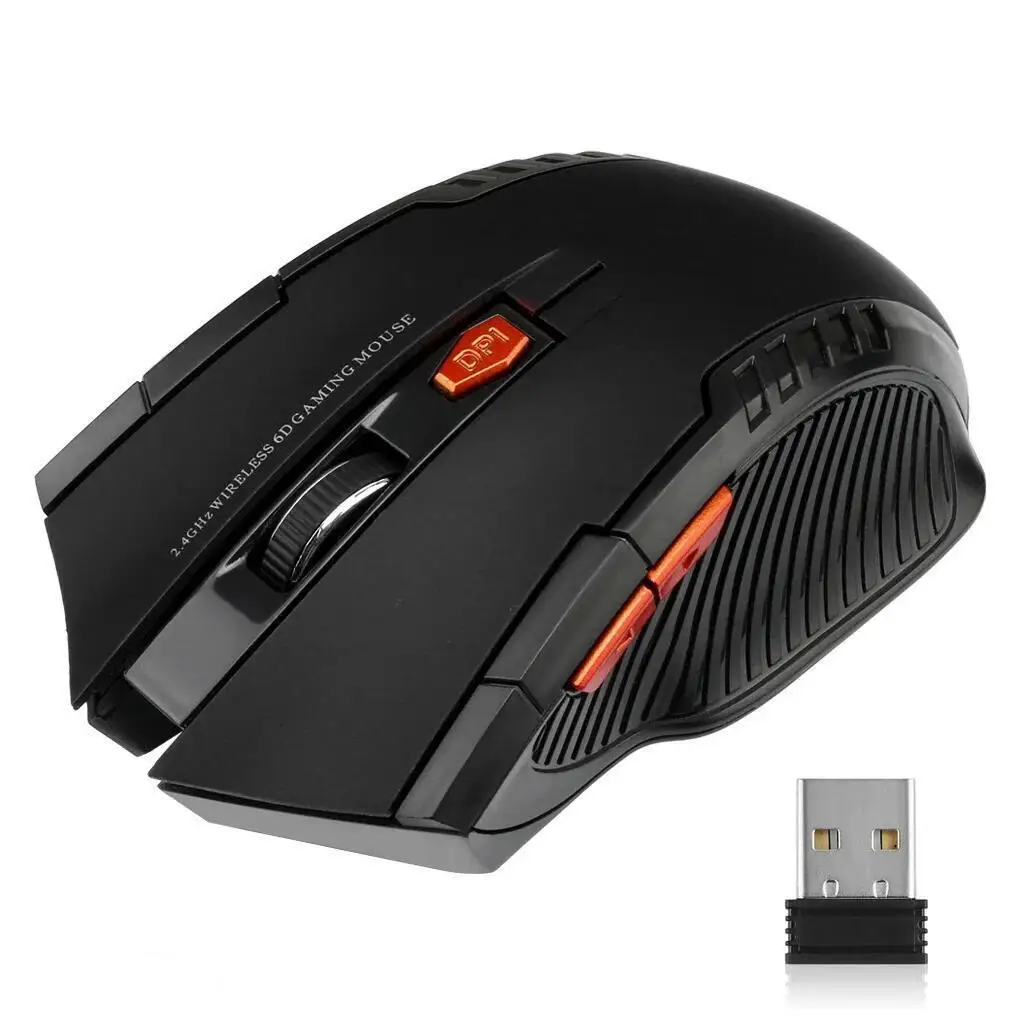
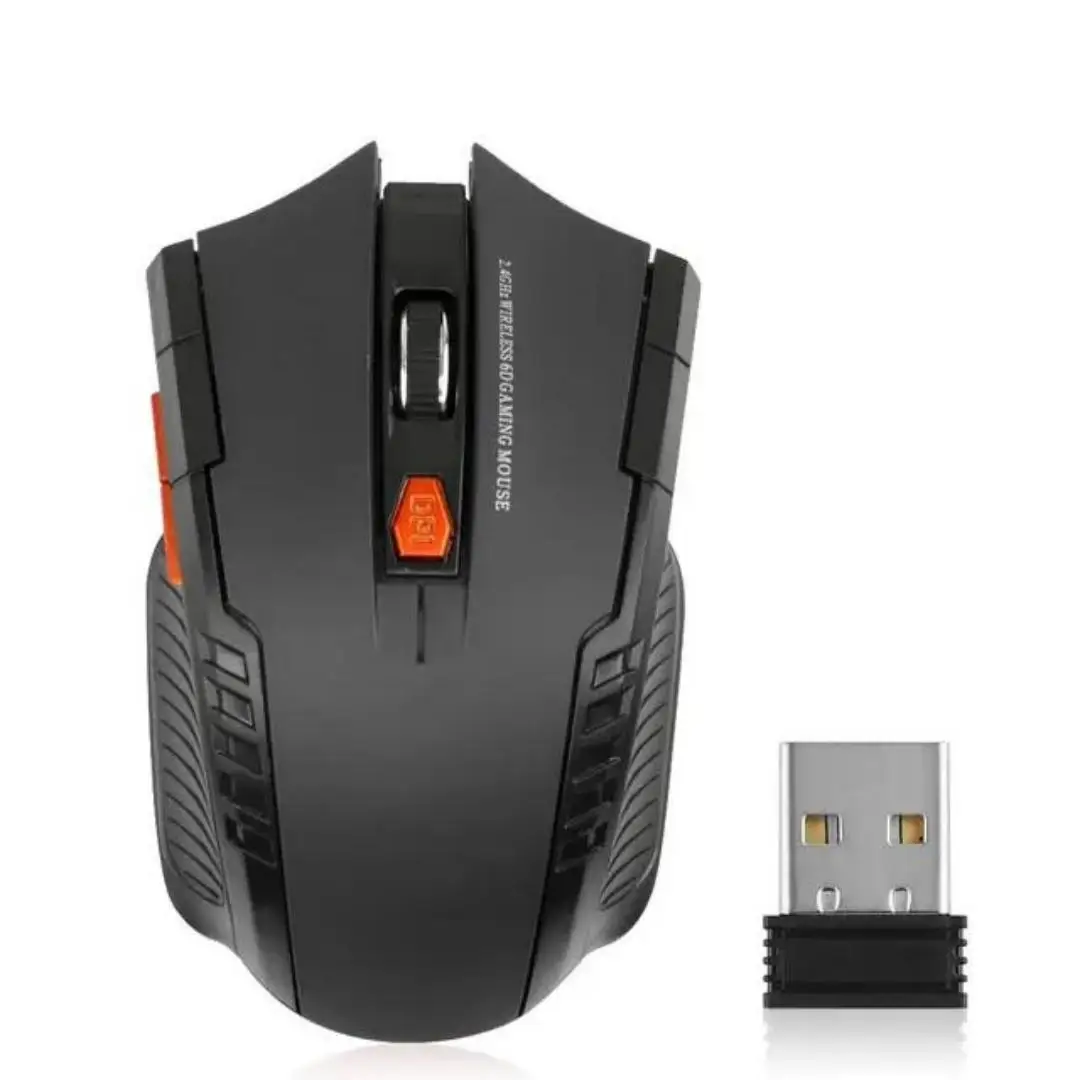
- Wireless mice come with a small USB receiver that plugs into the laptop. Many also have Bluetooth, so the receiver is there for the laptop and Bluetooth for a tablet. The range includes slim travel mice, silent-click mice, a see-through mouse, a car-shaped one and a few with coloured lighting.
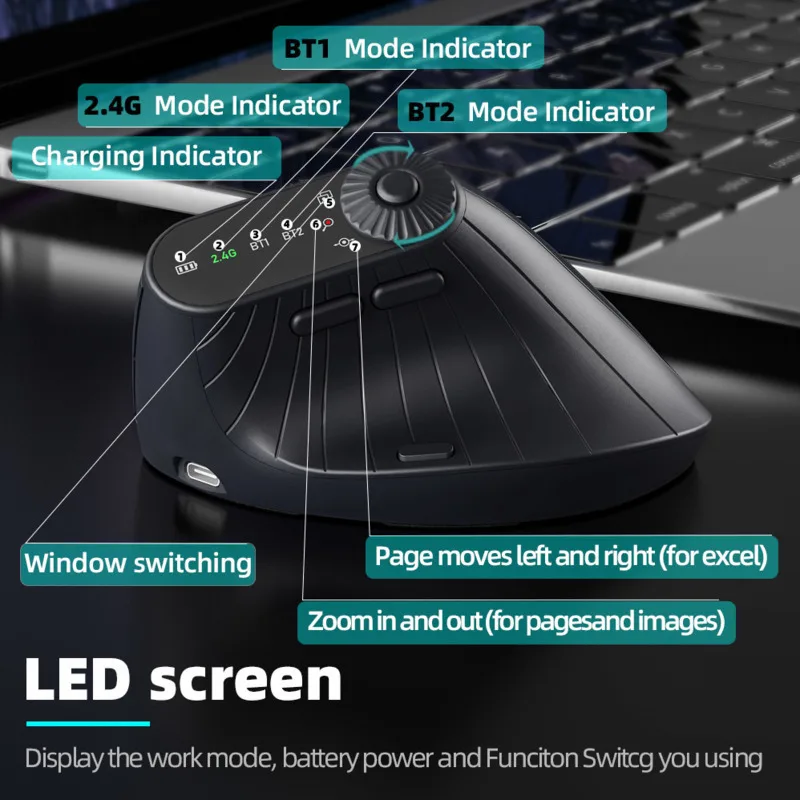
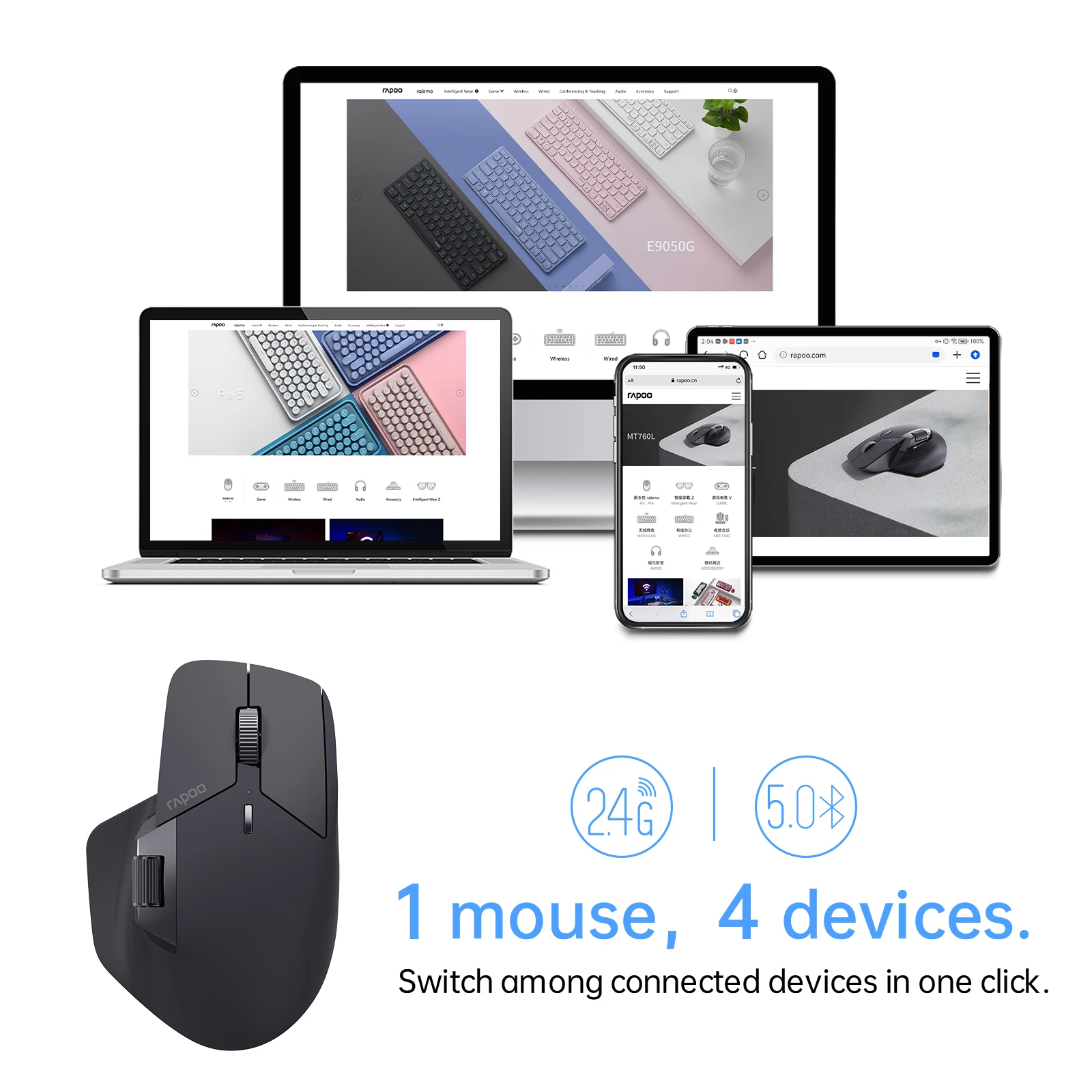
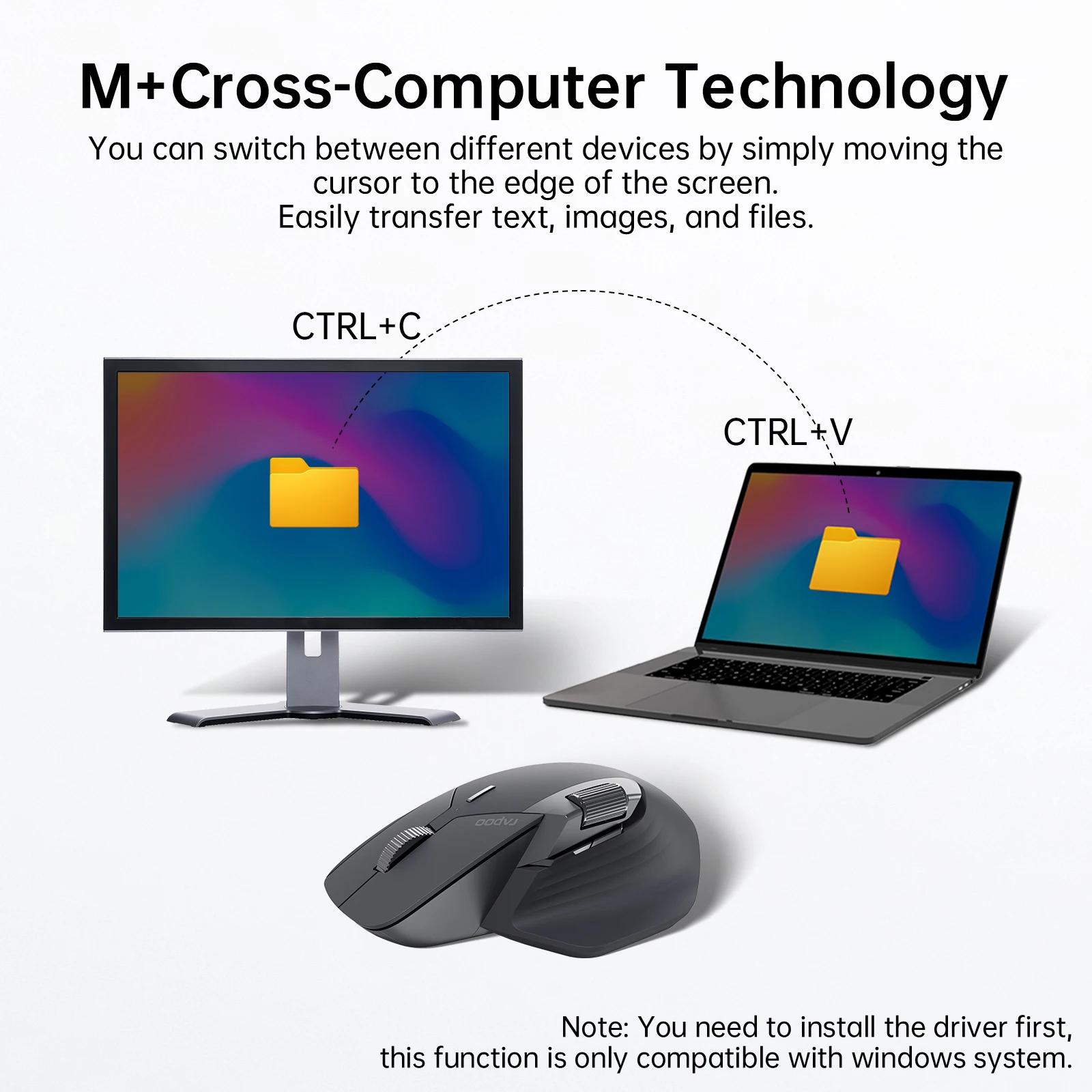
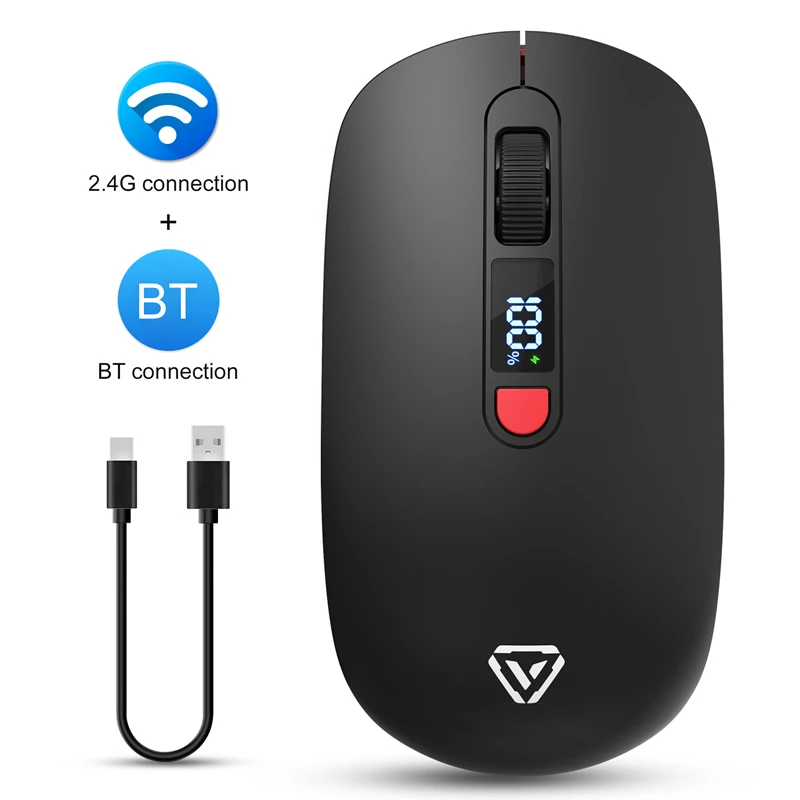
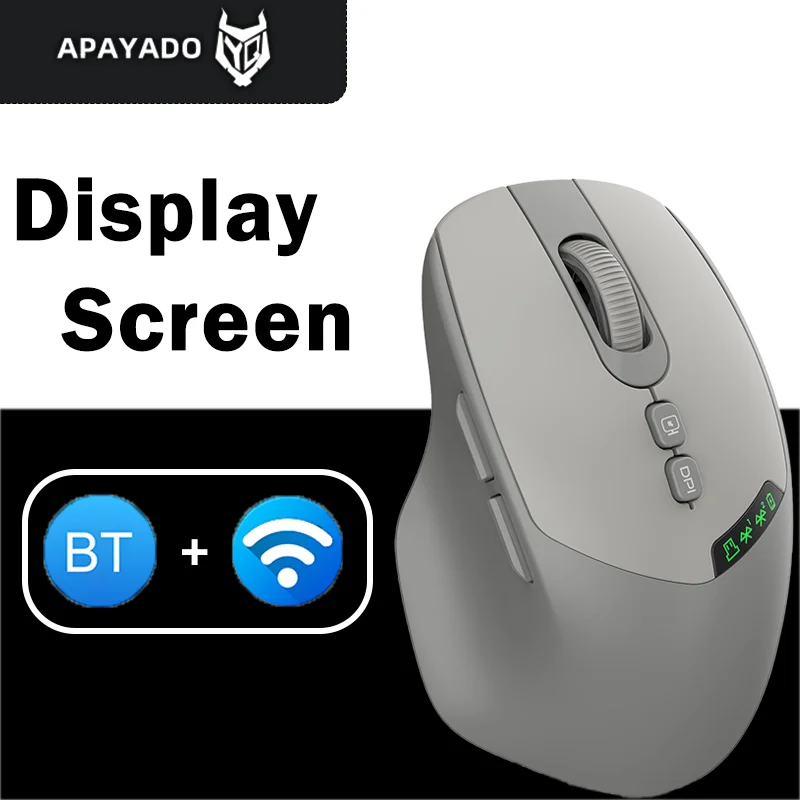
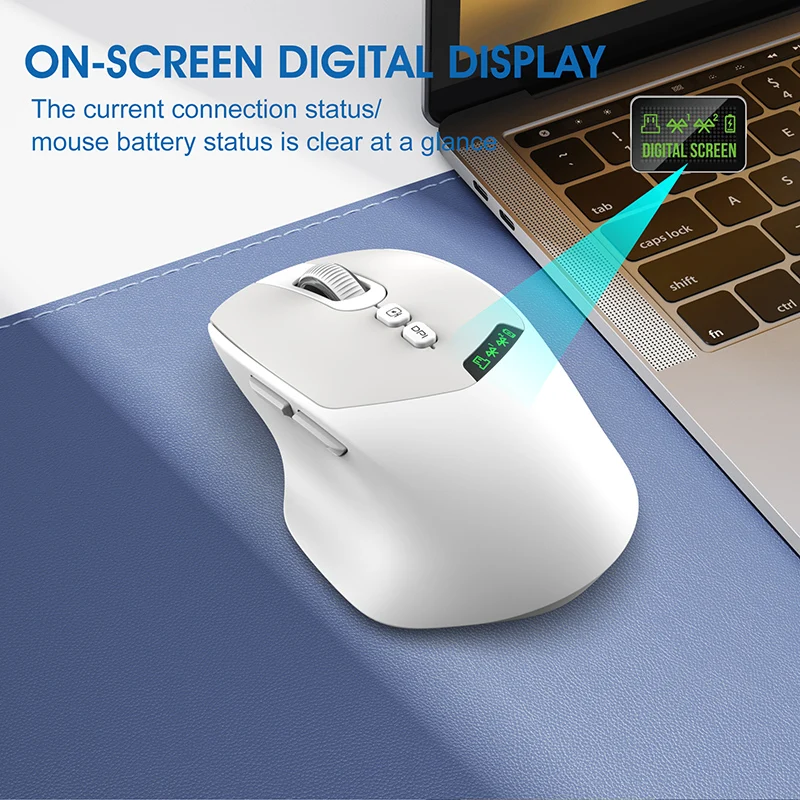
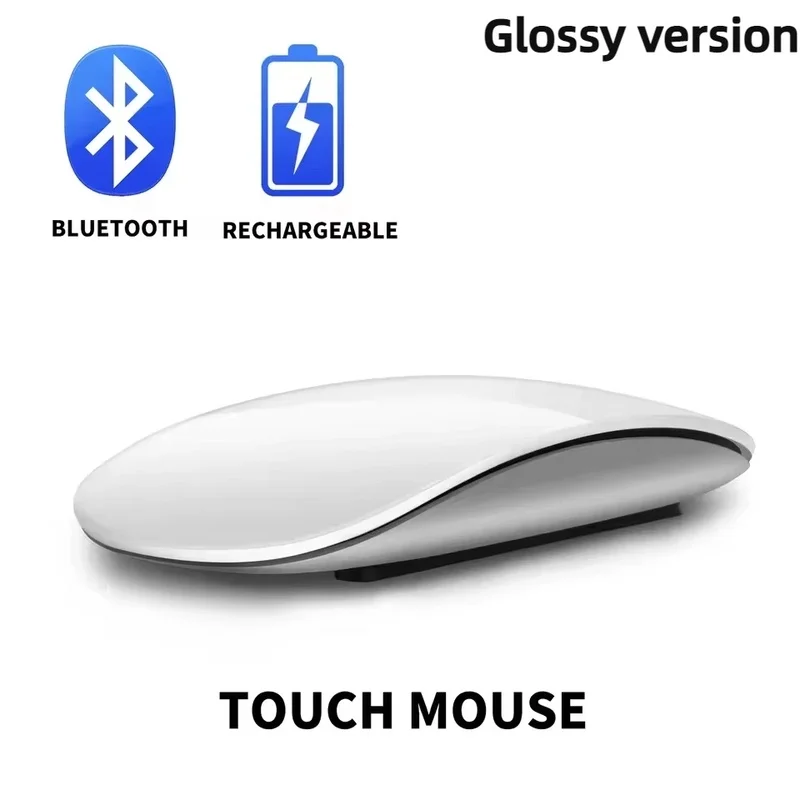
- Bluetooth mice connect to the laptop's own Bluetooth, so no socket is used. Most also carry a receiver for a second device, and several have a small screen showing the battery, the pointer speed and which device they are connected to.
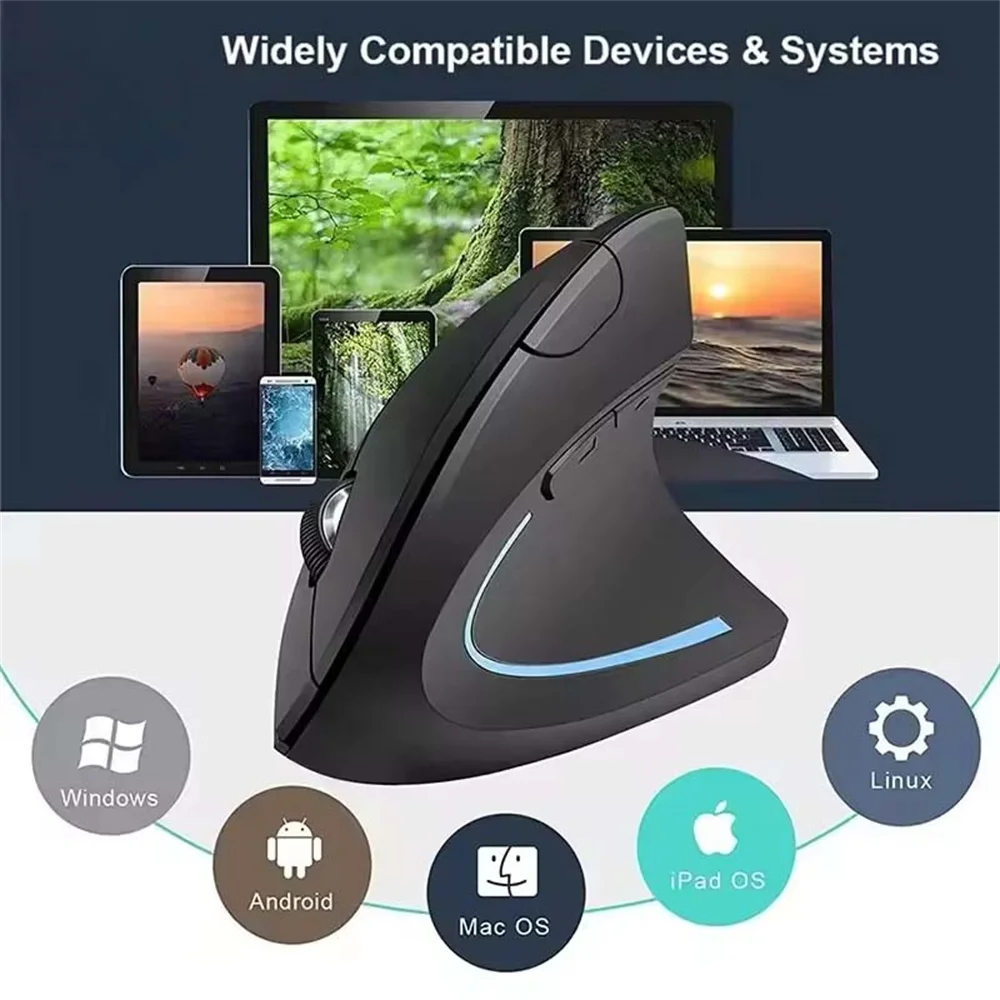
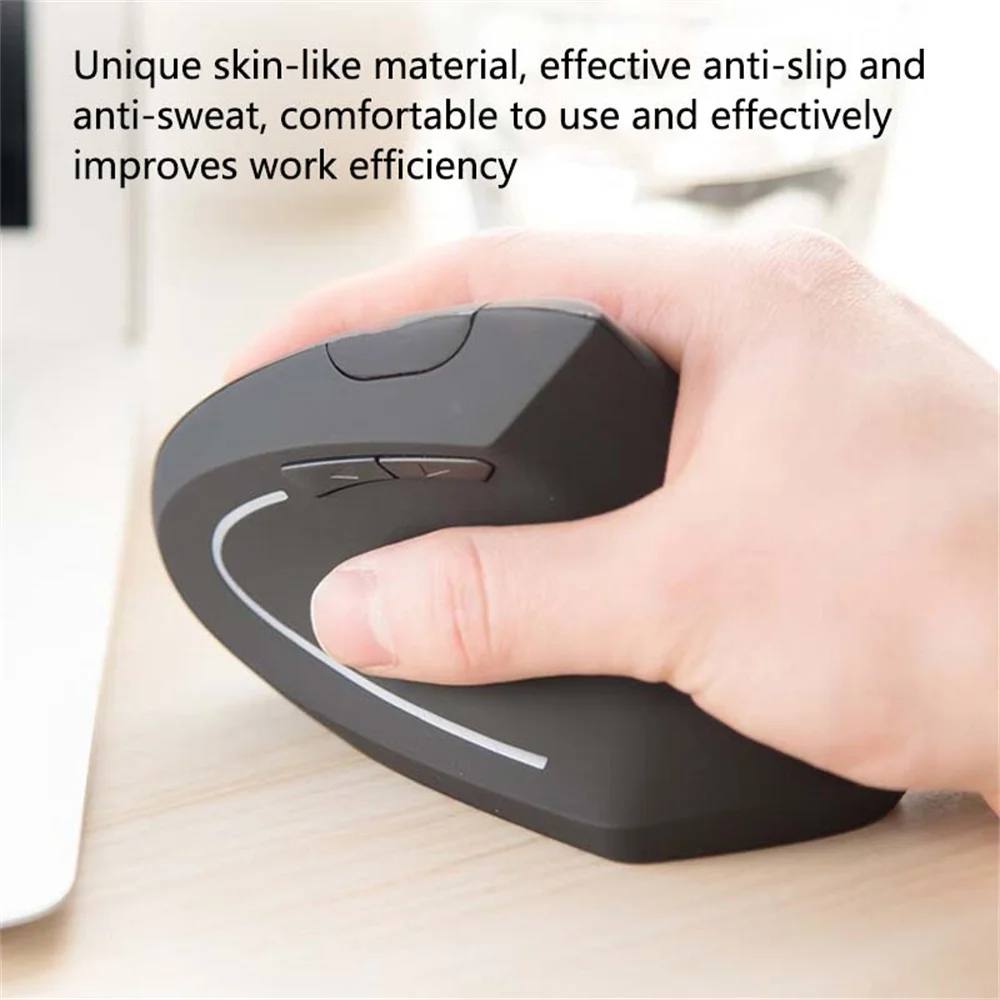
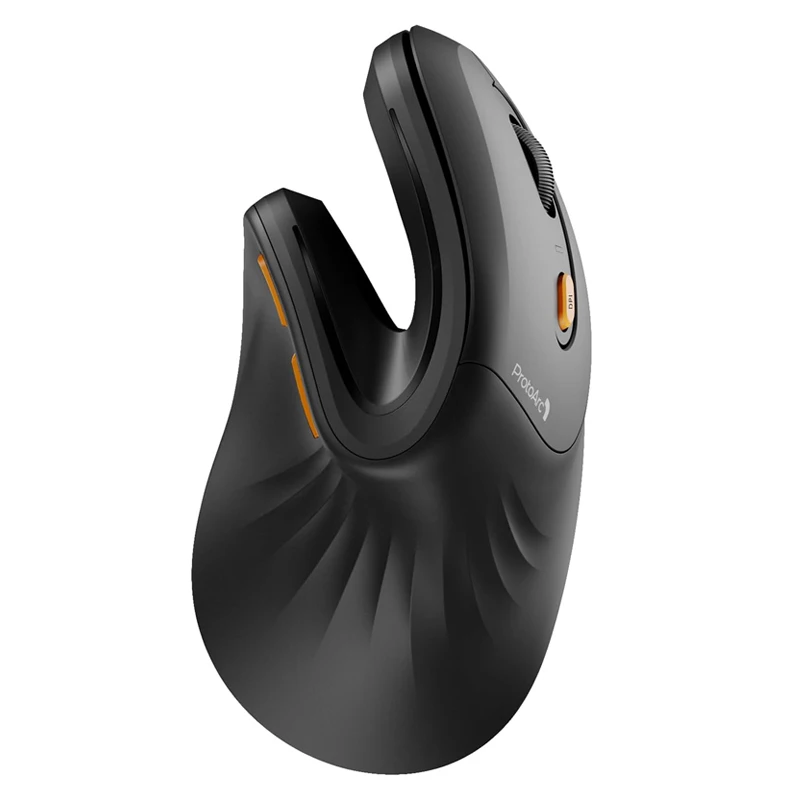
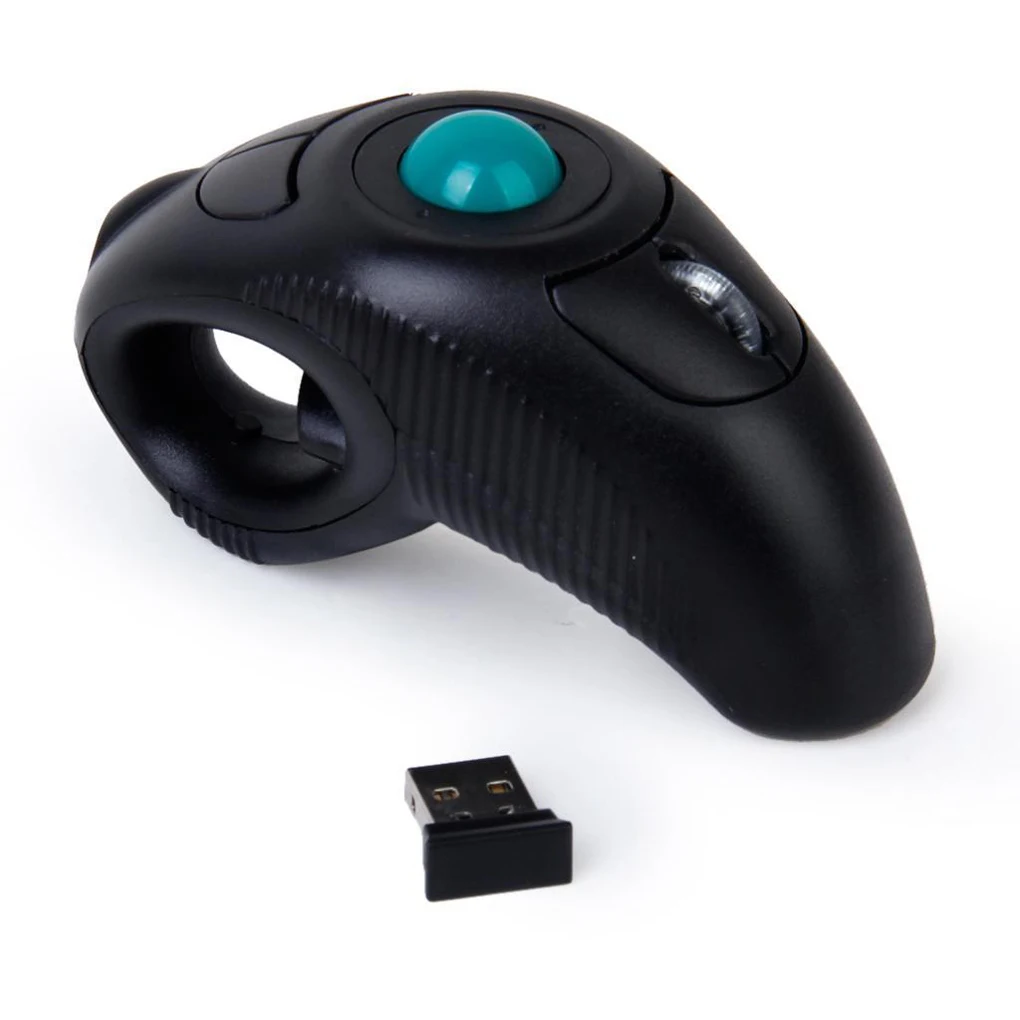
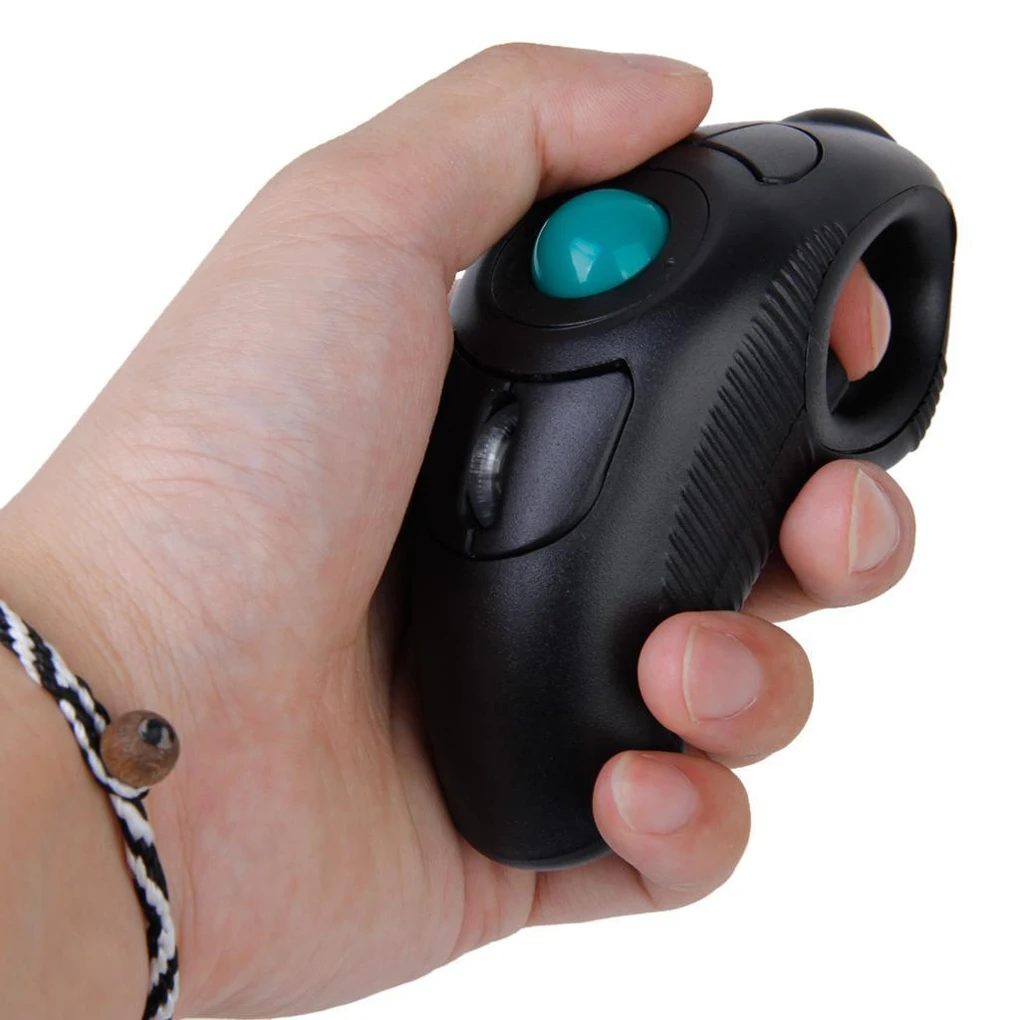
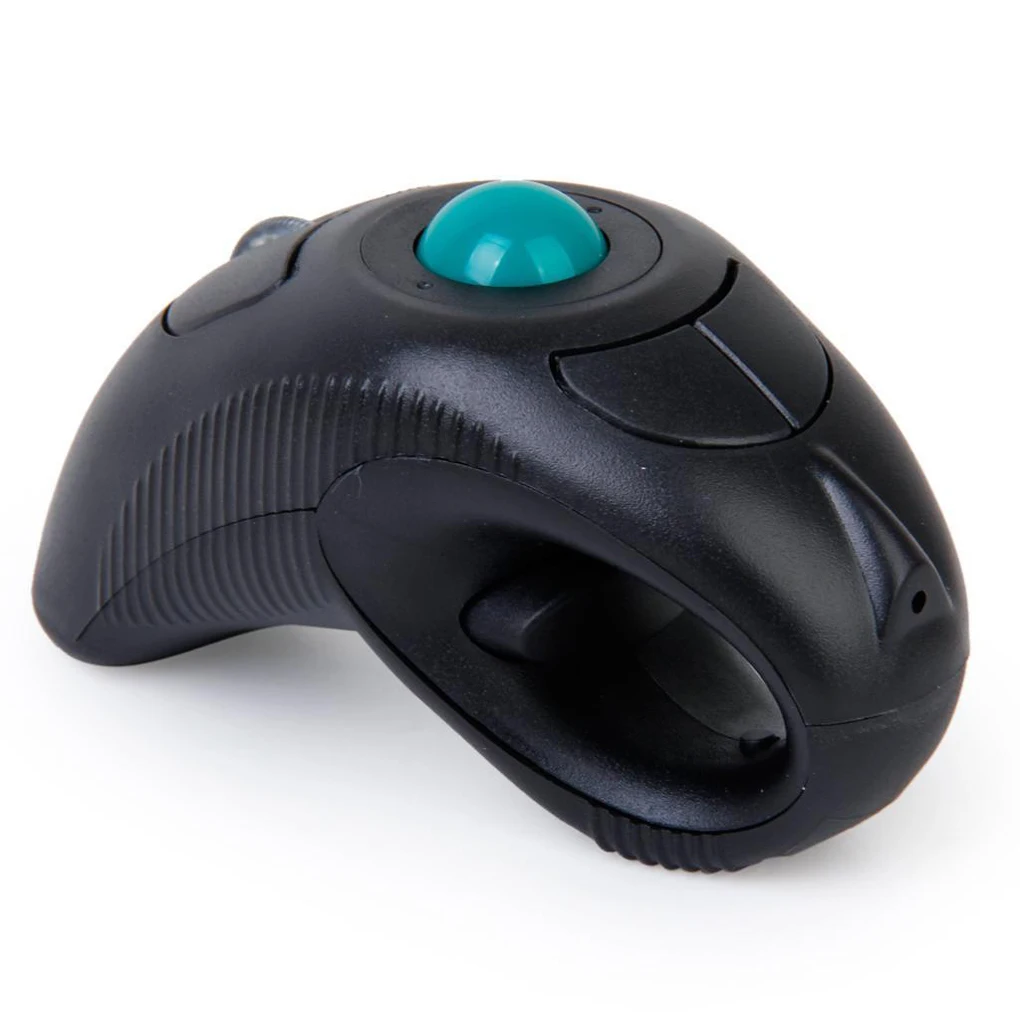
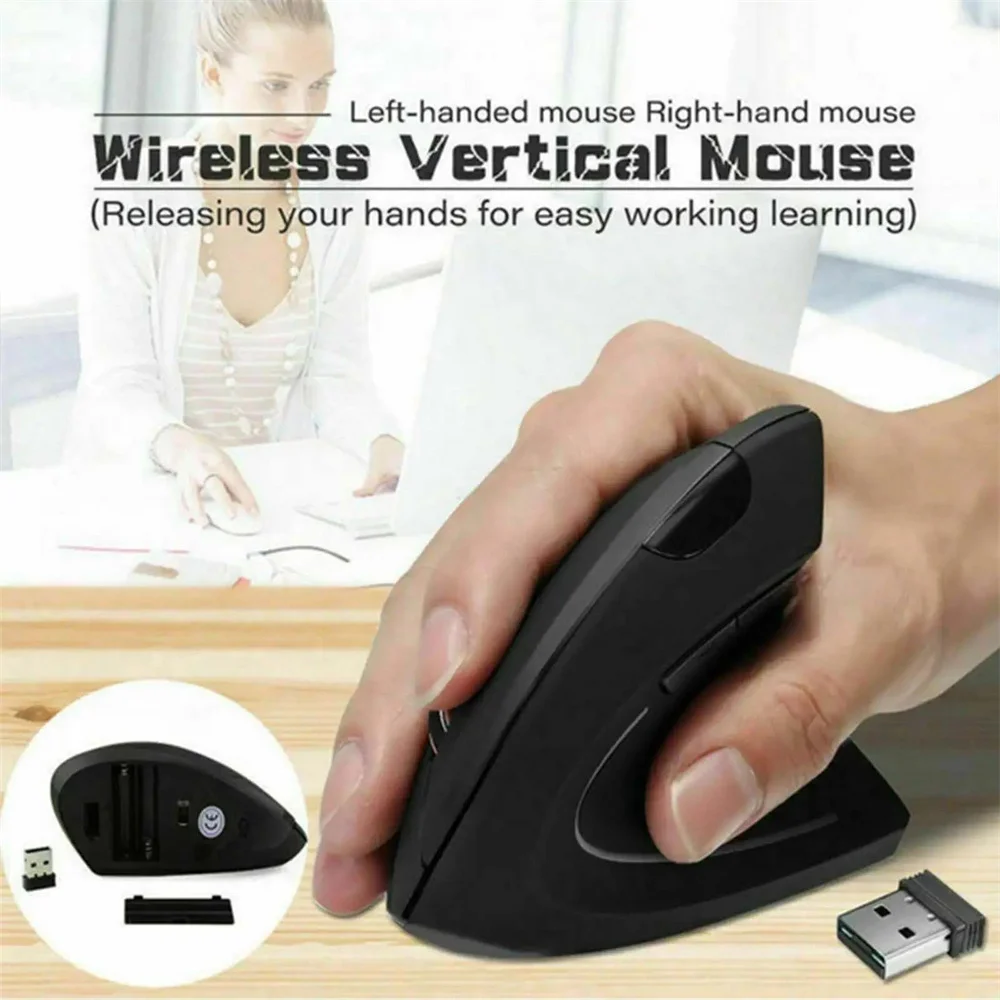
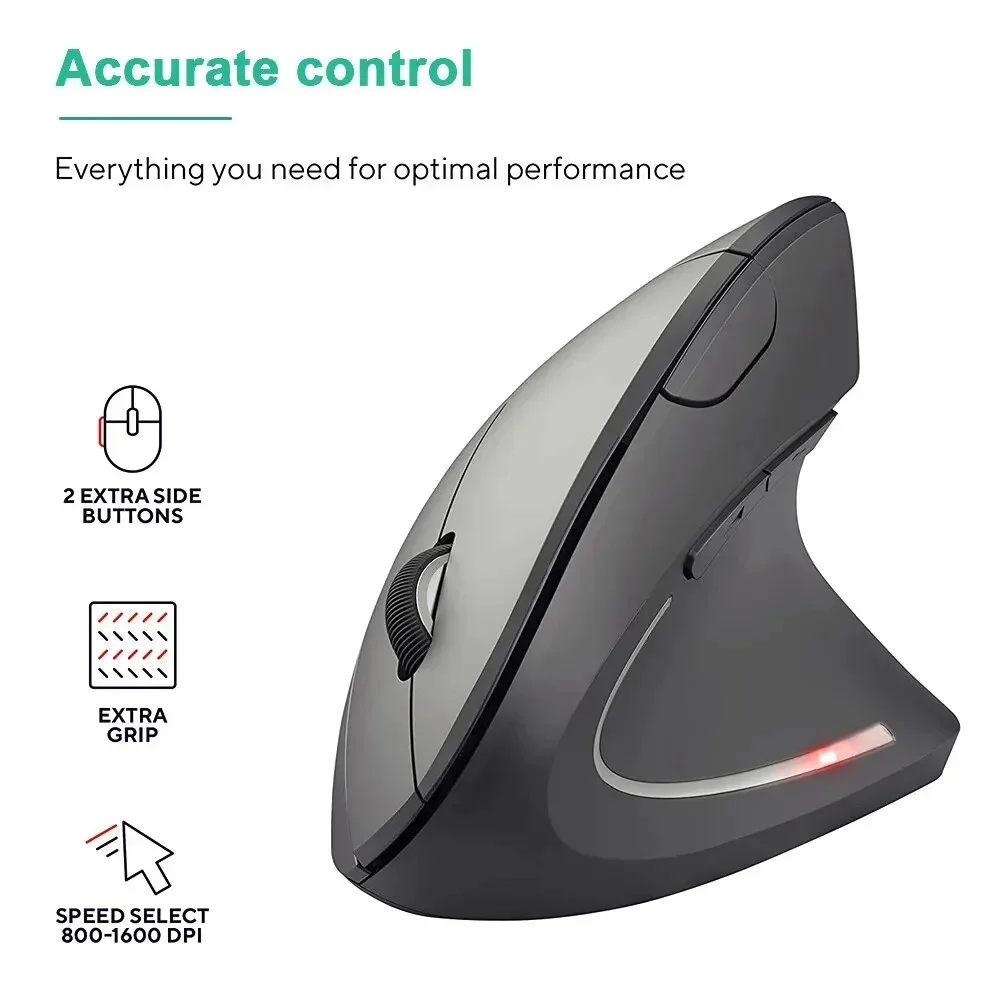
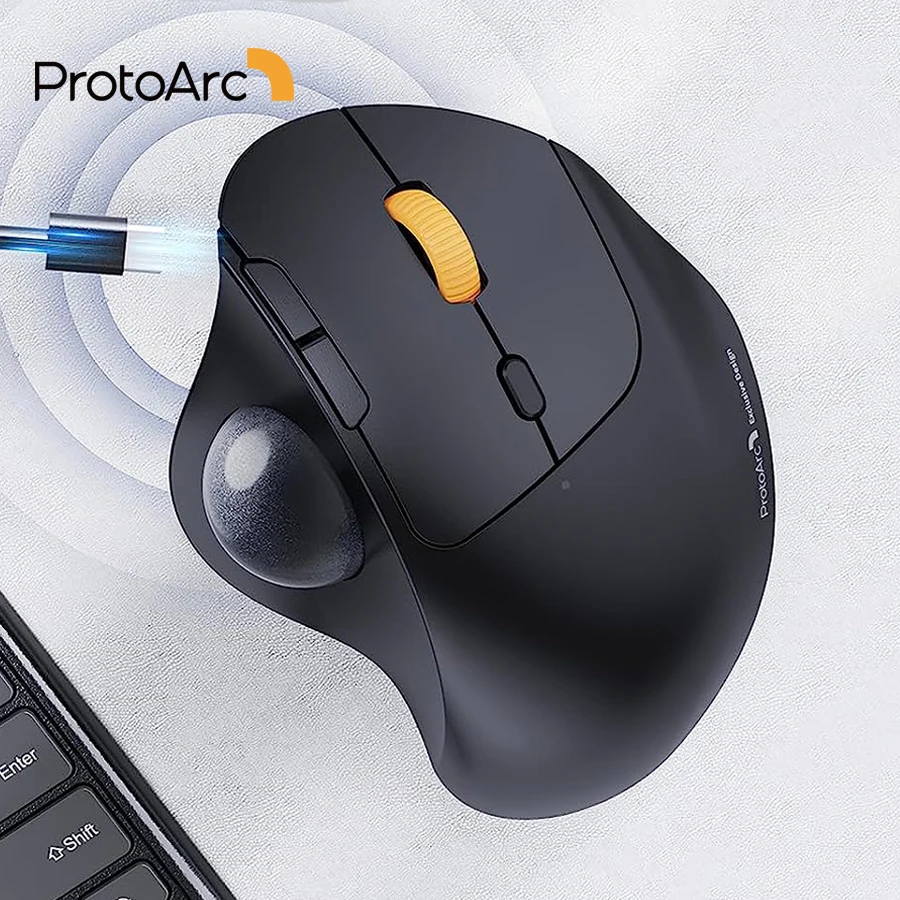
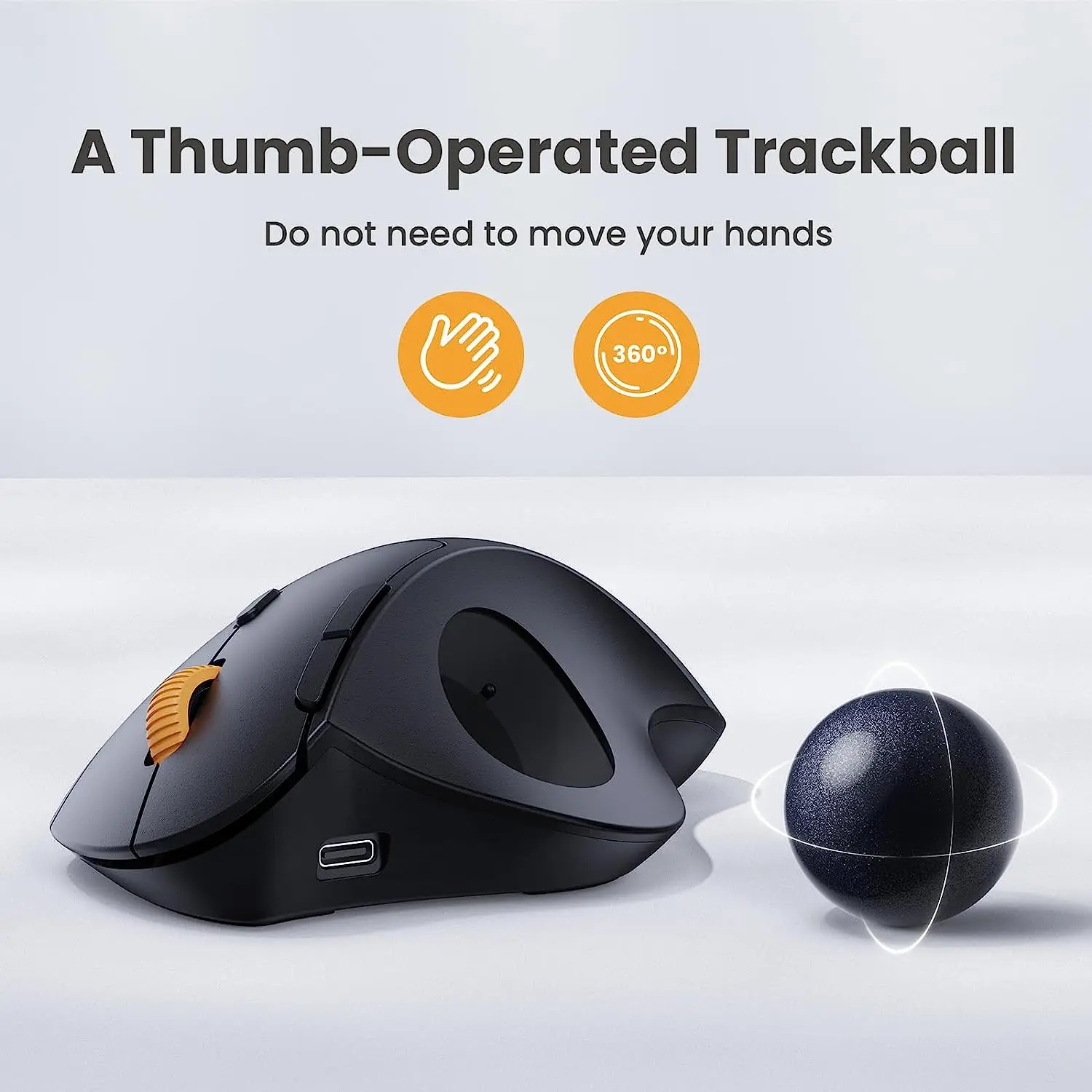
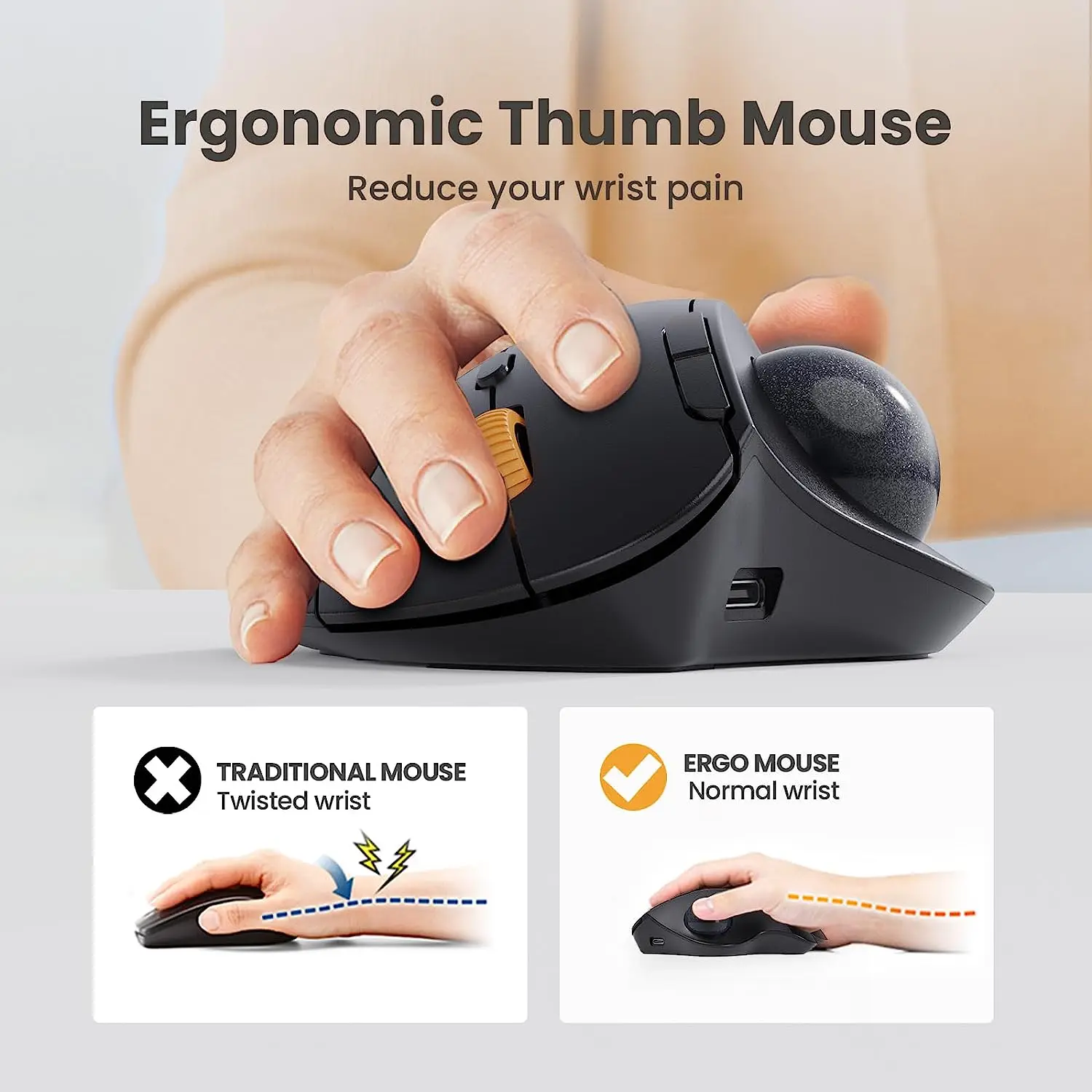
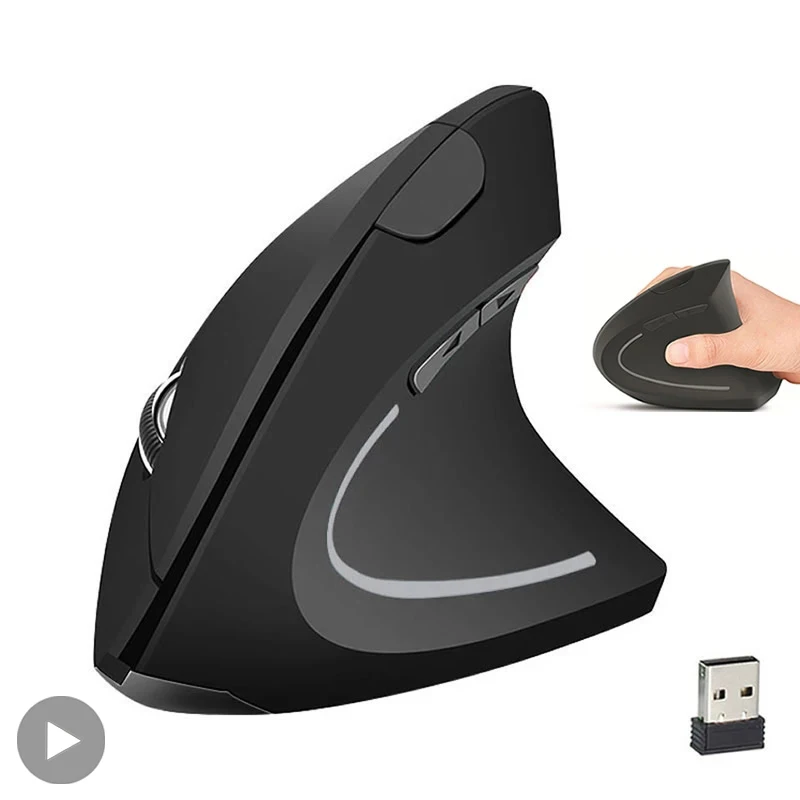
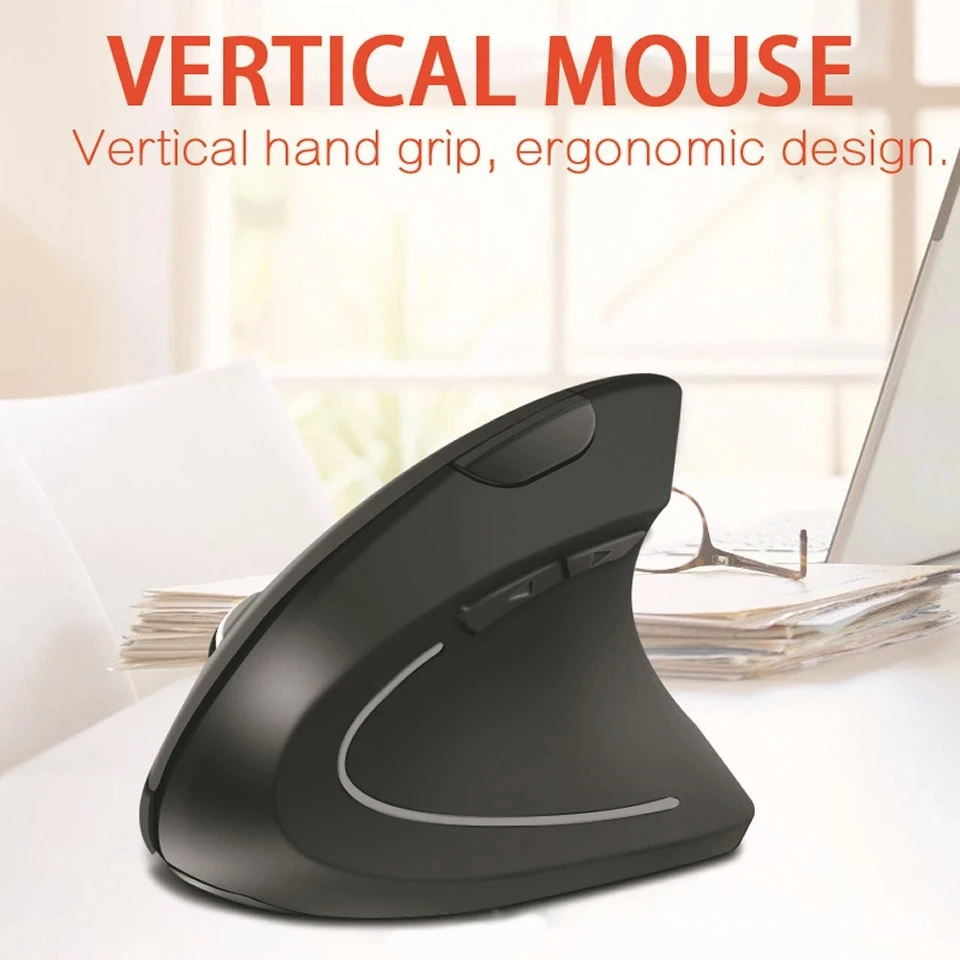
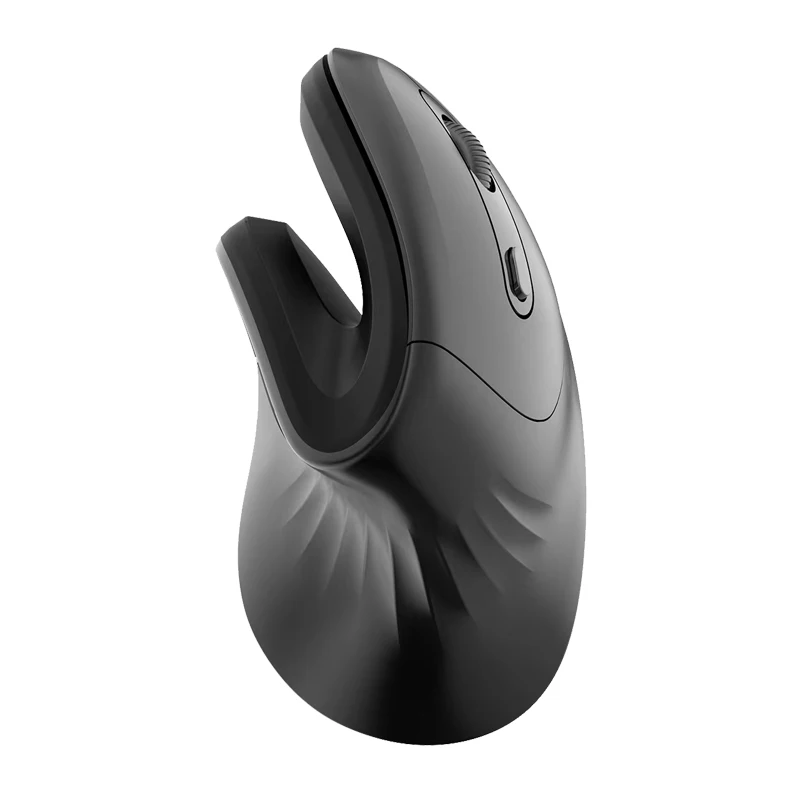
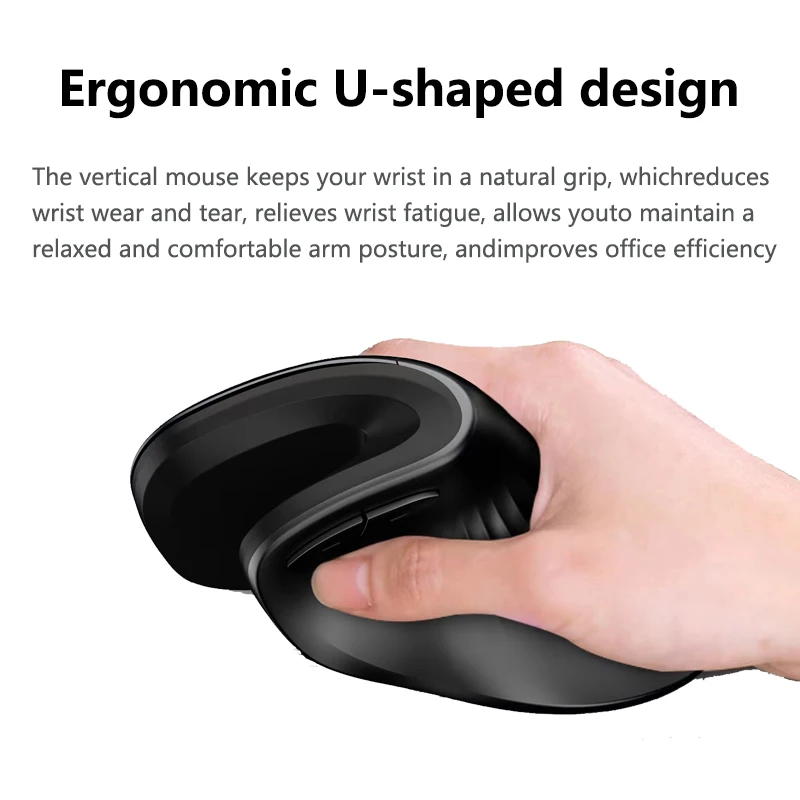
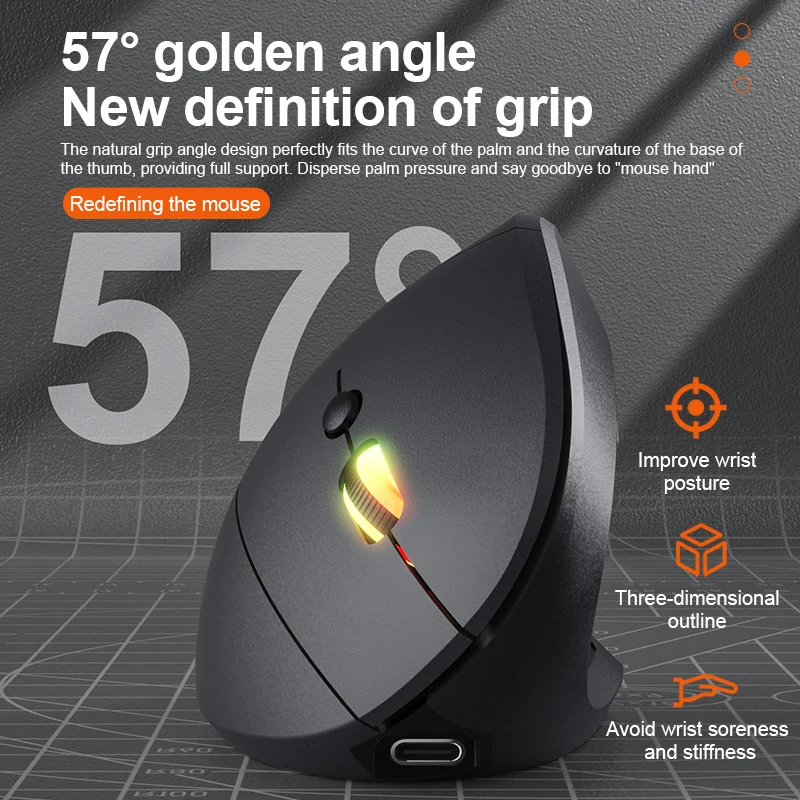
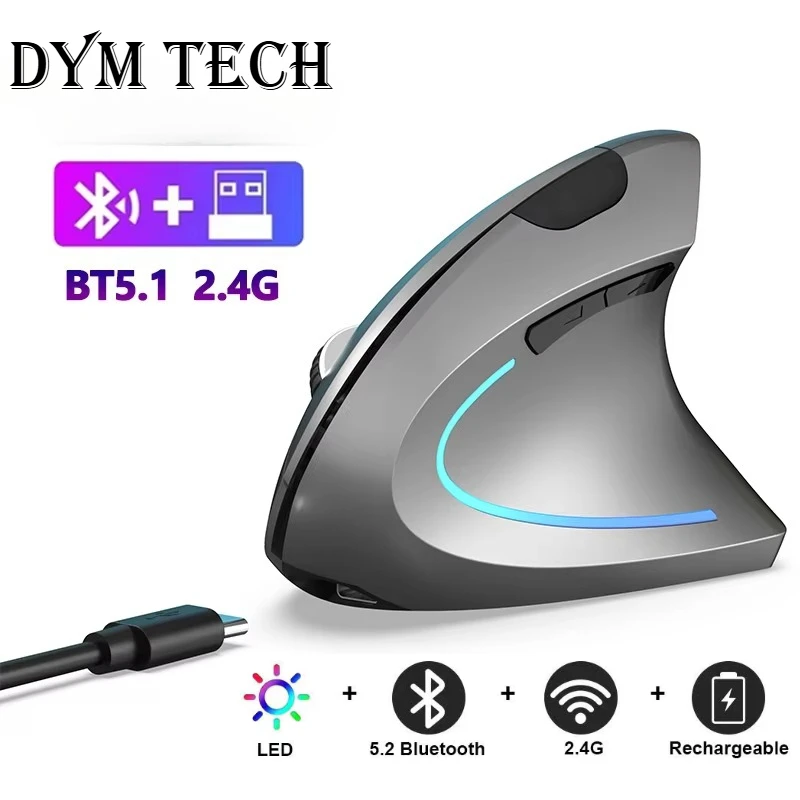
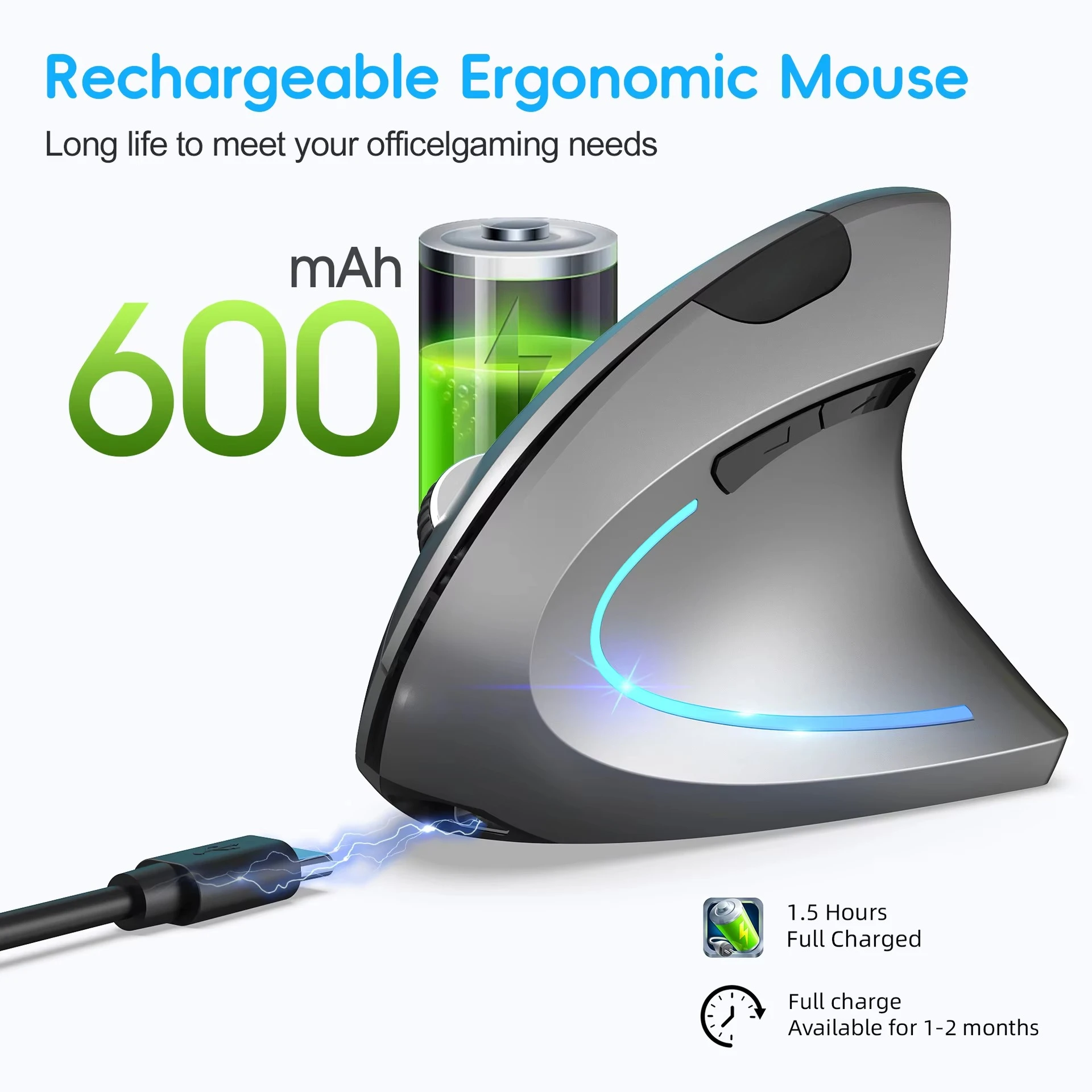
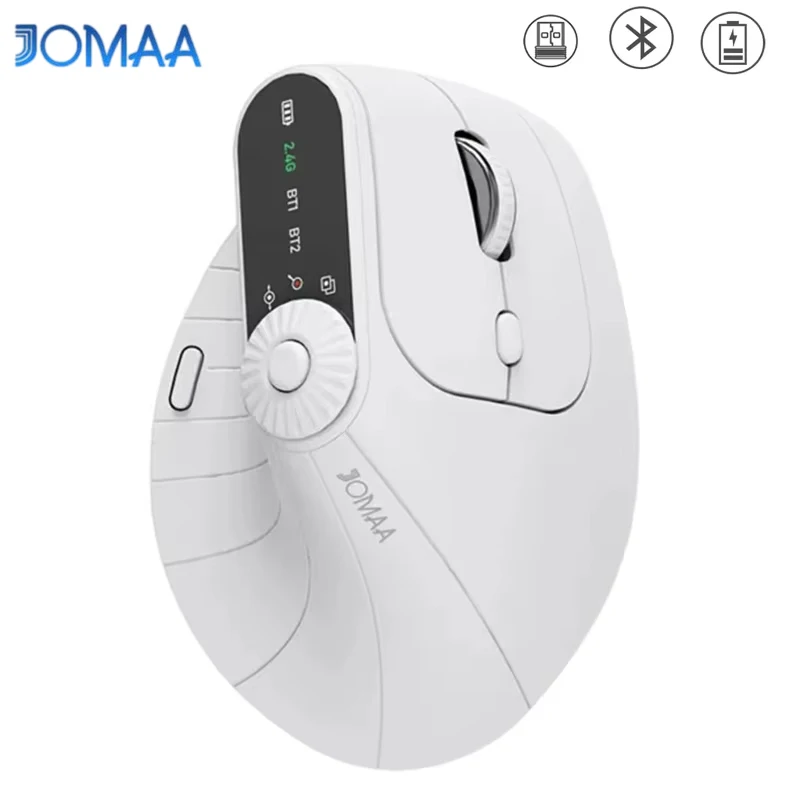
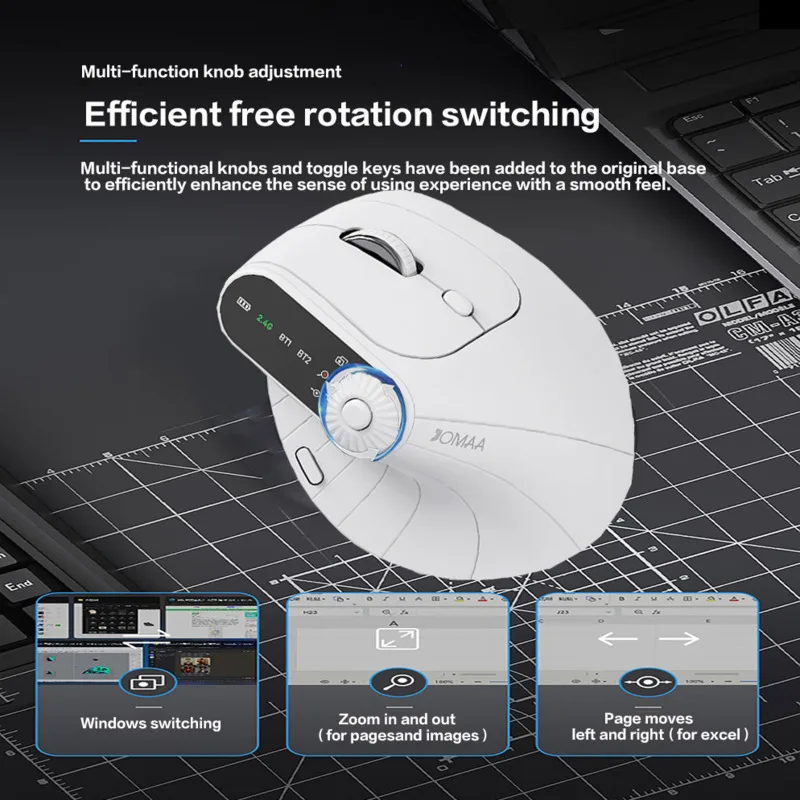
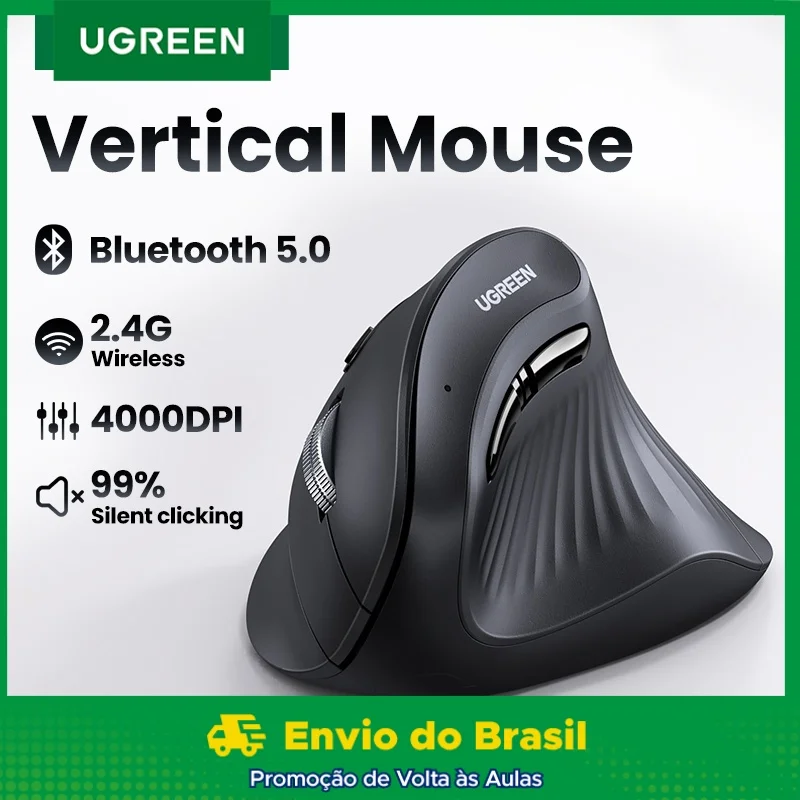
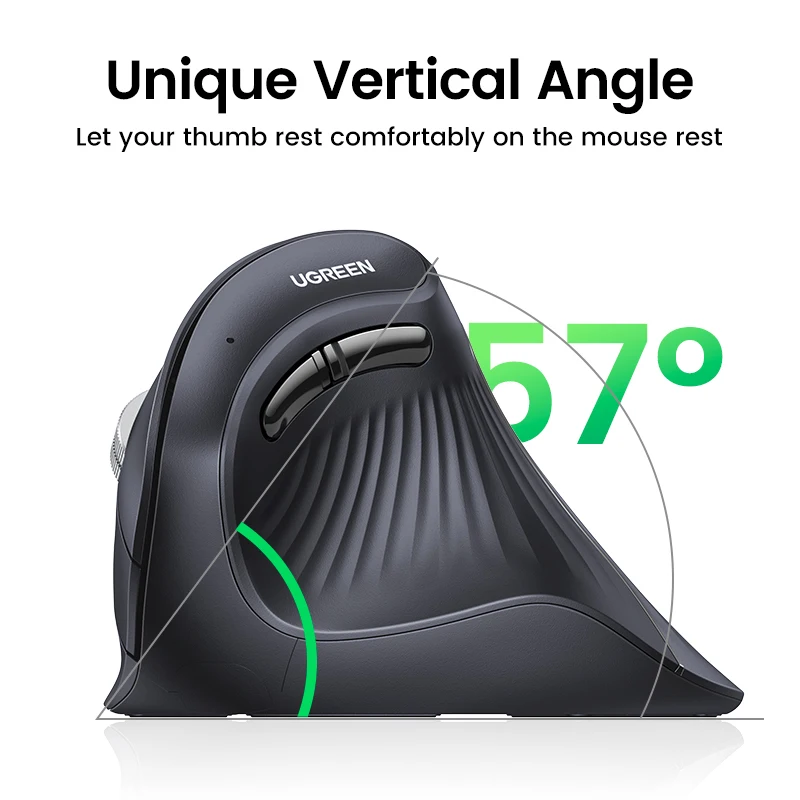
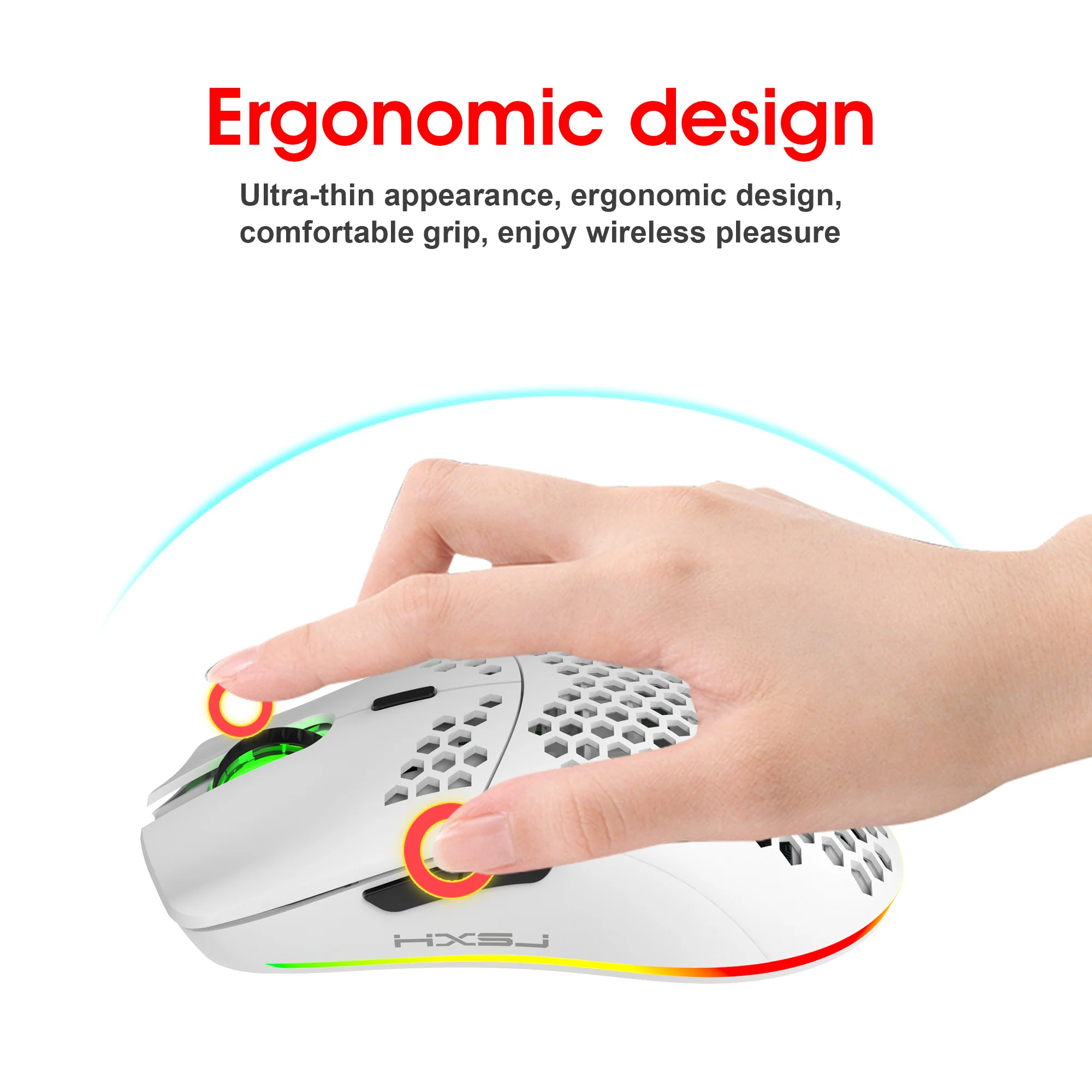
- Ergonomic and vertical mice hold the hand on its side, in a handshake position, or move the pointer with a trackball under the thumb. There is a left-handed vertical mouse among them.
For games there are gaming mice in their own department, with faster sensors and more buttons.
How to choose a mouse
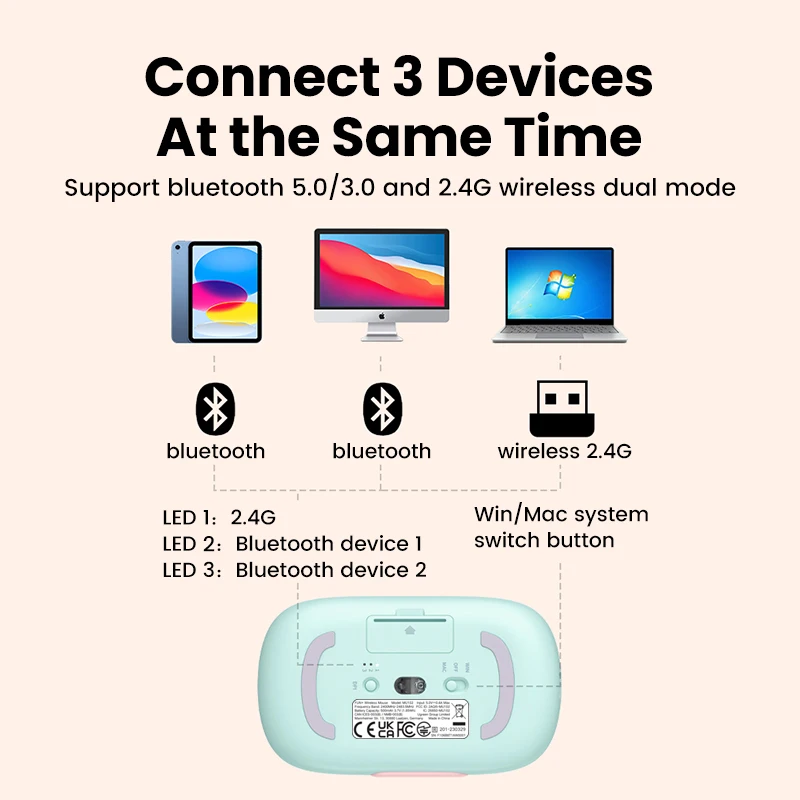
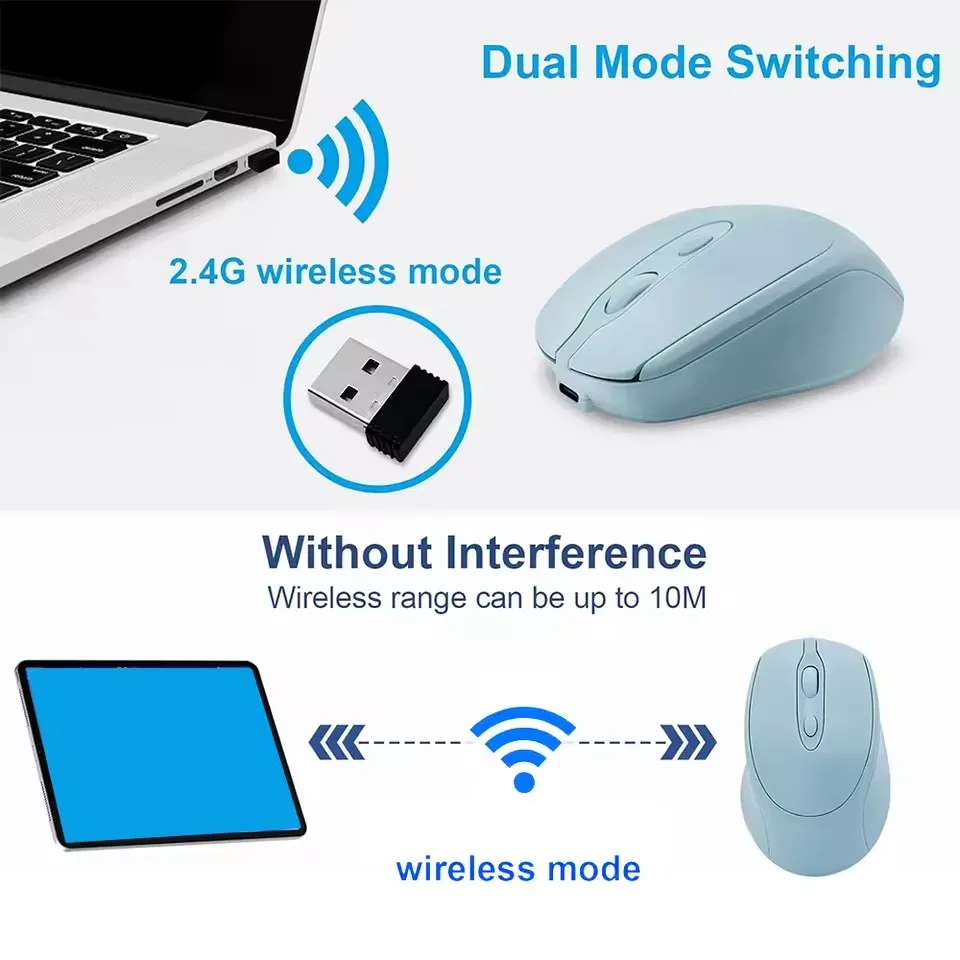
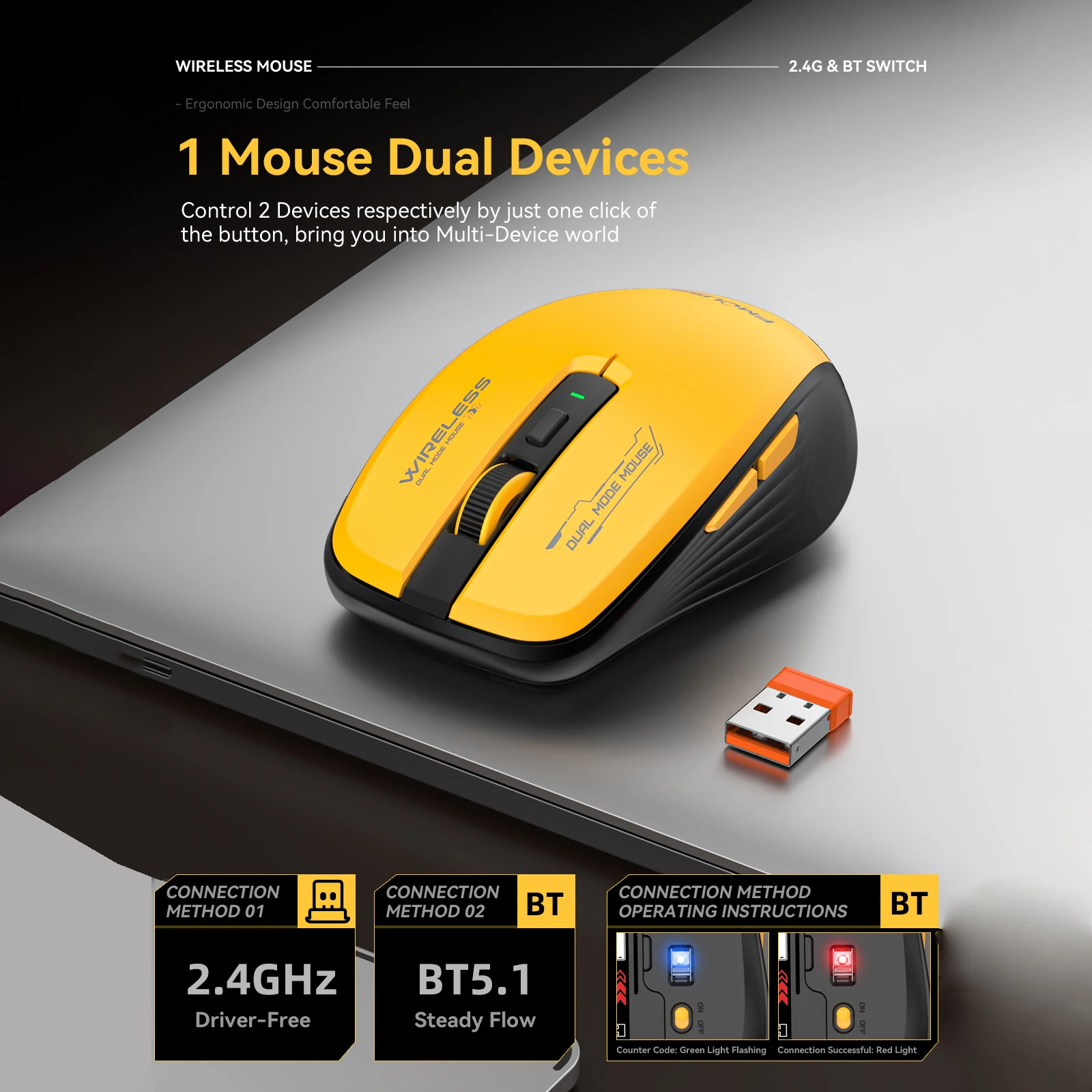
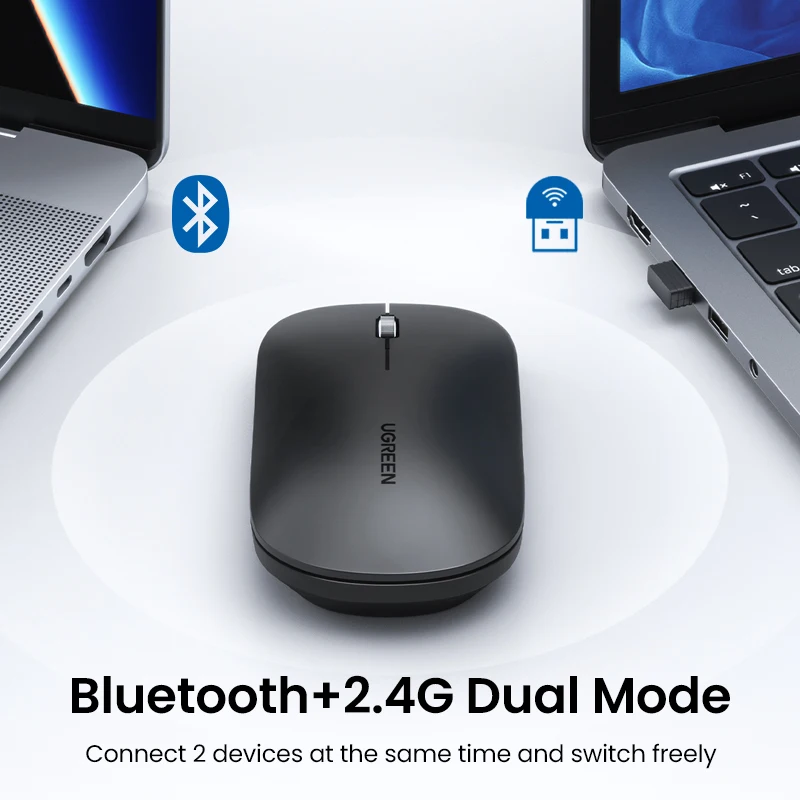
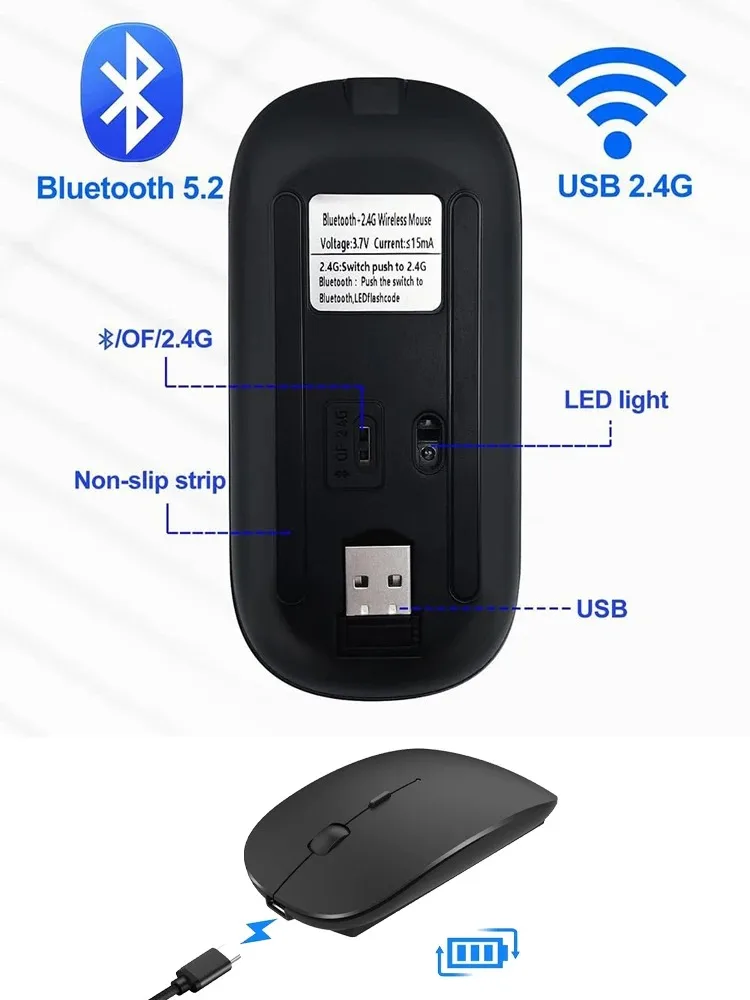
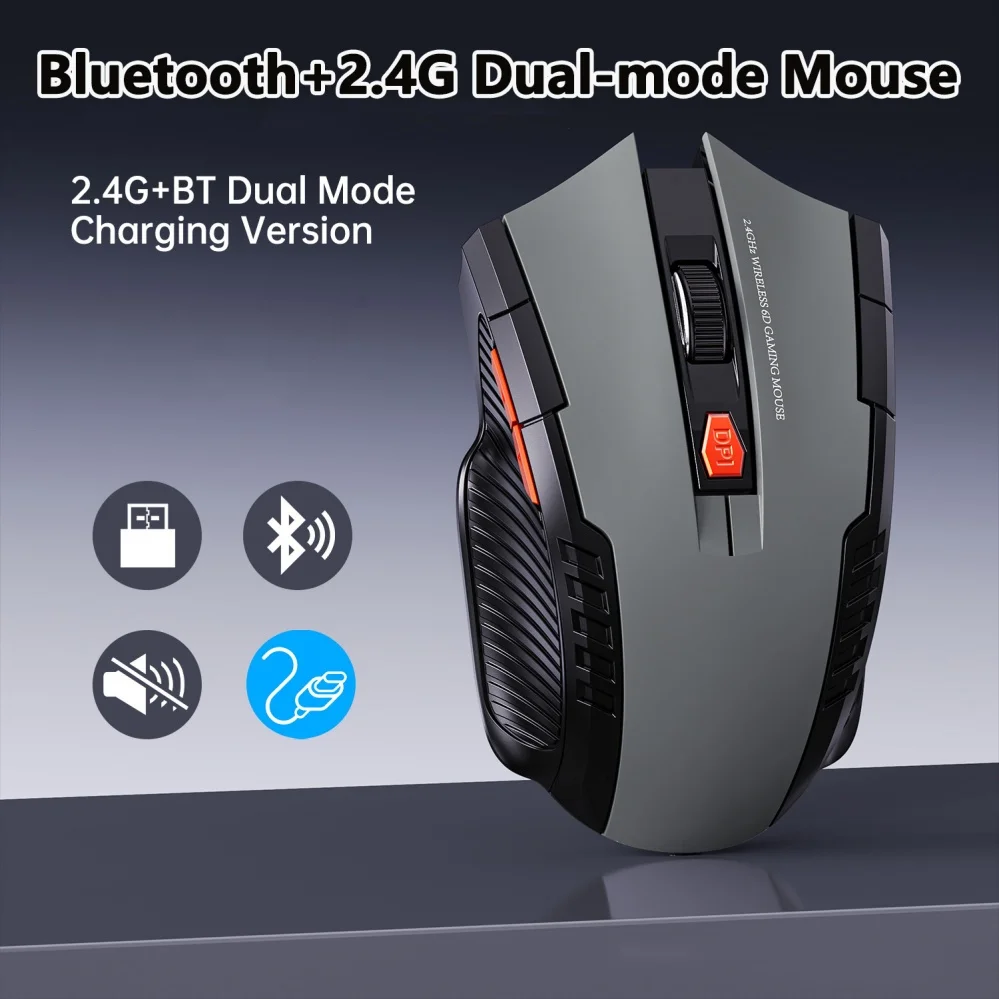
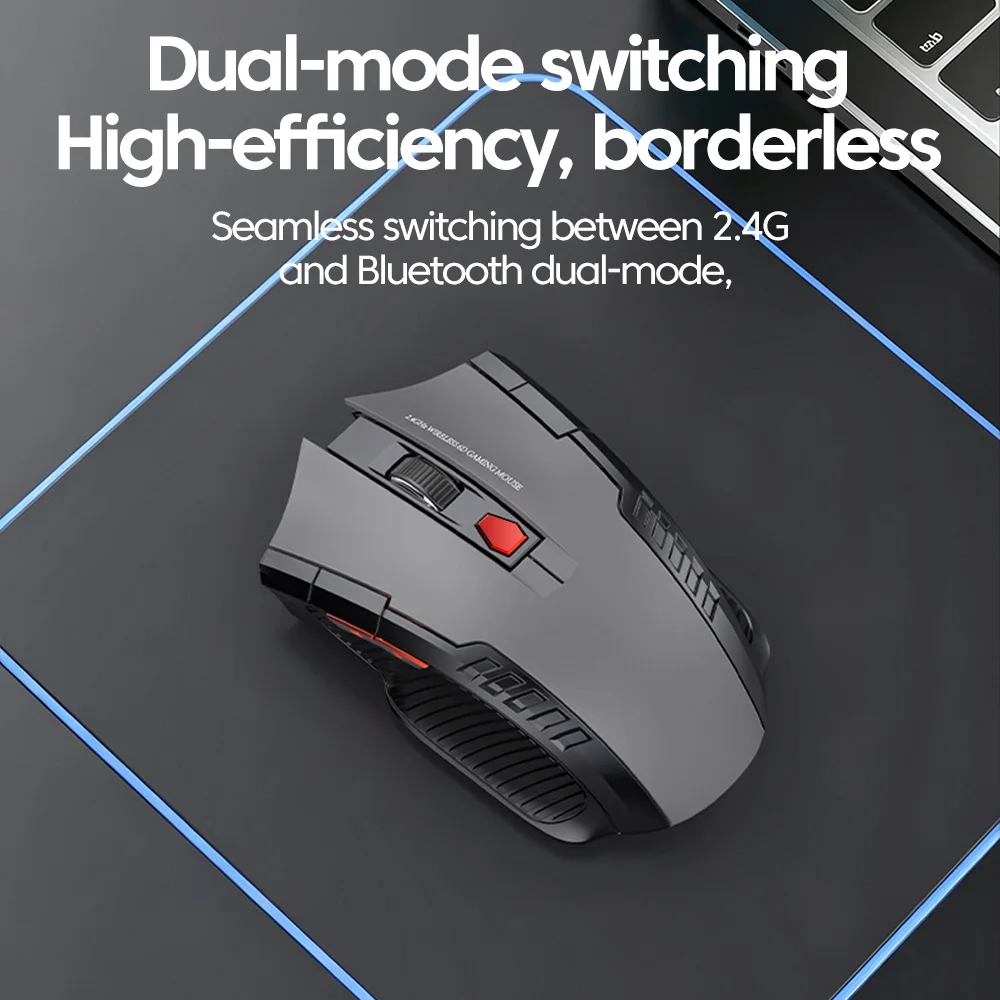
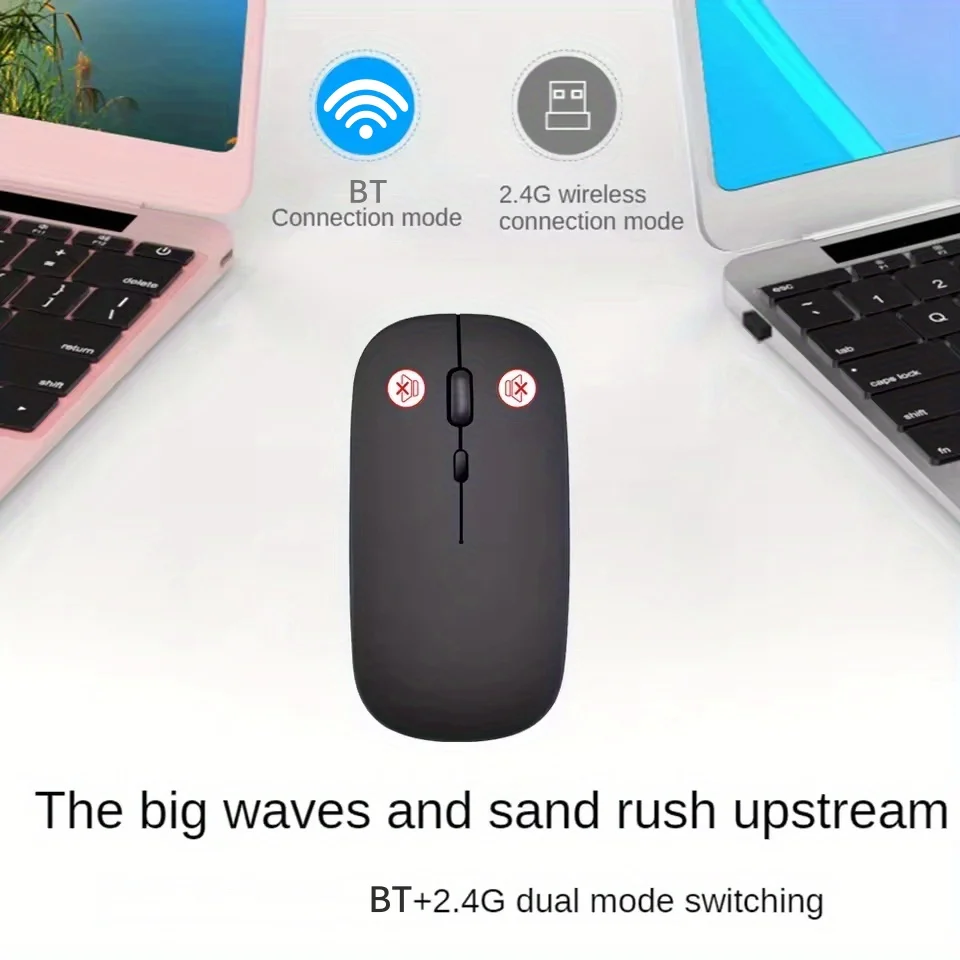
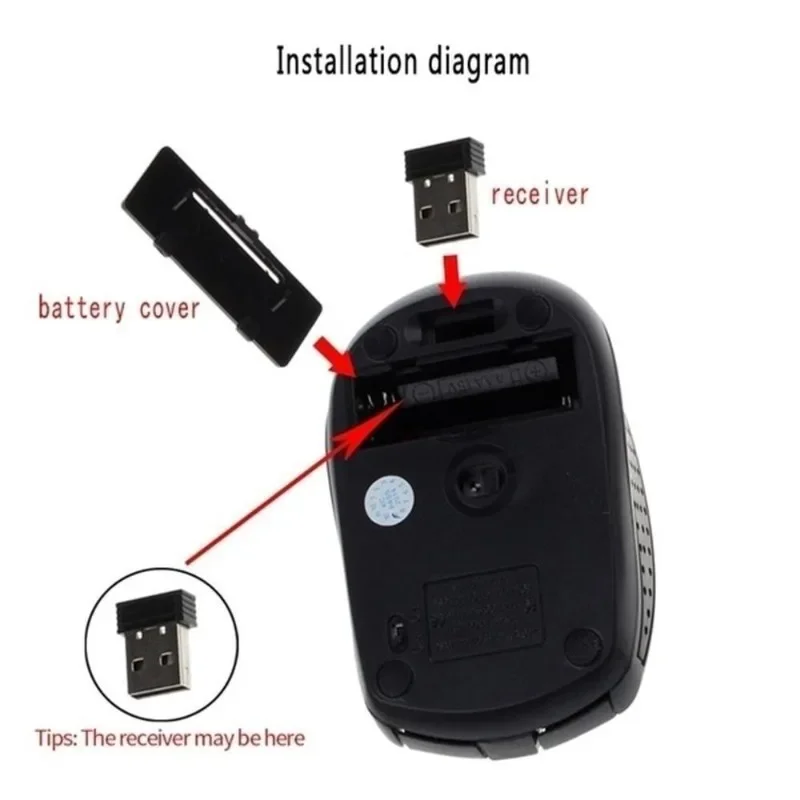
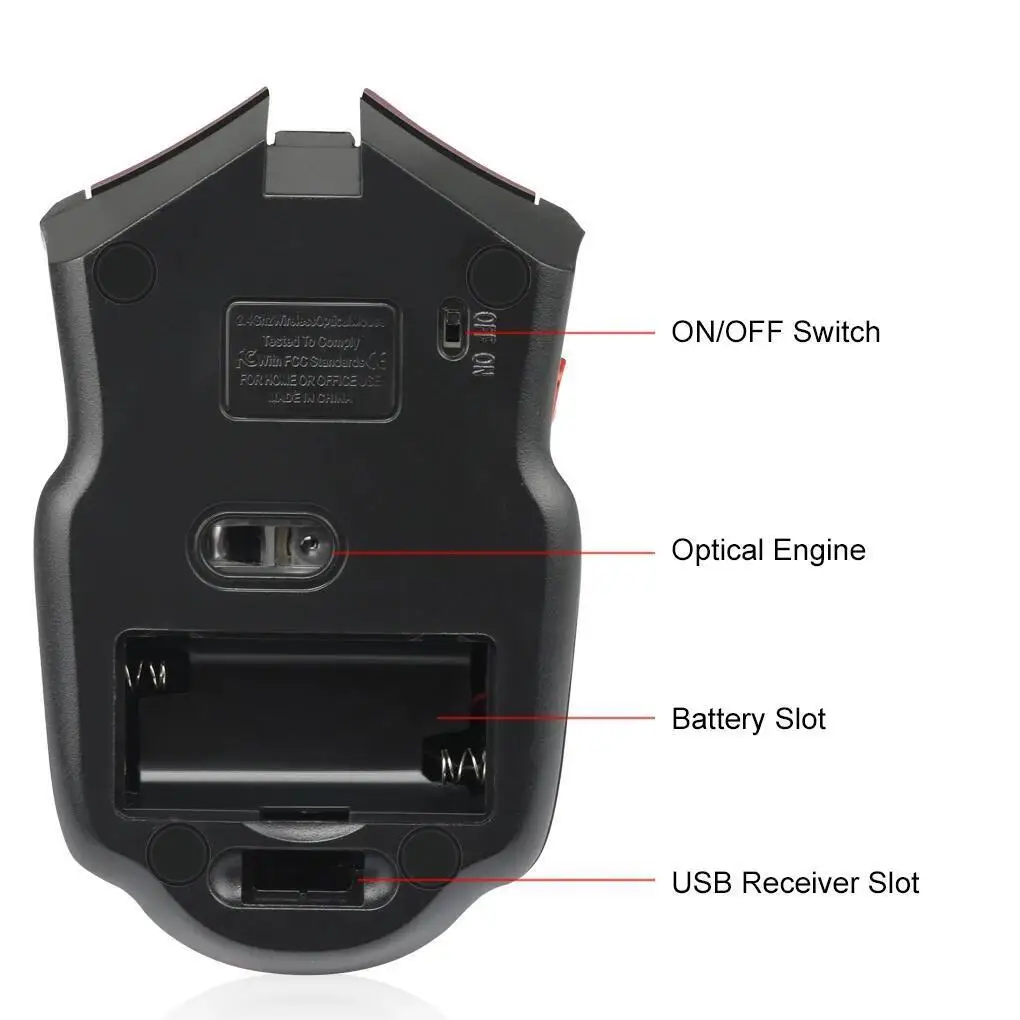
Connection. A receiver works the moment it is plugged in and needs no setting up. Bluetooth leaves the sockets free. Dual-mode mice do both, and switch with a button, usually underneath.
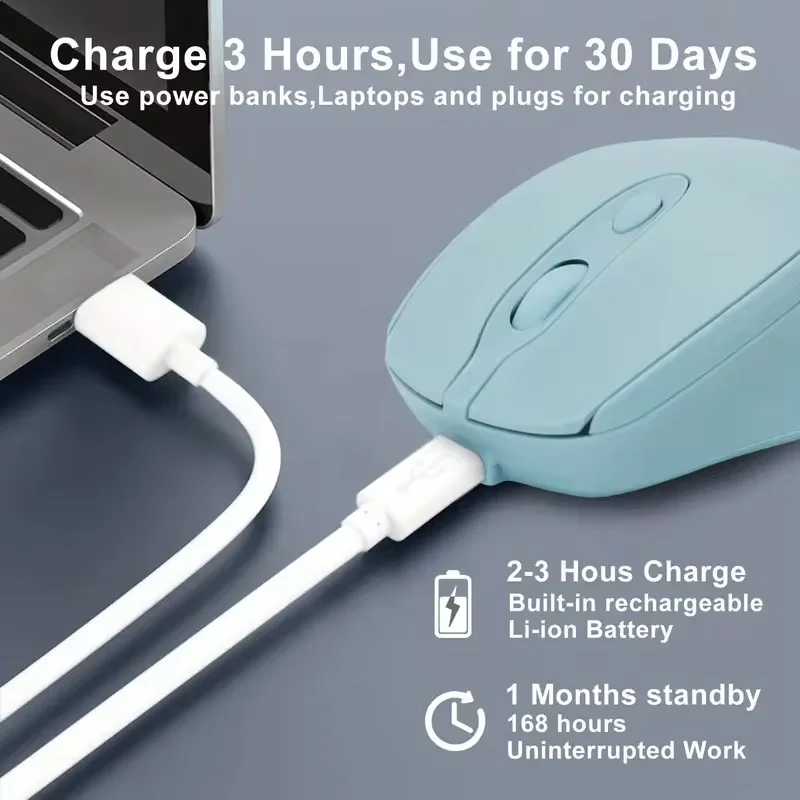
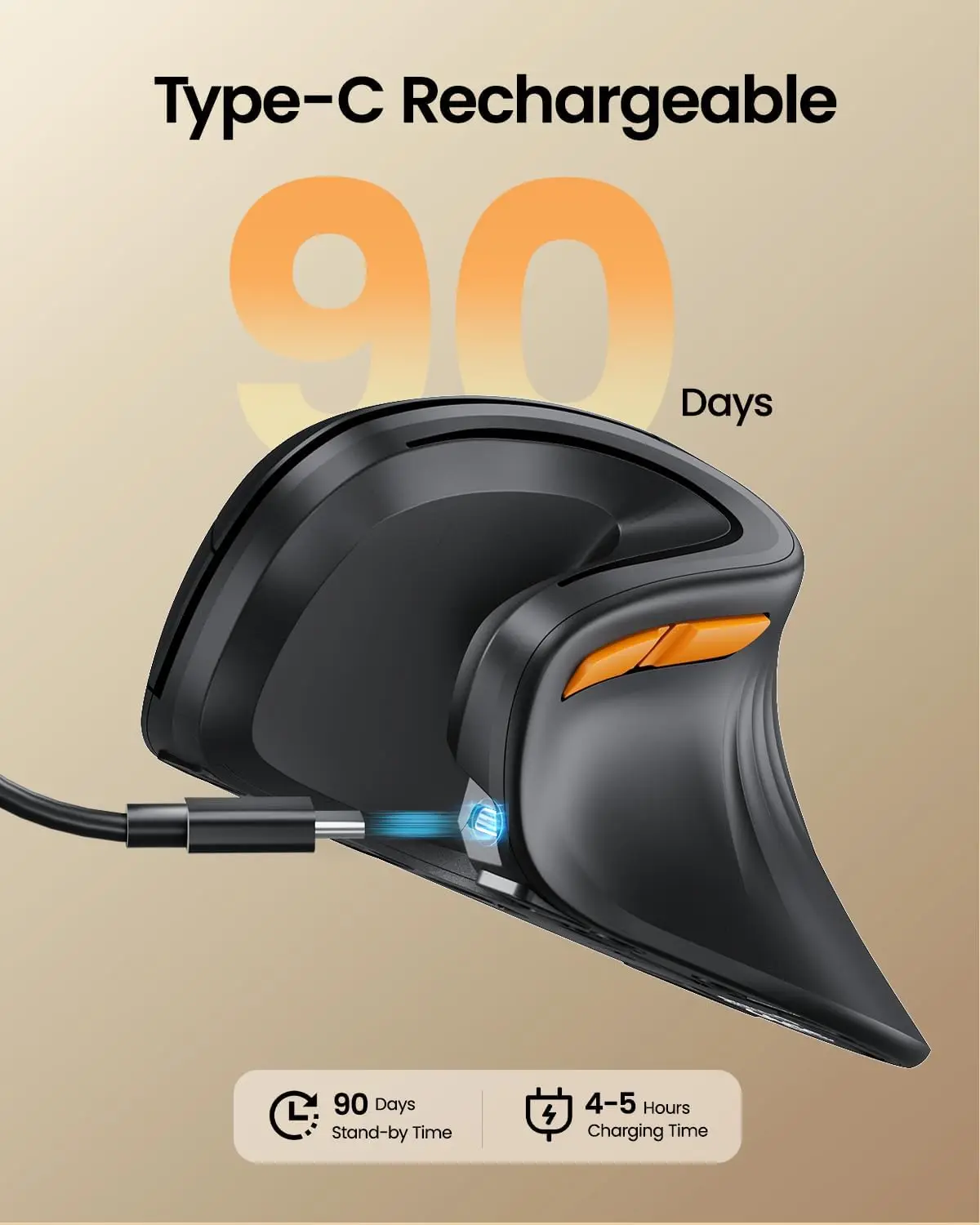
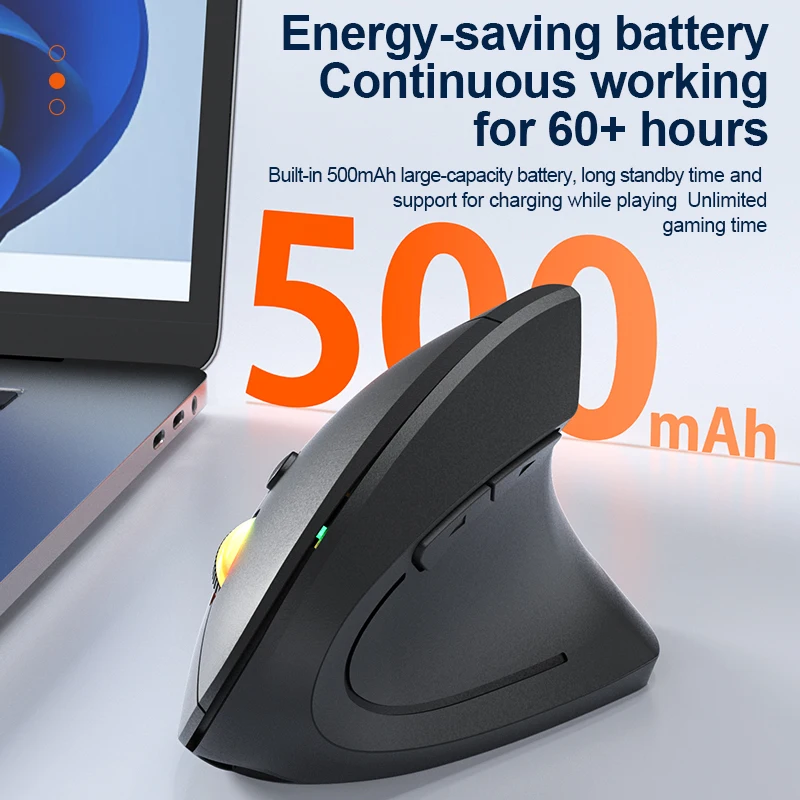
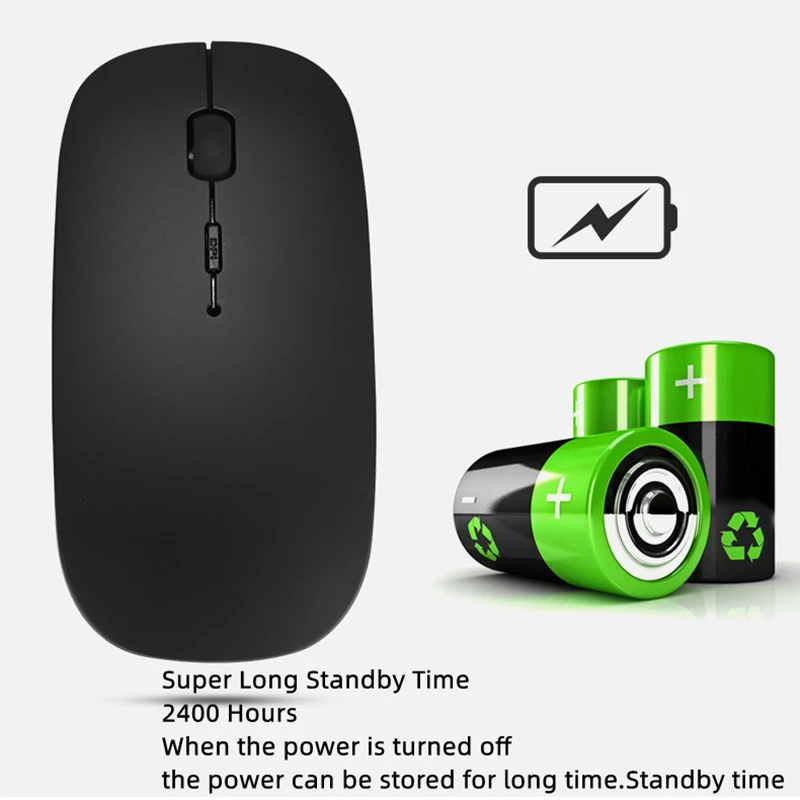
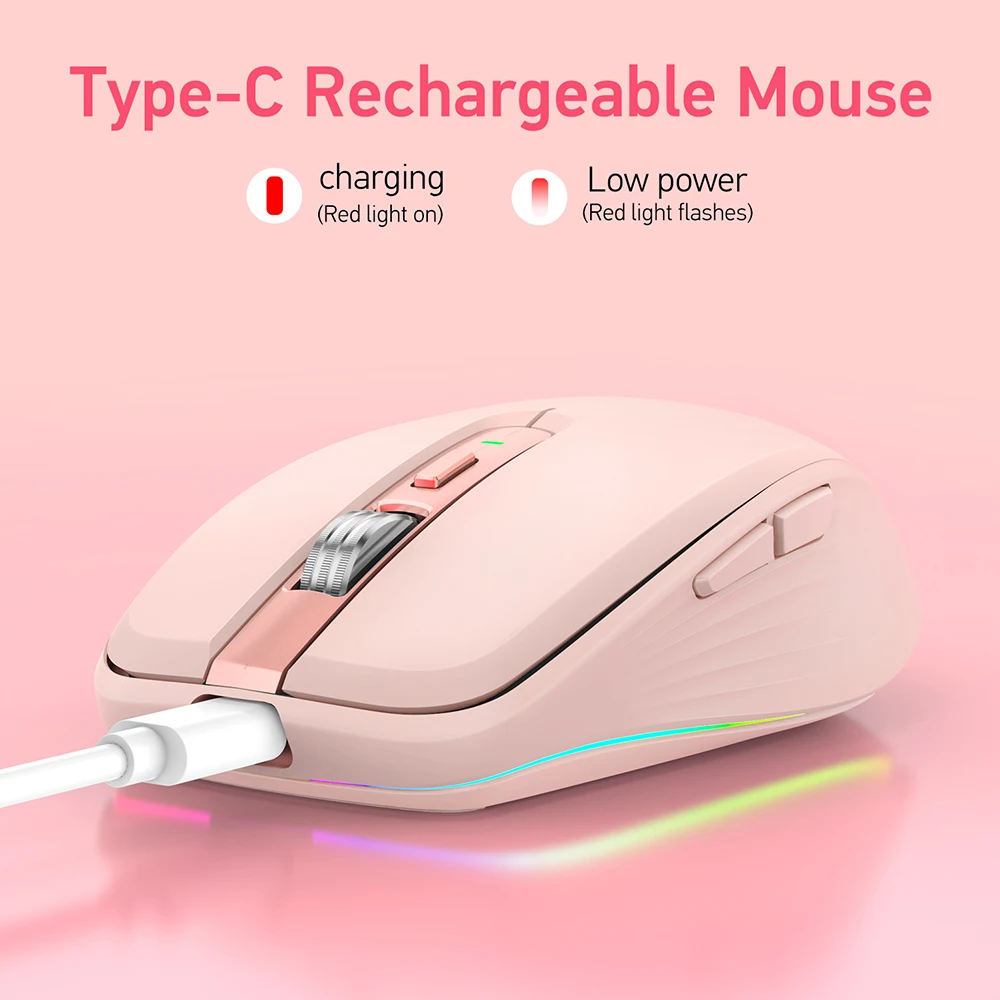
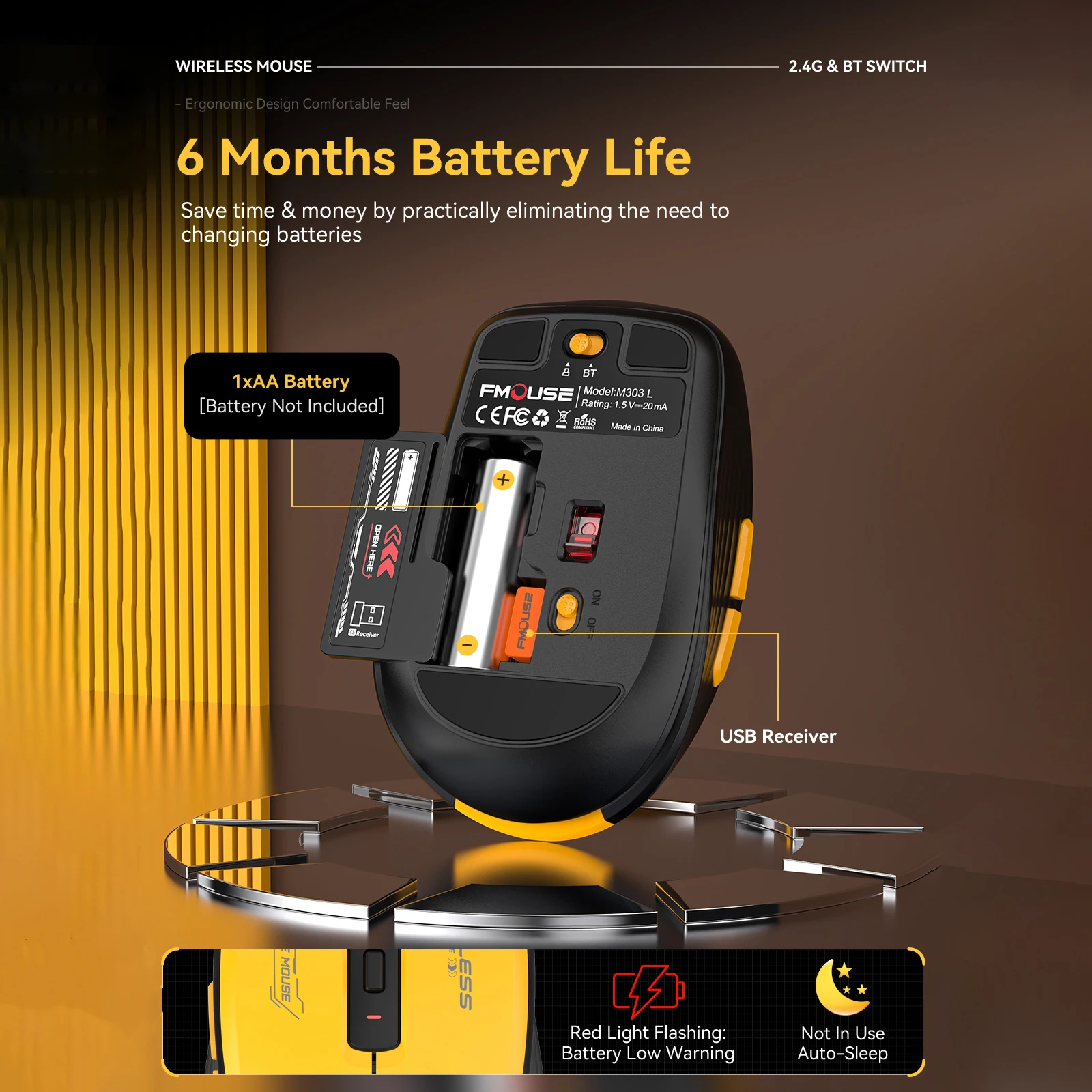
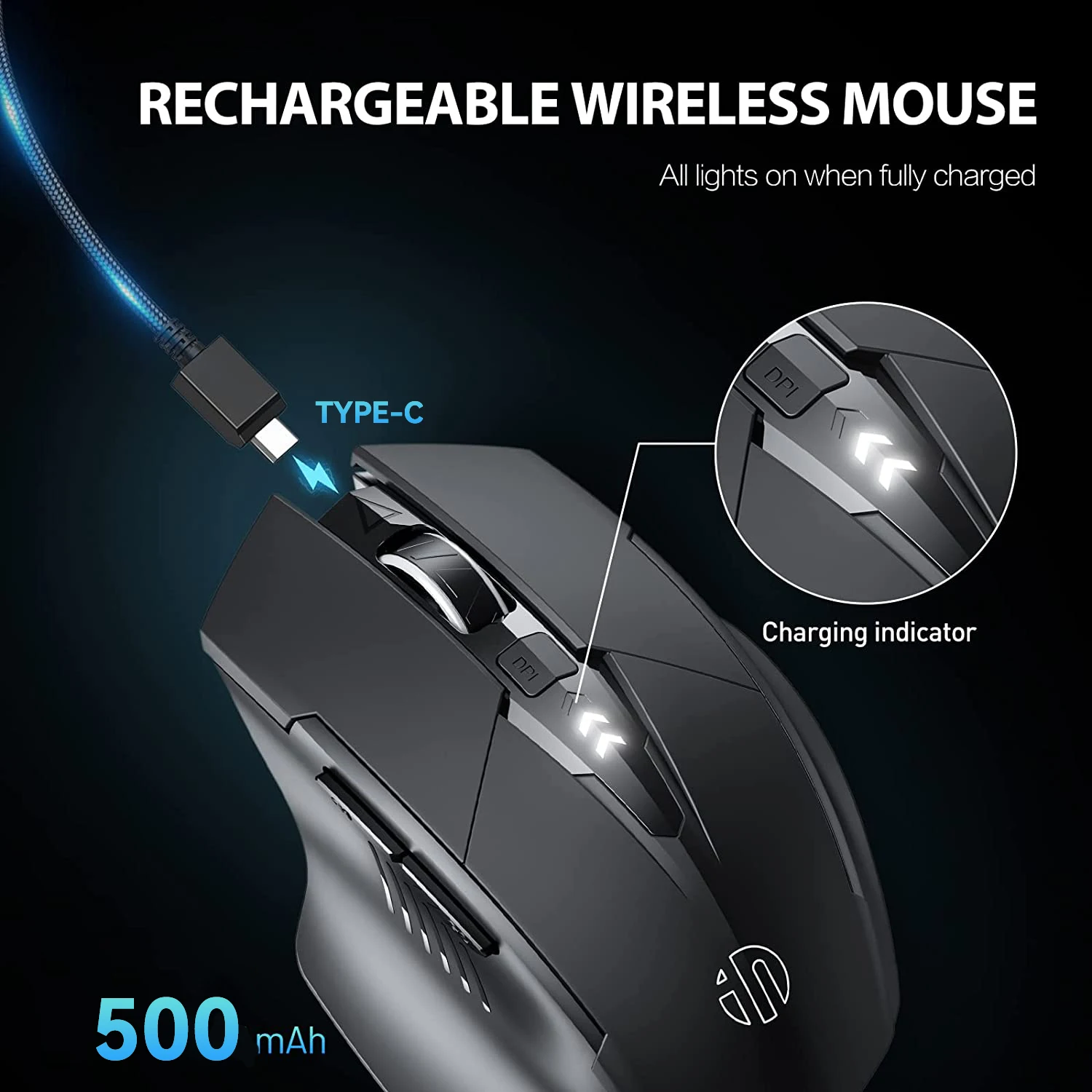
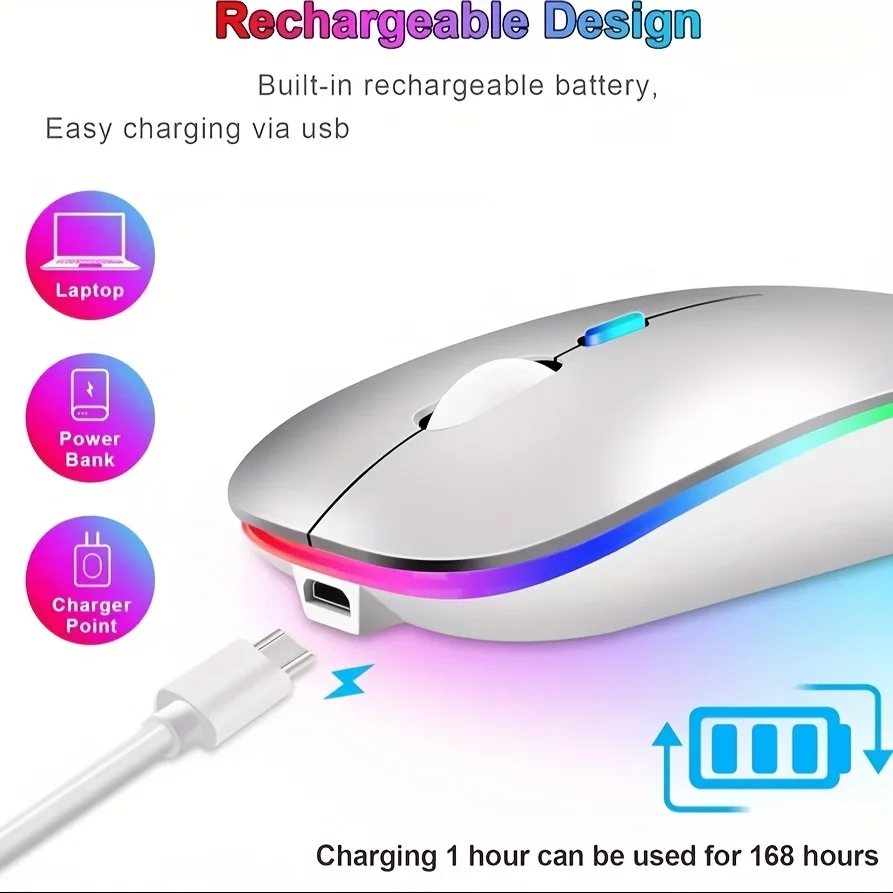
Power. Most mice here charge by cable and many go to sleep after a few minutes still, then wake when moved. A few take AAA batteries, which some people prefer: a spare pair in the drawer and the mouse never waits on a charge.
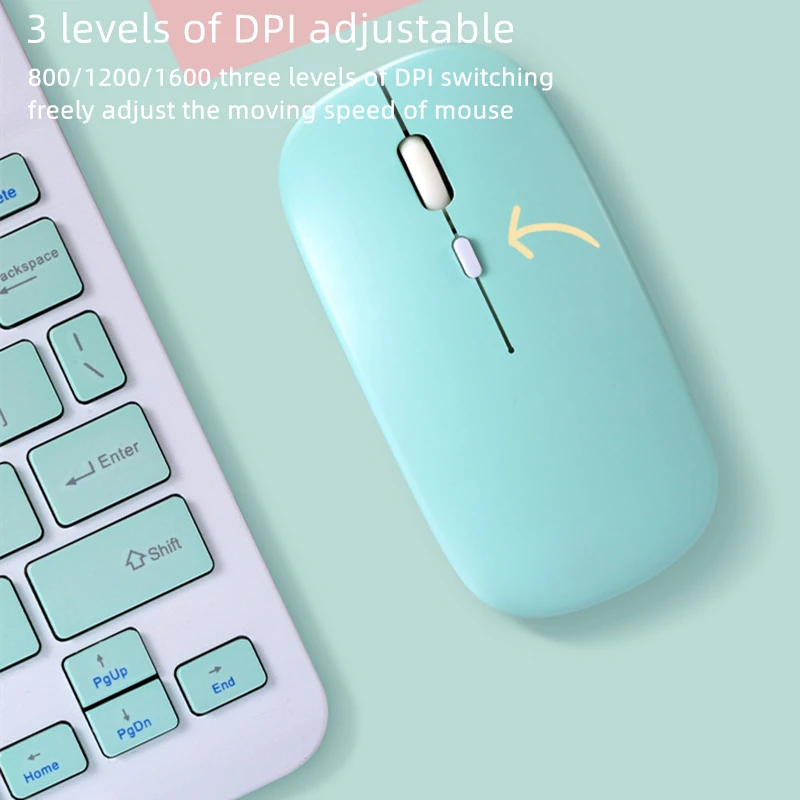
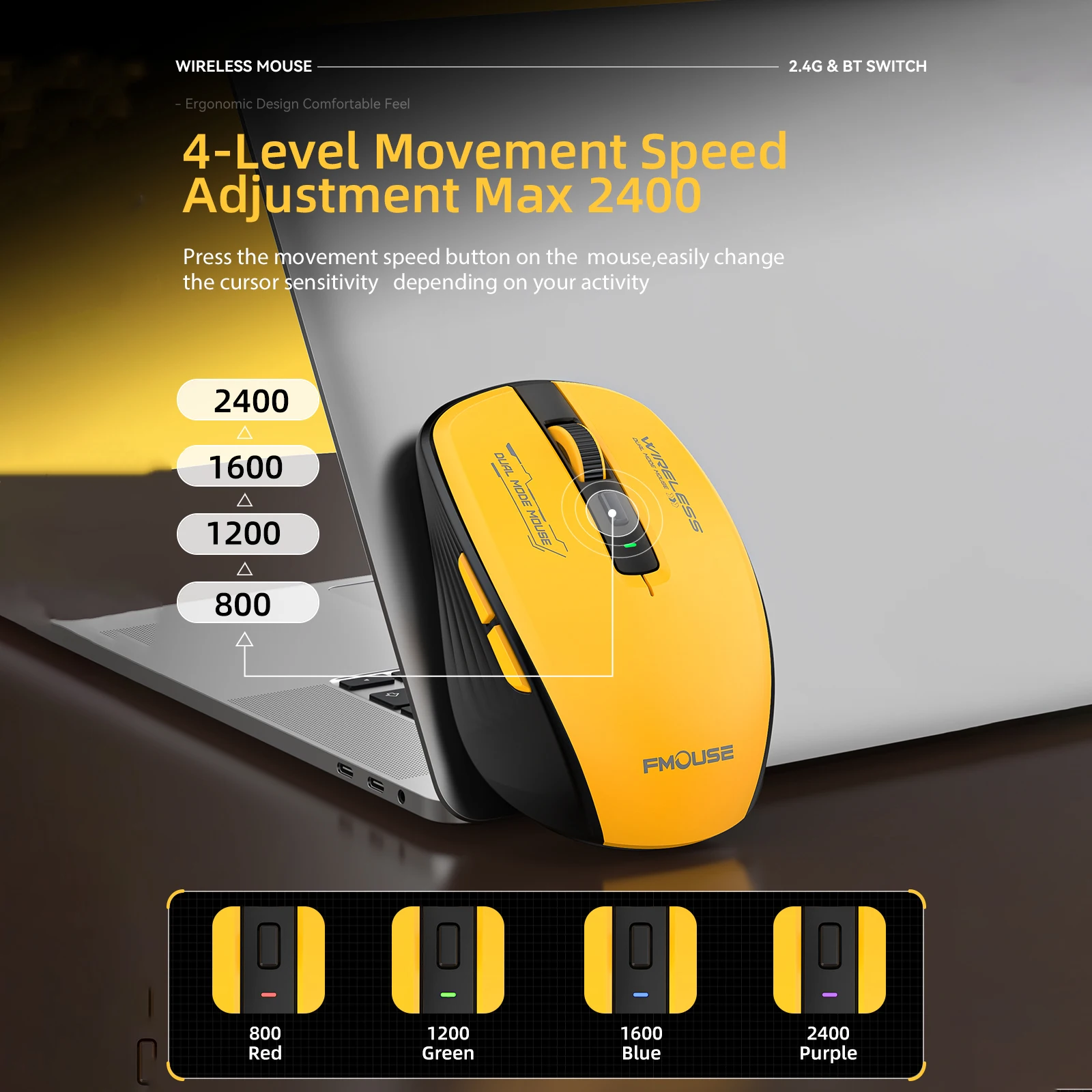
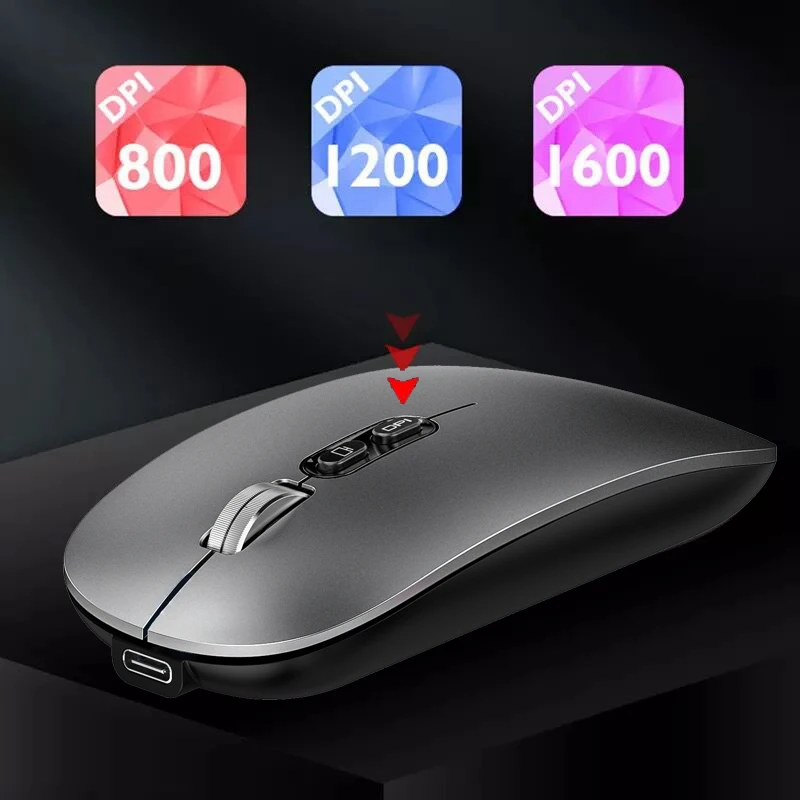
Pointer speed. DPI is how far the pointer moves for each movement of the mouse. Most mice here have a button that steps through three or four settings, often 800, 1200 and 1600. A higher setting suits a large or second screen; a lower one is steadier for photo editing and drawing.
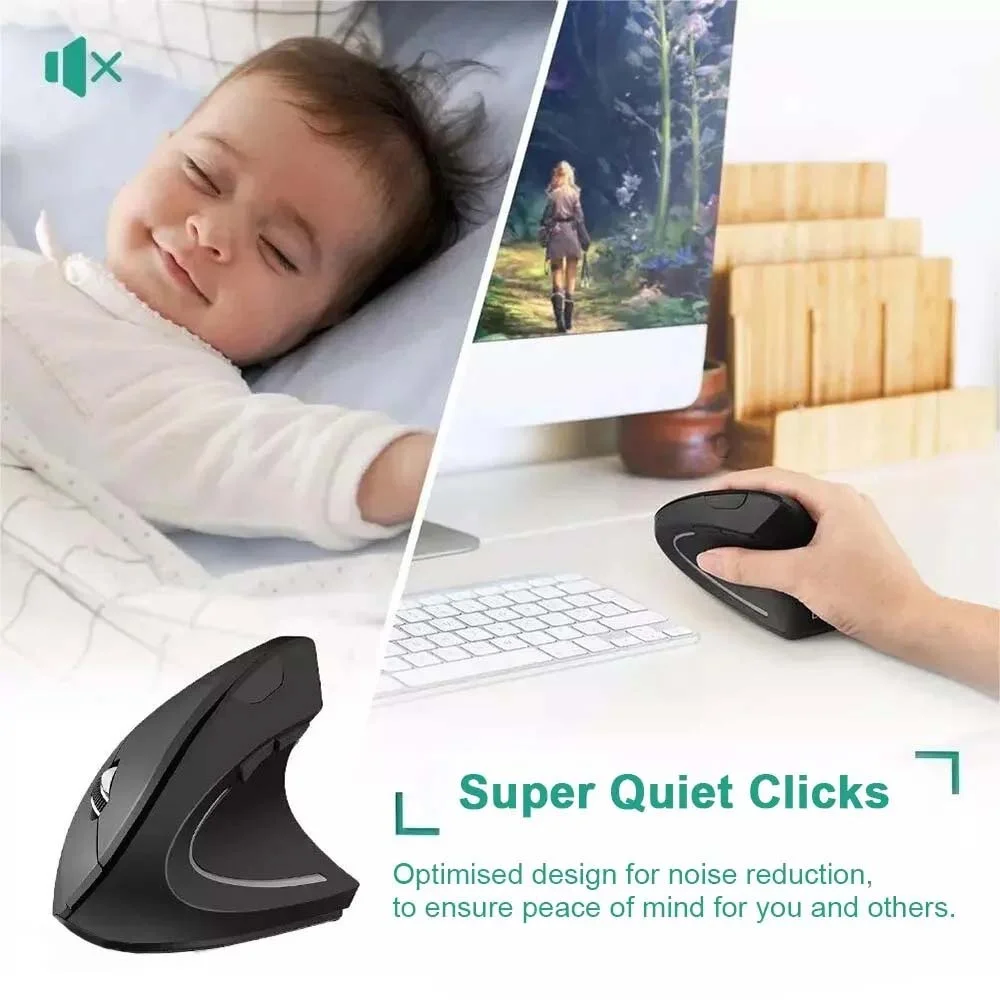
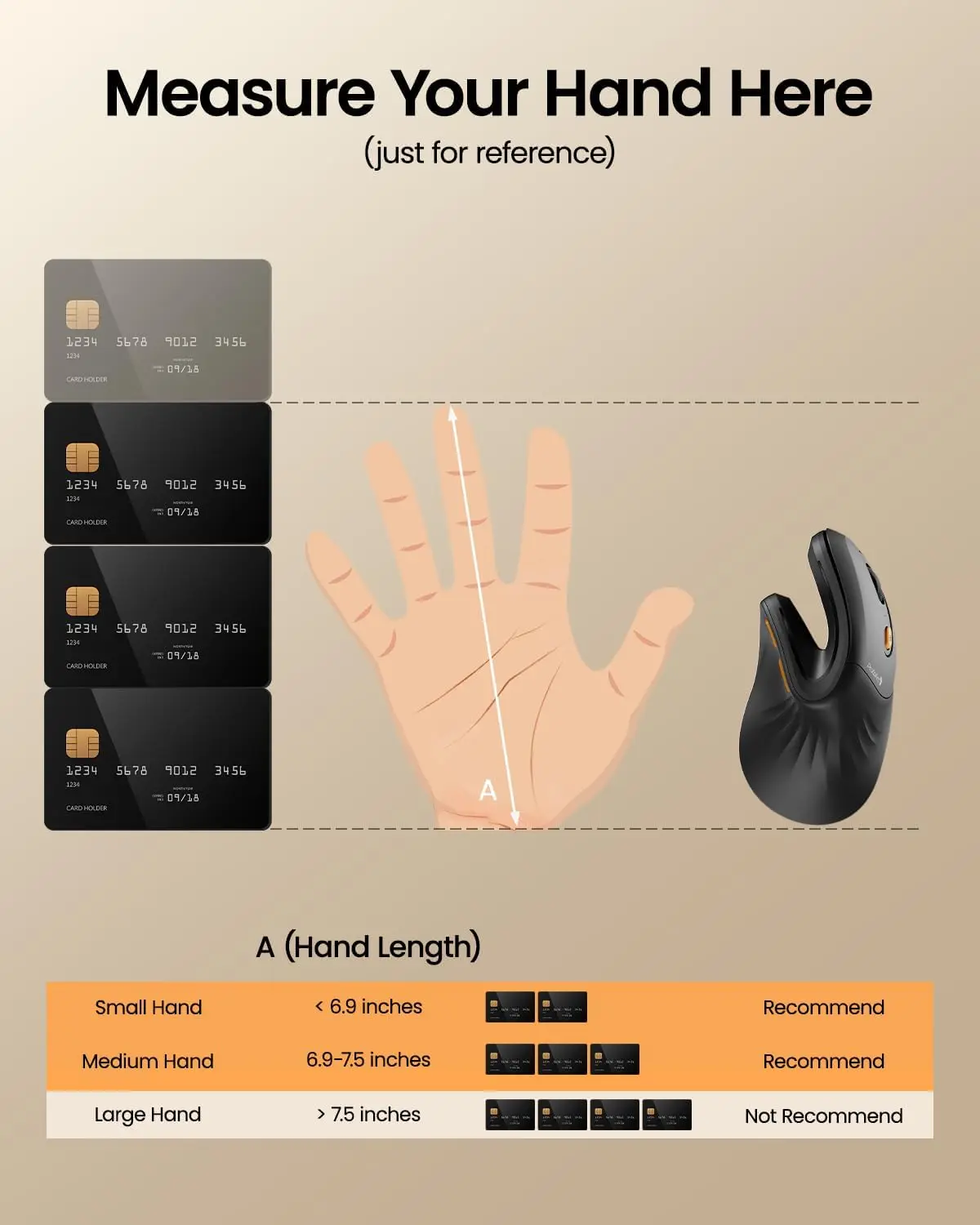
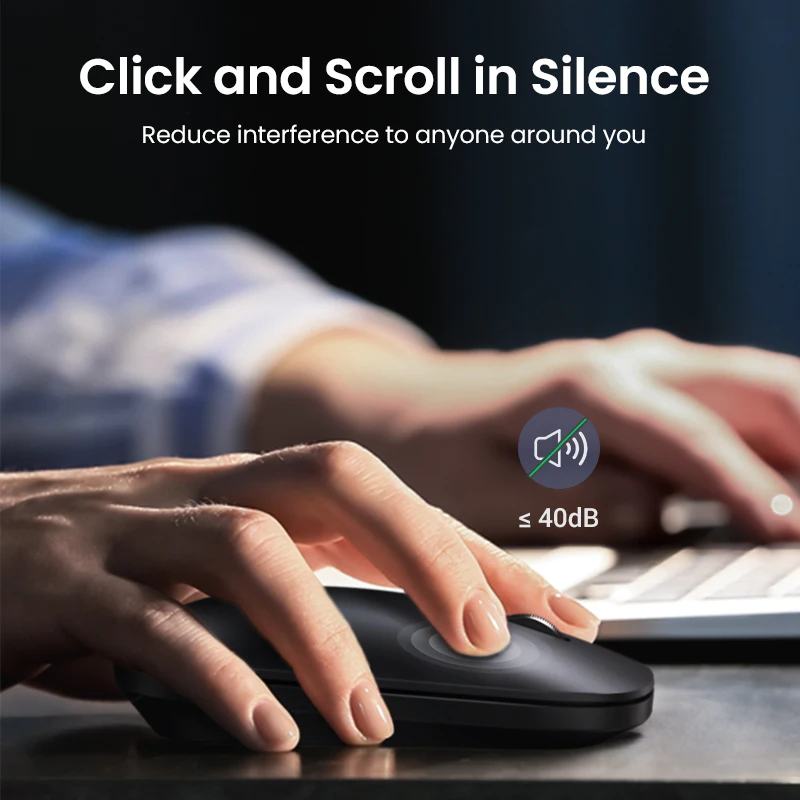
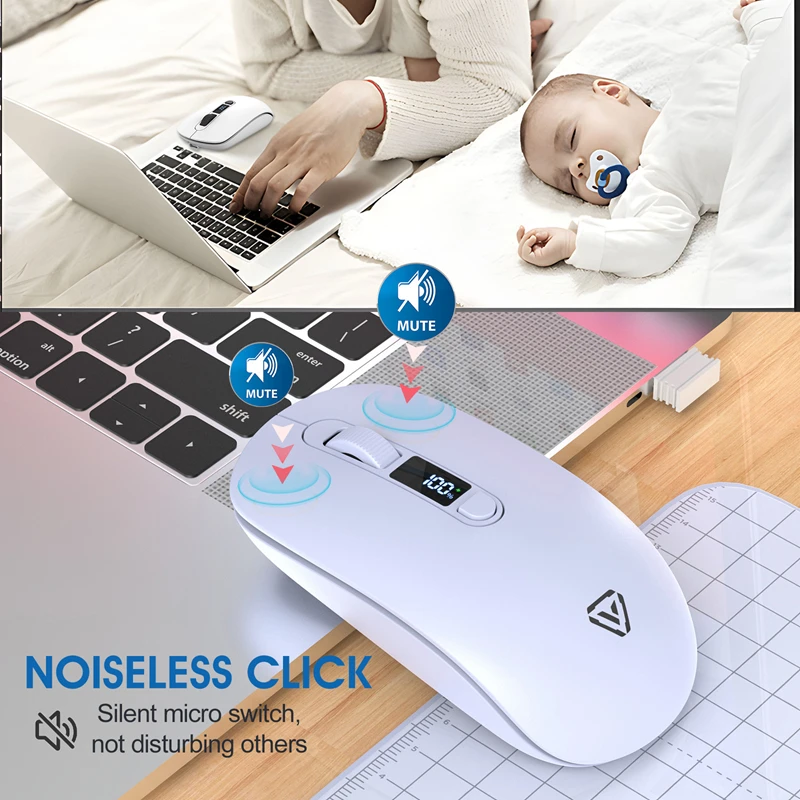
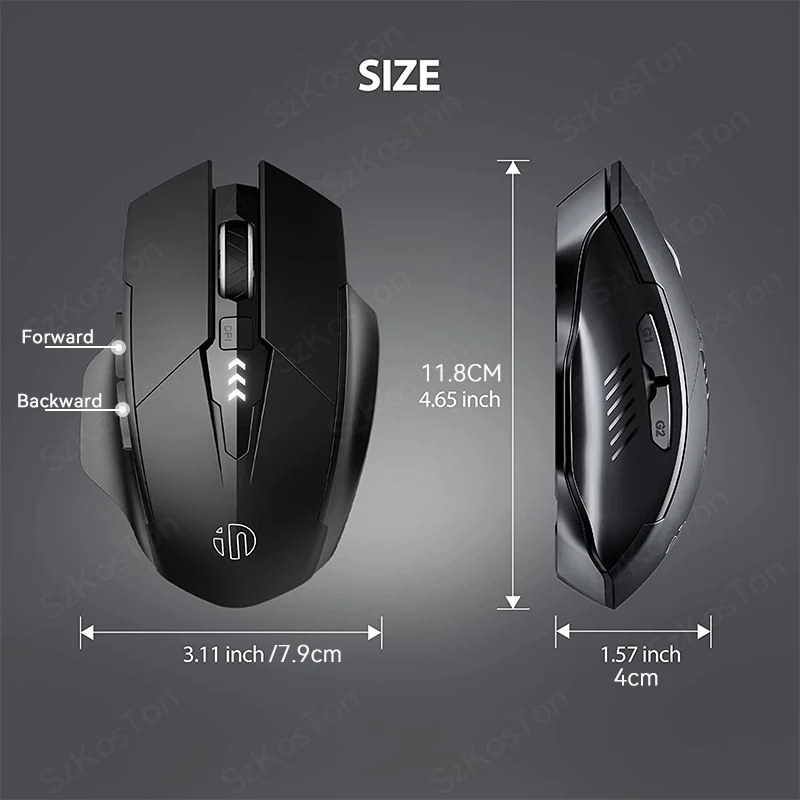
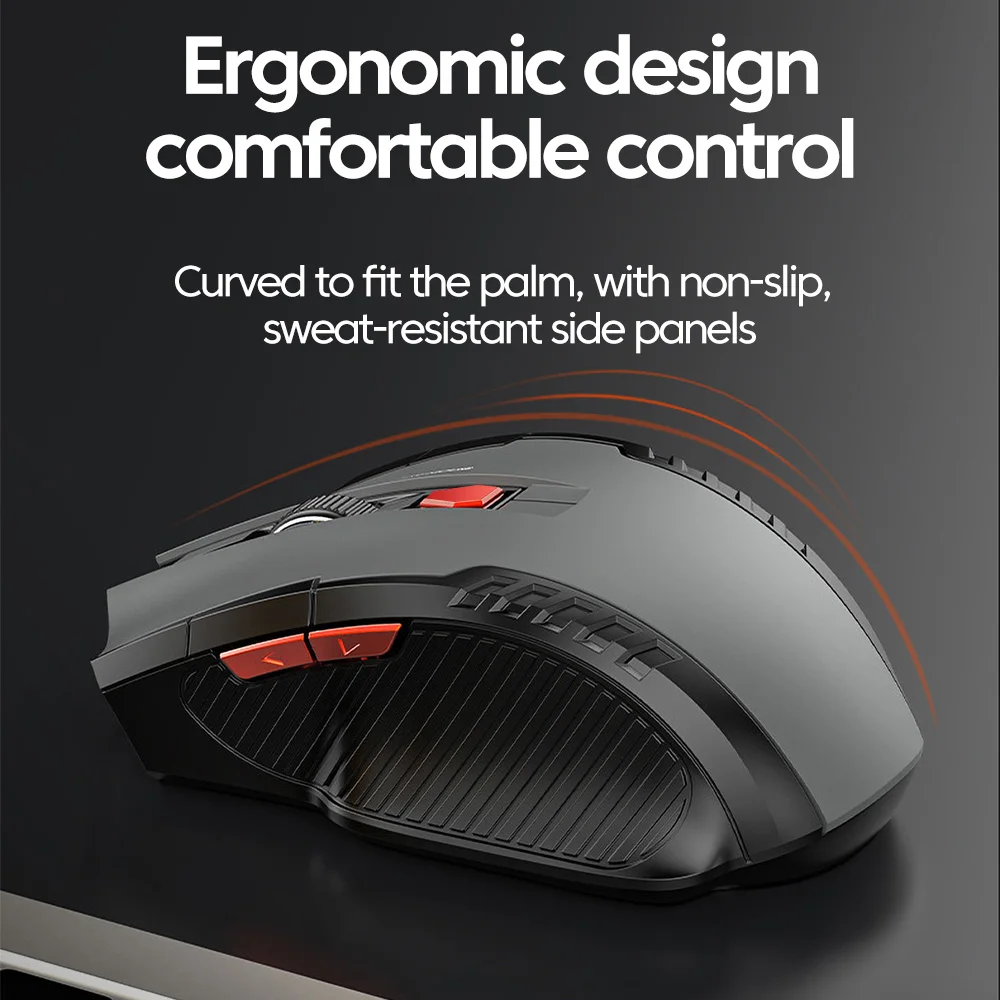
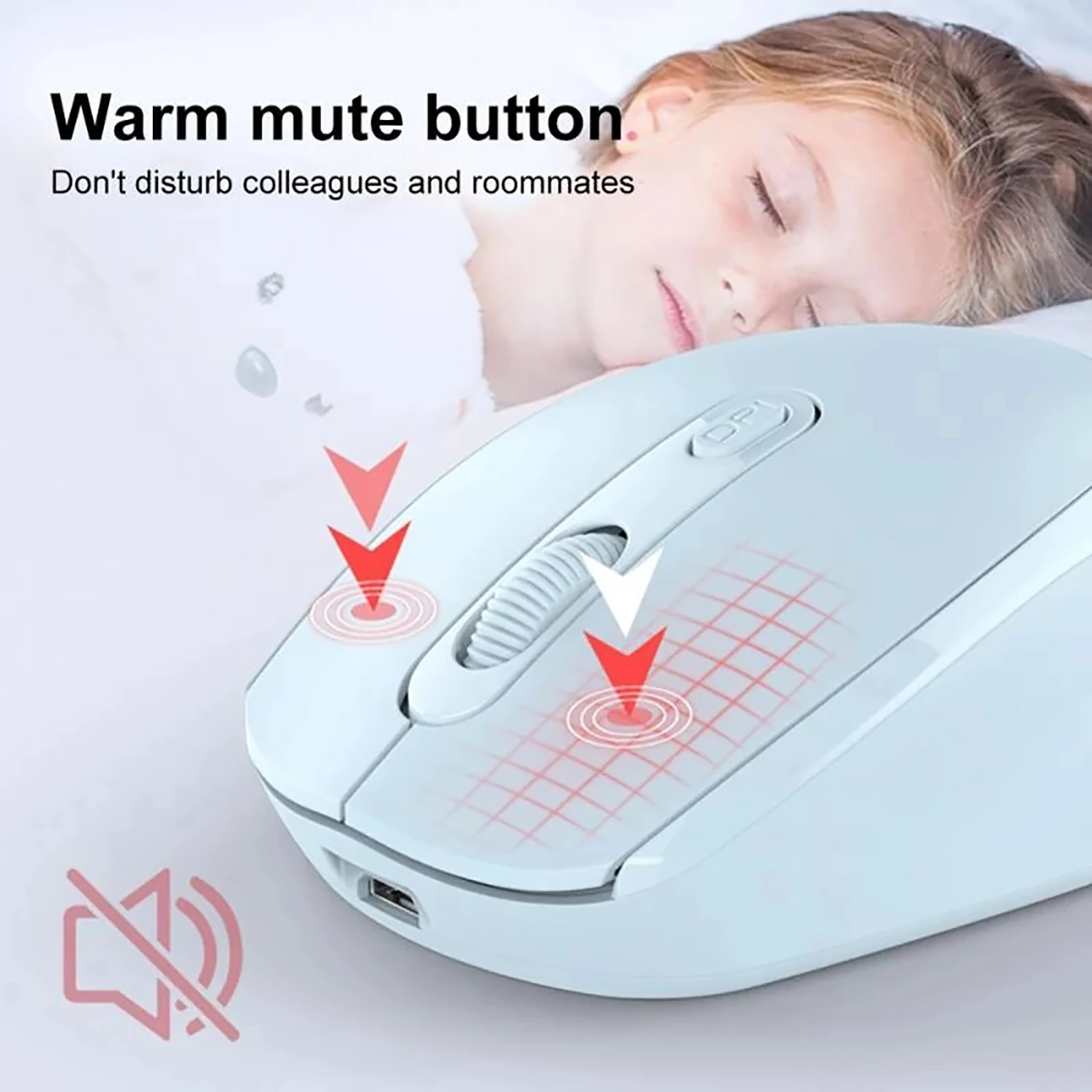
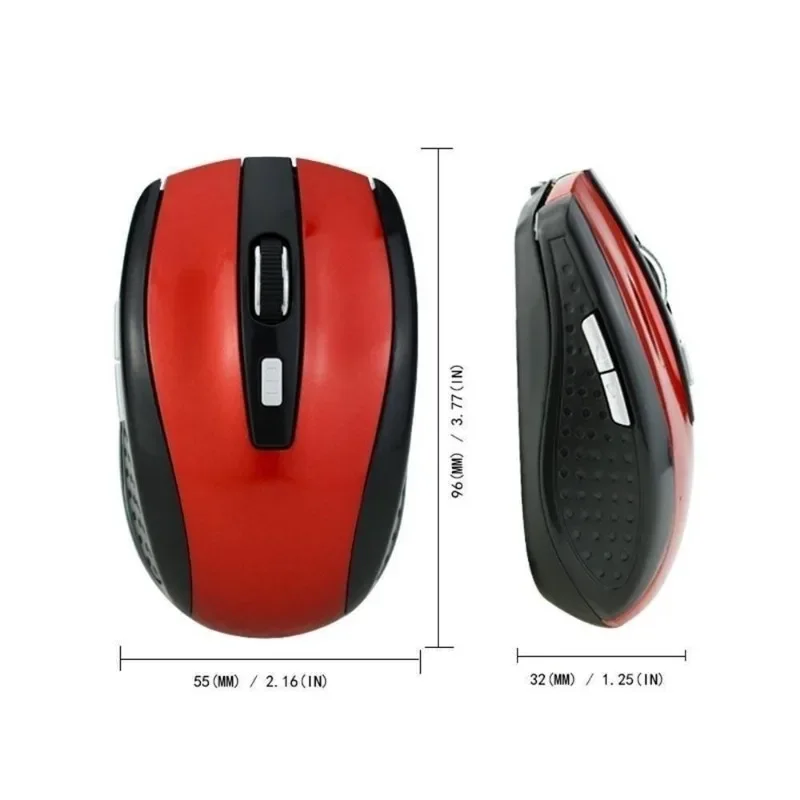
Size and noise. Slim mice travel well but are small in a large hand. Silent-click buttons are worth having in an office, a library or a house where someone is asleep.
Questions people ask about mice
Where should the mouse go on the desk?
The Health and Safety Executive says right beside the keyboard, within easy reach, in line with your elbow, and held lightly rather than gripped. A compact keyboard brings it closer.
Does a mouse need a mat?
Most optical mice track on a plain desk, but not well on glass or a glossy top. A mouse mat or desk mat gives a steady surface.
Delivery is included in every price and tracked to your door.
More to look at