Skip to the content

Delivery included in every priceTracked to your doorUK plugs on every charger

USB-C Hubs

One USB-C plug, many ports: HDMI, USB, card slots and charging.

Shop USB-C Hubs

12 products

1 of 32 of 33 of 3

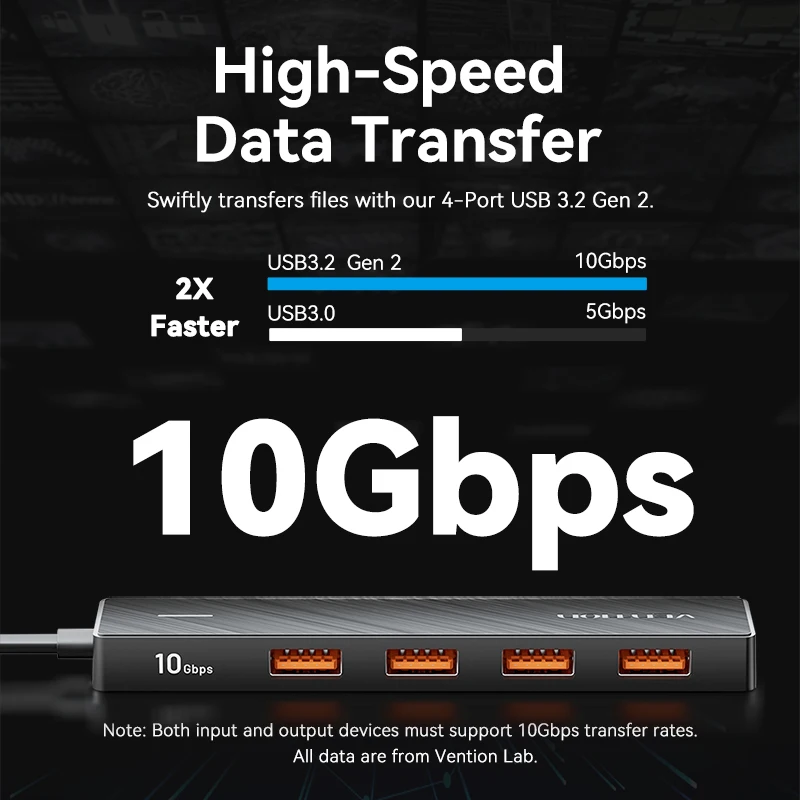
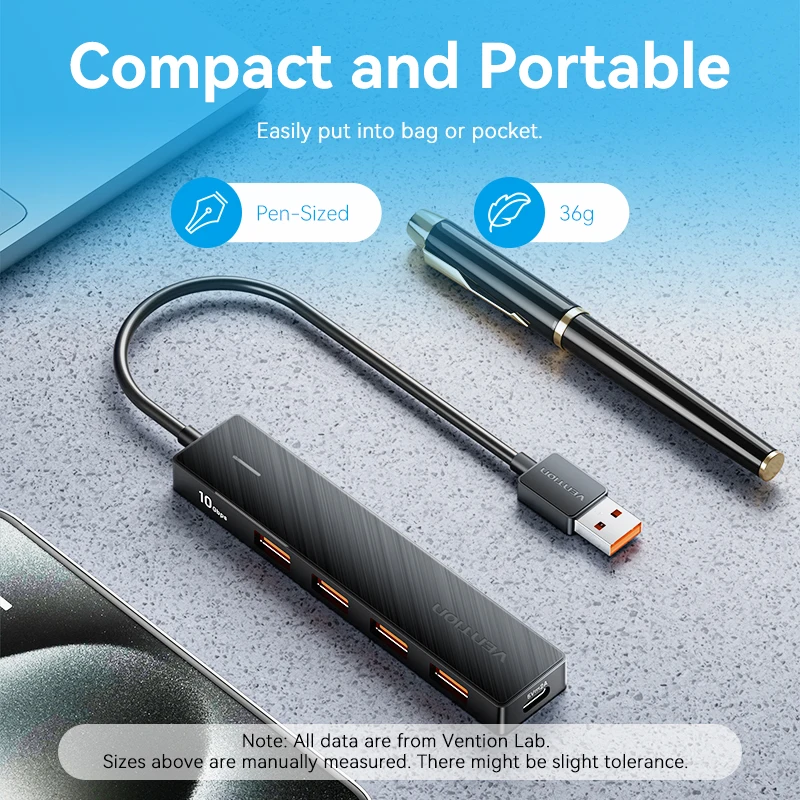
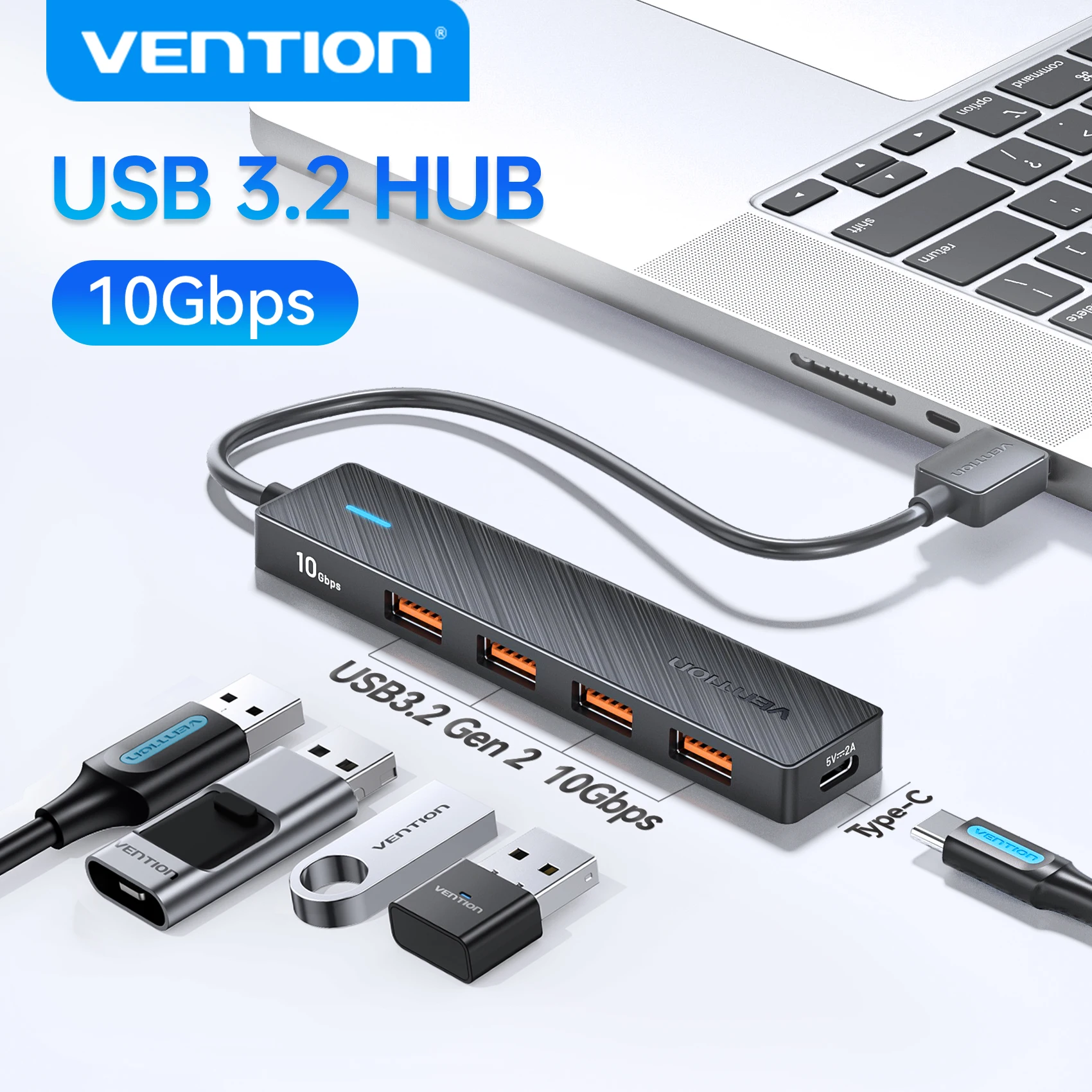
USB 3.2 Gen 2 5-Port Hub, 10Gbps USB-A and USB-C Multiport Adapter

A 5-port USB 3.2 Gen 2 hub offering 10Gbps data transfer, expanding one USB port into four for laptops, PCs and tablets.

From £15.99
1 of 32 of 33 of 3

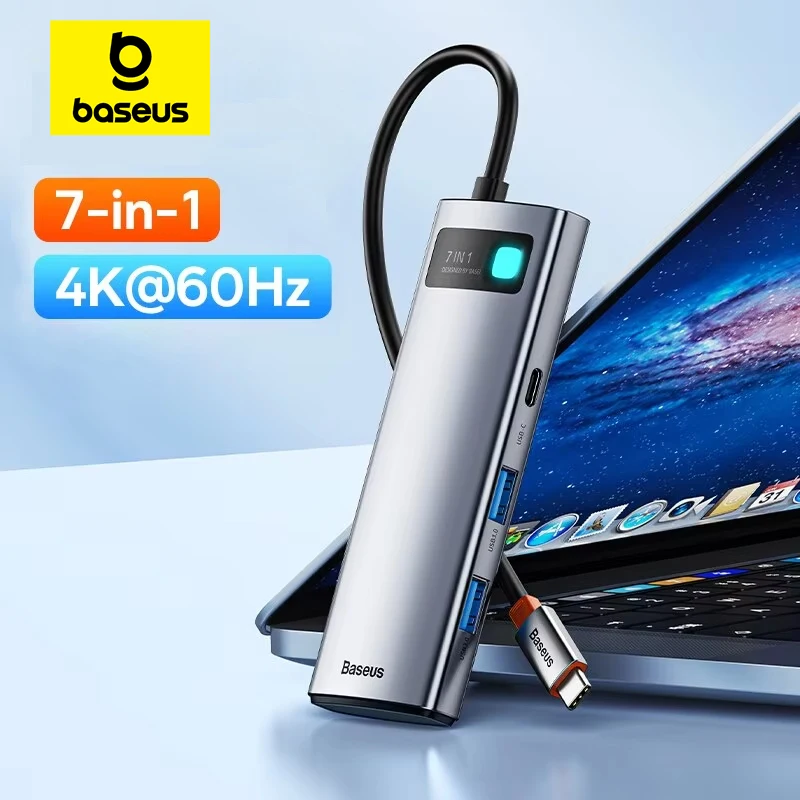
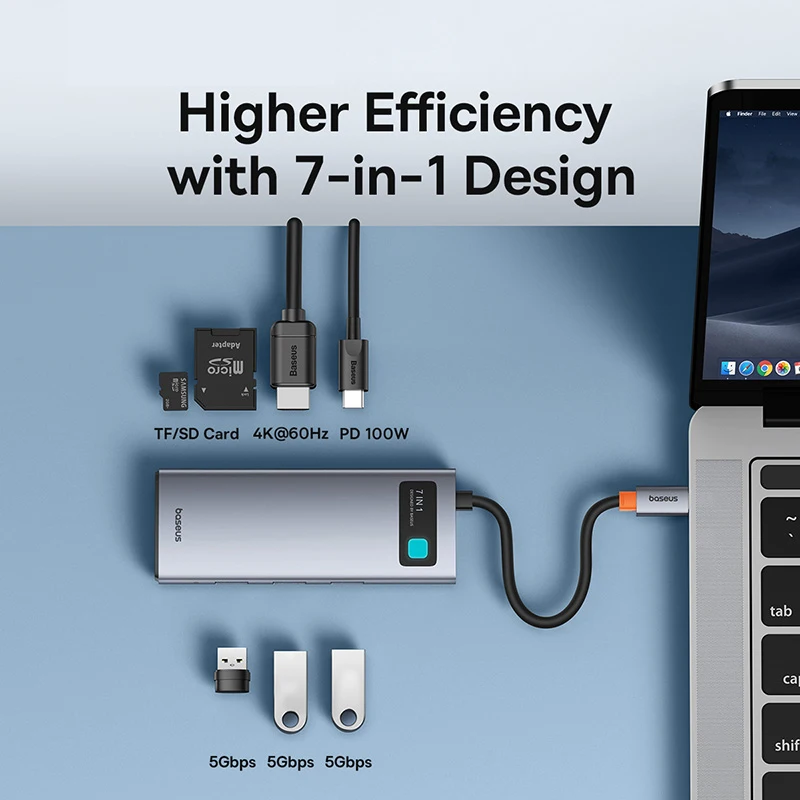
Baseus Metal Gleam 7-in-1 USB-C Hub with 4K HDMI and 100W PD

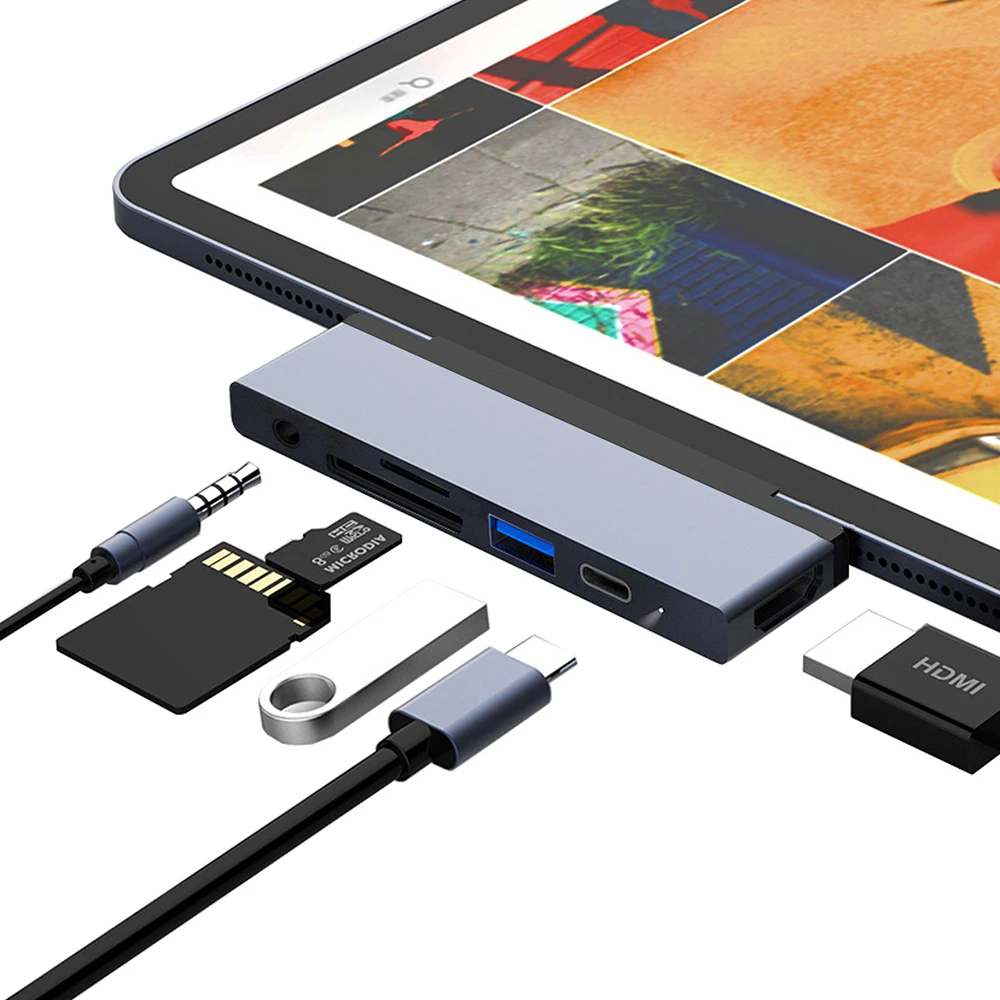
A 7-in-1 USB-C hub with 4K@60Hz HDMI, 3x USB 3.0, SD/TF card reader and 100W PD charging, ideal for MacBook, iPad and Steam Deck.

Only 1 left

£38.99
1 of 32 of 33 of 3

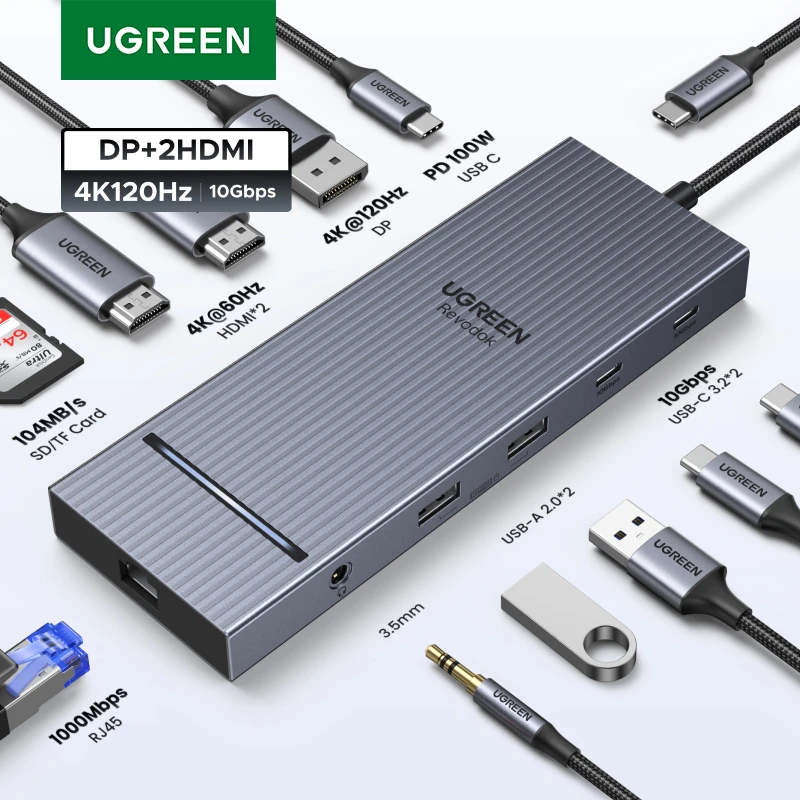
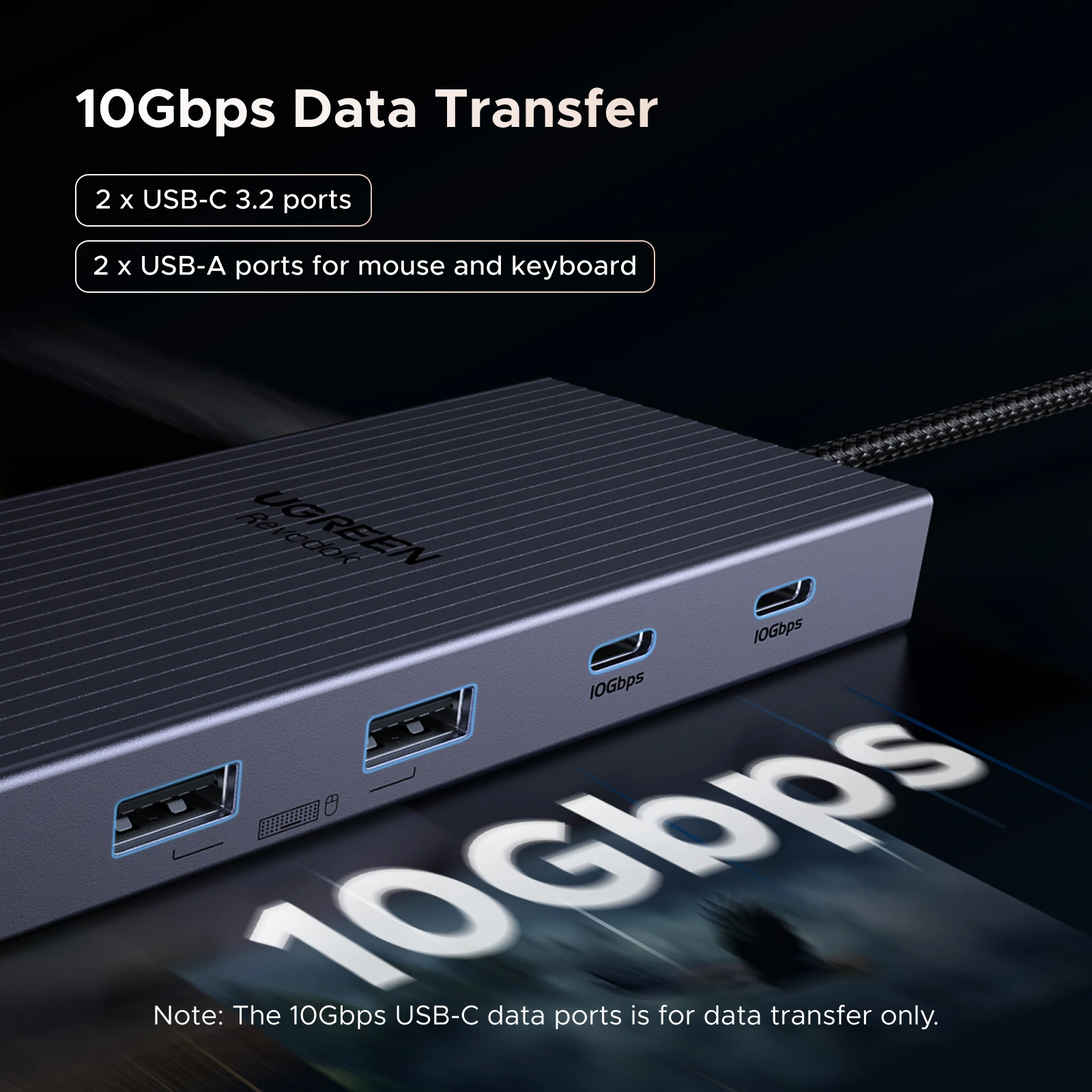
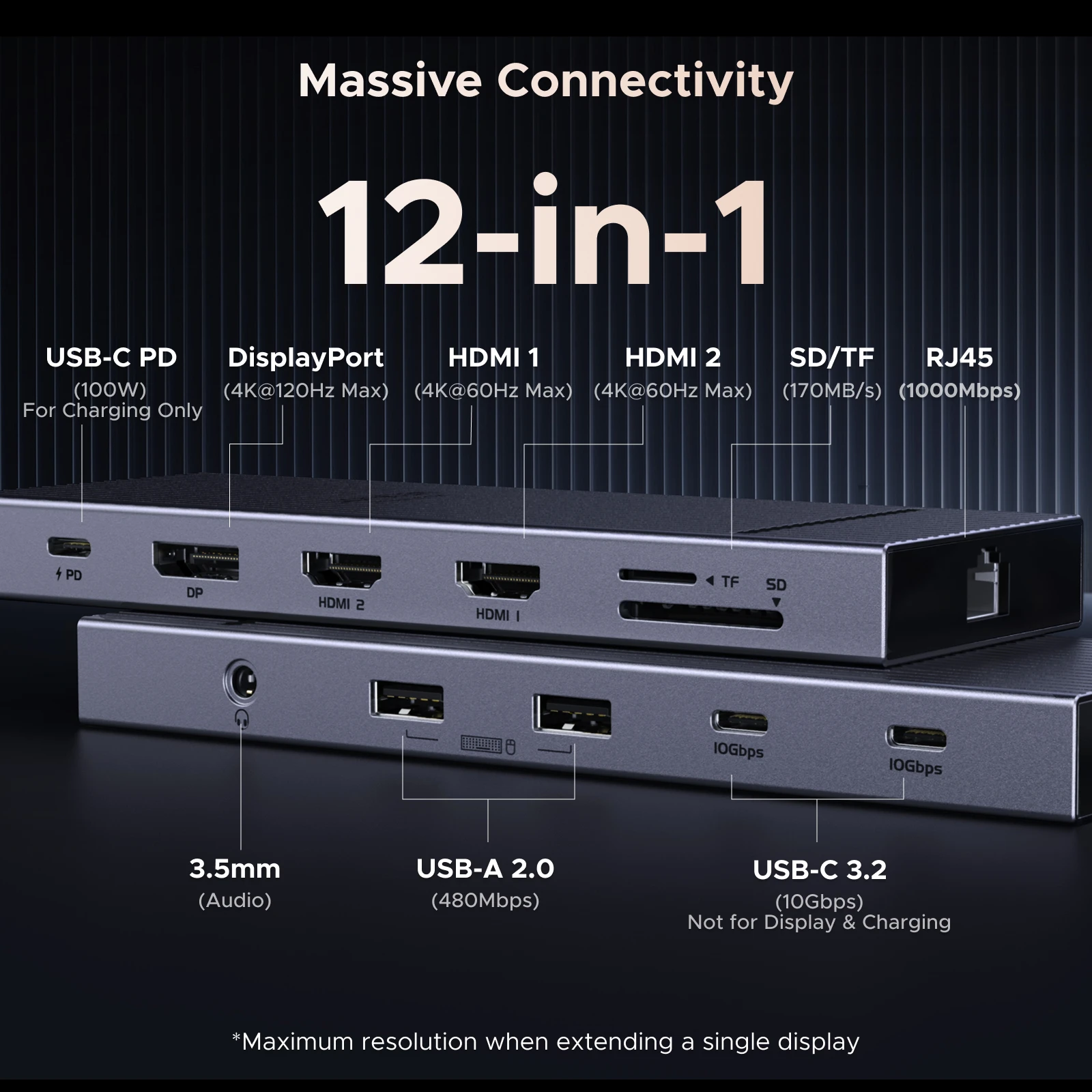
UGREEN 12-in-1 USB-C Hub with 2 HDMI, DP, 4K120Hz, USB3.2 10Gbps, SD/TF, RJ45, PD100W

12-in-1 USB-C hub with dual HDMI, DisplayPort, 10Gbps USB3.2, Gigabit Ethernet, SD/TF card reader and 85W pass-through charging.

From £47.99
1 of 32 of 33 of 3

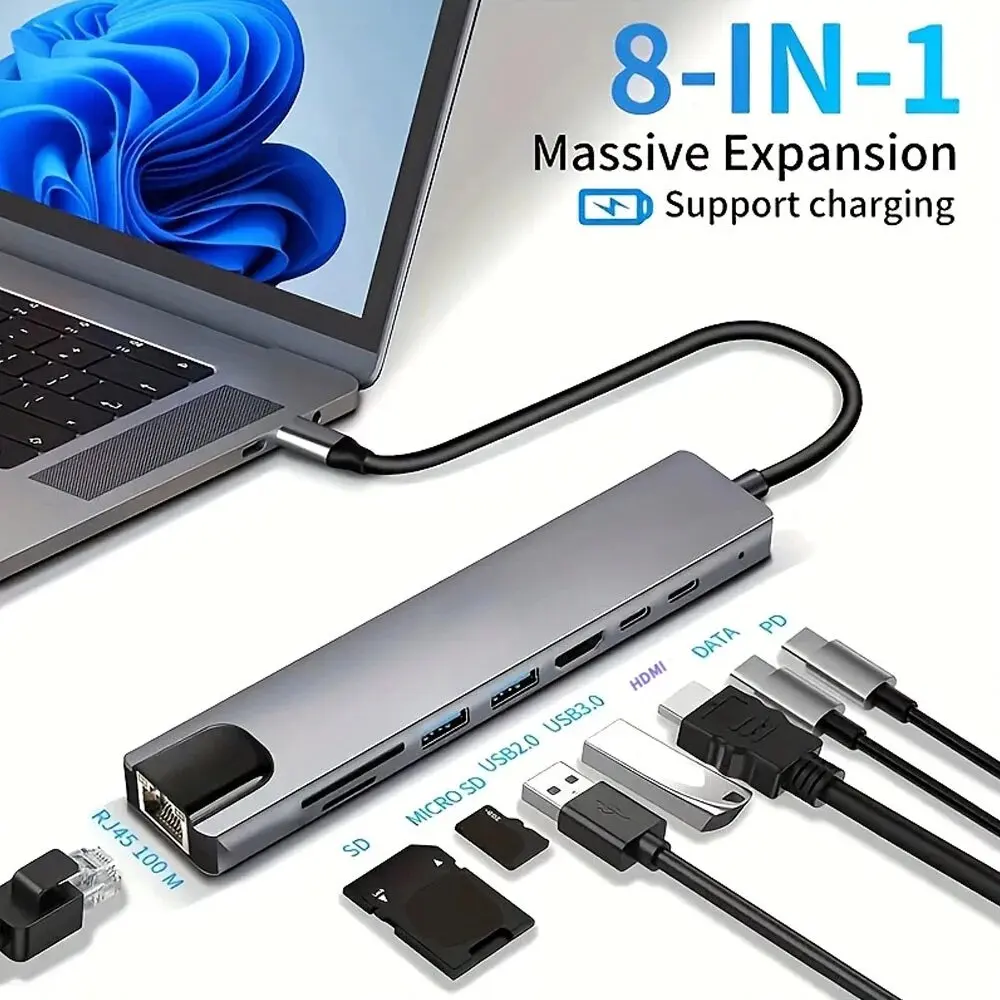
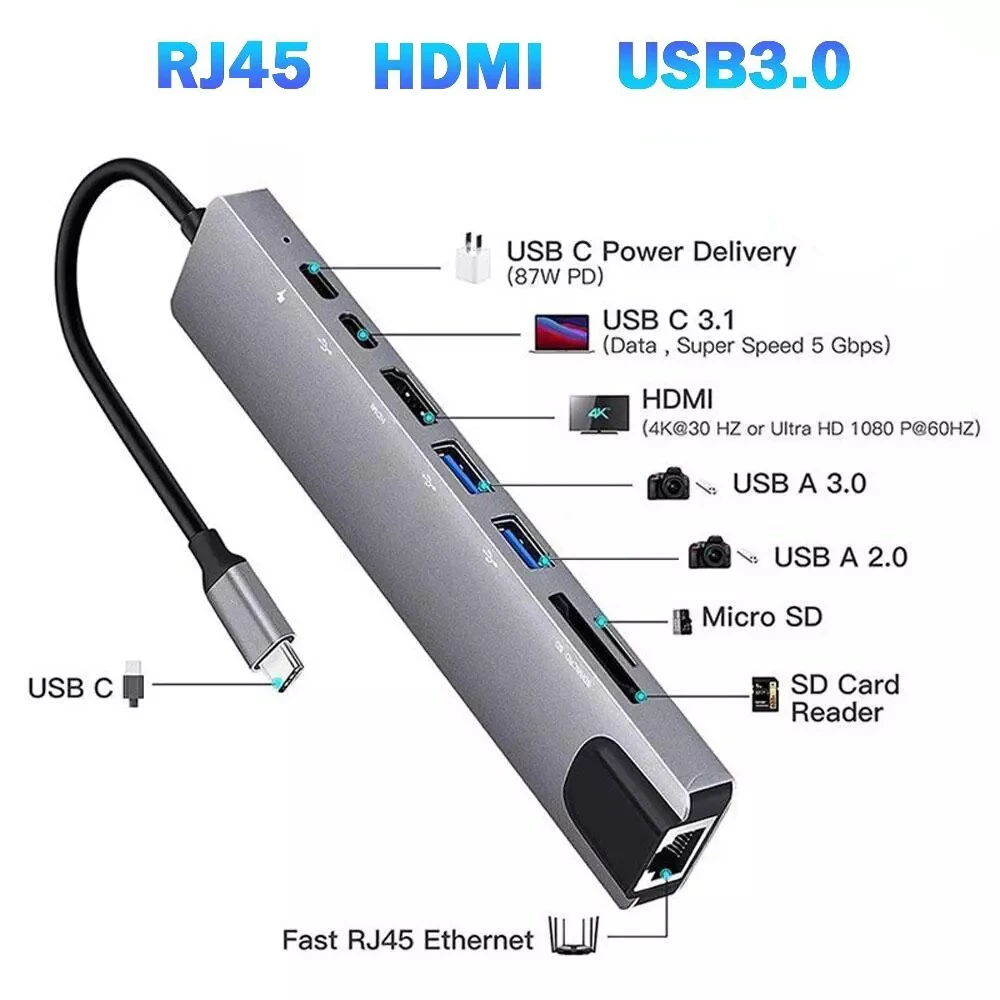
8-in-1 USB-C Hub with 4K HDMI, Gigabit Ethernet and 87W PD

8-in-1 USB-C hub with 4K HDMI, Gigabit Ethernet, USB 3.0 and 87W PD fast charging for laptops and desktops.

£15.99
1 of 32 of 33 of 3

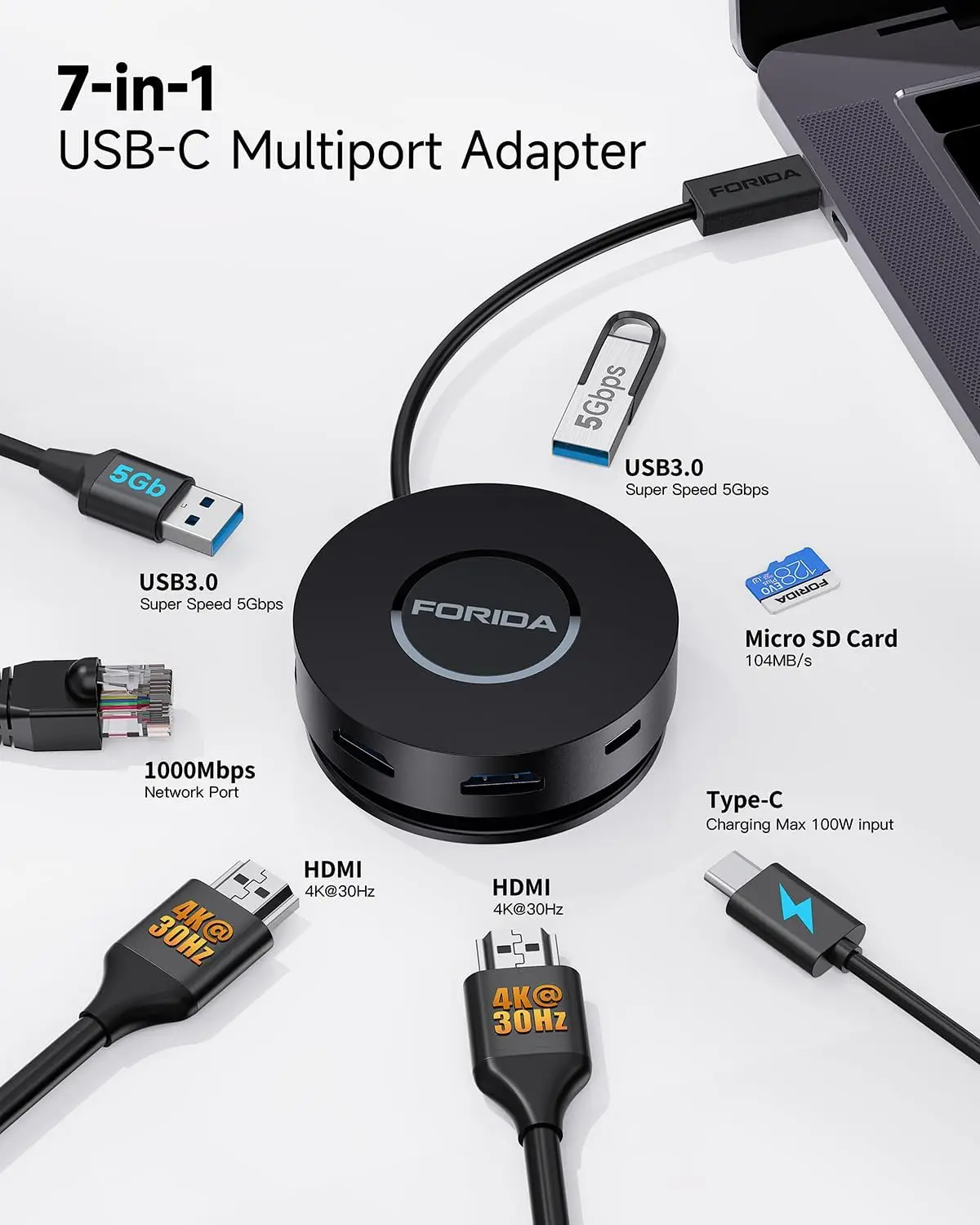
7-in-1 USB-C Hub with Dual 4K HDMI, 100W PD and Gigabit Ethernet

7-in-1 USB-C hub with dual 4K HDMI, 100W PD charging and Gigabit Ethernet for laptops.

£32.99
1 of 32 of 33 of 3

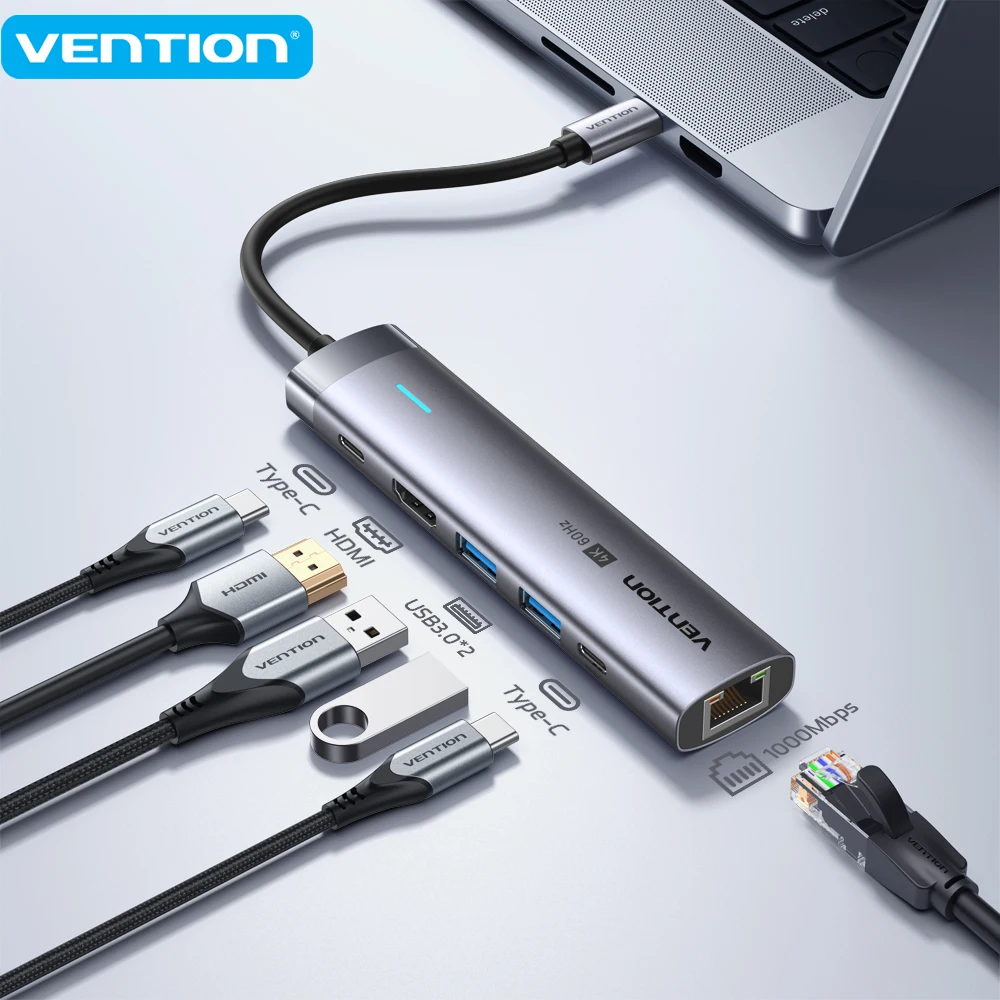
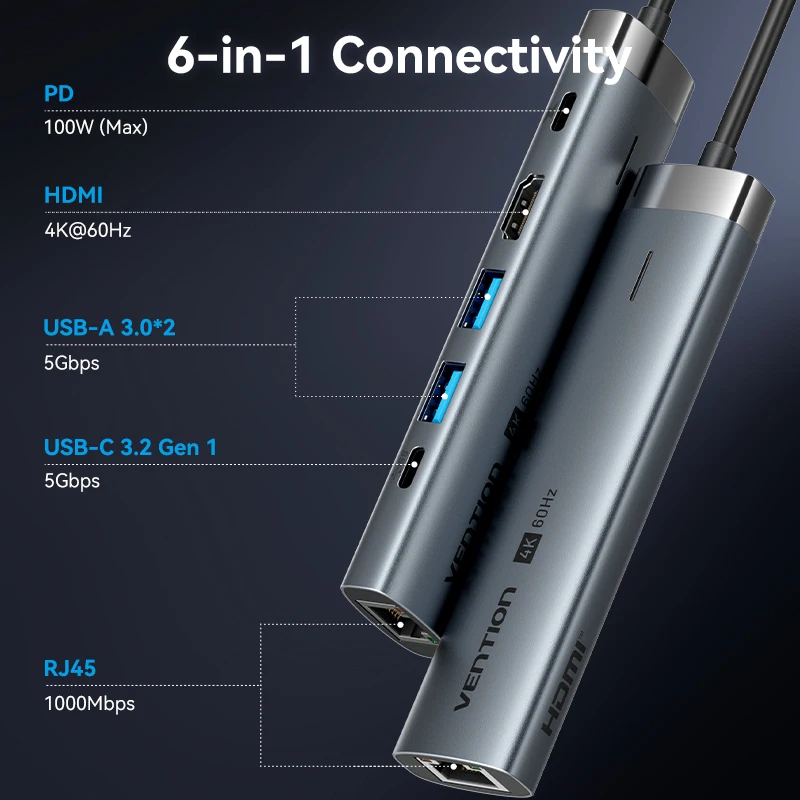
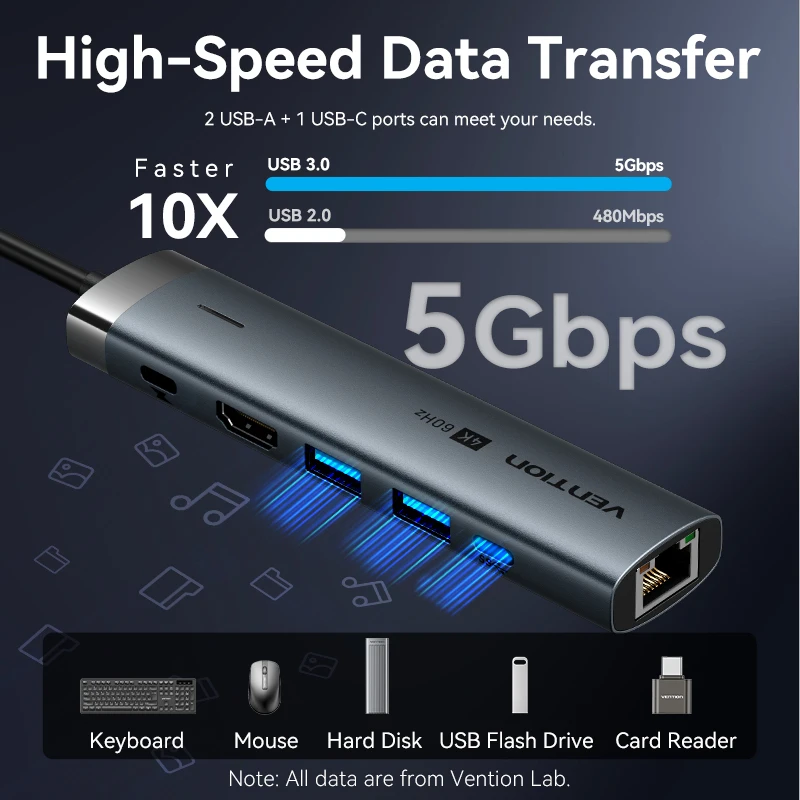
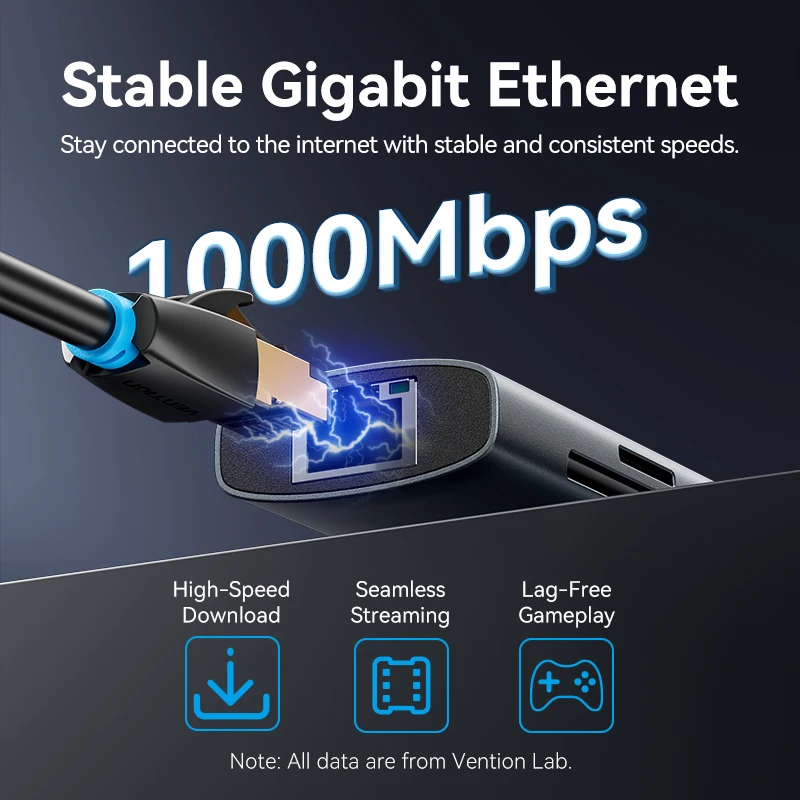
Vention USB-C Hub 4K@60Hz HDMI Ethernet Adapter Multiport Docking Station

USB-C hub with 4K@60Hz HDMI, USB-A, USB-C and Gigabit Ethernet ports for laptops, MacBook, iPad and more.

From £24.99
1 of 32 of 33 of 3

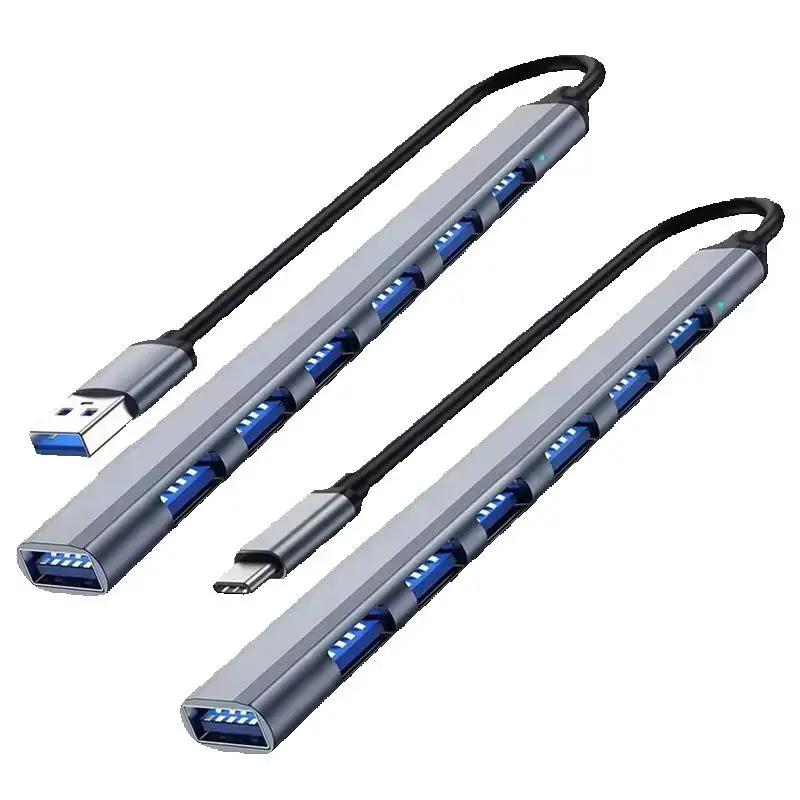
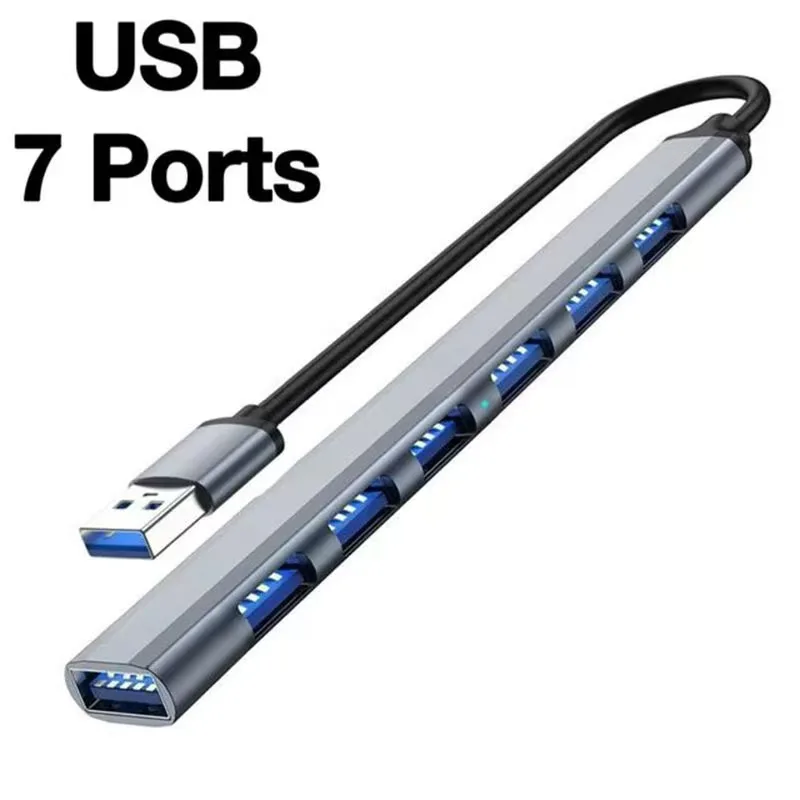
USB-C Hub 7-in-1 Multiport Adapter with USB 3.0 and 6x USB 2.0 Ports

Aluminium 7-in-1 USB hub with one USB 3.0 and six USB 2.0 ports for laptops, desktops and tablets.

From £13.99
1 of 32 of 33 of 3

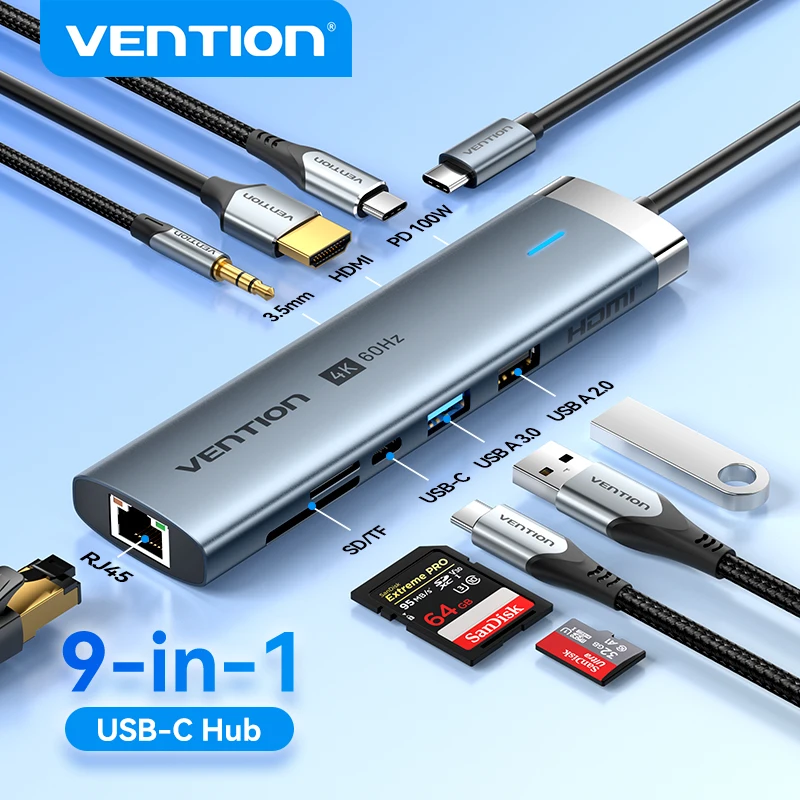
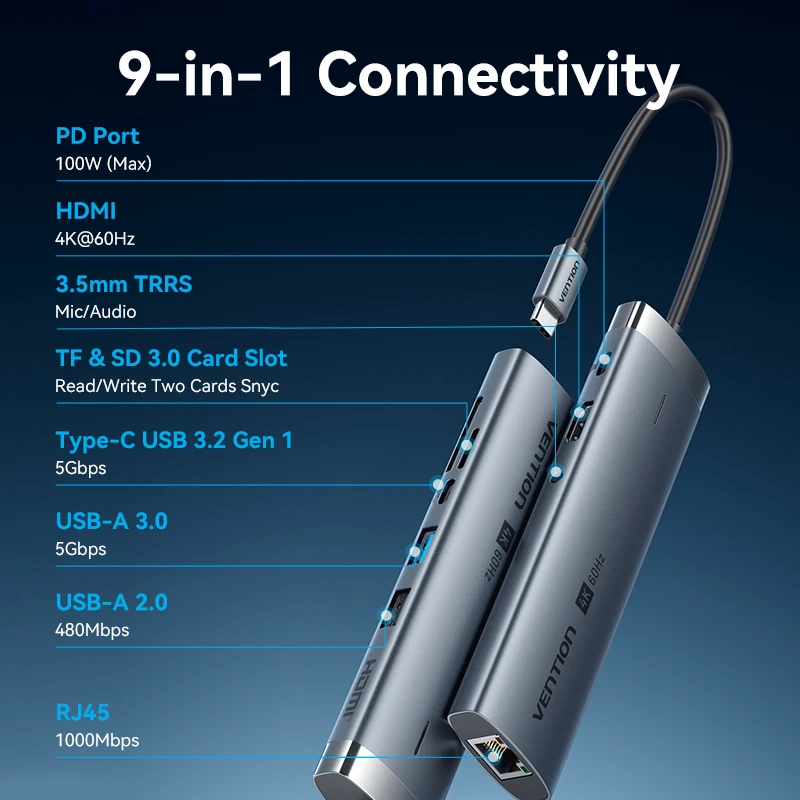
Vention 9-in-1 USB-C Hub with HDMI 4K60Hz, RJ45 Ethernet, PD 100W and SD/TF Card Reader

A 9-in-1 USB-C hub with 4K60Hz HDMI, gigabit ethernet, 100W PD charging and an SD/TF card reader for laptops, tablets and phones.

From £16.99
1 of 32 of 33 of 3

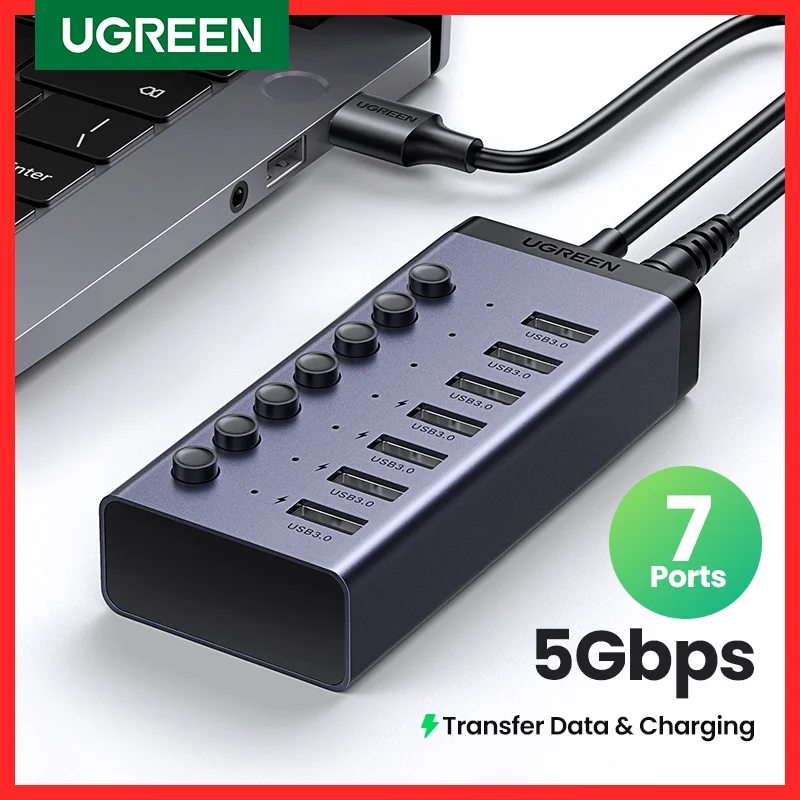
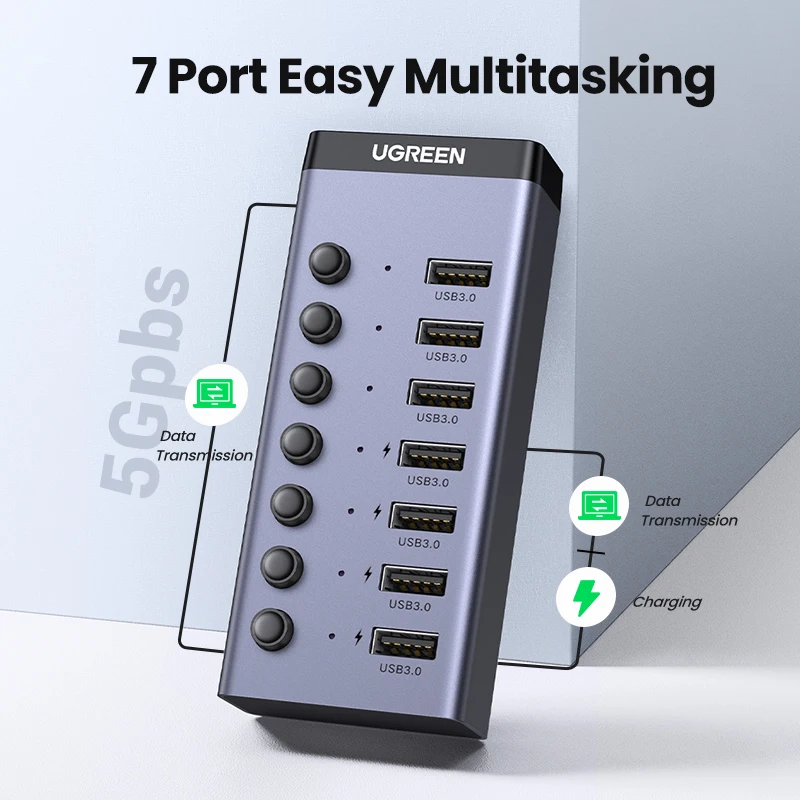
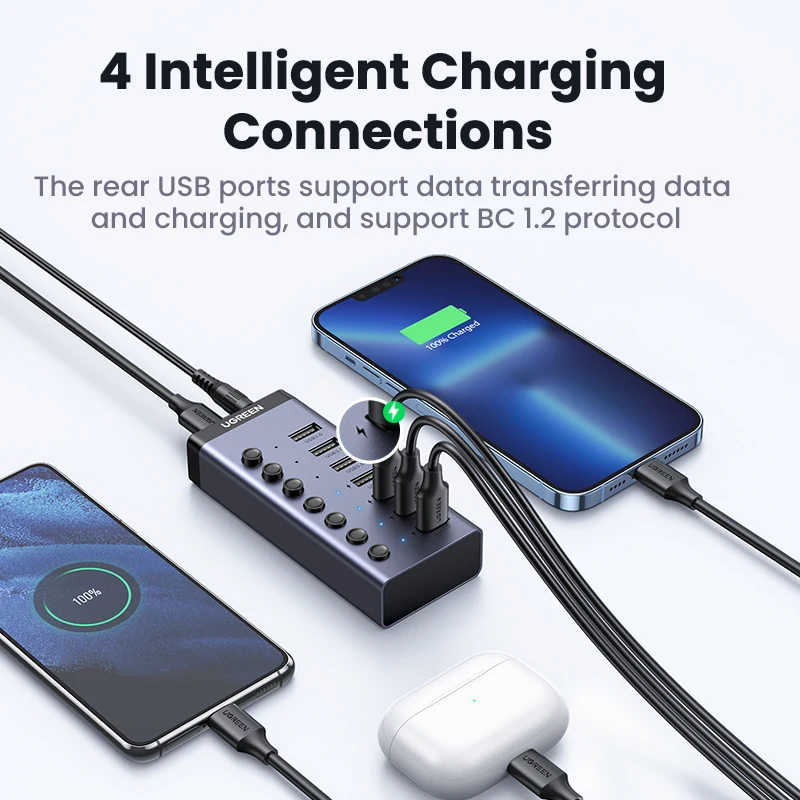
UGREEN 7-Port USB 3.0 Hub with Individual On/Off Switches and LED Indicators

UGREEN 7-port USB 3.0 hub with individual switches, LED indicators and charging support for laptops and desktop PCs.

£46.99
1 of 32 of 33 of 3

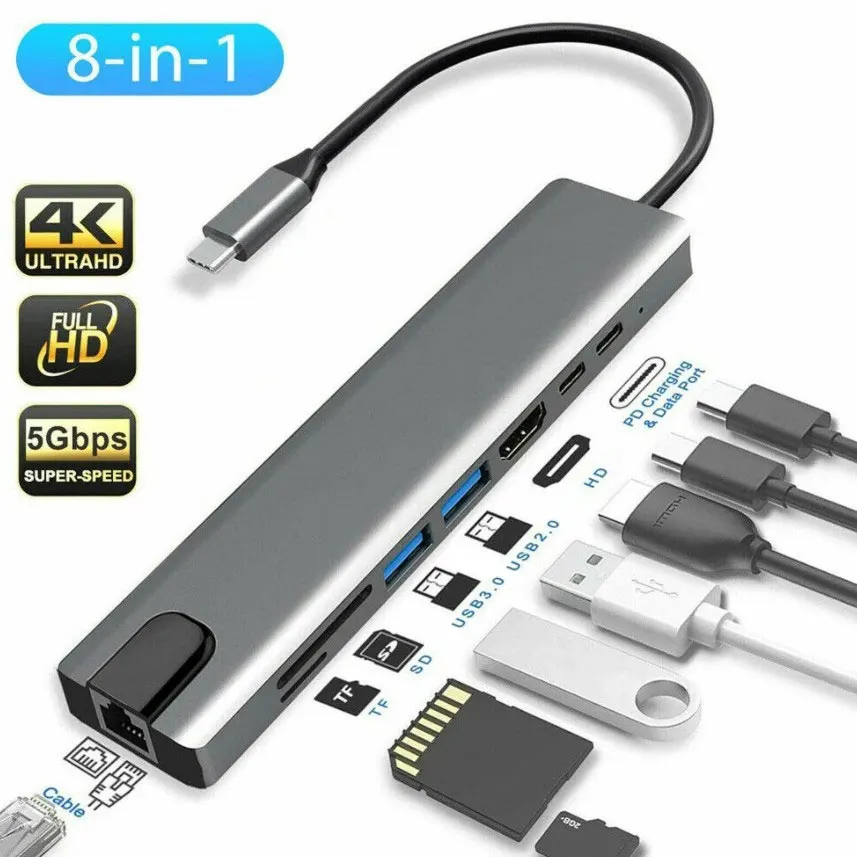
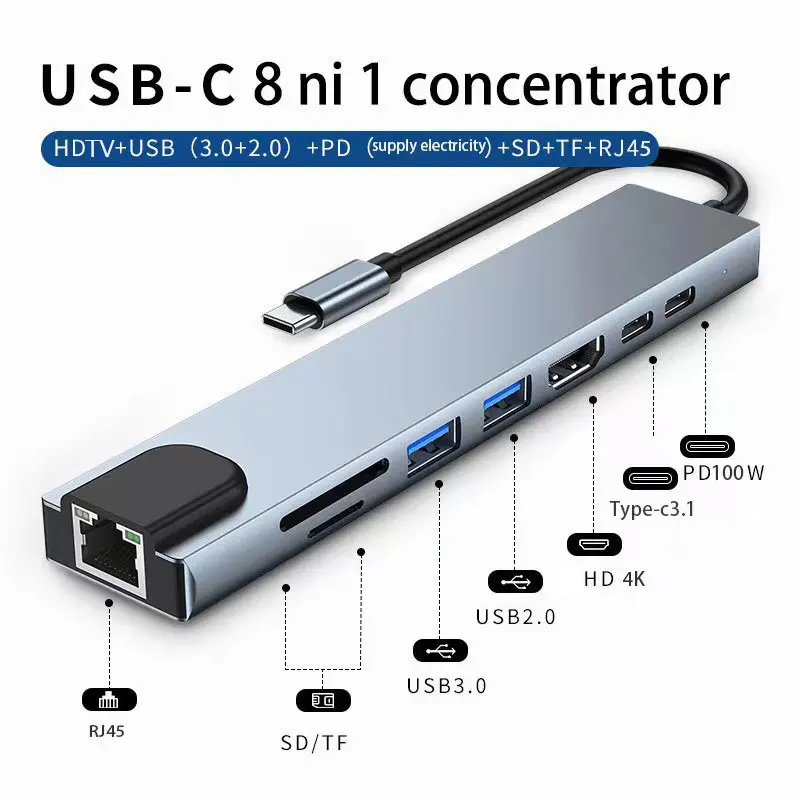
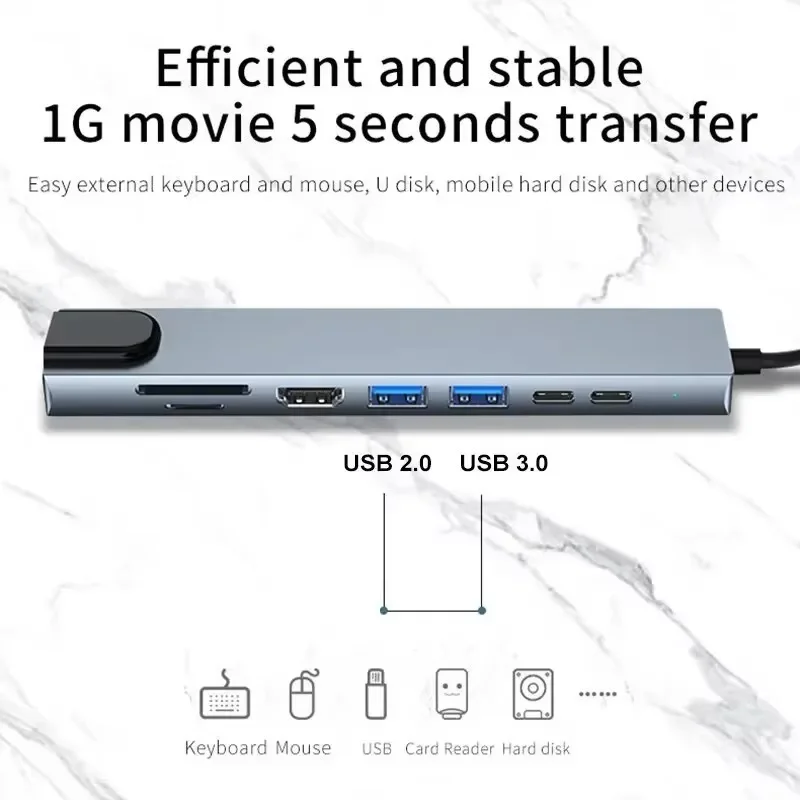
USB-C Hub 8-in-1 with 4K HDMI, RJ45 Ethernet, SD/TF Card Reader & PD Charging

8-in-1 USB-C hub with 4K HDMI, RJ45 Ethernet, SD/TF card reader and 100W PD pass-through charging.

From £12.99
1 of 32 of 33 of 3

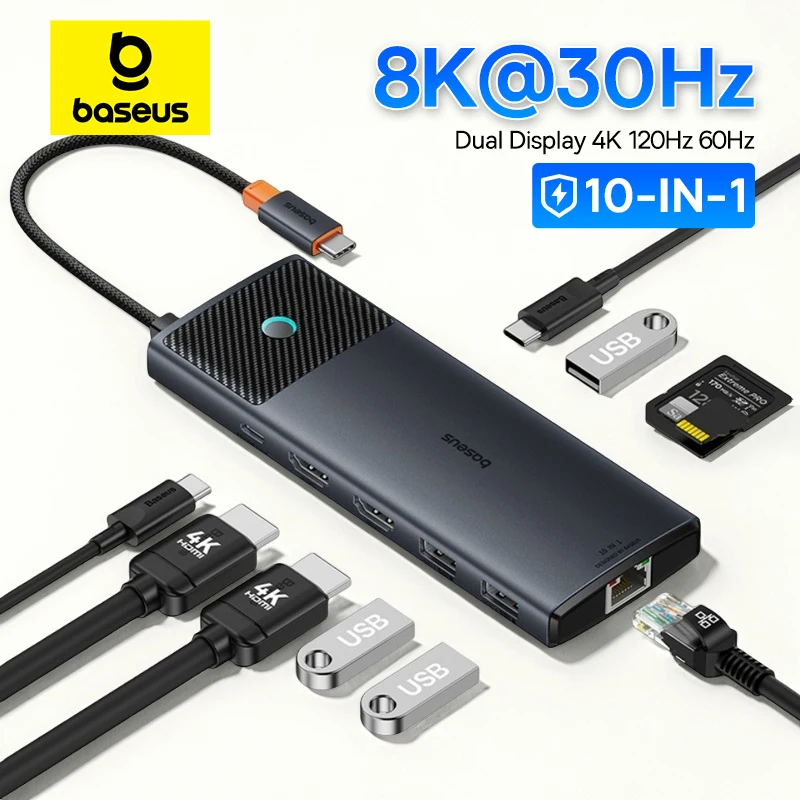
Baseus 10-in-1 USB-C Hub, Dual HDMI 8K/4K, 10Gbps, PD 100W

A 10-in-1 USB-C hub with dual HDMI (8K/4K), 10Gbps data ports, RJ45, SD/TF and 100W PD charging.

From £29.99

One plug, many ports

A USB-C hub plugs into one USB-C port on your laptop and gives you a row of sockets: HDMI for a screen, USB-A for older plugs, a network socket, card slots and a USB-C socket for your charger. The hubs here run from six to thirteen sockets in one, mostly in aluminium bodies that sit flat beside the laptop or travel in a bag. A few are plain USB hubs with extra USB sockets only.

What is on the hubs here

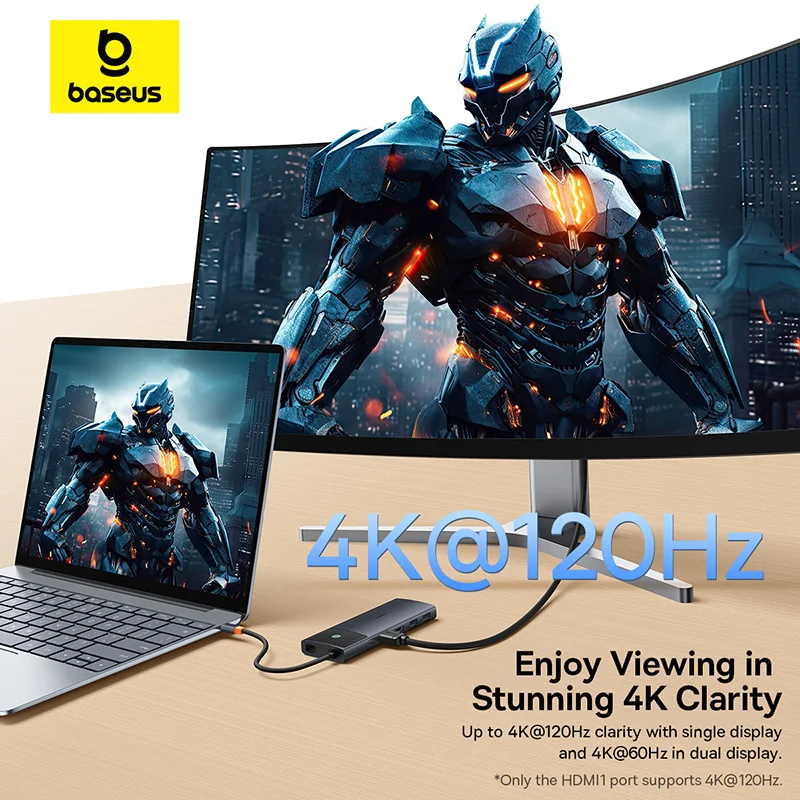
  • HDMI, one or two sockets, at 4K. Several give 4K at 60Hz, which is smooth on a large monitor; others give 4K at 30Hz, fine for a TV or slides.
  • DisplayPort on some of the larger hubs, beside two HDMI.
  • USB-A at 5Gbps or 10Gbps, for drives, memory sticks and receivers.
  • Gigabit Ethernet for a wired network.
  • SD and microSD slots, the card slots listings call SD/TF.
  • Pass-through charging: a USB-C socket for your charger, listed at 85W to 100W.

How to choose a USB-C hub

Start with your laptop's port. The hub's screen sockets work only if the USB-C port carries video (DisplayPort Alt Mode, Thunderbolt or USB4), and its fast USB only at the speed the port offers. Then count what you plug in on a normal day and add one.

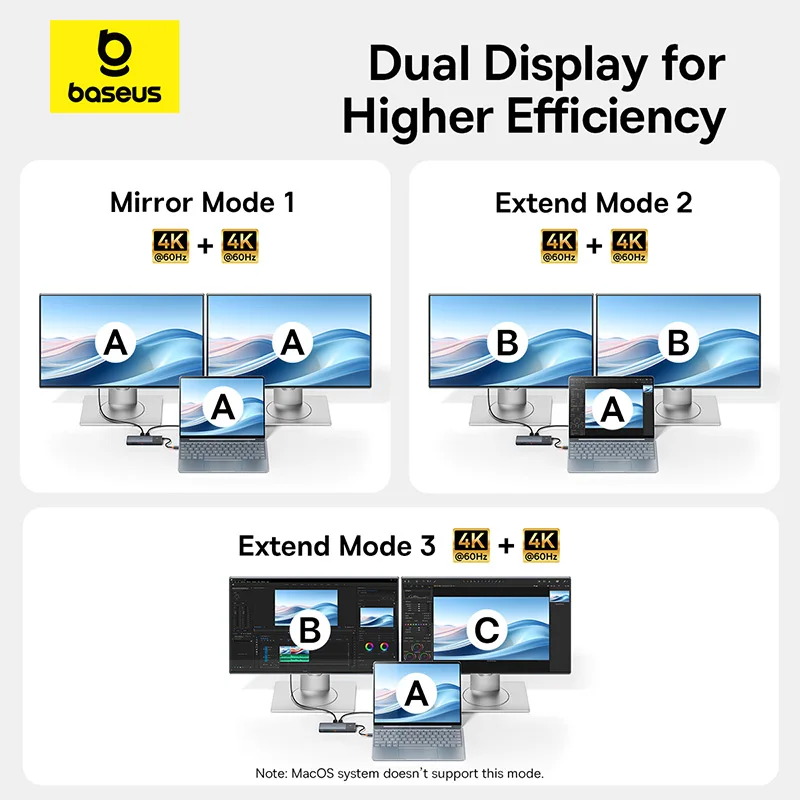
For two screens, check two things. A MacBook Air with M1 or M2 runs one external display, and many Macs show the same picture on both screens of a two-HDMI hub rather than two separate desktops. On Windows laptops two HDMI usually extend. If two separate screens matter on a Mac, look at docking stations that use DisplayLink.

For charging, the hub keeps a little of the charger's power for itself, so a 65W charger through a hub gives the laptop less than 65W. If Windows says "Slow charger", plug the charger straight into the laptop.

Questions people ask about USB-C hubs

Why are my USB sockets slow when the screen is on 4K at 60Hz?

Some hubs use all of the port's fast lanes for the picture at 4K 60Hz, which leaves their USB sockets at USB 2 speed. The listing usually says if this applies.

Can I use a USB-C hub with an iPad or a phone?

Many listings name tablets and phones too. What works depends on the device: check it supports video out and USB accessories.

Do I need a hub or just an adapter?

For one job, a single HDMI adapter or Ethernet adapter is smaller. For three or more, a hub. Our guide how to choose a USB-C hub explains each socket.

More to look at
Website designed in Bristol by