What a laptop skin does, and what it does not
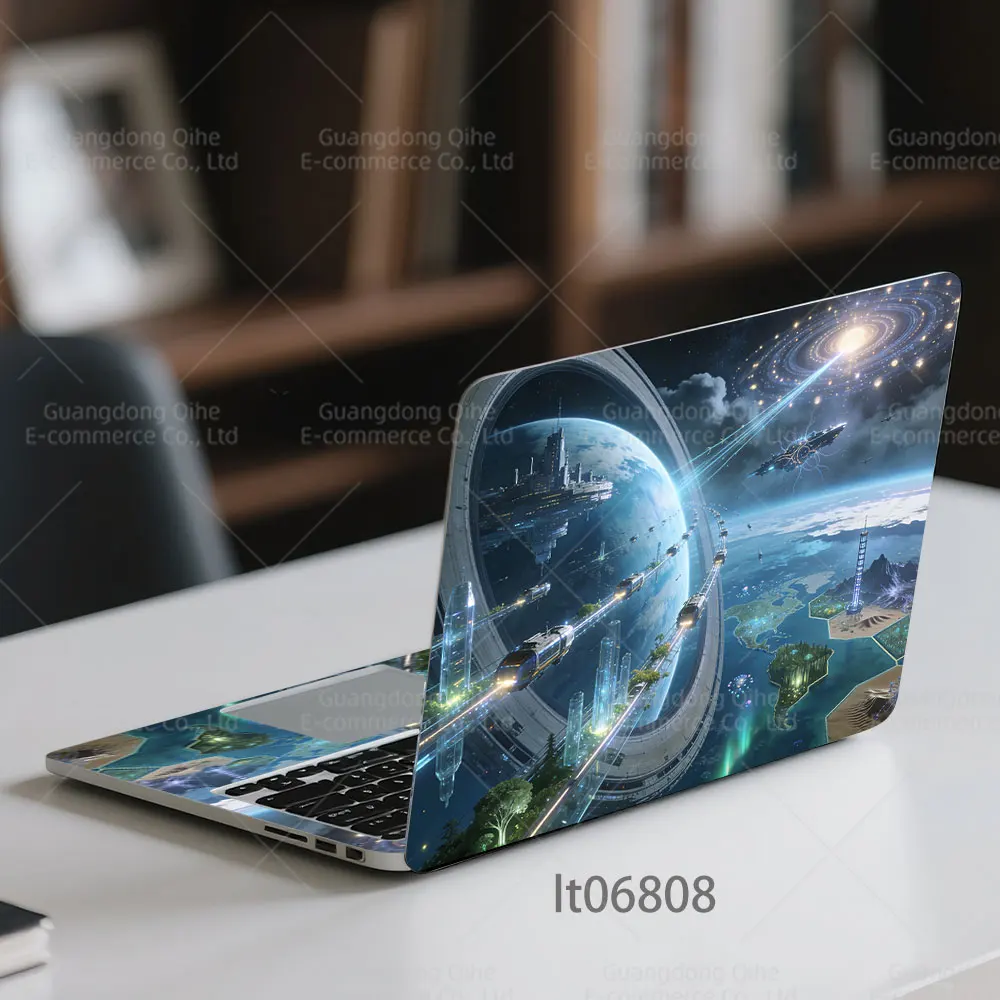
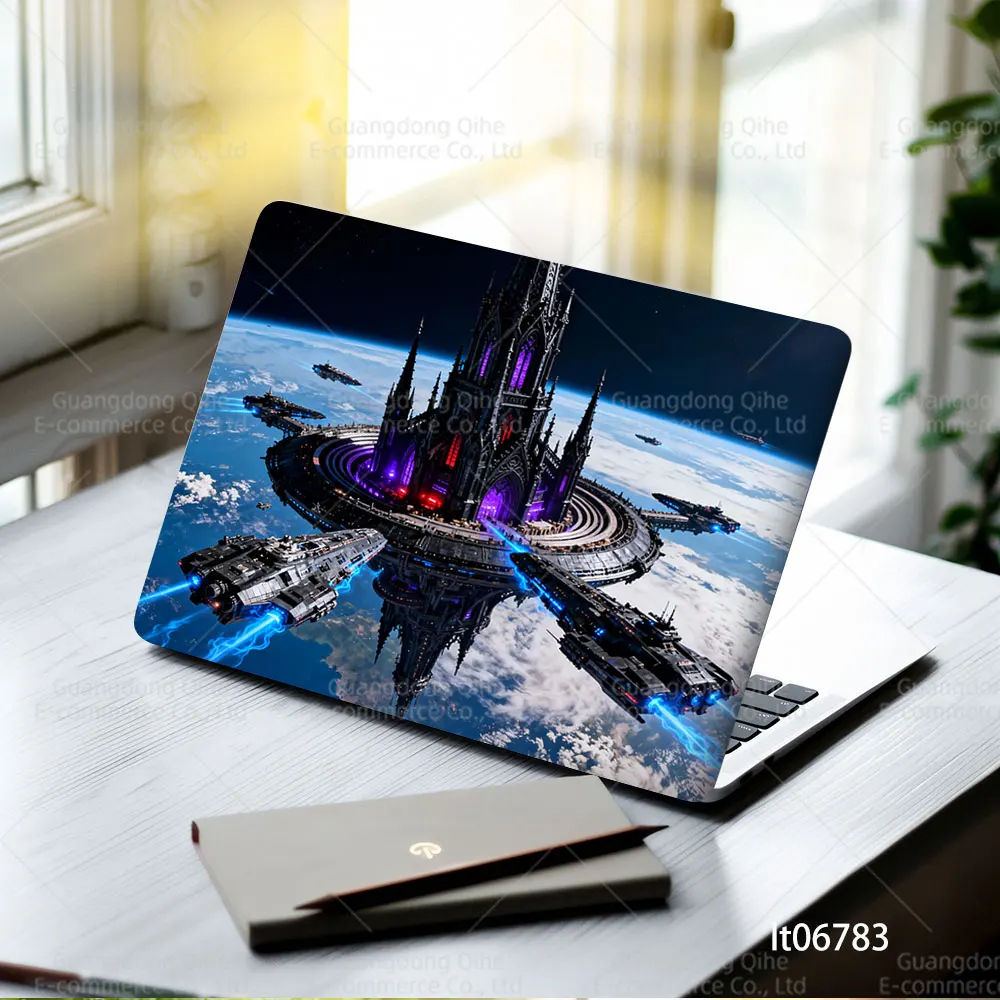
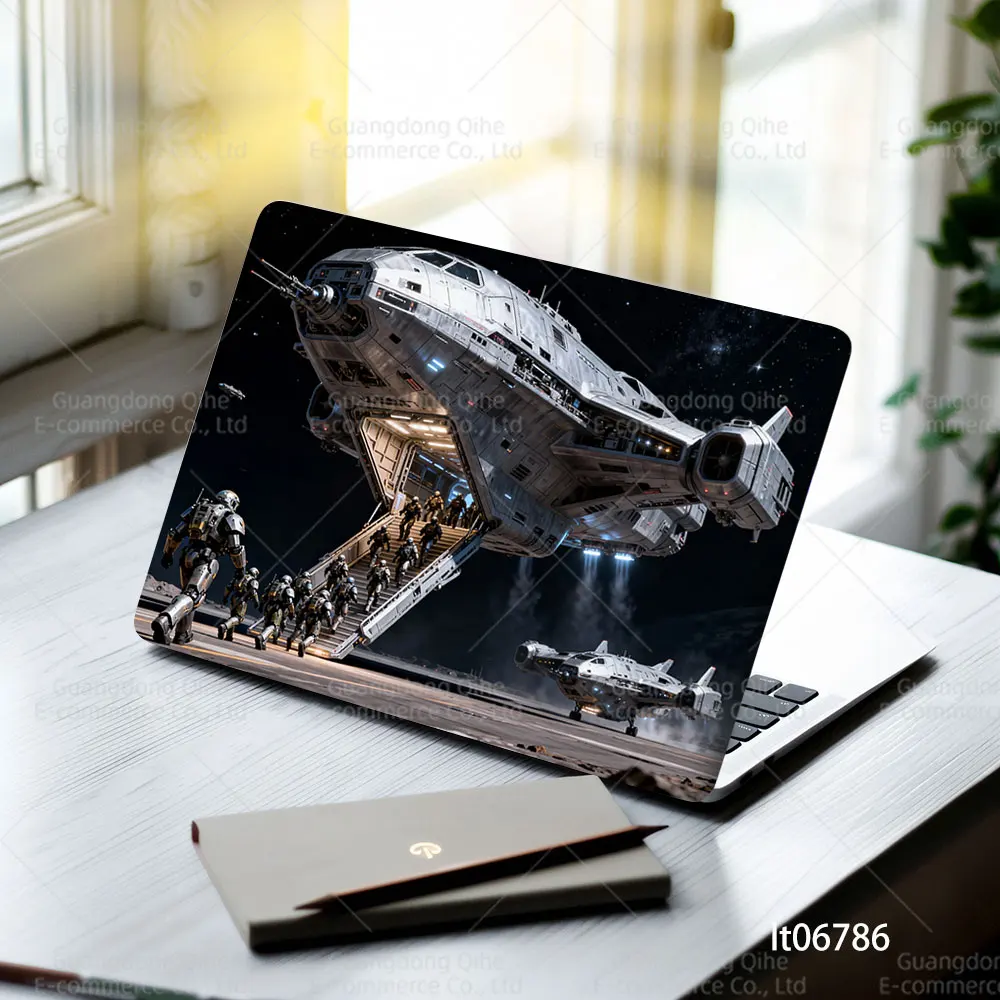
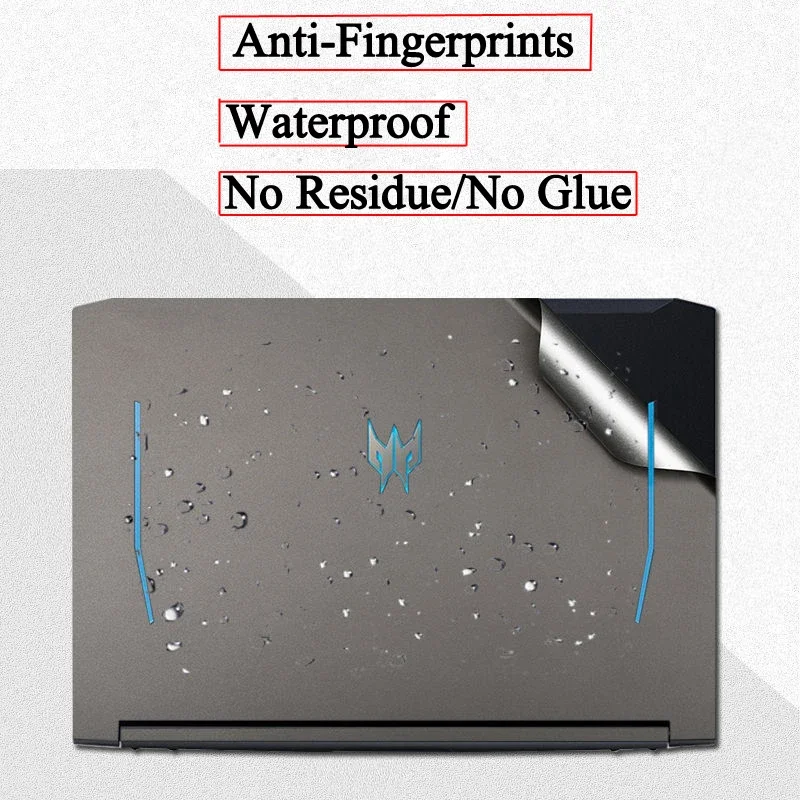
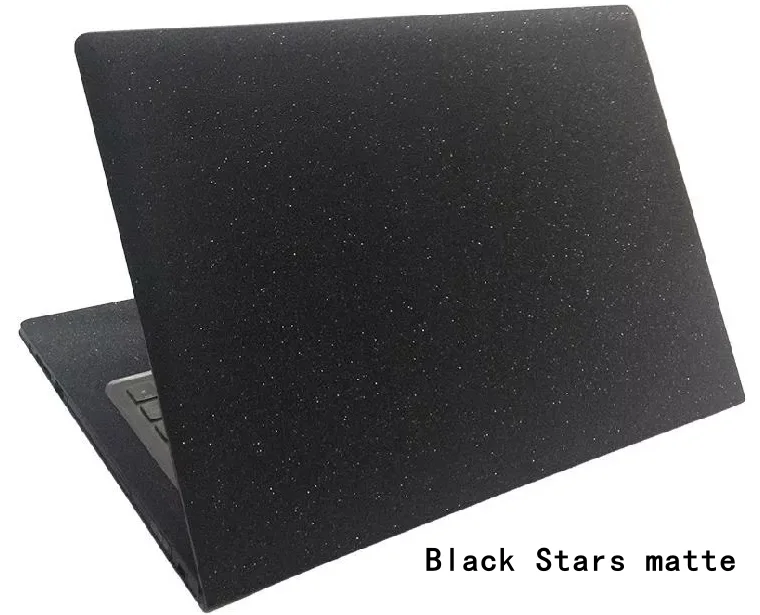
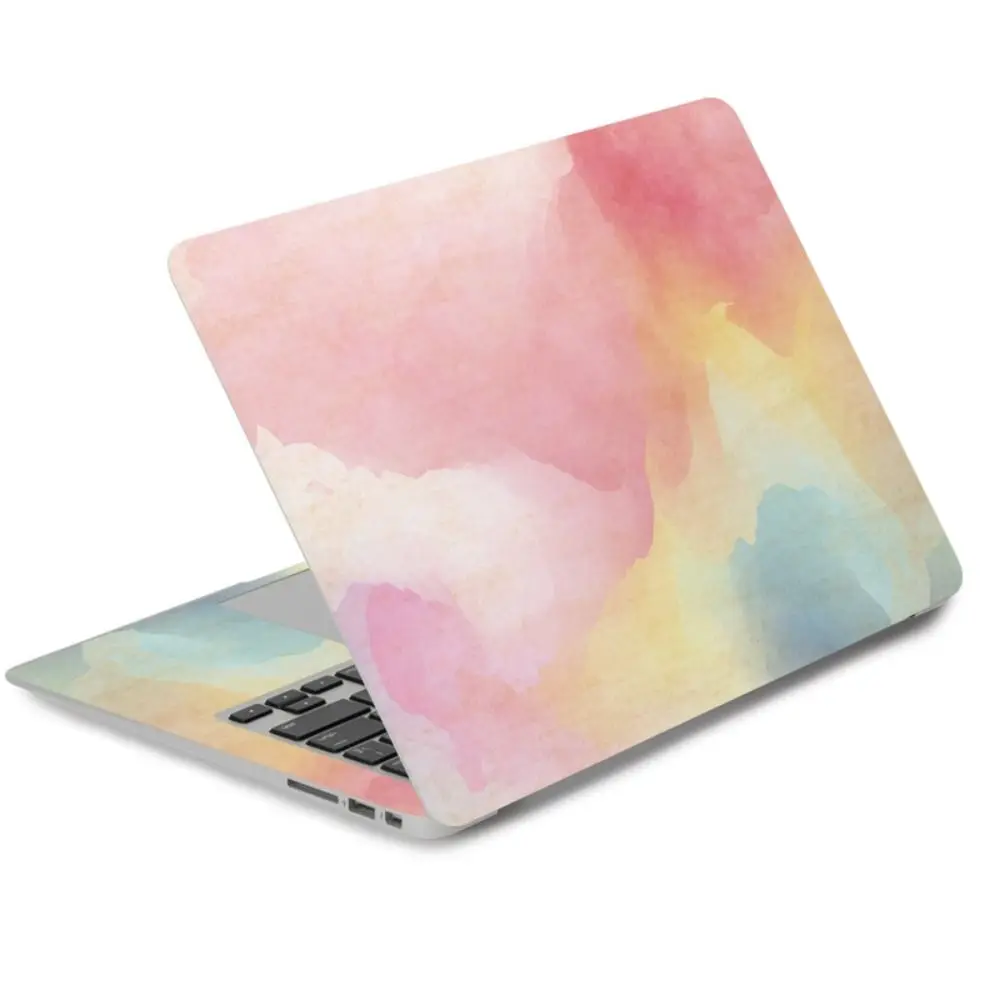
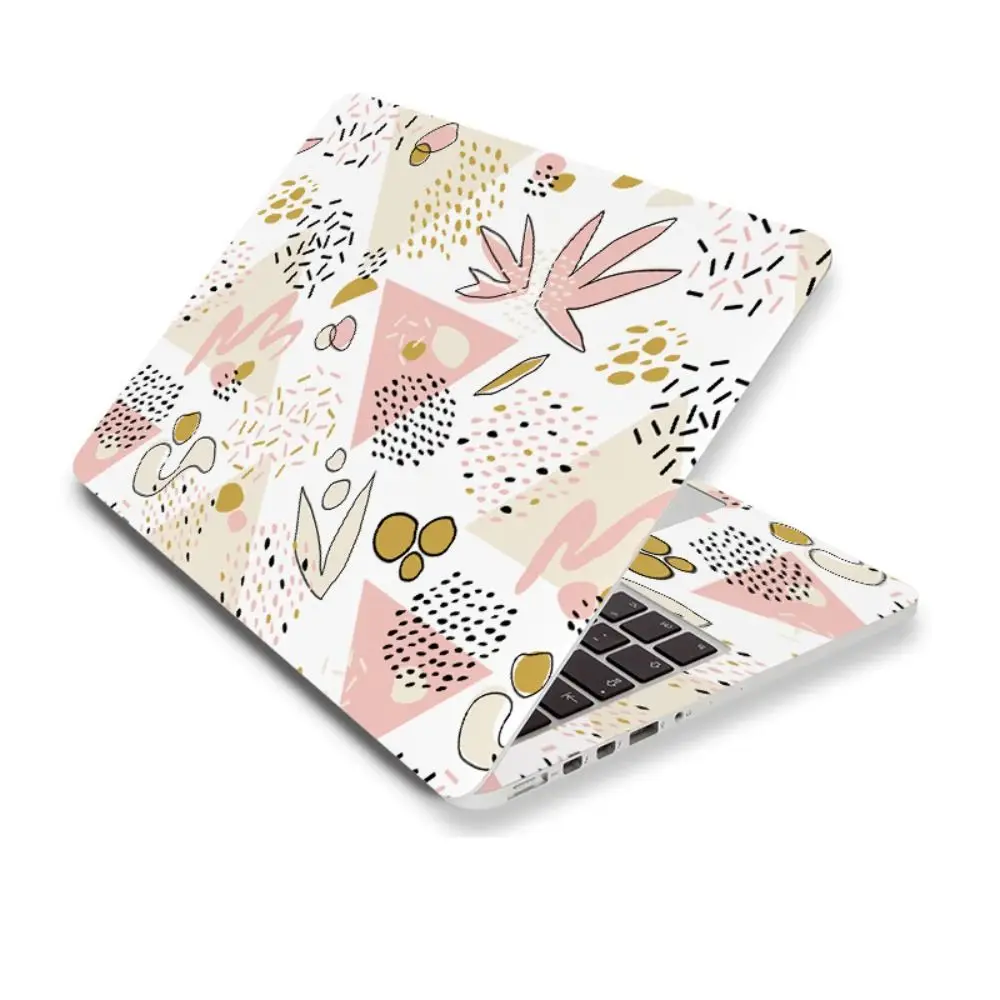
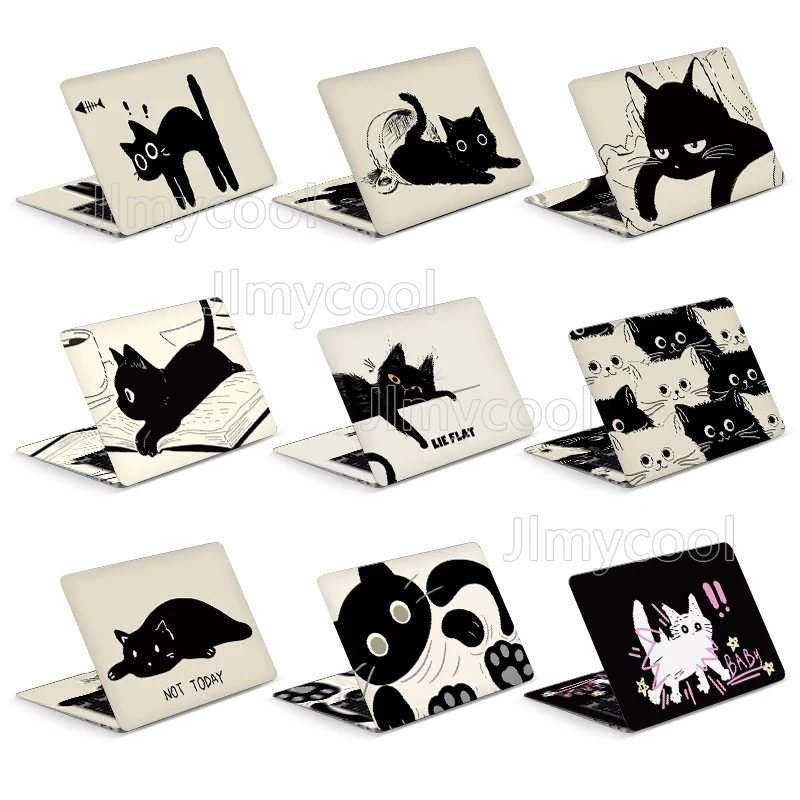
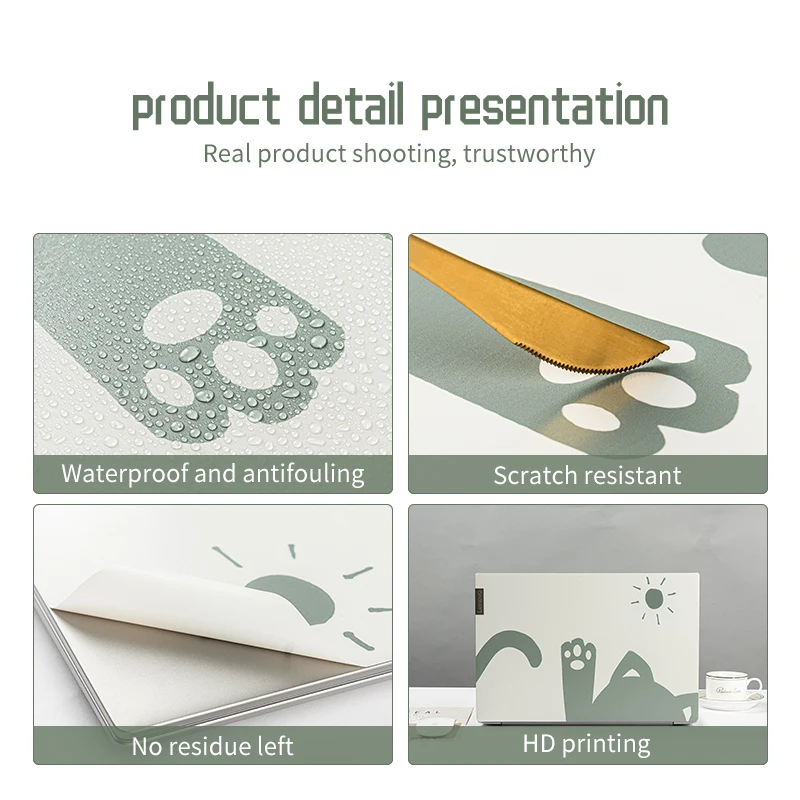
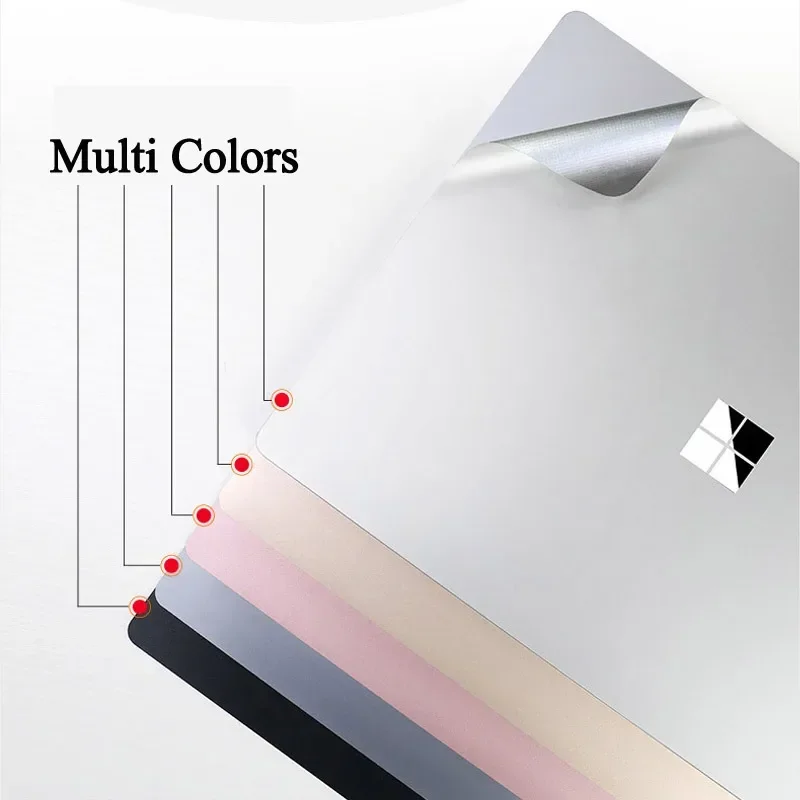
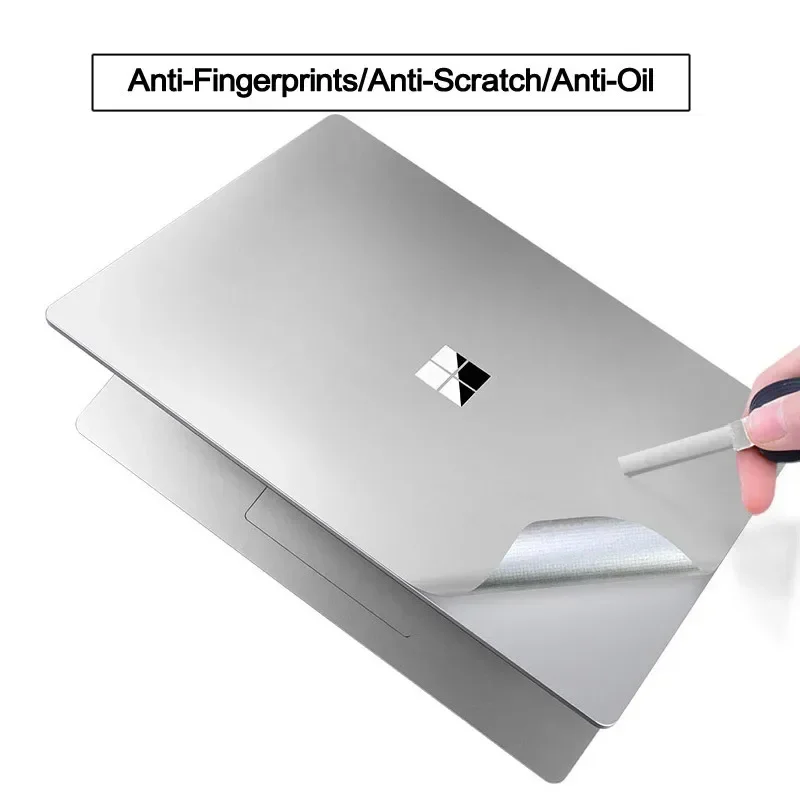
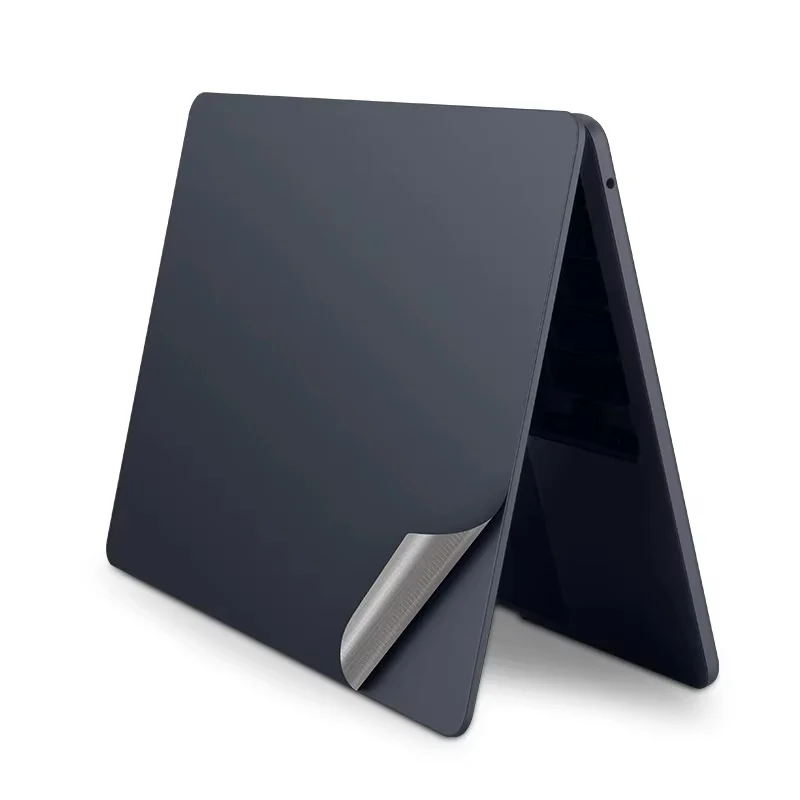
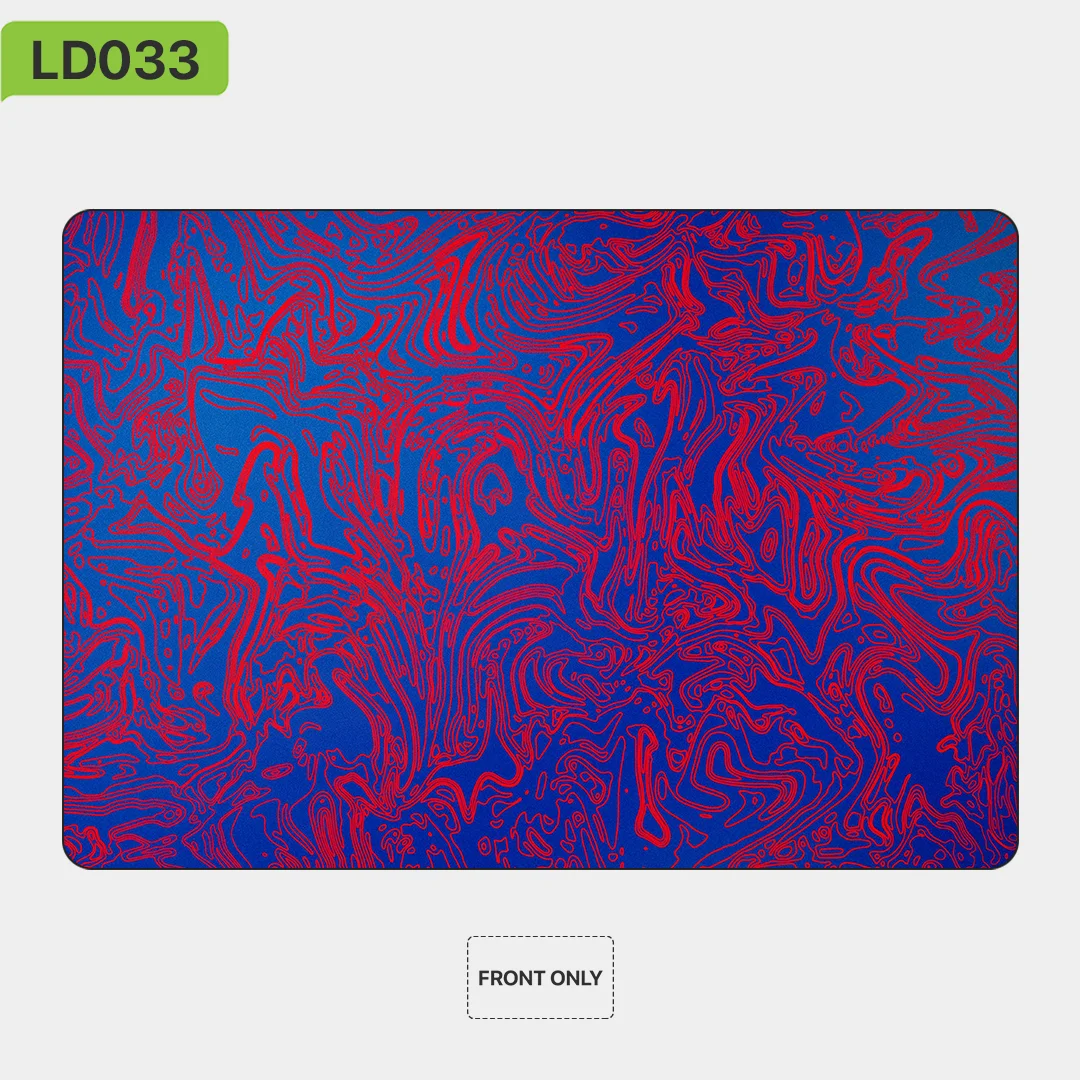
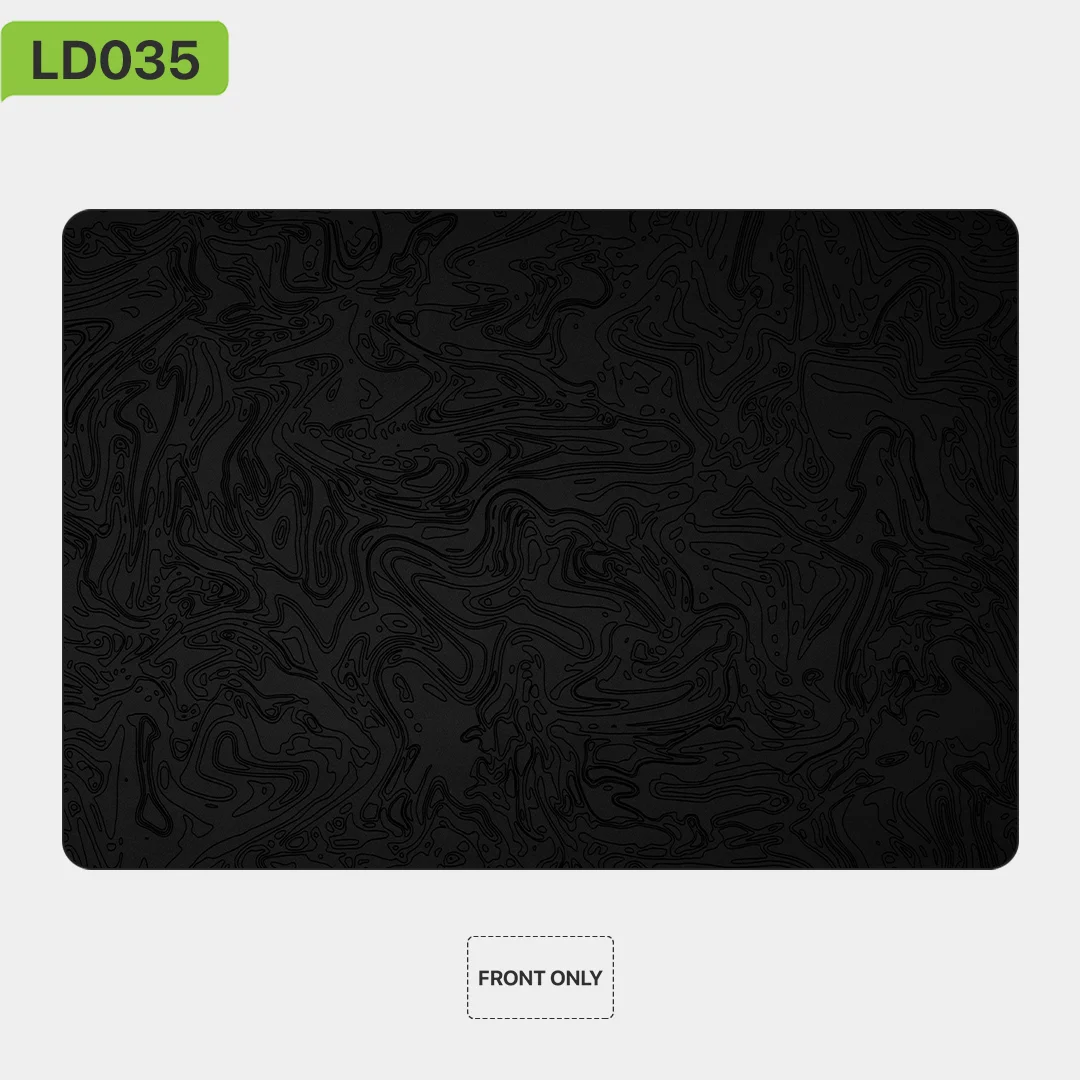
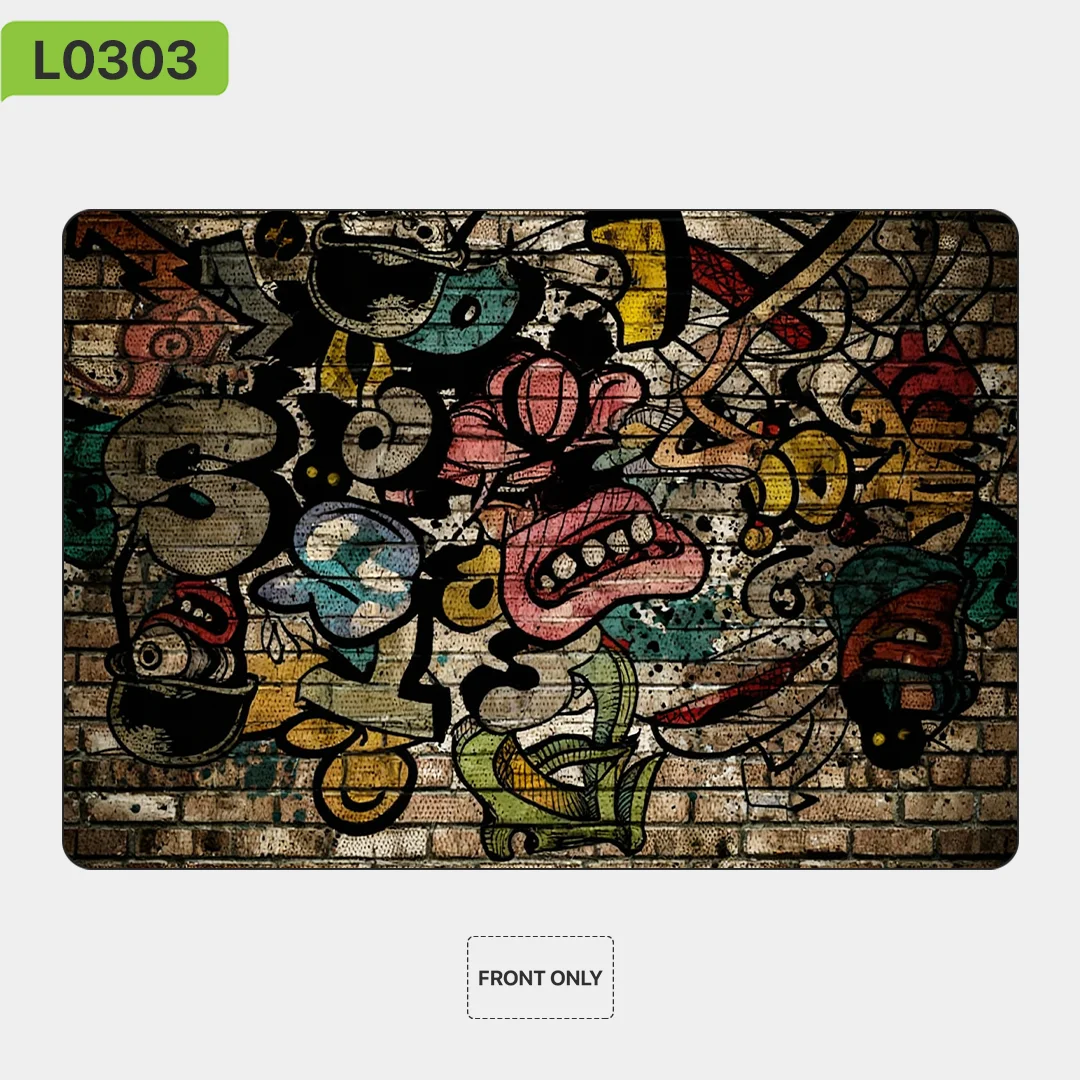
A laptop skin is a thin vinyl sticker that covers the outside of a laptop. It does two jobs. It changes the look, with colours, brushed metal, carbon fibre, leather texture, glitter or a printed picture, and it protects the finish underneath from scratches, scuffs and fingerprints. Because it is so thin, it adds no bulk and the laptop still slides into its sleeve. What a skin cannot do is soften a knock: for that you need a hard shell or a padded sleeve.
Cut for your model, or trimmed to fit
The skins here come in two kinds.
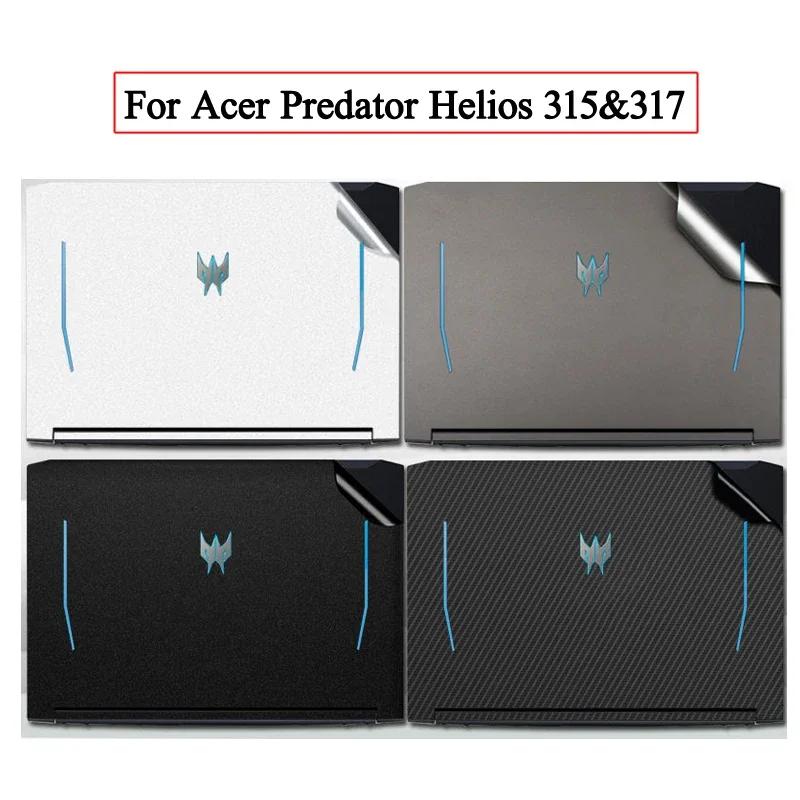
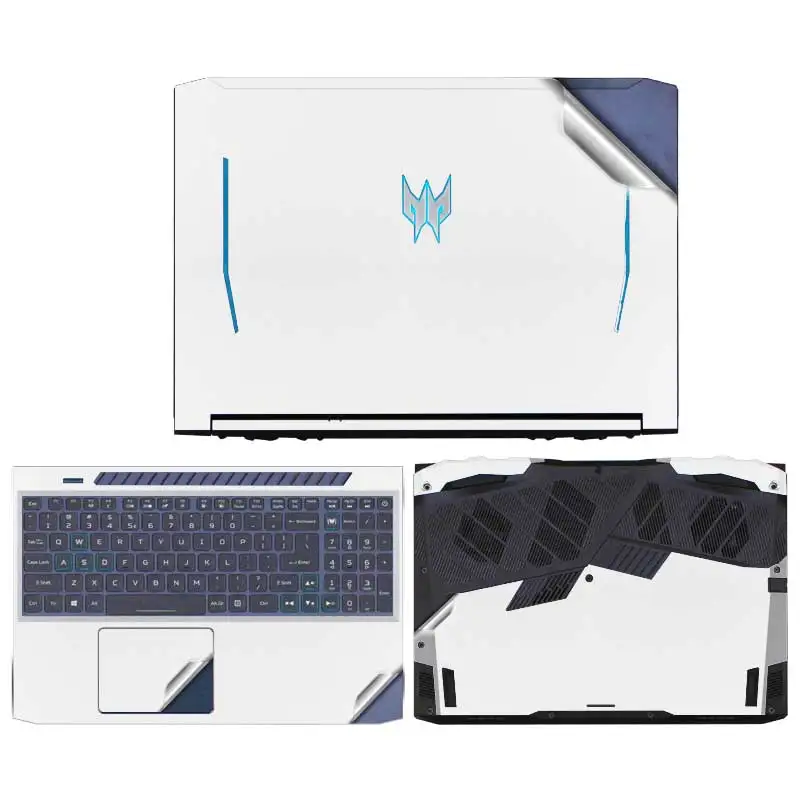
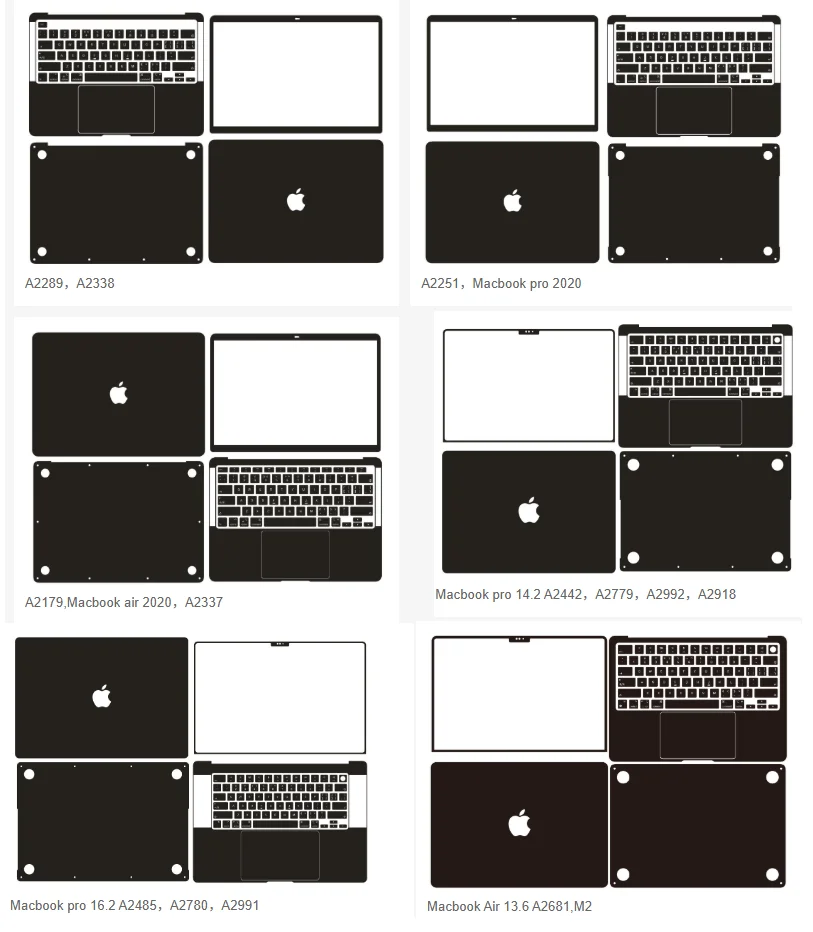
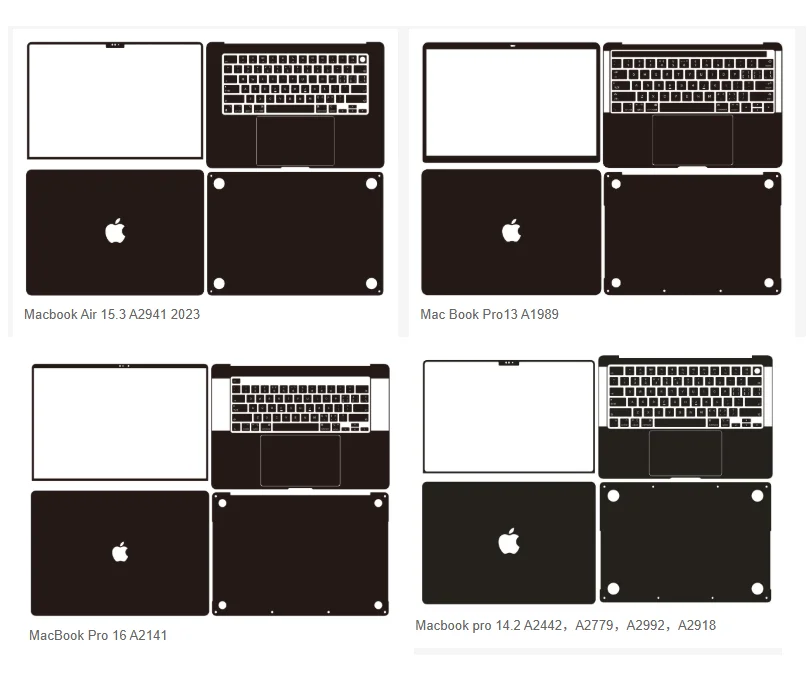
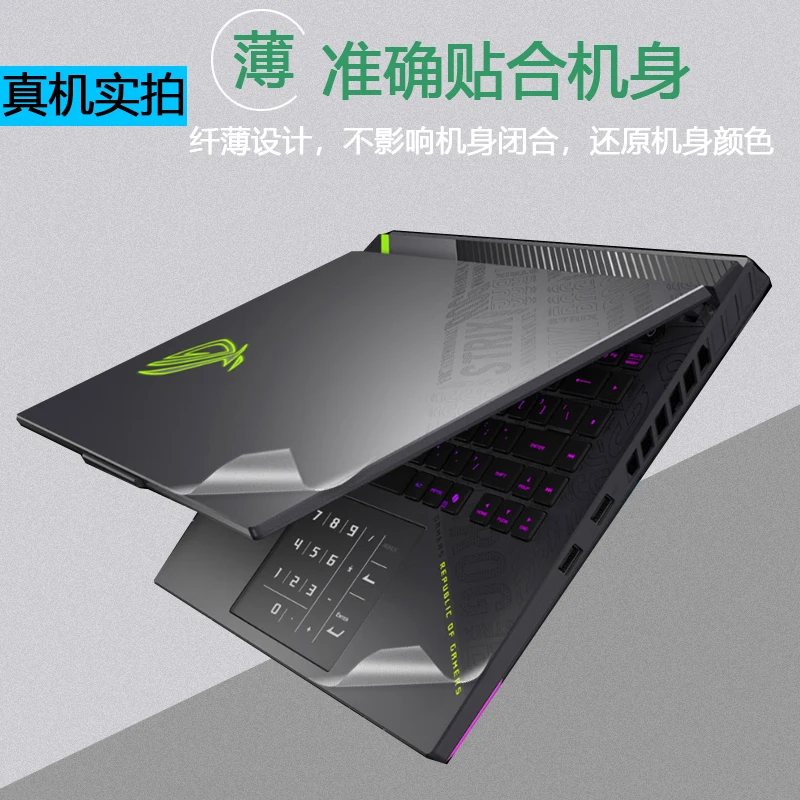
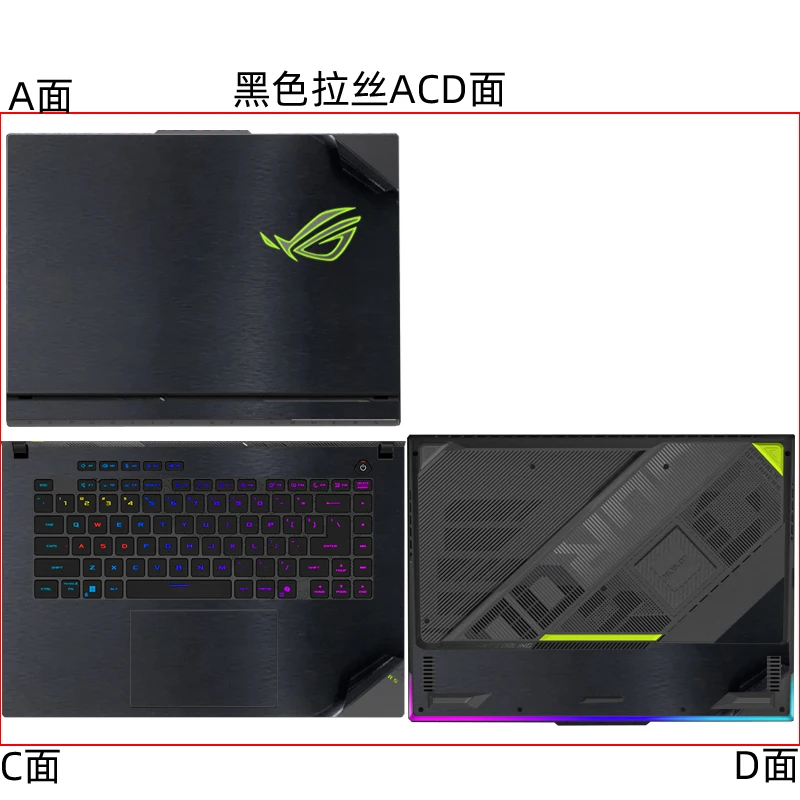
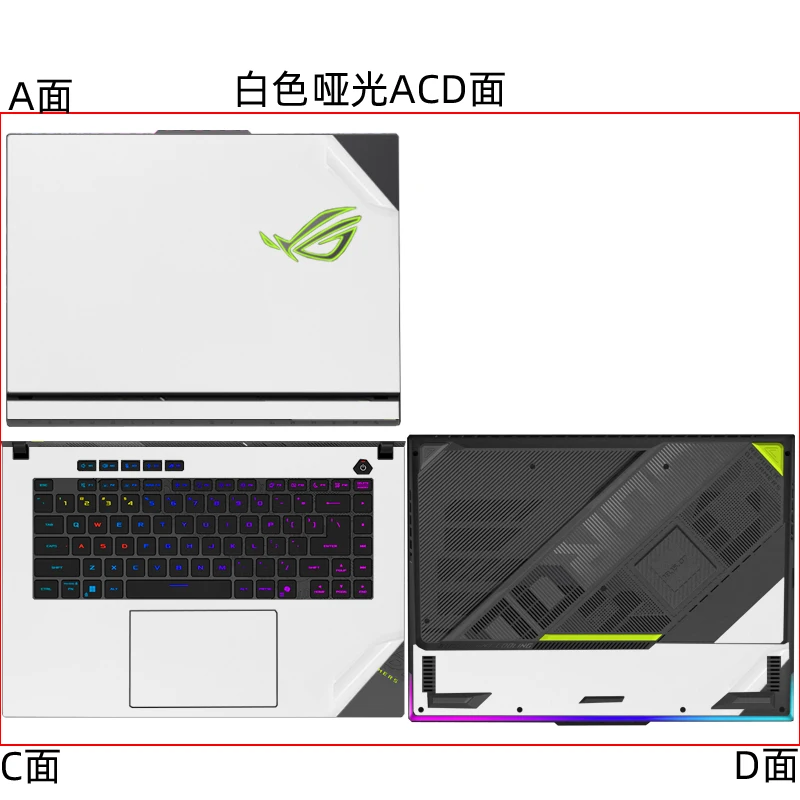
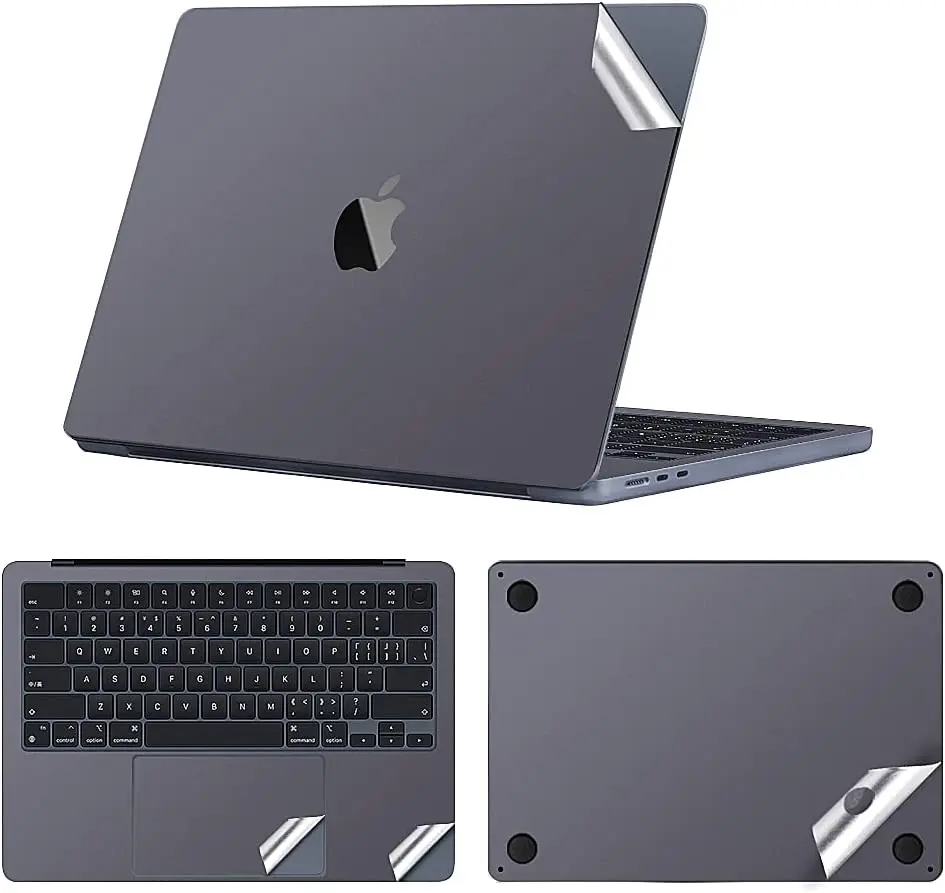
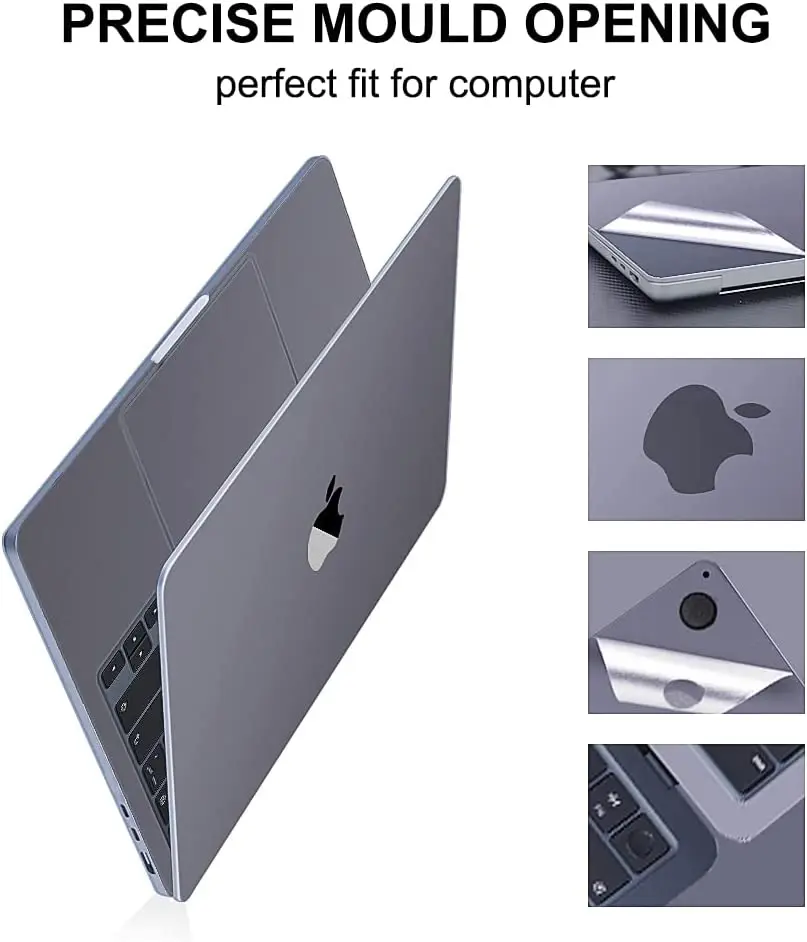
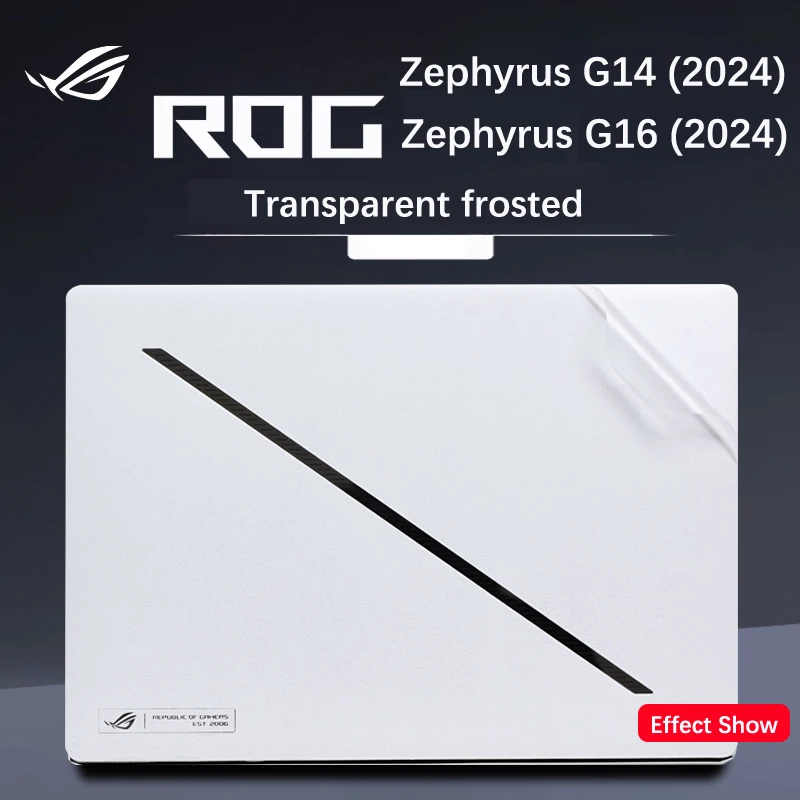
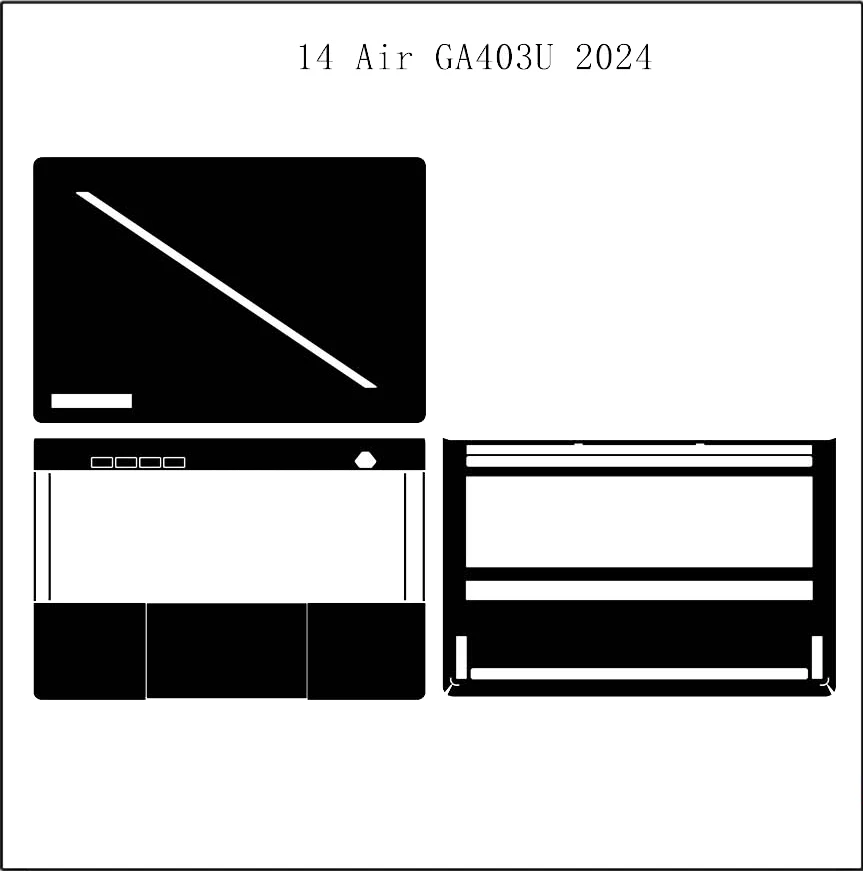
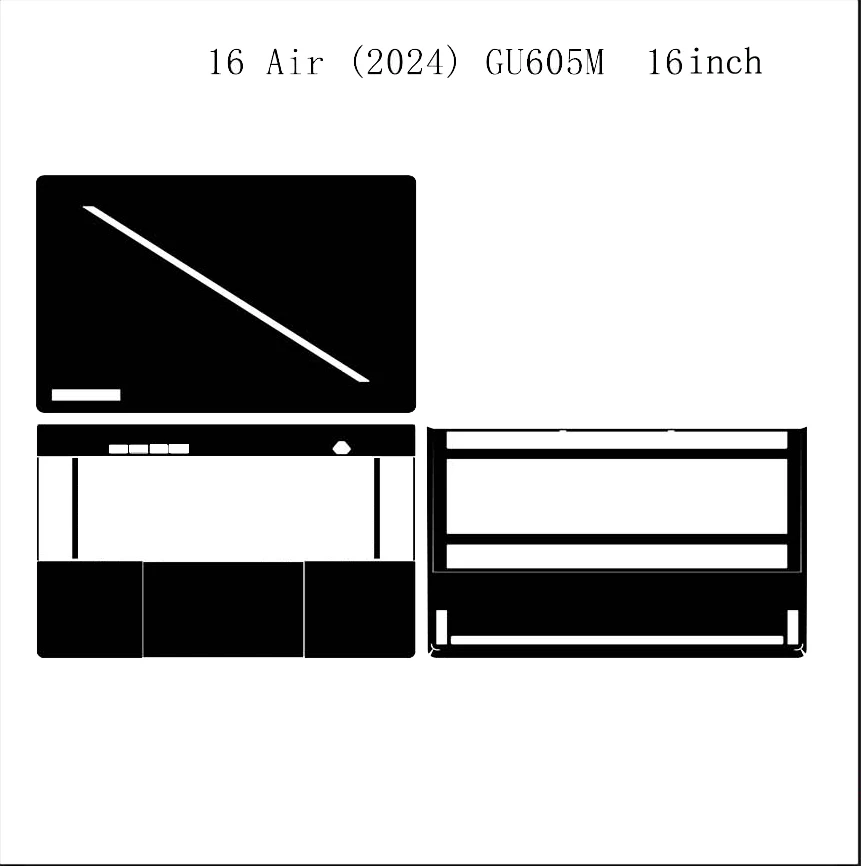
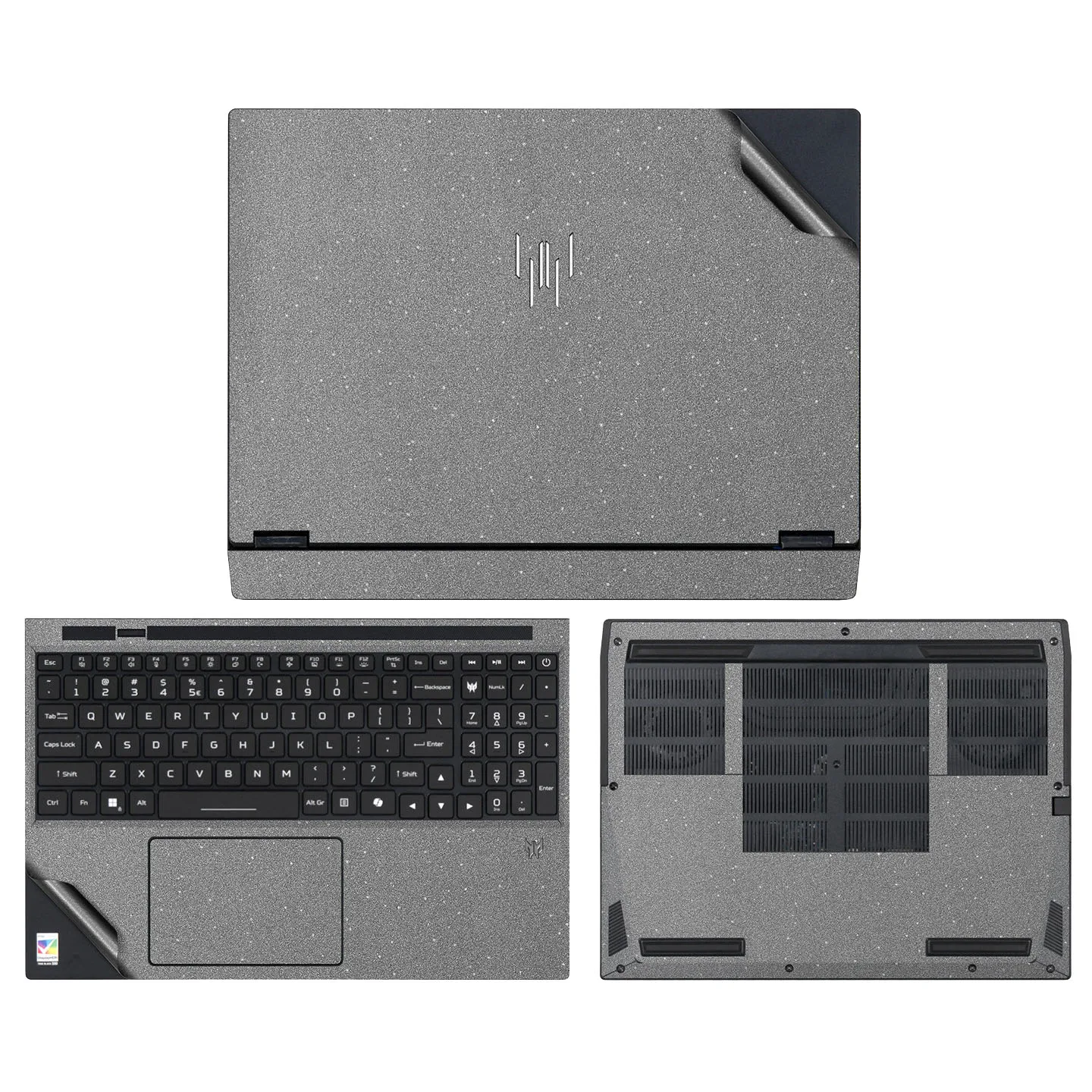
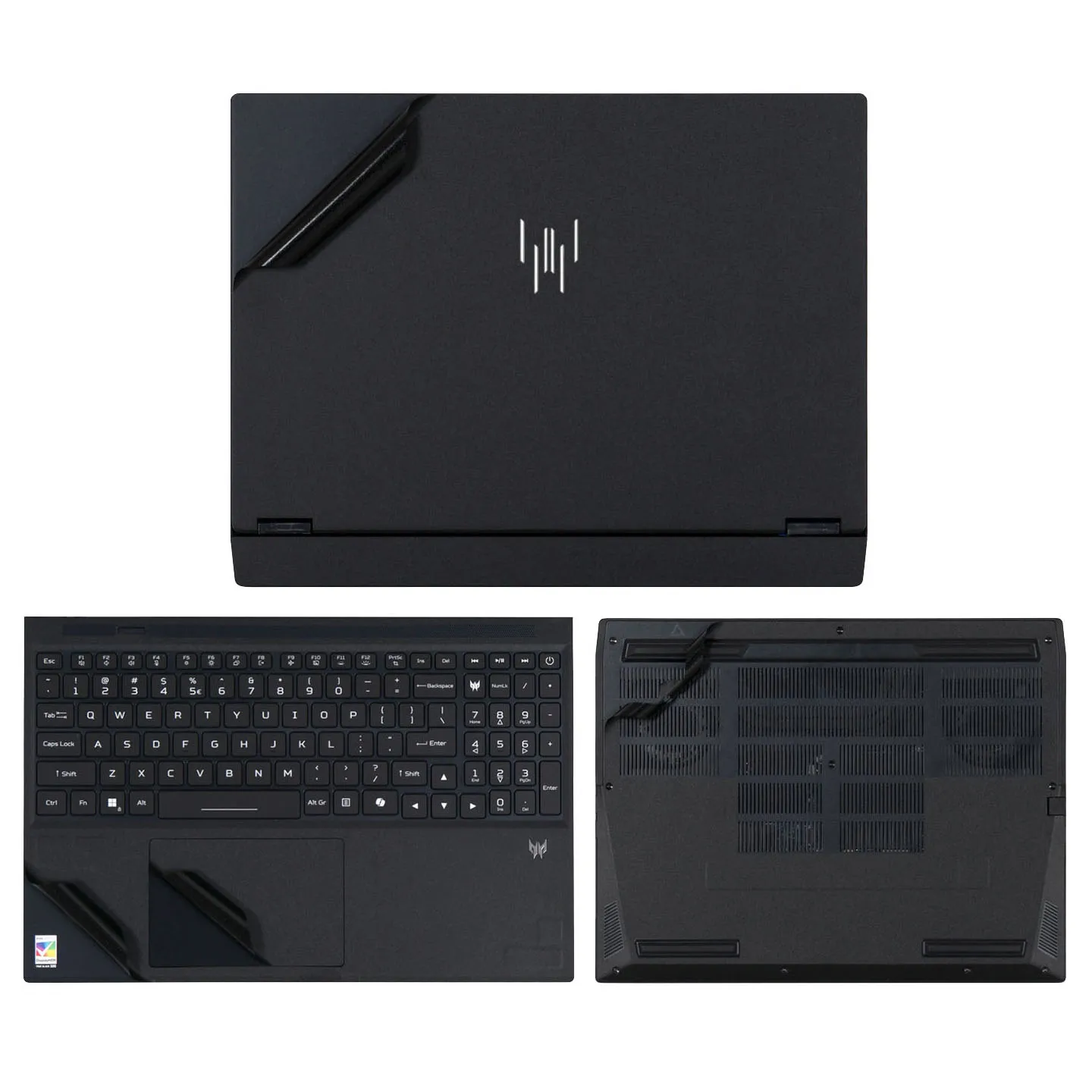
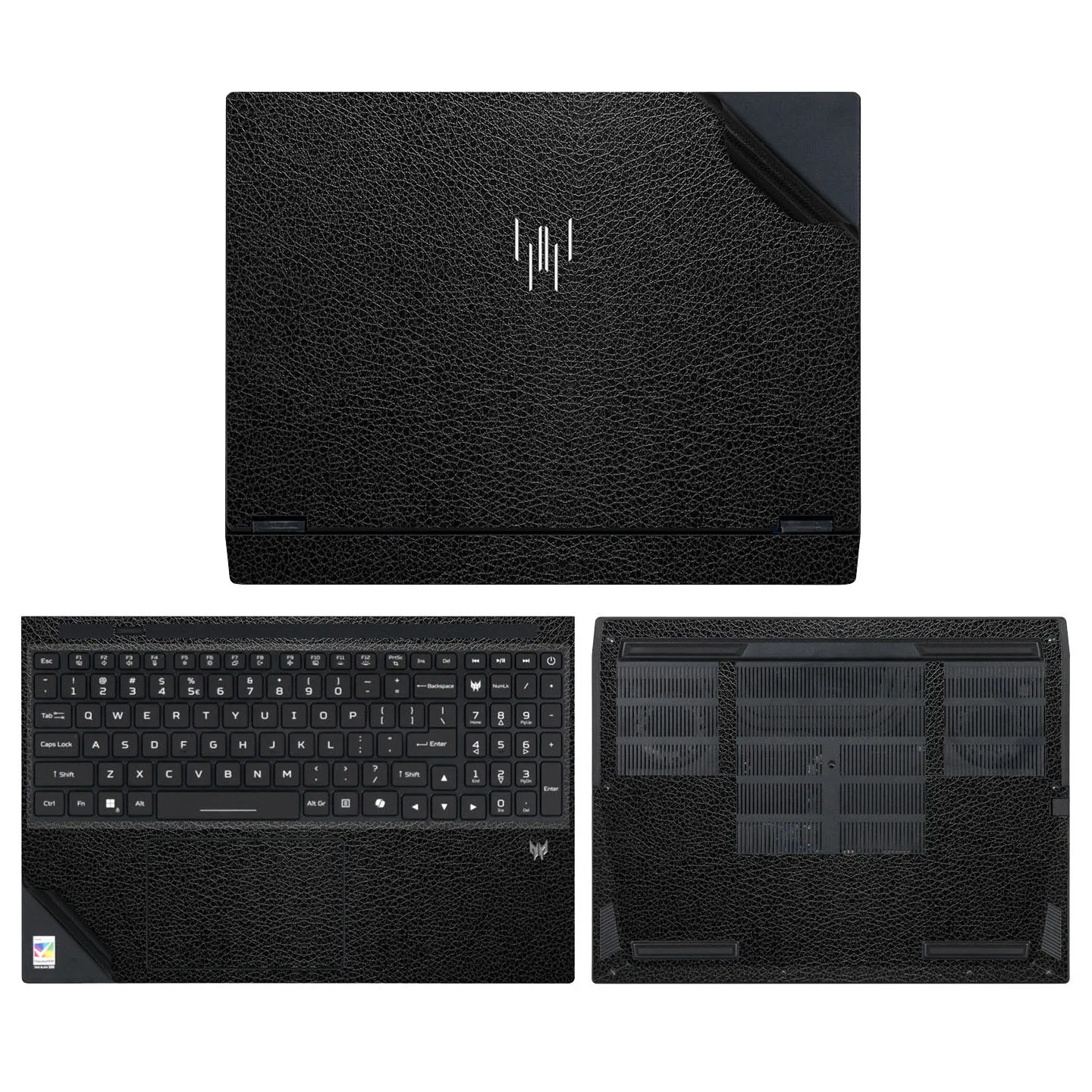
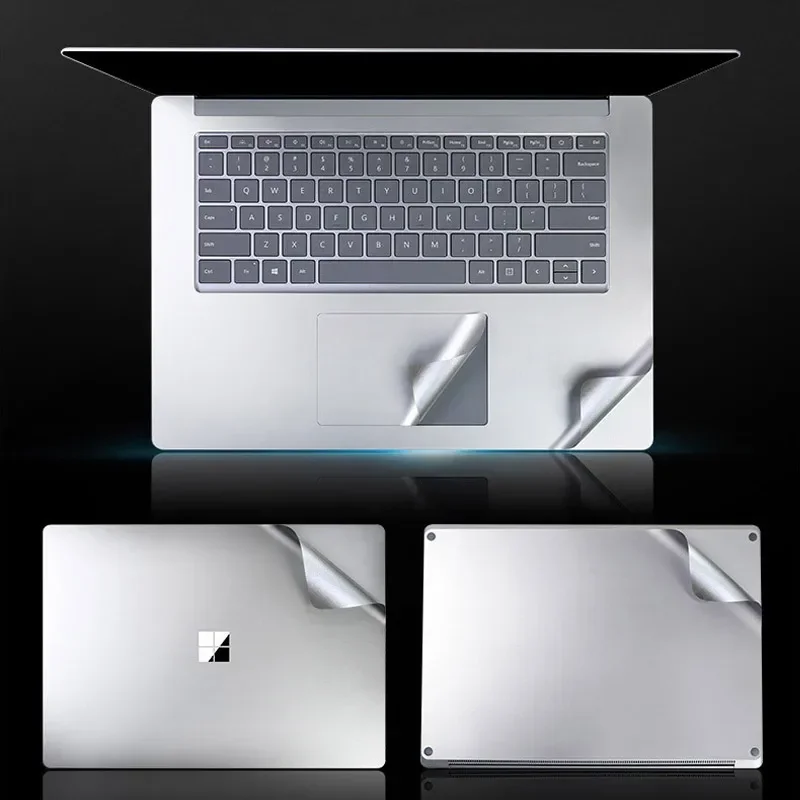
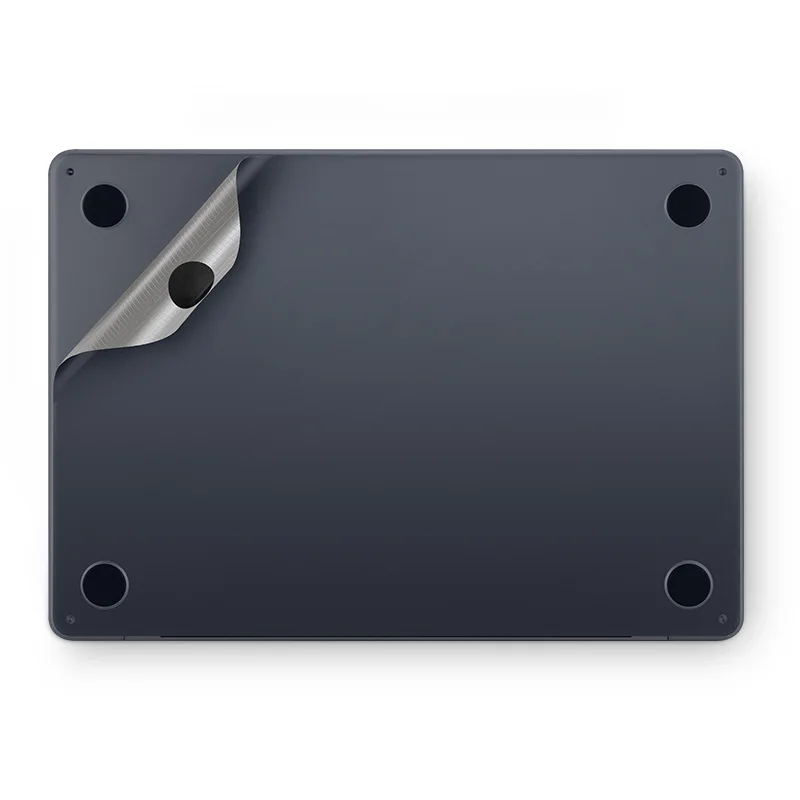
- Pre-cut skins are made for one family of laptops, with openings for the logo, the hinge, the ports and the vents already cut. There are sets for MacBook Air and MacBook Pro models, for Surface Laptop and Surface Book models, and for some Asus ROG and Acer Predator gaming laptops. The choices on each page name the model numbers they fit.
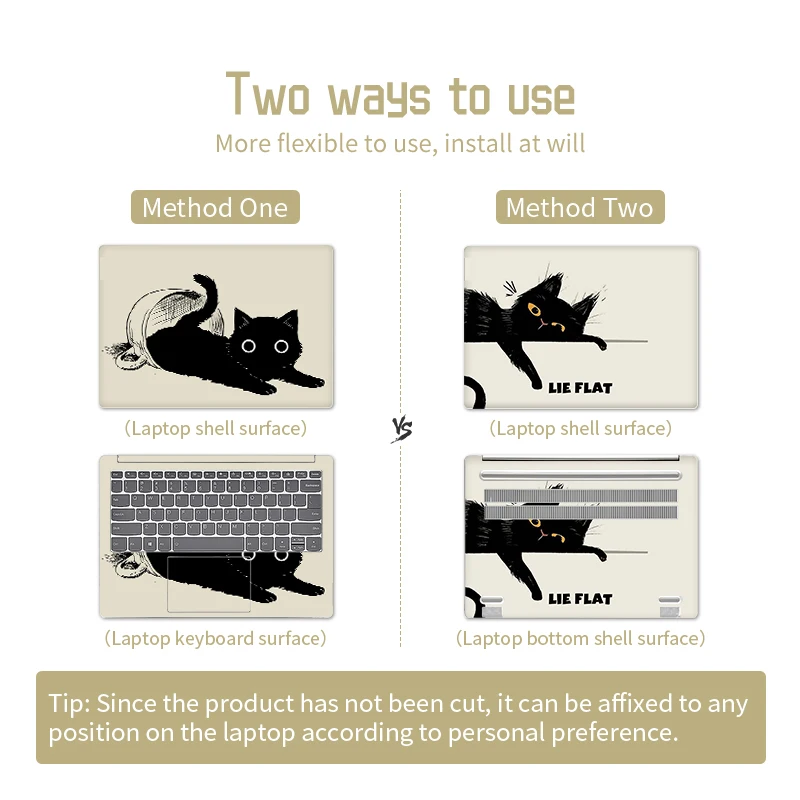
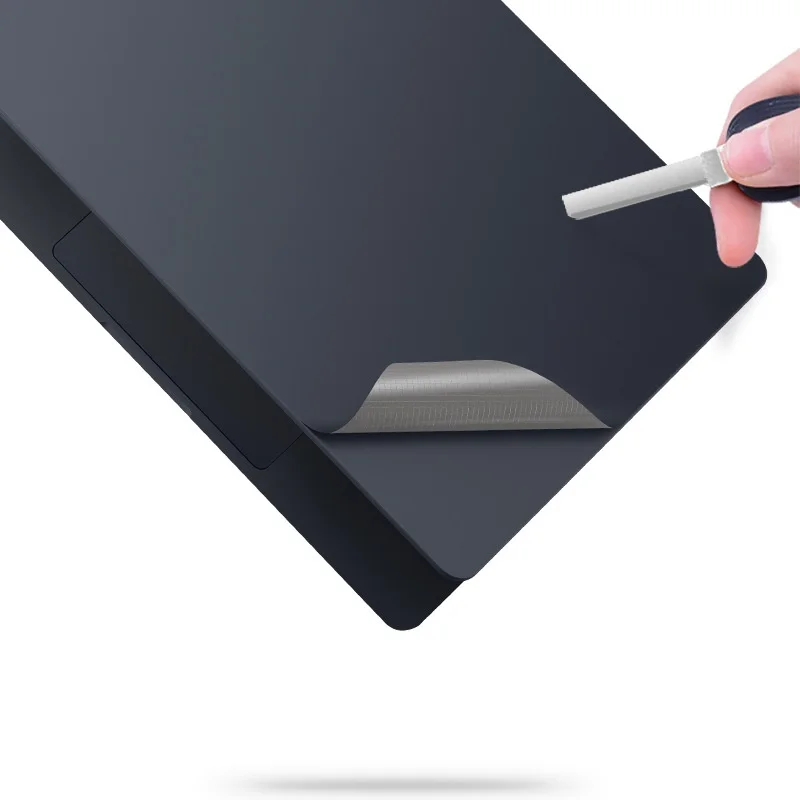
- Universal skins are large printed sheets, around 27cm by 38cm, that you lay over the lid and trim to its shape with a sharp knife or scissors. They suit laptops no pre-cut skin is made for.
The A, C and D sides
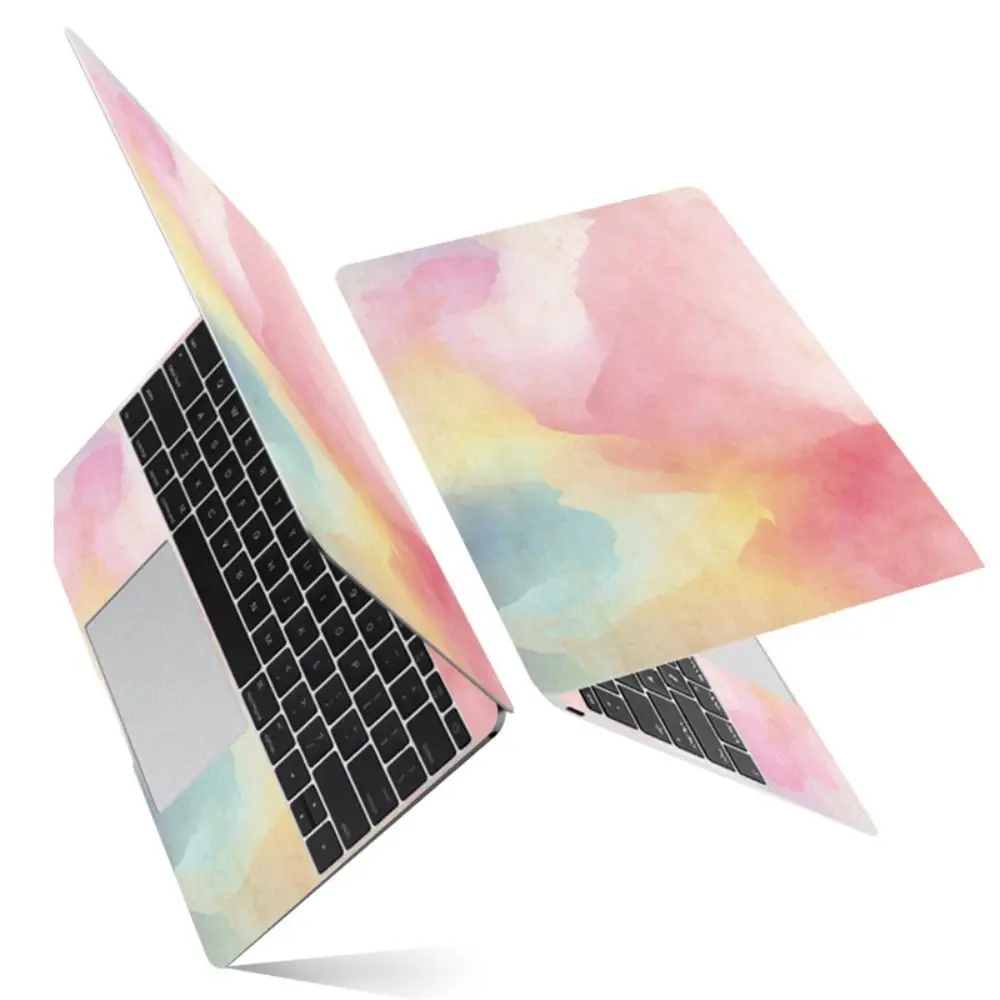
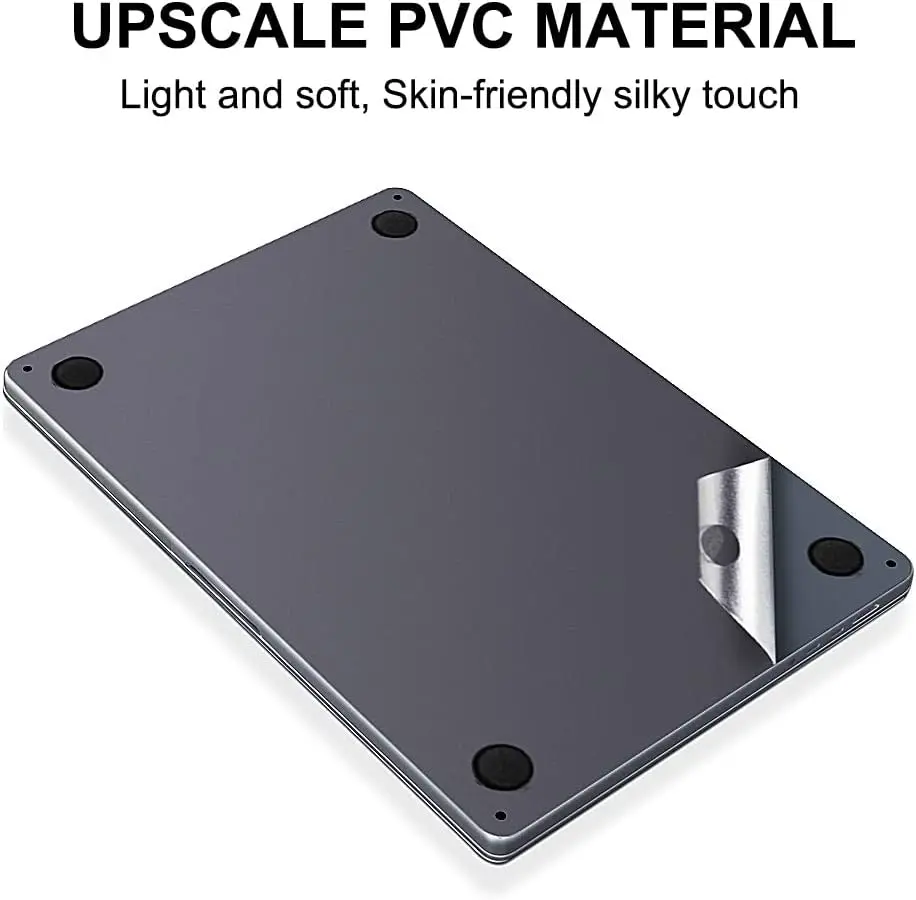
Skin makers name the parts of a laptop by letter. A is the lid, the outside you see when it is closed. C is the area round the keyboard where your wrists rest. D is the base underneath. B, the frame round the screen, is not covered by the sets here. Some sets here cover the lid alone, others the lid and the base, and the fullest cover the lid, the palm rest, the trackpad and the base together. Read which pieces come in the set before you choose.
Fitting a skin
Switch the laptop off, then wipe the surface with a soft cloth that is barely damp with water, and let it dry. Line the skin up along one edge, peel back a little of the backing and smooth it from the middle outwards. Never cover the air vents: a blocked vent makes the laptop run hotter. Before you cover the base, note the serial number printed there.
Questions people ask about laptop skins
Will a skin damage my laptop when I take it off?
The makers of the skins here describe them as removable without residue. Peel slowly, and if one resists, warm it gently first. Skins left for months in hot sun are the likeliest to leave a sticky film.
Do skins cover the logo?
Some pre-cut skins have the logo cut out so it shows through; others cover it. The product pictures show which.
How do I find my laptop's model number?
Look on the box, the order confirmation or the label on the underside. The skin's choices list the numbers it fits.
More to look at