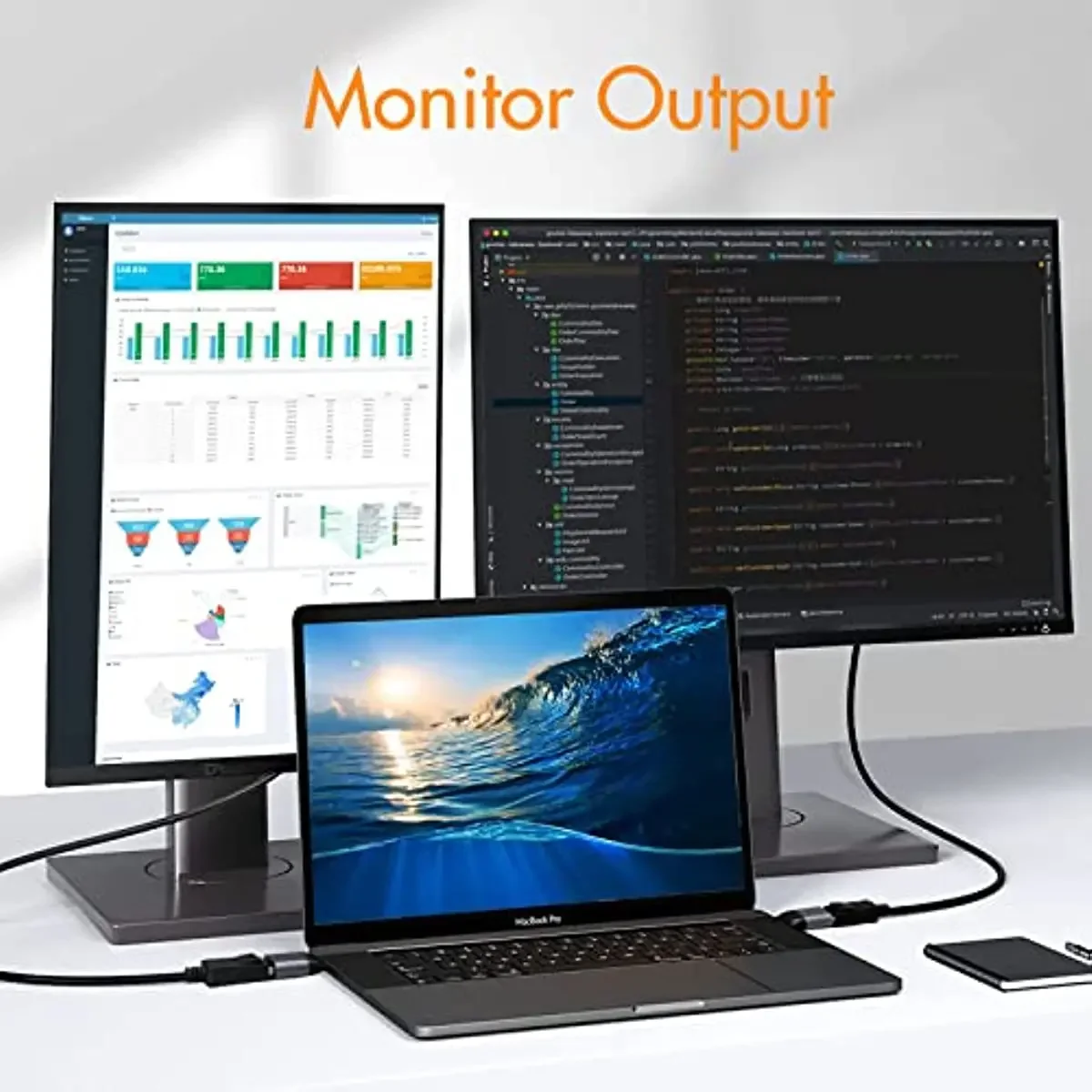
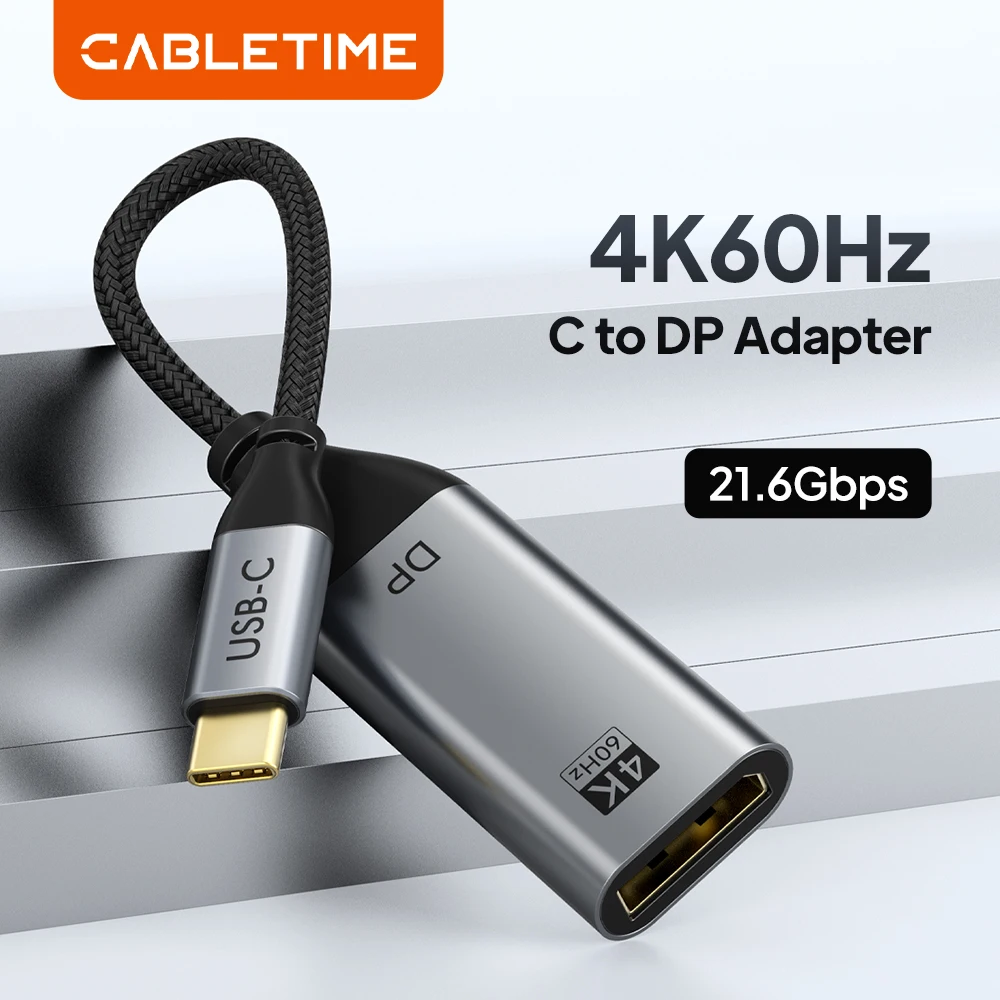
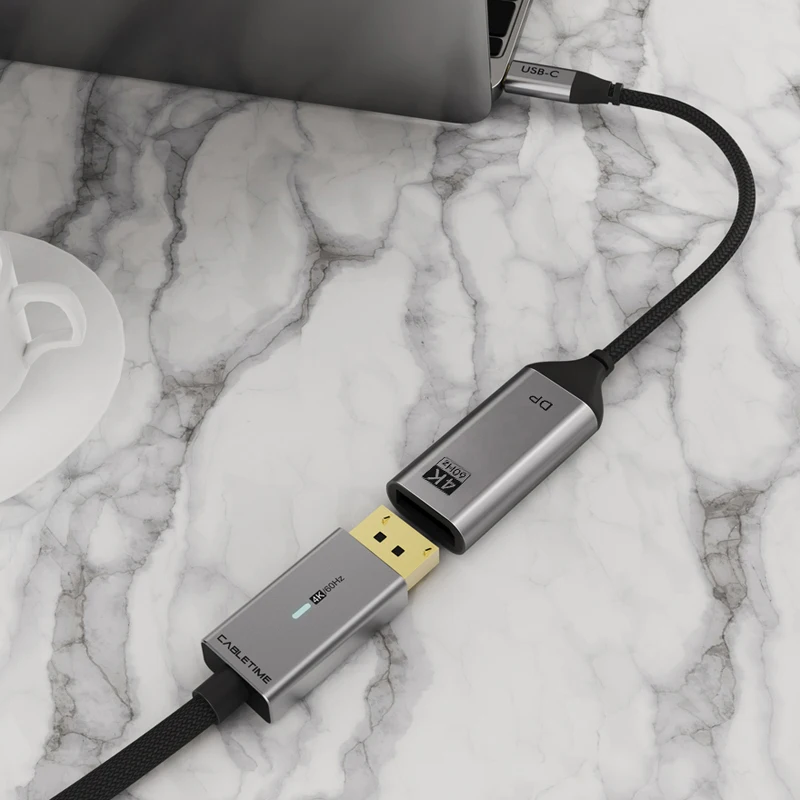
For monitors with a DisplayPort input
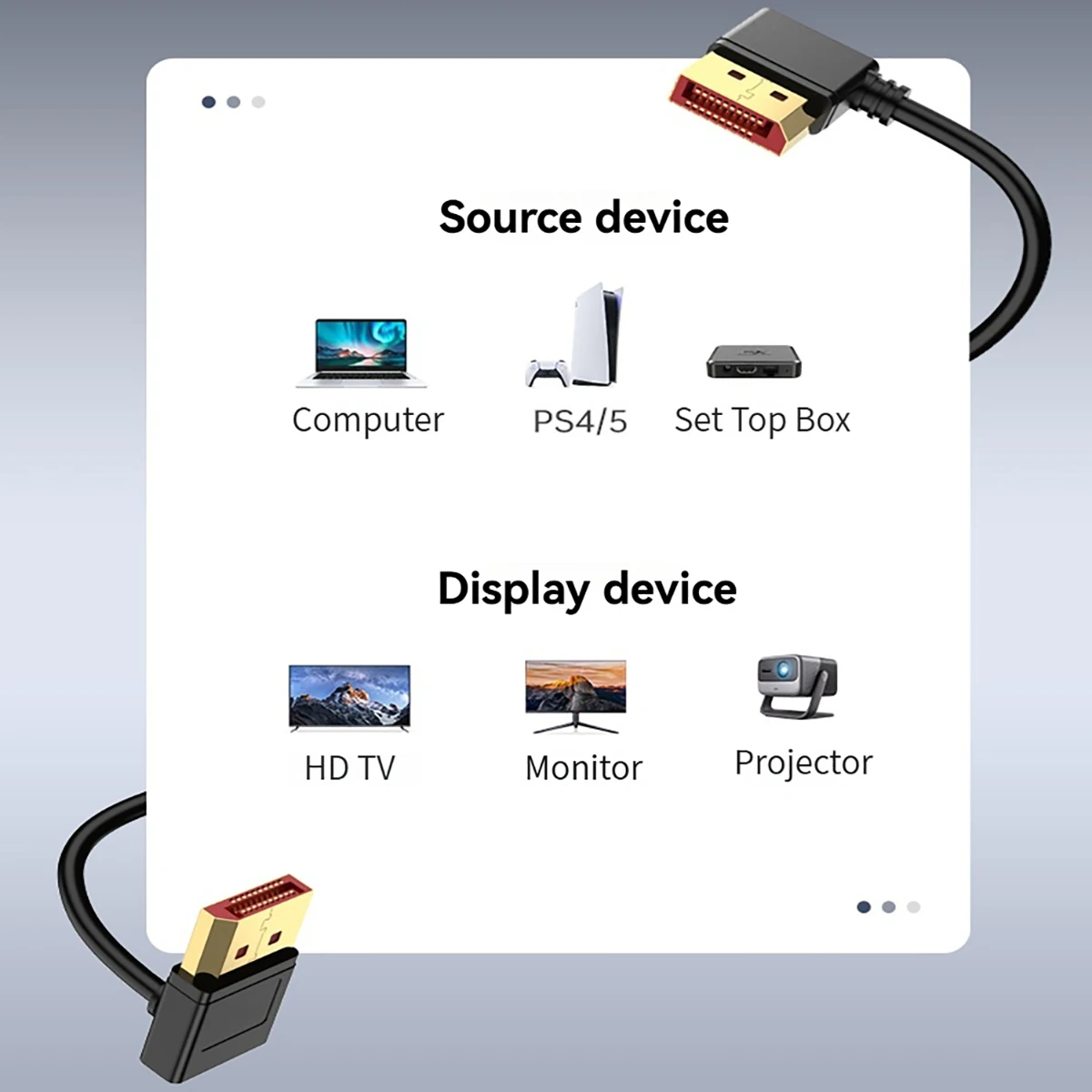
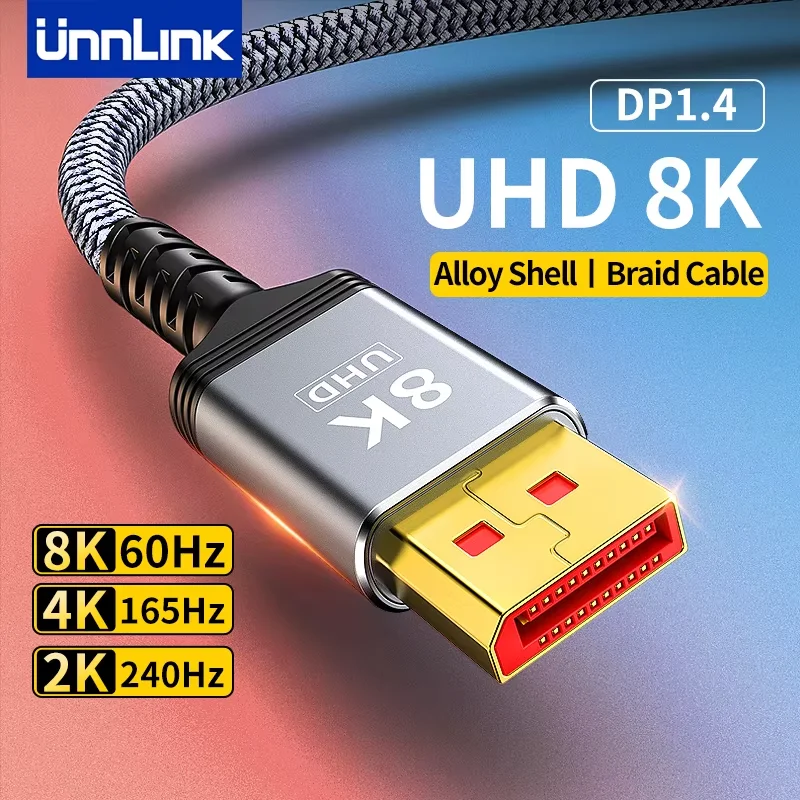
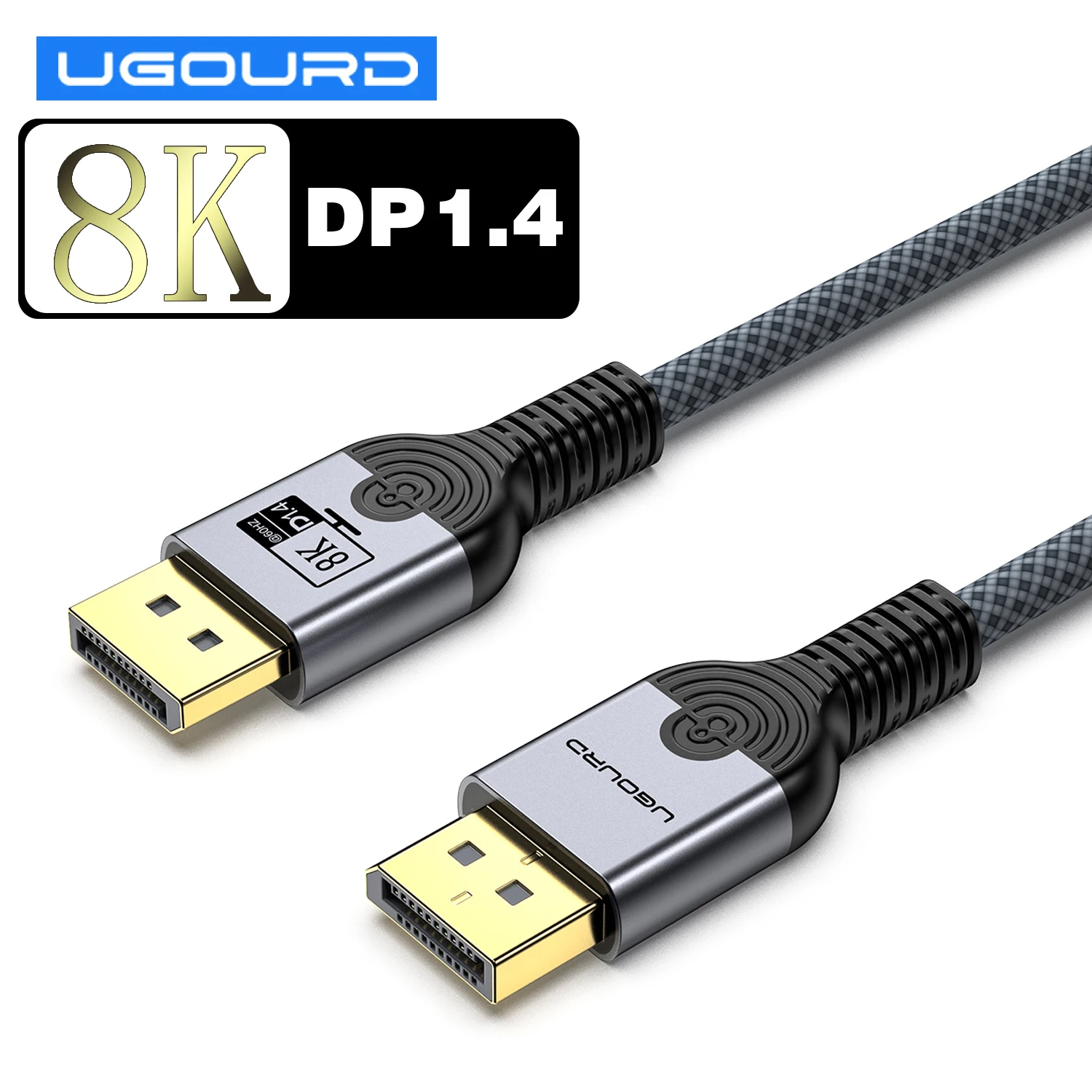
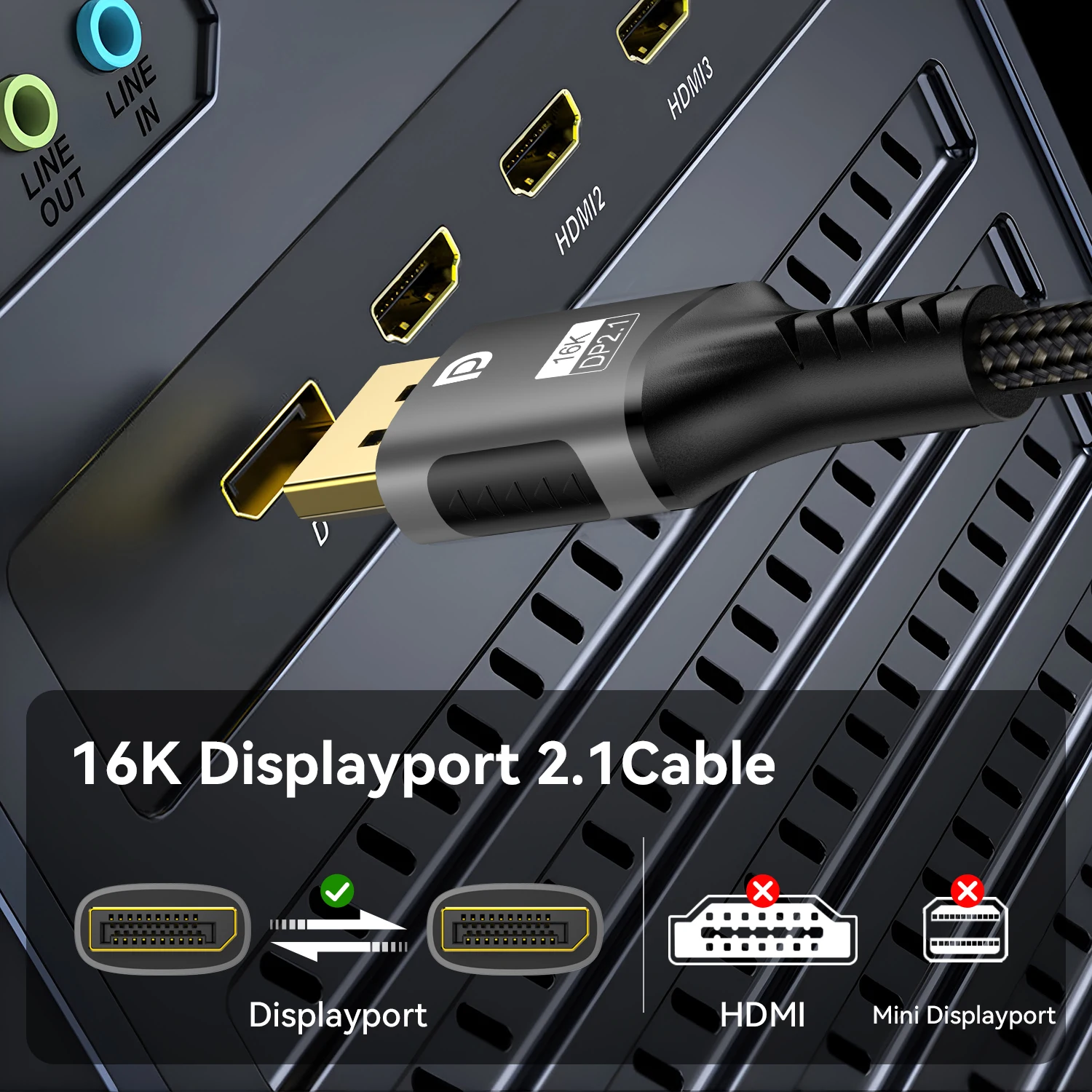
DisplayPort is the video connector made for computer monitors, set by VESA. The full-size plug has one corner cut off and a latch on many cables; Mini DisplayPort is a smaller version found on some older laptops and graphics cards. Few laptops have a full-size DisplayPort socket, but many send DisplayPort video through their USB-C ports. So a DisplayPort accessory for a laptop is usually one of two things: a cable from a dock to a monitor, or an adapter from USB-C to the monitor's DisplayPort. This page lists every product whose name, short description or choices mention DisplayPort, DP or Mini DP. It is a smaller page than HDMI, because fewer screens and laptops use it.
What is here
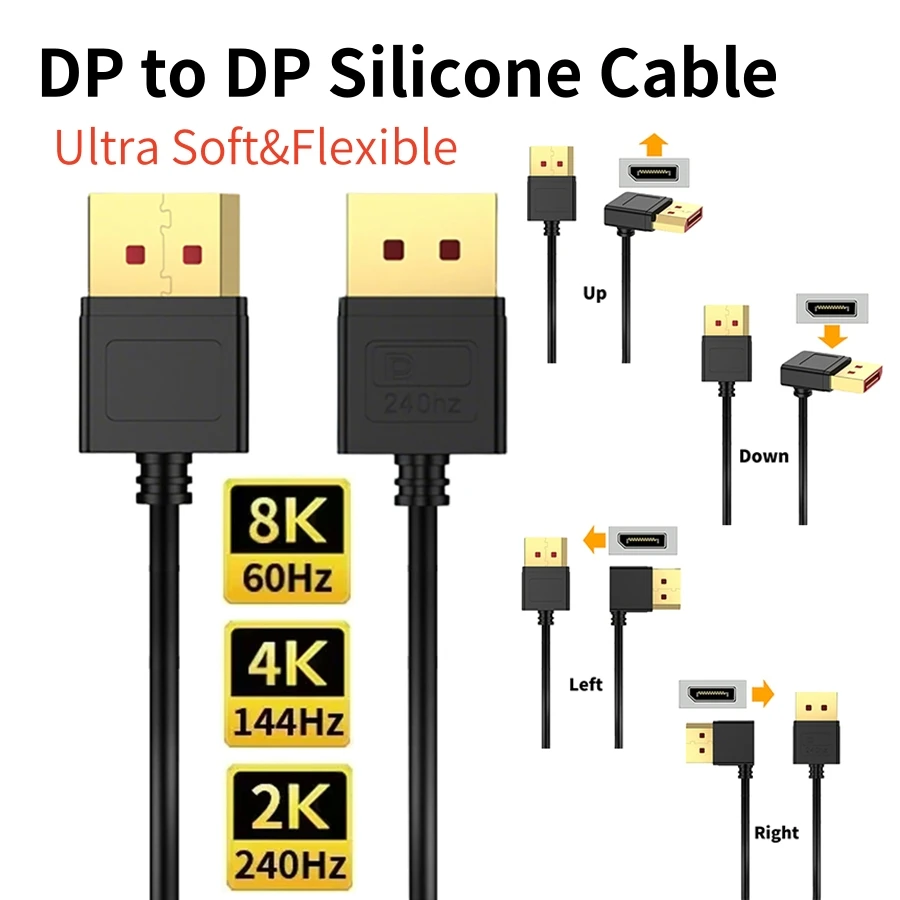
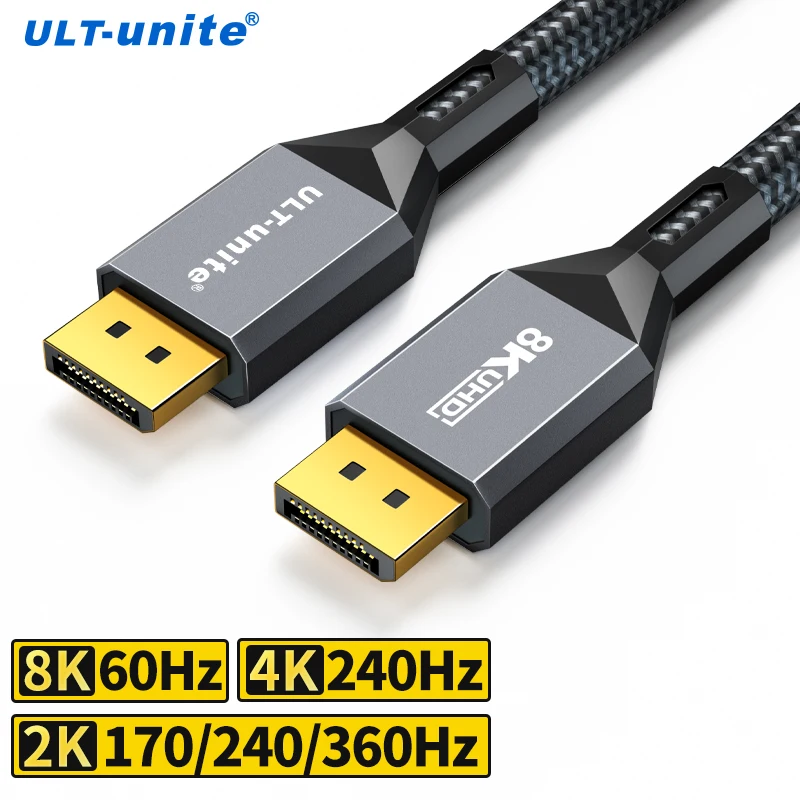
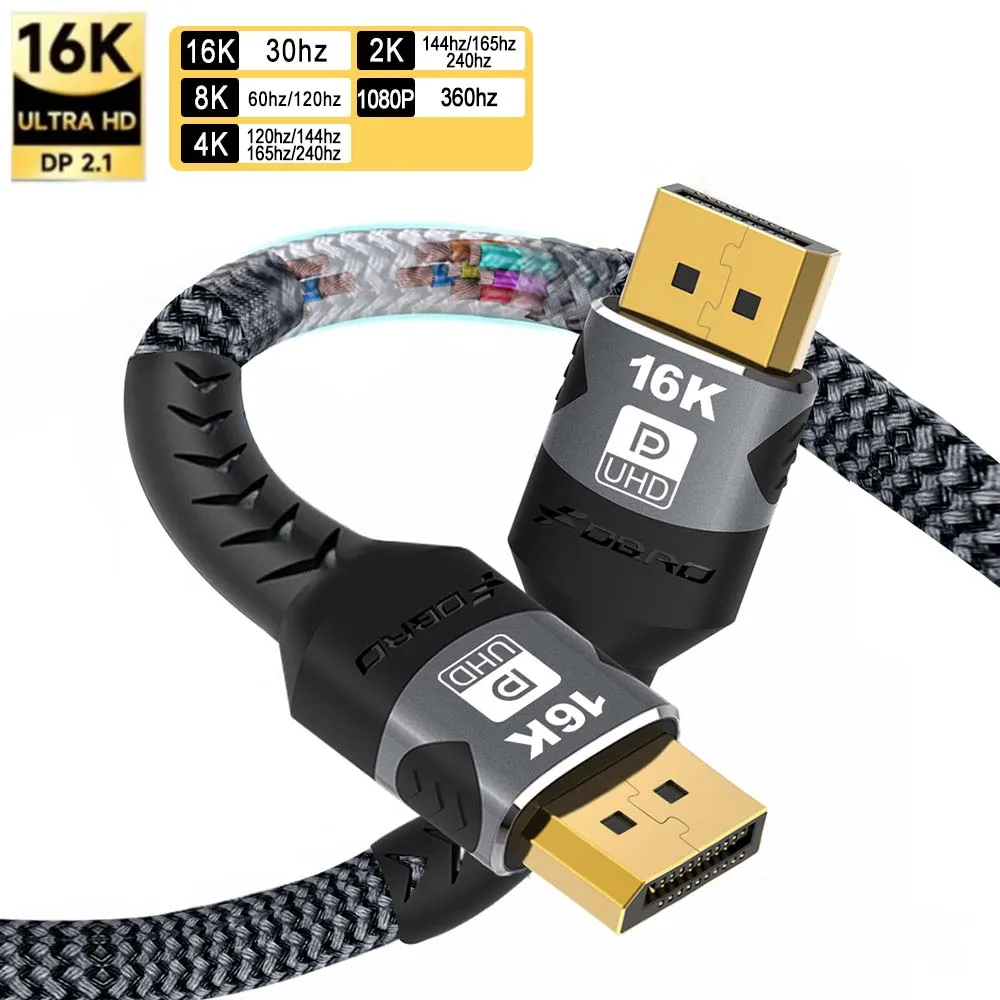
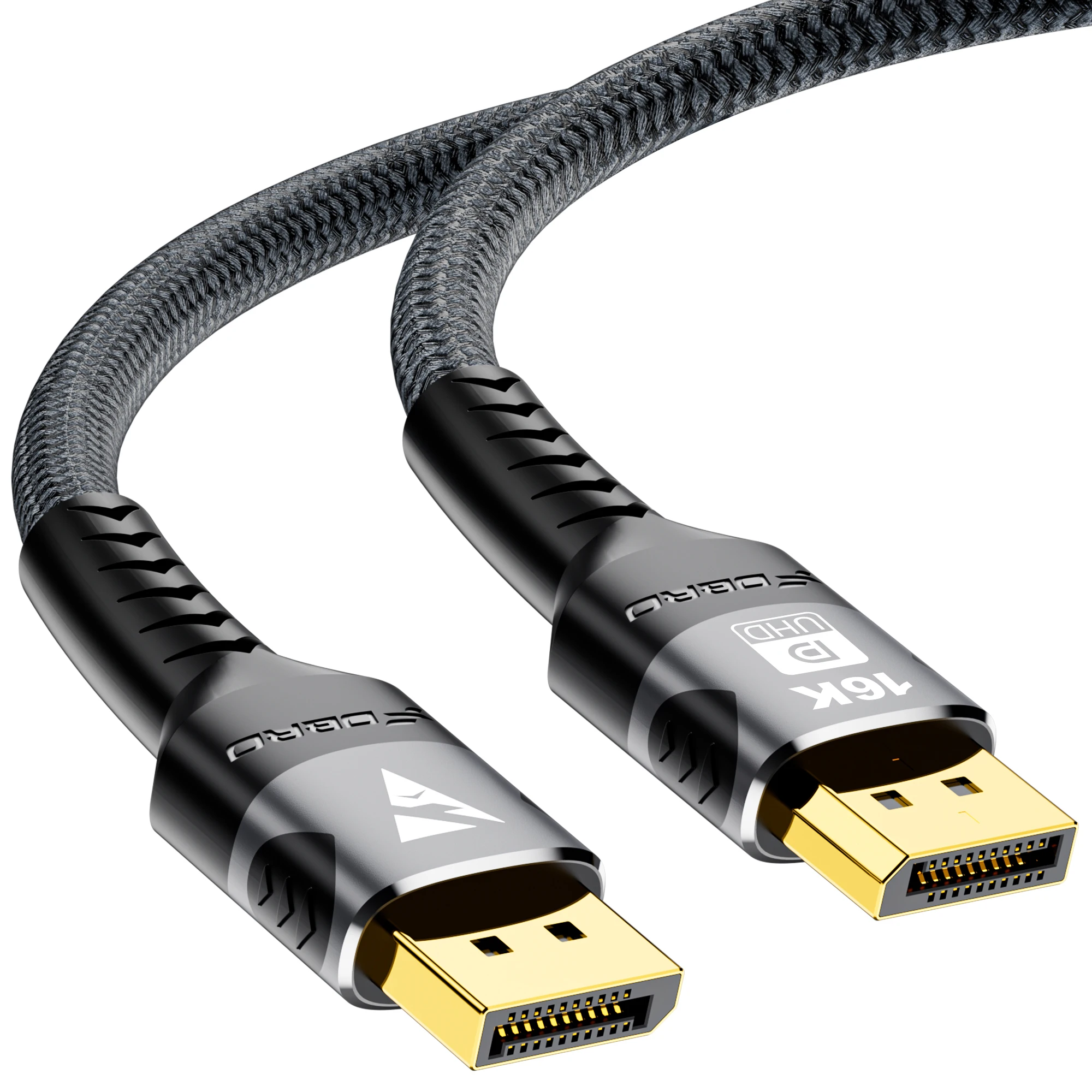
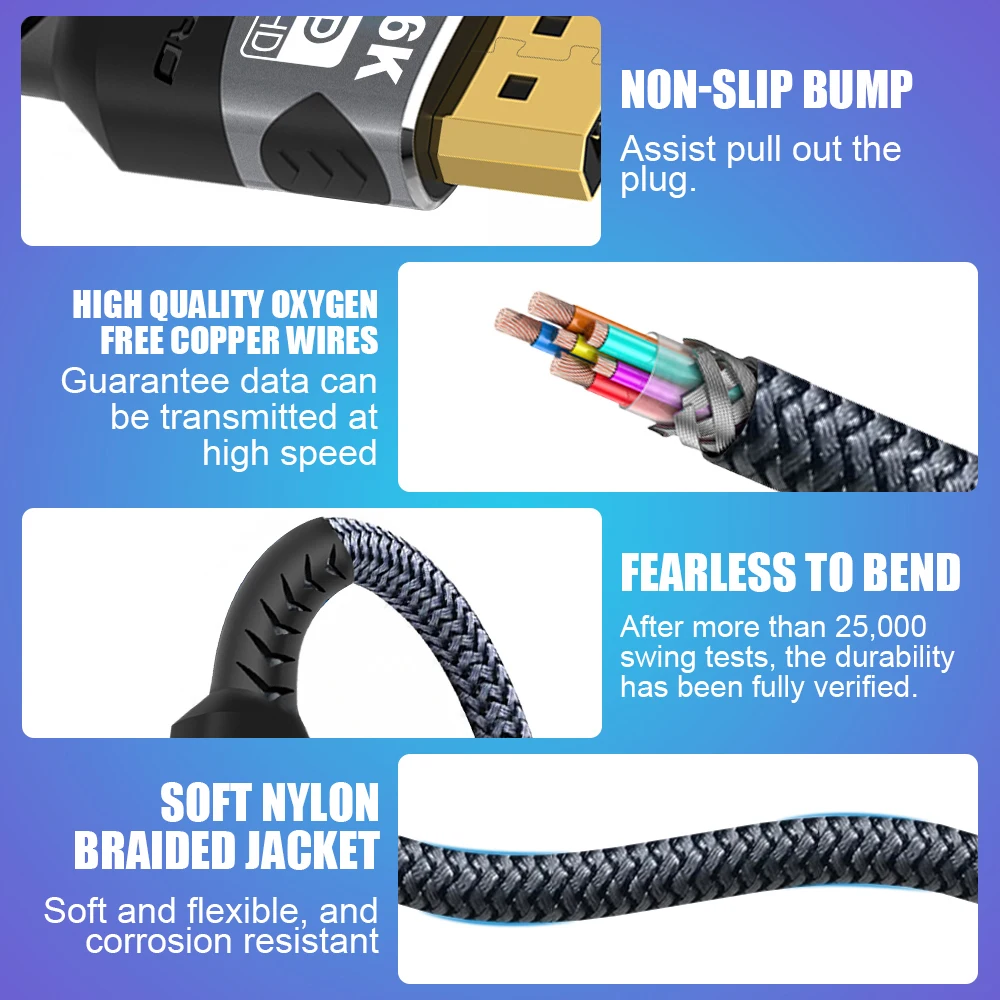
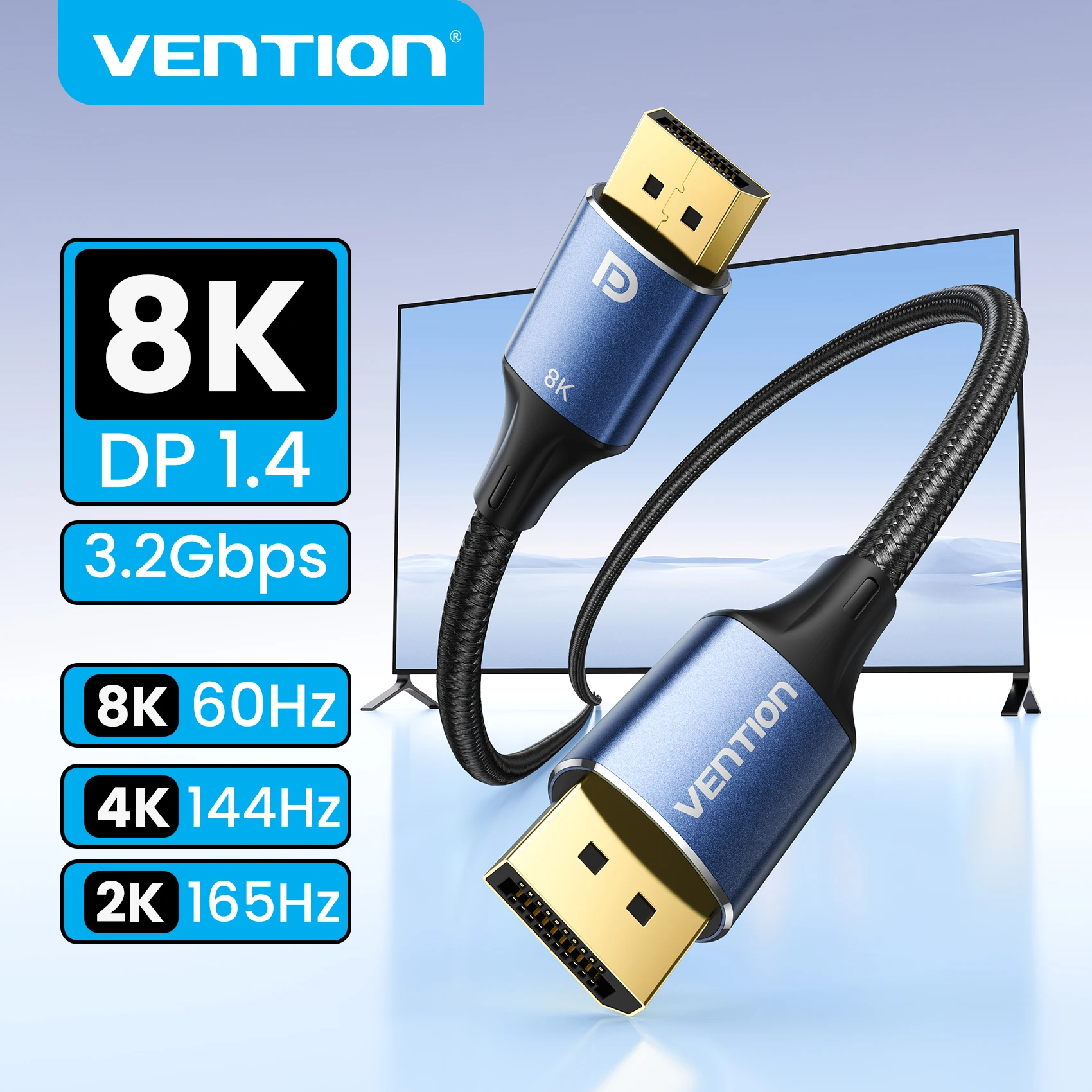
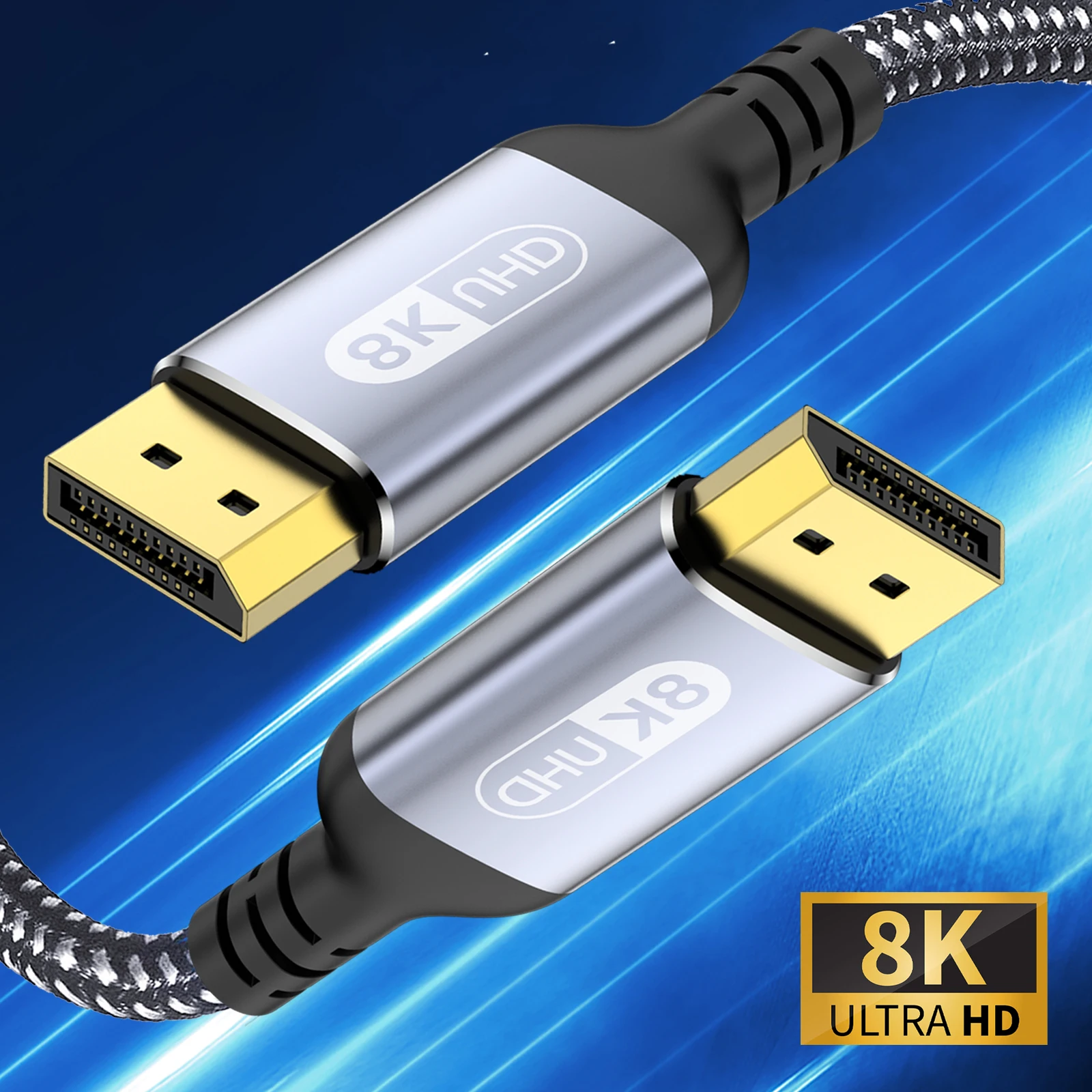
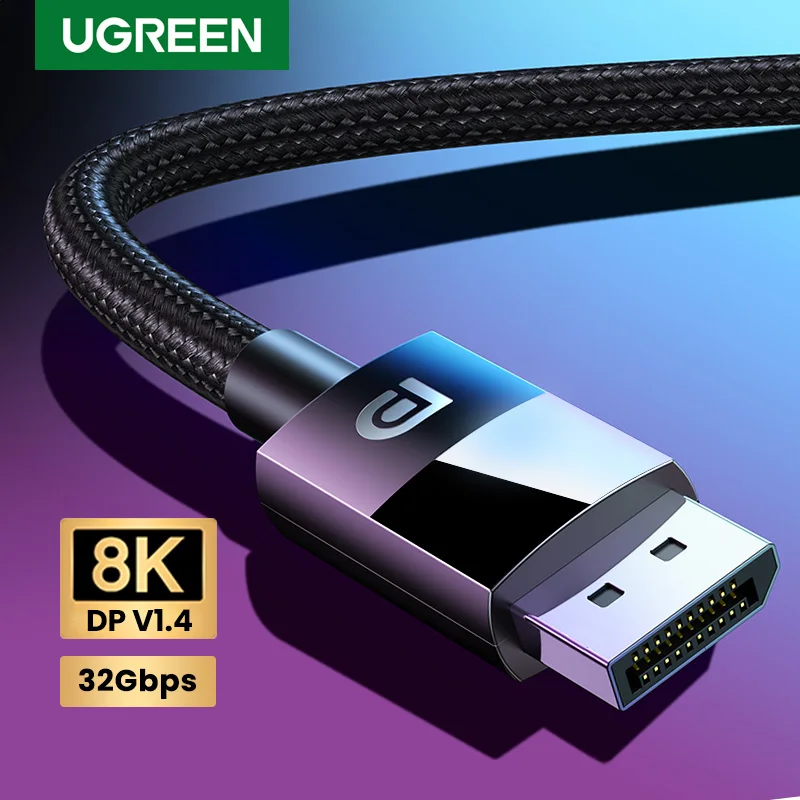
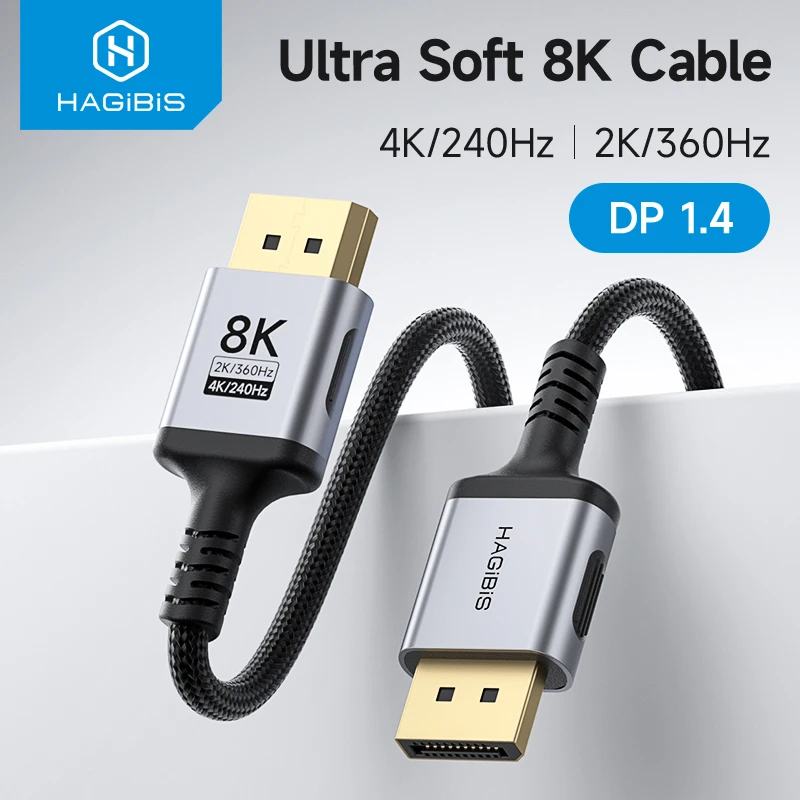
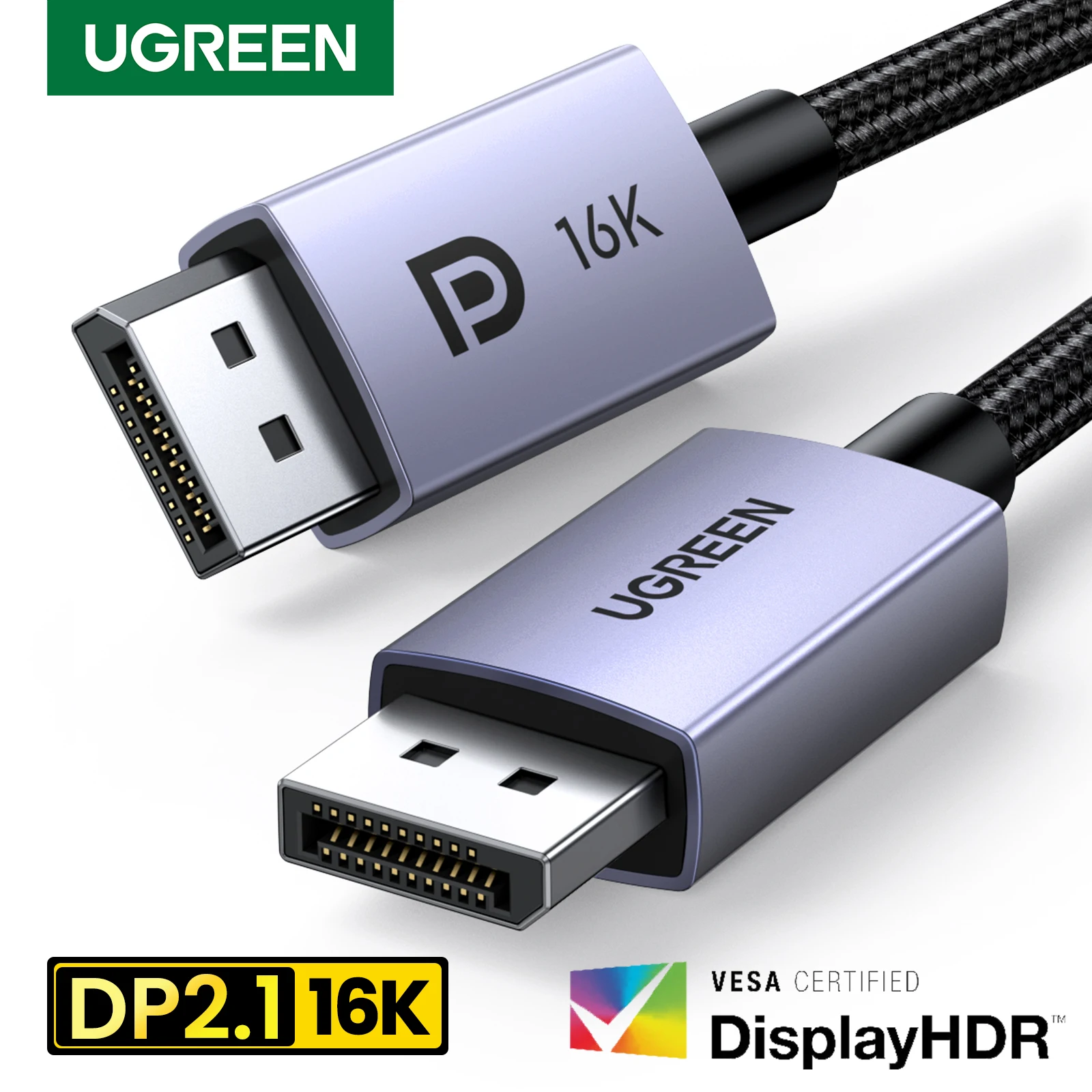
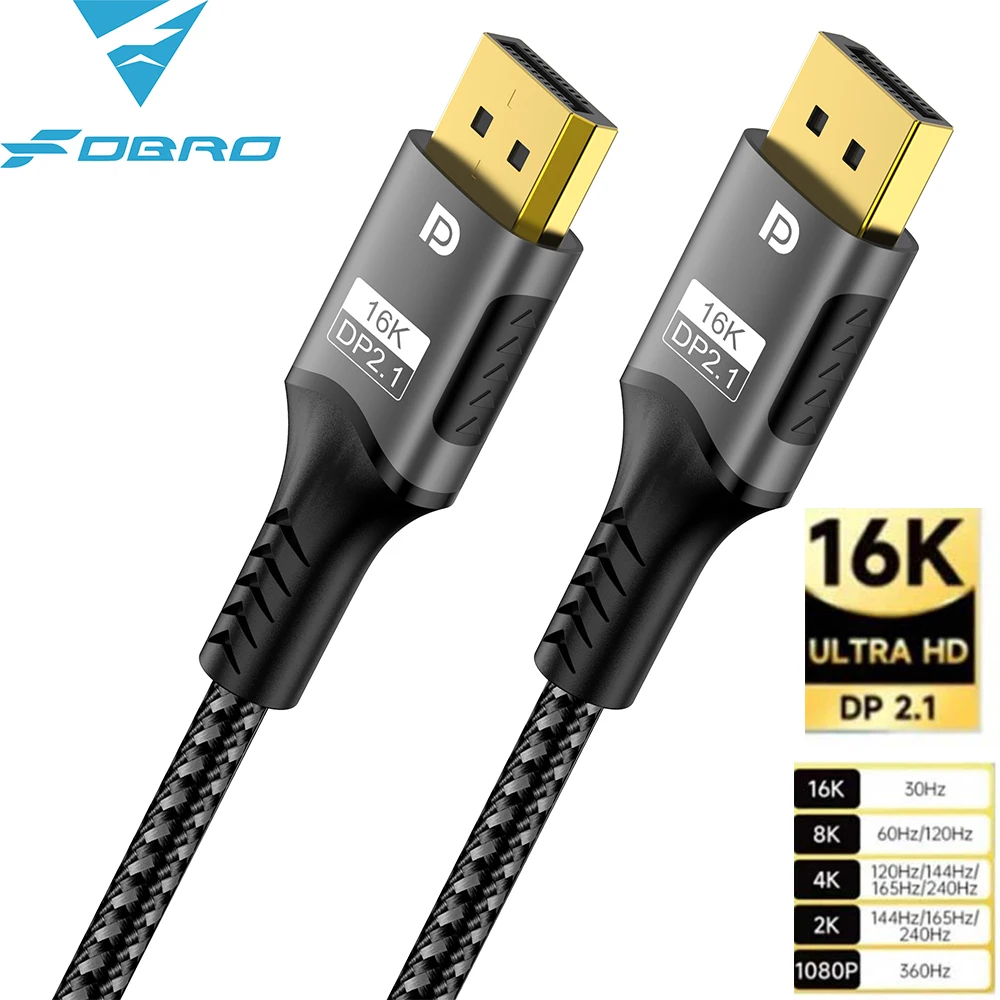
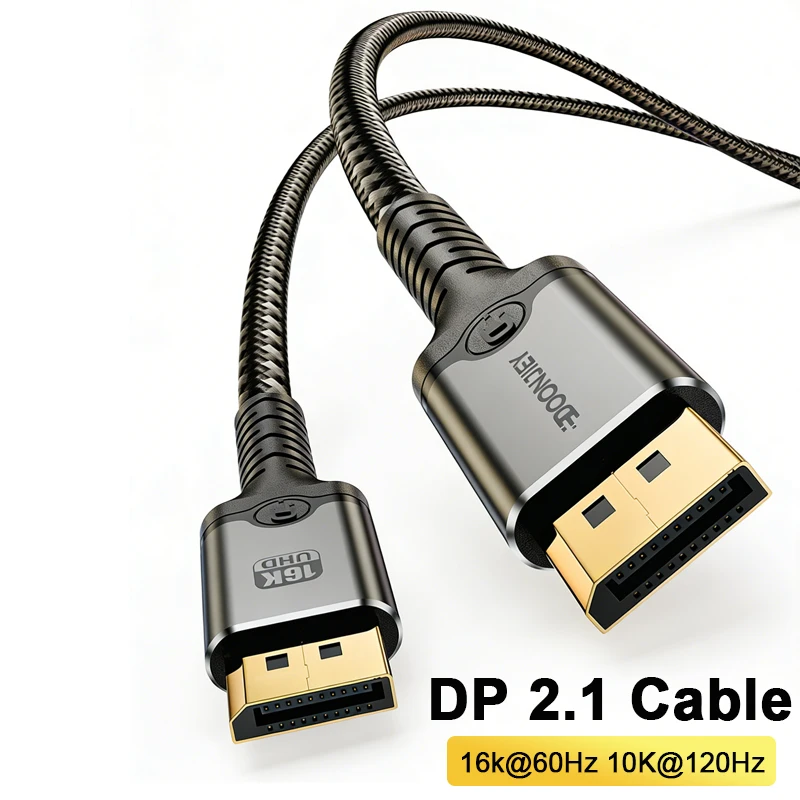
- DisplayPort to DisplayPort cables, DisplayPort 1.4 and DisplayPort 2.1, in several lengths, one with an angled plug for a monitor close to a wall. See DisplayPort cables.
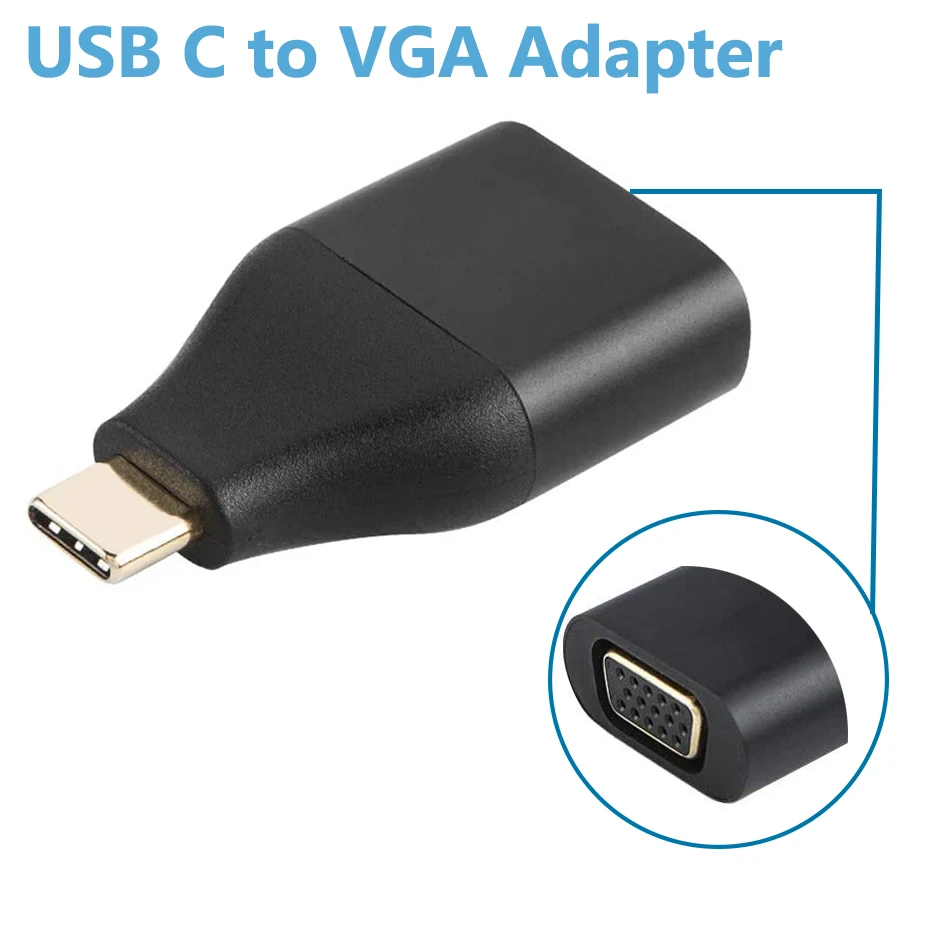
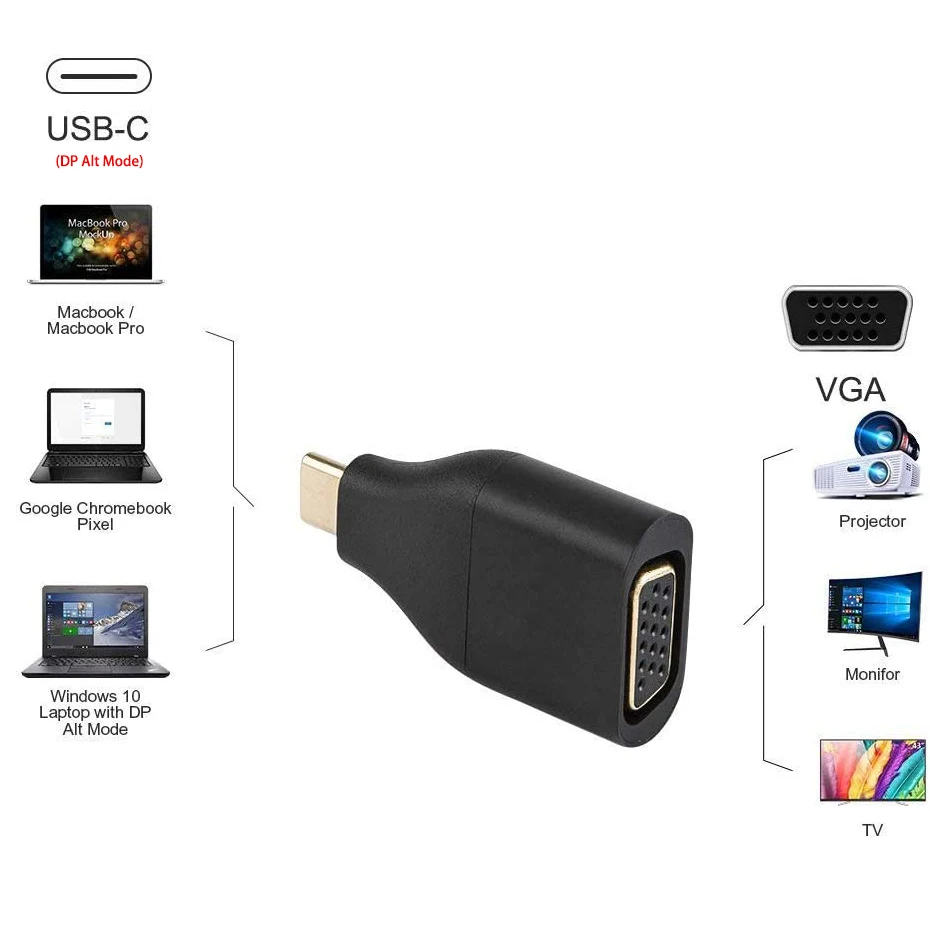
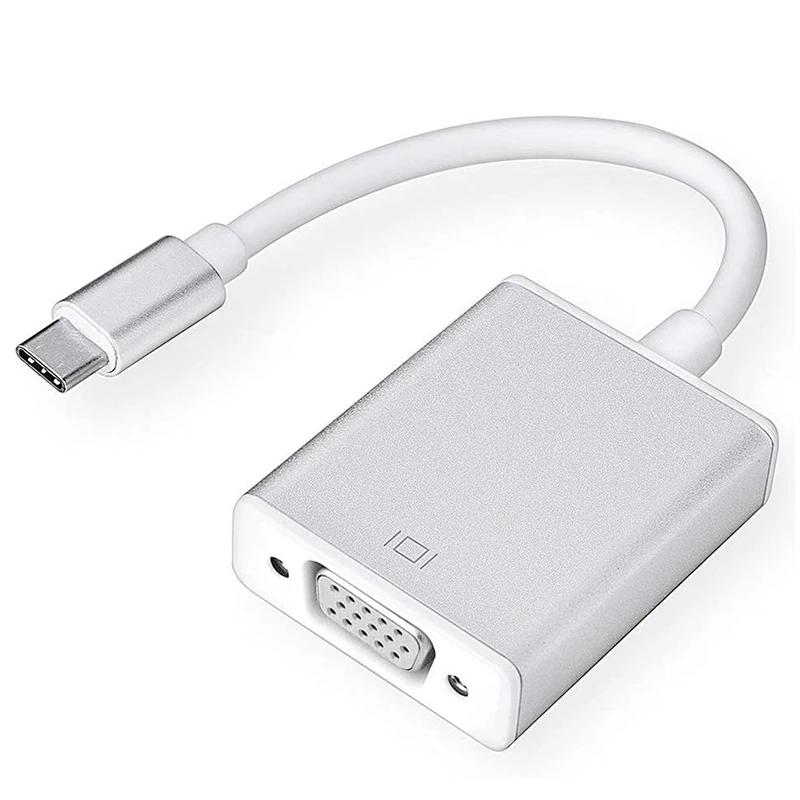
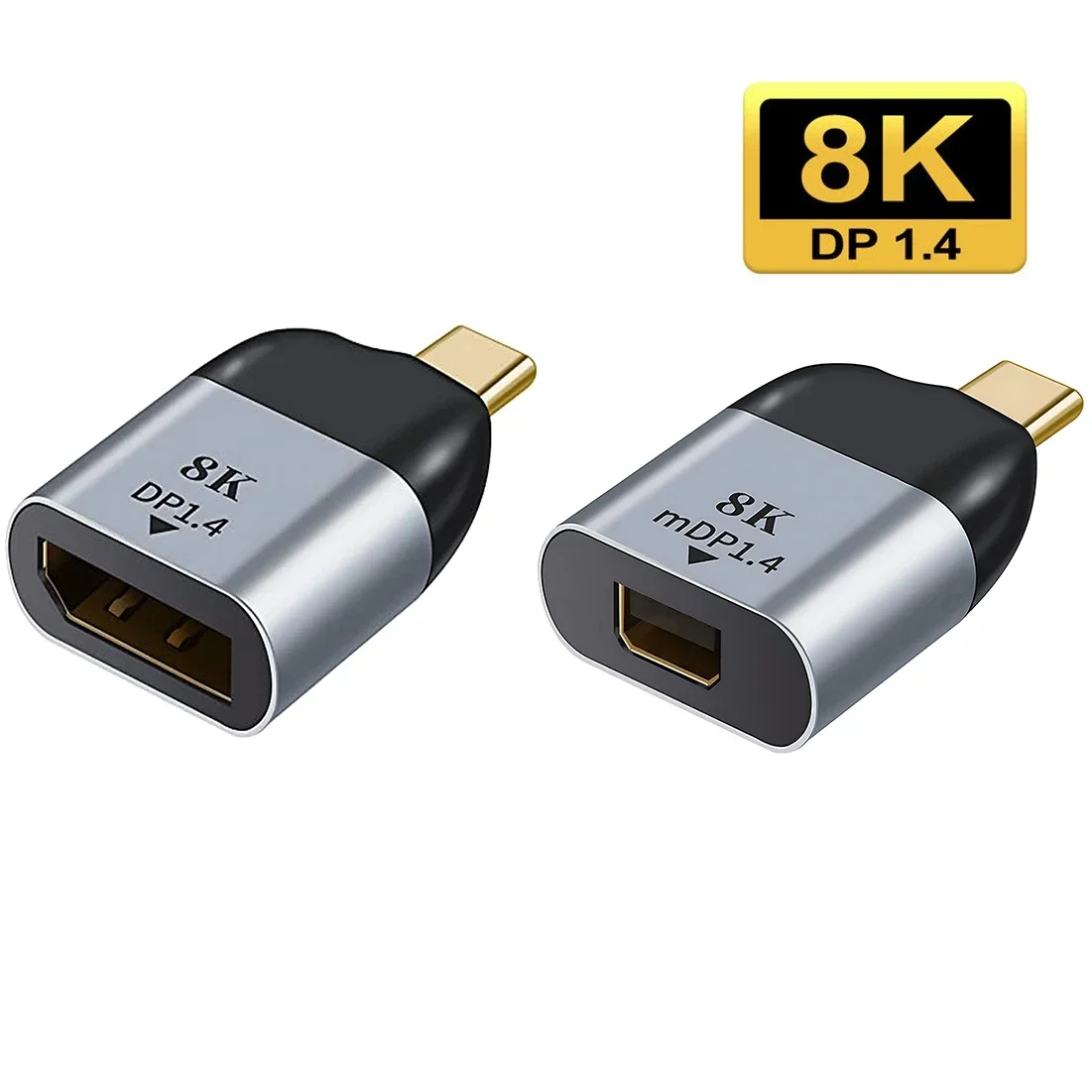
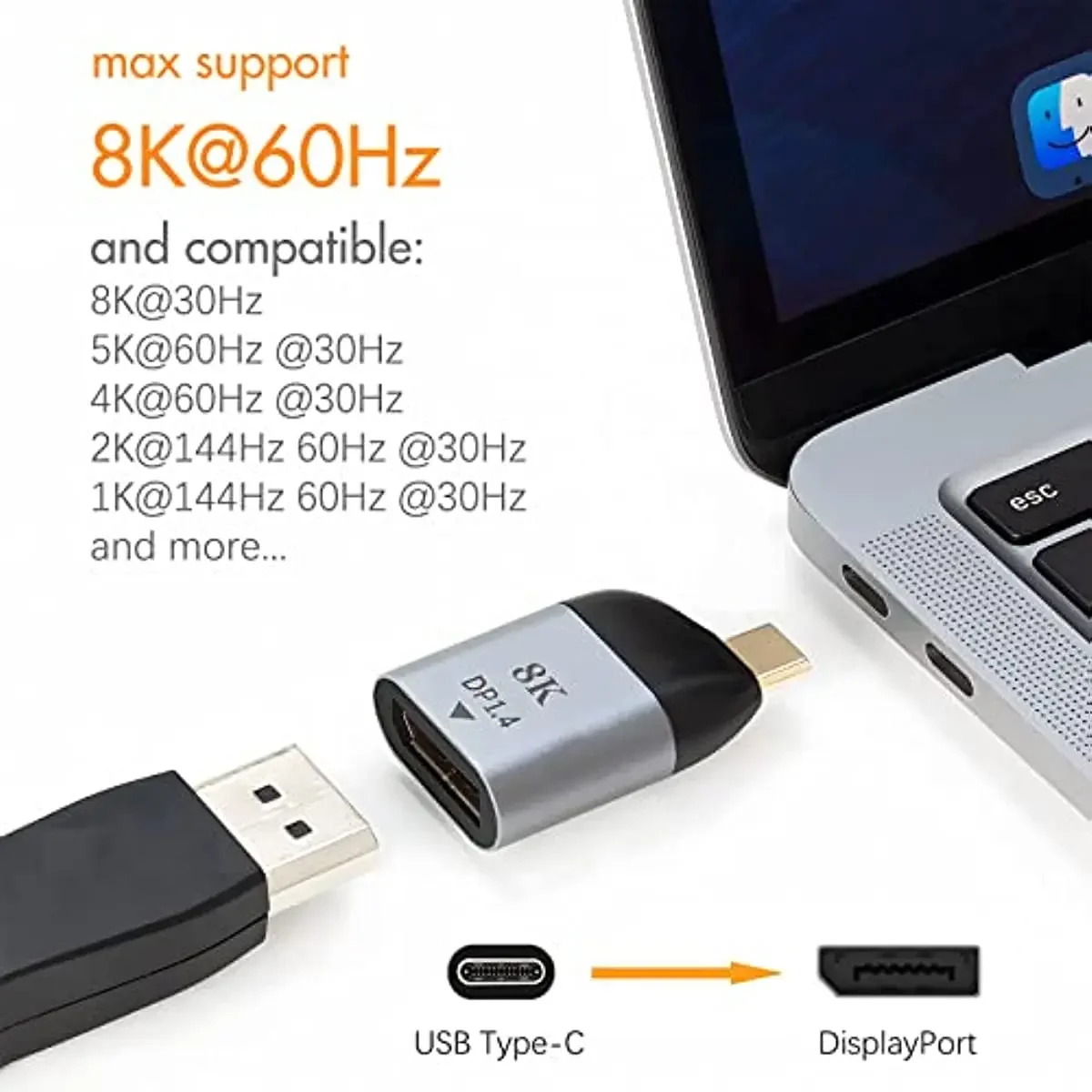
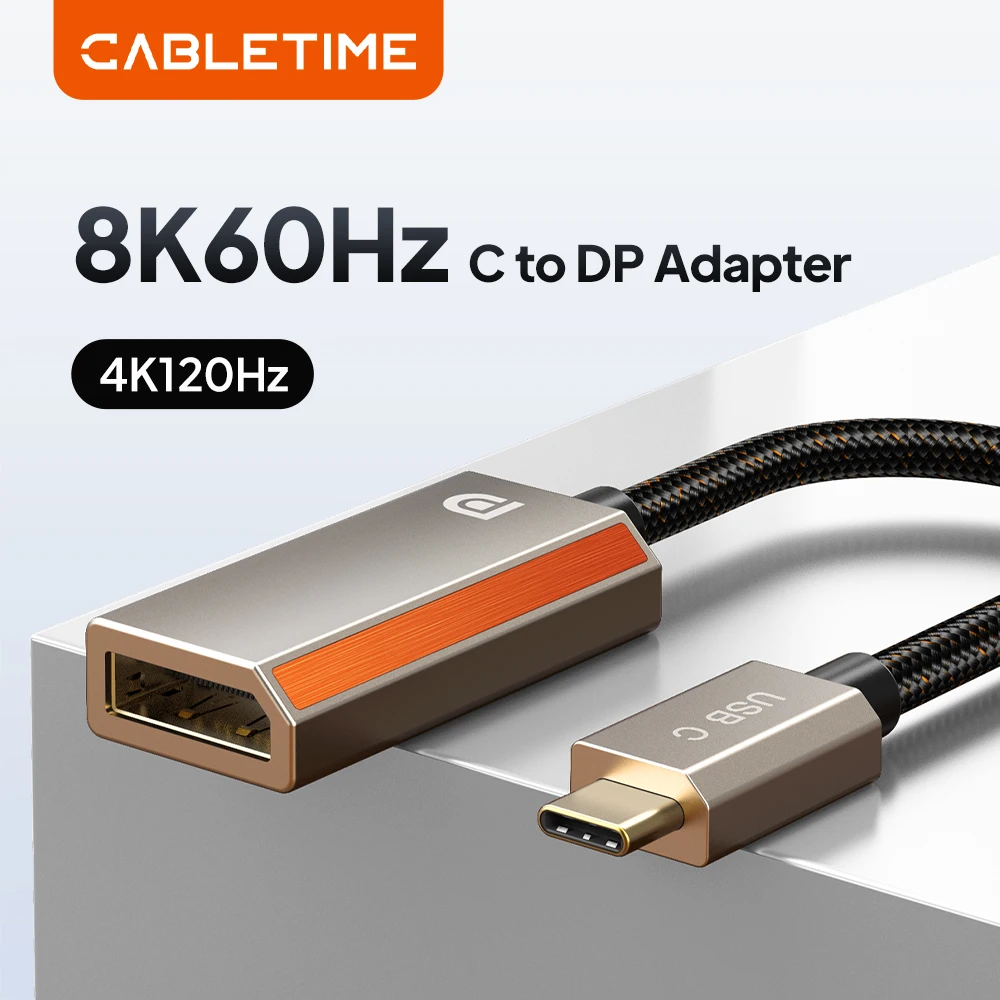
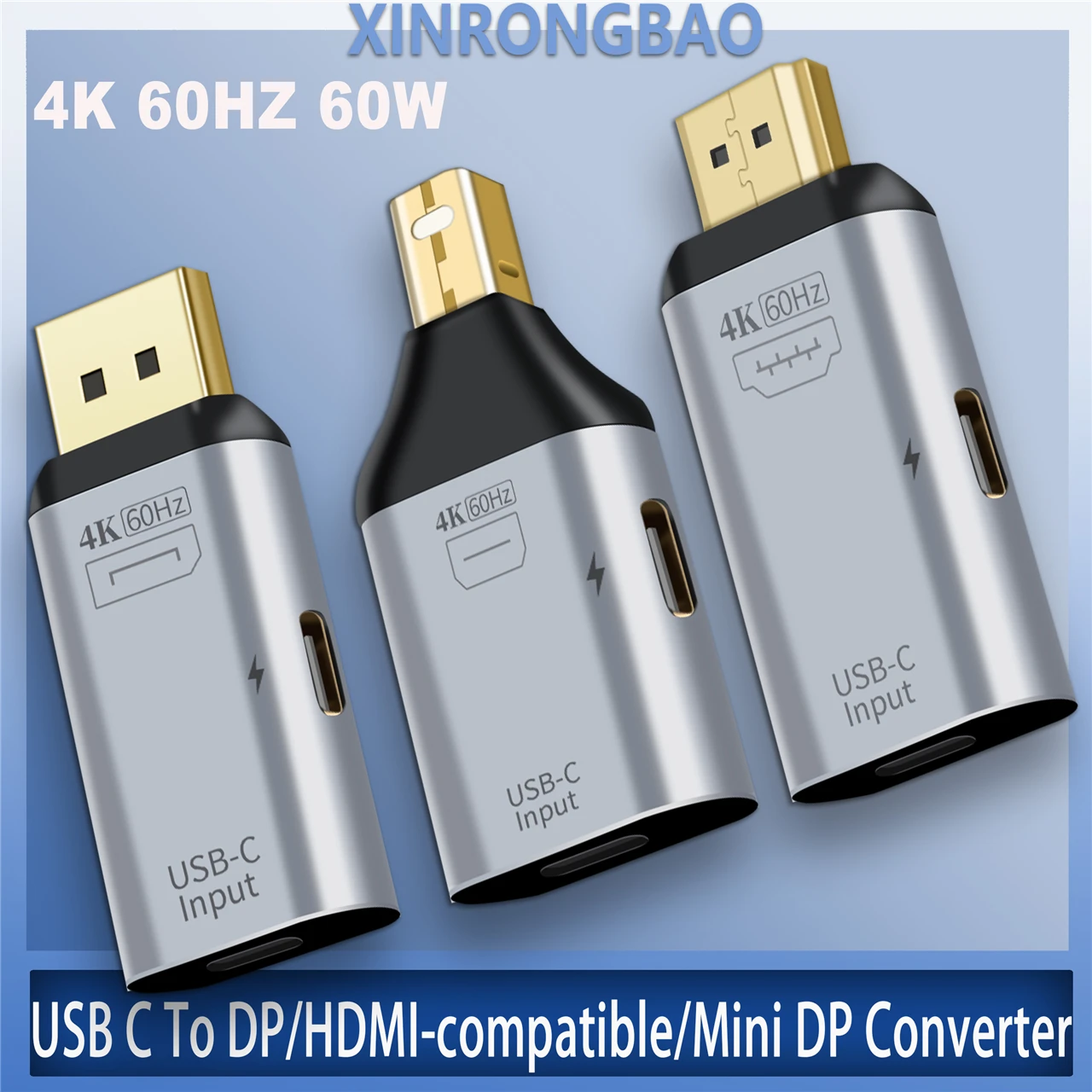
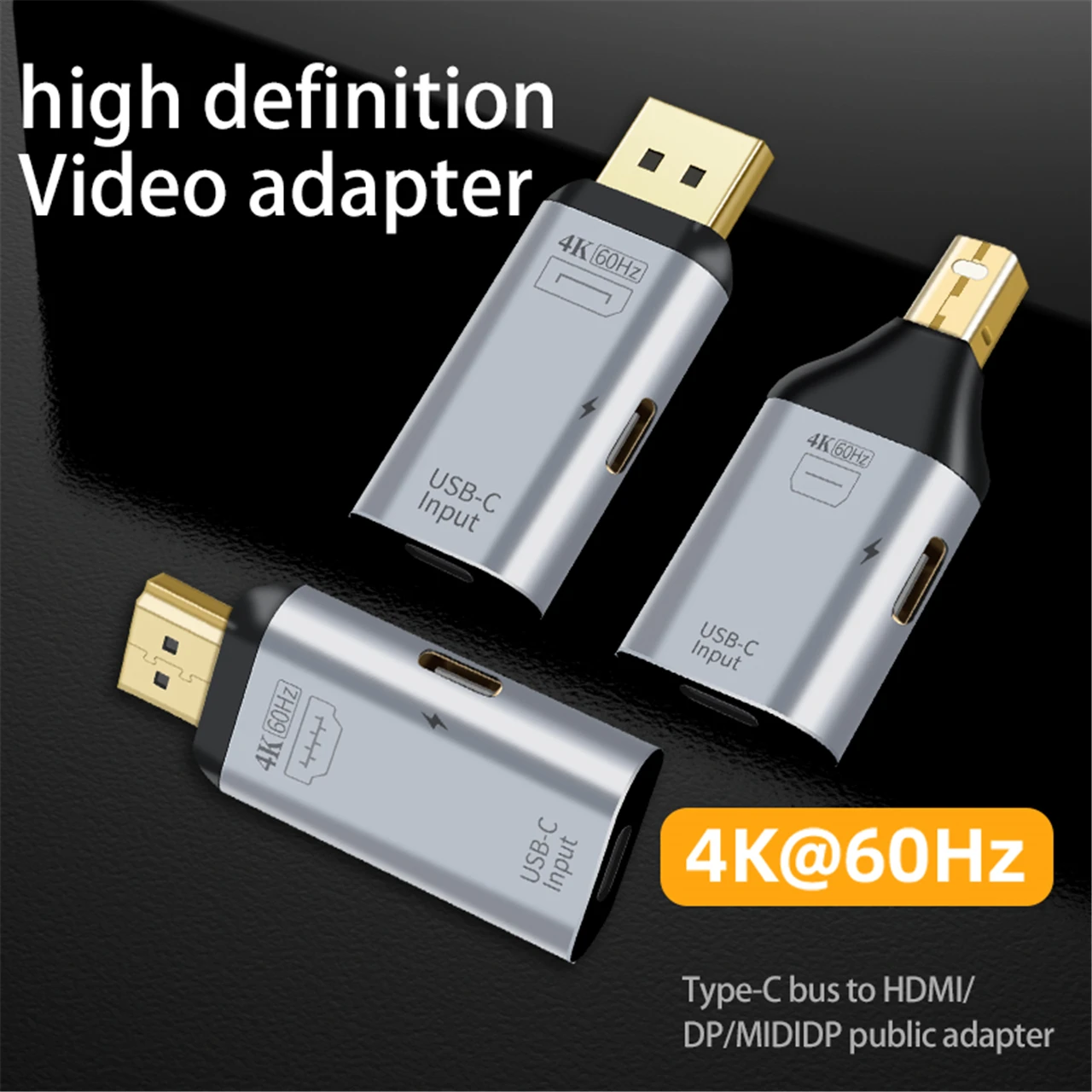
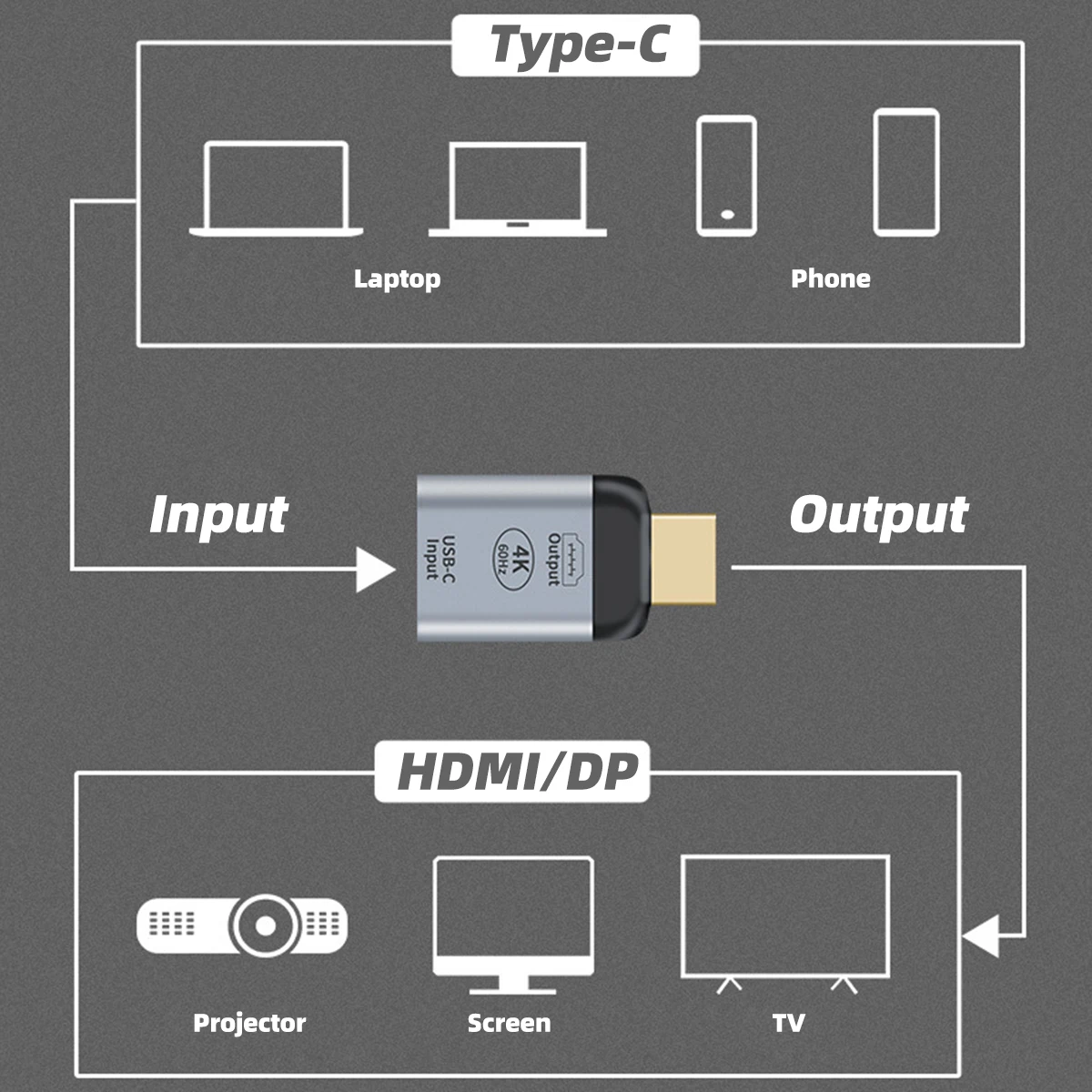
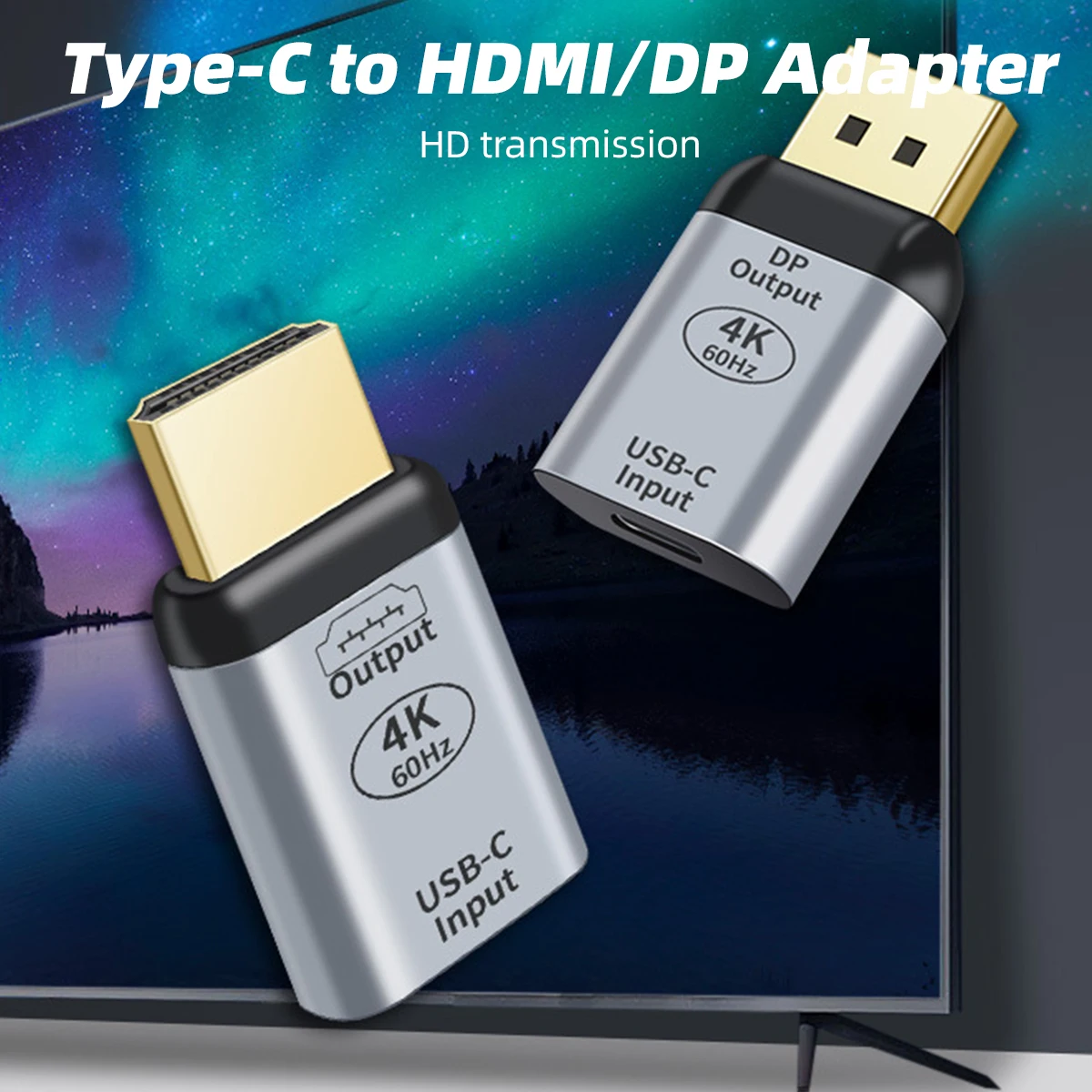
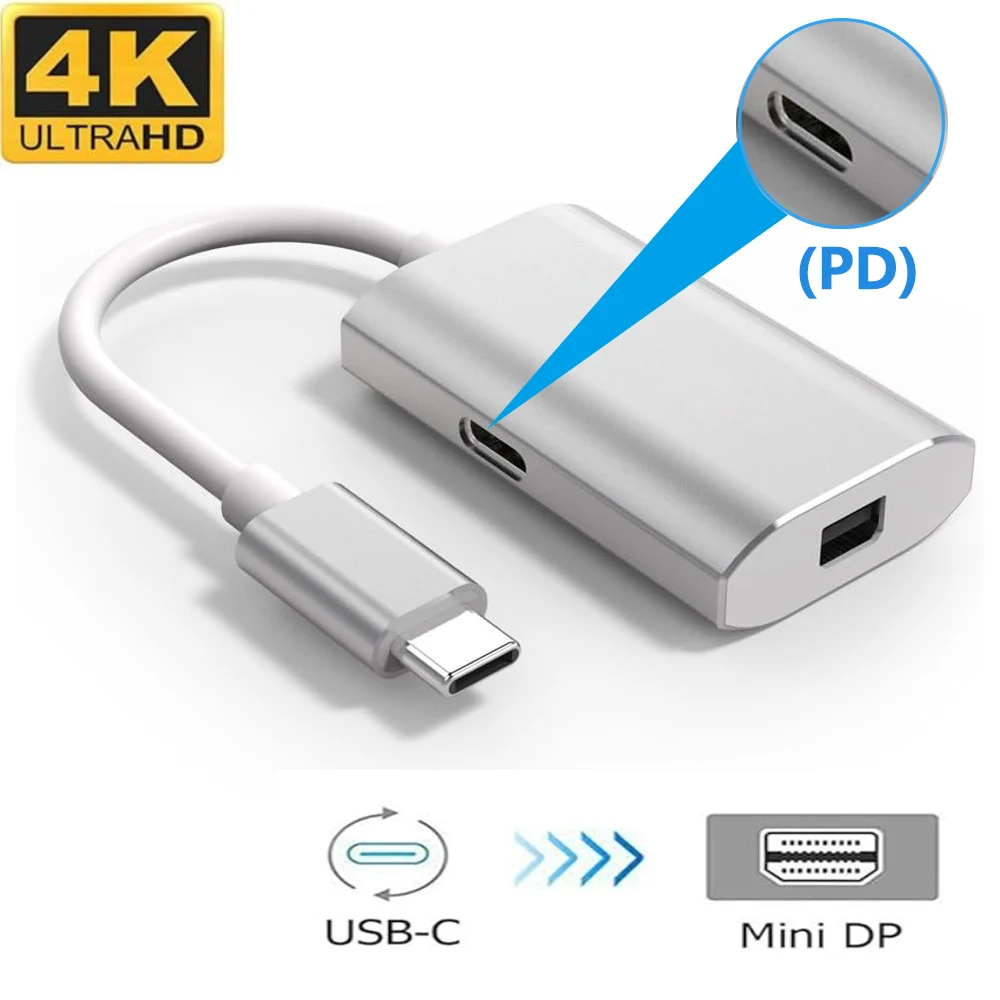
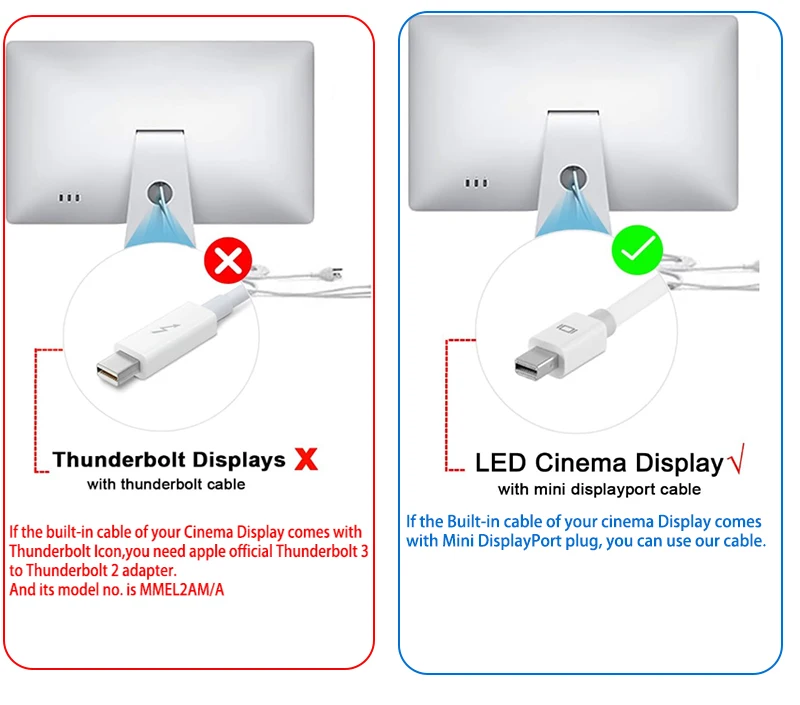
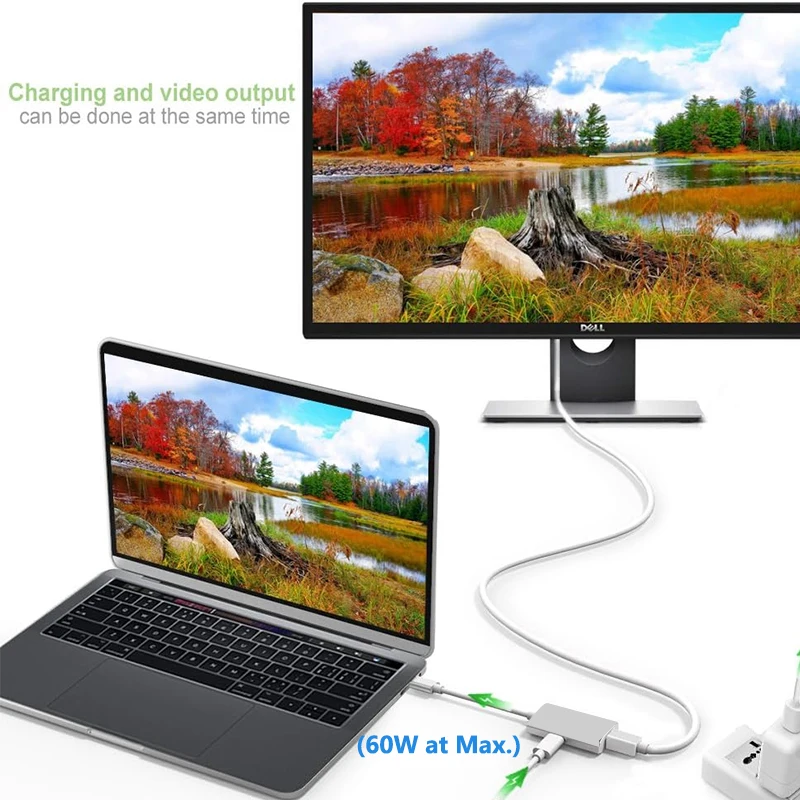
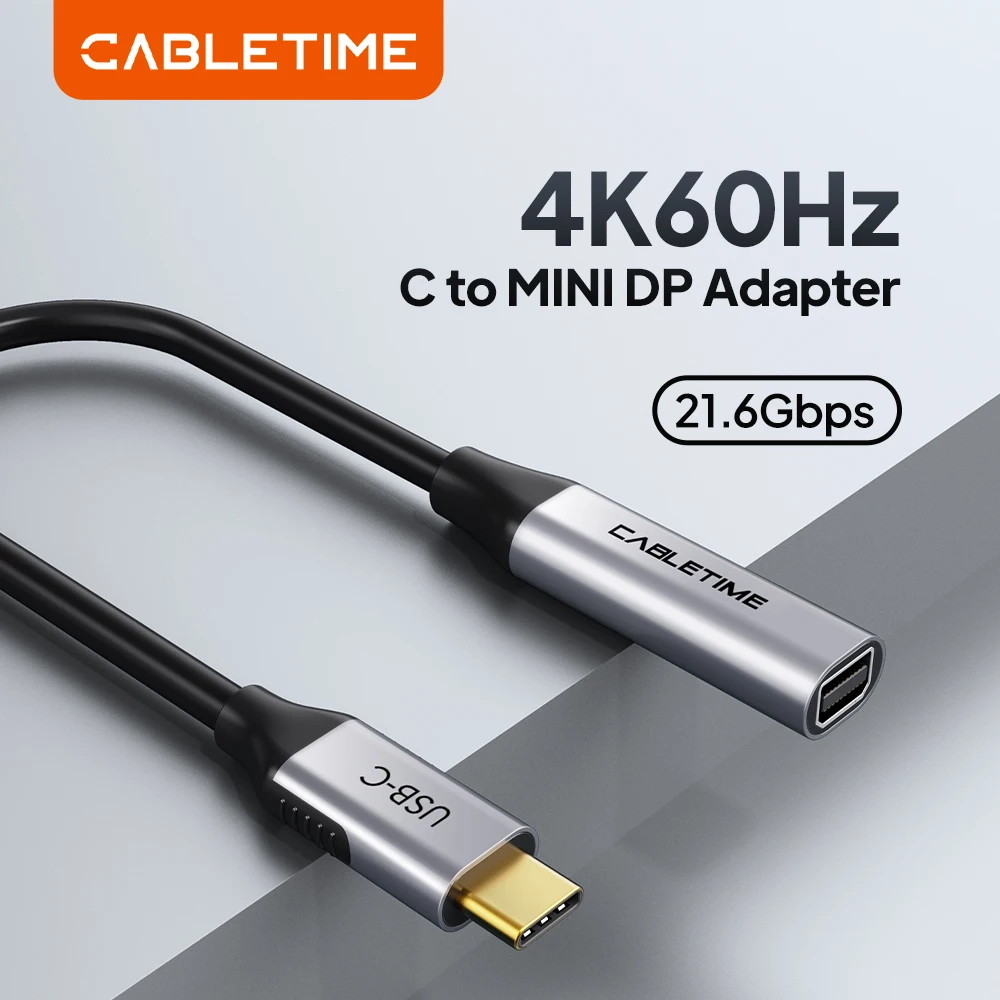
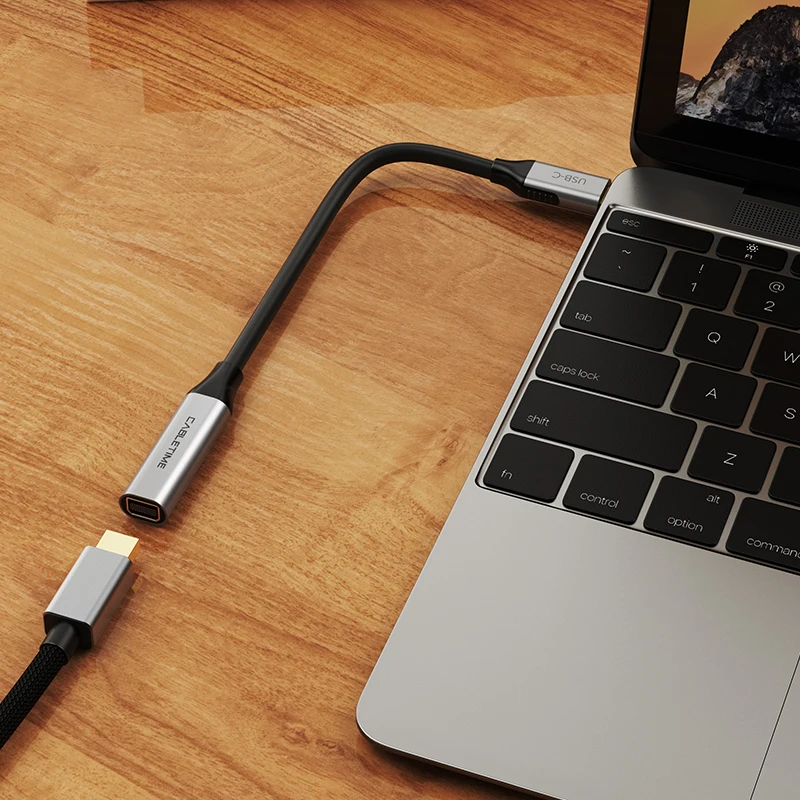
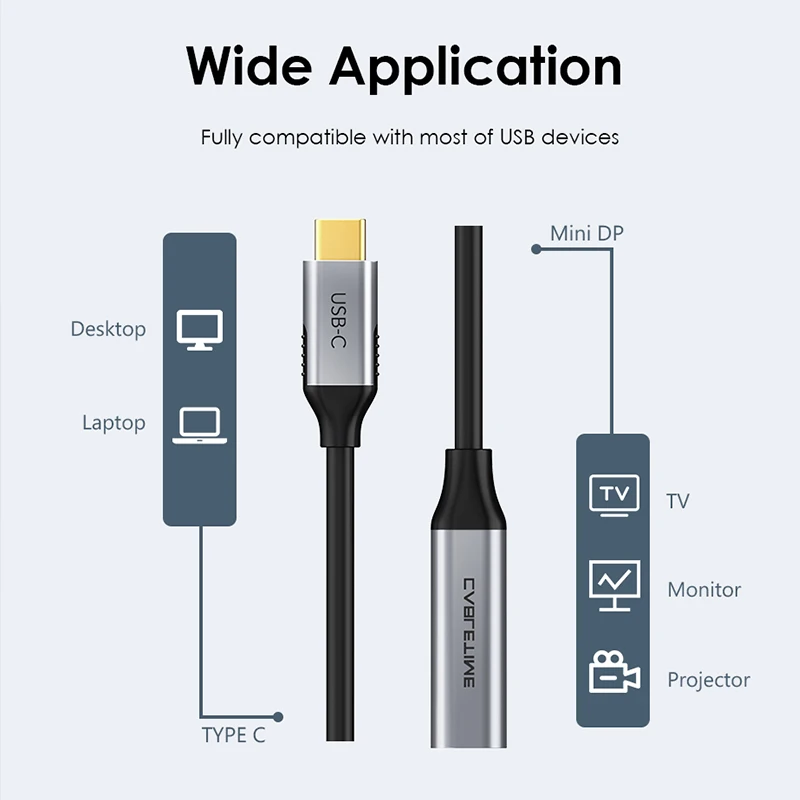
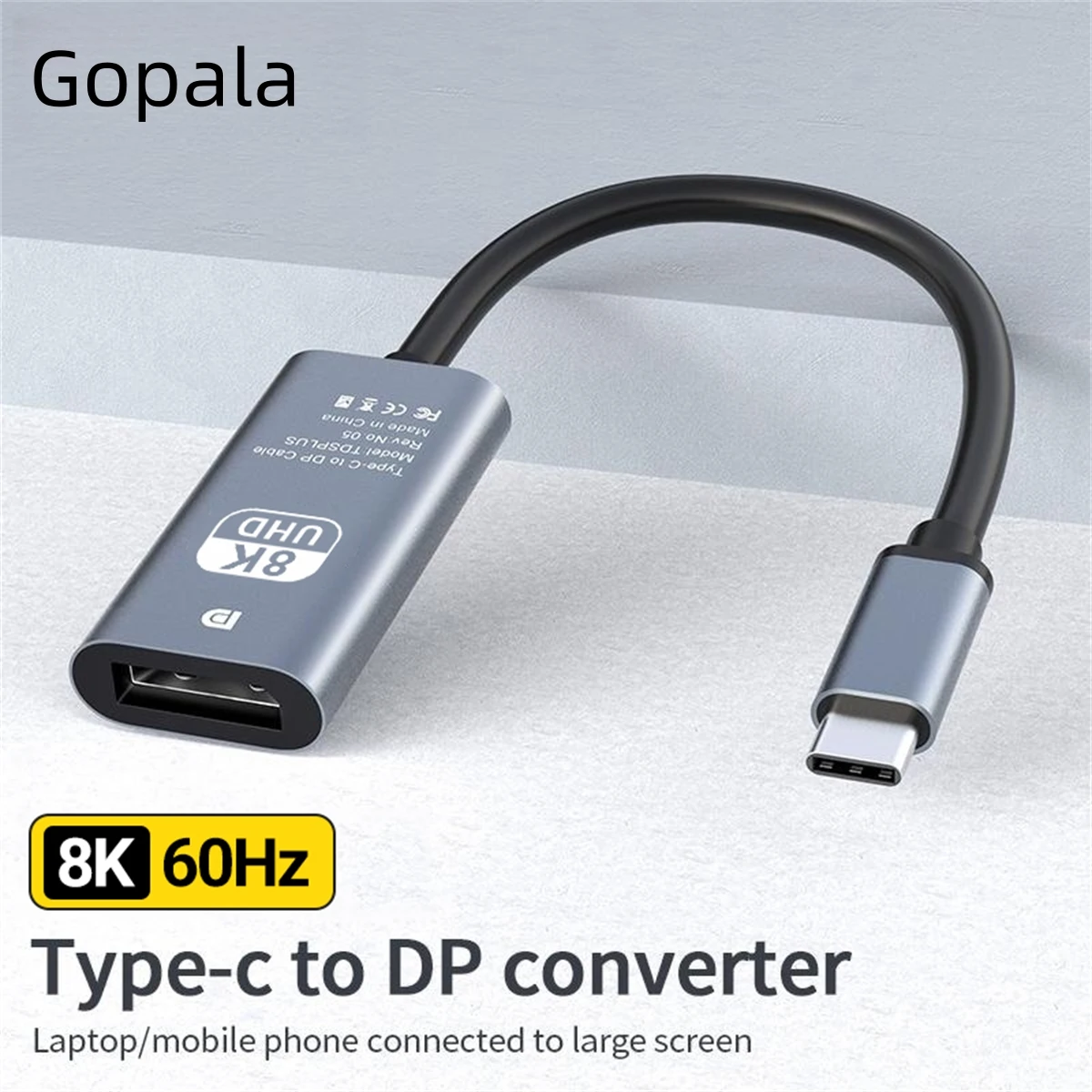
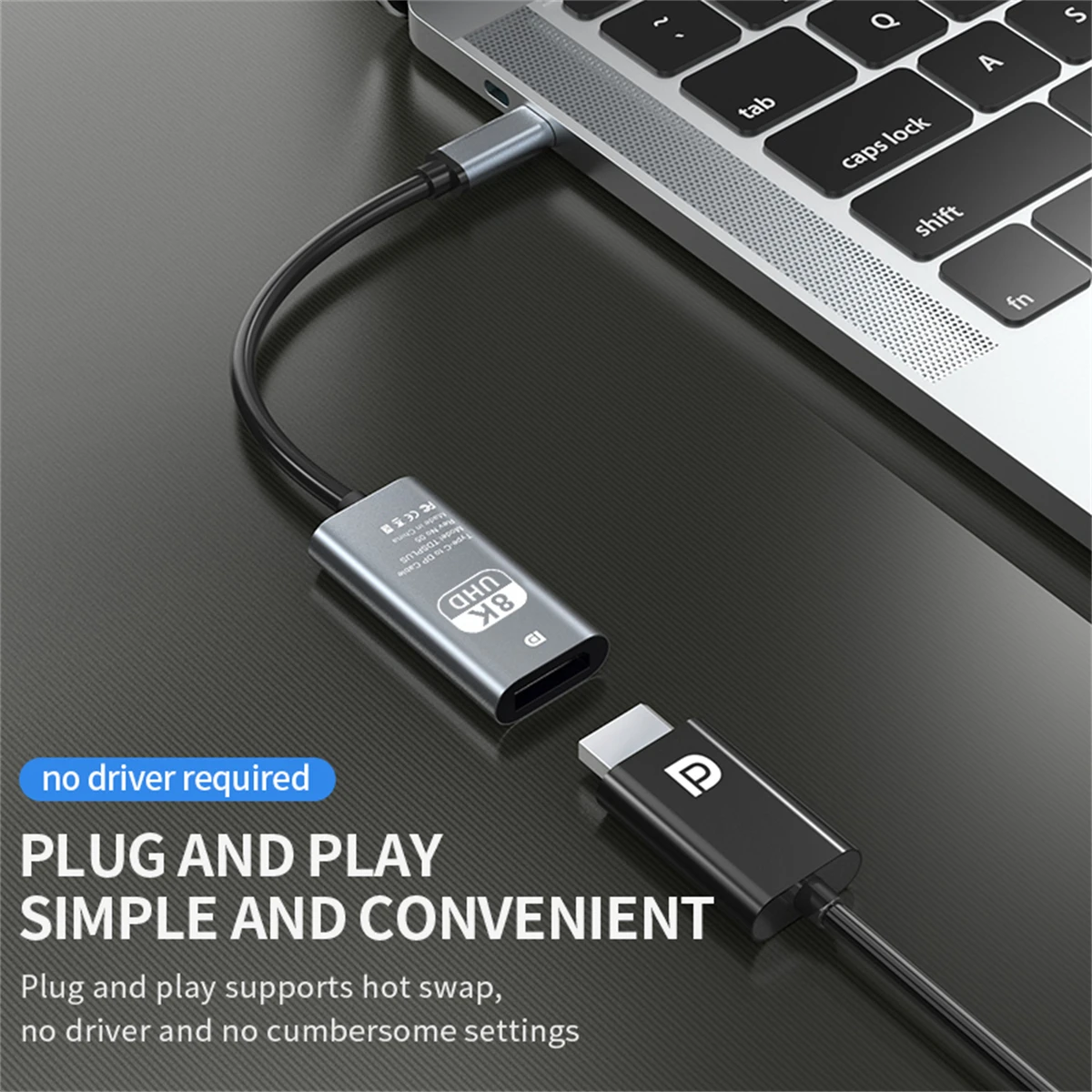
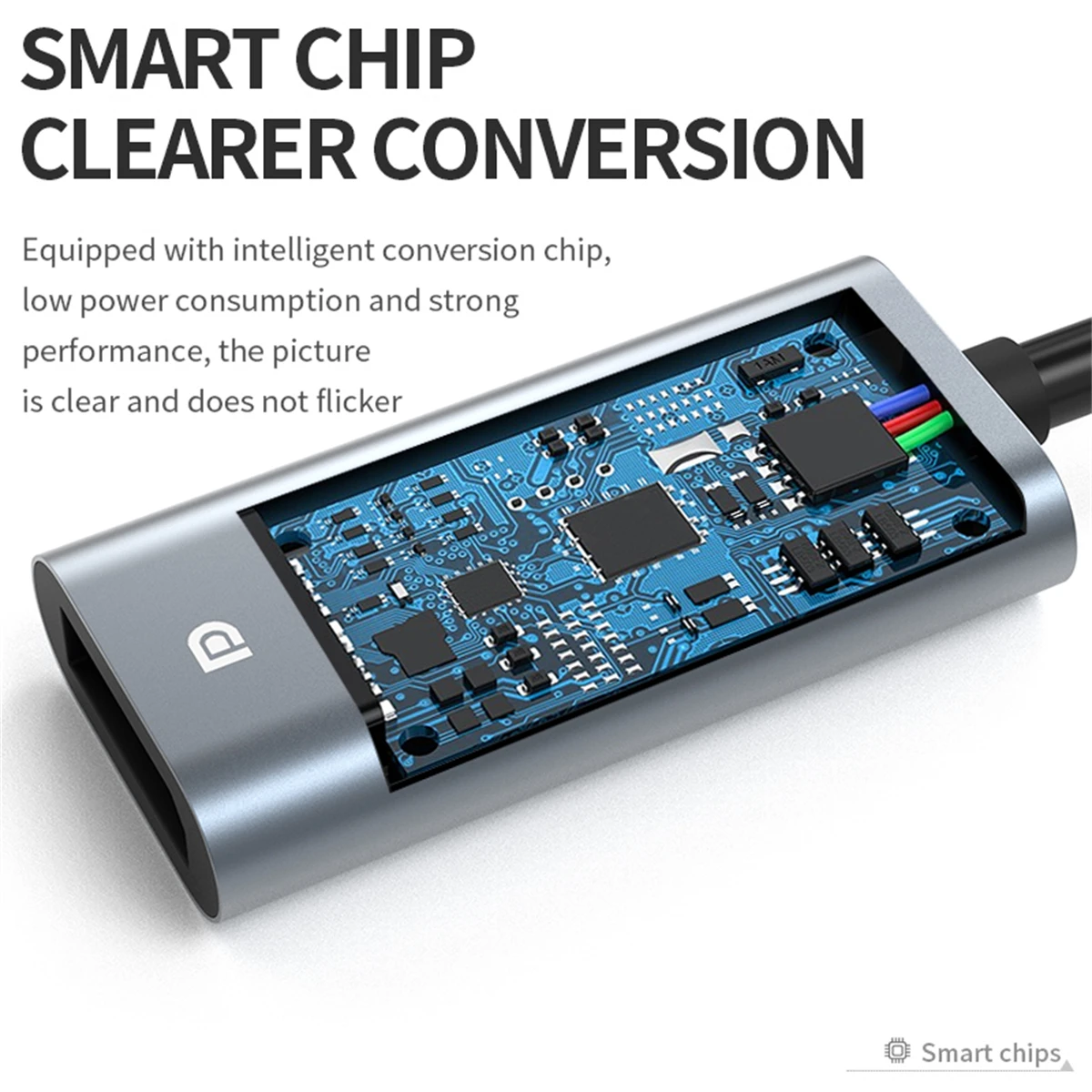
- USB-C to DisplayPort and Mini DisplayPort adapters, some with a socket to pass charging through. See USB-C to DisplayPort adapters.
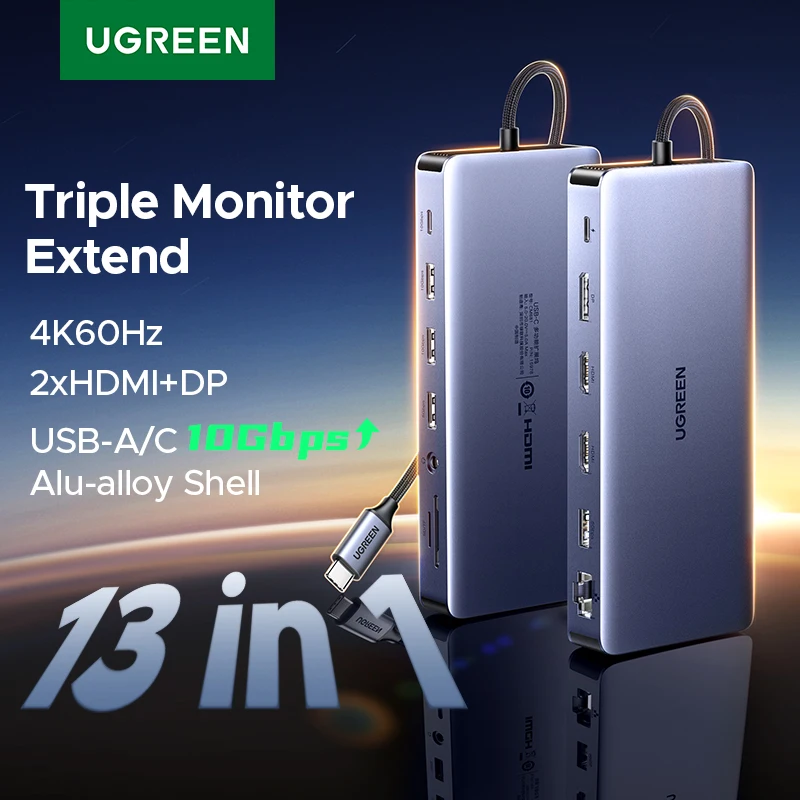
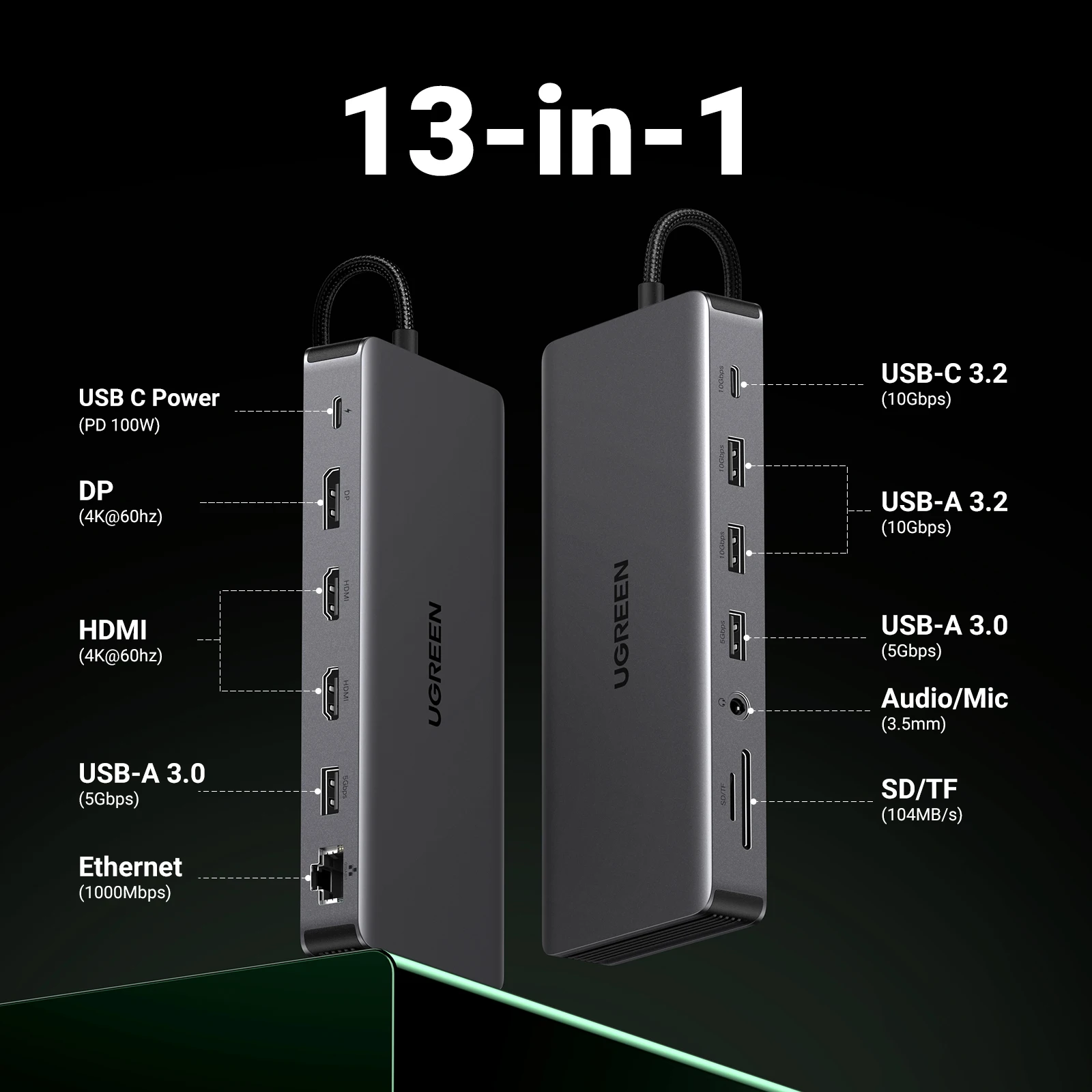
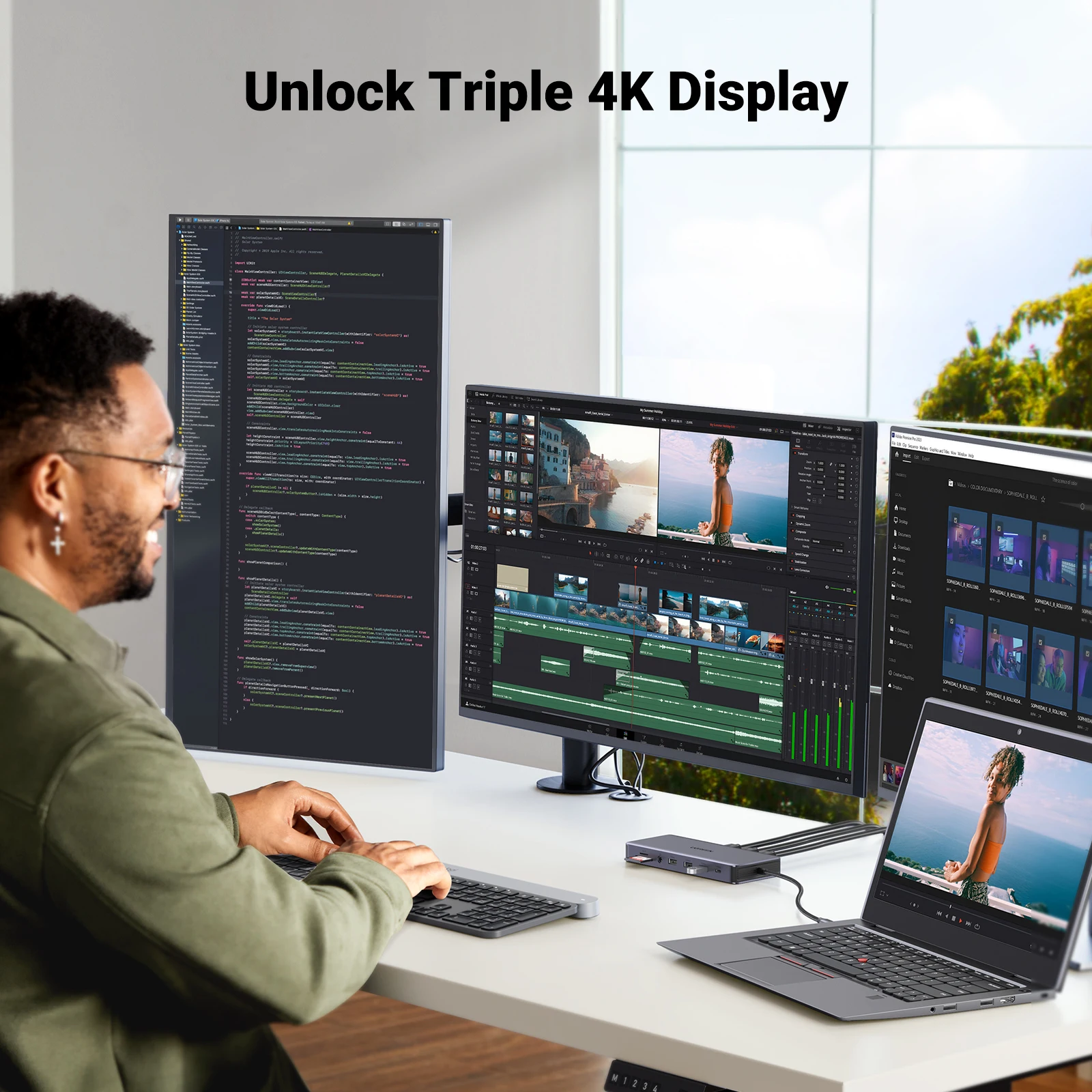
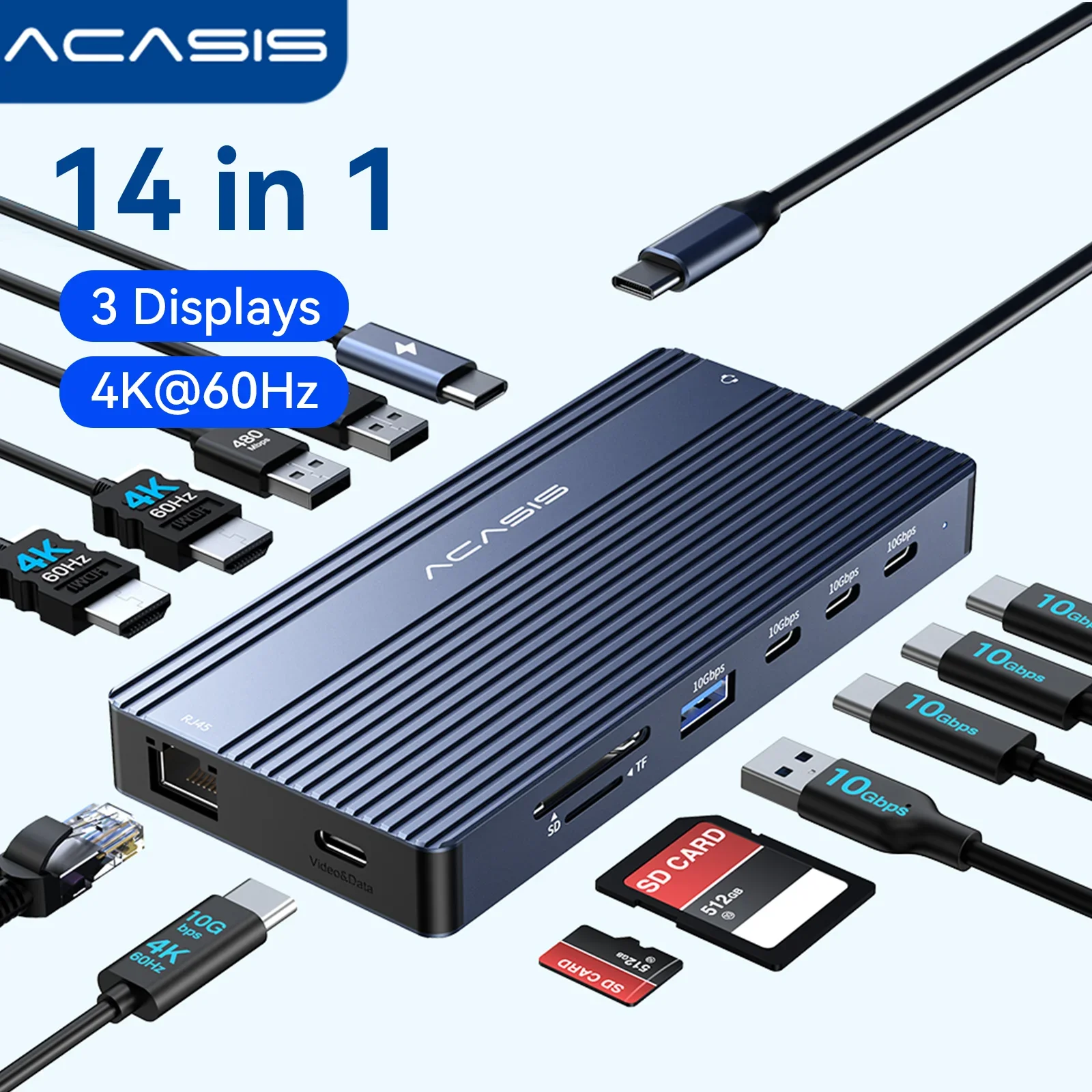
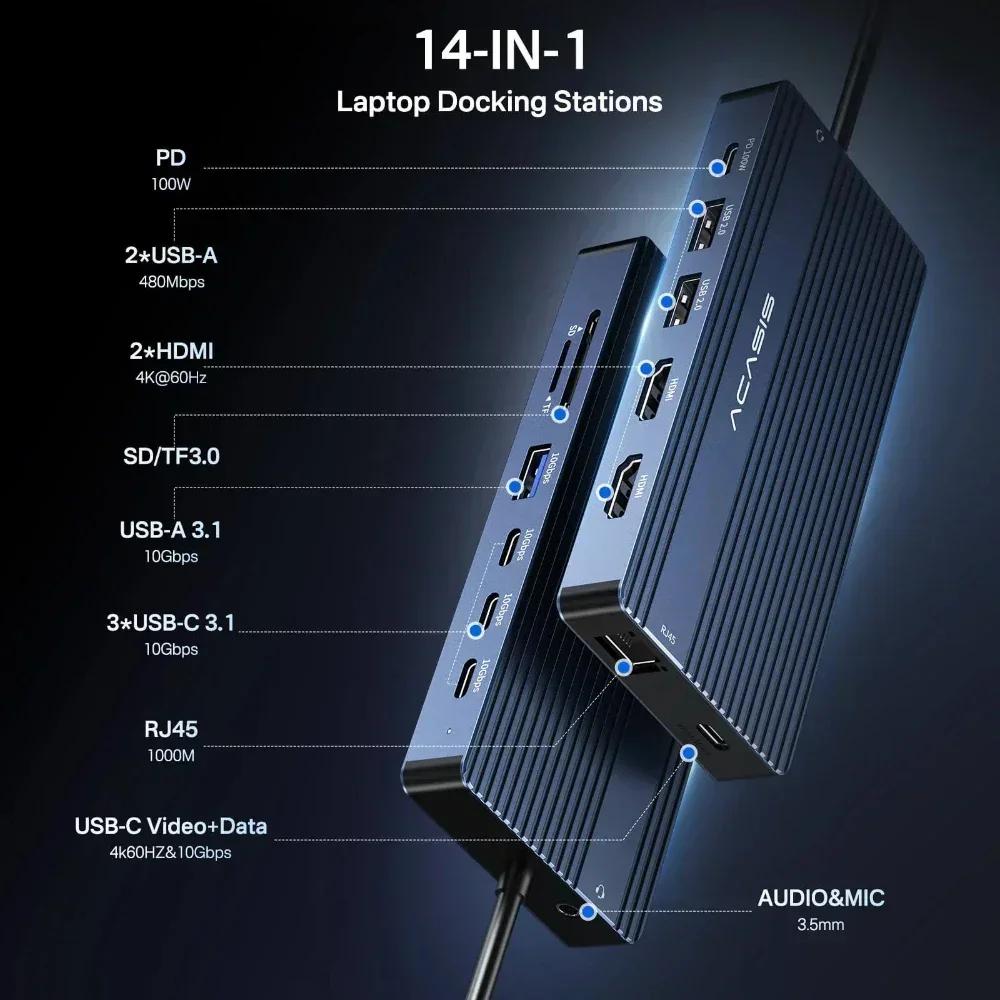
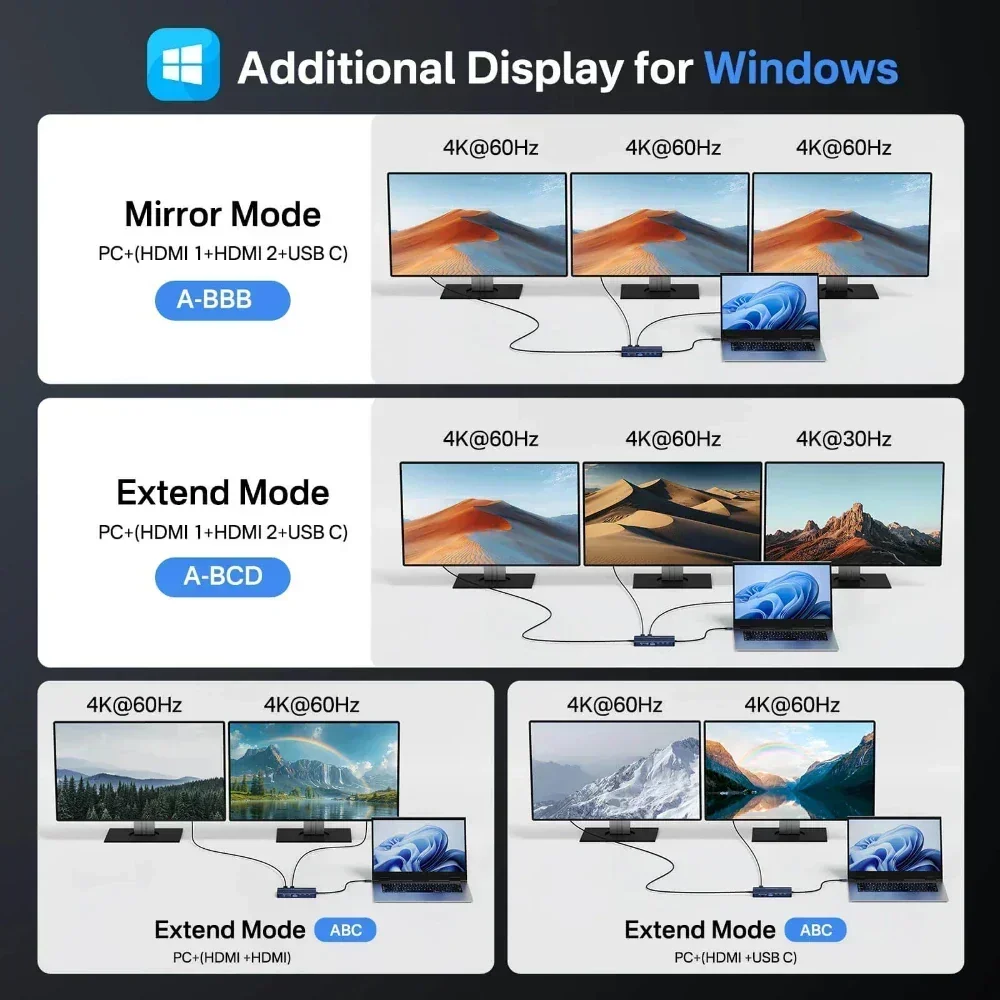
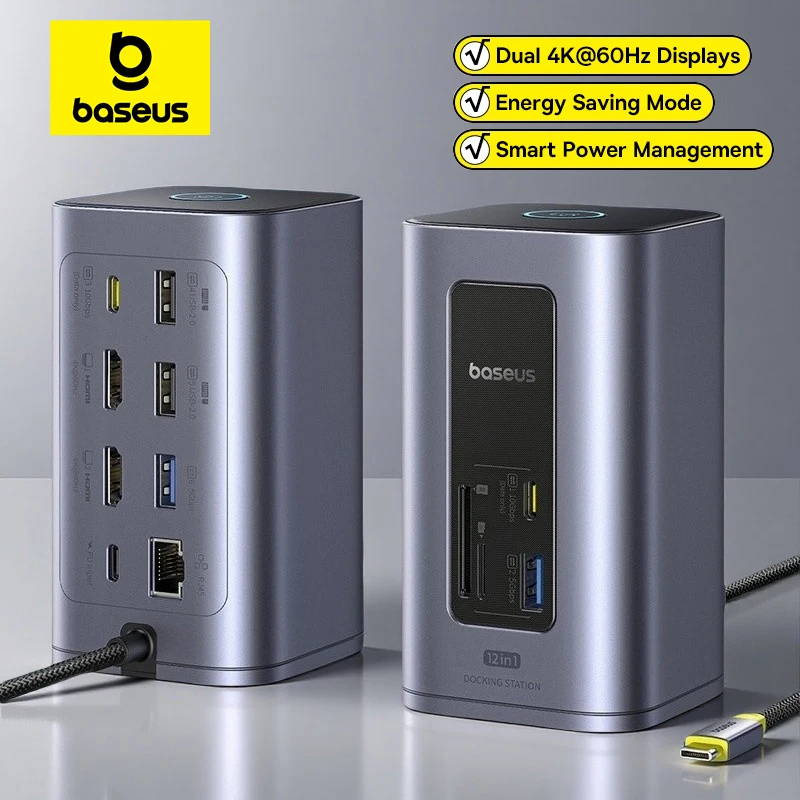
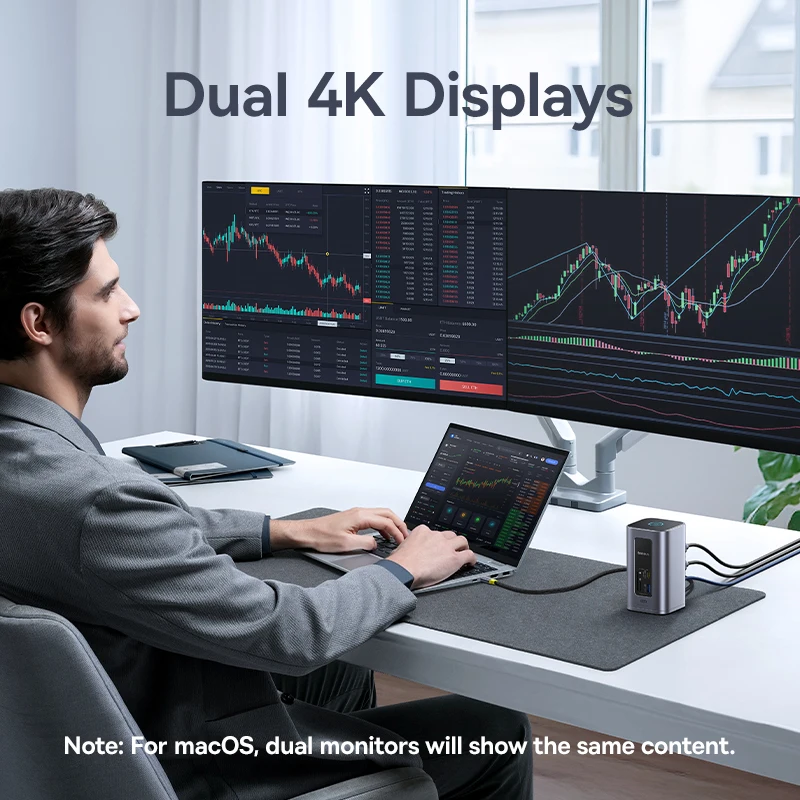
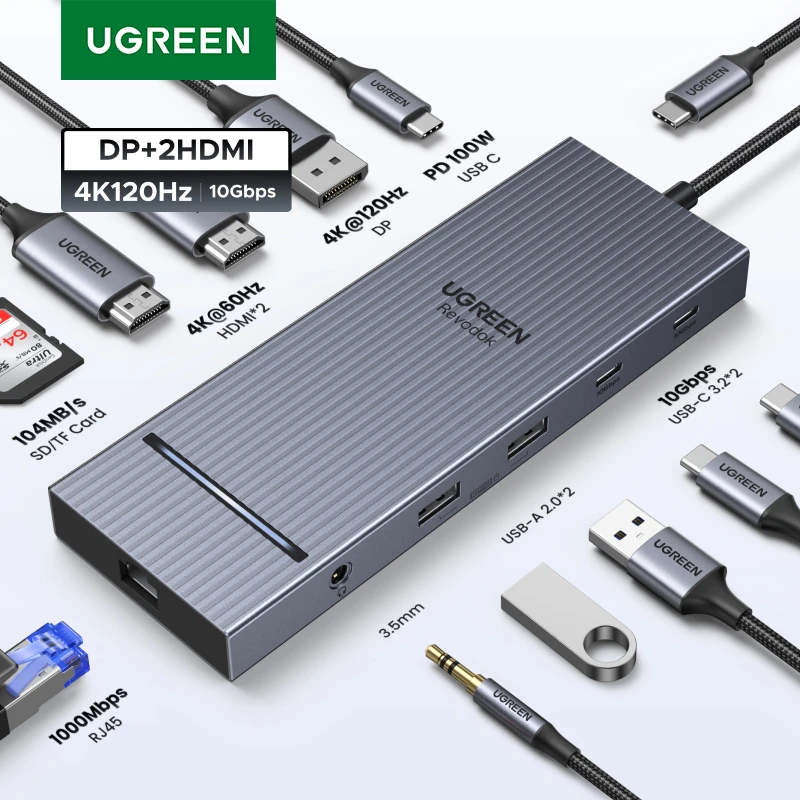
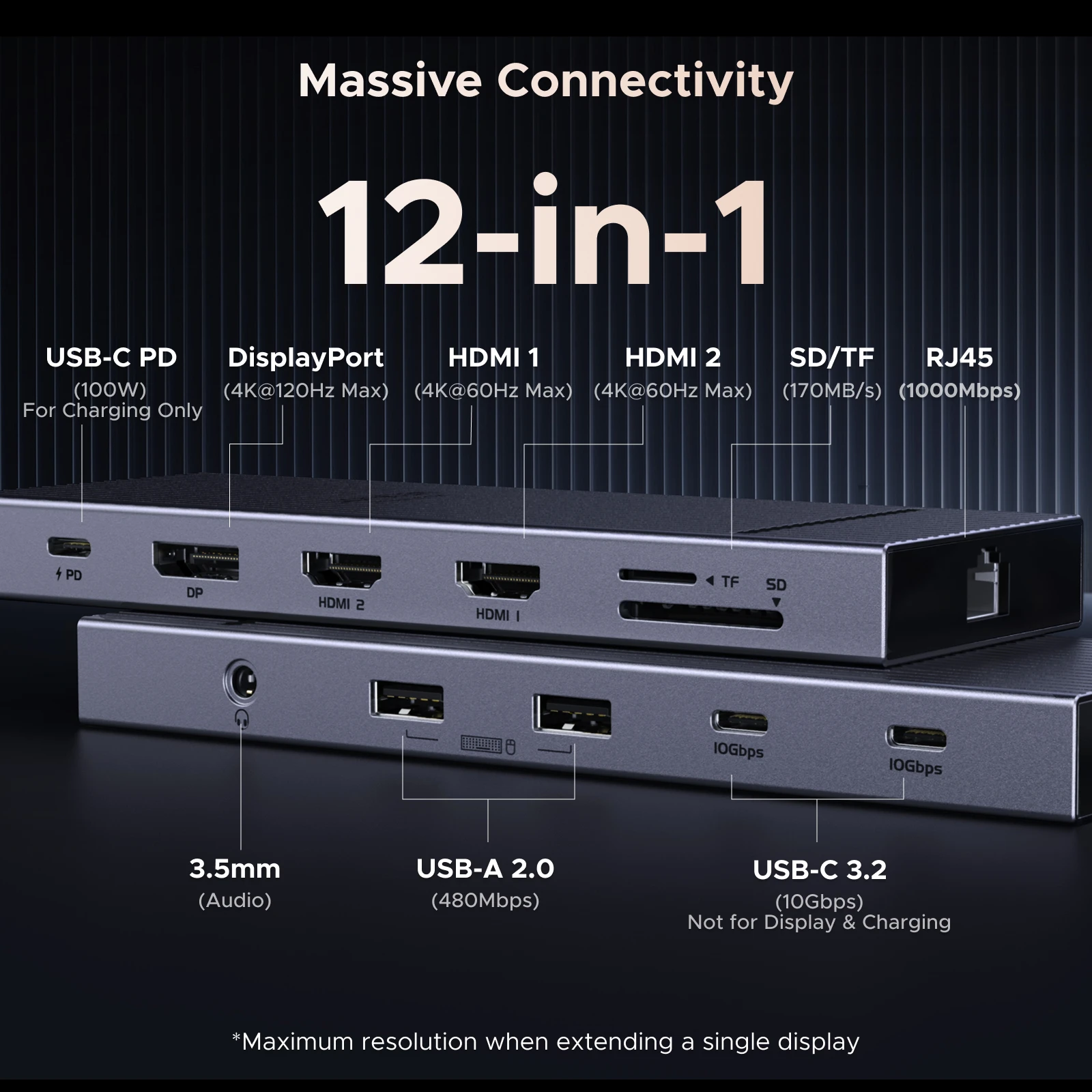
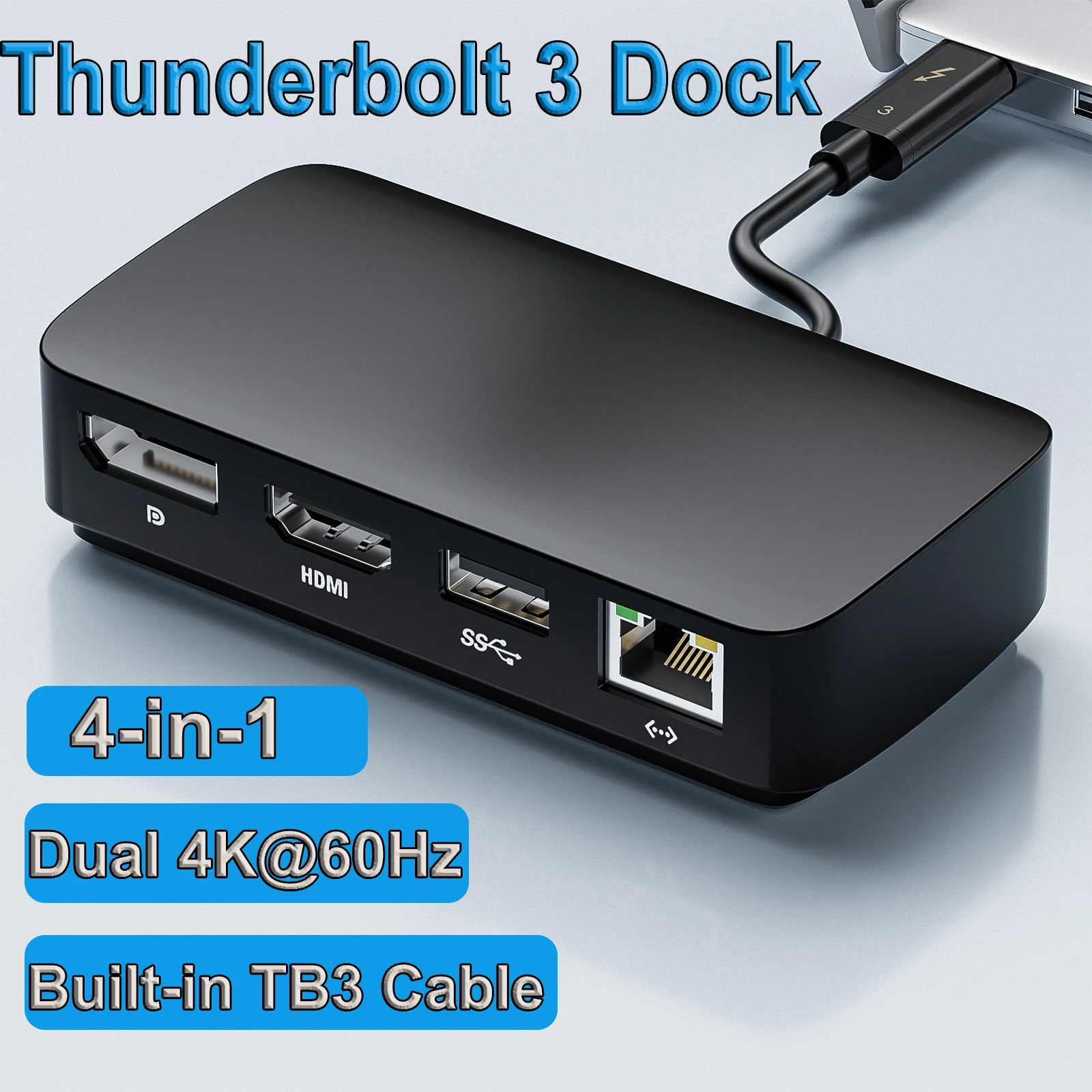
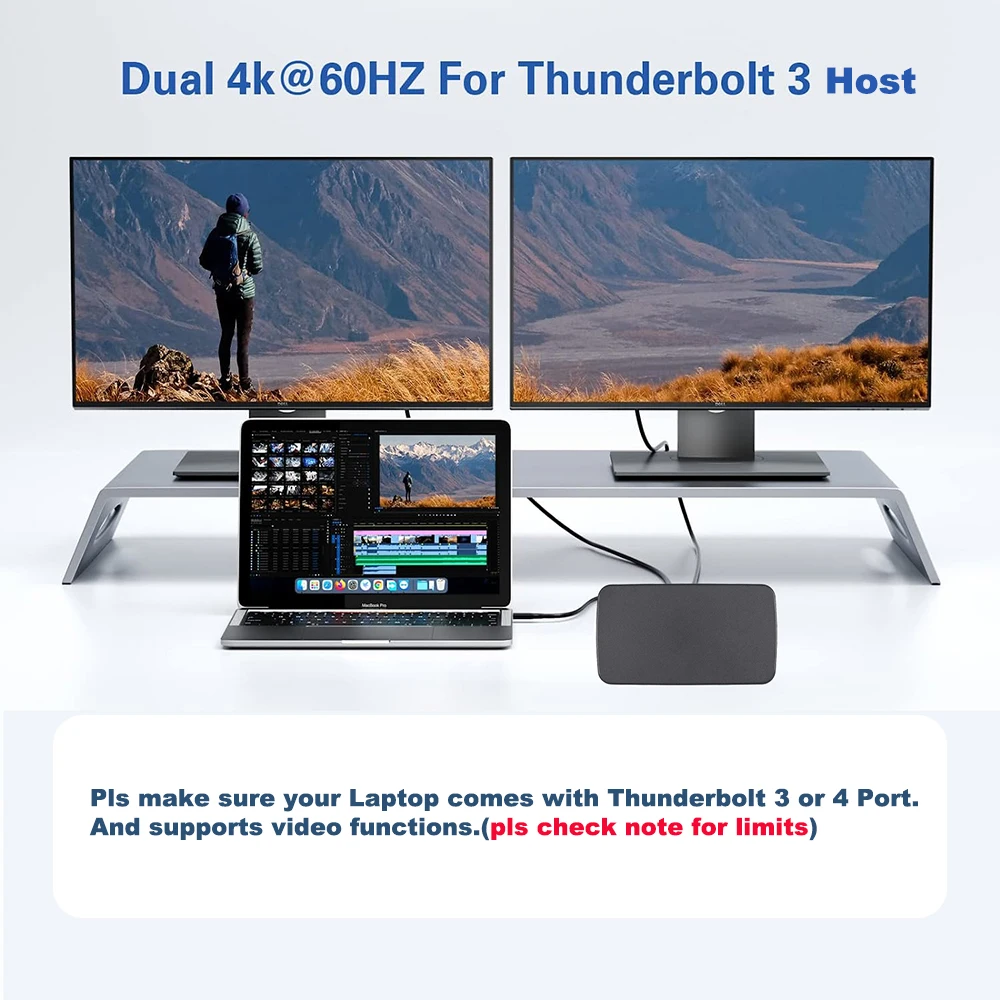
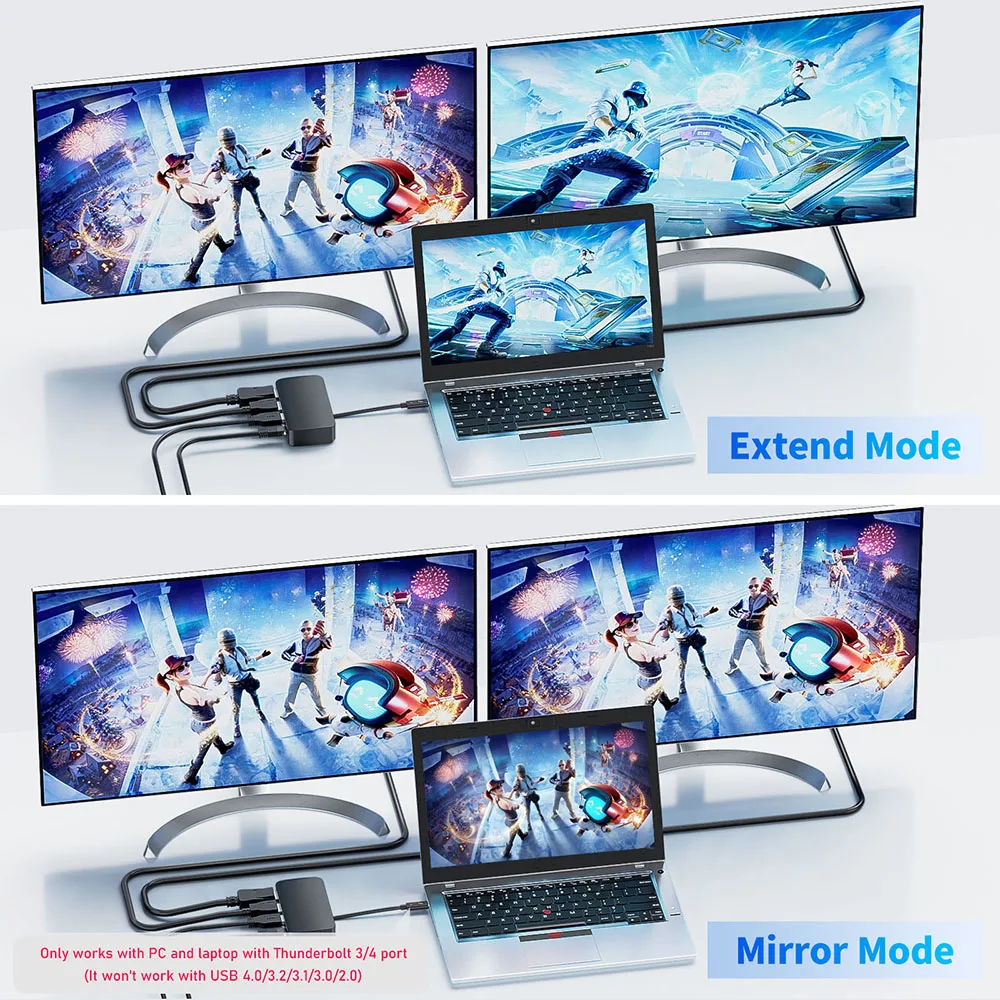
- Hubs and docks with a DisplayPort output alongside HDMI, for two or three screens. See laptop docking stations.
DisplayPort 1.4, 2.1 and the cable names
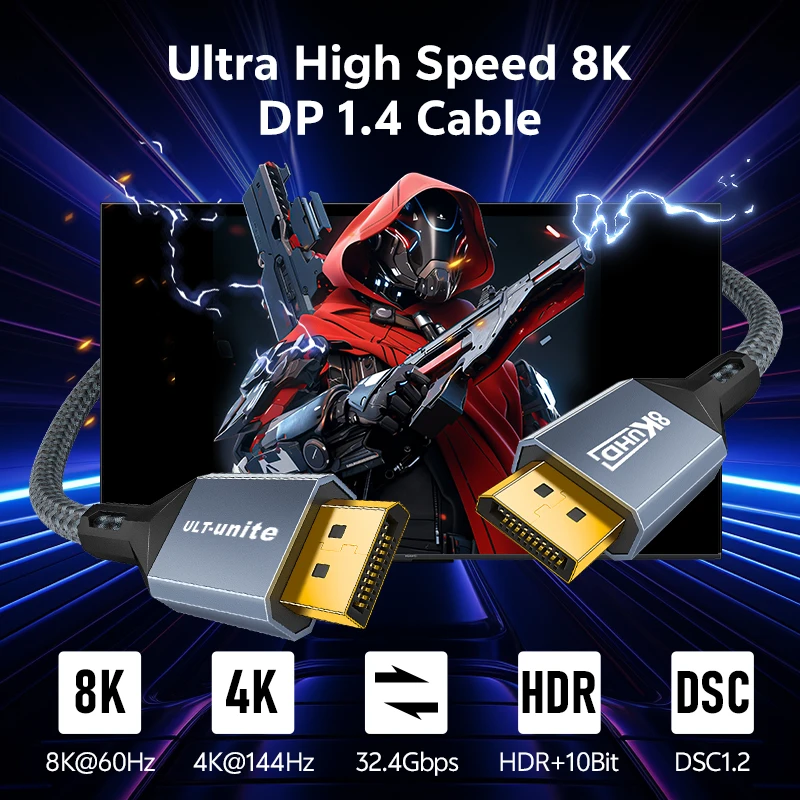
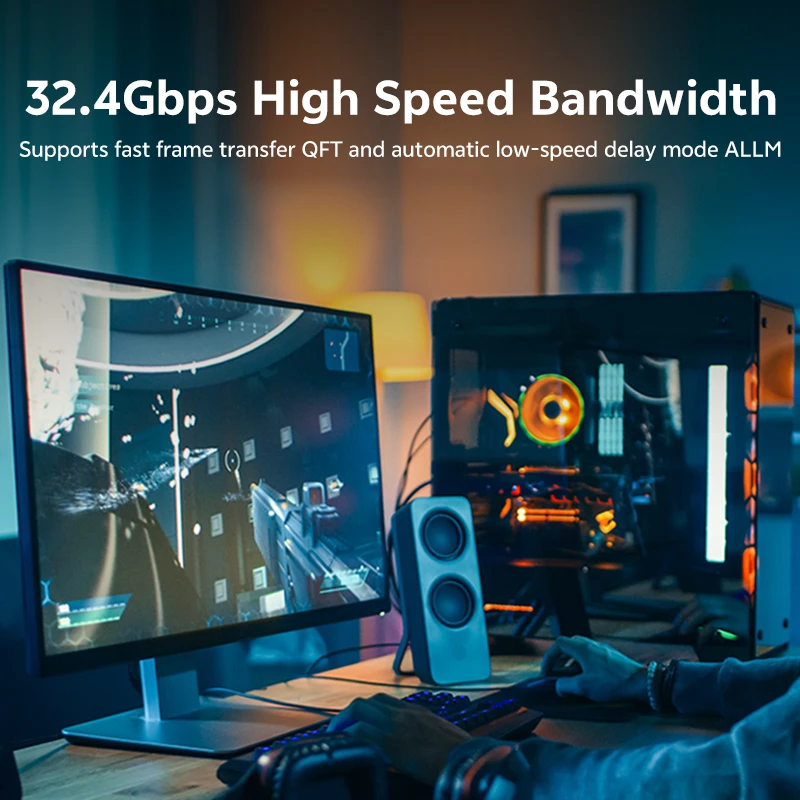
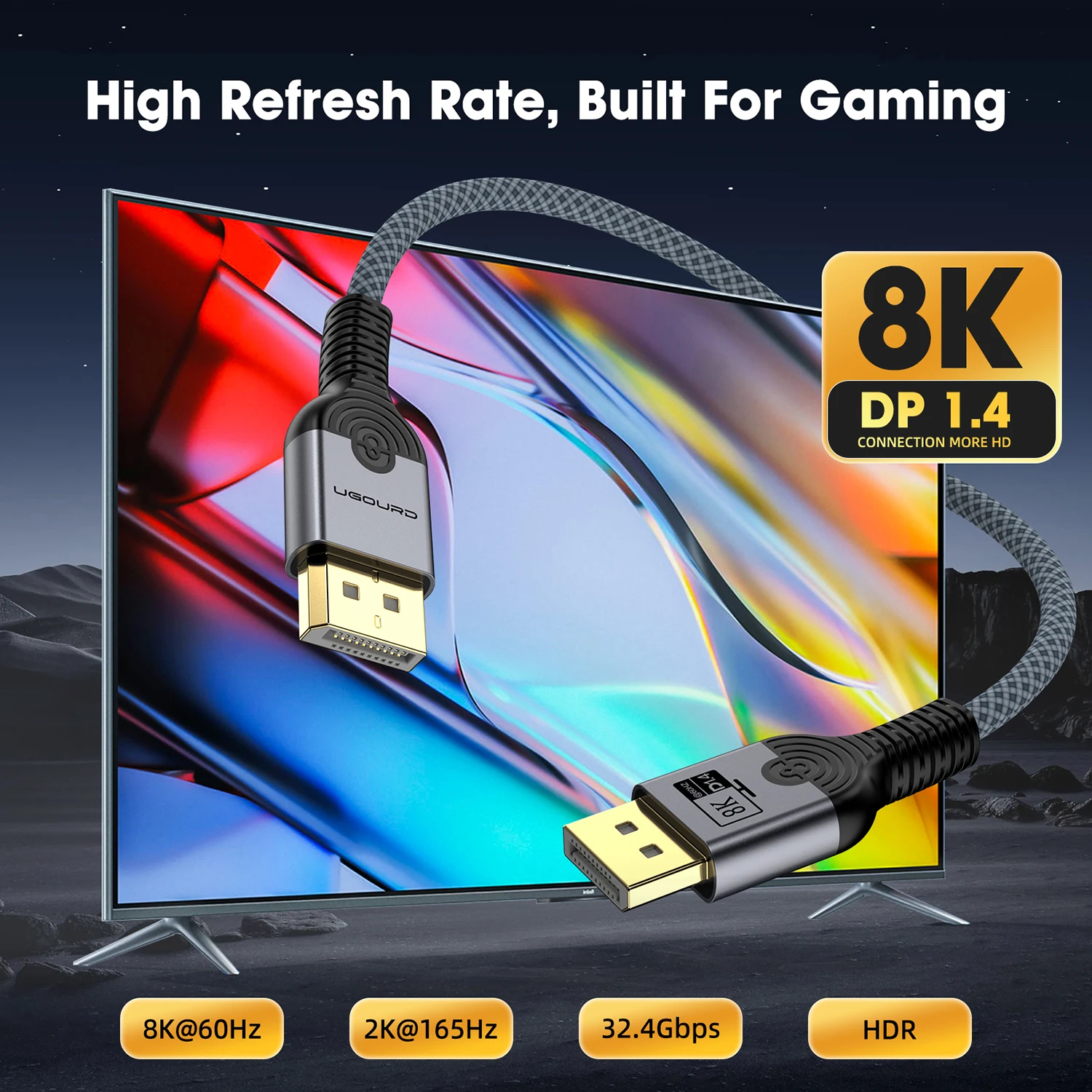
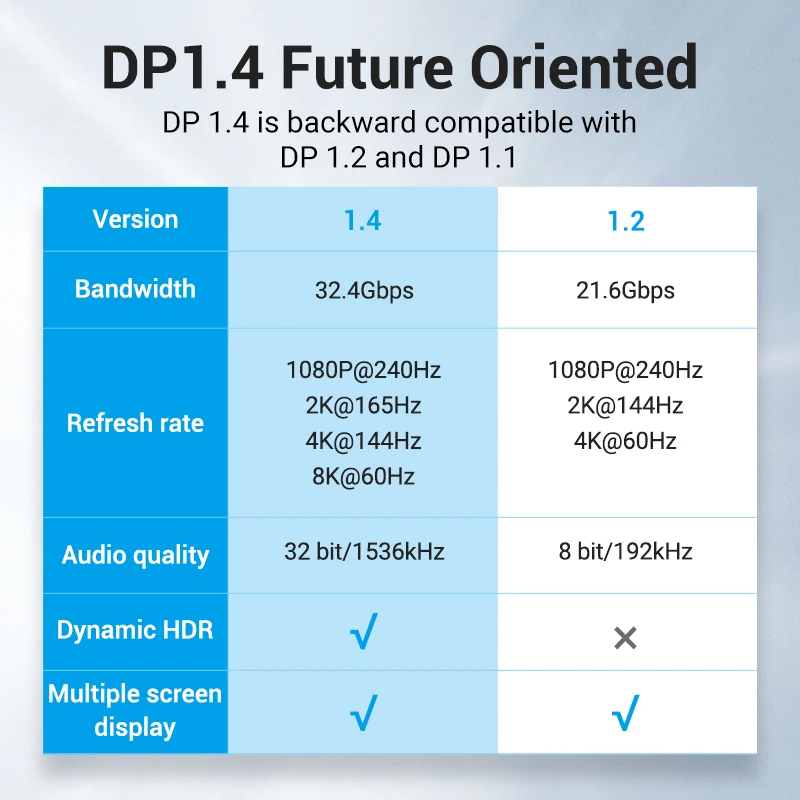
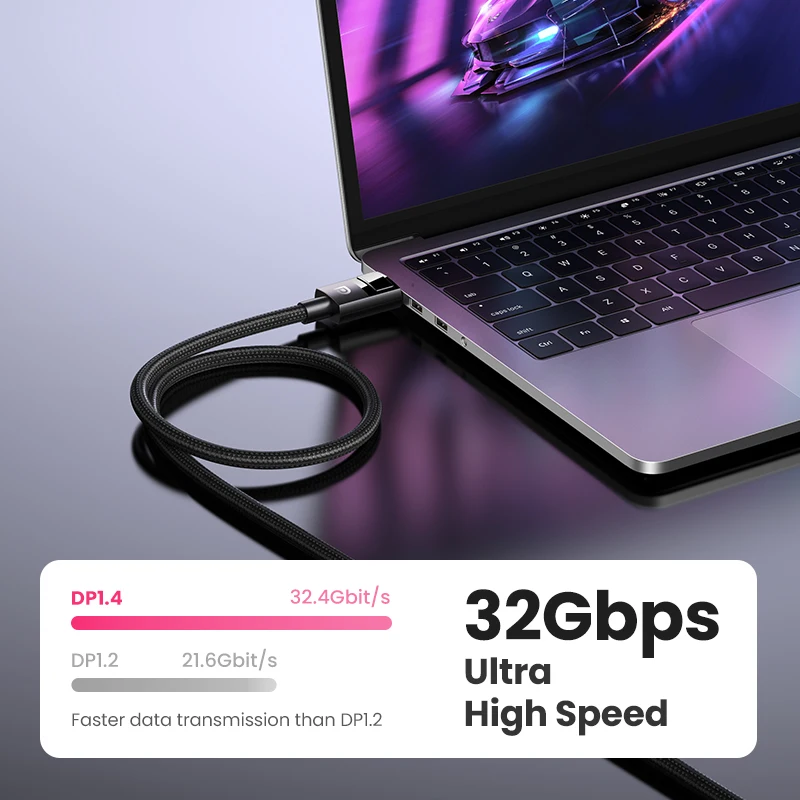
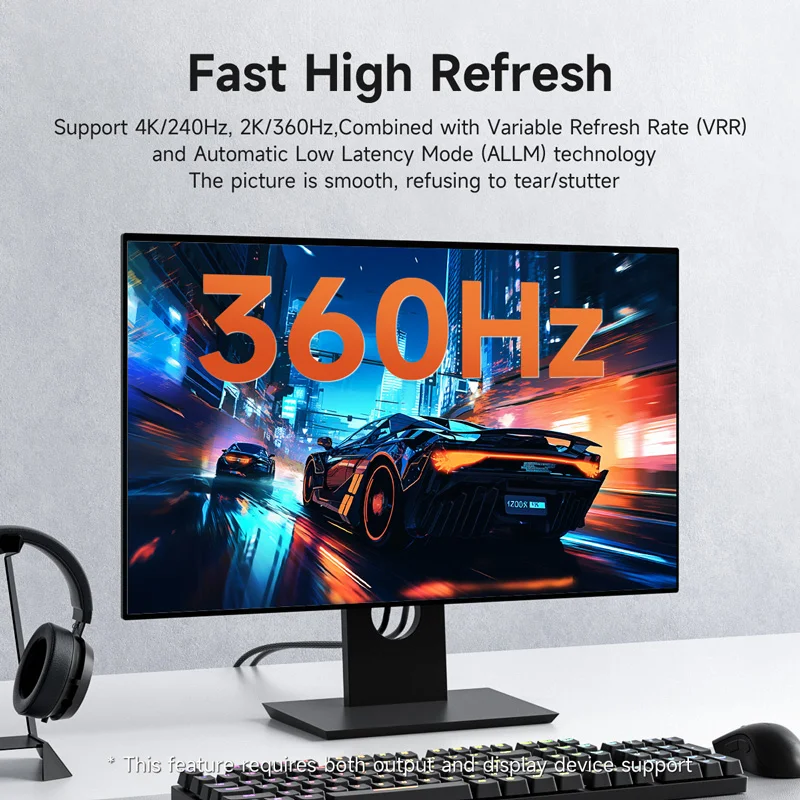
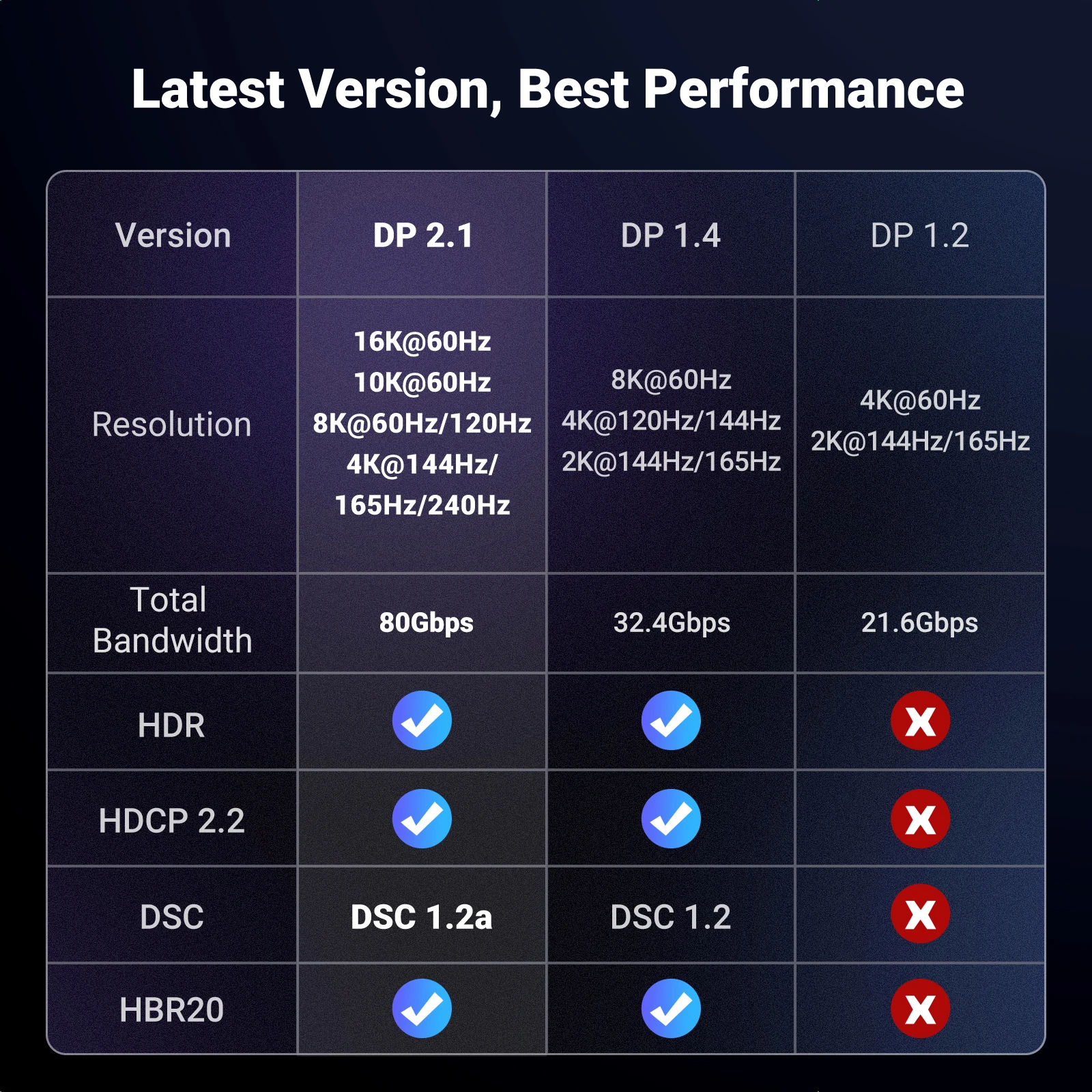
DisplayPort 1.4 links run at up to 32.4Gbps, enough for 4K at high refresh rates. DisplayPort 2.x adds faster links, and VESA certifies cables for them by name: DP40 cables carry up to 40Gbps, and DP80 cables up to 80Gbps. Both work with older DisplayPort equipment. As with any video cable, the picture is limited by the slowest part: the laptop's port, the dock, the cable and the monitor. A DisplayPort 2.1 cable will not make a DisplayPort 1.4 monitor faster, but it will not hold it back either.
For USB-C, the laptop's port must carry DisplayPort Alt Mode, VESA's standard for DisplayPort over USB-C. A port that does normally shows the DisplayPort logo, and the laptop maker's specification page says so and how many screens it can run.
Questions people ask about DisplayPort
Should I use DisplayPort or HDMI for my monitor?
Use what both ends have. Many monitors have both inputs; check the monitor's own specification for the refresh rate each input supports, and use that one.
Can I connect a DisplayPort laptop to an HDMI screen?
Yes, with a DisplayPort to HDMI adapter. VESA says these carry sound as well as the picture.
Is Mini DisplayPort the same as USB-C?
No. They are different plugs. An adapter in this range converts USB-C to Mini DisplayPort for screens and older devices that use it.
More to look at