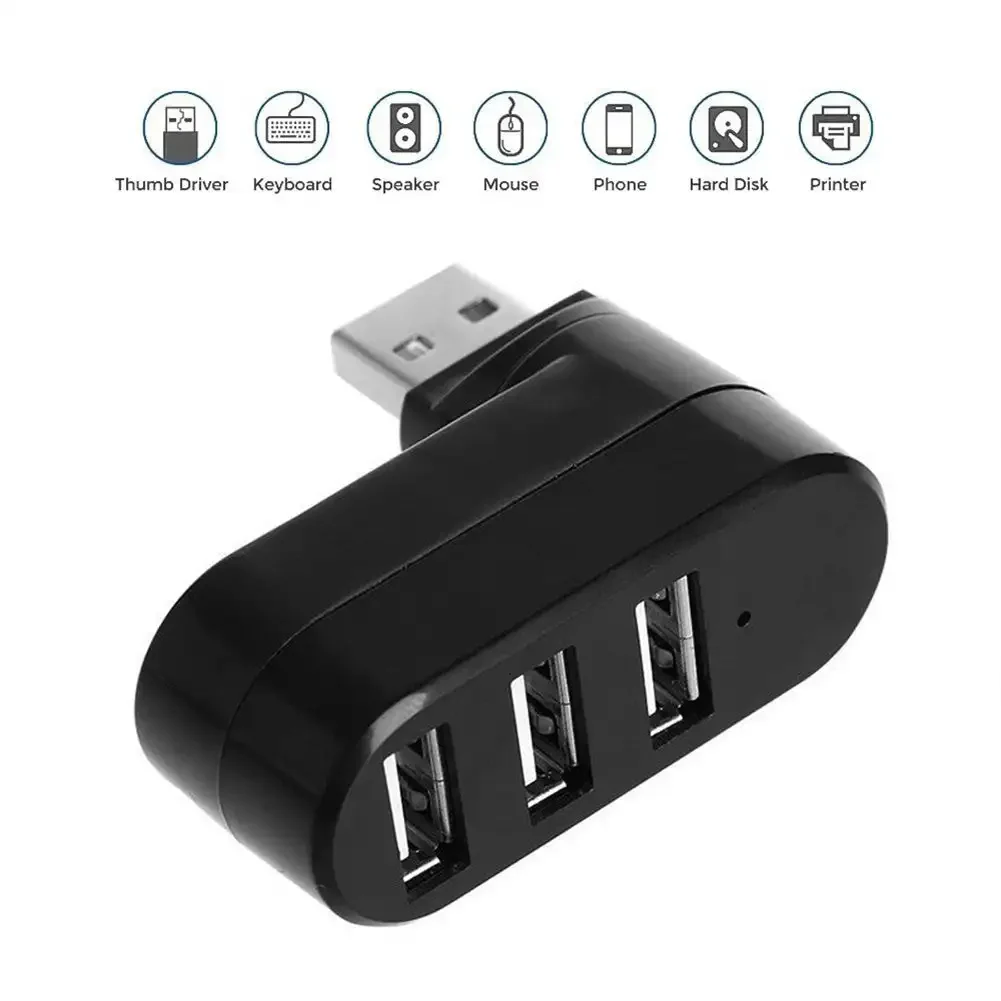
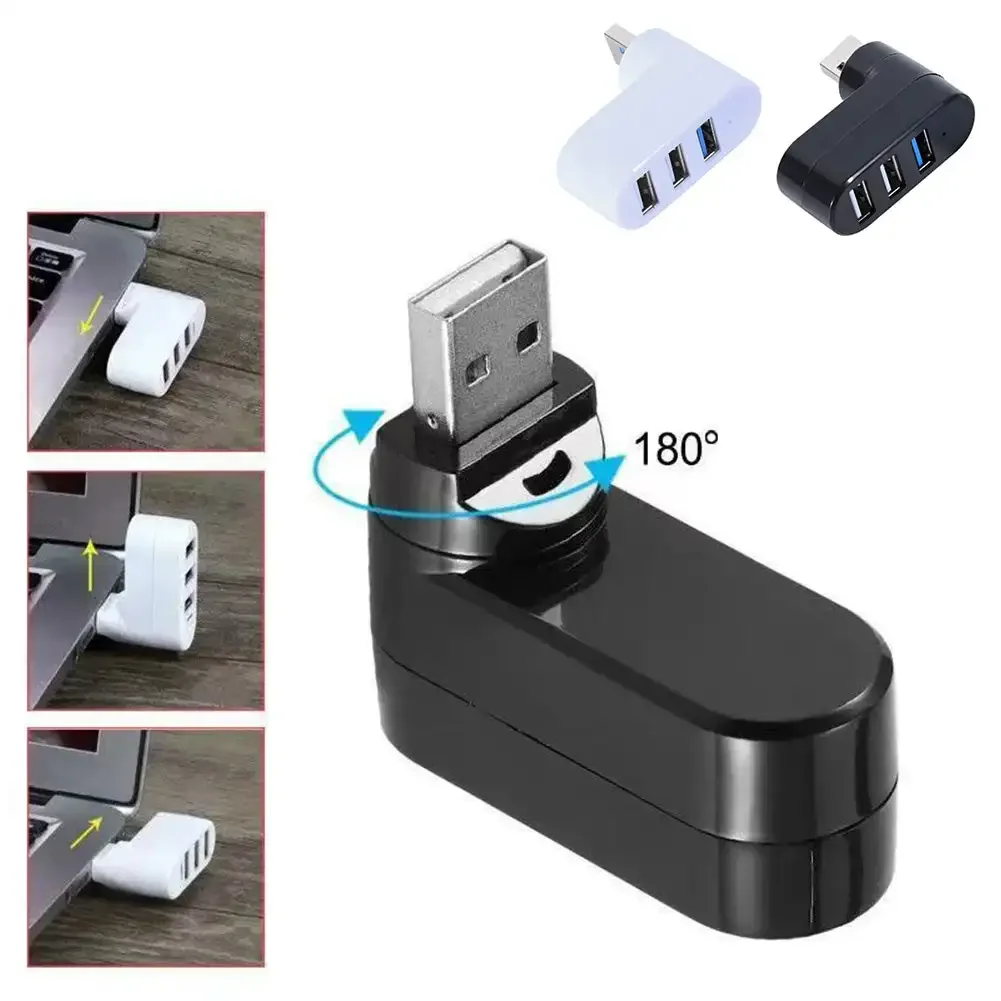
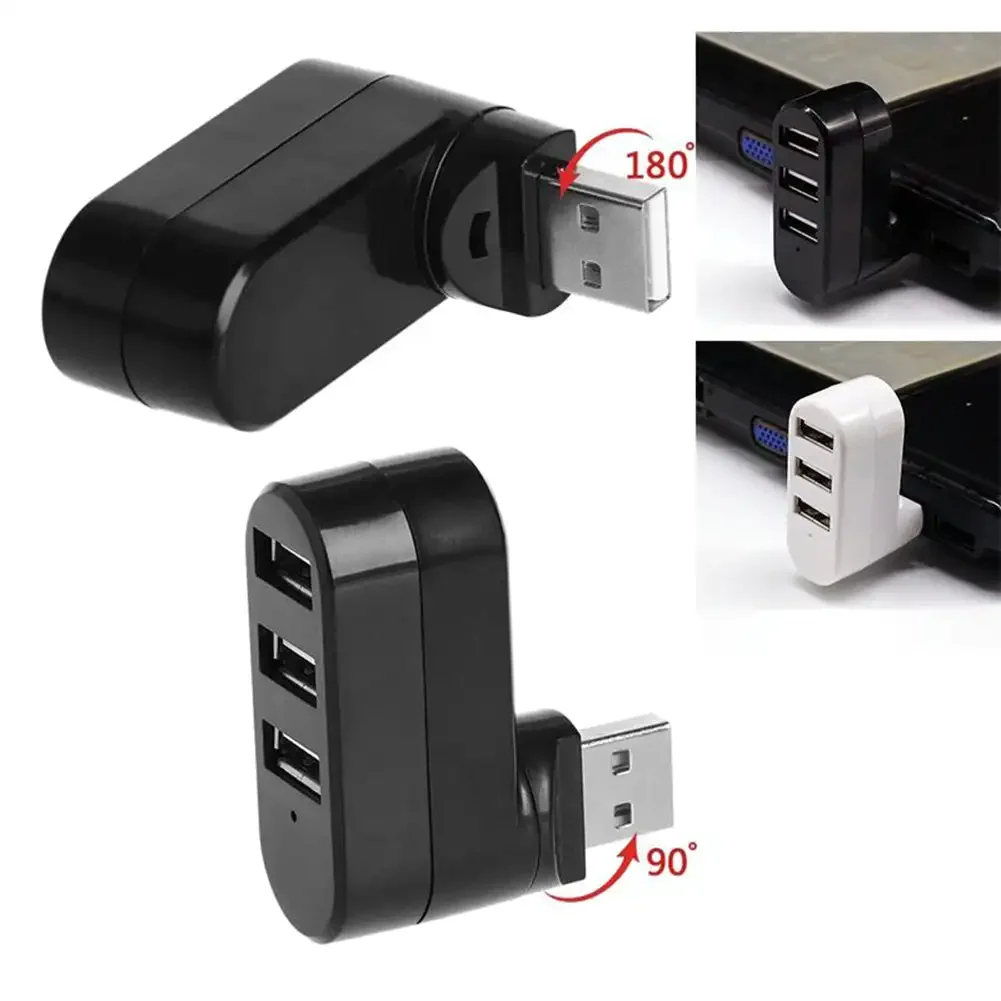
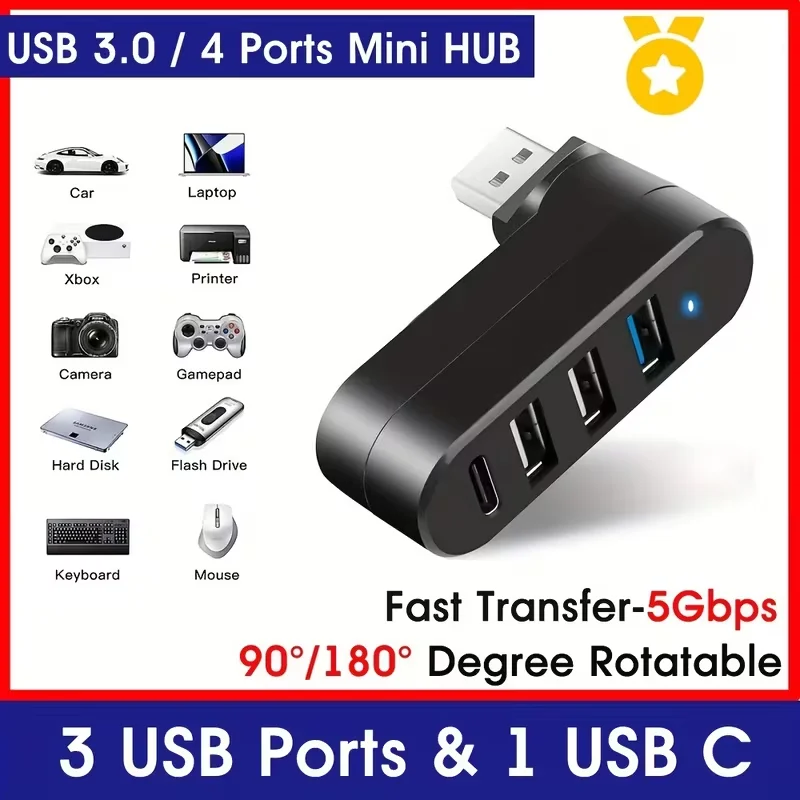
More from one USB-A socket
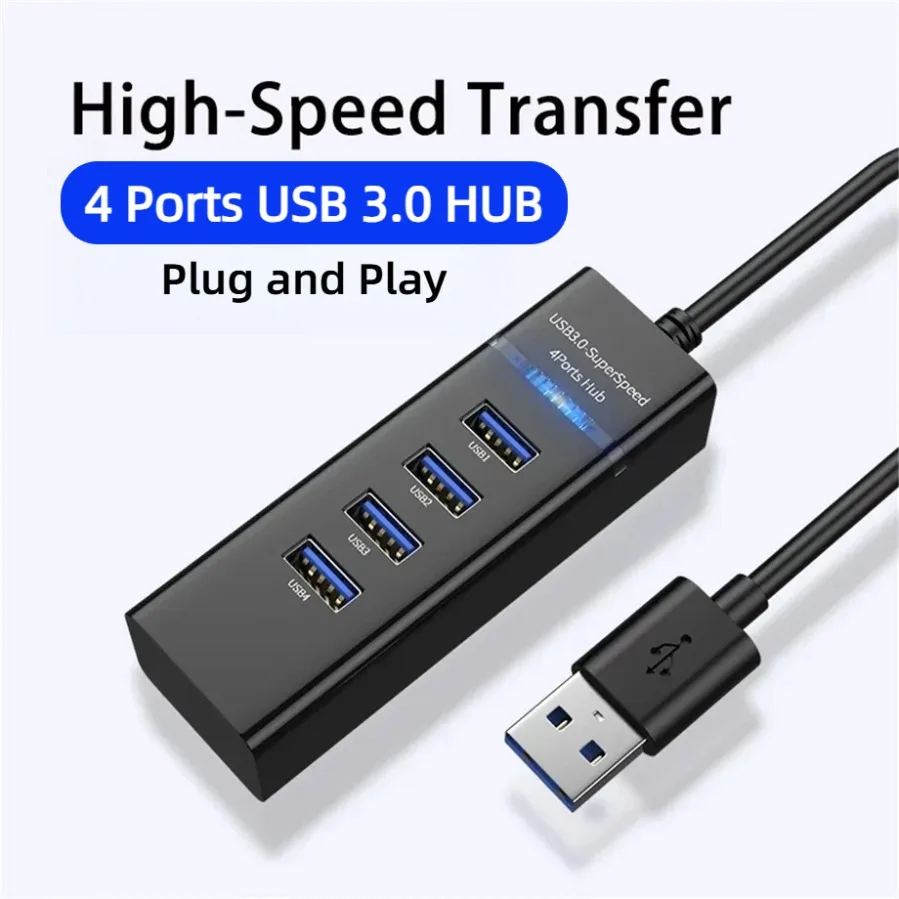
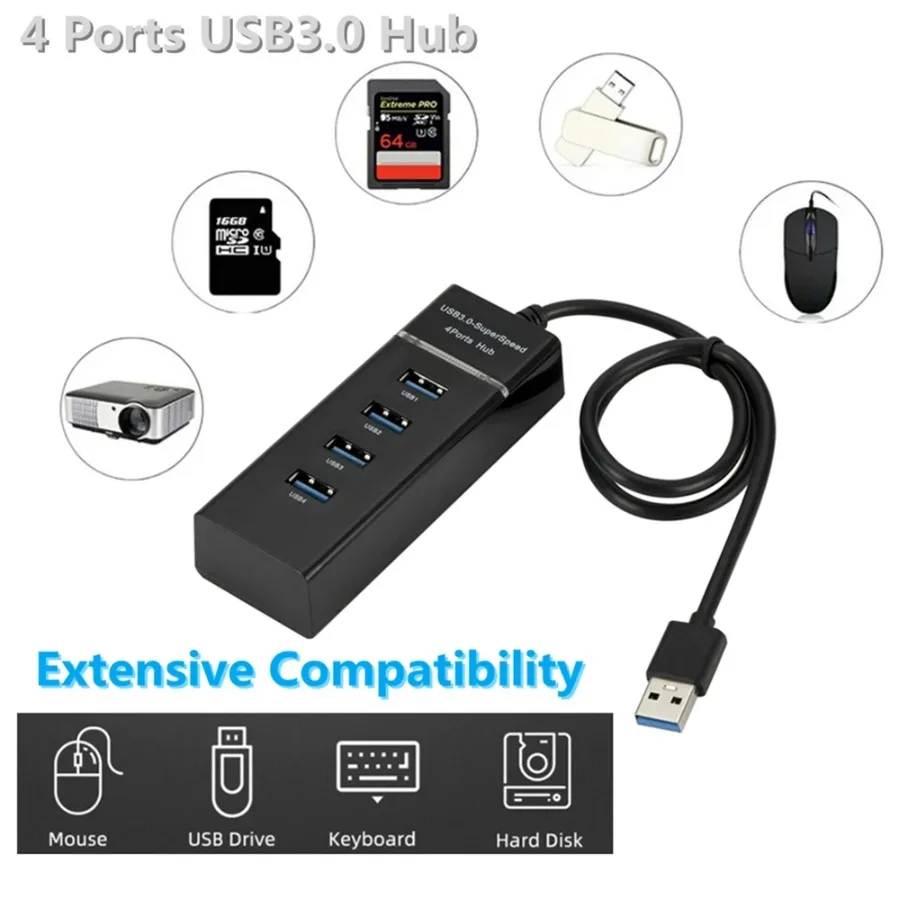
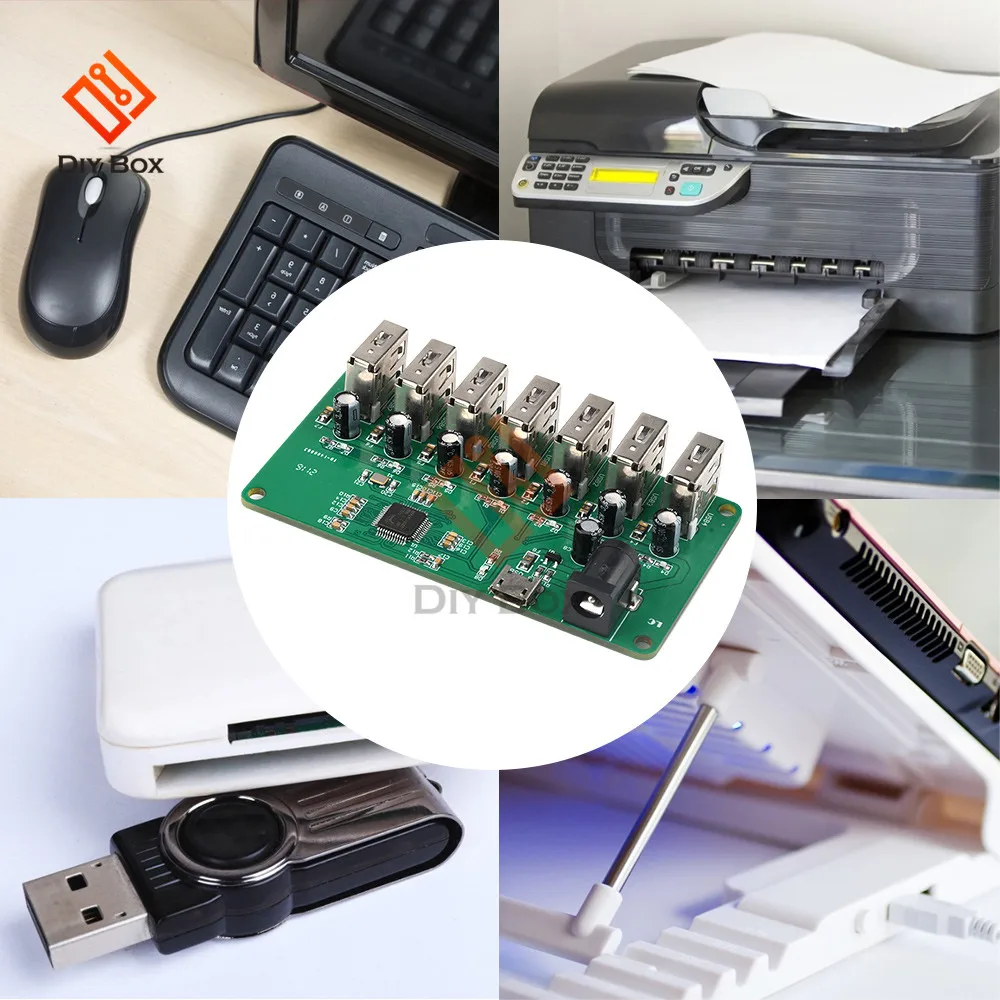
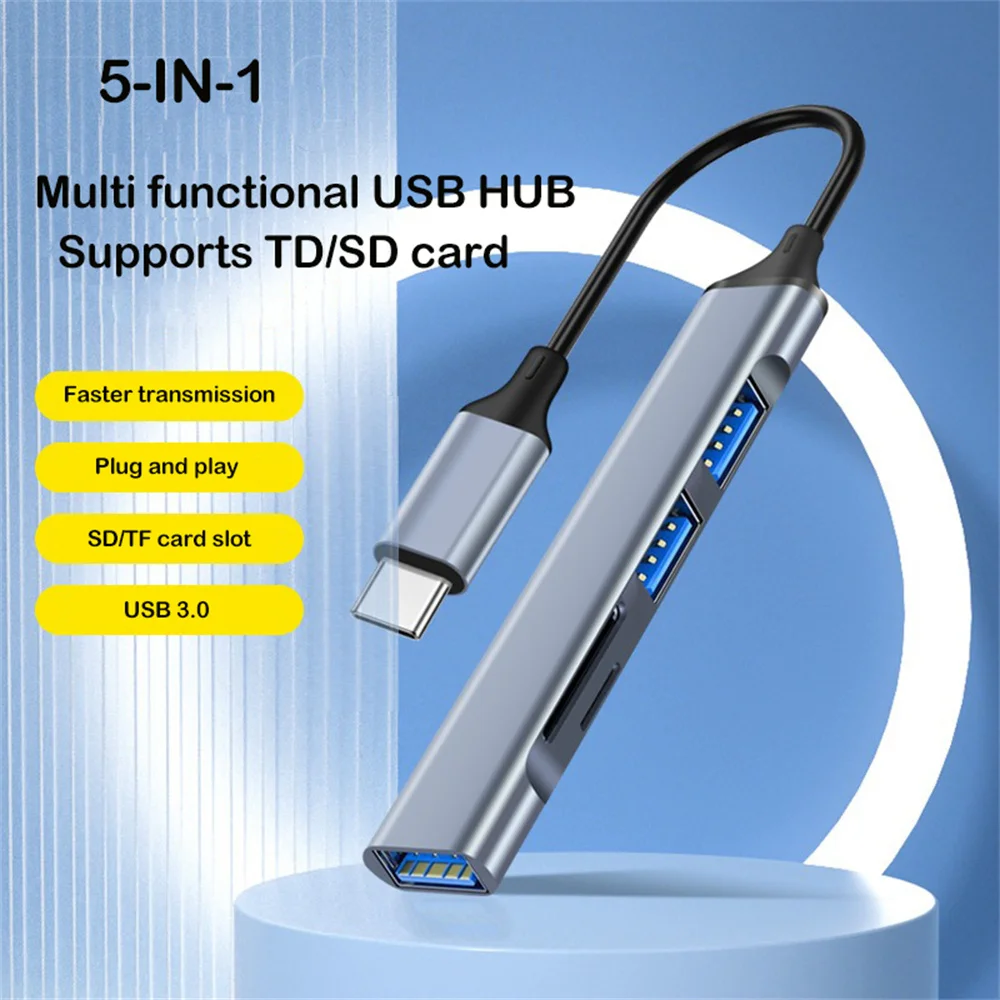
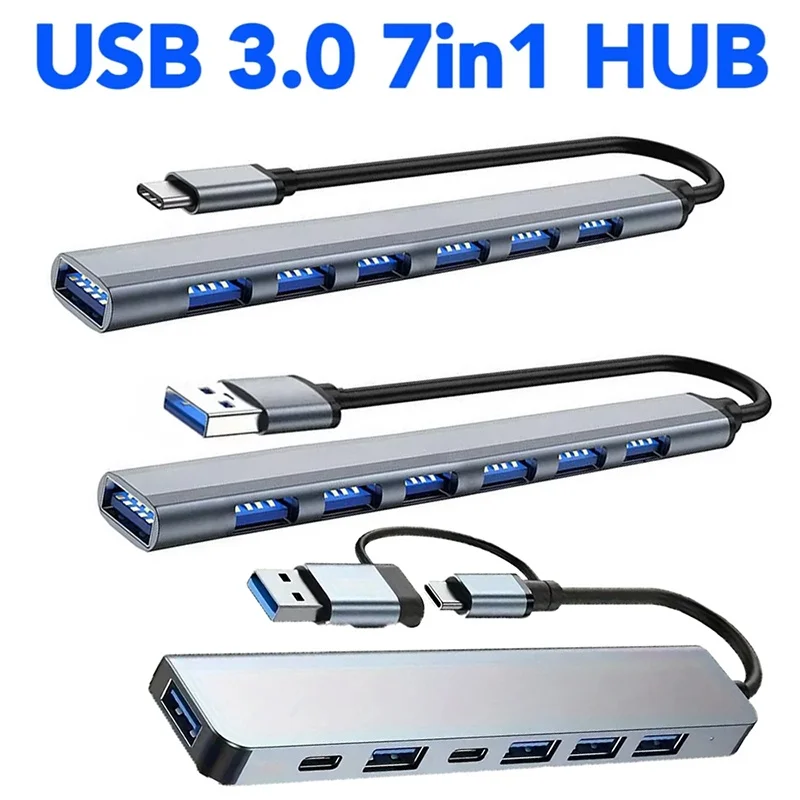
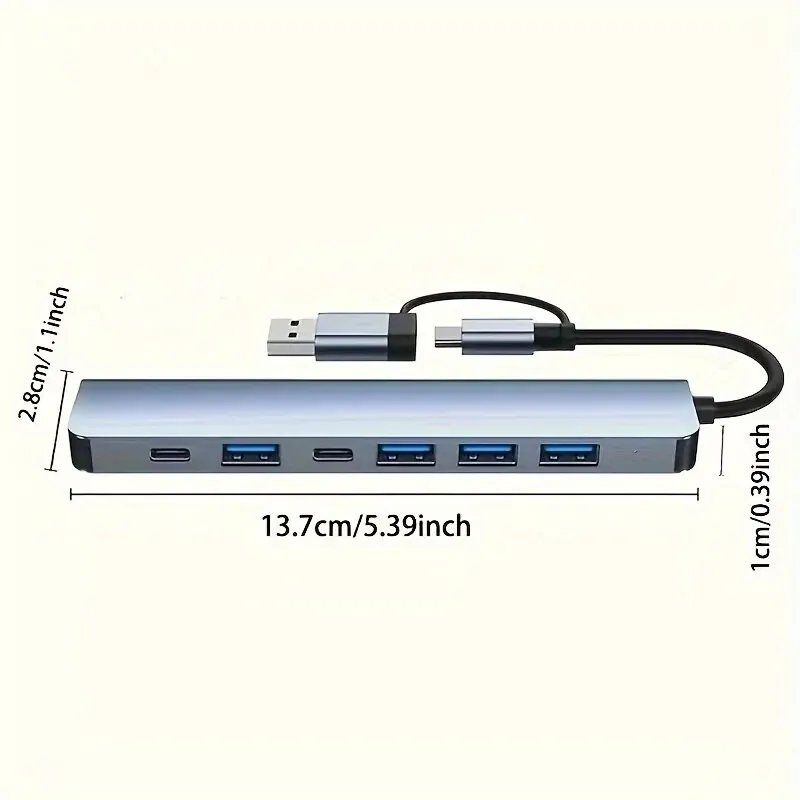
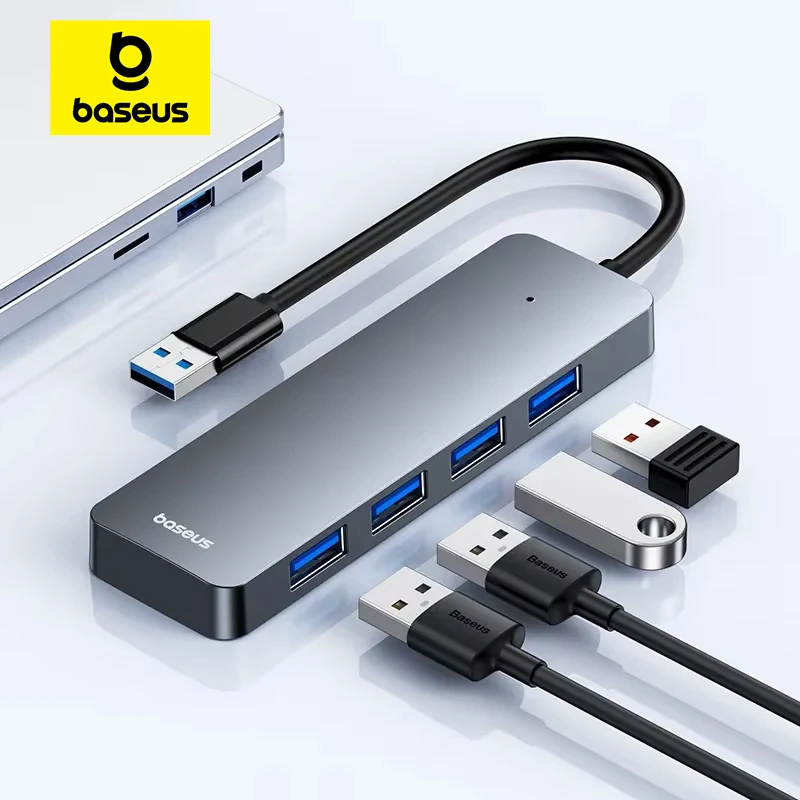
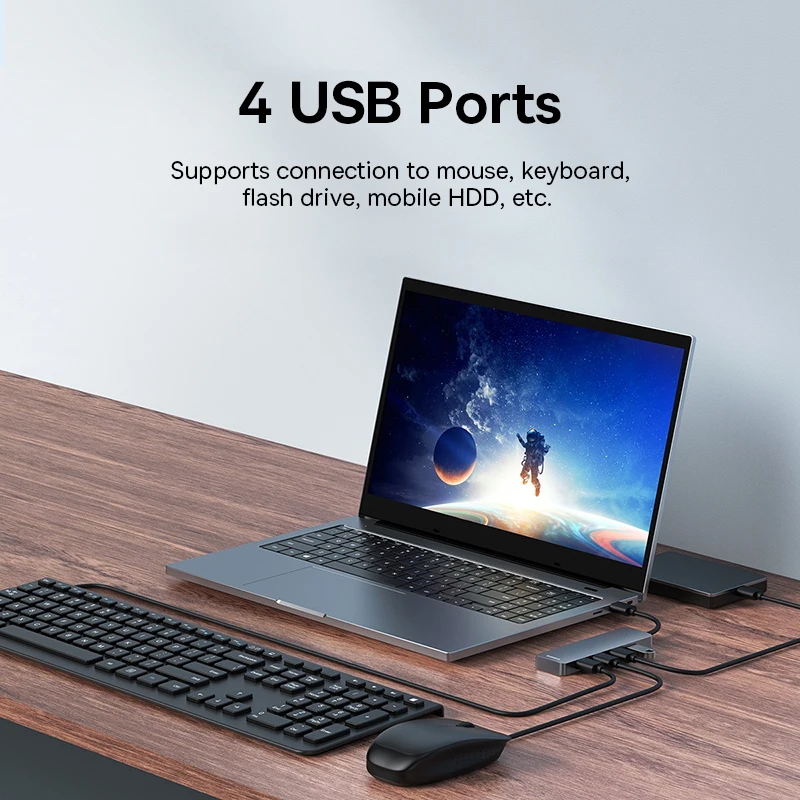
USB-A is the older, larger, rectangular USB socket. Many laptops still have one or two, and they fill quickly with a mouse receiver, a keyboard, a memory stick and a printer. A USB-A hub plugs into one of them and gives you three, four or seven. Several hubs here also come with a USB-C plug instead, for laptops that have lost their USB-A sockets.
The kinds here
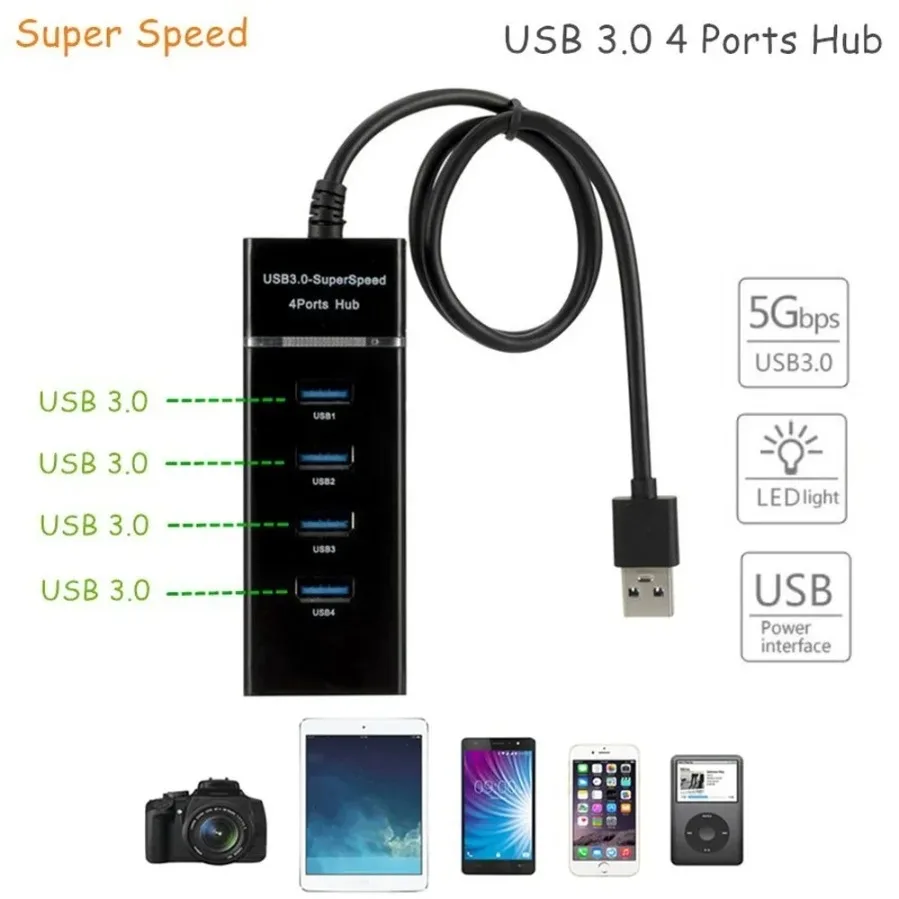
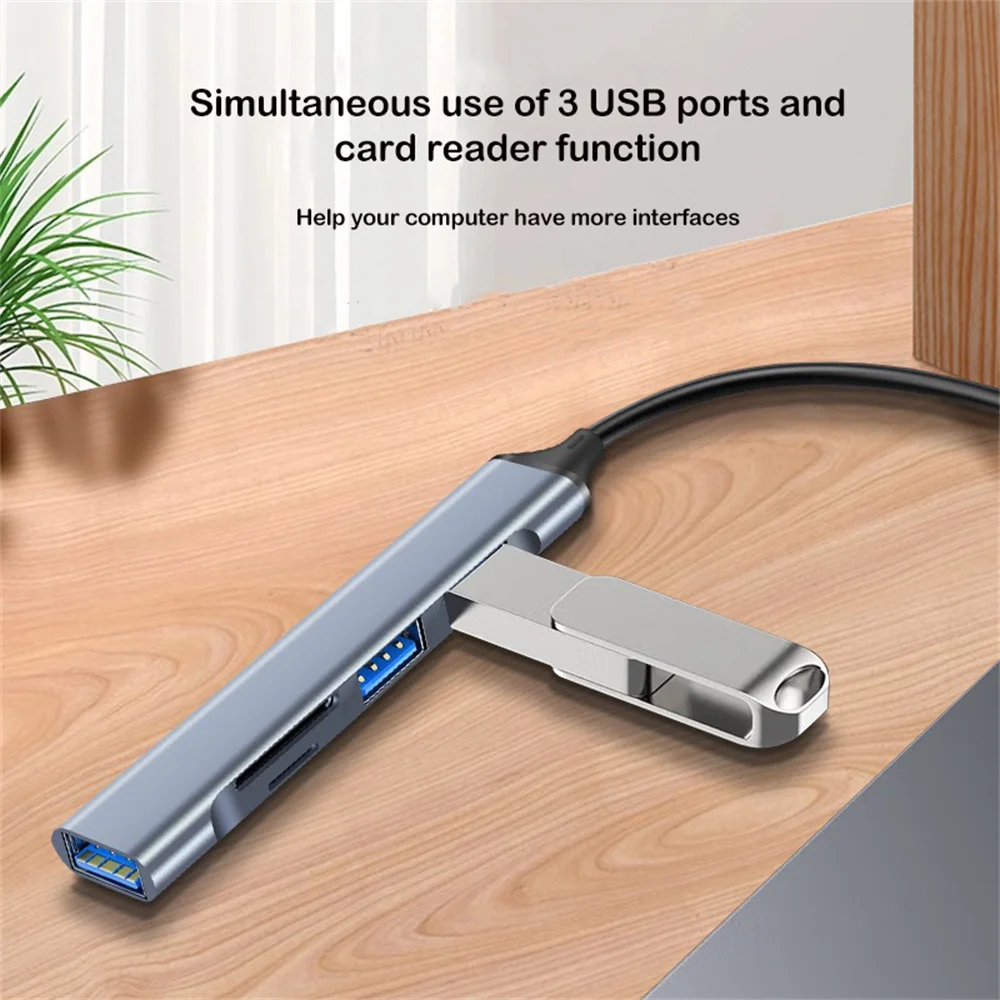
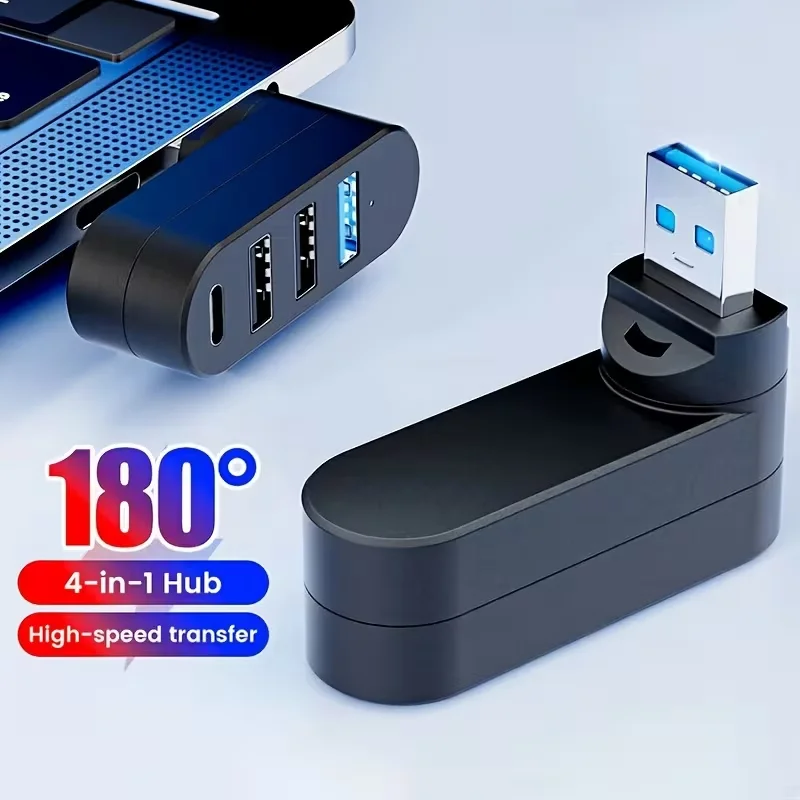
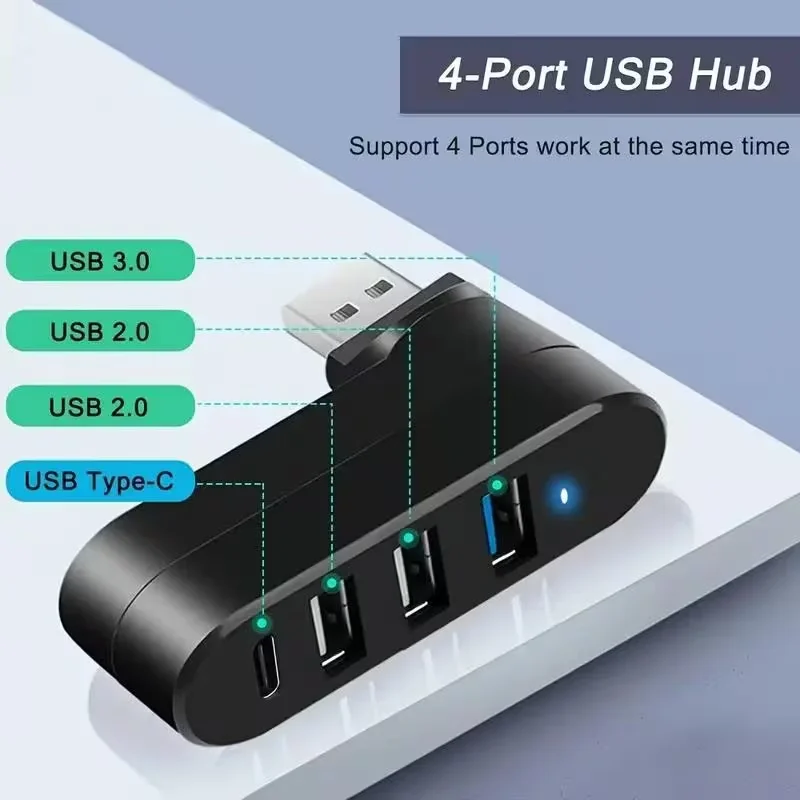
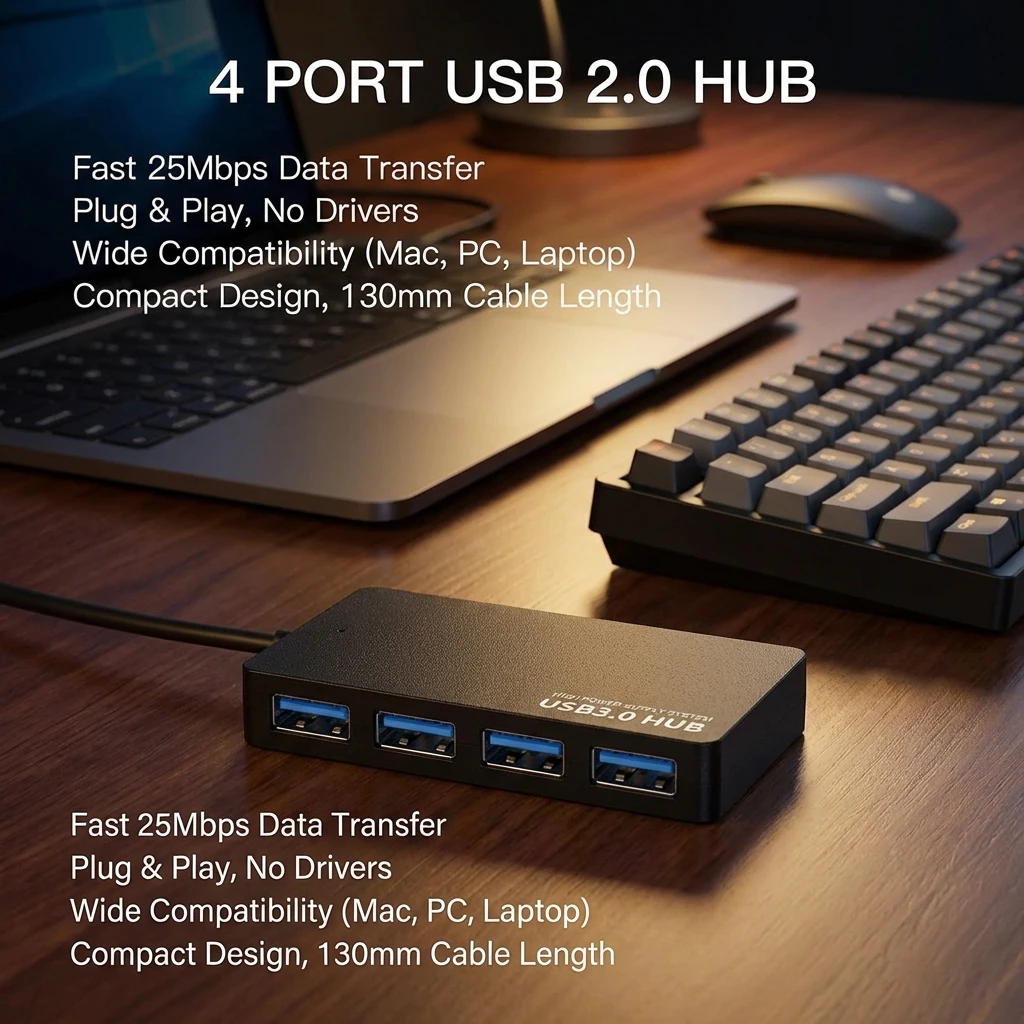
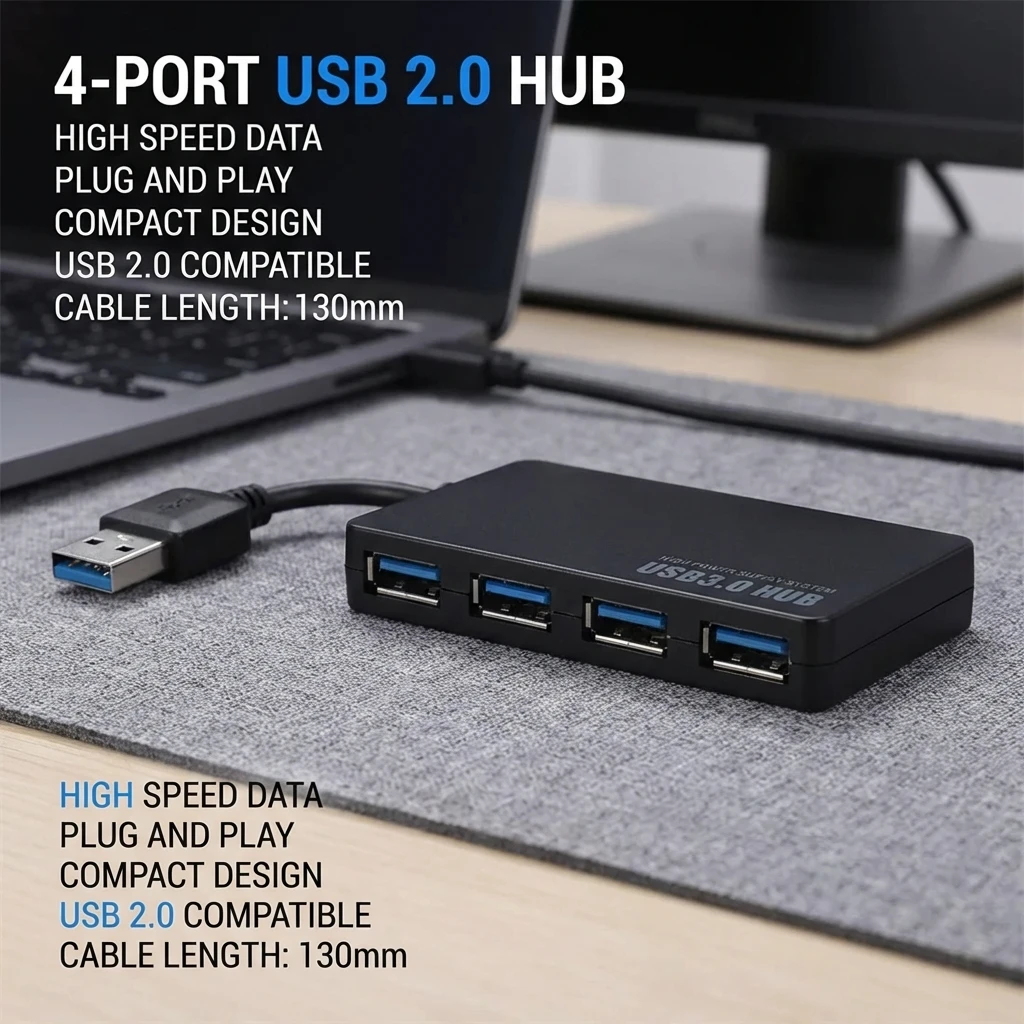
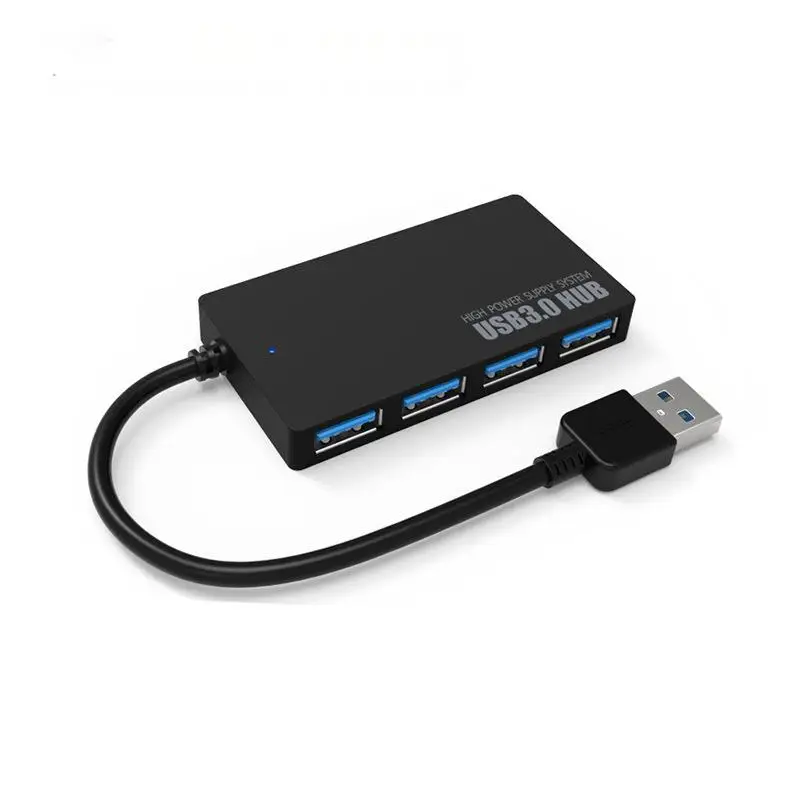
- Small hubs with three or four ports, some with a head that rotates so the hub lies flat against the laptop.
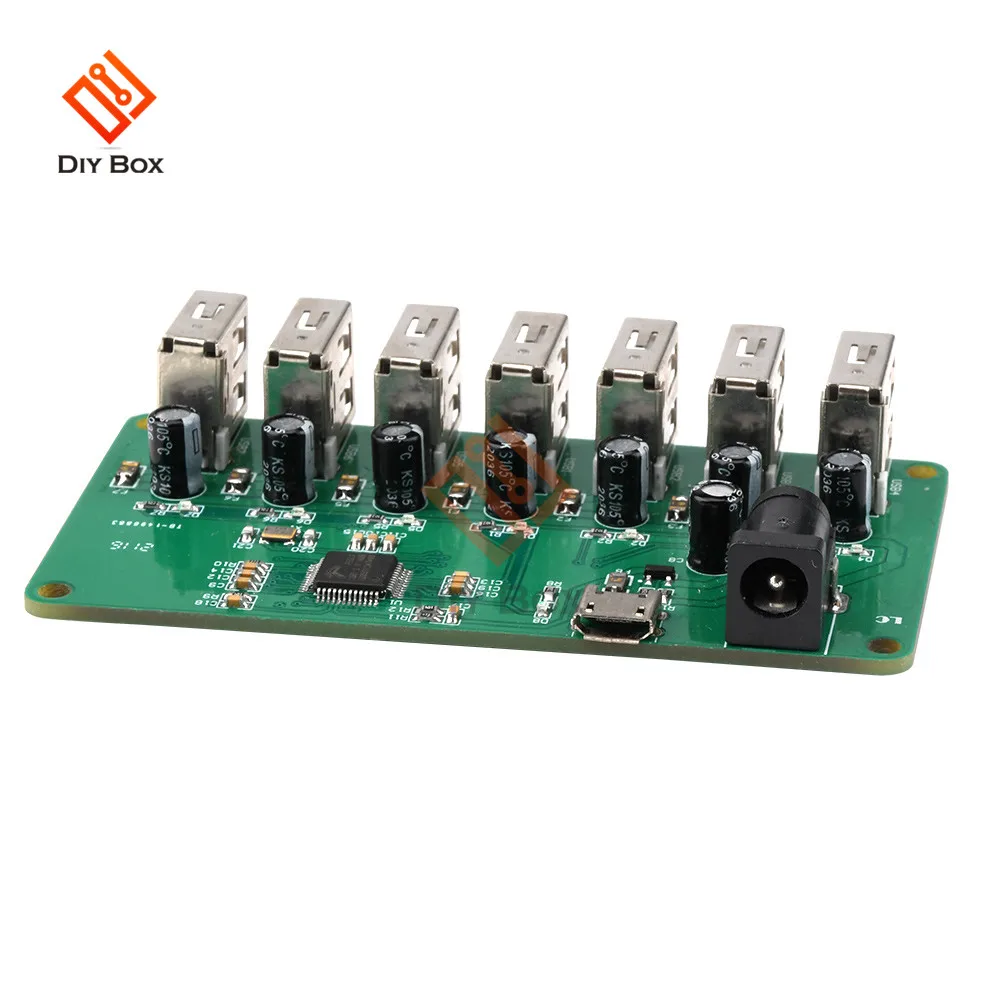
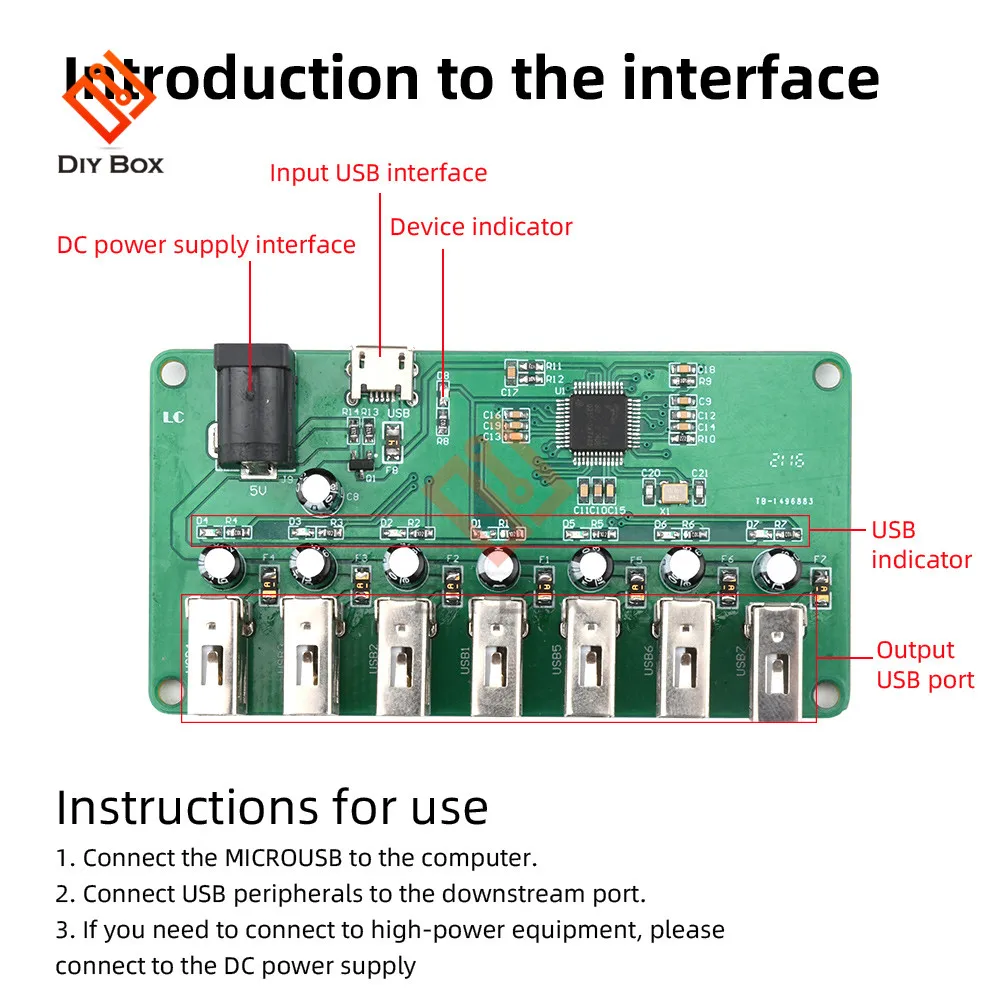
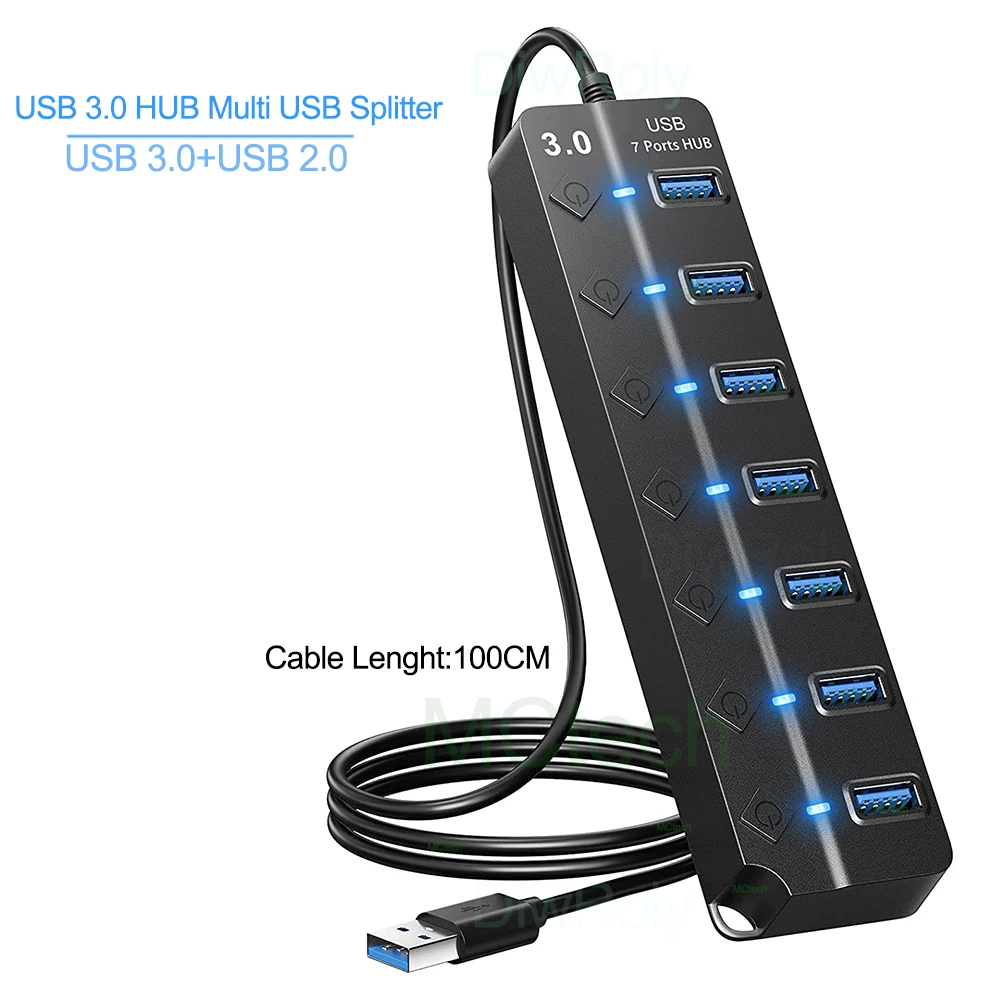
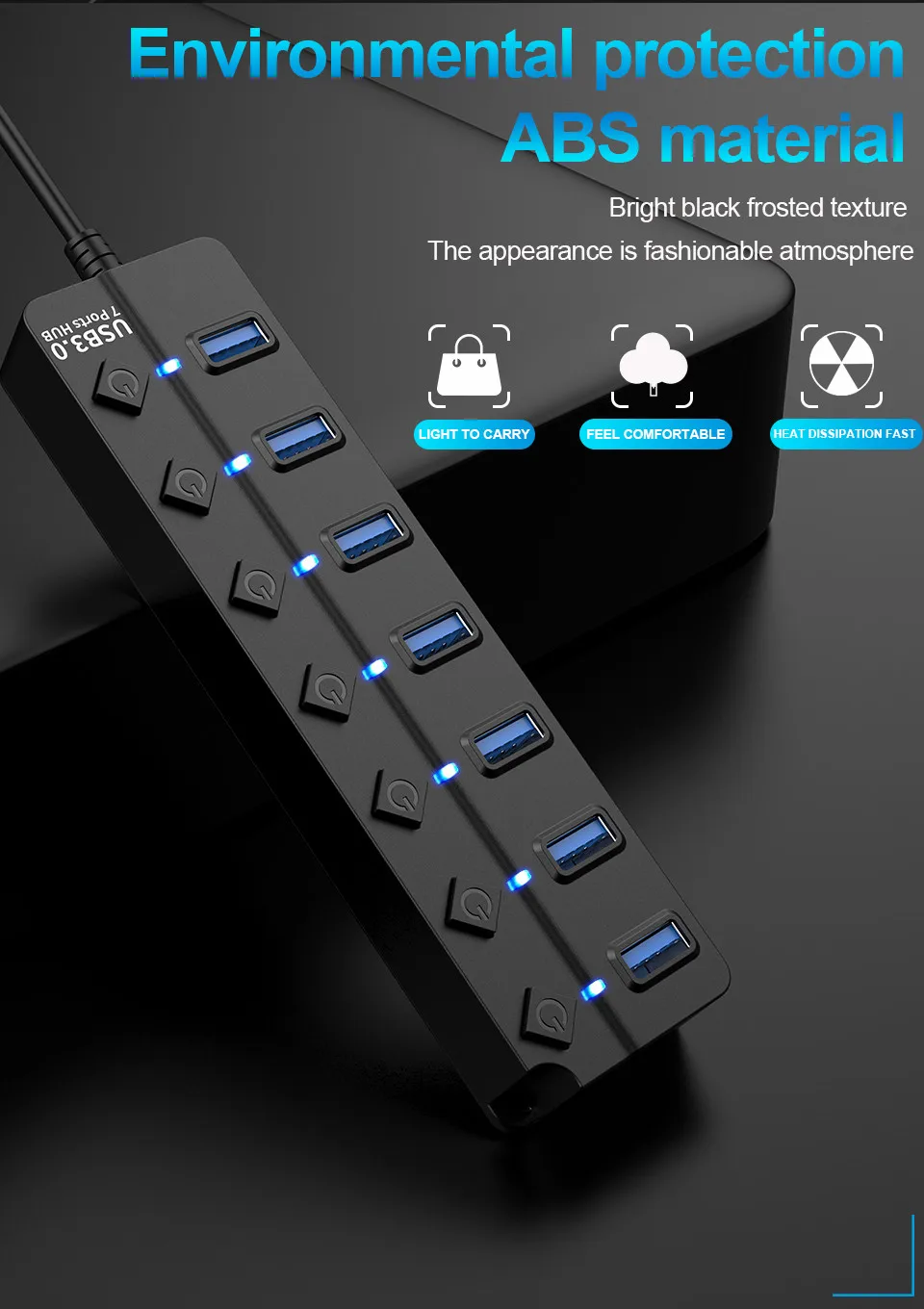
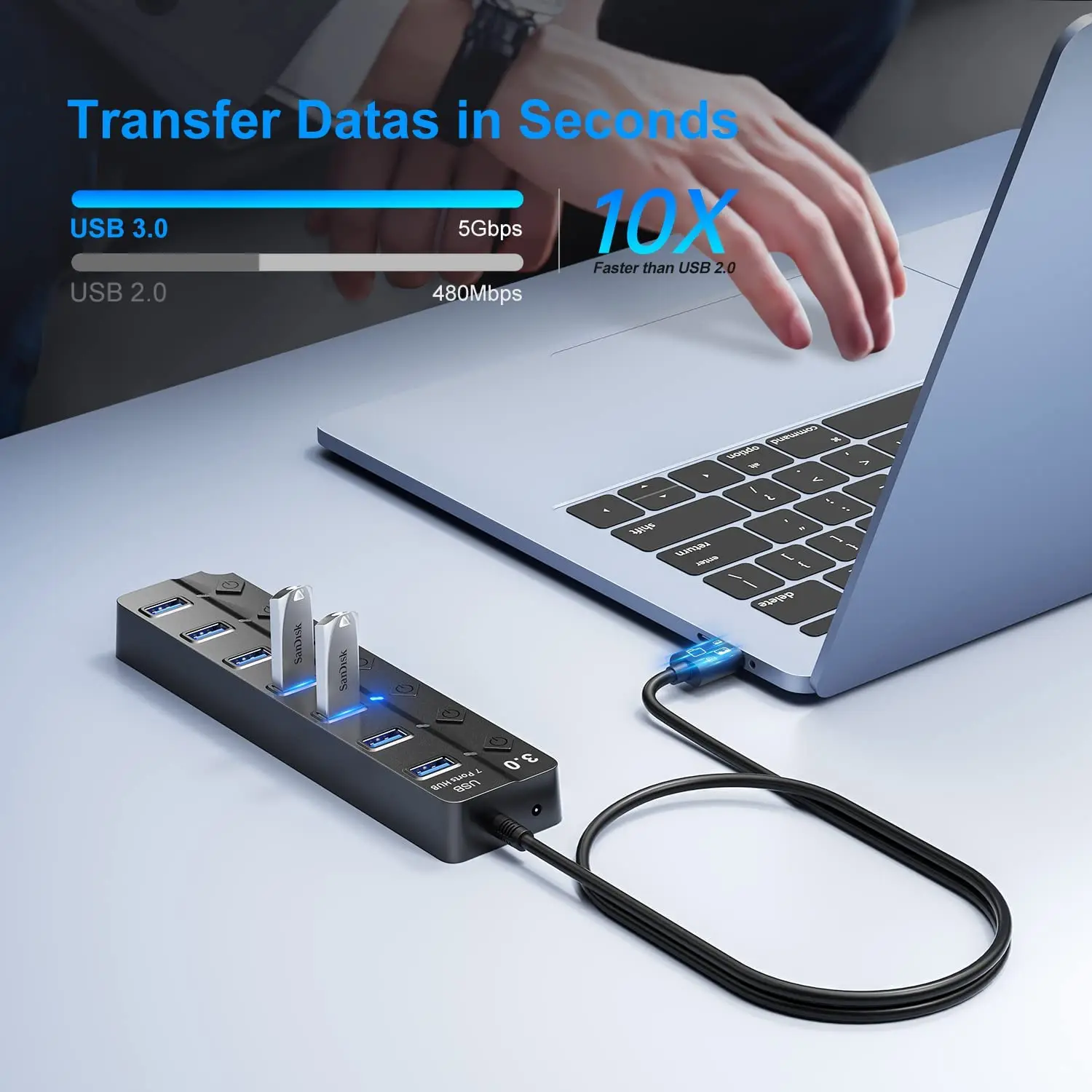
- Seven-port hubs for a desk, several with a switch and a light for each port, so you can turn one device off without unplugging it.
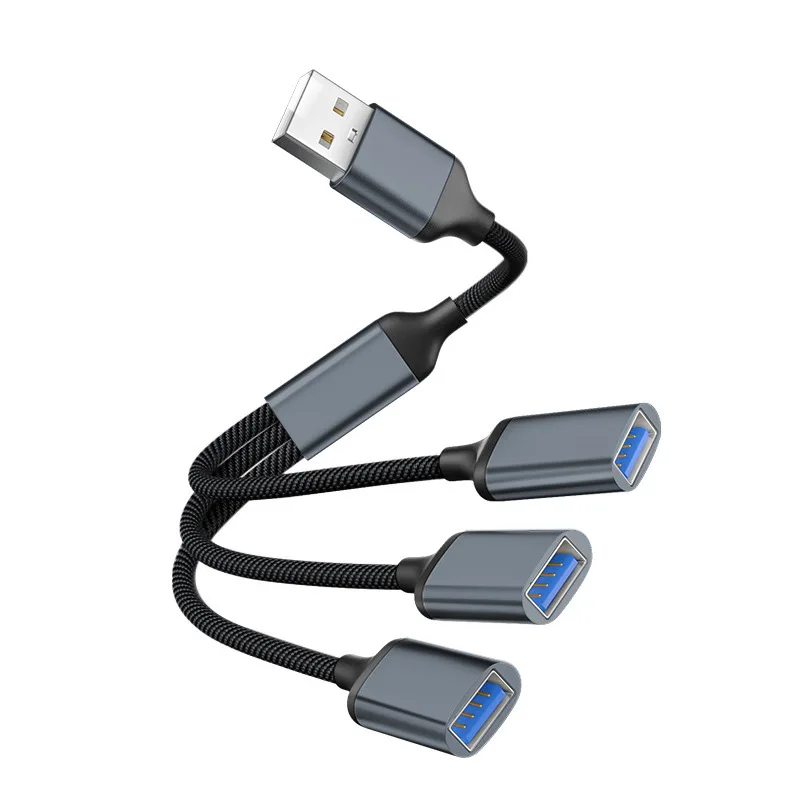
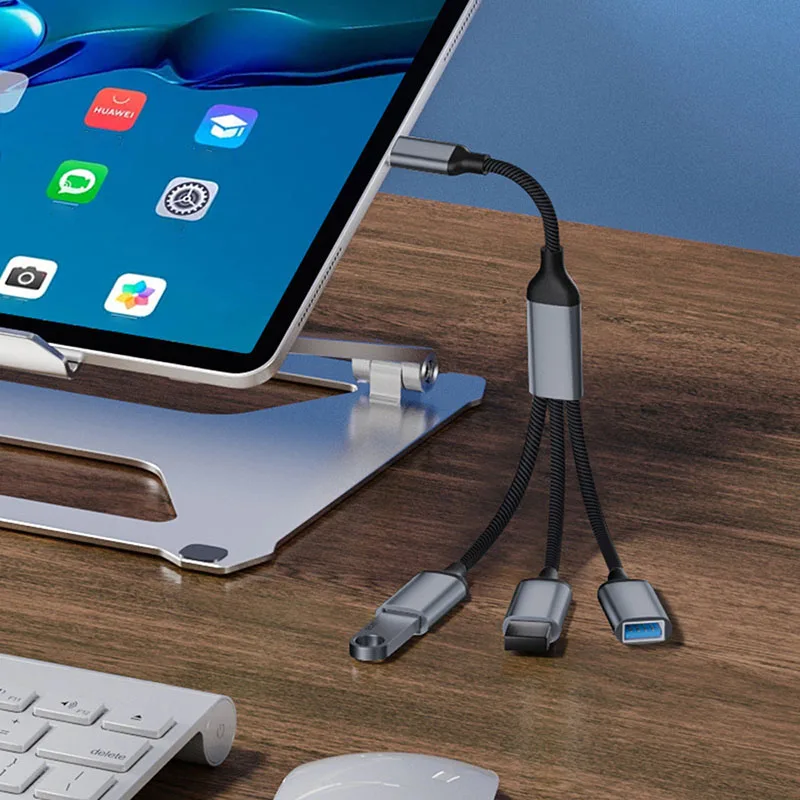
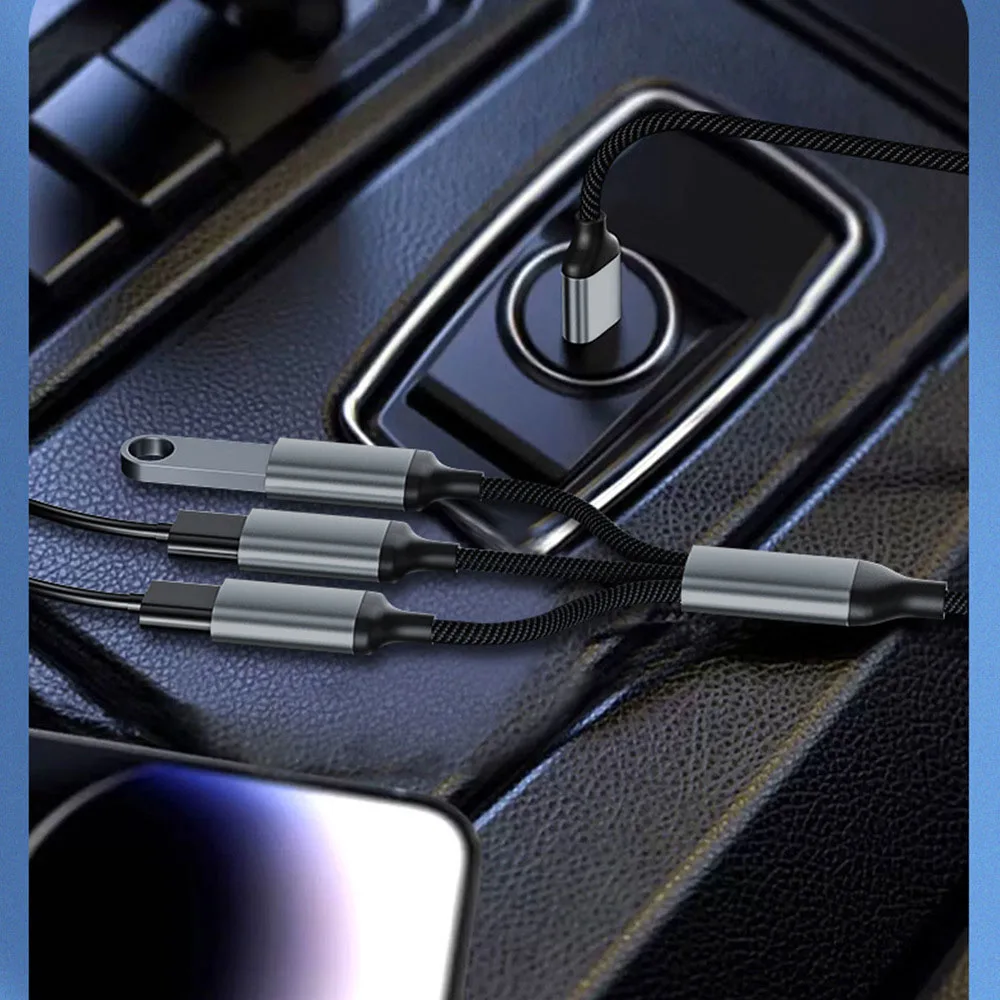
- Splitter cables, one plug to three sockets on short leads.
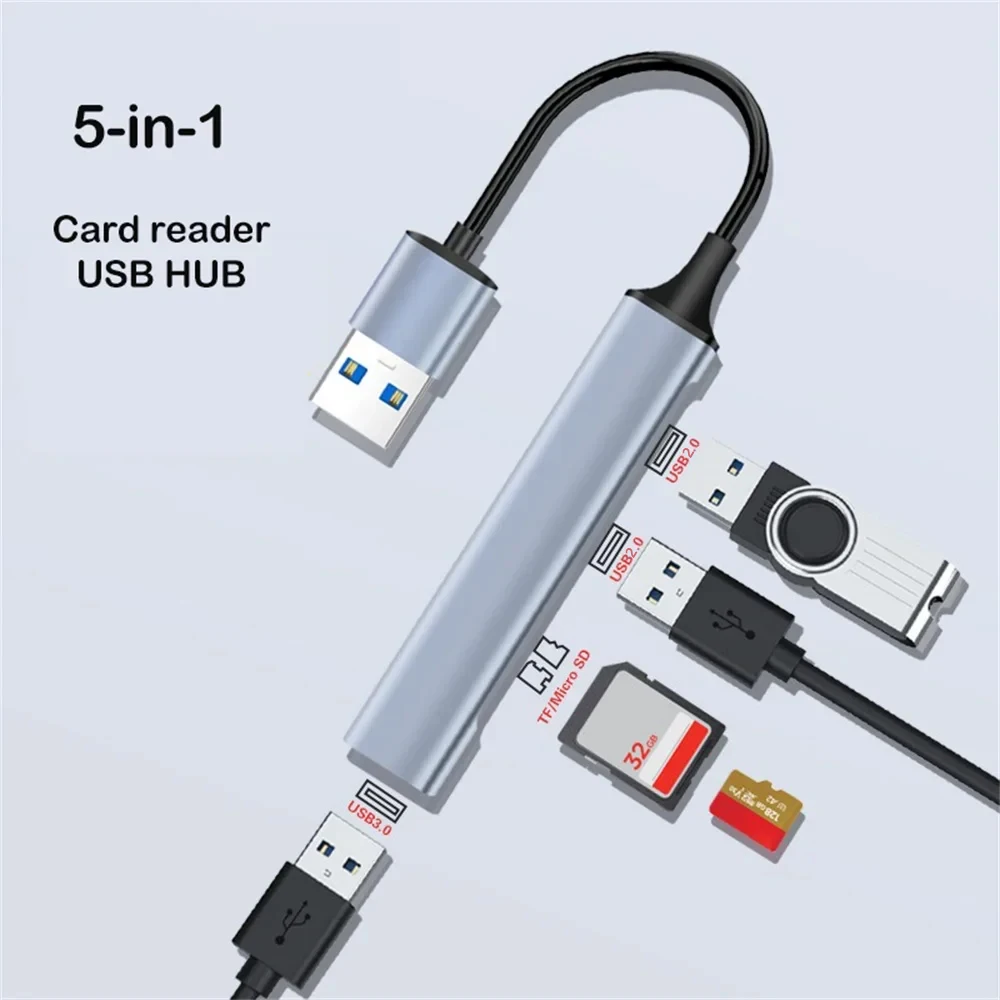
- Hubs with a card reader, mixing USB sockets with SD and microSD slots.
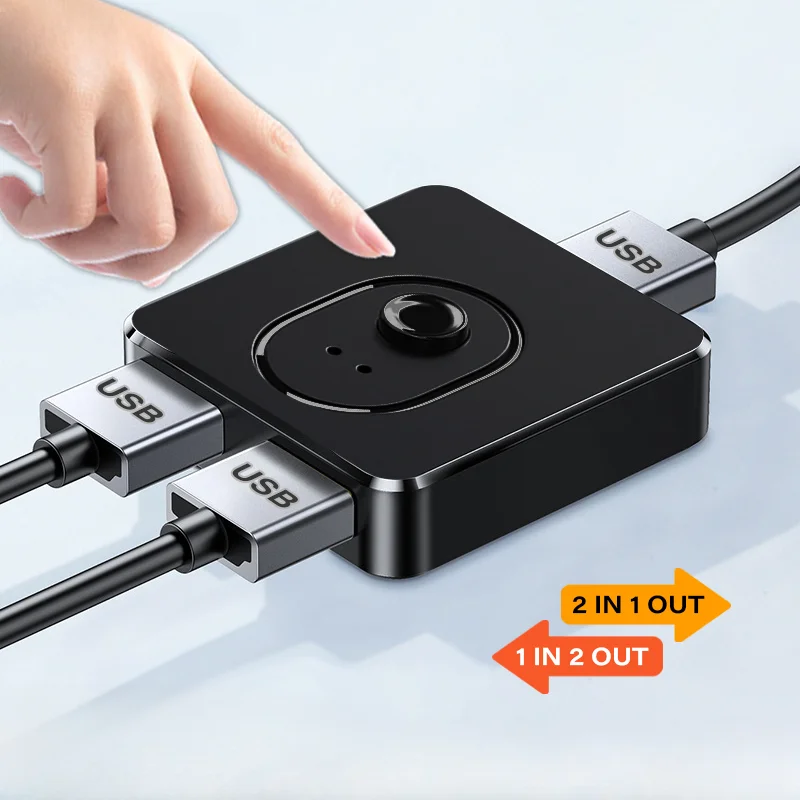
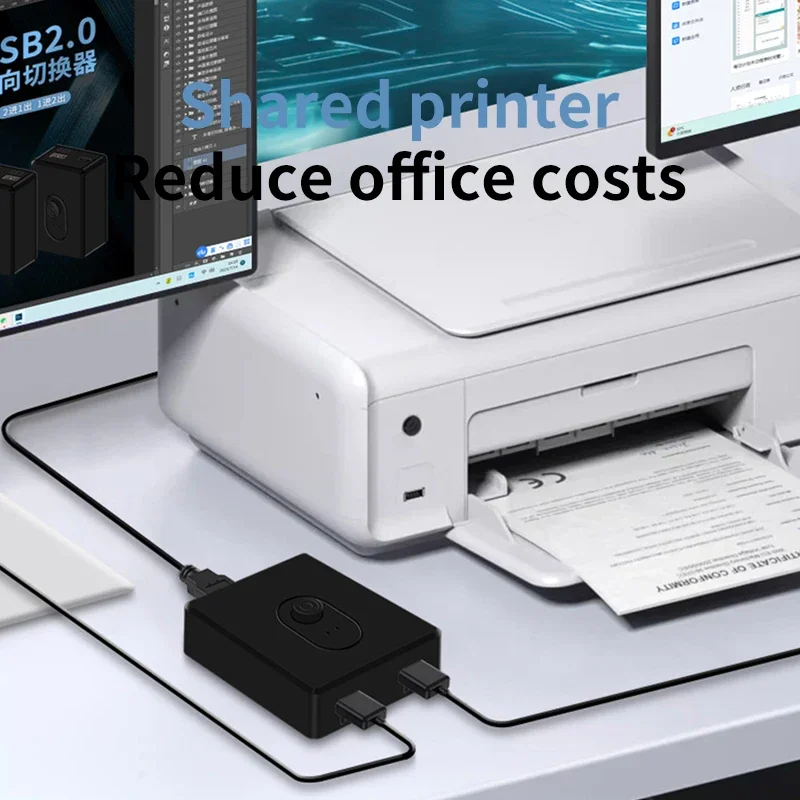
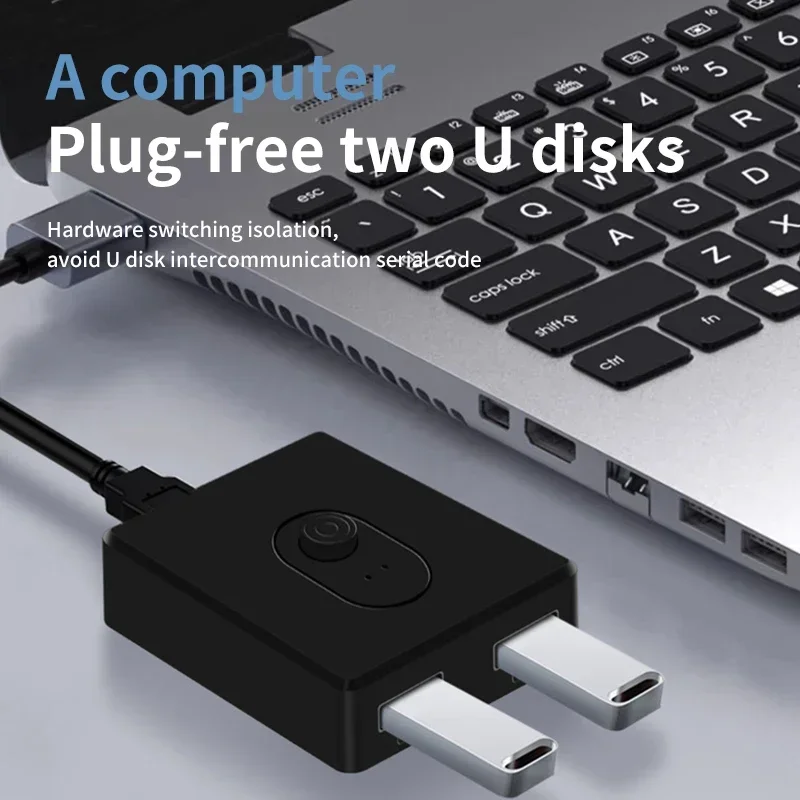
- A USB switch that lets two computers share one printer, keyboard or mouse at the press of a button.
USB 2.0 or USB 3.0
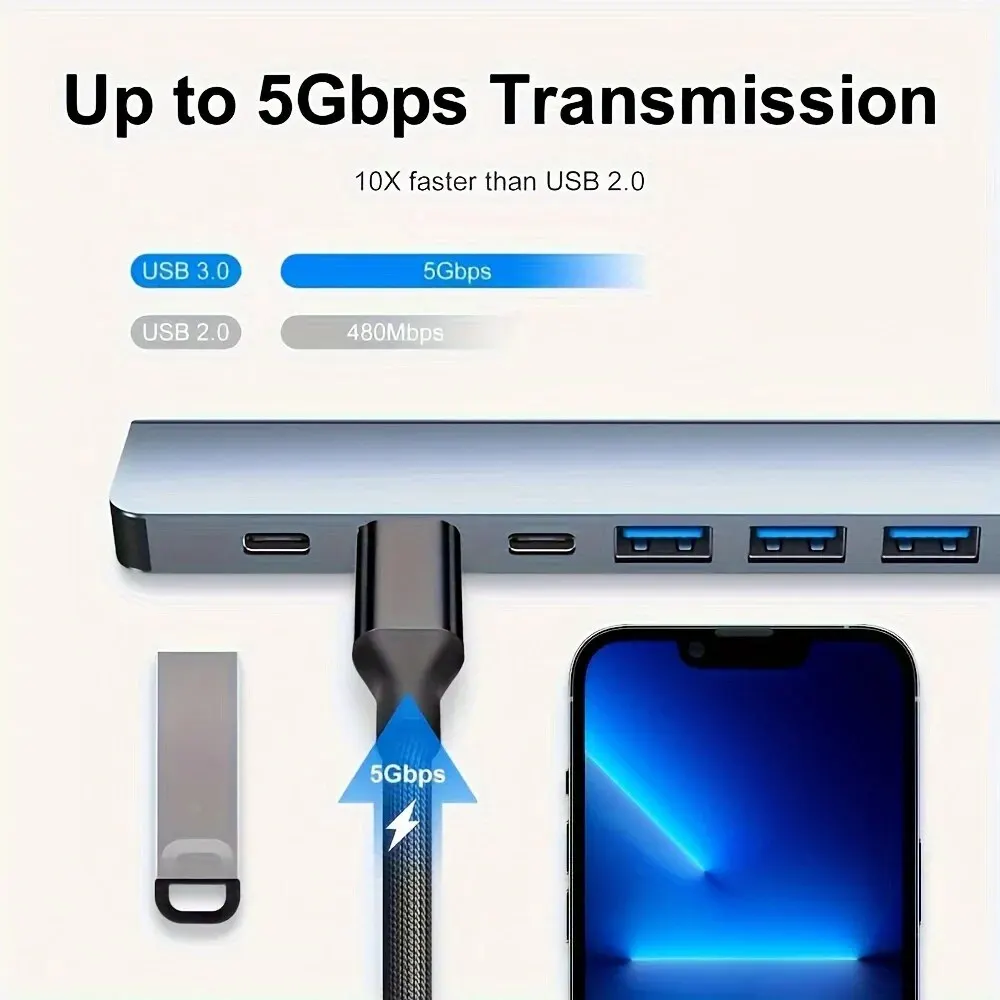
The hubs here are either USB 2.0 or USB 3.0, and some mix one USB 3.0 port with USB 2.0 ones. USB 2.0 moves 480 megabits a second, which is plenty for a mouse, a keyboard or a receiver. USB 3.0, now labelled USB 5Gbps, is about ten times faster and is the one to have for drives and memory sticks. A hub only runs at the speed of the port it is plugged into, so a USB 3.0 hub in a USB 2.0 socket gives USB 2.0 speed. USB 3.0 sockets are often blue inside.
Power
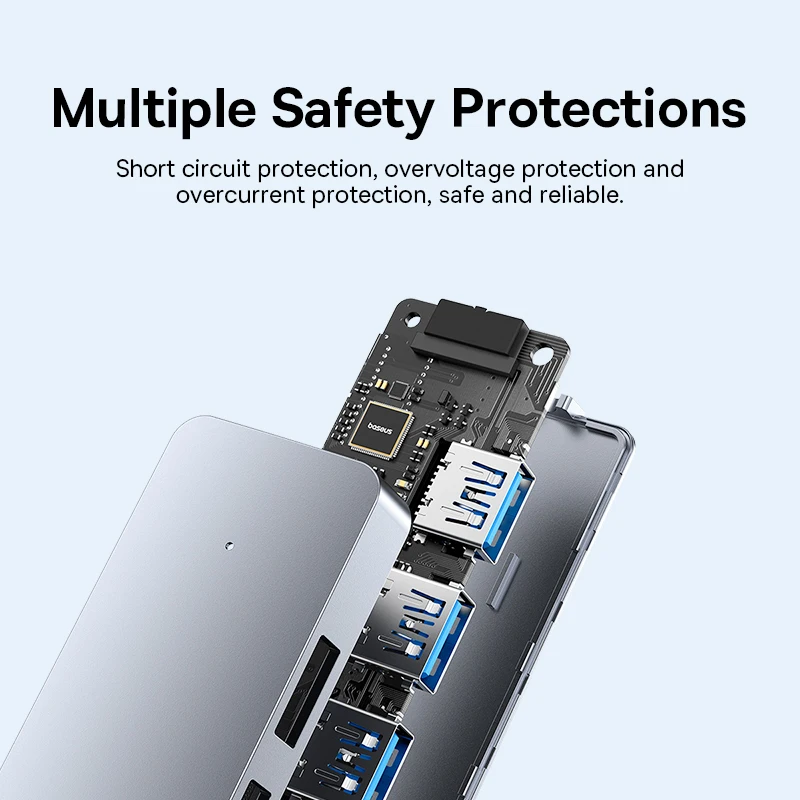
A hub shares the power of the one port it plugs into. Mice, keyboards and memory sticks need very little. Several hard drives at once may need more than one port gives, so look for a hub with its own power supply for that.
Questions people ask about USB-A hubs
Why does my wireless mouse stutter near the hub?
USB 3 ports and devices can give off radio noise in the 2.4 GHz band many wireless mice and keyboards use. Put the receiver in a USB 2.0 socket, or move it away on a USB extension cable.
My laptop only has USB-C. What should I use?
Choose a hub here with a USB-C plug, a USB-C hub, or a small USB-C to USB-A adapter for one plug.
Can two computers share one printer?
Yes, with the USB switch here. Plug the printer, or a keyboard and mouse, into it and both computers into its other side, then press its button to swap which computer uses them.
Do they need drivers?
The hubs here are listed as plug and play.
More to look at