What makes a mouse a gaming mouse
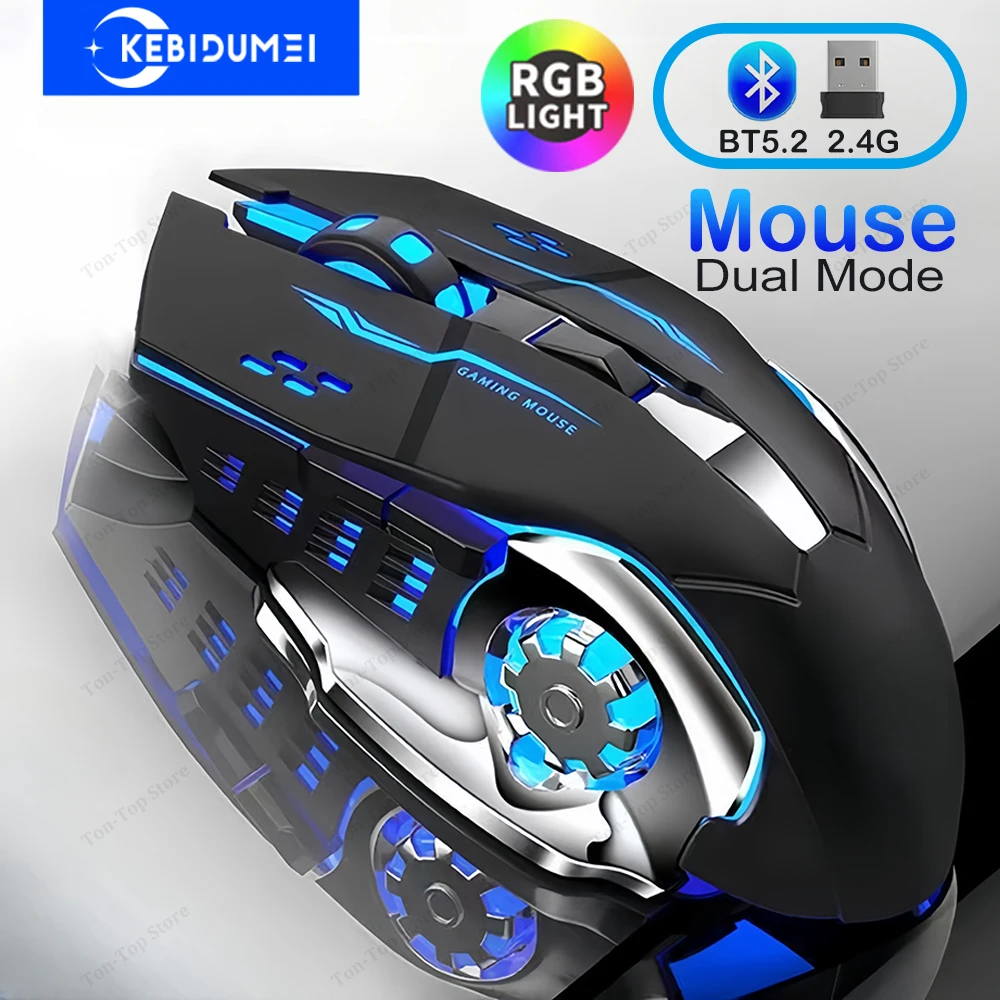
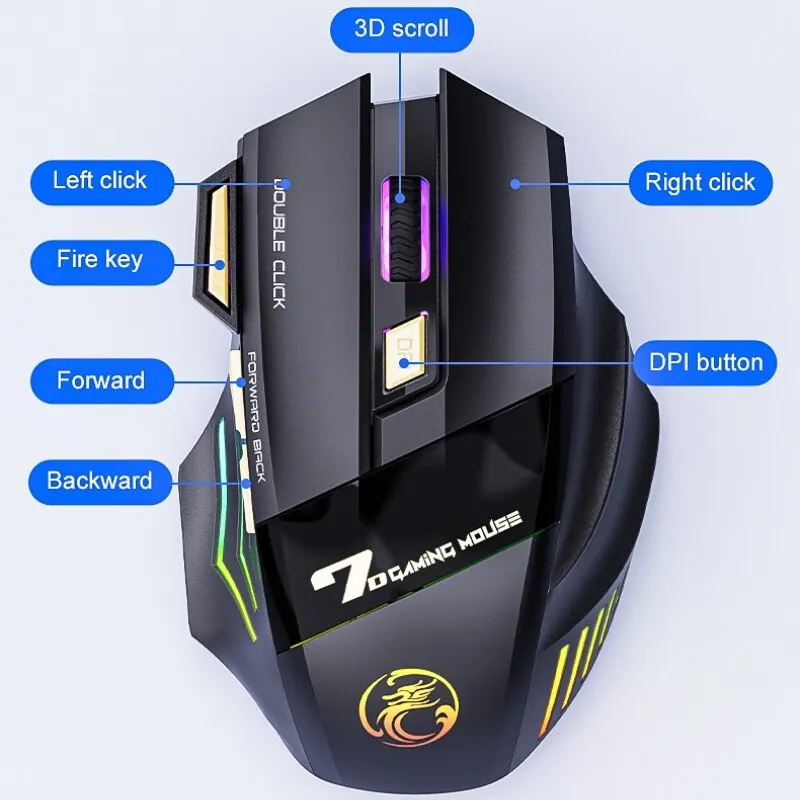
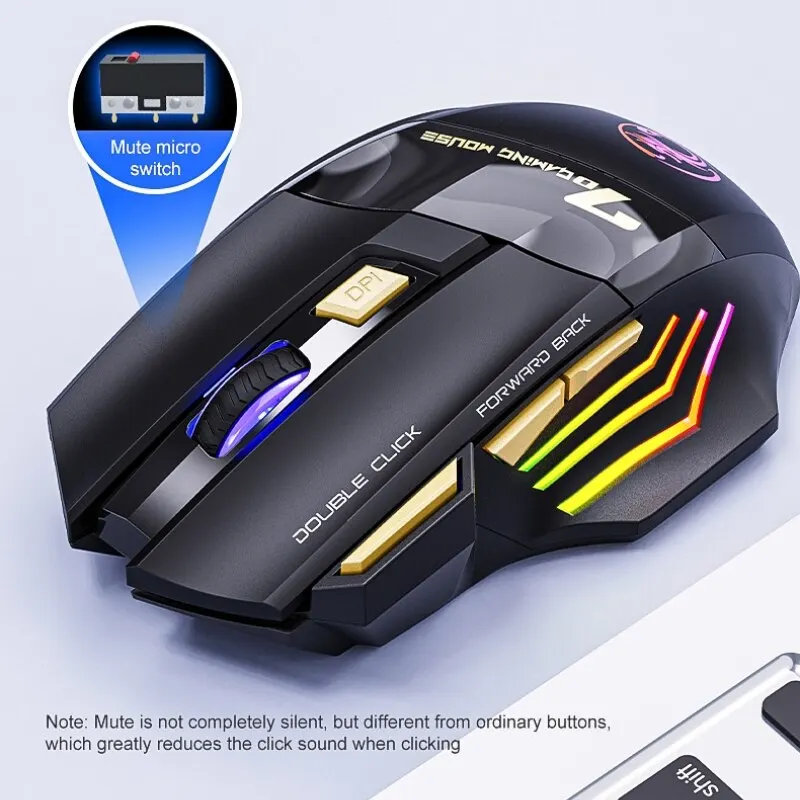
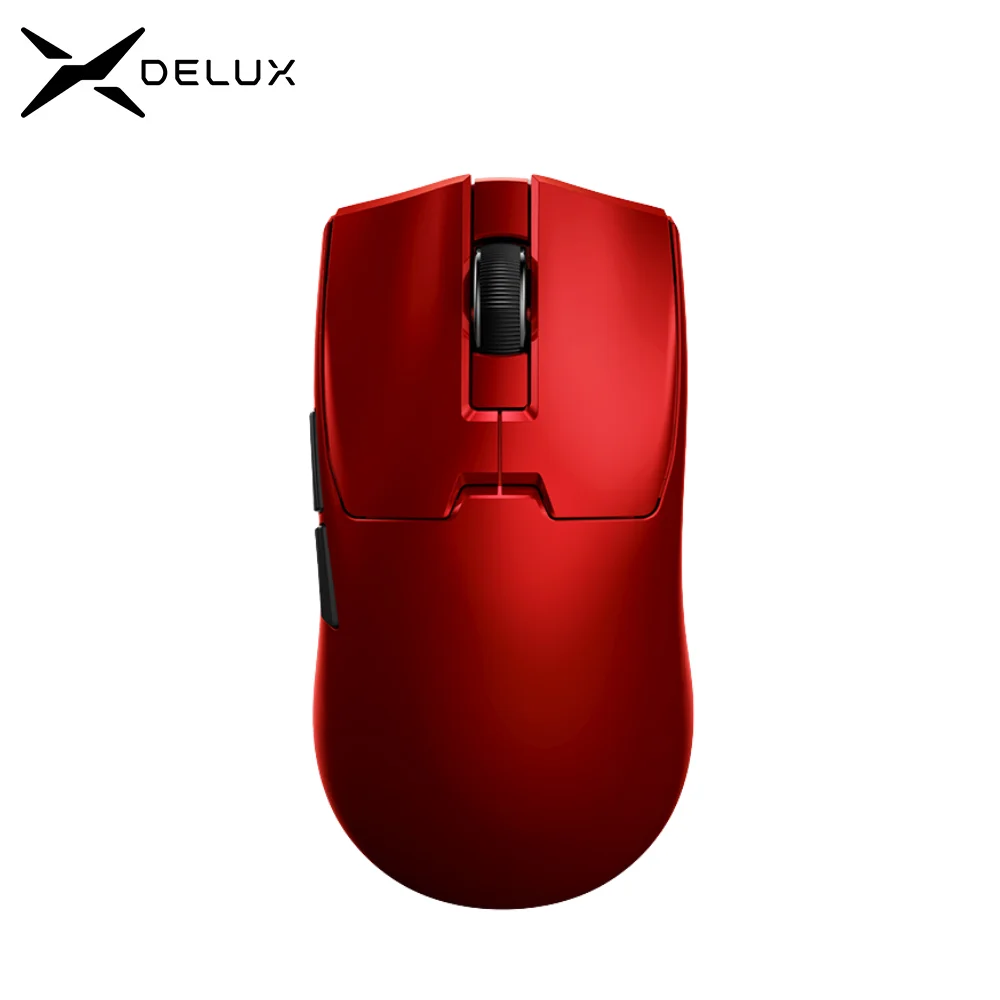
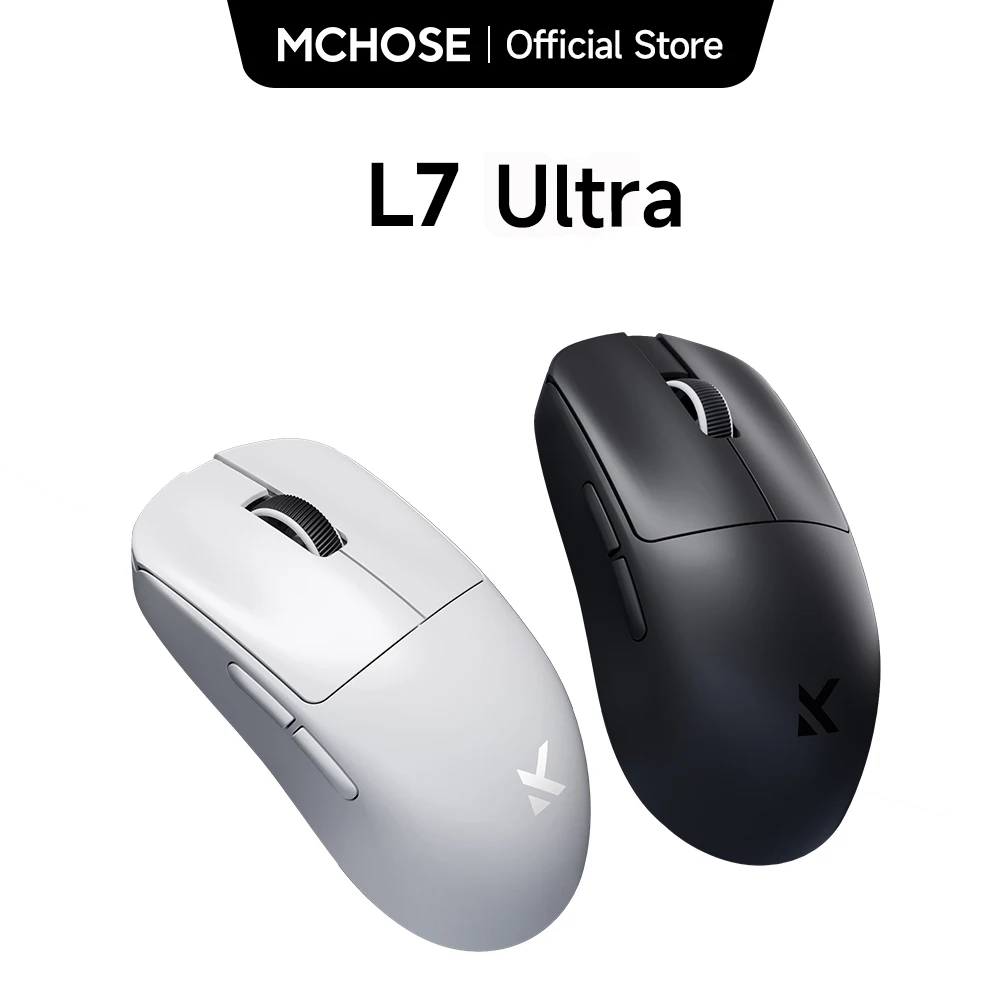
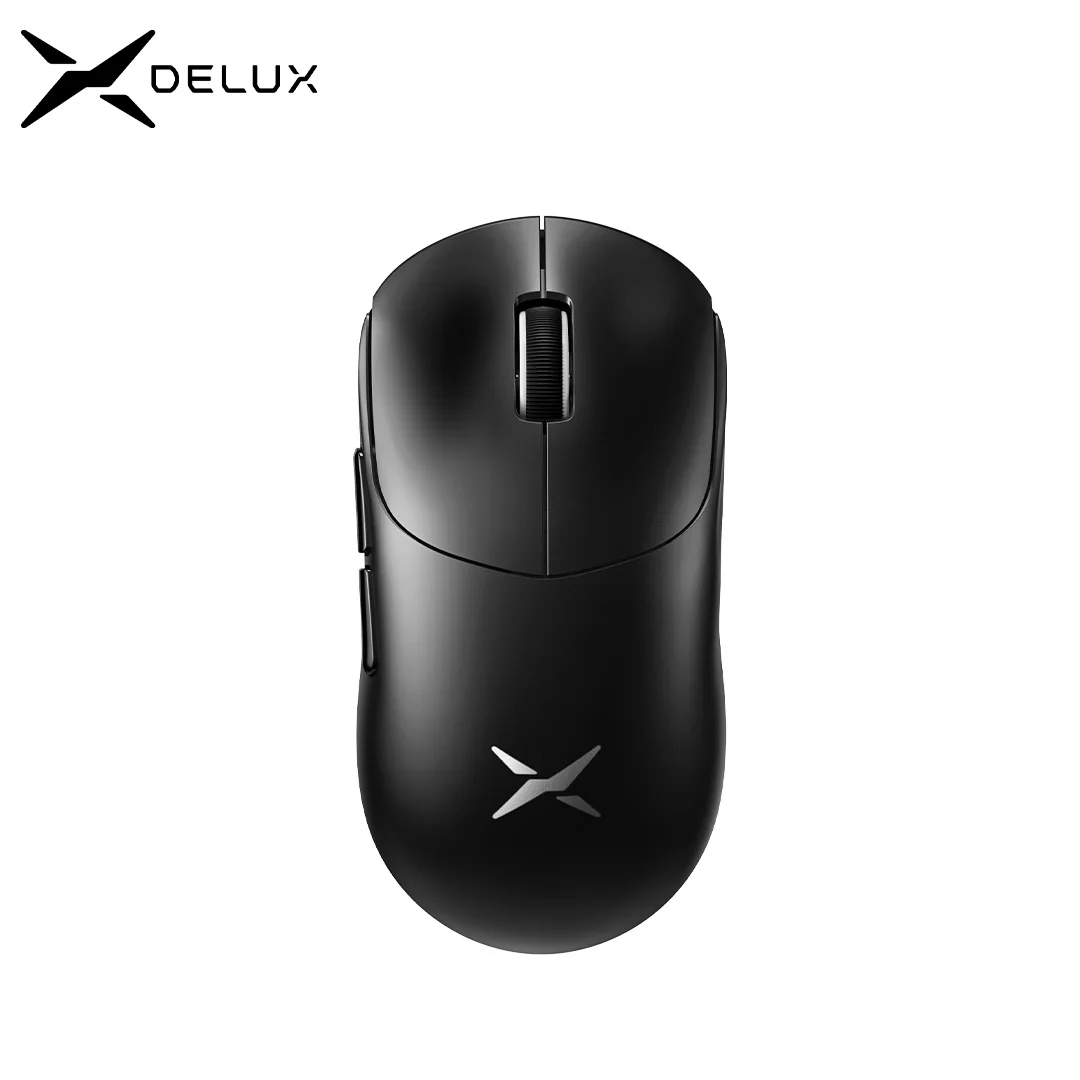
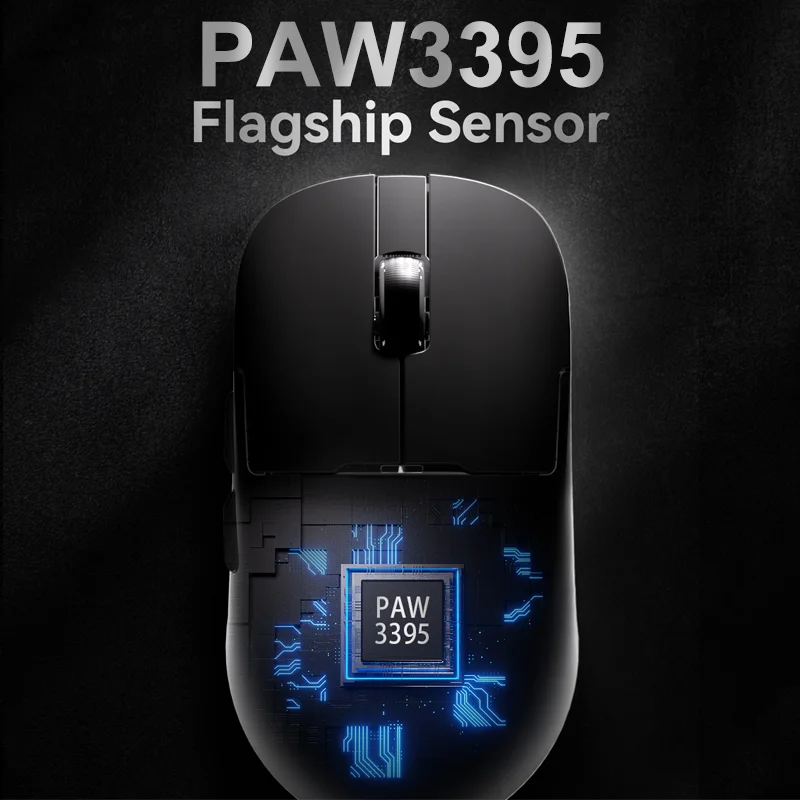
Any mouse is better than a trackpad for games, but a gaming mouse is built for the moments that matter: a quick flick to aim, a precise stop, a button pressed without moving your hand. The mice here have fast optical sensors with adjustable sensitivity, extra buttons where the thumb rests, and in most cases settings that can be changed in their own software. Several are very light, and many are lit.
Sensitivity and polling, in plain terms
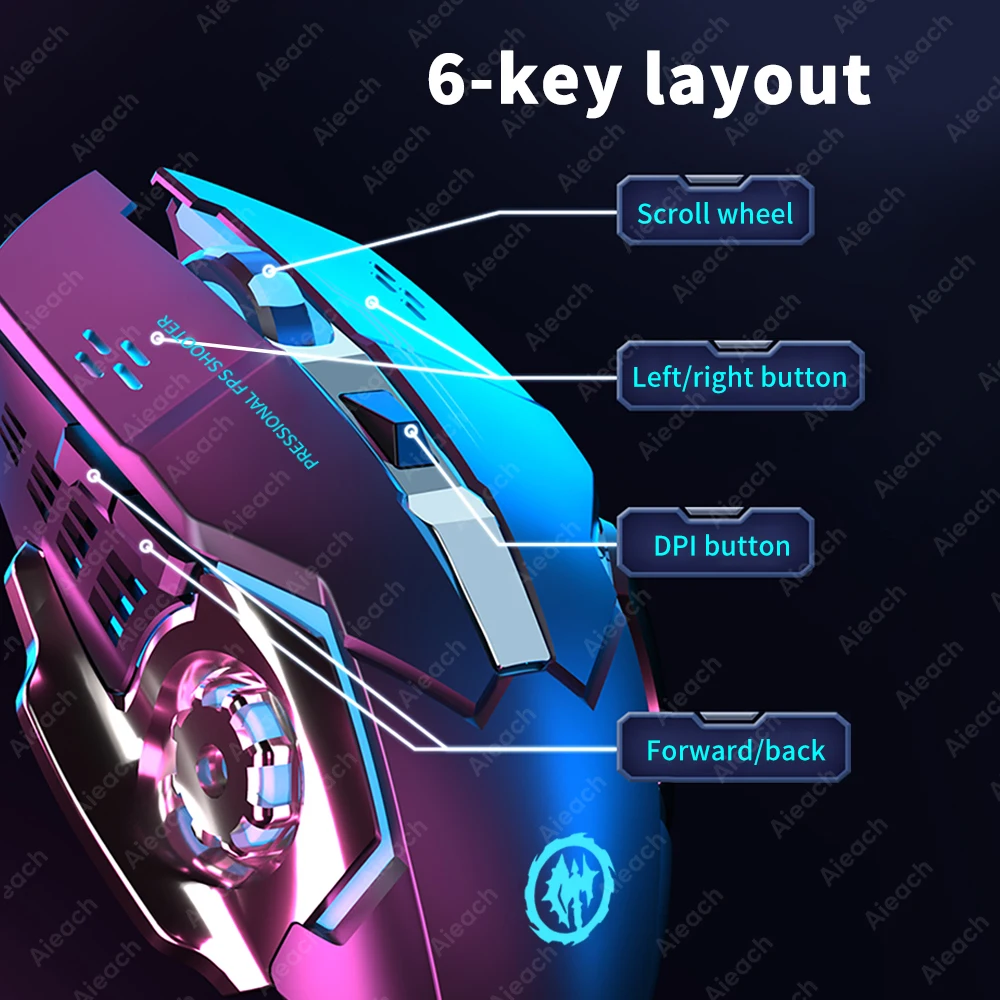
Sensitivity, given in DPI, is how far the pointer moves on screen for each inch the mouse moves on the desk. The big number on the box is the highest setting; you choose the one that feels right with a button on the mouse or in its software. The polling rate is how often the mouse tells the laptop where it is. Gaming mice commonly report 1,000 times a second, and some here offer up to 8,000 with their own receiver. A higher rate makes movement smoother and more immediate, though above the common setting the difference is small for most people.
Receiver, Bluetooth or cable
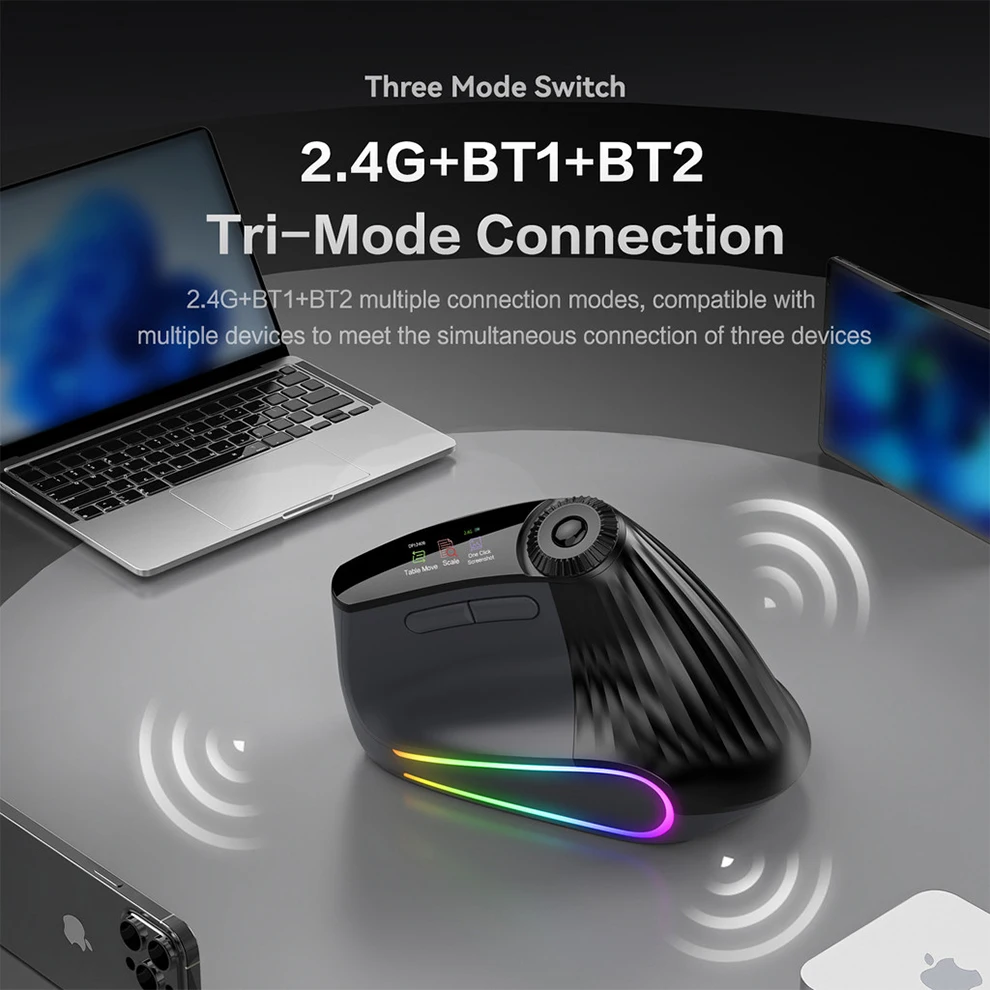
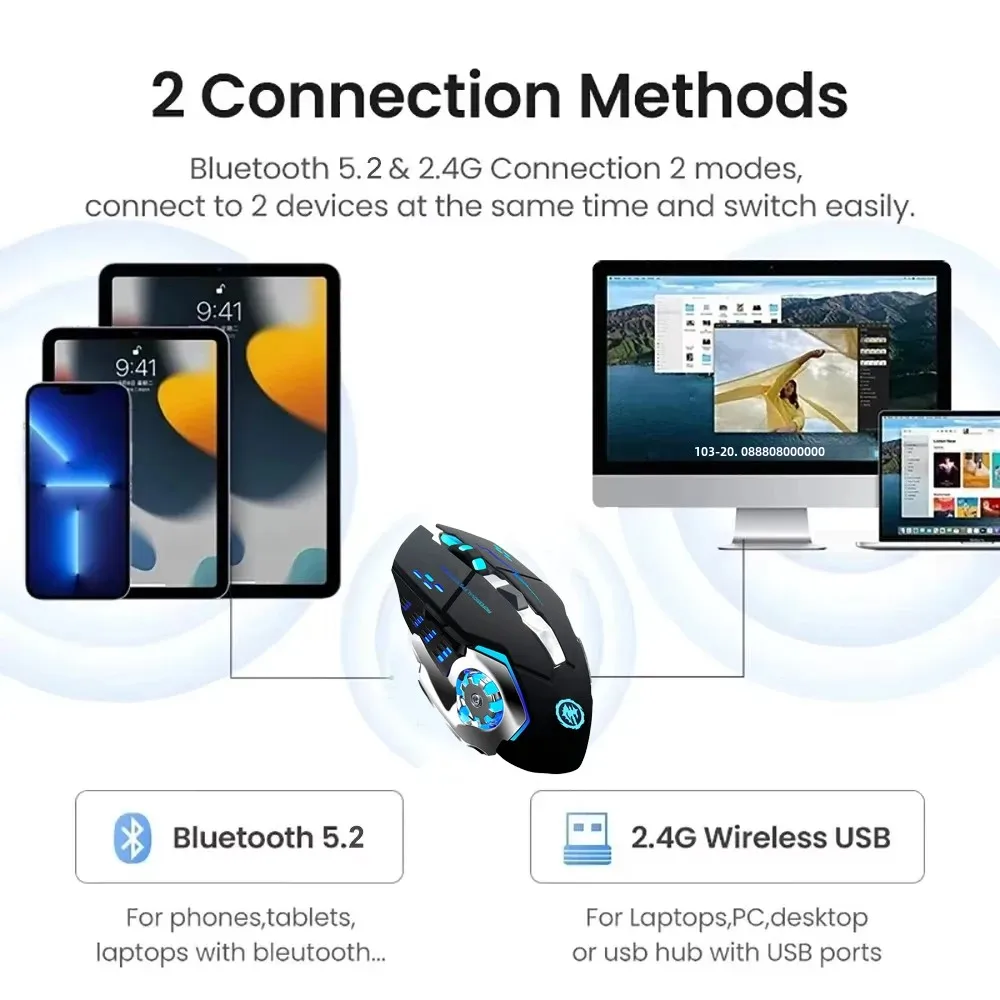
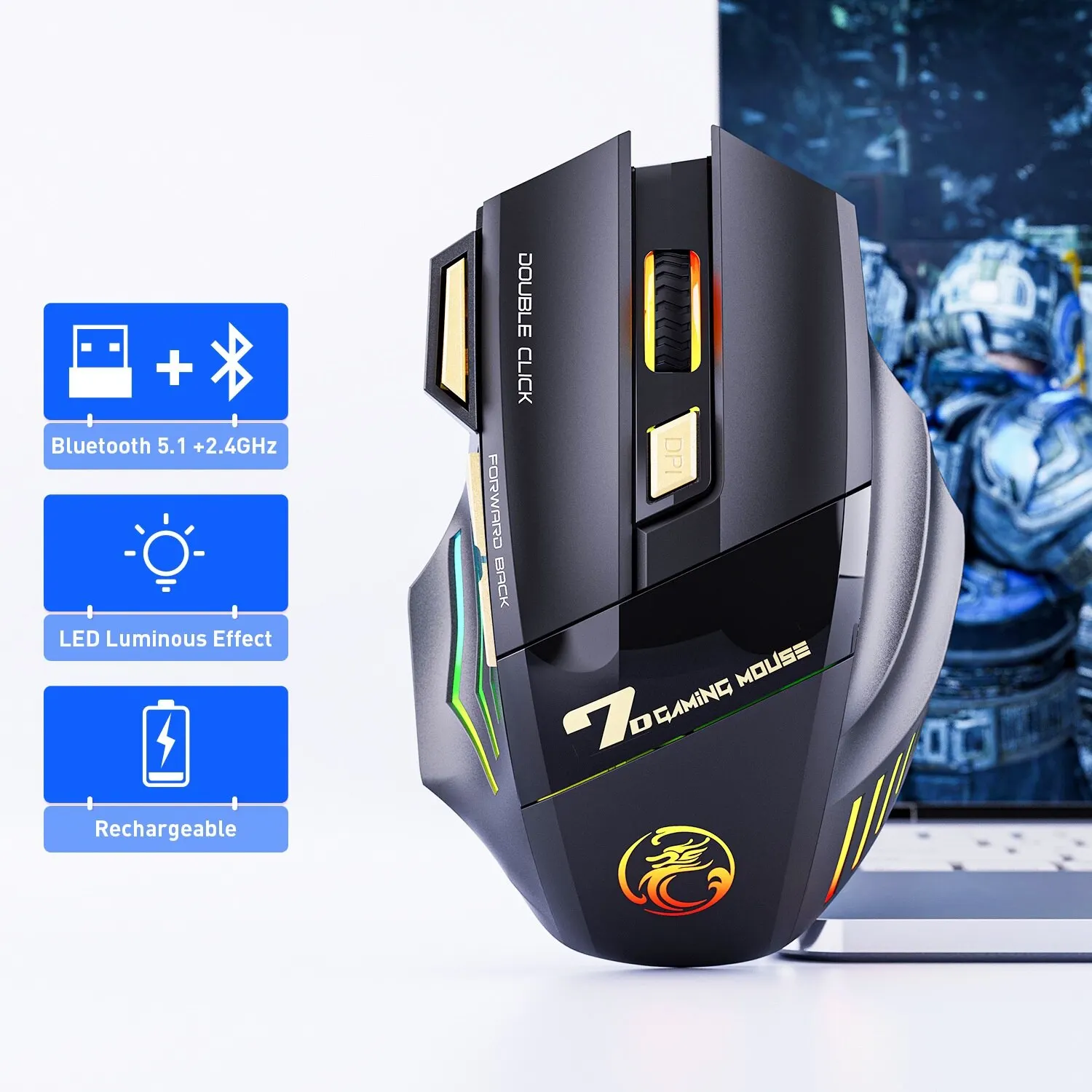
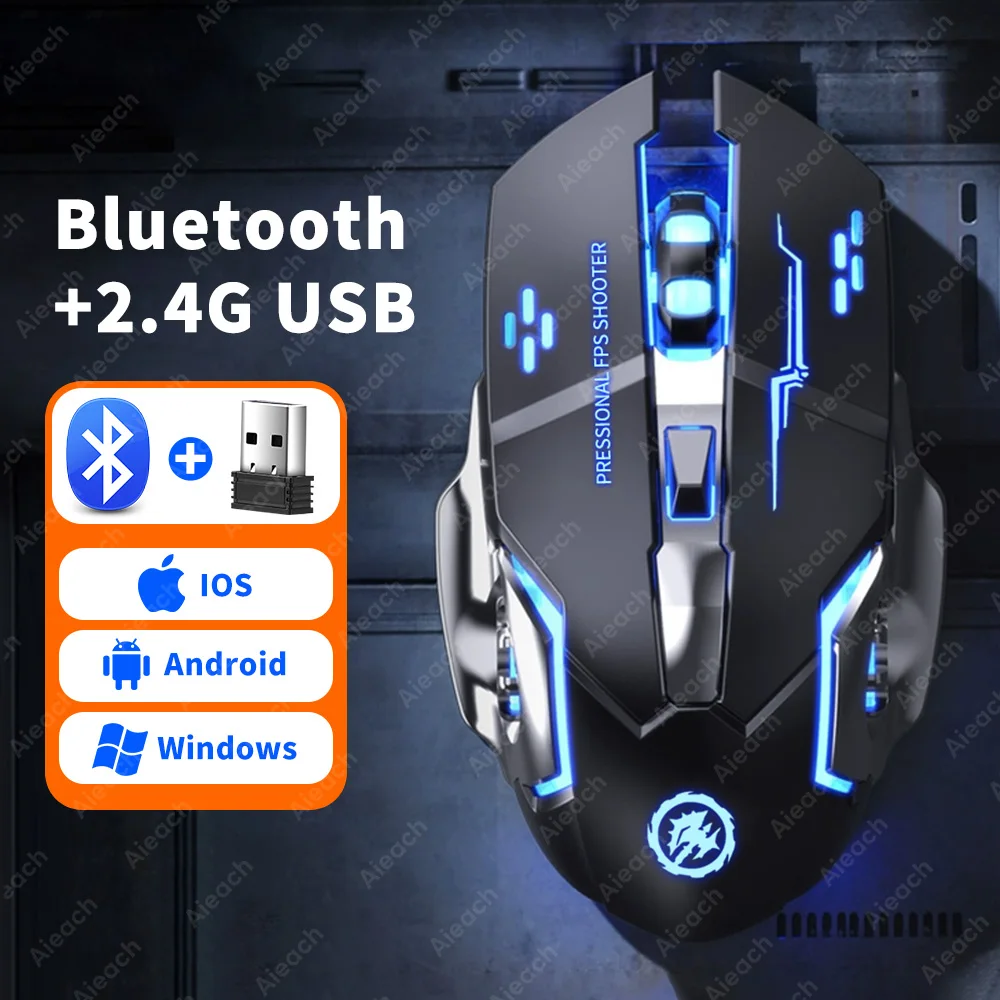
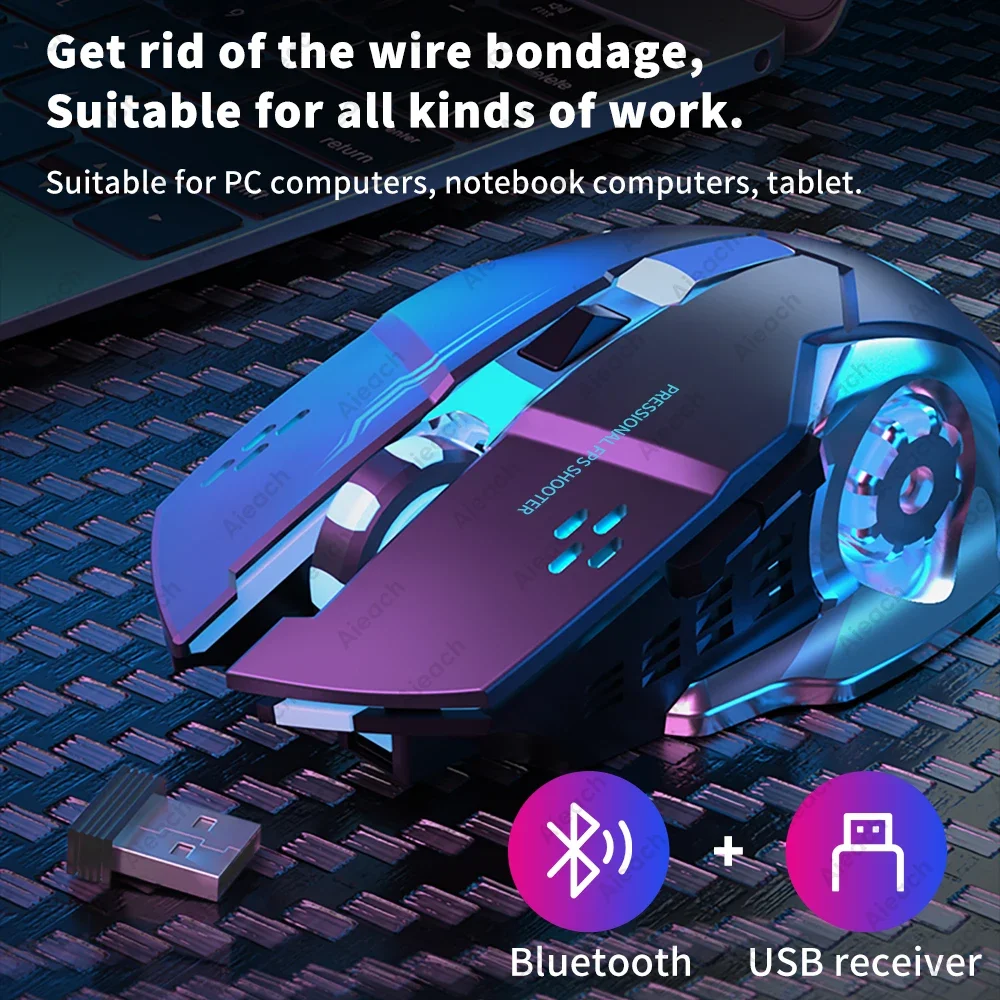
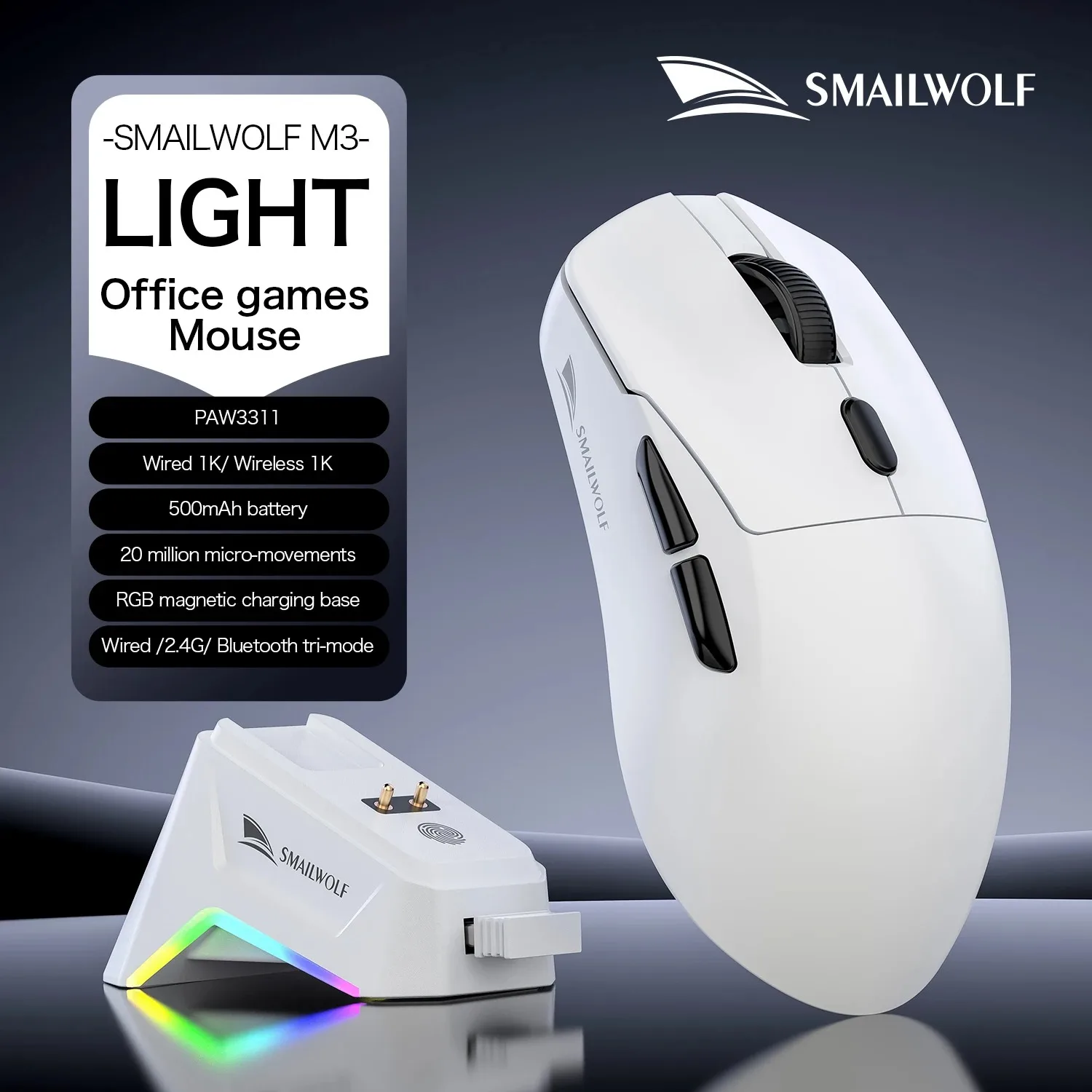
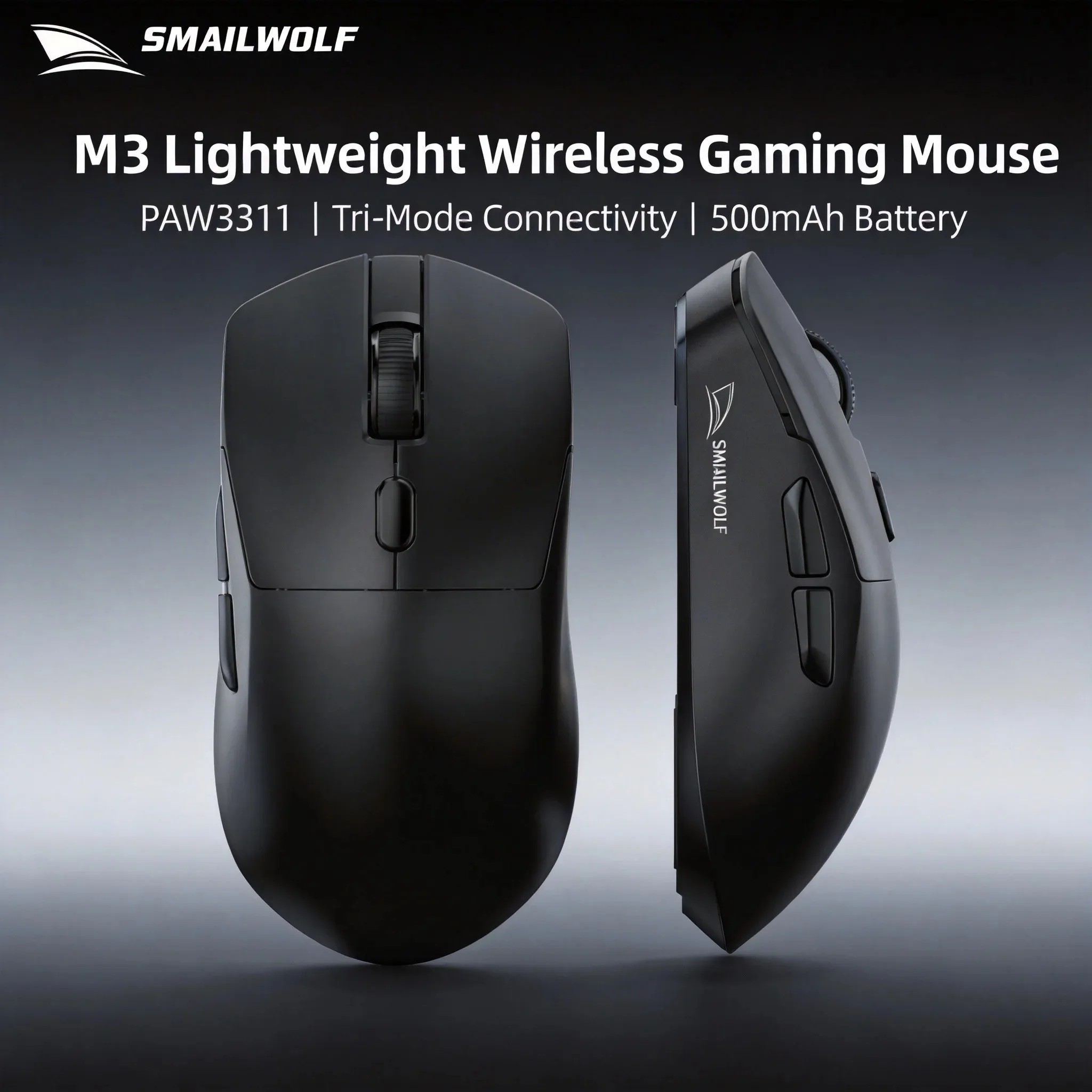
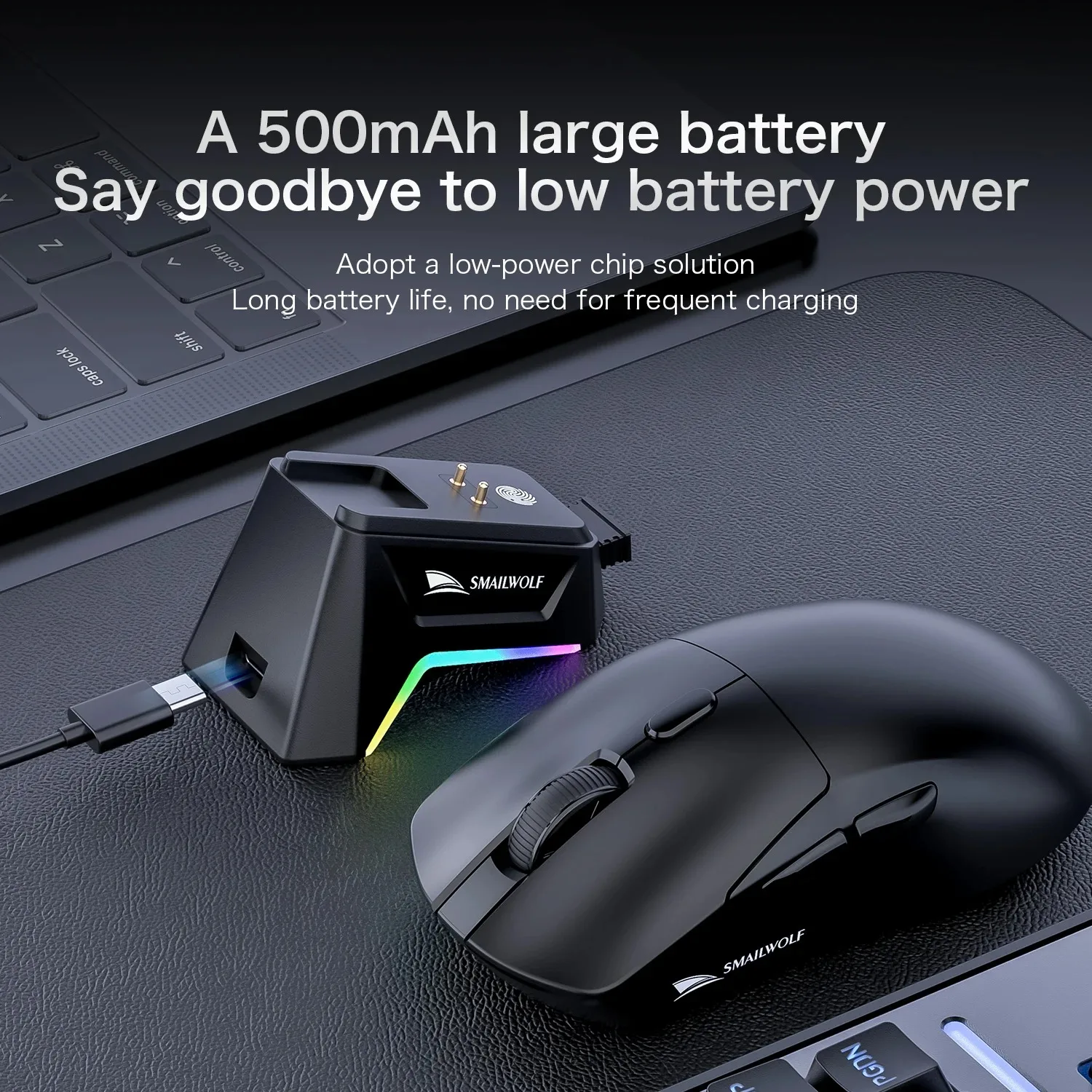
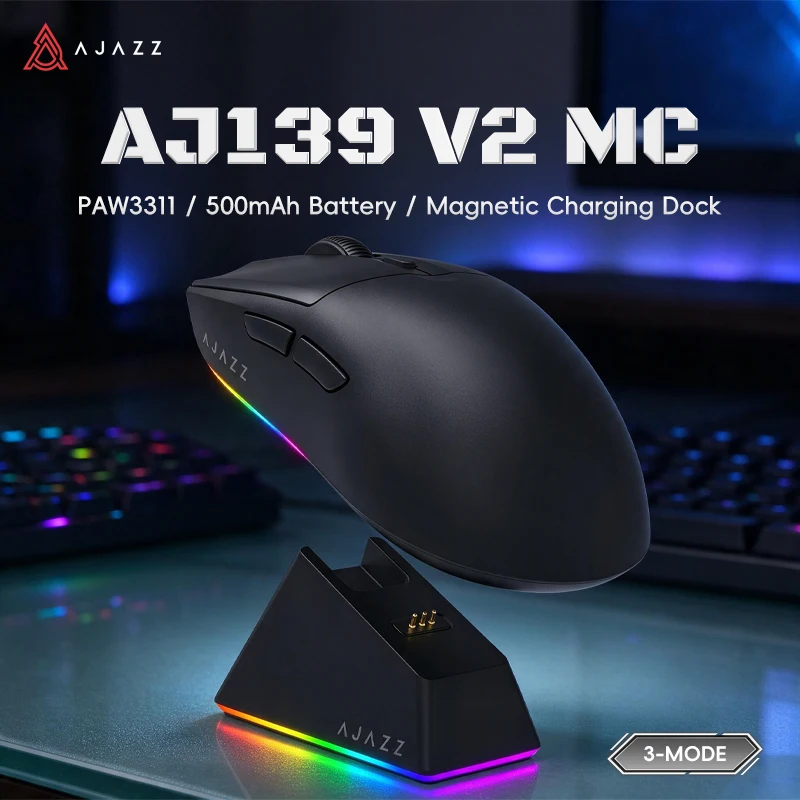
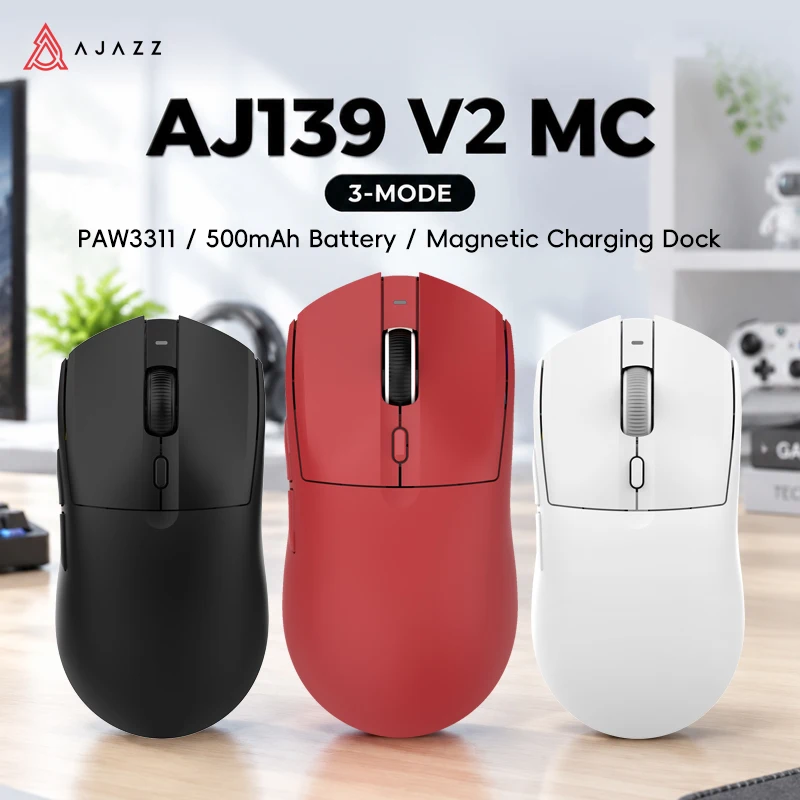
Most mice here are tri-mode: they connect by their own small USB receiver, by Bluetooth, or by a USB-C cable that also charges them. Use the receiver for games, because it is built to respond quickly. Bluetooth is handy for work and for a tablet, but it is made to save power rather than to respond fastest. The cable never drops out and keeps you playing when the battery is flat. If your laptop has only USB-C sockets, a USB-C to USB-A adapter takes a receiver with a USB-A plug.
Size, weight and grip
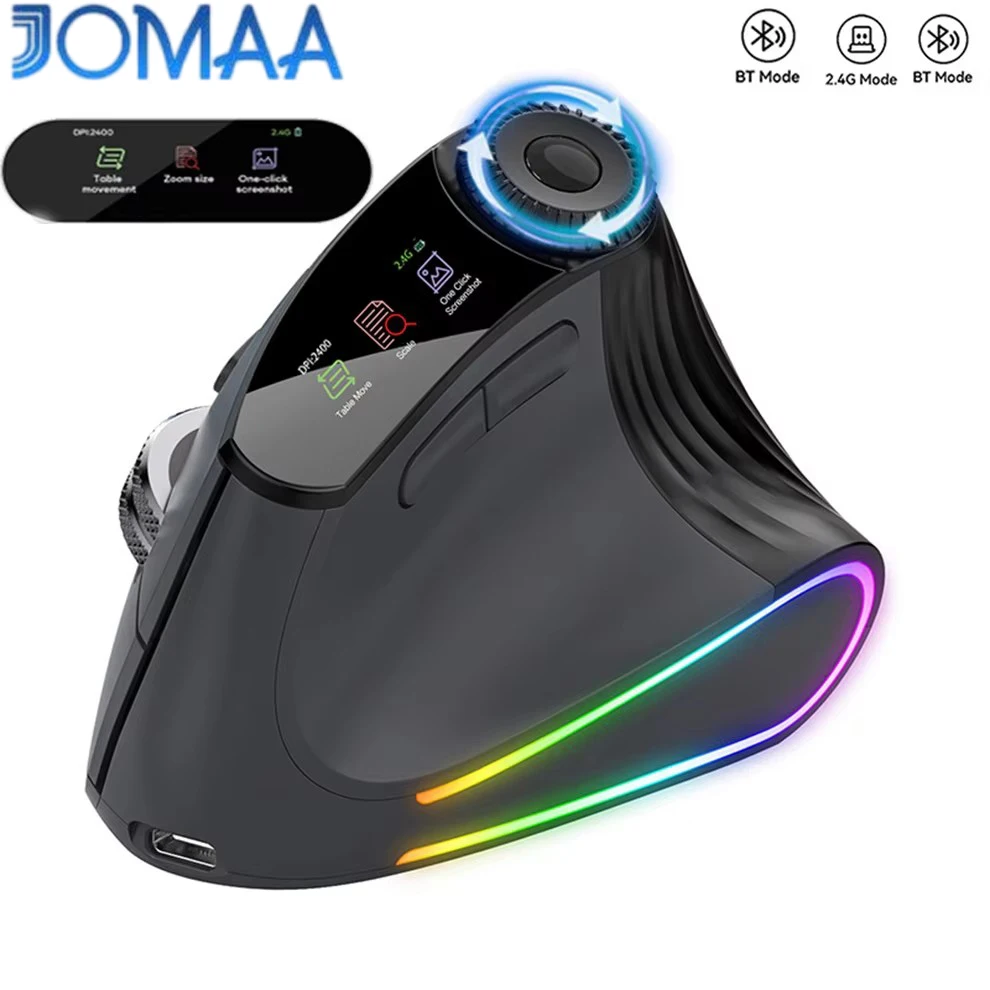
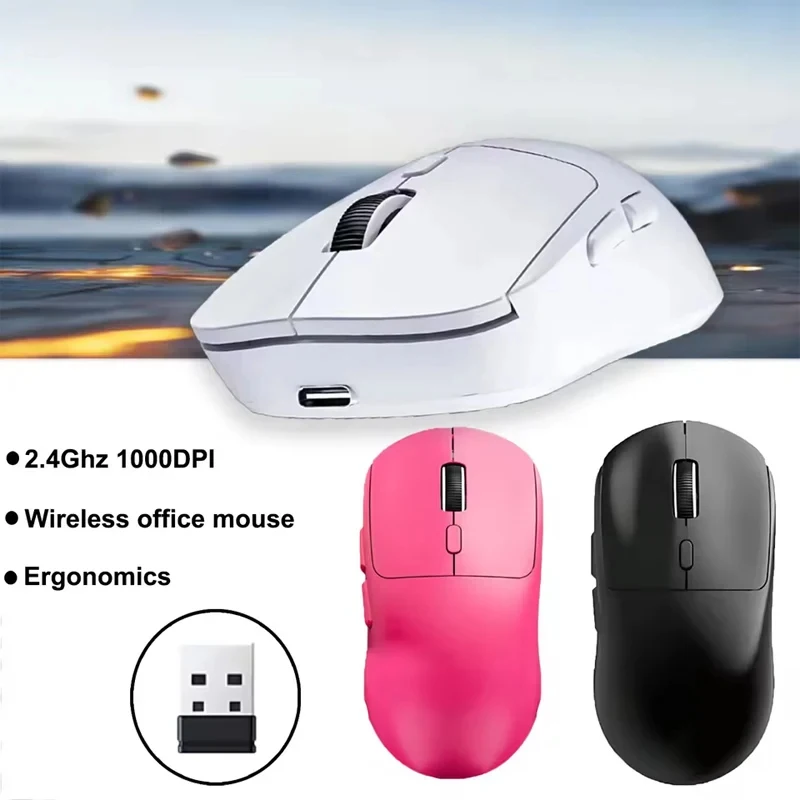
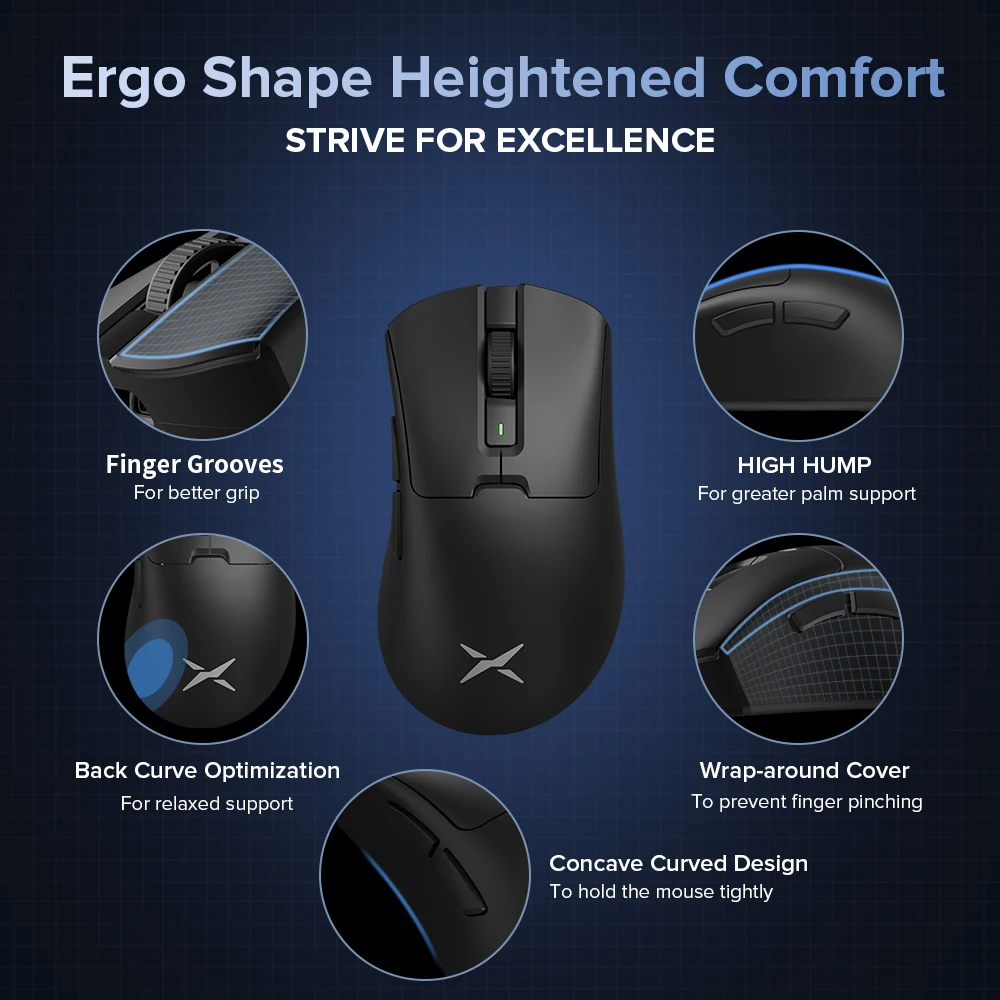
The makers here say which hands and grips each mouse suits. Small, light mice, the lightest under 50g, are made for a claw or fingertip grip, where only the fingertips and the back of the palm touch the mouse. Larger, curved mice suit a palm grip, with the whole hand resting on top. If your wrist aches after long sessions, one mouse here is a vertical design, and more are in ergonomic and vertical mice.
Questions people ask about gaming mice
Will a gaming mouse work on a Mac?
The buttons, the scroll wheel and the sensitivity button usually work without software. The settings software is often made for Windows only, so check the product page if you play on a Mac.
Do I need a mouse mat?
A gaming mouse works best on one. A cloth mat gives control; a large desk mat covers room for wide sweeps and the keyboard too.
More to look at