Why add speakers to a laptop
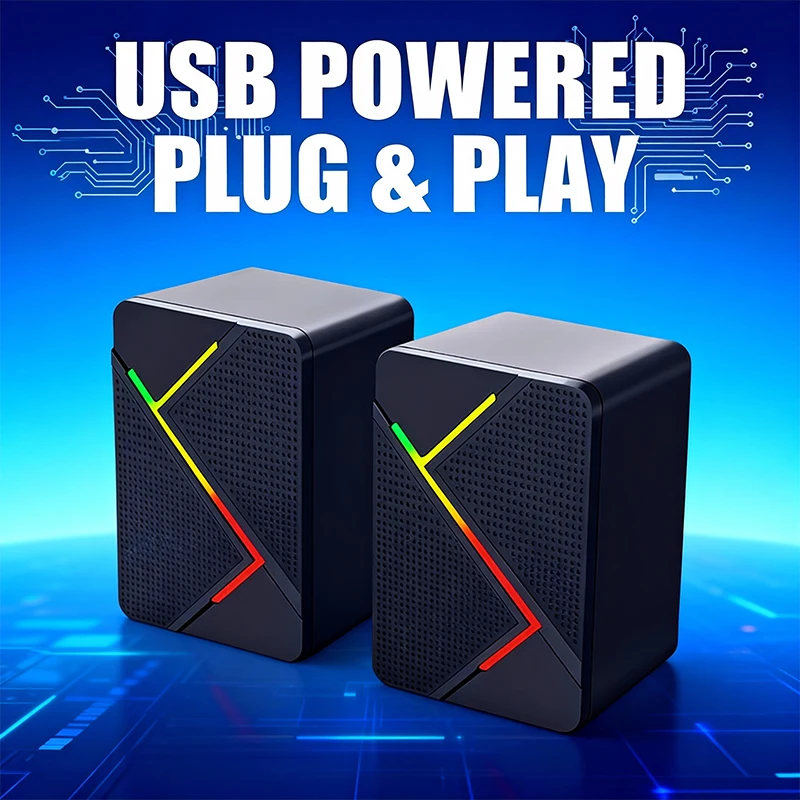
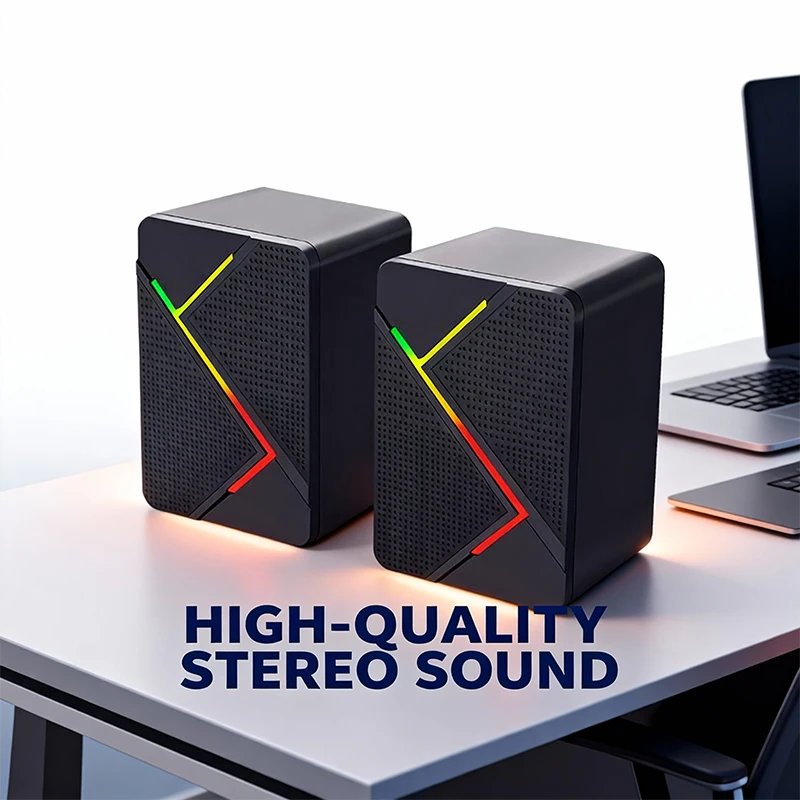
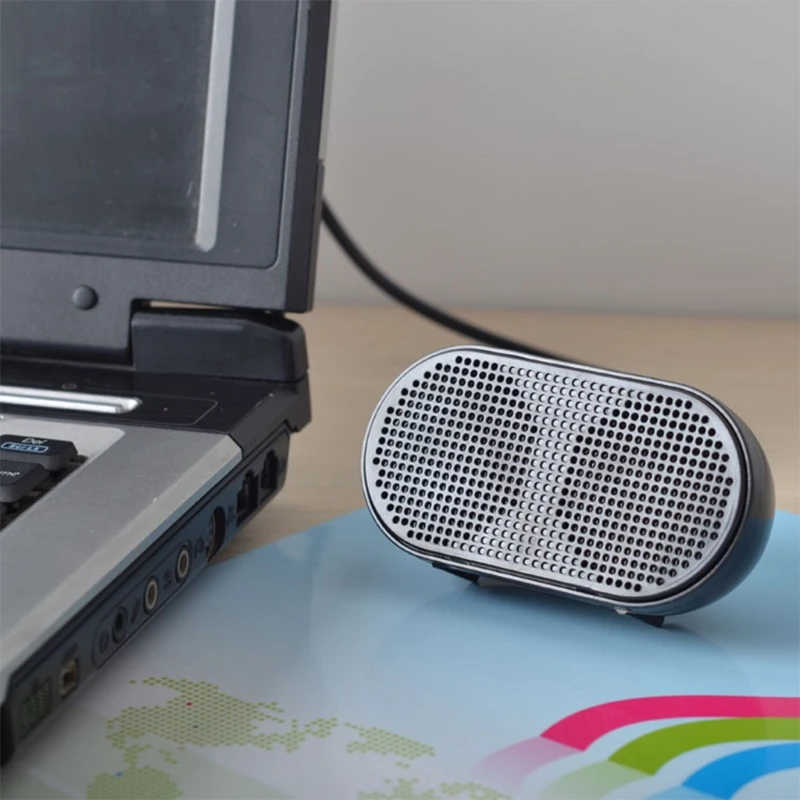
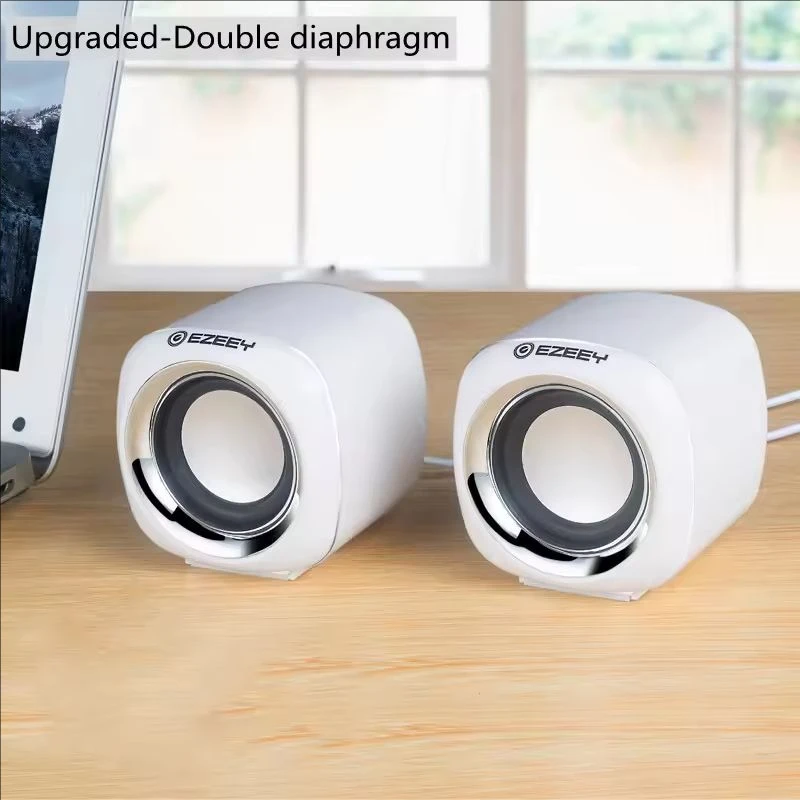
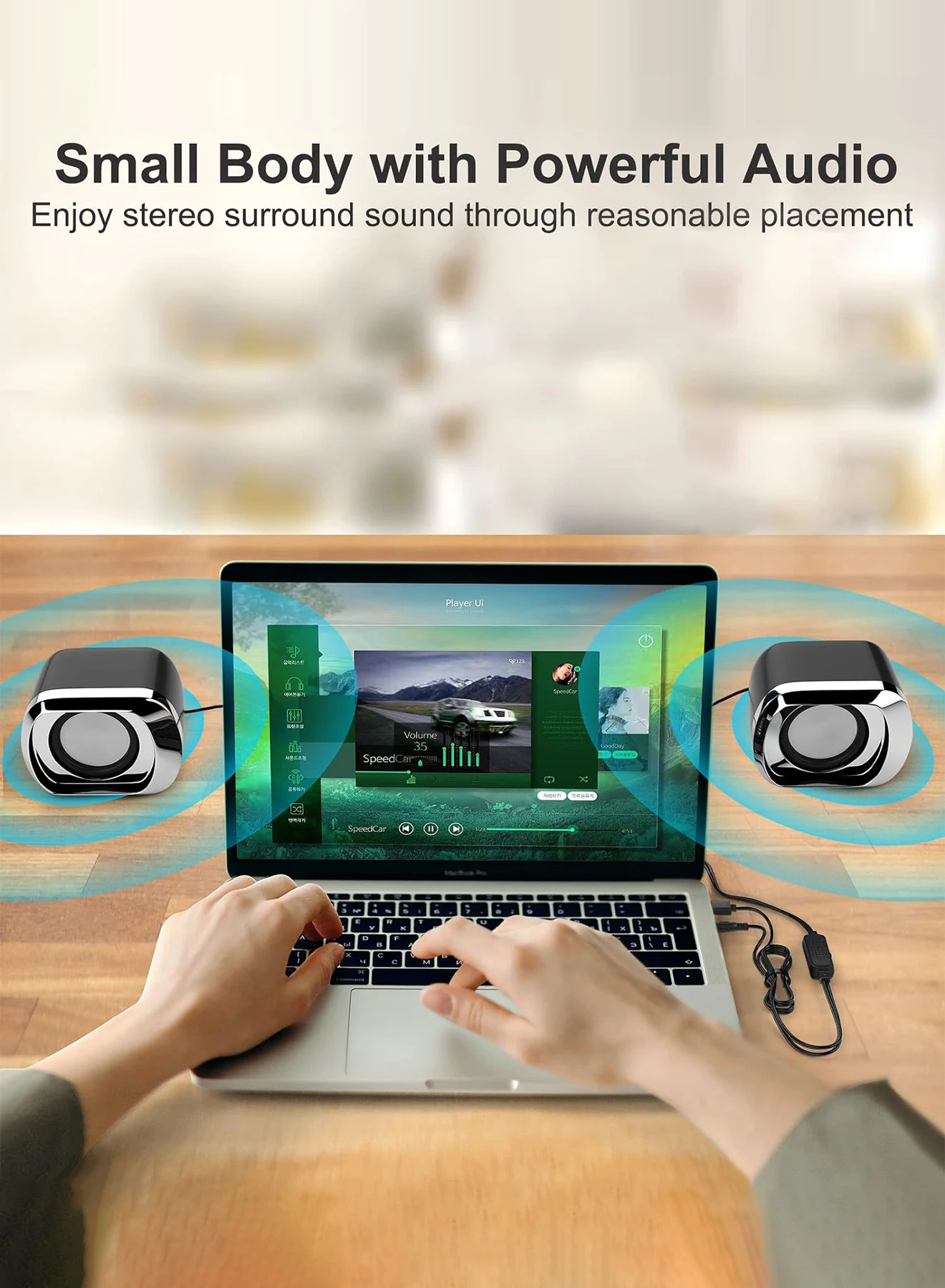
A laptop's speakers are small and usually fire down into the desk or up through the keyboard. They are fine for a notification, thin for music and films, and easy to lose in a call. A pair of desk speakers or a small soundbar in front of the screen gives fuller sound that comes from where you are looking. Almost every speaker here takes its power from a USB port, so there is no mains adapter and one less plug on the desk.
How they connect: the thing to check
USB speakers connect in one of three ways, and it matters which.
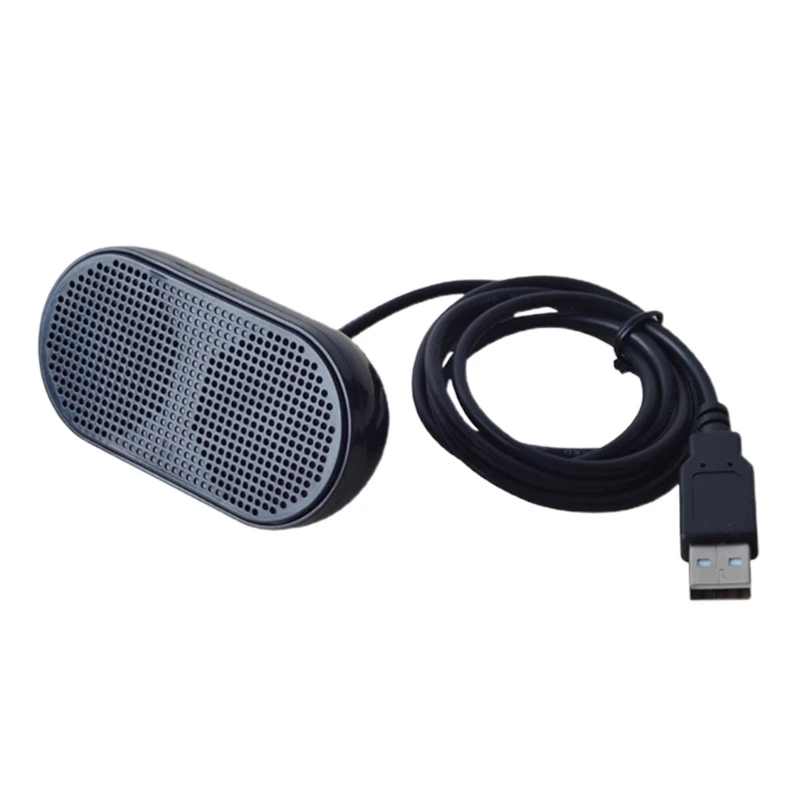
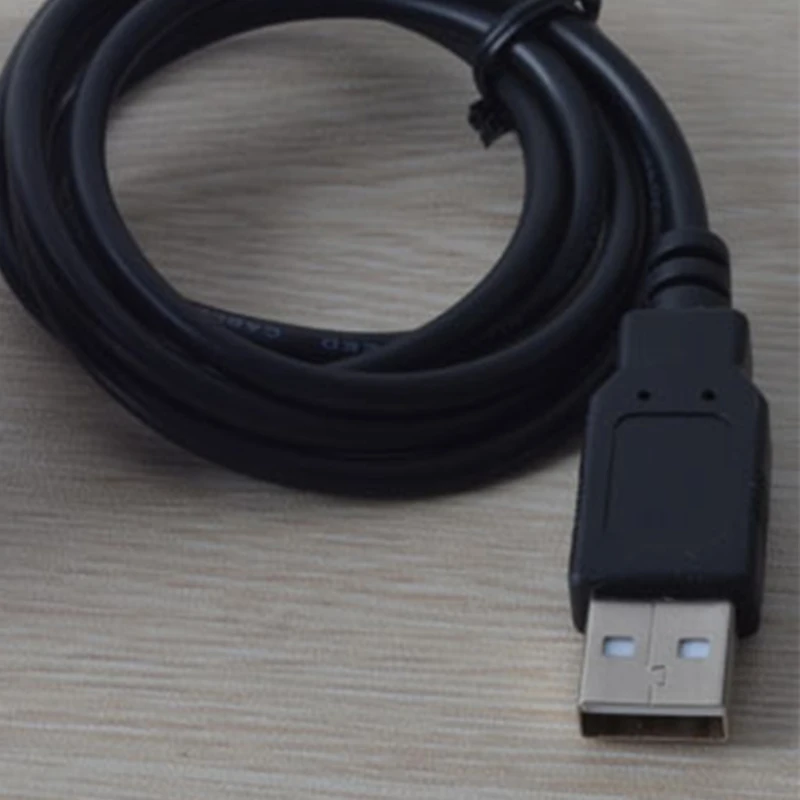
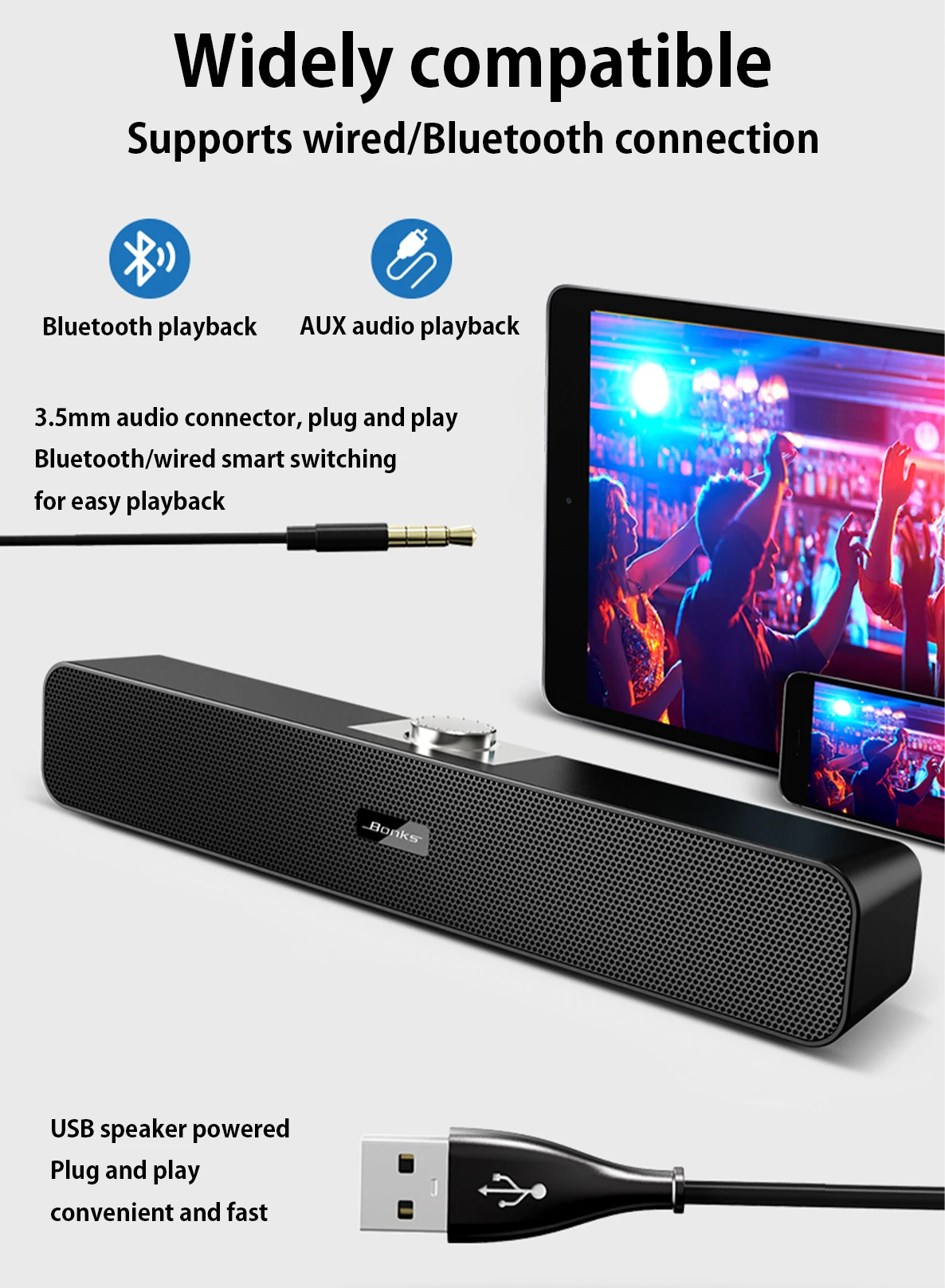
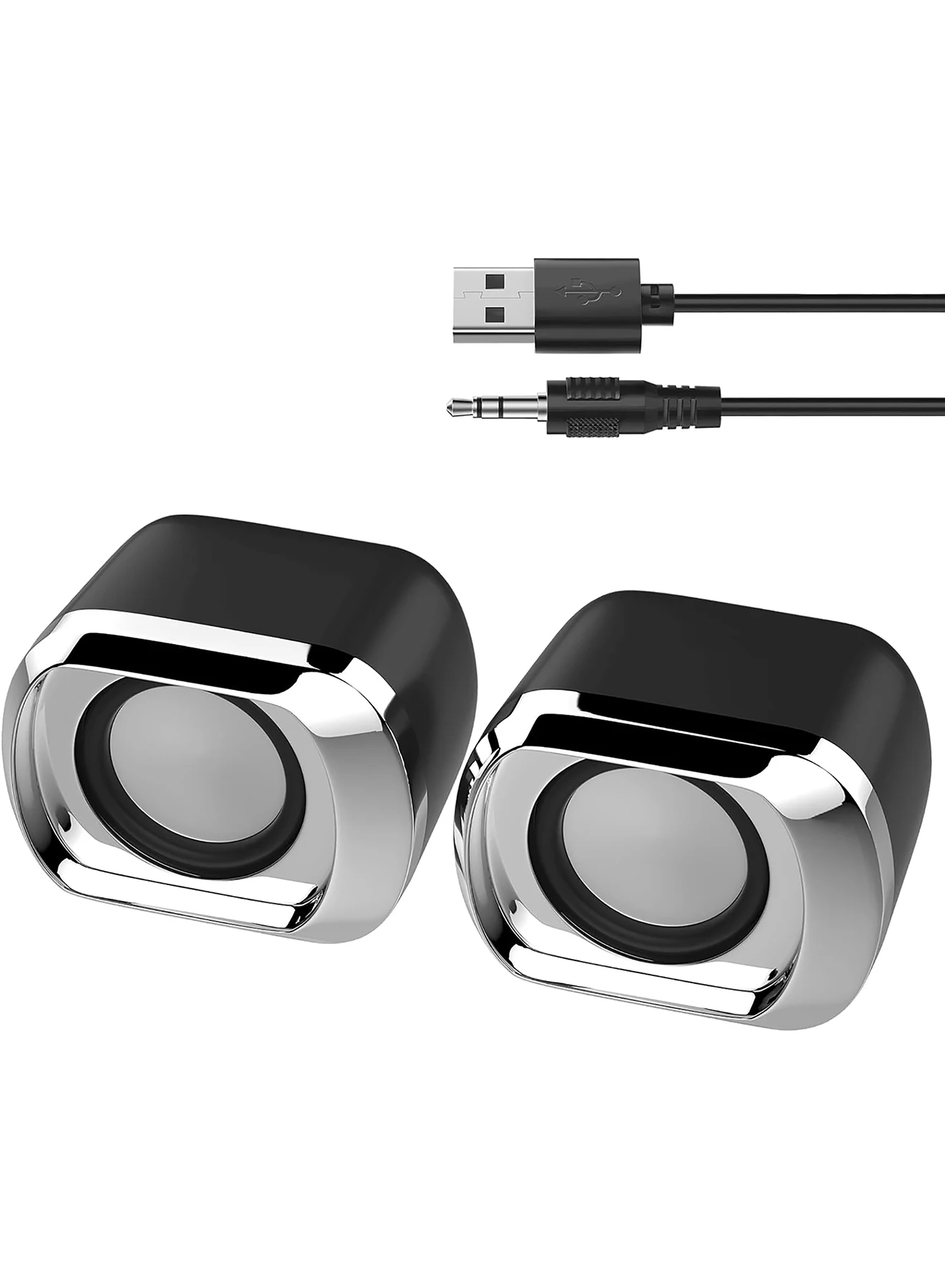
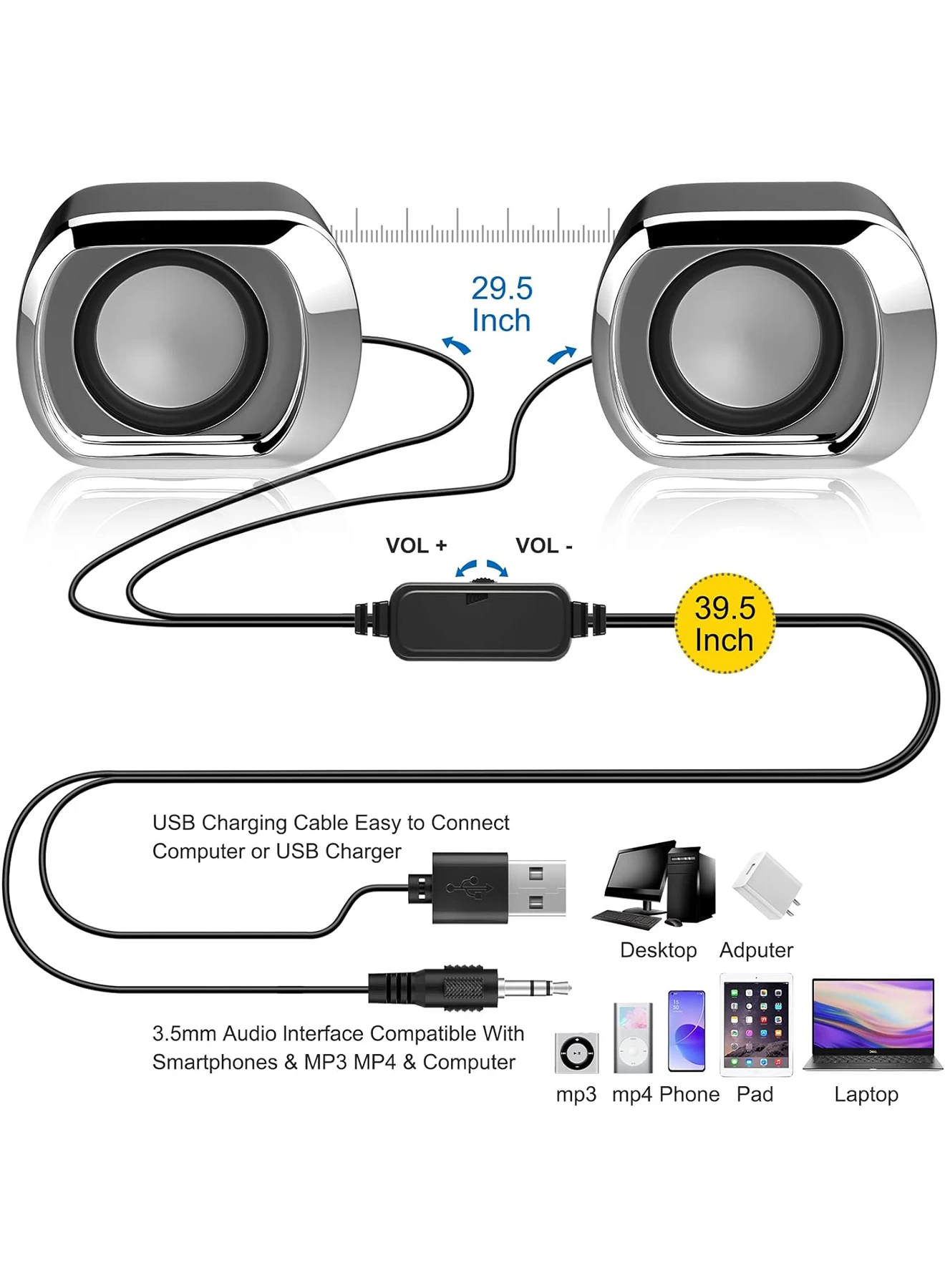
- USB for power, 3.5mm for sound. Most pairs here work this way. The USB plug only powers them; the sound goes through a 3.5mm plug into the laptop's headphone socket. If your laptop has no headphone socket, add a USB sound card.
- Sound over USB. Some have a sound card built in, so one USB cable carries power and sound, and no headphone socket is needed.
- Bluetooth. Some also pair by Bluetooth, which frees them from the cable for sound and lets a phone play through them.
The product page says which each uses, so read it with your laptop's sockets in mind.
The kinds in this range
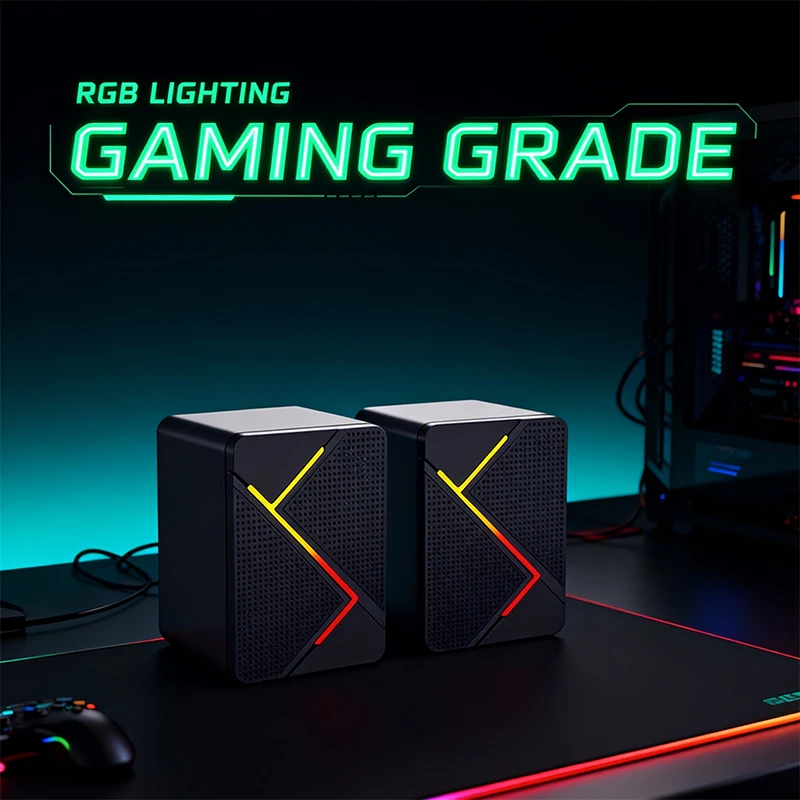
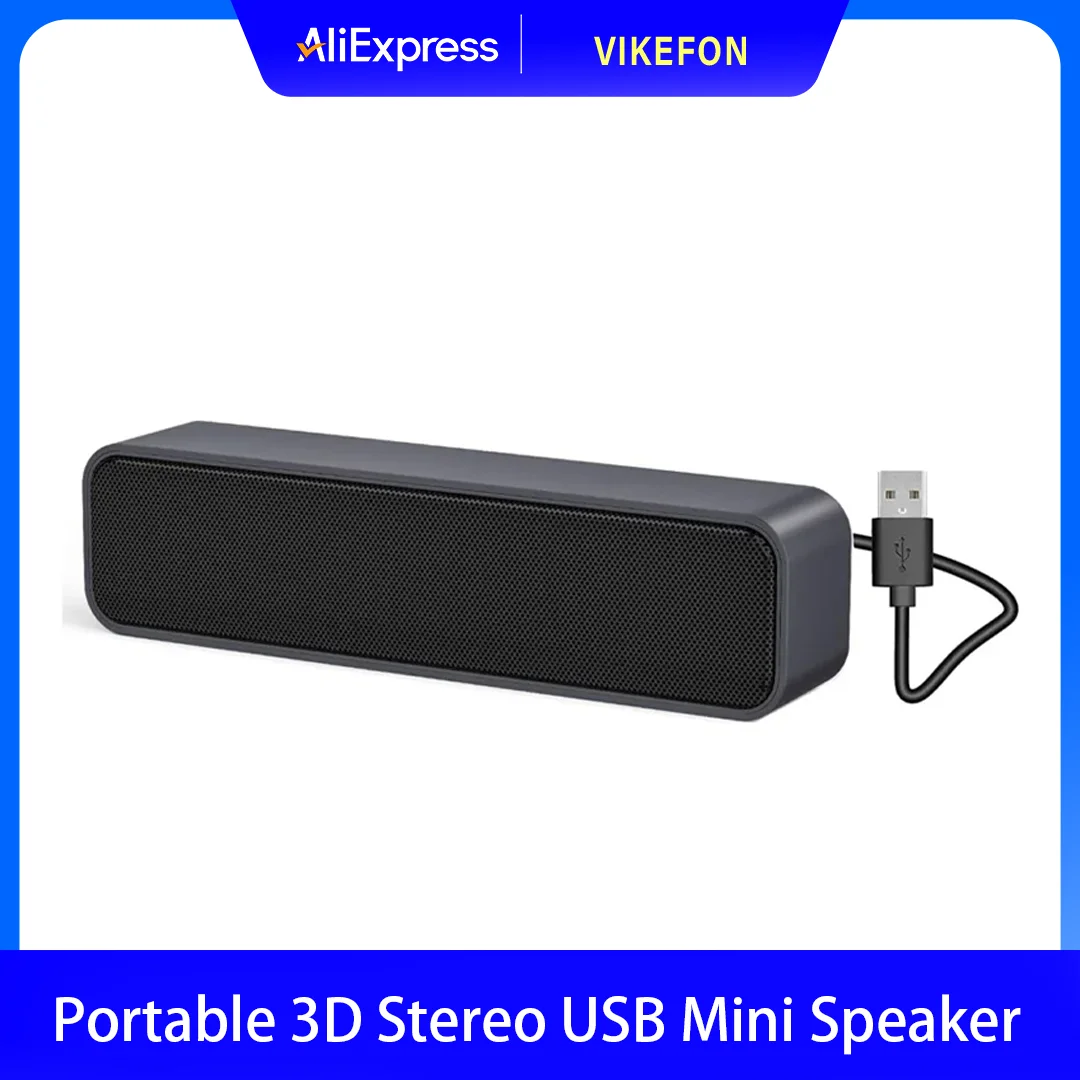
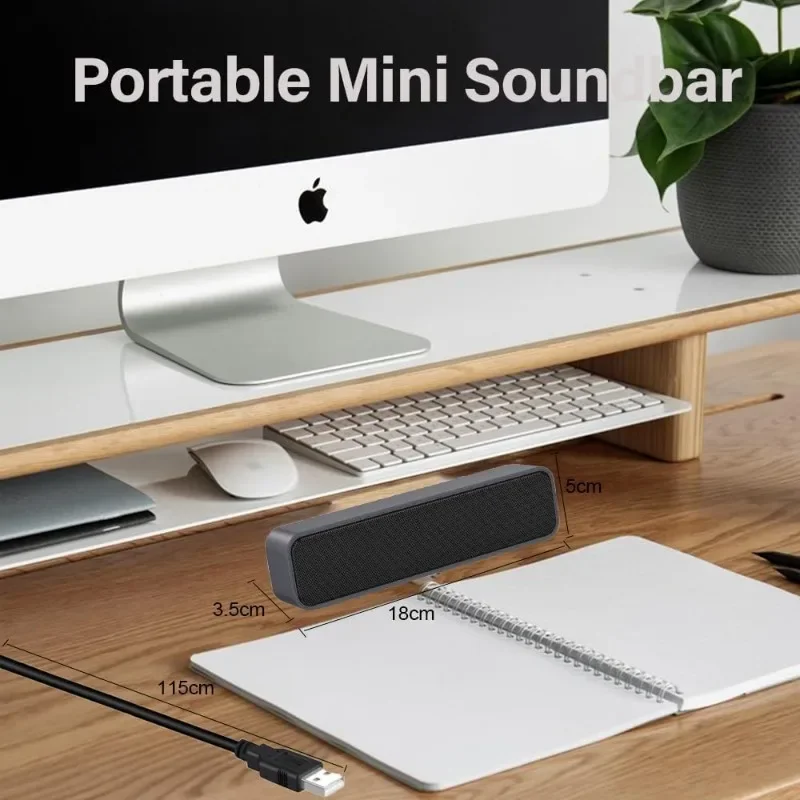
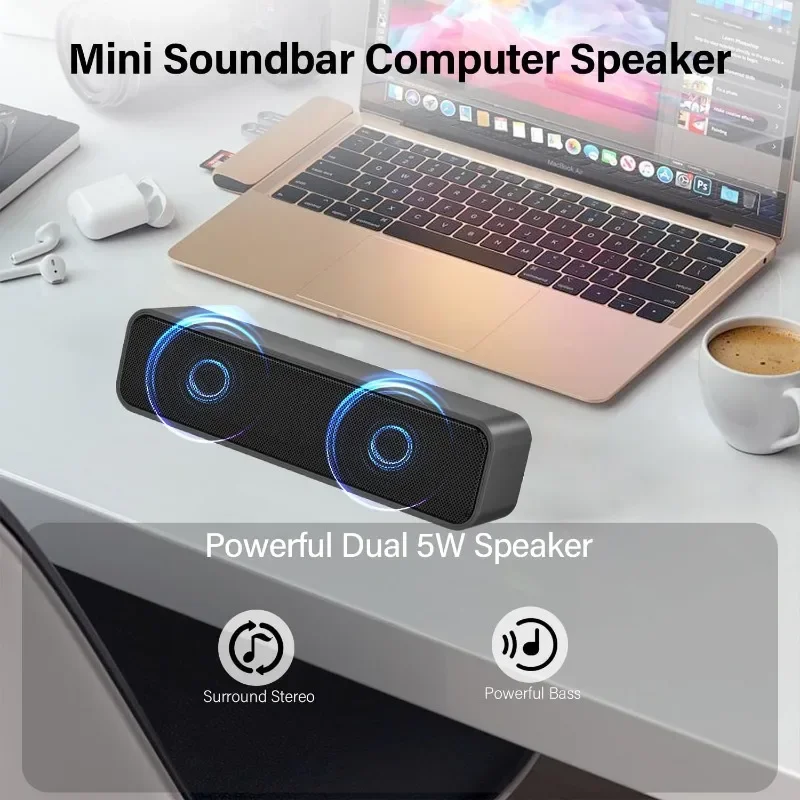
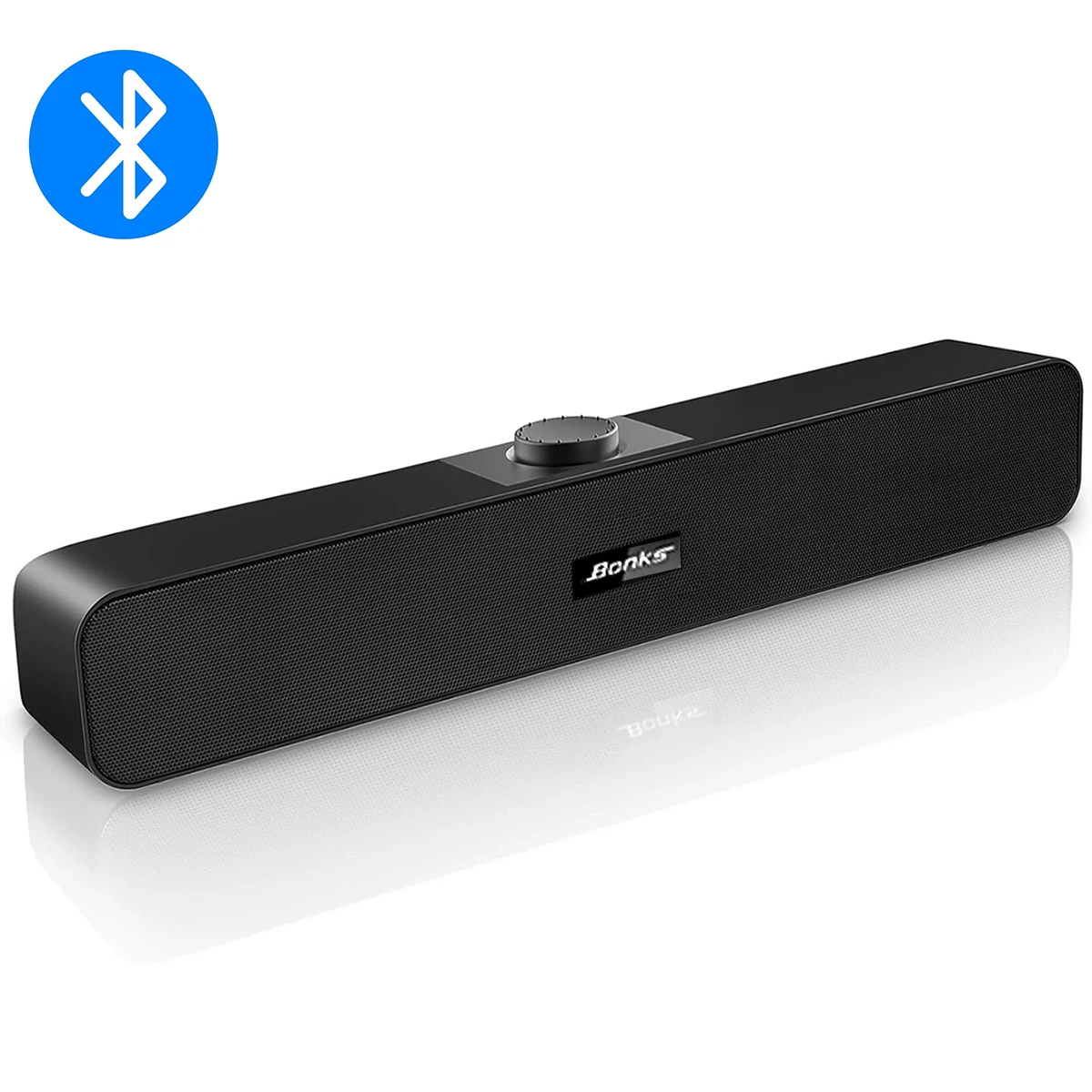
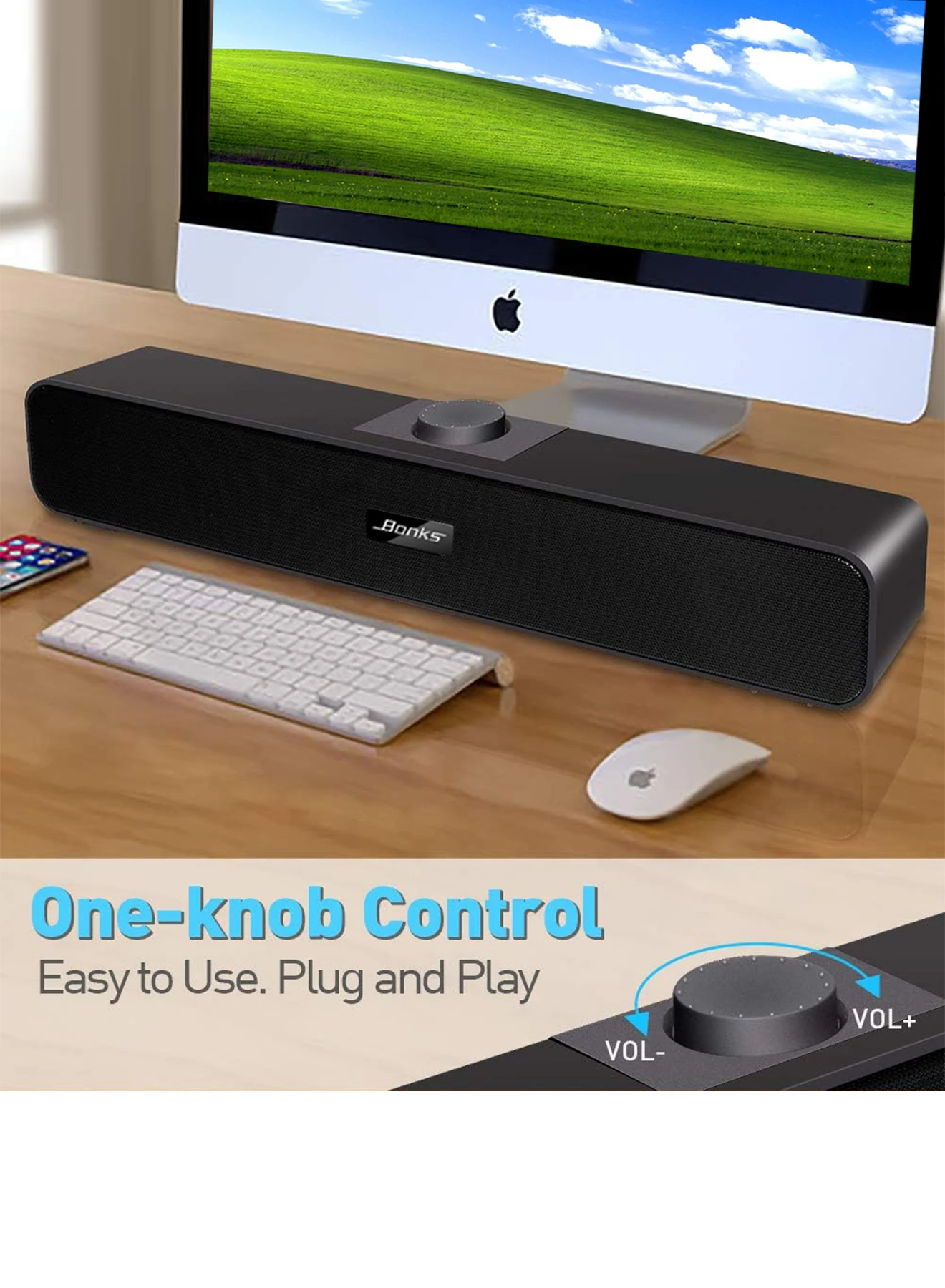
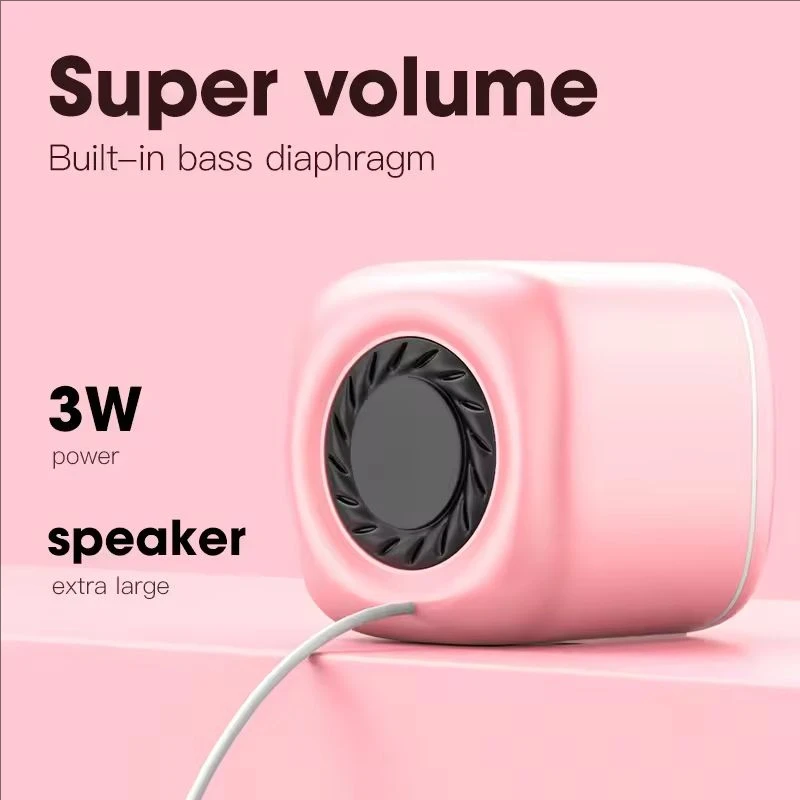
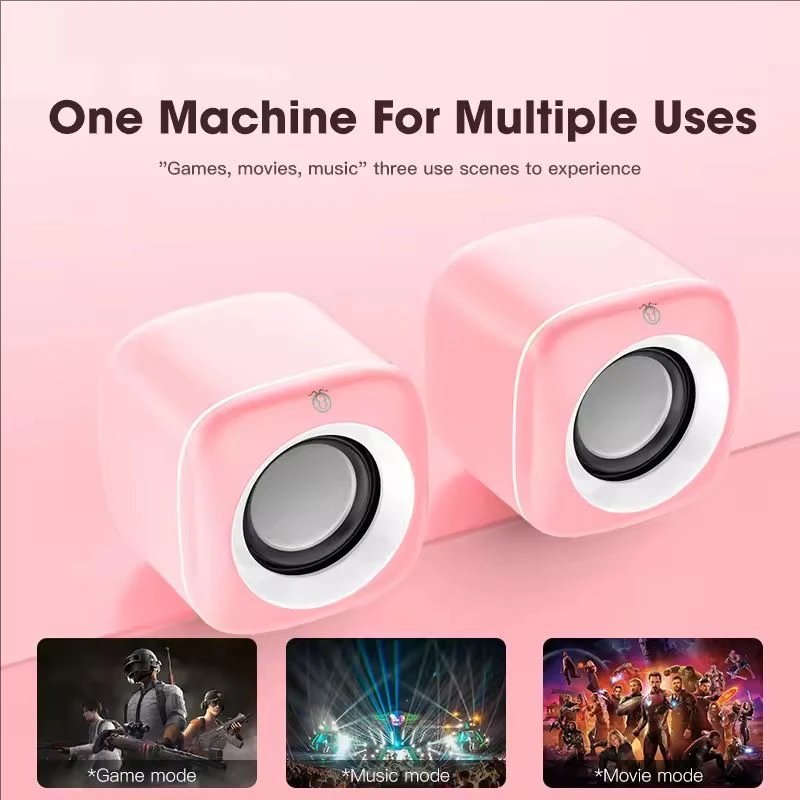
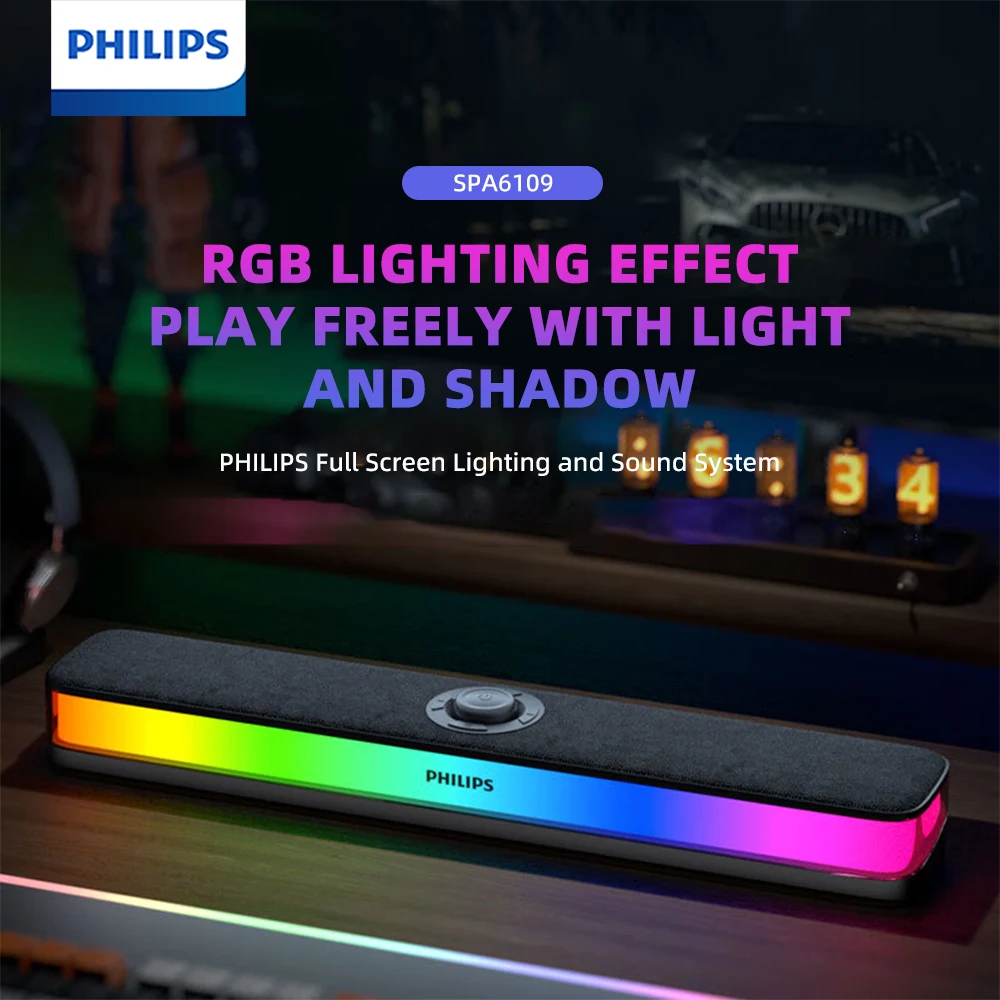
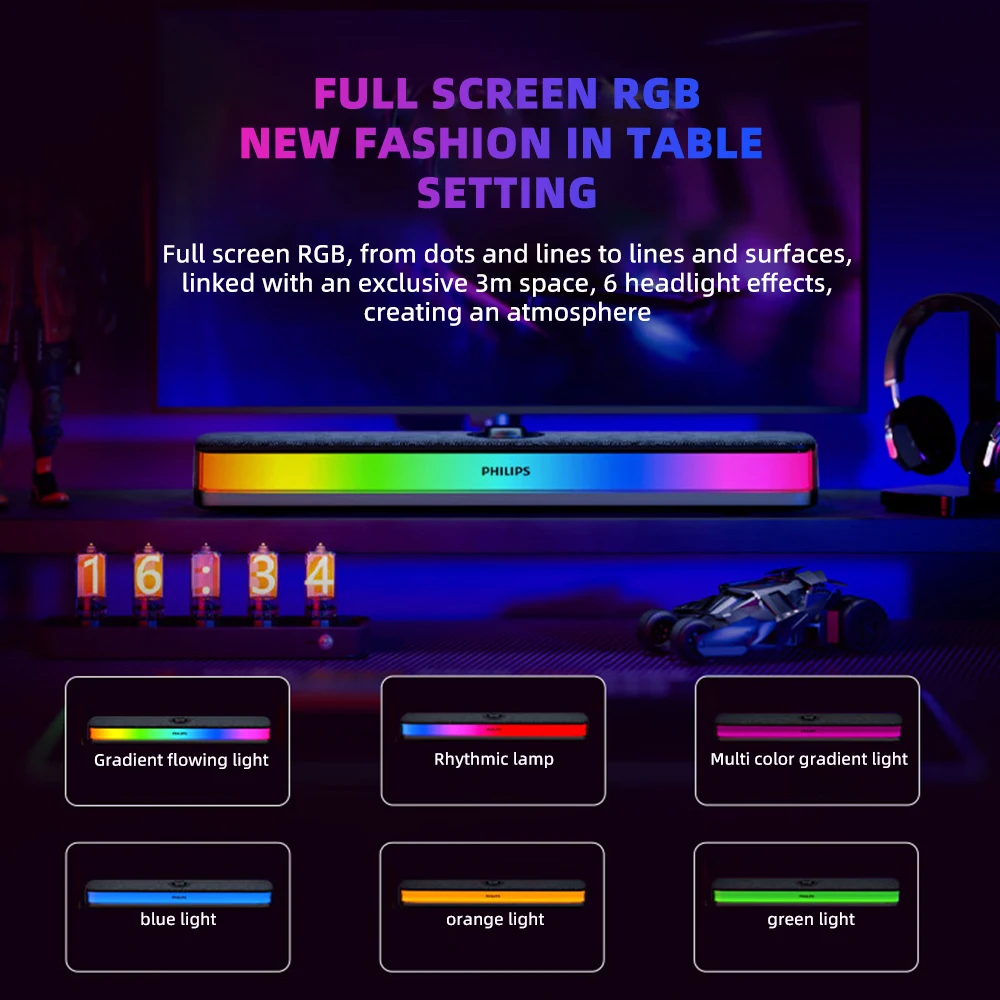
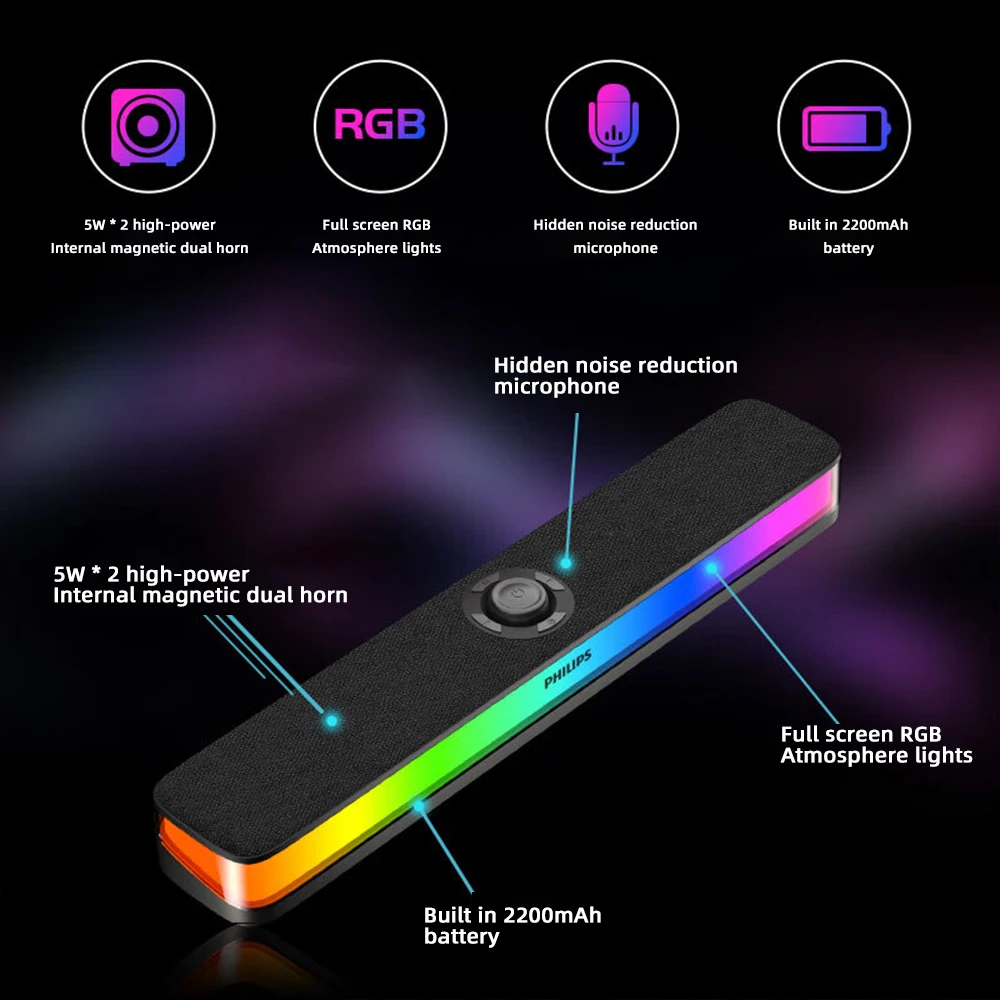
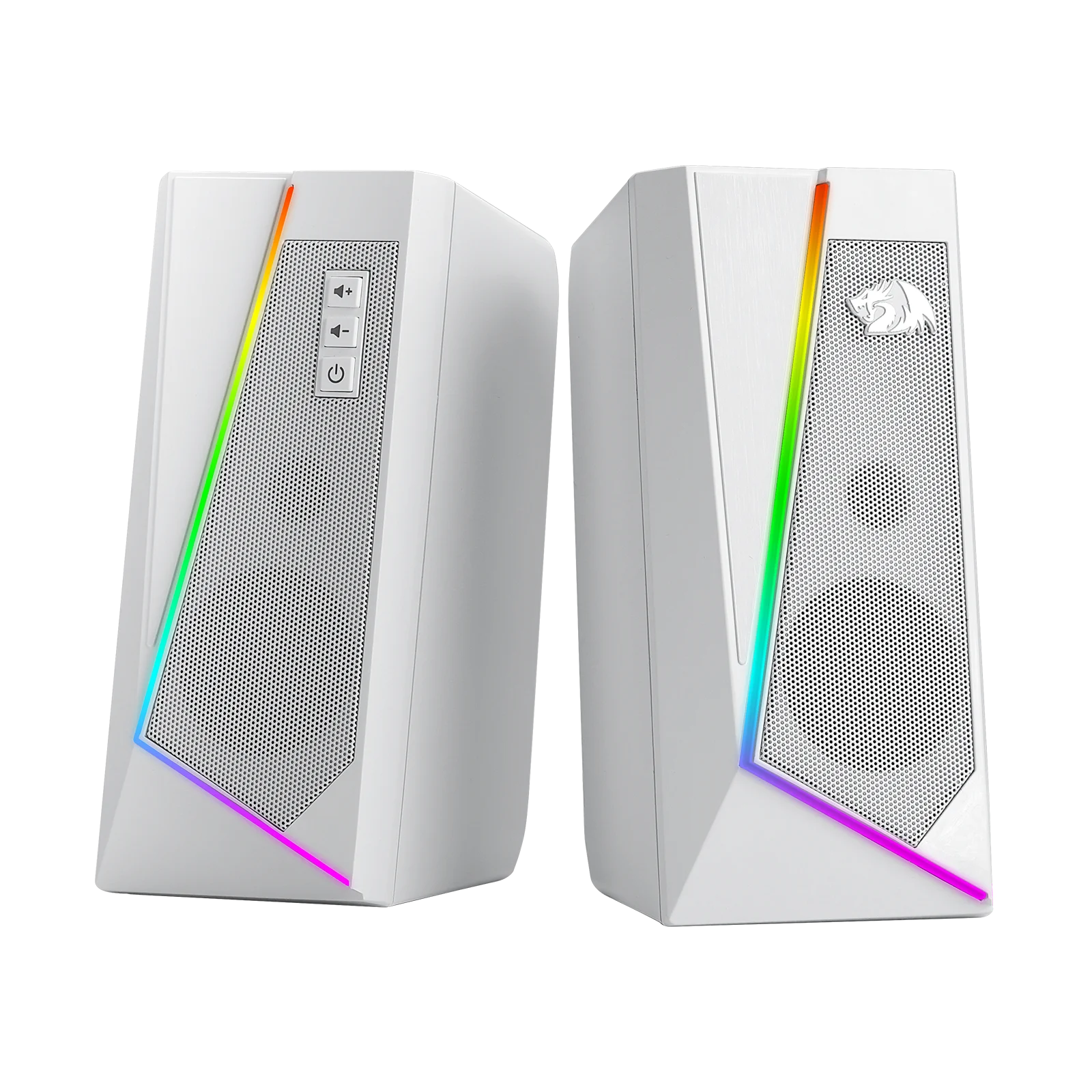
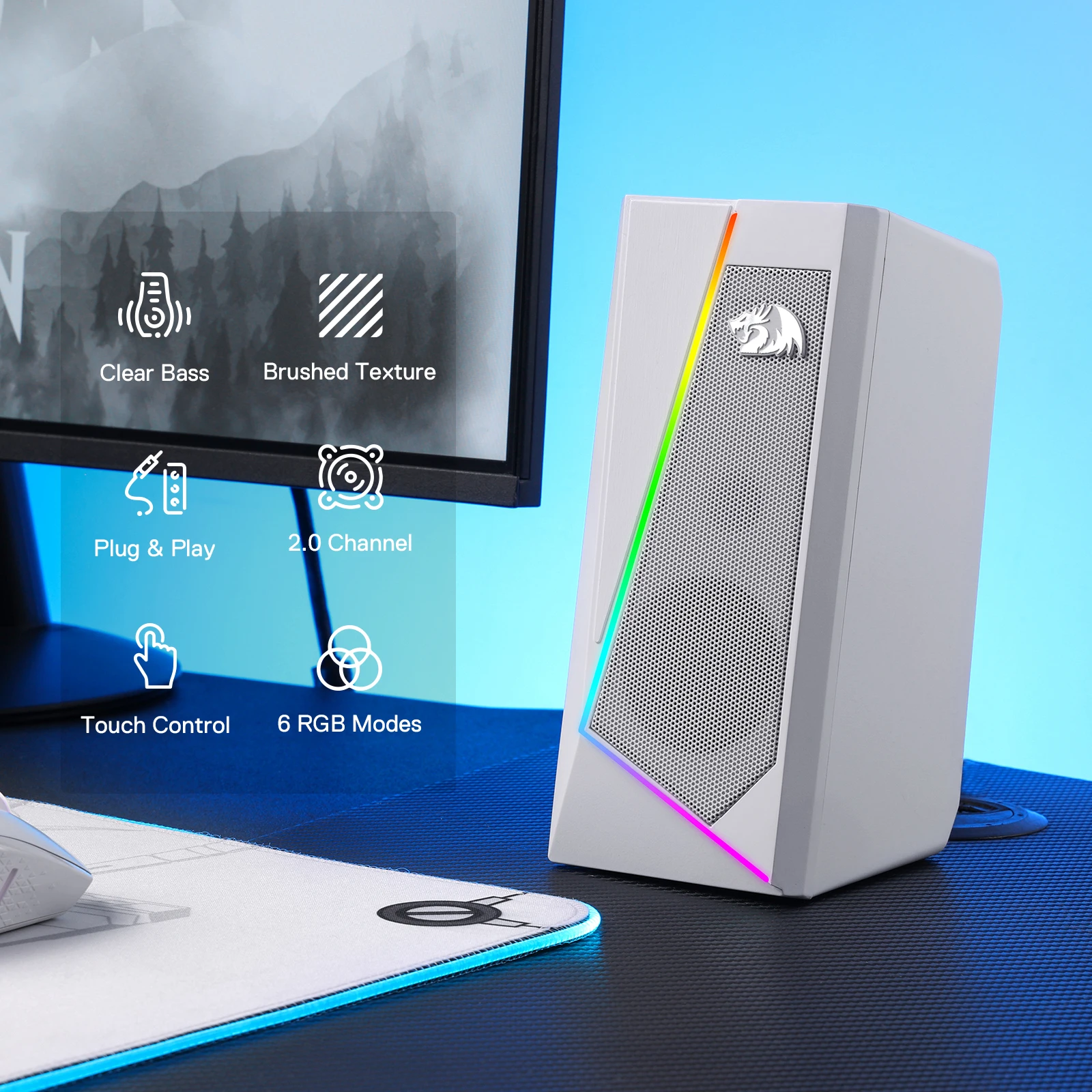
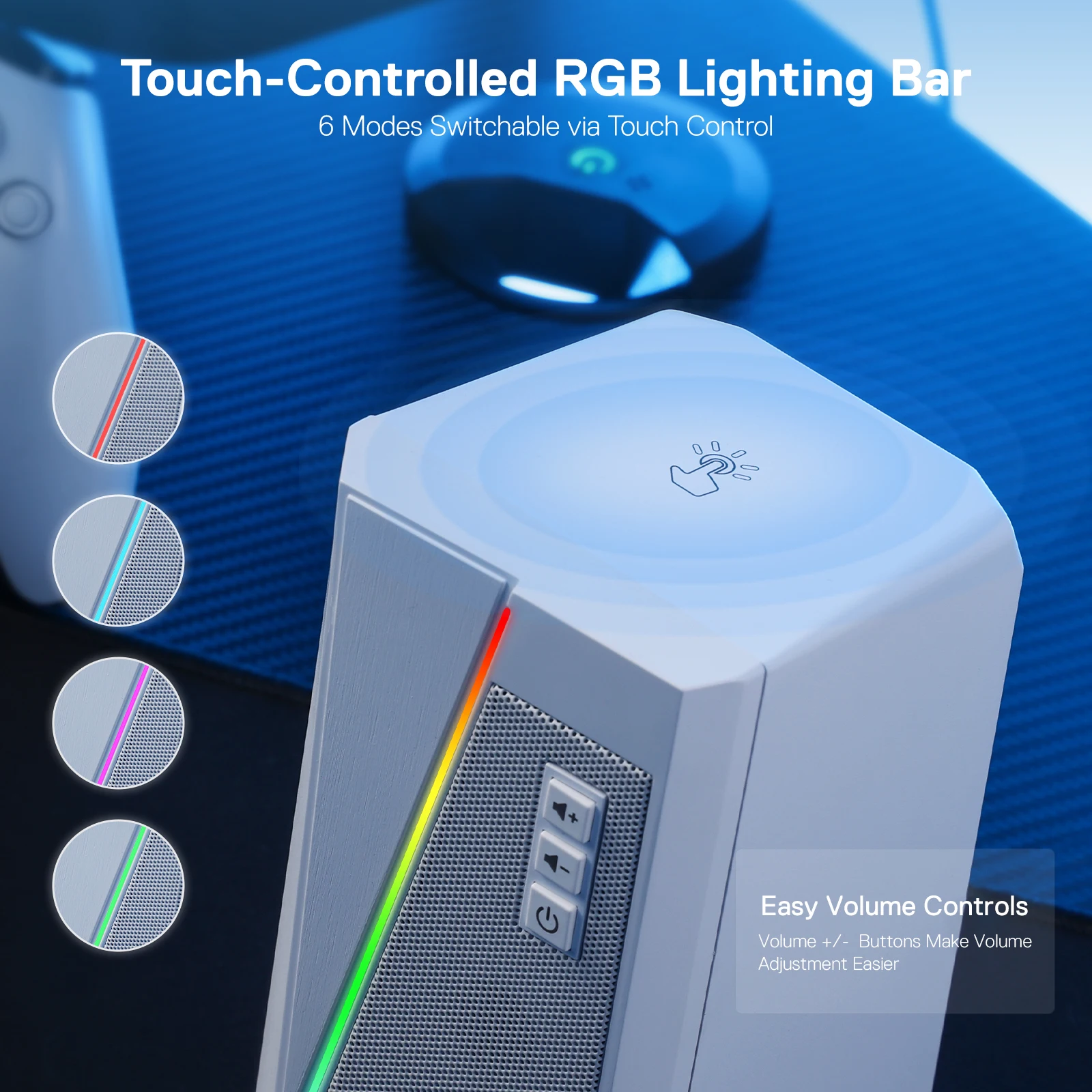
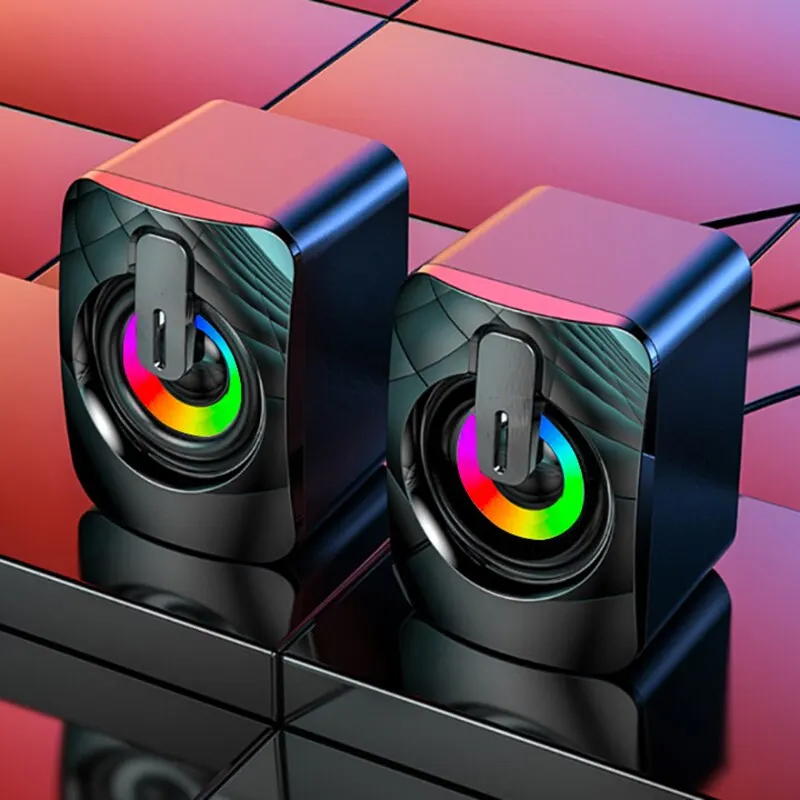
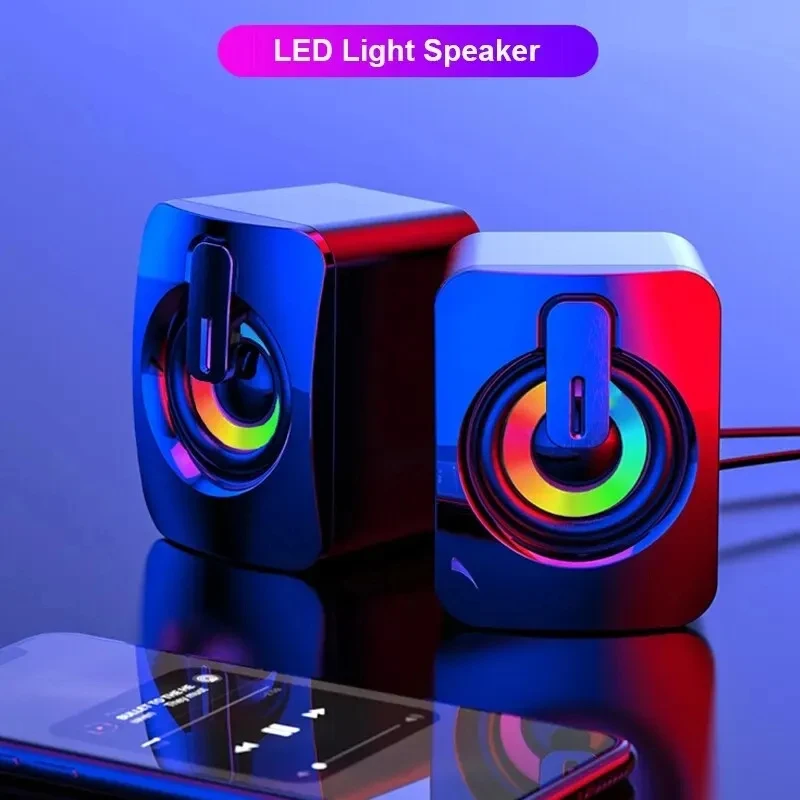
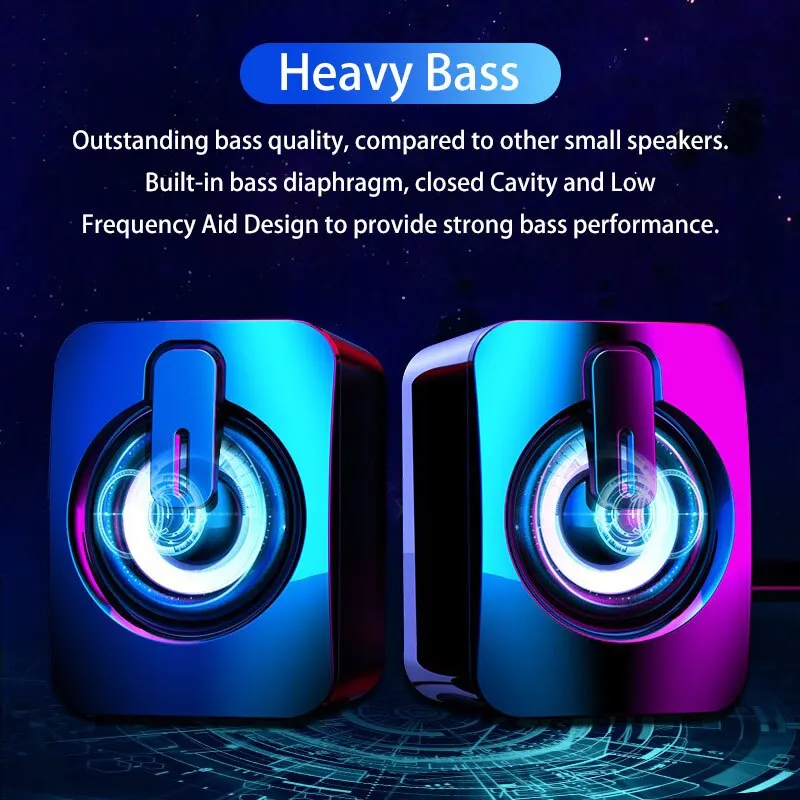
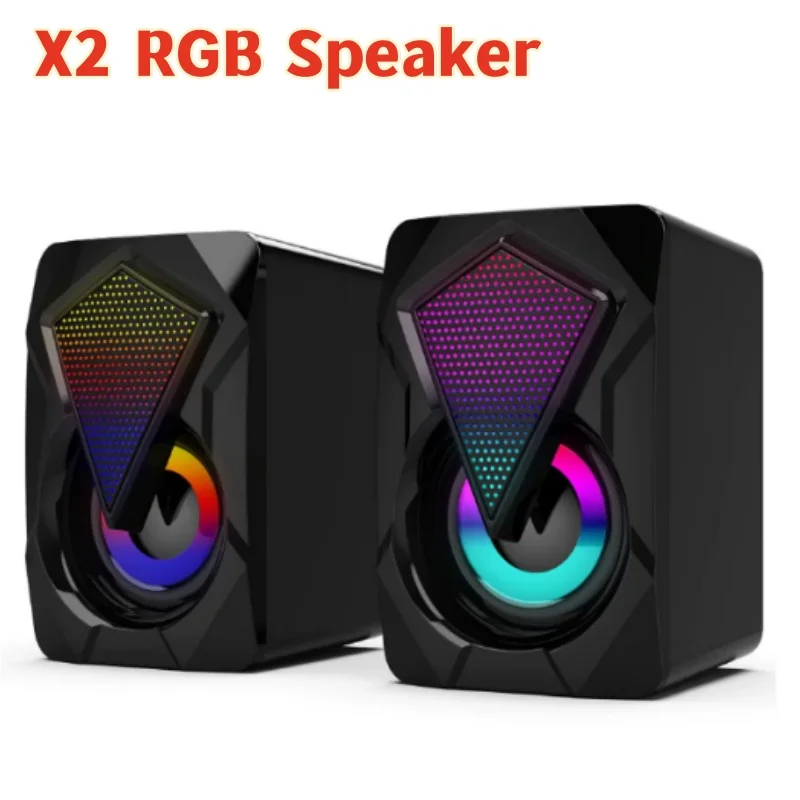
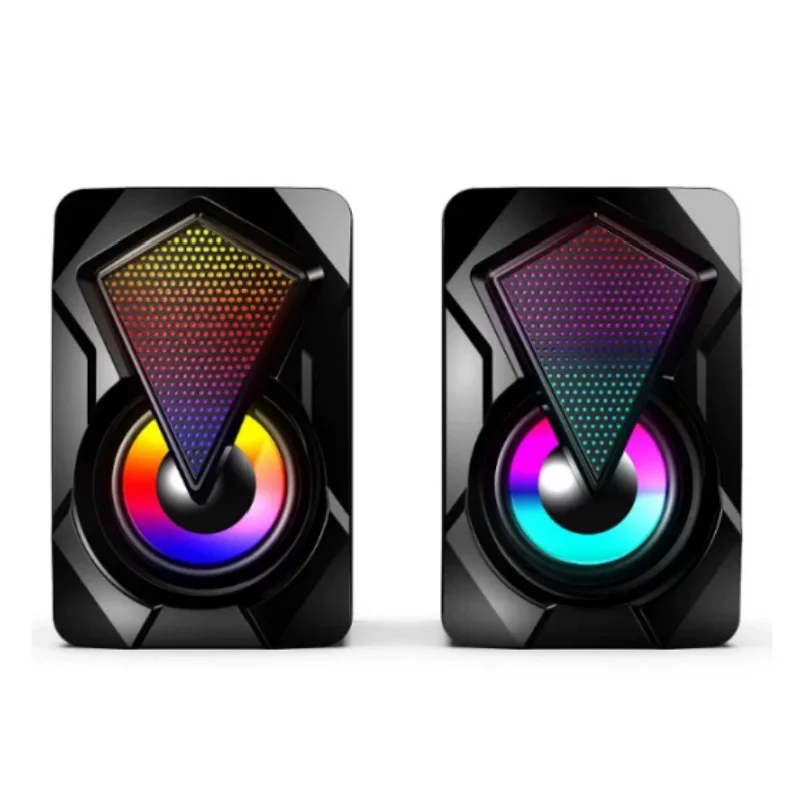
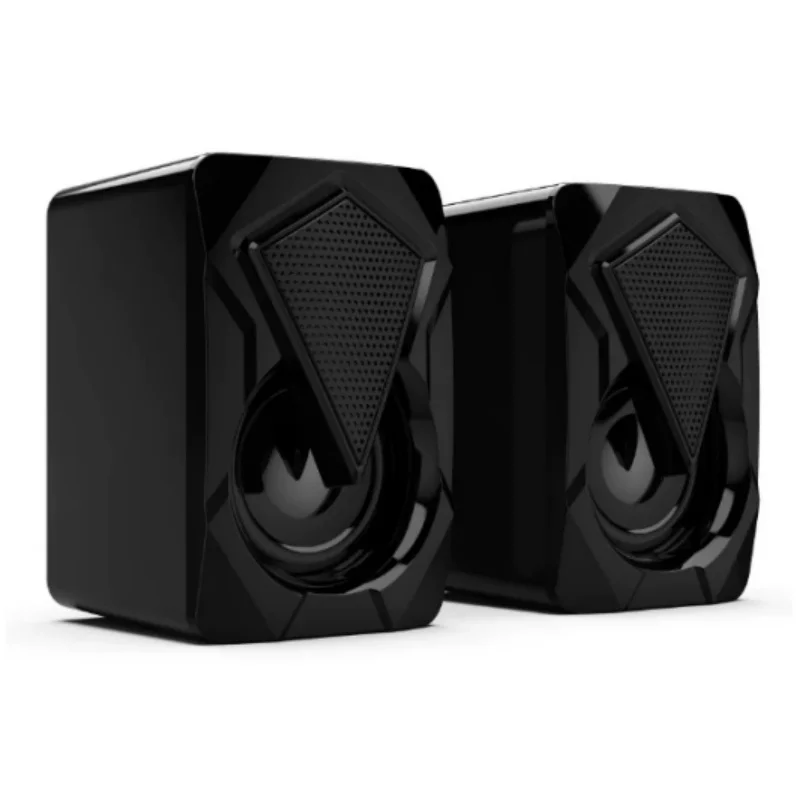
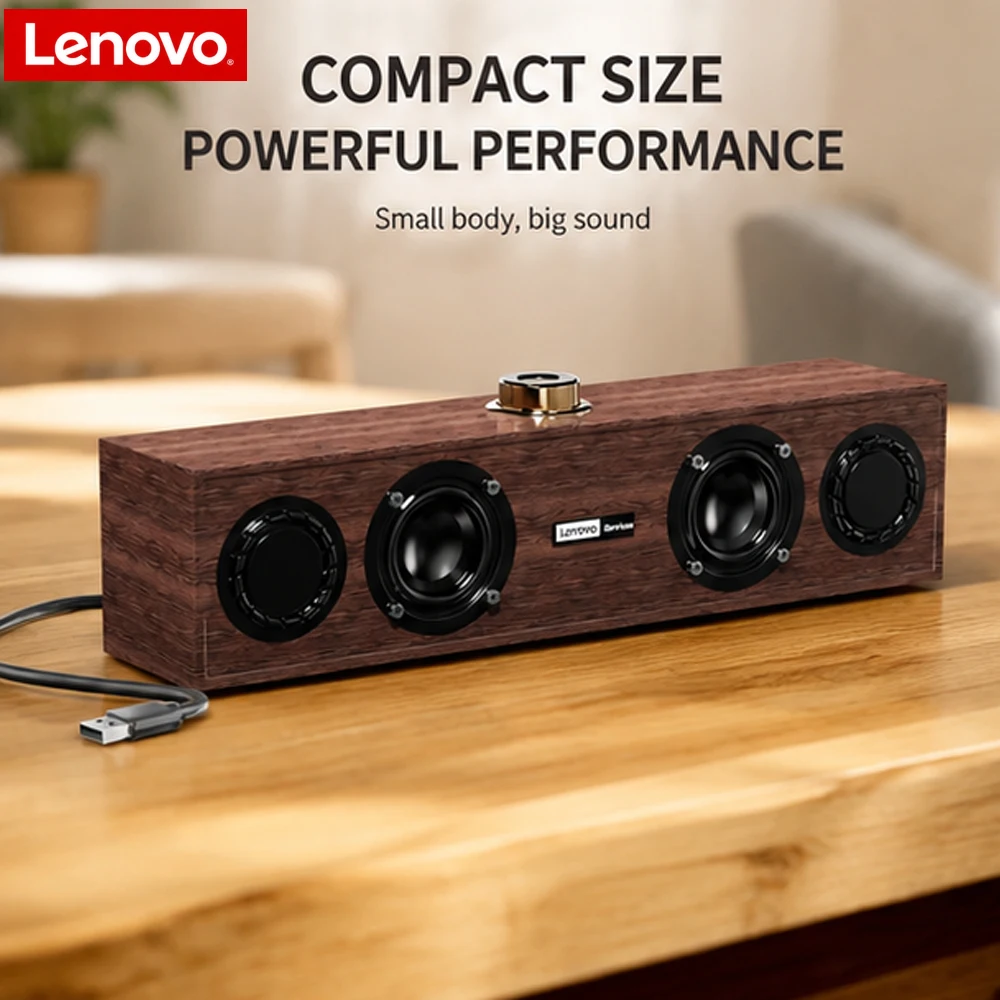
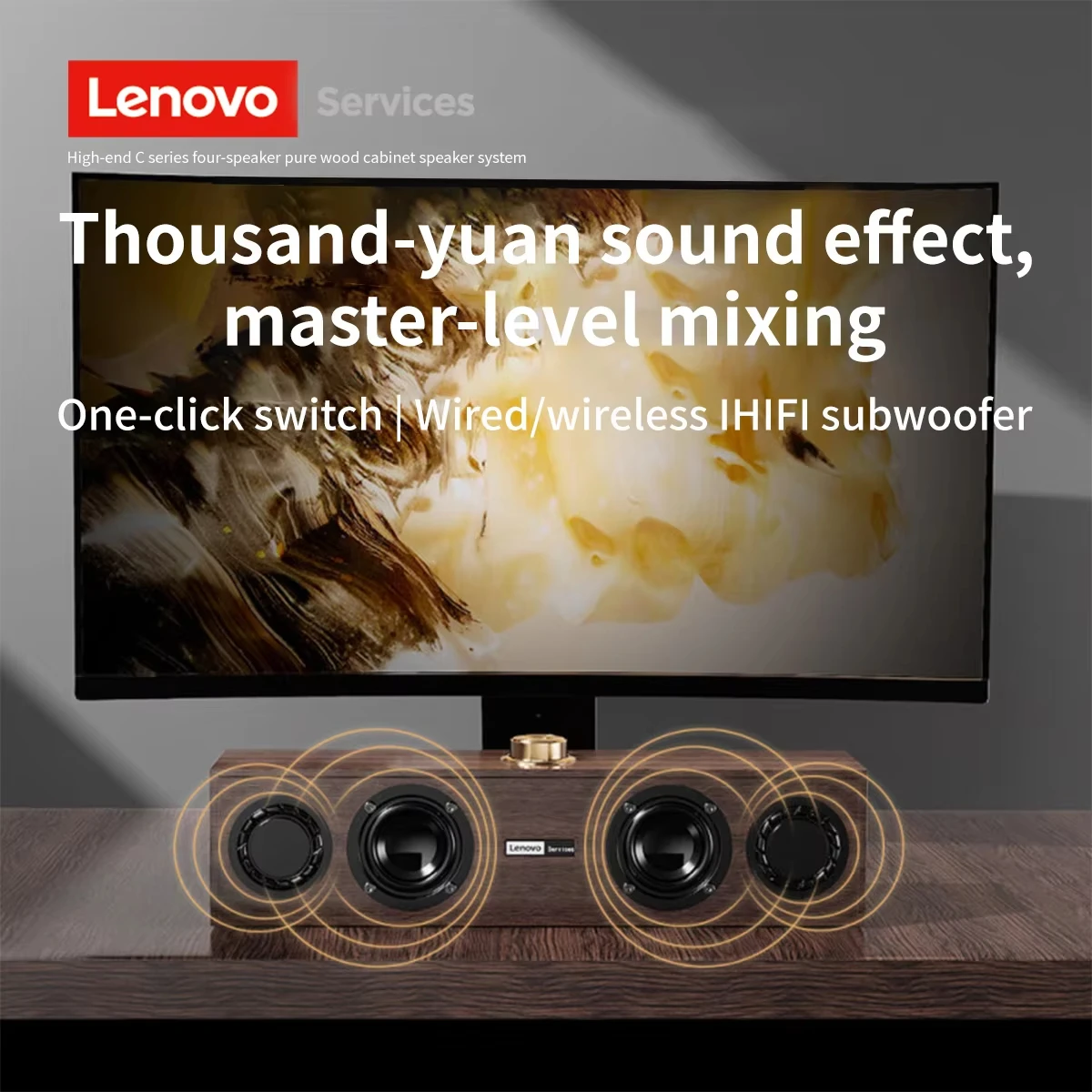
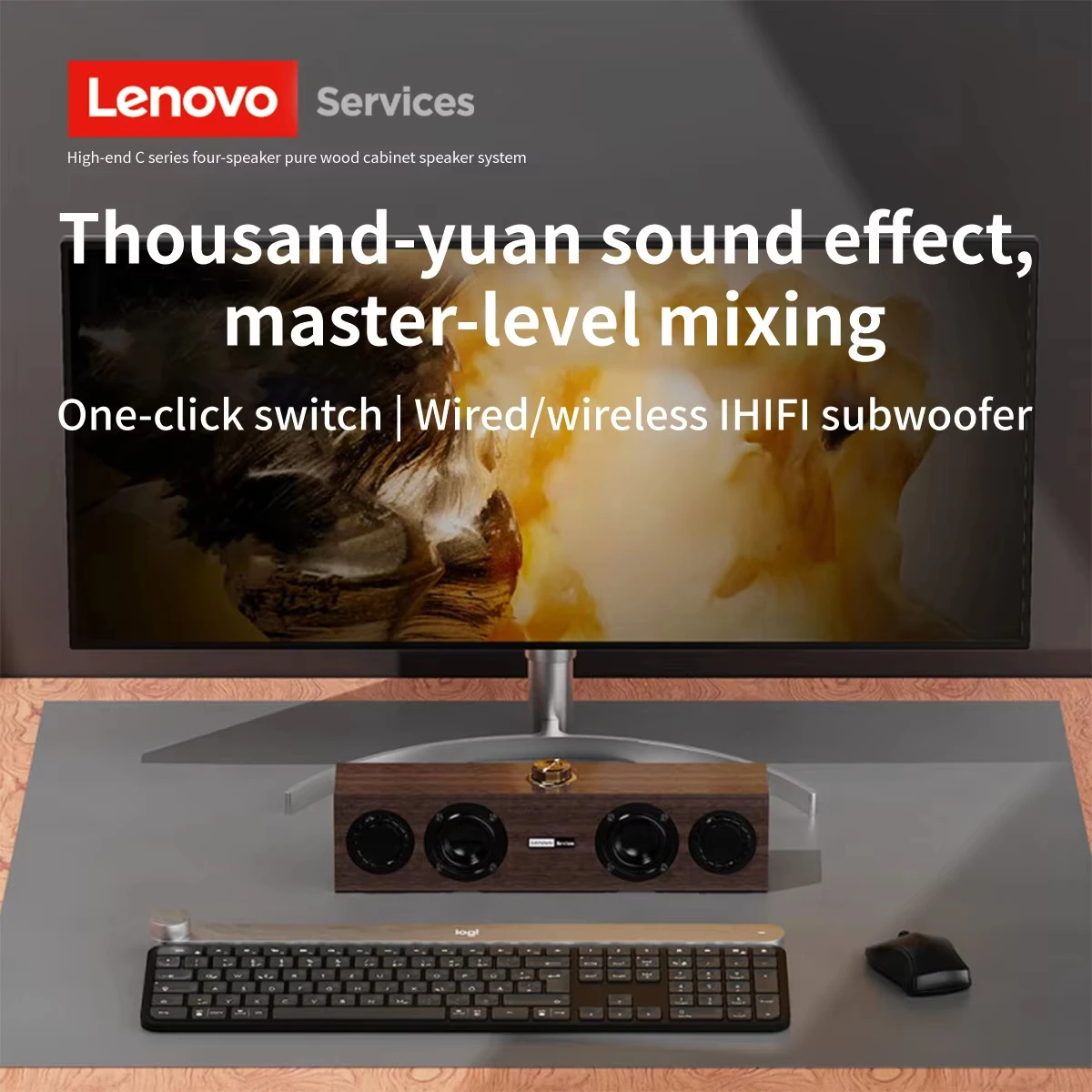
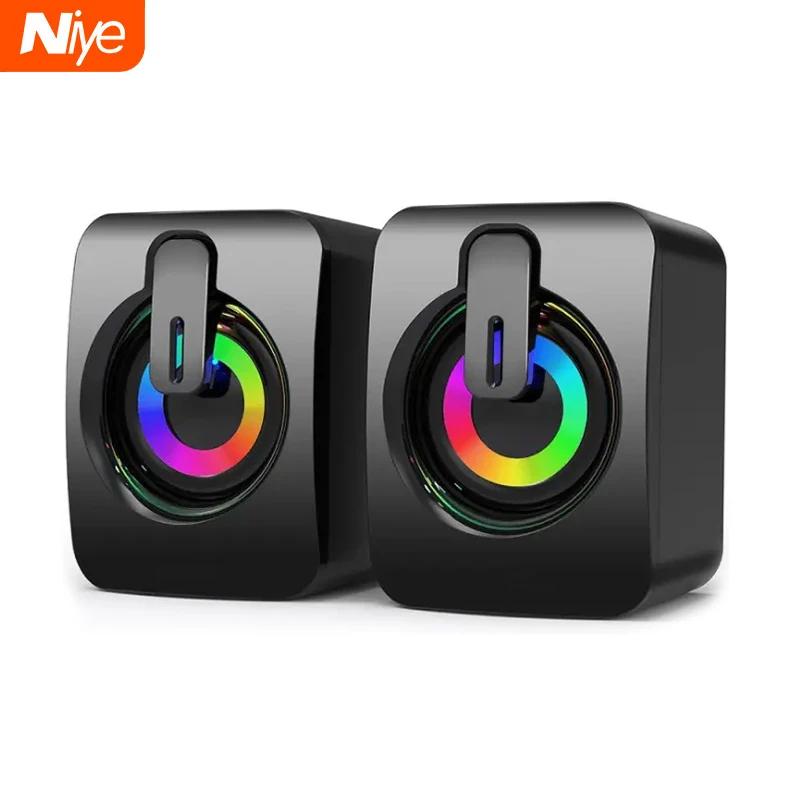
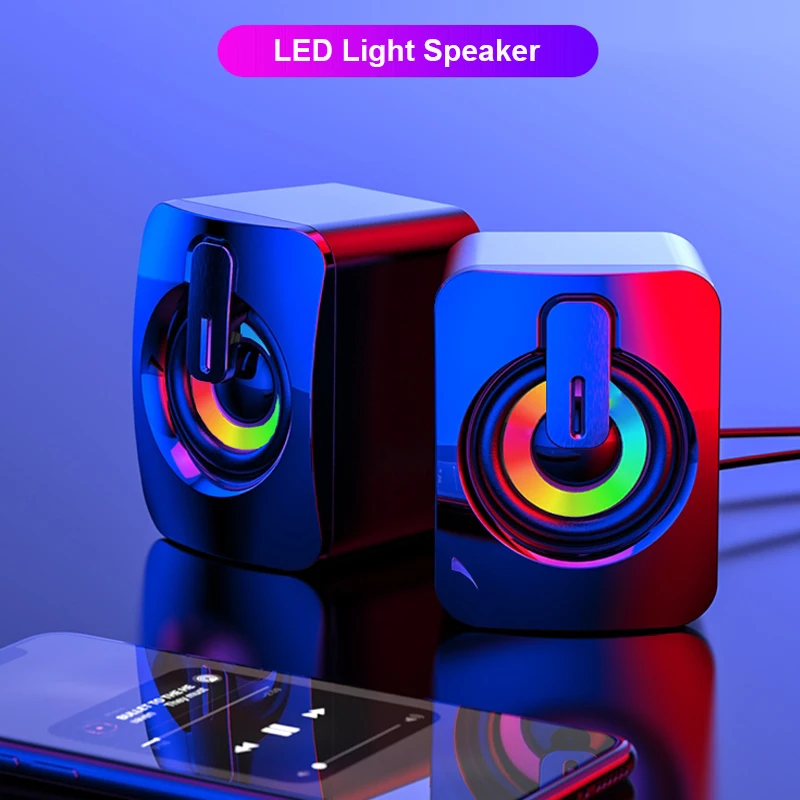
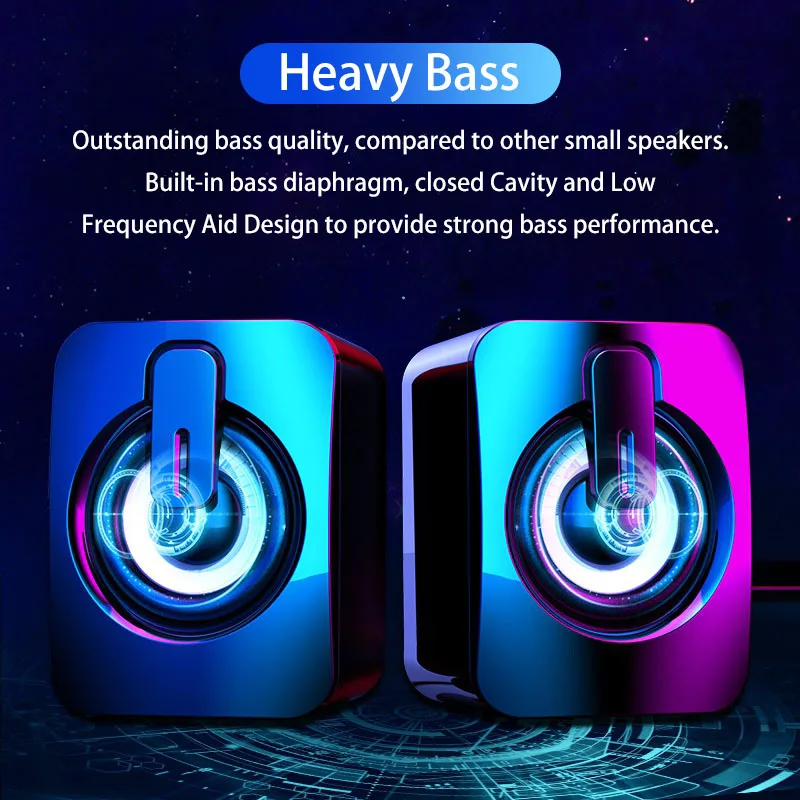
There are compact pairs that stand either side of the screen, mini soundbars that sit under a monitor, and a wooden-cased speaker. Several have coloured lighting for a gaming desk, some with an off setting. A few have a microphone built in for calls, and most have a volume knob on the speaker or the cable, which is quicker than the laptop's settings.
Questions people ask about USB speakers
Can I use speakers on calls?
Yes. Your call software cancels out the echo of the other person's voice so that your microphone does not send it back to them; most does this well. In a shared or noisy room, a headset is still clearer for everyone.
The speakers light up but make no sound.
The USB plug is giving power but the sound is going elsewhere. Check the 3.5mm plug is in, then choose the speakers as the output in Settings, System, Sound on Windows, or System Settings, Sound on a Mac.
My laptop only has USB-C ports.
Use a USB-C to USB-A adapter or a hub for the USB plug.
How long does delivery take?
Delivery is included in every price and tracked to your door. Each product page says when that speaker usually arrives, so check it before ordering for a set date.
More to look at