A fan at the vent
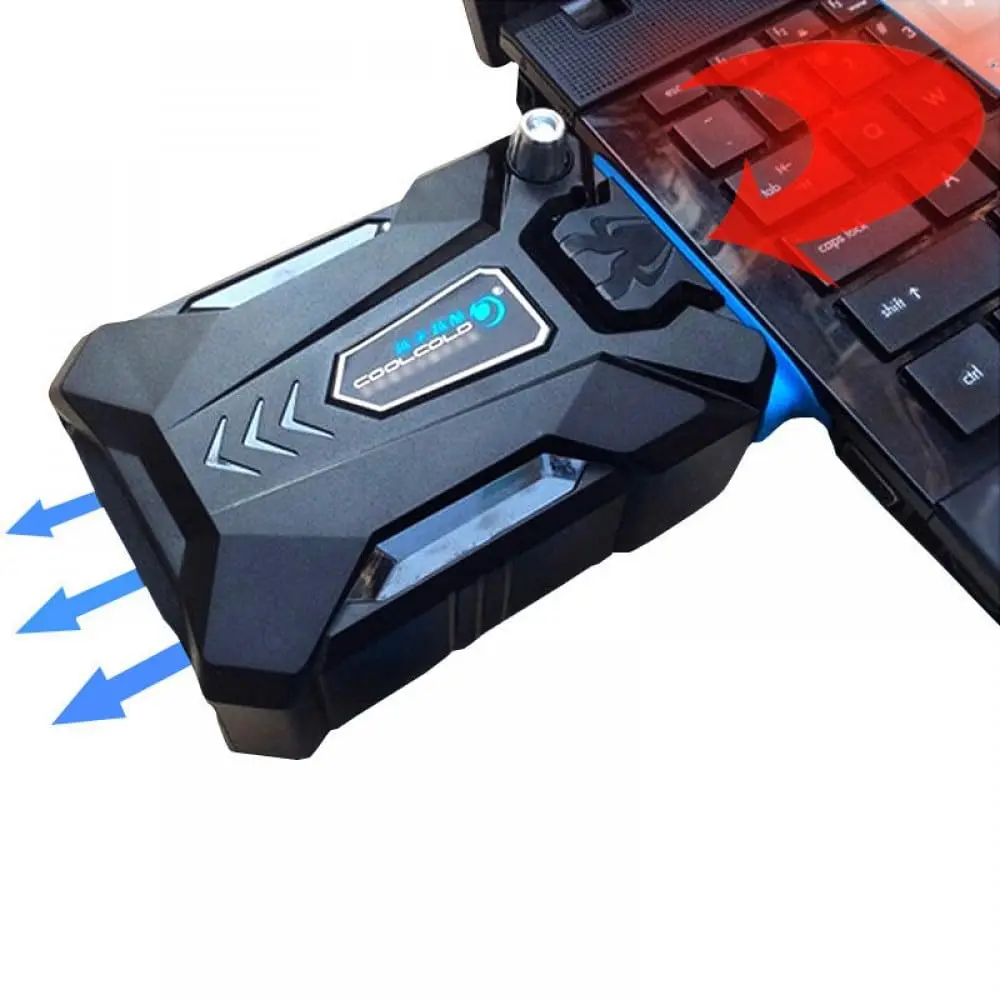
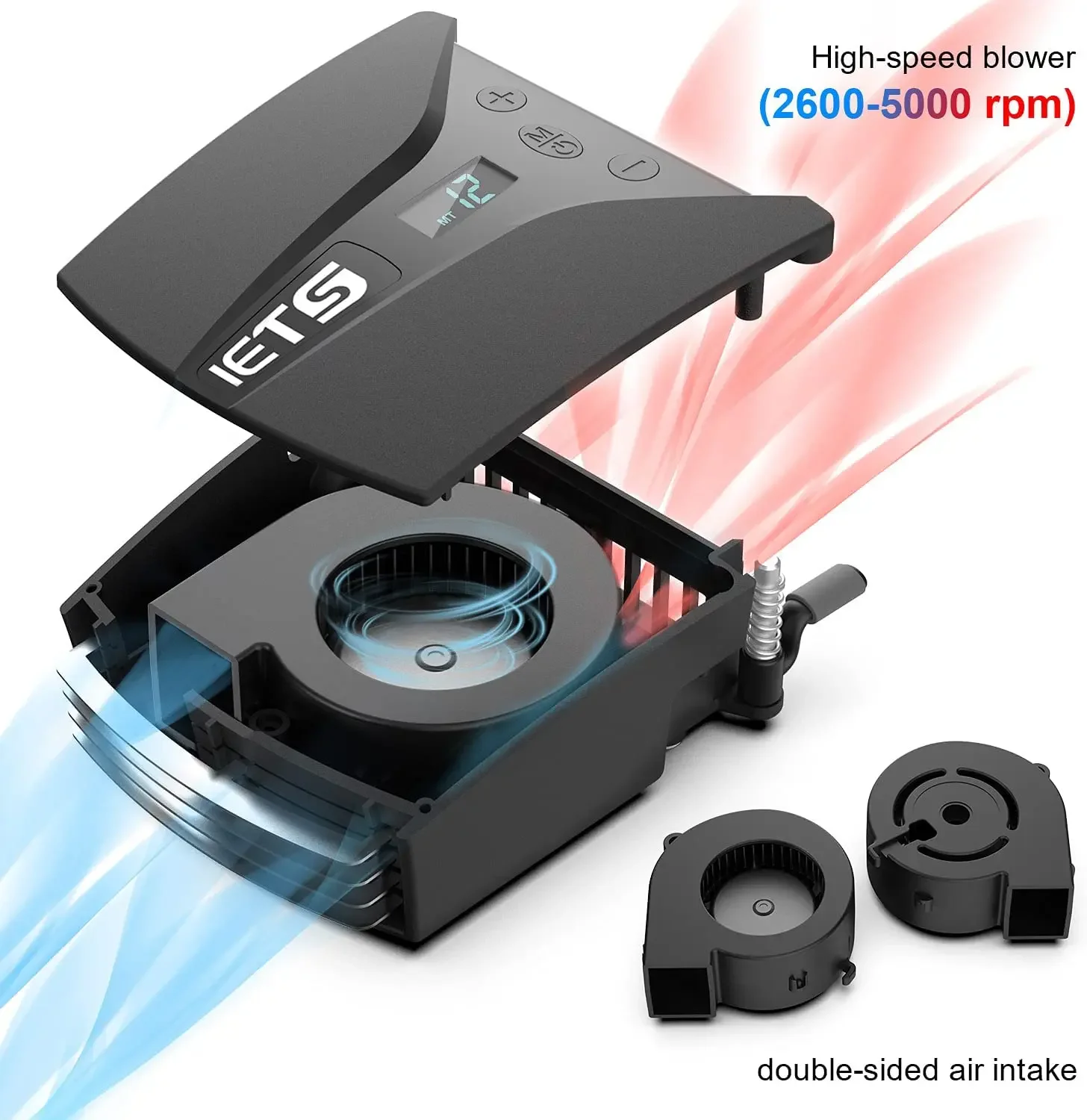
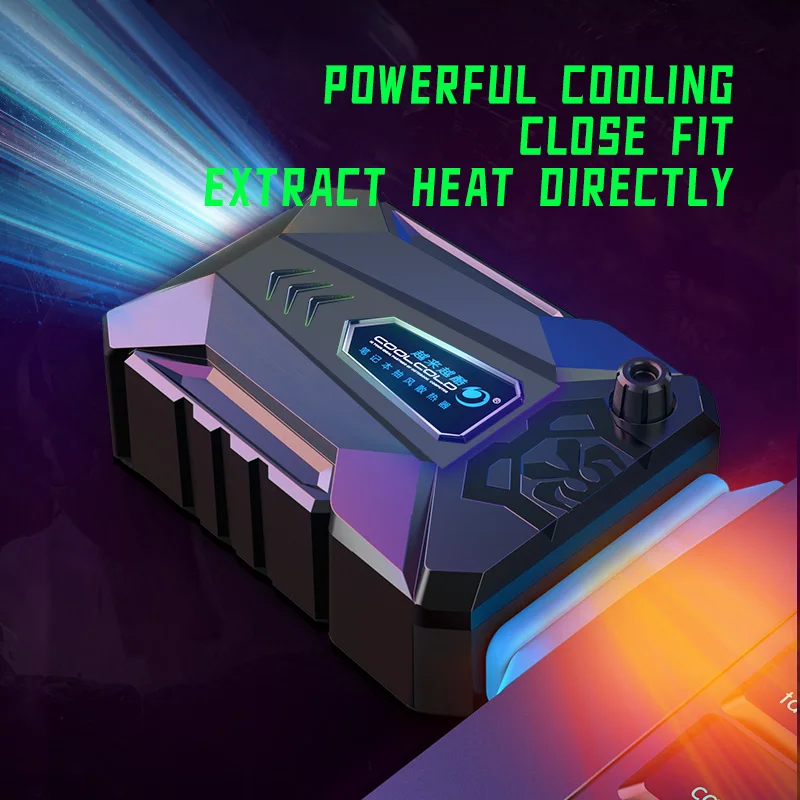
A clip-on laptop fan cooler is a small box with a fan inside that fits against the laptop's vent and pulls the hot air out. They are often called vacuum coolers, because they draw air rather than blow it. Where a cooling pad pushes air up at the whole base, a clip-on cooler works on one vent, so it is small enough to carry in the bag with the laptop.
What is in this range
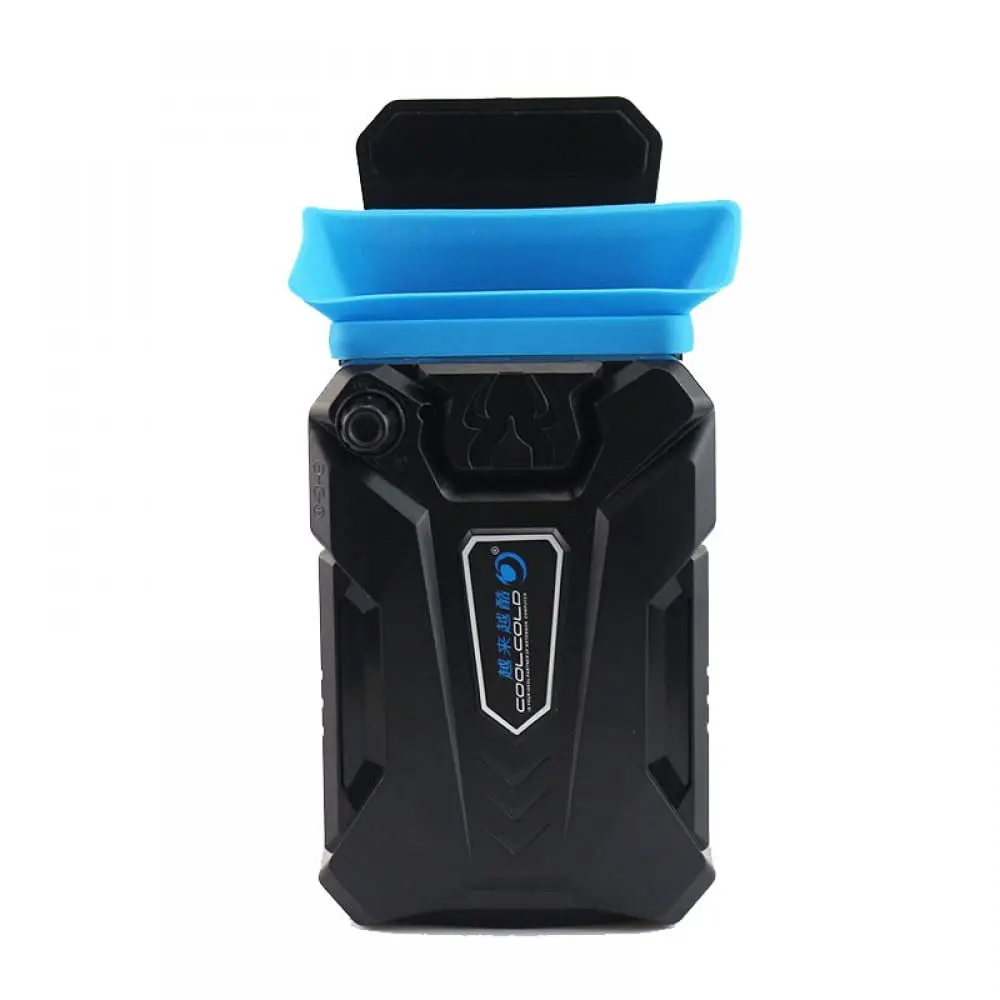
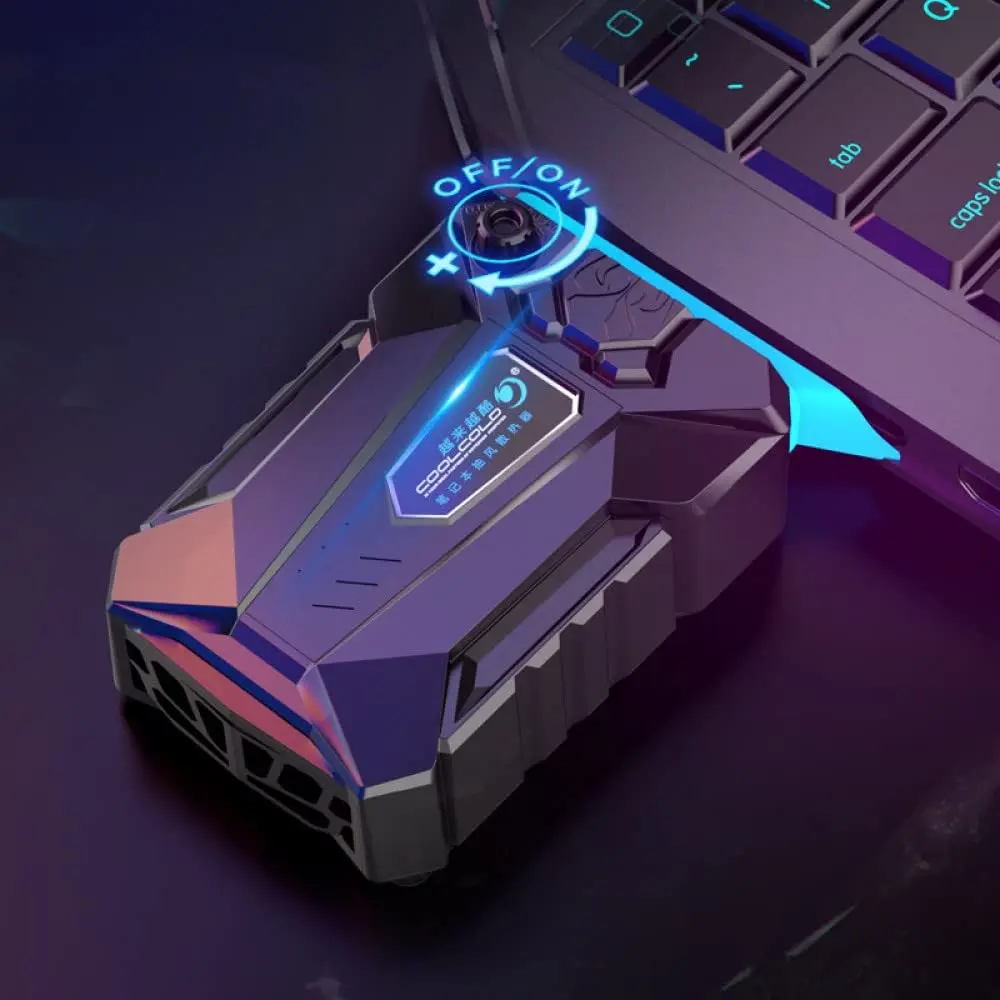
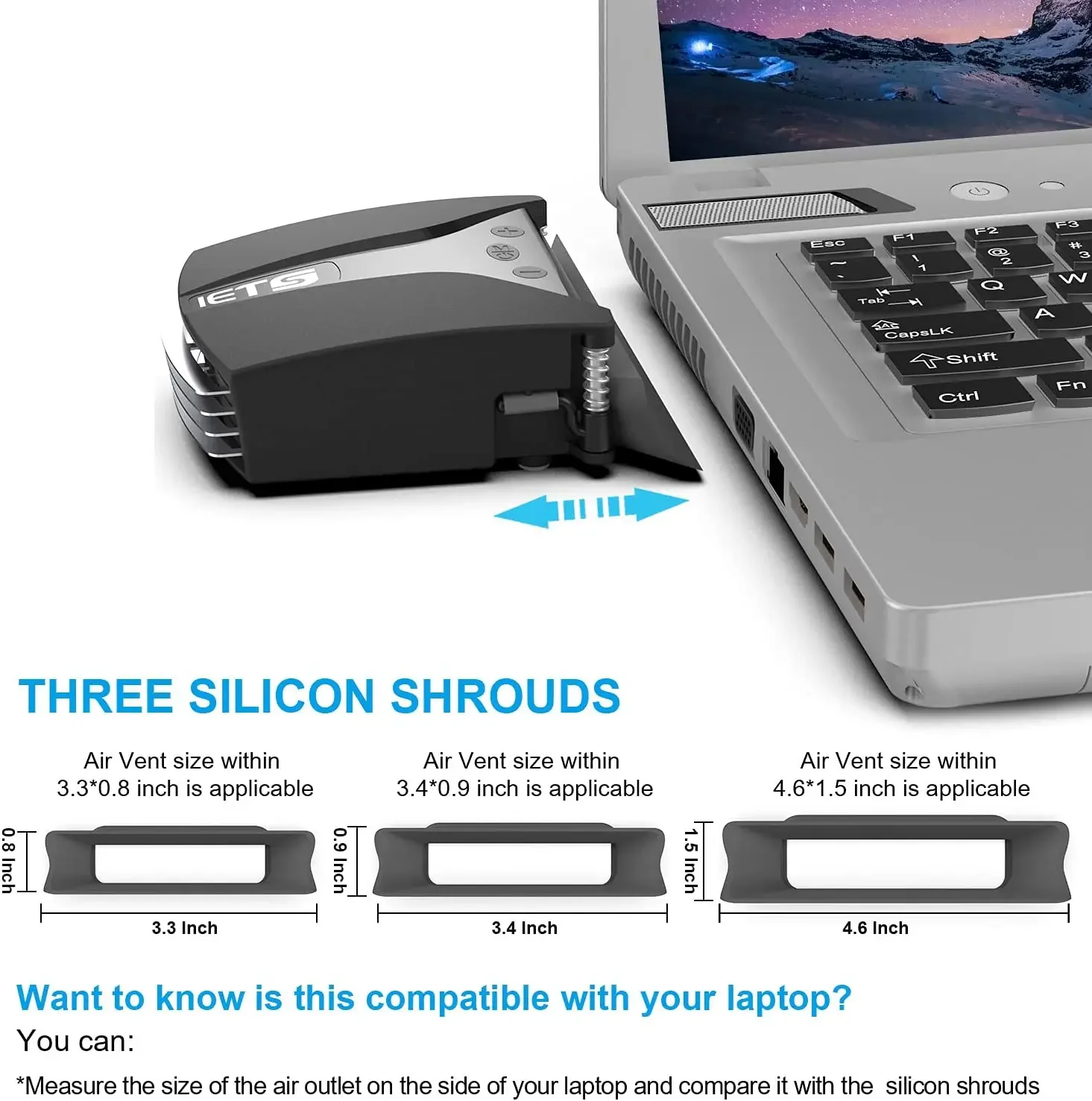
- Side and rear vent coolers. Fit against the exhaust grille on the side or back edge of the laptop, with a soft seal round the mouth.
- An underside cooler made to draw air out from beneath the laptop, stated for 15, 15.6 and 17-inch laptops.
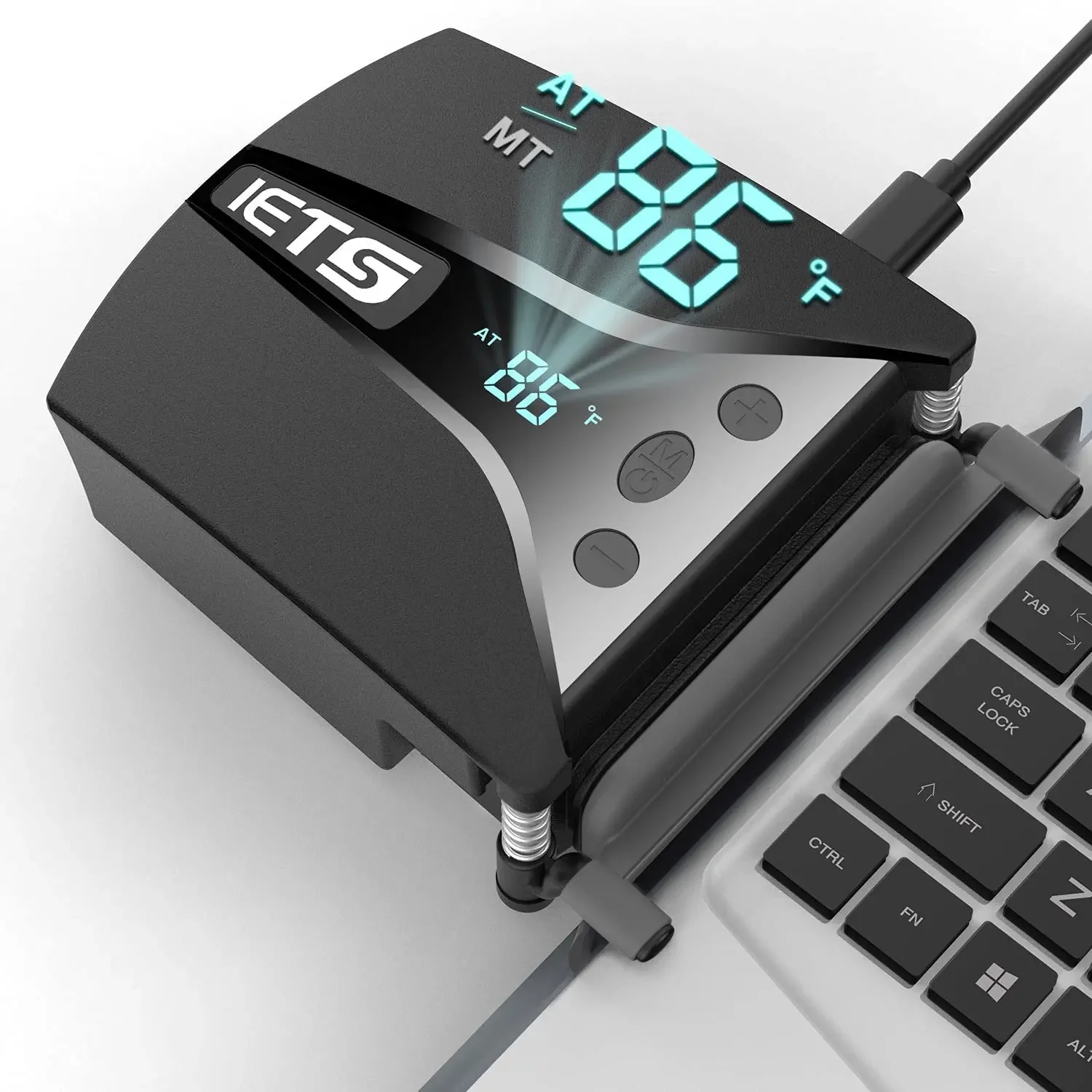
- Adjustable speed. All of them let you set the fan speed, and one has a display showing the fan speed and the temperature of the air coming out, with an automatic mode that sets the speed itself.
All are powered from a USB port on the laptop.
Who a clip-on cooler suits
They suit laptops with a clear exhaust grille on the side or back, which is common on gaming laptops, and people who play or edit video for hours at a time. Laptops built for games usually have larger vents for that reason. The gaming department has the rest of the kit for playing on a laptop.
They are not for every laptop. A laptop with no side or rear vent gives the cooler nothing to draw from, and a fanless laptop, such as the MacBook Air with Apple silicon, which Apple describes as having a silent, fanless design, has no vent at all.
How to choose a clip-on cooler
The vent. Look at where your laptop pushes its hot air out, then measure the grille. The cooler's mouth has to match its shape and size. A cooler that does not sit flush can partly block the vent instead of helping it.
The port. Check the cable reaches a USB port without crossing the keyboard. Many have a USB-A plug, so a laptop with only USB-C sockets needs a USB-C to USB-A adapter.
The noise. A small fan running fast is audible. Turn it down for calls.
Questions people ask about clip-on coolers
Will it fit my laptop?
Check the product page against your vent: its size and where it is. If the vent is on the base rather than an edge, a cooling stand or pad is the better fit.
Should I clean the vents first?
Yes. Dust in the vents makes any laptop run hotter. With the laptop off, an electric air duster clears them.
How long does delivery take?
Delivery is included in every price and tracked to your door. Each product page says when it usually arrives.
More to look at