The material that bends, seals and washes
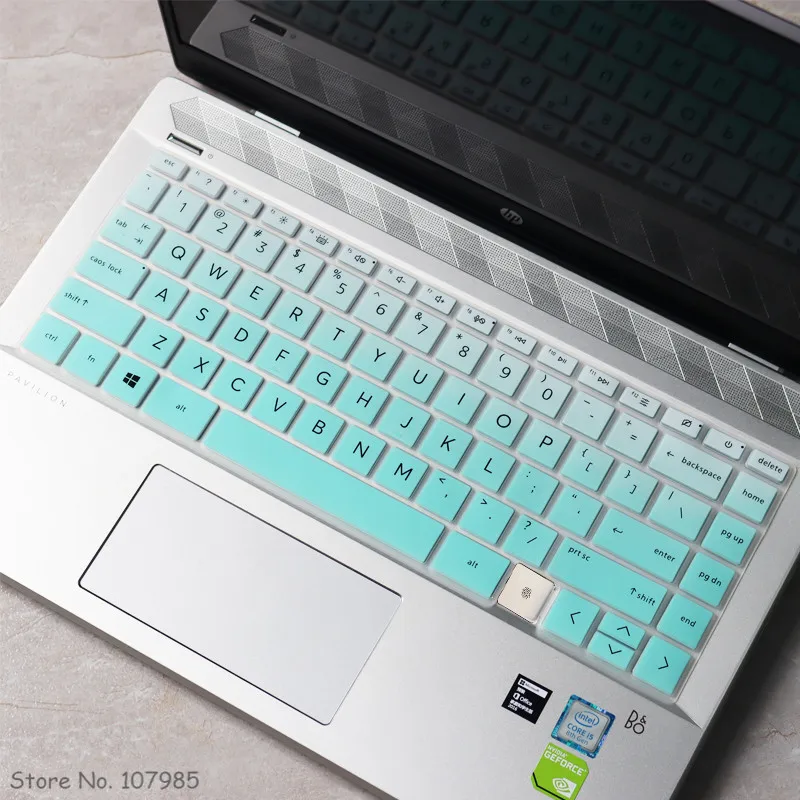
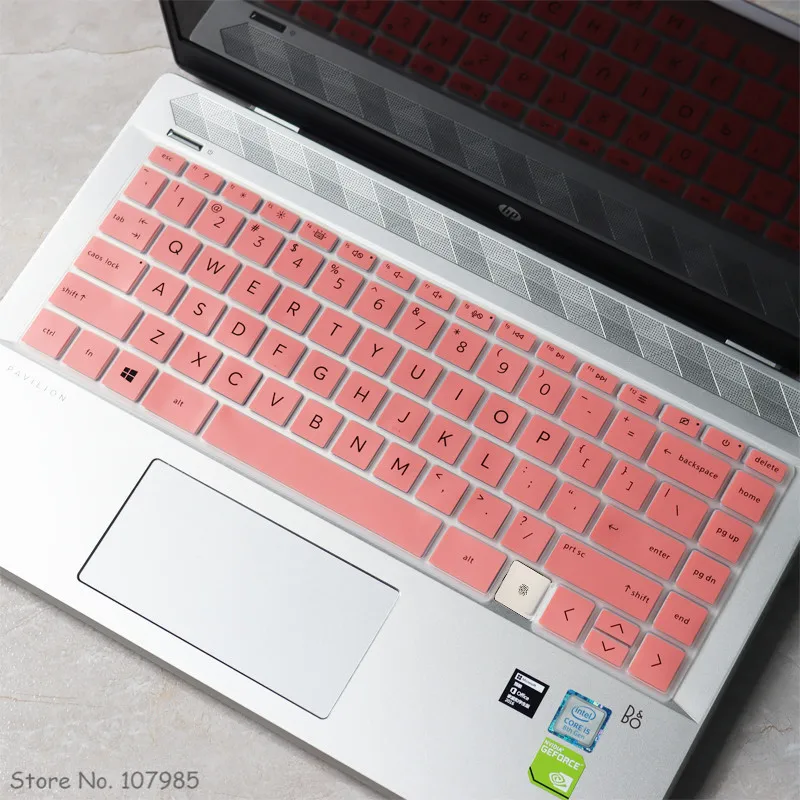
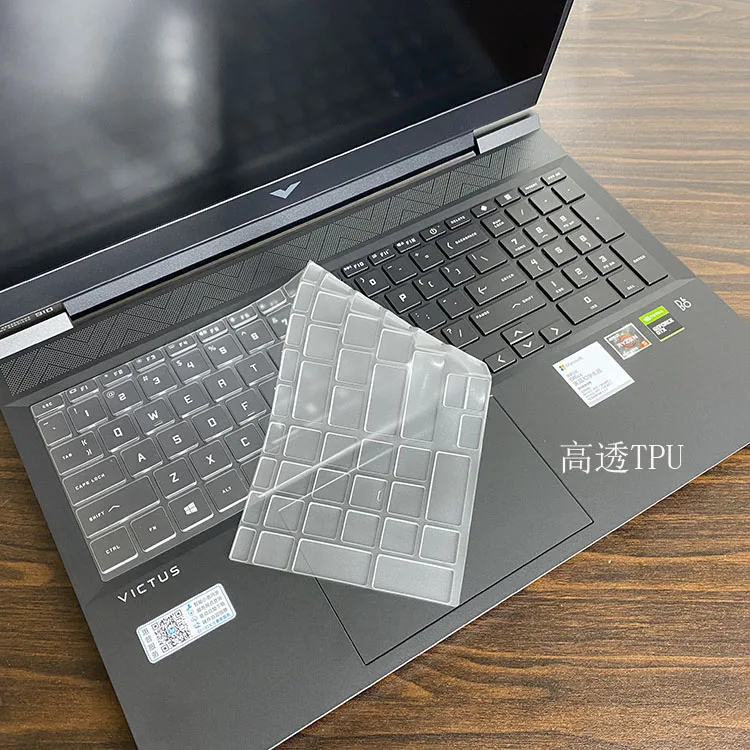
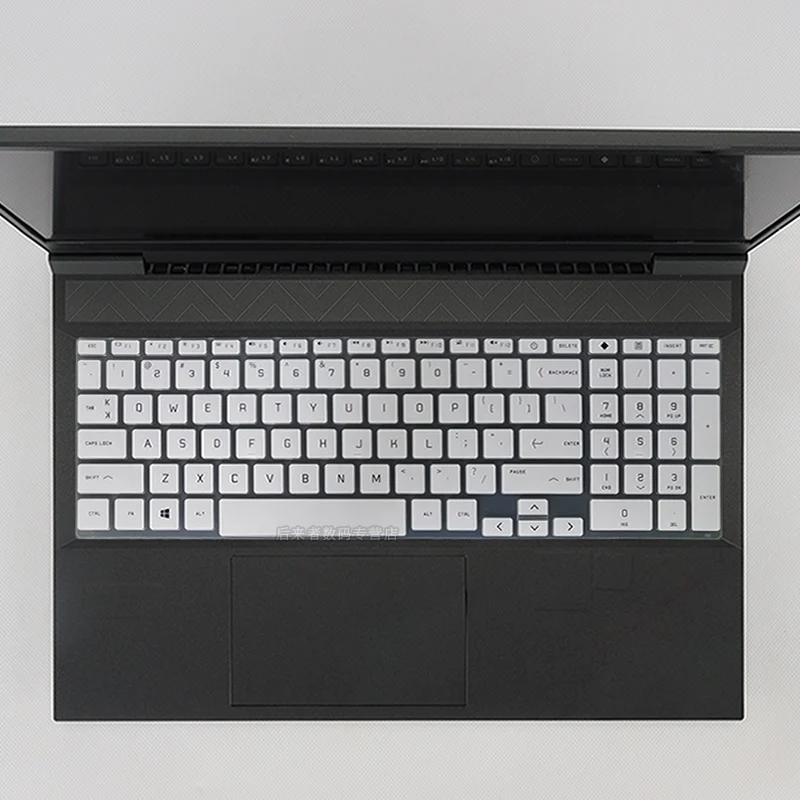
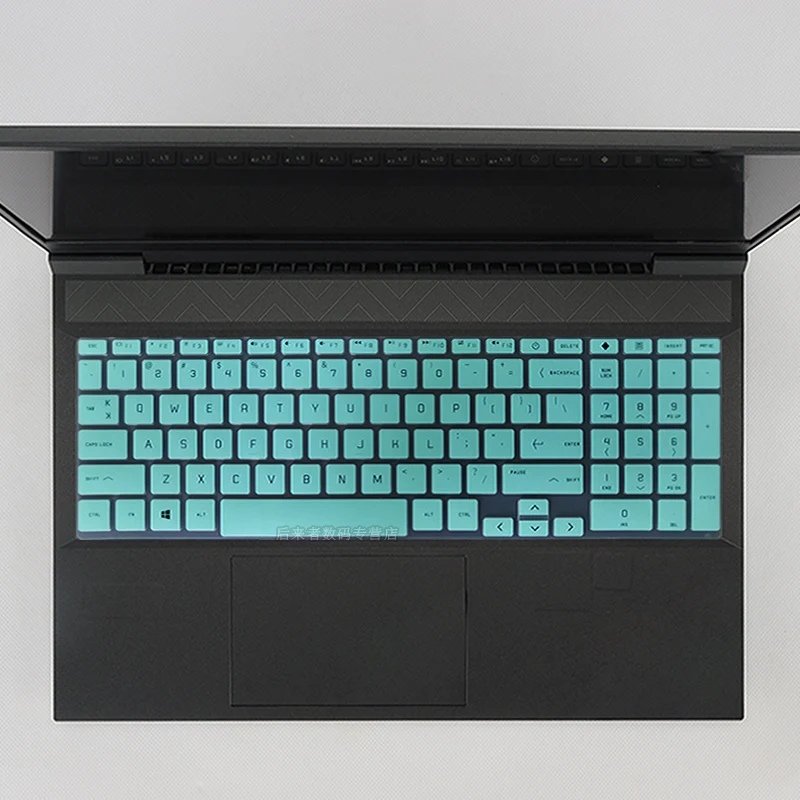
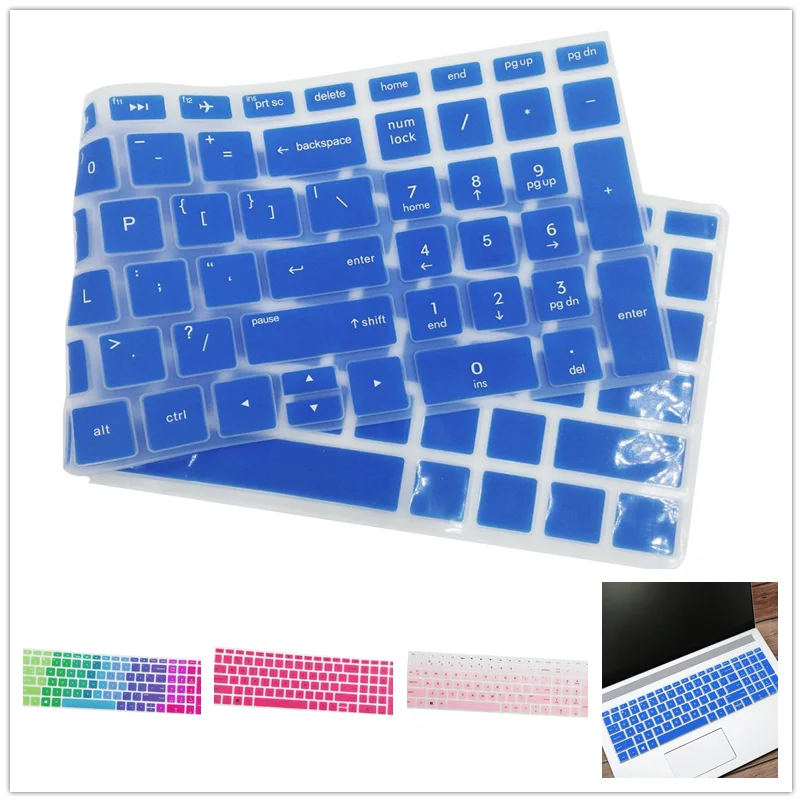
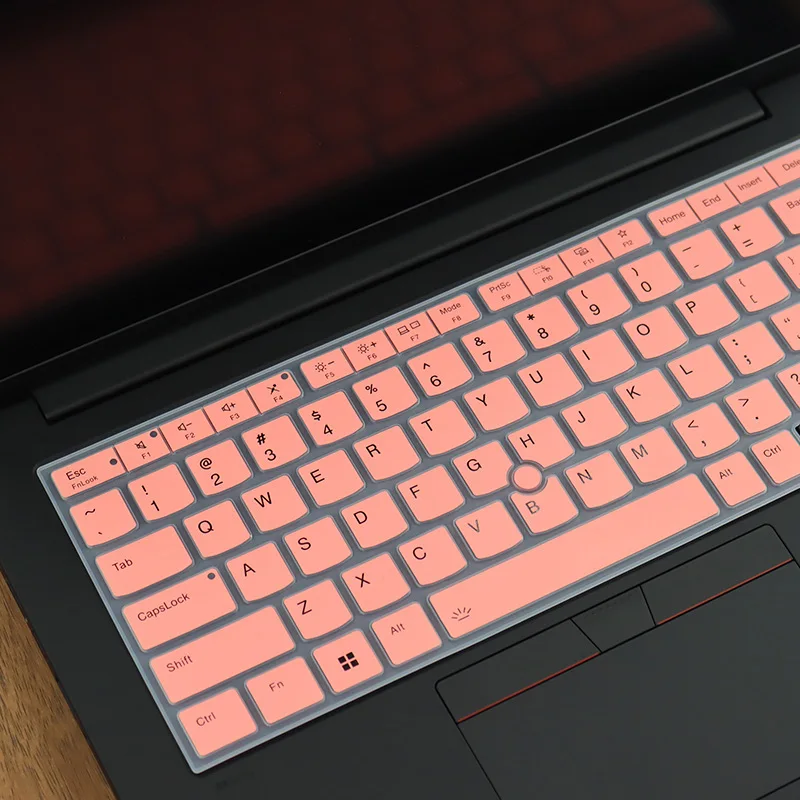
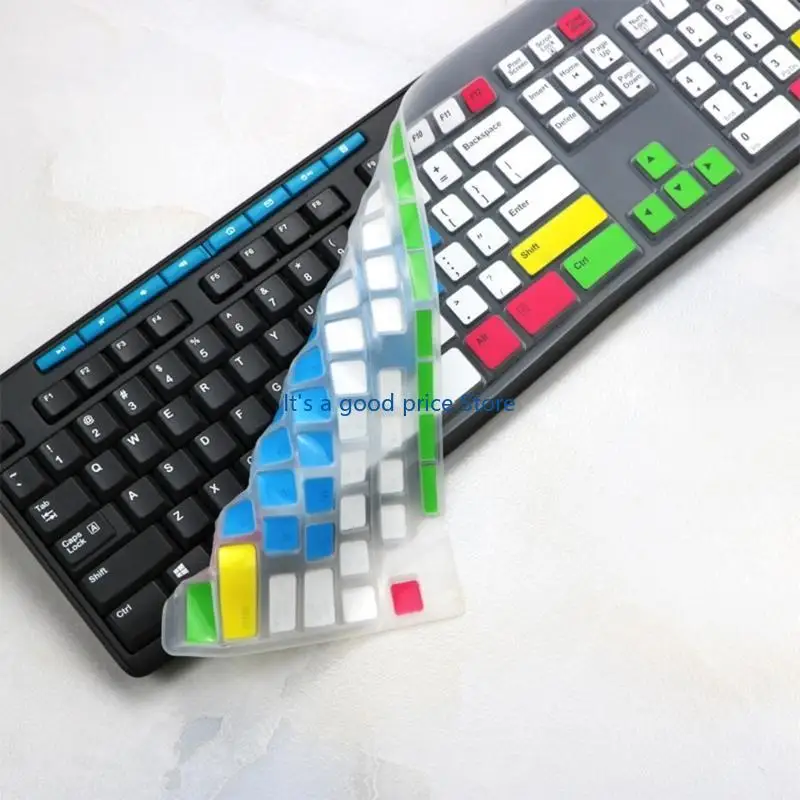
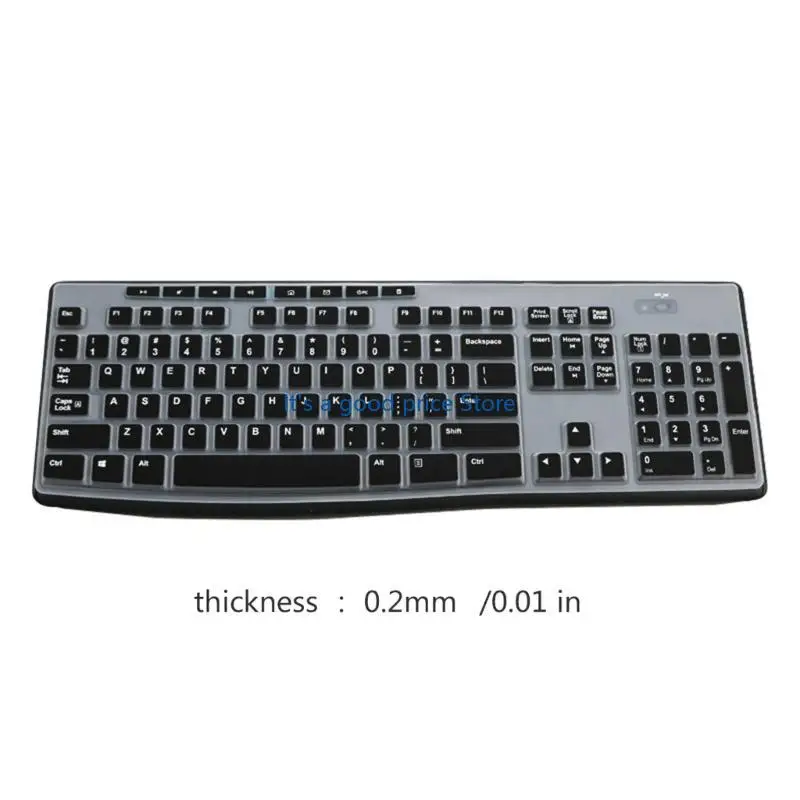
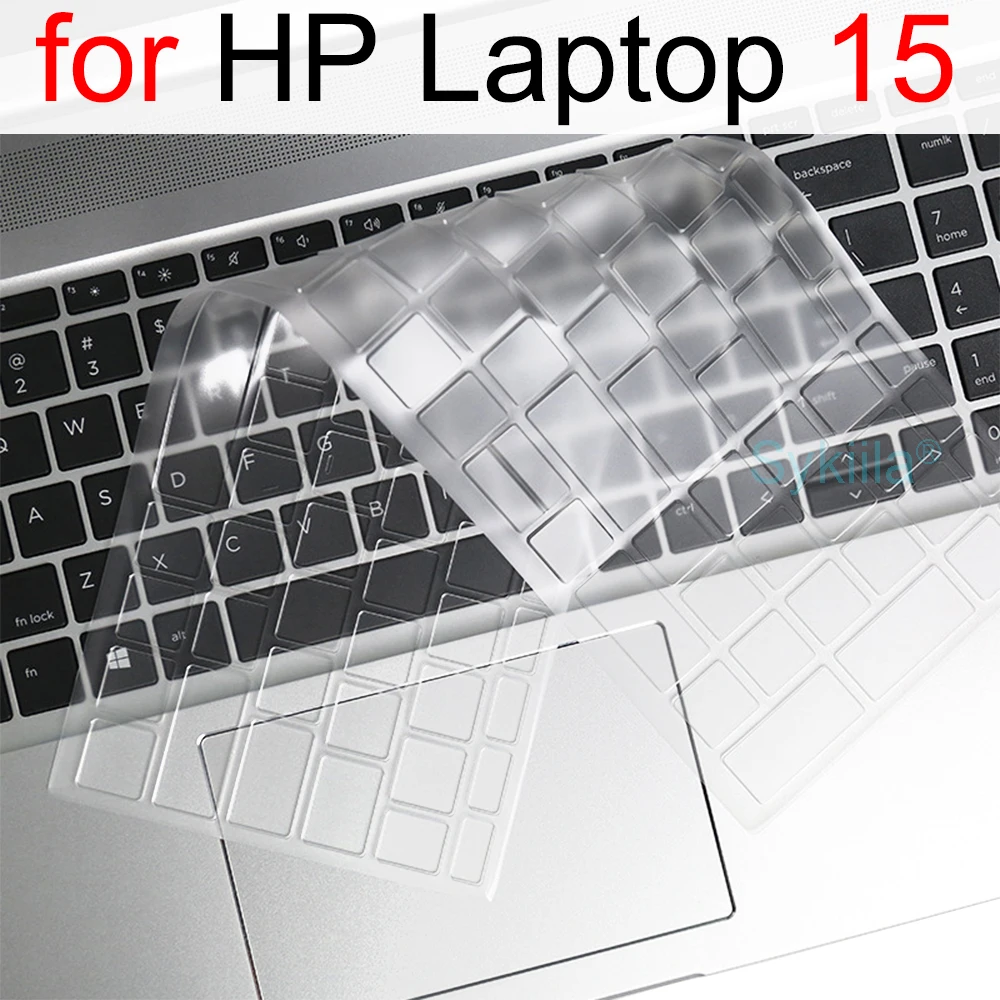
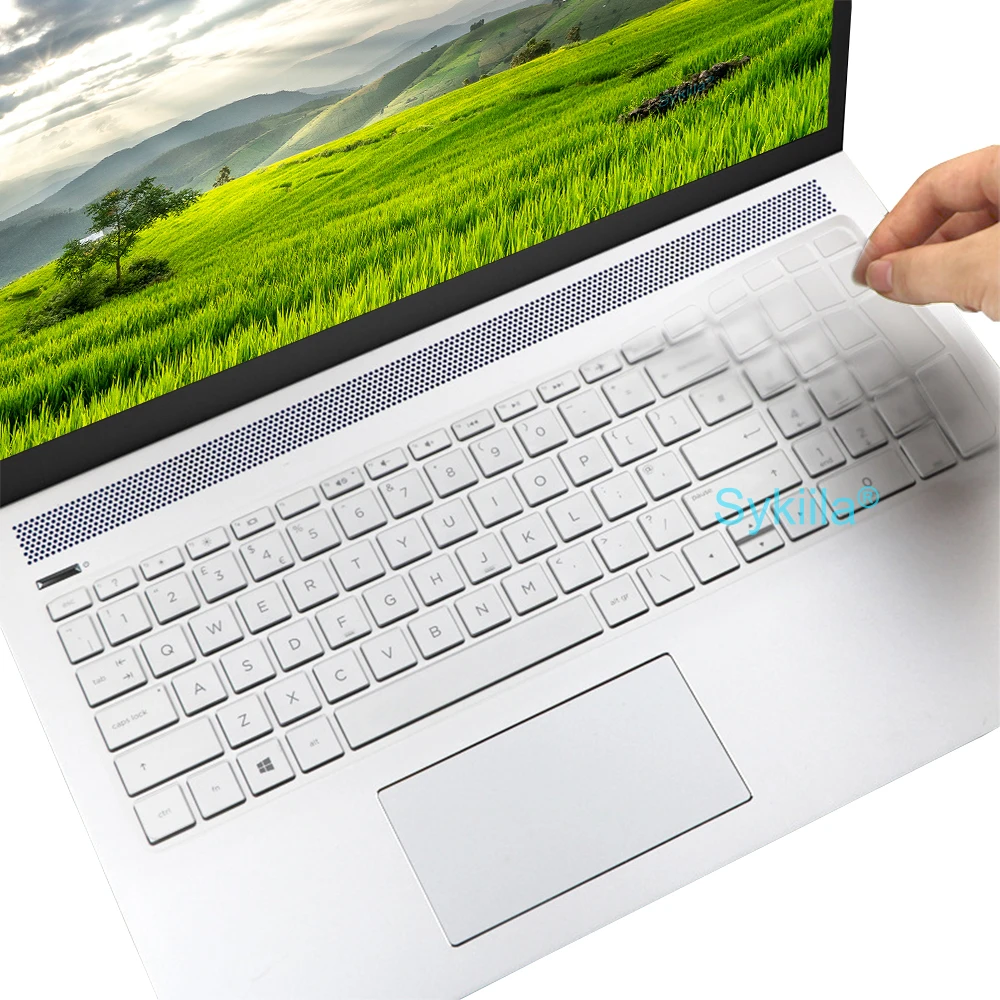
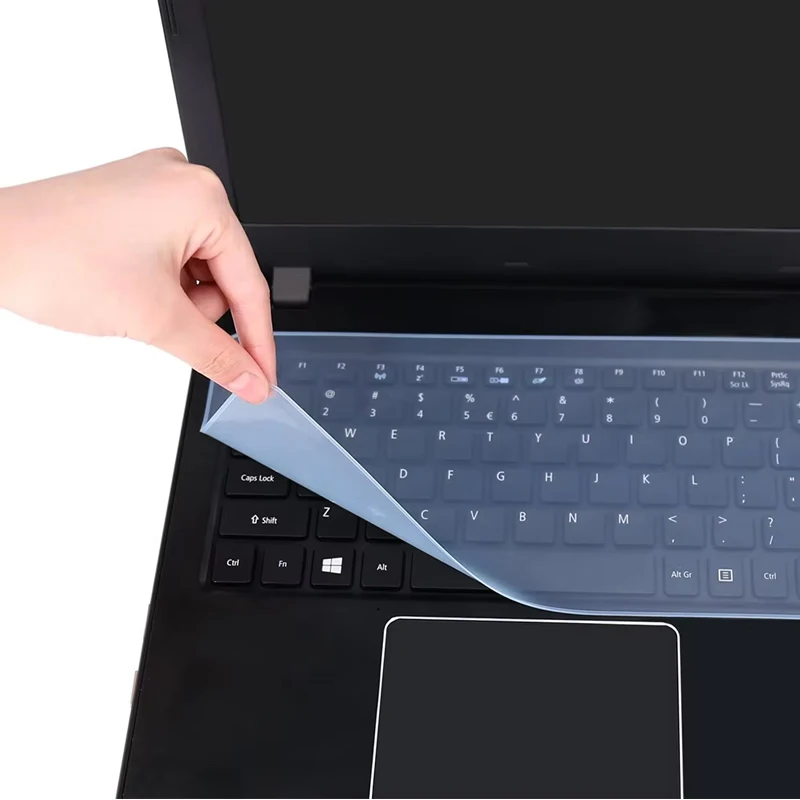
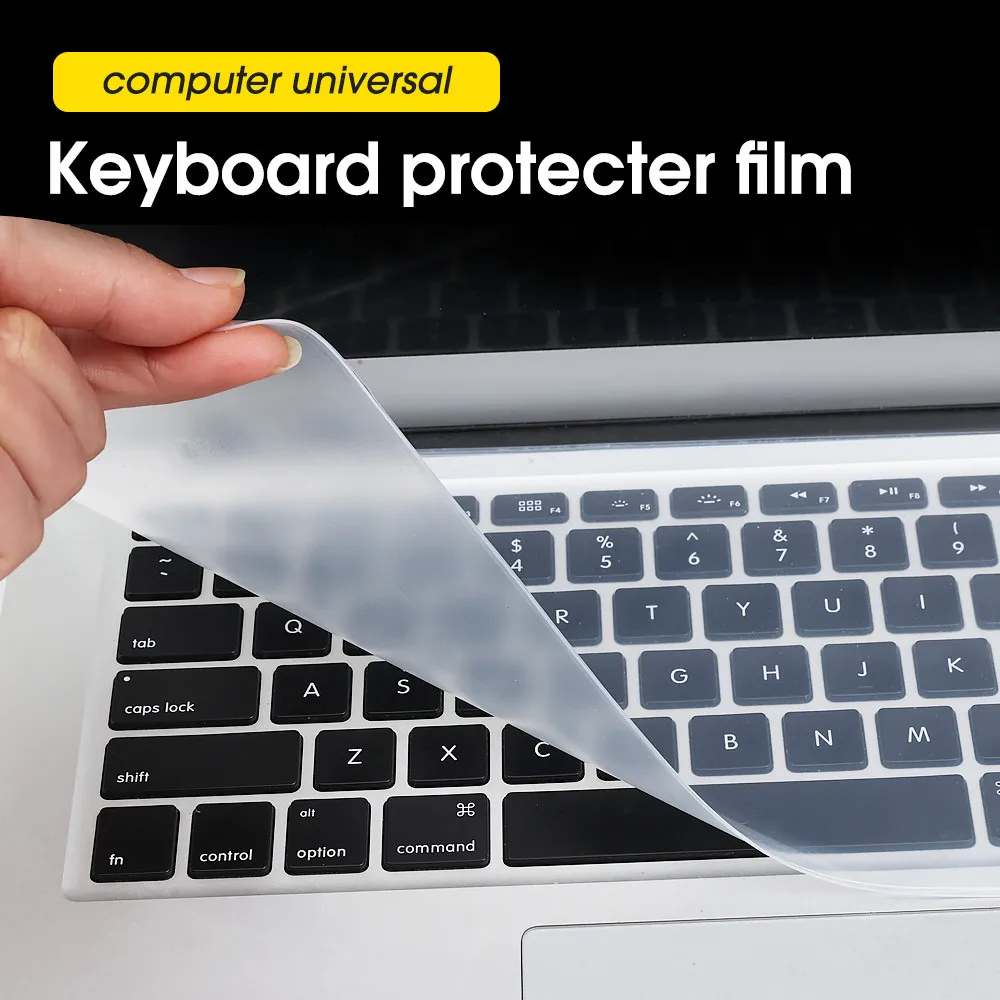
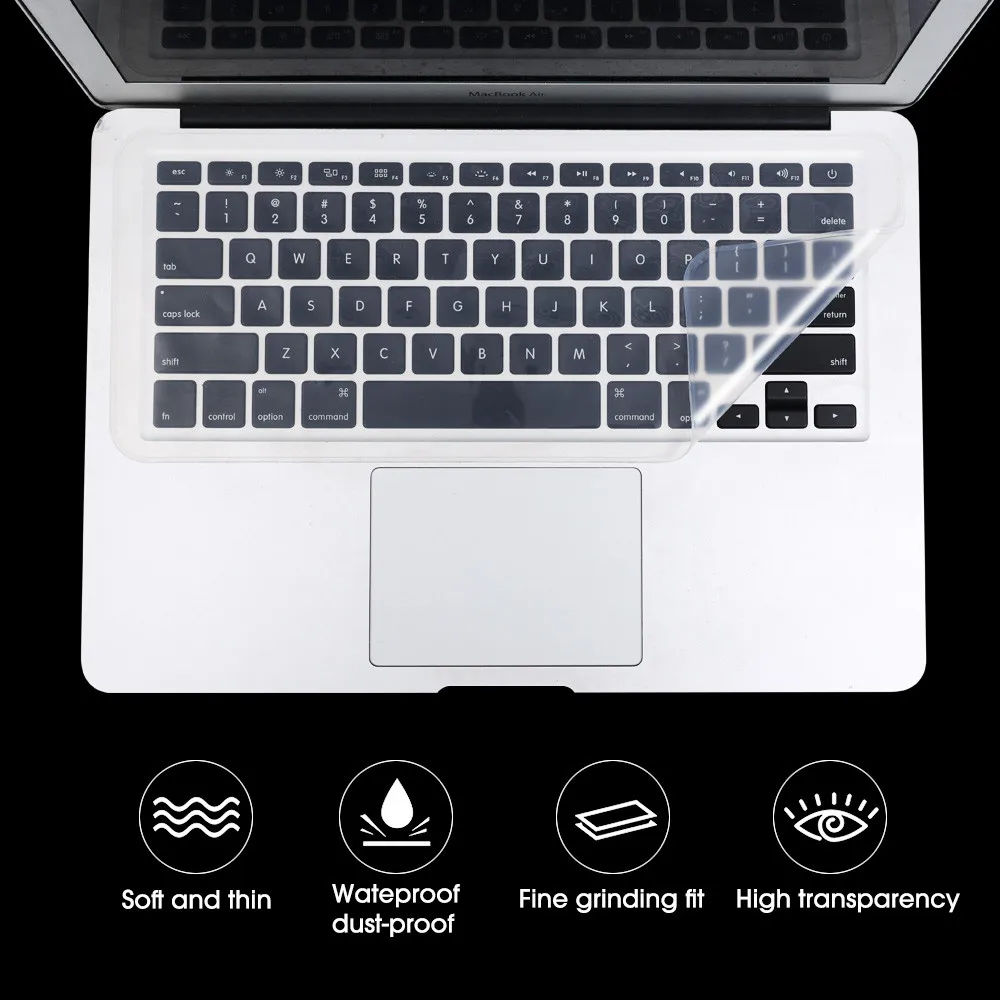
Silicone is soft, flexible and easy to wash, which makes it the right material for things that have to fit closely over something else: a cover shaped over a keyboard's keys, a stopper pushed into a port, a grippy surface under a wrist. This page gathers the silicone things in the shop. Most are there to keep dirt, crumbs and spills out of a laptop.
How a product gets onto this page
Products are filed here by their own words: a product whose name or short description says silicone is on this page. That means a few are here because one part of them is made of it rather than the whole thing, and the product description says which part. Each product stays in its own department too.
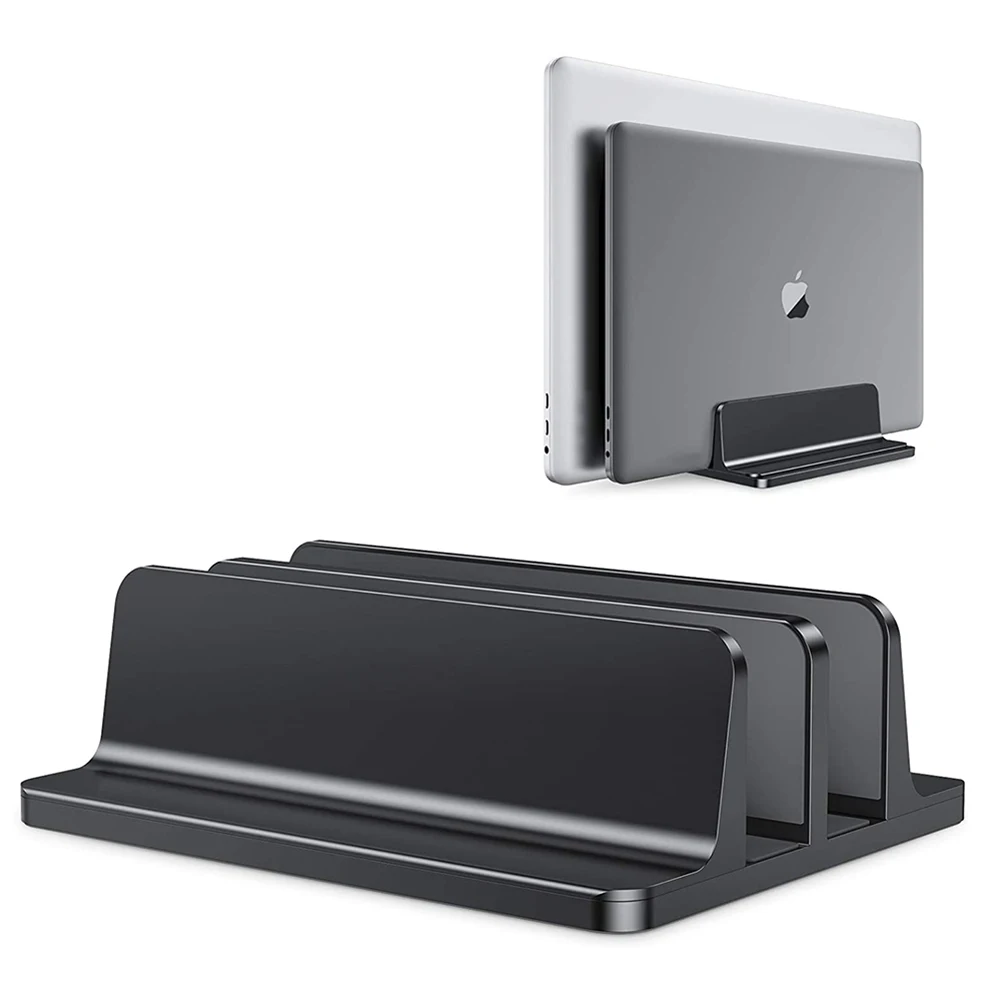
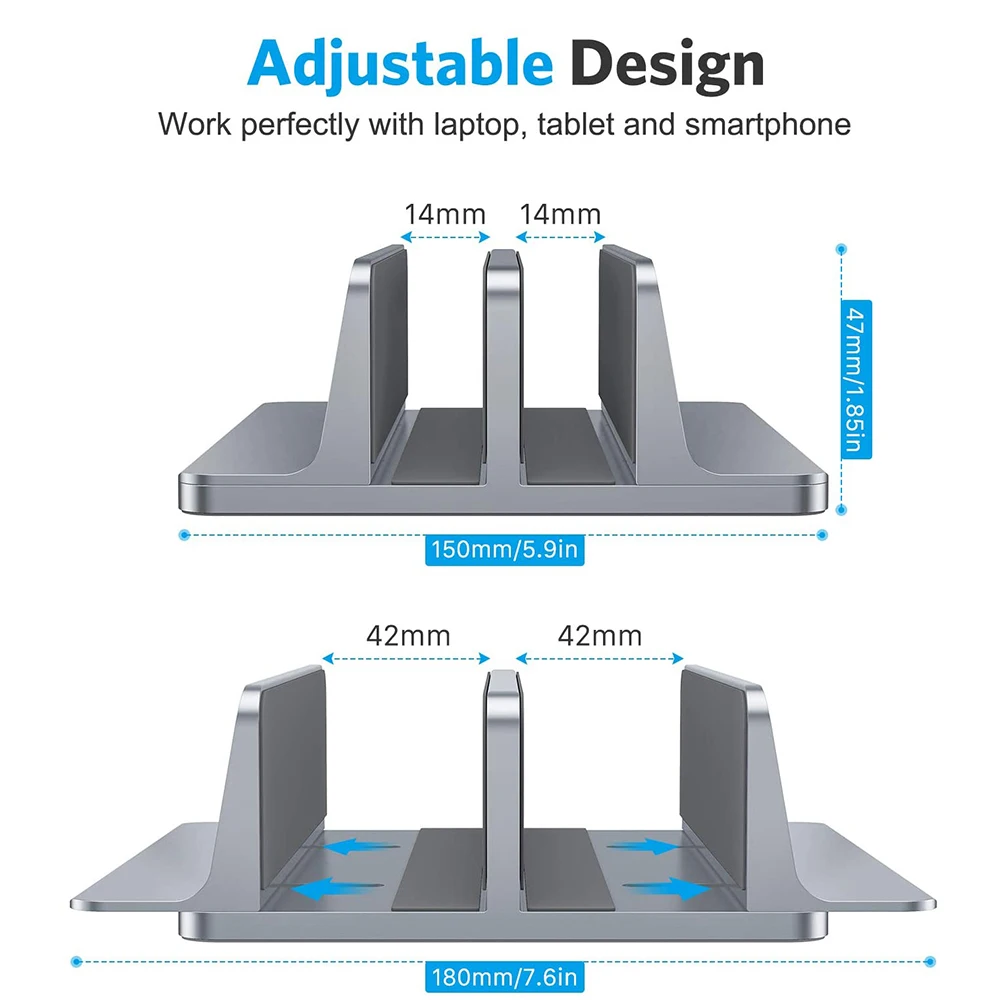
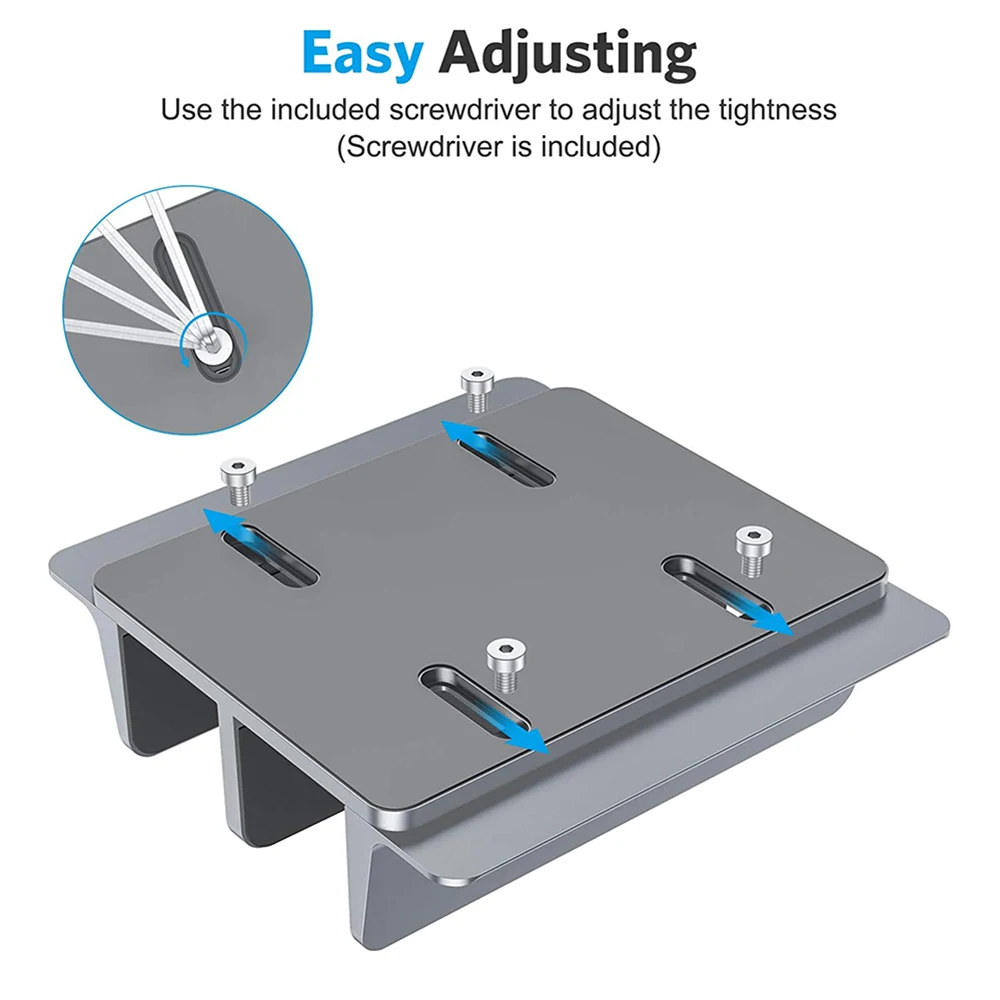
A vertical stand with a silicone mat, for example, is here because of its mat.
What you will find in silicone
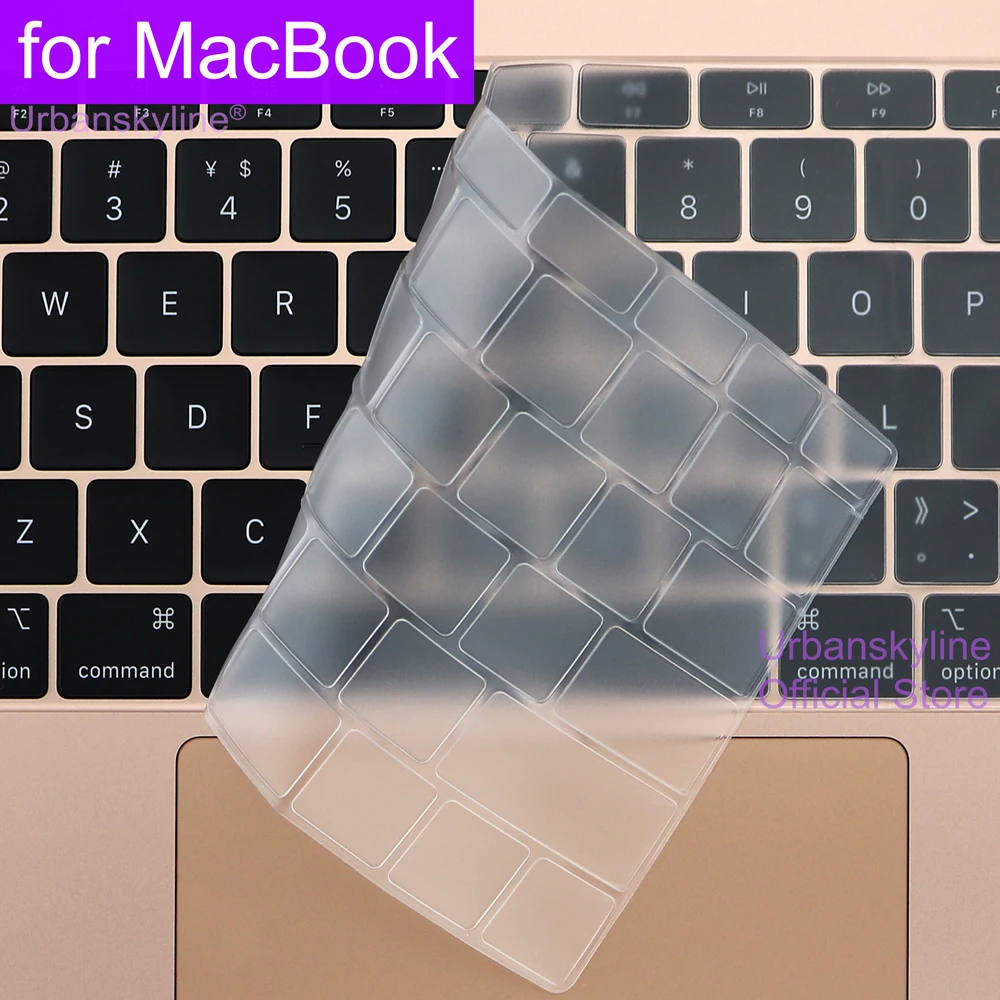
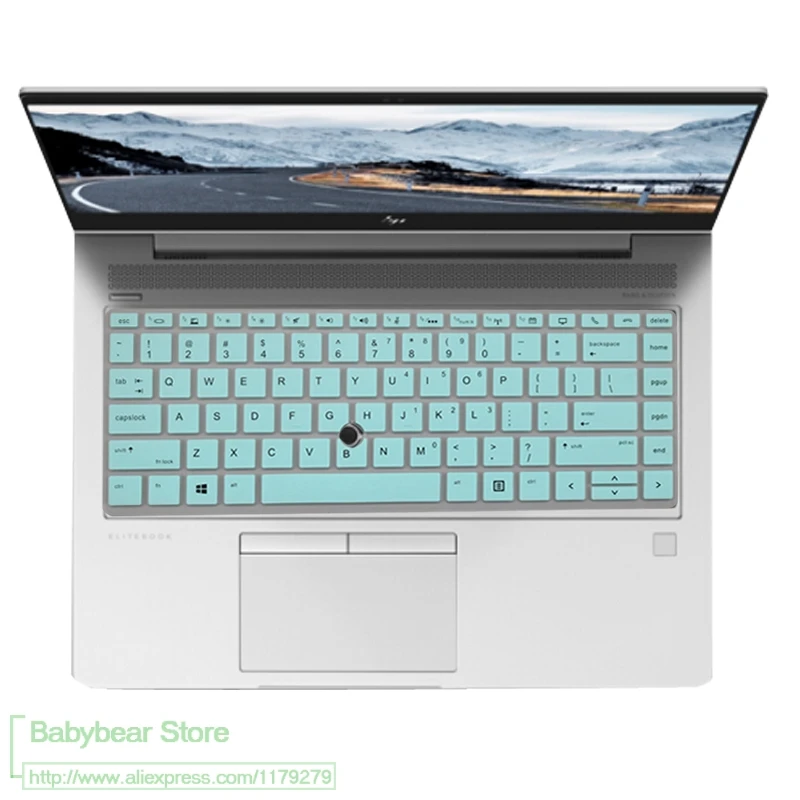
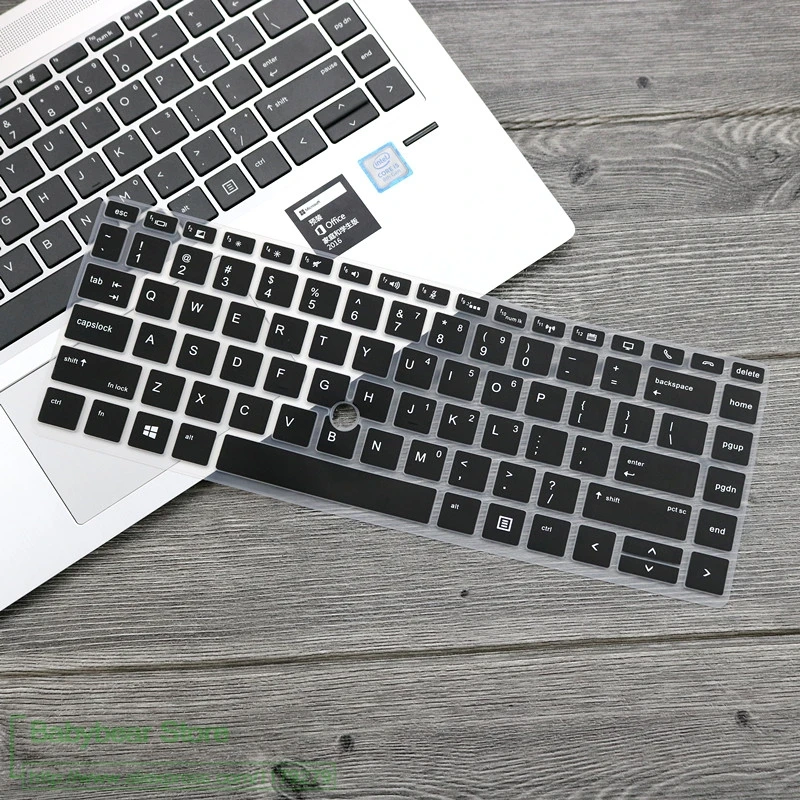
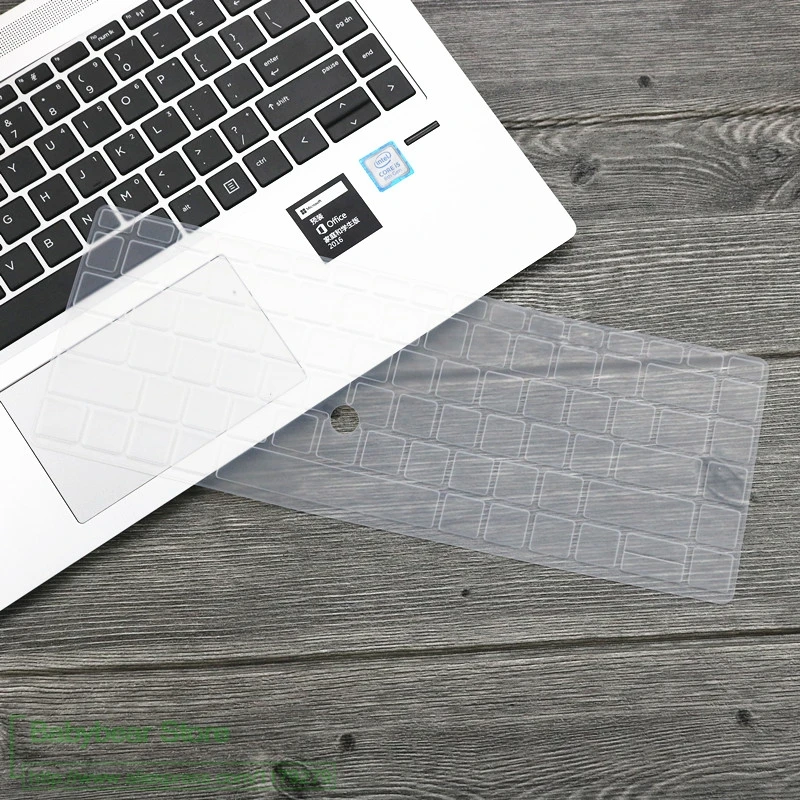
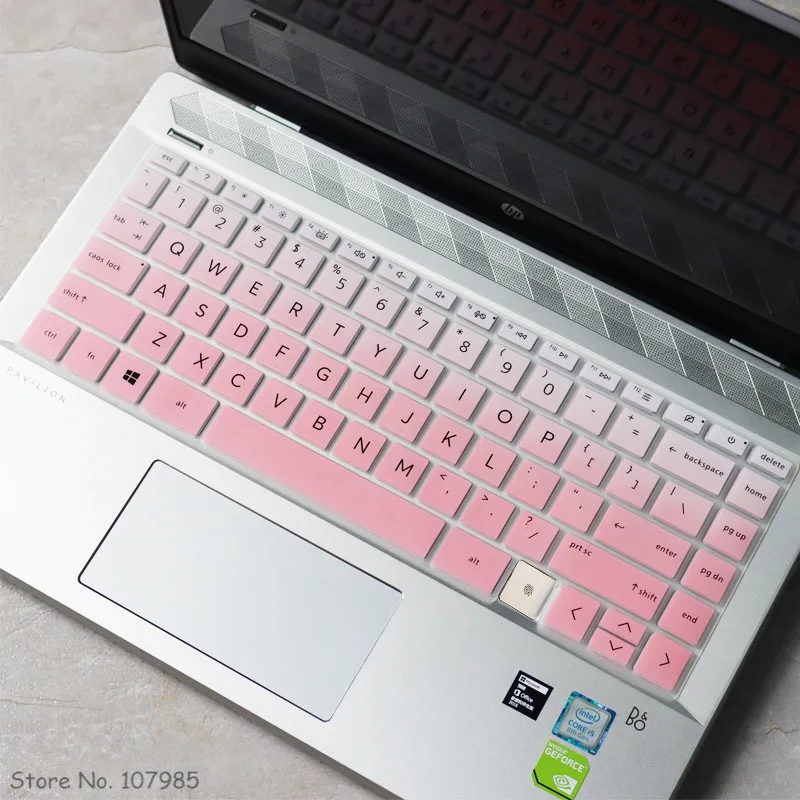
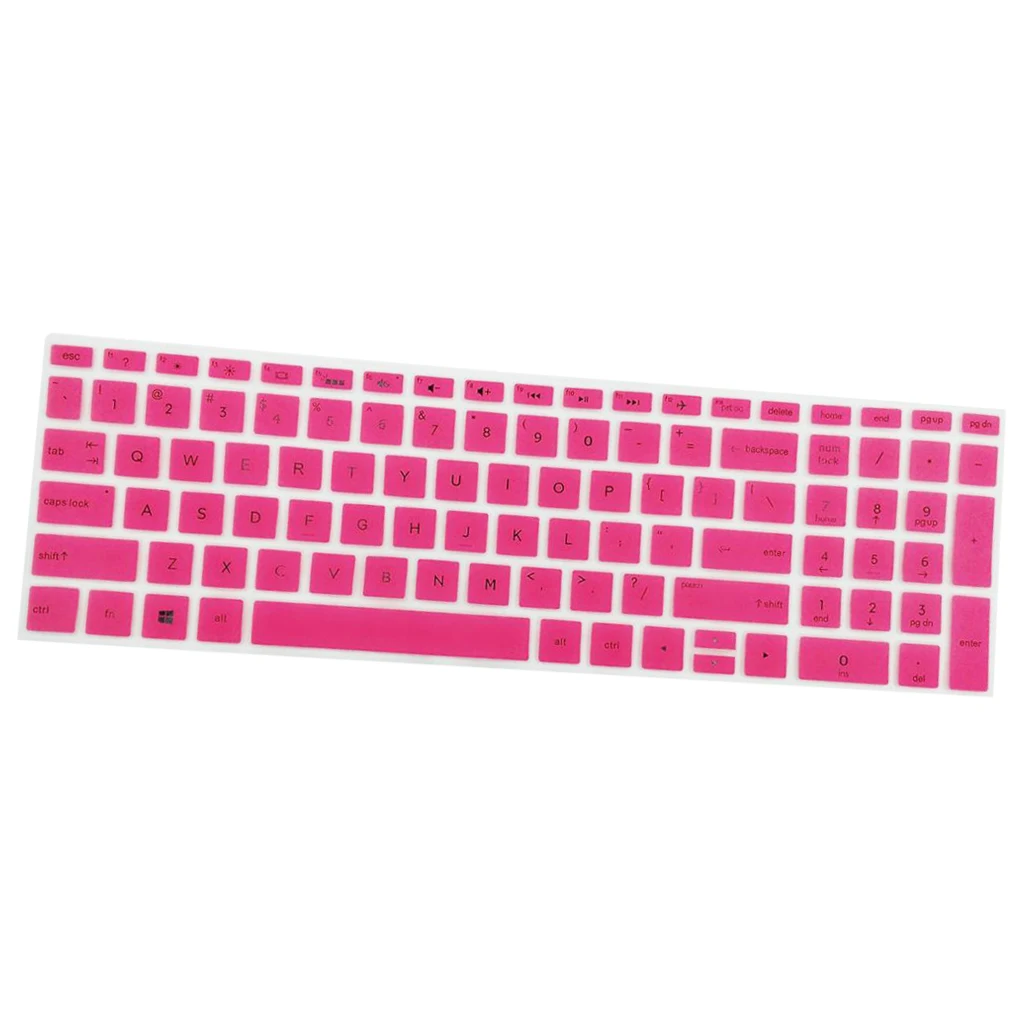
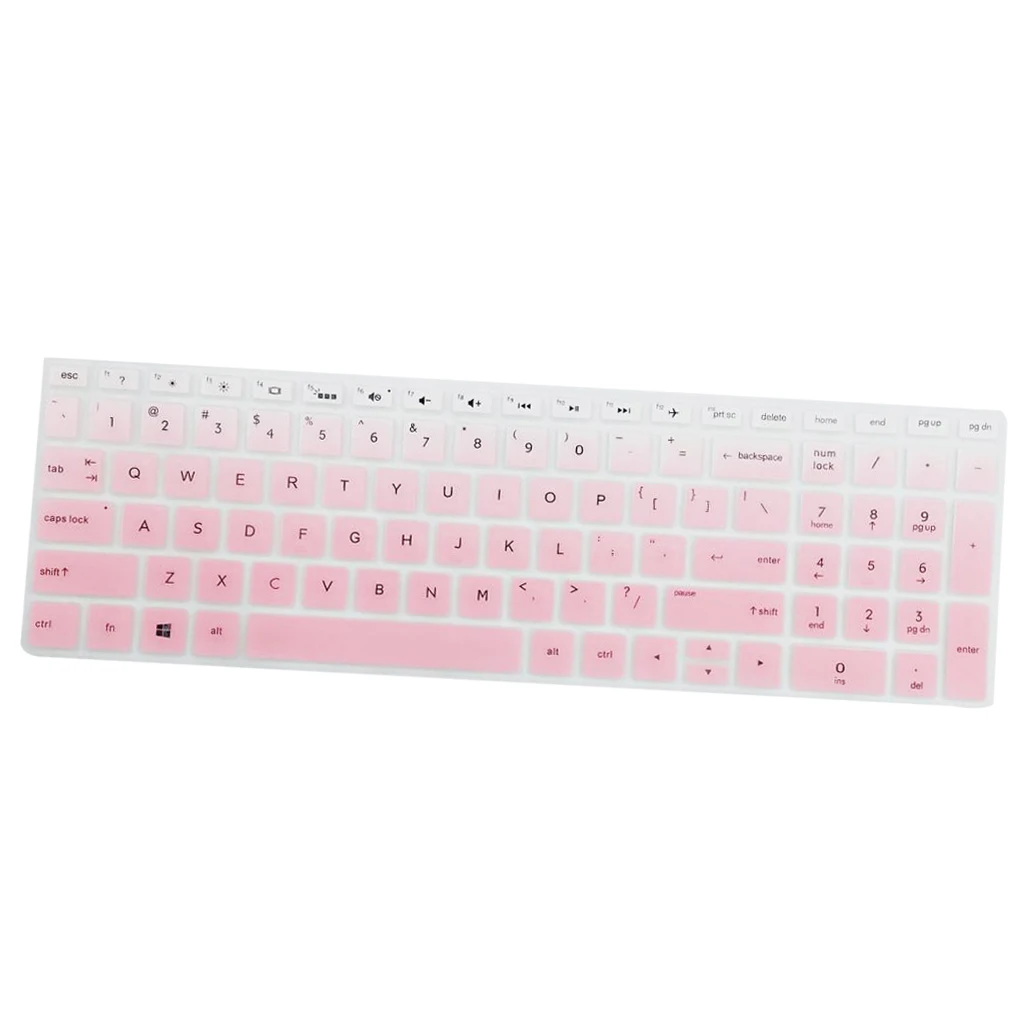
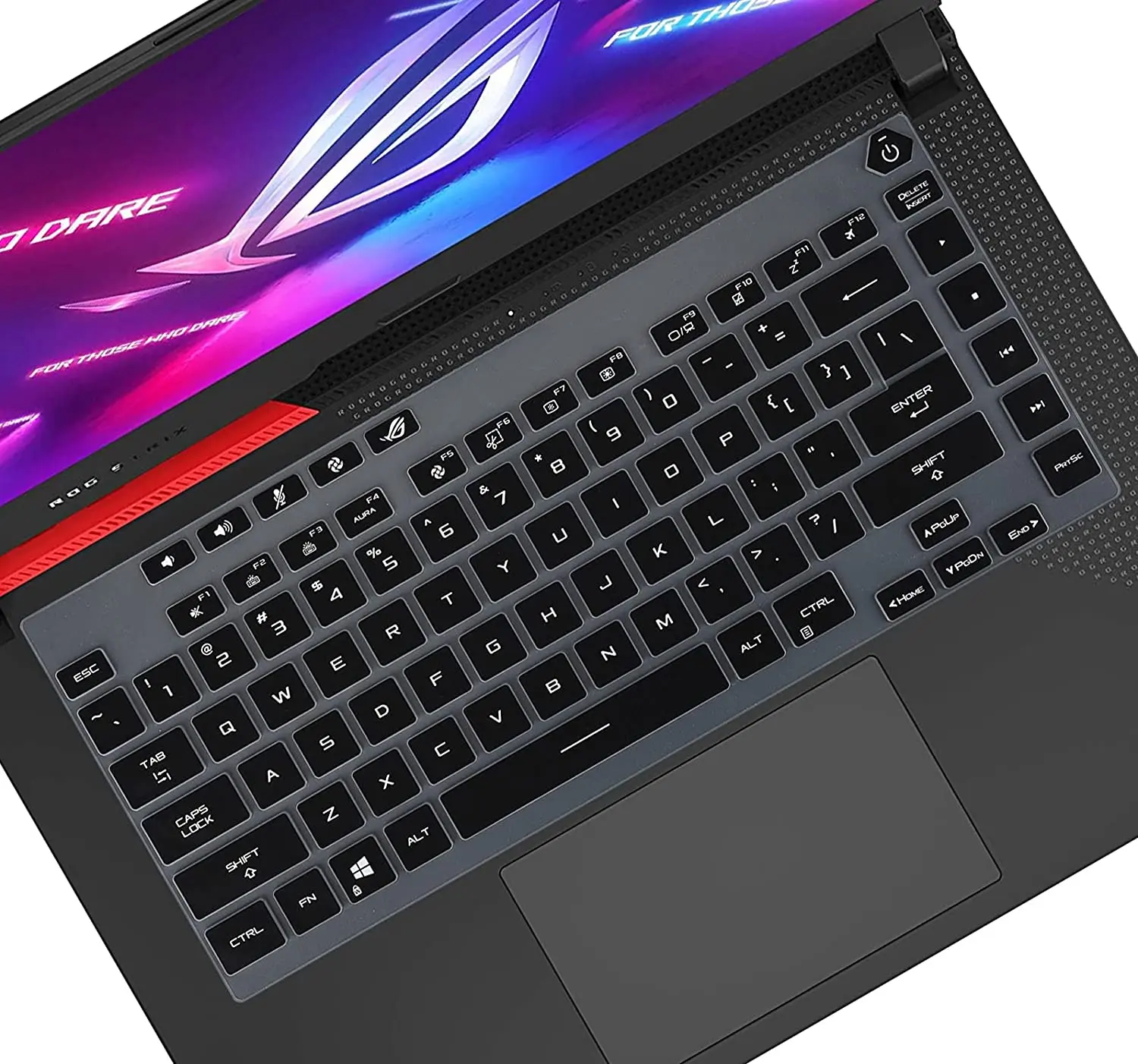
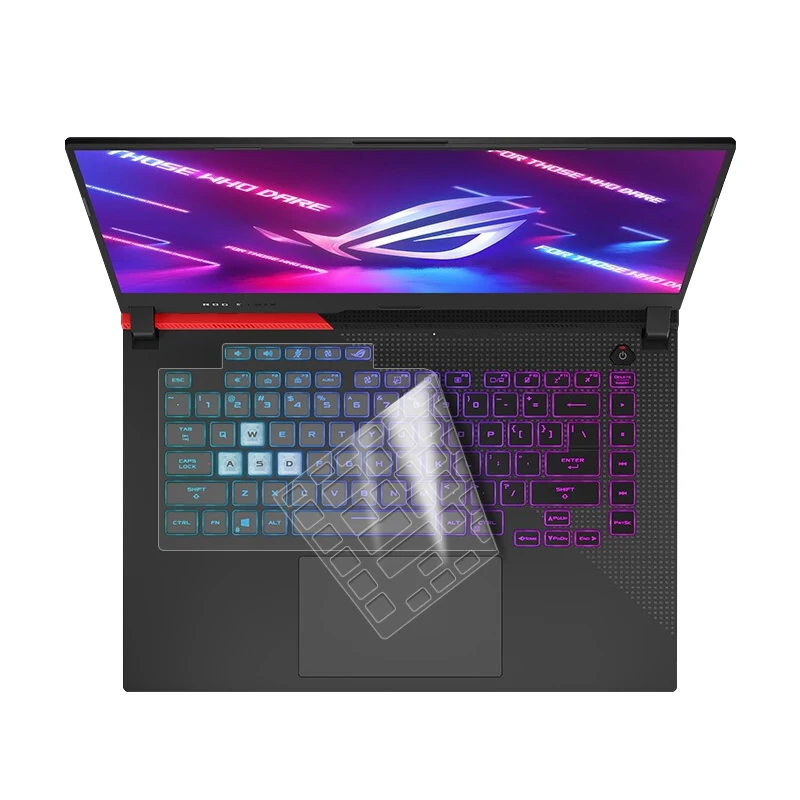
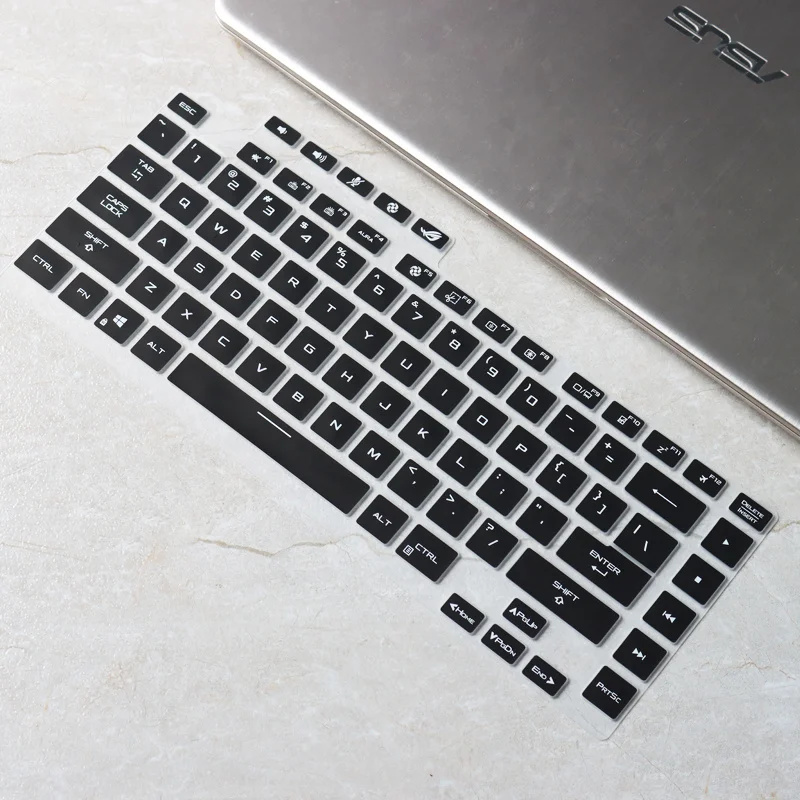
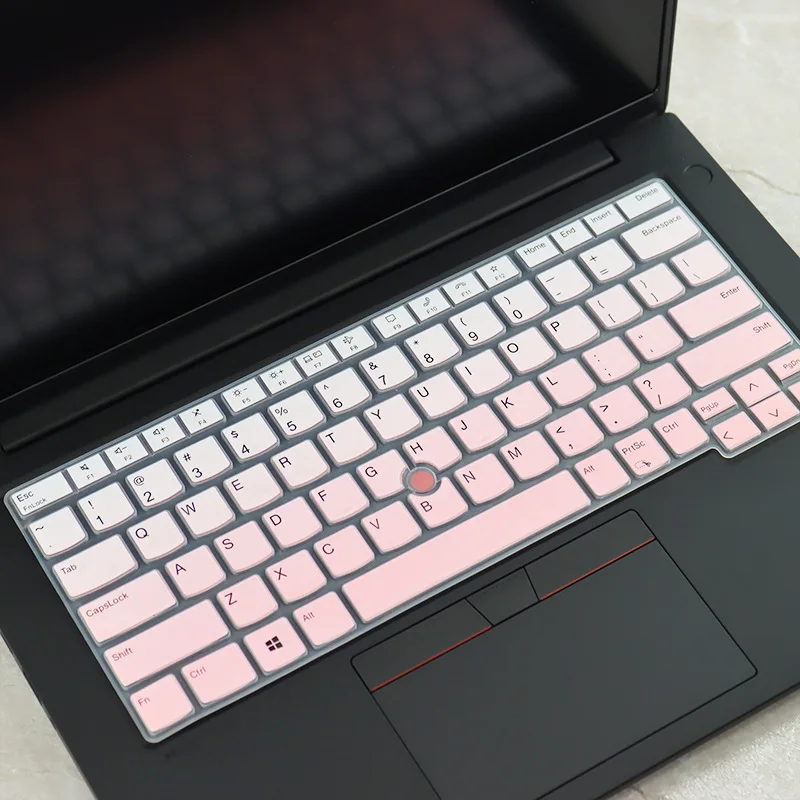
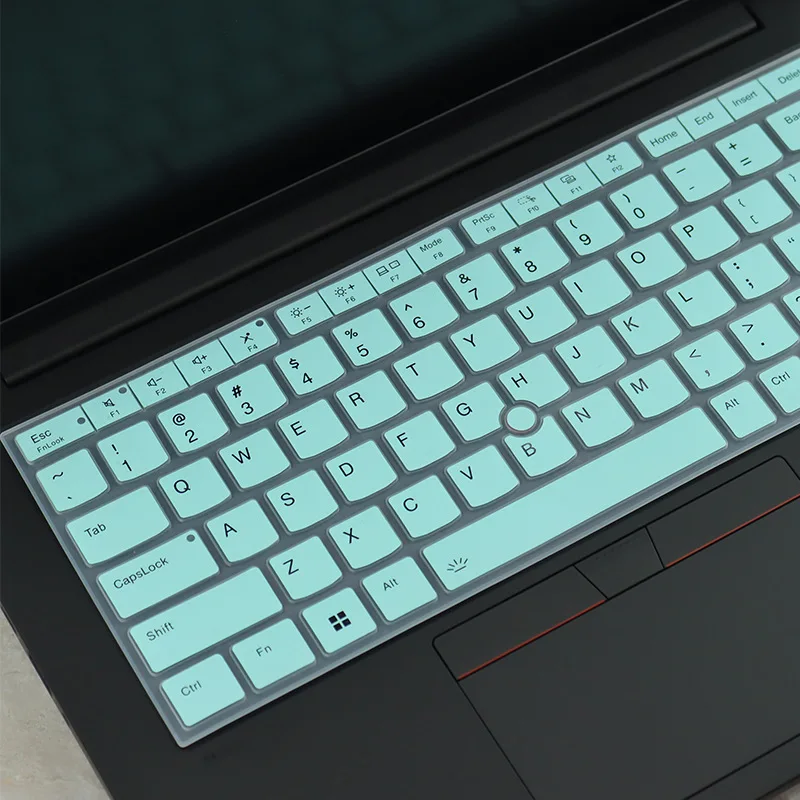
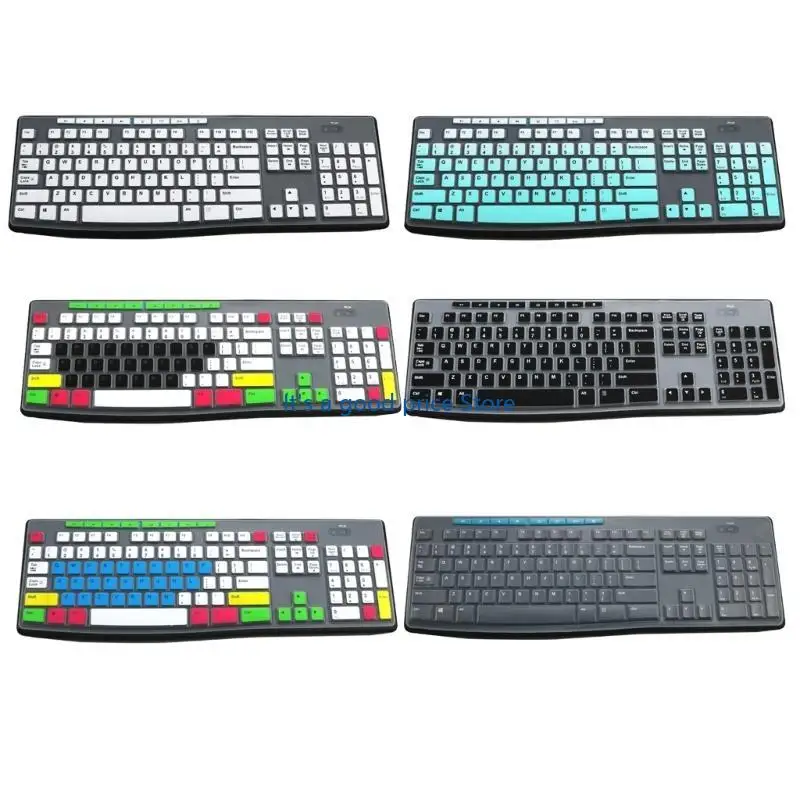
- Keyboard covers, the largest part: thin silicone sheets shaped over the keys, made for named HP, Lenovo ThinkPad, Asus ROG and MacBook keyboards, and universal covers for 13 to 17-inch laptops. See keyboard covers.
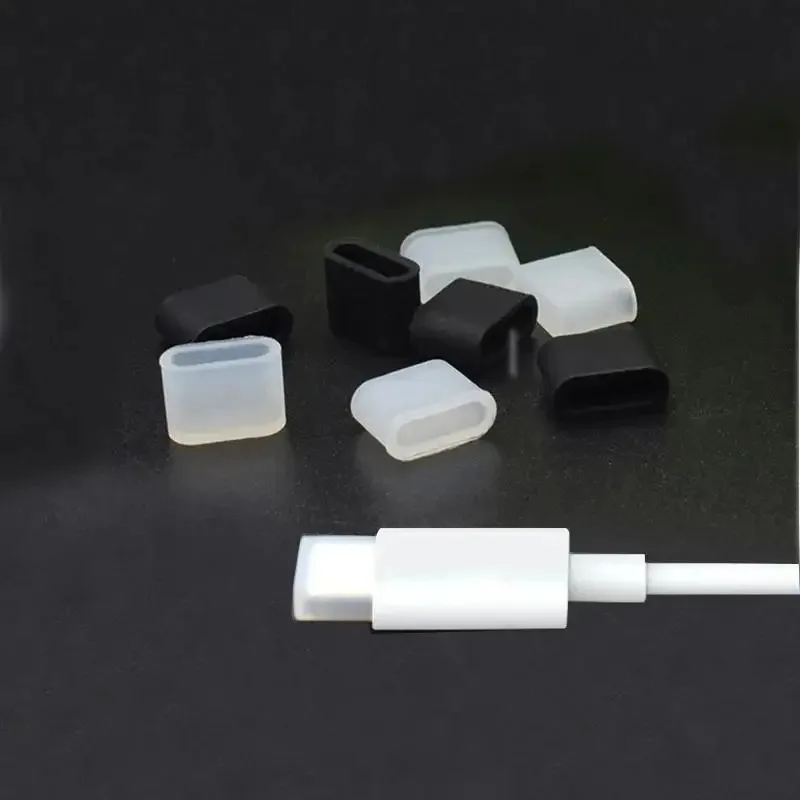
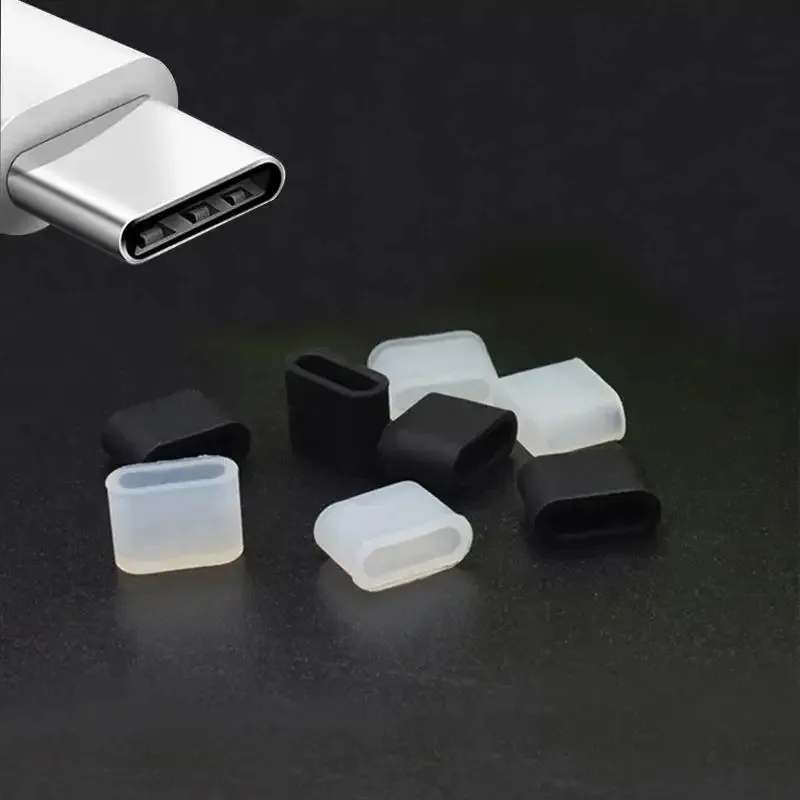
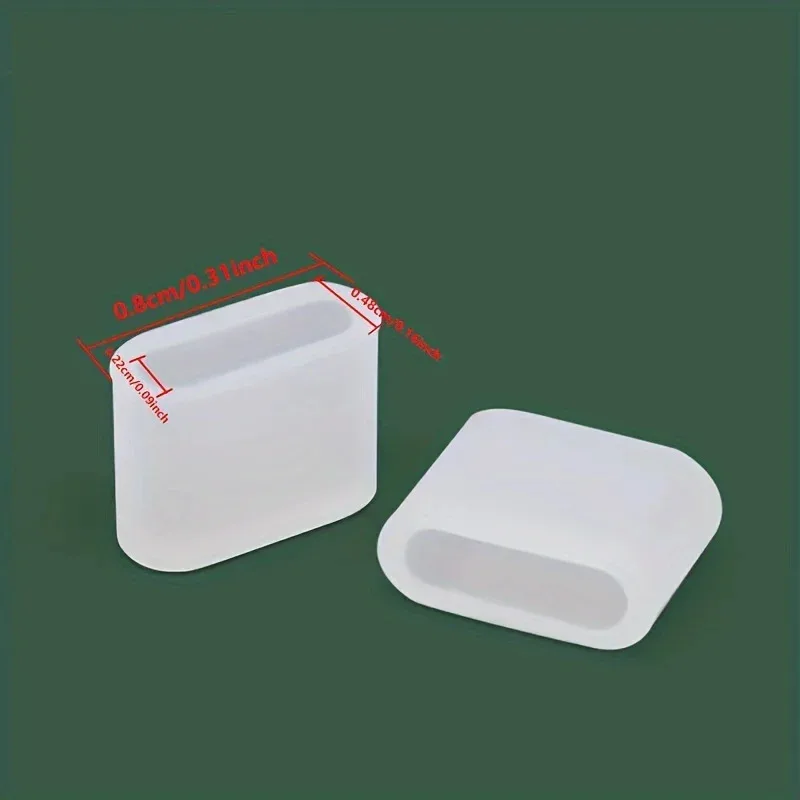
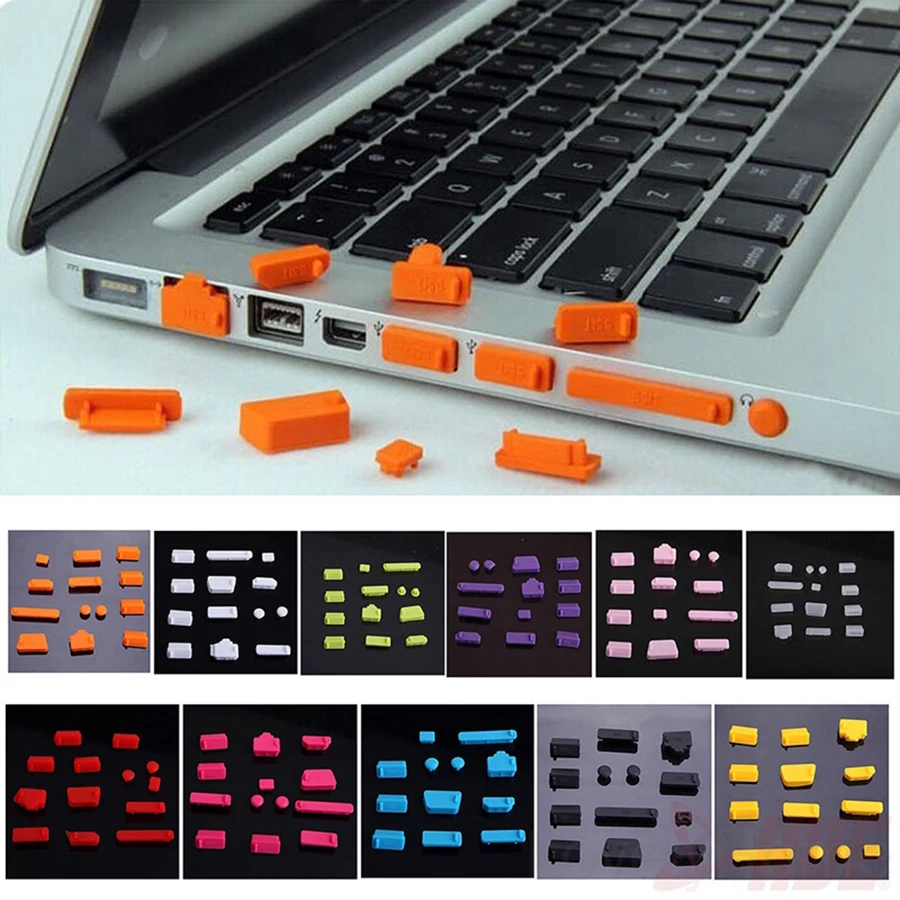
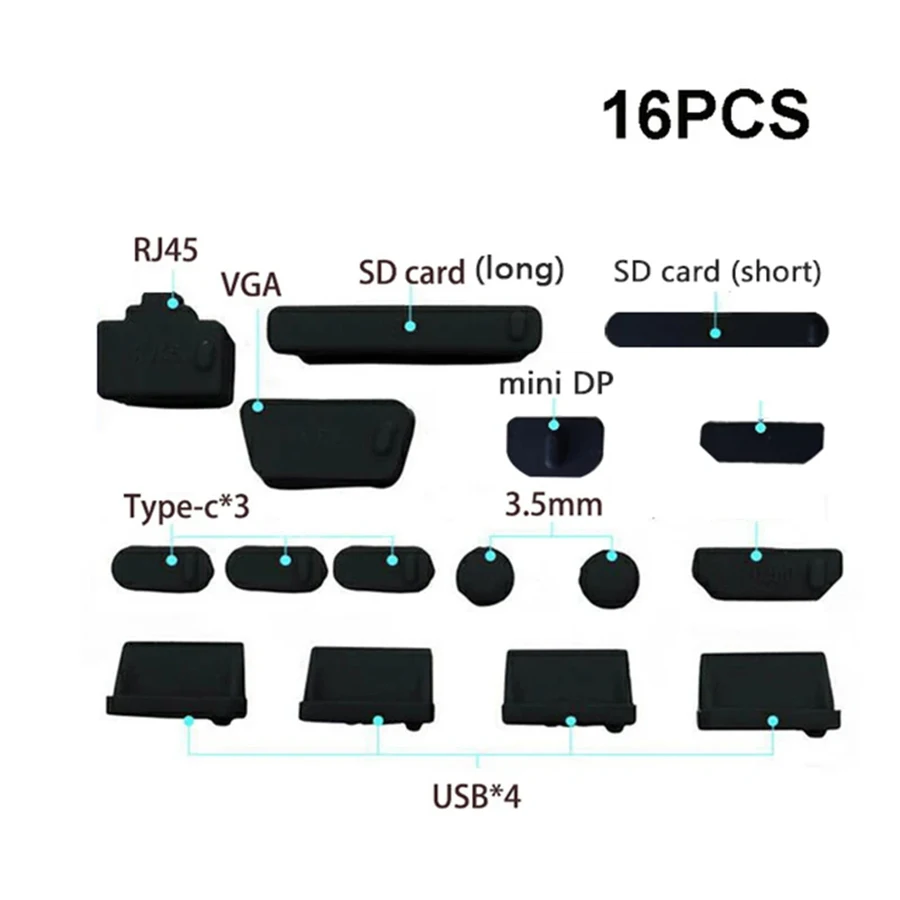
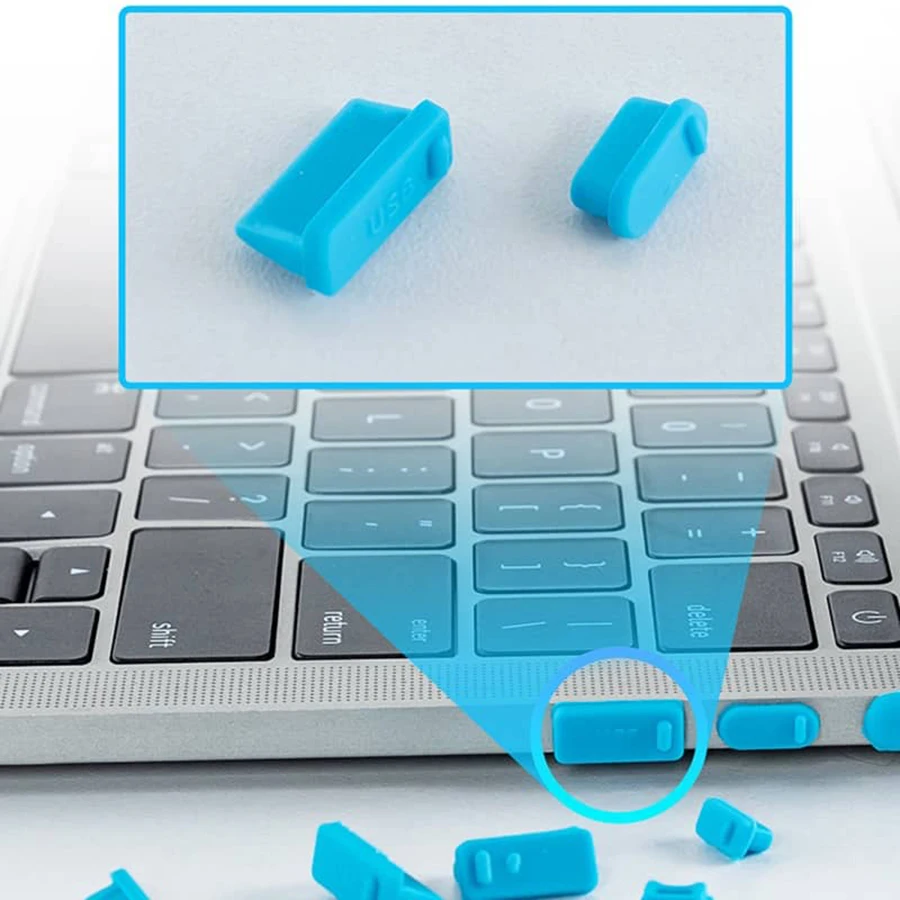
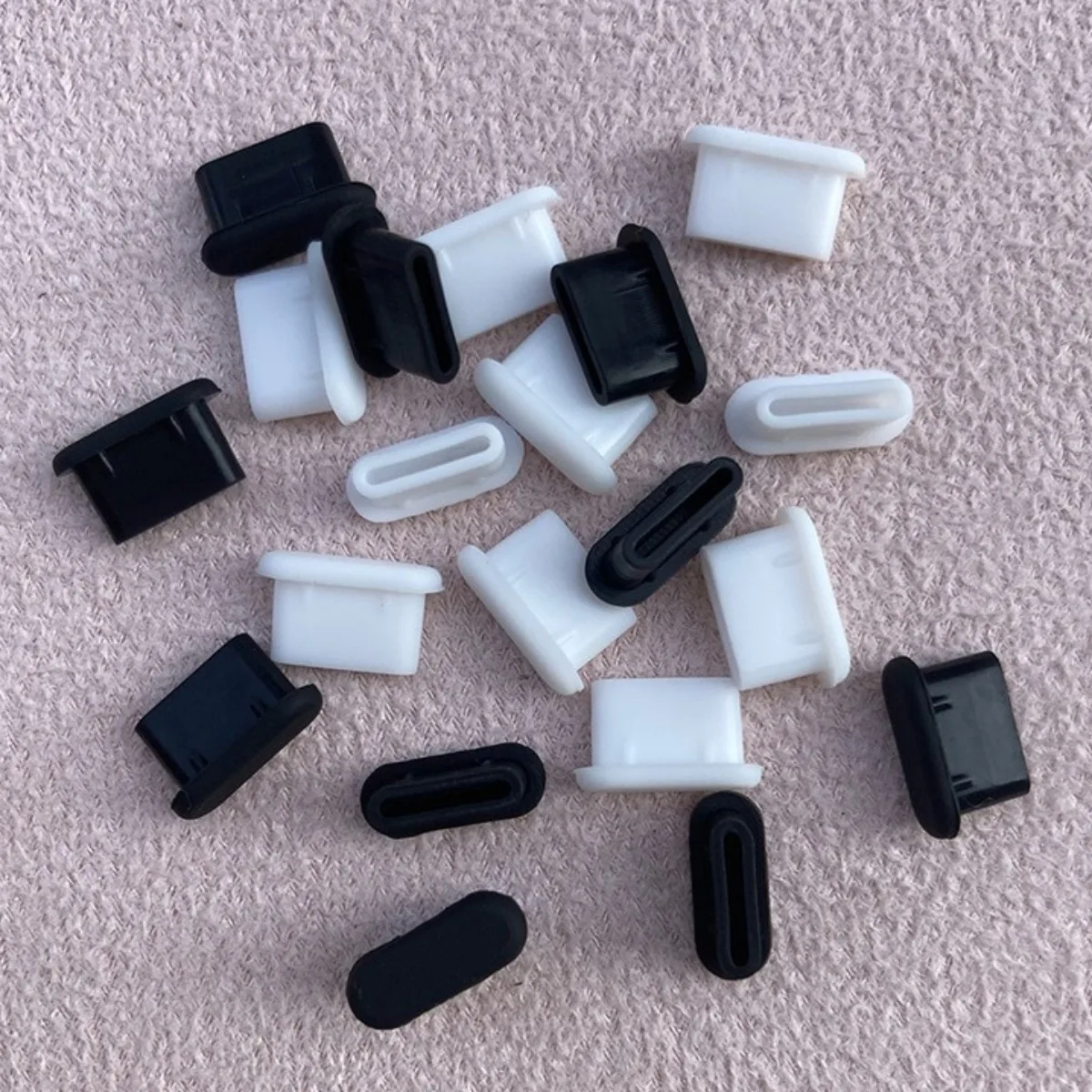
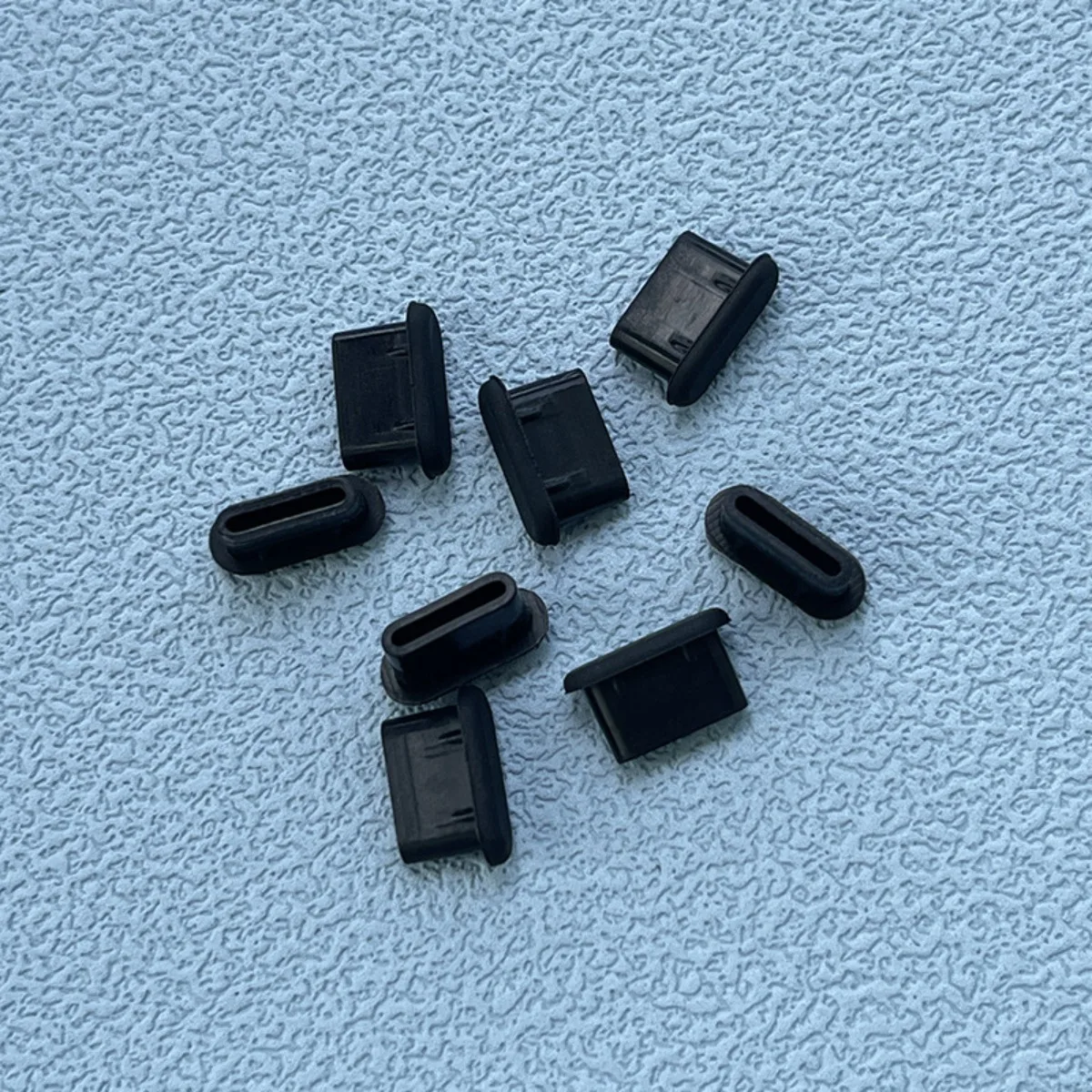
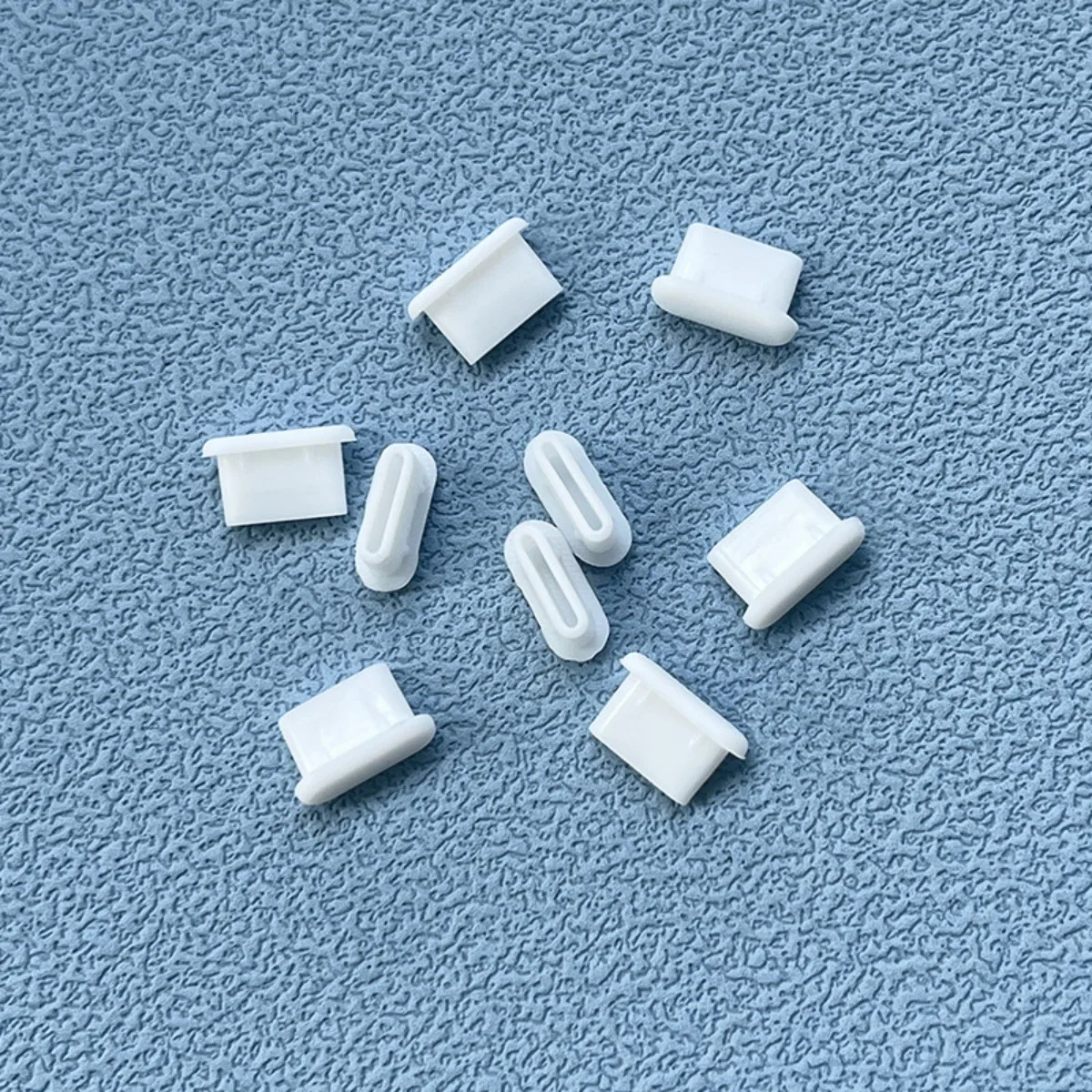
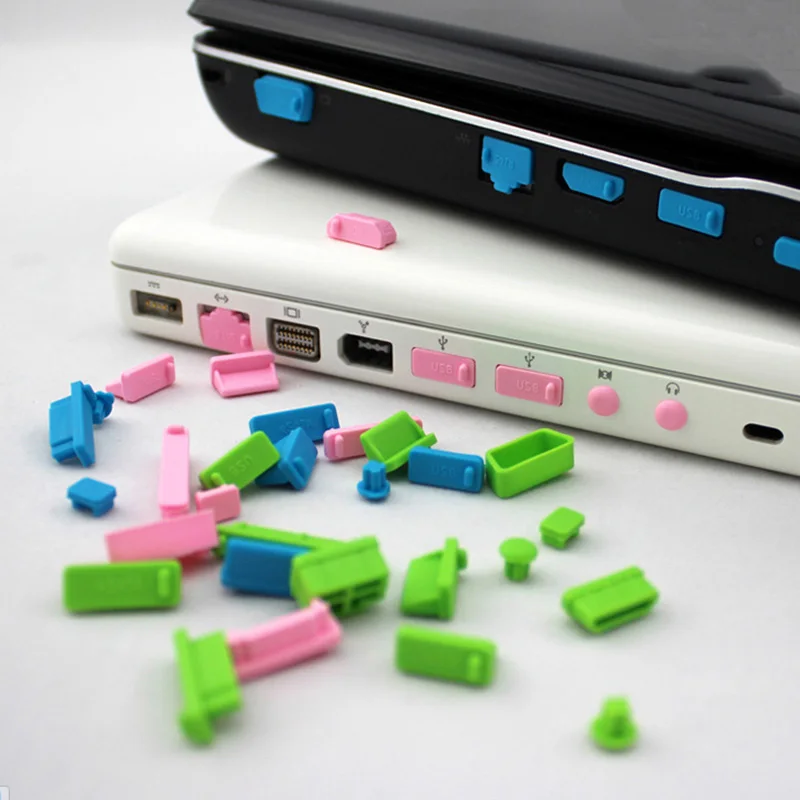
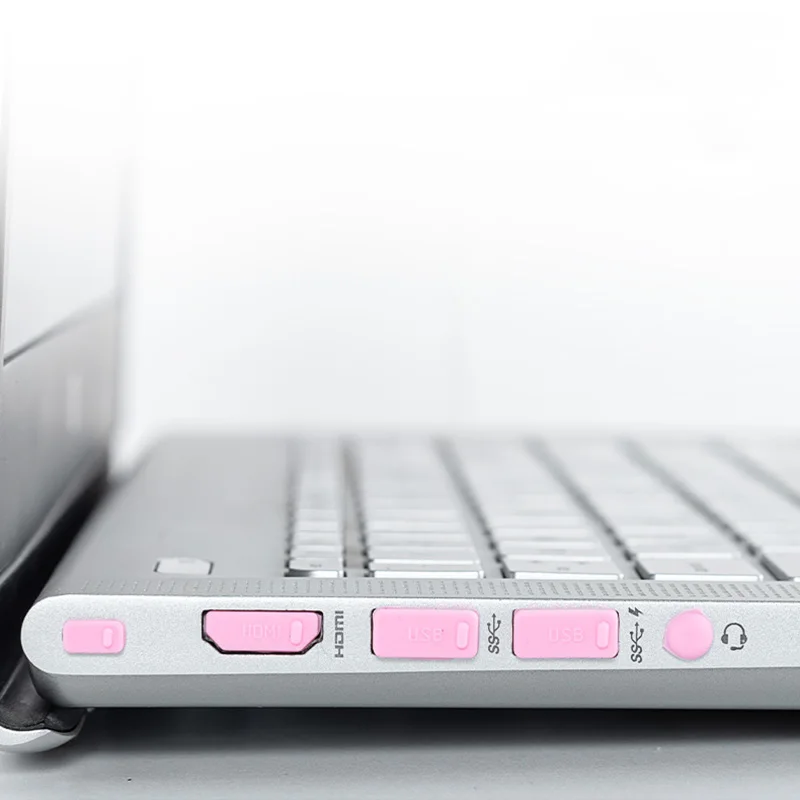
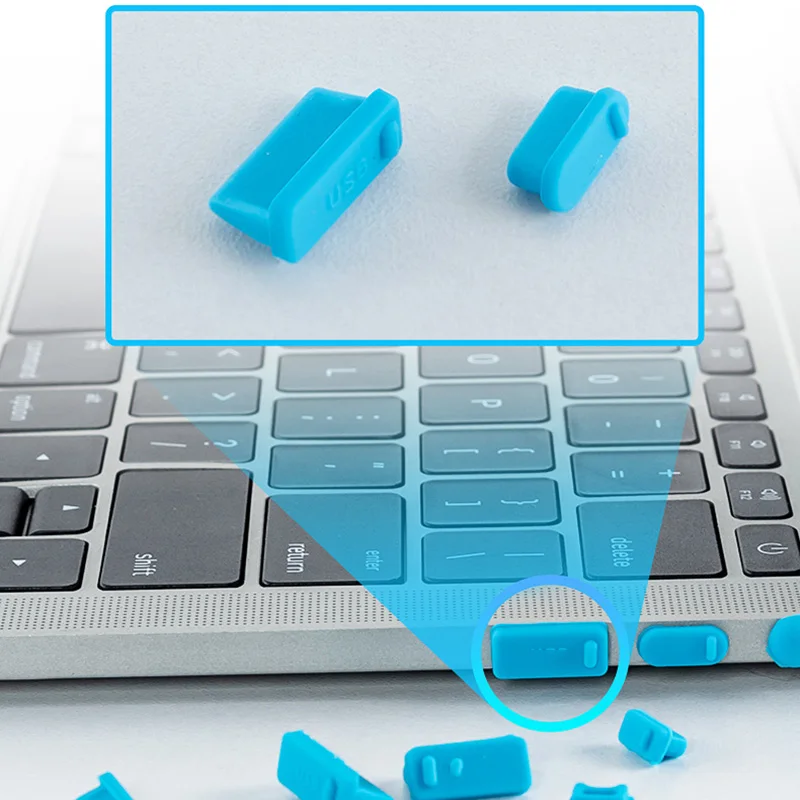
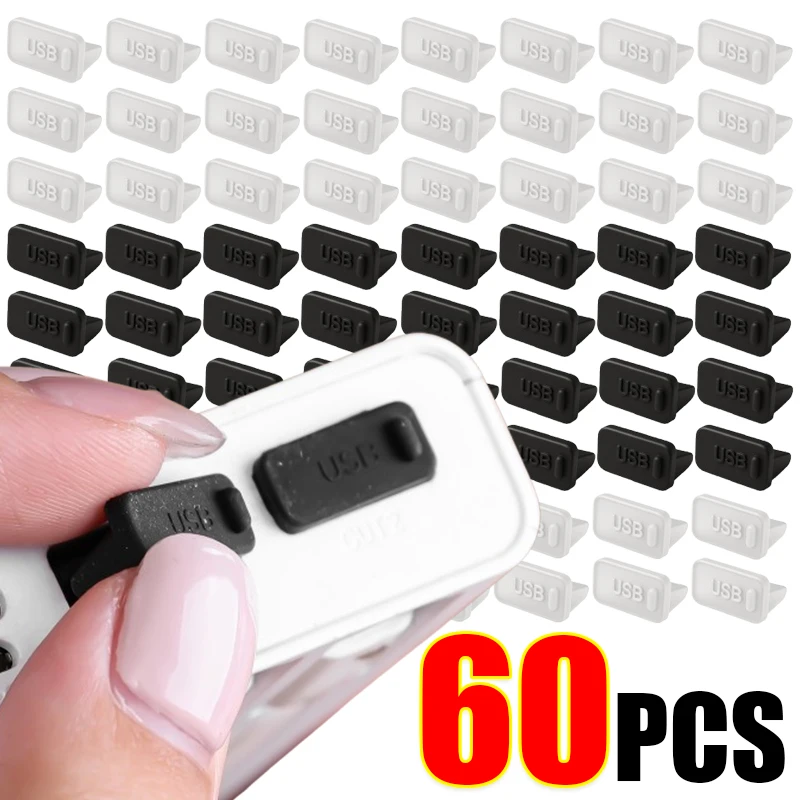
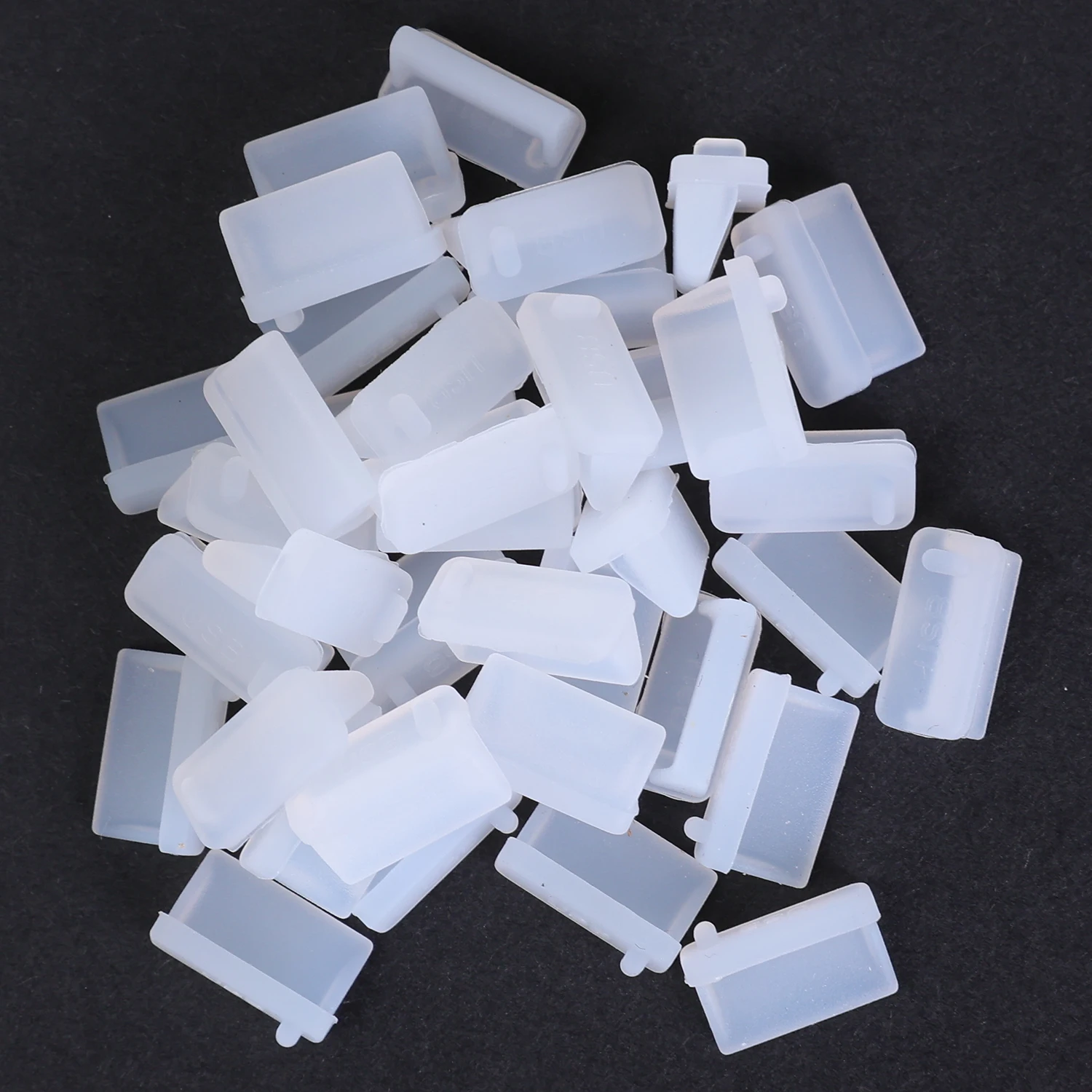
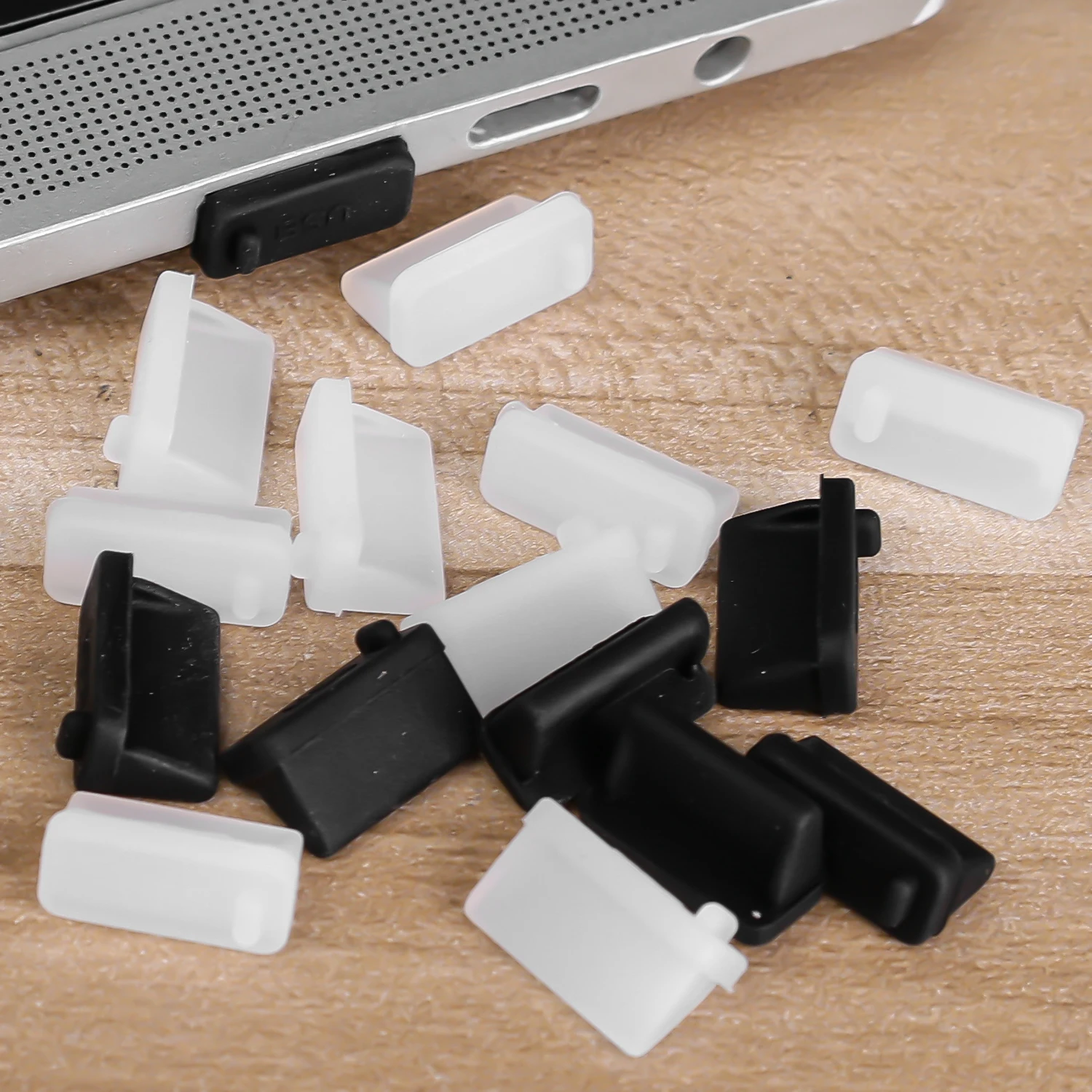
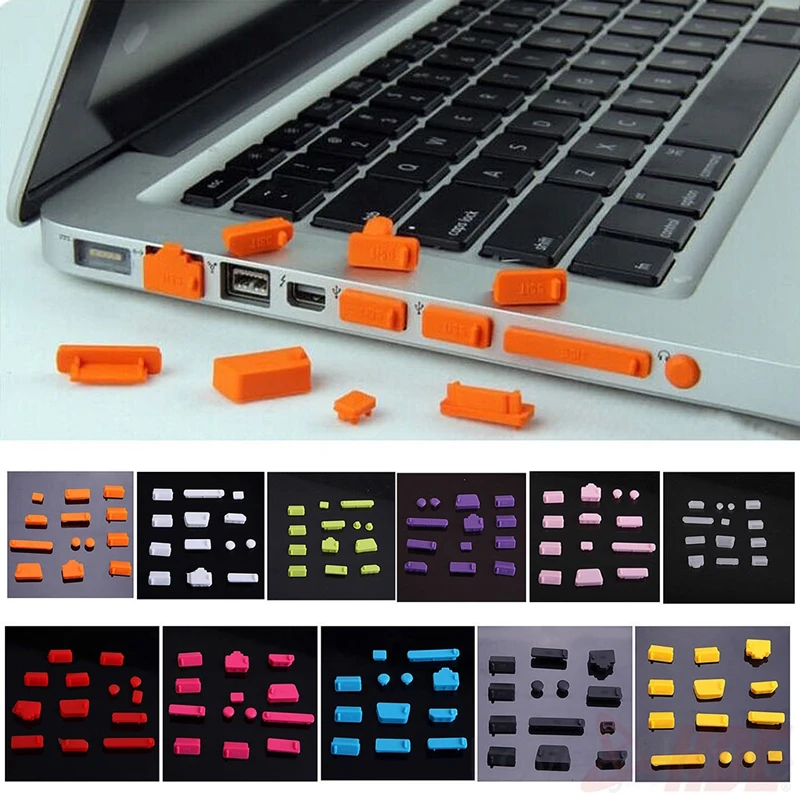
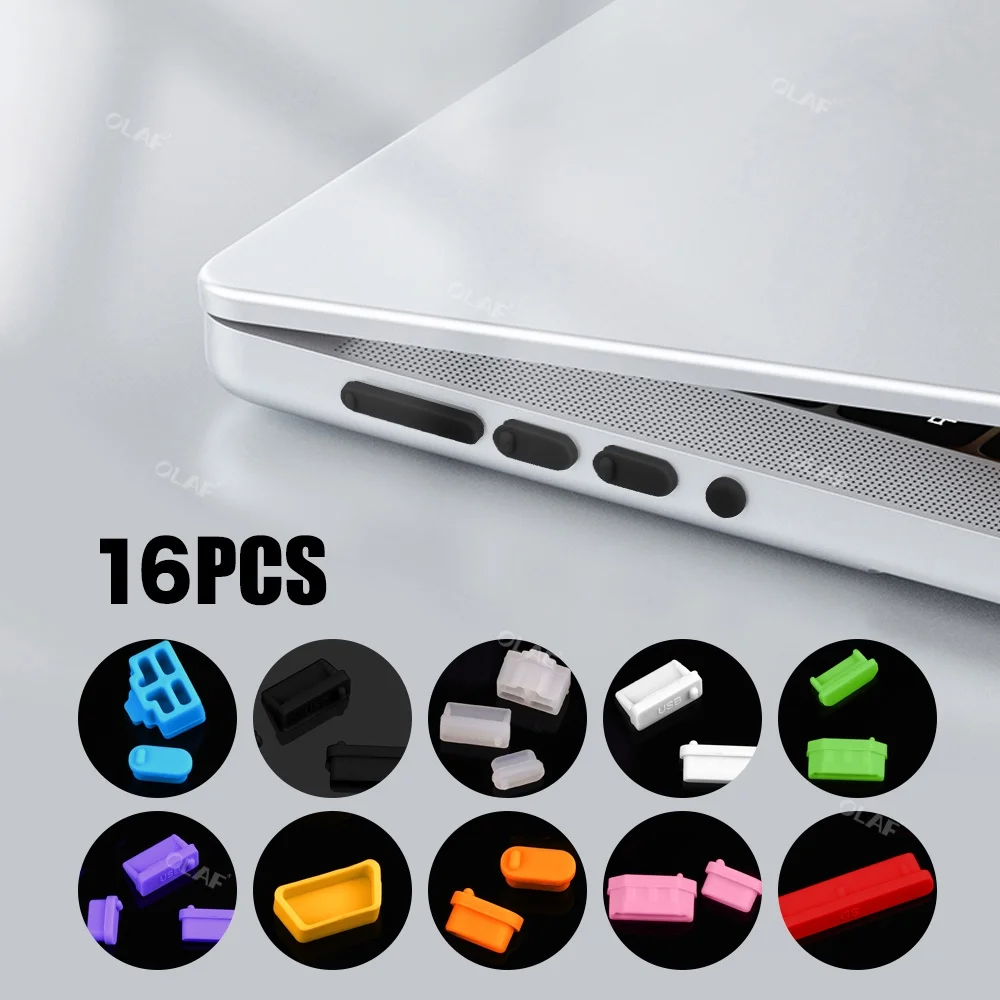
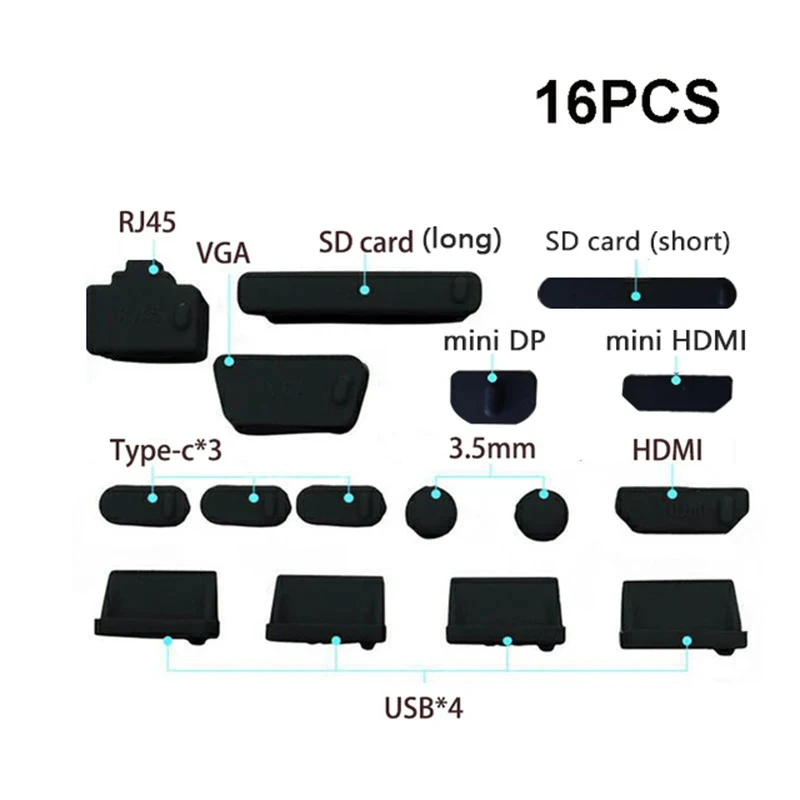
- Port dust plugs: small stoppers for USB-C, USB-A, HDMI, network and headphone sockets, in single packs and mixed sets. See port dust plugs.
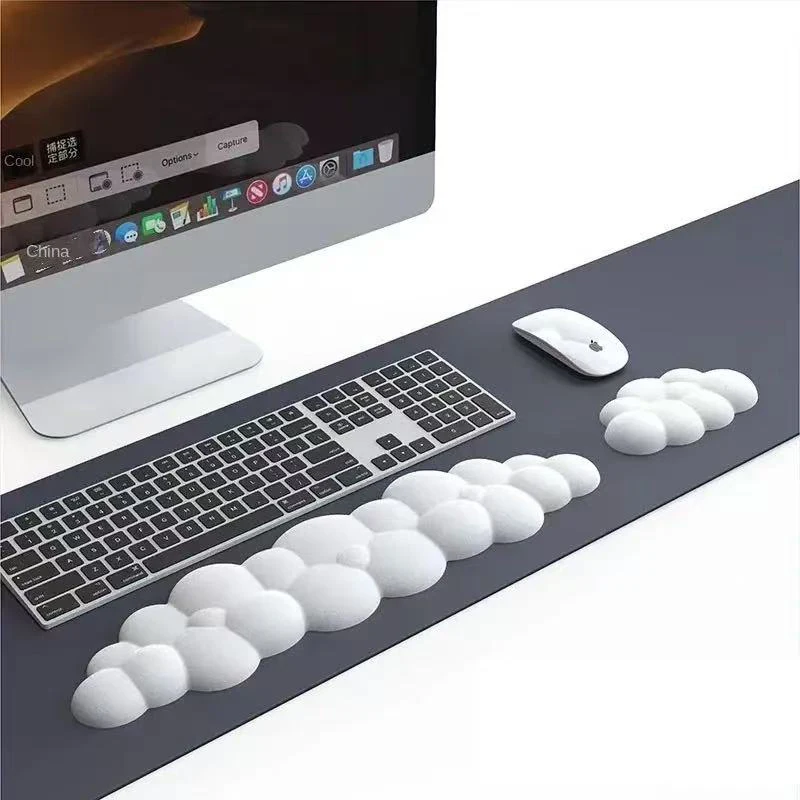
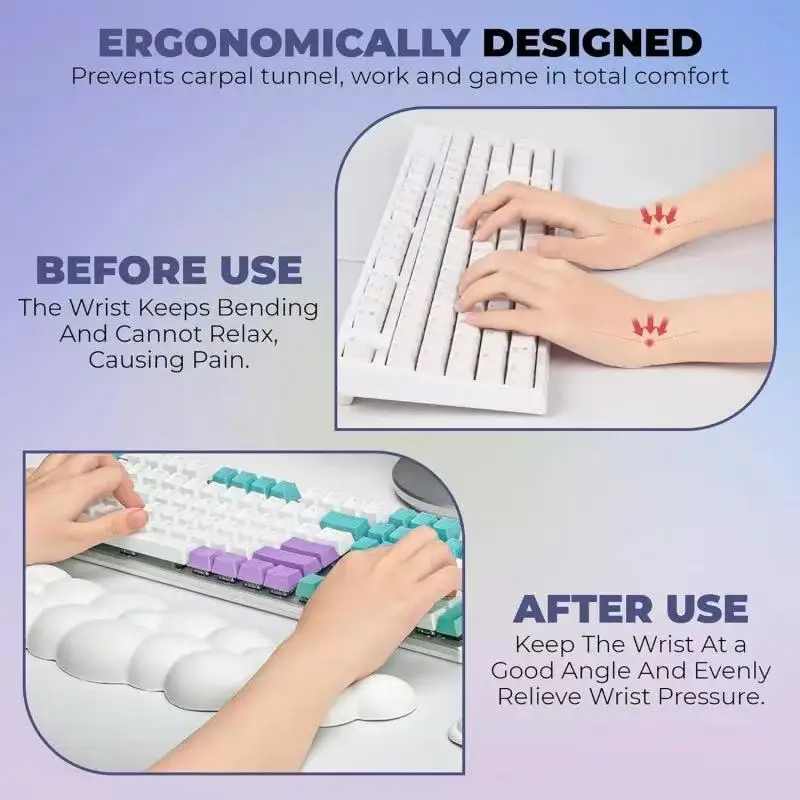
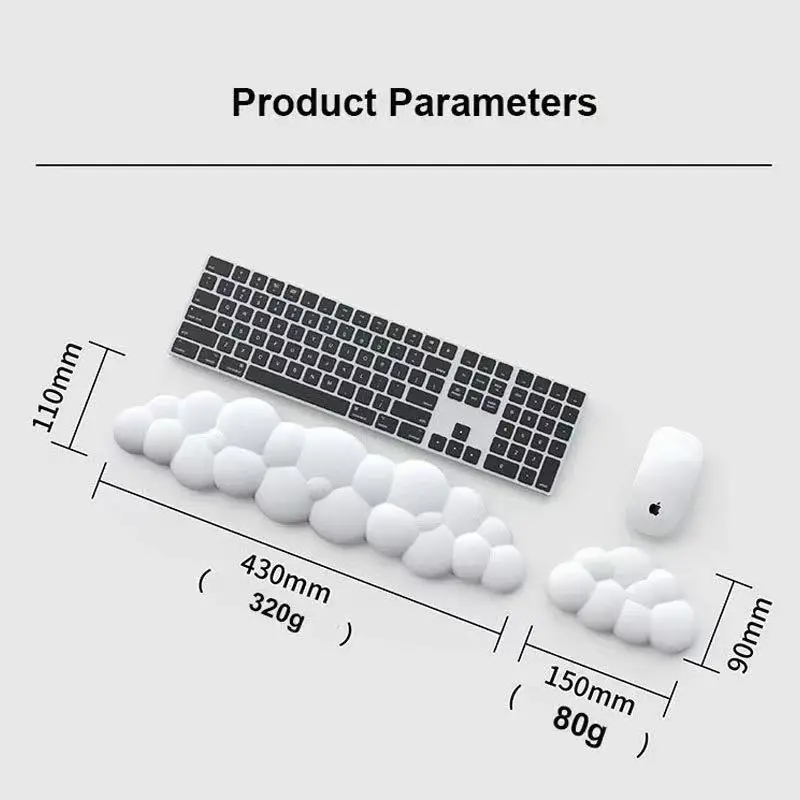
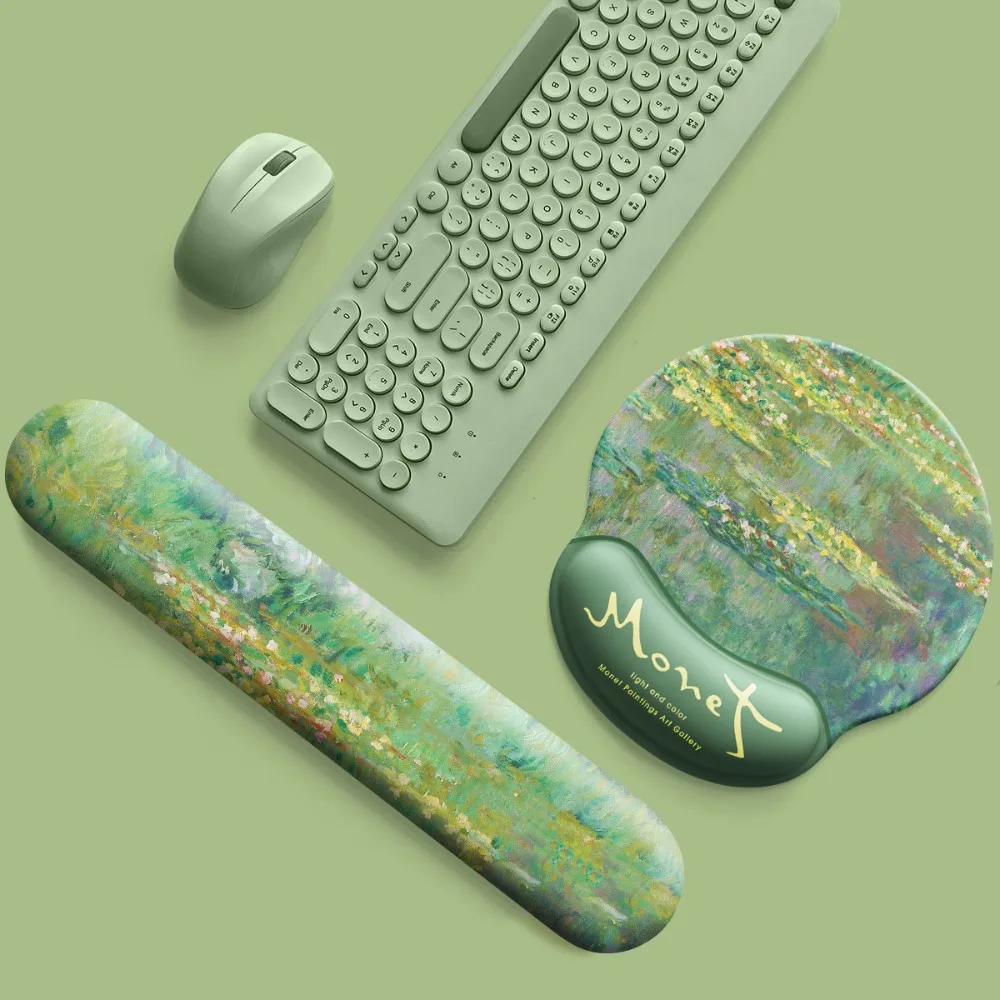
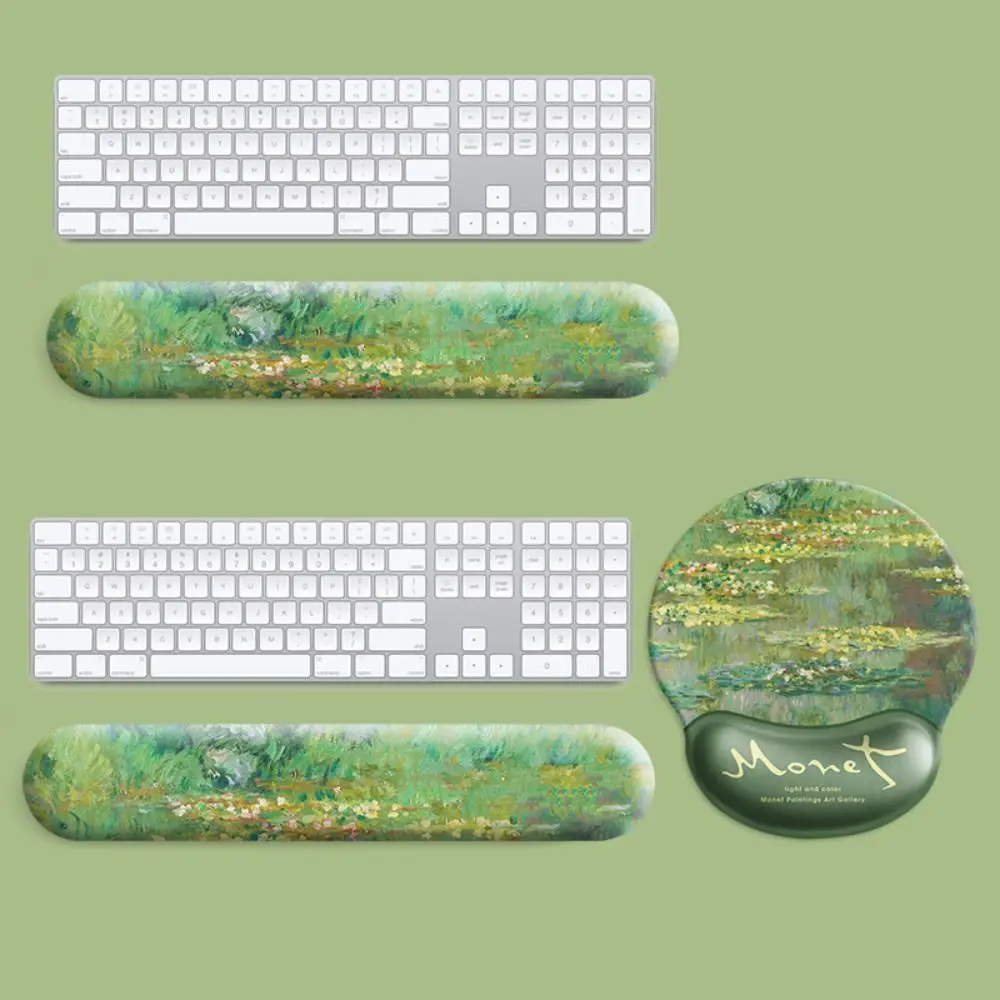
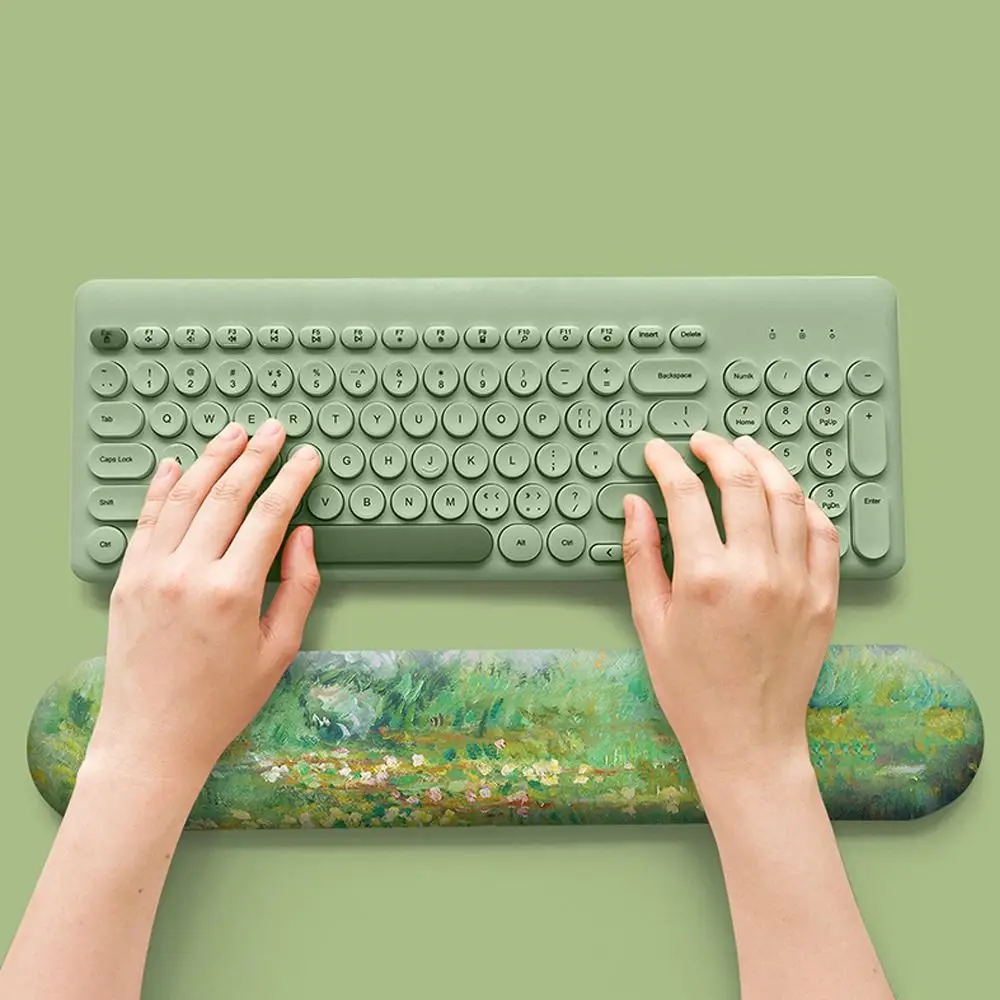
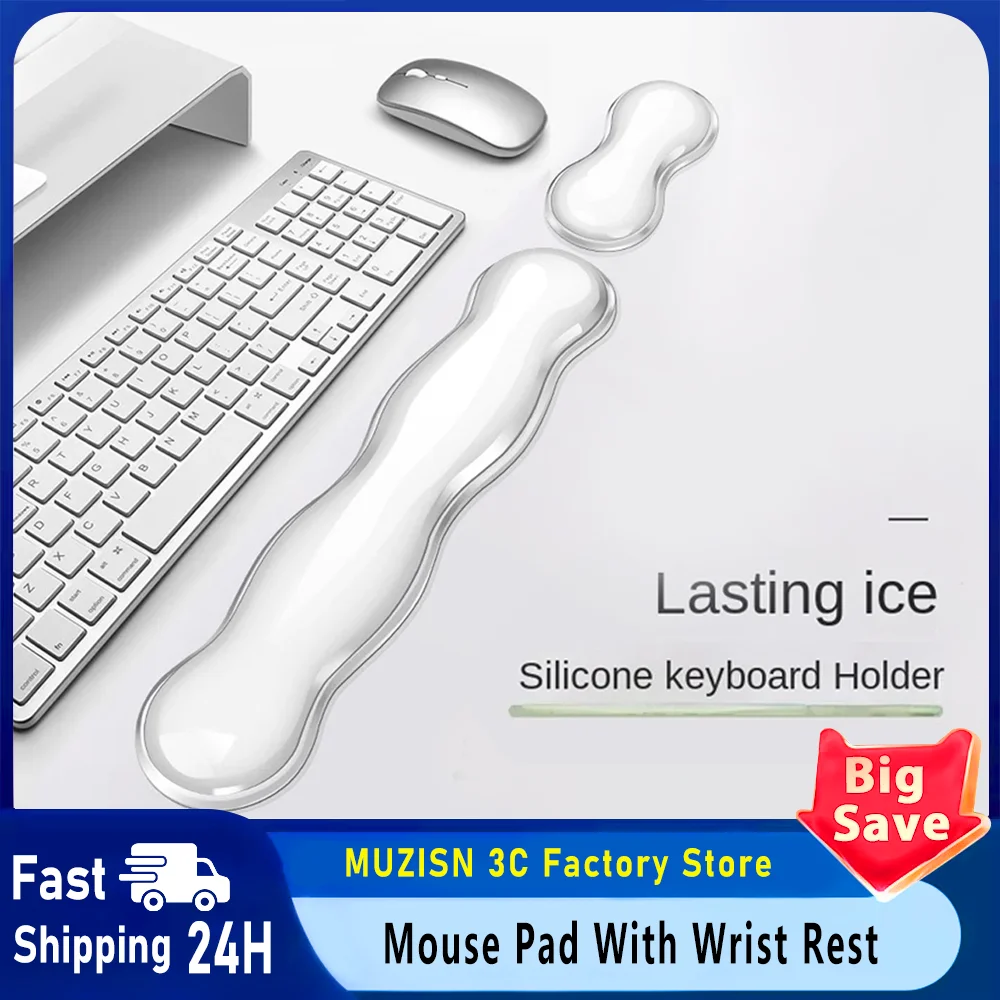
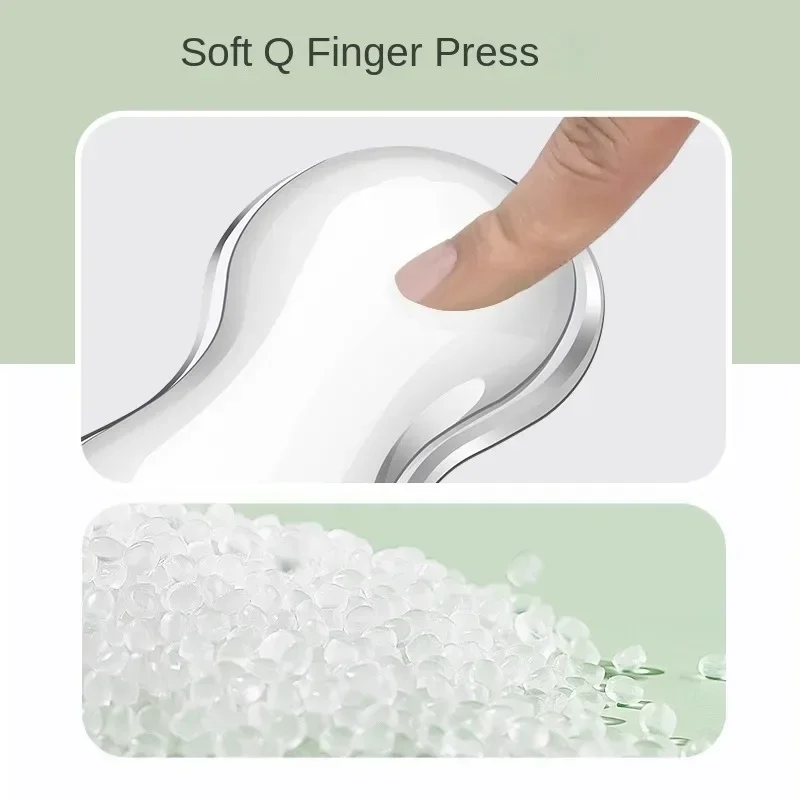
- Wrist rests with a silicone surface, and a clear mouse pad with a silicone wrist rest. See wrist rests.
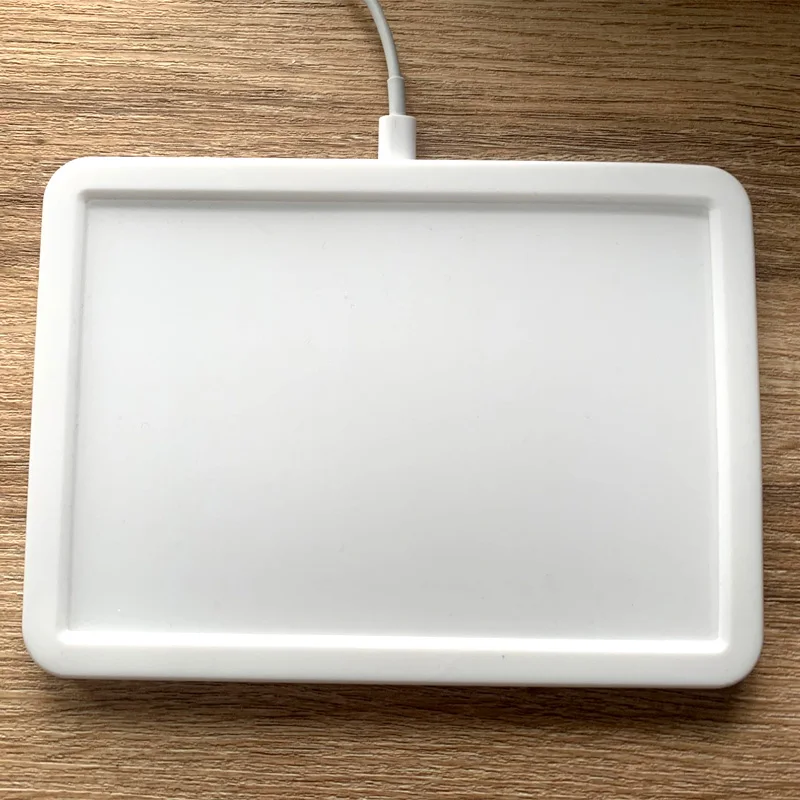
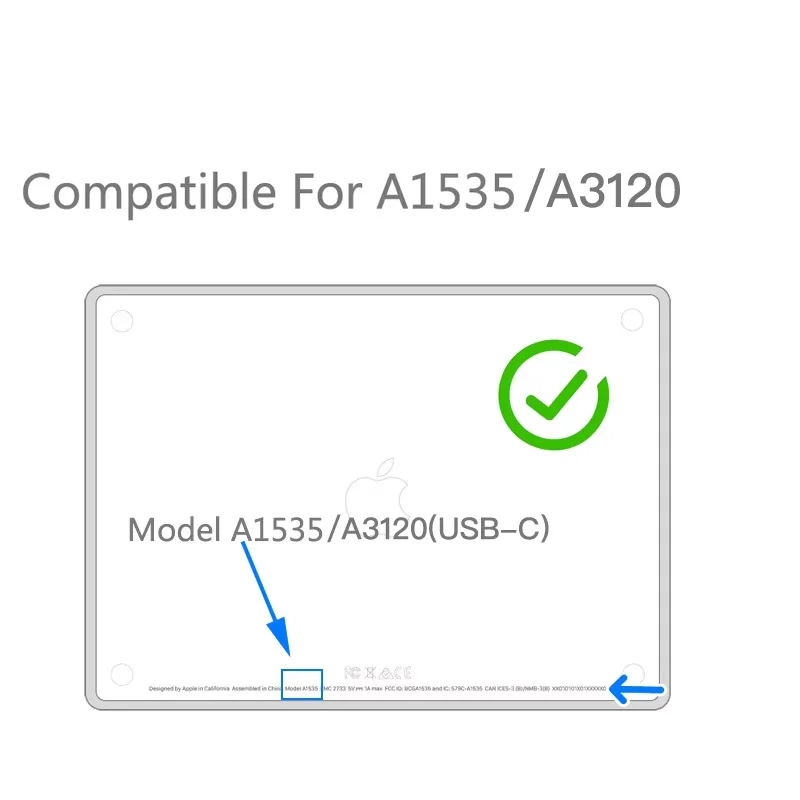
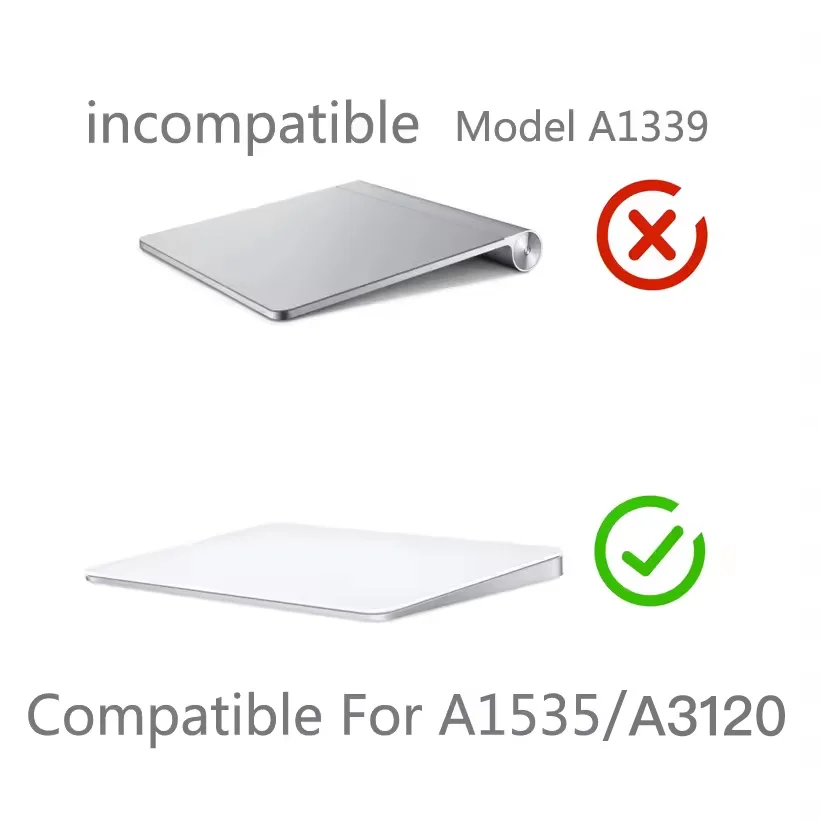
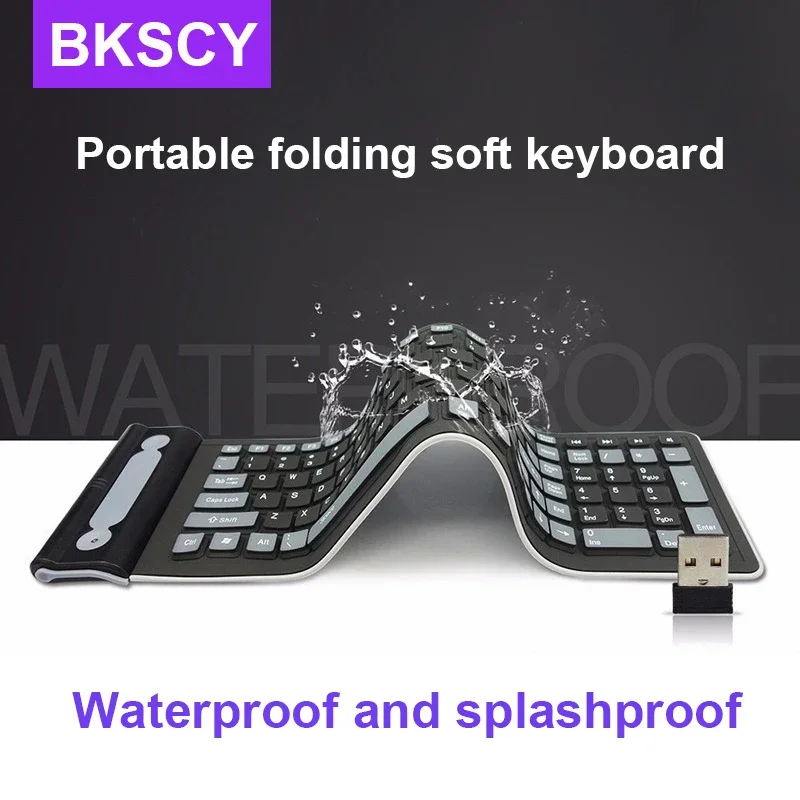
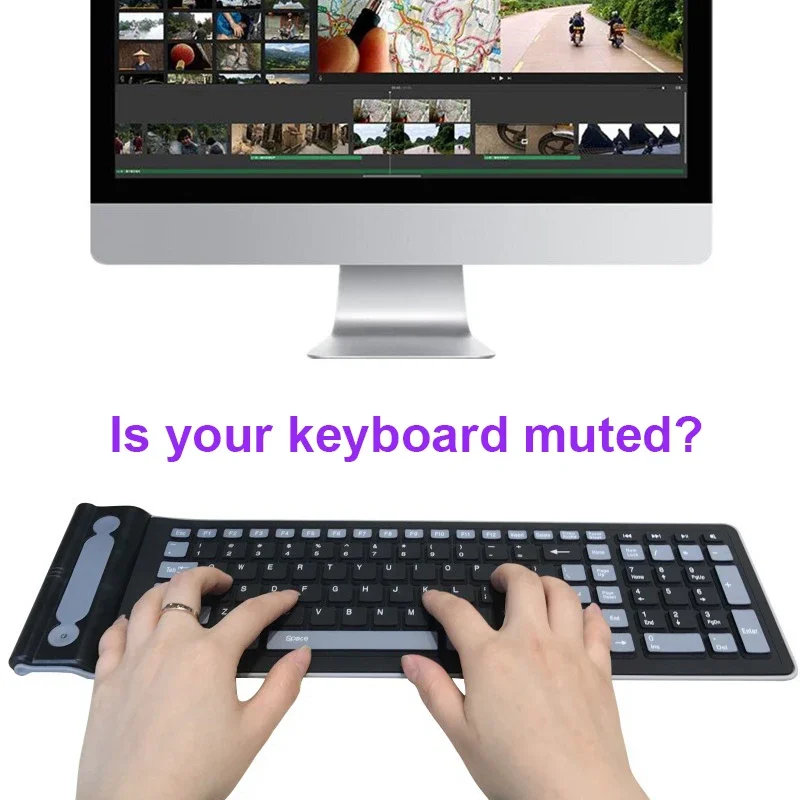
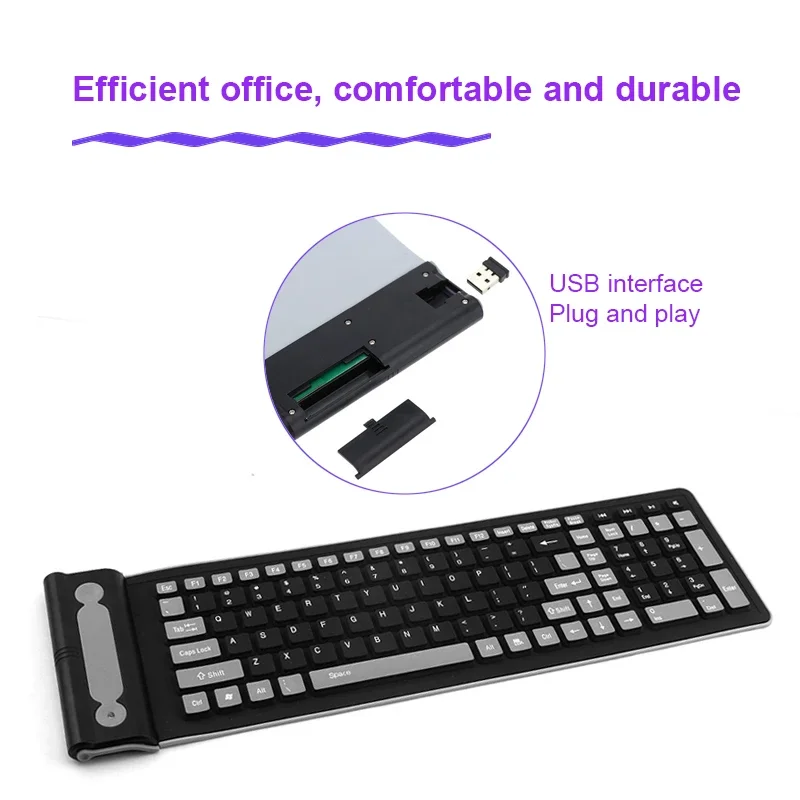
- A silicone wireless keyboard that is flexible and waterproof, and a silicone case for the Apple Magic Trackpad. See trackpad and palm rest protectors.
Choosing a silicone keyboard cover
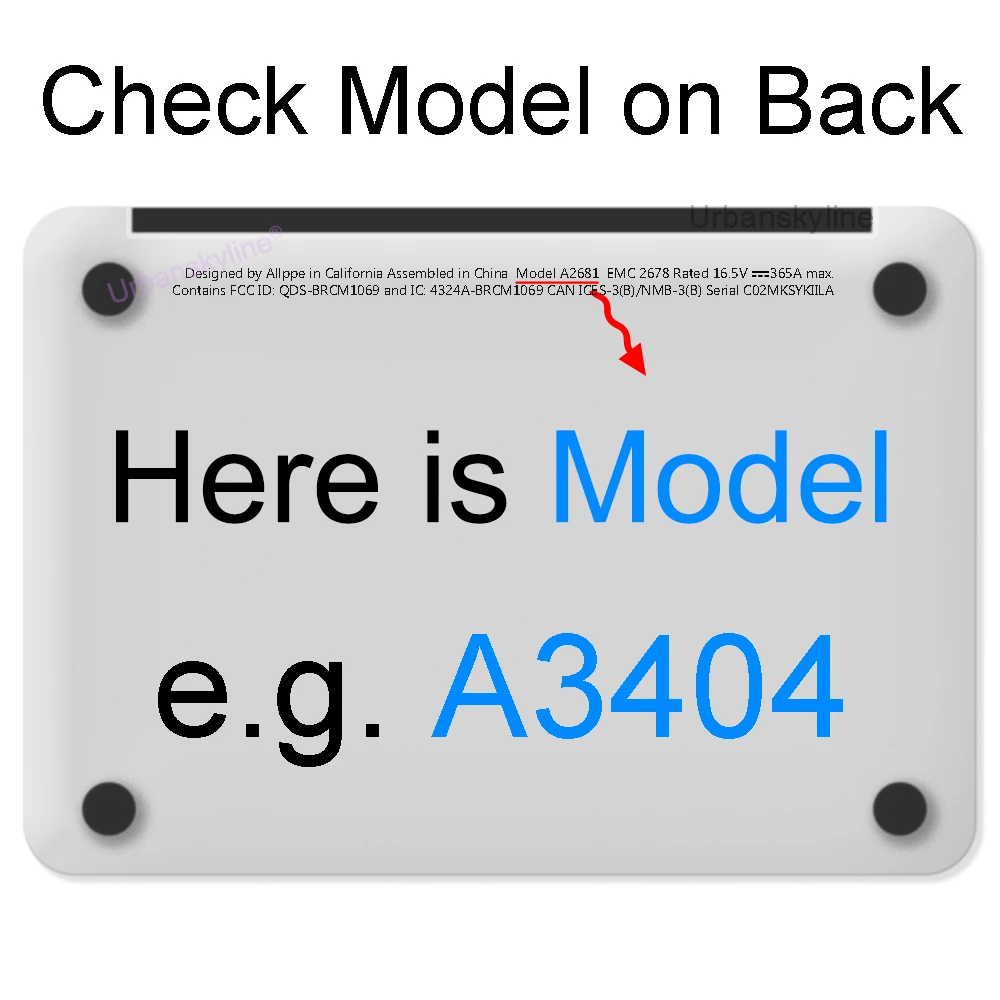
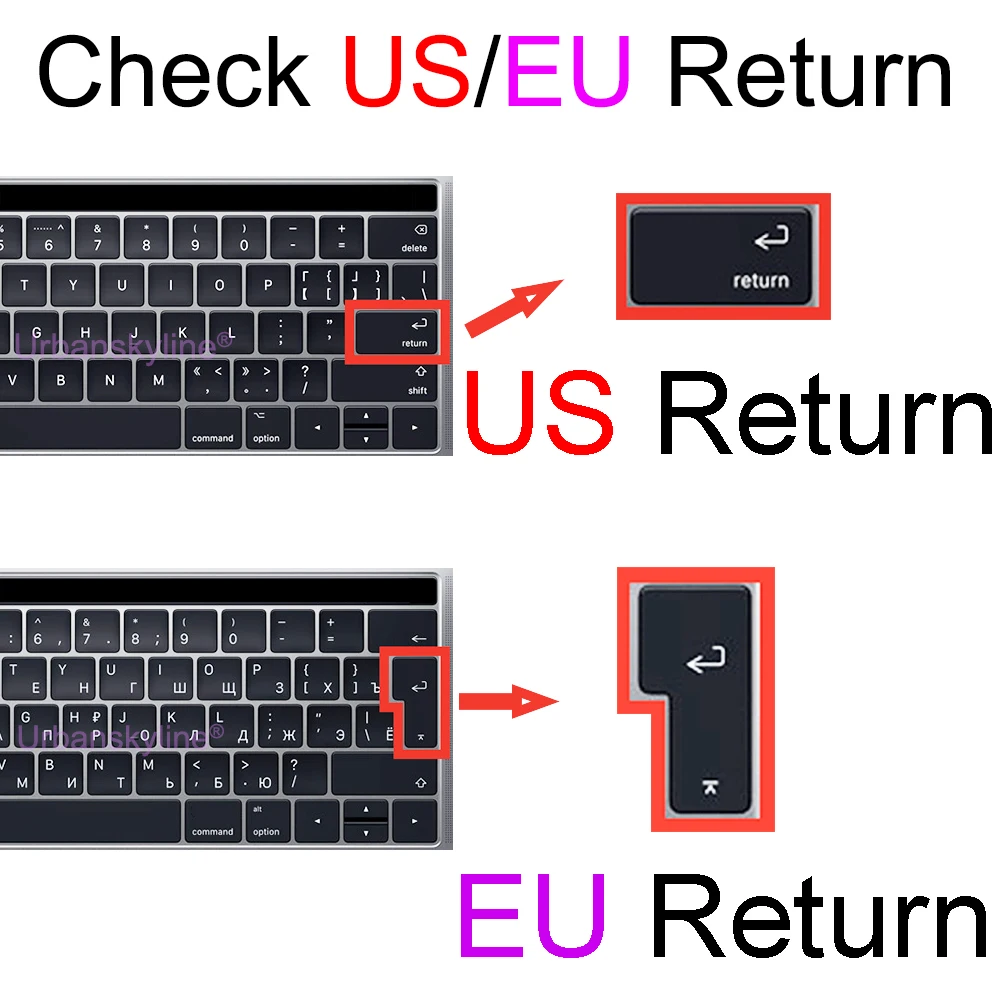
A keyboard cover only works if it is made for your keyboard's layout, because its bumps have to sit over the keys. Find your laptop's exact model first, from the label on the base or the system settings, and match it to the model names on the cover. Watch the layout too: several covers are made for the US keyboard, whose Return key is a different shape from a UK one.
On a MacBook, choose a thin cover. Apple warns that closing a MacBook over a camera cover can damage the screen, because the gap between the screen and the keyboard is very small when the lid is shut, and the same reason applies to a thick keyboard cover. The guide to MacBook accessories has more.
Questions people ask about silicone laptop accessories
How do I clean a silicone keyboard cover?
Lift it off and wash it, then let it dry fully before putting it back. The guide to cleaning a laptop covers the keyboard underneath.
Do dust plugs stay in?
They push in snugly. Keep a spare or two, as small things go missing in a bag.
How long does delivery take?
Delivery is included in every price and tracked to your door. Each product page says when it usually arrives.
More to look at