A second screen that goes in the bag
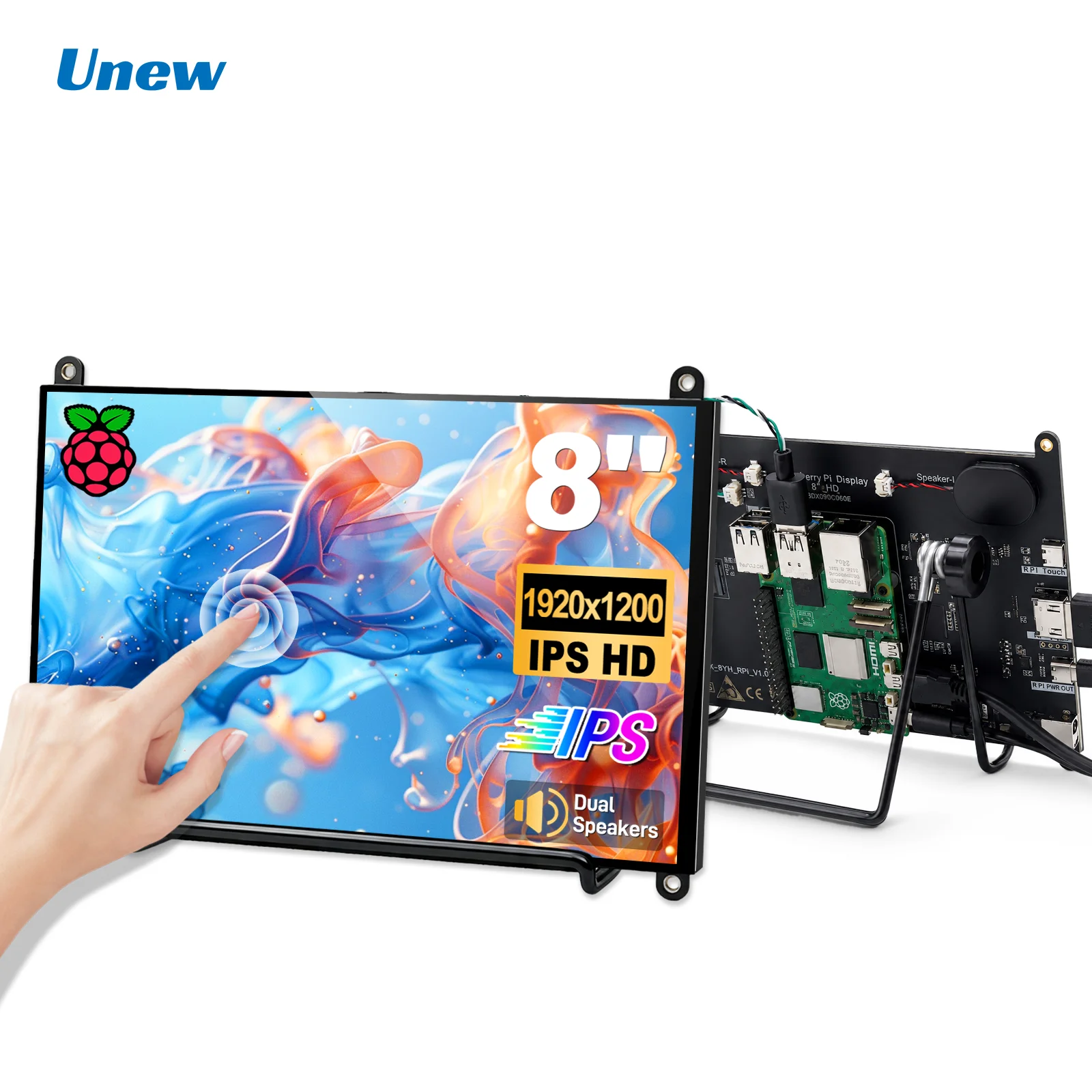
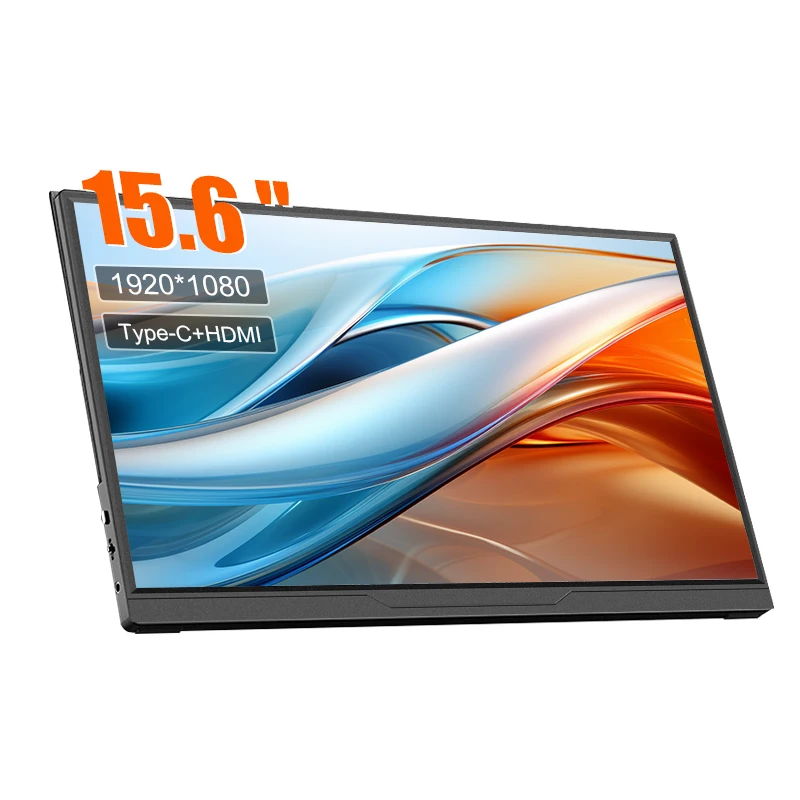
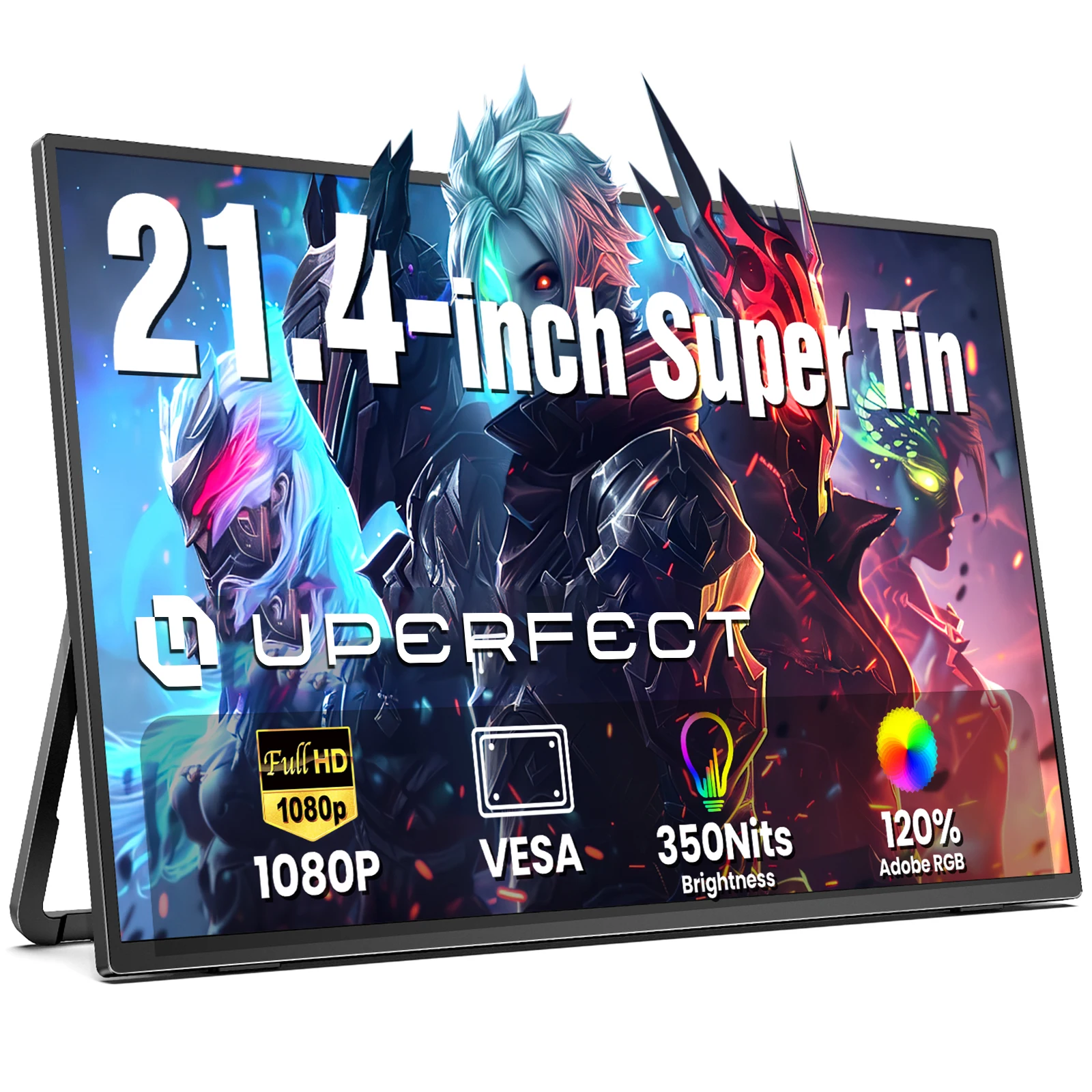
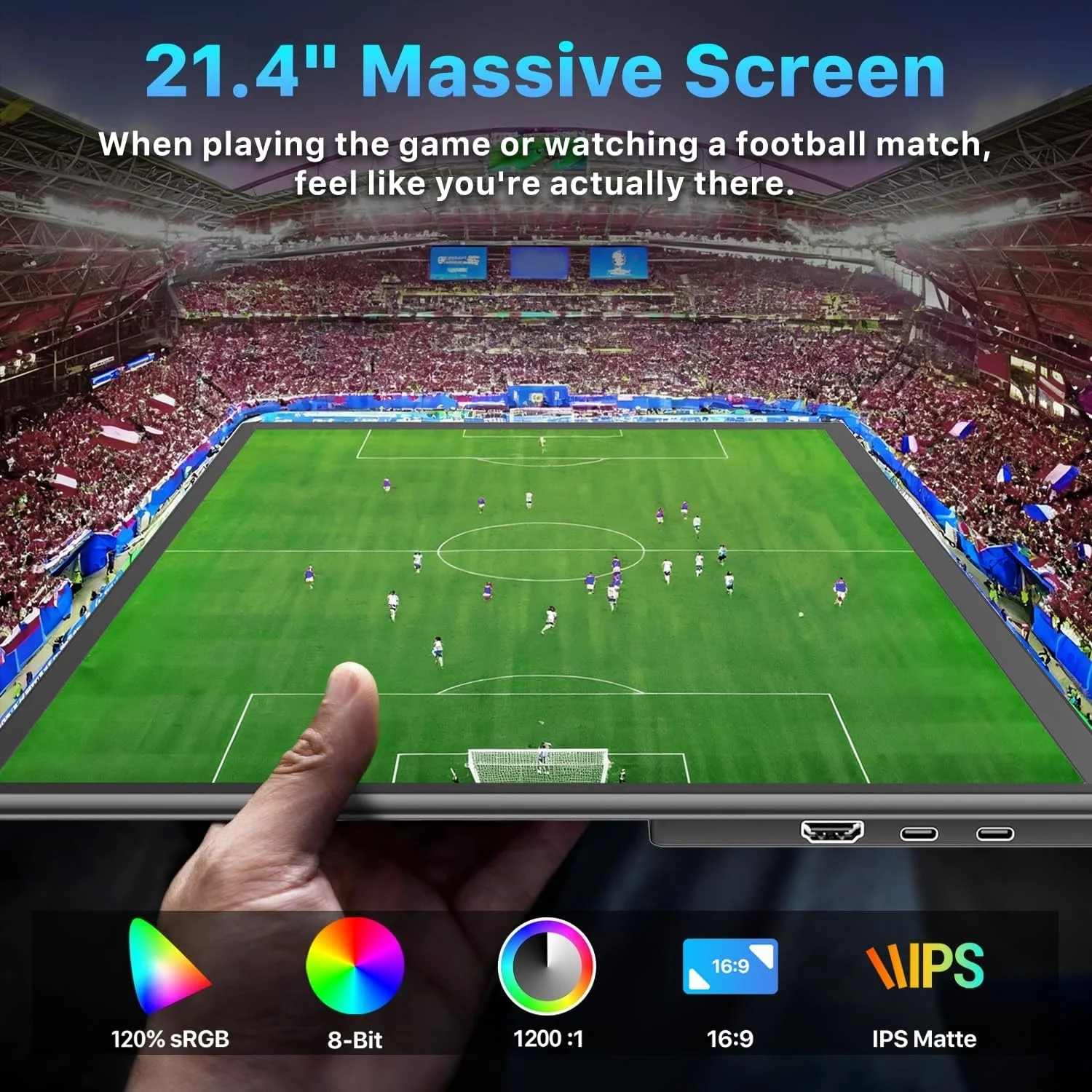
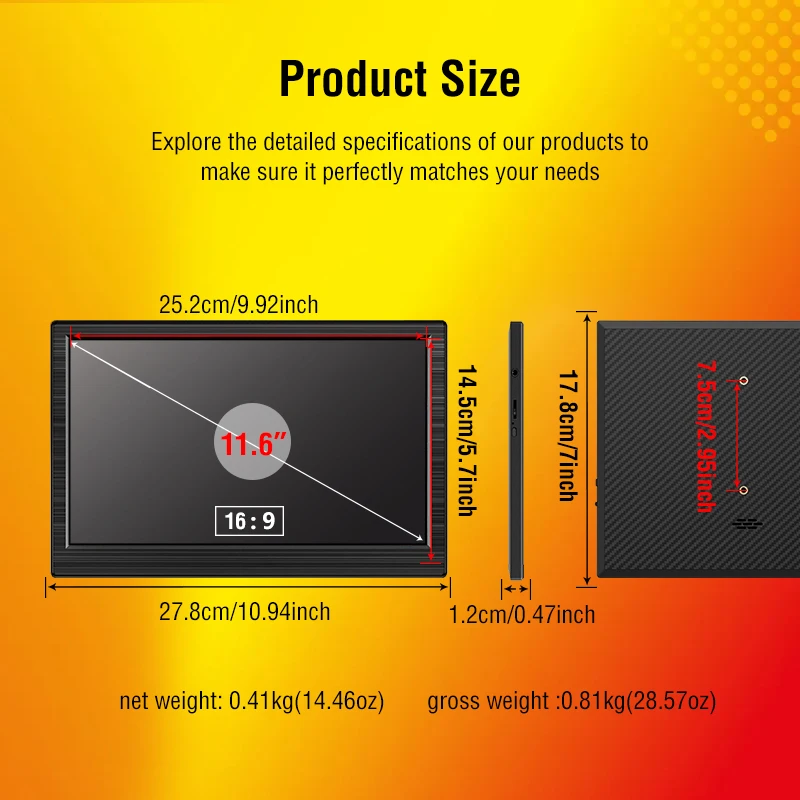
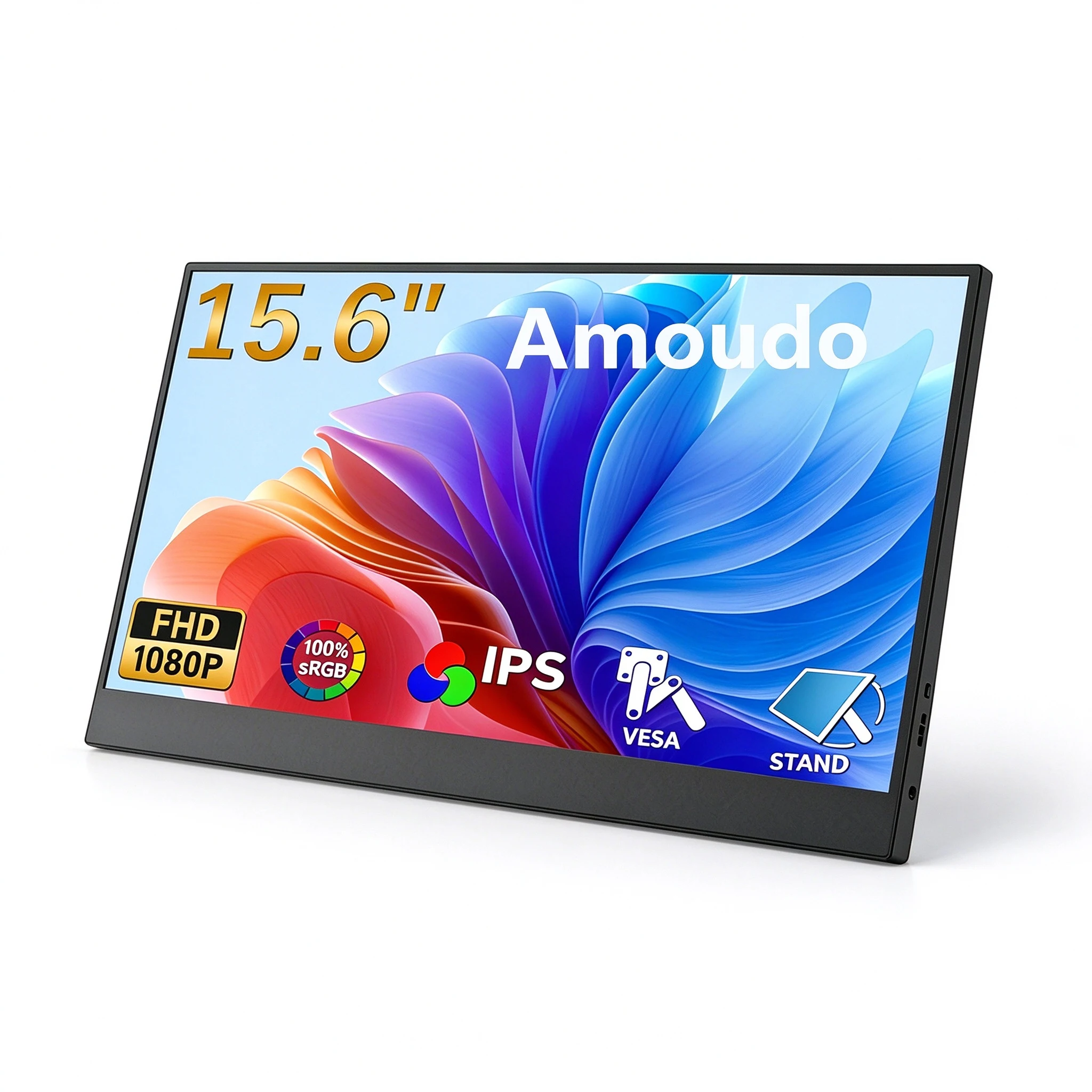
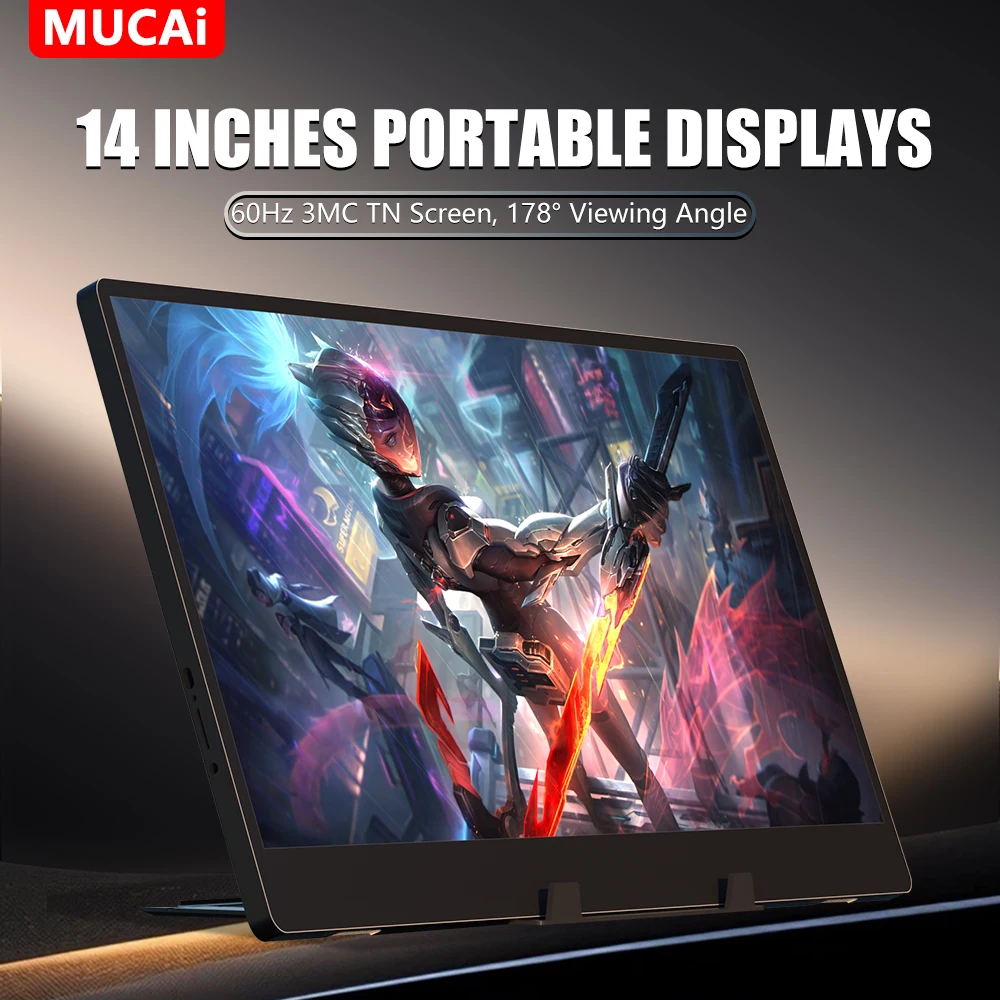
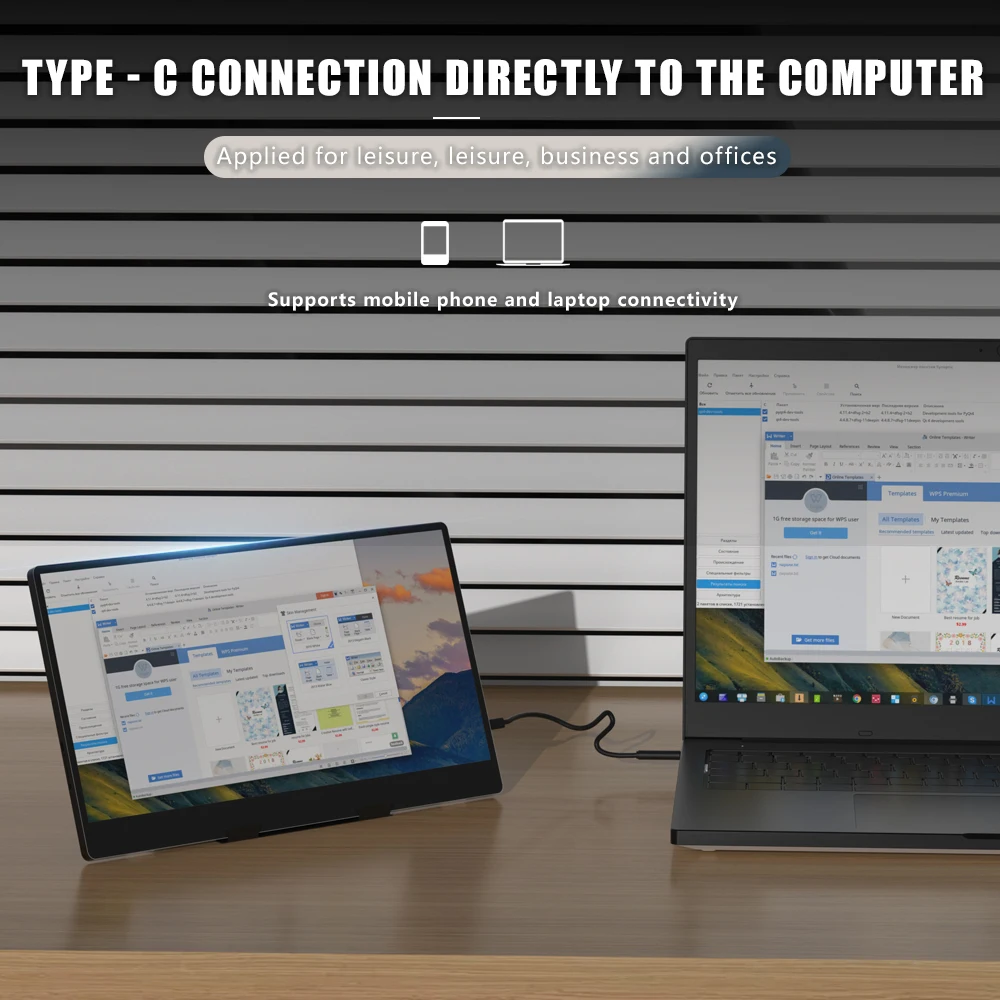
A portable monitor is a thin, light screen that stands beside your laptop and gives you a second display. You can extend the desktop across both, so a document sits on one and the reference material on the other, or mirror the laptop so someone across the table sees what you see. Most of the monitors here are between 14 and 16 inches, a good match for the laptop beside them. There are smaller 8 to 12-inch screens for tight spaces and hobby projects, and a 21.4-inch screen for anyone who wants something nearer a desk monitor that still packs flat.
What to look at
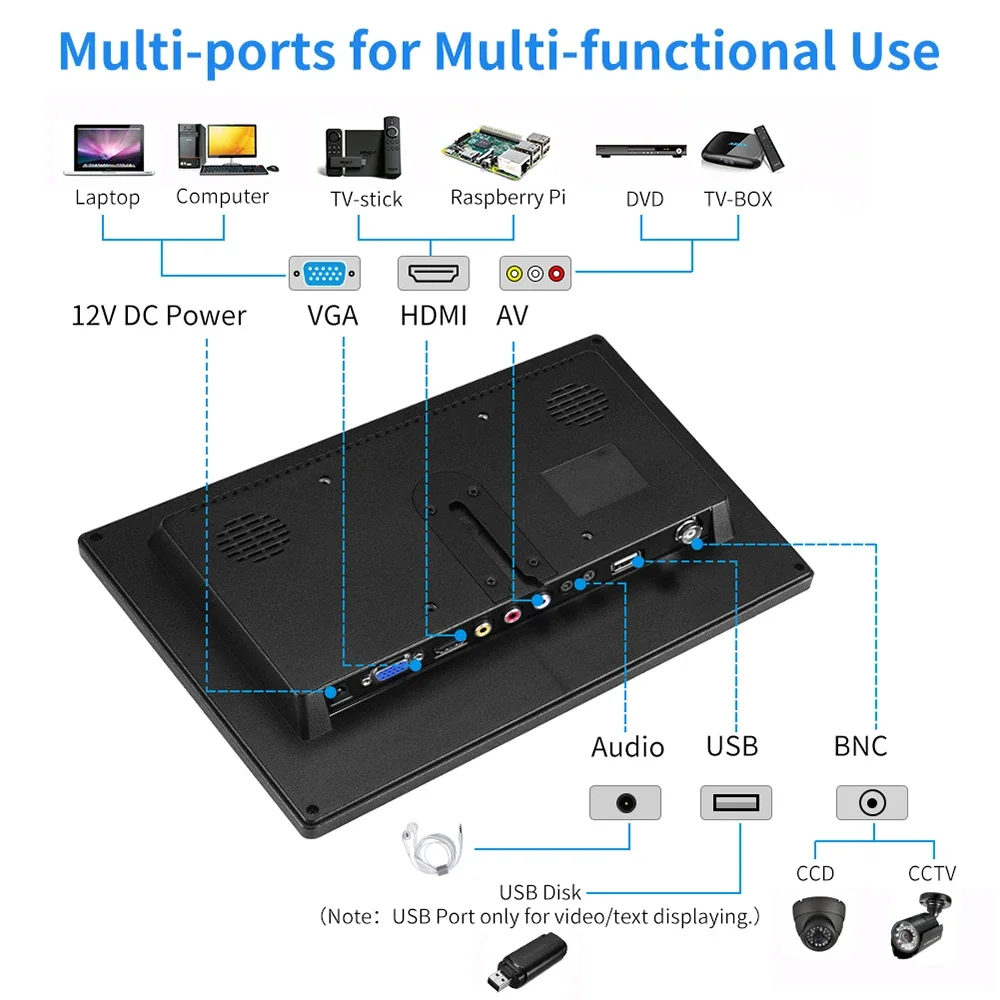
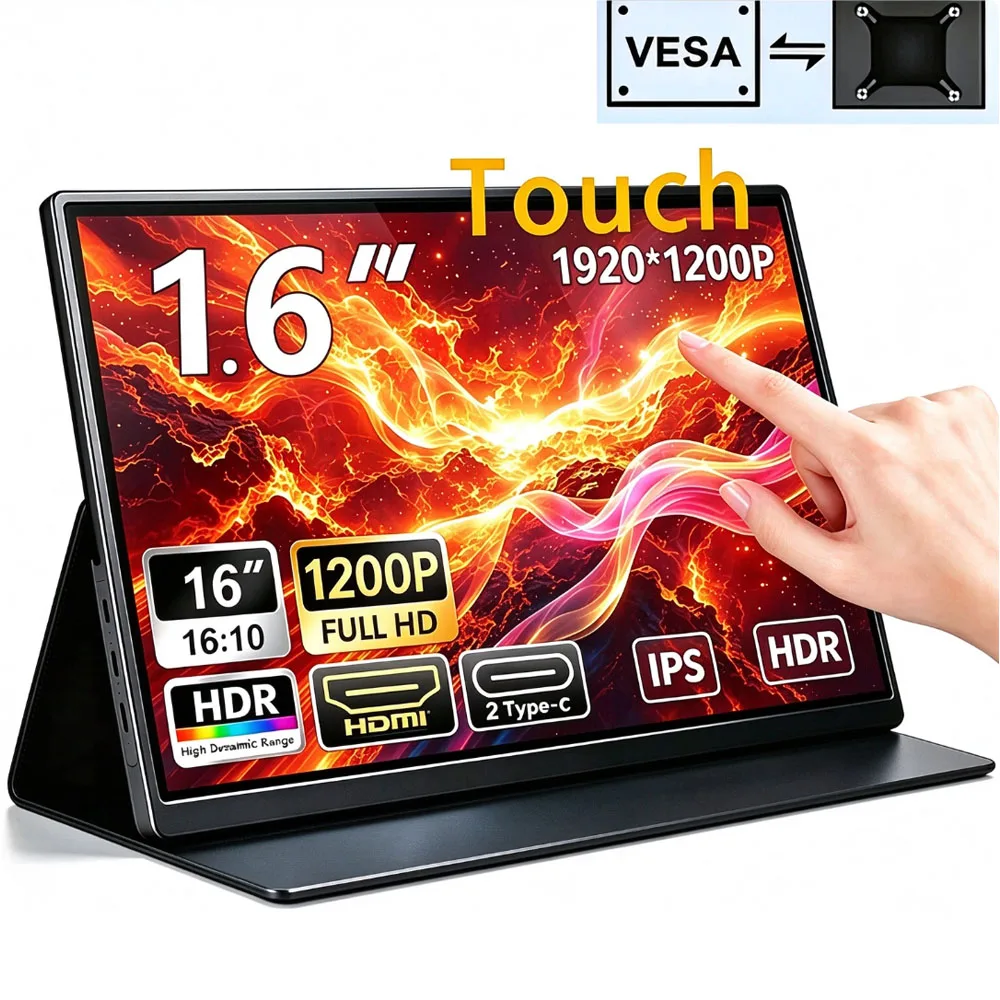
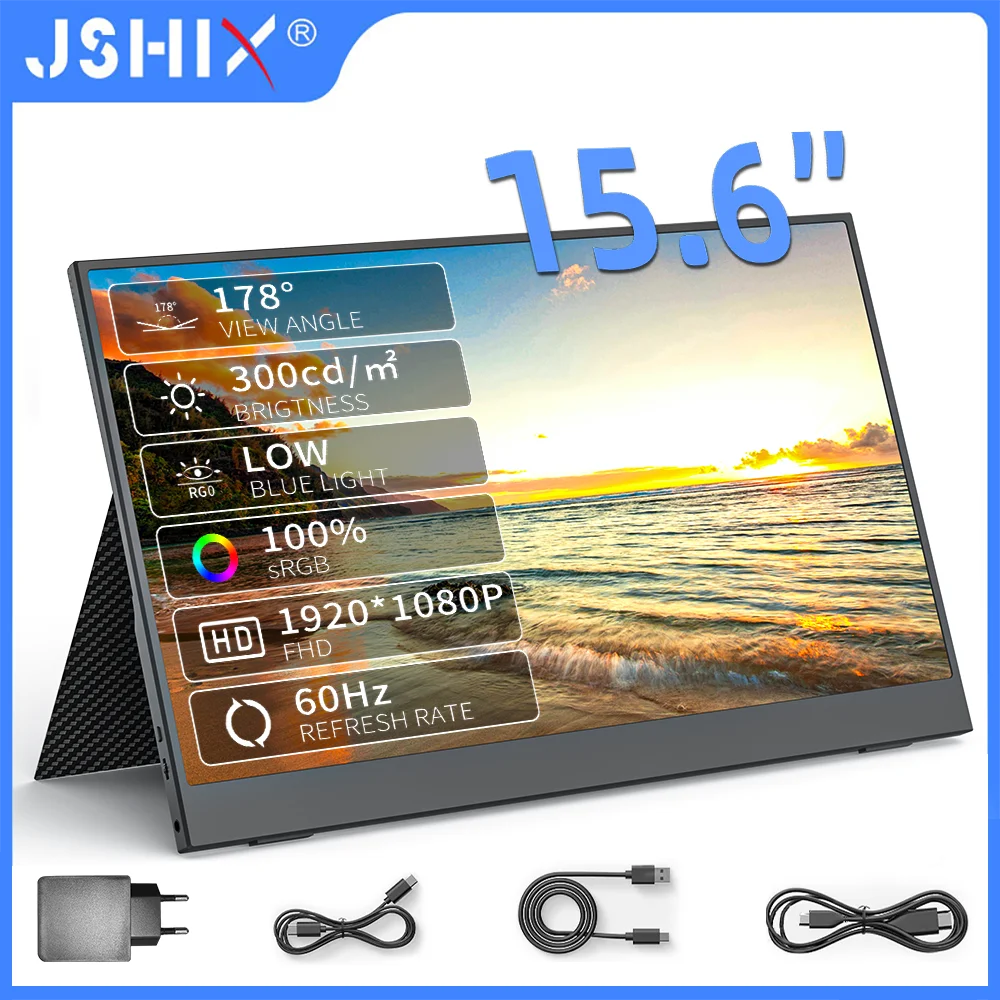
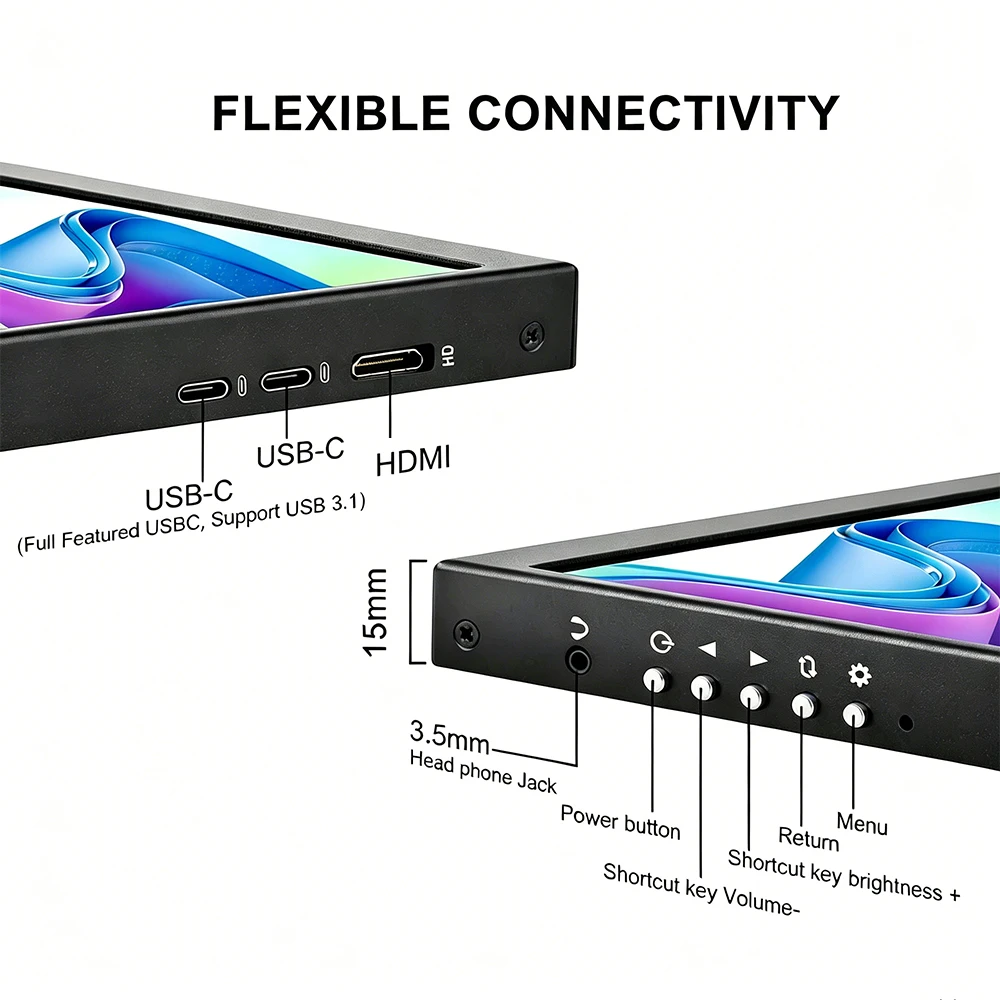
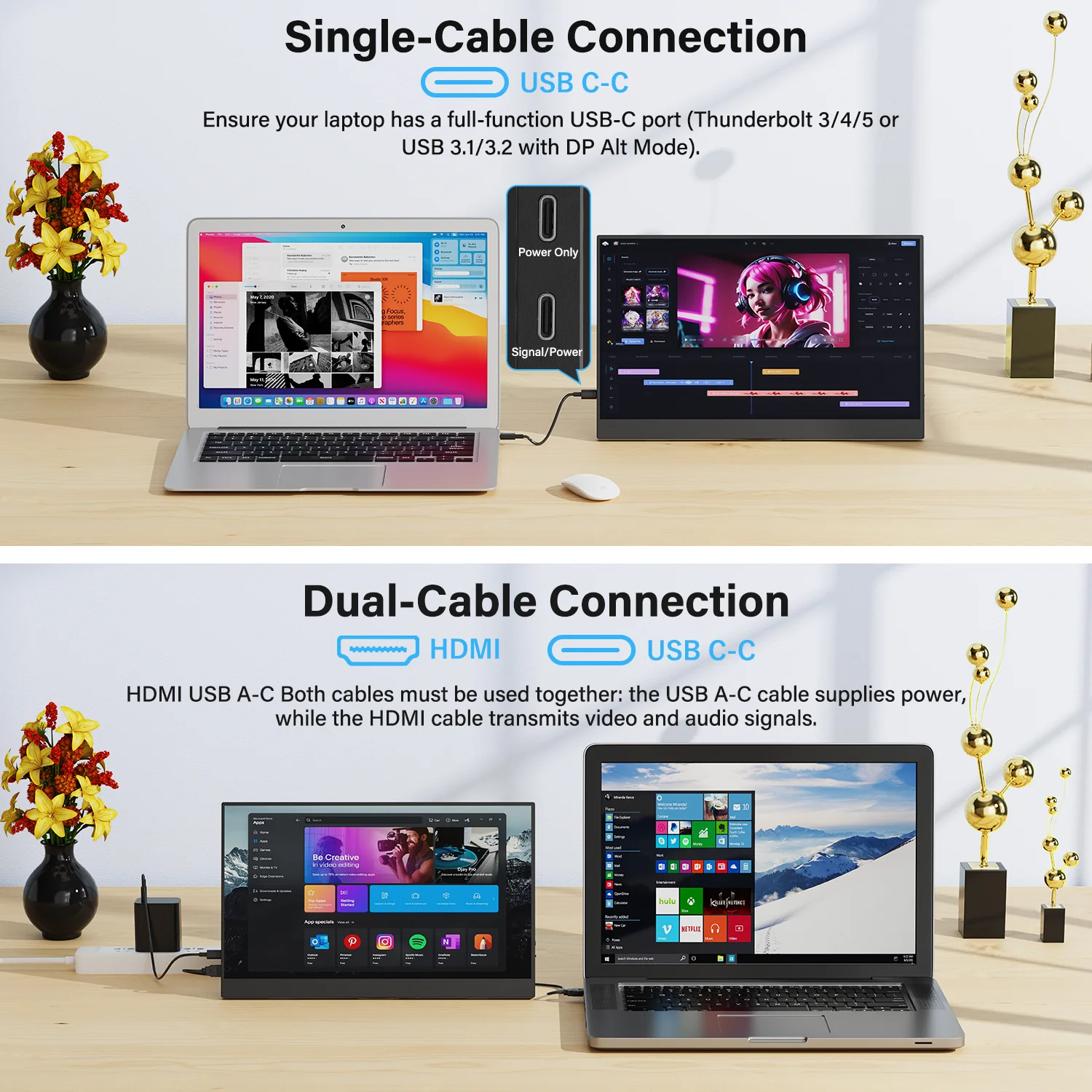
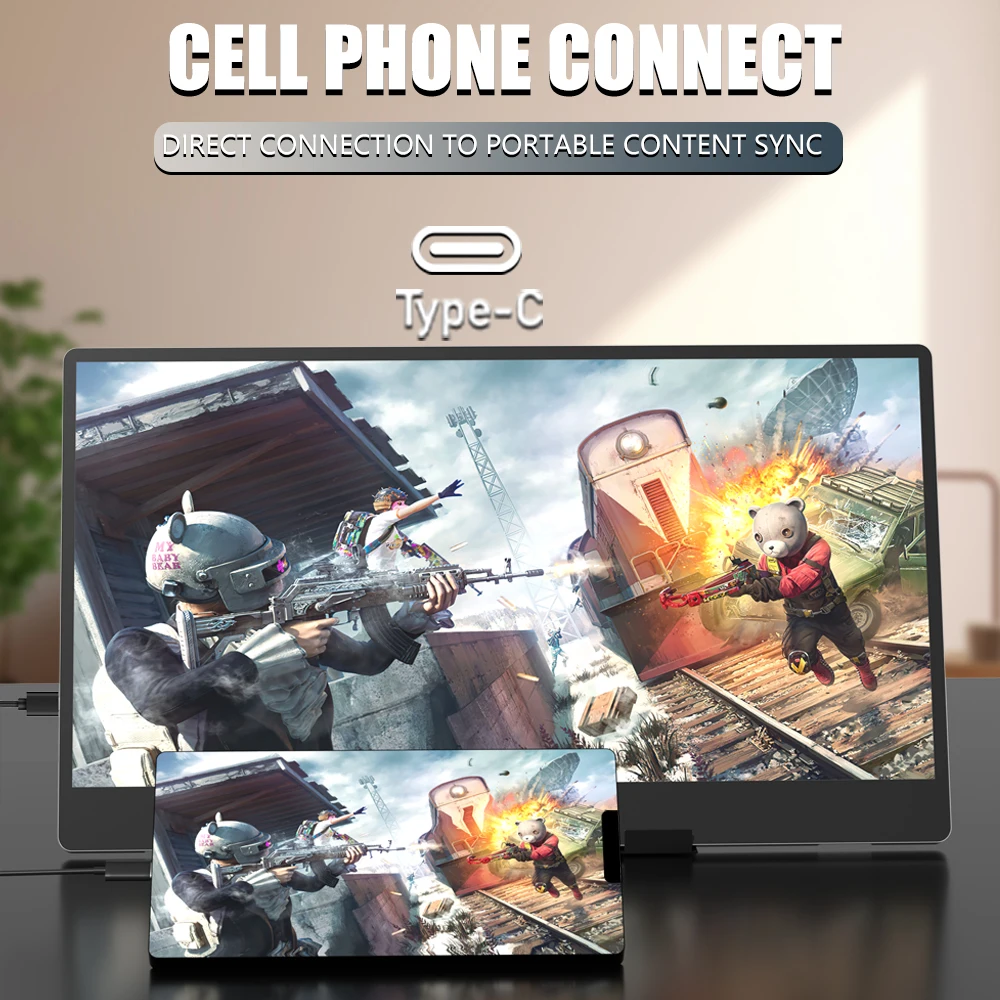
- Connections. Most take USB-C and mini HDMI. Over USB-C, one cable can carry the picture and power the screen, if the laptop's port supports DisplayPort Alt Mode and the cable is a full-featured one. A cable sold only for charging may not carry a picture. With HDMI, the screen needs its own power through a second cable. See USB-C to USB-C cables and HDMI cables.
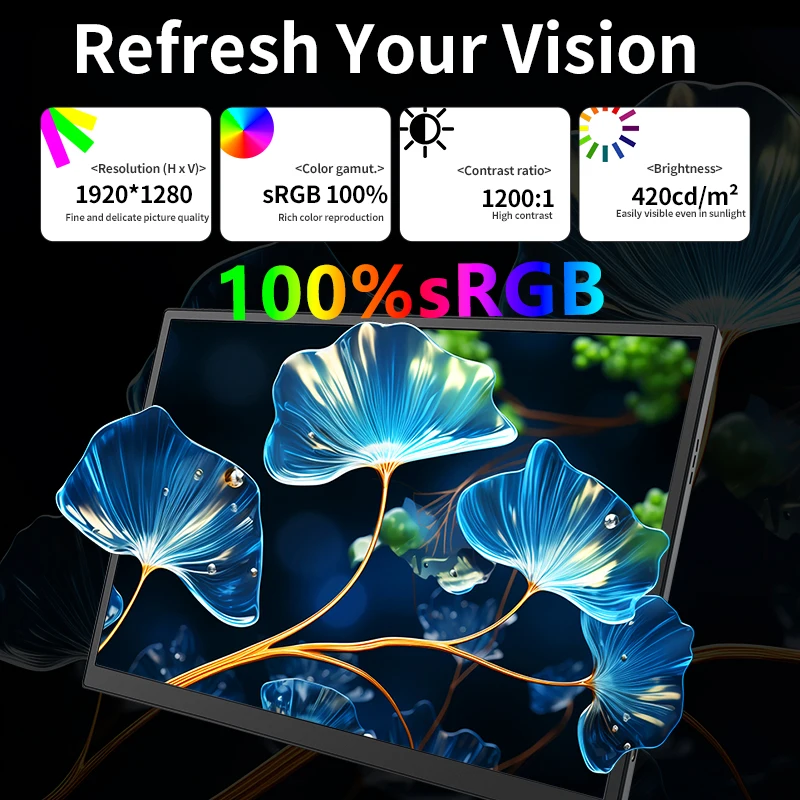
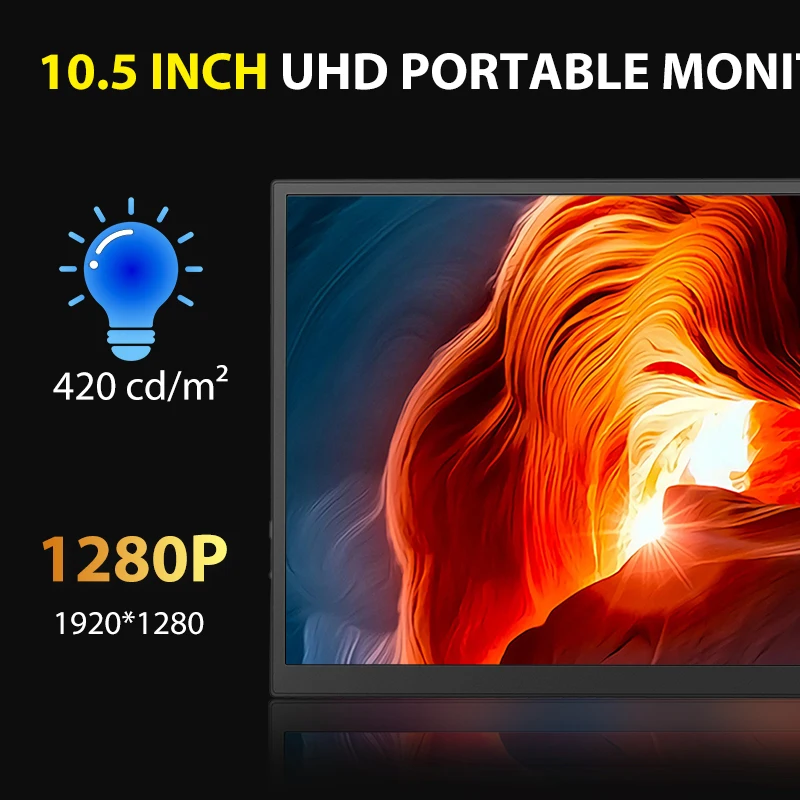
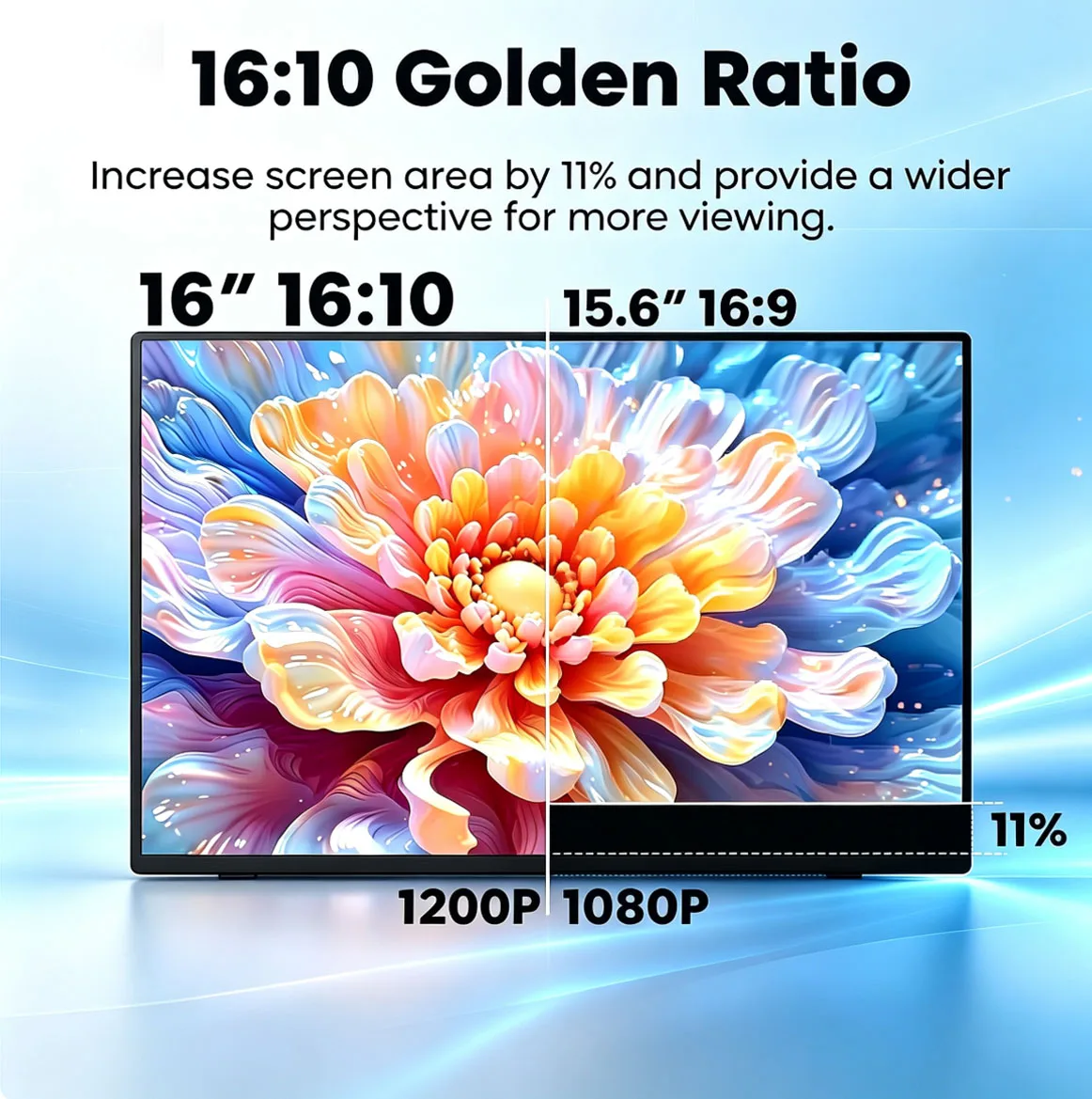
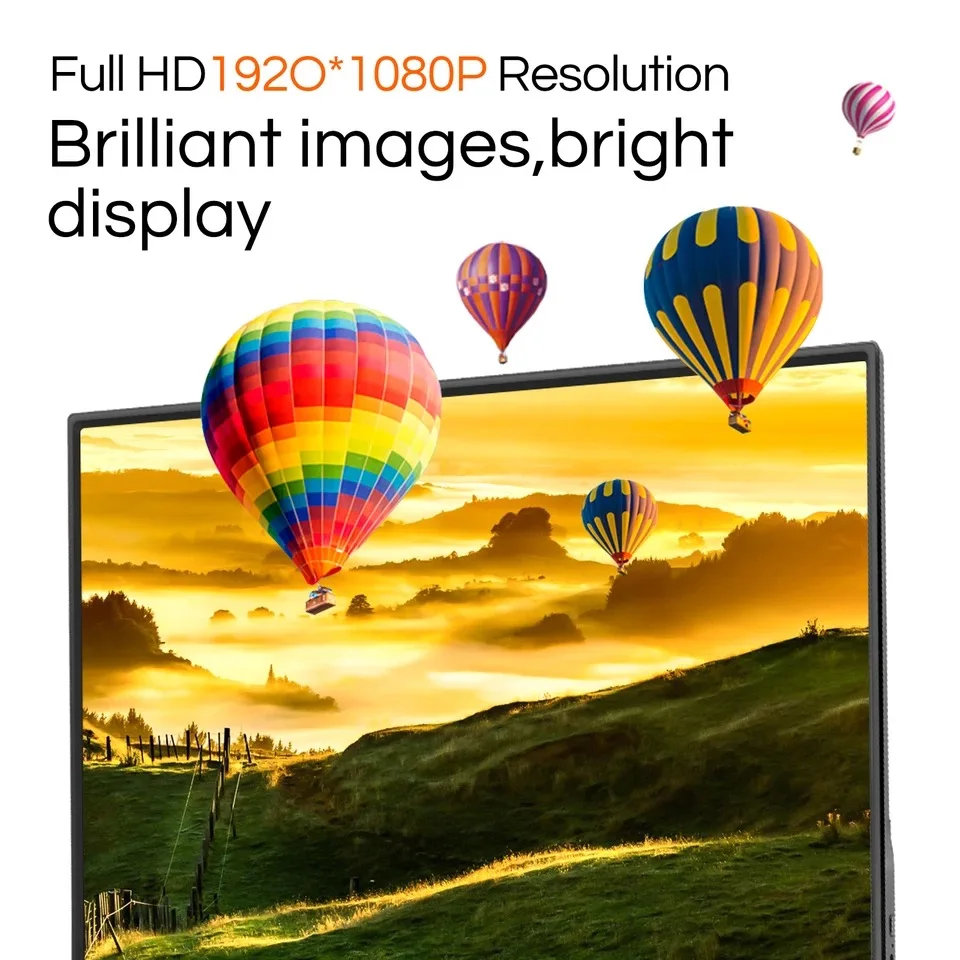
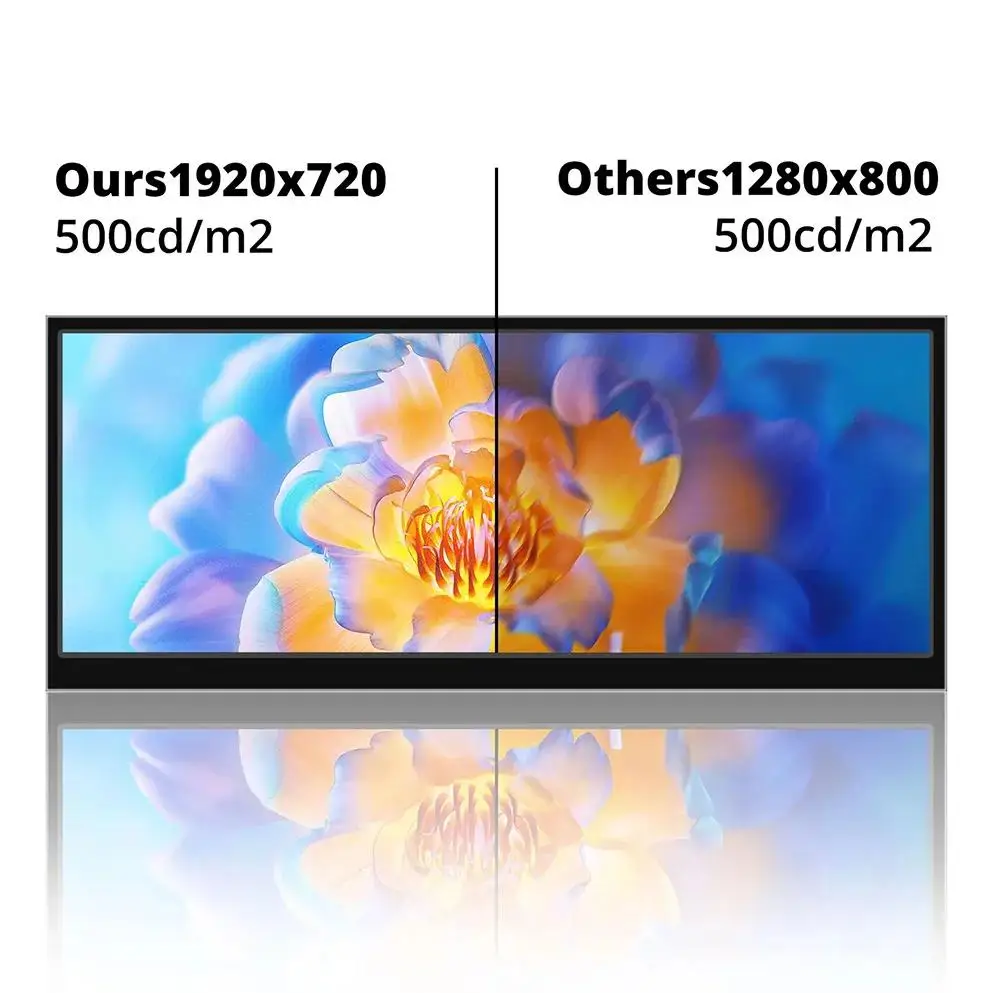
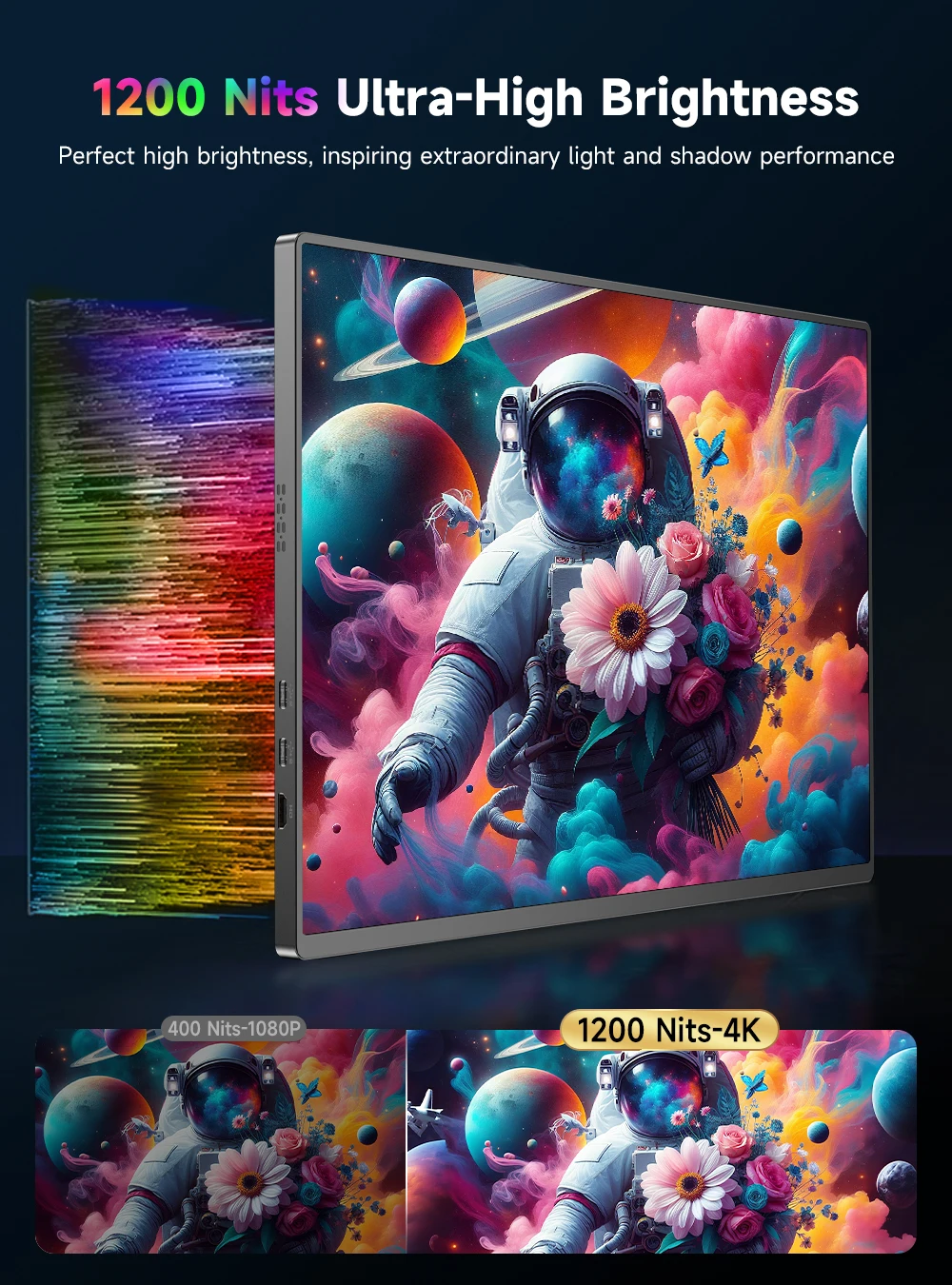
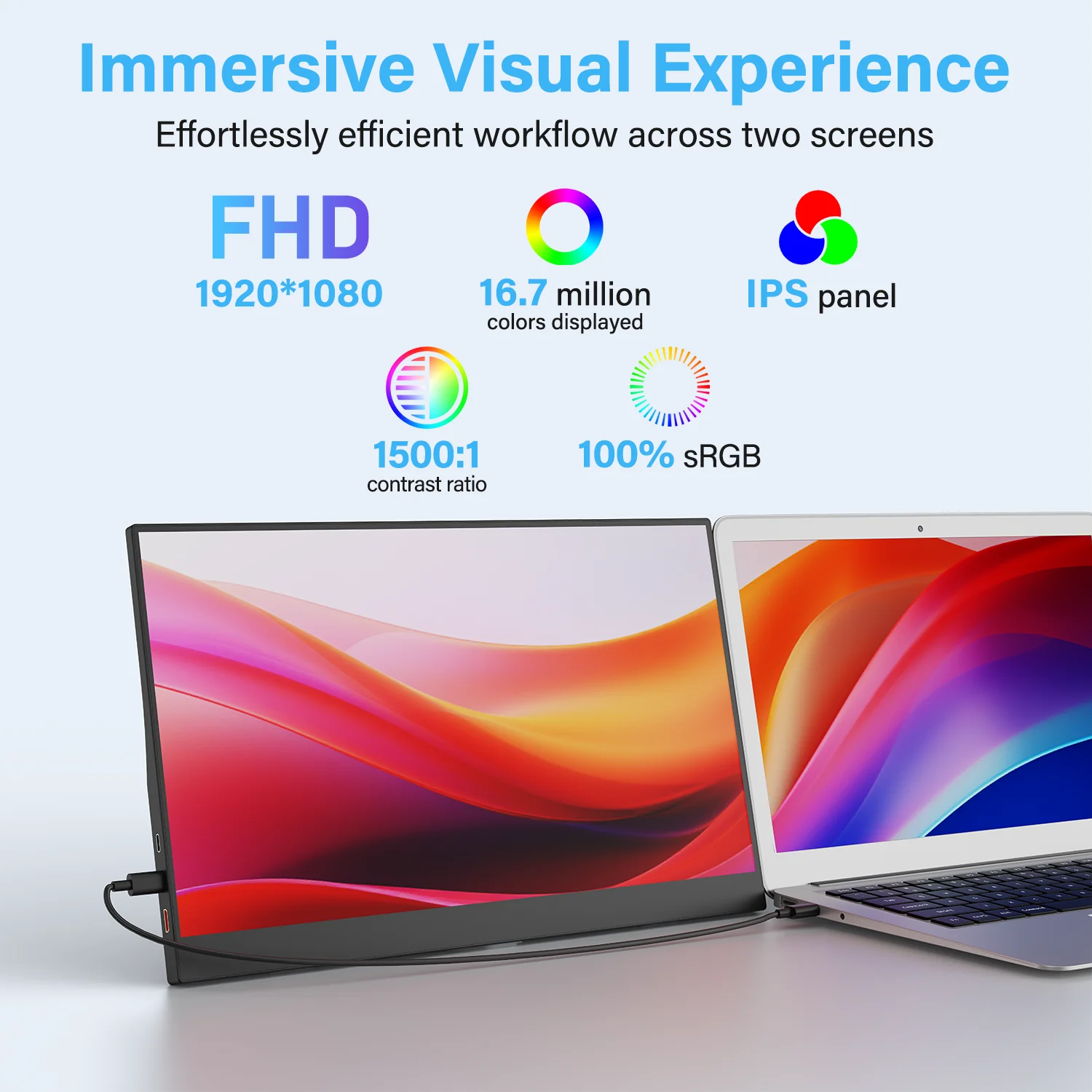
- Resolution. Most are Full HD (1920 x 1080) or the slightly taller 1920 x 1200. A few are higher, up to a 4K screen; a few smaller ones are lower.
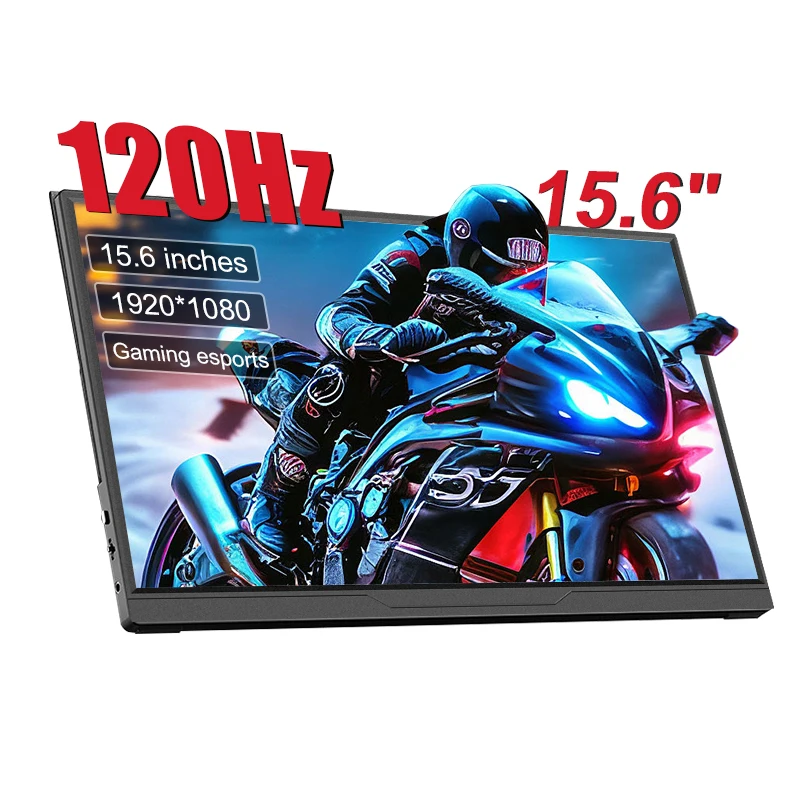
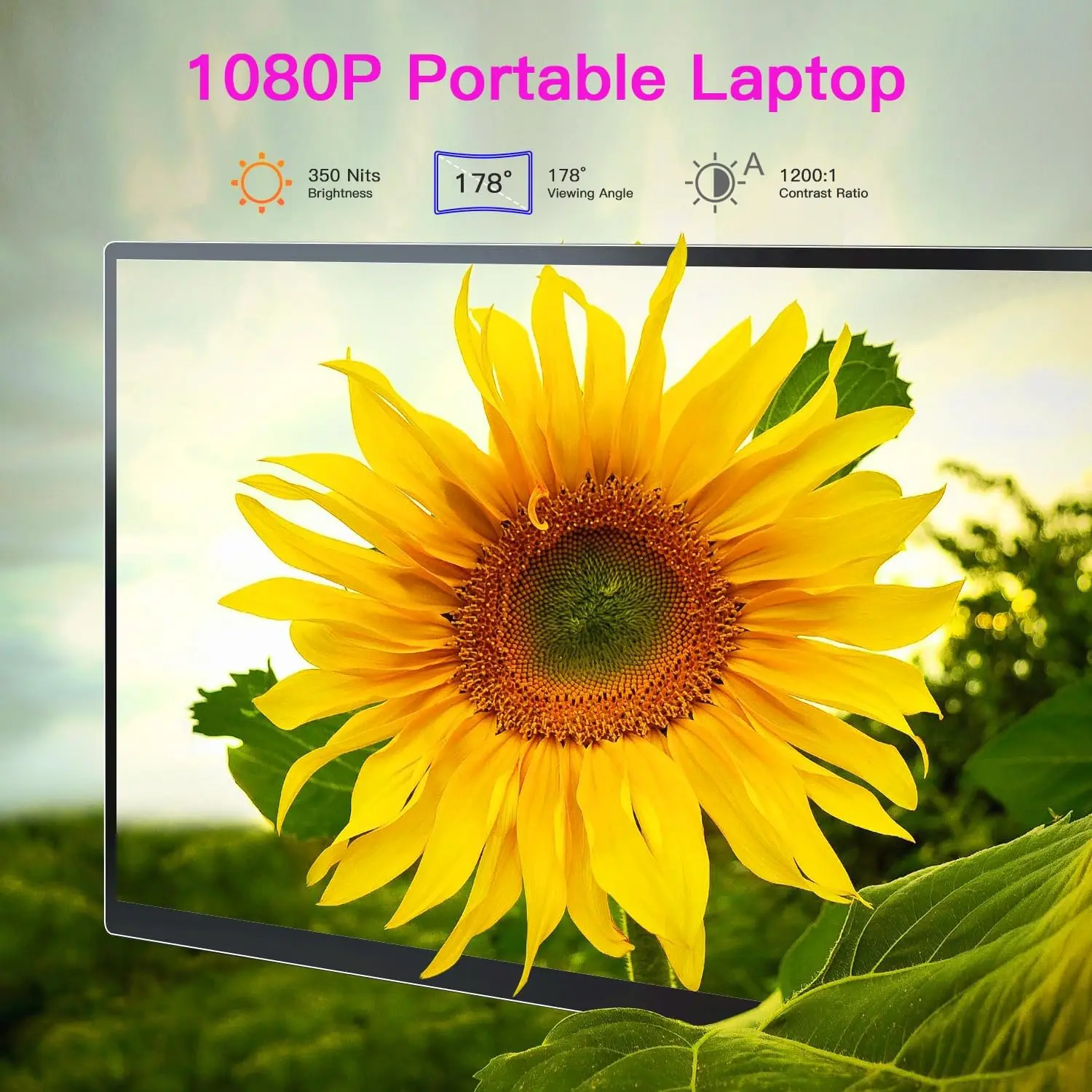
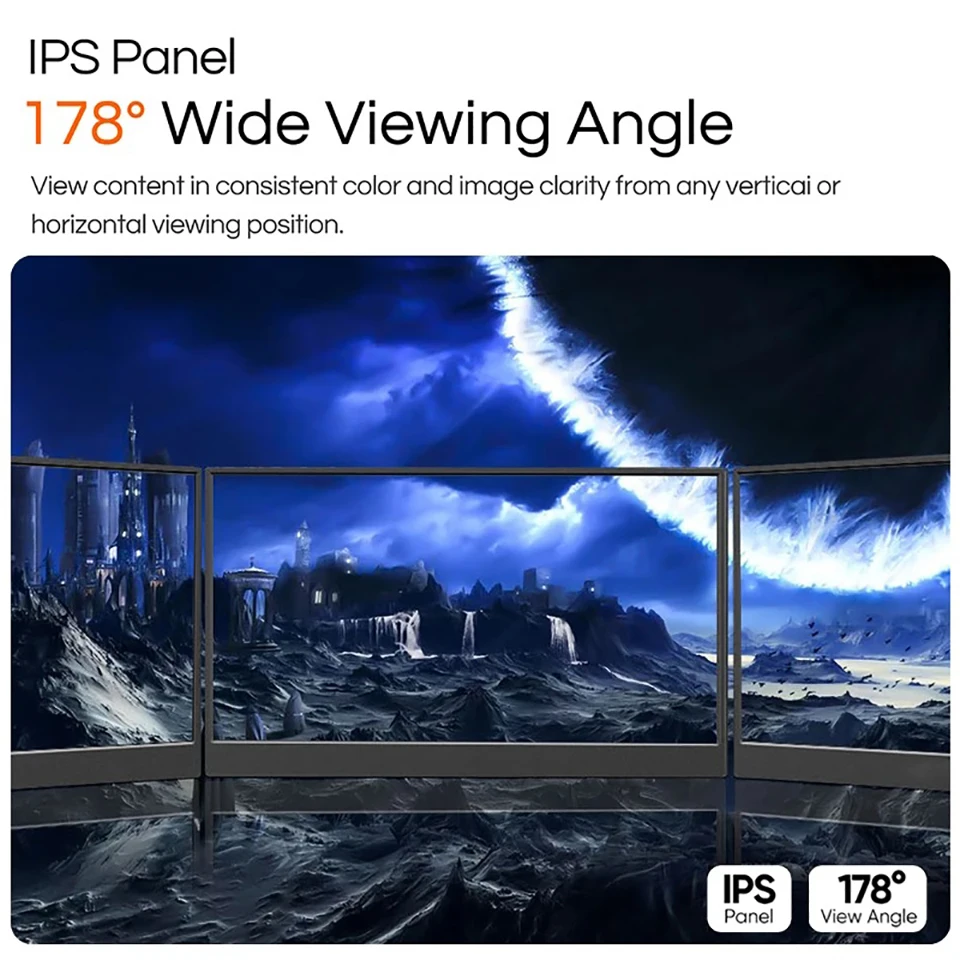
- Panel and refresh rate. Most use IPS panels, which keep their colours when seen from the side. Most run at 60Hz, which is fine for work; a few offer 100Hz, 120Hz or 144Hz for smoother games.
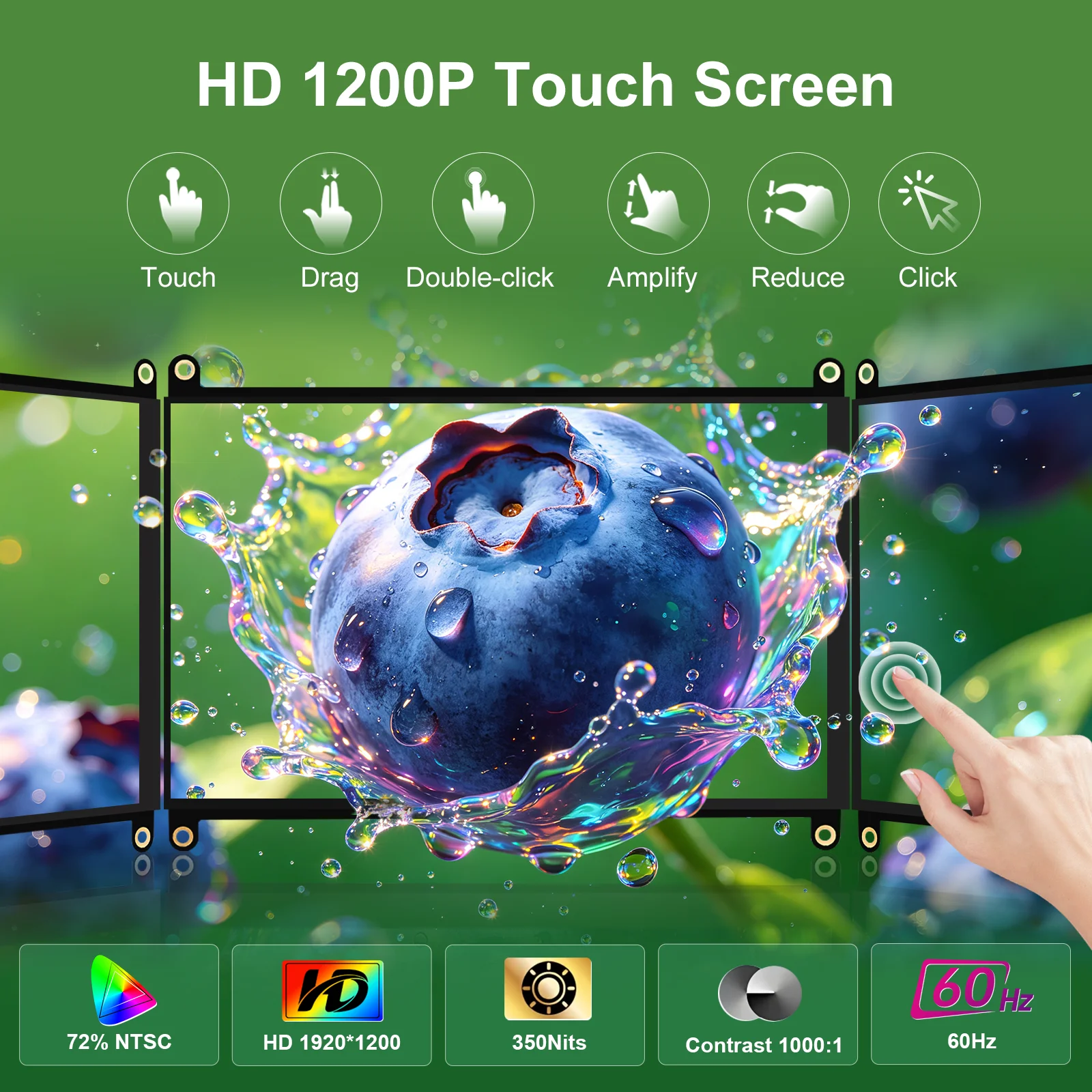
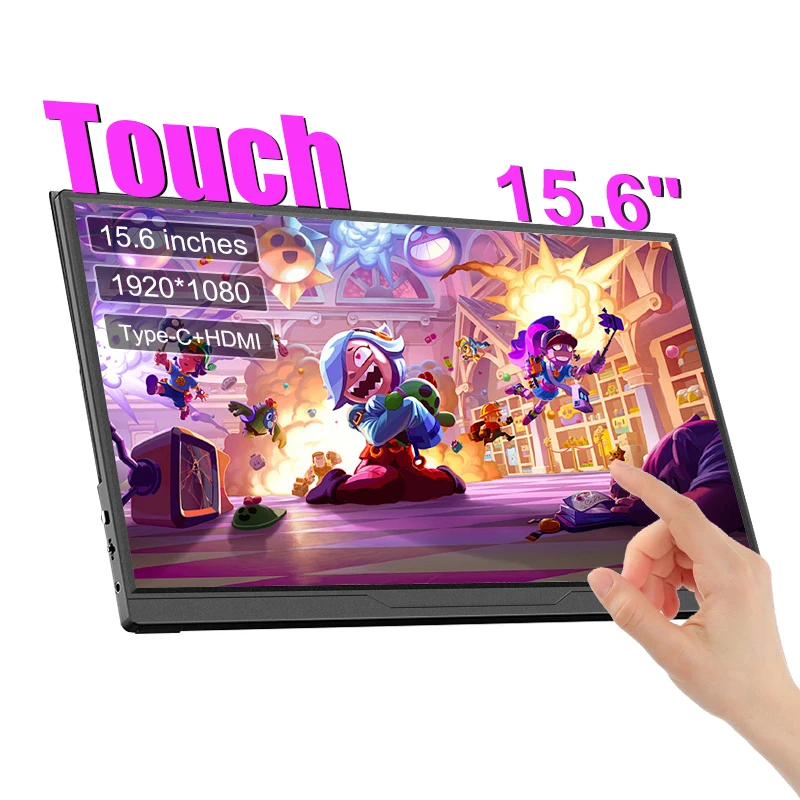
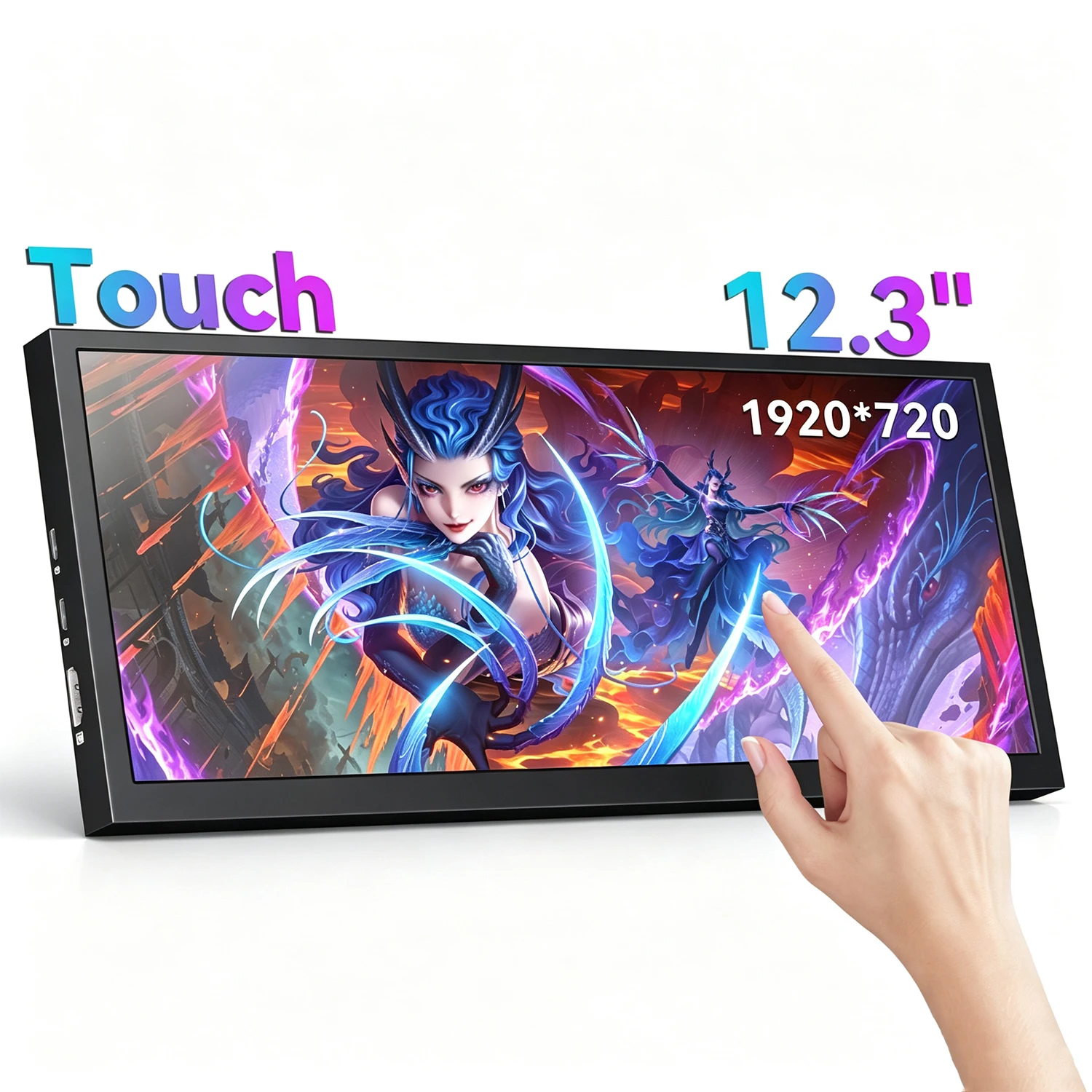
- Touch. Several come in touch and non-touch versions. Read the product page: one maker says its touch does not work on a Mac, another that a Mac gets single-point touch only.
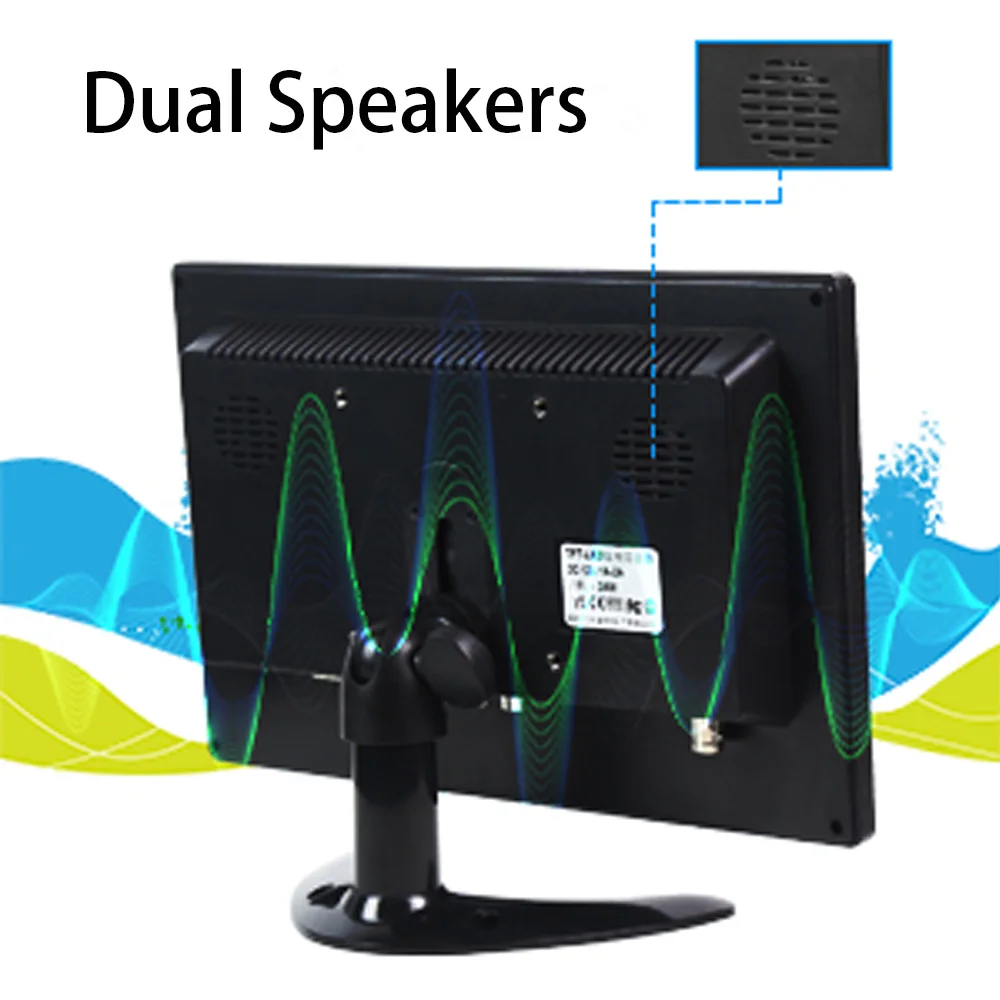
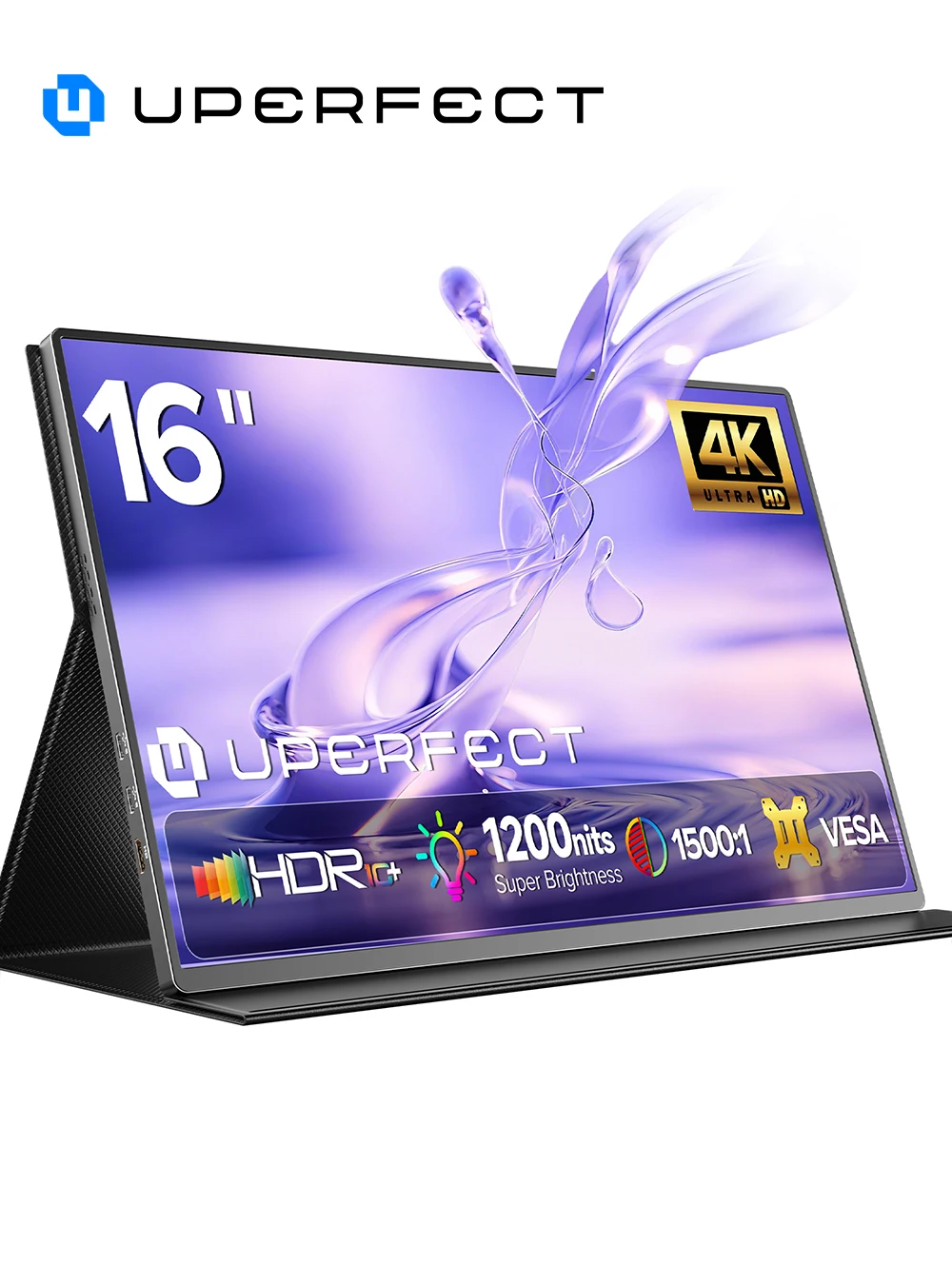
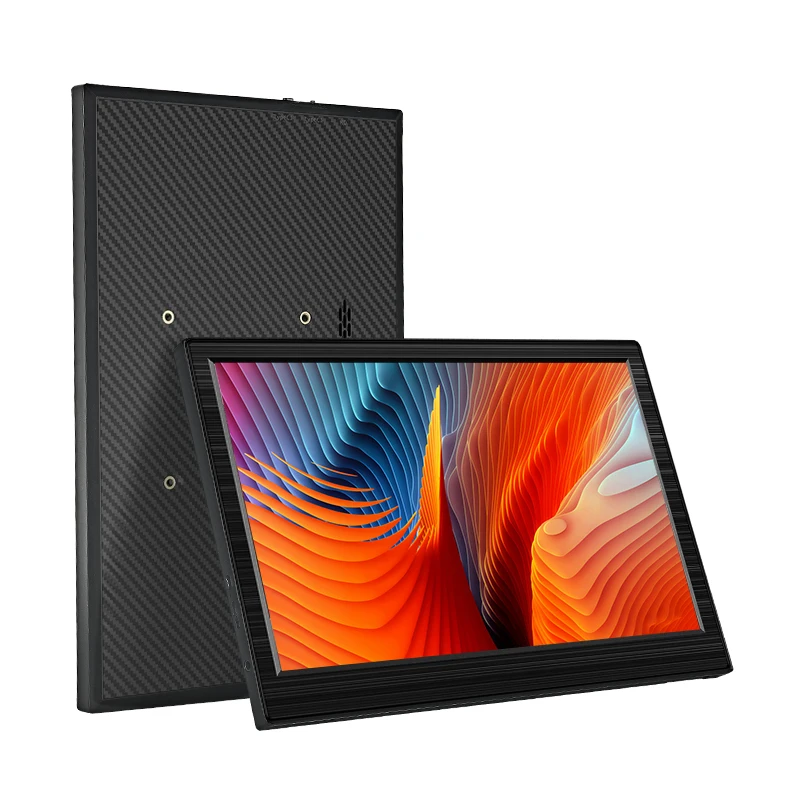
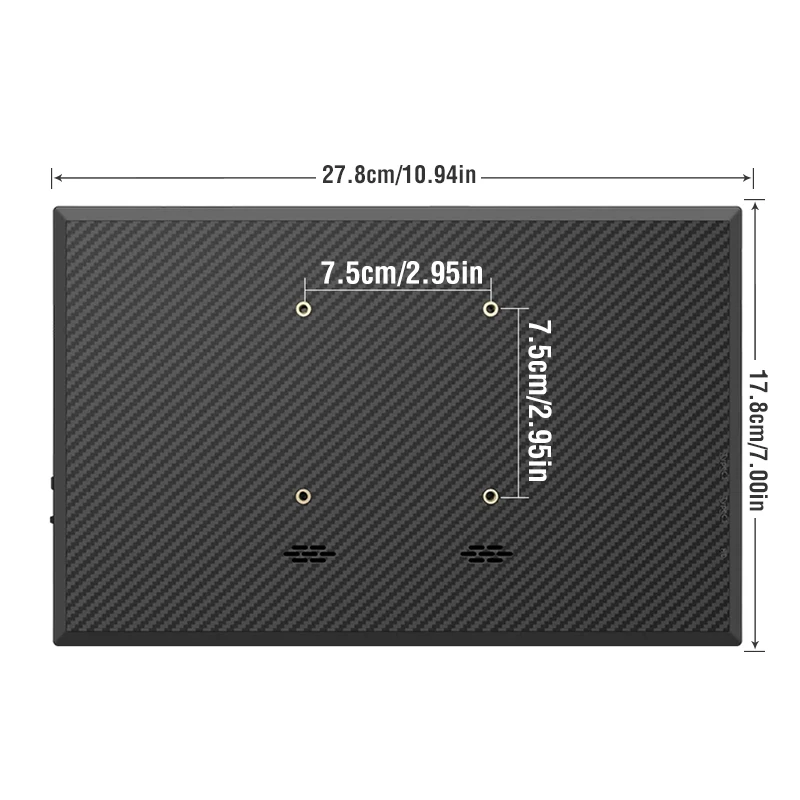
- Stand and sound. Most have built-in speakers. Some come with a cover that folds into a stand, a kickstand or a separate stand, and some have VESA holes for an arm.
Your laptop's side of it
A laptop only drives as many screens as its maker allows. Apple's specifications for the MacBook Air with the M2 chip, for example, give one external display, so it can run one portable monitor but not two. On Windows, press the Windows logo key and P to choose between extending and duplicating. Our guide to connecting a laptop to a monitor covers the settings step by step.
Questions people ask about portable monitors
Can I power it from the laptop alone?
Often, over USB-C, but a laptop's port only gives so much power and it varies from laptop to laptop. Bright, large or high-resolution screens may need their own charger; some here are offered with a UK plug. The product page says what each needs.
Will it work with a games console?
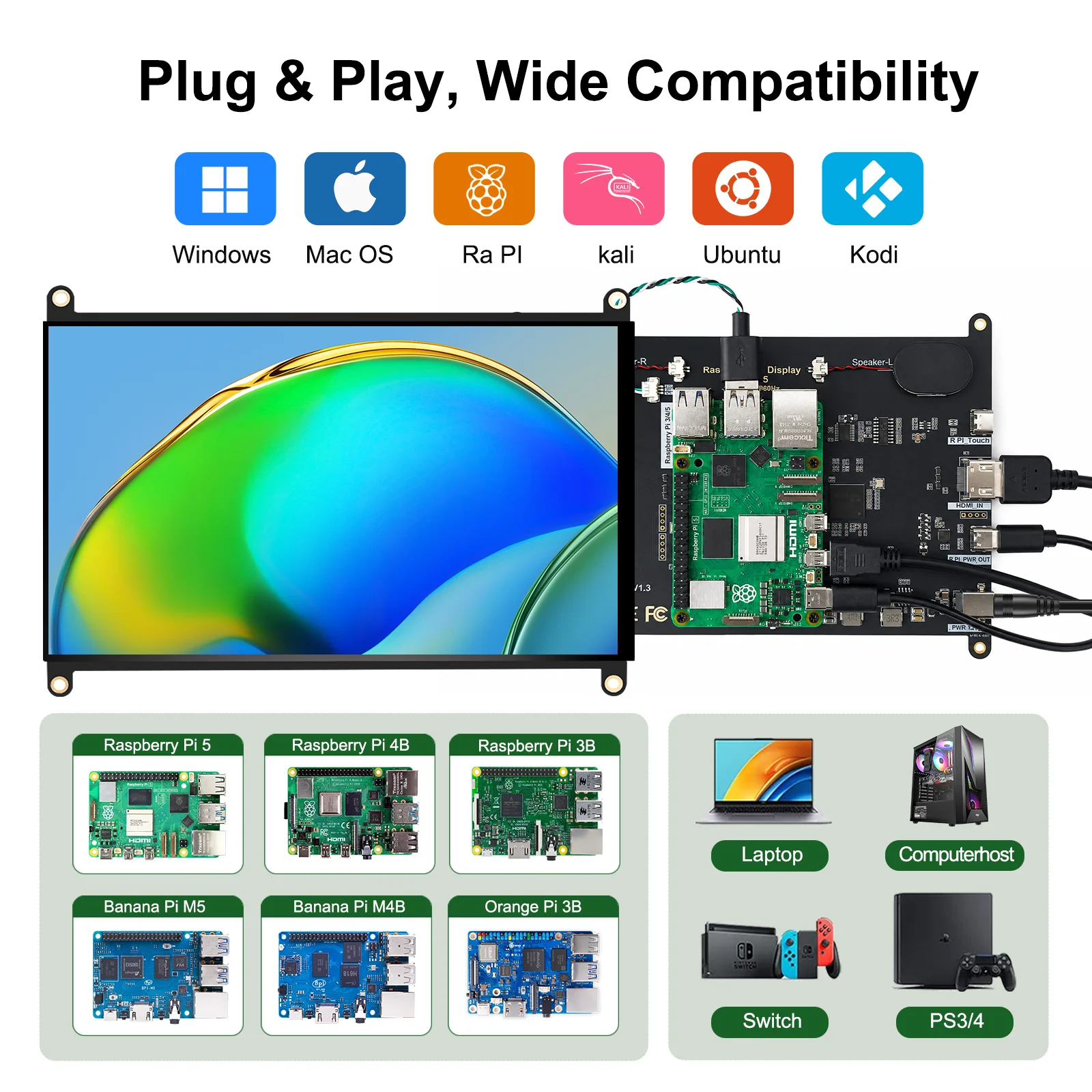
Many list consoles. A console connects by HDMI, so the monitor then needs power from a USB-C charger or a USB port.
Is a portable monitor the same as a screen extender?
No. A portable monitor stands on its own beside the laptop. A screen extender fixes to the laptop's lid.
How long does delivery take?
Delivery is included in every price and tracked to your door. Each product page says when that monitor usually arrives, so check it before ordering for a set date.
More to look at