The cables a laptop set-up needs
A laptop on its own needs one cable, the one that charges it. Put it on a desk with a monitor, a wired network and a drive or two, and the count soon climbs. This department gathers the cables that do those jobs, sorted by the plug at each end, and the clips and sleeves that keep them tidy once they are in place. Every cable here is described by what it is rated to carry: the watts for charging, the speed for data and the resolution for a screen.
The ranges in this department
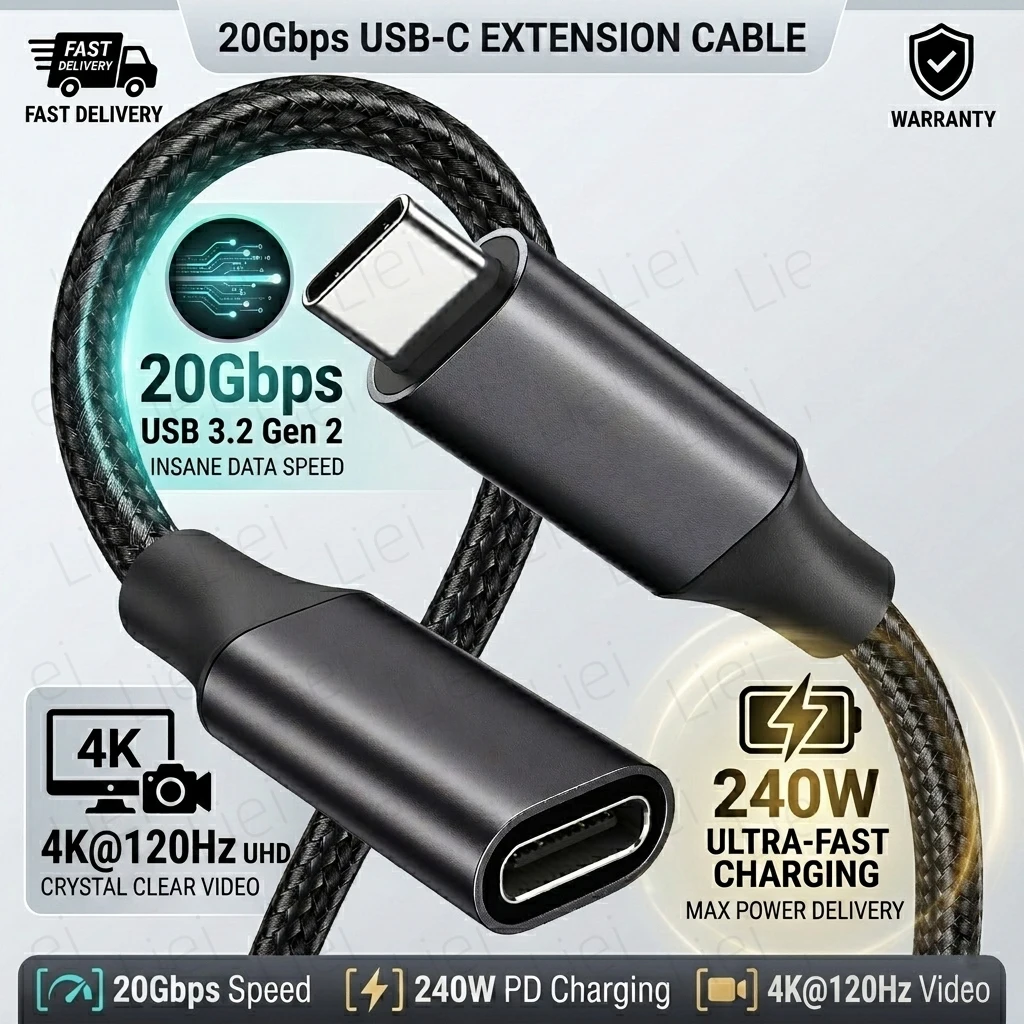
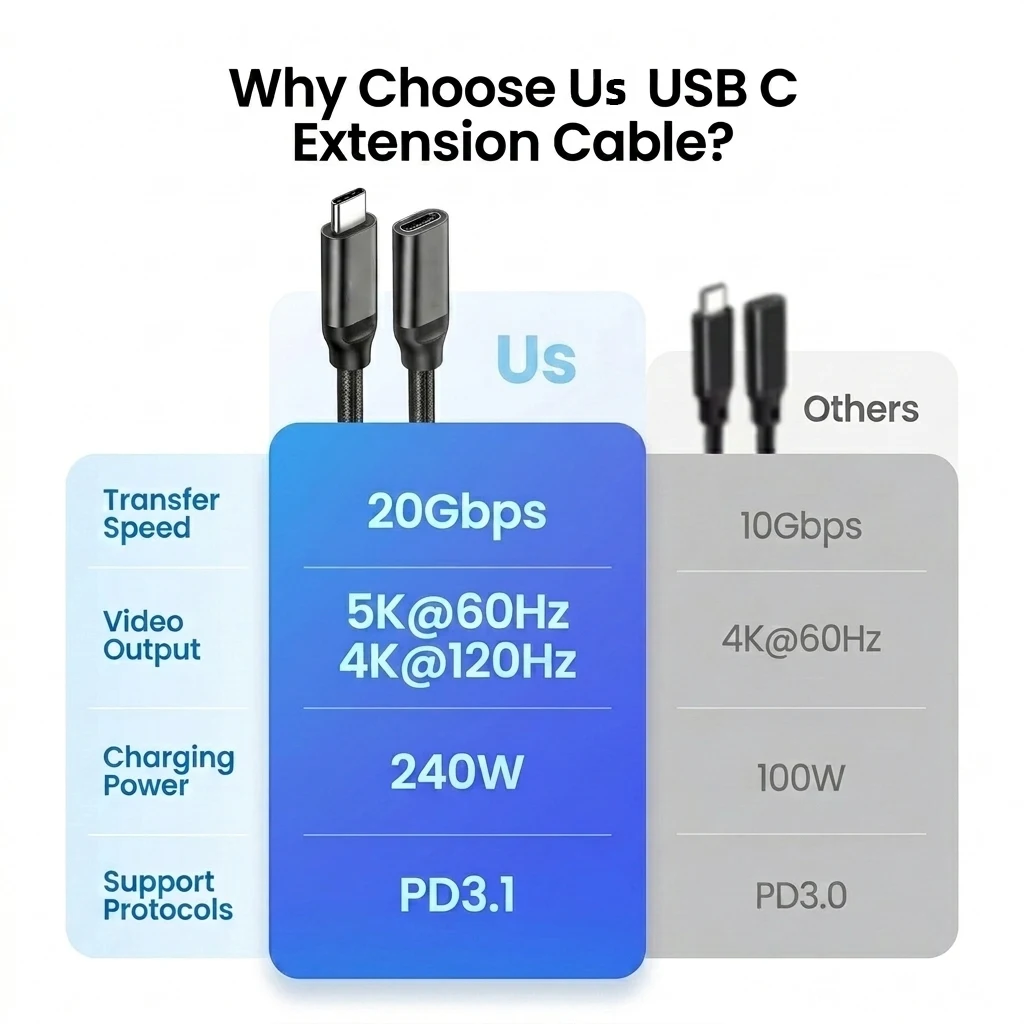
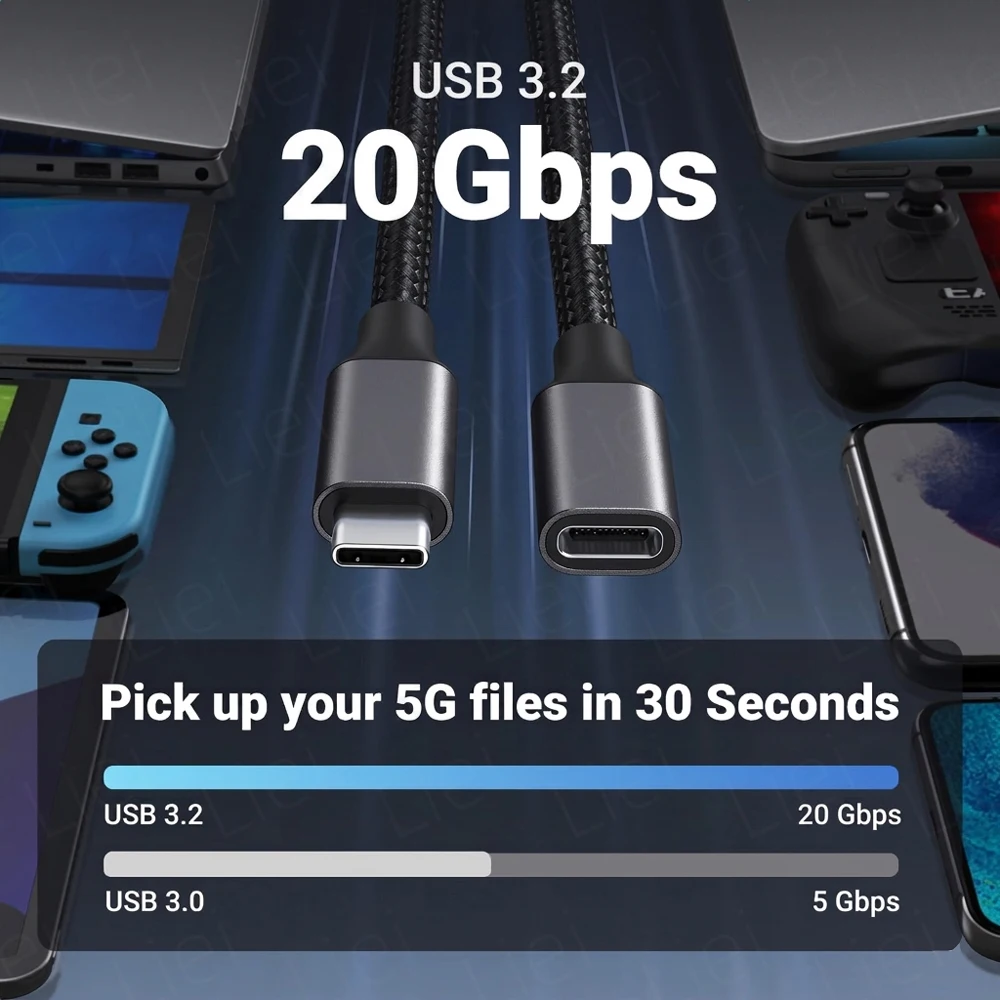
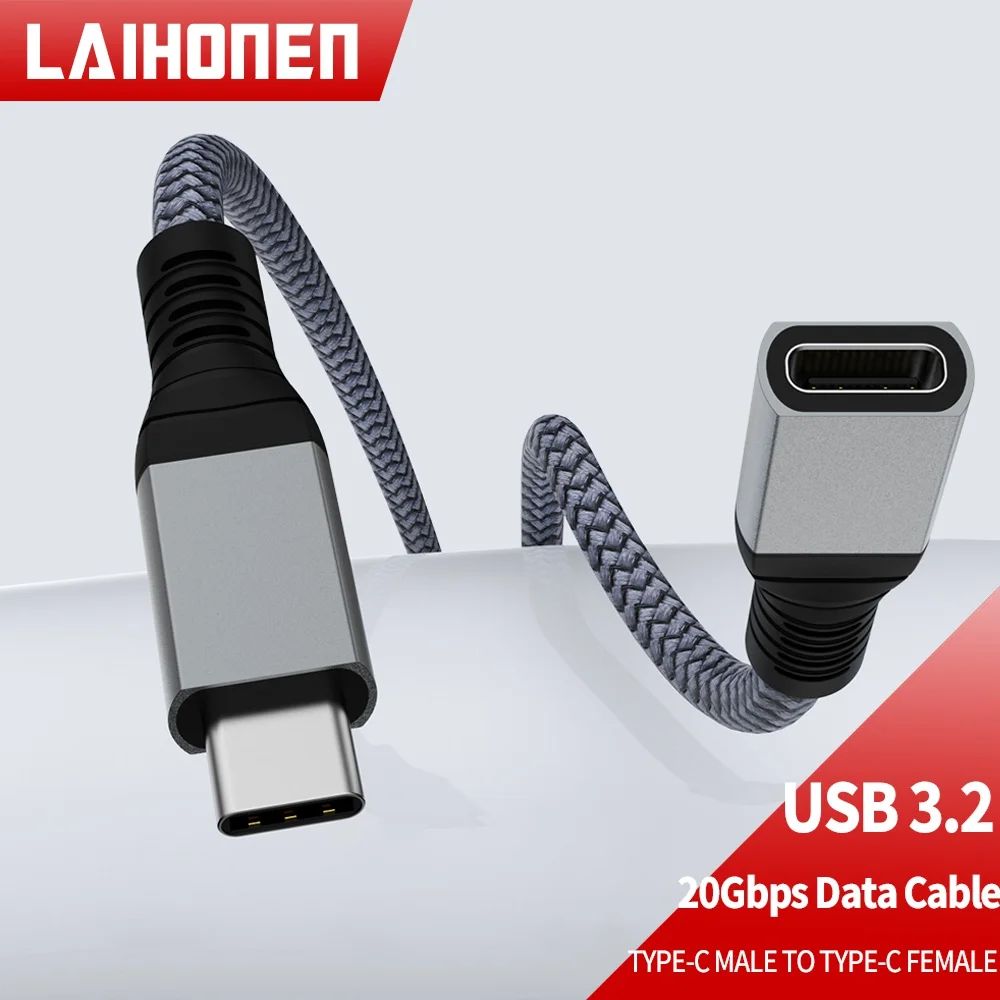
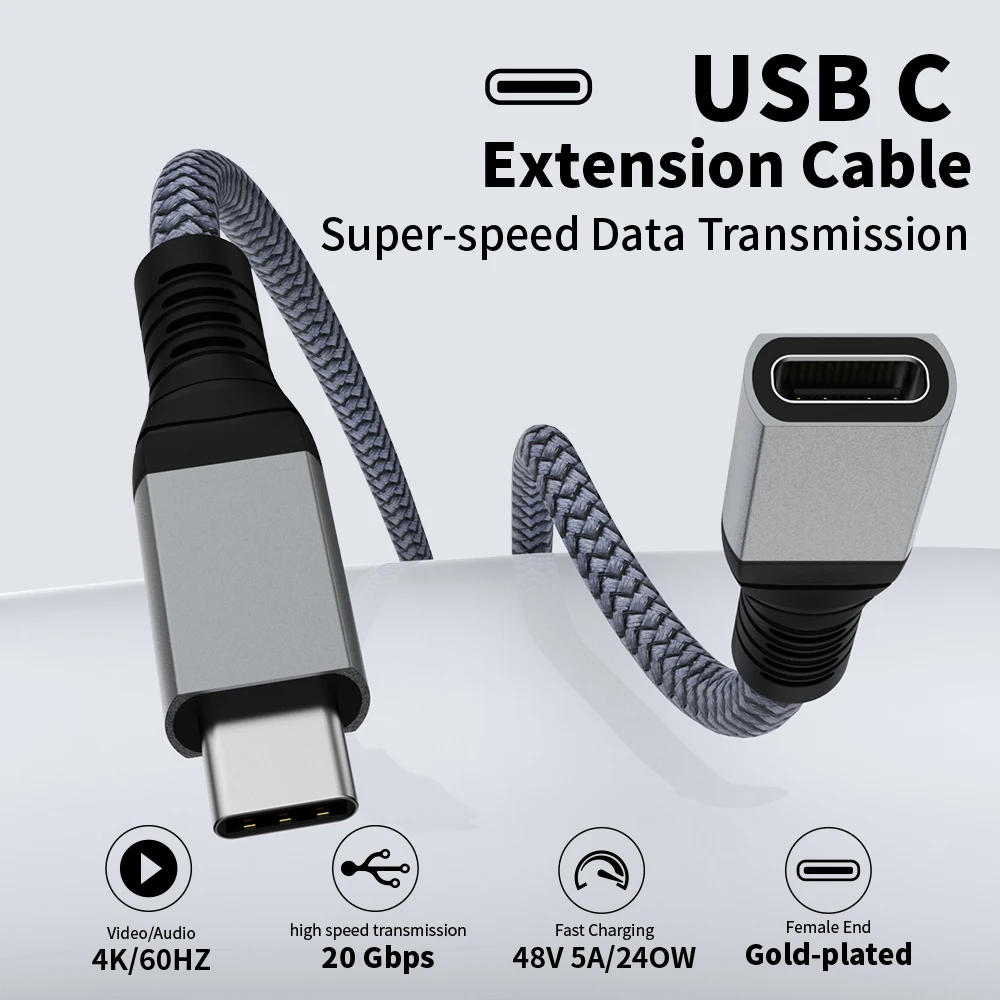
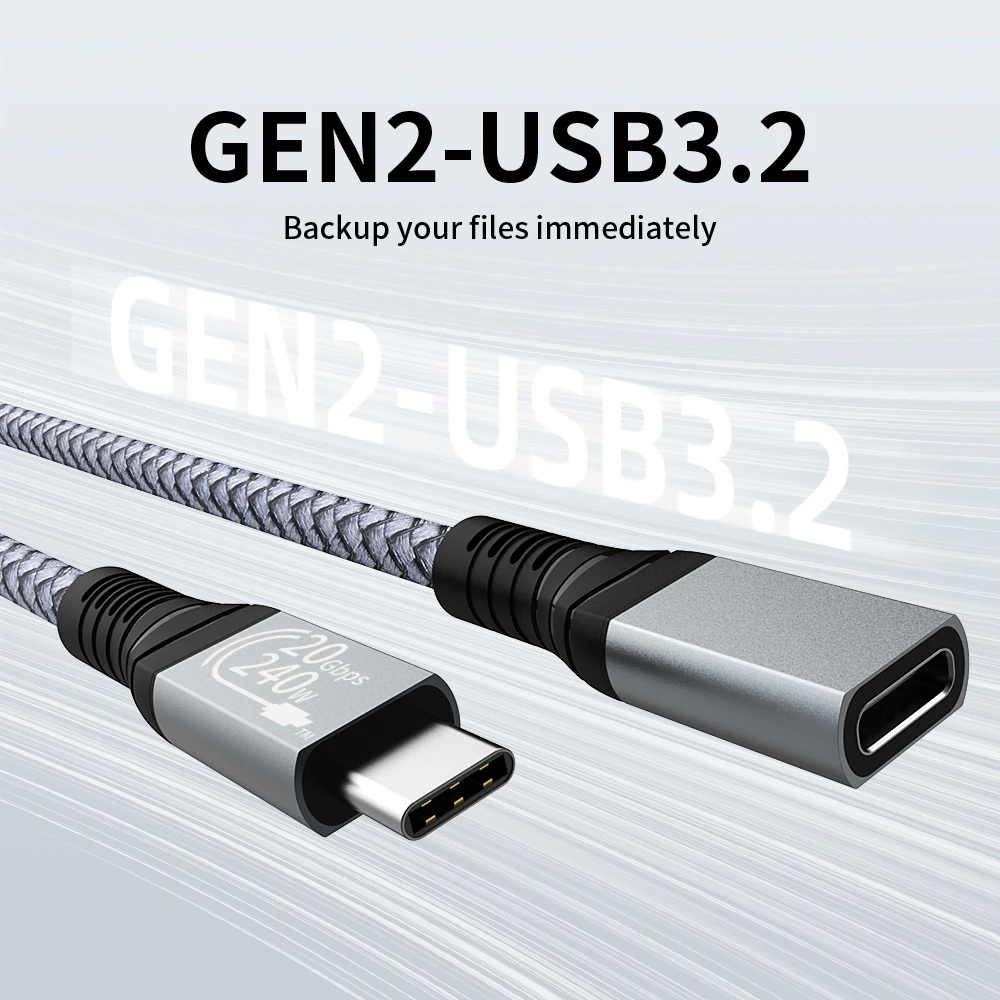
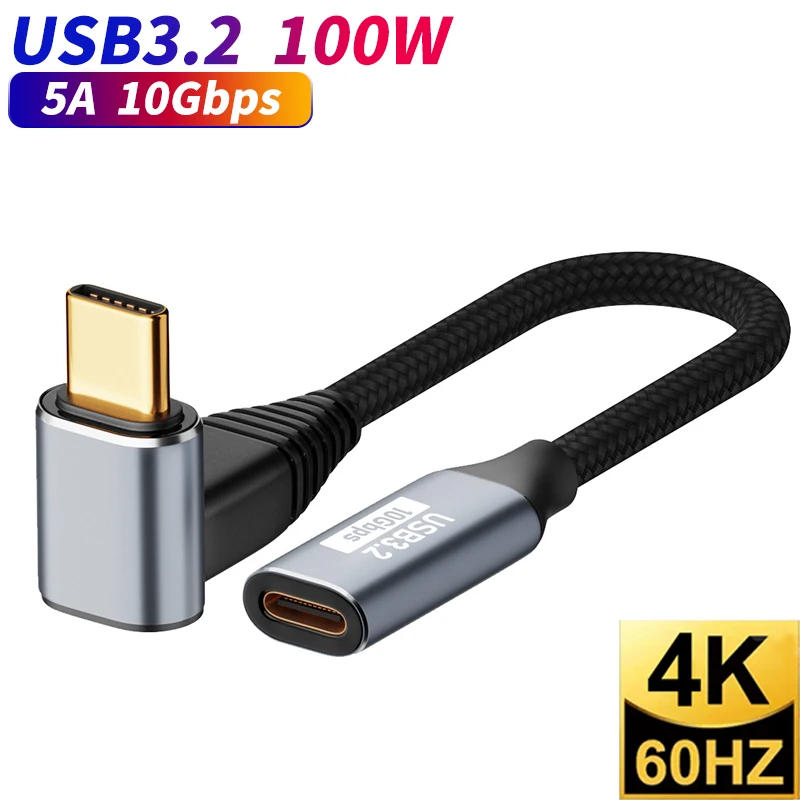
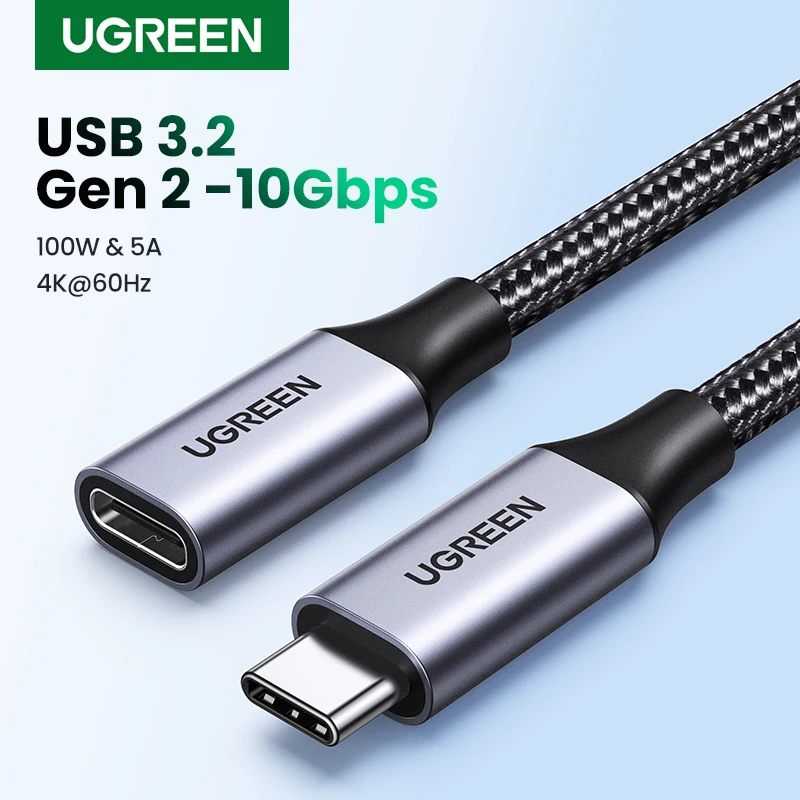
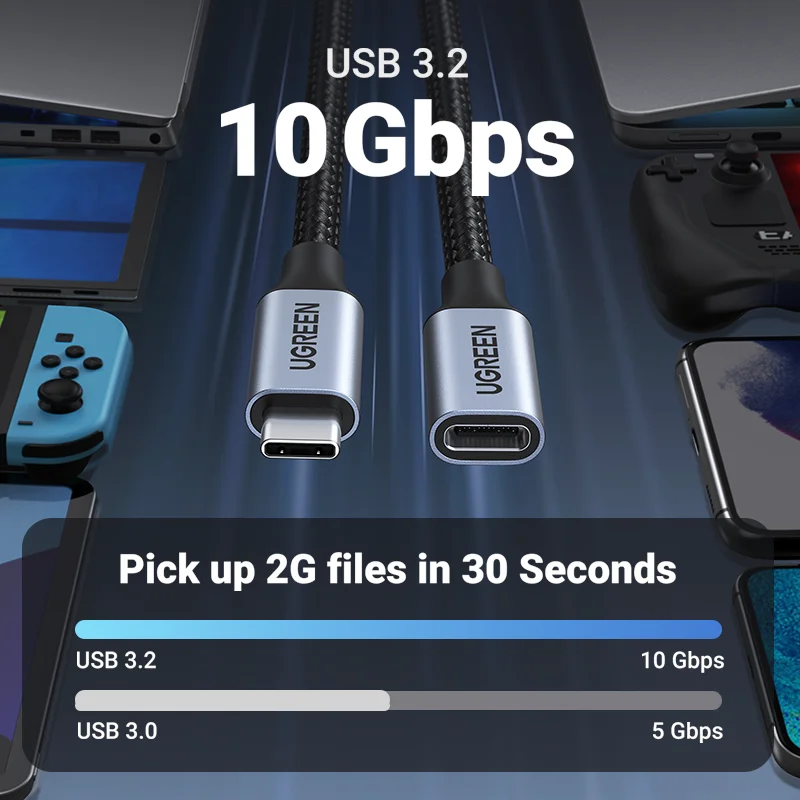
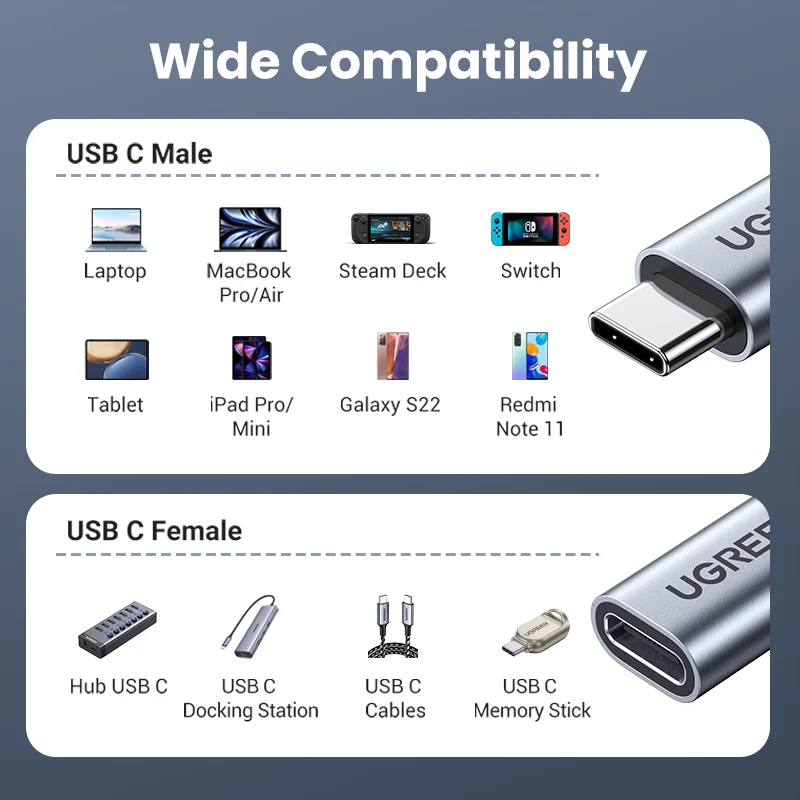
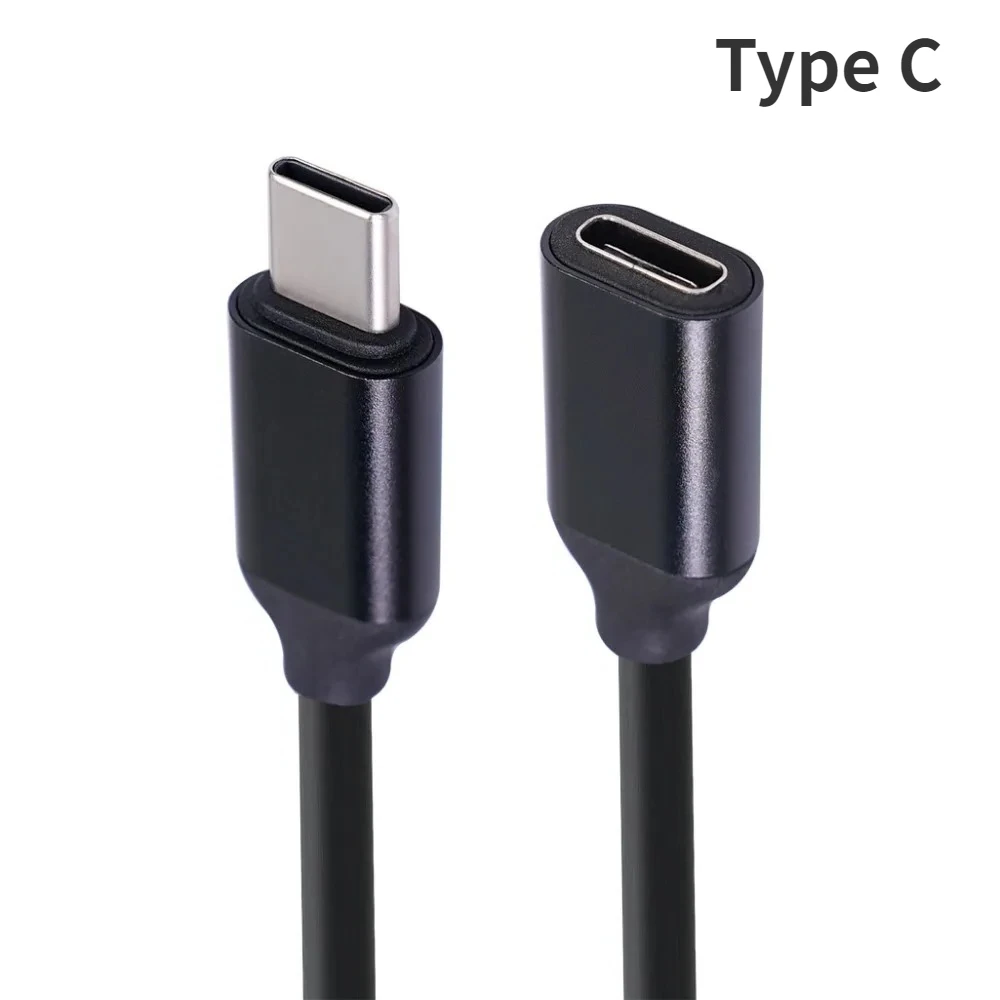
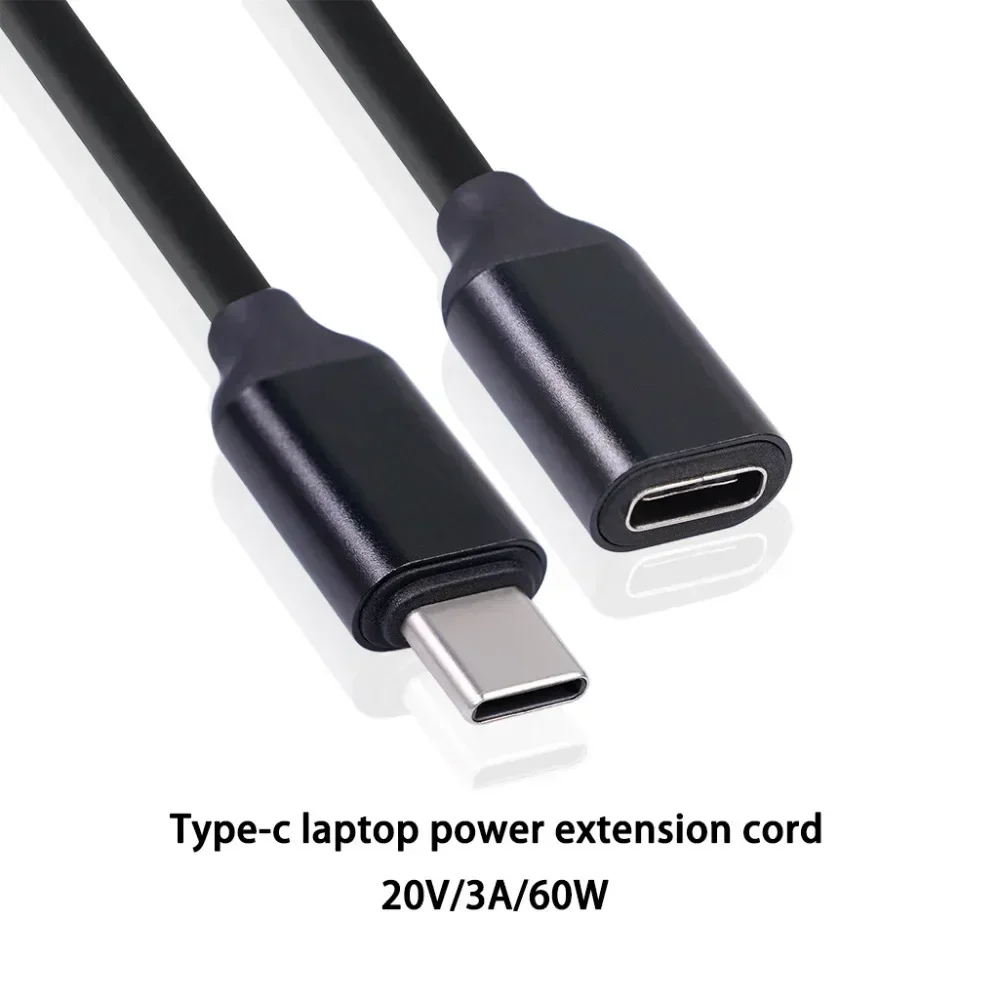
- USB-C to USB-C laptop cables for charging and data, rated 100W or 240W. A few also carry fast data and video for docks and monitors. See USB-C to USB-C laptop cables.
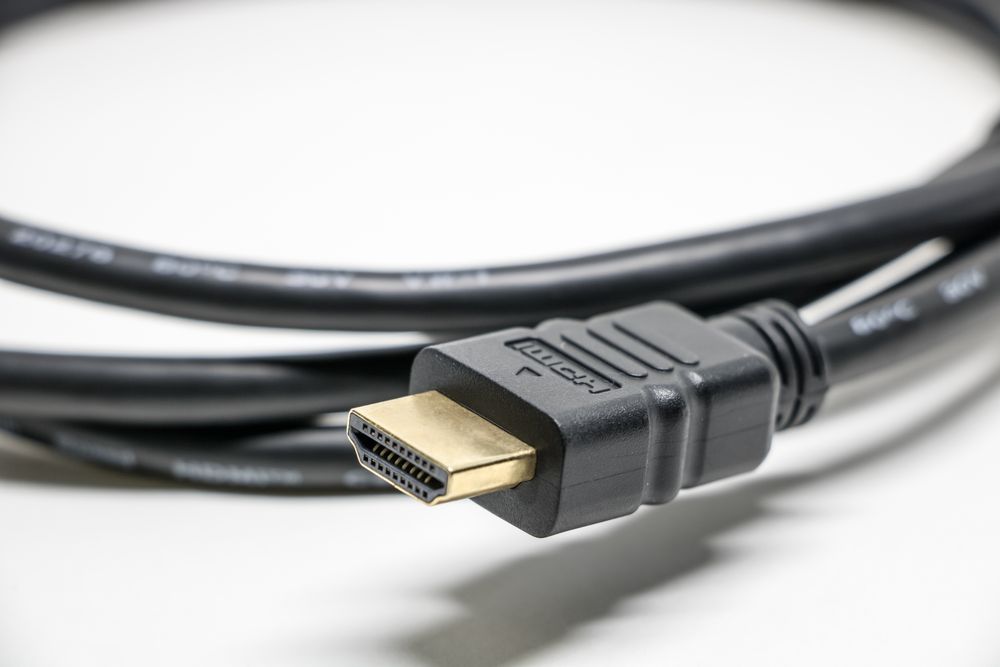
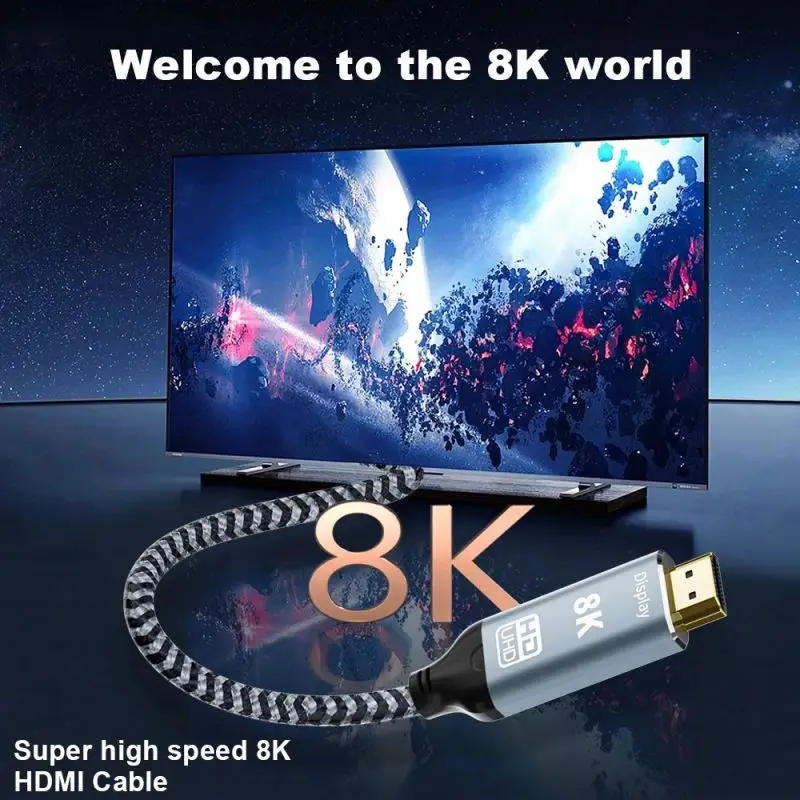
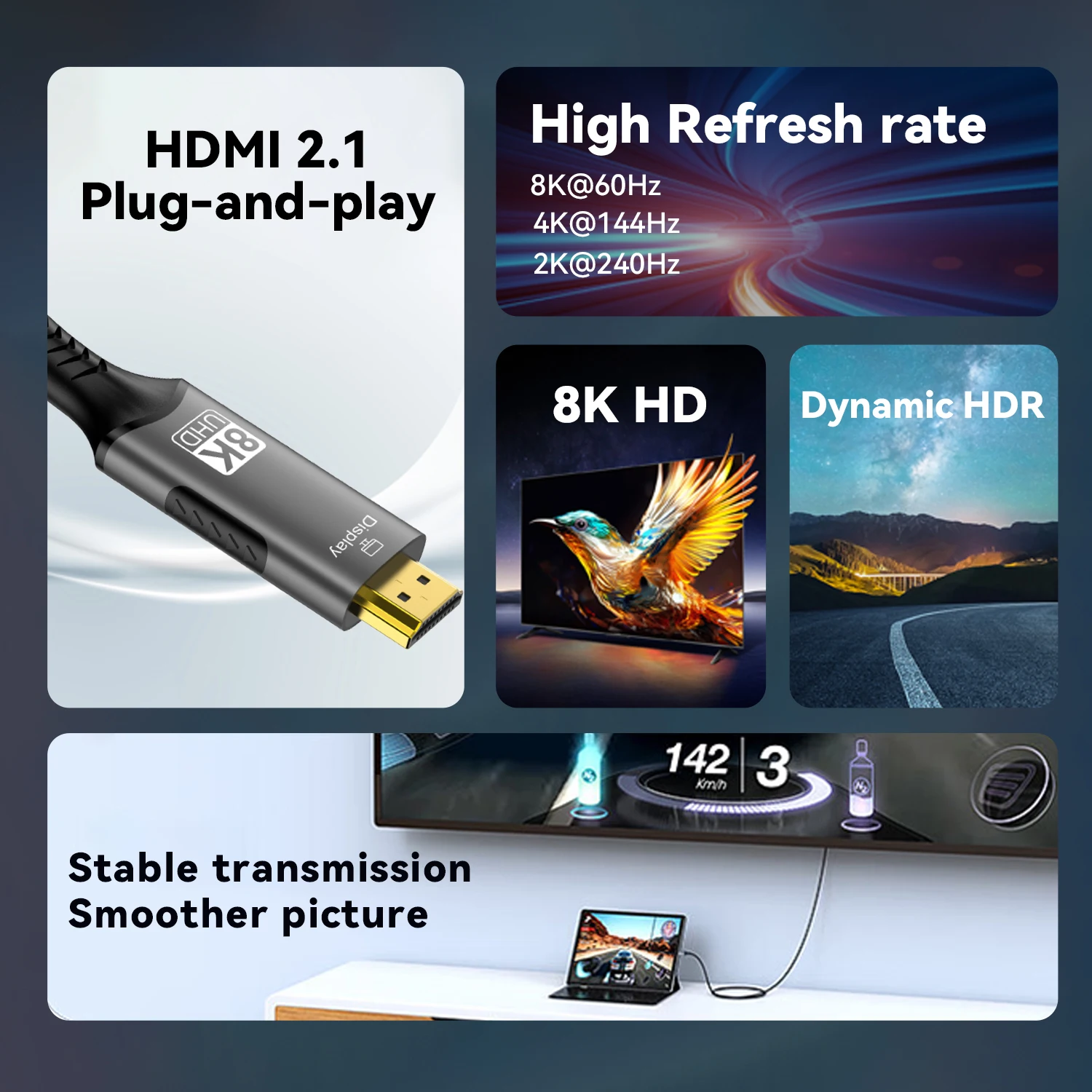
- HDMI cables for a television, a projector or an HDMI monitor, in desk lengths and much longer fibre optic runs. See HDMI cables.
- DisplayPort cables for monitors with a DisplayPort input. See DisplayPort cables.
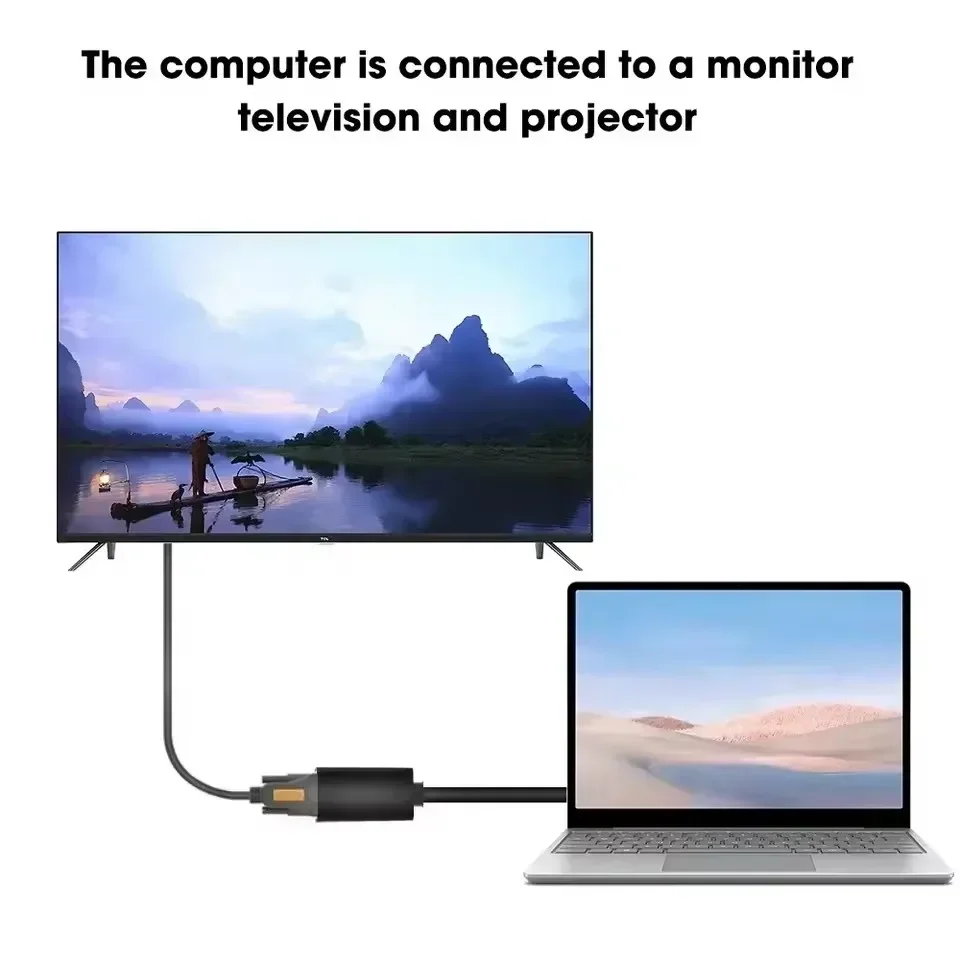
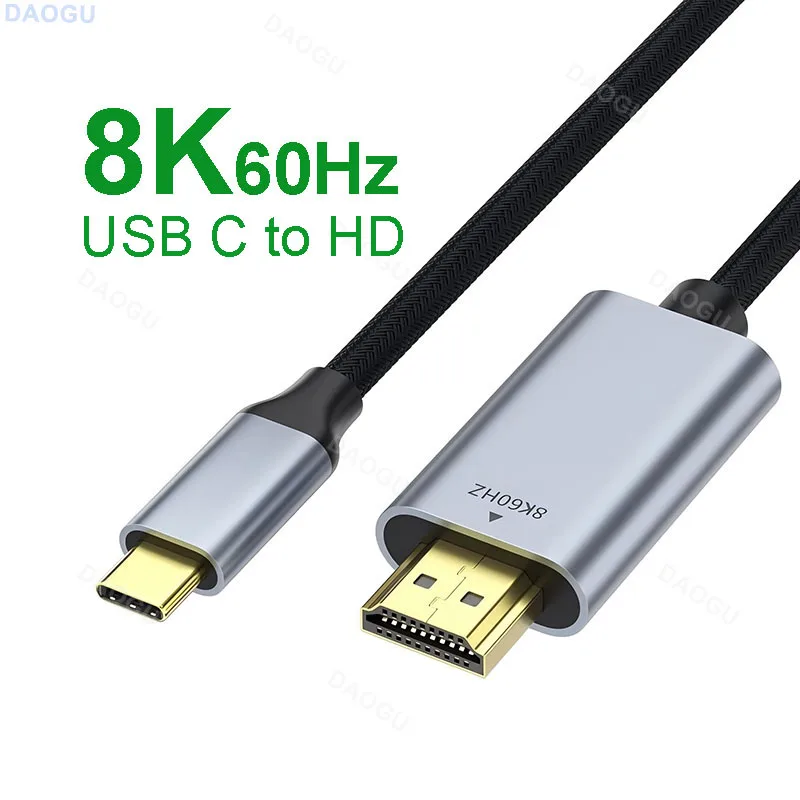
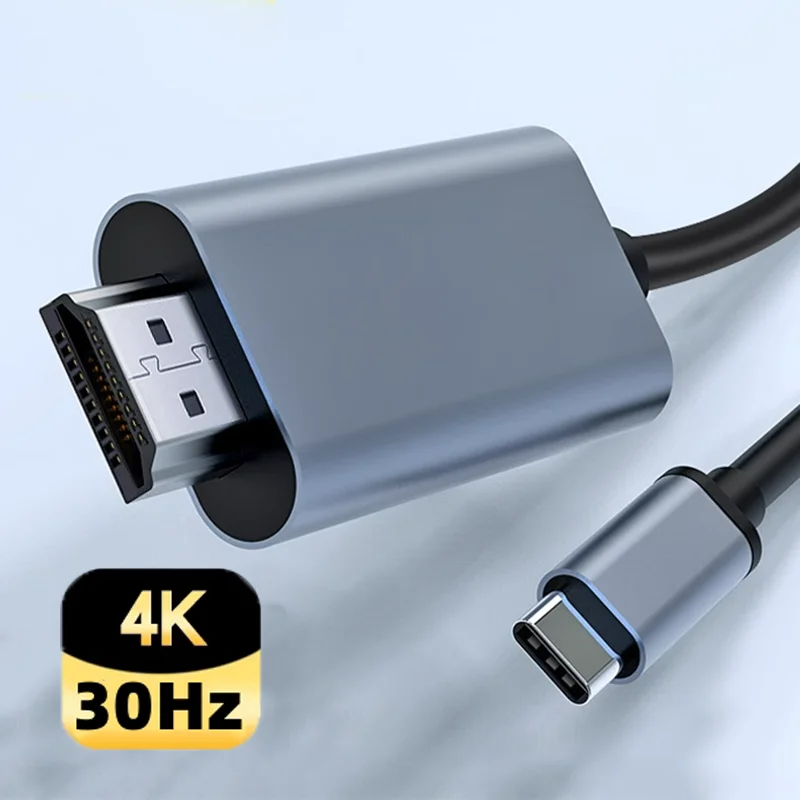
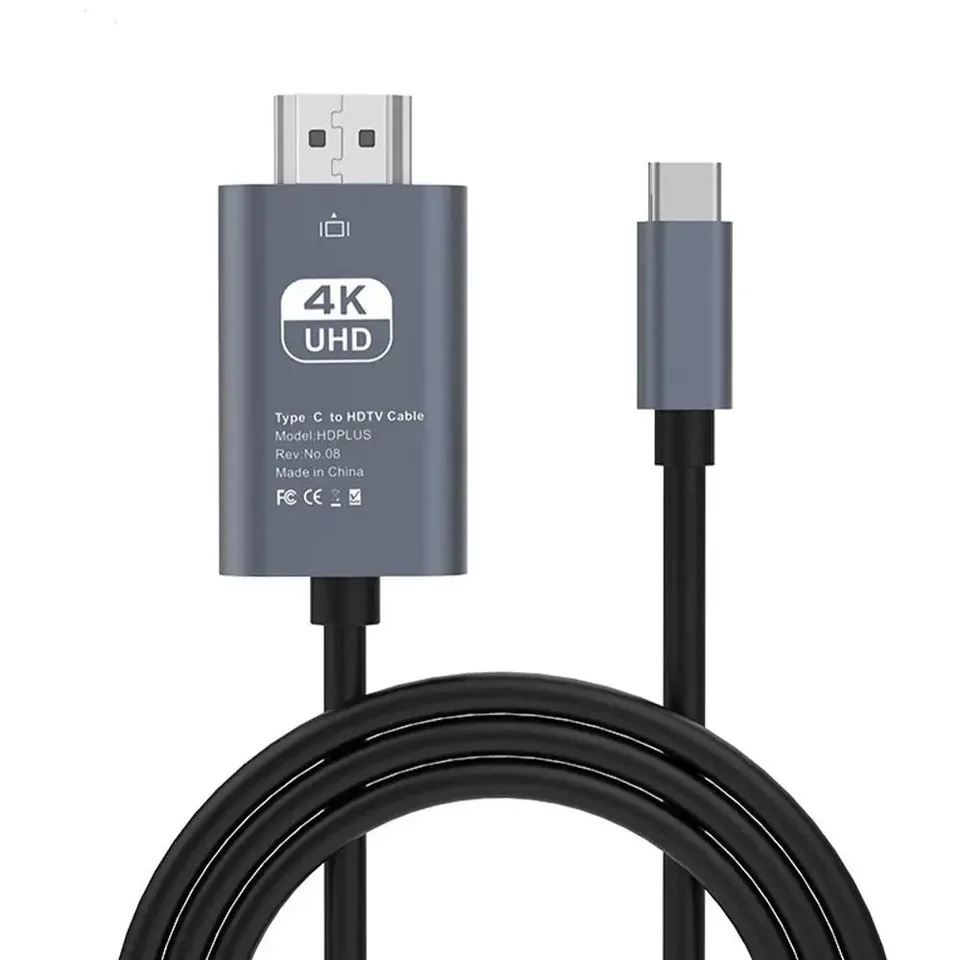
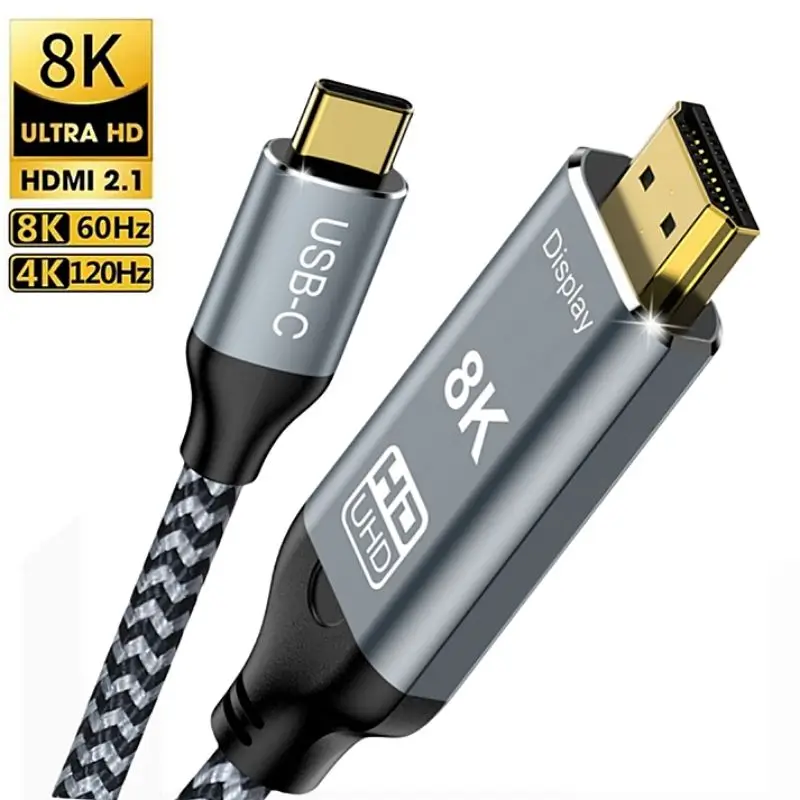
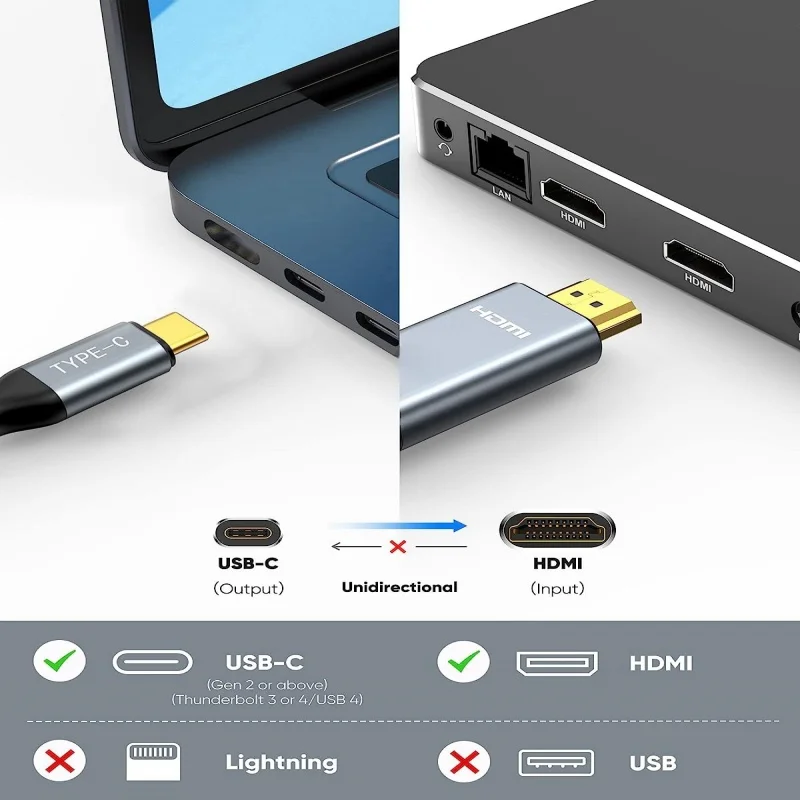
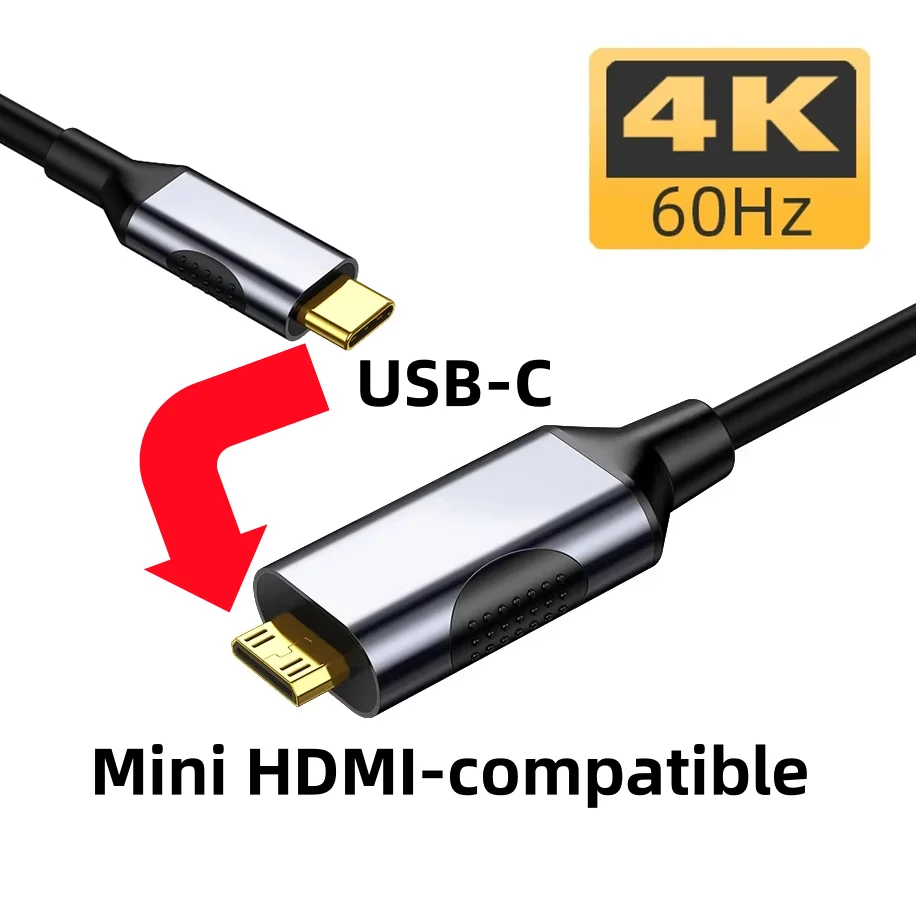
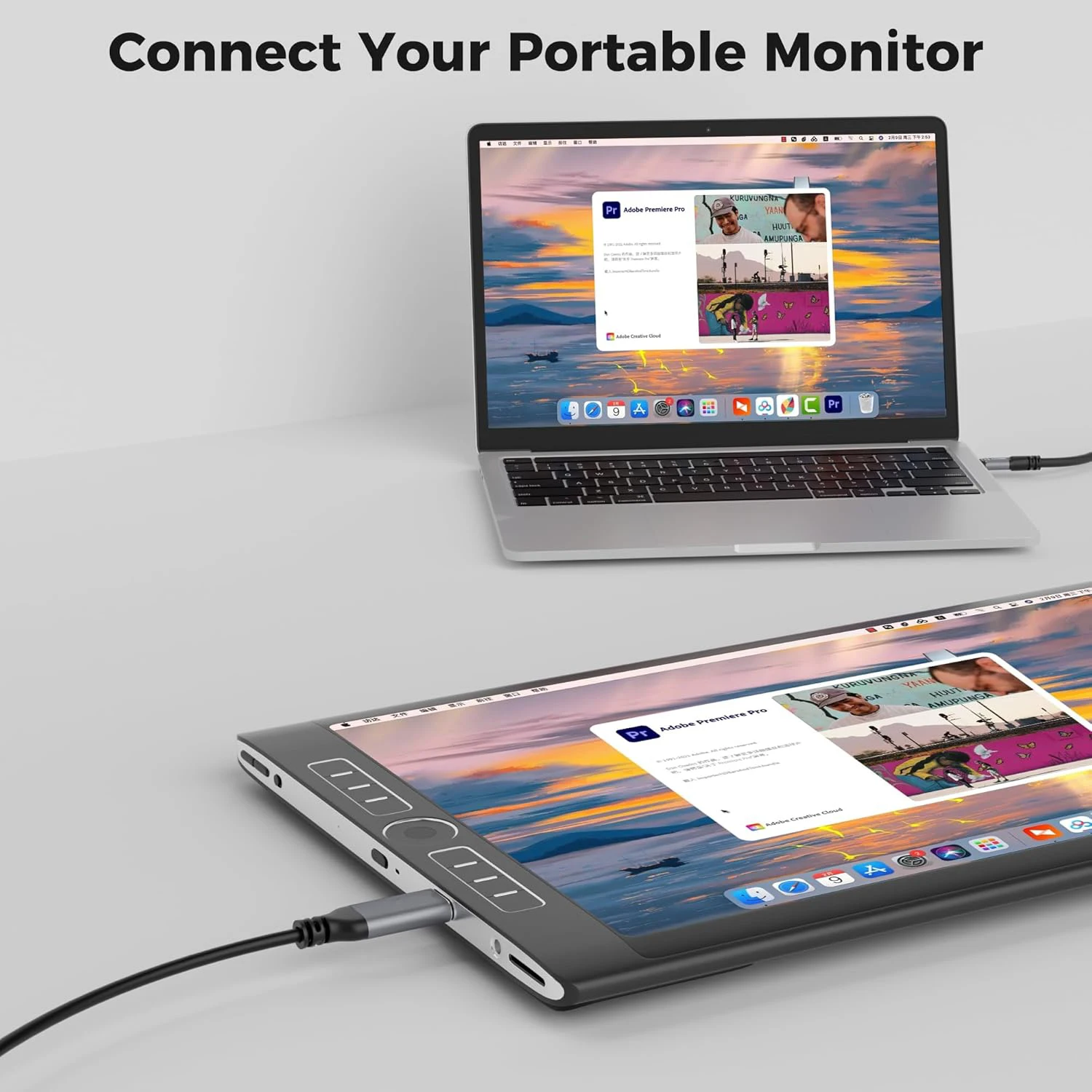
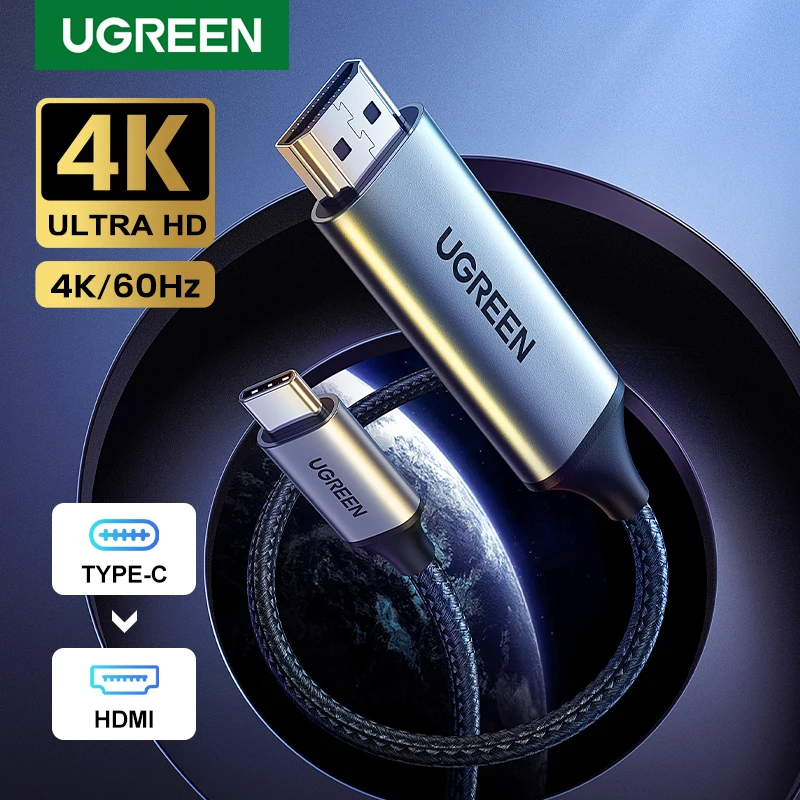
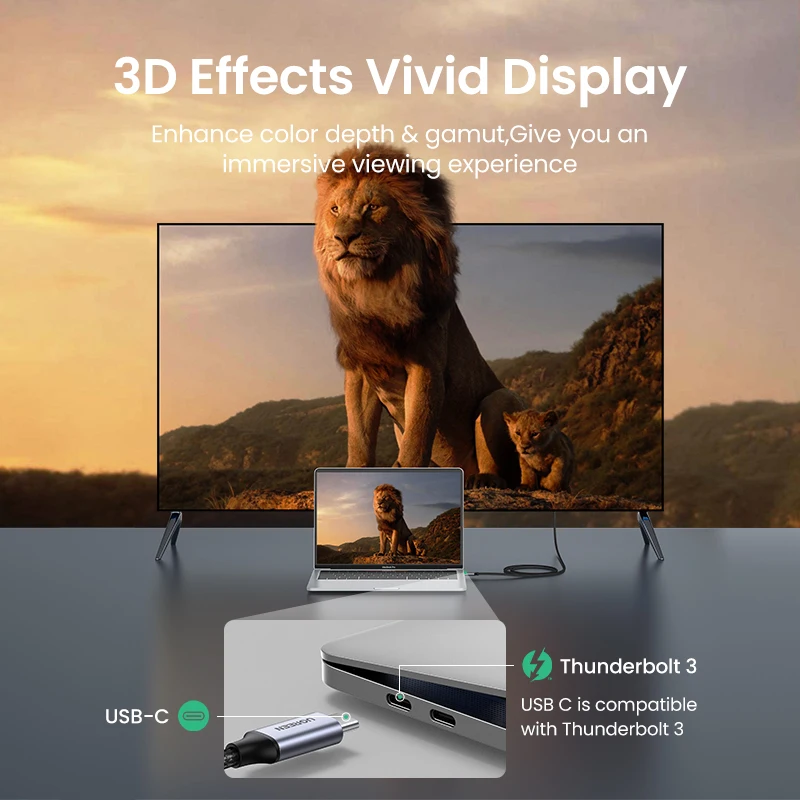
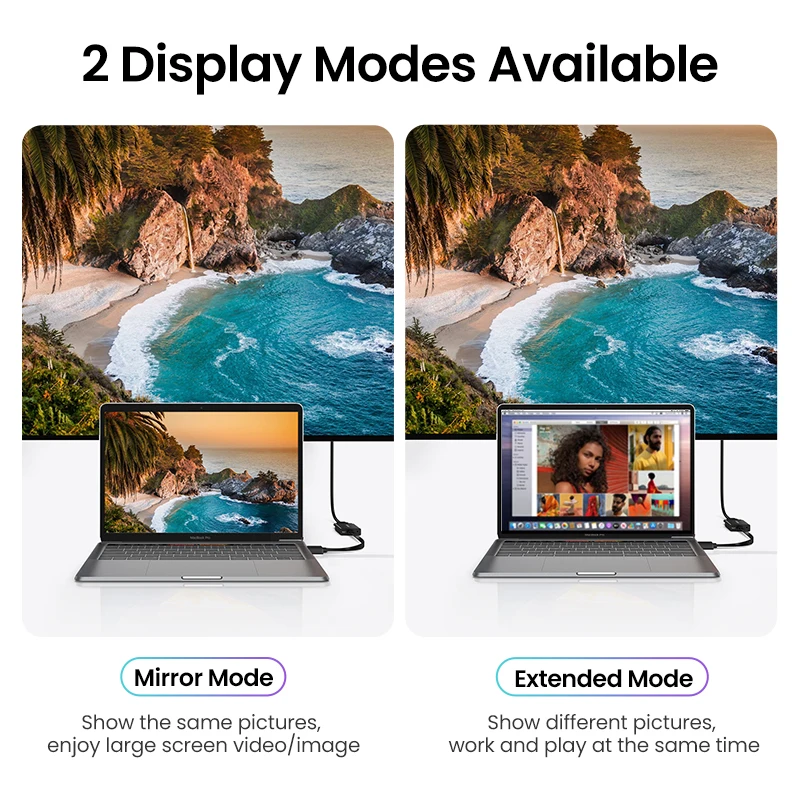
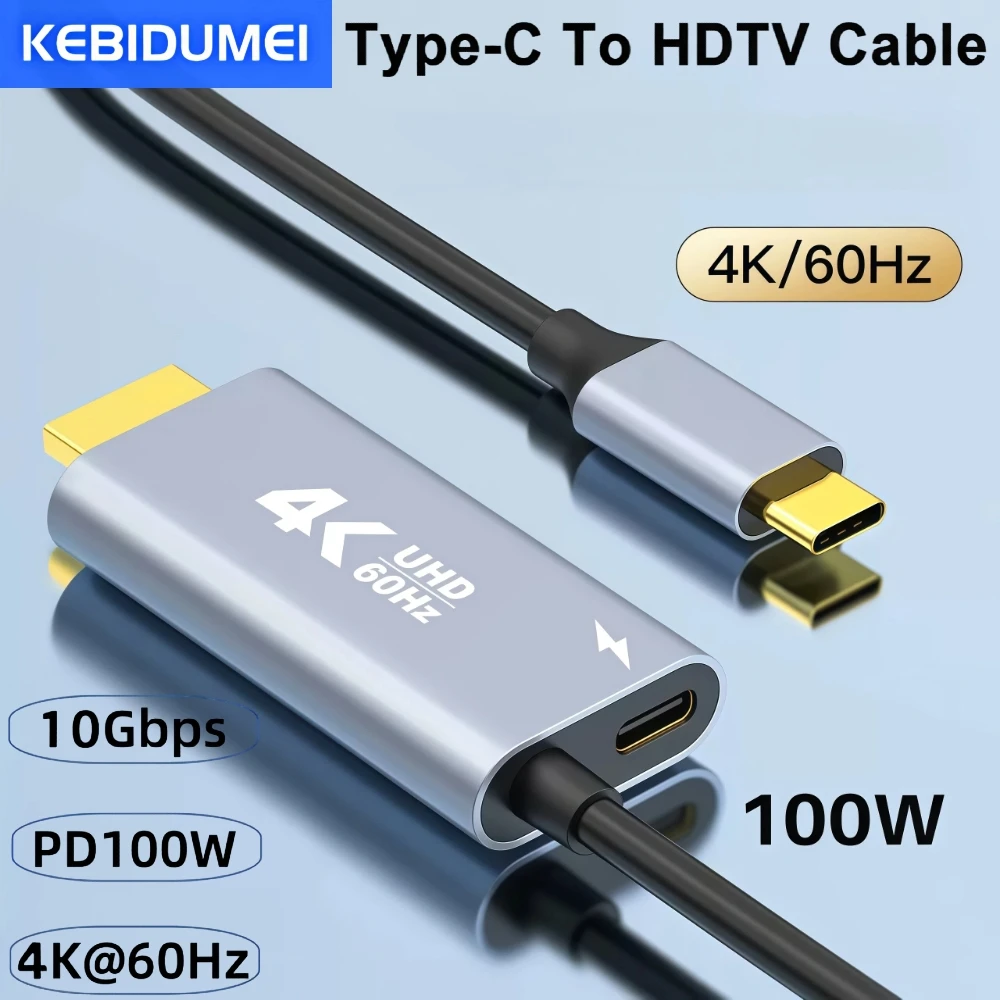
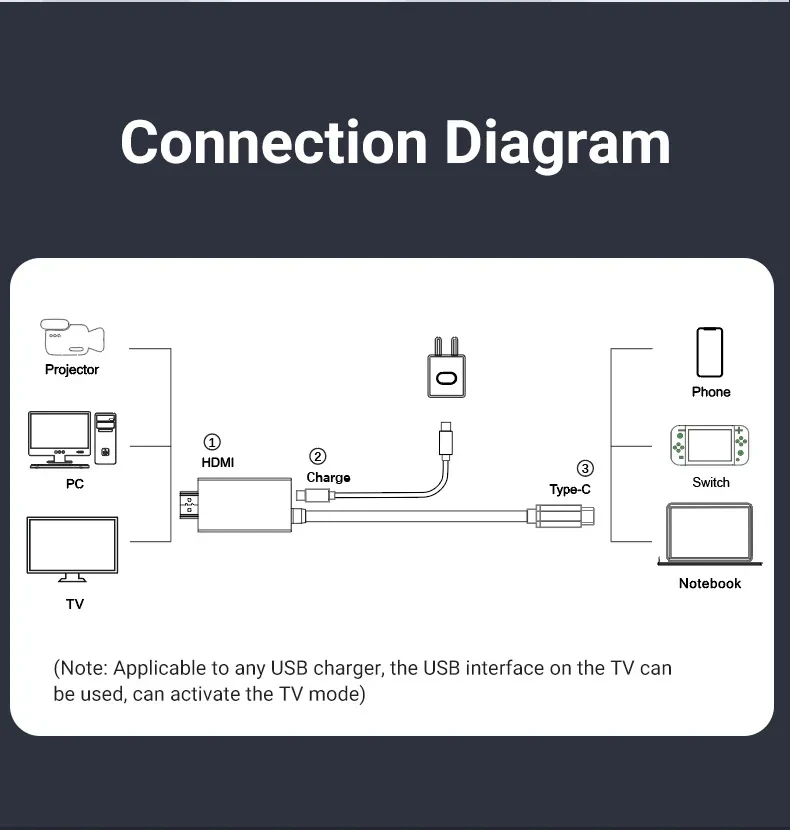
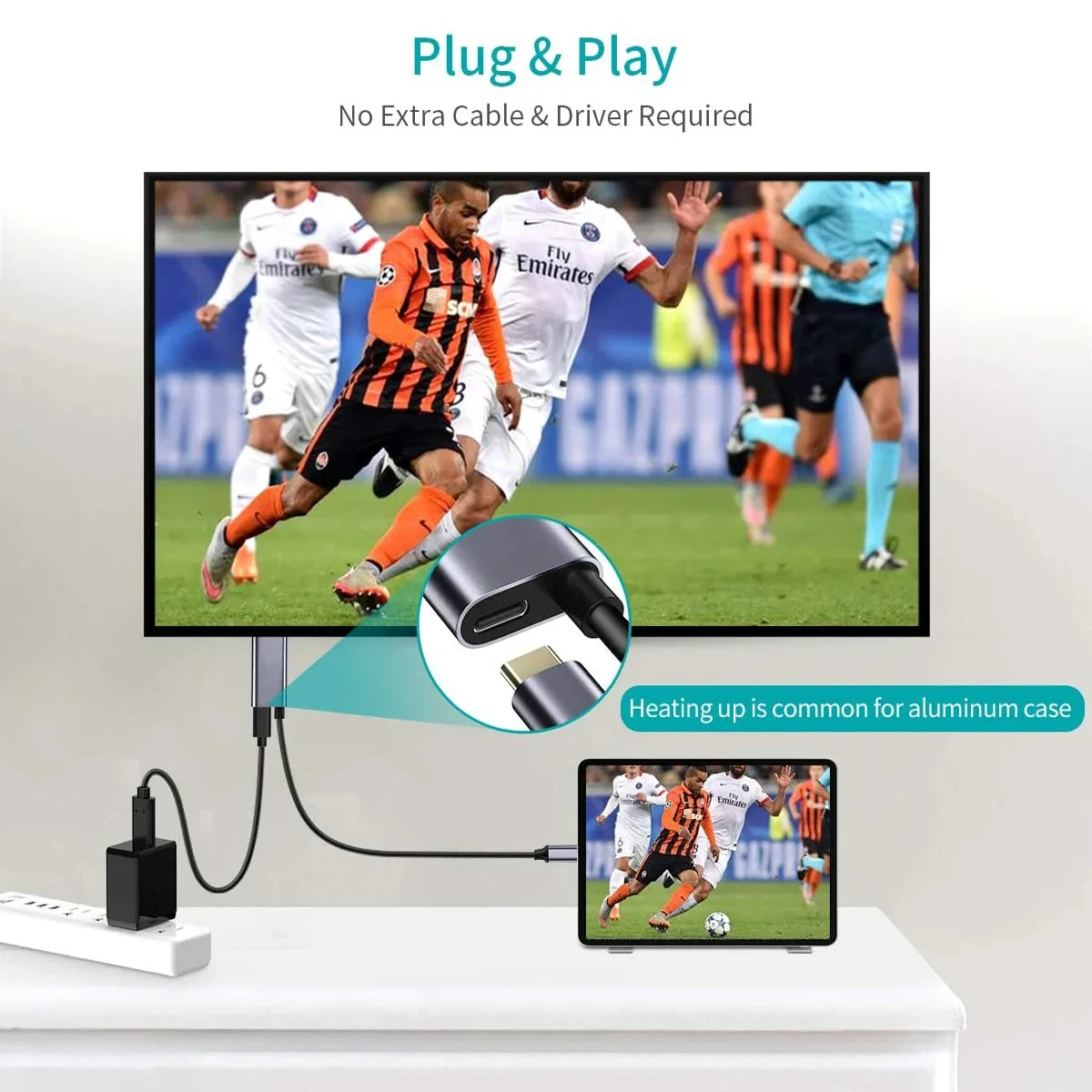
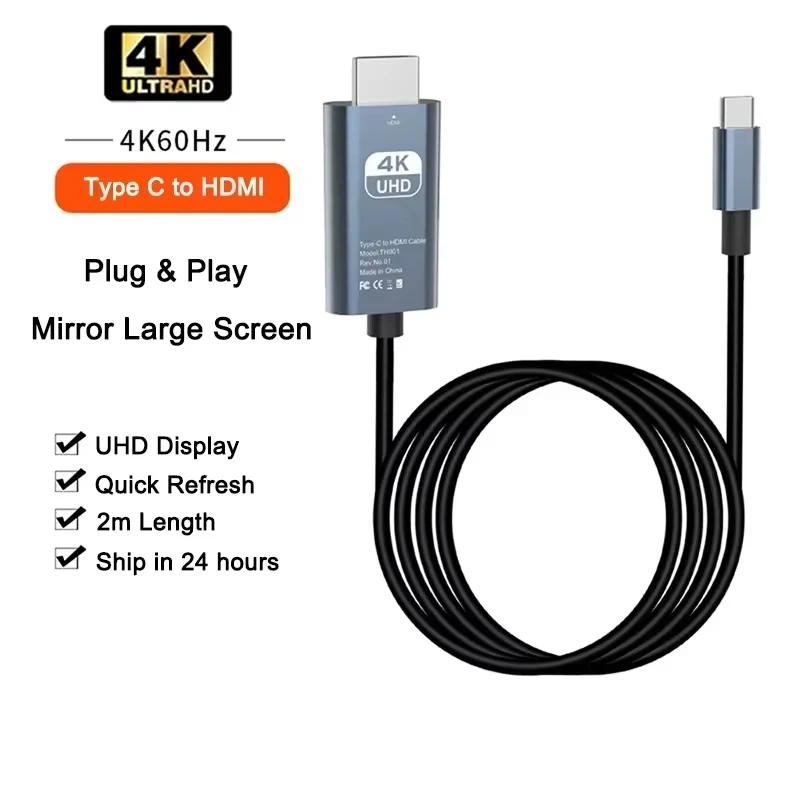
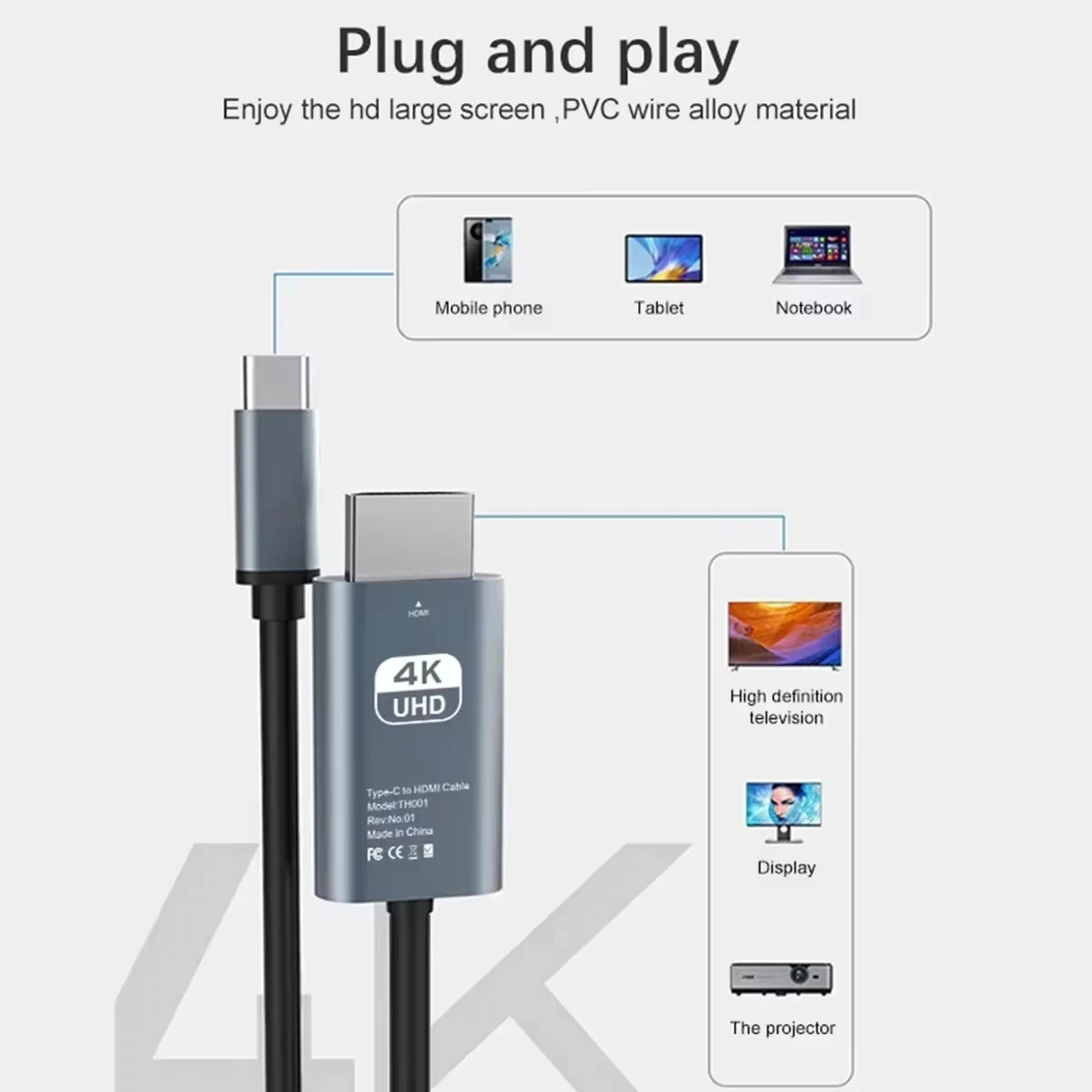
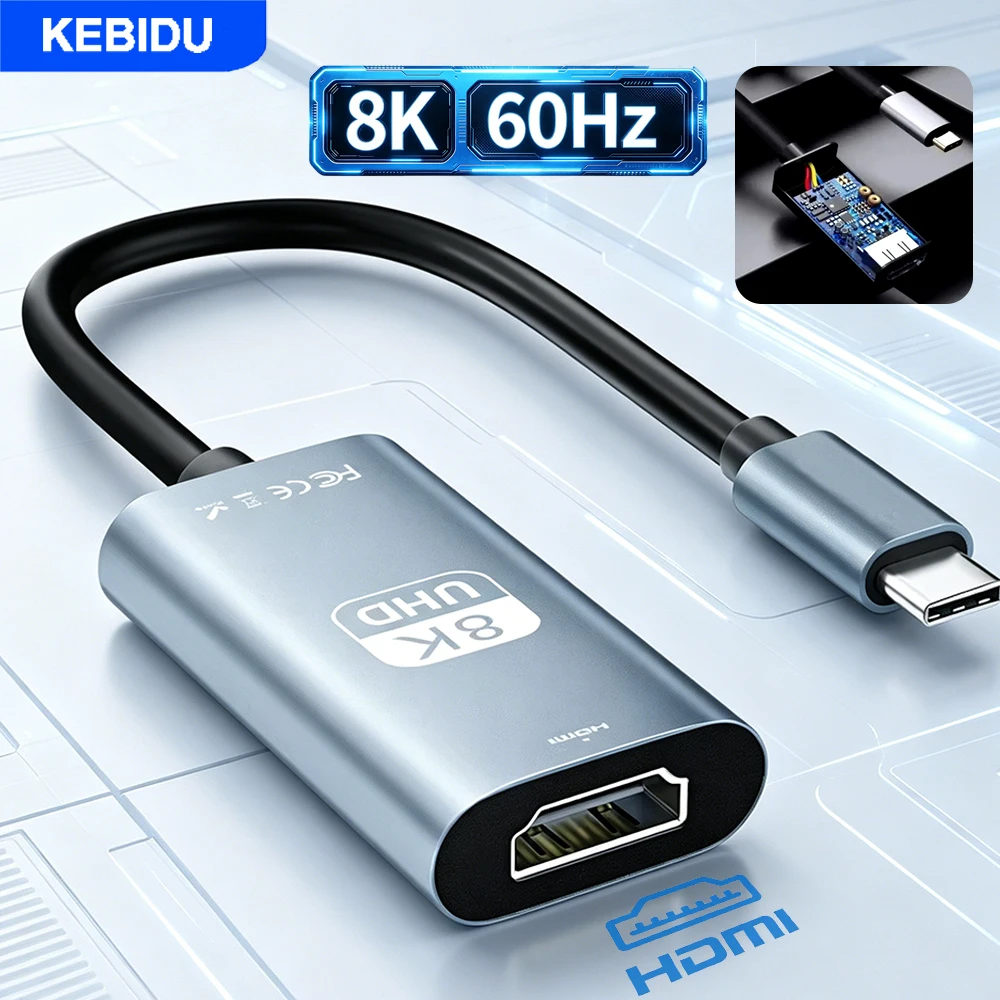
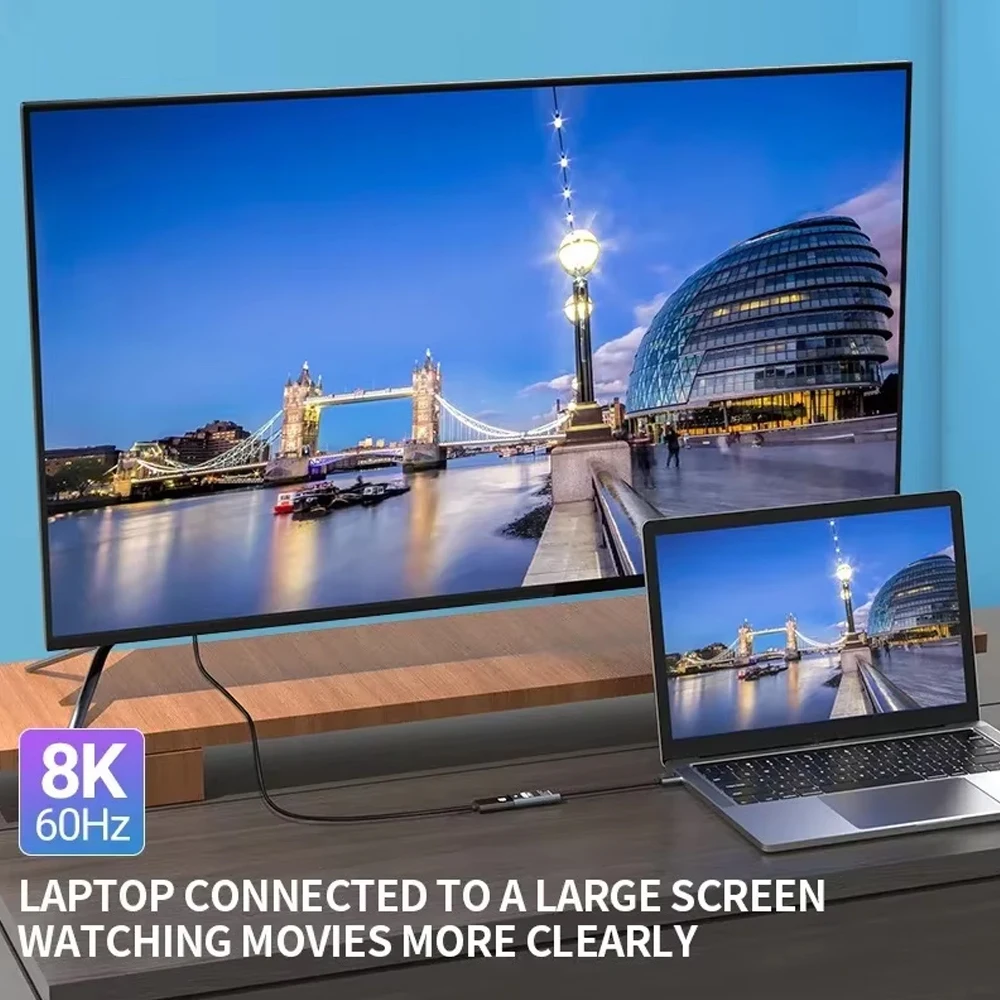
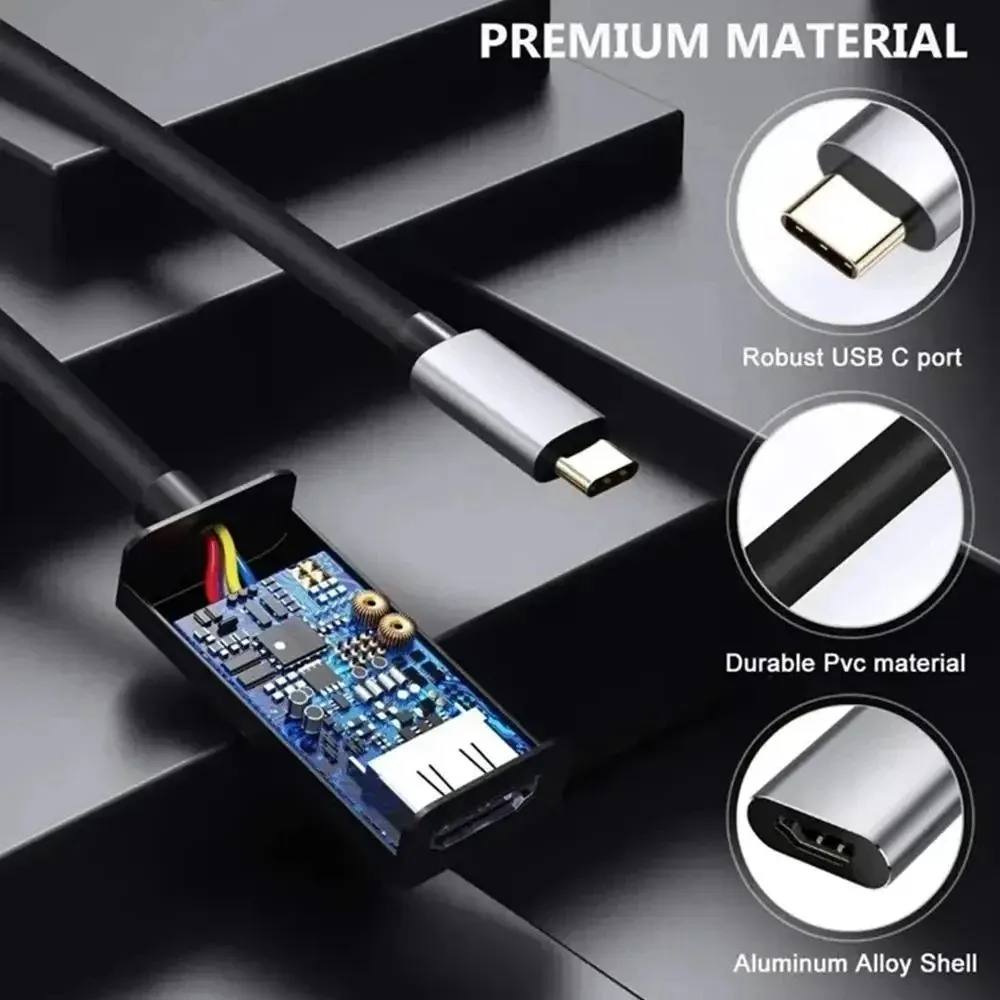
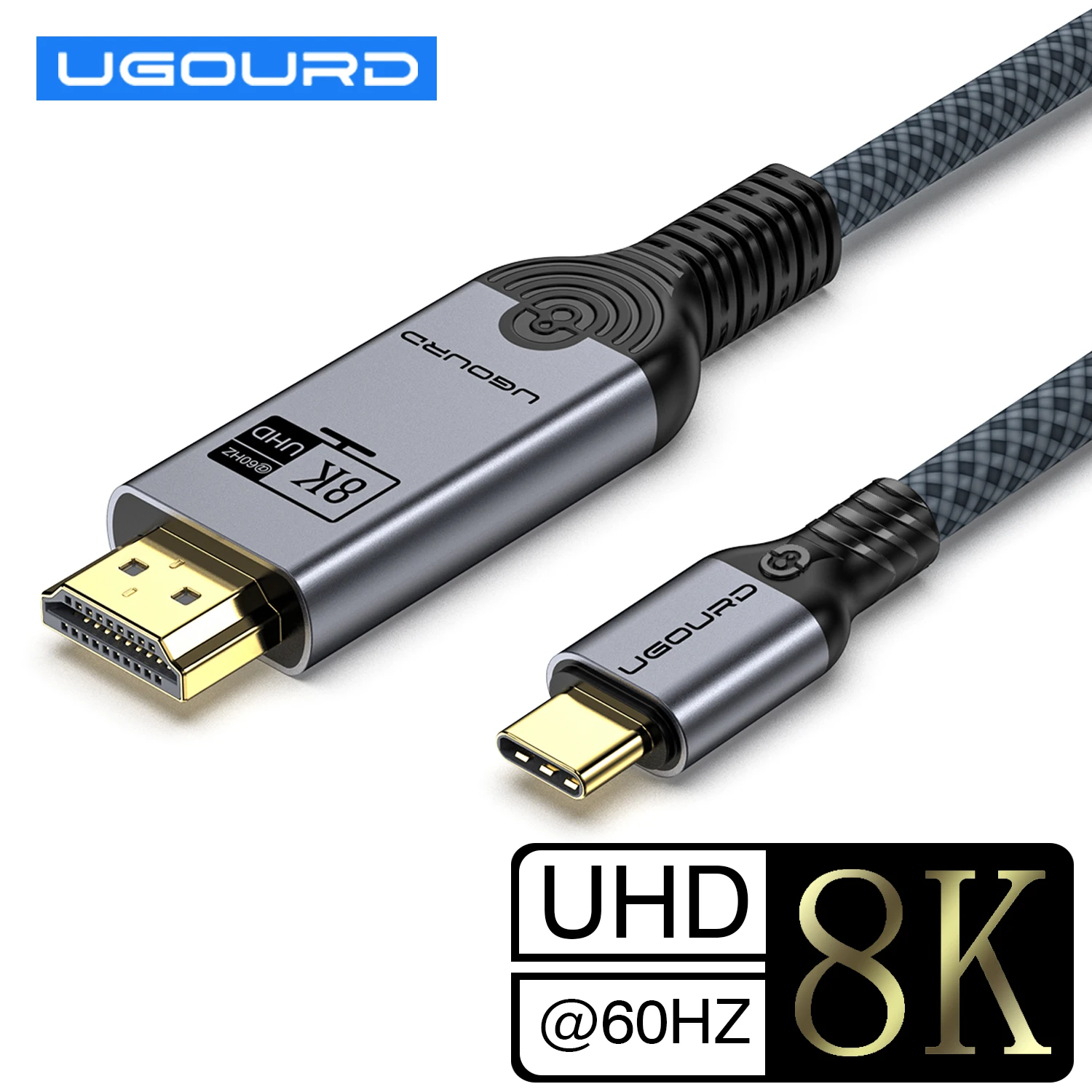
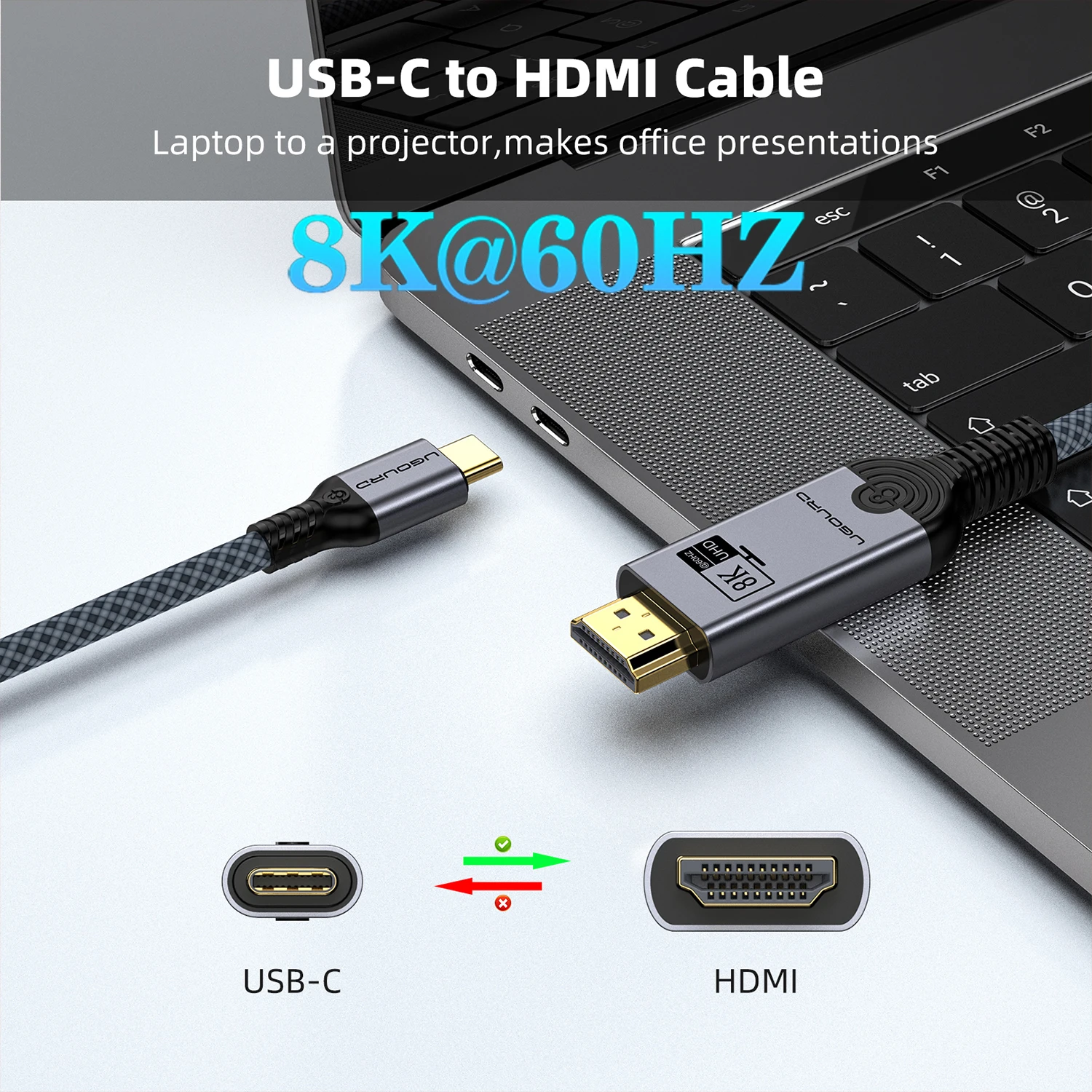
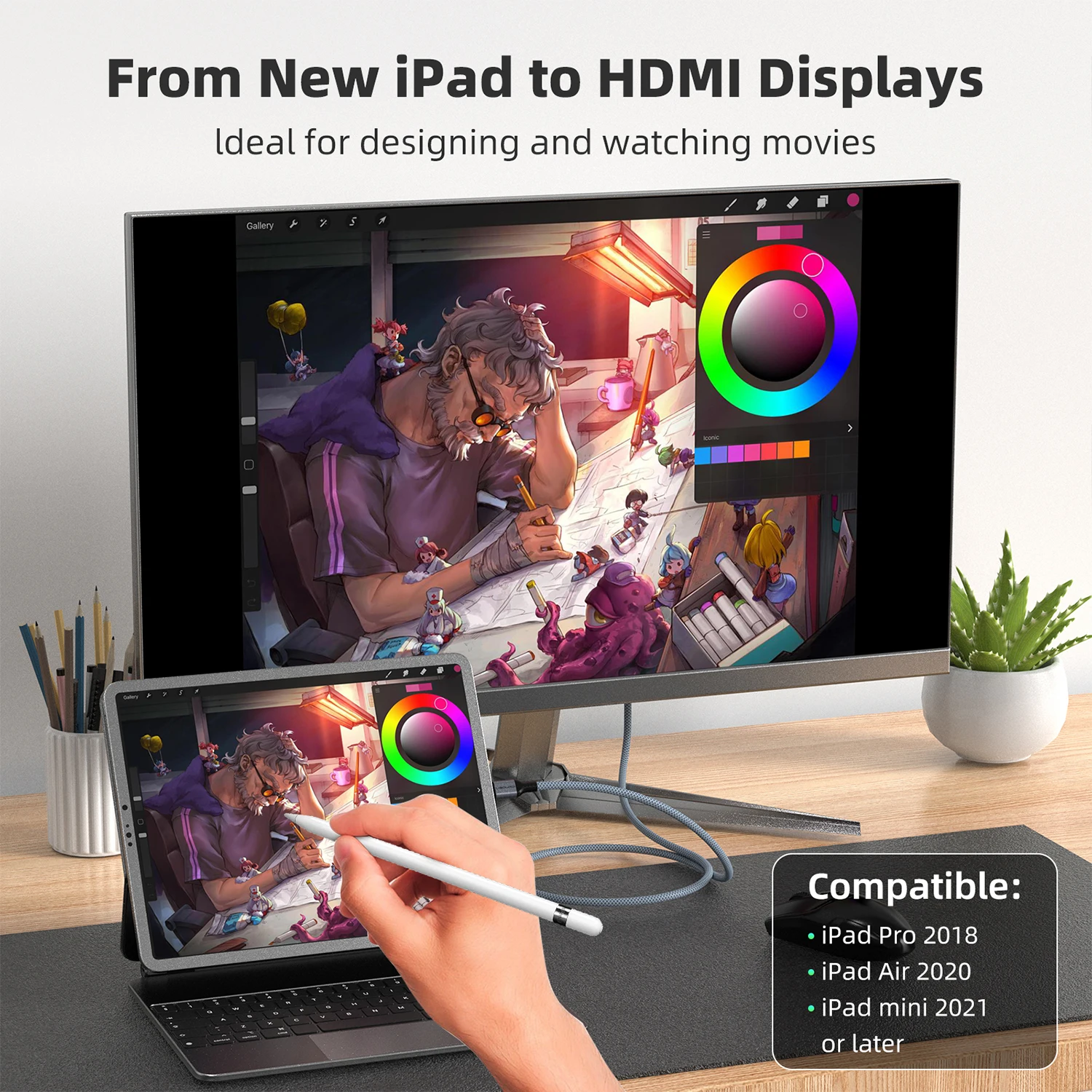
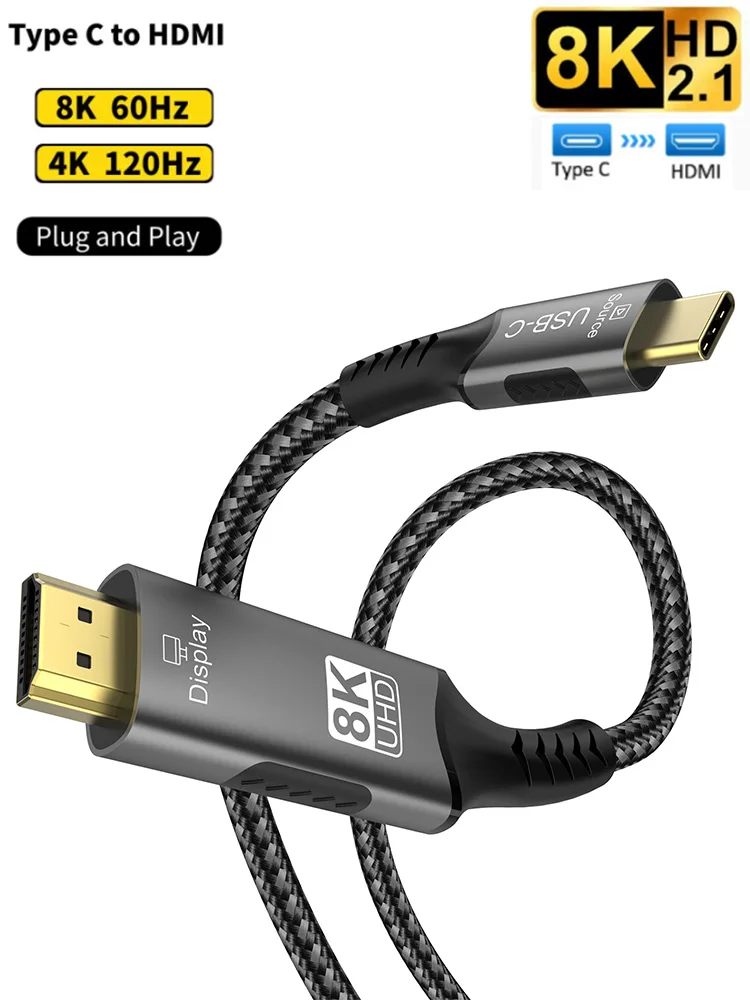
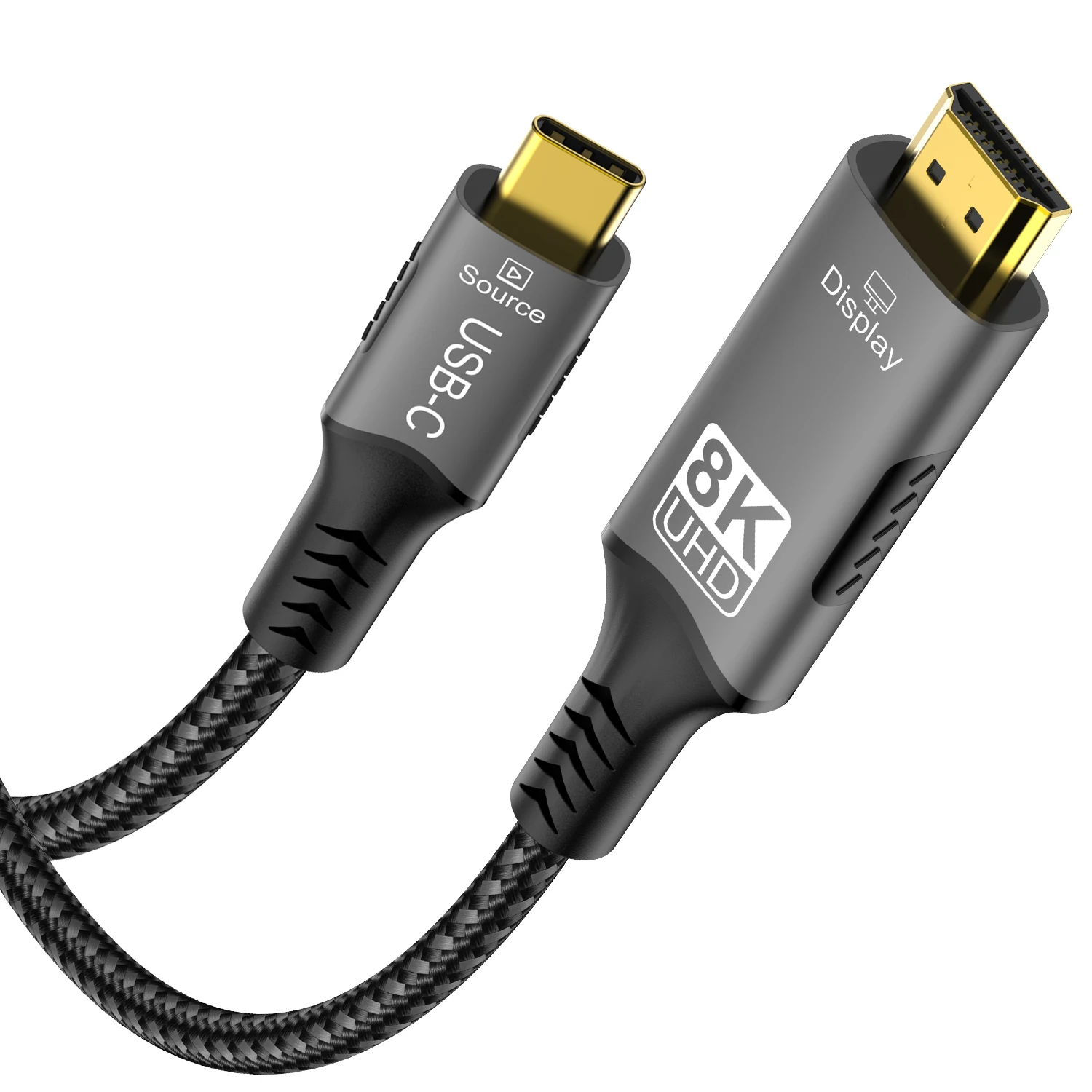
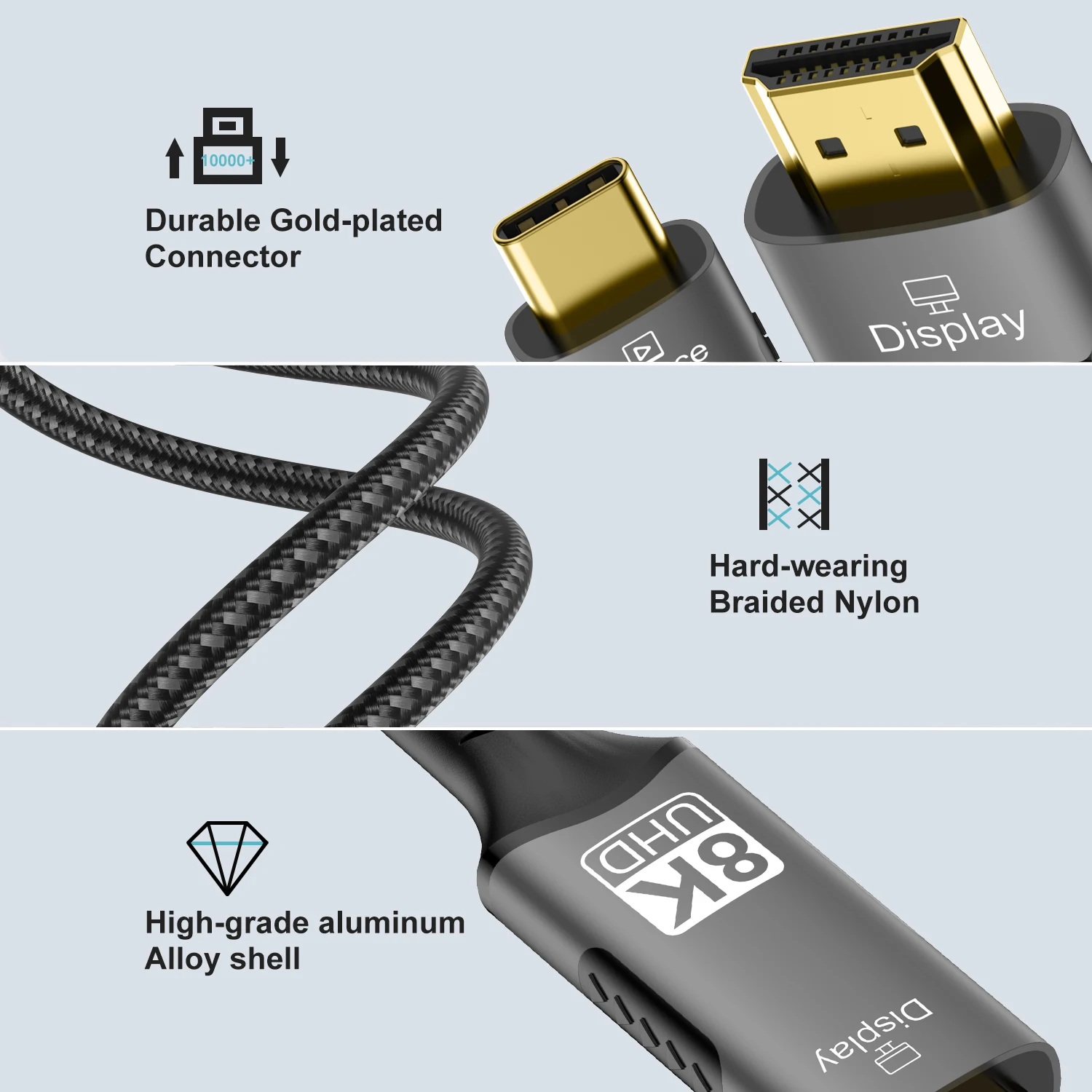
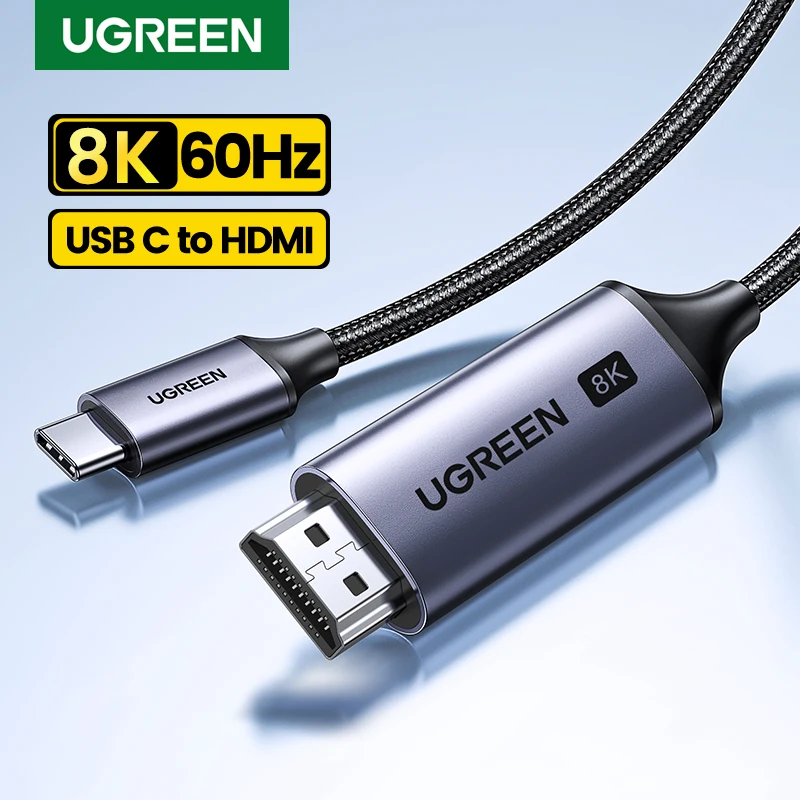
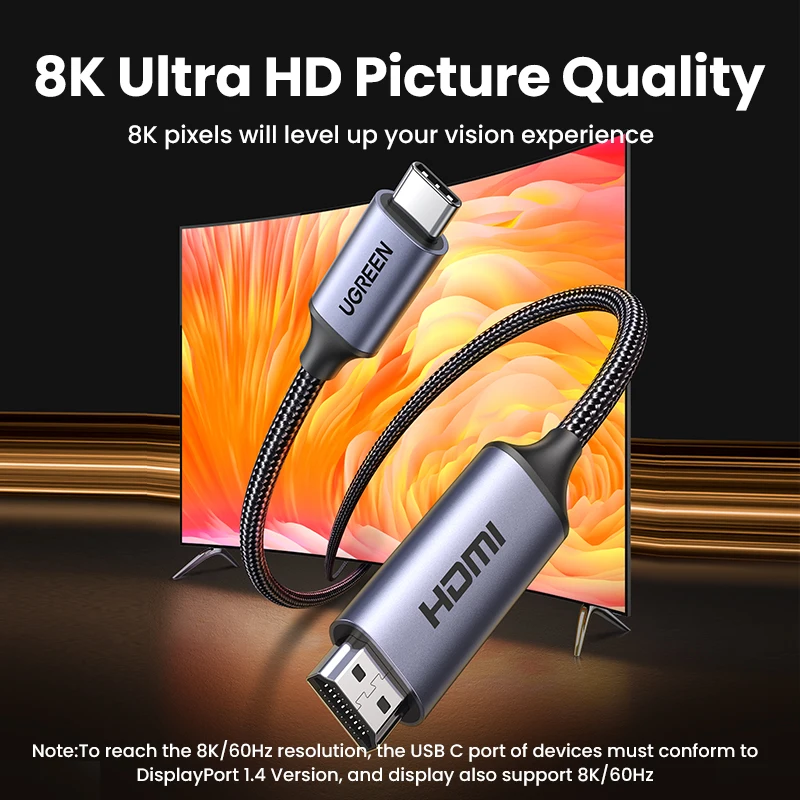
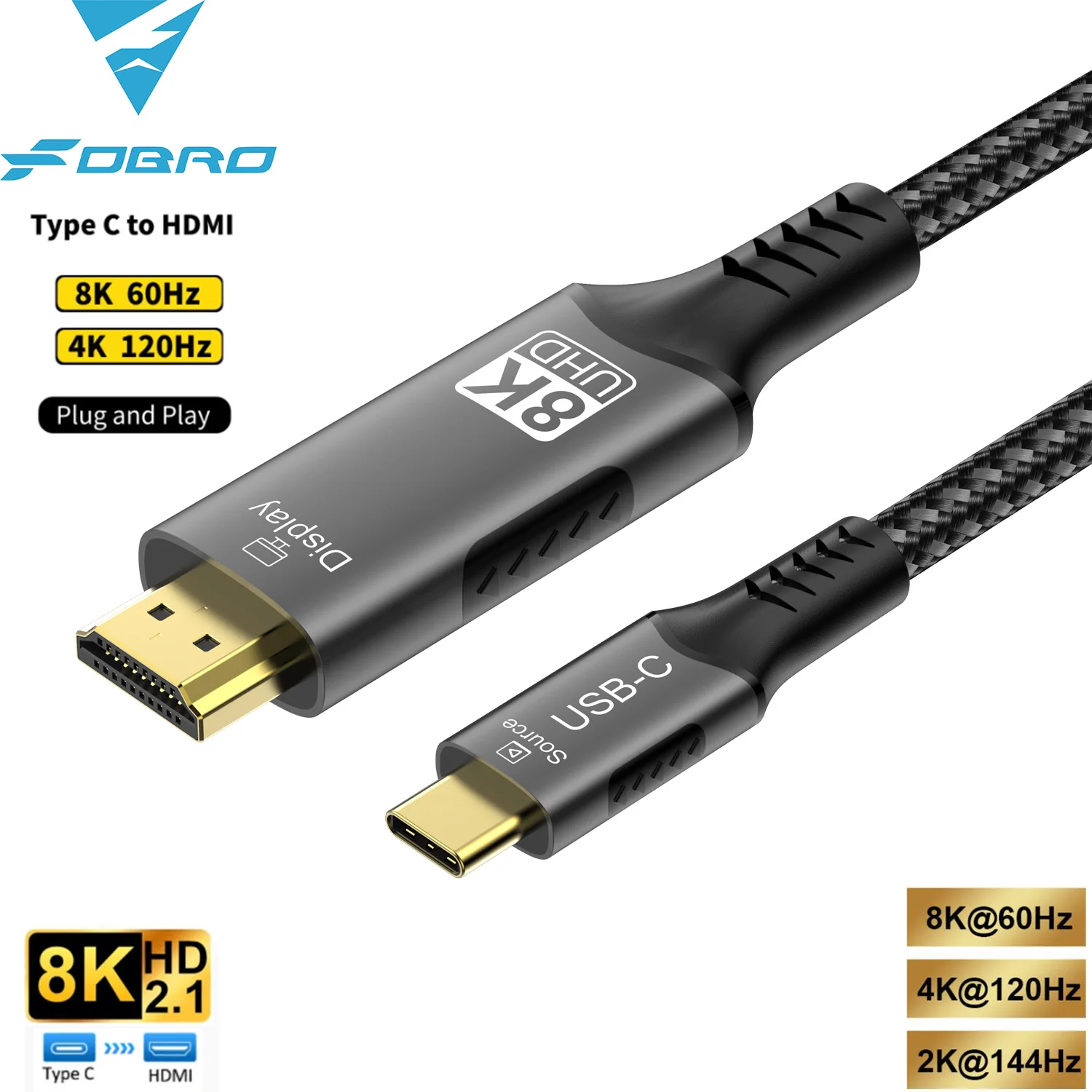
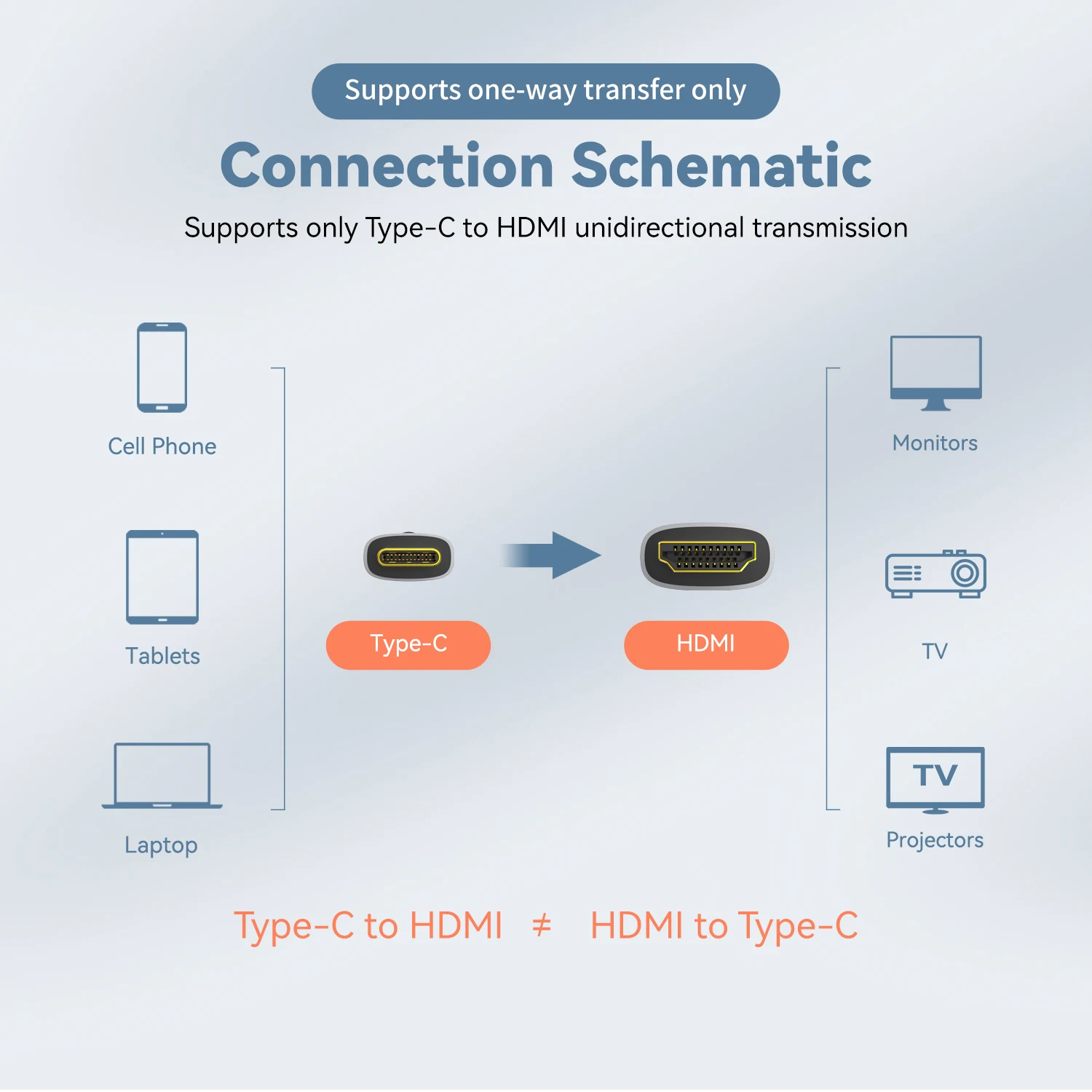
- USB-C to HDMI cables go straight from a USB-C laptop to an HDMI screen in one piece. See USB-C to HDMI cables.
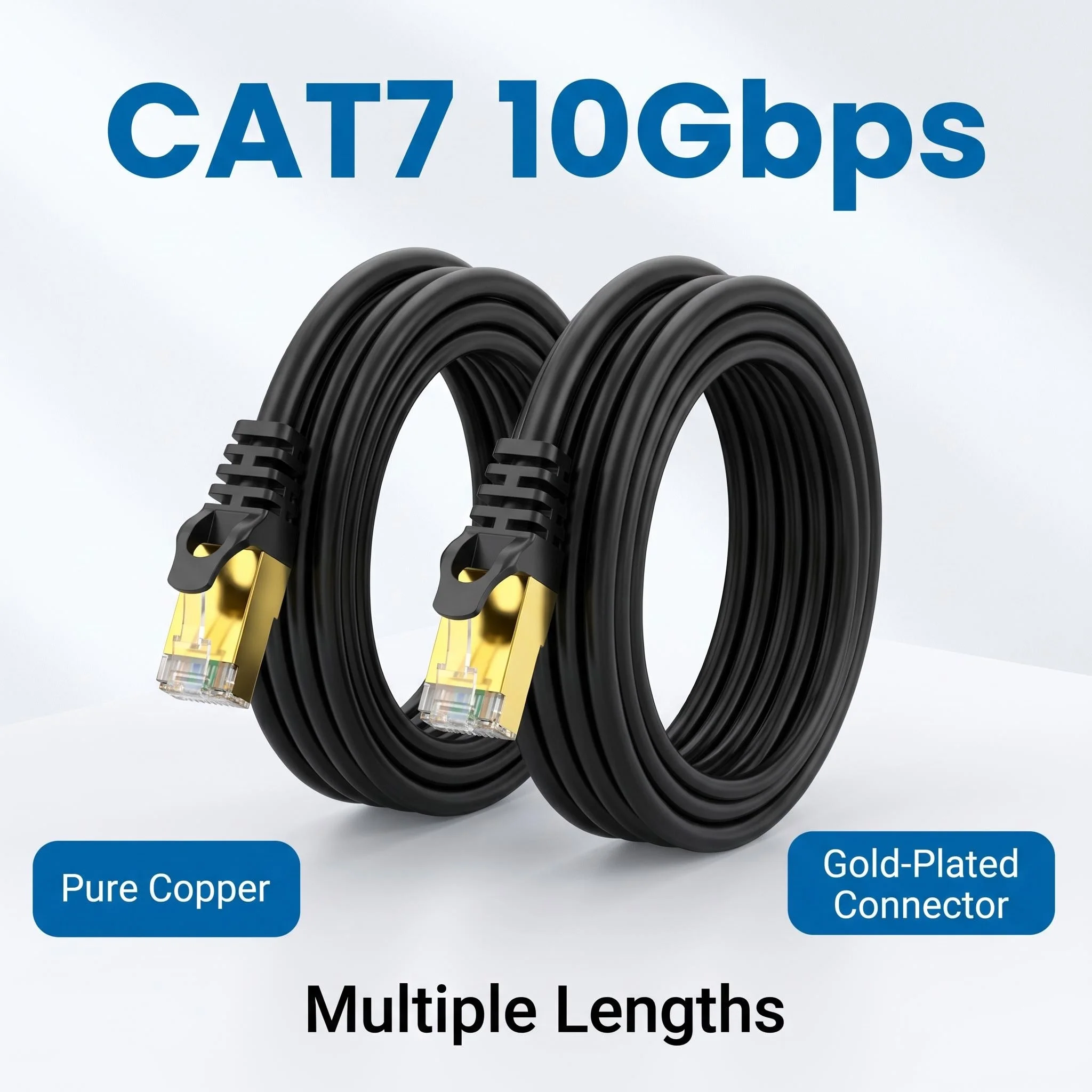
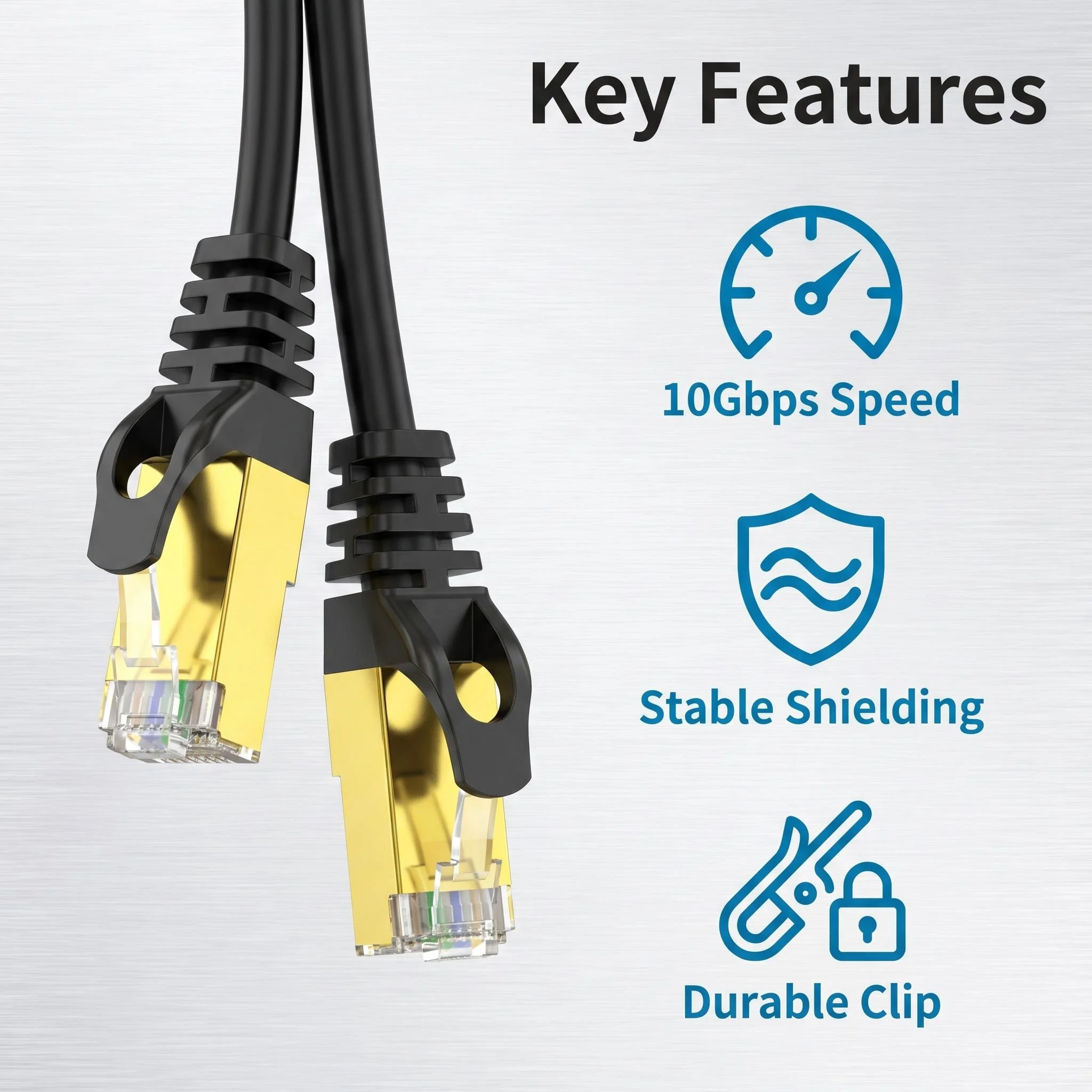
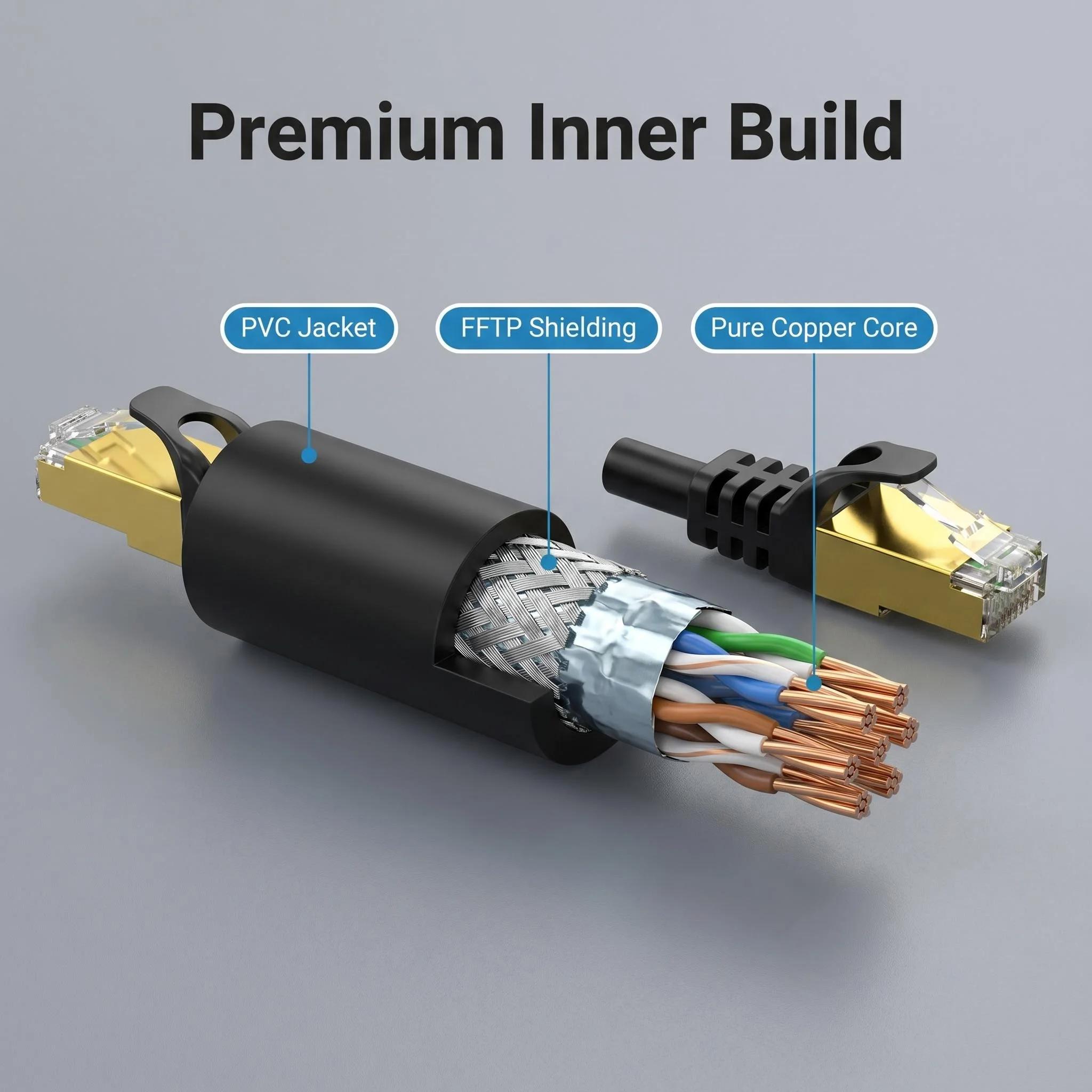
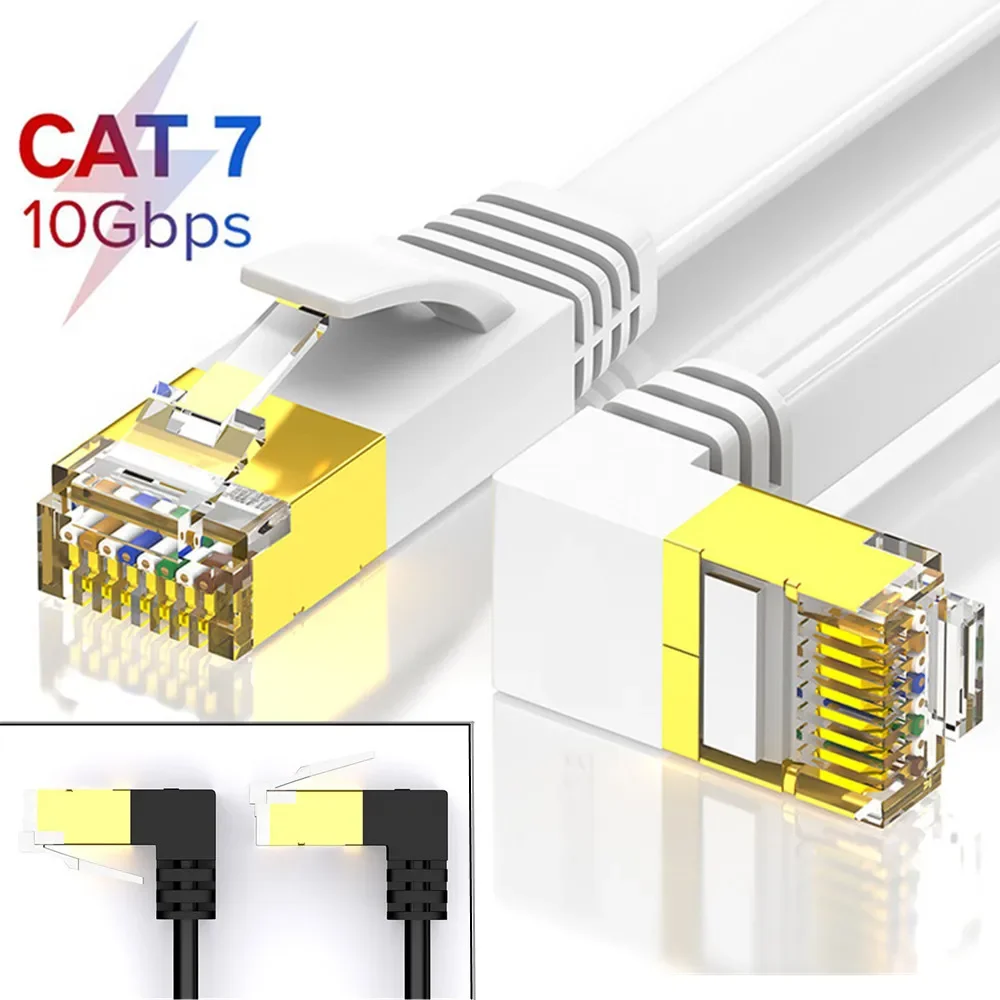
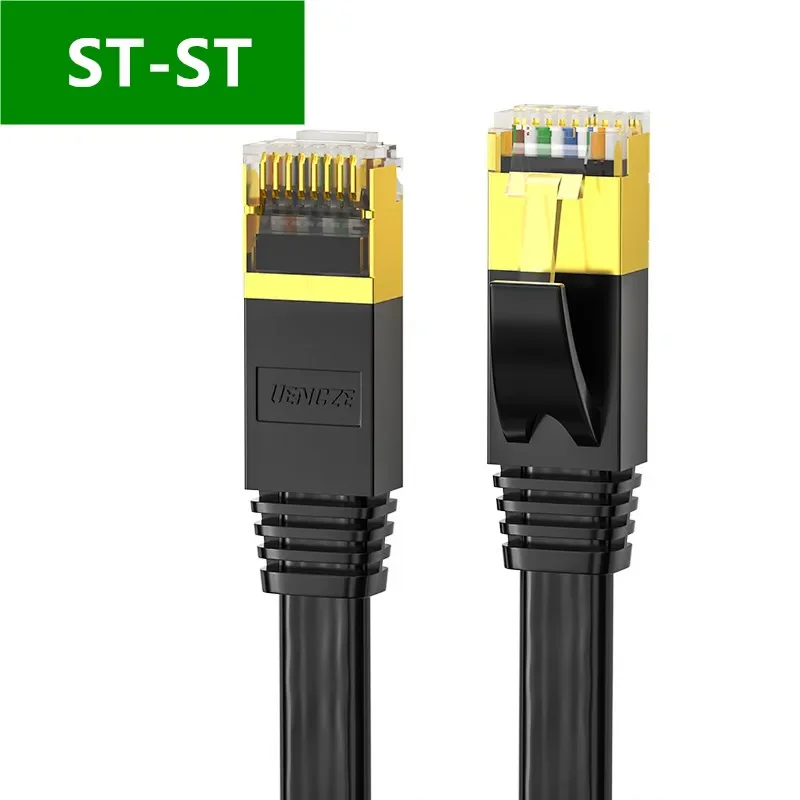
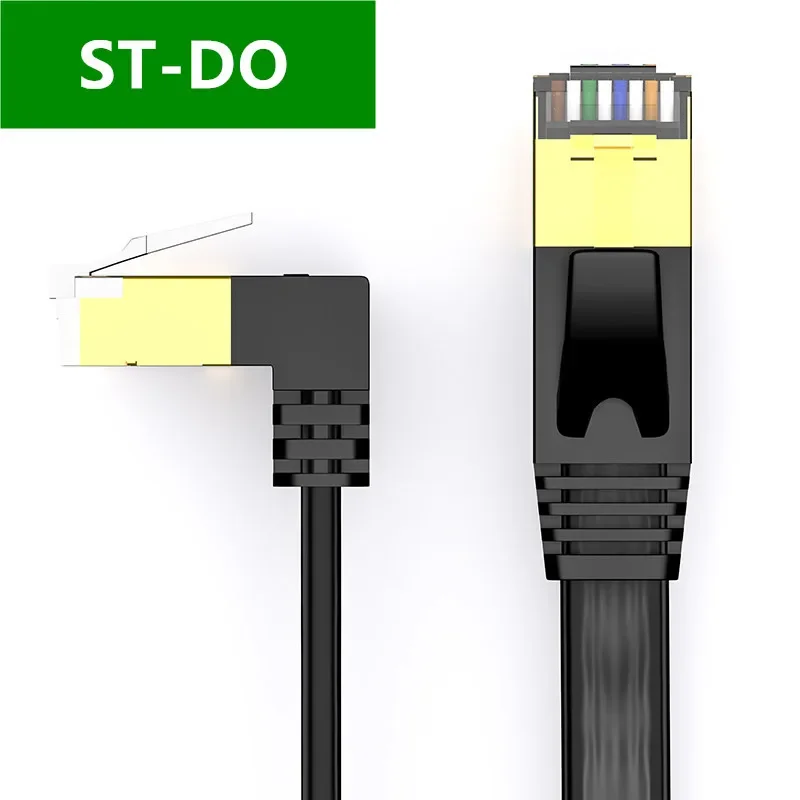
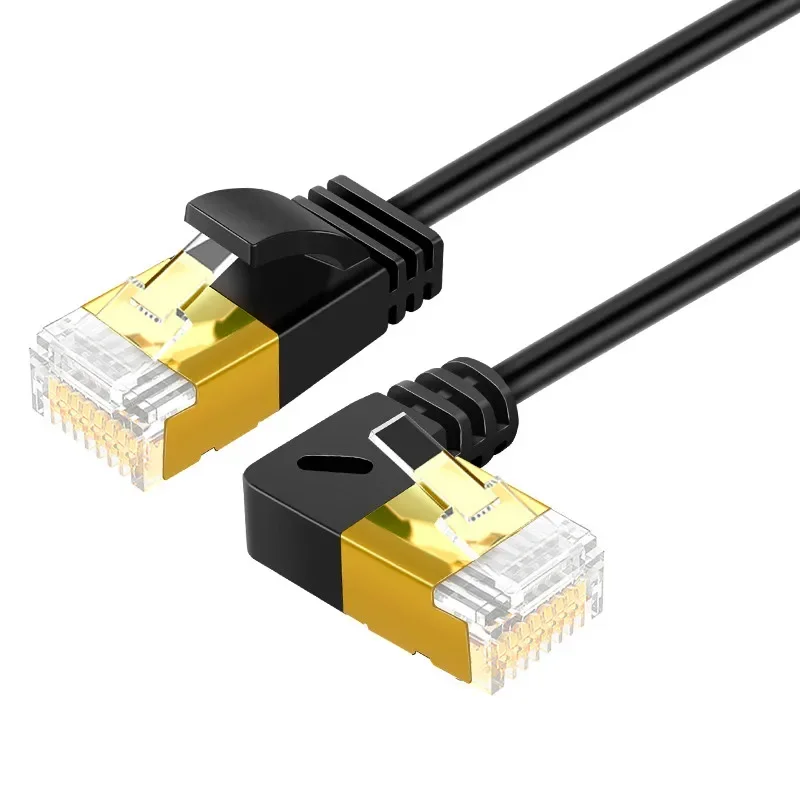
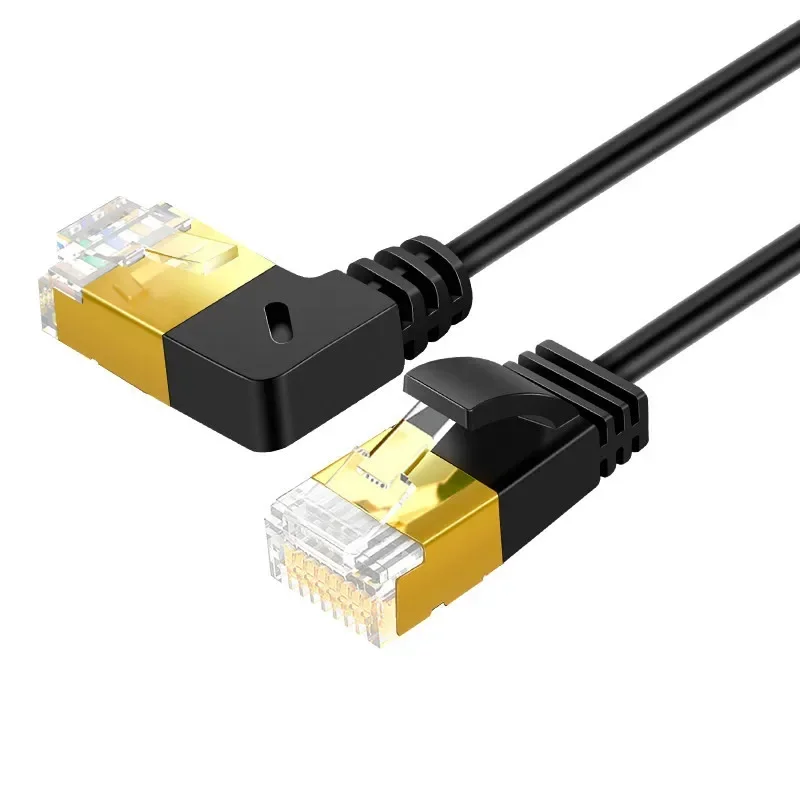
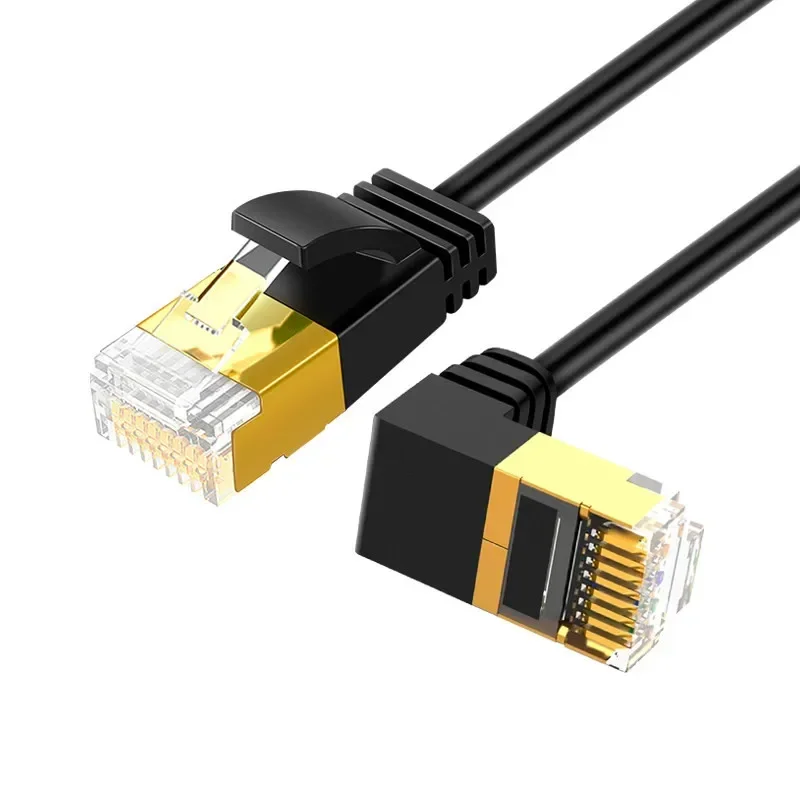
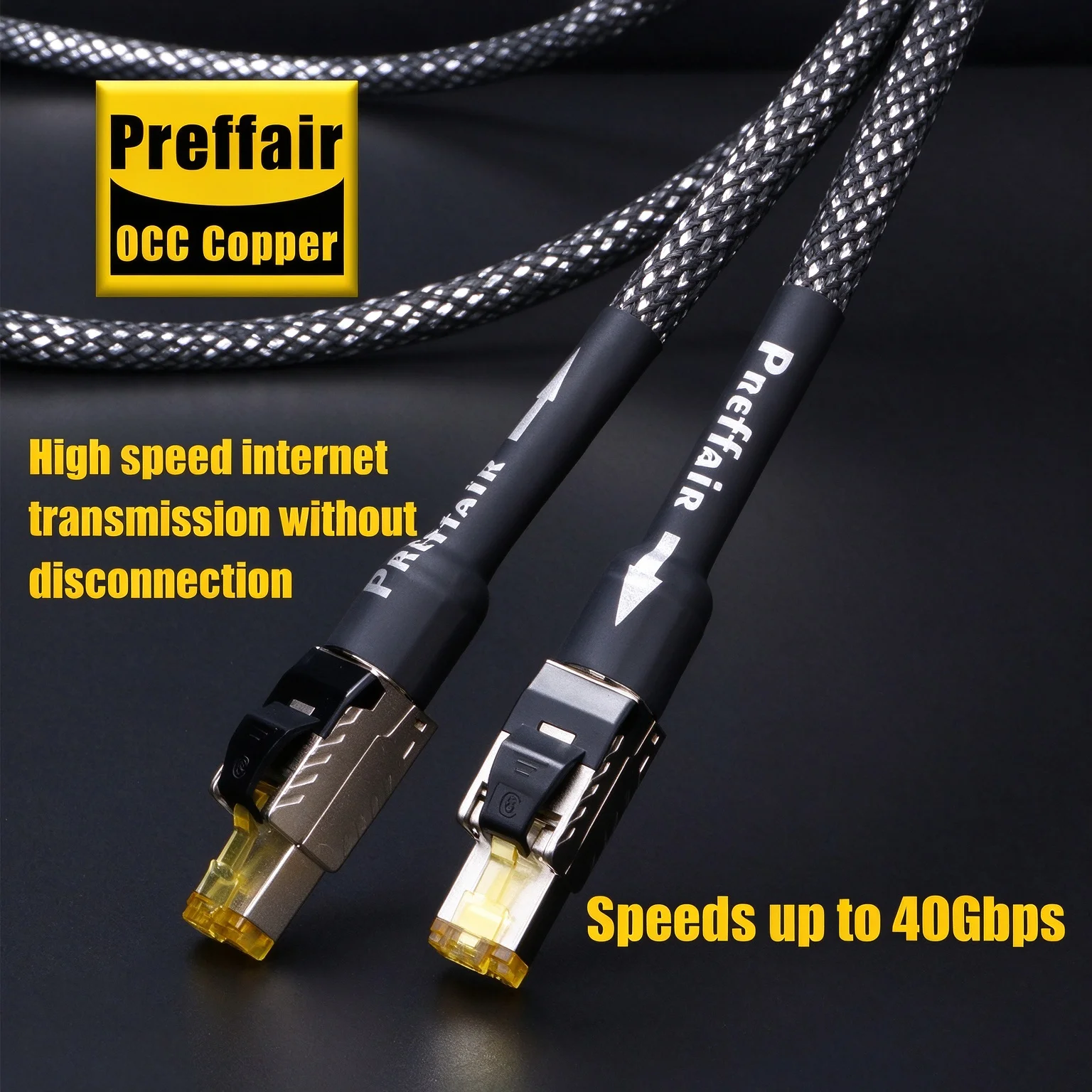
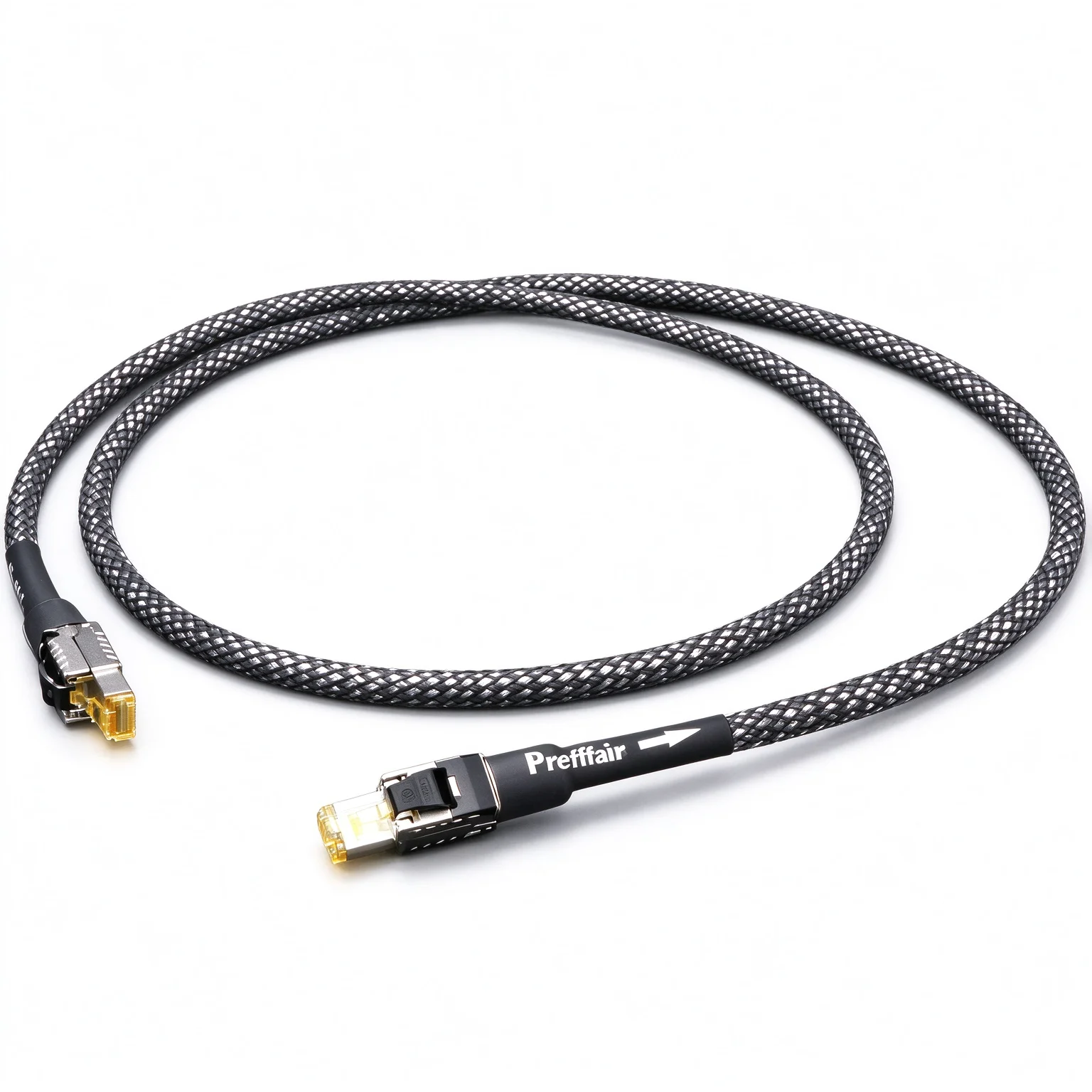
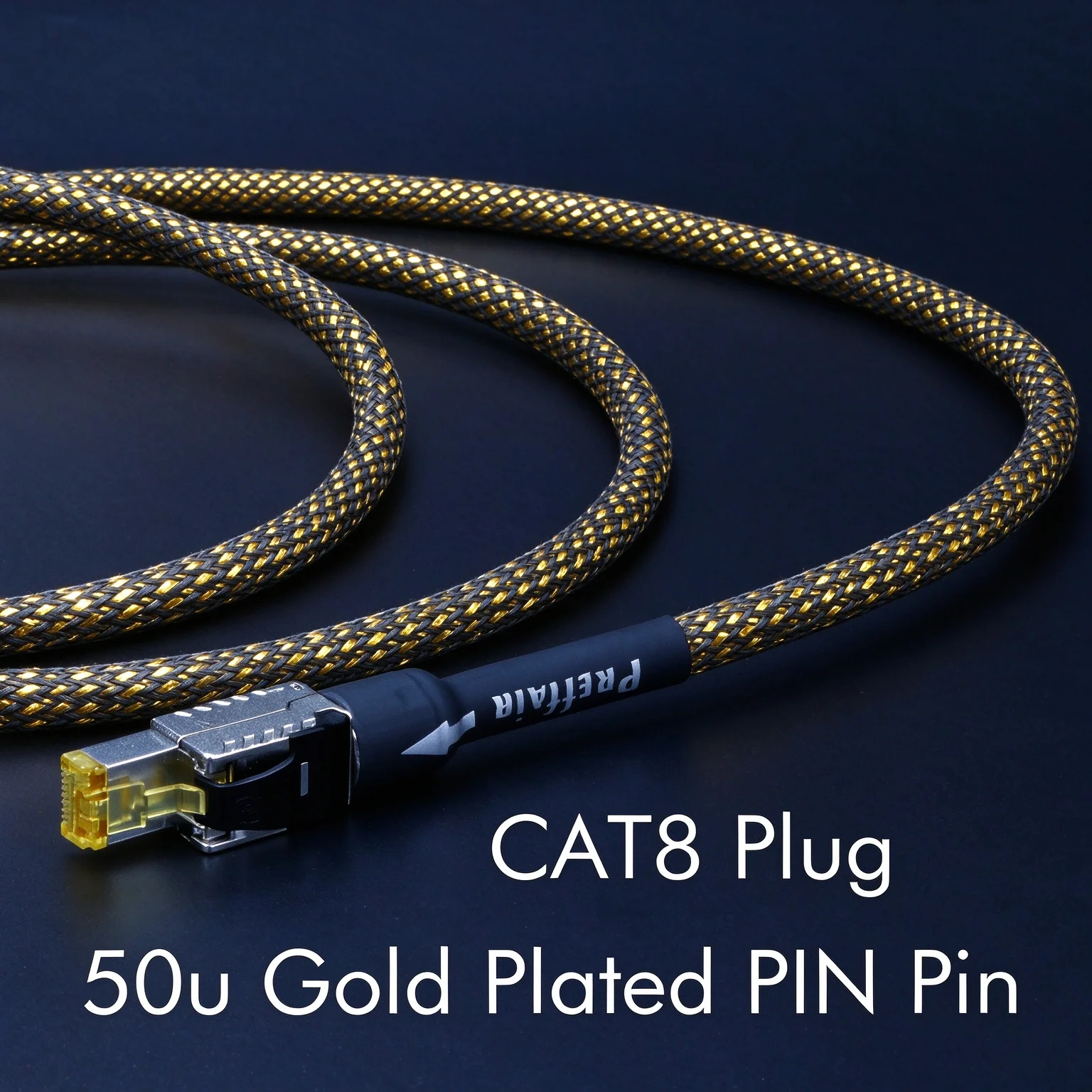
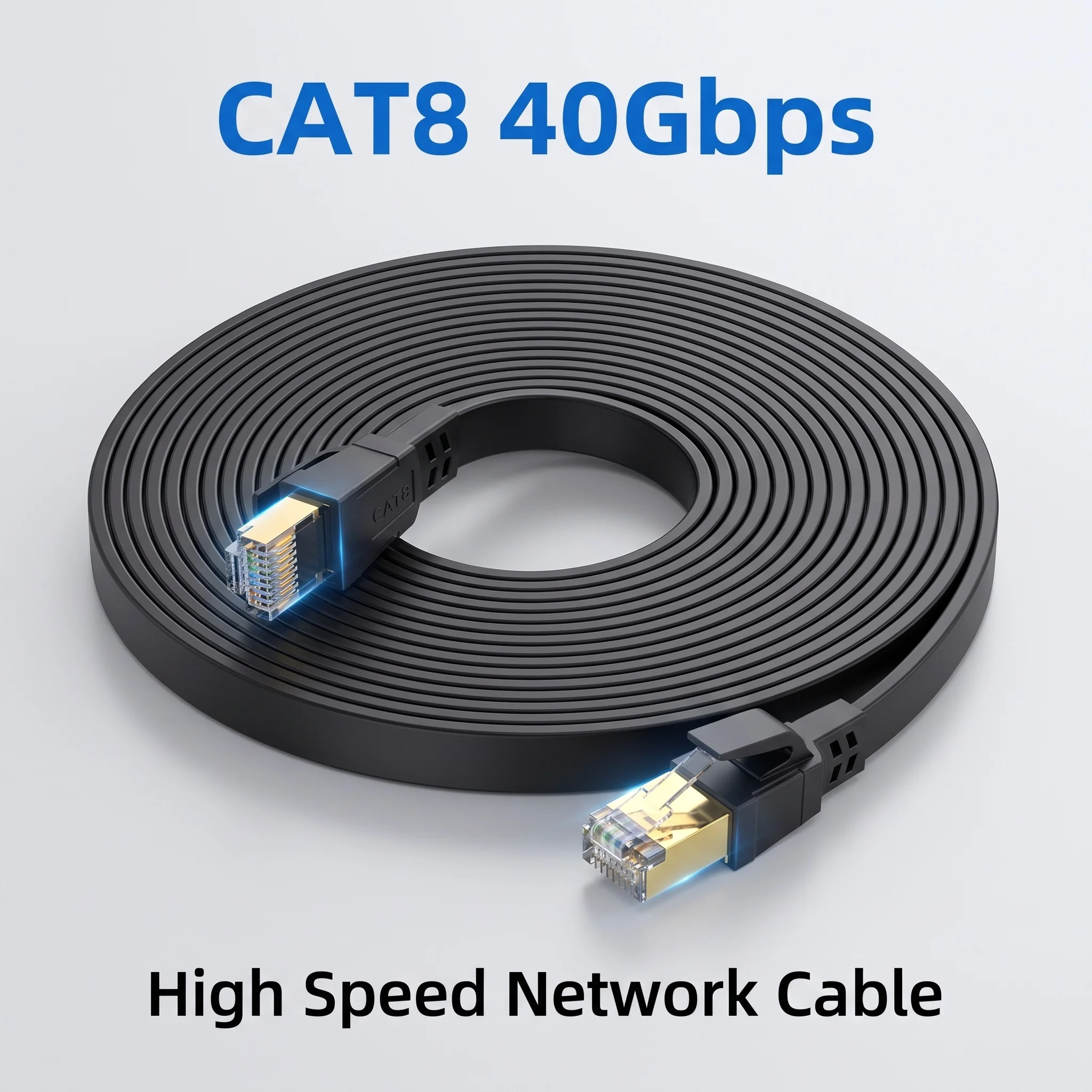
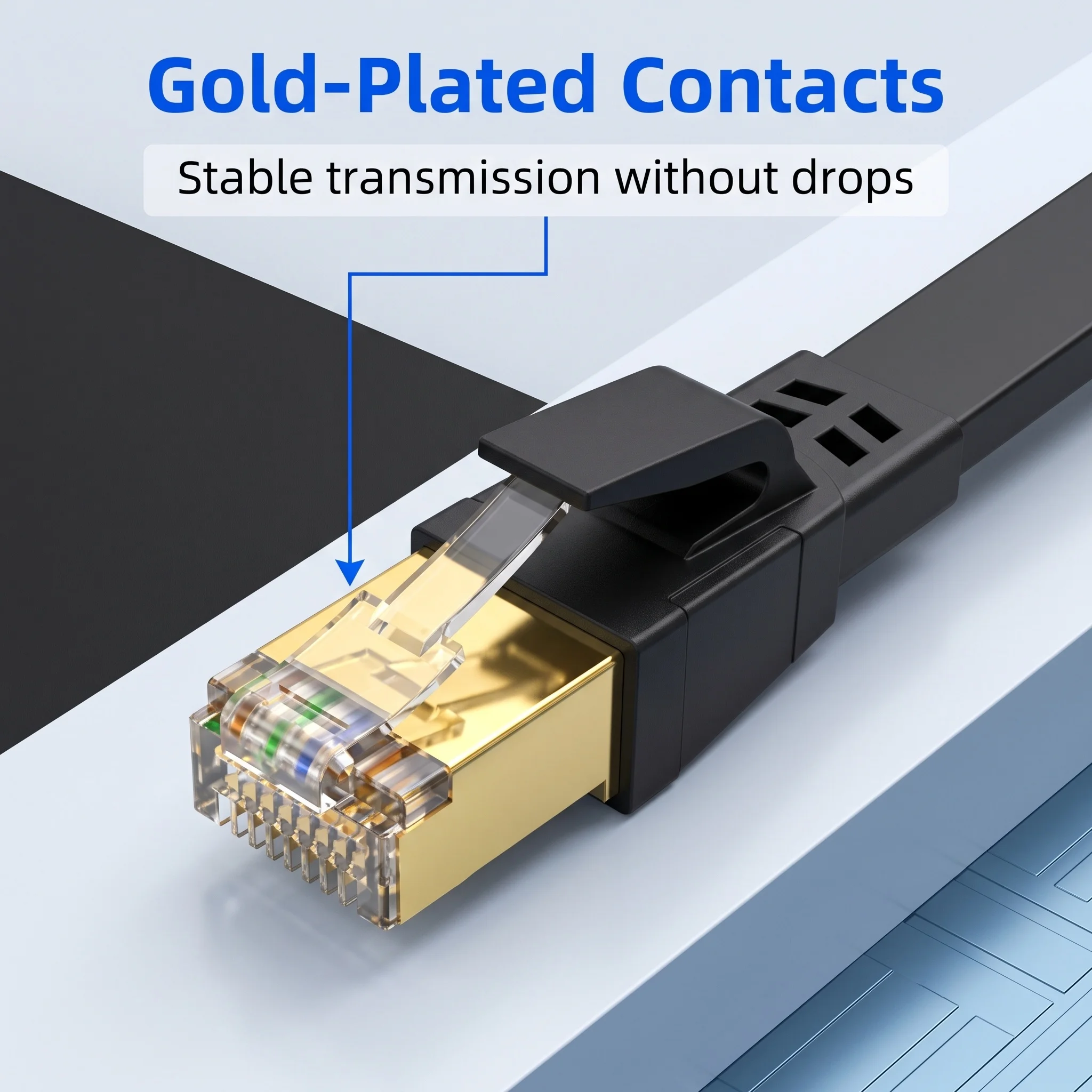
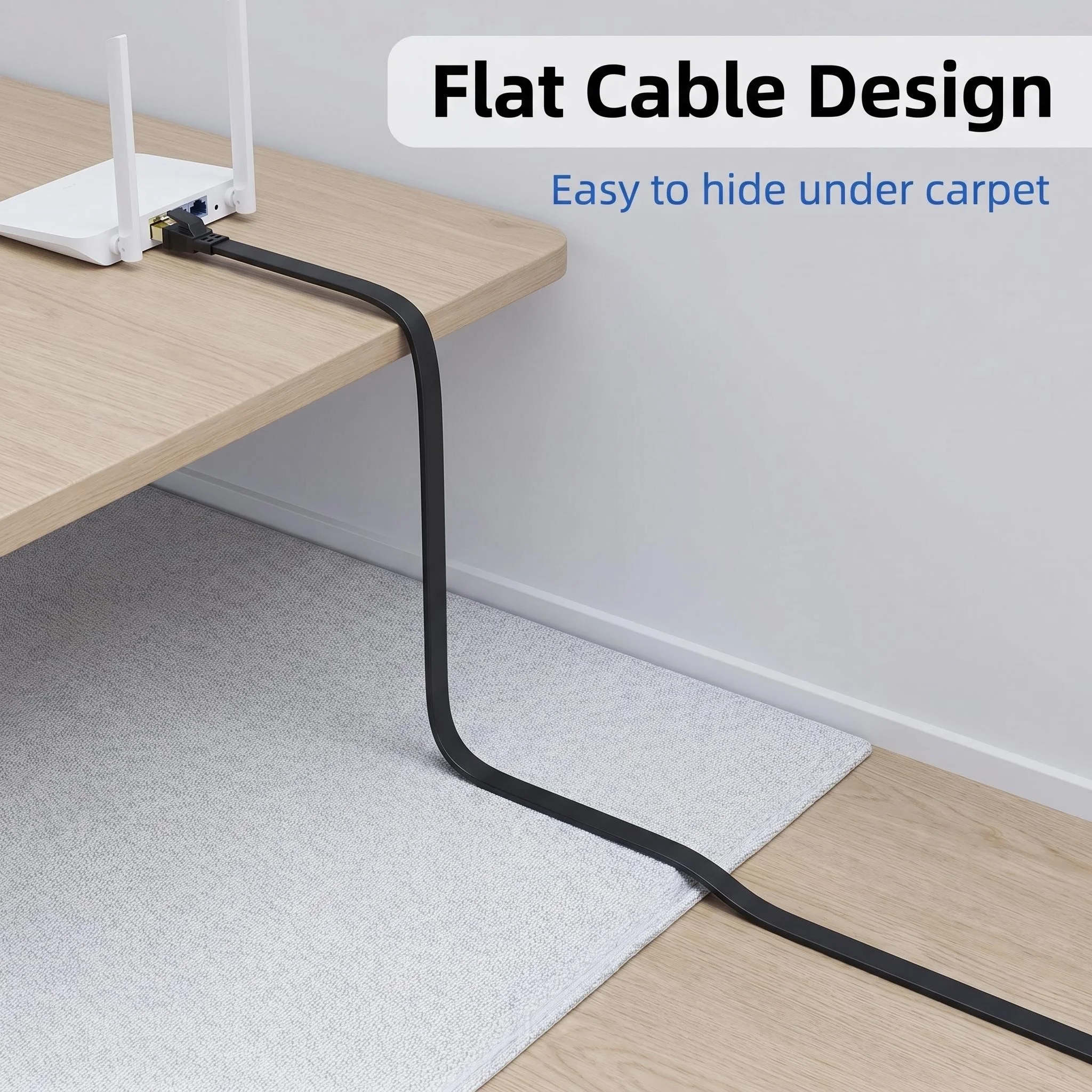
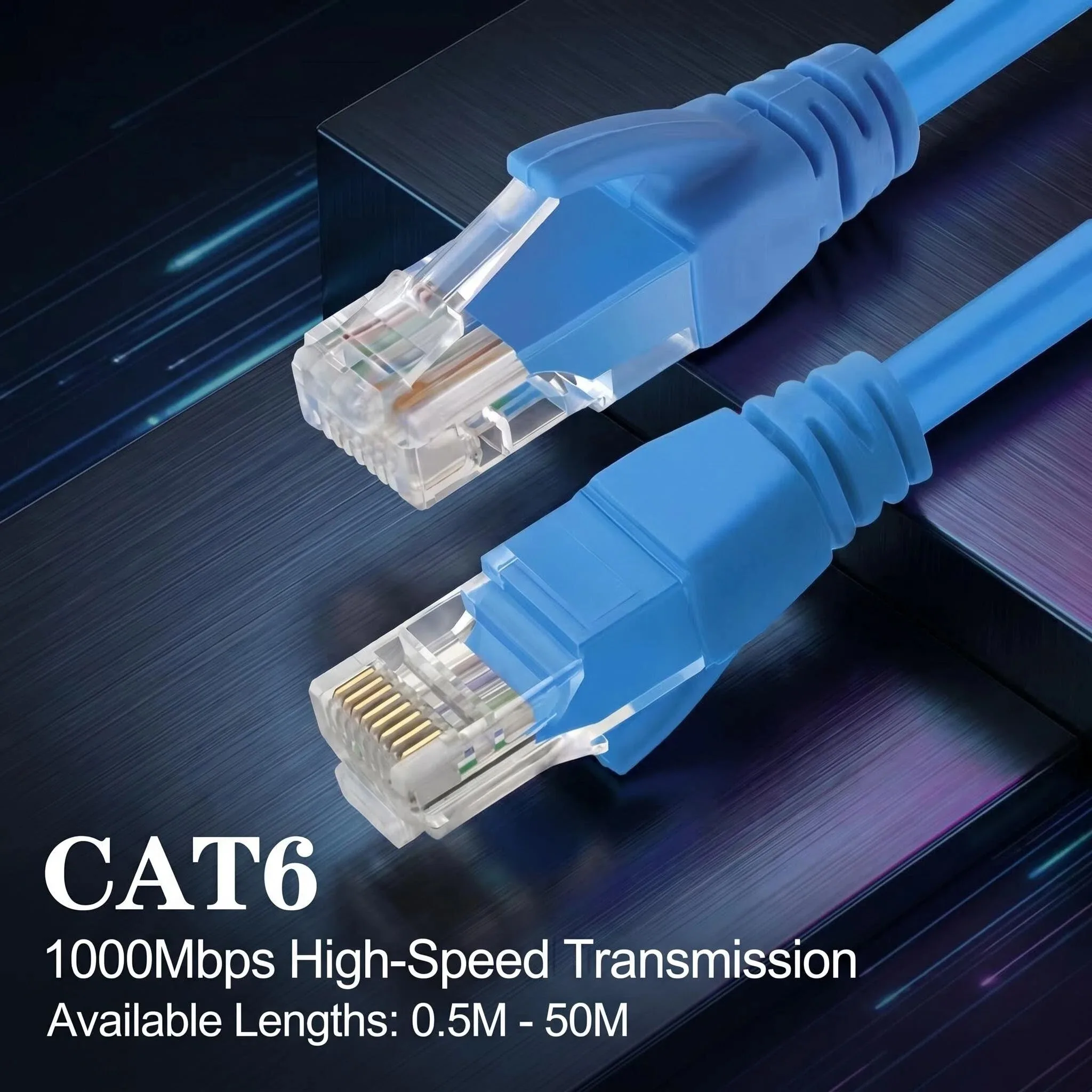
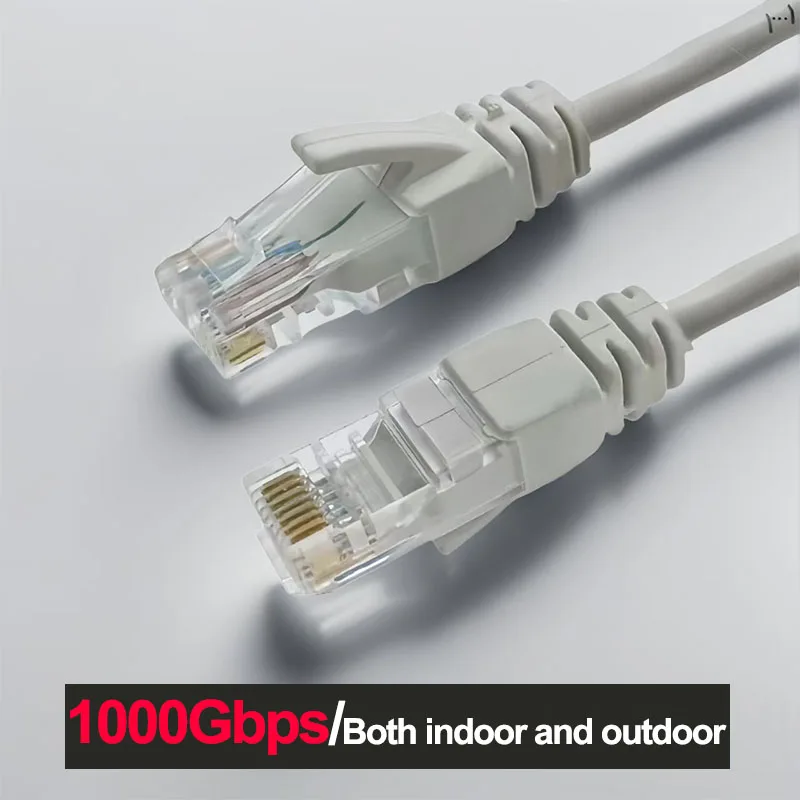
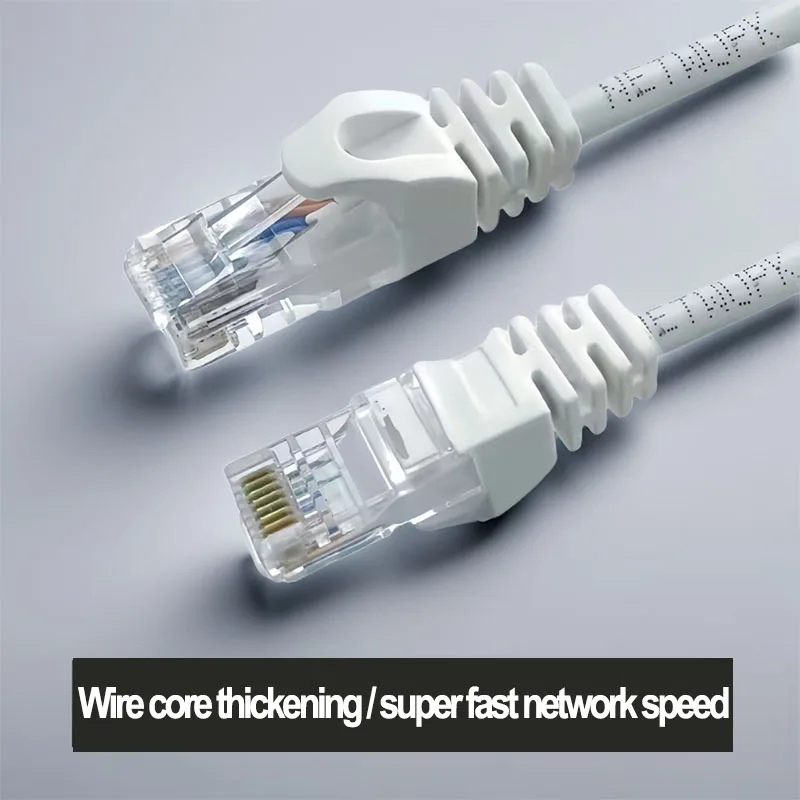
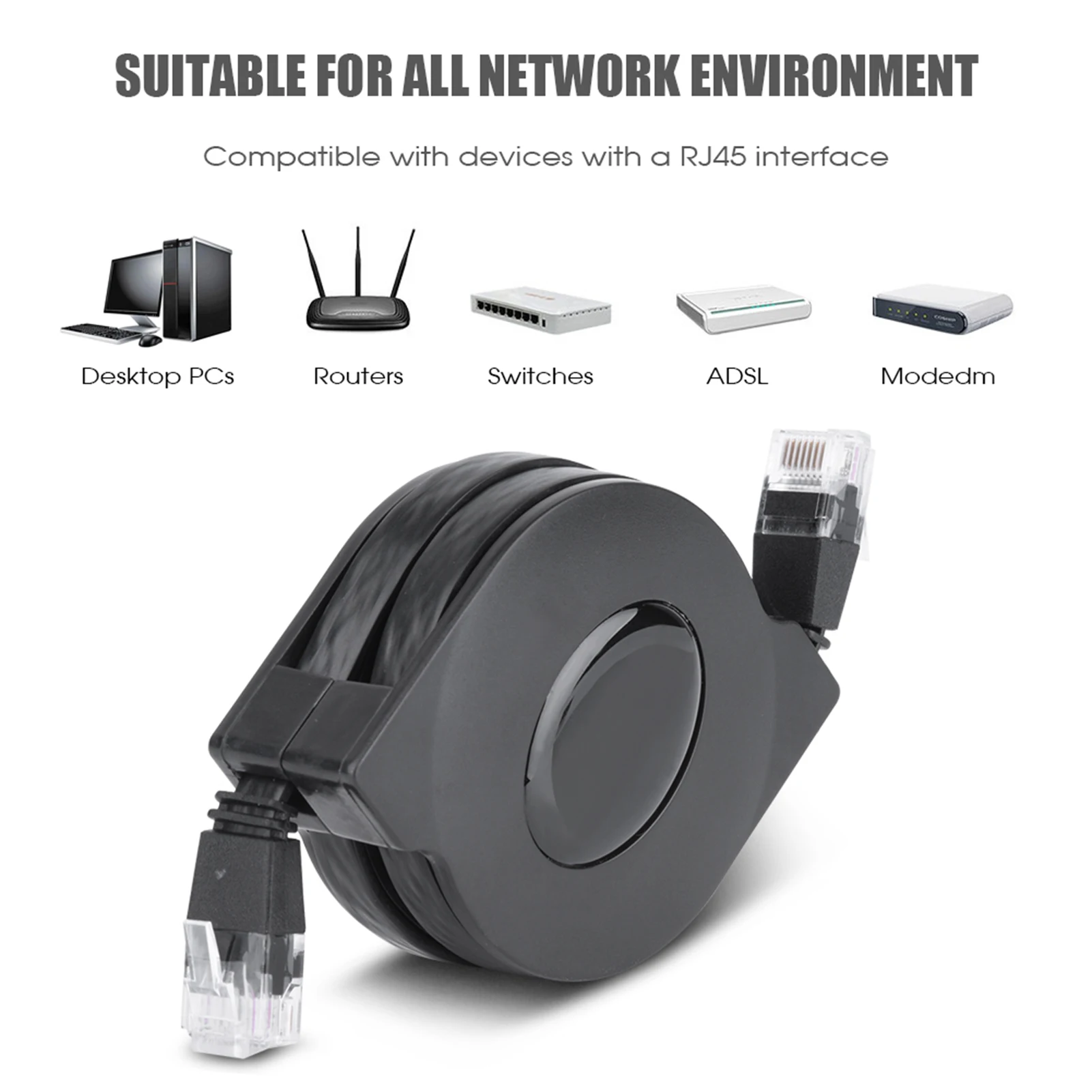
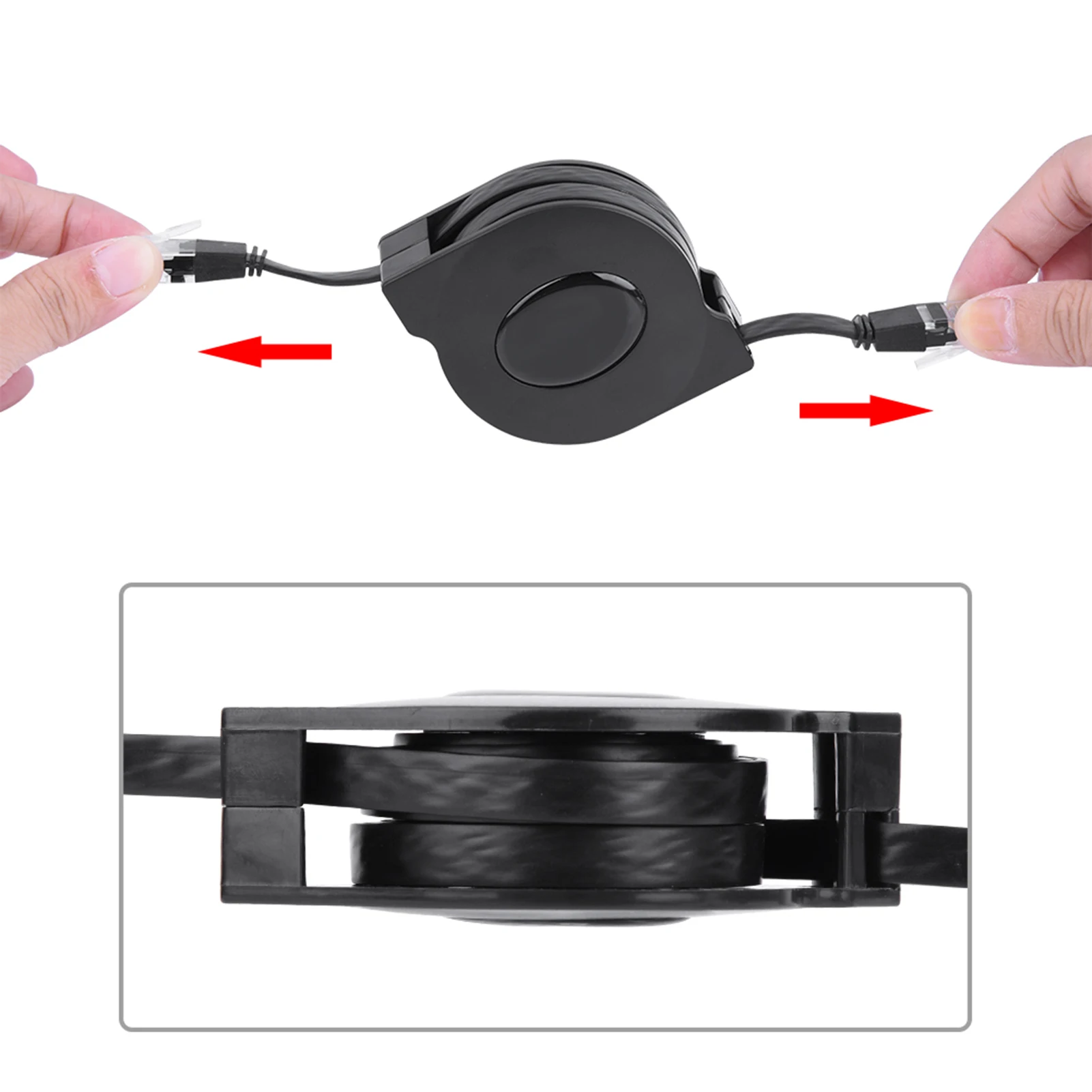
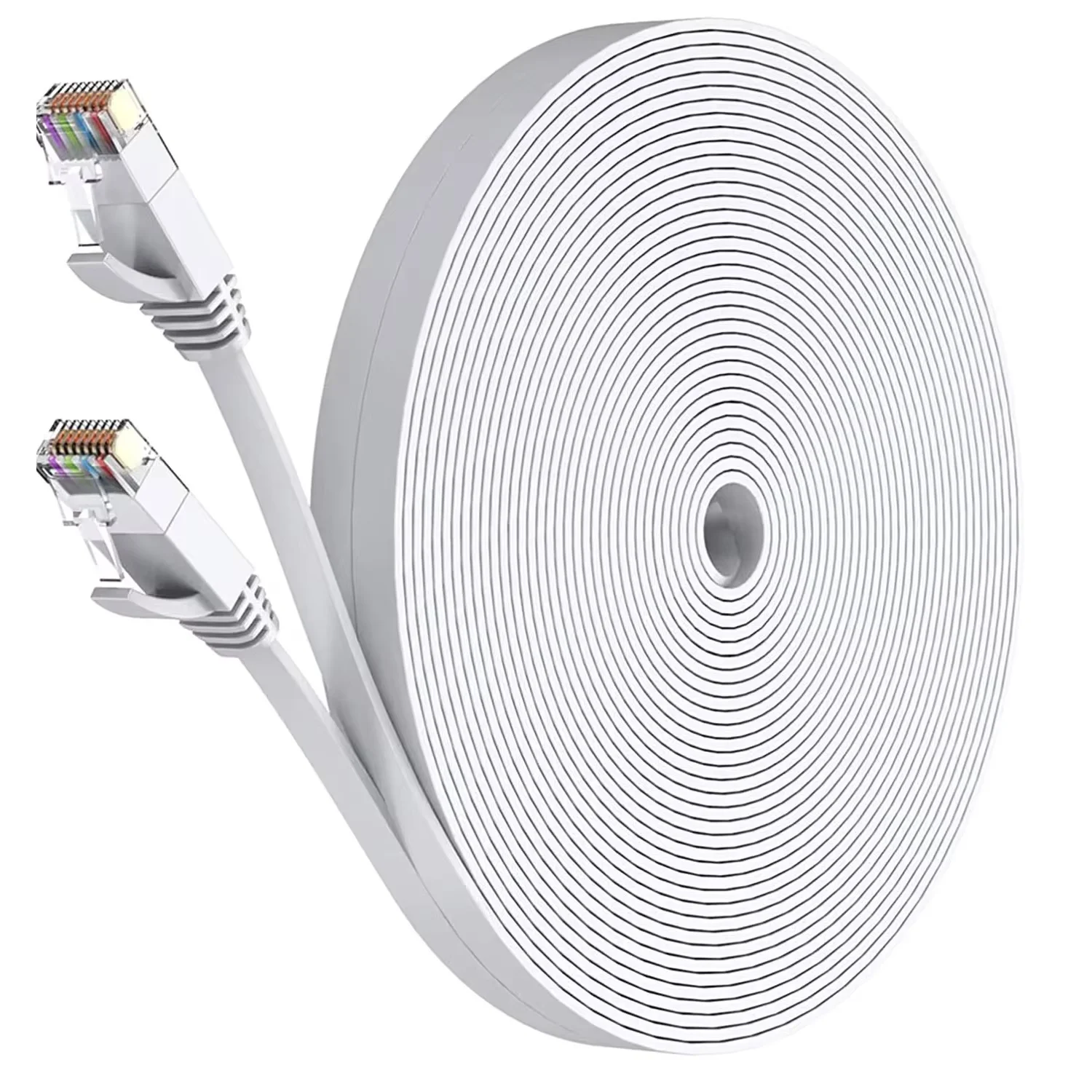
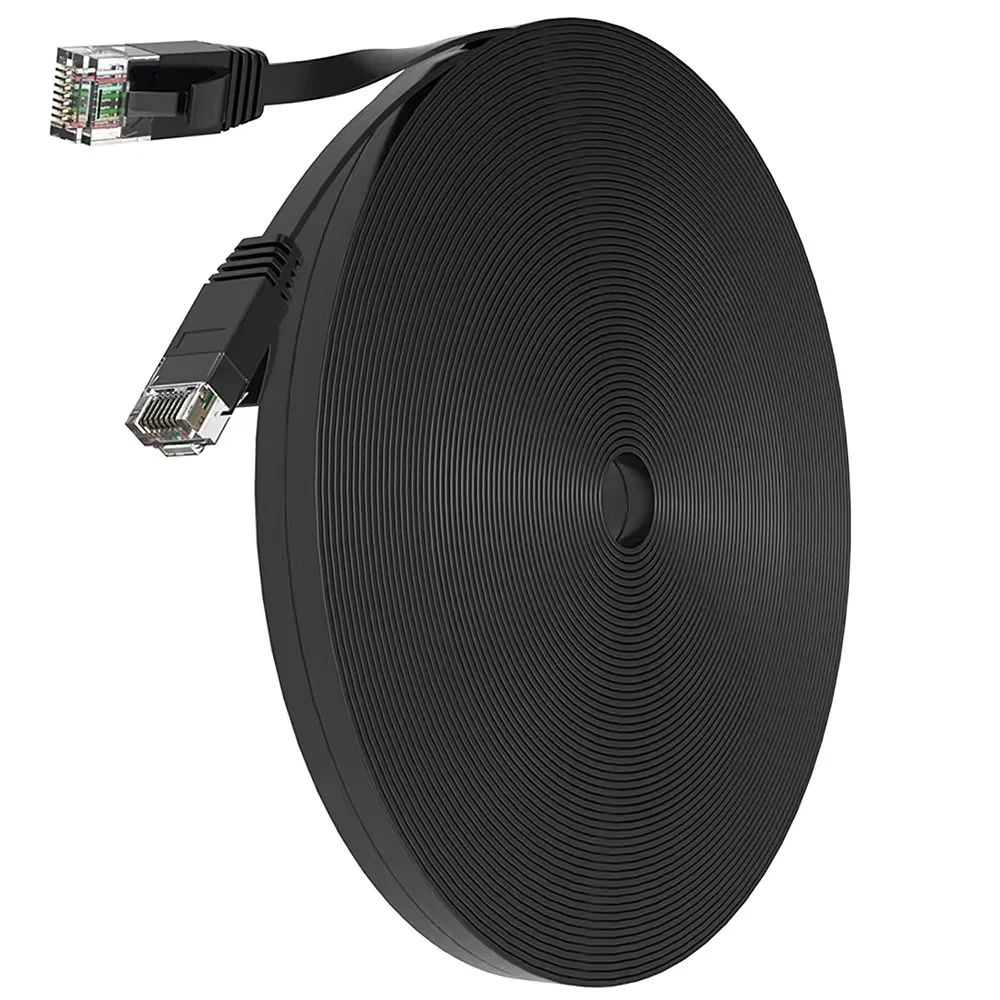
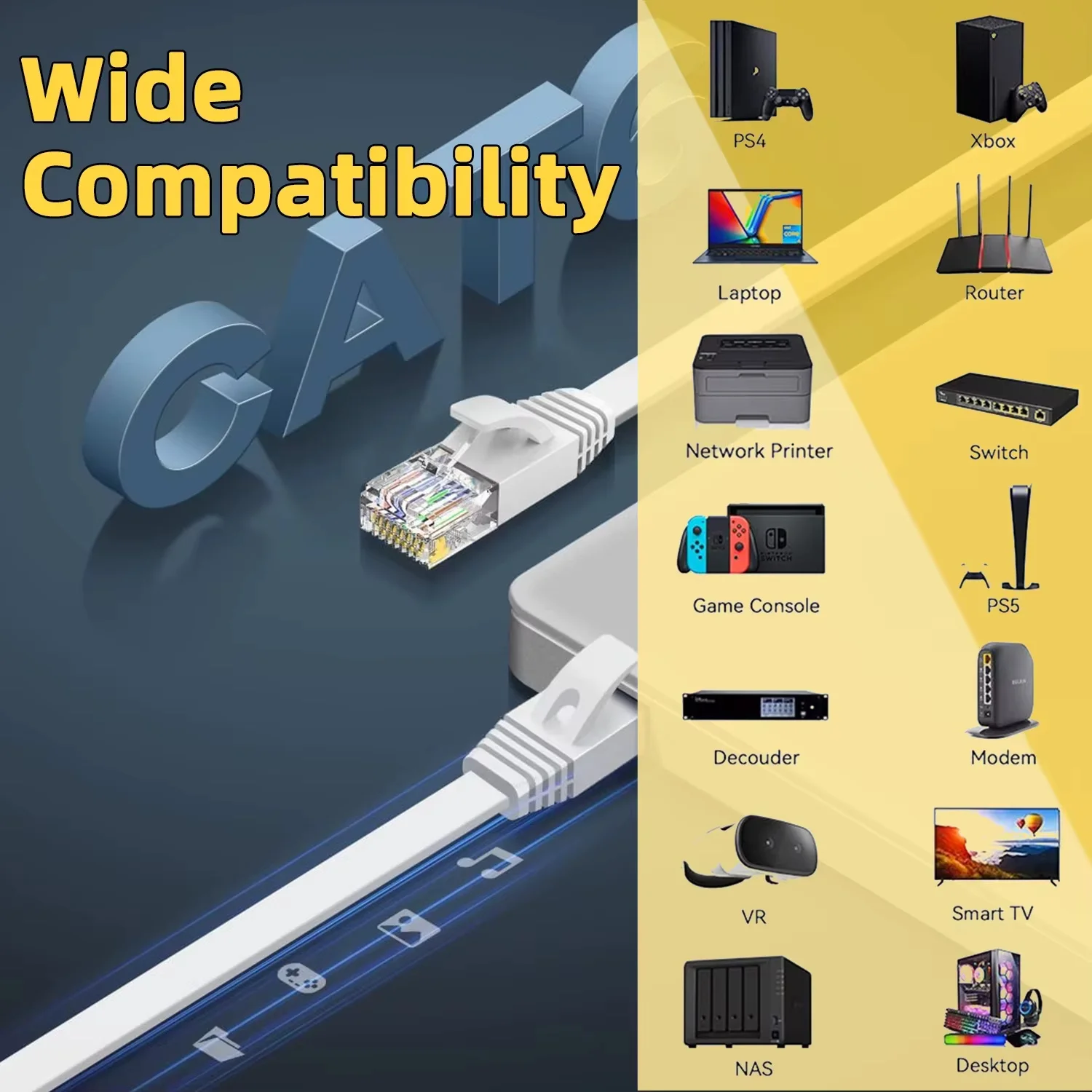
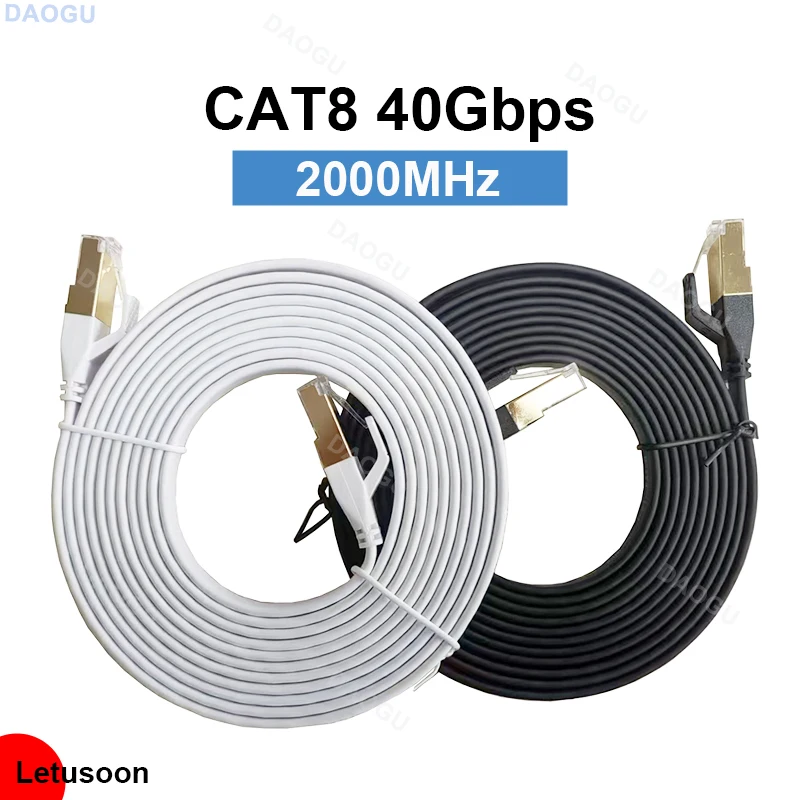
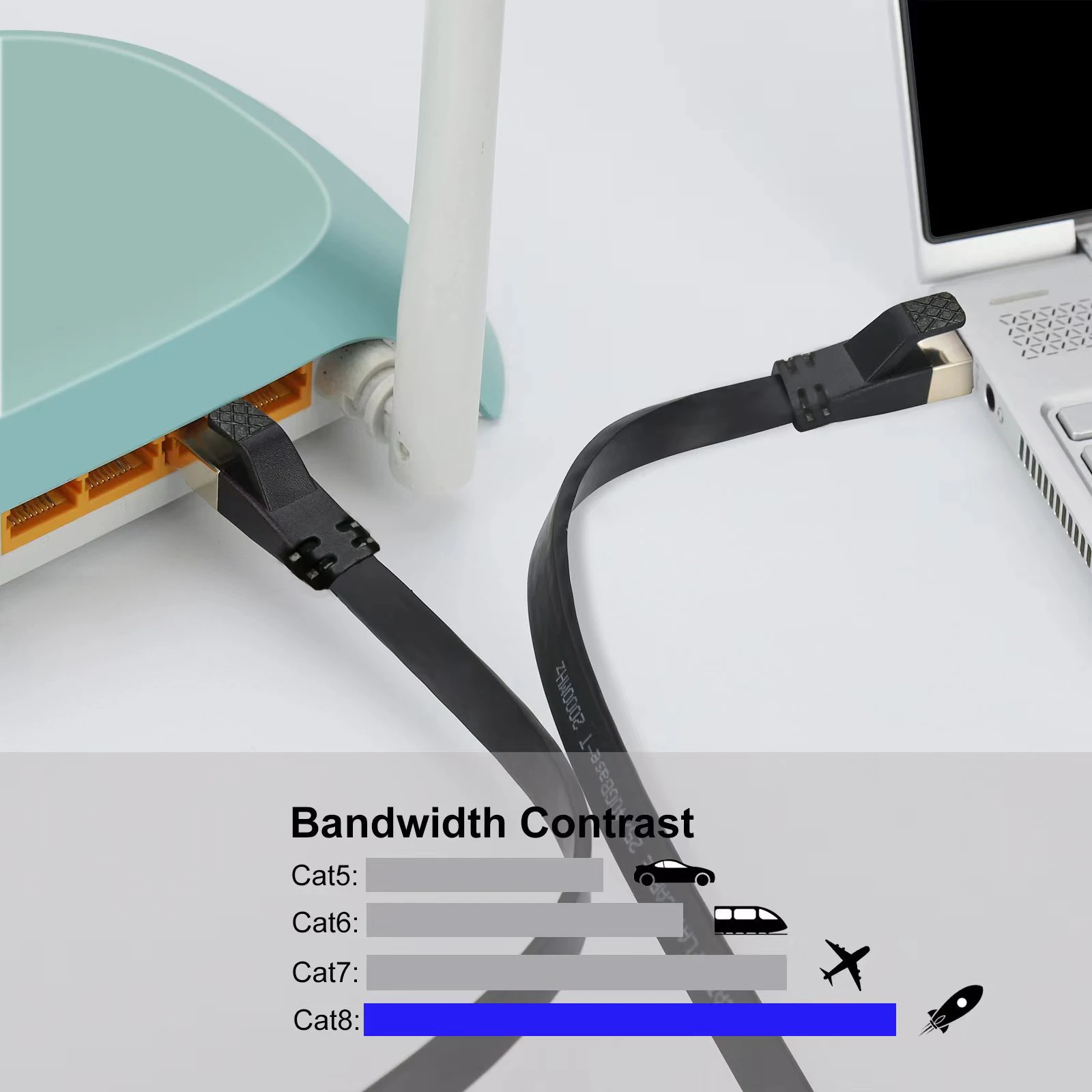
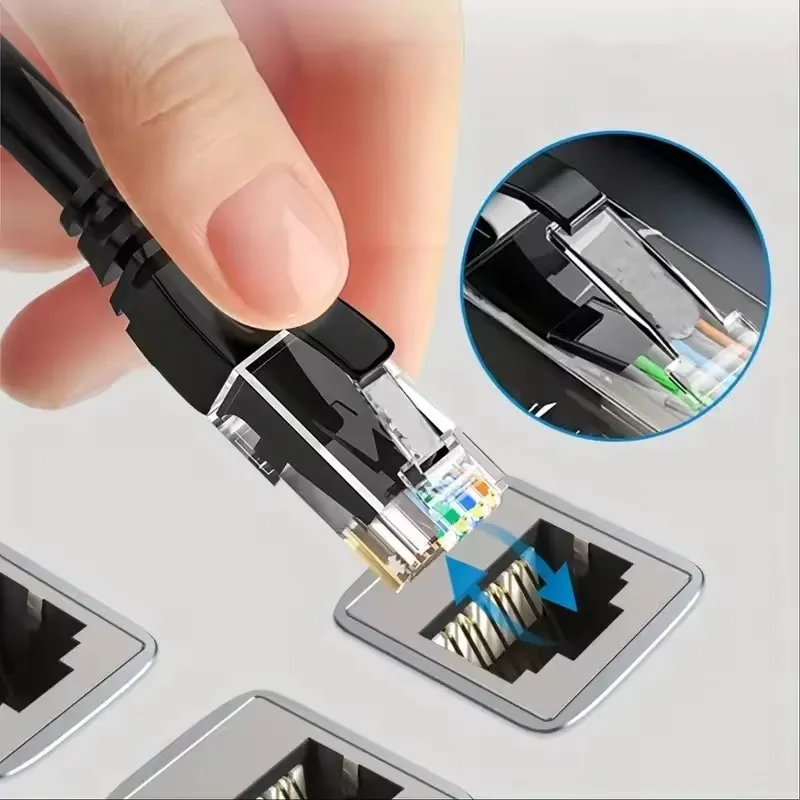
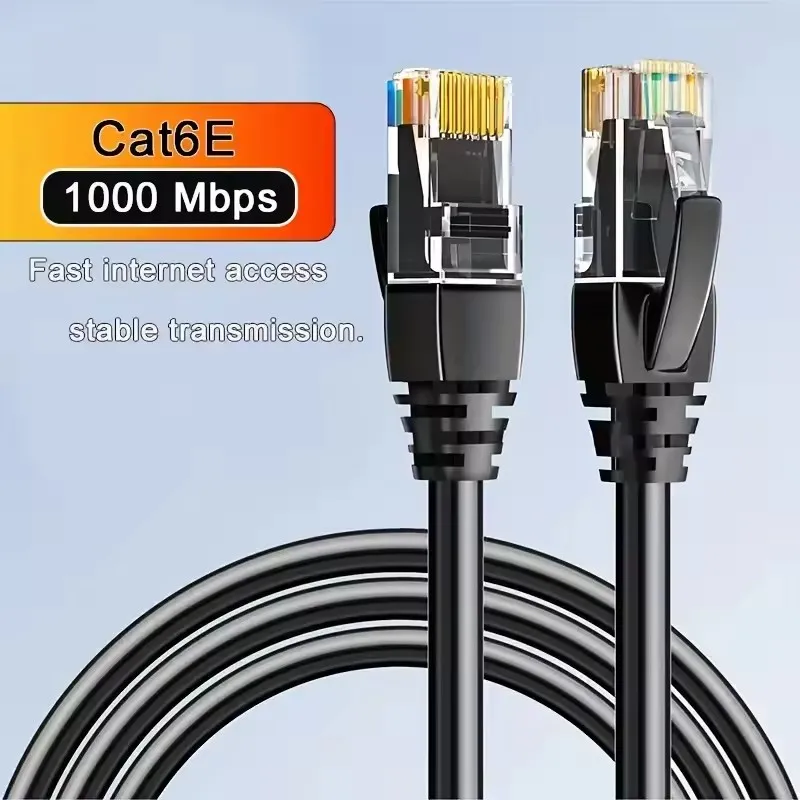
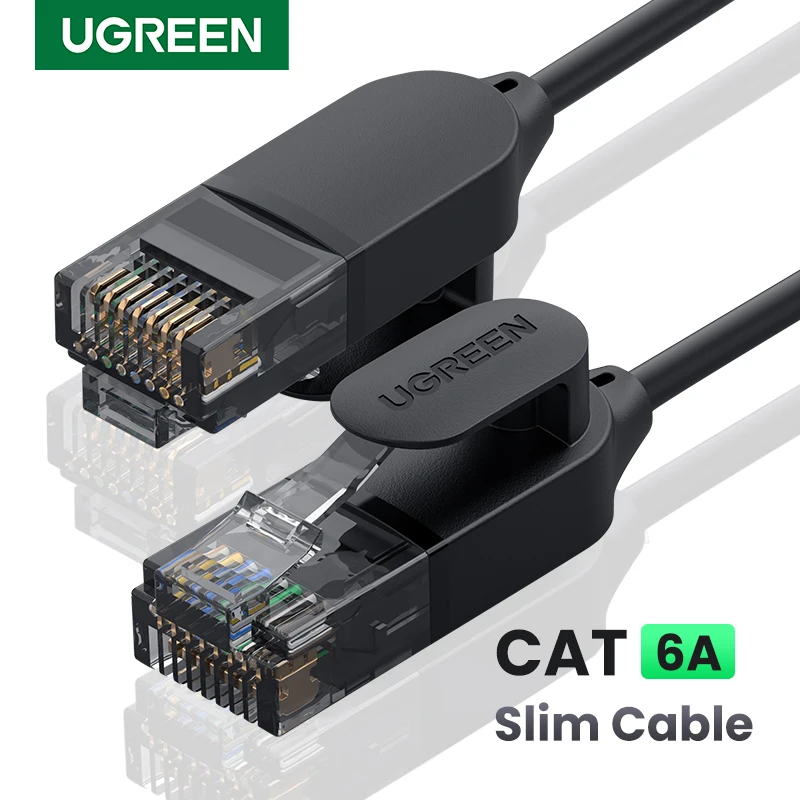
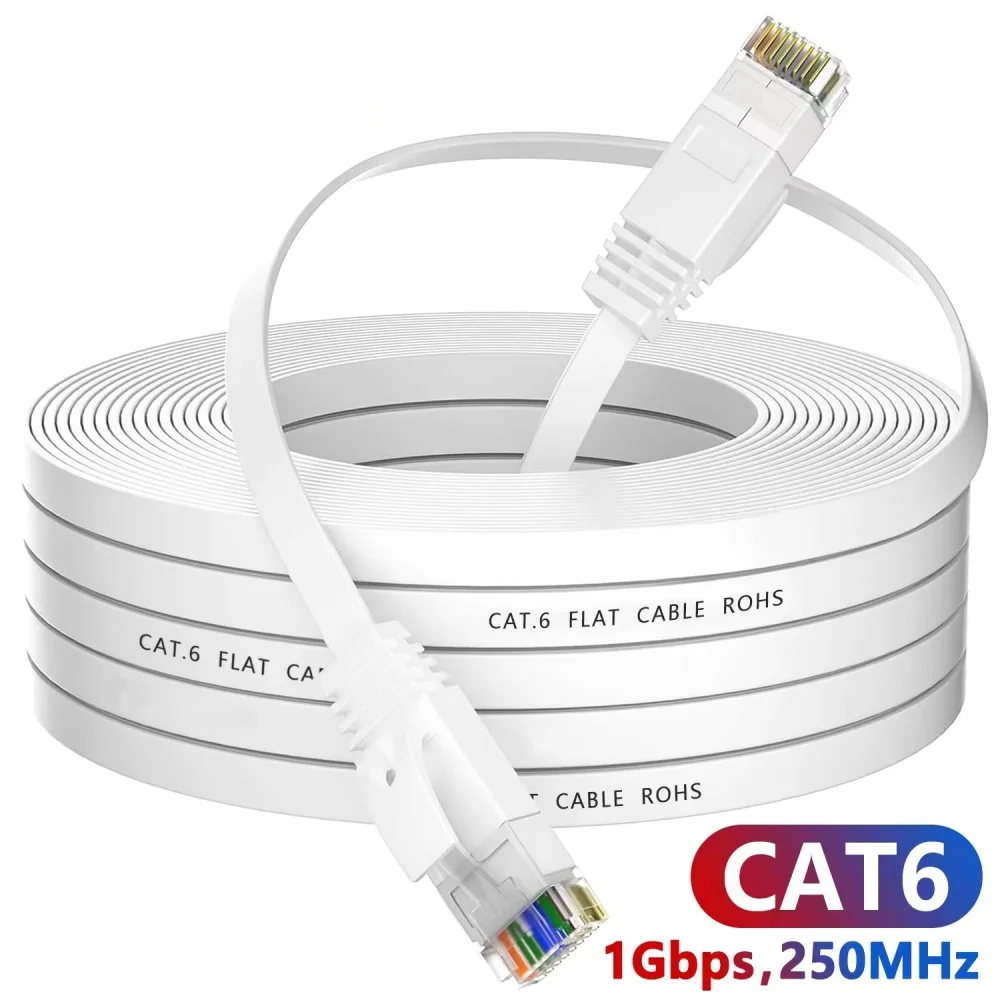
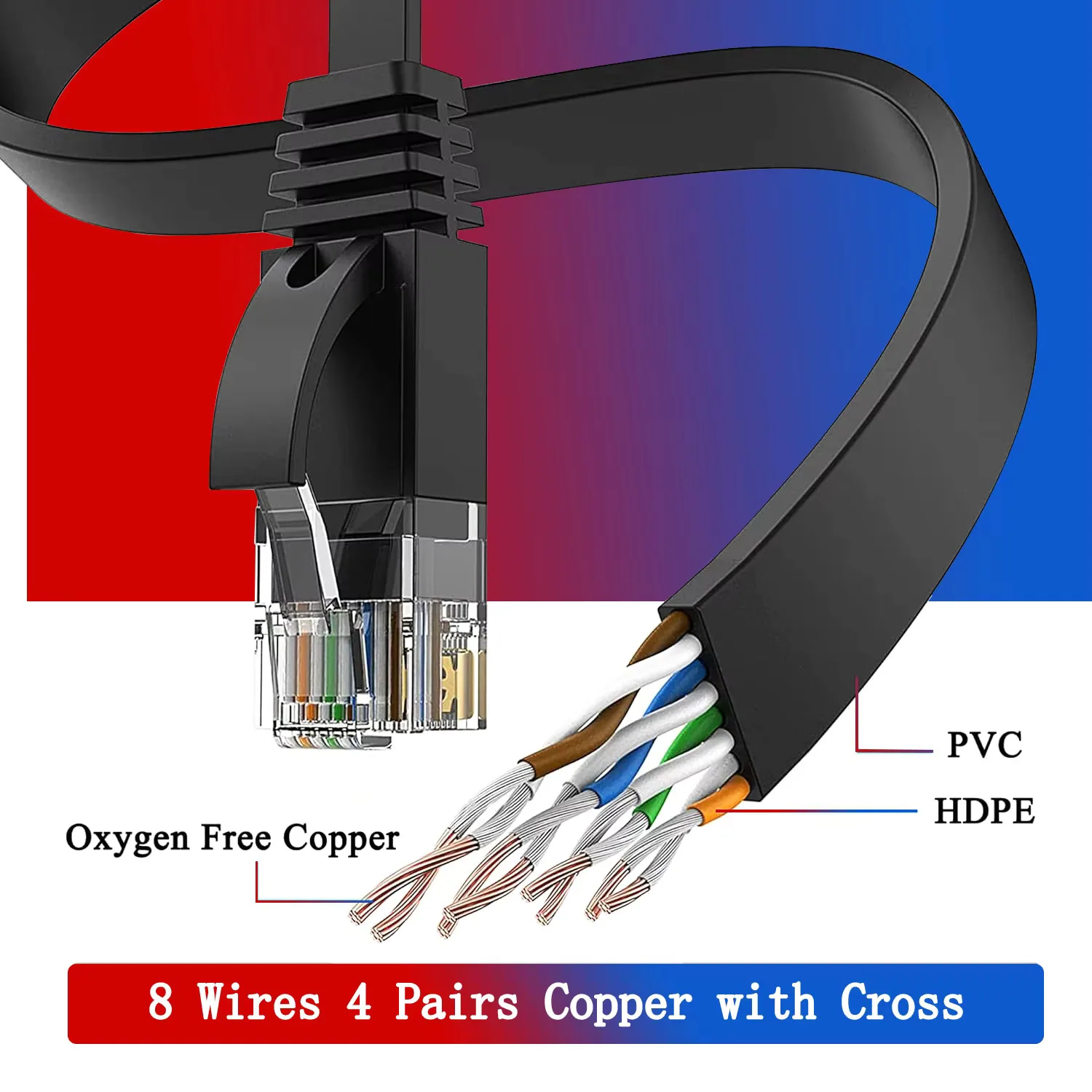
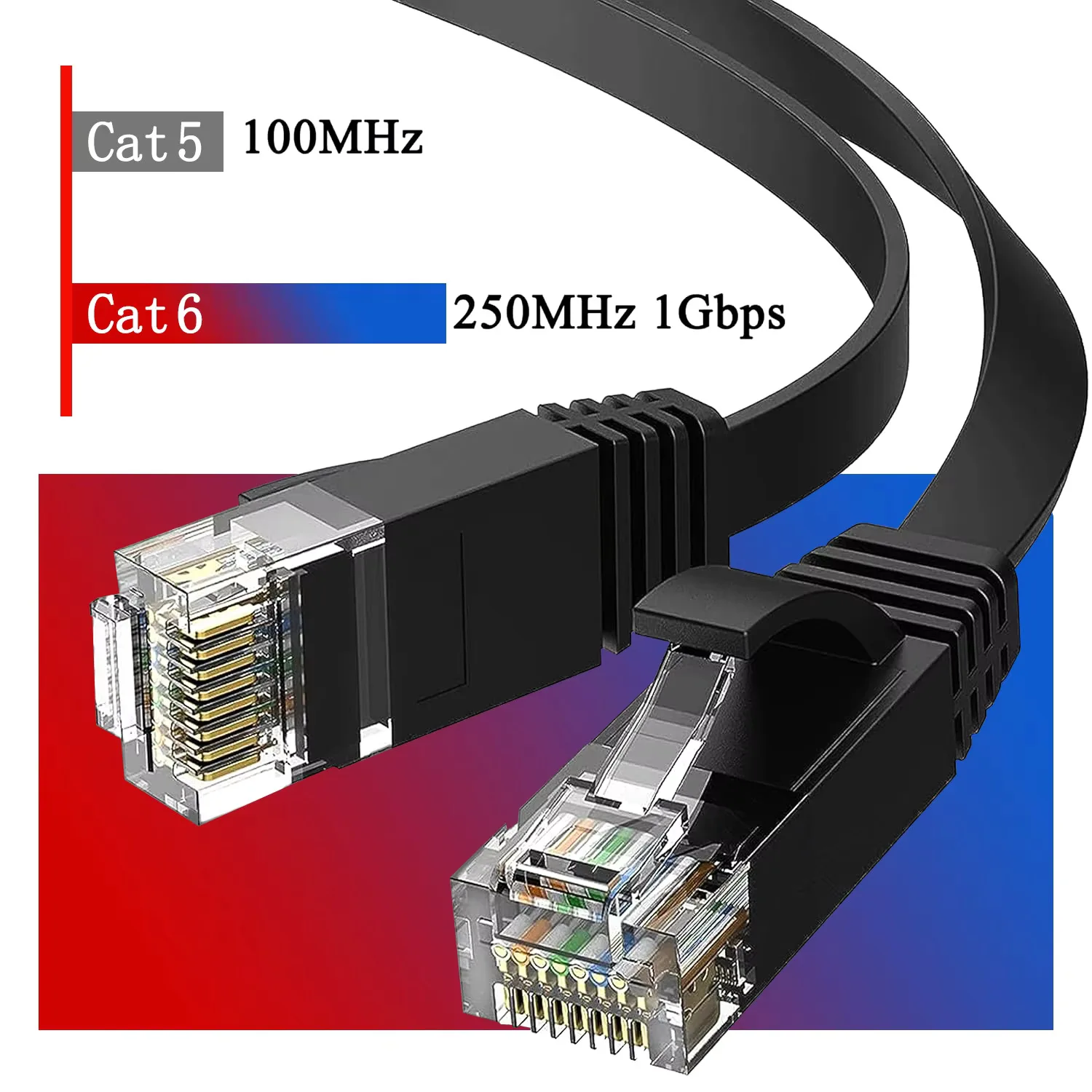
- Ethernet cables run a wired connection from the router, steadier than Wi-Fi at a desk you use every day. See Ethernet cables.
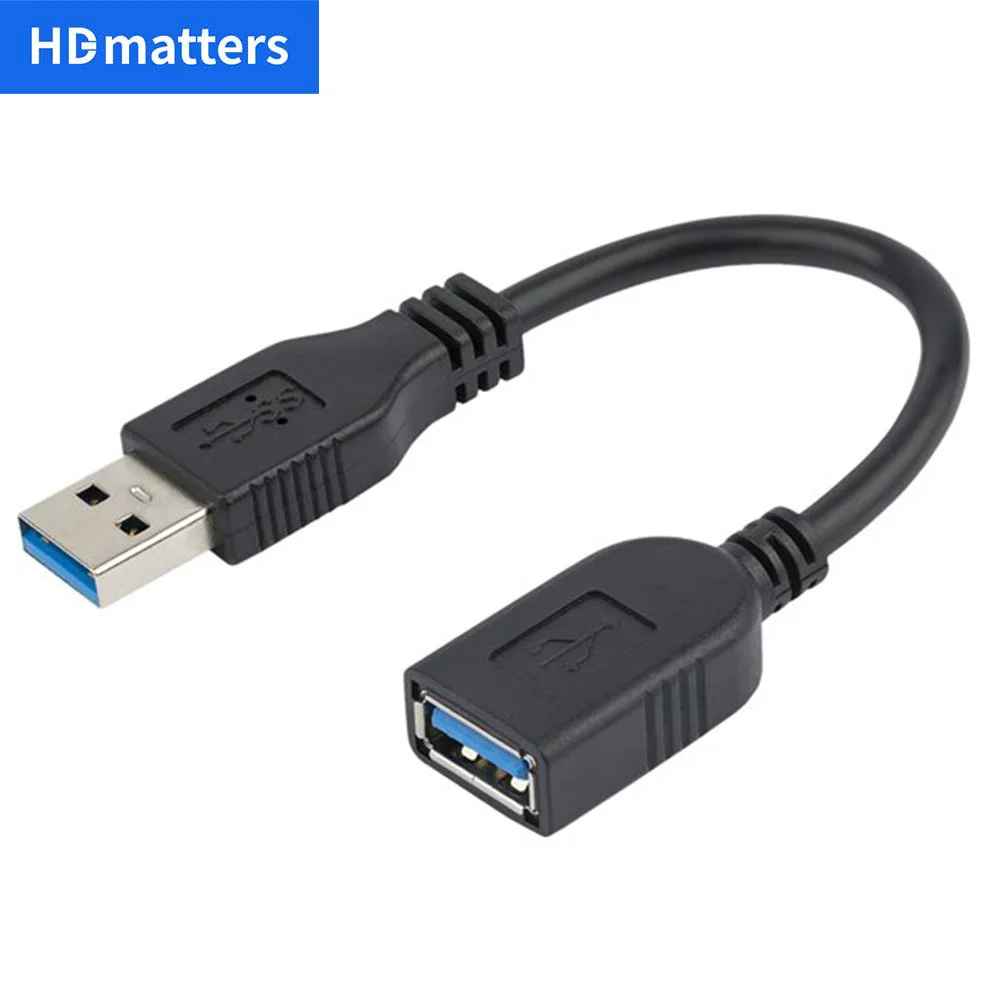
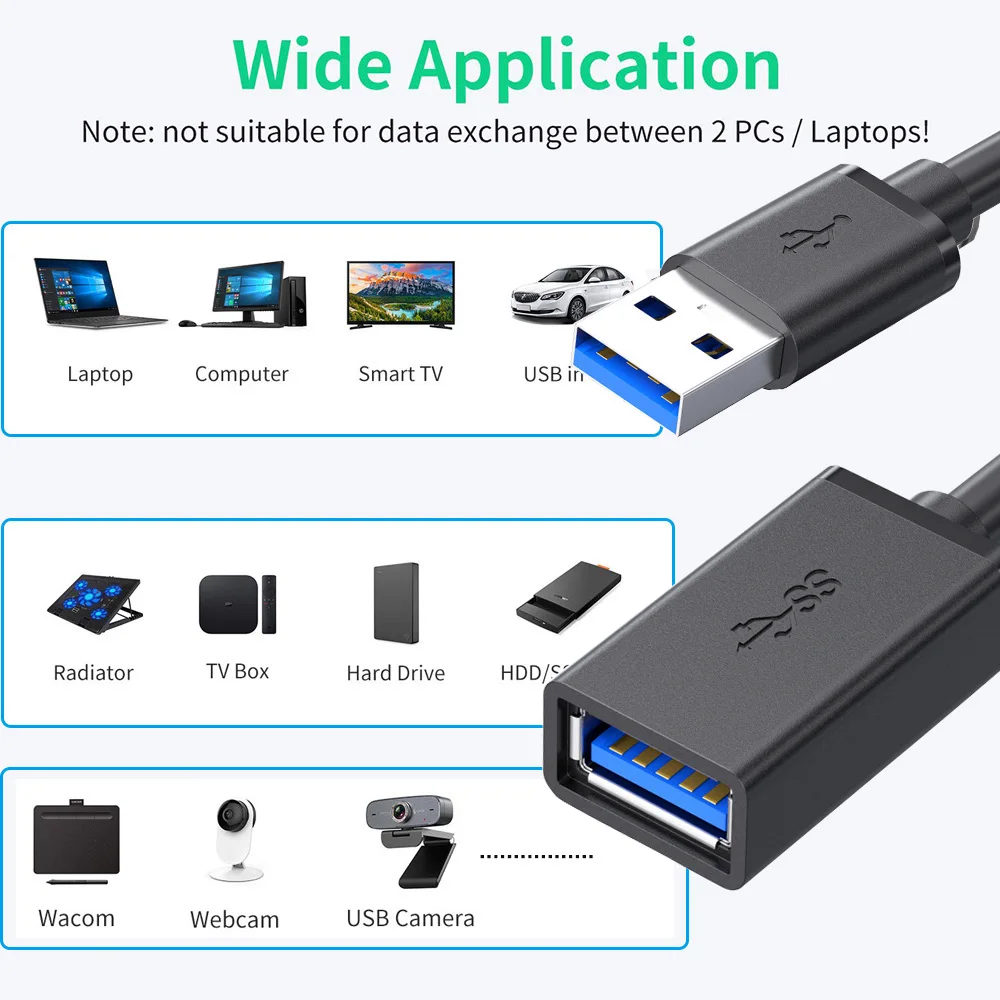
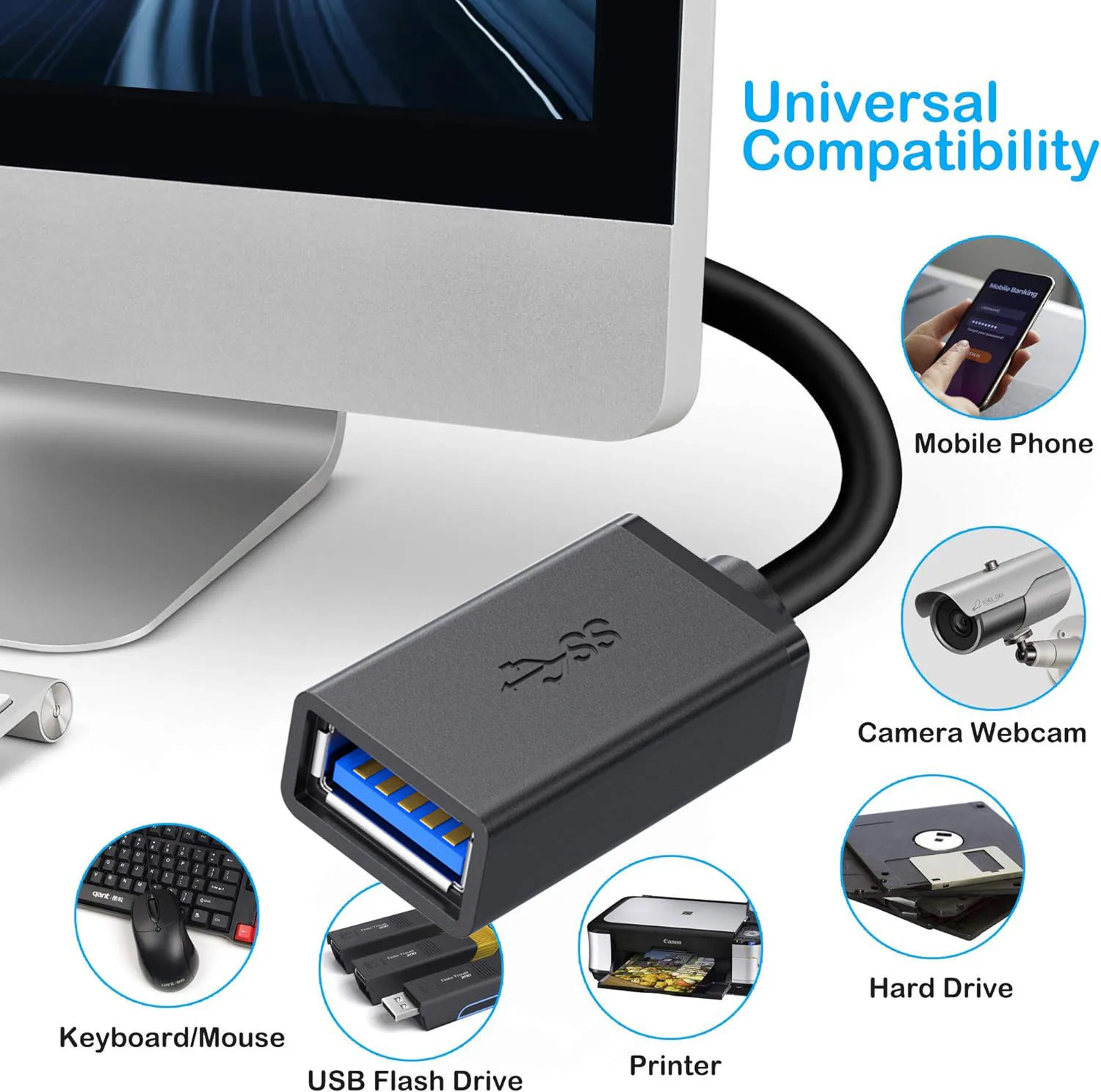
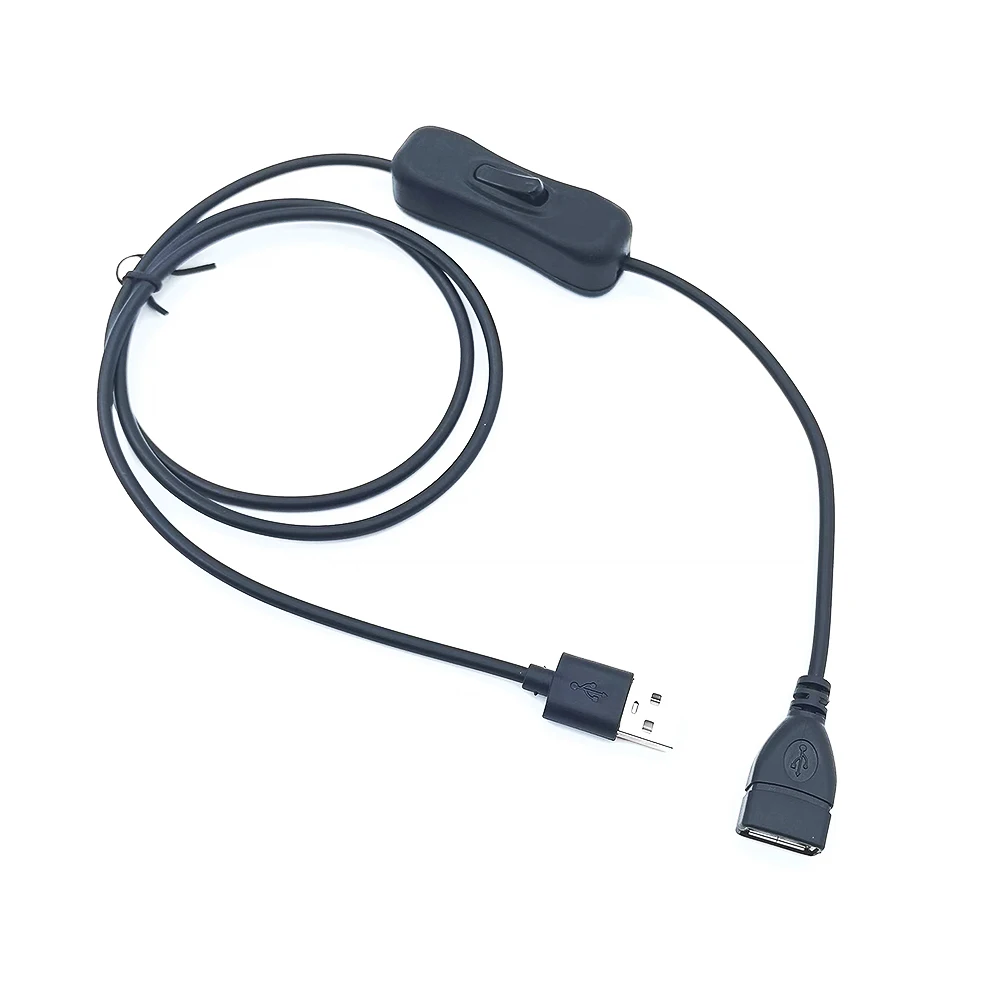
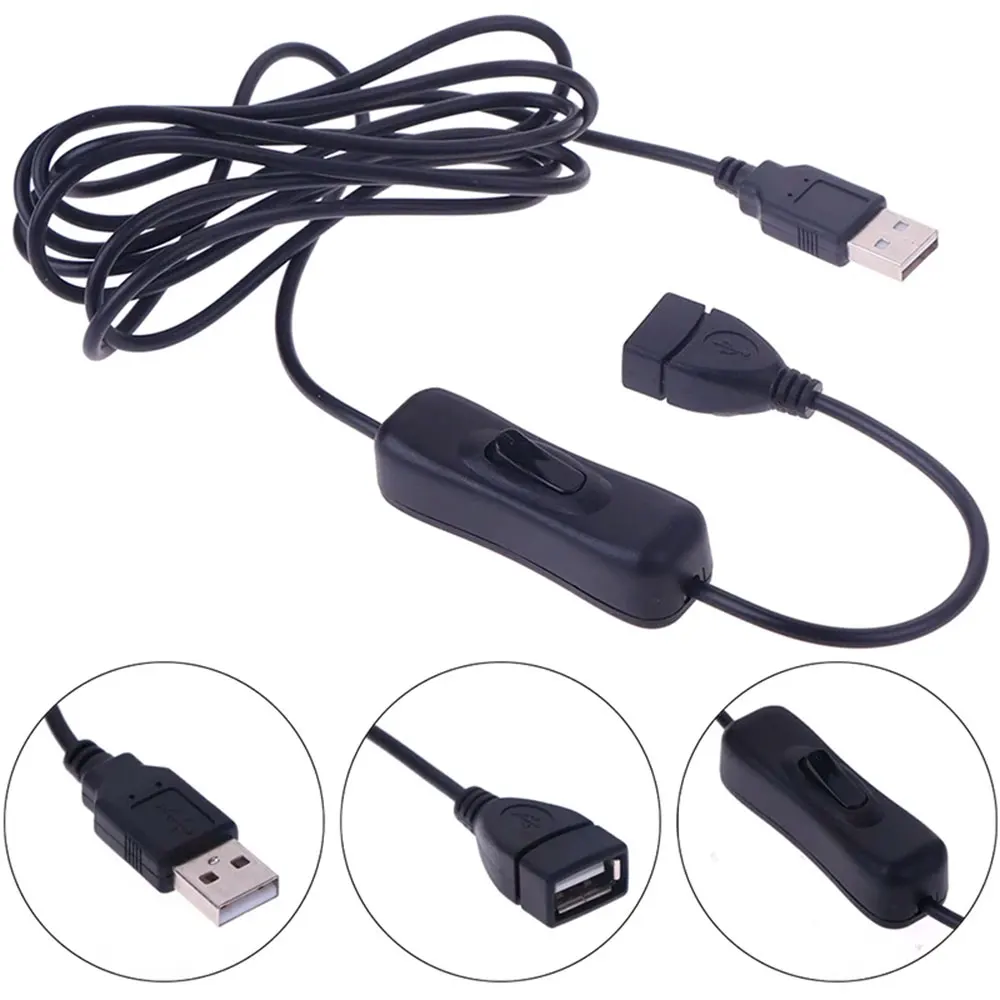
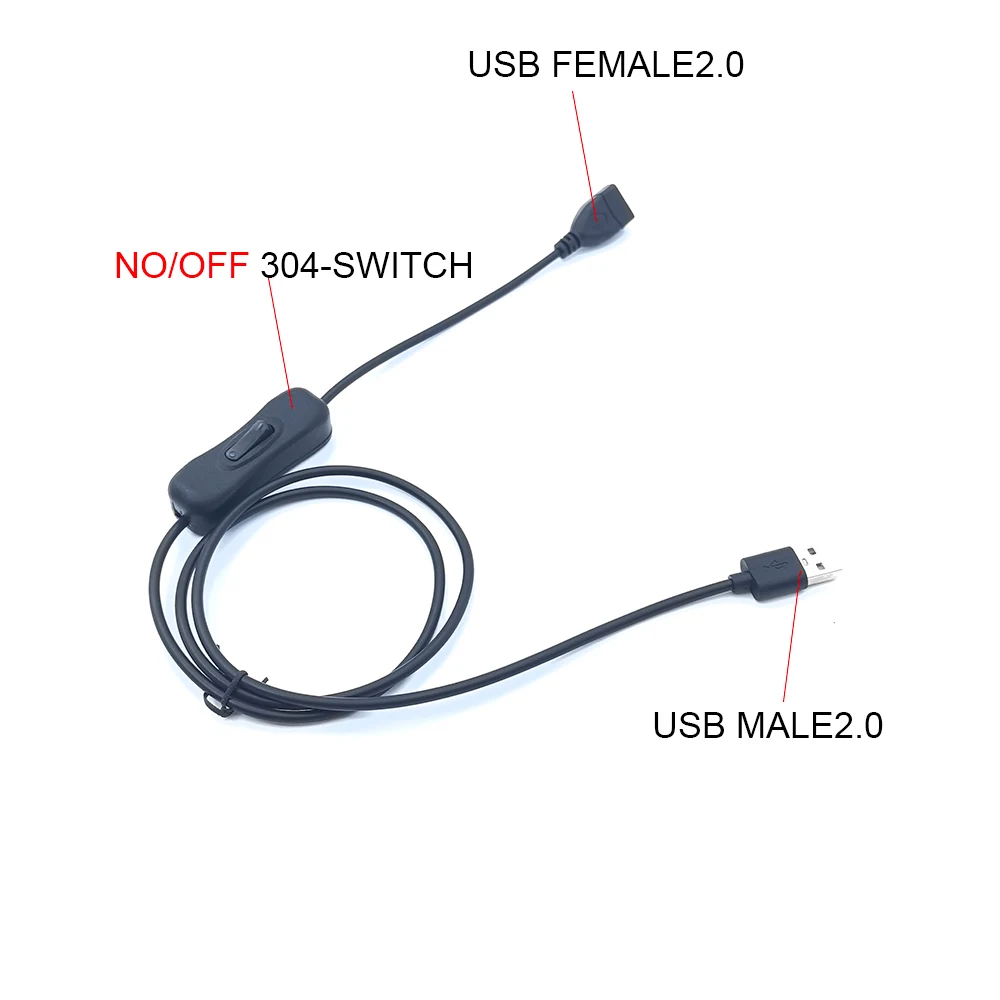
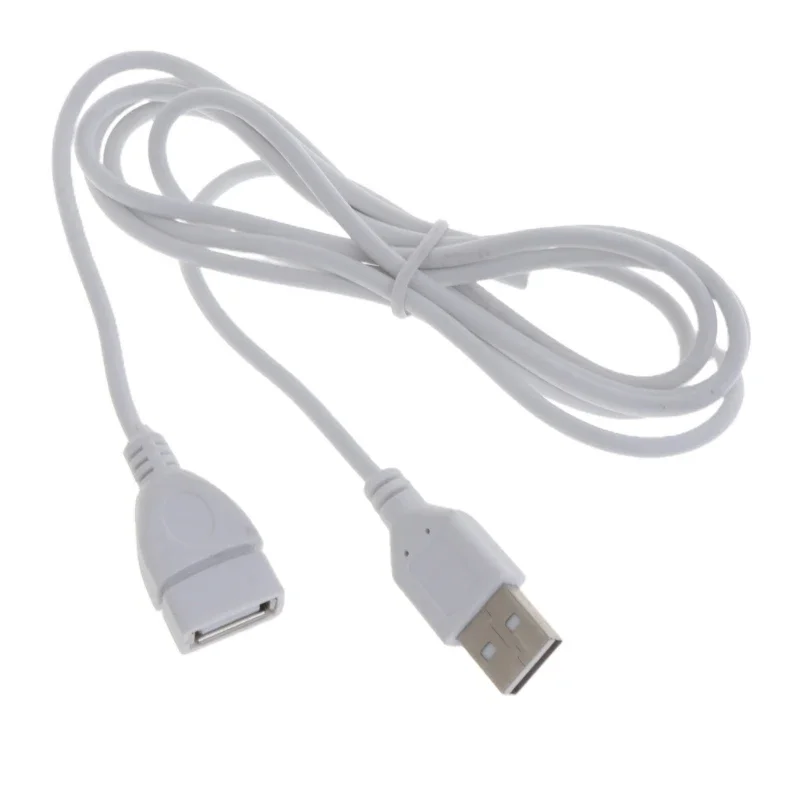
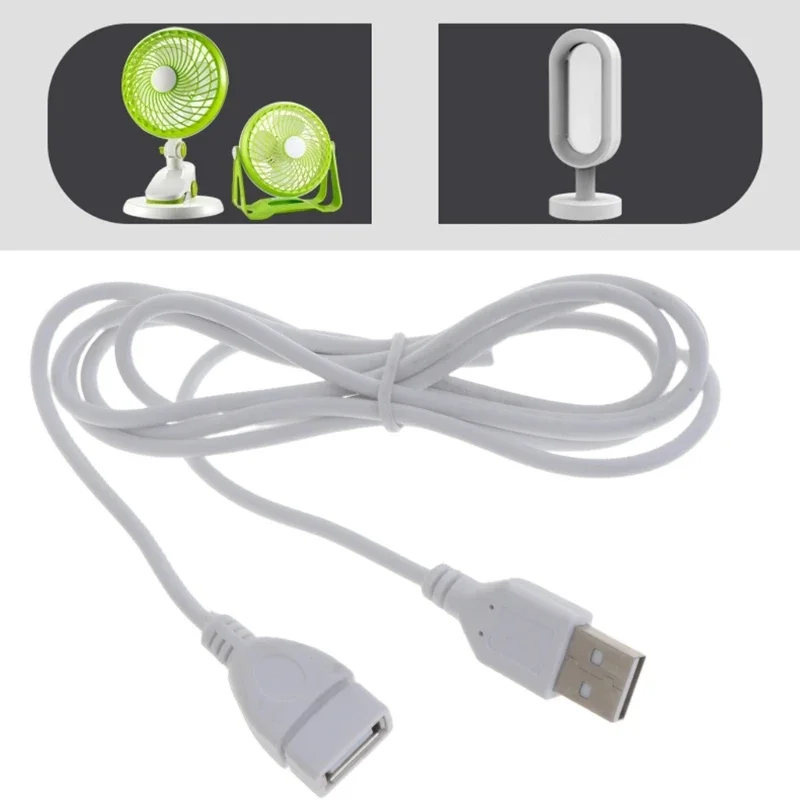
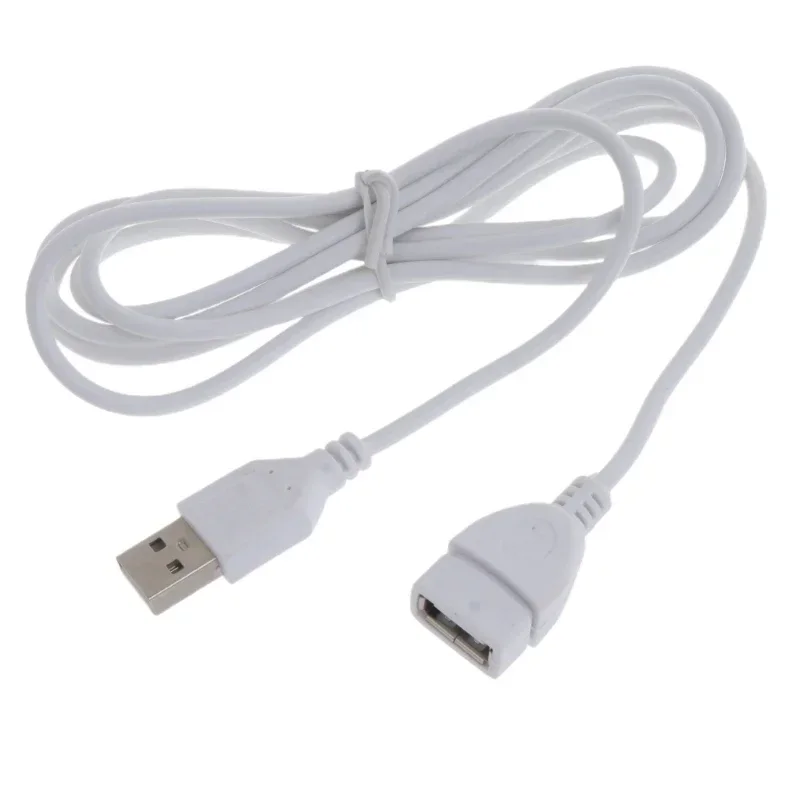
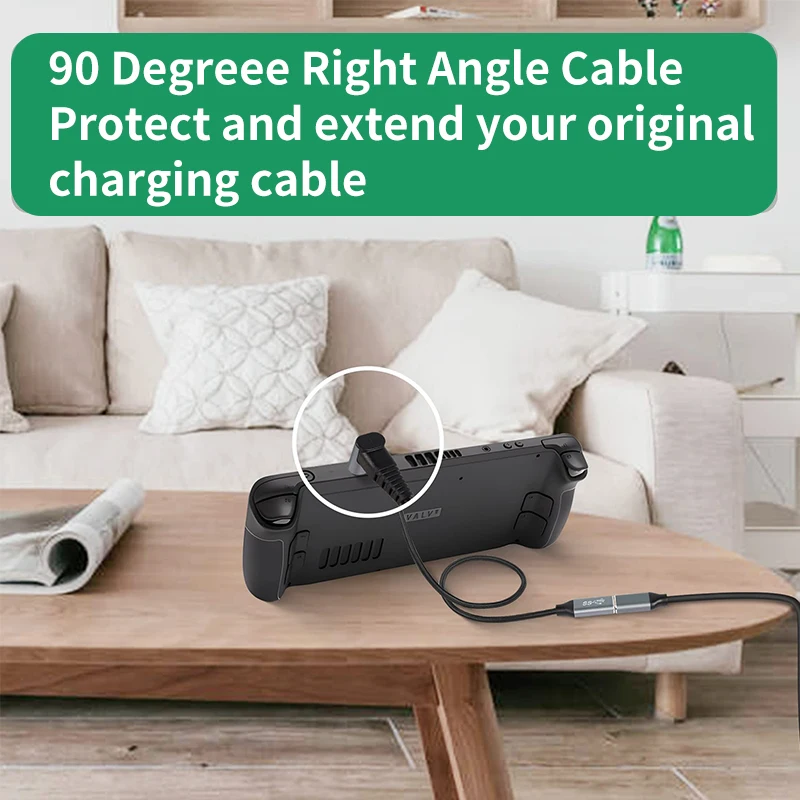
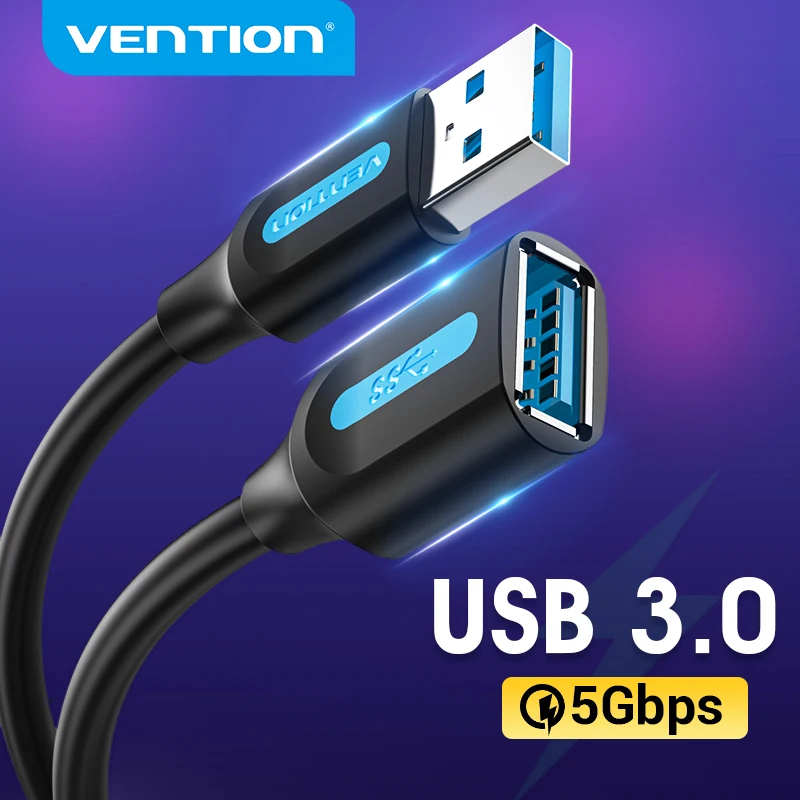
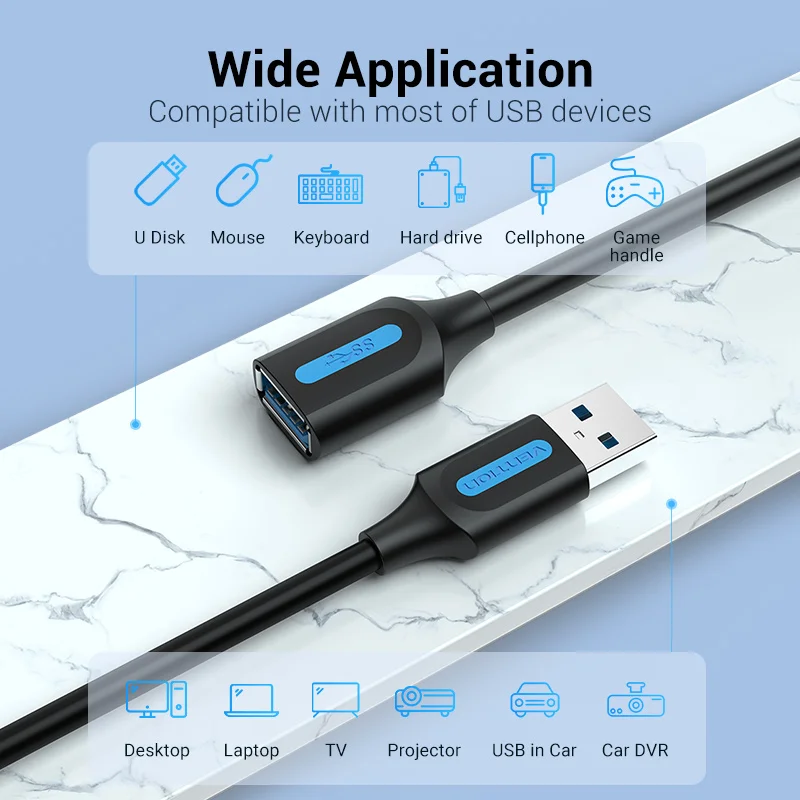
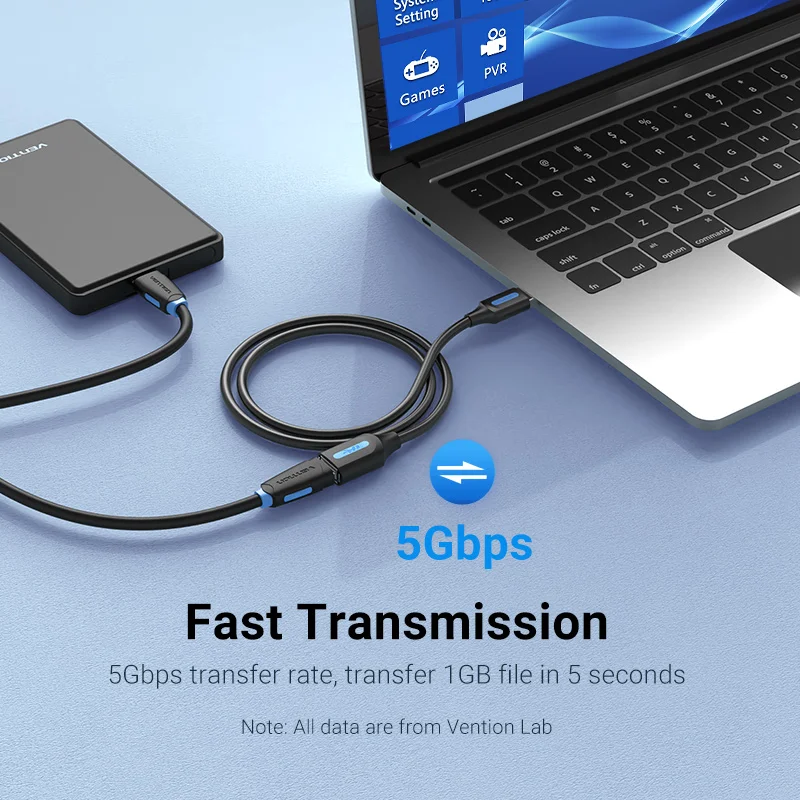
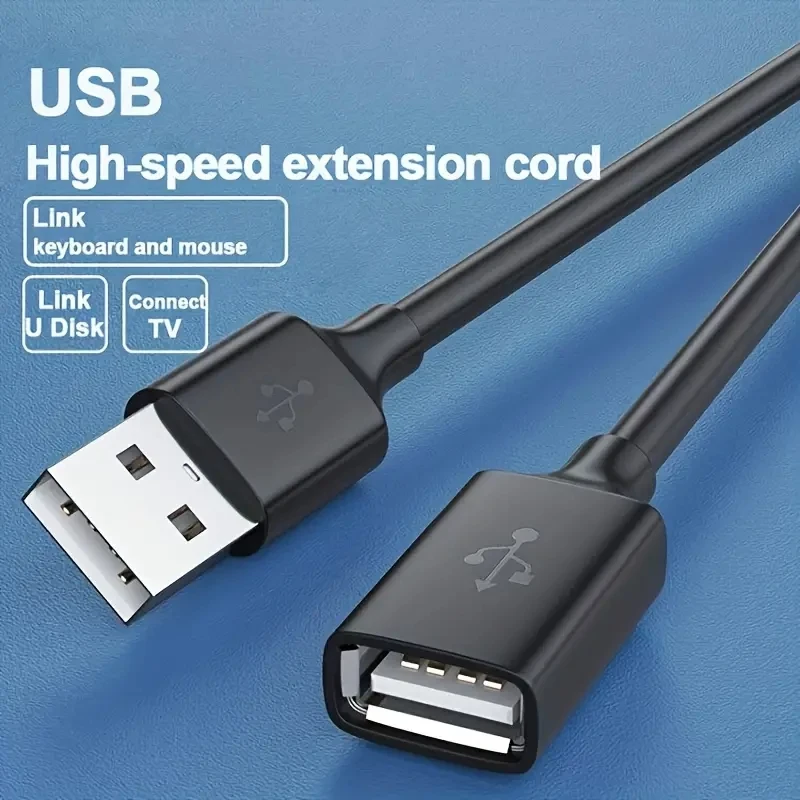
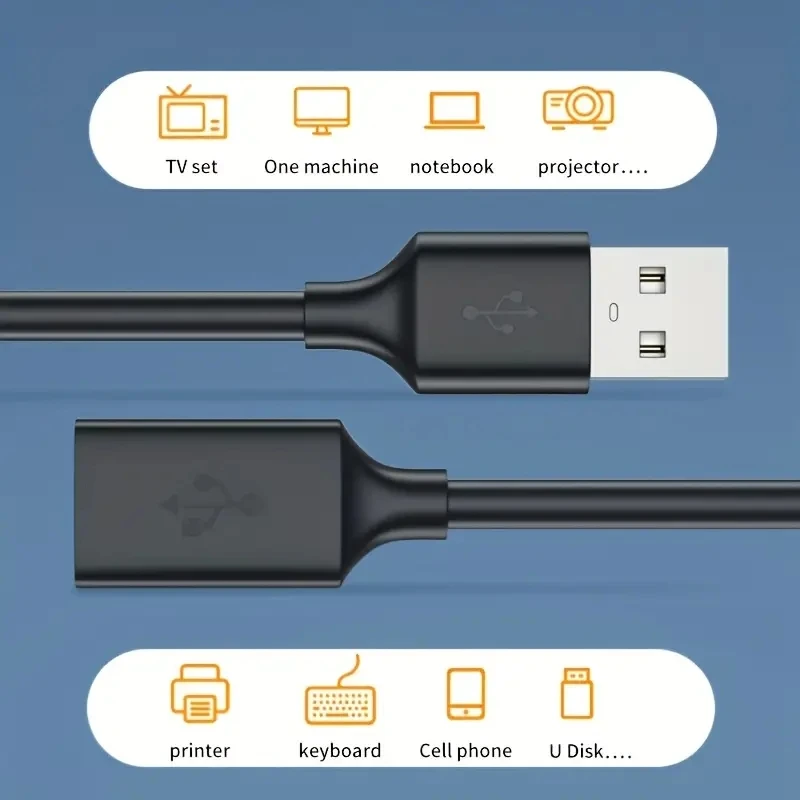
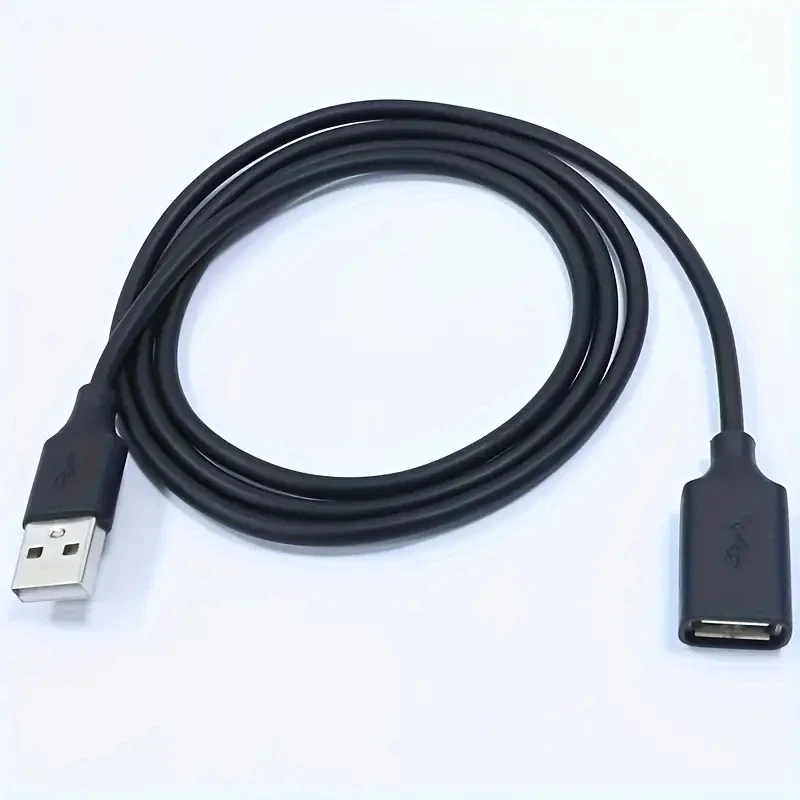
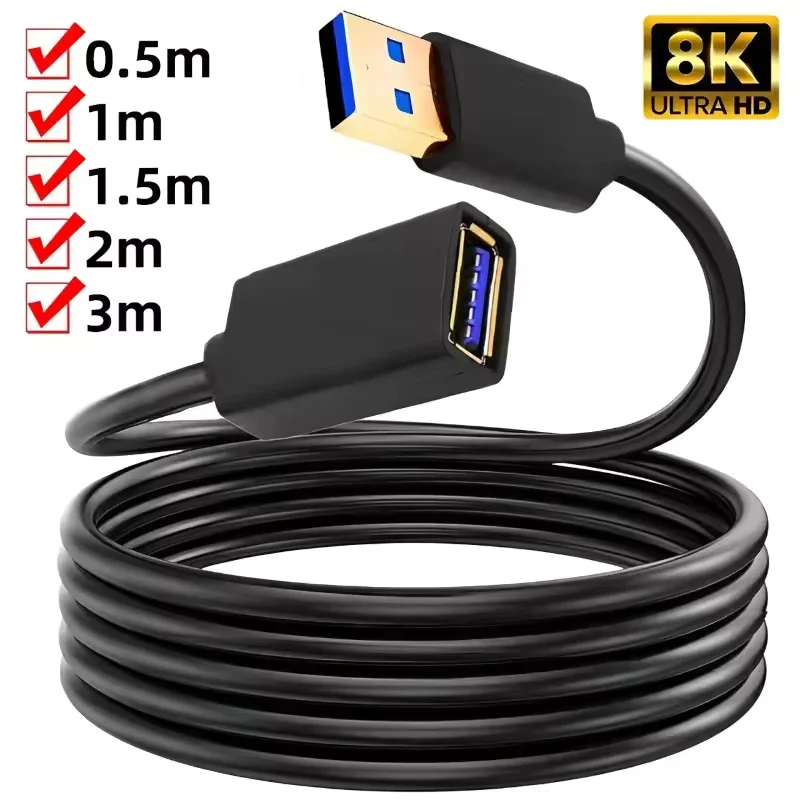
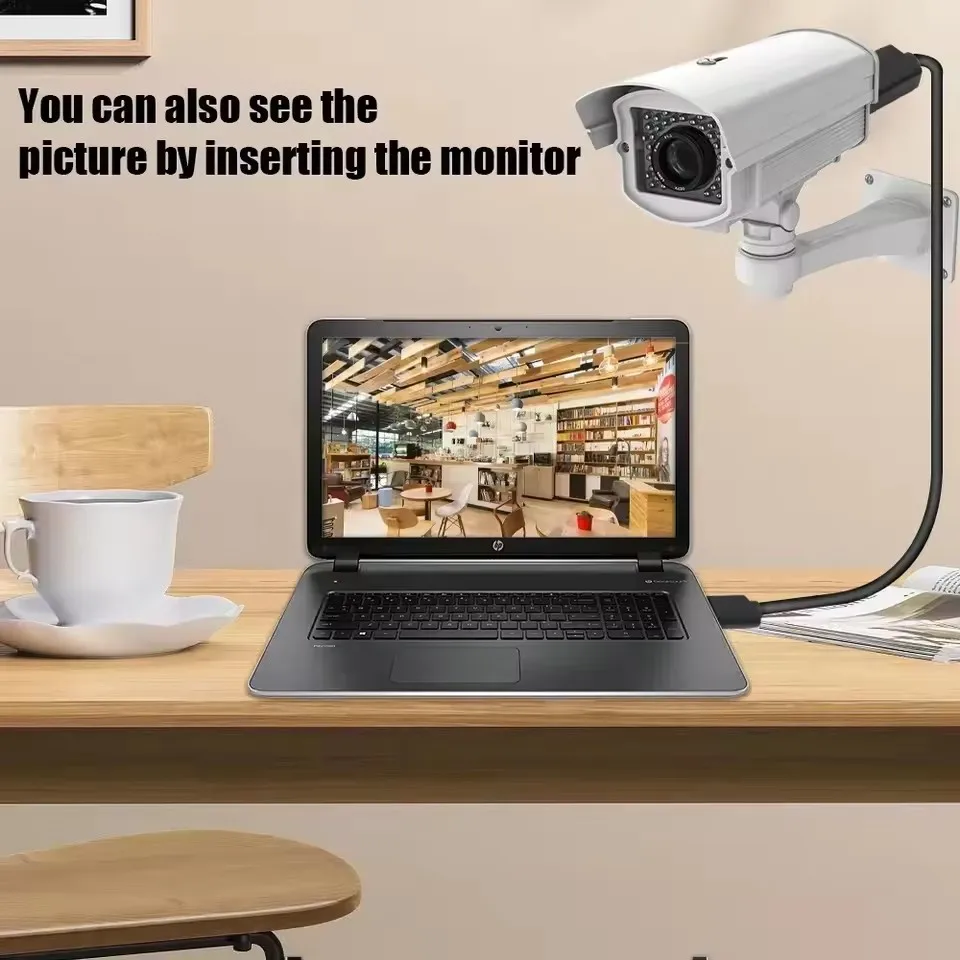
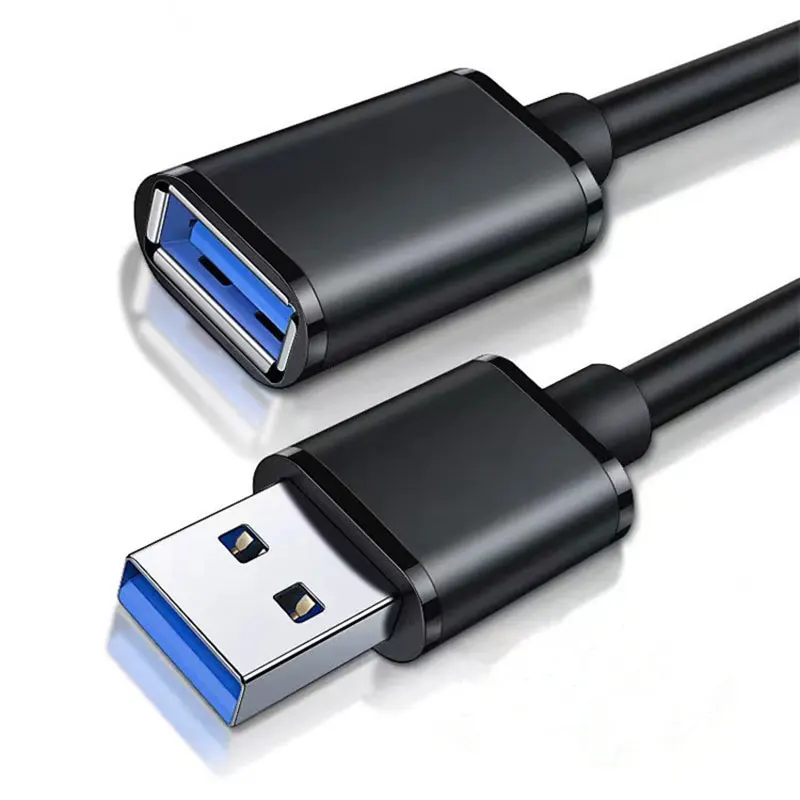
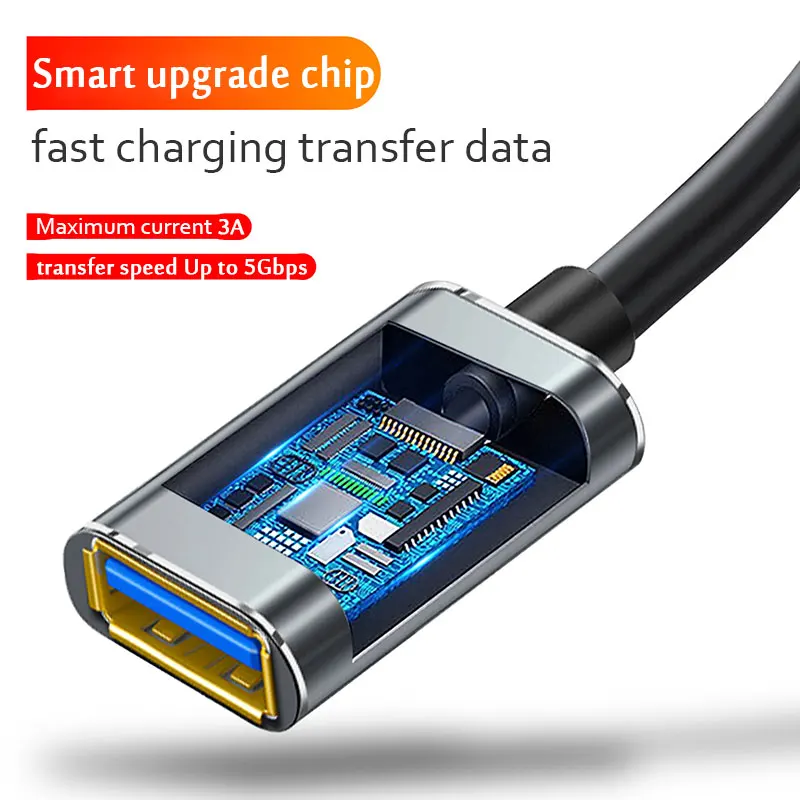
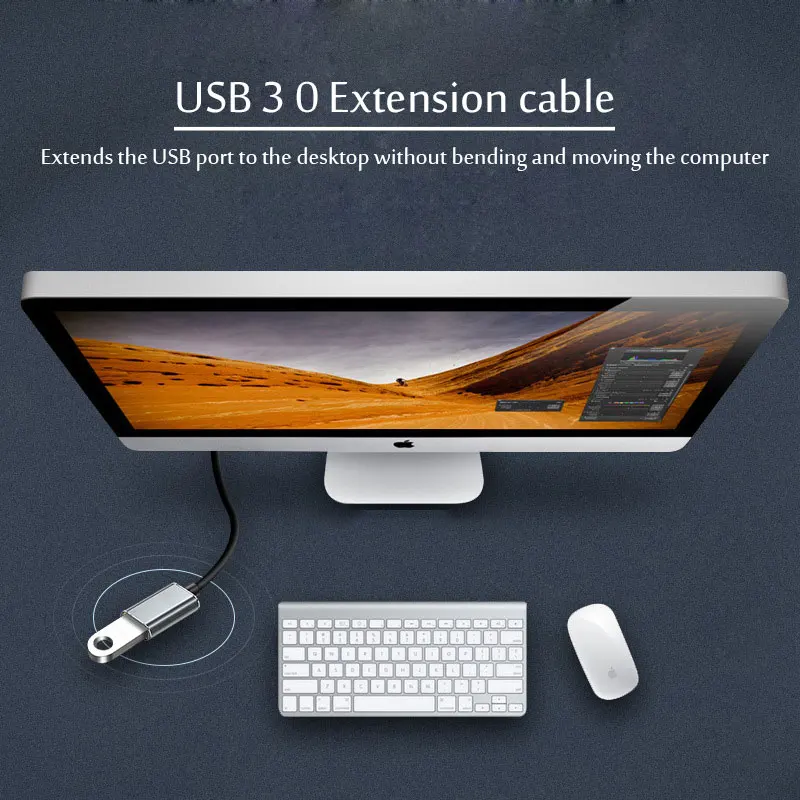
- USB extension cables give a plug more reach, for a webcam on a monitor or a receiver moved nearer the mouse. See USB extension cables.
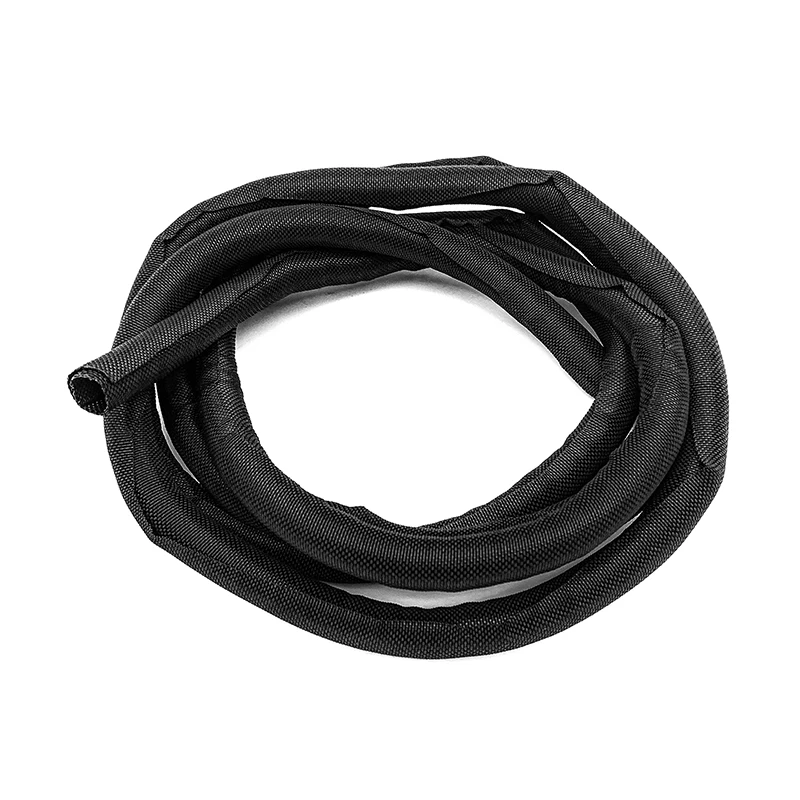
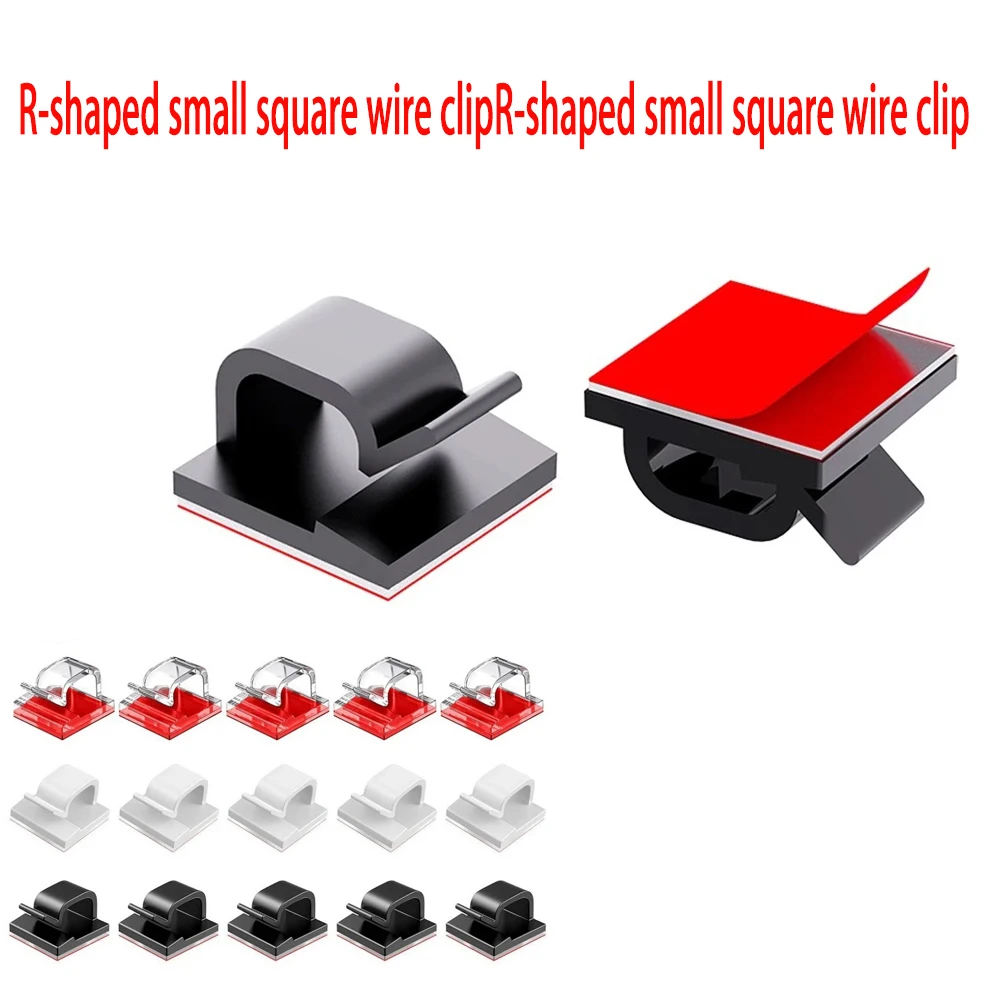
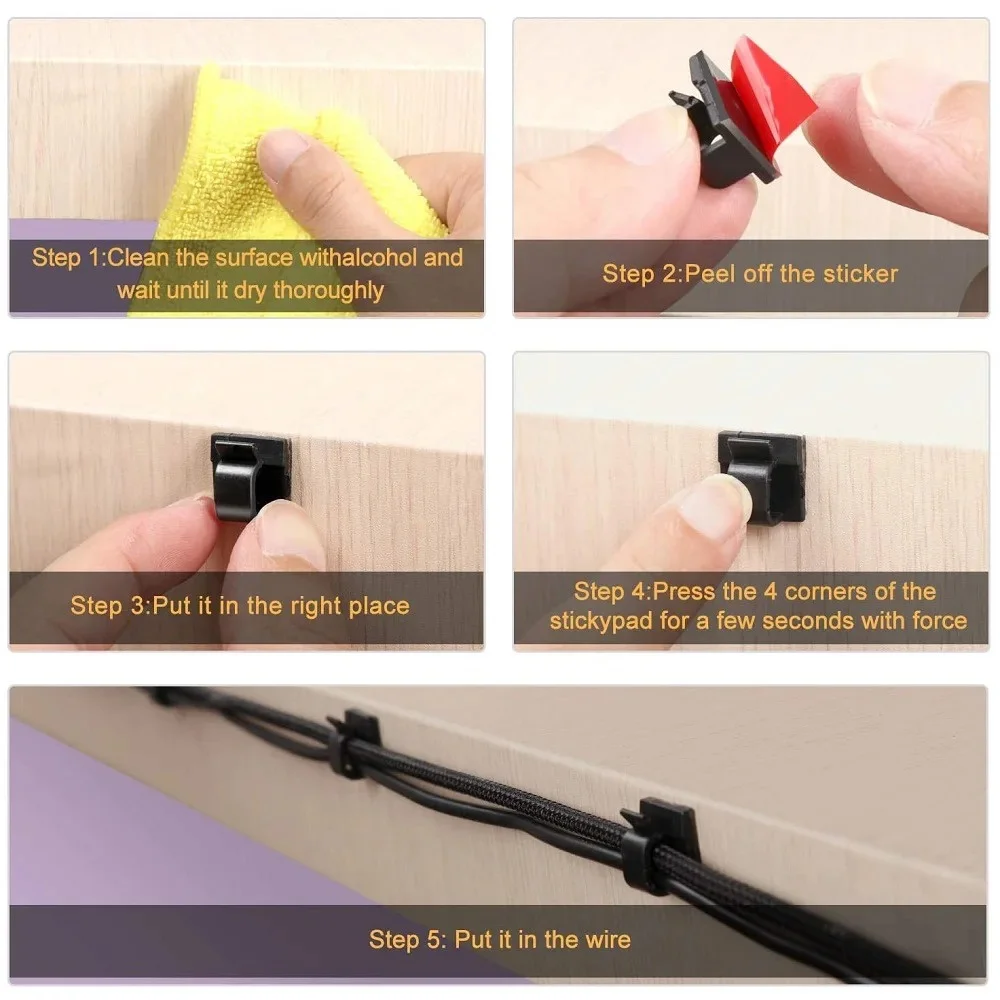
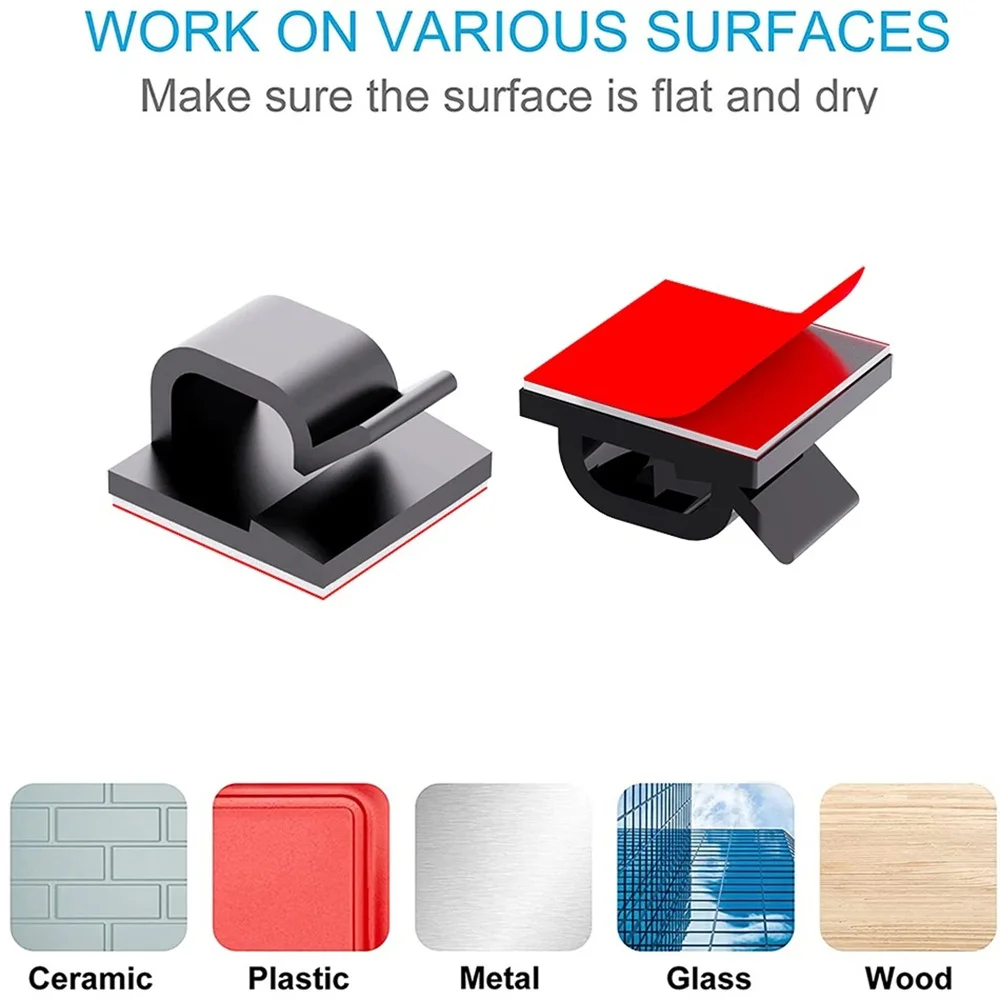
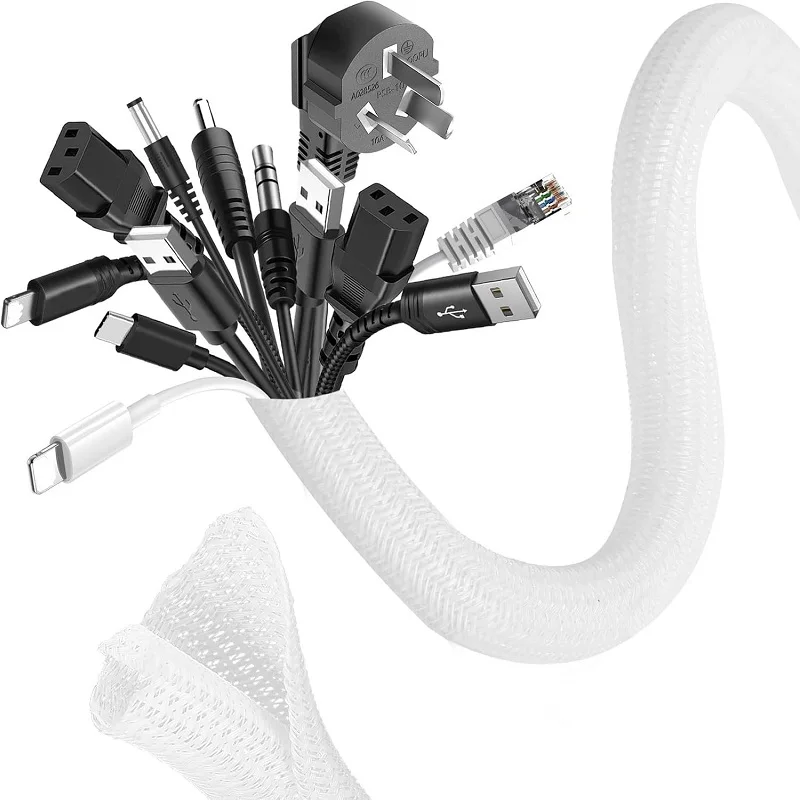
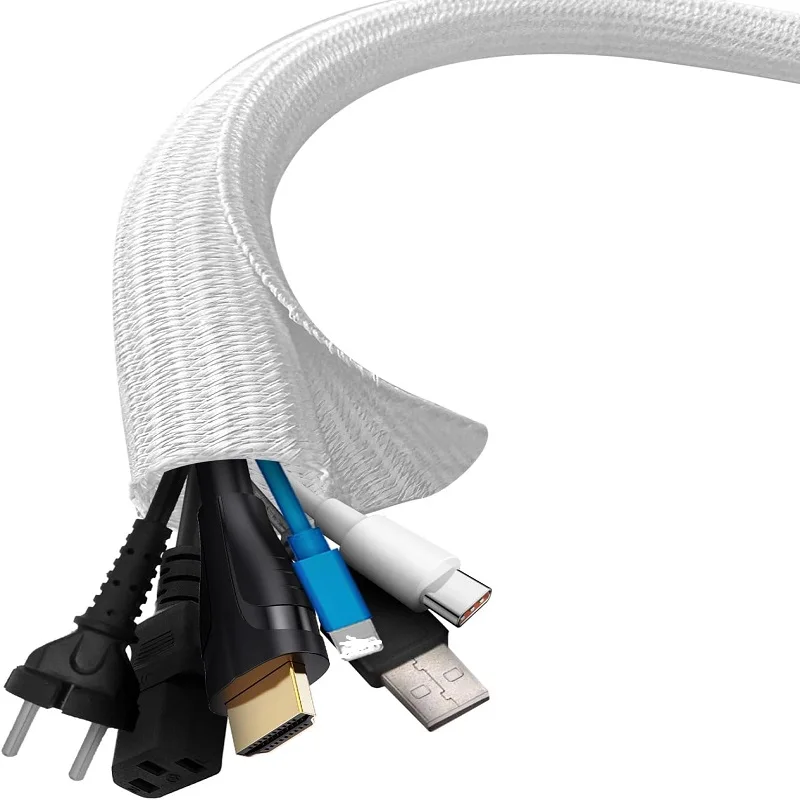
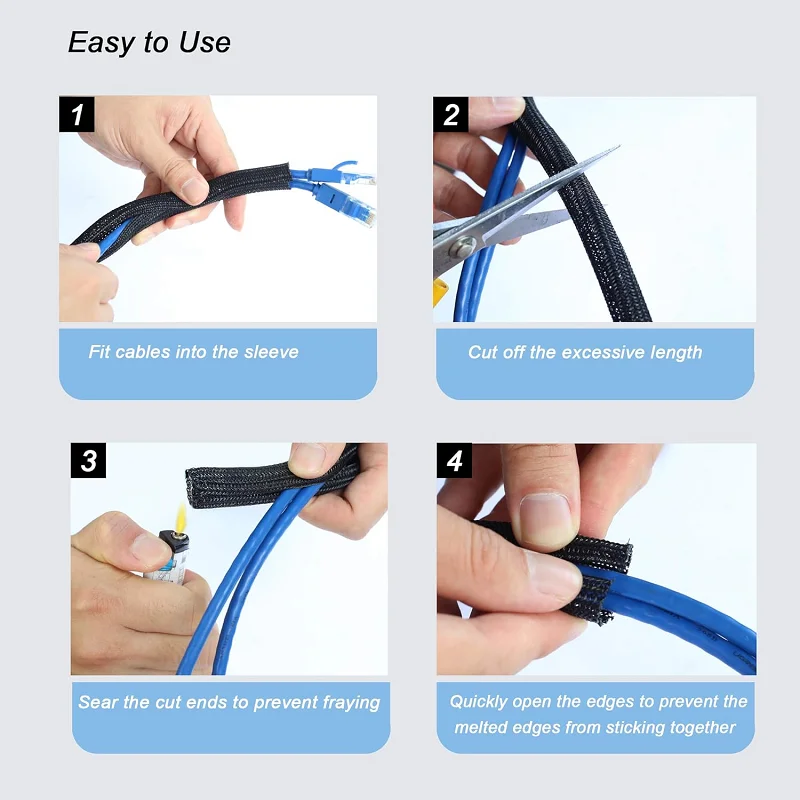
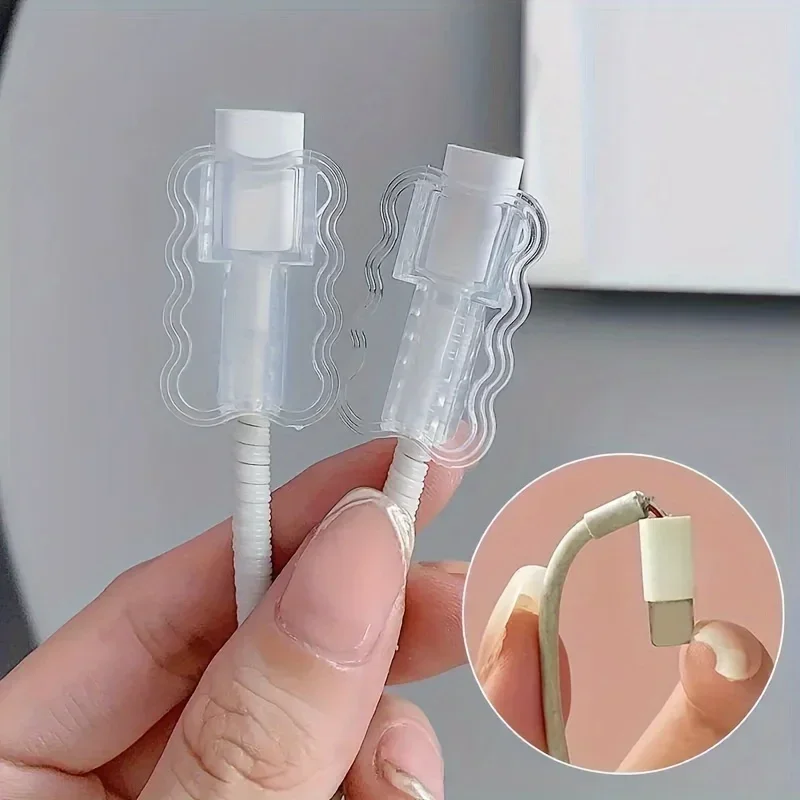
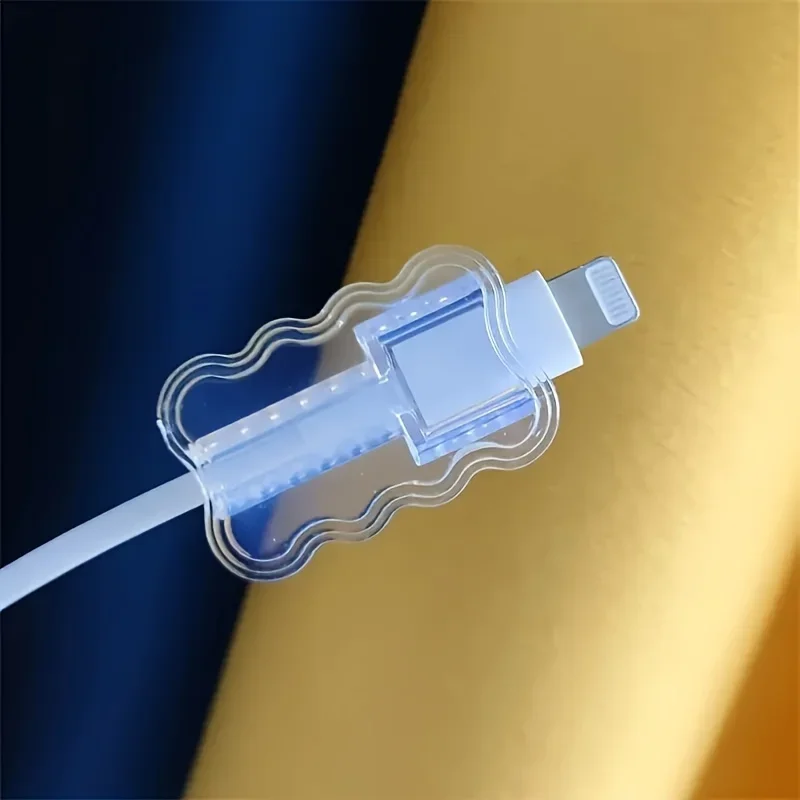
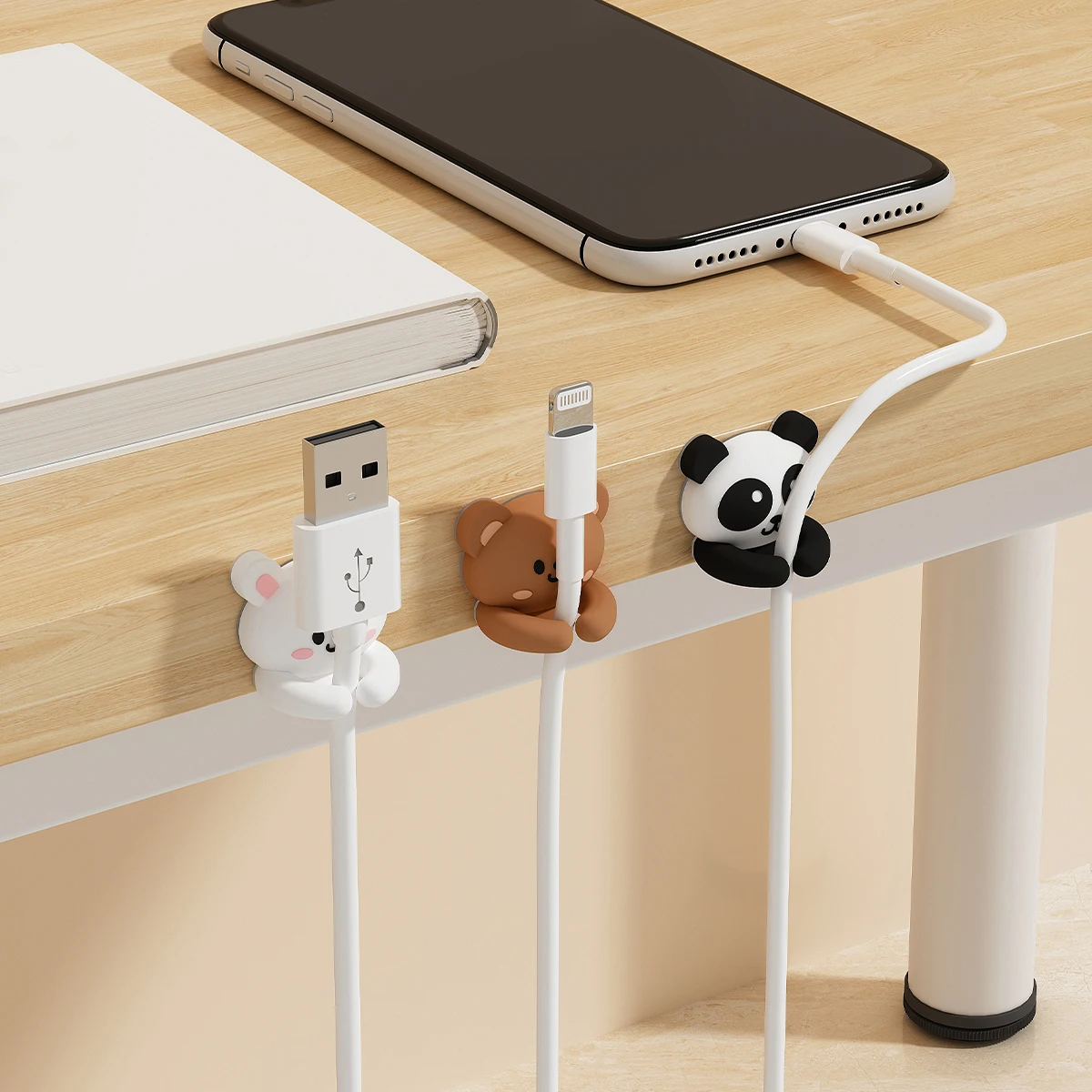
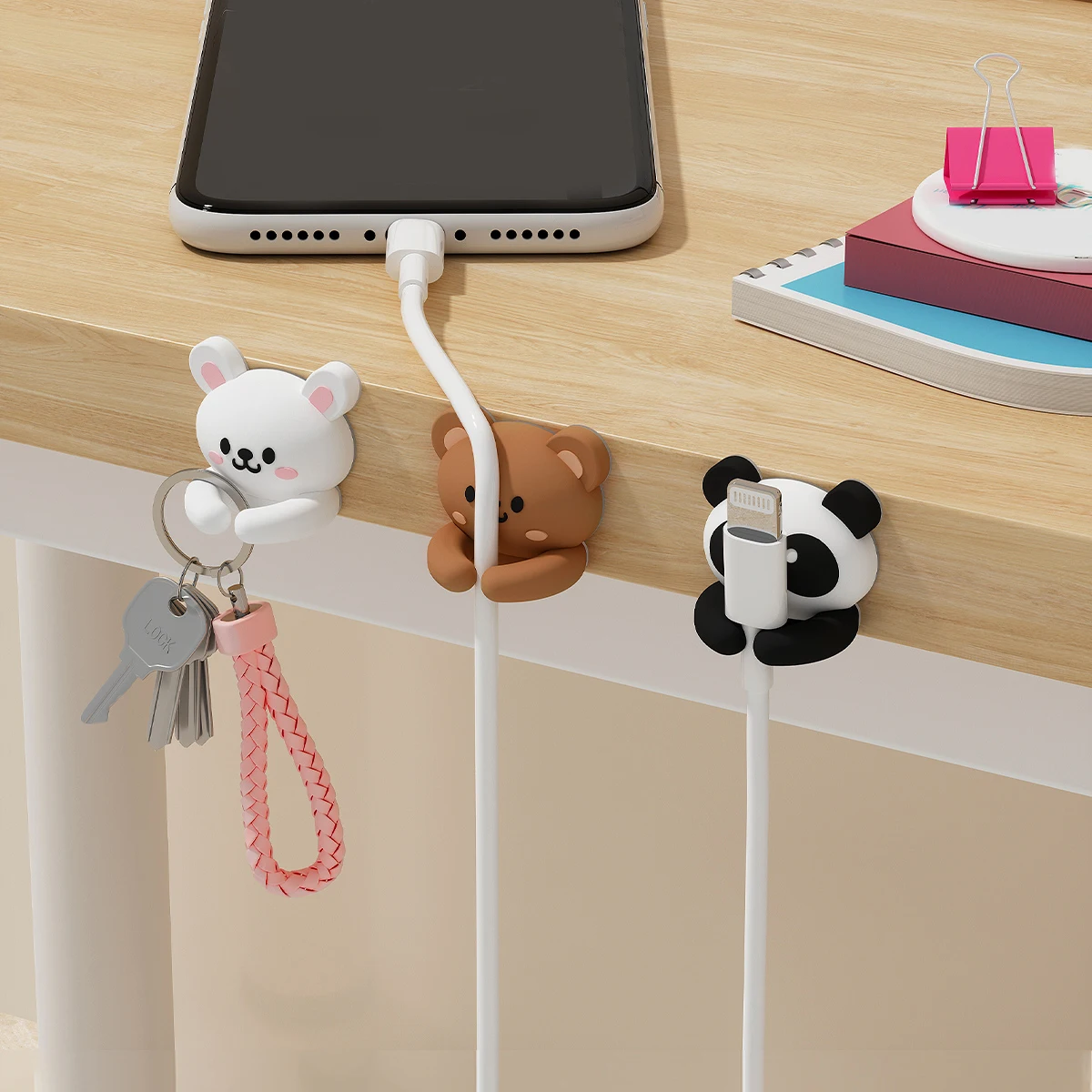
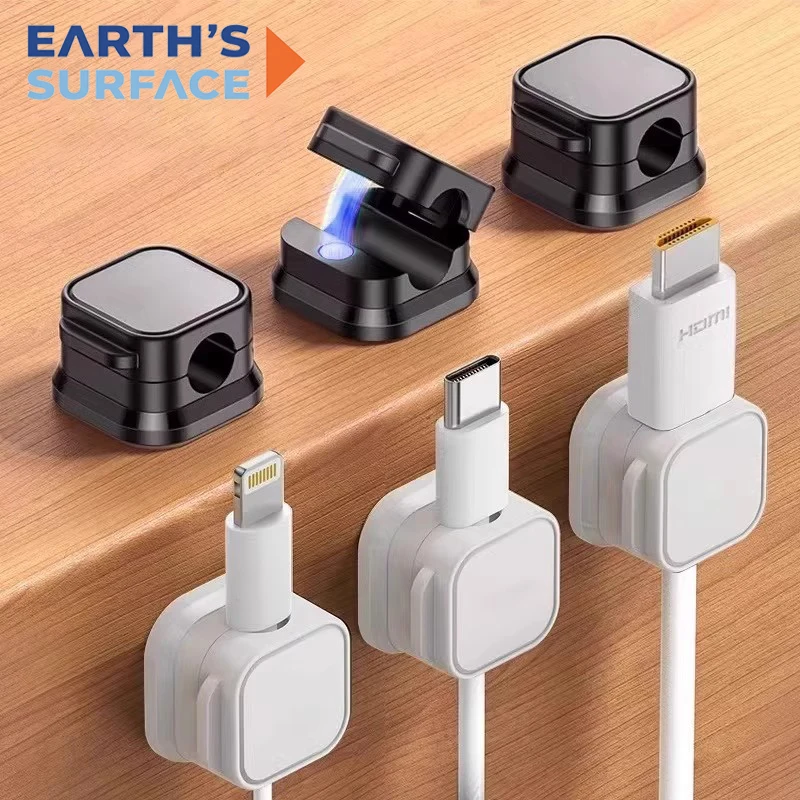
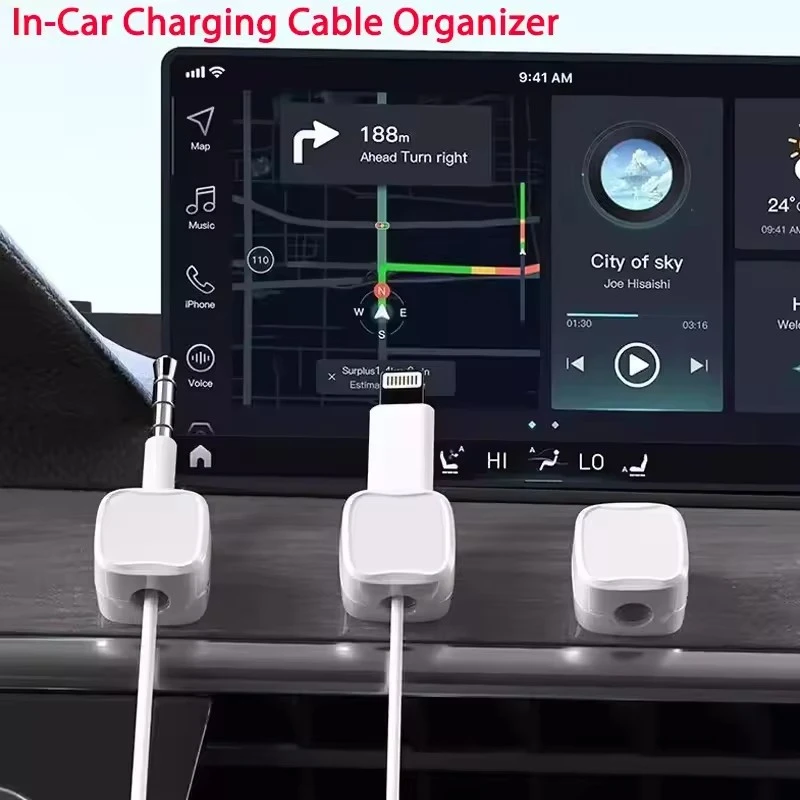
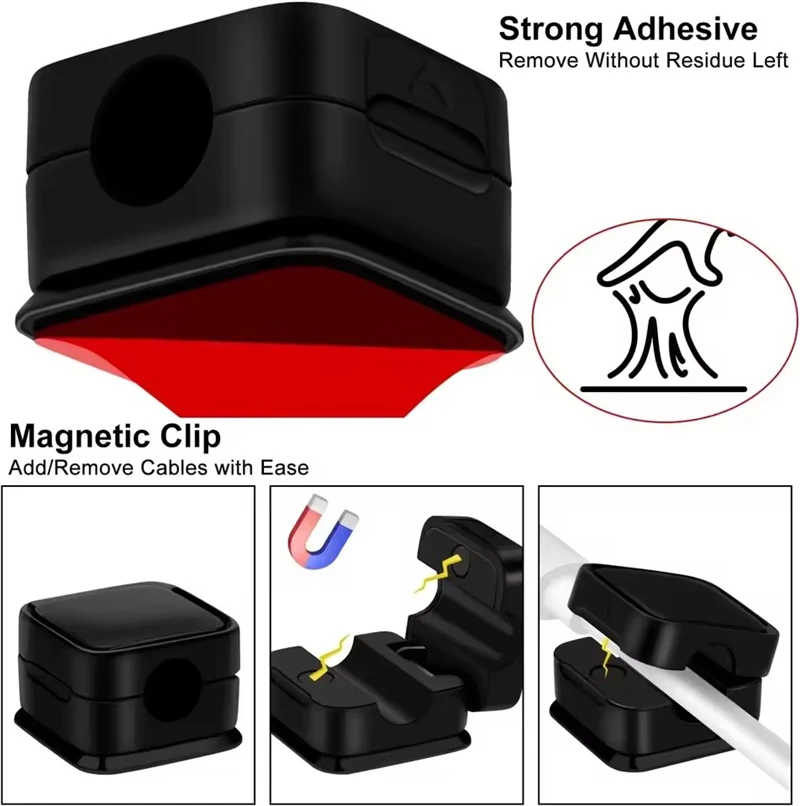
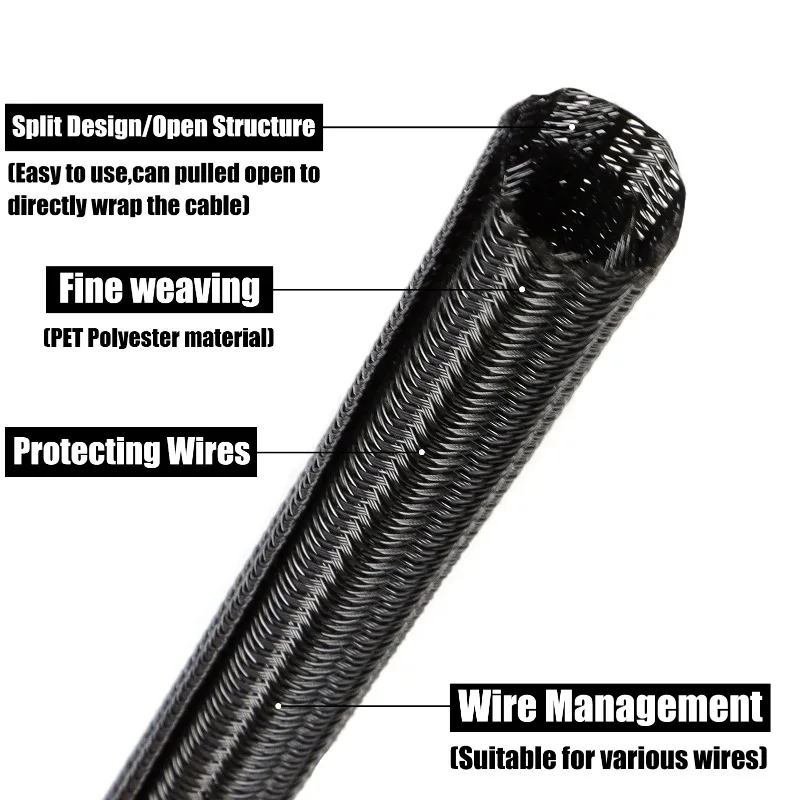
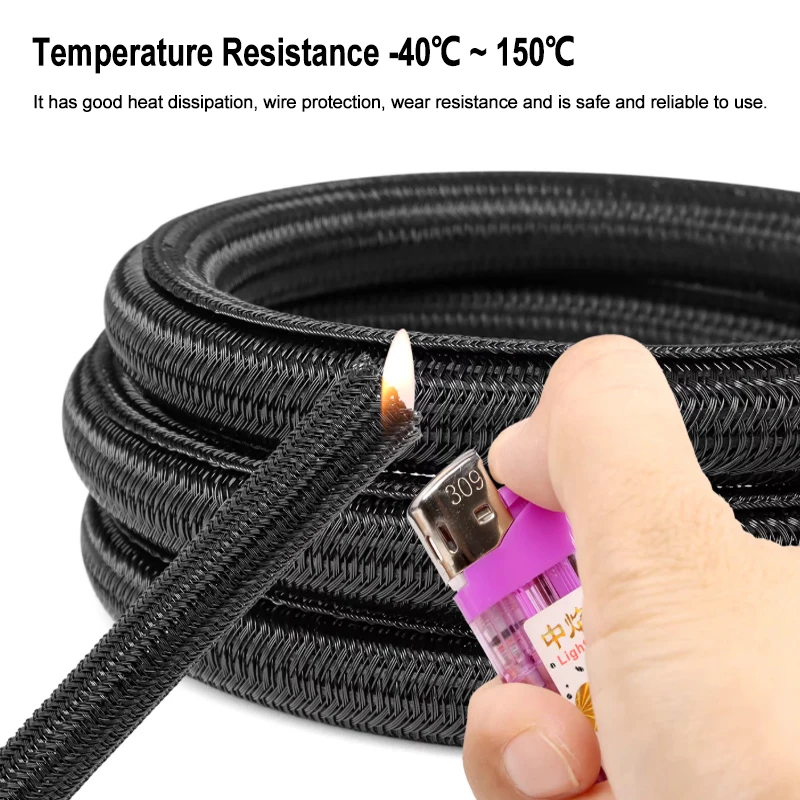
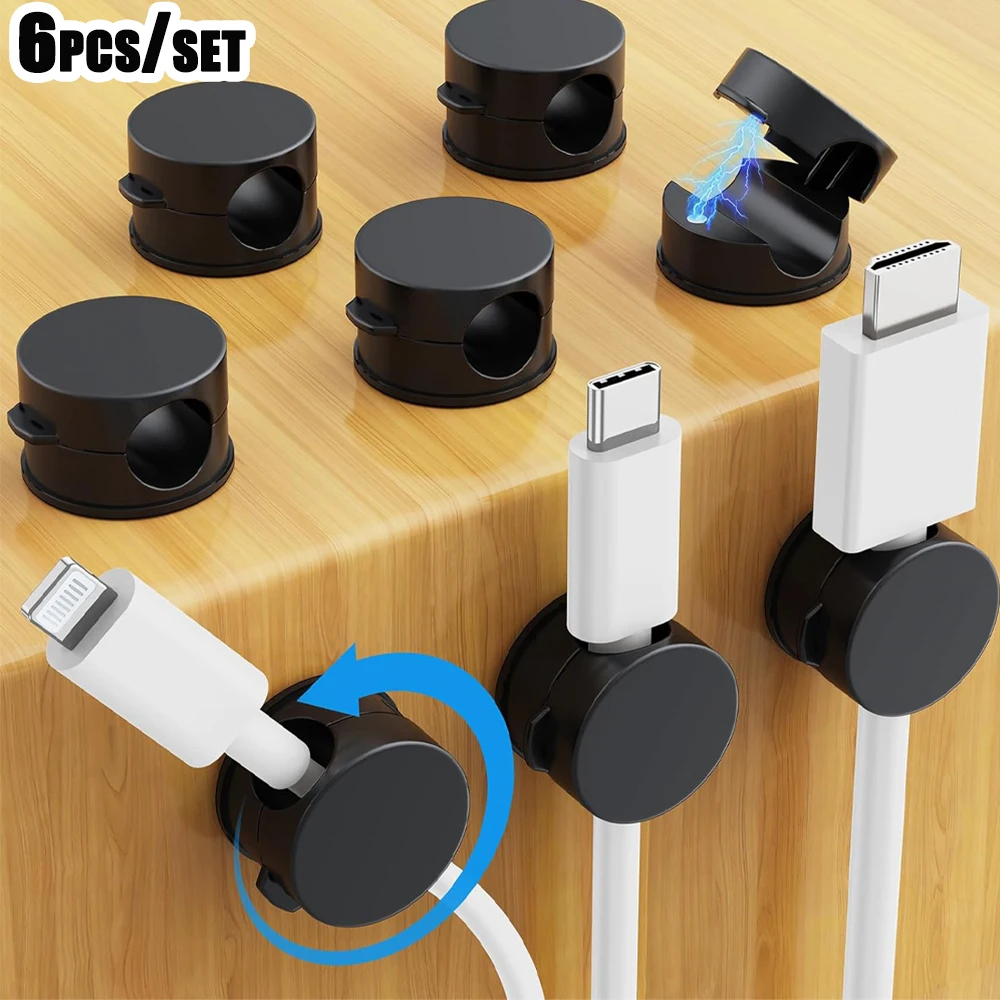
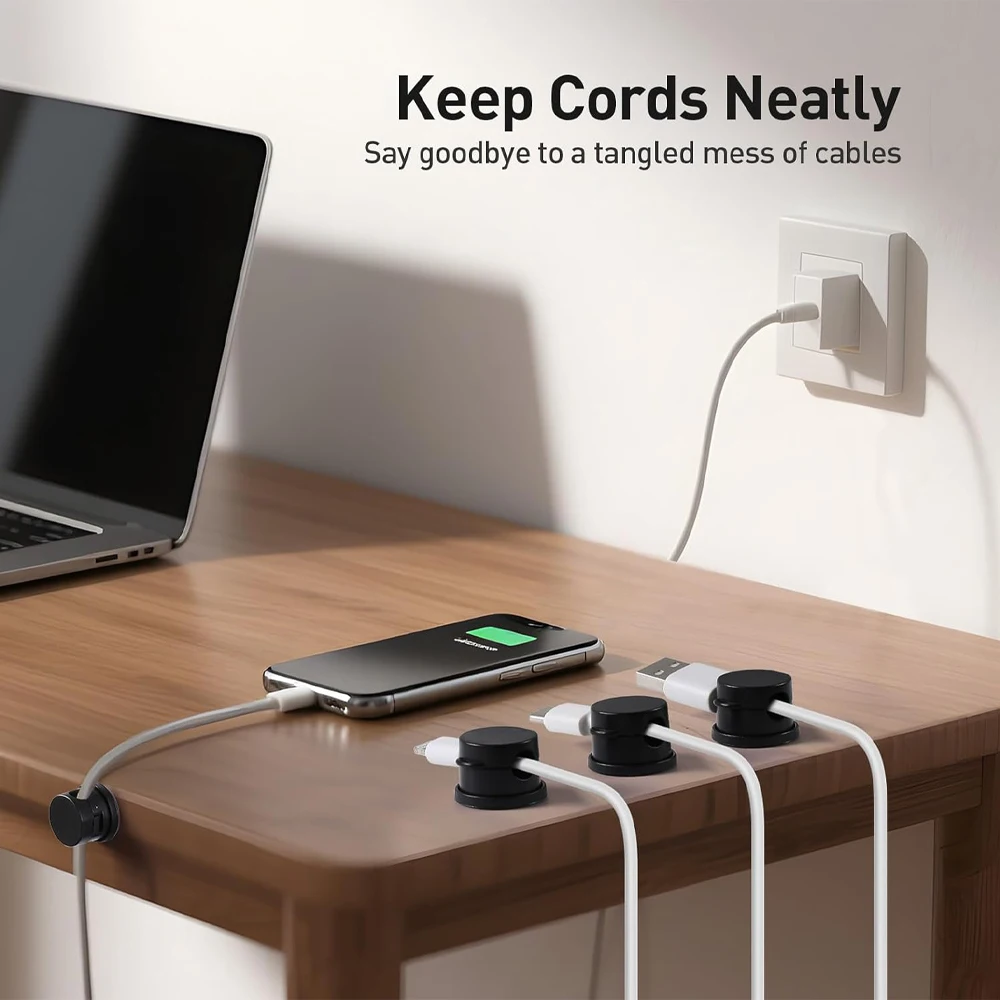
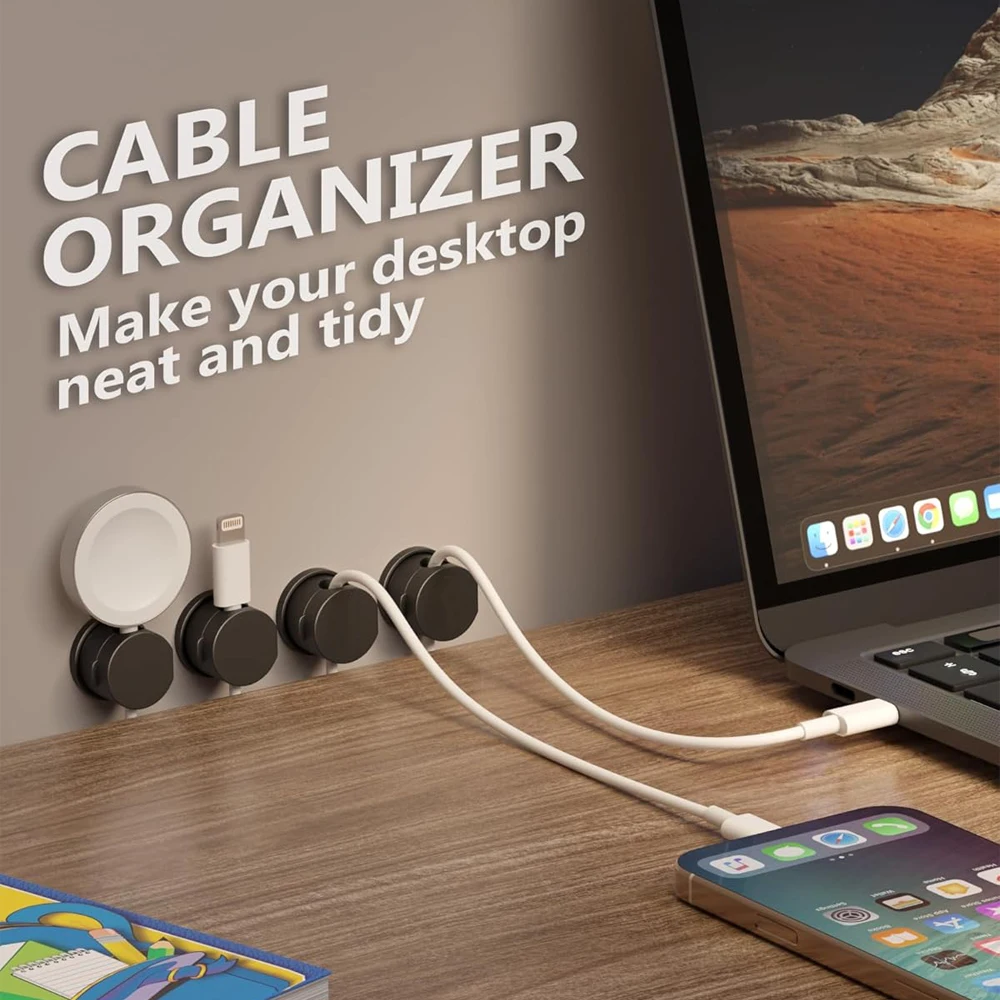
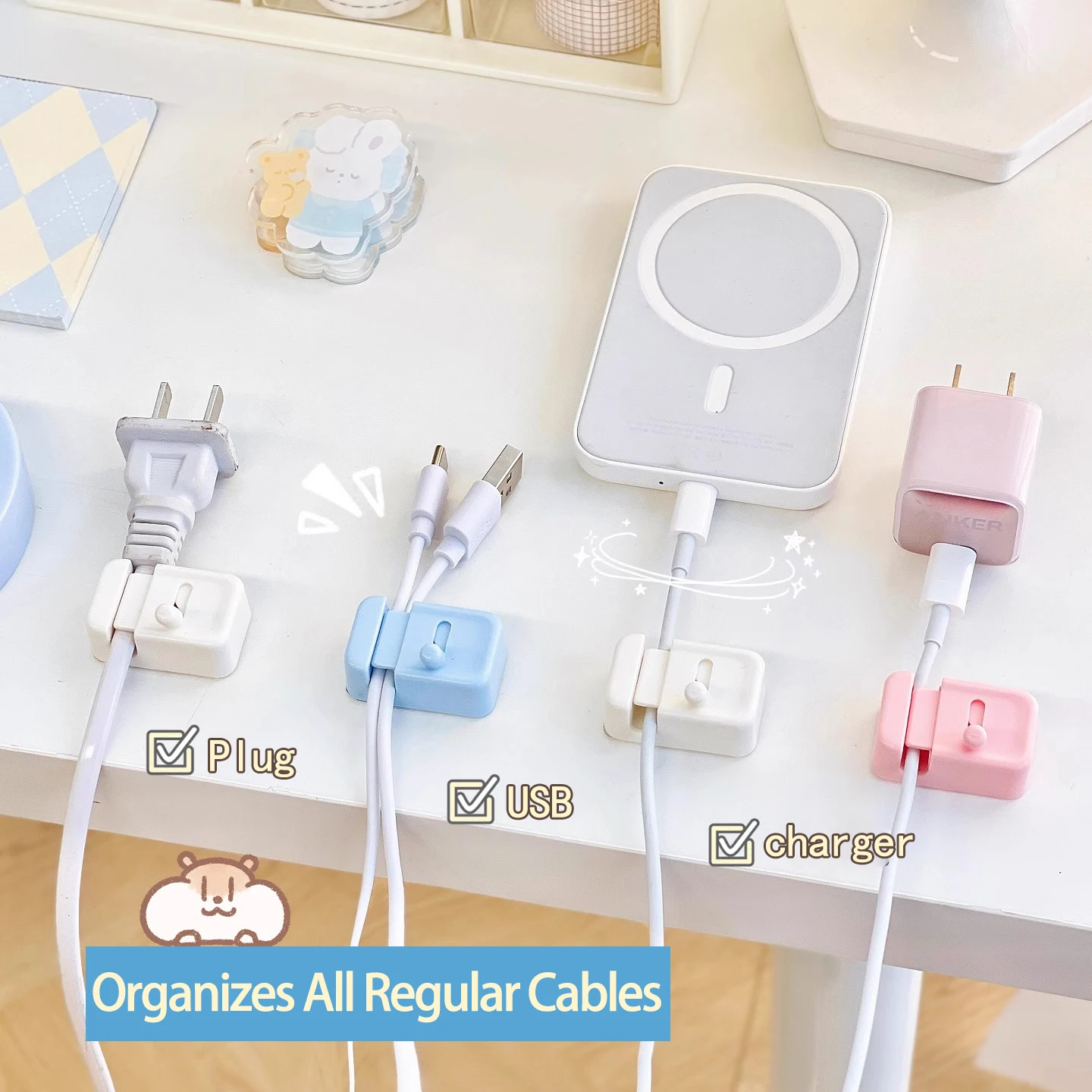
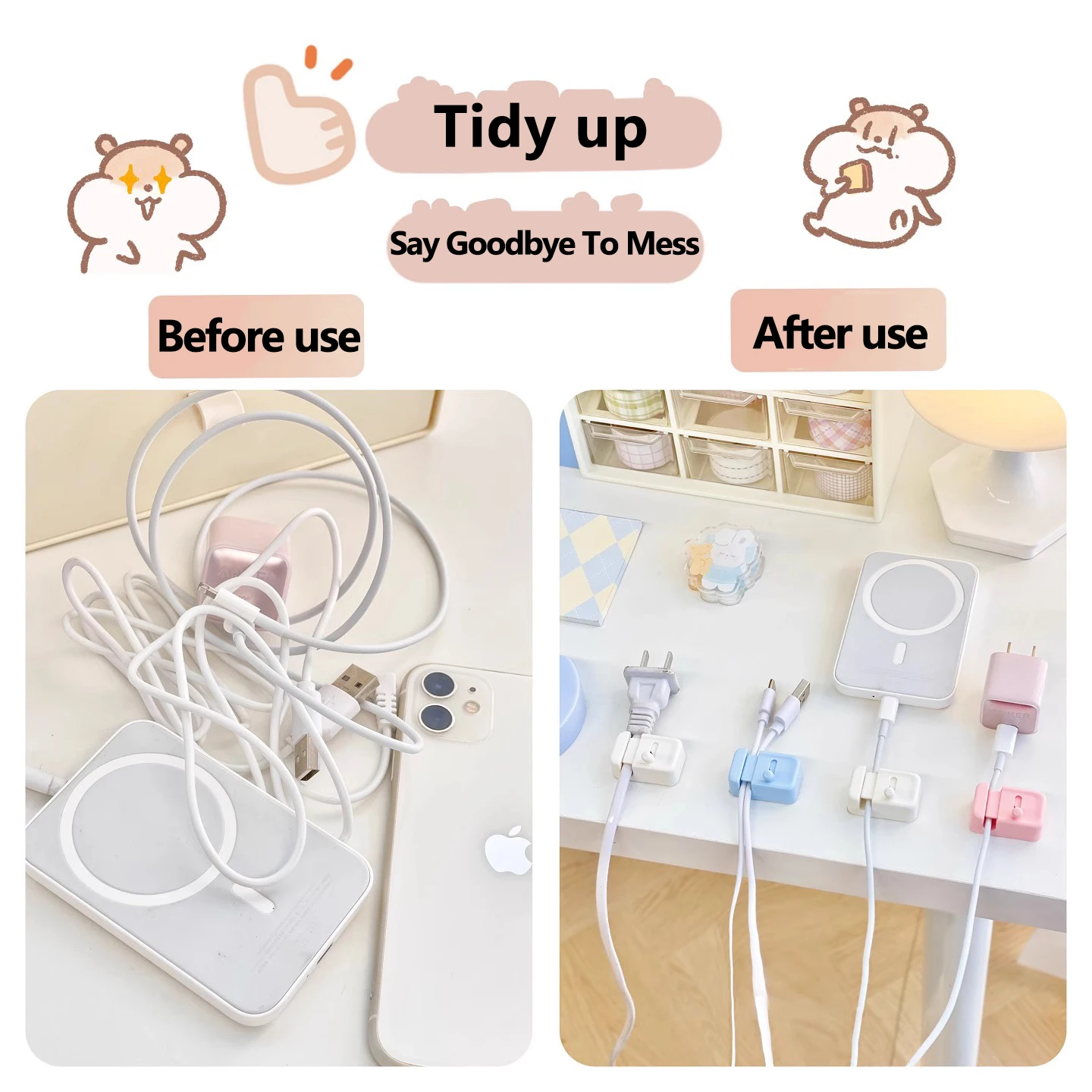
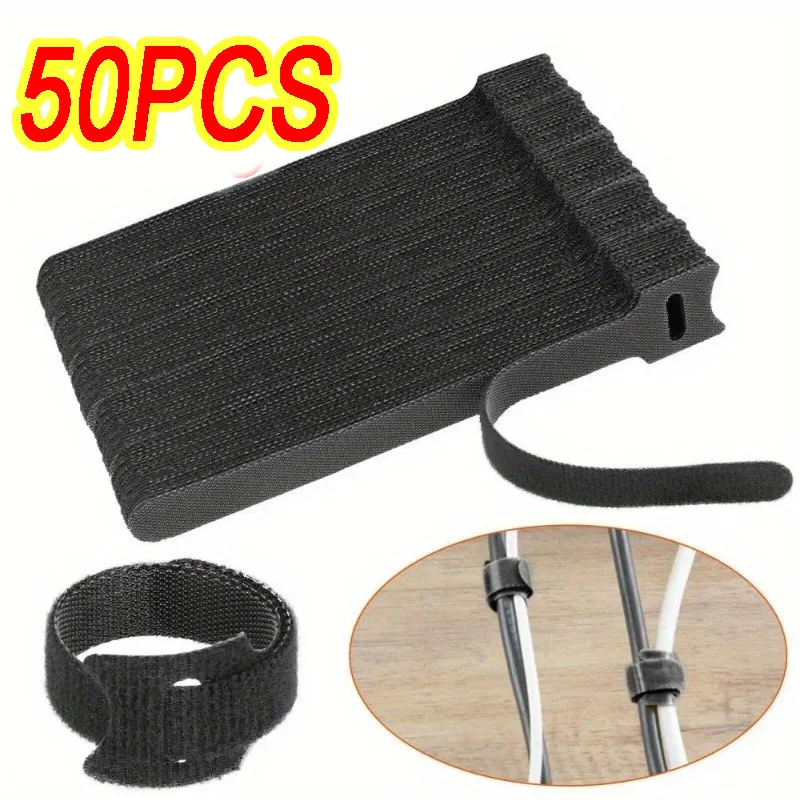
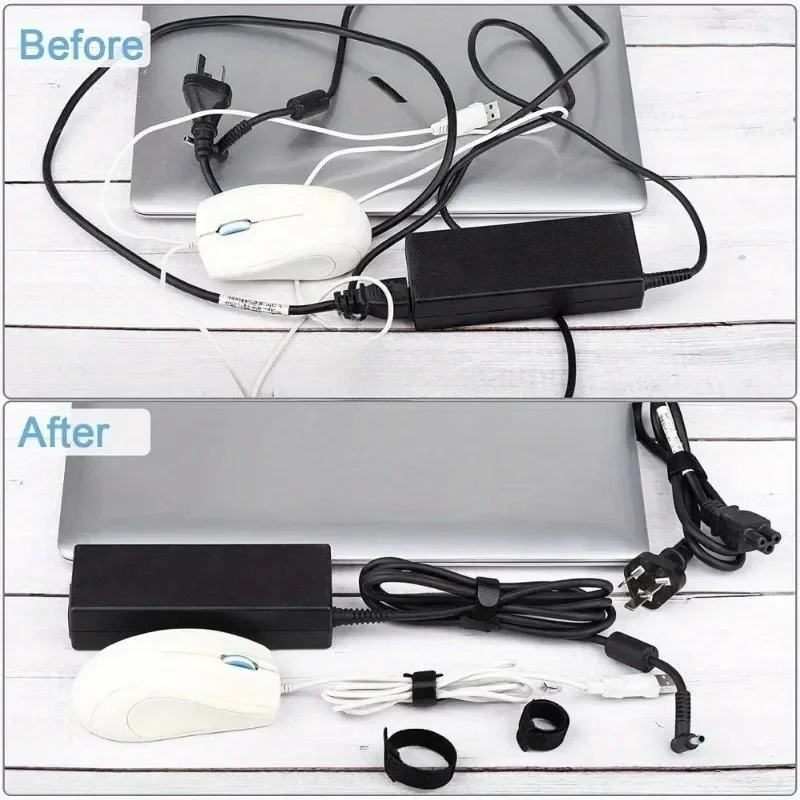
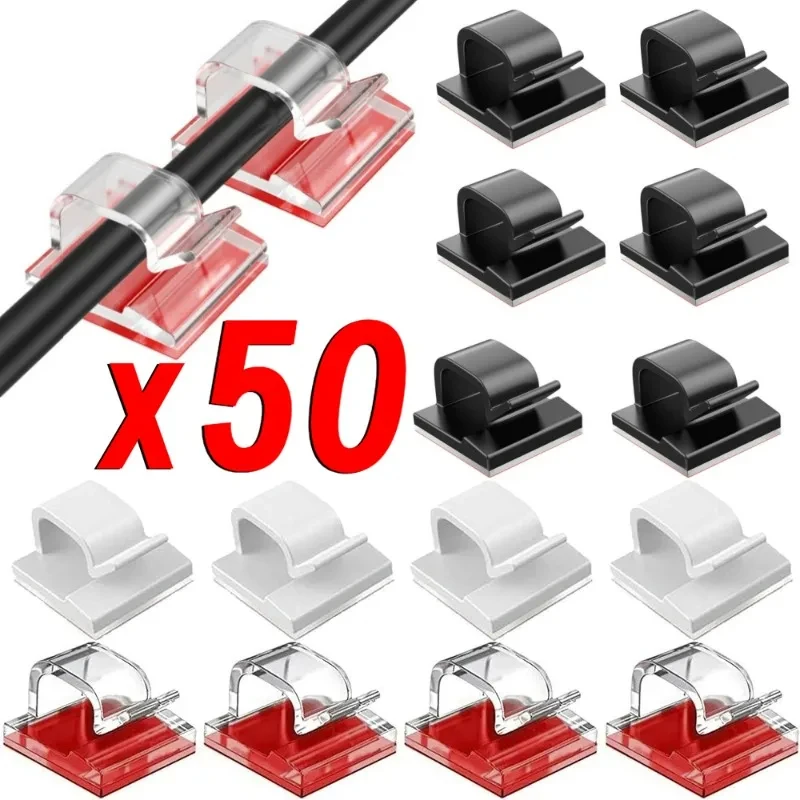
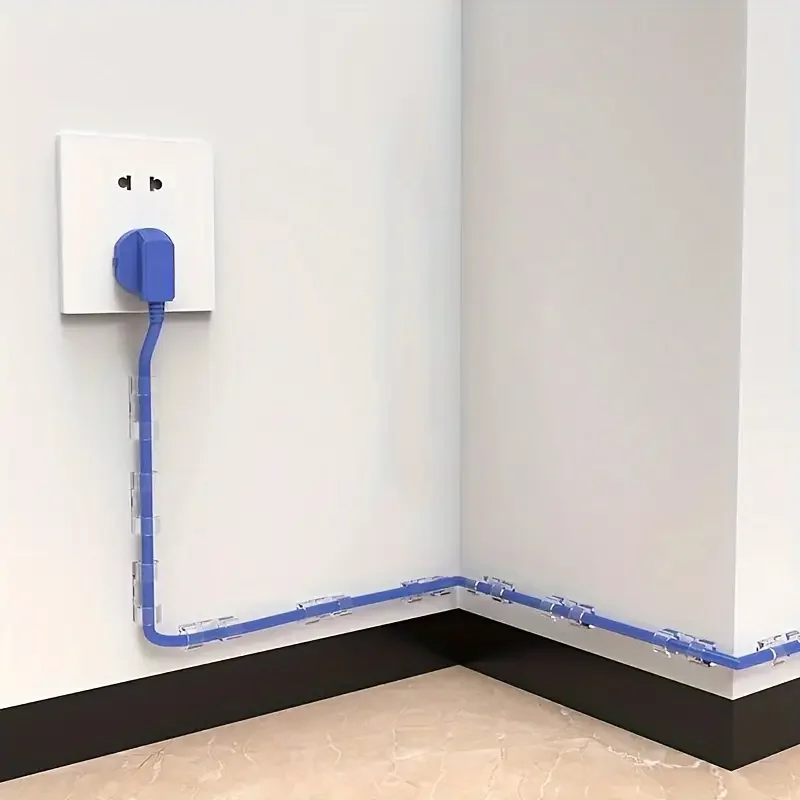
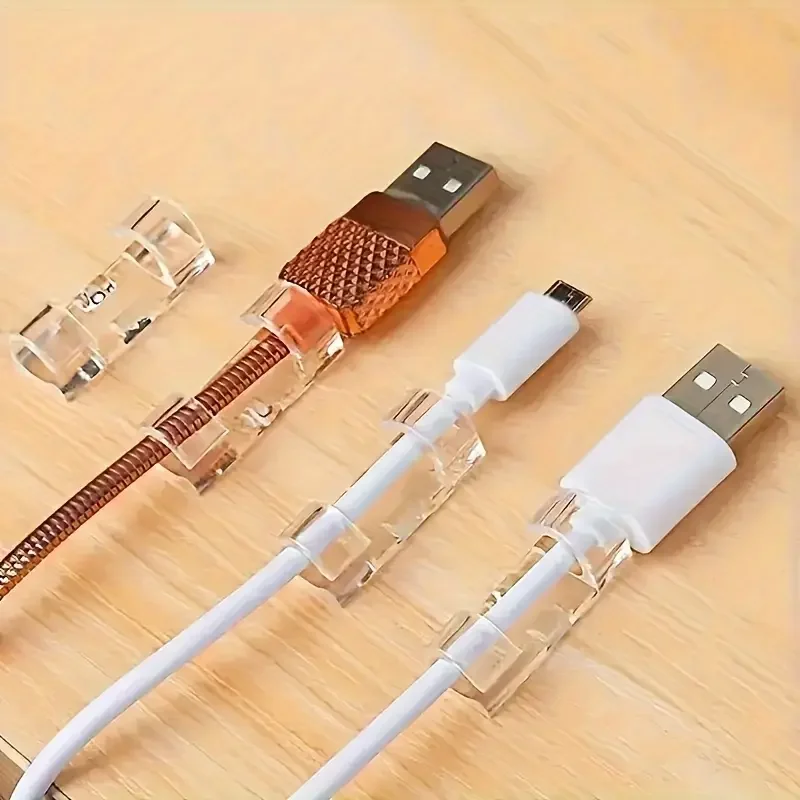
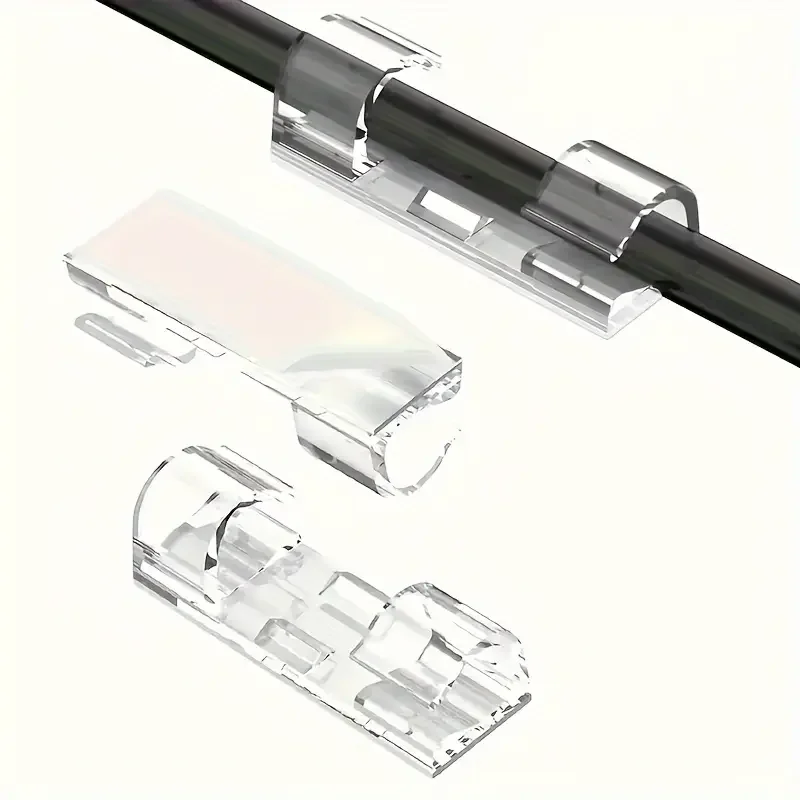
- Cable clips and sleeves hold cables along the desk and bundle them together. See cable clips, sleeves and trays.
How to choose the right cable
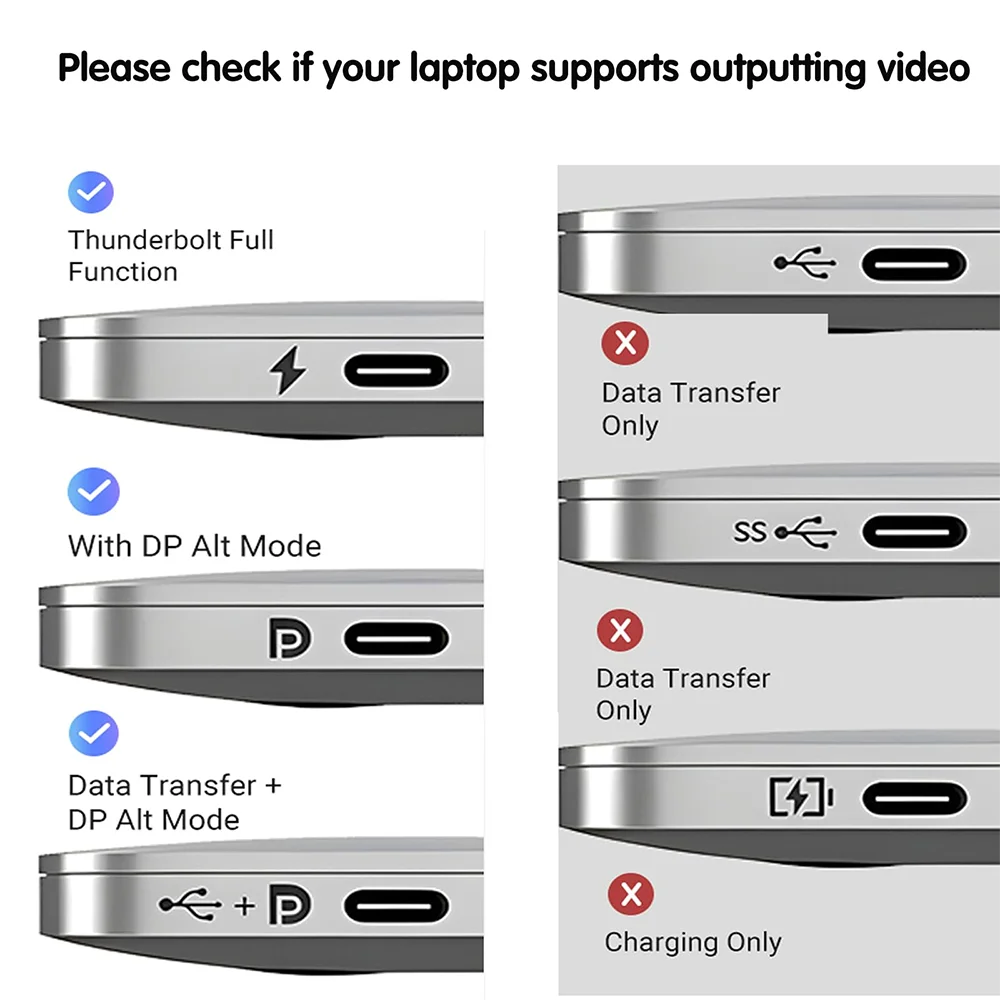
Start with the two sockets the cable joins, then the job. For charging, the cable must be rated for at least the watts of the charger. The USB-IF, the body behind USB, labels certified USB-C cables as 60W or 240W, and anything above 60W needs a cable built for 5 amps. For a screen, the cable must carry the resolution and refresh rate you want. HDMI cables are named by what they are made to carry: a Premium High Speed cable is made for 4K at 60Hz, and an Ultra High Speed cable for 4K at 120Hz and 8K at 60Hz. For a screen on a USB-C socket, the laptop must be able to send a picture through that socket, which its specification page will say. USB-C explained goes through the rest.
Length is the other choice. Measure the route the cable will take, down behind the desk and along it, and add a little slack so nothing pulls on the plugs. A cable far longer than you need only adds clutter.
Questions people ask about laptop cables
Will any USB-C cable charge my laptop?
Most will charge it, but a cable rated for 60W limits the charger to 60W however powerful the charger is. For a laptop whose own charger gives more than that, use a cable rated 100W or 240W.
Why does my monitor stay dark on a USB-C cable?
Many USB-C charging cables carry only USB 2.0 data and no picture. A cable rated for video, or a USB-C to HDMI cable, is the answer, as long as the laptop's socket sends video.
Delivery is included in every price and tracked to your door.
More to look at