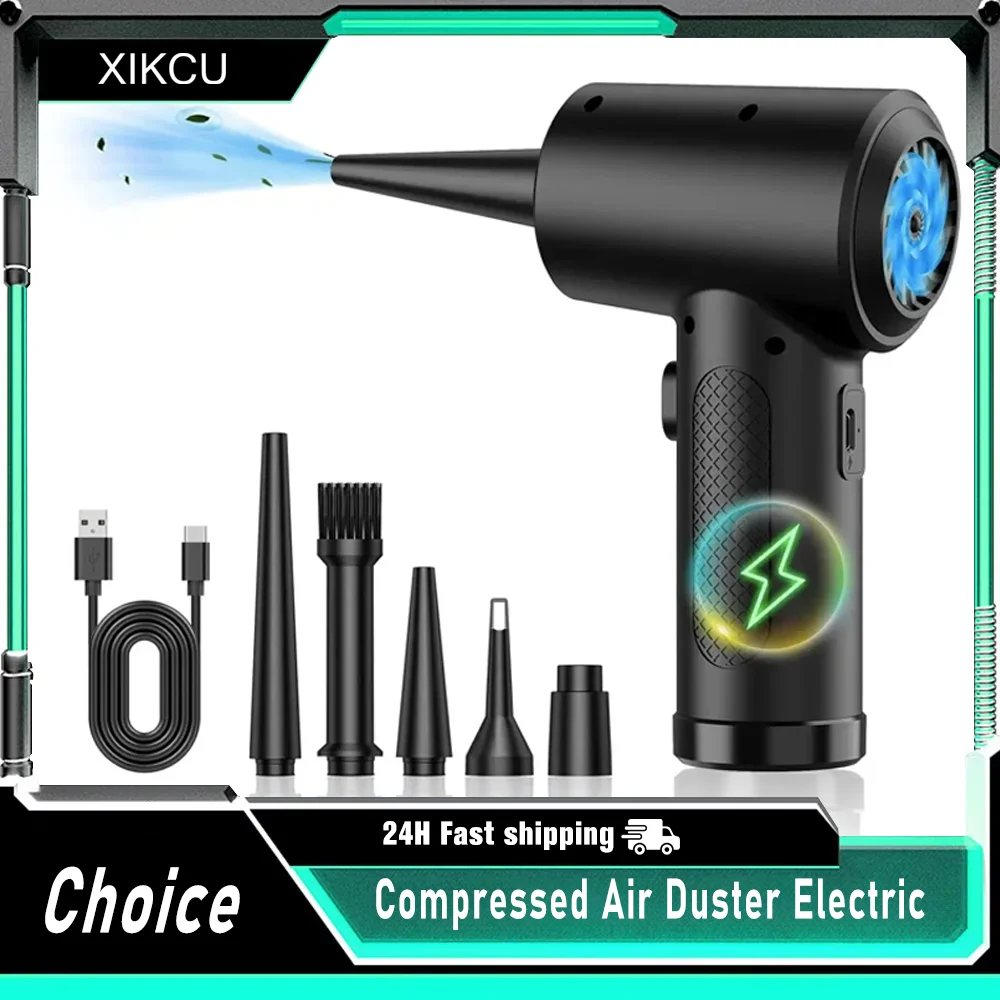
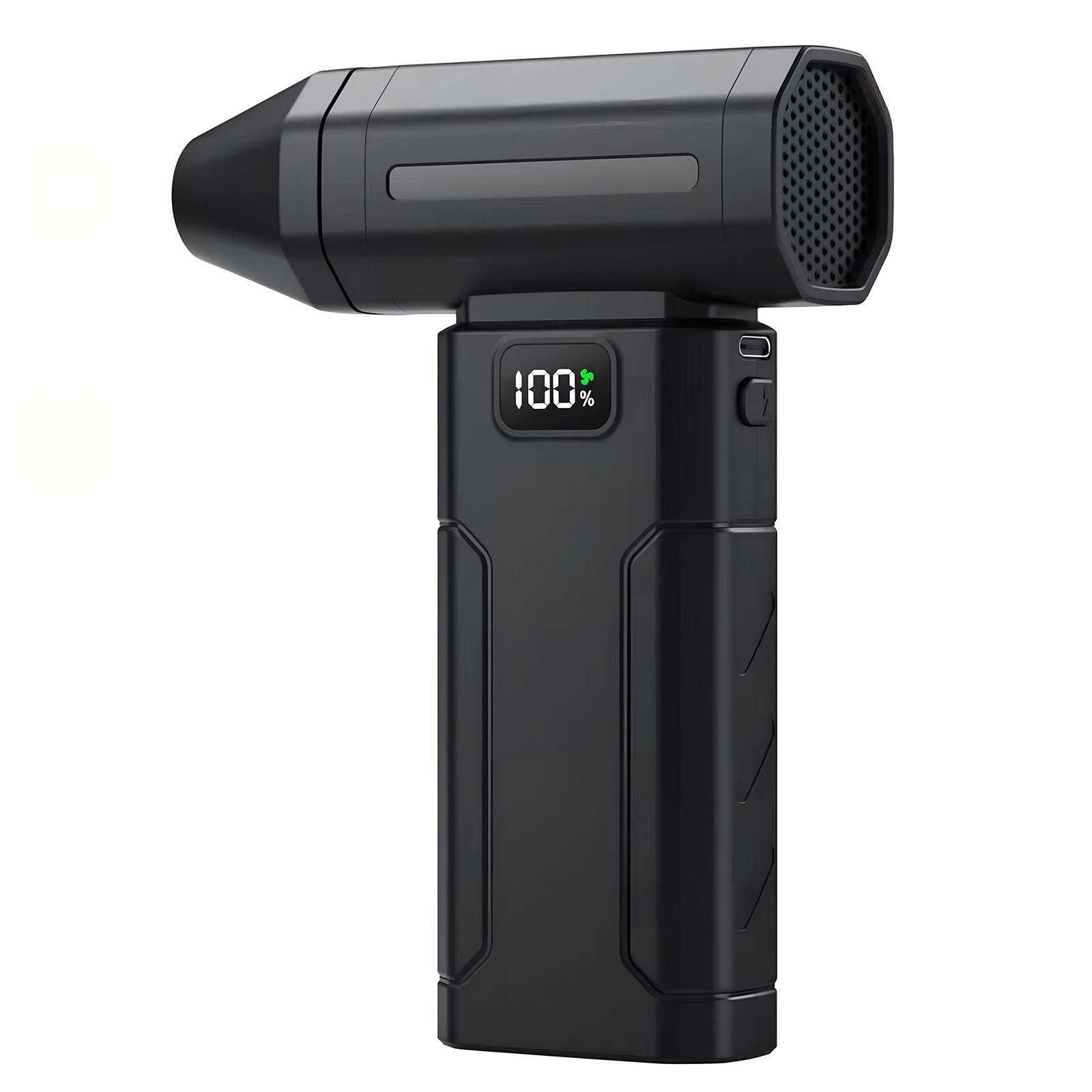
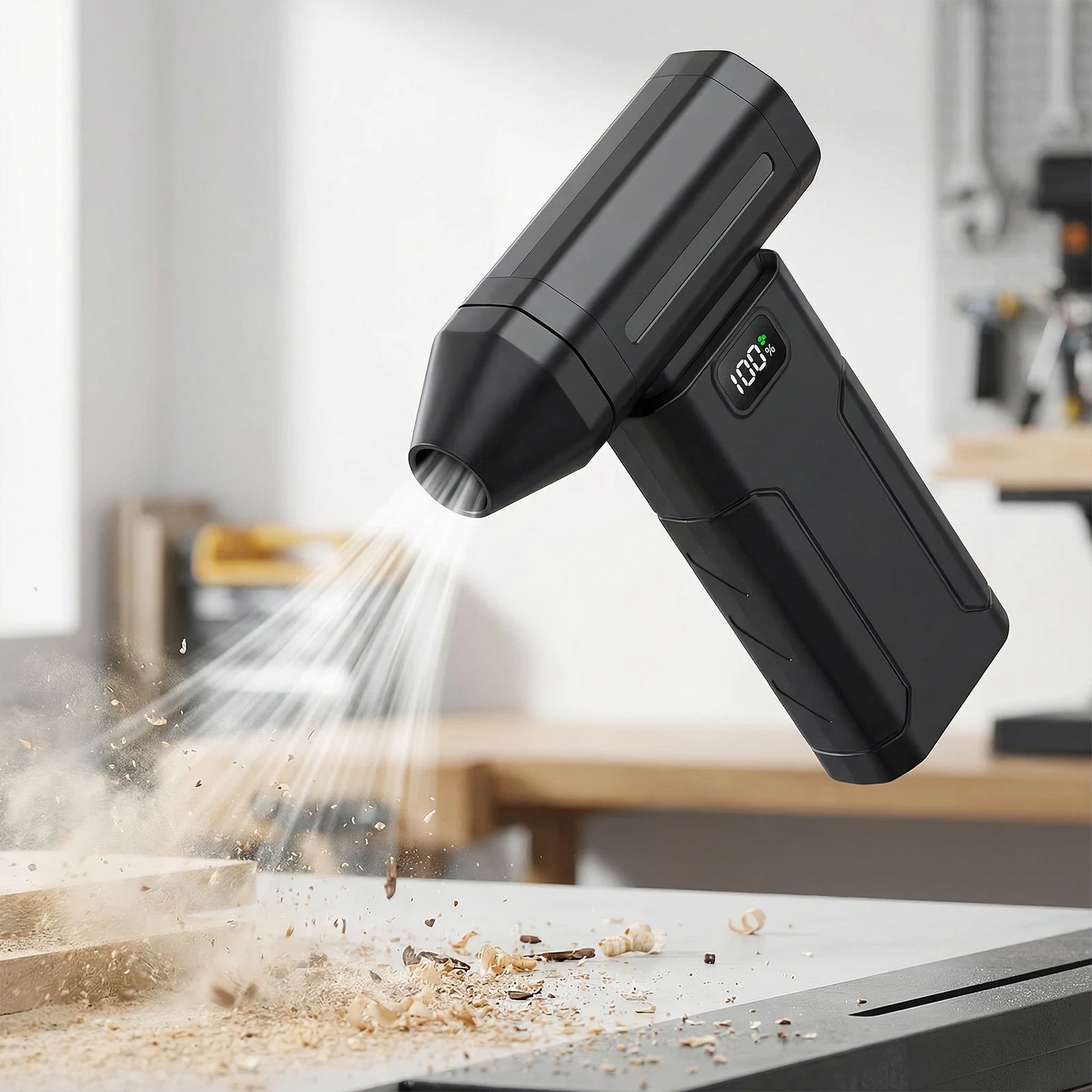
A rechargeable can of air
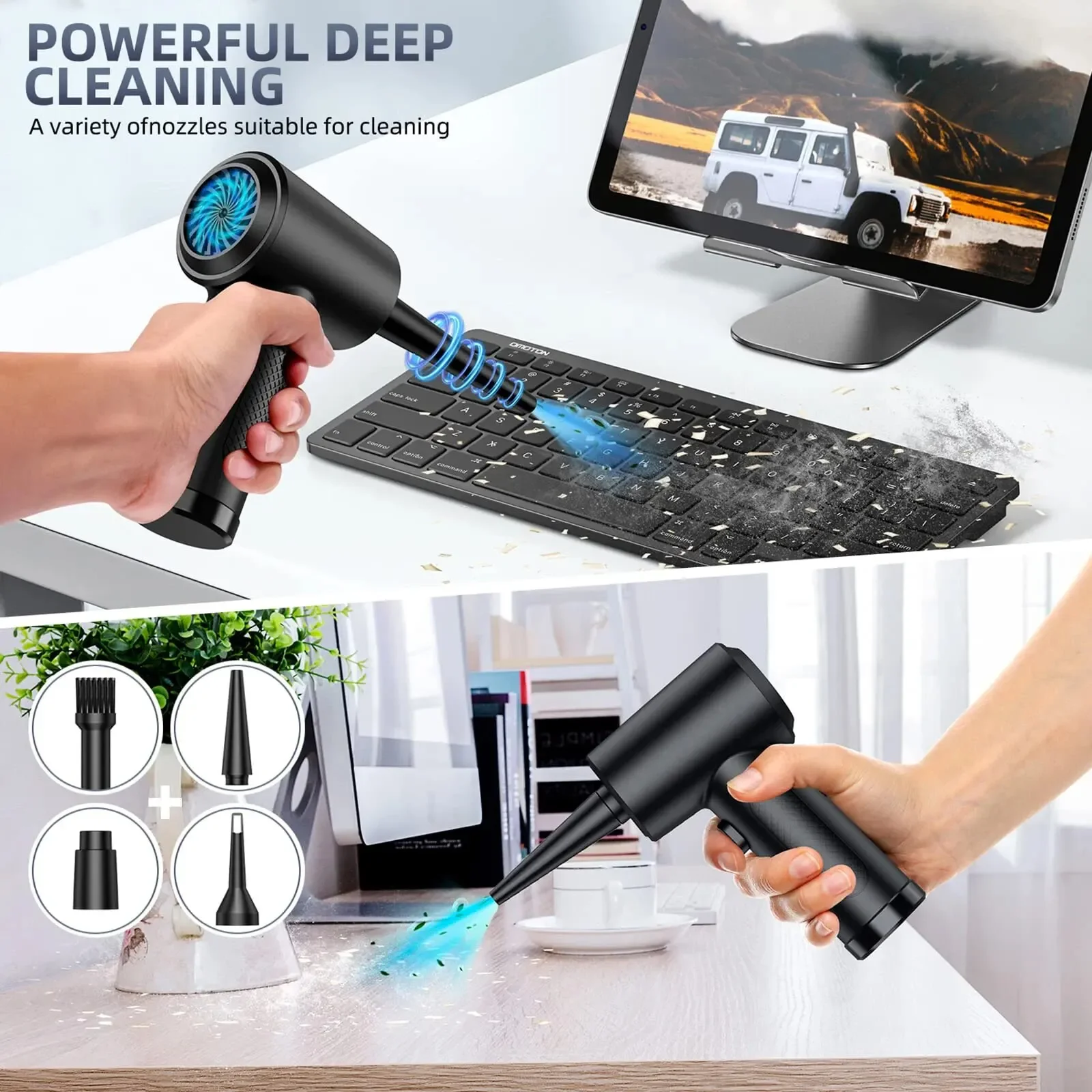
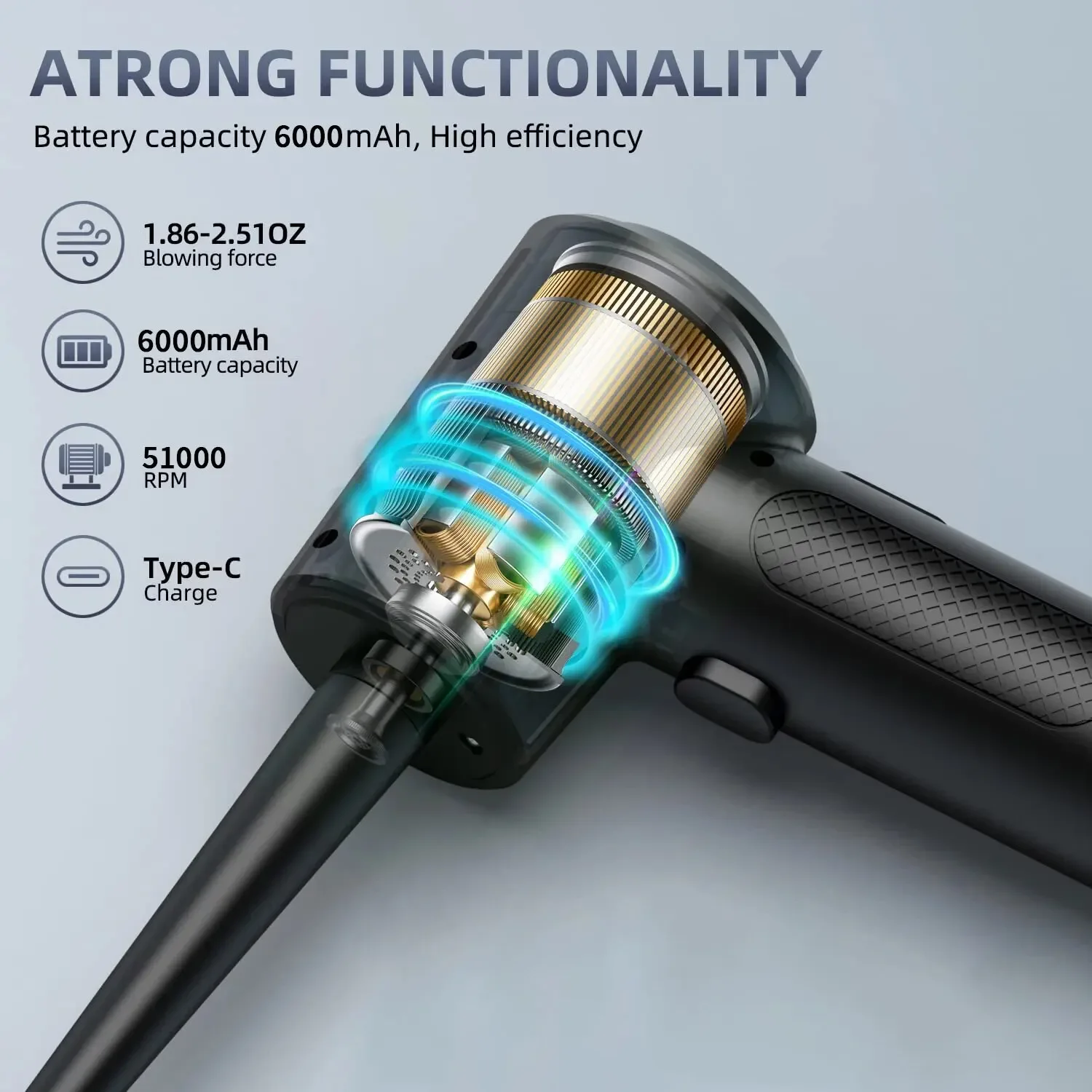
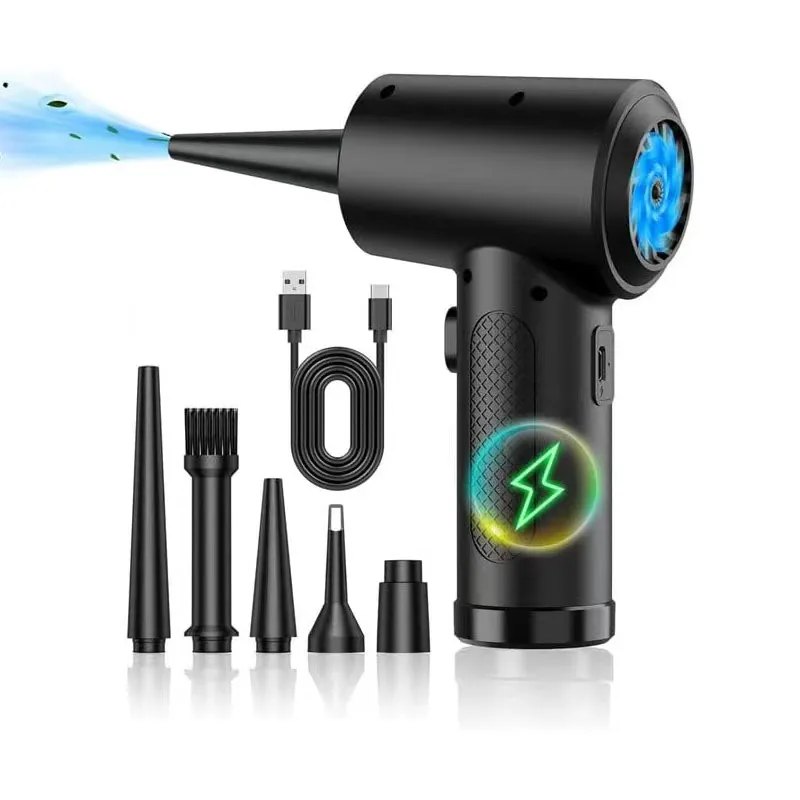
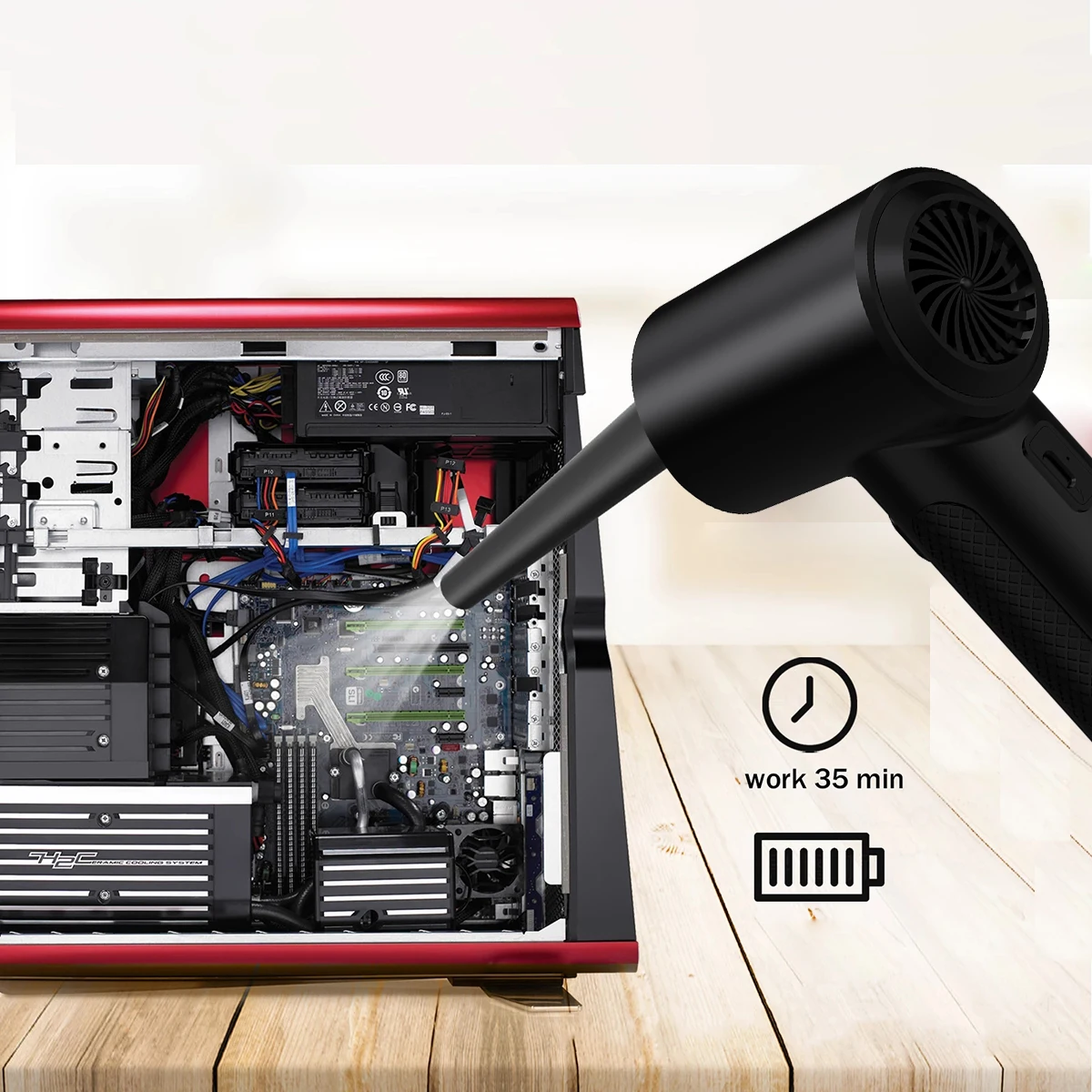
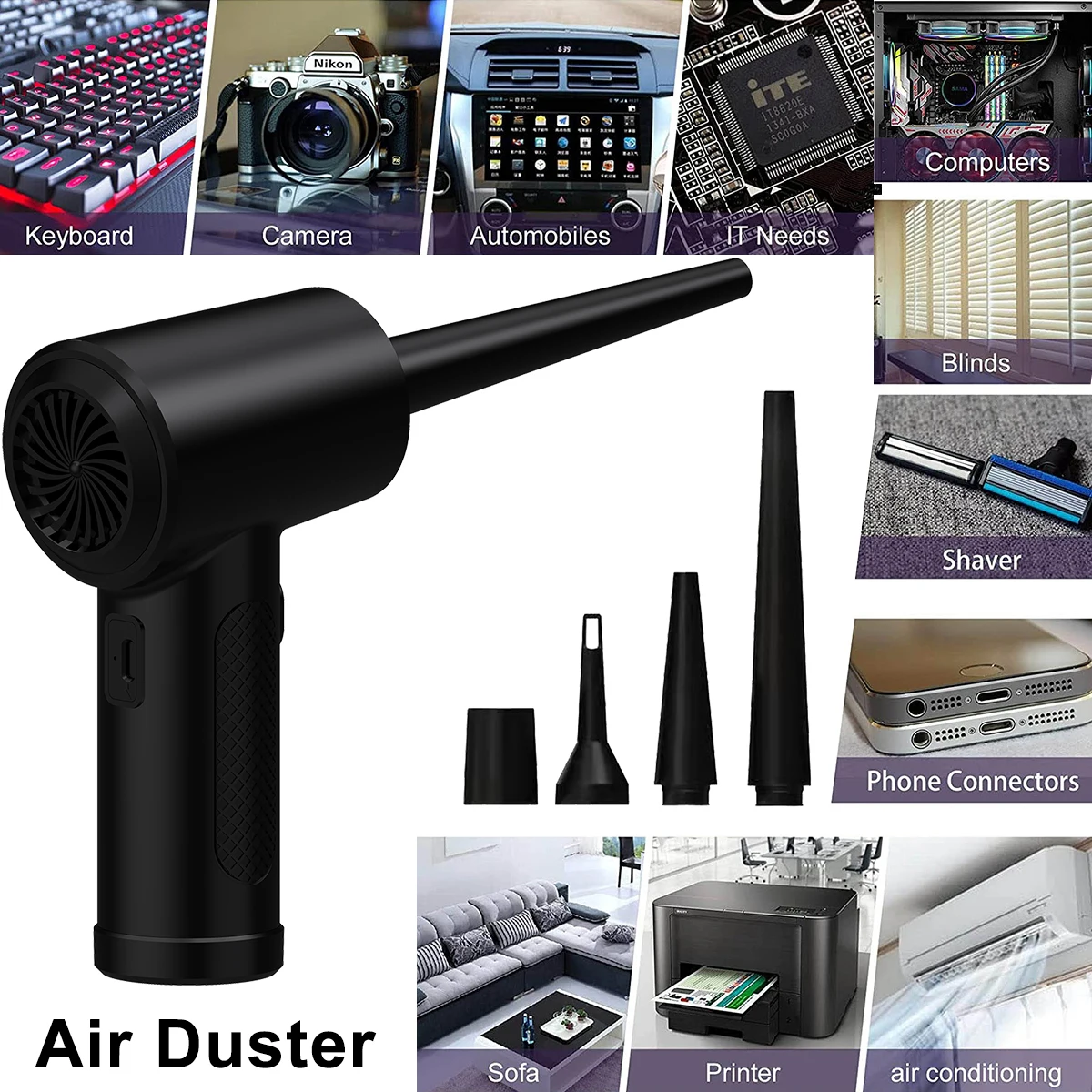
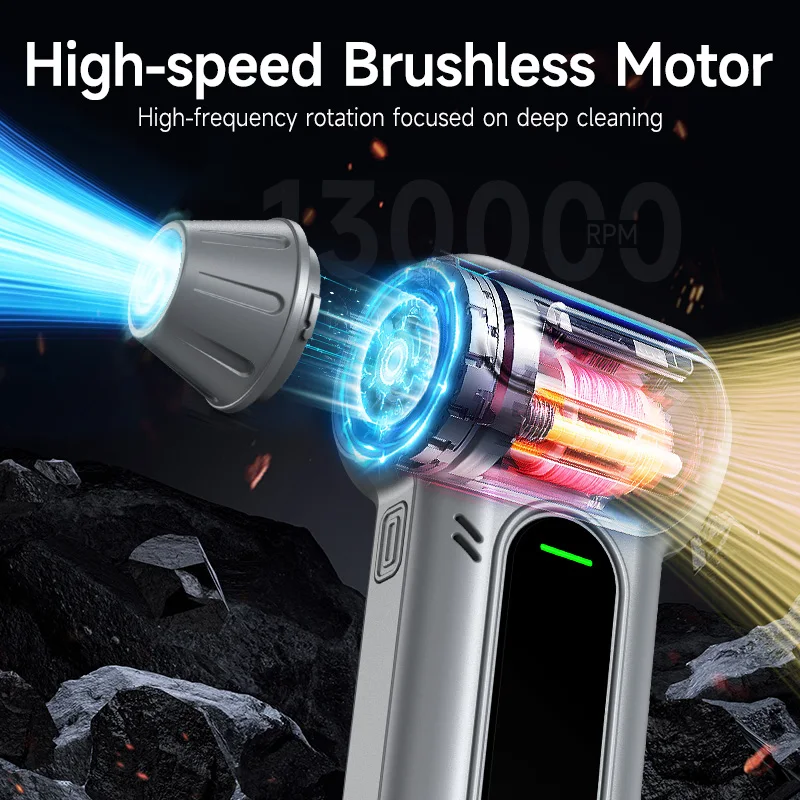
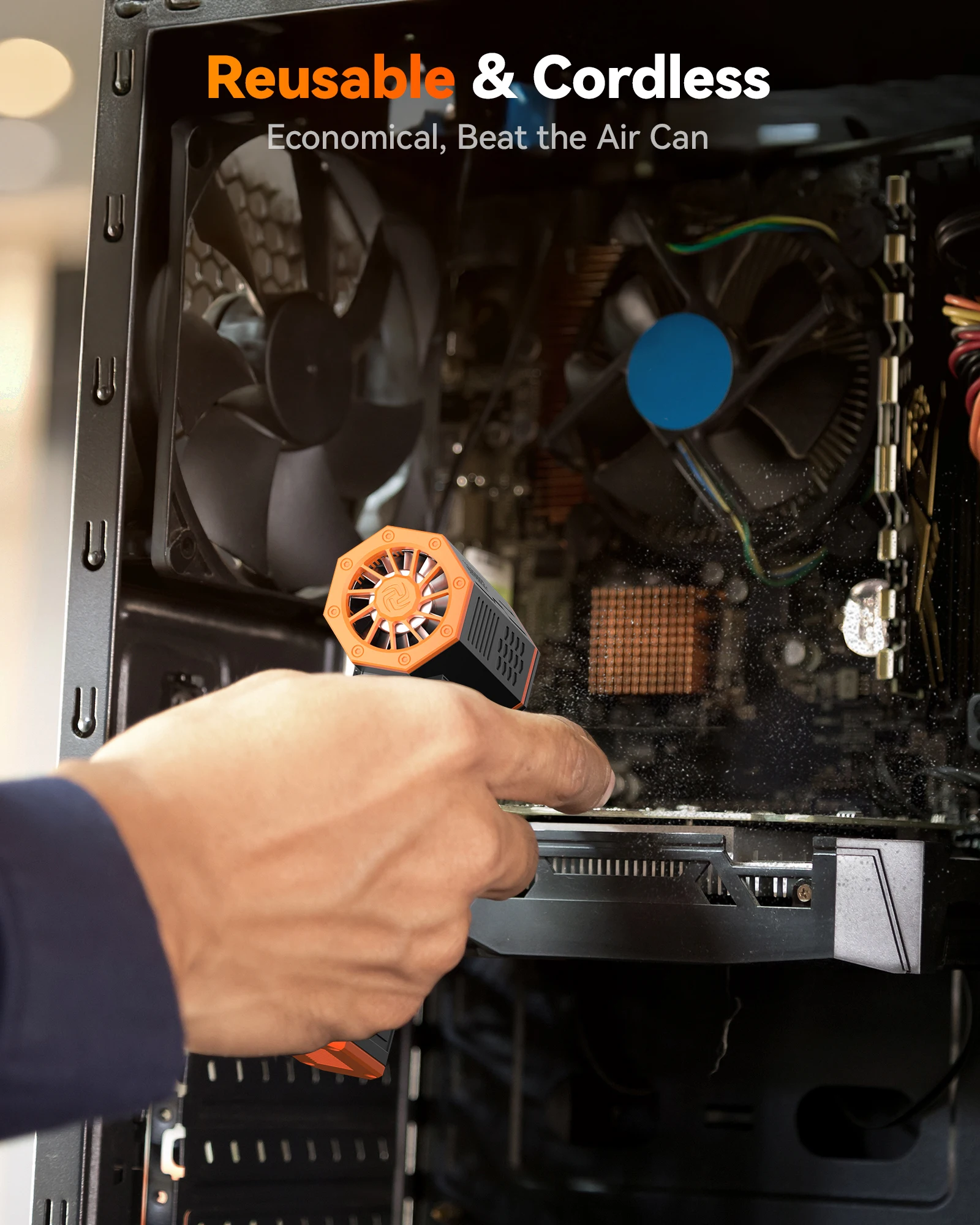
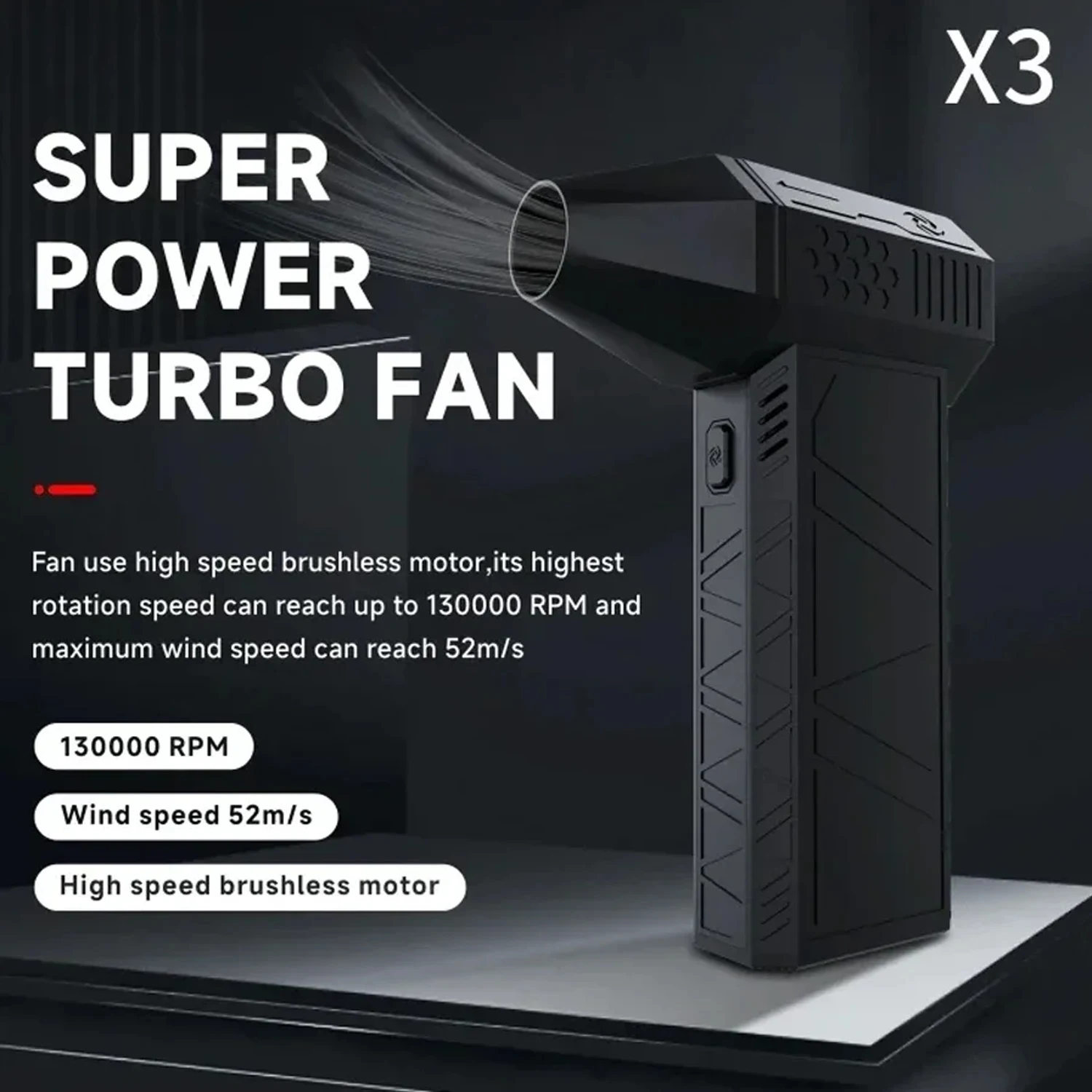
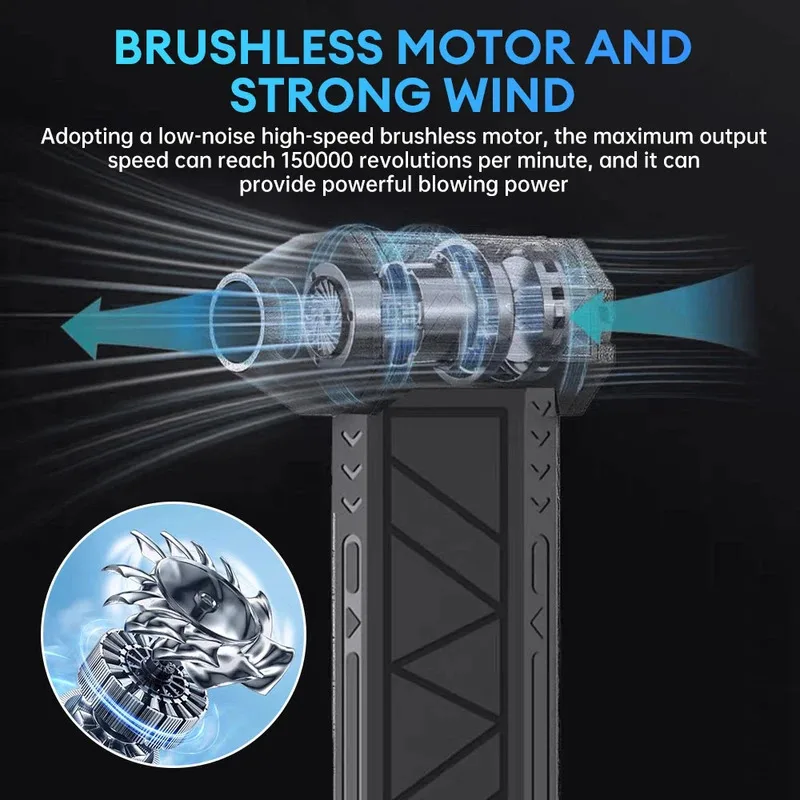
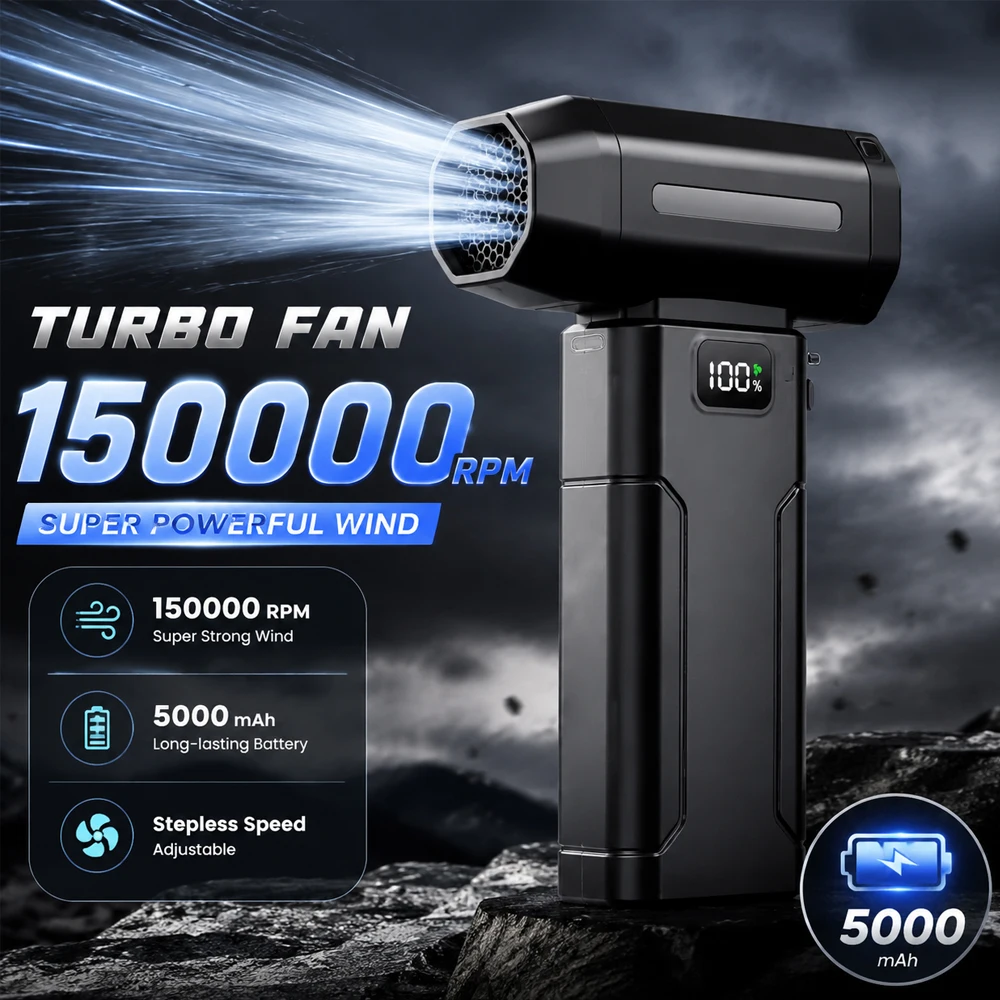
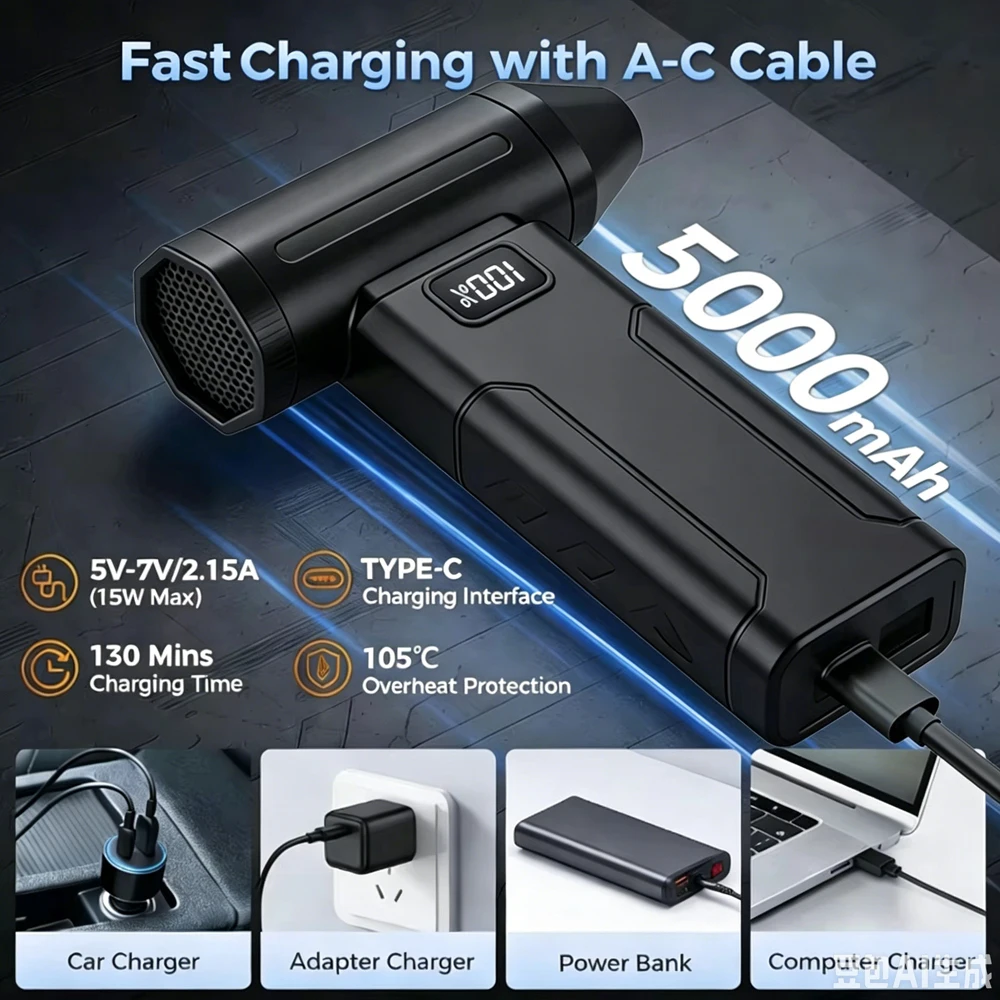
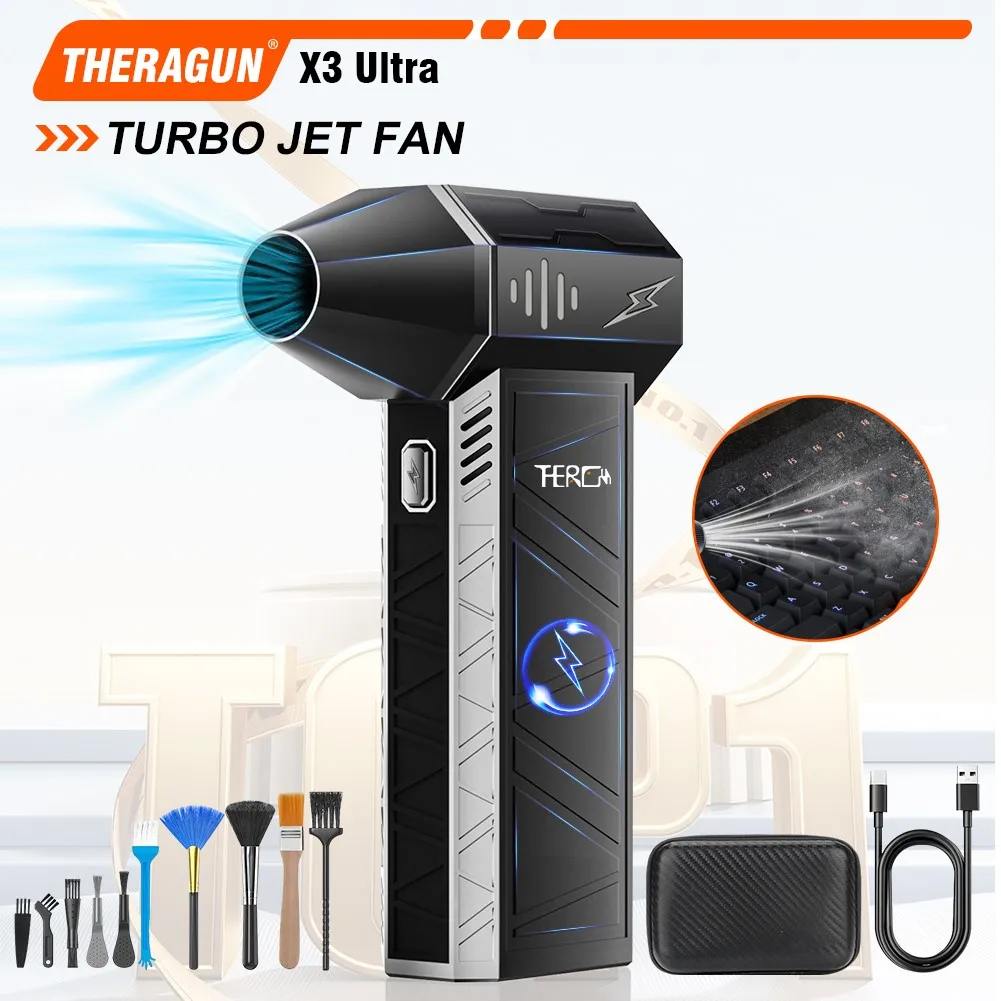
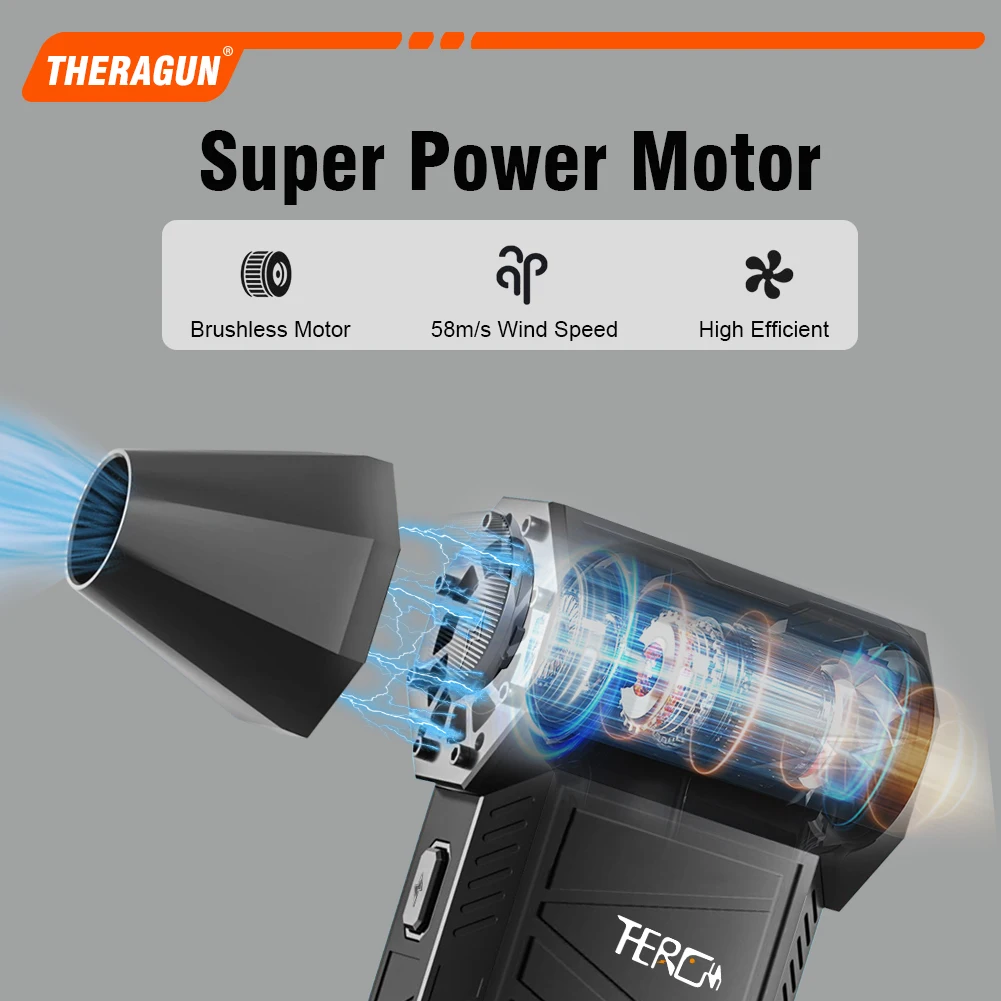
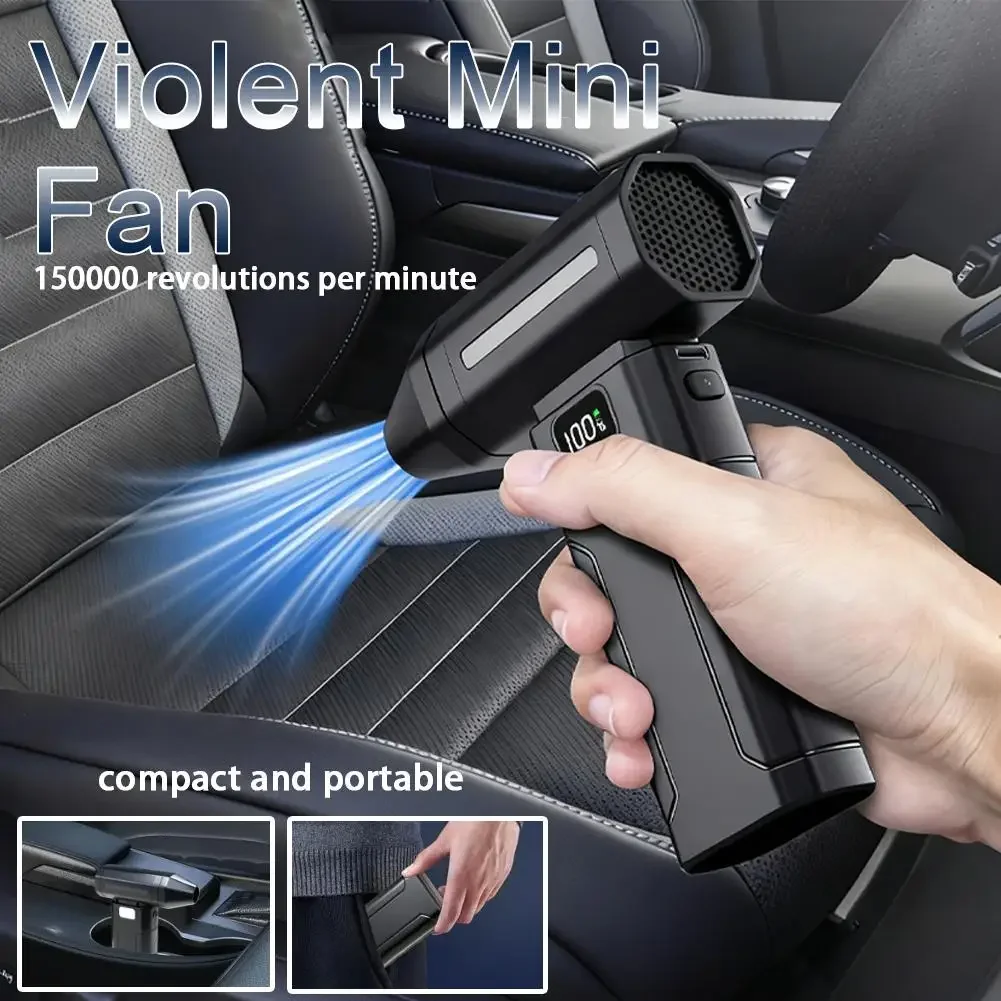
An electric air duster is a small cordless blower that does the job of a can of compressed air without the cans. It has a battery you recharge, a motor and fan, and a narrow nozzle that sends a jet of air into keyboards, vent grilles, sockets and other places a cloth cannot reach. People who clean a laptop, a desktop computer and a car regularly find one handy, because there are no cans to keep buying, and it cannot spit out the cold liquid propellant that a can of compressed air does when it is tipped upside down.
What the dusters here have
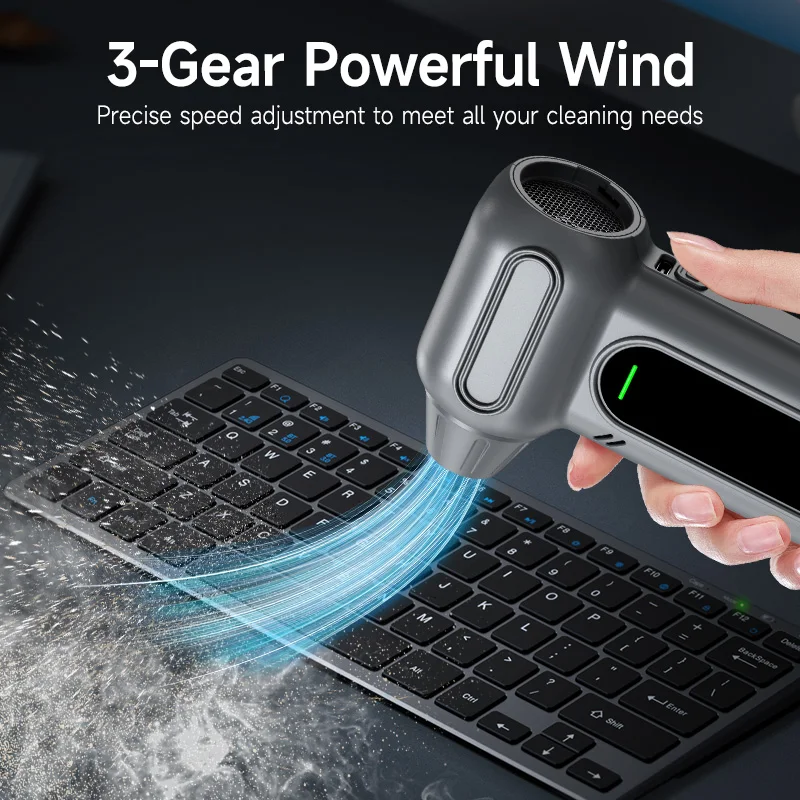
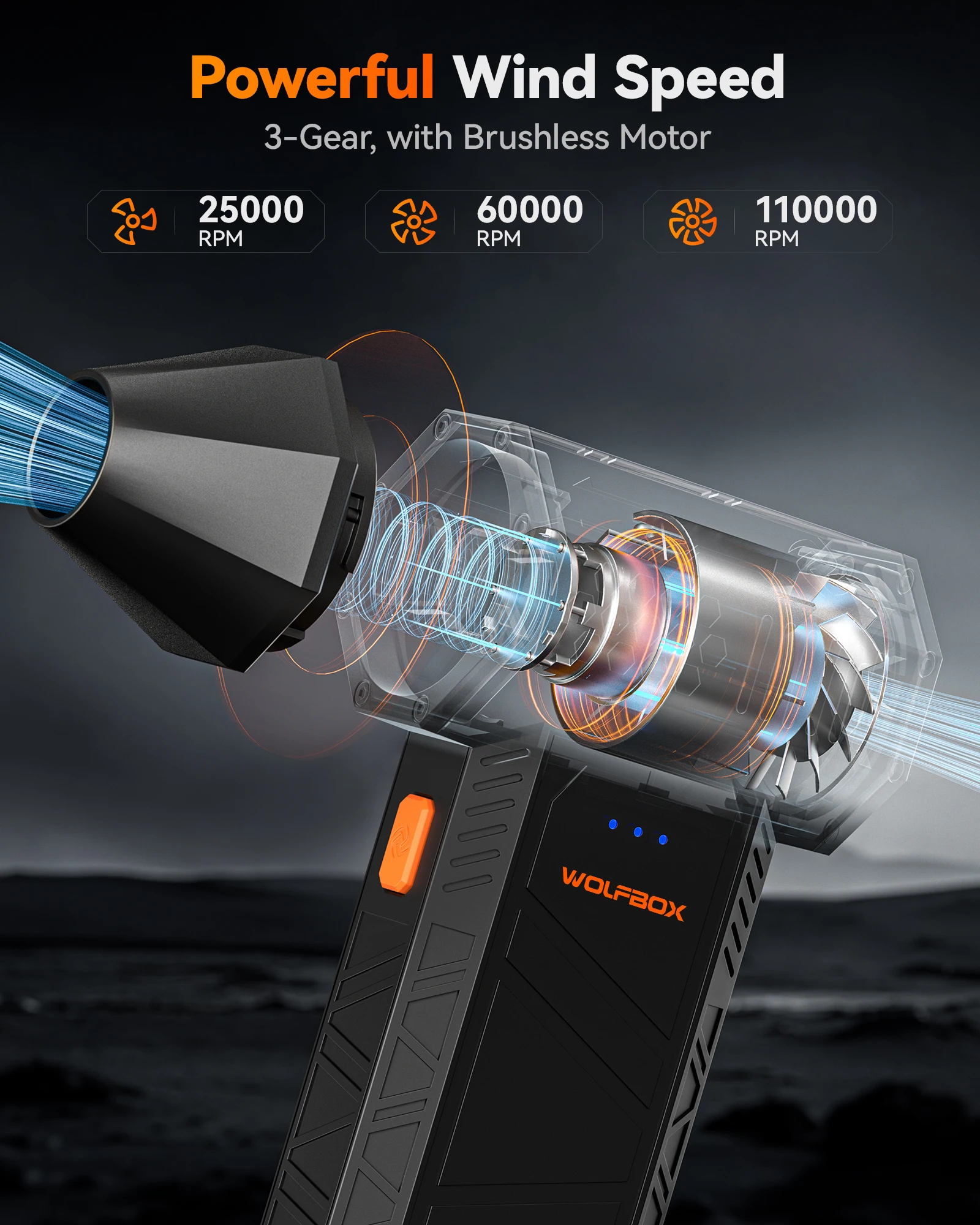
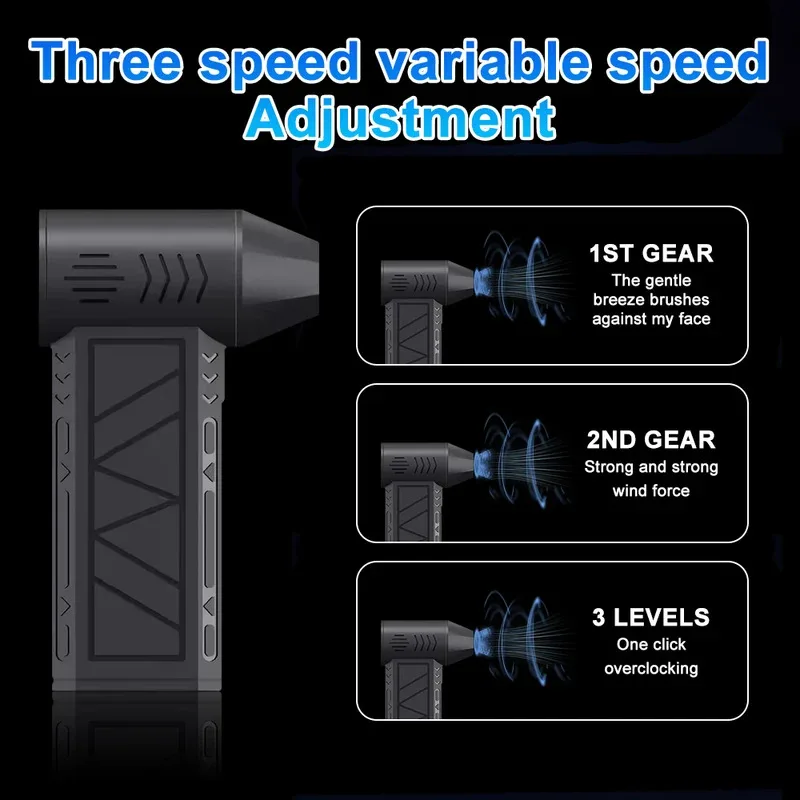
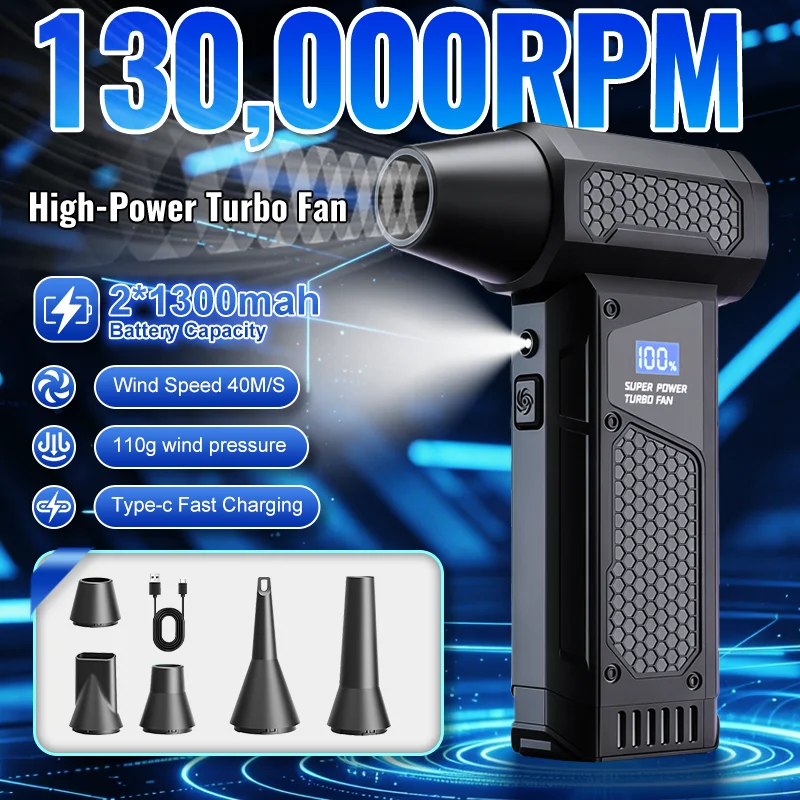
- Speed settings, from three to five on most, and on some a turbo setting or a dial that changes the speed smoothly.
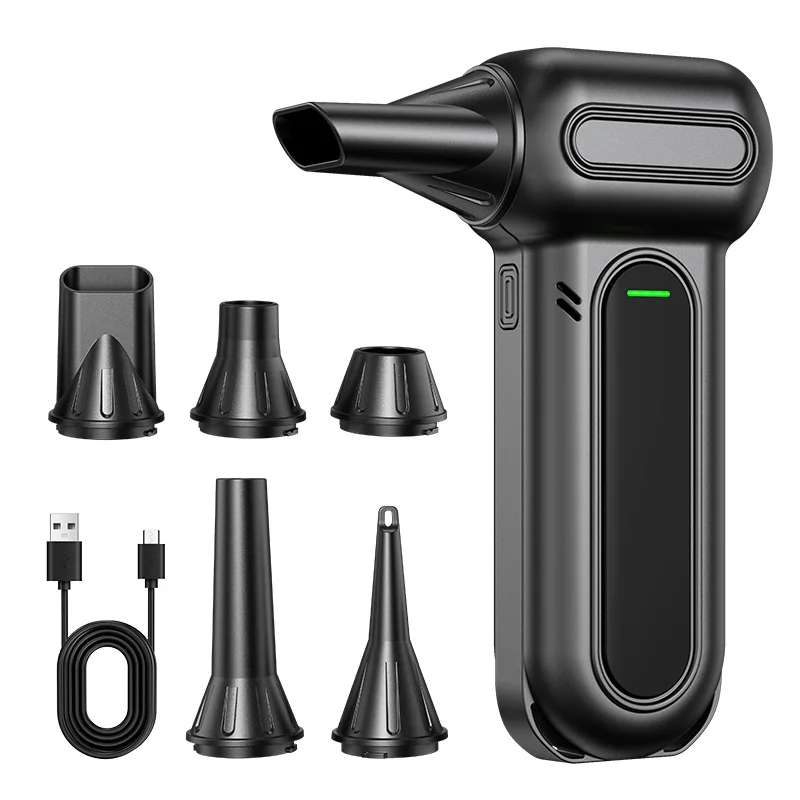
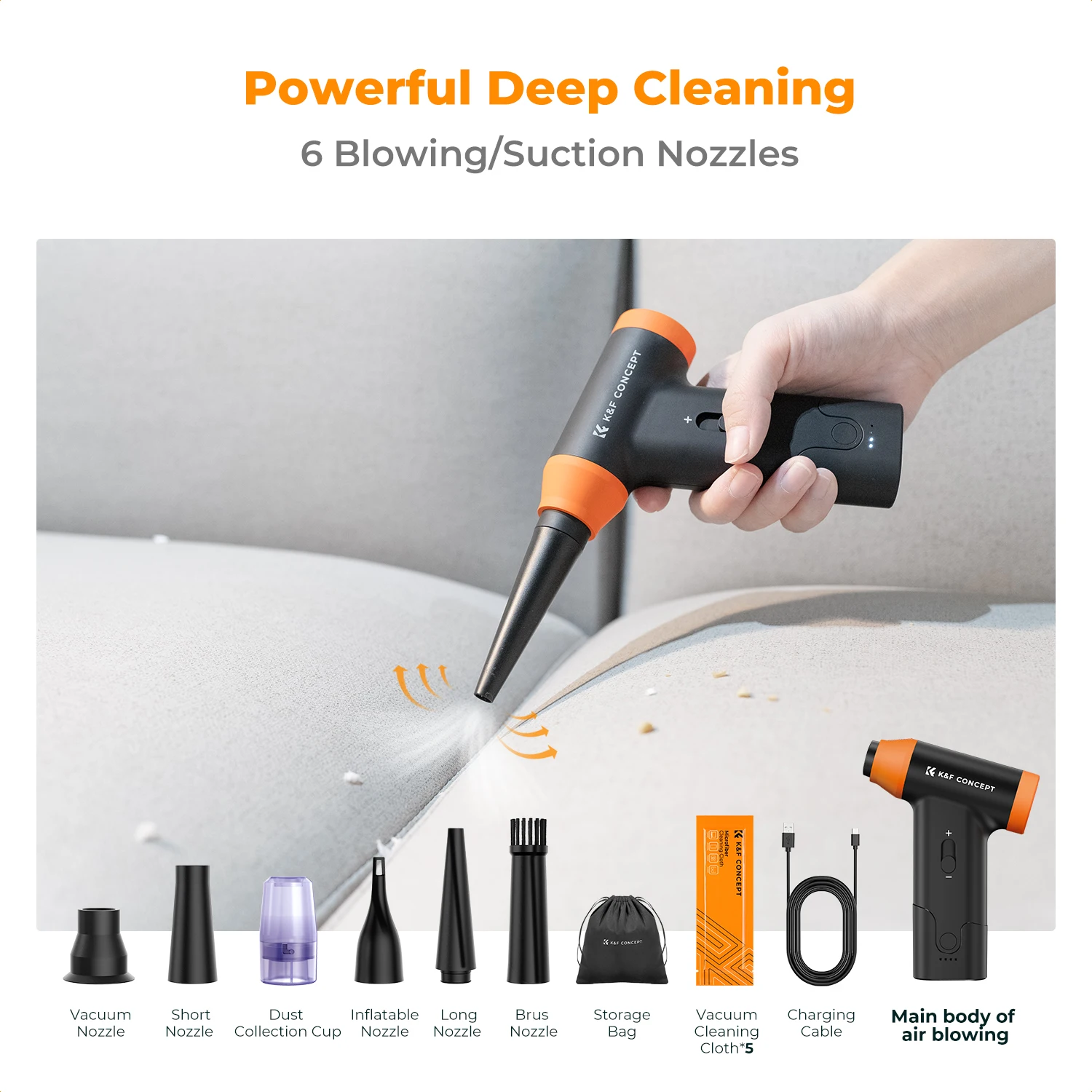
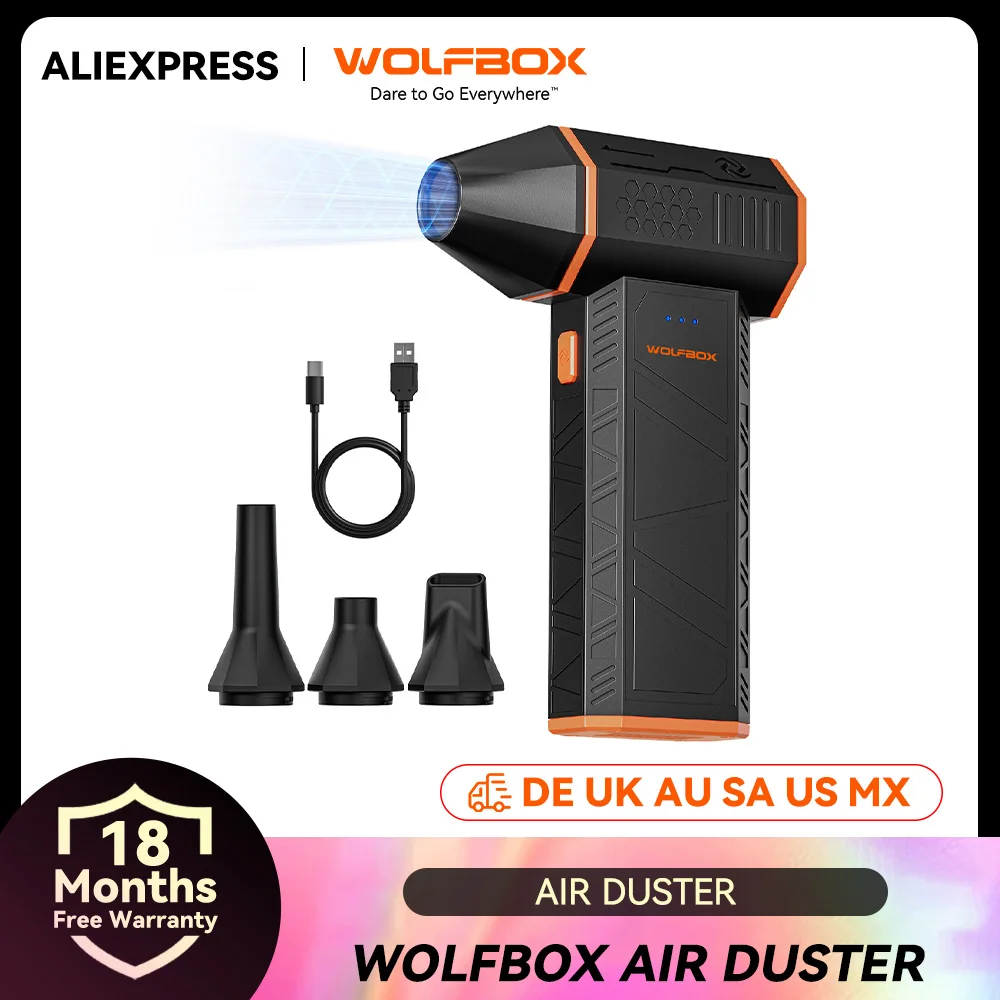
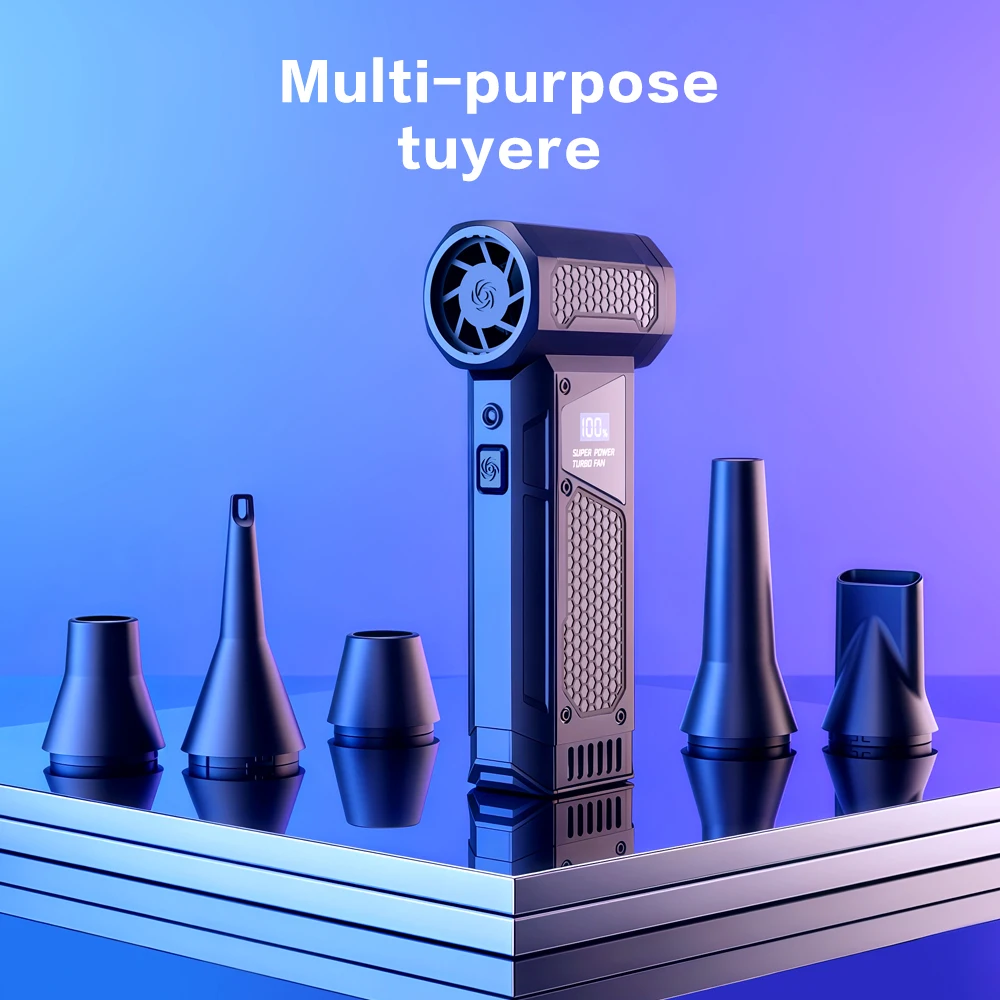
- Nozzles of different shapes, from a fine tip for keyboards to wider ones for larger surfaces.
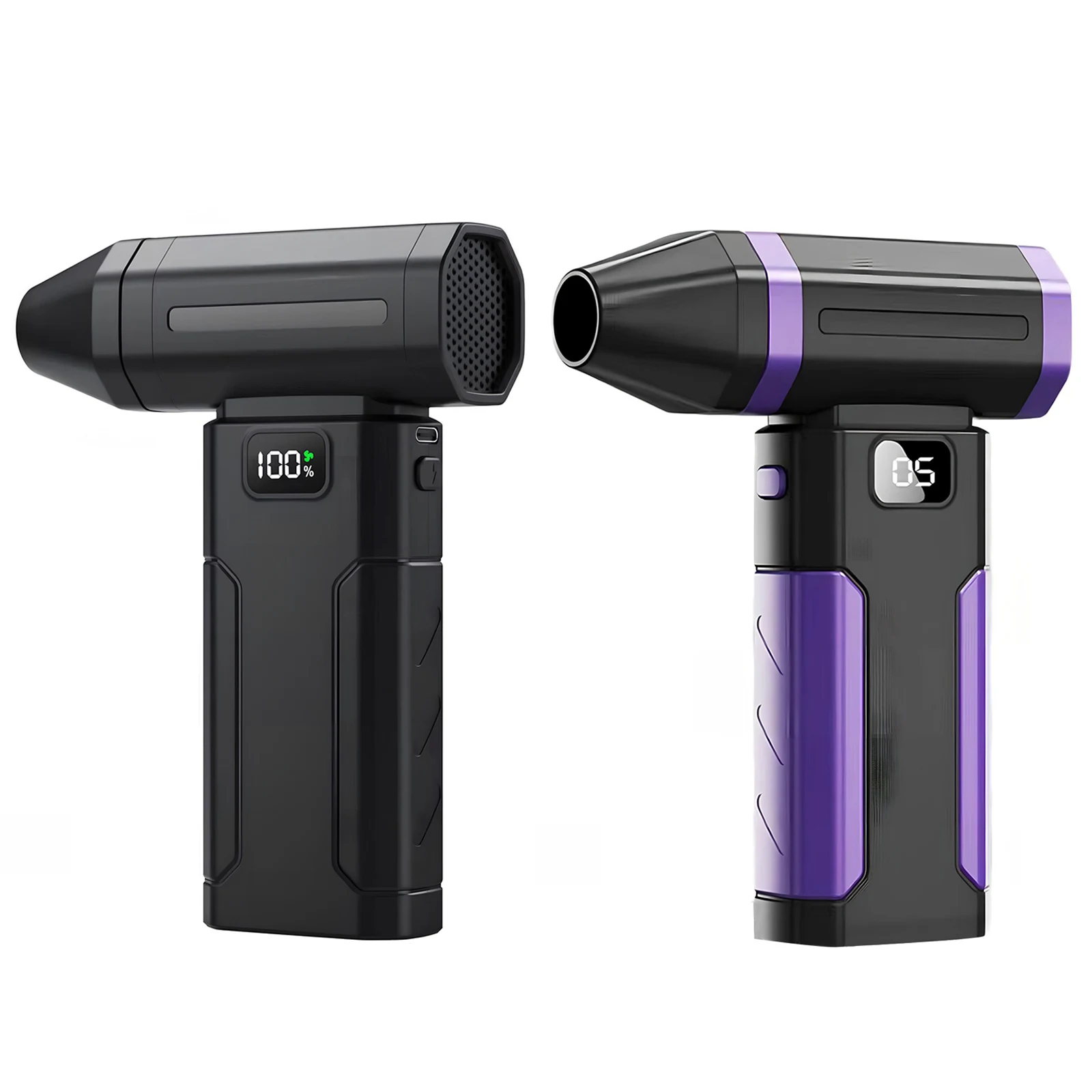
- A light on many, to see into a dark vent, and on some a display that shows how much battery is left.
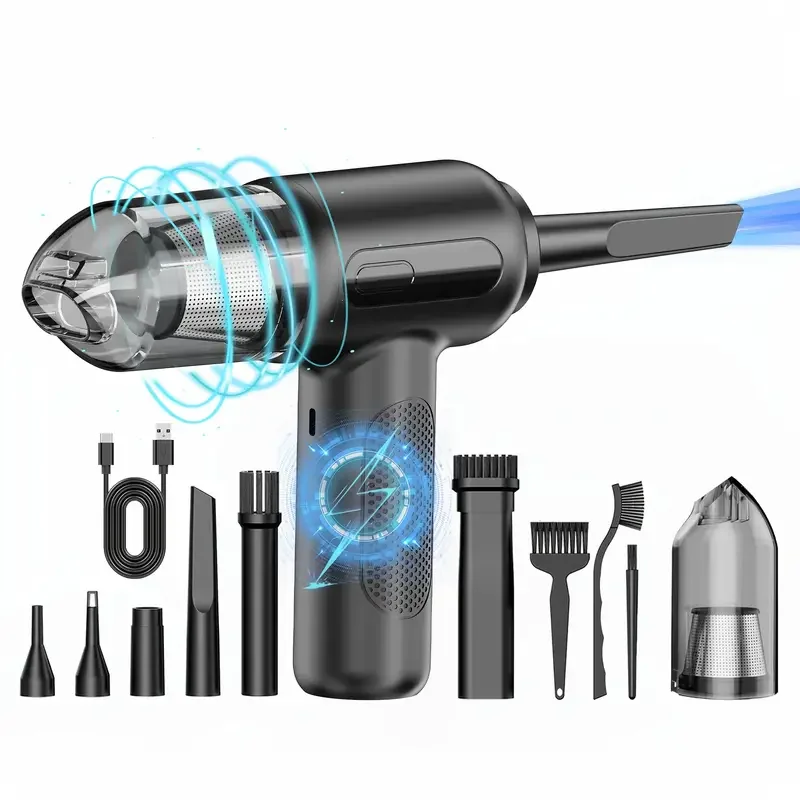
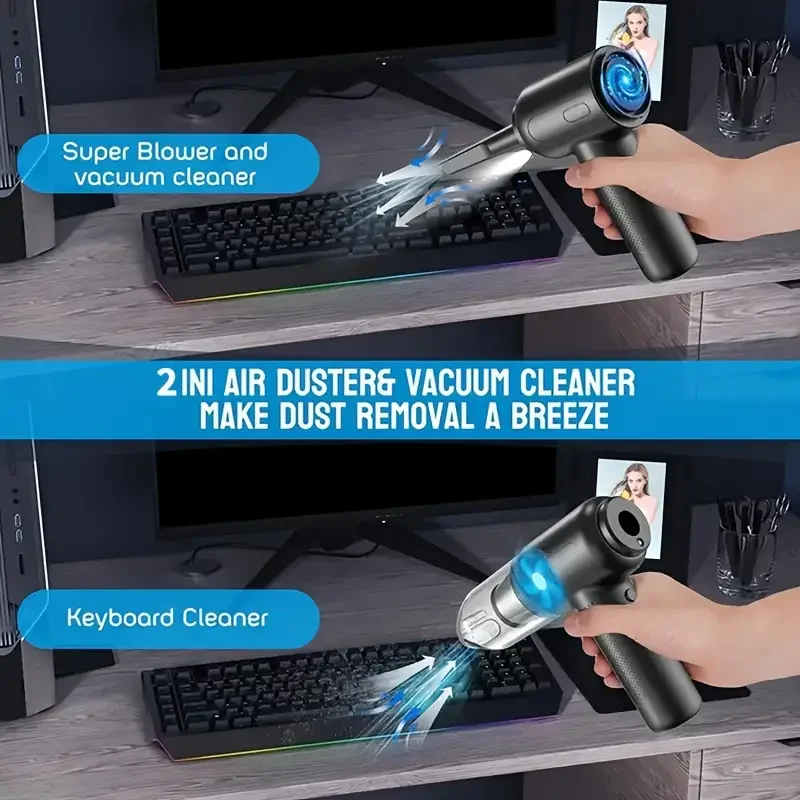
- Blow only, or blow and vacuum. Some also have a vacuum mode.
What the laptop makers say about blowers
The makers do not all agree. Dell's guidance says not to use a vacuum or a blower on its laptops, because they create static, and recommends compressed air instead. HP also warns against vacuum cleaners for the same reason. Lenovo's guidance, on the other hand, mentions a hand blower with a brush for clearing dust from under the keys. So check your own maker's page first. If your laptop's maker advises against blowers, follow their advice for that laptop and use a soft brush or a can instead.
Using one on a laptop
Use an electric duster the way the makers describe compressed air. Shut the laptop down and unplug it. Start on the lowest speed, hold the nozzle a little away from the keys or the grille, and use short bursts rather than one long blast: a long blast can spin the laptop's fan much faster than it is meant to turn. Tilt the laptop so the dust falls out rather than settling further in. Keep the vacuum mode for the car or the sofa, since Dell and HP both warn against vacuums on a laptop.
Questions people ask about electric air dusters
Will clearing the vents make my laptop run cooler?
Often, because dust on the grilles makes the fan work harder. Some dust sits on the fan inside, out of reach. The guide to keeping a laptop cool covers the rest, including cooling pads.
Can I use one on the charging socket?
Yes, a short puff on a low setting clears fluff from a socket. Never push anything metal in.
More to look at