Skip to the content

Delivery included in every priceTracked to your doorUK plugs on every charger

USB Microphones

Desk microphones that plug into USB.

Shop USB Microphones

12 products

1 of 32 of 33 of 3

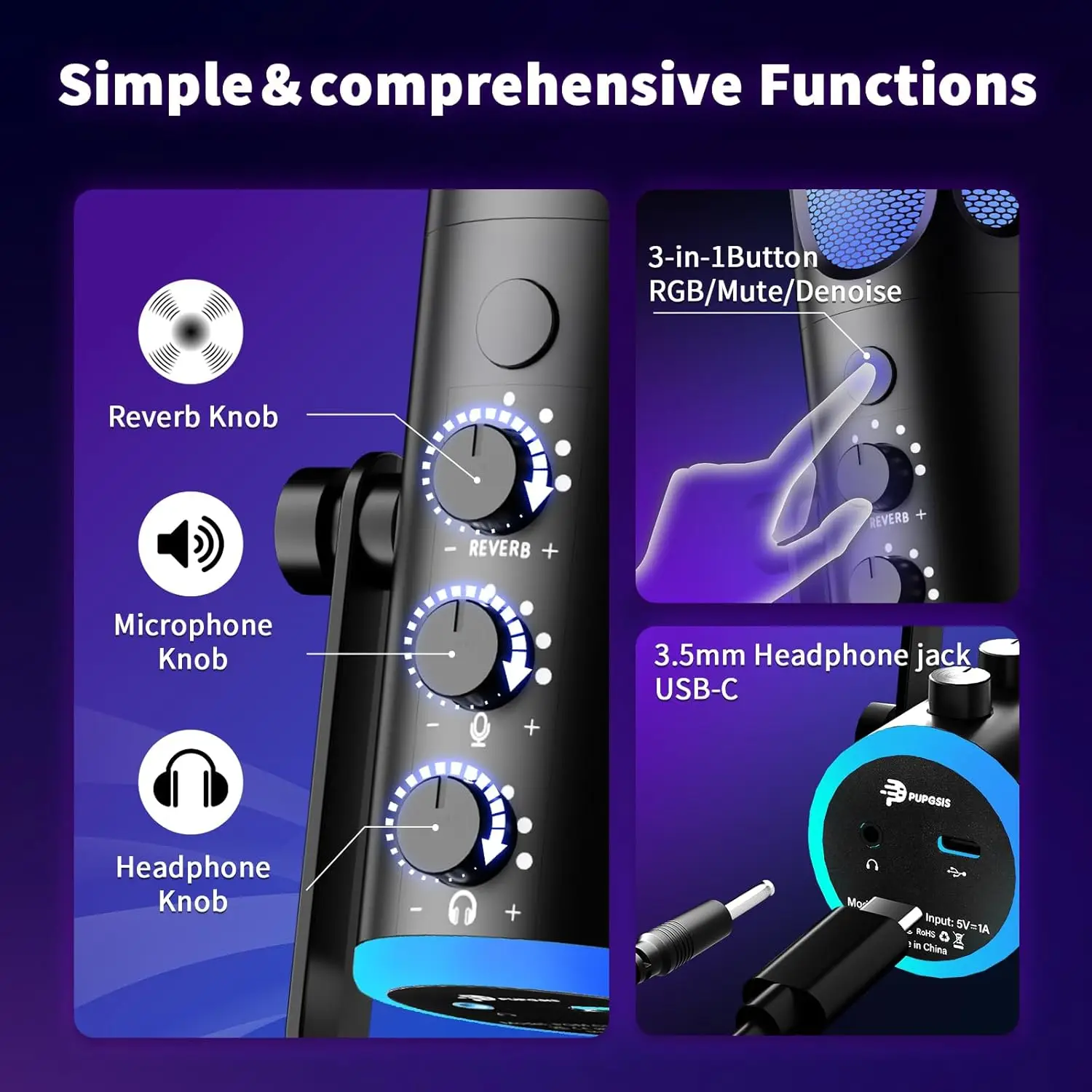
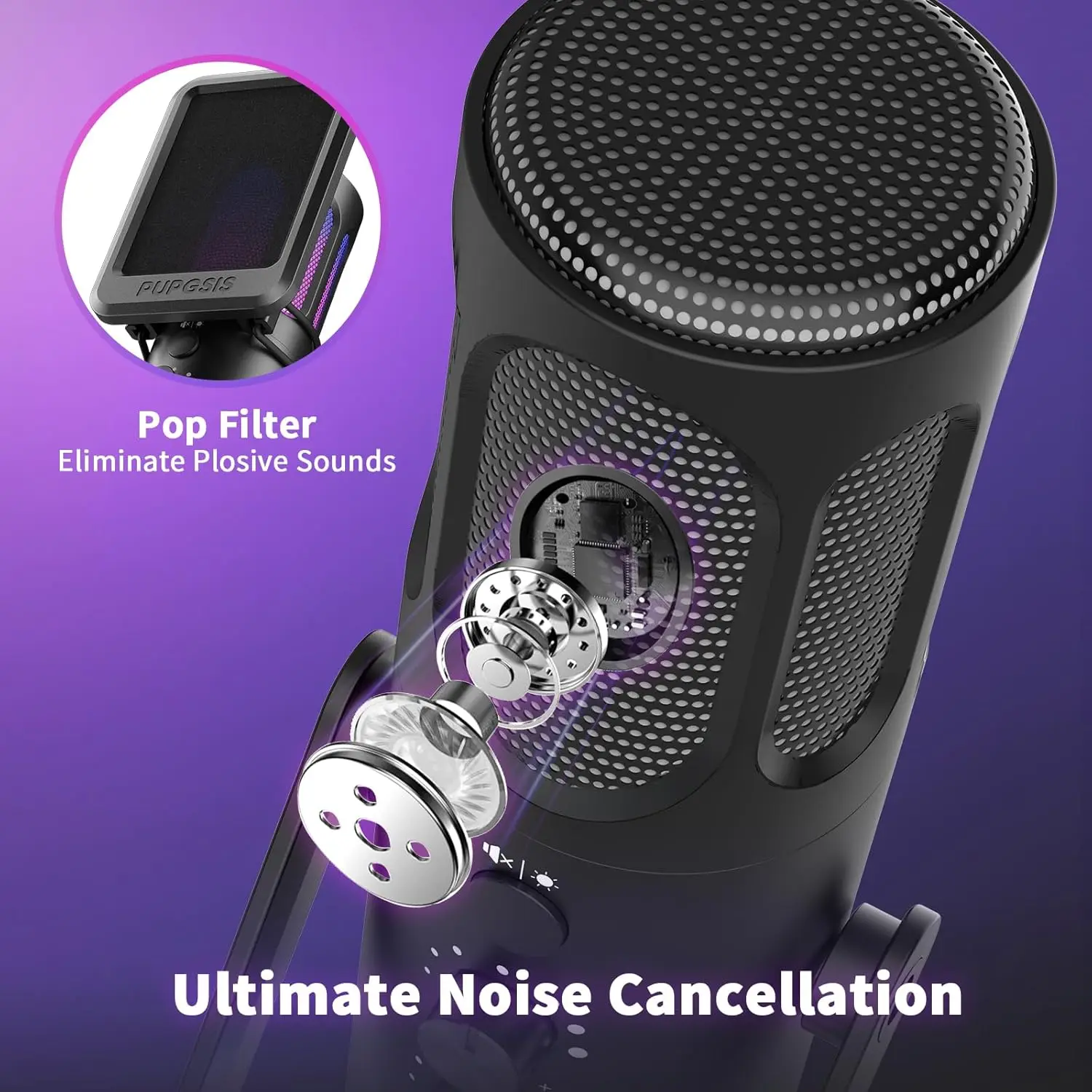
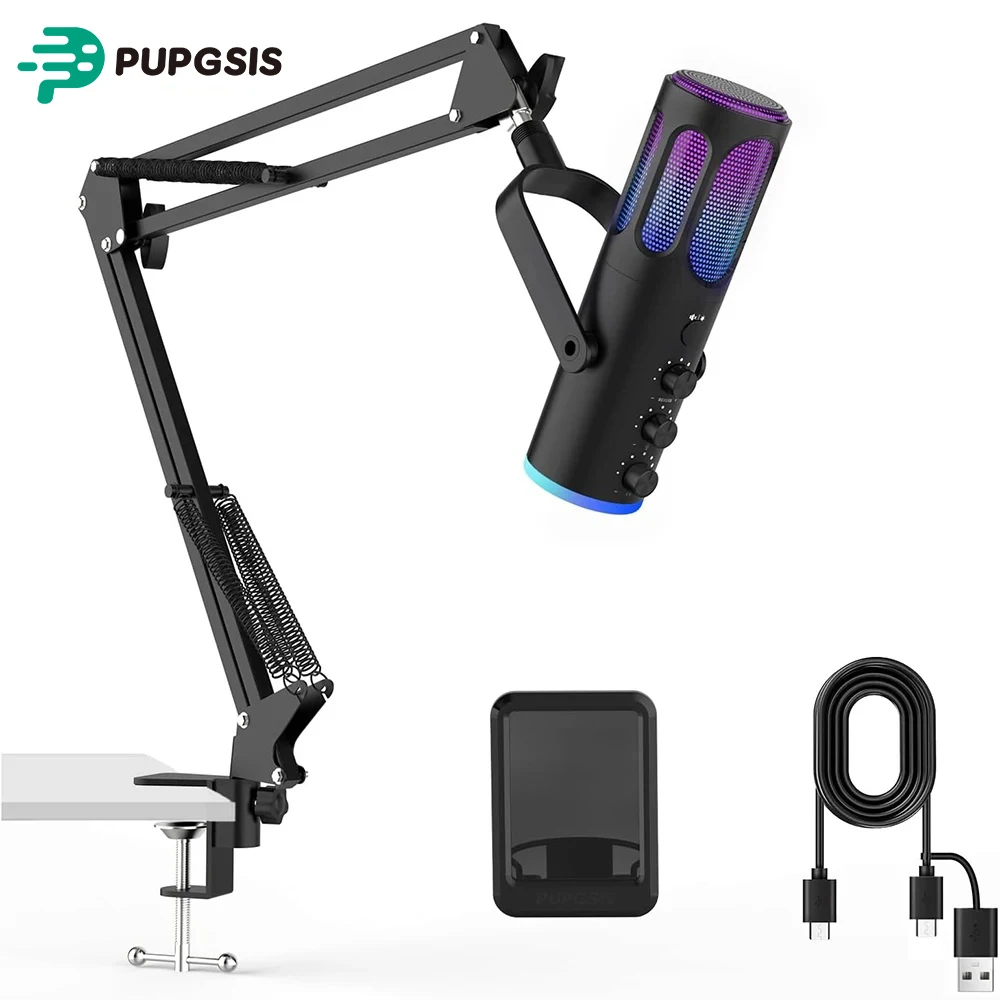
Pupgsis USB Condenser Gaming Microphone for PC, PS4/PS5 and Mac

USB condenser gaming microphone with noise cancellation, RGB lighting and one-touch mute, supplied with pop filter and desktop stand.

From £44.99
1 of 32 of 33 of 3

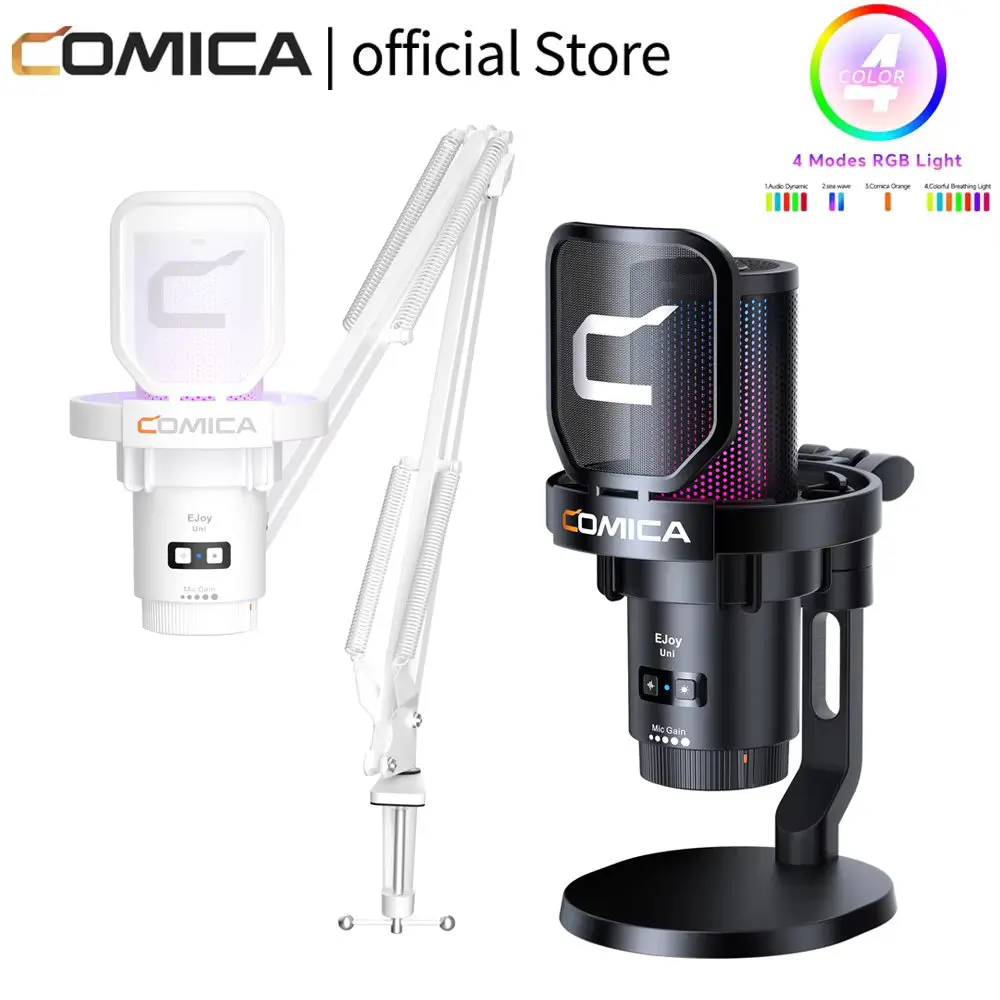
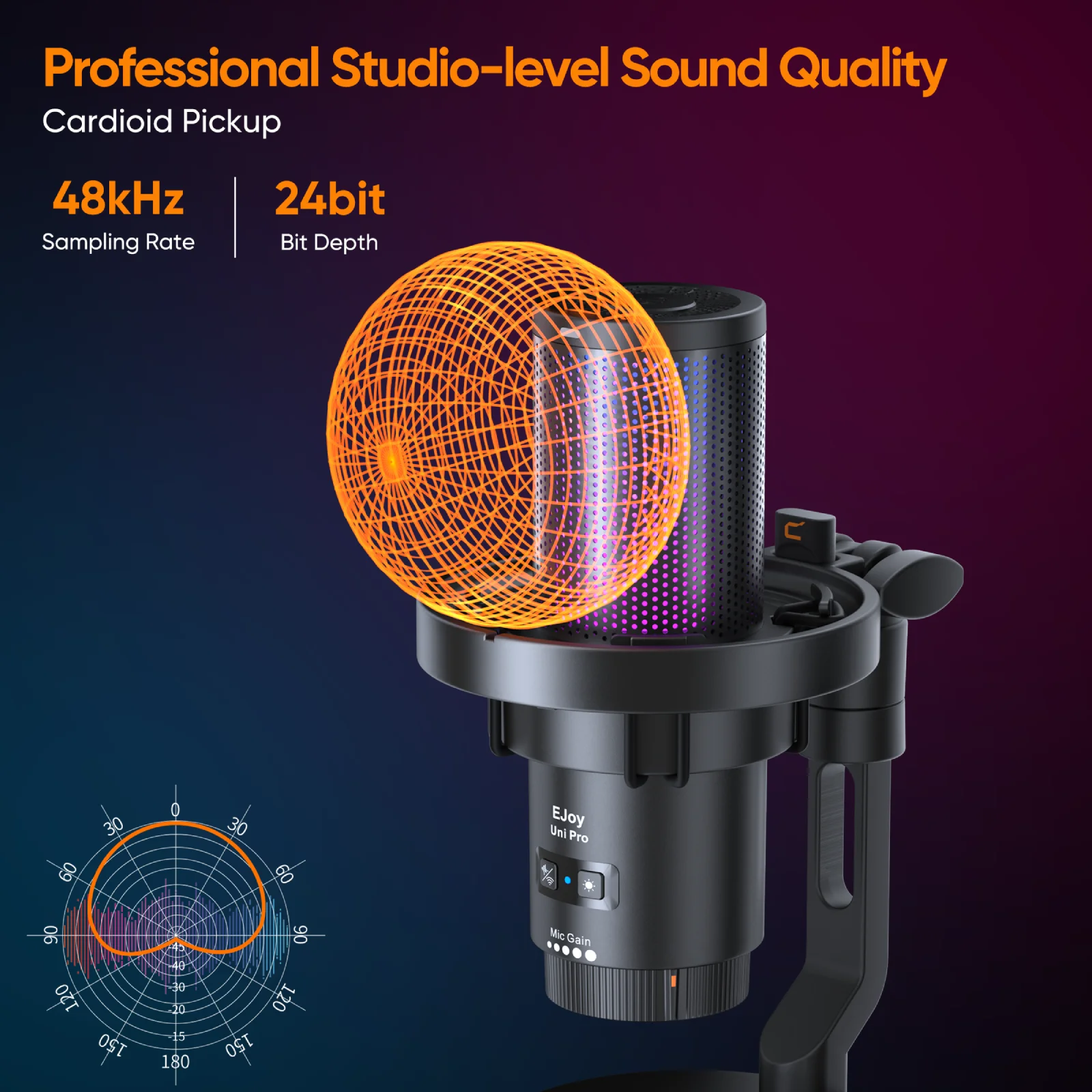
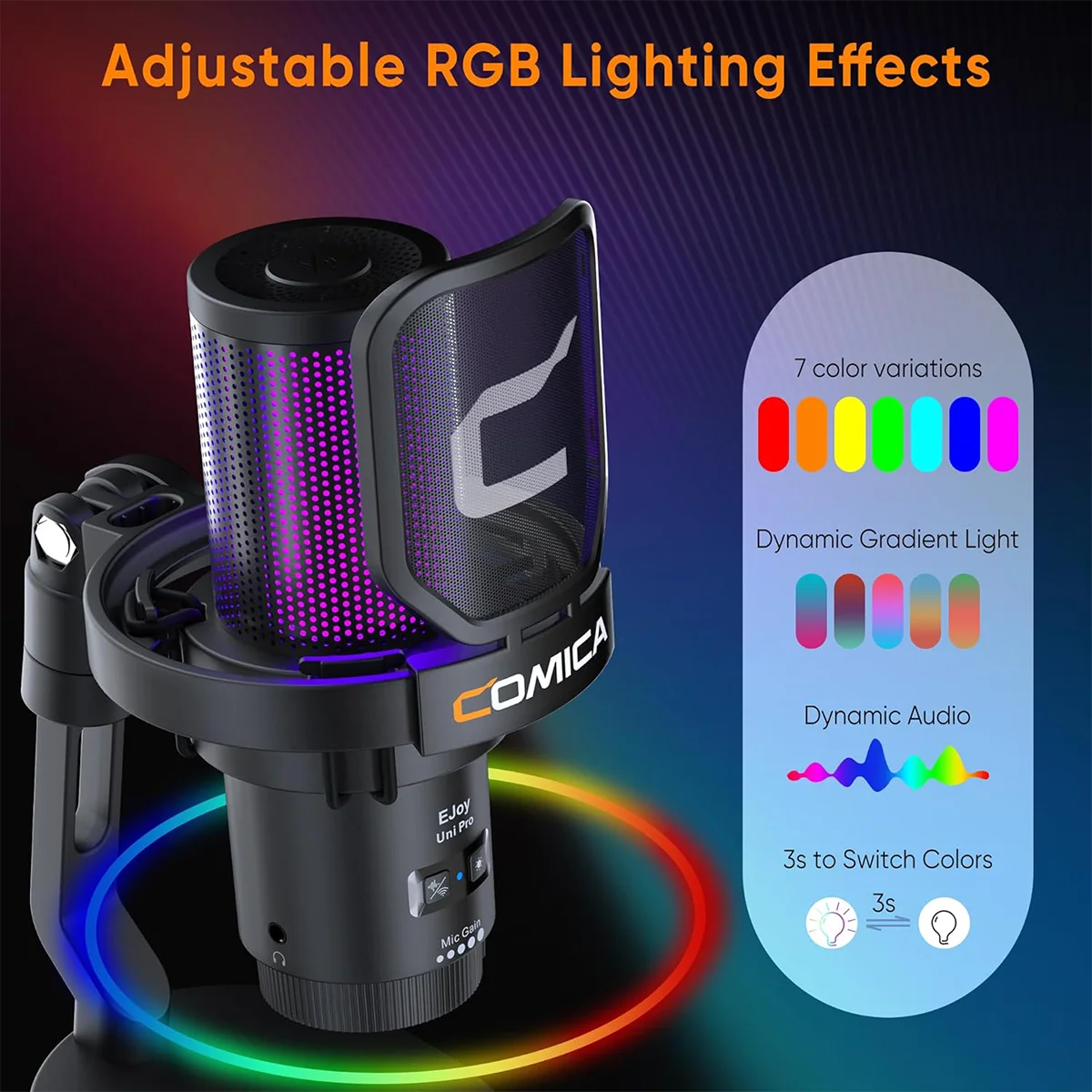
Comica EJoy Uni USB Condenser Microphone with RGB Lighting

Wired USB cardioid microphone with one-click noise cancellation and RGB lighting, ideal for gaming, streaming and podcasting.

From £62.99
1 of 32 of 33 of 3

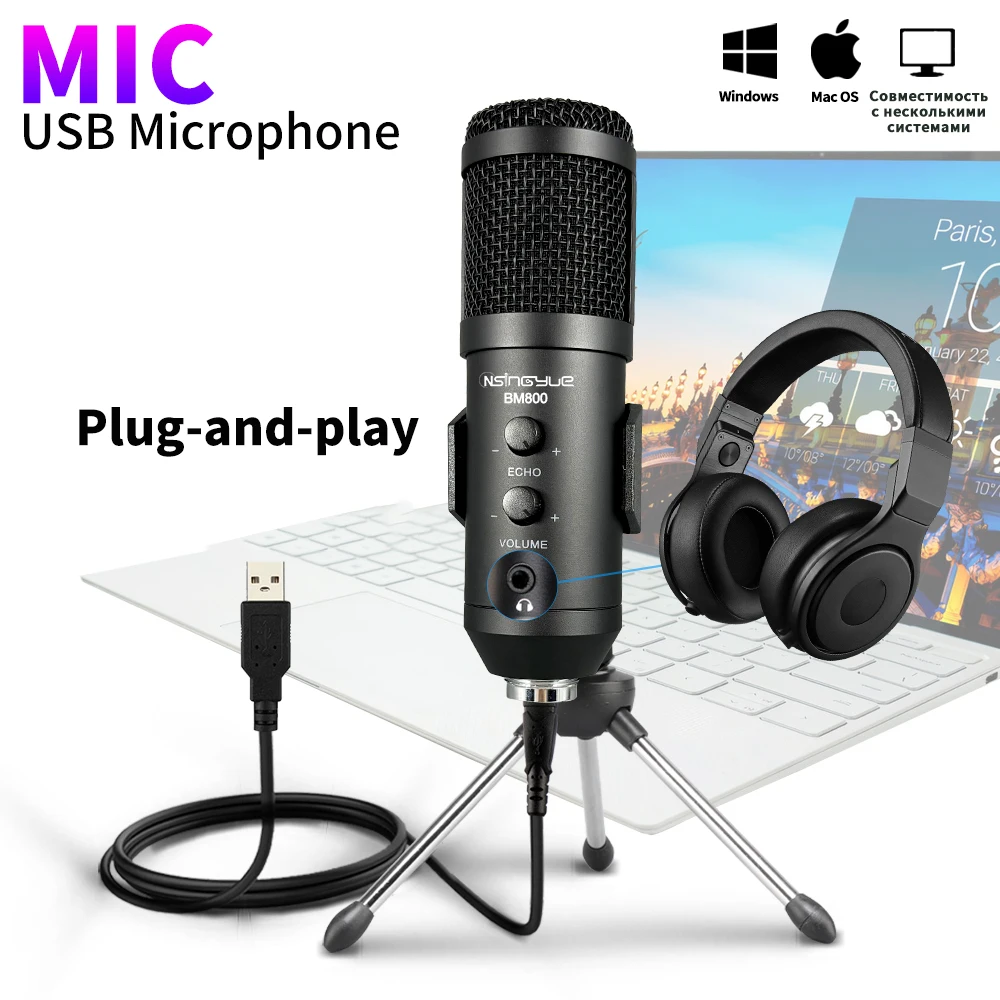
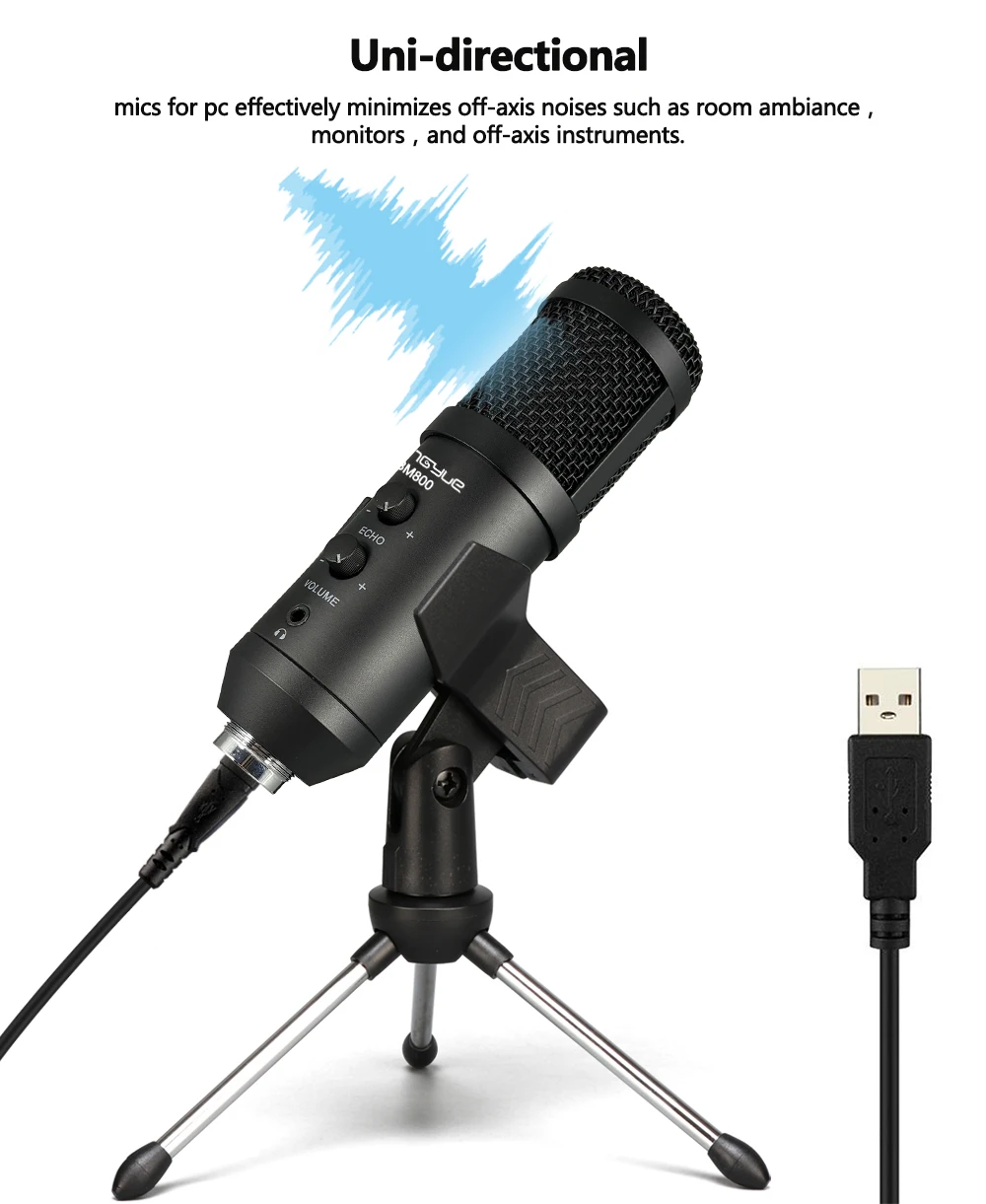
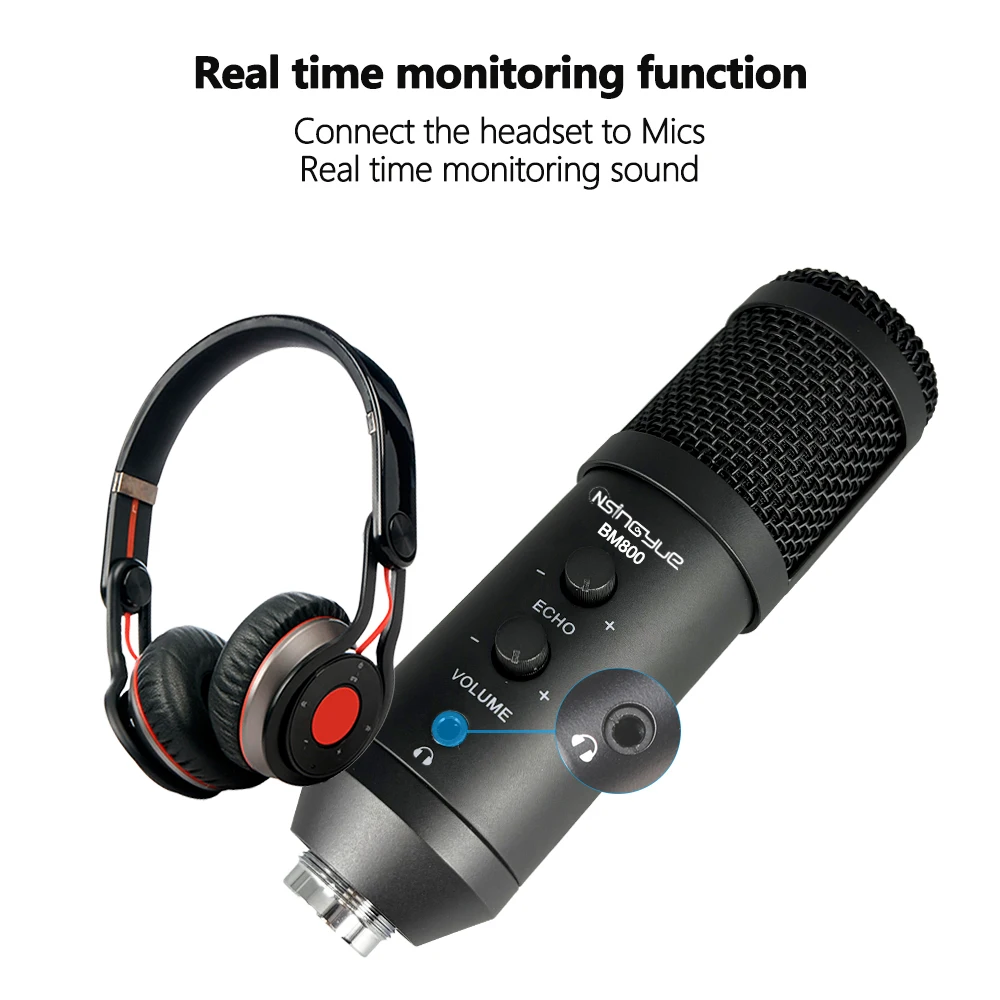
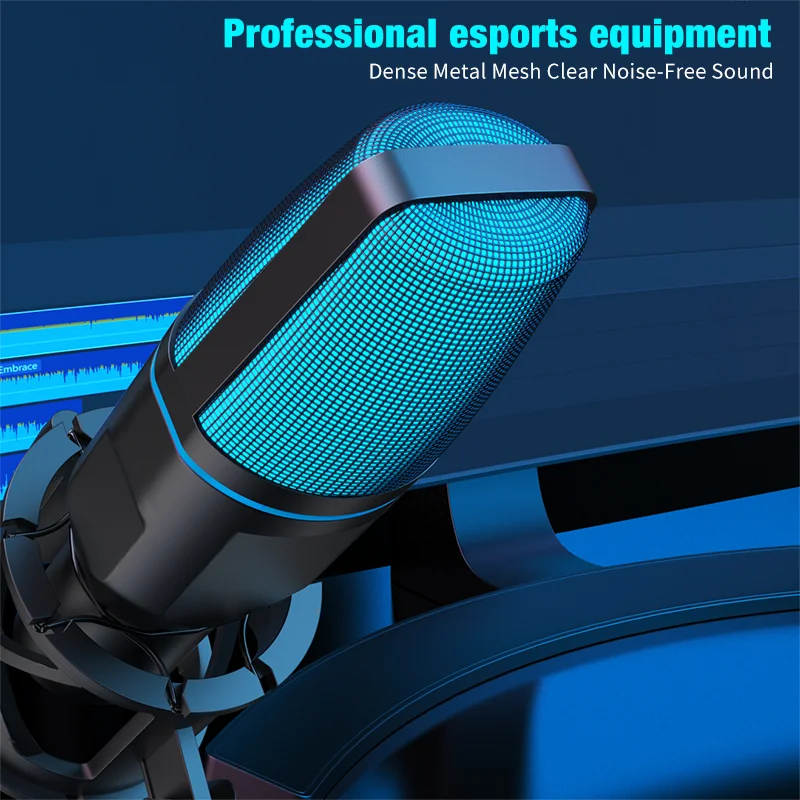
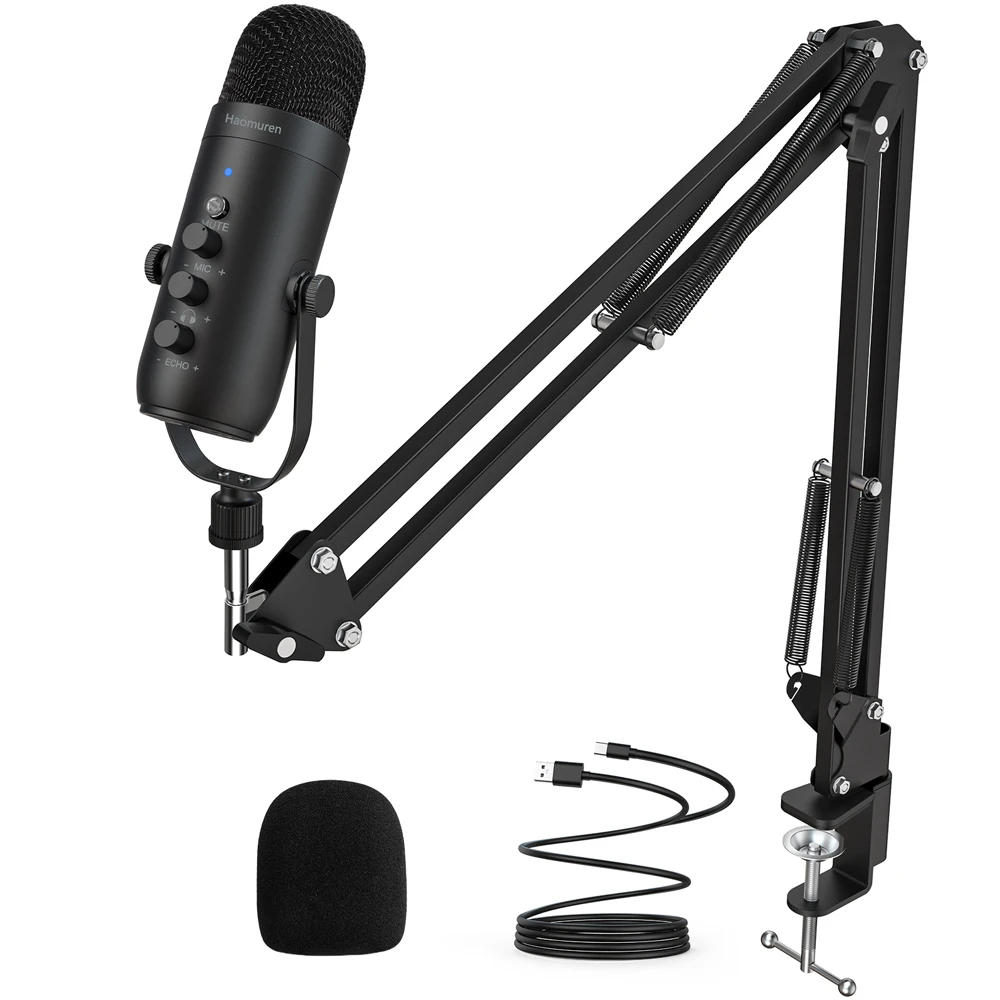
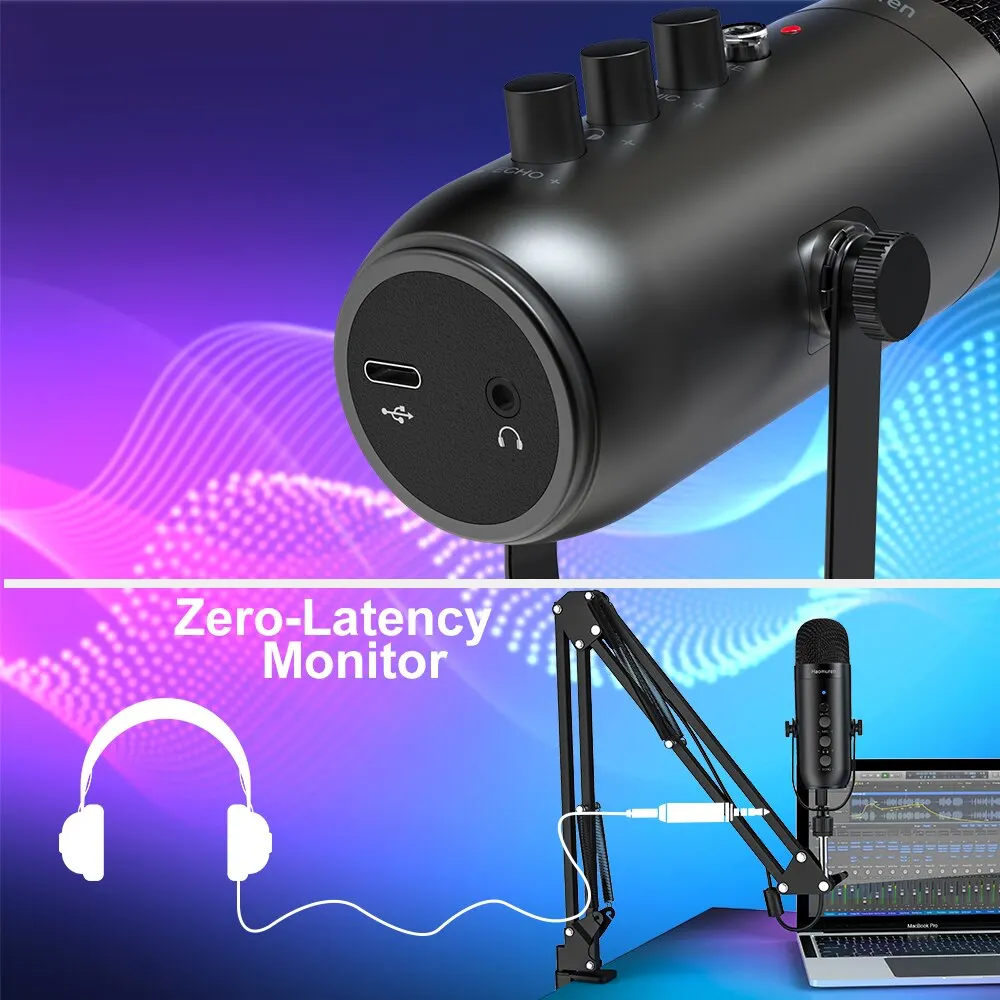
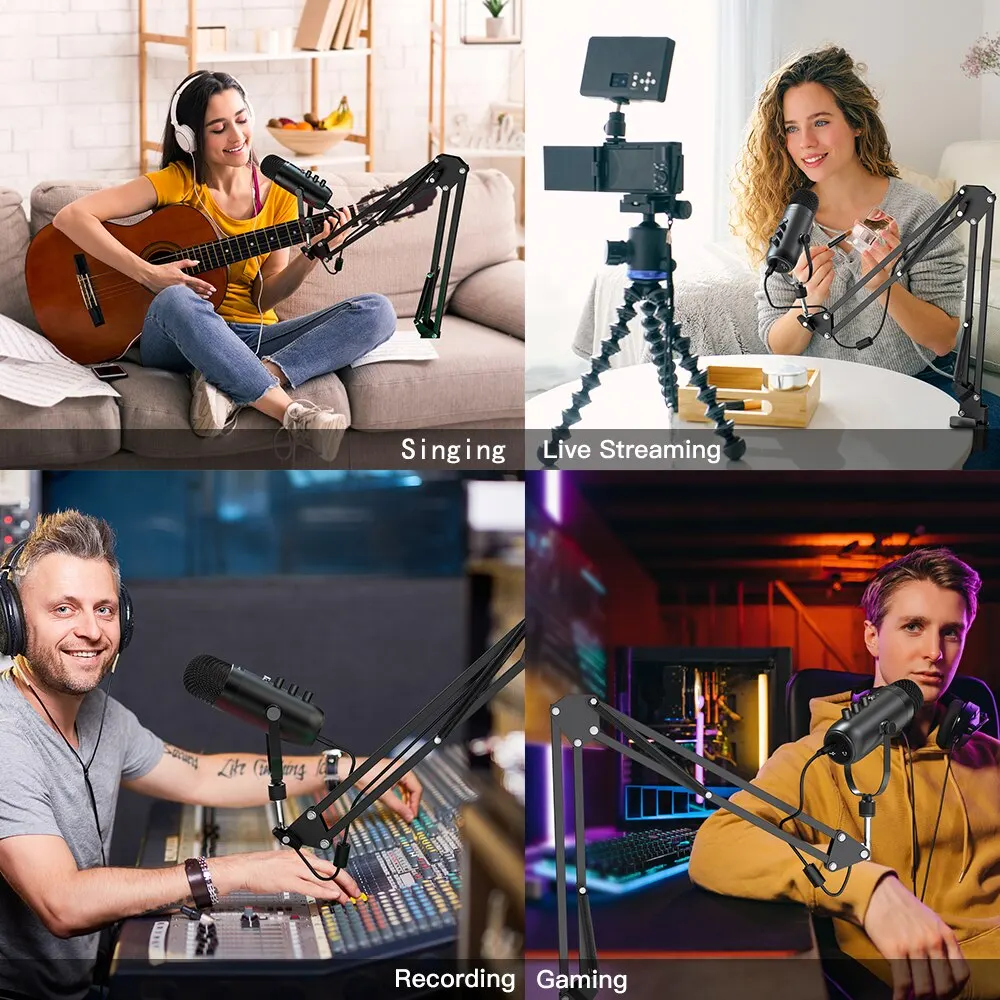
USB Condenser Microphone with Volume and Echo Control for PC and Laptop

USB condenser microphone with volume and echo control, suited to gaming, singing, podcasts and studio recording on PC or laptop.

Only 2 left

£26.99
1 of 32 of 33 of 3

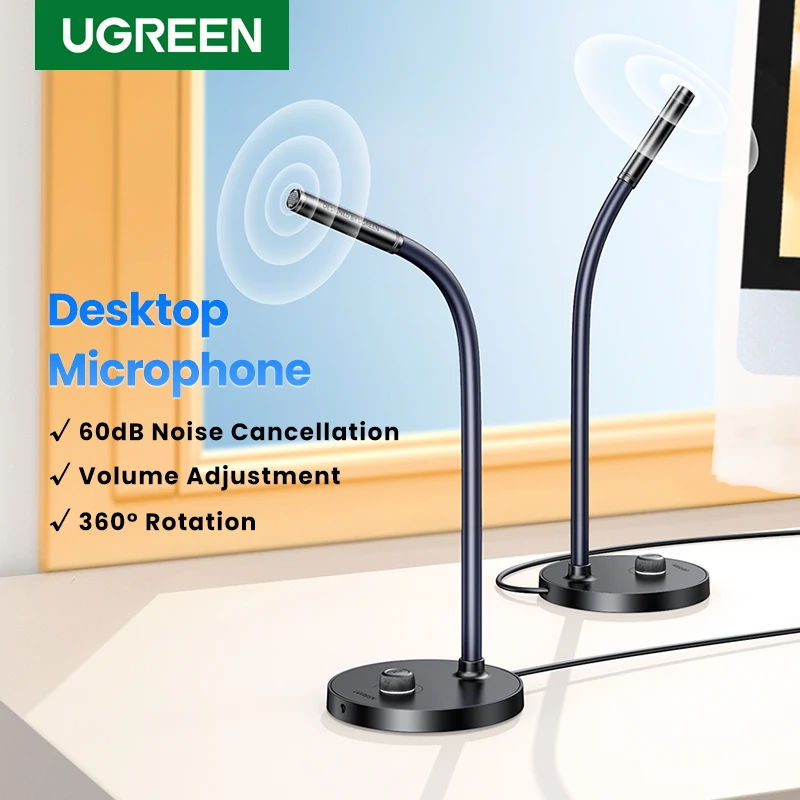
UGREEN USB Desktop Microphone for PC and Mac, Gaming and Streaming

USB desktop microphone with noise reduction, mute switch and adjustable gooseneck for gaming, streaming and calls.

£33.99
1 of 32 of 33 of 3

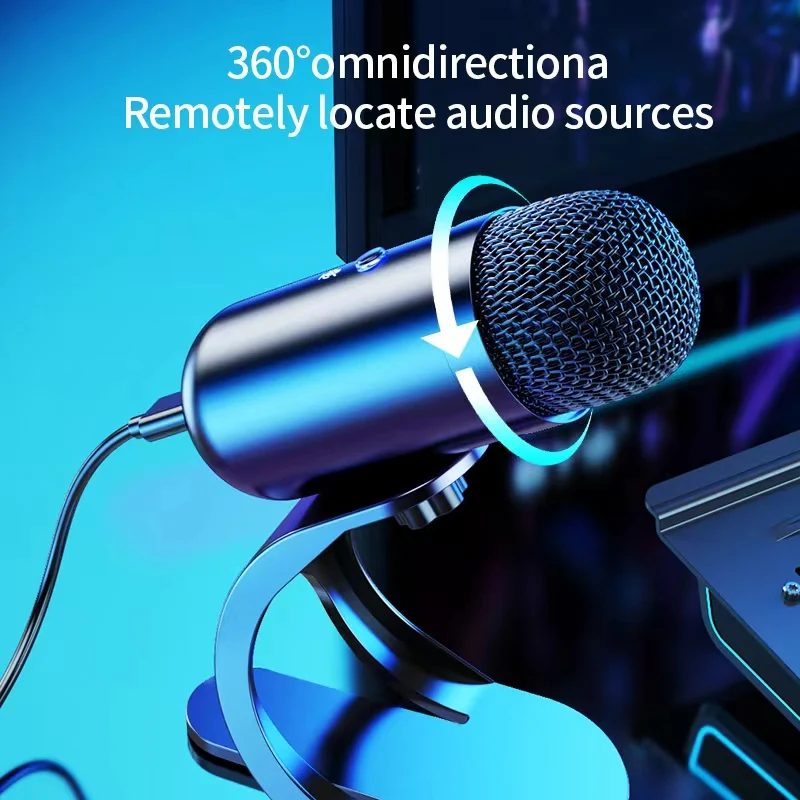
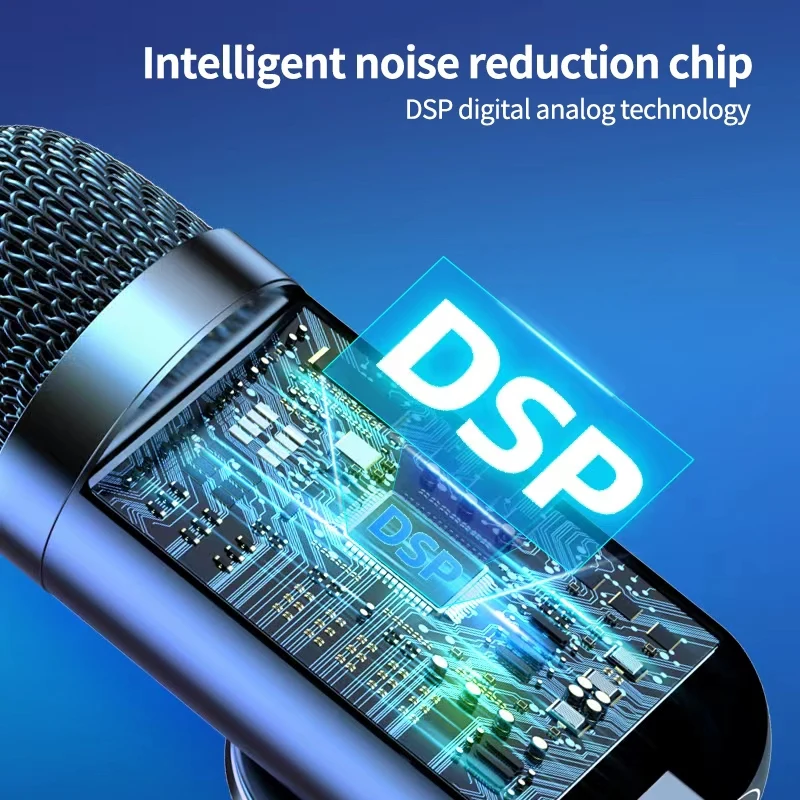
Wired USB Condenser Gooseneck Microphone for Computer and Laptop

Wired USB condenser gooseneck microphone with omni-directional pickup, suited to desktop computer and laptop use.

£24.99
1 of 32 of 33 of 3

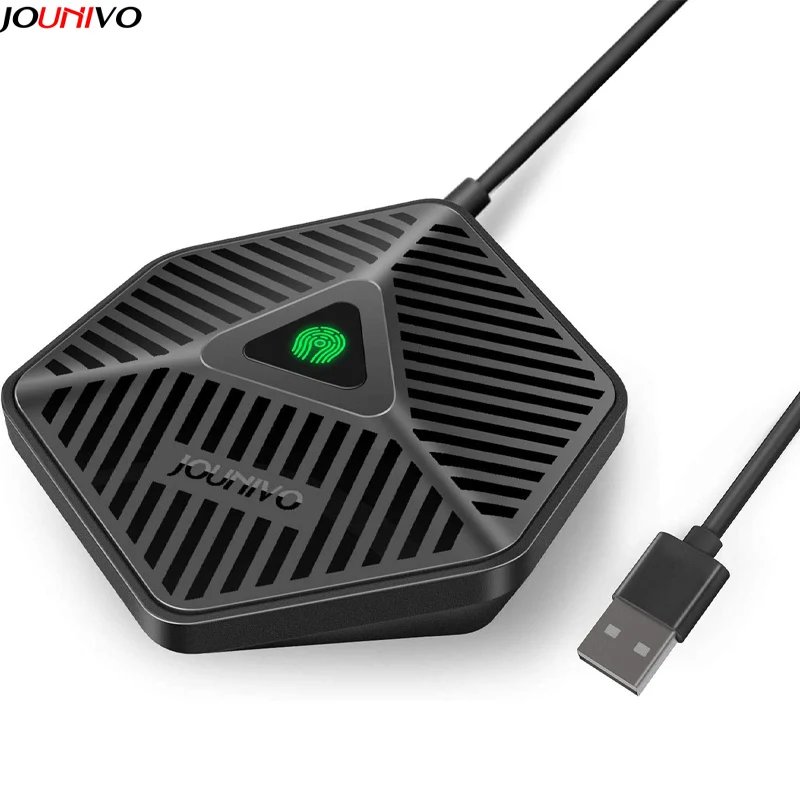
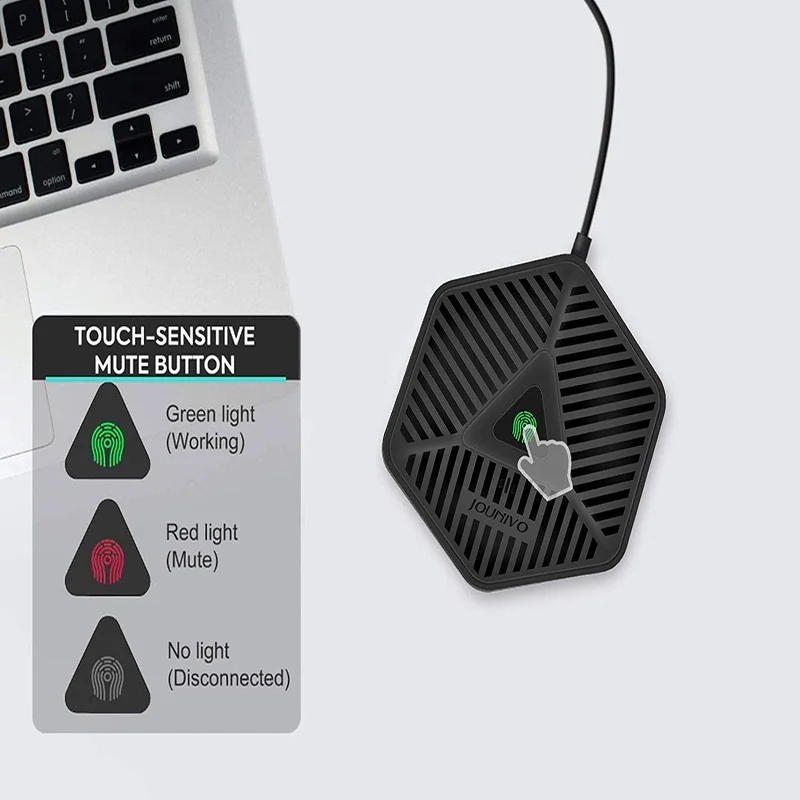
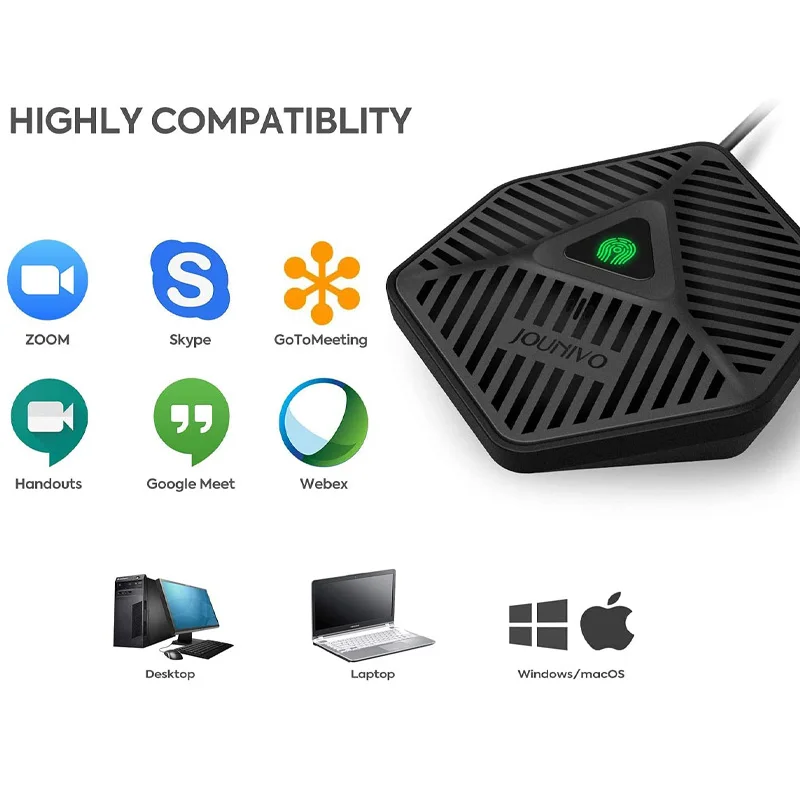
USB Conference Microphone - Omnidirectional Condenser Desktop Mic for PC & Laptop

Plug-and-play USB conference microphone with echo cancellation and mute button, ideal for online meetings and distance learning.

£18.99
1 of 32 of 33 of 3

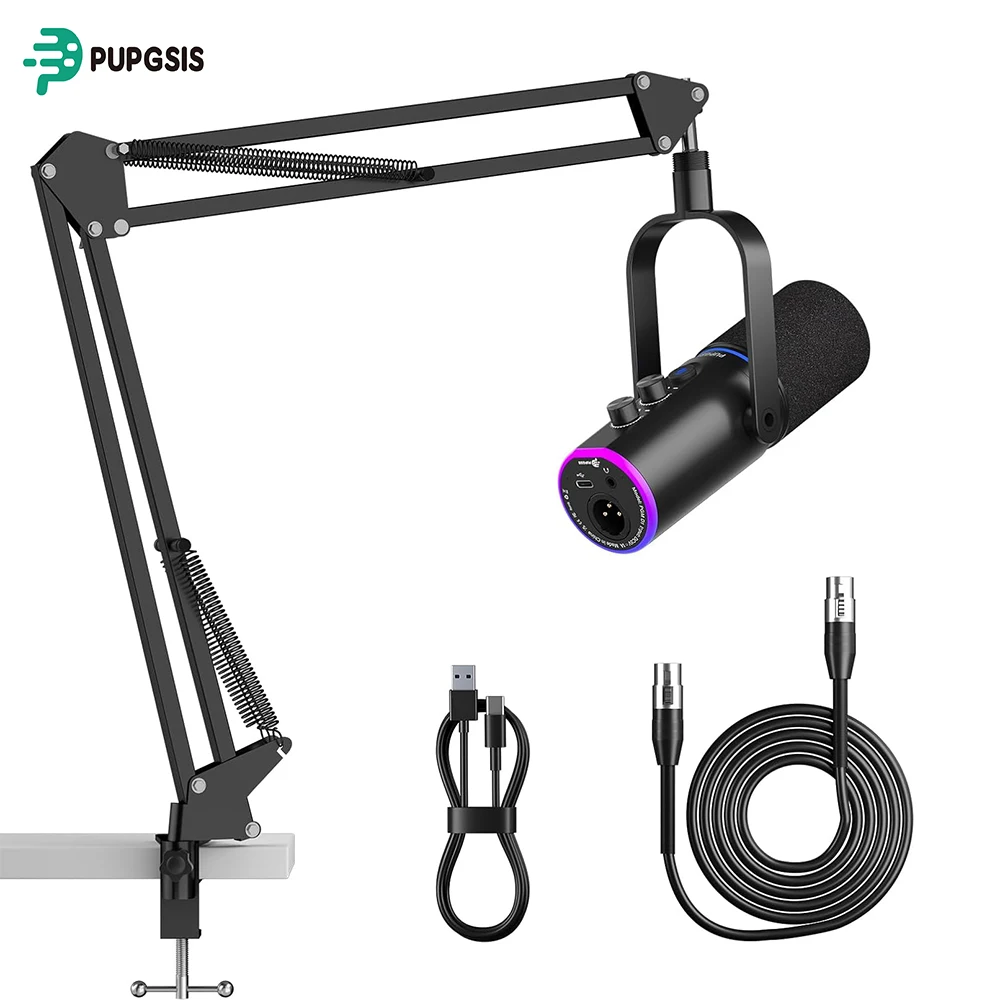
XLR/USB Gaming Microphone Kit with Boom Arm, Mute Button & RGB Lighting

Dynamic XLR/USB microphone with mute button, RGB lighting and adjustable boom arm for streaming, podcasting and gaming.

From £51.99
1 of 32 of 33 of 3

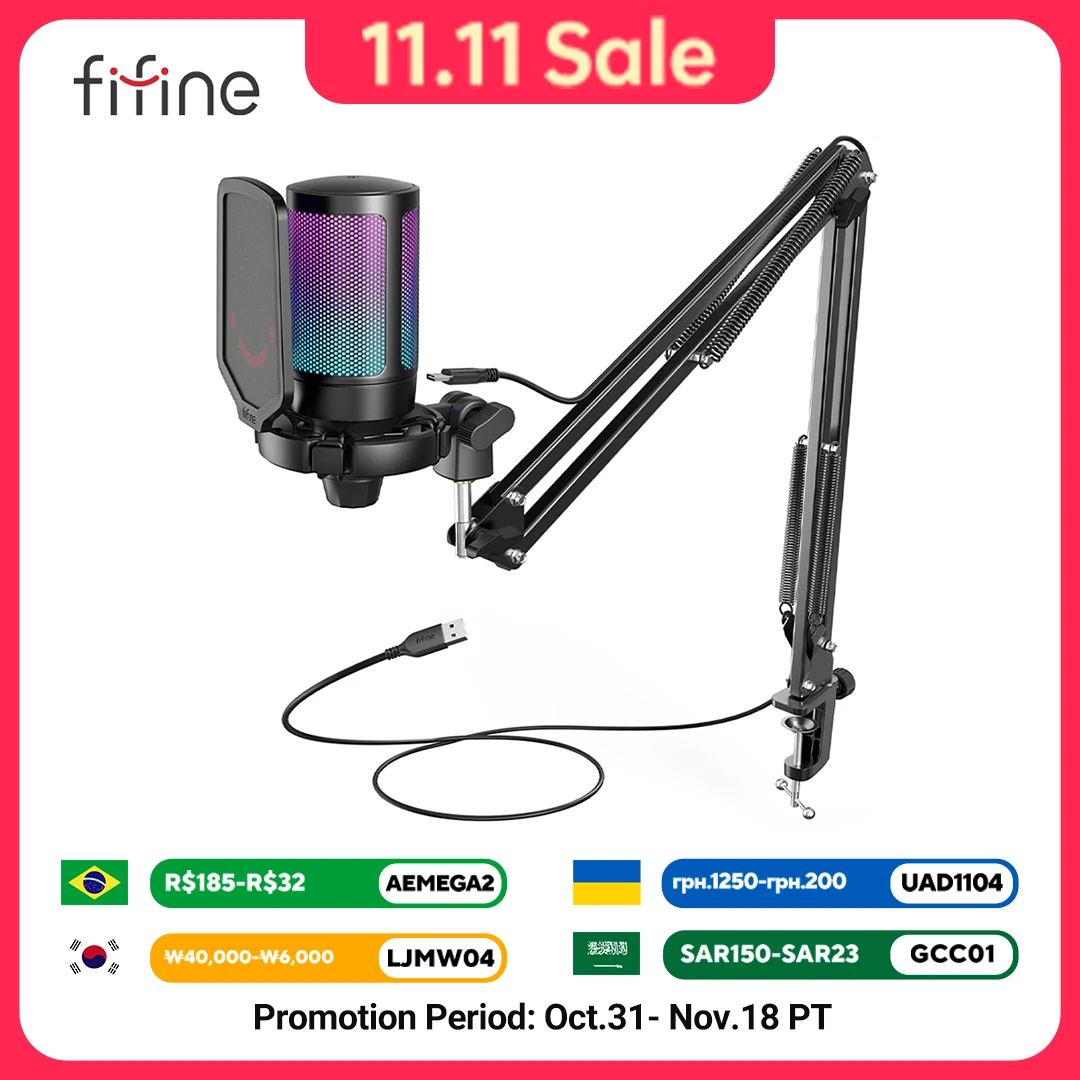
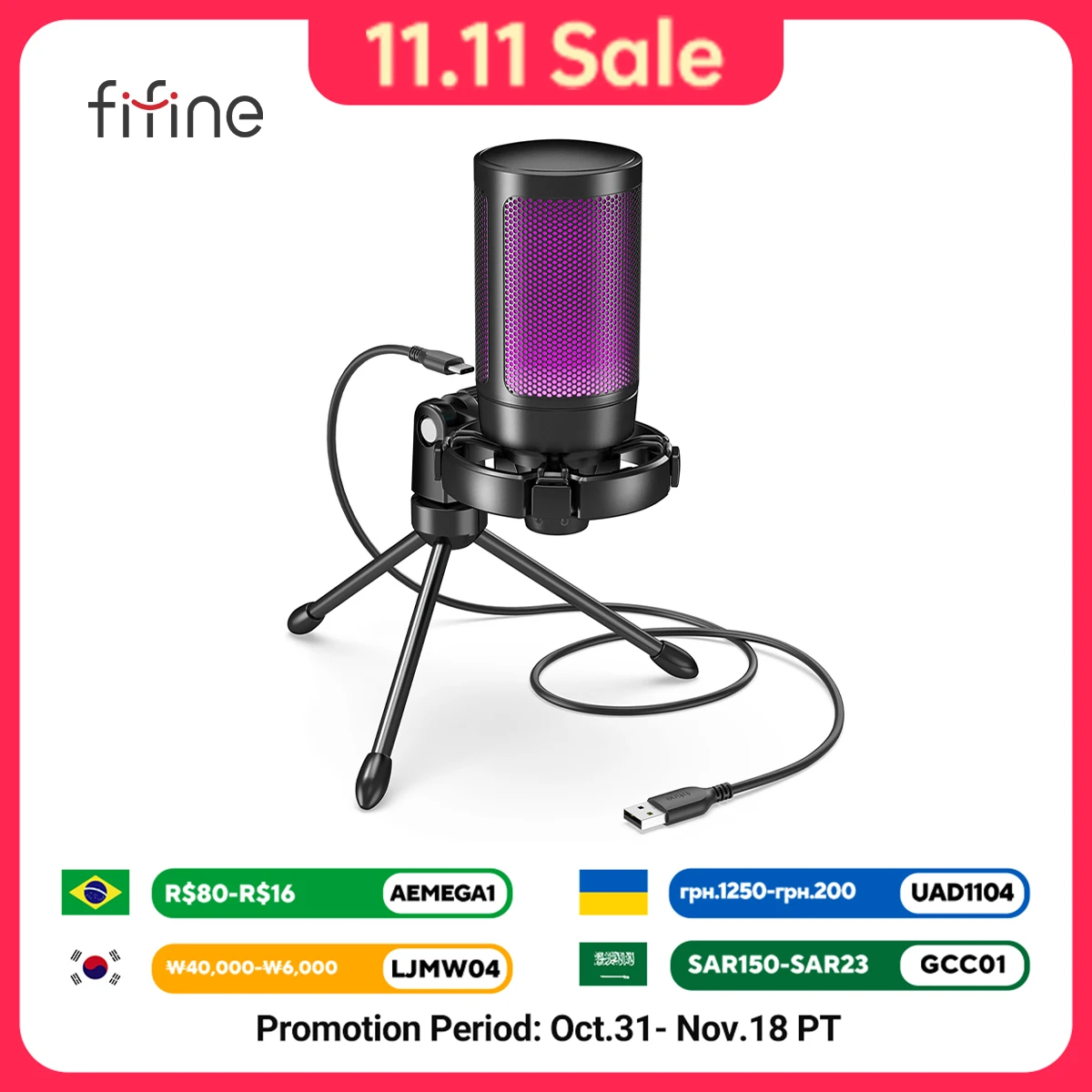
FIFINE A6T USB Gaming Microphone Kit with Boom Arm, RGB Lighting & Mute Button

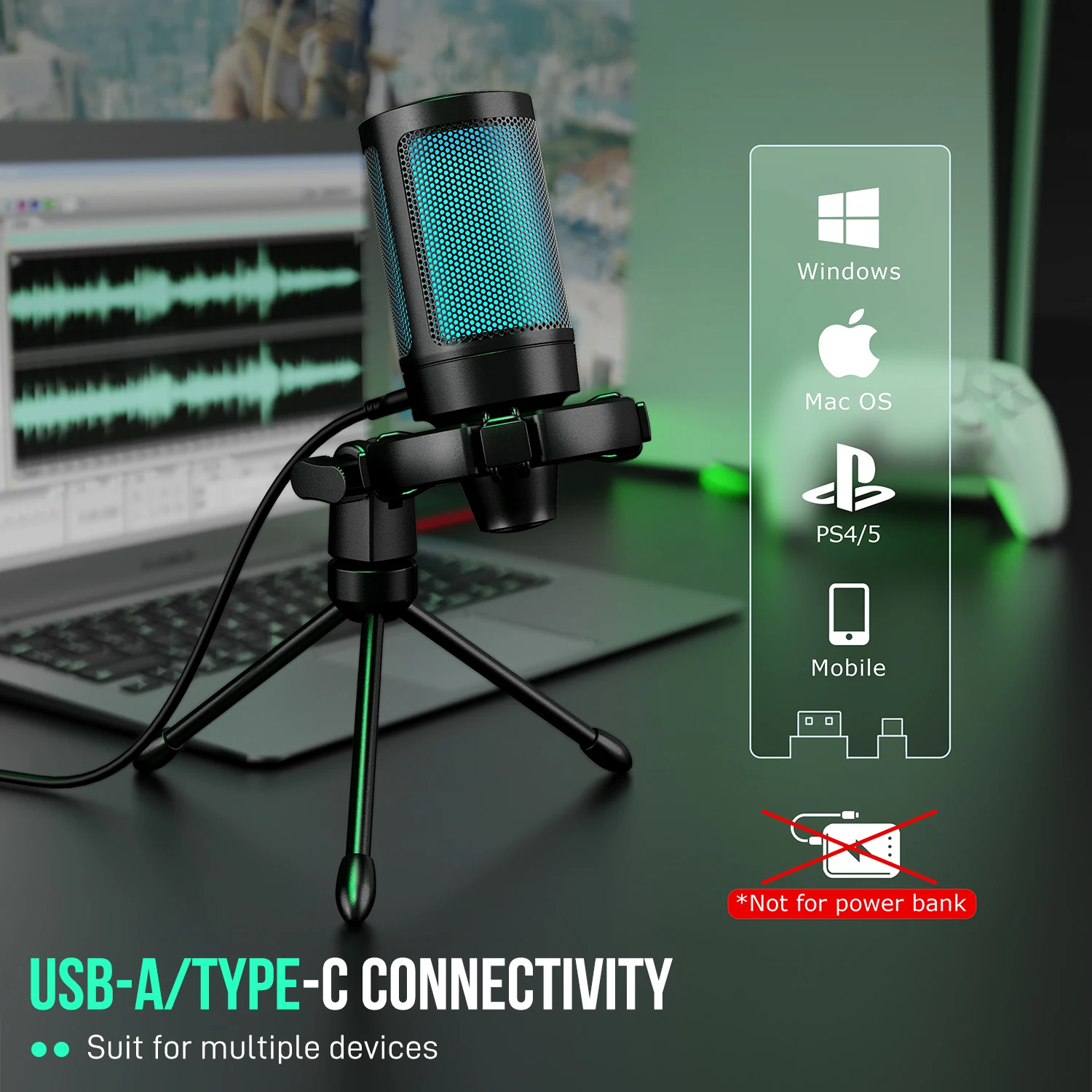
USB cardioid condenser microphone kit with RGB lighting, mute button, boom arm and pop filter for PC, Mac and PS4/5.

From £65.99
1 of 32 of 33 of 3

USB Condenser Microphone for PC Laptop Streaming, Podcasts & Vocals

USB condenser microphone for clear vocals when streaming, gaming, recording podcasts or video calls on PC or laptop.

£21.99
1 of 32 of 33 of 3

USB Condenser Microphone with RGB Lighting for Streaming and Podcasts

USB condenser microphone with RGB lighting for gaming, streaming and podcast recording.

£19.99
1 of 32 of 33 of 3

USB Streaming Podcast Microphone Kit with Boom Arm, Cardioid Condenser Mic

Plug-and-play USB cardioid condenser microphone kit with boom arm, ideal for podcasting, streaming and home recording.

£43.99
1 of 32 of 33 of 3

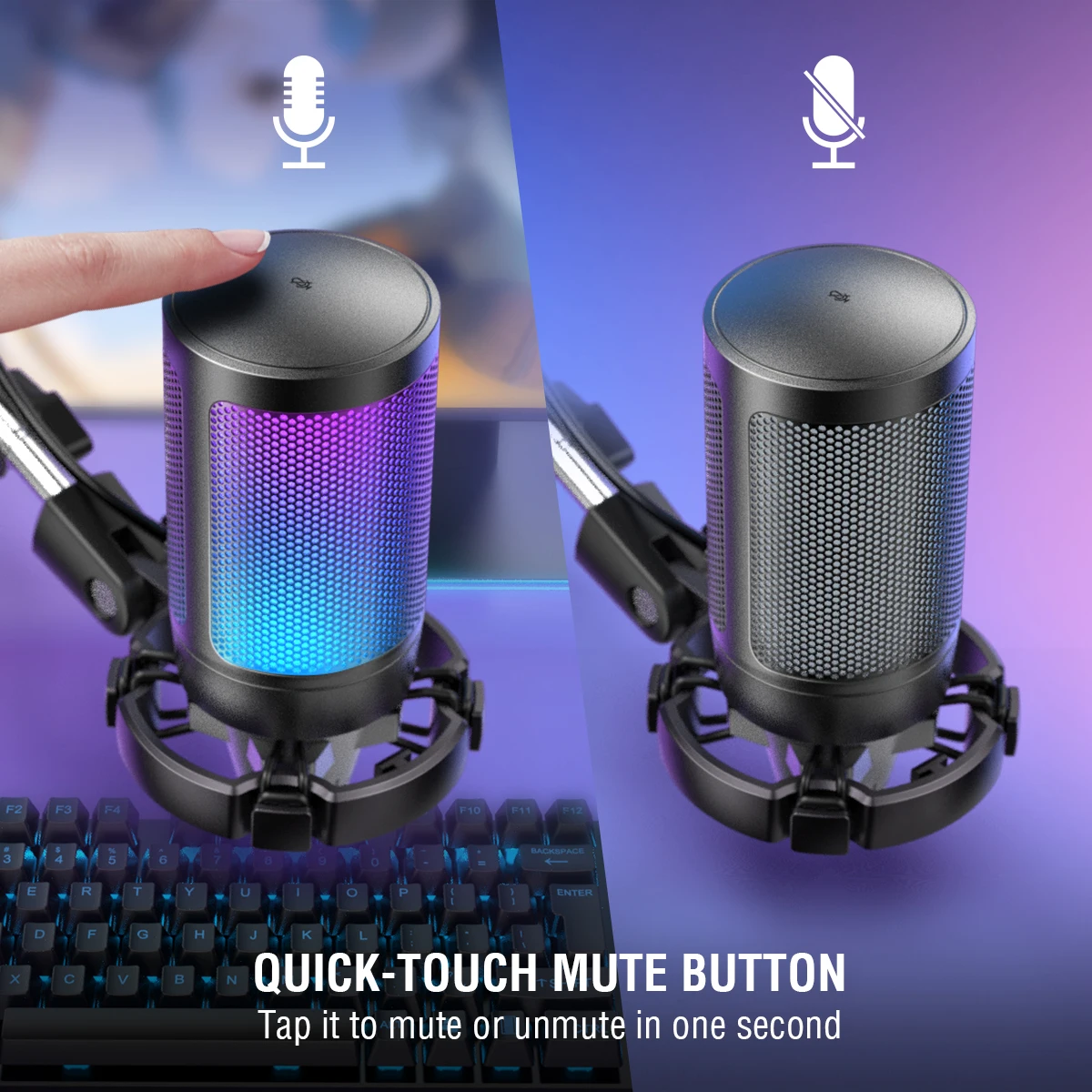
AmpliGame A2 RGB USB Gaming Microphone with Tripod and Light-Touch Mute

USB condenser gaming microphone with RGB lighting, light-touch mute and included tripod for PC, PS4/5 and laptop streaming.

From £34.99

Why a USB microphone

A laptop's own microphone sits next to the keyboard and the fan, an arm's length from your mouth, so it hears the room as loudly as it hears you. A USB microphone stands in front of you, close to your voice, and plugs straight into a USB port with no other equipment. It suits long calls in a quiet room, presenting, teaching, podcasts, voice-overs and game chat, and it means you do not have to wear anything on your head.

The kinds in this range

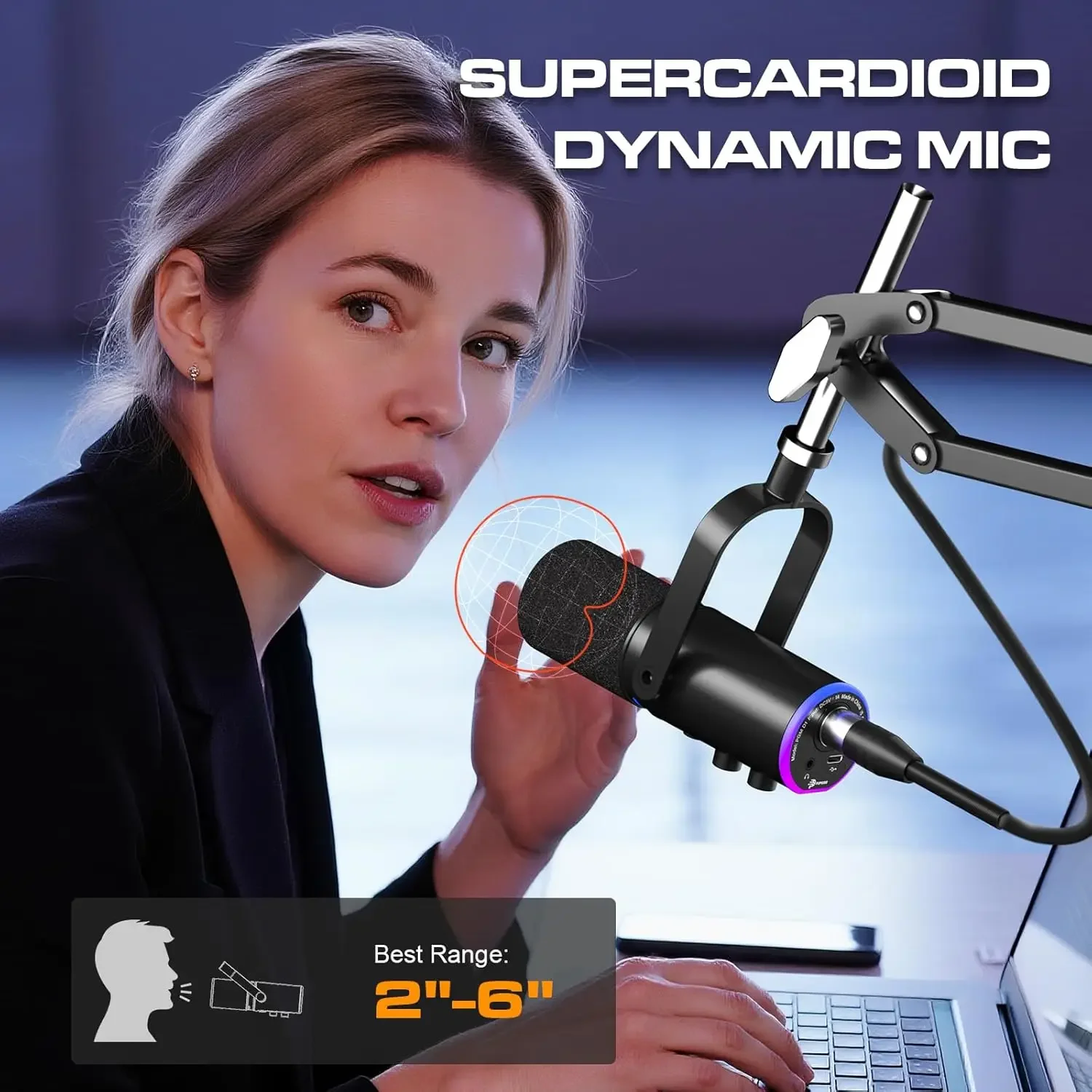
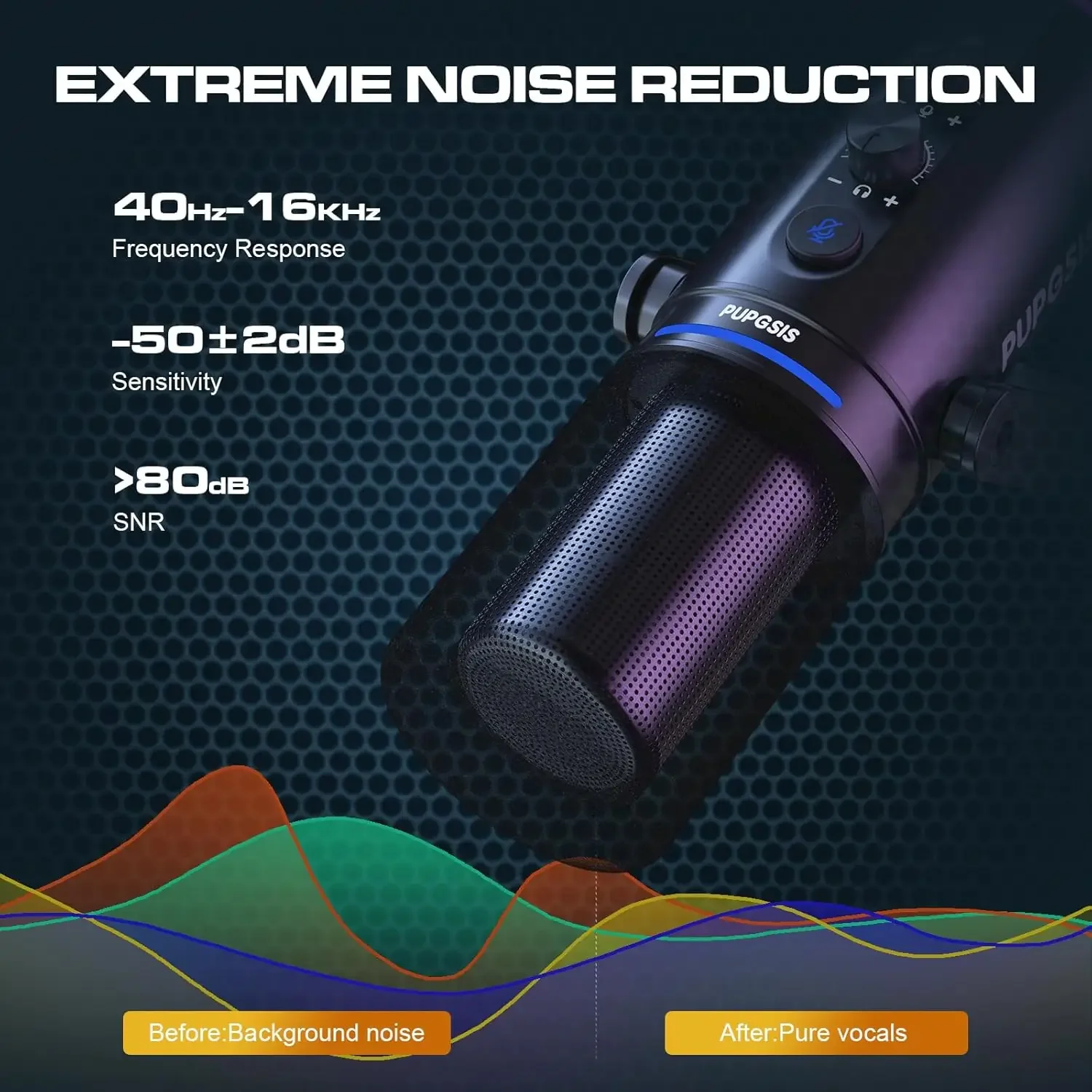
  • Cardioid condenser microphones are the largest group. They hear mostly what is in front of them and less from the sides and behind, which keeps keyboard noise and the room down. Many have a mute button, a gain knob to set how sensitive they are, and a headphone socket so you can hear yourself.
  • Kits with a boom arm add an arm that clamps to the desk, a shock mount and a pop filter, so the microphone sits close to your mouth but out of the camera's way.
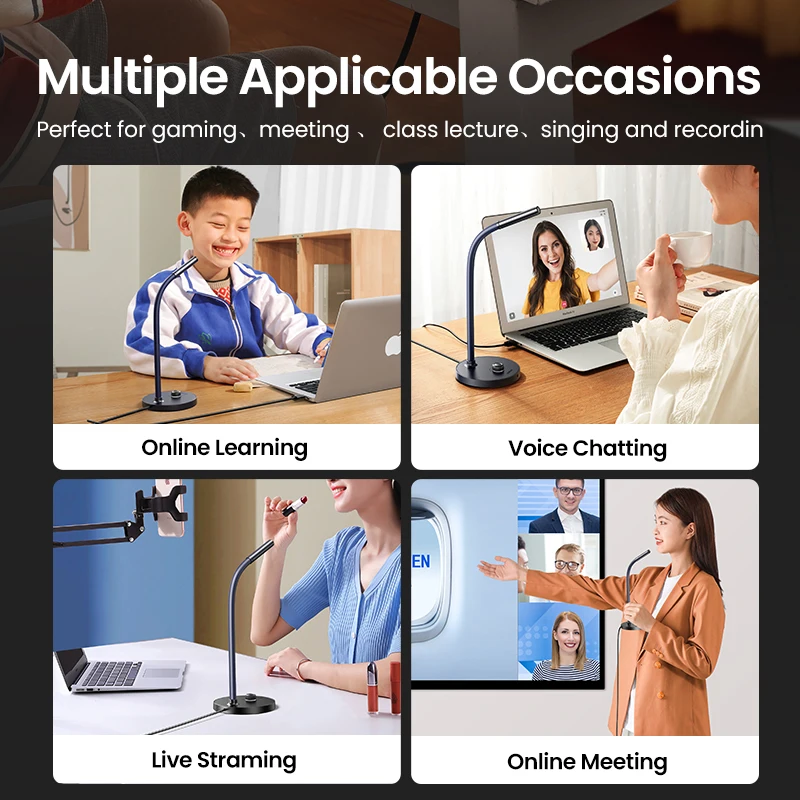
  • Conference and gooseneck microphones are omnidirectional: they hear all round, which suits a table of people sharing one laptop.
  • A dynamic microphone with USB and XLR plugs into USB, or into a mixer or audio interface by its XLR socket. Dynamic microphones are less sensitive, so they pick up less of a noisy room.

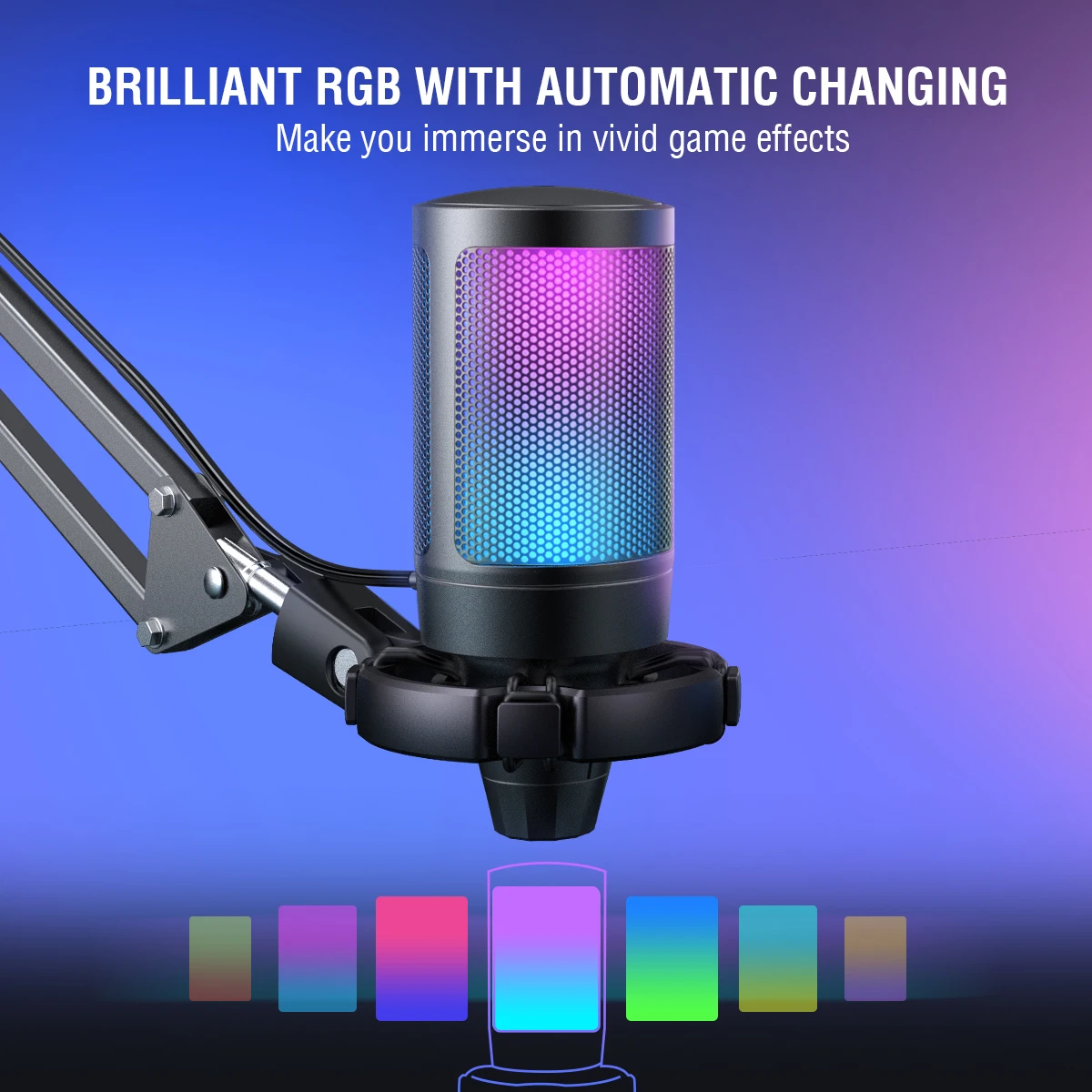
Many of the gaming-style microphones have coloured lighting; check whether it can be turned off if you want it plain on camera.

Getting good sound

Distance matters most. A hand's width or two from your mouth, a little to the side so you speak across it, gives a full voice without pops. A pop filter helps with "p" and "b" sounds. A room with hard walls sounds echoey; curtains, a rug, a sofa and shelves of books all help. Then choose the microphone in your call app, and set its level: on Windows in Settings, System, Sound, Input; on a Mac in System Settings, Sound, Input. You will also need headphones or speakers to hear the other person. Our guide to microphones and headsets explains more.

Questions people ask about USB microphones

Cardioid or omnidirectional?

Cardioid for one person at a desk. Omnidirectional for a group round a table.

Will it work with a Mac?

Most here list Windows and Mac. Check the product page, and for a USB-C-only laptop use a USB-C to USB-A adapter or a hub.

Microphone or headset?

A microphone sounds more natural in a quiet room. In a noisy or shared room, a headset is more reliable.

How long does delivery take?

Delivery is included in every price and tracked to your door. Each product page says when that microphone usually arrives, so check it before ordering for a set date.

More to look at
Website designed in Bristol by