A wired network for a laptop without a socket
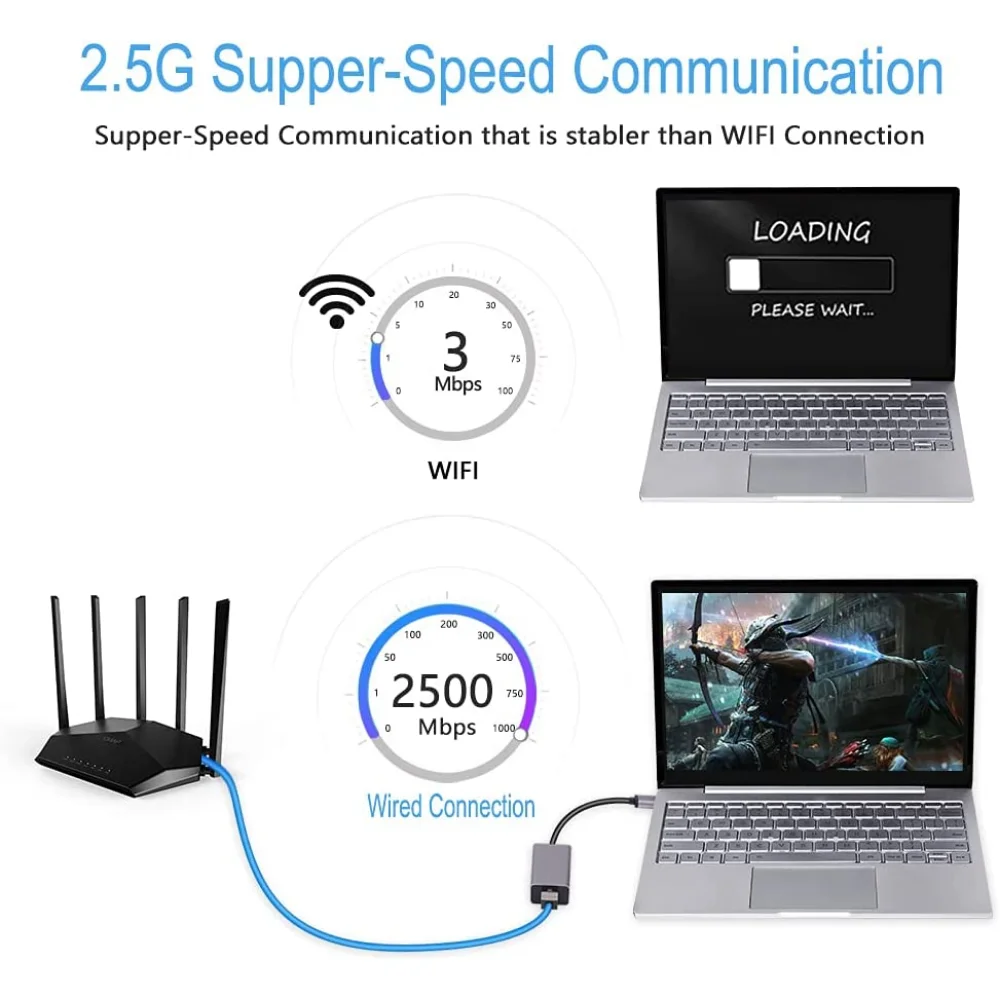
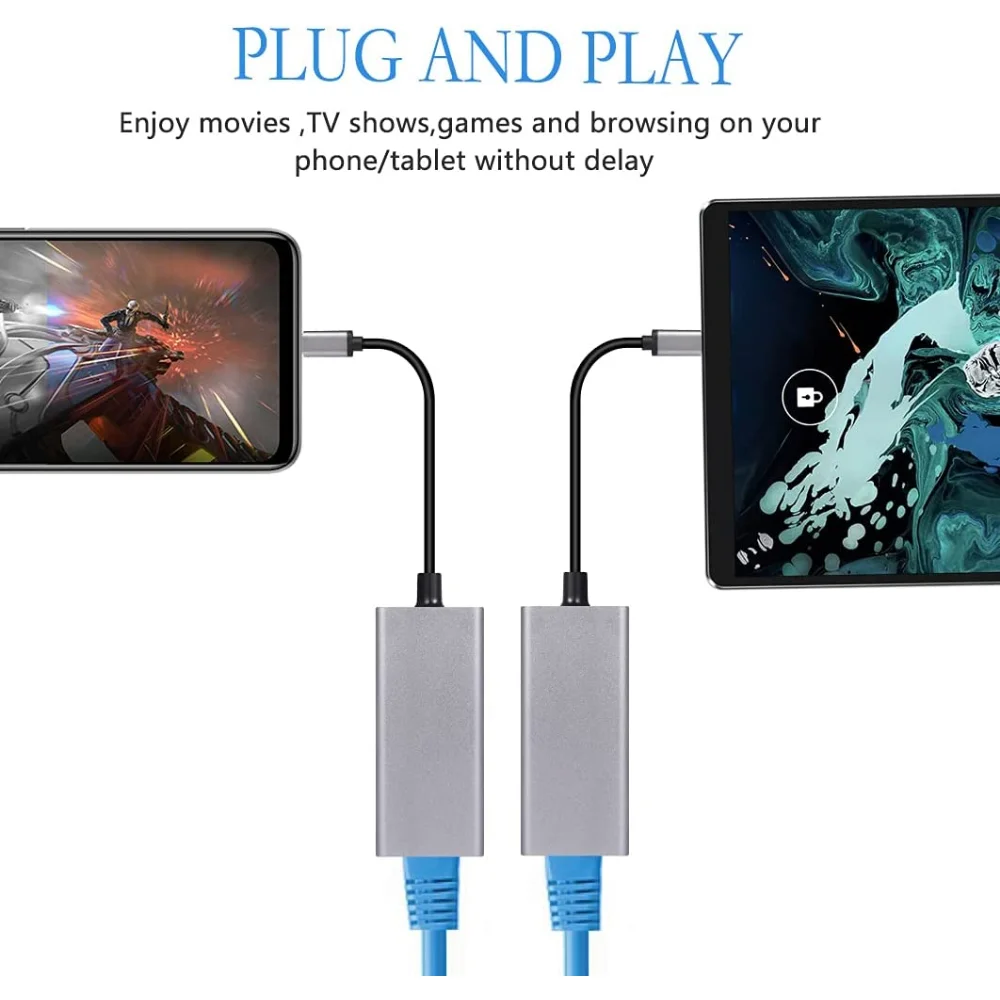
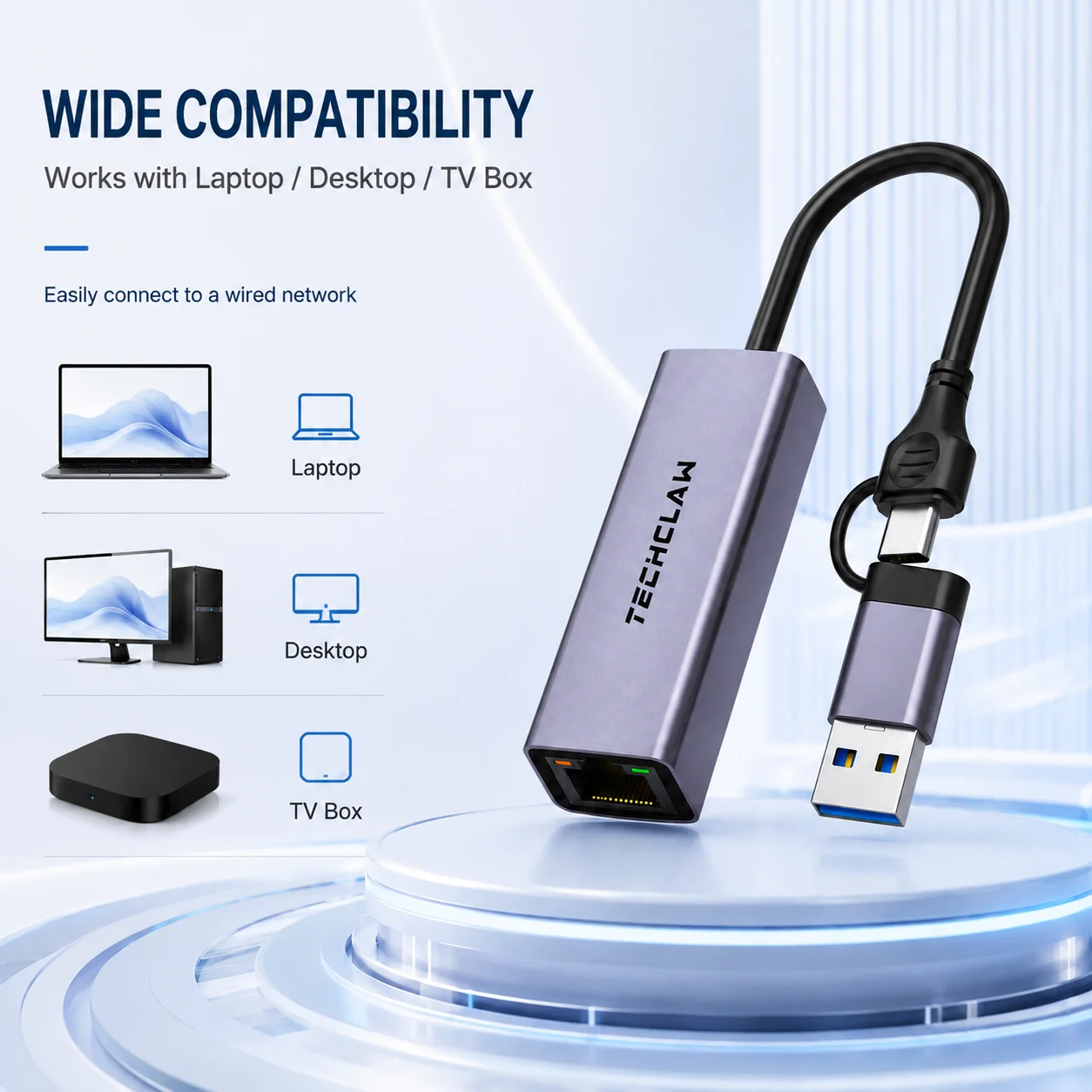
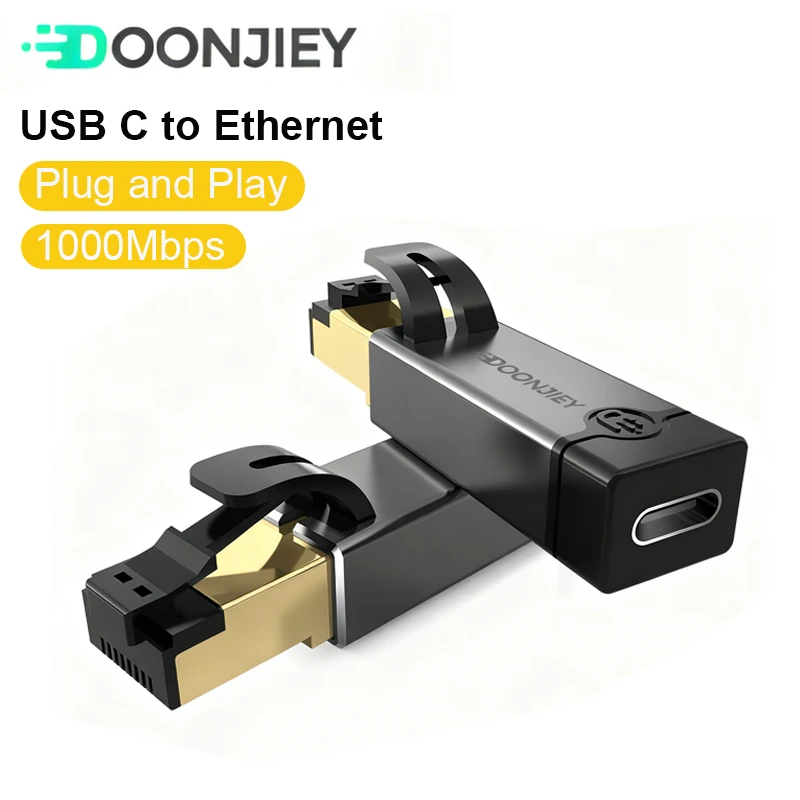
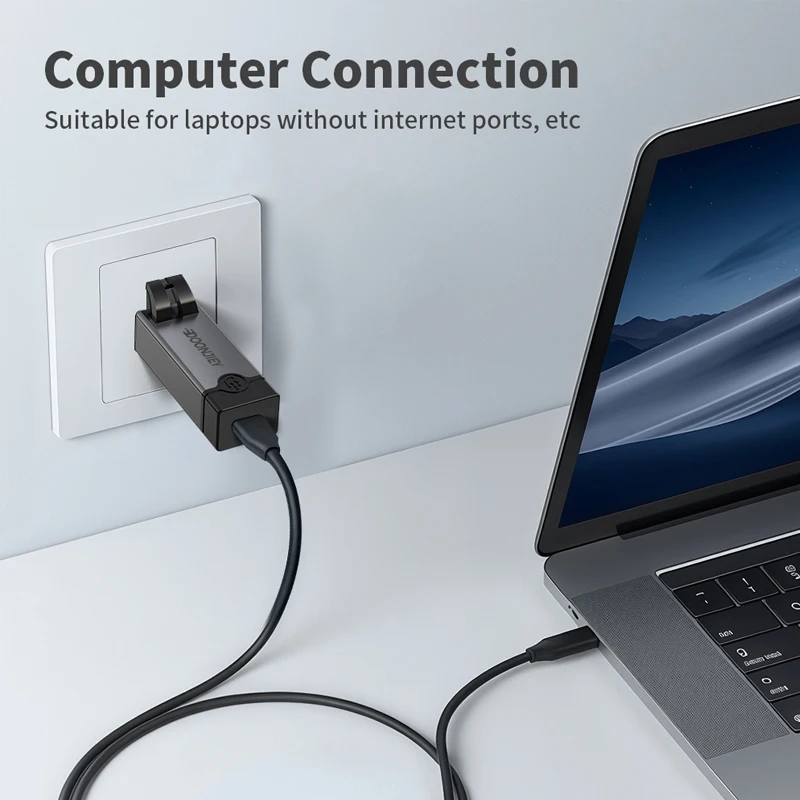
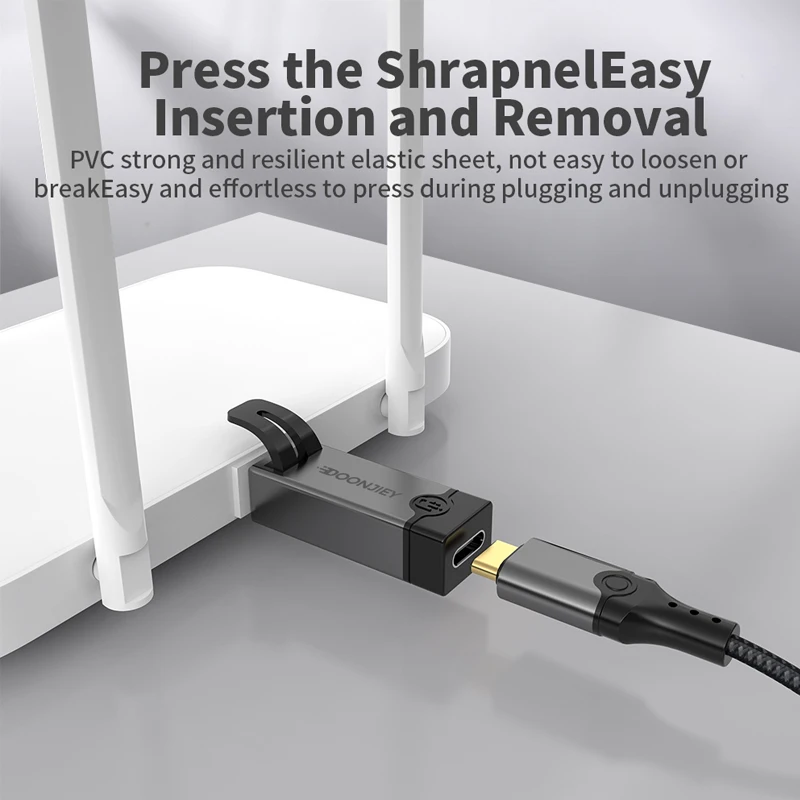
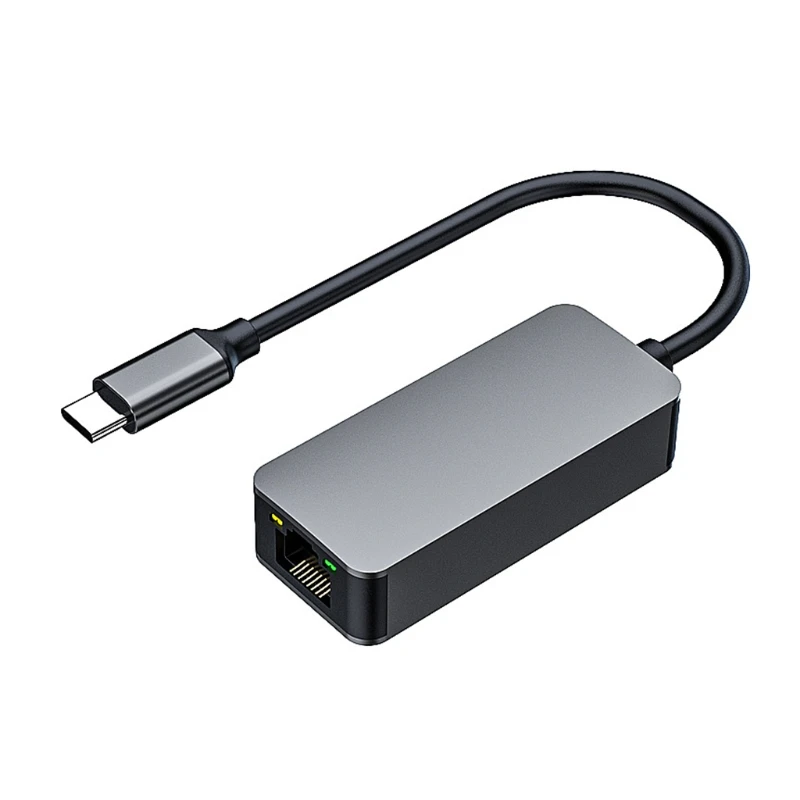
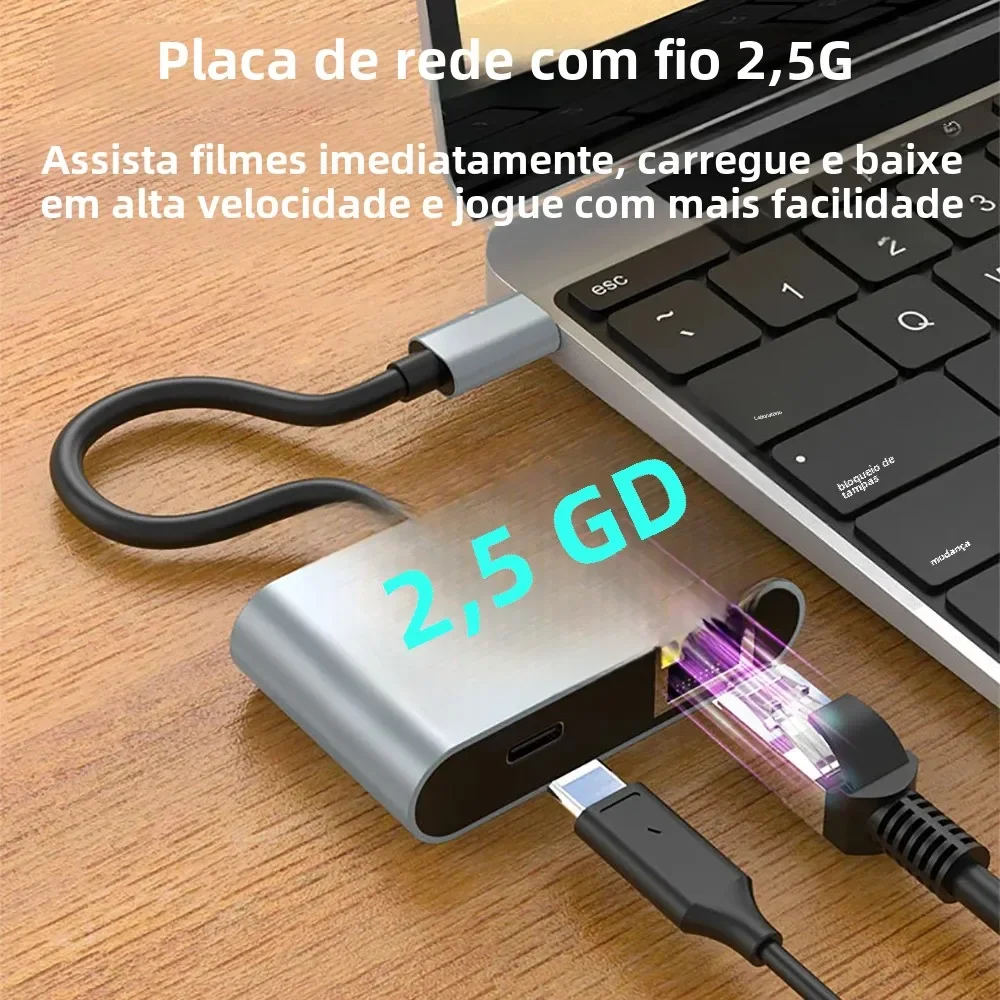
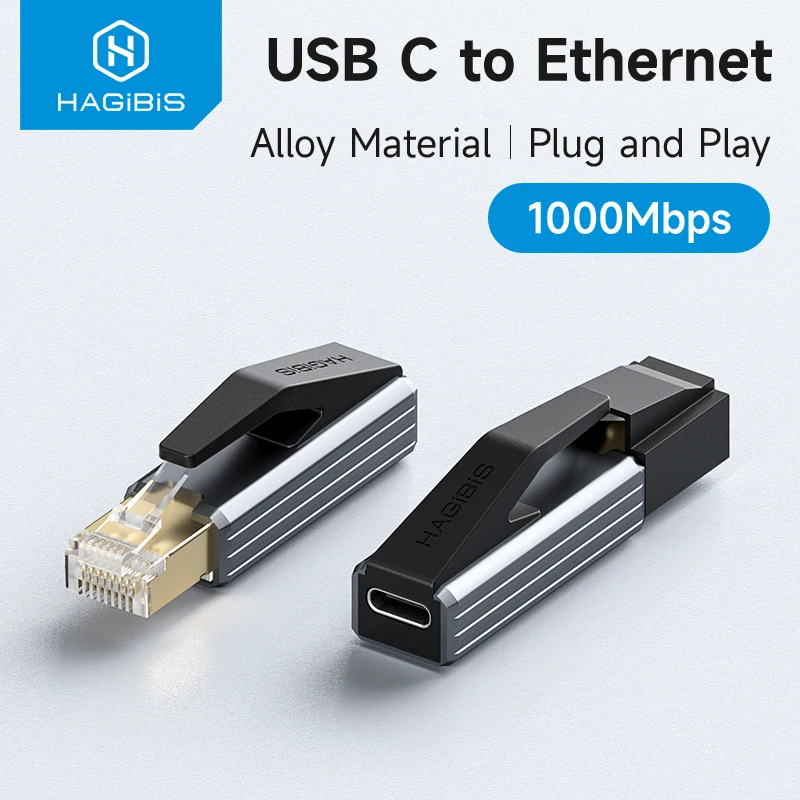
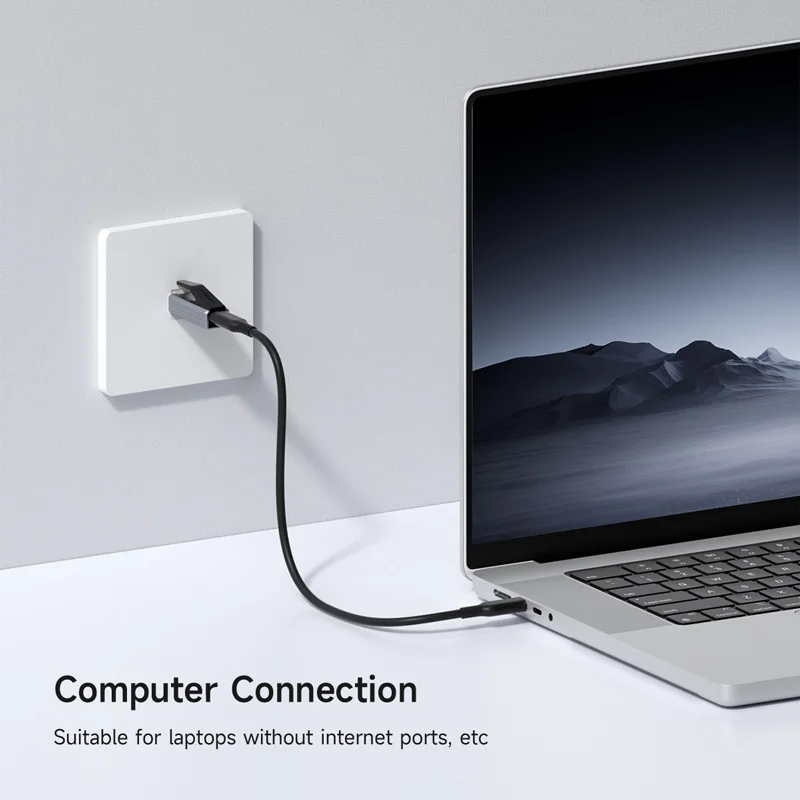
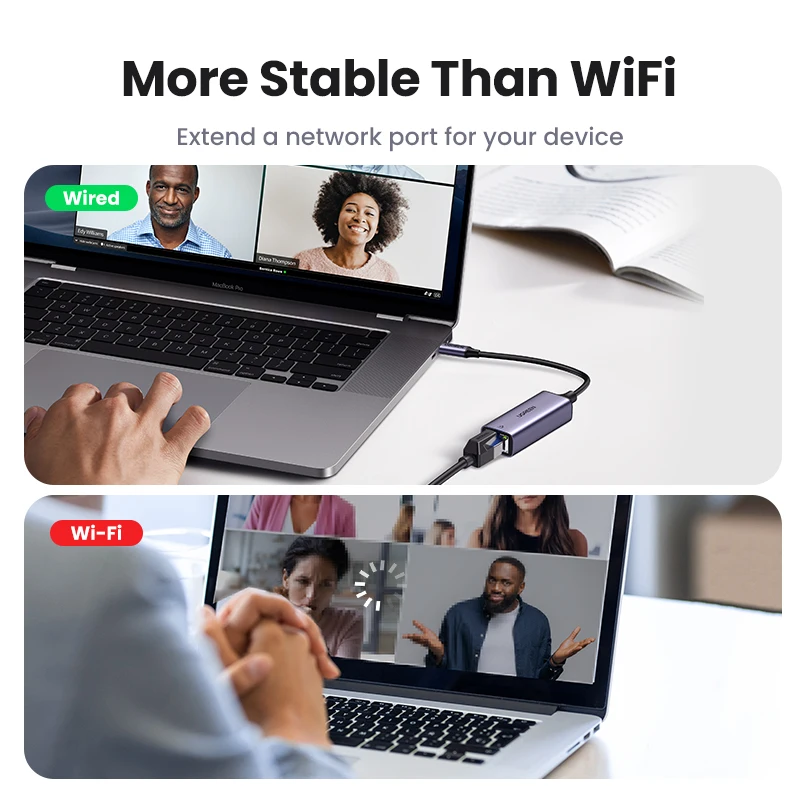
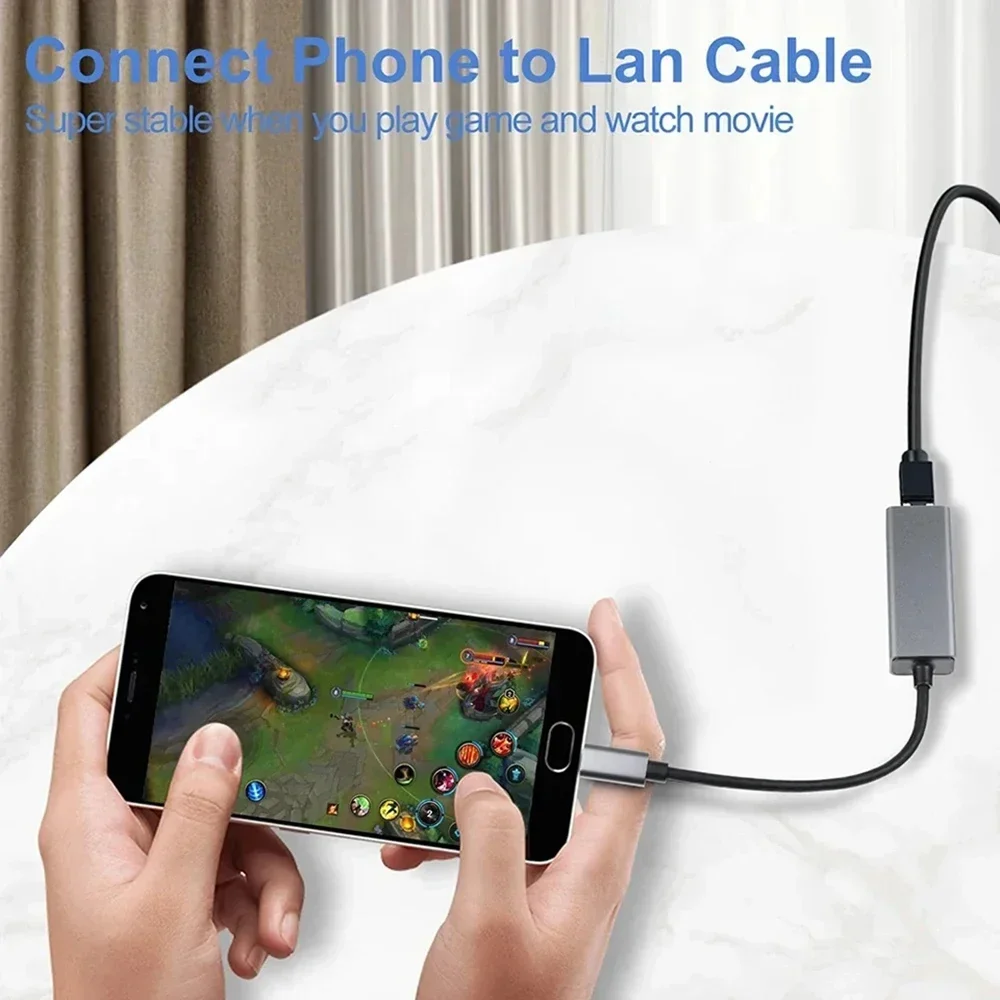
Most thin laptops have no network socket, so they rely on Wi-Fi. An Ethernet adapter adds one: plug it into a USB port, run a network cable to your router or a wall socket, and you have a steady wired connection. It is worth having for video calls, big downloads, online games and rooms where the Wi-Fi is weak. The adapters here are small, many in aluminium shells, and most are listed as plug and play.
The kinds here
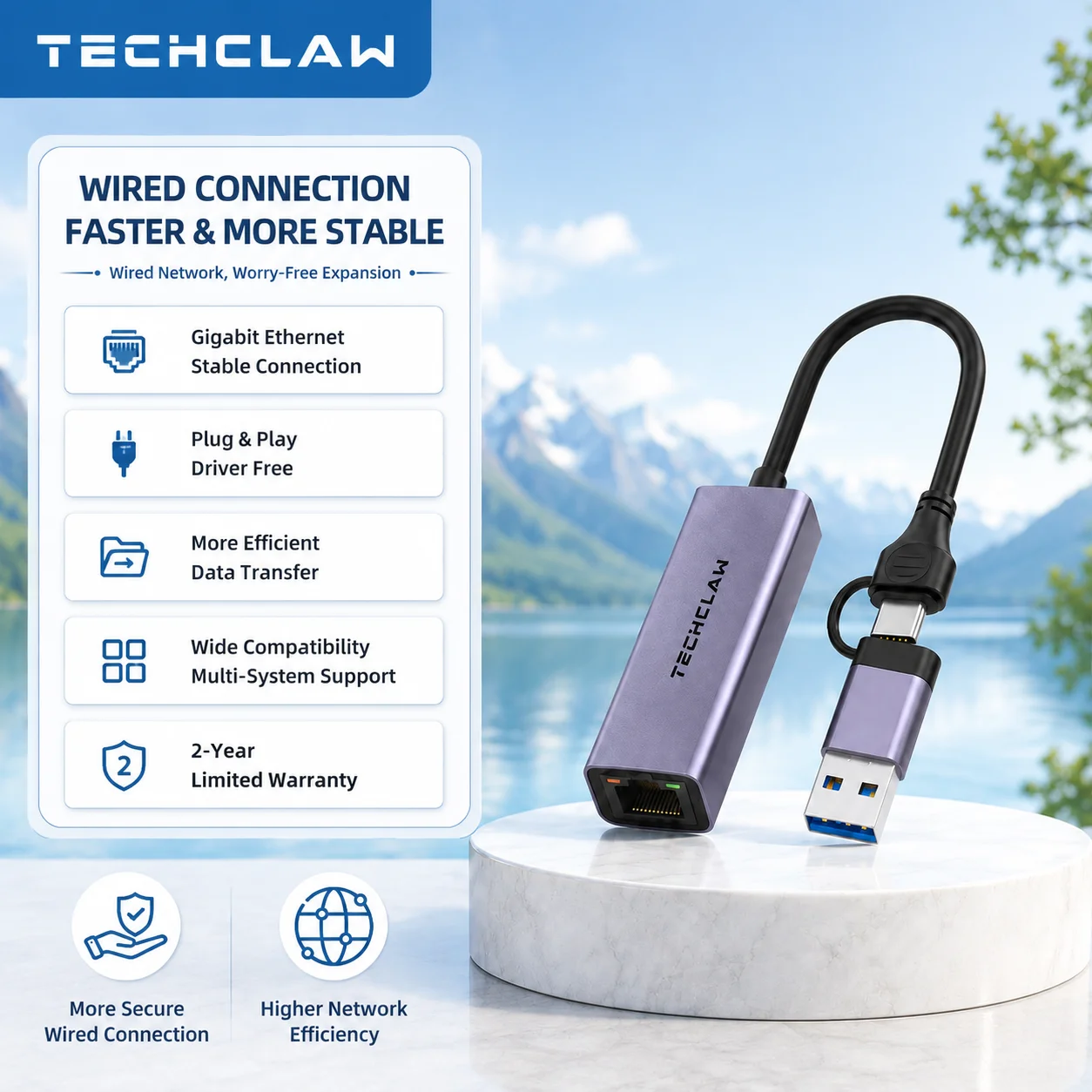
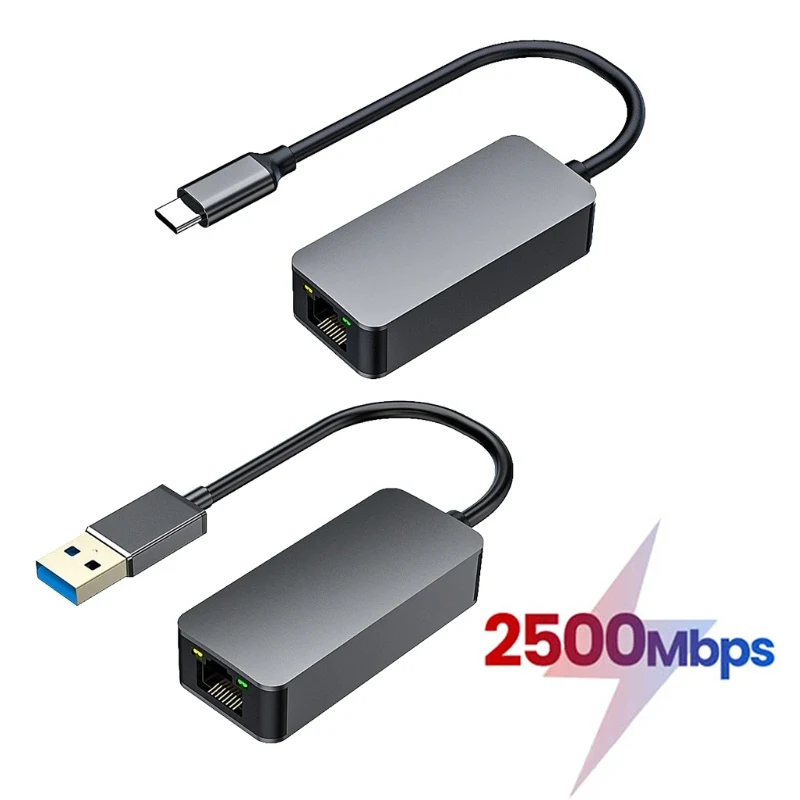
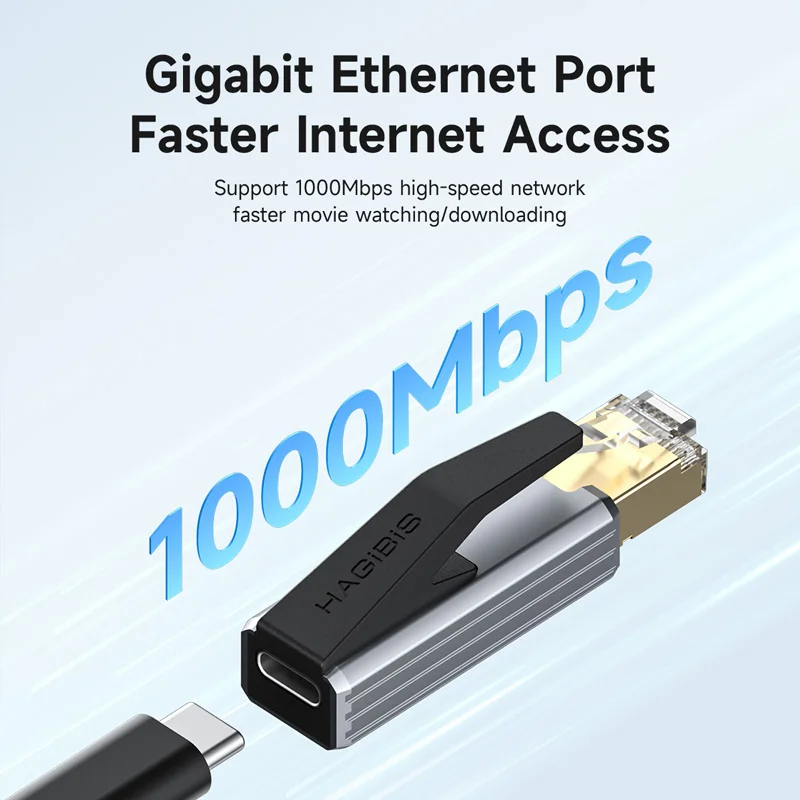
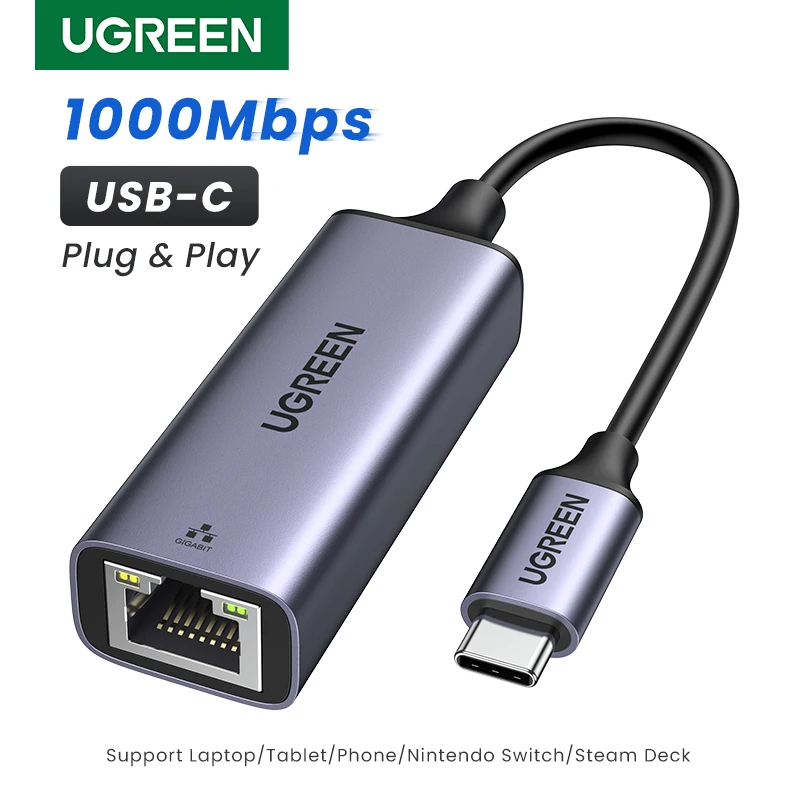
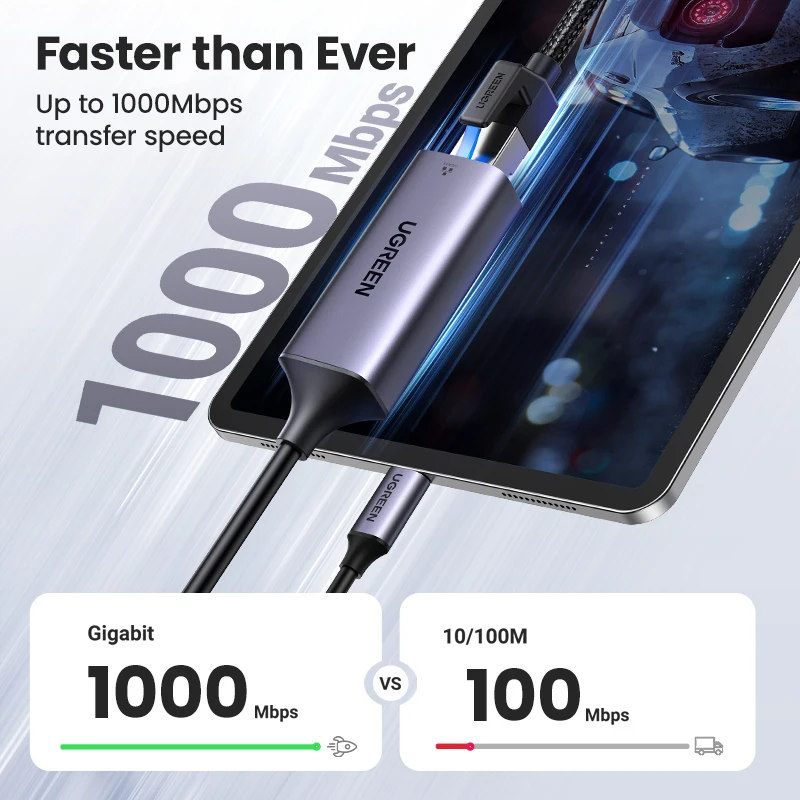
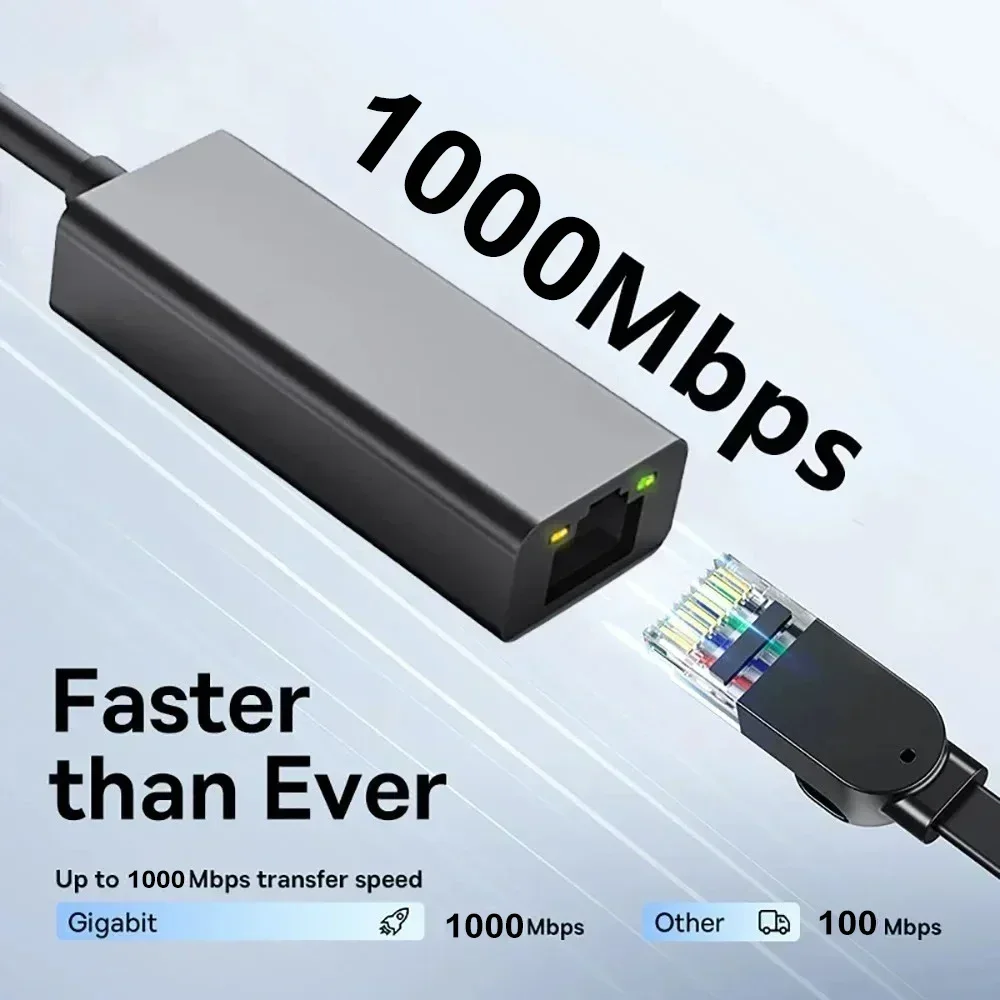
- Gigabit adapters (1,000 megabits a second), with a USB-C or a USB-A plug. The usual choice for a home or office network.
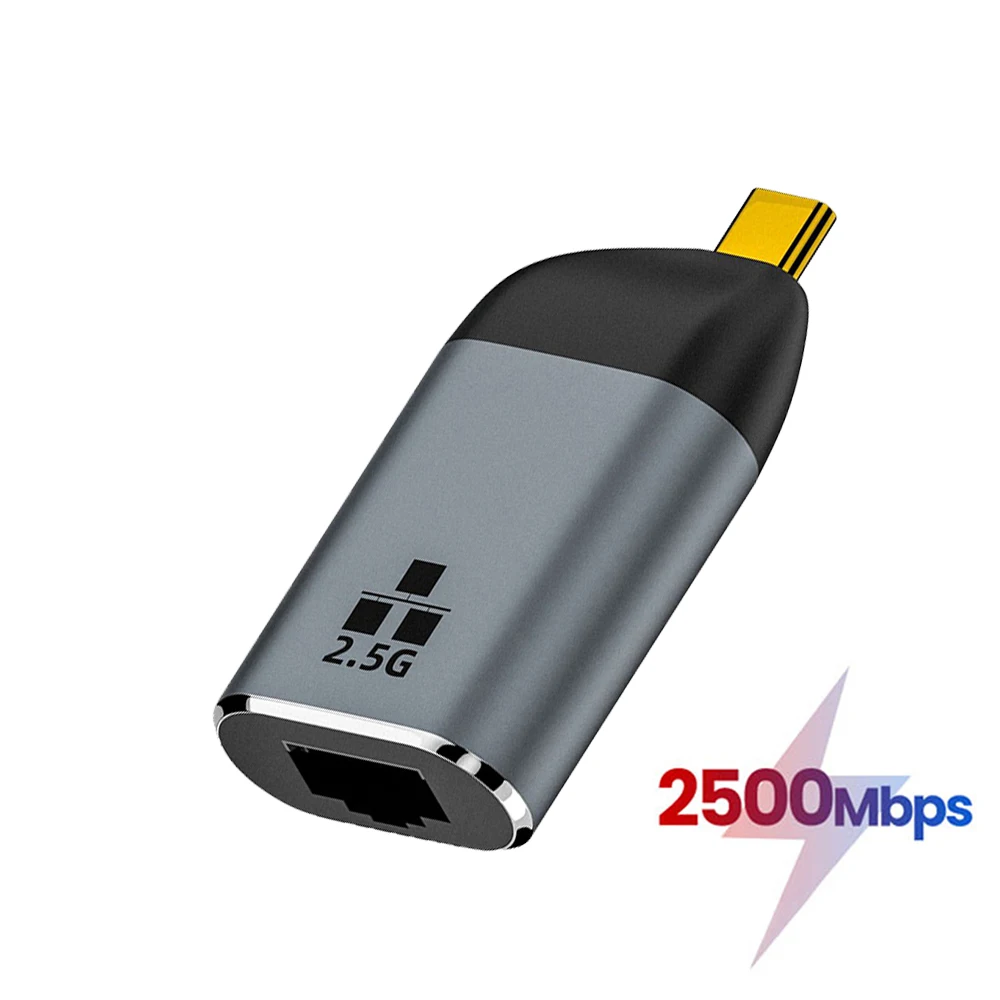
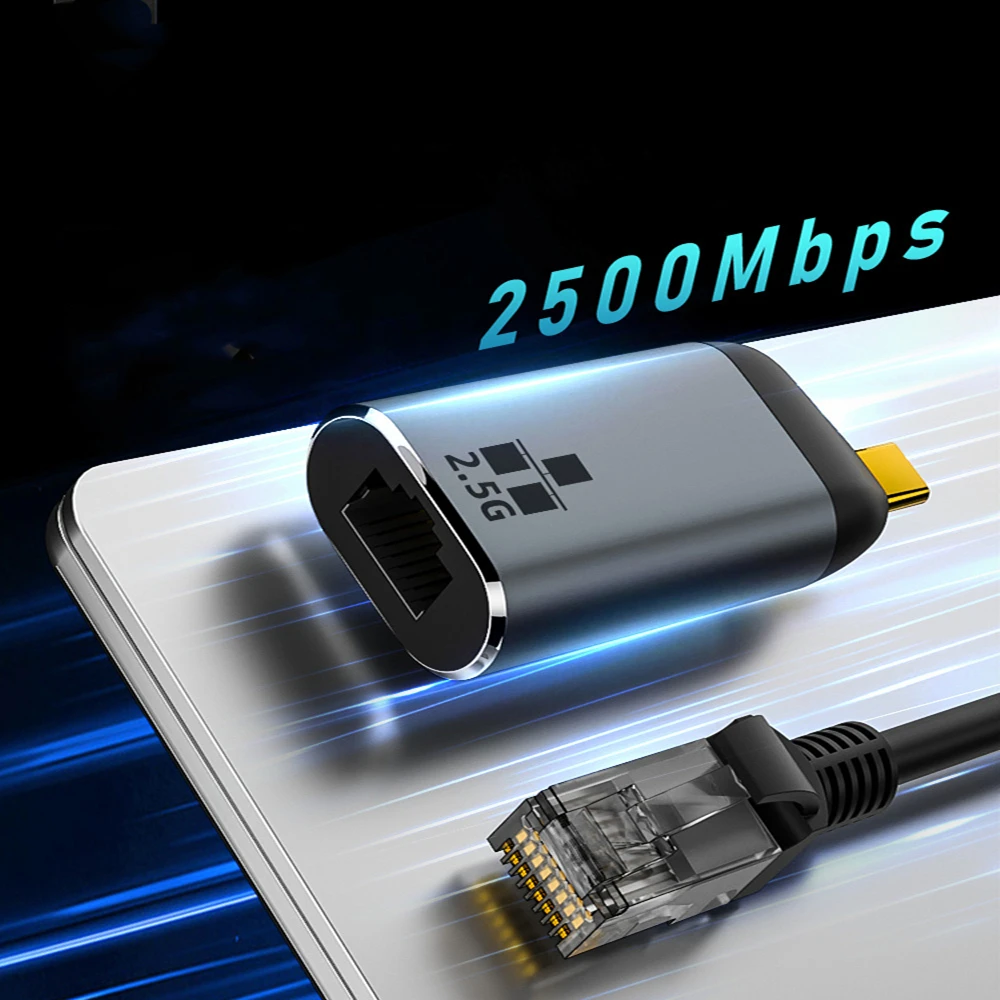
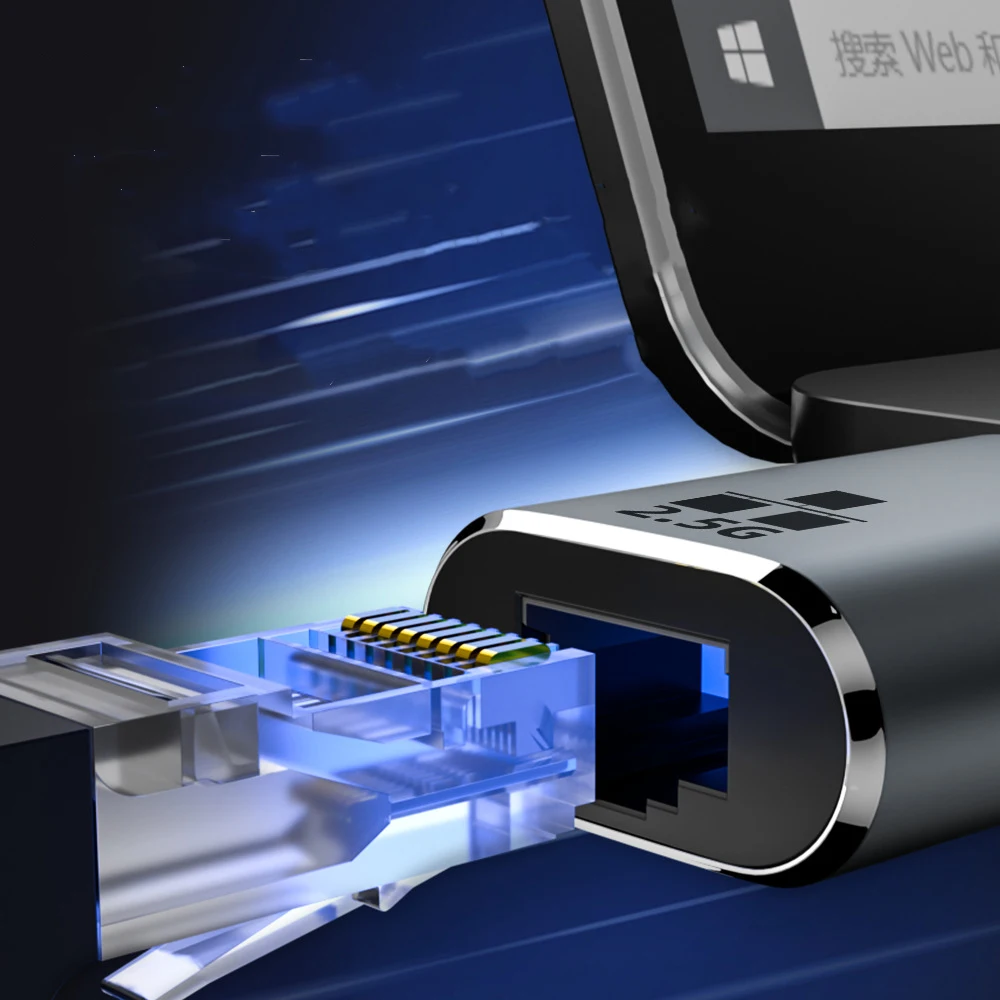
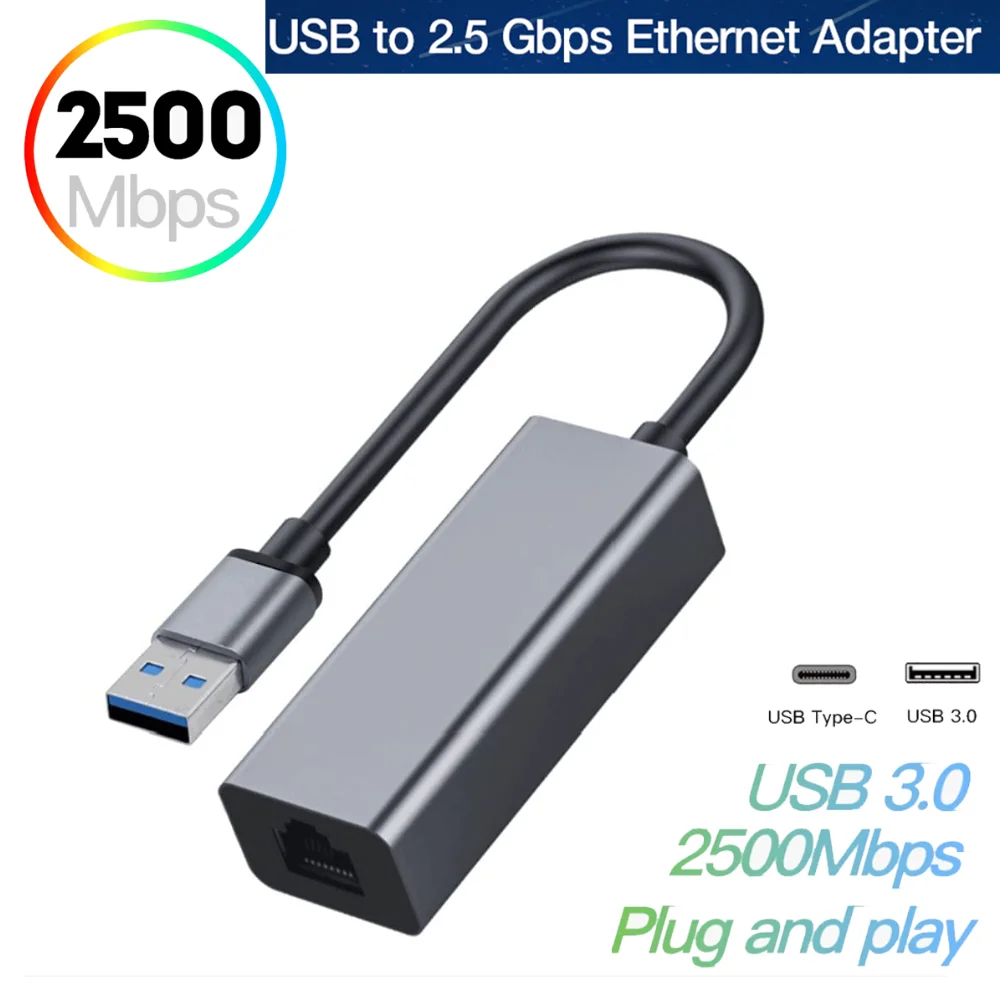
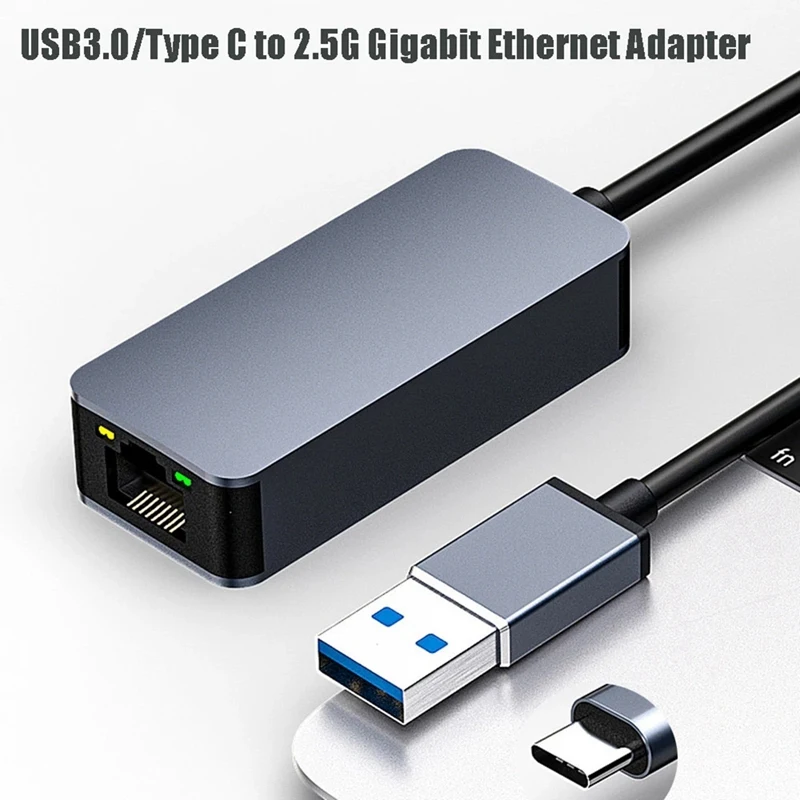
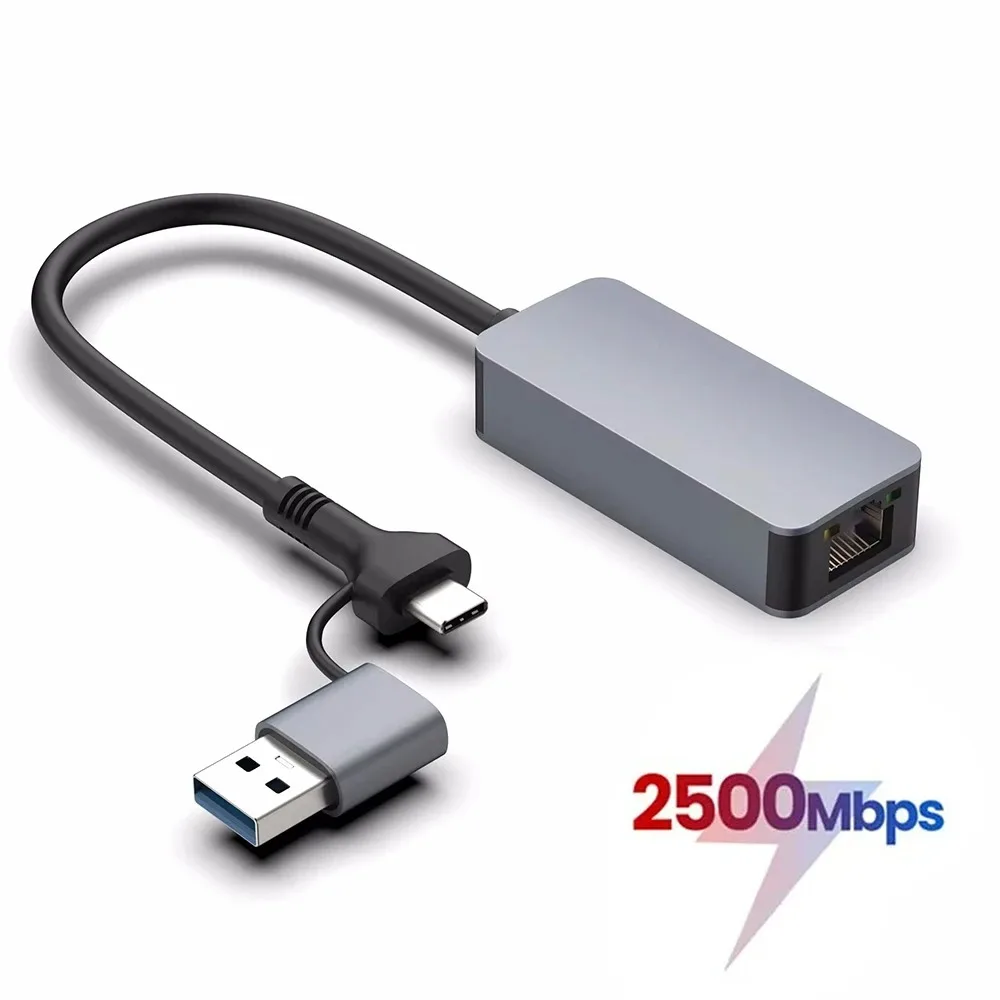
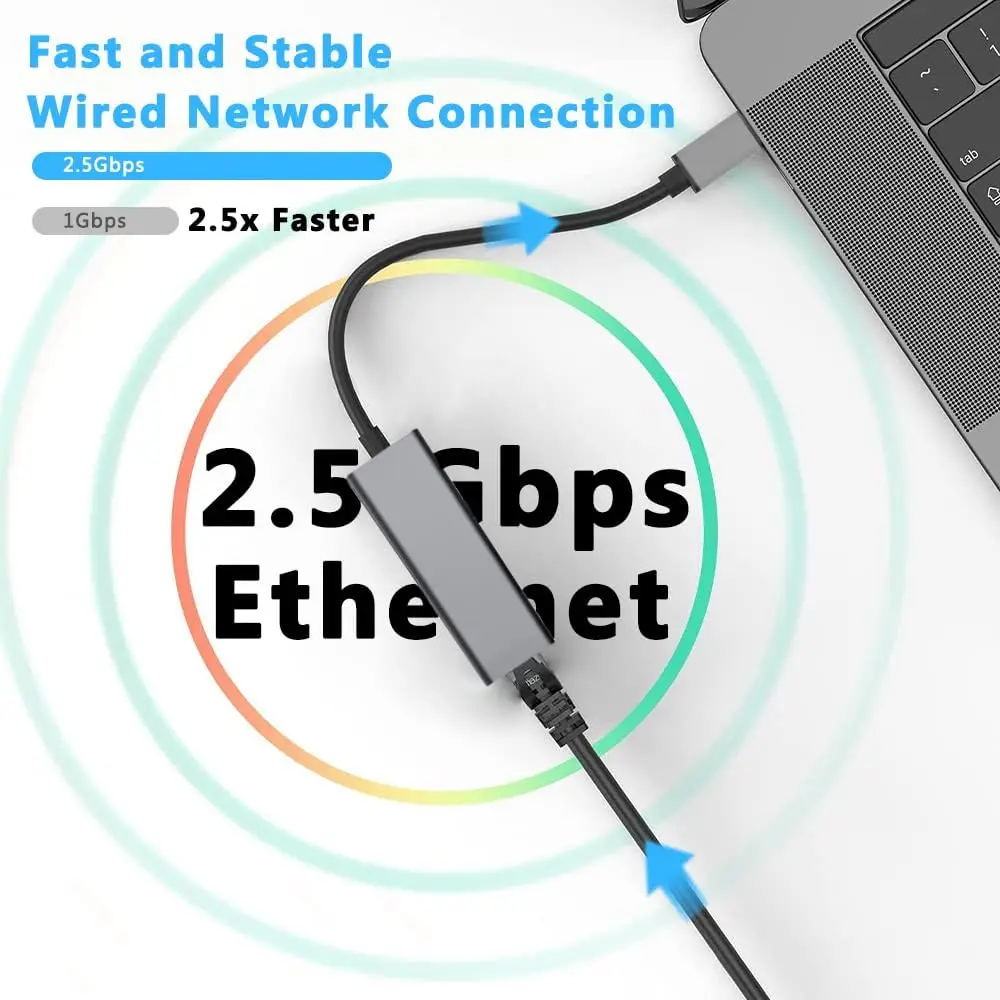
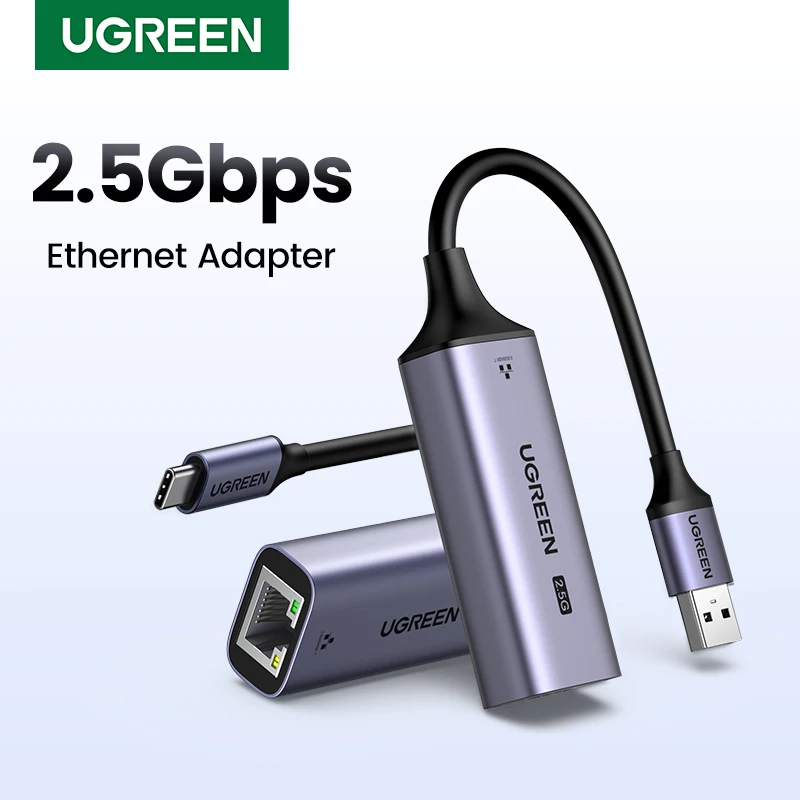
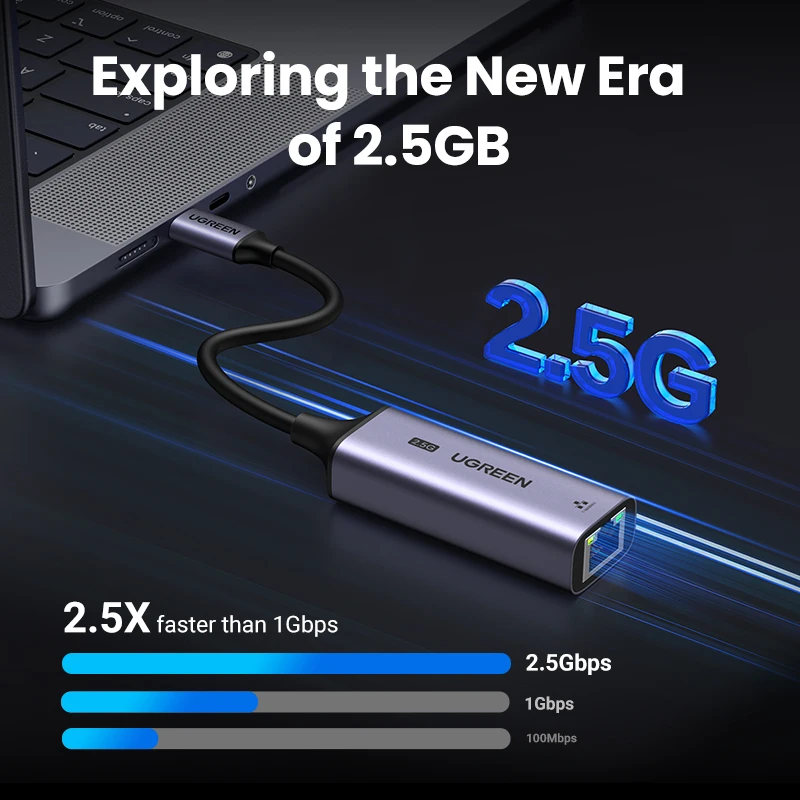
- 2.5G adapters, two and a half times gigabit, for faster home networks and network storage.
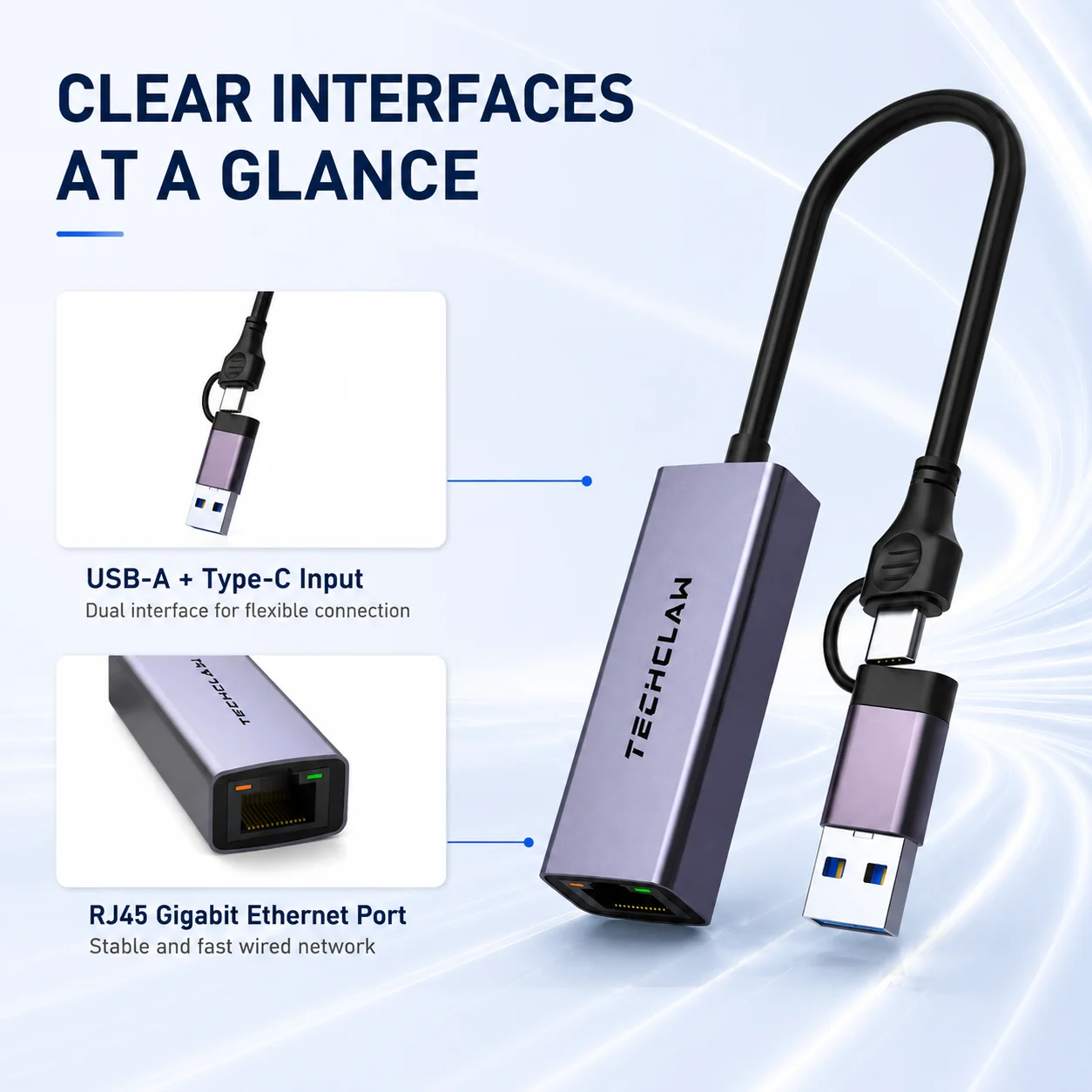
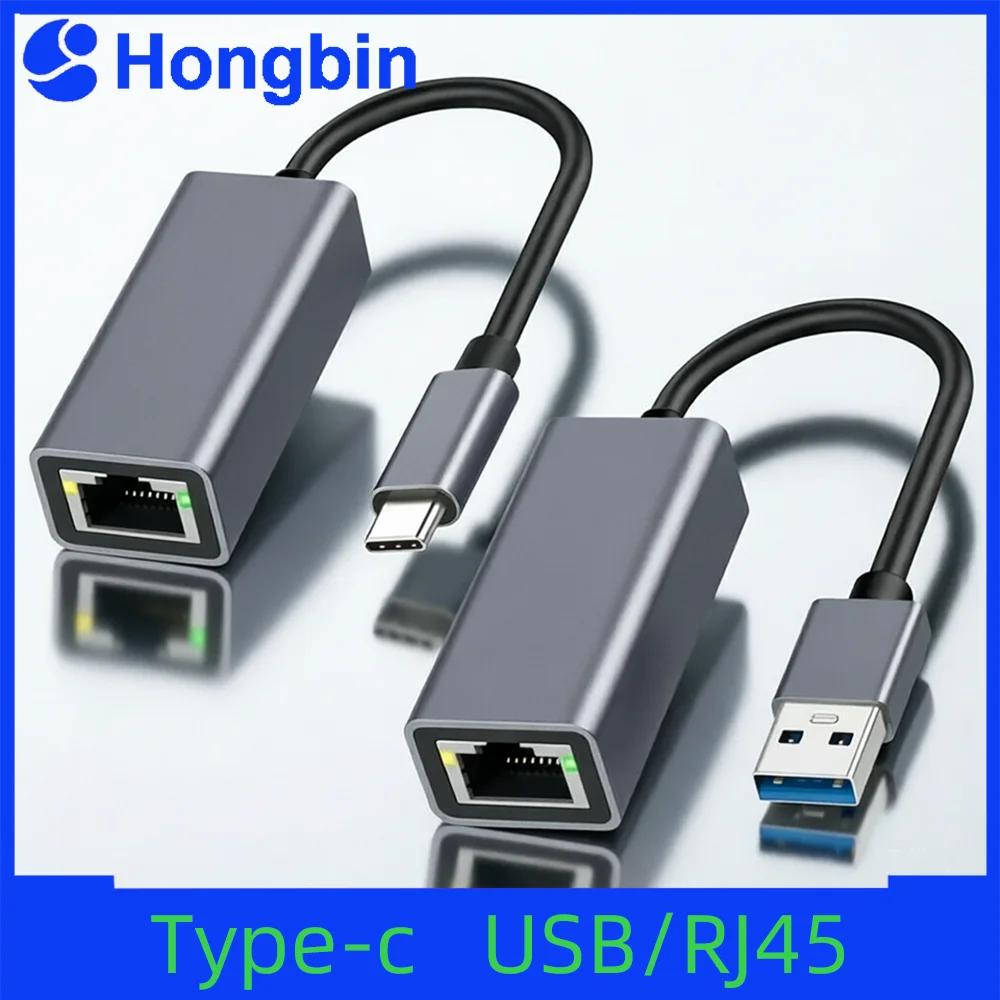
- 2-in-1 adapters with both a USB-C and a USB-A plug, so one adapter fits old and new laptops.
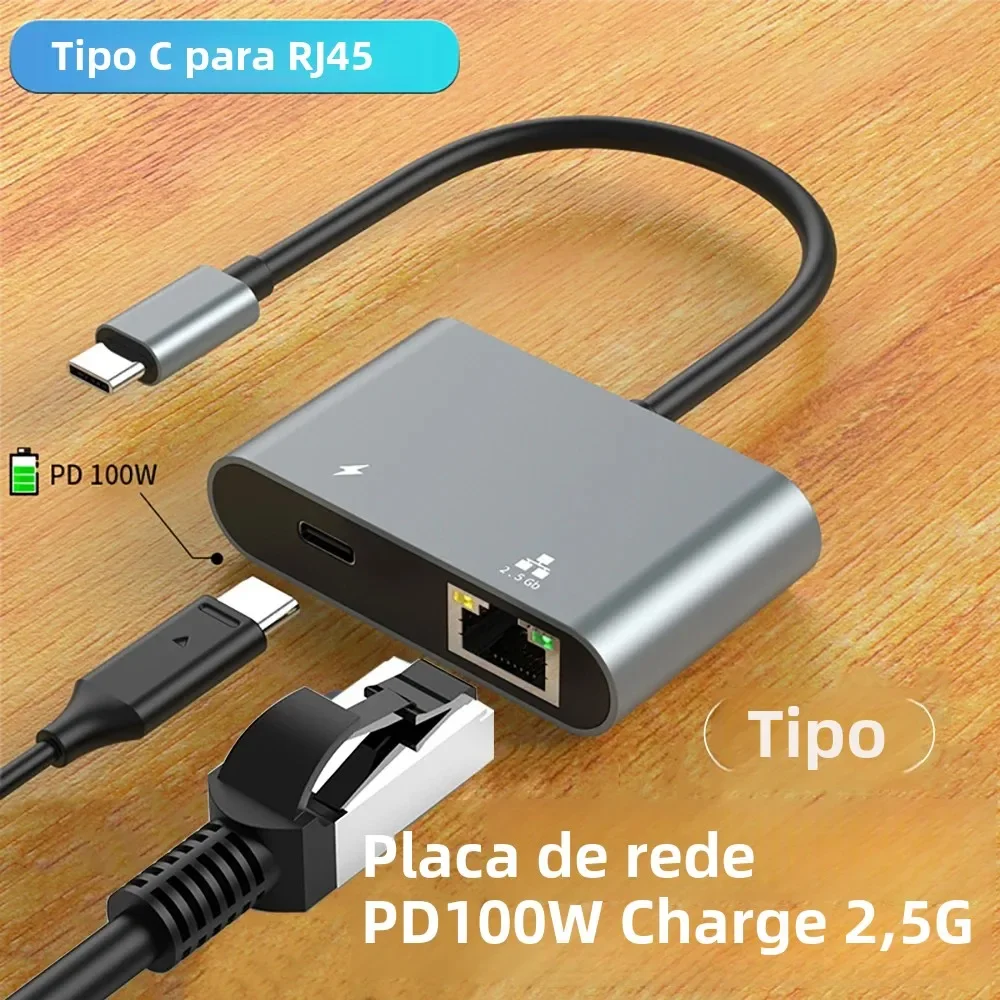
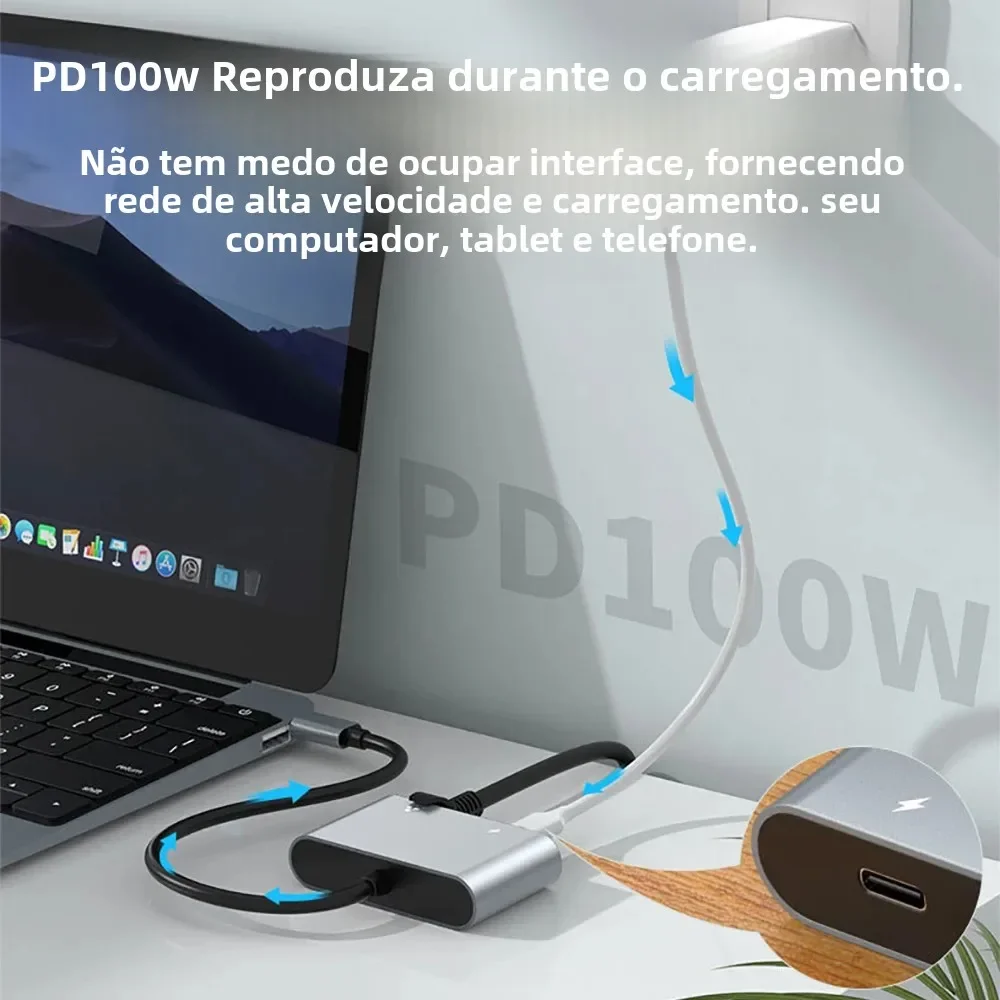
- An adapter with a charging socket listed at 100W, so the network and the charger share one USB-C port.
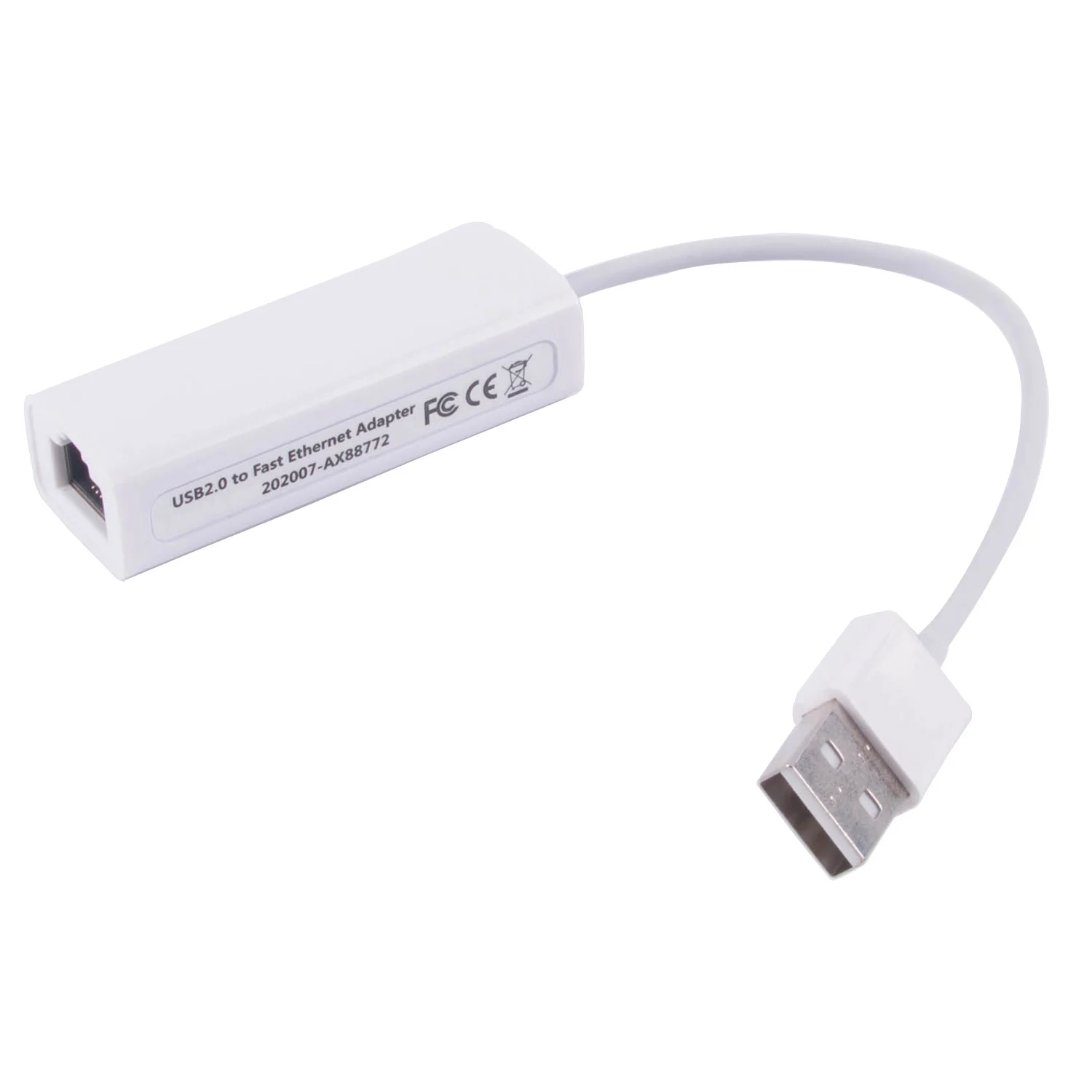
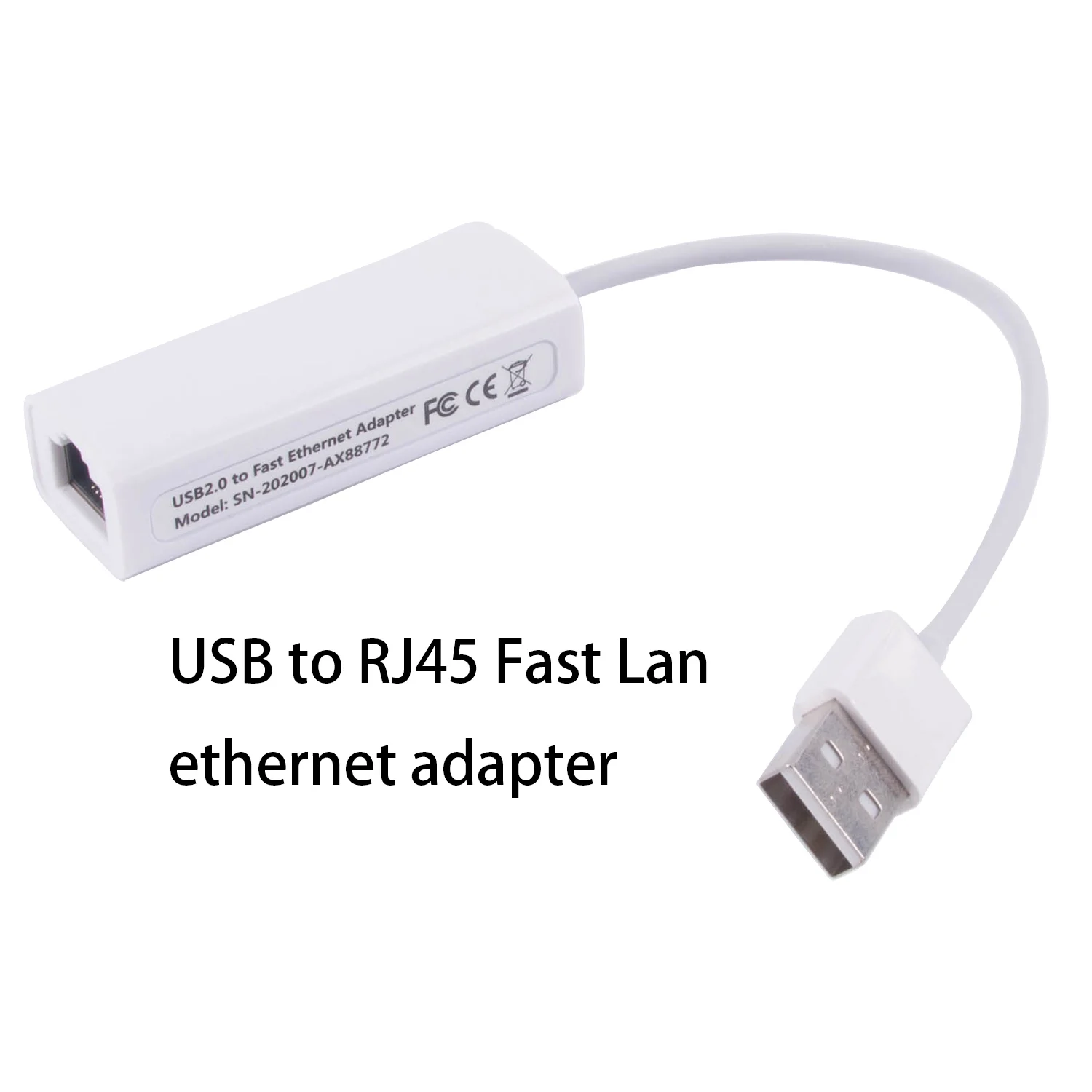
- An older USB 2.0 adapter at 10/100 megabits, for basic use.
How to choose
Pick the plug to suit your laptop: USB-C, USB-A or both. Then pick the speed. Plug a gigabit or 2.5G adapter into a USB port of 5Gbps or faster: USB 2.0 moves 480 megabits a second, so it would hold a gigabit adapter back.
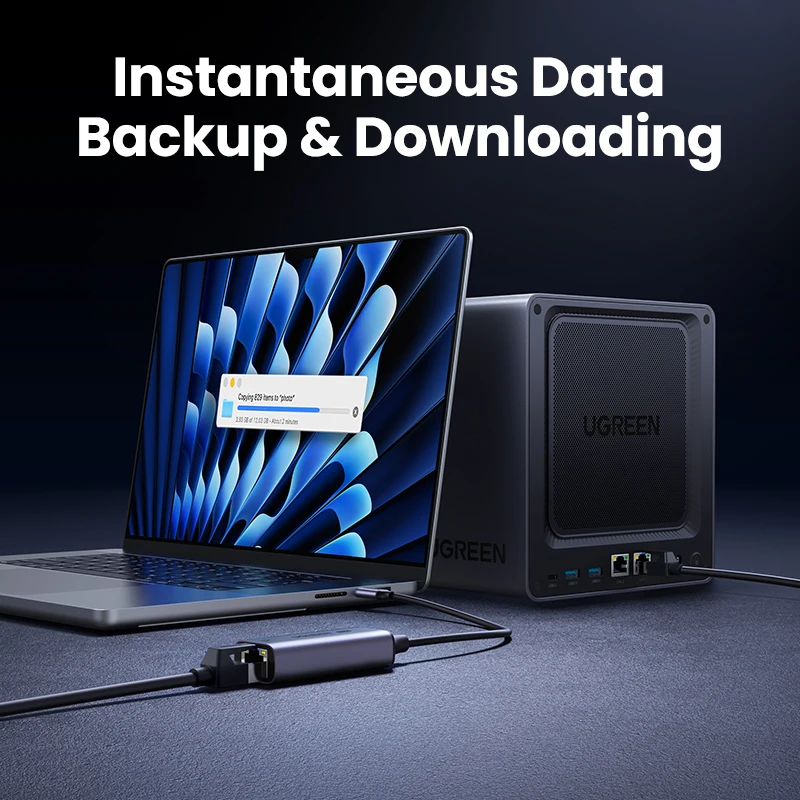
A 2.5G adapter only runs at 2.5G if the router, switch or network storage at the other end does too. The 2.5 gigabit standard was set by the IEEE in 2016 for the same Cat 5e and Cat 6 cable most homes already have. Against an ordinary gigabit router it simply runs at gigabit, so it does no harm to buy one for later.
If you also need a screen and card slots, many USB-C hubs include a gigabit socket.
Questions people ask about Ethernet adapters
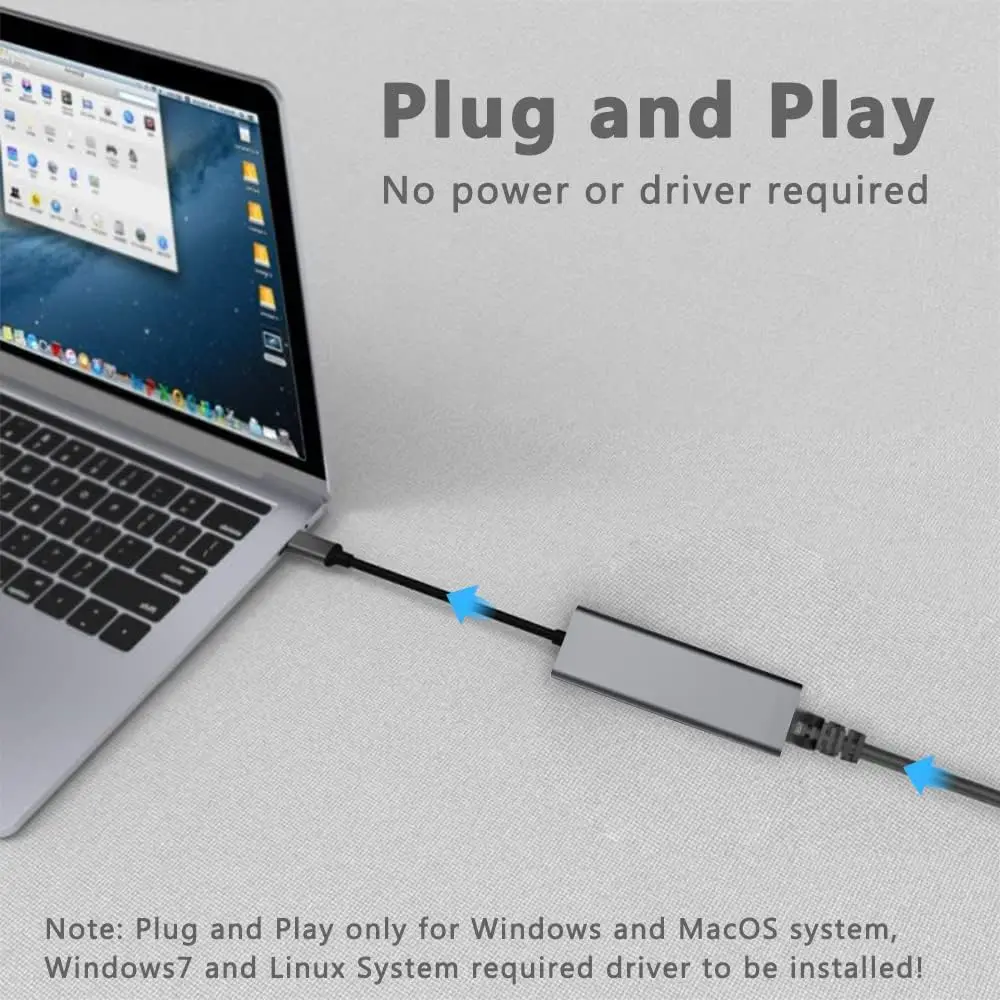
Will it work on a Mac?
Some listings name Mac, Windows and Linux, and most need no driver. Check the listing names your system.
Which cable do I need?
An ordinary network cable with RJ45 plugs, Cat 5e or better. See Ethernet cables.
Can I charge my laptop through it?
Only through the adapter here with a charging socket, listed at 100W. Like a hub, it keeps a little of the charger's power for itself, so the laptop gets slightly less than the charger's rating. If Windows says "Slow charger", plug the charger straight into the laptop.
Why is it no faster than Wi-Fi?
The broadband line sets the top speed for the internet. A wire mainly gives a steadier connection, with fewer drop-outs on calls.
Delivery is included in every price and tracked to your door. Each product page says when it usually arrives.
More to look at