Why choose a Bluetooth mouse
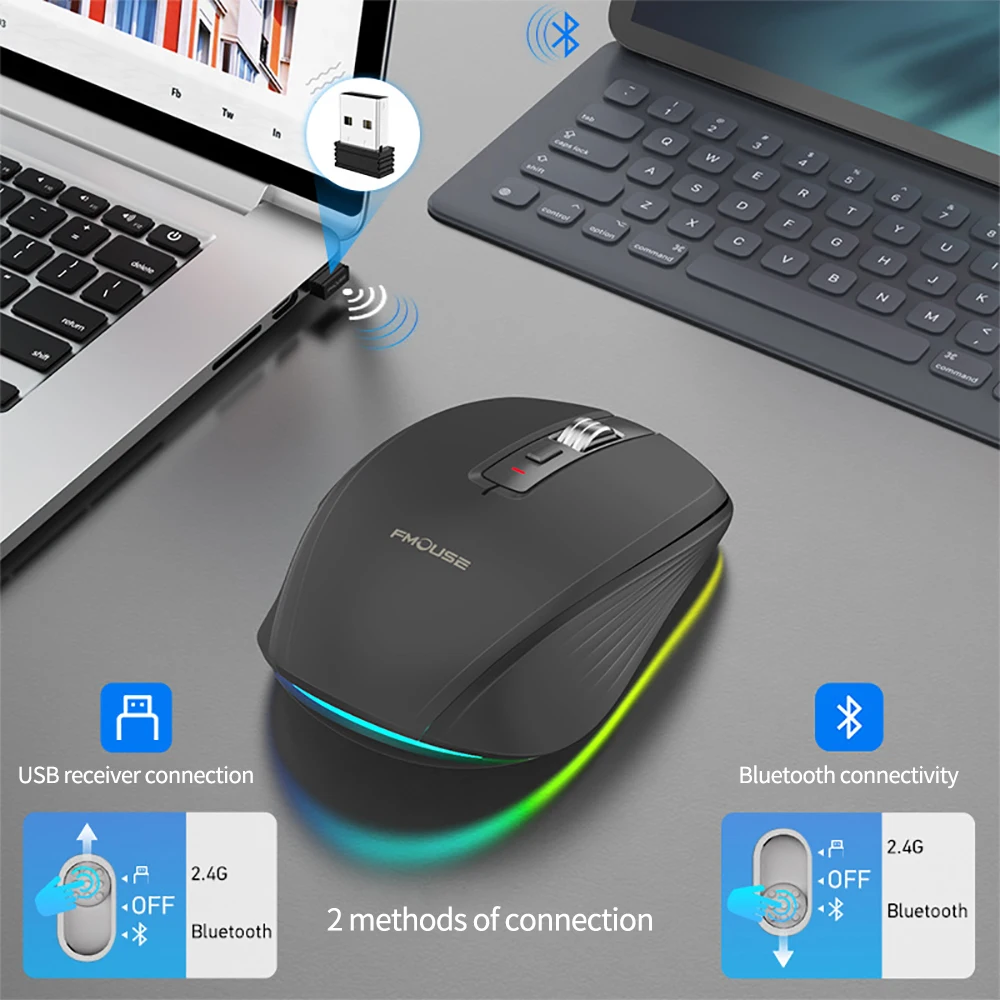
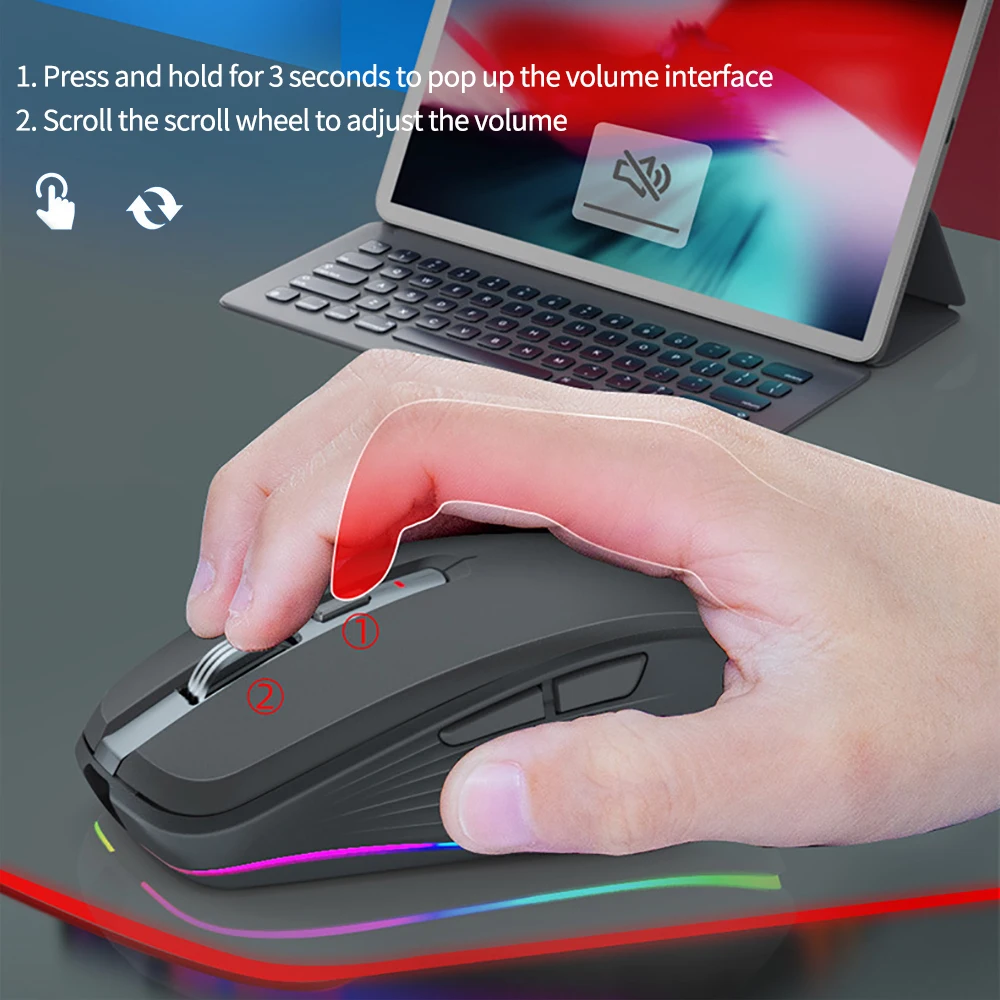
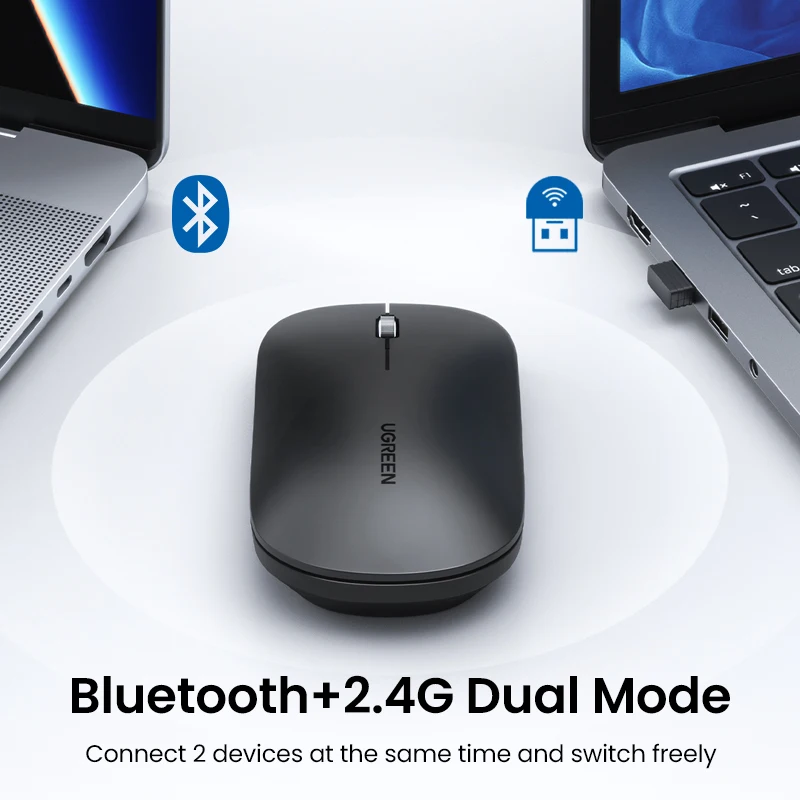
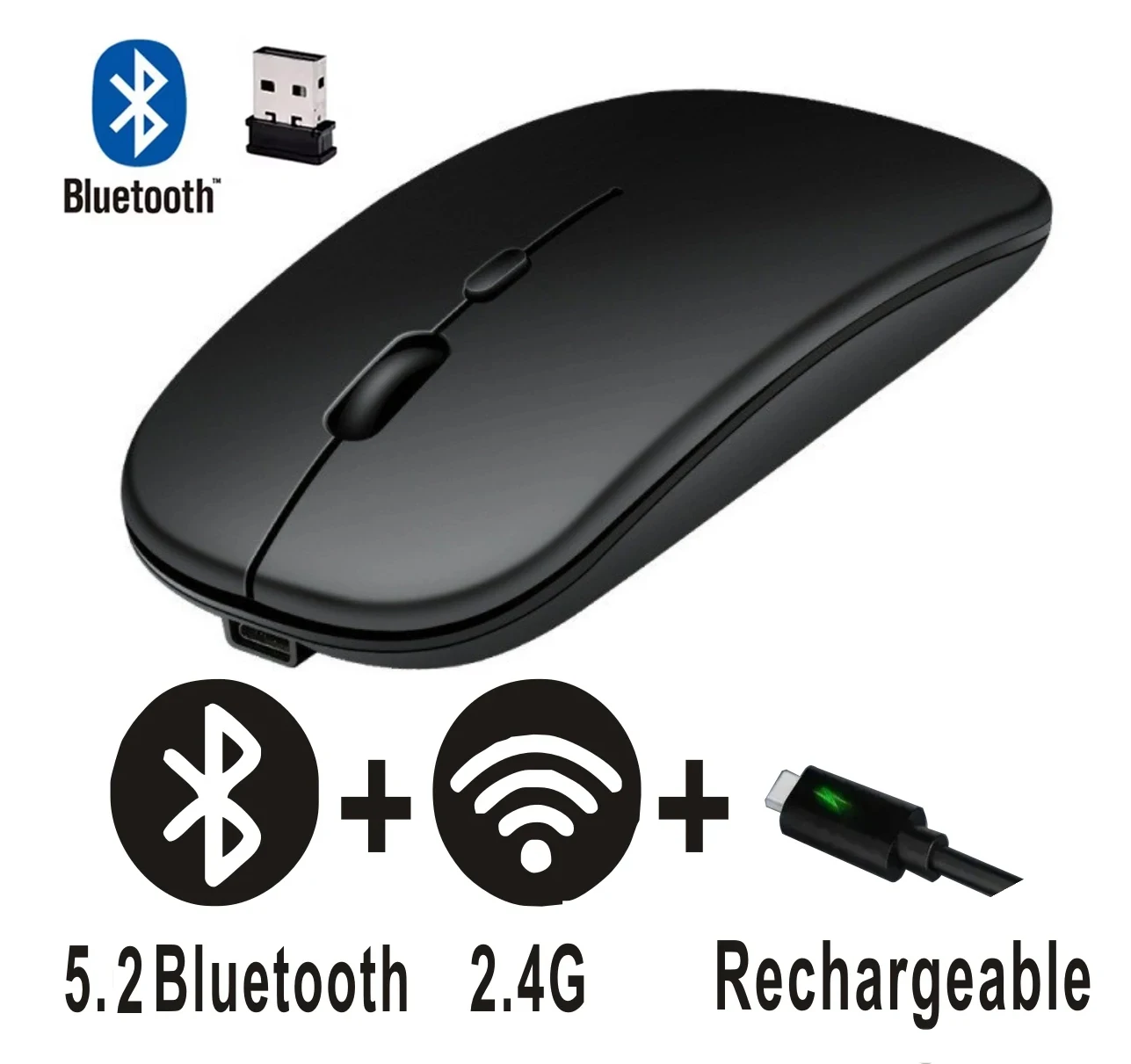
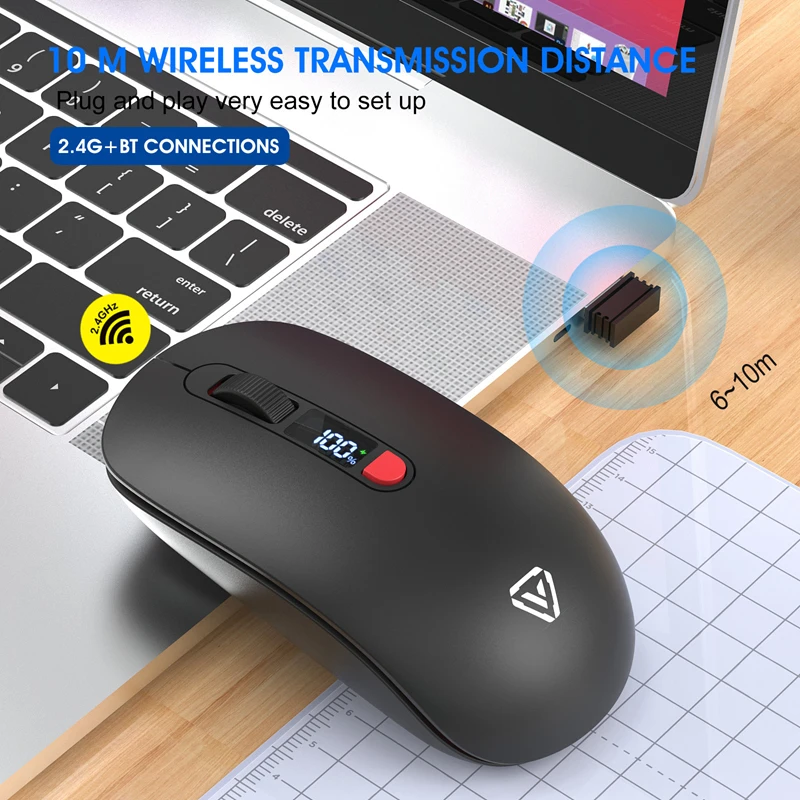
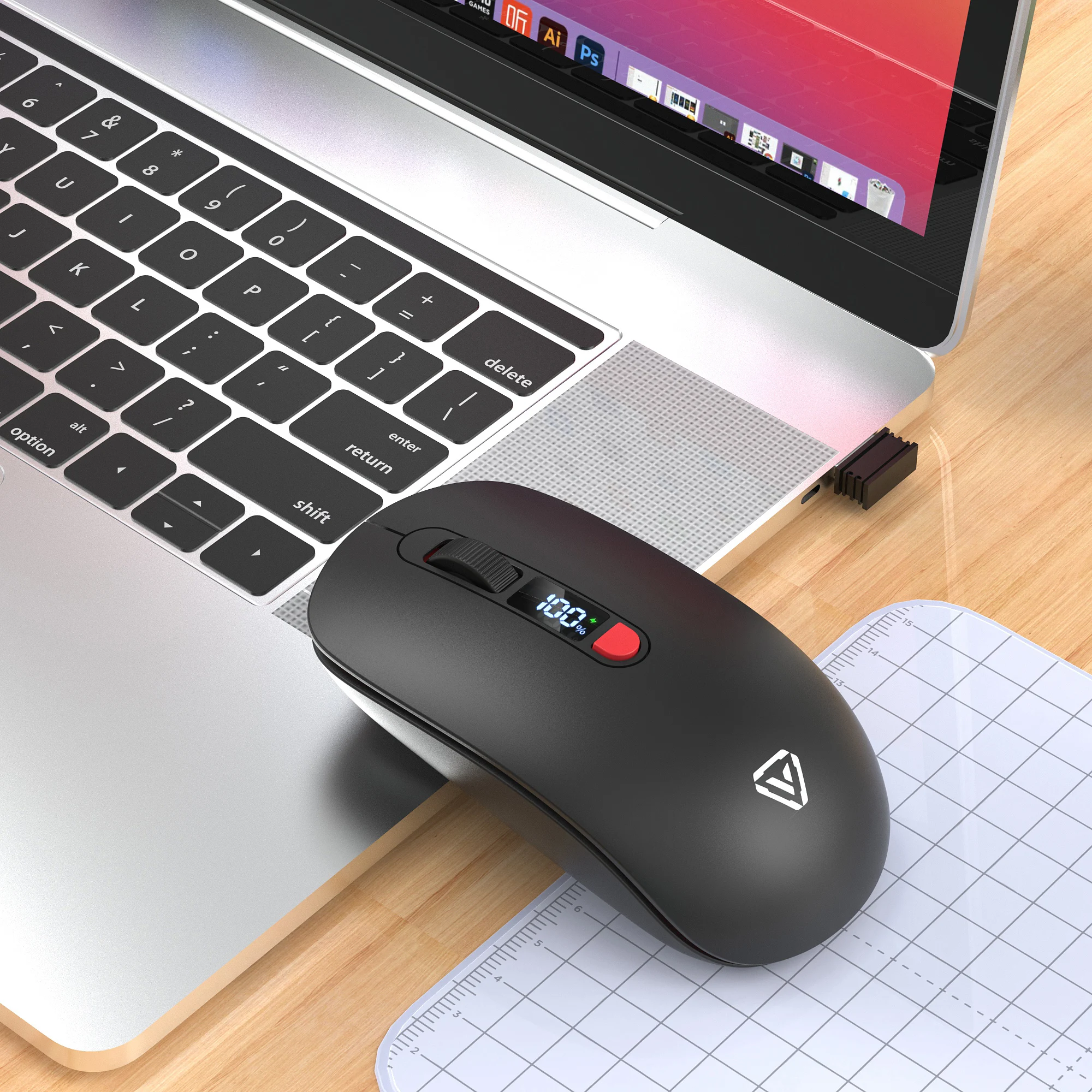
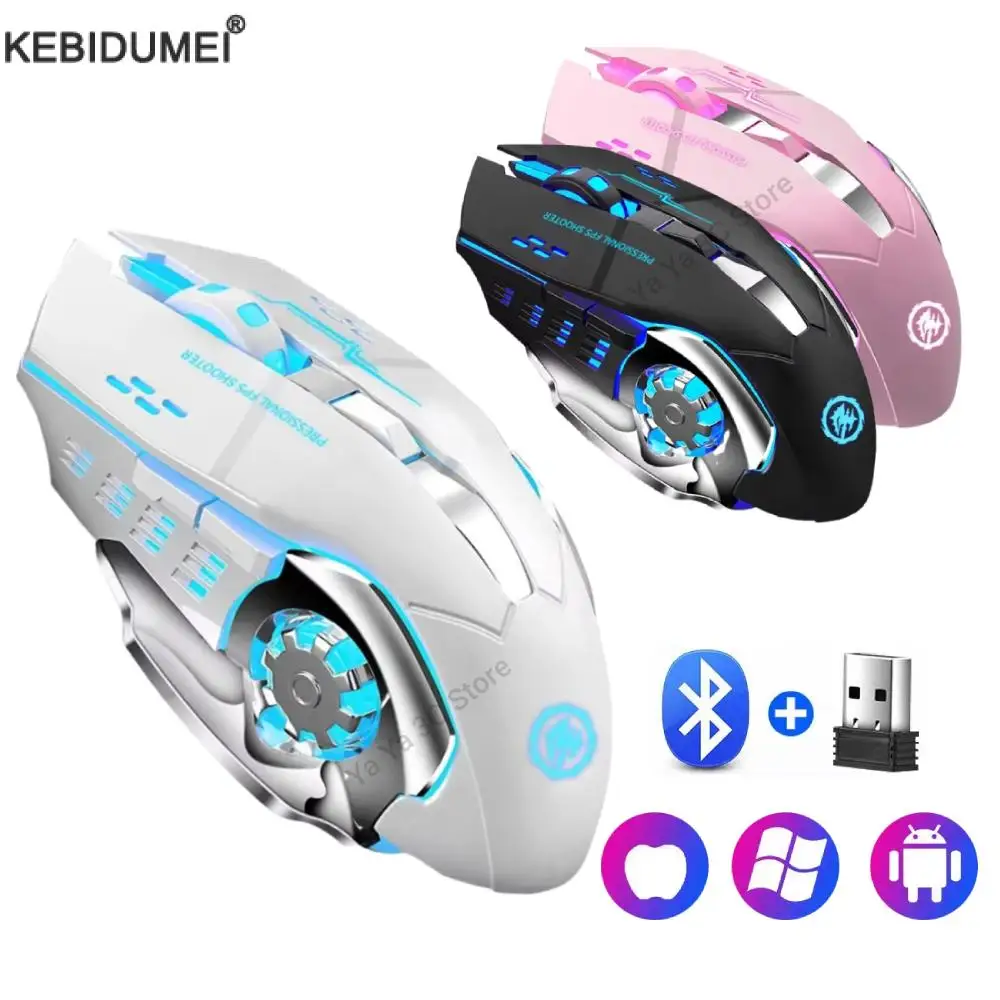
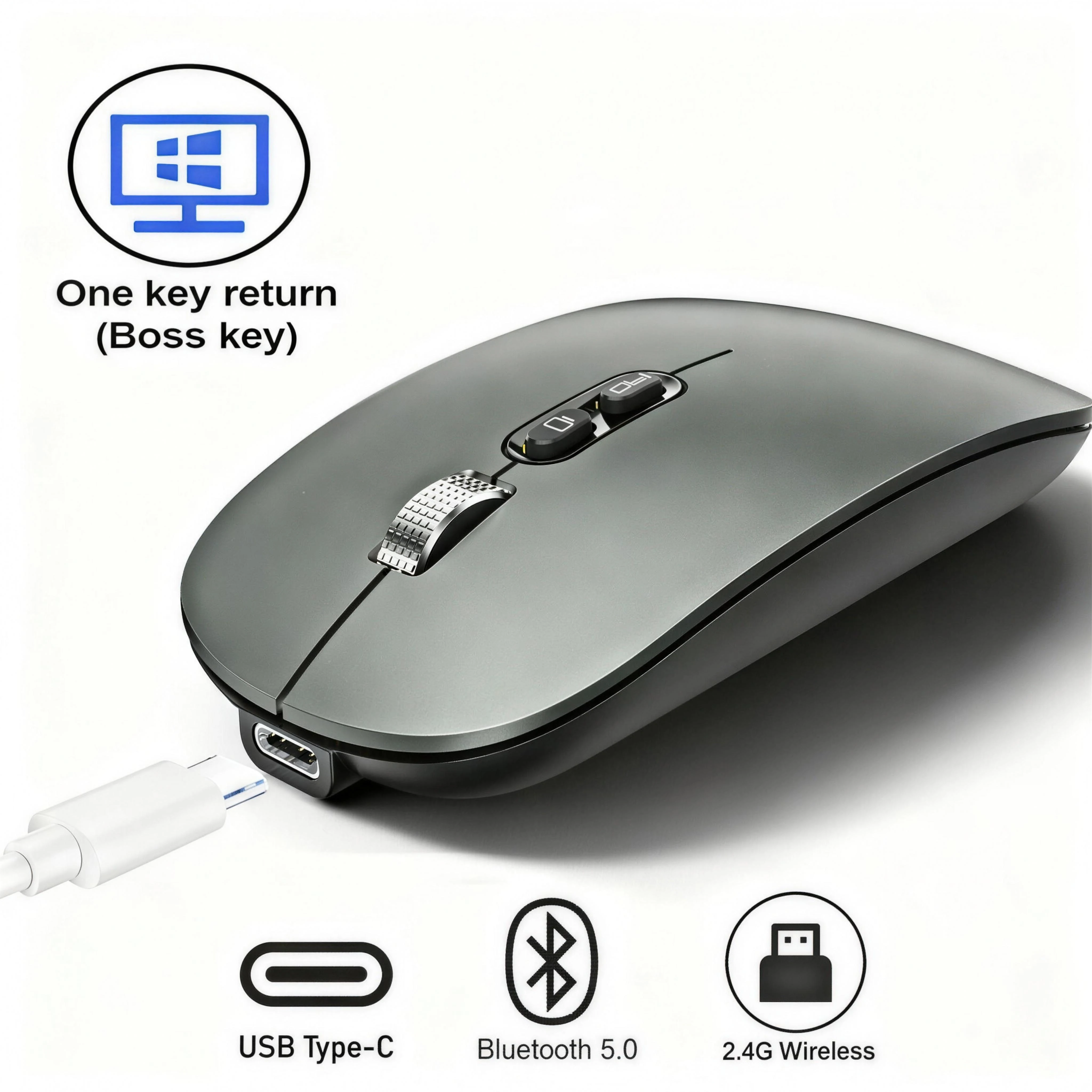
A Bluetooth mouse connects to the laptop's own Bluetooth, so it takes no socket at all. That matters on a thin laptop with two USB-C sockets, one of them taken by the charger. It also means the same mouse works with an iPad, an Android tablet or a phone. Every mouse in this range has Bluetooth, and most also come with a small USB receiver, so one device can use Bluetooth and another the receiver.
What is in the range
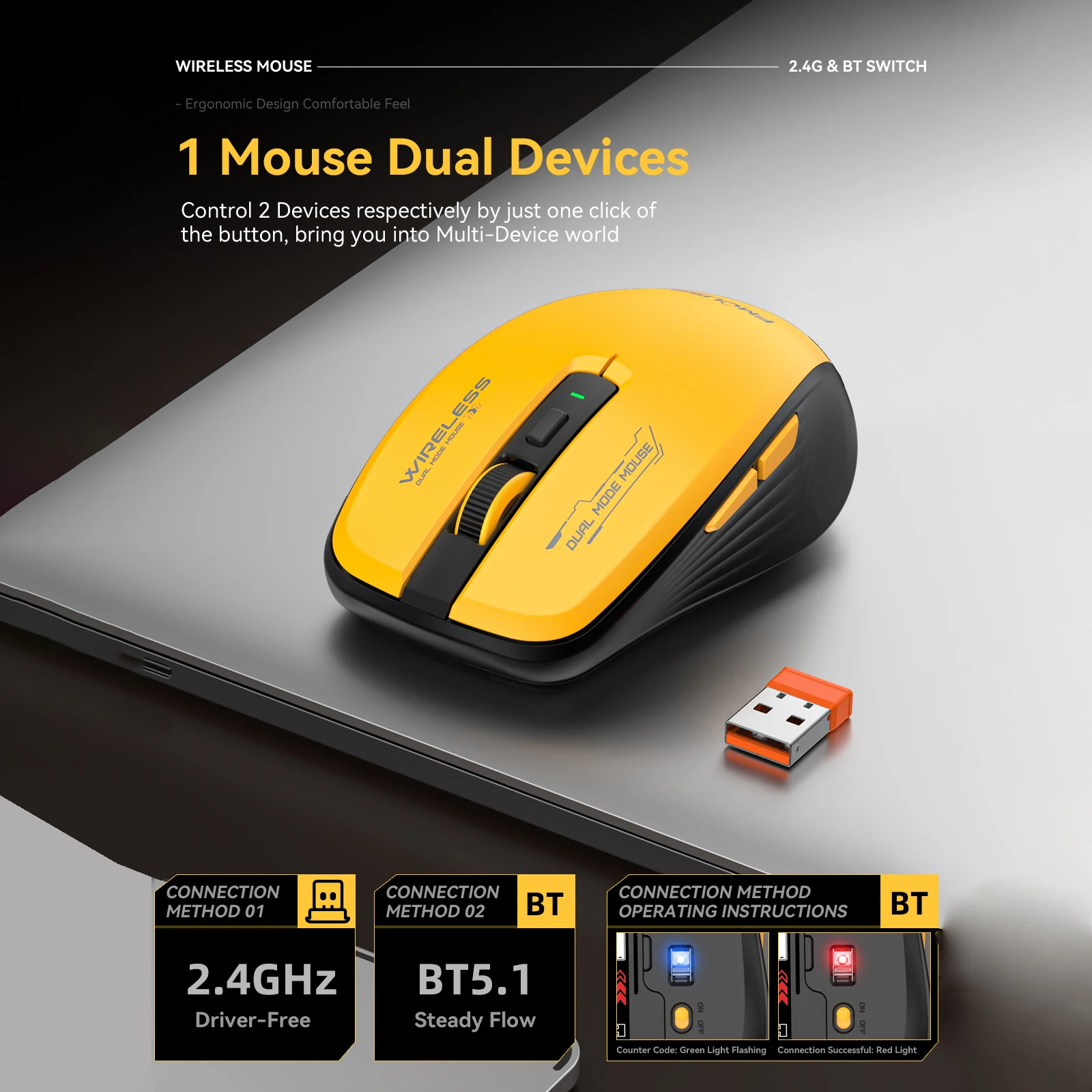
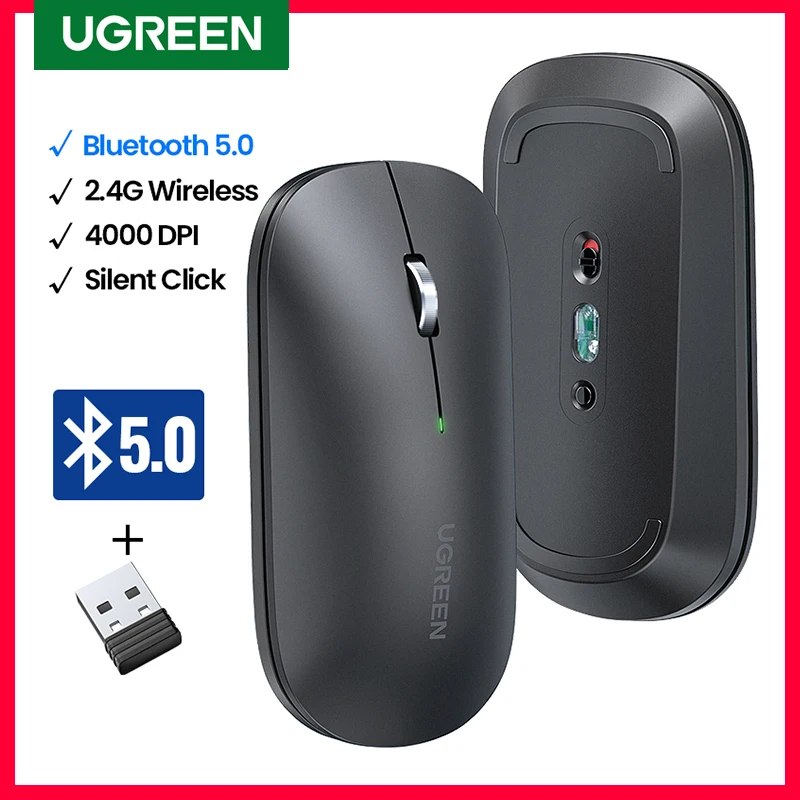
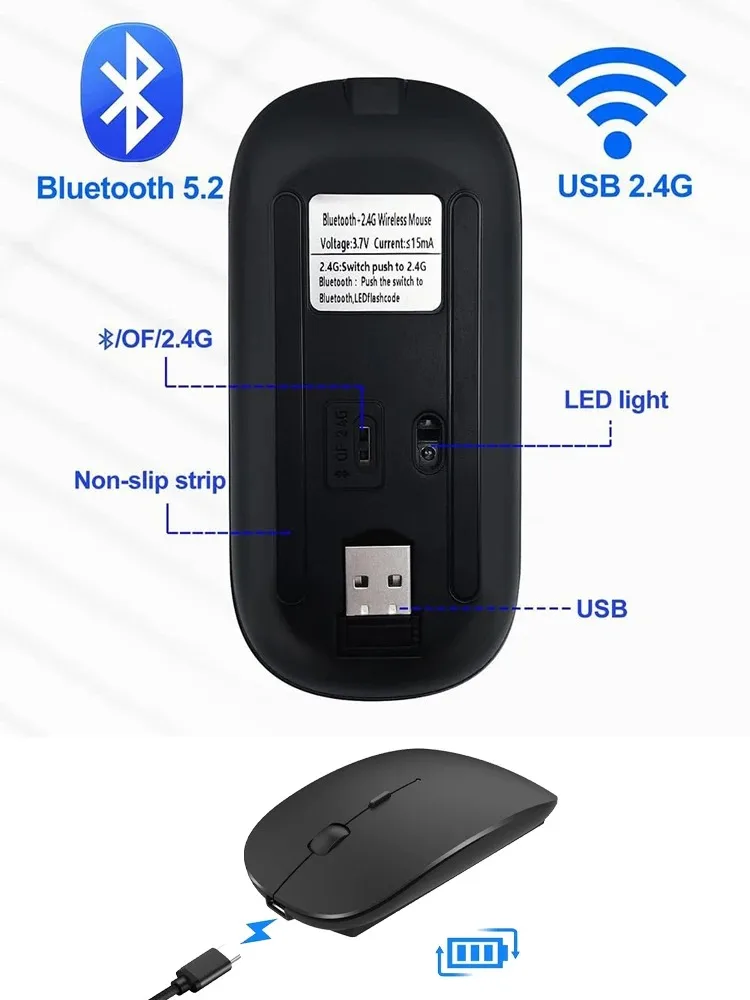
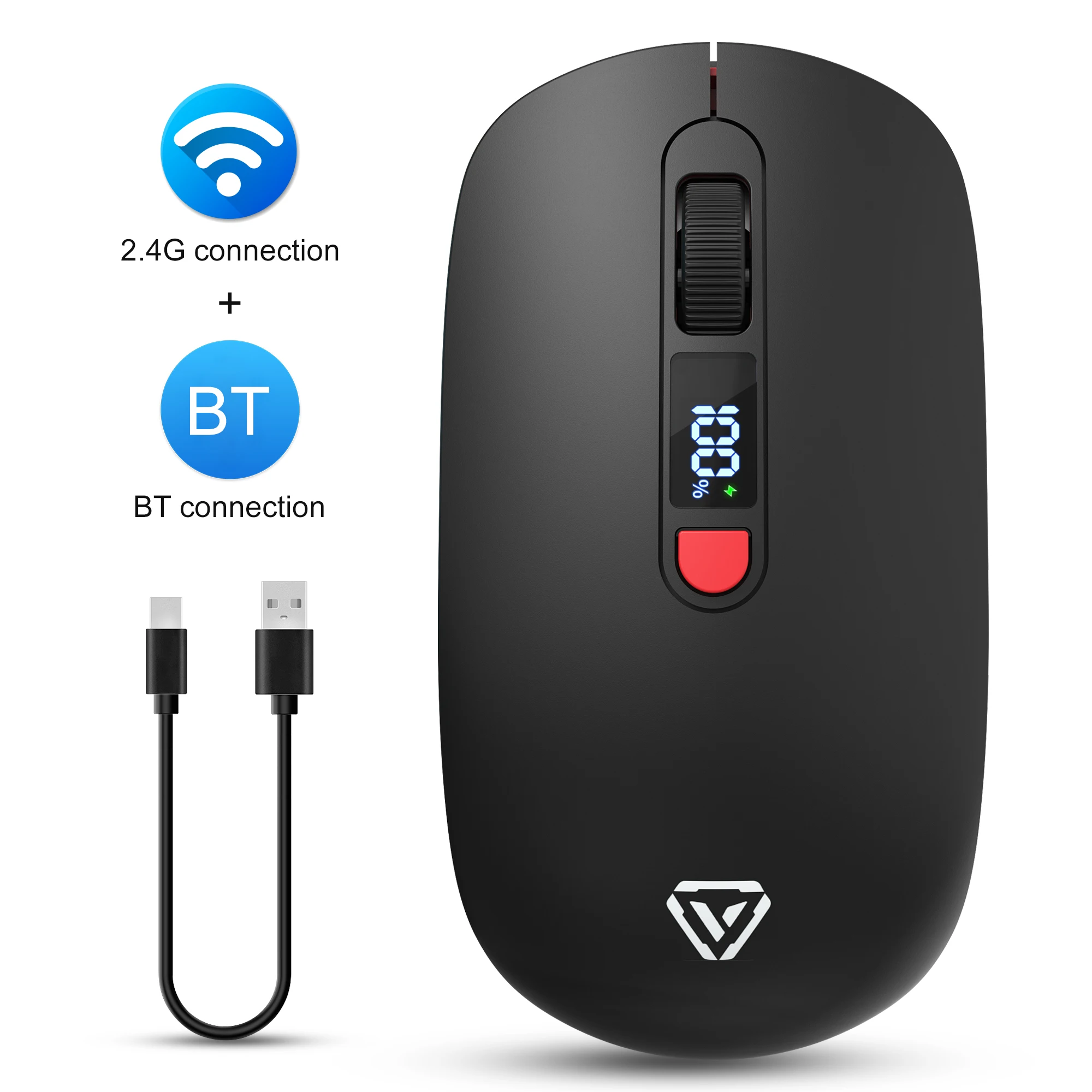
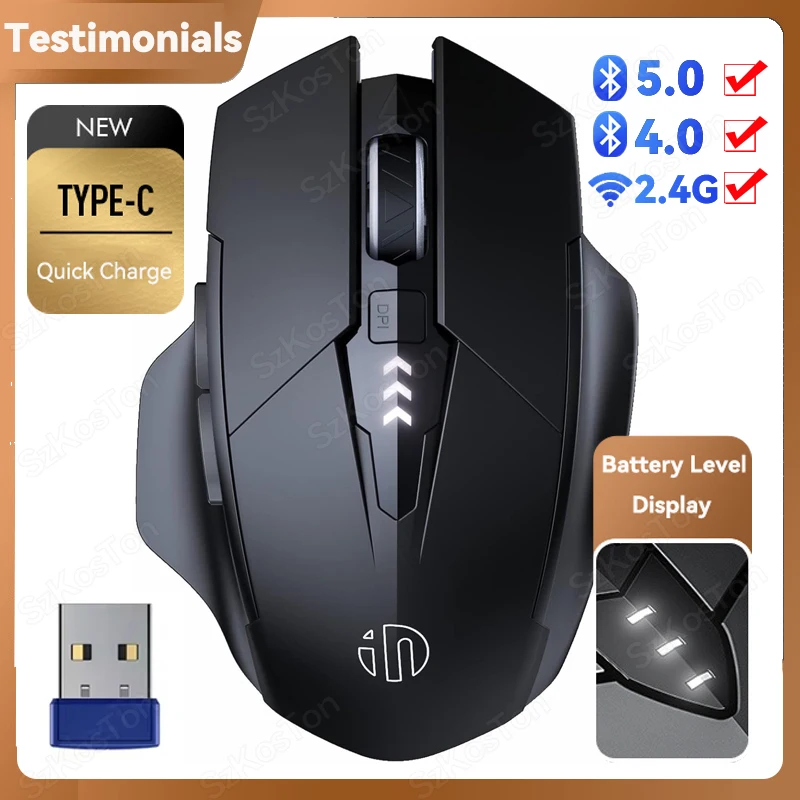
- Dual-mode mice with Bluetooth and a receiver. A toggle or a button, often underneath, swaps between the two devices. They cannot be used on both at the same moment.
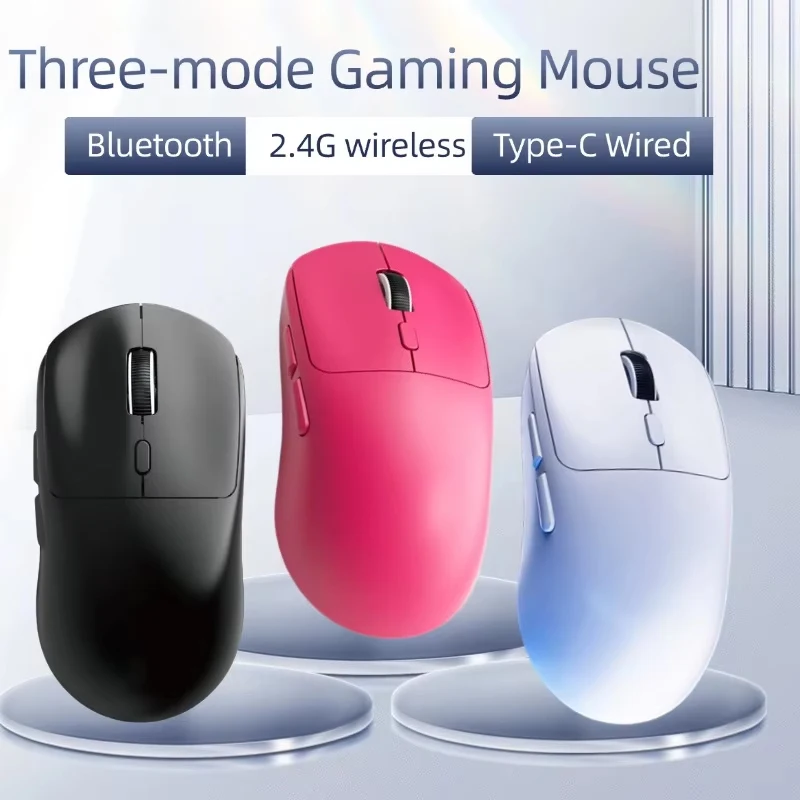
- Three-mode mice that remember two Bluetooth devices and a receiver, for a laptop, a tablet and a desktop.
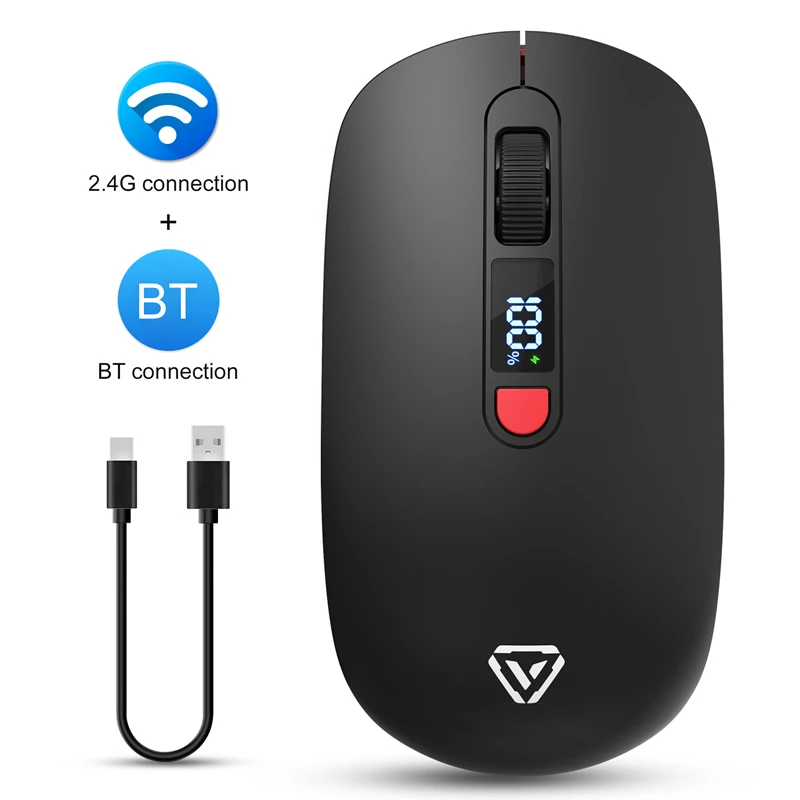
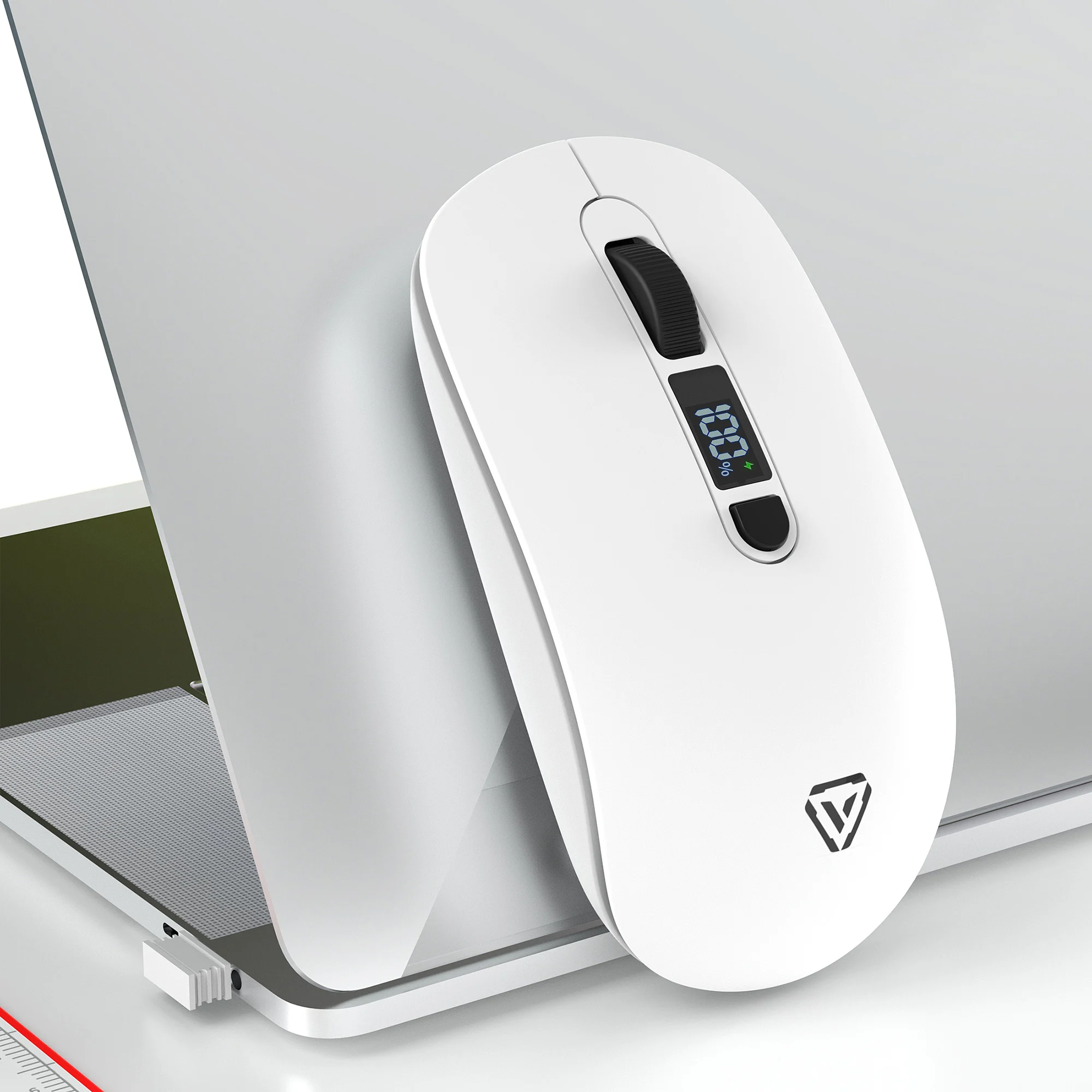
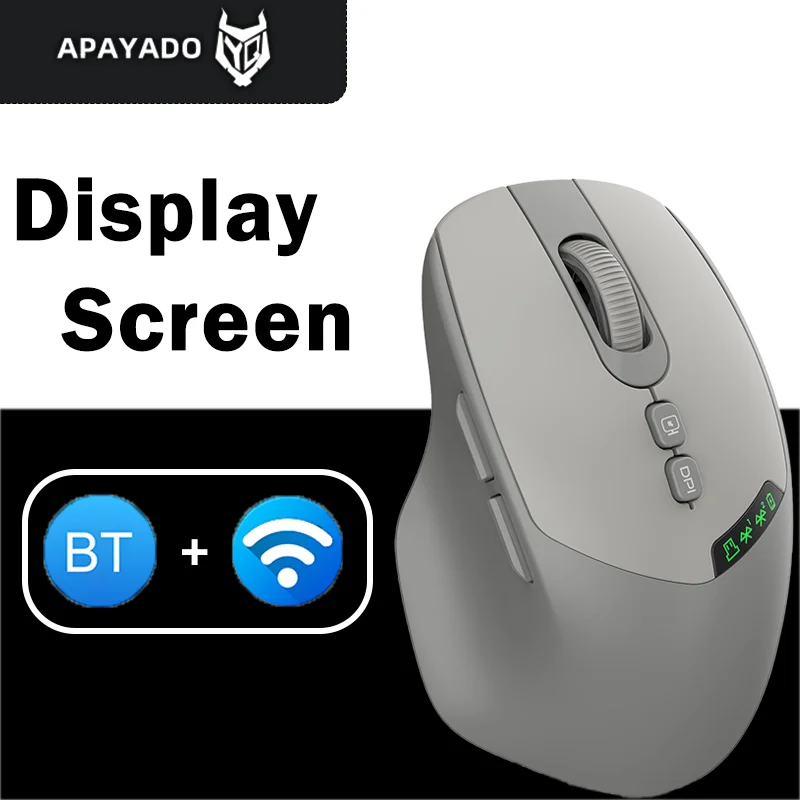
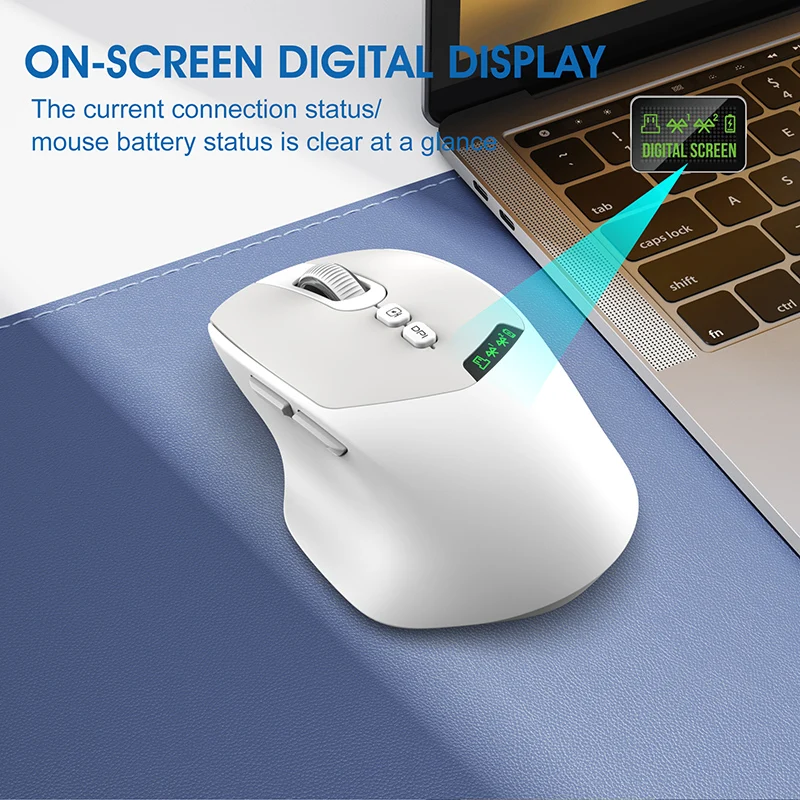
- Mice with a small display that shows the battery level, the pointer speed and the connection in use.
- Compact mice for tablets, sized for a bag and made for switching between a tablet and a laptop.
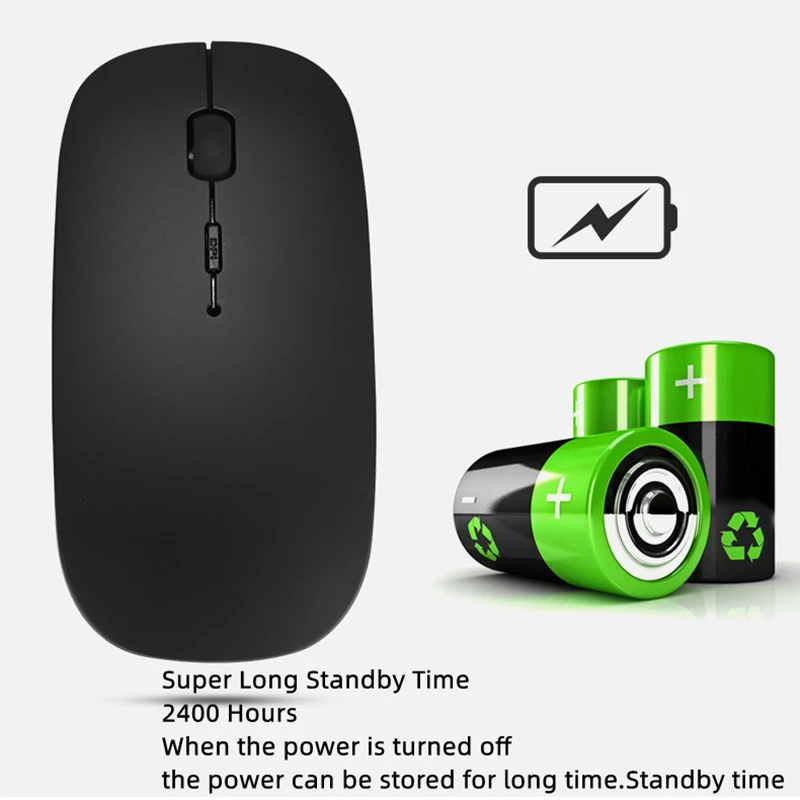
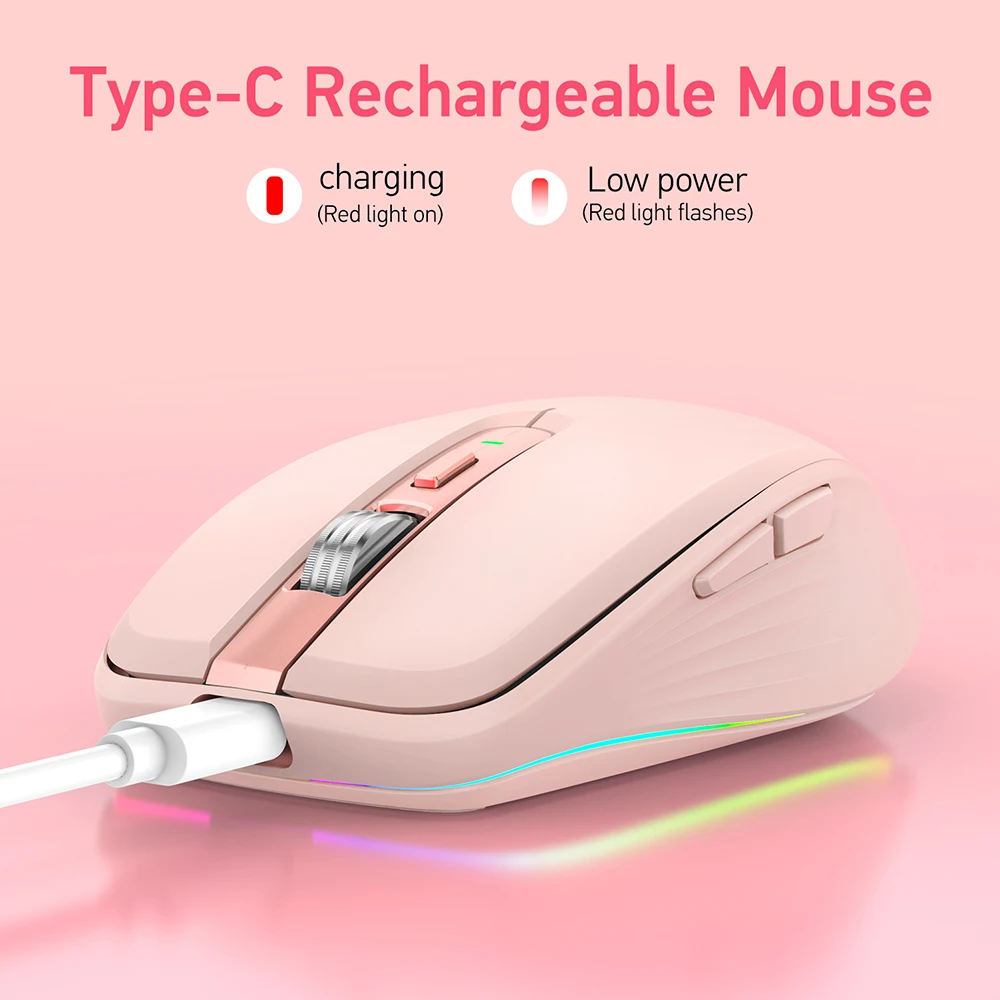
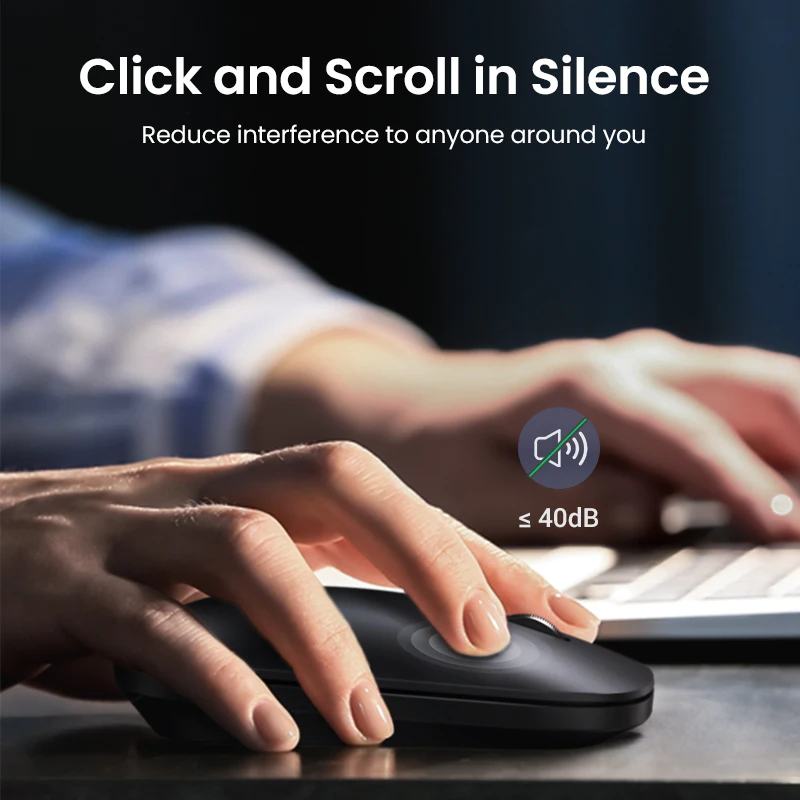
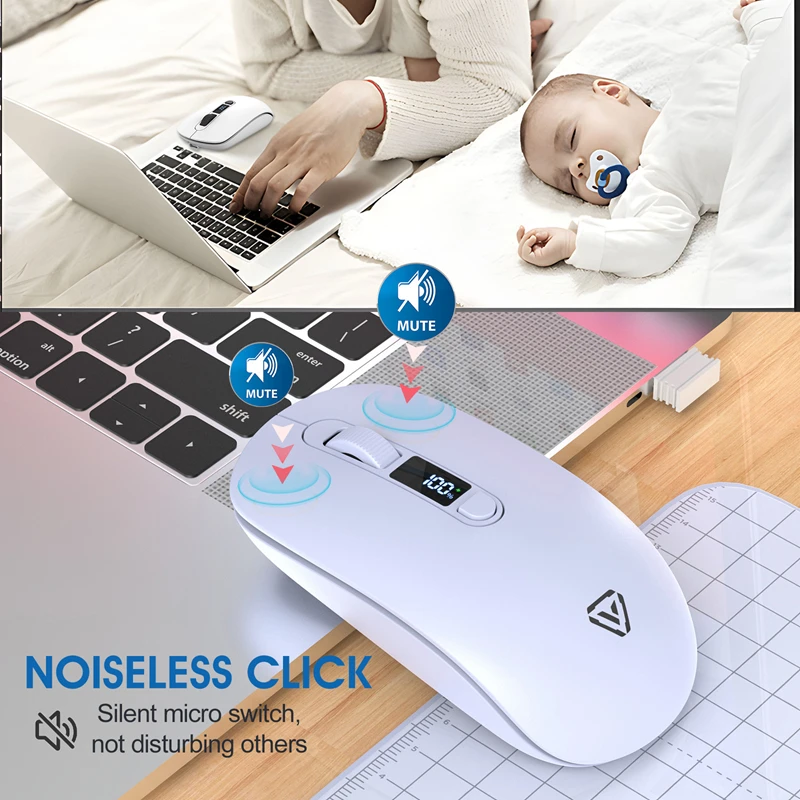
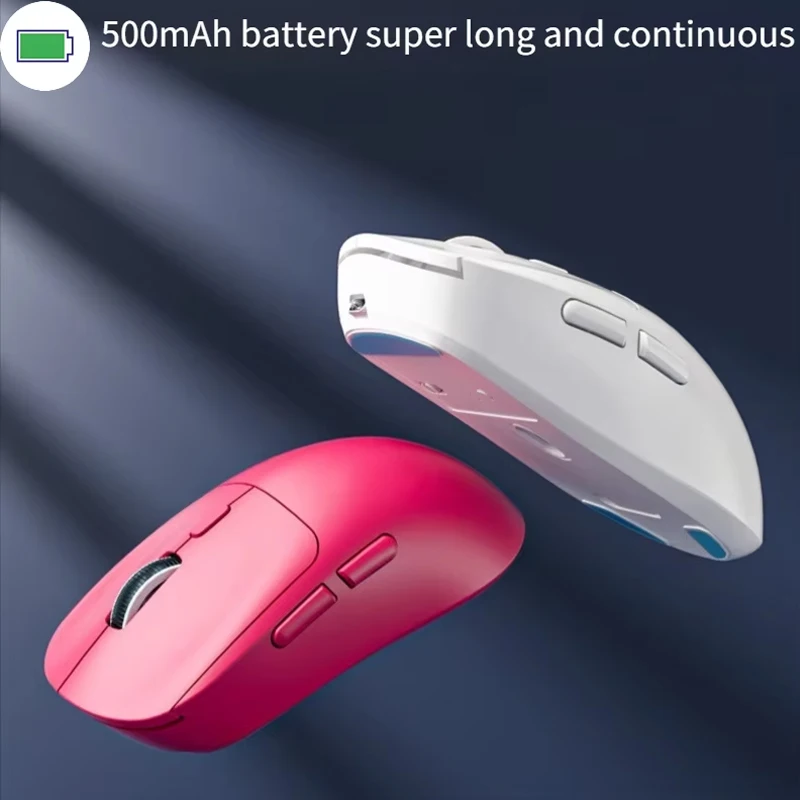
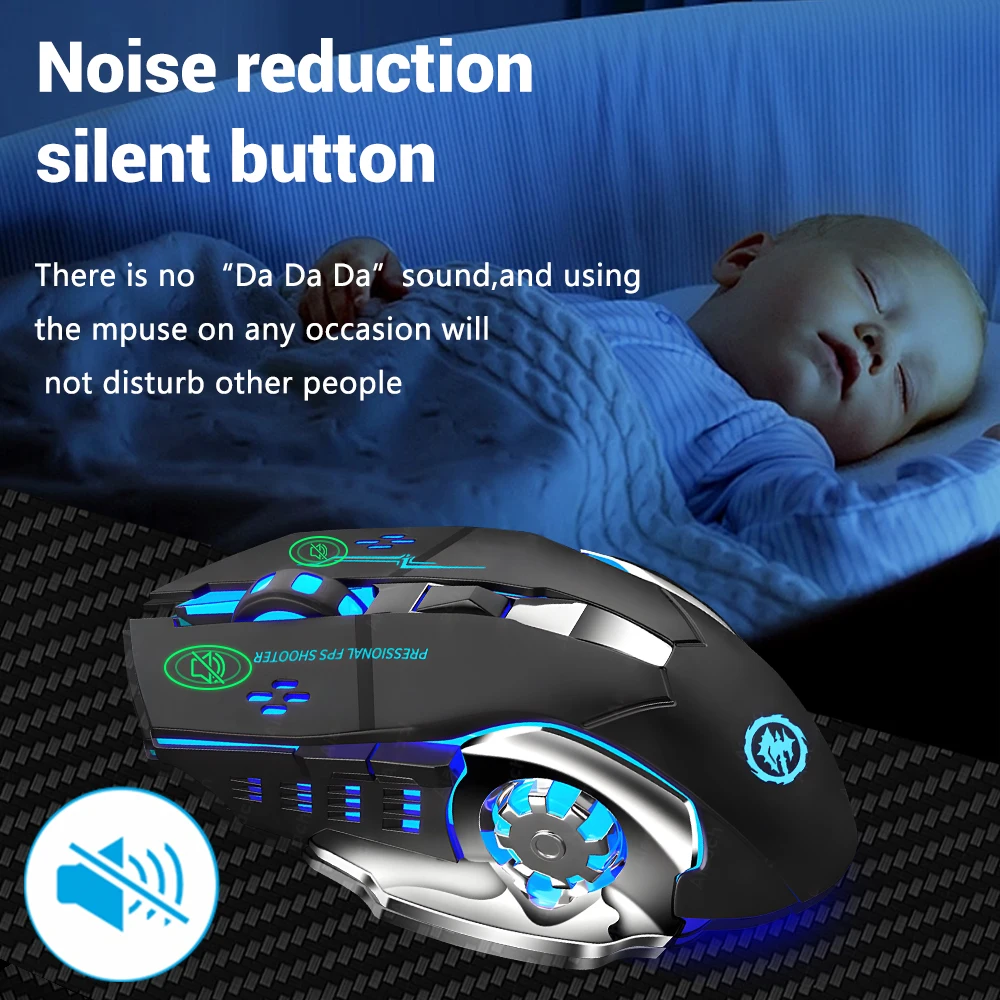
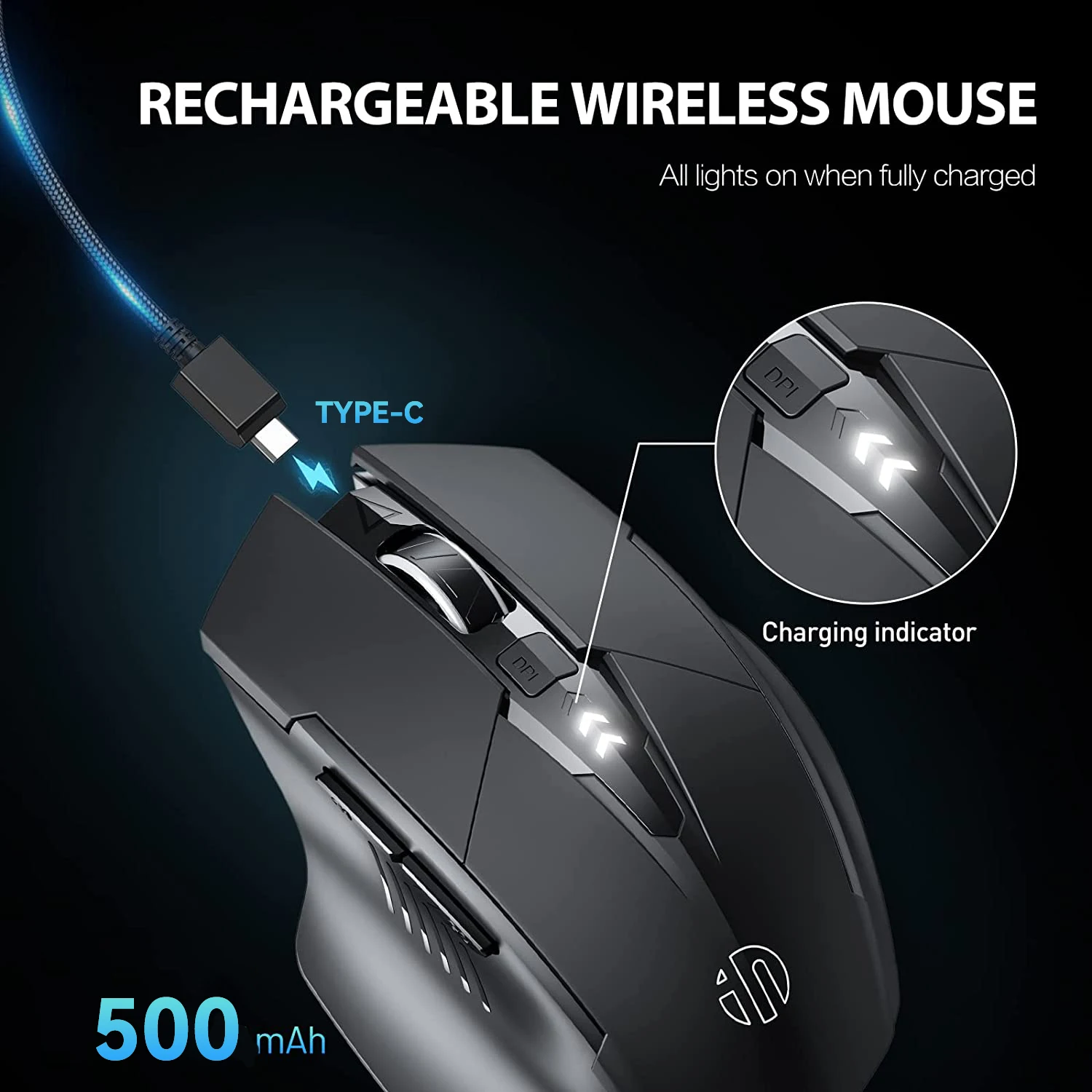
Silent clicks are common here, and nearly every mouse charges by cable, many by USB-C.
How to choose
Your laptop needs Bluetooth. Almost every recent laptop has it. A desktop or an older laptop without it can take a small USB Bluetooth adapter, or use the mouse's receiver instead. Check the Bluetooth version the mouse needs on its product page: a few need Bluetooth 4.0 or later.
How many devices. If you move between a work laptop and your own, a three-mode mouse saves pairing again each day. For one laptop, a dual-mode mouse is plenty.
Battery you can see. A display or a battery light means the mouse does not stop halfway through a meeting.
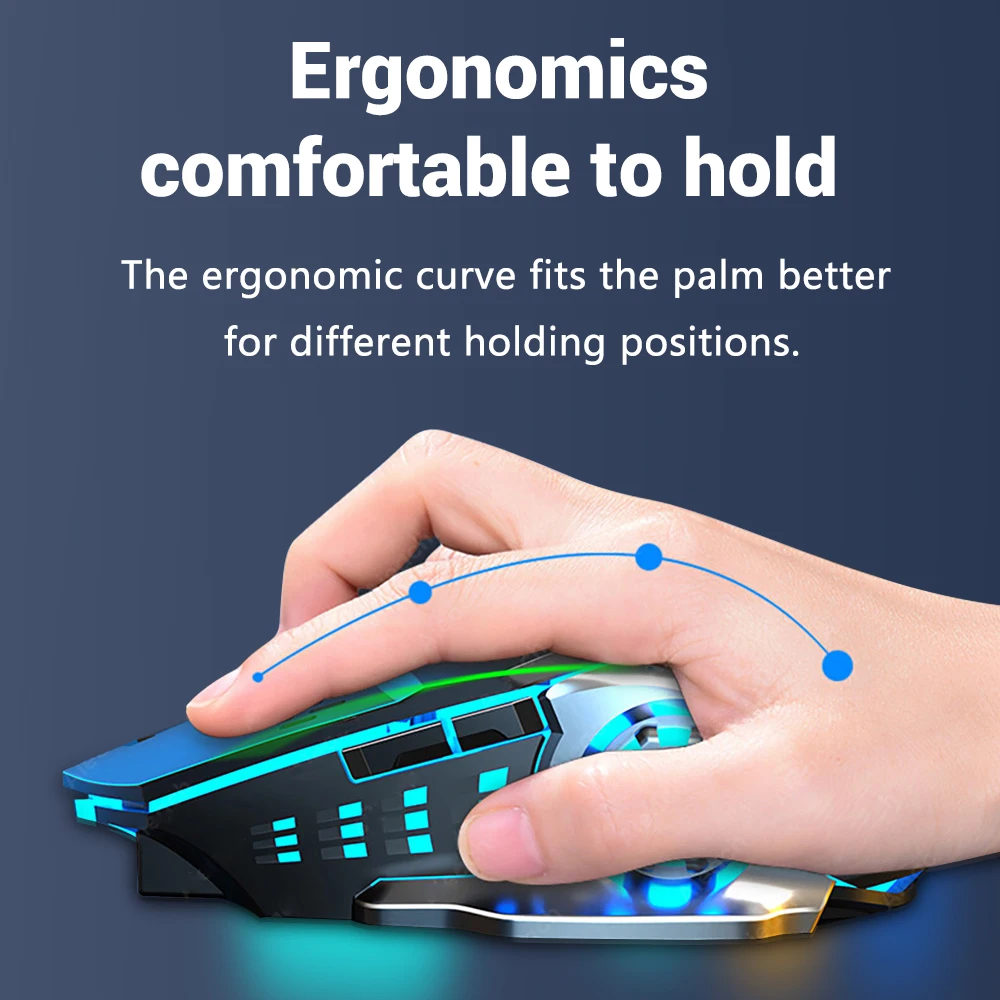
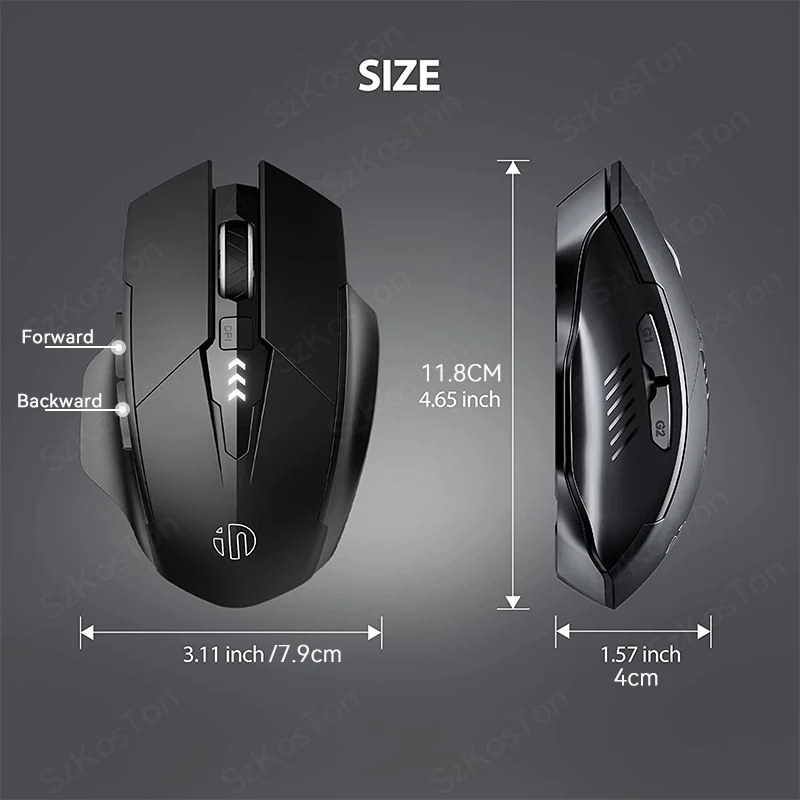
Size and grip. Tablet mice are small. For a long day at a desk, a fuller mouse, or one from ergonomic and vertical mice, may be more comfortable.
Questions people ask about Bluetooth mice
How do I pair a Bluetooth mouse?
Switch it on and put it into pairing mode as its instructions say. On a Mac, open System Settings, choose Bluetooth and click Connect beside it. In Windows 11, open Settings, then Bluetooth & devices, choose Add device, then Bluetooth, and pick it from the list.
Is Bluetooth slower than a receiver?
For office work, browsing and study you will not notice a difference. Both use the same 2.4GHz radio band. For fast games, a wired or receiver gaming mouse is the usual choice.
Does it work with an iPad?
Yes, a Bluetooth mouse pairs with an iPad in the iPad's Bluetooth settings, and a pointer appears on the screen. The product page lists the systems each mouse is made for.
Delivery is included in every price and tracked to your door.
More to look at