Set the height and the angle
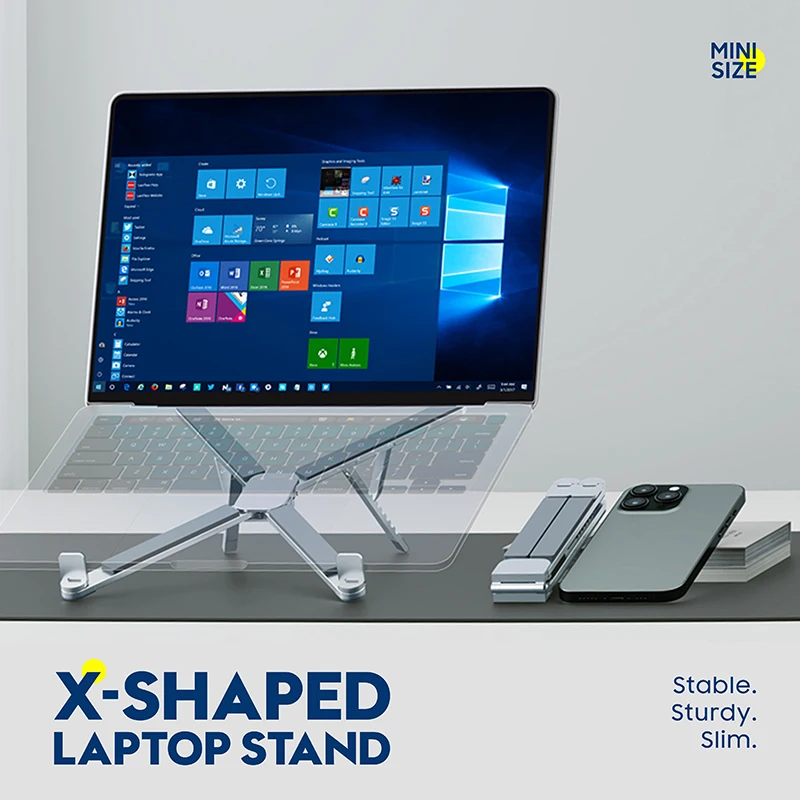
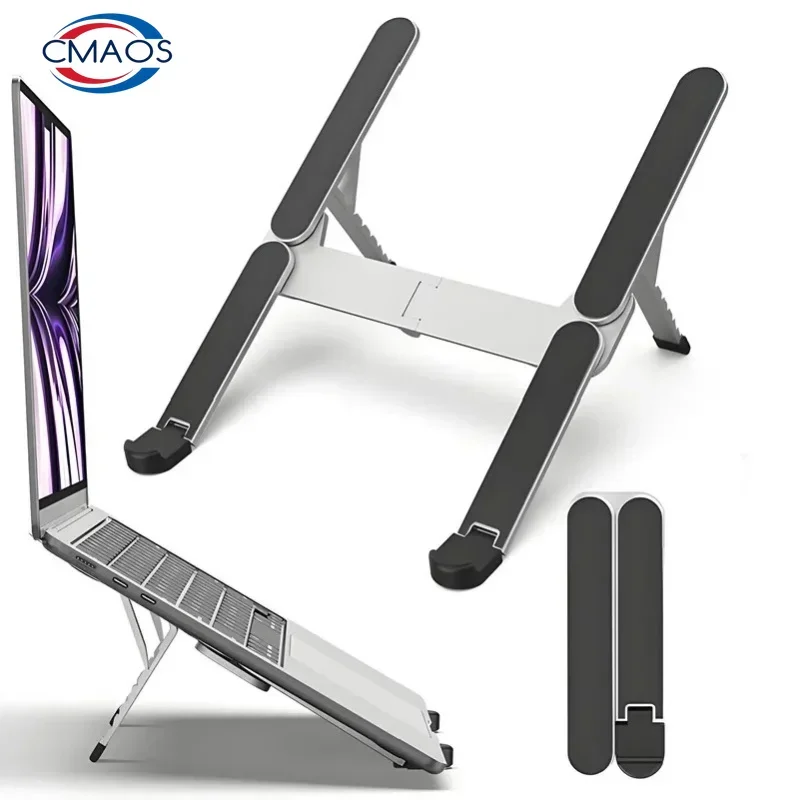
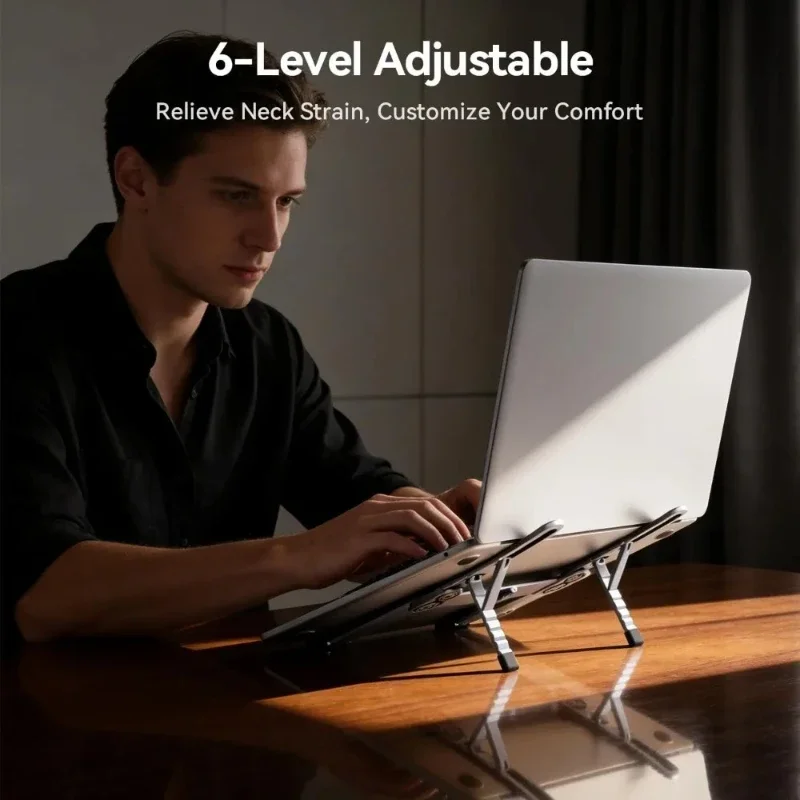
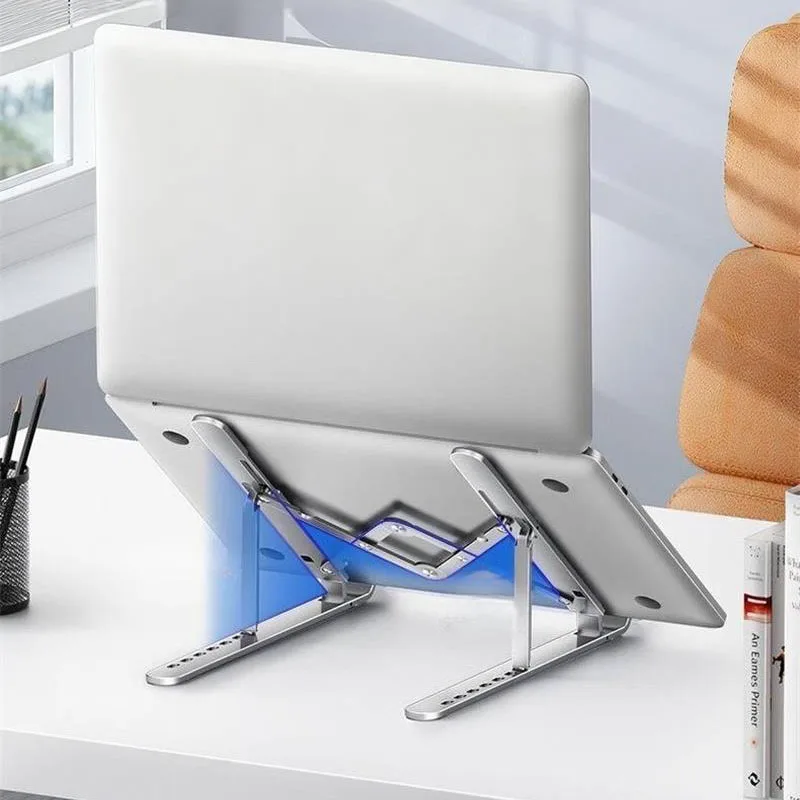
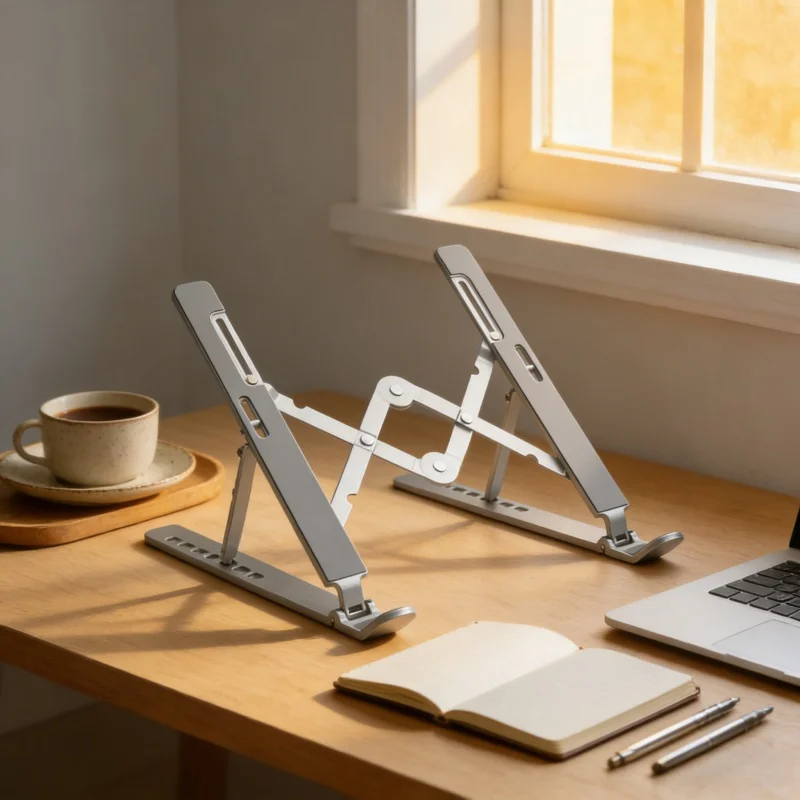
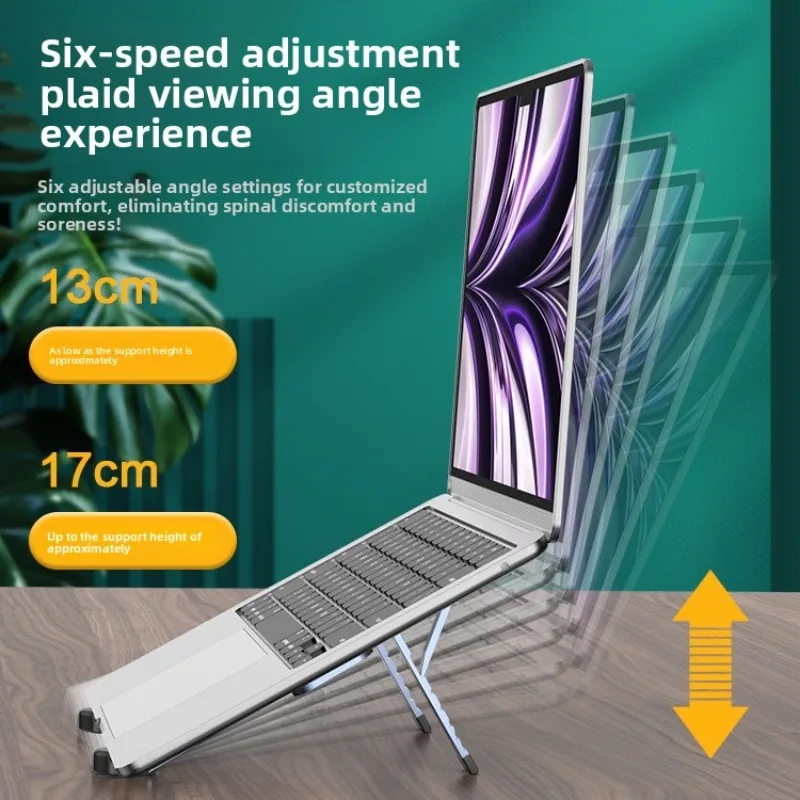
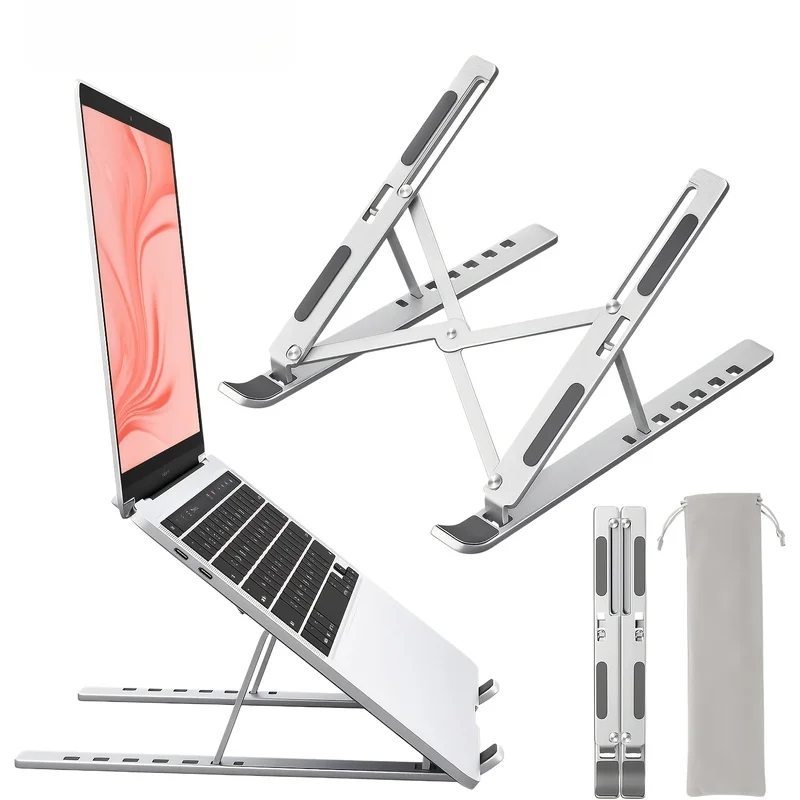
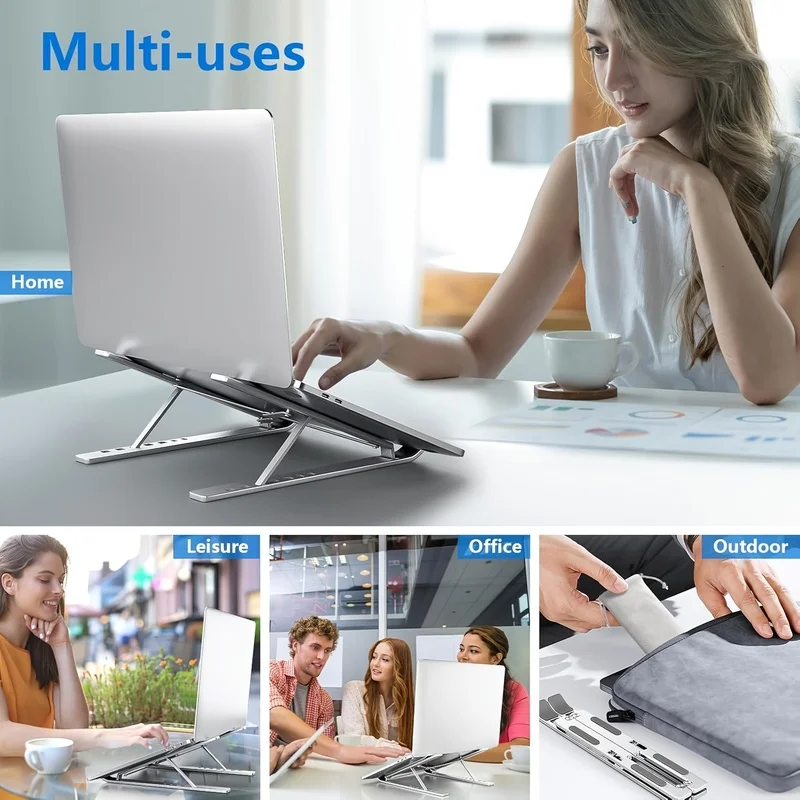
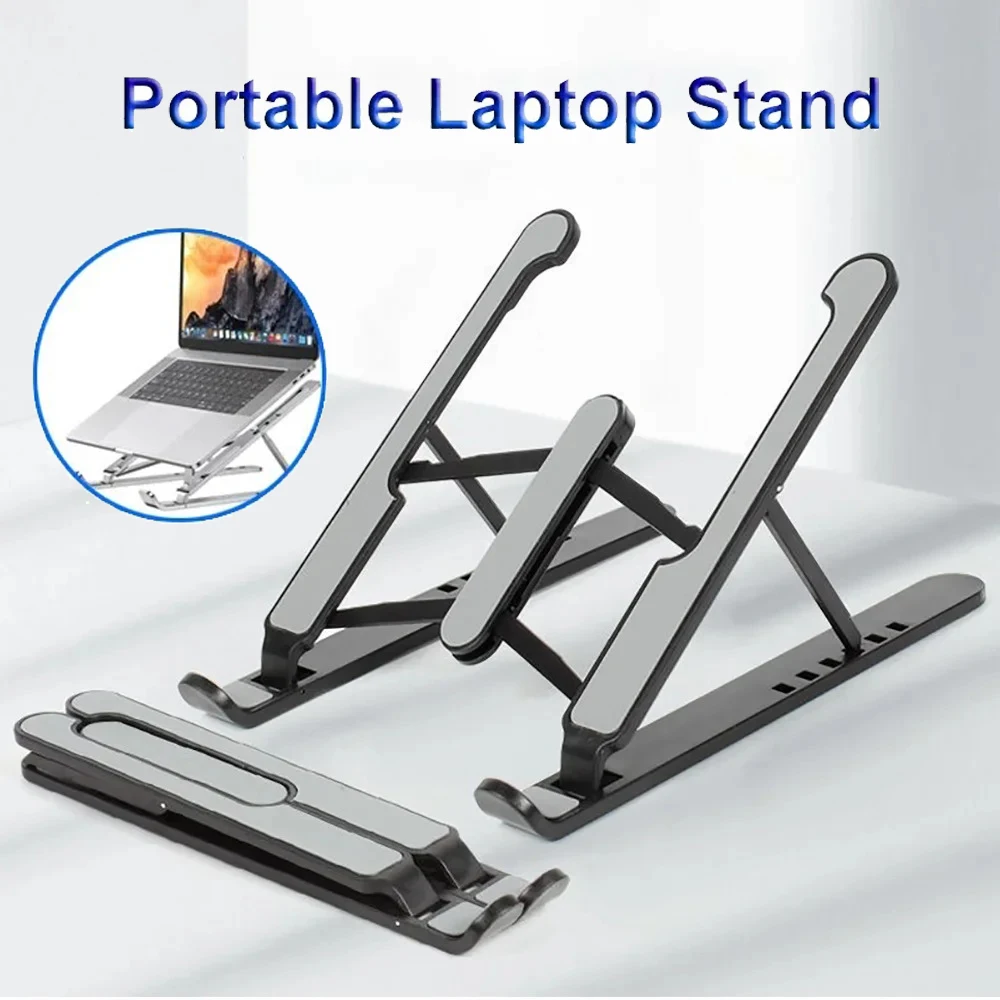
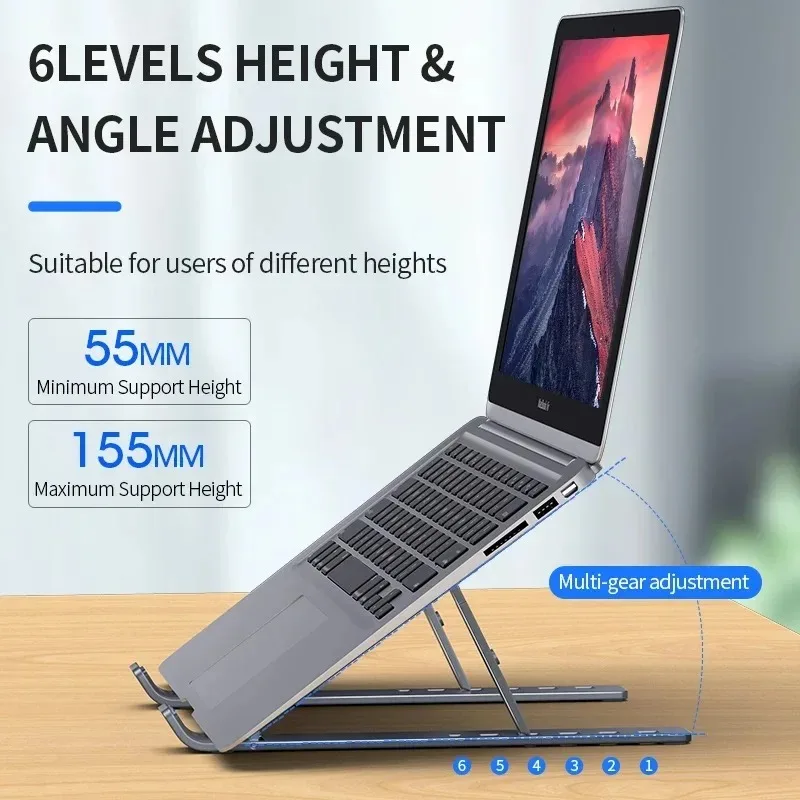
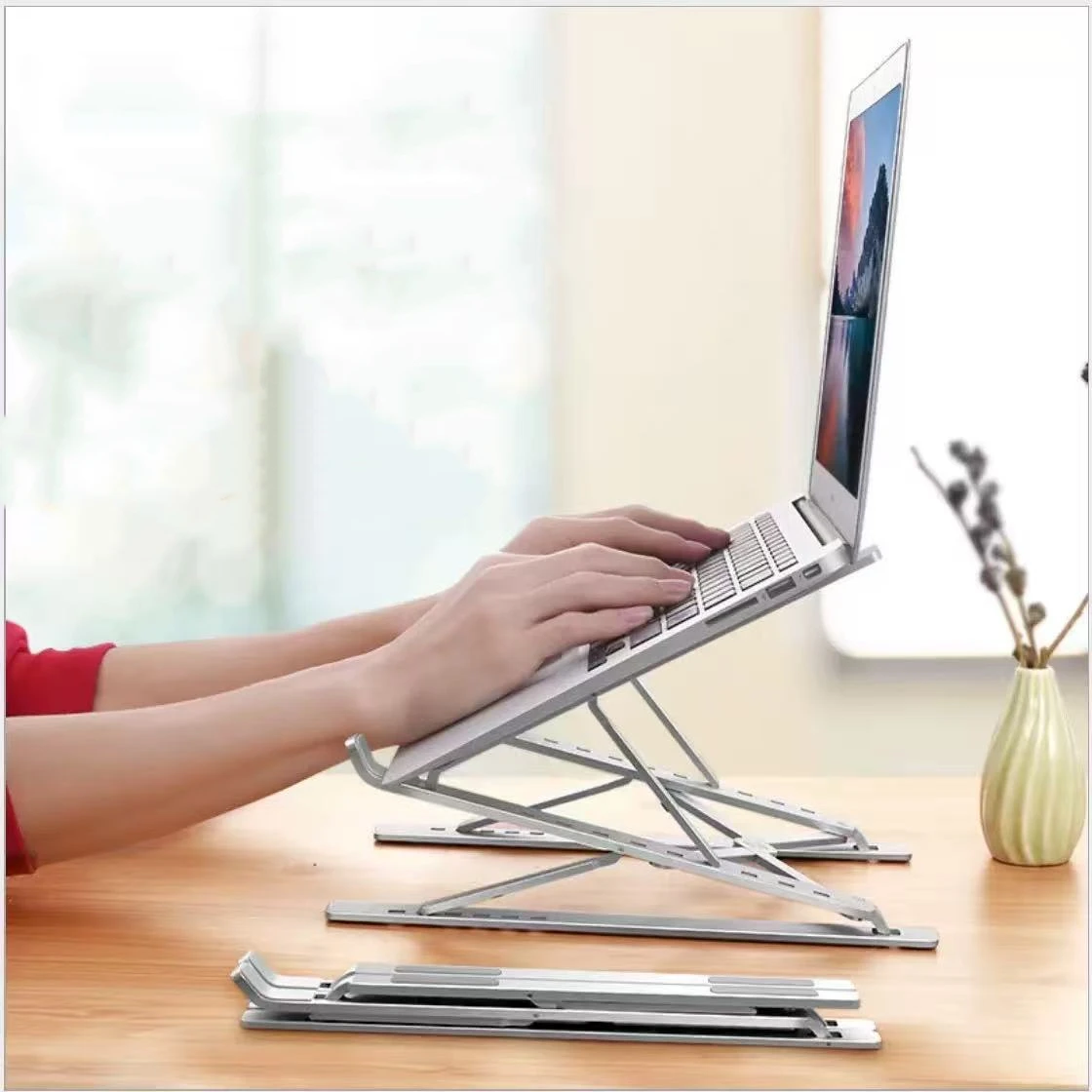
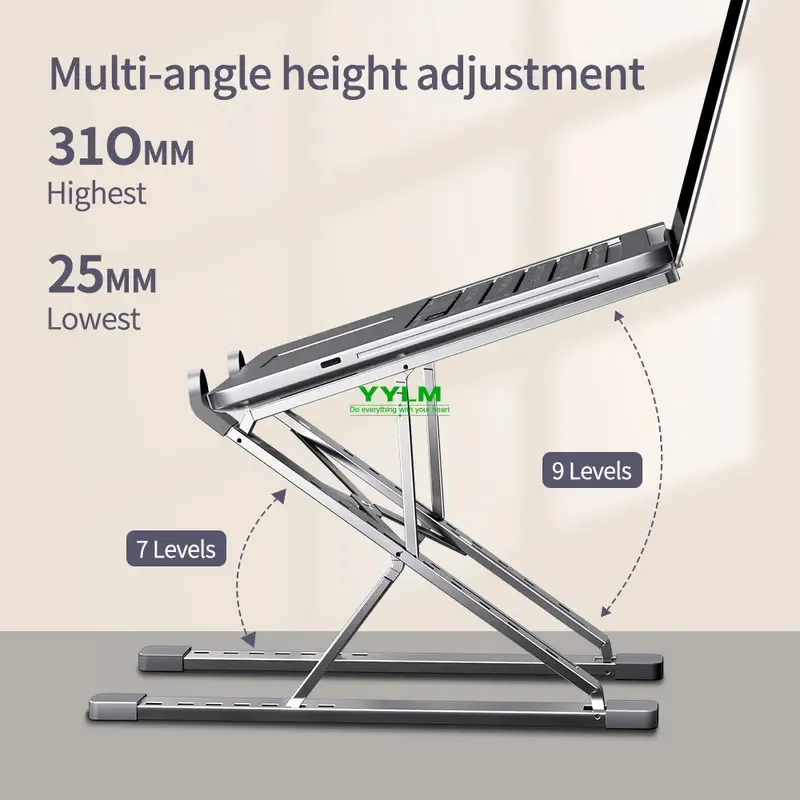
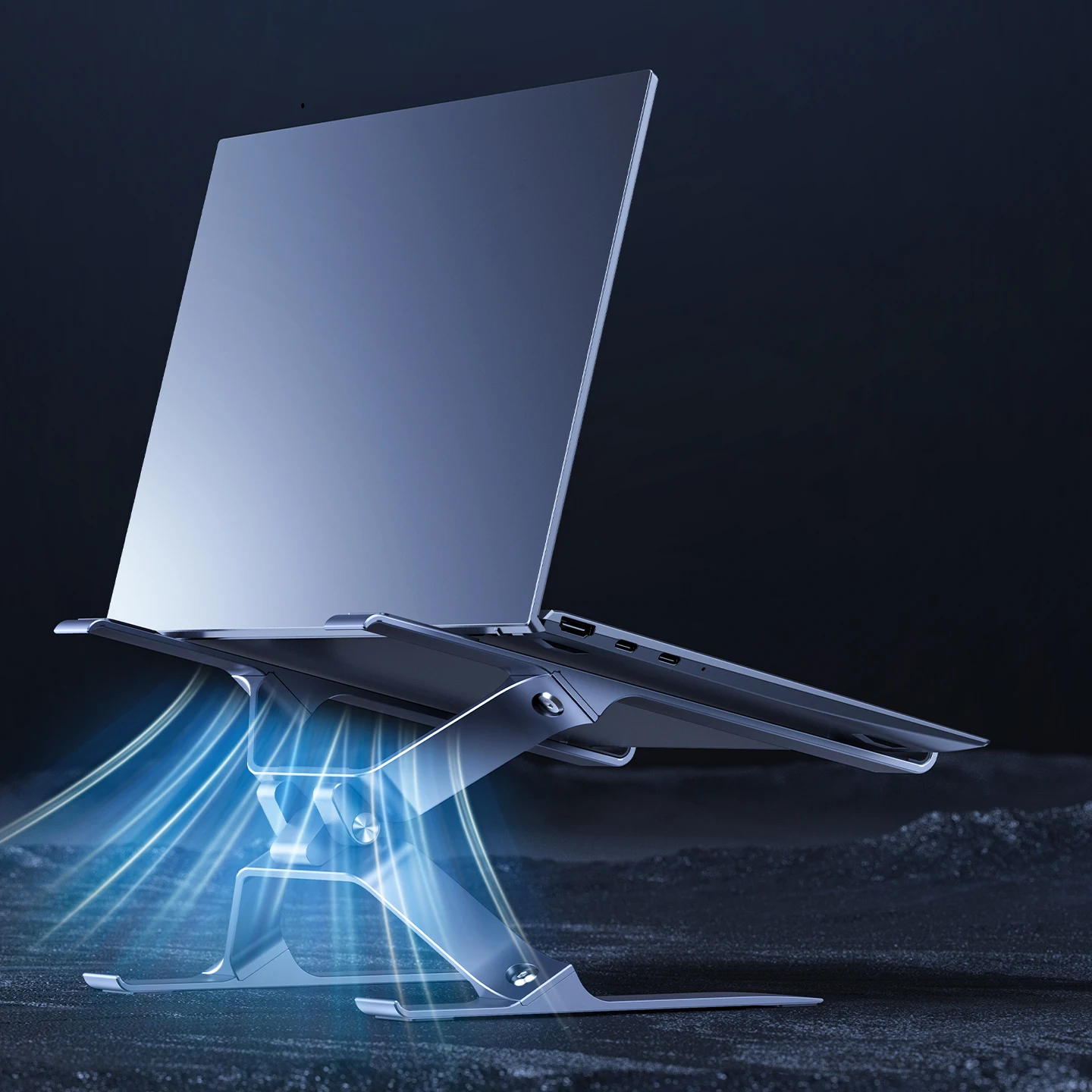
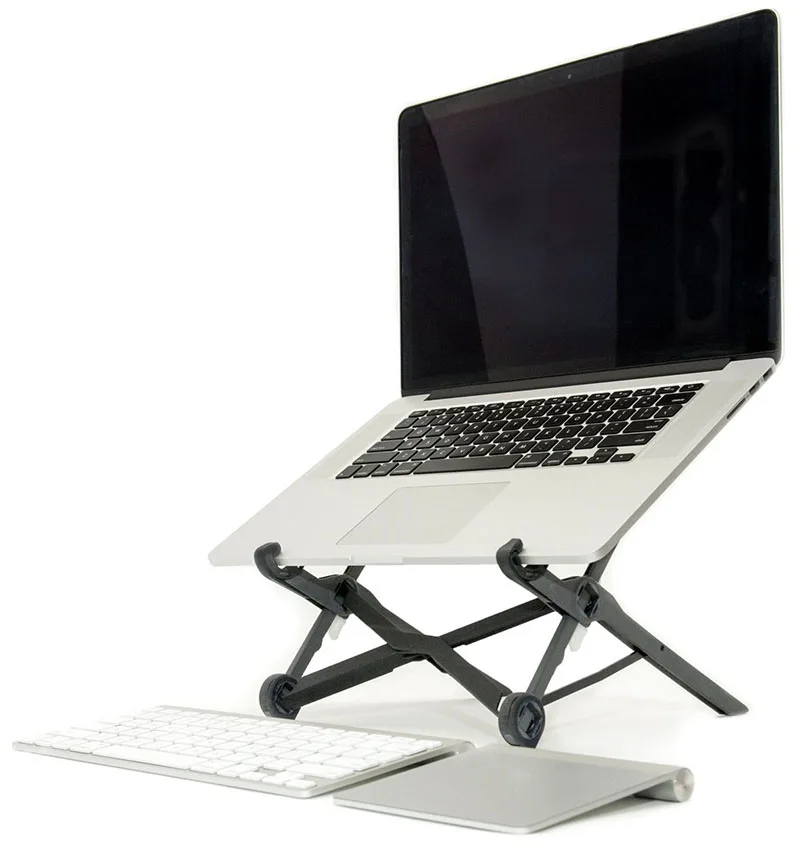
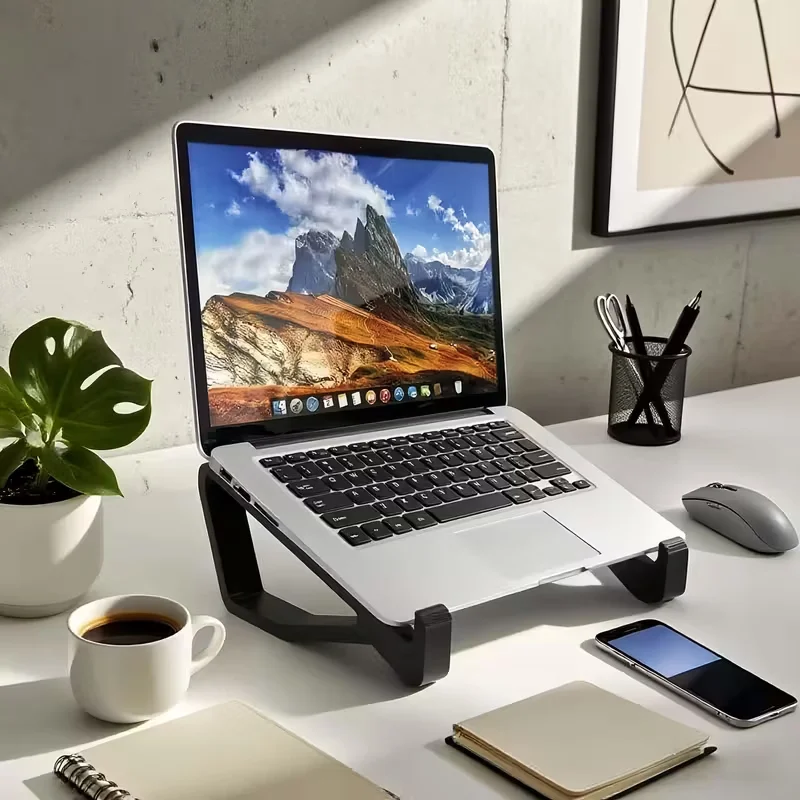
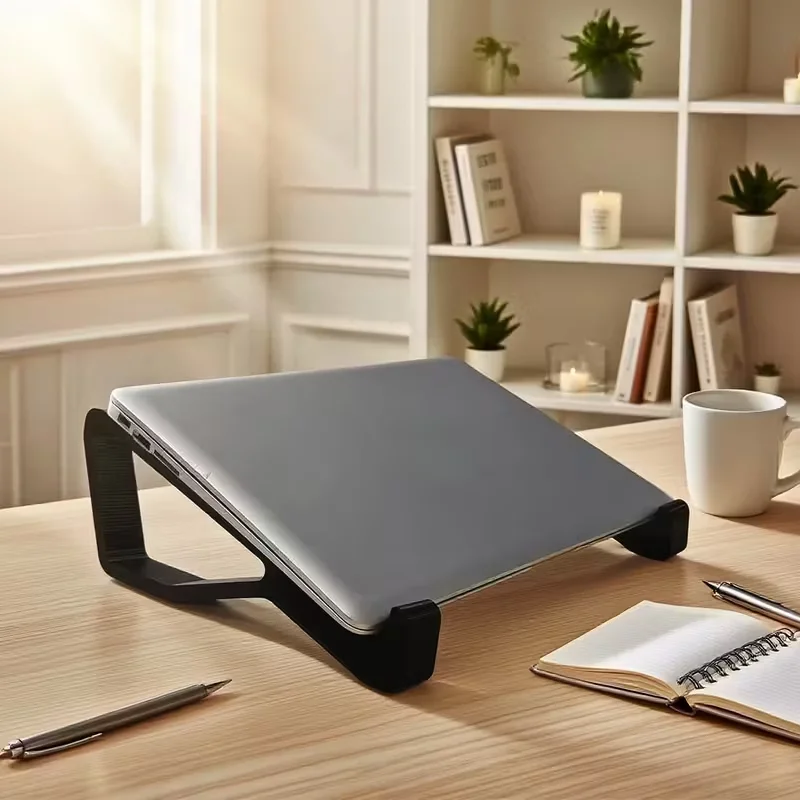
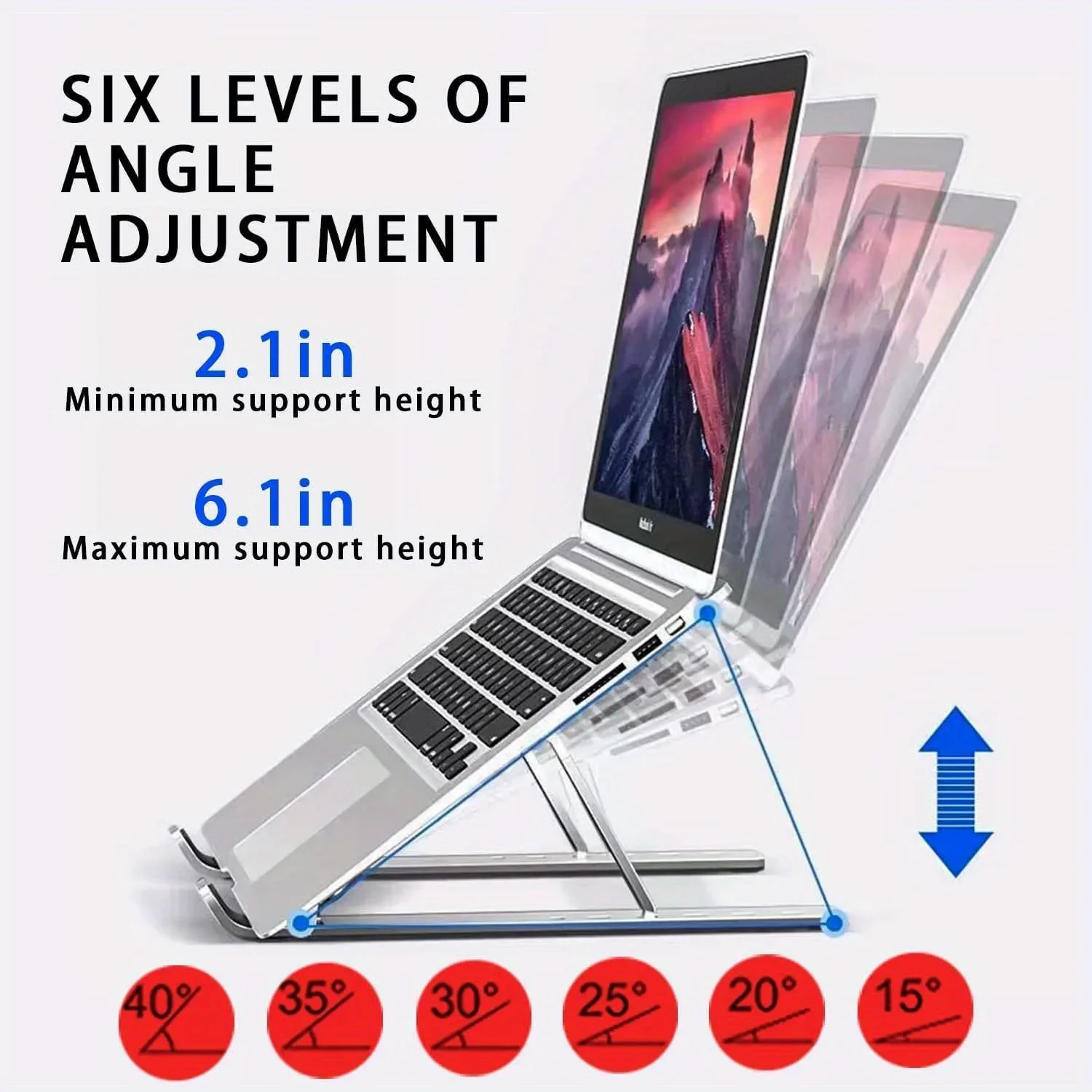
An adjustable laptop stand lets you set how high the laptop sits and how far it tilts, so the screen ends up where your eyes are rather than where the desk is. That matters most on a desk you use every day, and on a desk shared by people of different heights, because each can set the stand to suit.
What is in this range
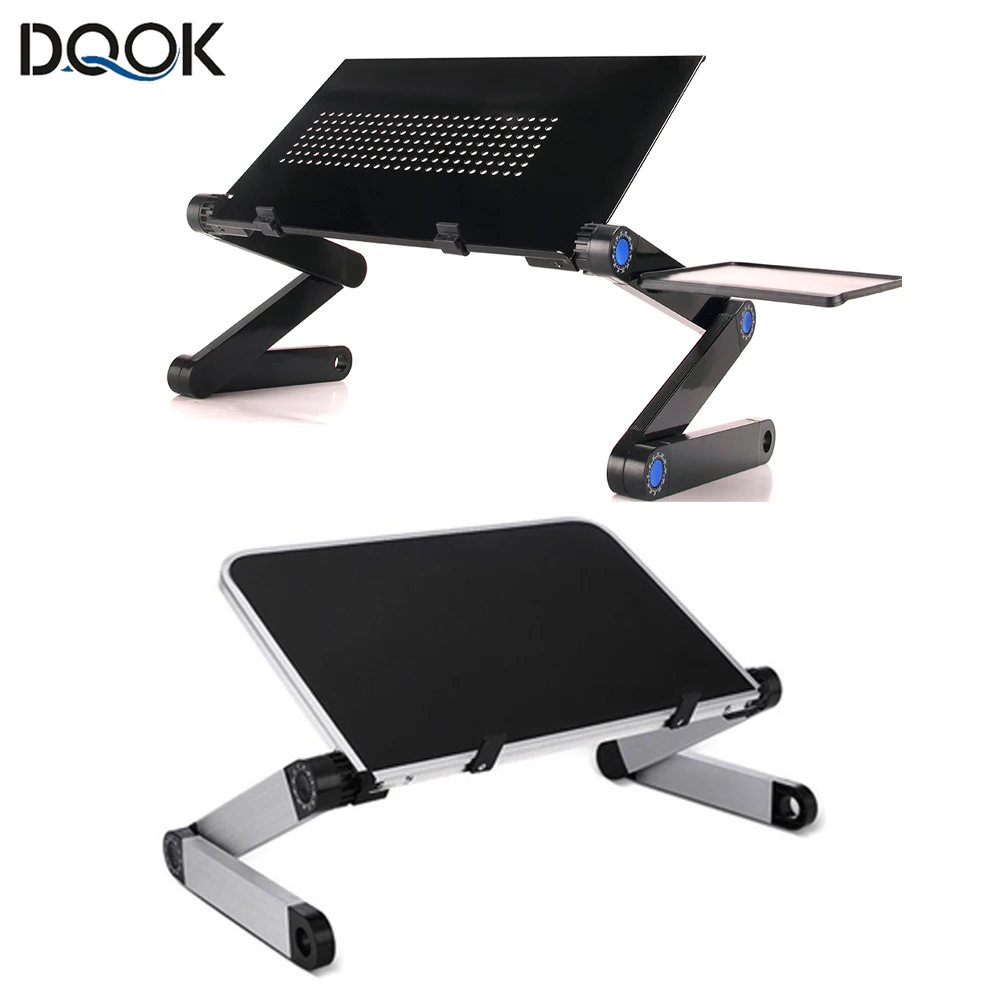
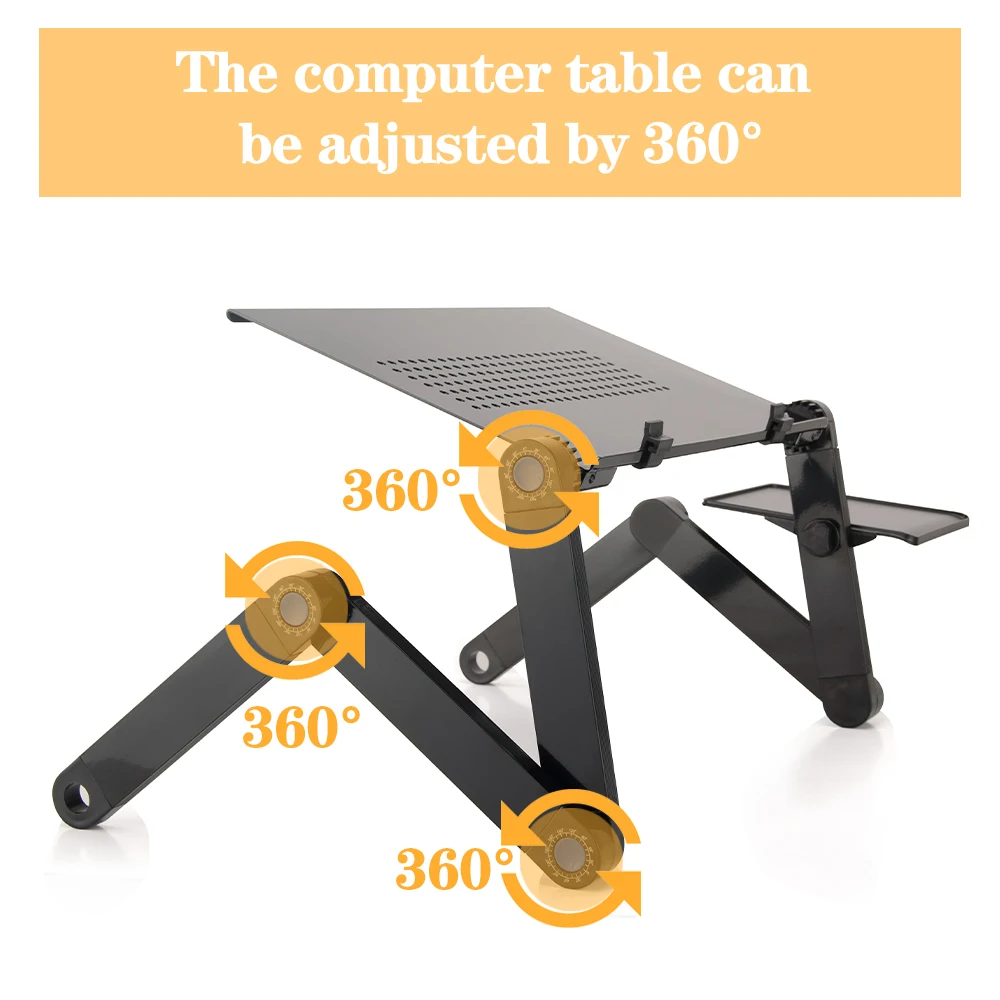
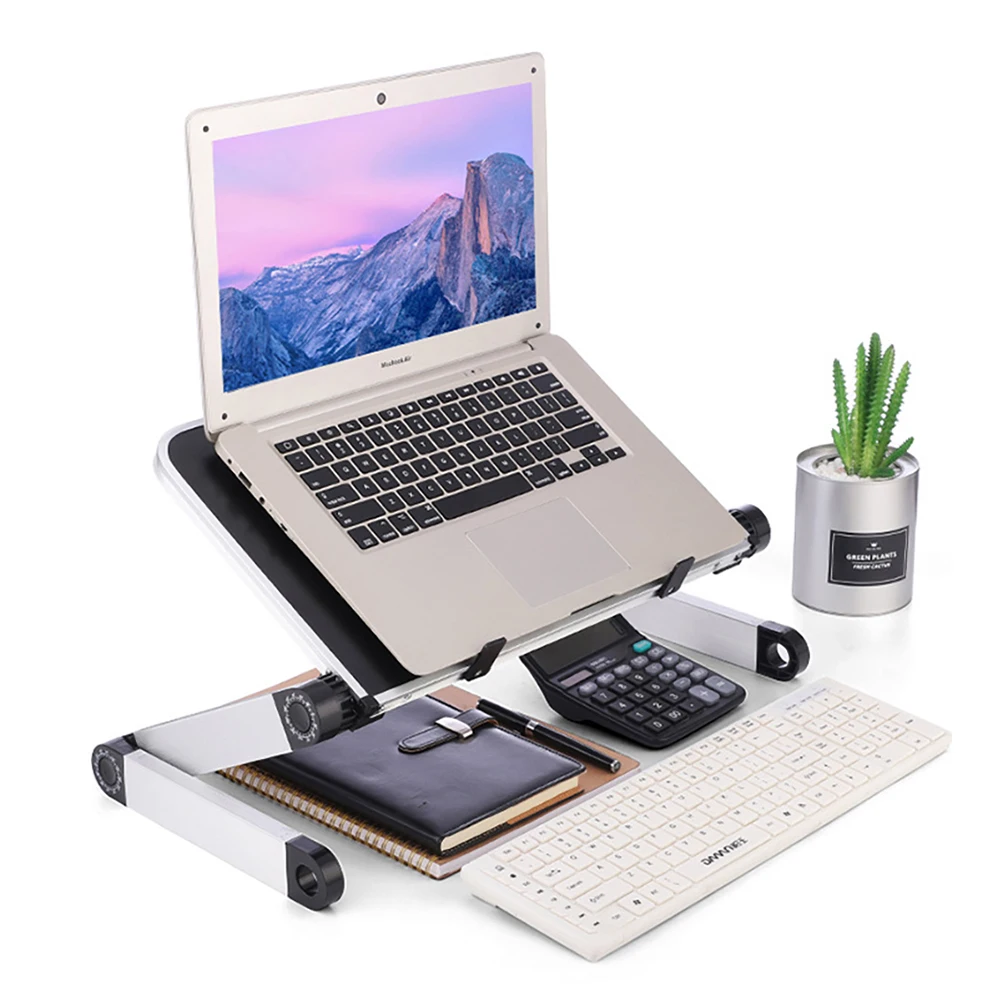
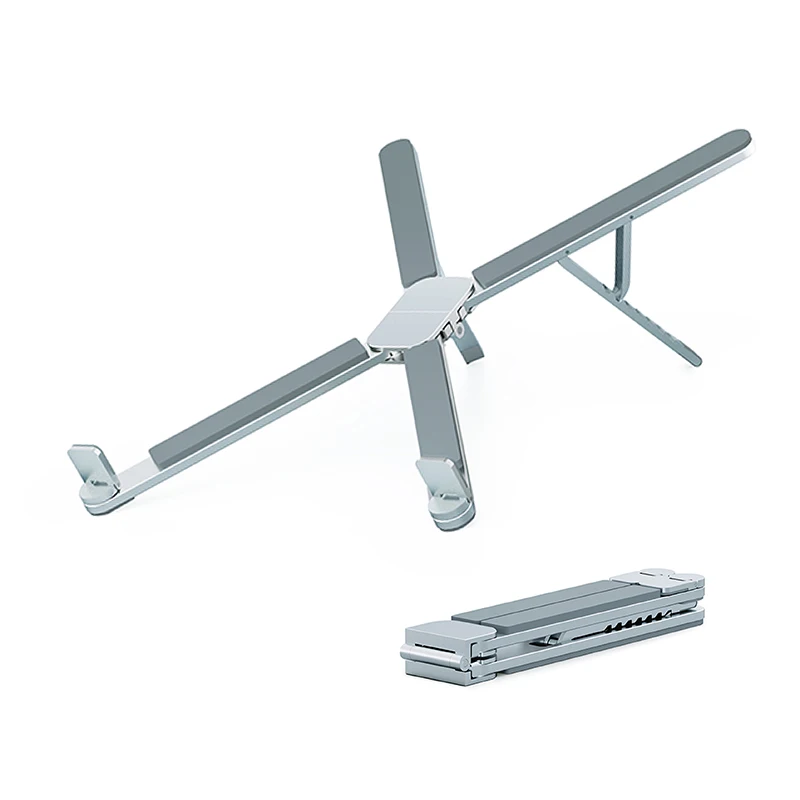
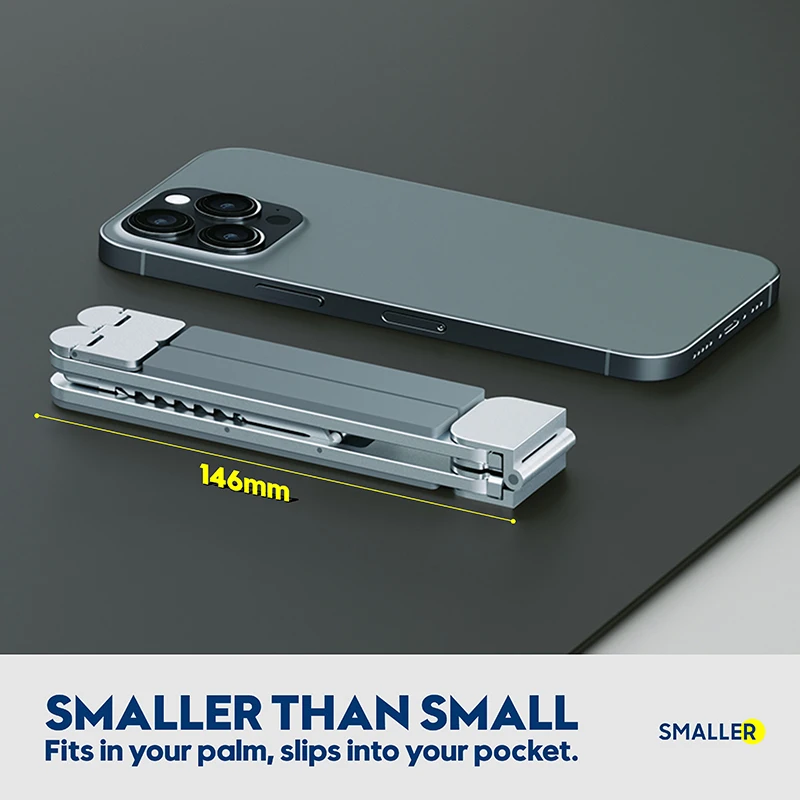
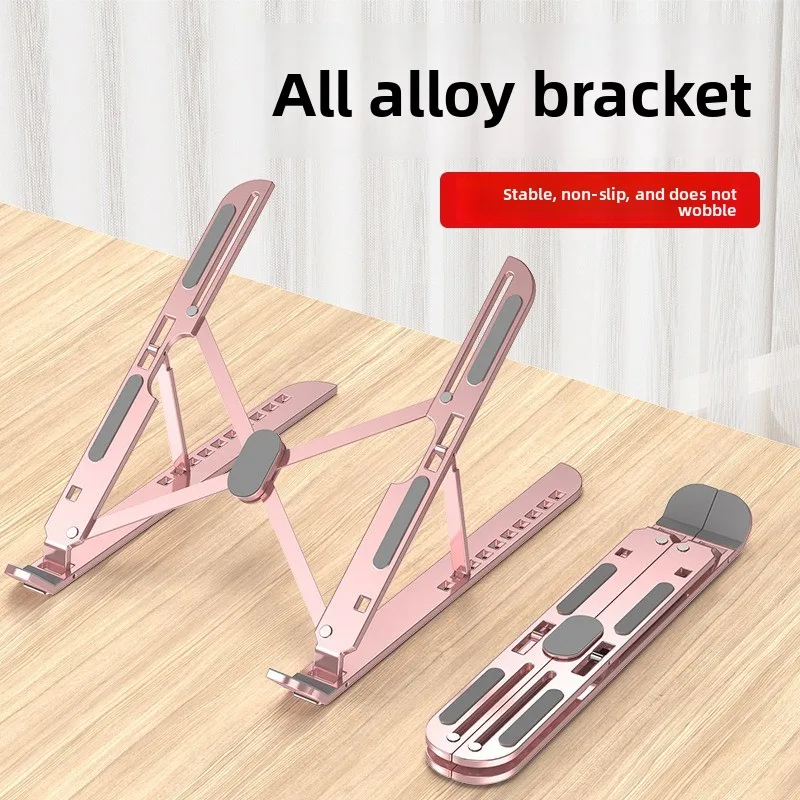
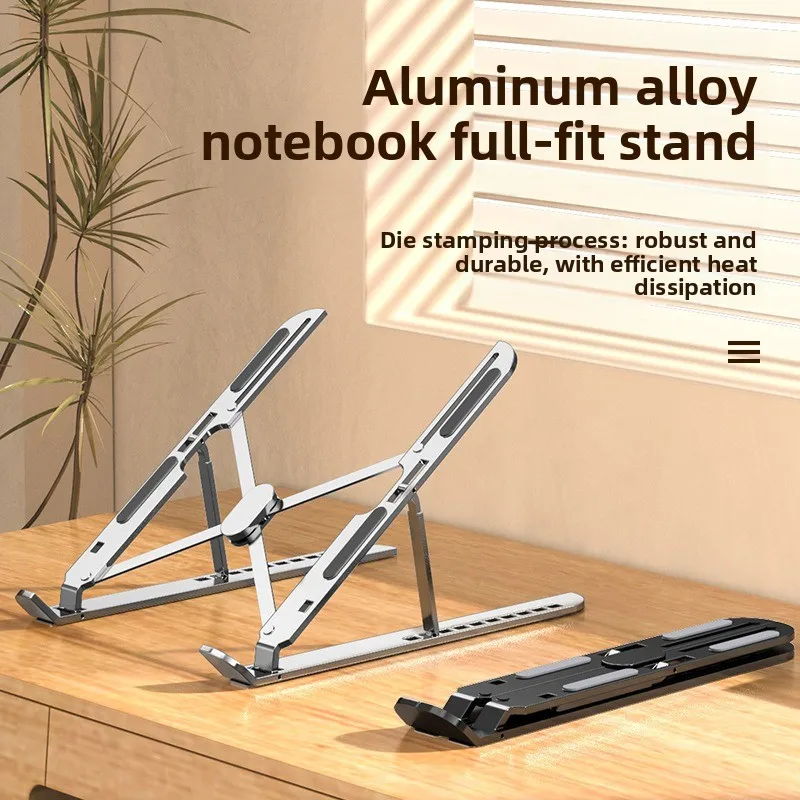
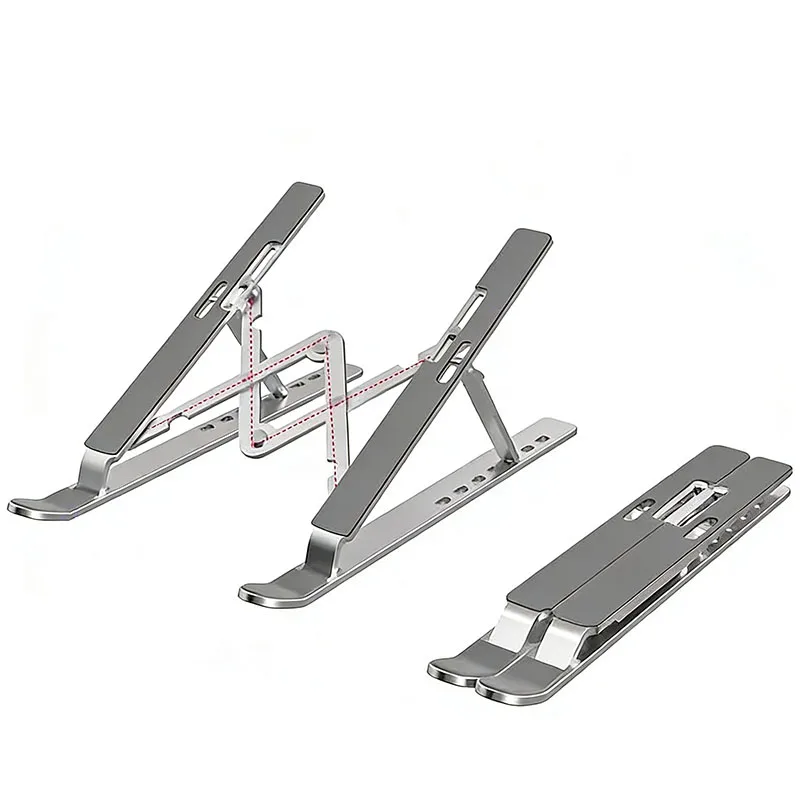
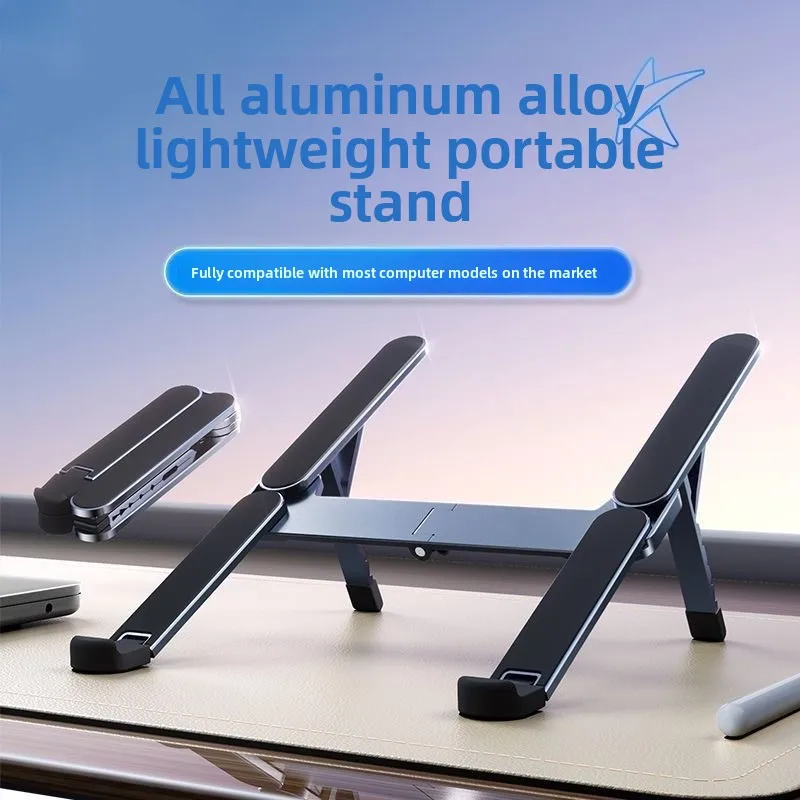
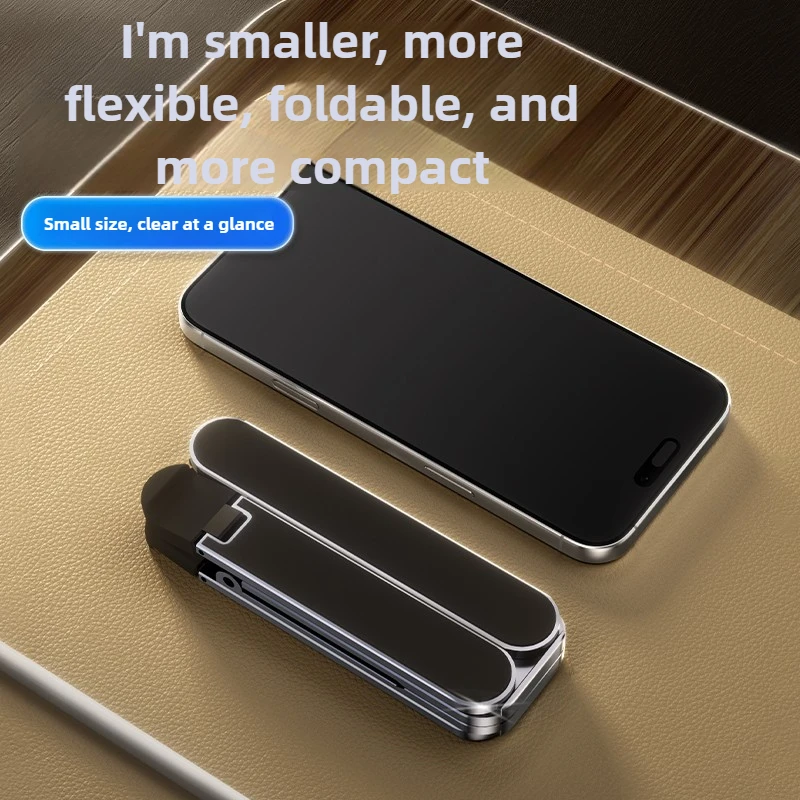
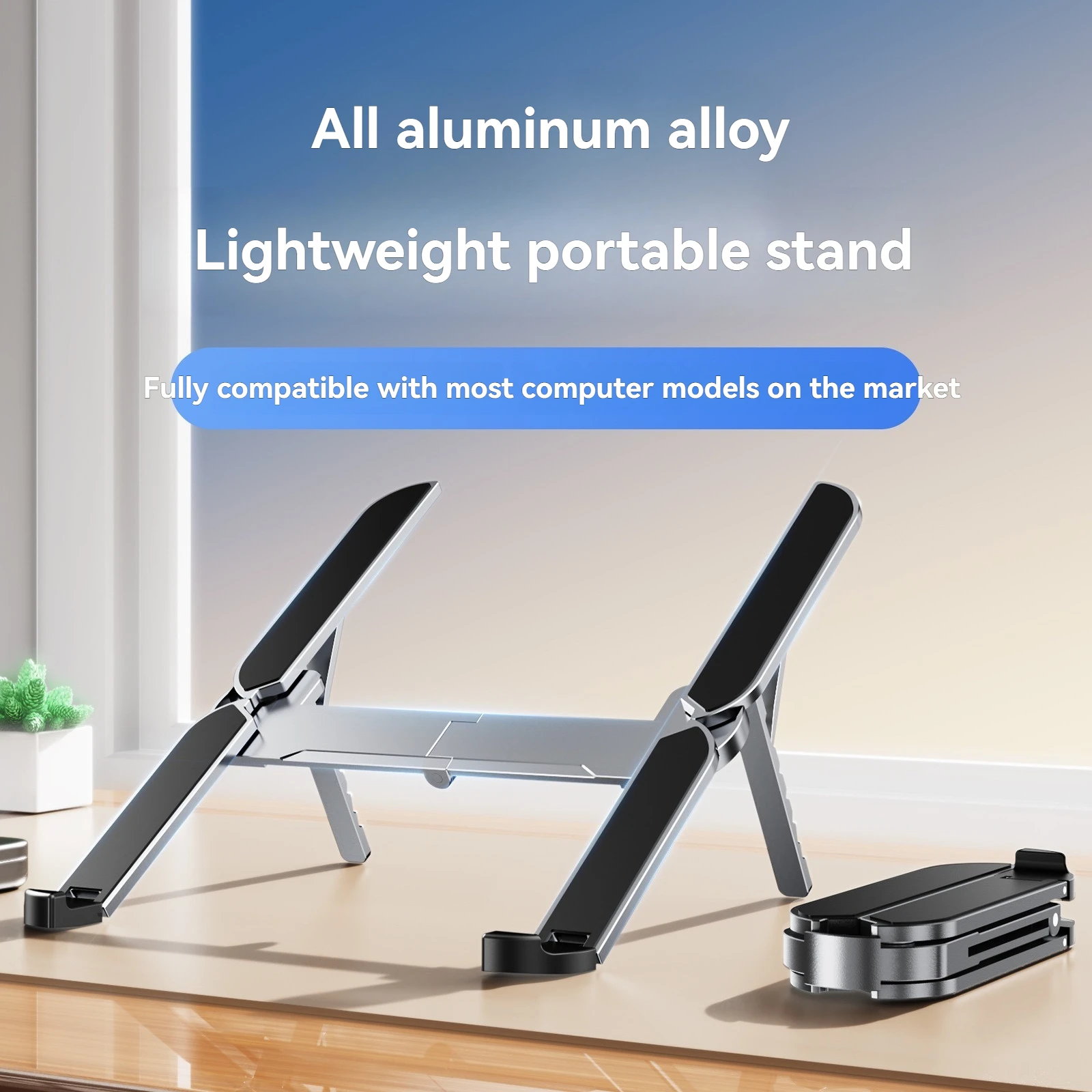
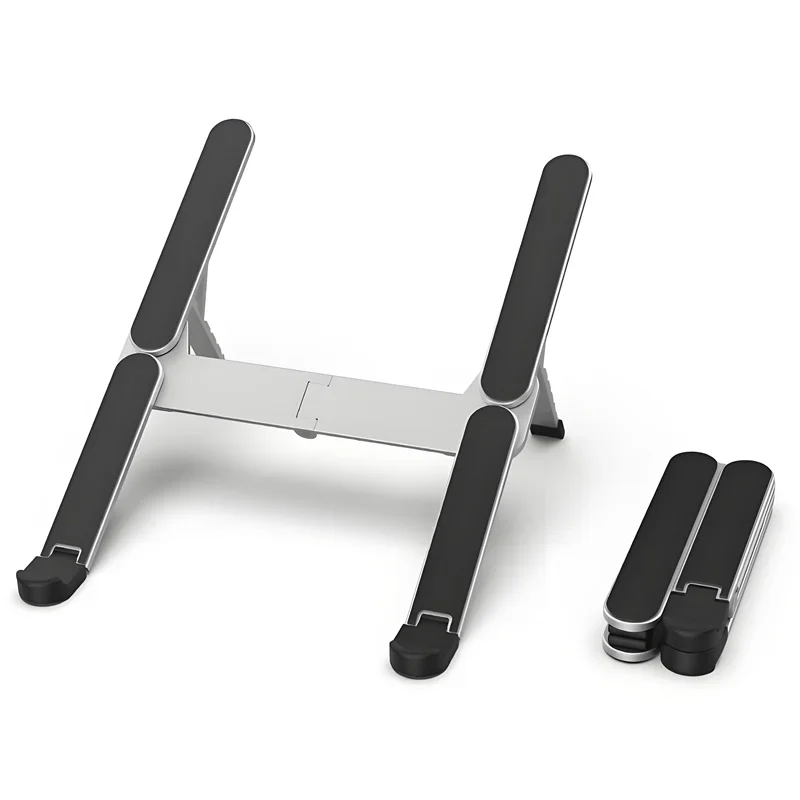
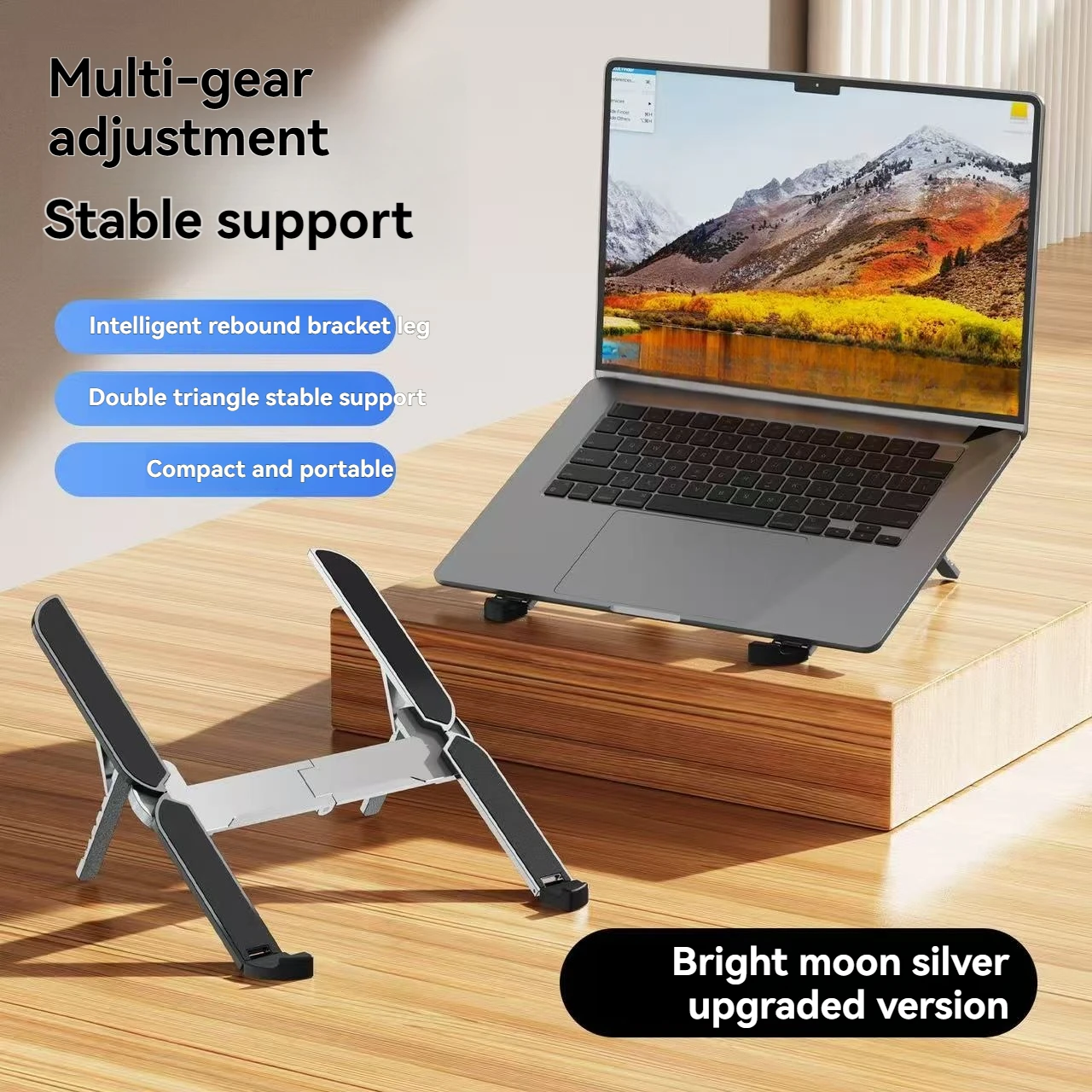
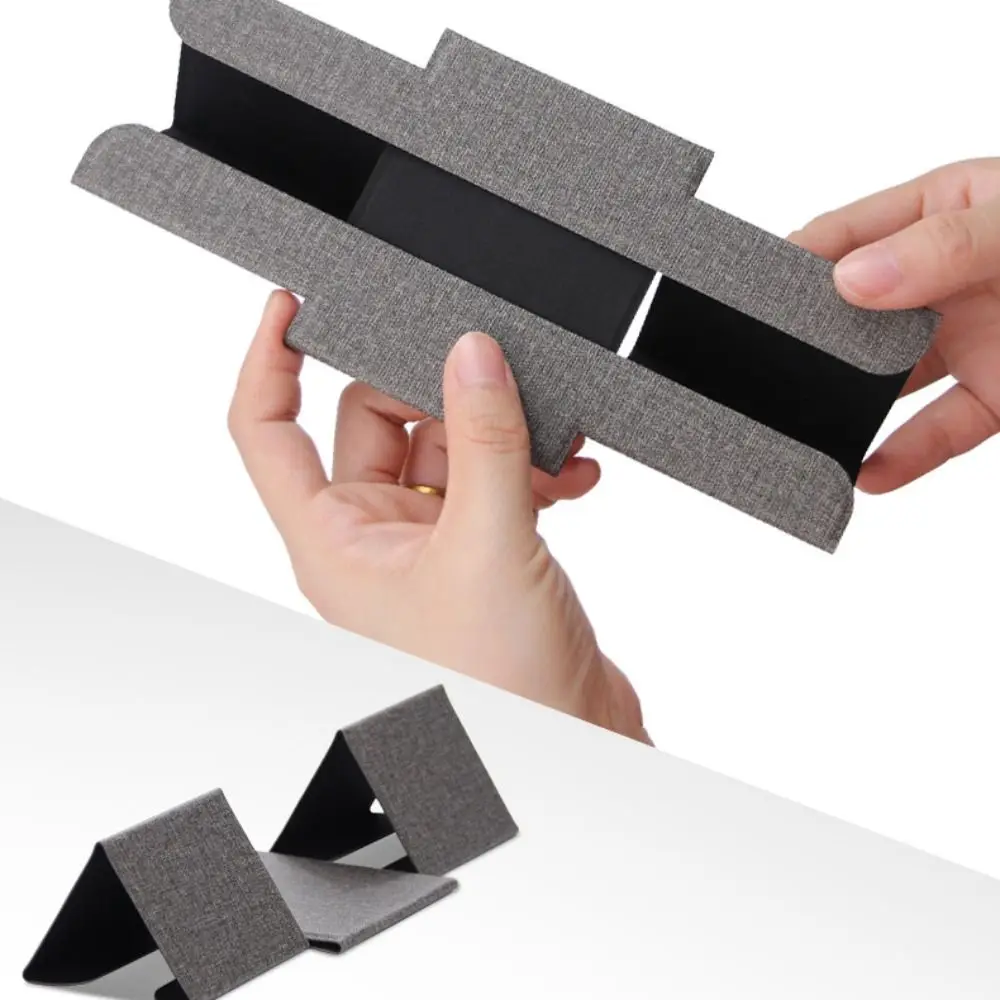
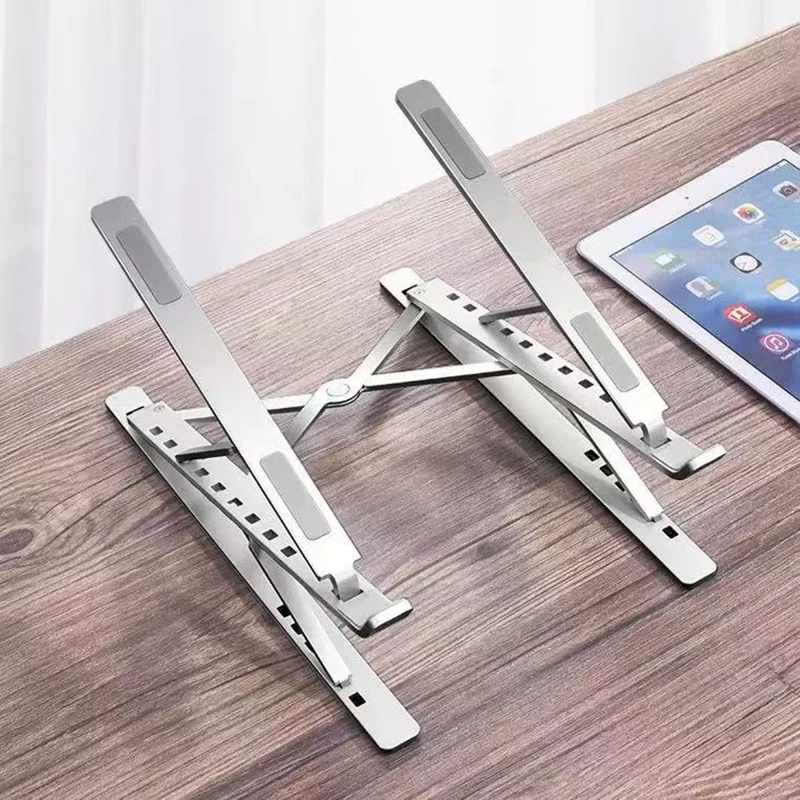
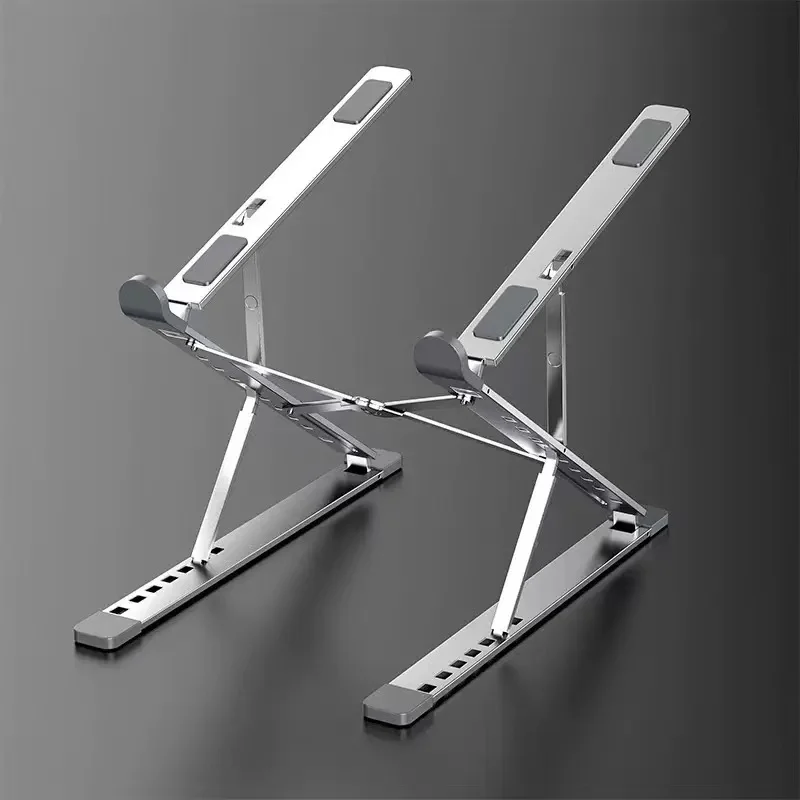
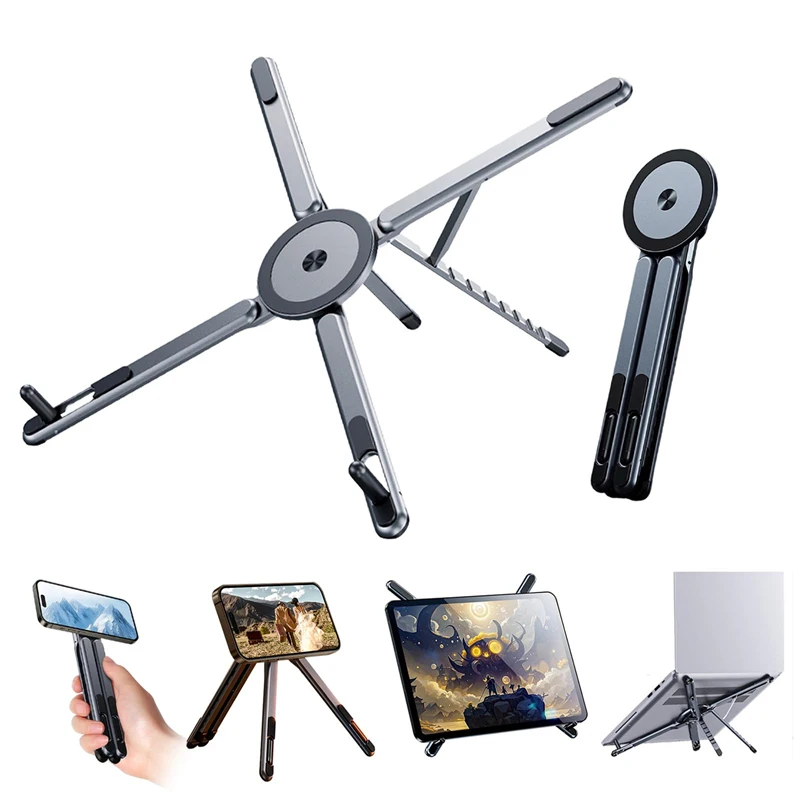
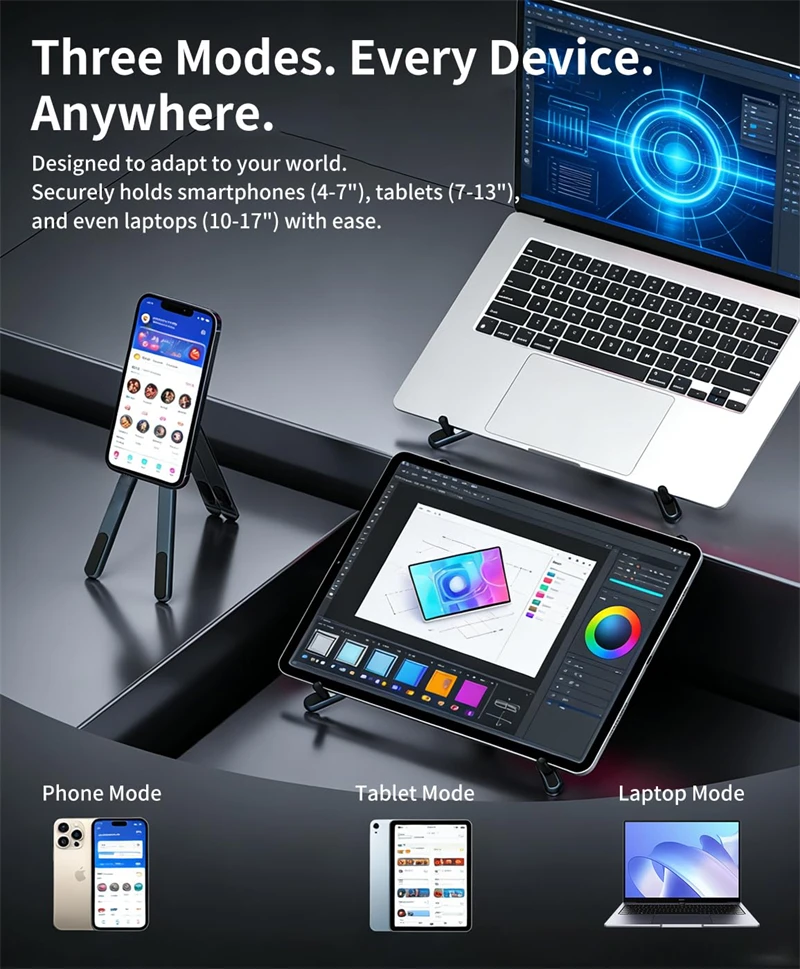
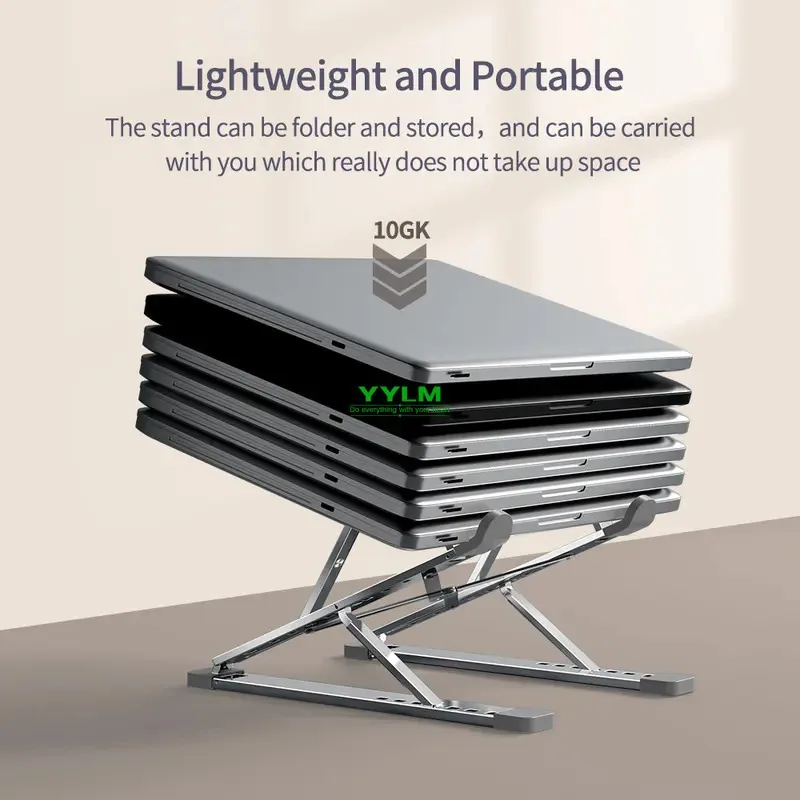
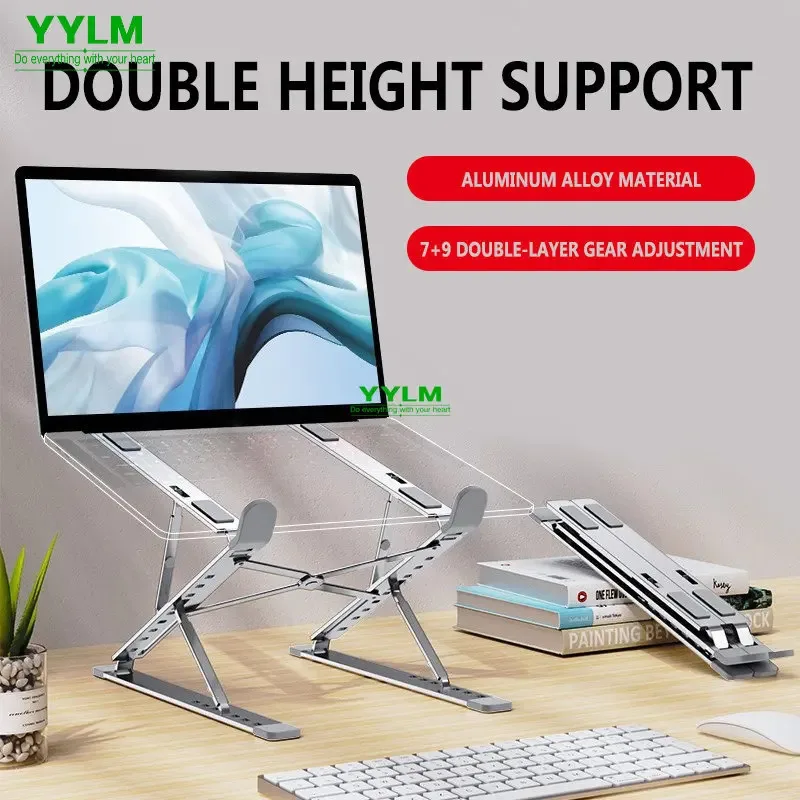
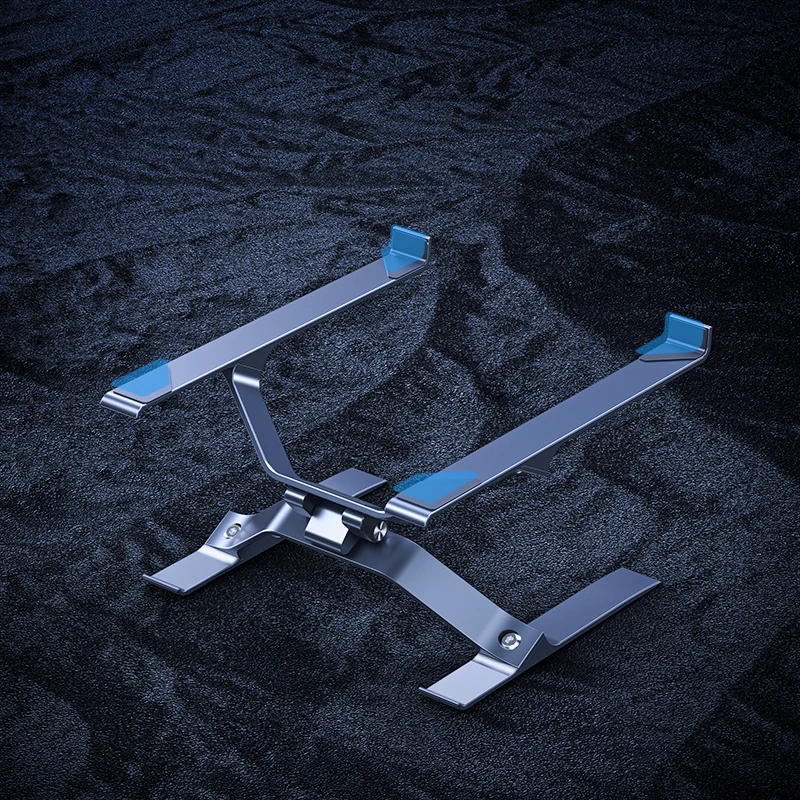
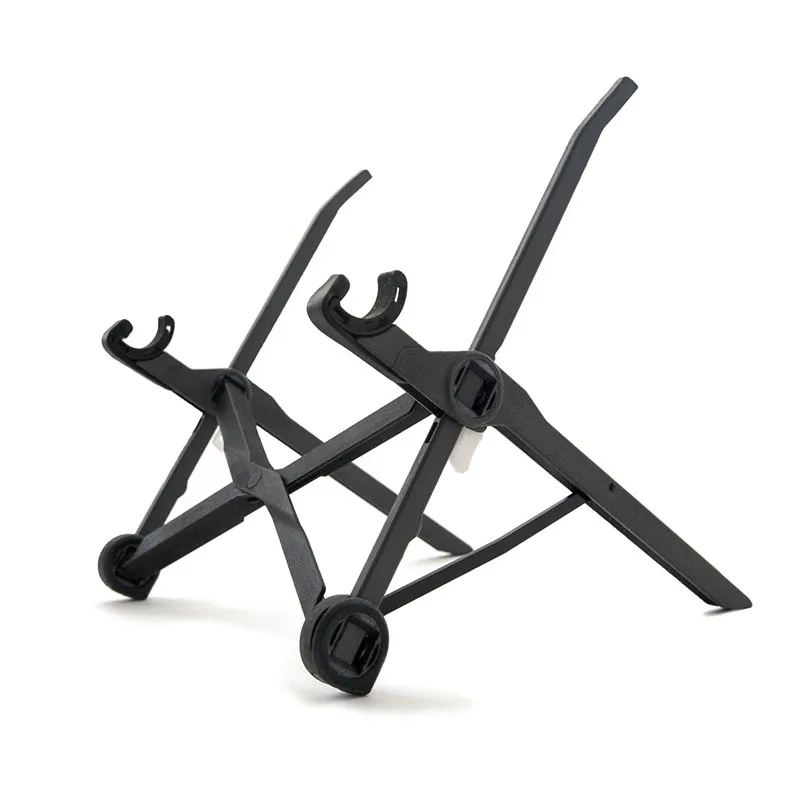
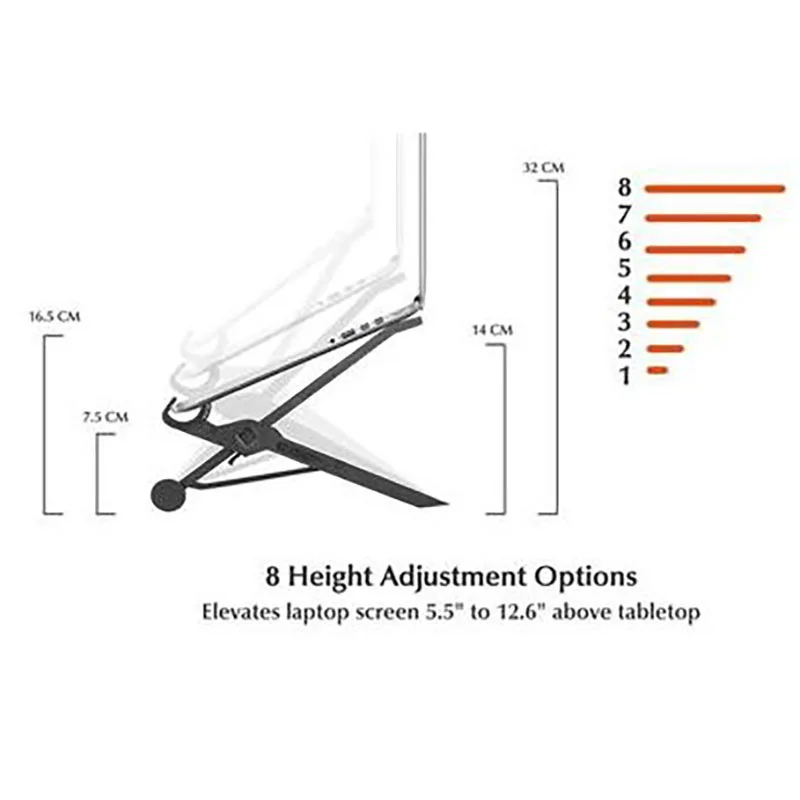
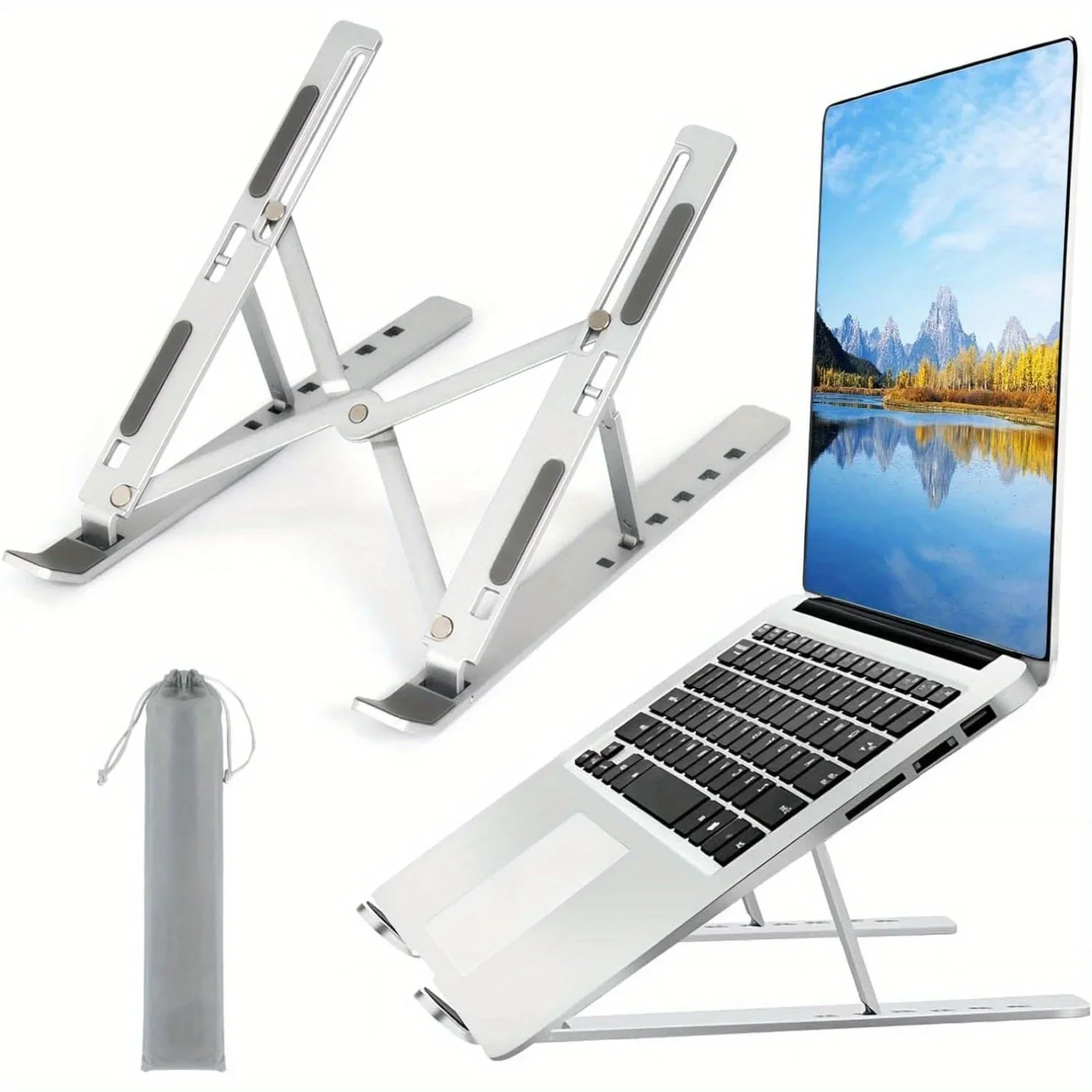
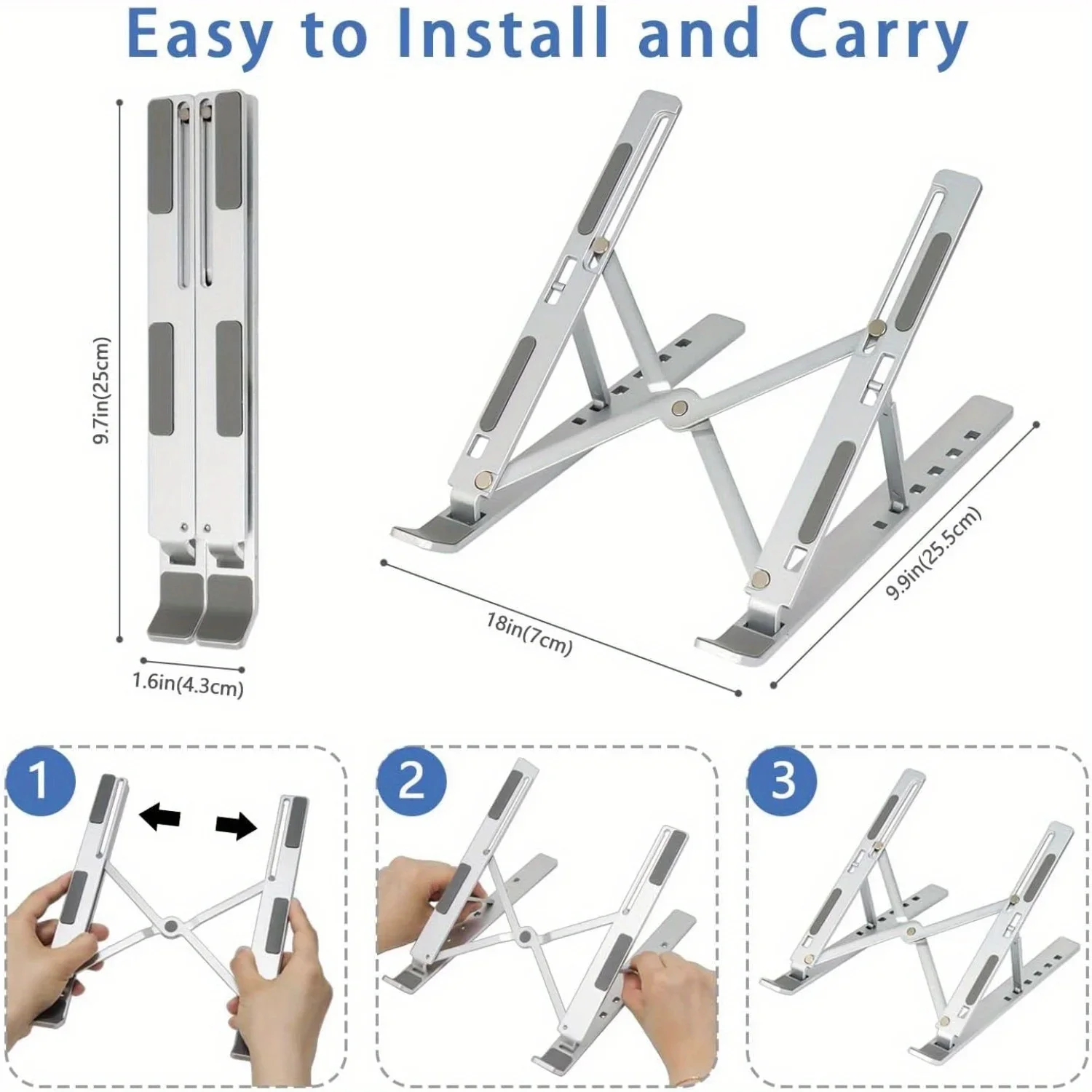
- Aluminium stands with height levels. The biggest group here: hinged aluminium alloy stands with a set number of positions, most of which also fold flat. See foldable aluminium laptop stands for the ones made to travel.
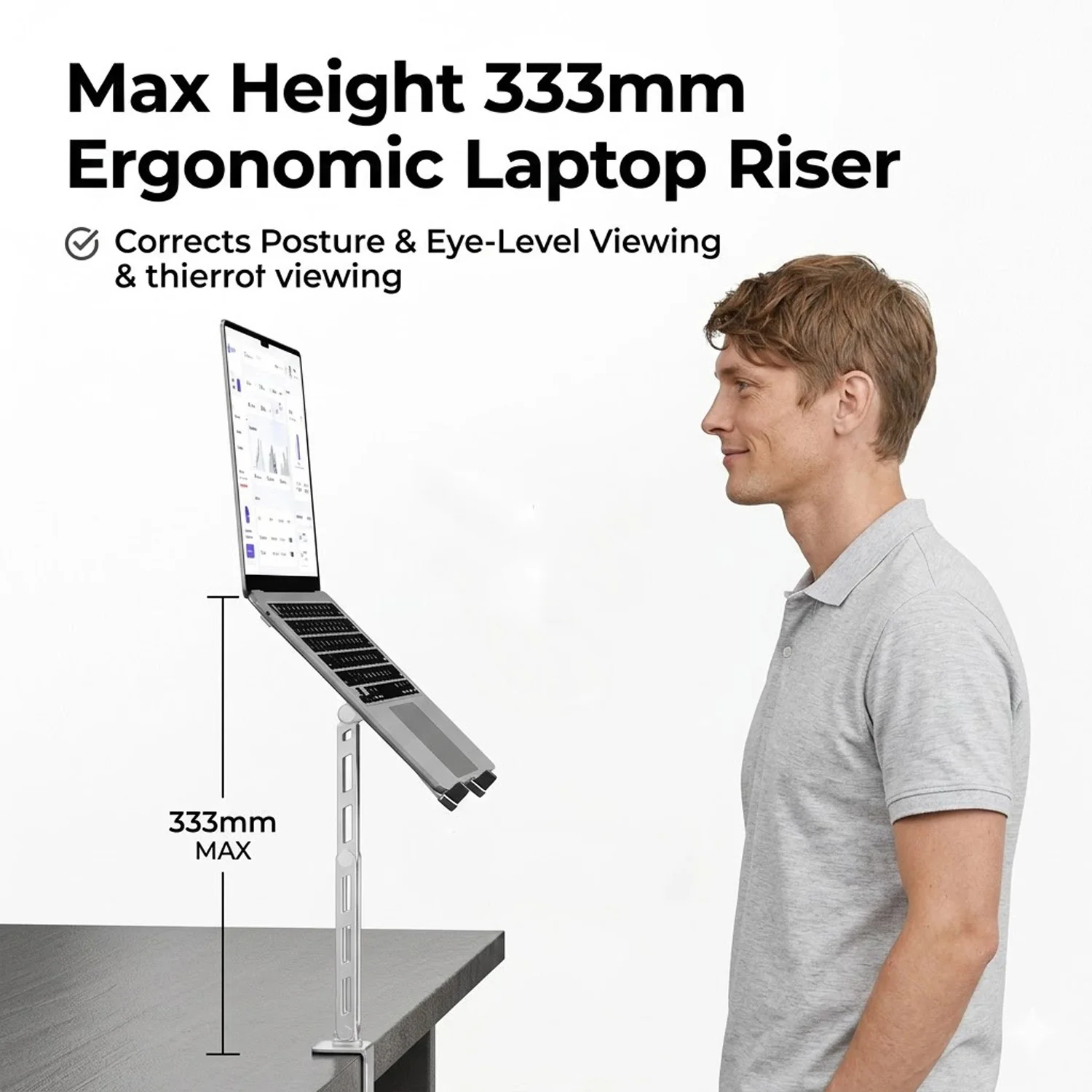
- Taller stands. One stand here states a height range of 6 to 12 inches, for people who need more lift than a folding stand gives.
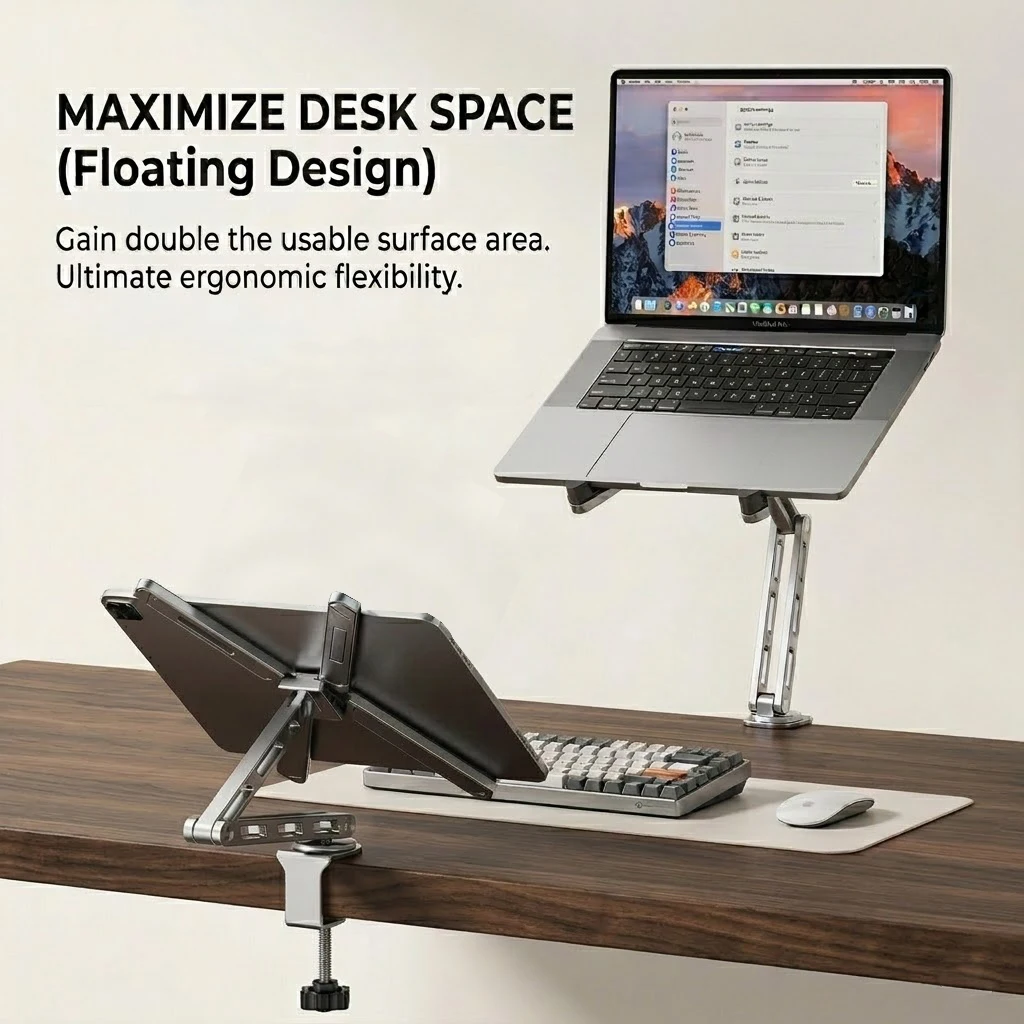
- A desk-clamp arm that holds the laptop on a quick-release tray and swivels round, leaving the desk under it clear.
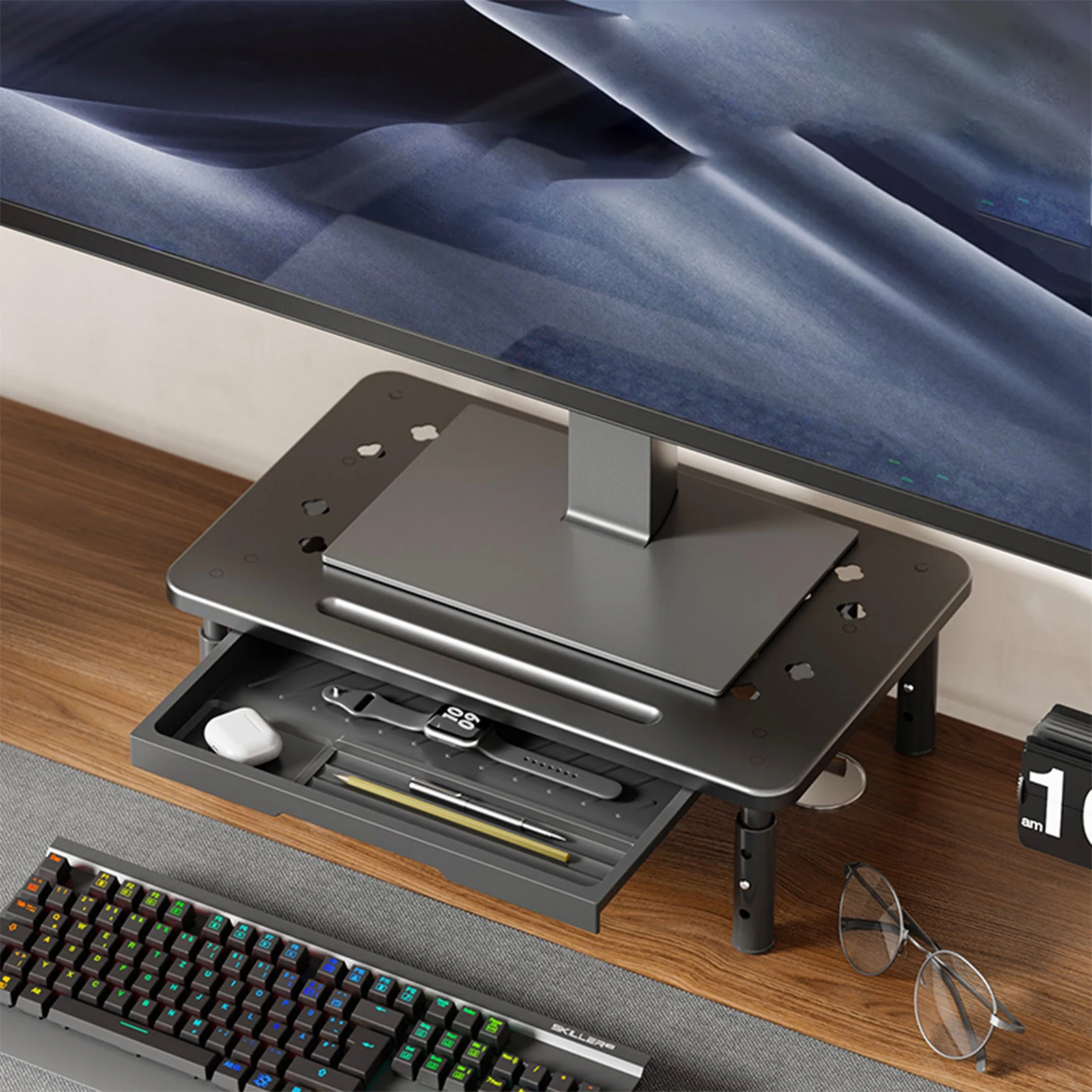
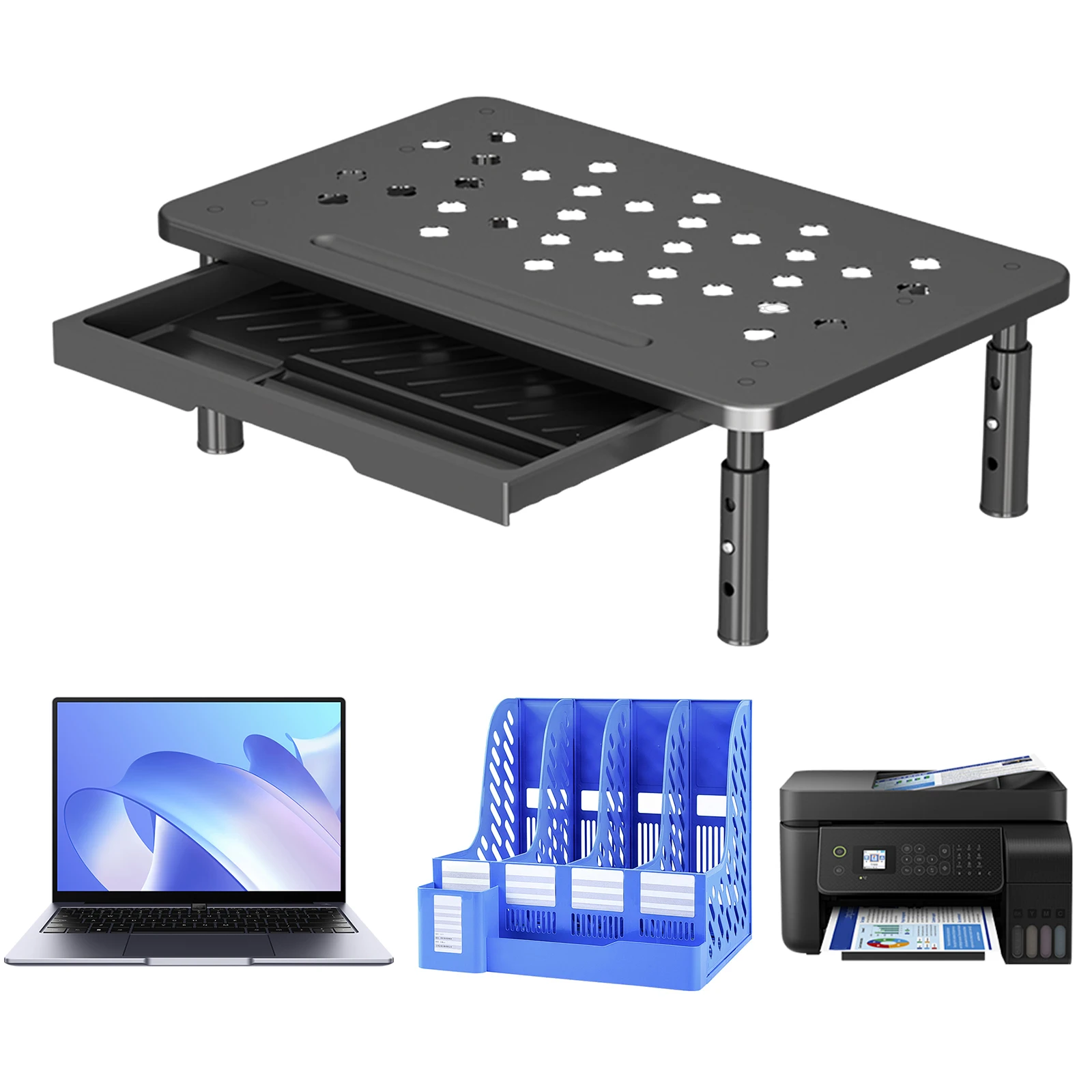
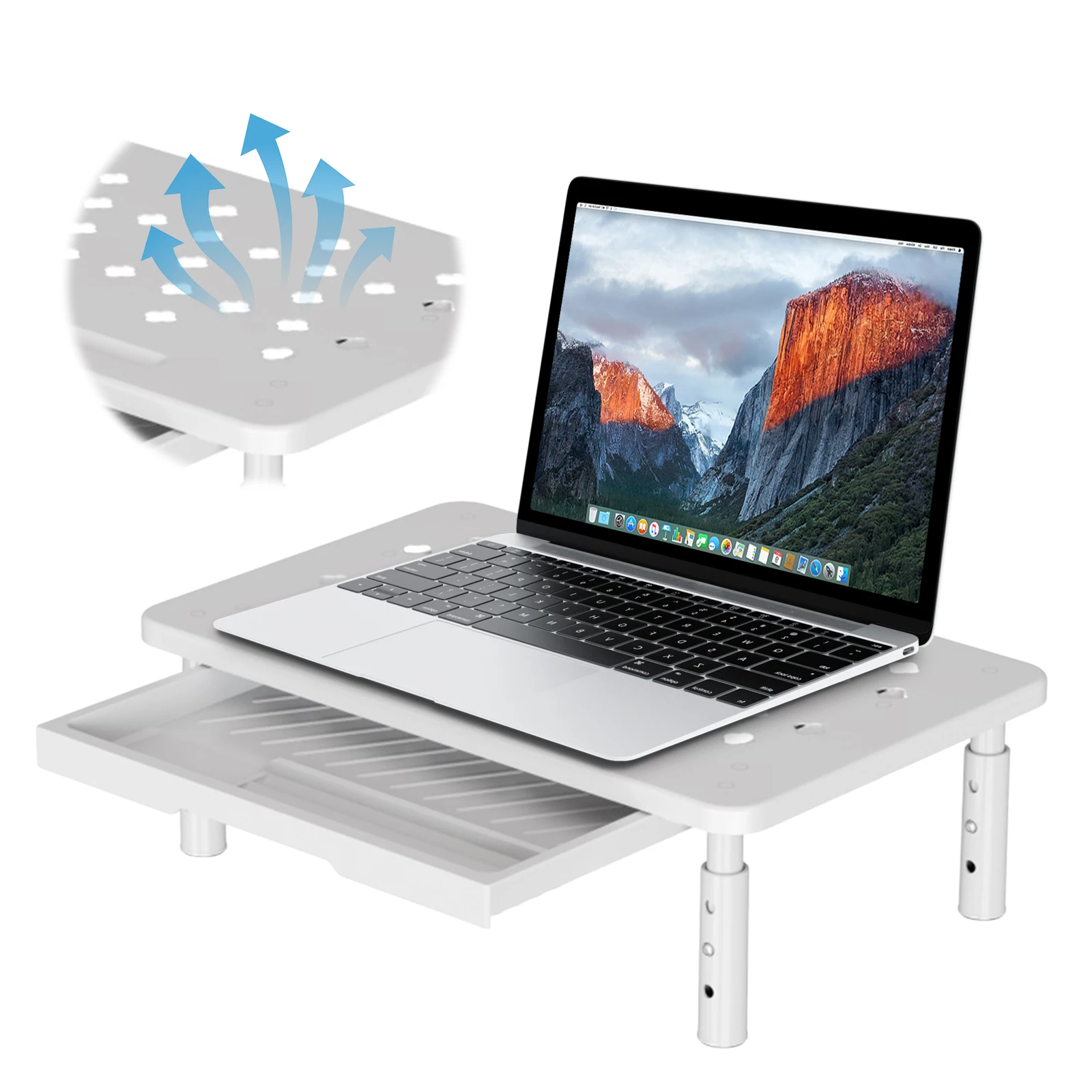
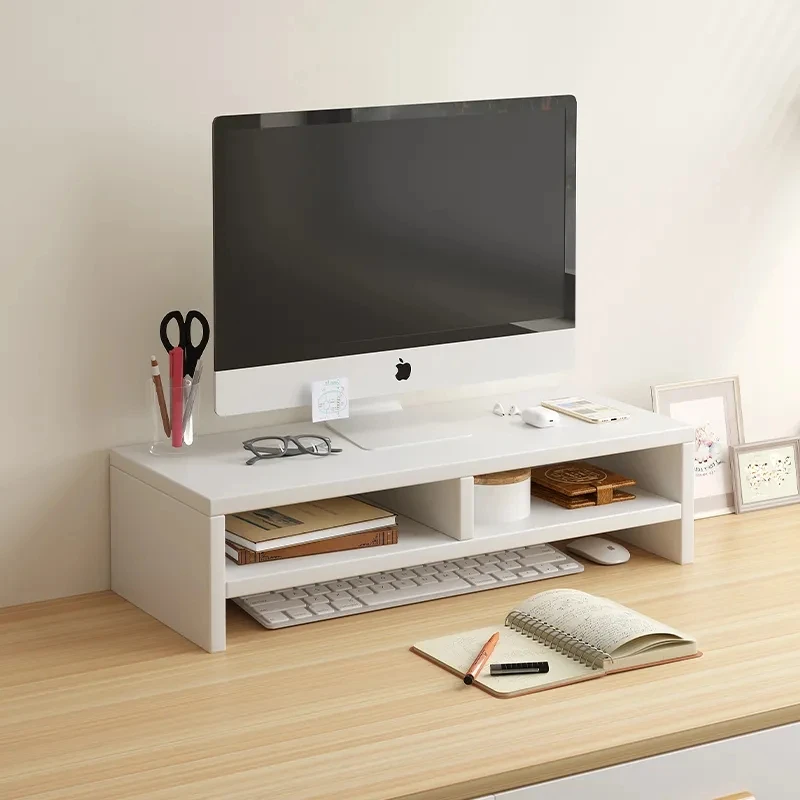
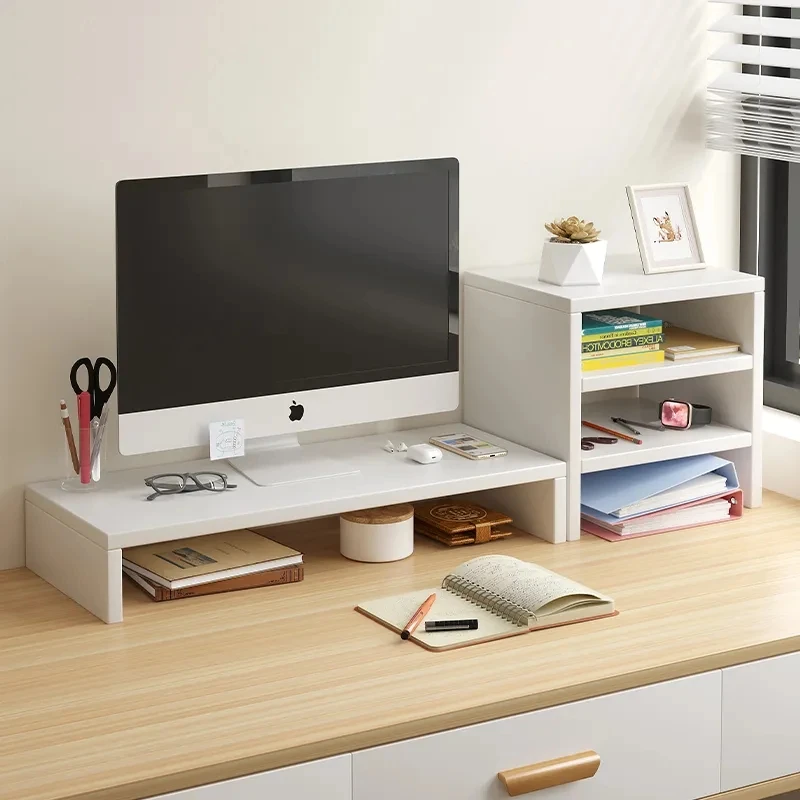
- Risers with a drawer. Steel and plastic stands with a few height settings and a drawer underneath, which take a laptop or a monitor. More are in monitor risers.
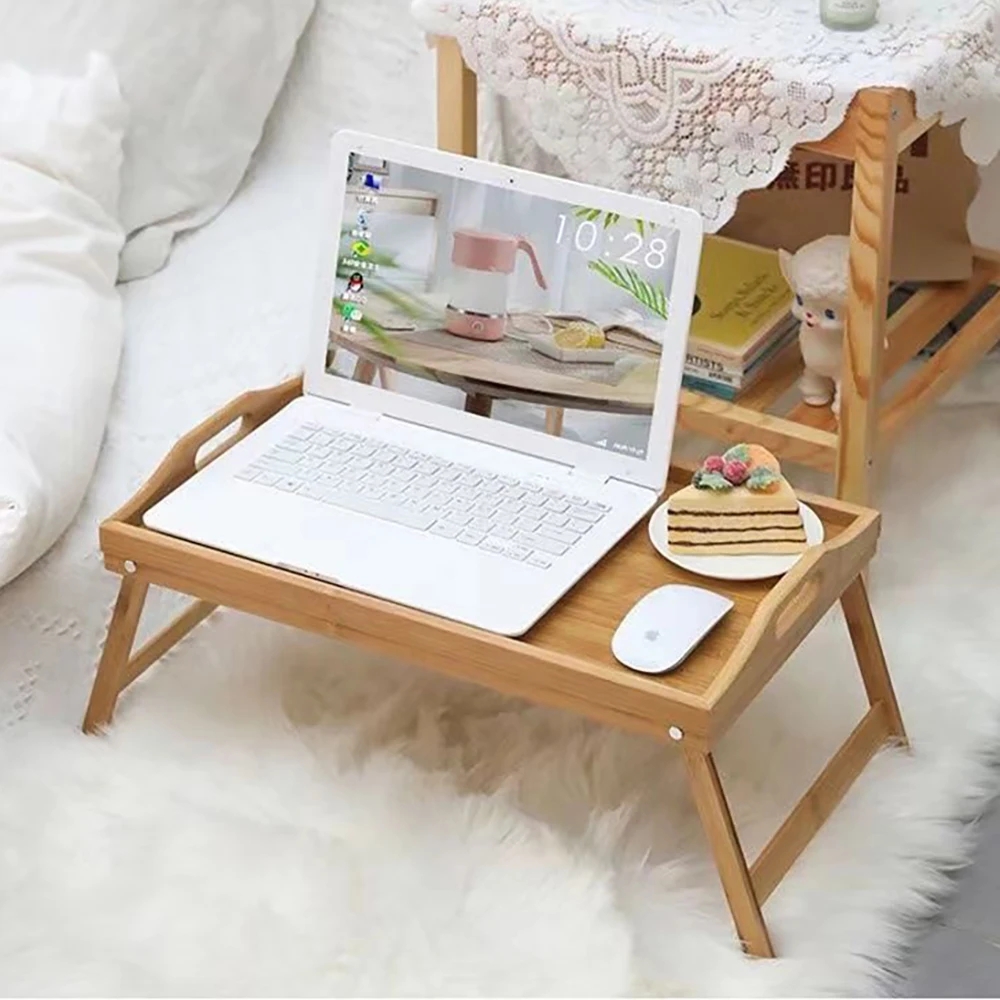
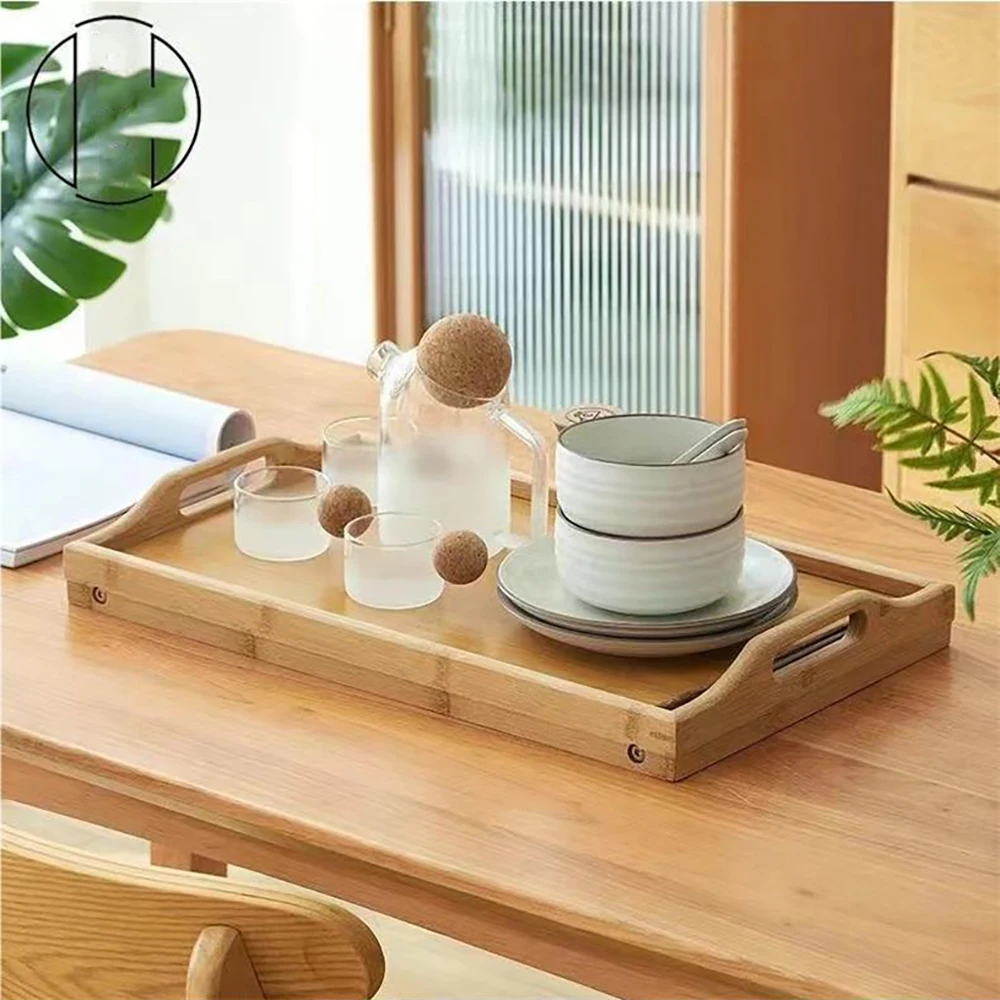
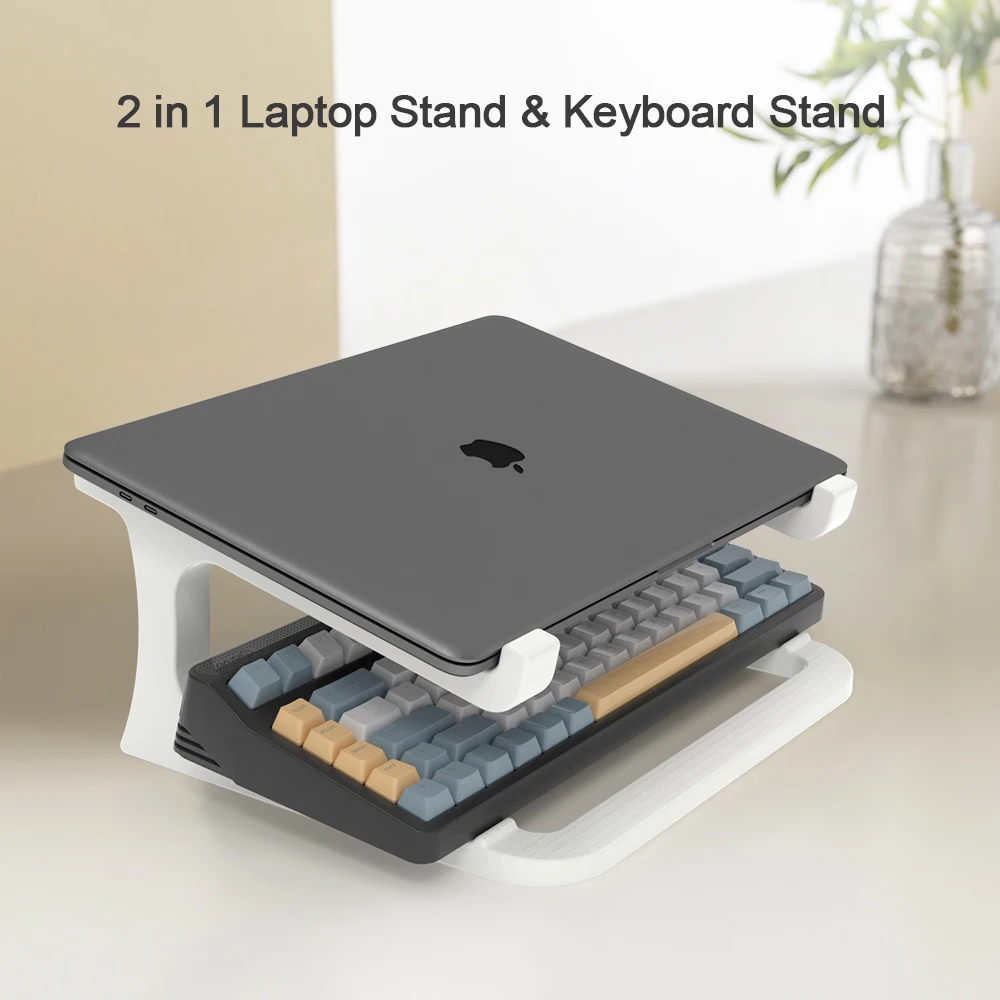
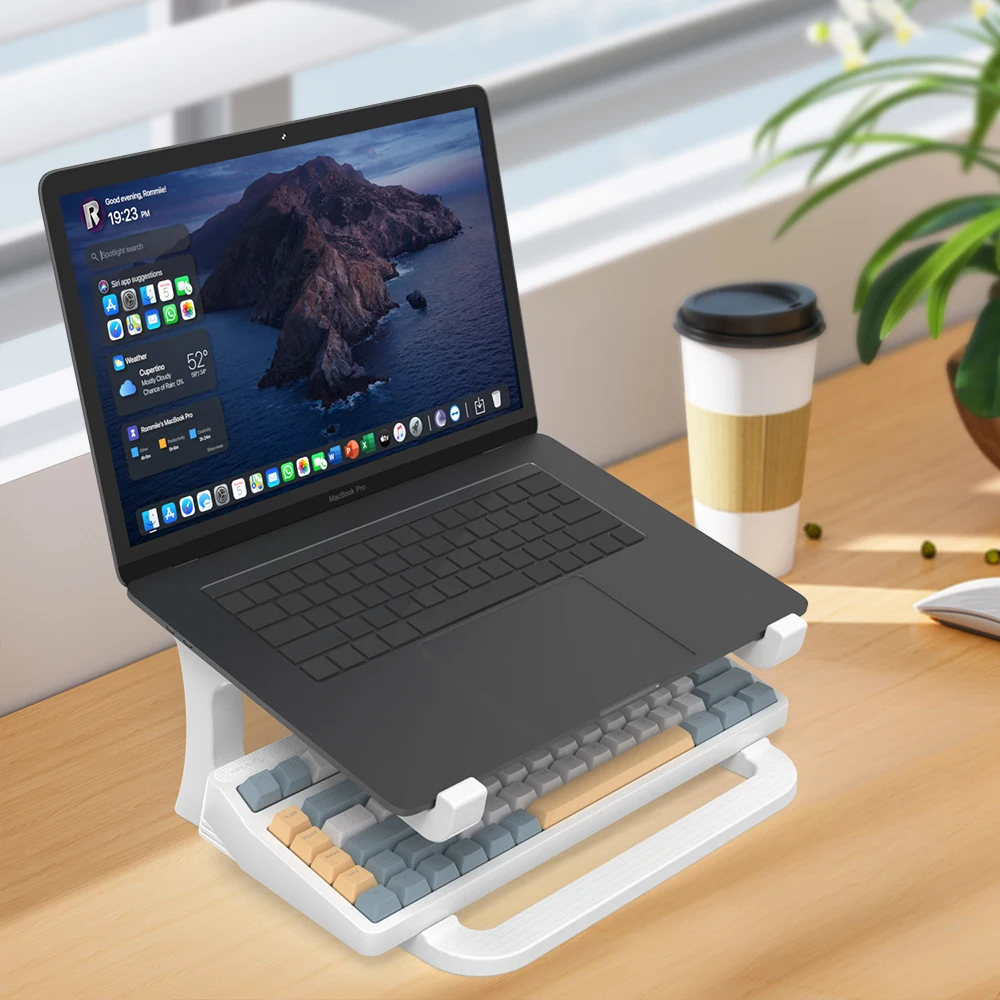
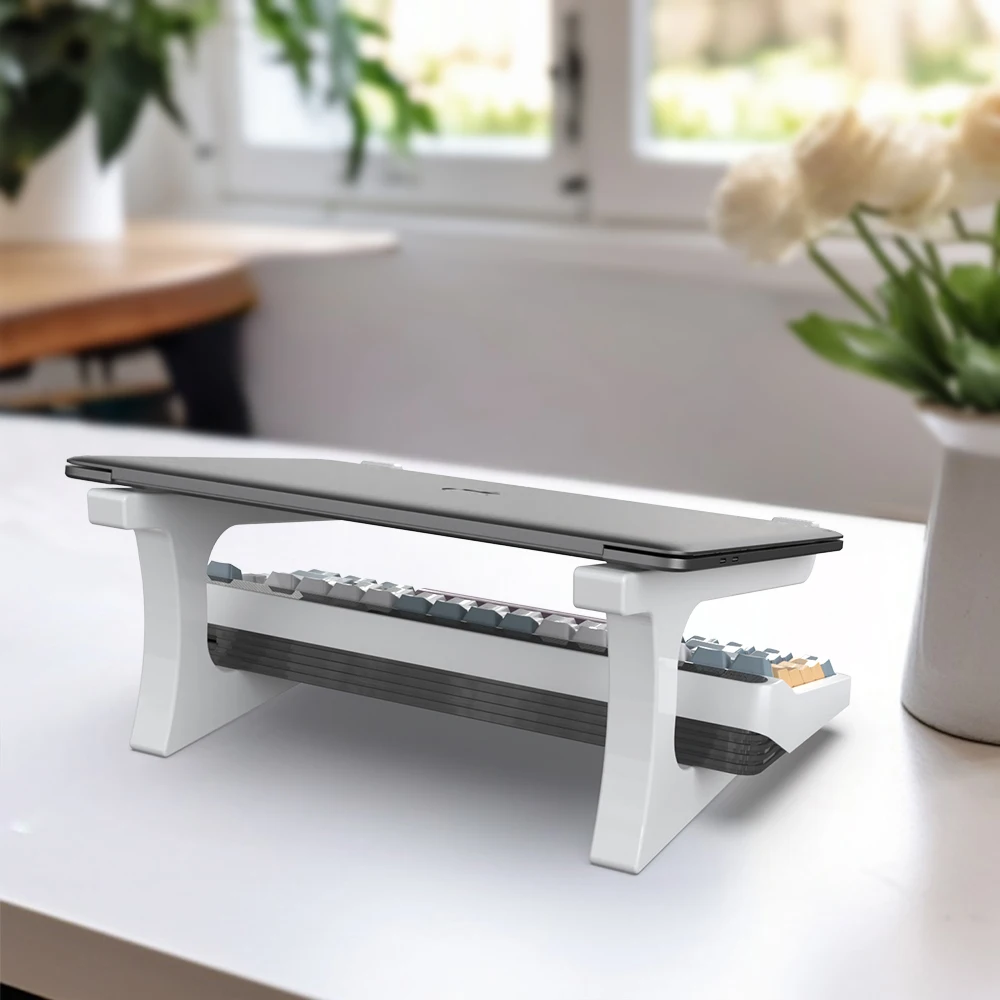
- A stand that also holds a keyboard, and stands for the sofa and the bed, including one with a mouse pad and a bamboo bed tray.
Getting the height right
The Health and Safety Executive's workstation checklist gives the order: adjust the chair so your arms are in the right position, forearms roughly horizontal, then adjust the screen height. Its posture guidance puts the top of the screen level with your eyes and about an arm's length away, straight in front of you so you do not twist.
To measure, sit as you work and note the height of your eyes above the desk. Then measure from the desk to the top of the laptop's open screen. The difference is roughly how much lift the stand needs to give. Remember a stand's height is measured to its platform, and the screen sits above that.
Steadiness
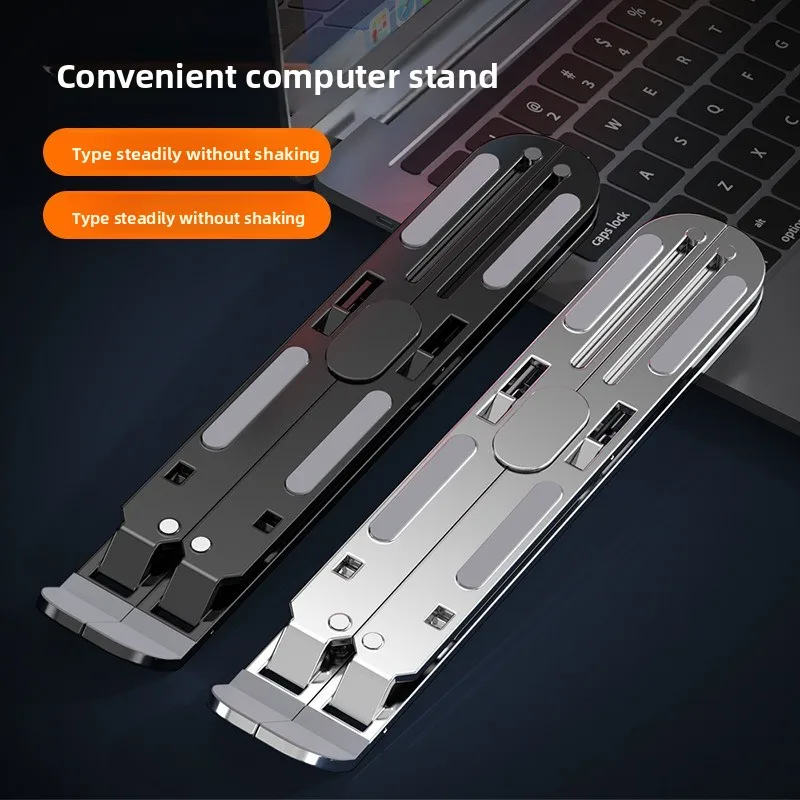
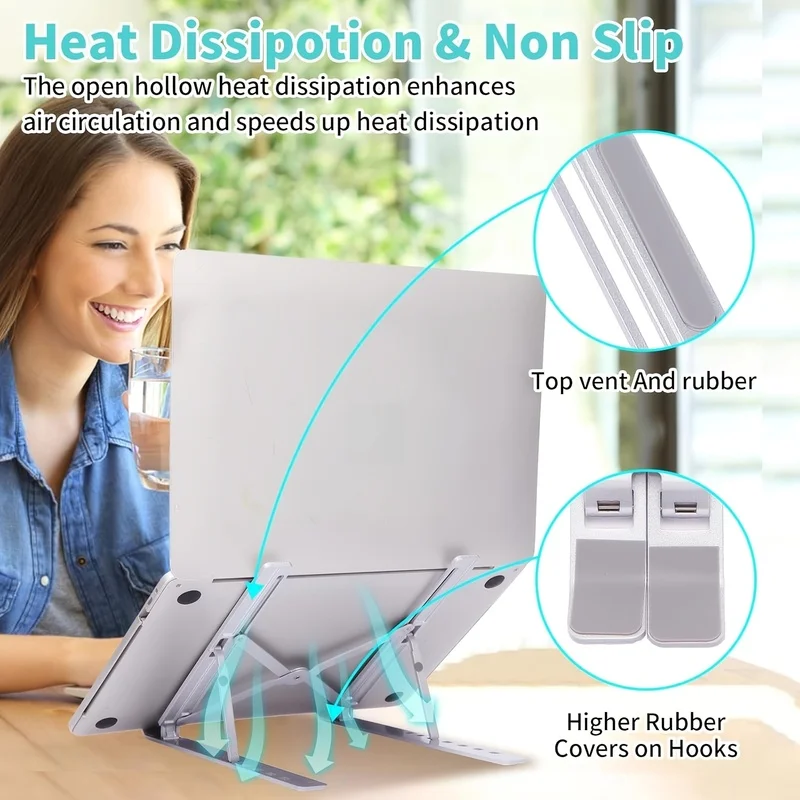
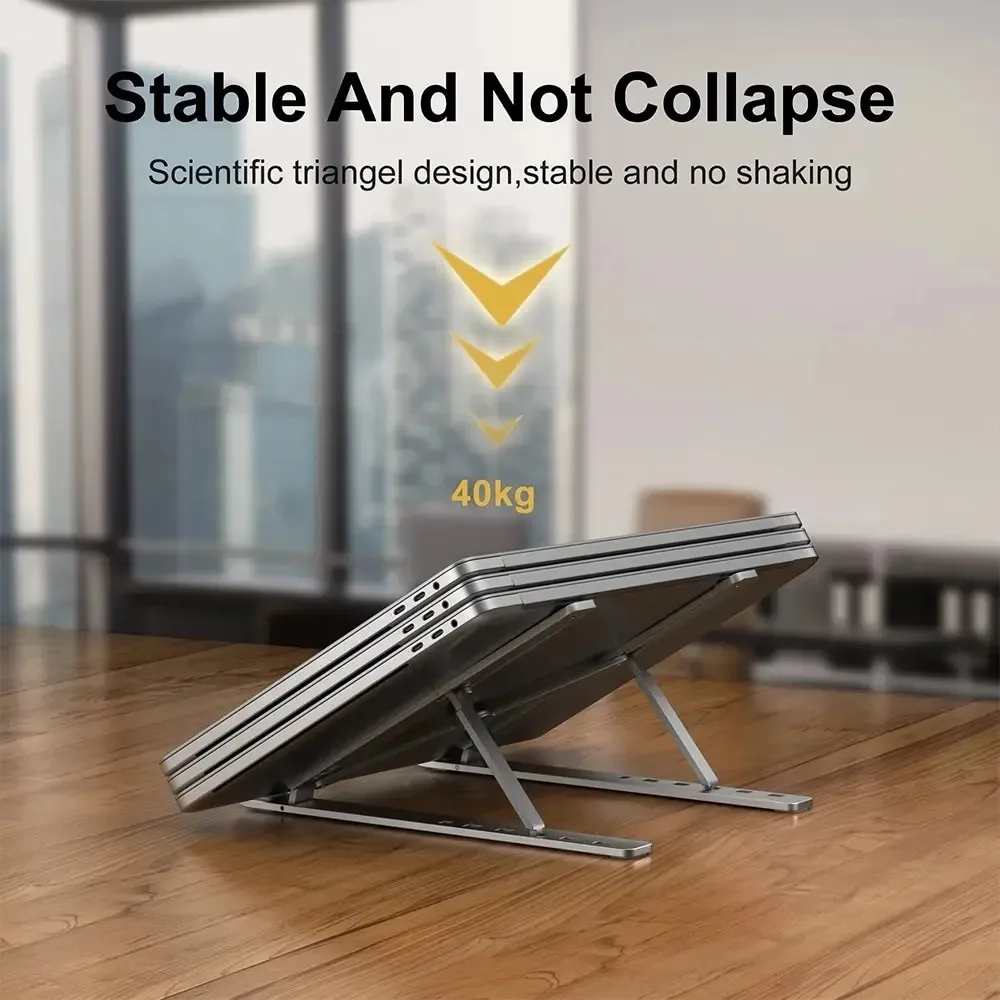
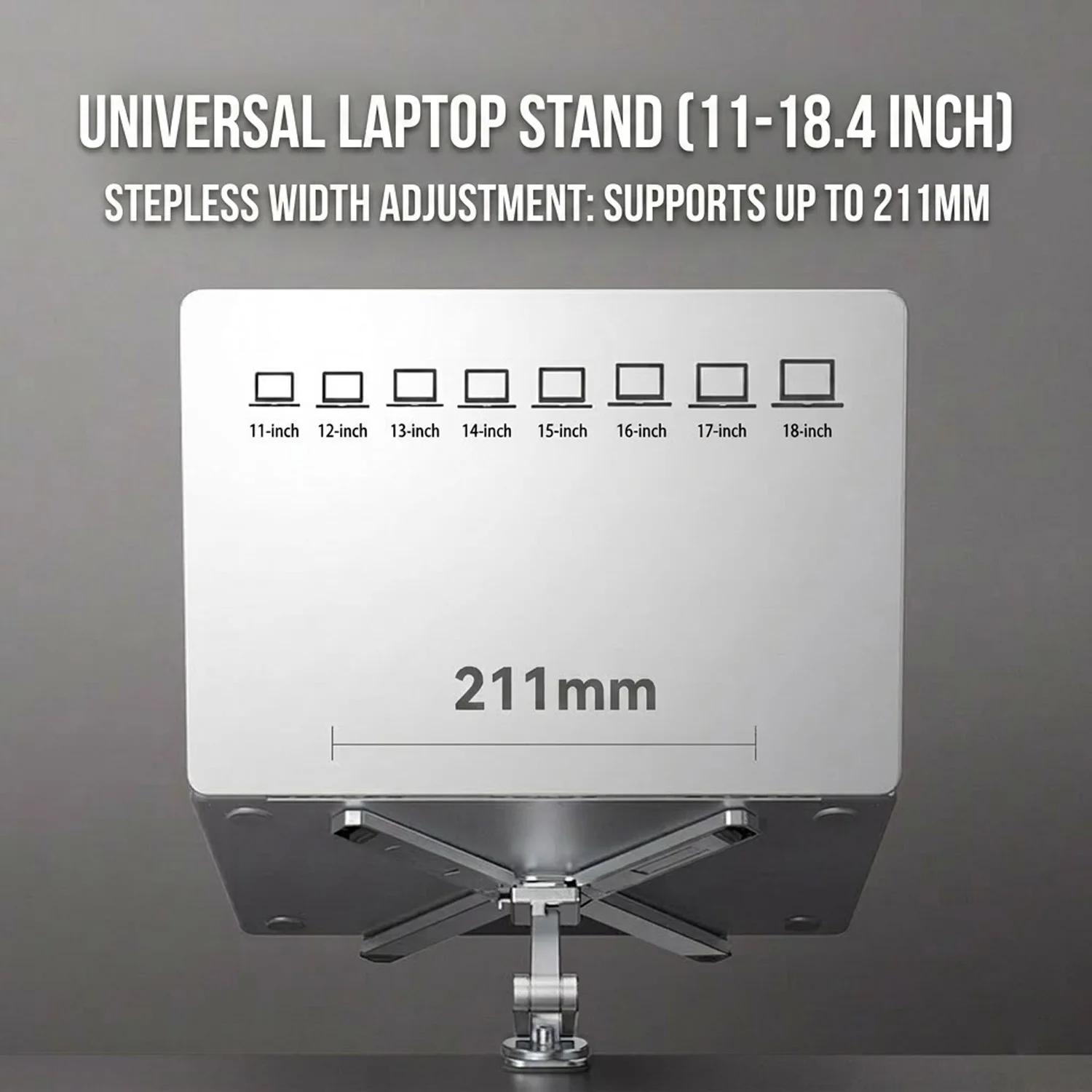
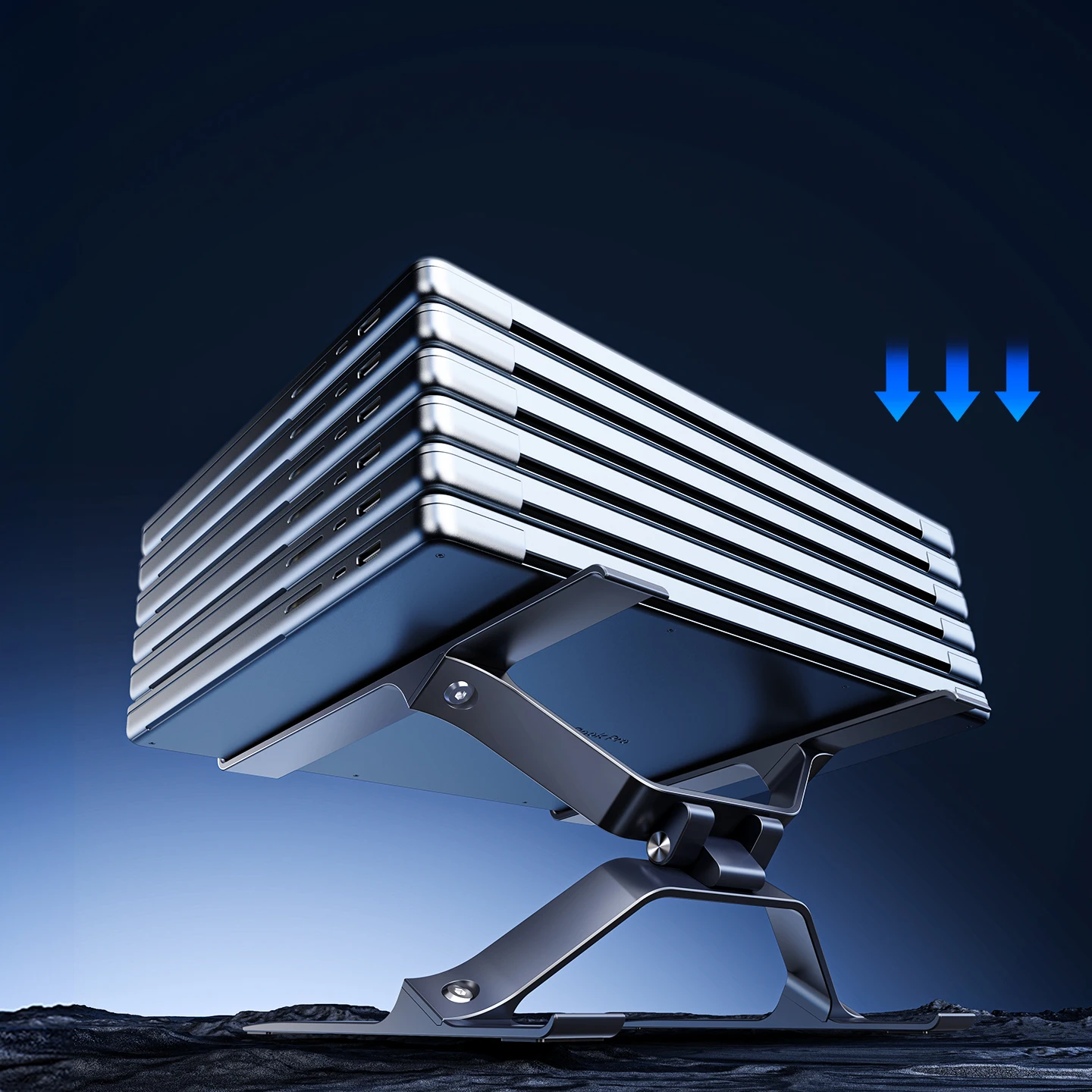
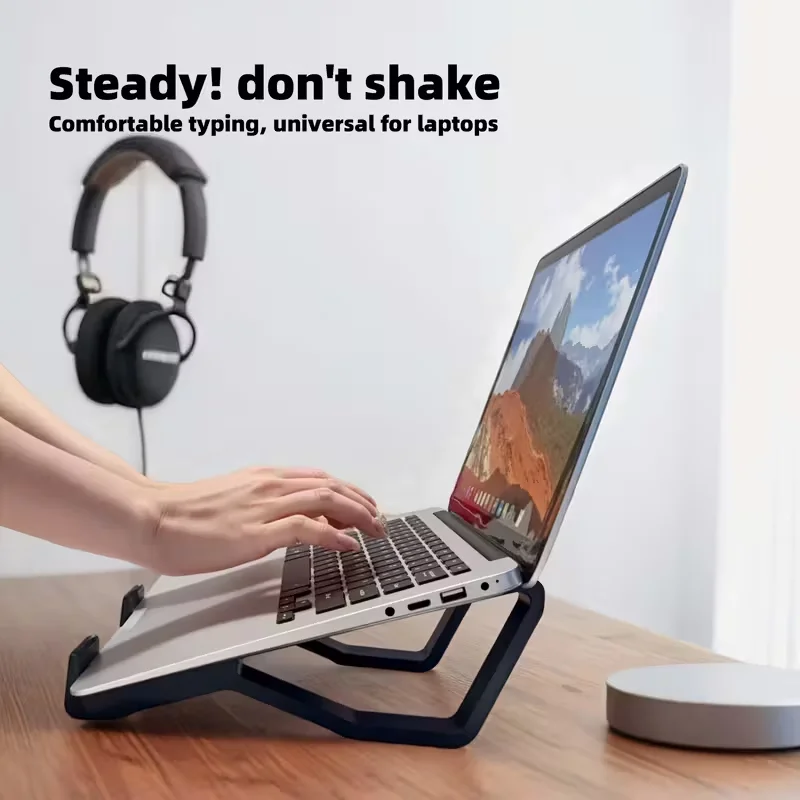
The higher a stand reaches, the wider and heavier its base needs to be. Two arms usually sway less than a single column. Check the stand states your laptop's size, and look for soft pads where it rests so it does not slide.
With the screen raised, typing moves to a keyboard and mouse on the desk, with the keyboard just below elbow height.
Questions people ask about adjustable laptop stands
How high should my laptop screen be?
The HSE's guidance is the top of the screen level with your eyes, once your chair is set with your forearms roughly horizontal.
Can two people share one stand?
Yes. An adjustable stand is the better choice for a shared desk, as each person can reset the height in a few seconds.
How long does delivery take?
Delivery is included in every price and tracked to your door. Each product page says when it usually arrives.
More to look at