Cleaning a laptop without harming it
A laptop collects more dirt than most things in a house: fingerprints on the screen, grease on the keys, crumbs between them and dust in the vents. Cleaning it takes a few minutes, but the wrong cloth or the wrong spray can scratch the screen, strip its coating or let liquid in where it does damage. Apple, Microsoft, Dell, HP and Lenovo all publish their own cleaning advice, and on the main points they agree.
- Shut the laptop down fully and unplug the charger and everything else first.
- Put any liquid on the cloth, never on the laptop, and keep the cloth damp, not dripping.
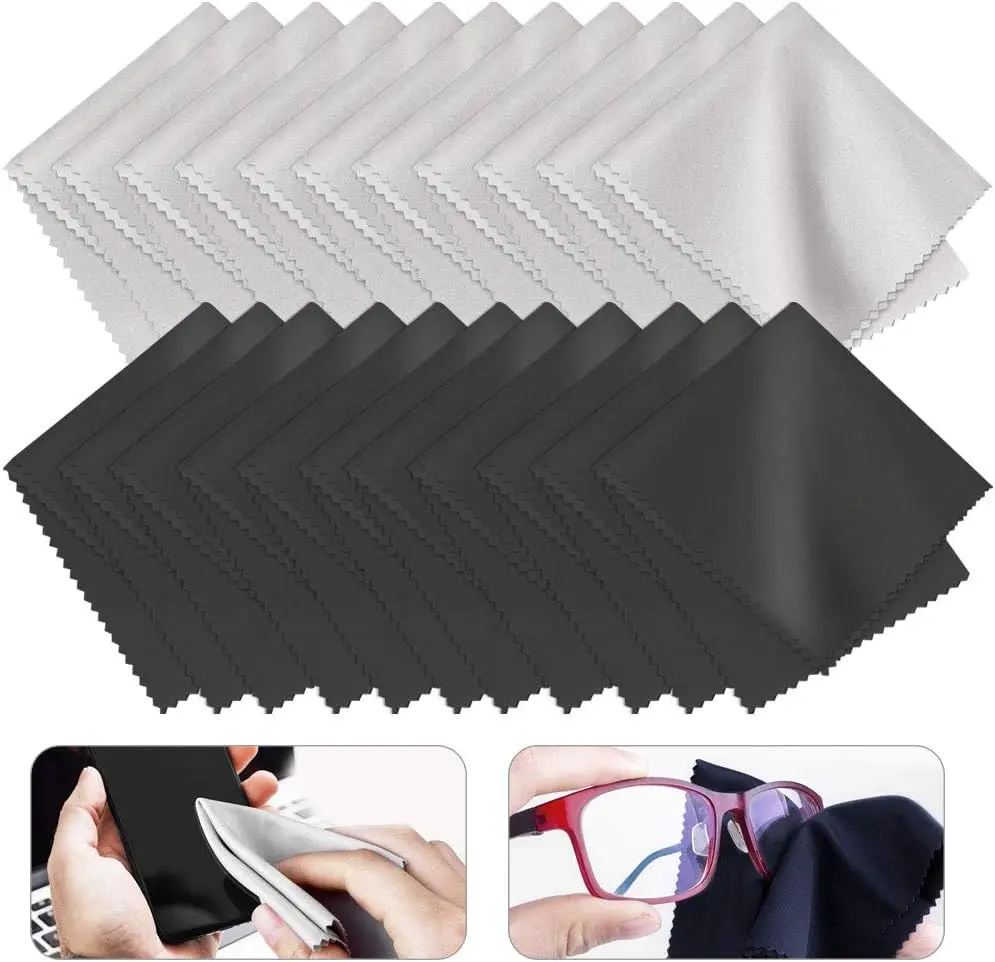
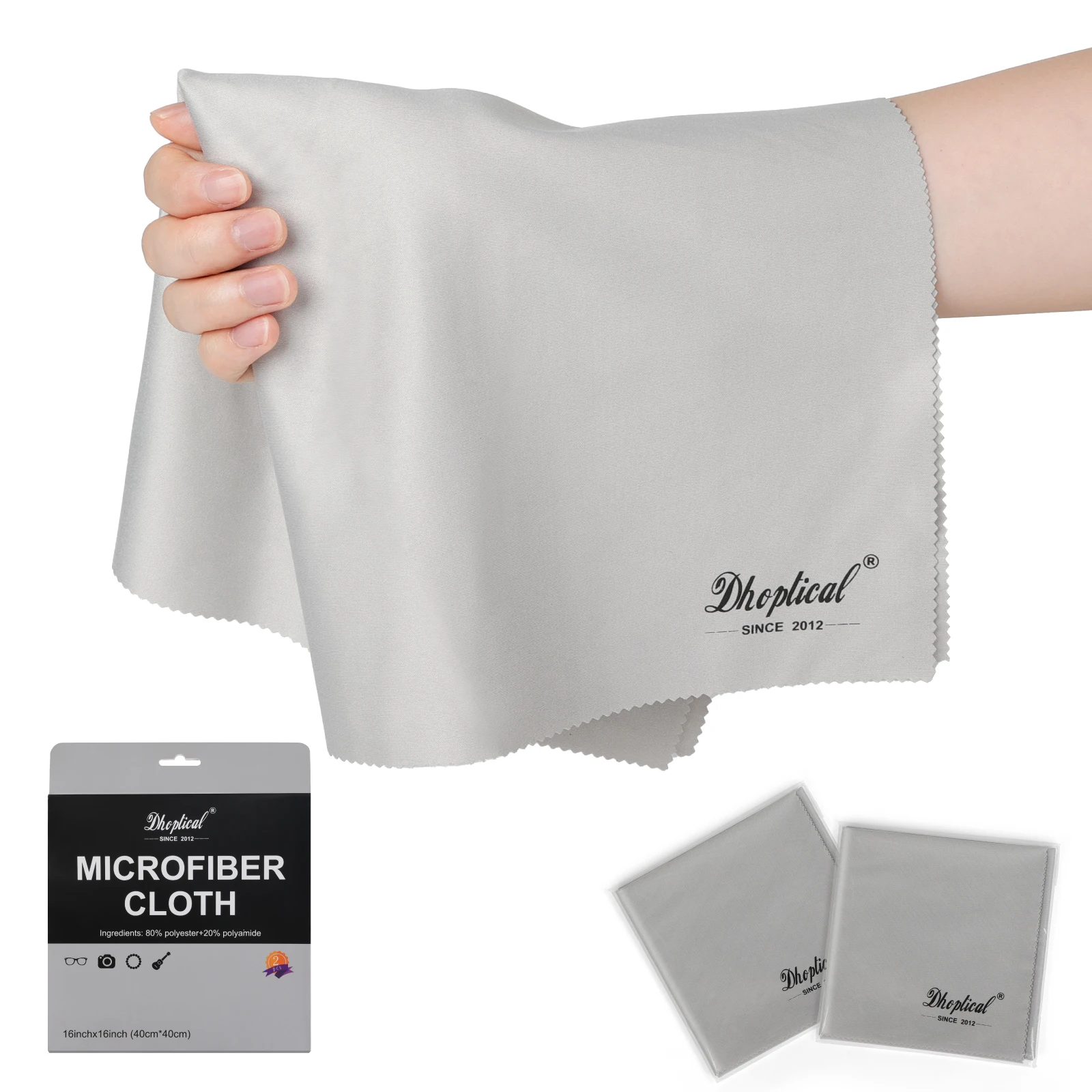
- Use a soft, lint-free cloth. Not paper towels, tissues or kitchen roll.
- No household or glass cleaners, and nothing with ammonia, bleach, hydrogen peroxide or acetone.
Where the makers differ, follow the advice for your own make and model. The guide to cleaning a laptop safely sets out what each one says.
The four ranges
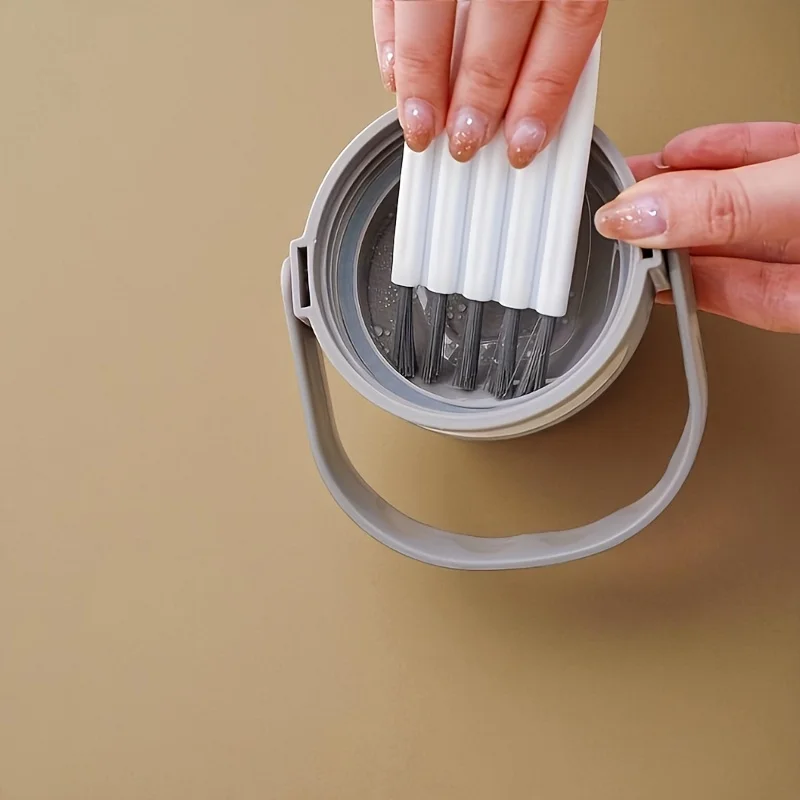
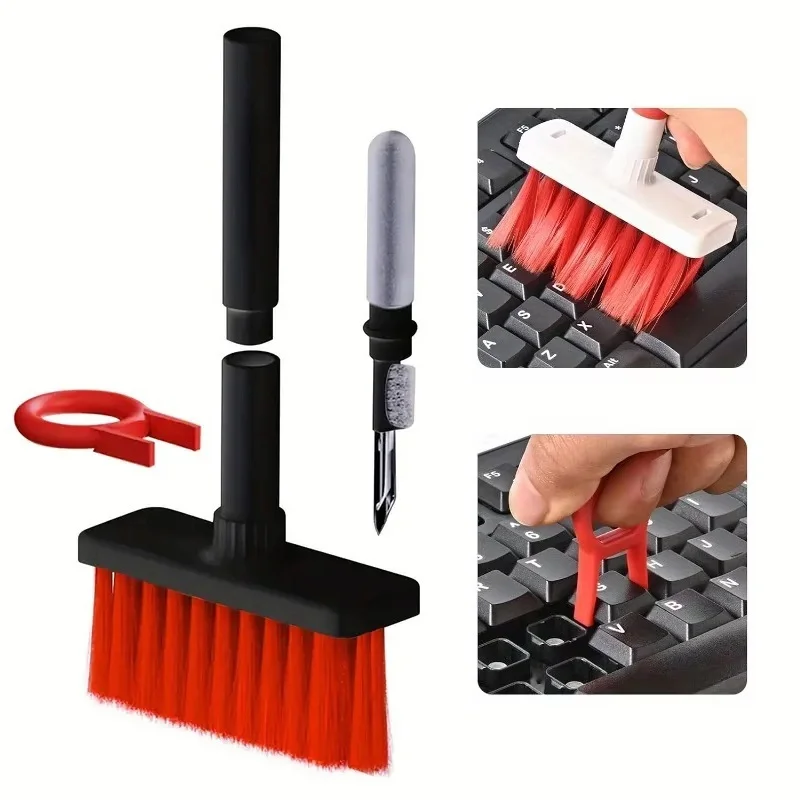
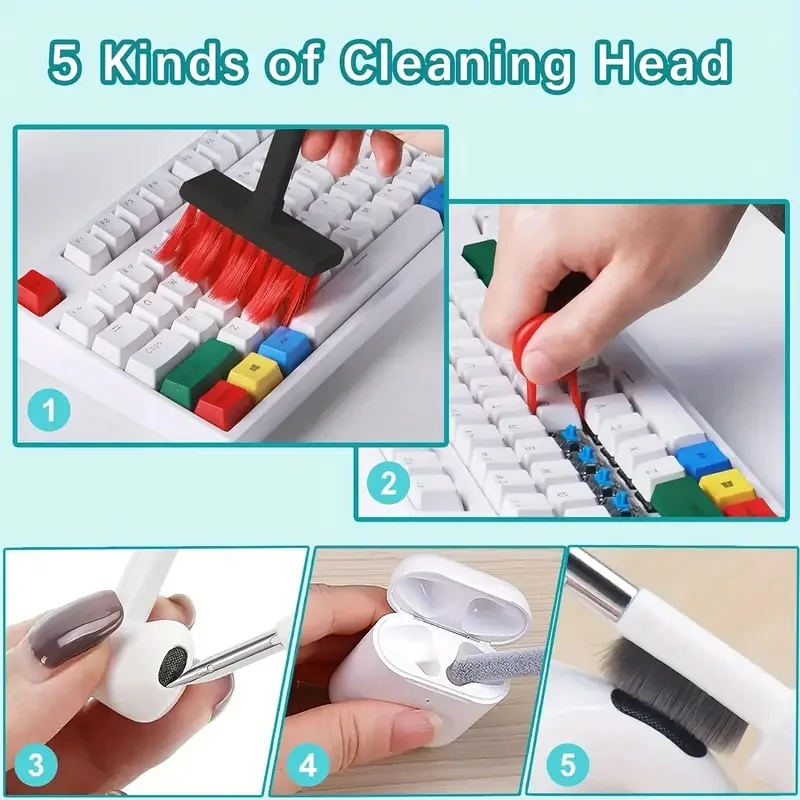
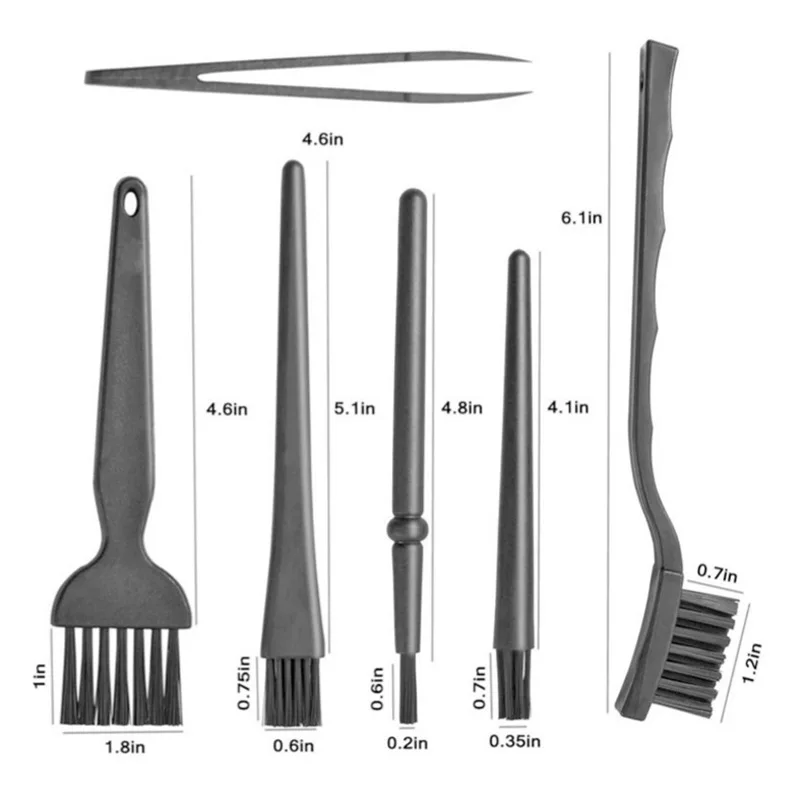
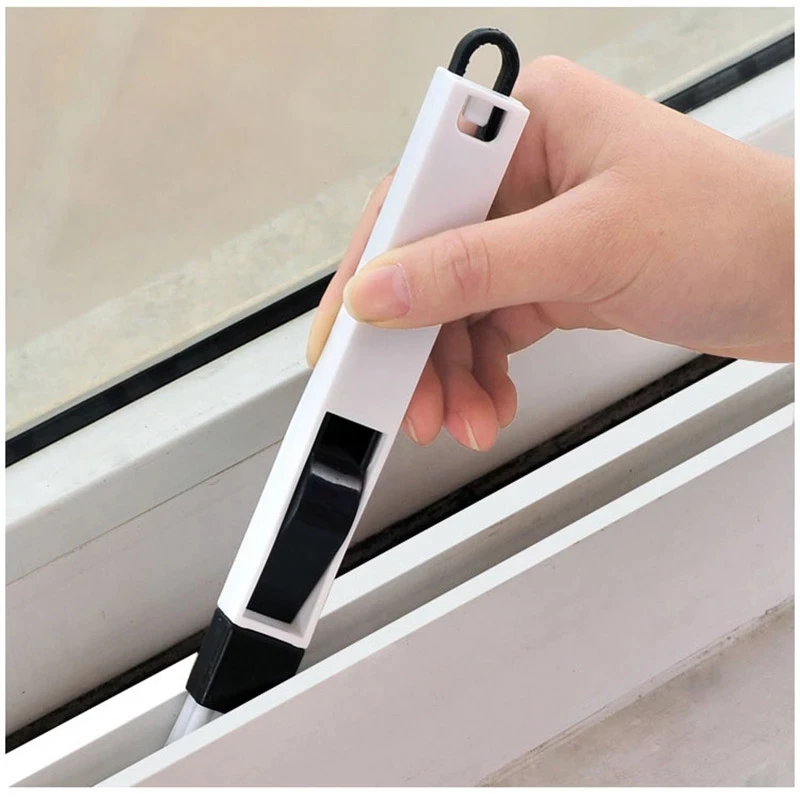
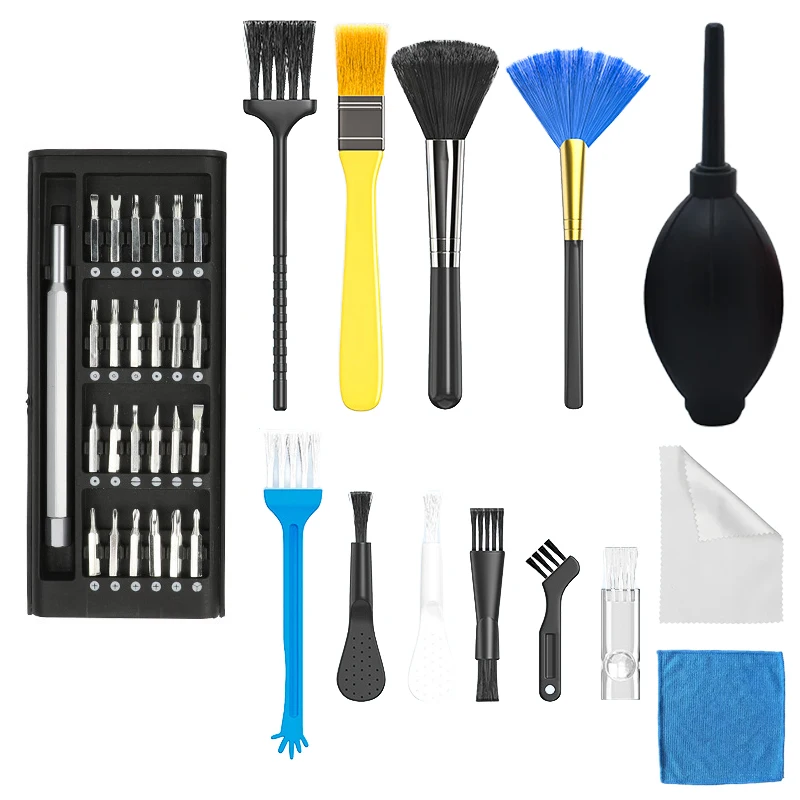
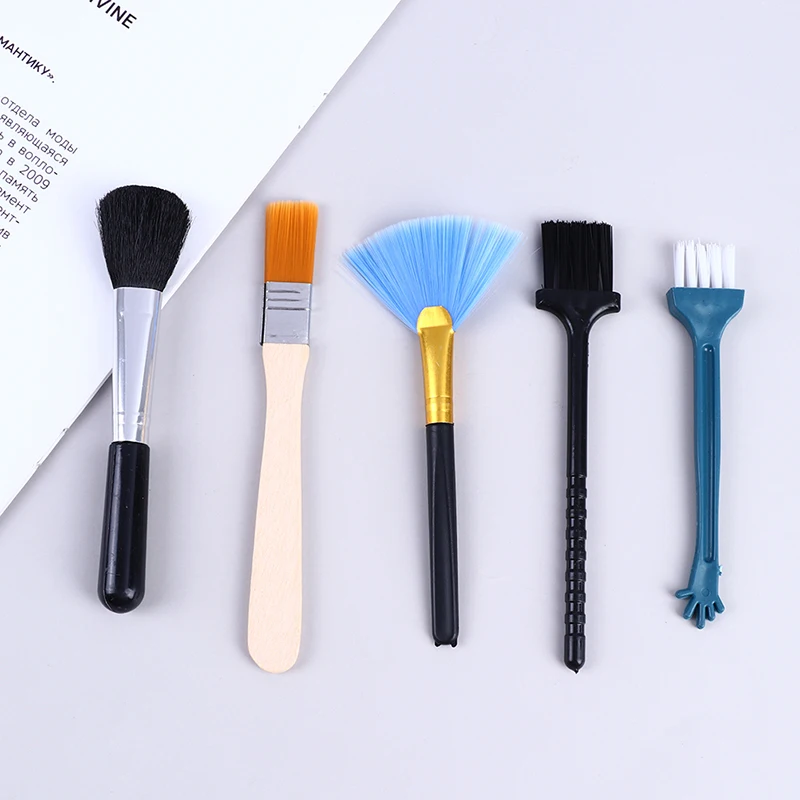
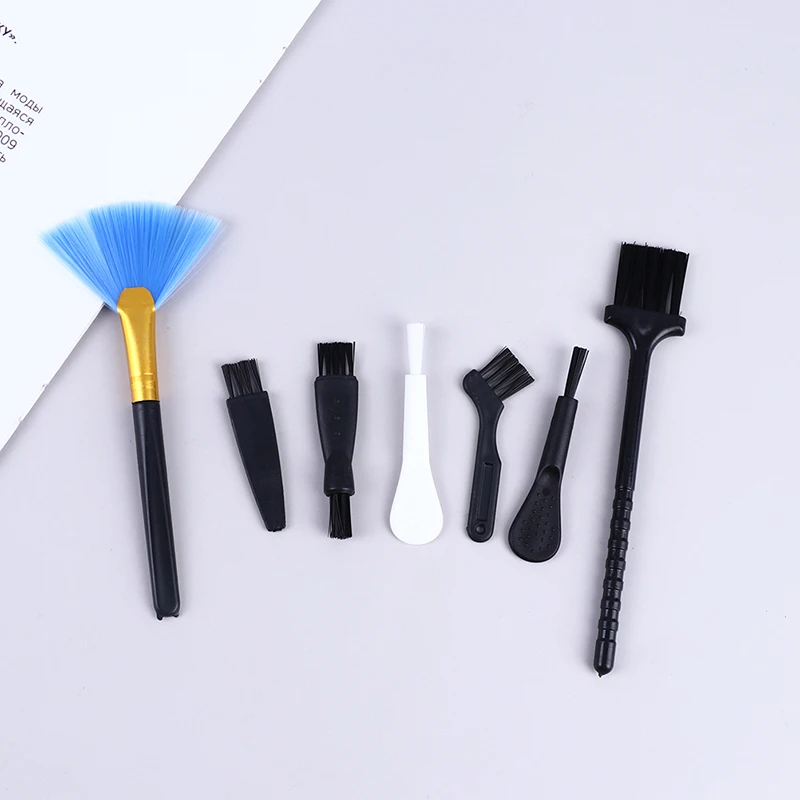
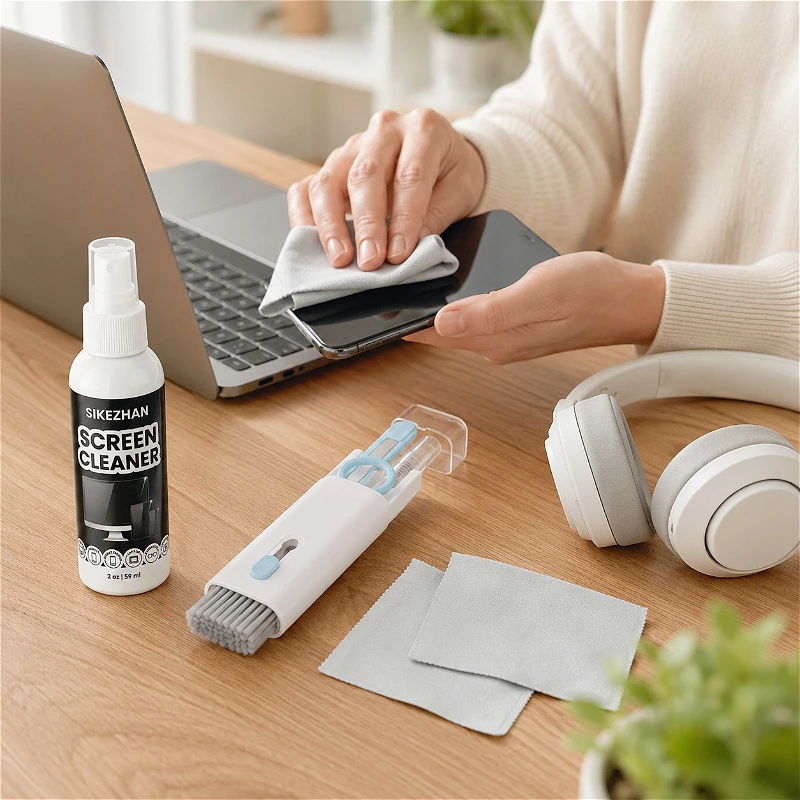
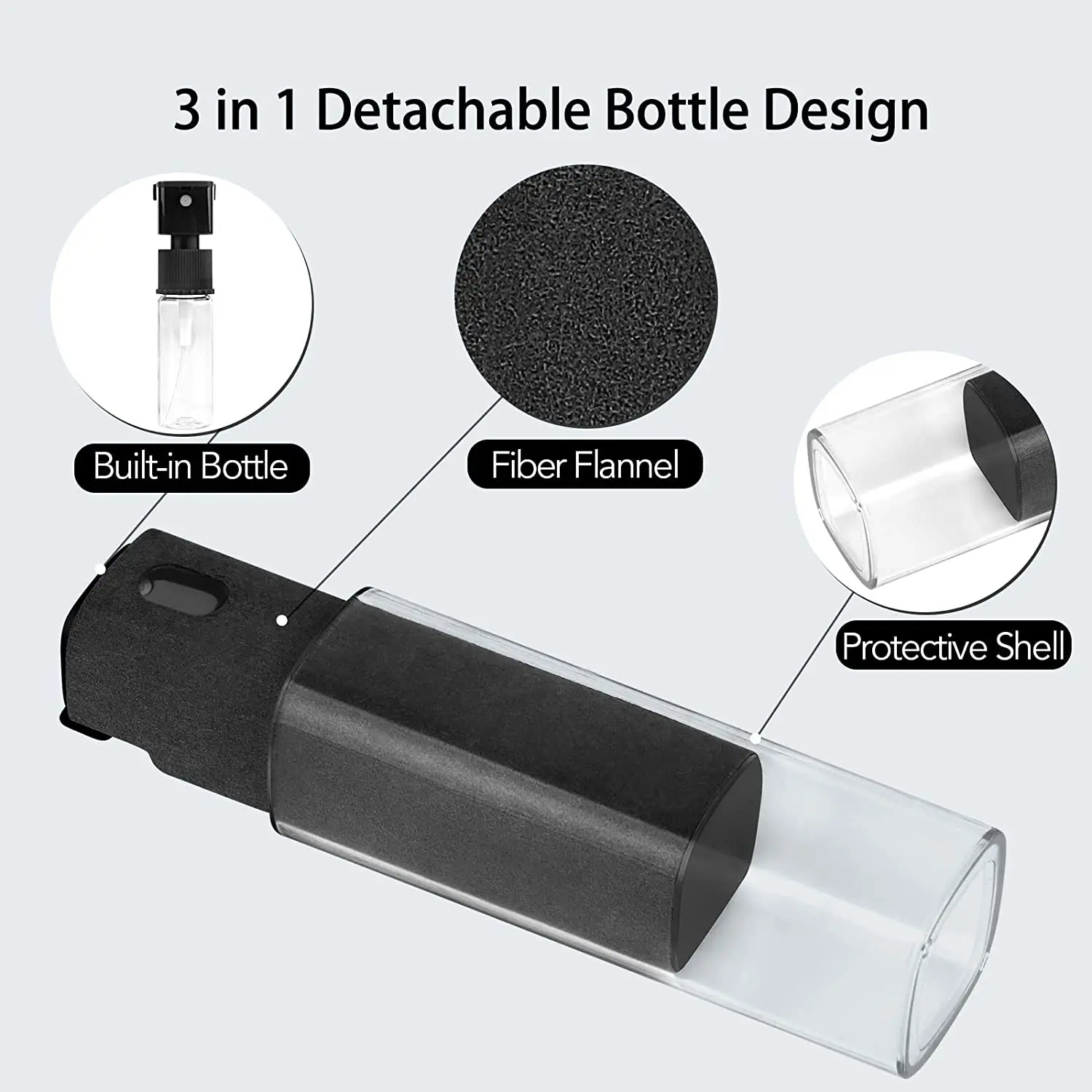
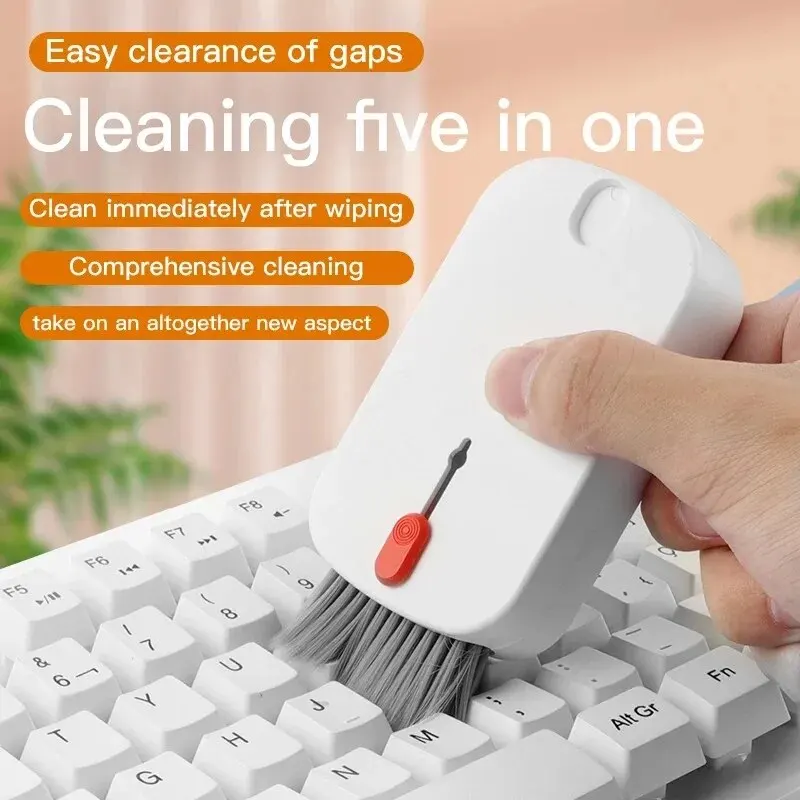
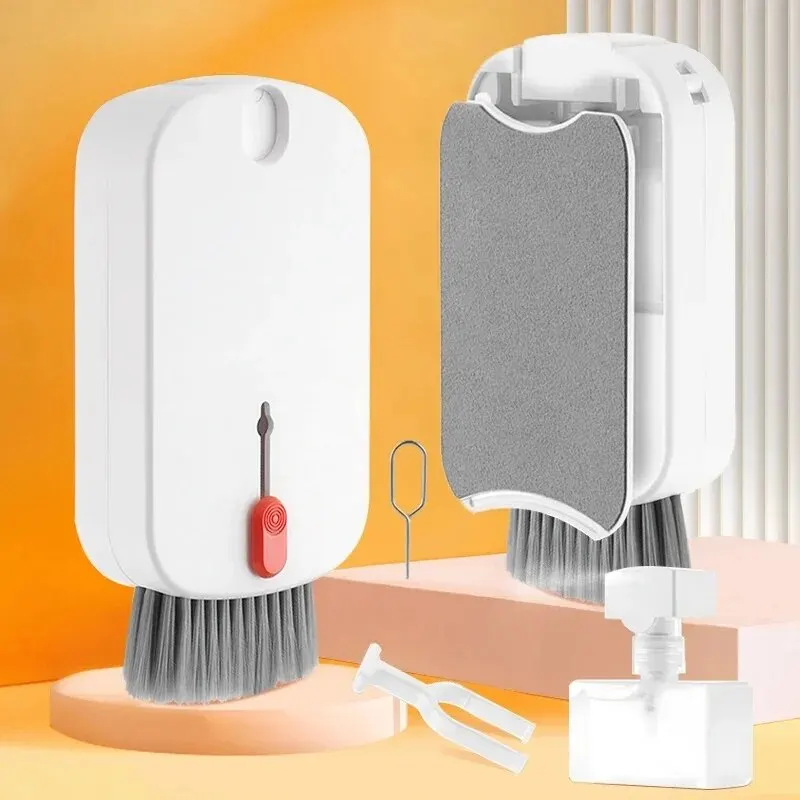
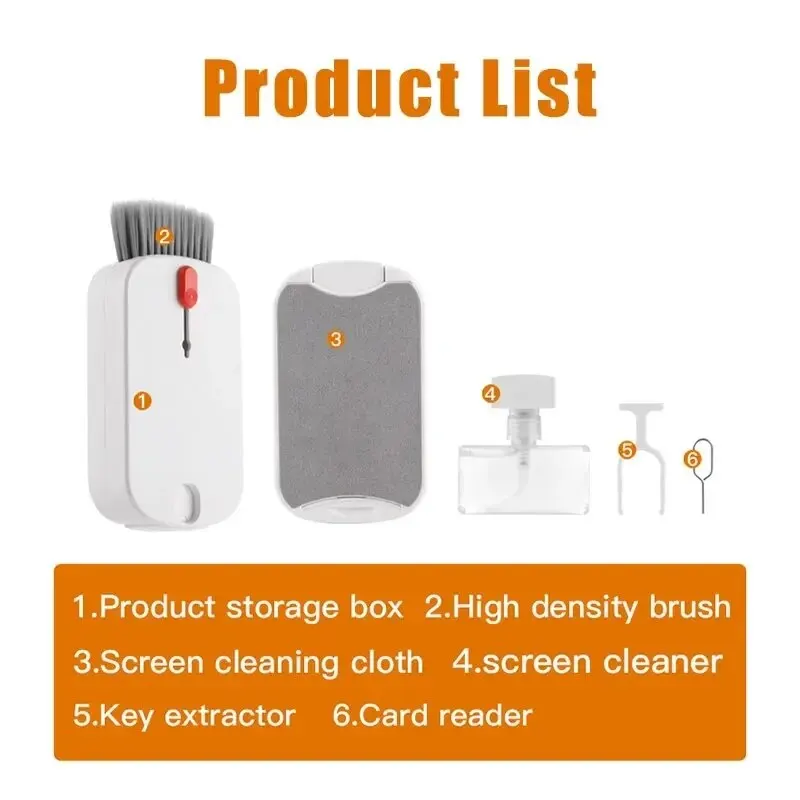
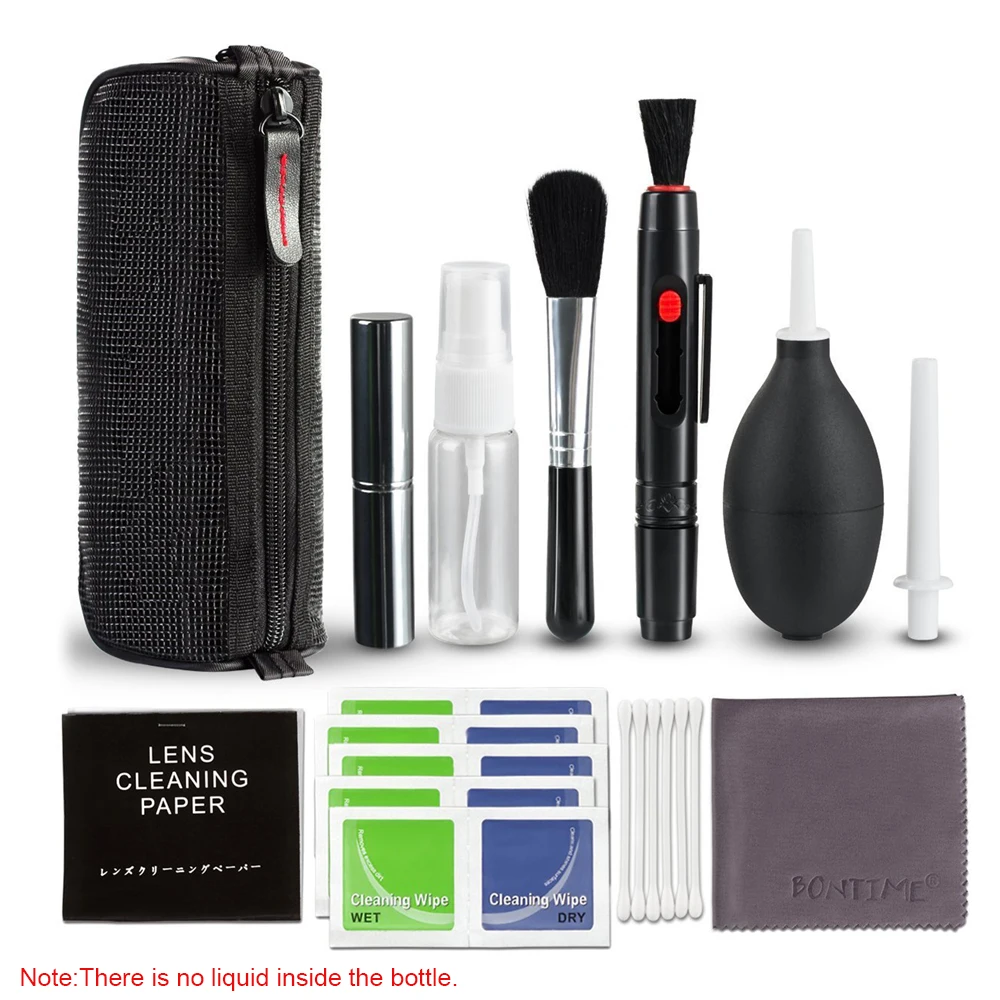
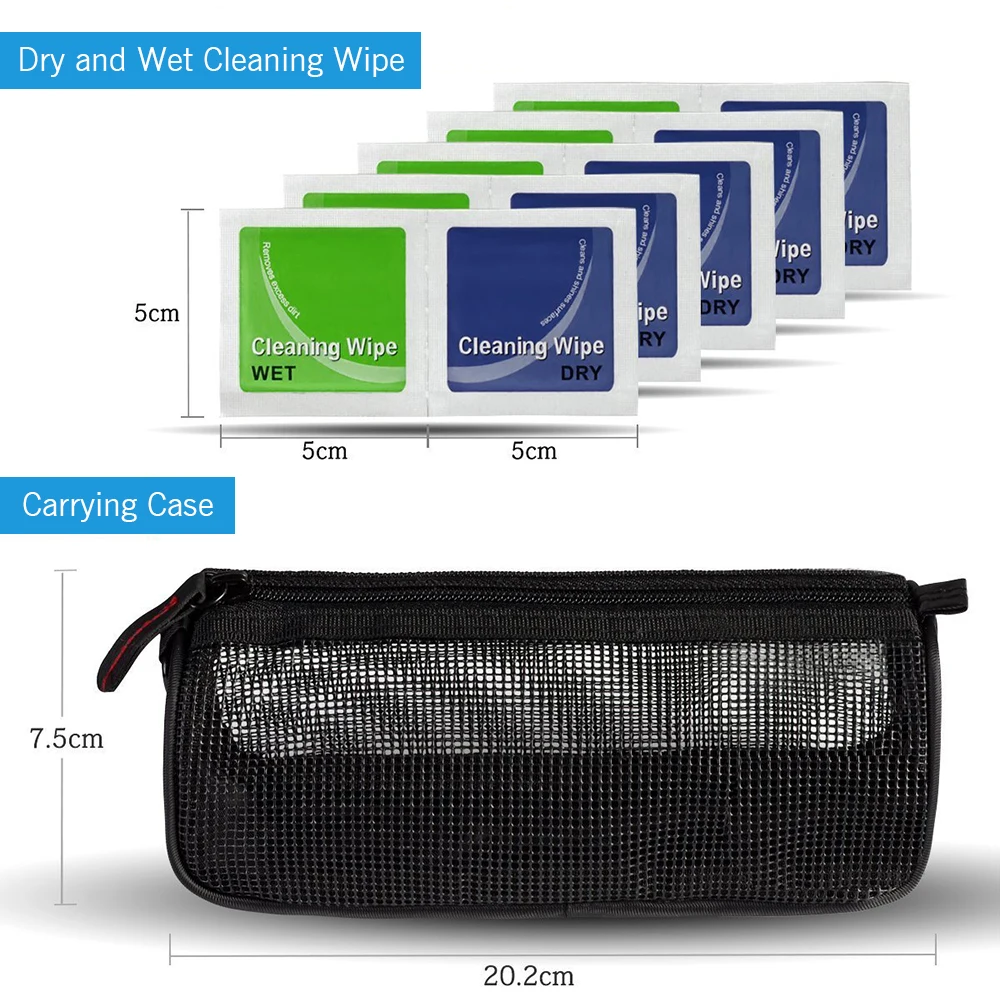
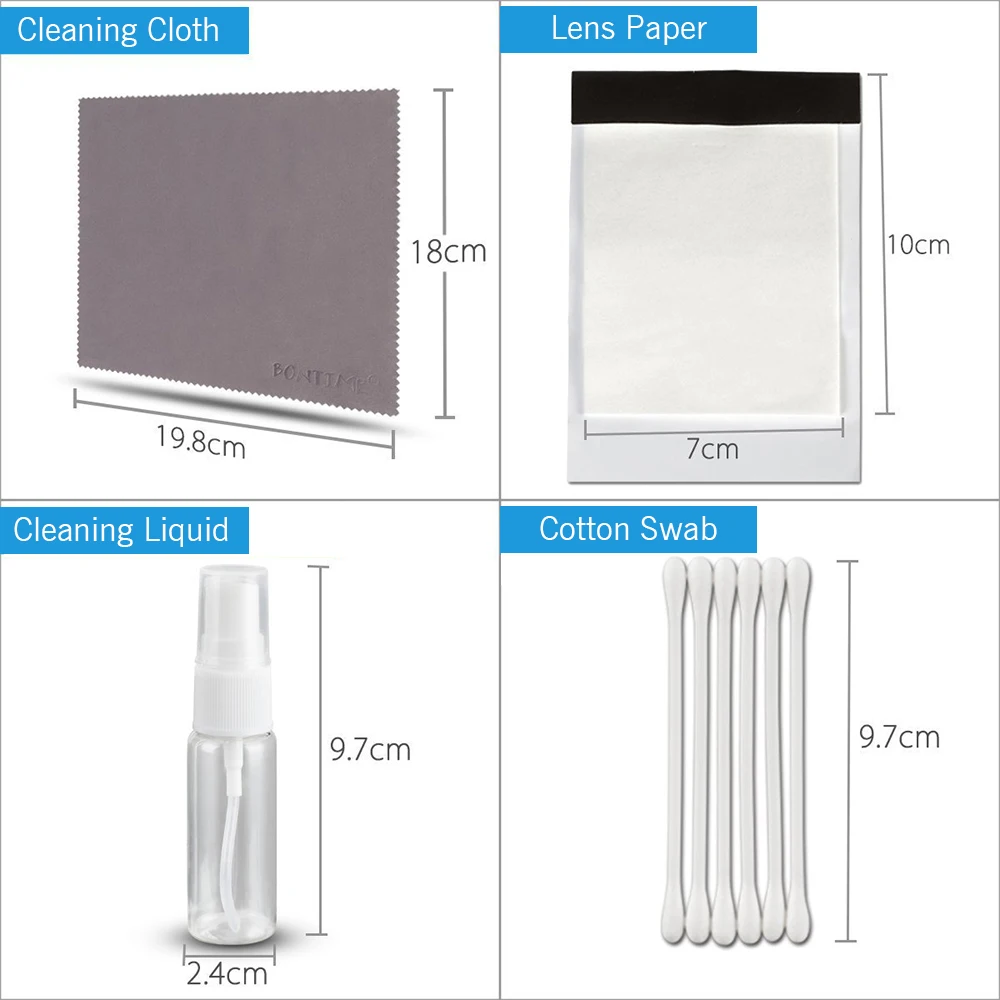
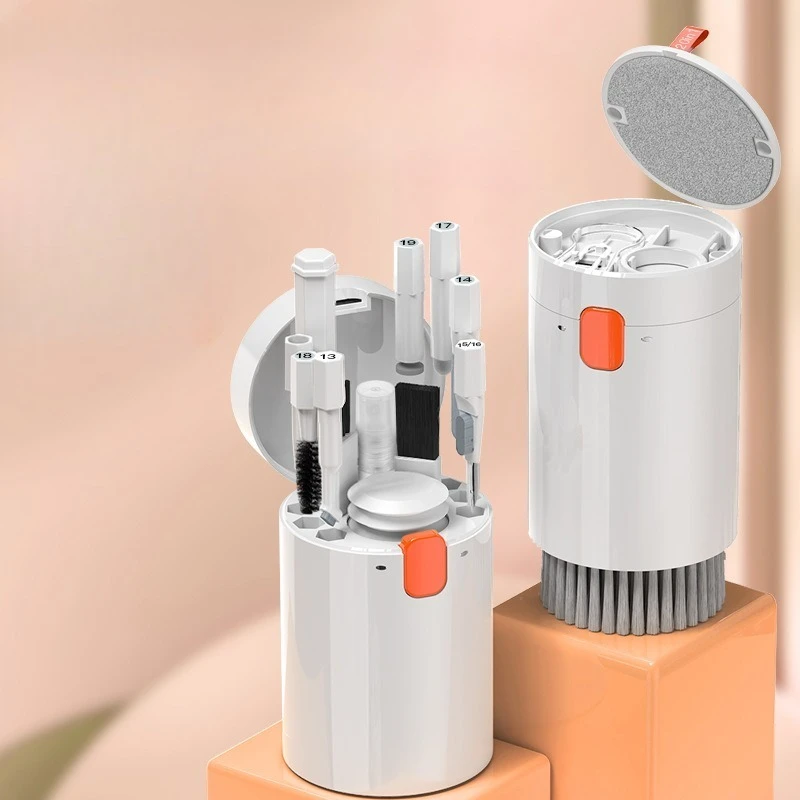
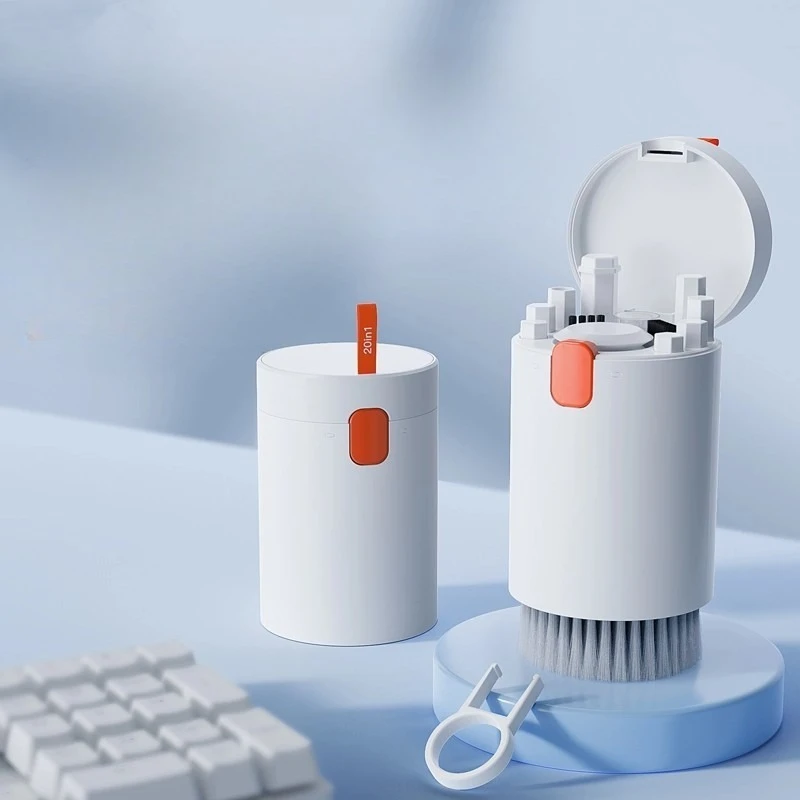
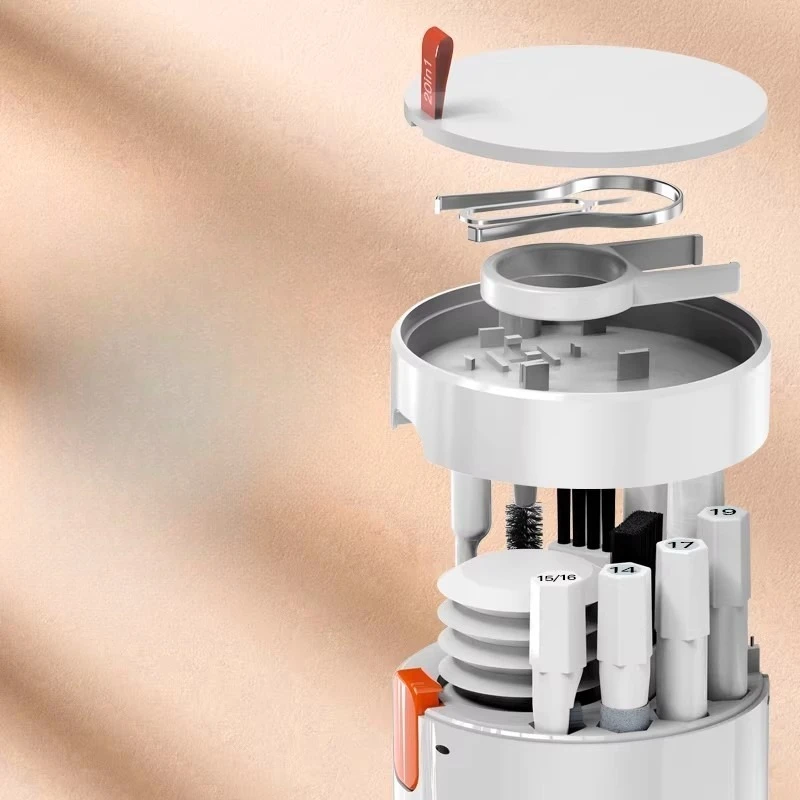
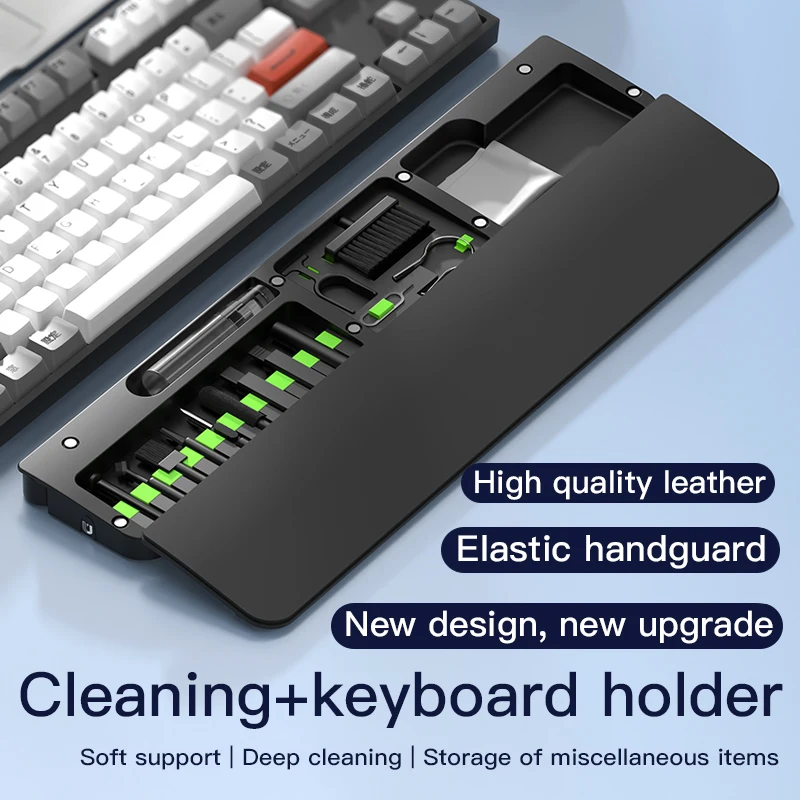
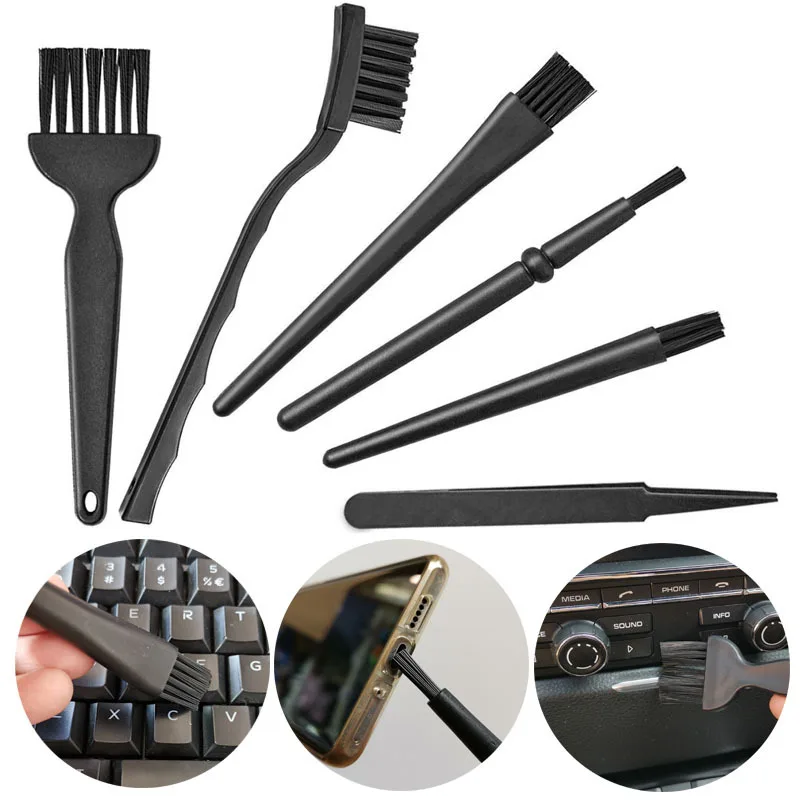
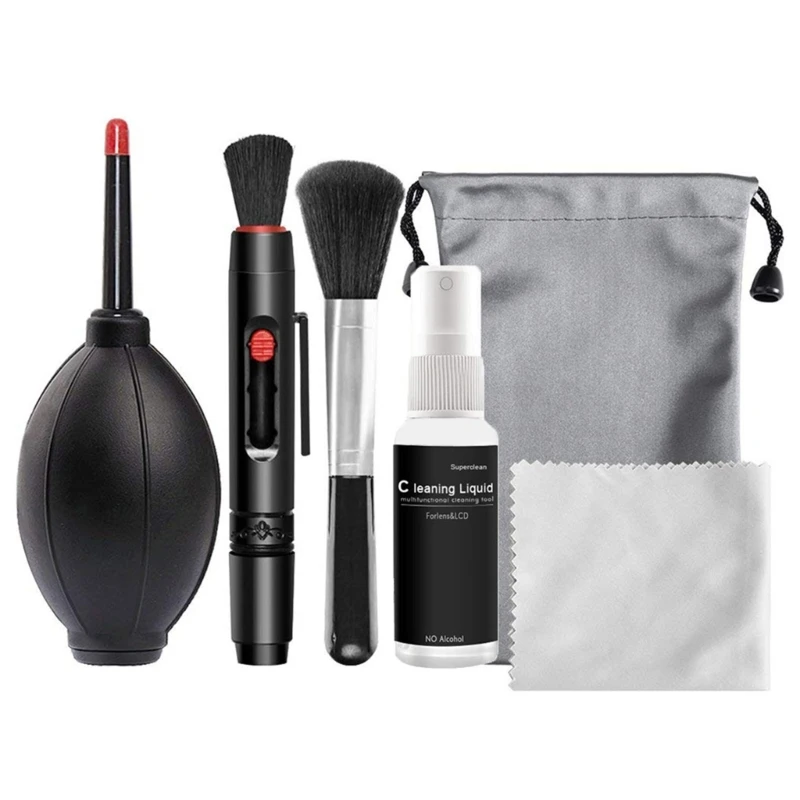
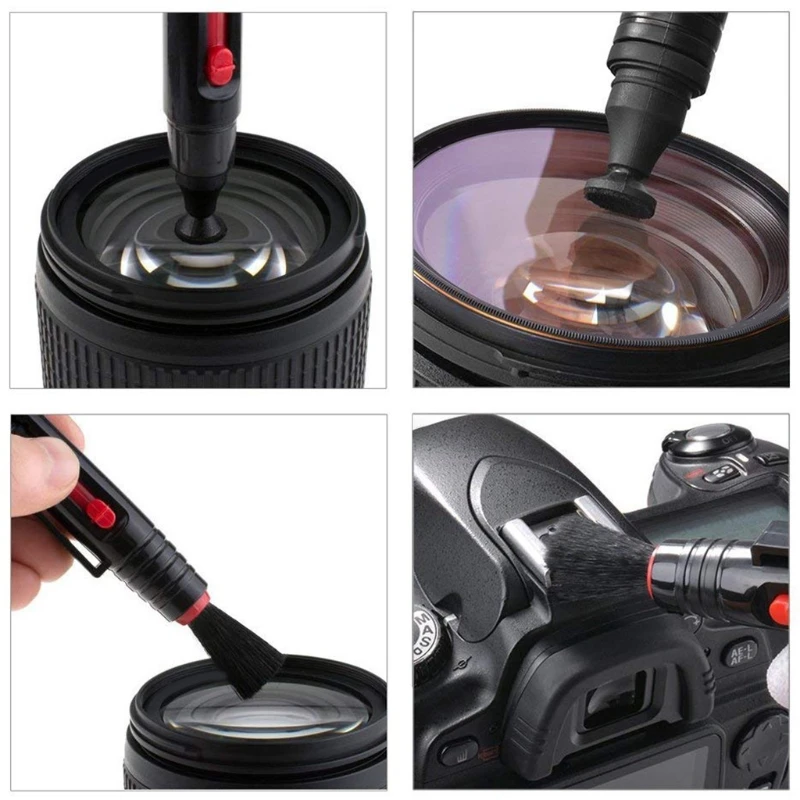
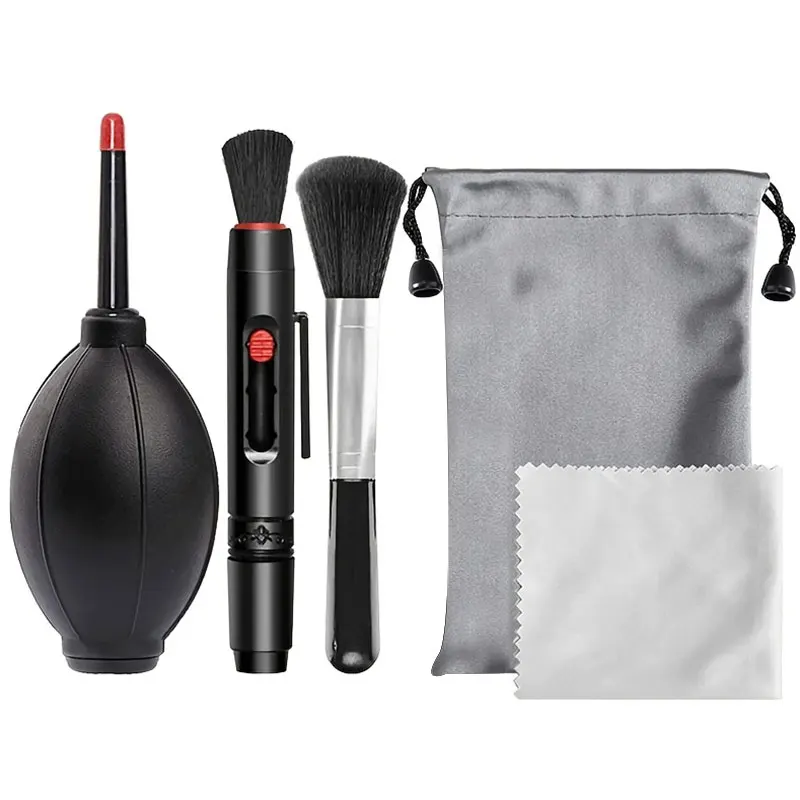
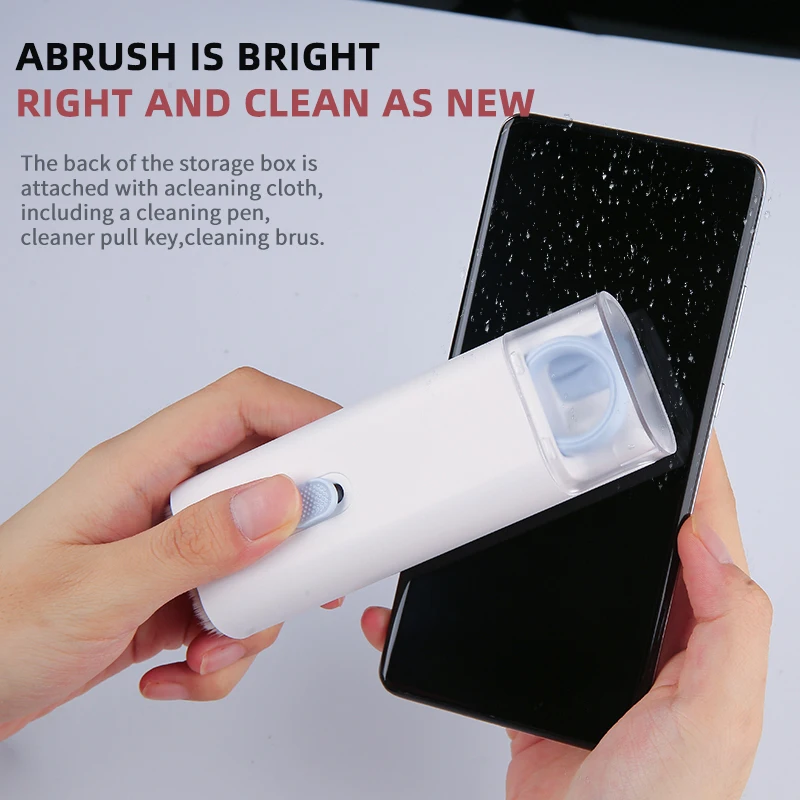
- Laptop cleaning kits put brushes, cloths and often a spray bottle in one box, from small keyboard kits to sets of twenty pieces. See laptop cleaning kits.
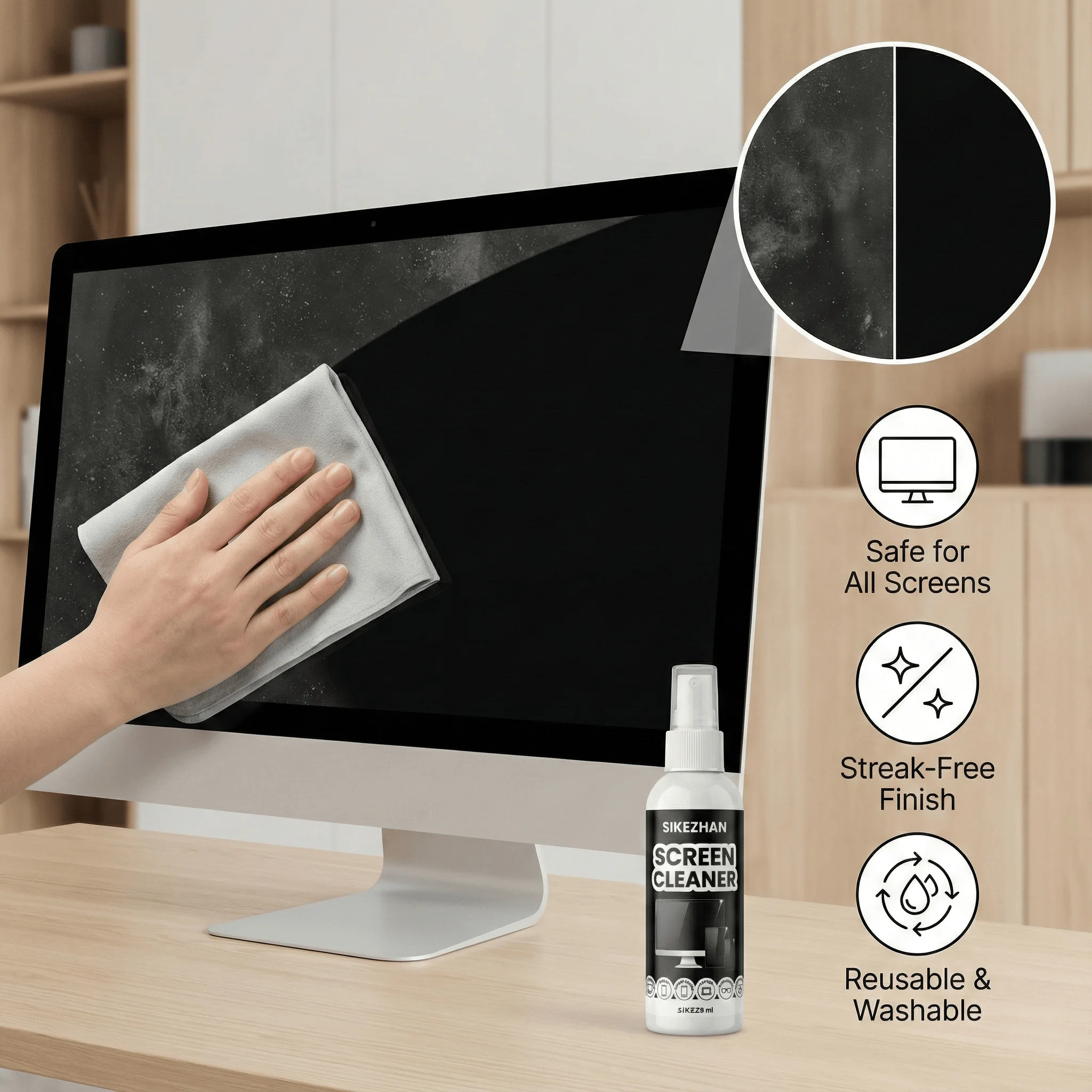
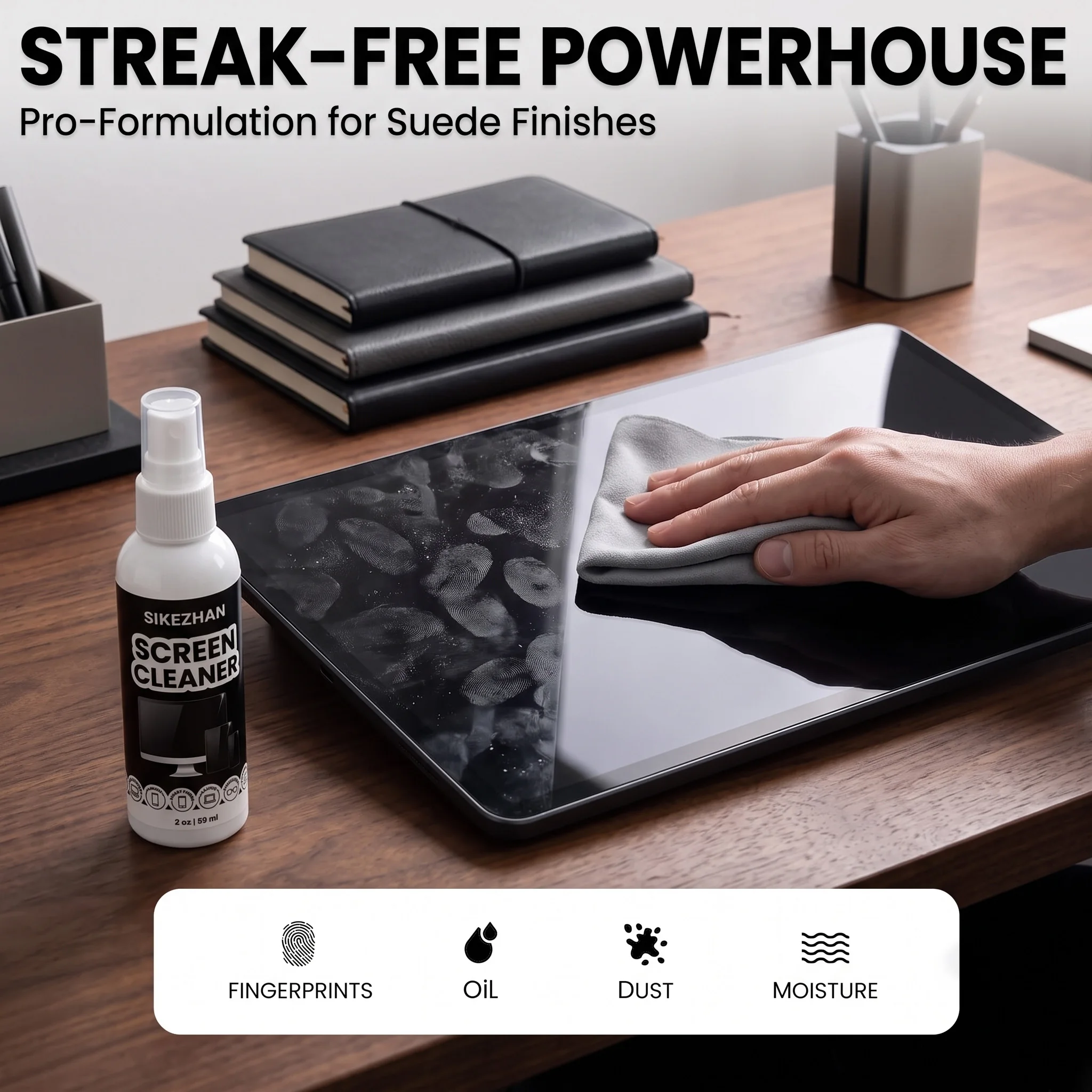
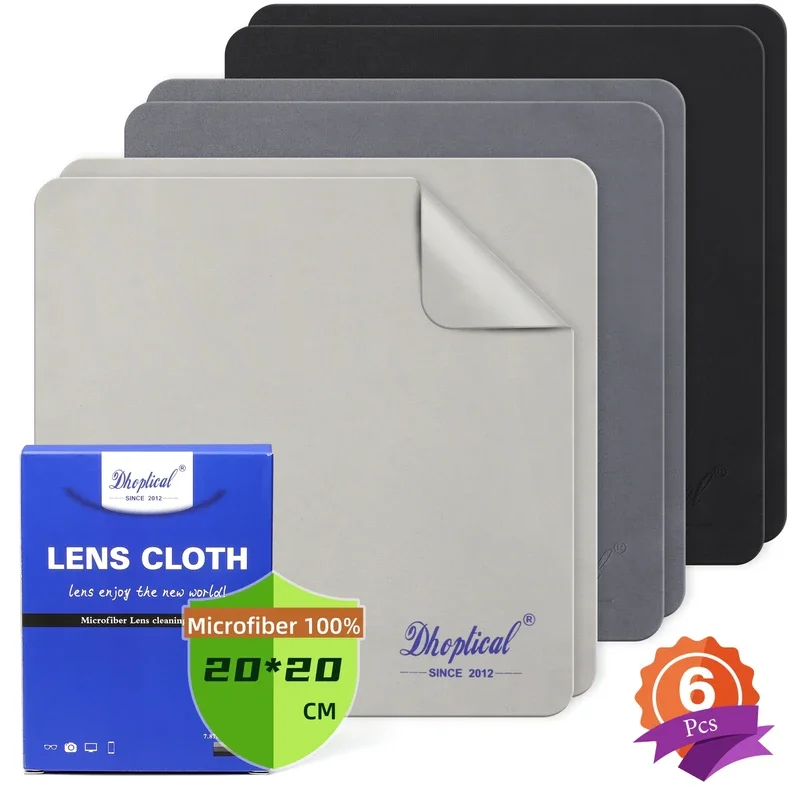
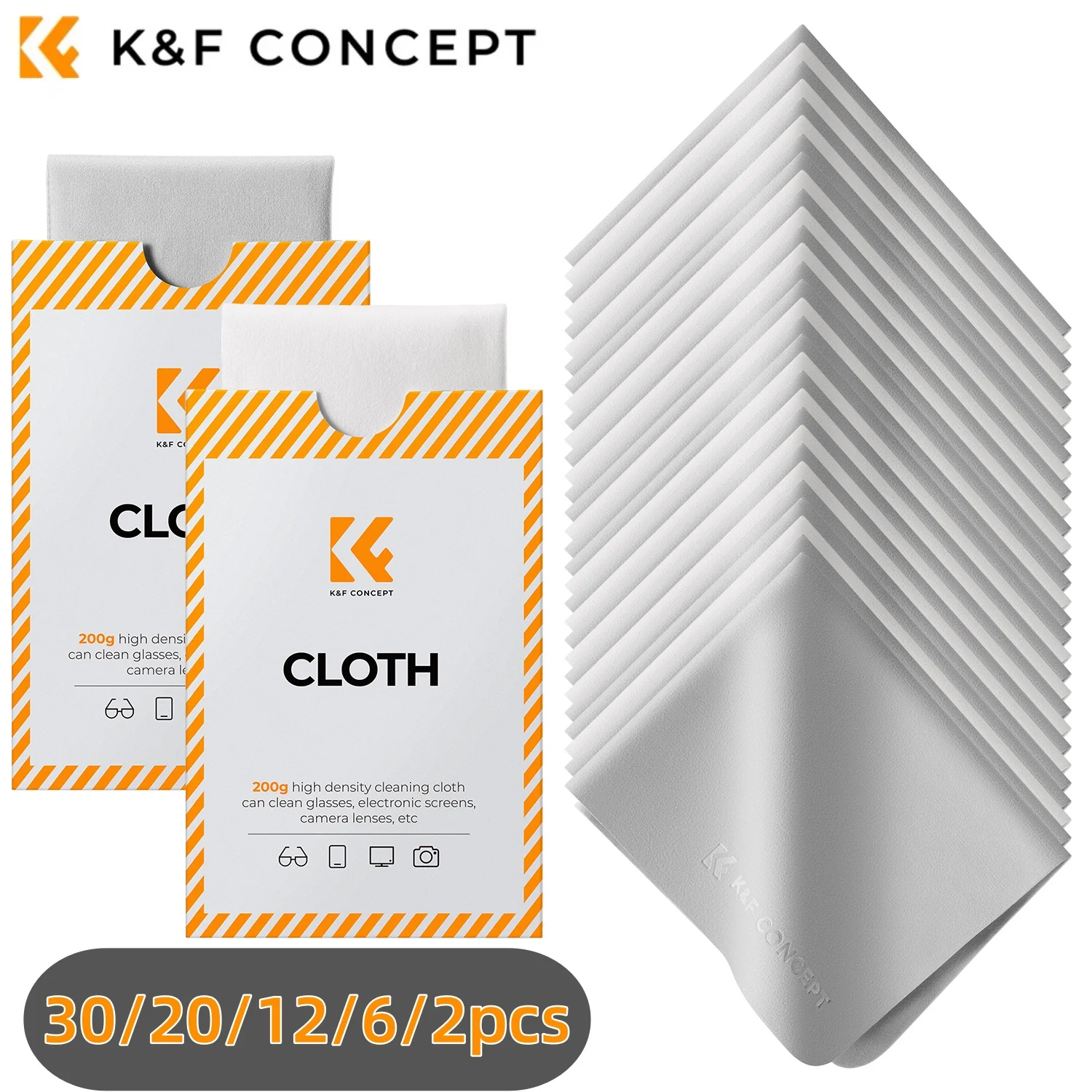
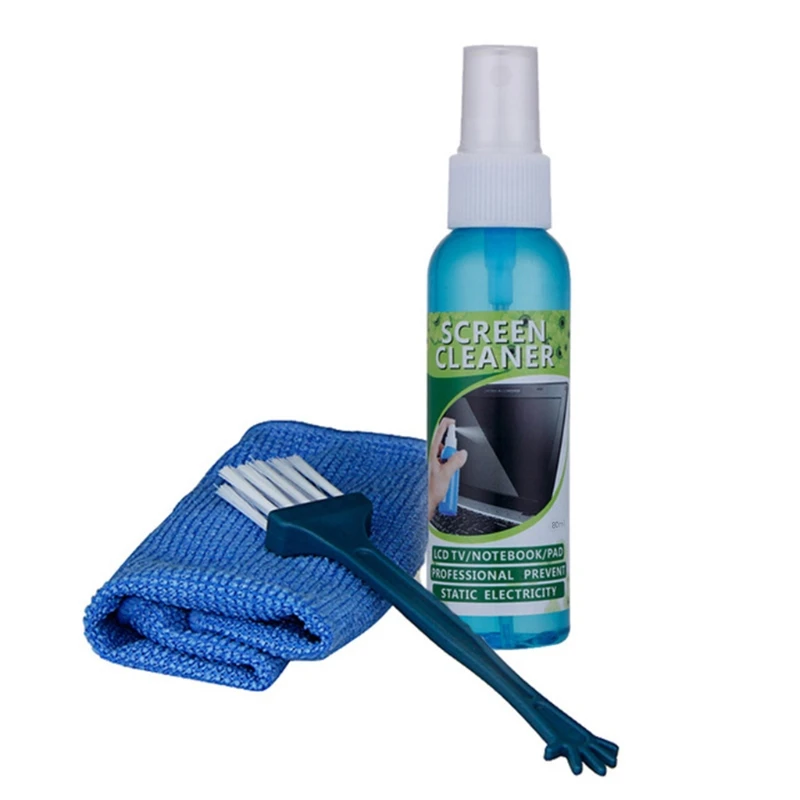
- Screen sprays and cloths are microfibre cloths in packs, and gentle sprays made for screens that come with a cloth. See screen sprays and cloths.
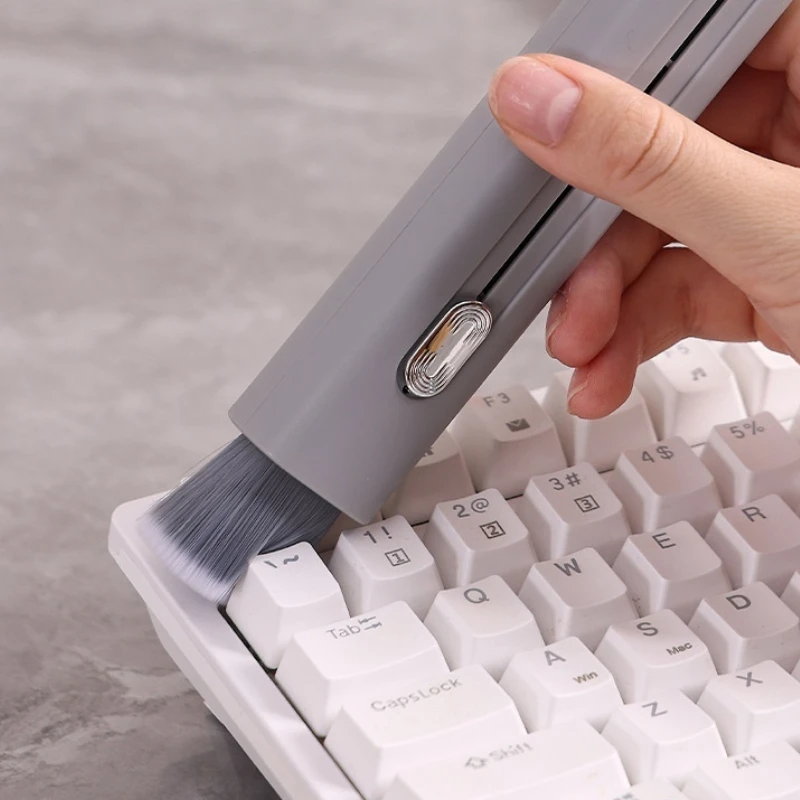
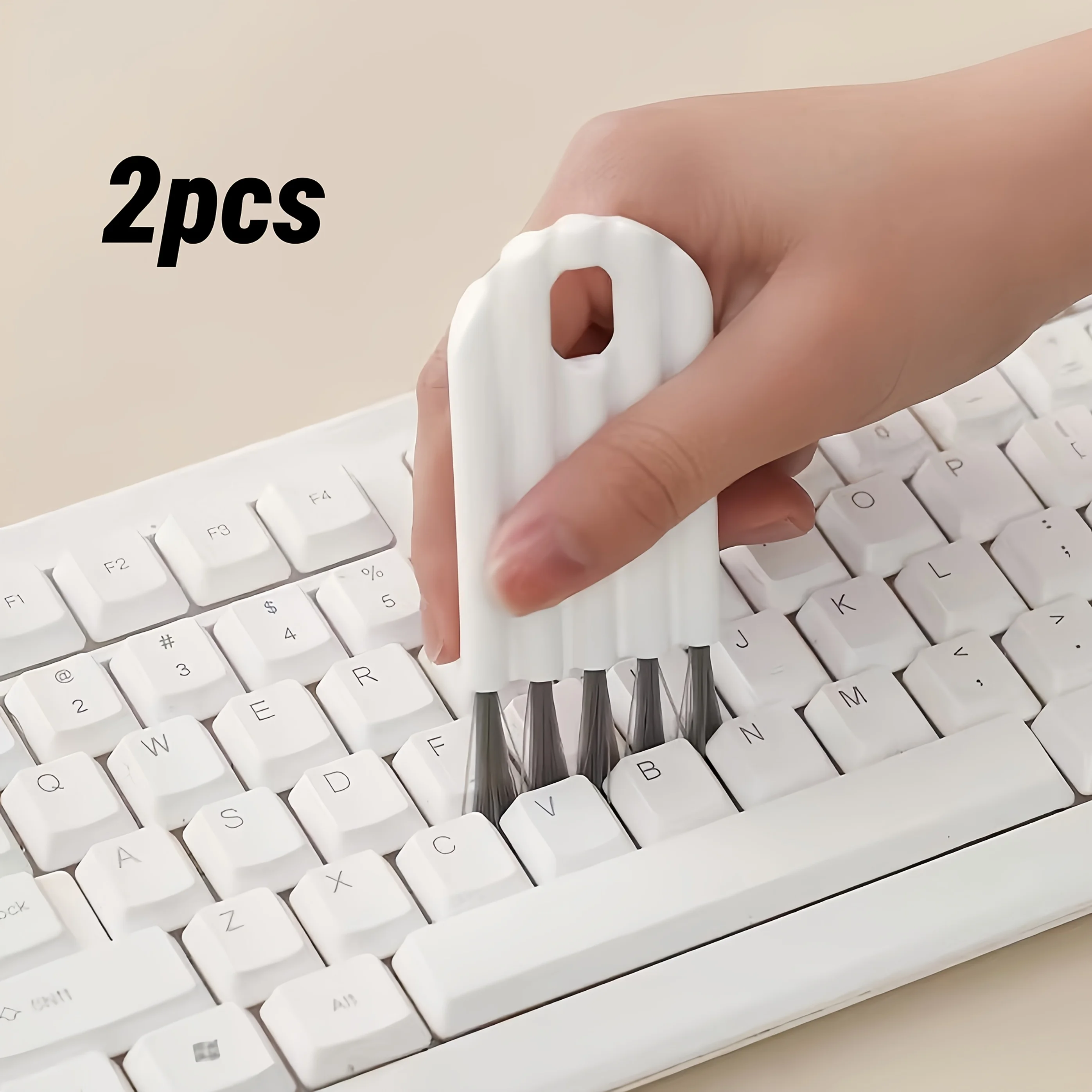
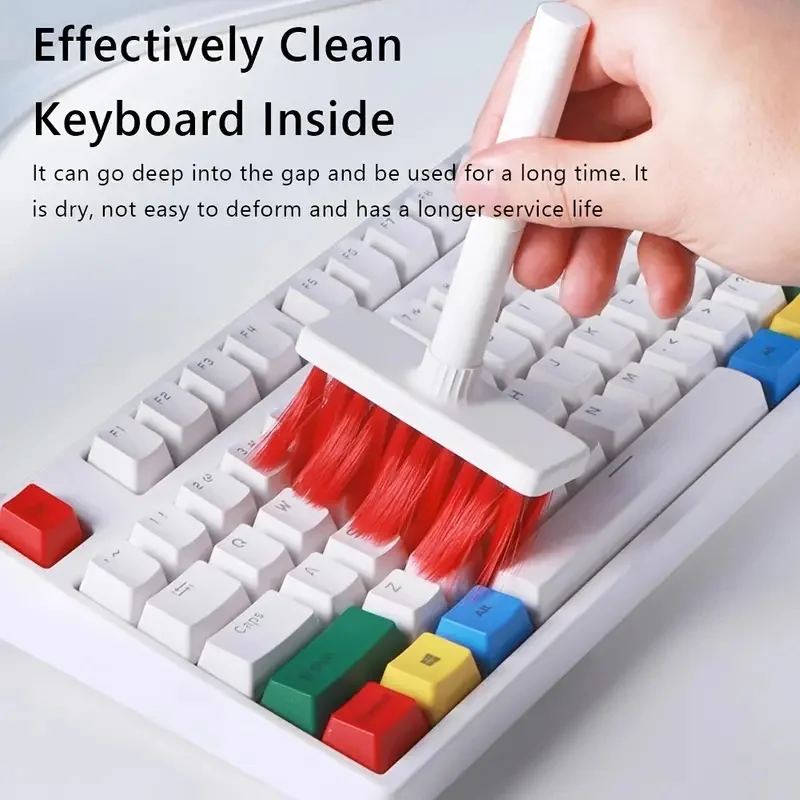
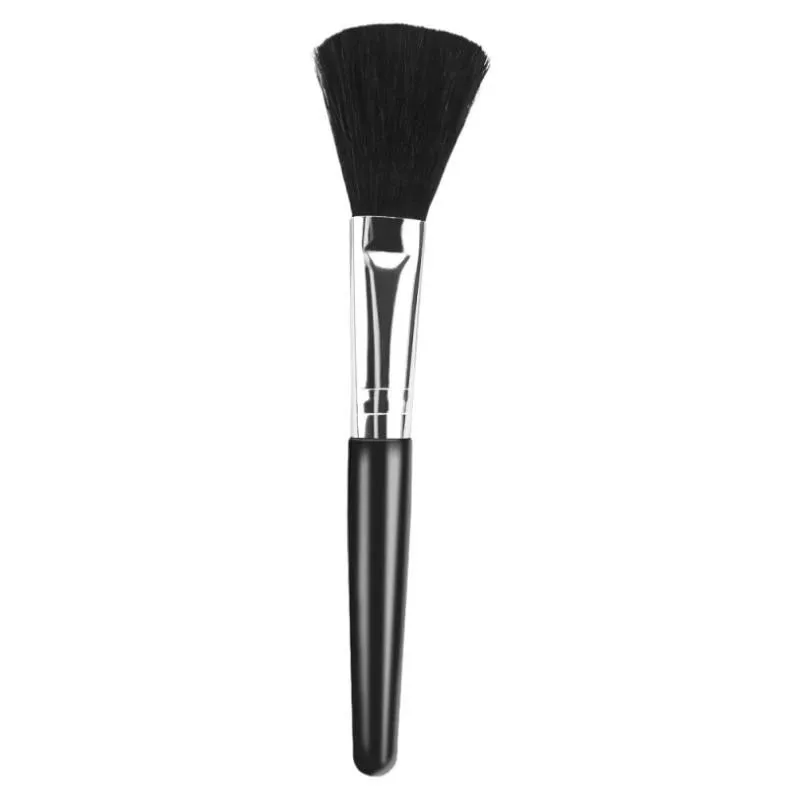
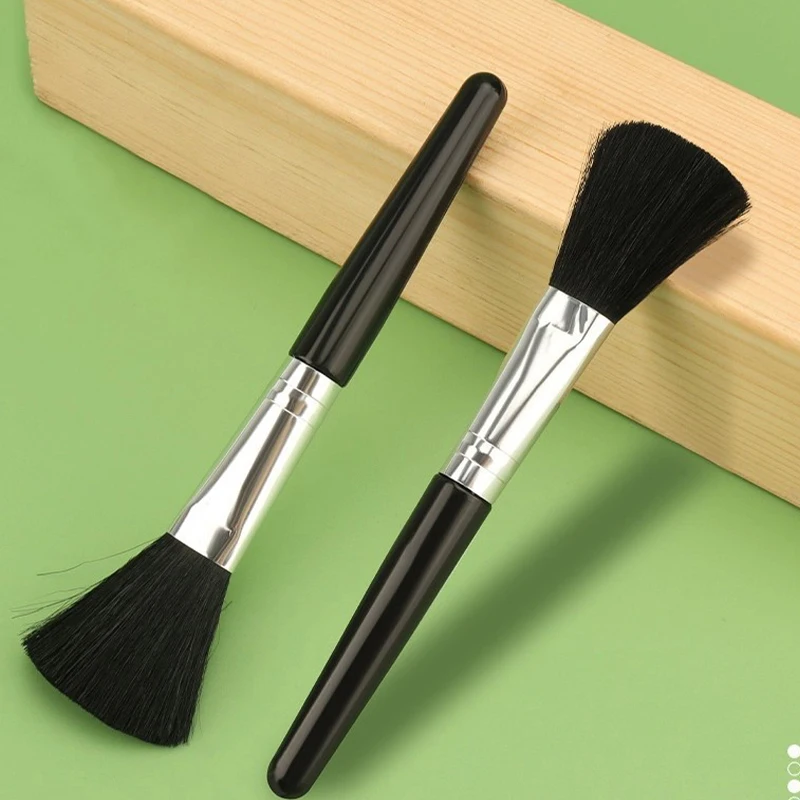
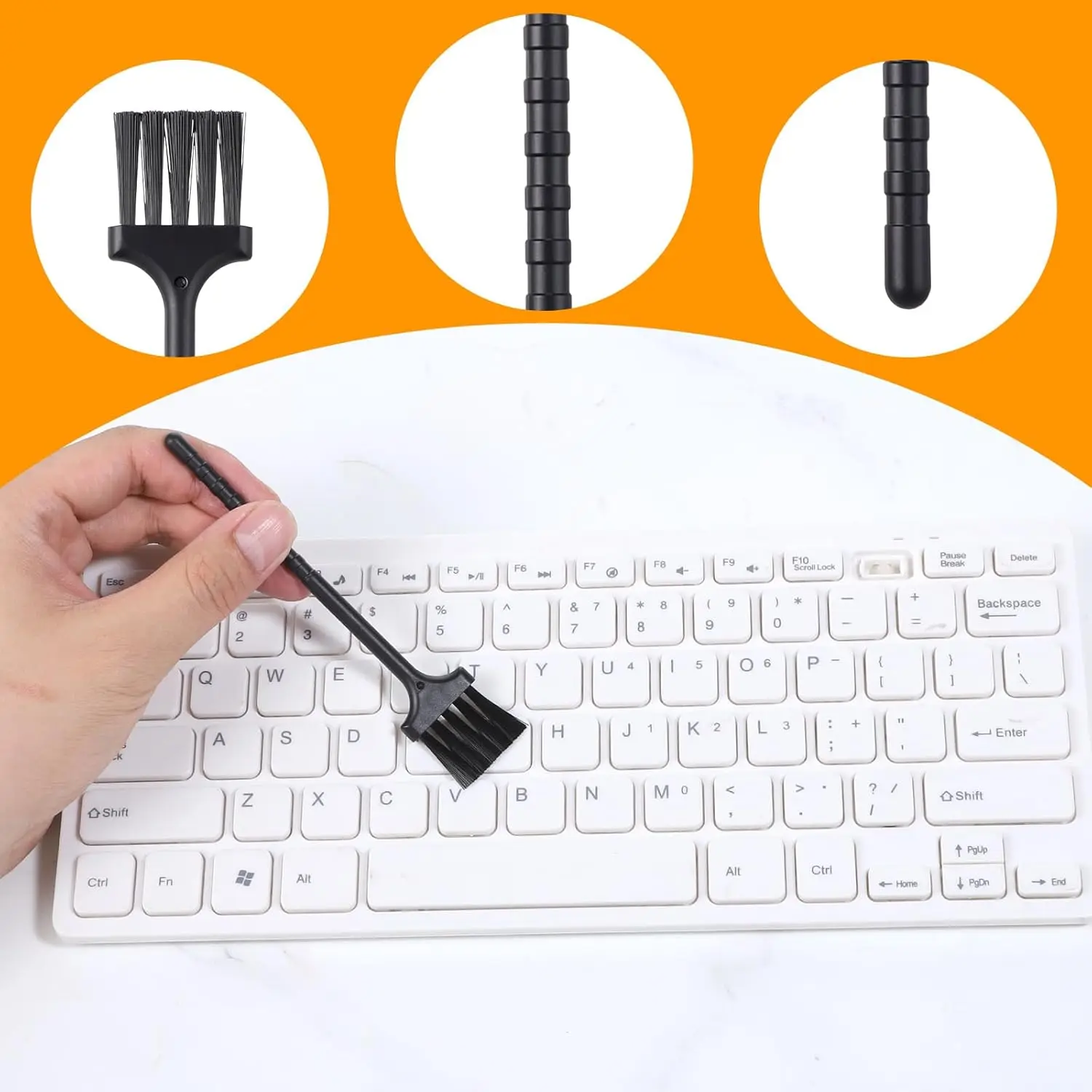
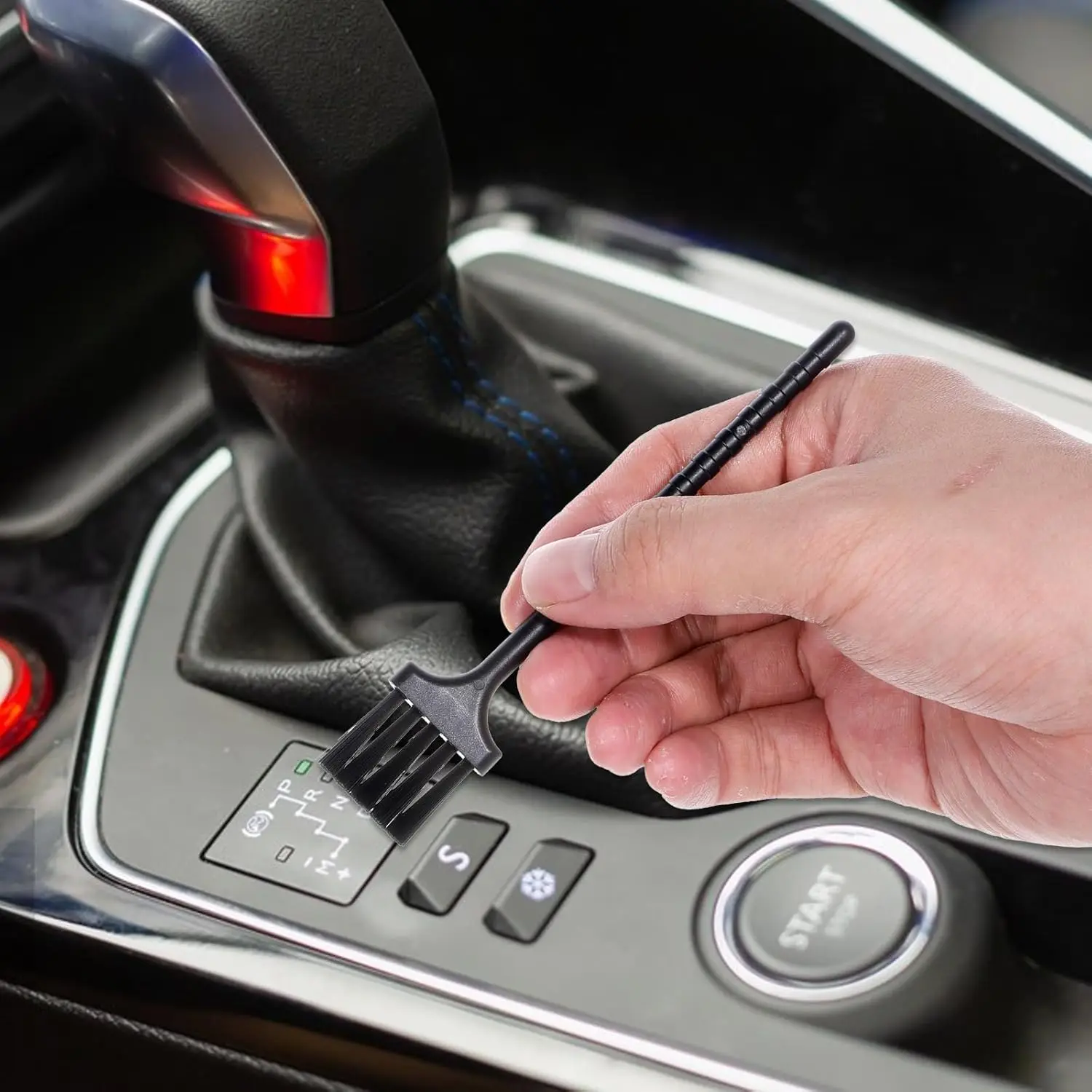
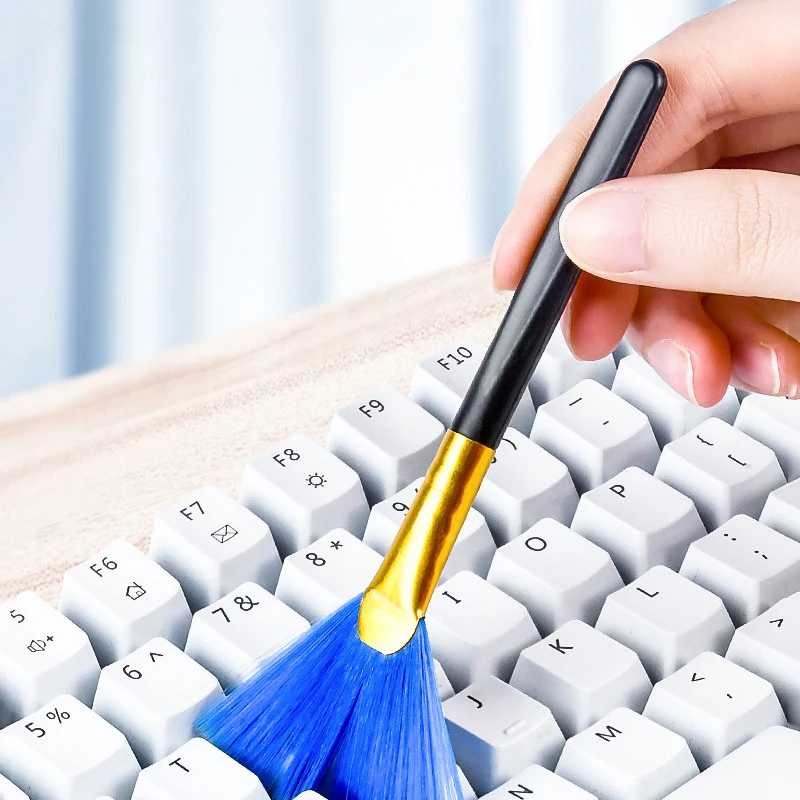
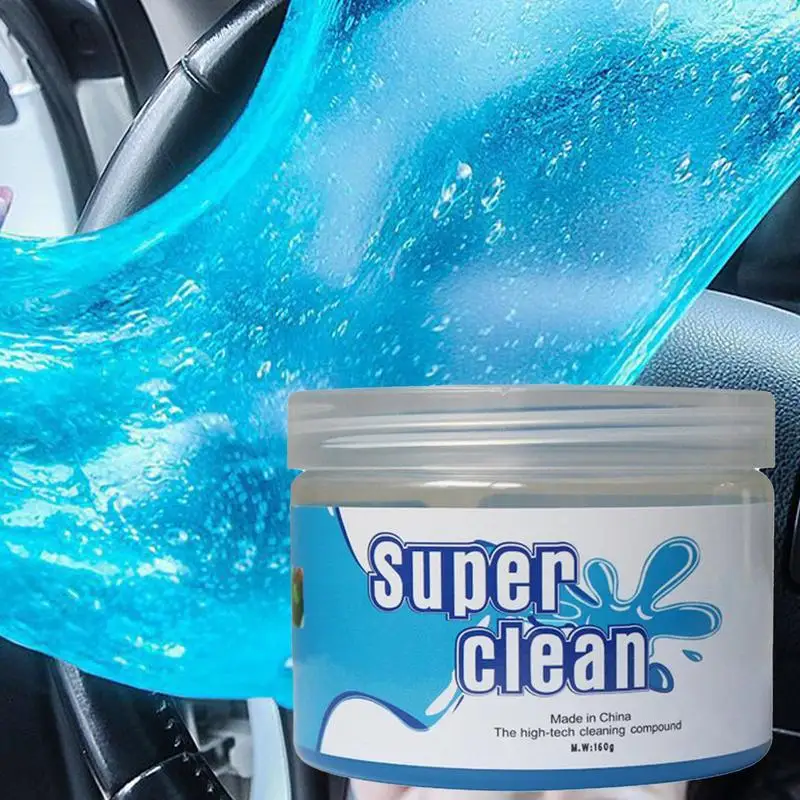
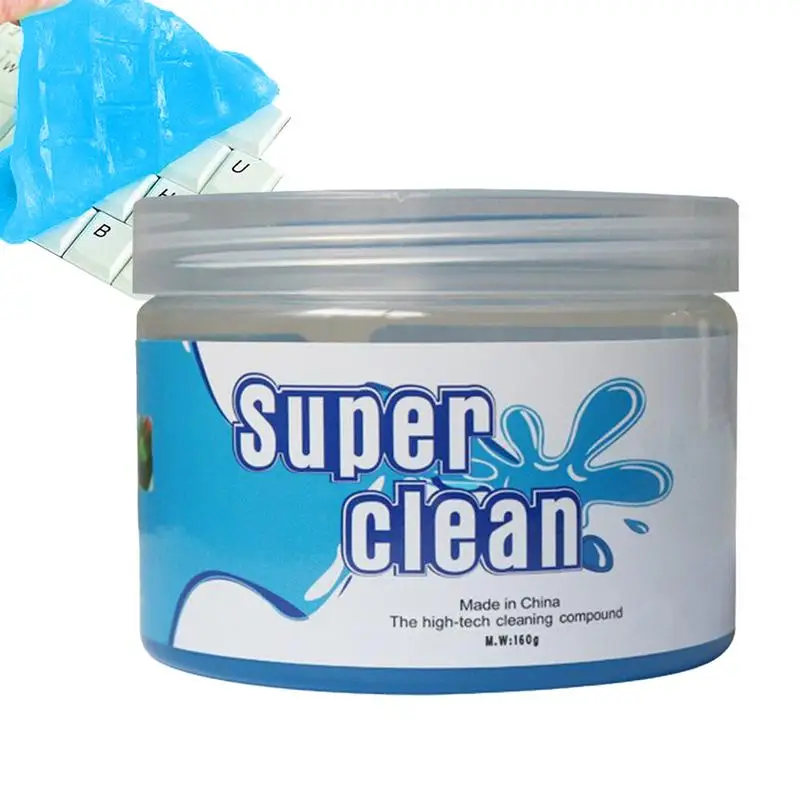
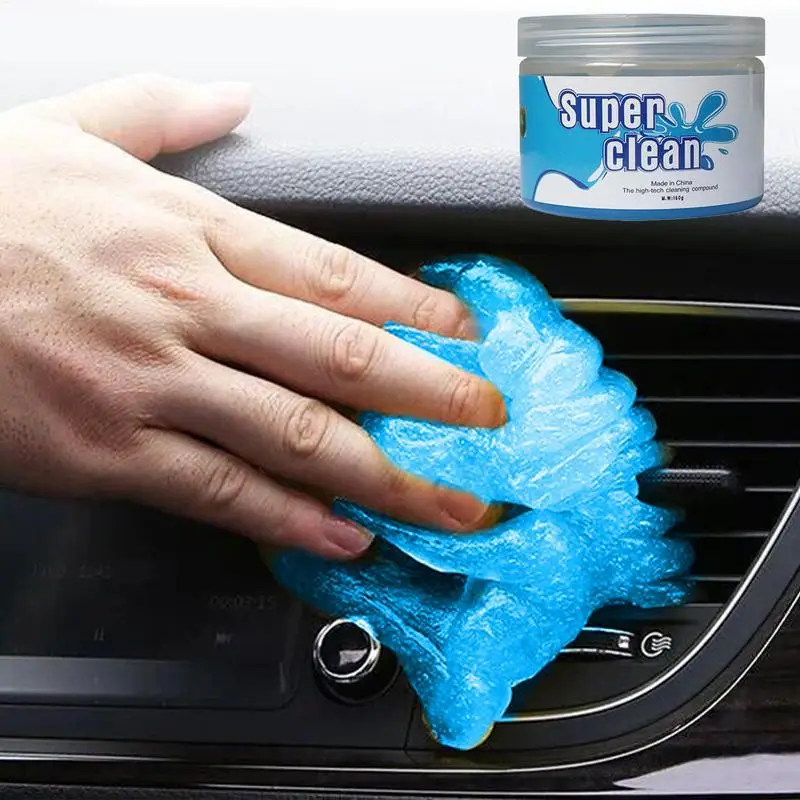
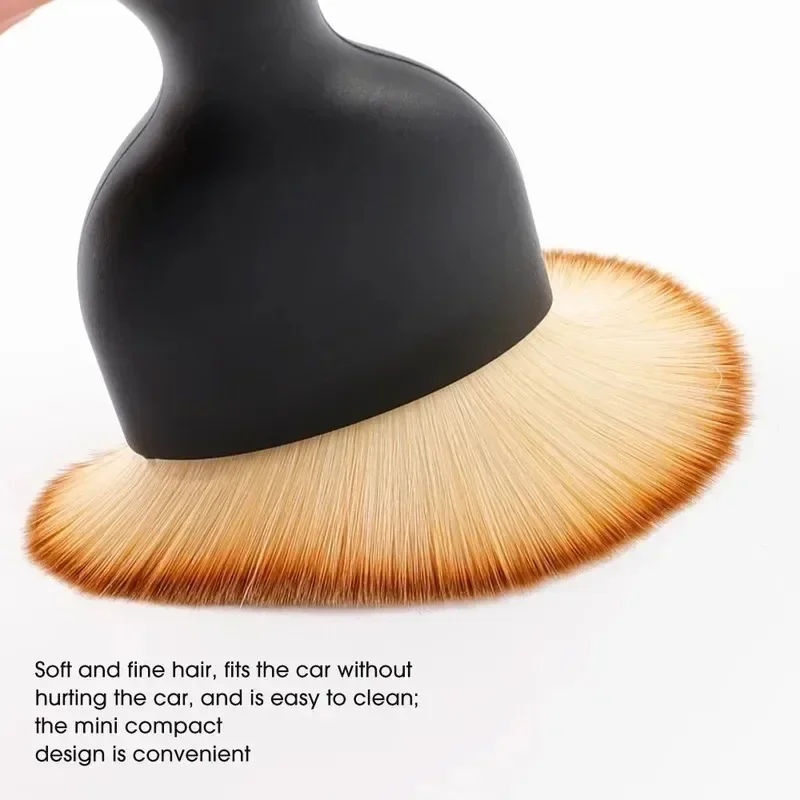
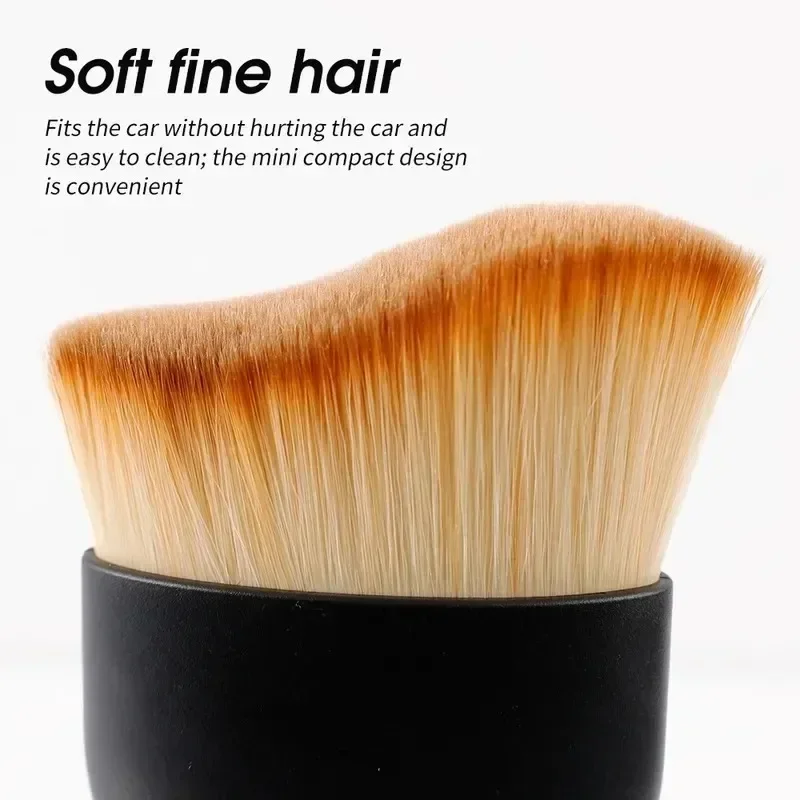
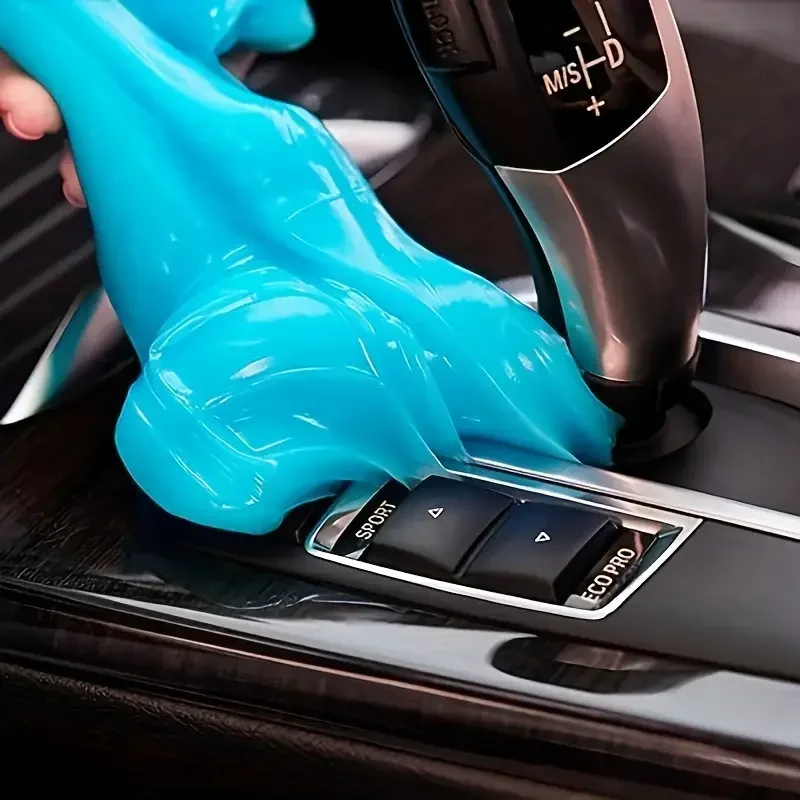
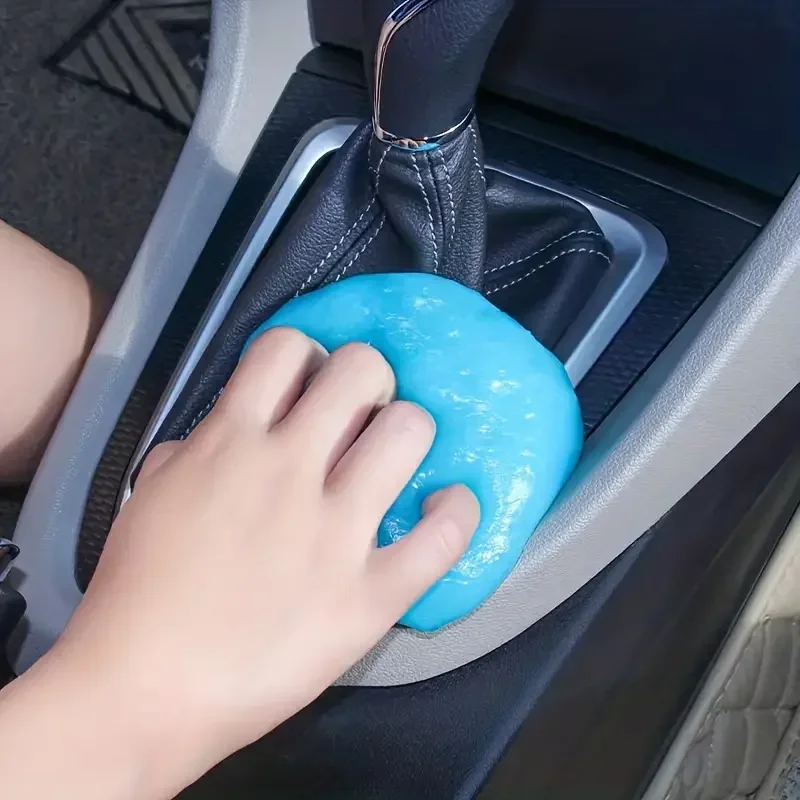
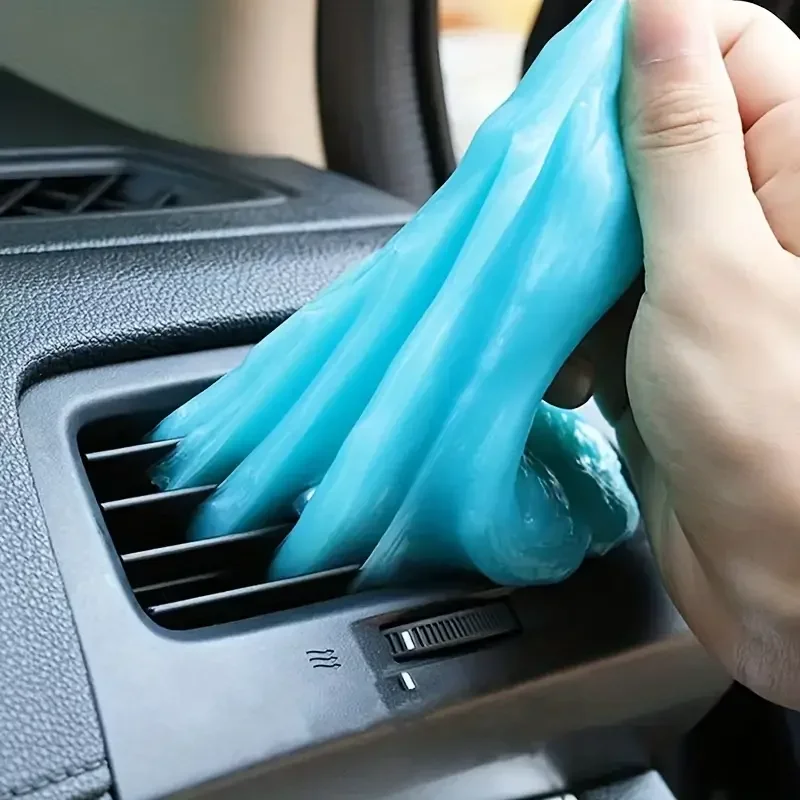
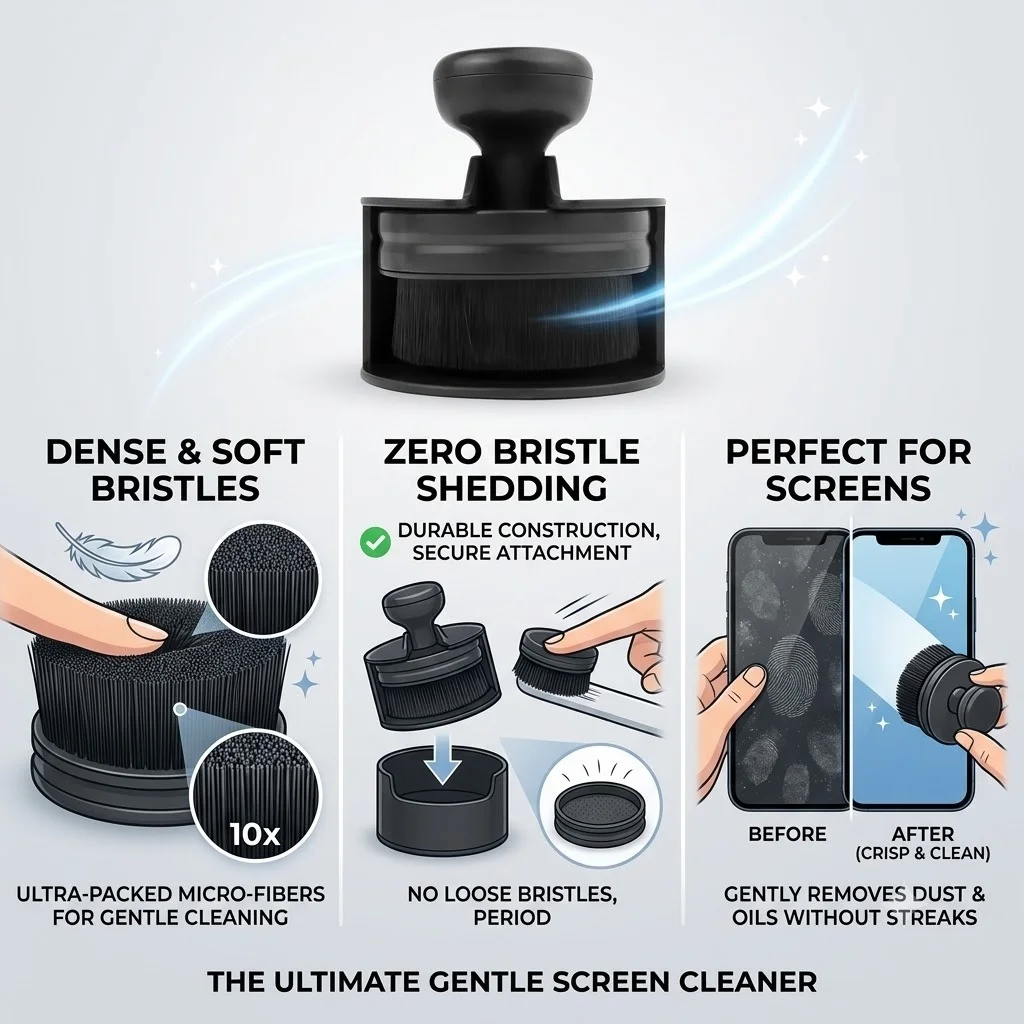
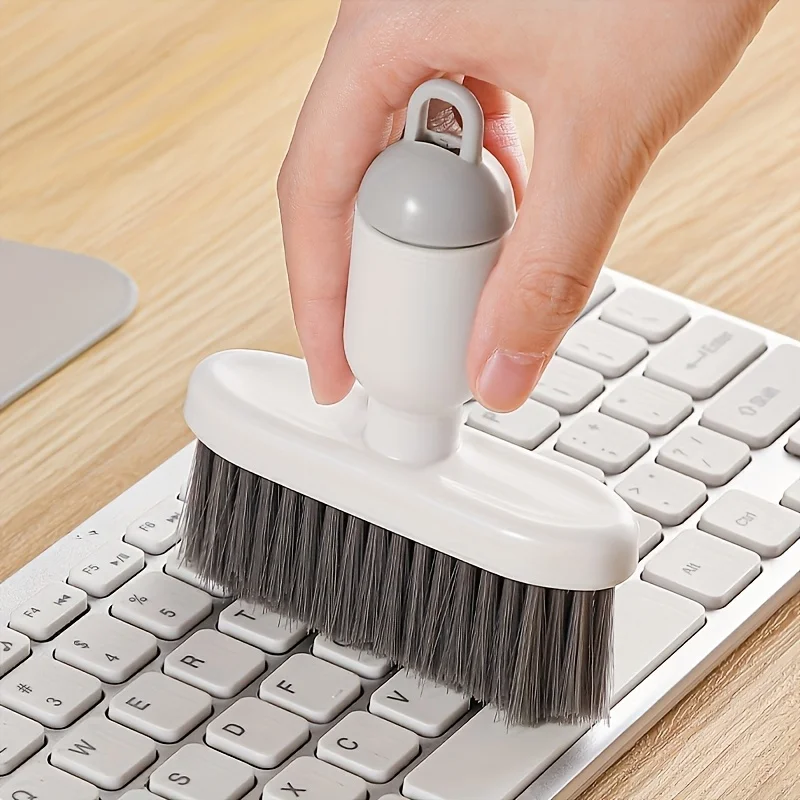
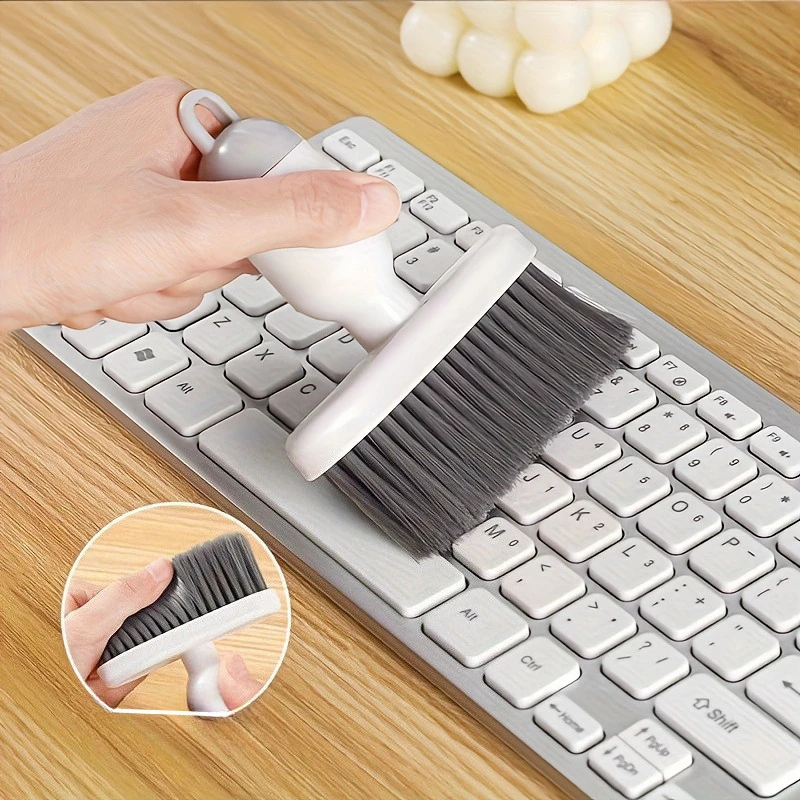
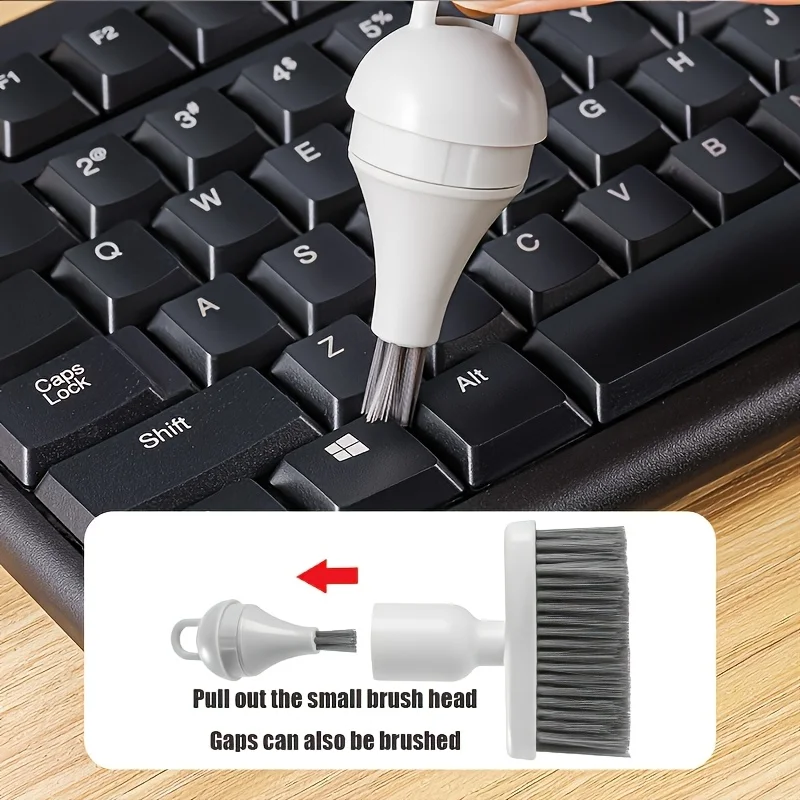
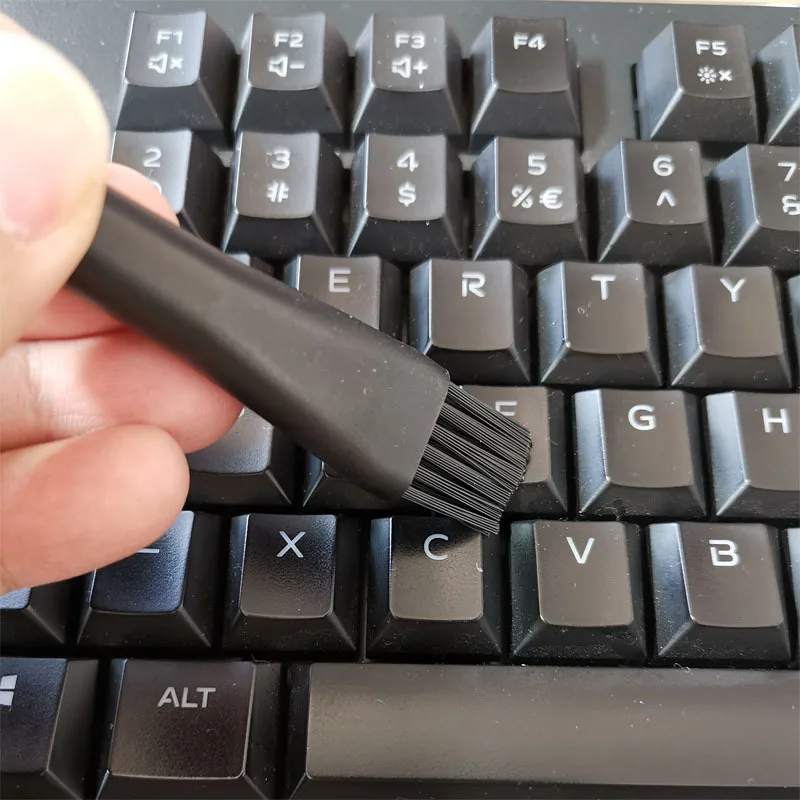
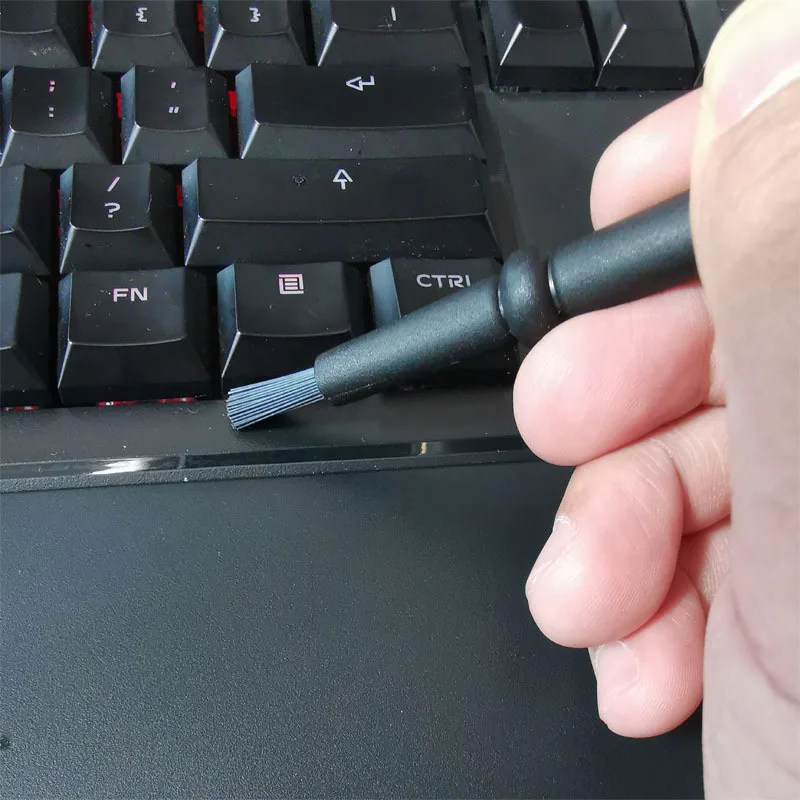
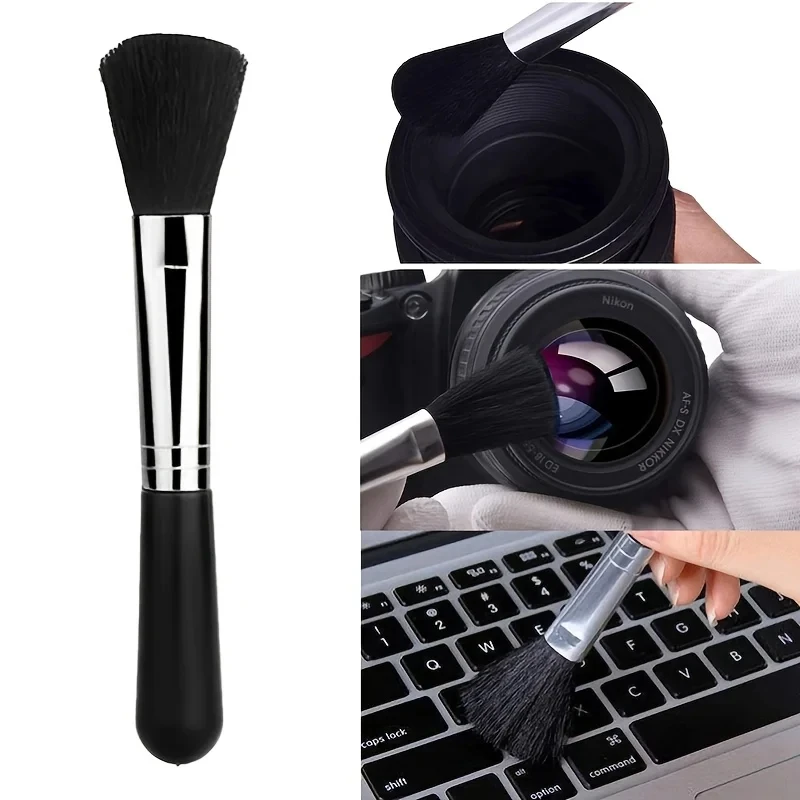
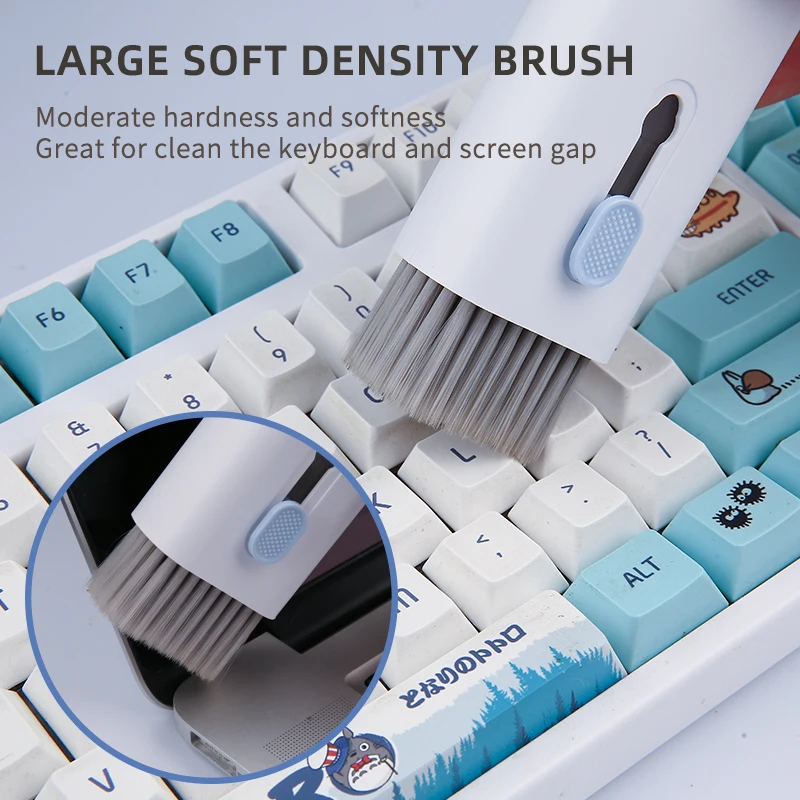
- Keyboard brushes and cleaning gel lift crumbs and dust from between the keys. See keyboard brushes and cleaning gel.
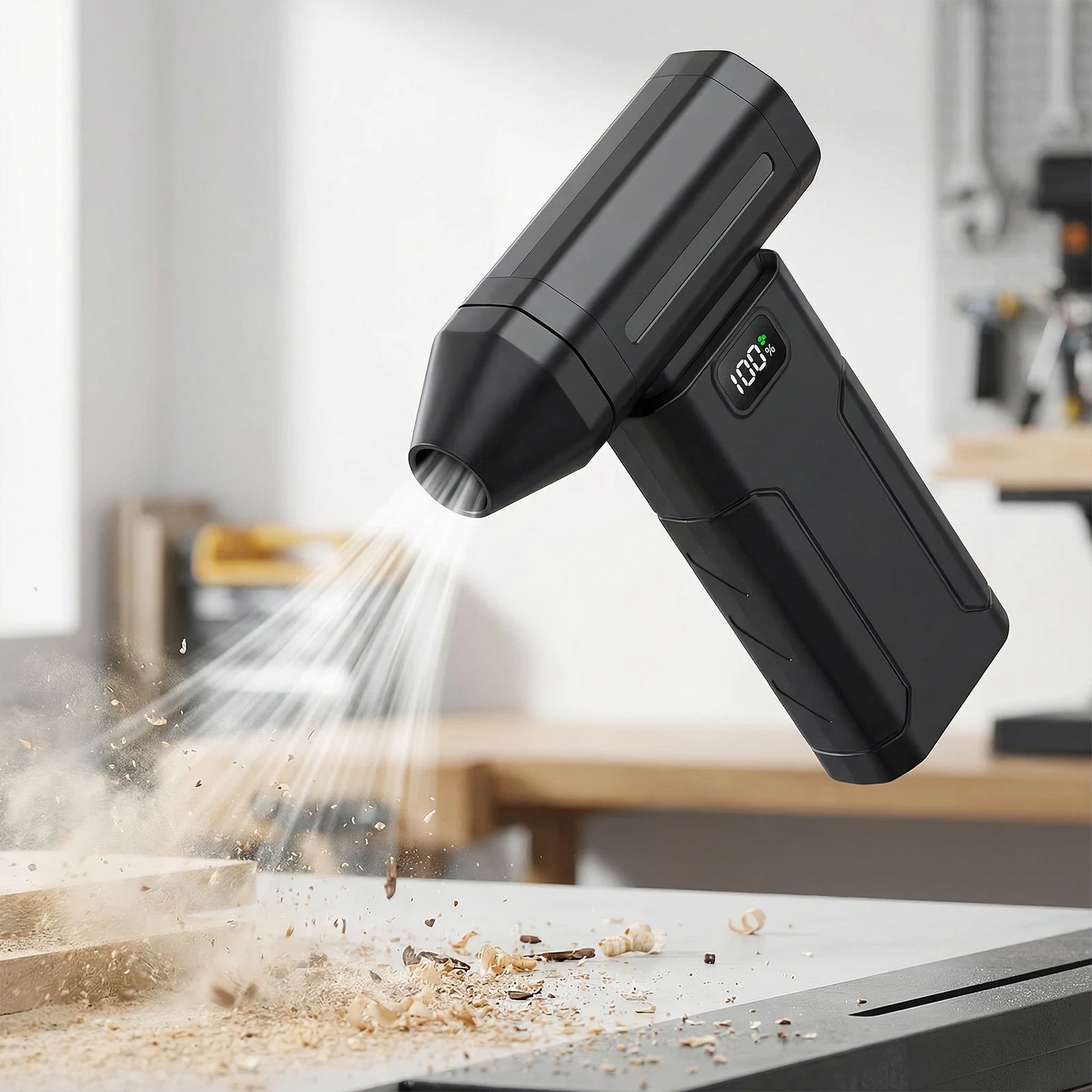
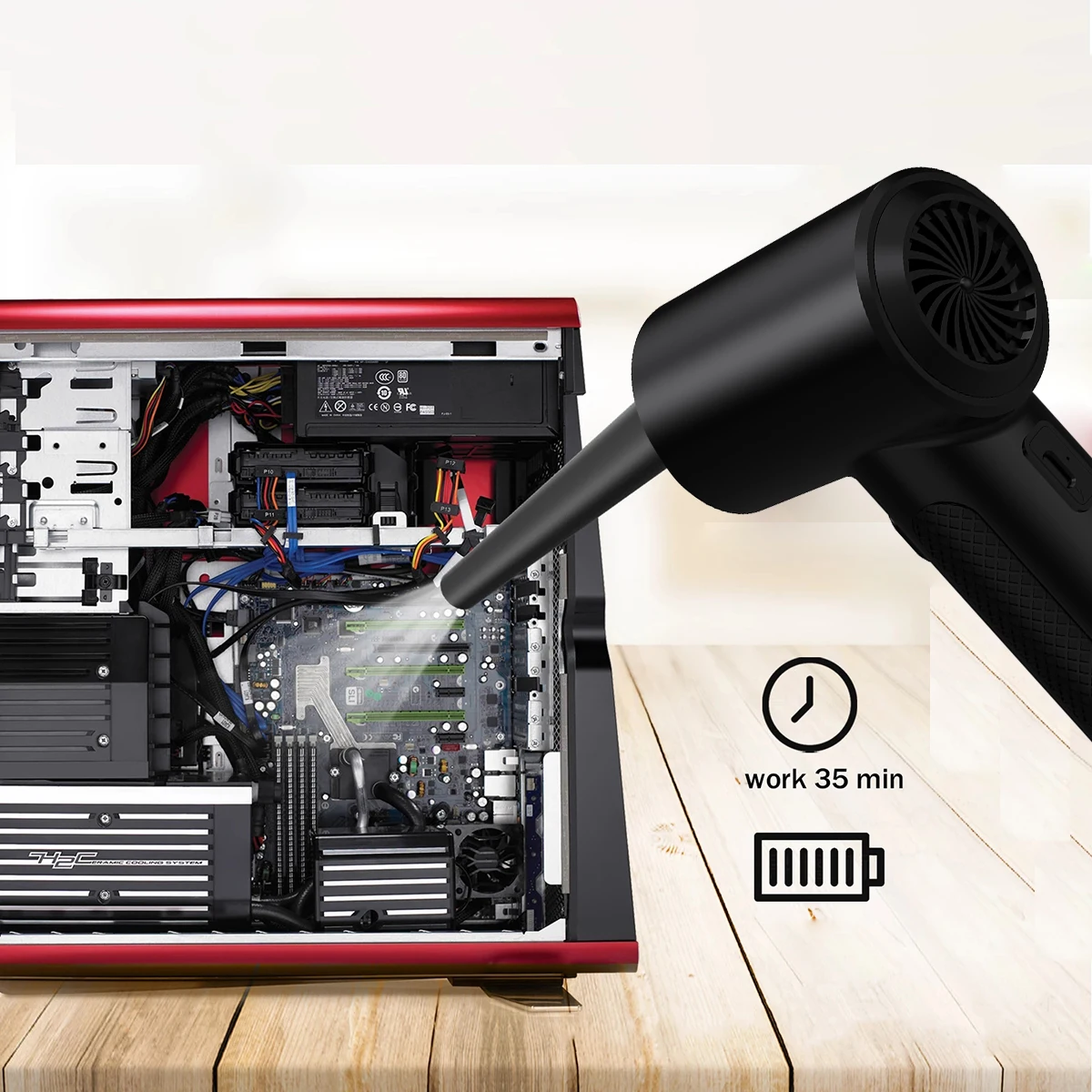
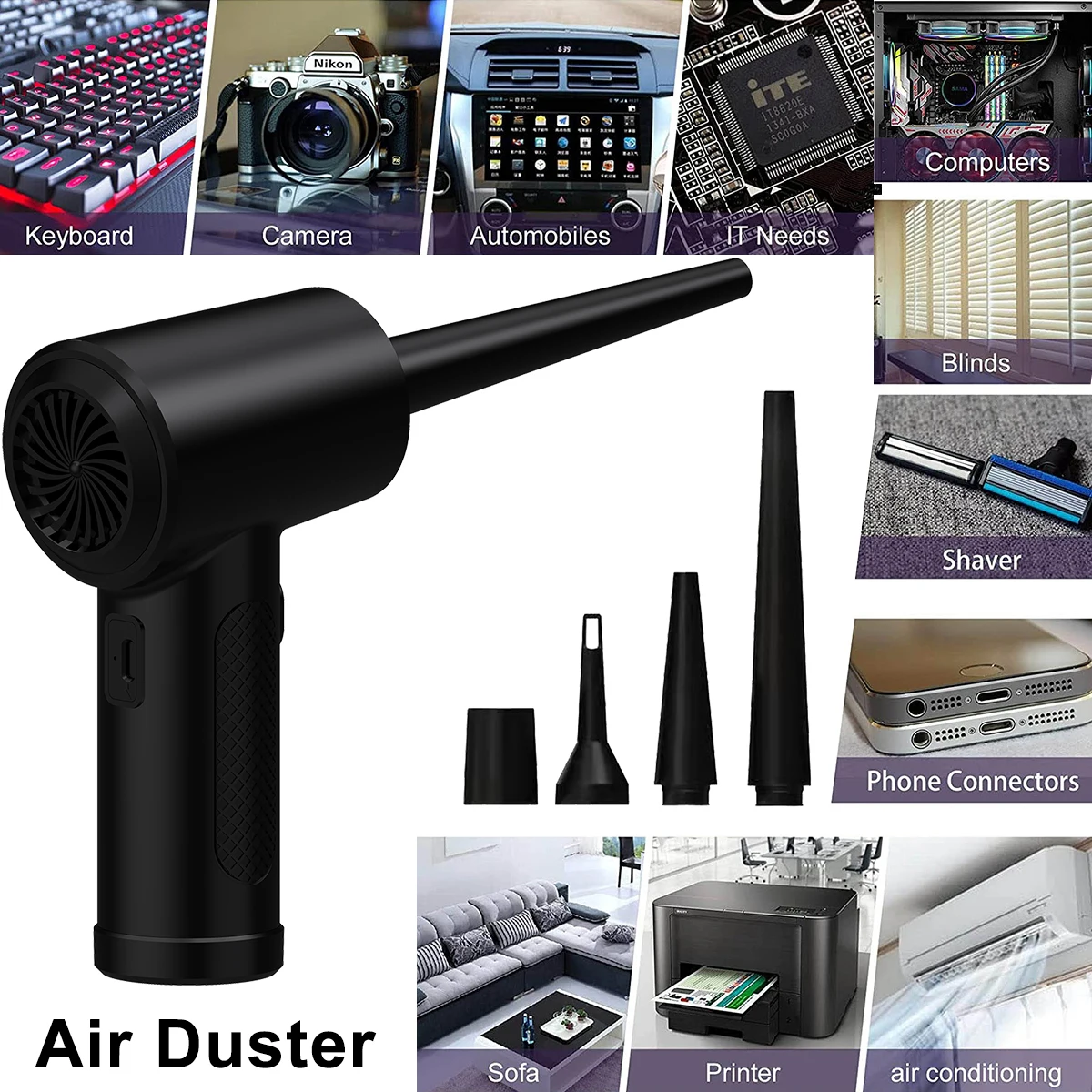
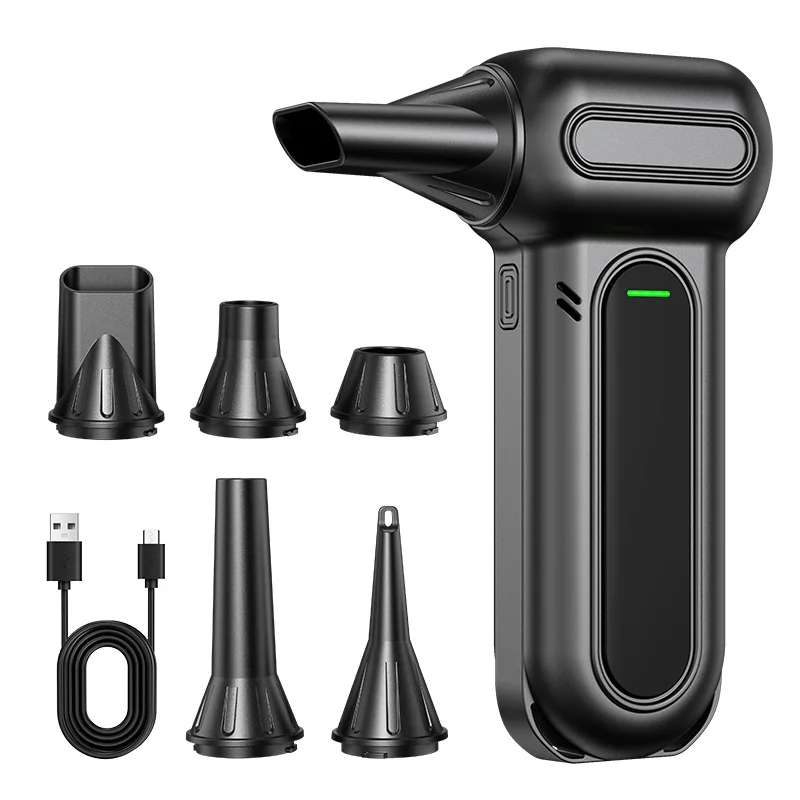
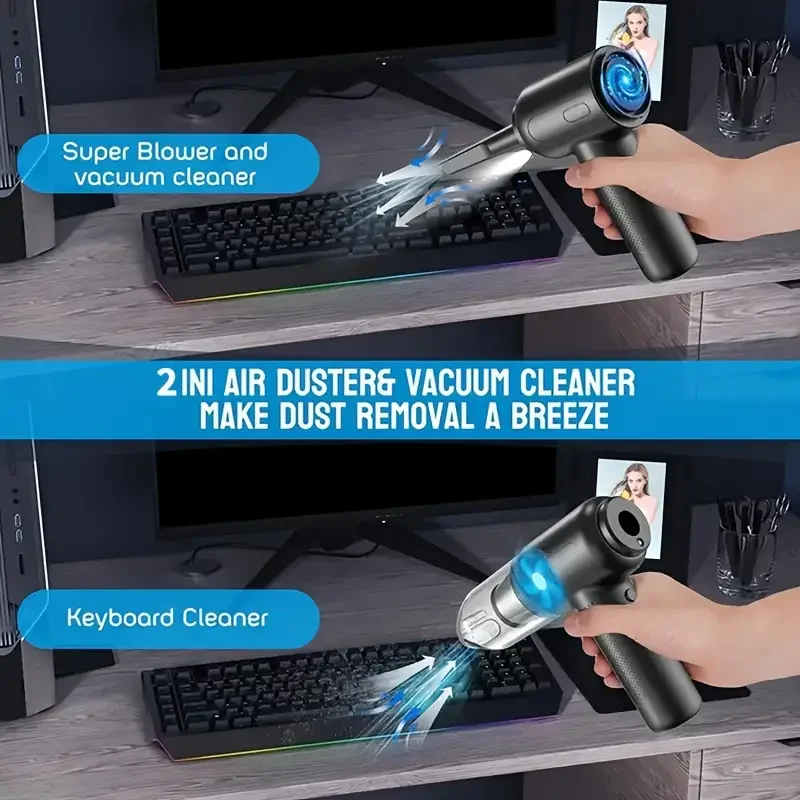
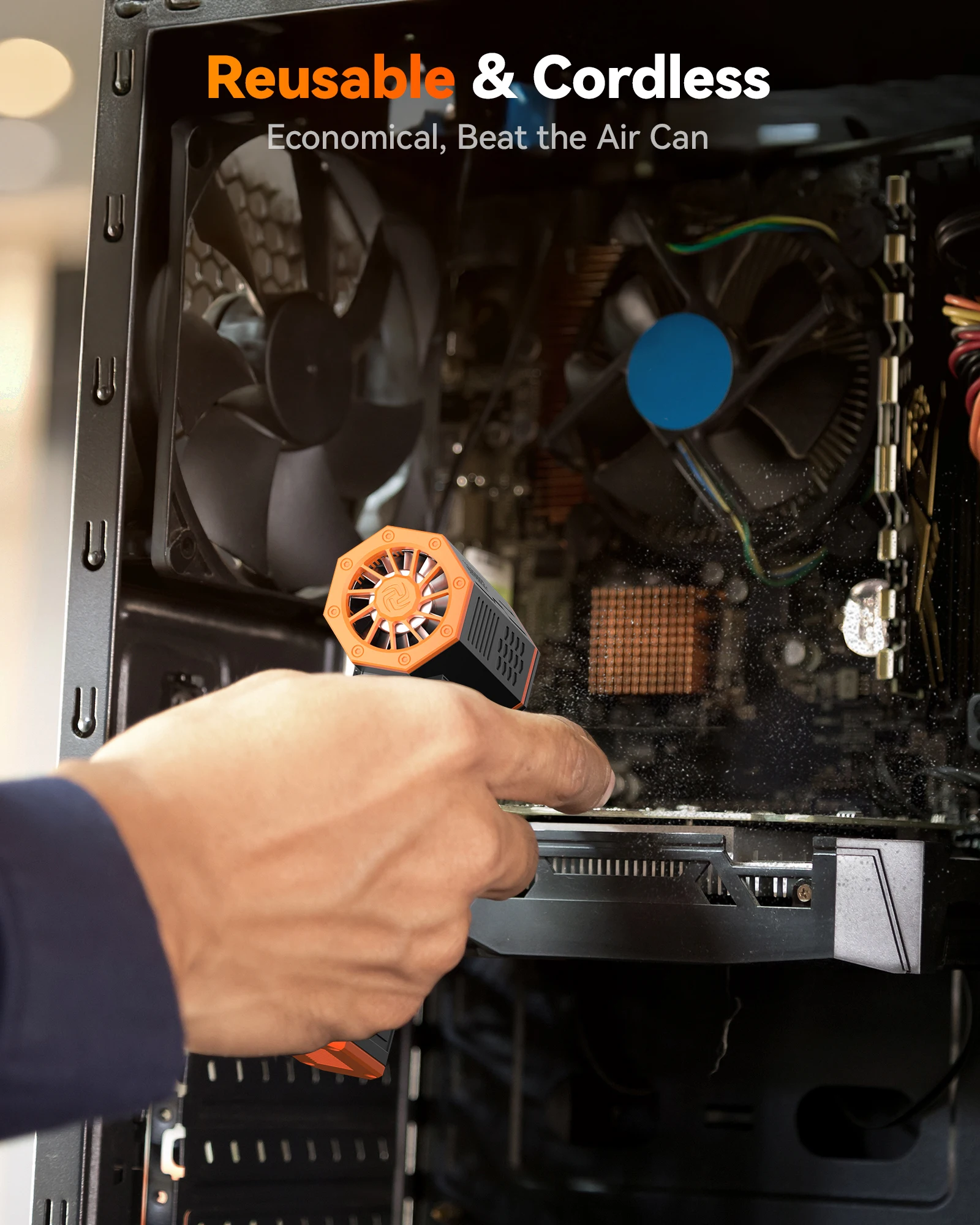
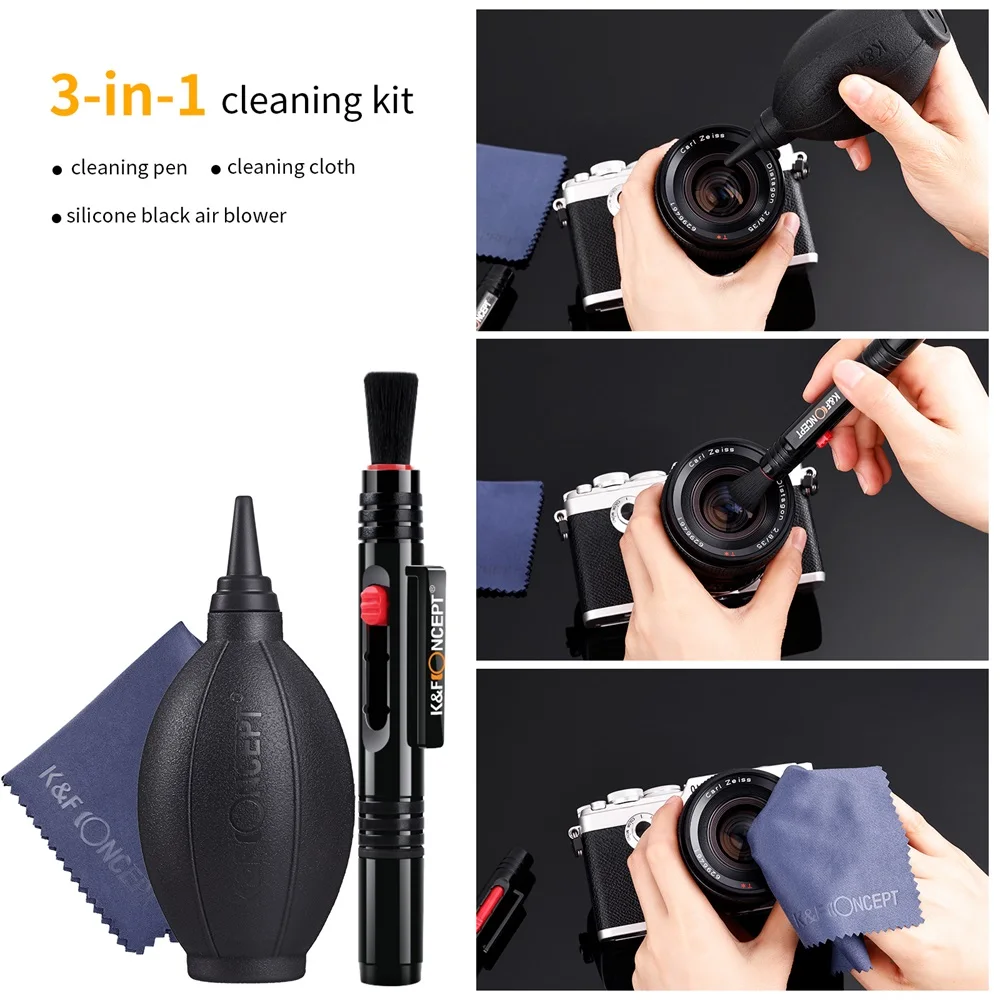
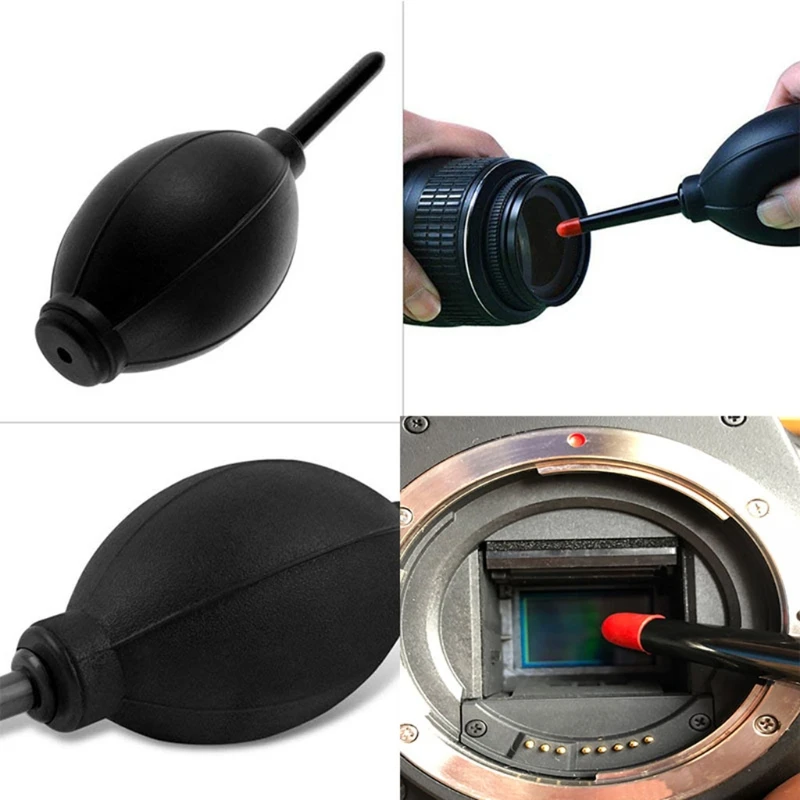
- Electric air dusters are rechargeable blowers that do the job of a can of compressed air. See electric air dusters.
Which part needs what
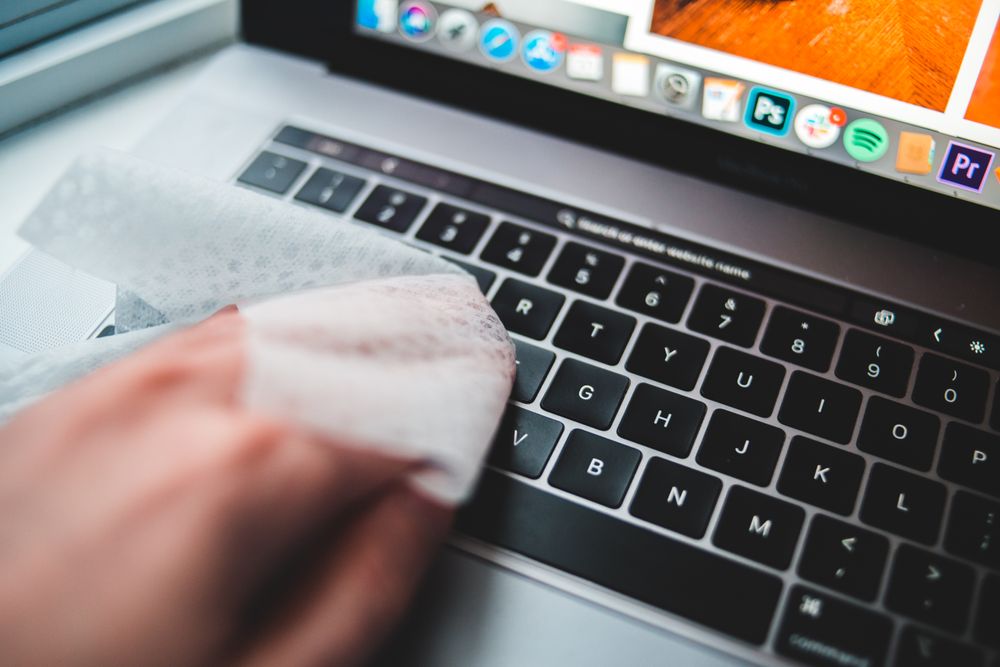
The screen needs a soft cloth, dry first and then barely damp with water or a screen cleaner. The keys need air and a soft brush for the gaps, and a barely damp cloth for the tops, one key at a time. The vents need short bursts of air with the laptop off. The sockets need a short puff of air or a dry brush, never a pin. The lid and base need a damp cloth, then a dry one.
Questions people ask about laptop cleaning
How often should I clean my laptop?
HP gives a rough timetable: wipe the screen, keyboard and trackpad about once a week, clear the keyboard and vents with air about once a month, and clean the case, sockets and keyboard edges more thoroughly every three months or so. A laptop used while eating needs it more often.
Is cleaning the vents worth doing?
Yes. Dust in the vents makes the fan work harder and the laptop run warmer. If it still runs hot afterwards, a cooling pad helps.
Delivery is included in every price and tracked to your door.
More to look at