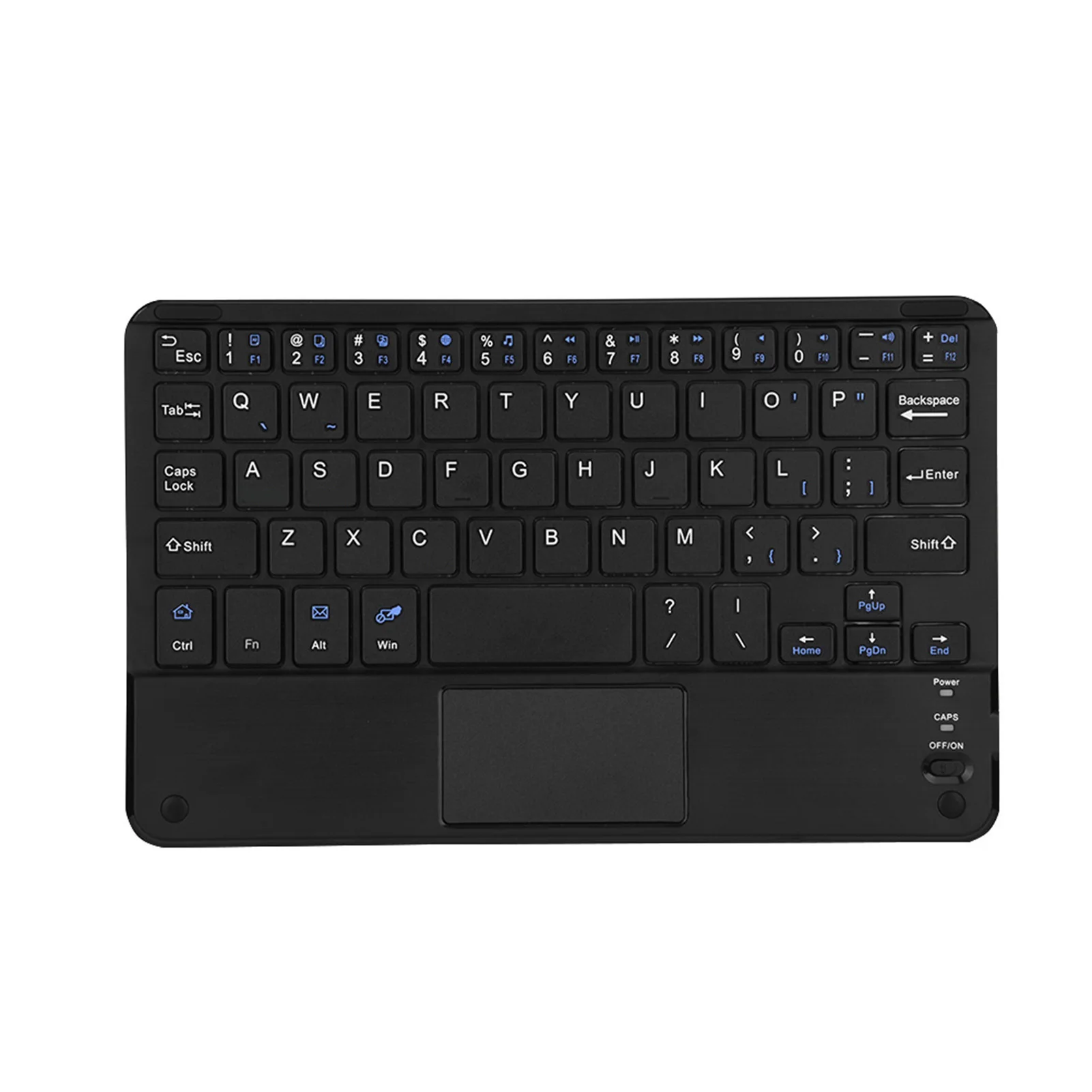
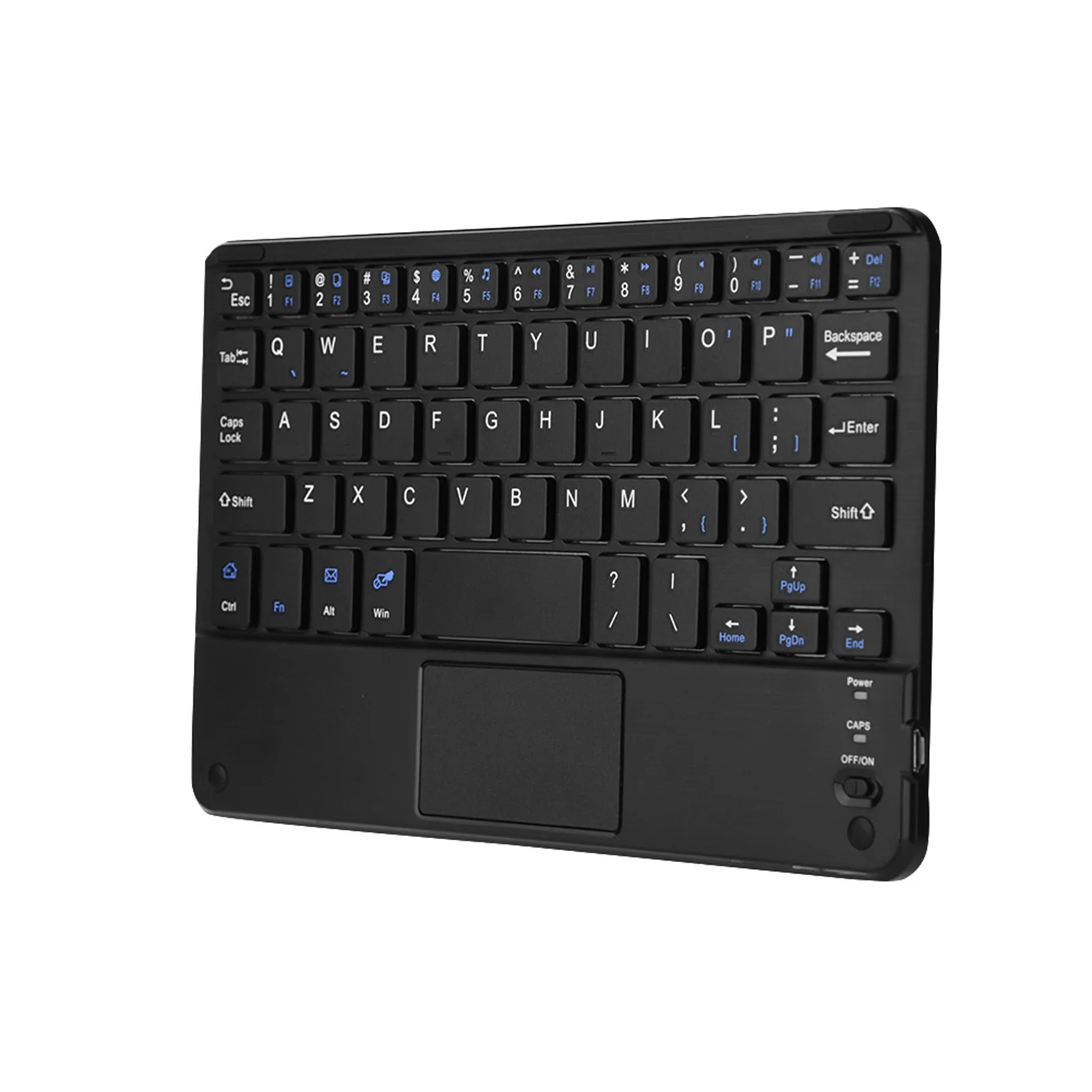
A separate keyboard for a laptop
A laptop's keyboard is fixed to its screen, so one of them is always in the wrong place. The Health and Safety Executive suggests a separate keyboard and mouse for anyone working on a laptop for long spells, with the screen raised on a stand and the keyboard just below elbow height. A separate keyboard is also the way to type properly on a tablet or a phone away from the desk.
The four ranges
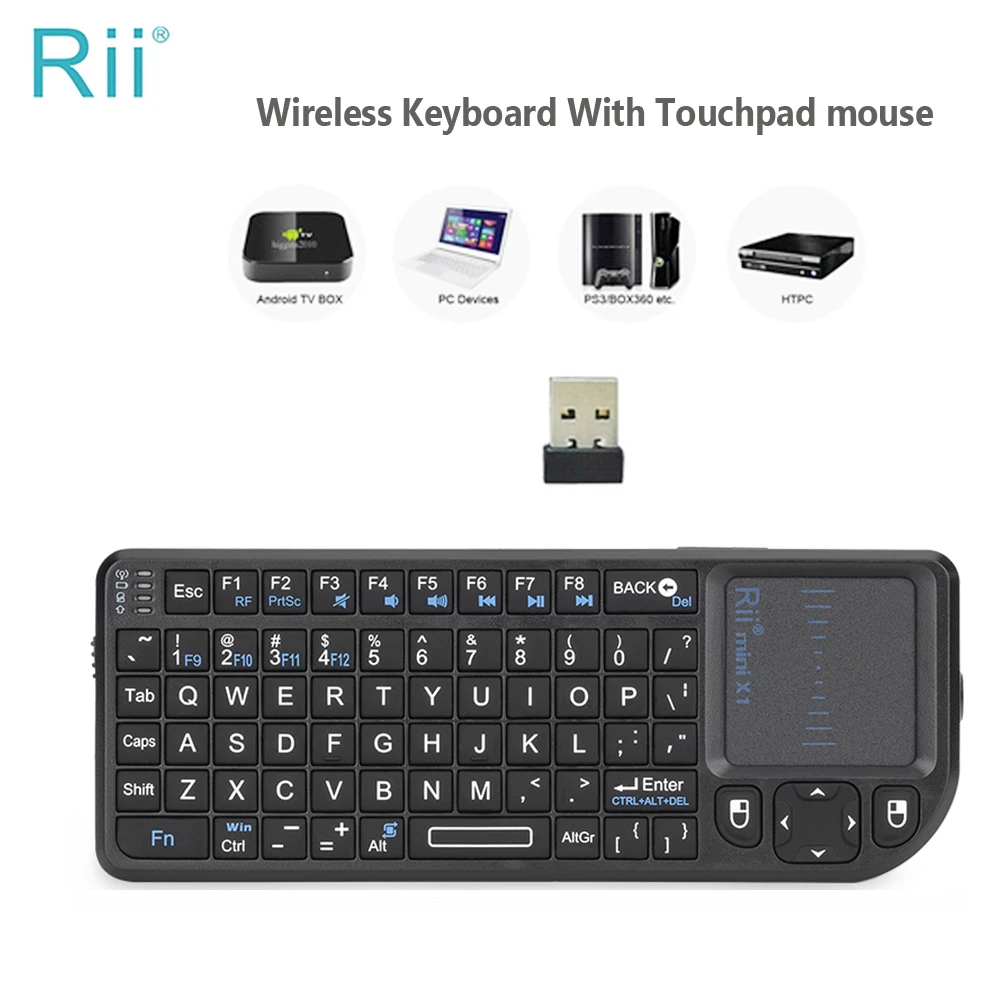
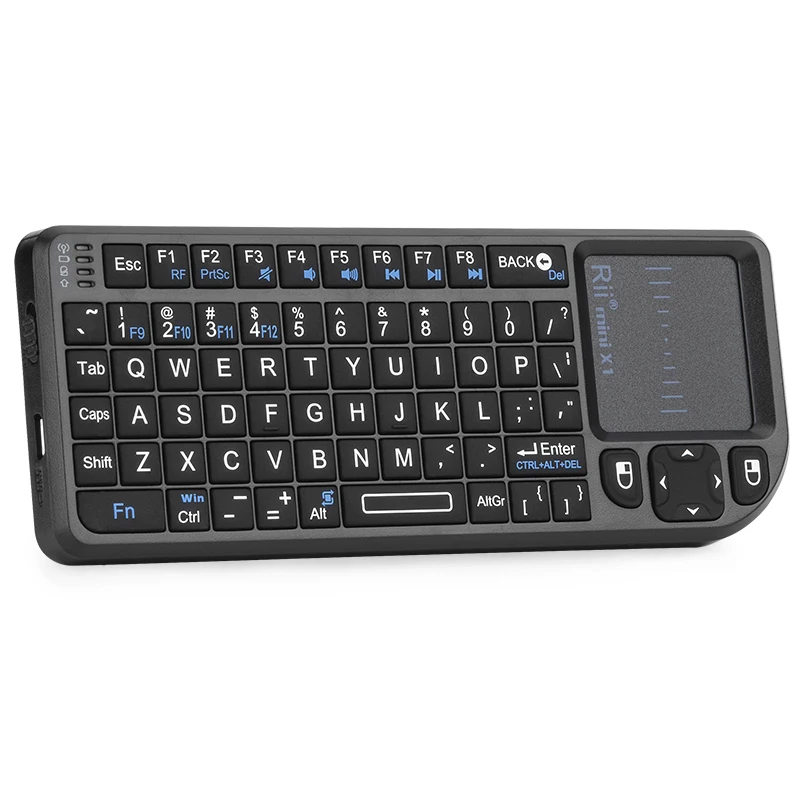
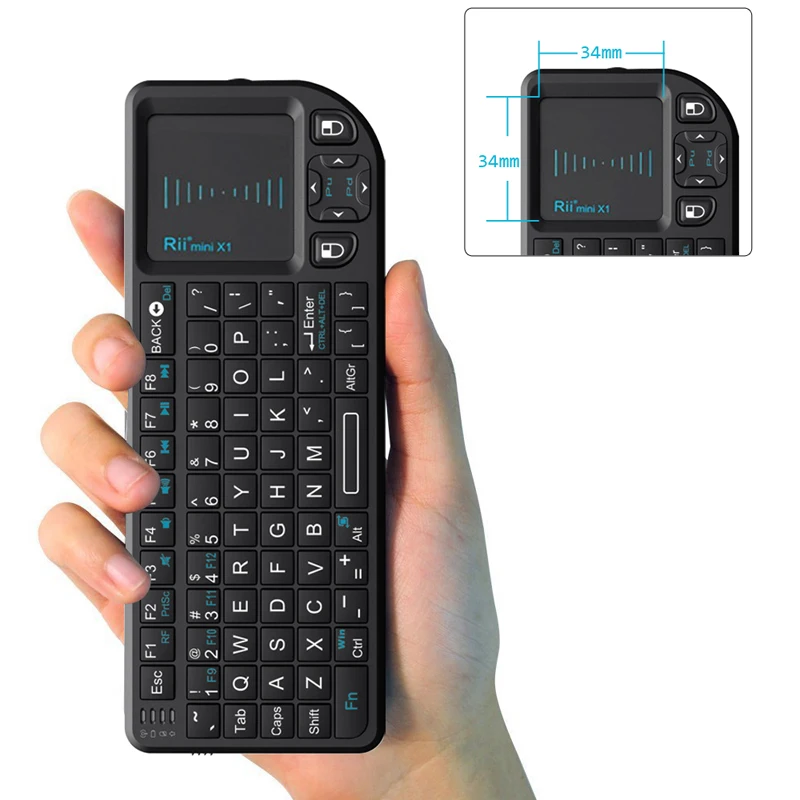
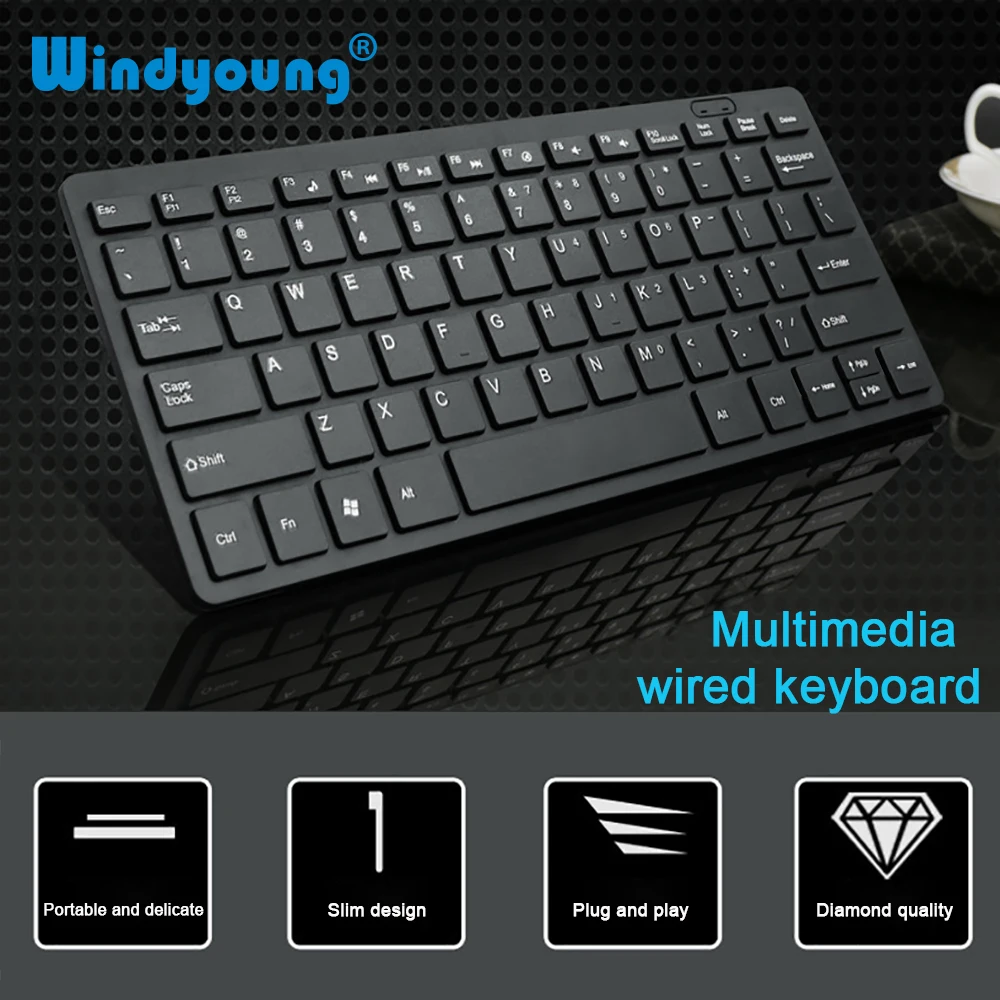
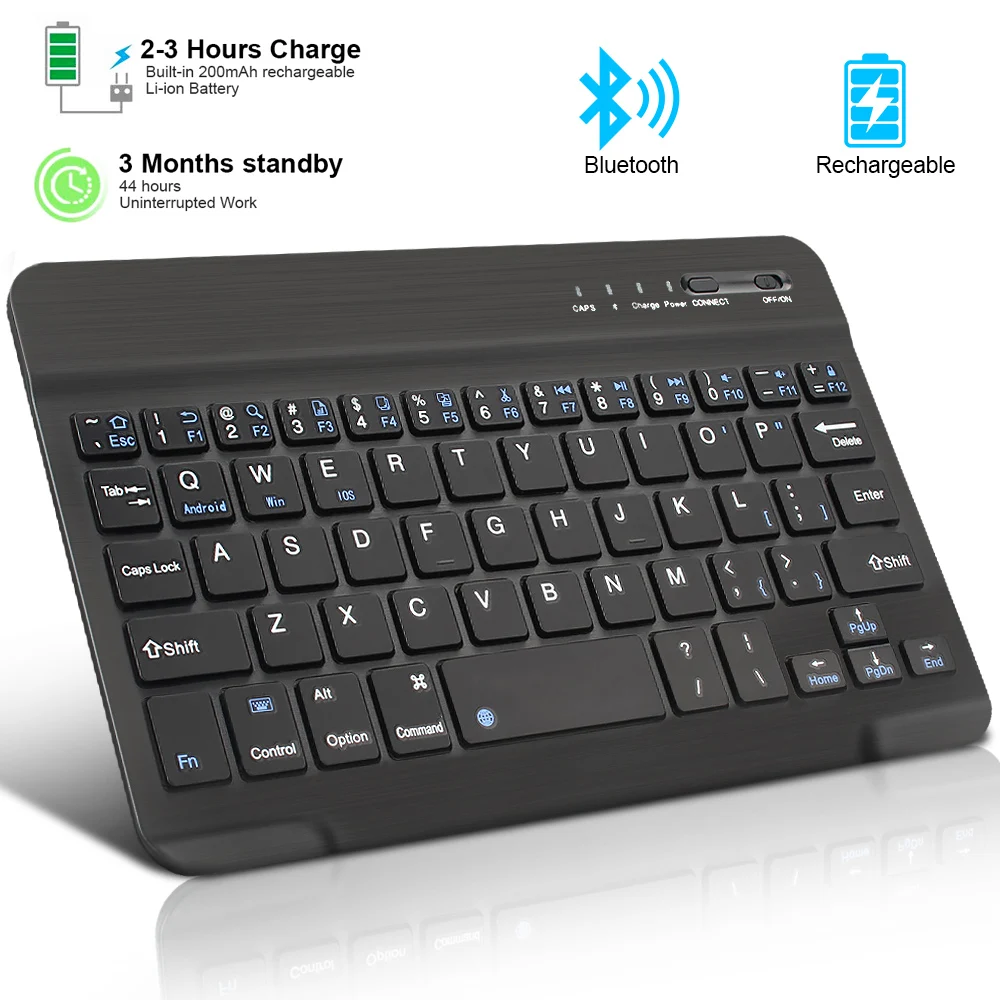
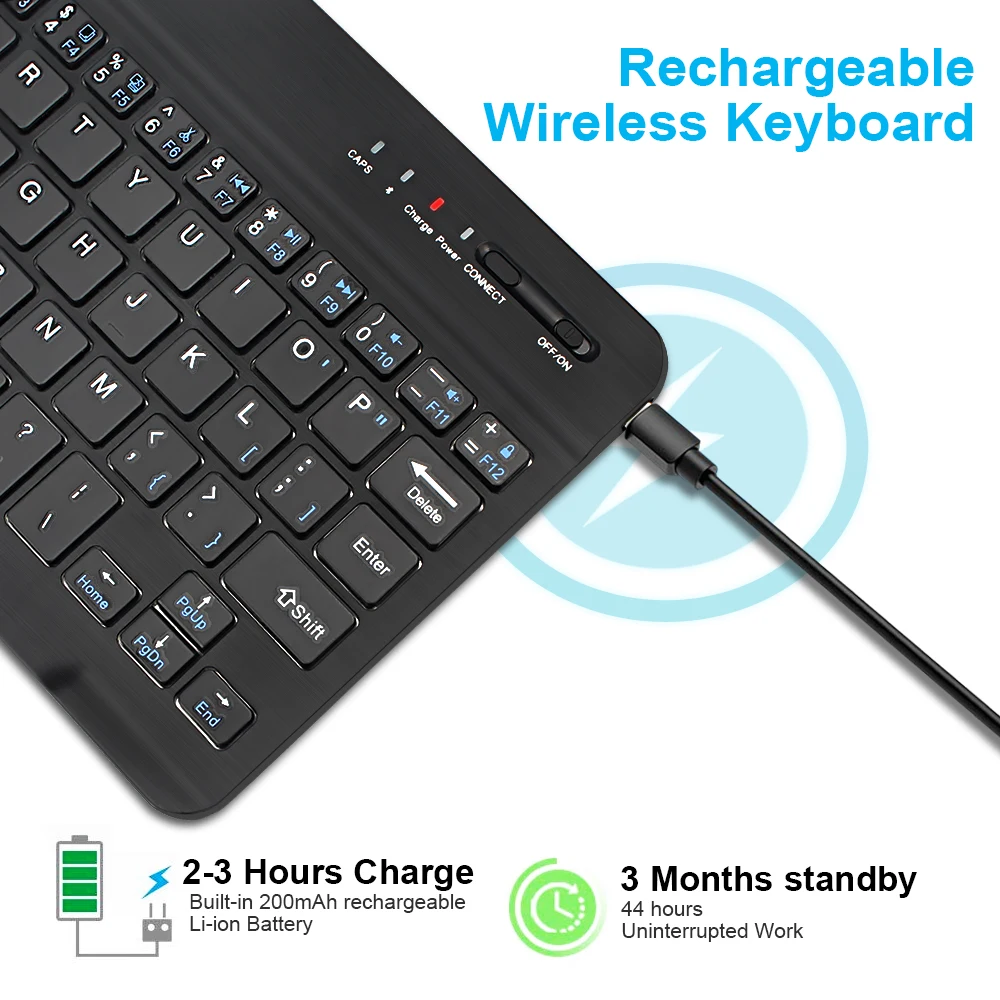
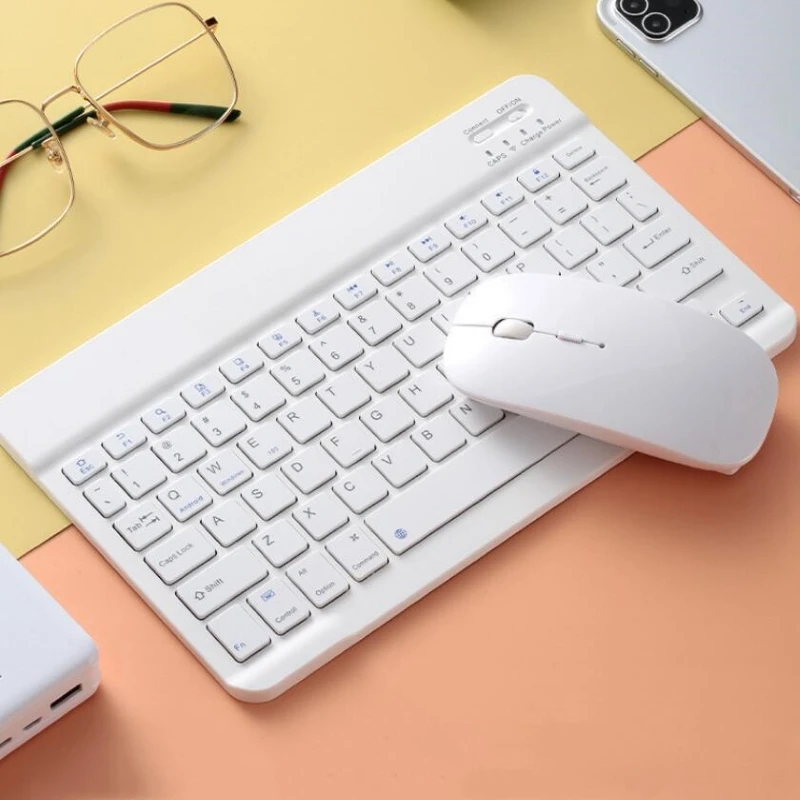
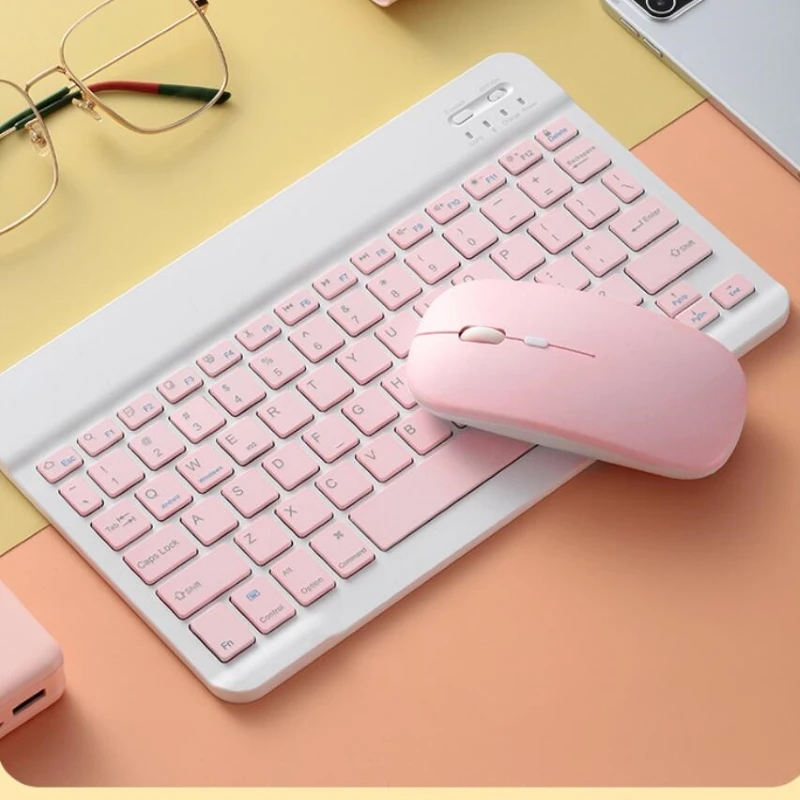
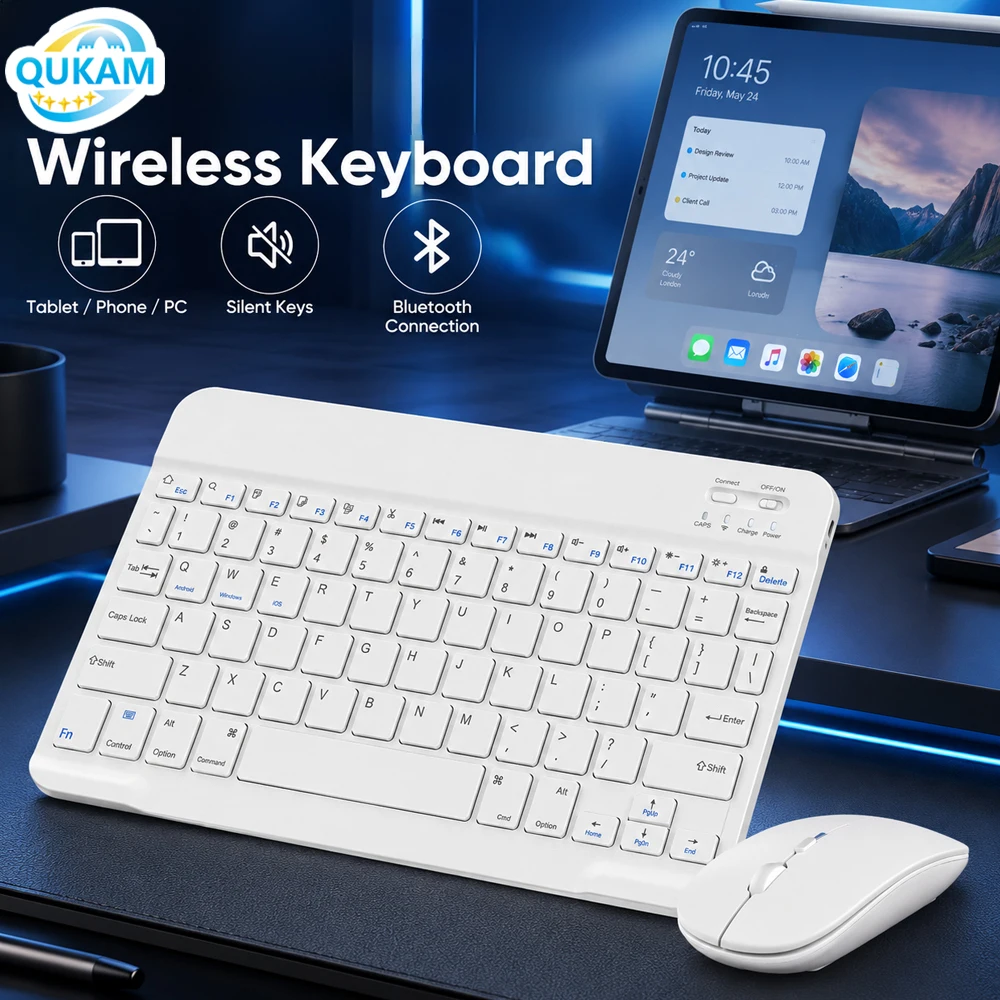
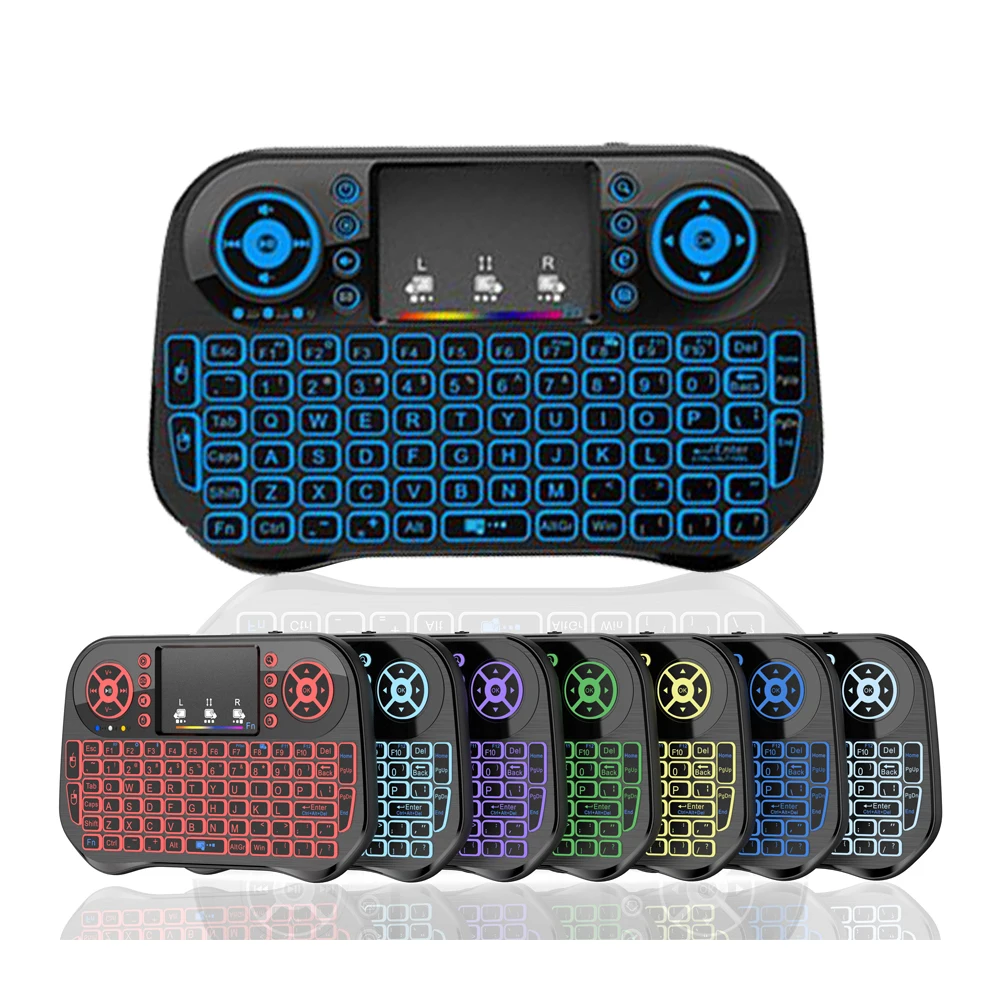
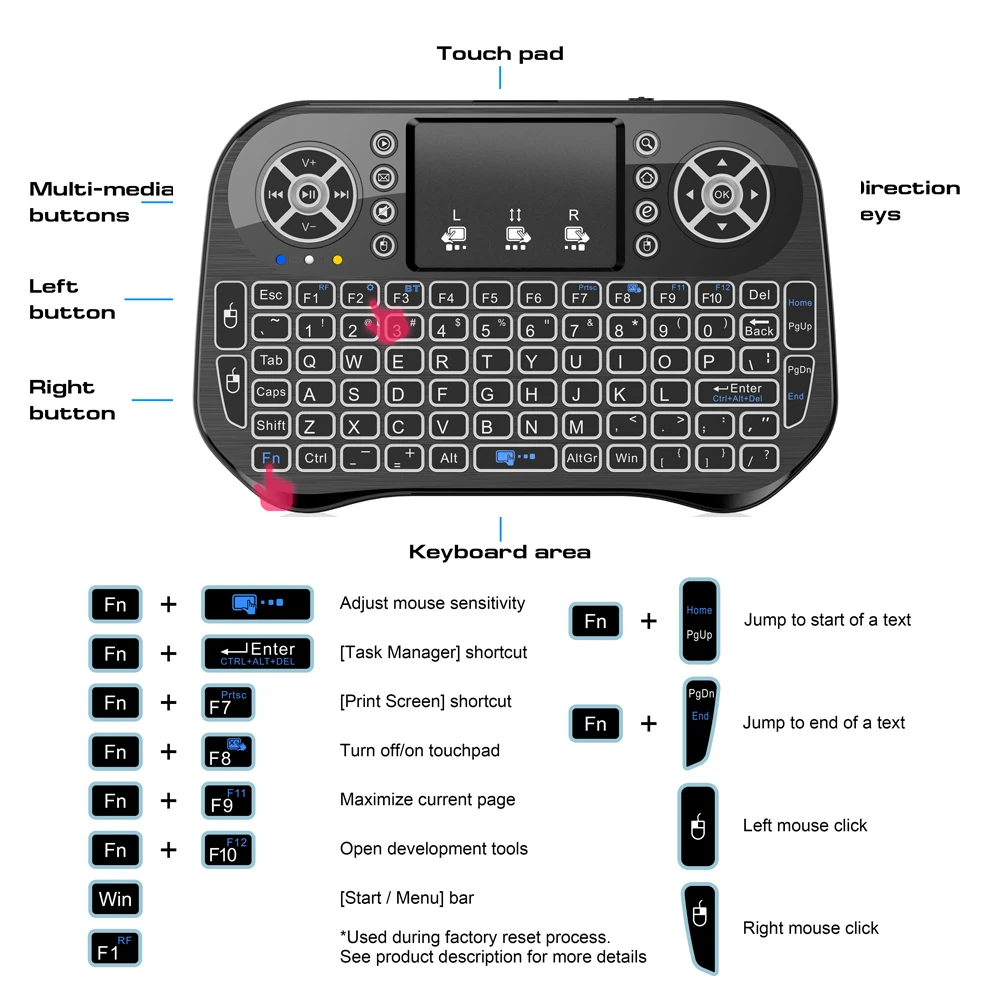
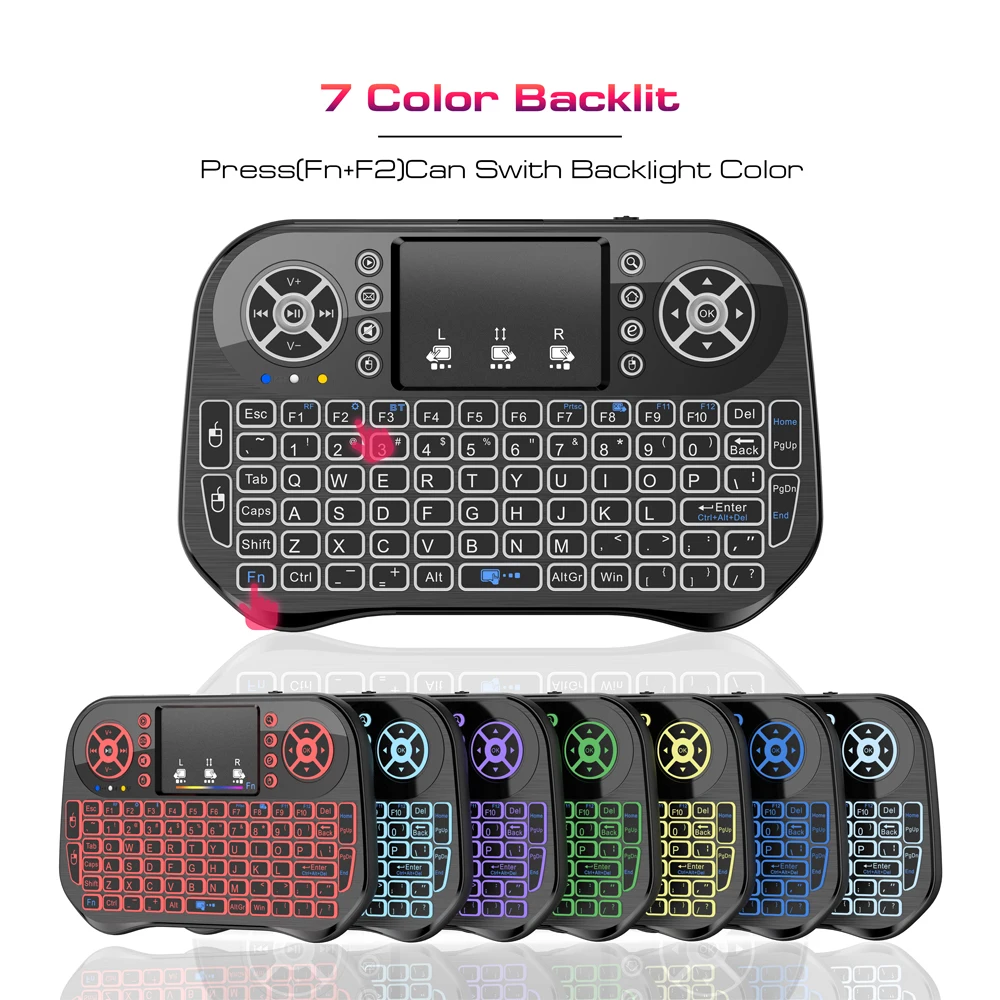
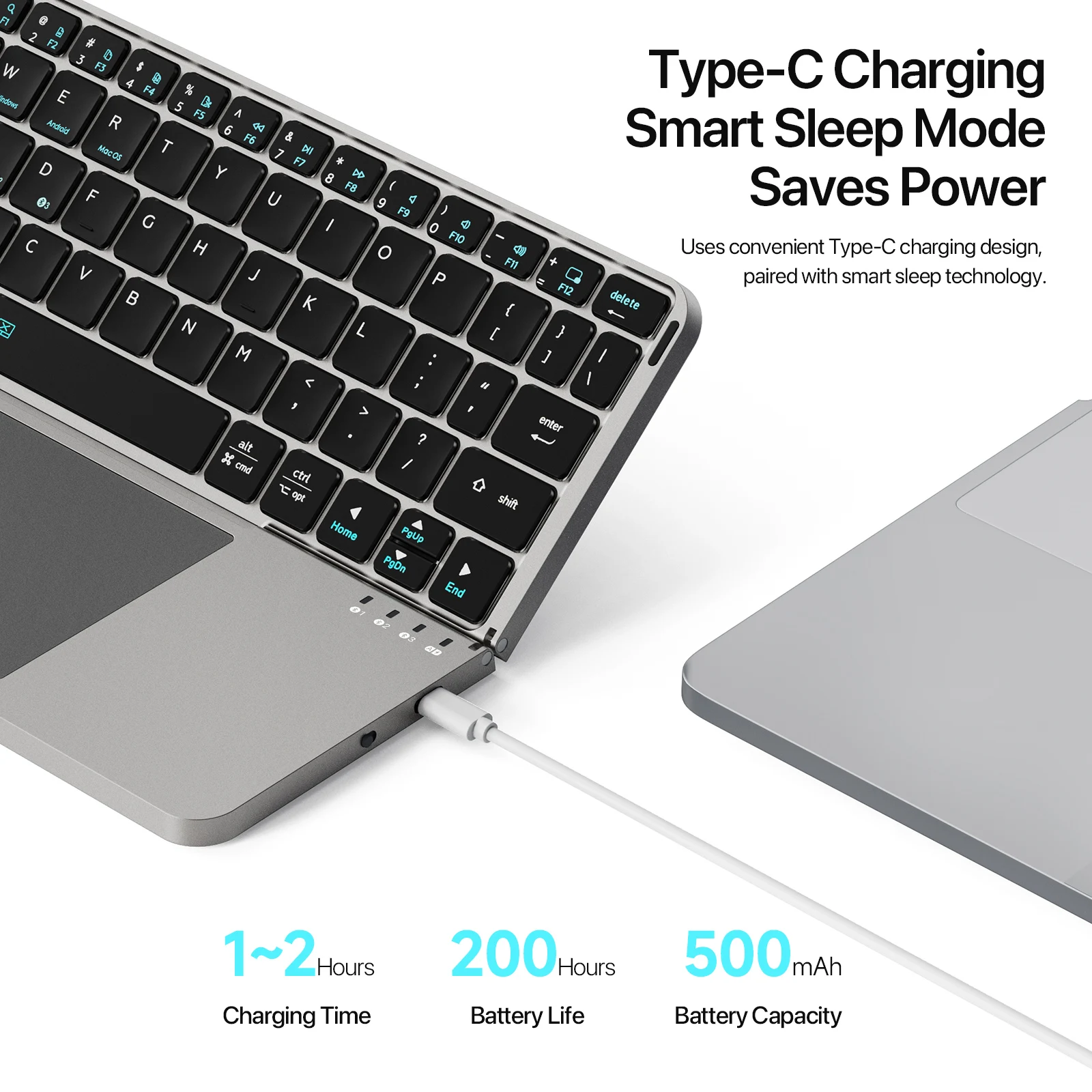
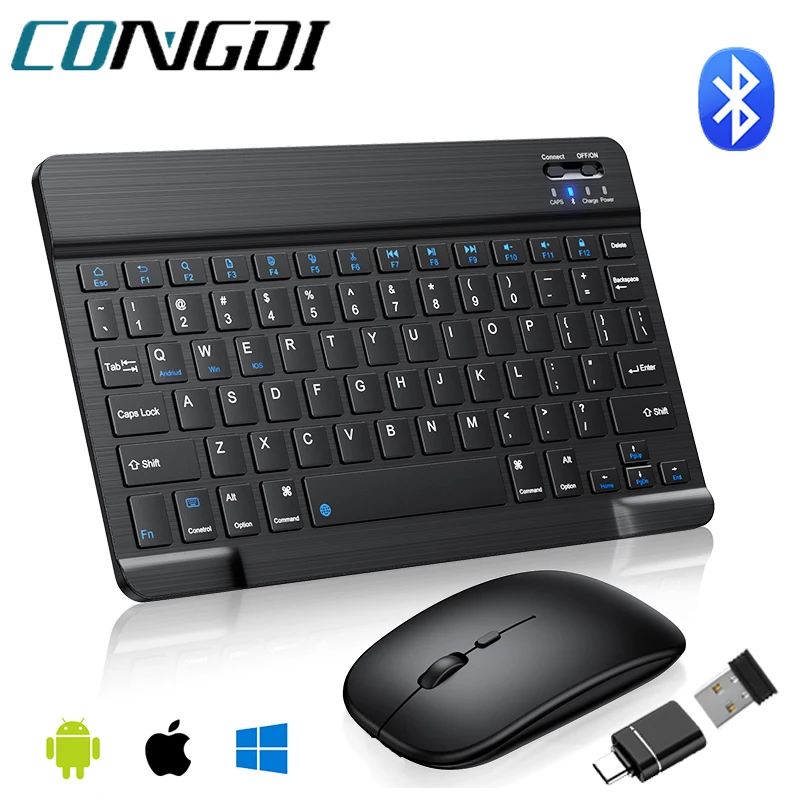
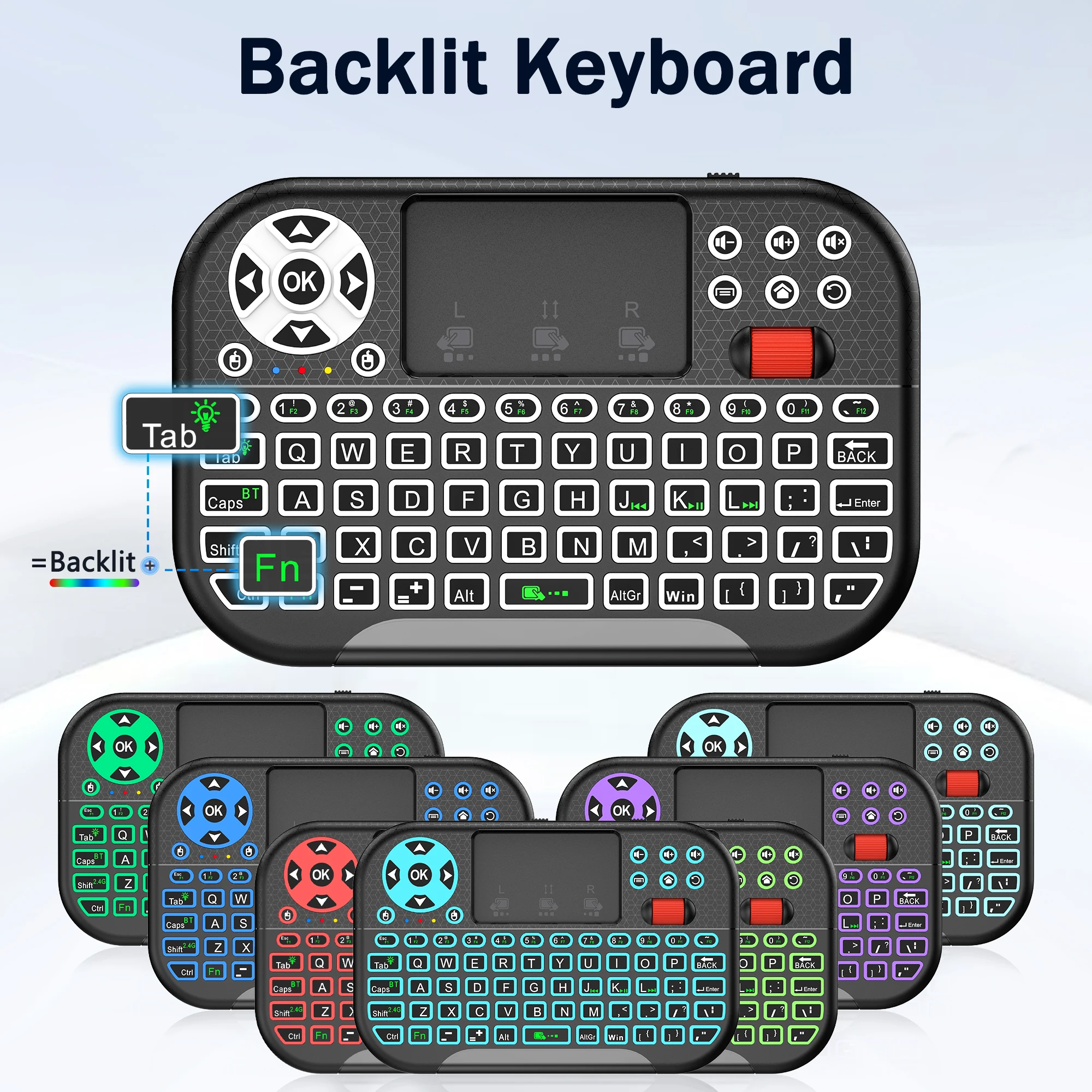
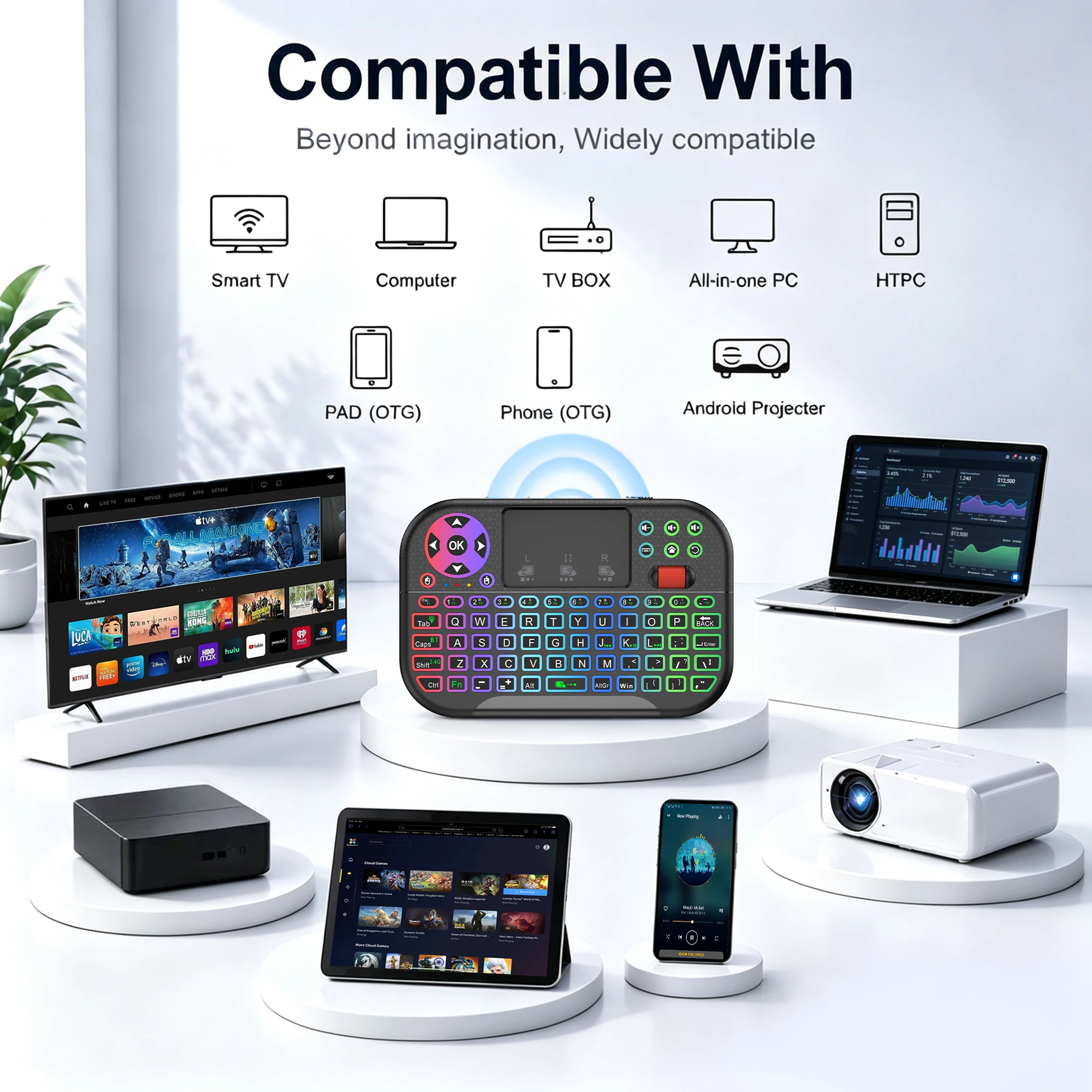
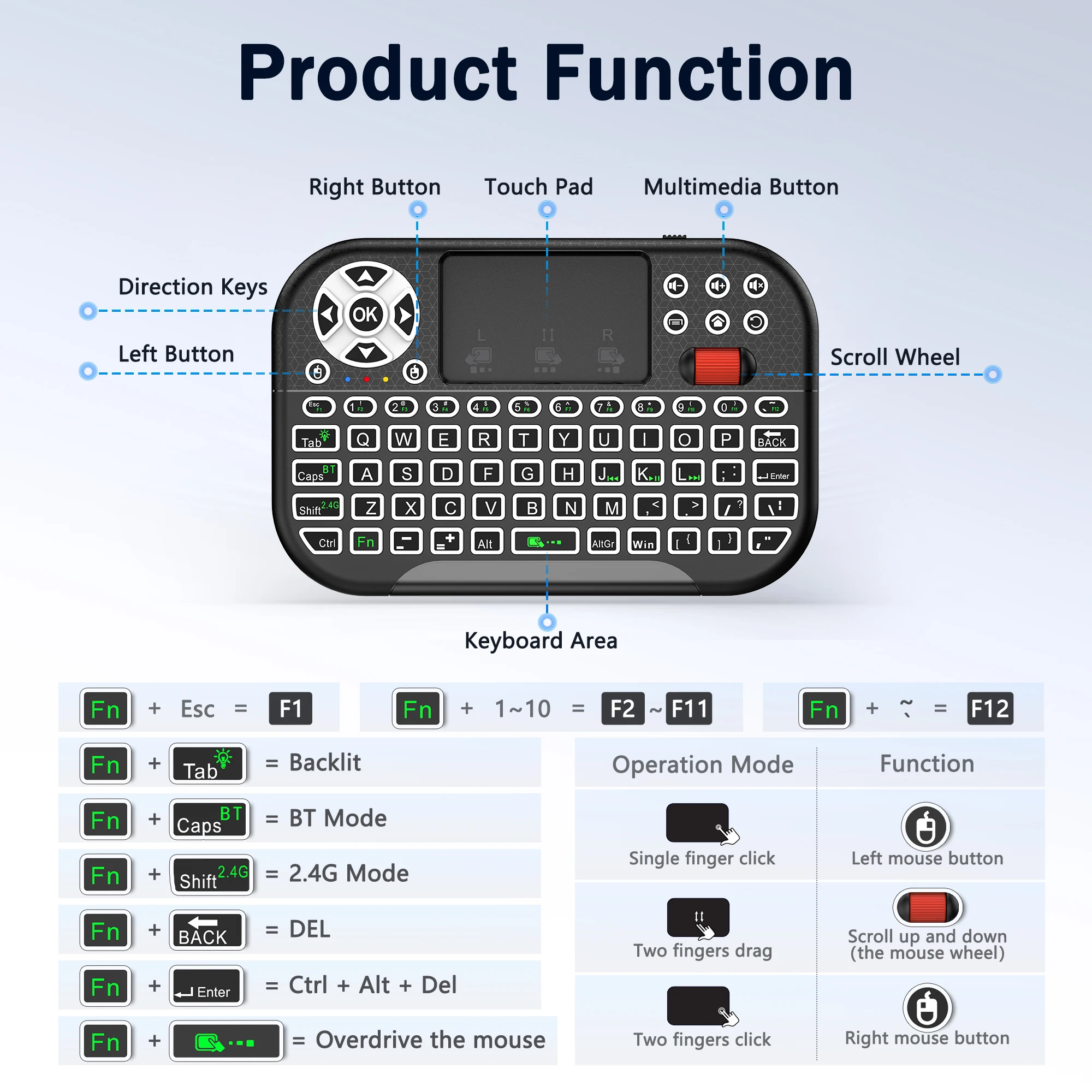
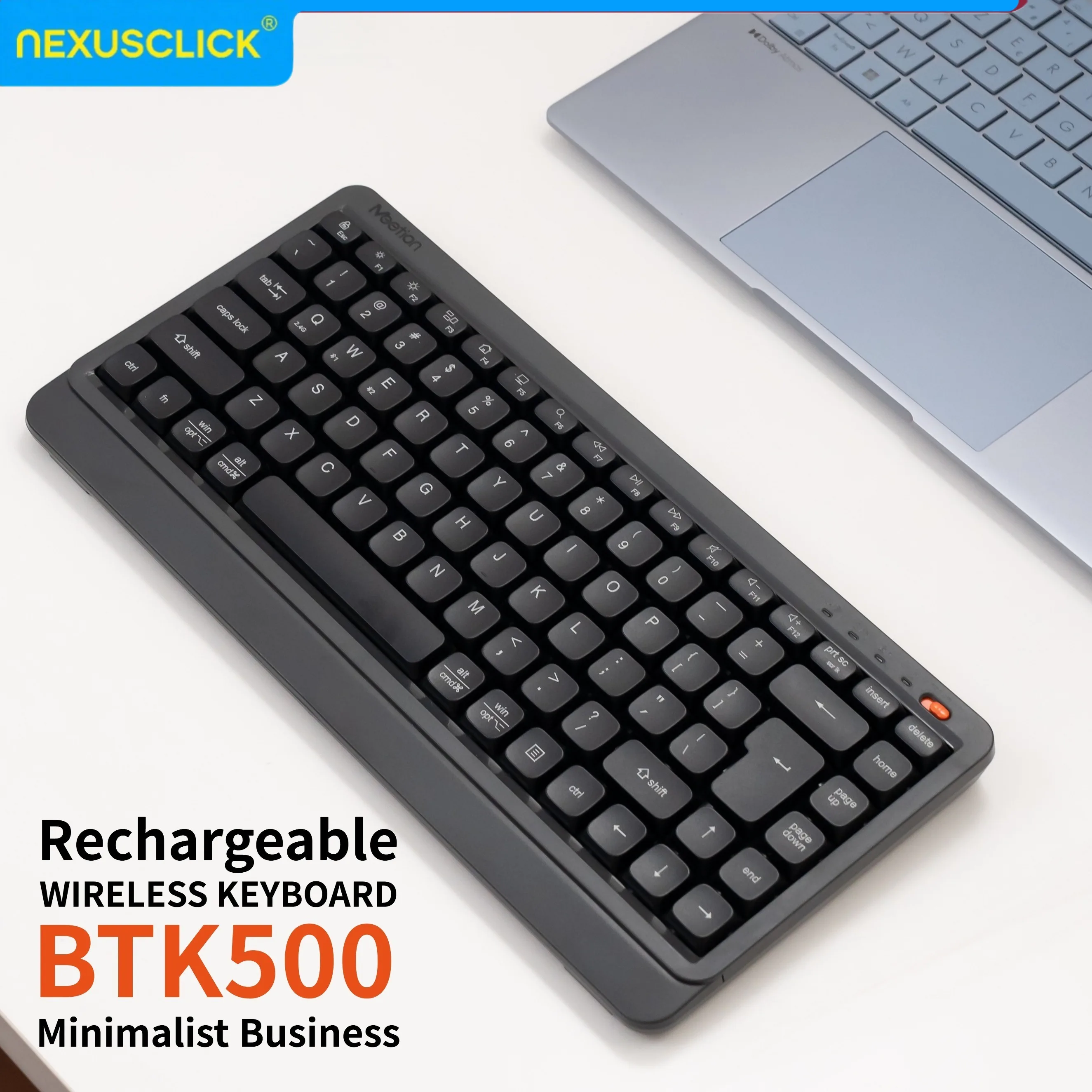
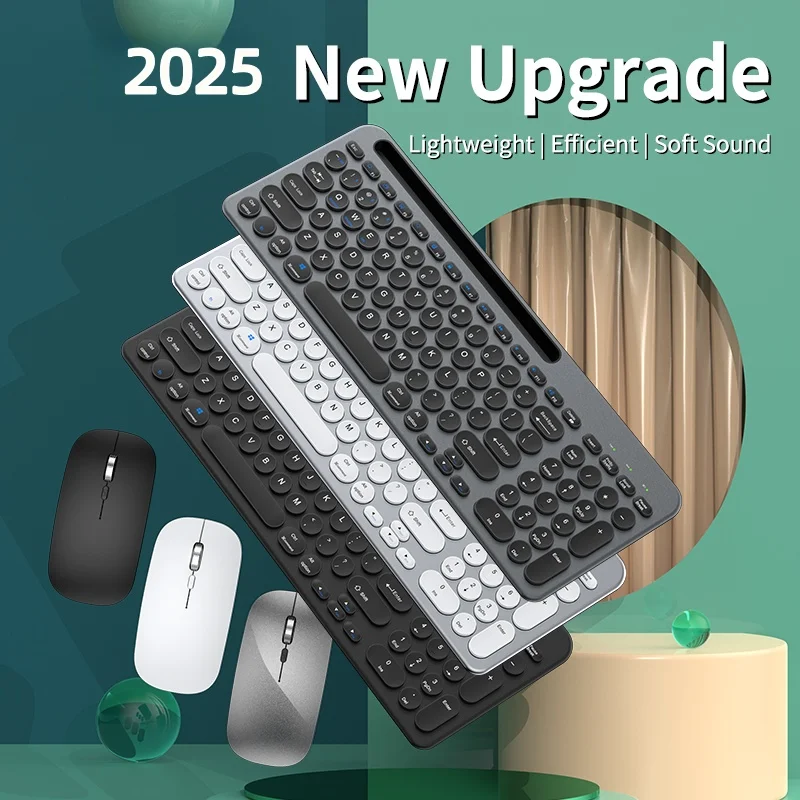
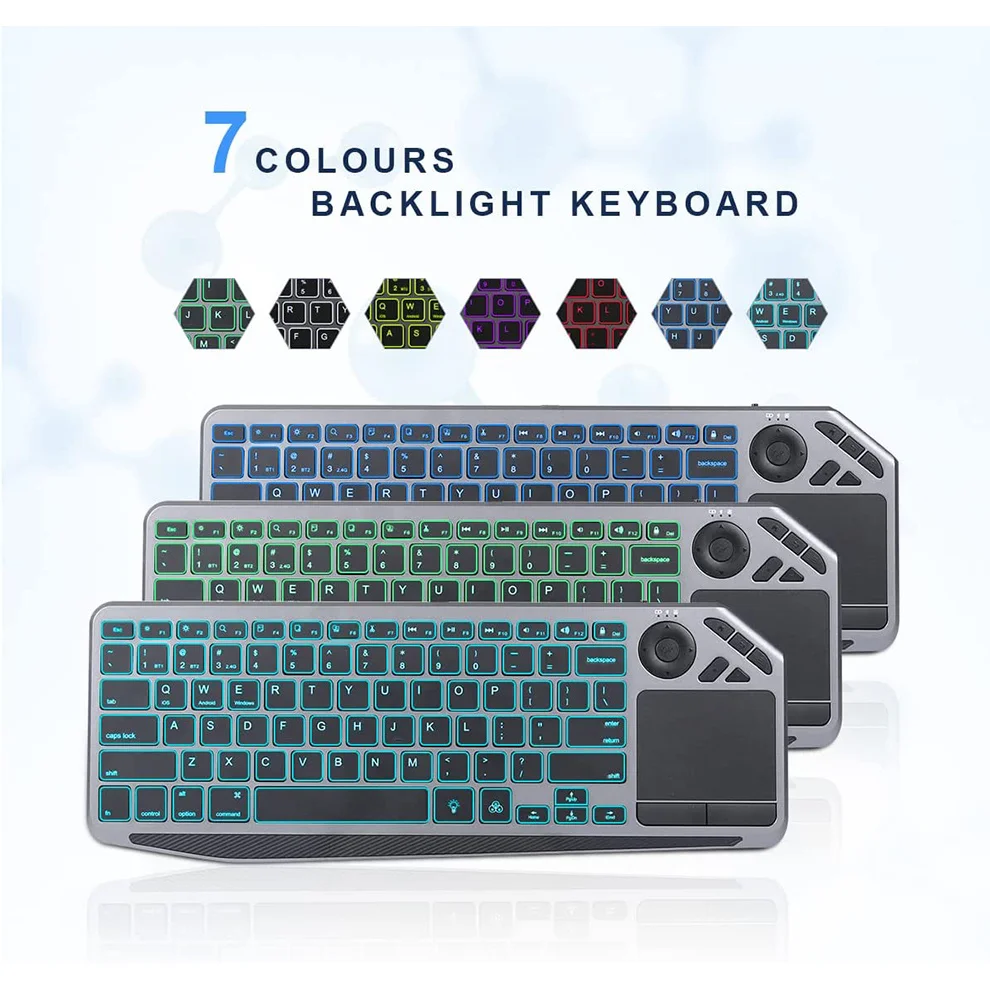
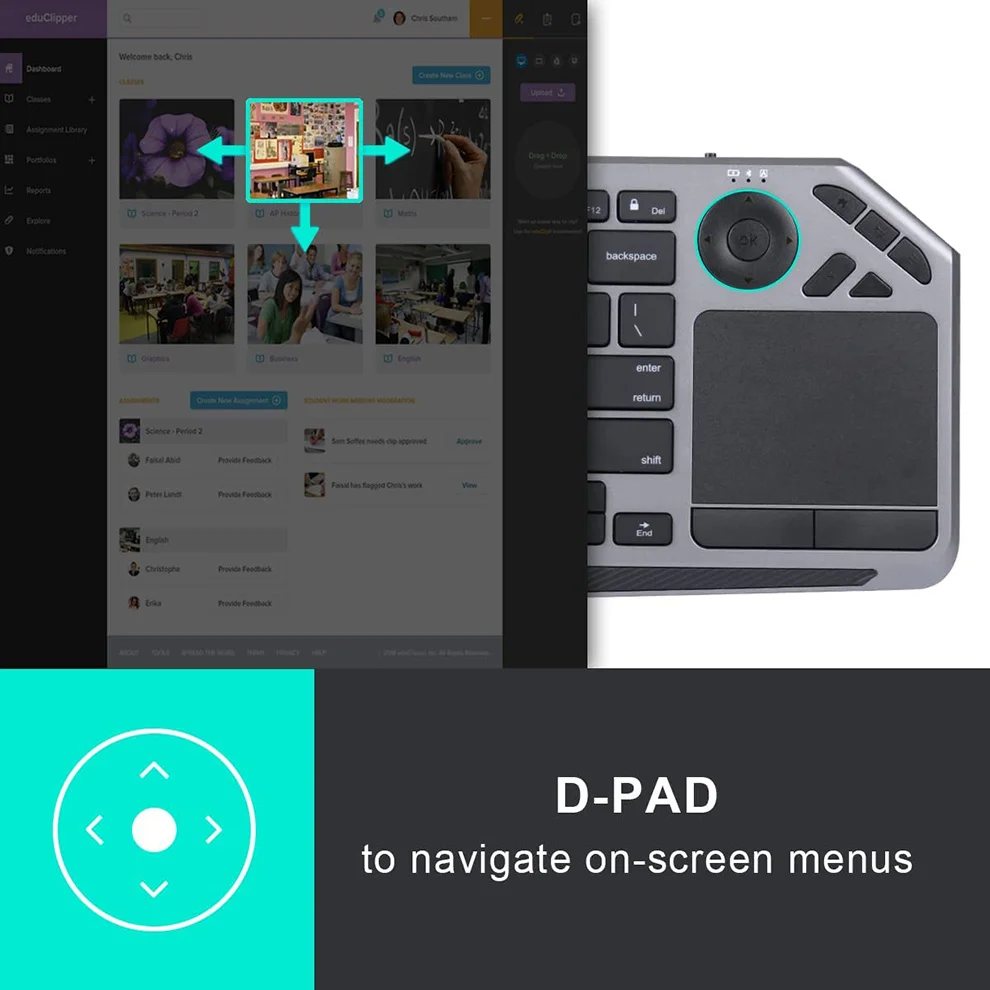
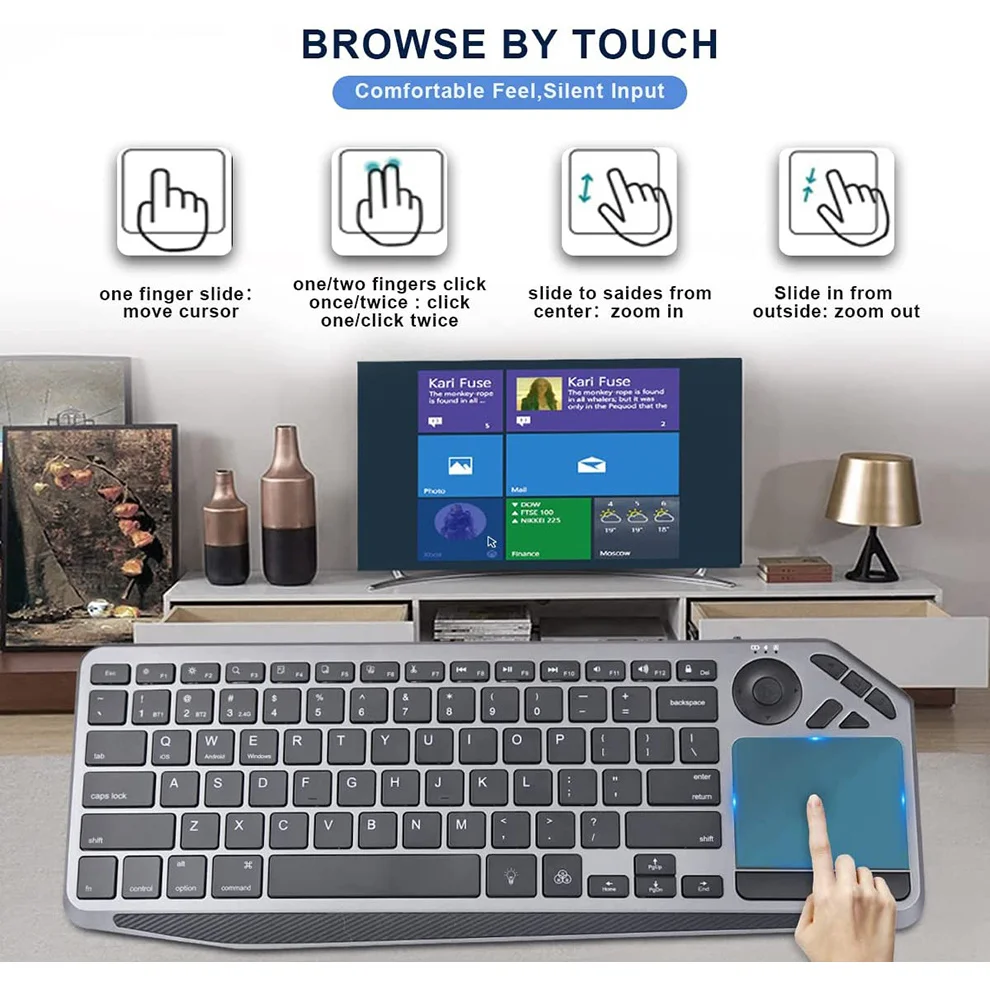
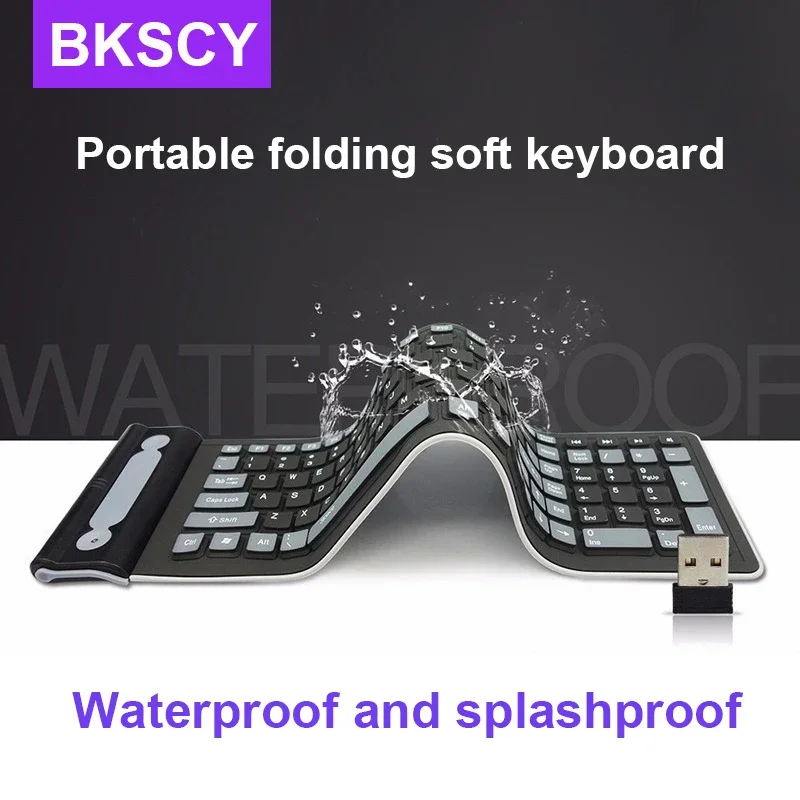
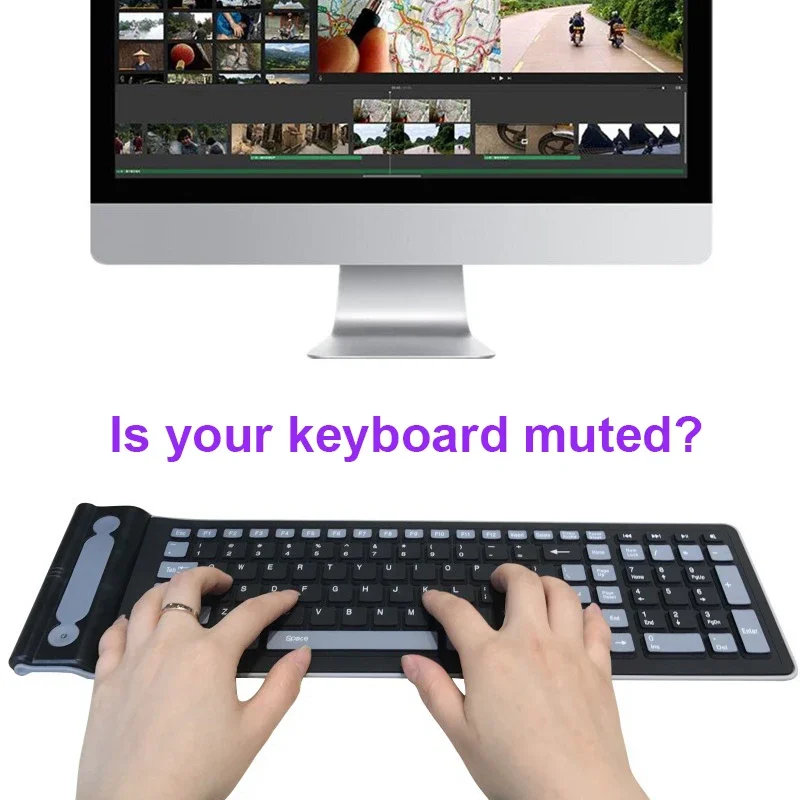
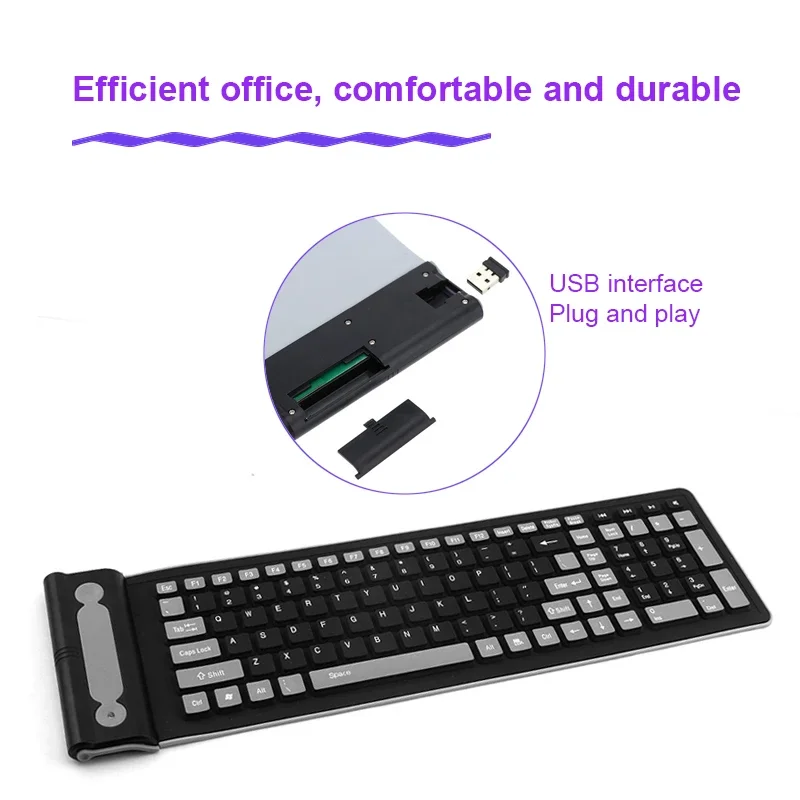
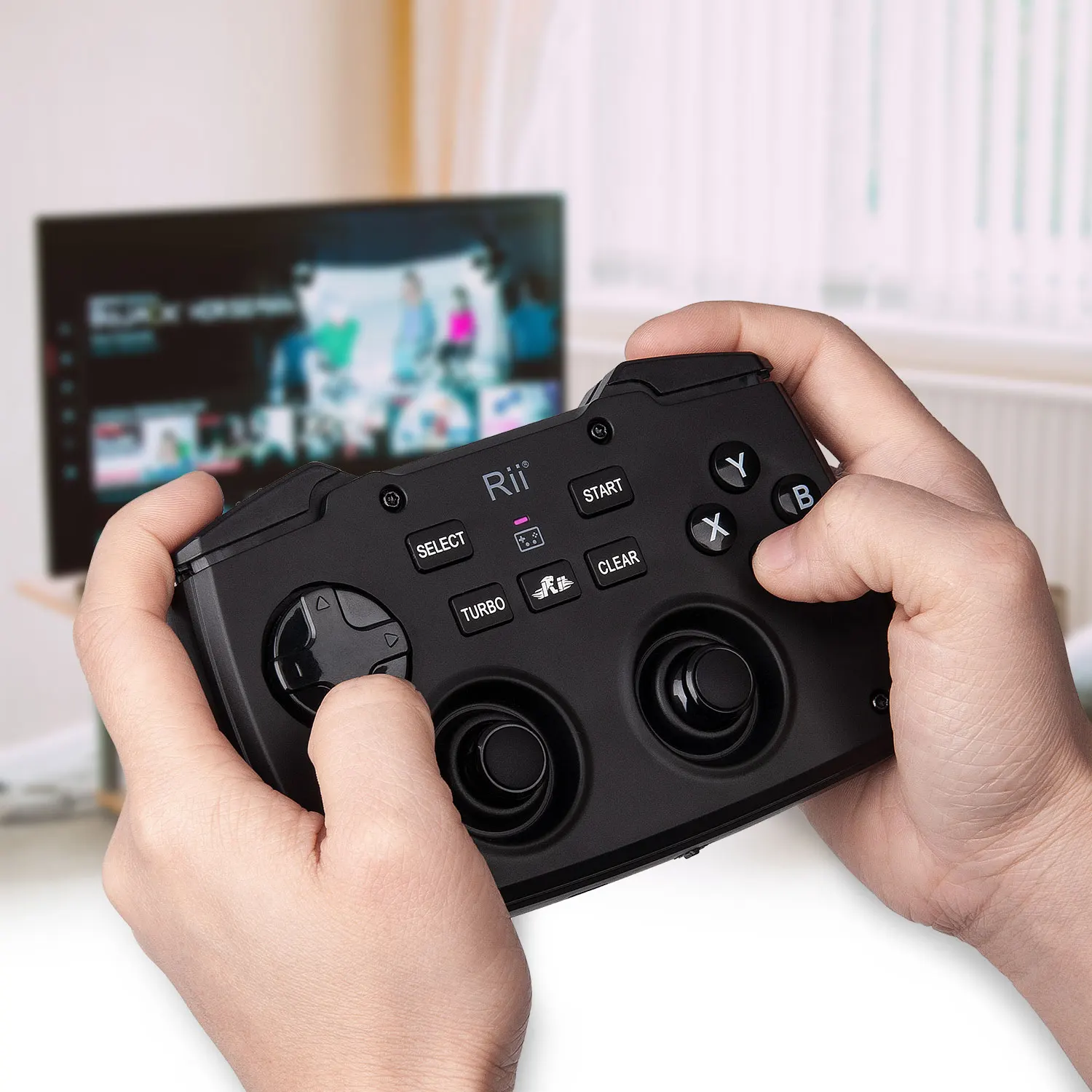
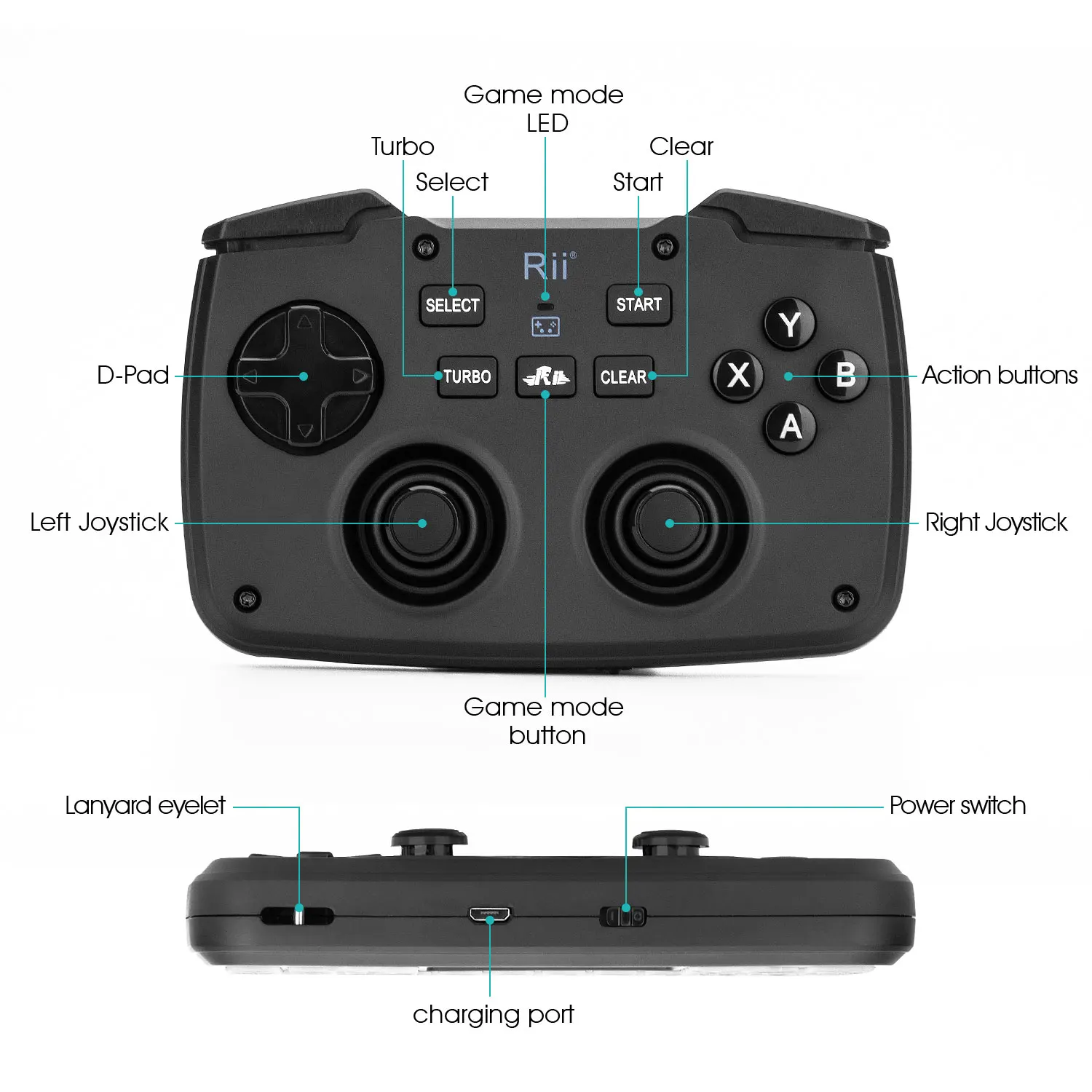
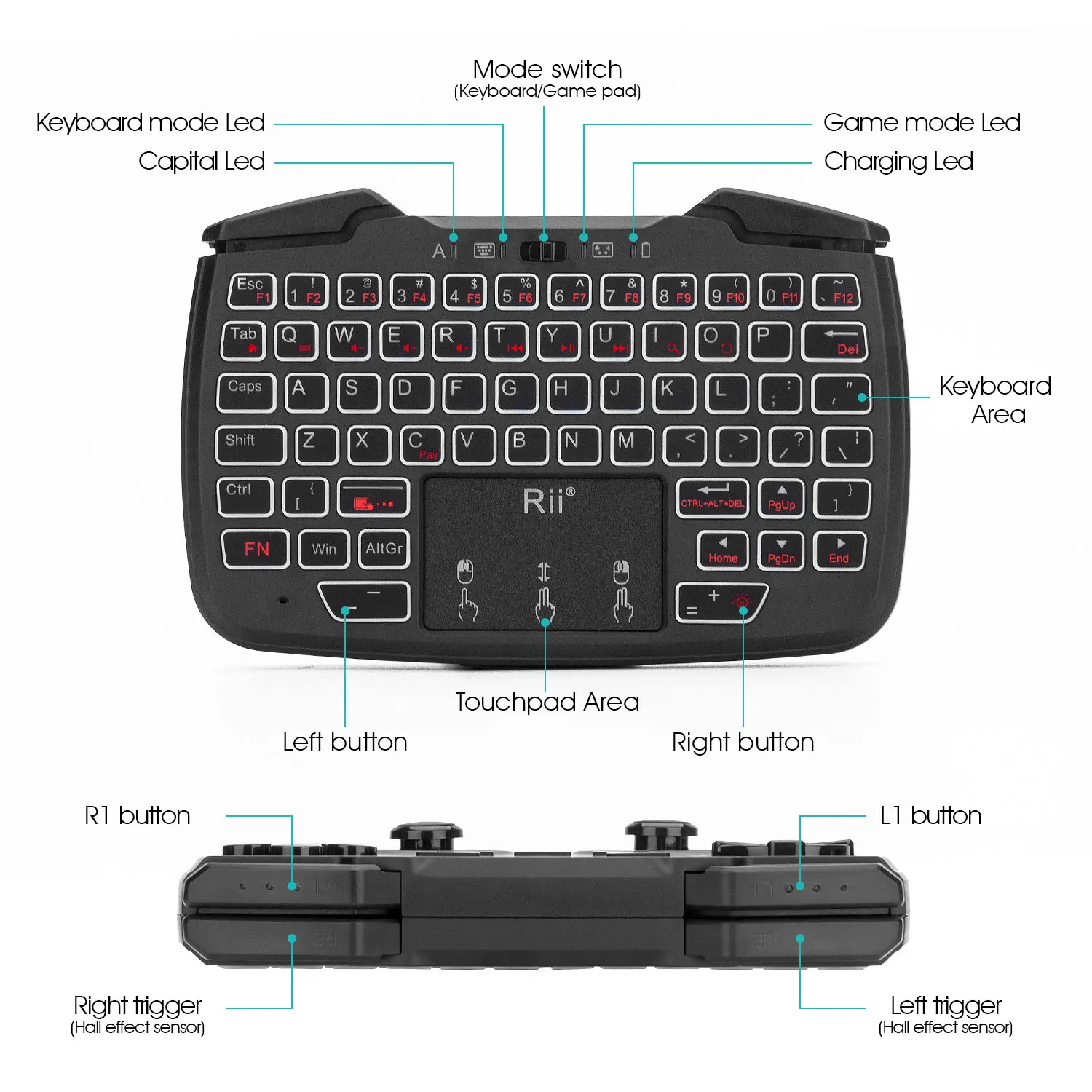
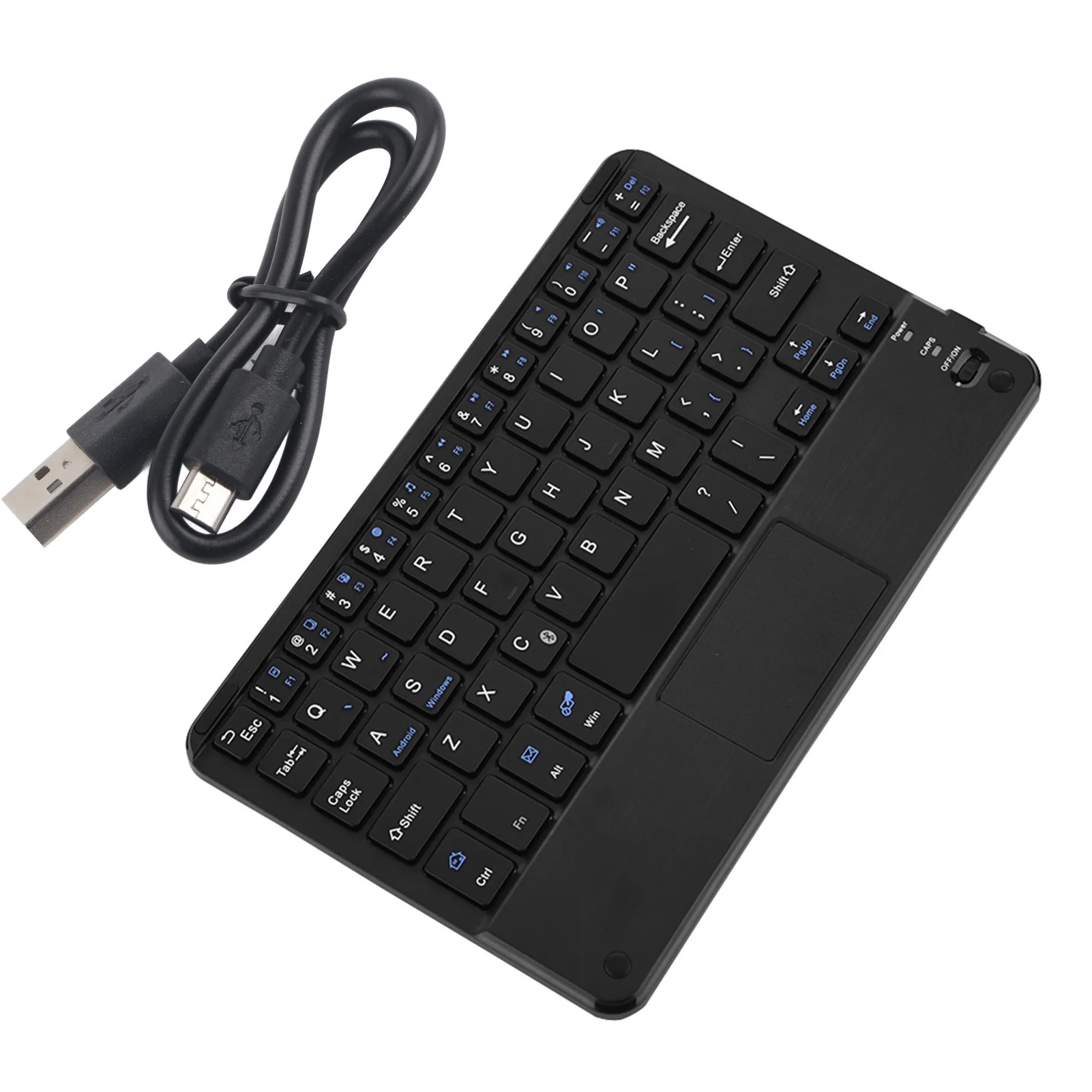
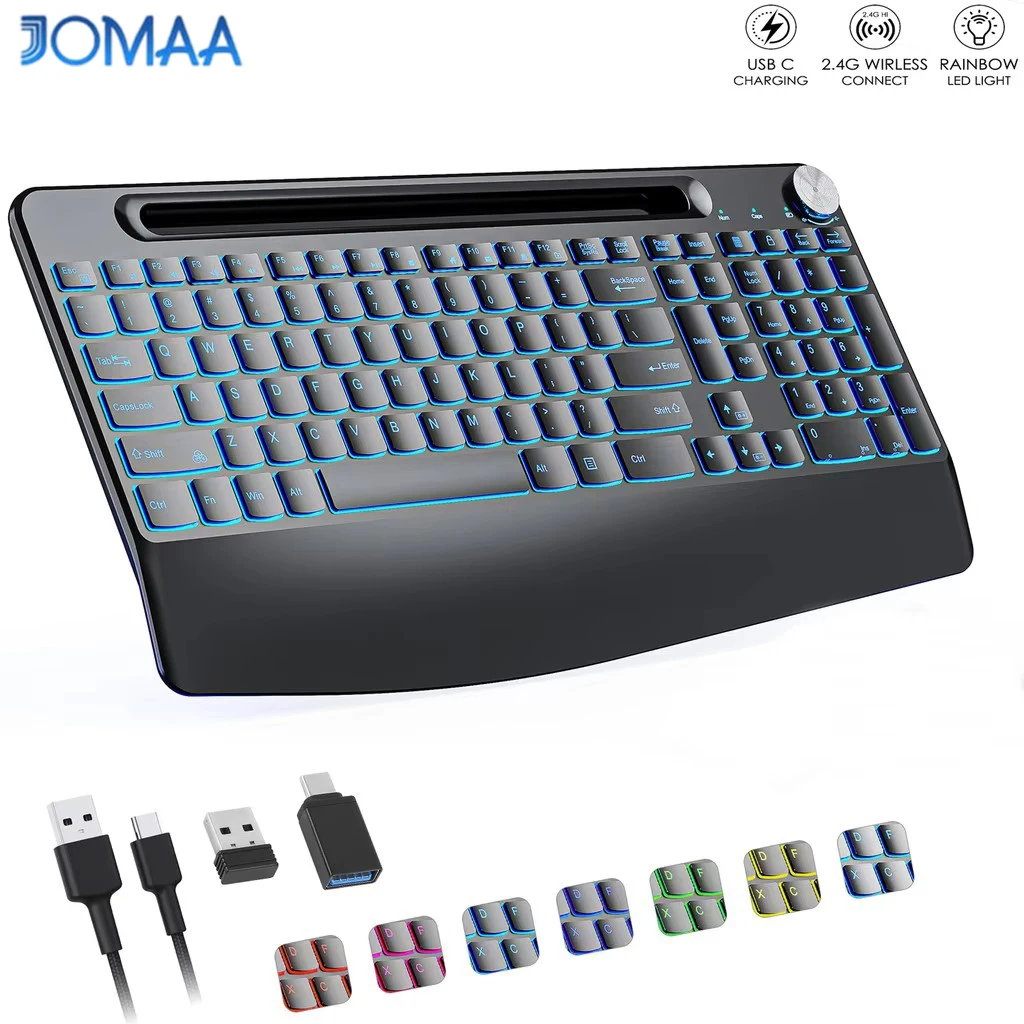
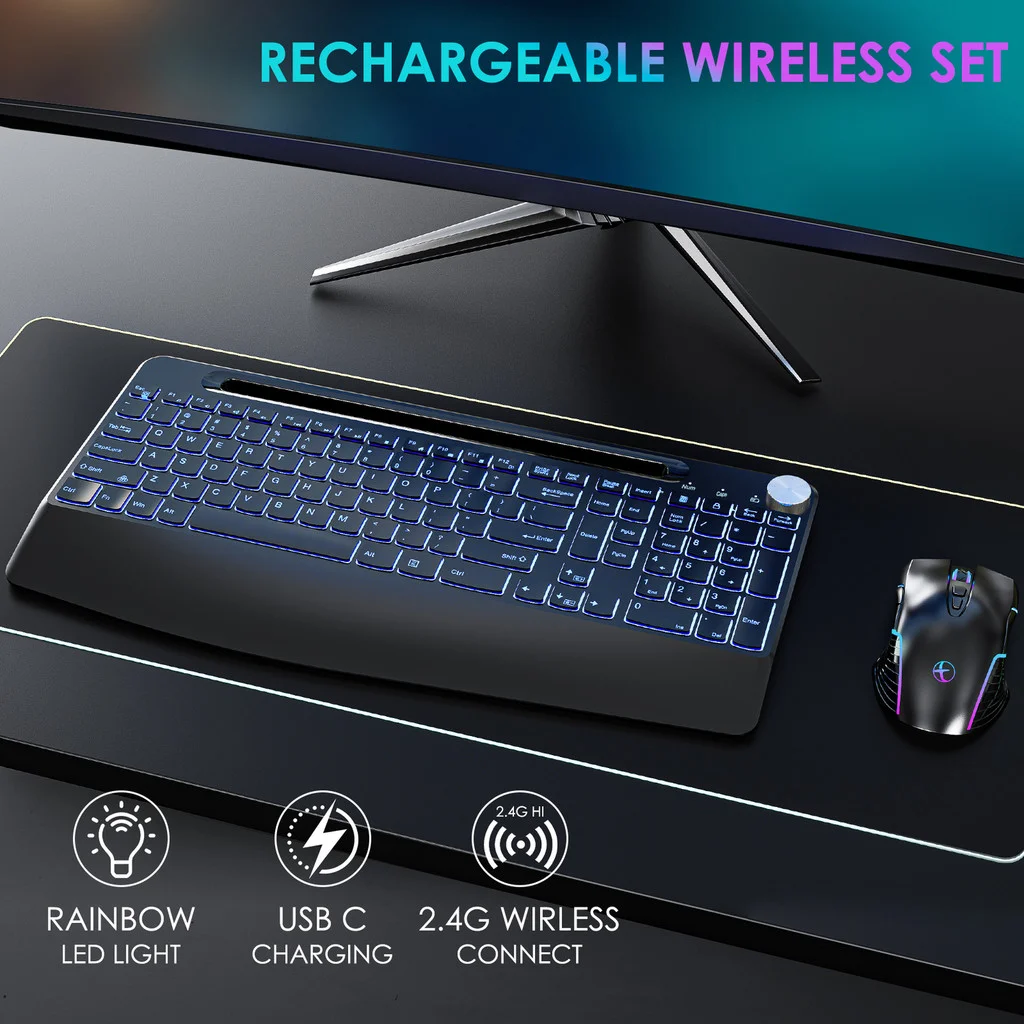
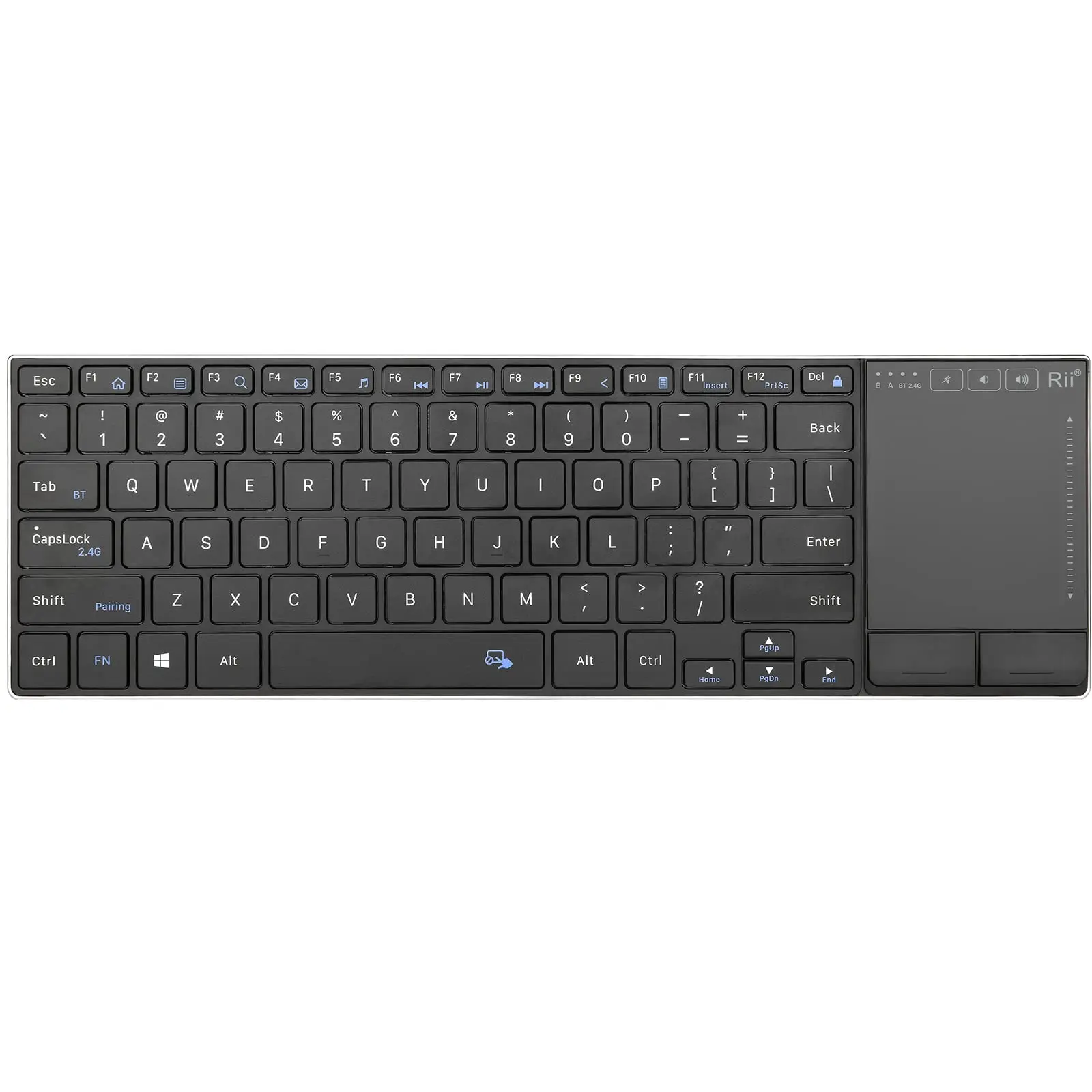
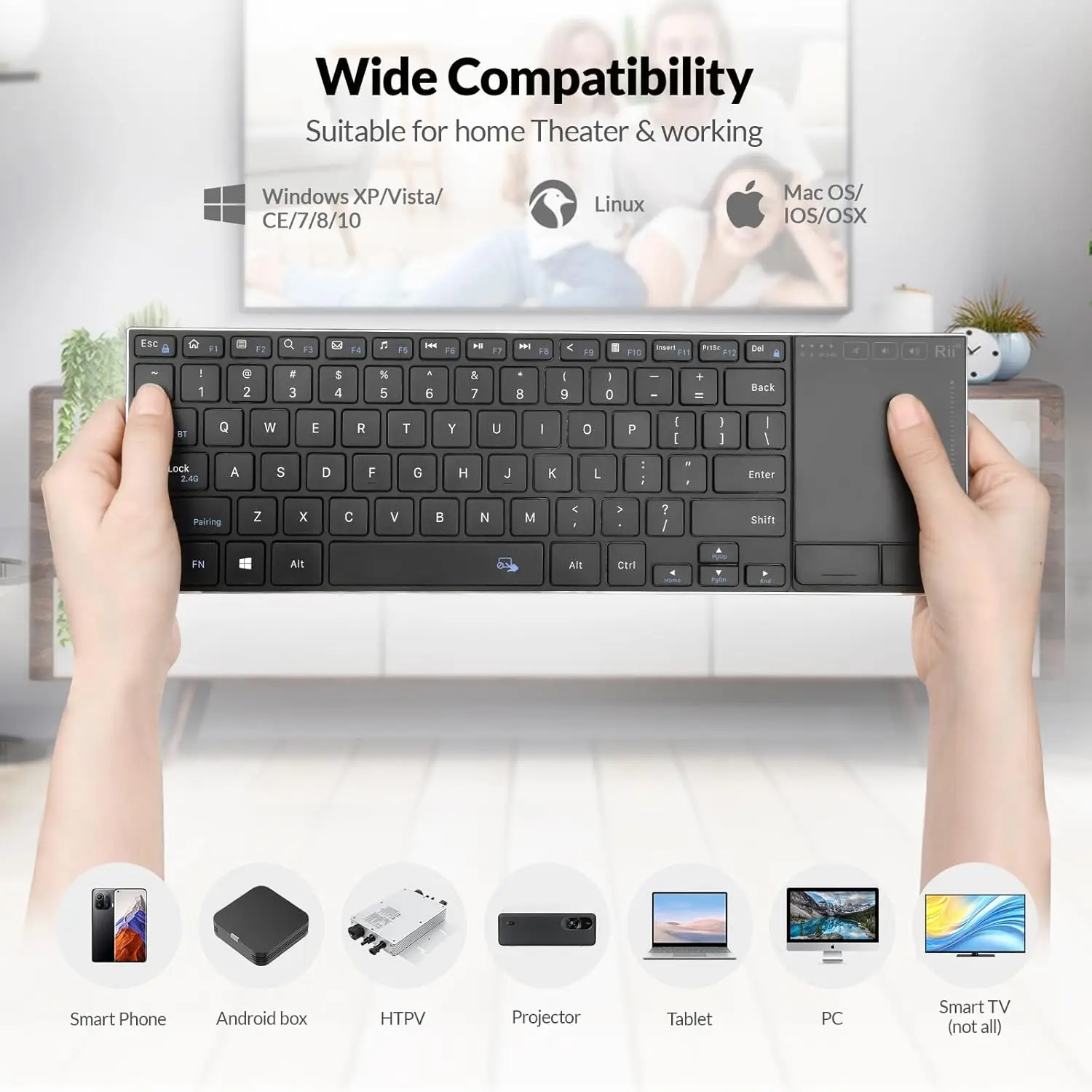
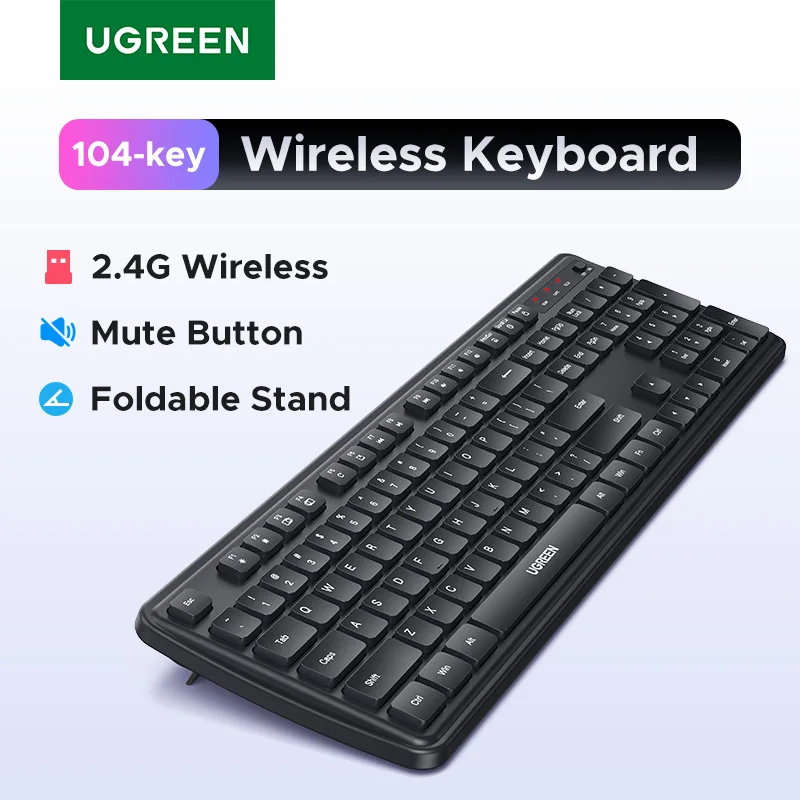
- Wireless keyboards with a USB receiver, many with Bluetooth too: slim full-size keyboards, quiet low-profile keyboards, a soft waterproof silicone keyboard, and mini keyboards with a touchpad for using a laptop or TV from the sofa.
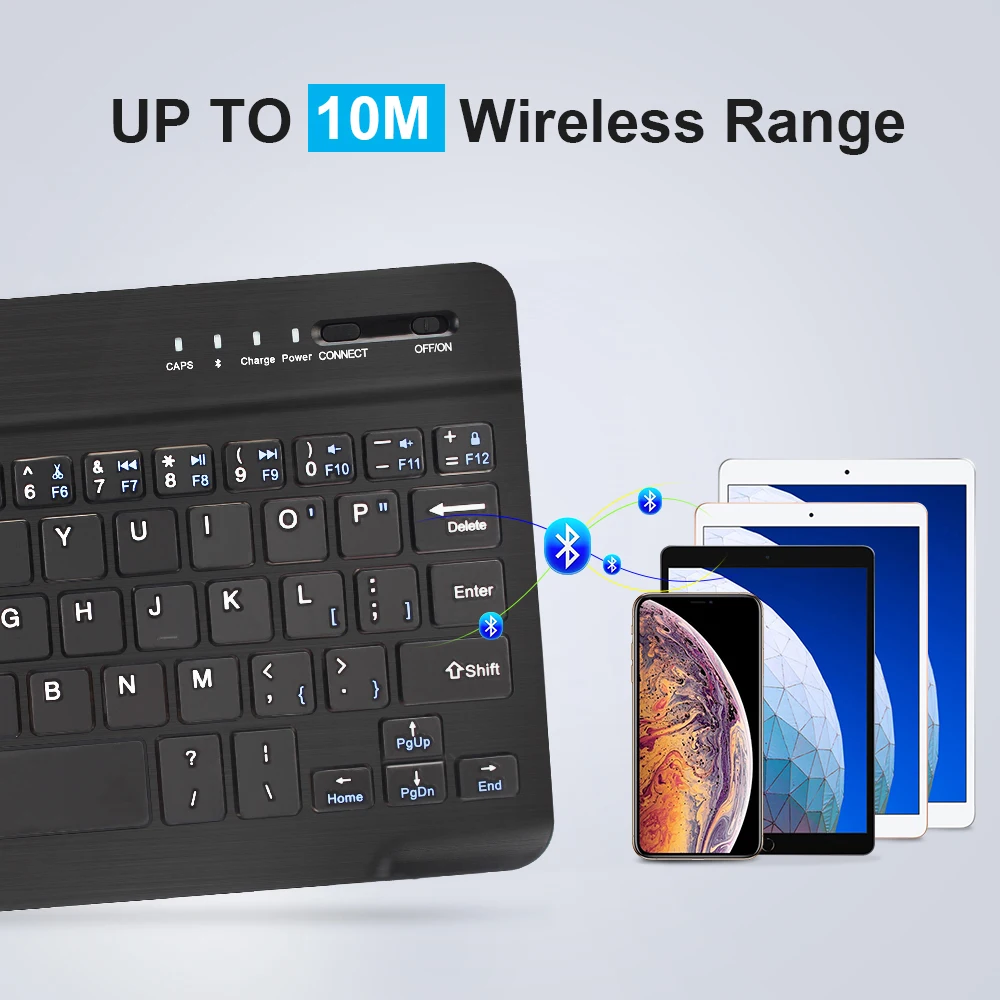
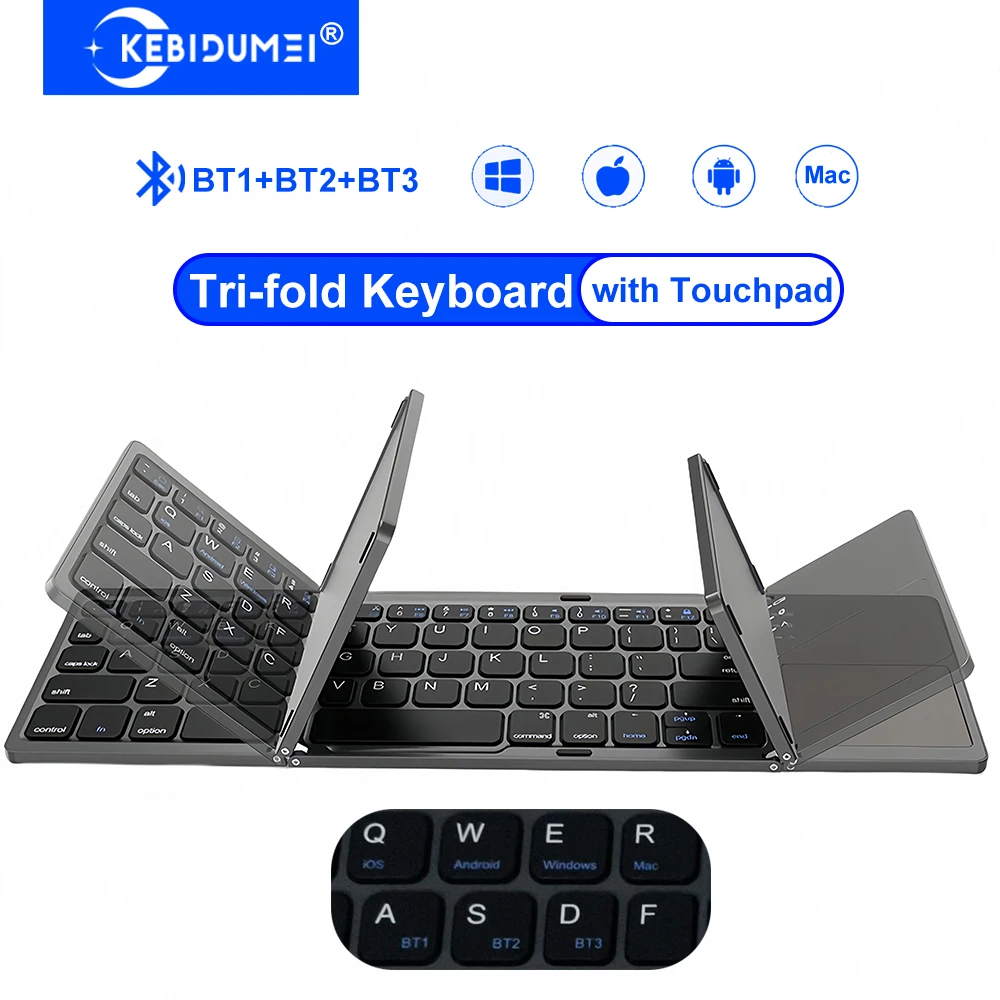
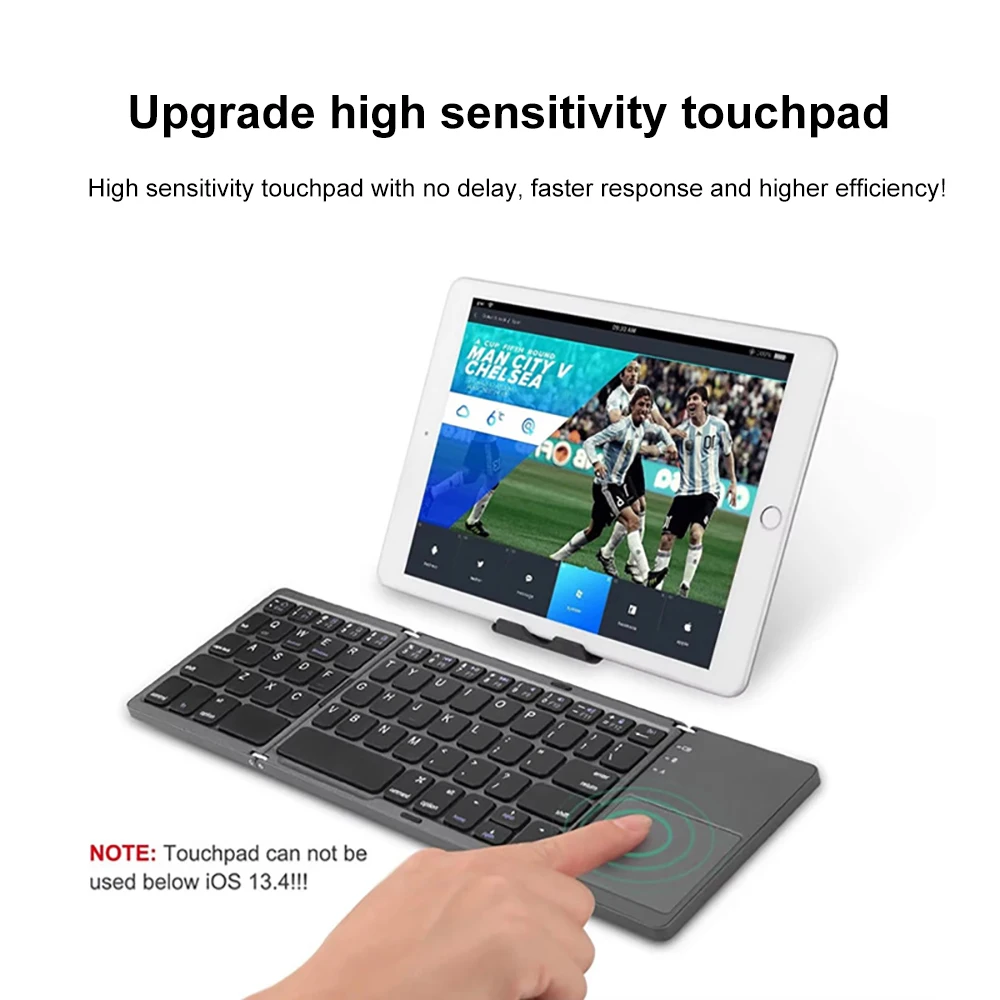
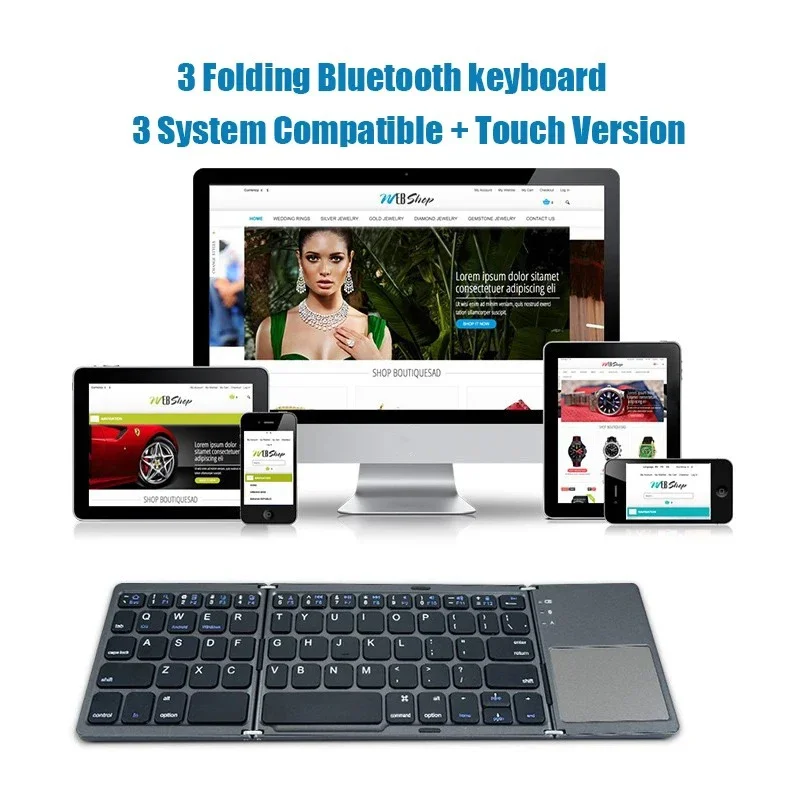
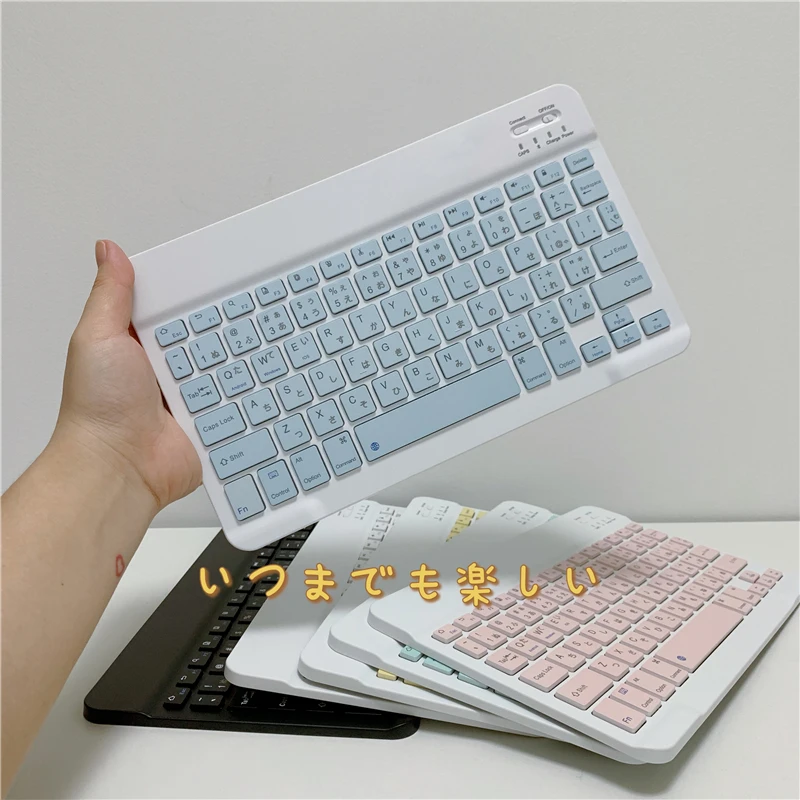
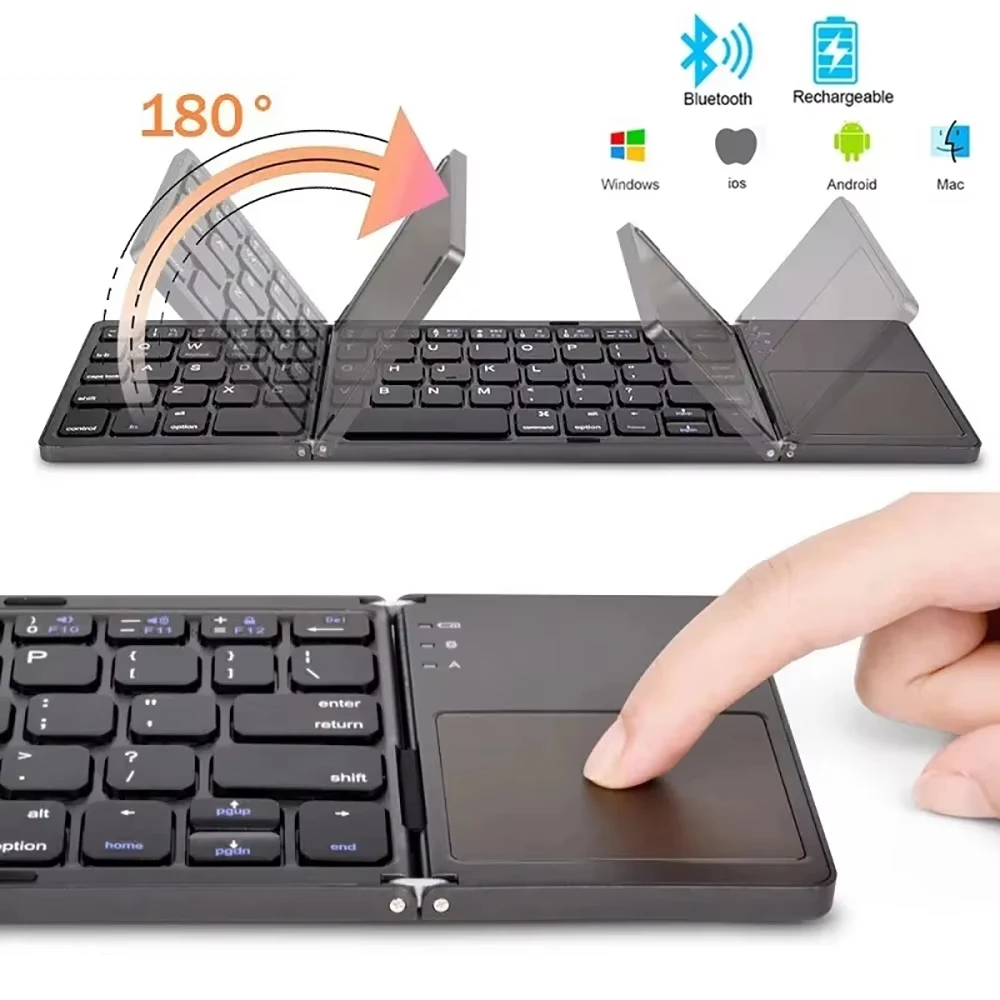
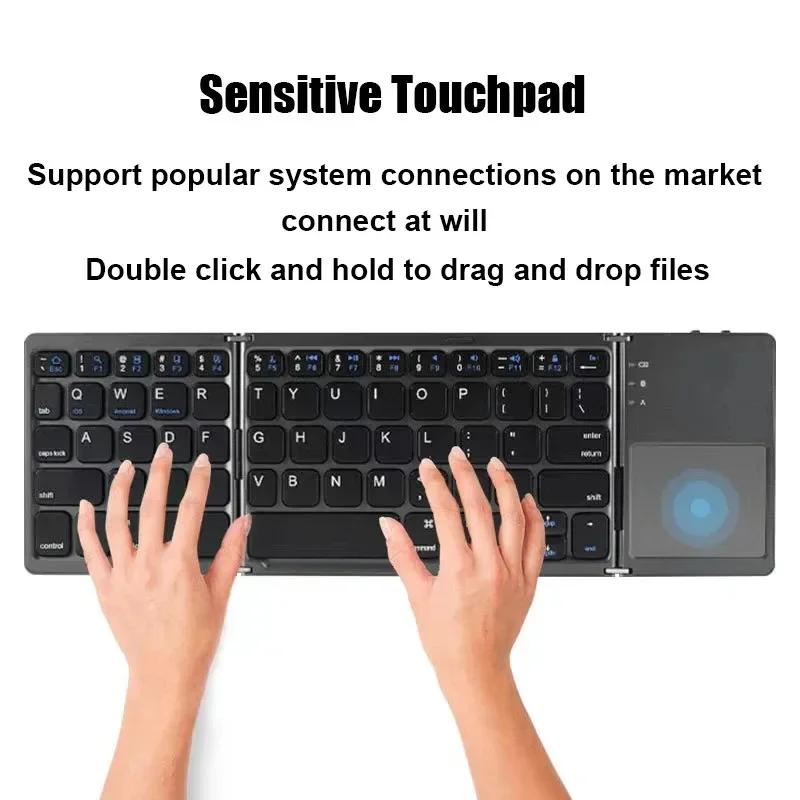
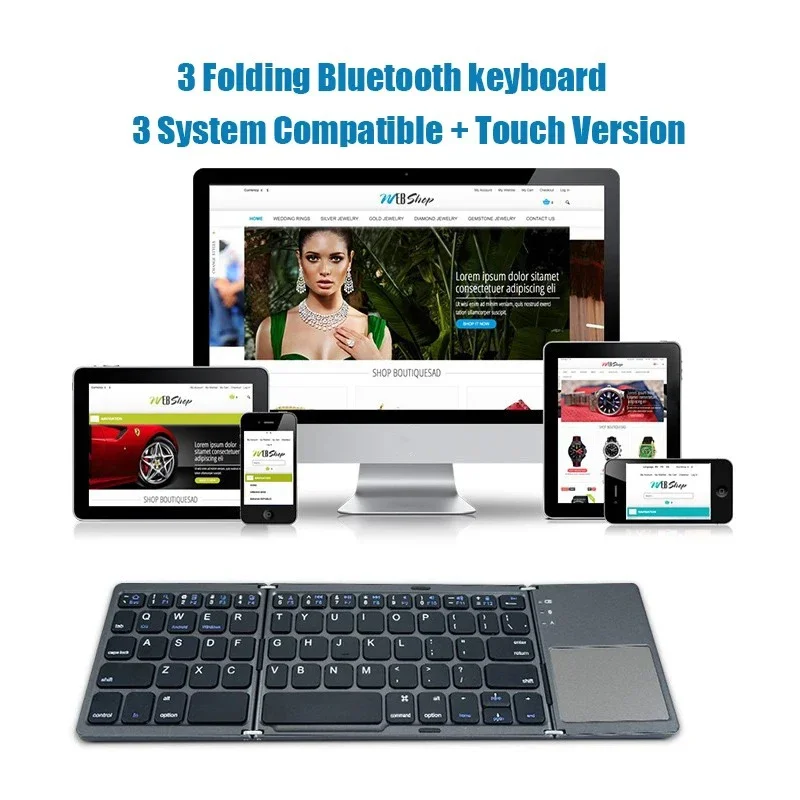
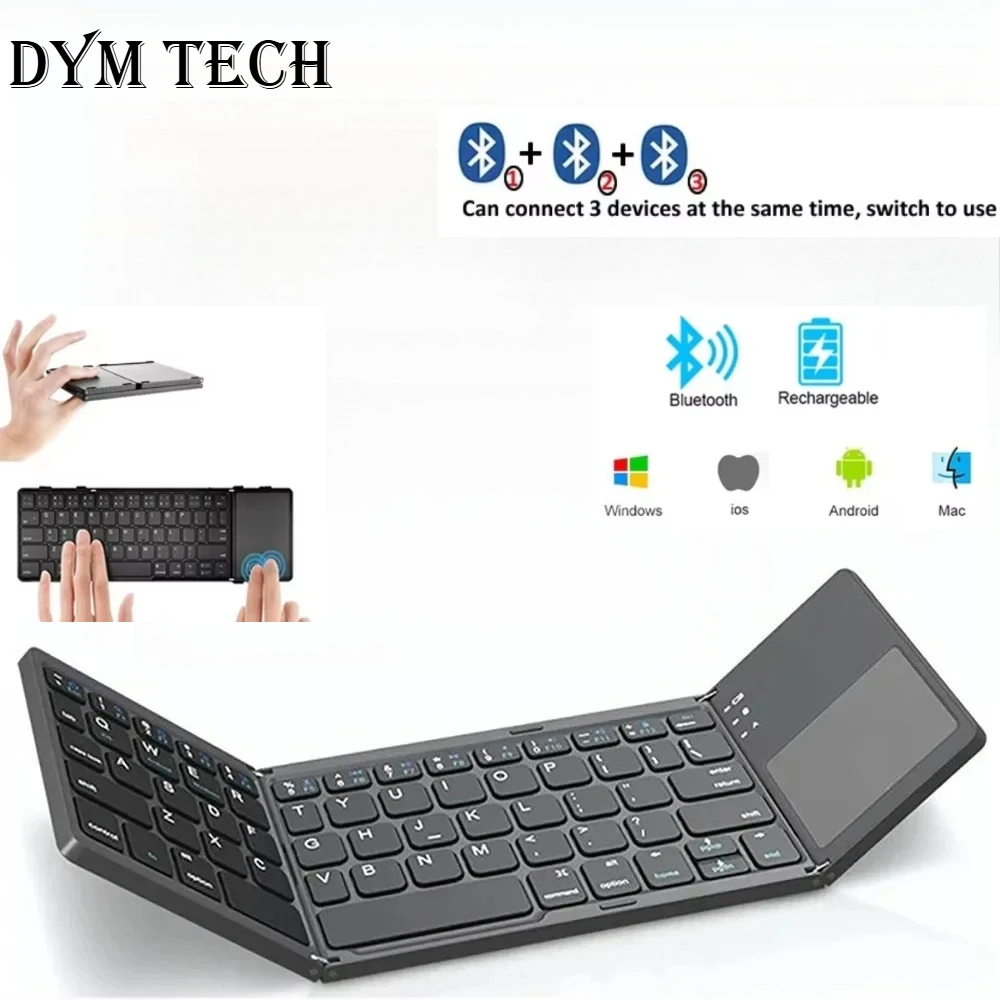
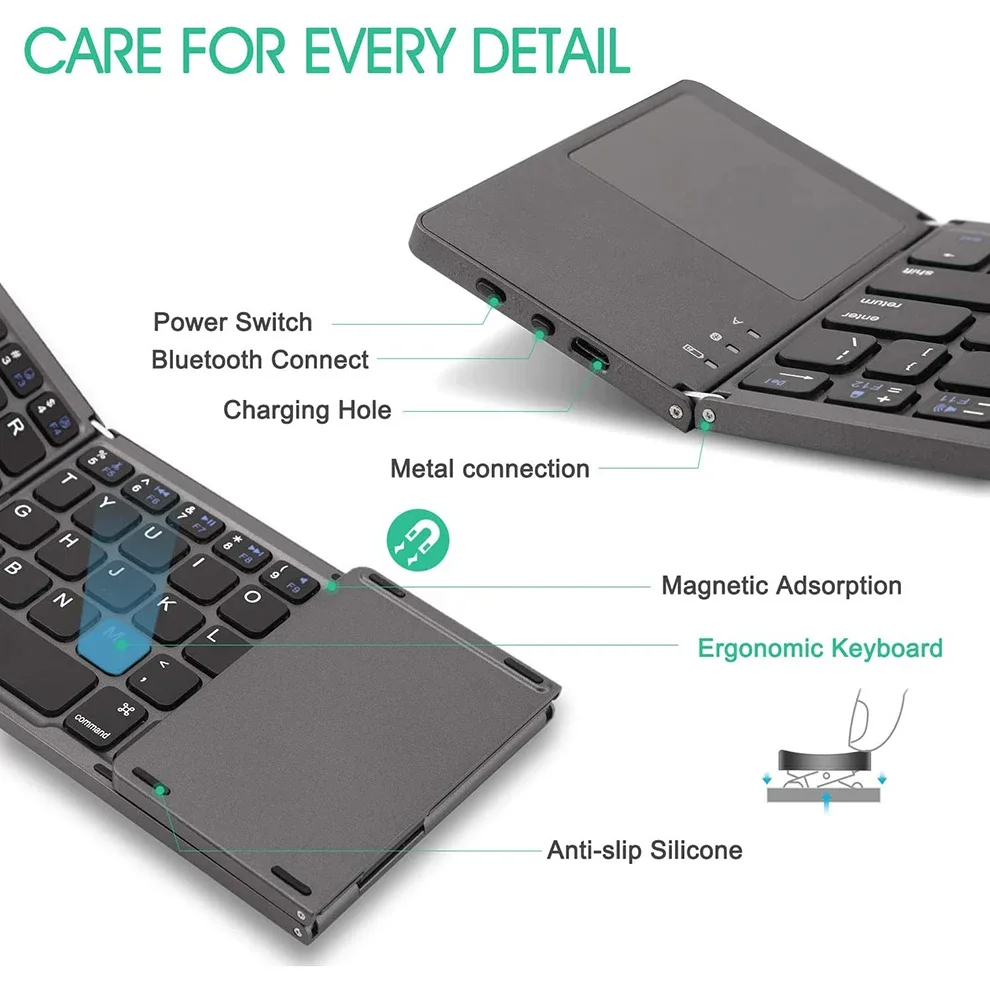
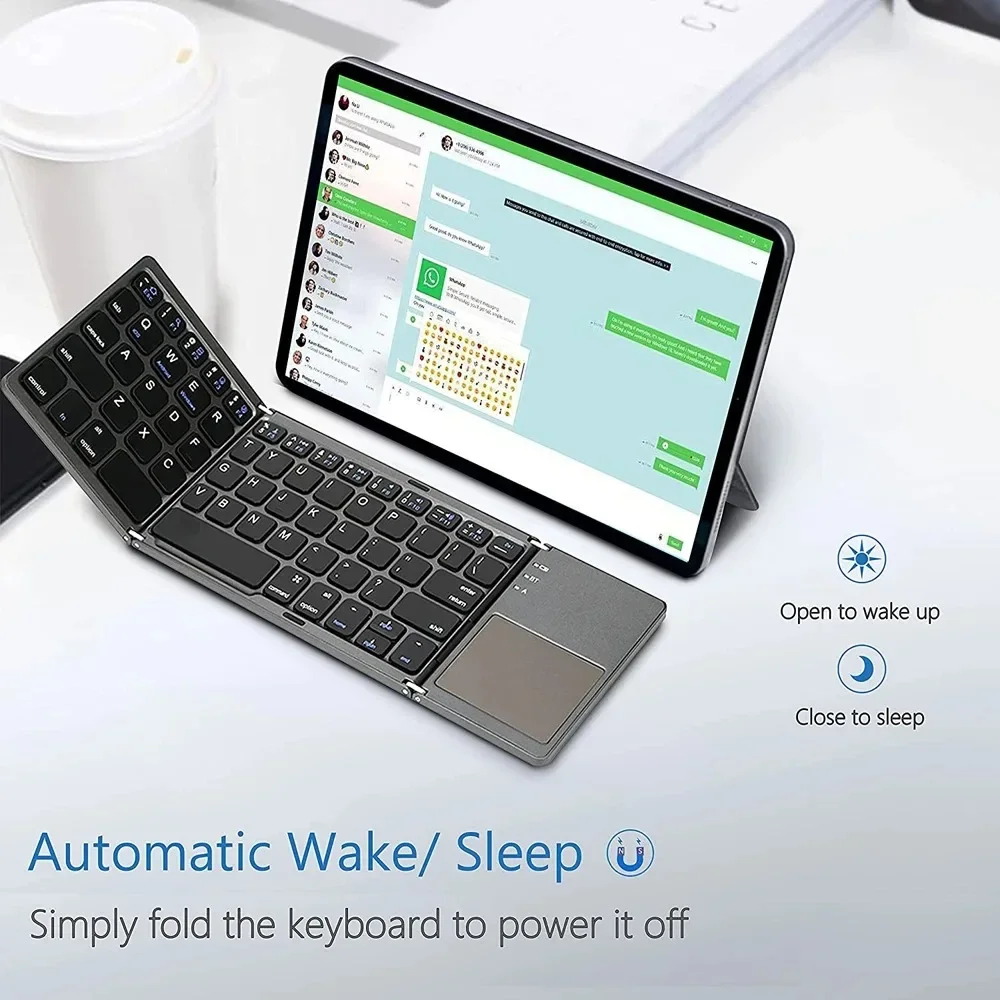
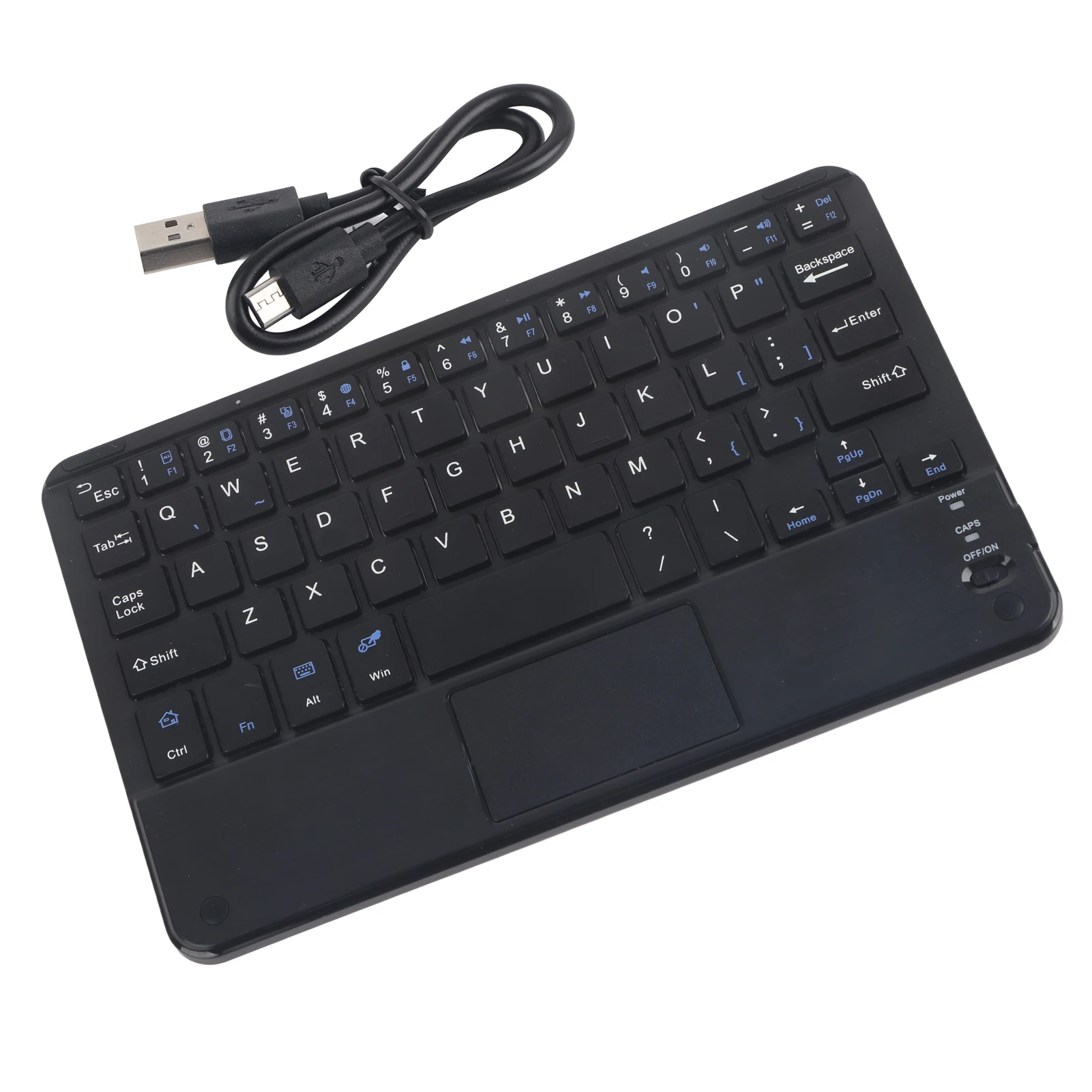
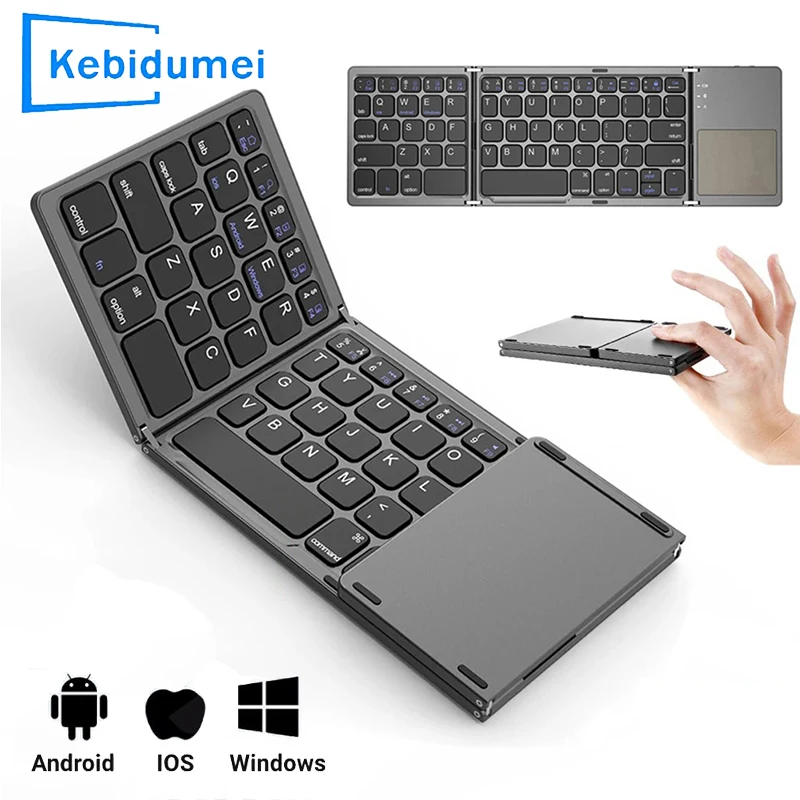
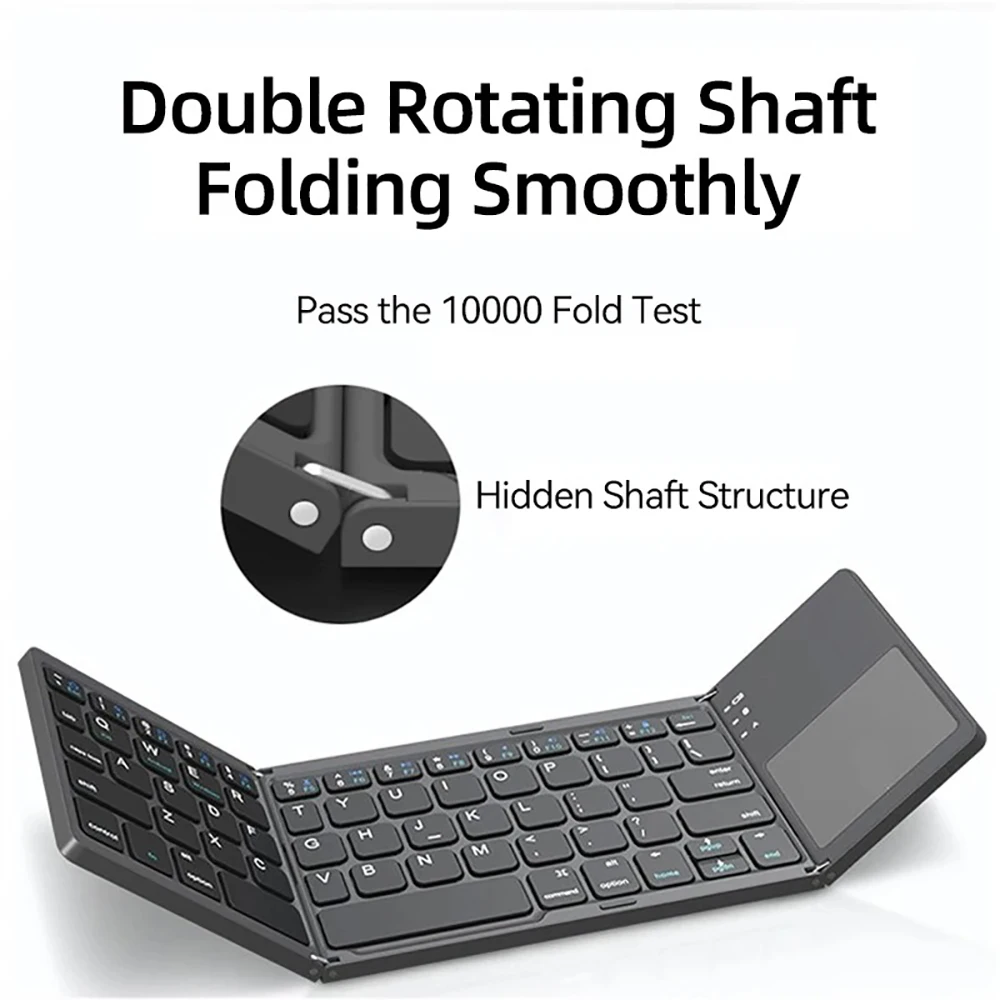
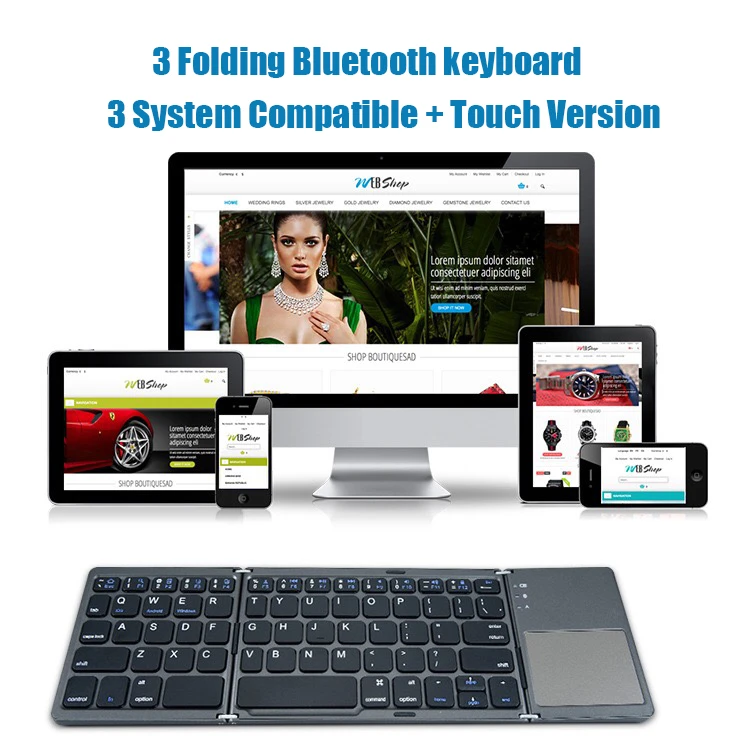
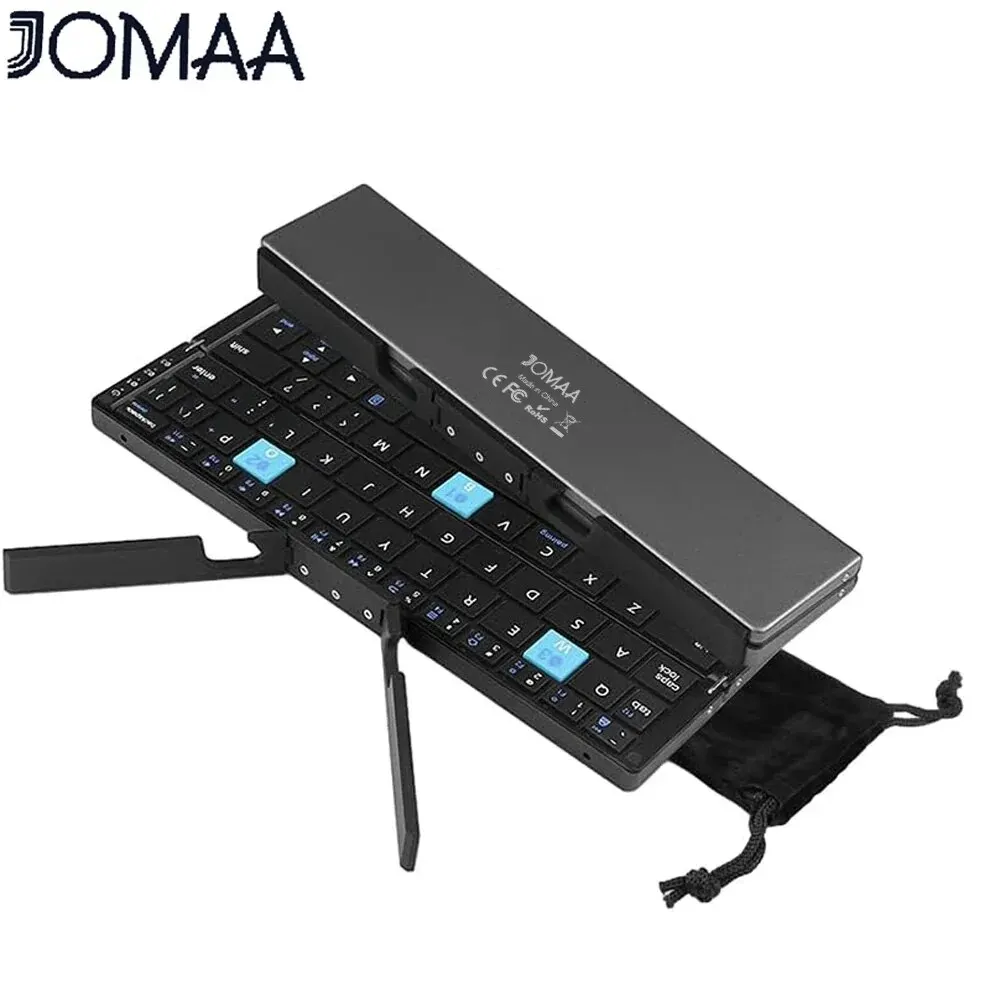
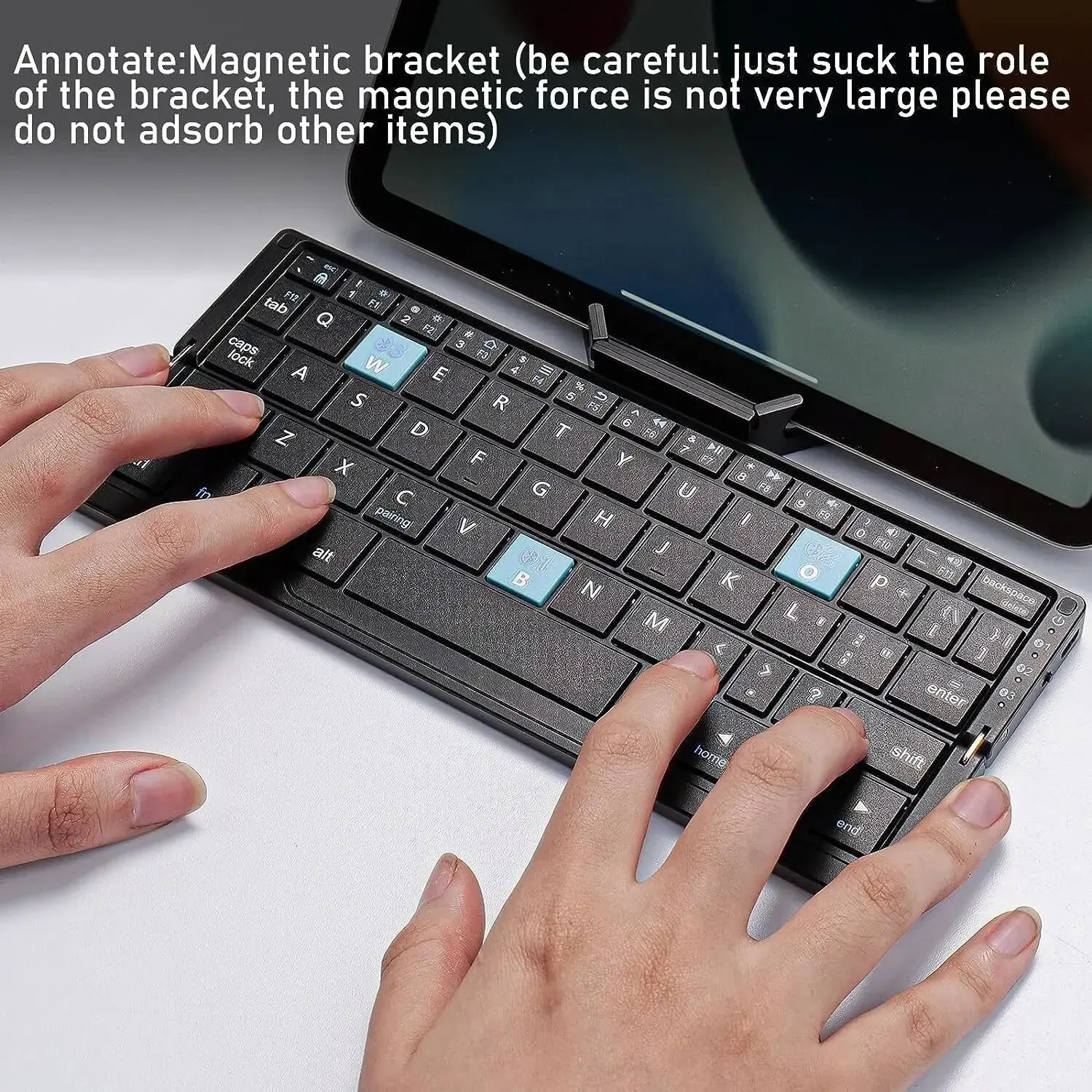
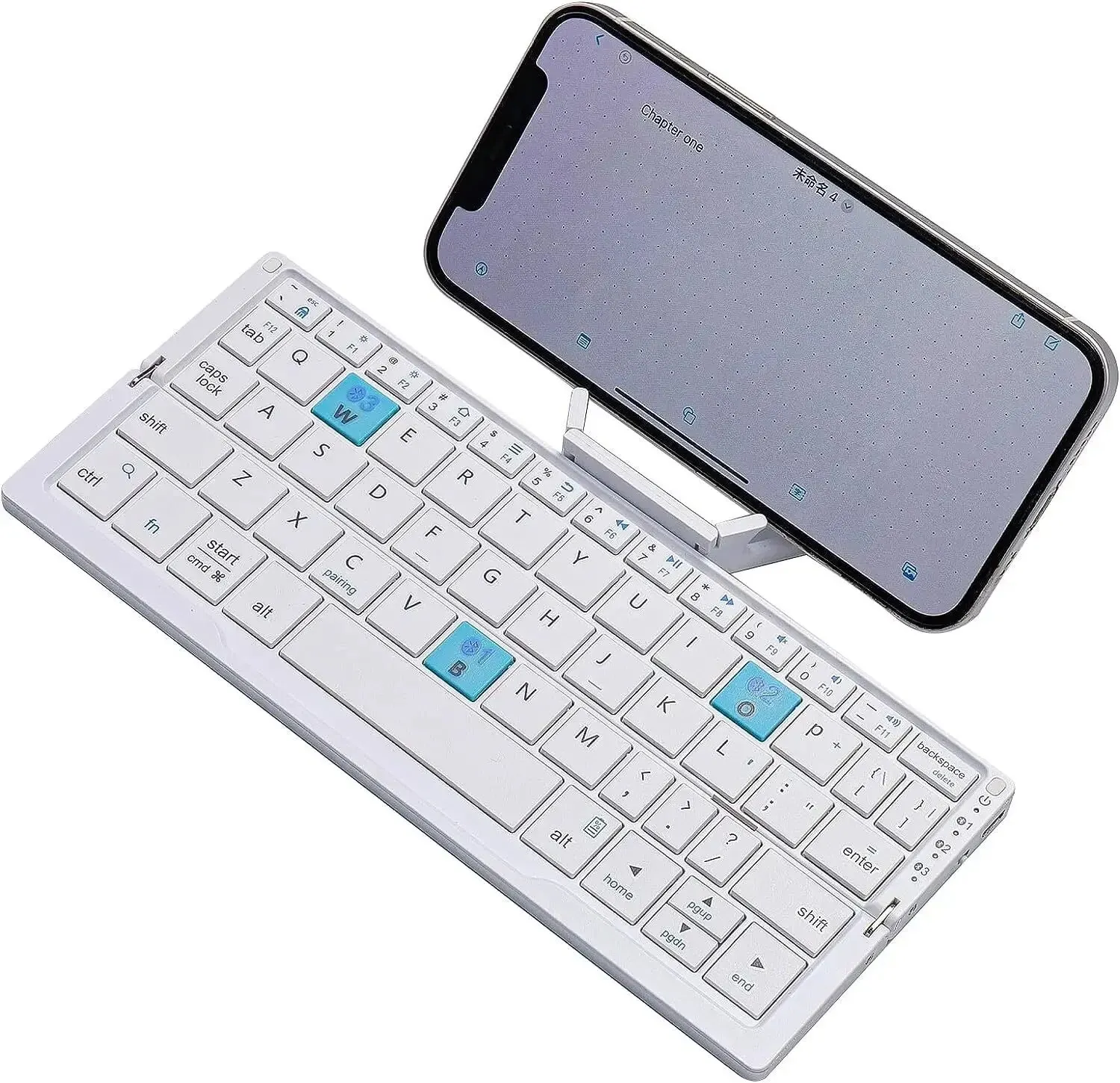
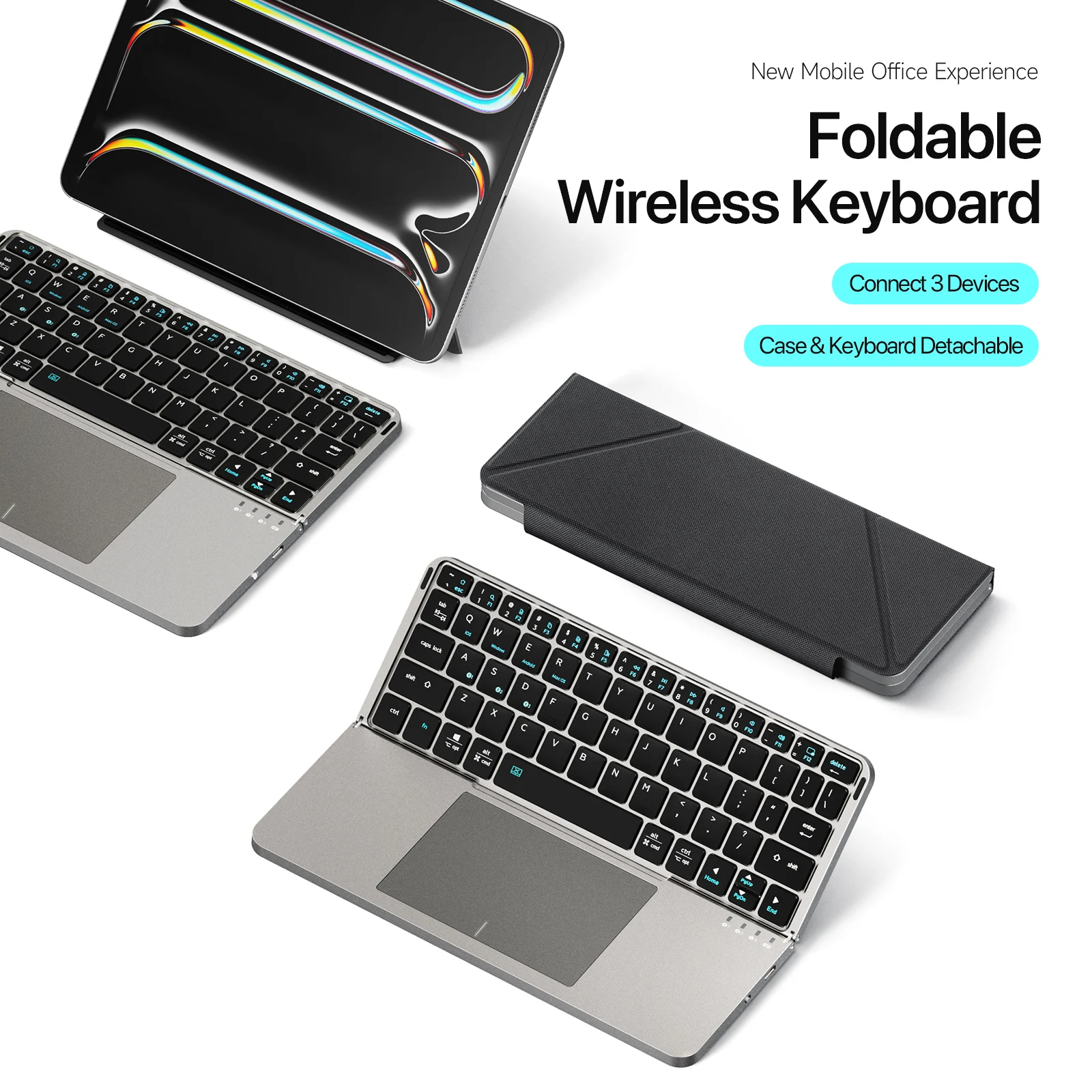
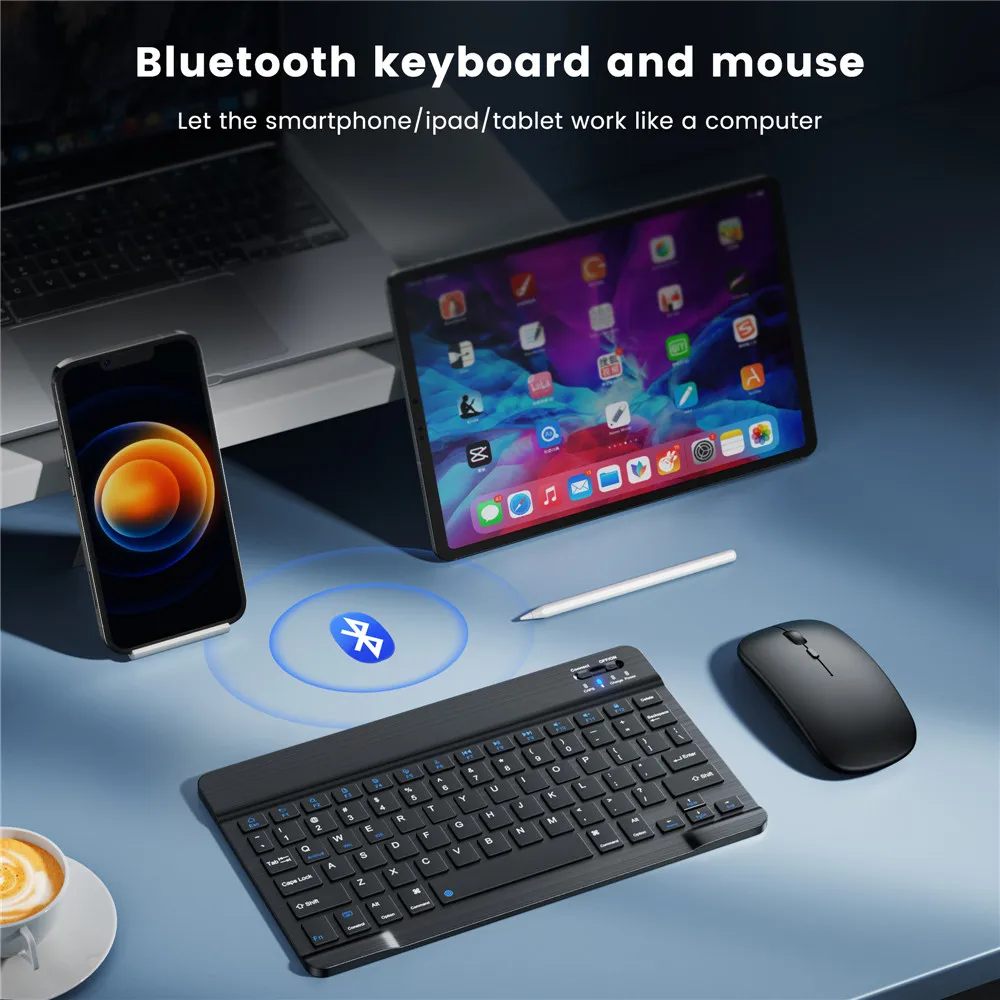
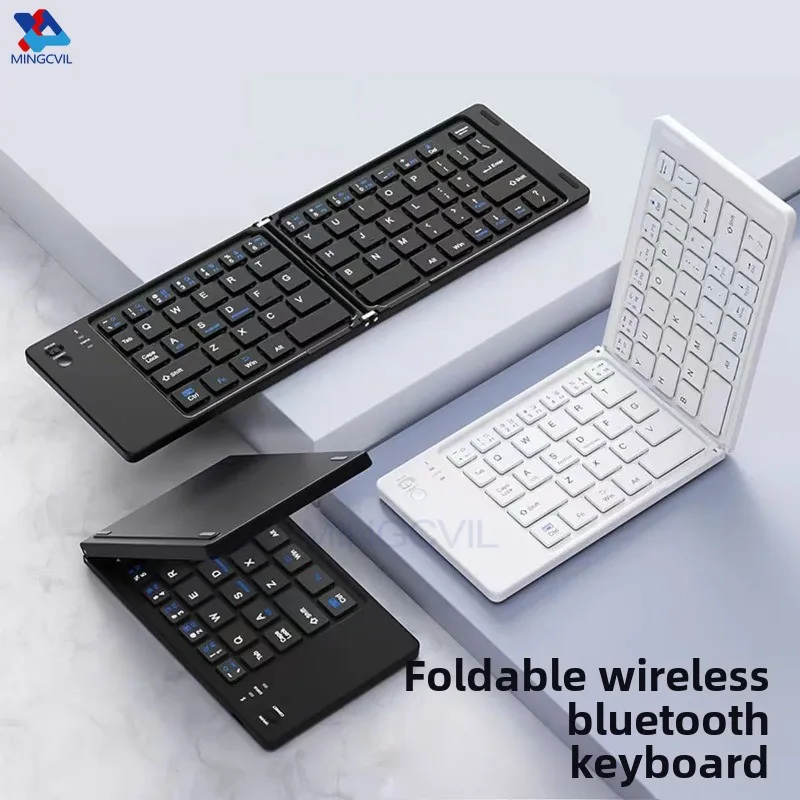
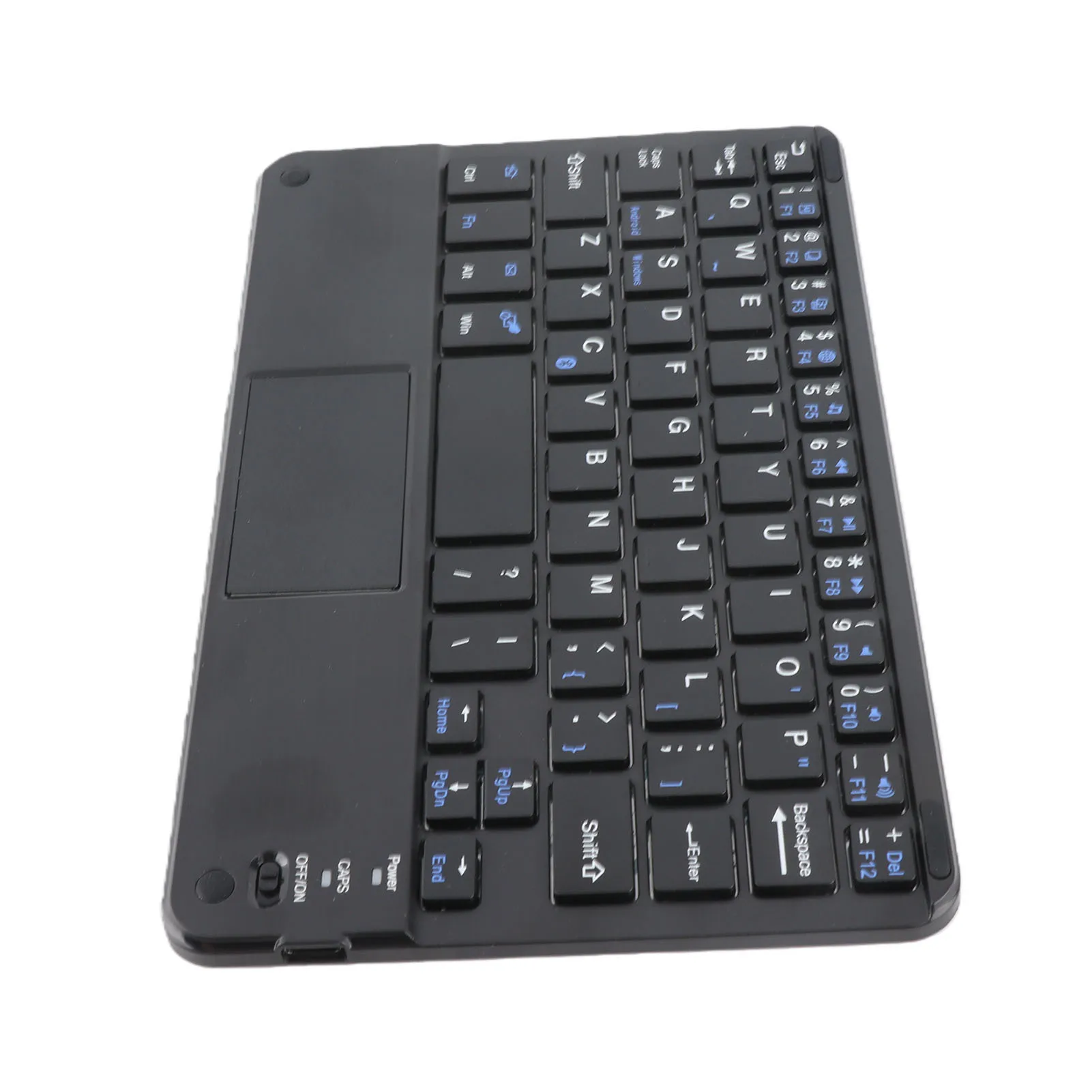
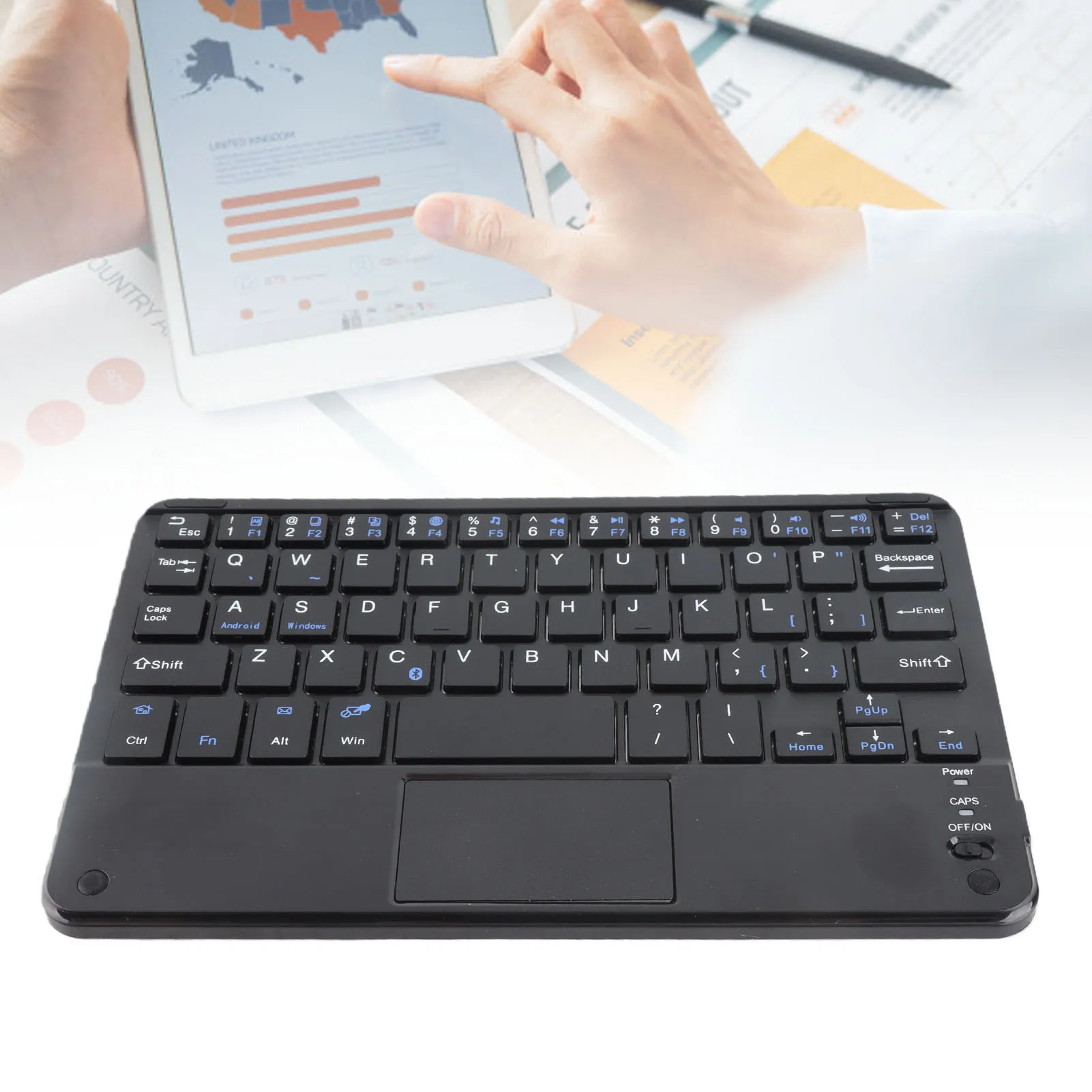
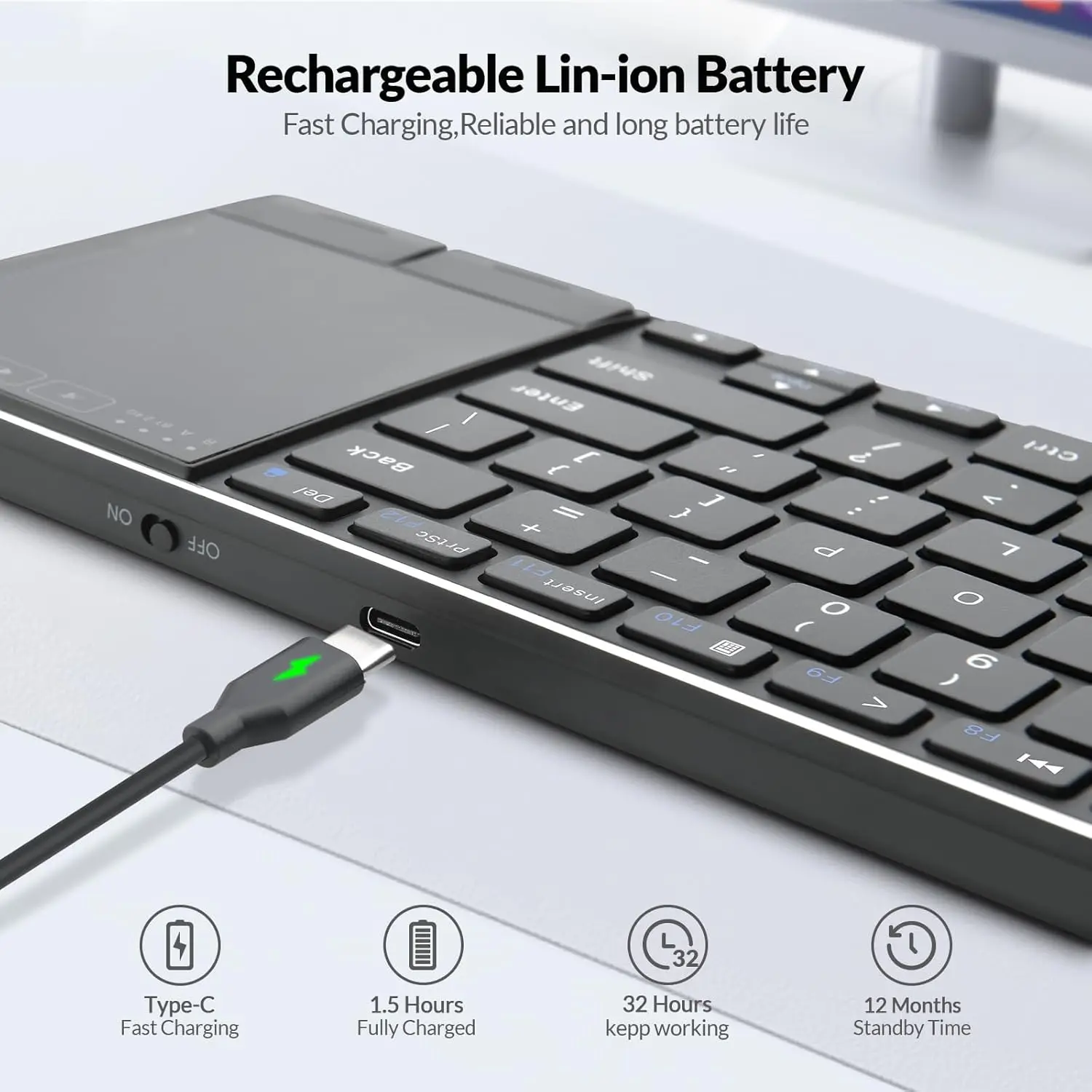
- Bluetooth keyboards: folding keyboards that close to pocket size, and very thin keyboards for a tablet, a phone or a laptop on the move.
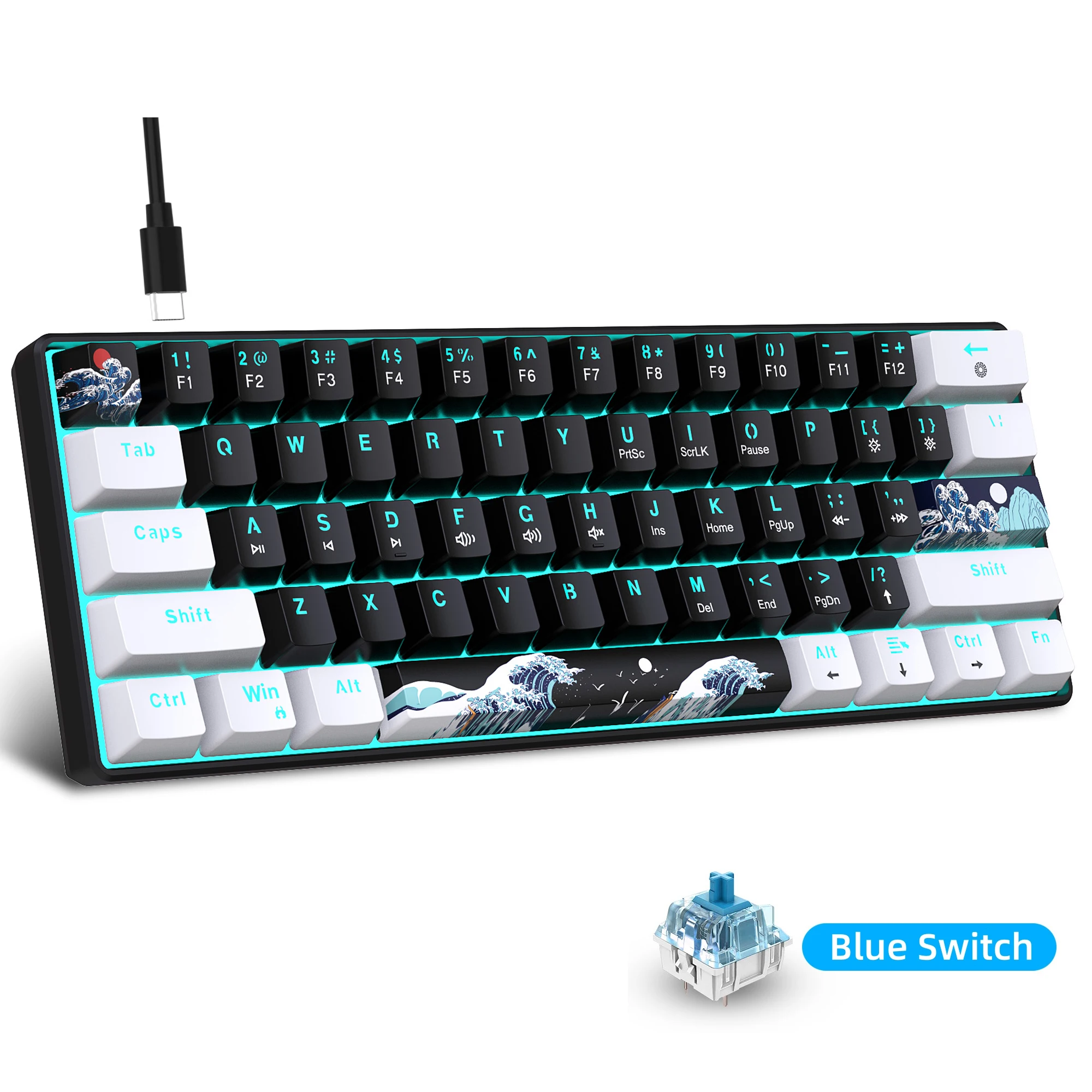
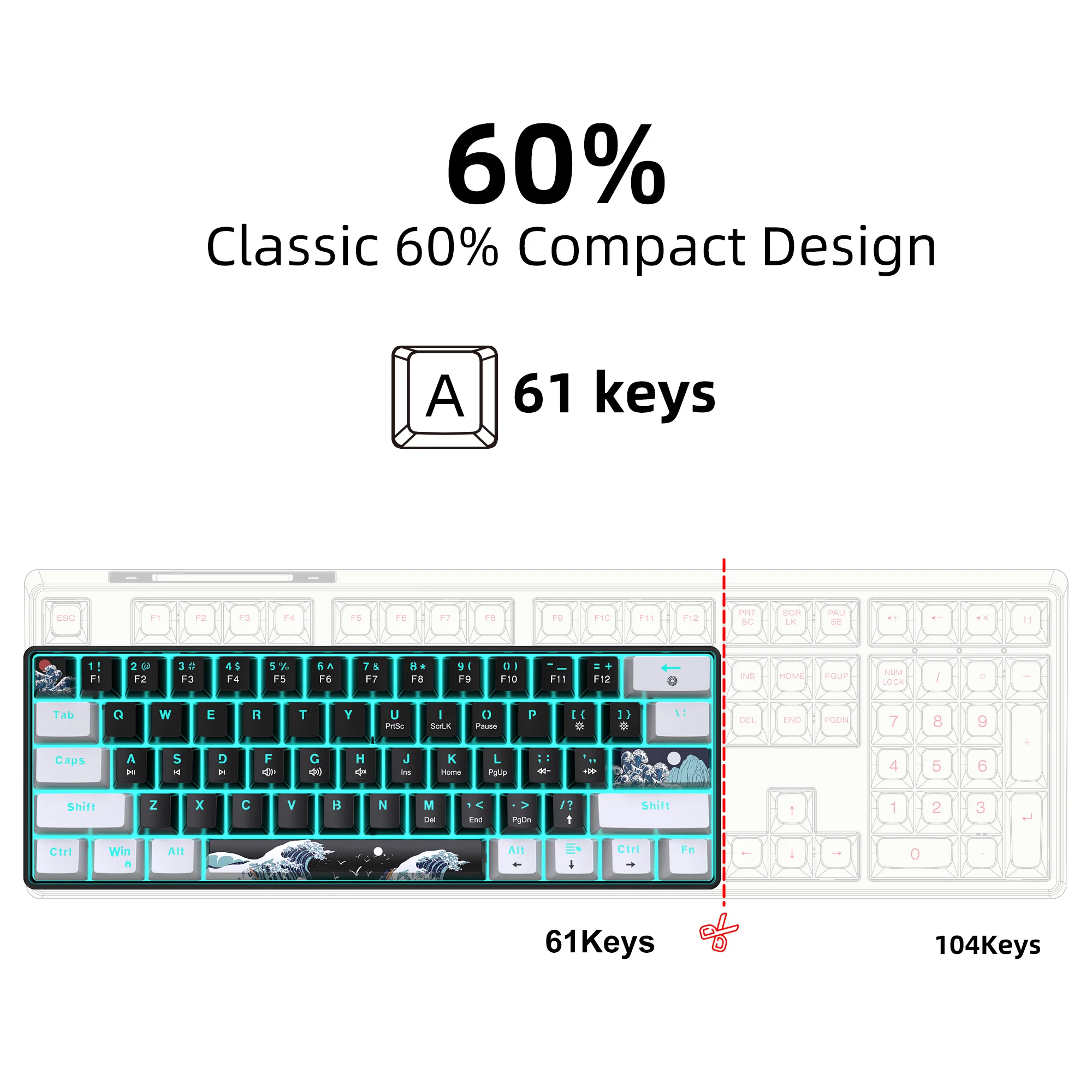
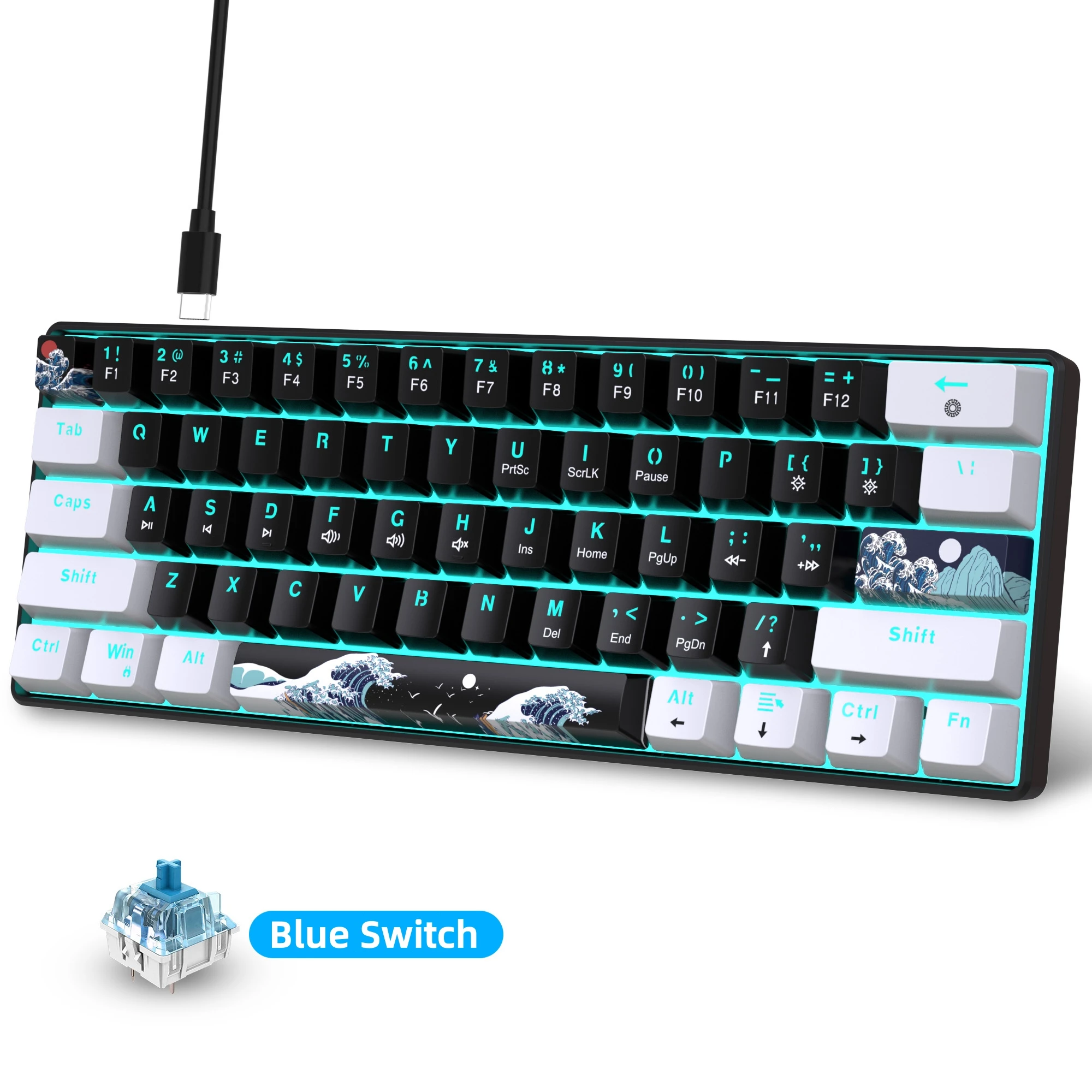
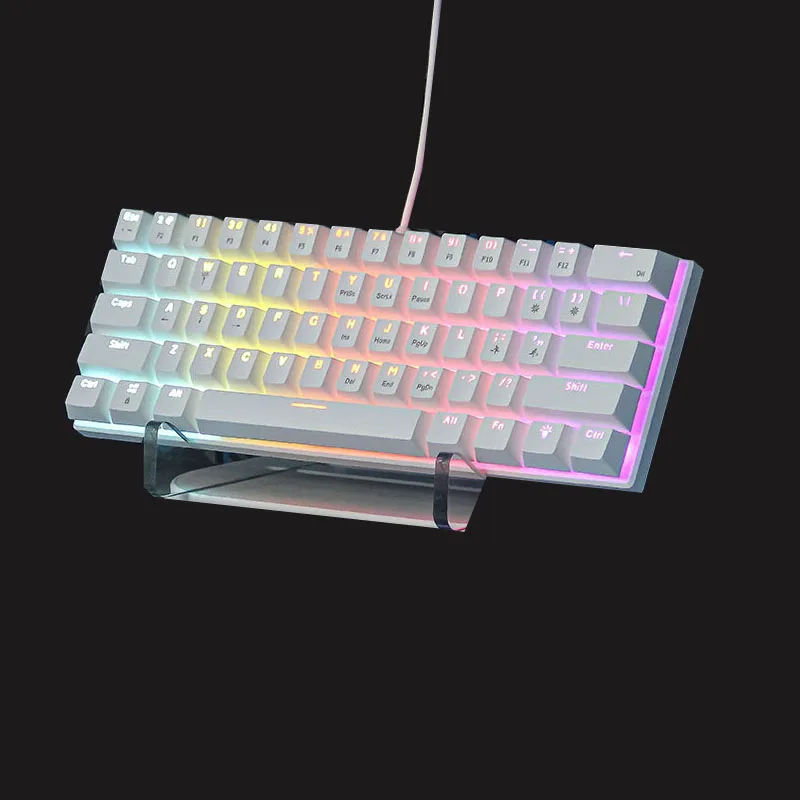
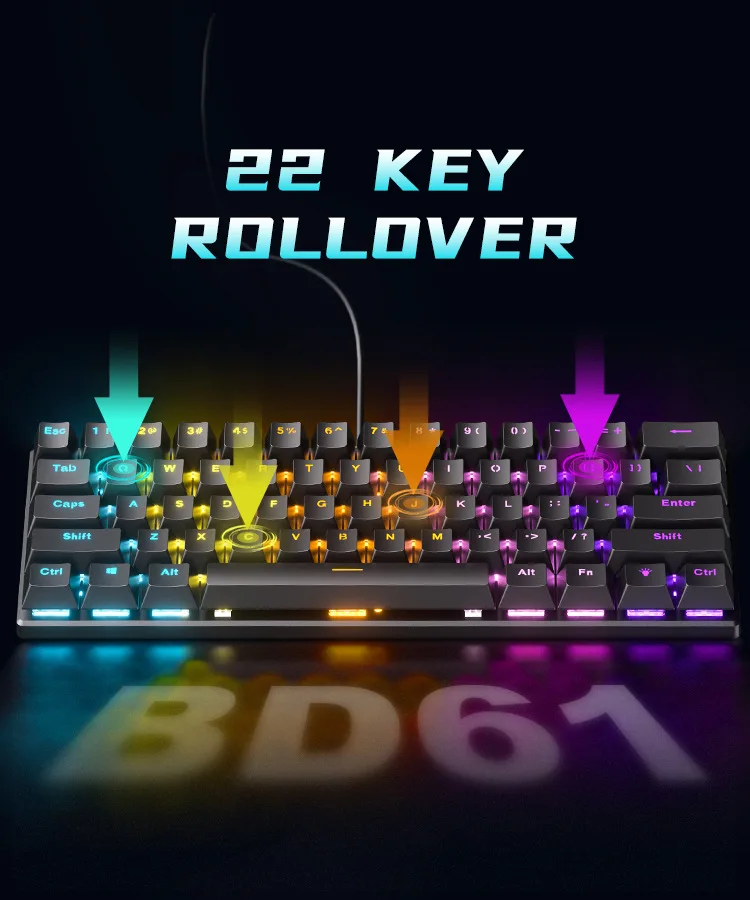
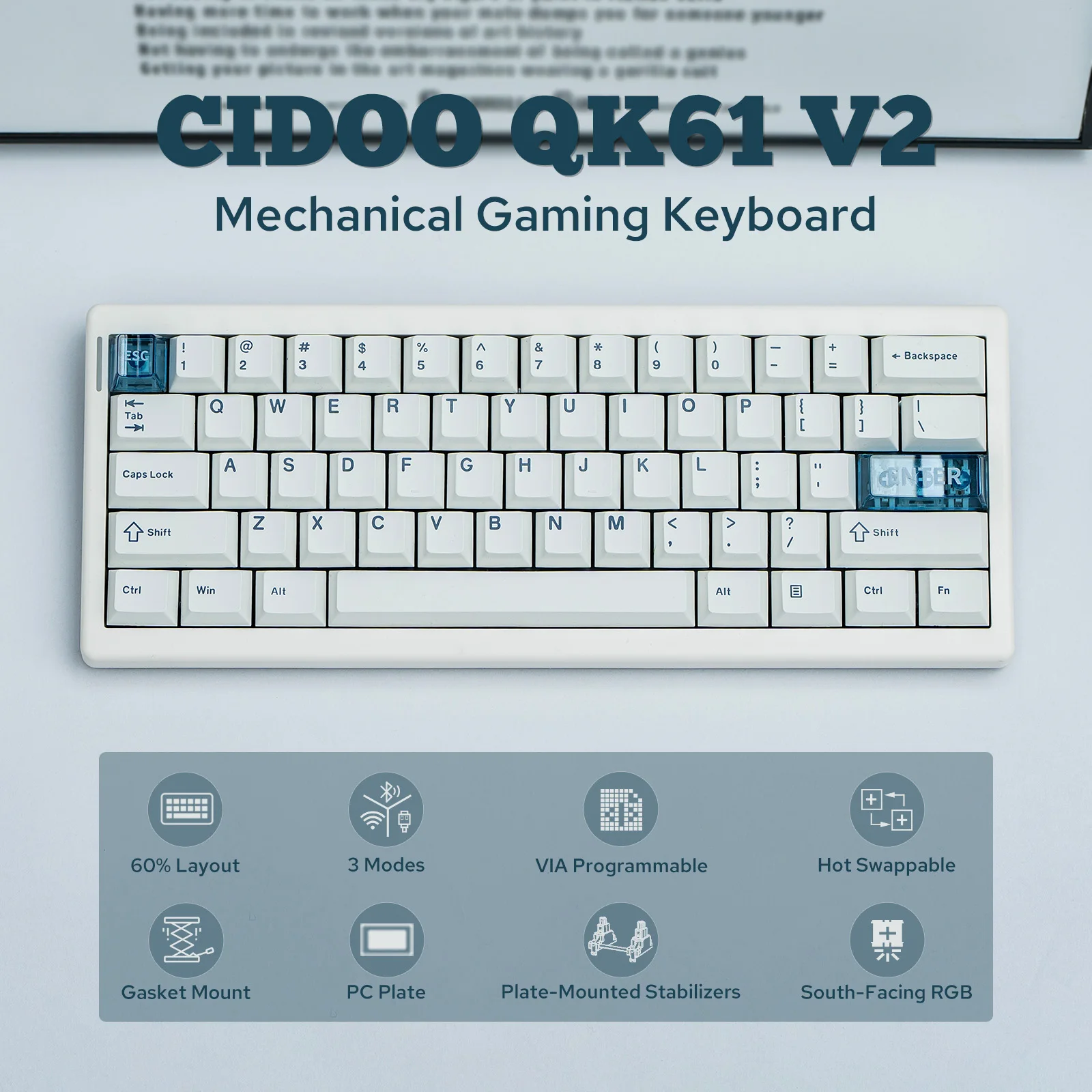
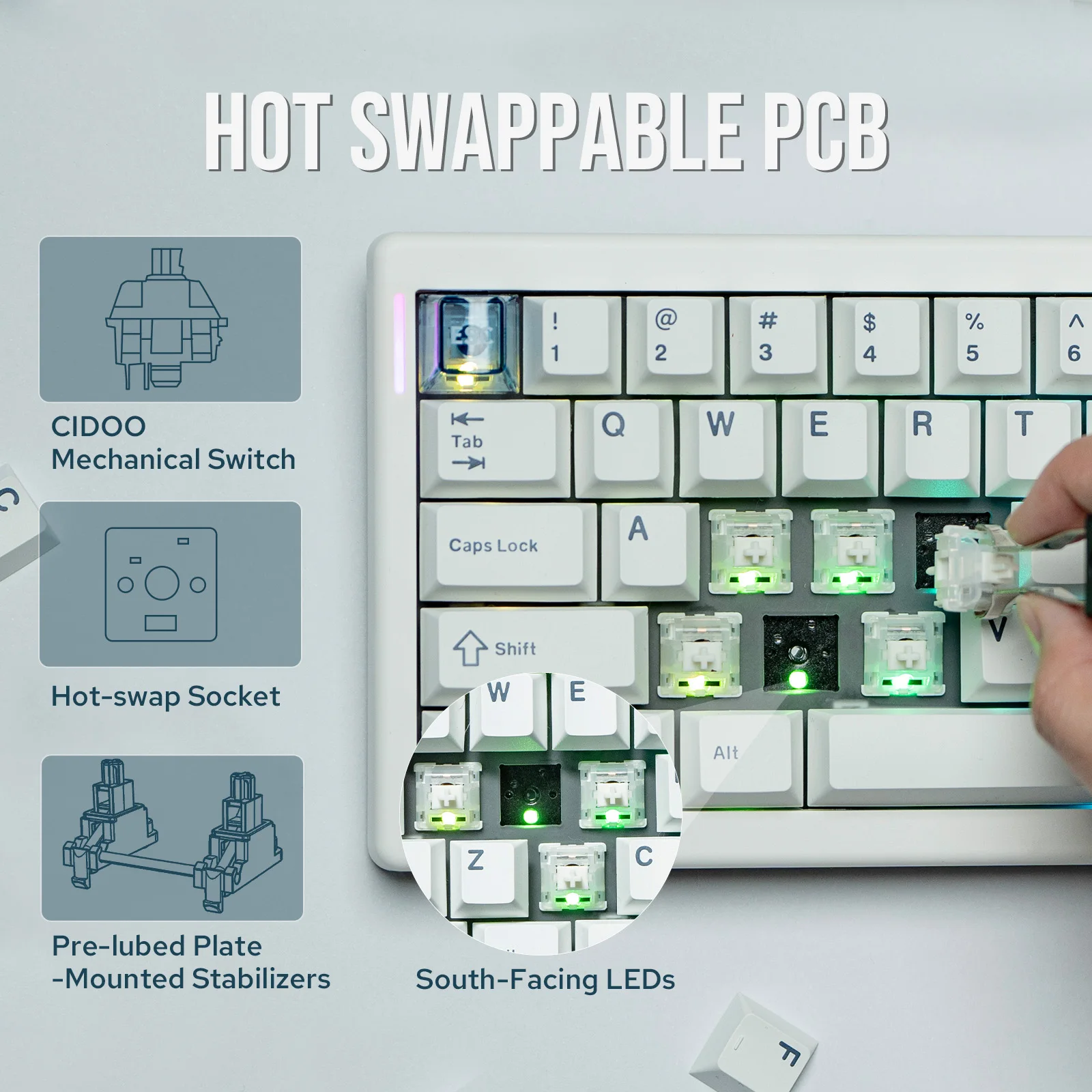
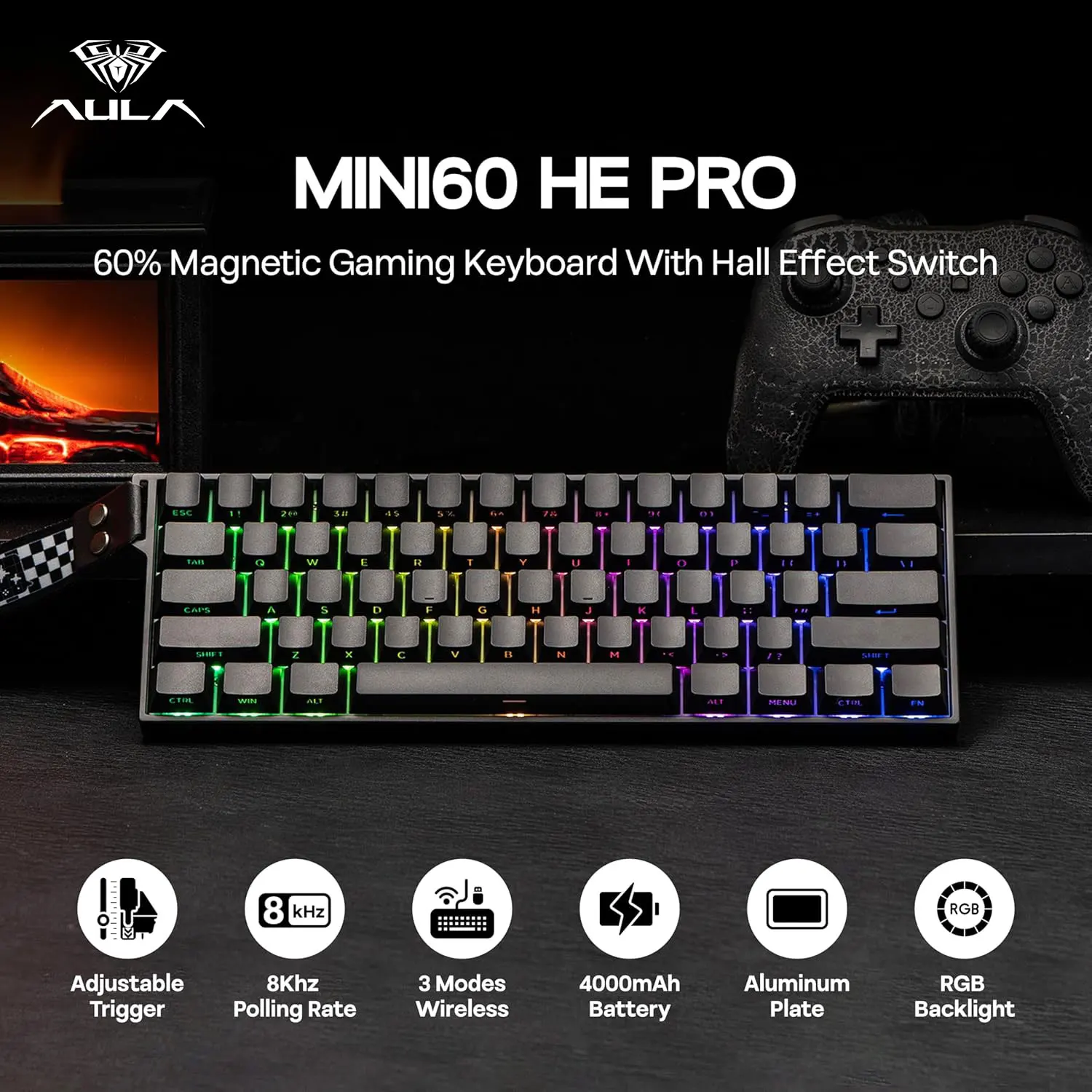
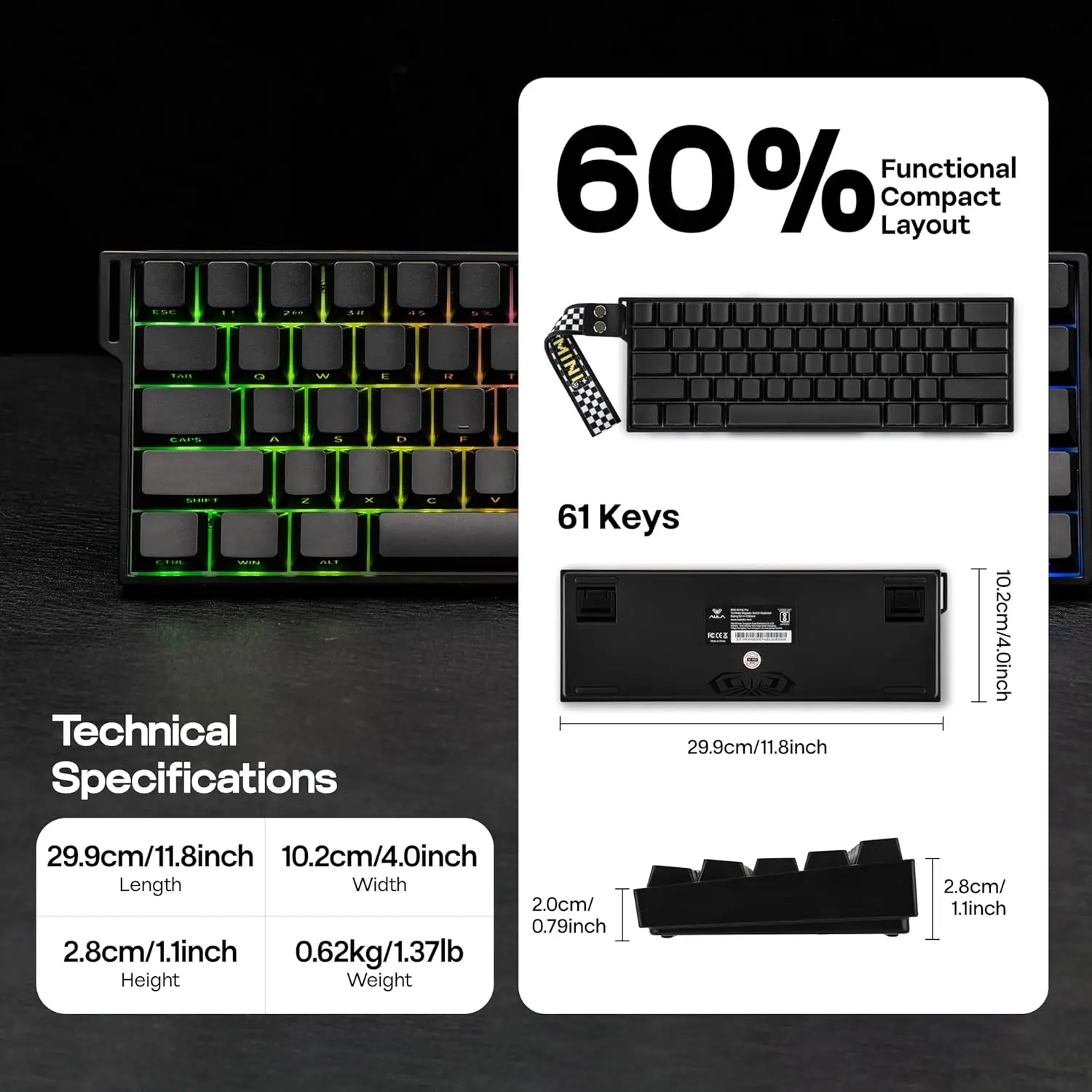
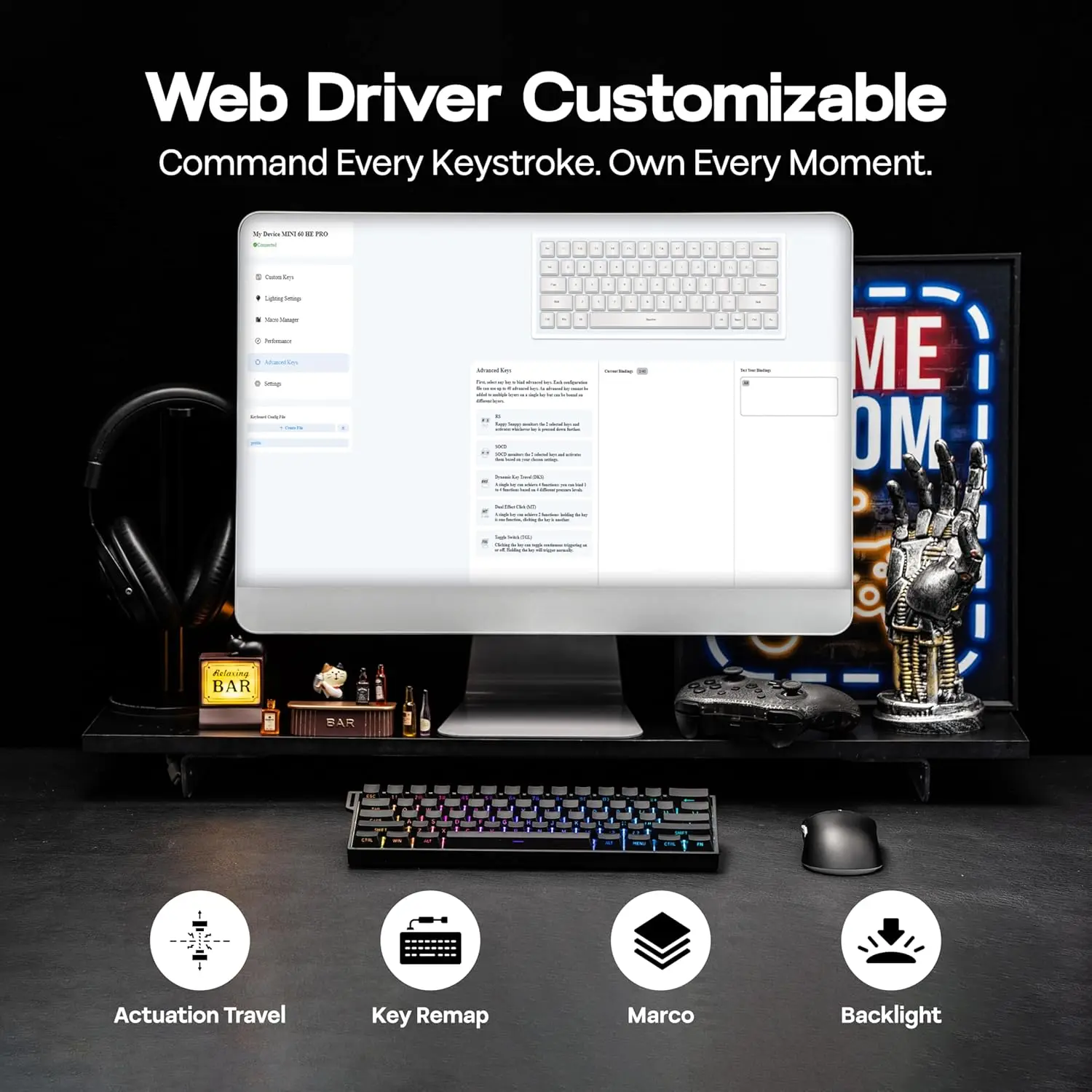
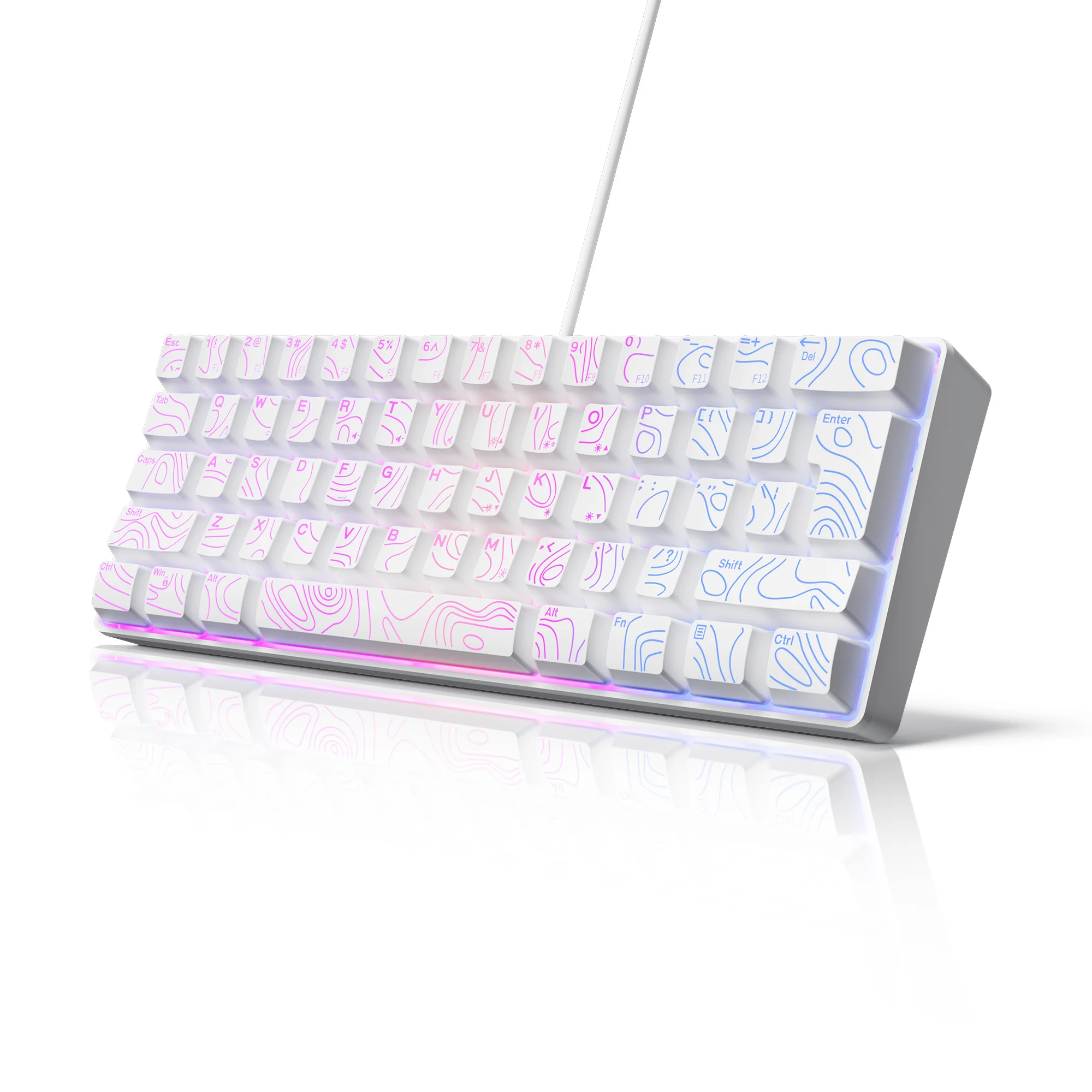
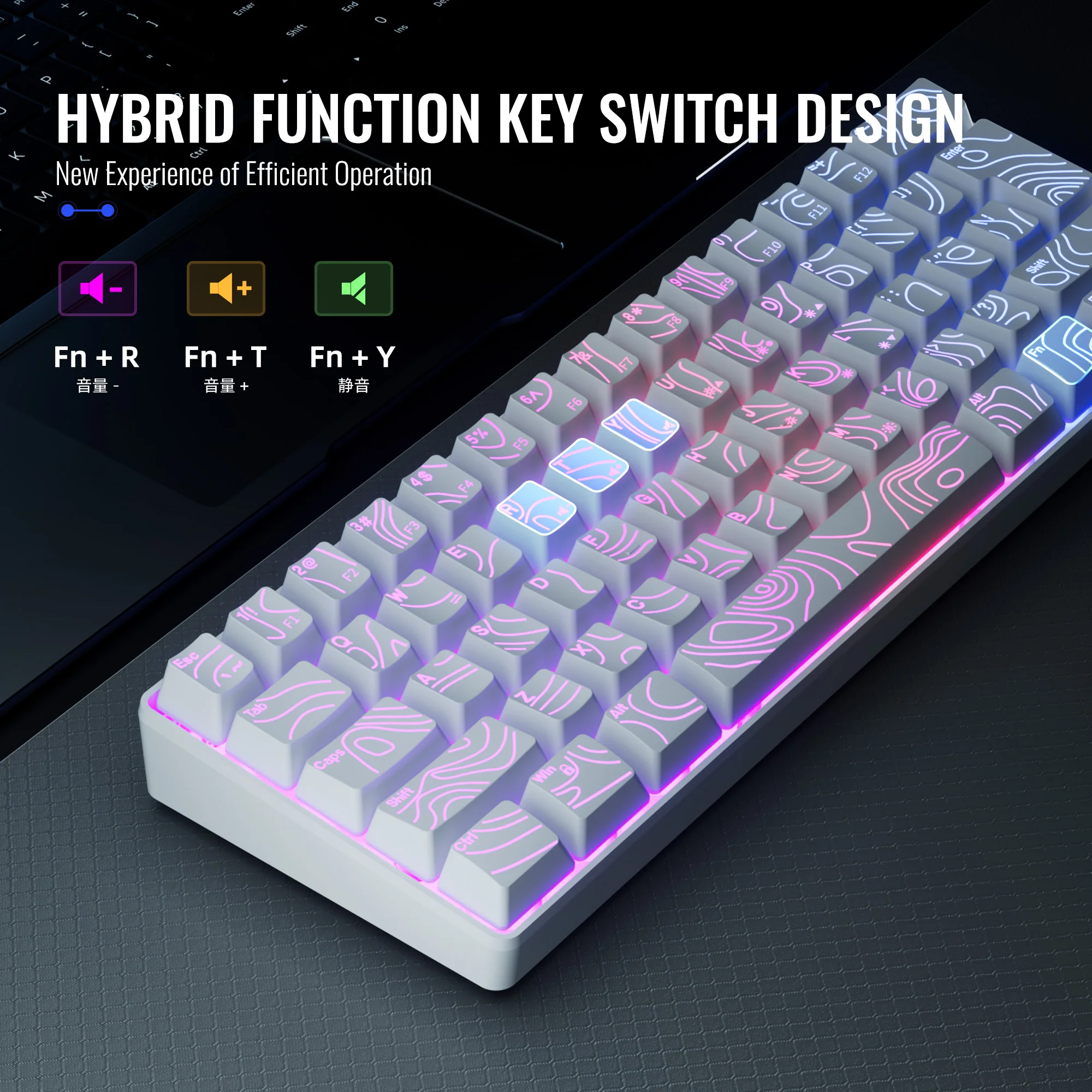
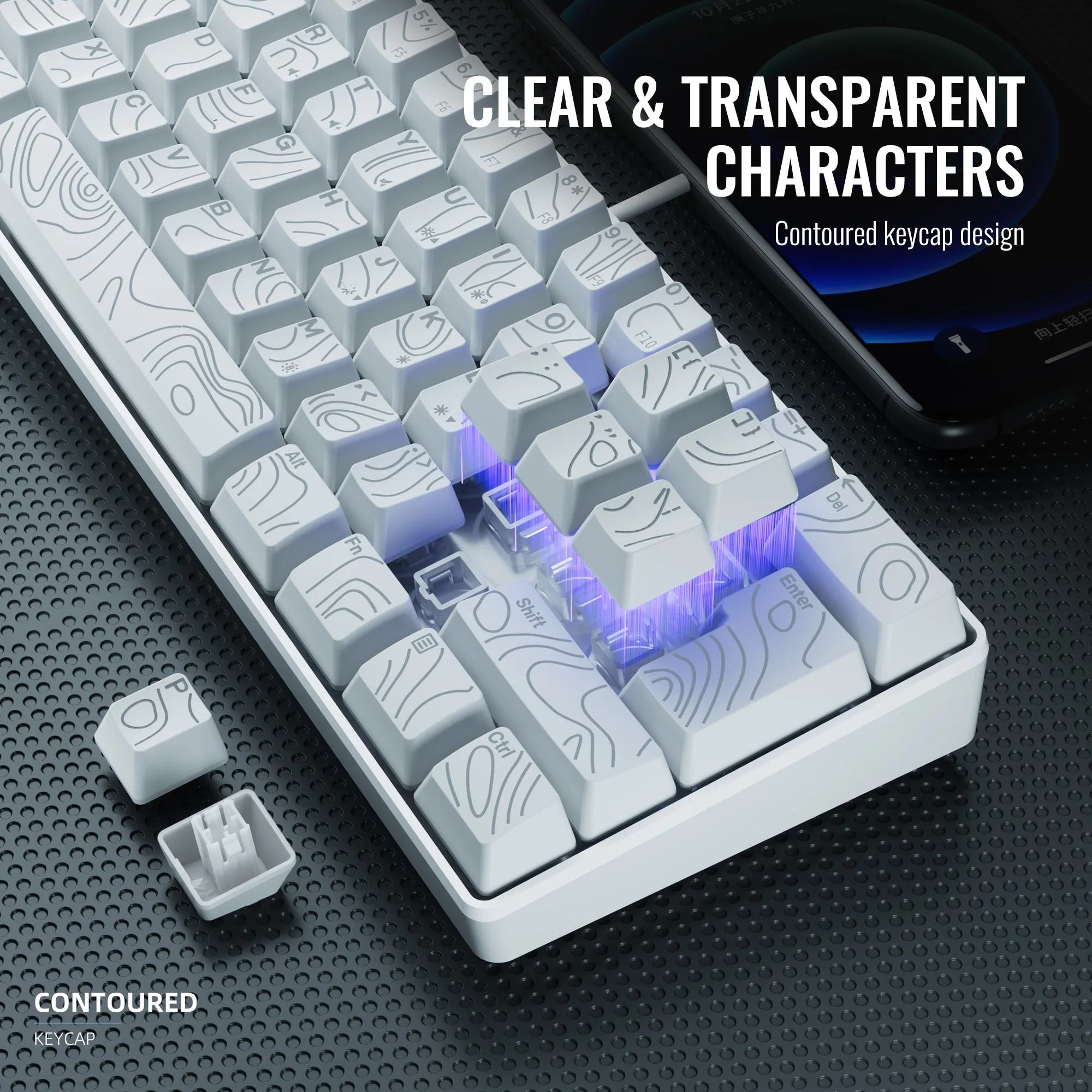
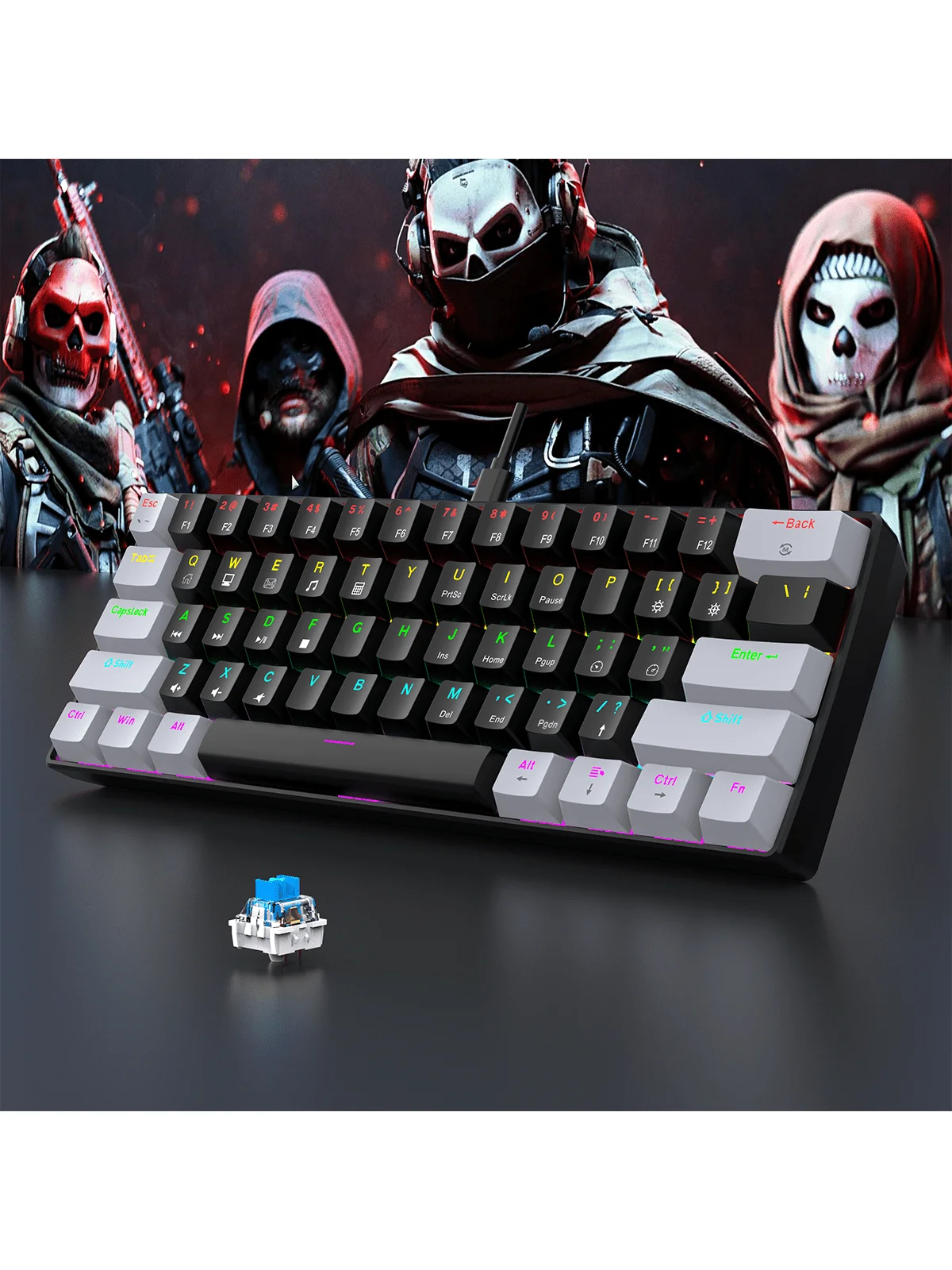
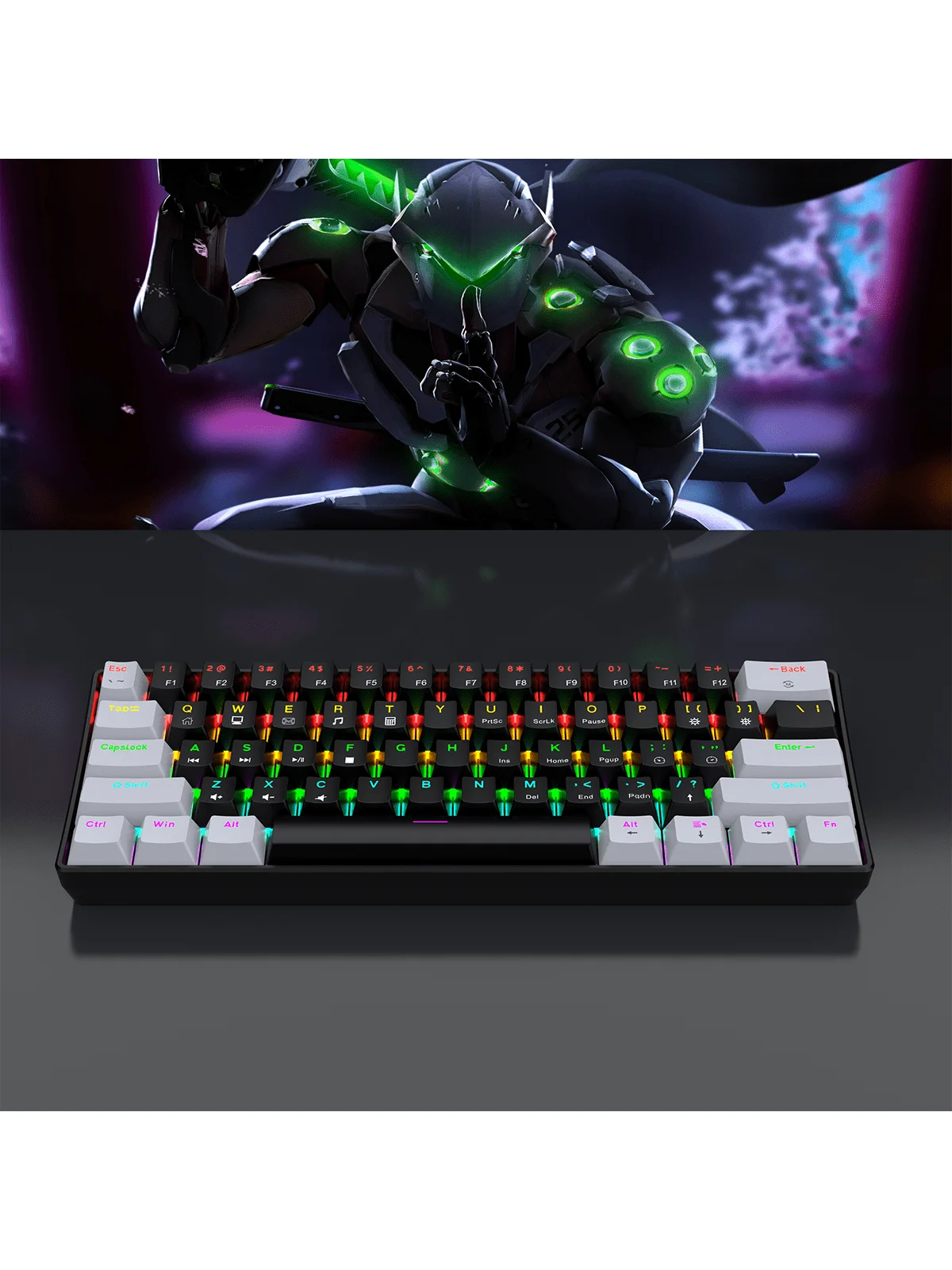
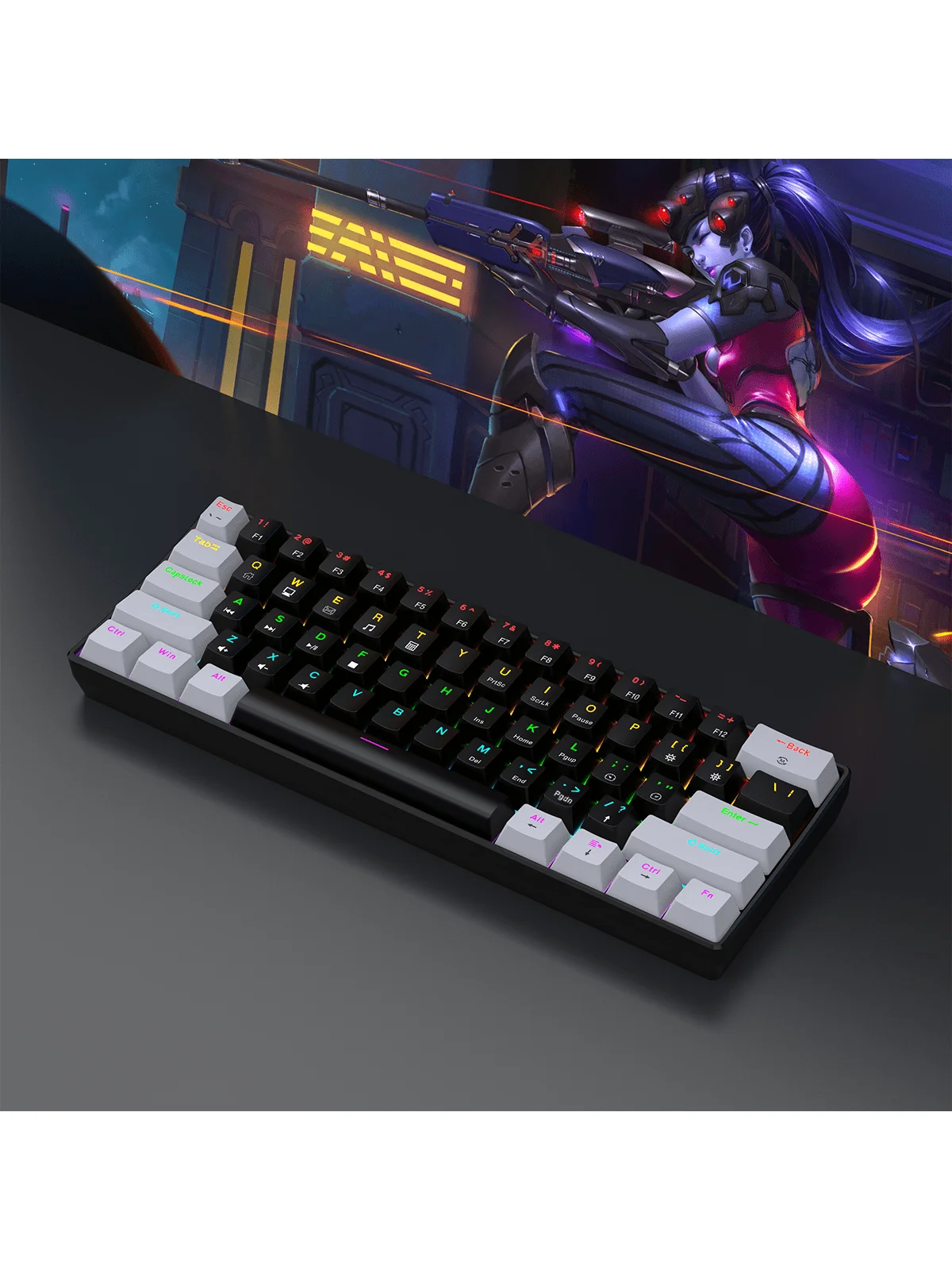
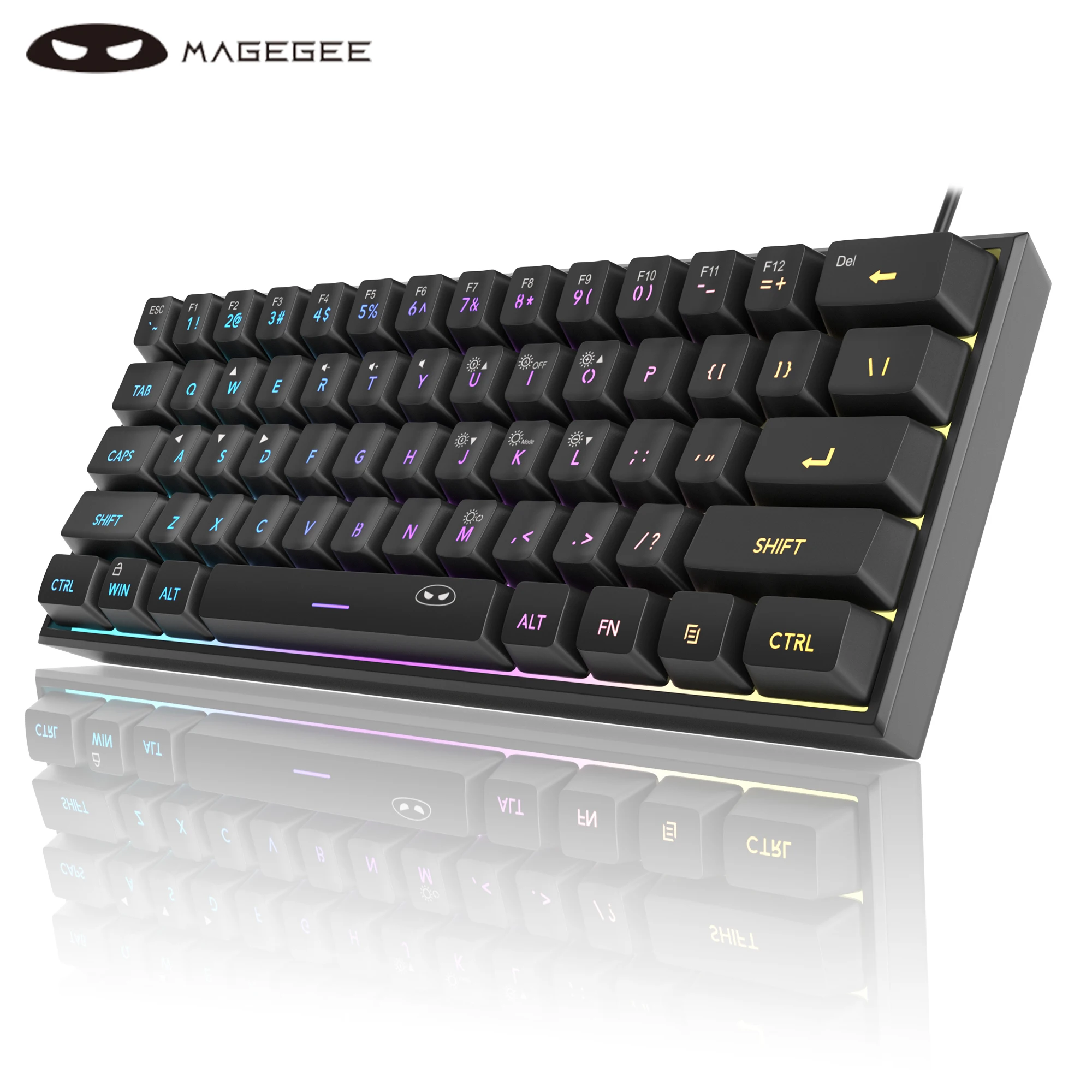
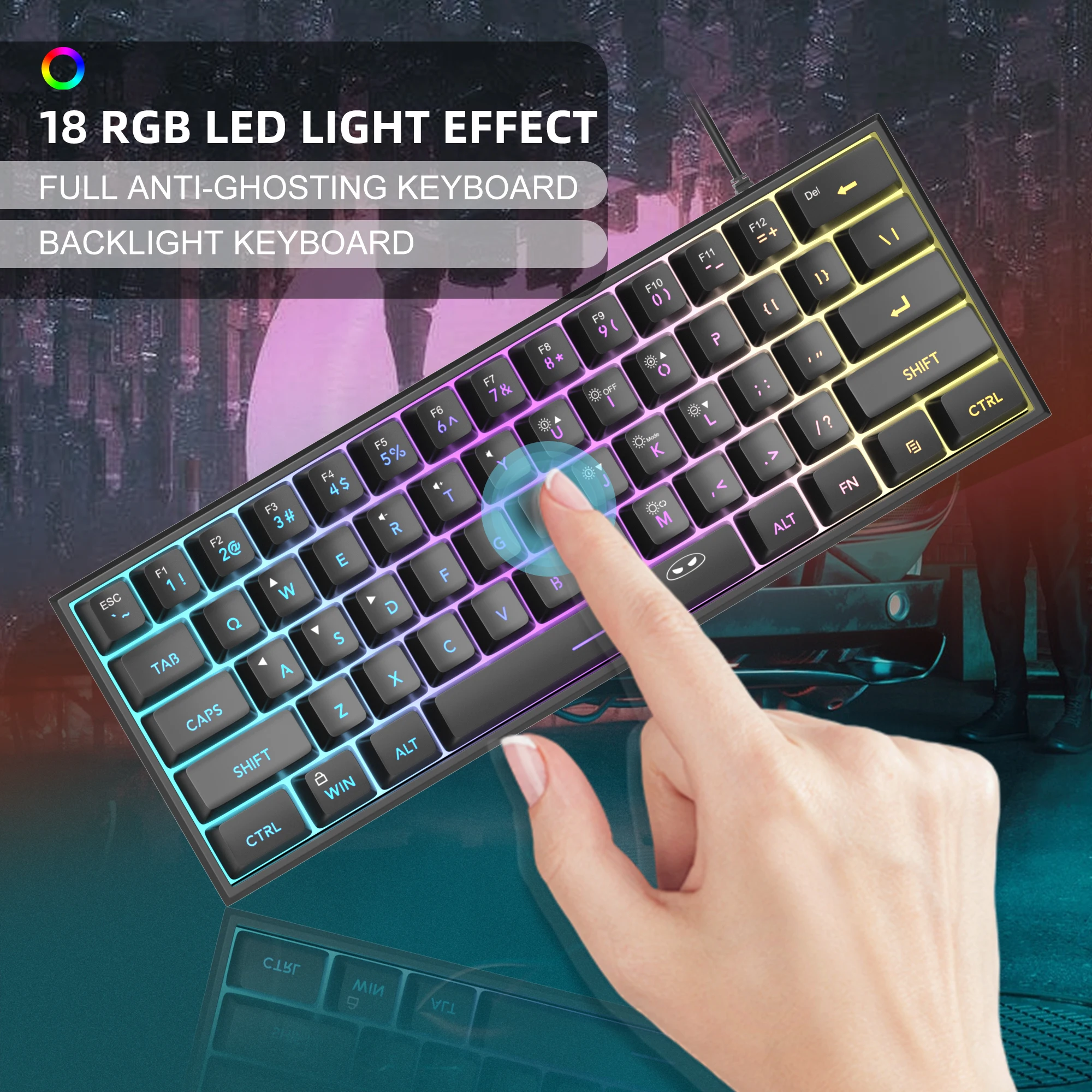
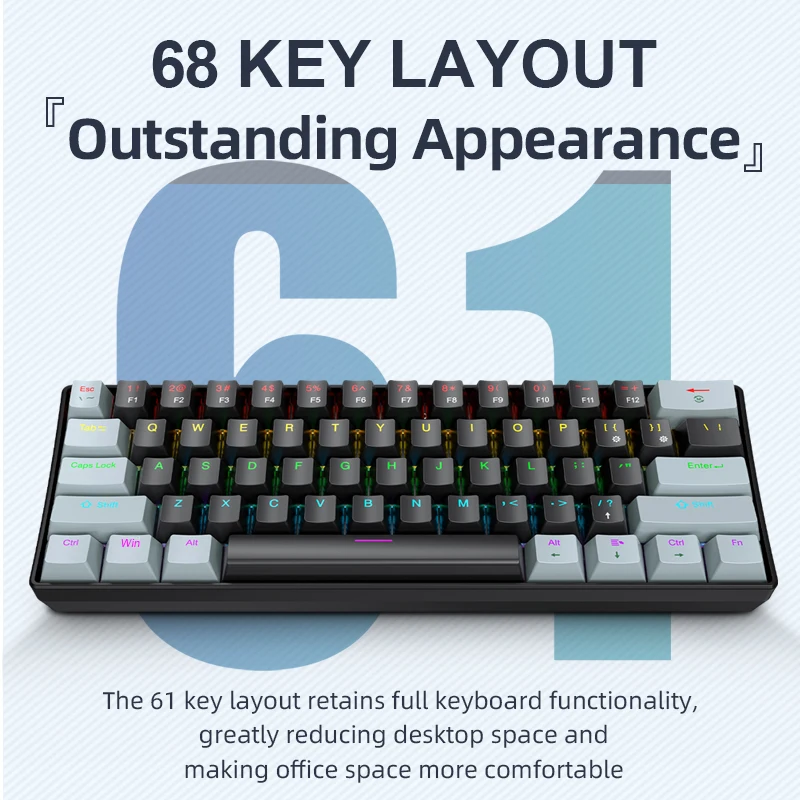
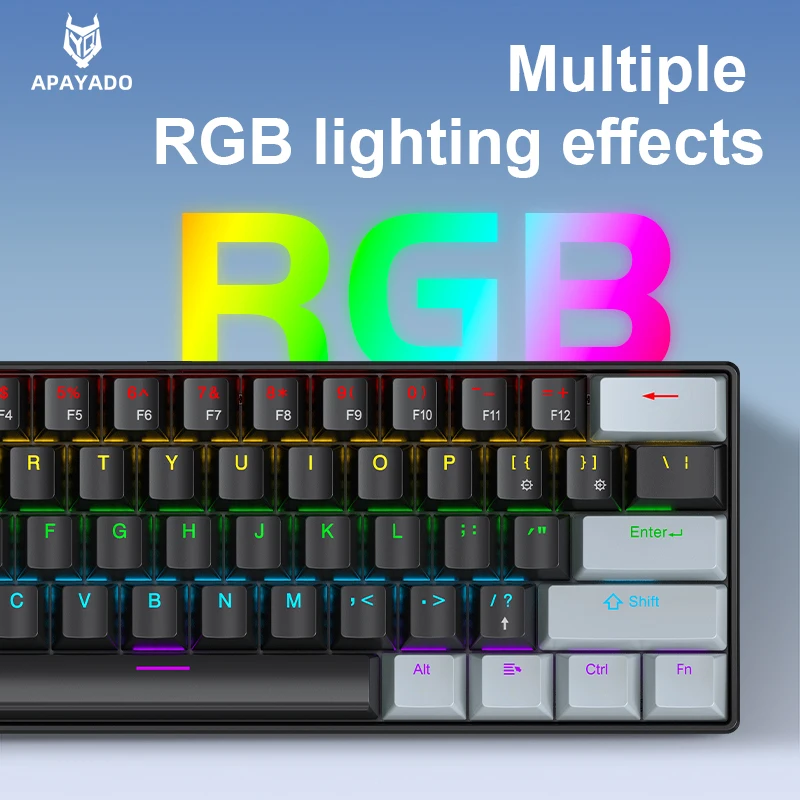
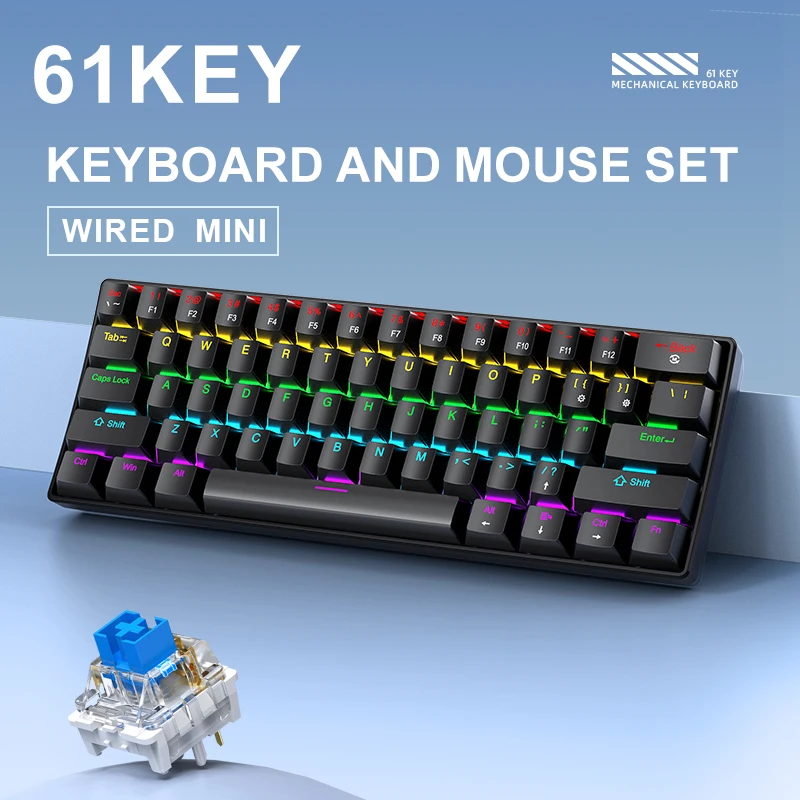
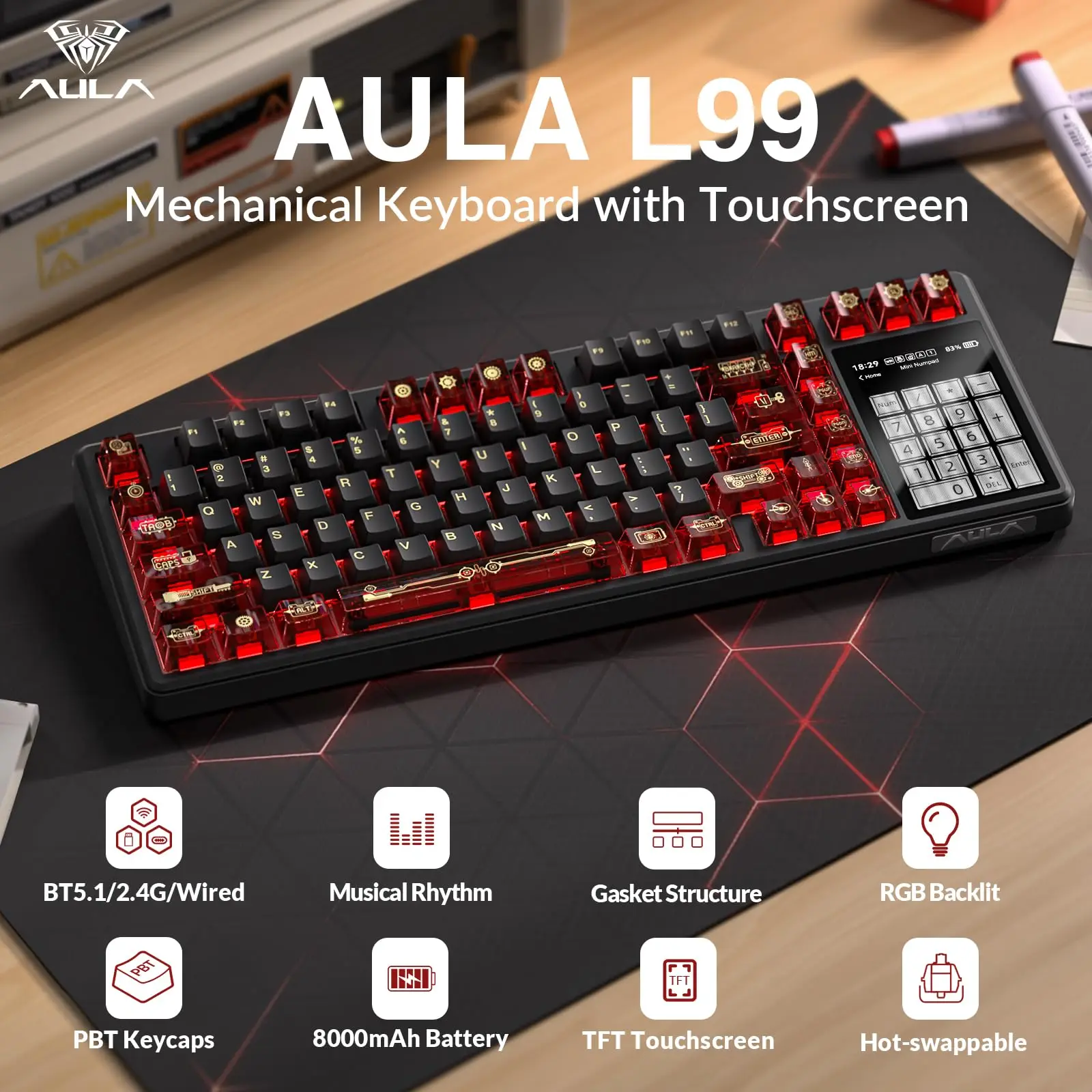
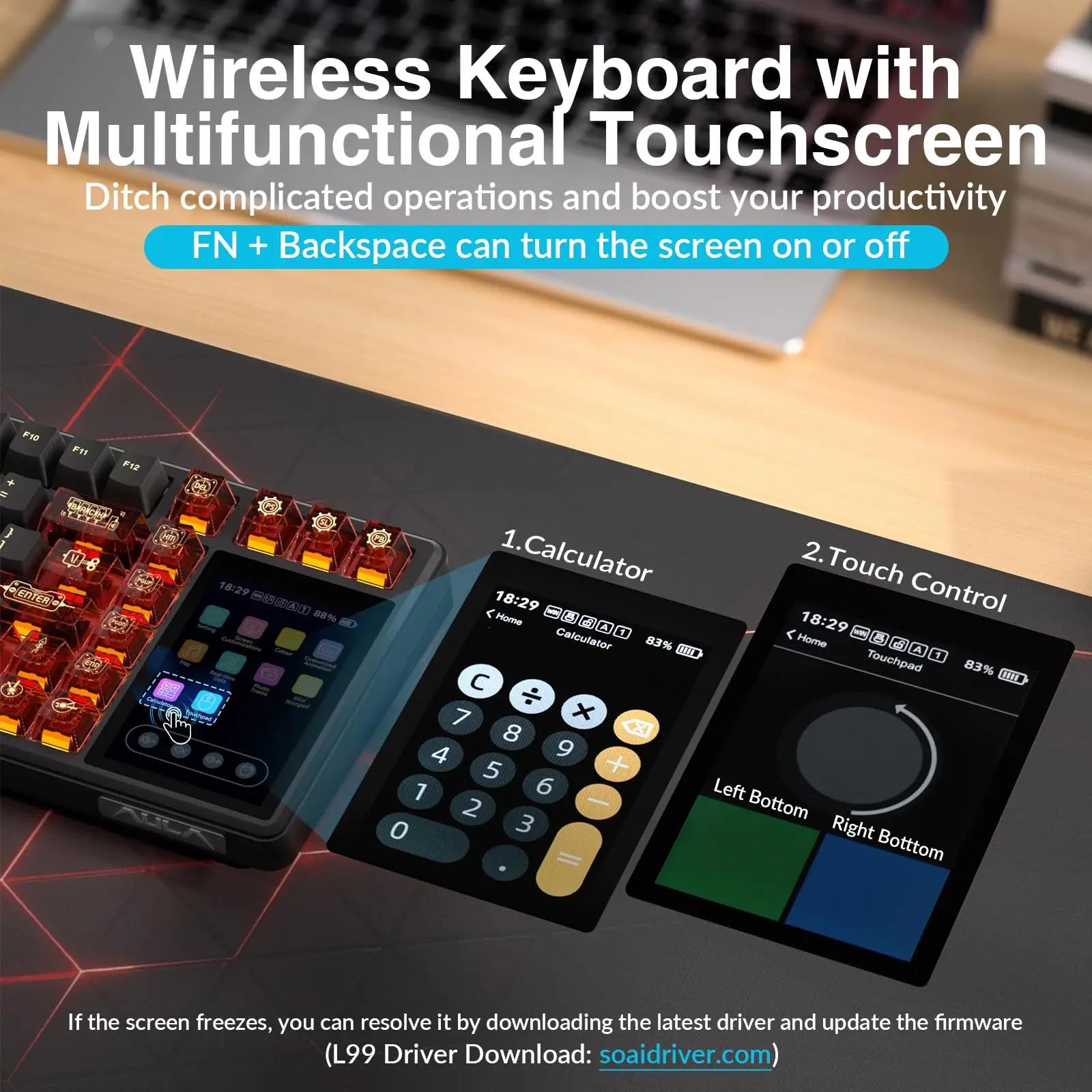
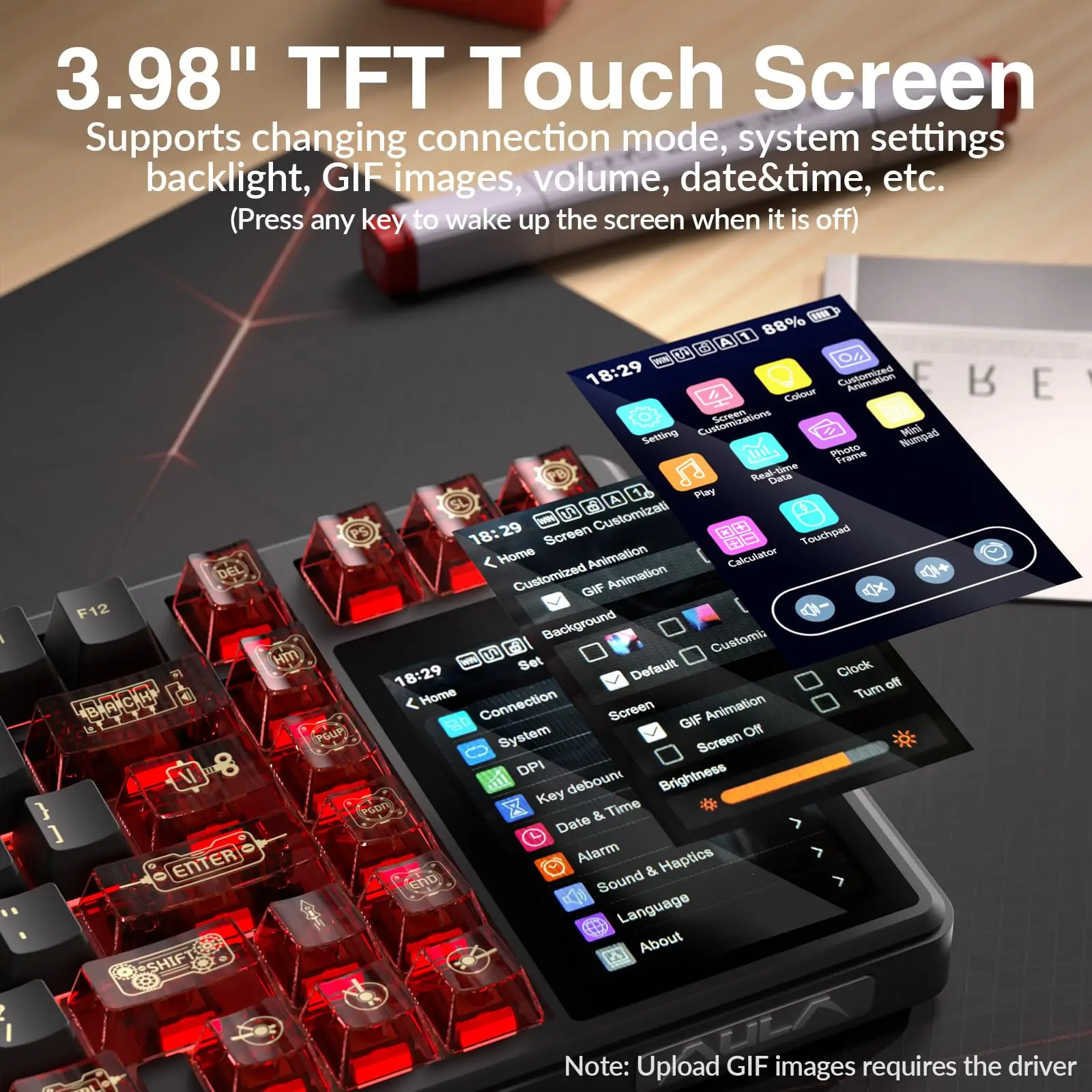
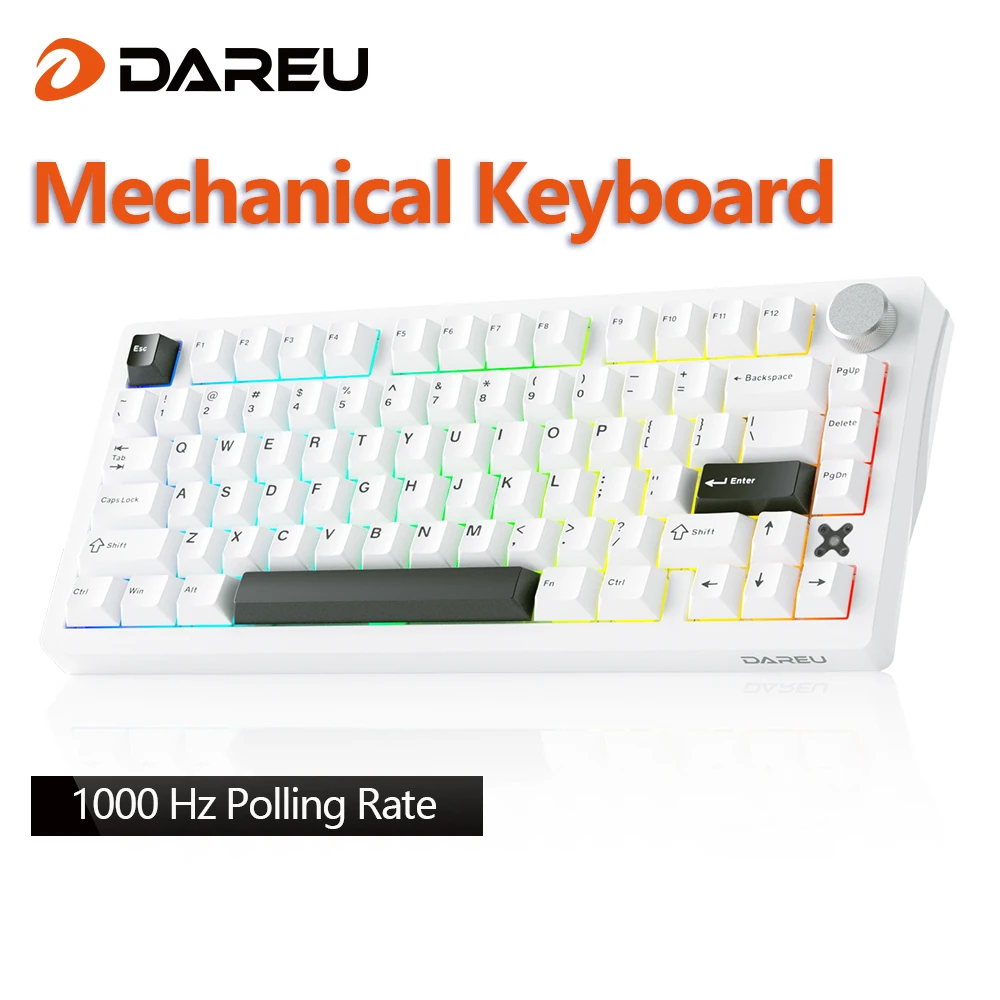
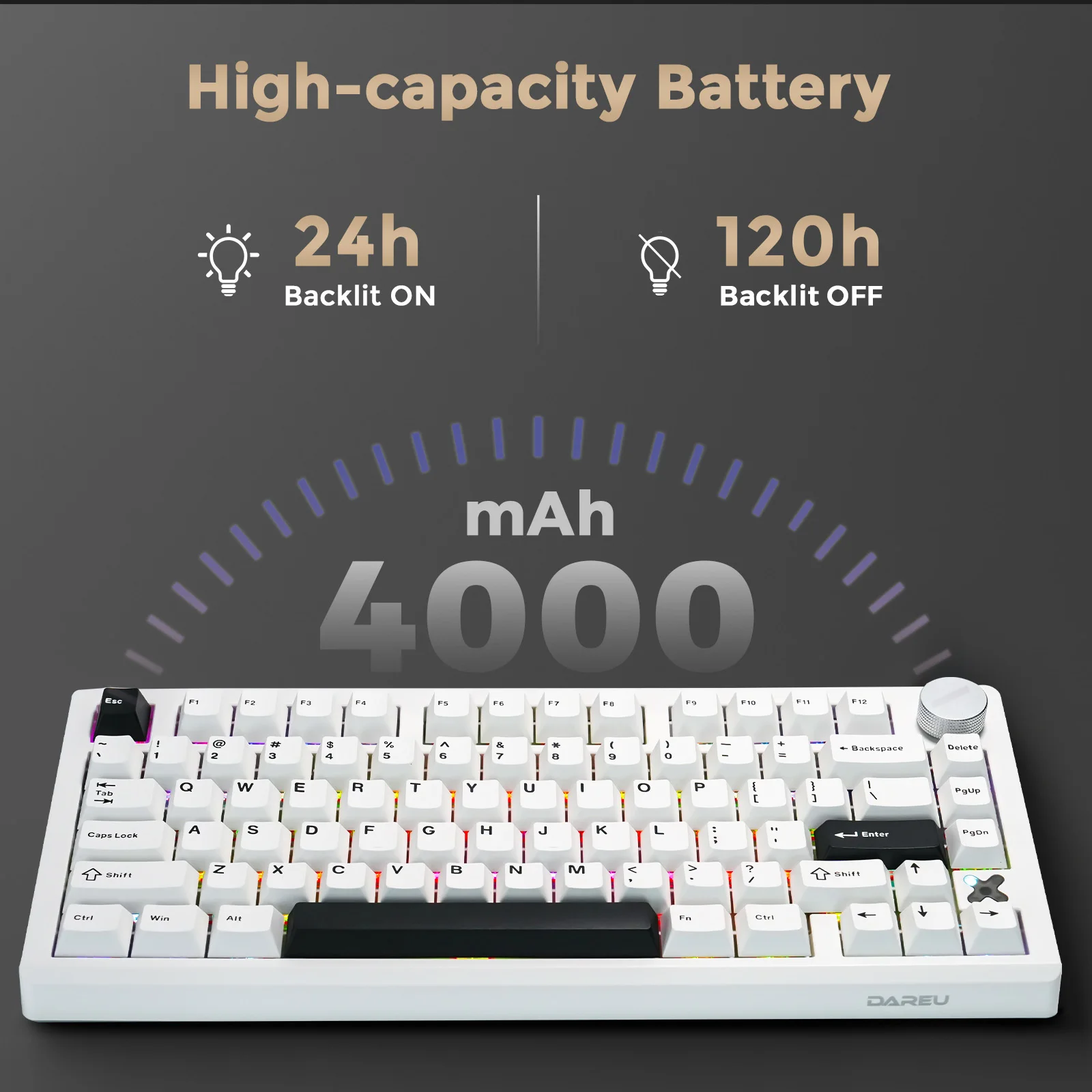
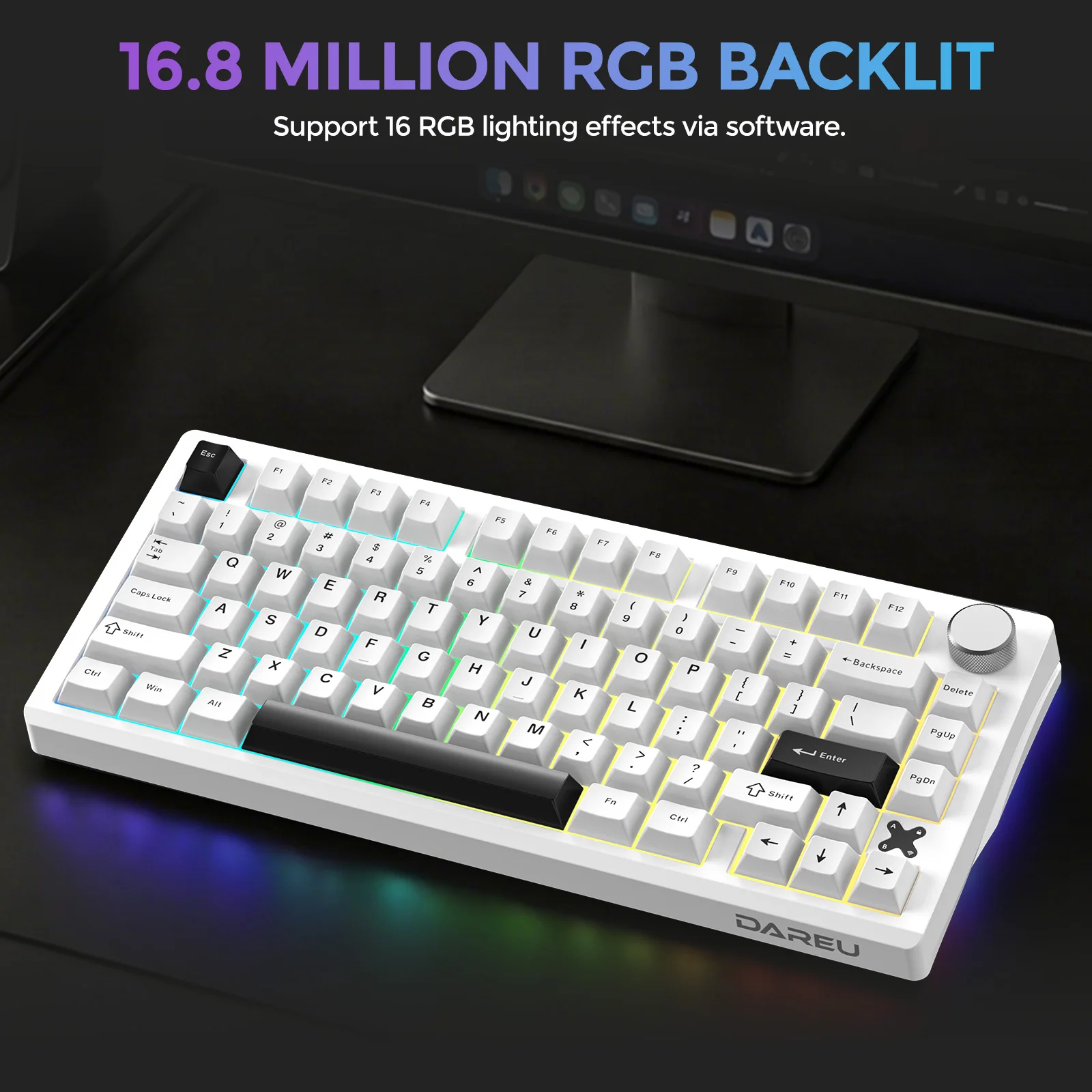
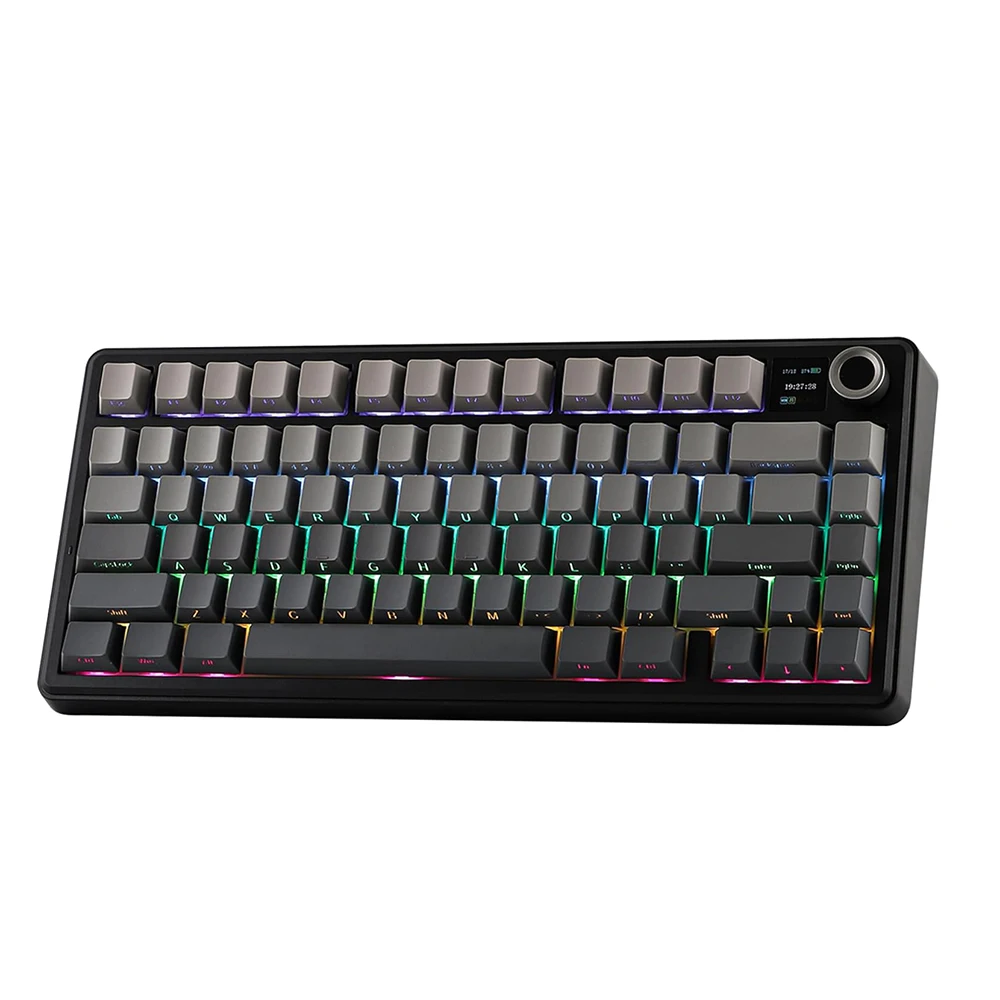
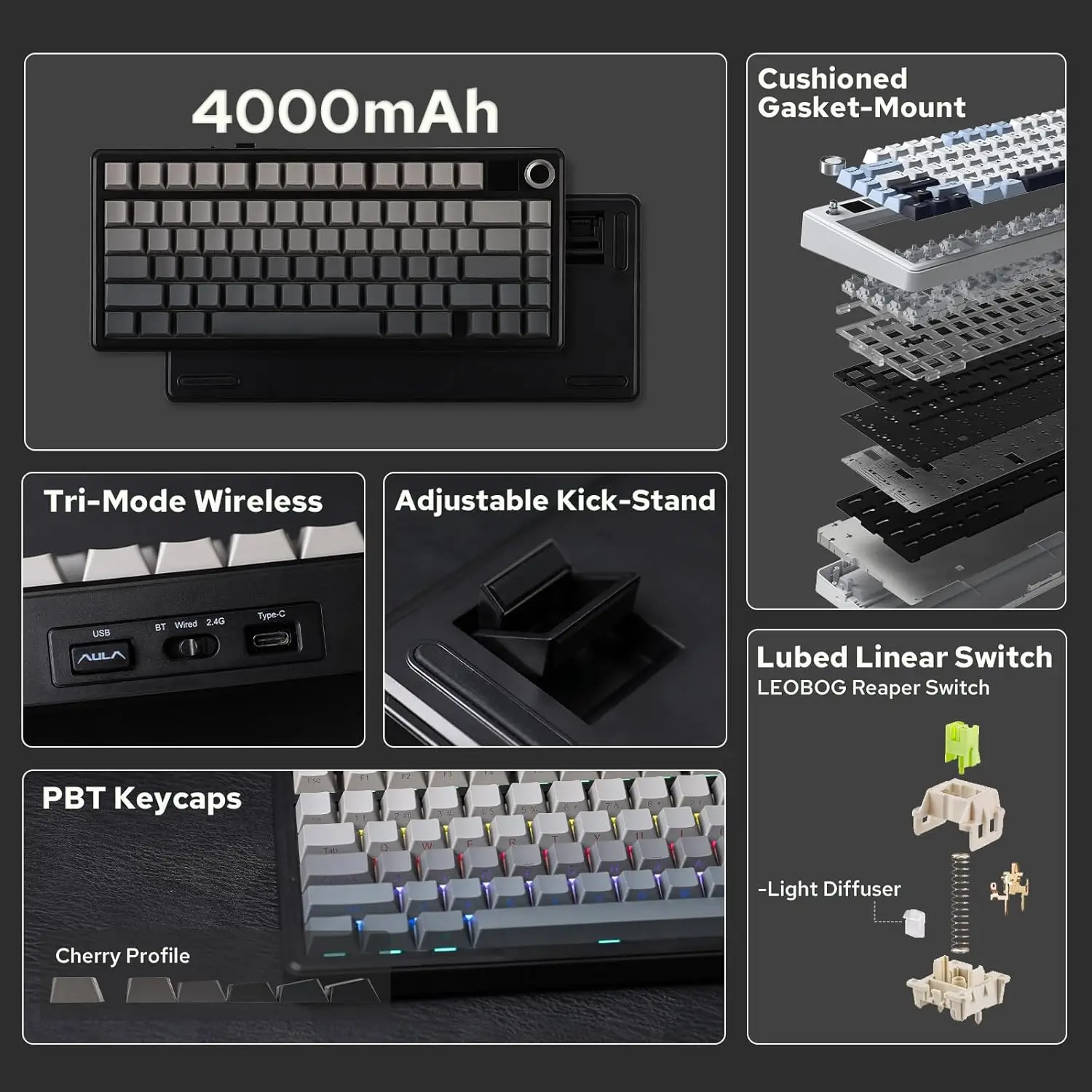
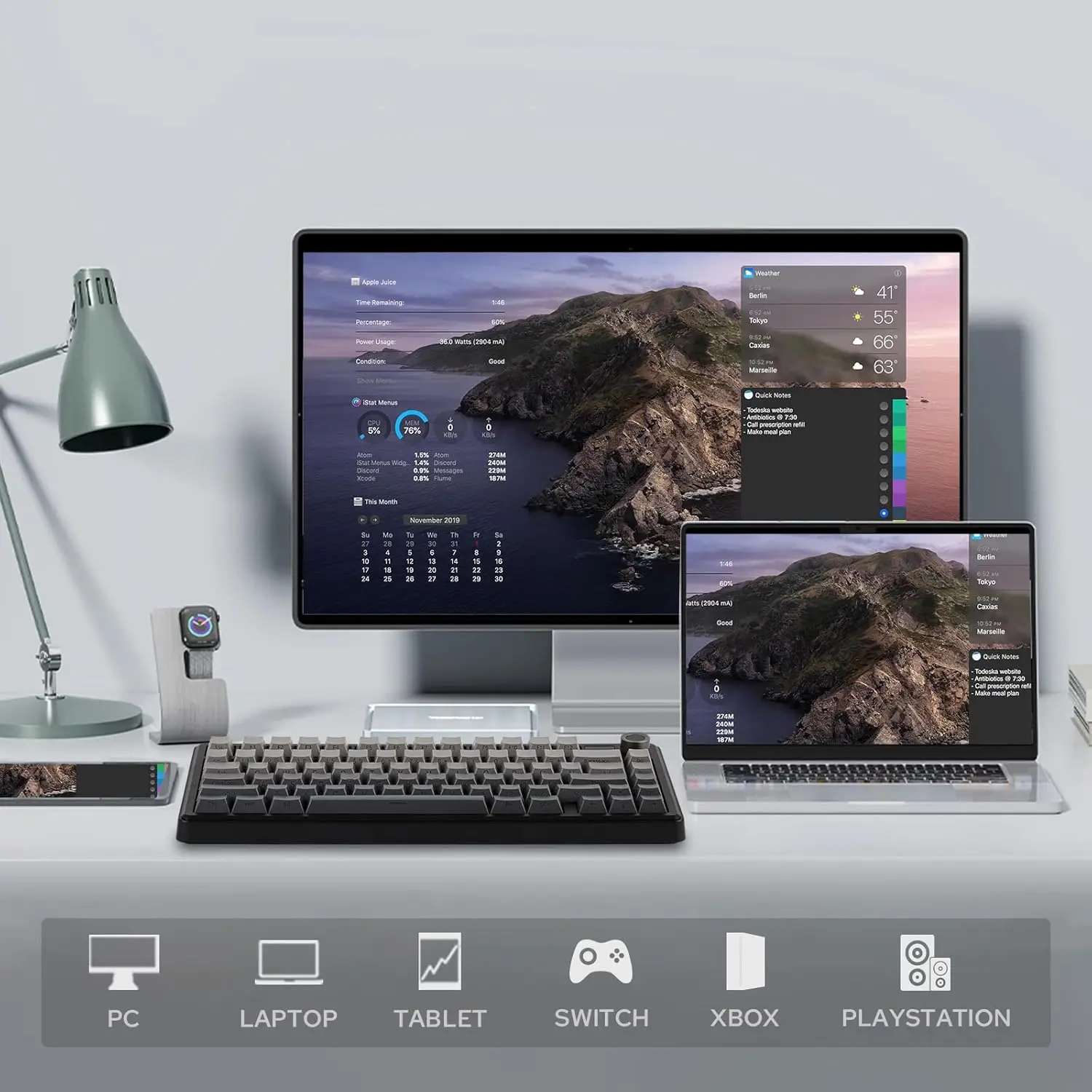
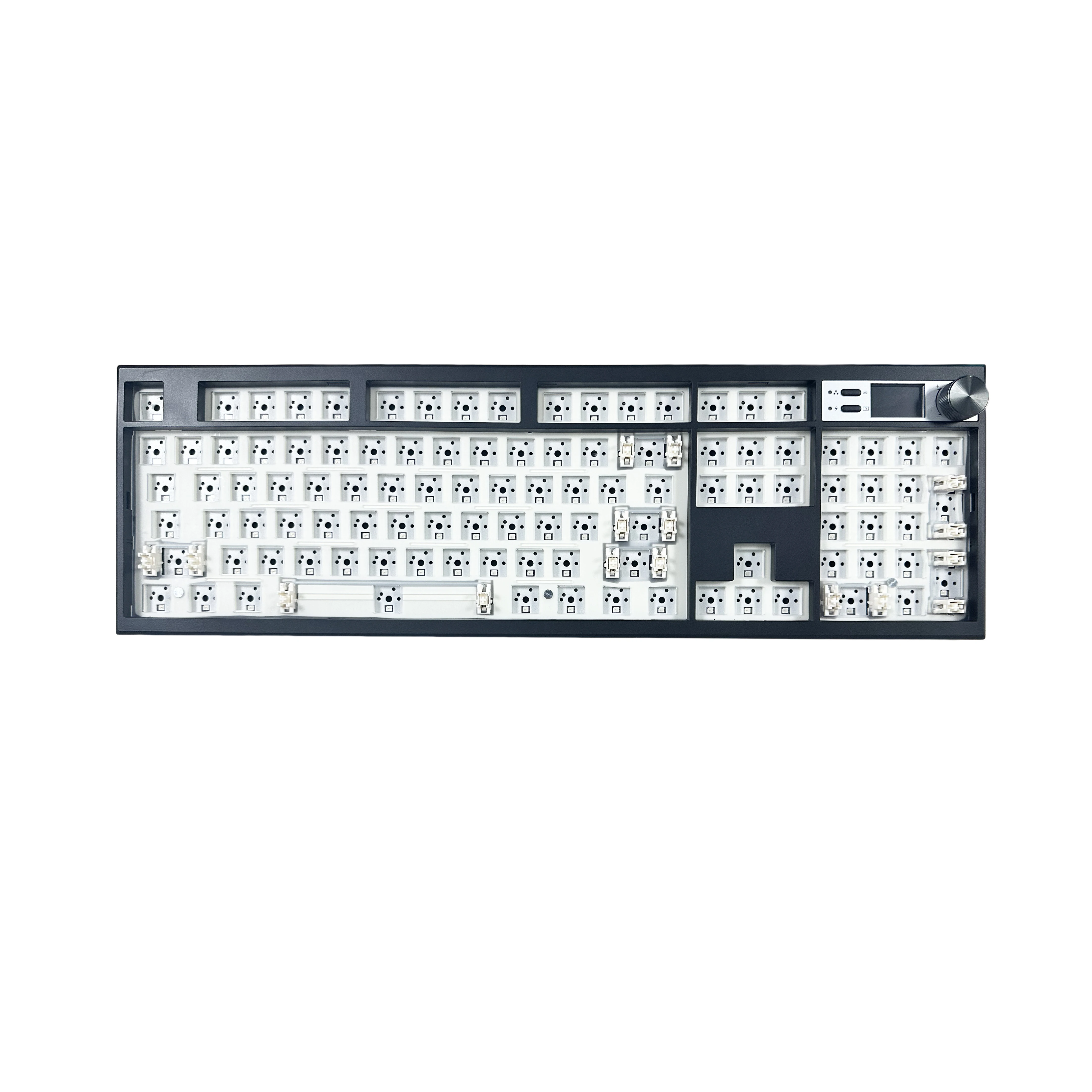
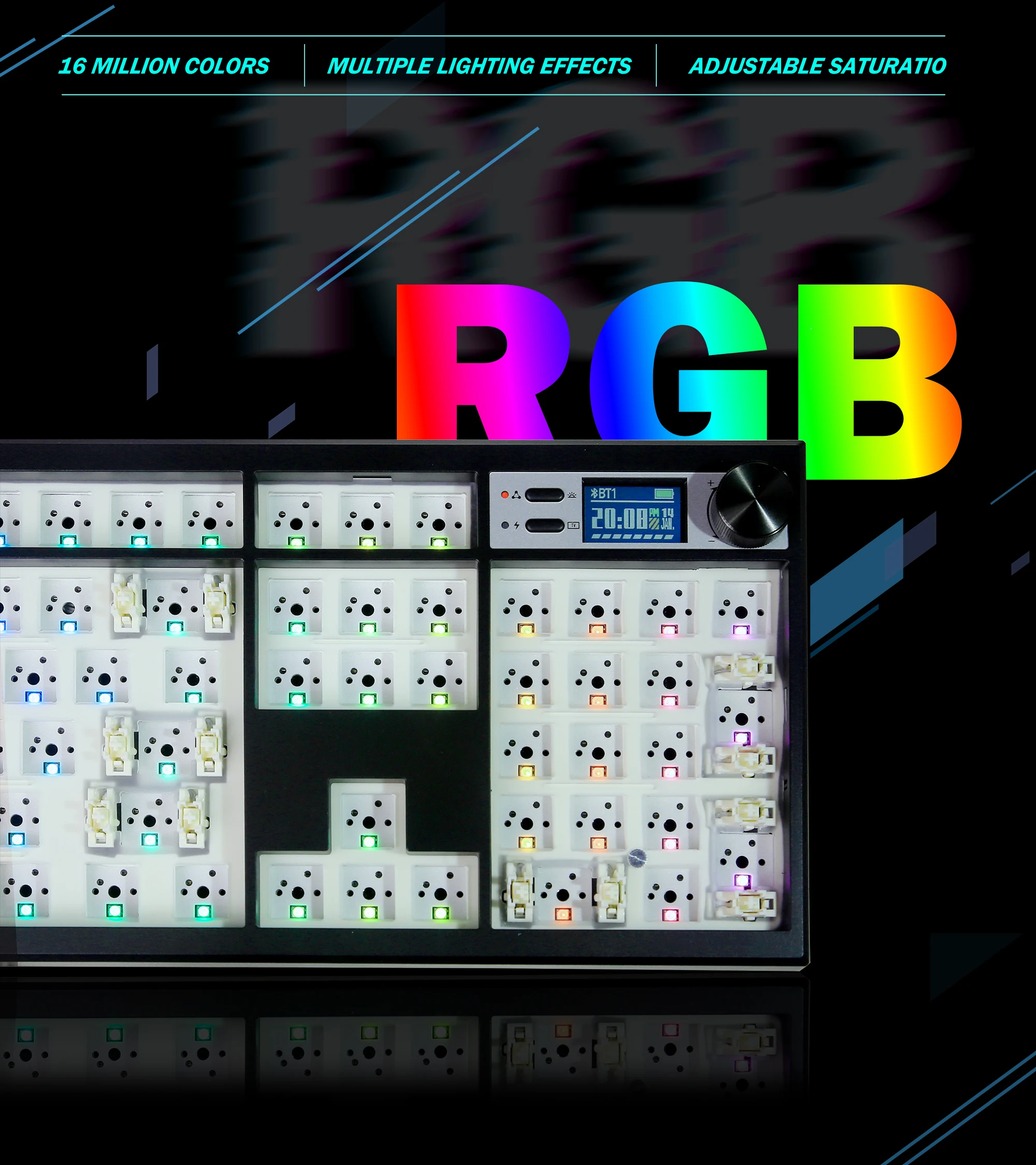
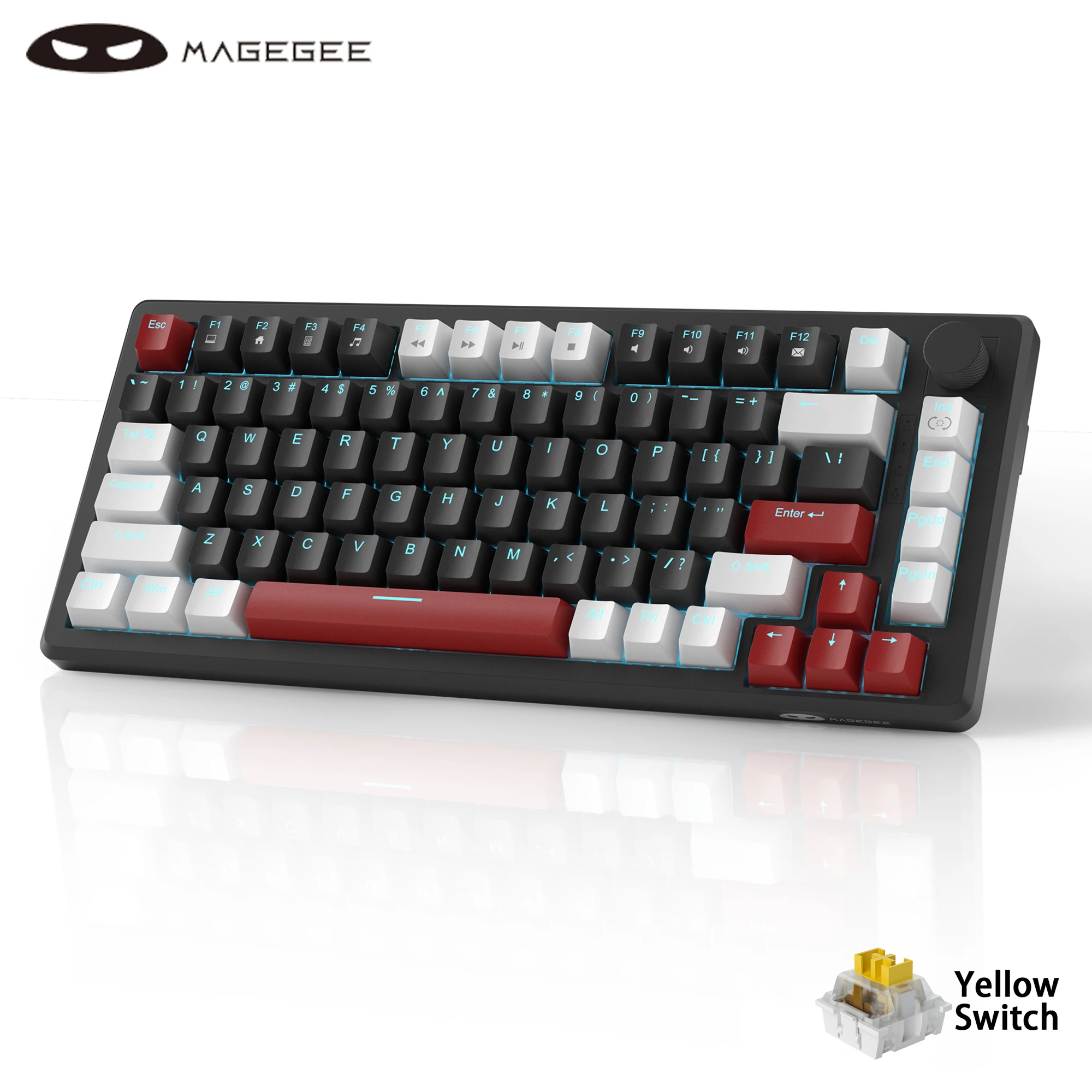
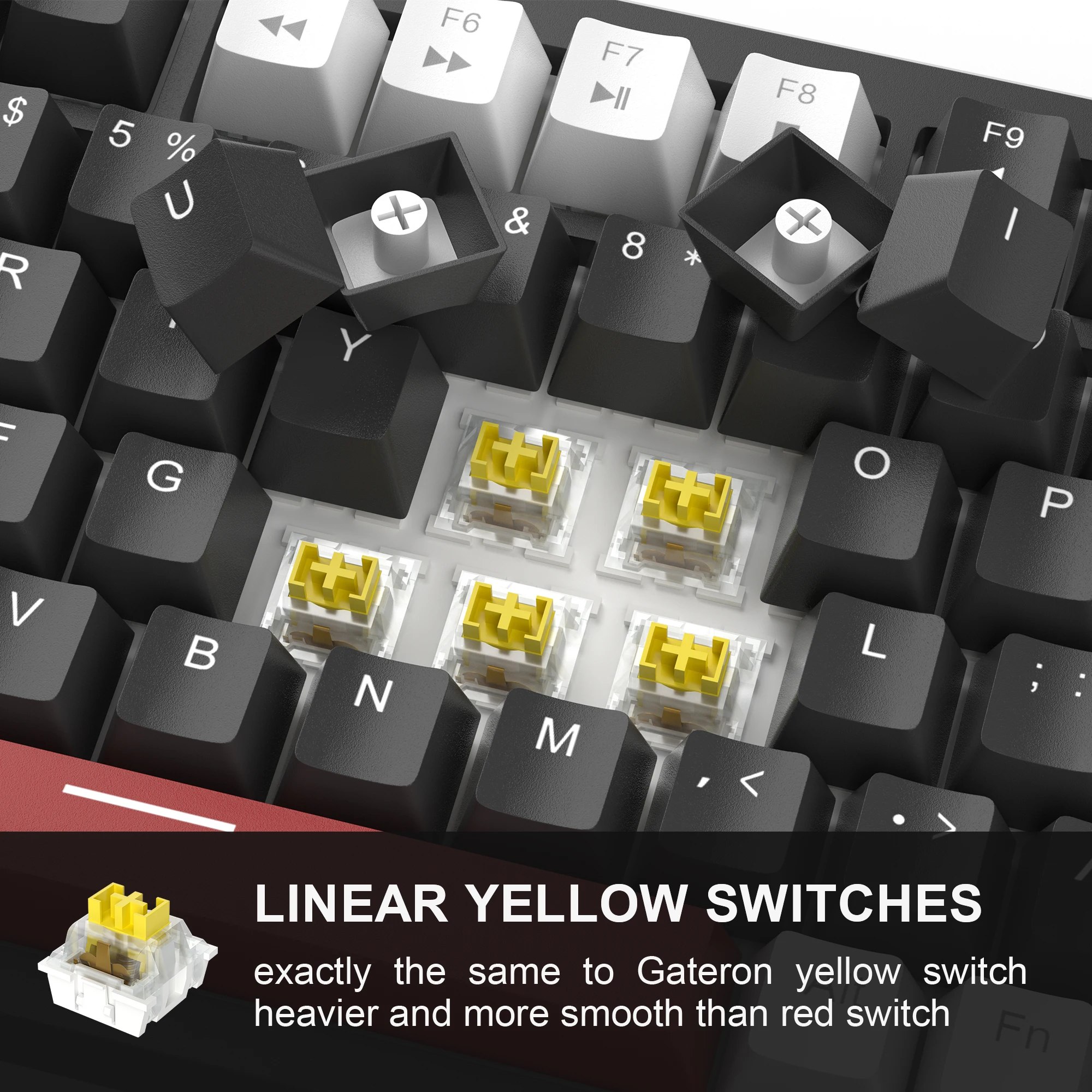
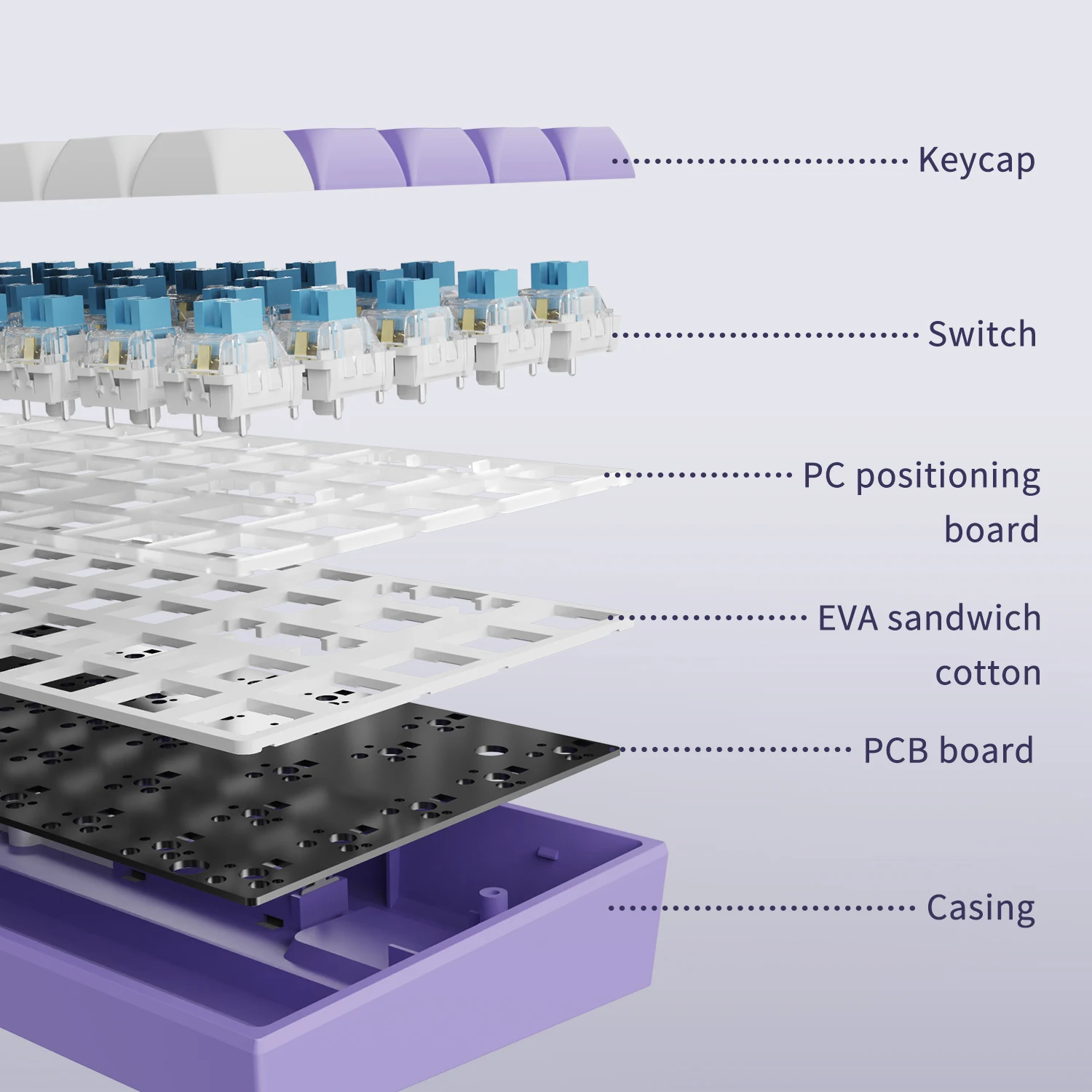
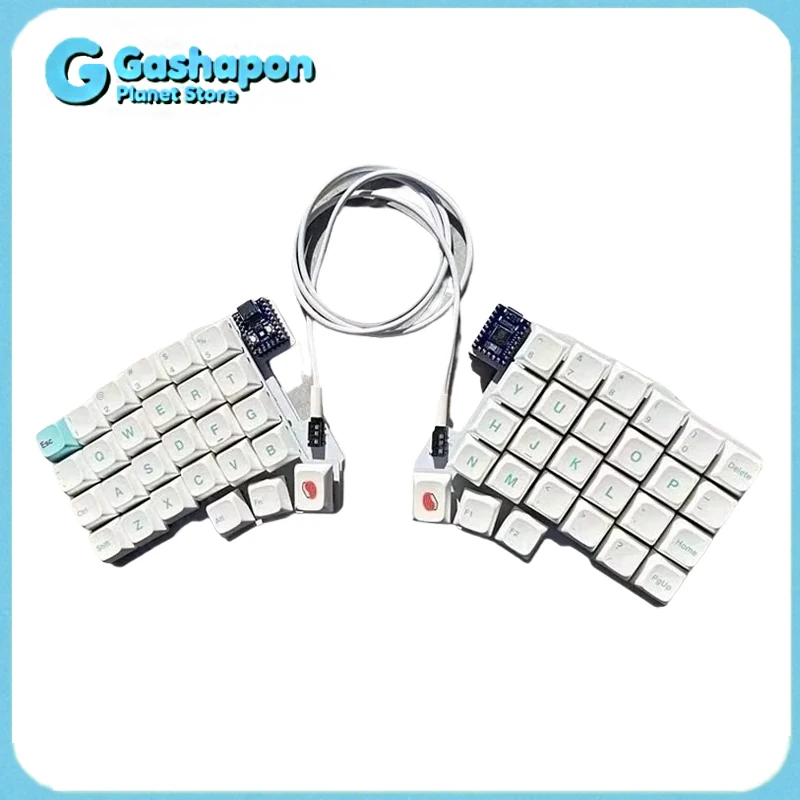
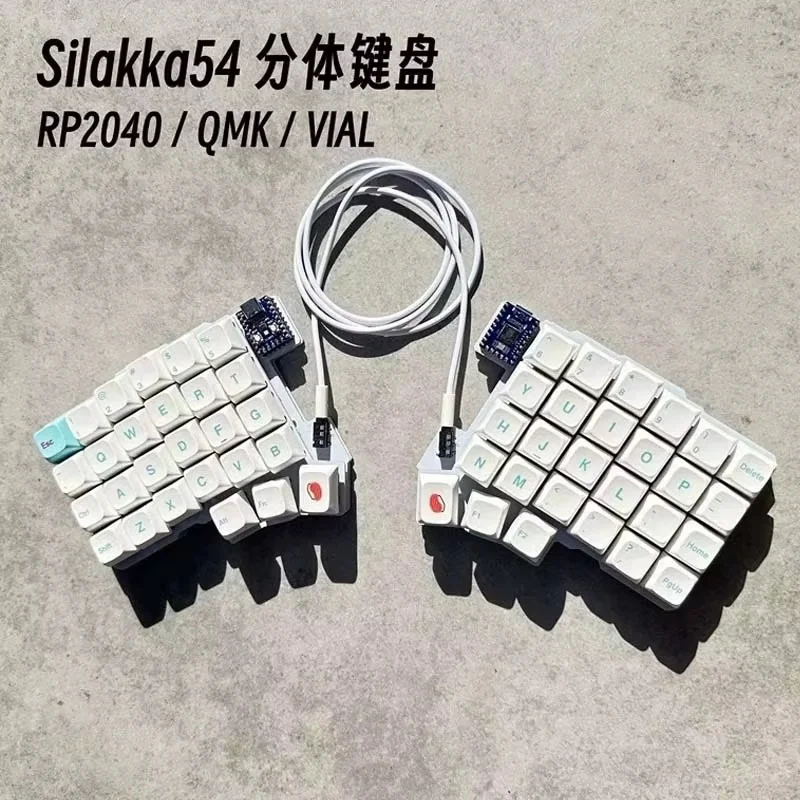
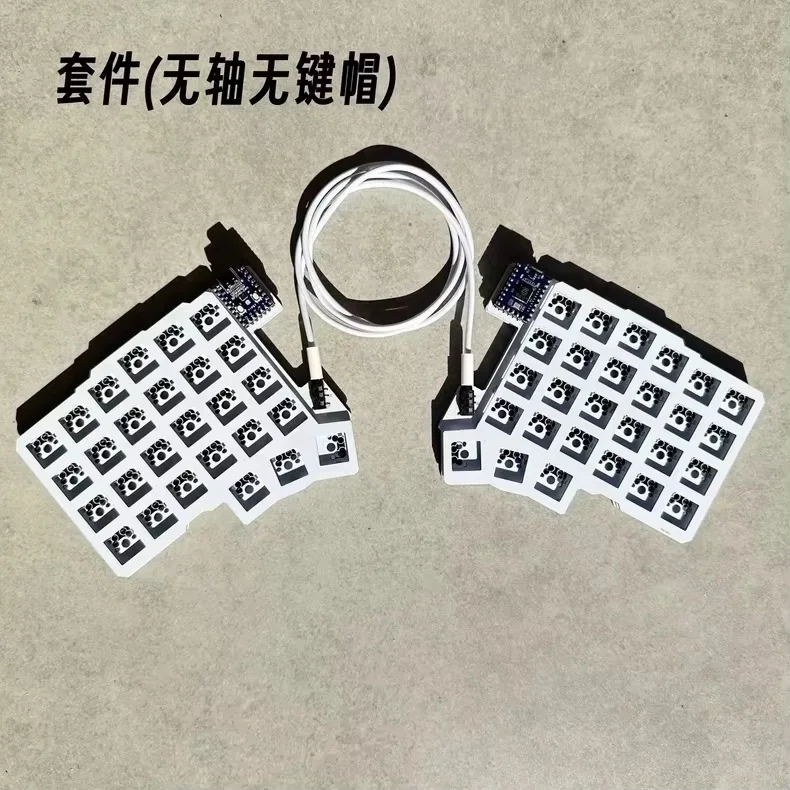
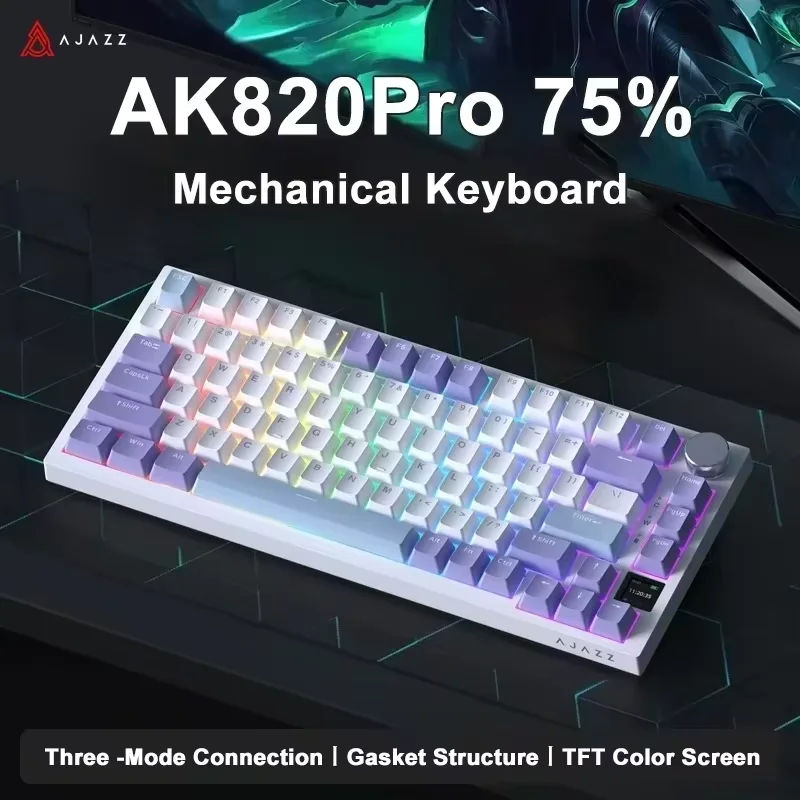
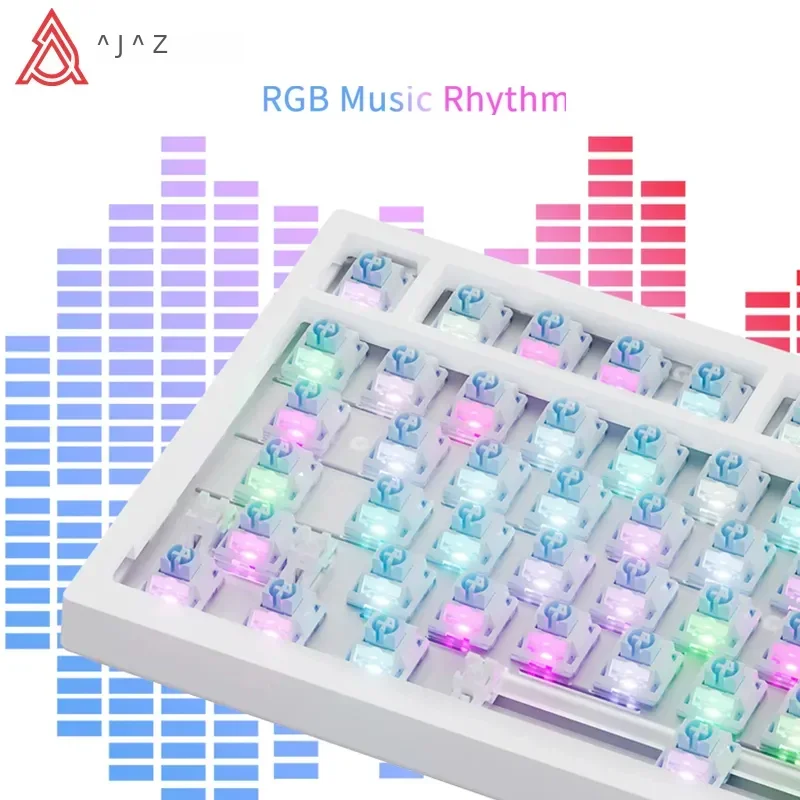
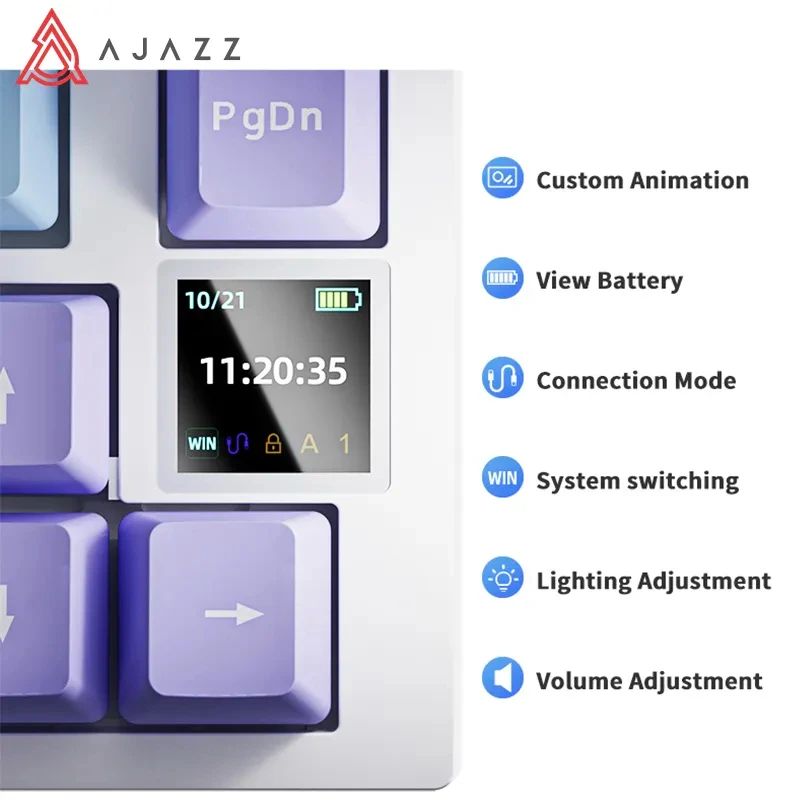
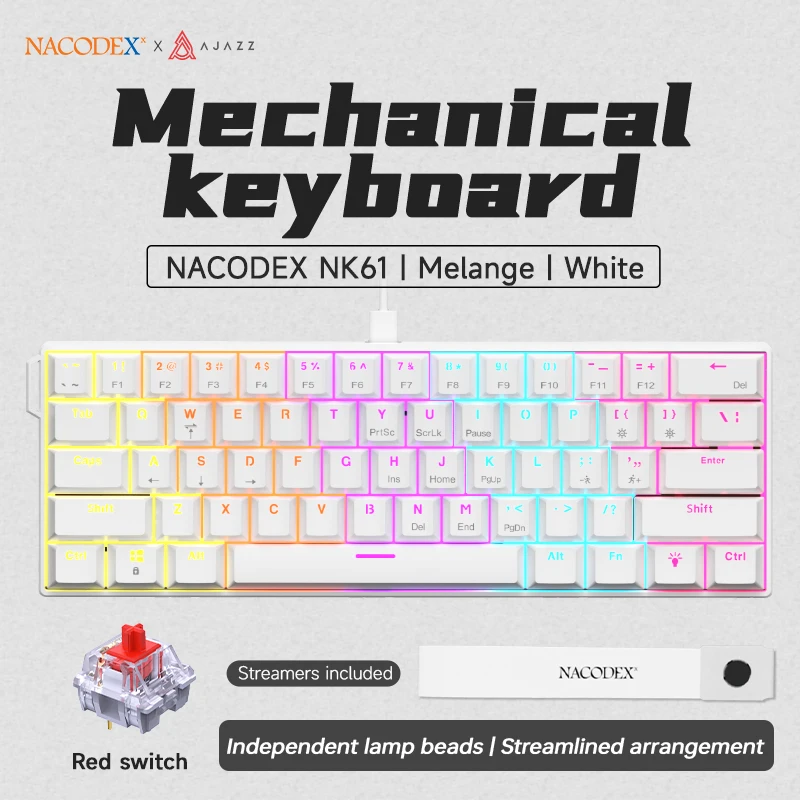
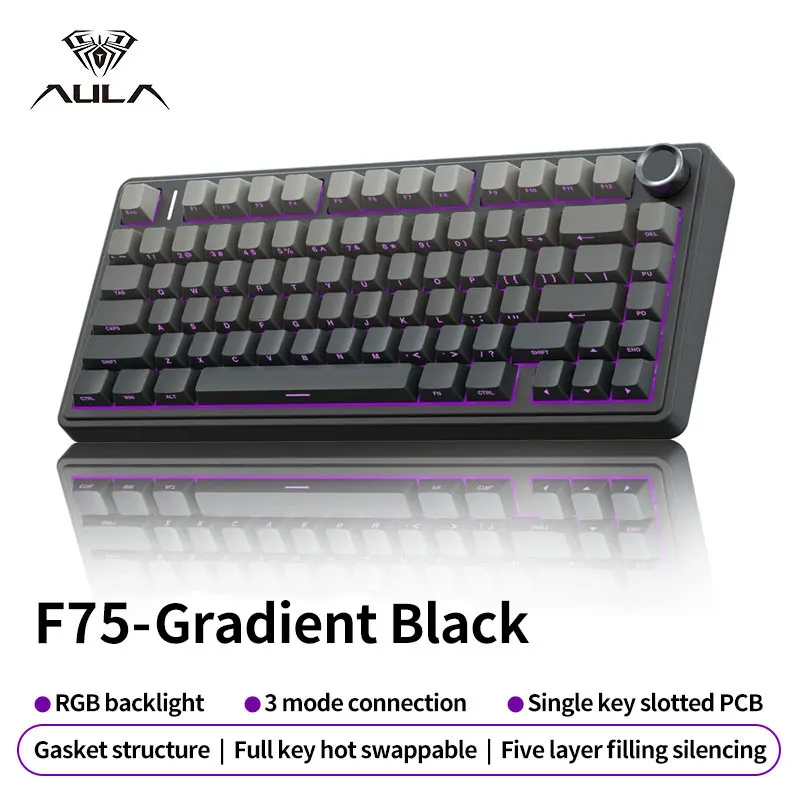
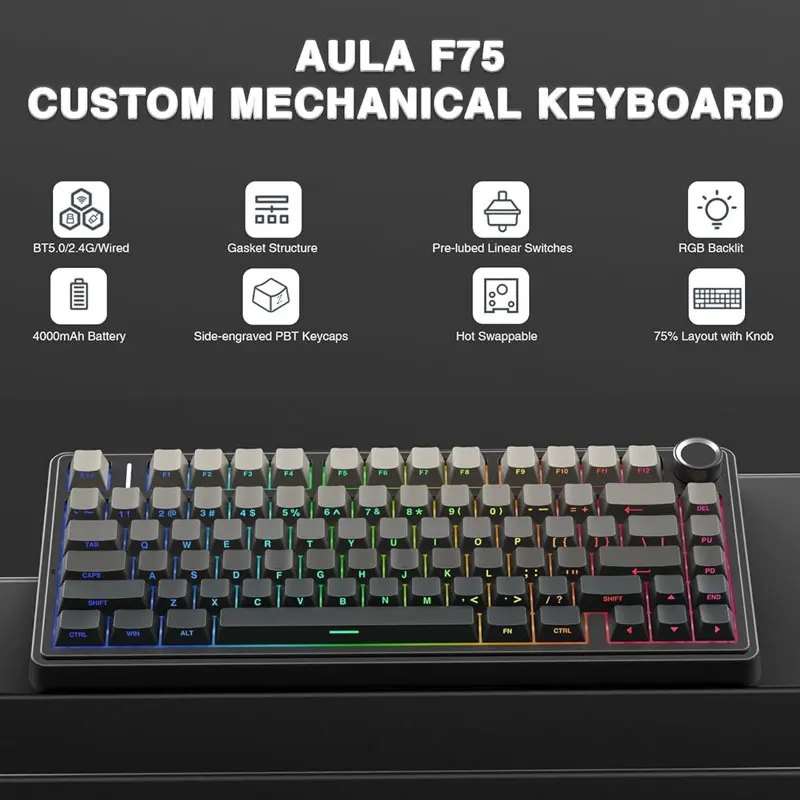
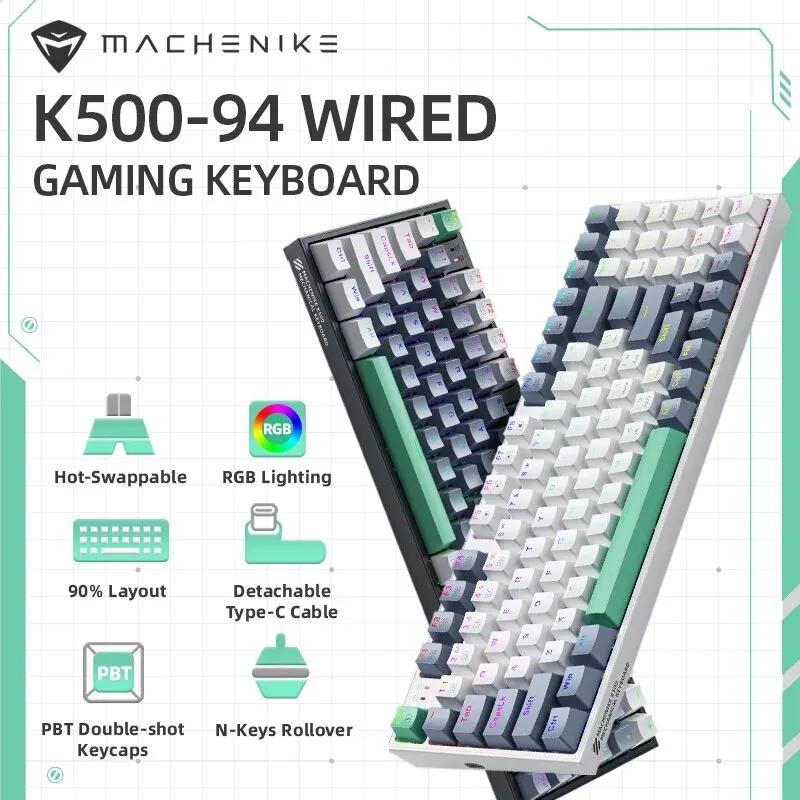
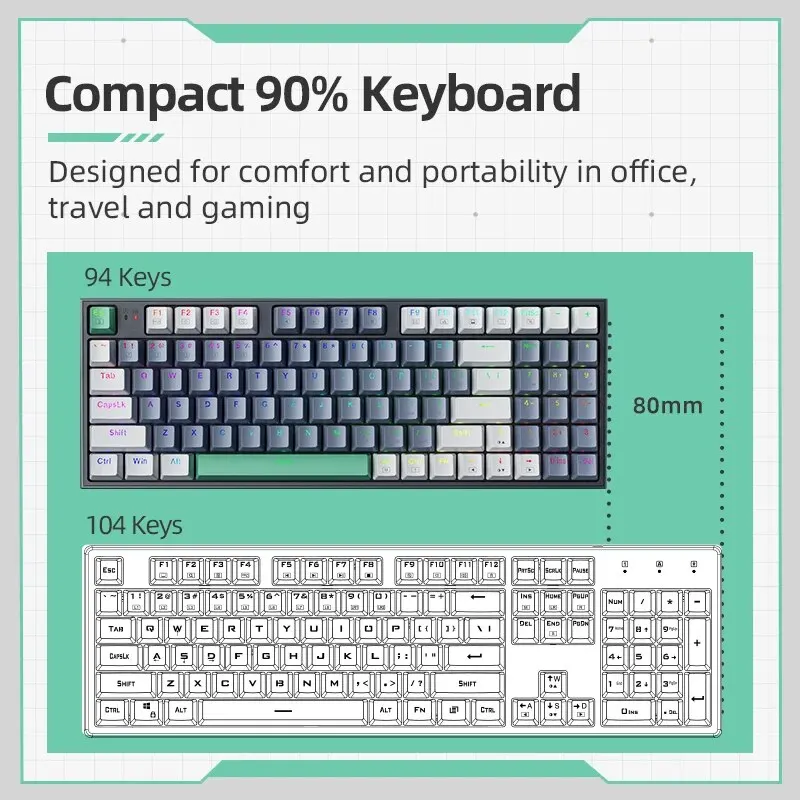
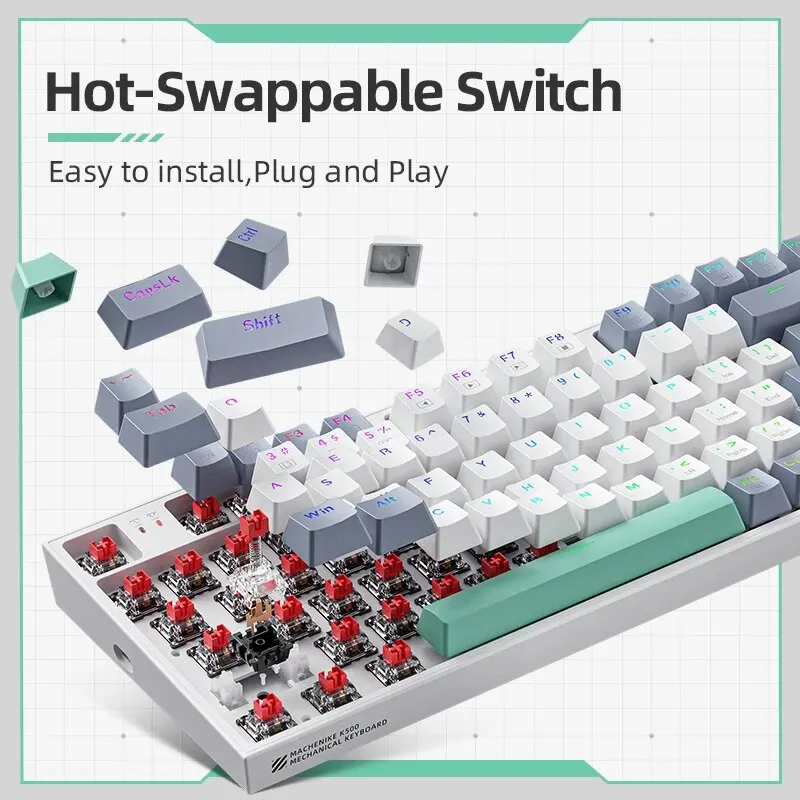
- Mechanical keyboards with a separate switch under every key, from 60% boards to 96%, wired and wireless, with a split keyboard among them.
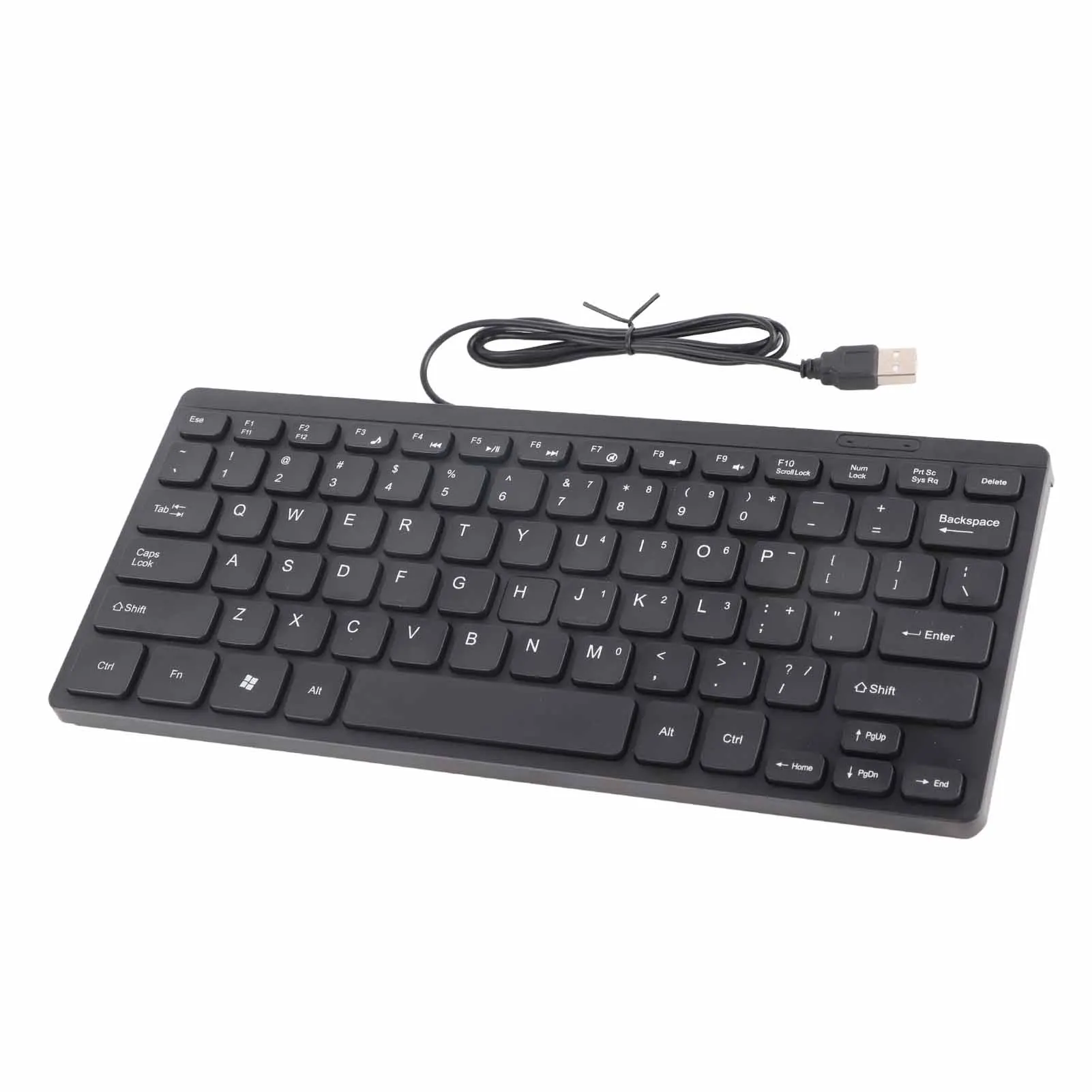
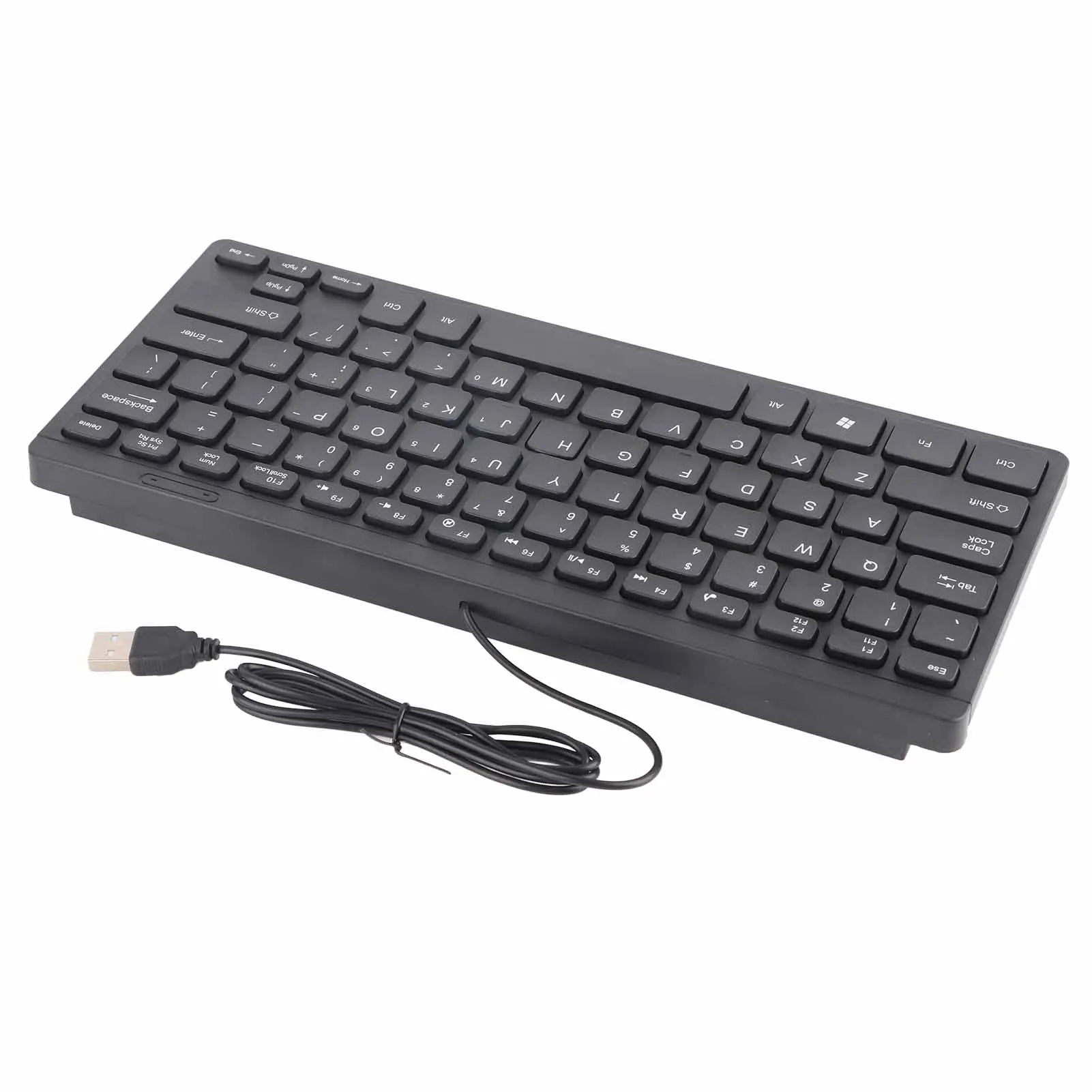
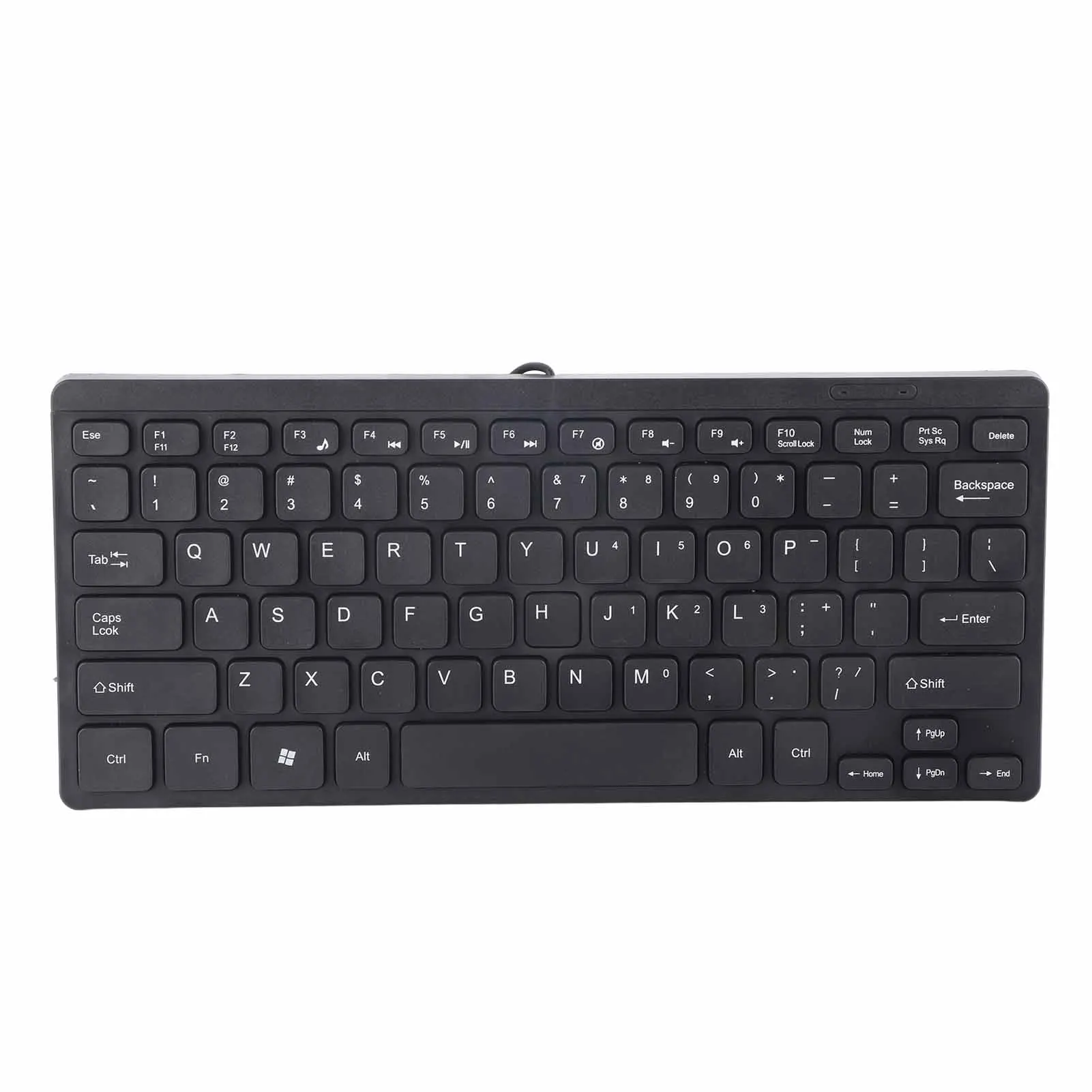
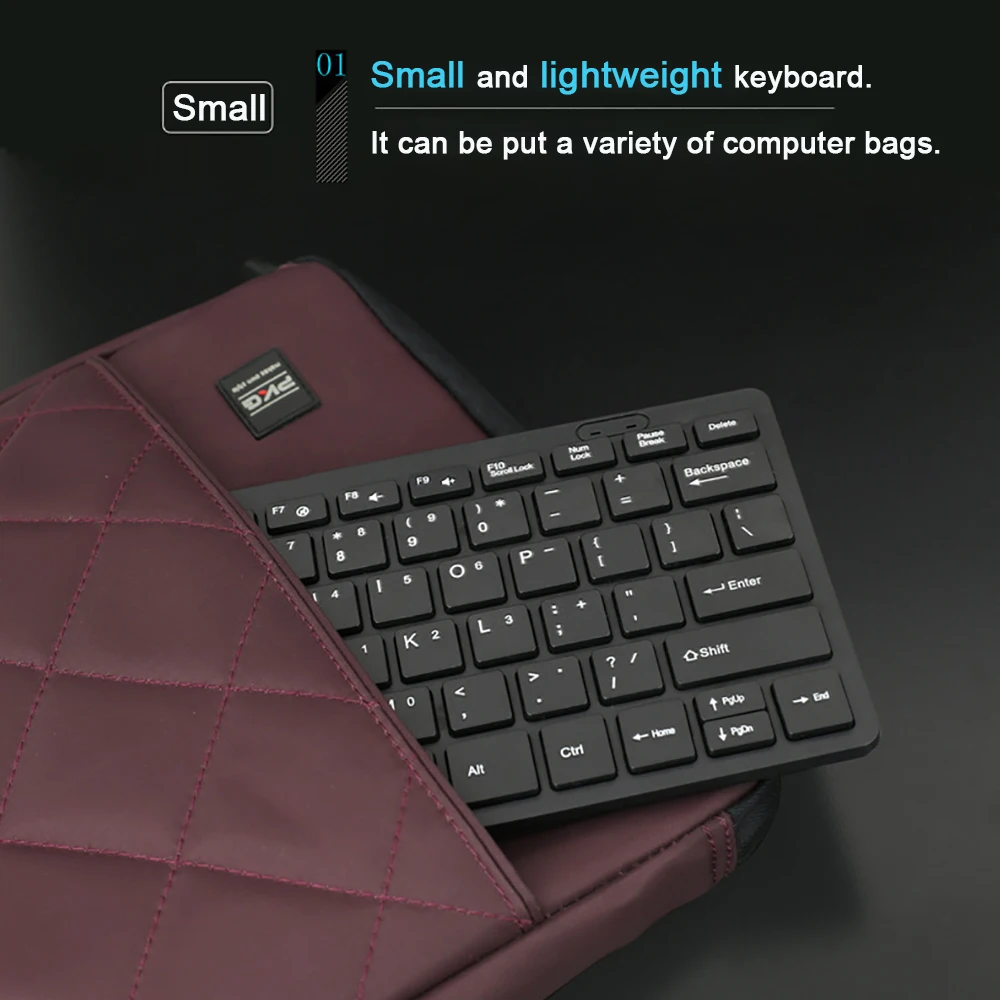
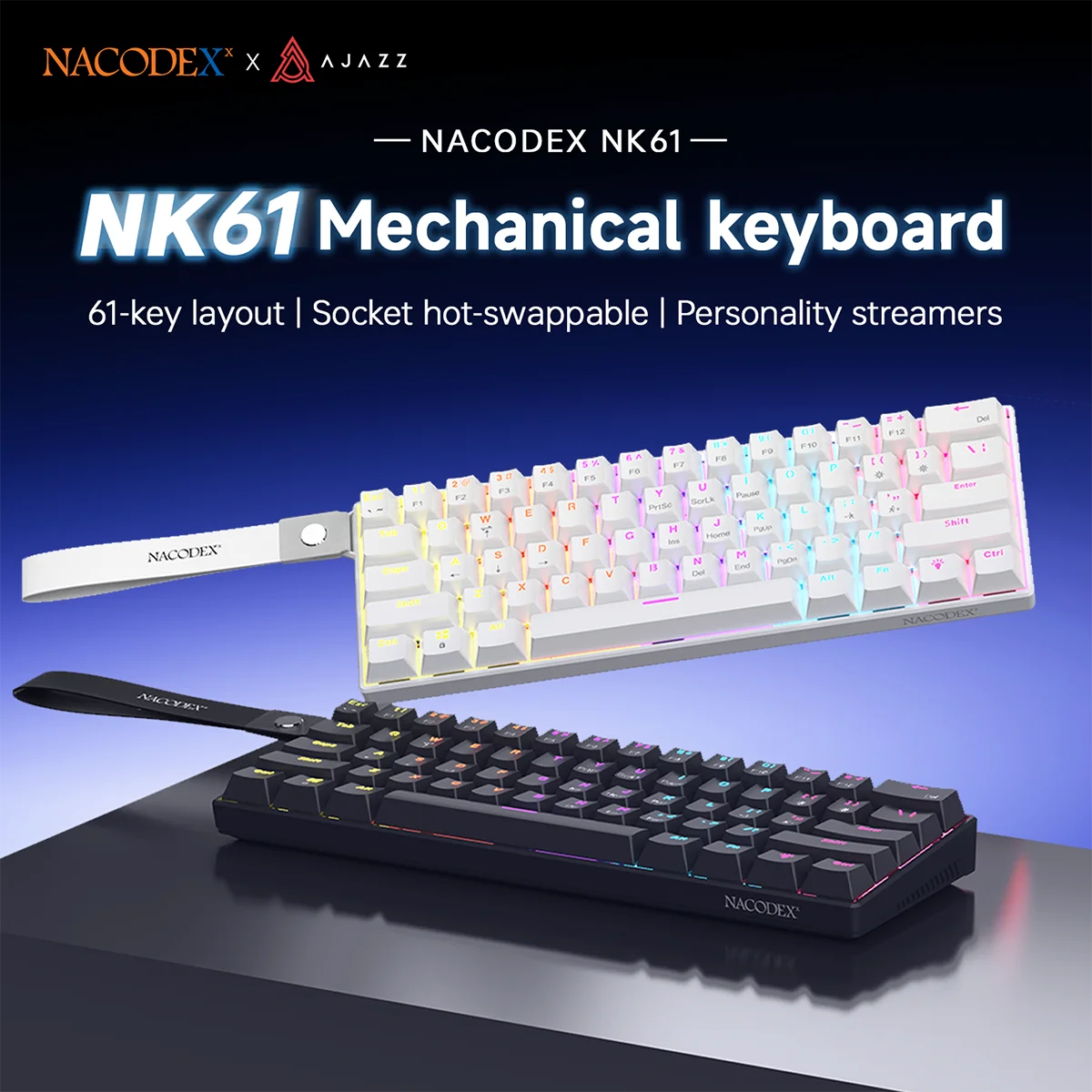
- Compact keyboards without the number pad, membrane and mechanical, which leave room for the mouse.
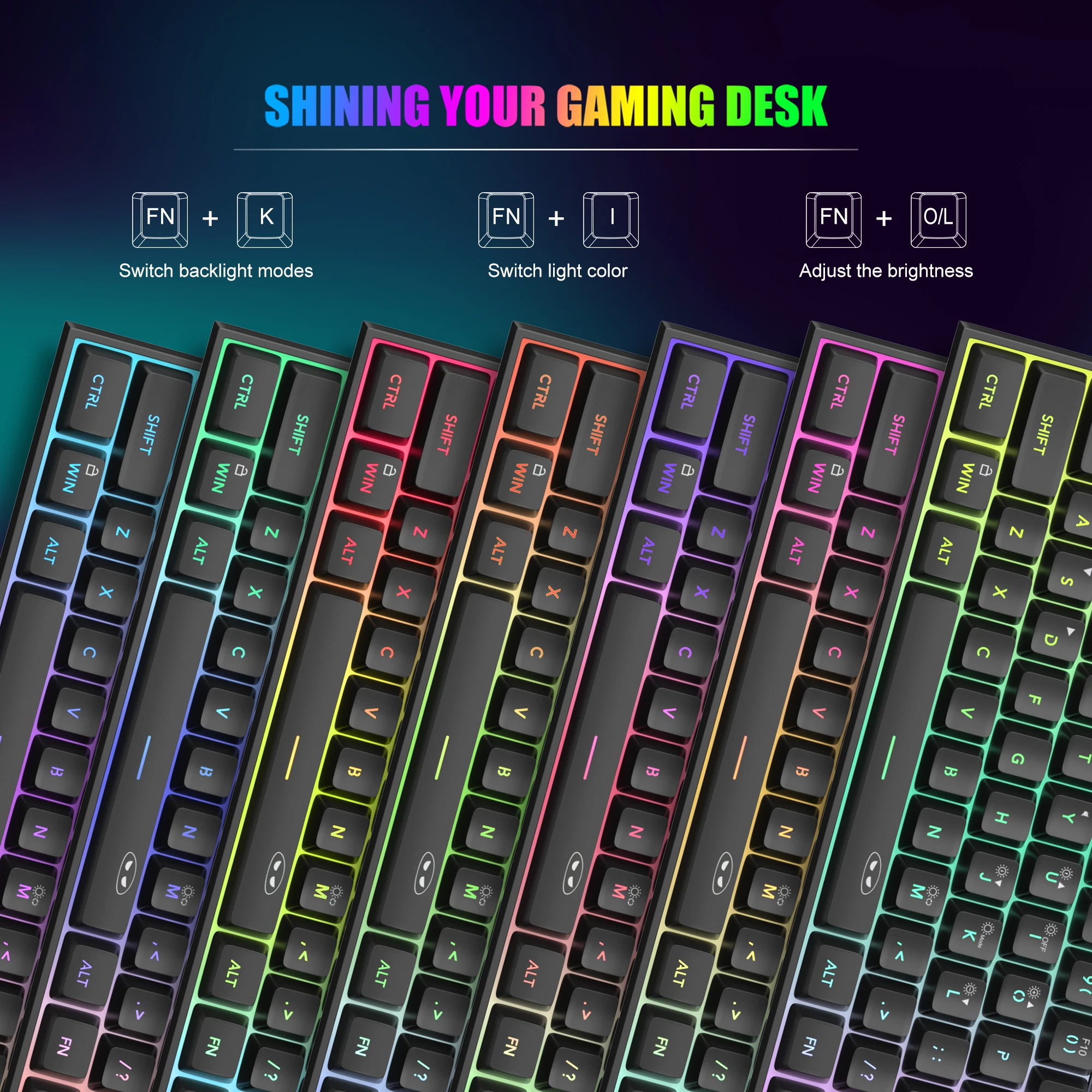
To go with them: number pads for a keyboard or laptop without one, keyboard and mouse sets, and gaming keyboards in their own department.
How to choose a keyboard
The layout.
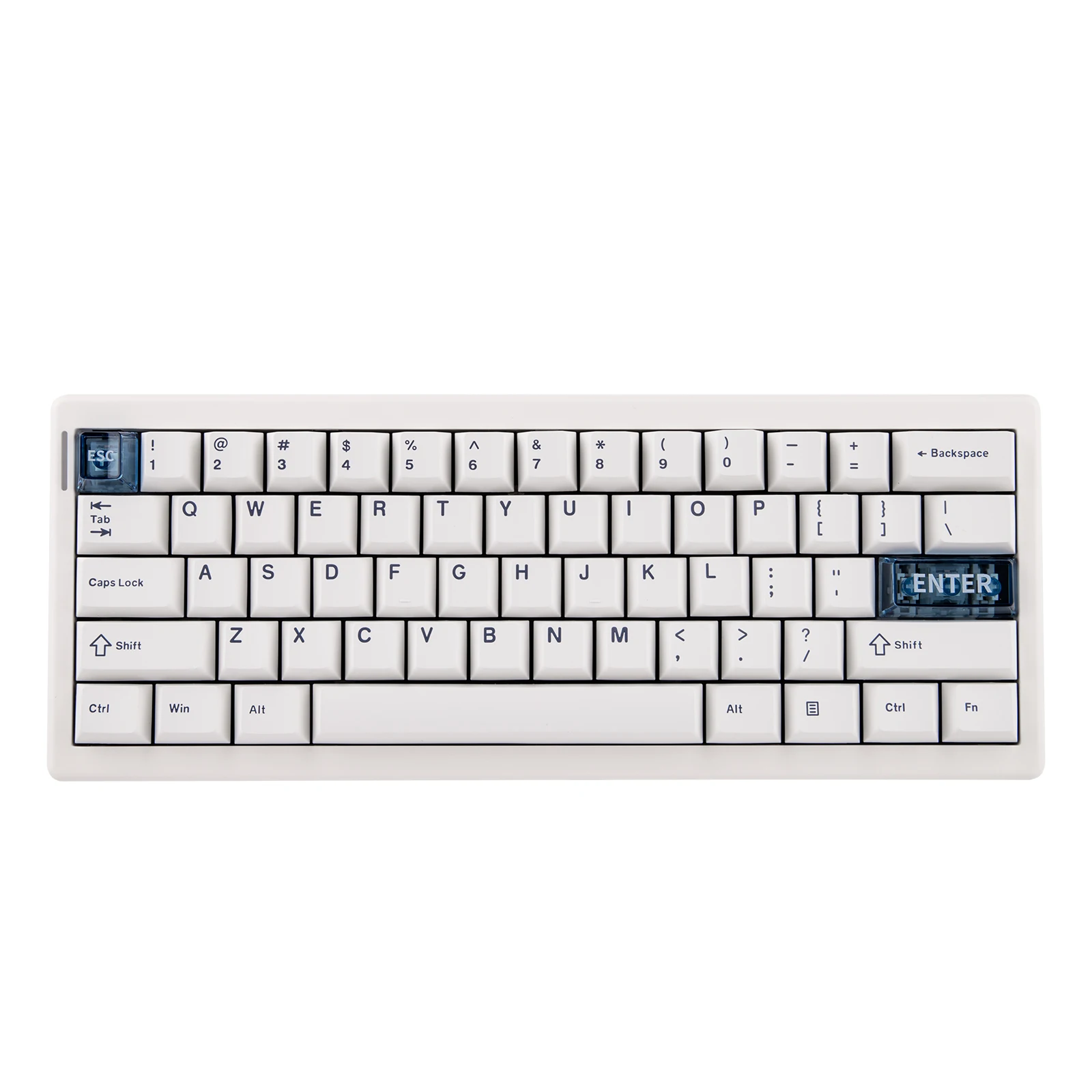
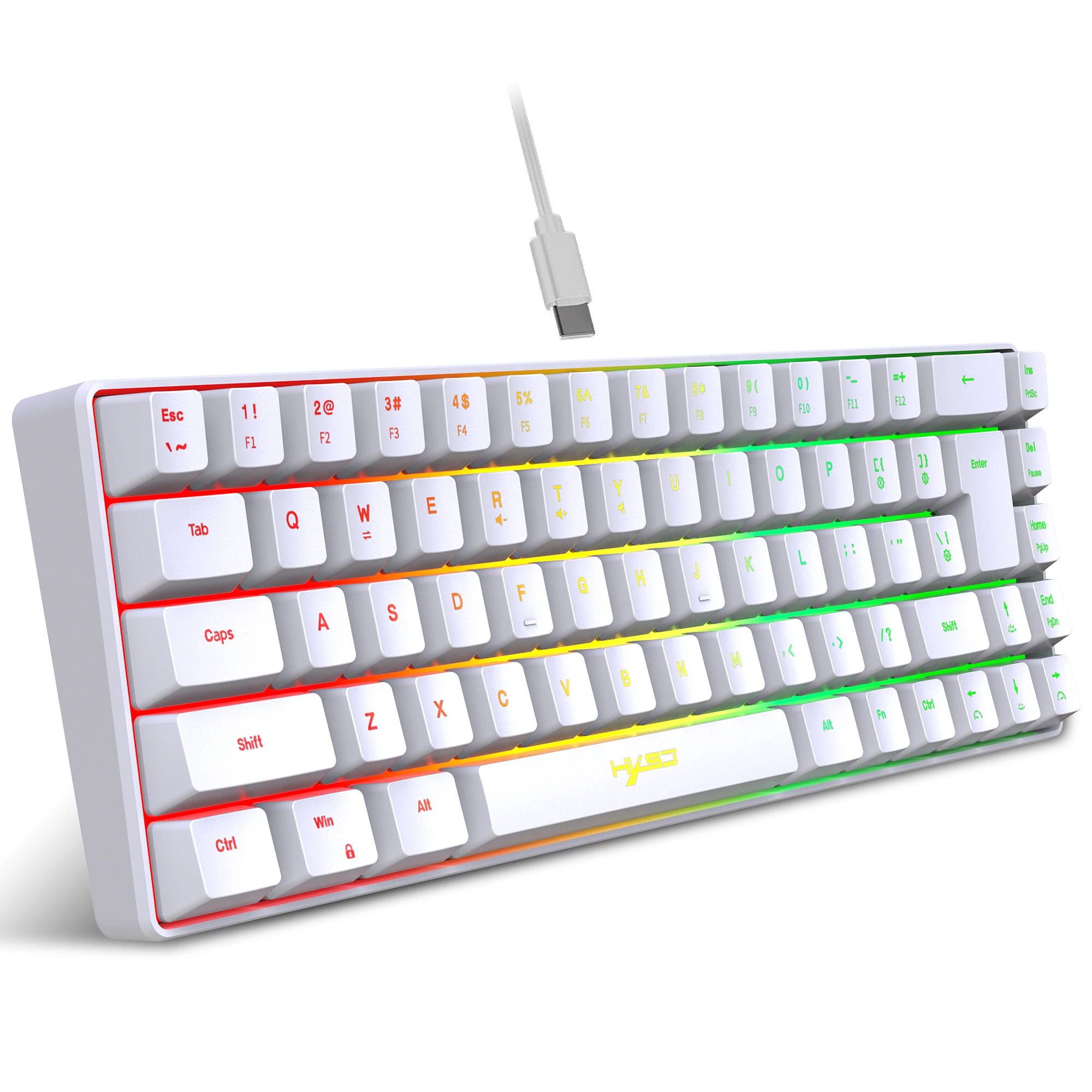
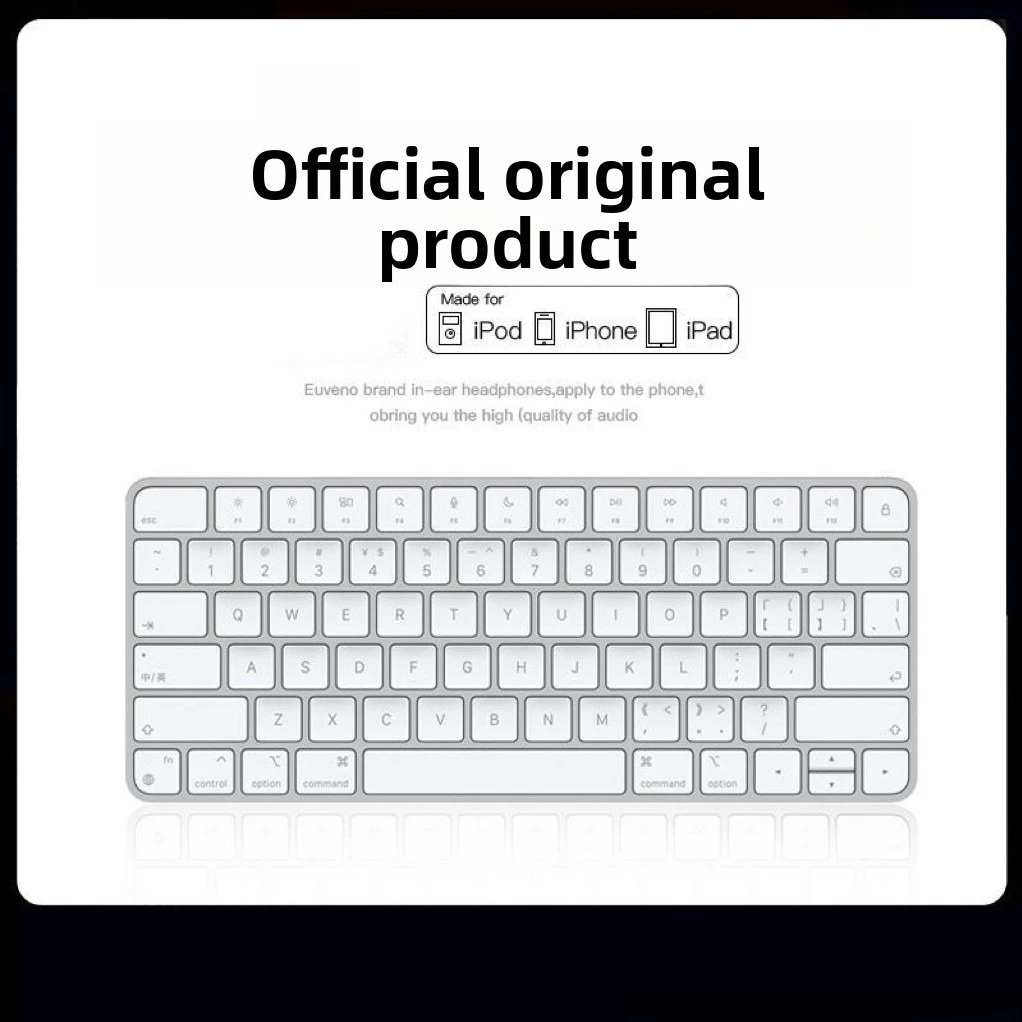
A keyboard made for the UK has the ISO layout, with a tall Enter key that spans two rows. The US layout, used in North America, has a long flat Enter key, and several symbols are printed in different places. Apple tells the layouts apart by the shape of that key, and it is the quickest check. Many keyboards here list their layout or language in the options, so read it before ordering. Then set the same layout on the laptop: in Windows 11 under Settings, Time & language, Language & region; on a Mac under System Settings, Keyboard, Text Input.
The size. A full-size keyboard has the number pad on the right, which pushes the mouse out to the side. A compact keyboard brings the mouse closer. A folding keyboard is for the bag, not a full day.
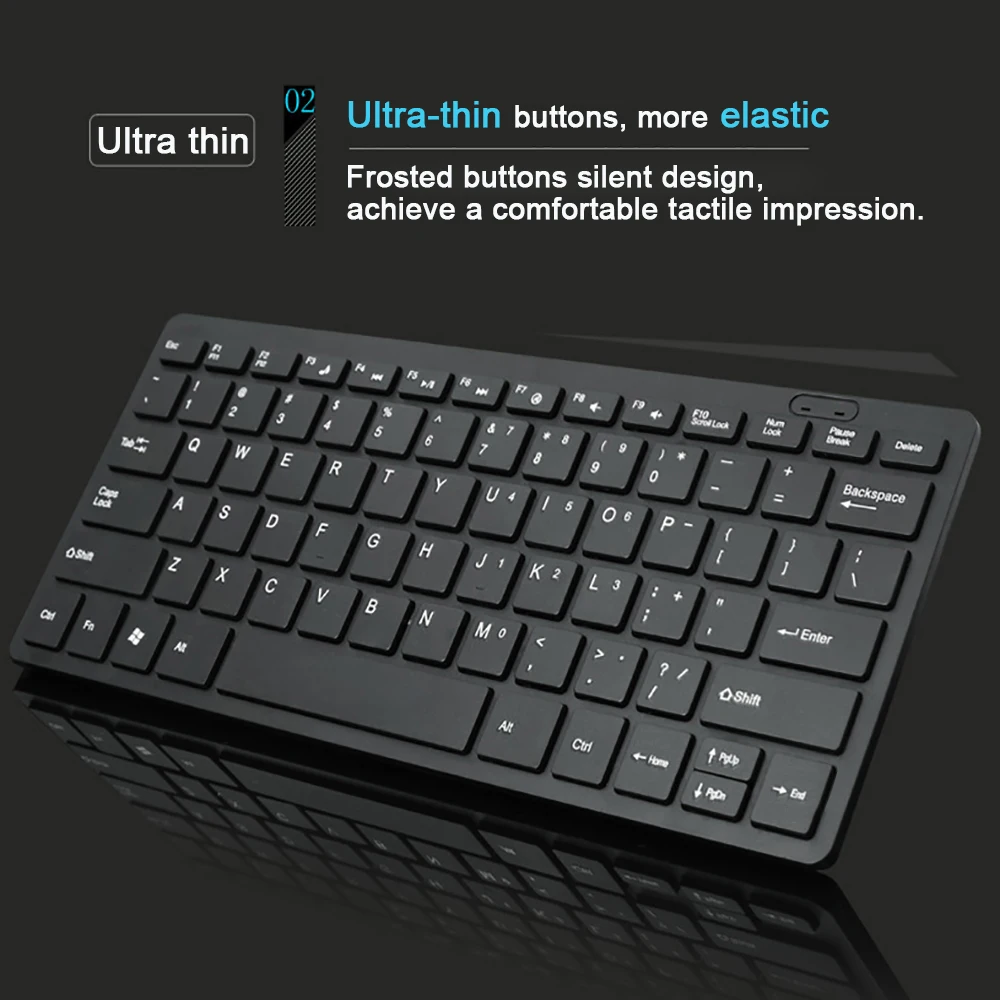
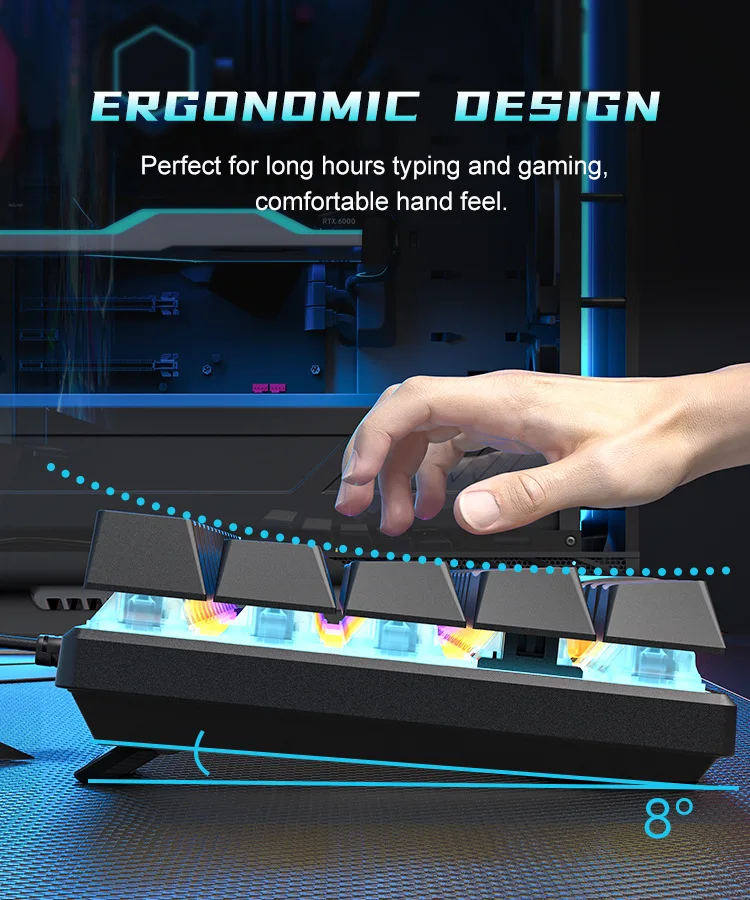
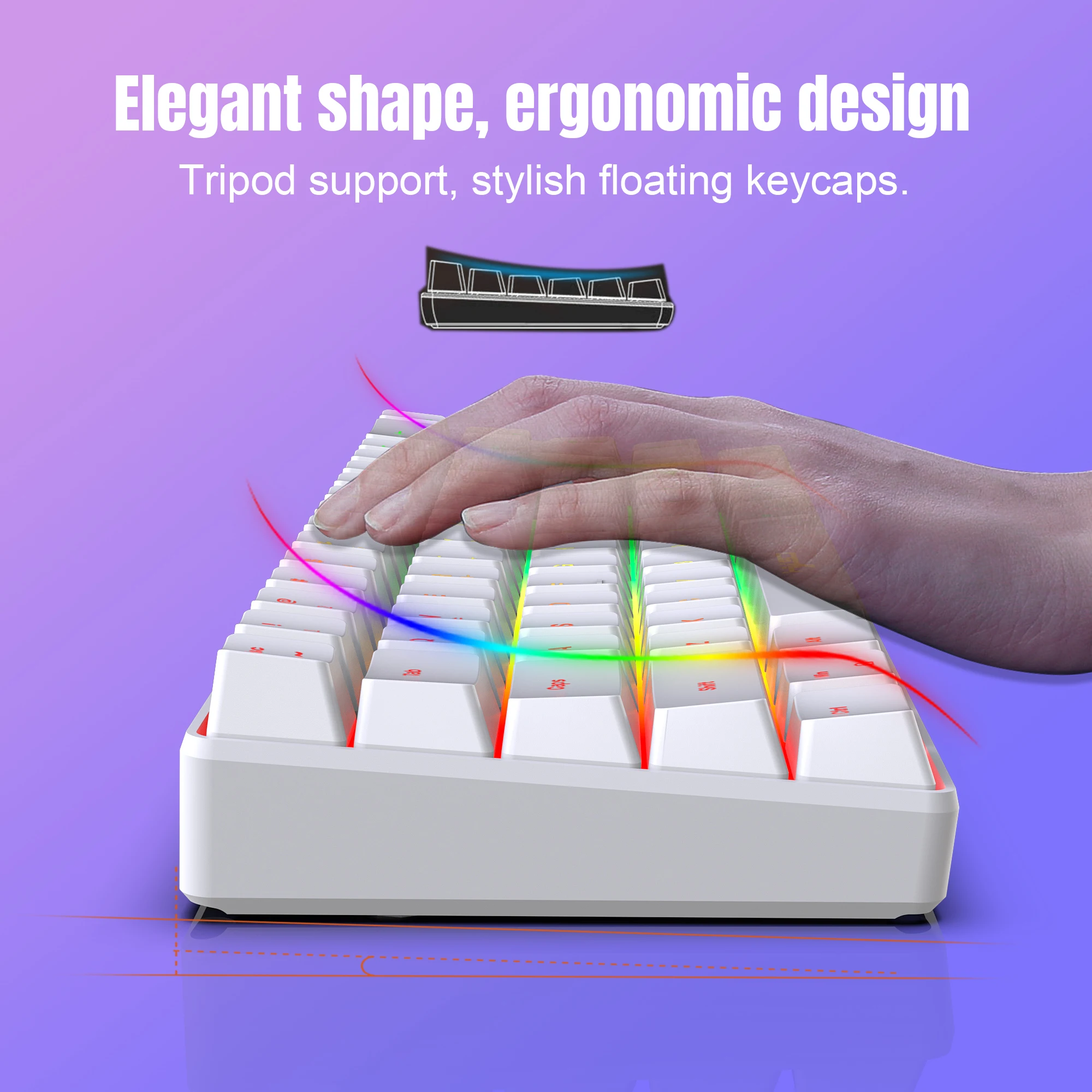
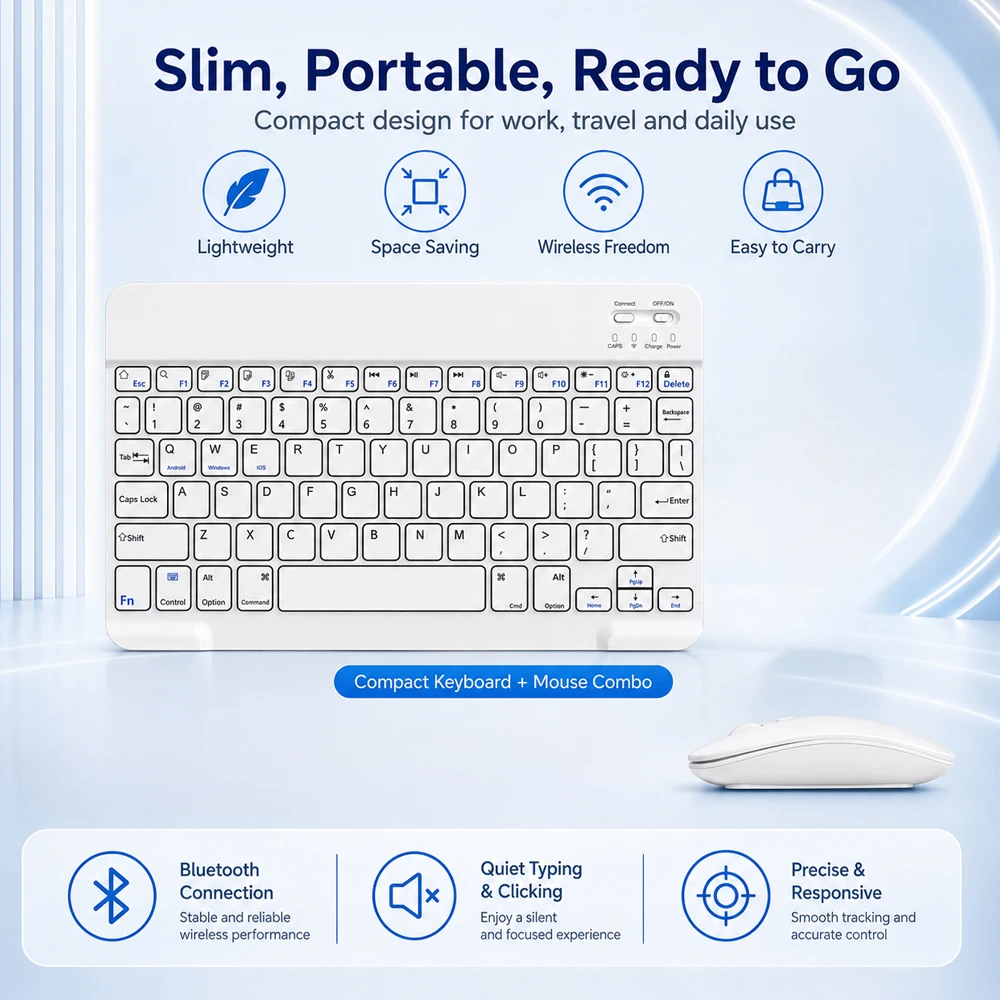
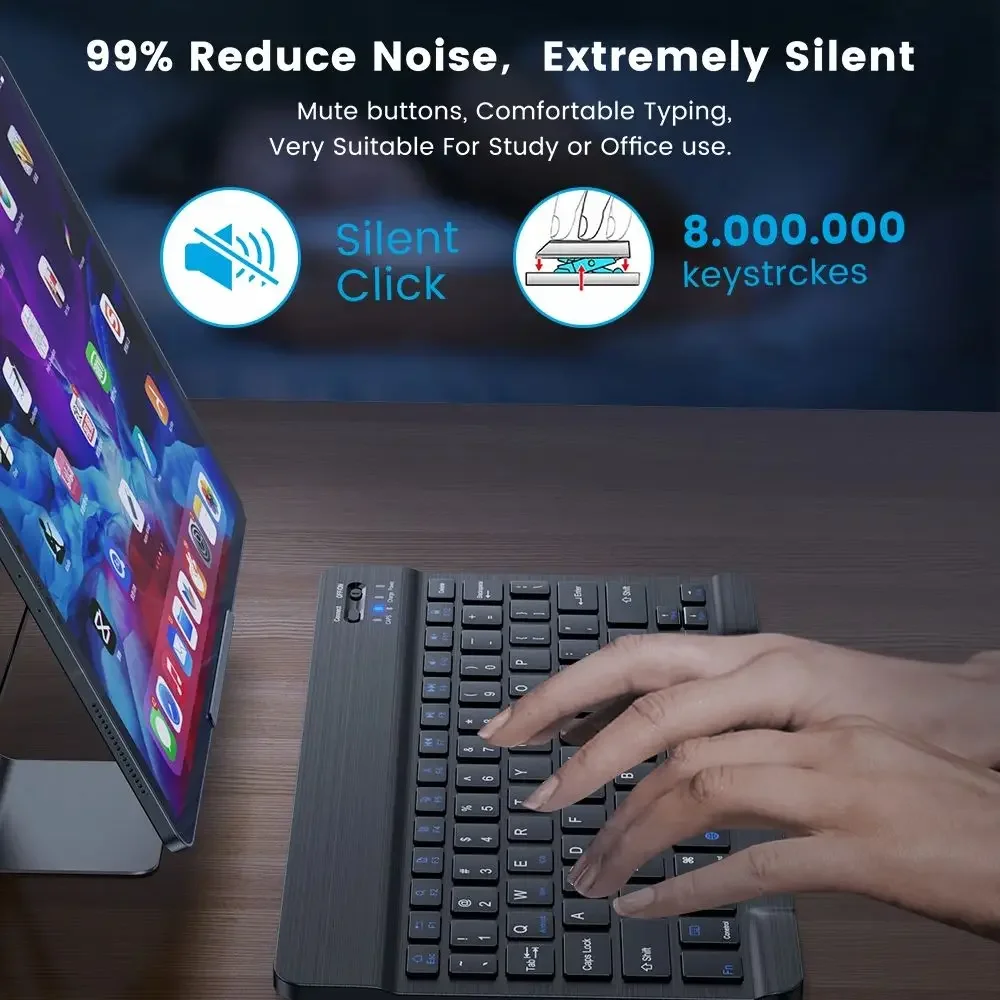
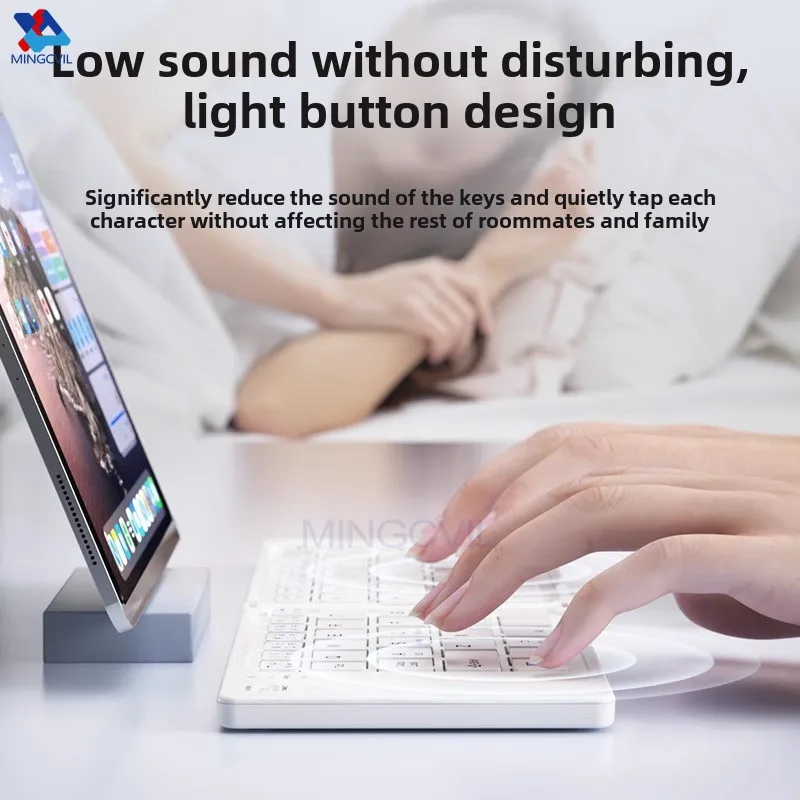
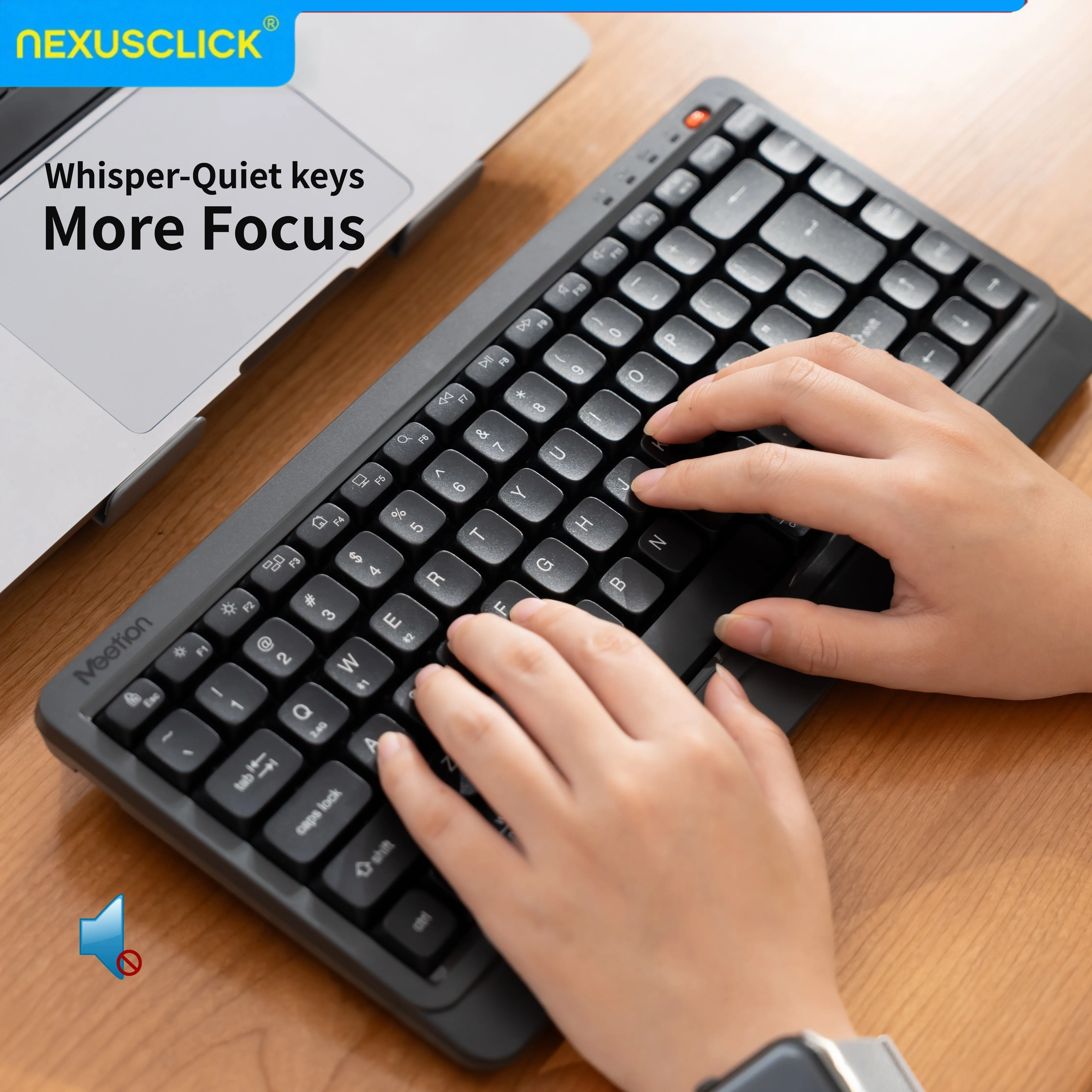
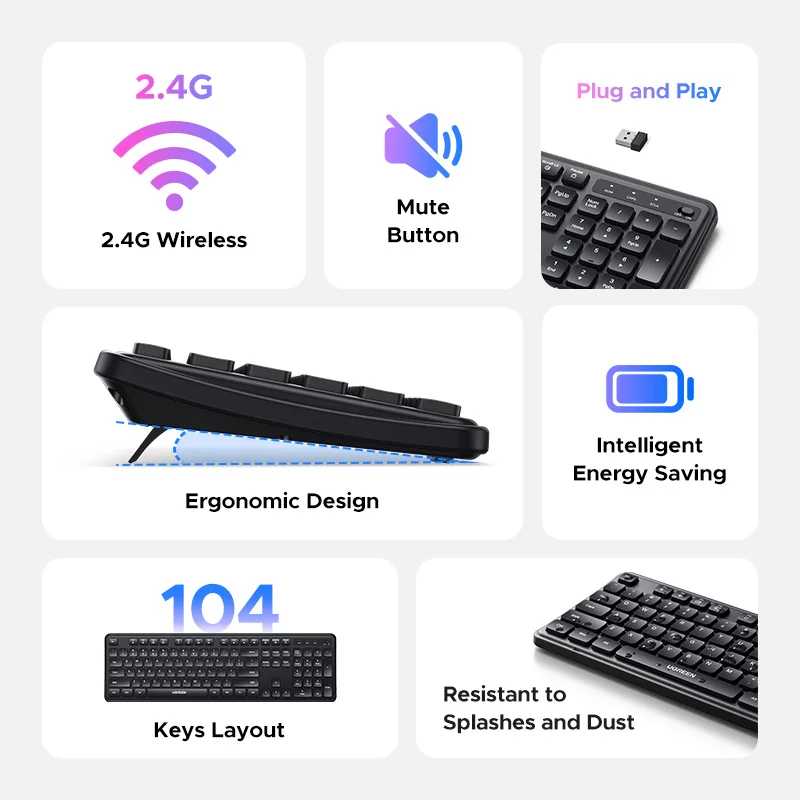
The feel. Most slim keyboards have low, quiet keys like a laptop's. A mechanical keyboard has deeper keys with a clear press, and some click loudly.
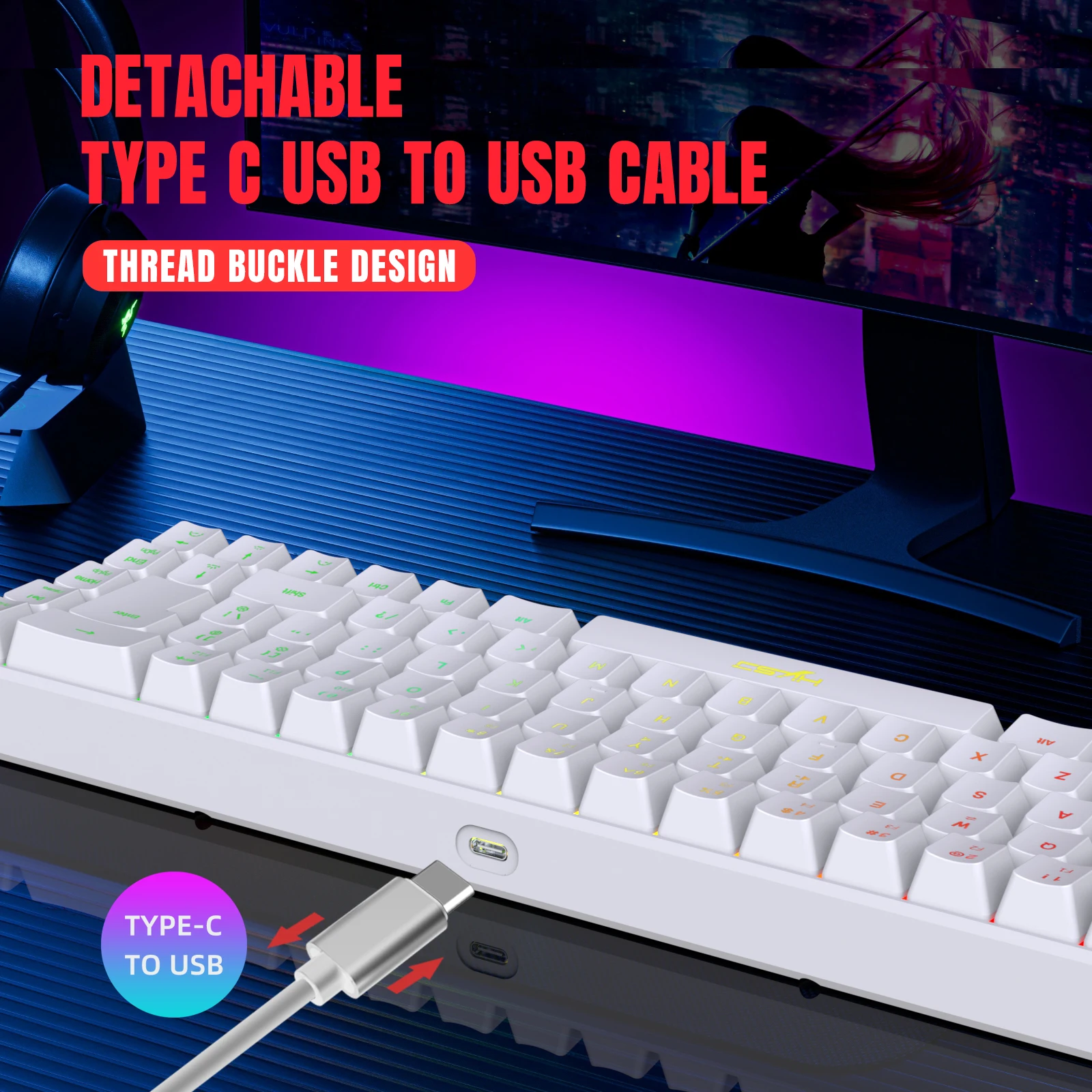
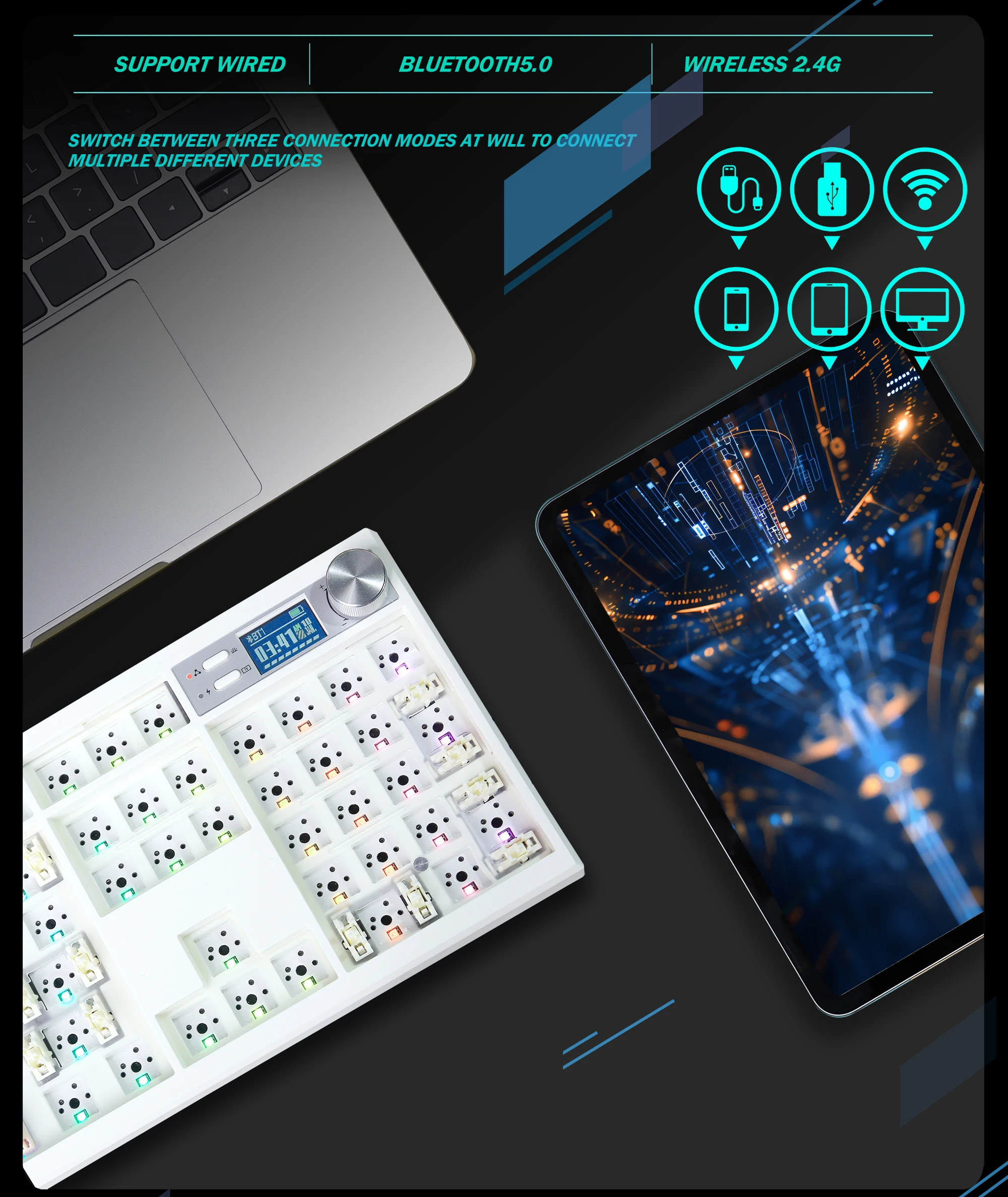
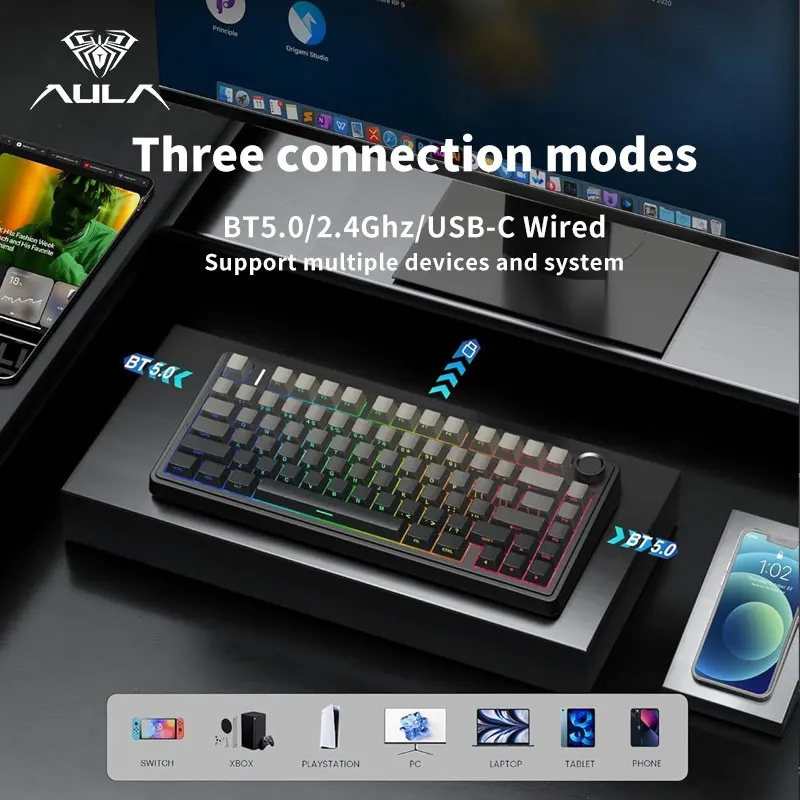
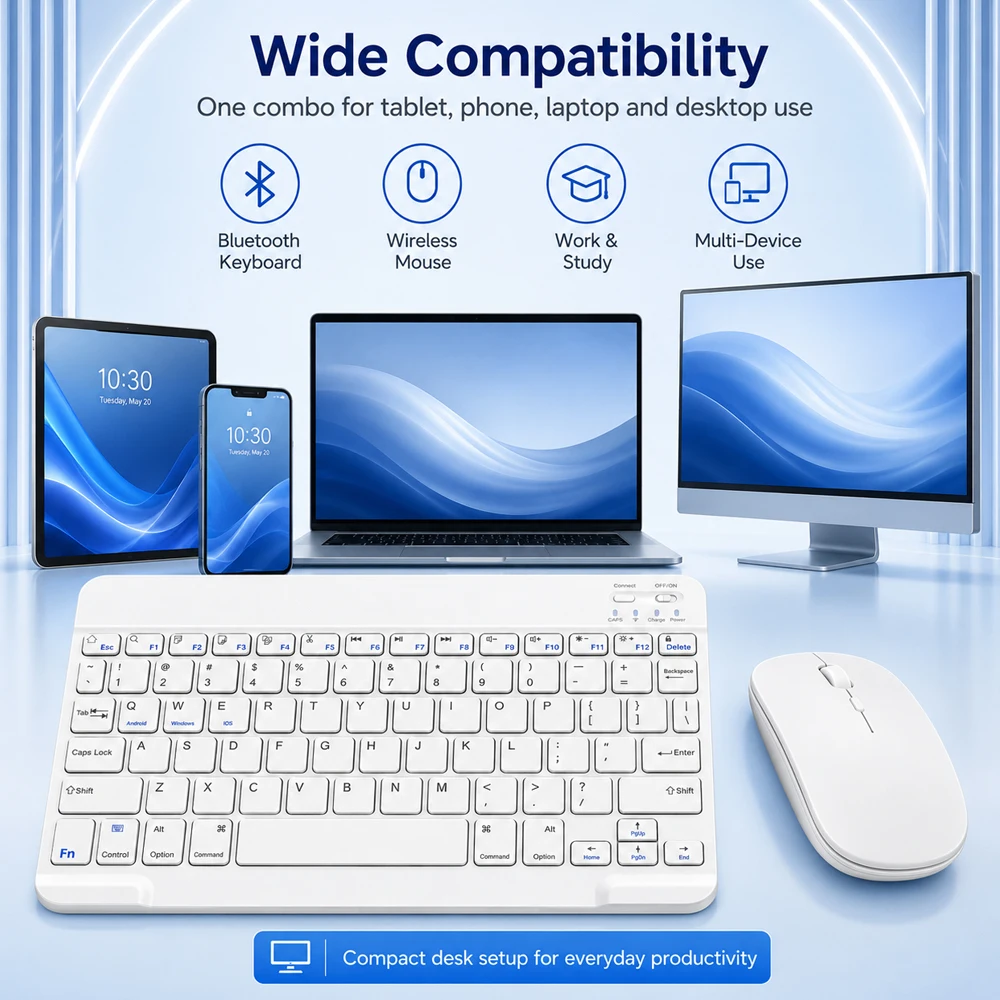
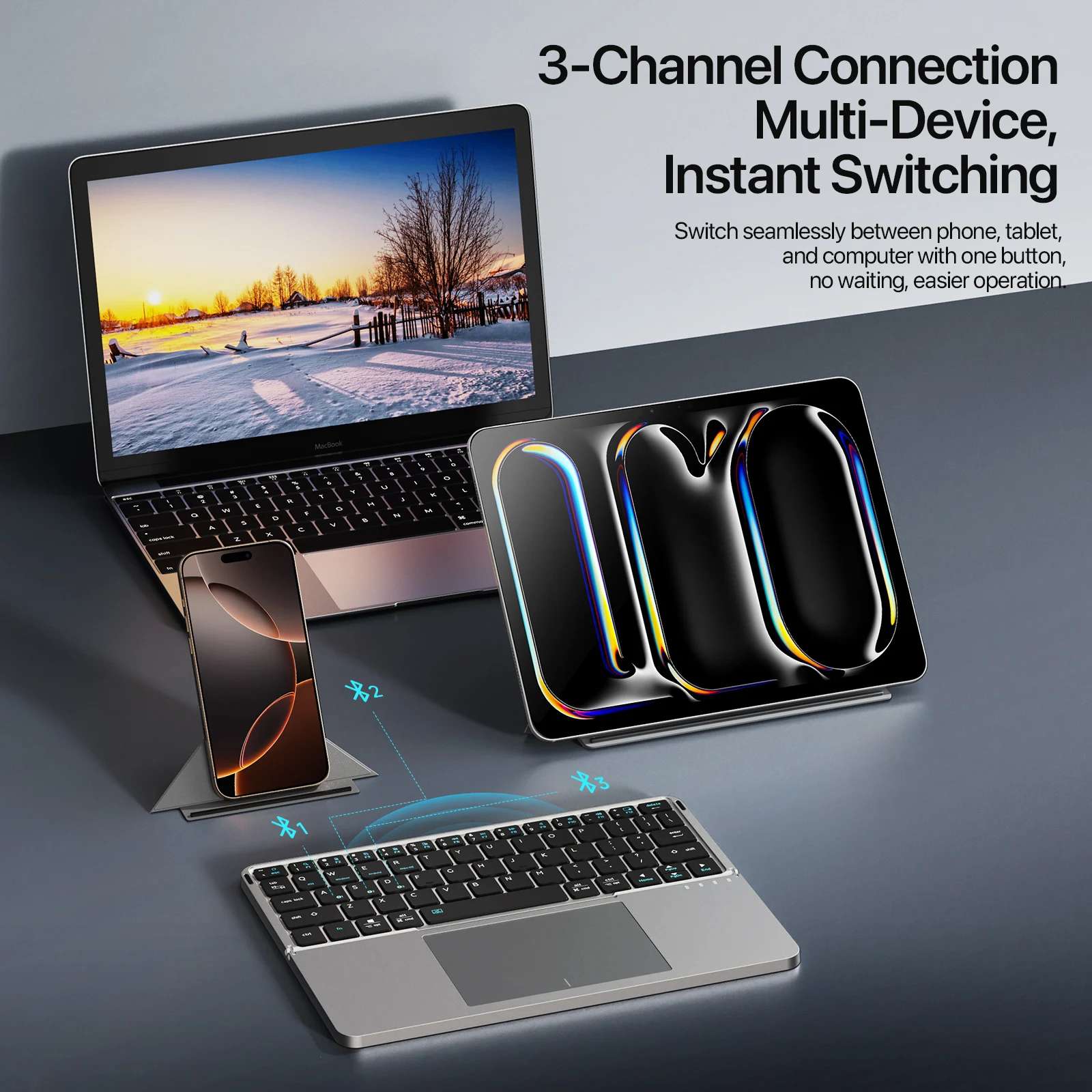
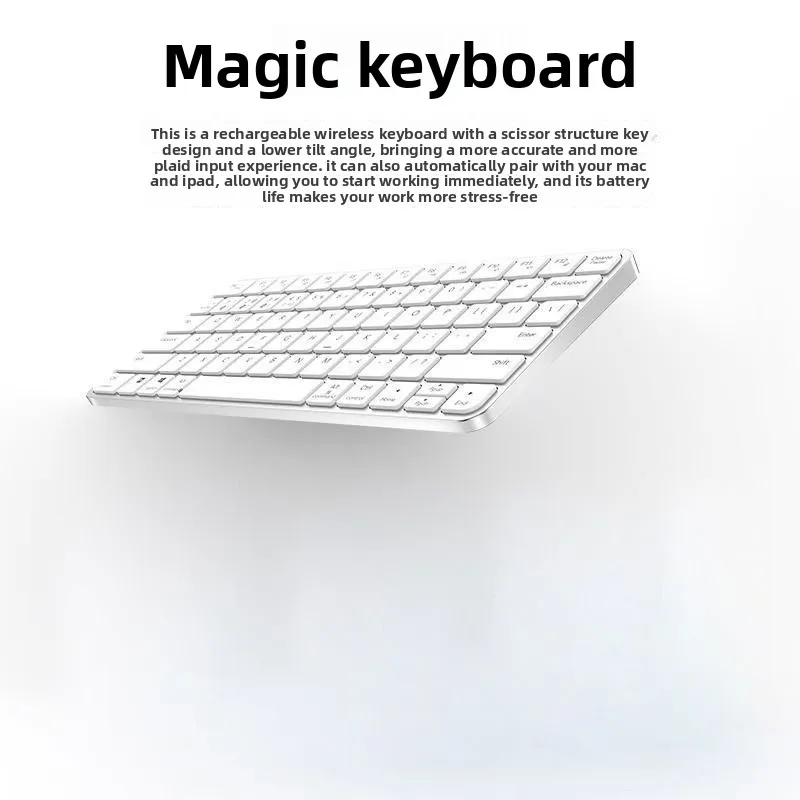
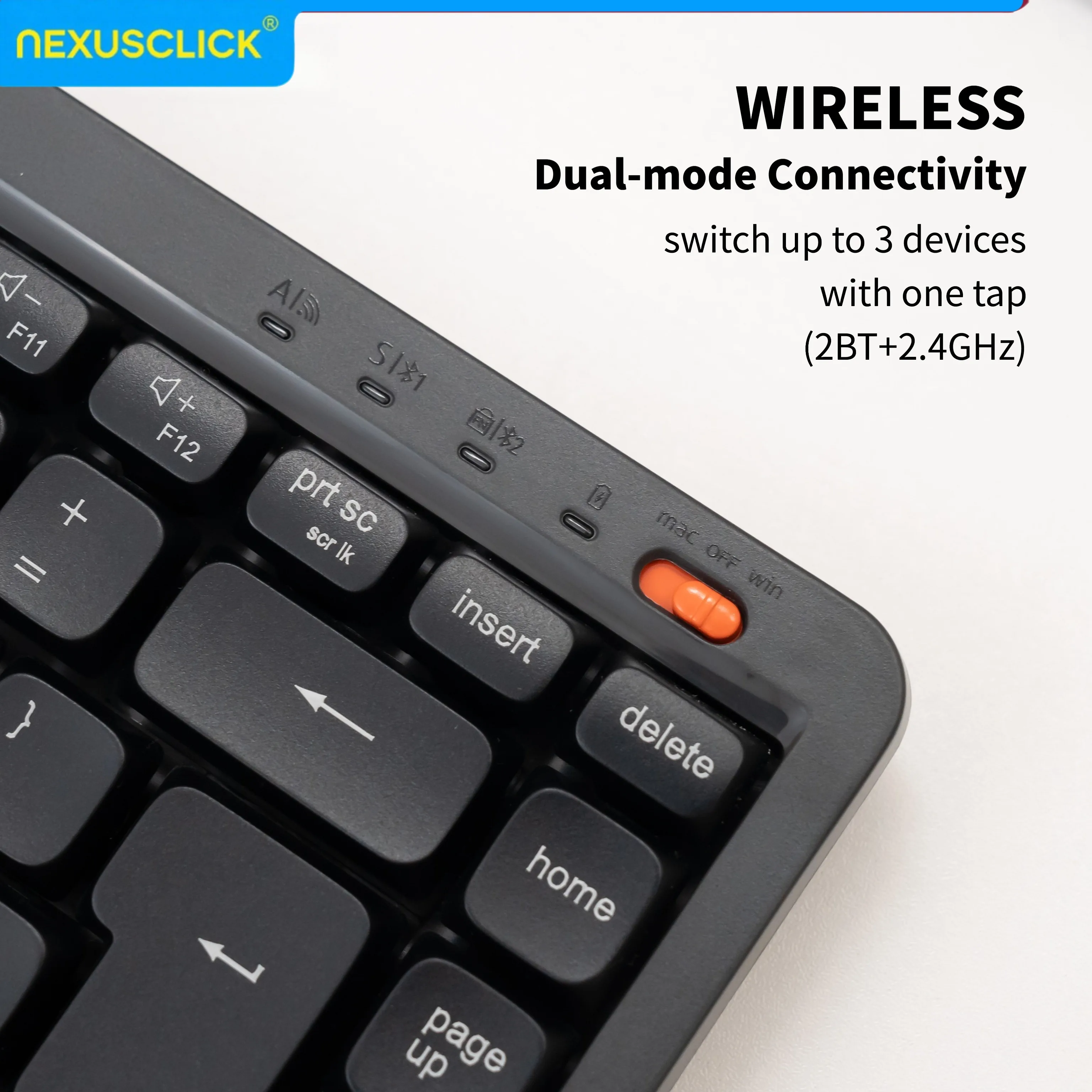
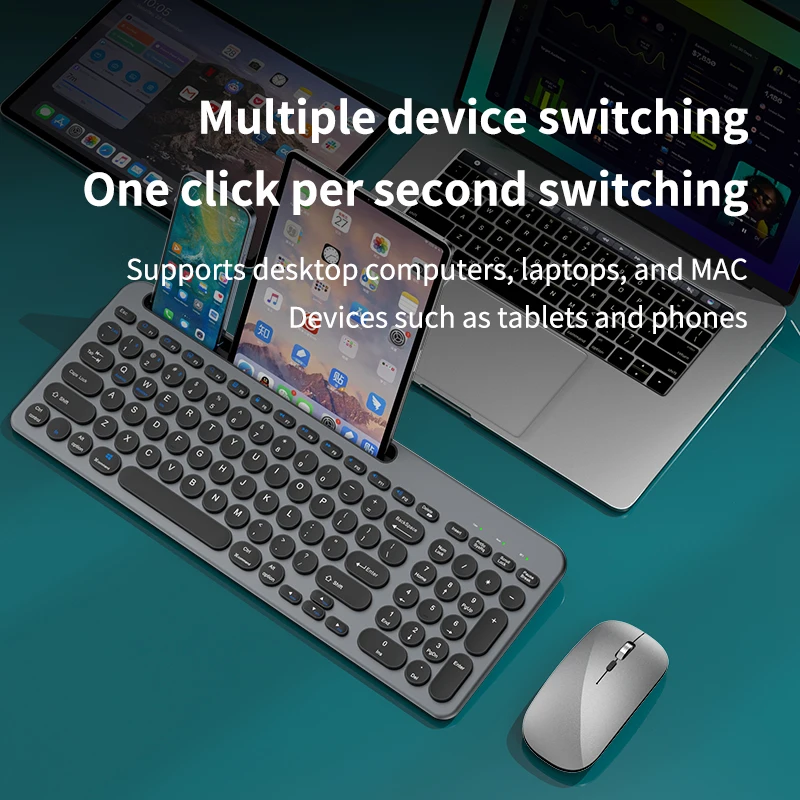
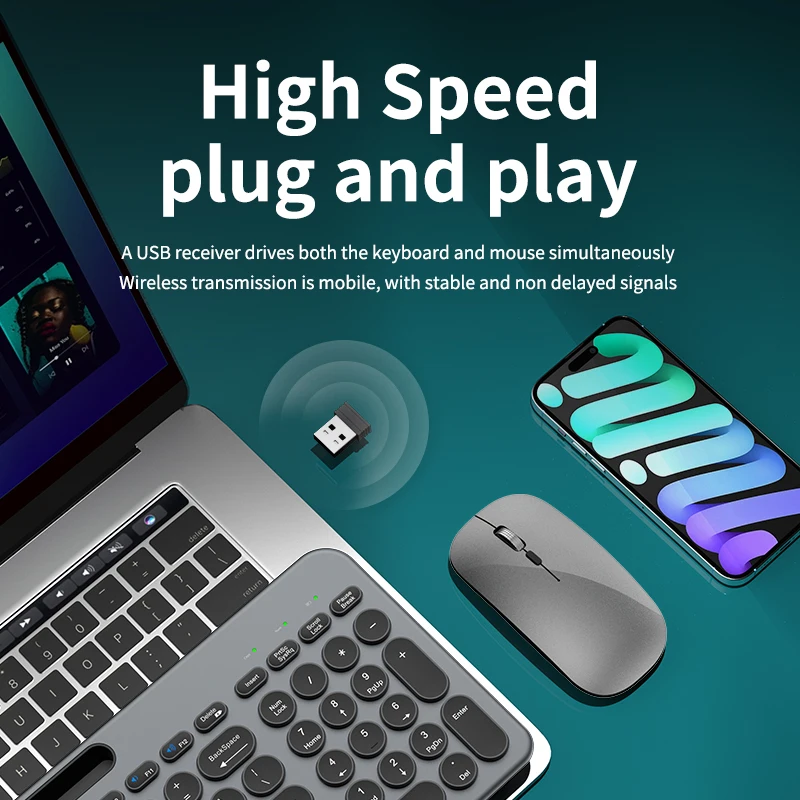
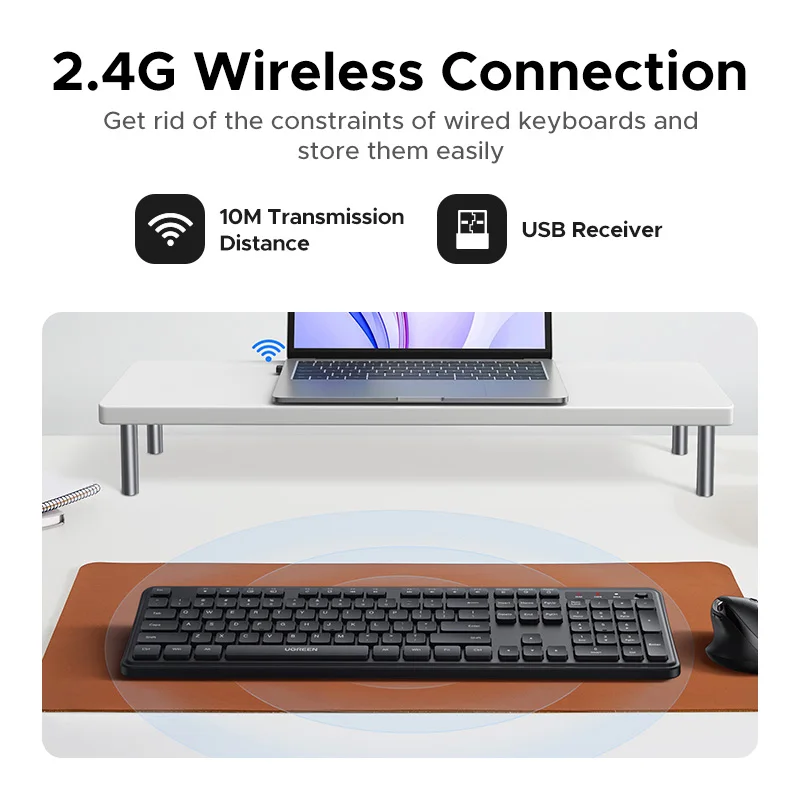
Connection. A receiver works at once; Bluetooth leaves the sockets free; many keyboards here do both and switch between two or three devices.
Questions people ask about keyboards
Will a Windows keyboard work on a Mac?
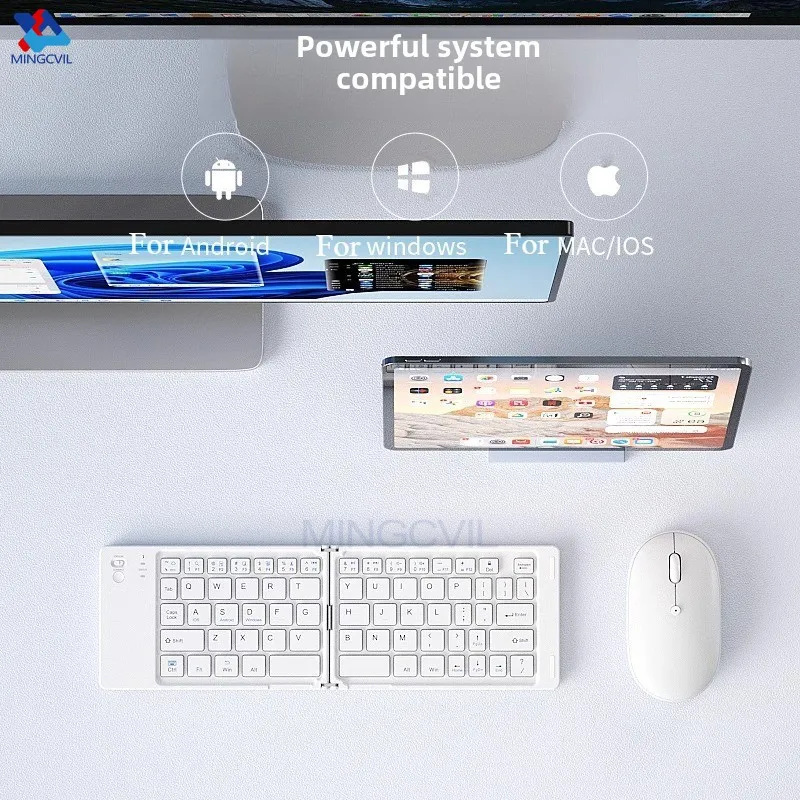
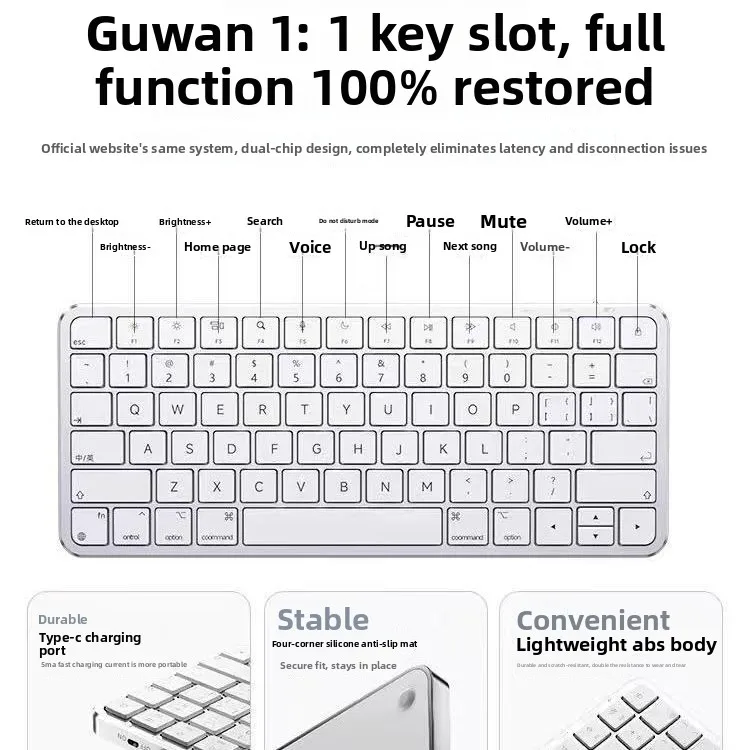
Yes. On a Mac, Alt does the job of Option and the Windows key the job of Command. The modifier keys can be swapped in the Mac's Keyboard settings.
Wired or wireless?
Wired needs no charging or pairing. Wireless keeps the desk tidy and travels better.
Delivery is included in every price and tracked to your door.
More to look at