Why plug a laptop in
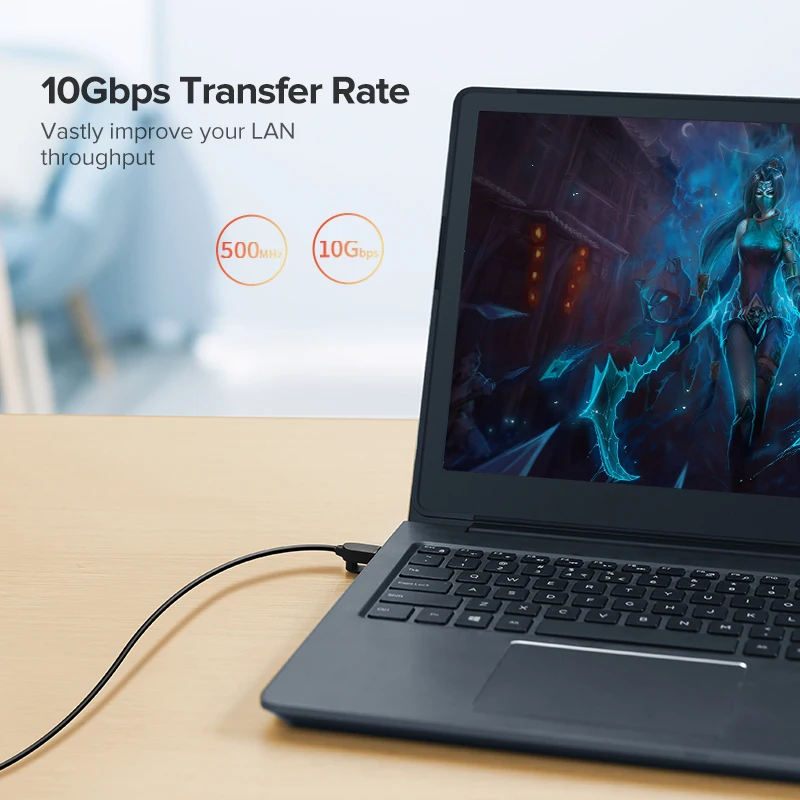
Wi-Fi is convenient, but a cable from the router gives a laptop a connection that does not drop when the house is busy or someone turns on the microwave. It is the steadiest way to make video calls, upload large files or play online at a desk you use every day. Many slim laptops no longer have a network socket. For those, an Ethernet adapter adds one through a USB port, and many docking stations and USB-C hubs have one built in.
What you will find here
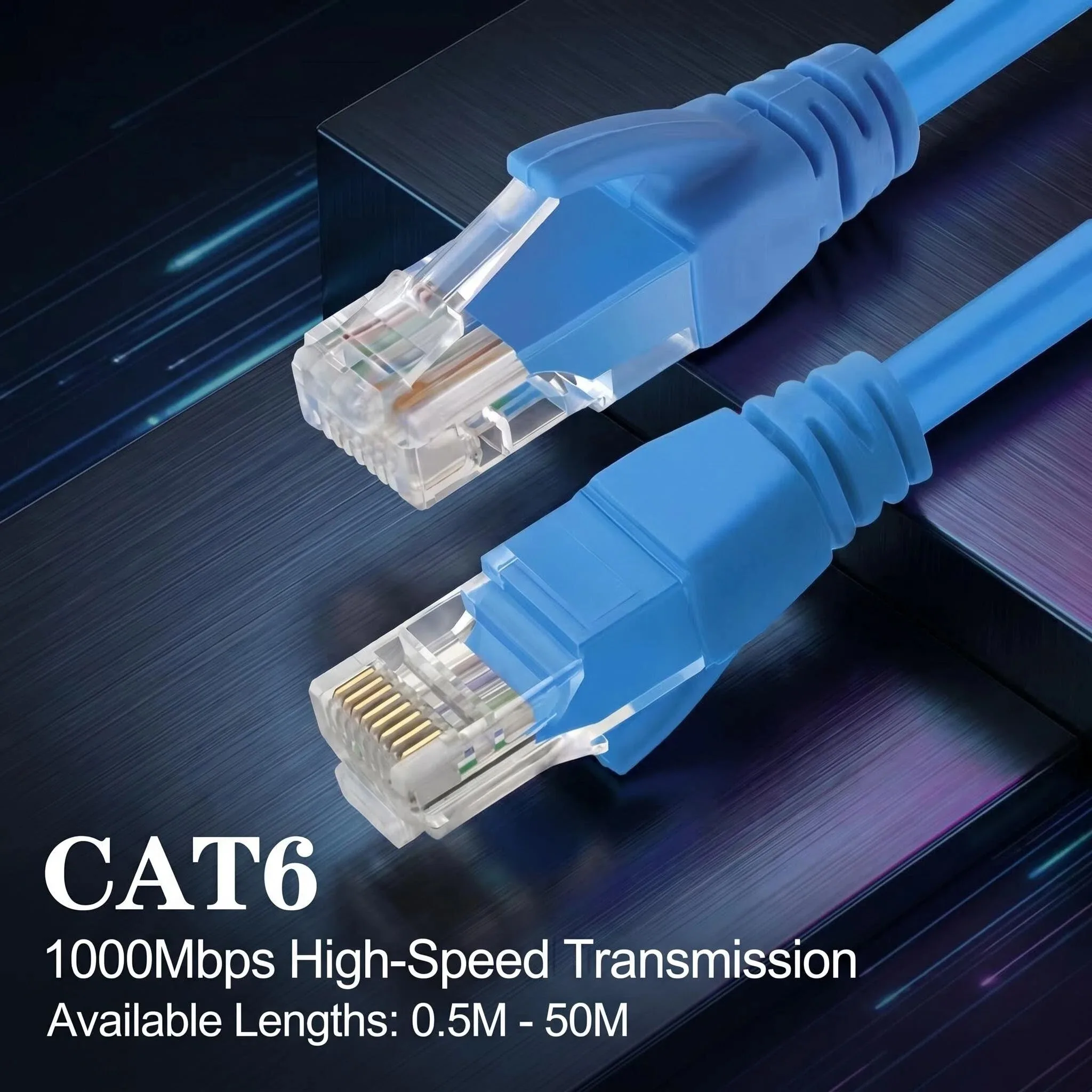
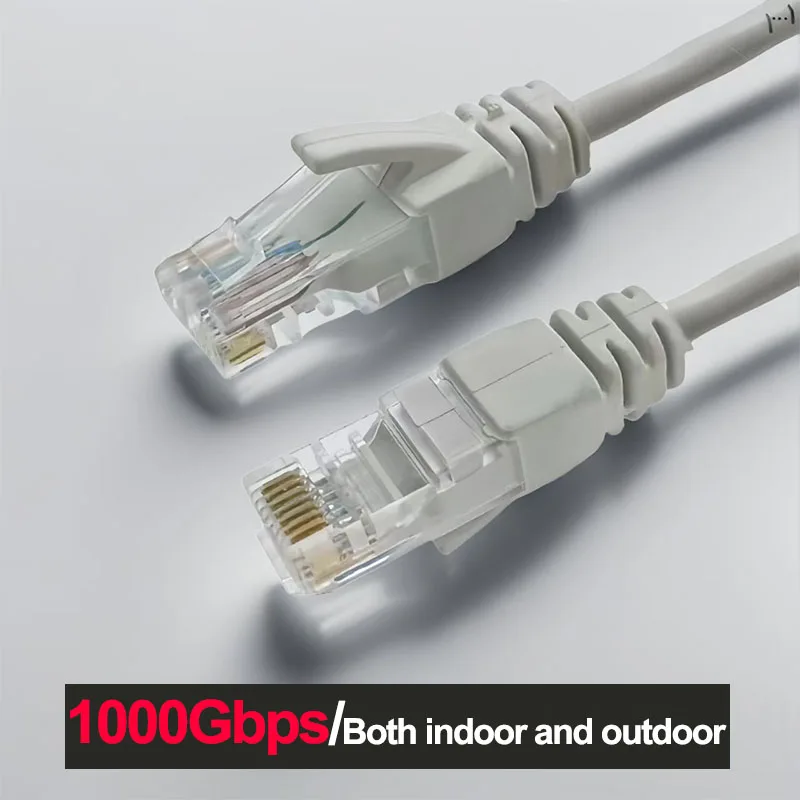
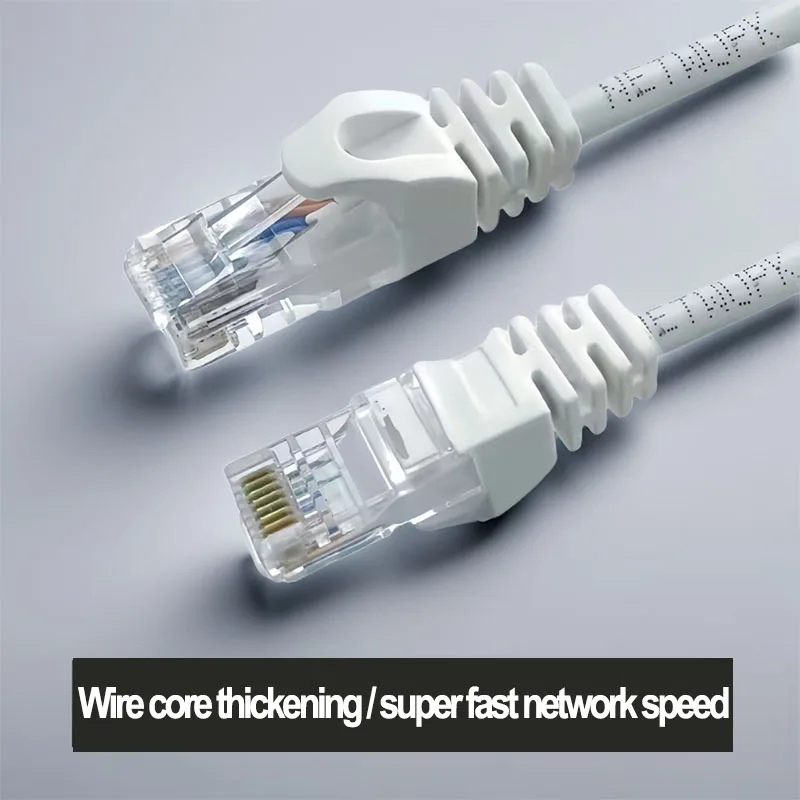
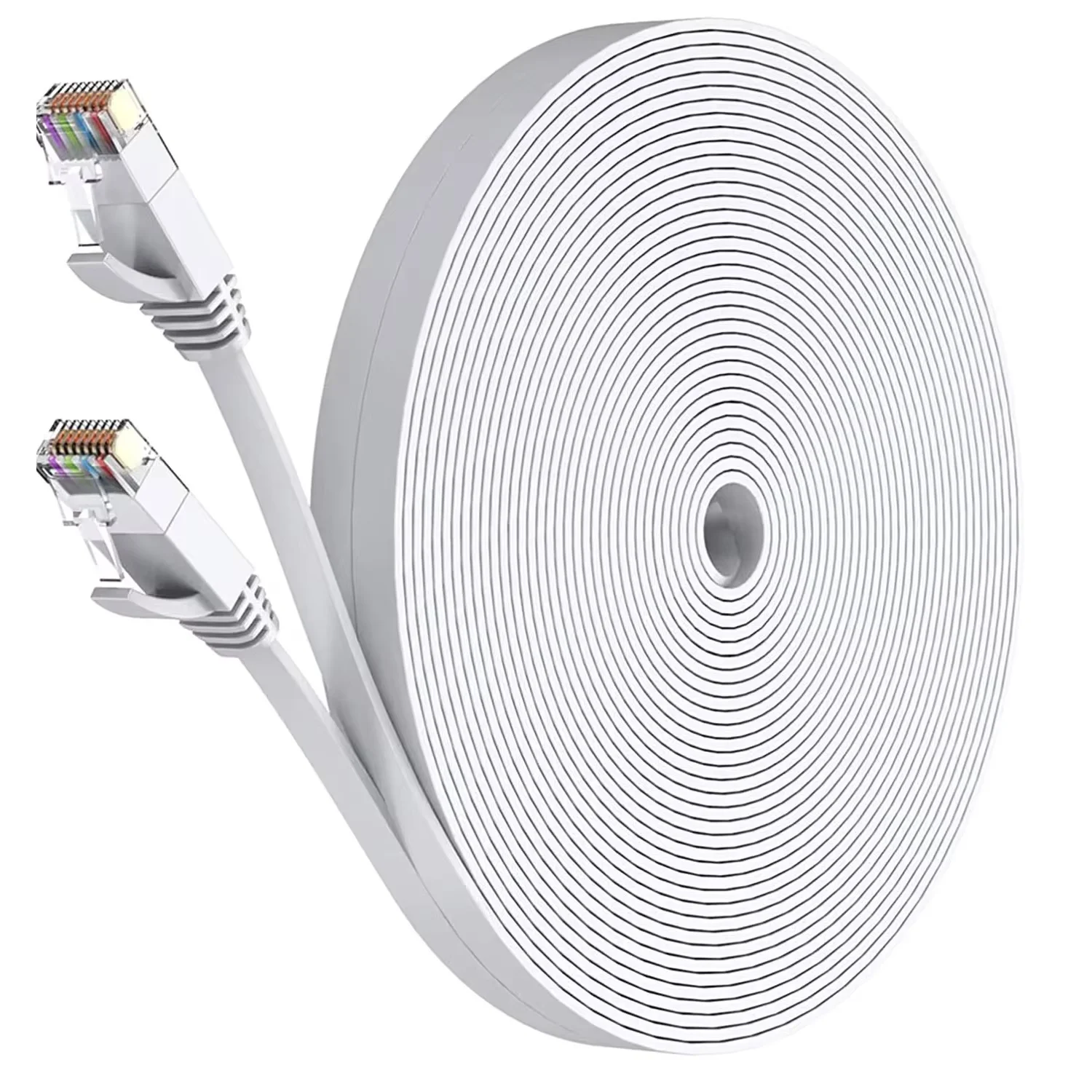
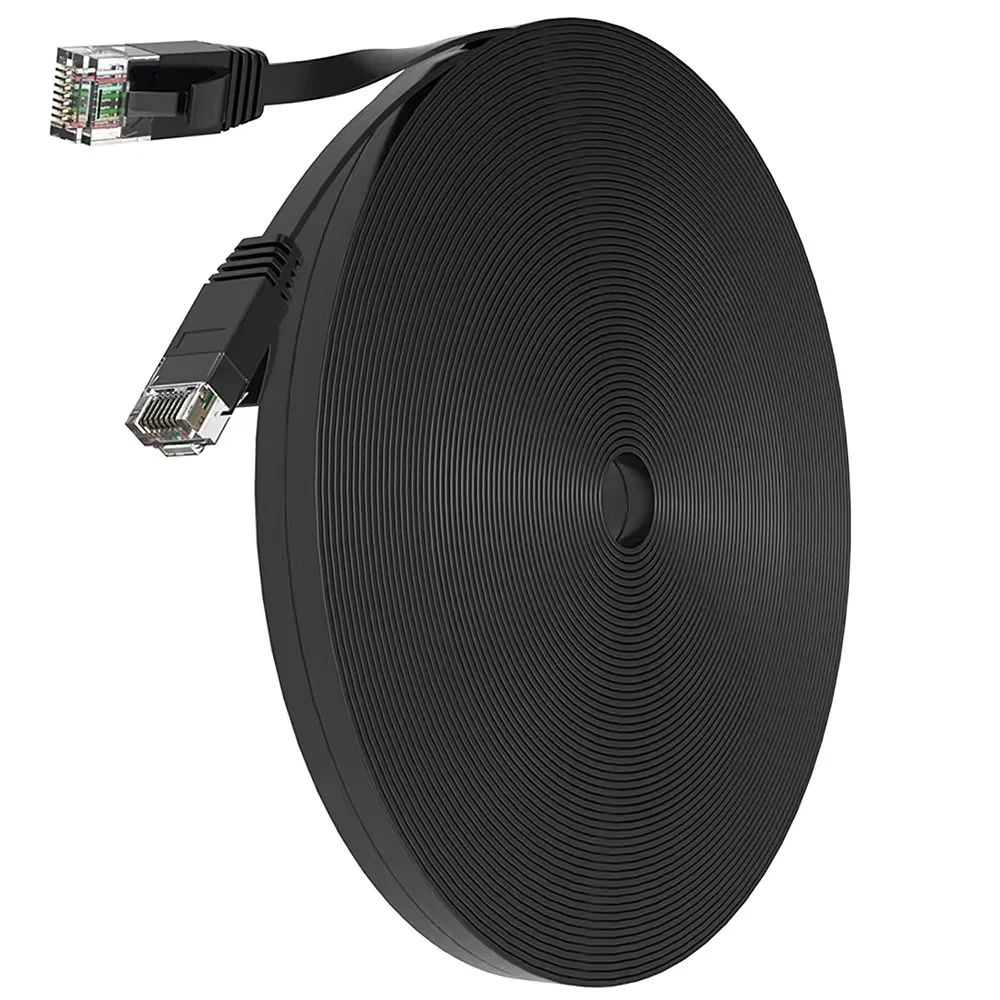
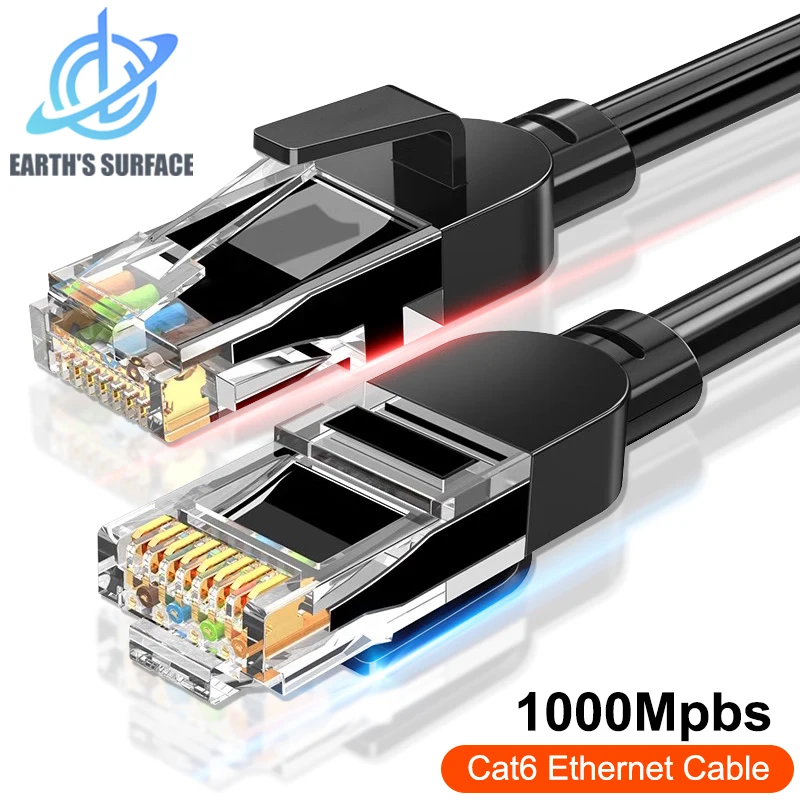
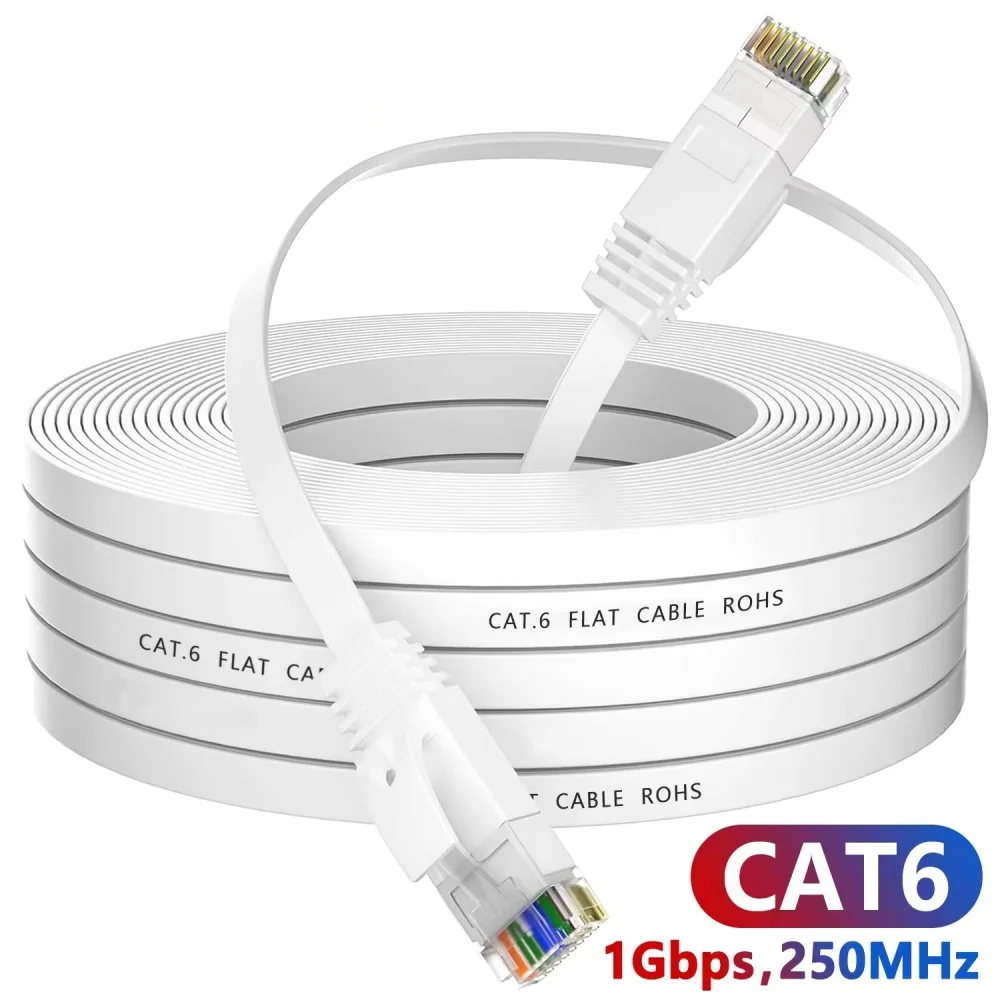
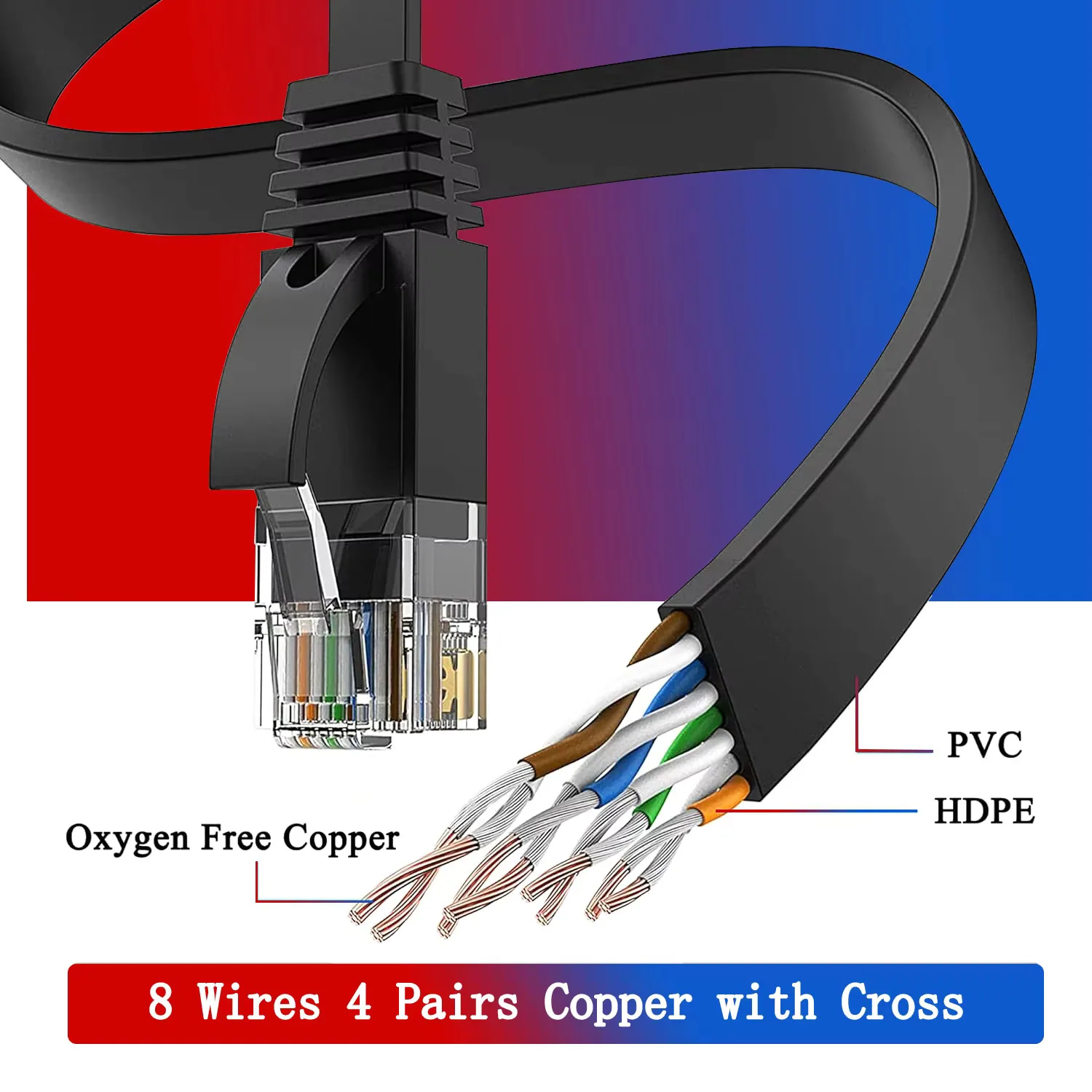
- Cat6 cables, round or flat, in black or white, from short patch leads to long runs across a house.
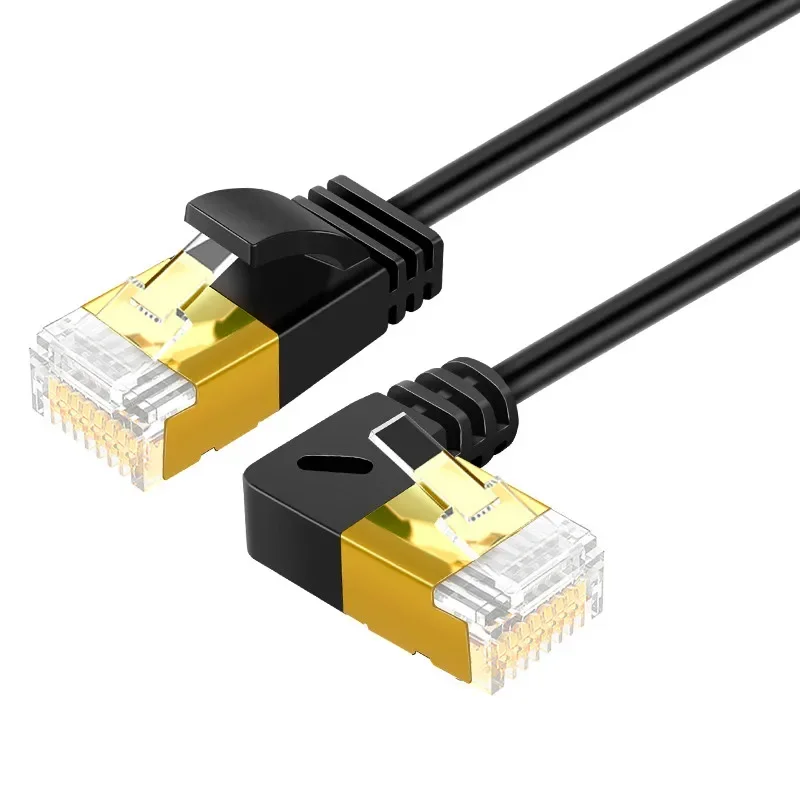
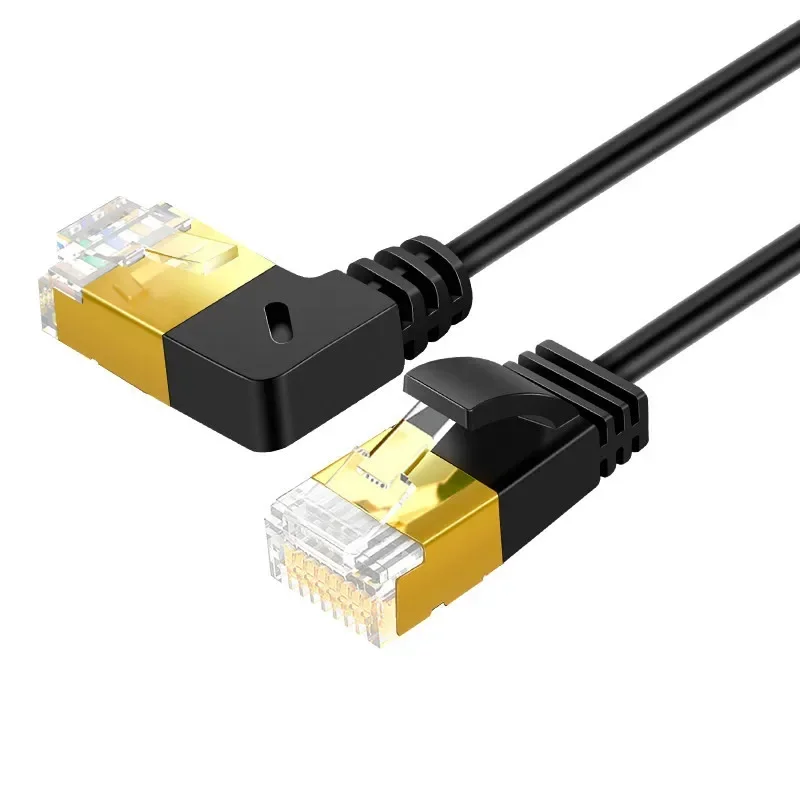
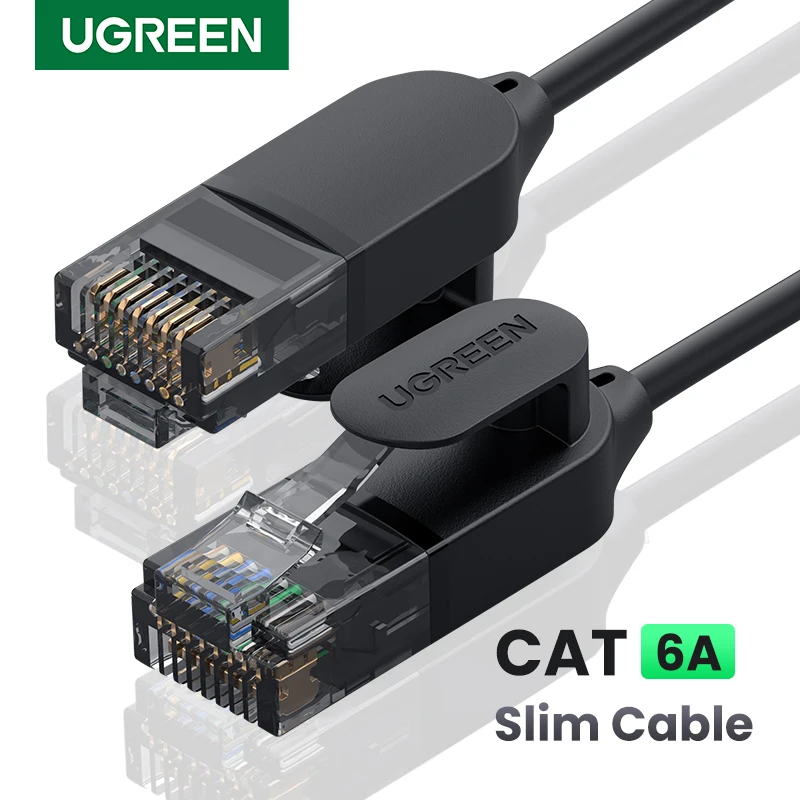
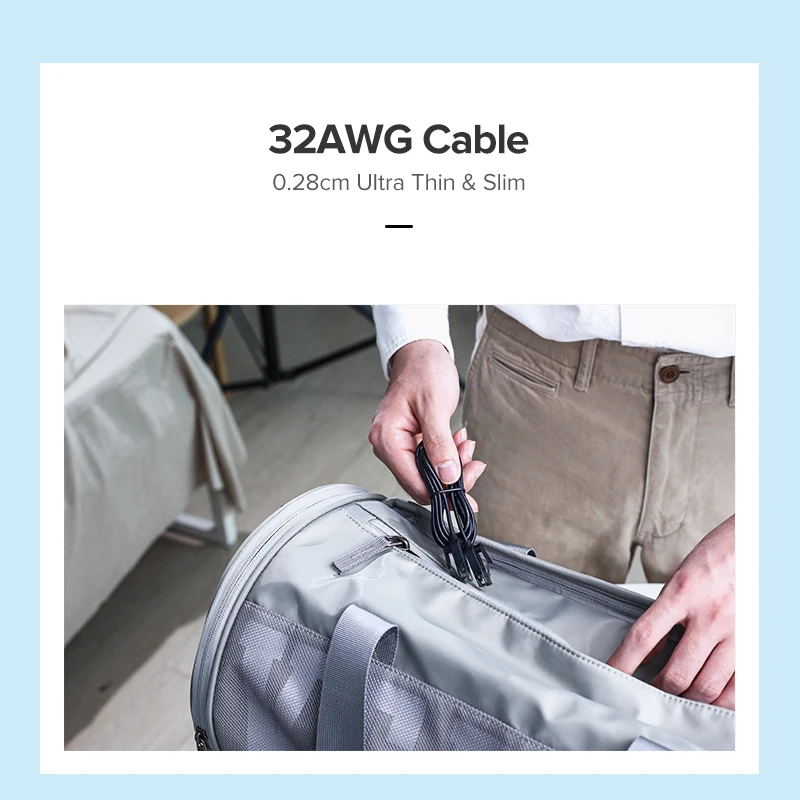
- Cat6A cables, including ultra slim ones that bend easily round a desk.
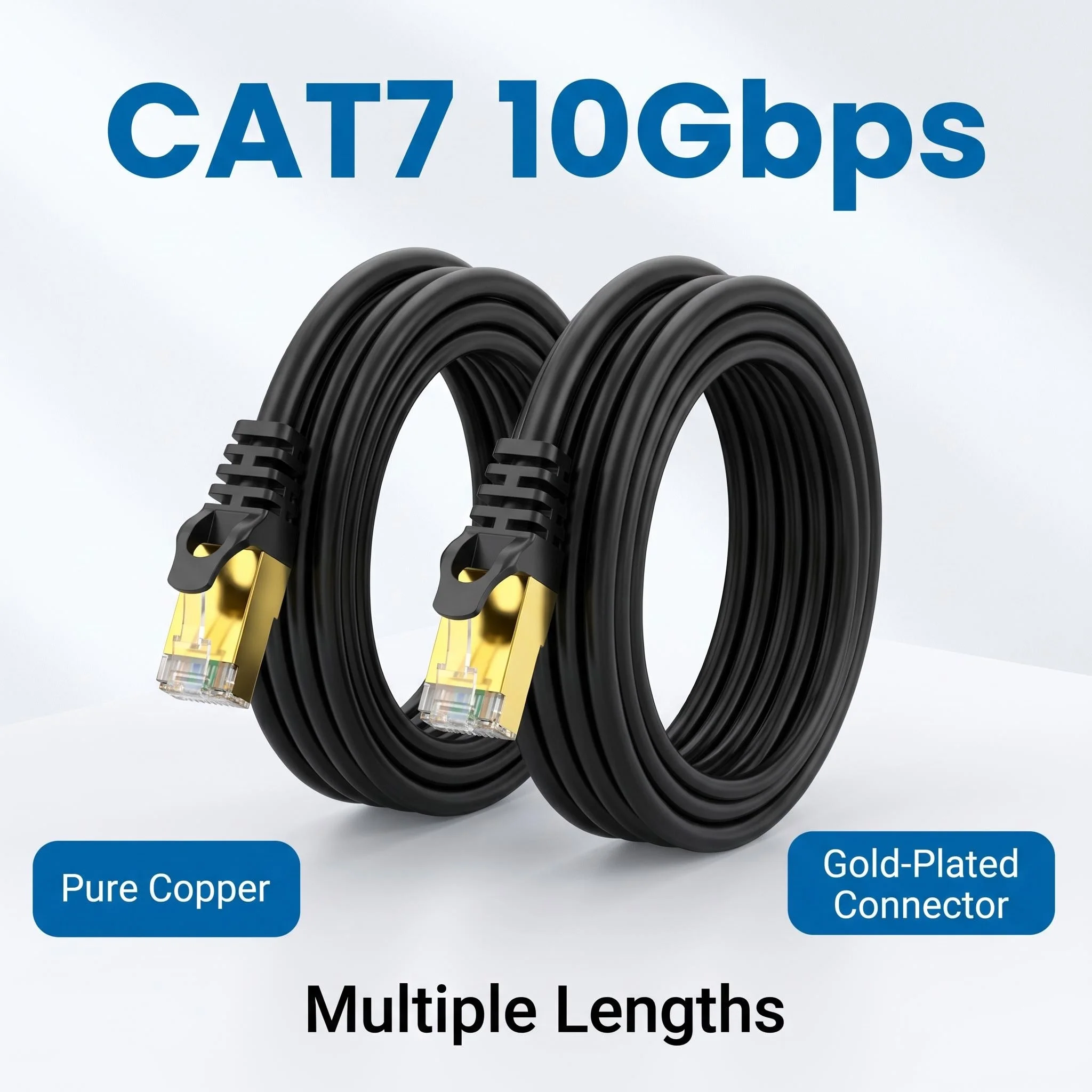
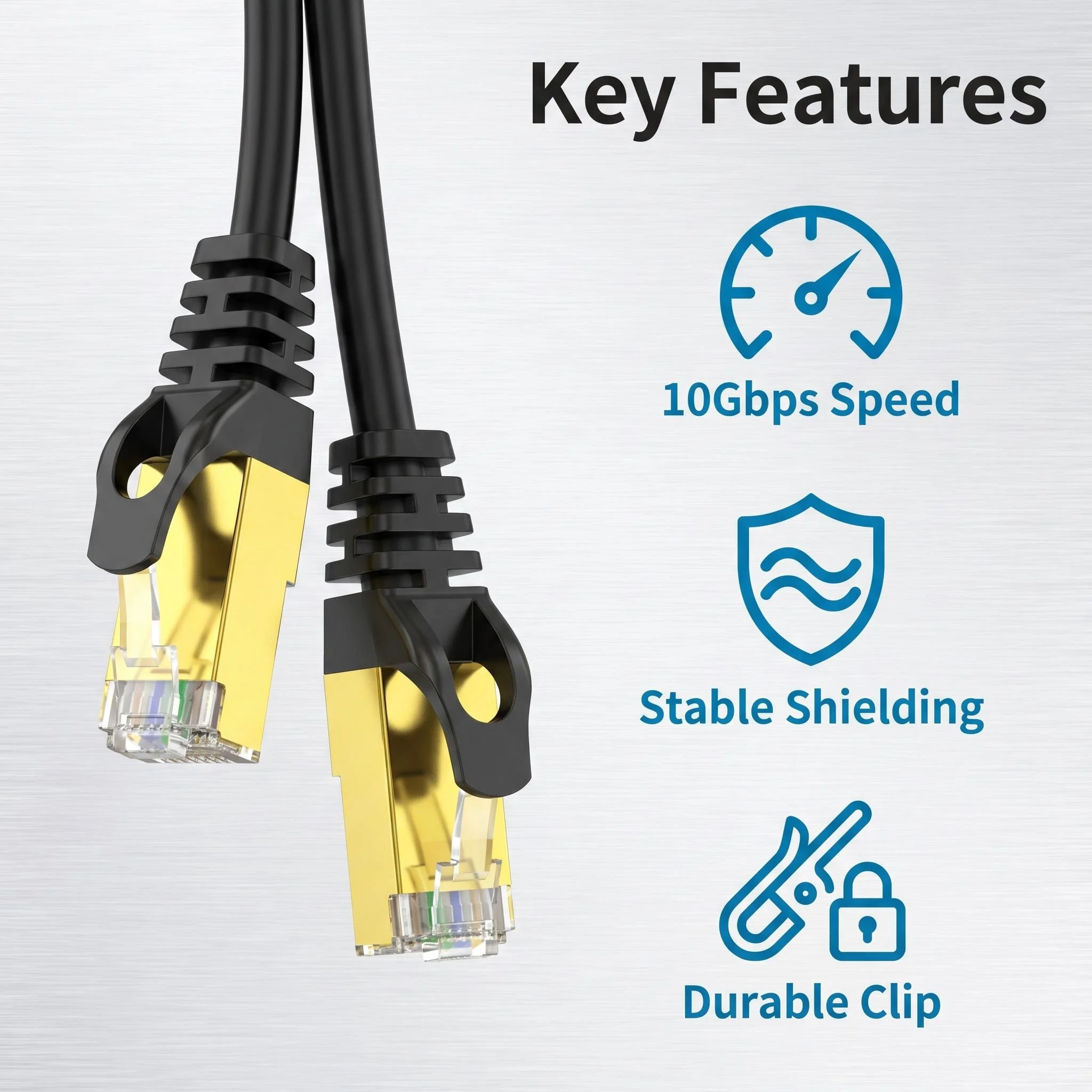
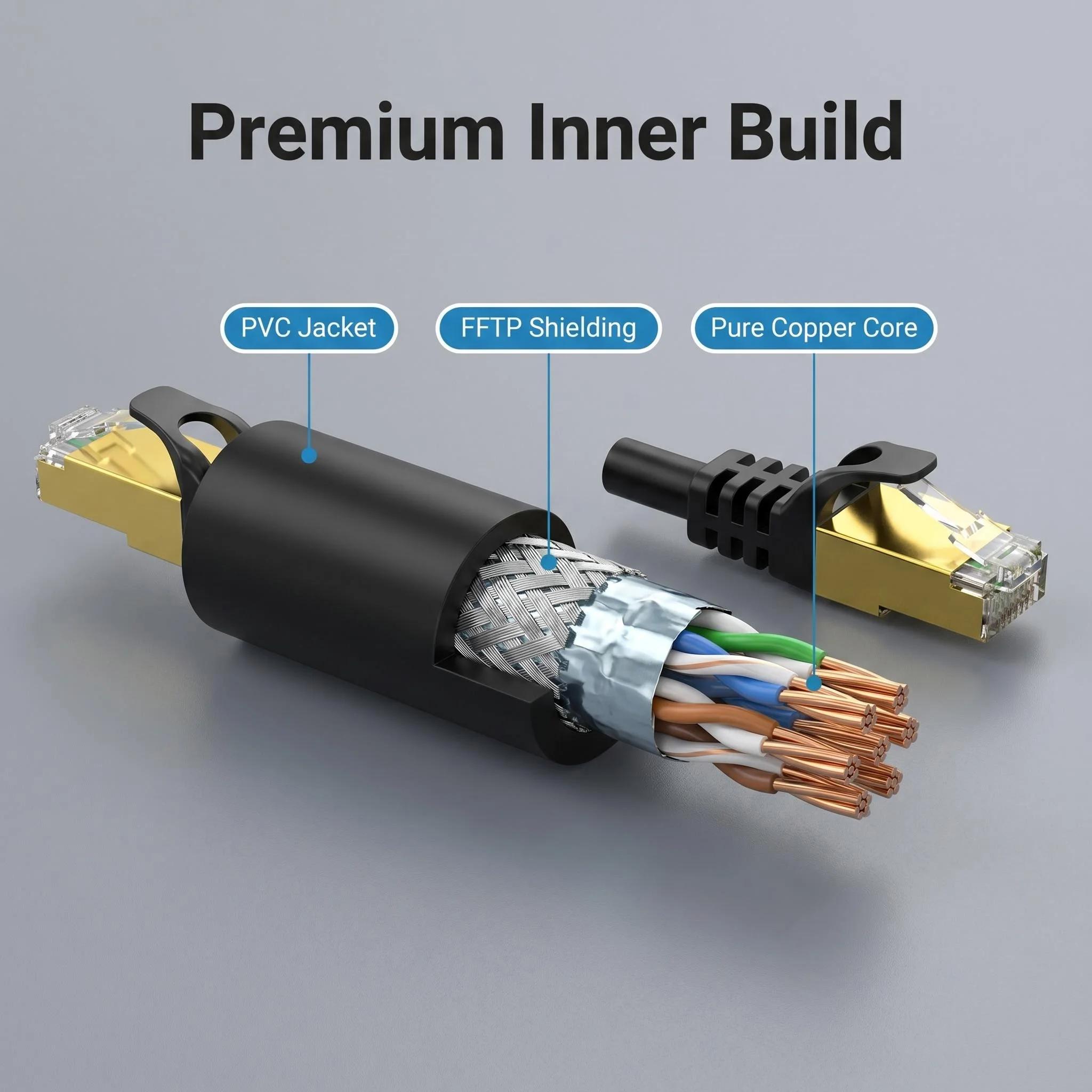
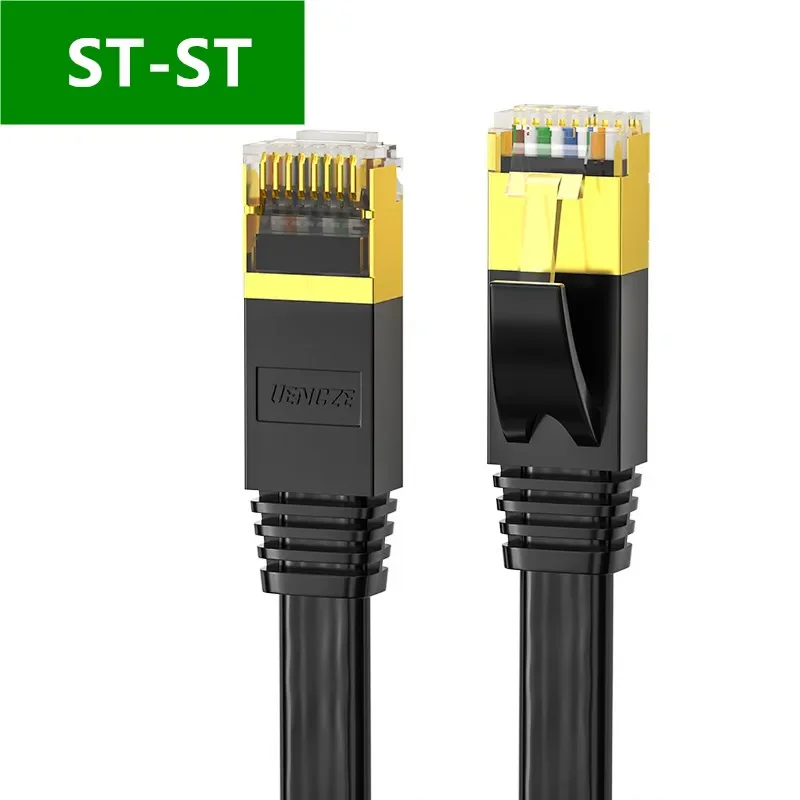
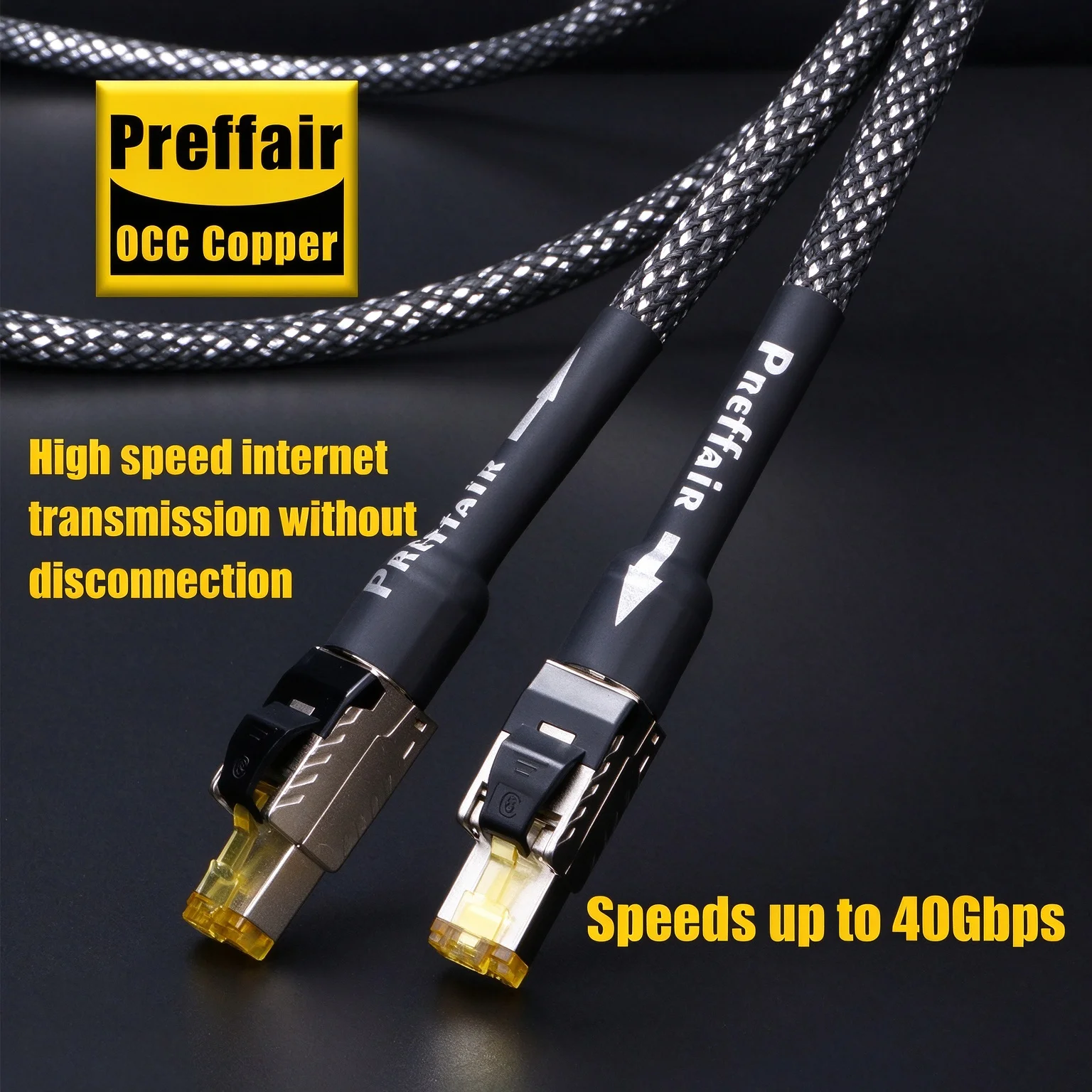
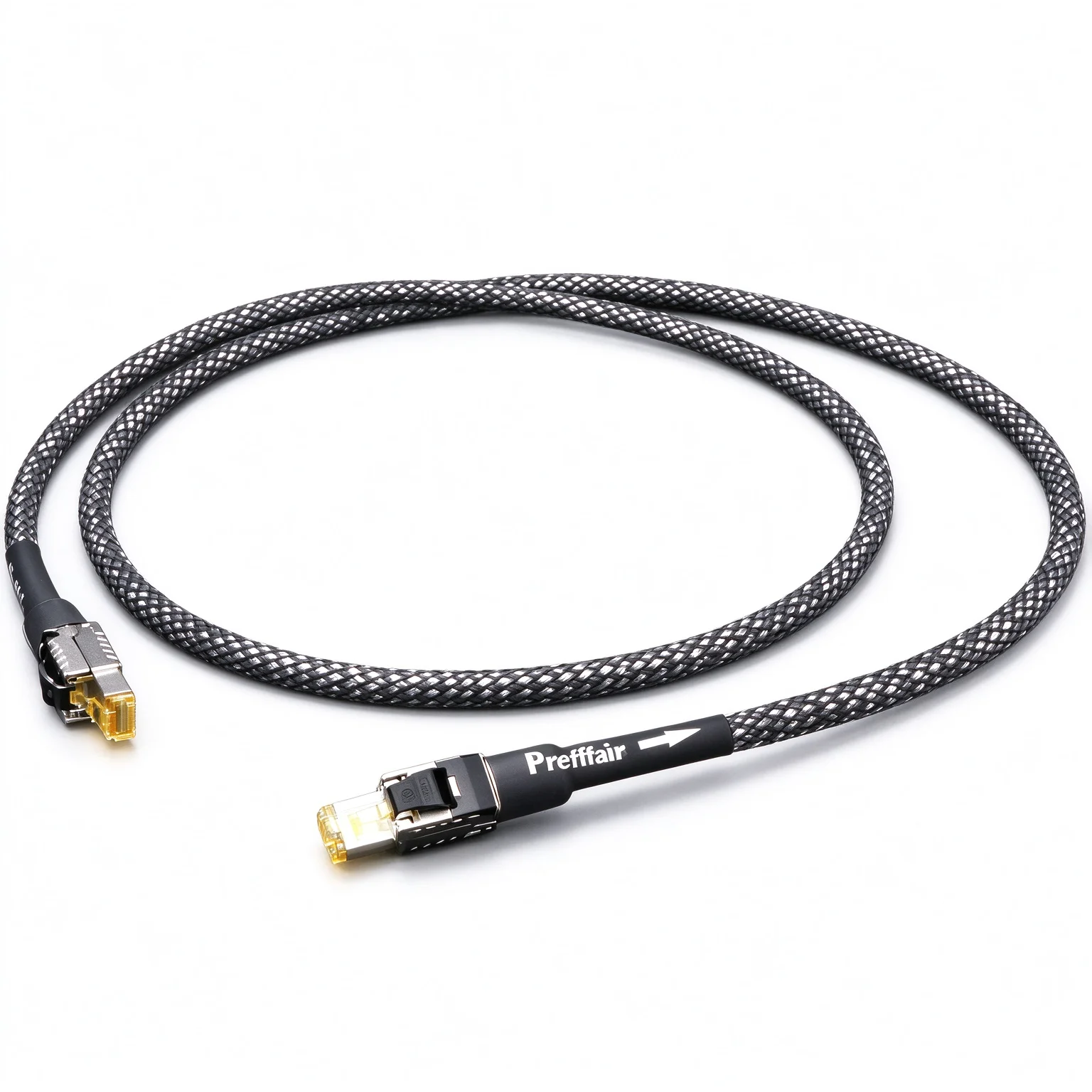
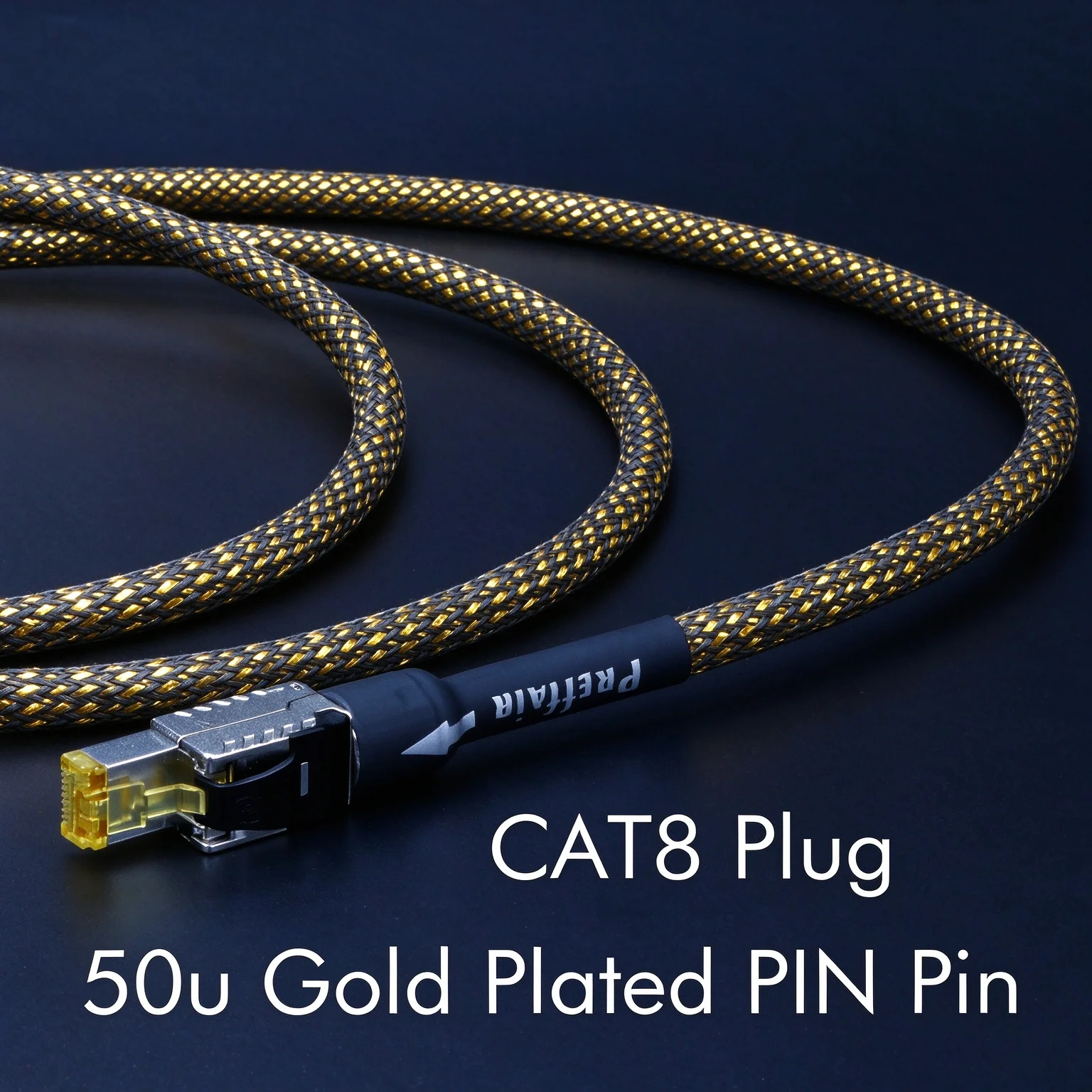
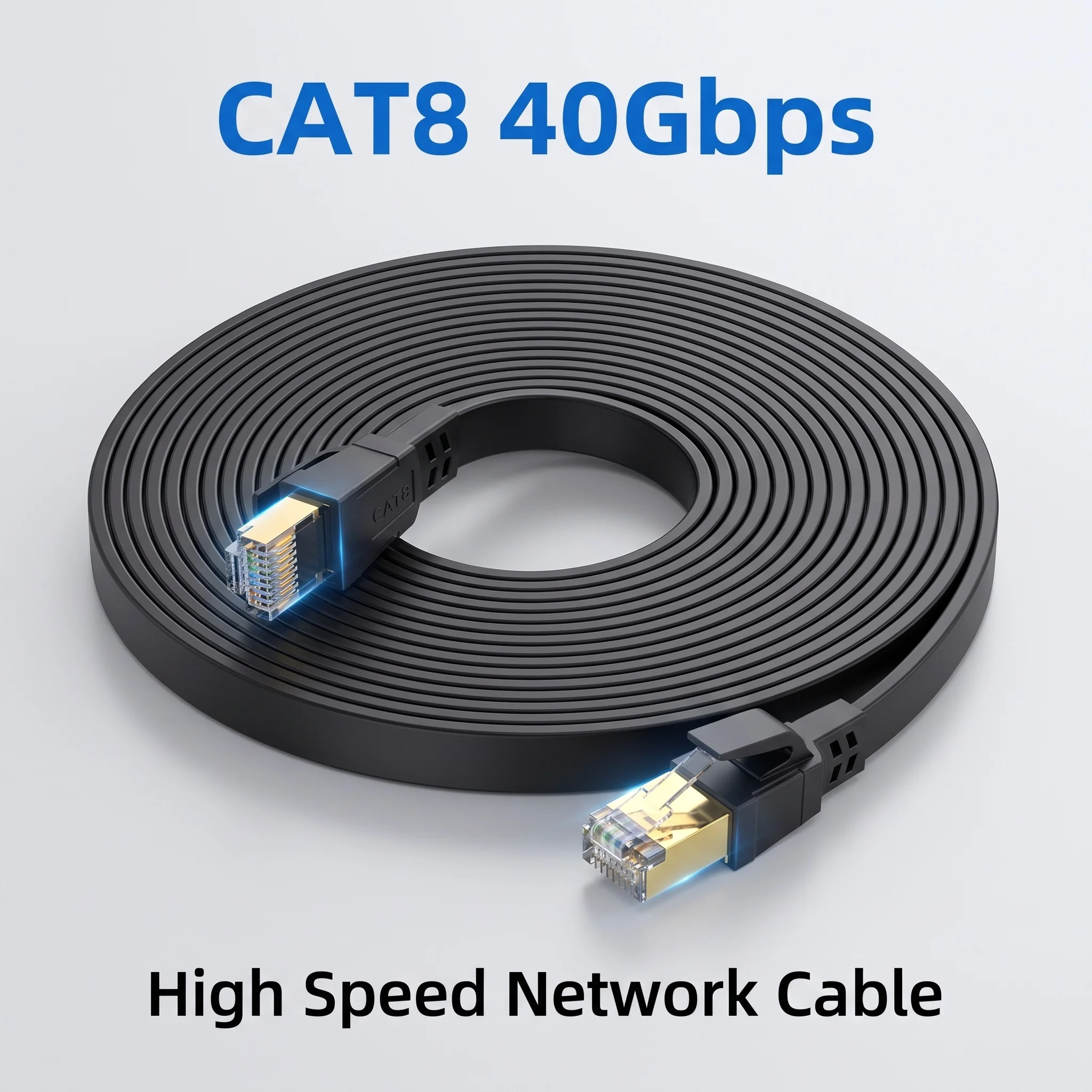
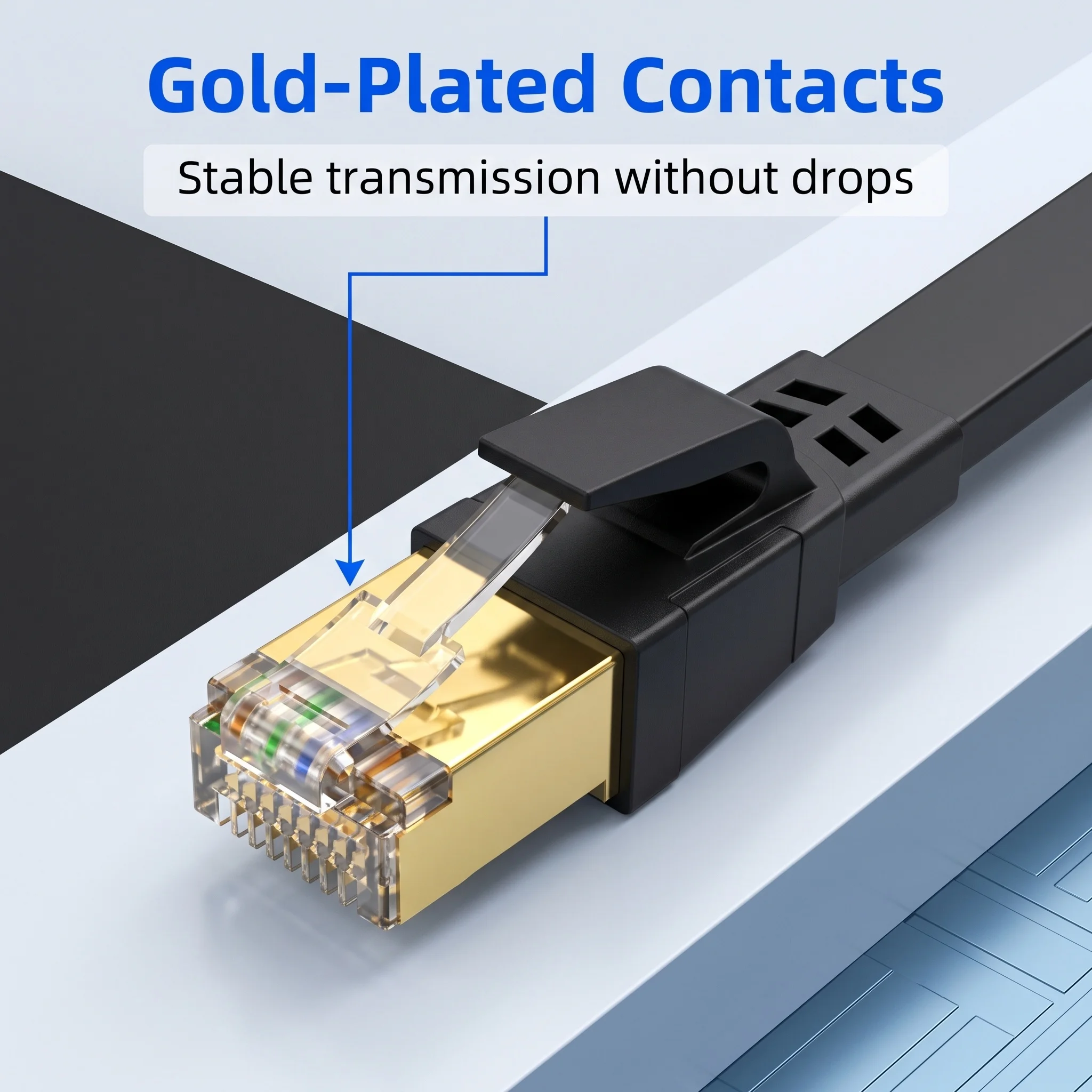
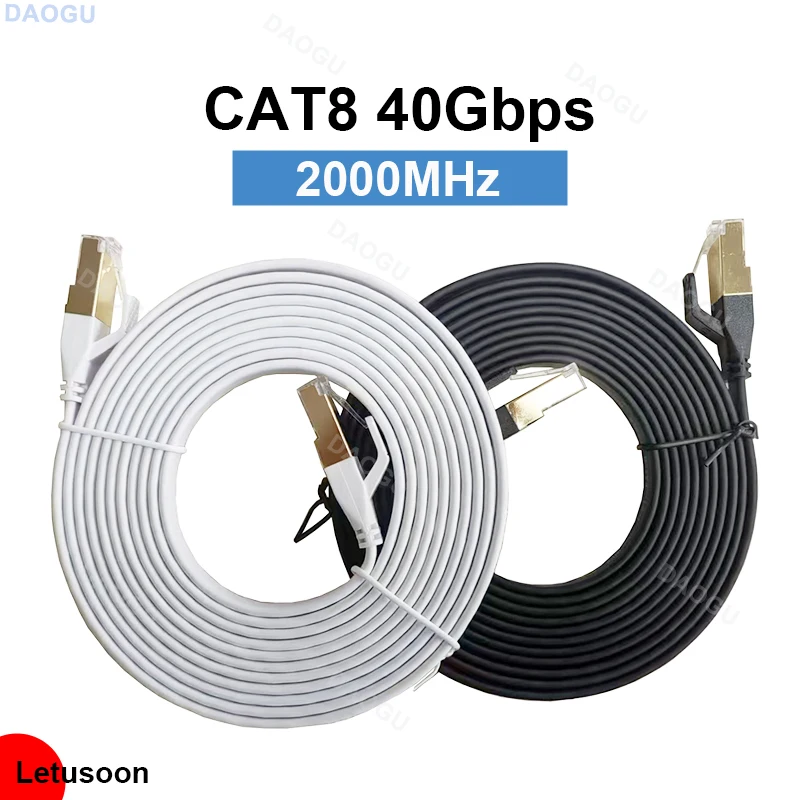
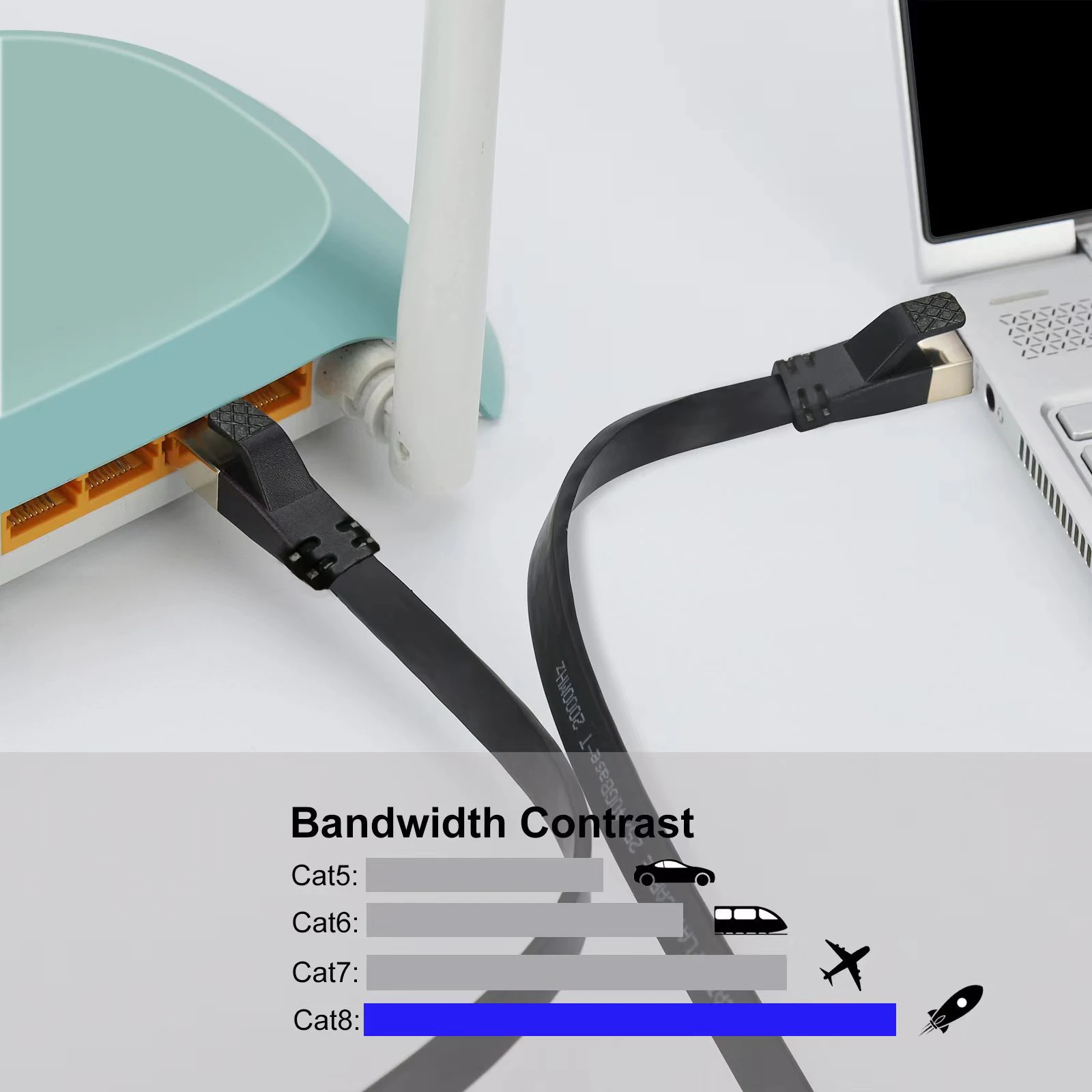
- Cat7 and Cat8 cables, many of them flat, shielded and with metal-shelled plugs.
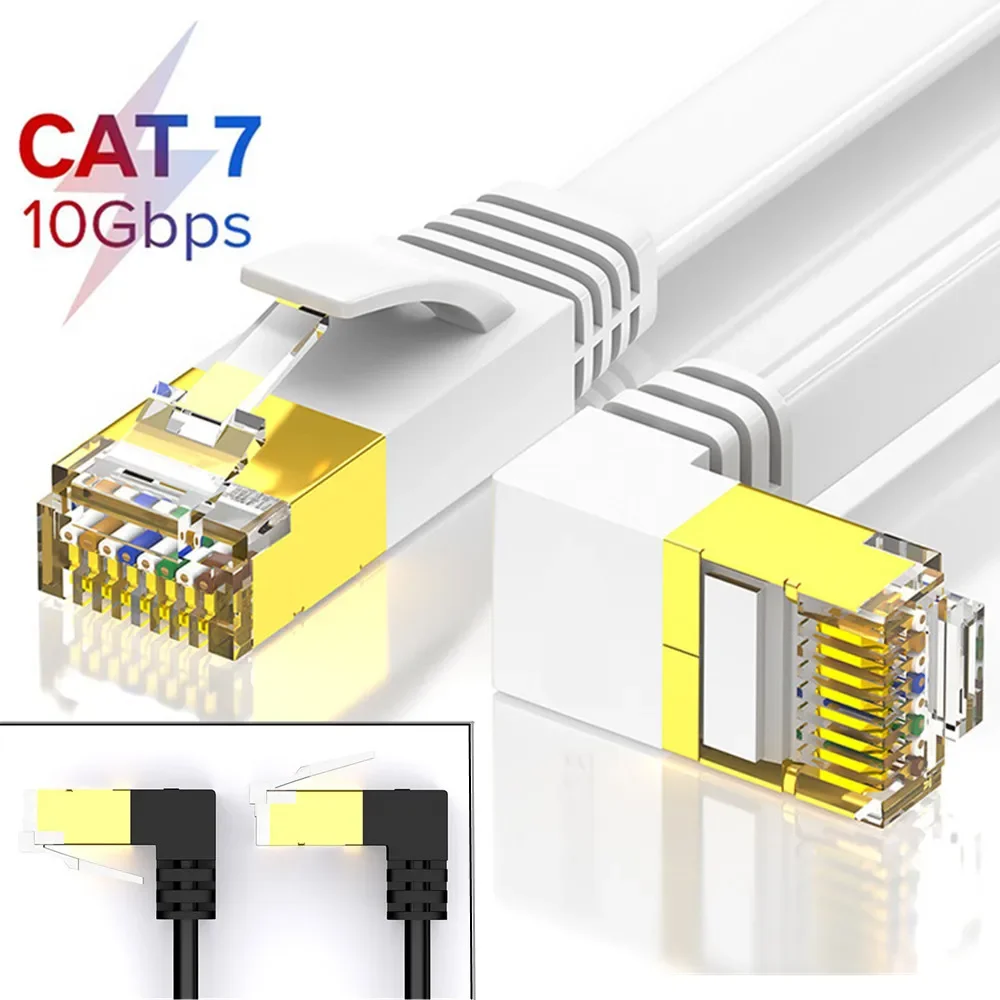
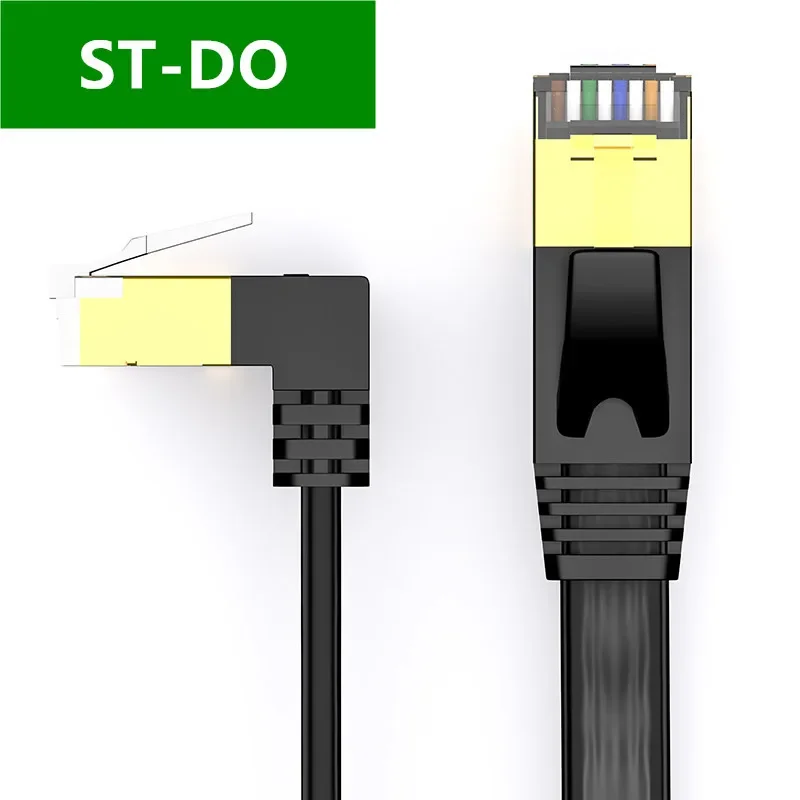
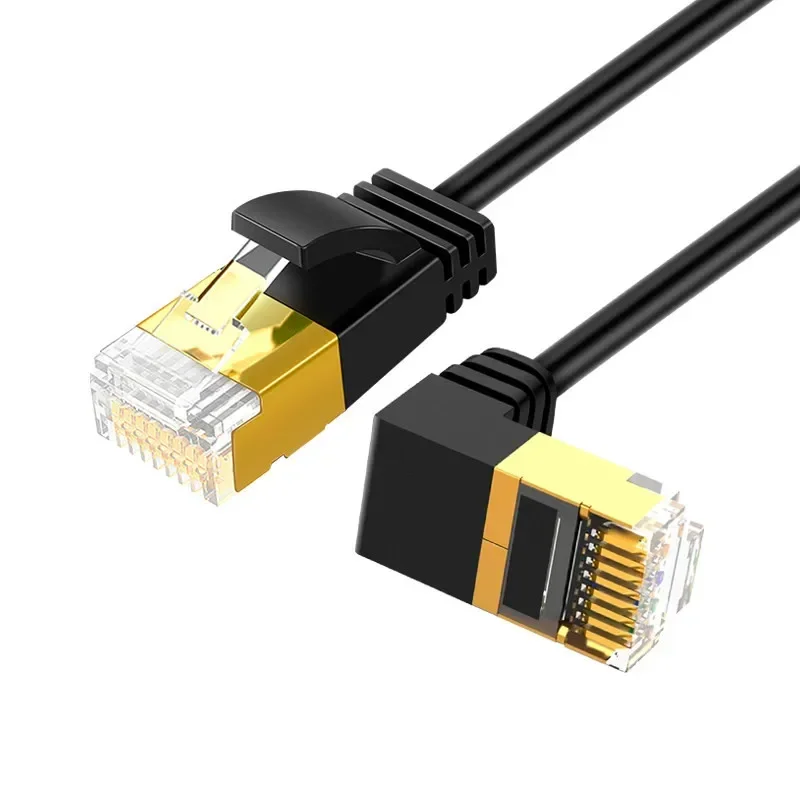
- Angled plugs that turn up or down, for a socket close to a wall or under a desk.
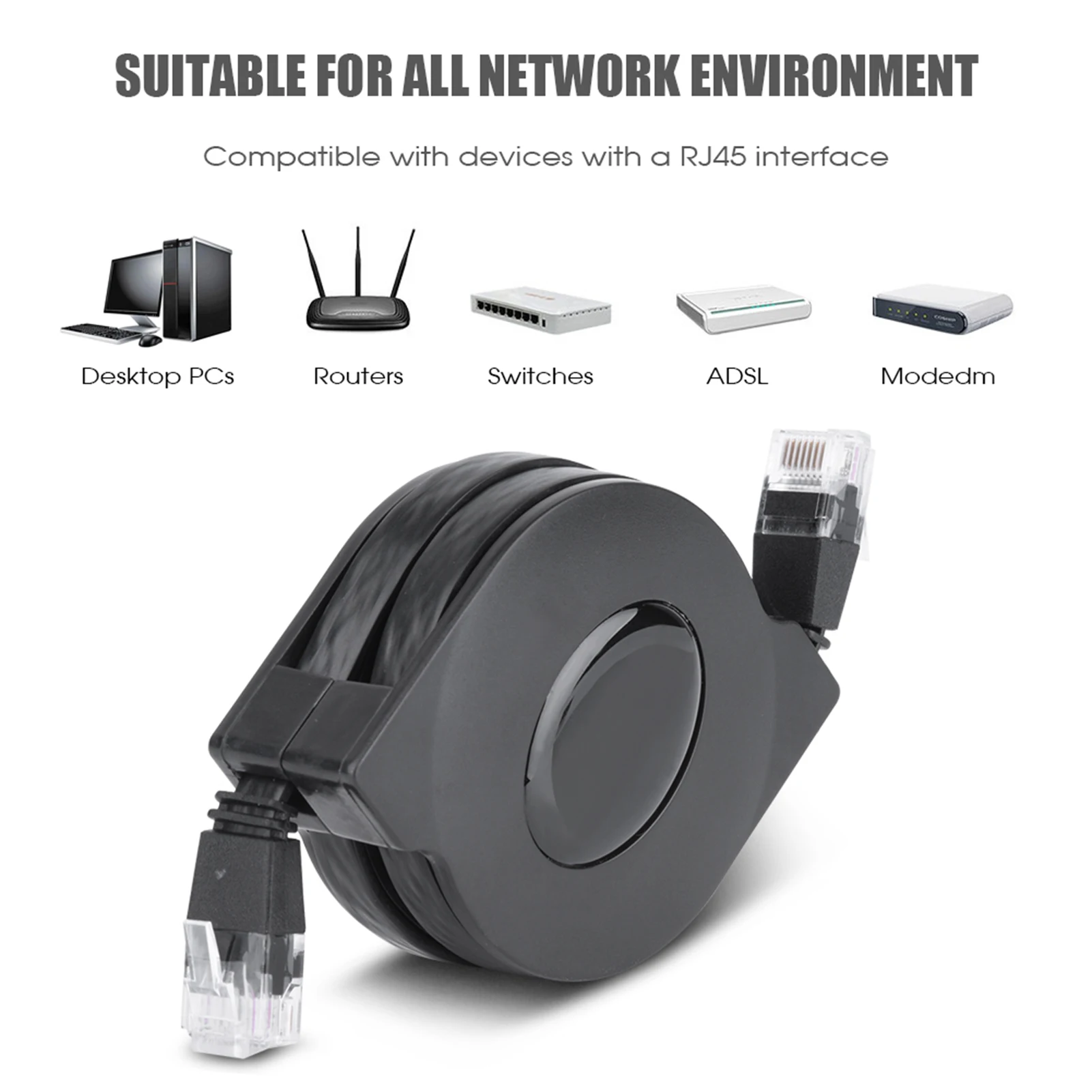
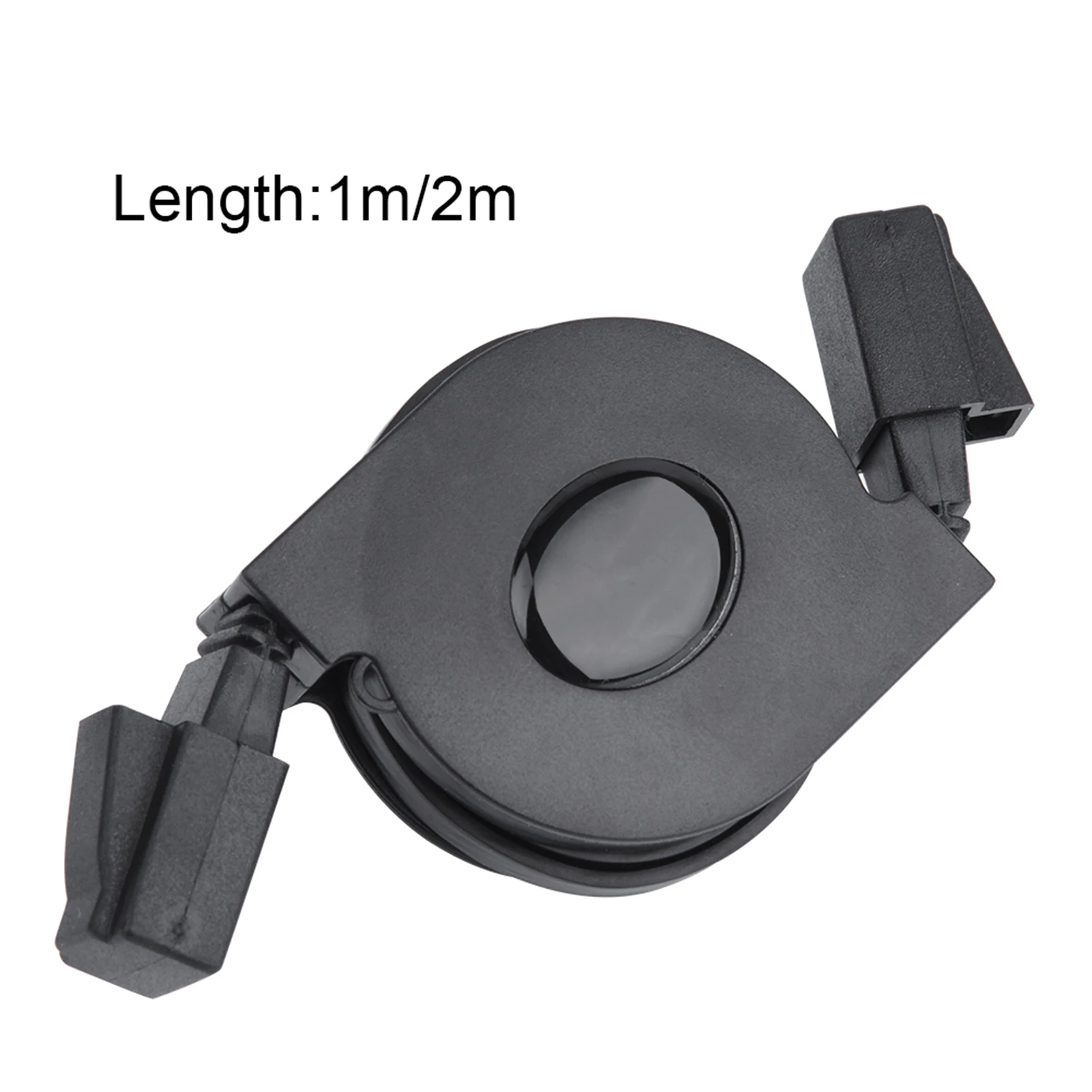
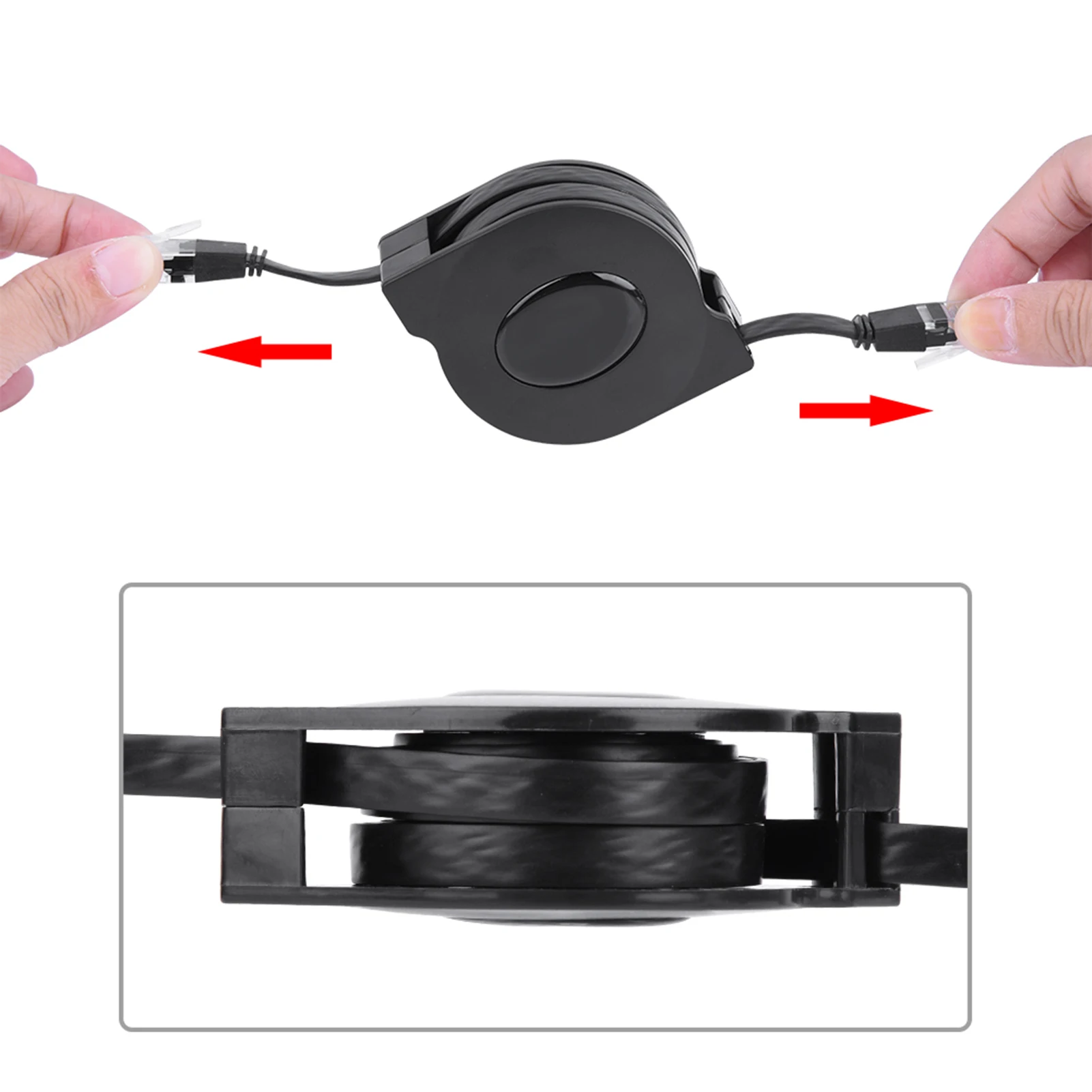
- A retractable cable that winds itself back into its case, for the laptop bag.
How to choose: category, length and shape
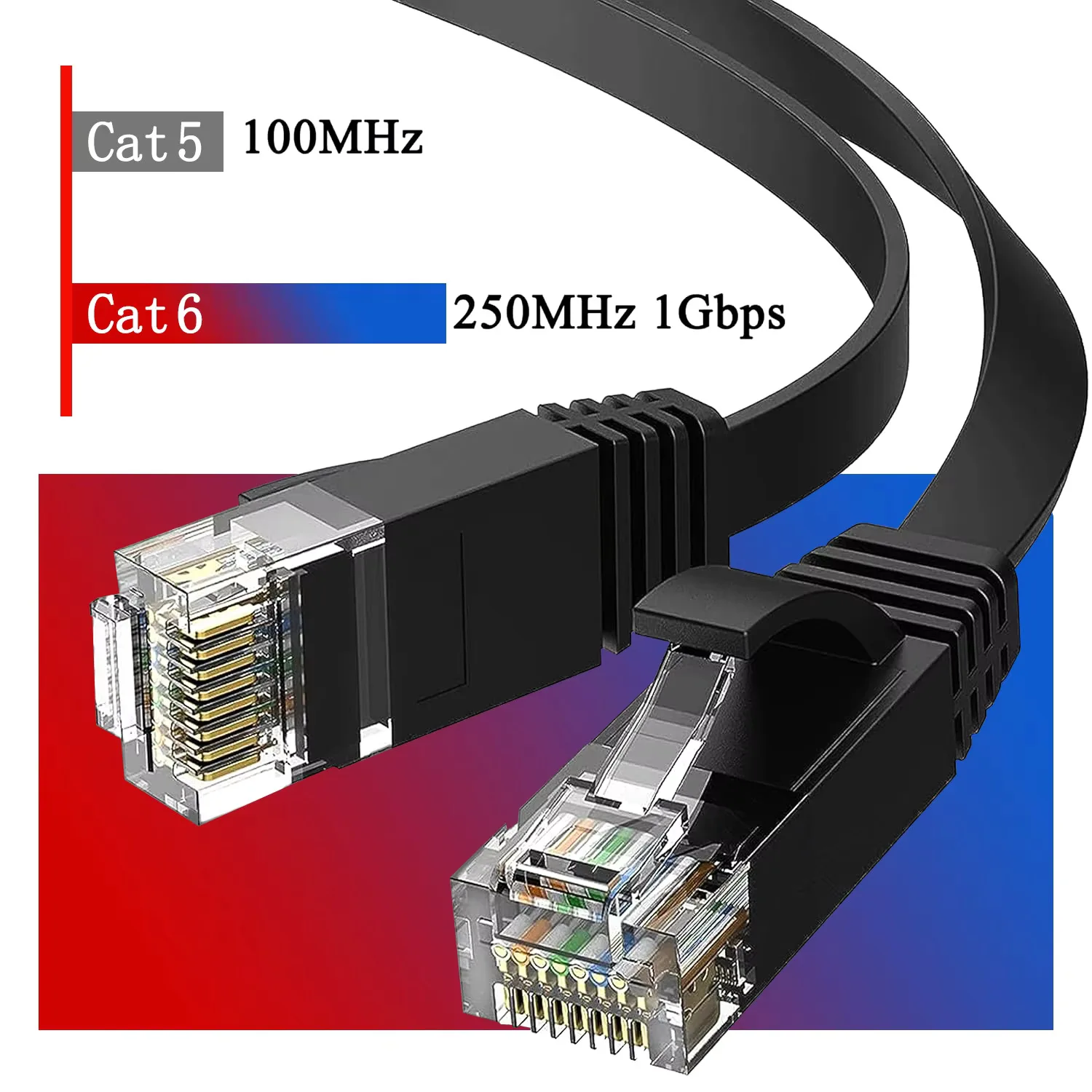
The category is what the cable is made to carry. Fluke Networks, which makes the testers installers use, gives these figures for the main categories:
- Cat6: 1 gigabit a second over 100 metres, and 10 gigabits only to about 55 metres.
- Cat6A: 10 gigabits a second over the full 100 metres.
- Cat8: 25 to 40 gigabits a second up to 30 metres, made mainly for data centres.
Your connection runs at the speed of its slowest part: the laptop's network socket or adapter, the router and the broadband itself. For most homes a Cat6 cable is already faster than the rest, and a higher category will not make the broadband quicker. A higher category is worth having for fast home network kit, or simply because the cable is the shape you want.
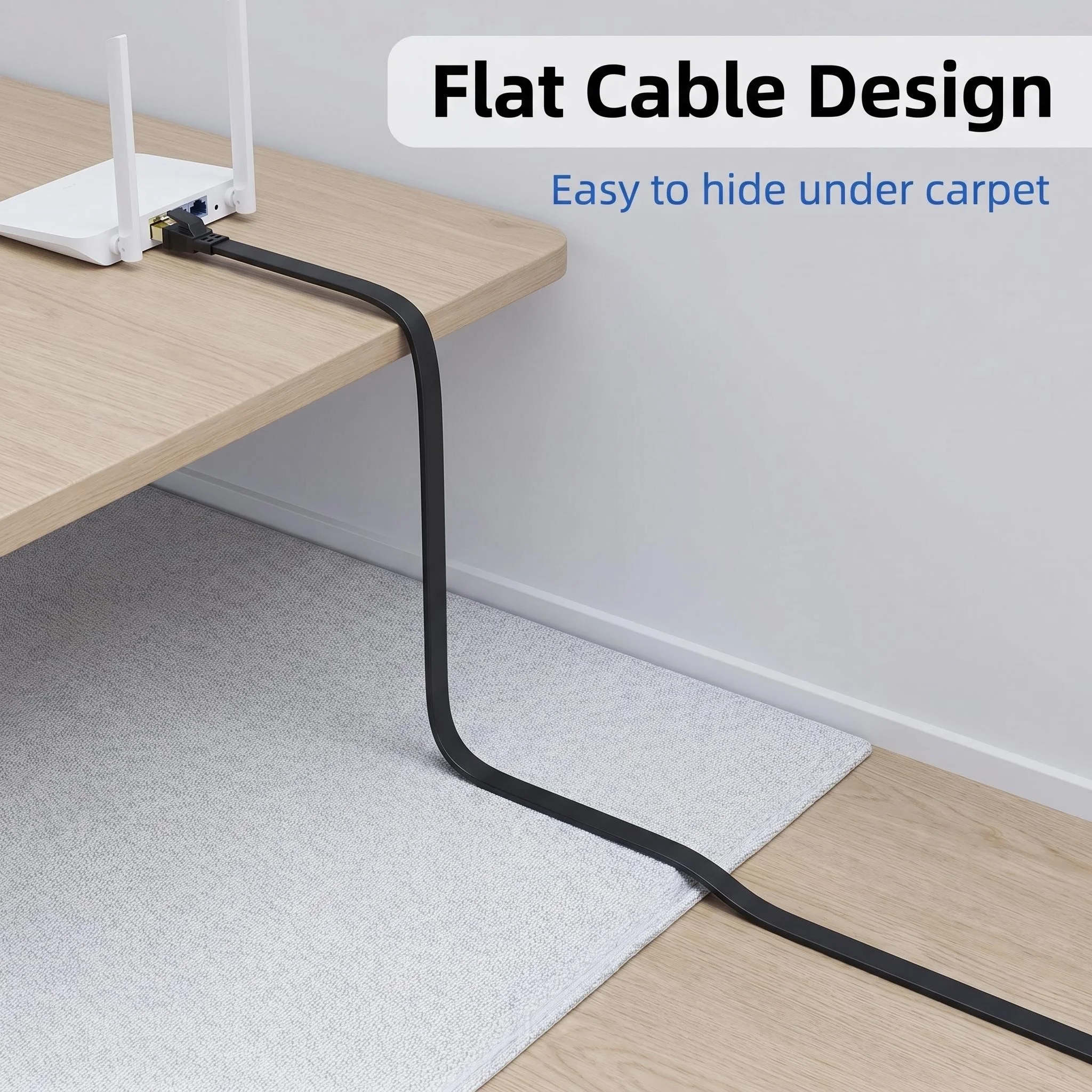
Measure the route along the skirting or under the desk rather than the straight line. A flat cable tucks under a rug or a door more neatly than a round one, and a slim cable is easier to tidy with cable clips.
Questions people ask about Ethernet cables
Will a Cat8 cable make my internet faster?
Not on its own. It only helps when the router, the laptop and the broadband can all go faster than a Cat6 cable carries.
My laptop has no network socket. What do I need?
An Ethernet adapter that plugs into a USB-C or USB-A port, or a hub or dock with a network socket.
Do the categories plug into the same socket?
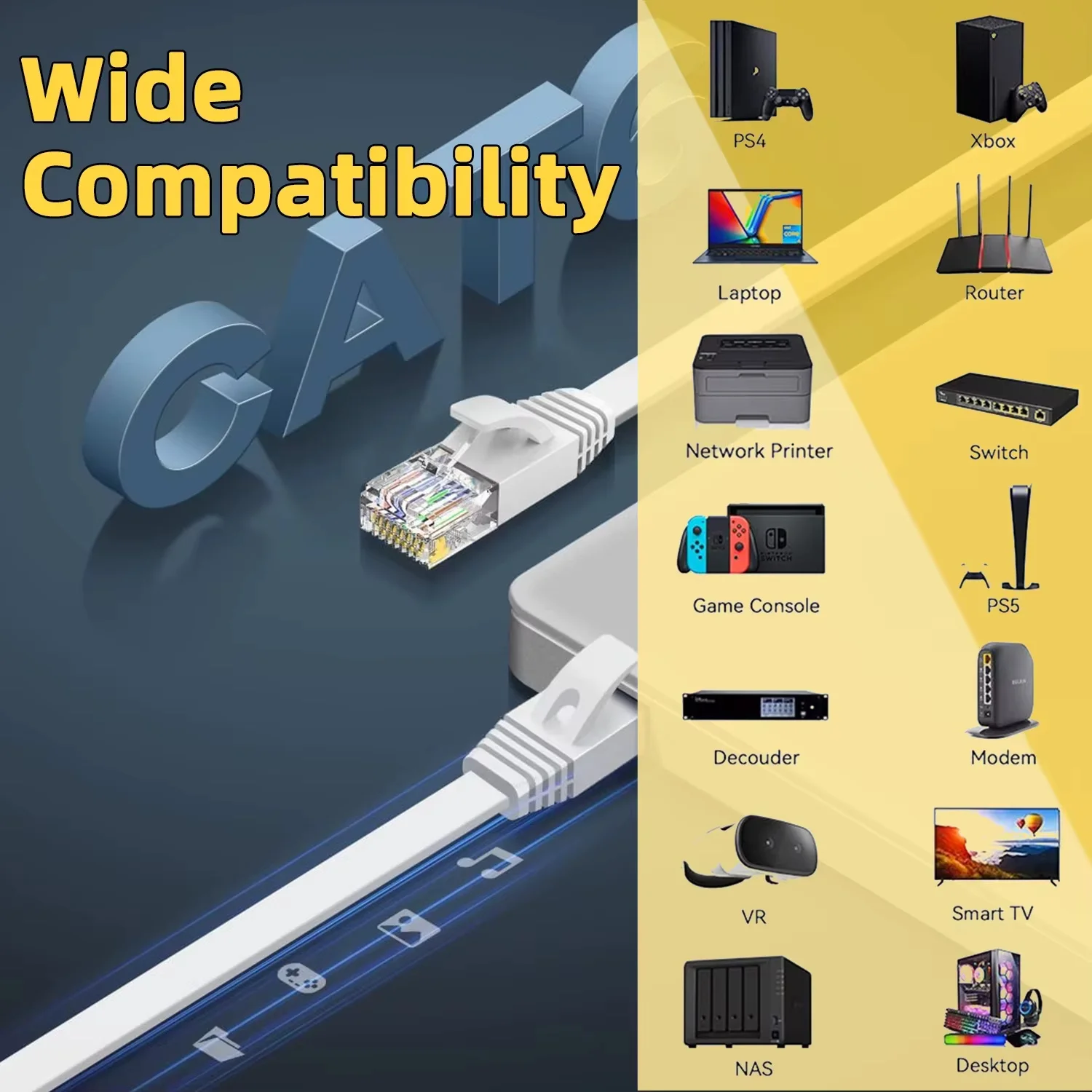
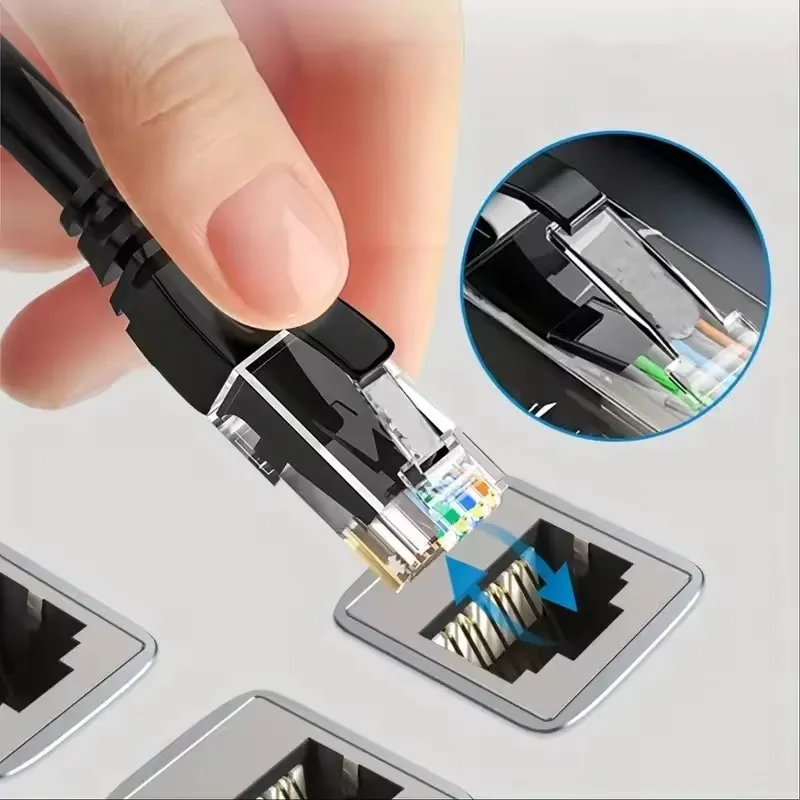
Yes. The cables here have the standard RJ45 plug that fits laptops, adapters and routers.
Delivery is included in every price and tracked to your door.
More to look at