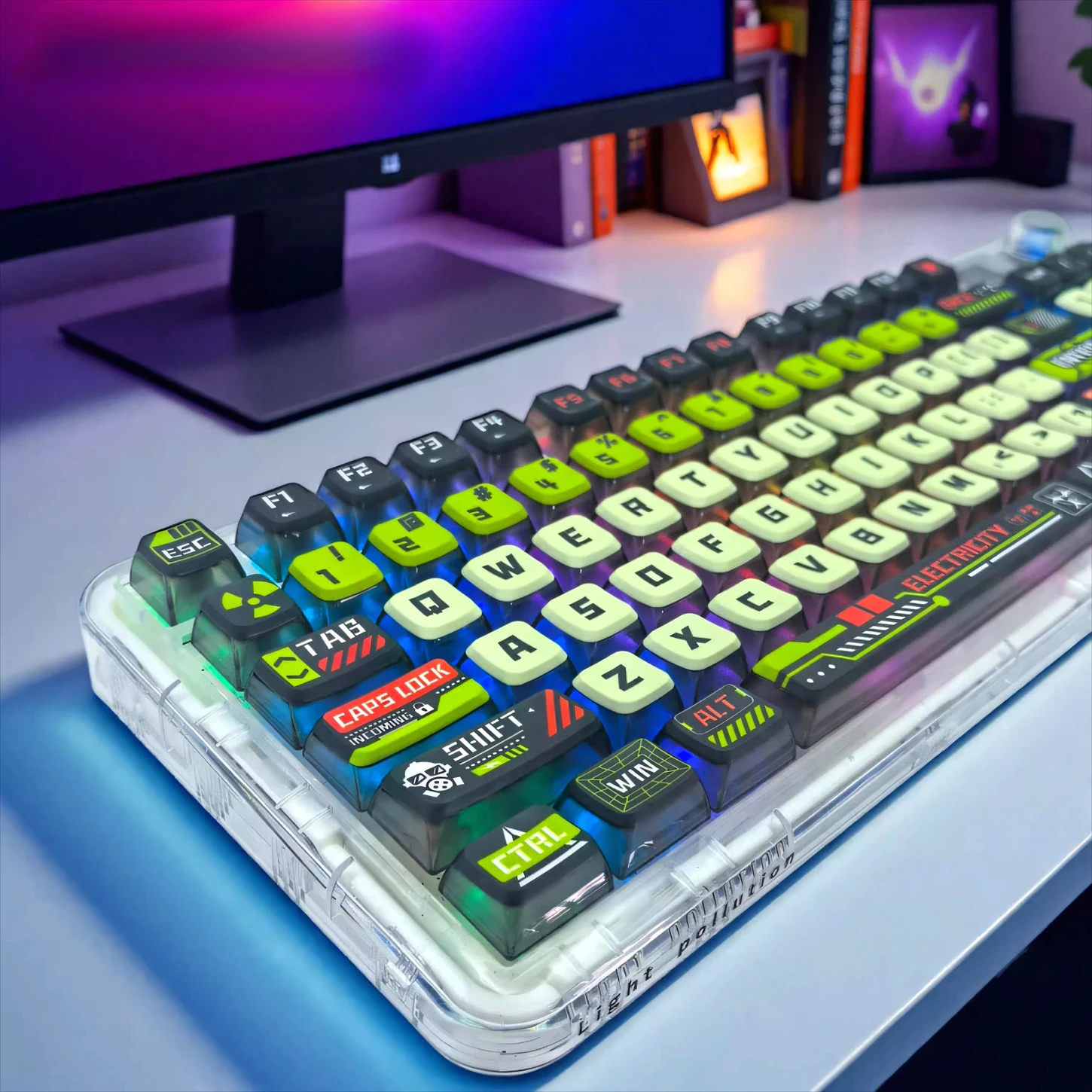
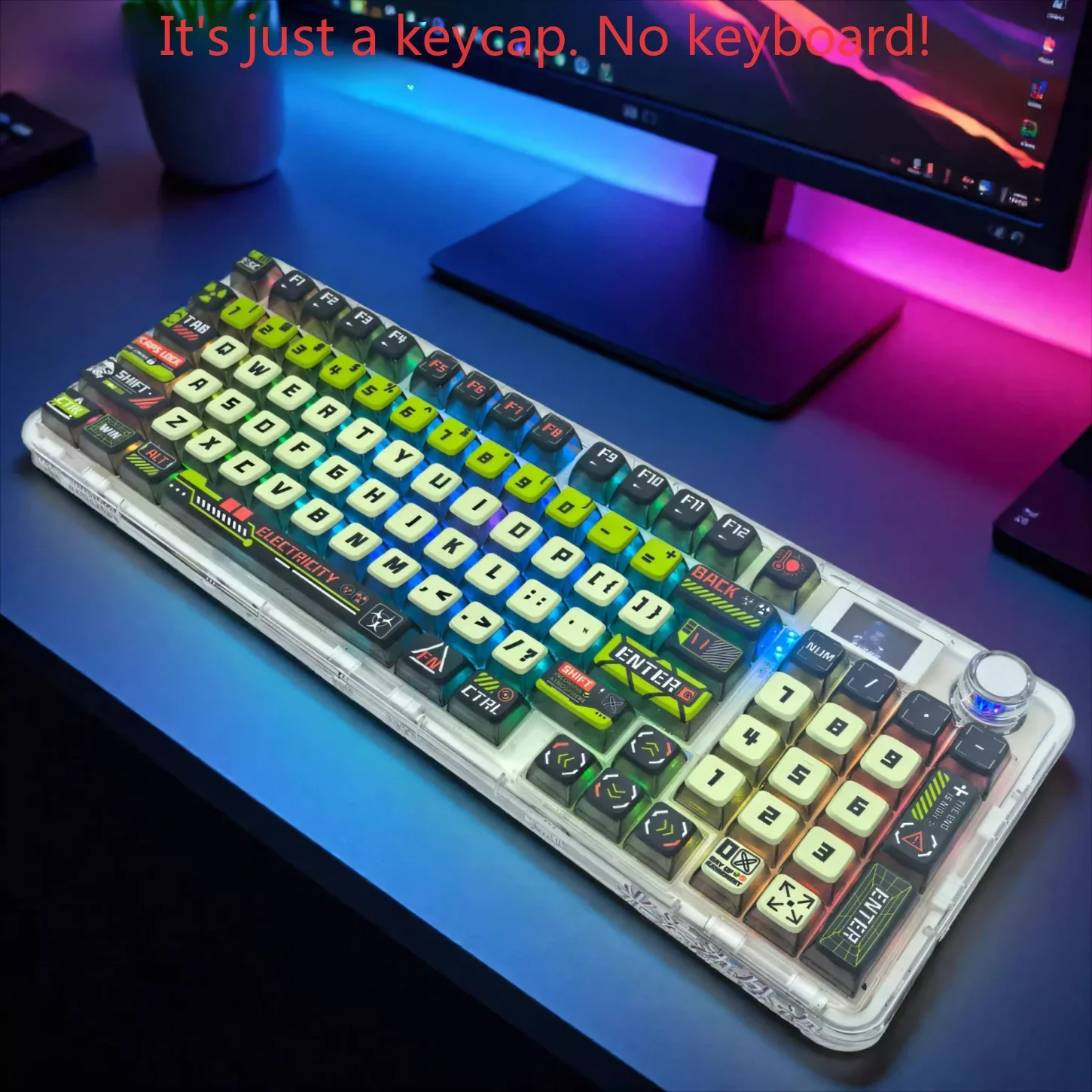
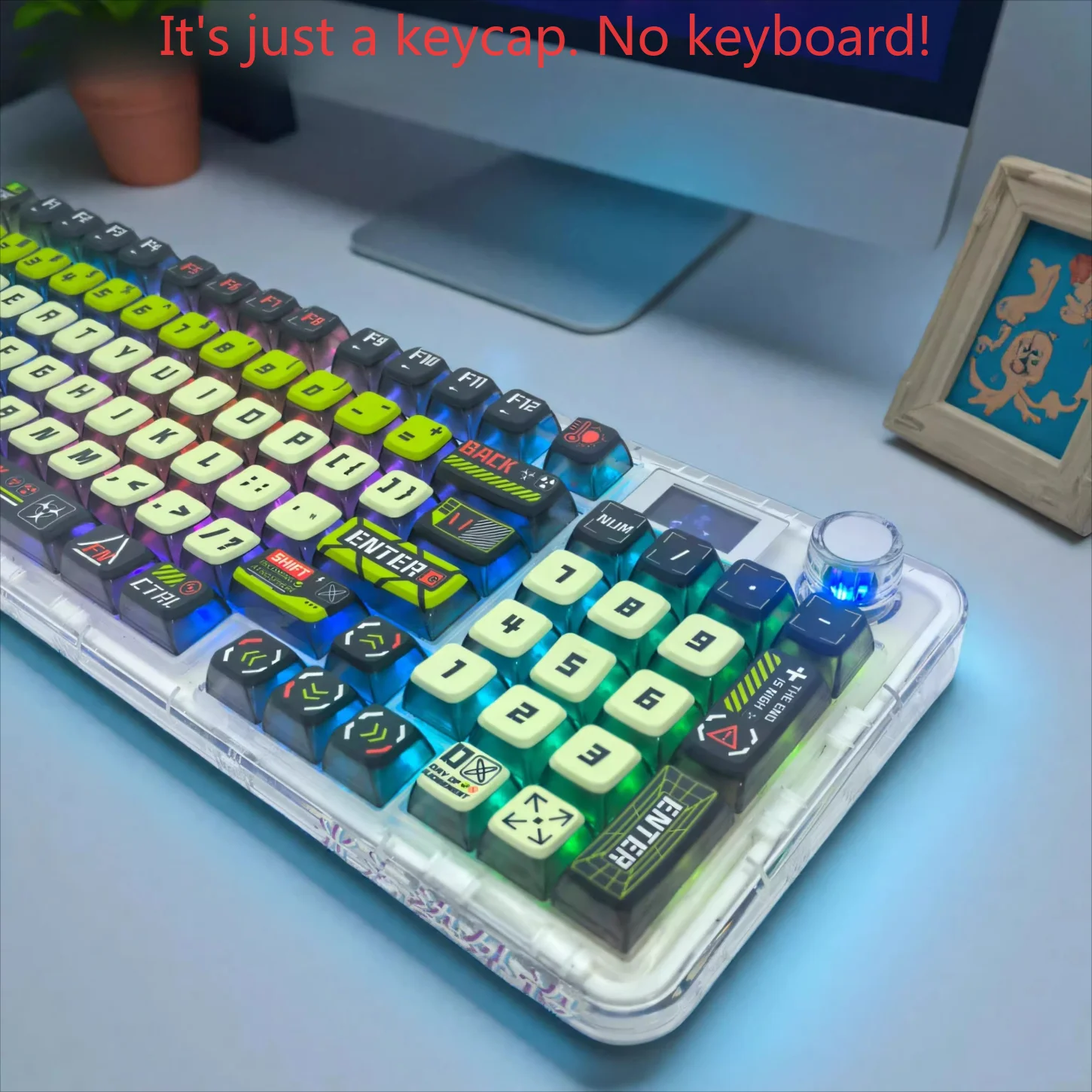
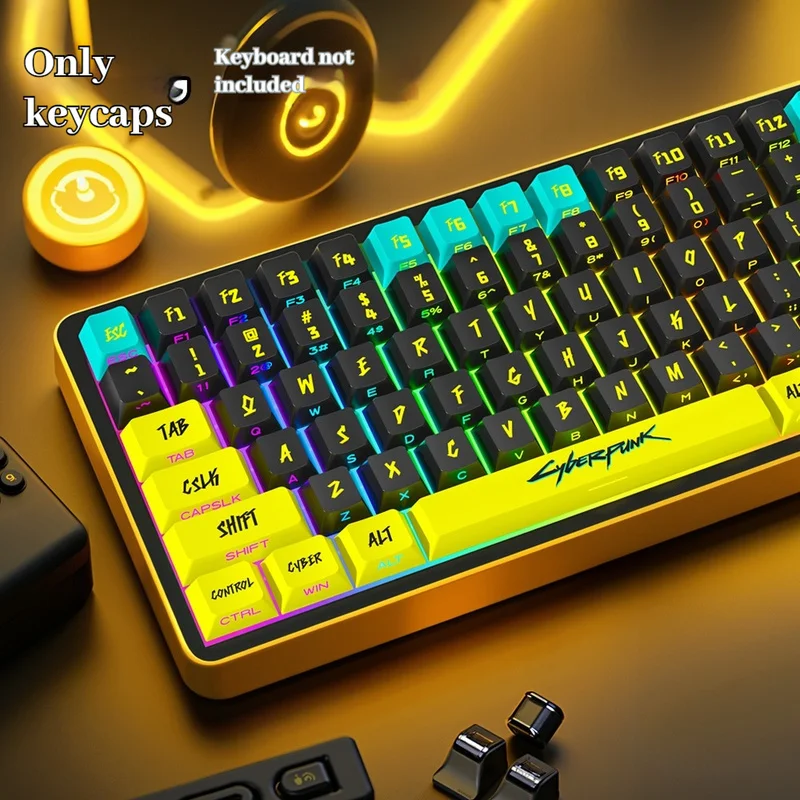
Keycaps for a mechanical keyboard
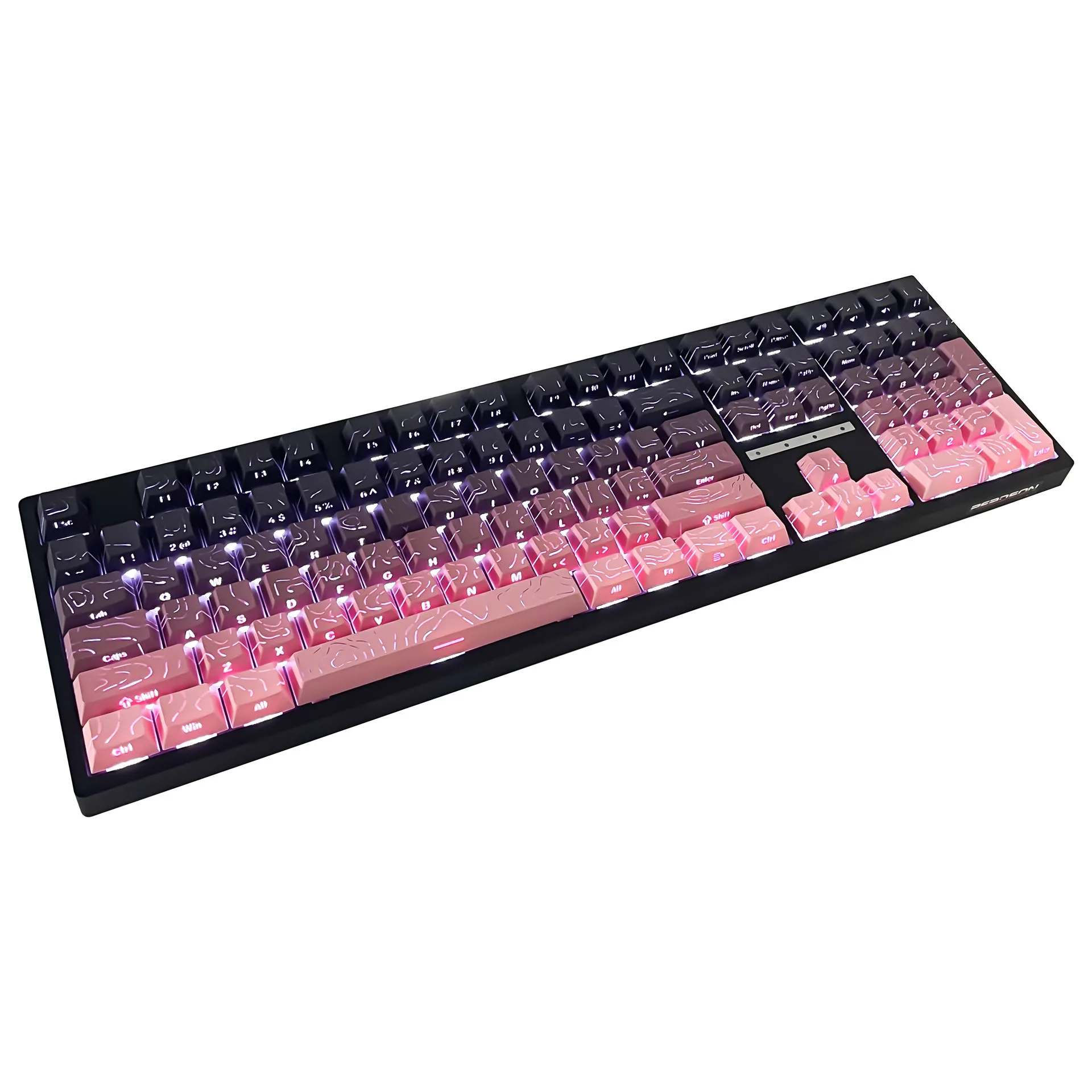
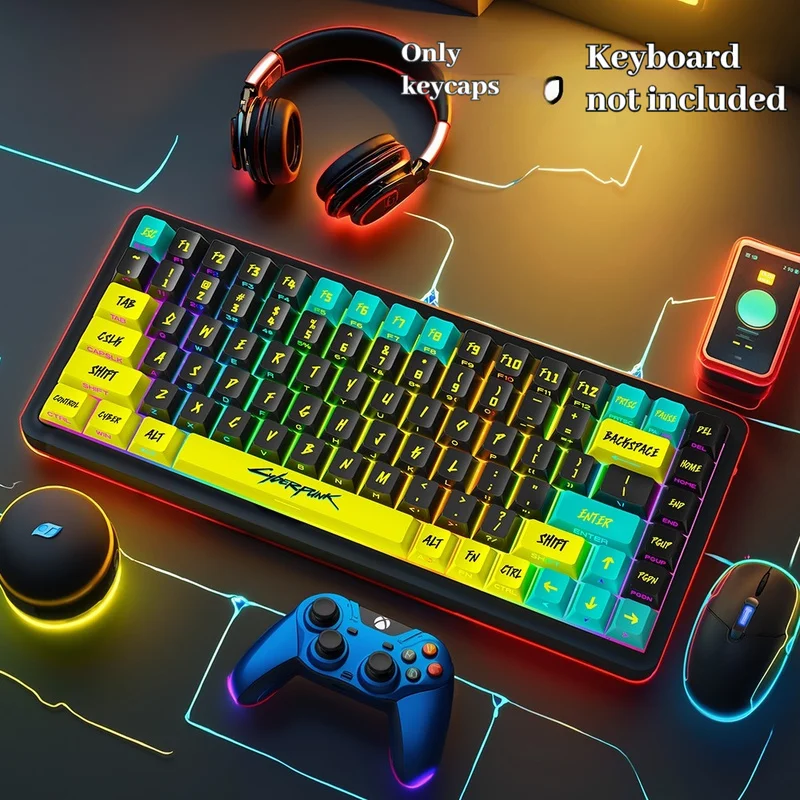
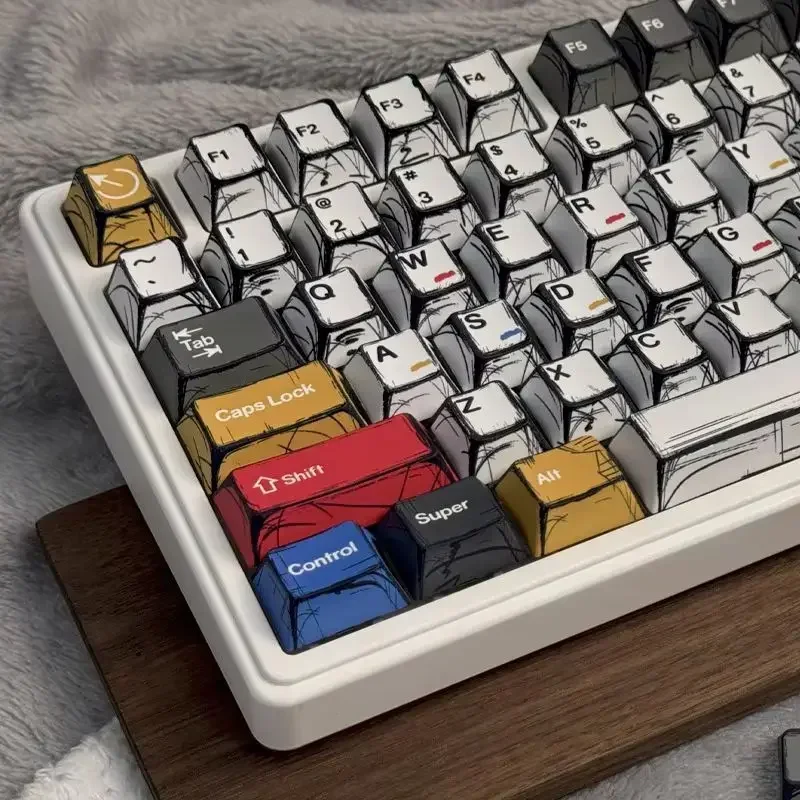
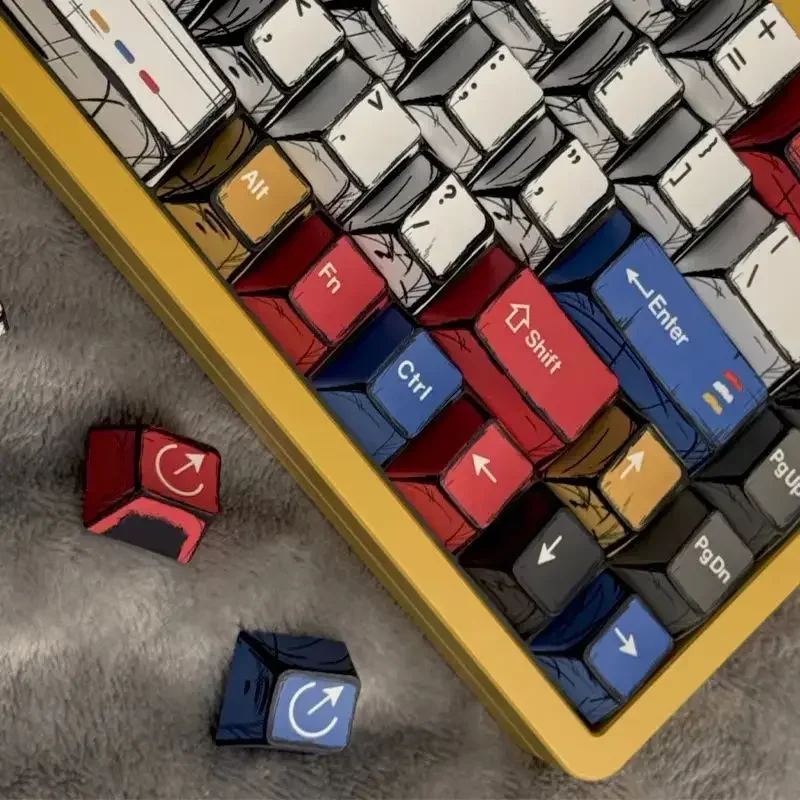
On a mechanical keyboard, each key is a separate cap pressed onto a switch. Pull the caps off with a keycap puller and a new set changes the look and the feel of the board without buying a new keyboard. Every product here is keycaps only, with no keyboard or switches. They will not fit a laptop's own keyboard, whose keys are fixed in a different way.
What is in the range
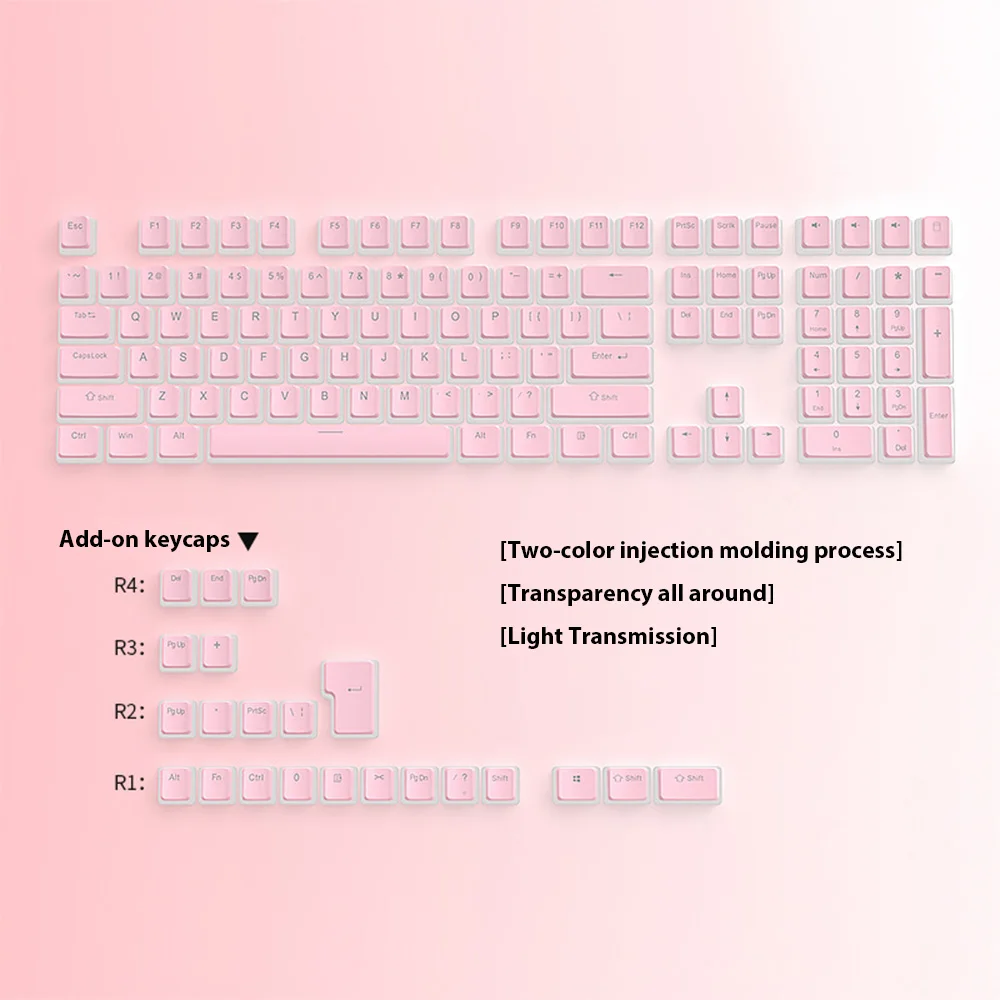
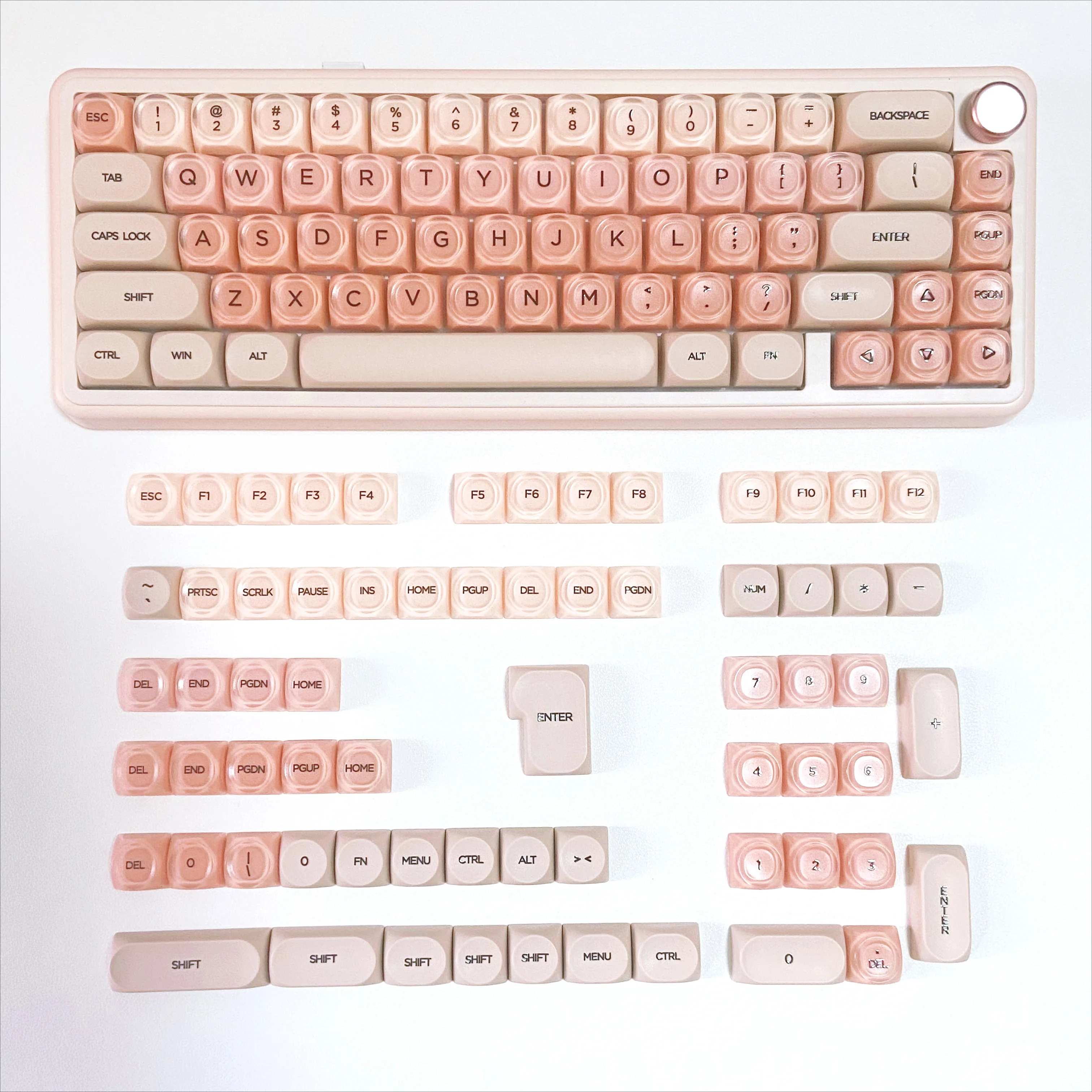
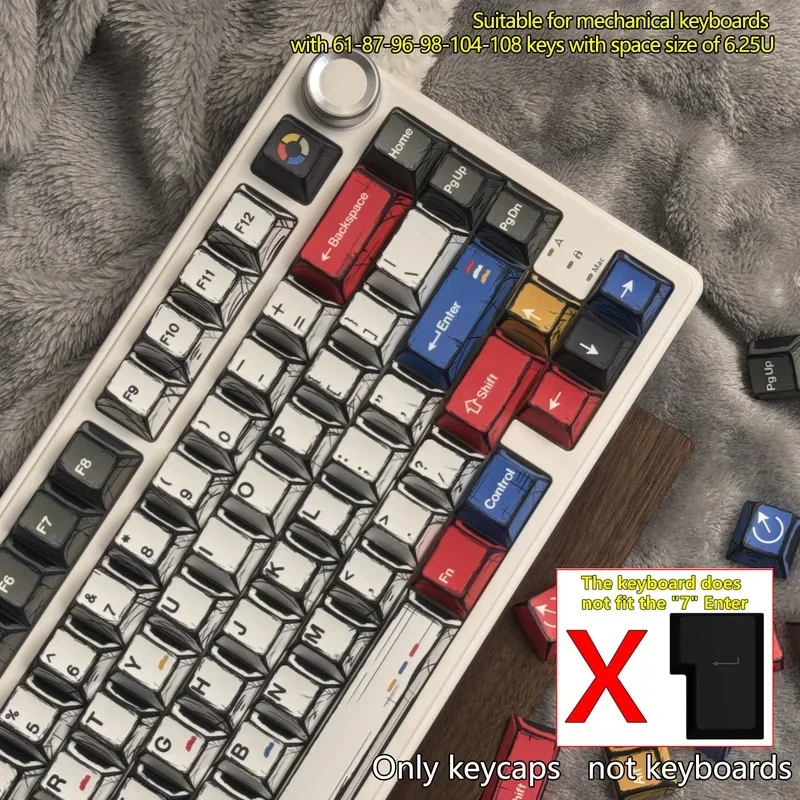
- Full sets, most of 125 keys or more, enough for layouts from 61 to 108 keys with spares, and smaller sets of 64 or 74 keys for 61 to 68-key boards.
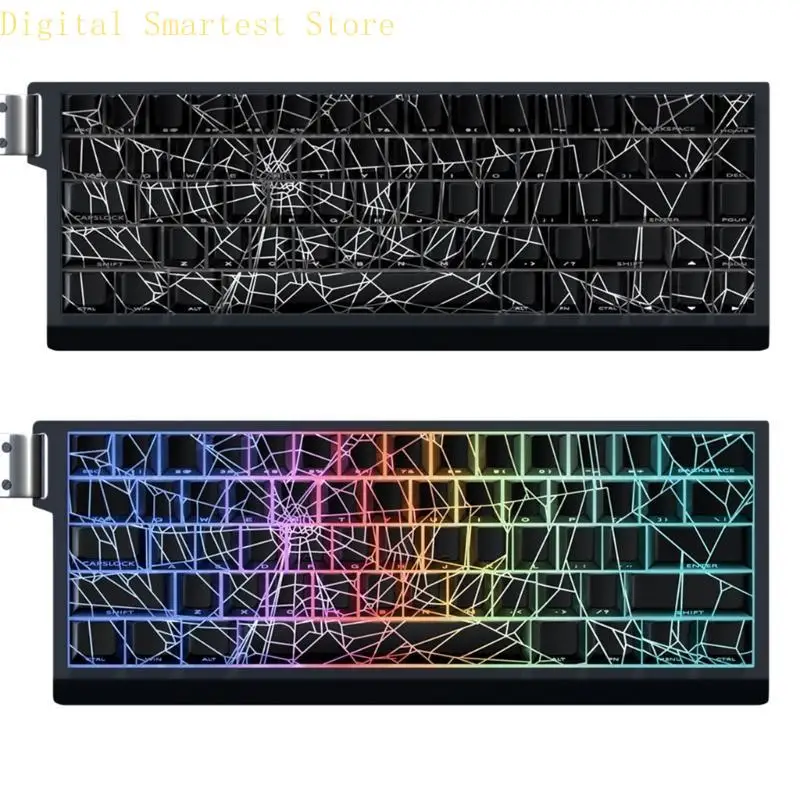
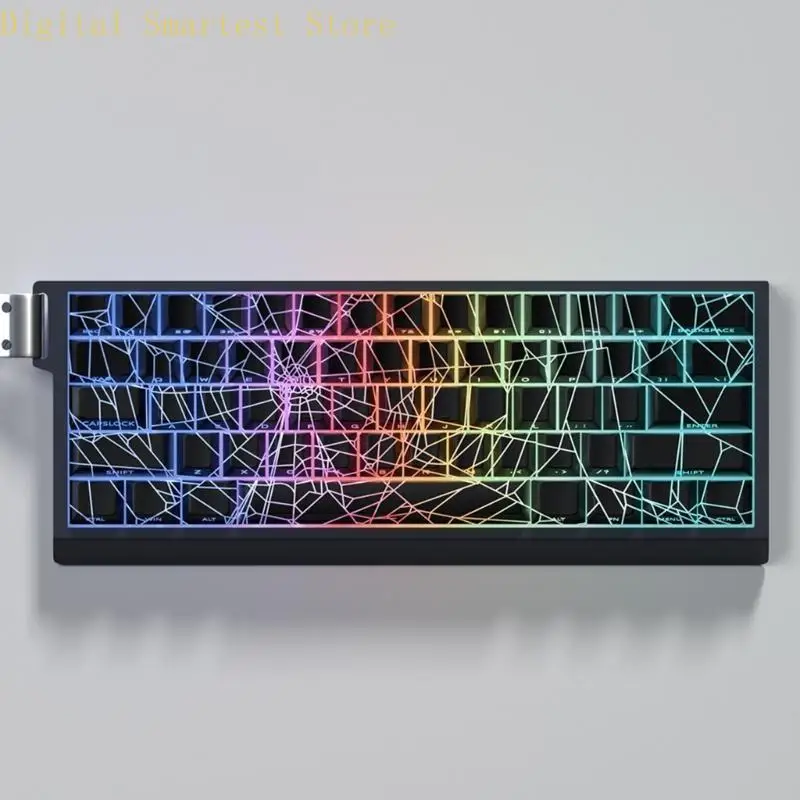
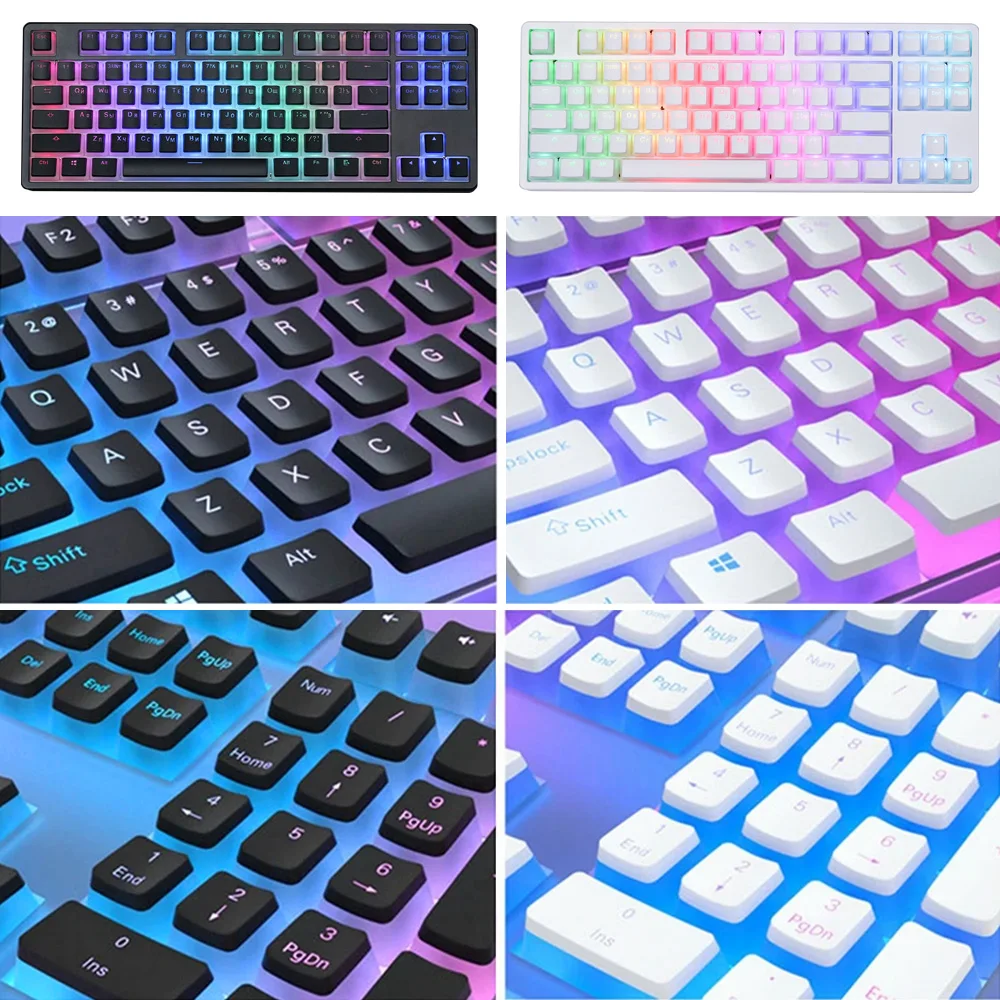
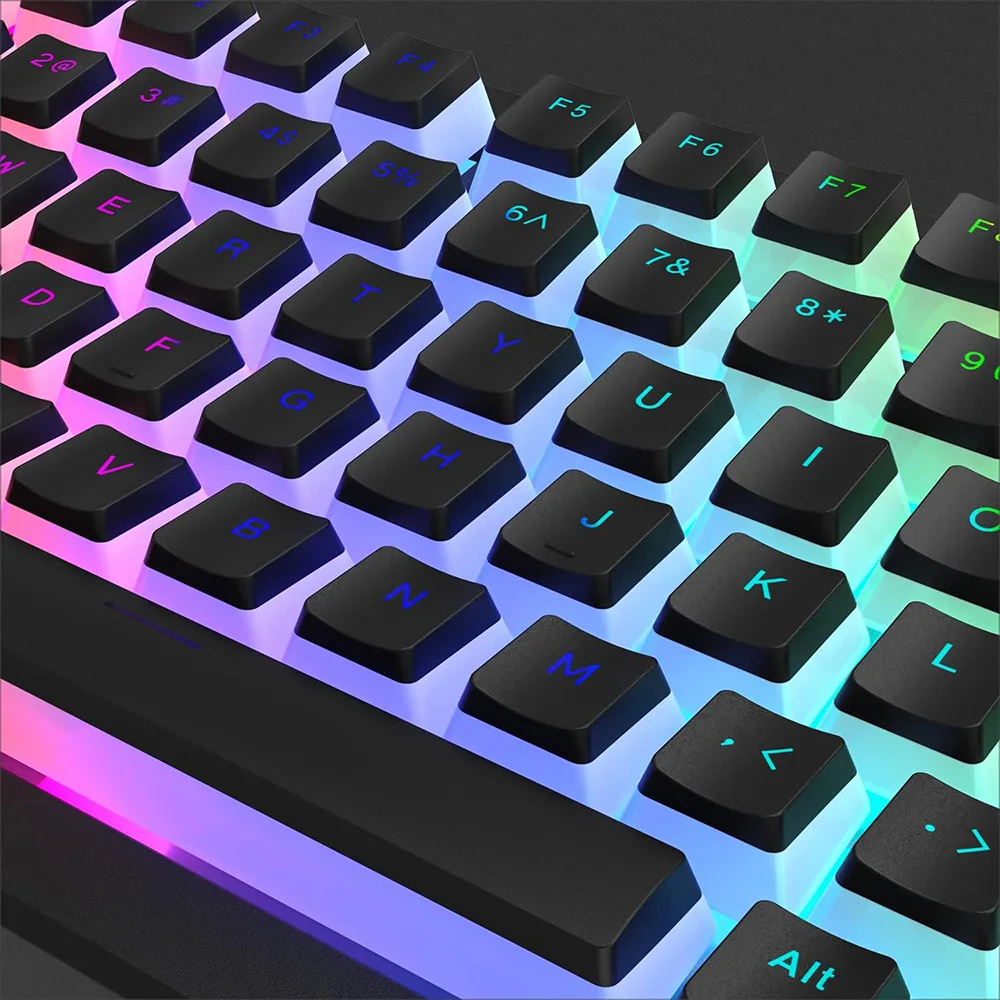
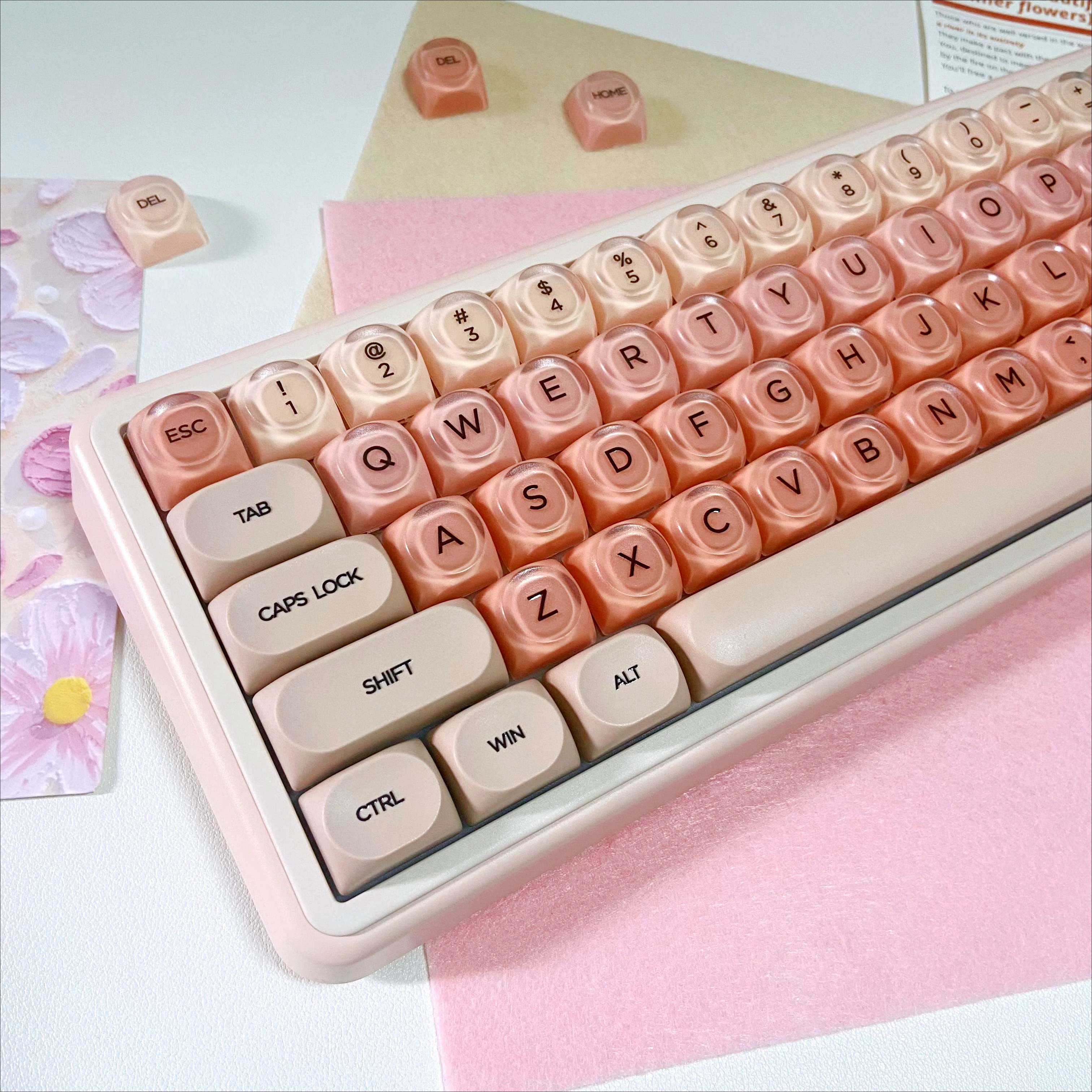
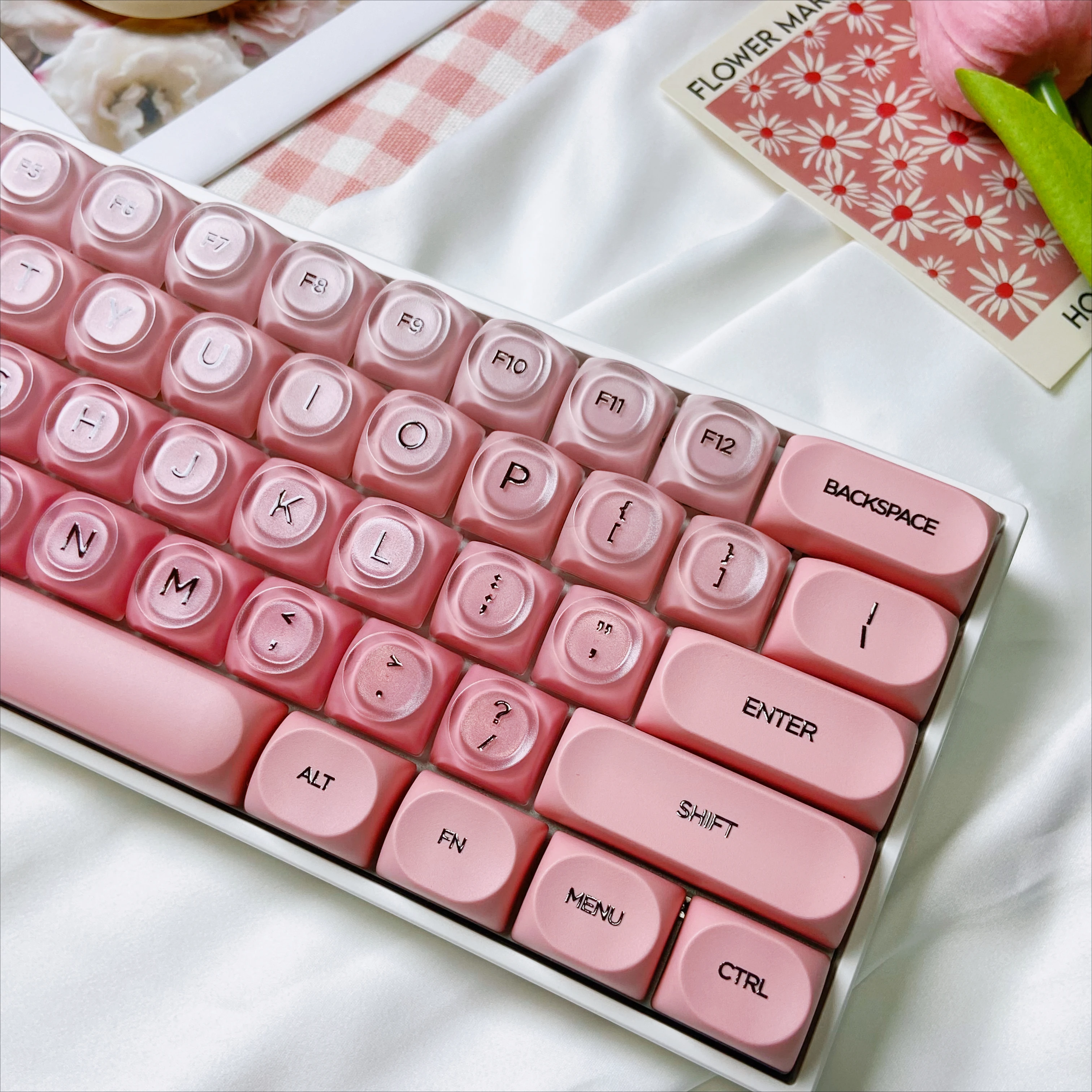
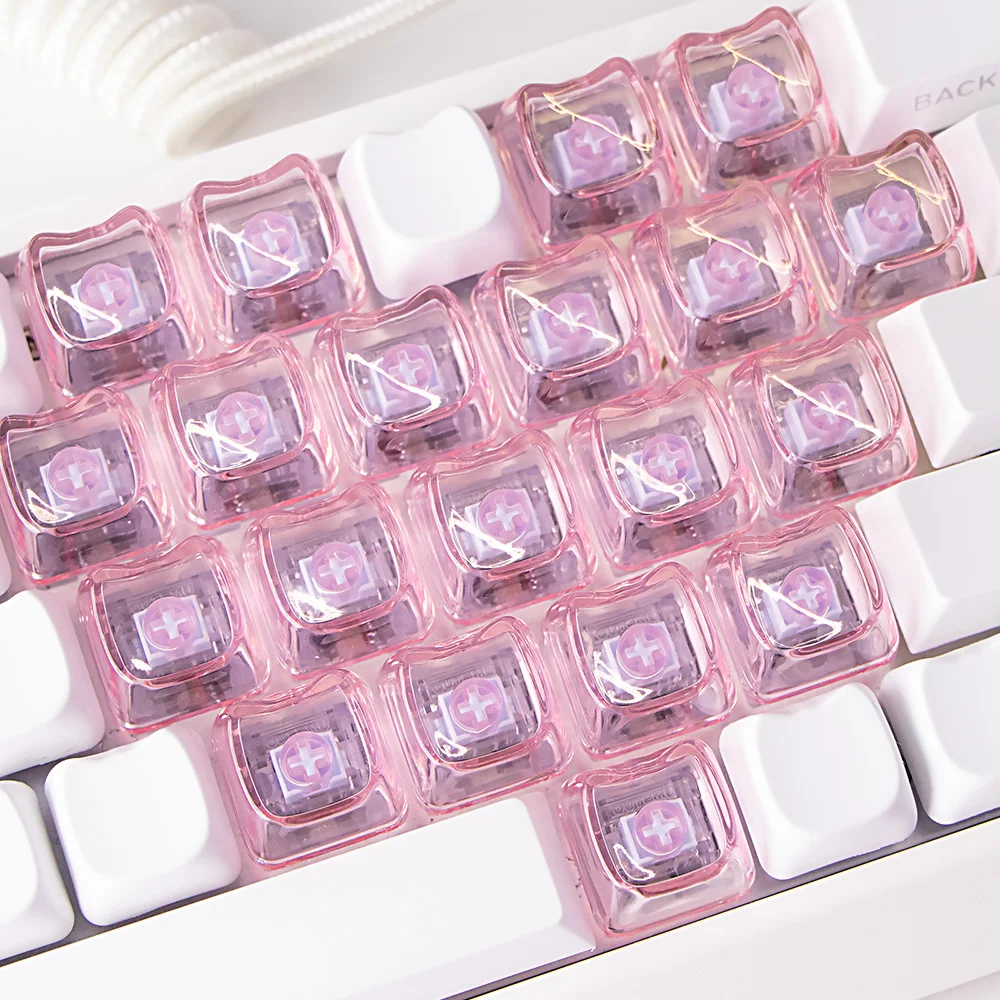
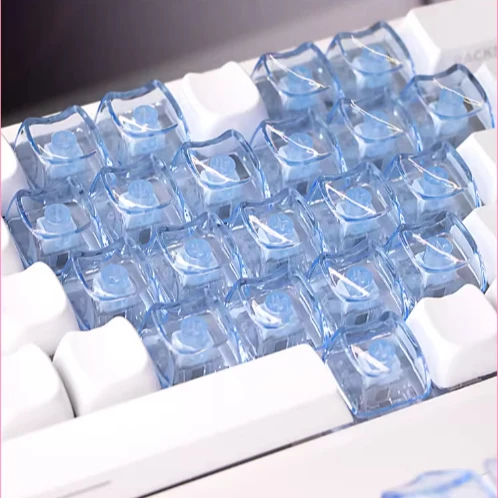
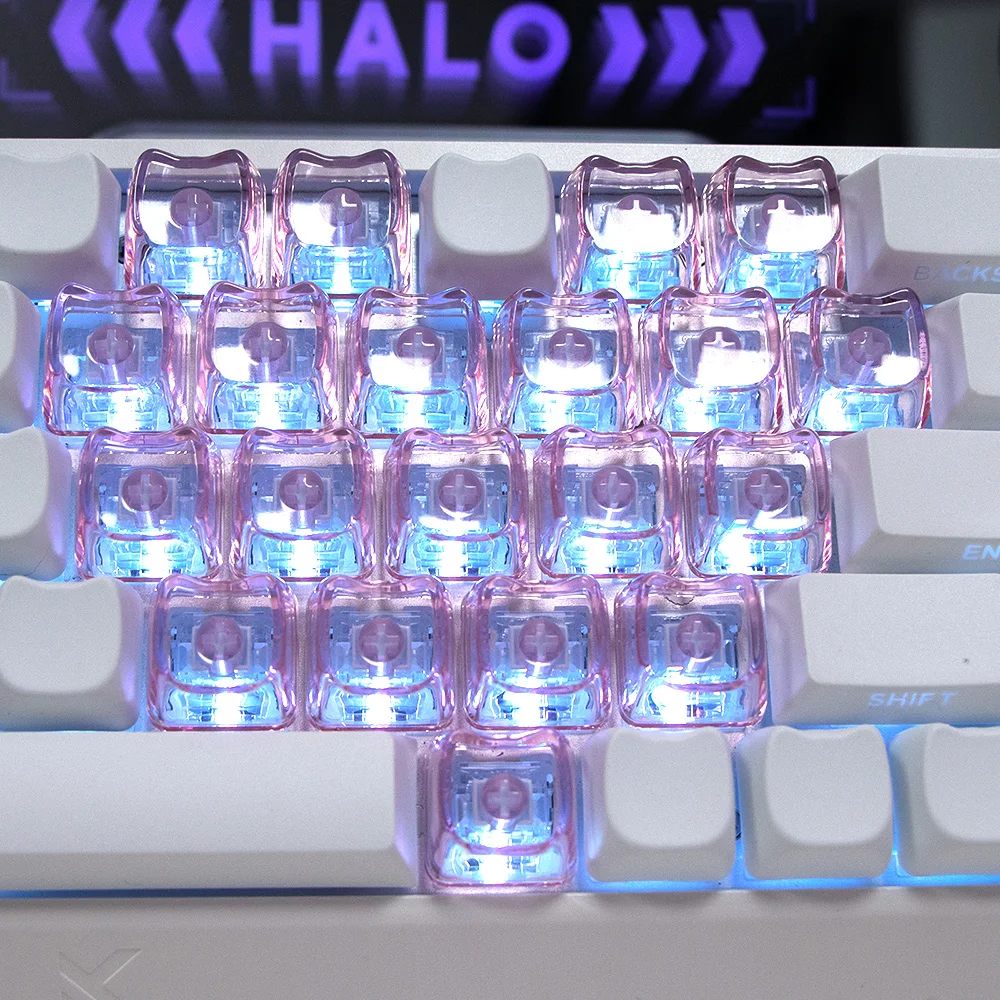
- Pudding sets with clear sides, so a backlit keyboard's light shines round each key.
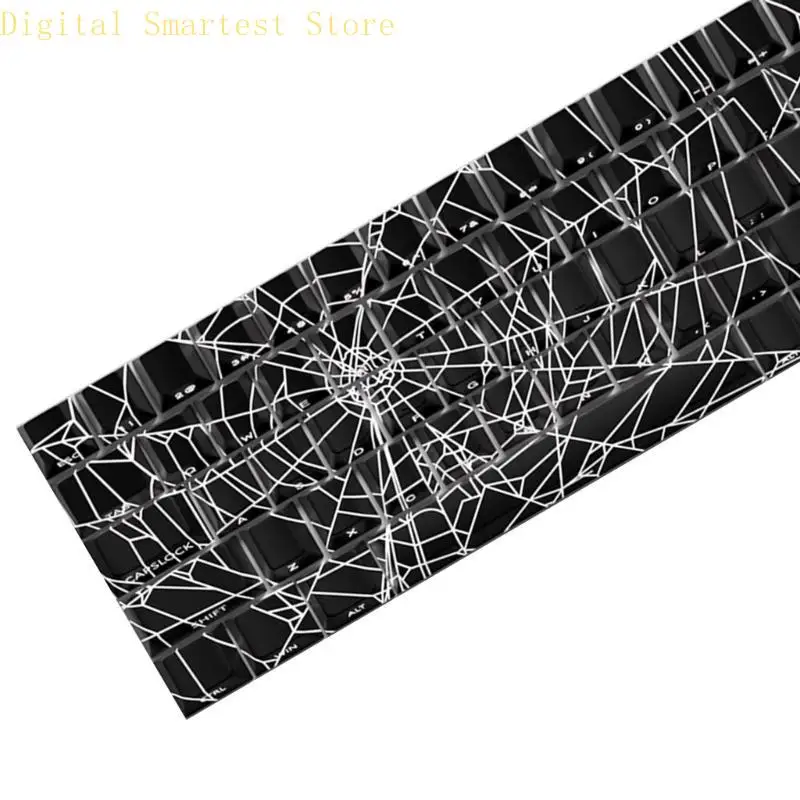
- Side-printed sets, with the letters on the front face of the key rather than the top, some see-through.
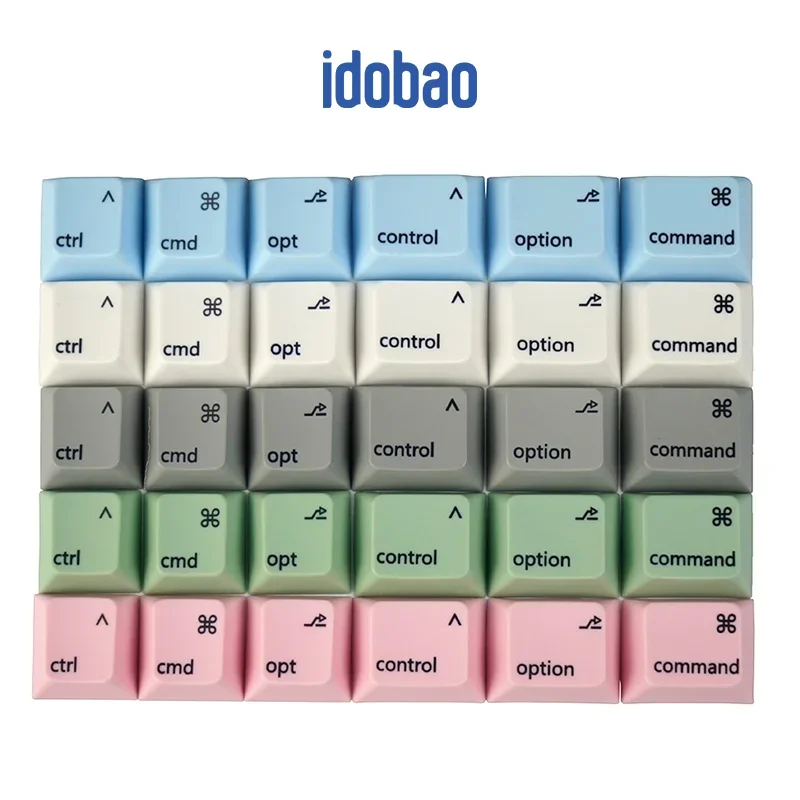
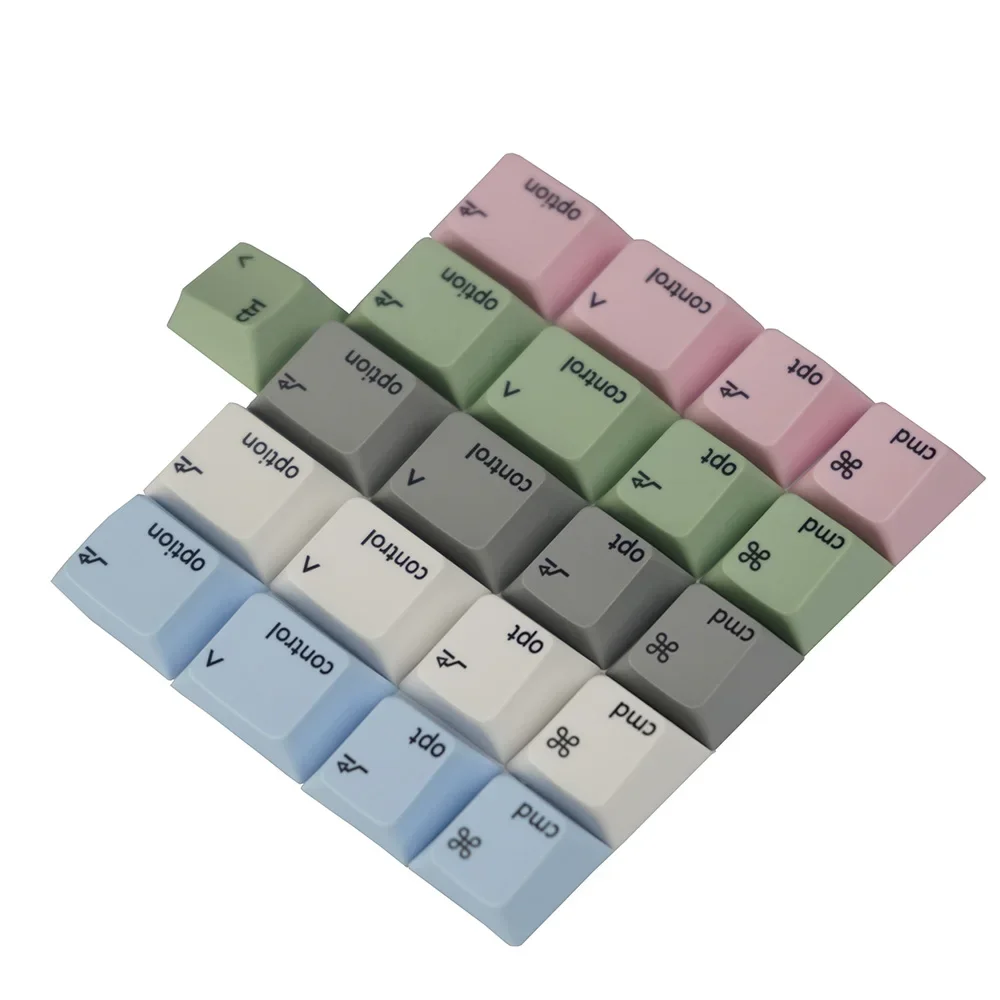
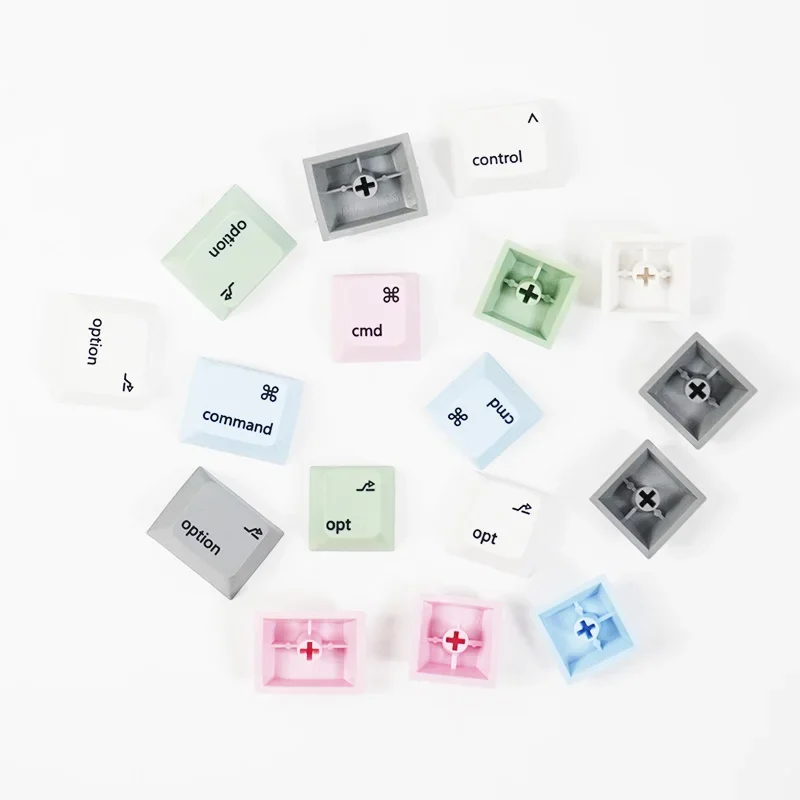
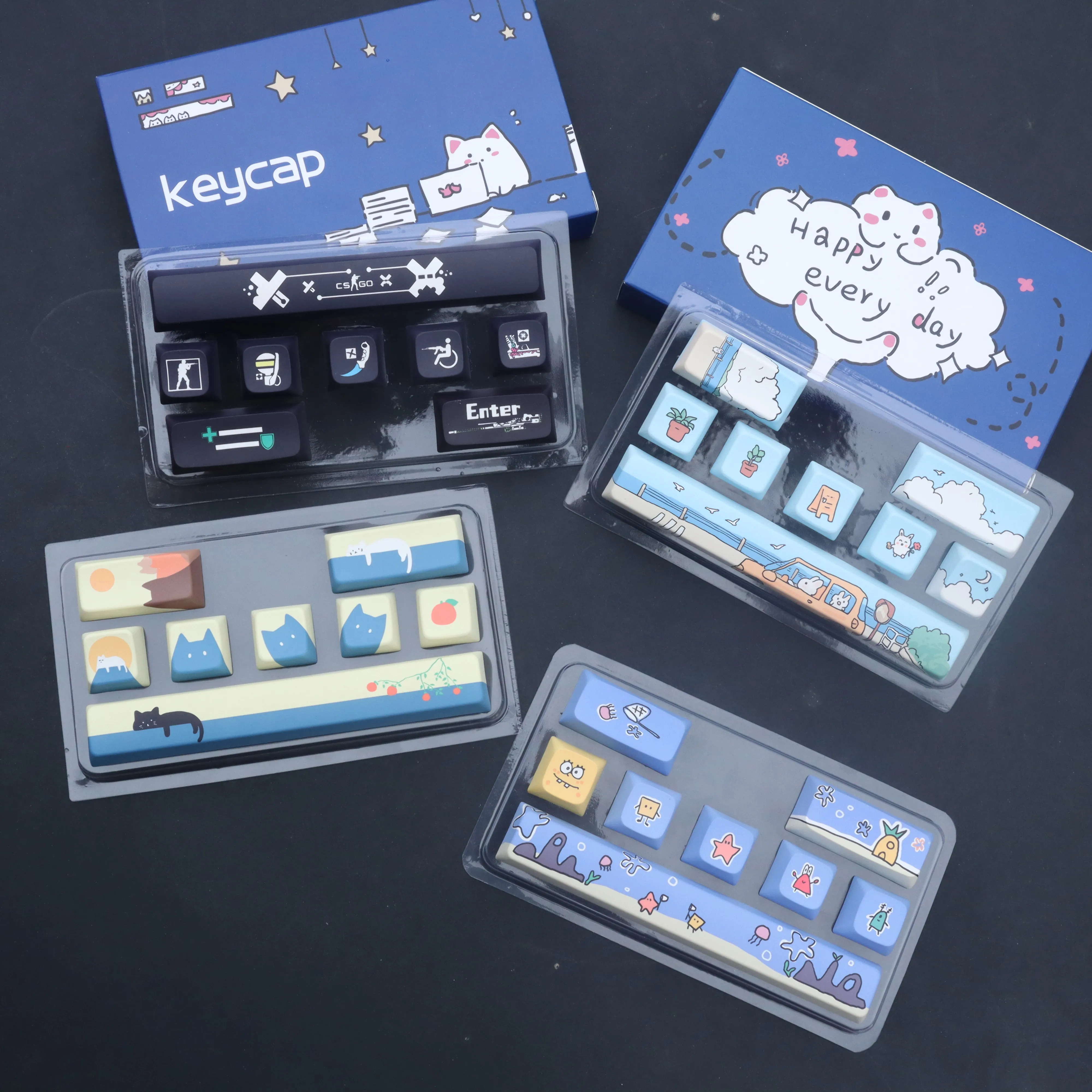
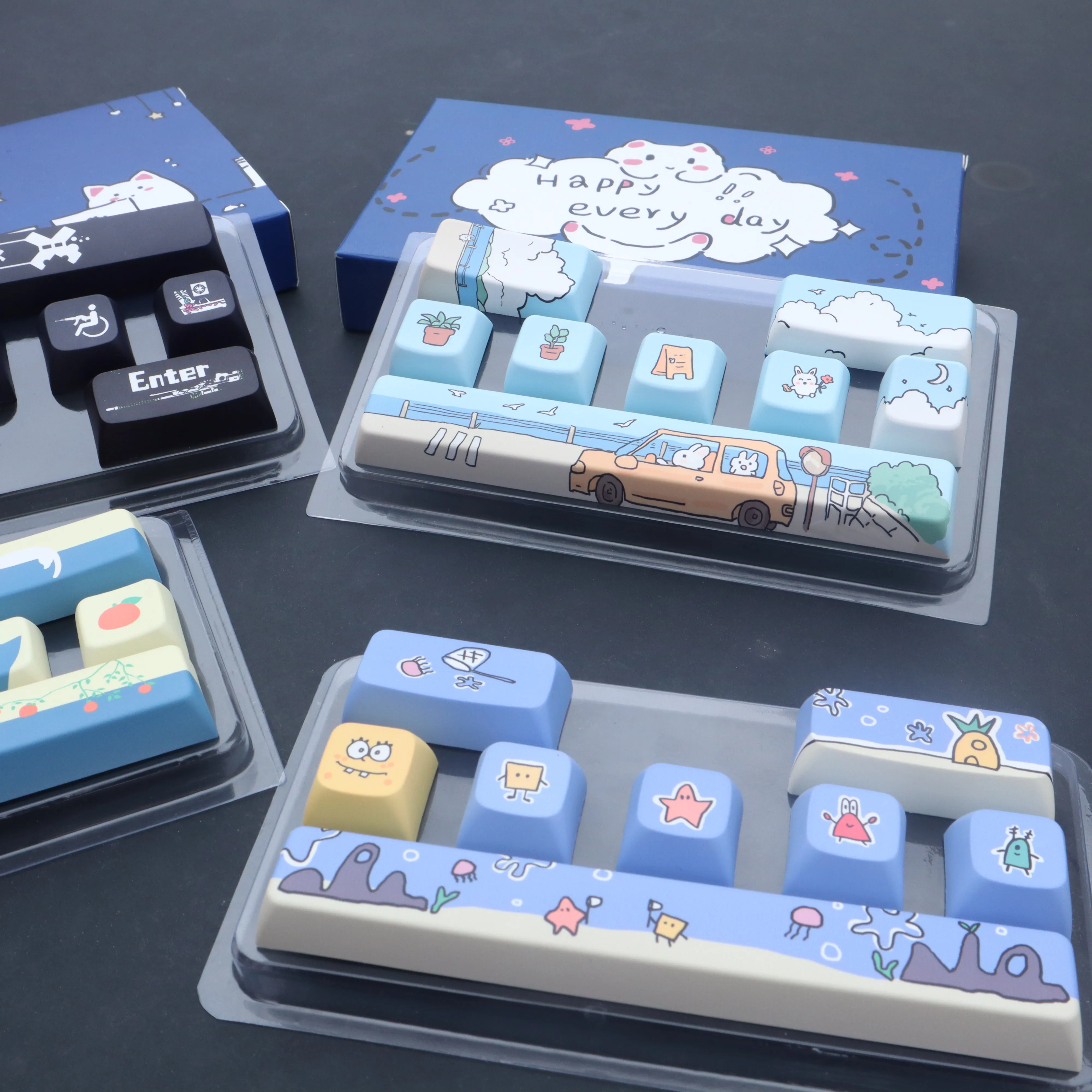
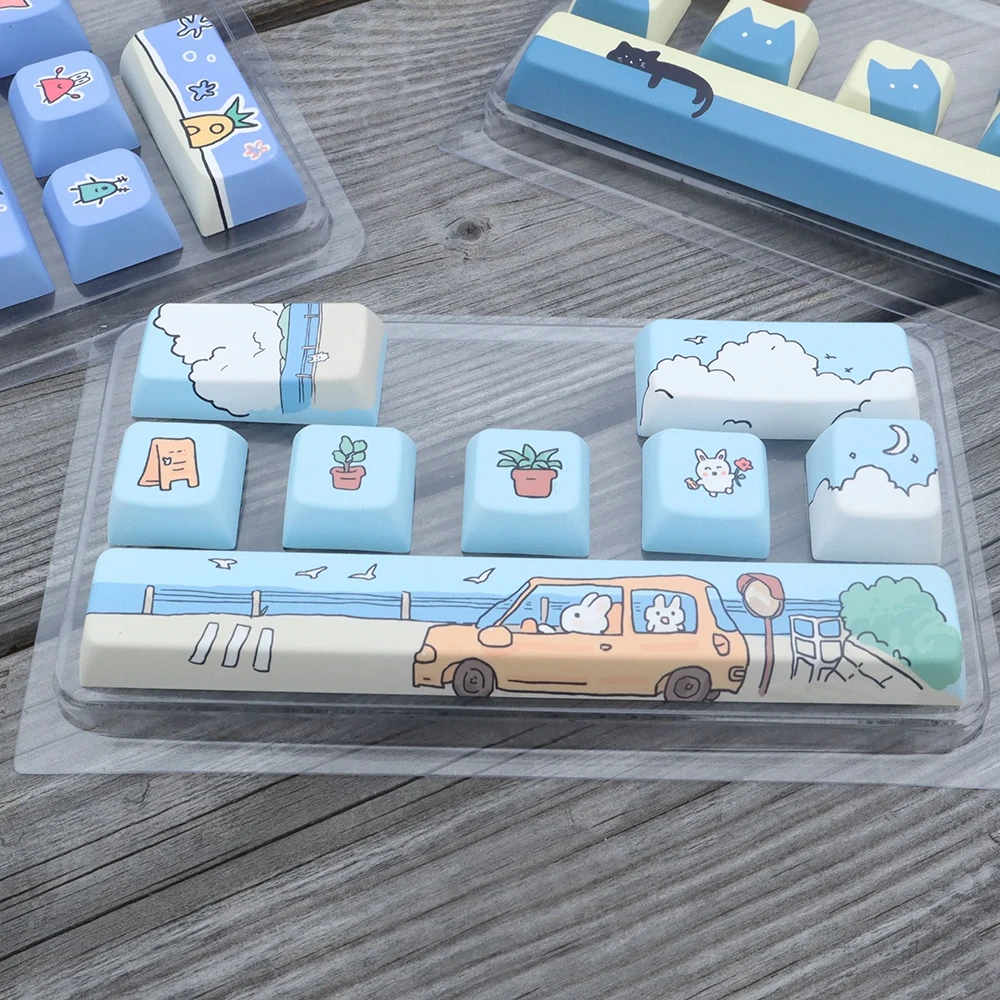
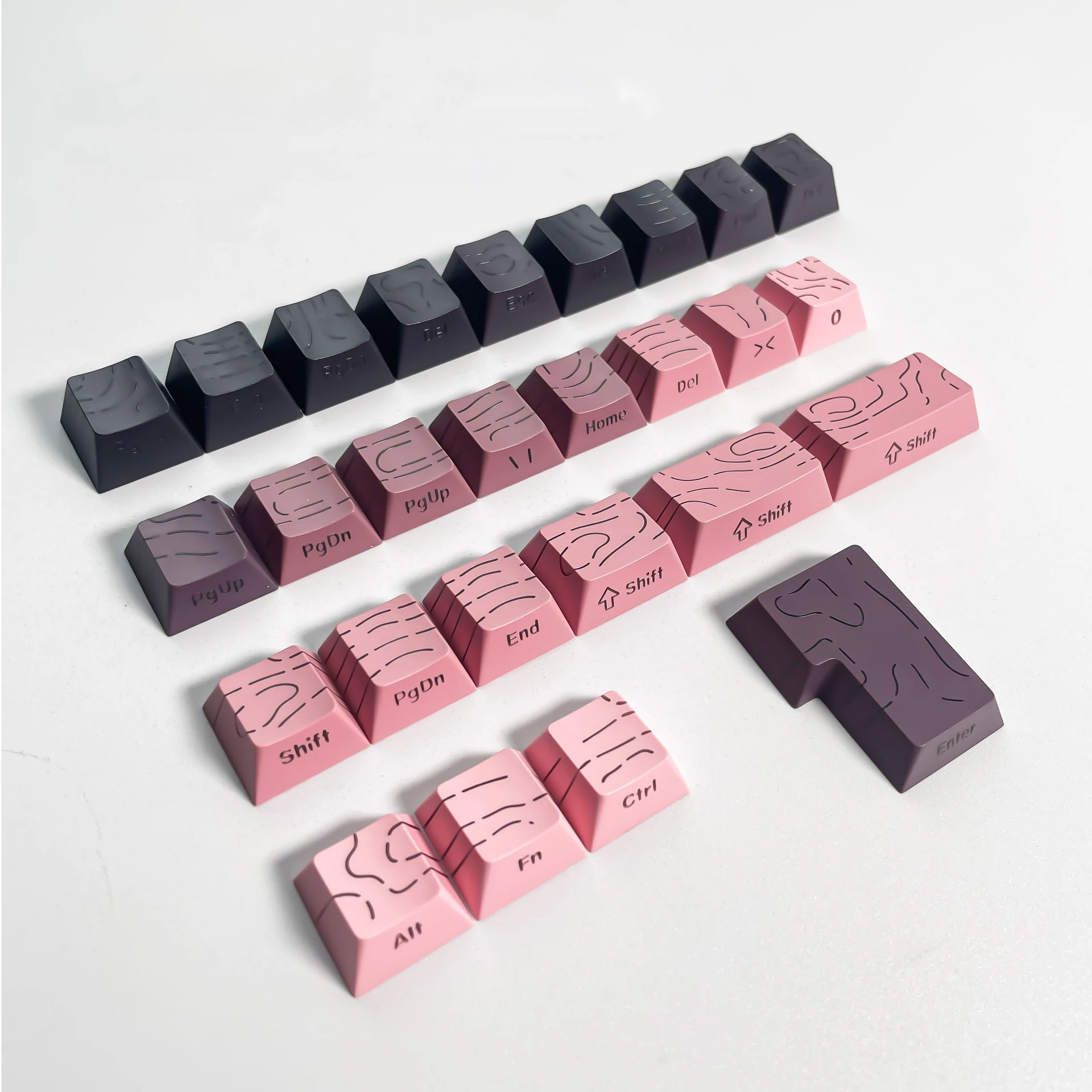
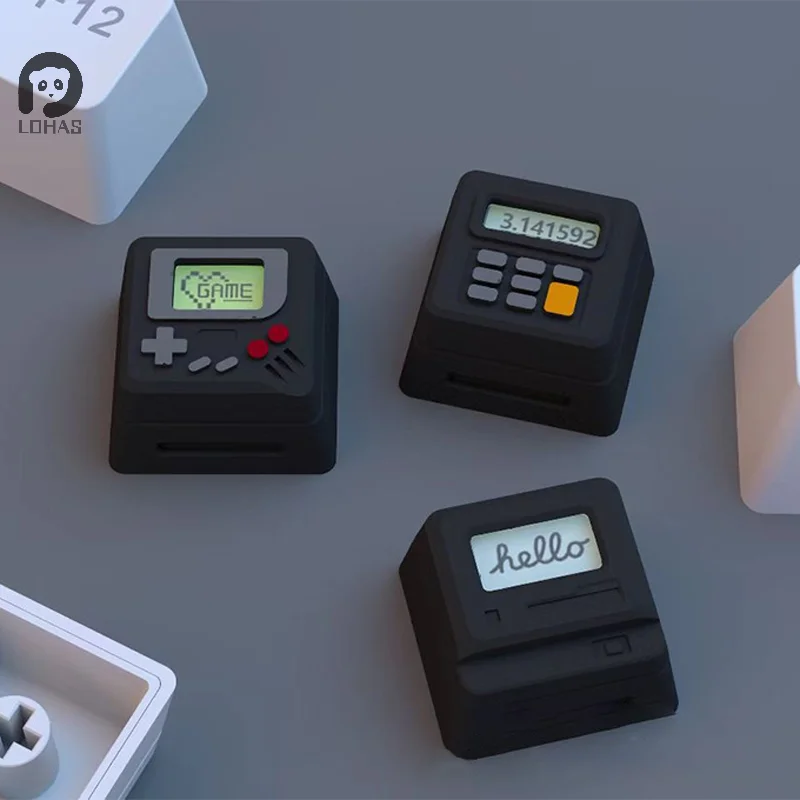
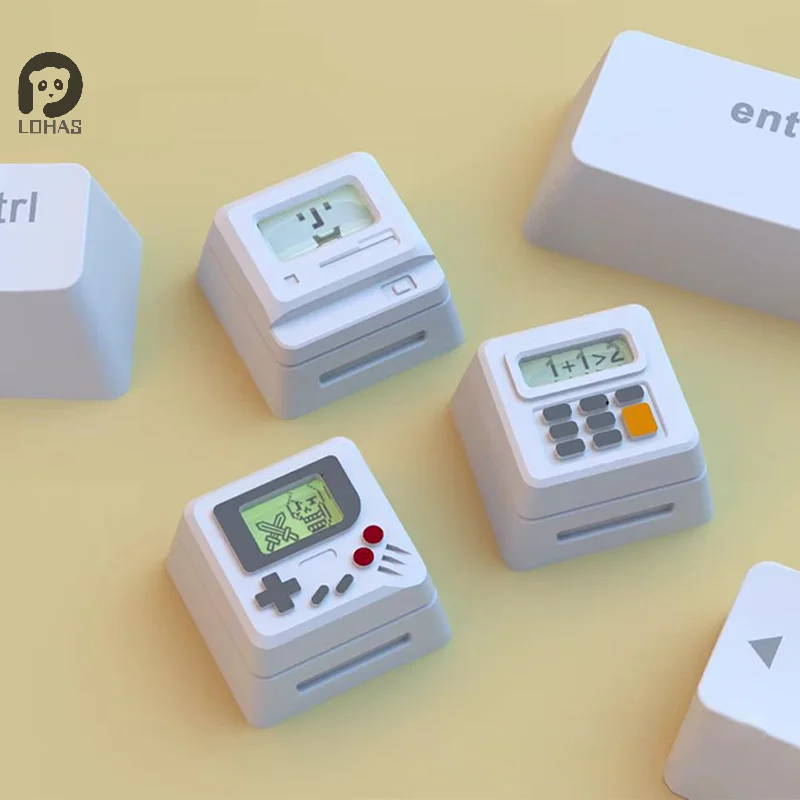
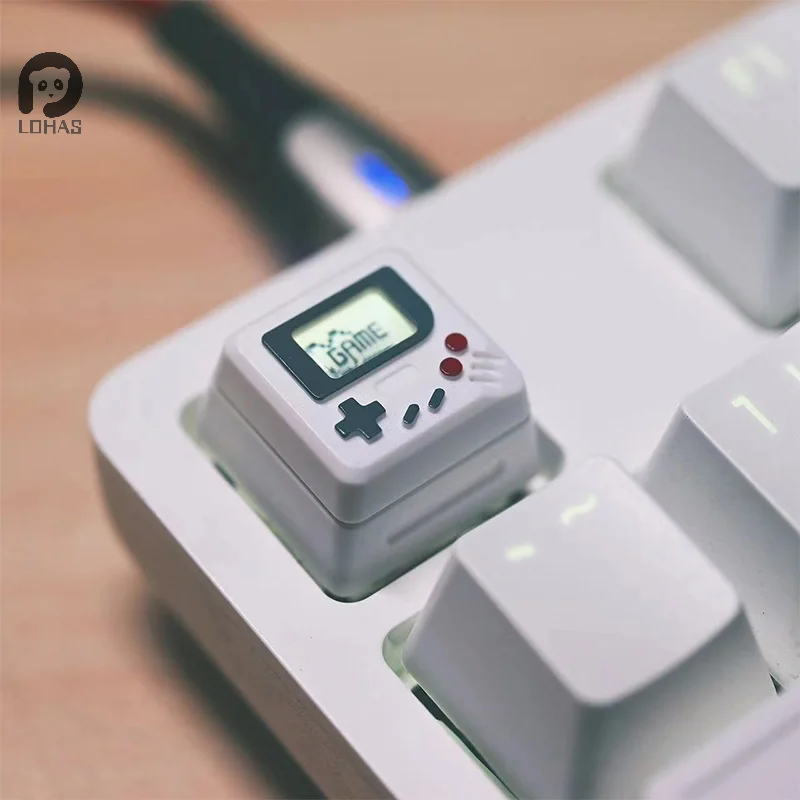
- Small sets: a space bar with a few matching keys, a handful of cat-head accent keys, Mac keys such as Command and Option, and a set for one model of small keyboard.
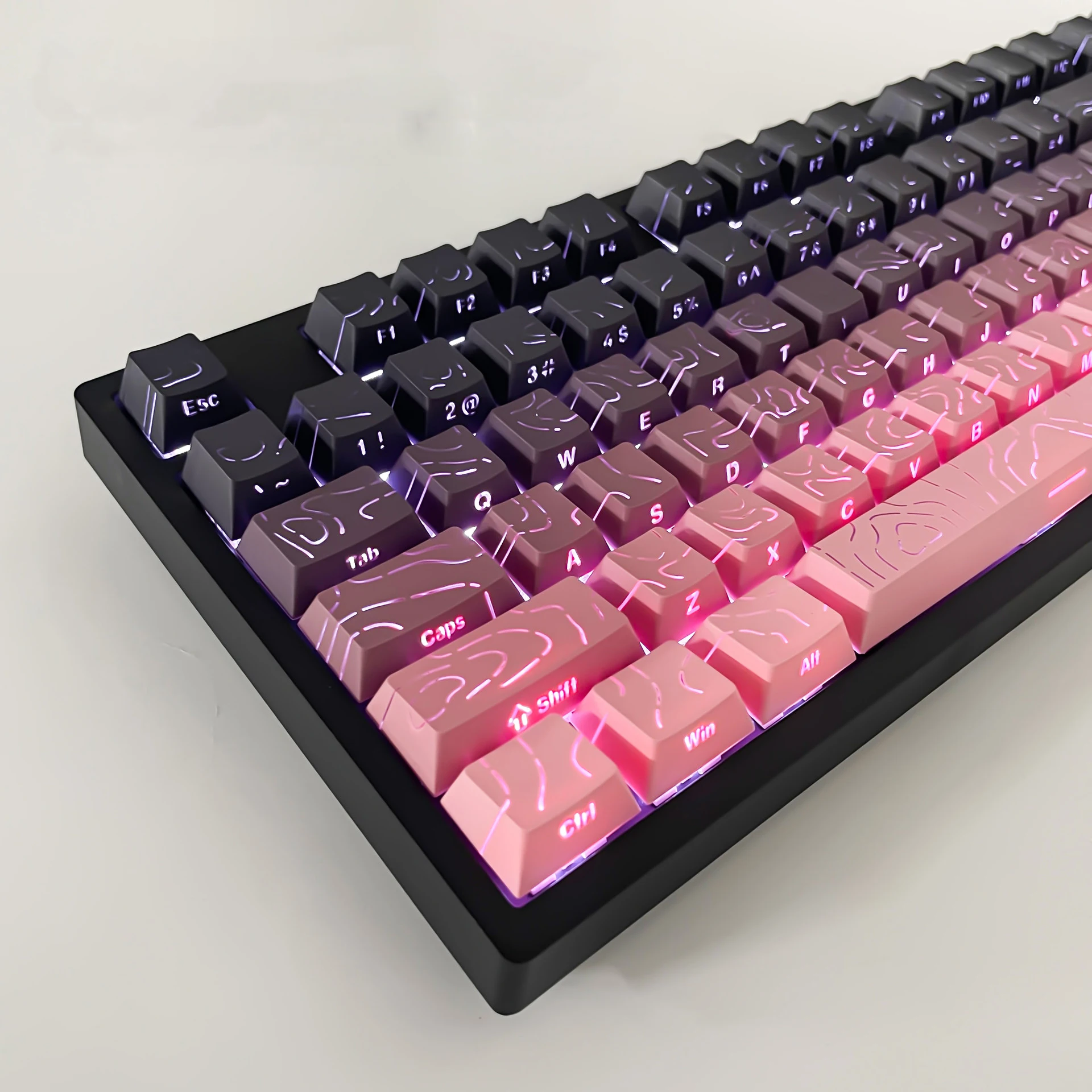
Most are PBT plastic, printed by dye-sublimation or made double shot, so the letters do not wear off. One retro set is ABS and clear plastic.
How to choose keycaps
The stem. Most mechanical keyboards use MX-style switches, with a cross-shaped stem, and these sets are made for them. Low-profile switches and some older boards take different caps.
The layout. Count your keys and check the set lists that number. Then check the Enter key: a UK keyboard has the tall ISO Enter key, and a set needs an ISO Enter cap to cover it. One set here says it includes it; others are made for US boards with a long flat Enter. Check the space bar size too: most use 6.25U, the usual width.
The profile. Profile is the shape and height of the caps. Cherry is low and sculpted, each row angled a little differently. OEM is a little taller. SA is tall and rounded, with a retro look. Mixing profiles on one board looks uneven.
The language. Some sets come in English or another language; choose in the options.
Questions people ask about keycaps
Will these fit my keyboard?
If your keyboard is mechanical with cross-shaped stems and a layout in the set's list, almost certainly. If you are unsure, pull one key and look at the stem.
Can I change the switches as well?
On a hot-swap board, yes. Most mechanical keyboards and some compact keyboards here are hot-swap.
How do I clean under the keycaps?
With the caps off, brush or blow out the dust, and wash the caps in warm, soapy water. Let them dry fully before pressing them back on.
Delivery is included in every price and tracked to your door.
More to look at