More ports for a laptop with too few
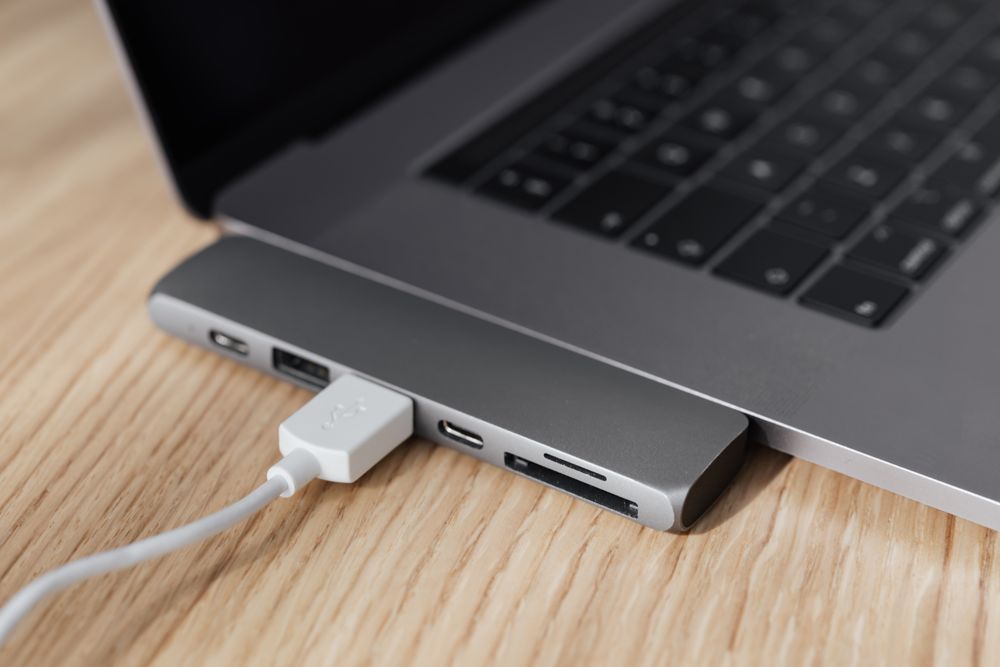
Thin laptops have given up most of their sockets. Many have two or three USB-C ports and little else, so a screen, a network cable, a memory stick and a charger soon compete for the same few holes. This department is the answer: hubs and docks that turn one port into many, and single adapters that do one job each. It also has HDMI switches for sharing one screen between devices.
The ranges in this department
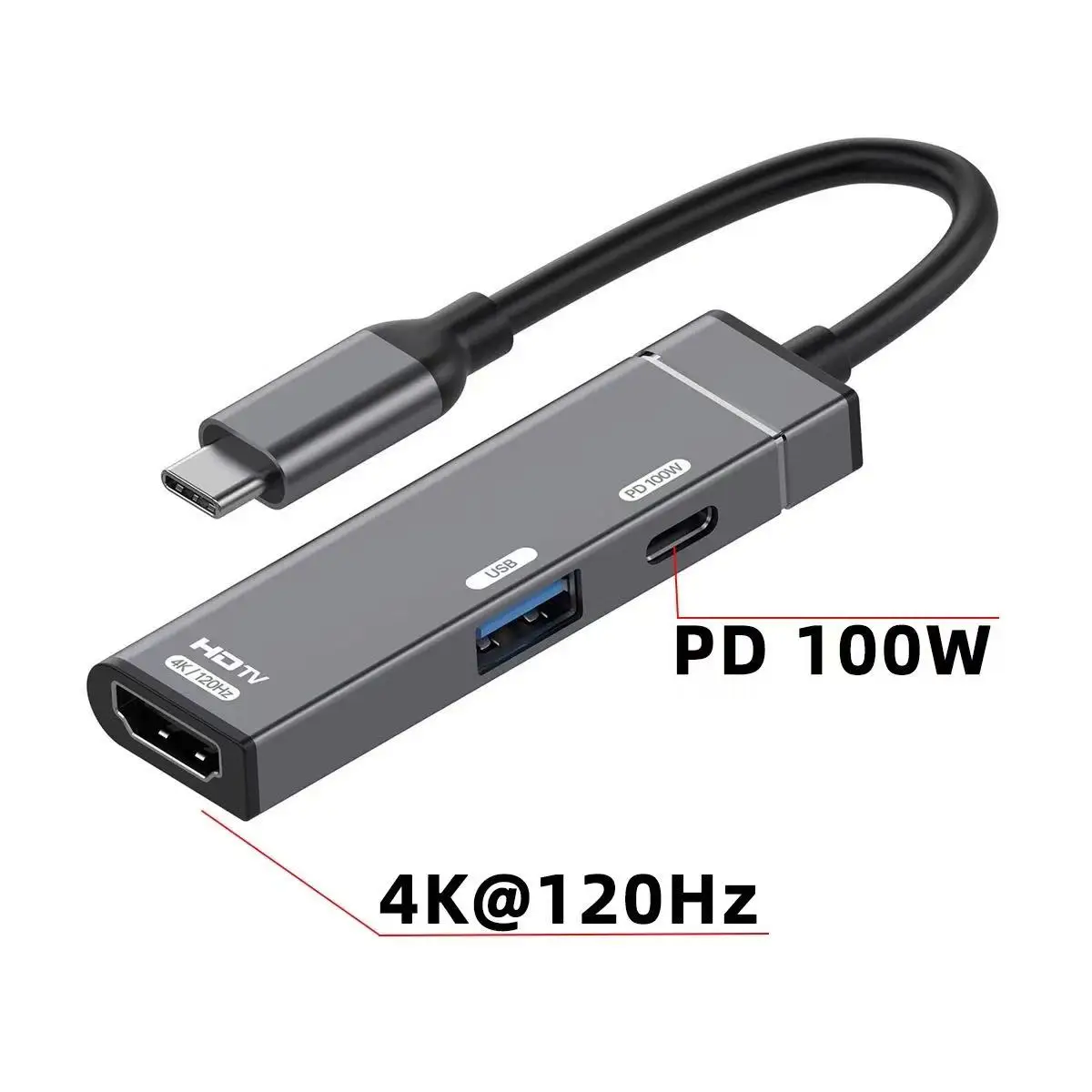
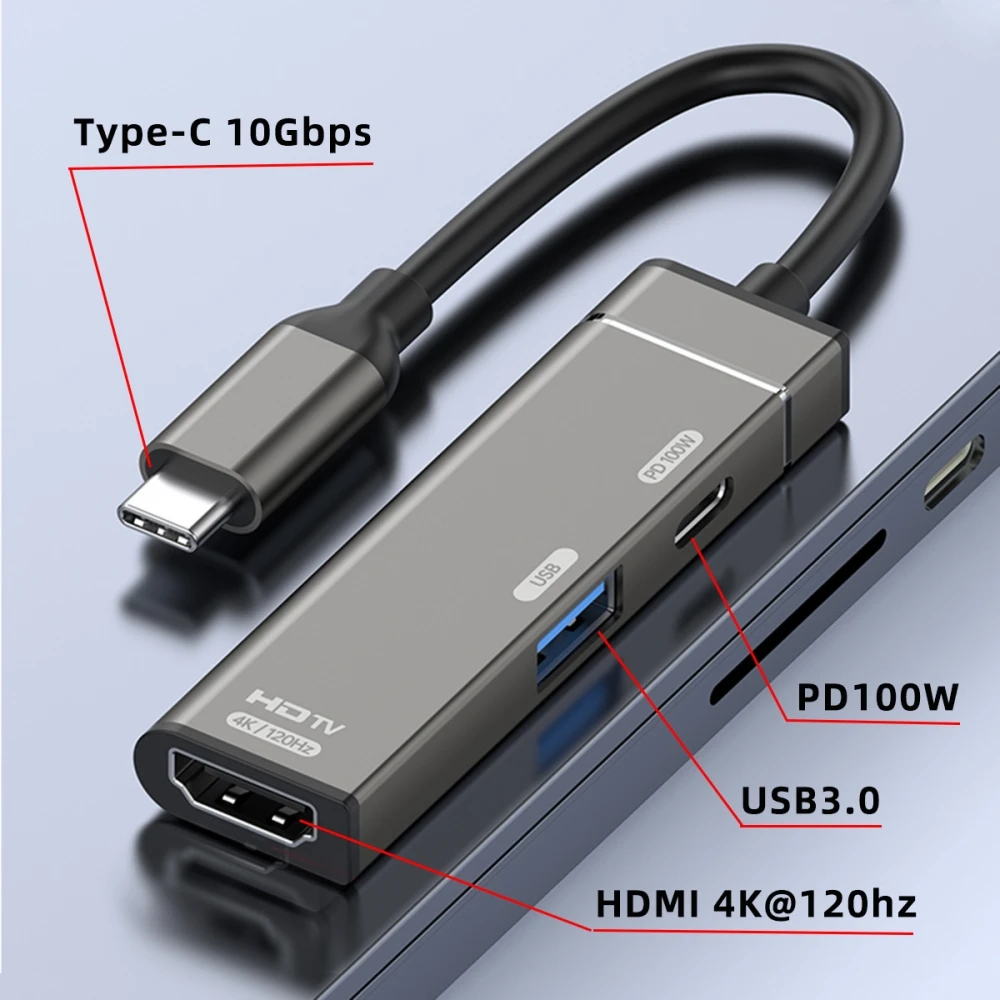
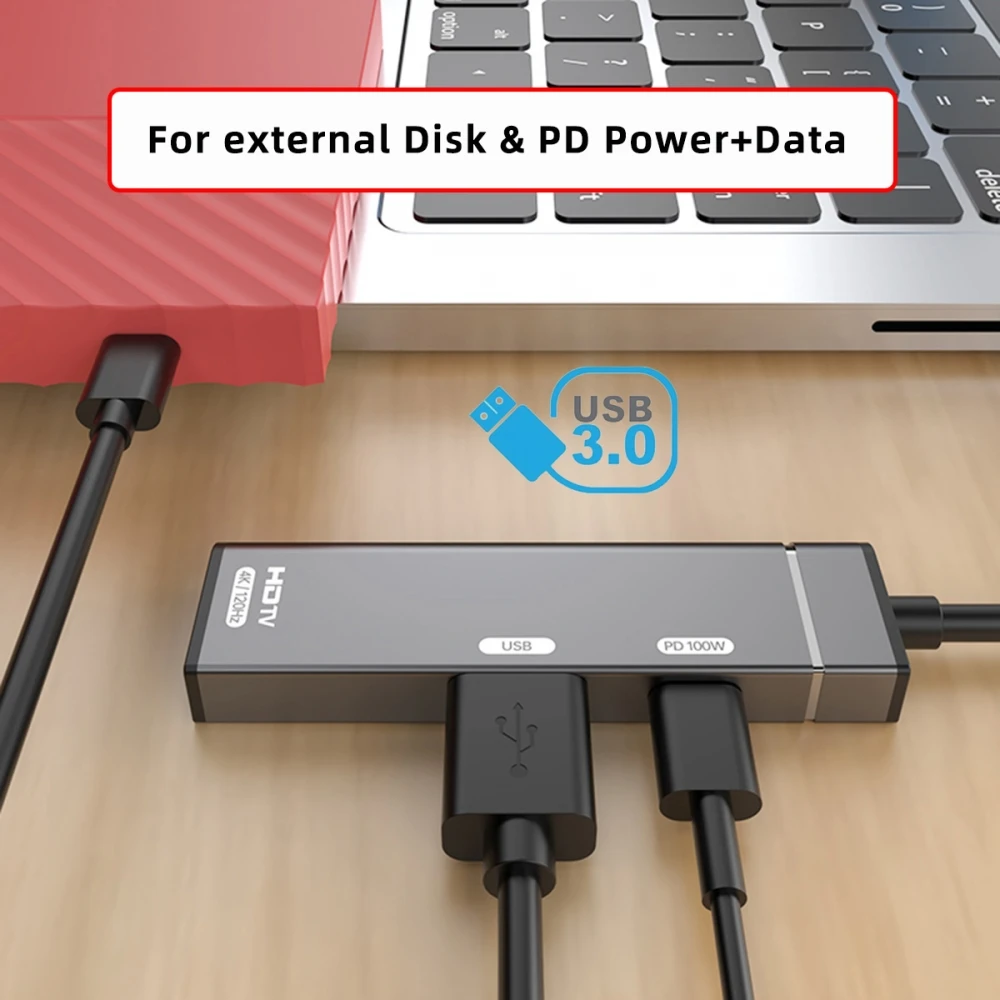
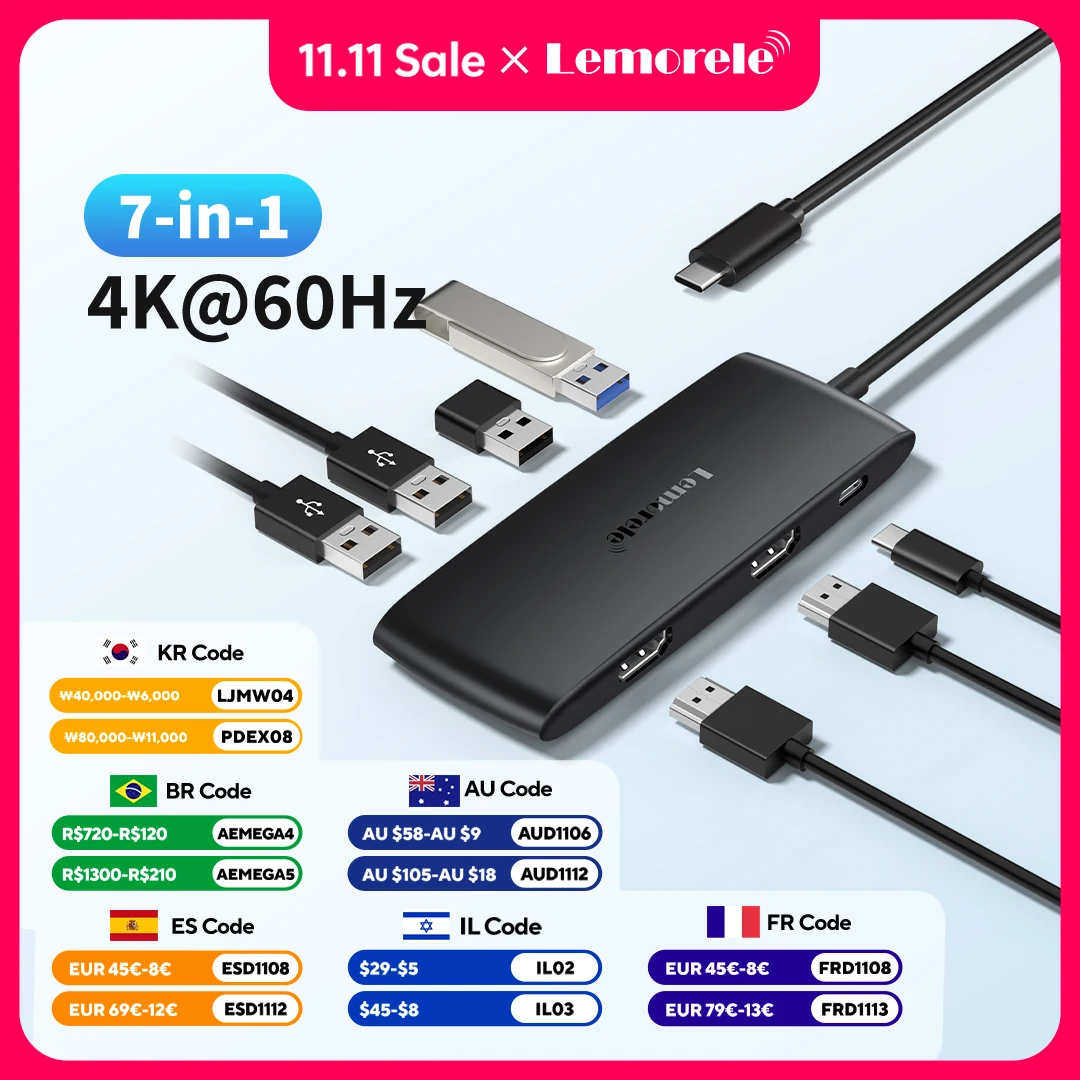
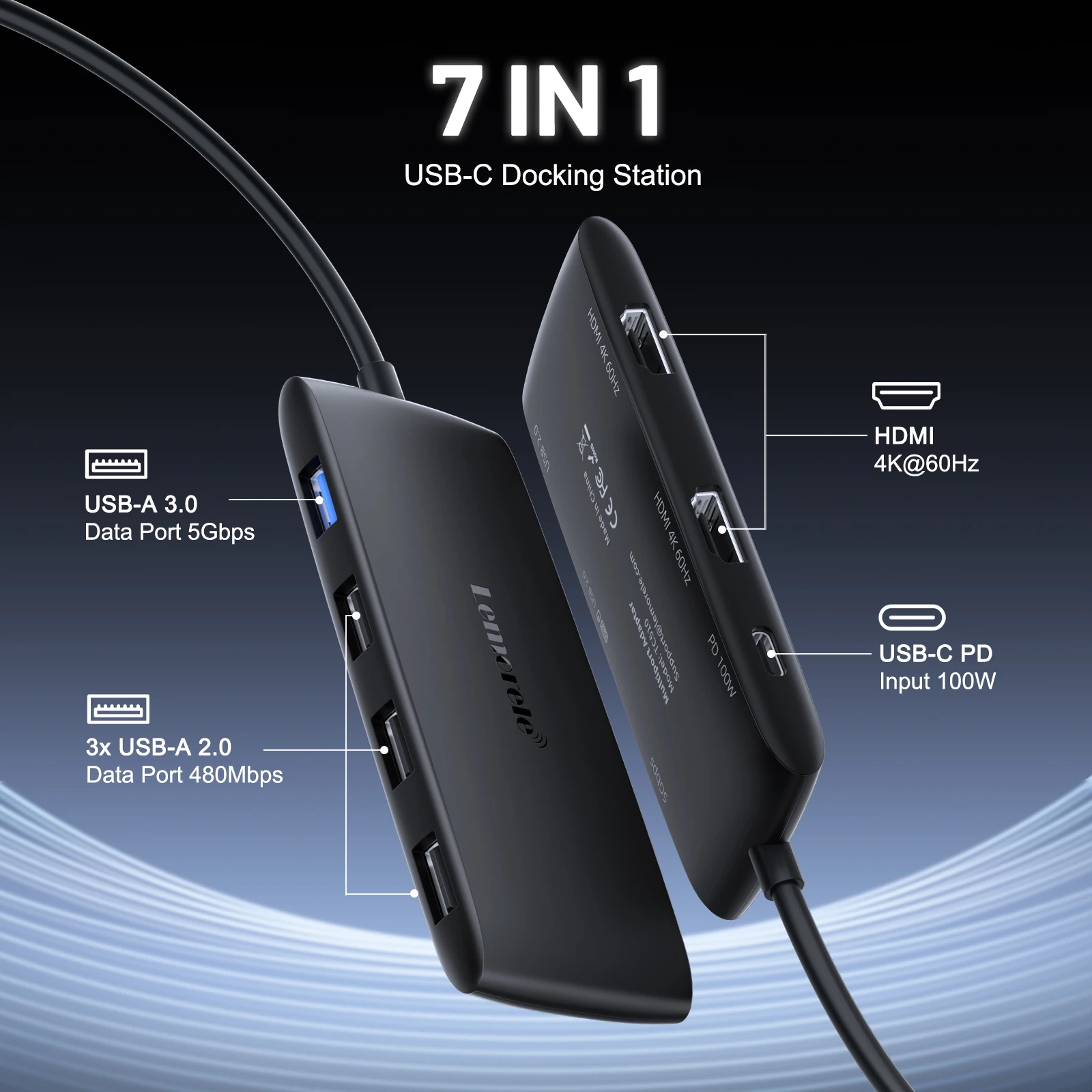
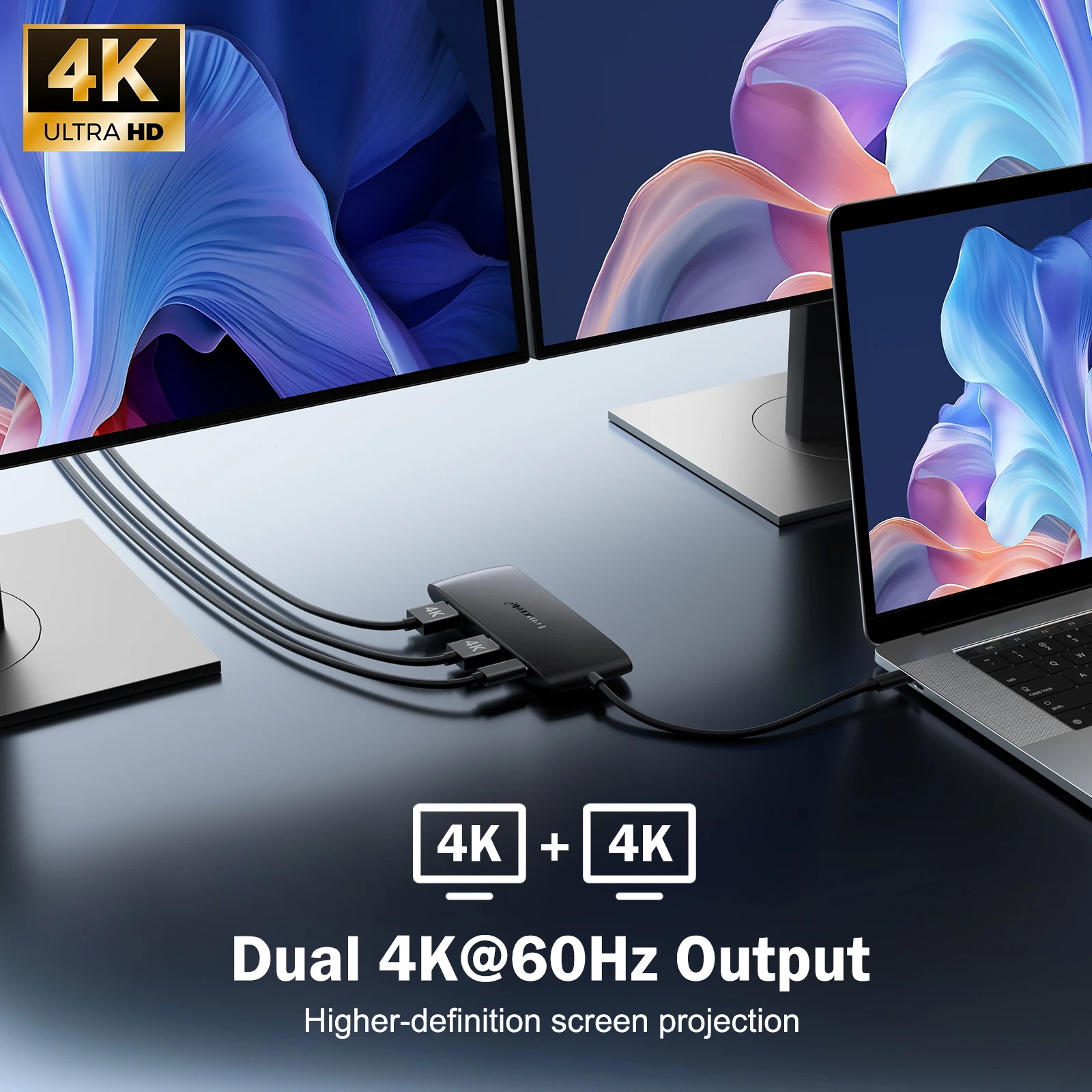
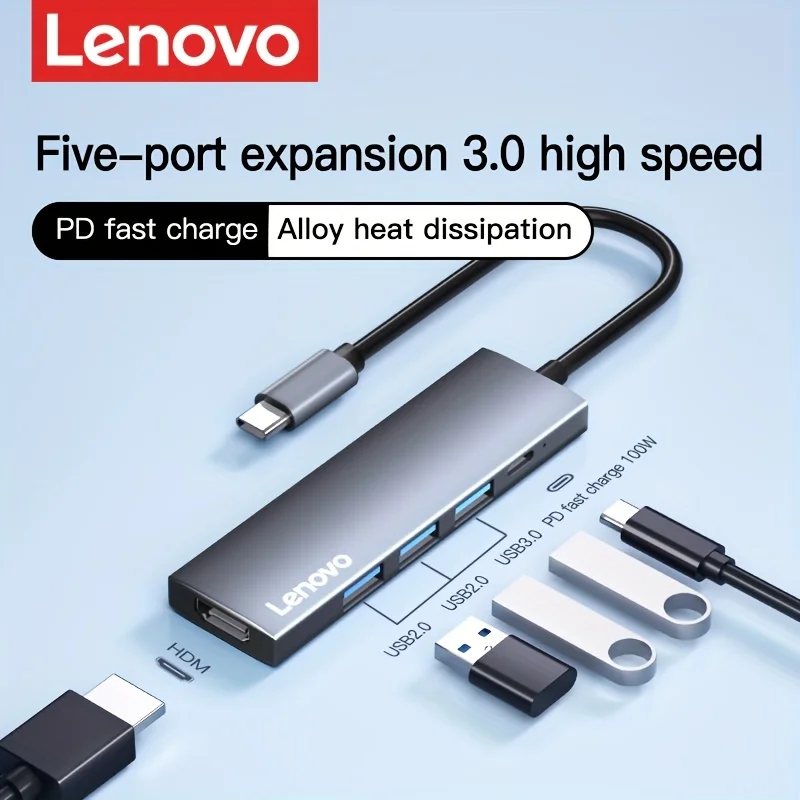
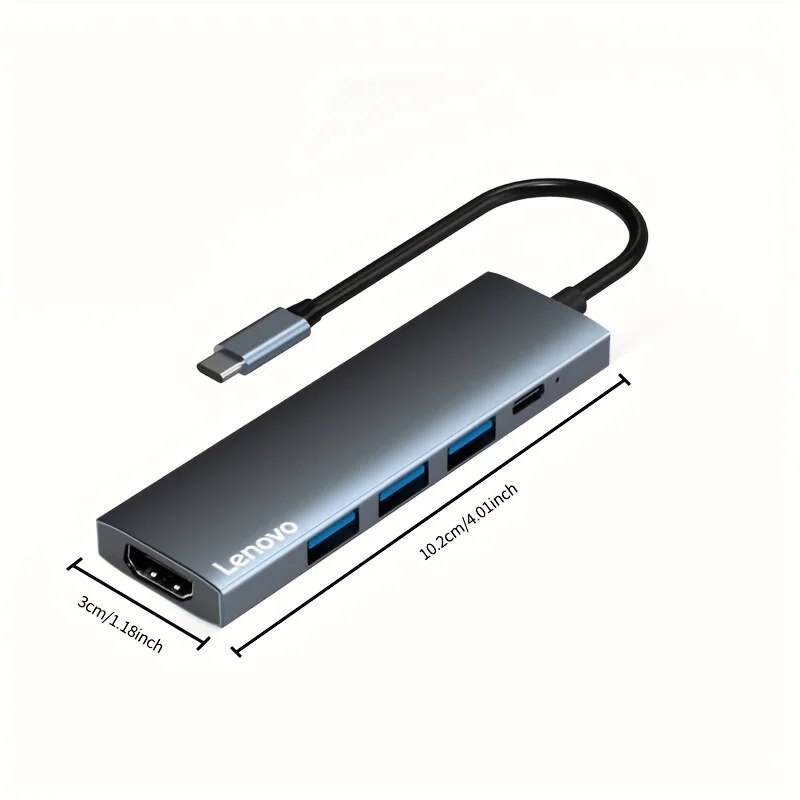
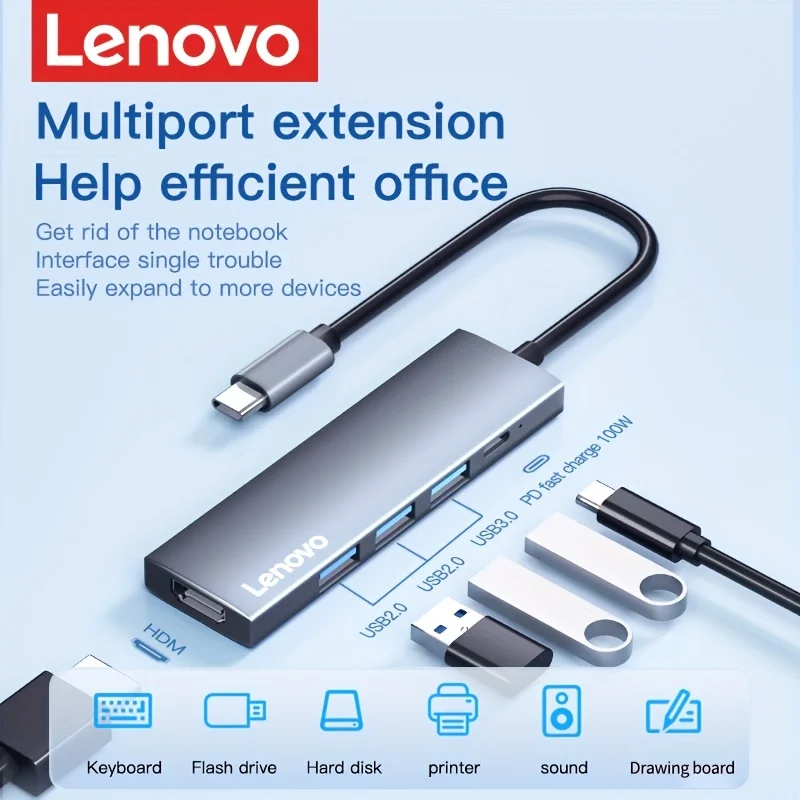
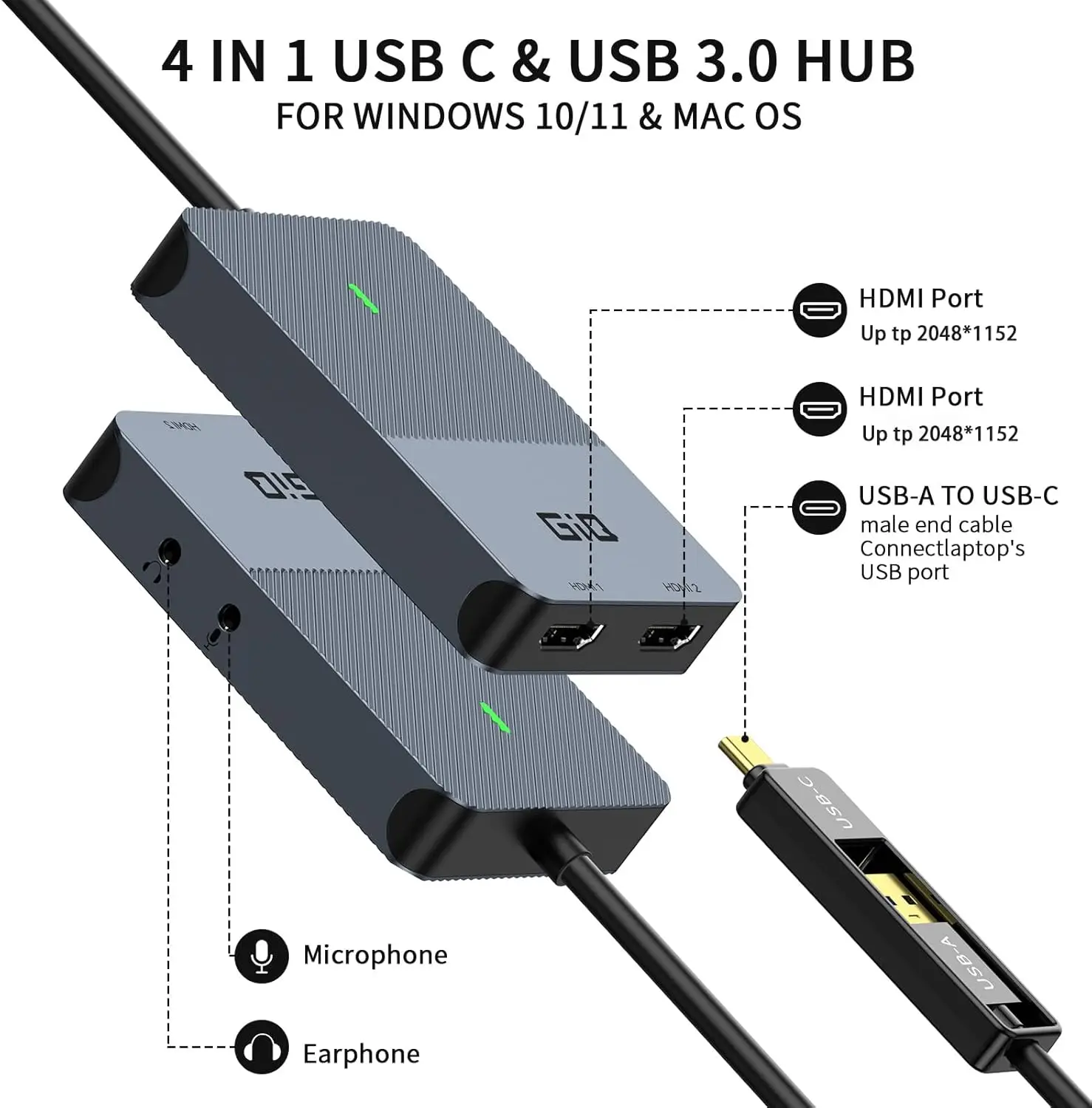
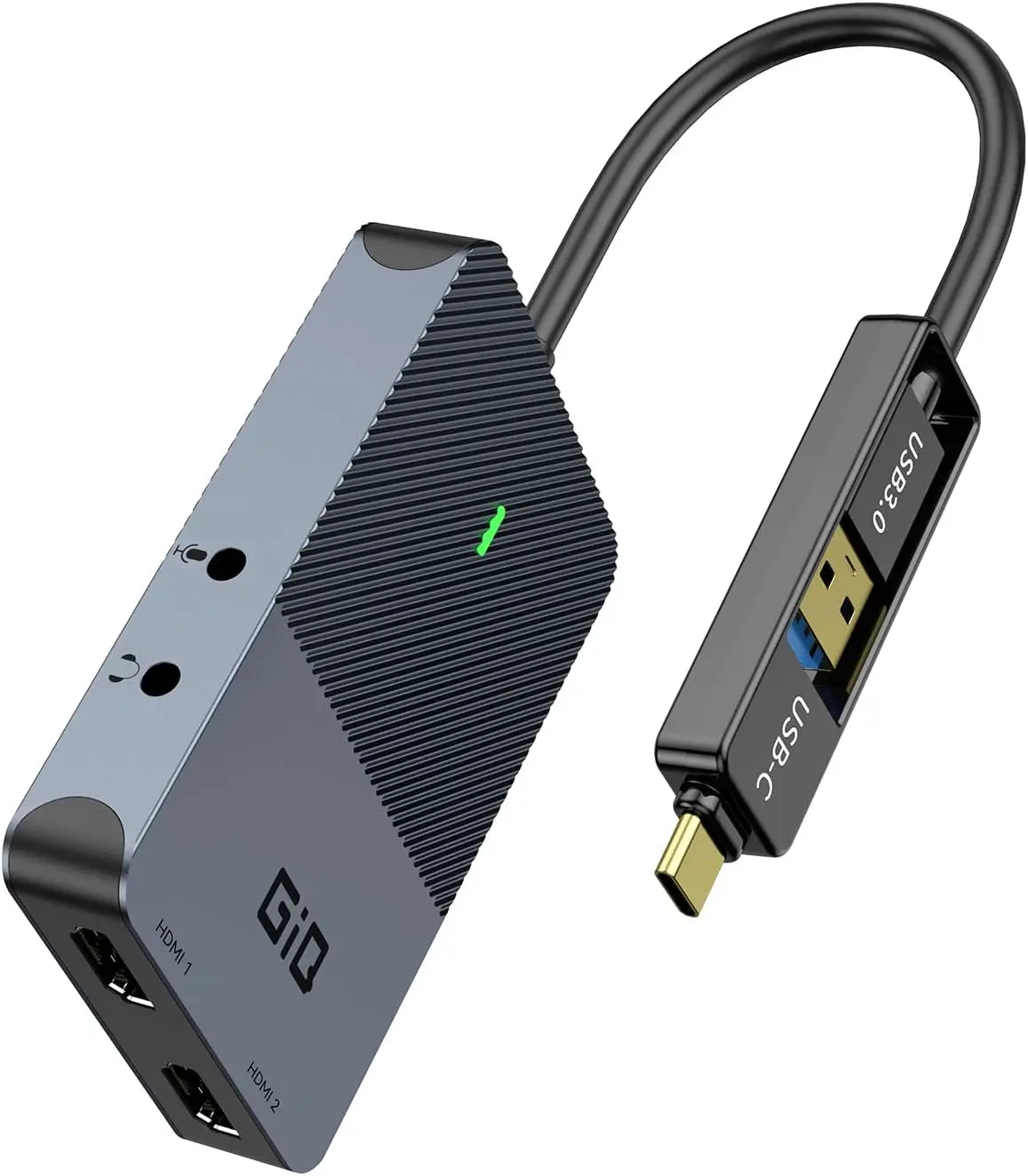
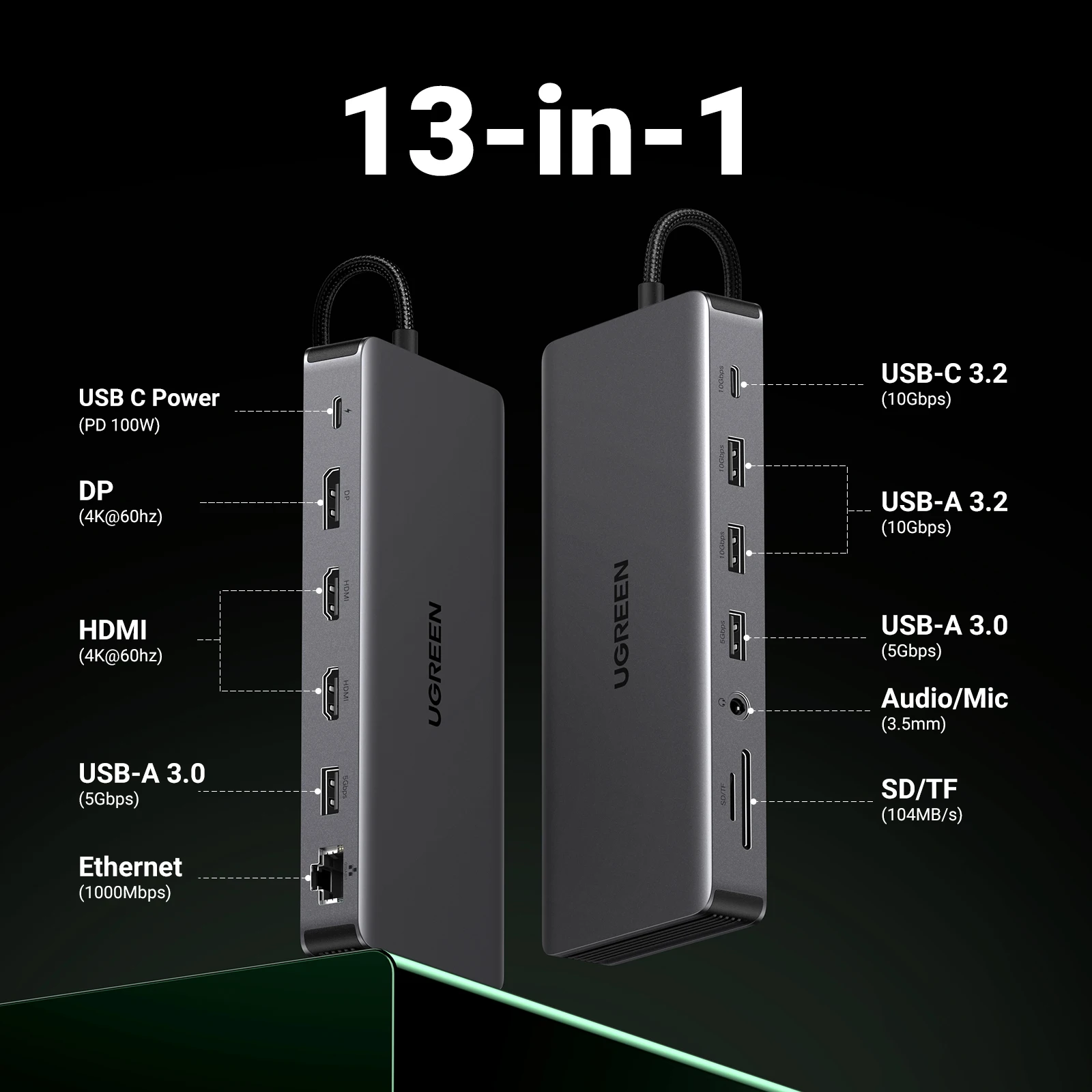
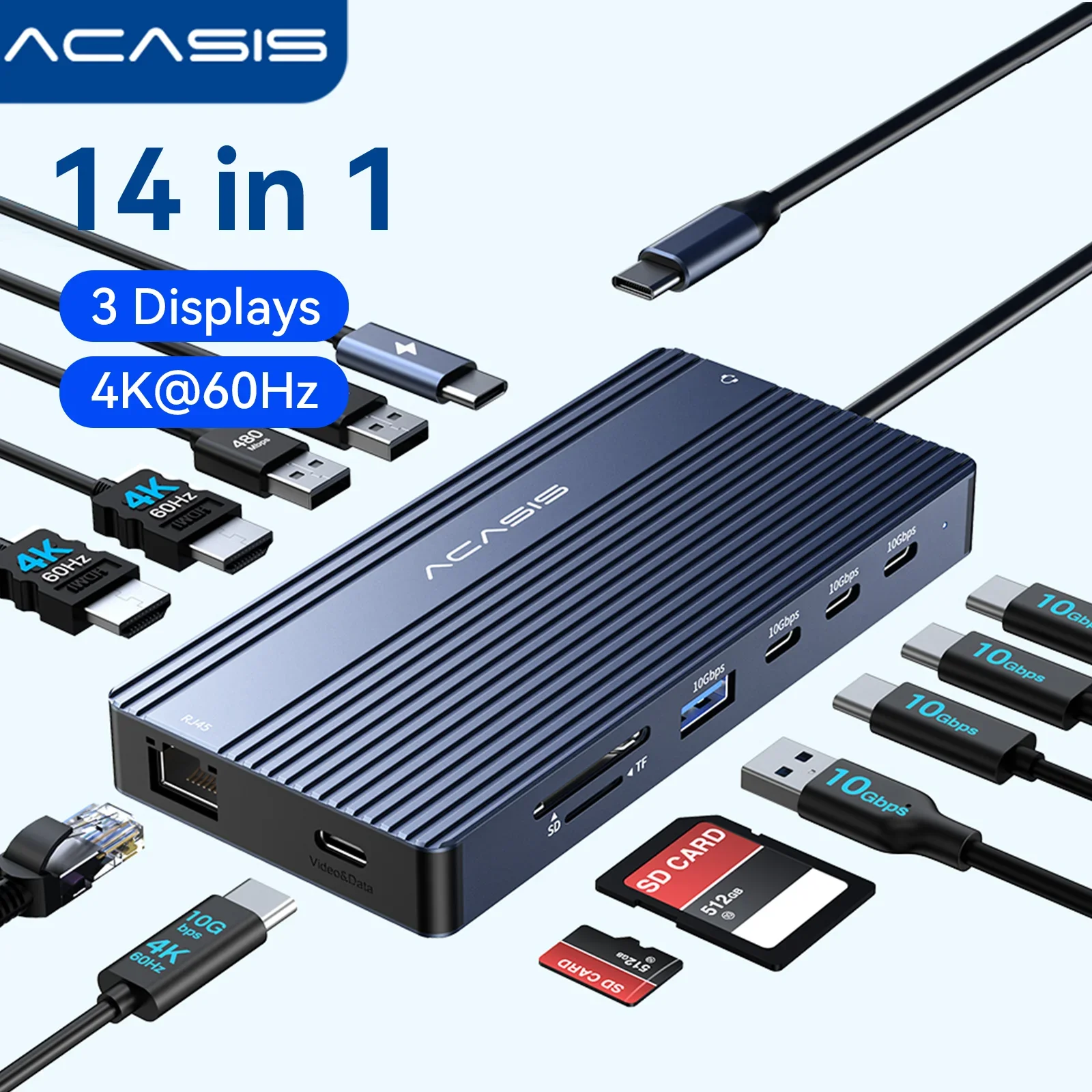
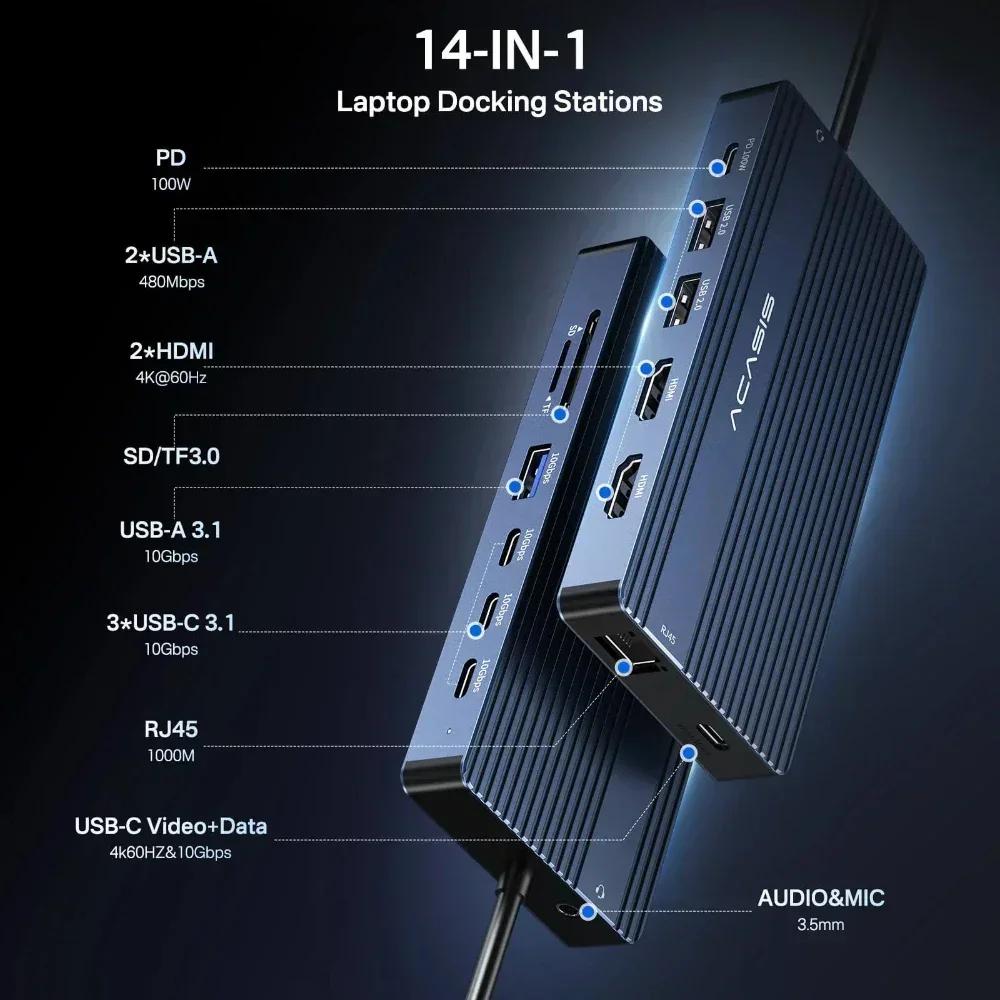
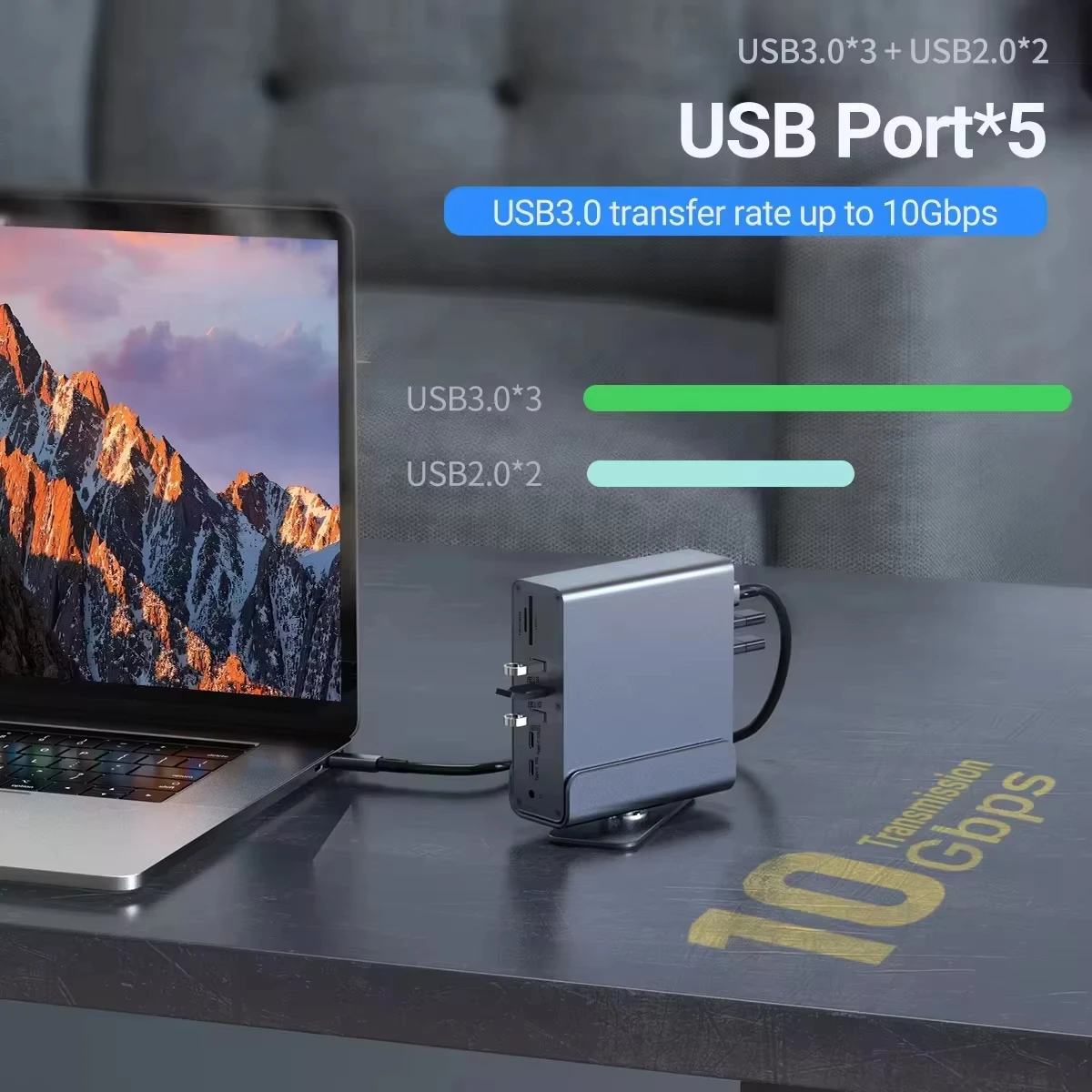
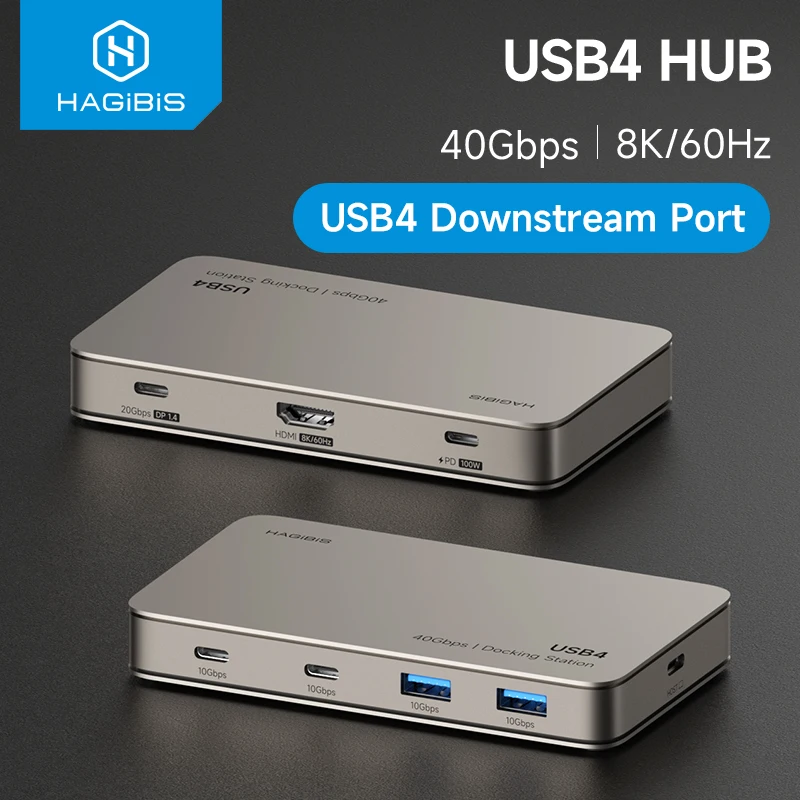
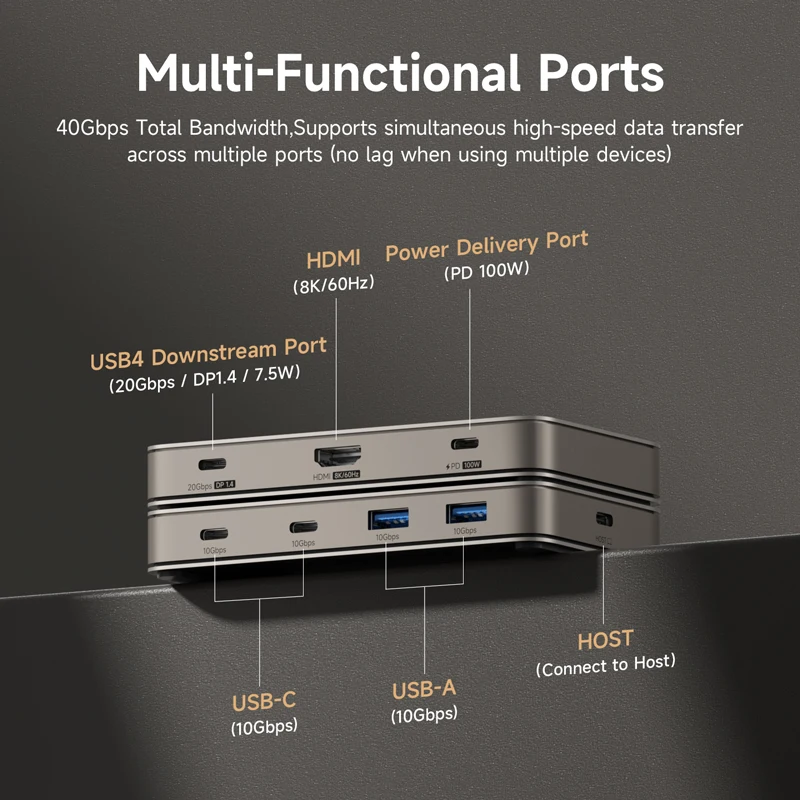
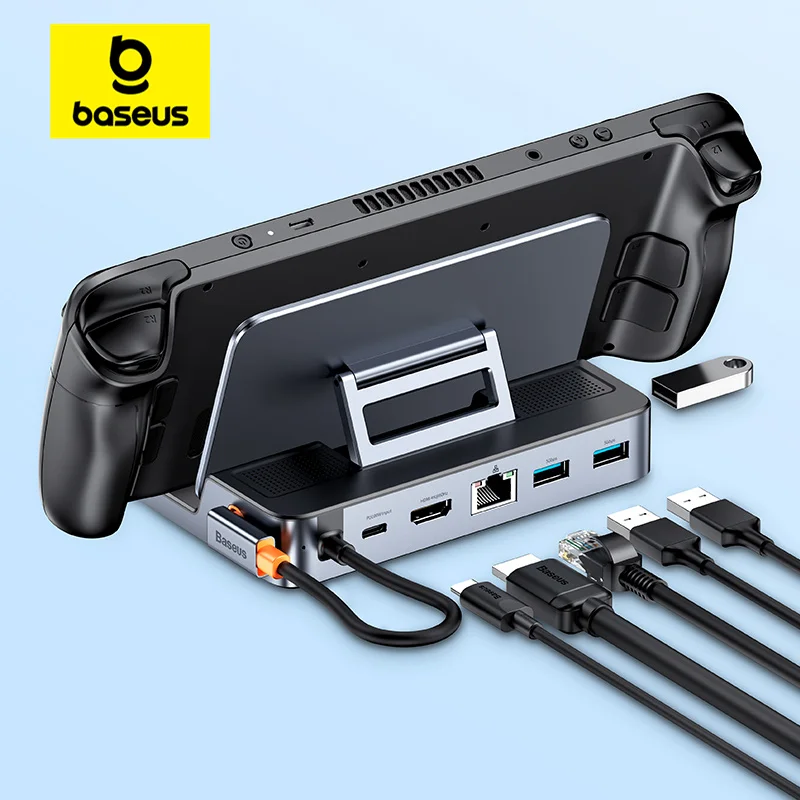
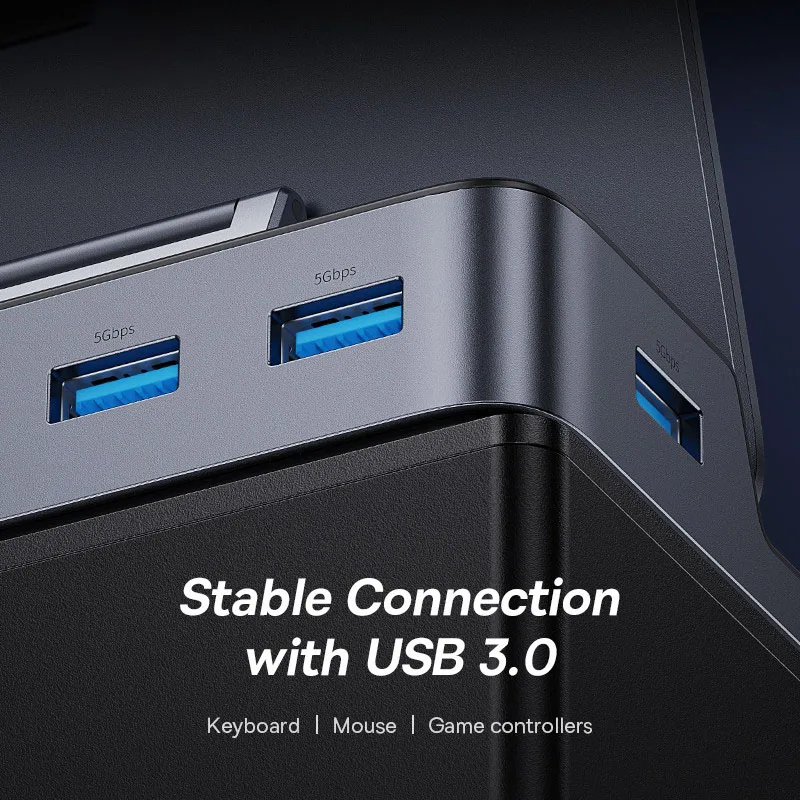
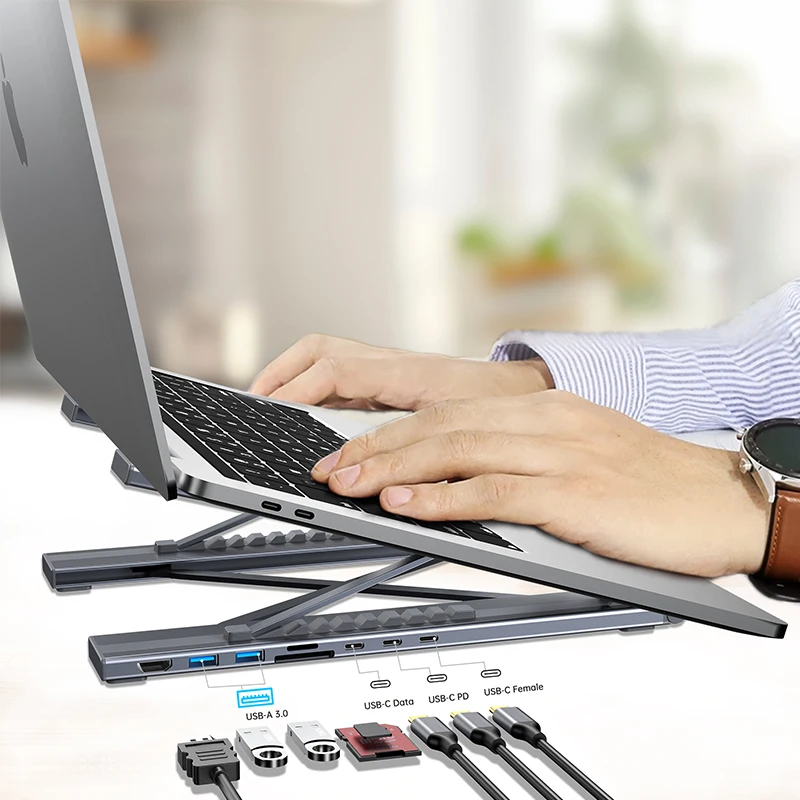
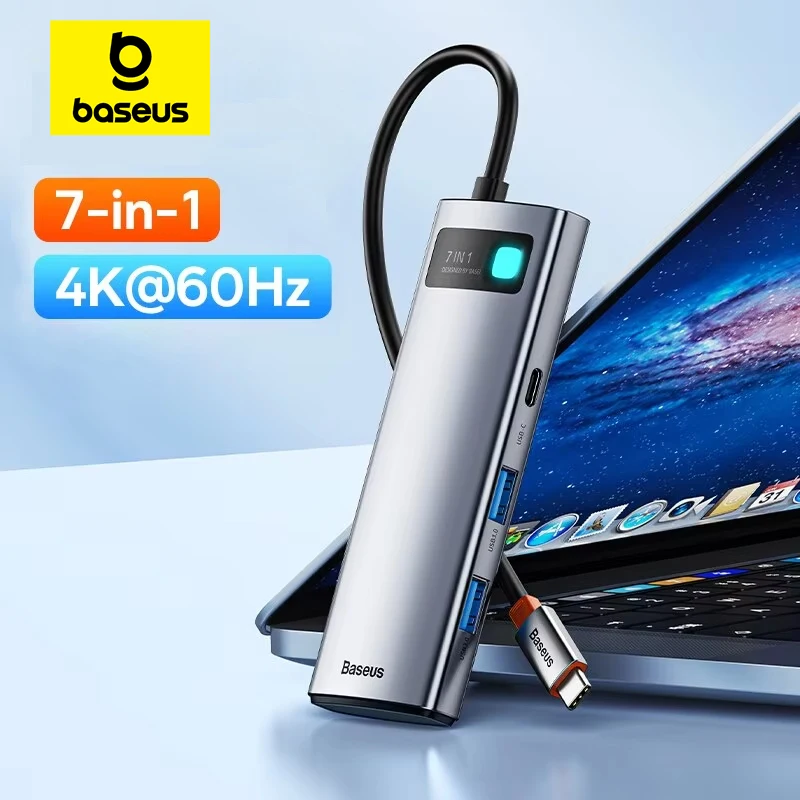
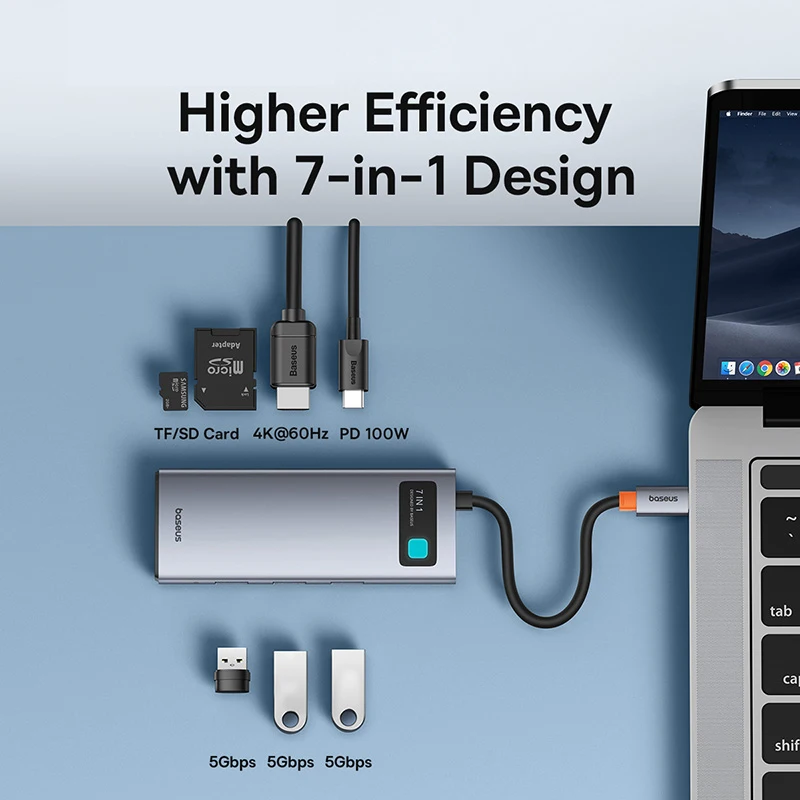
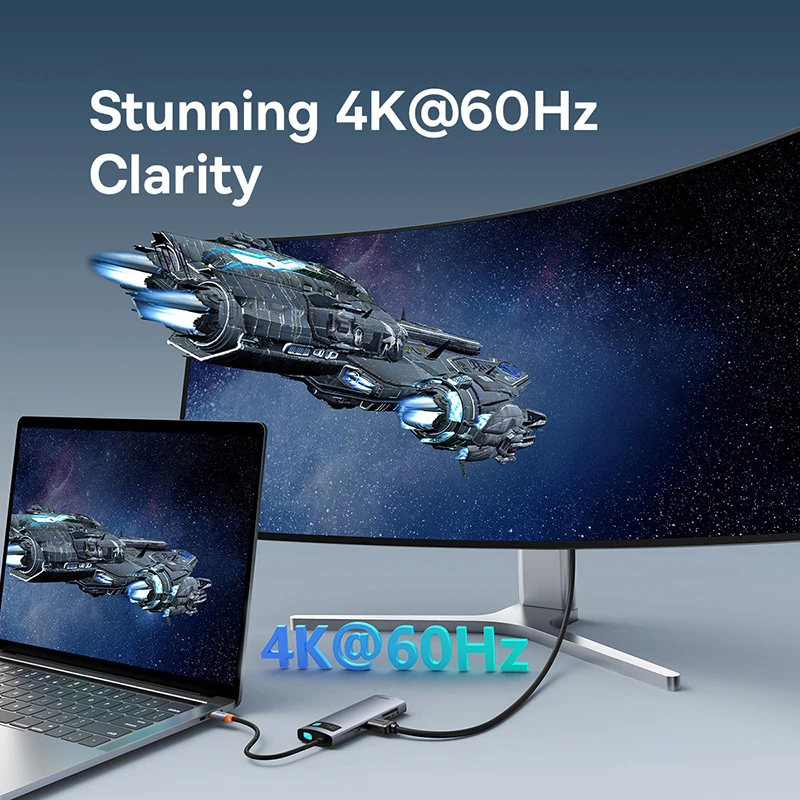
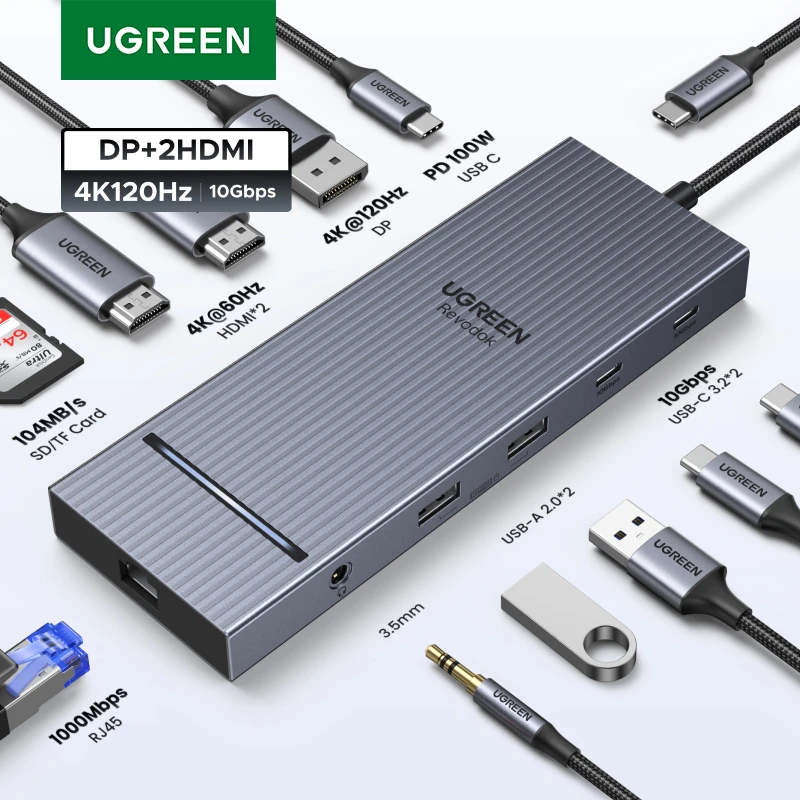
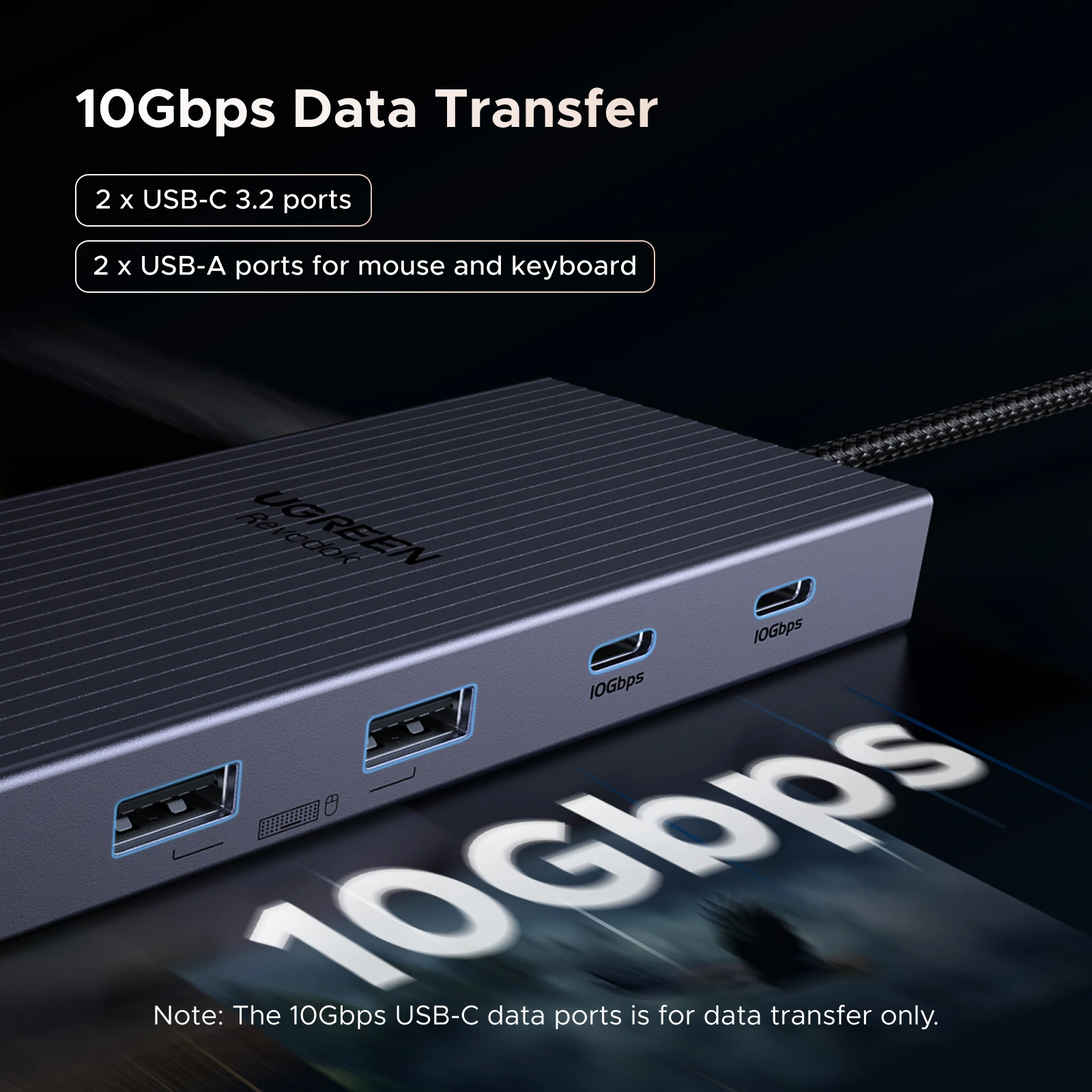
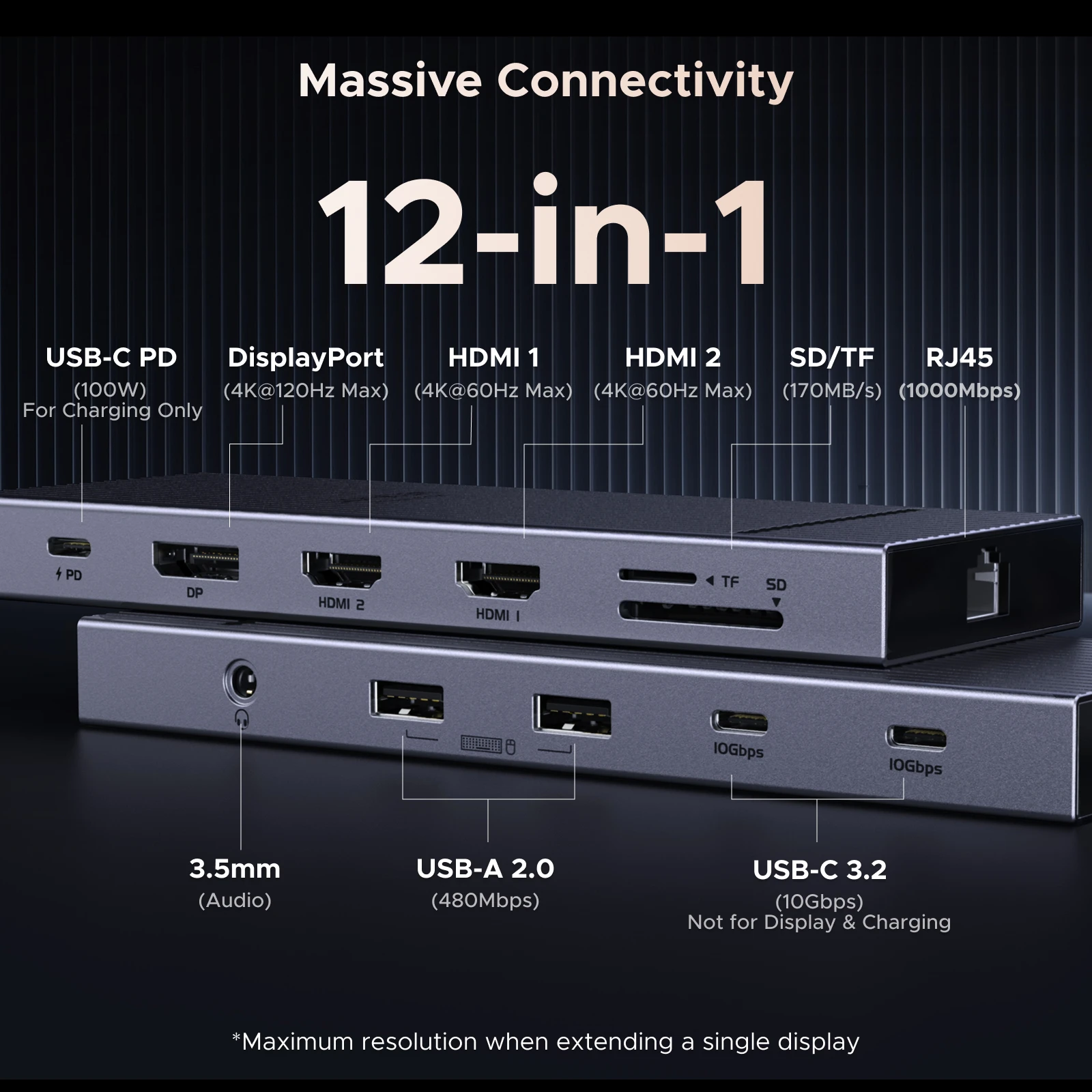
- USB-C hubs plug into one USB-C port and give you HDMI, USB-A, a card slot, a network socket and a place for the charger. Small enough for a bag.
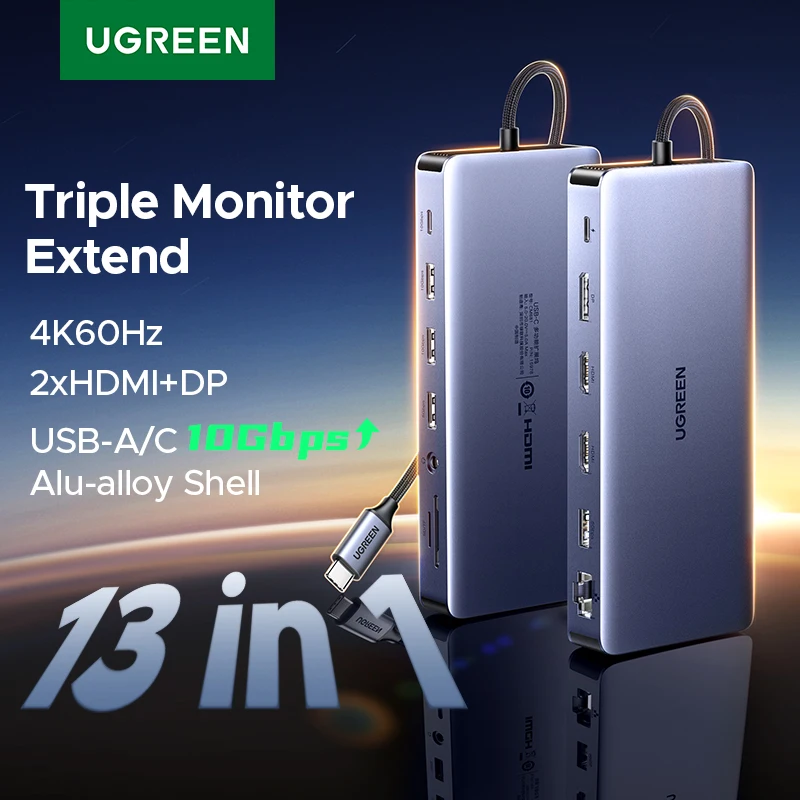
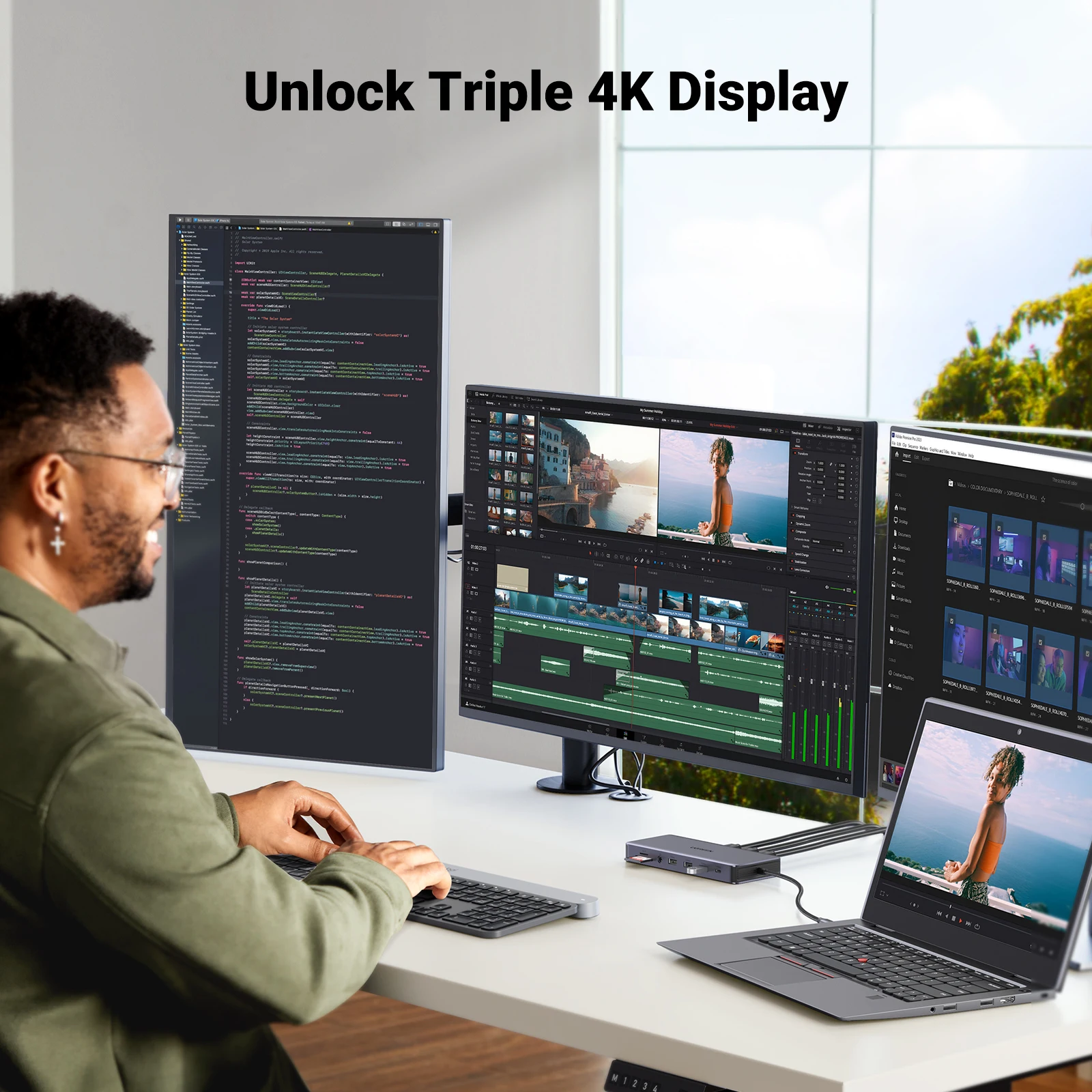
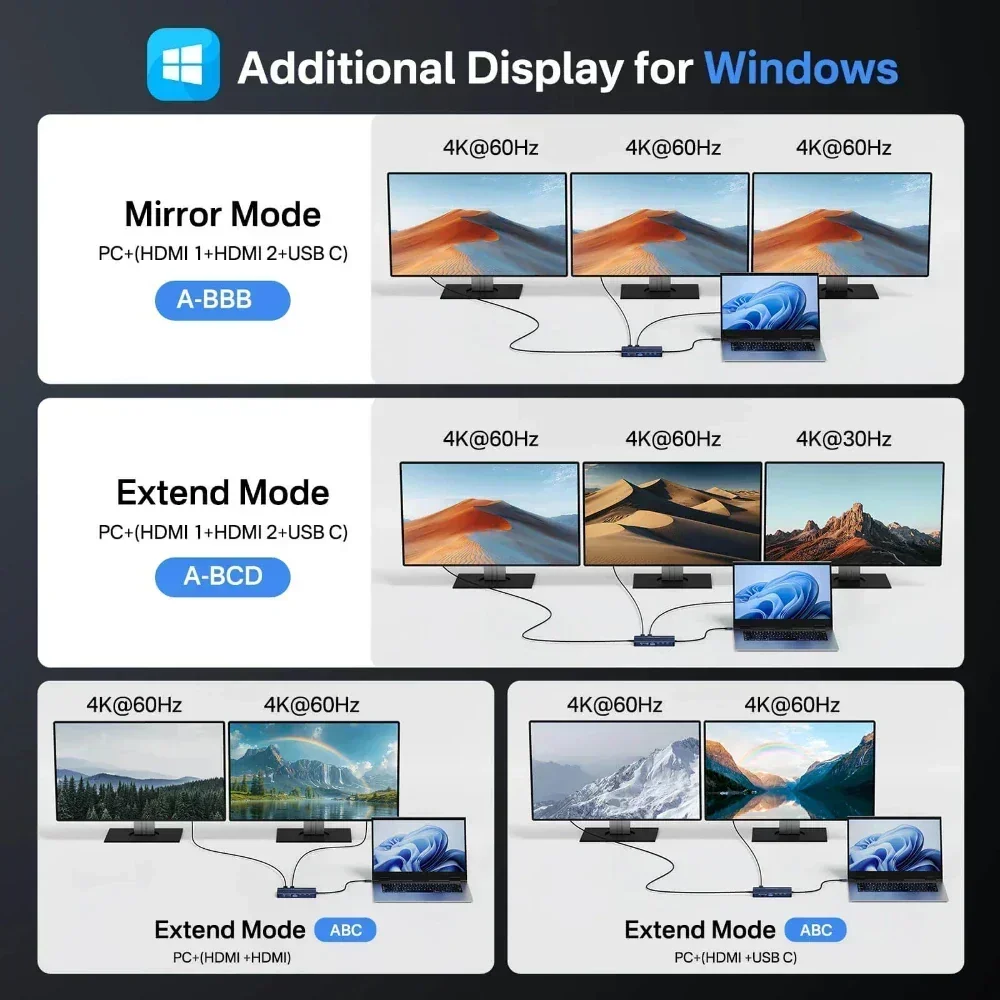
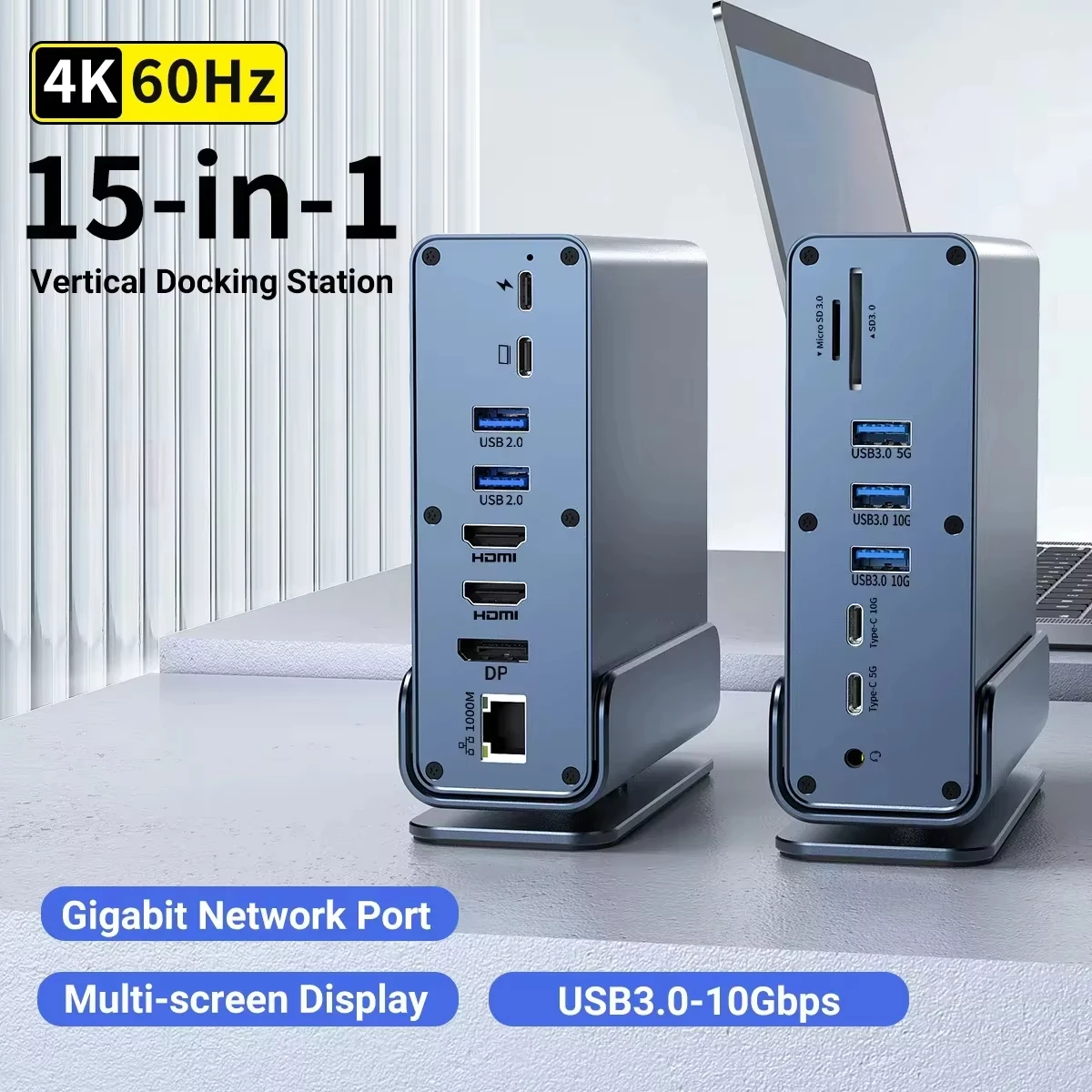
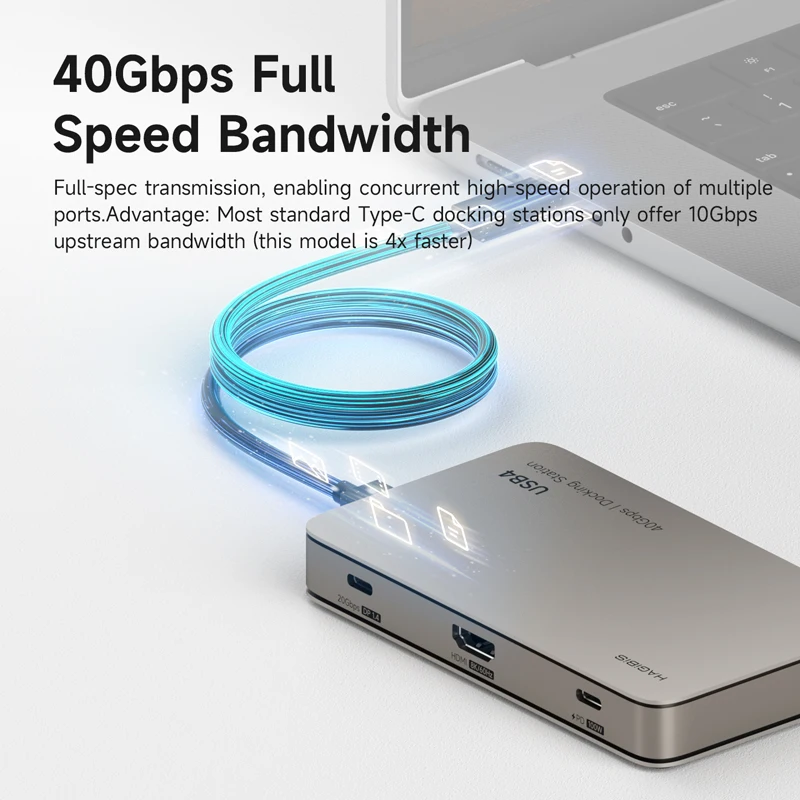
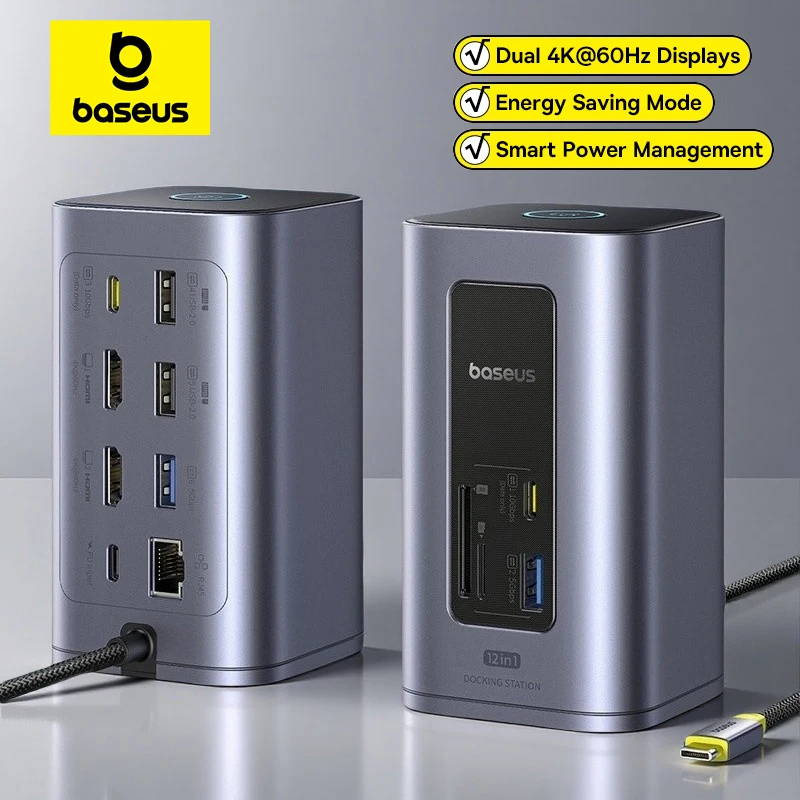
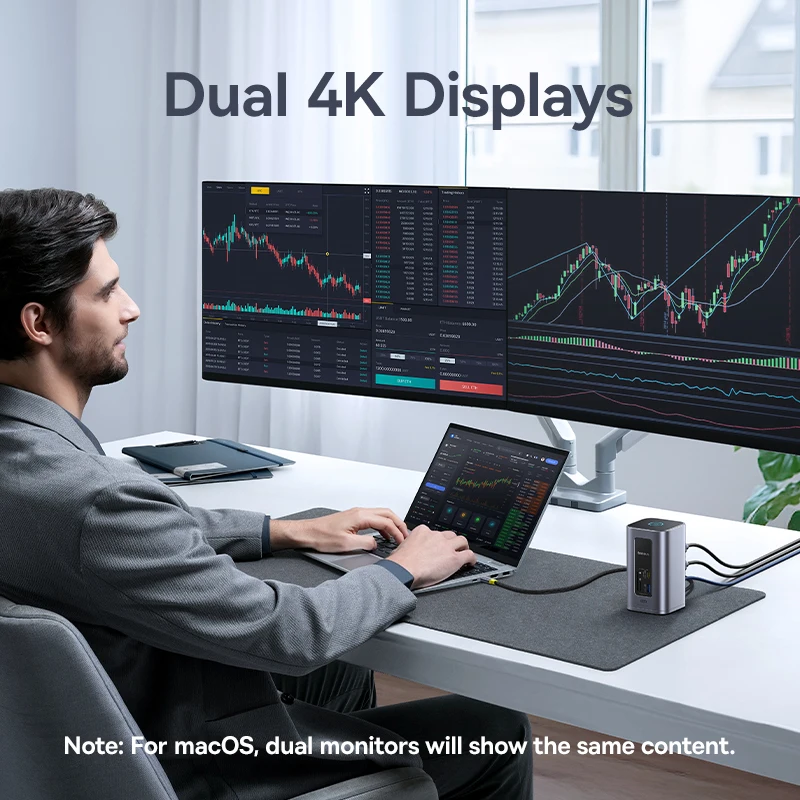
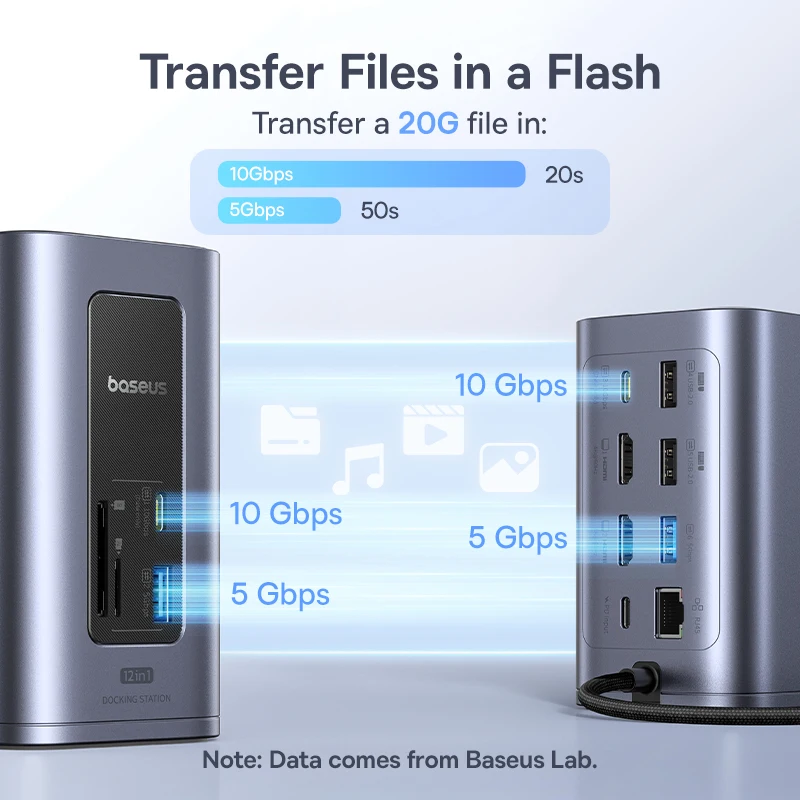
- Laptop docking stations are the bigger desk version, for two or three screens, wired network and charging through one cable.
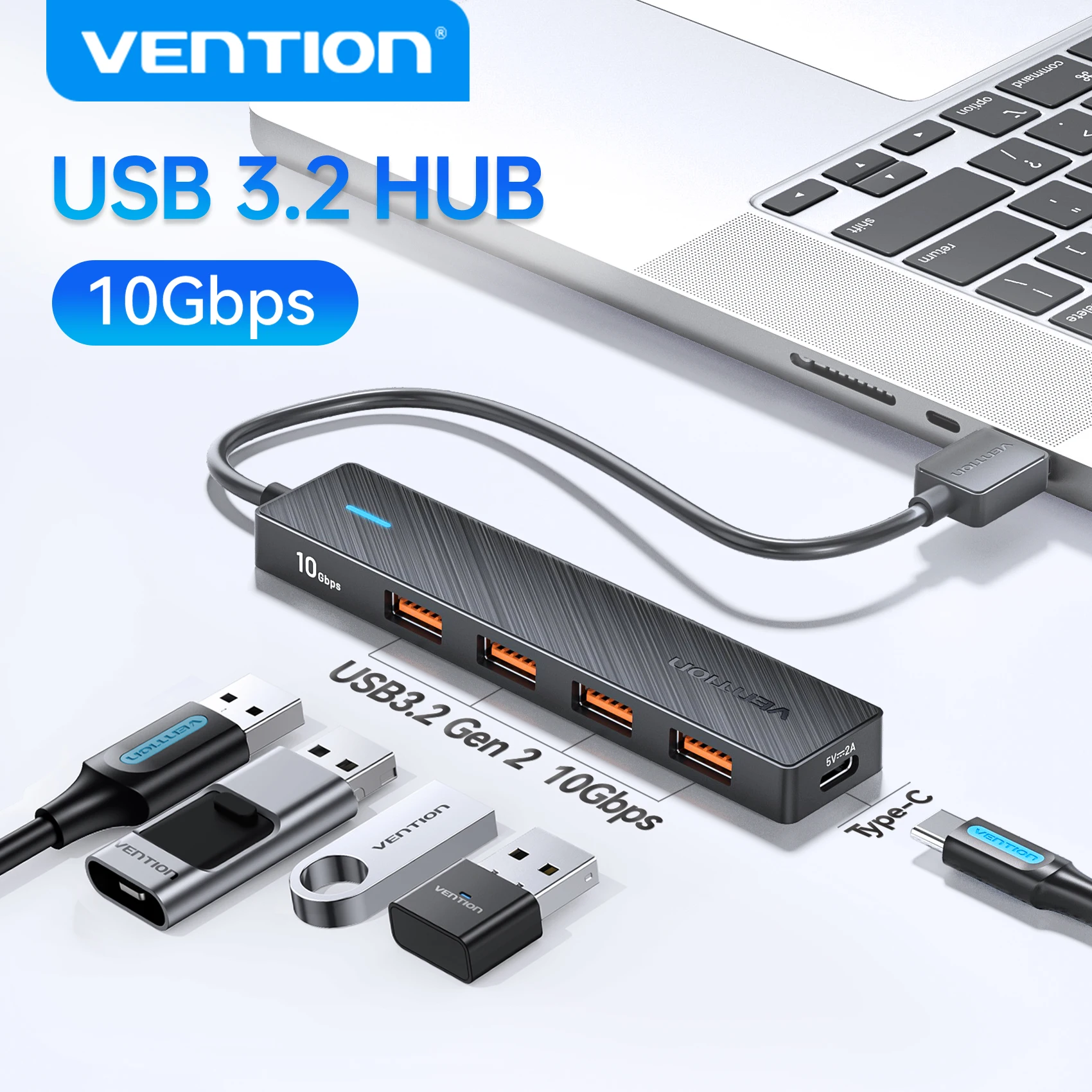
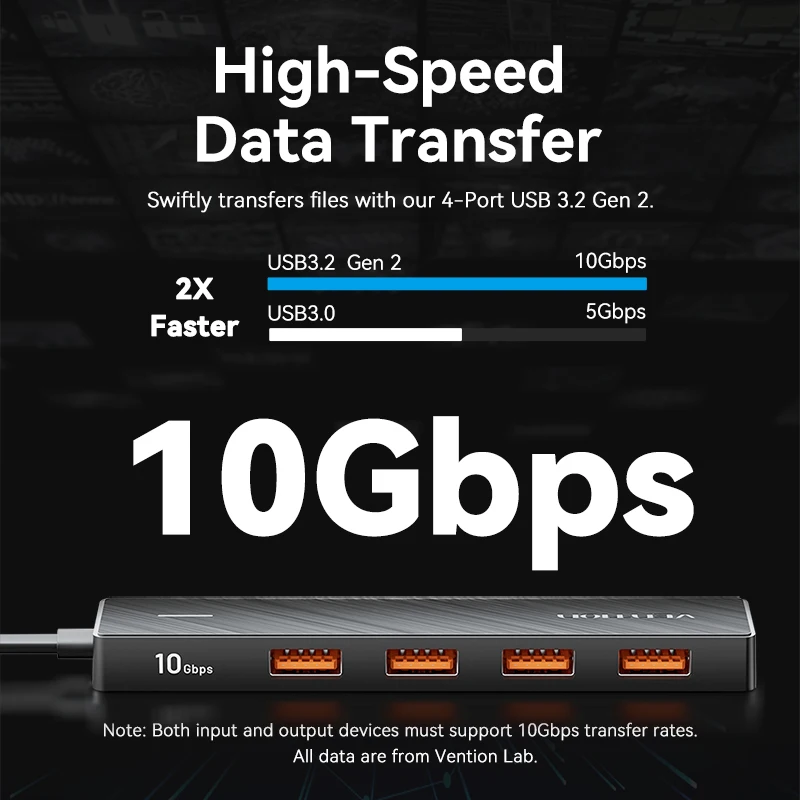
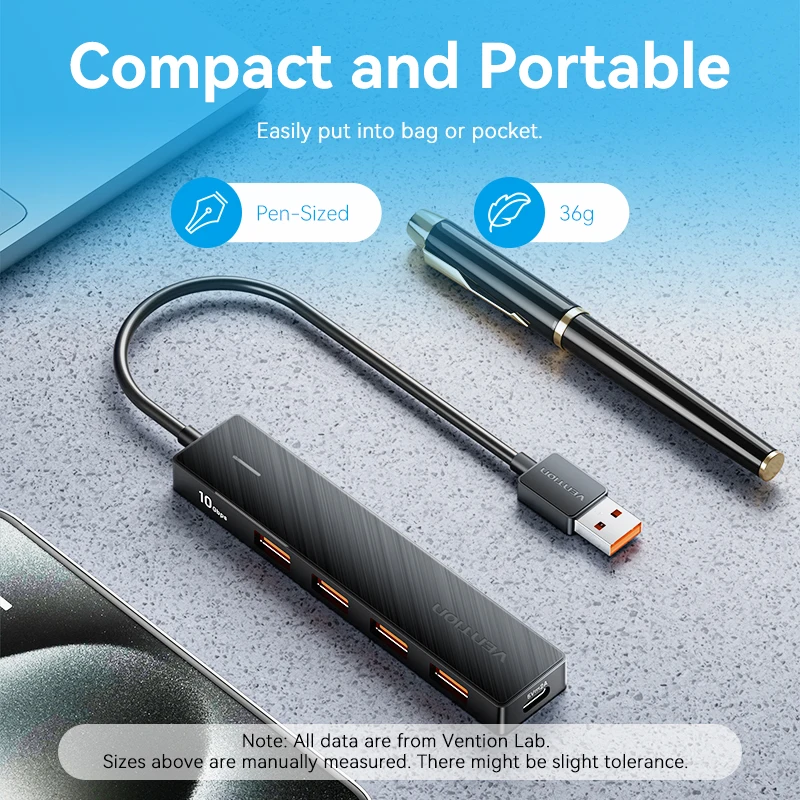
- USB-A hubs turn one of the older, larger USB sockets into three, four or seven.
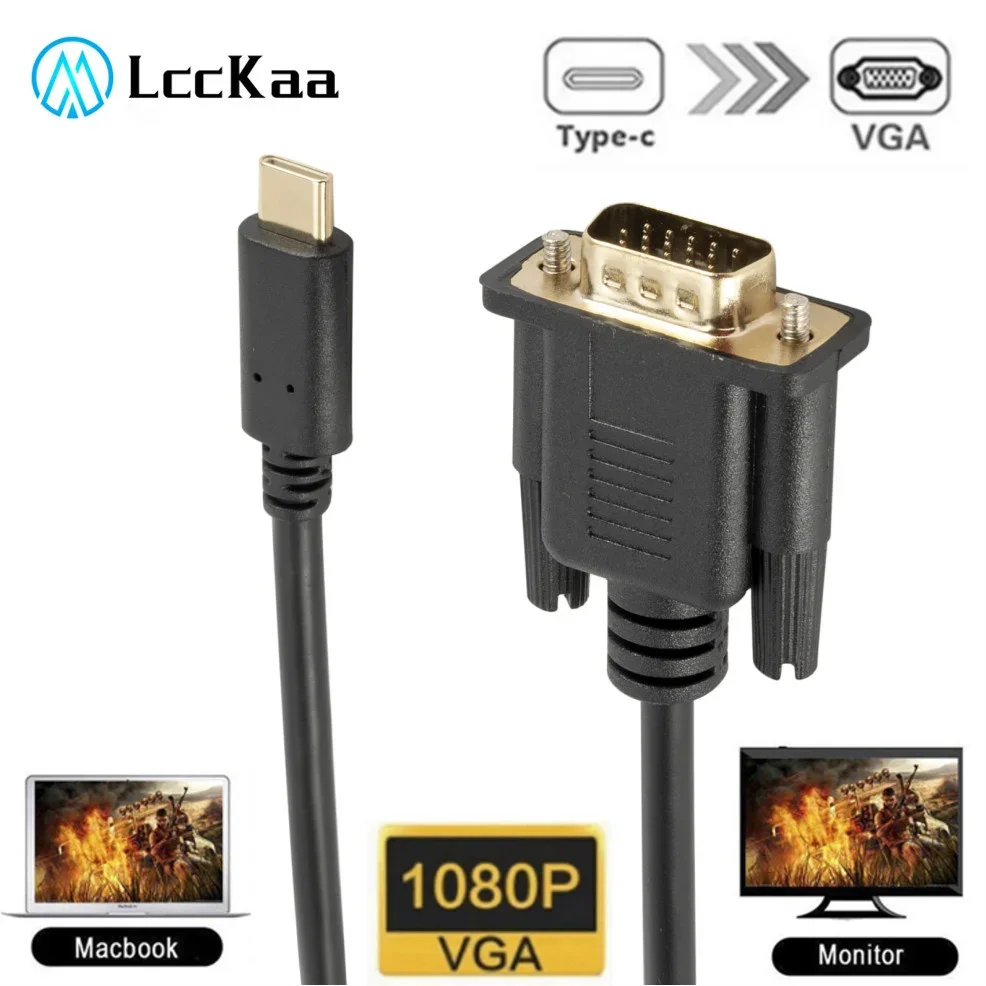
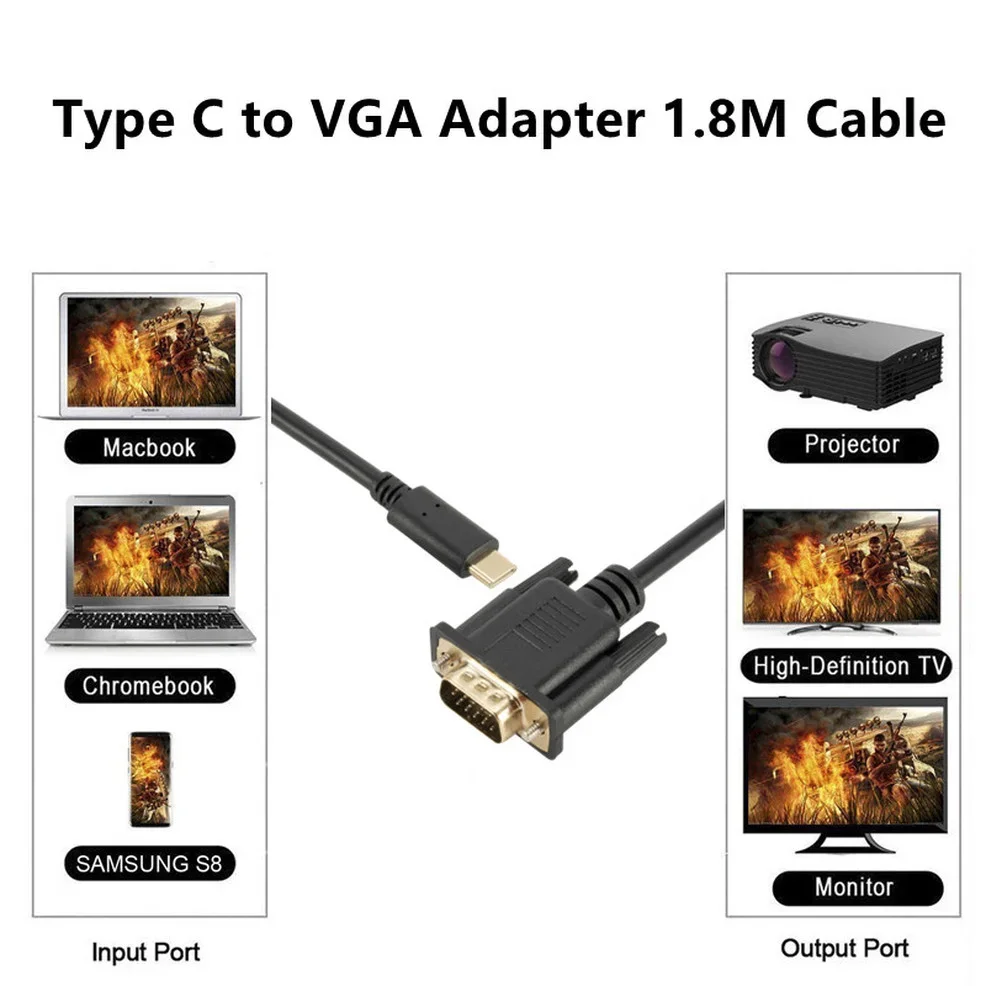
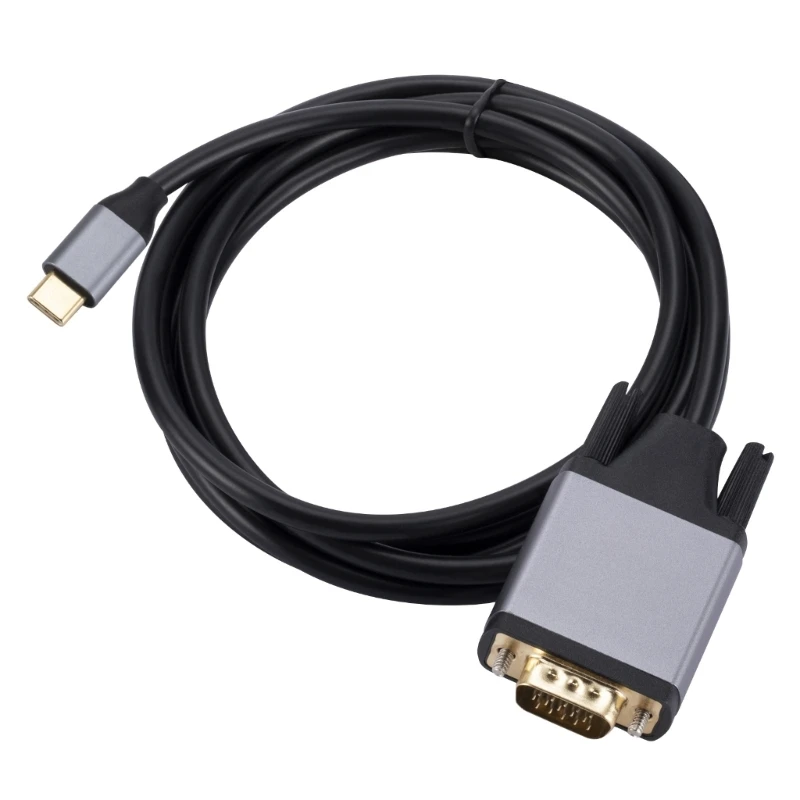
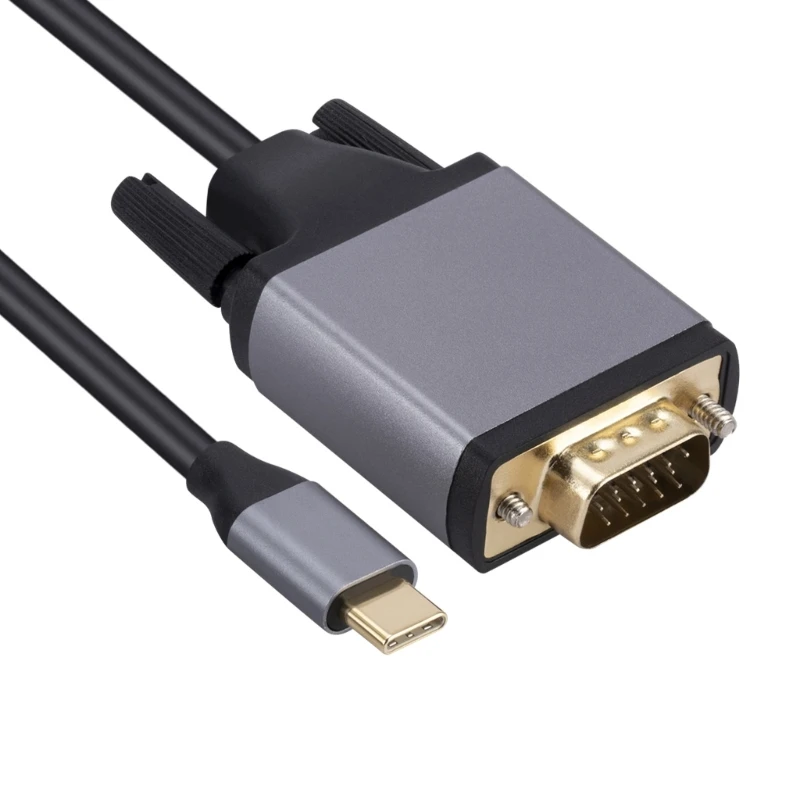
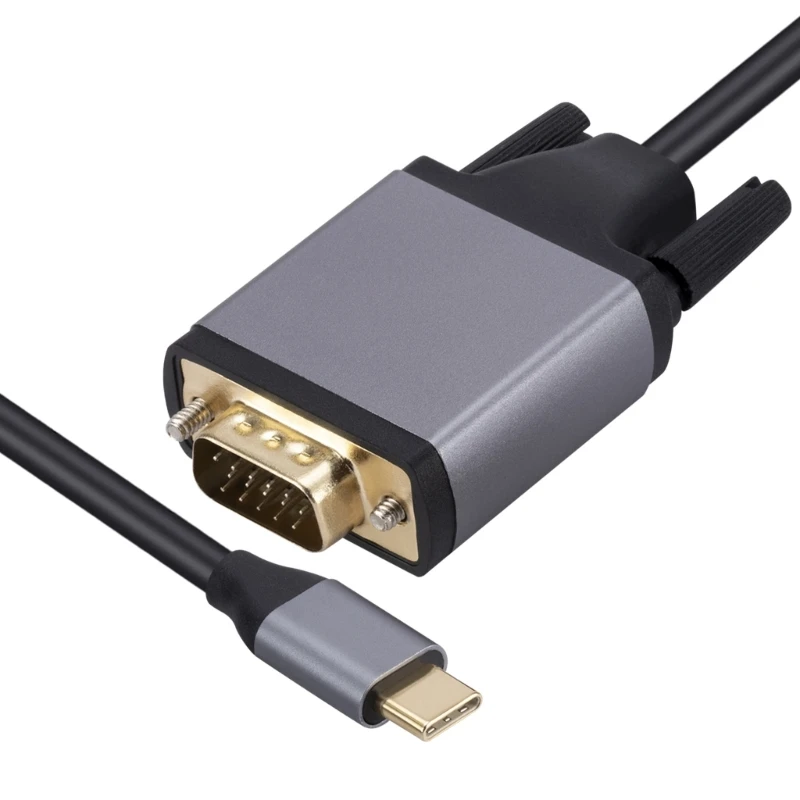
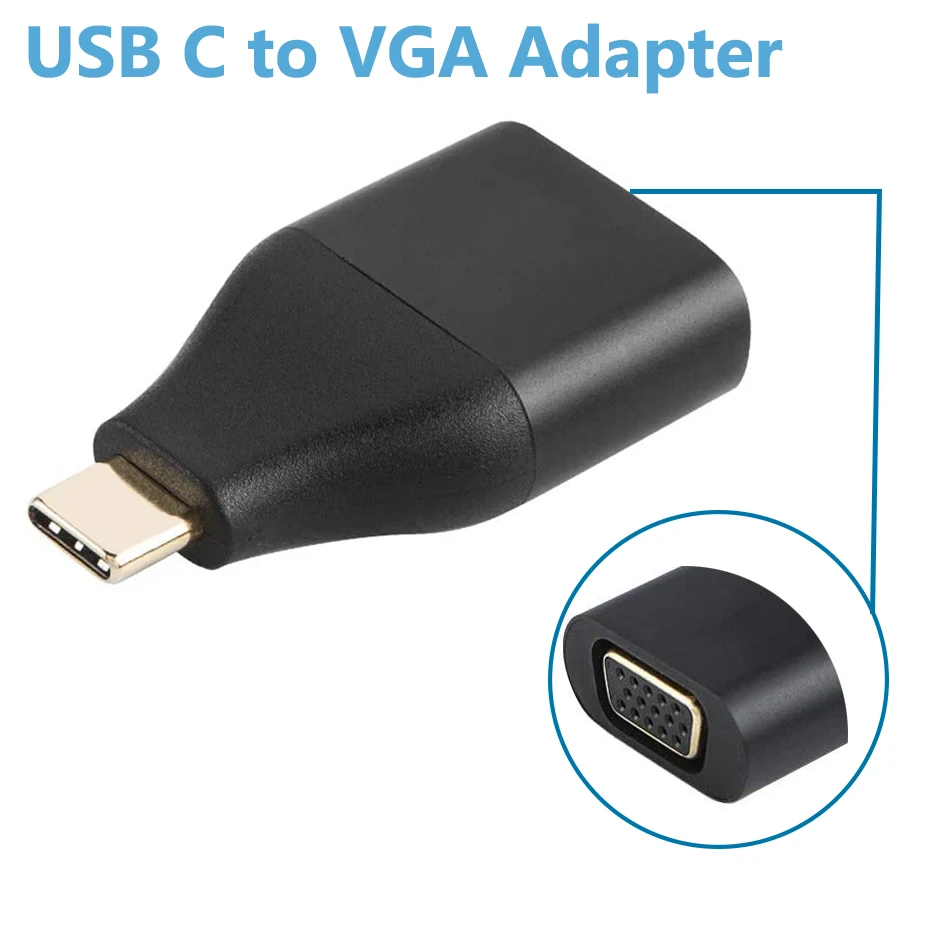
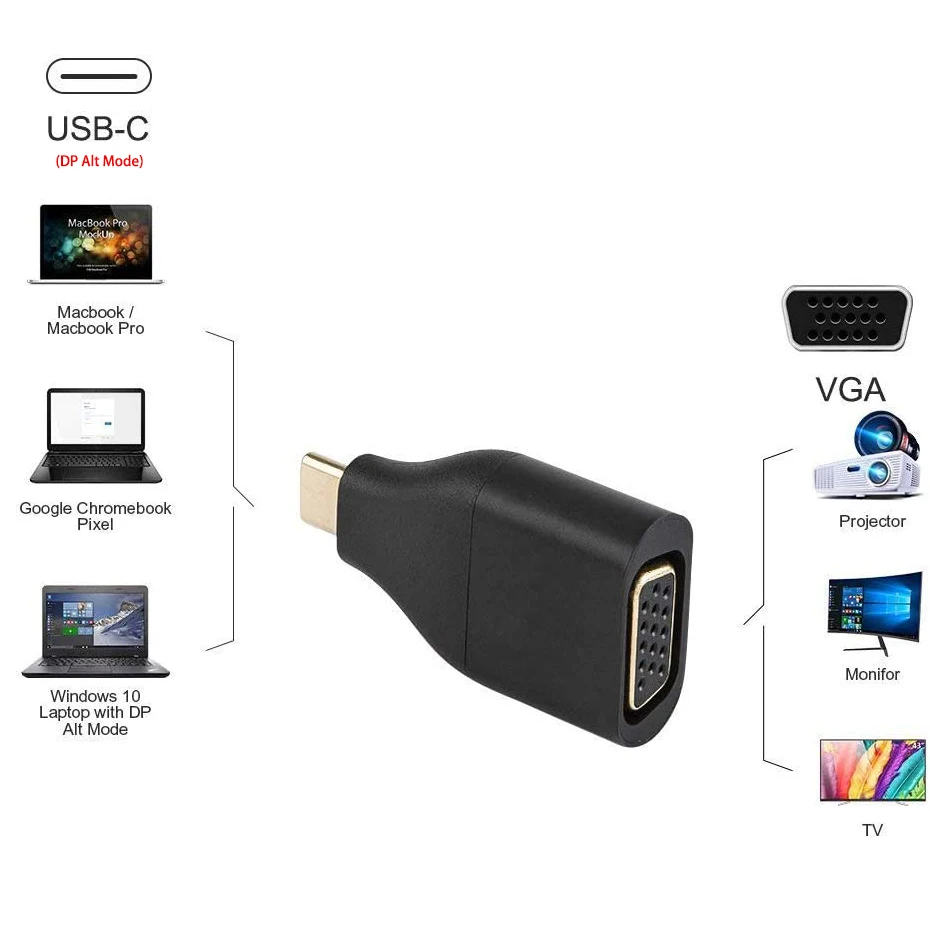
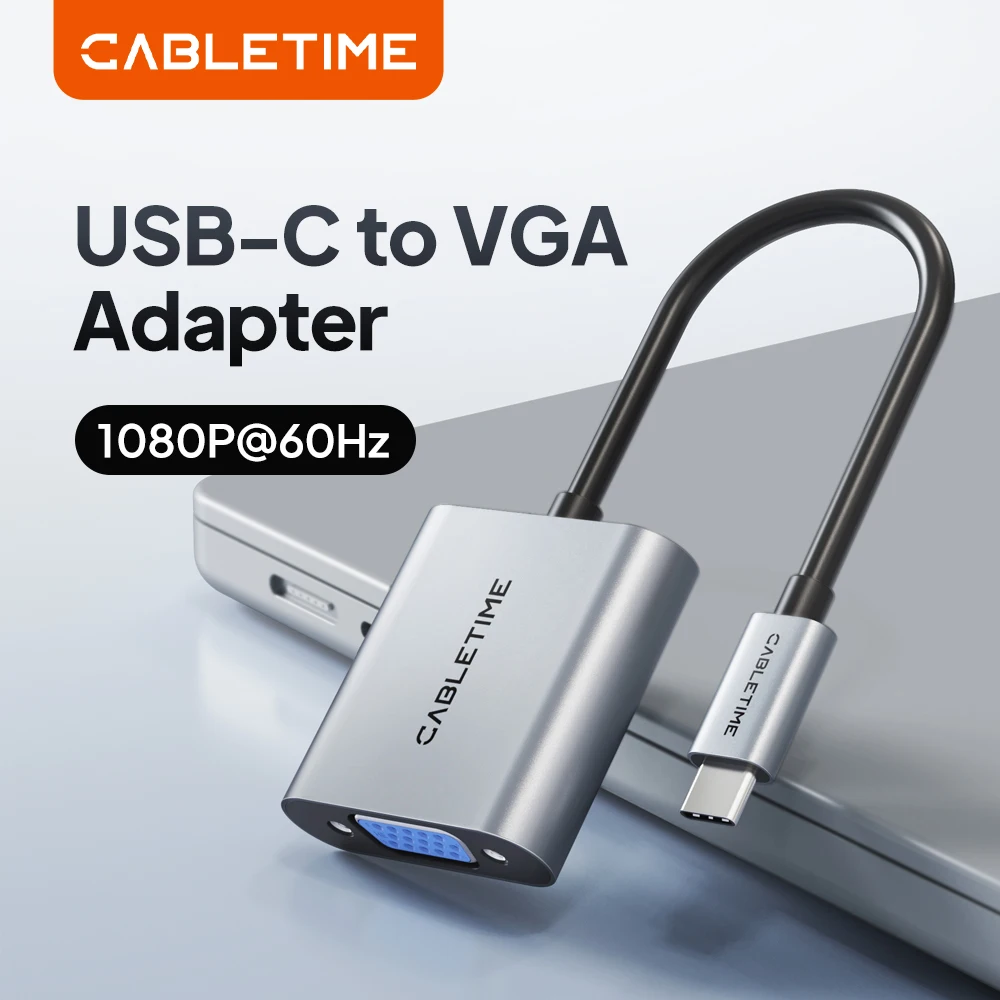
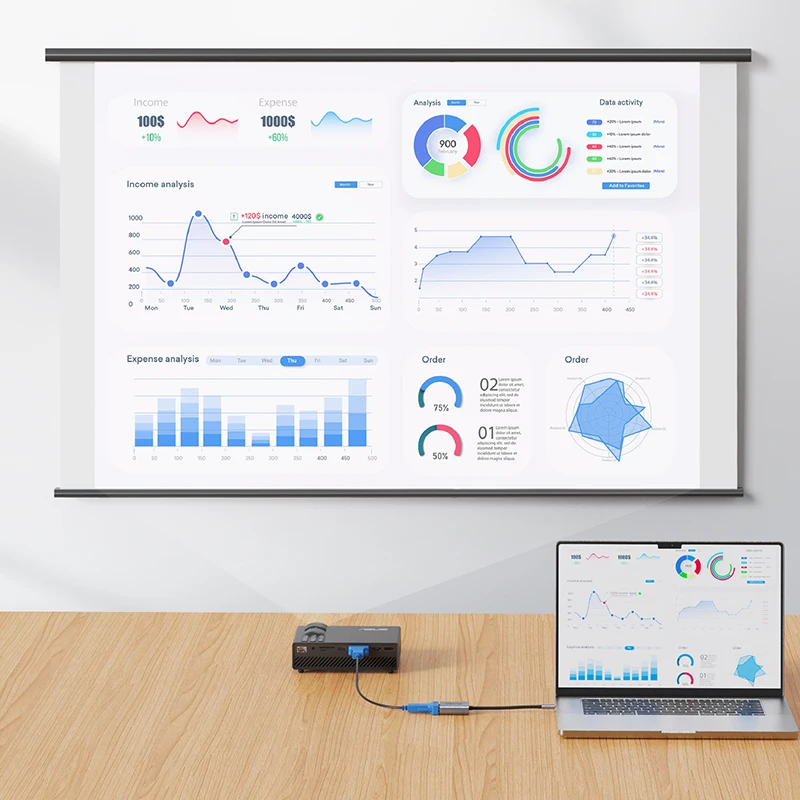
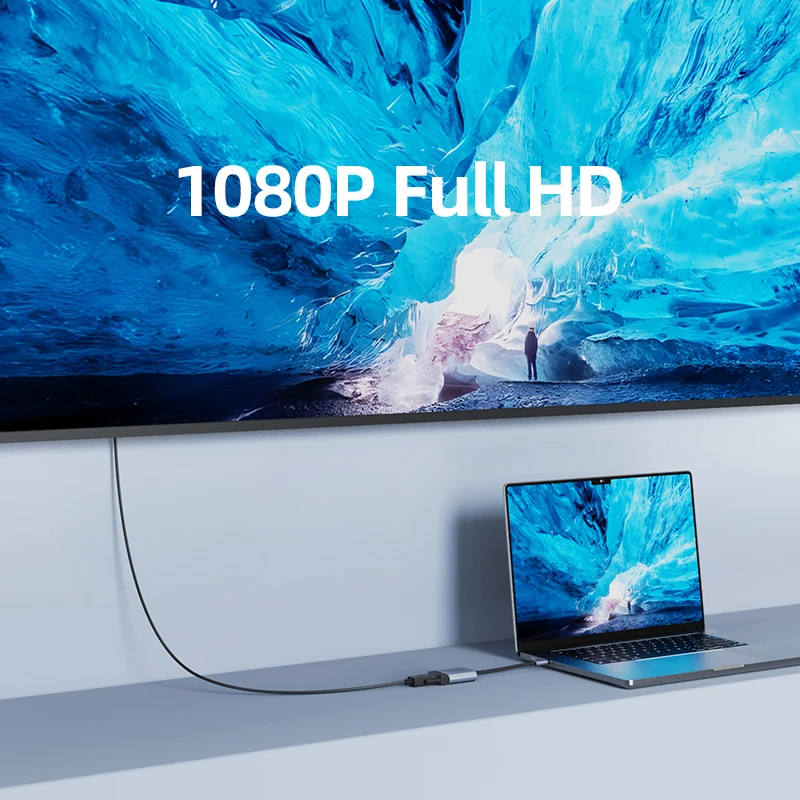
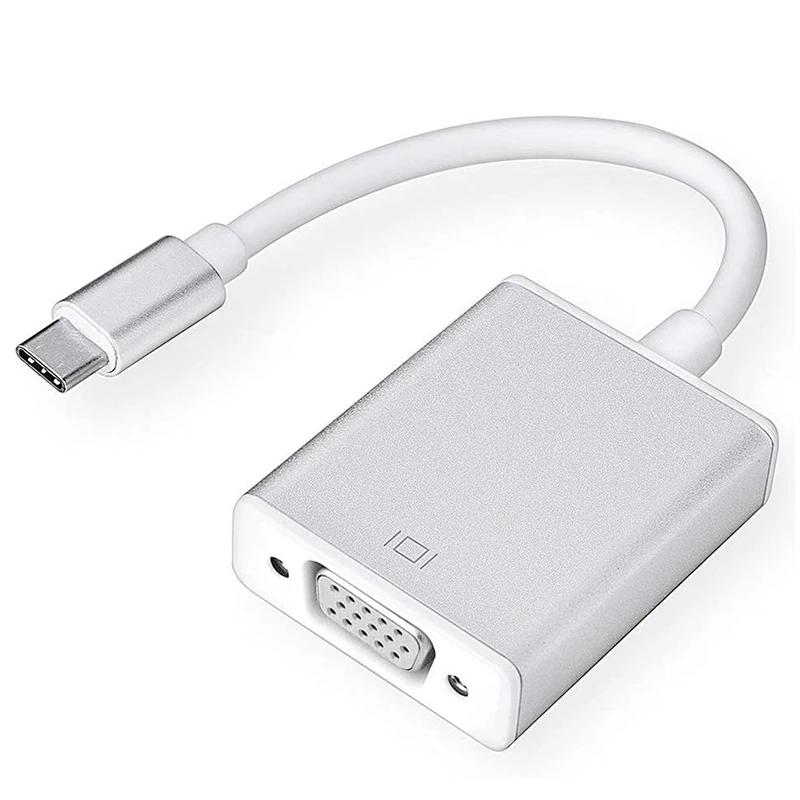
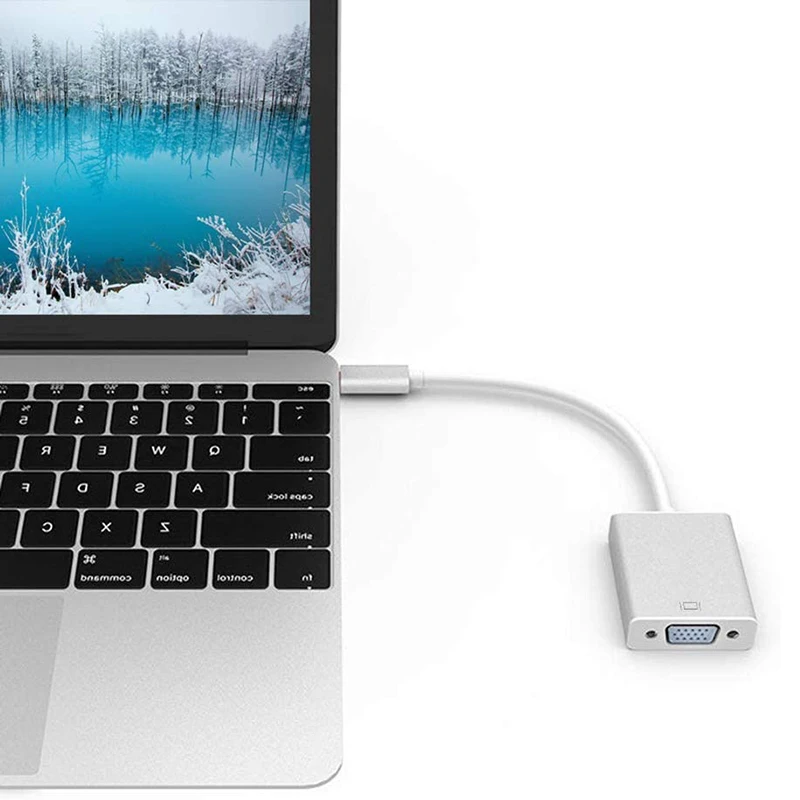
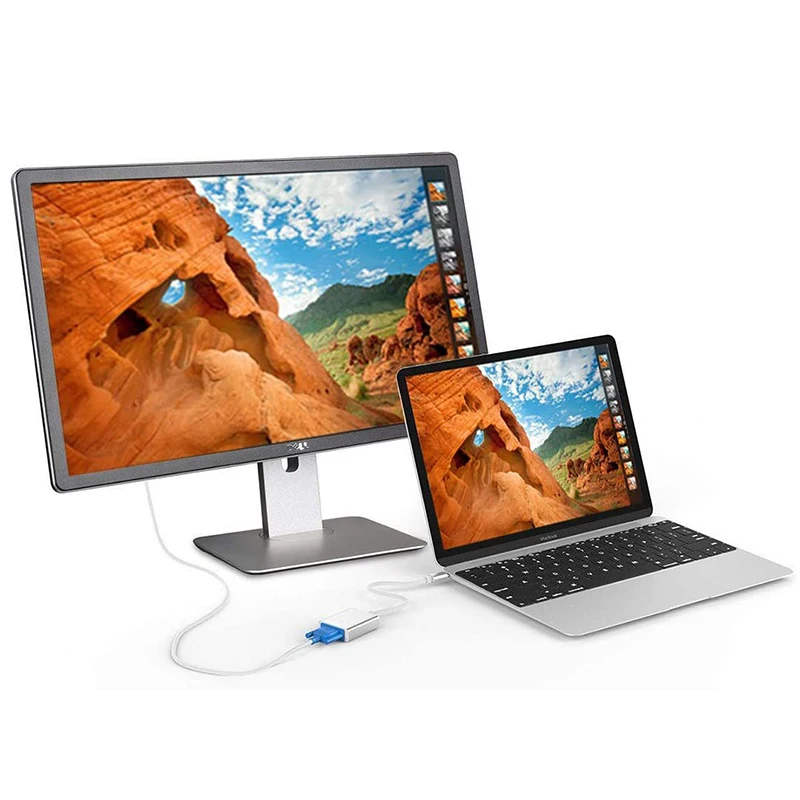
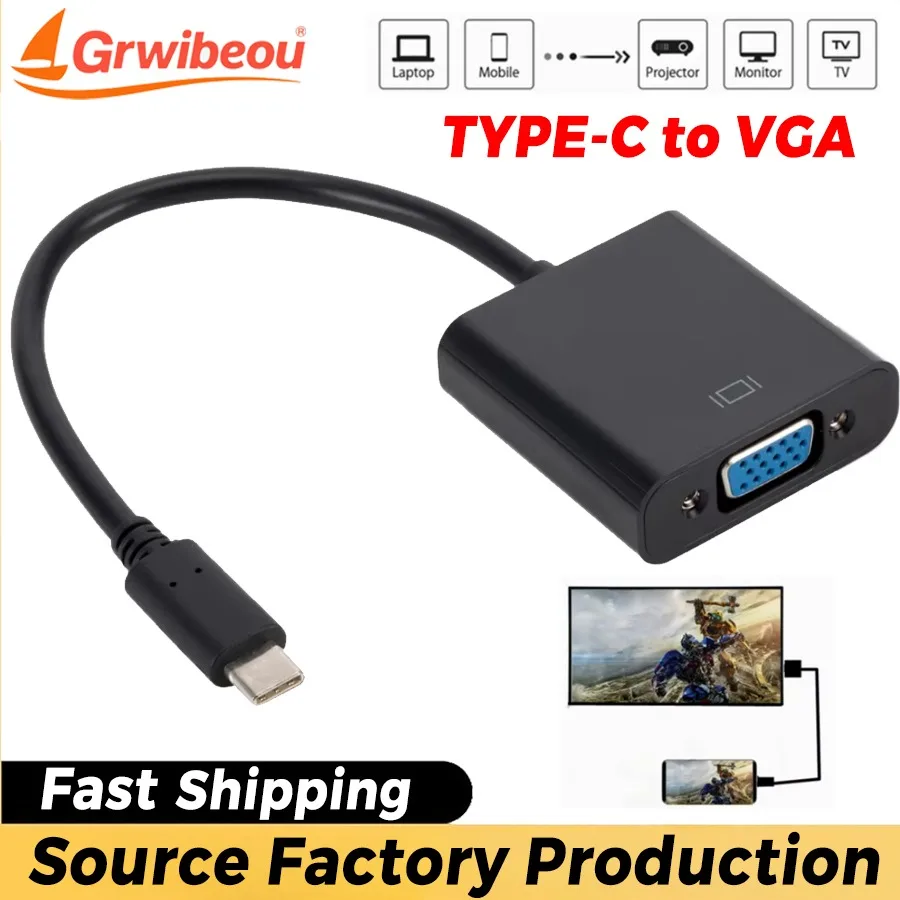
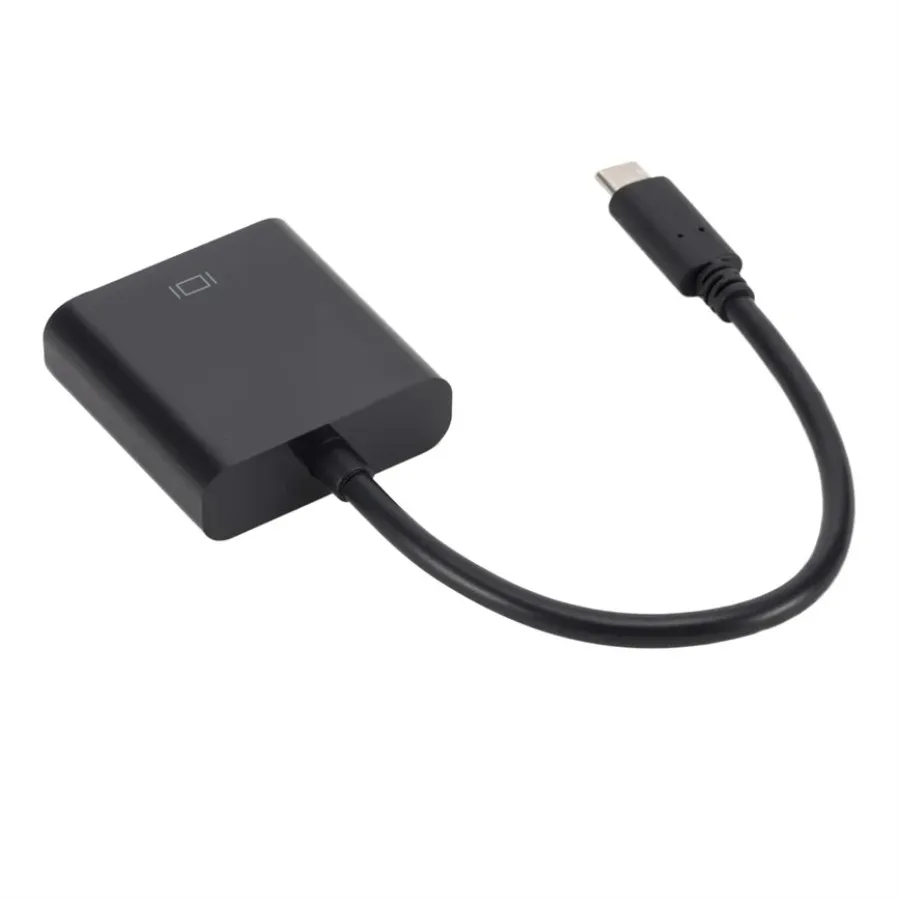
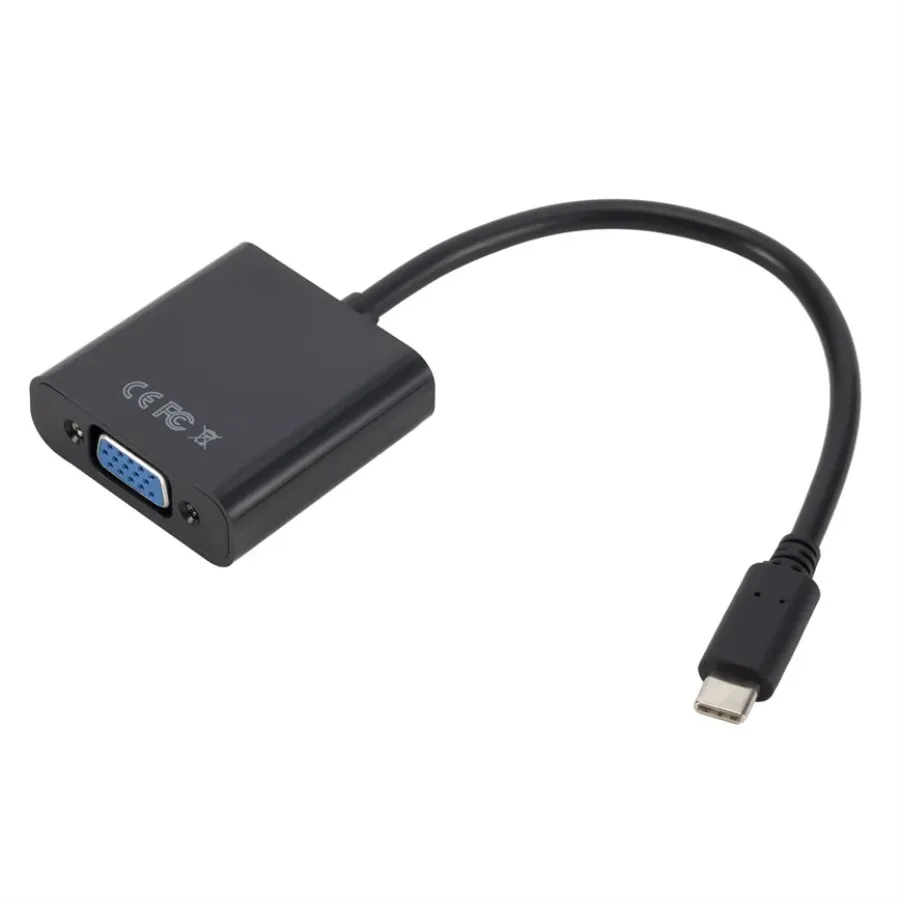
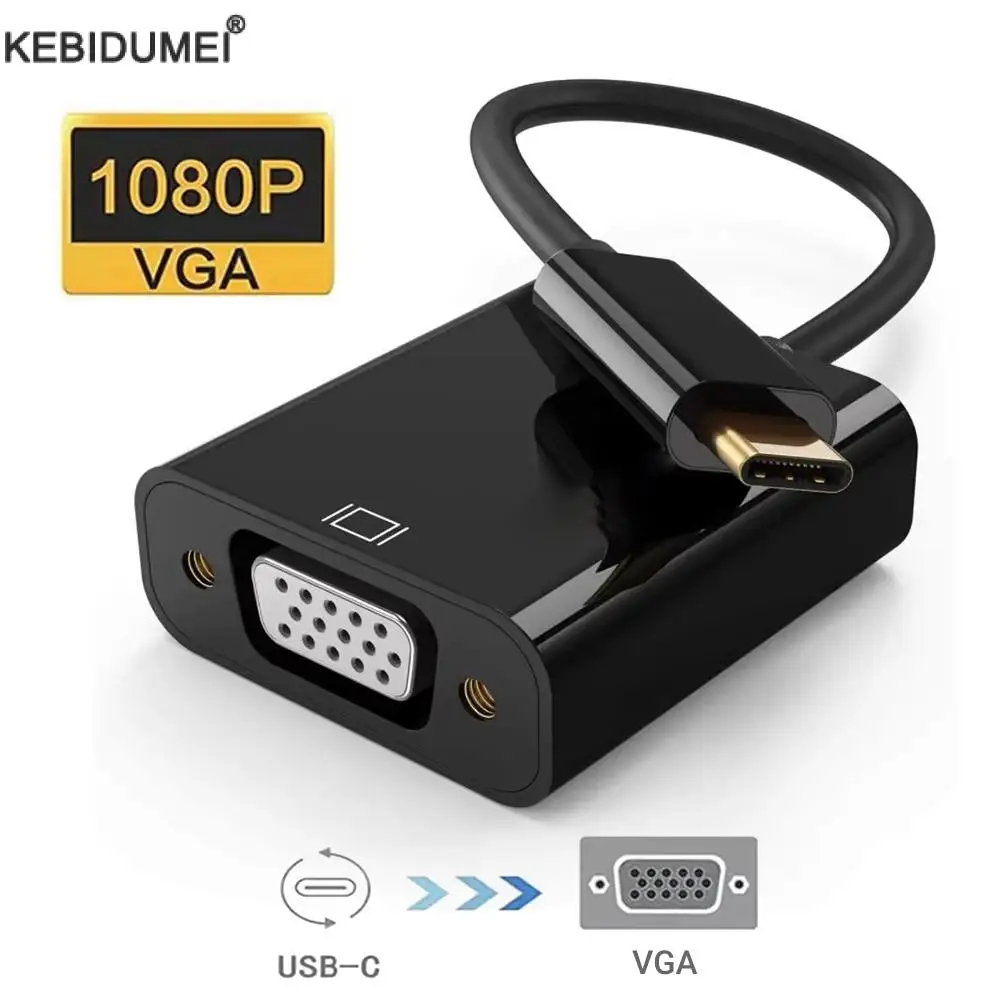
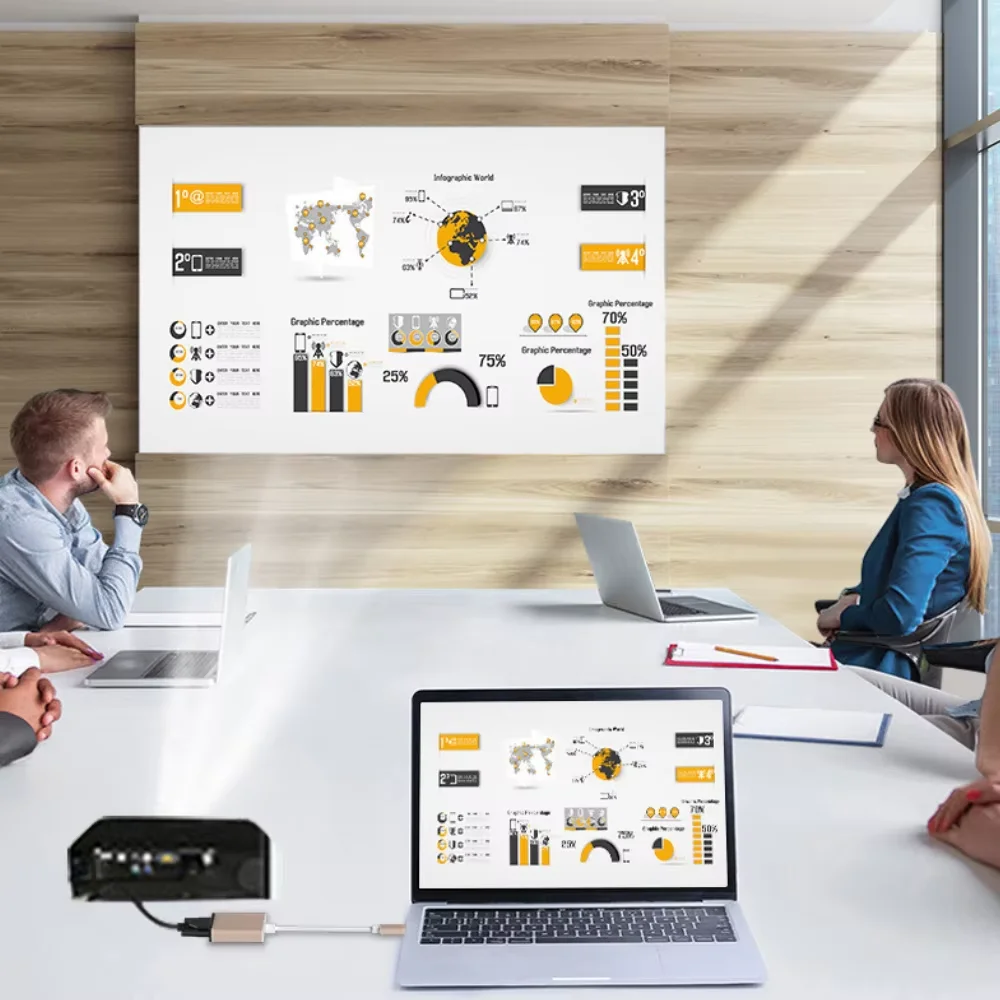
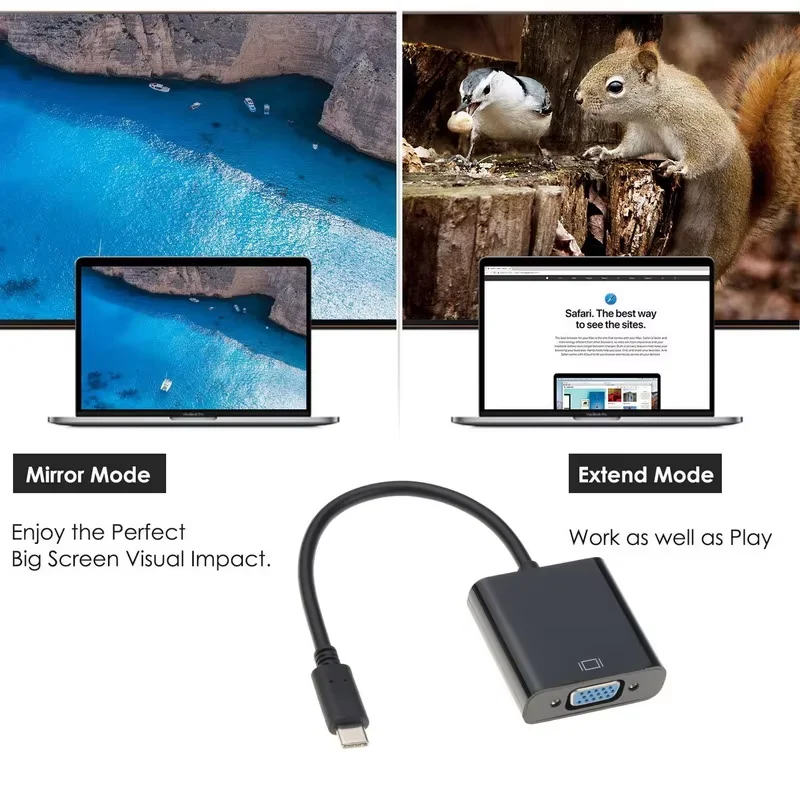
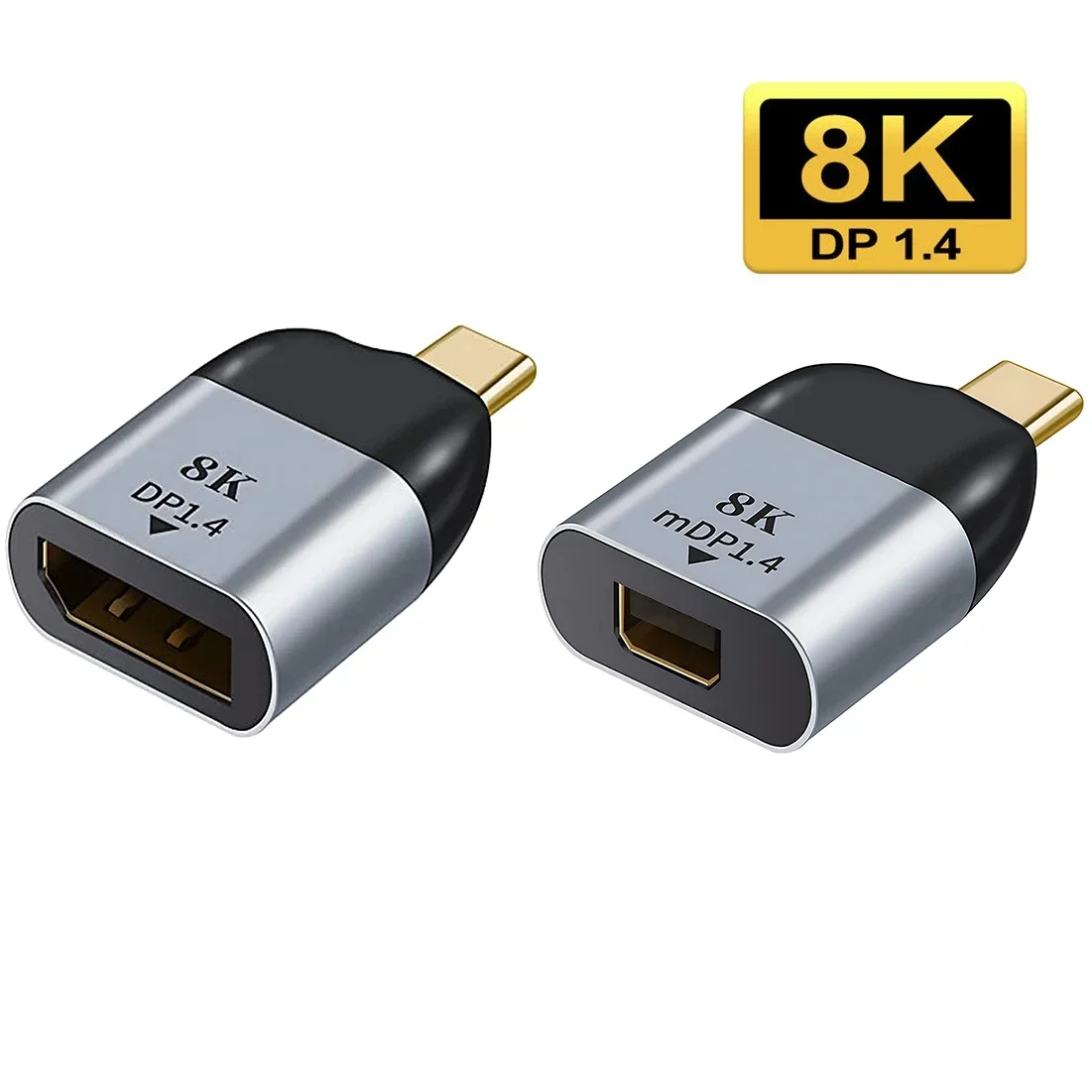
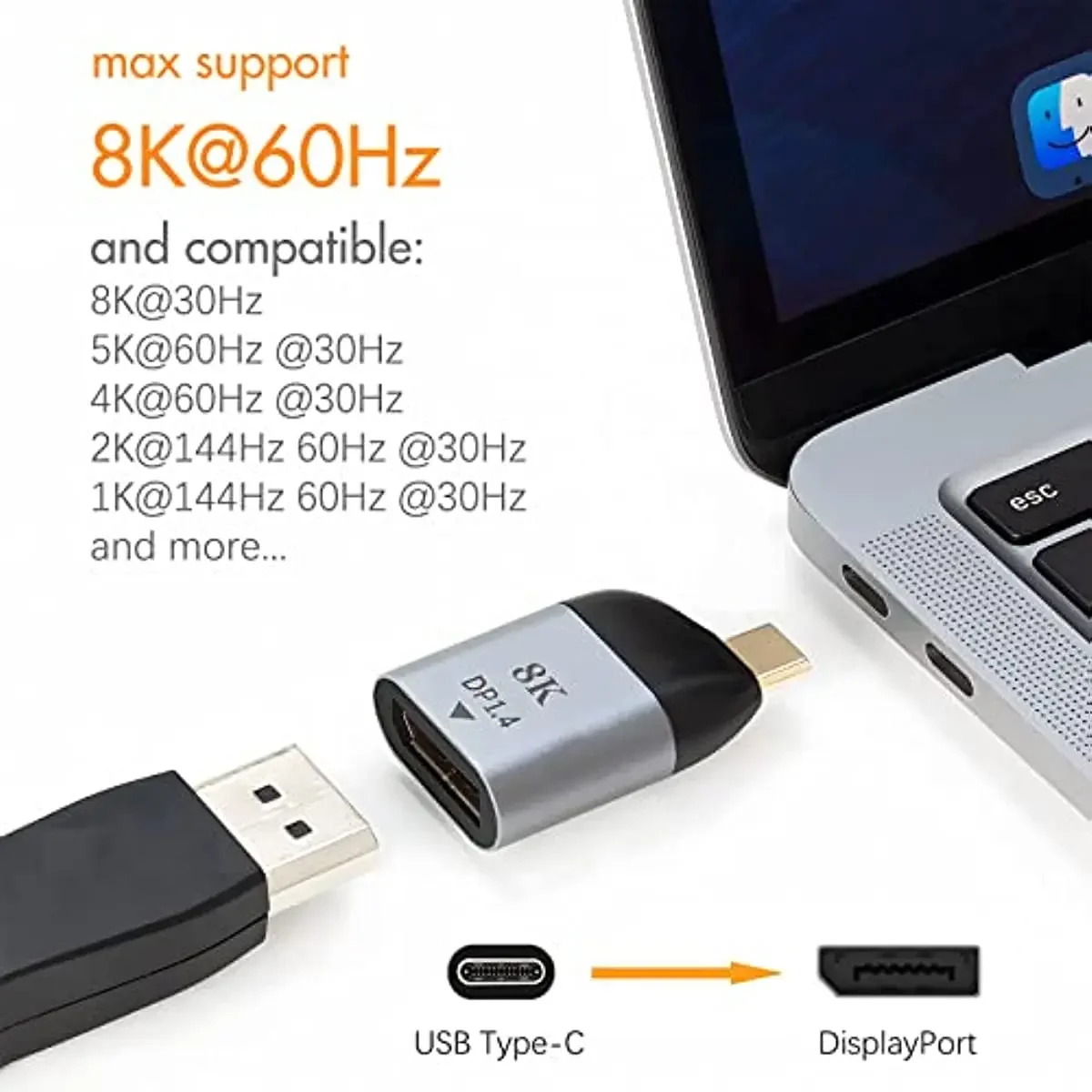
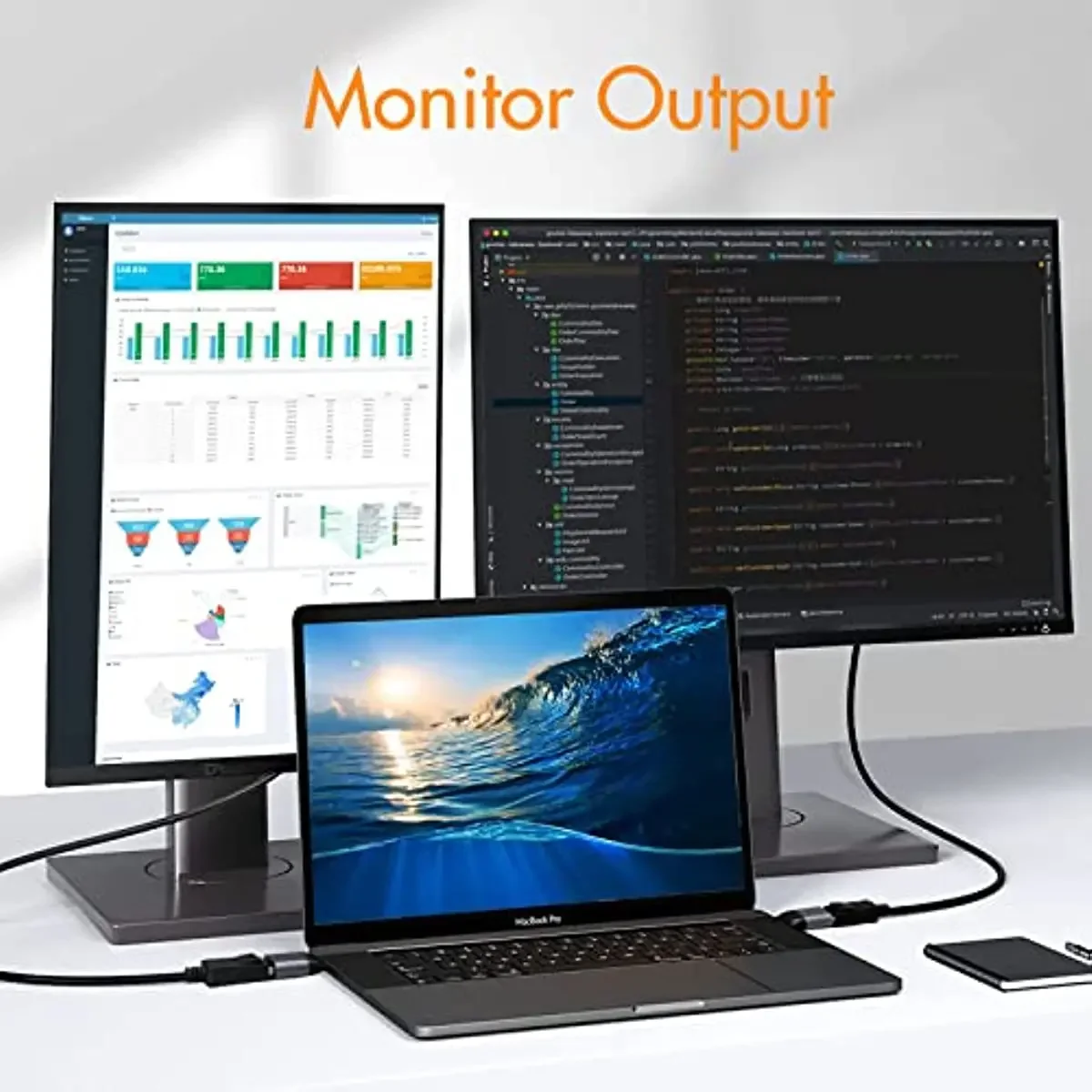
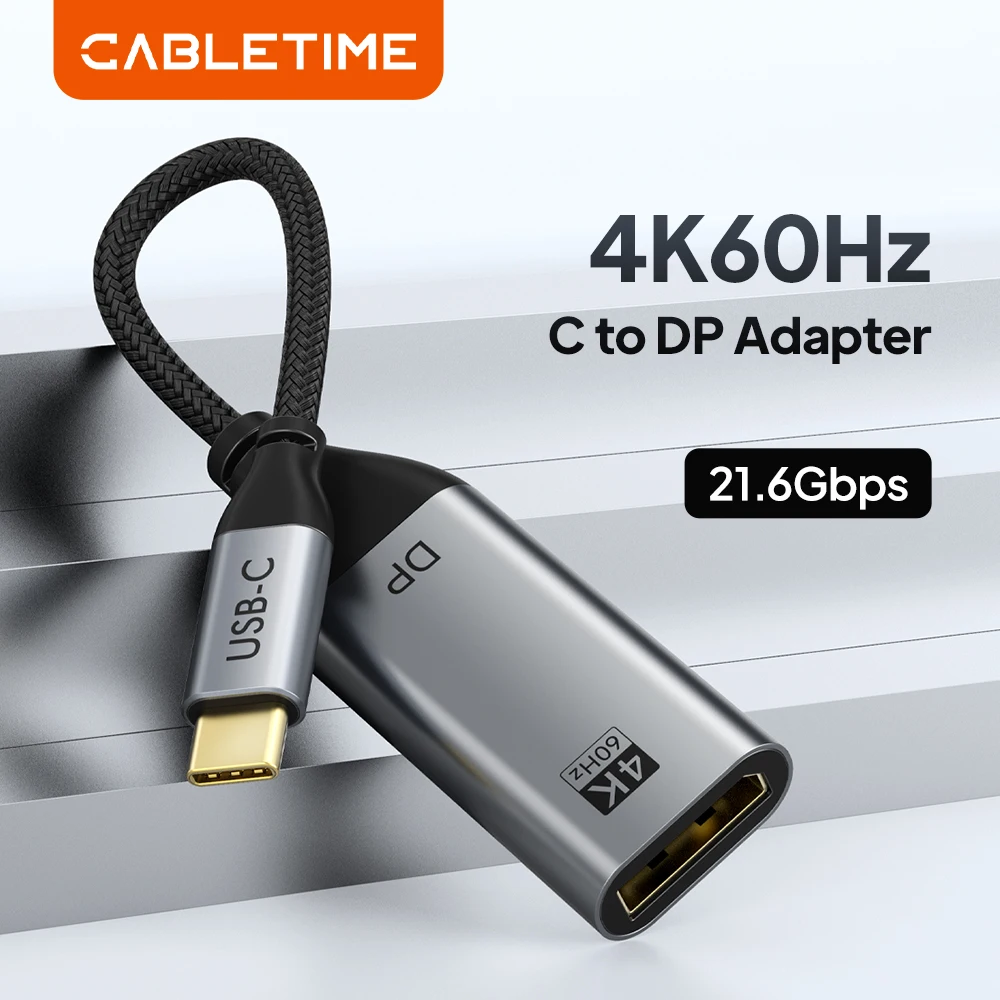
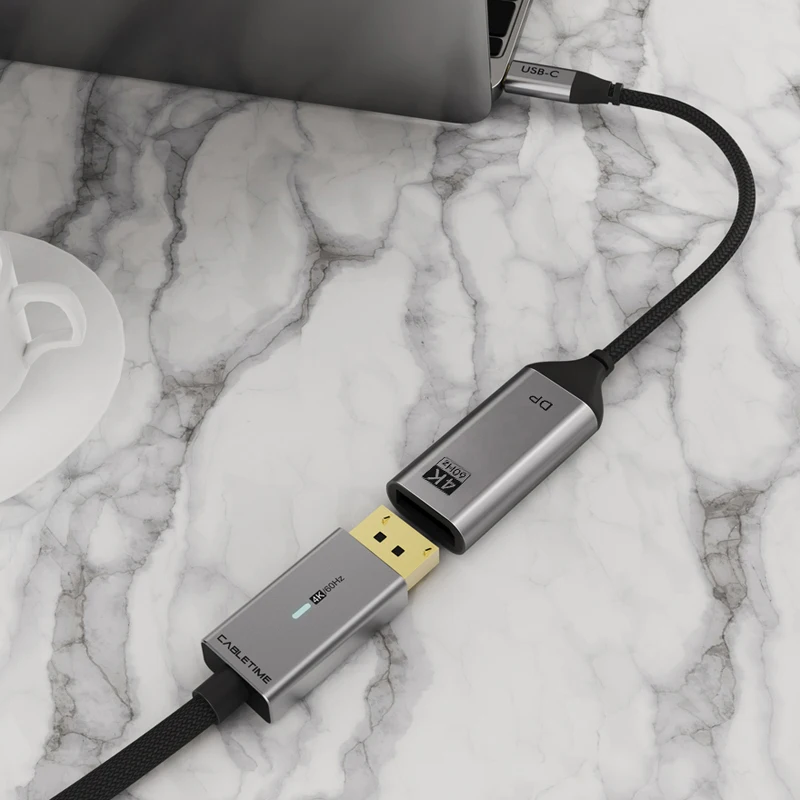
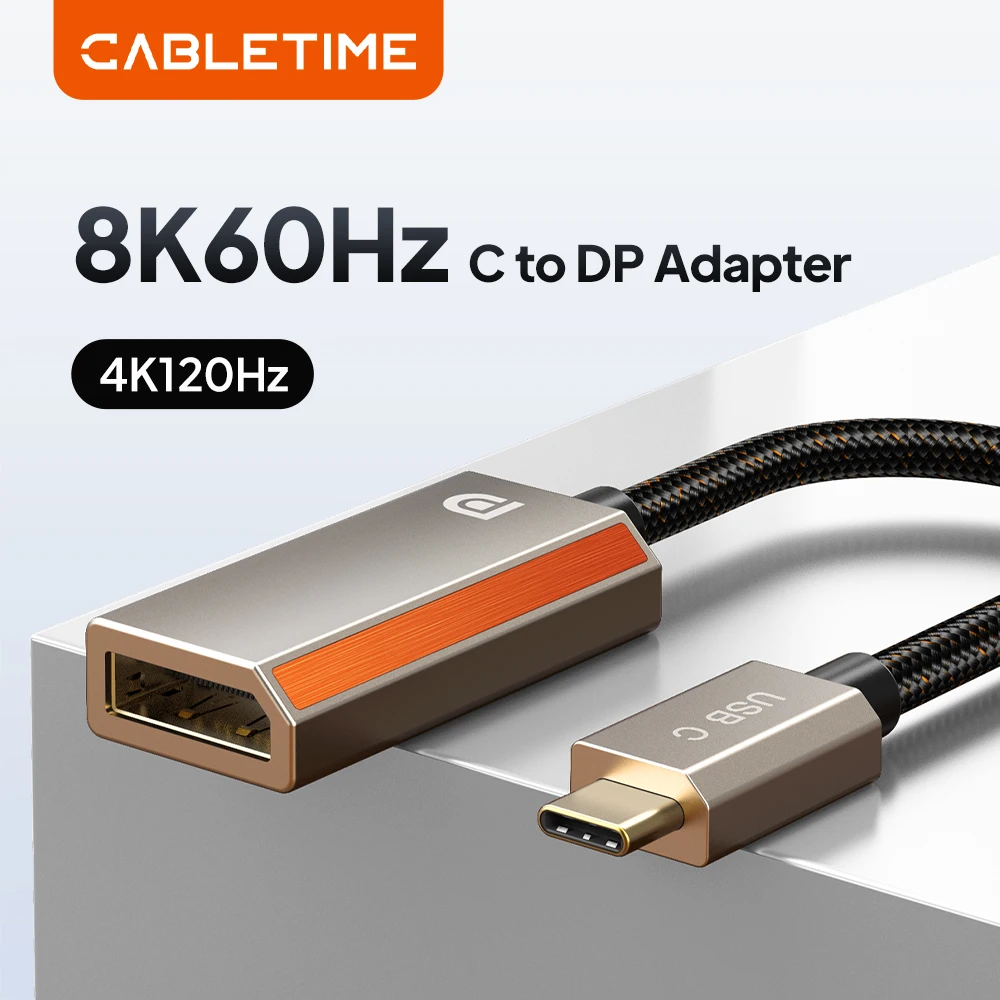
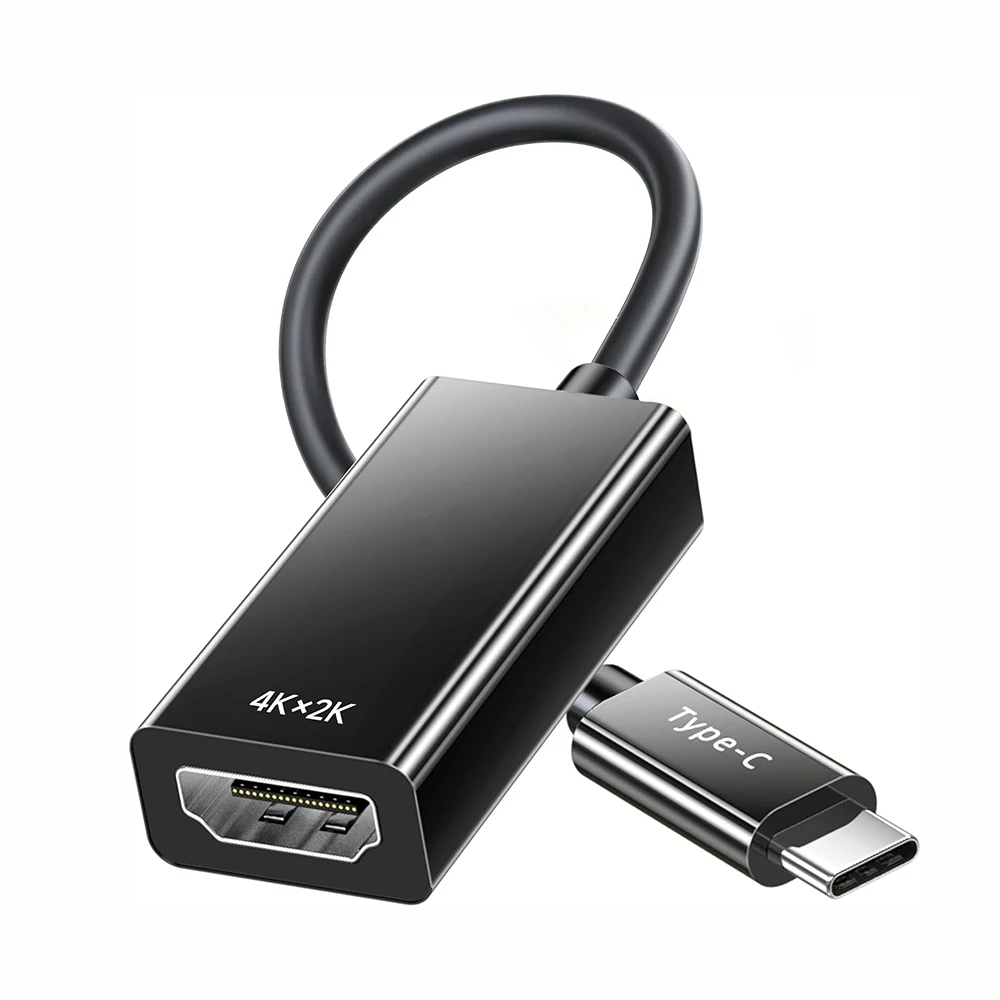
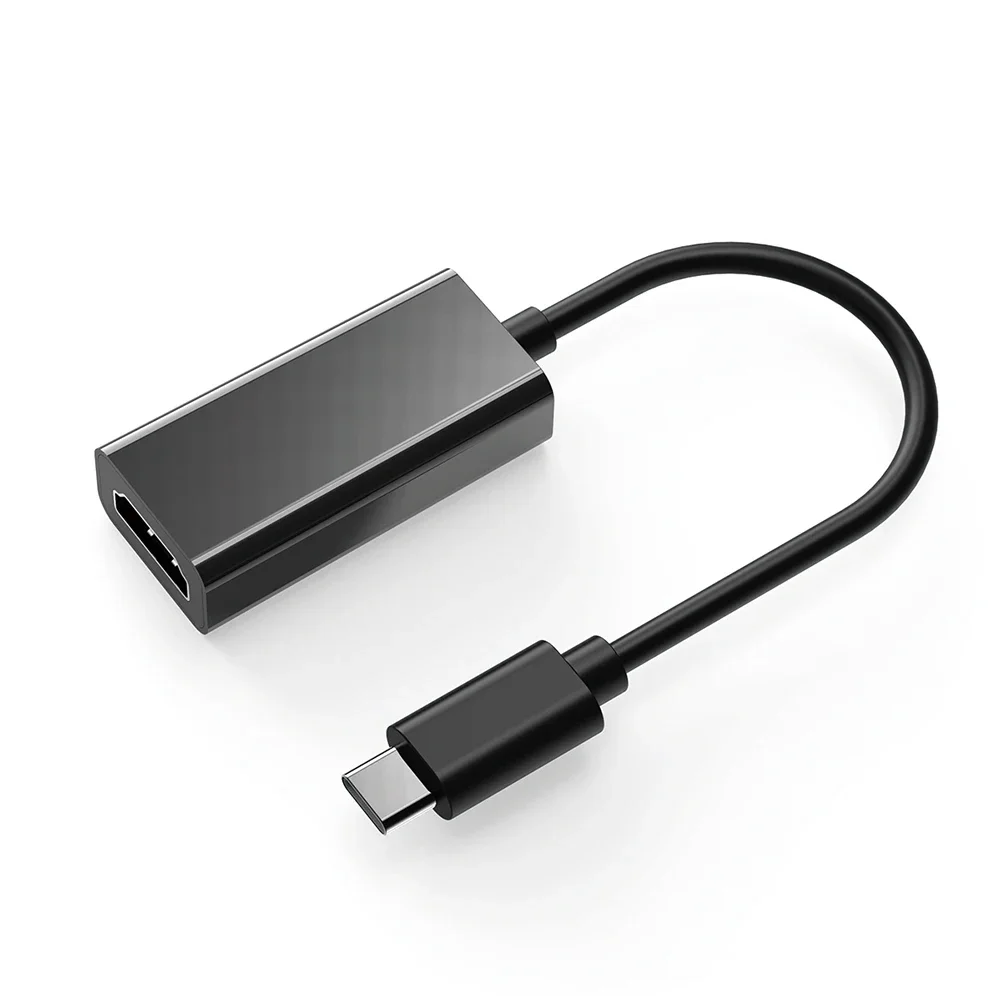
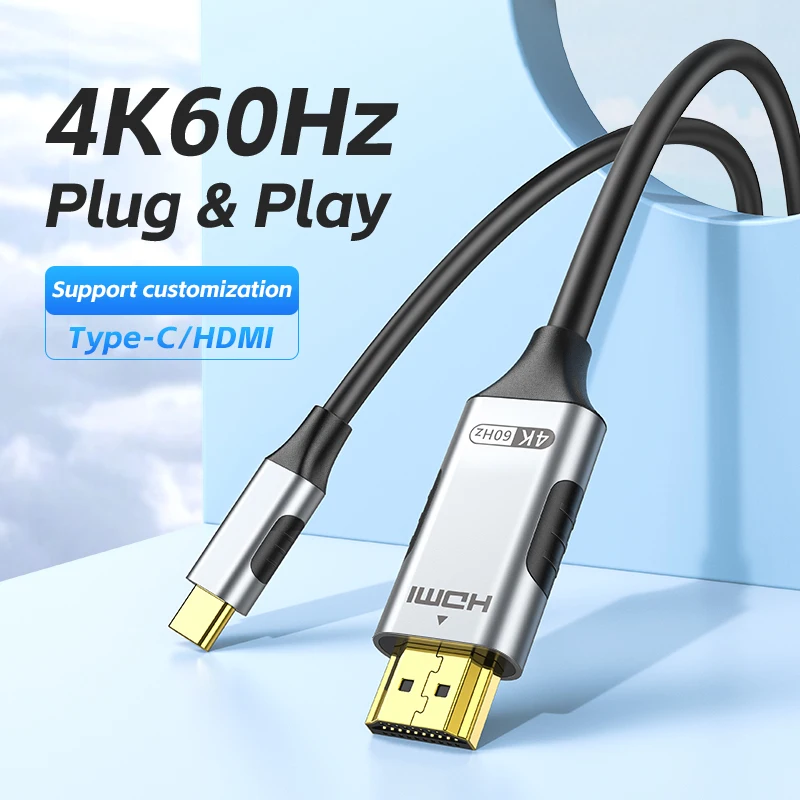
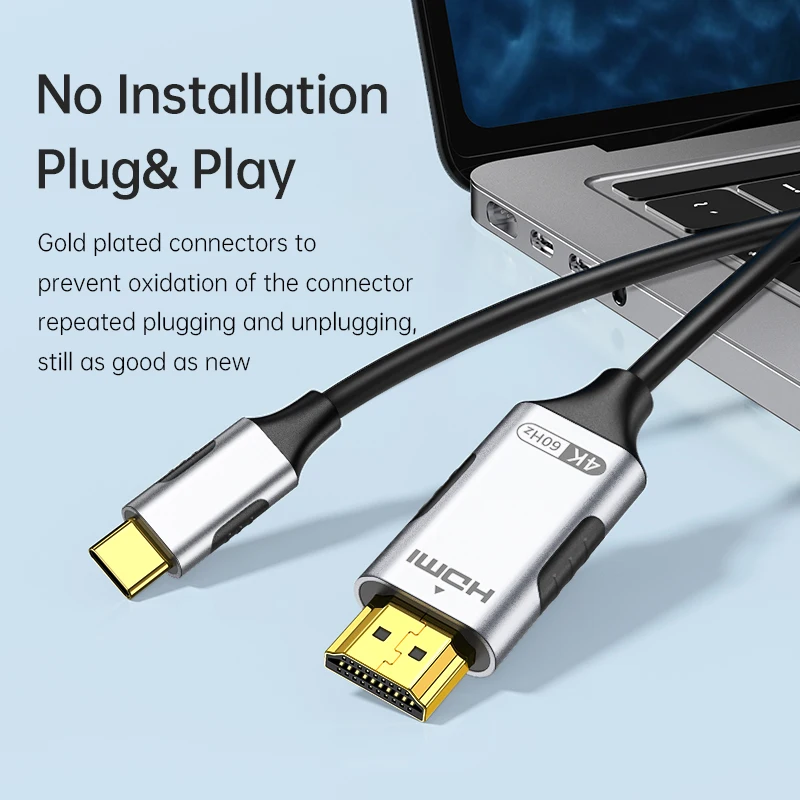
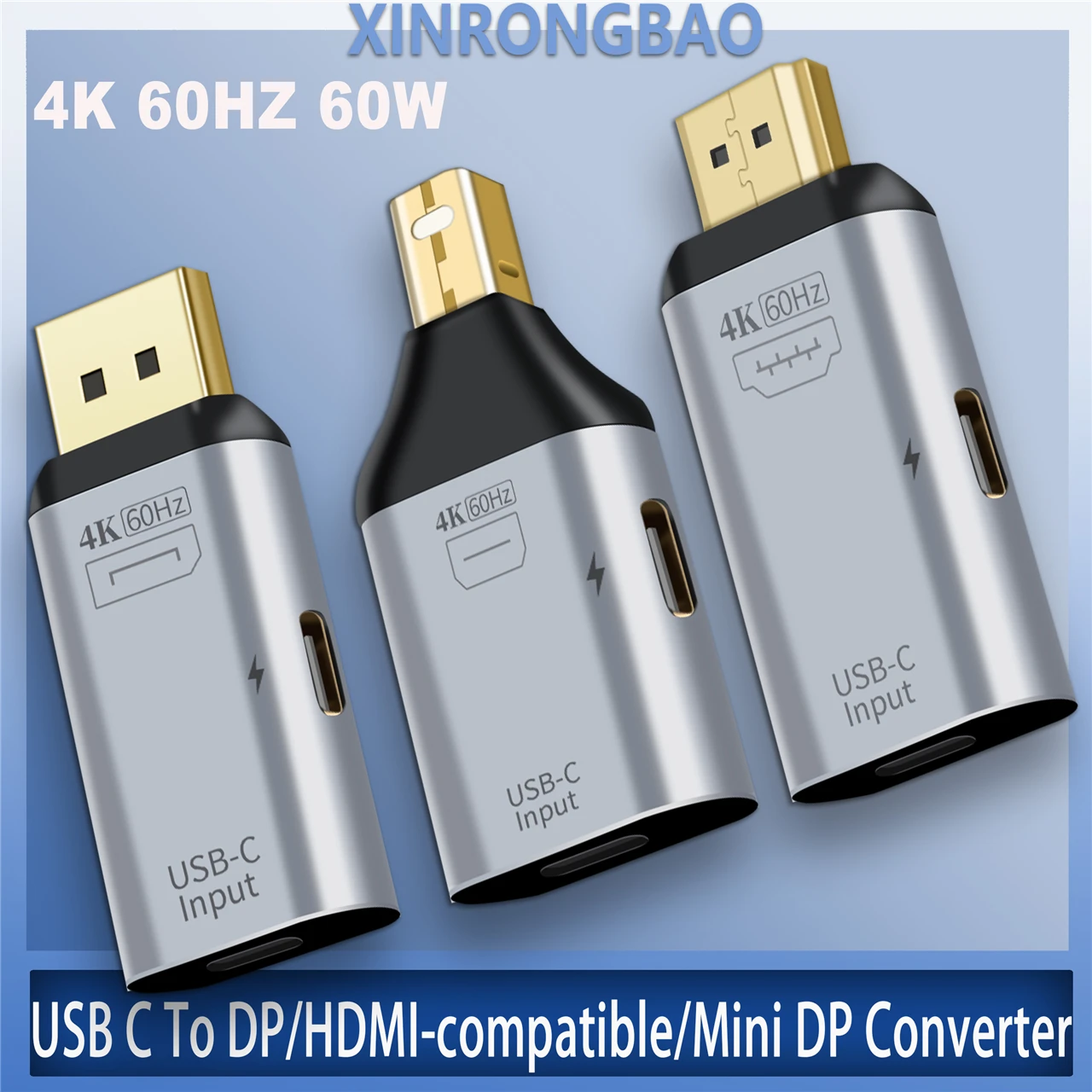
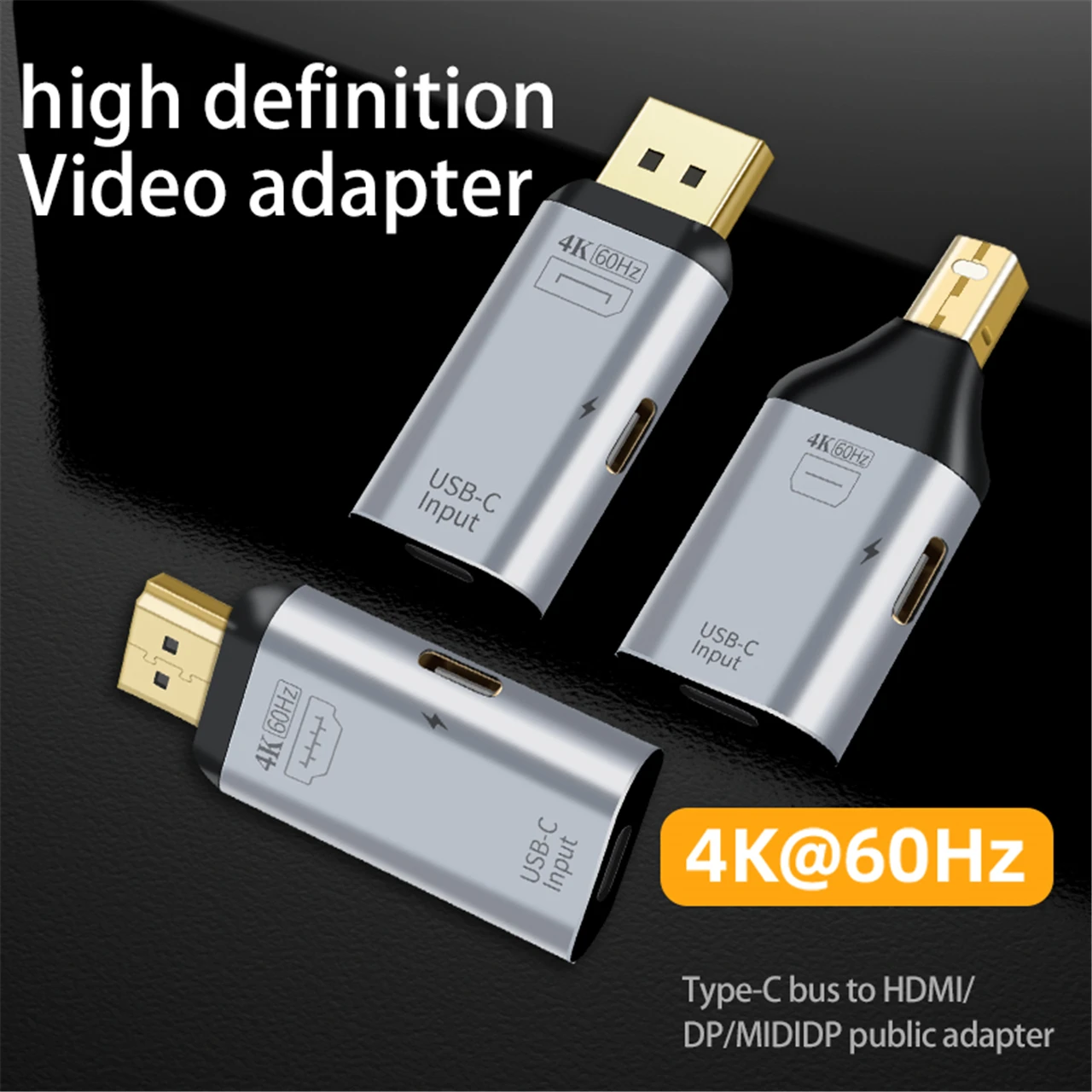
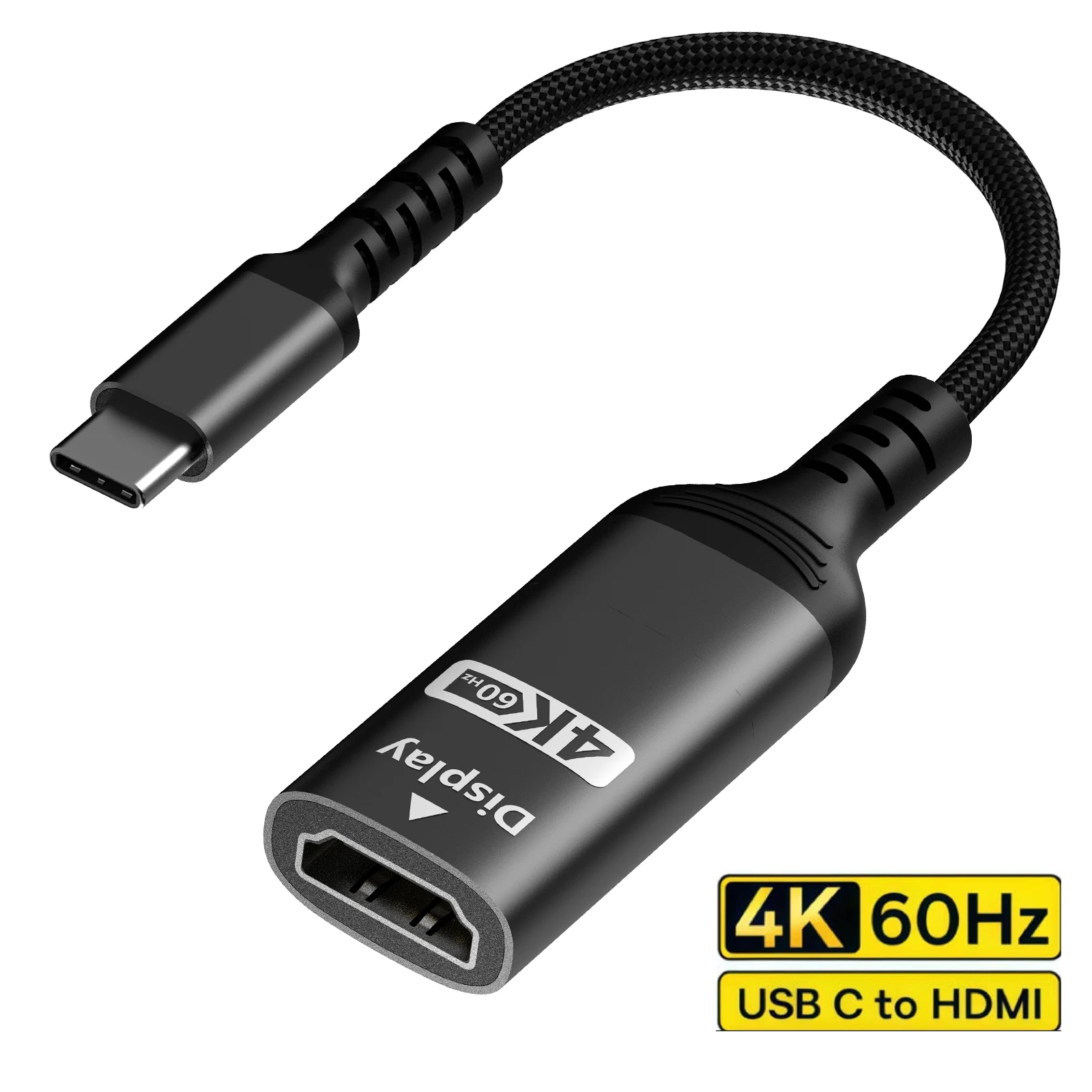
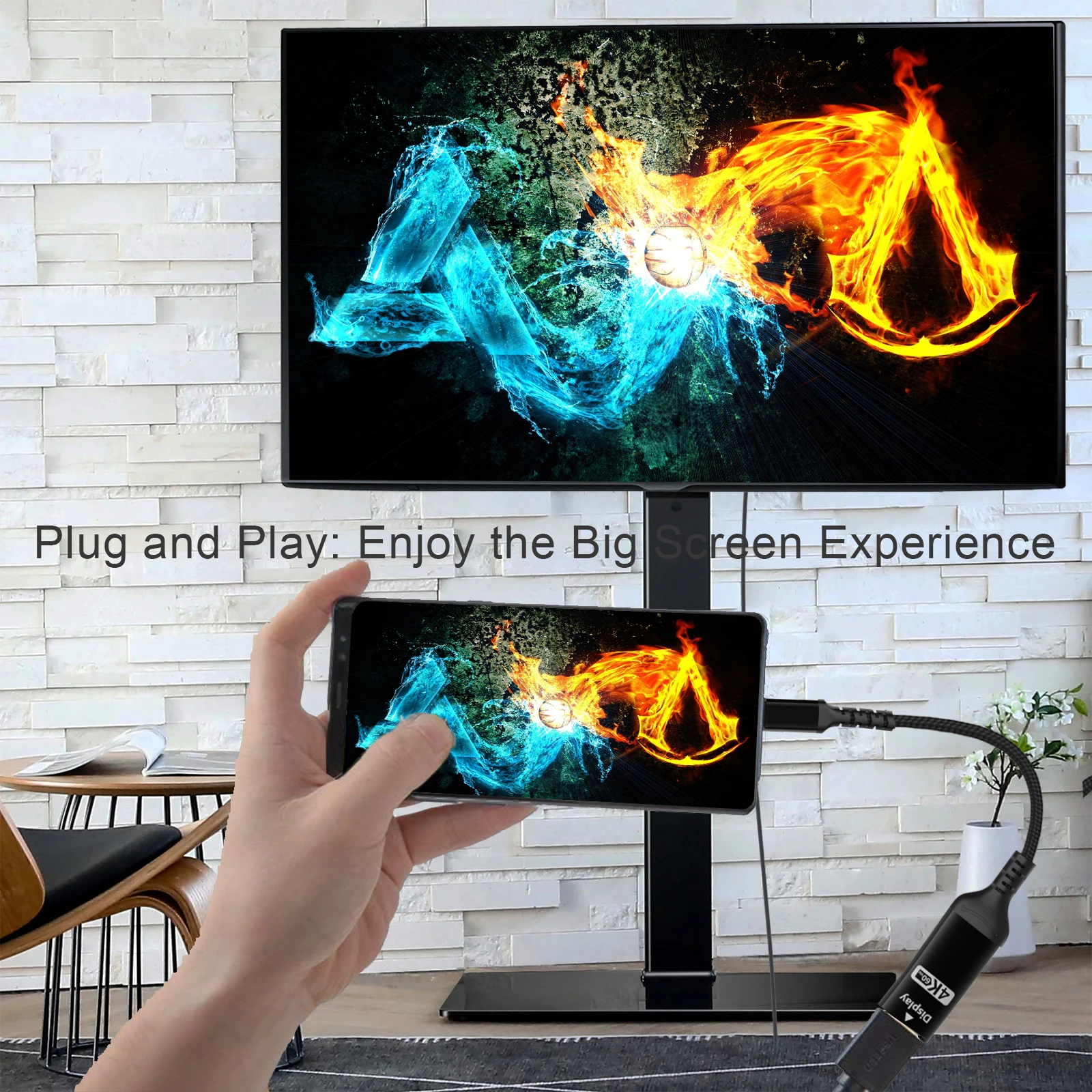
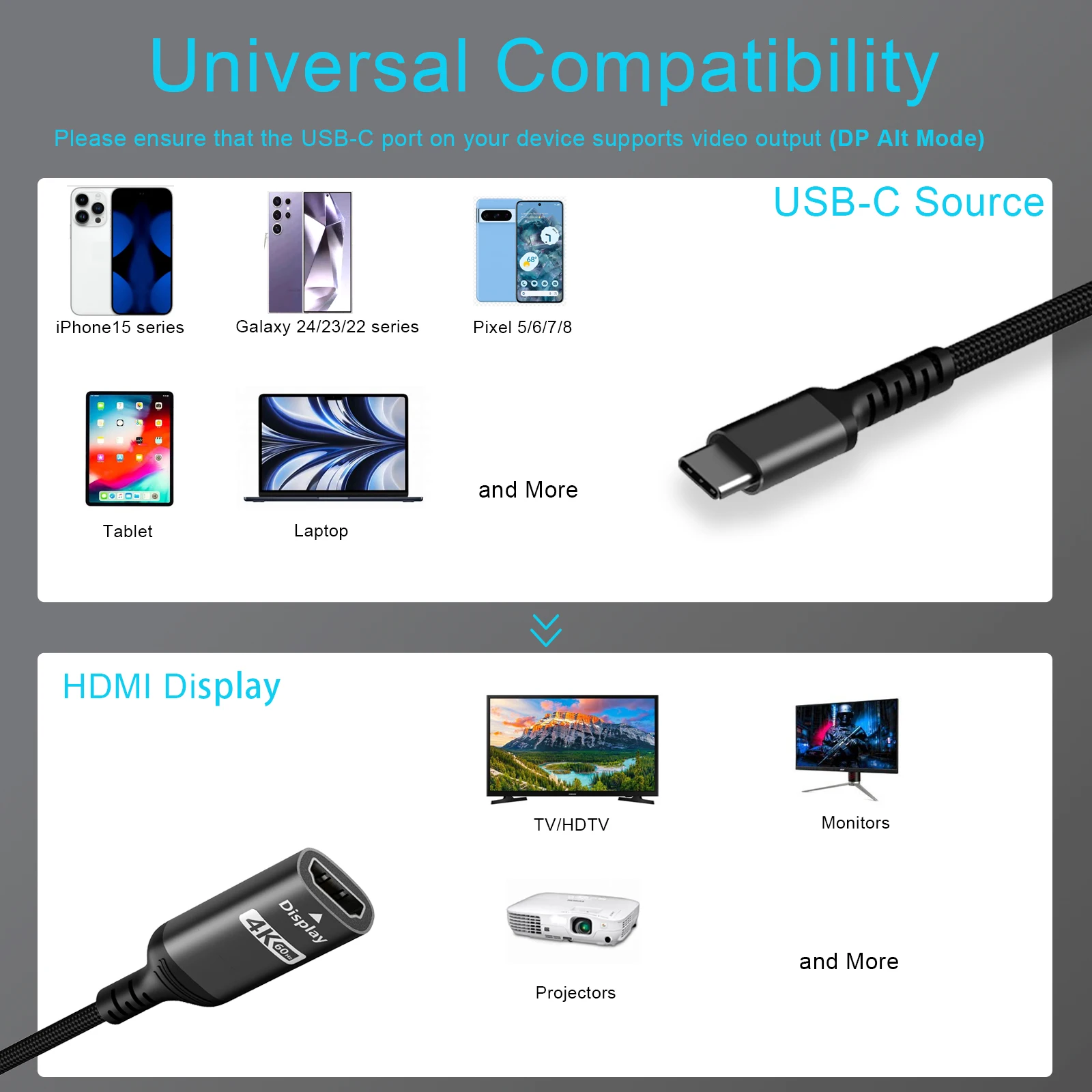
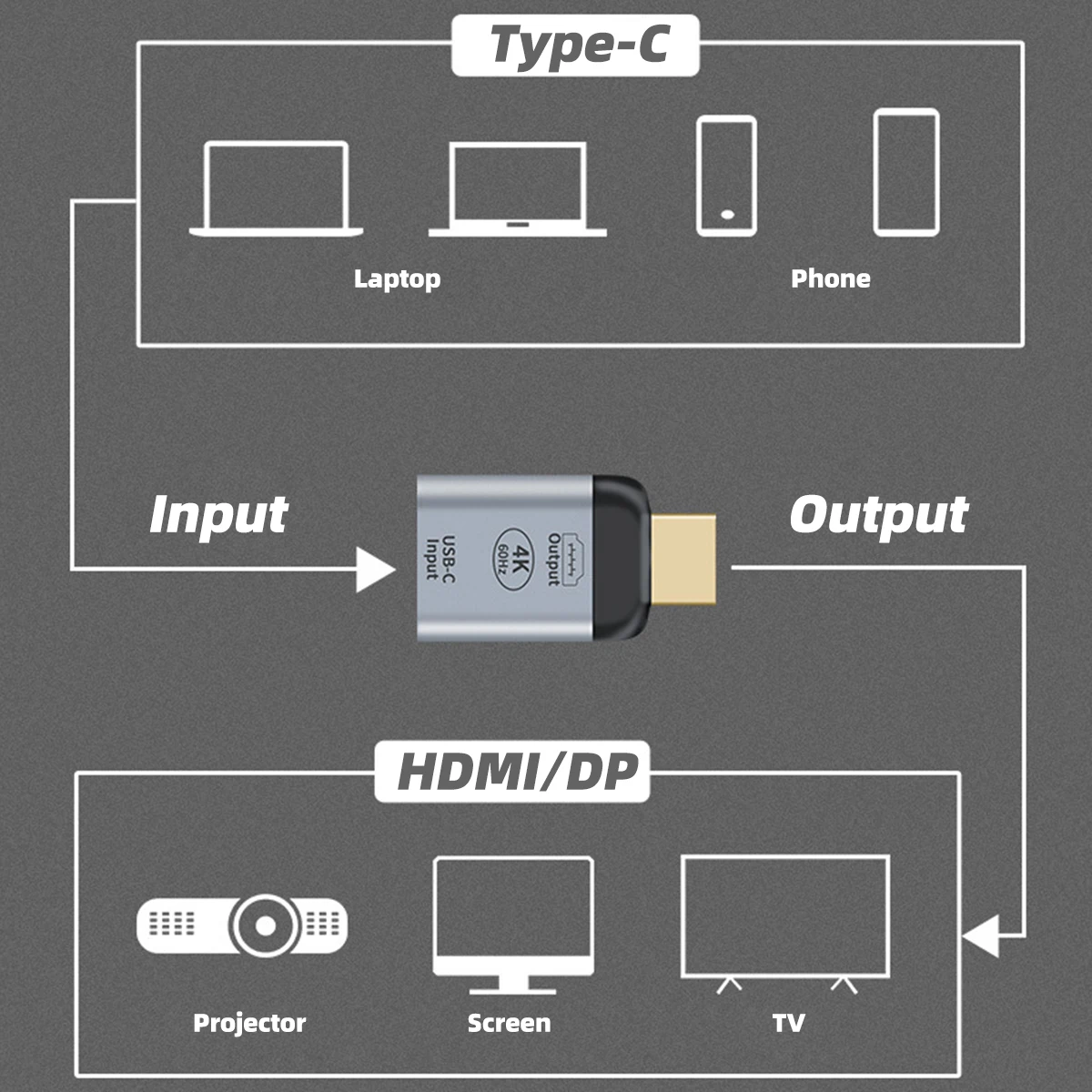
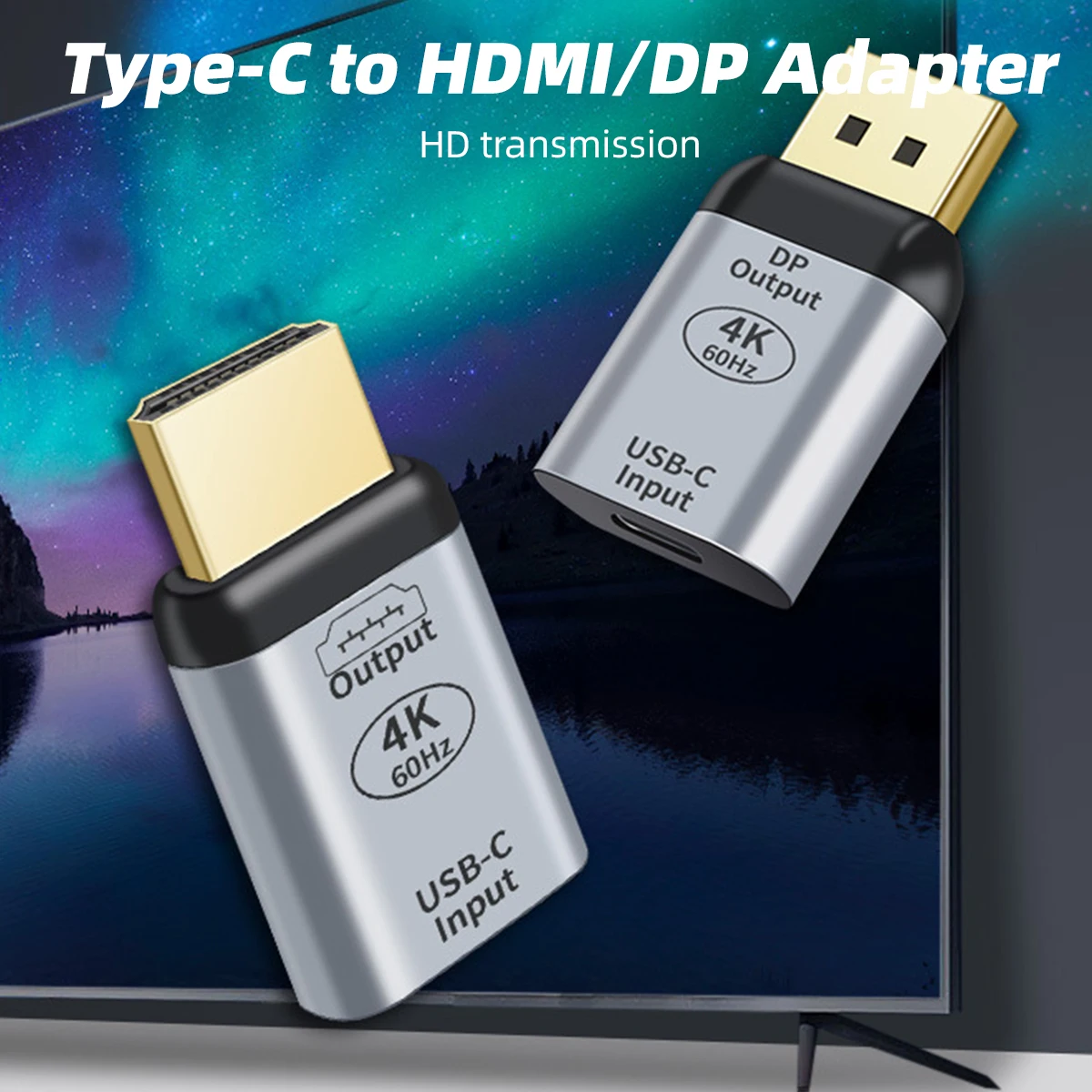
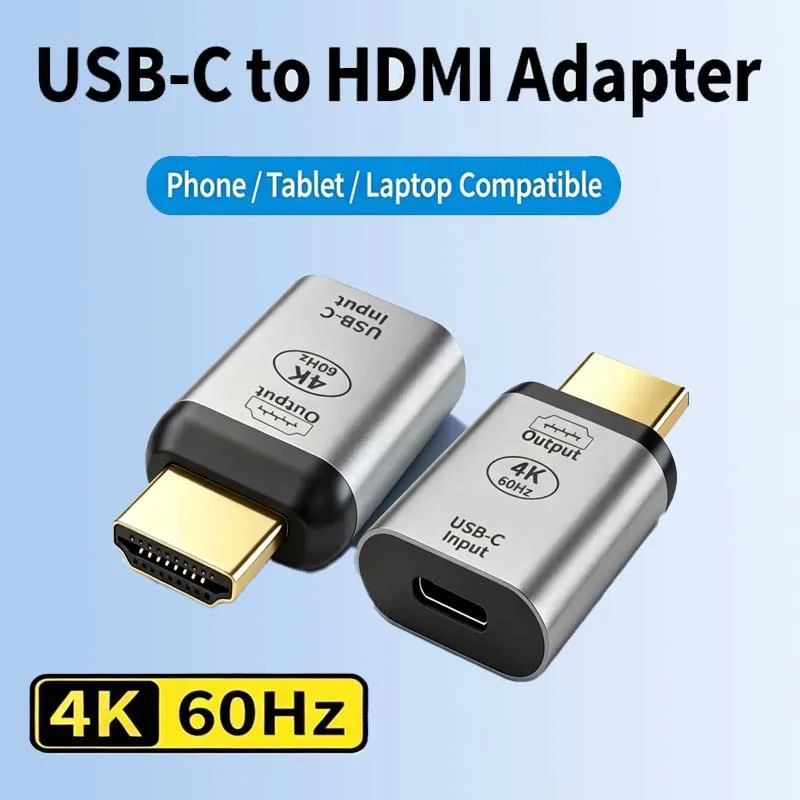
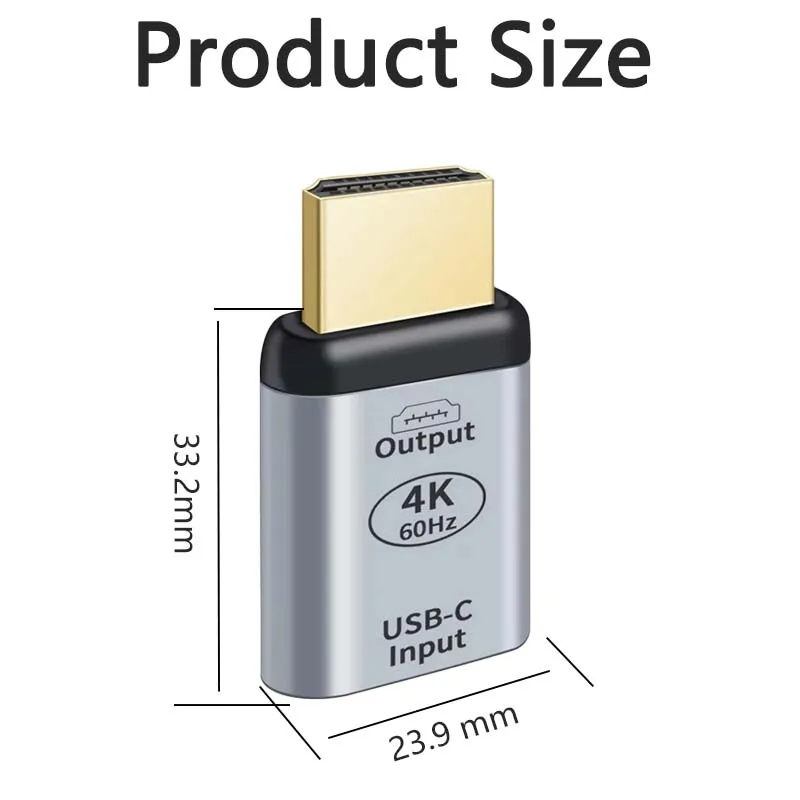
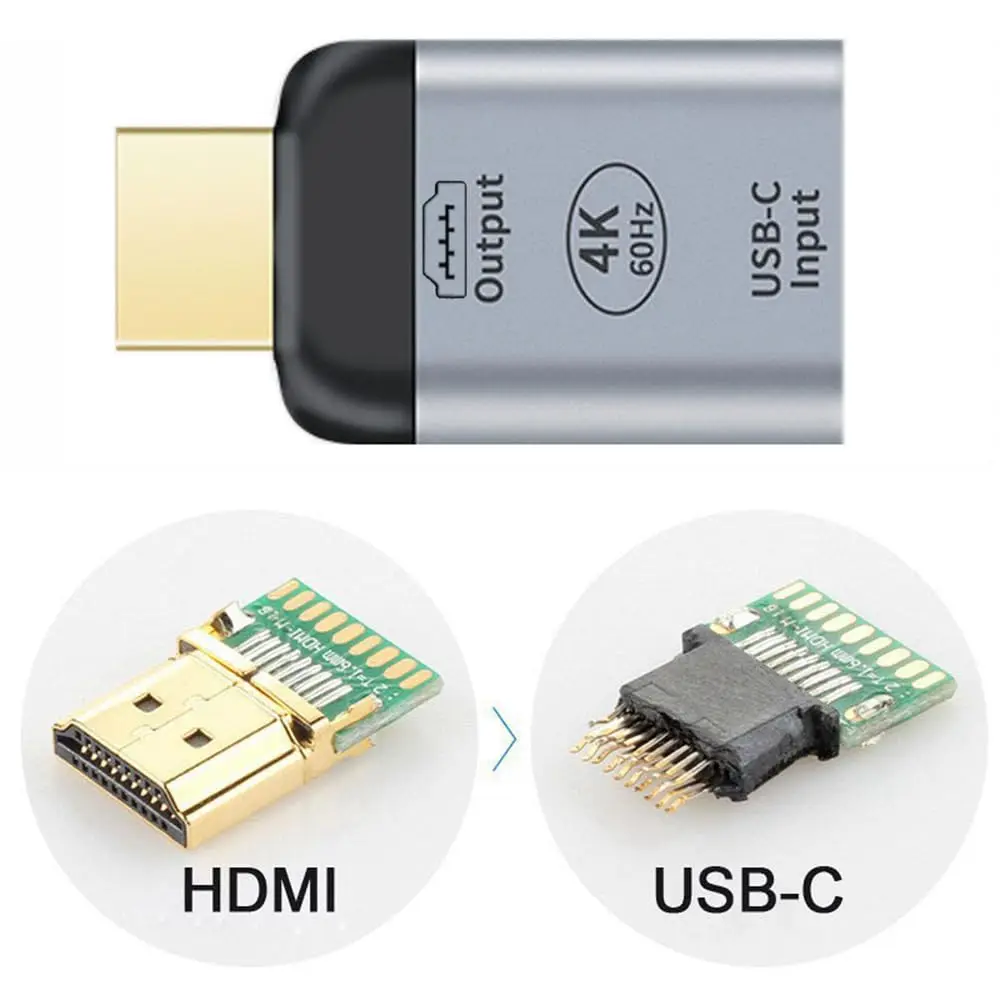
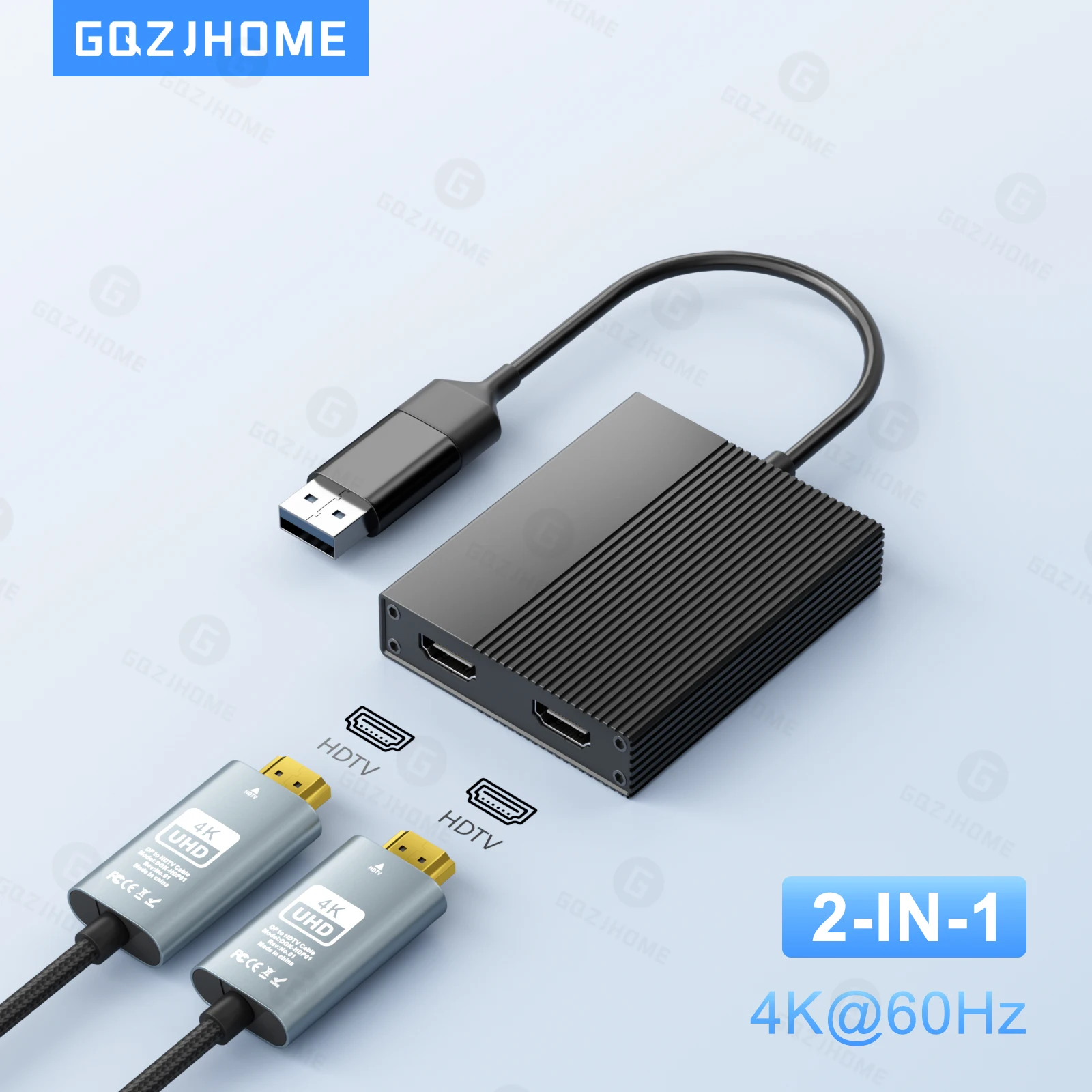
- Display adapters take a USB-C port to HDMI, DisplayPort or VGA, for one screen, TV or projector.
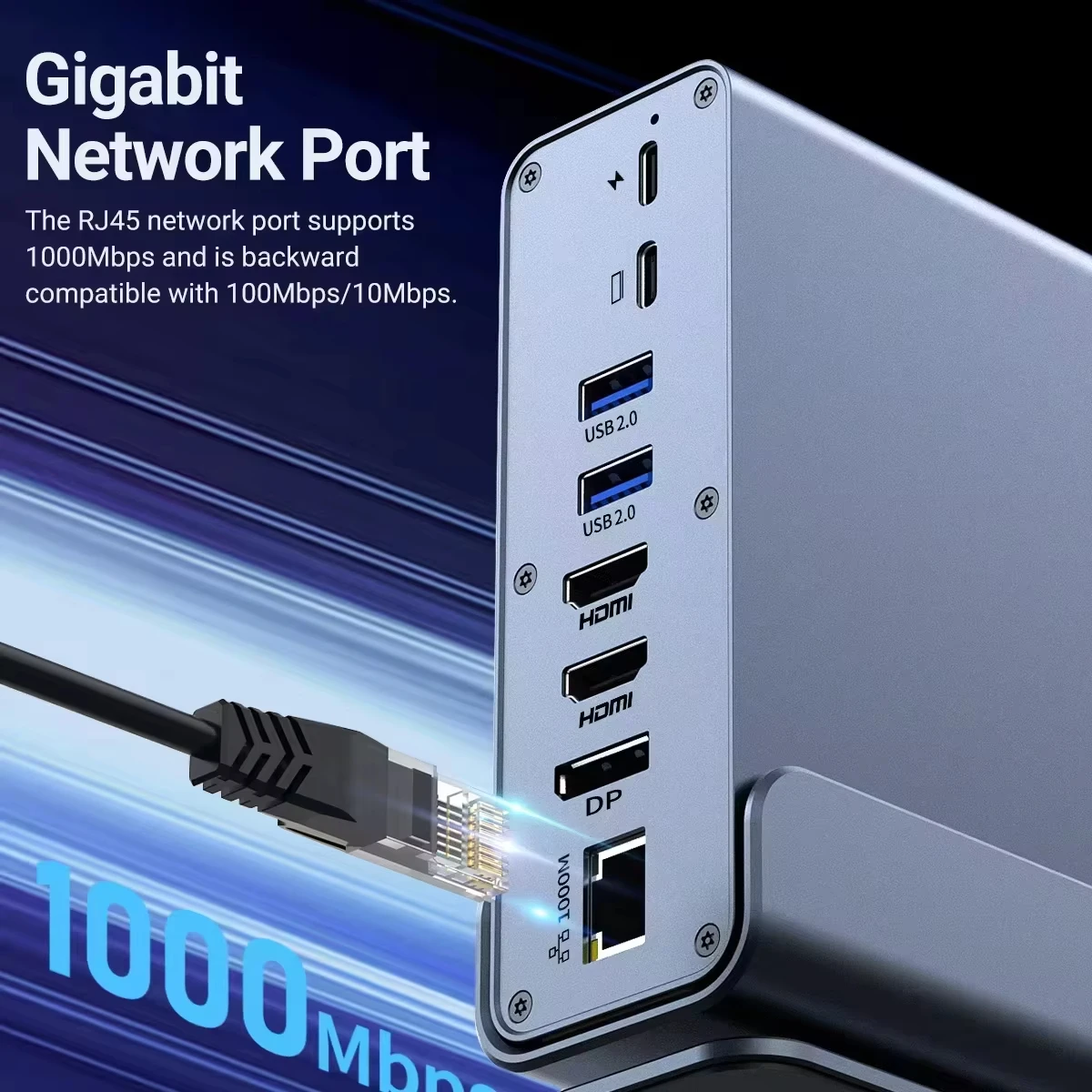
- Ethernet adapters add a socket for a network cable.
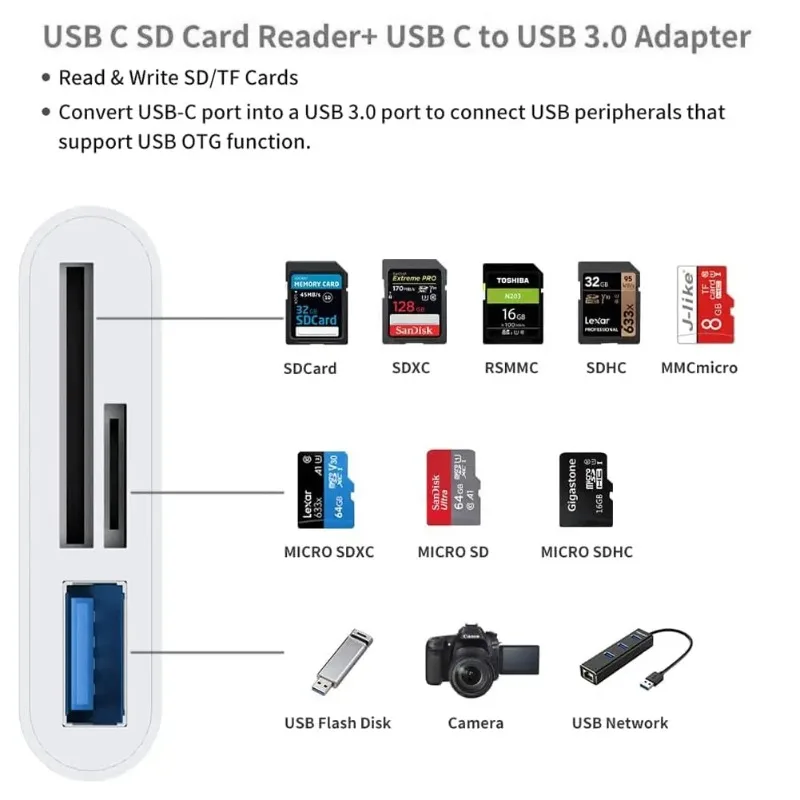
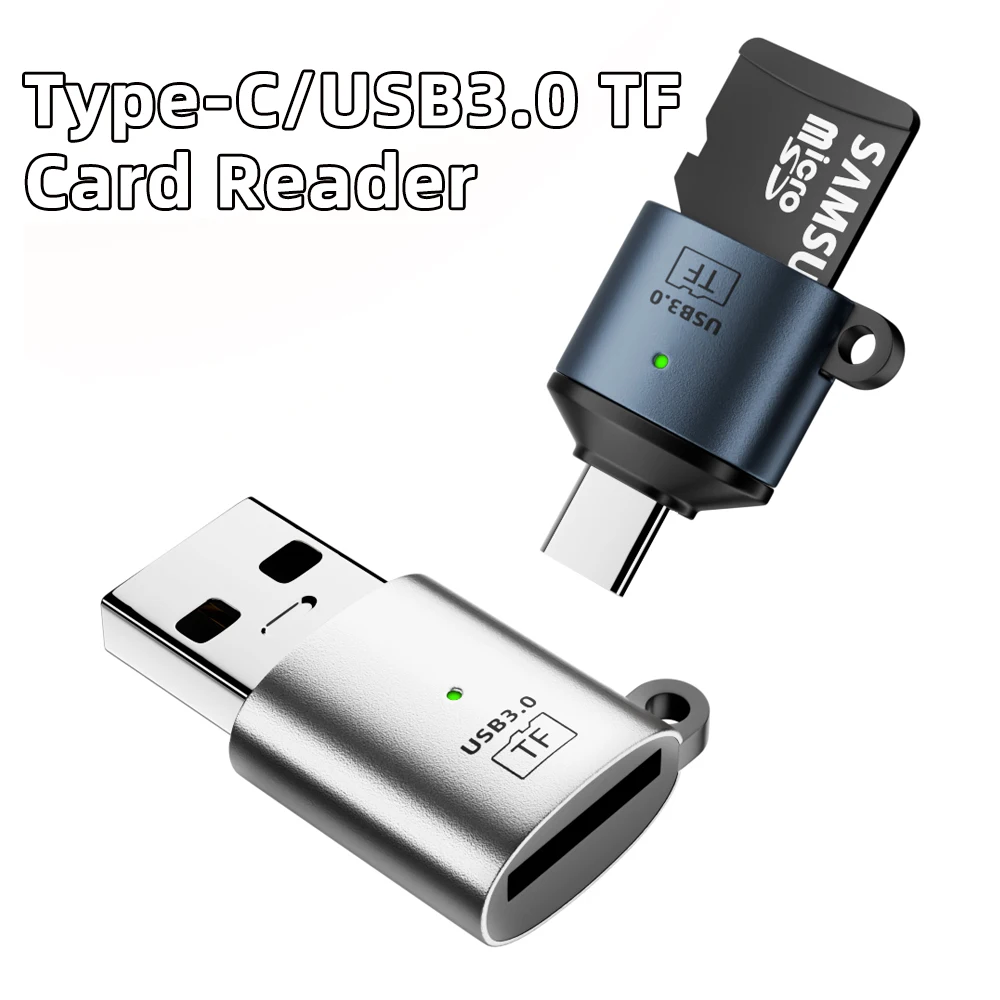
- USB-C to USB-A adapters let an older plug, a memory stick or a mouse receiver into a USB-C port.
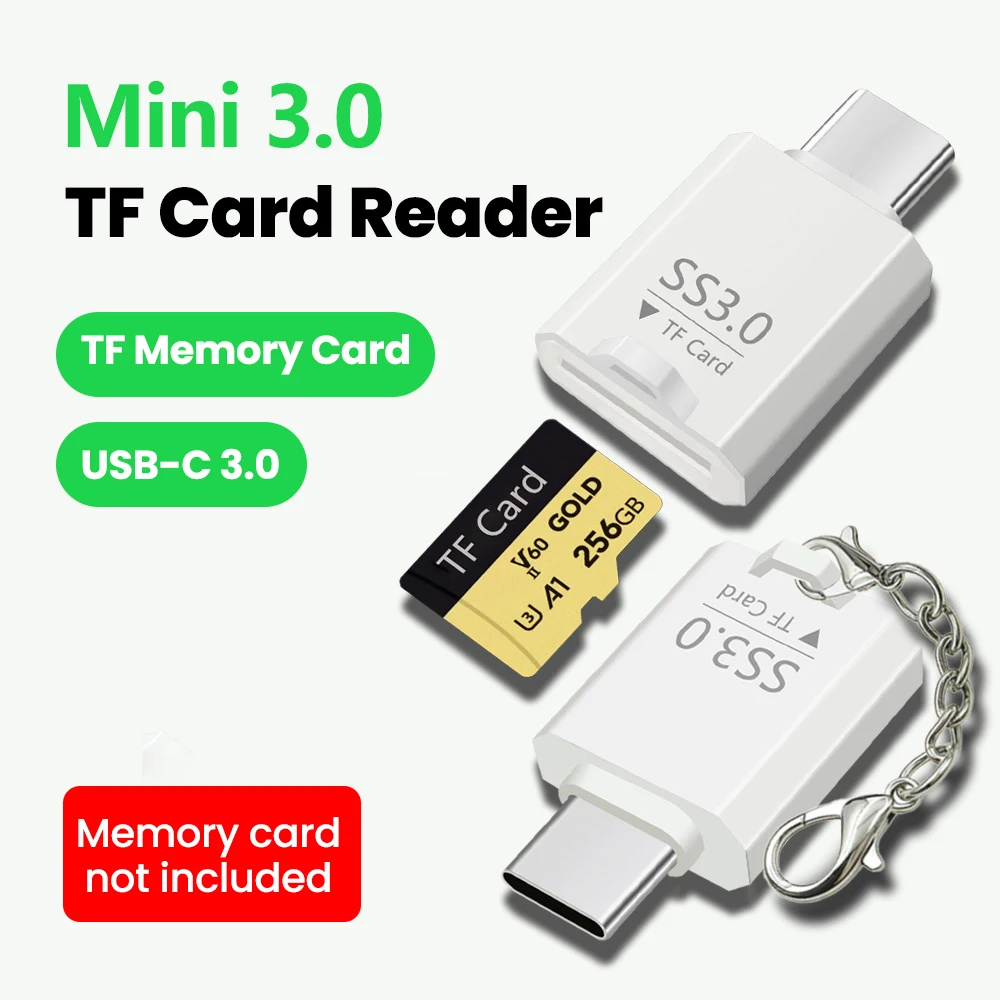
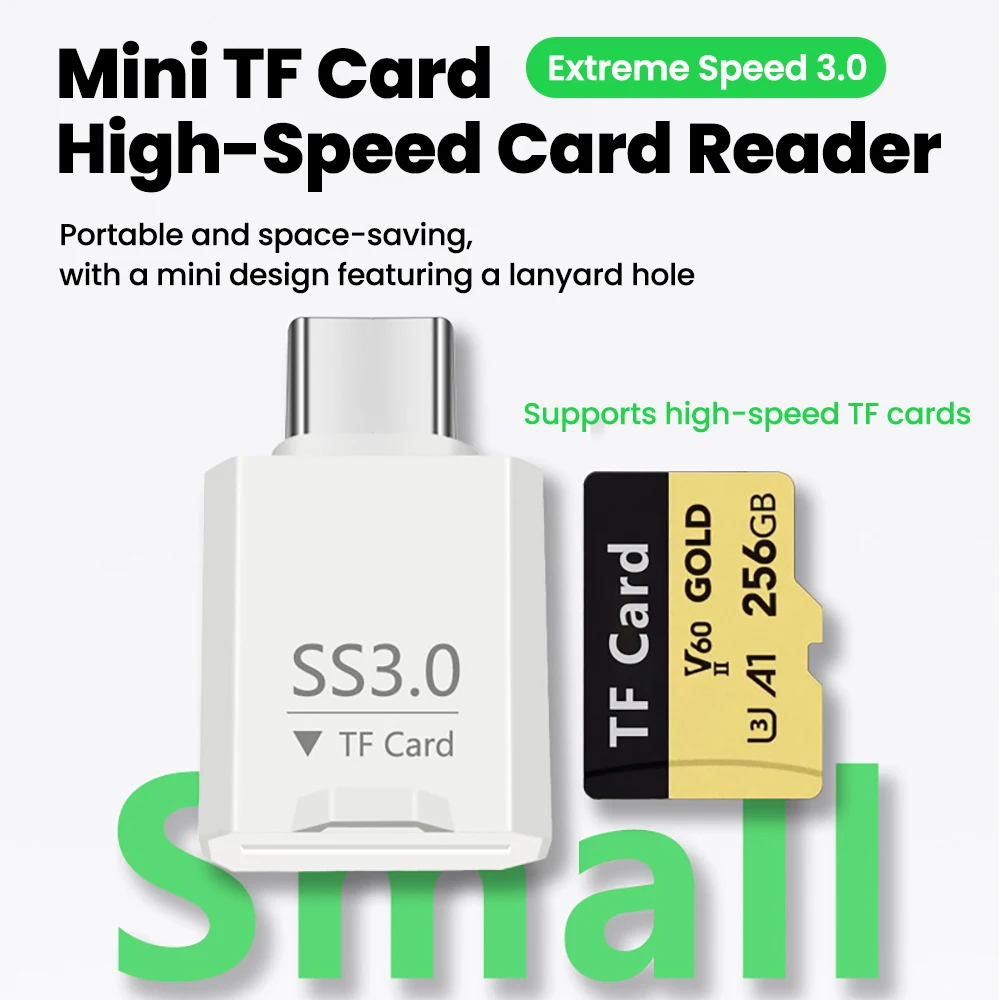
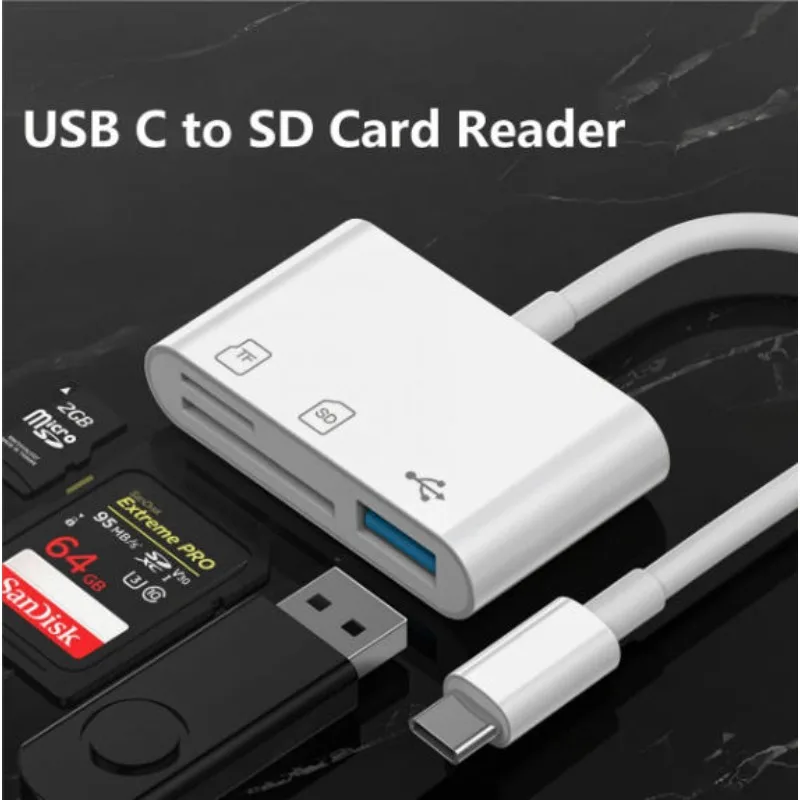
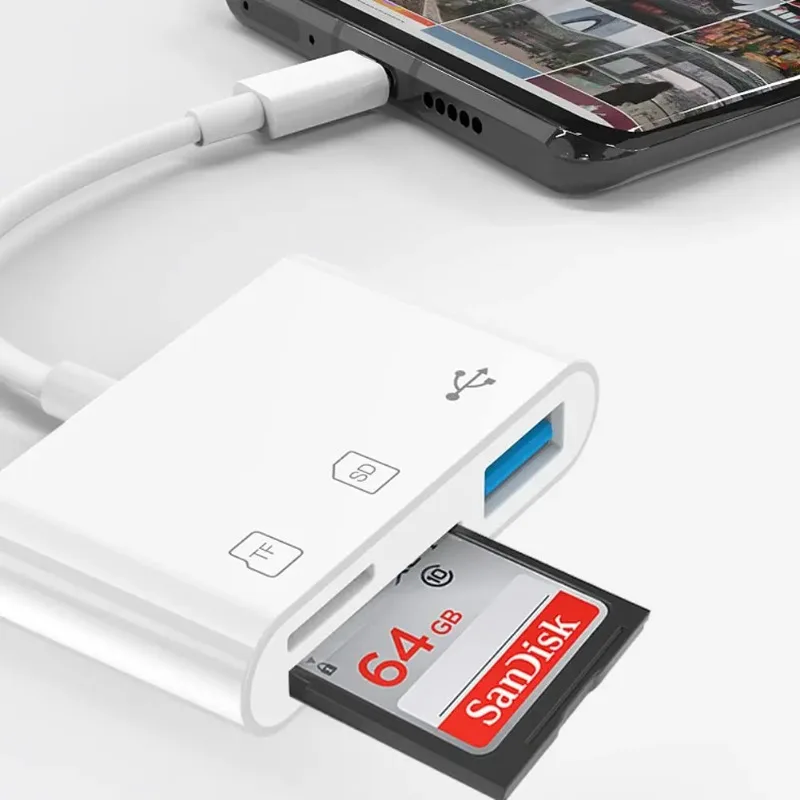
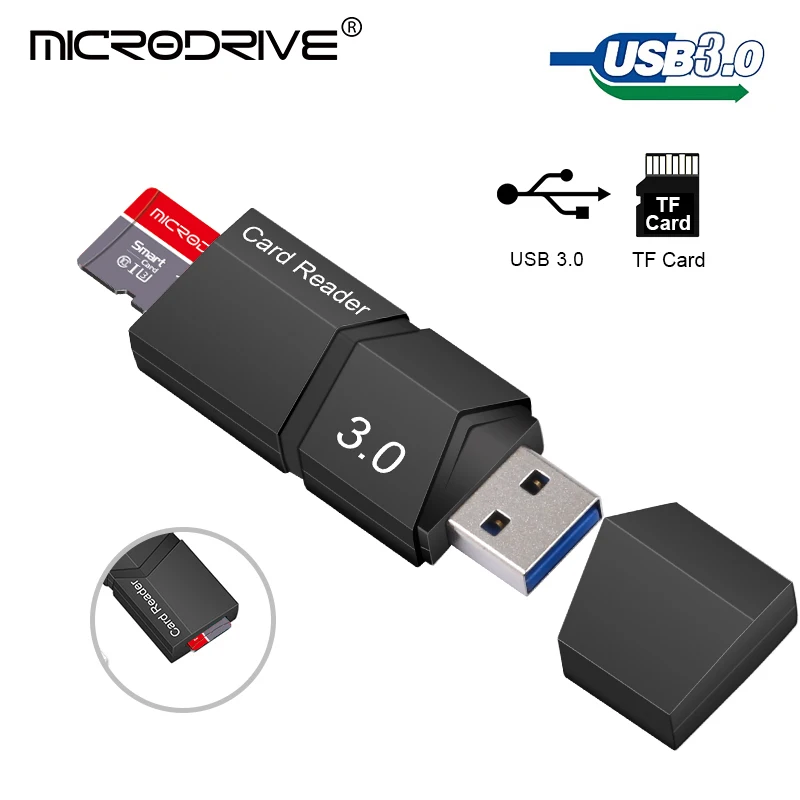
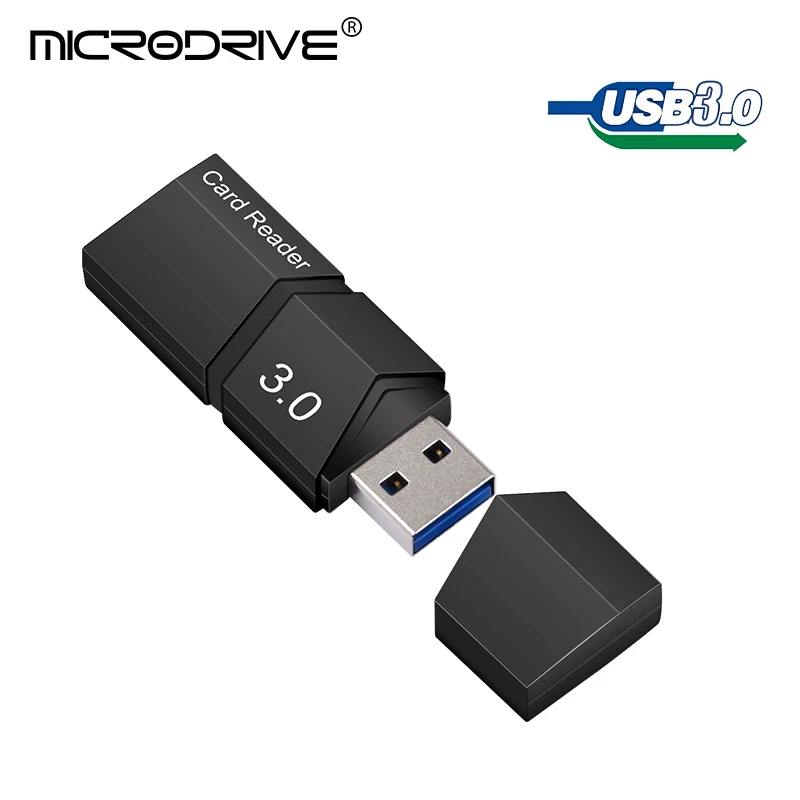
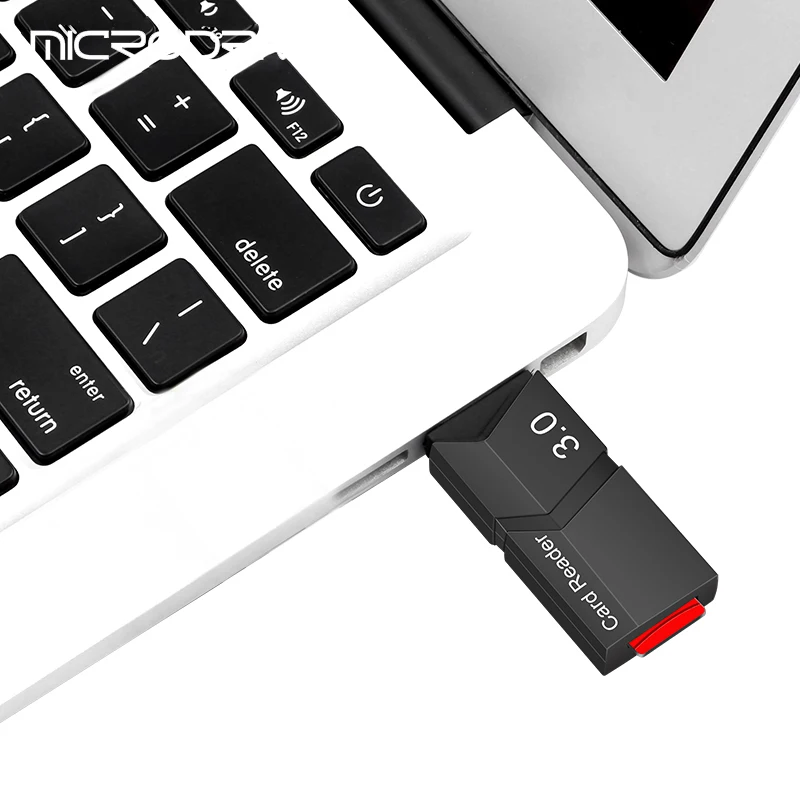
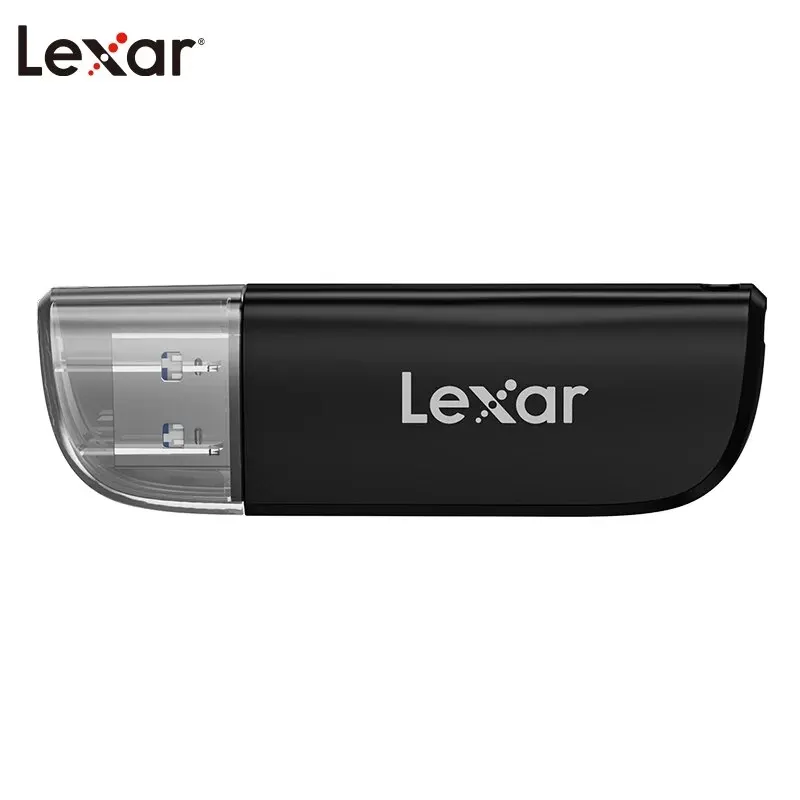
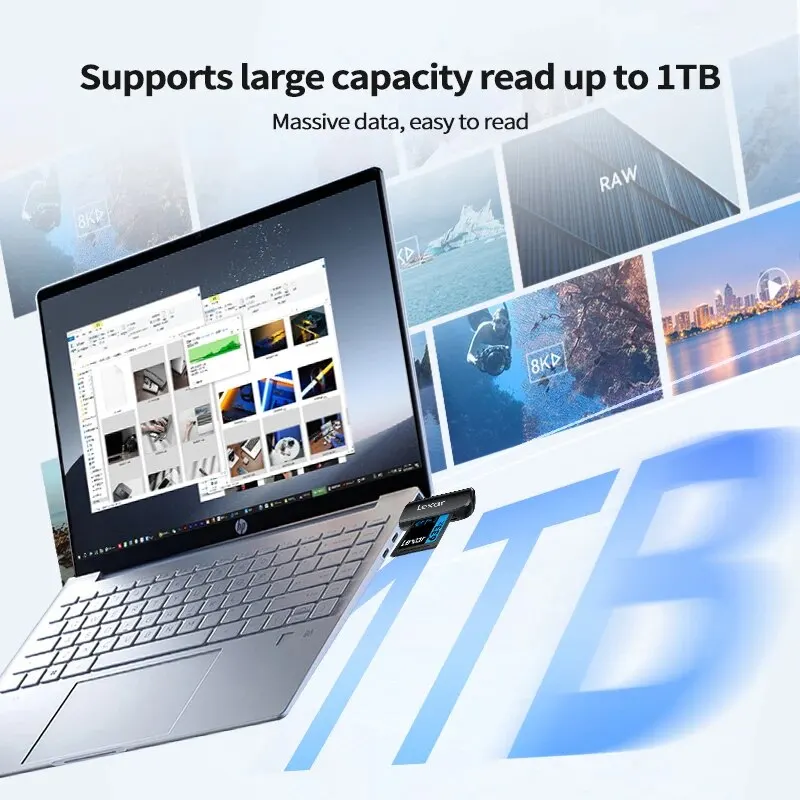
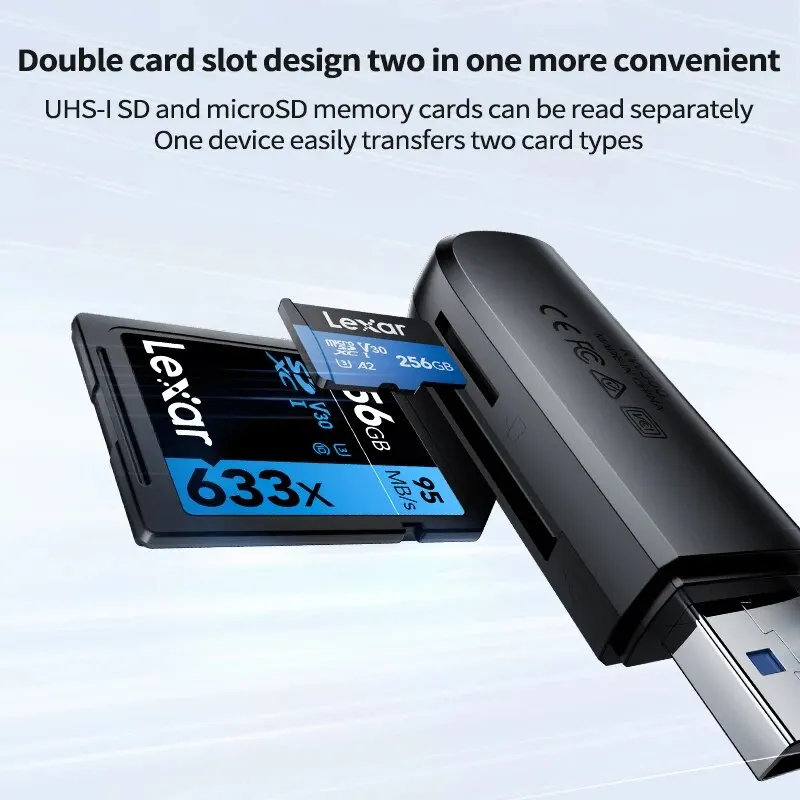
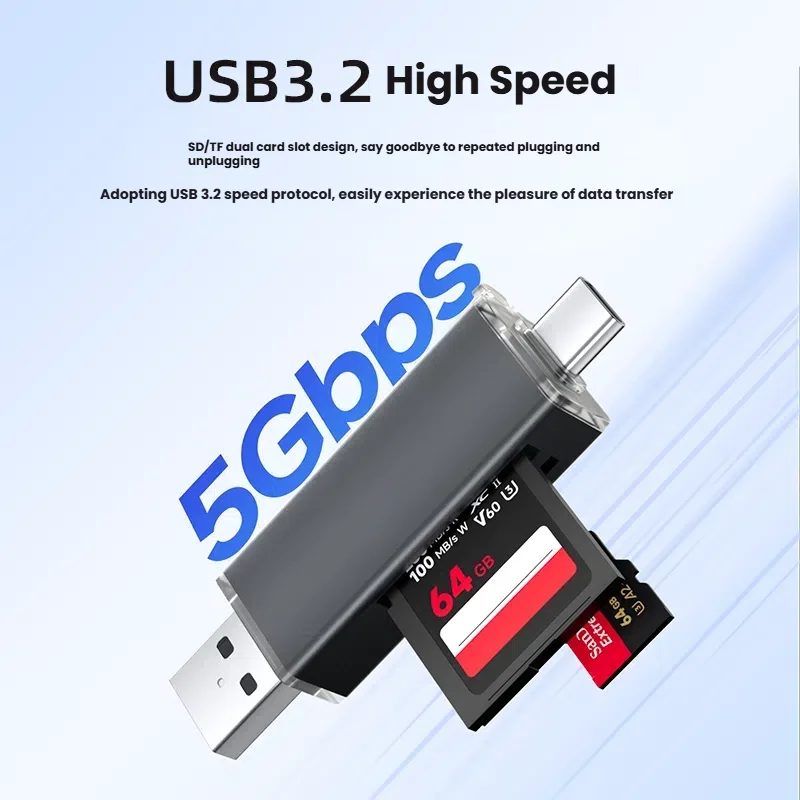
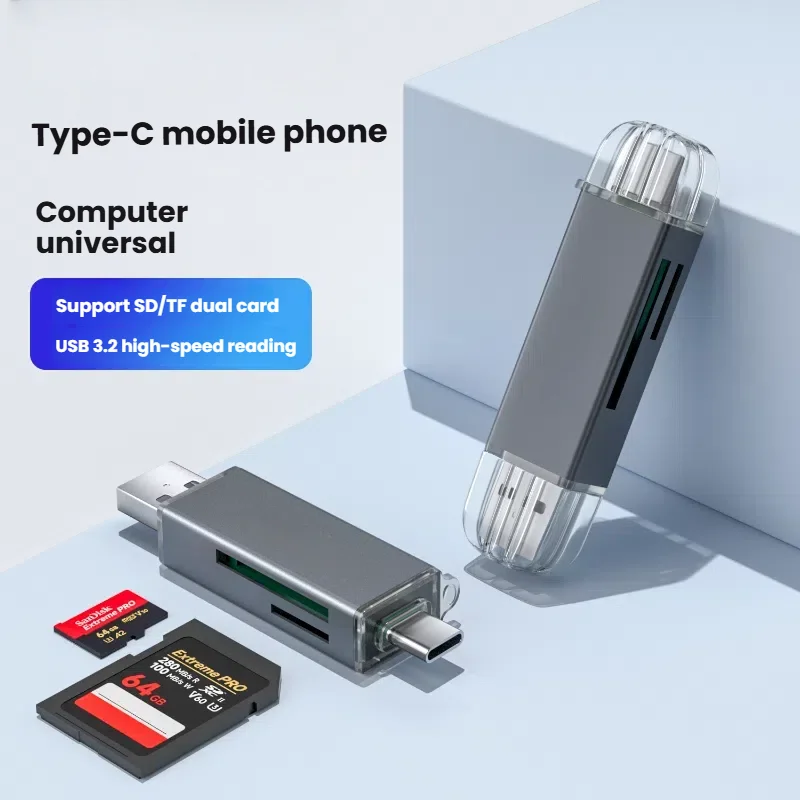
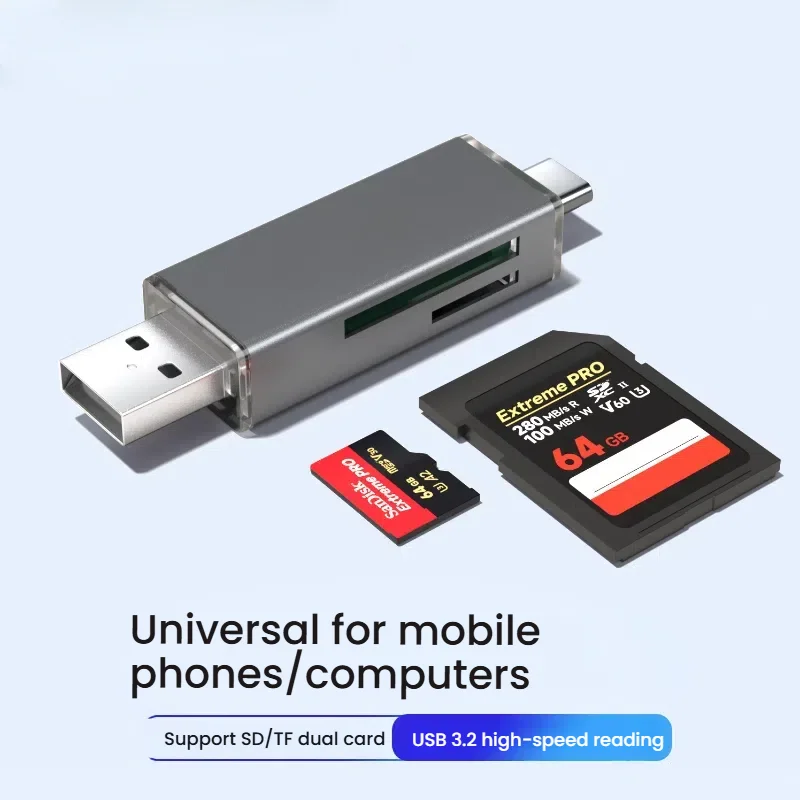
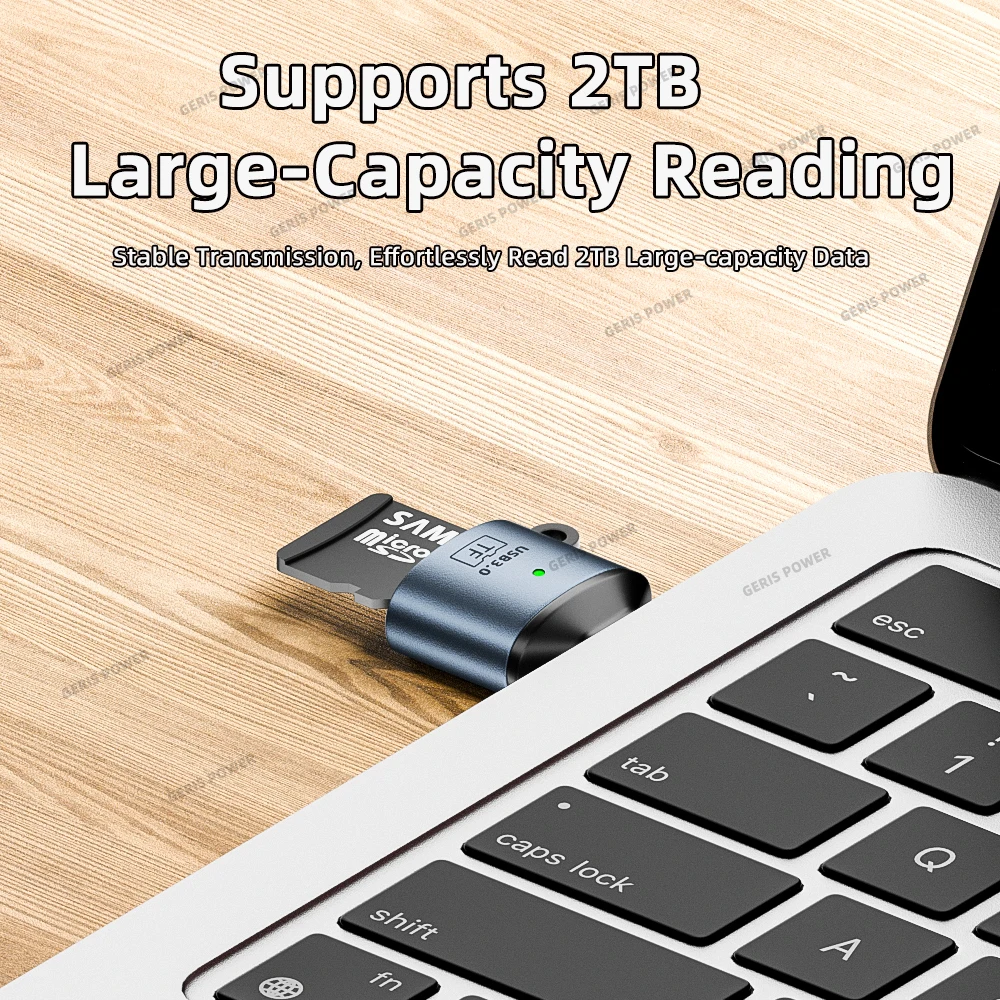
- SD card readers read camera and drone cards.
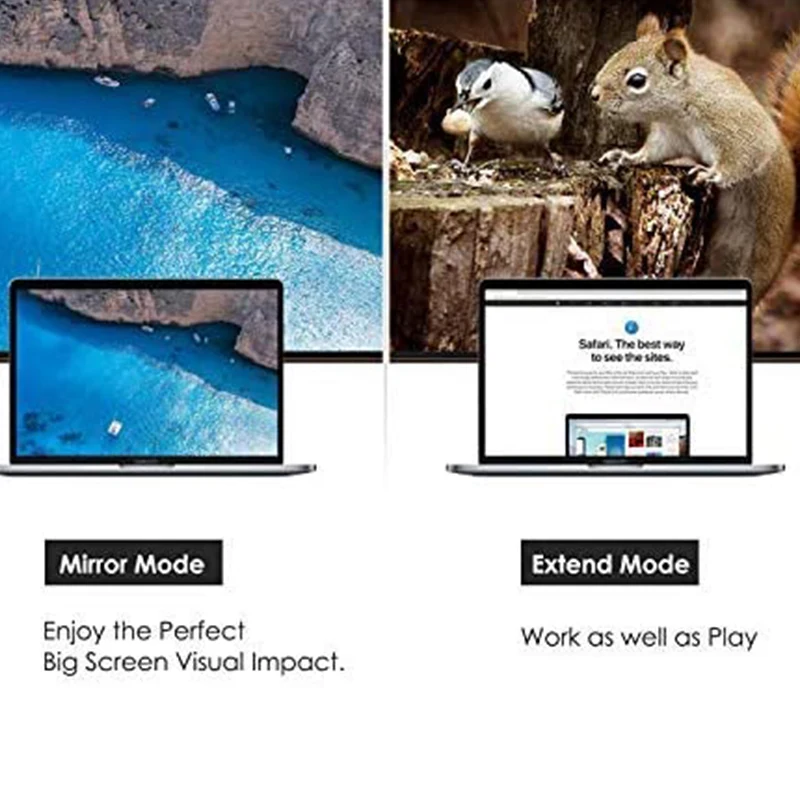
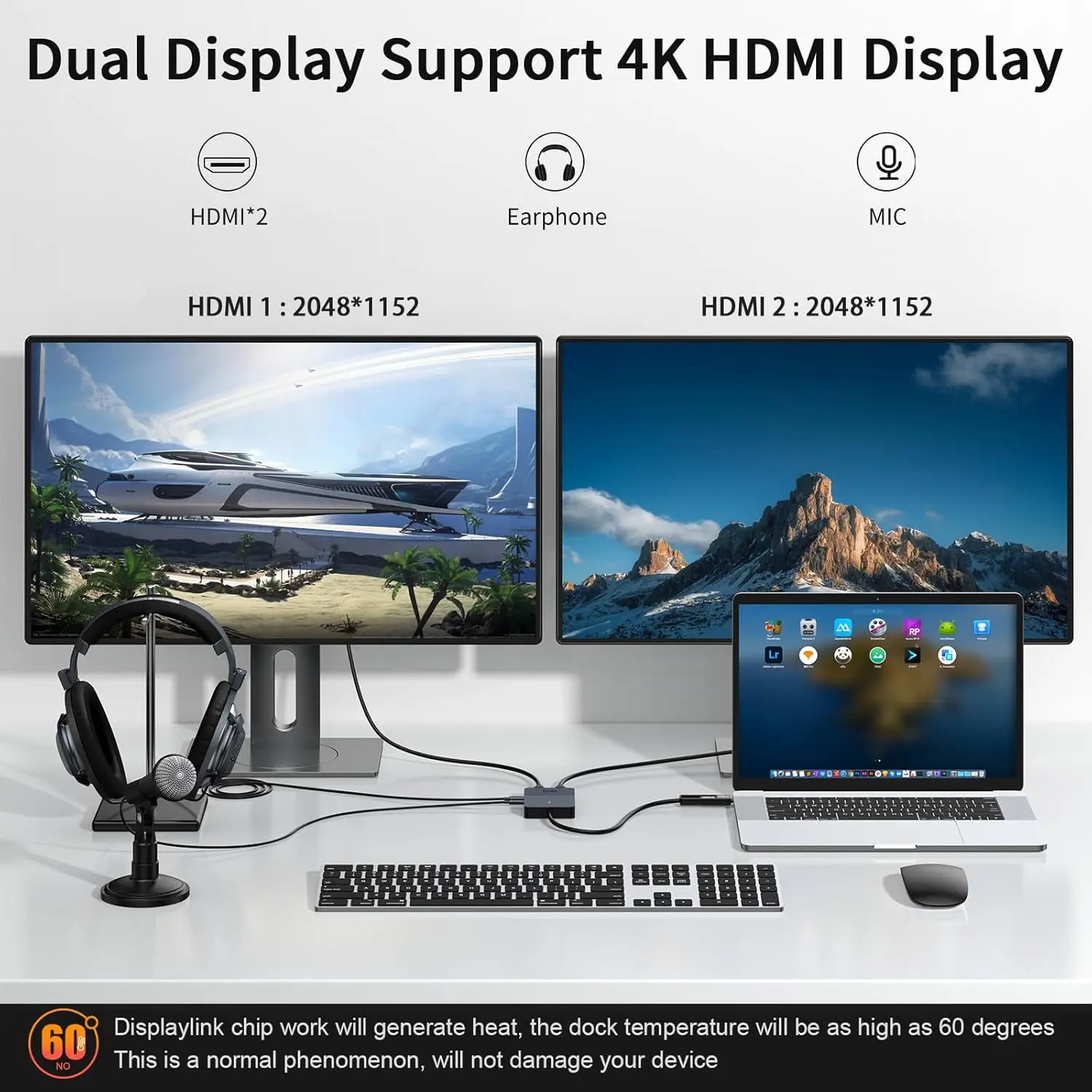
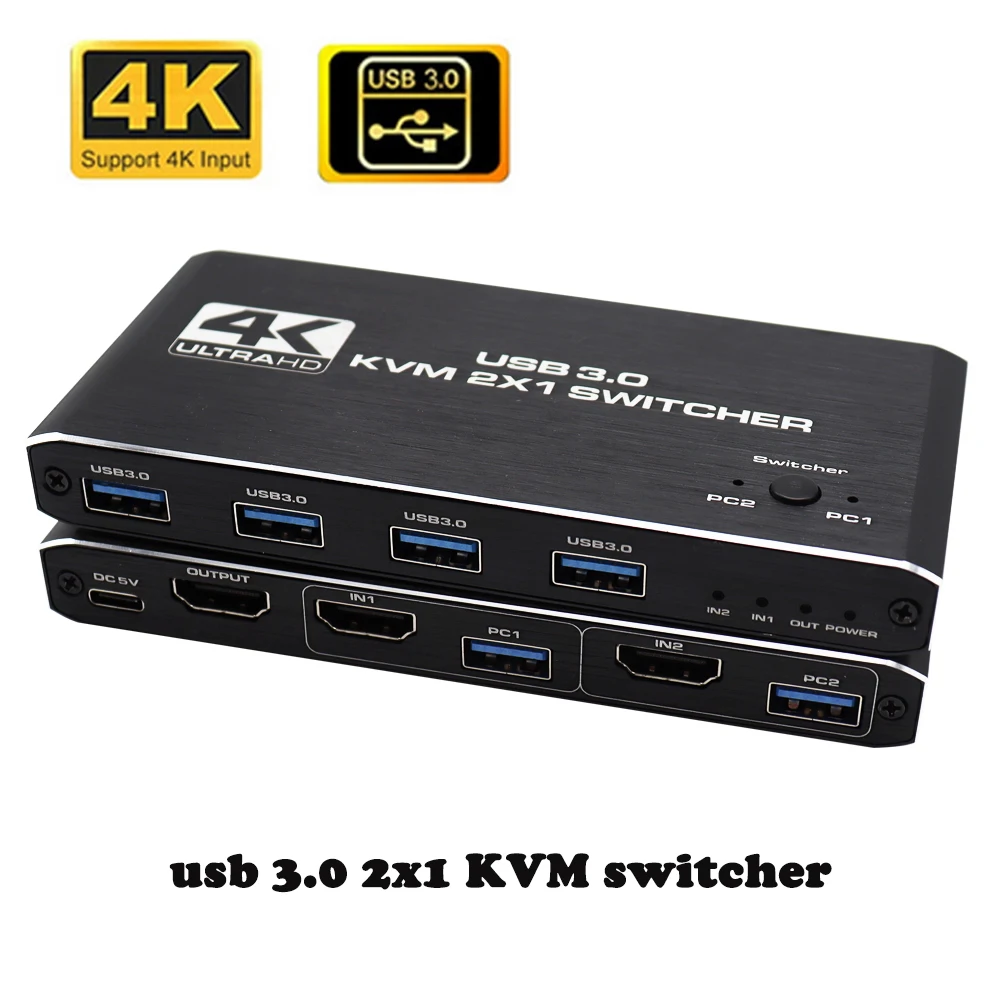
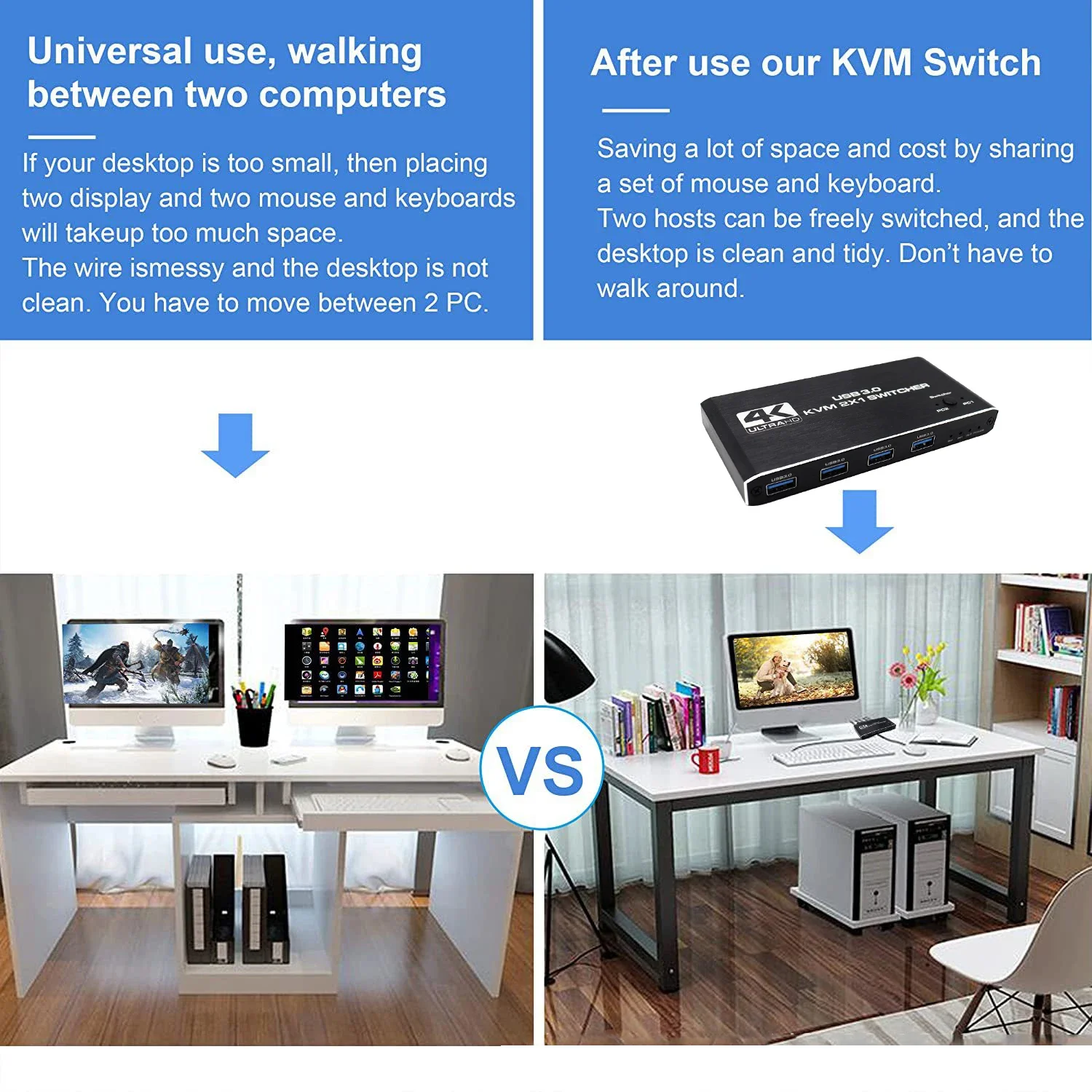
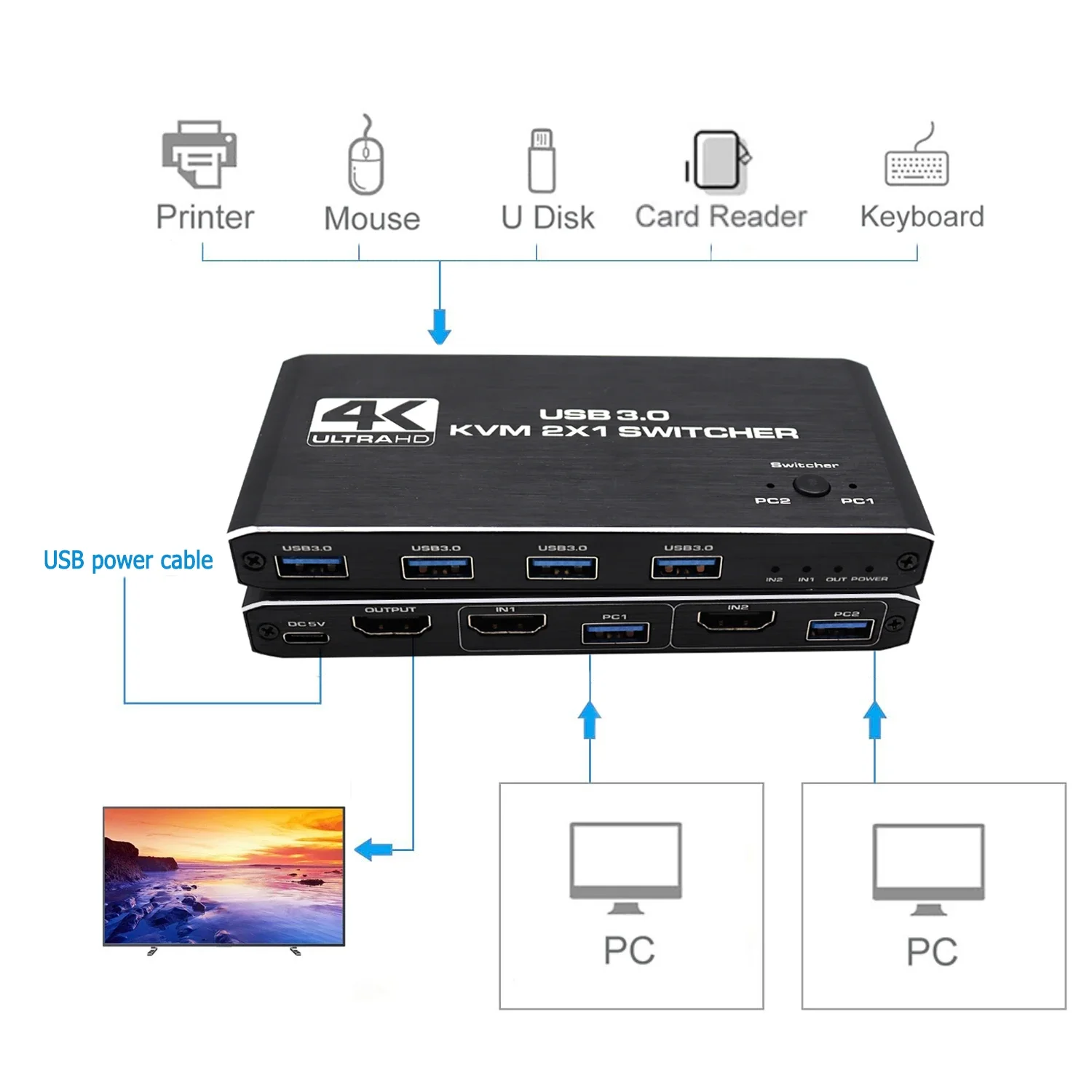
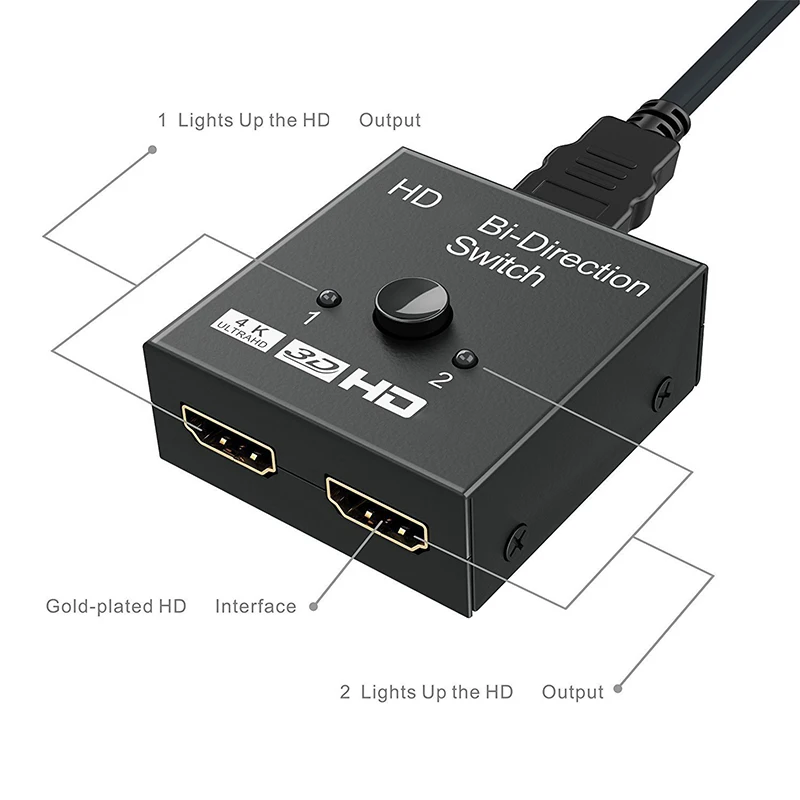
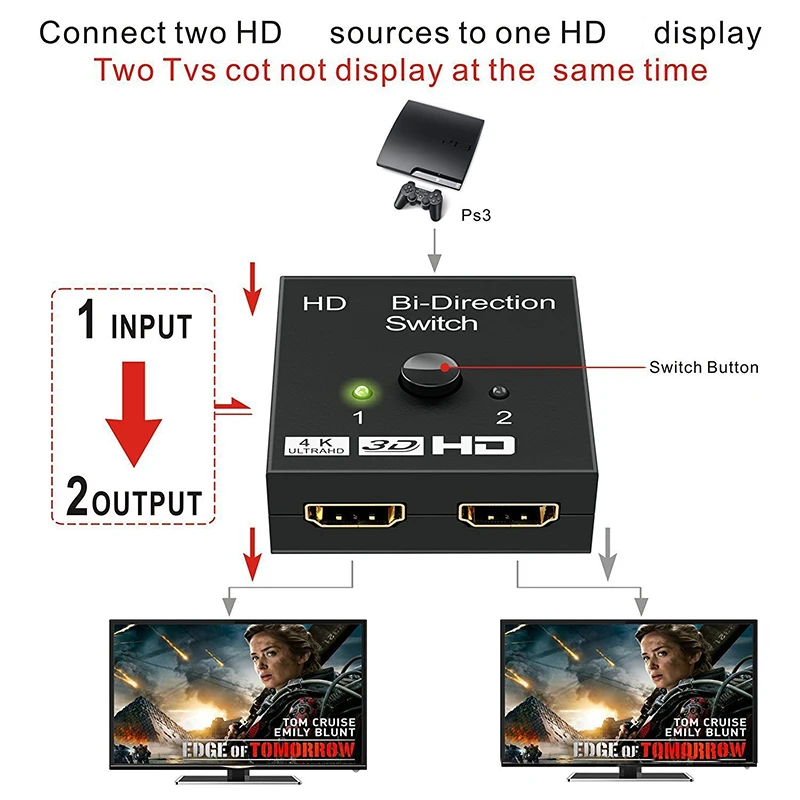
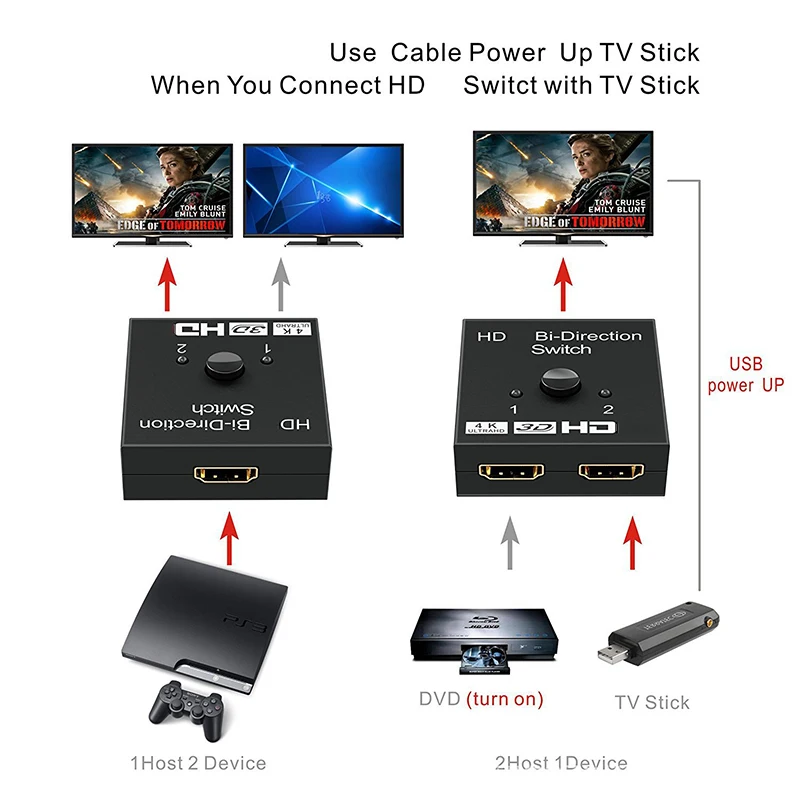
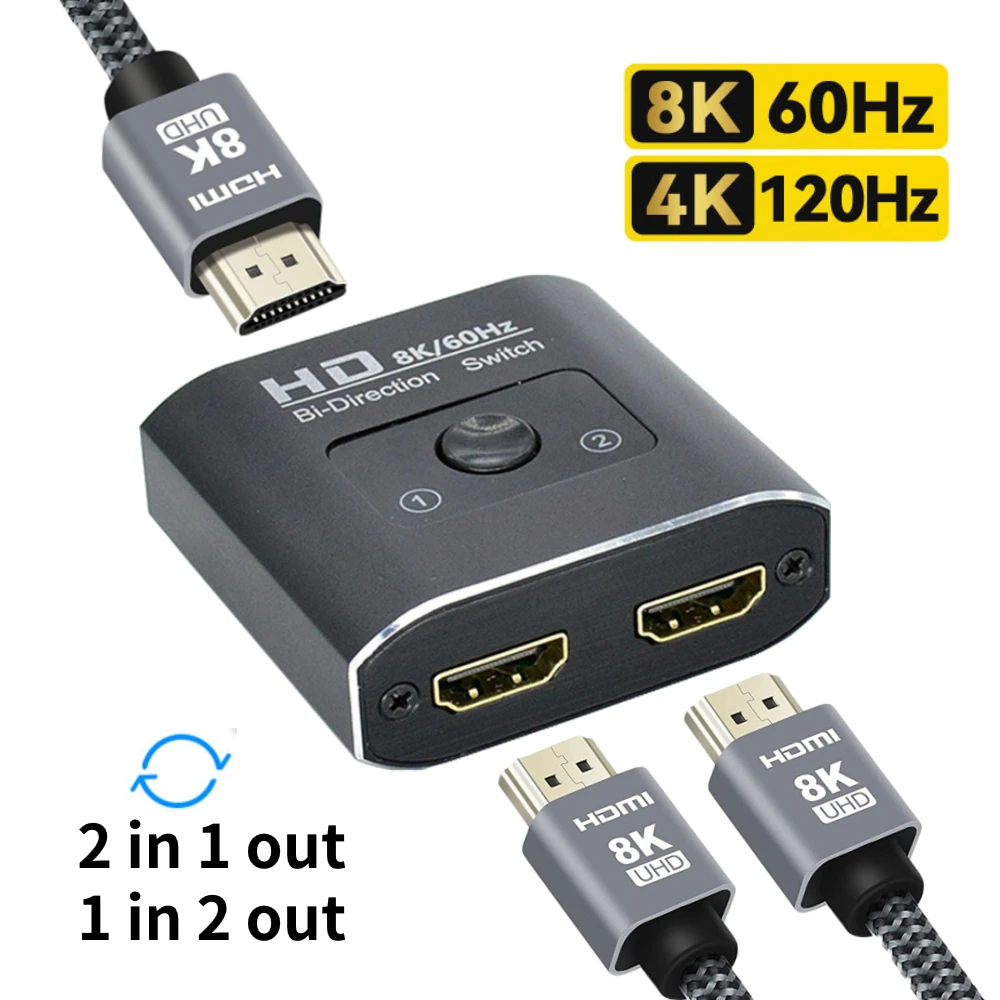
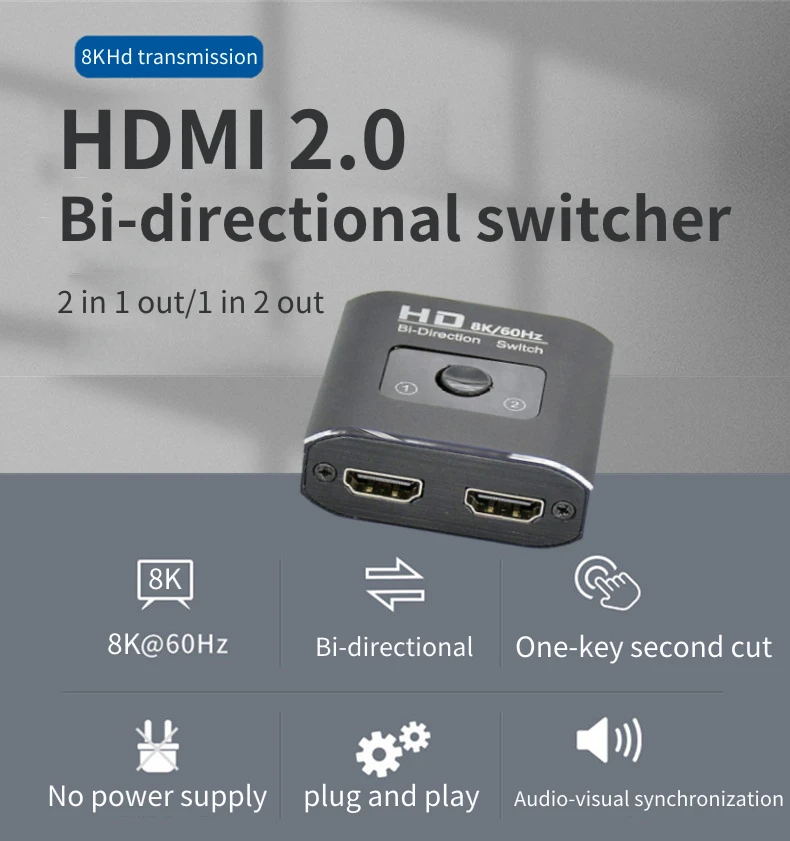
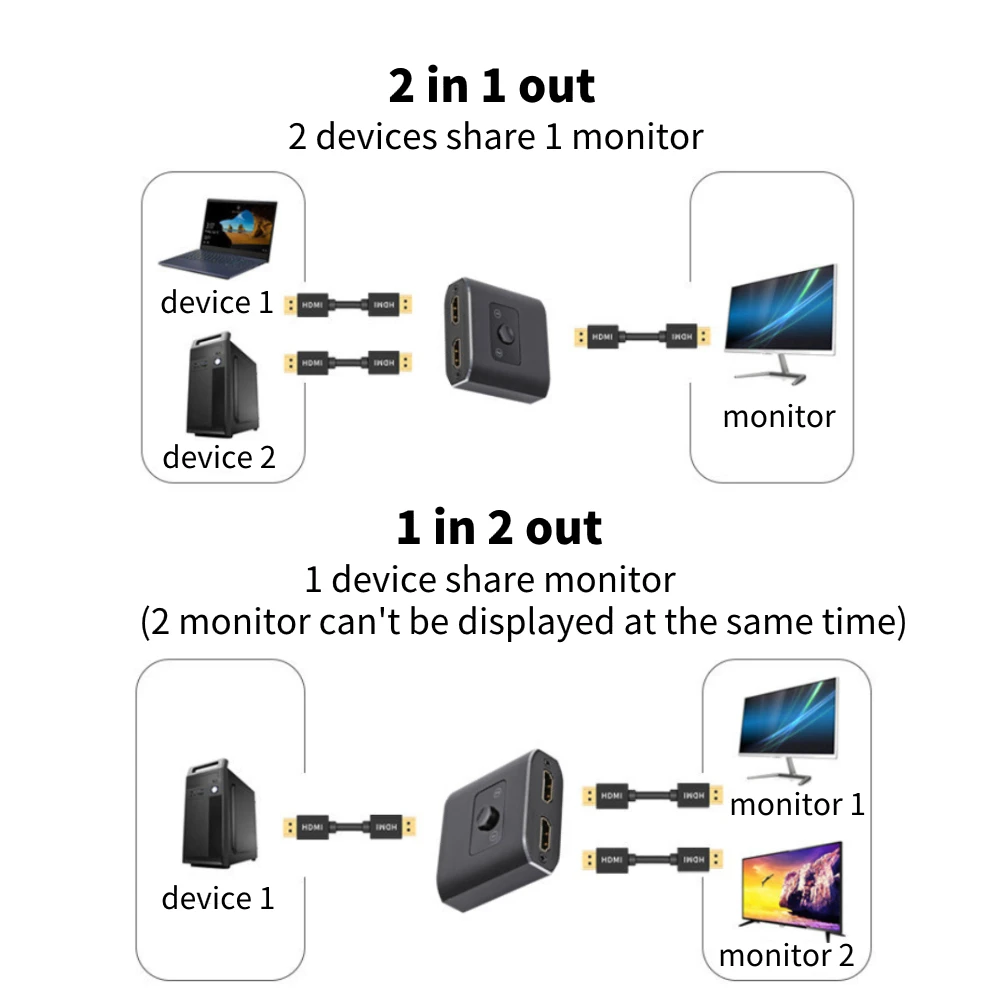
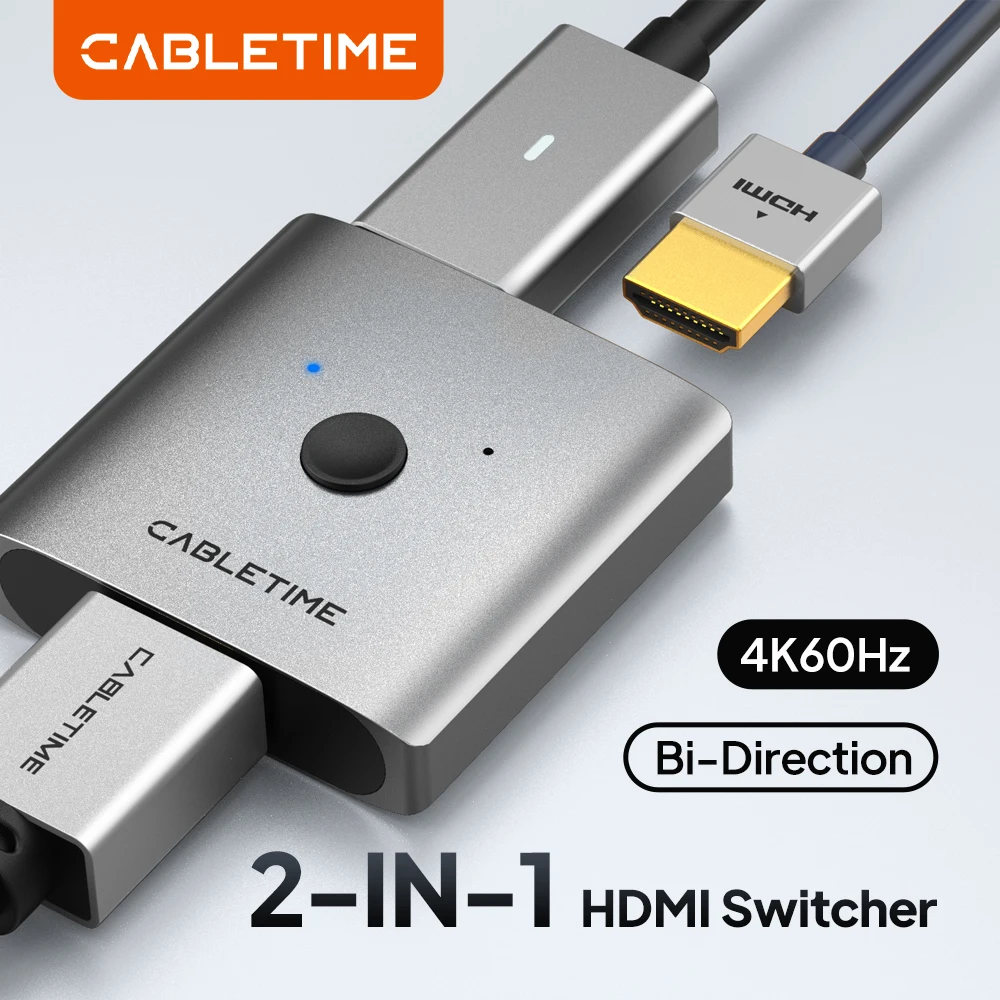
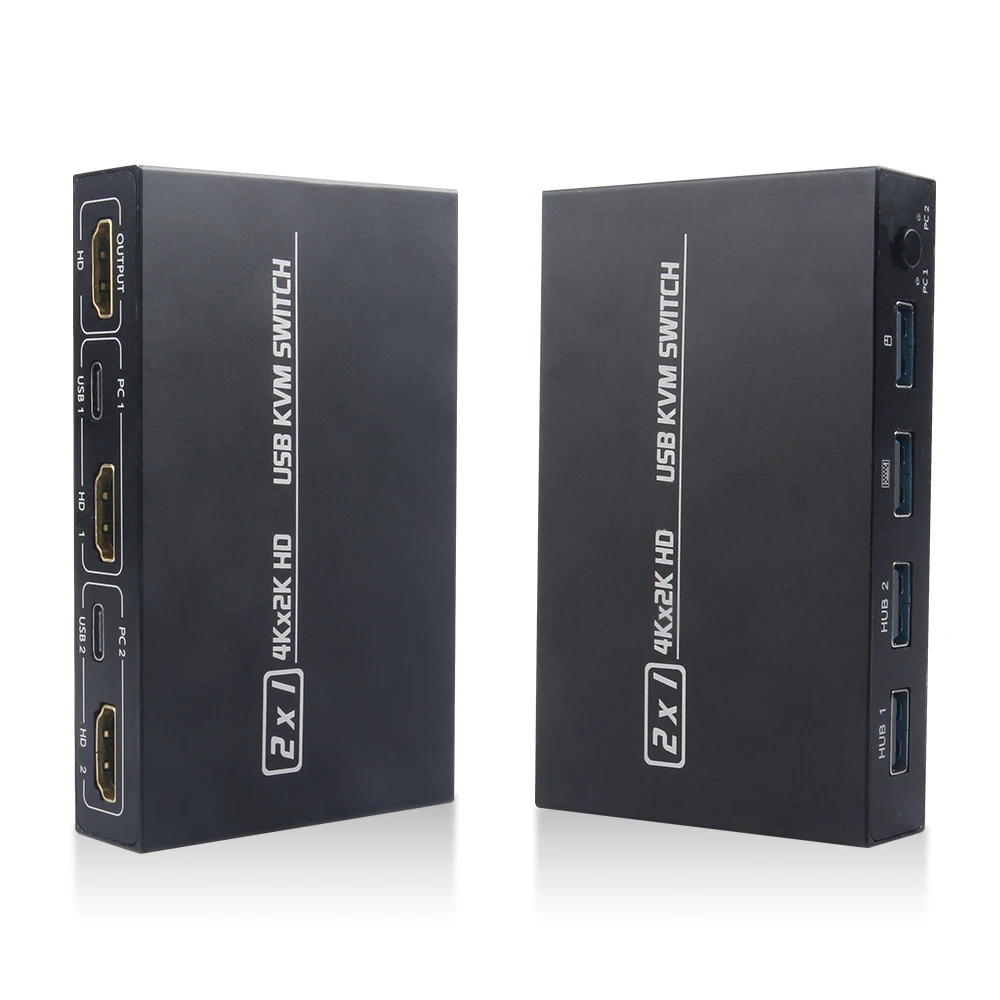
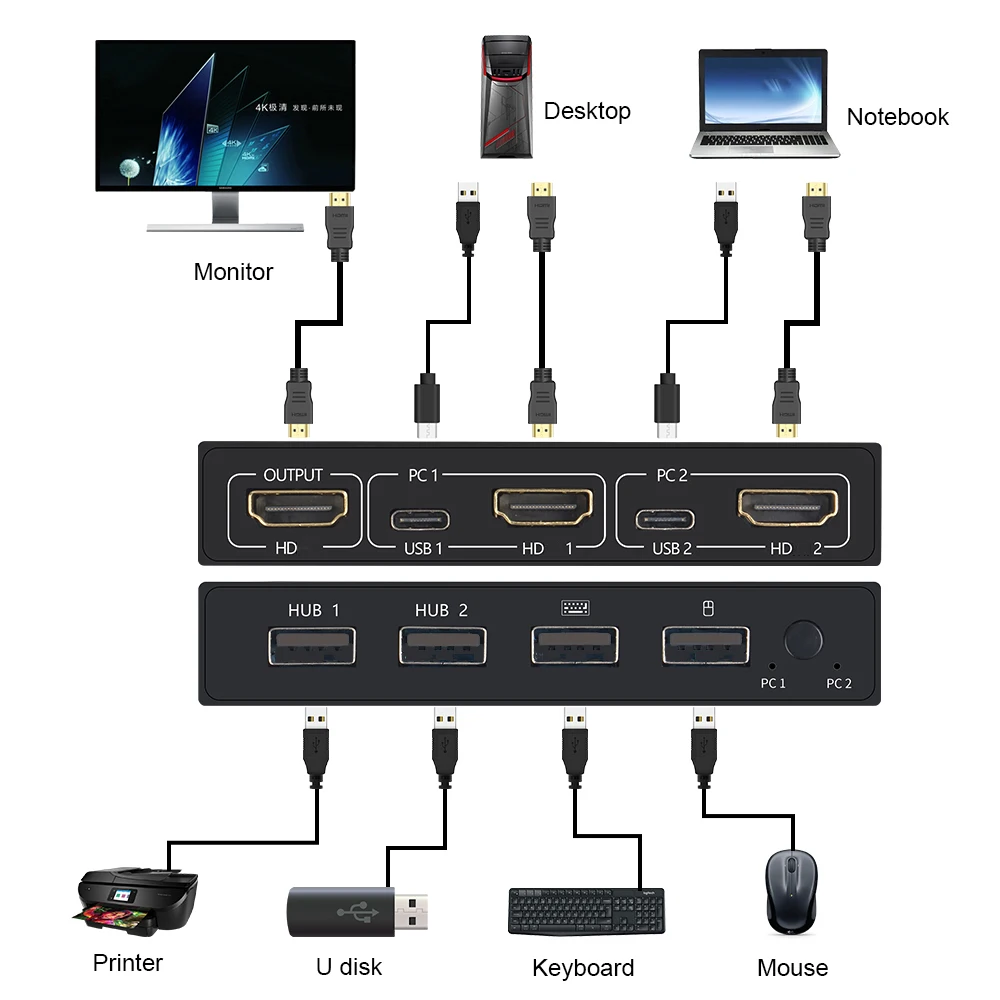
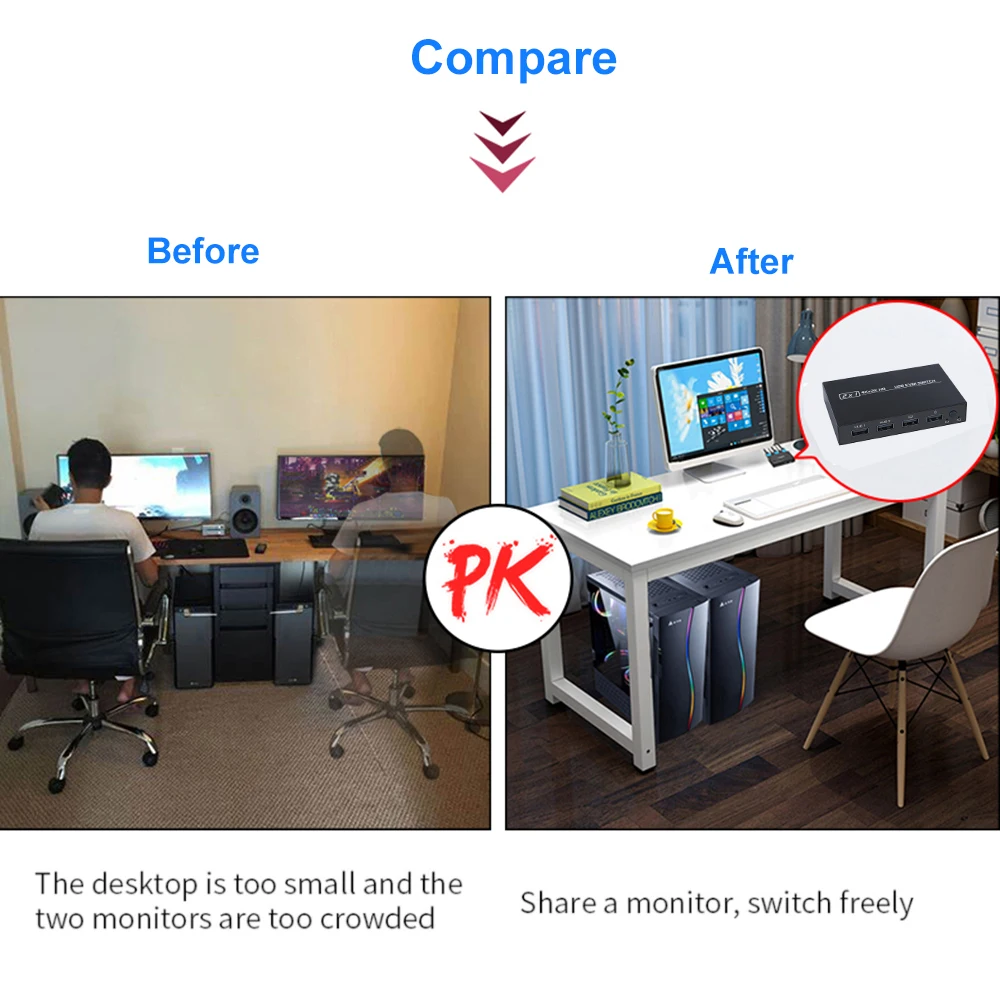
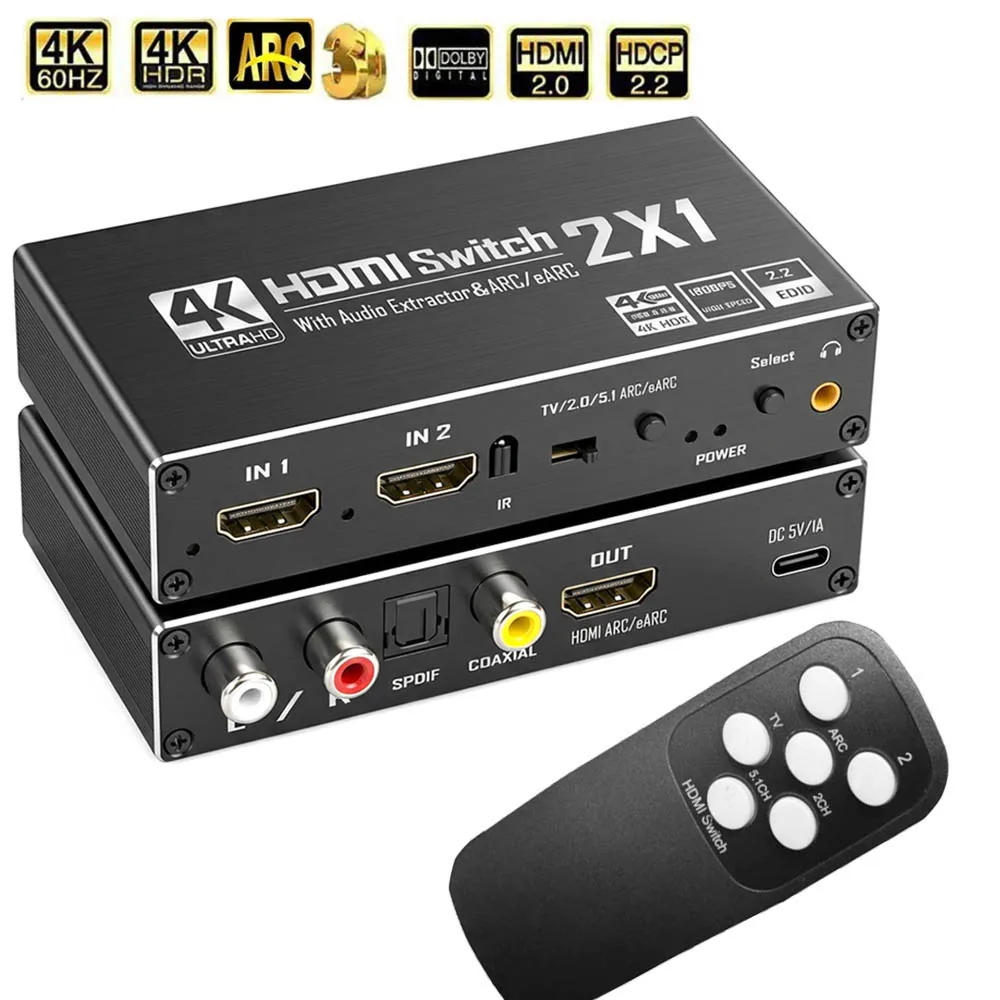
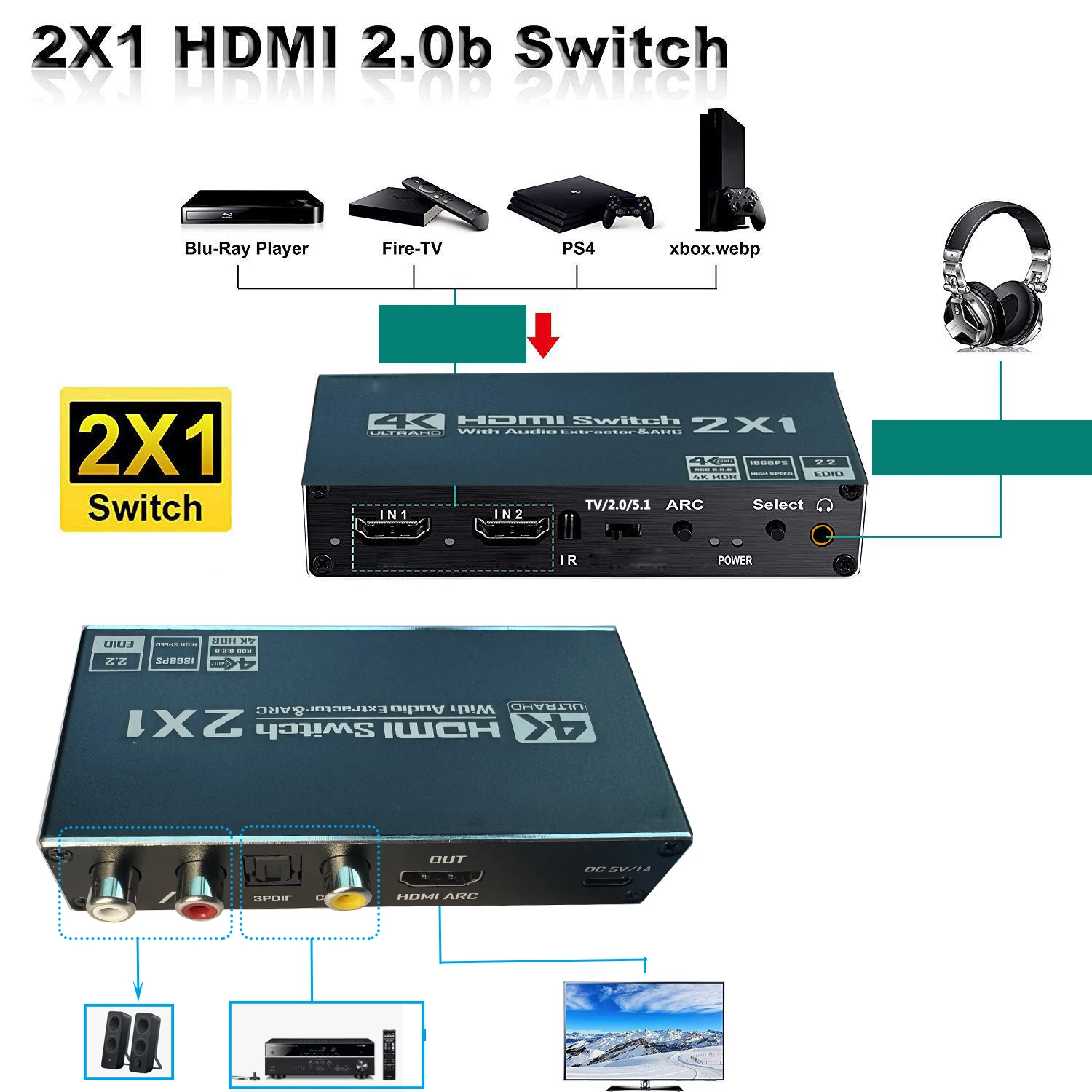
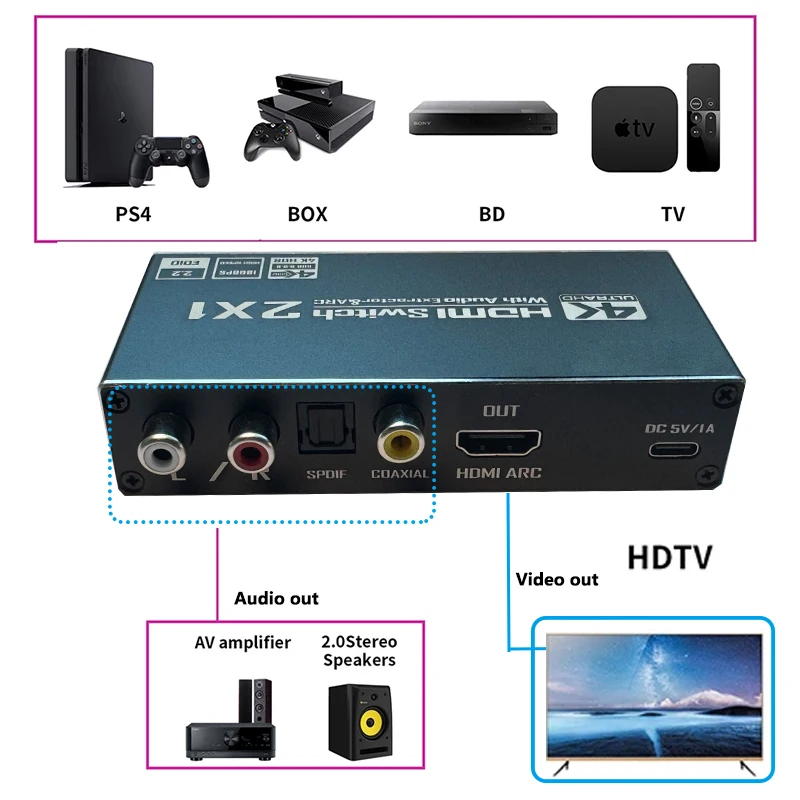
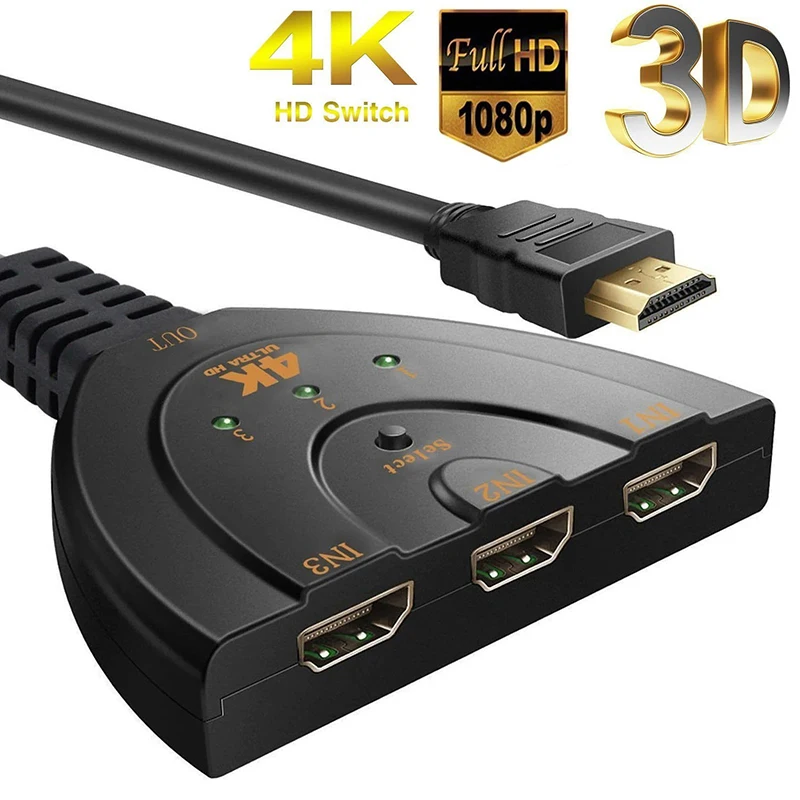
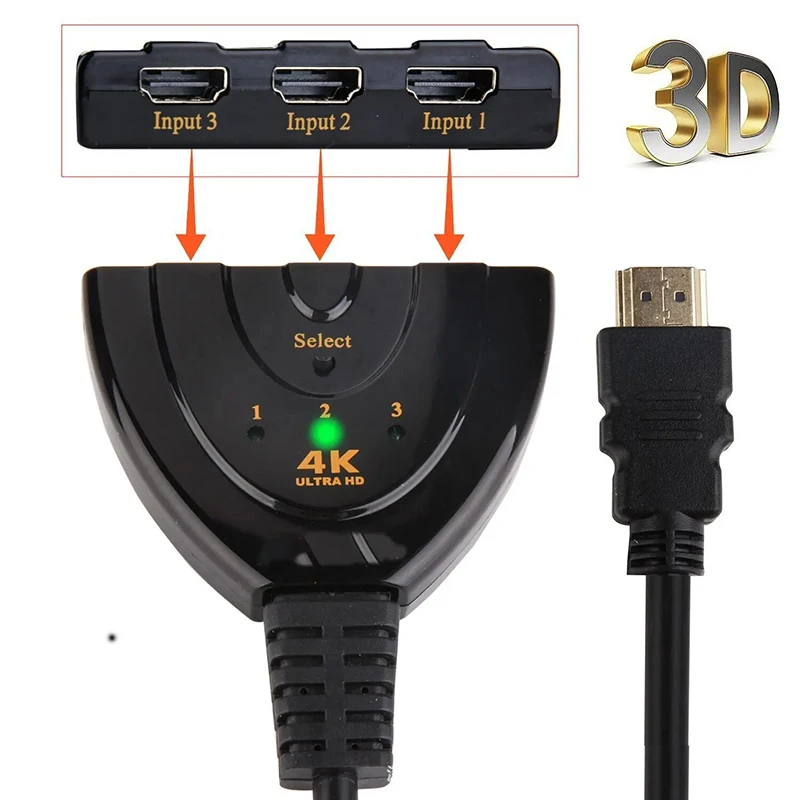
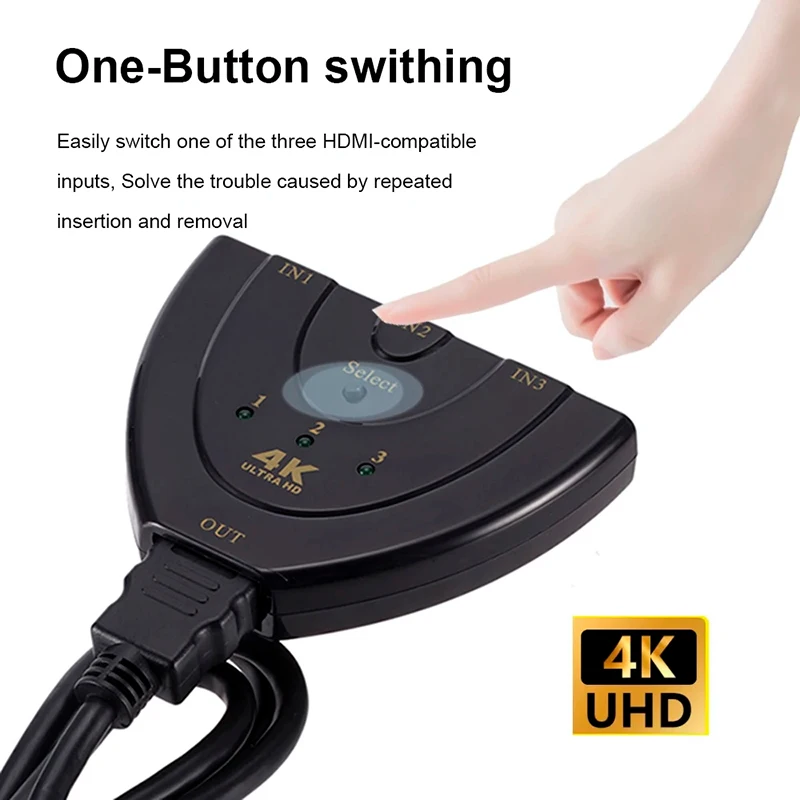
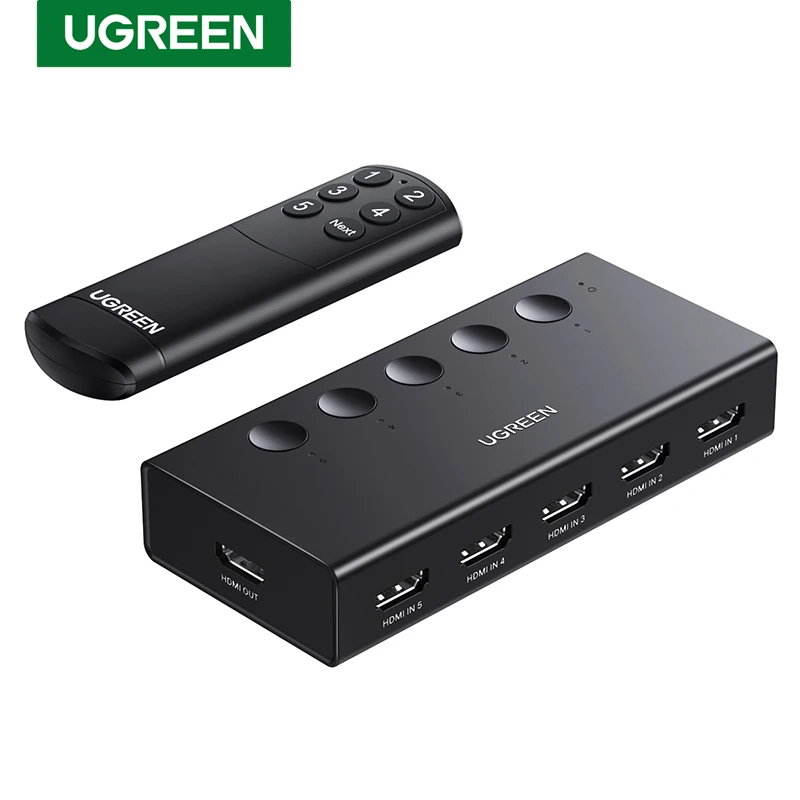
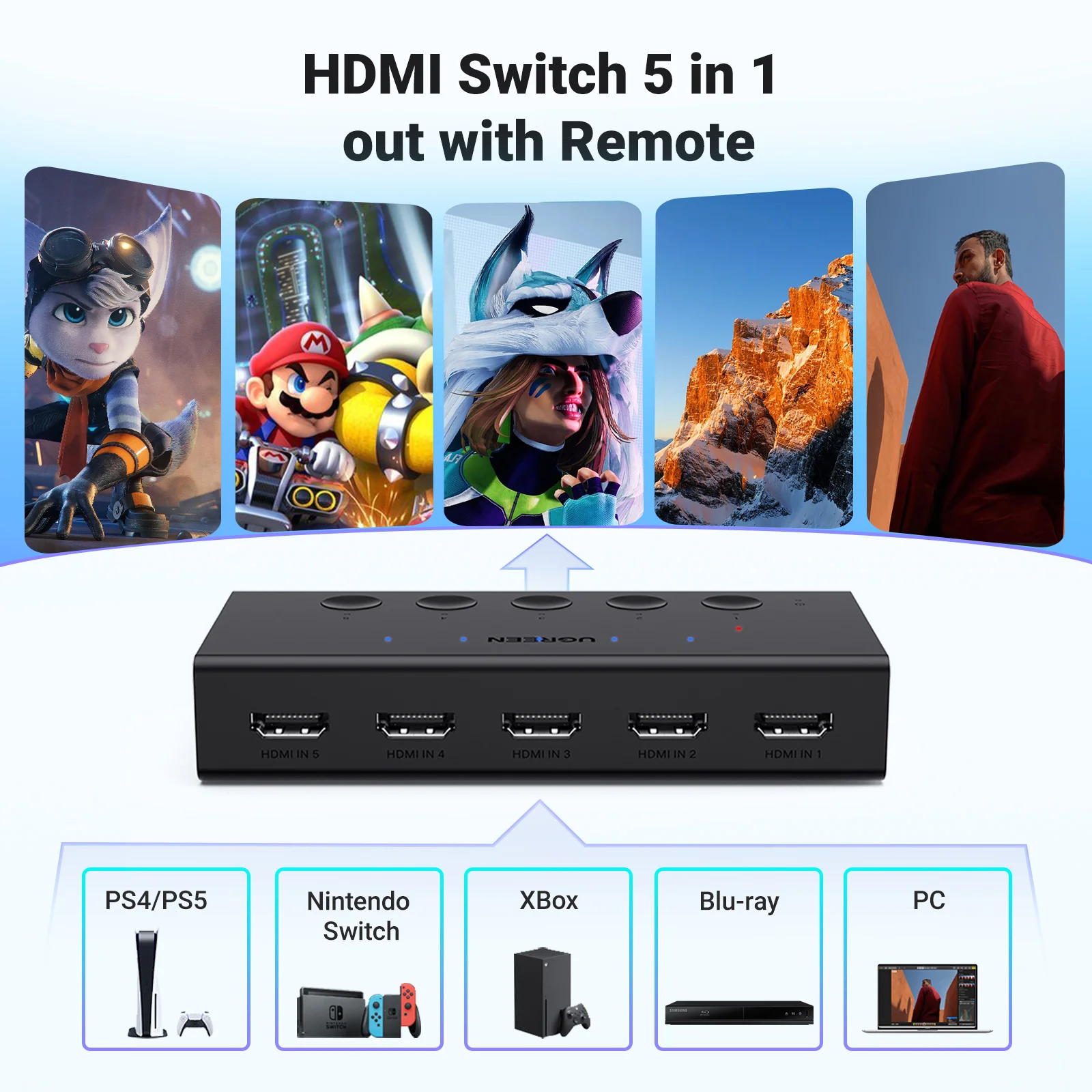
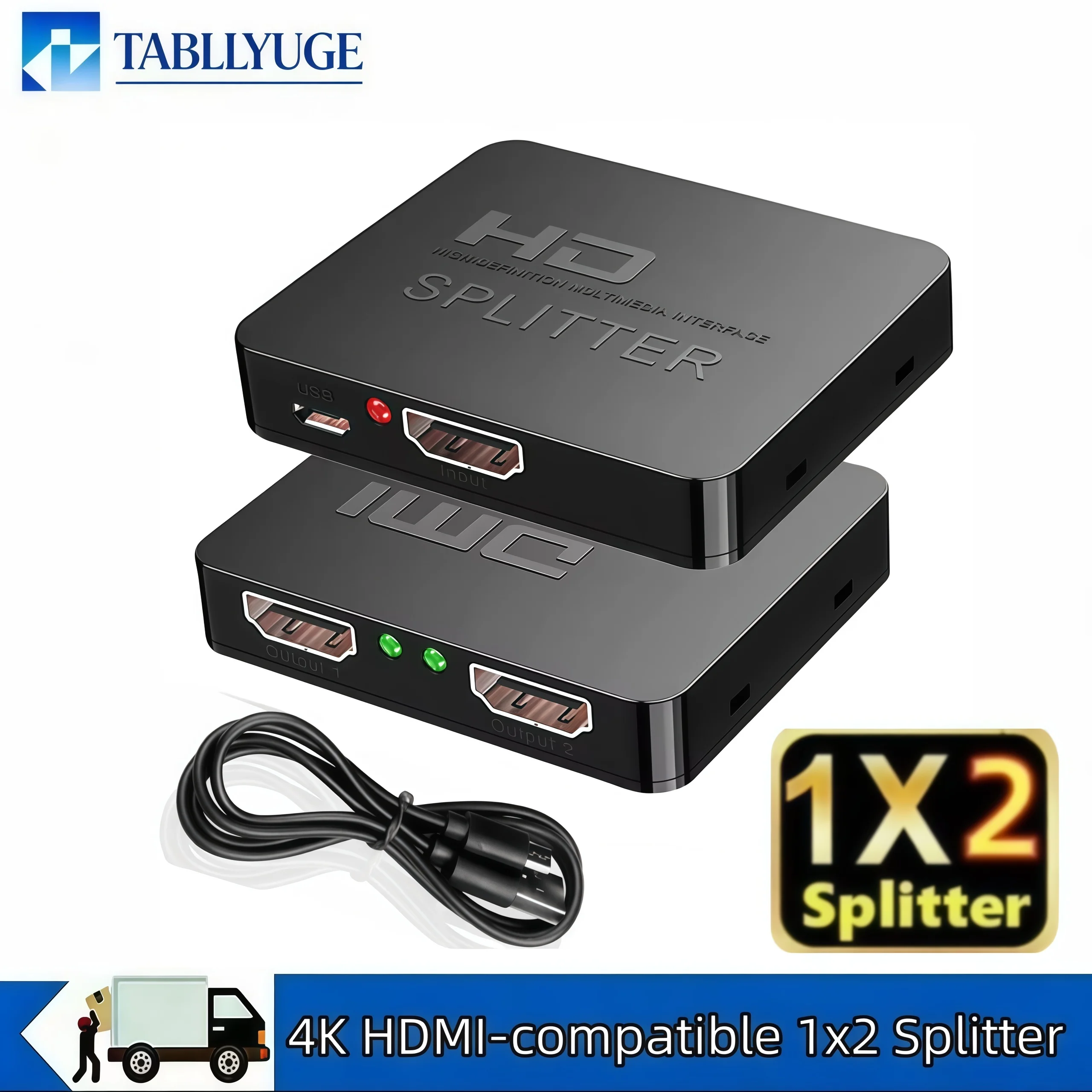
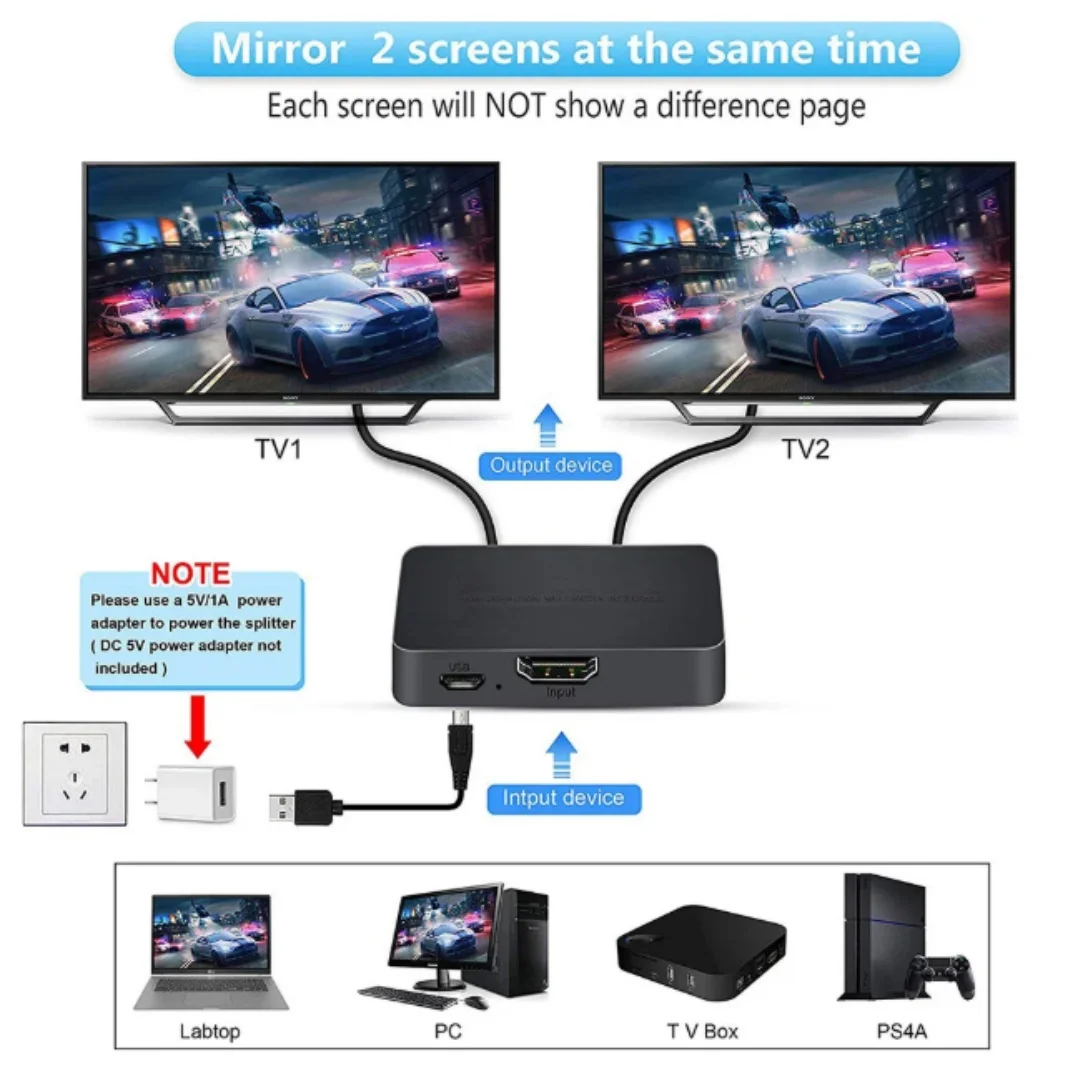
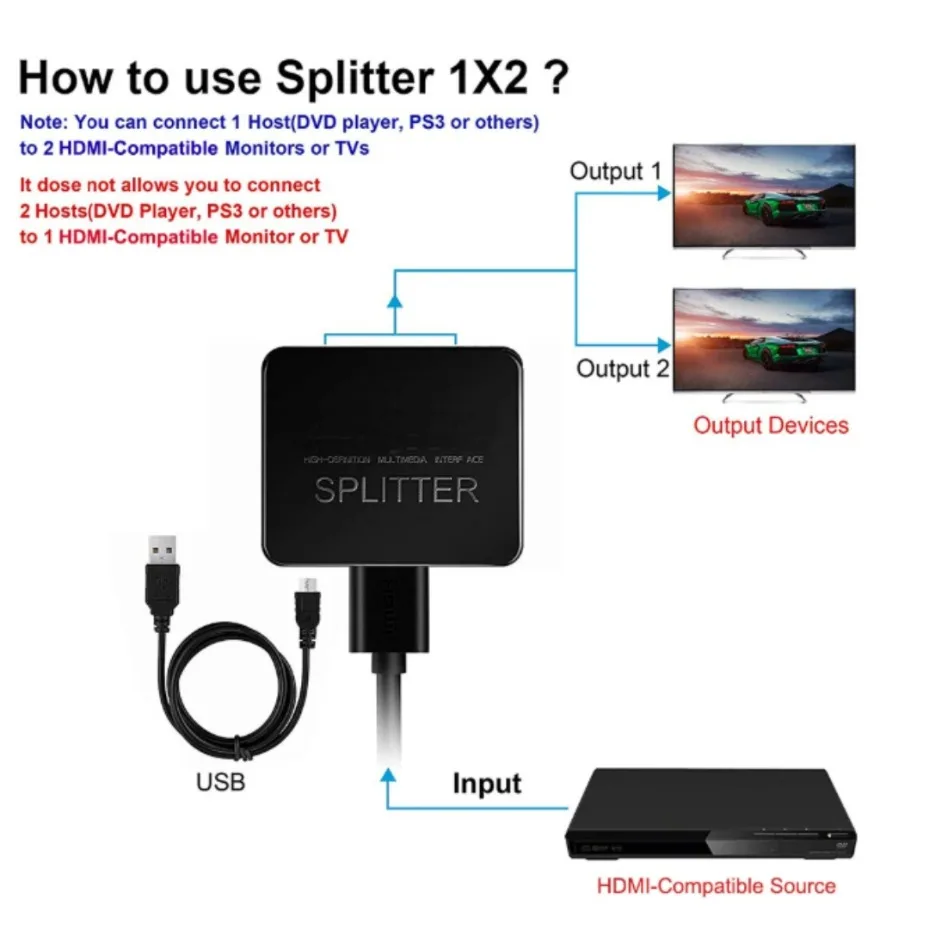
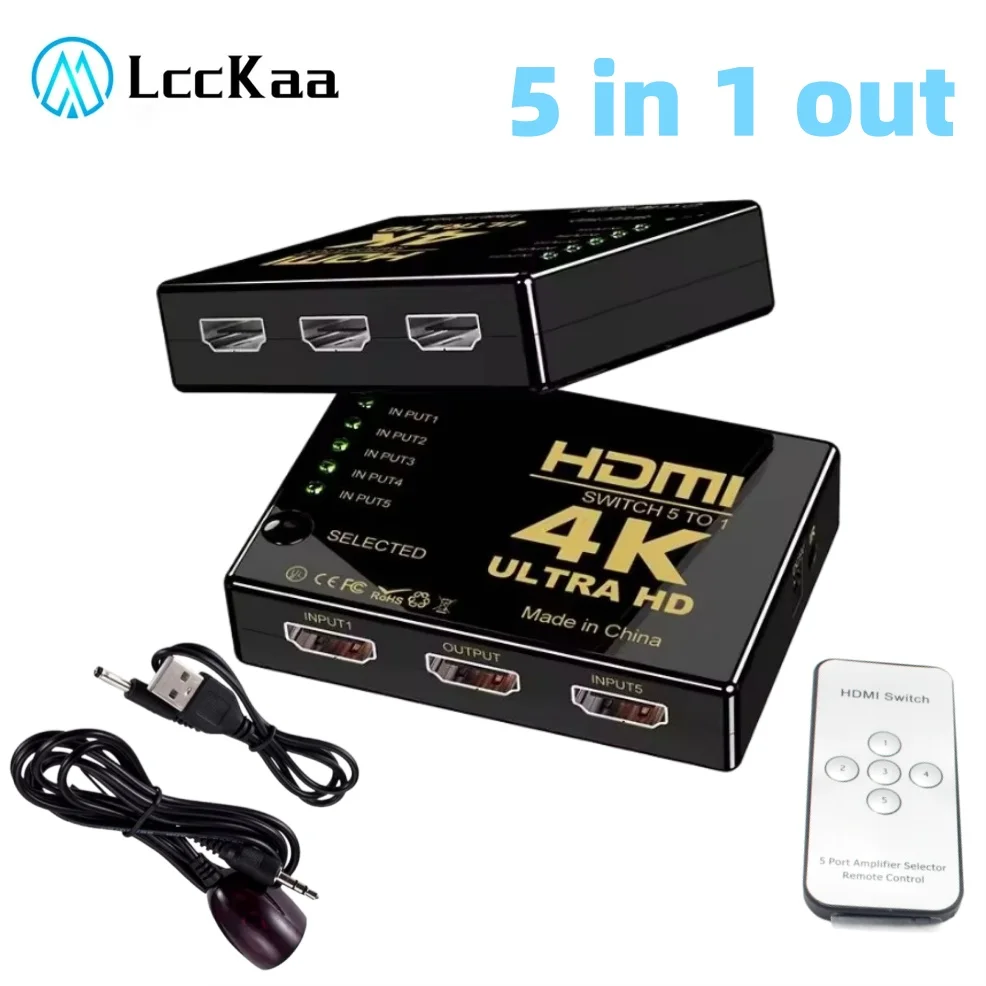
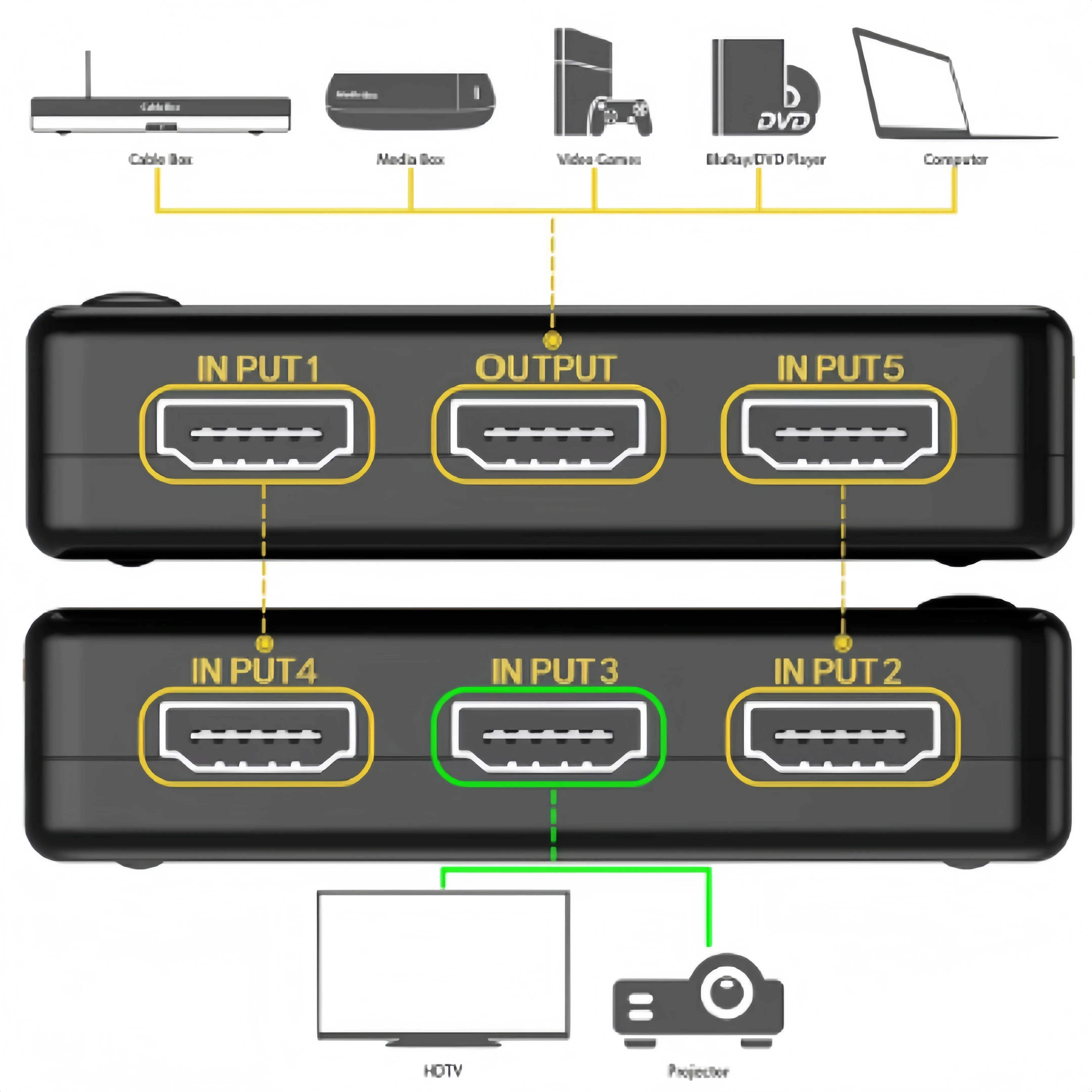
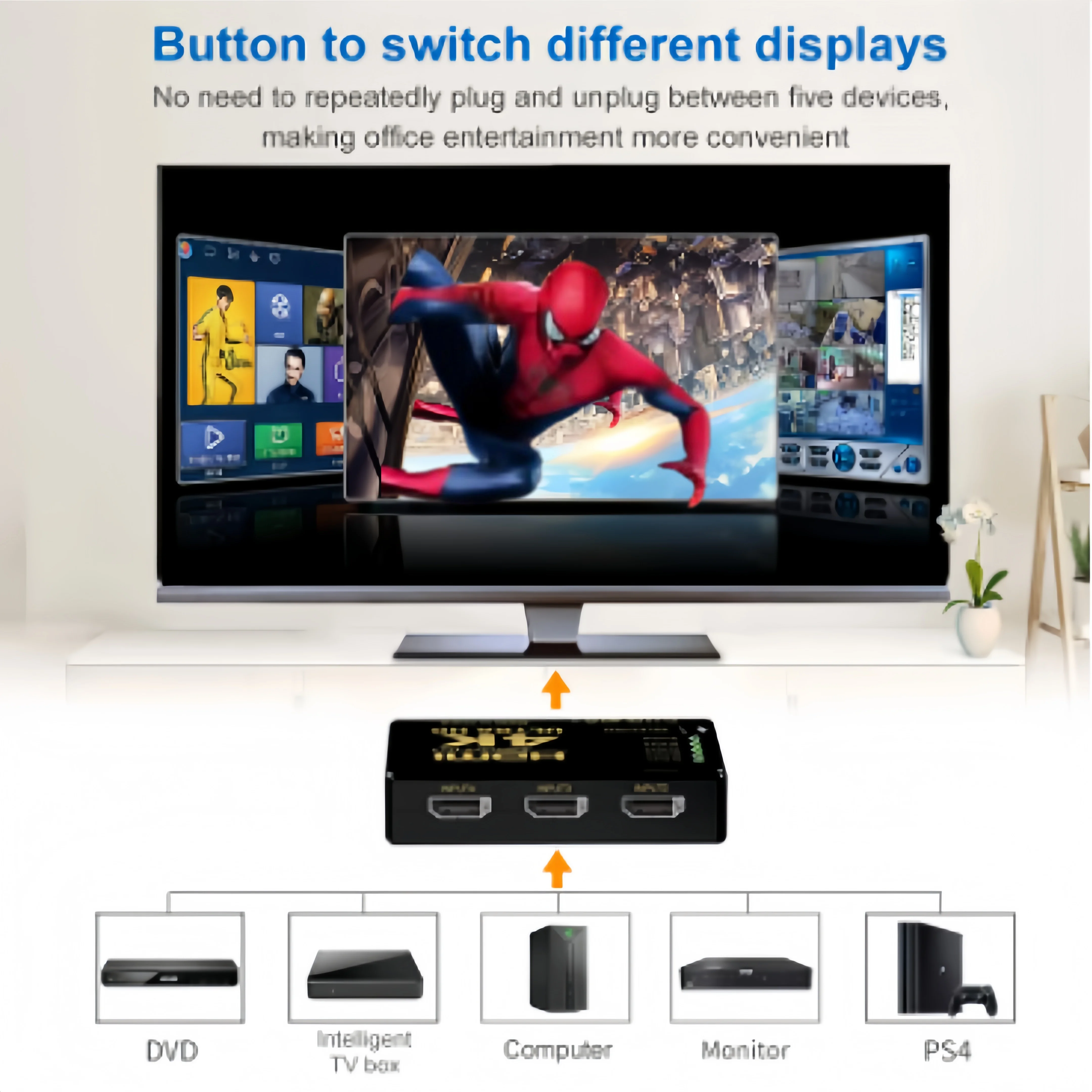
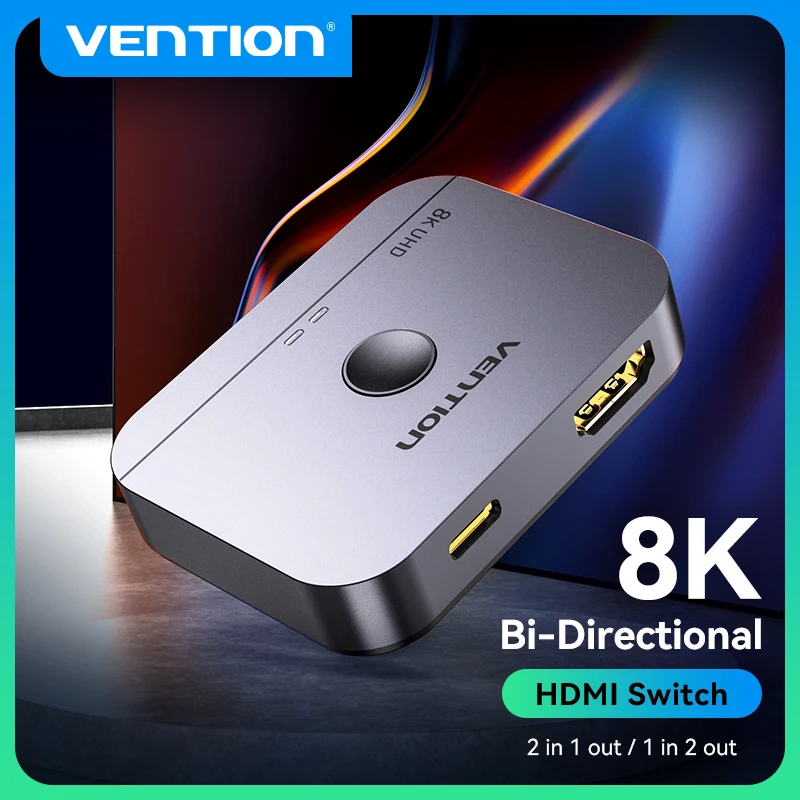
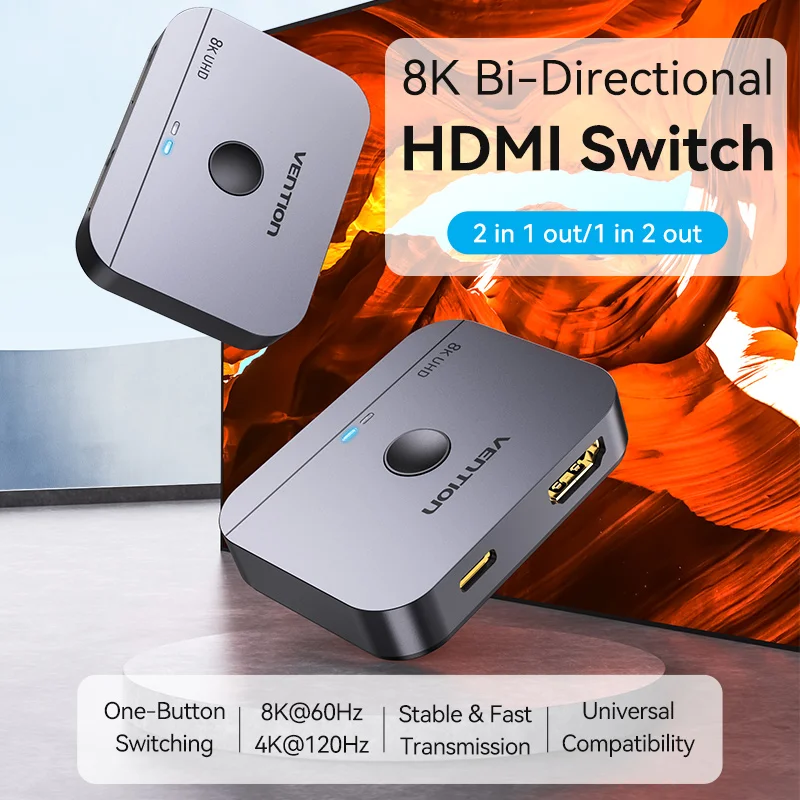
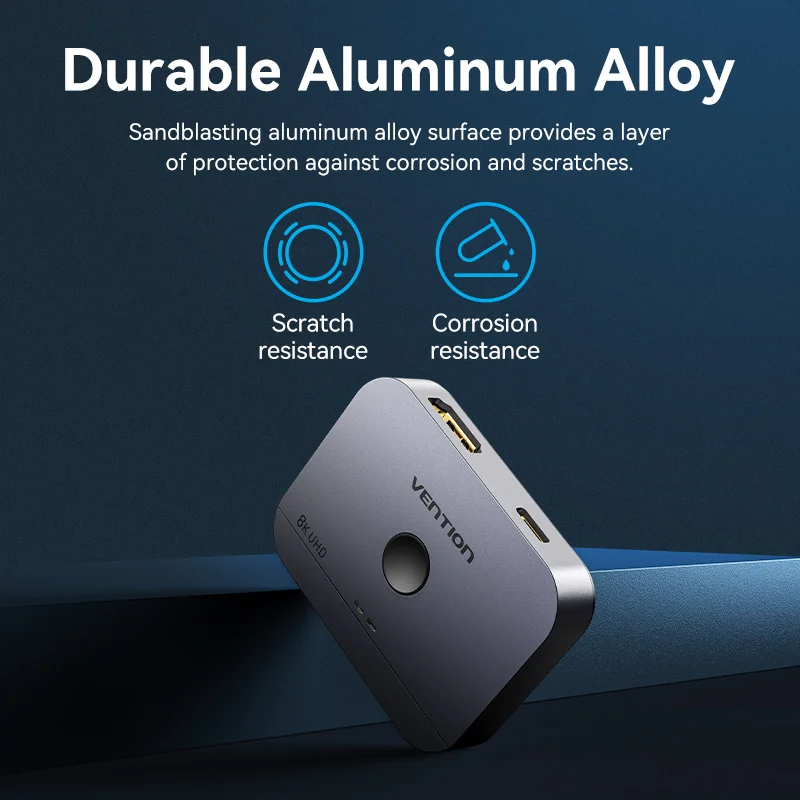
- HDMI switches and splitters share one screen between several devices, or send one picture to two screens.
Hub, dock or a single adapter
If you need one thing, such as a TV for the evening or a network cable at a desk, a single adapter is the simplest and smallest. If you need three or four things at once, a hub does them all through one plug. If the laptop goes on a desk every day with screens, a keyboard and a cable plugged in, a dock lets you connect everything with one cable when you sit down. Our guide how to choose a USB-C hub or docking station goes through it in full.
Check your laptop's ports first
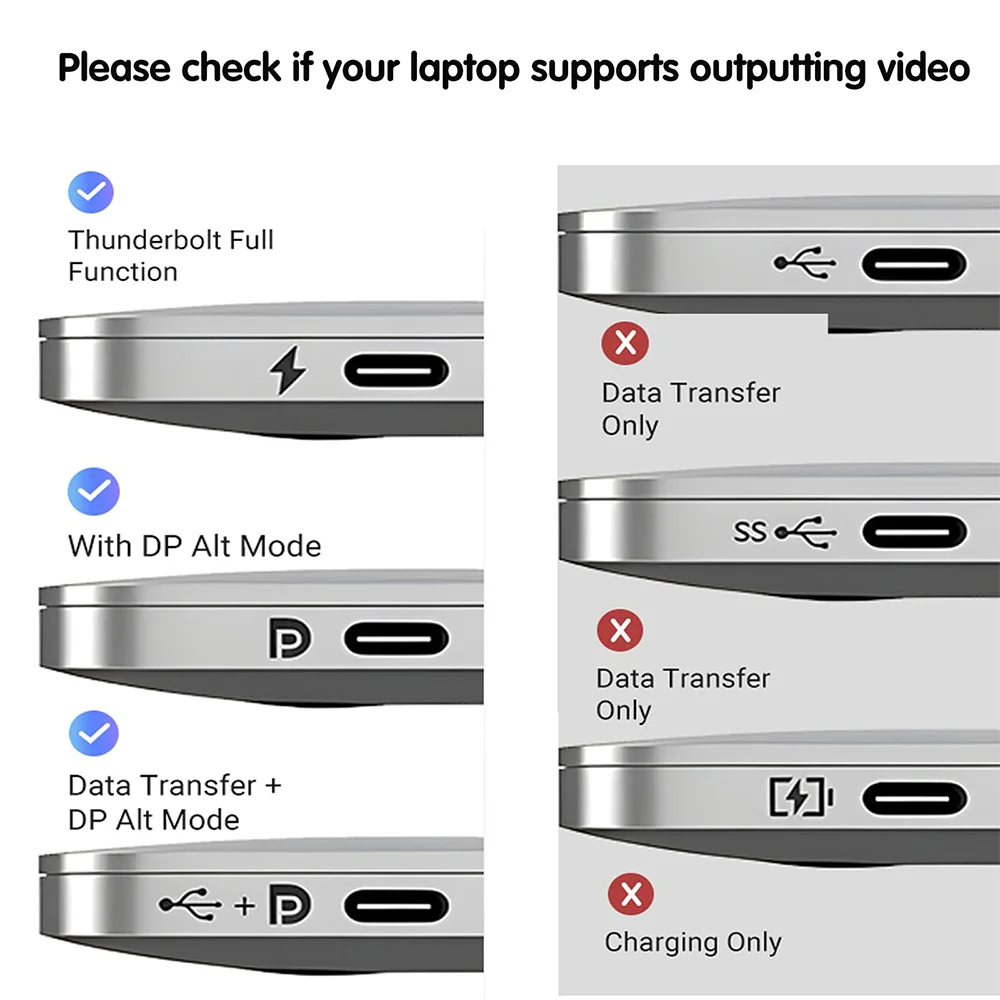
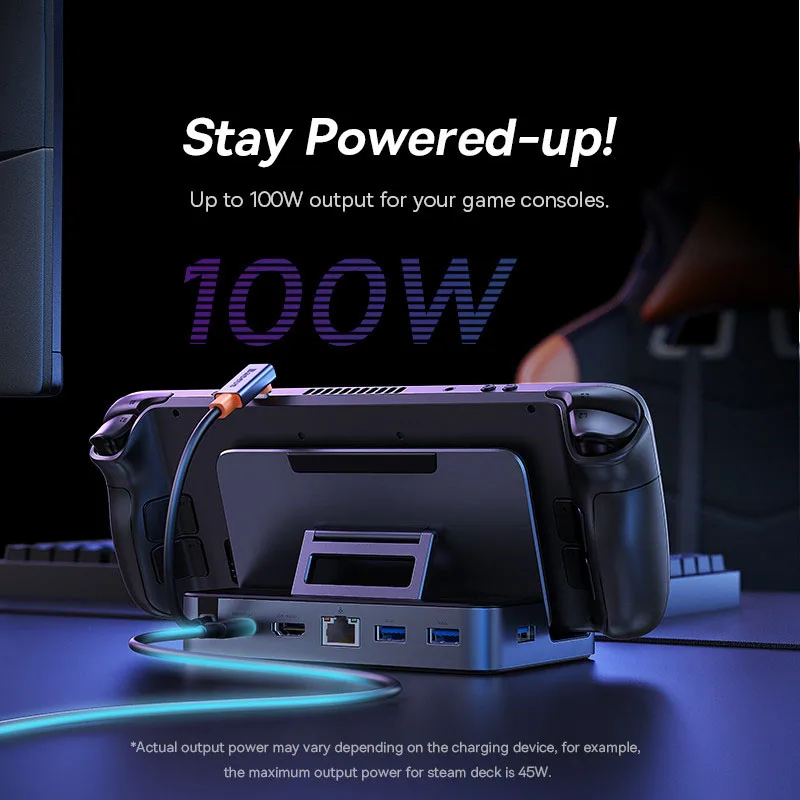
Not every USB-C port carries video. A hub's HDMI socket, and every USB-C display adapter, needs a port that supports DisplayPort Alt Mode, Thunderbolt or USB4. Your laptop's own specification page says which ports do. The same goes for charging: a hub passes power on, but it keeps a little for itself, so the laptop gets less than the charger's rating. USB-C explained sets out the names on the box.
Questions people ask about hubs, docks and adapters
Will a hub work with a MacBook?
Most USB-C hubs do. The number of extra screens is set by the Mac, not the hub: a MacBook Air with M1 or M2 runs one external display, whatever the hub has.
Do these need software?
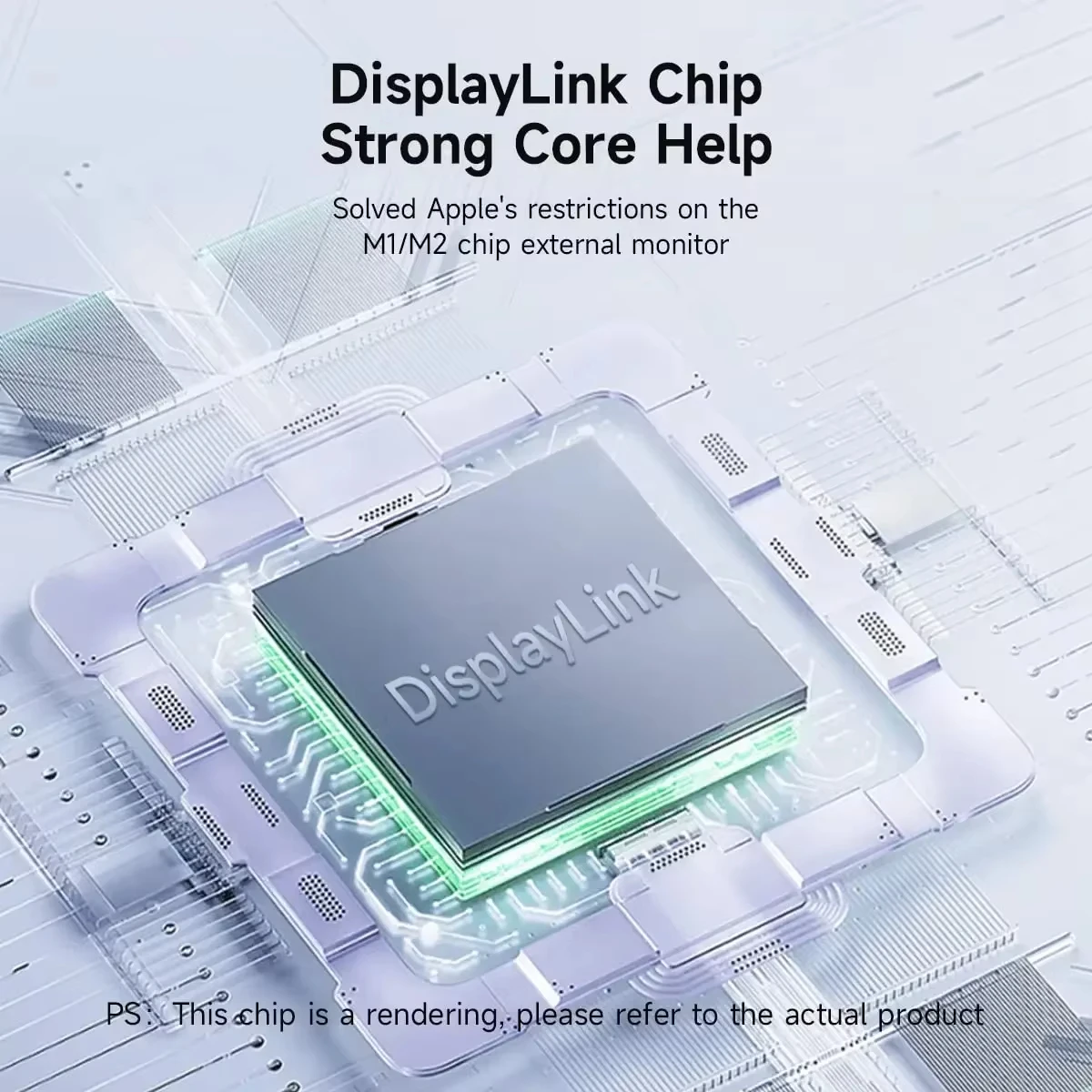
Most are plug and play. The exceptions are DisplayLink docks, which run their screens through driver software you install once.
Delivery is included in every price and tracked to your door. Each product page says when it usually arrives.
More to look at