Getting the crumbs out
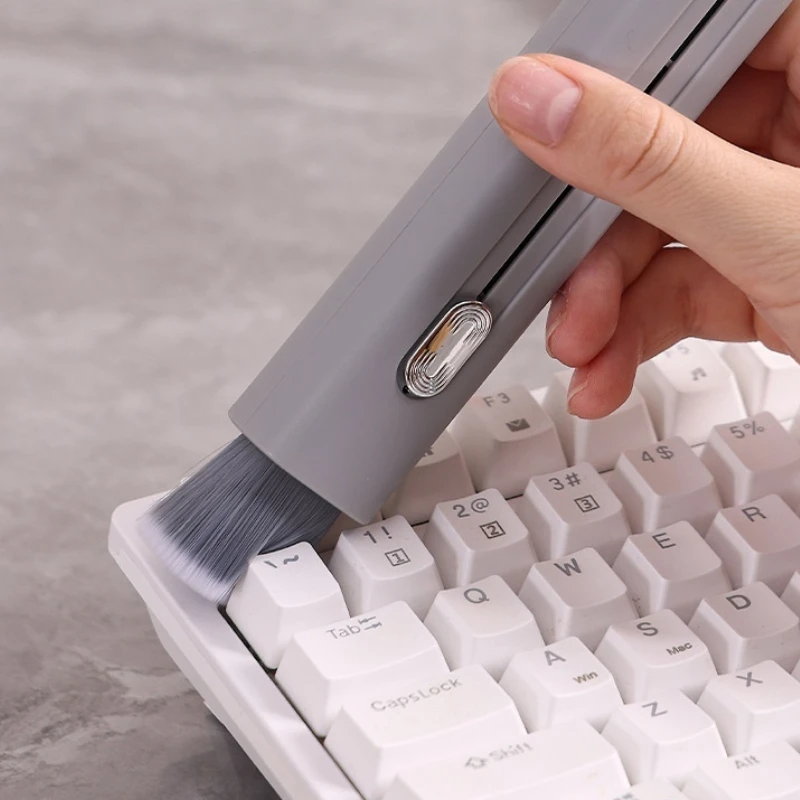
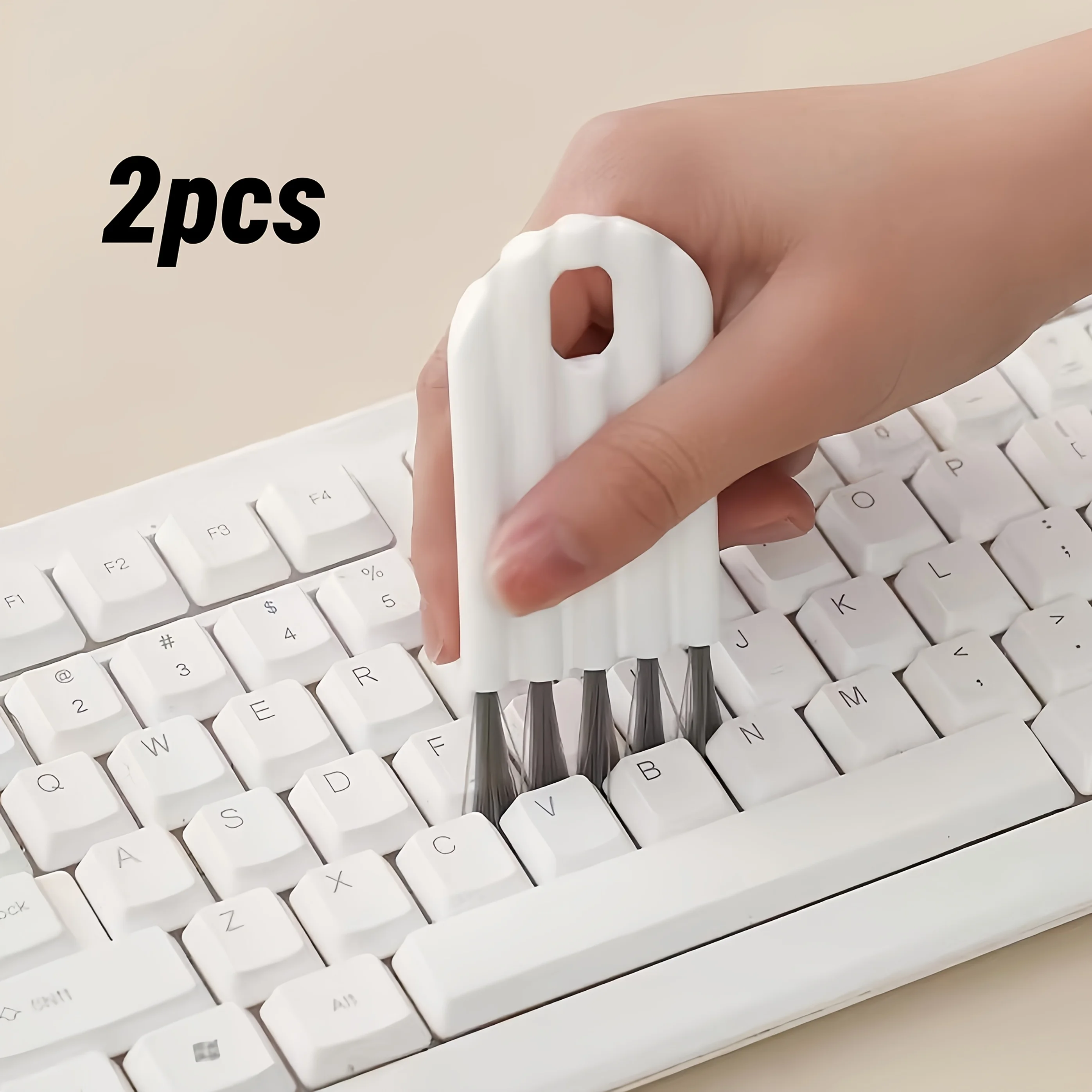
A keyboard gathers two kinds of dirt: grease on the tops of the keys, and crumbs, hair and dust in the gaps between them. The gaps are the awkward part. A cloth slides over them, and pressing harder only pushes the dirt further in. This range has the two tools made for the gaps: soft brushes that sweep dirt out, and cleaning gel that picks it up.
Brushes
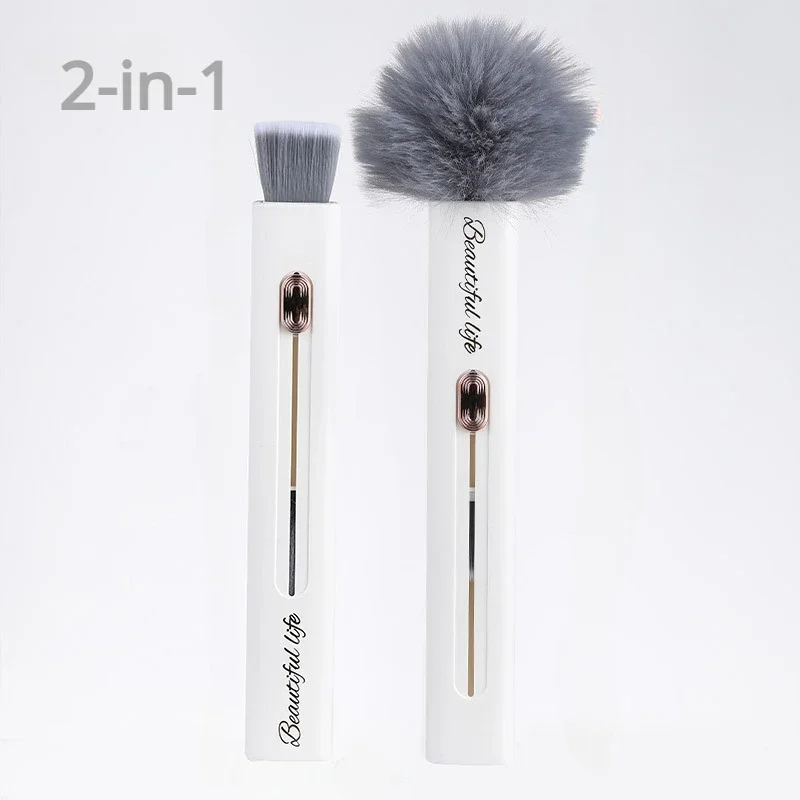
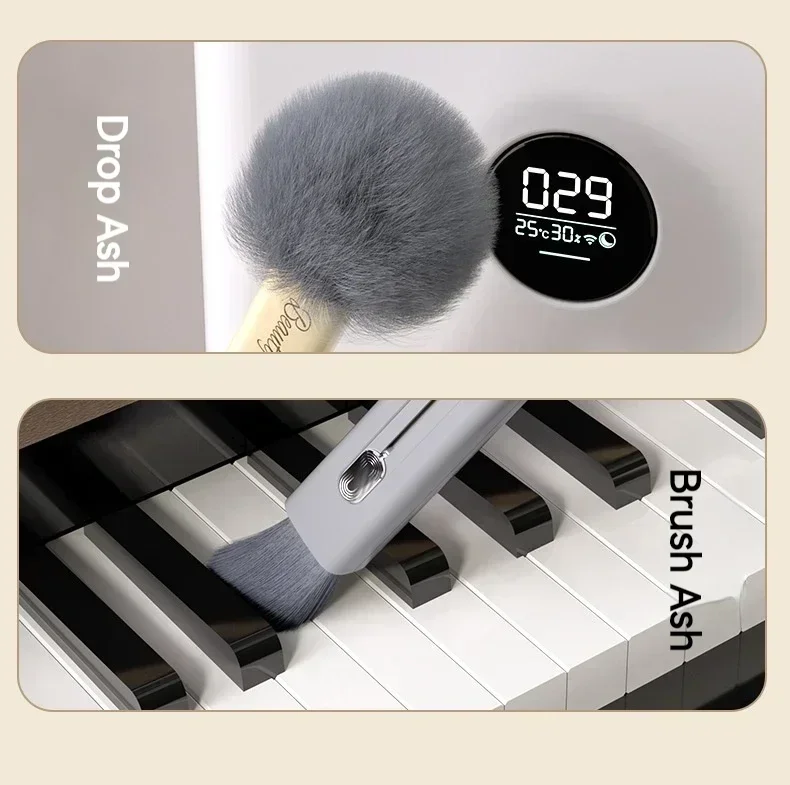
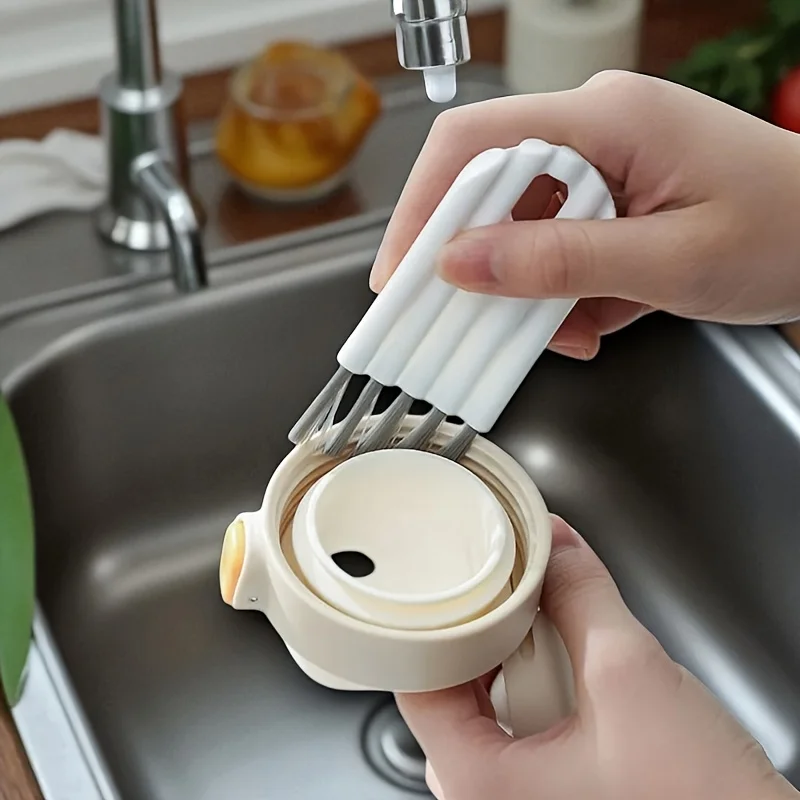
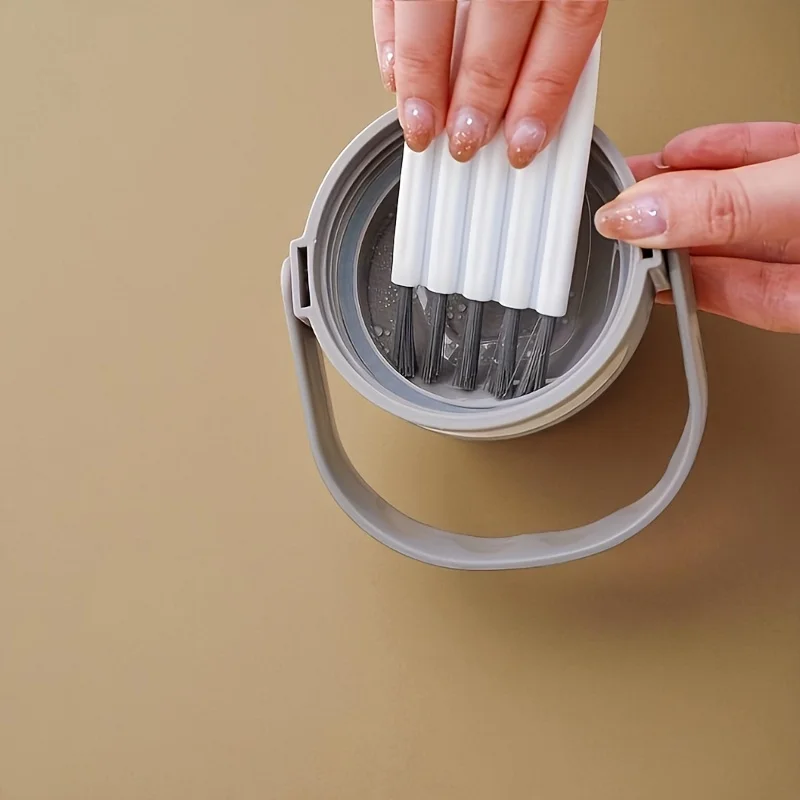
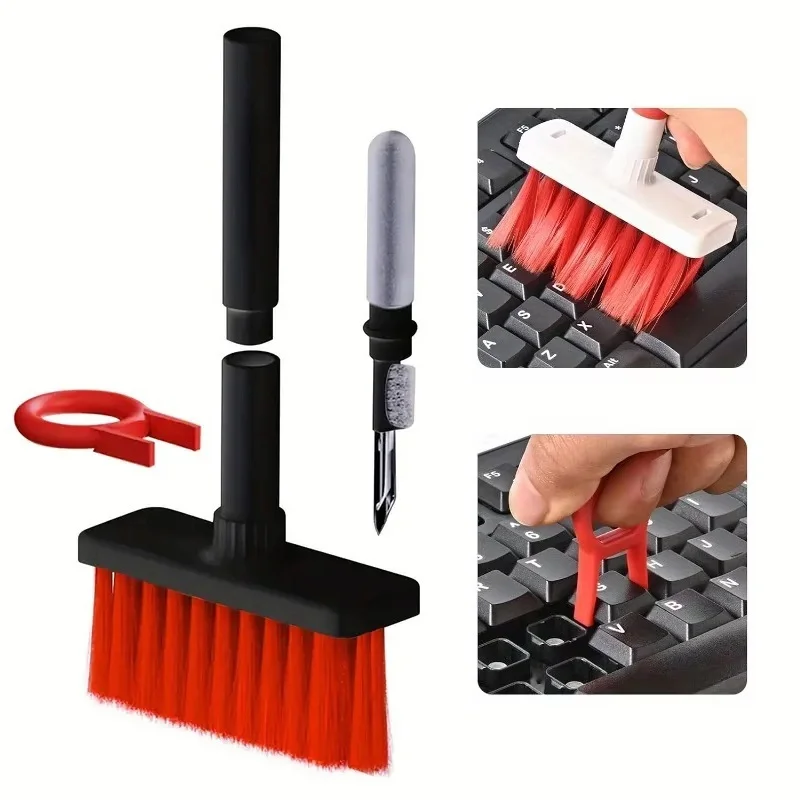
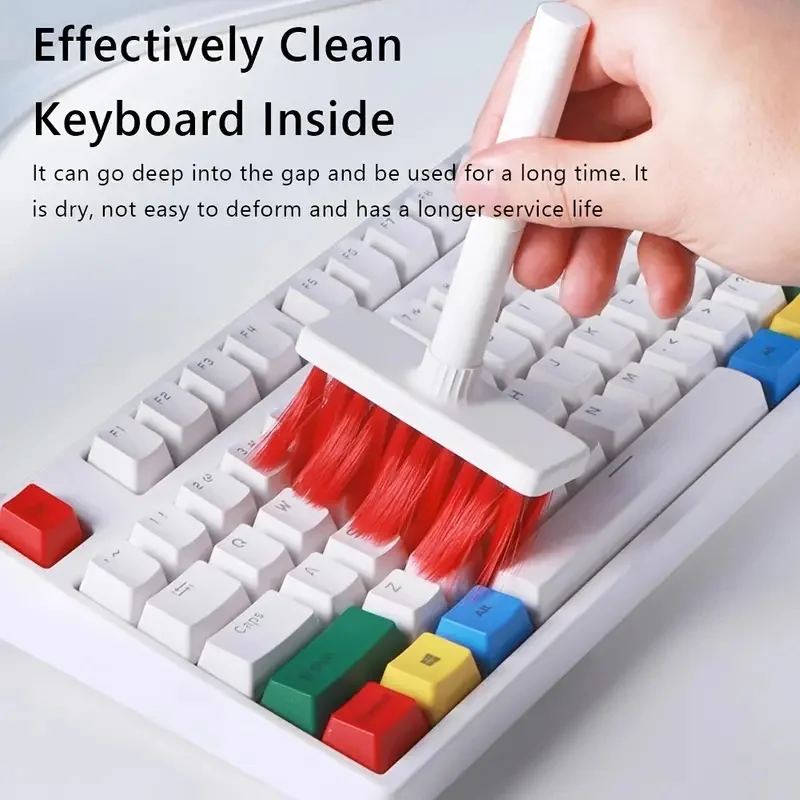
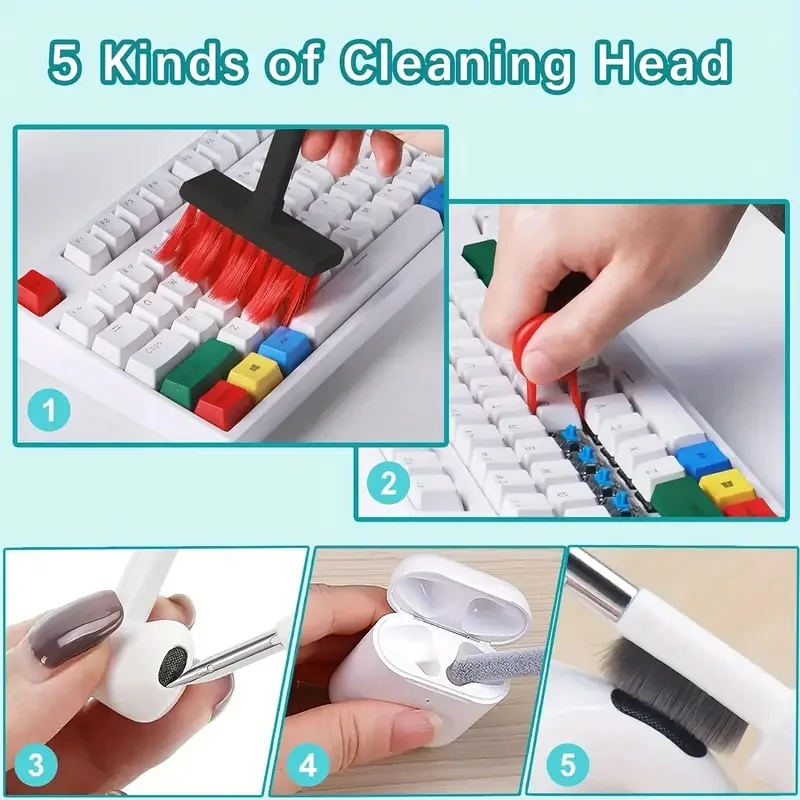
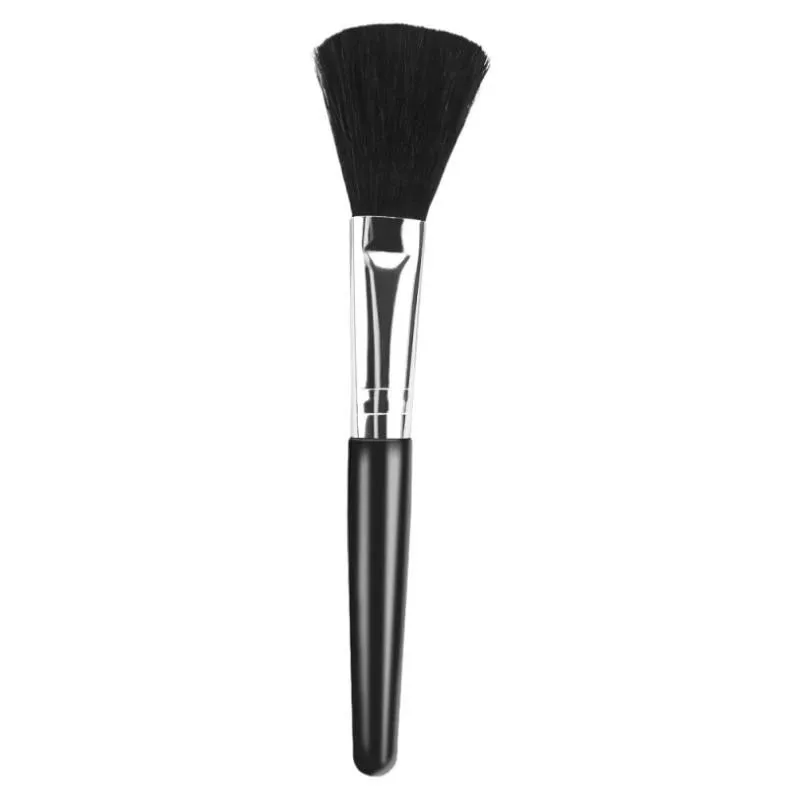
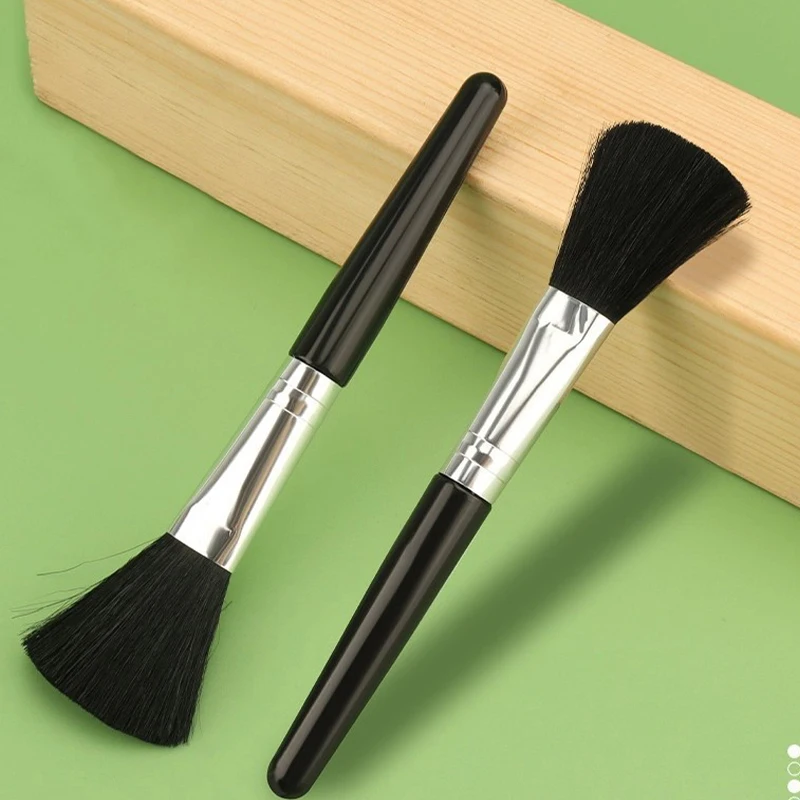
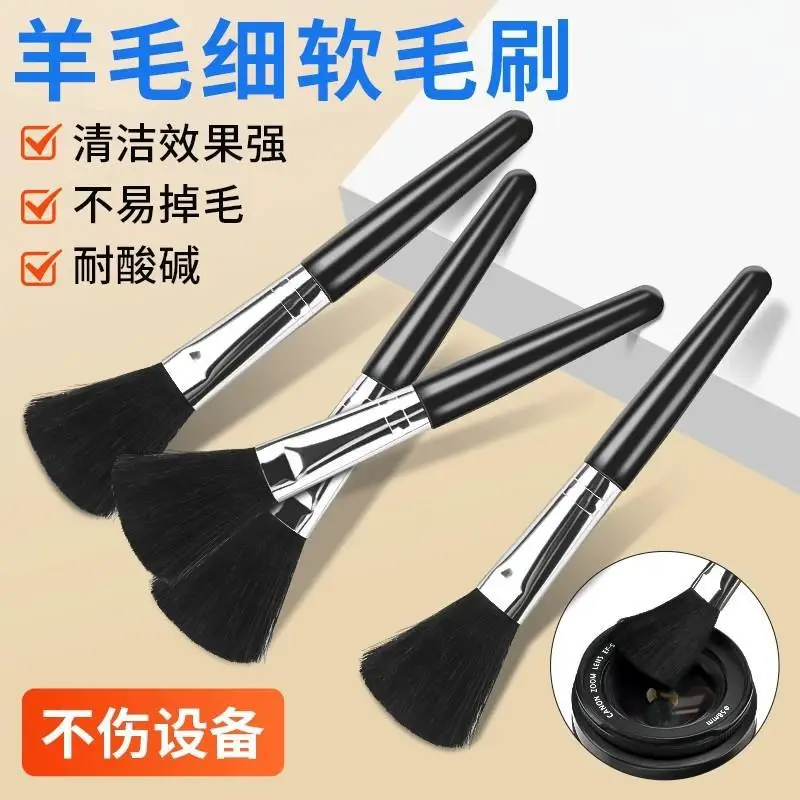
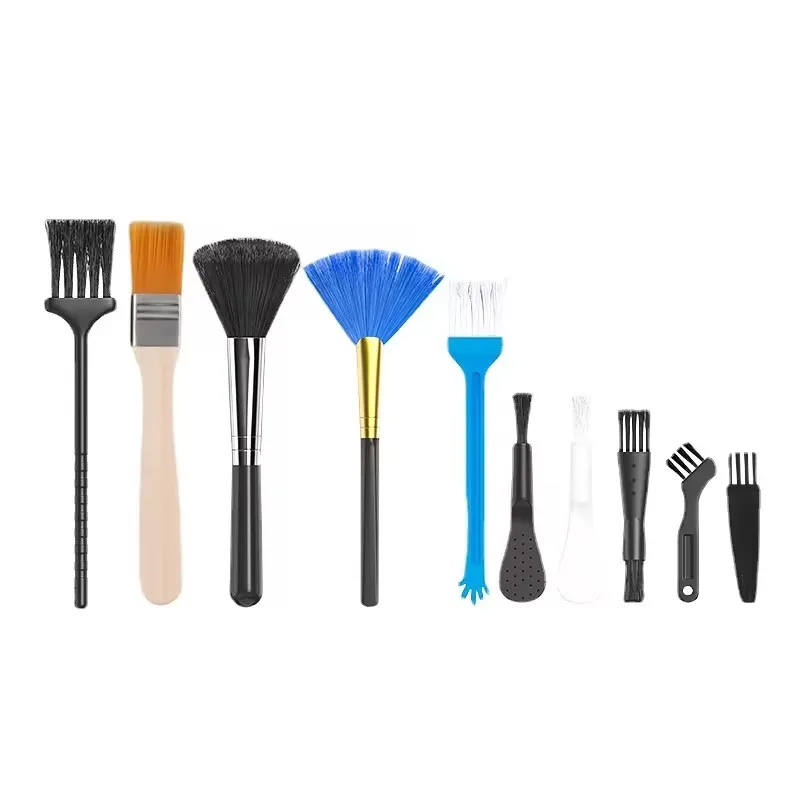
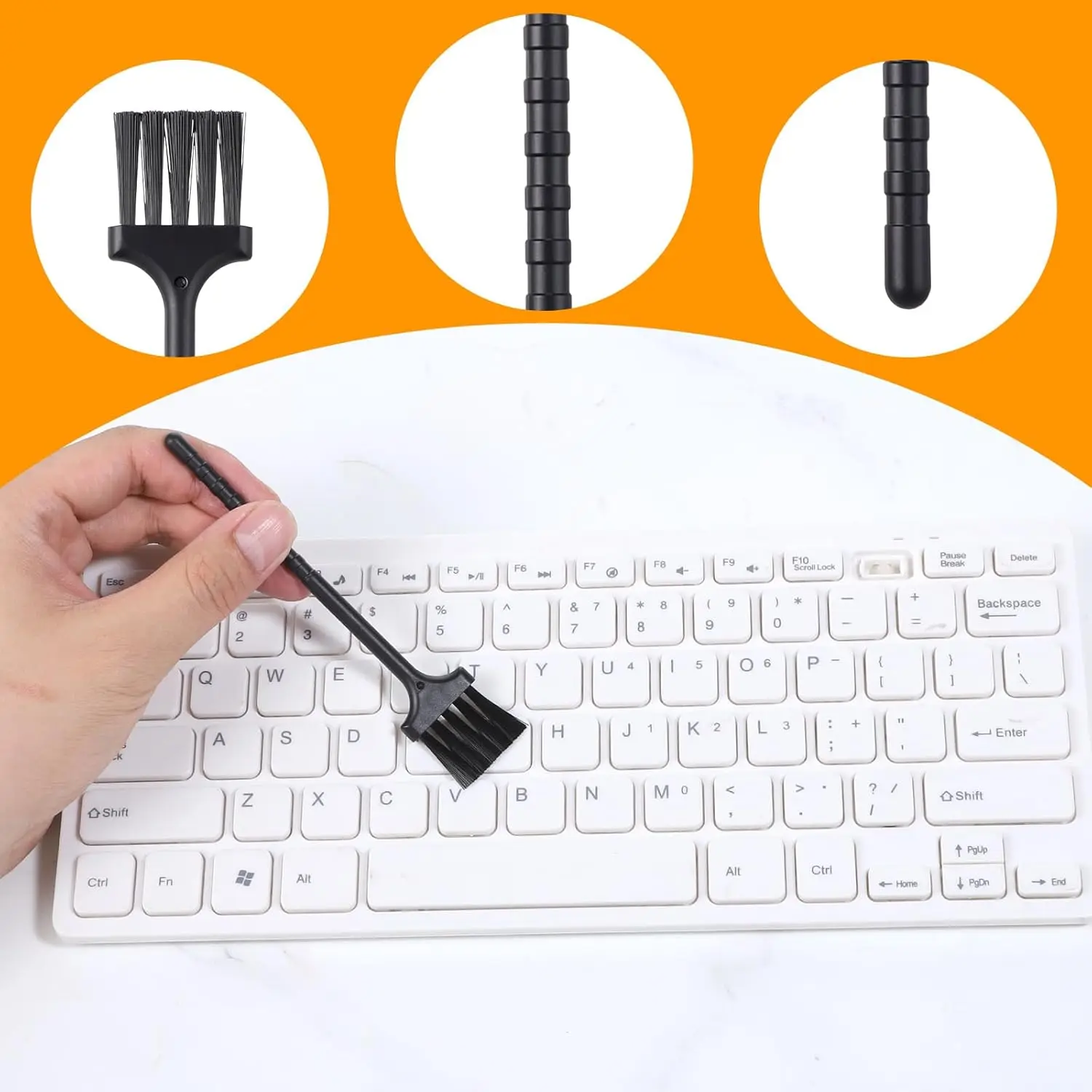
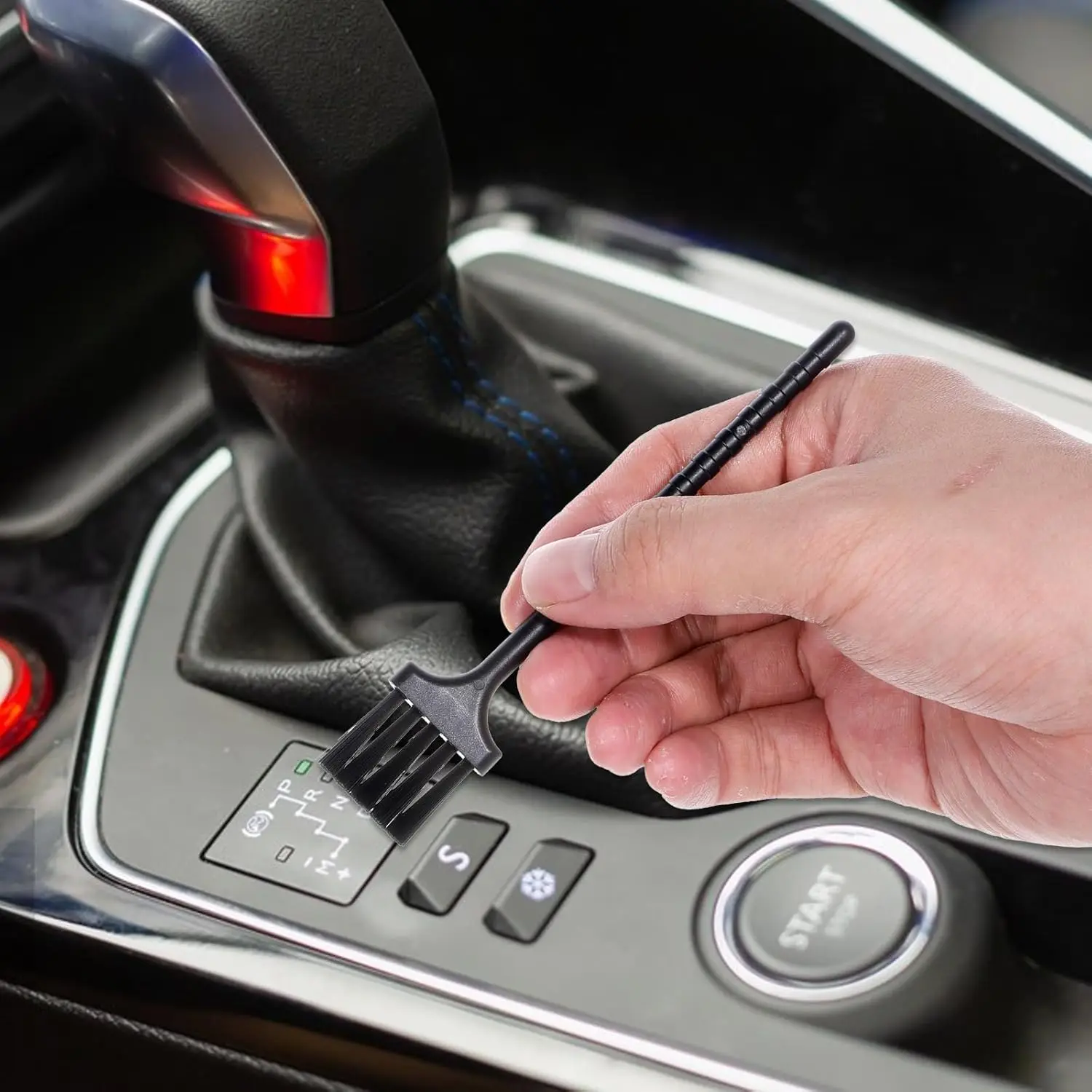
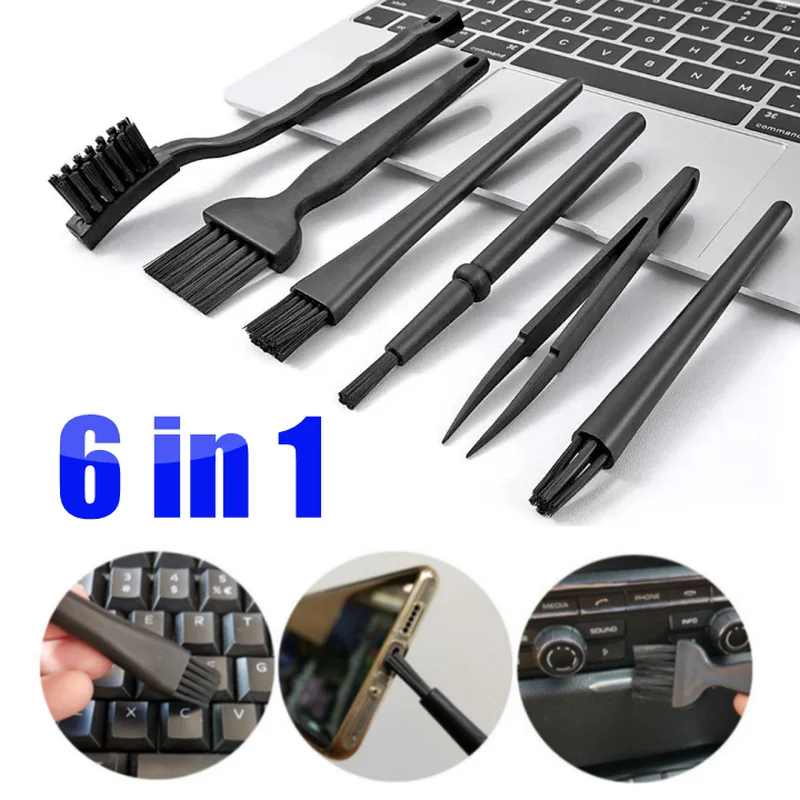
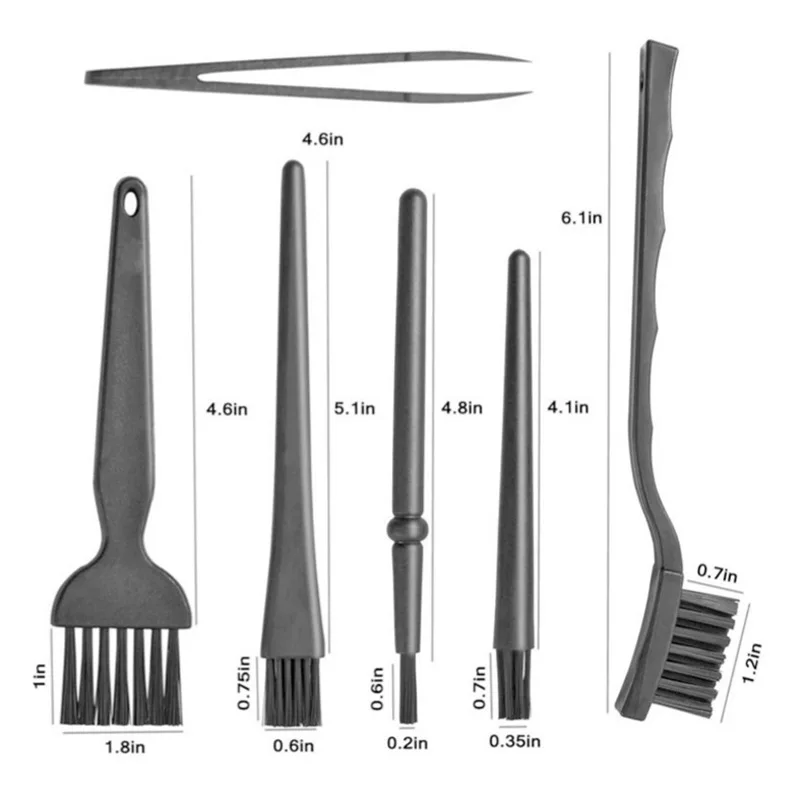
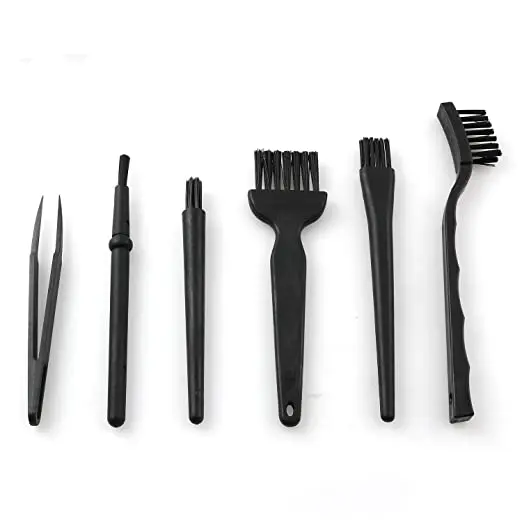
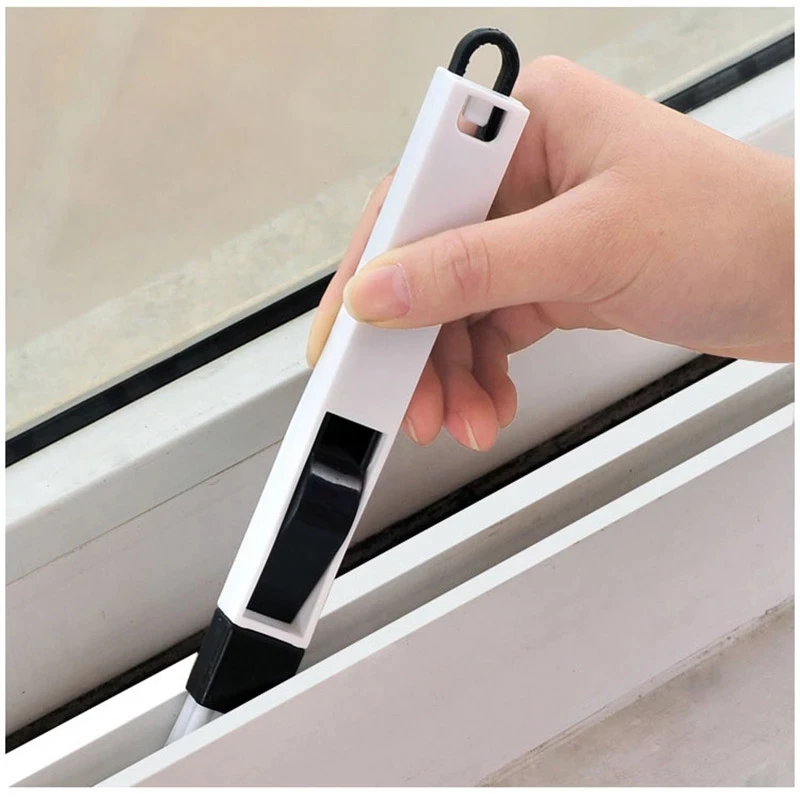
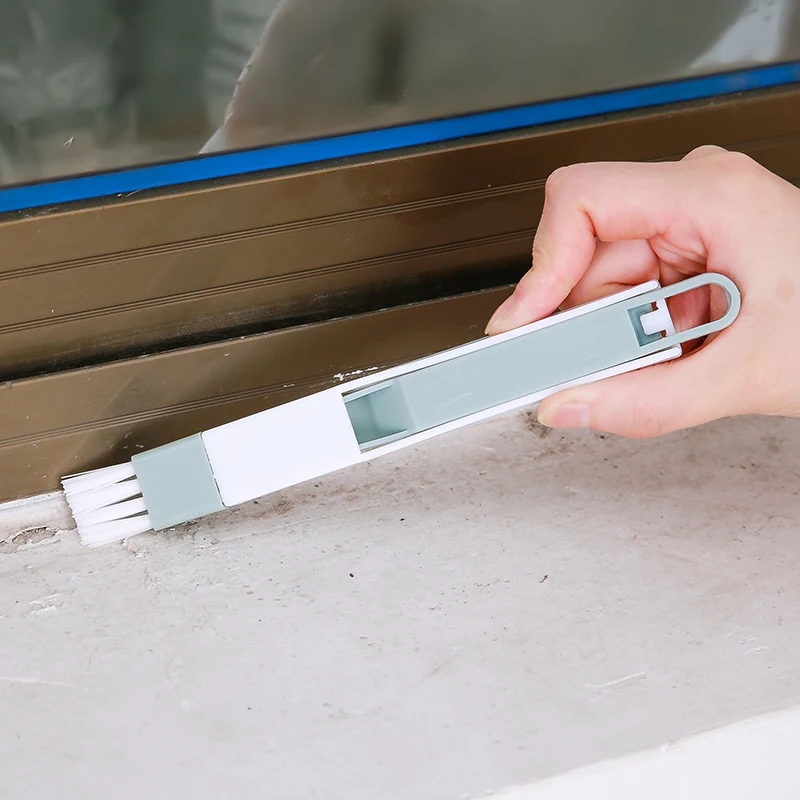
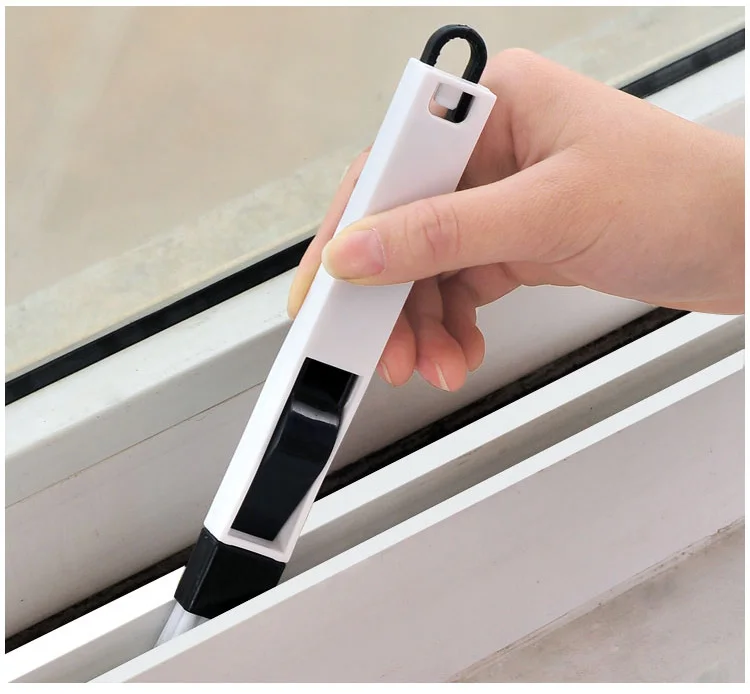
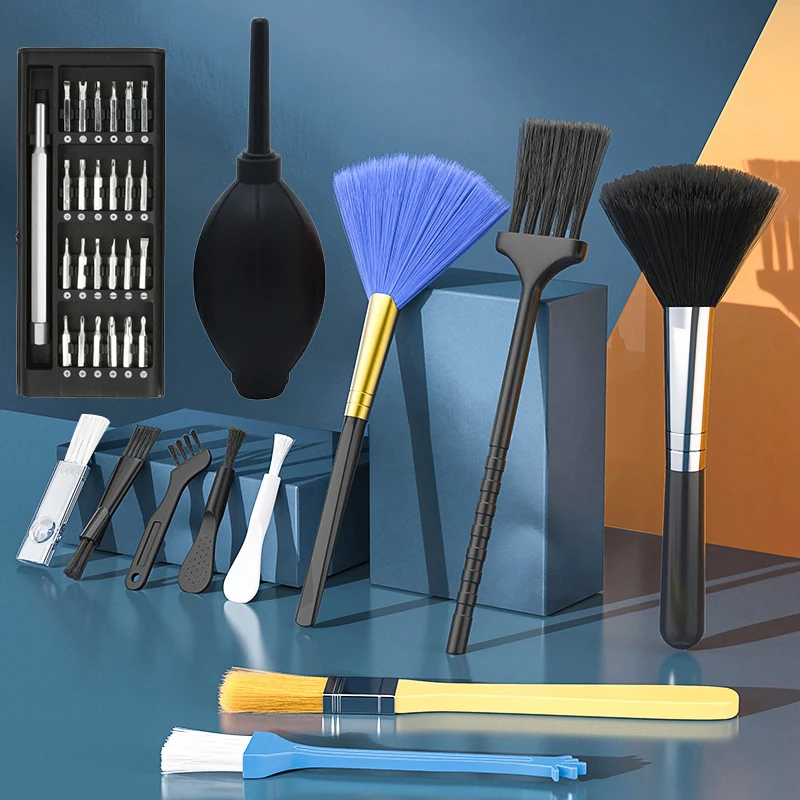
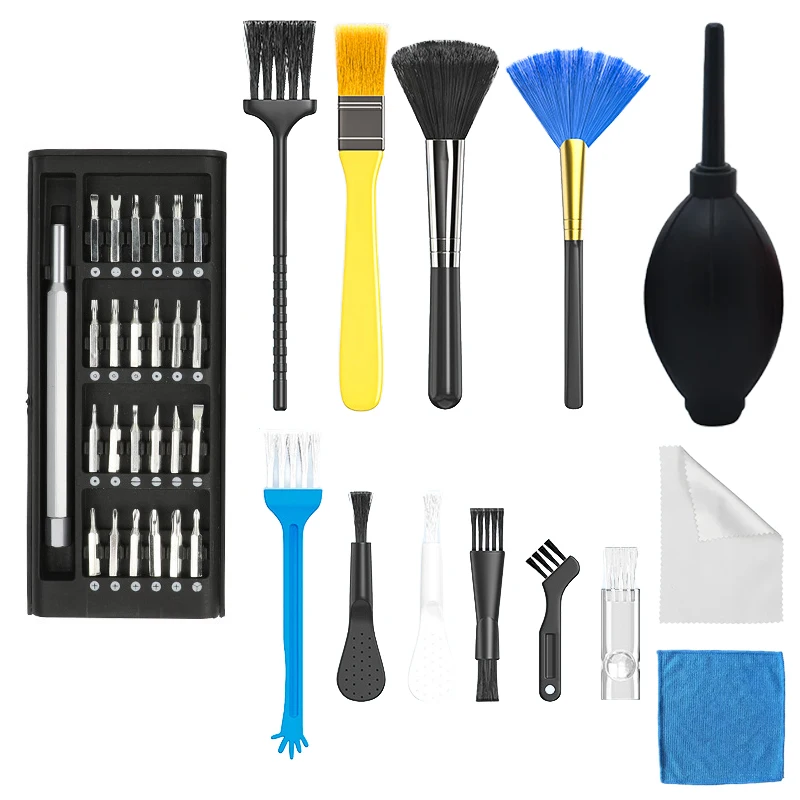
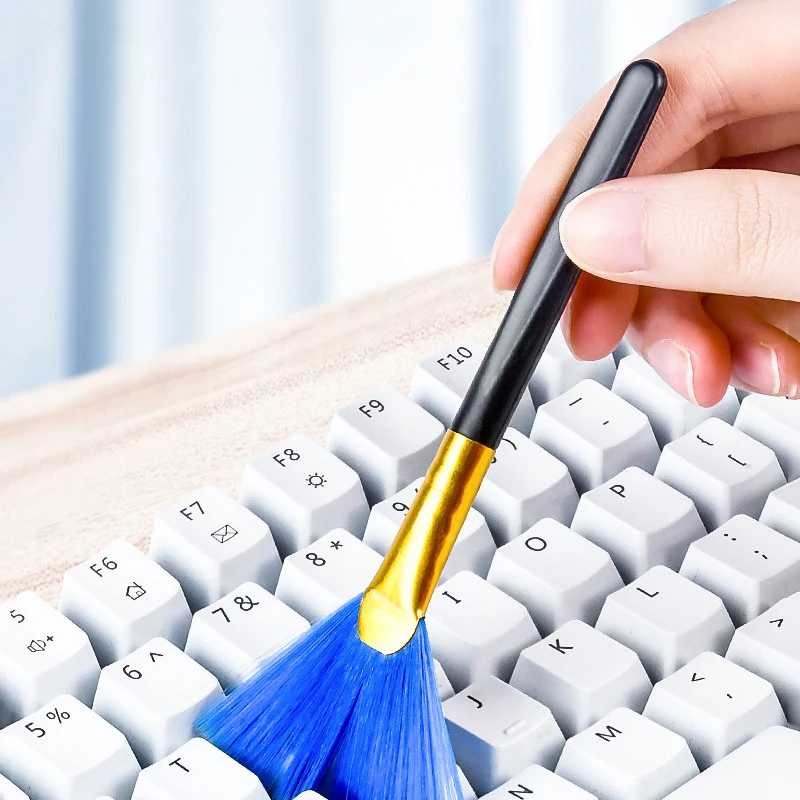
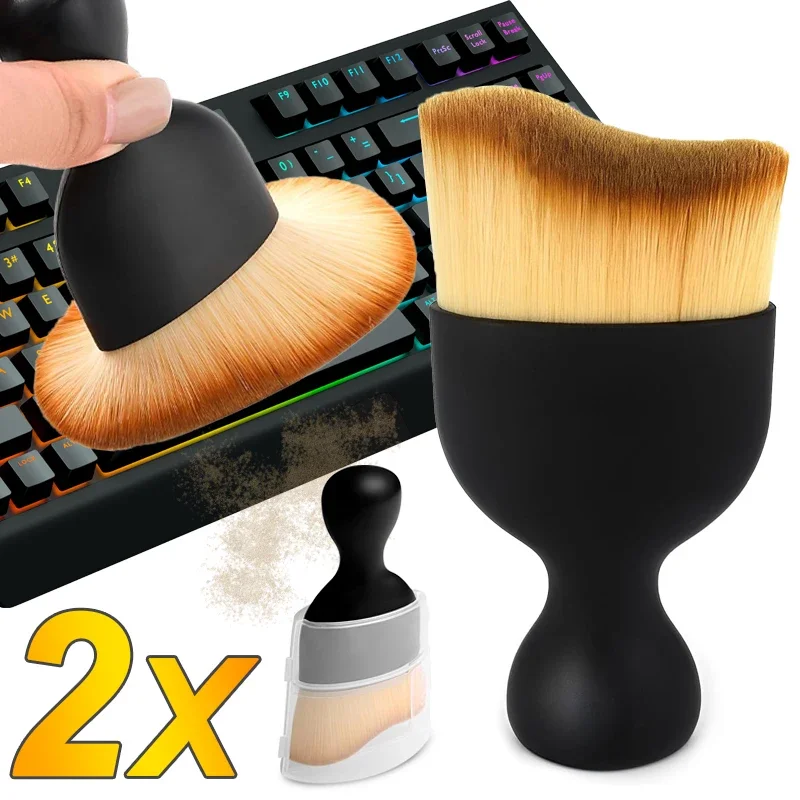
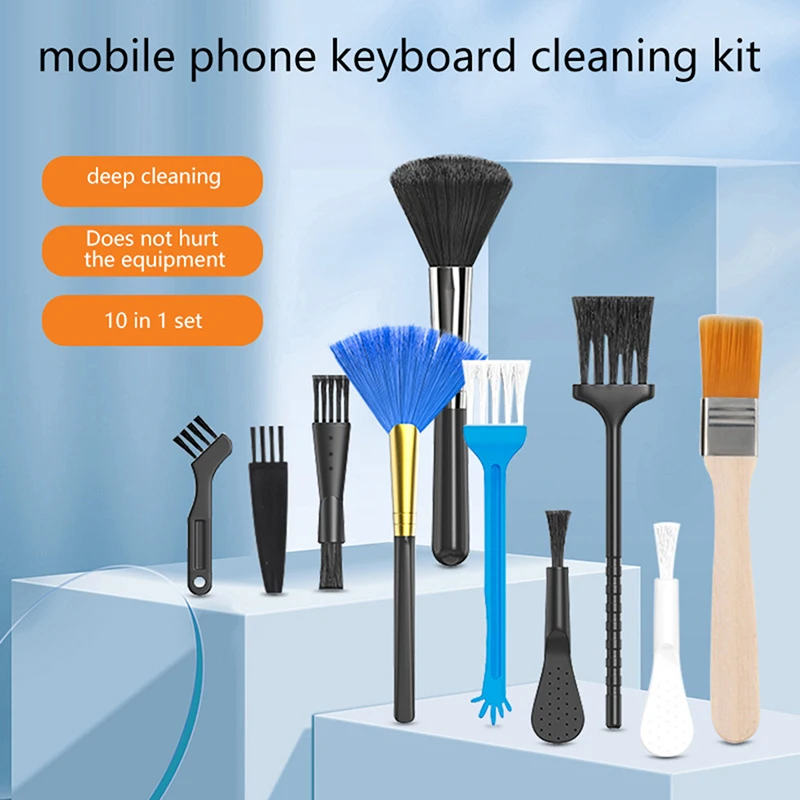
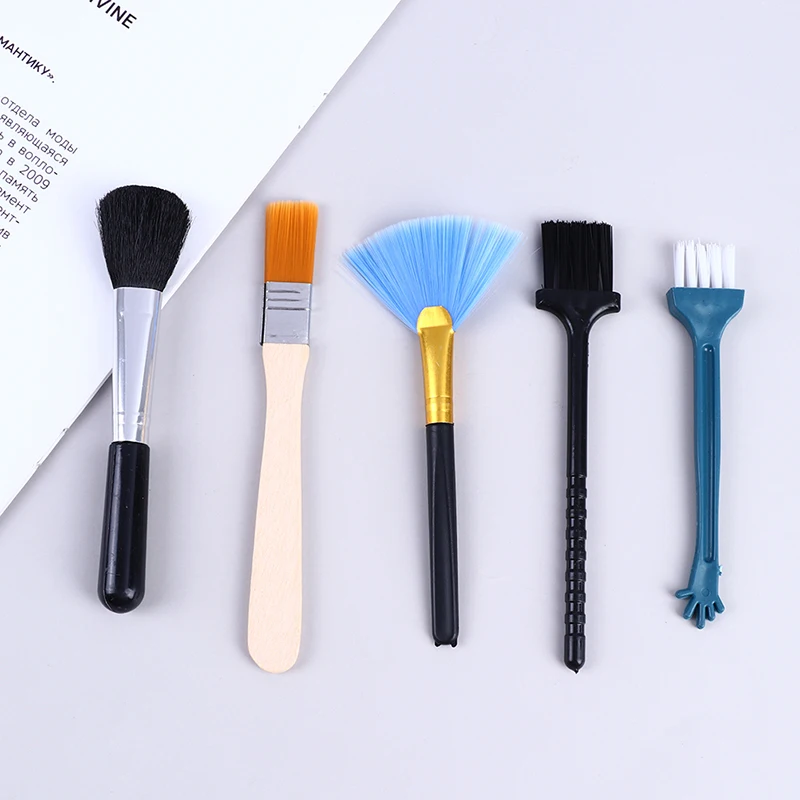
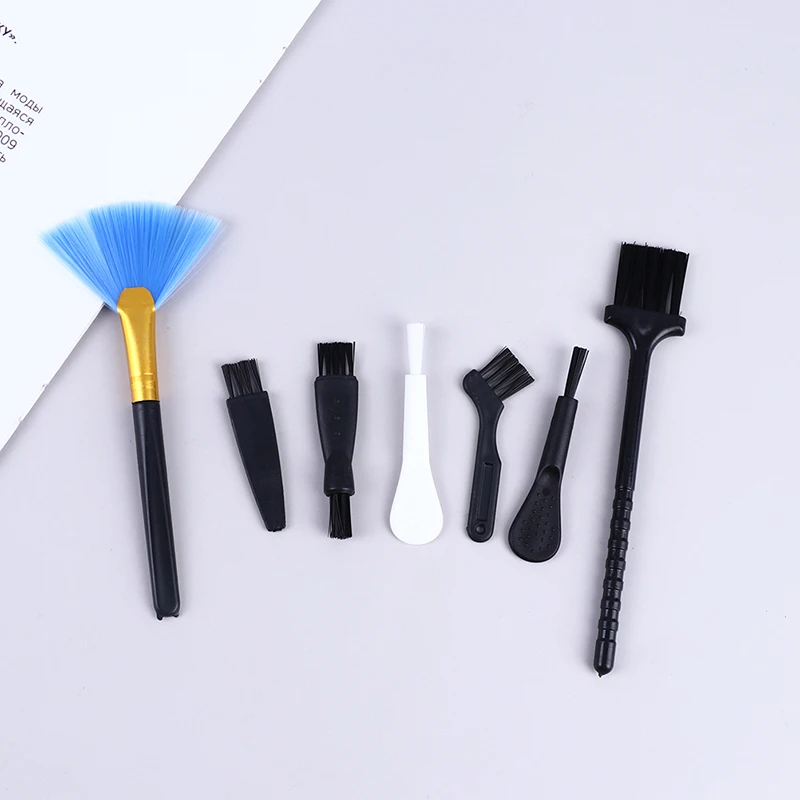
The brushes here are mostly soft nylon, many of them described as anti-static, in sets of different sizes and shapes. Fine, narrow brushes reach between keys and into the edges of the sockets; wider ones sweep the keyboard and the vent grilles. Several are two-headed, with a different brush at each end, sets vary the bristle hardness, and some add a keycap puller or a small sponge. Brush with the laptop off, sweeping dirt towards the edge of the keyboard rather than into the next gap, and tilt the laptop so loose crumbs fall out.
Cleaning gel
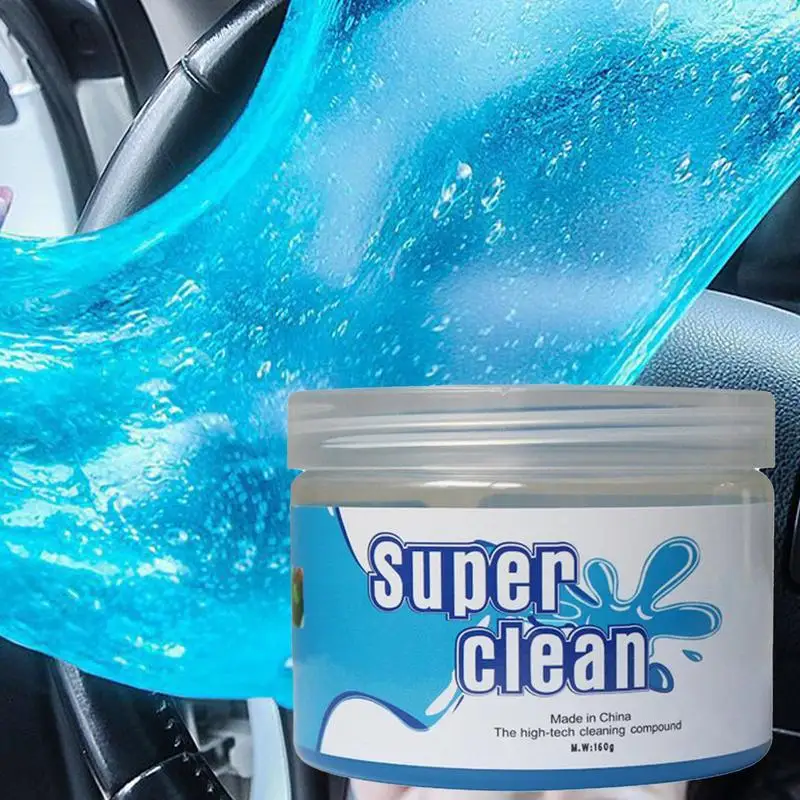
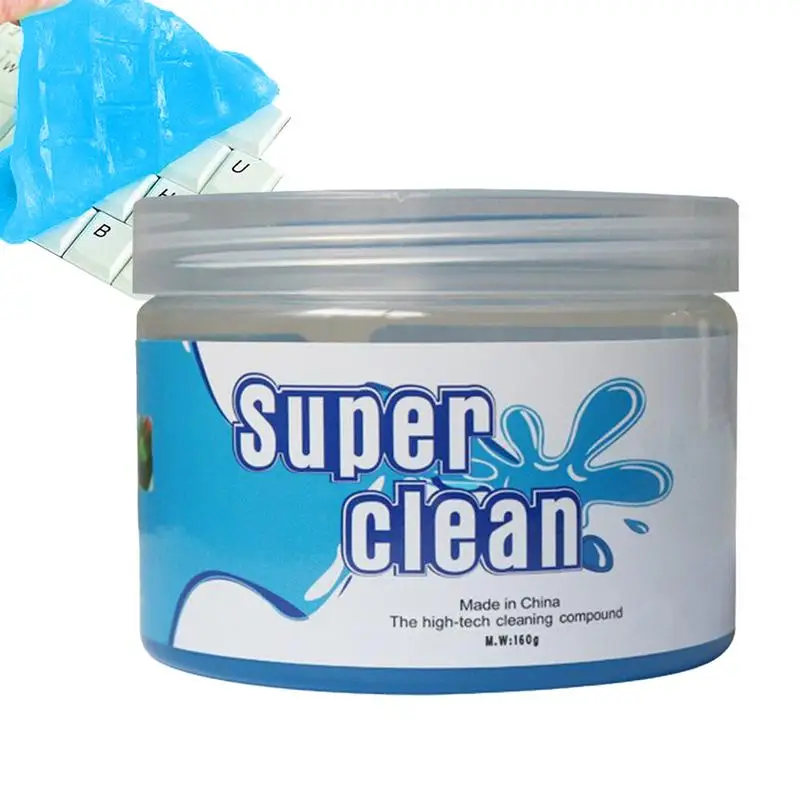
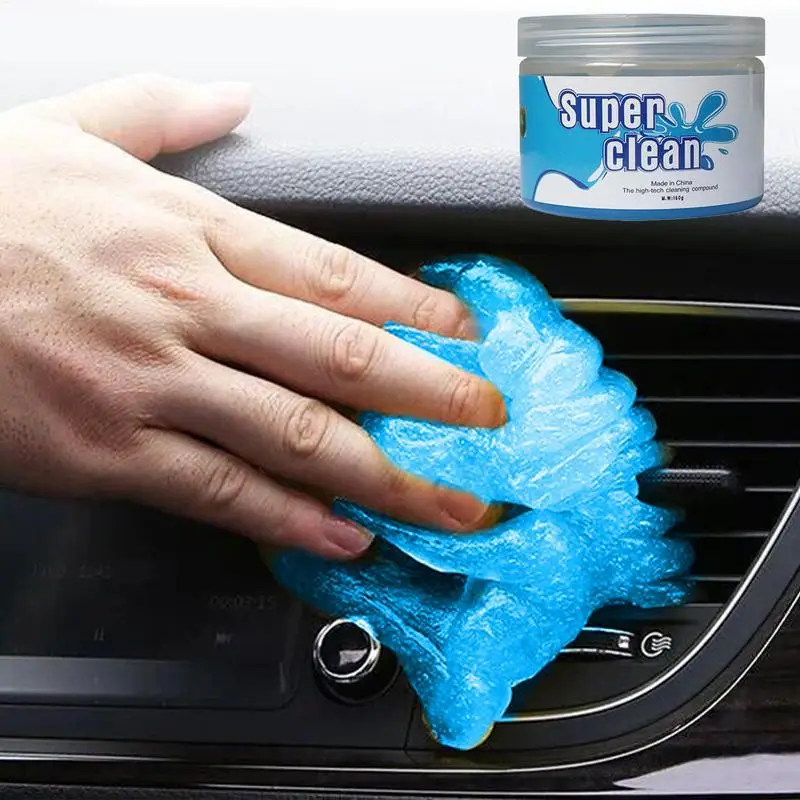
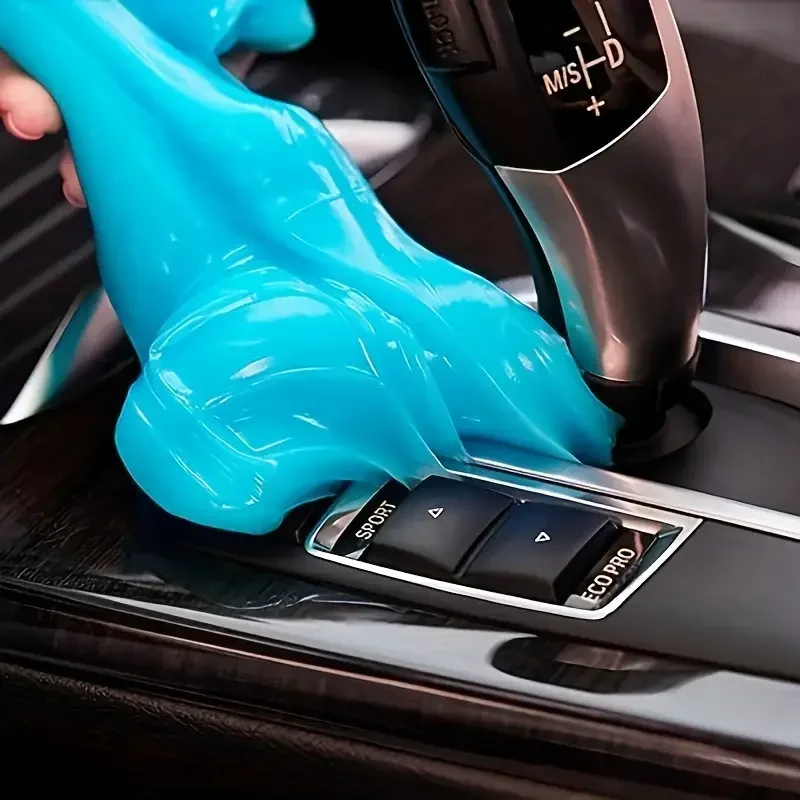
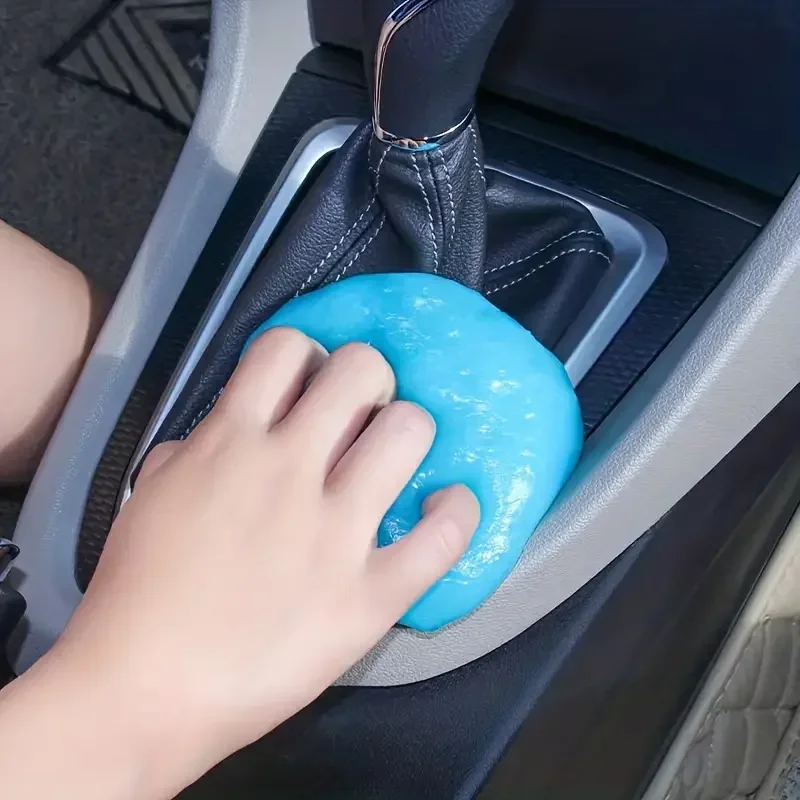
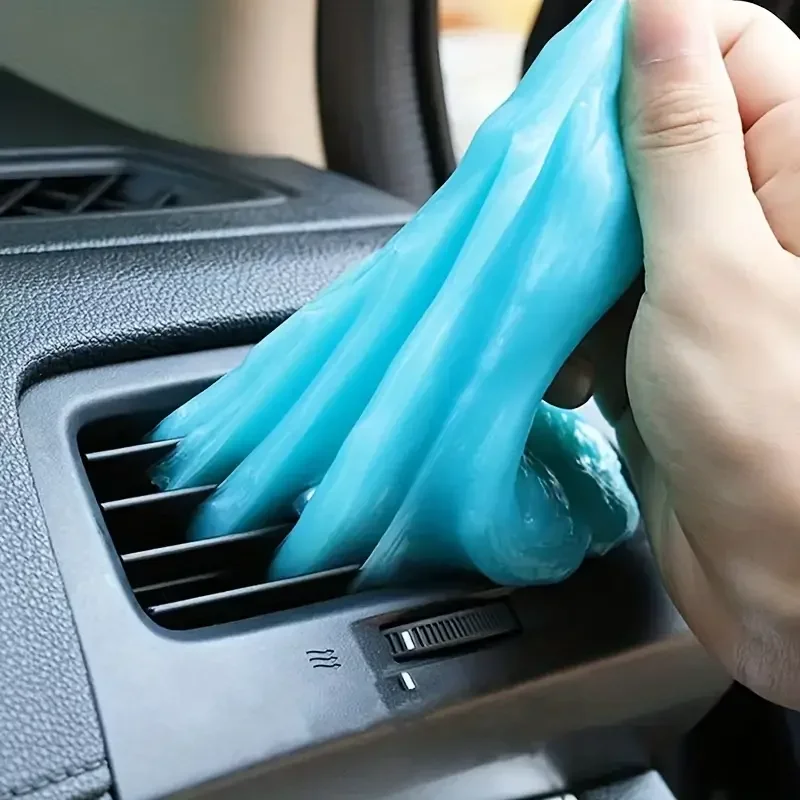
Cleaning gel is a soft, sticky putty, sold in tubs of 70g or 160g. You press it gently onto the keys and lift it away, and the dust comes with it. It is reusable, and it is also sold for car air vents and dashboards. Used on a laptop, follow the instructions on the pack, keep it off the screen, and do not push it hard into gaps where small pieces could break off and be left behind.
What the laptop makers say about keyboards
- Shut the laptop down and unplug it before you start, so you do not open programs or delete files as you clean.
- Lift loose dirt with air or a soft brush first. Dell and HP describe compressed air; HP says to hold the can upright and use short bursts.
- Wipe the tops of the keys with a cloth that is barely damp. Lenovo says to wipe them one at a time, because wiping across several at once can catch the edge of a key and damage it.
- Do not let liquid drip between the keys, and do not pull laptop keys off unless your maker's guide says it is safe for your model.
The guide to cleaning a laptop safely has Apple's own steps for a MacBook keyboard.
Questions people ask about keyboard cleaning
Can I use these on a separate keyboard?
Yes. On mechanical keyboards the keycaps are made to come off with a keycap puller, so you can brush underneath them. Switch a wireless keyboard off first, or take out its batteries.
How do I stop the keyboard getting so dirty?
A keyboard cover keeps crumbs and spills out, and lifts off to be washed.
More to look at