What is on this page
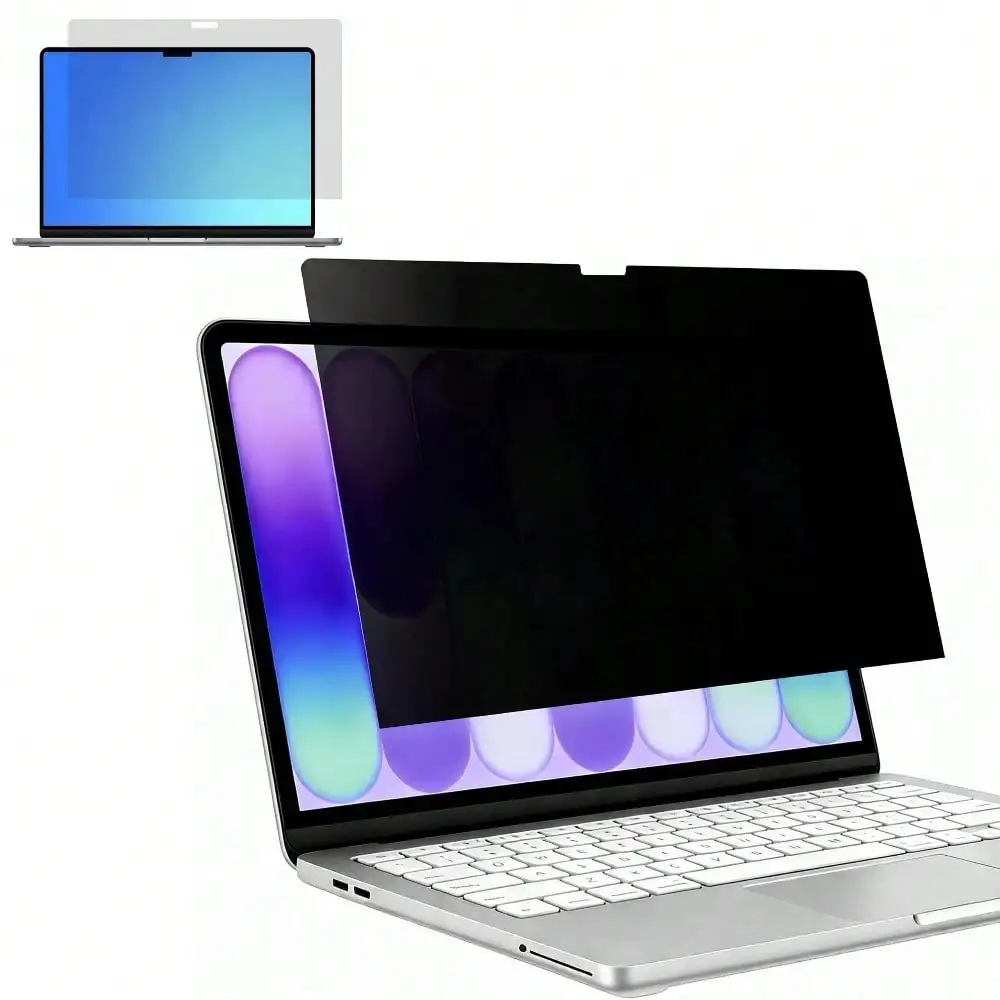
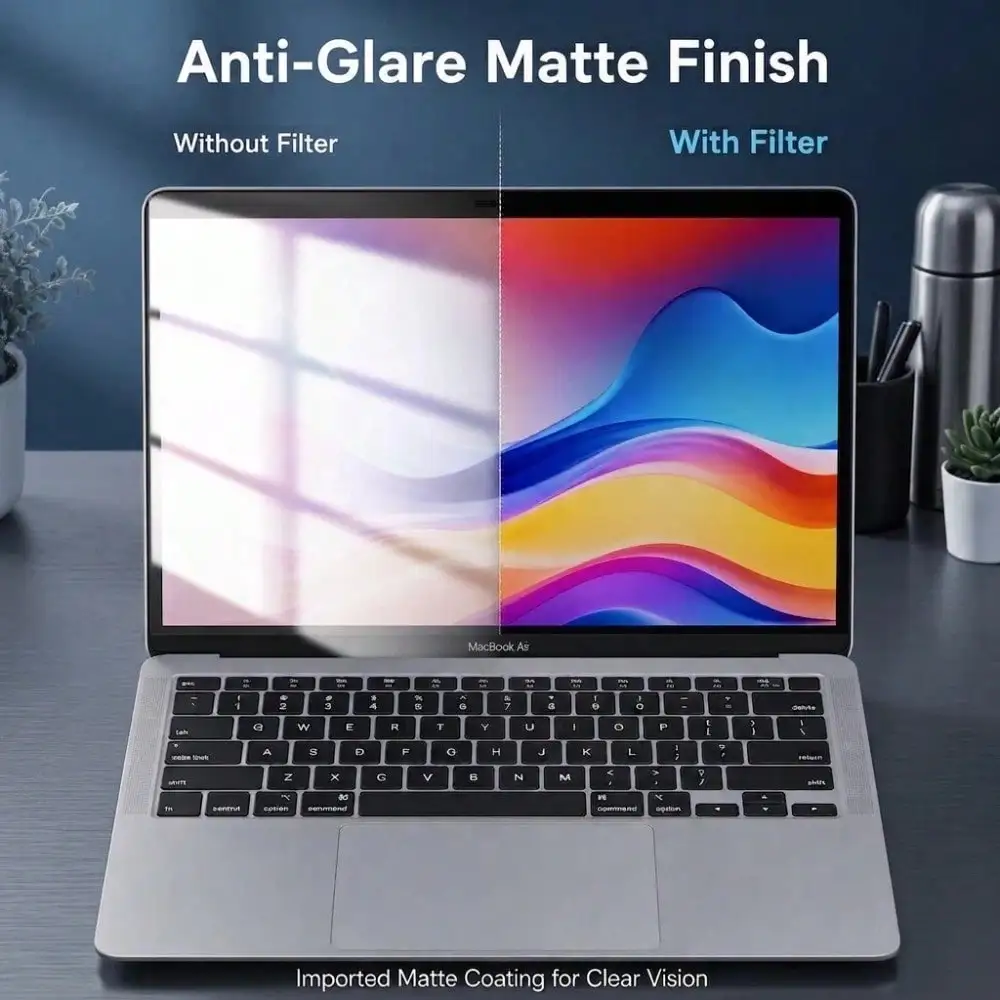
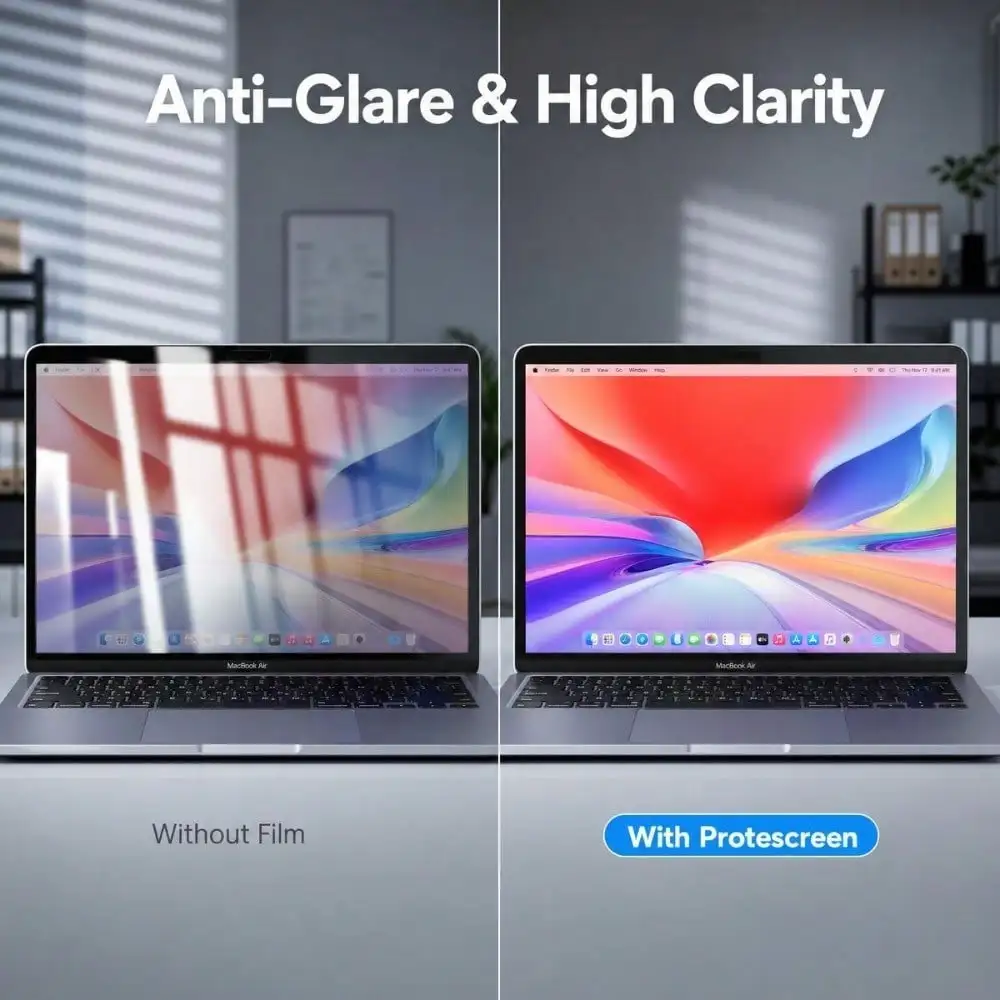
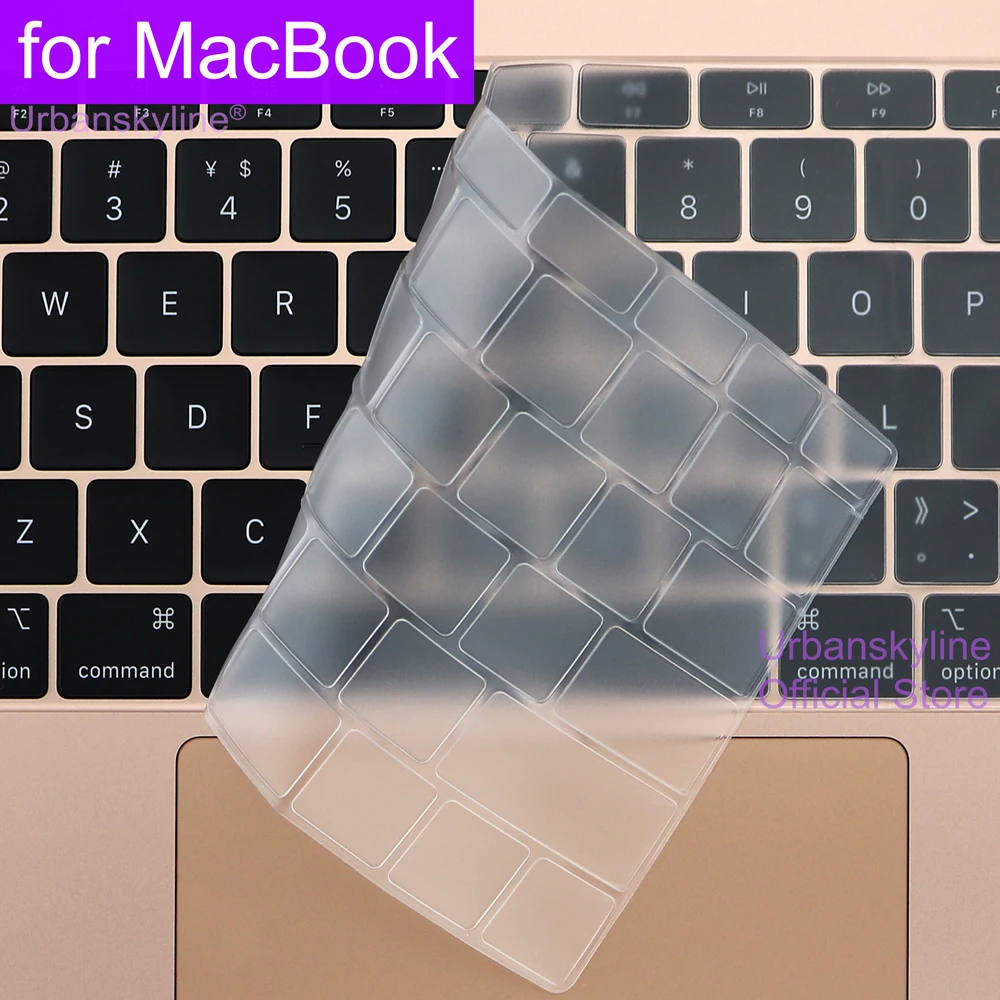
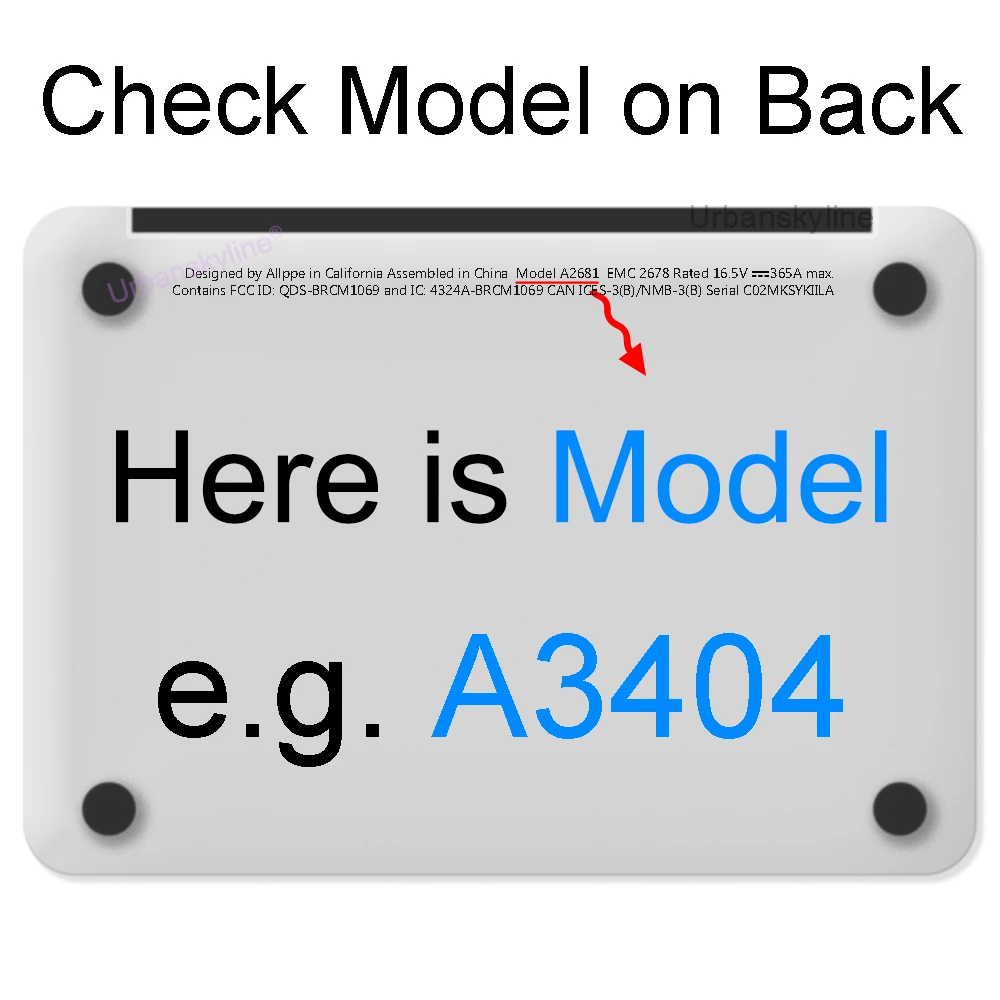
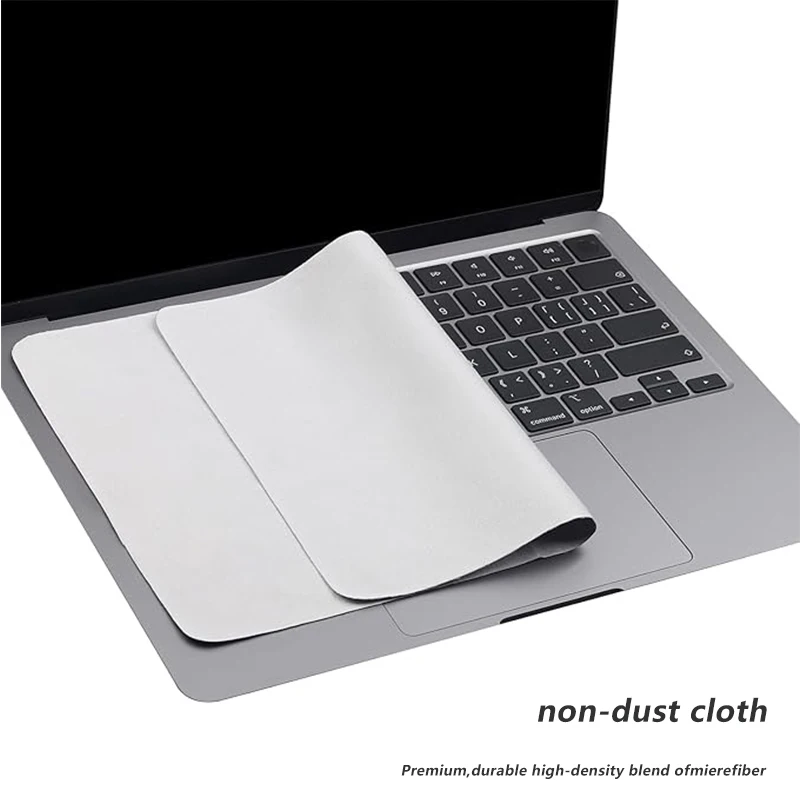
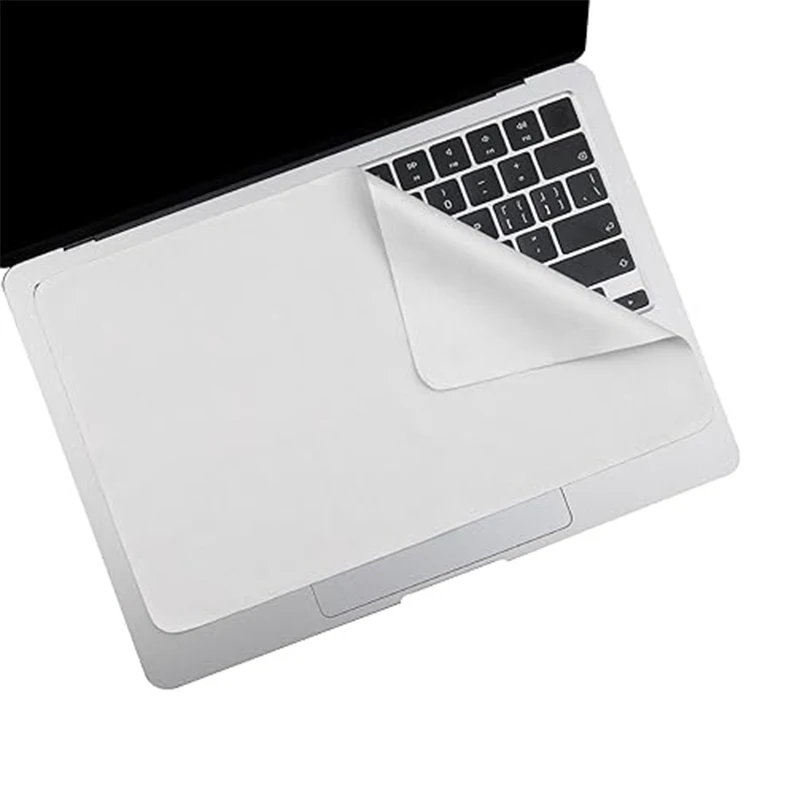
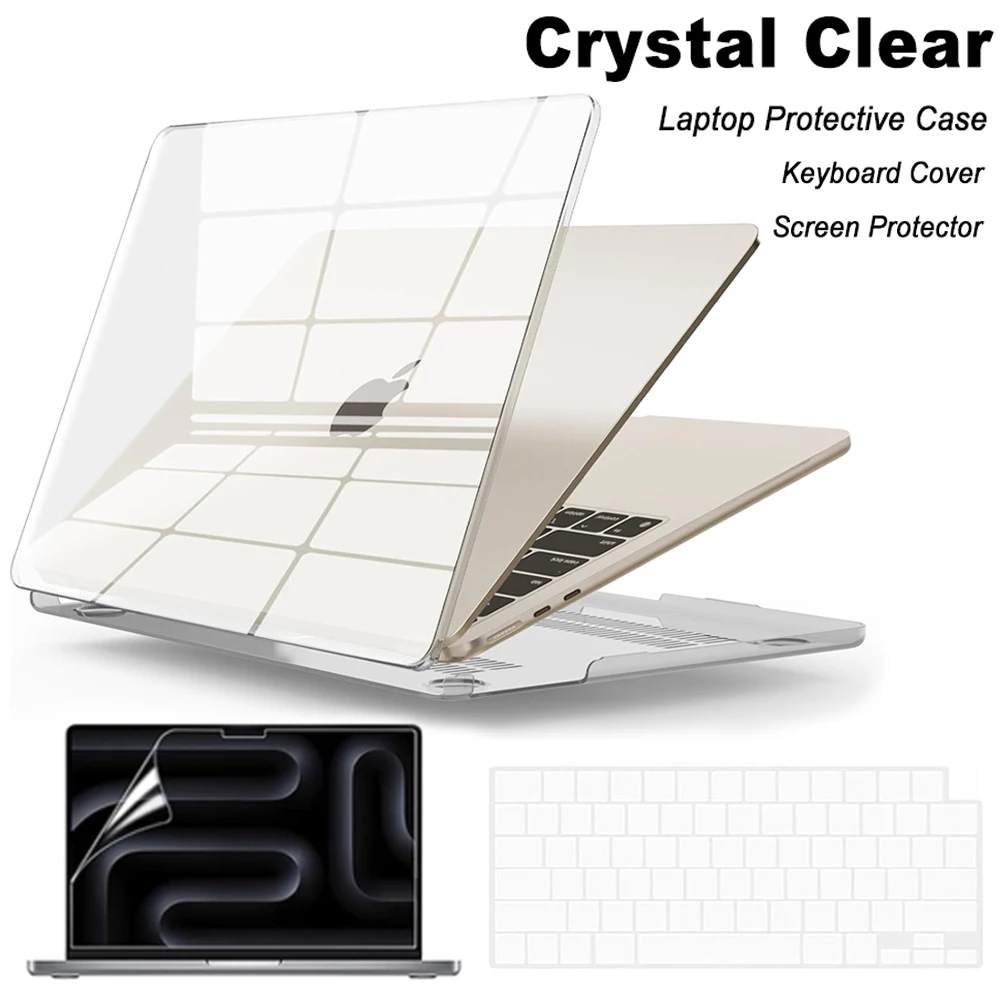
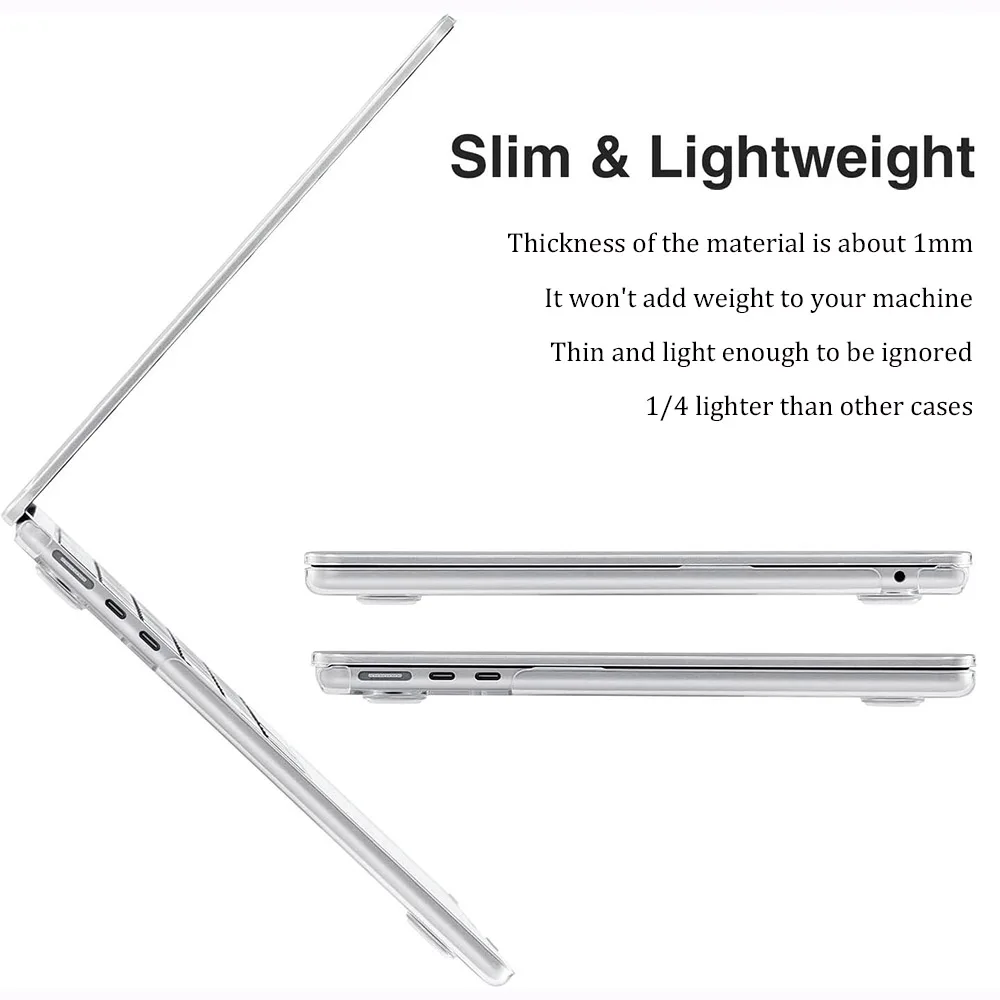
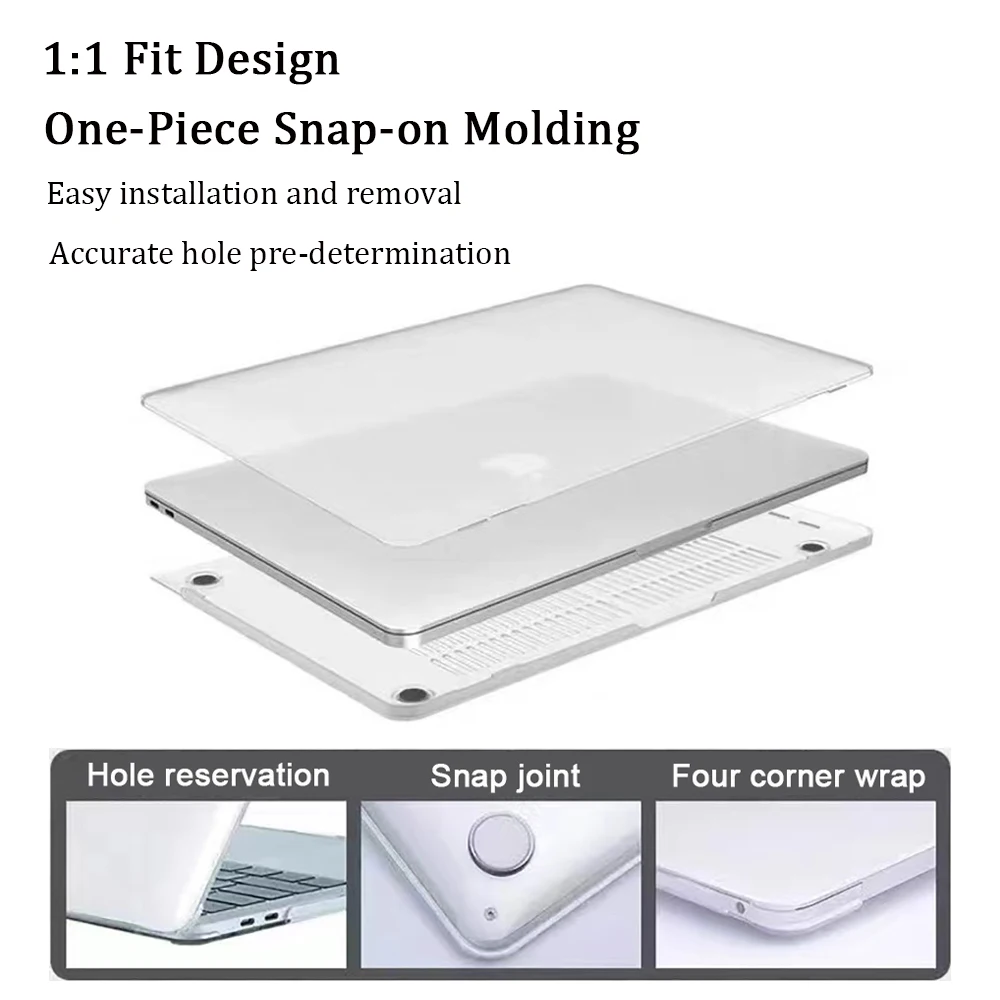
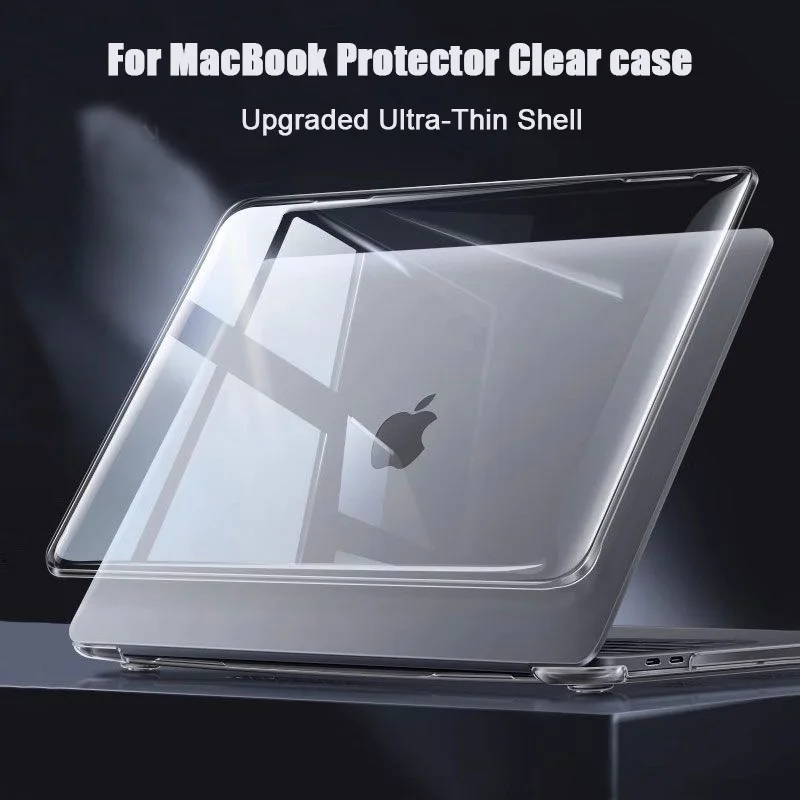
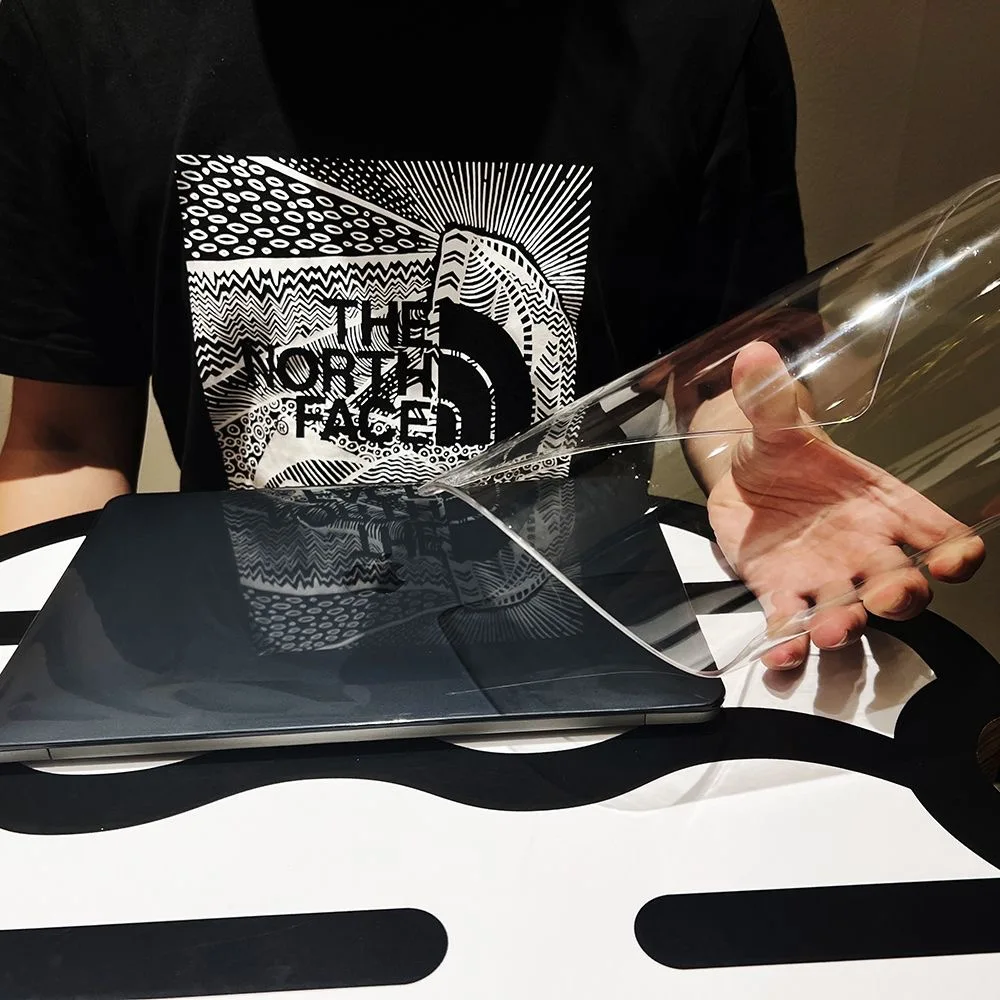
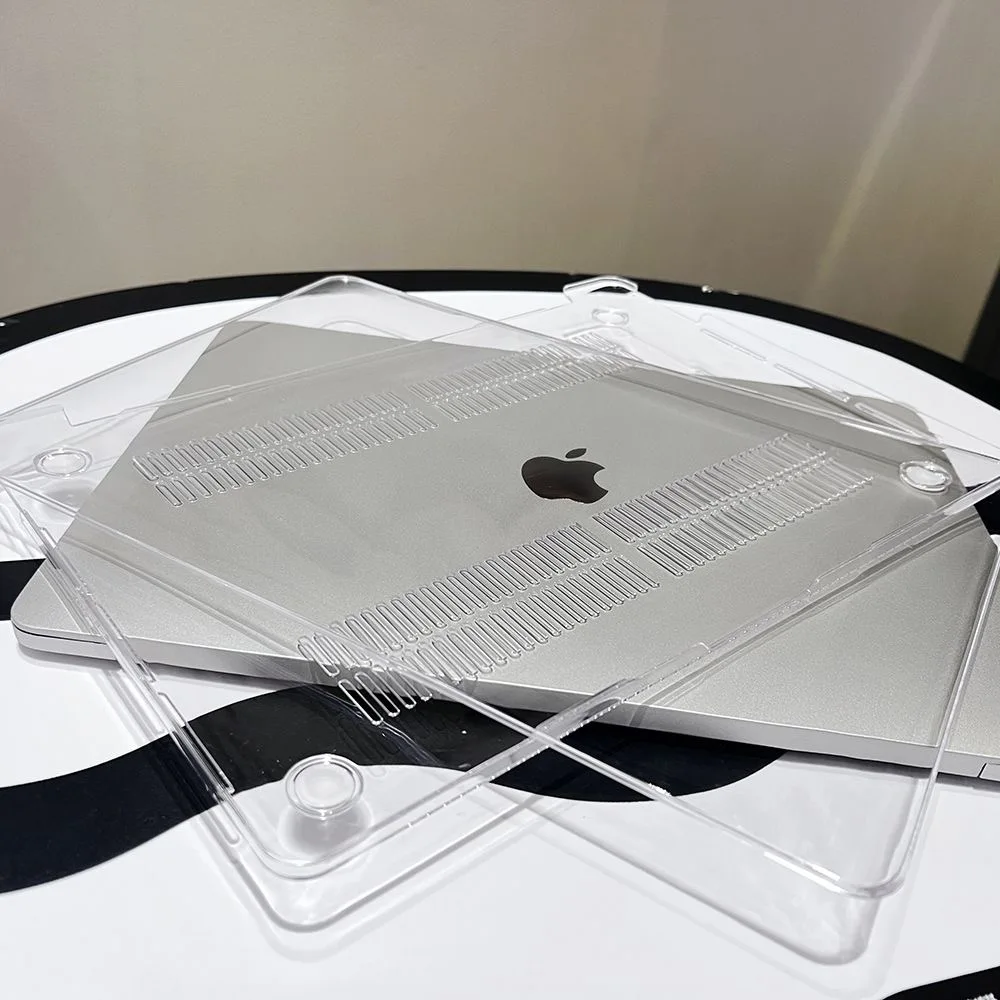
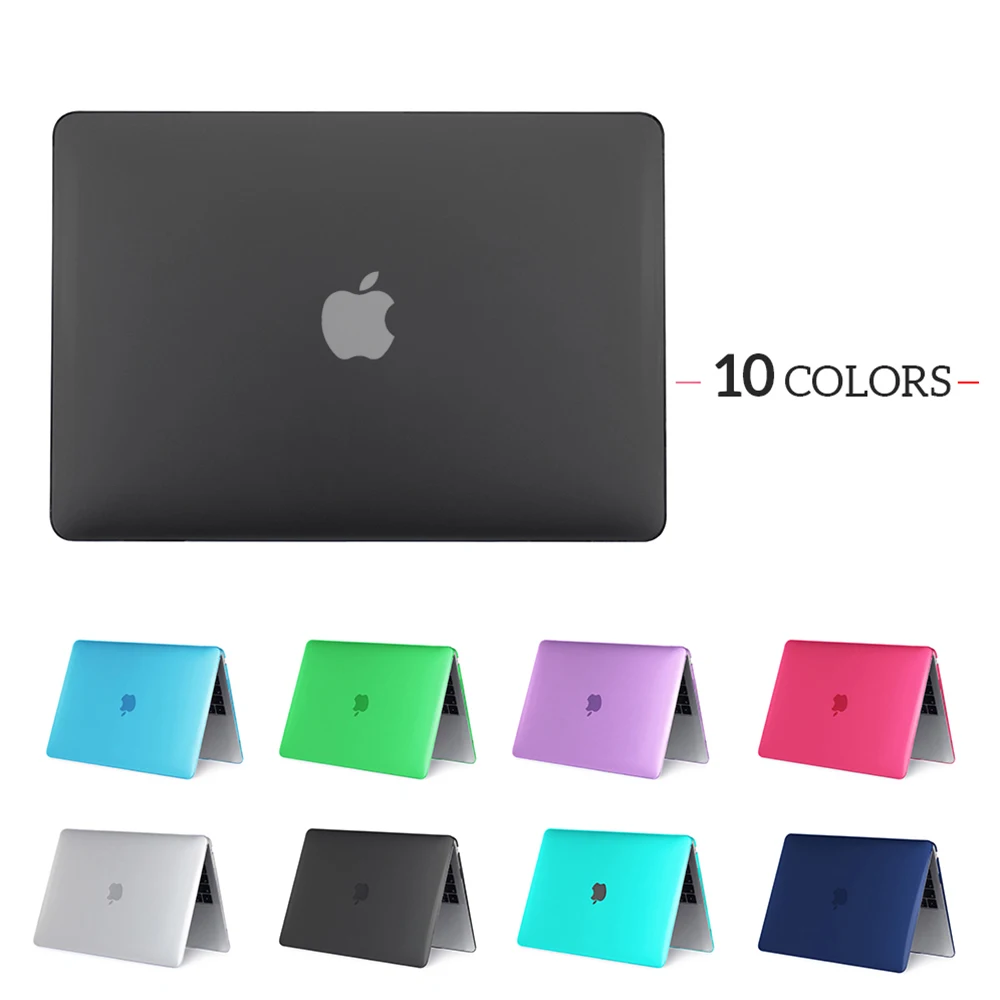
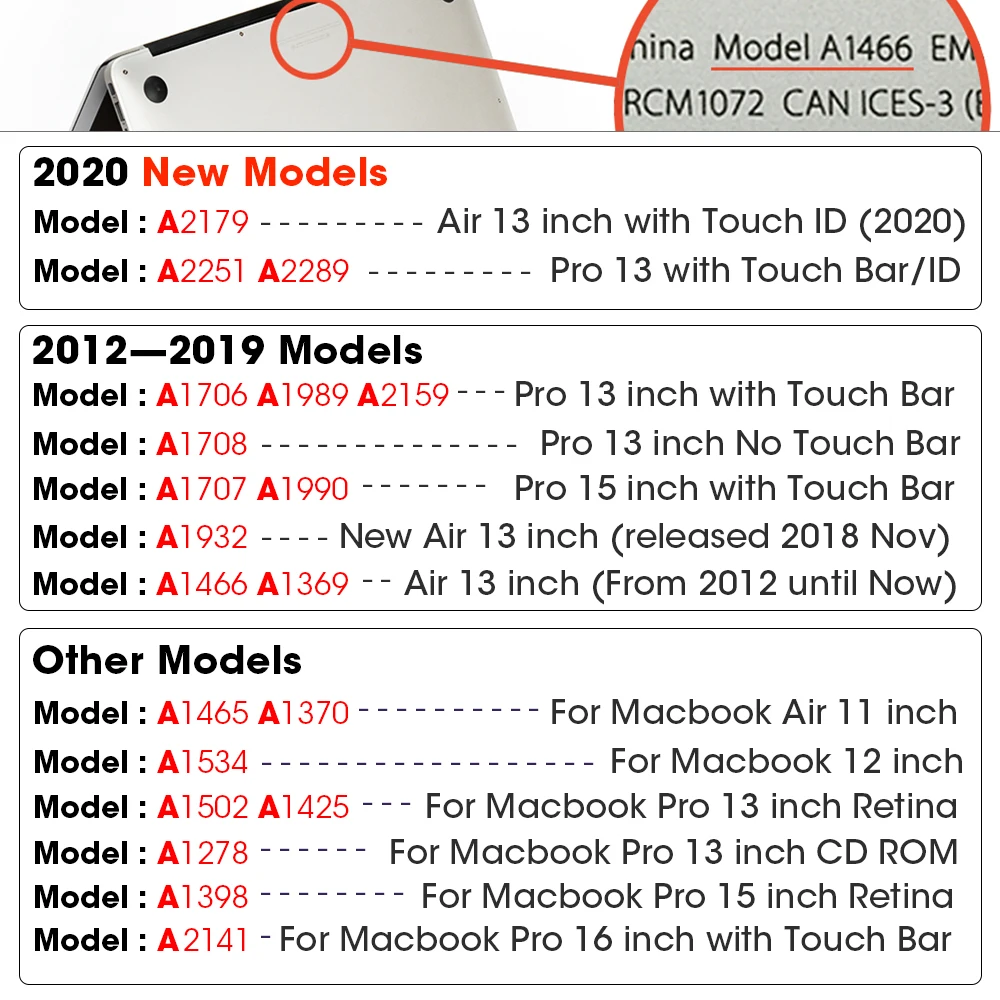
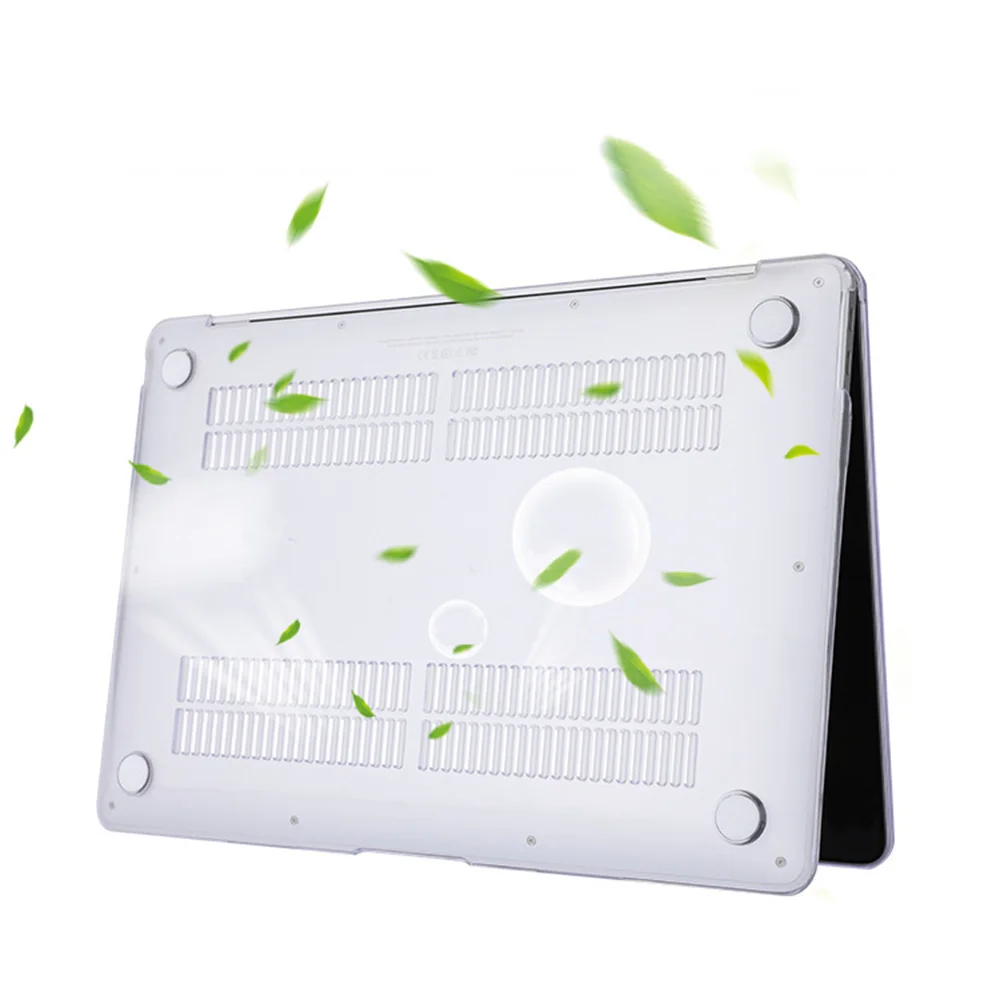
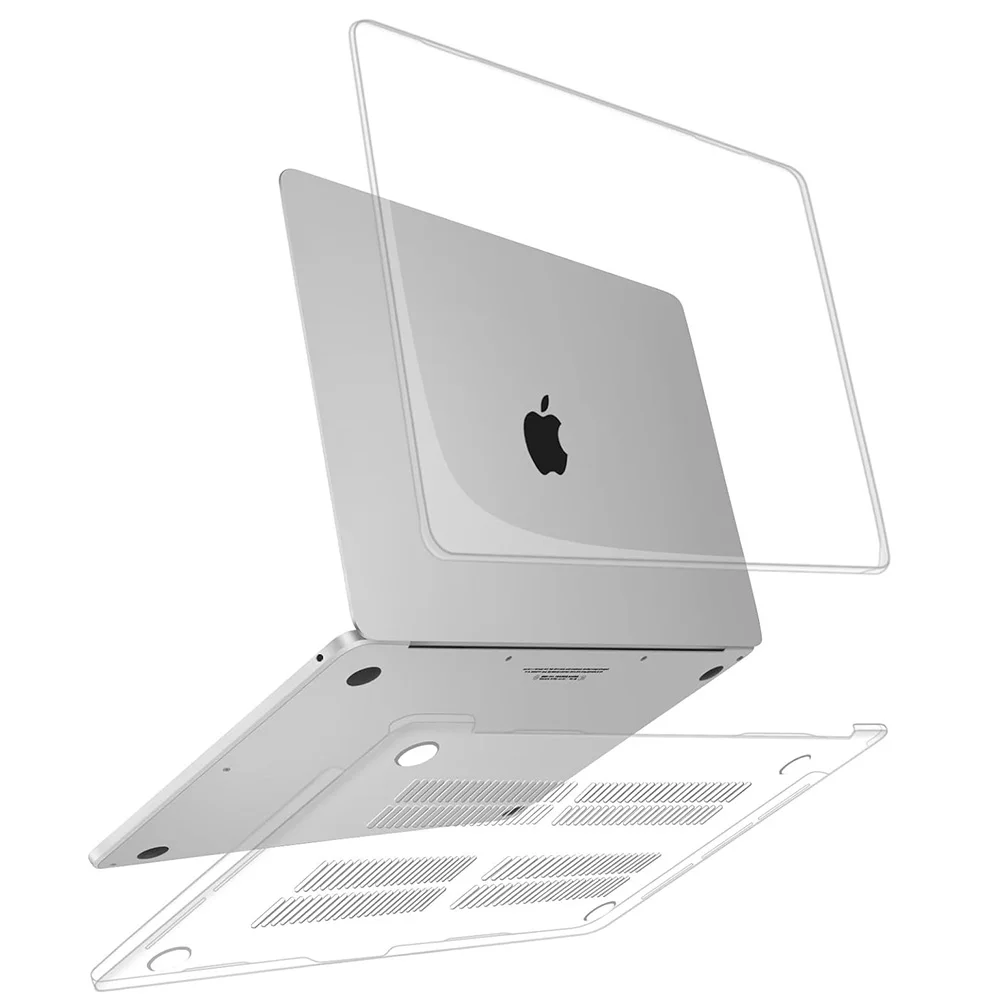
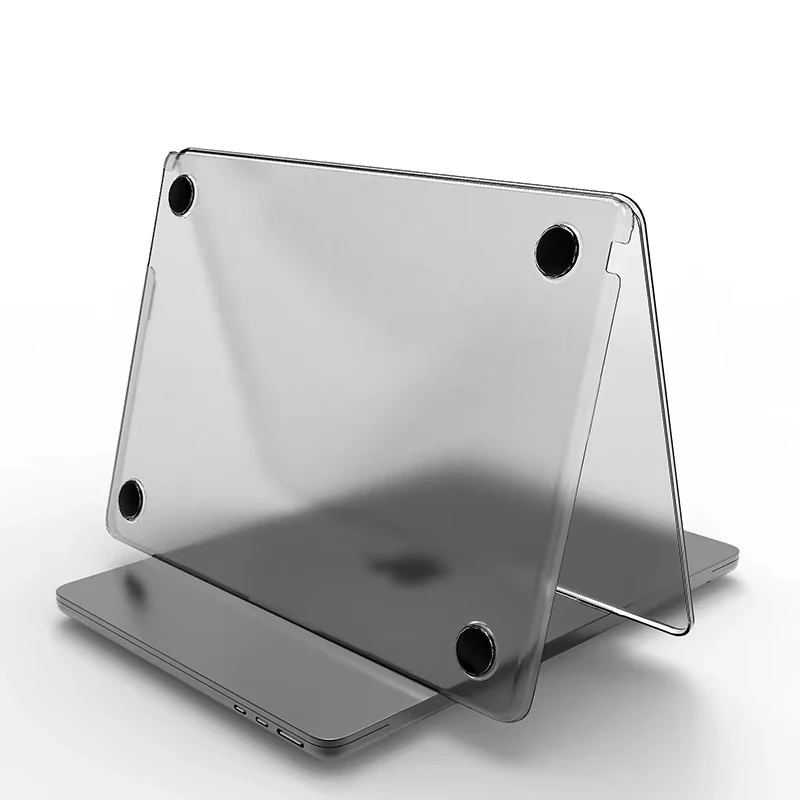
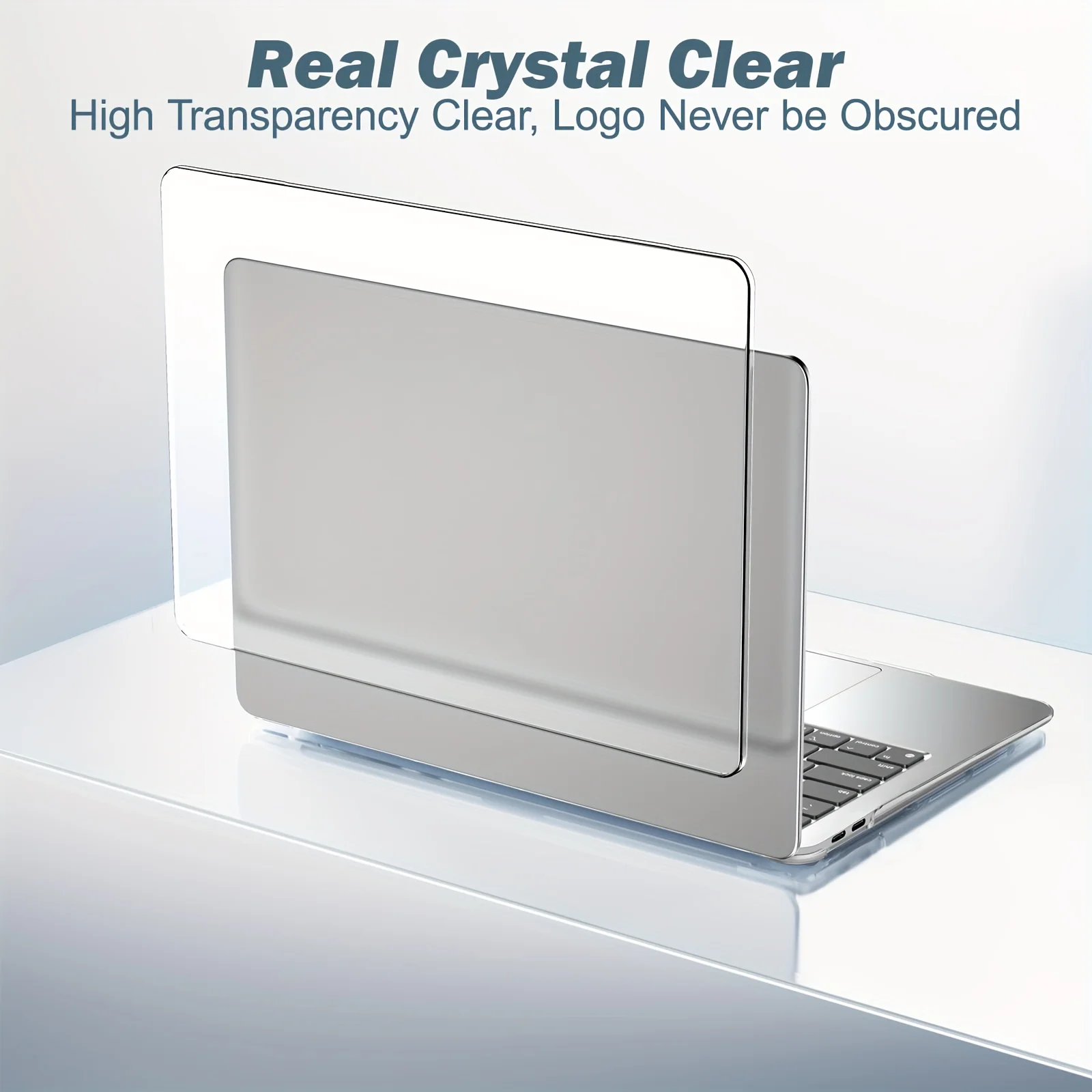
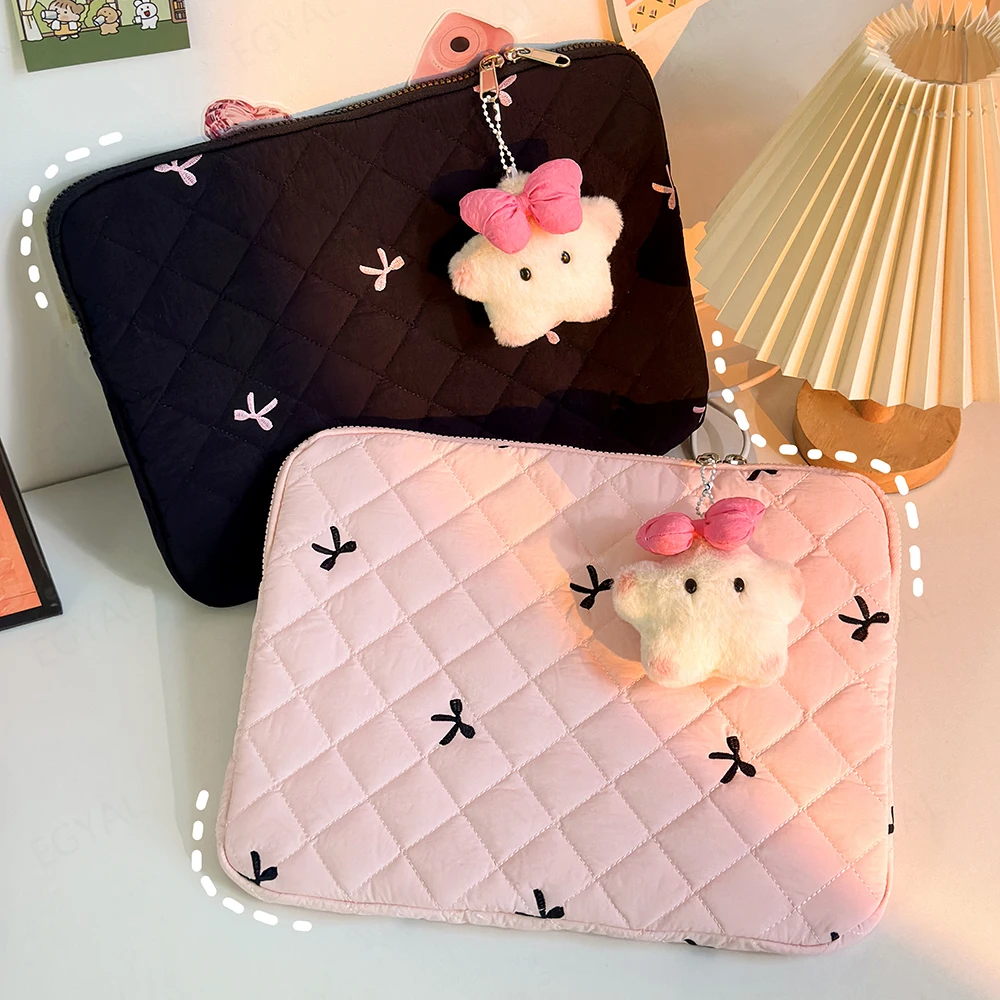
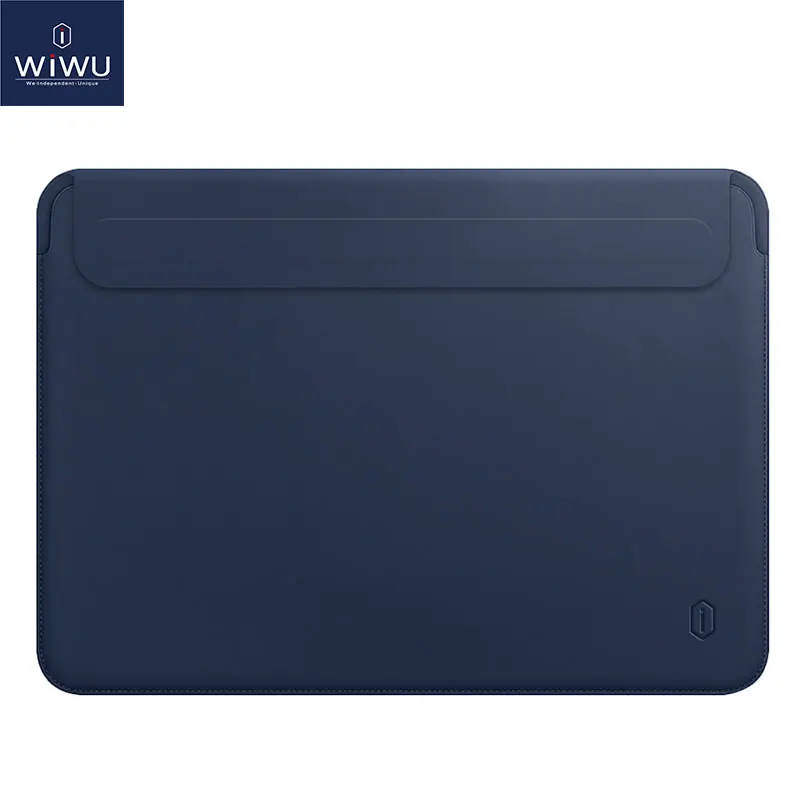
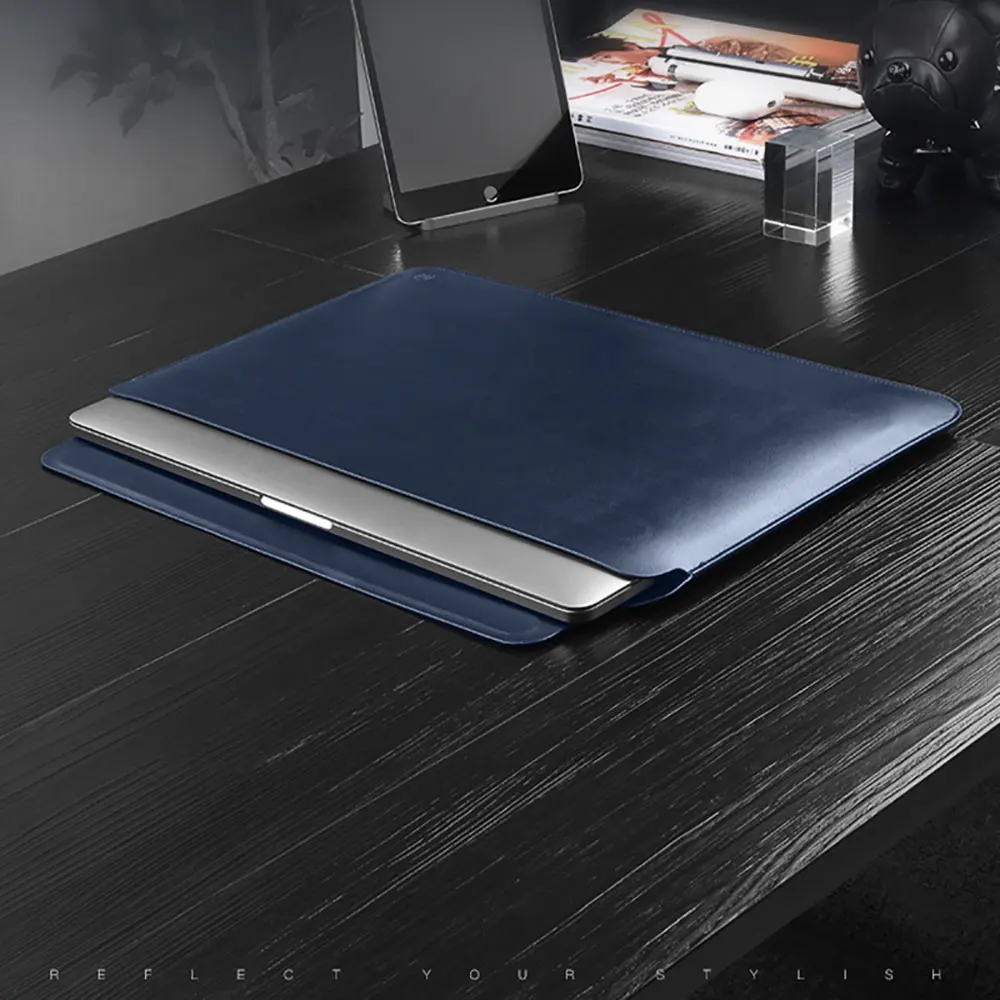
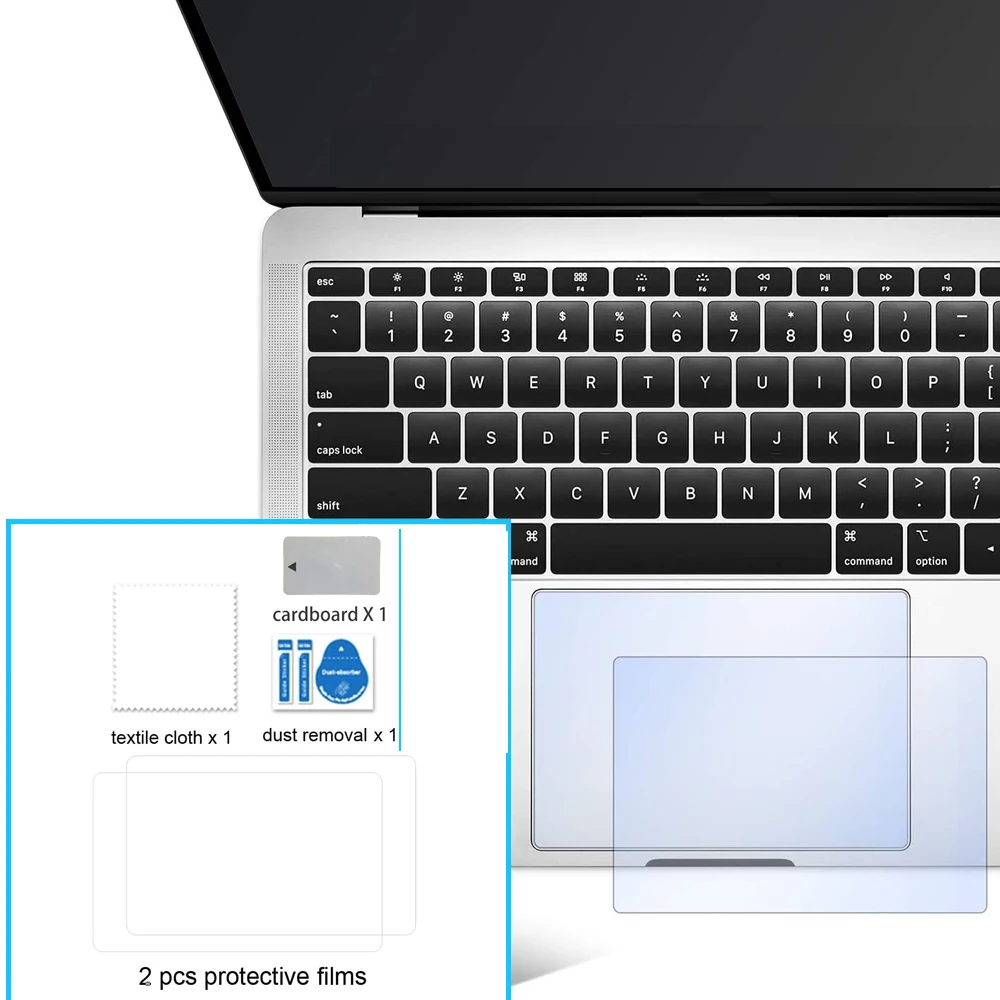
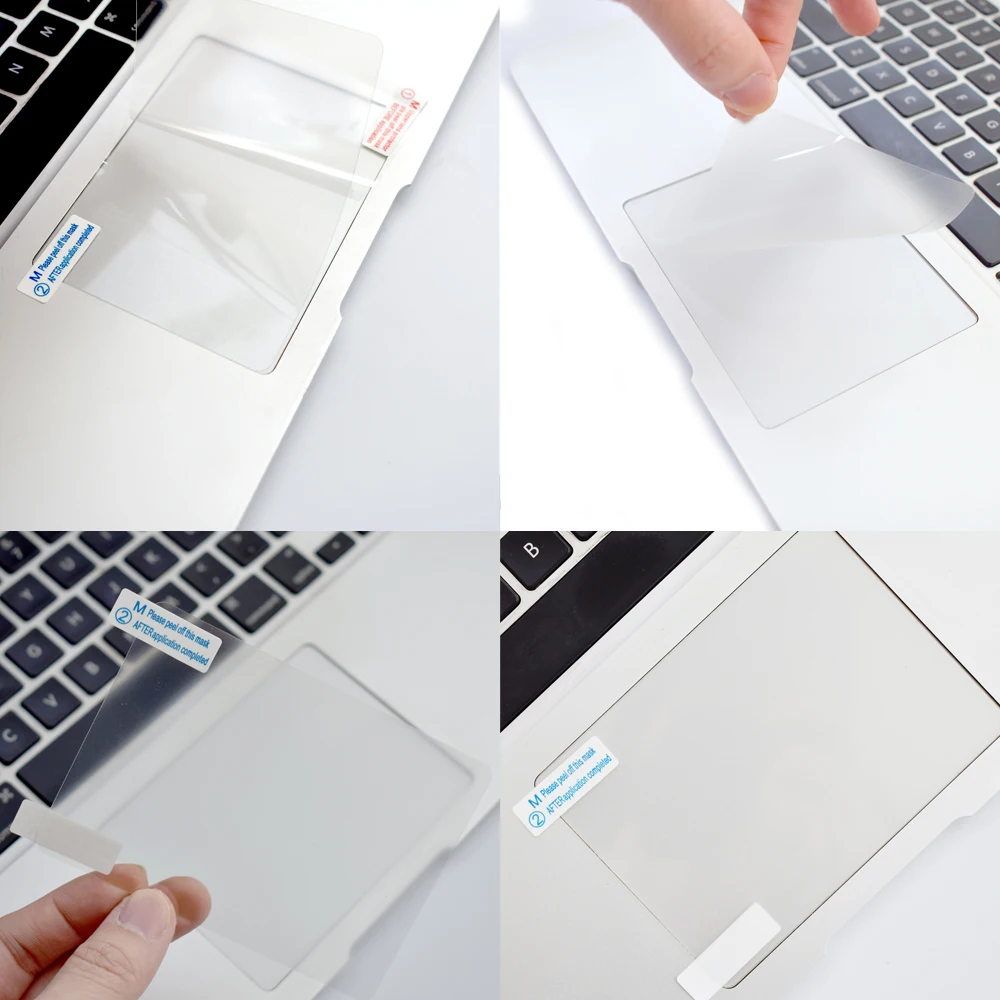
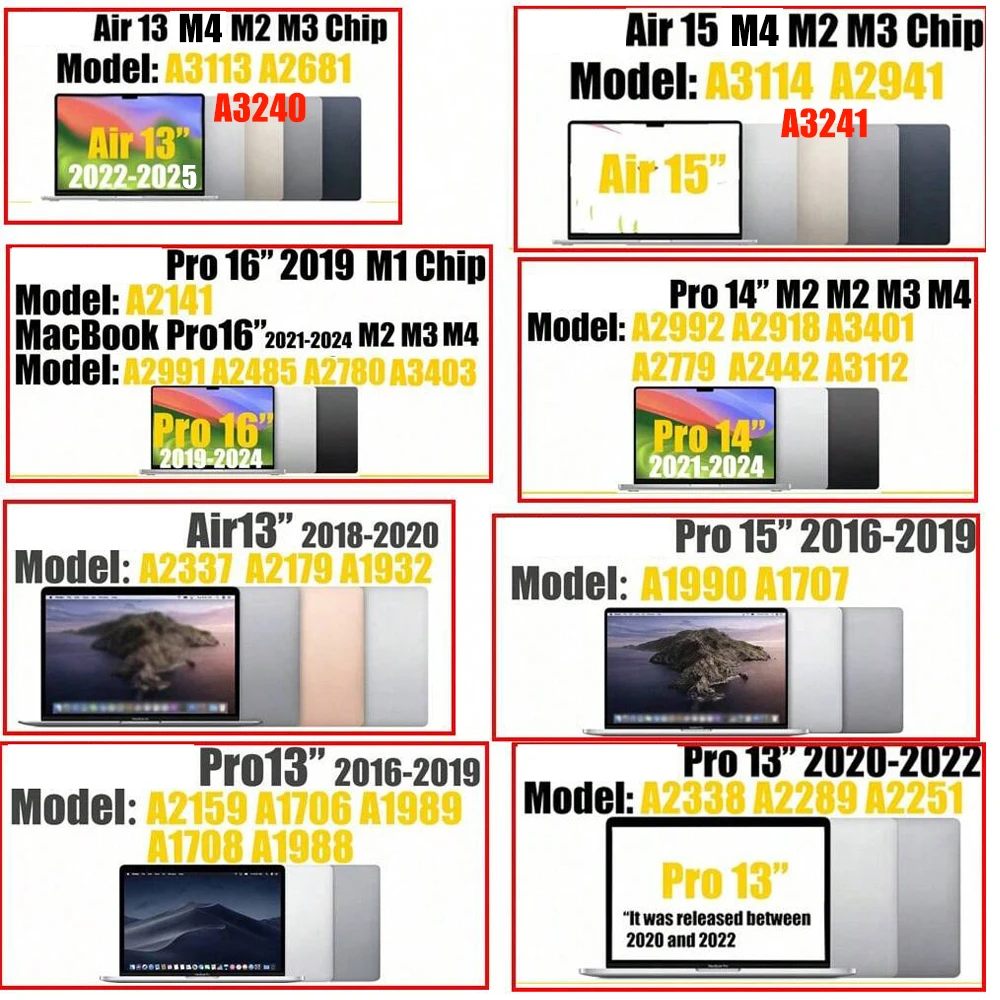
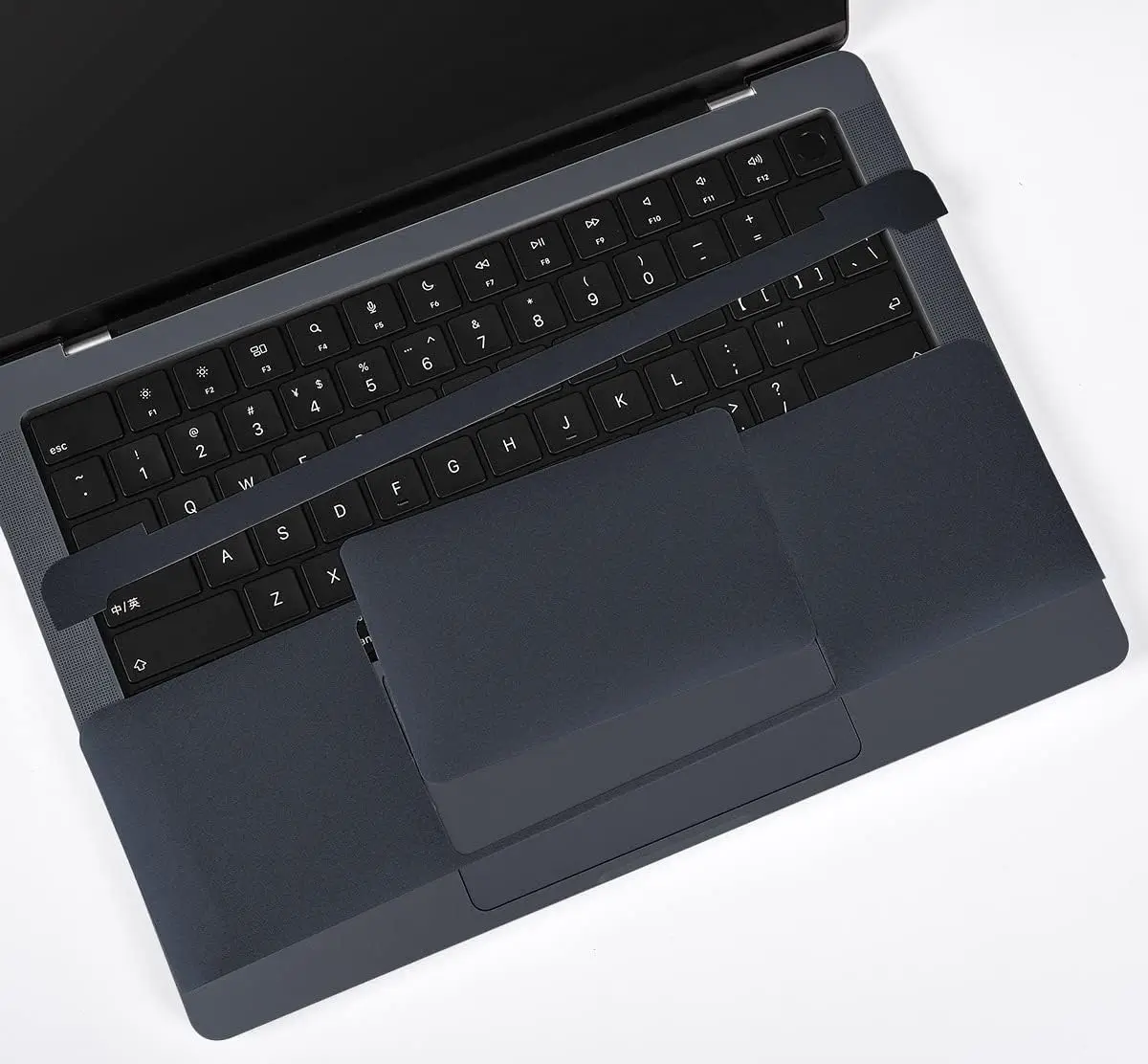
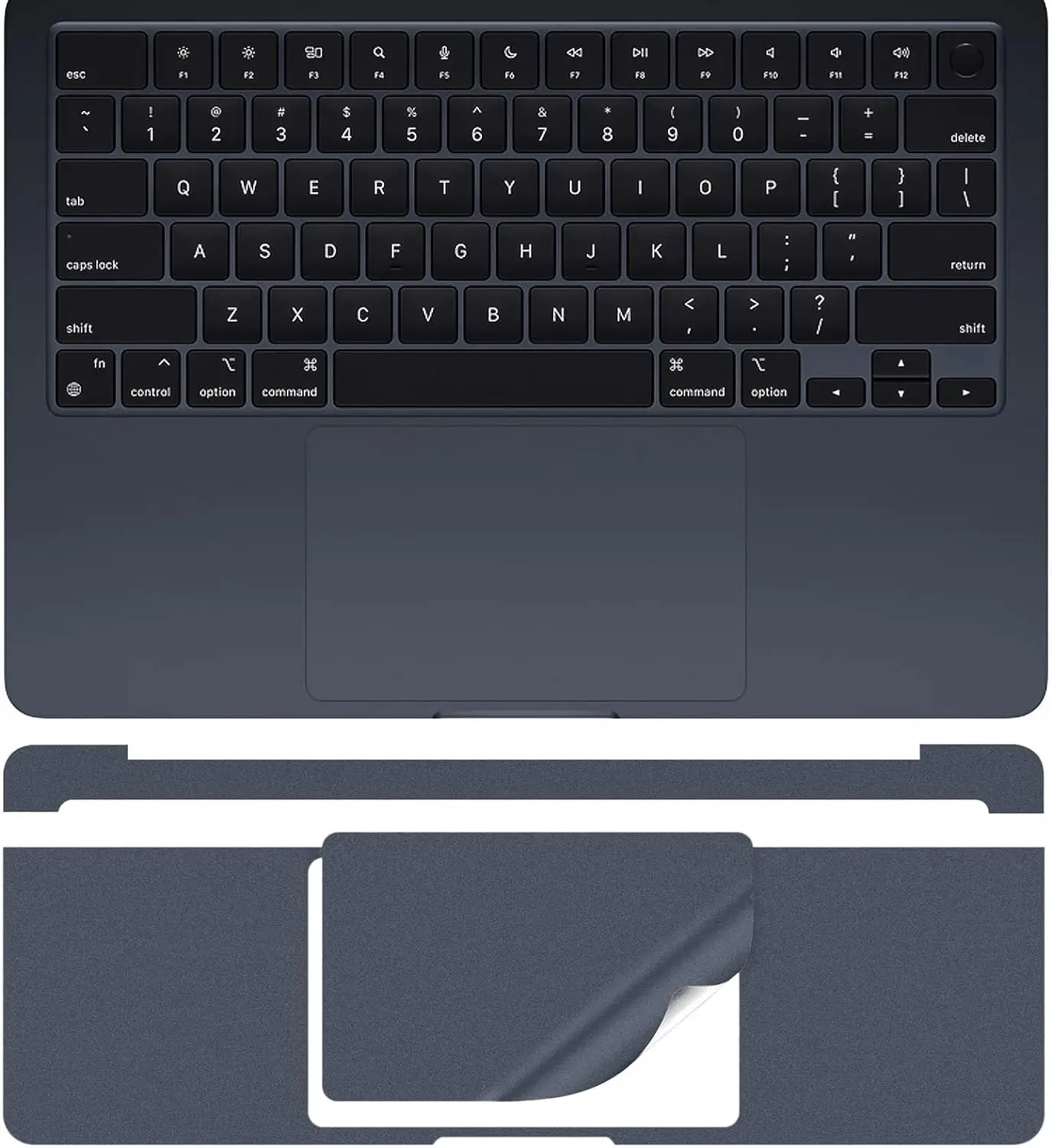
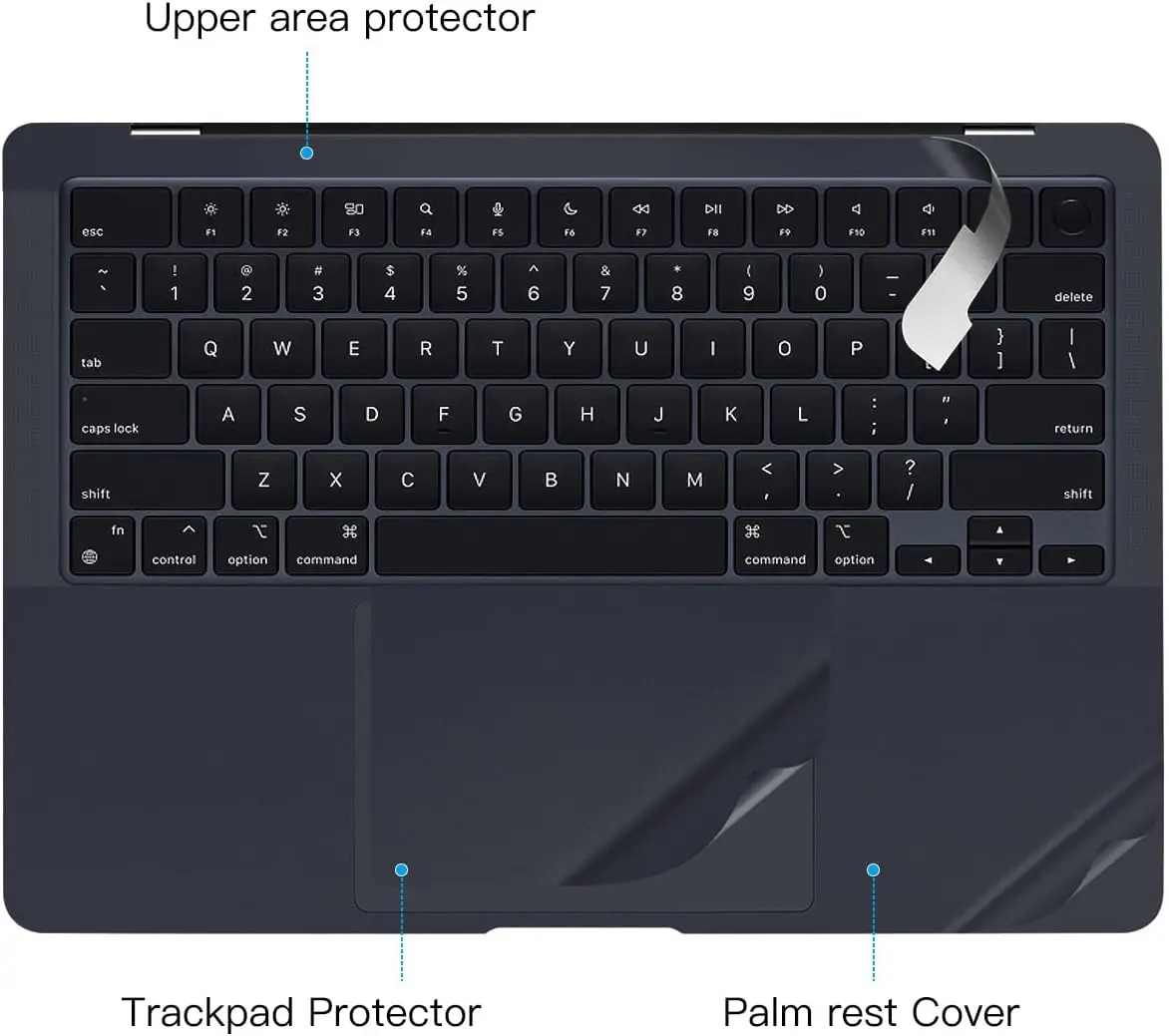
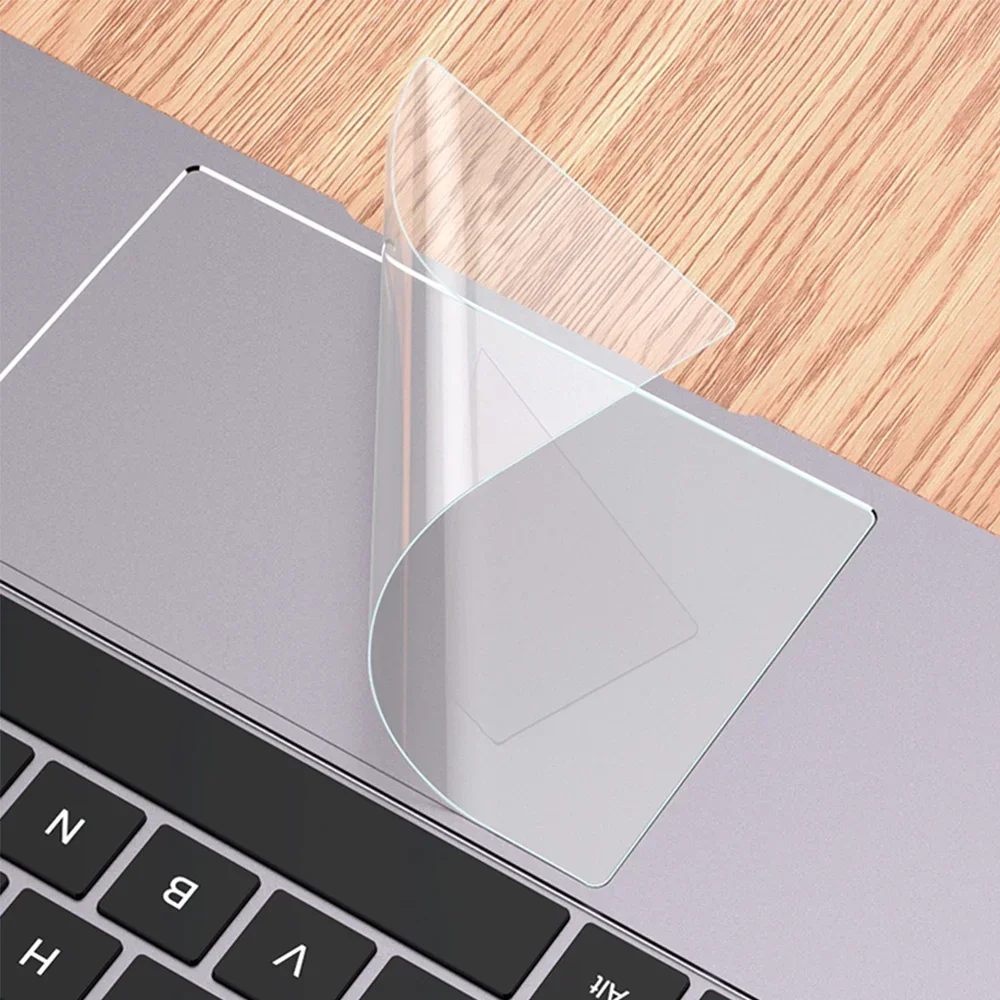
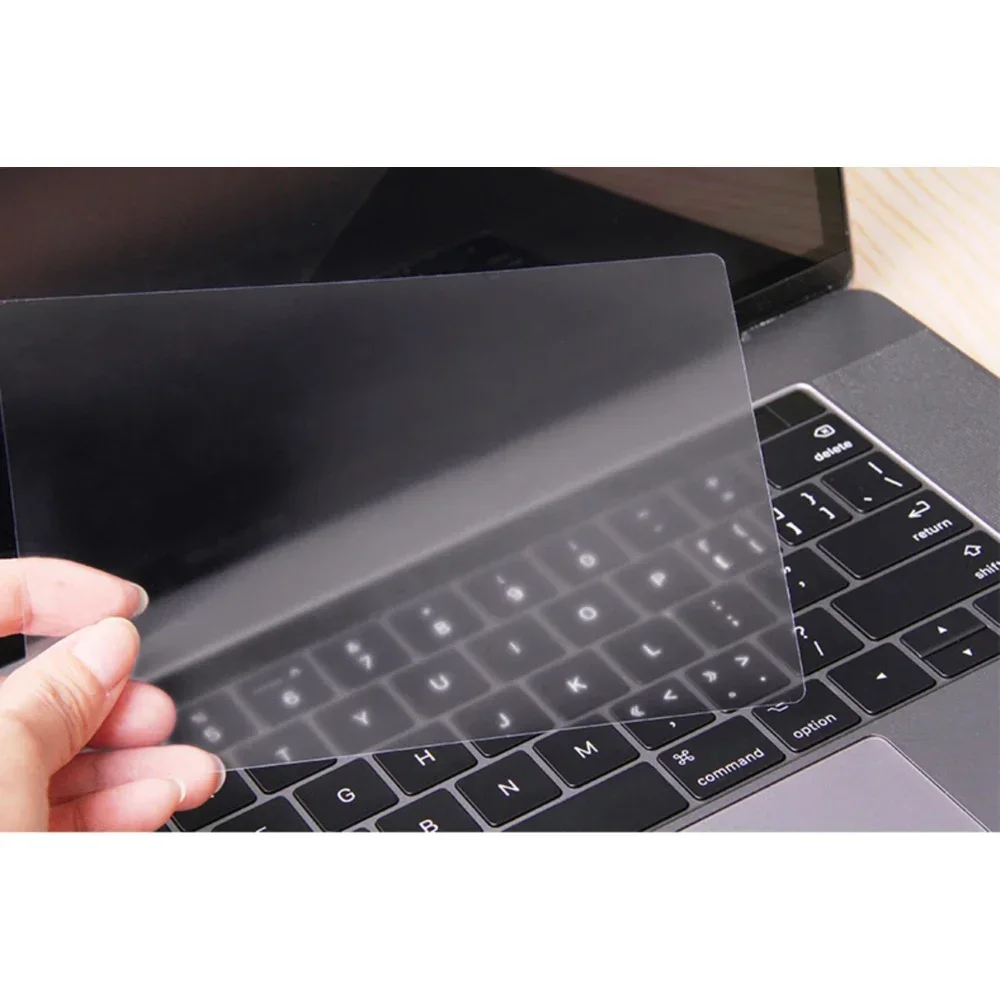
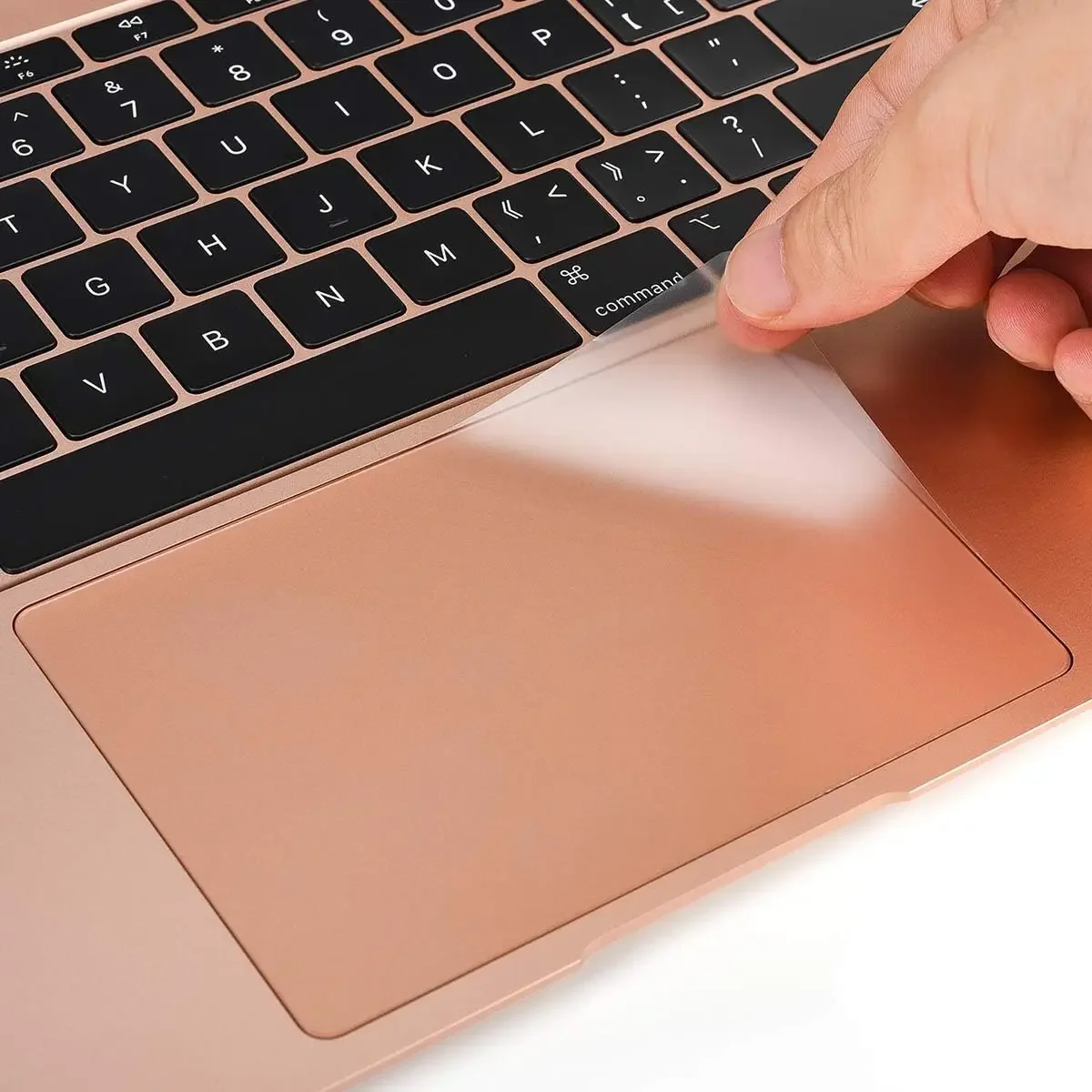
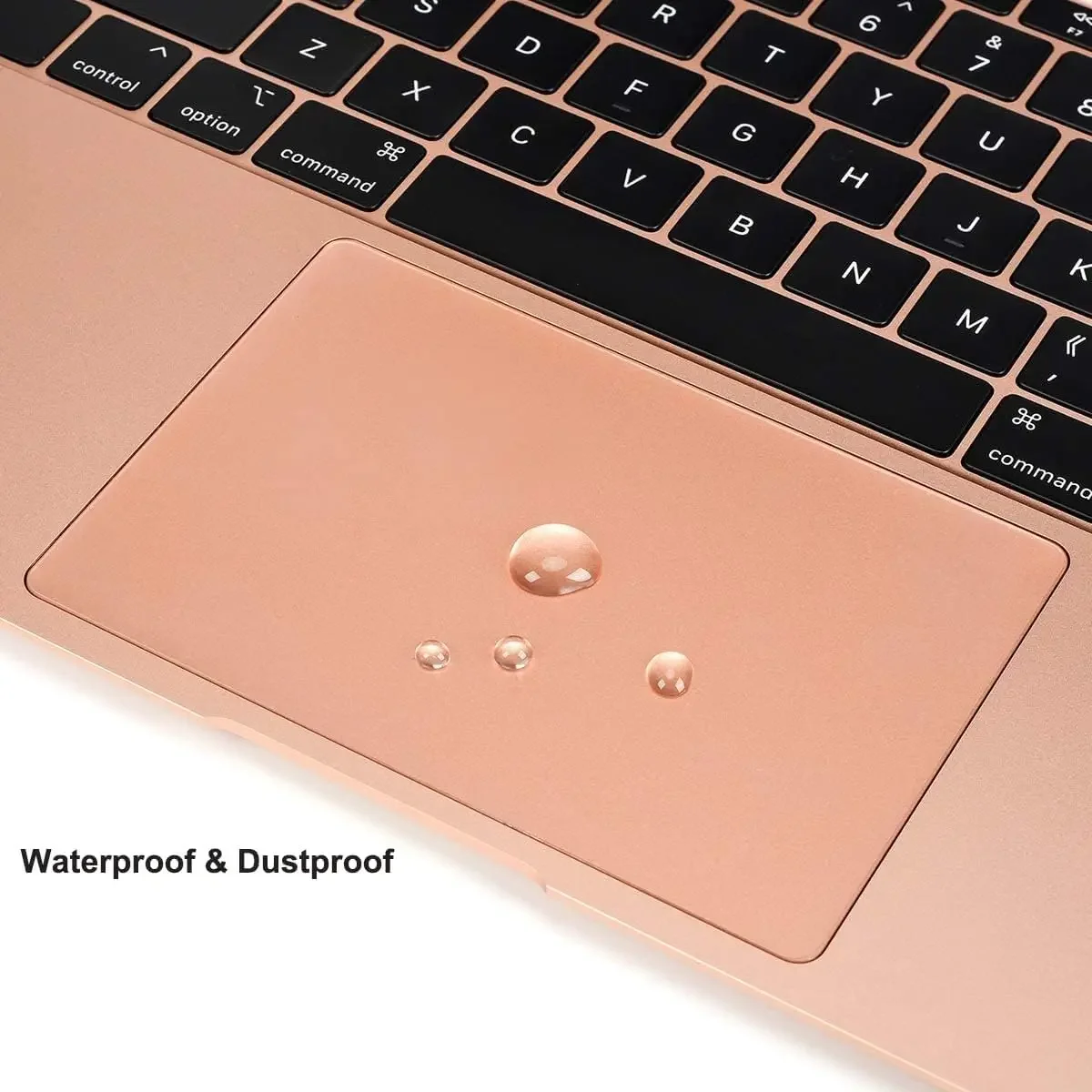
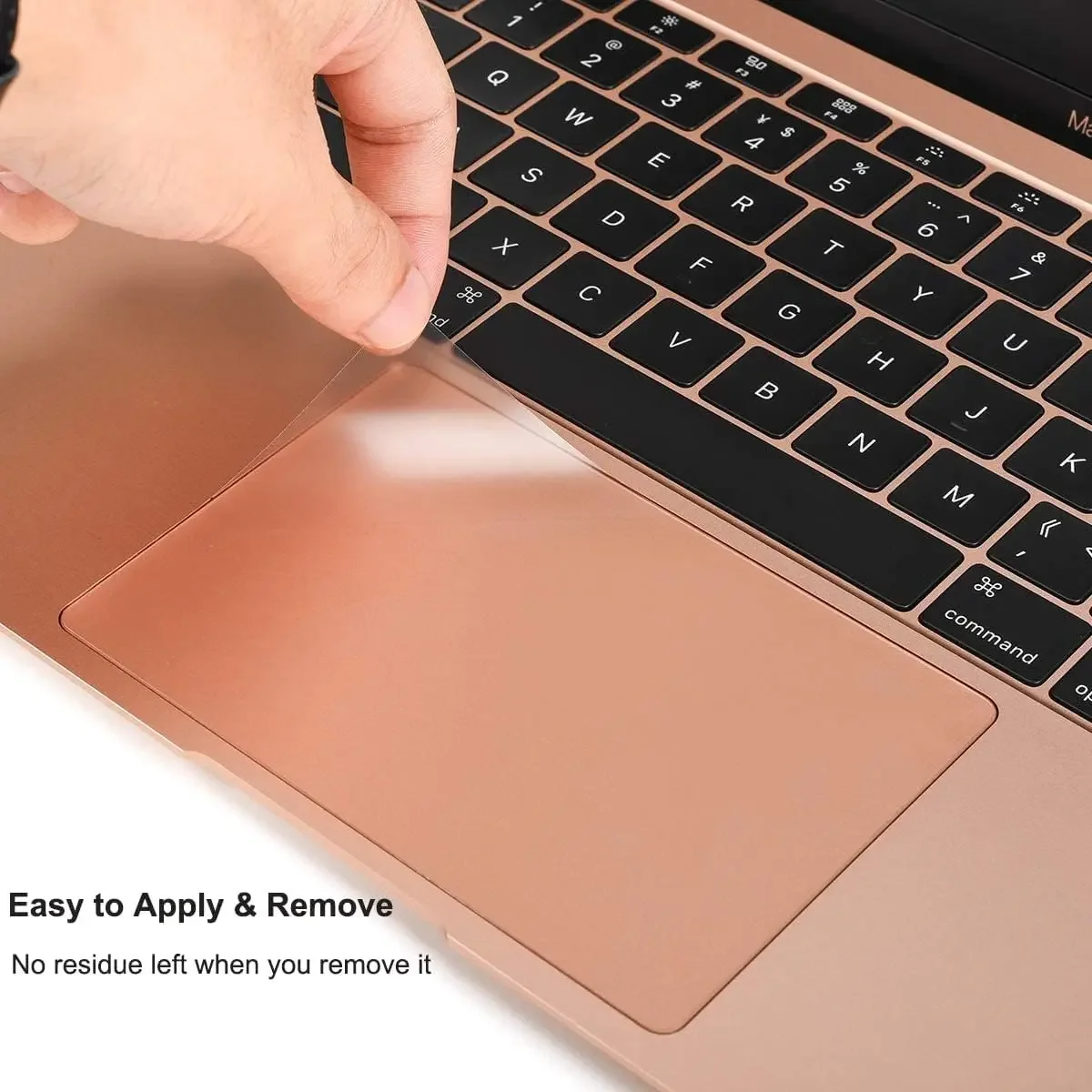
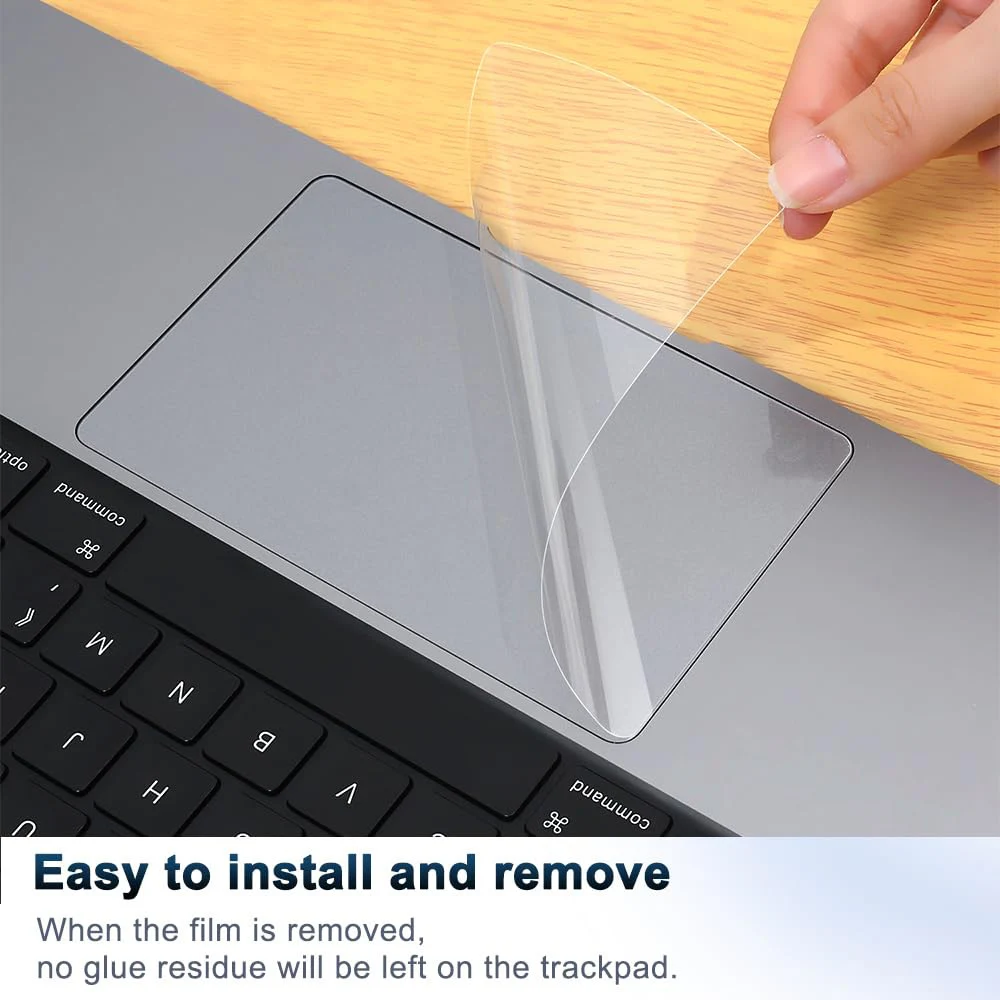
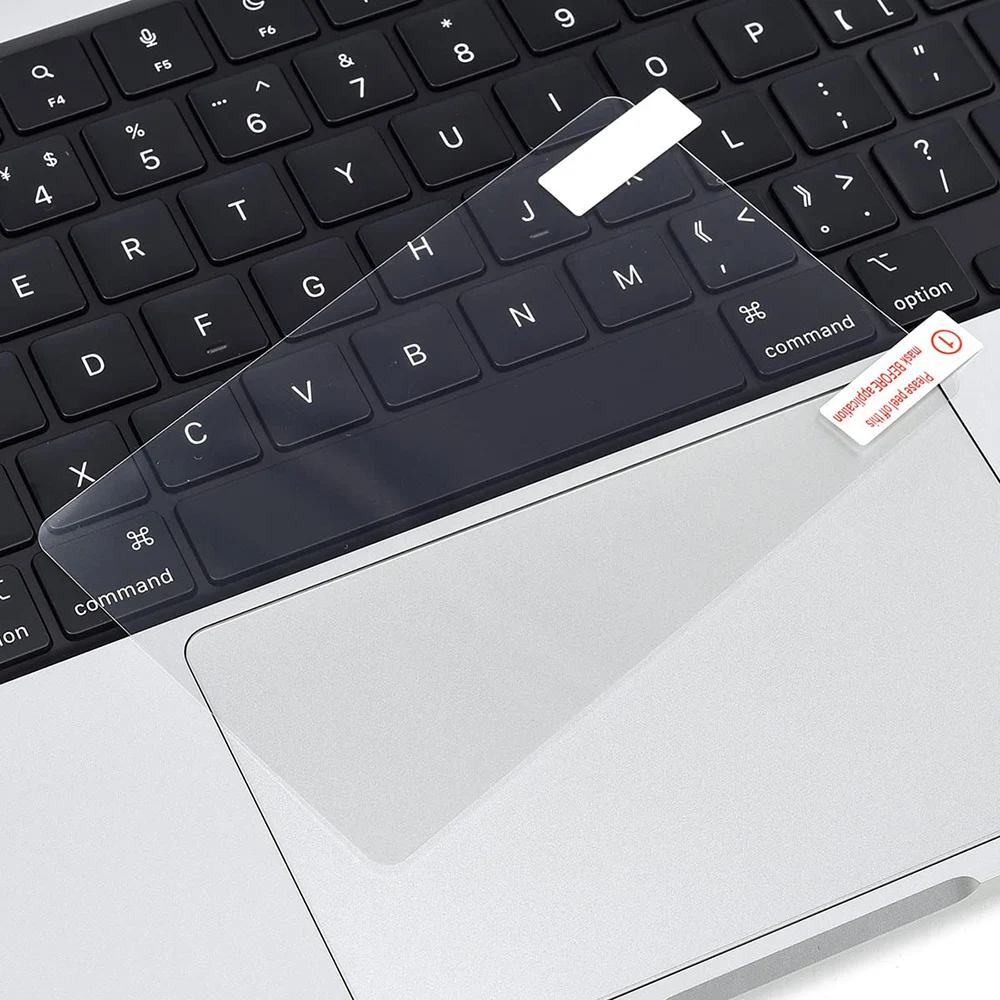
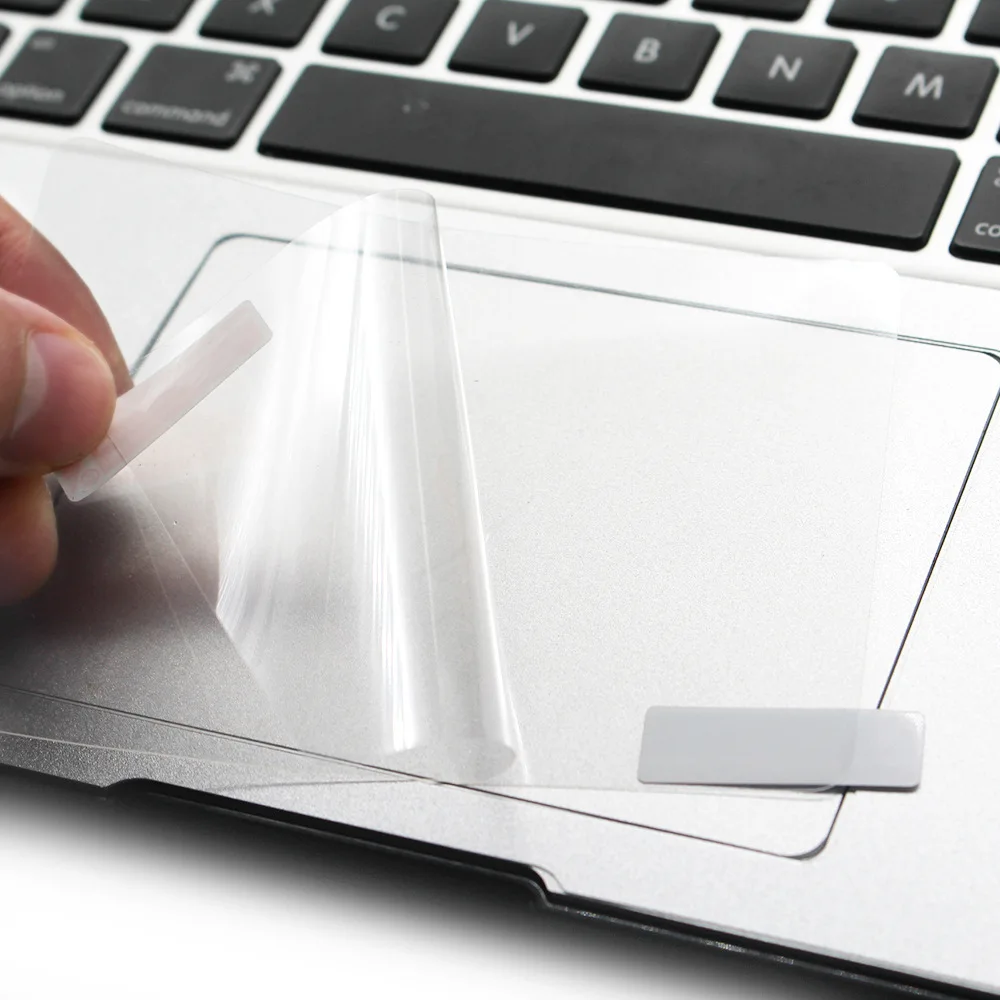
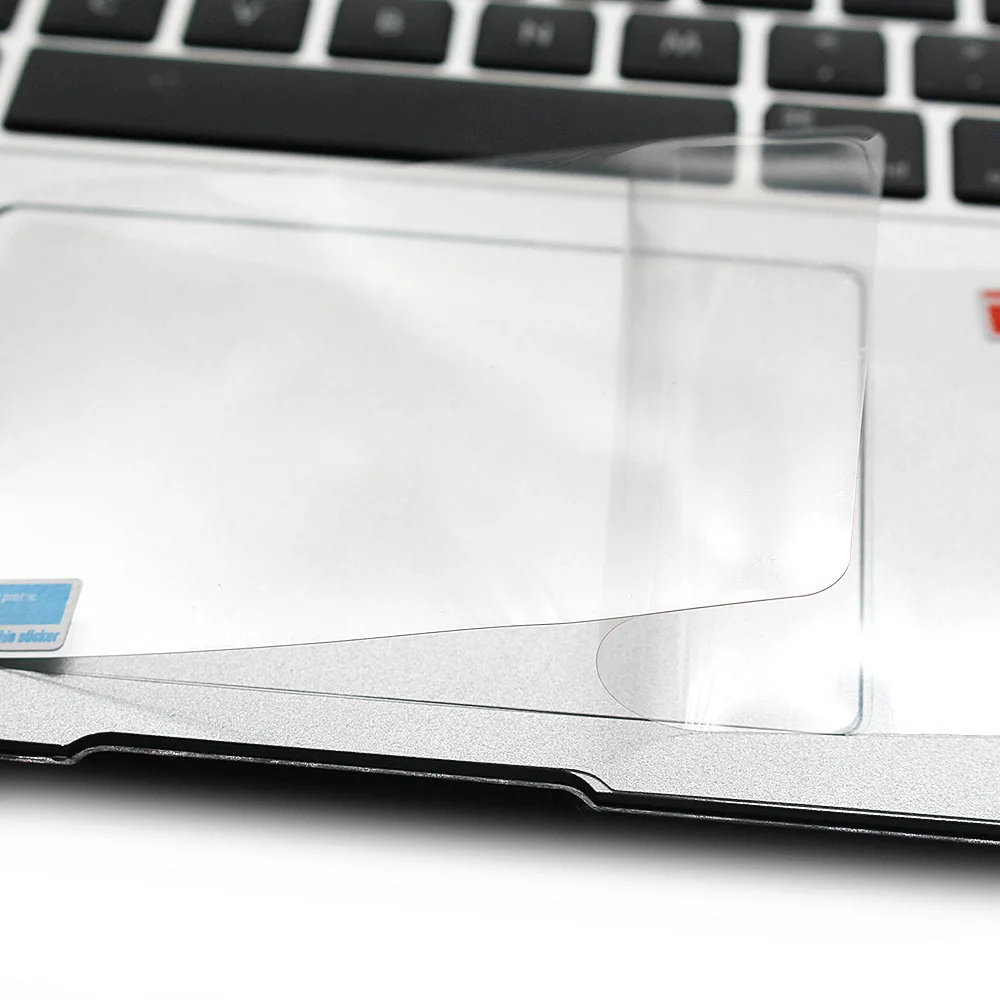
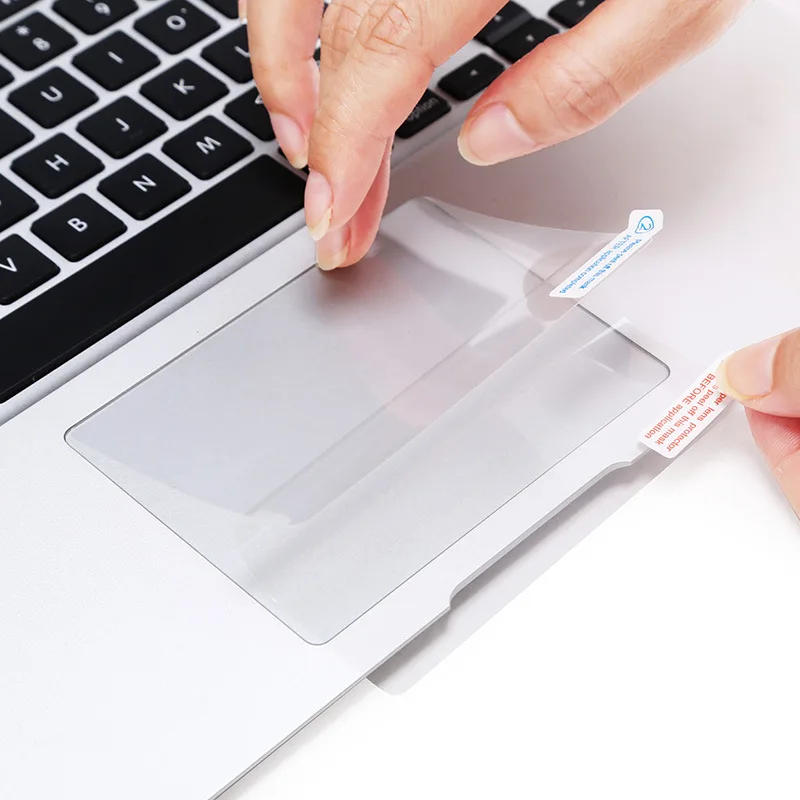
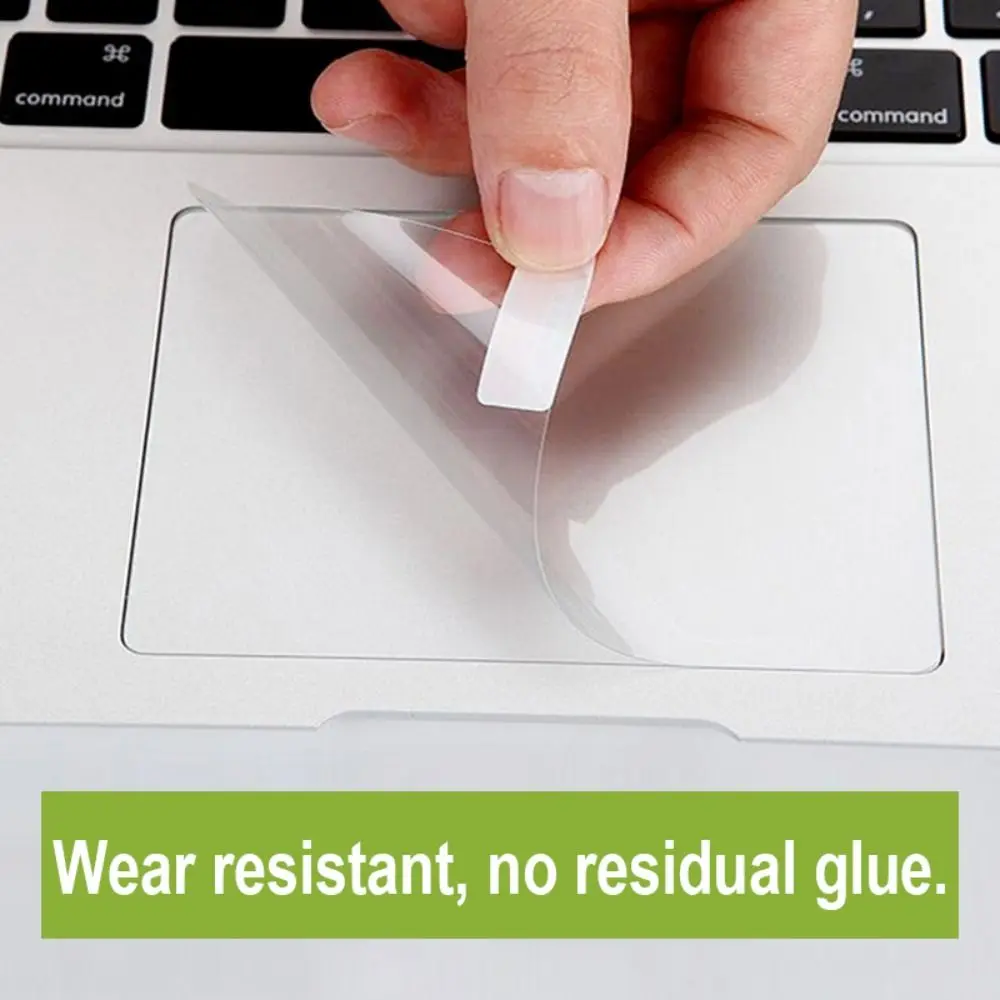
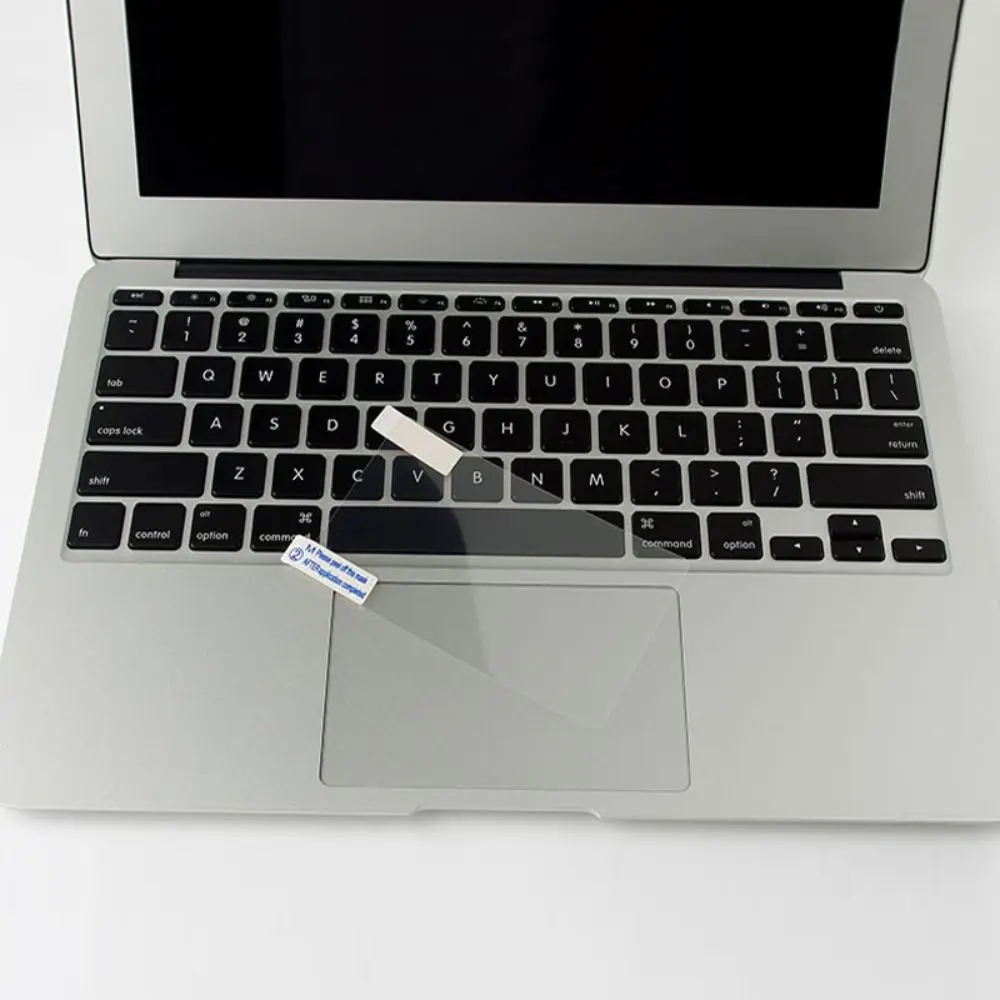
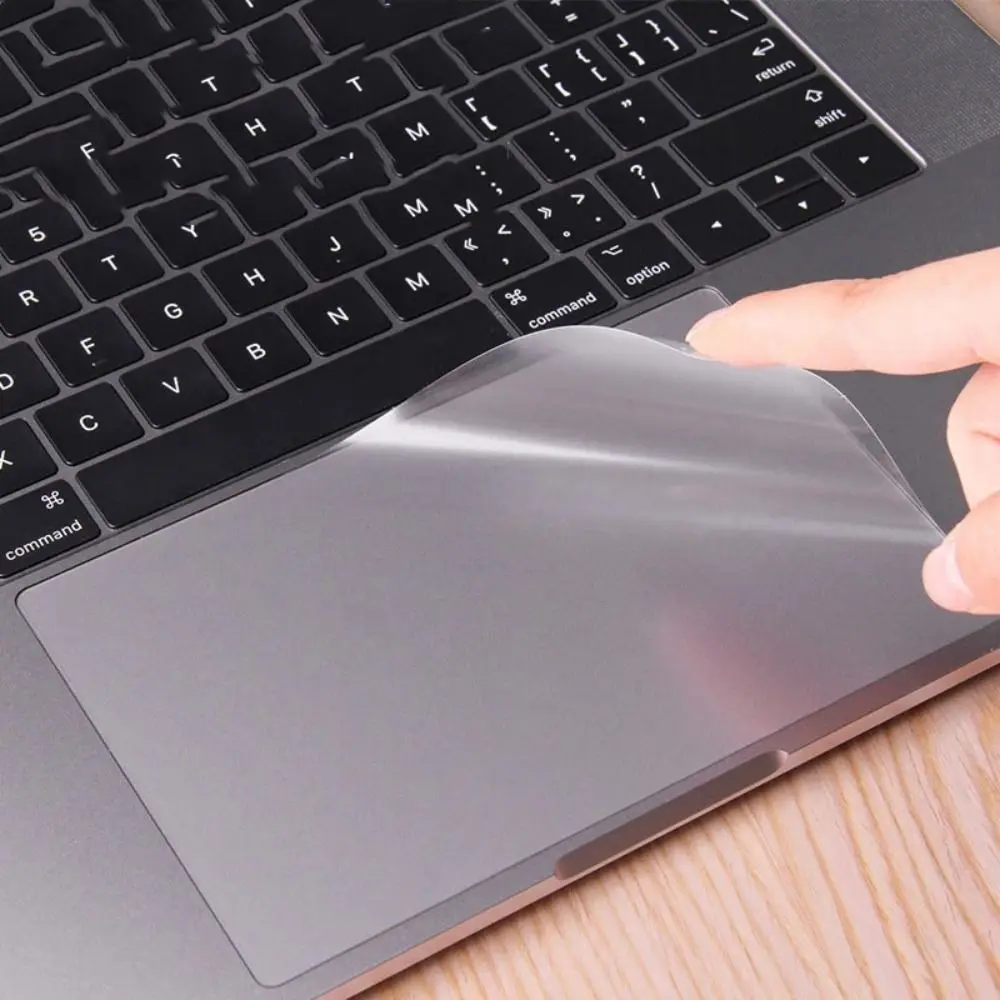
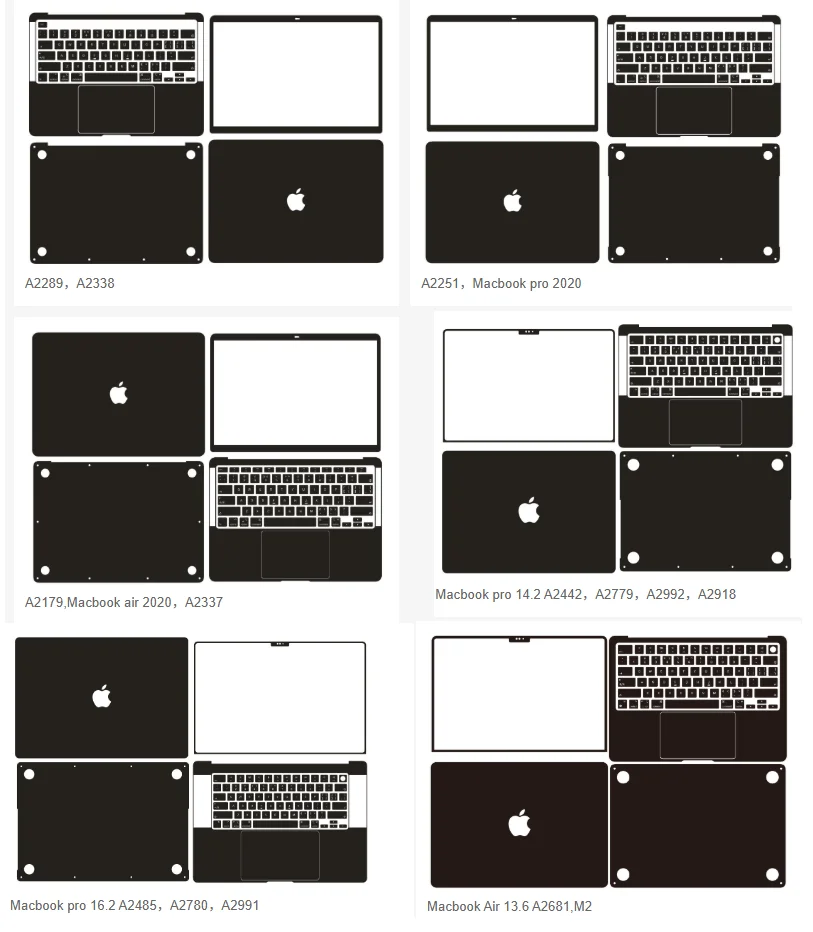
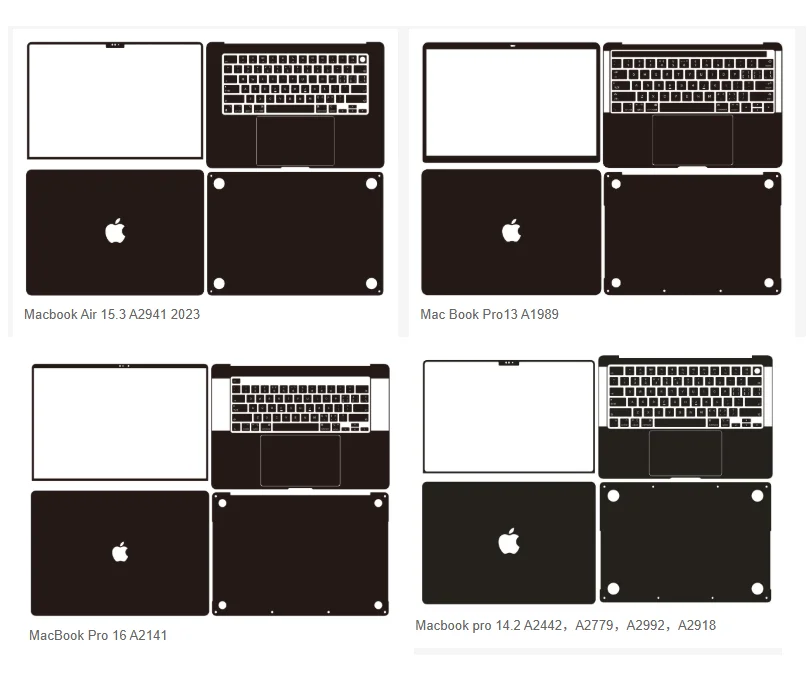
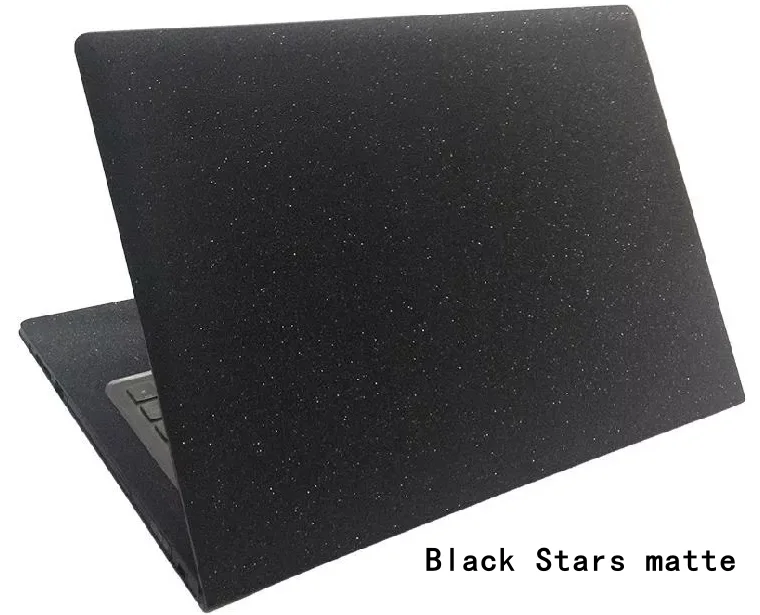
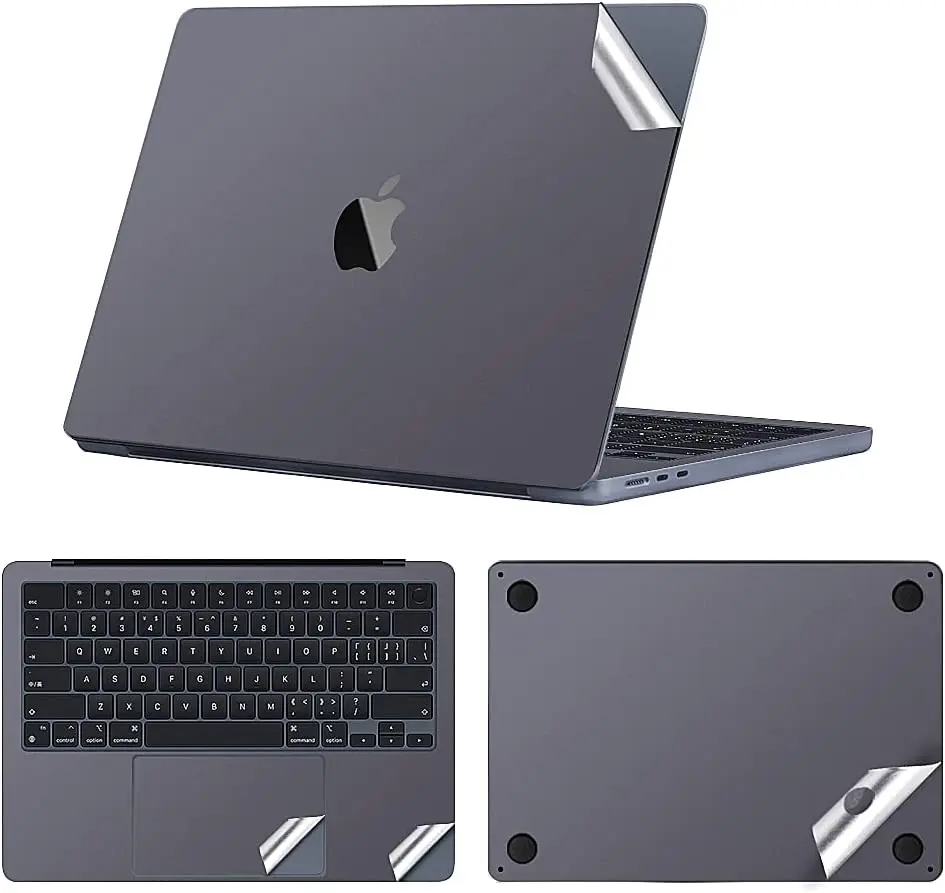
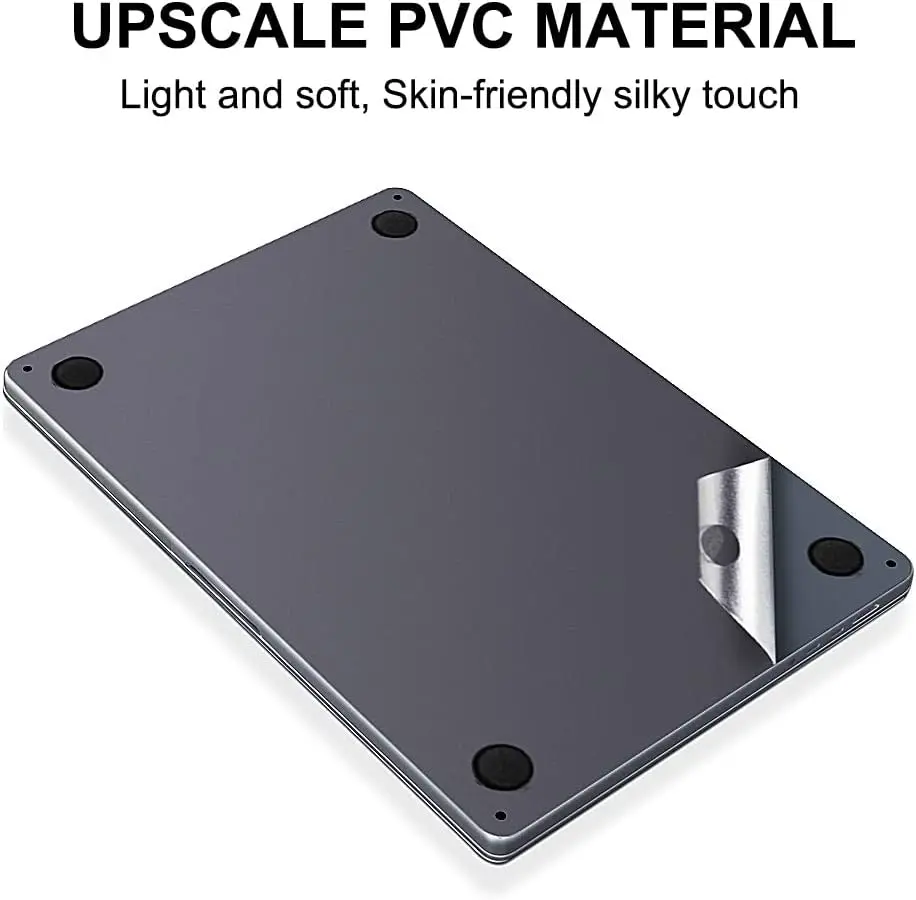
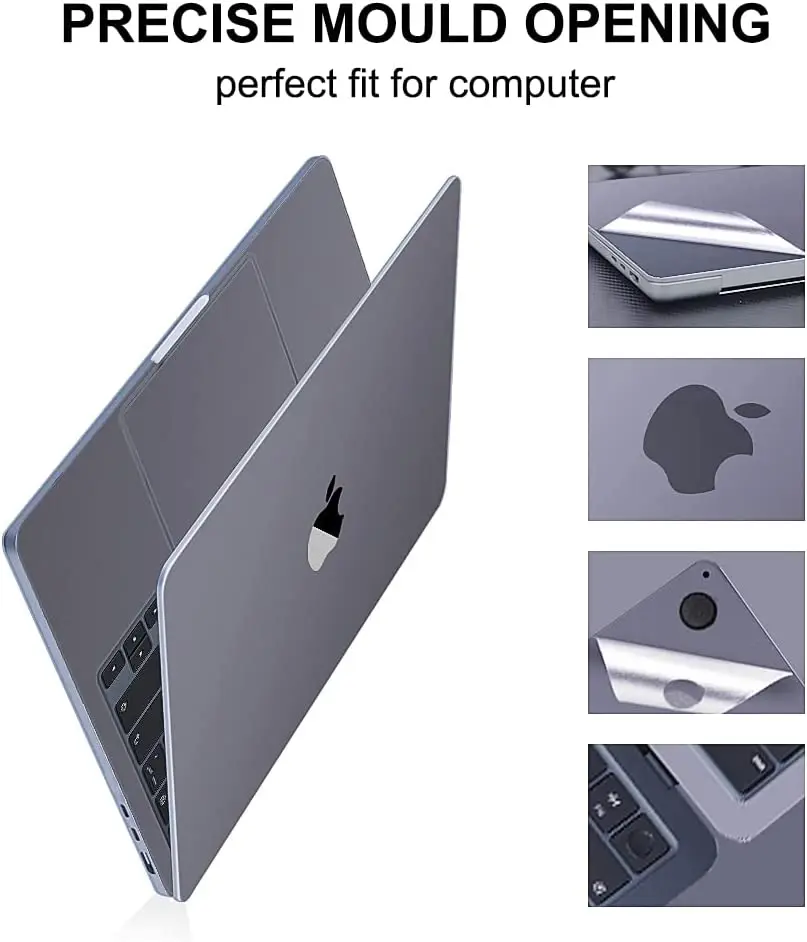
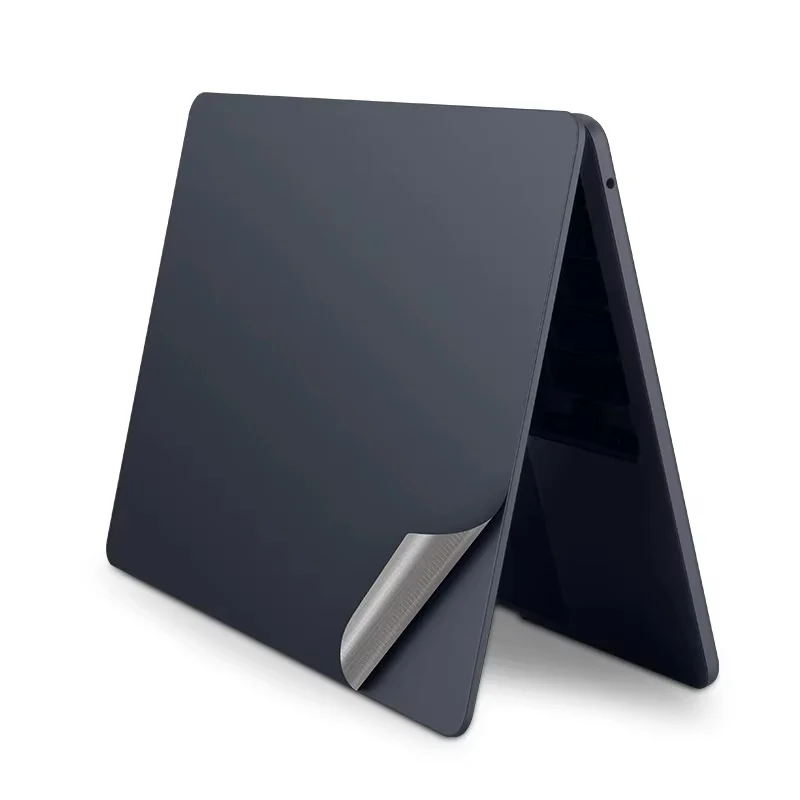
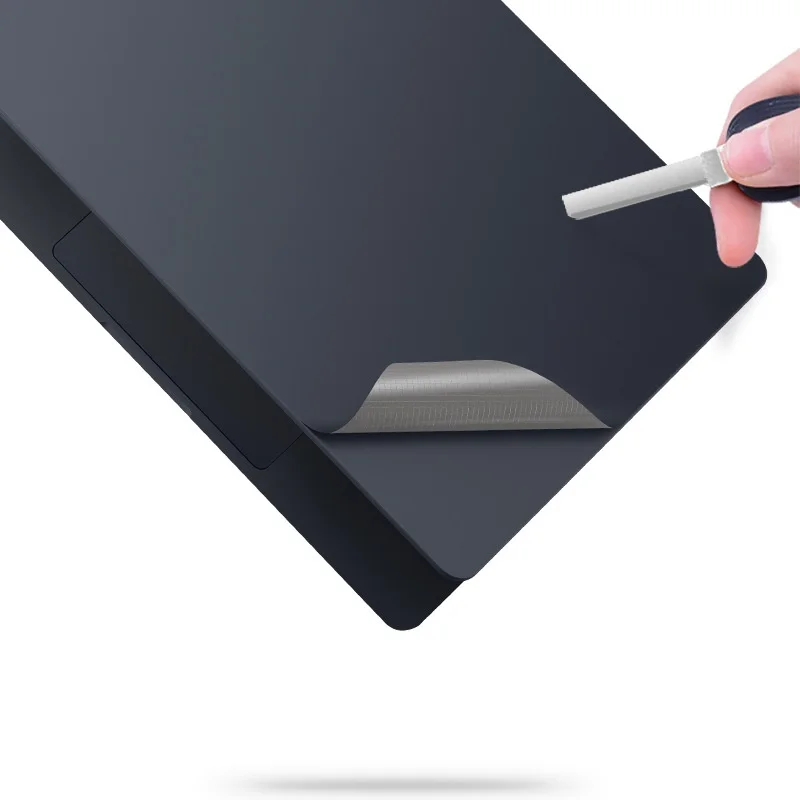
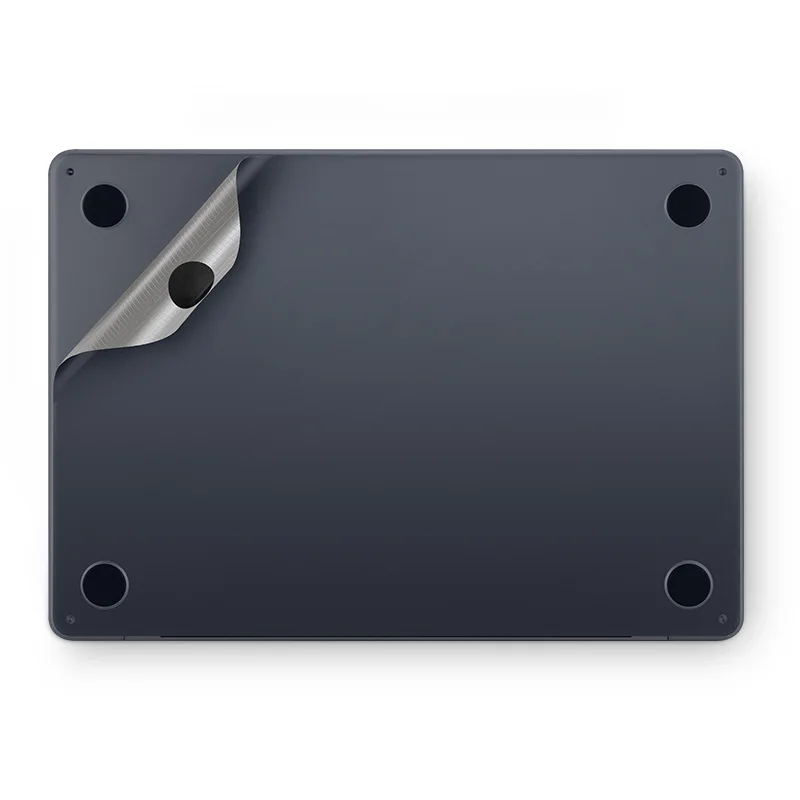
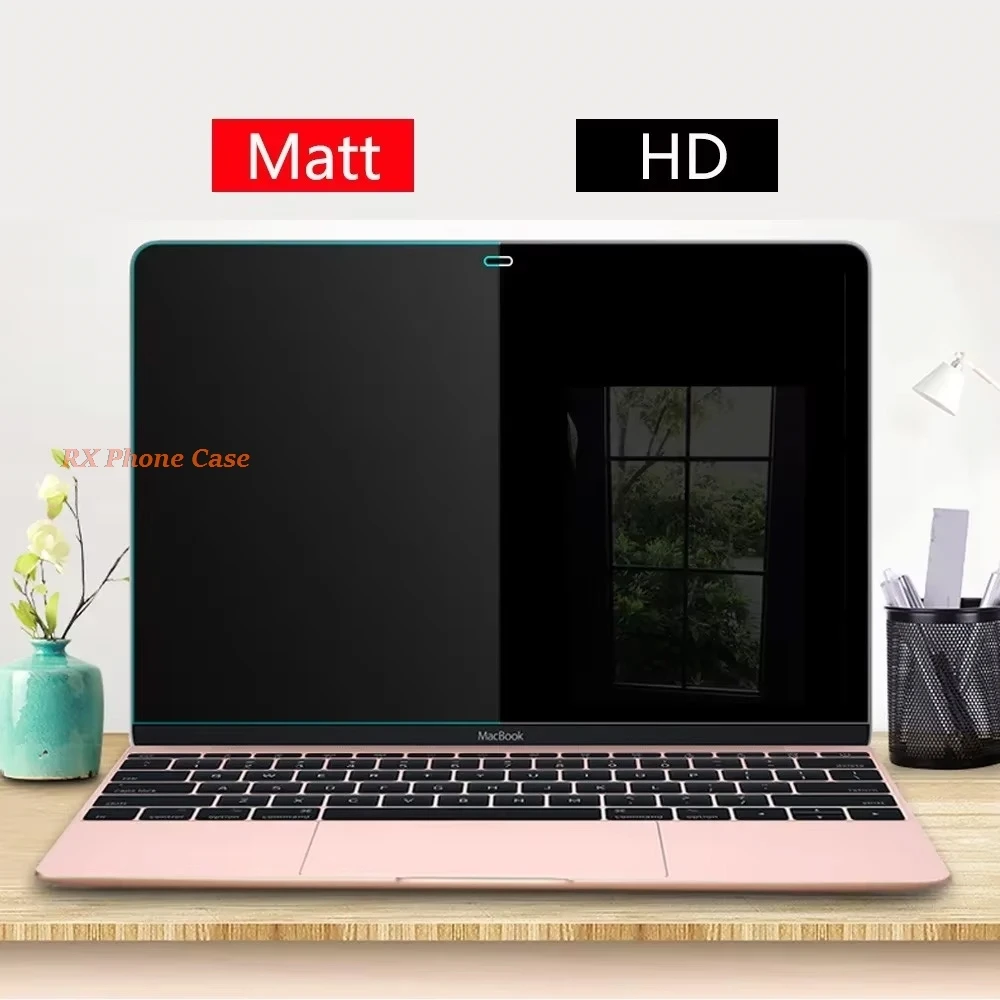
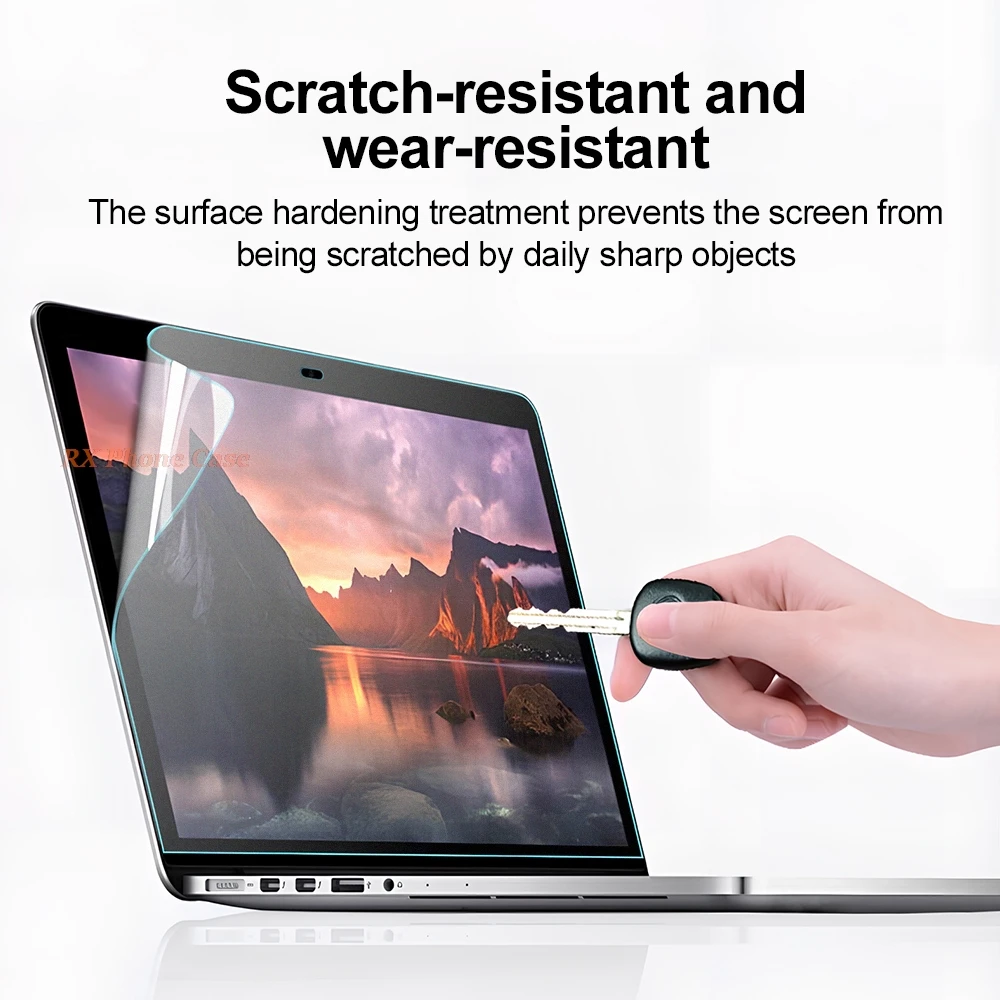
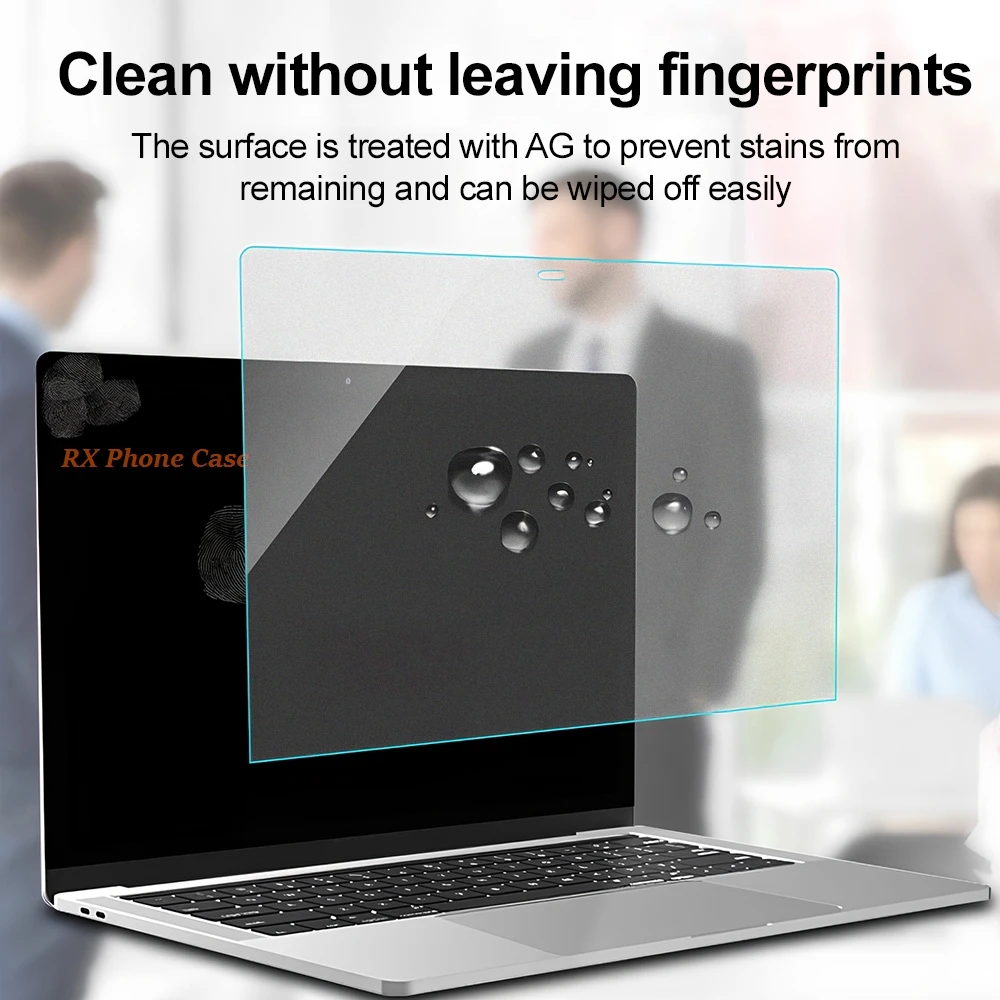
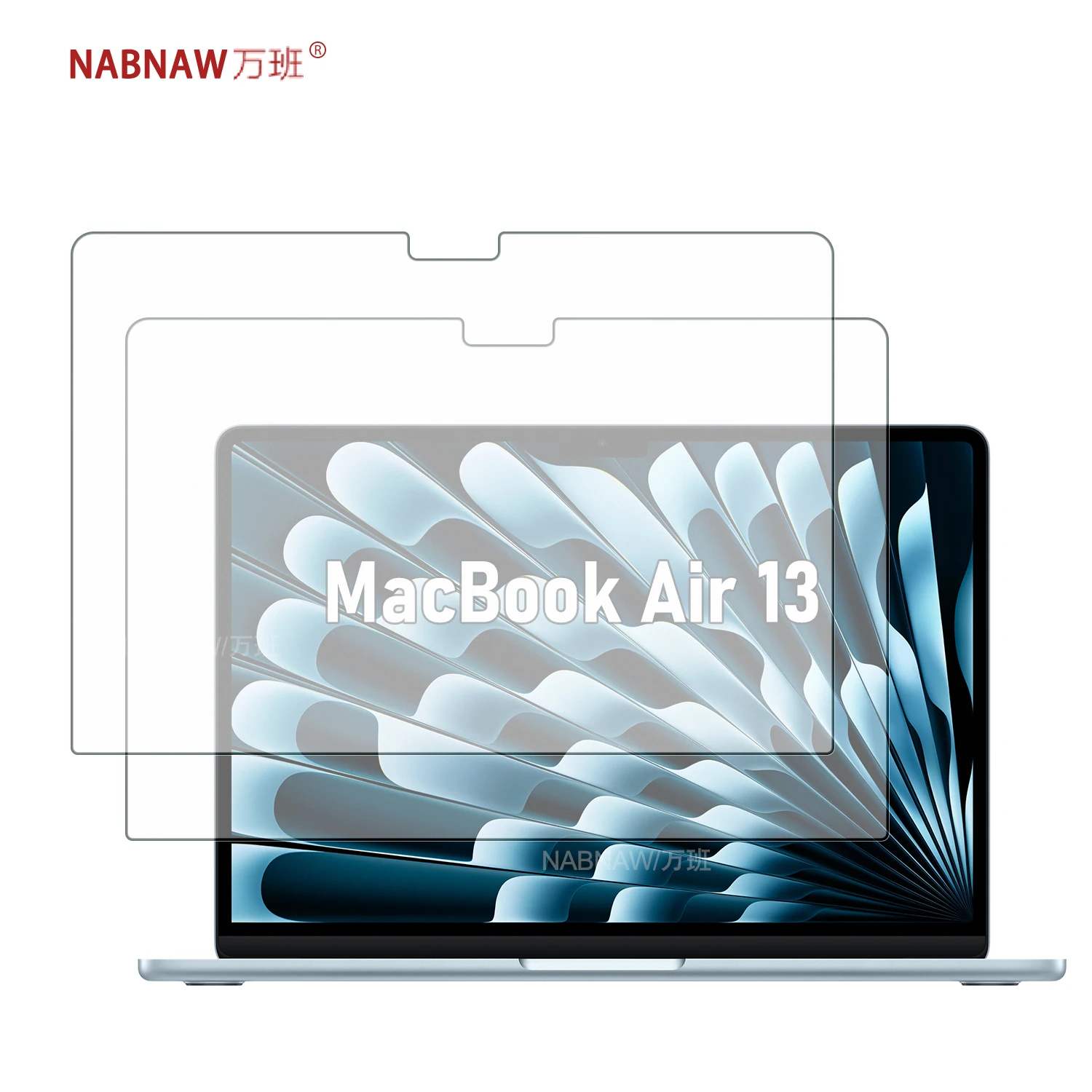
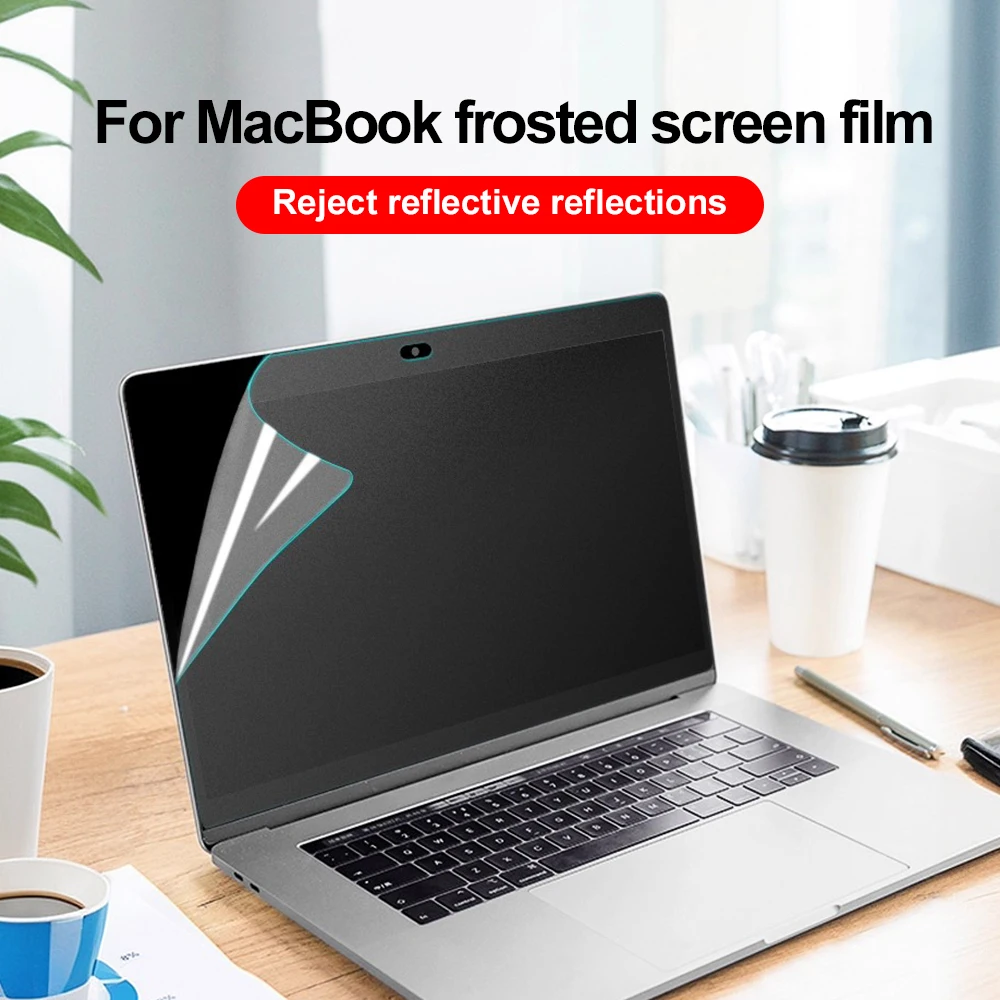
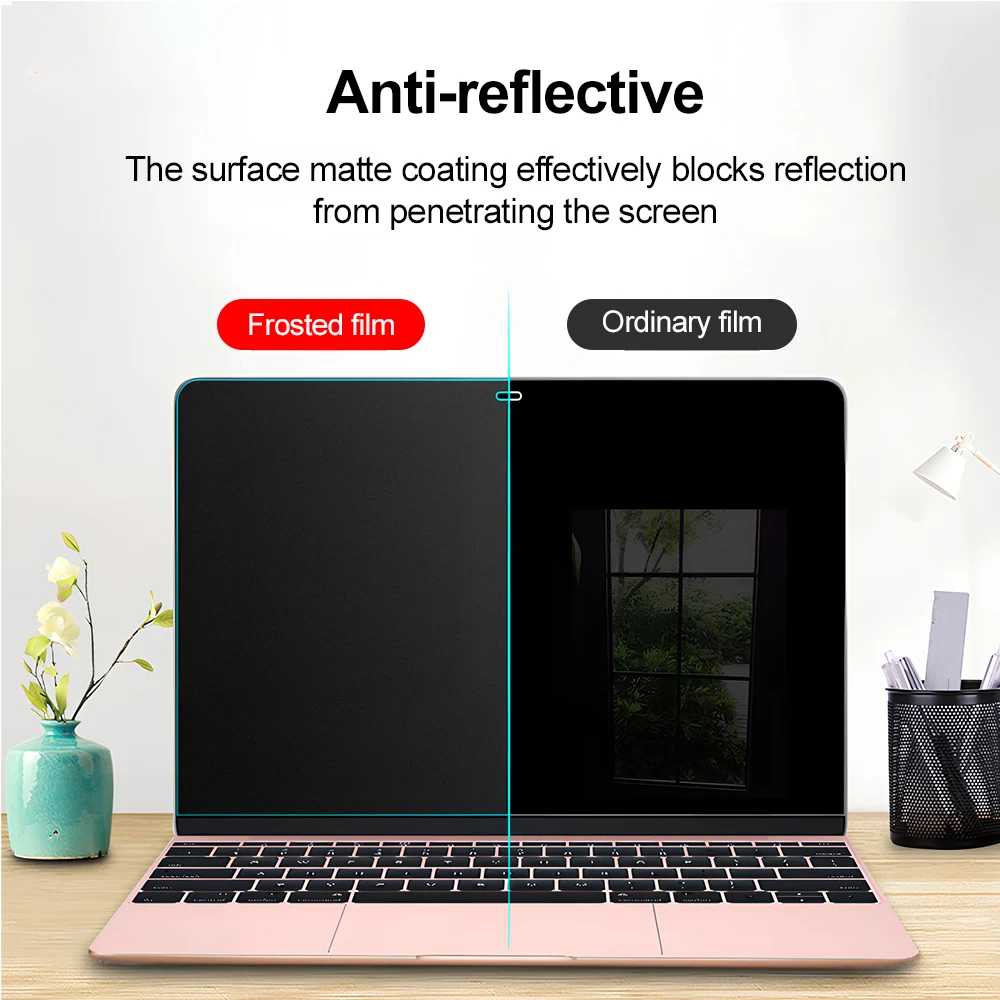
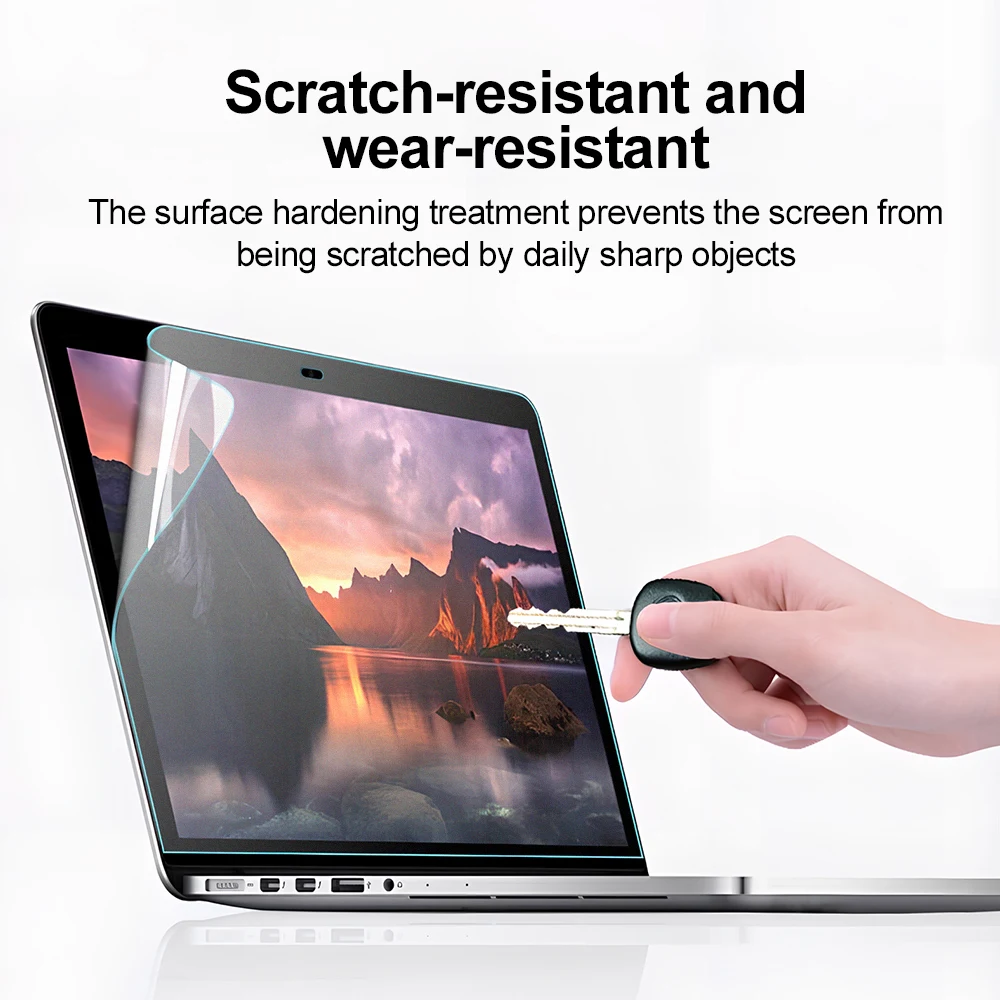
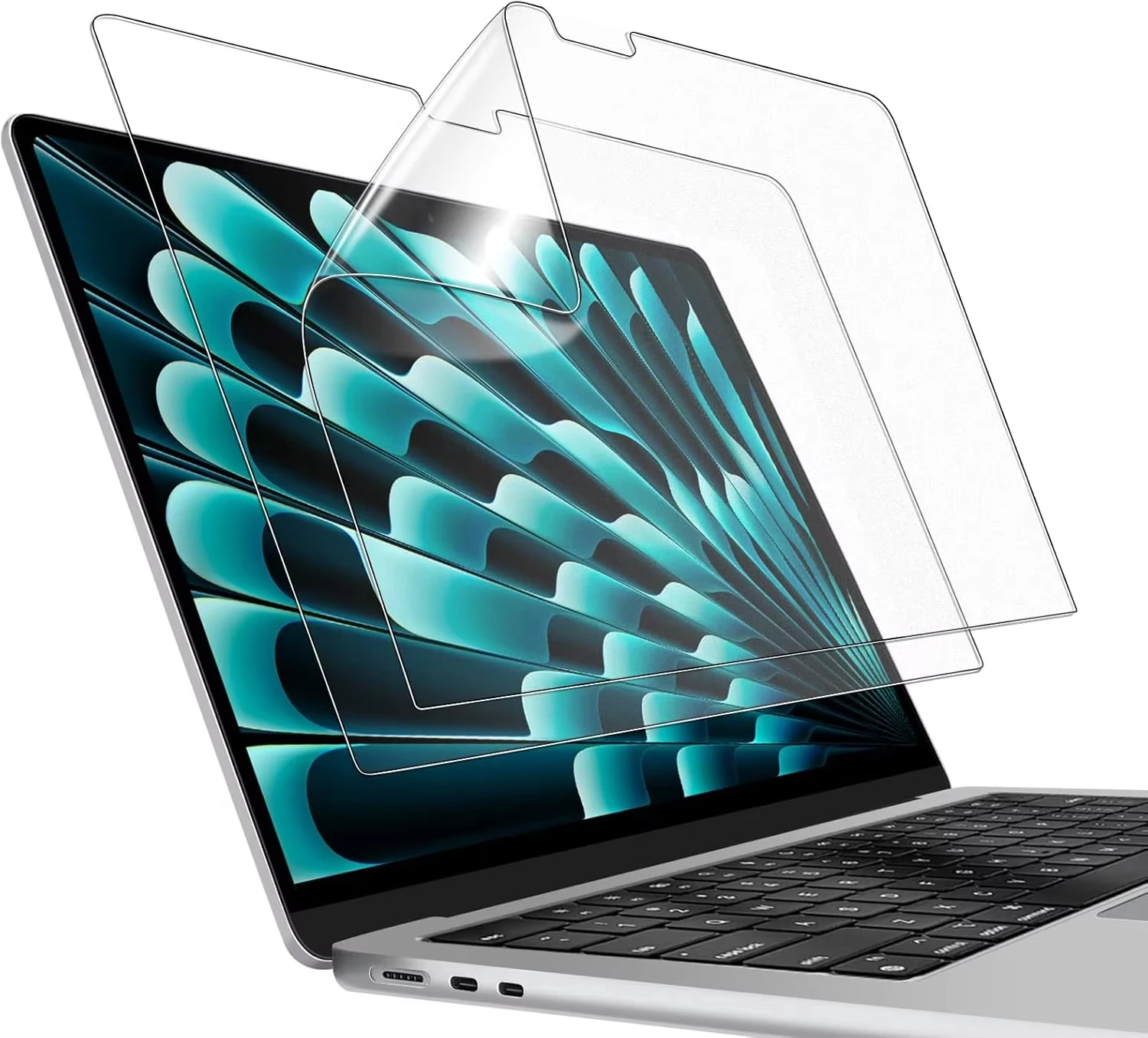
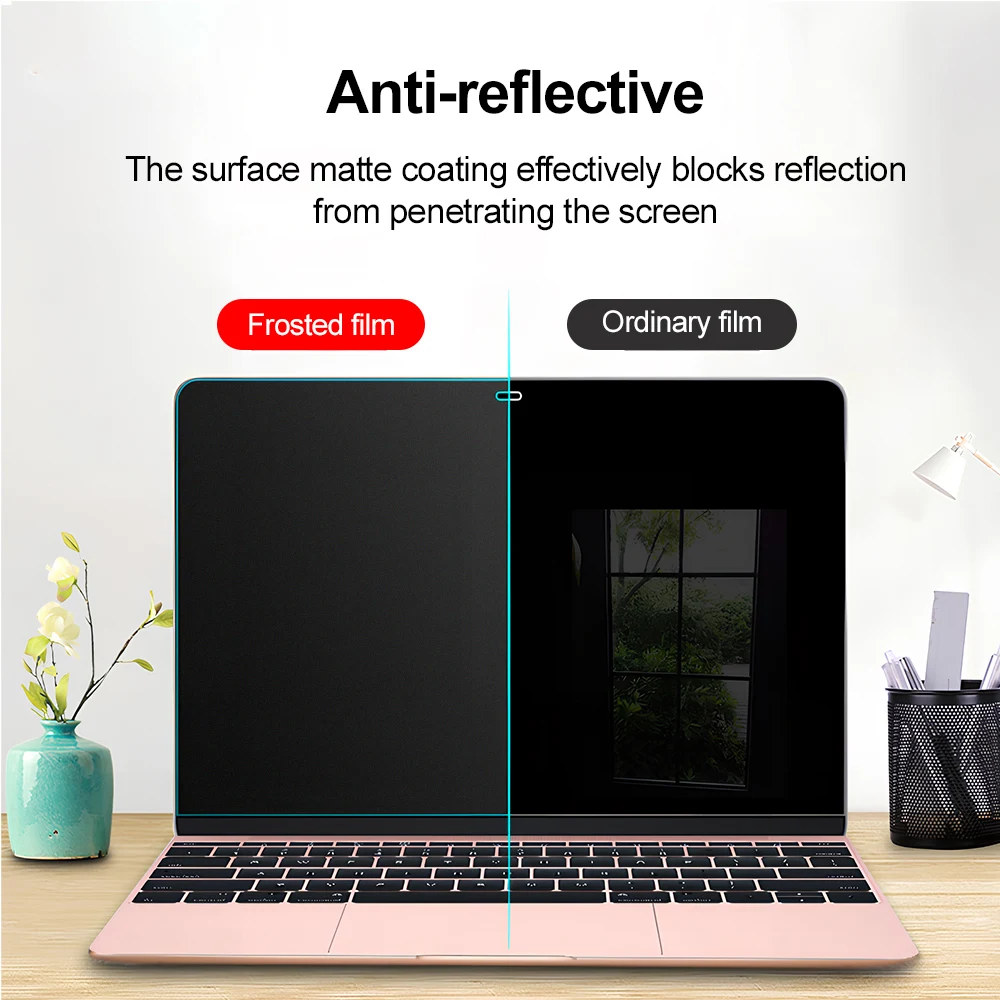
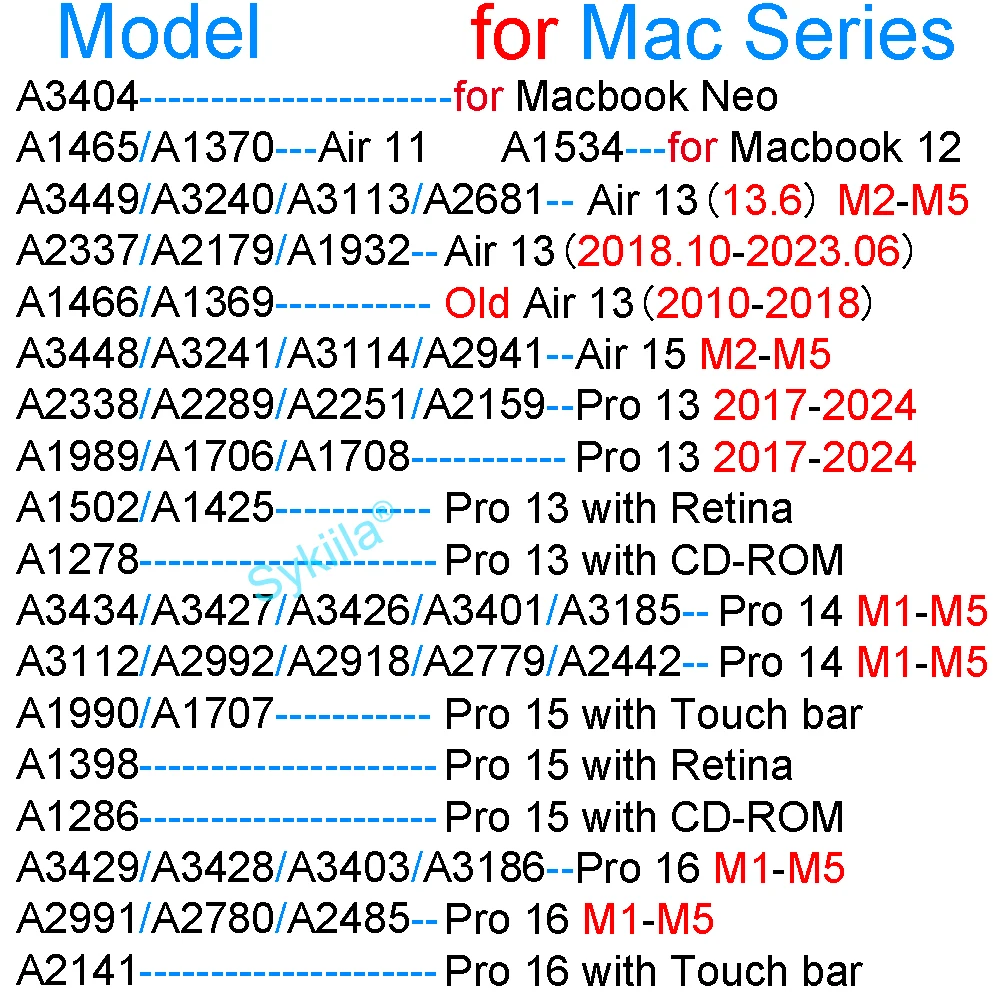
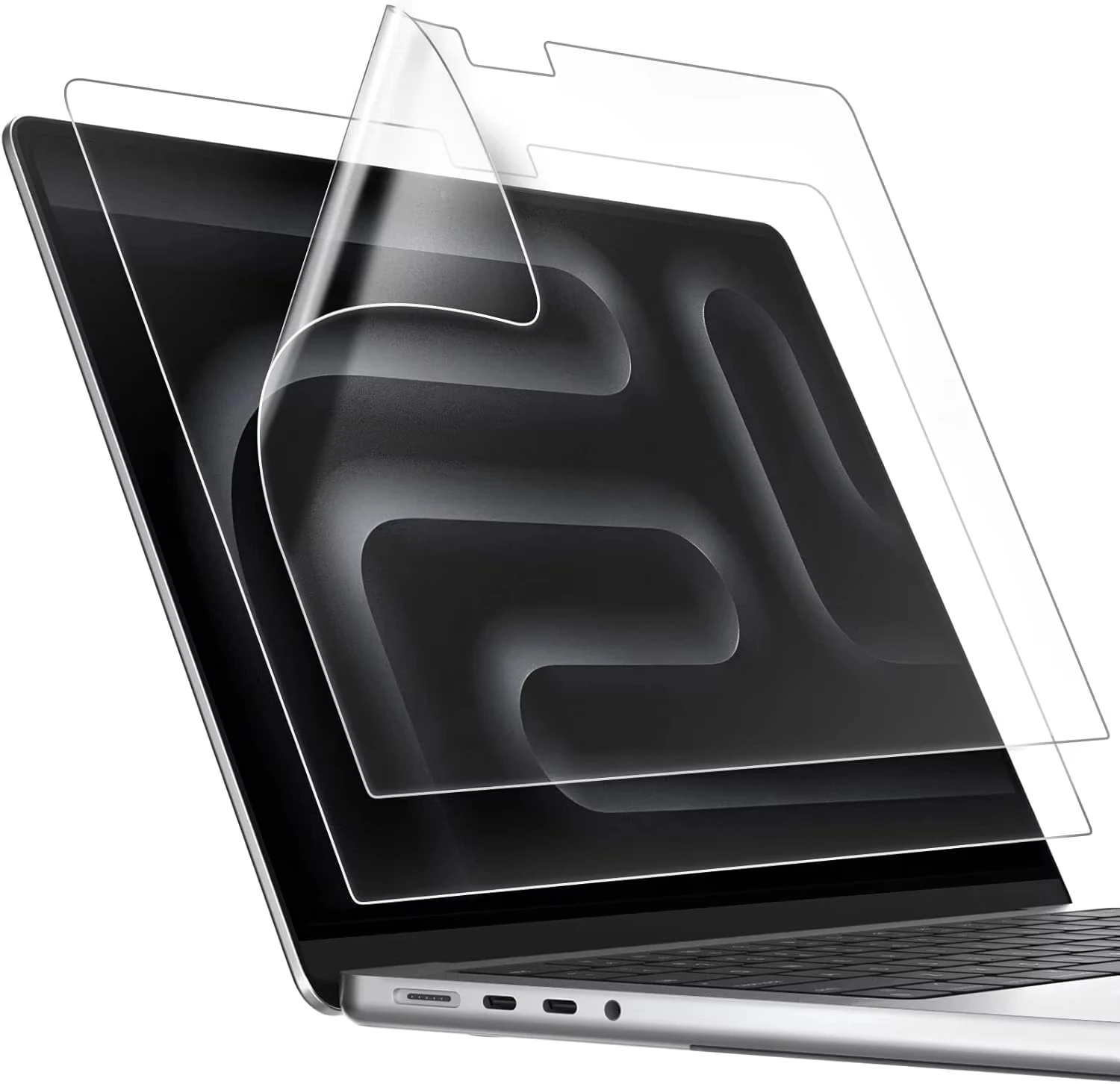
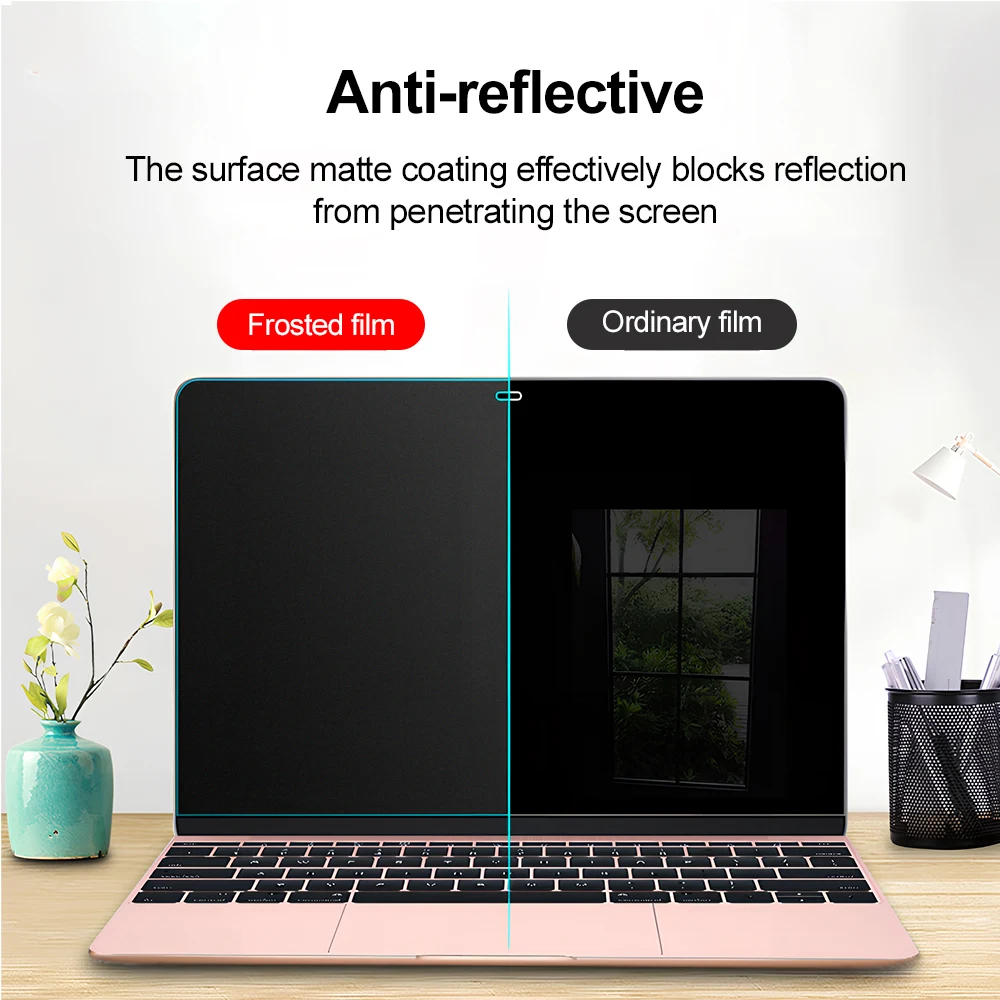
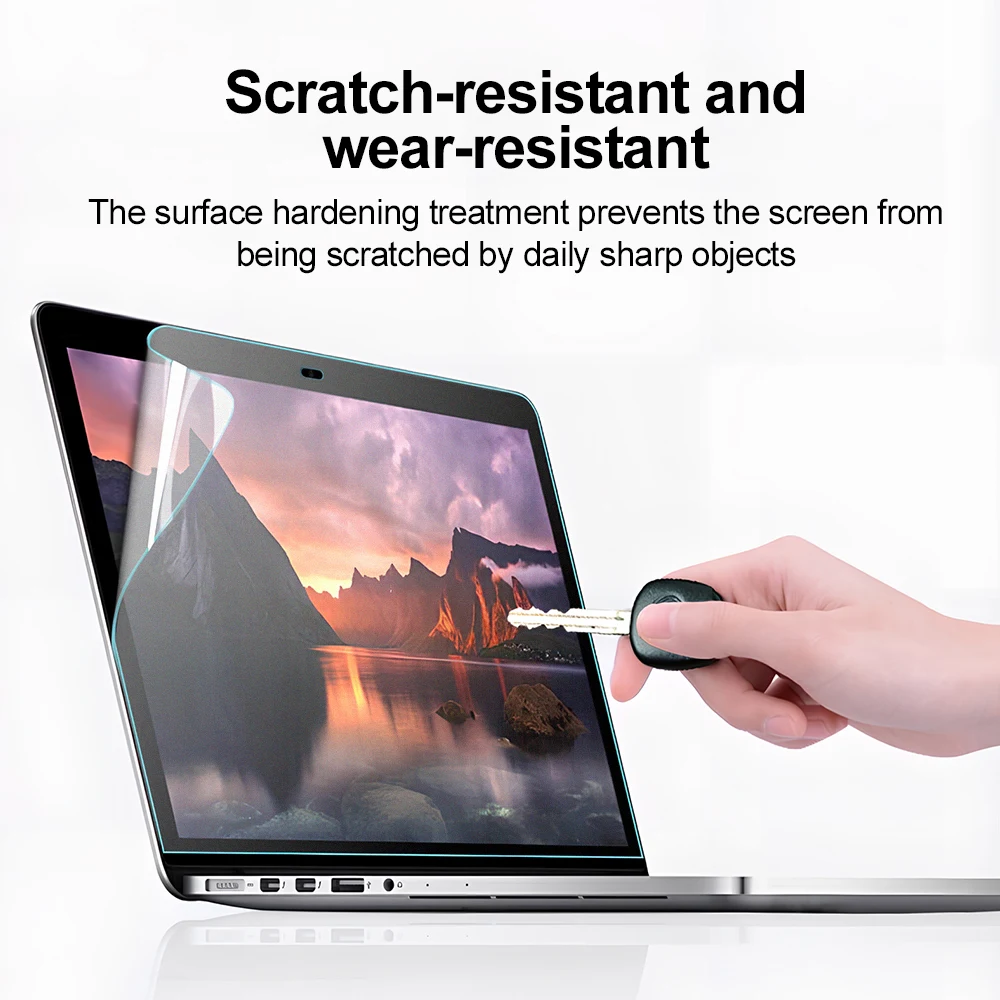
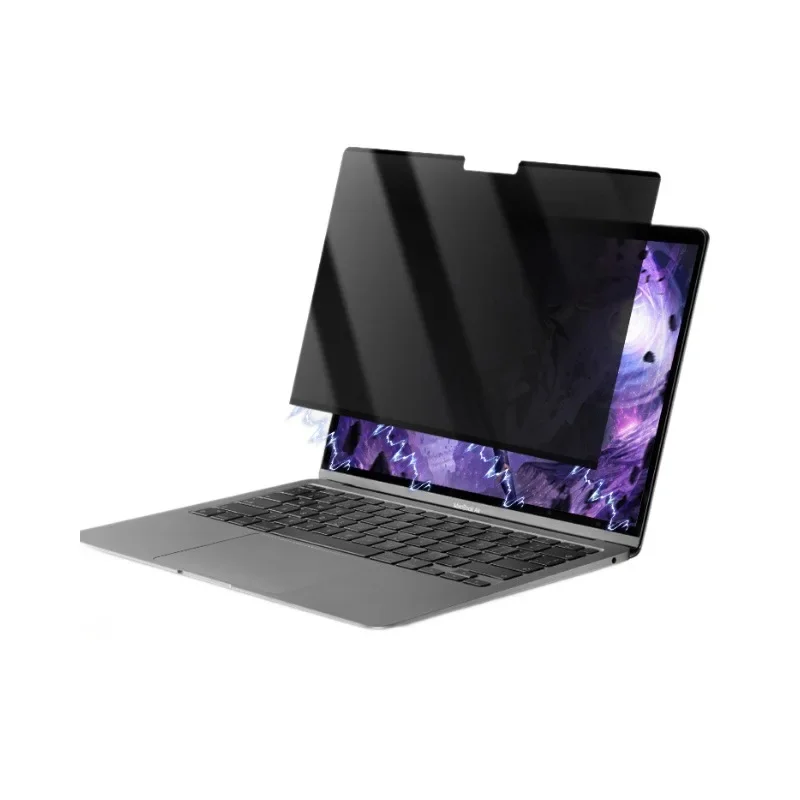
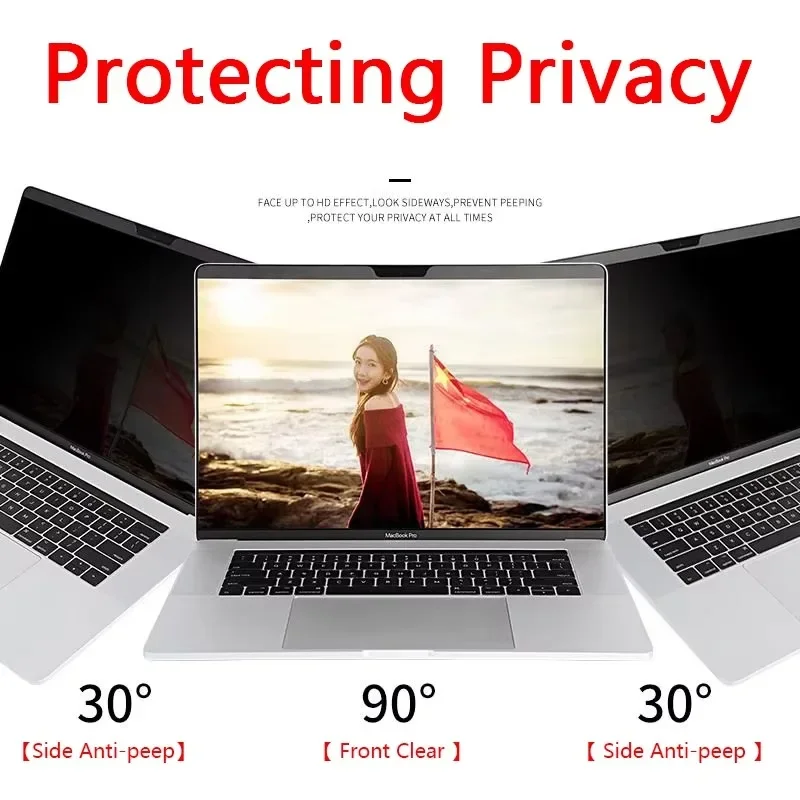
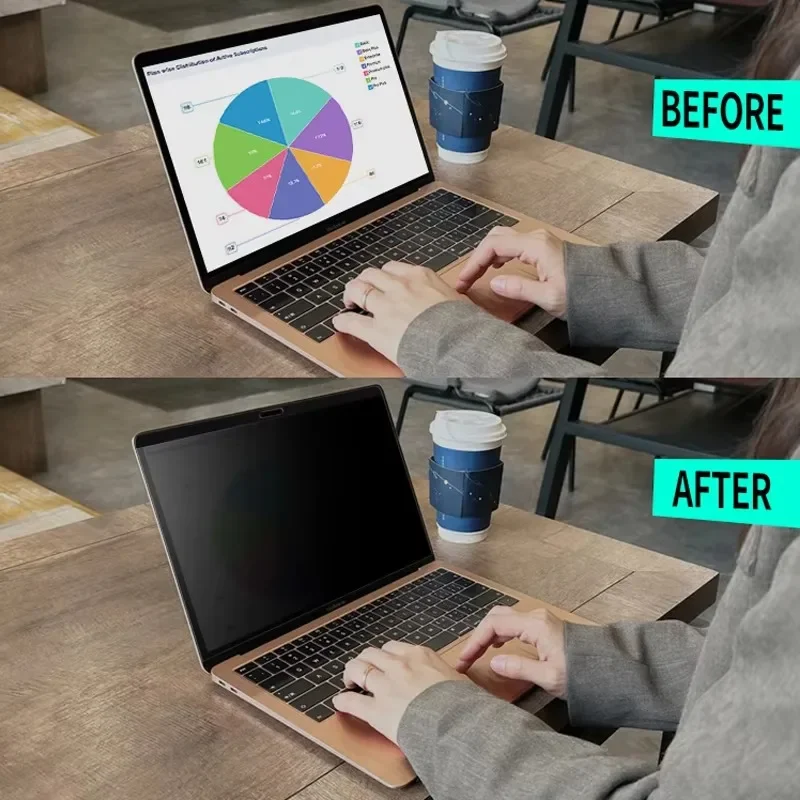
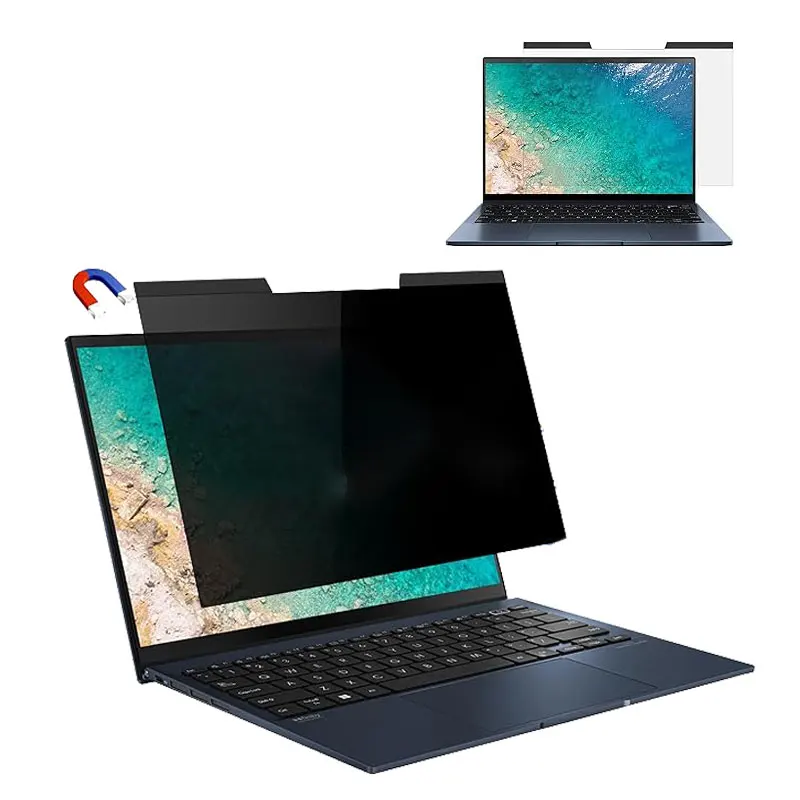
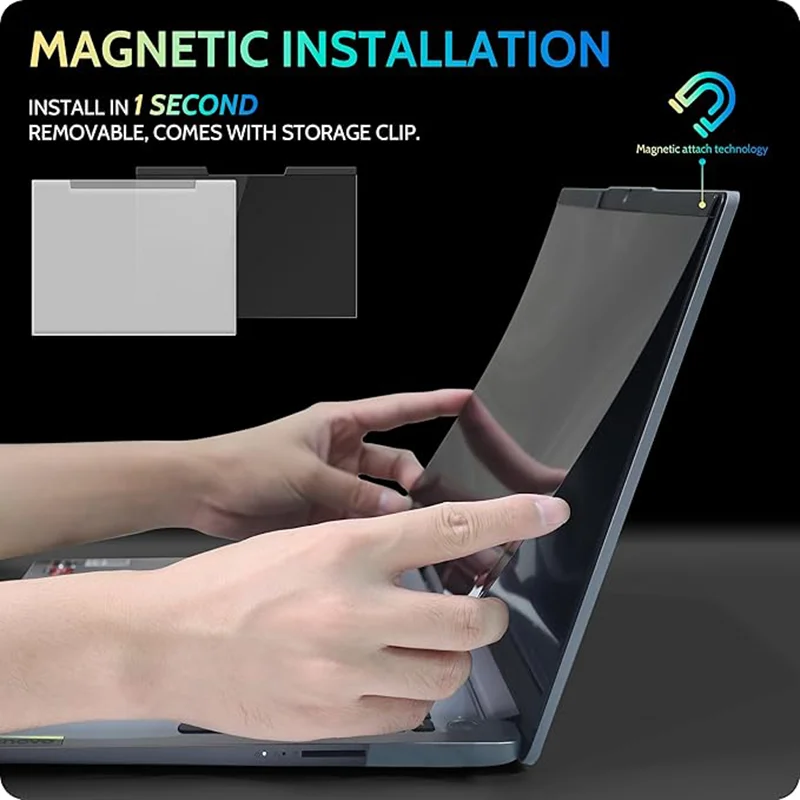
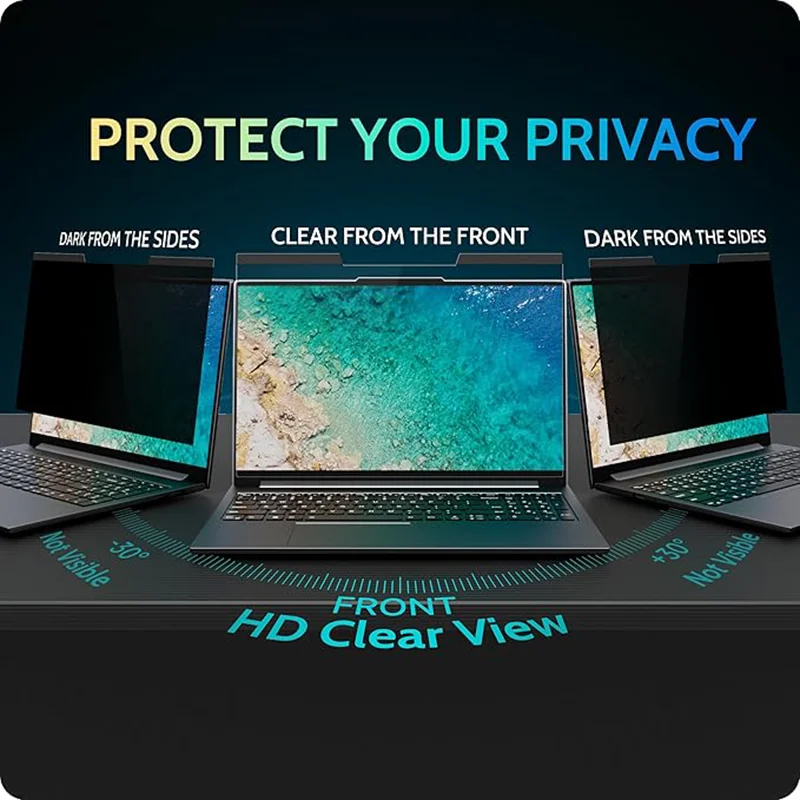
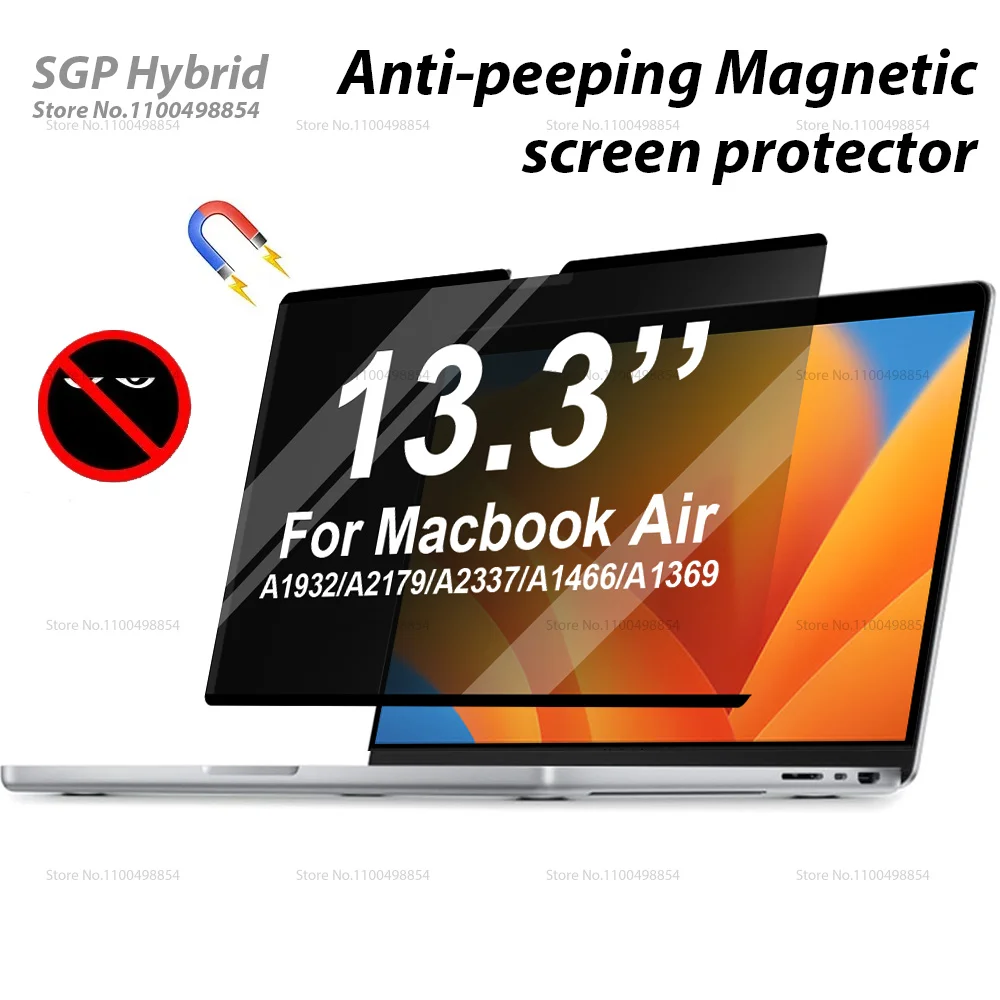
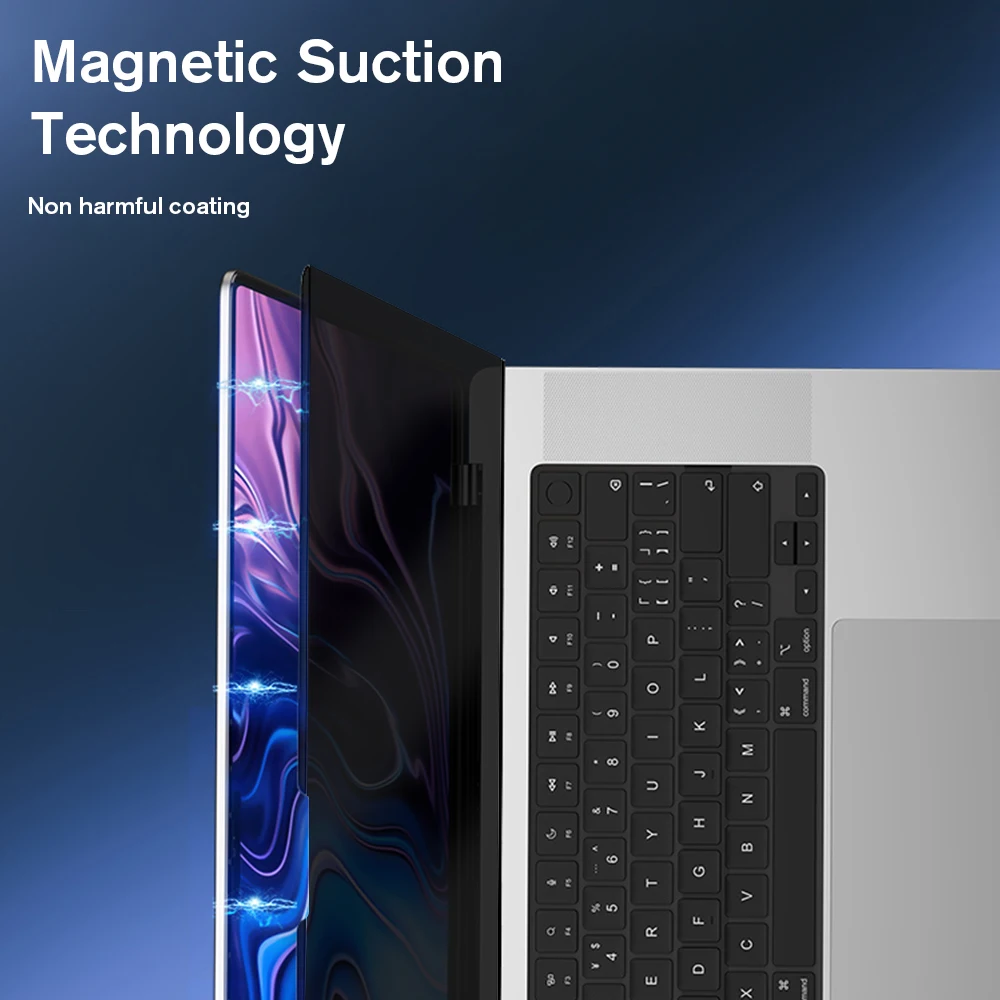
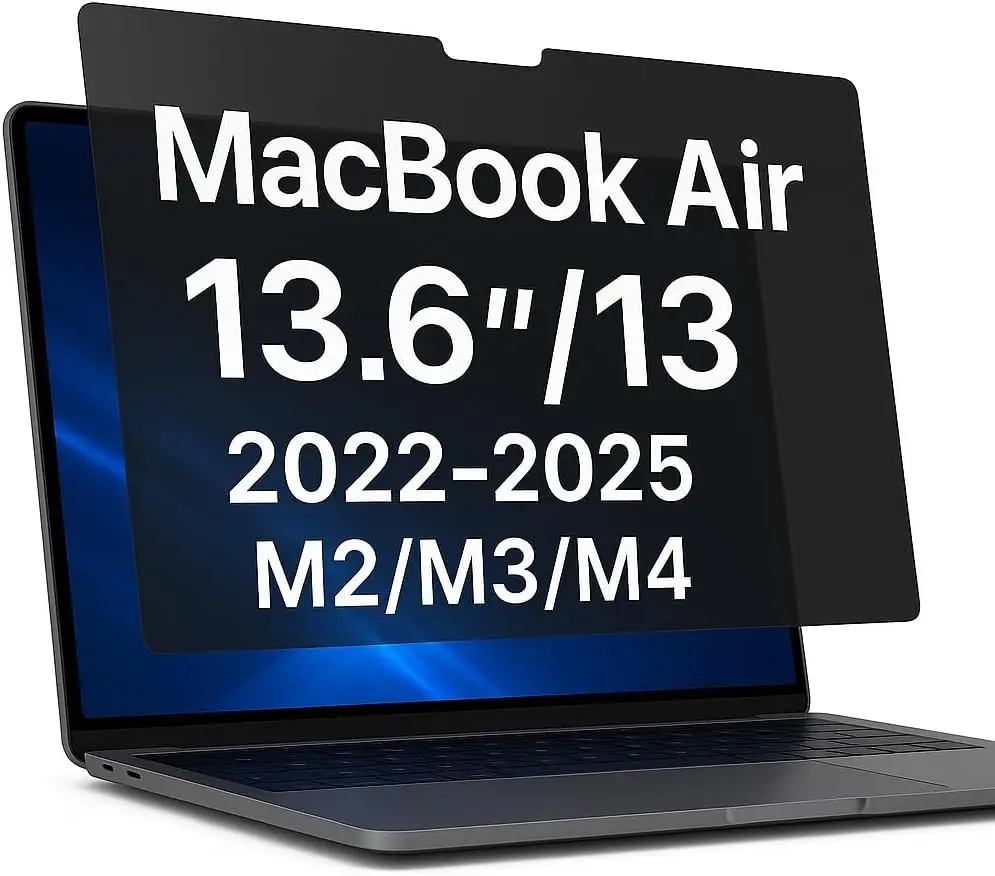
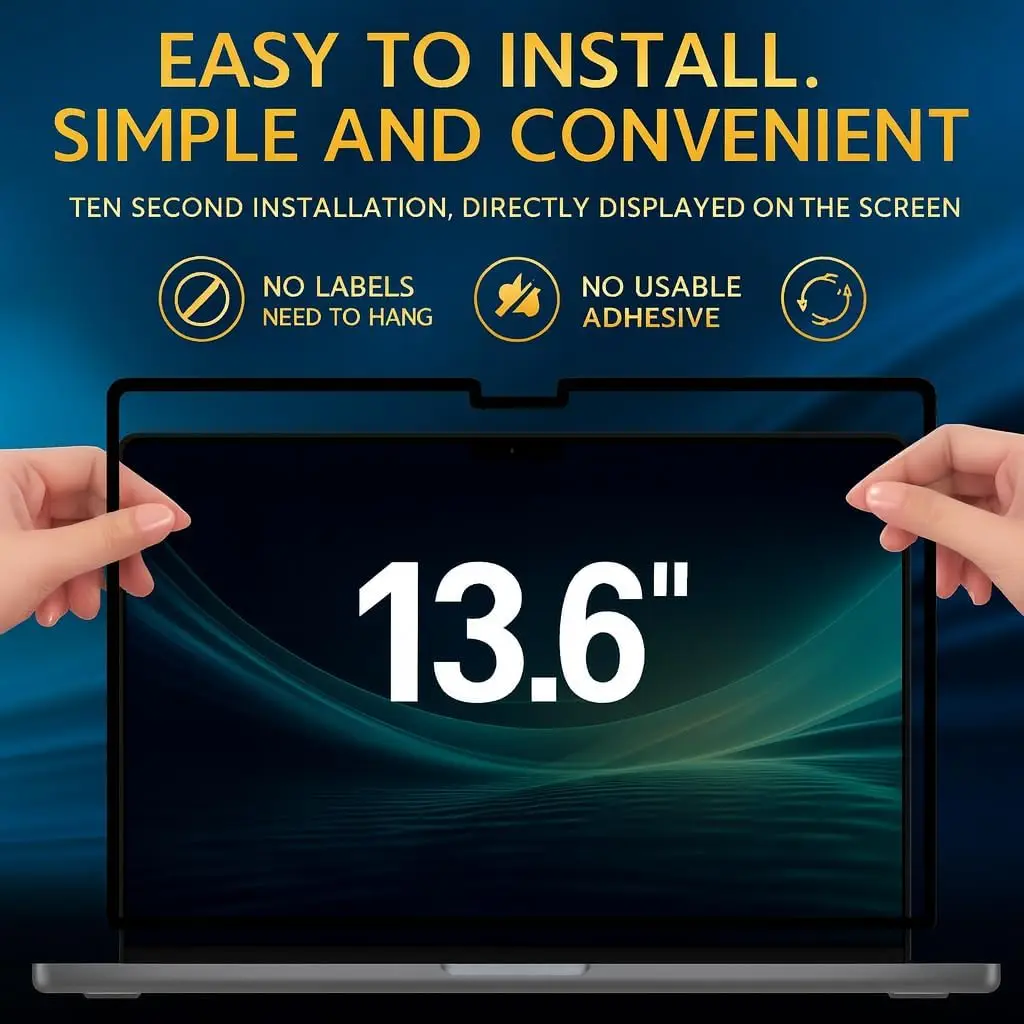
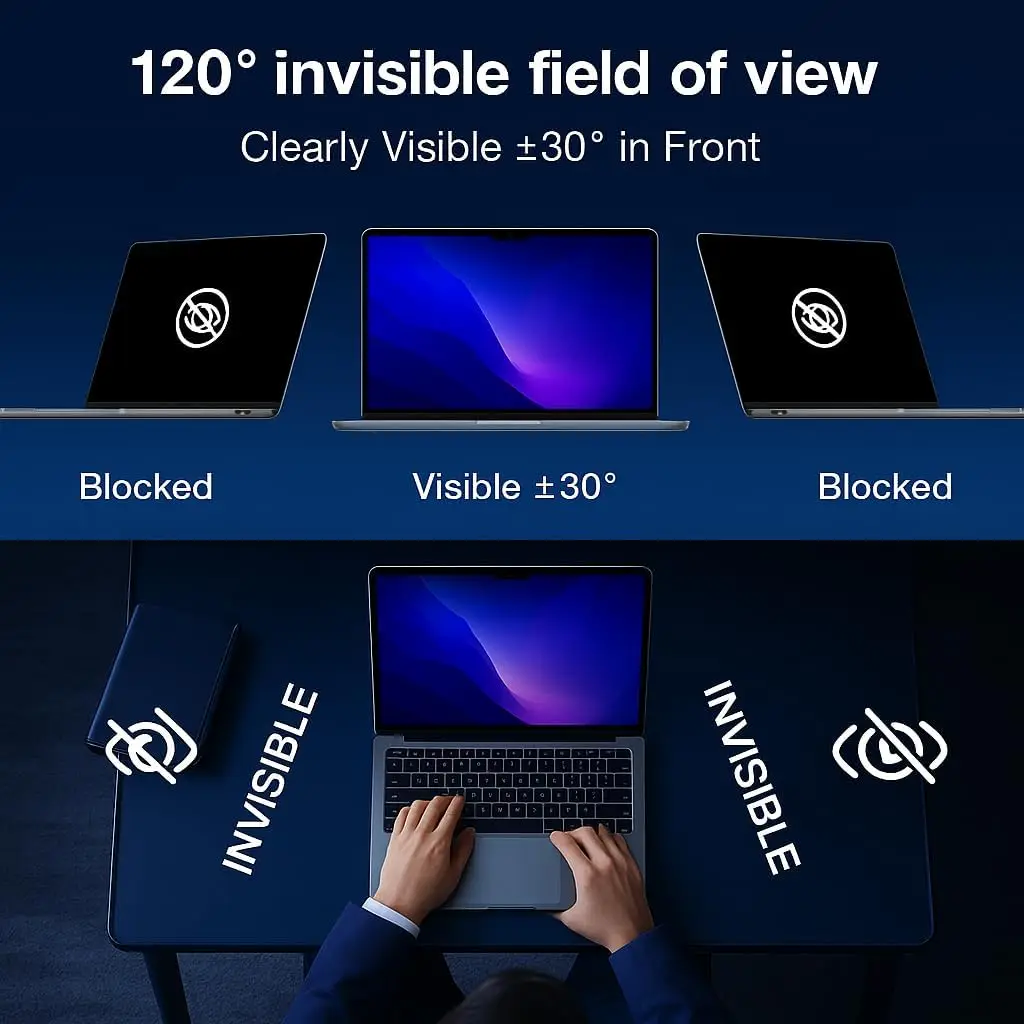
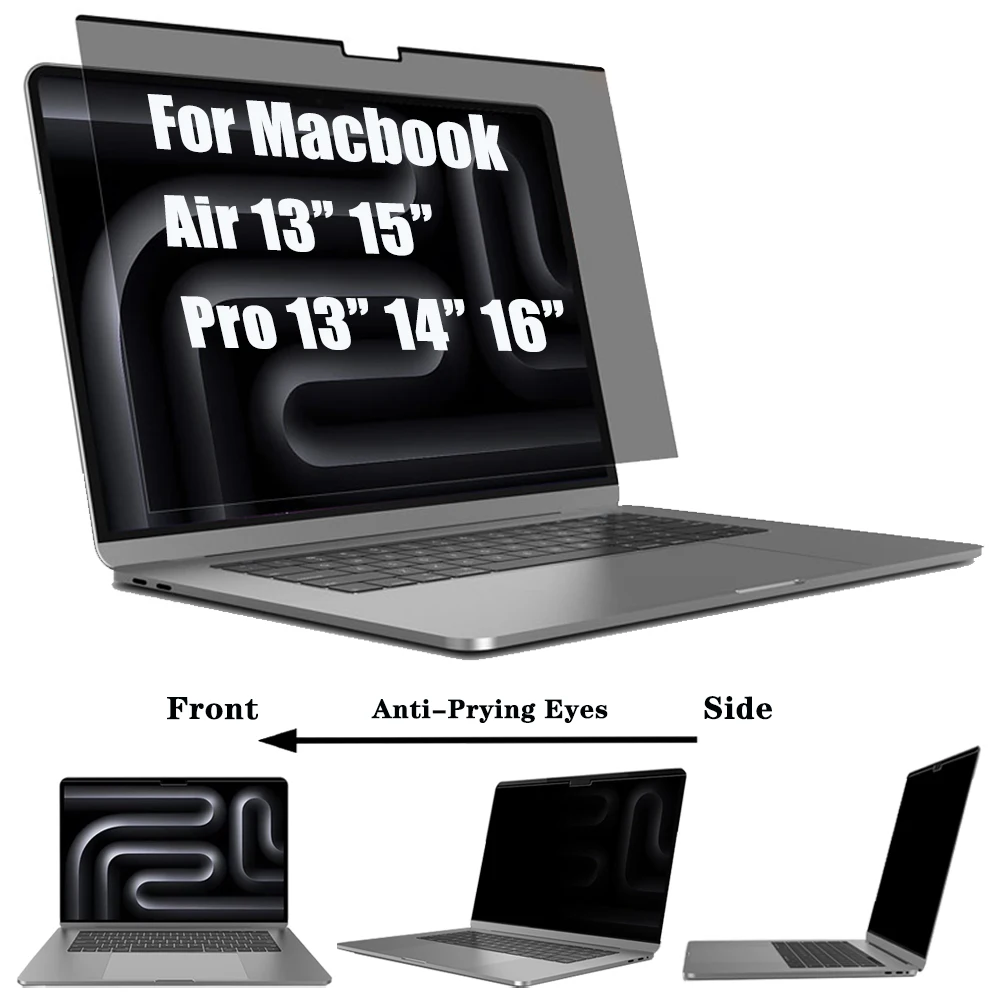
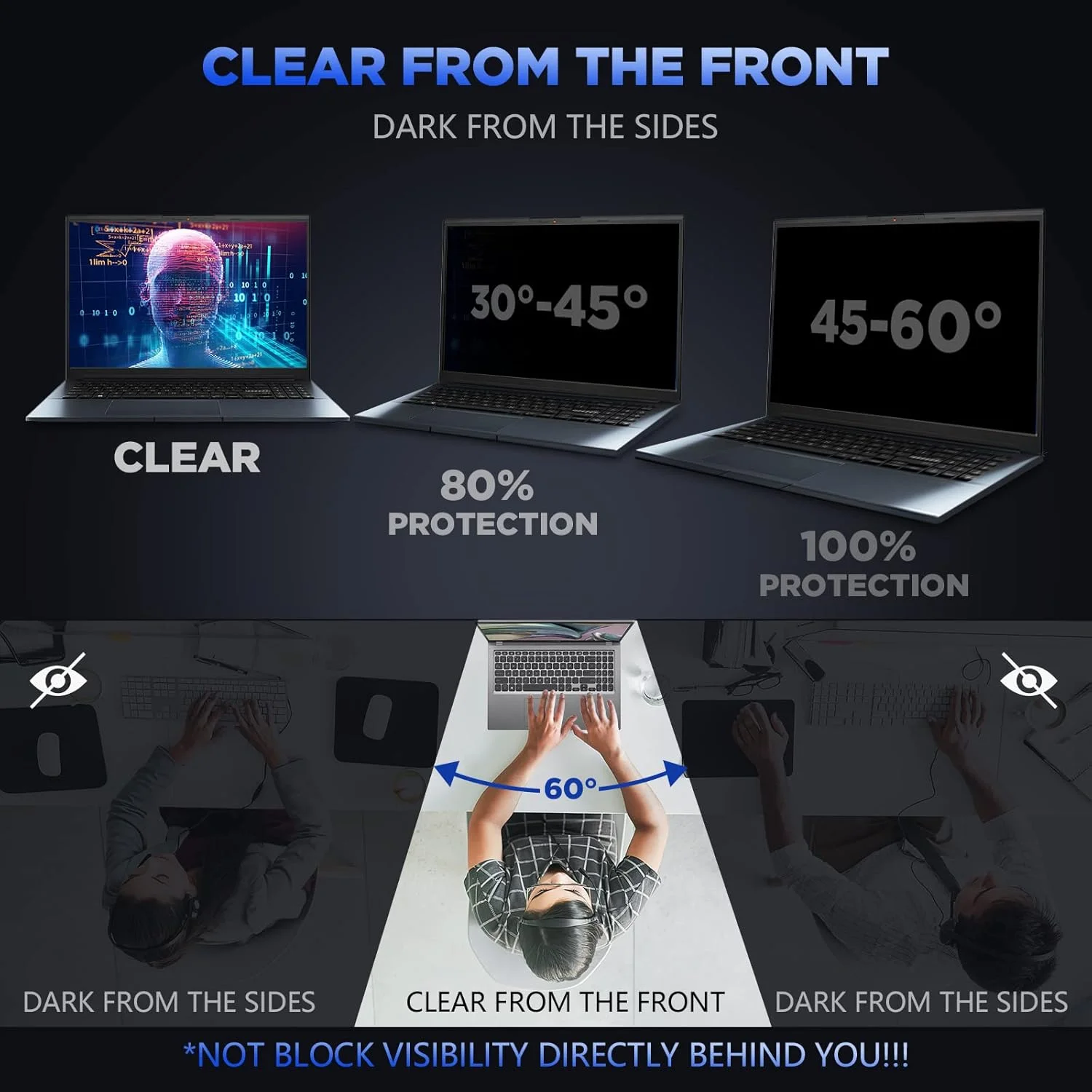
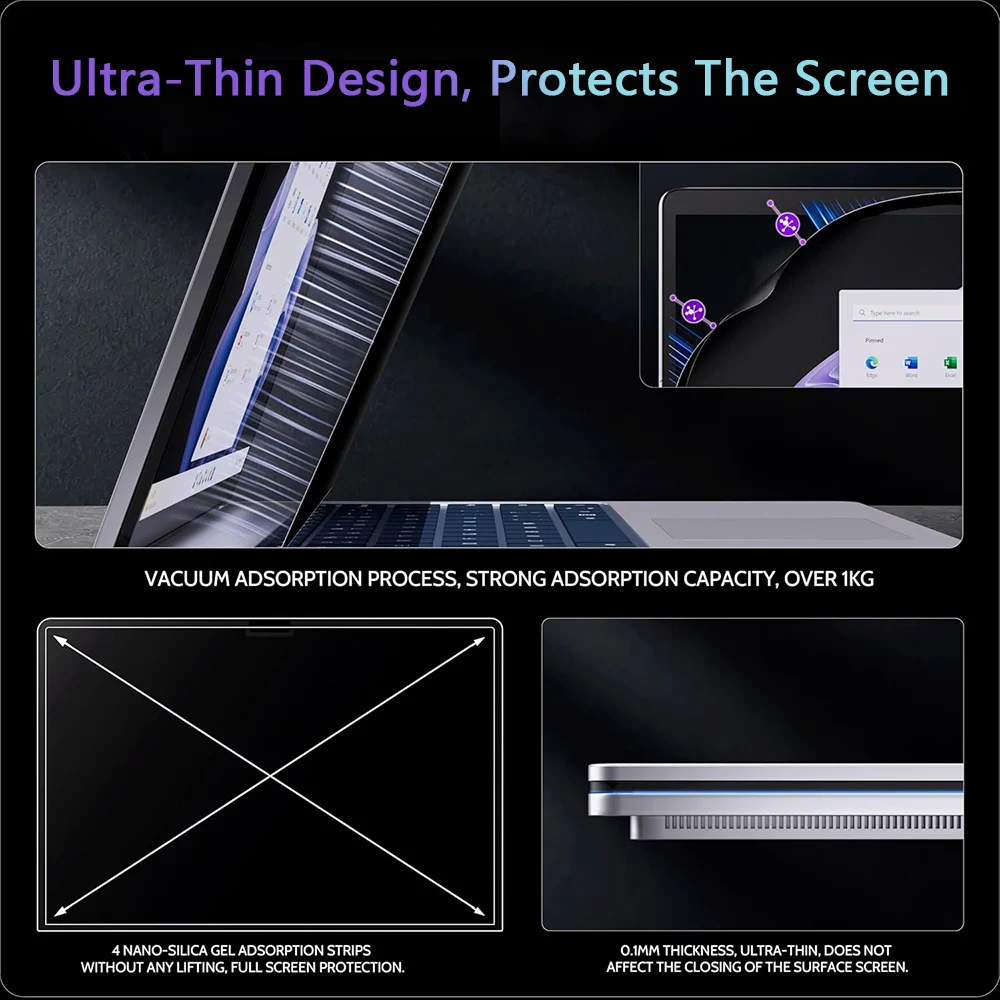
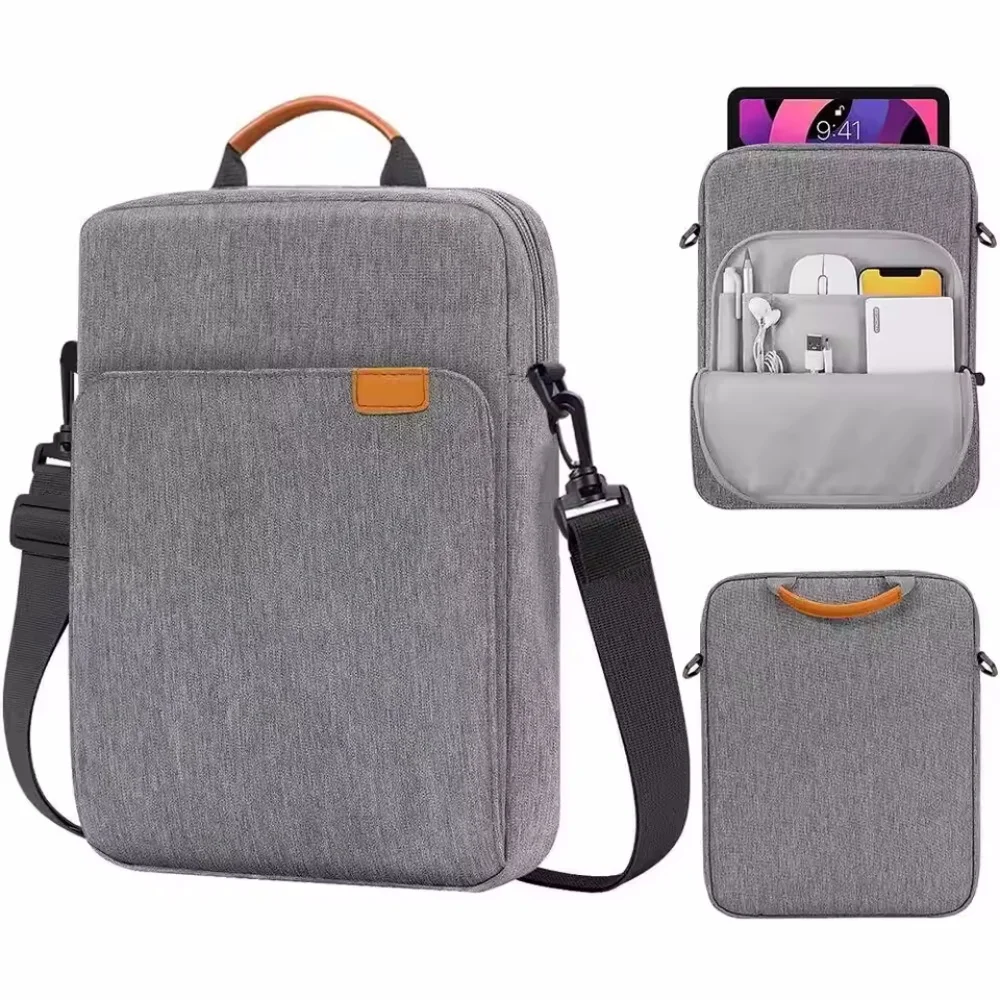
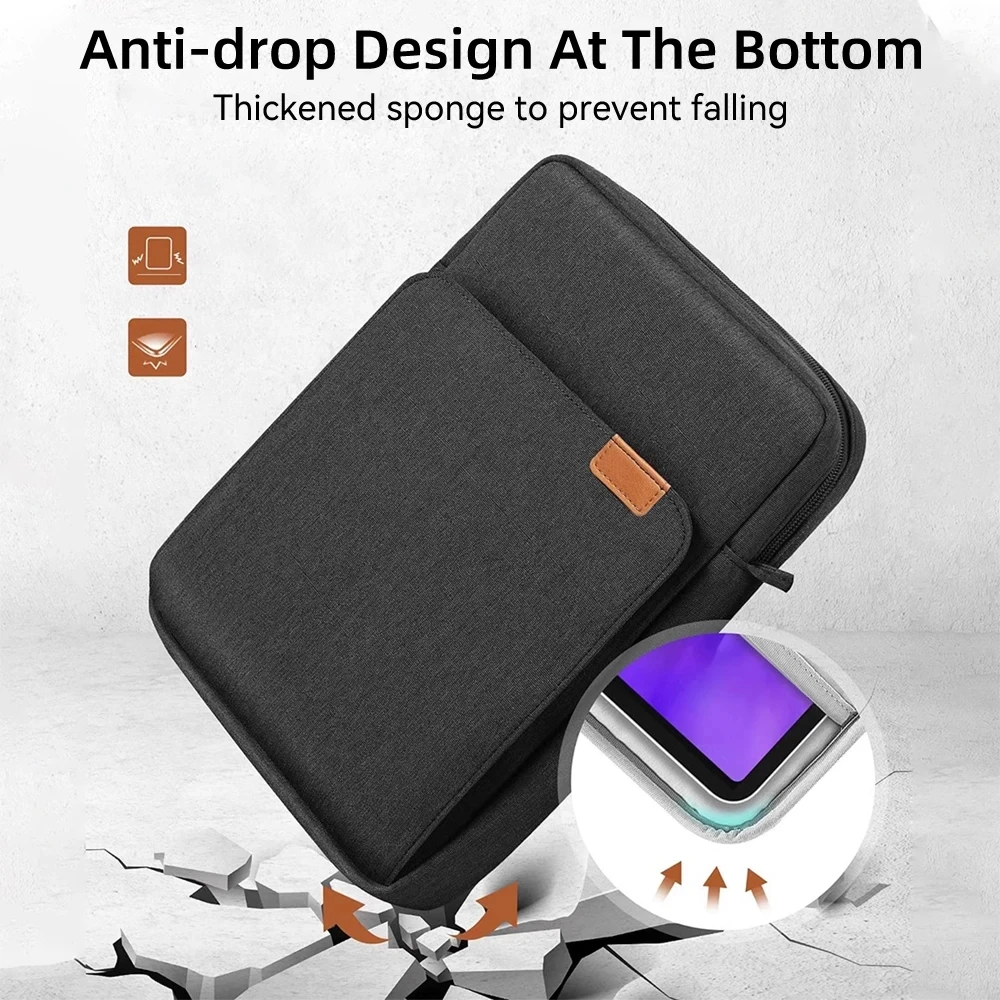
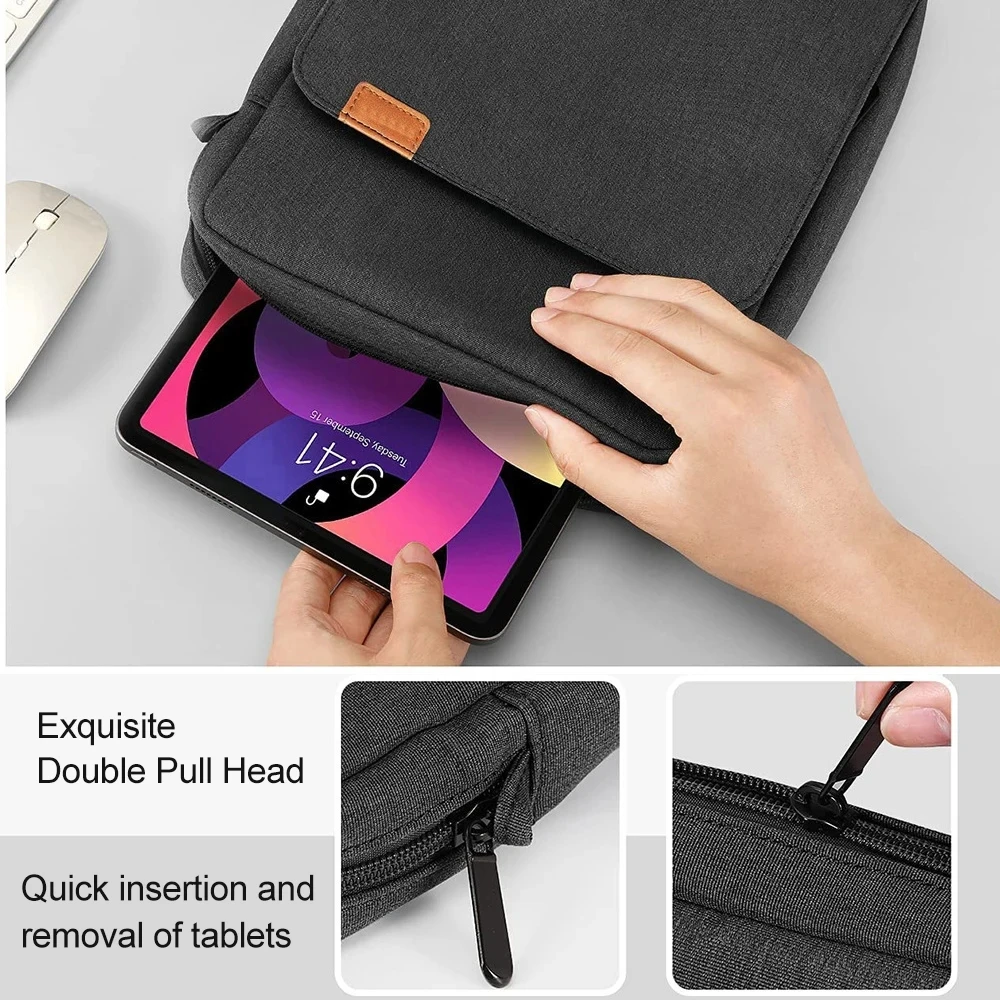
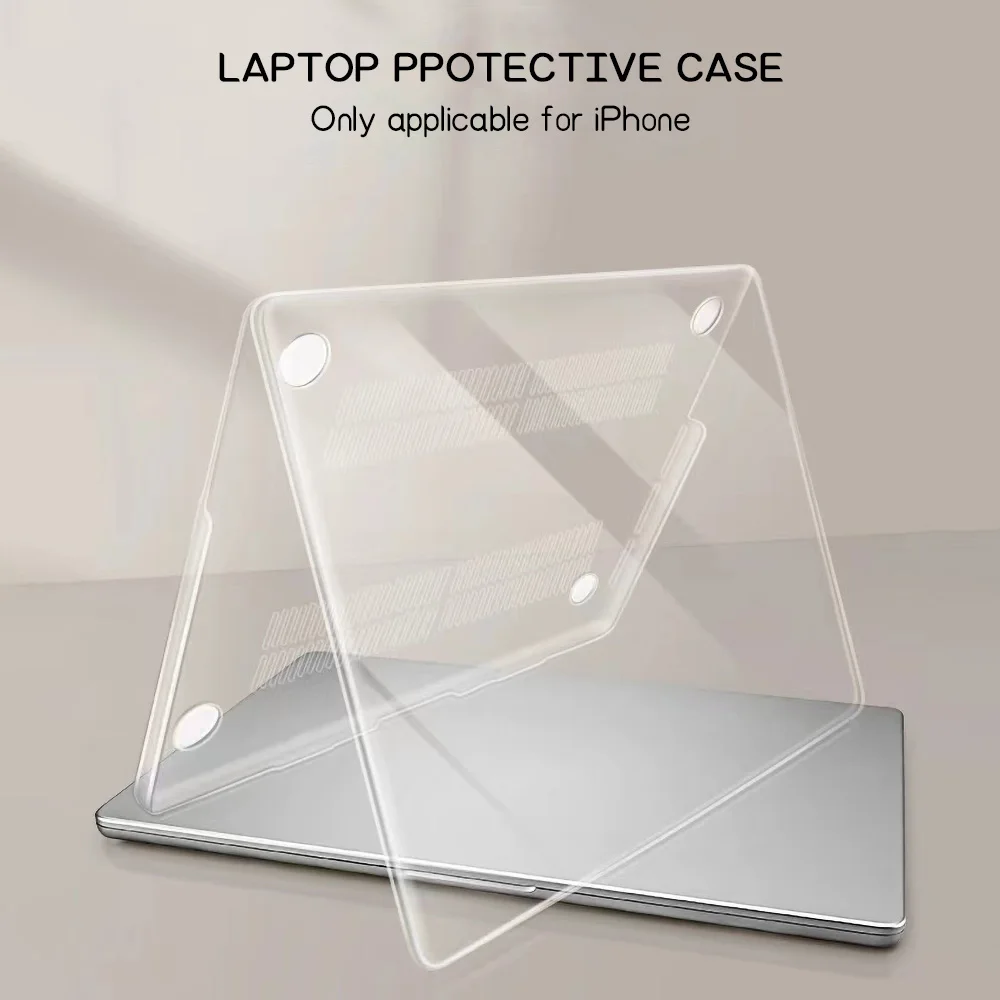
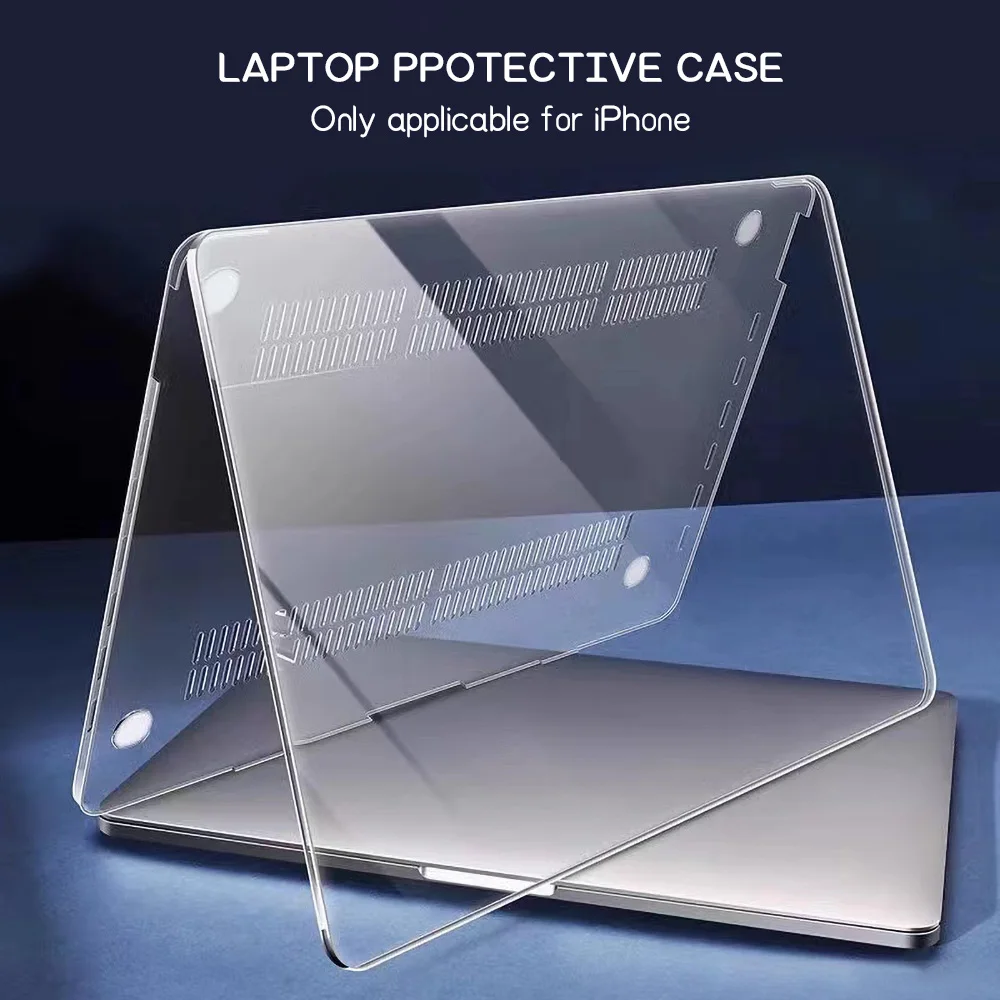
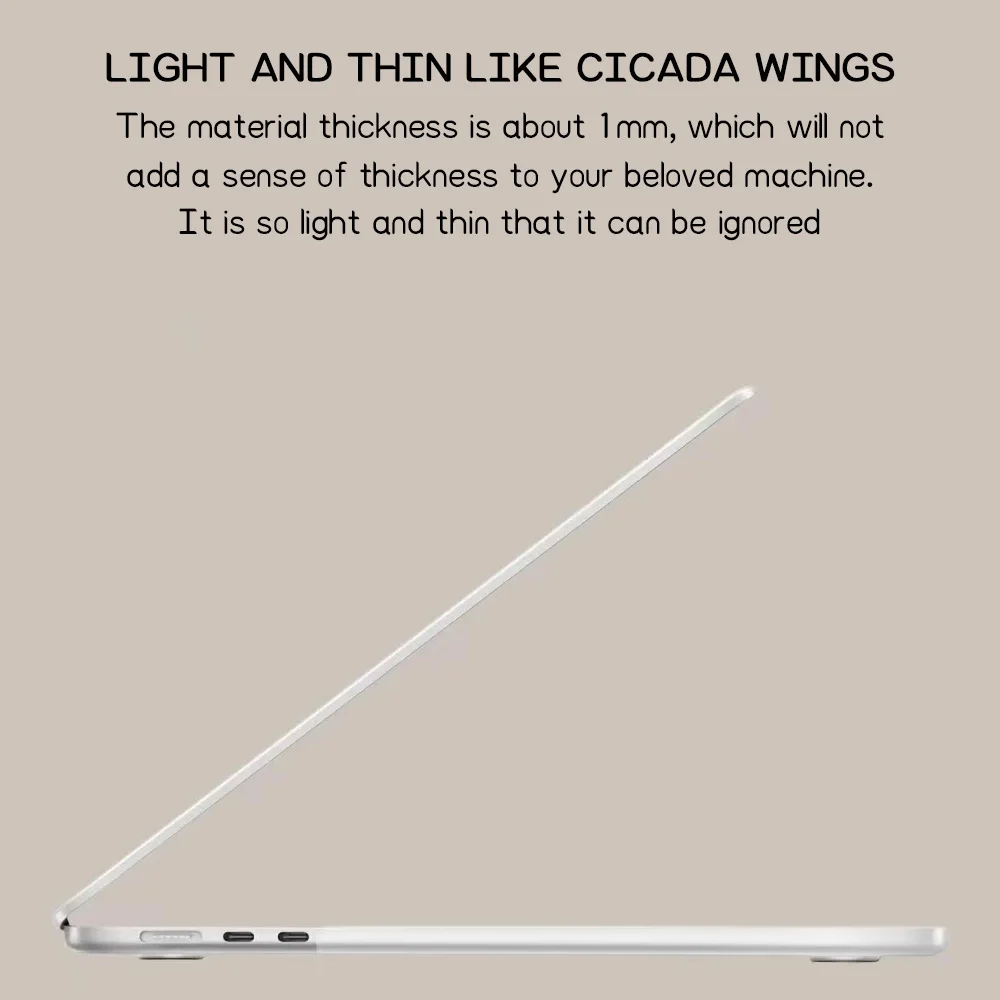
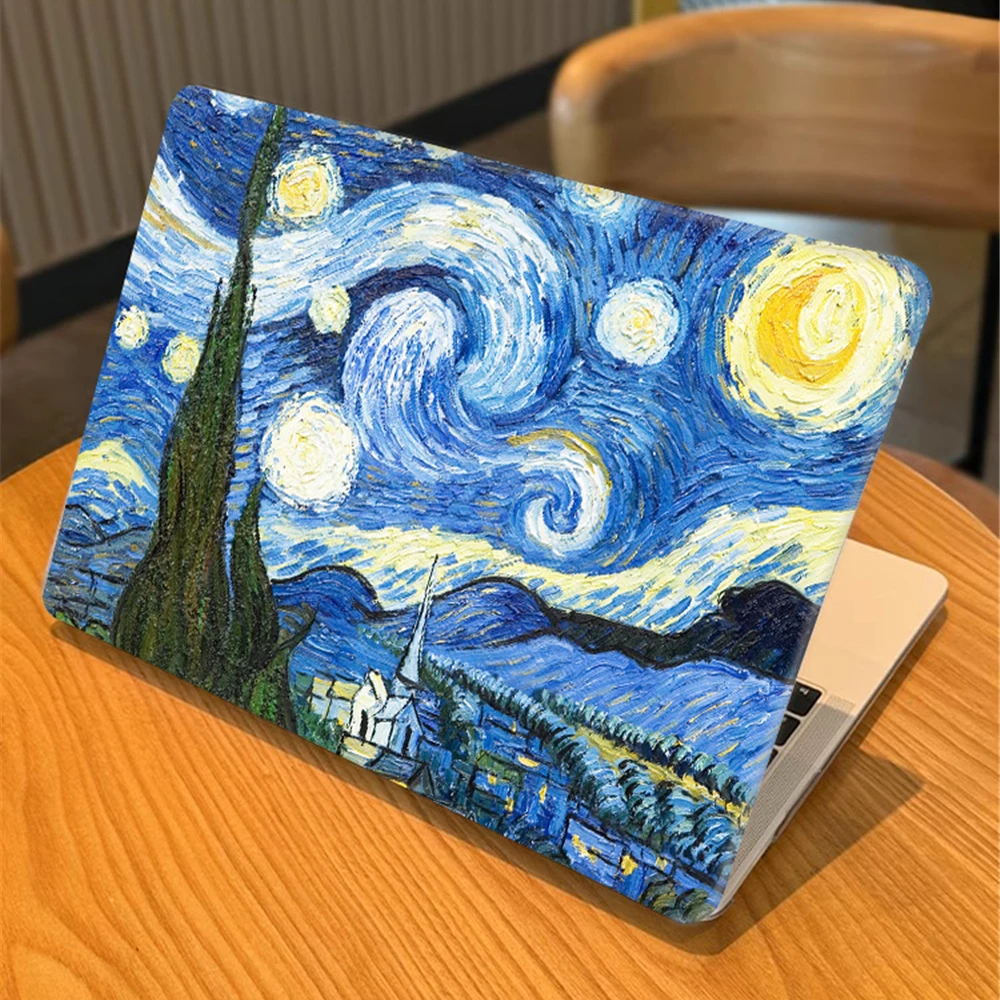
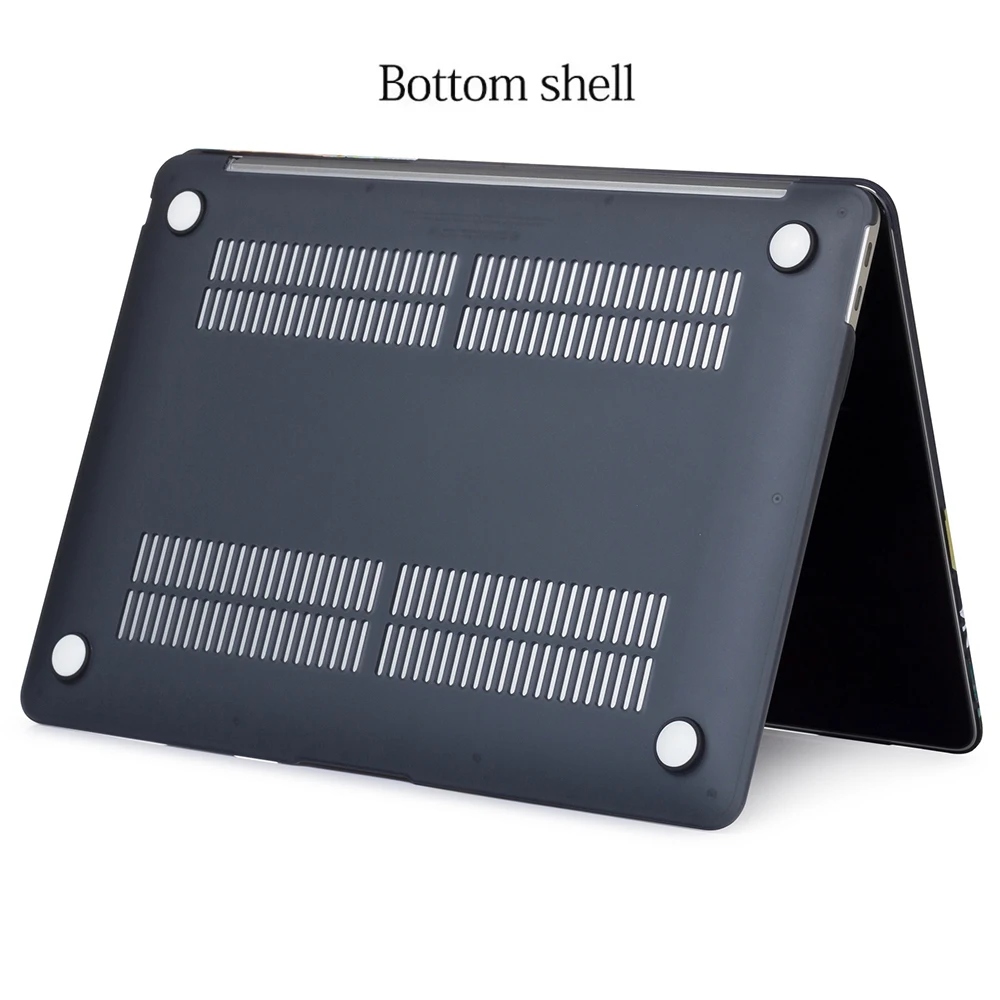
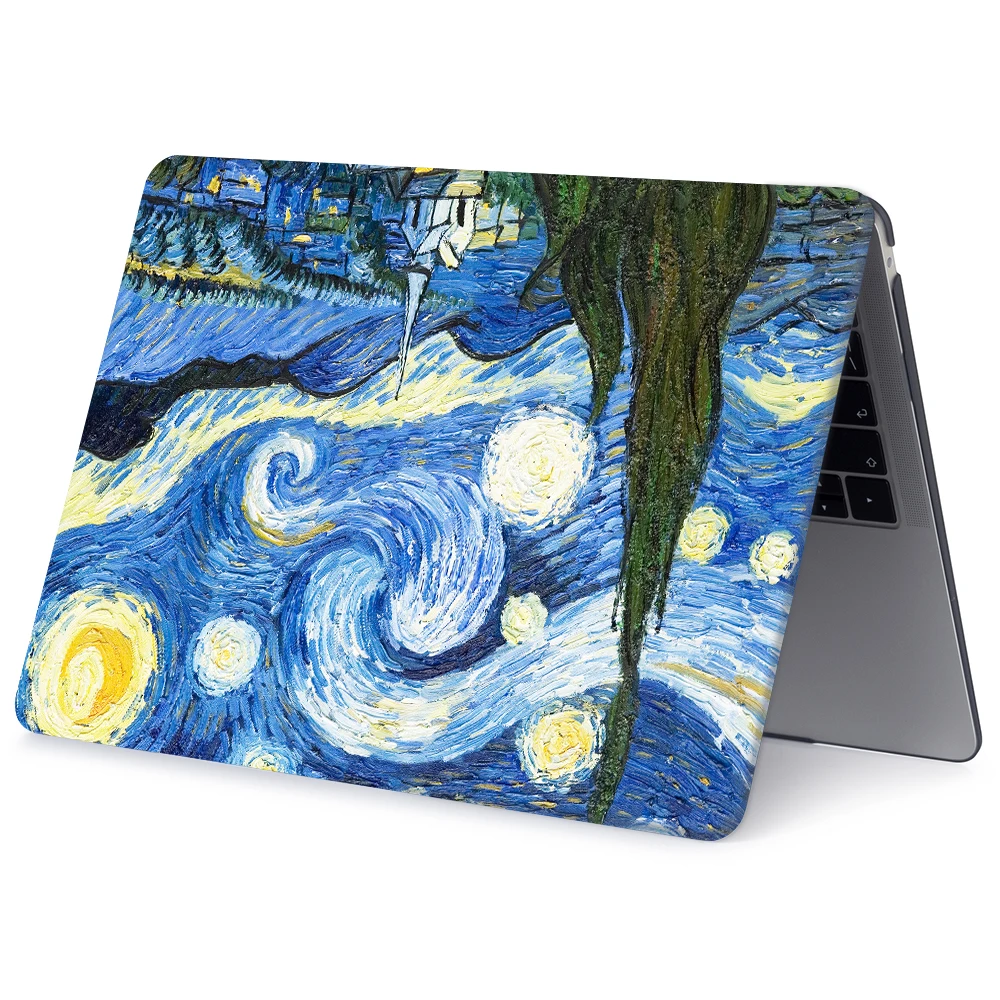
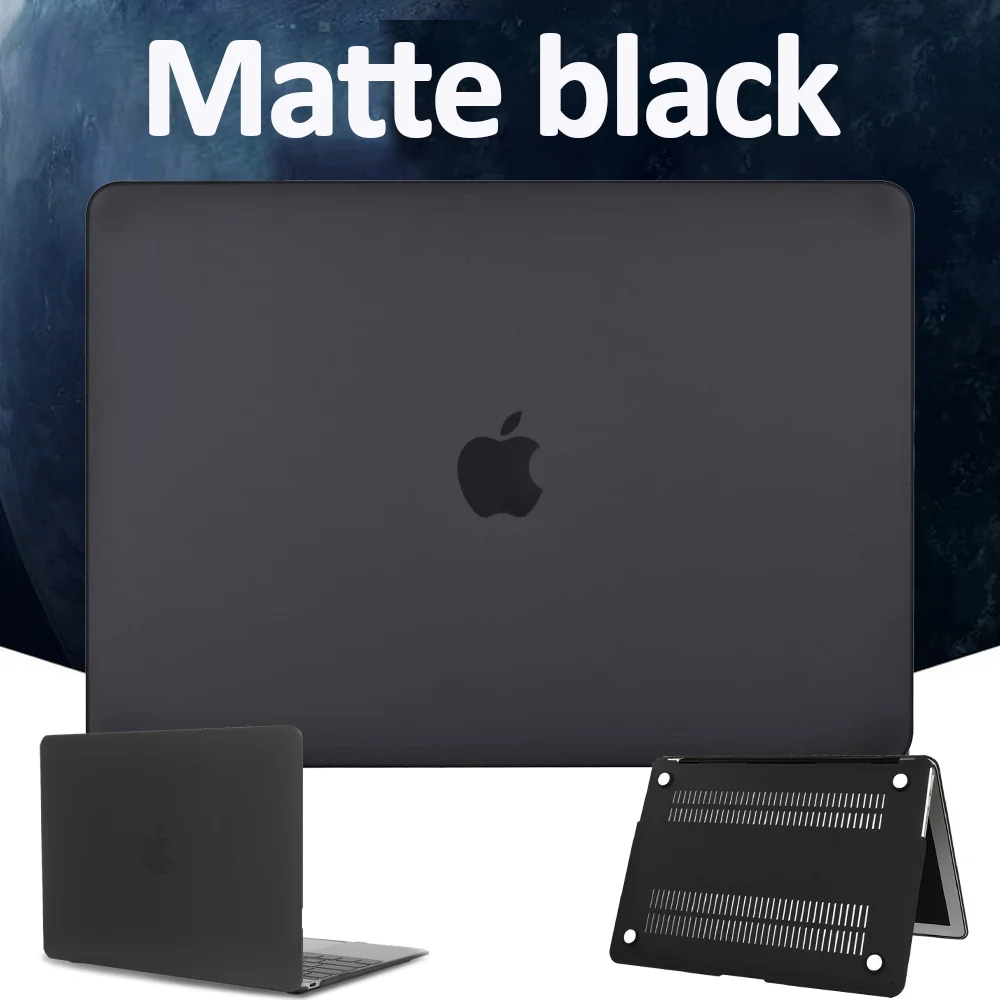
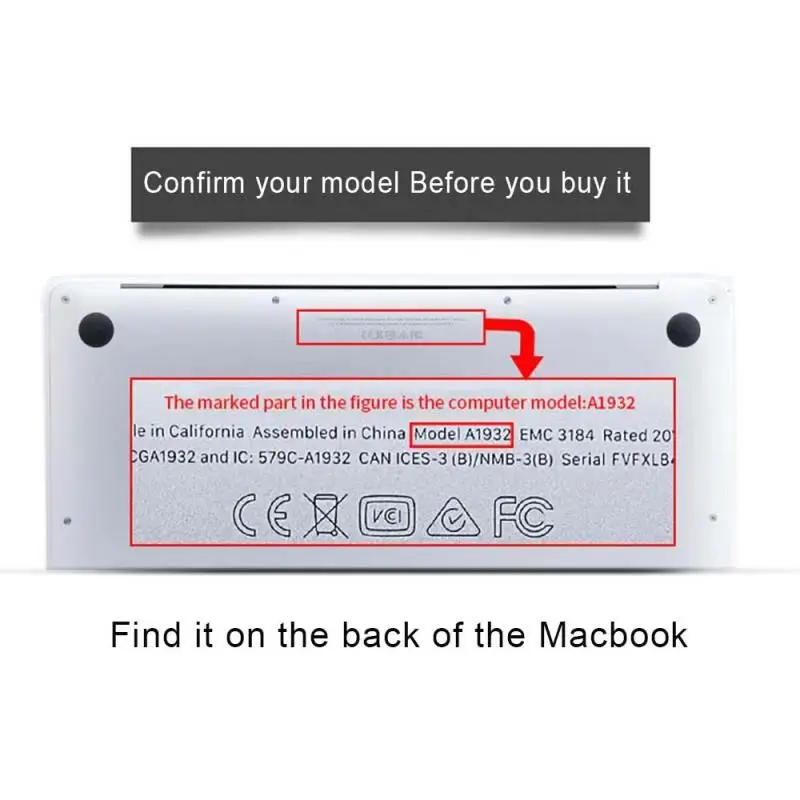
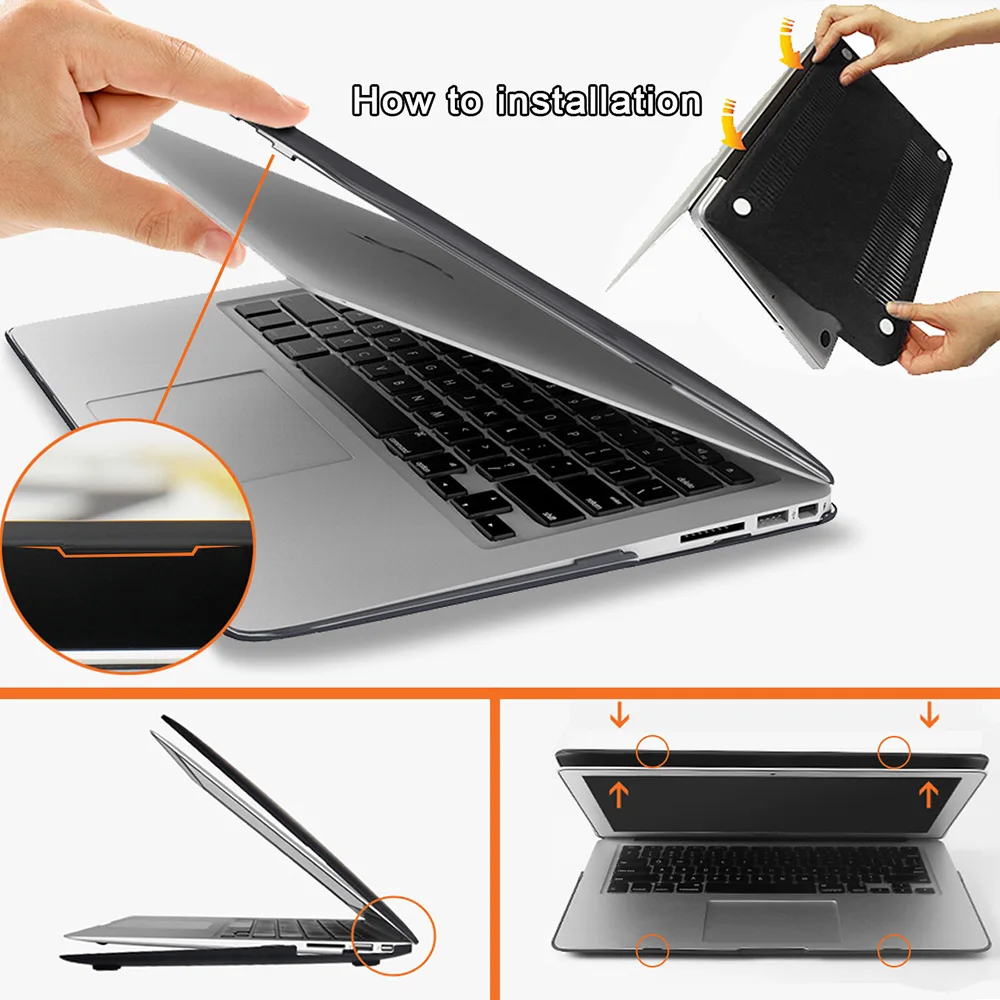
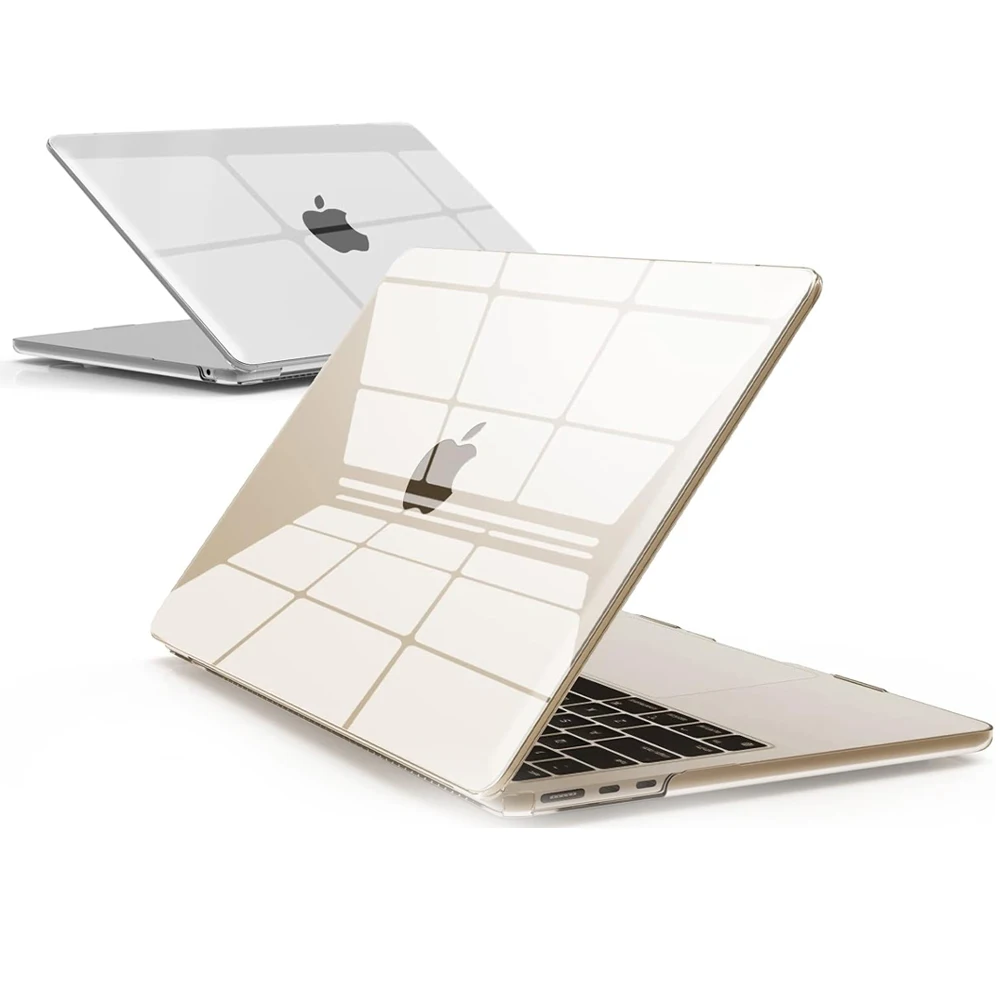
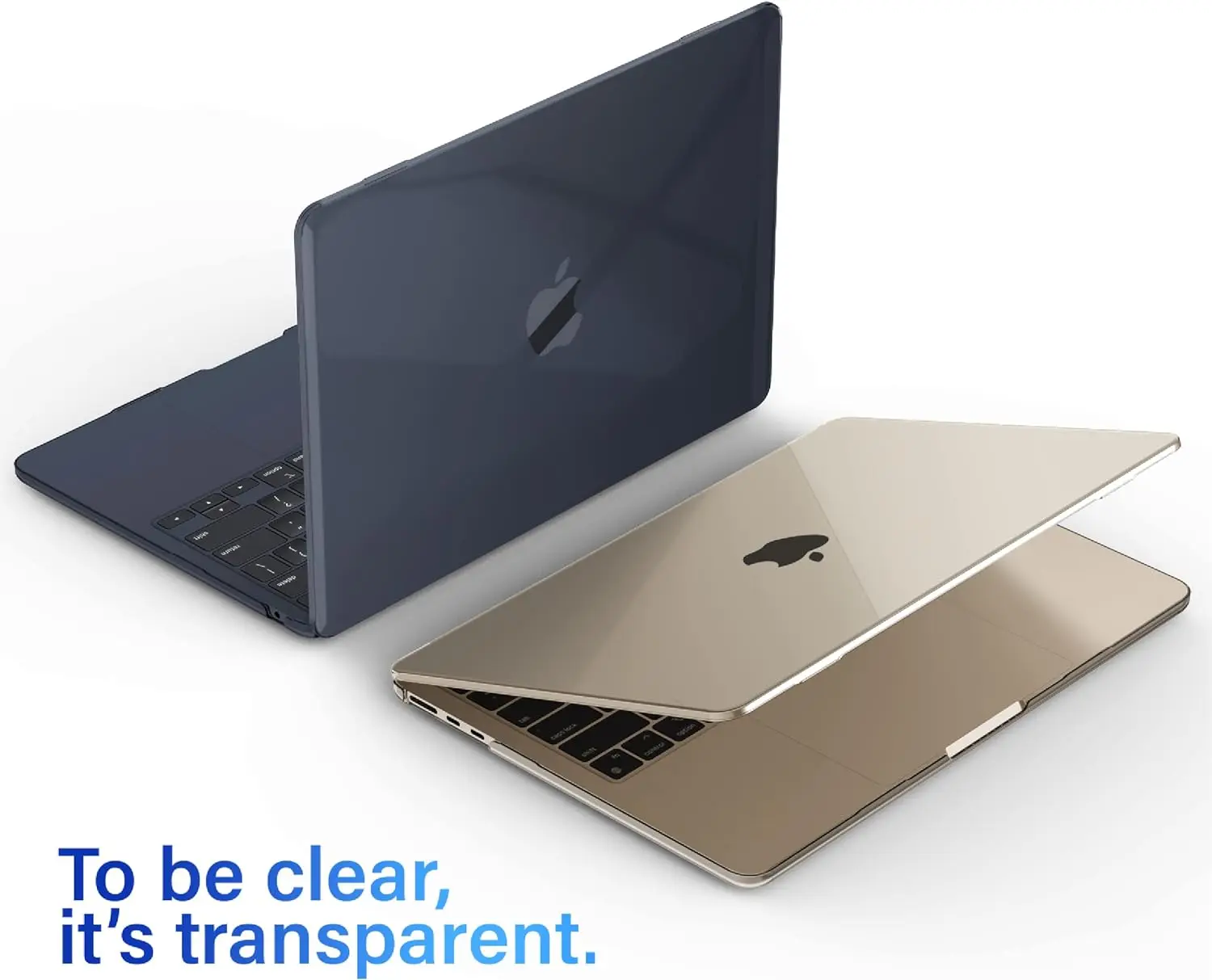
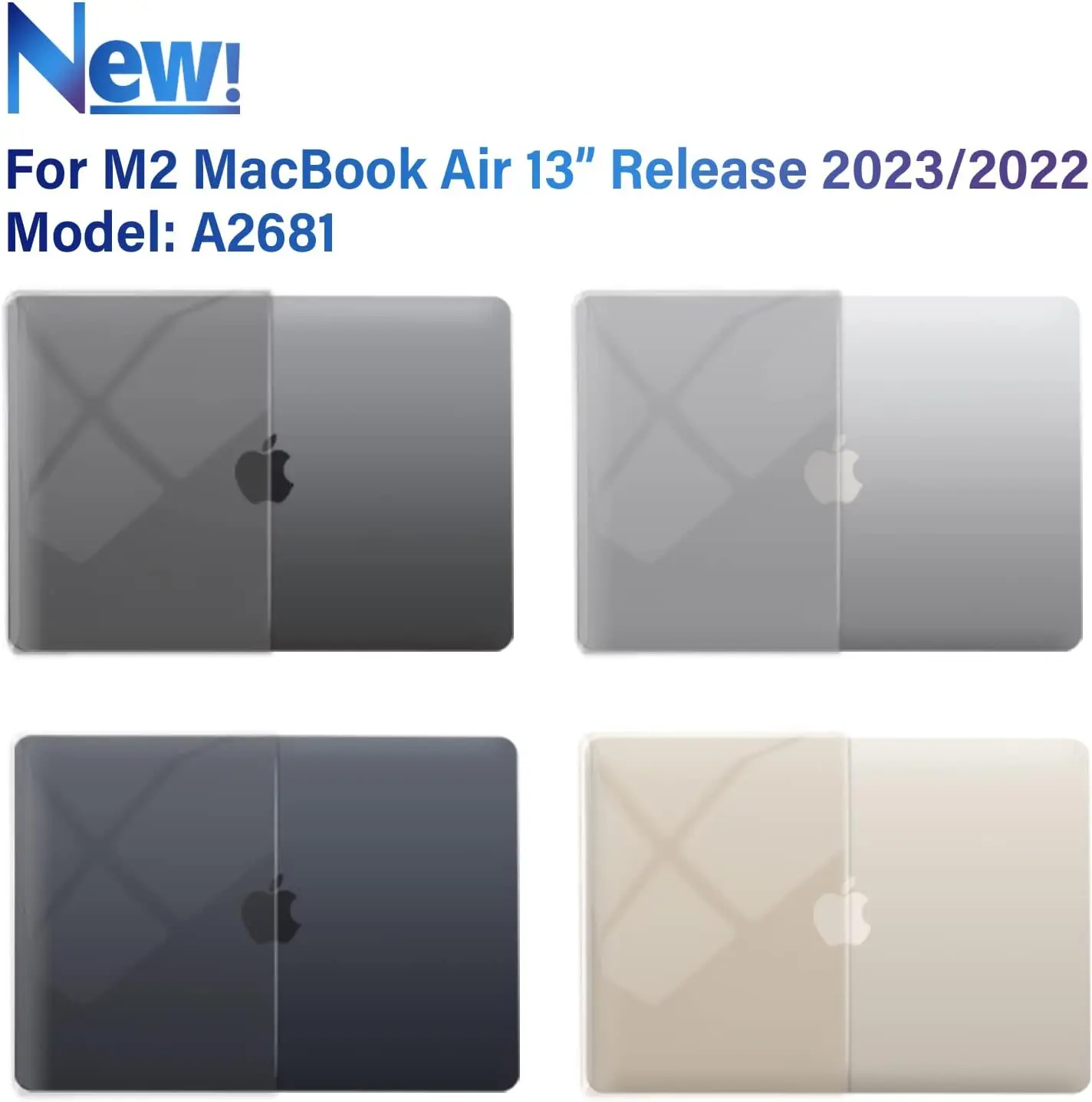
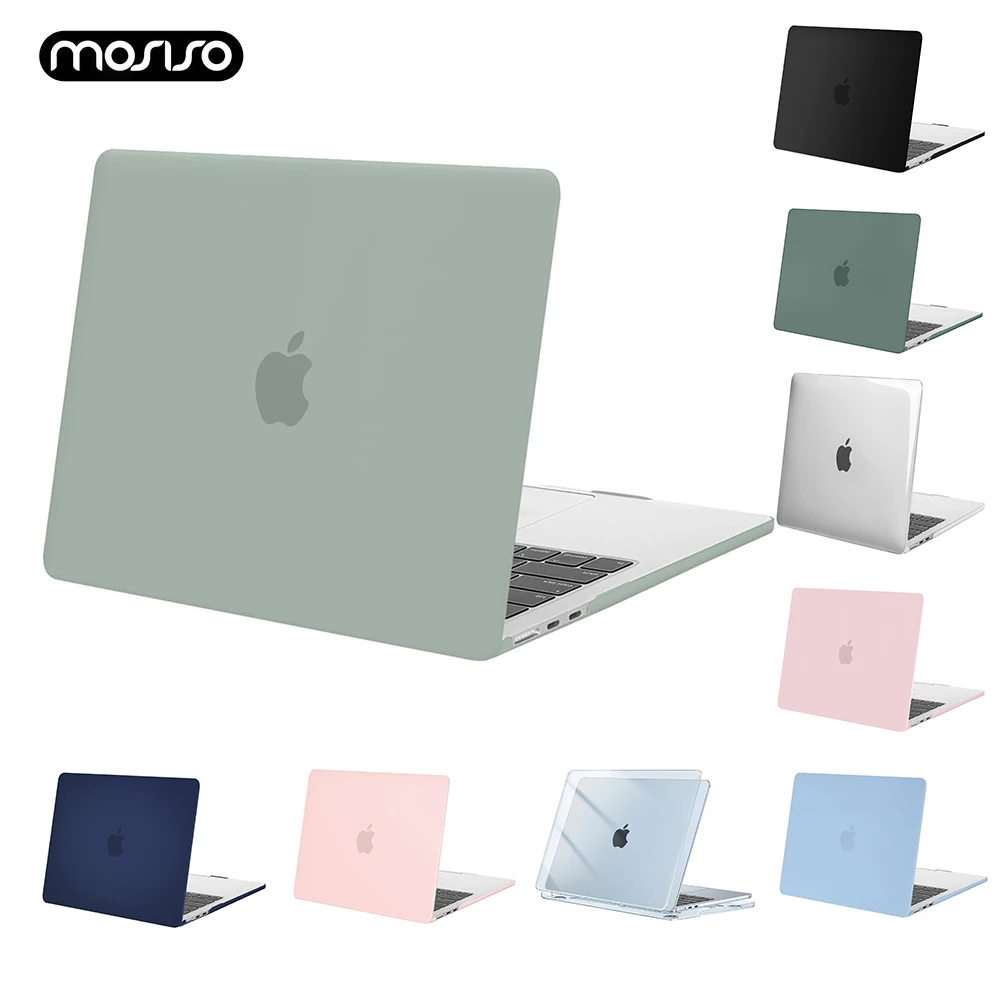
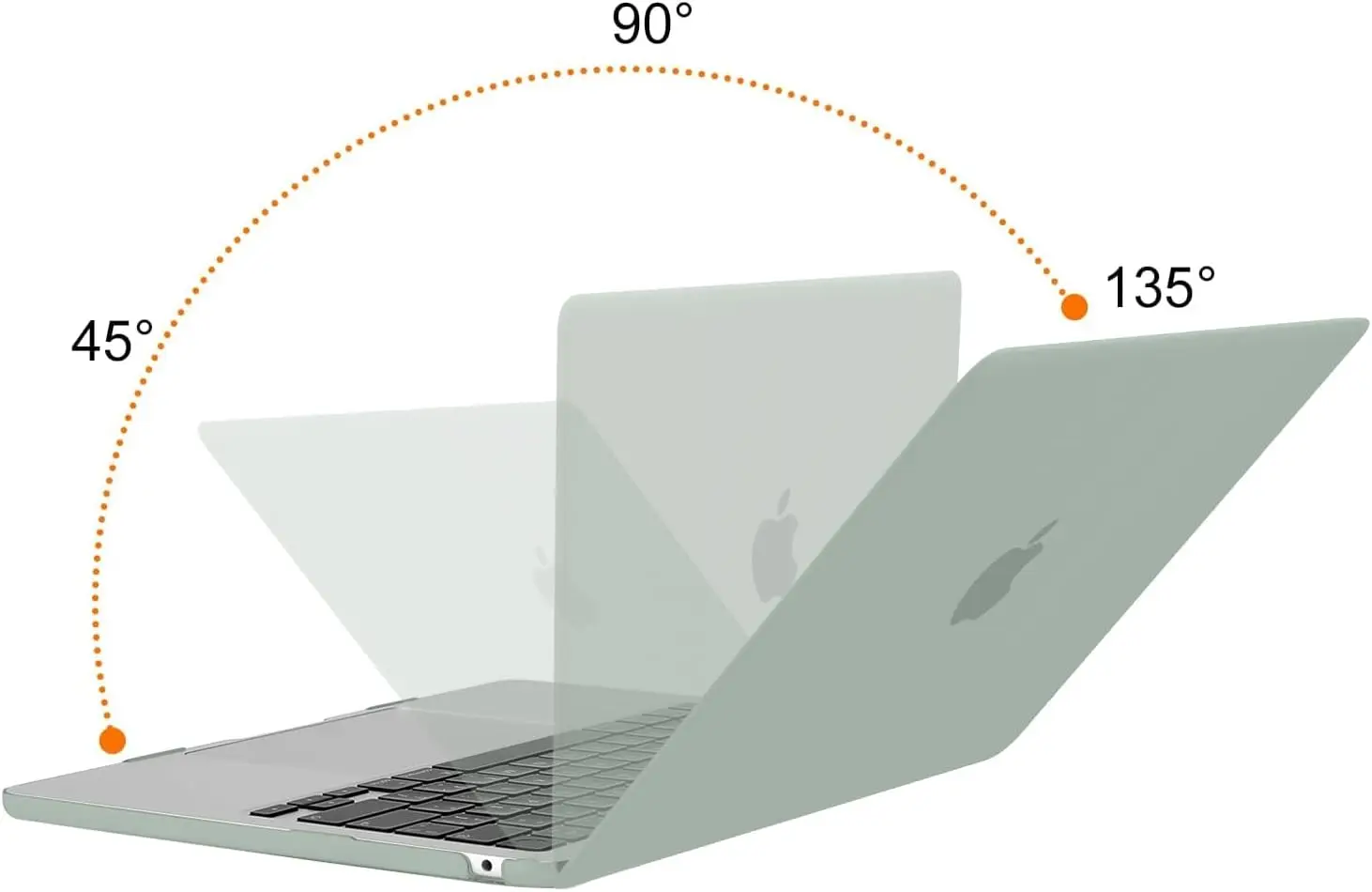
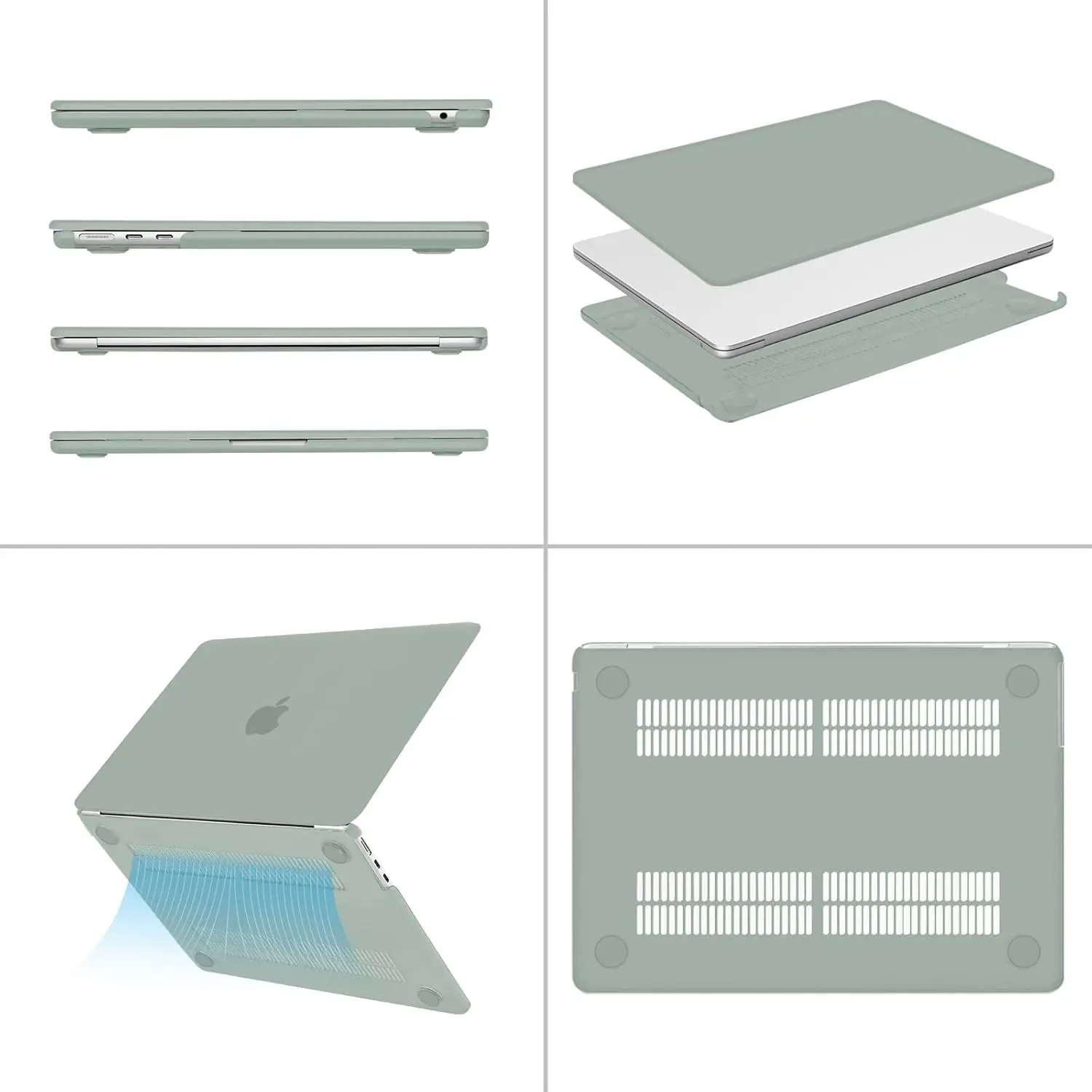
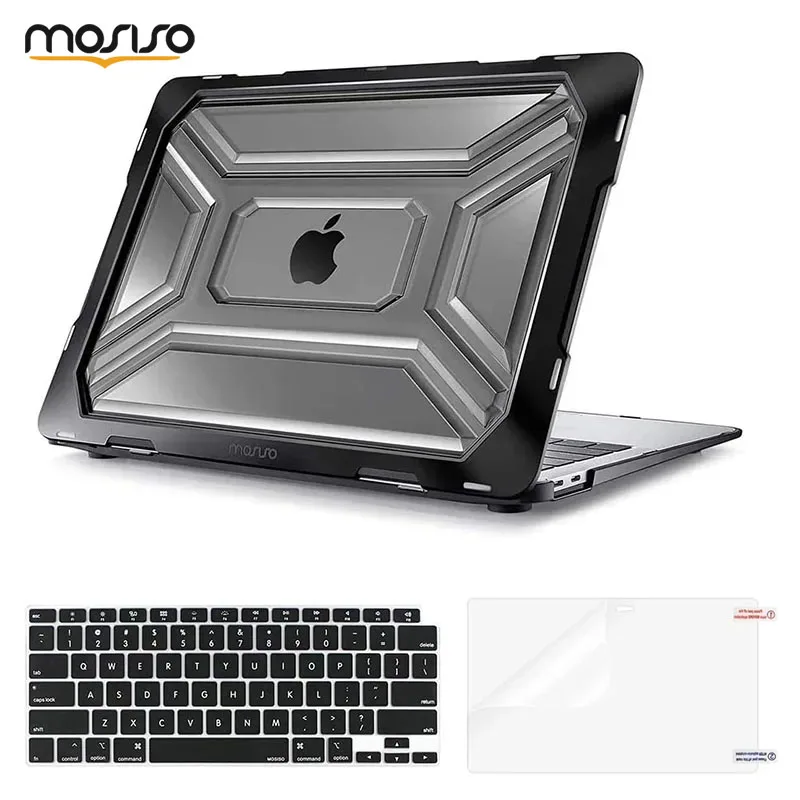
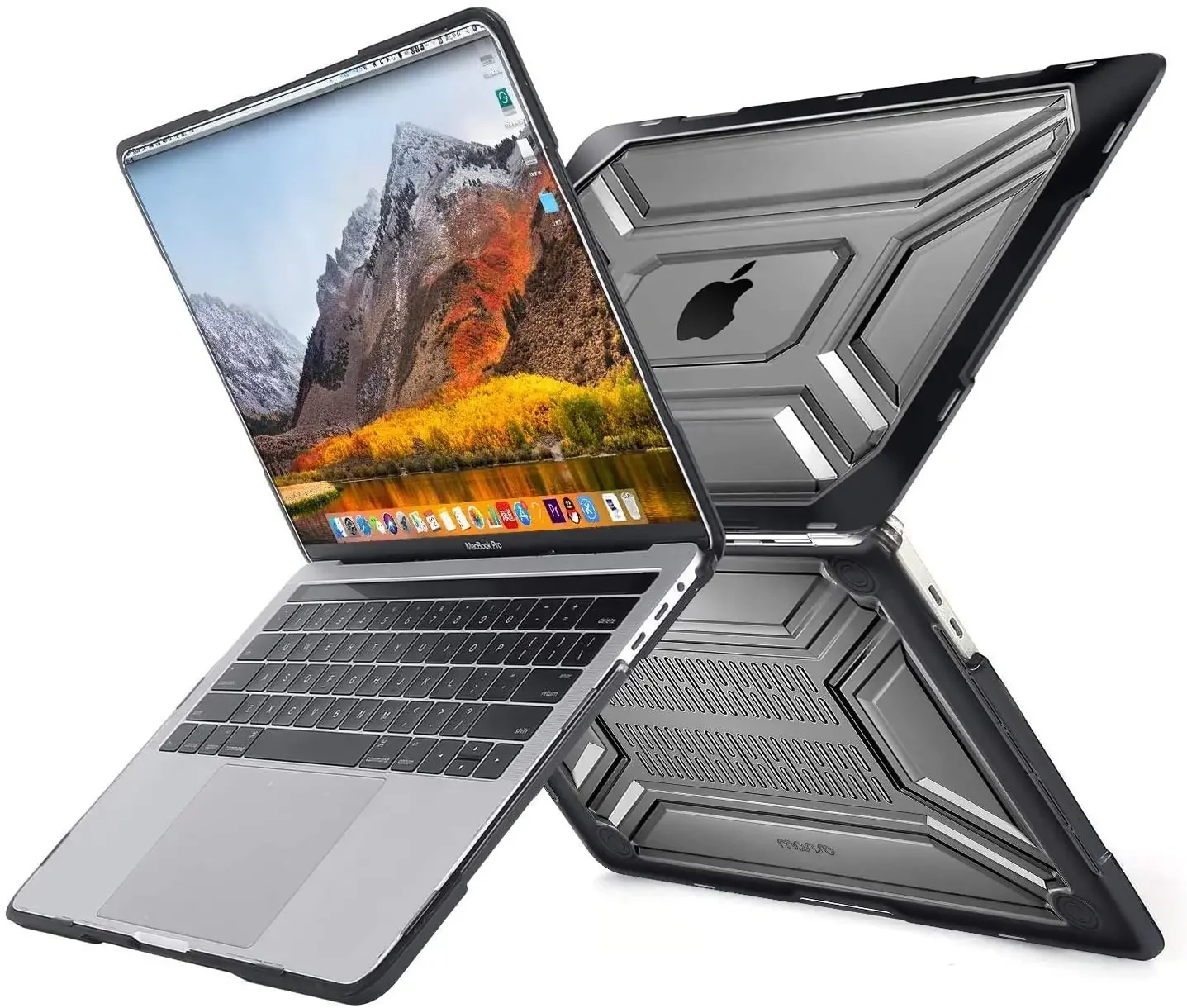
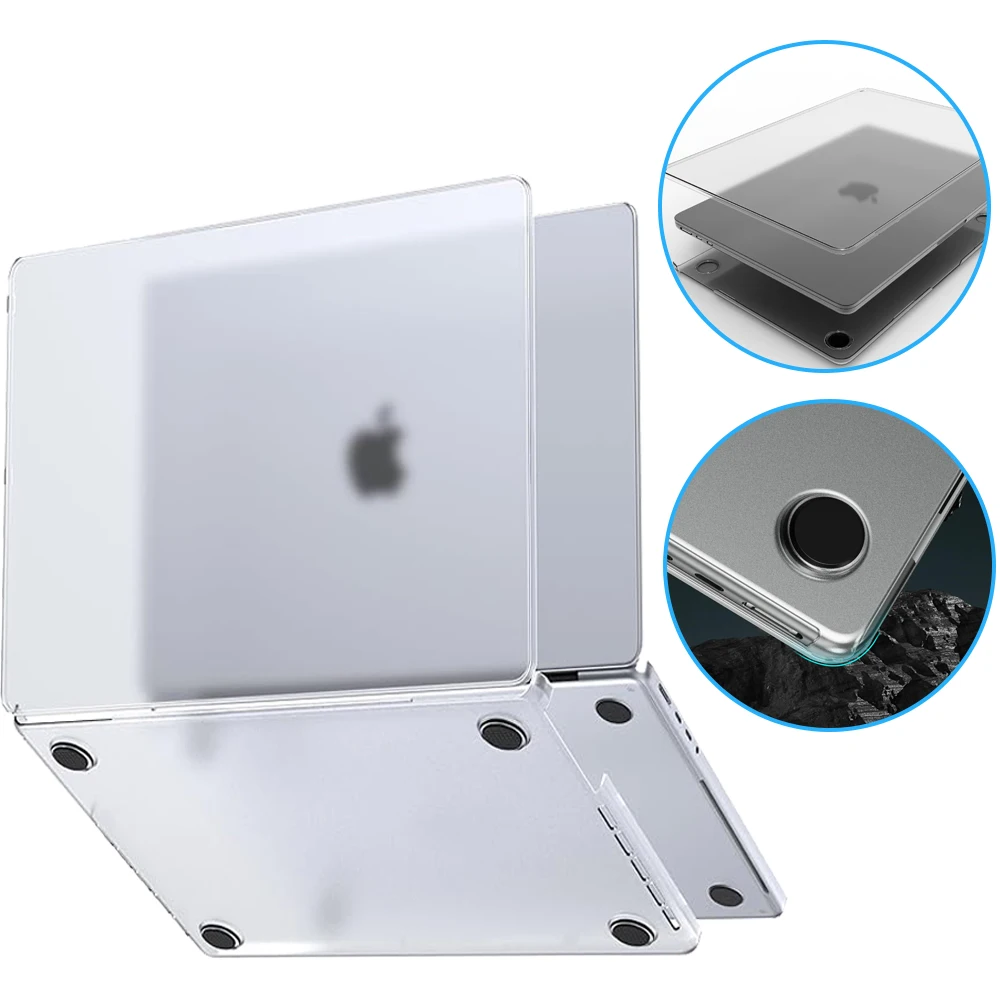
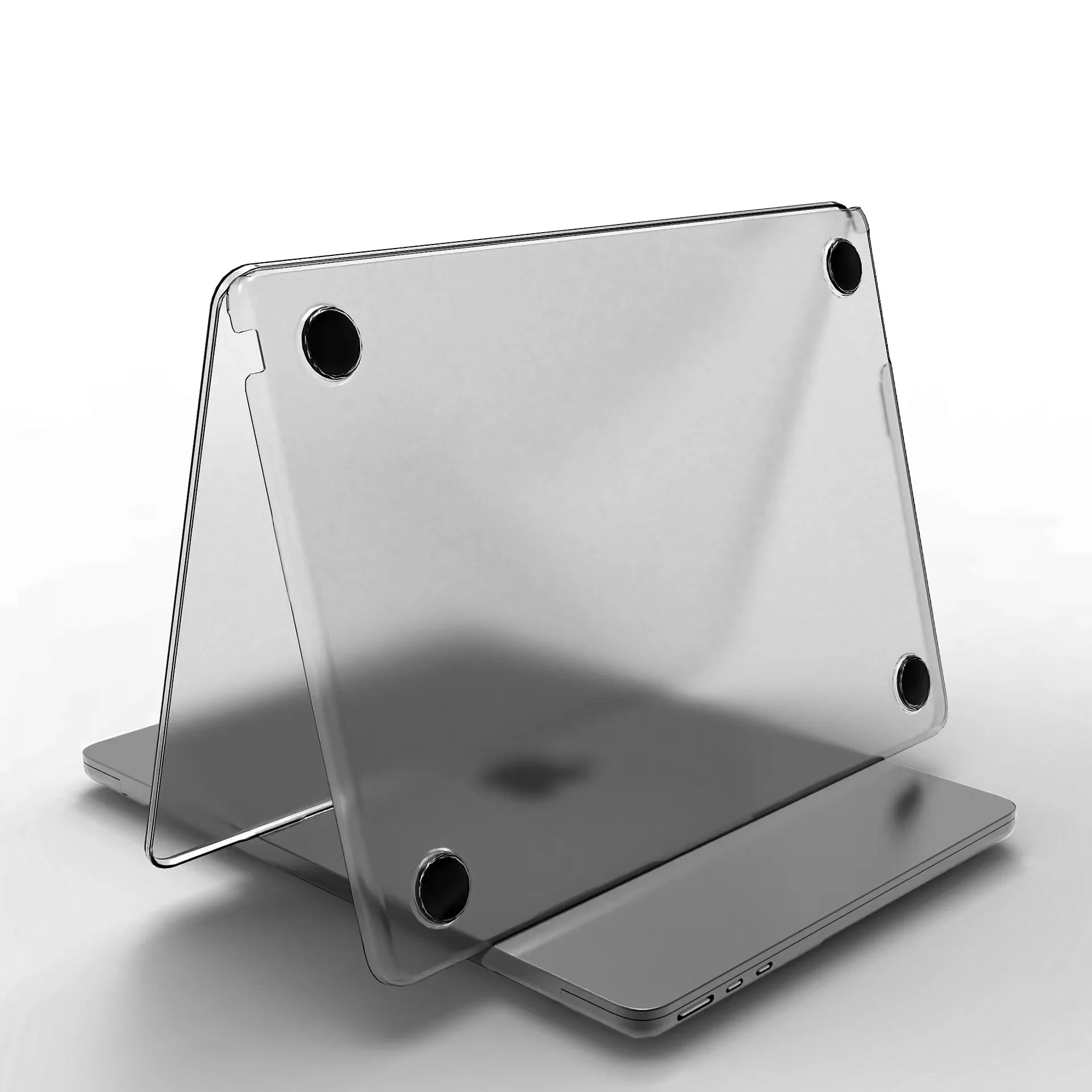
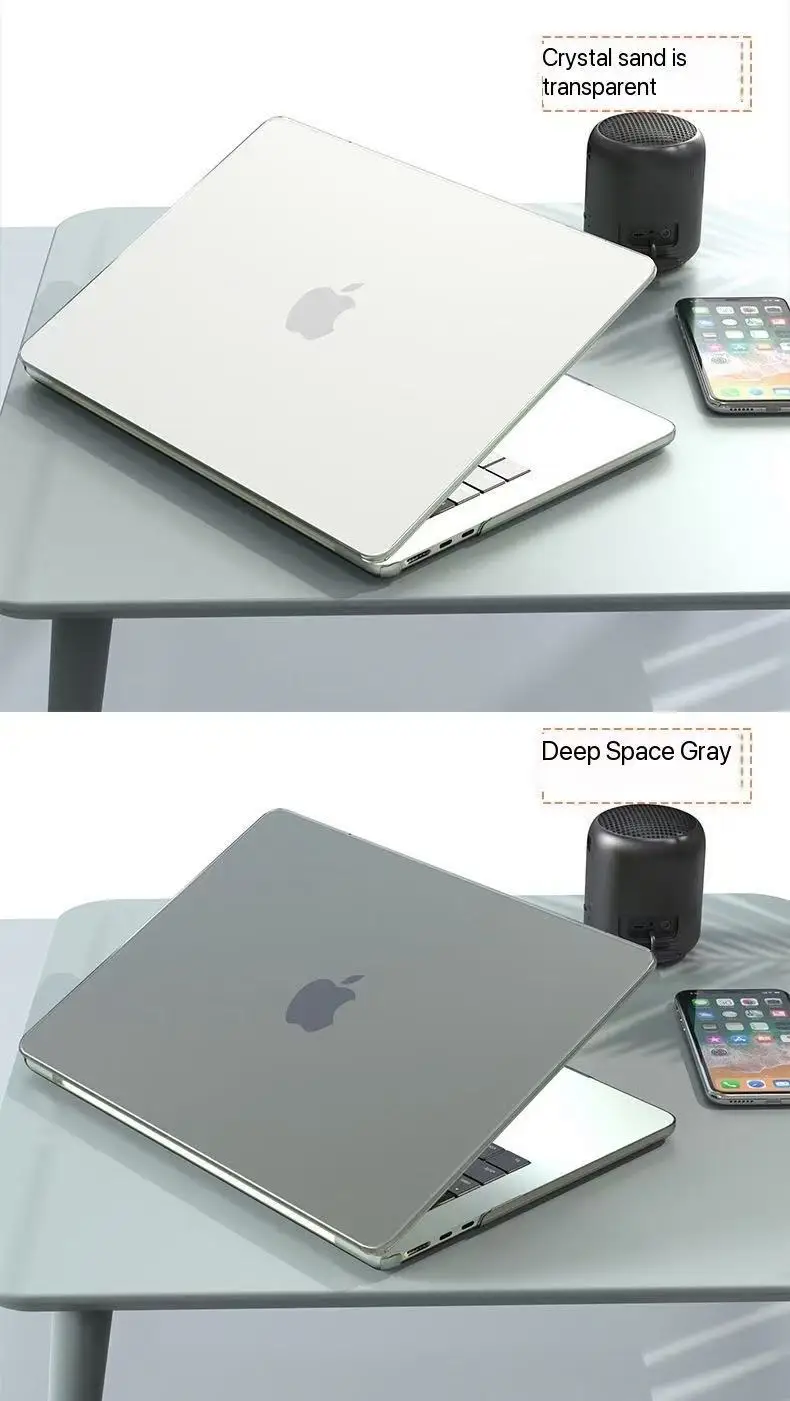
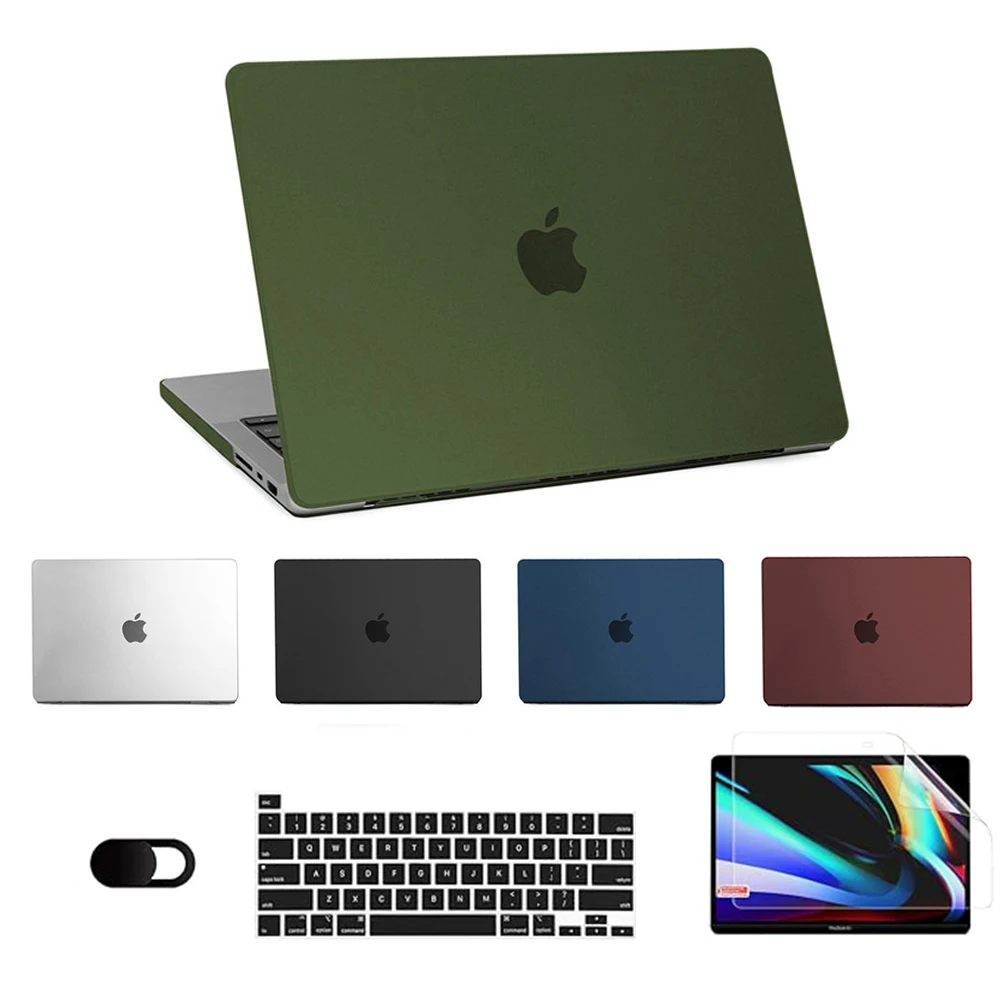
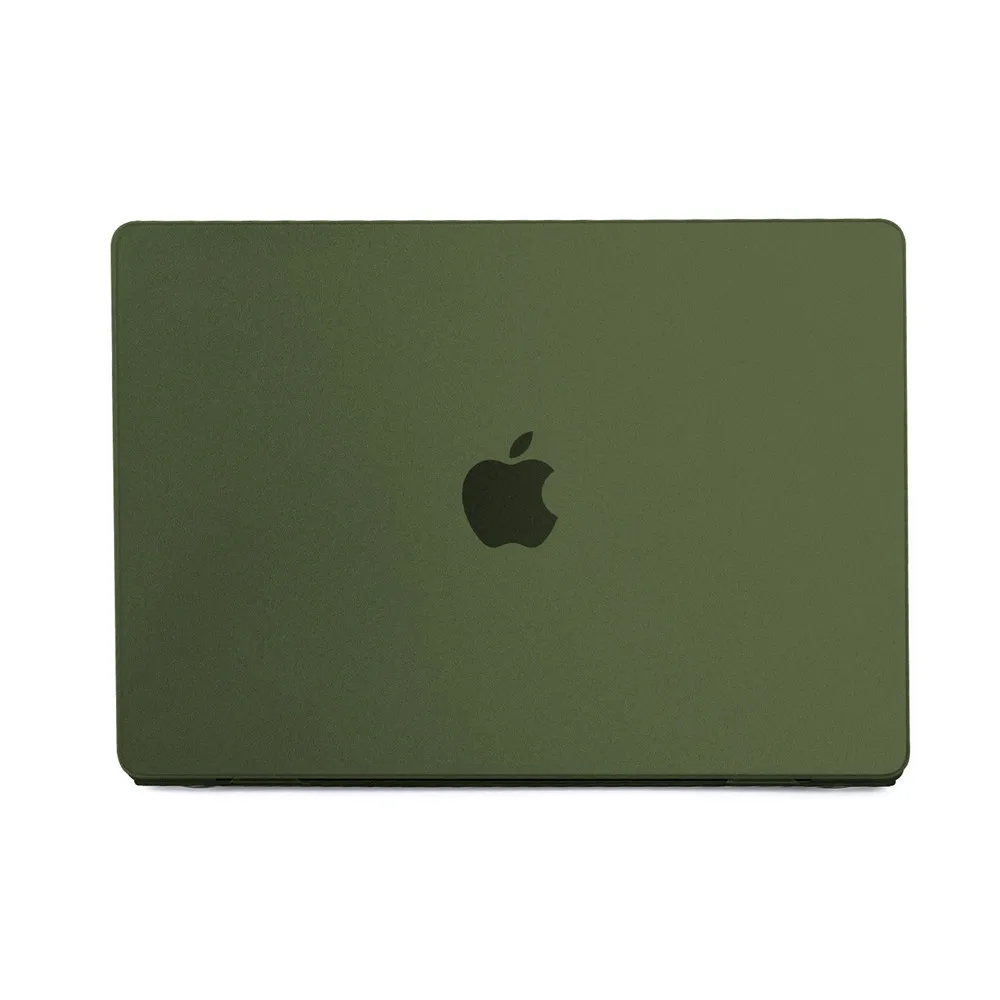
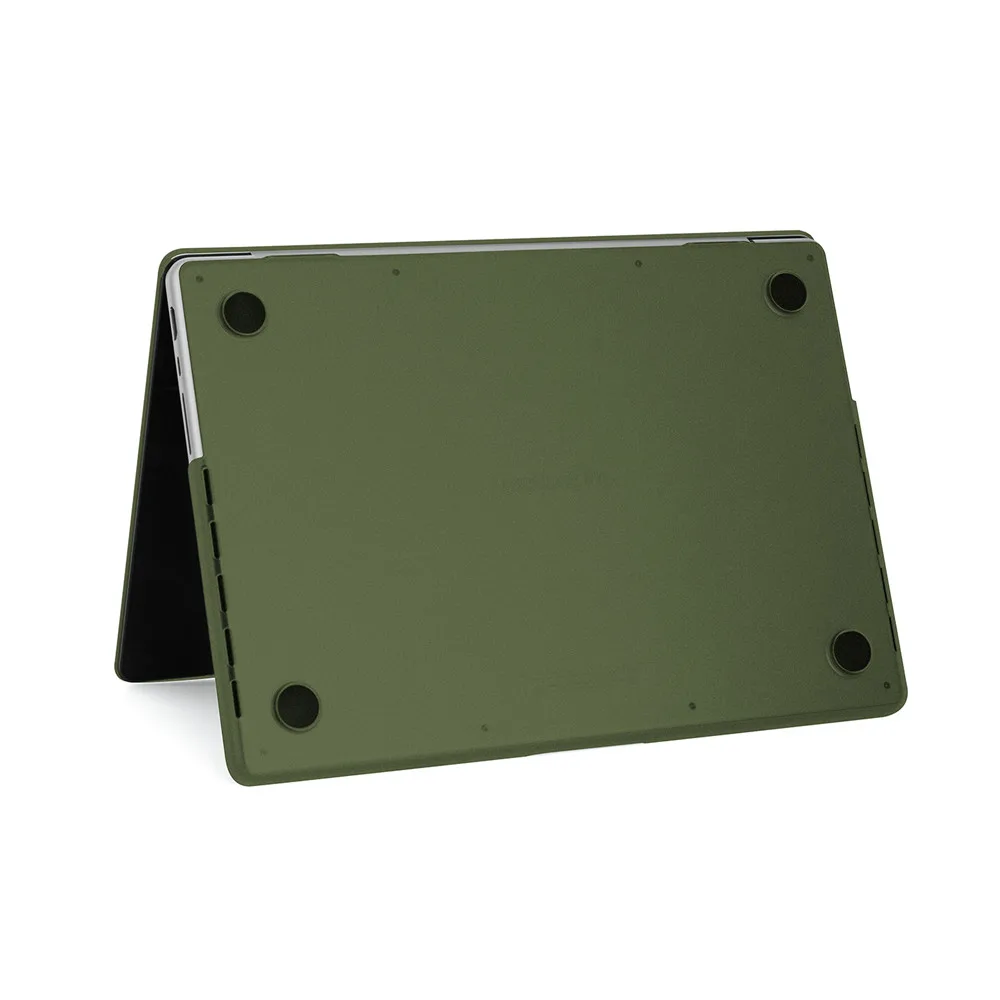
This page lists the accessories whose name or choices name the 13-inch MacBook Air, either by size ("Air 13.6") or by the model number the seller uses, such as A2681 or A3113. Most are things cut to the Air's own shape: clip-on hard-shell cases in clear, matte, frosted and printed finishes, some with a keyboard cover; matte, anti-blue-light and tempered-glass screen protectors; magnetic and stick-on privacy filters; trackpad films and palm-rest skins; skins for the lid and base; silicone and microfibre keyboard covers; and sleeves.
The 13-inch MacBook Air, in Apple's own figures
Apple's specifications for the current 13-inch MacBook Air give a 13.6-inch screen, measured diagonally, and a body 30.41cm wide, 21.5cm deep and 1.13cm thick. It has a MagSafe 3 charging port, two Thunderbolt 4 ports, which are USB-C in shape, and a headphone jack. The Air from 2022 (M2) onwards has the same 13.6-inch screen and MagSafe 3. The M1 Air of 2020 is different: a 13.3-inch screen, a body that tapers from 1.61cm to 0.41cm, no MagSafe, and charging through its two USB-C ports.
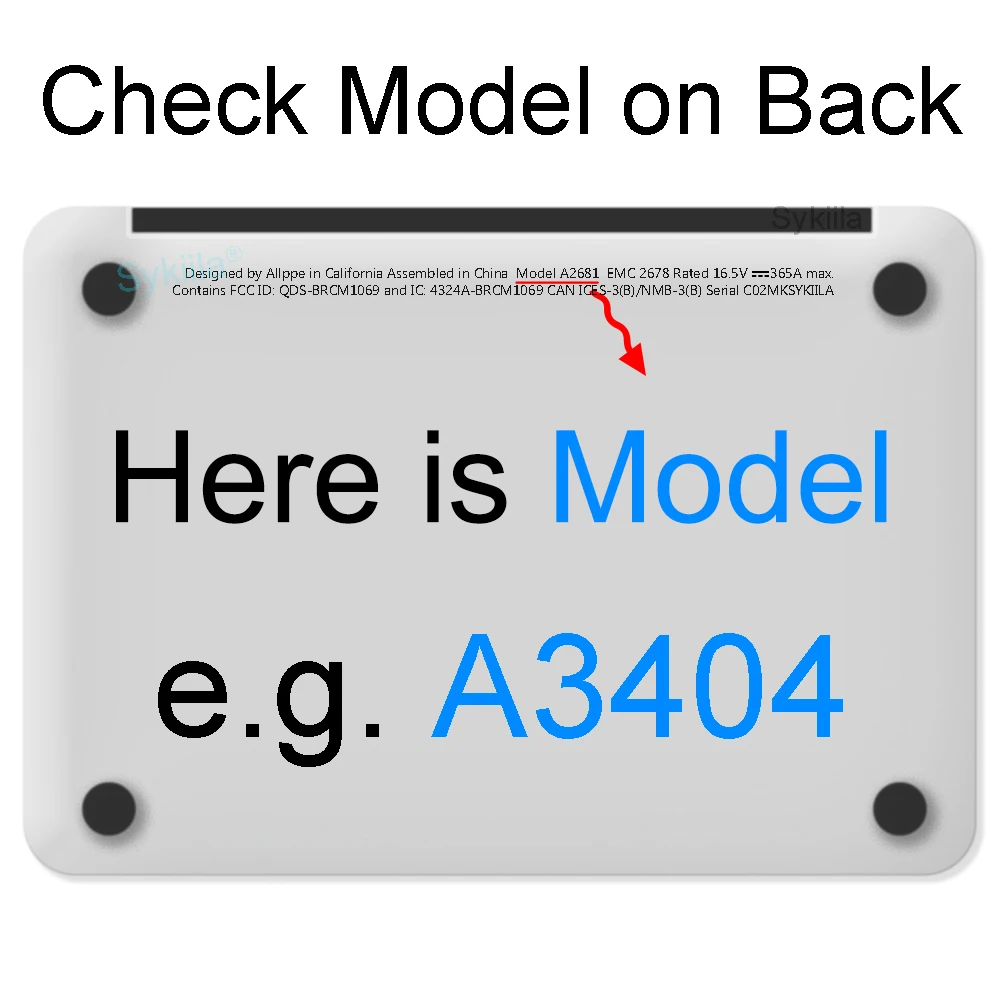
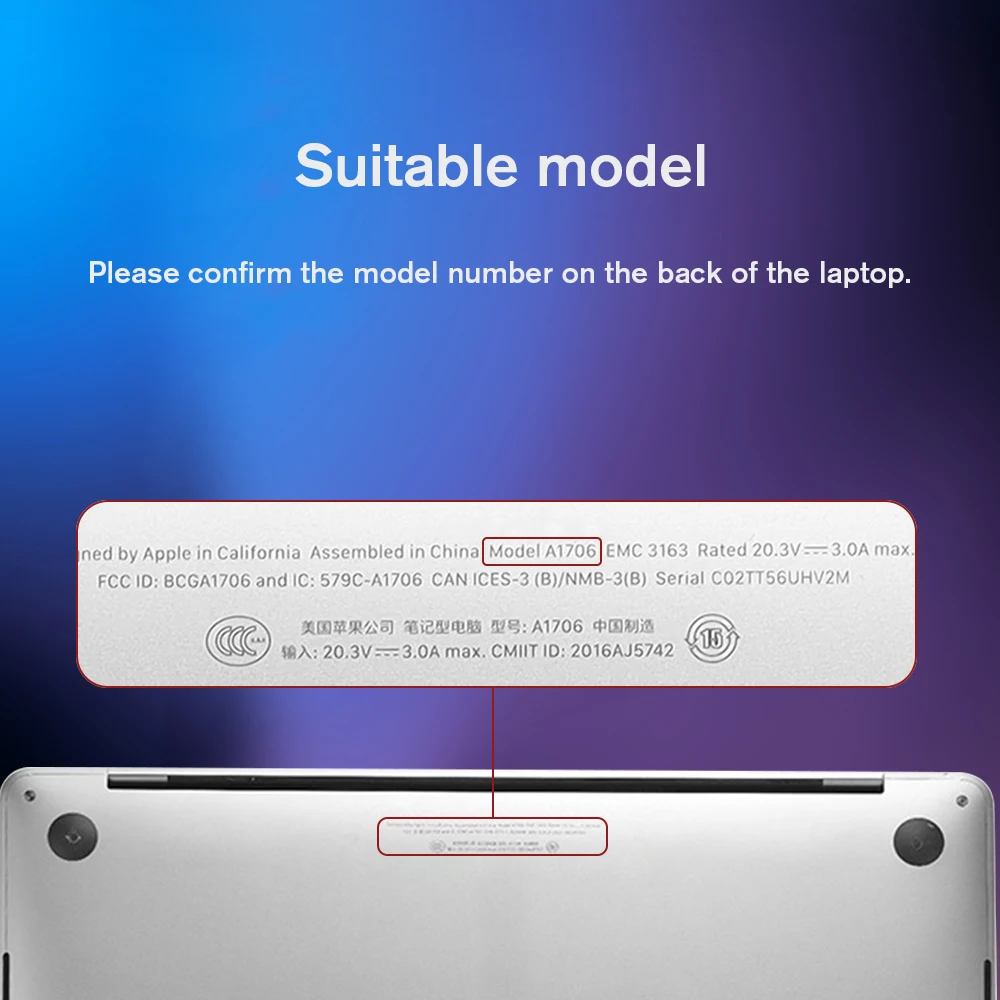
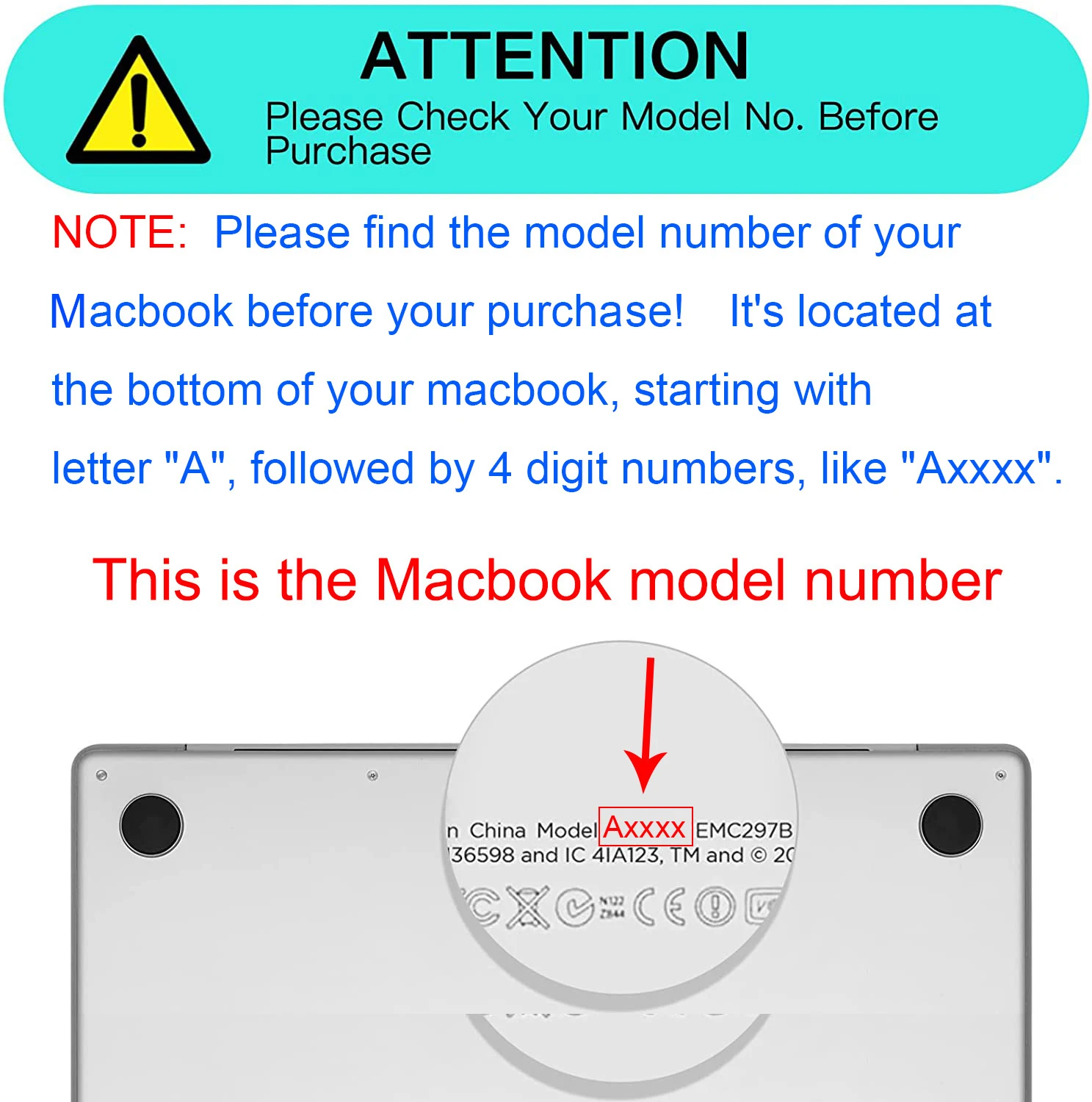
That difference is why the choices on a shell or a screen protector name the model. A shell cut for the M1 will not fit an M2 or later, and the other way round. If you are not sure which you have, choose About This Mac from the Apple menu: it gives the model name and year.
Charging and ports
New 13-inch MacBook Airs in the UK come with a USB-C to MagSafe 3 cable but no power adapter. Apple gives 30W as the minimum to charge it and 70W or more from a USB Power Delivery charger to fast charge. Any USB-C laptop charger with a UK plug and enough watts will charge it, through the MagSafe cable or straight into either USB-C port; see the 65W and 100W chargers. With only two USB-C ports and no HDMI or card slot, many Air owners add a USB-C hub for a screen, a memory stick and an SD card.
Questions people ask about MacBook Air 13-inch accessories
Which size sleeve fits a 13-inch MacBook Air?
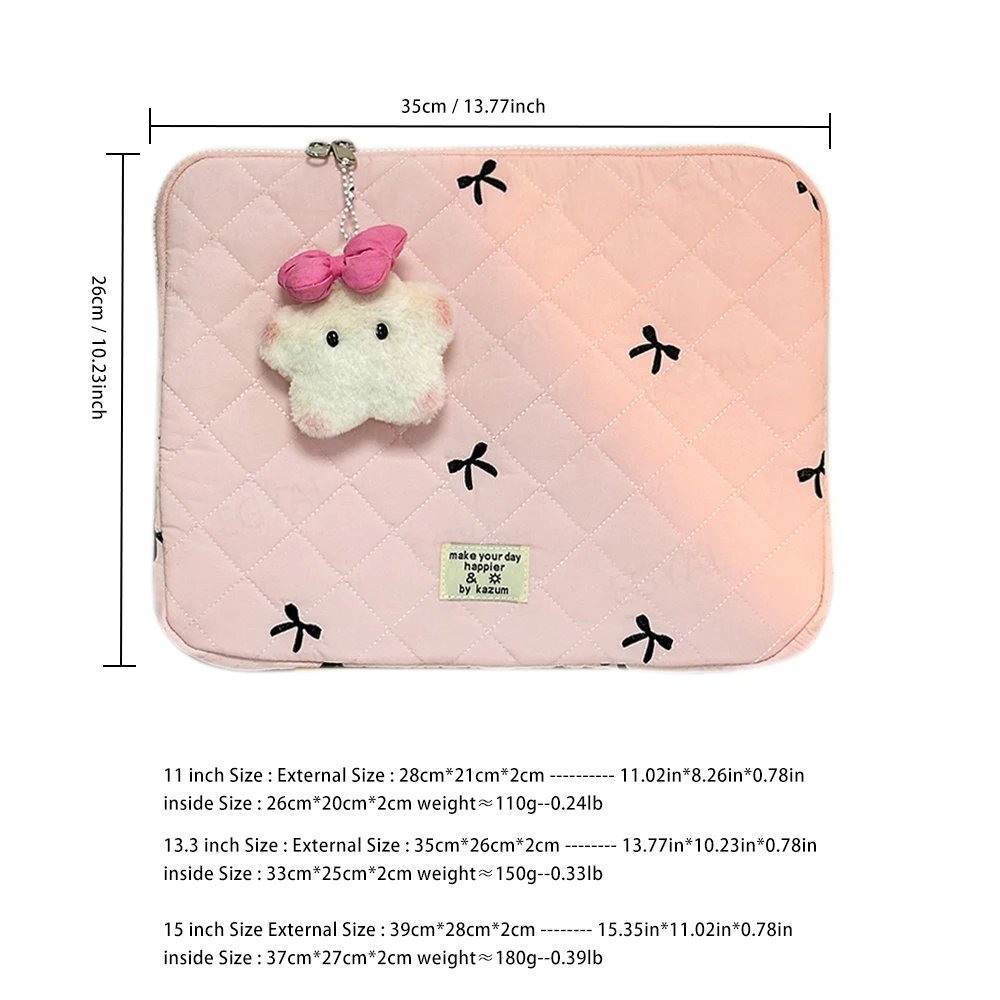
A 13-inch sleeve, or one sold for 13.3 to 13.6 inches. Check the inside measurements against 30.41 by 21.5cm, with a little more if you keep a shell on it. See the 13-inch sleeves.
Can I close the lid with a webcam cover on?
Apple advises against it: closing a MacBook with a cover over the camera may damage the screen. A privacy filter or a cover you remove before closing is the safer choice.
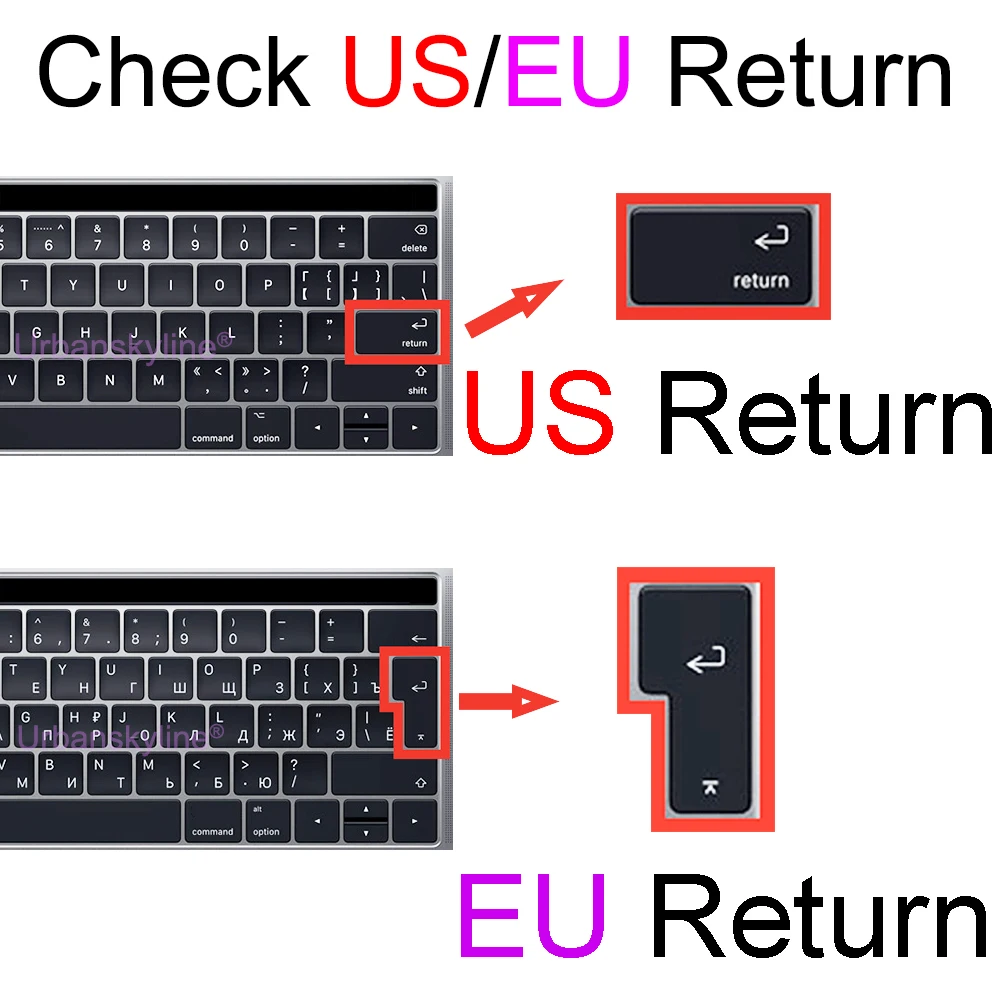
Does a keyboard cover suit a UK keyboard?
The choices name the layout as well as the model. Compare the drawing on the product page with your own keys before ordering.
Delivery is included in every price and tracked to your door.
More to look at