Why a headset for calls
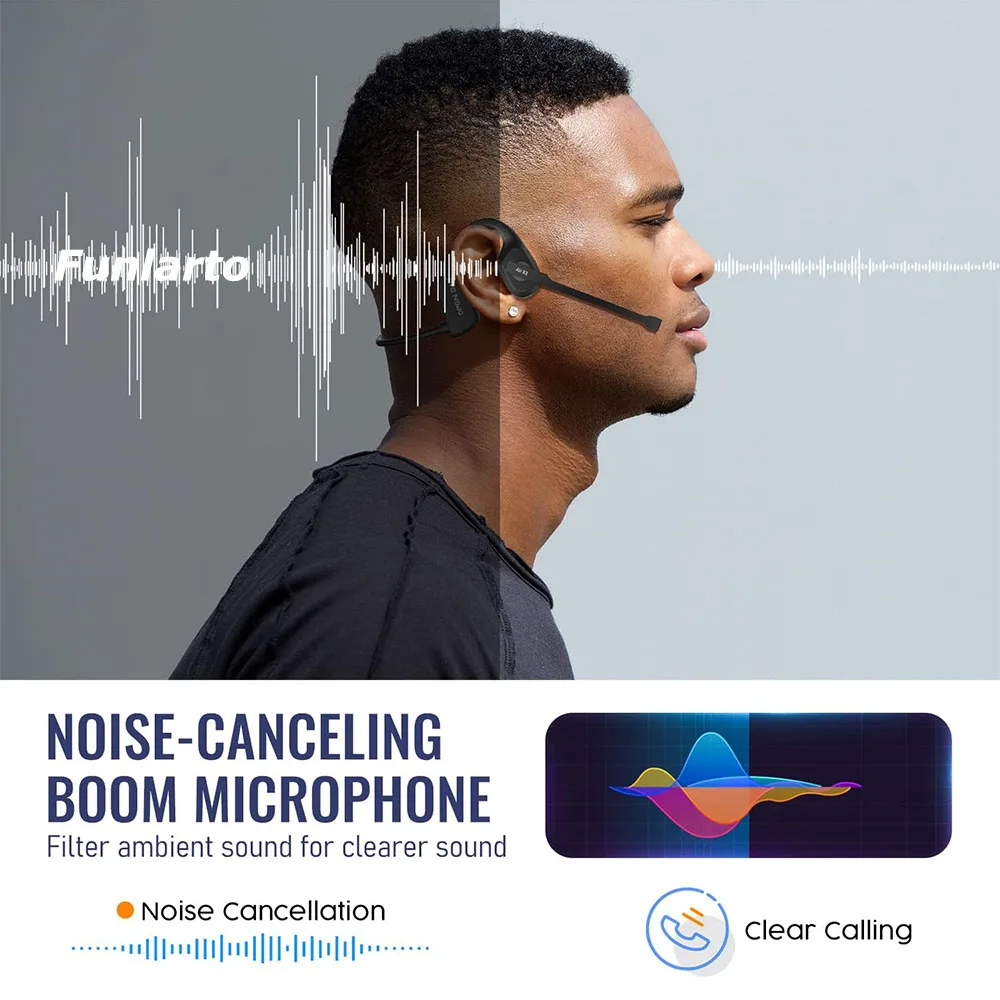
A headset puts a microphone close to your mouth and the sound in your ears. Because the microphone is close, your voice is loud compared with everything else in the room. Because the other person's voice comes through your ears and not the laptop's speakers, it cannot loop back to them as an echo. For long days of calls, in a shared house, an open-plan office or a busy kitchen, it is usually the most reliable choice.
The kinds in this range
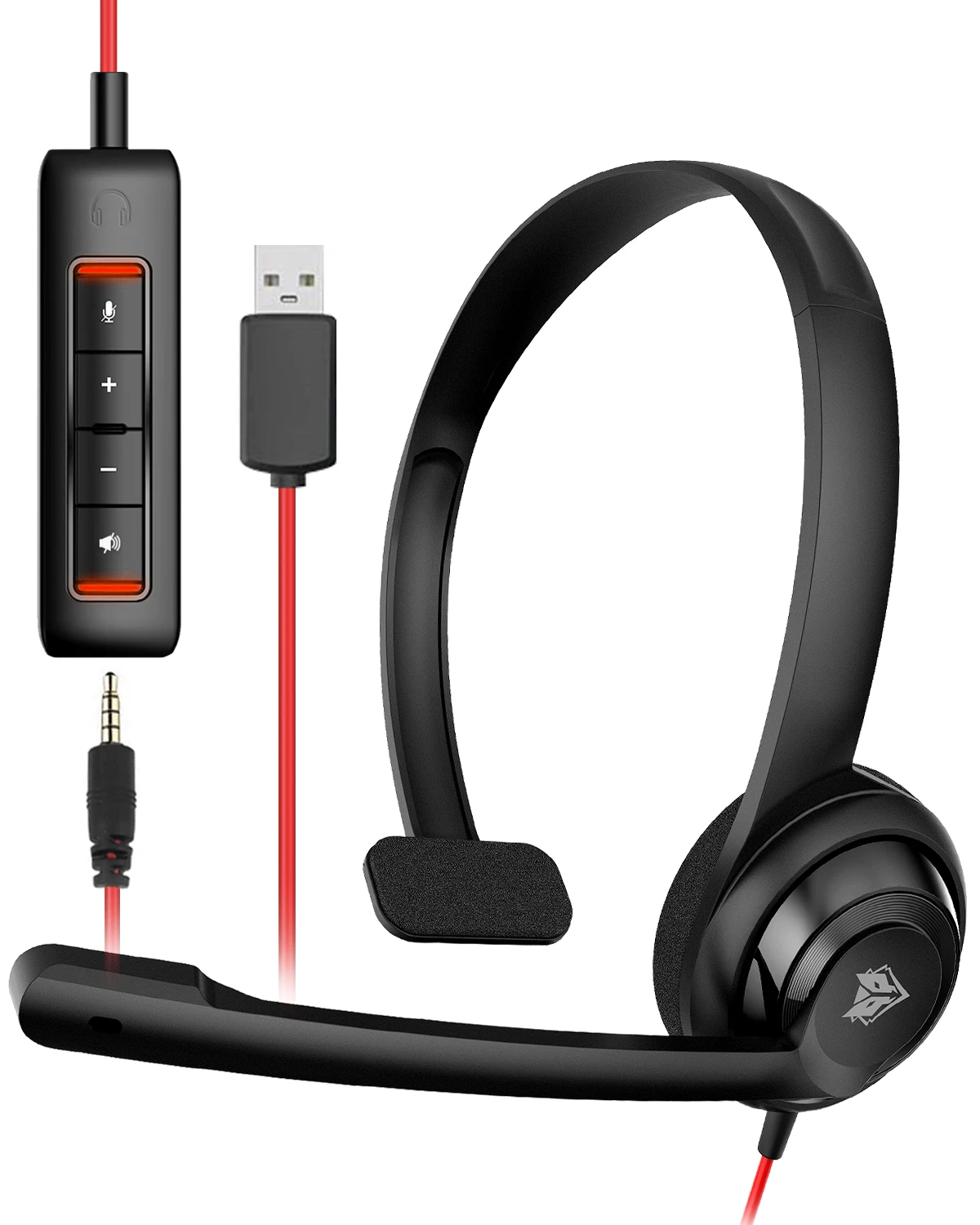
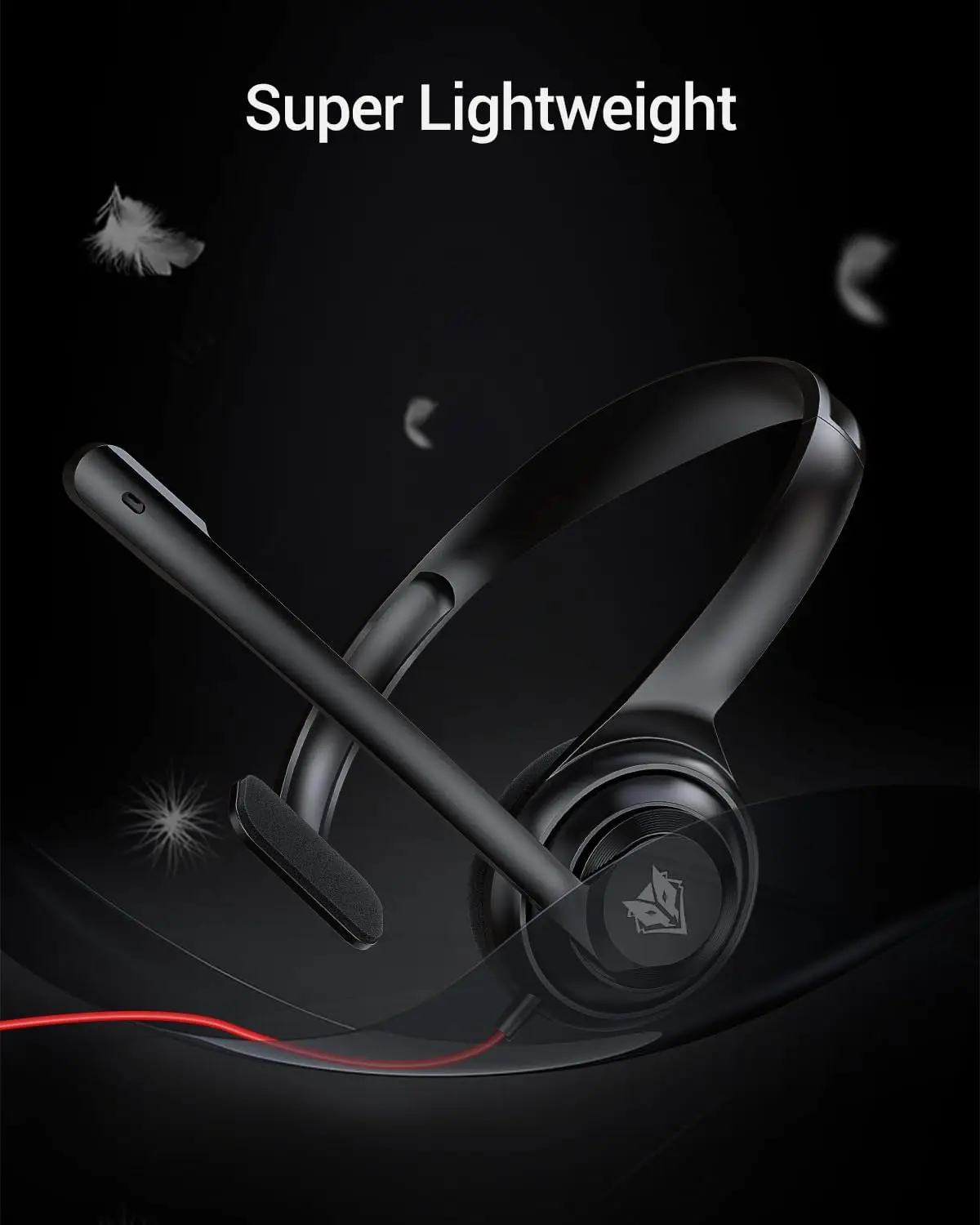
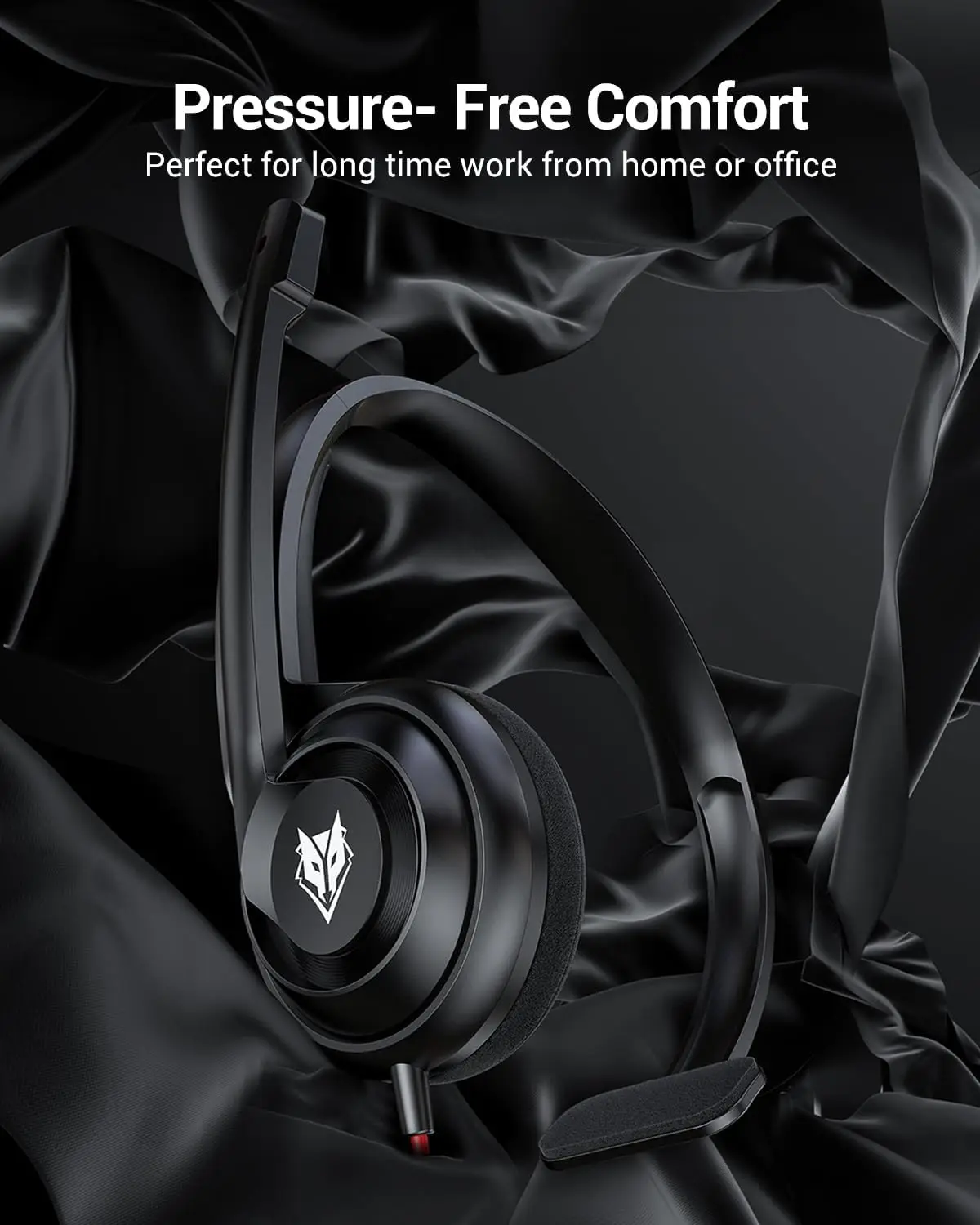
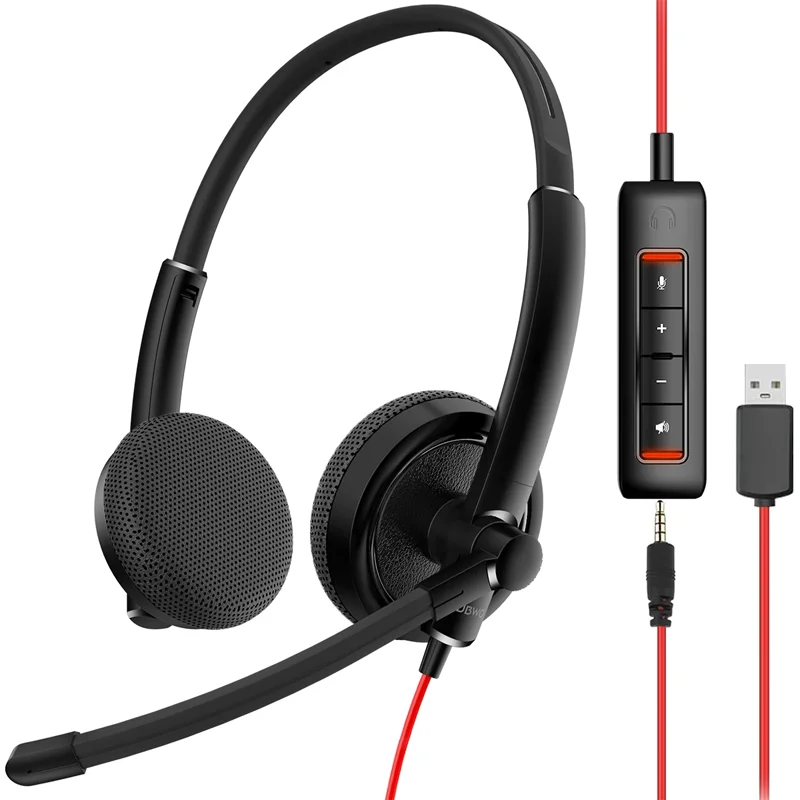
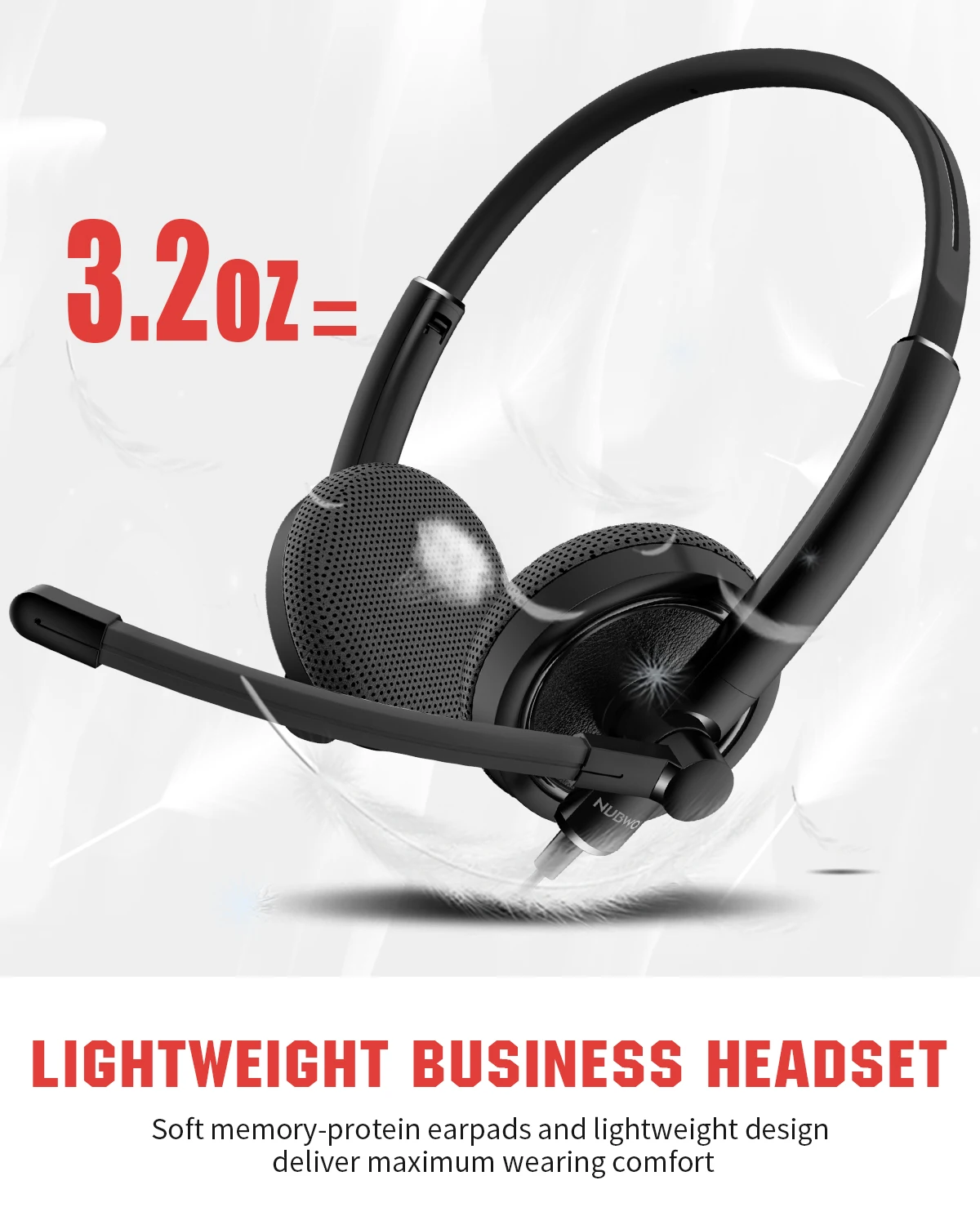
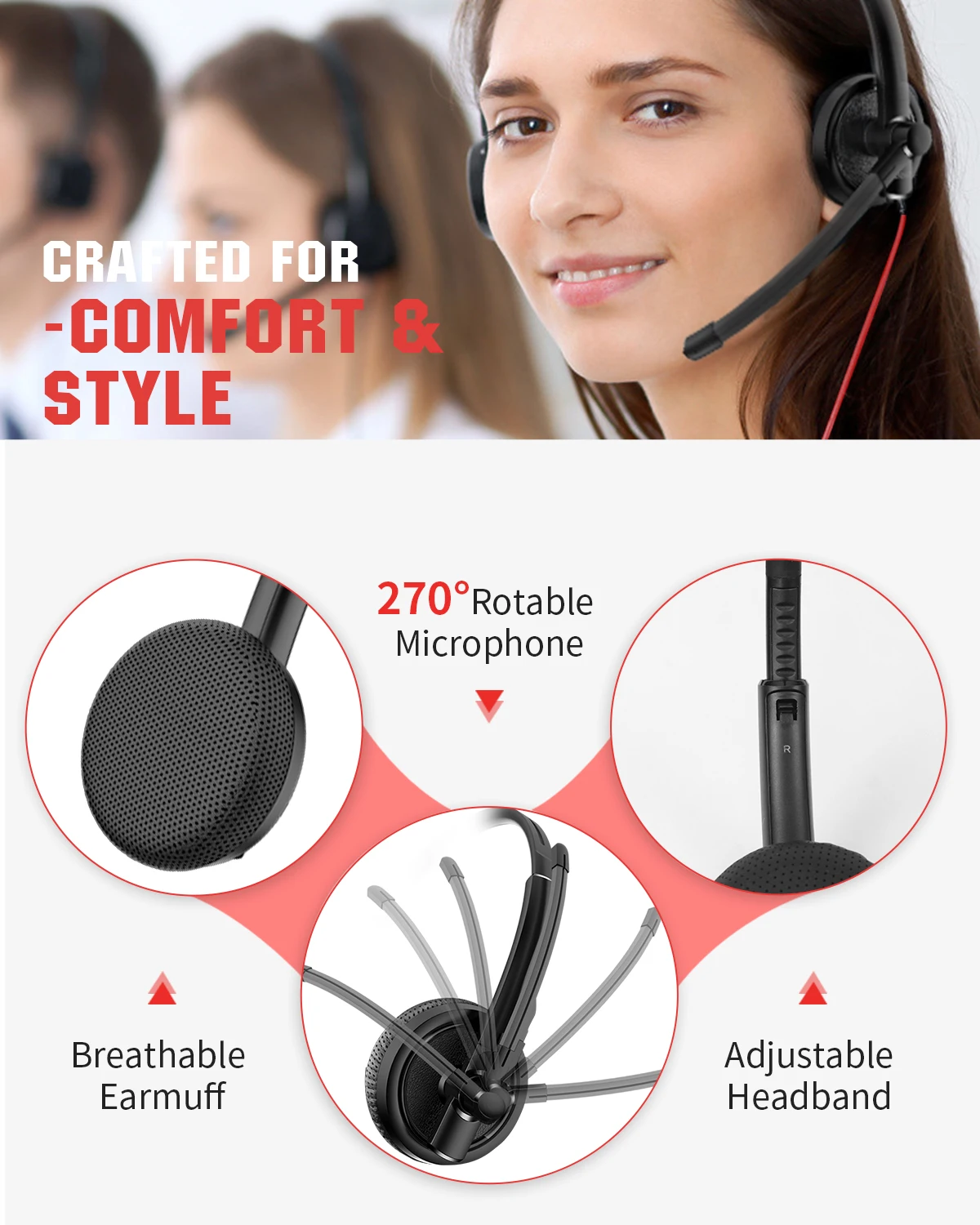
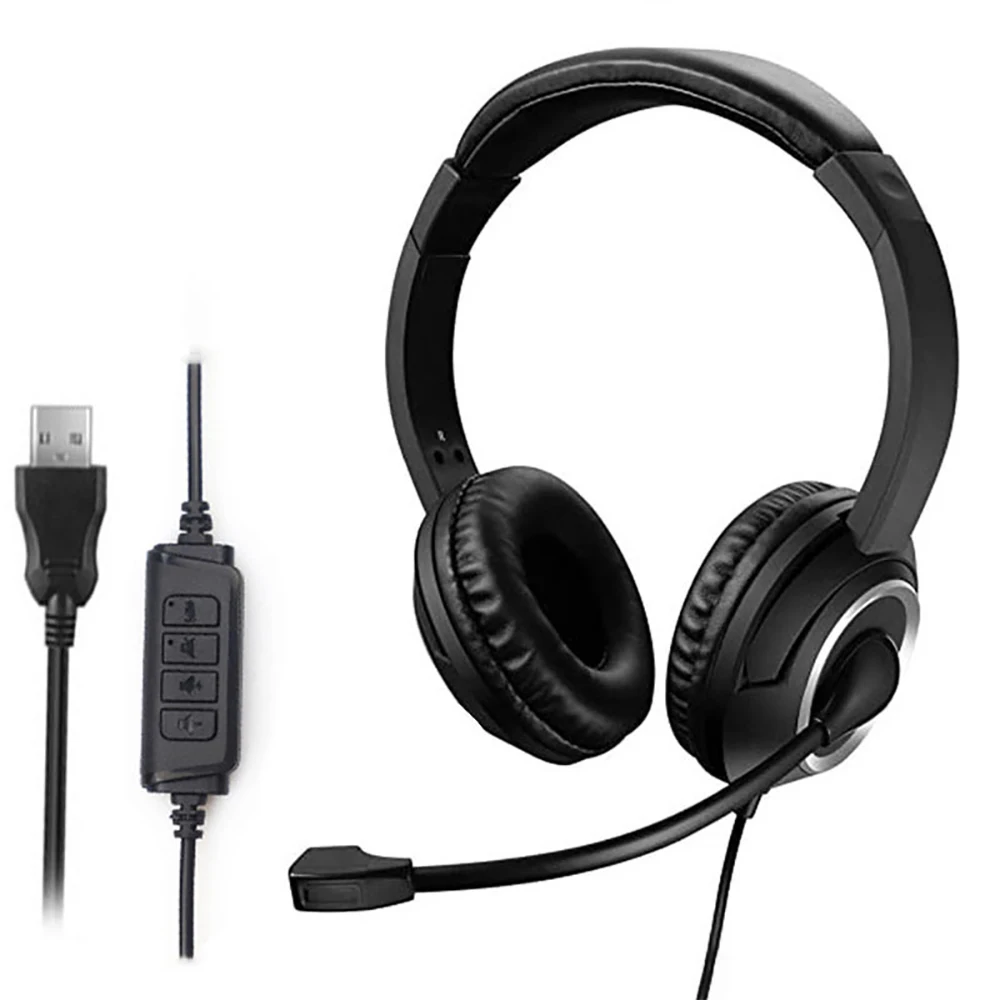
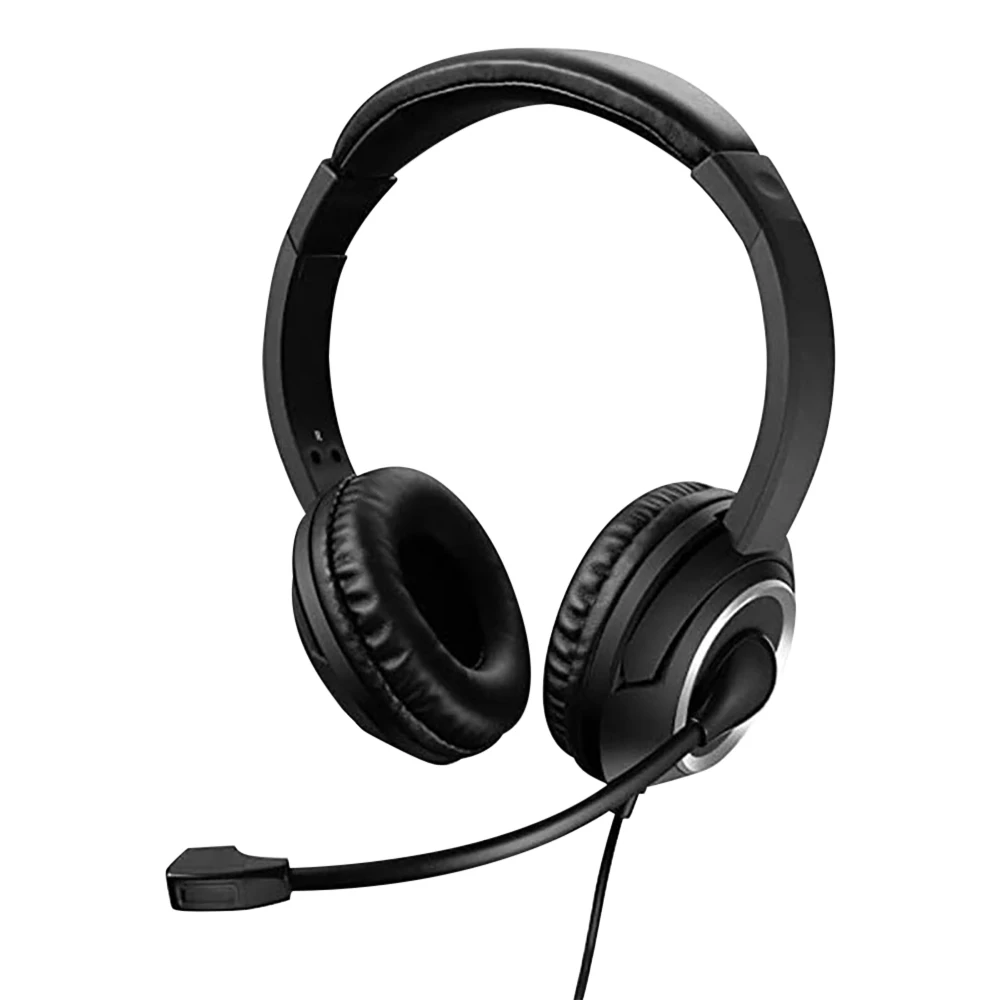
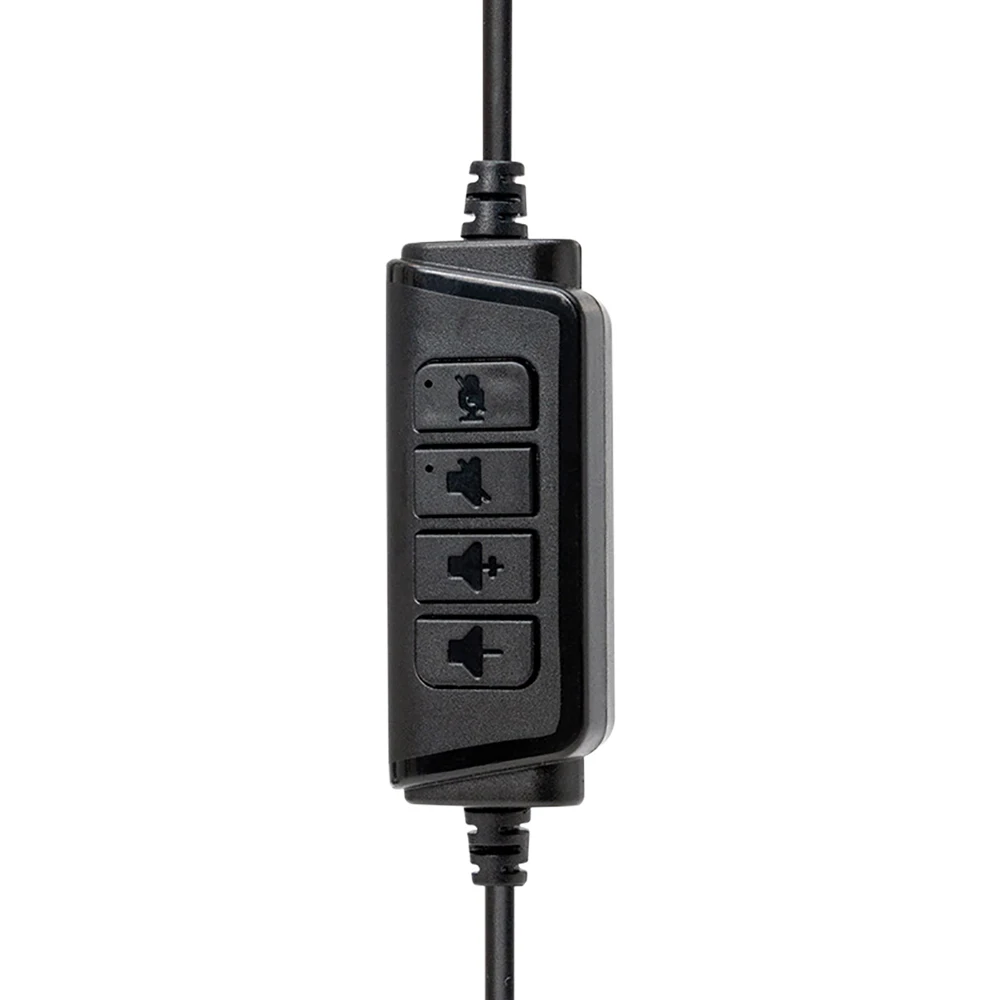
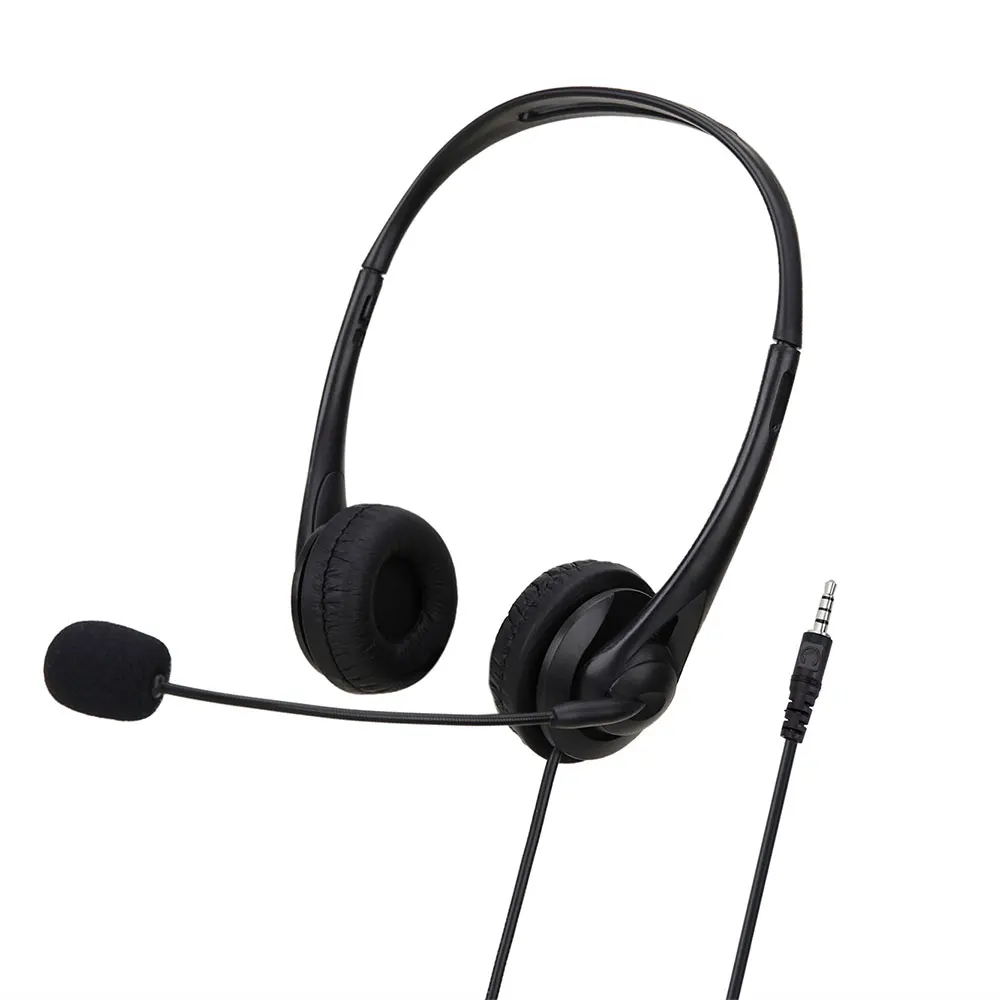
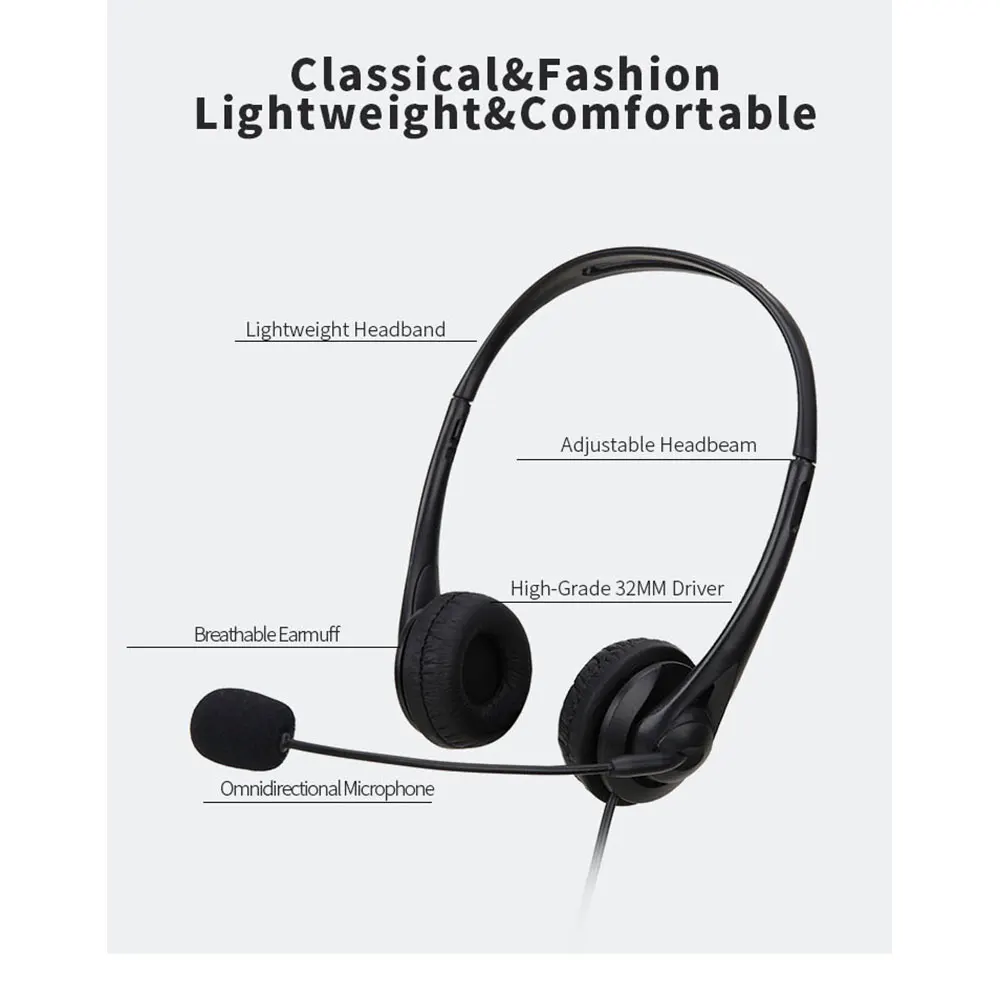
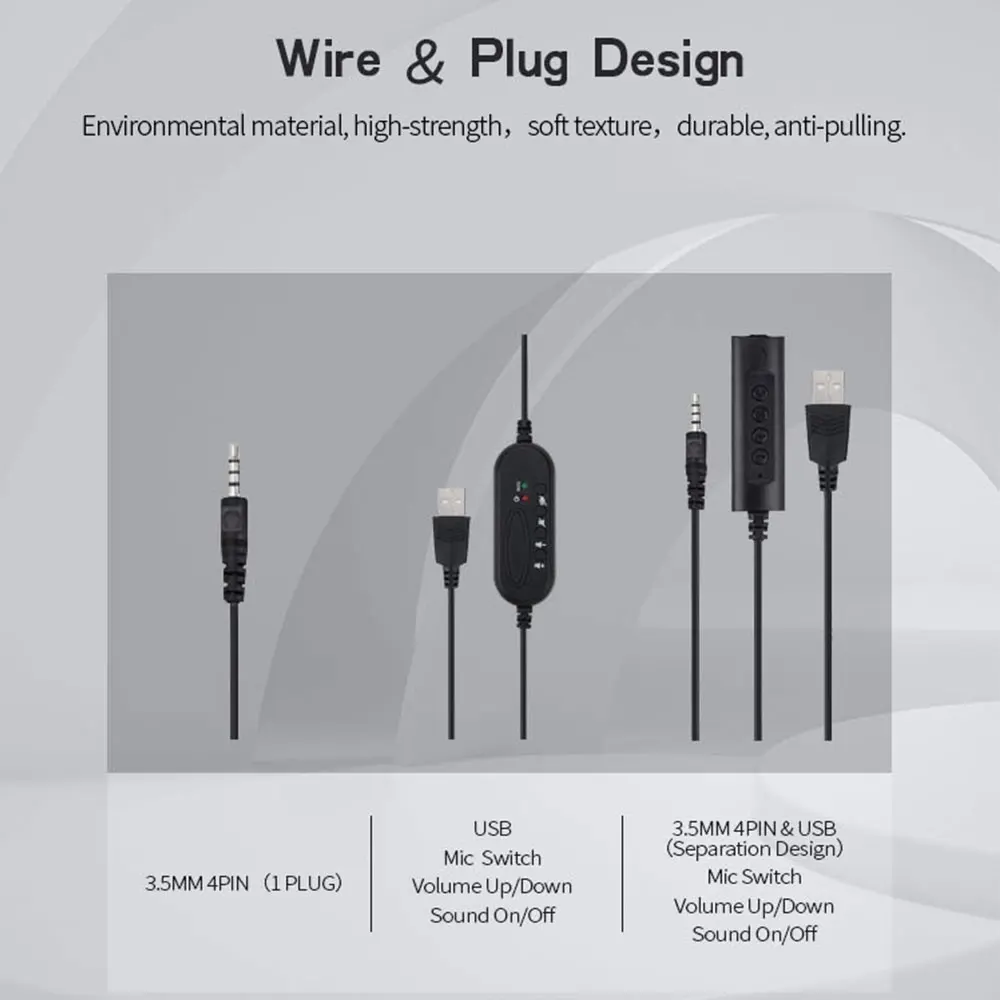
- Wired office headsets with a boom microphone that bends to sit by your mouth, and a control on the cable to mute and change the volume. They plug in by USB, by a 3.5mm plug, or come in a choice of both.
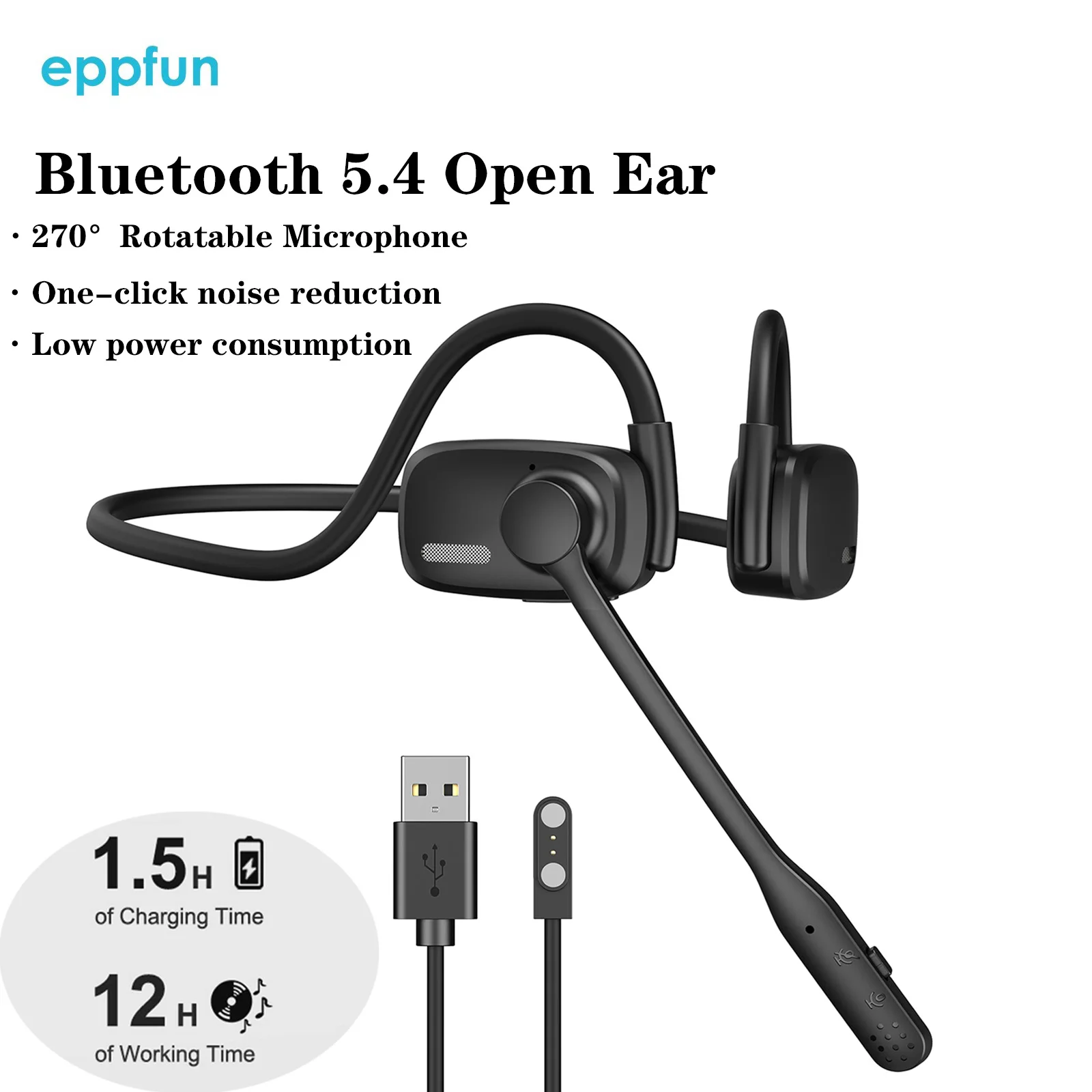
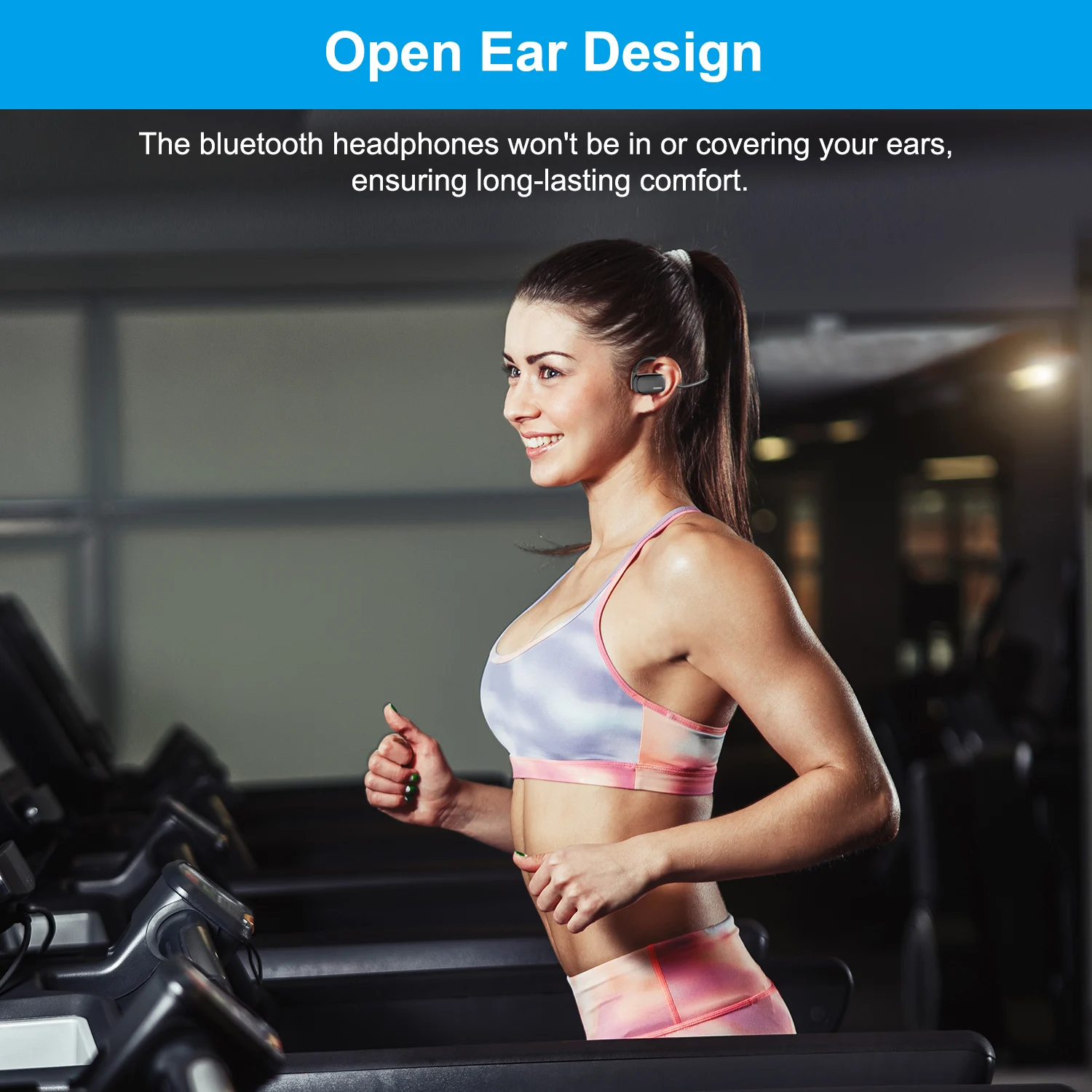
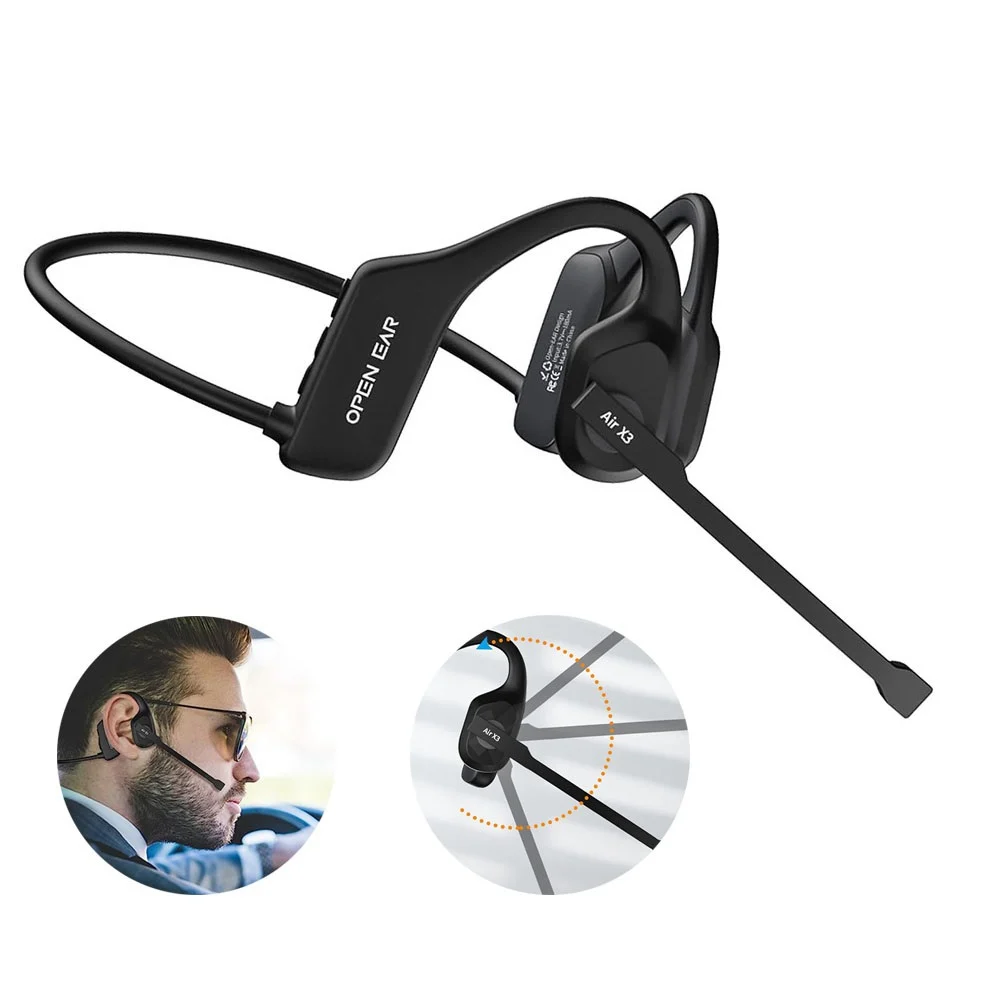
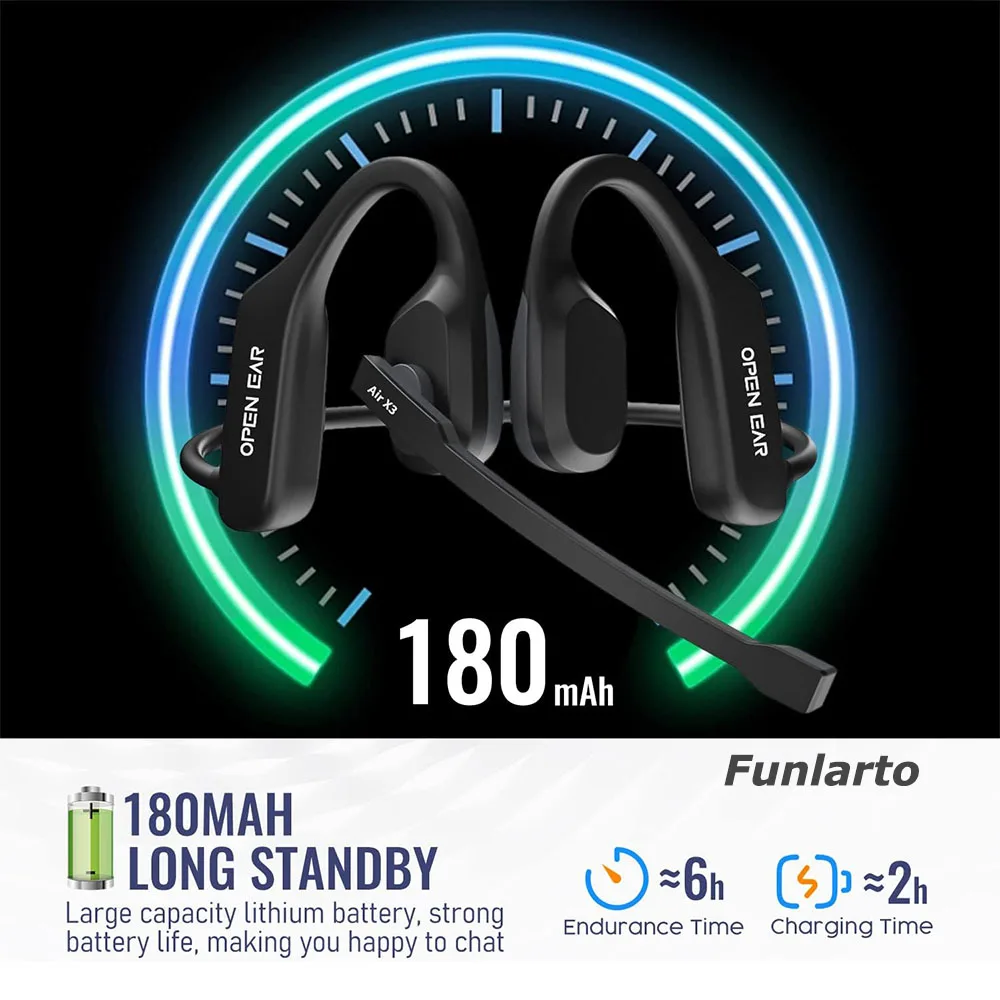
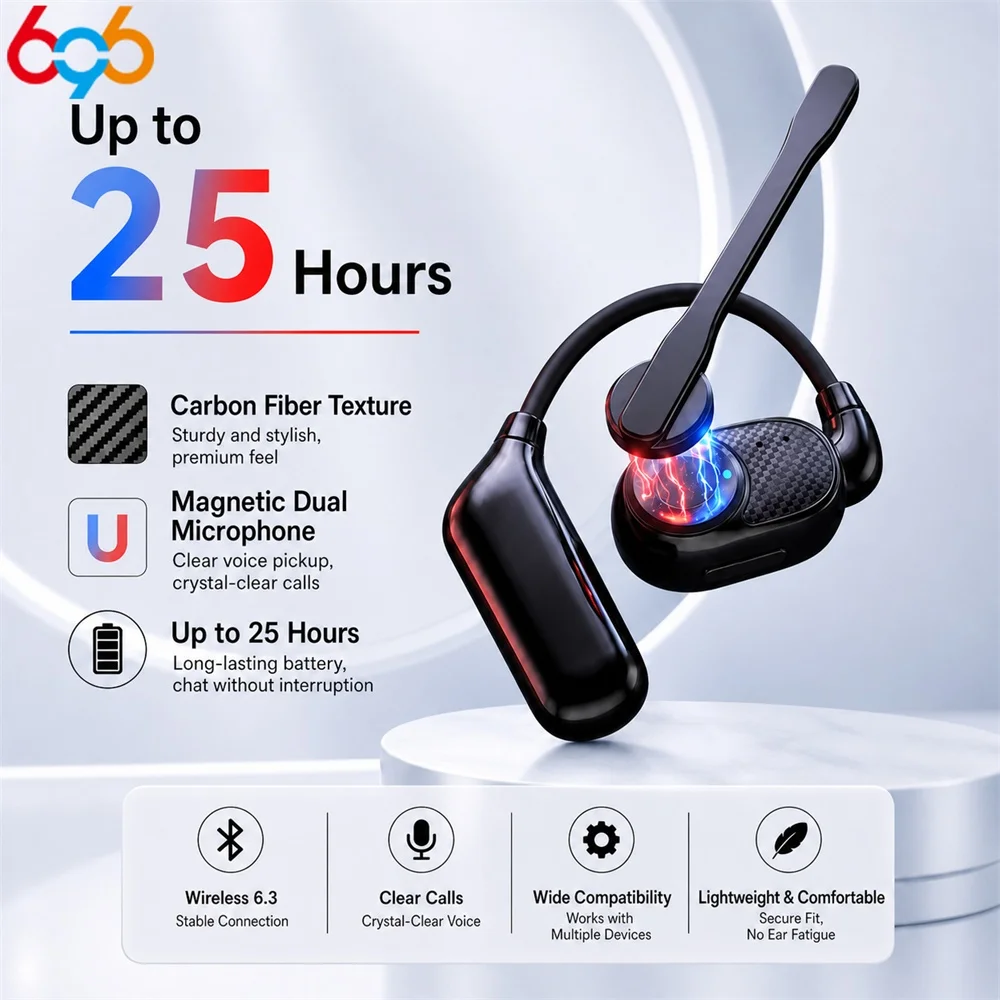
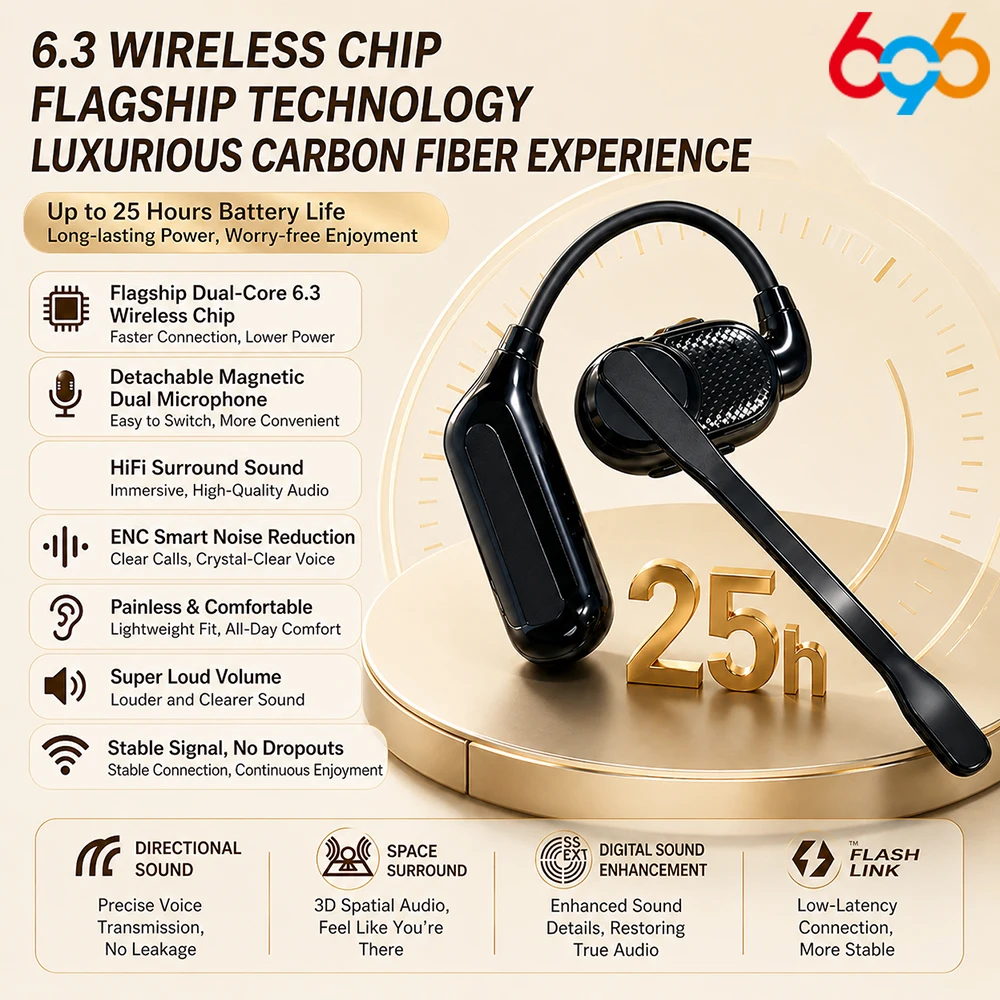
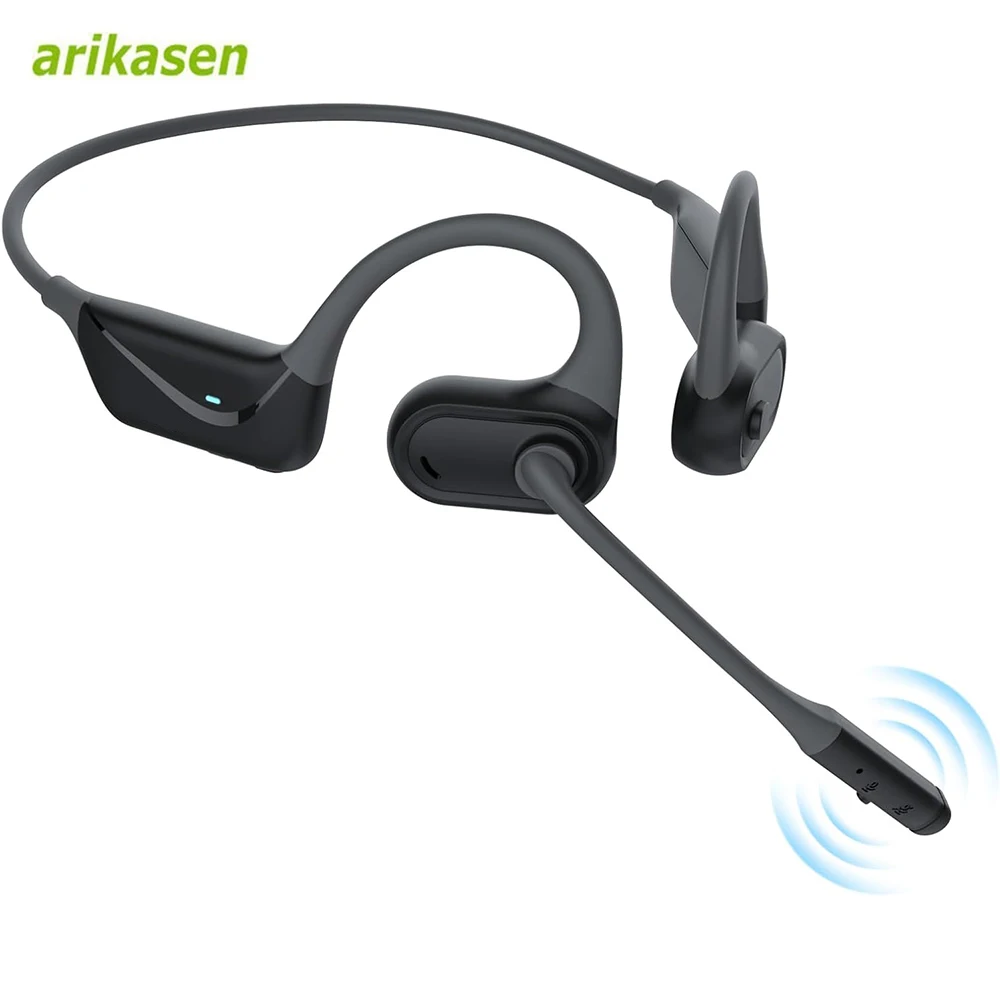
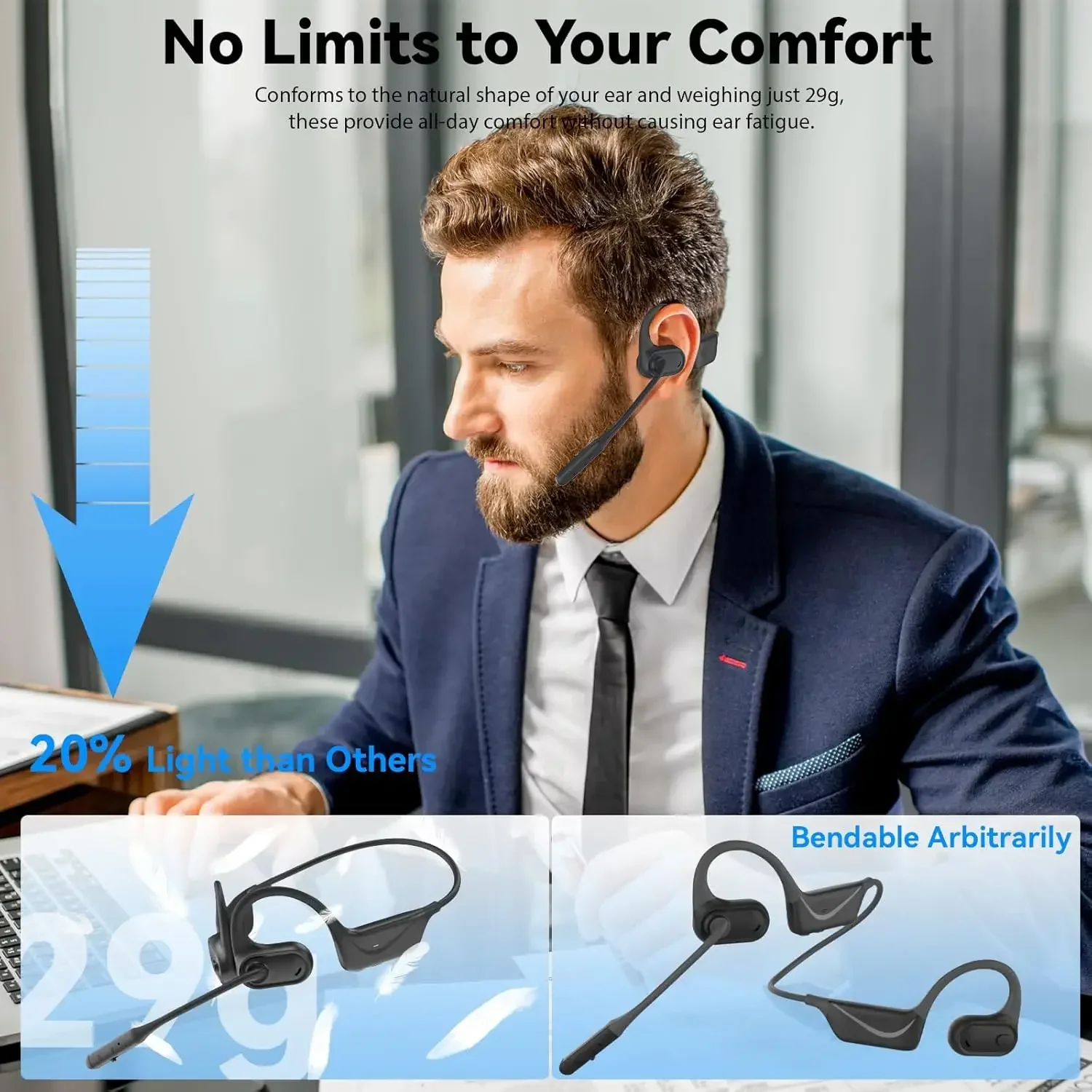
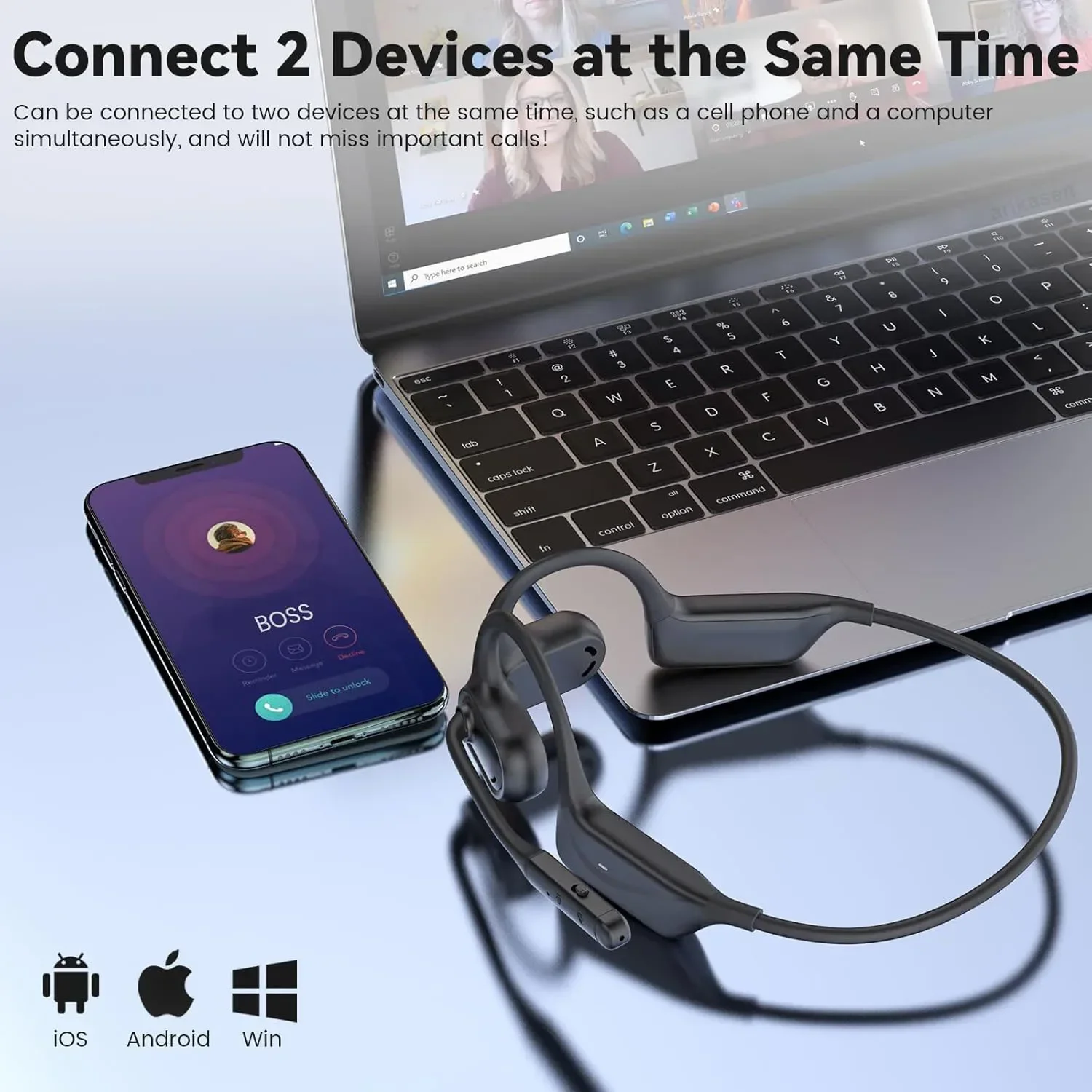
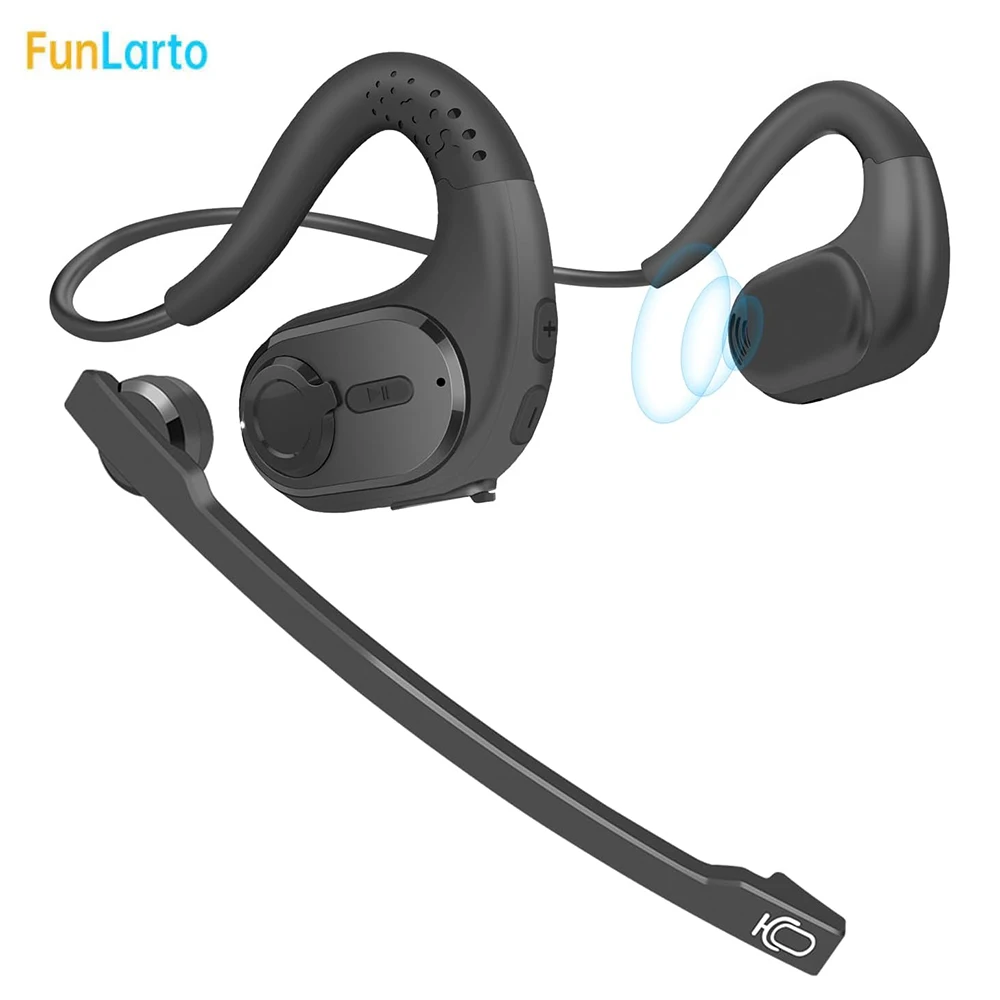
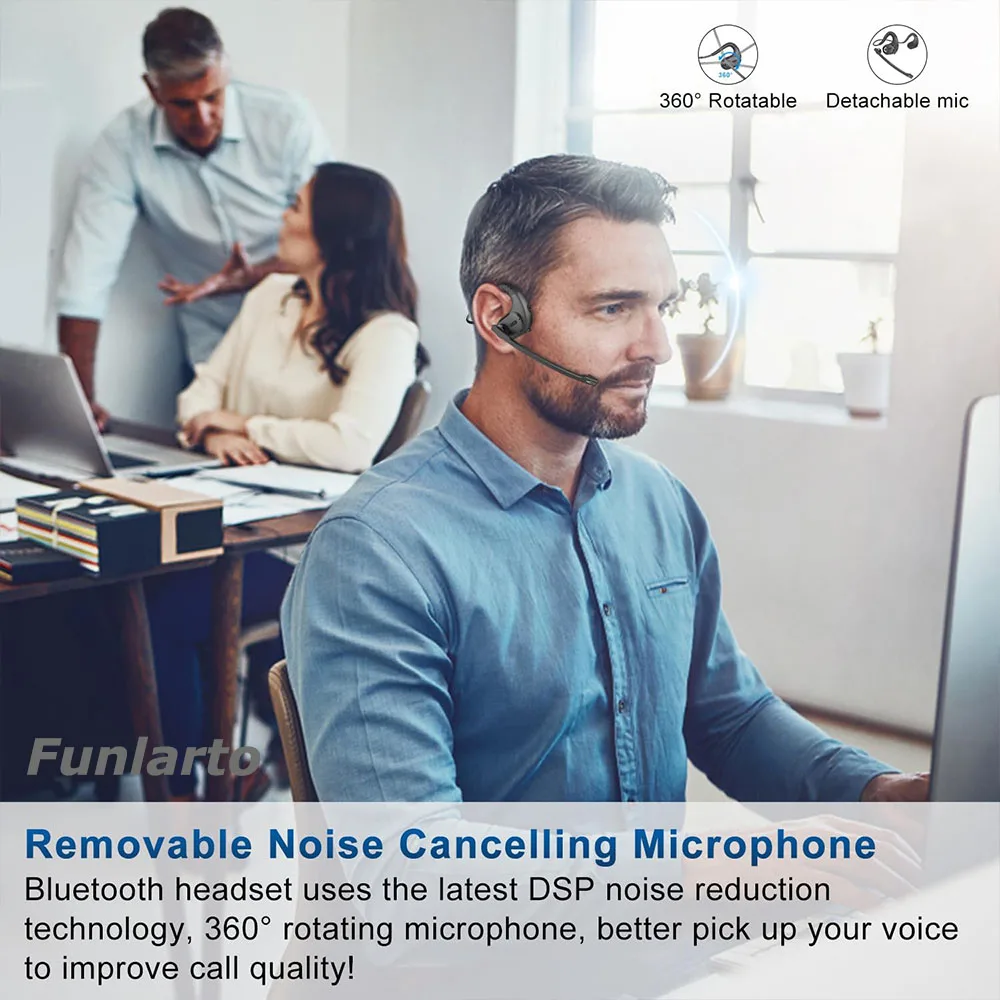
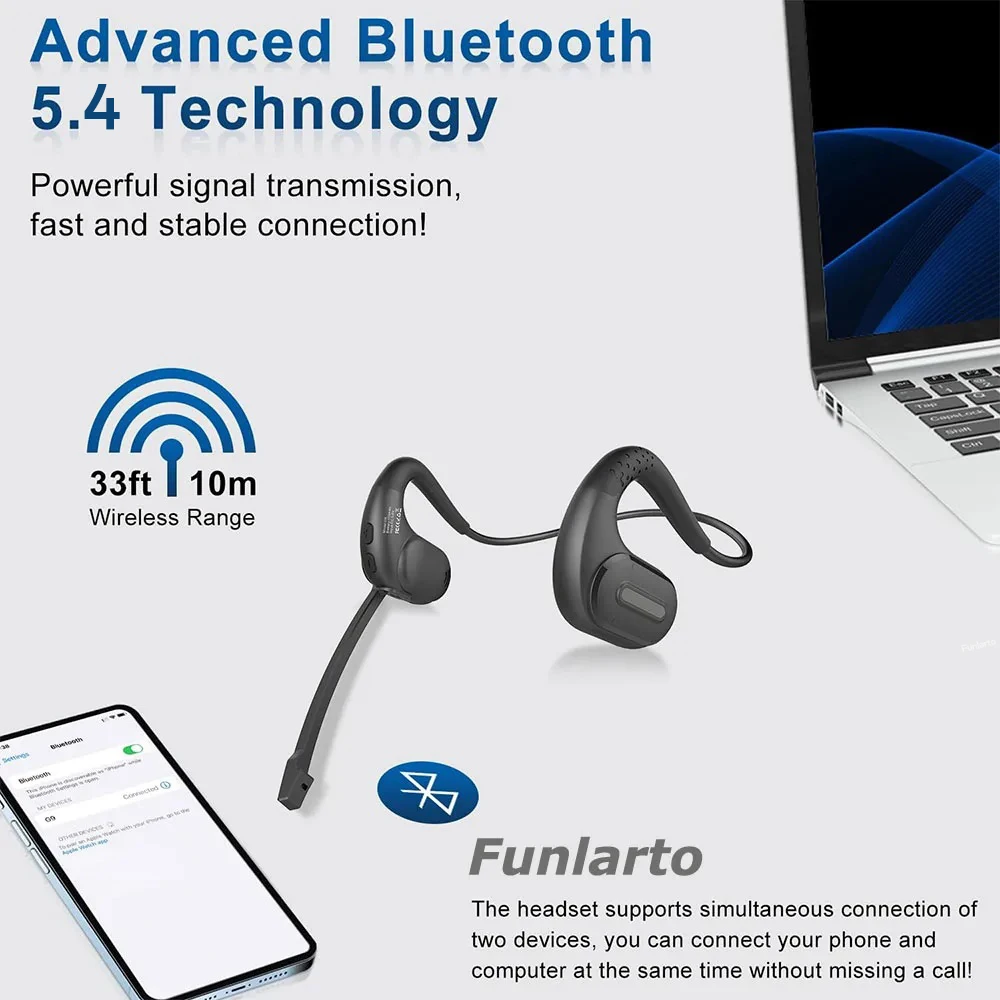
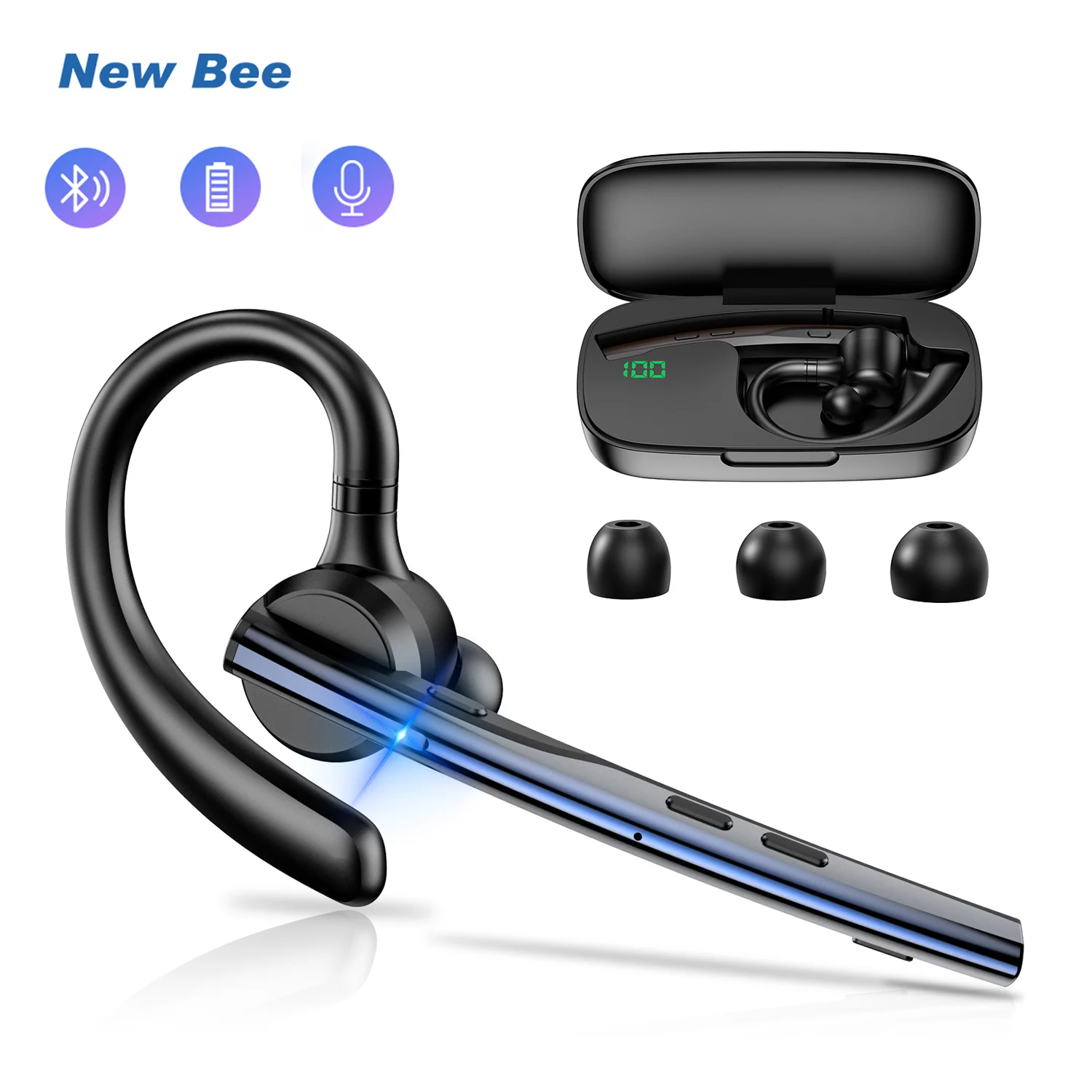
- Open-ear Bluetooth headsets sit outside the ear rather than in it, so you still hear the room, with a boom microphone. Some connect to two devices at once, a laptop and a phone.
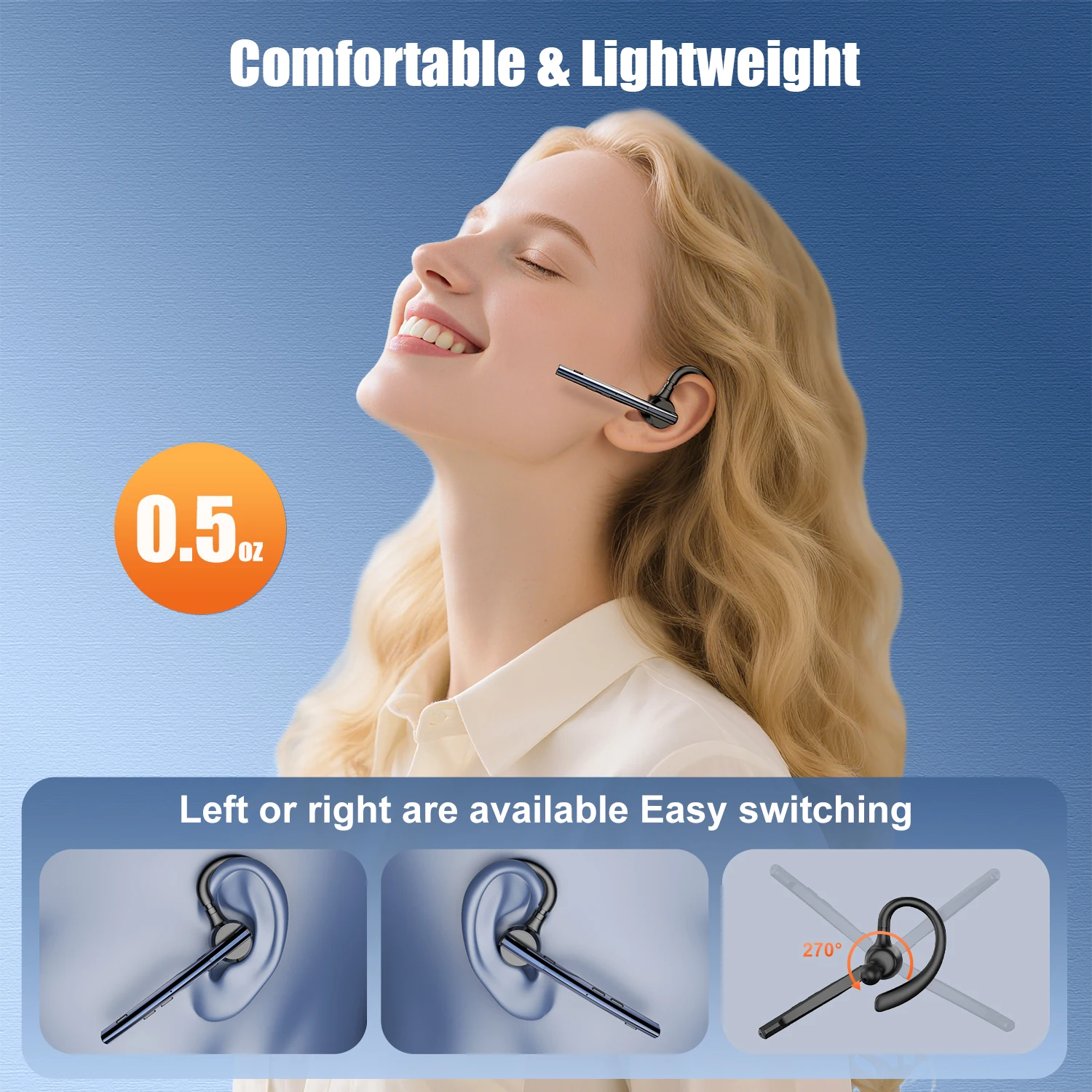
- A single-ear Bluetooth earpiece for calls on the move.
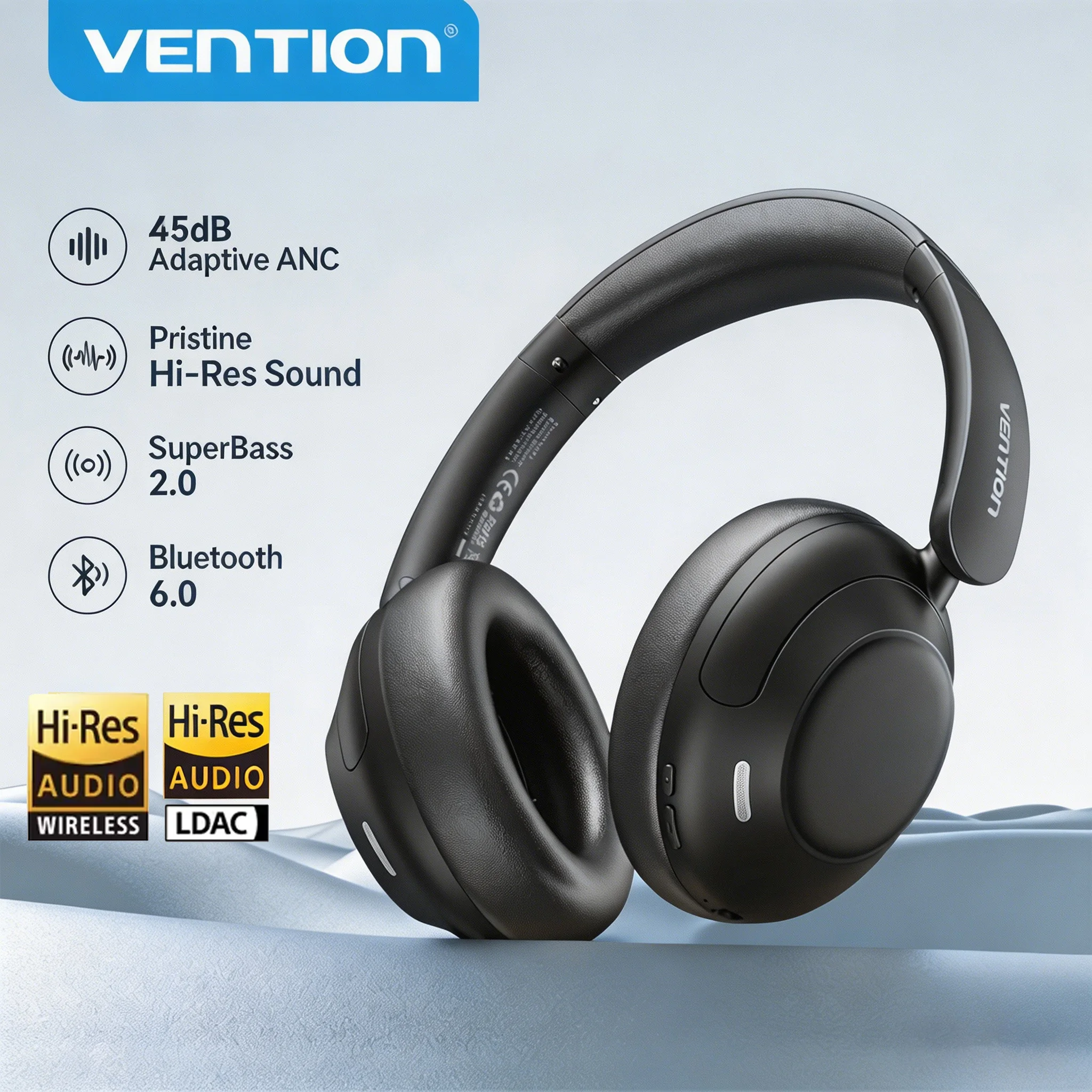
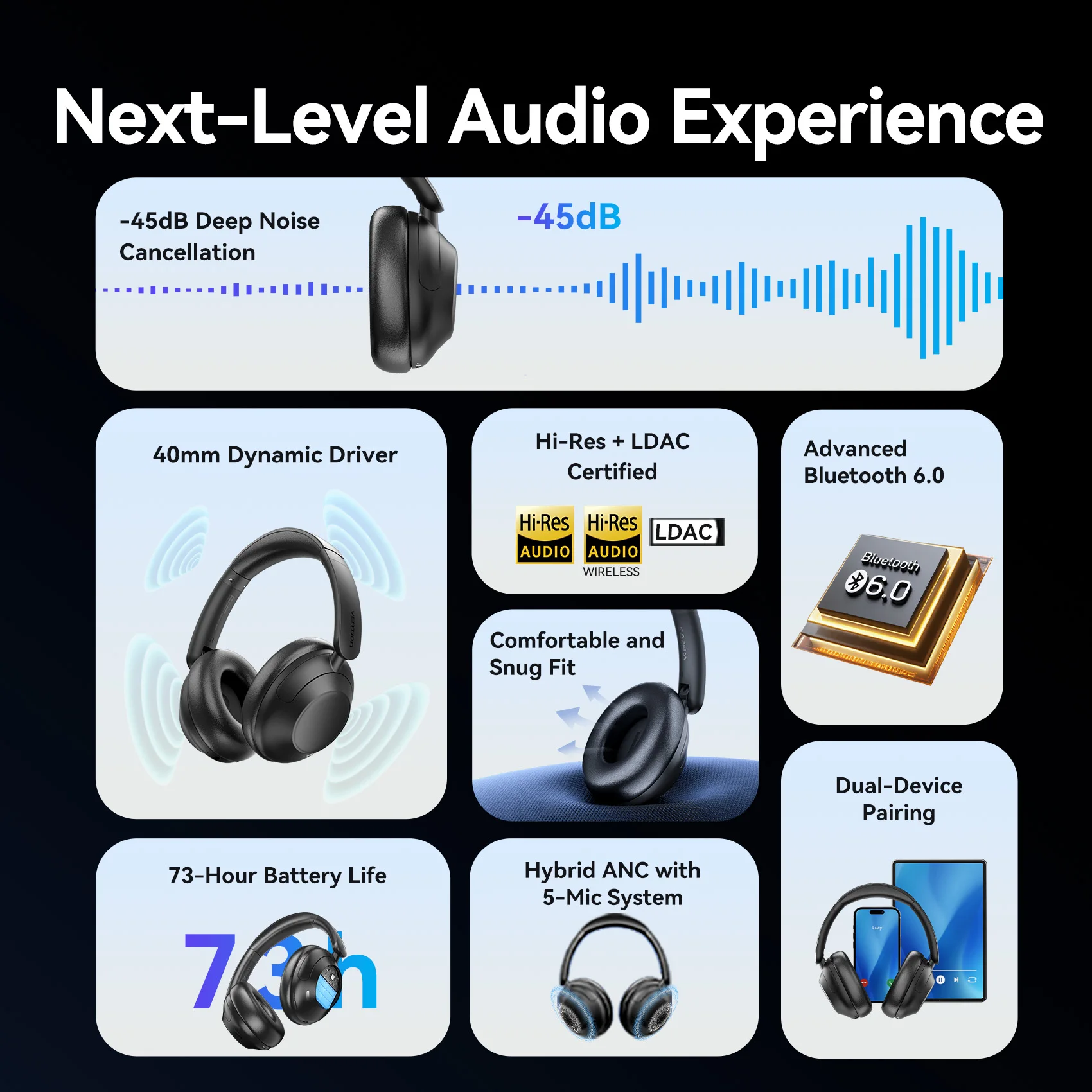
- Over-ear Bluetooth headphones with active noise cancelling and microphones built in.
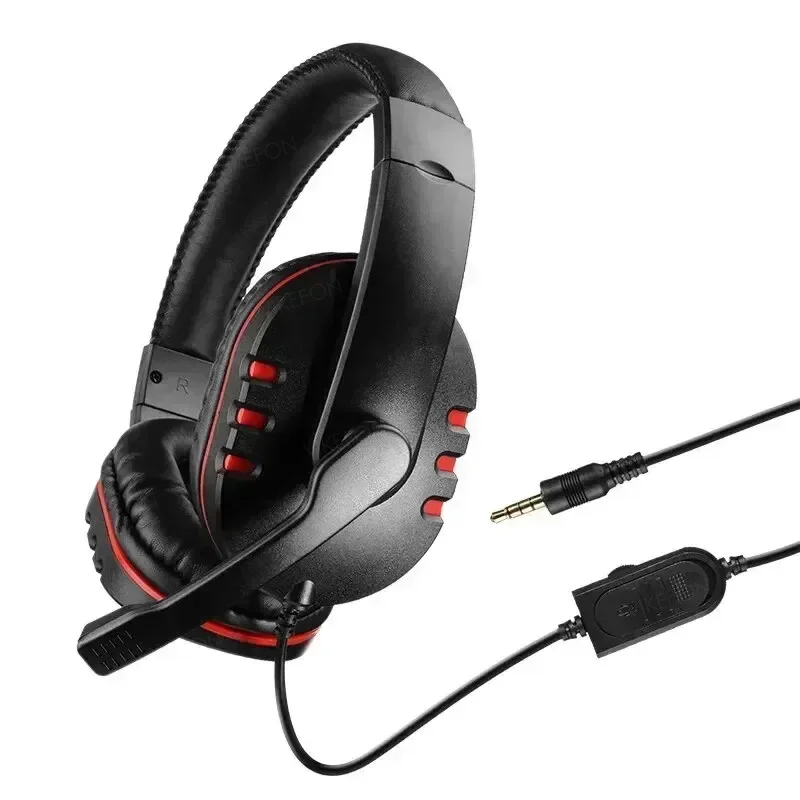
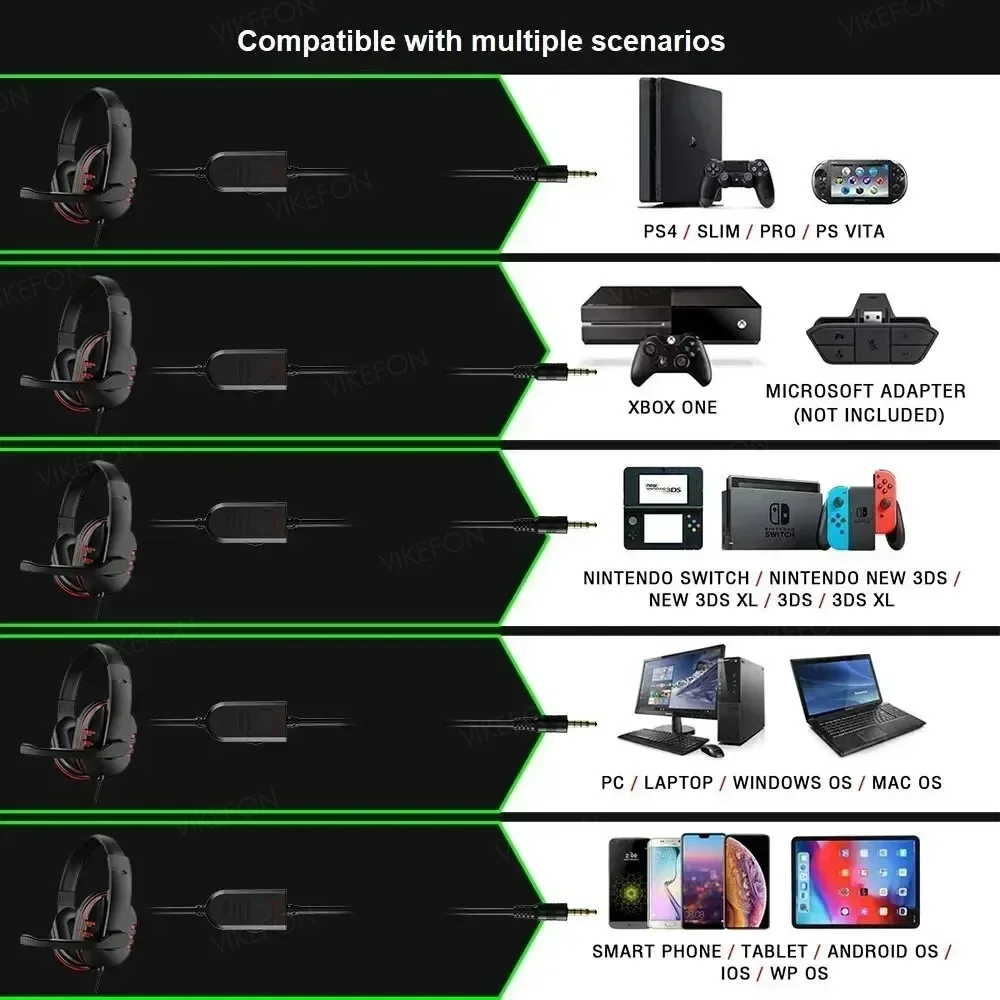
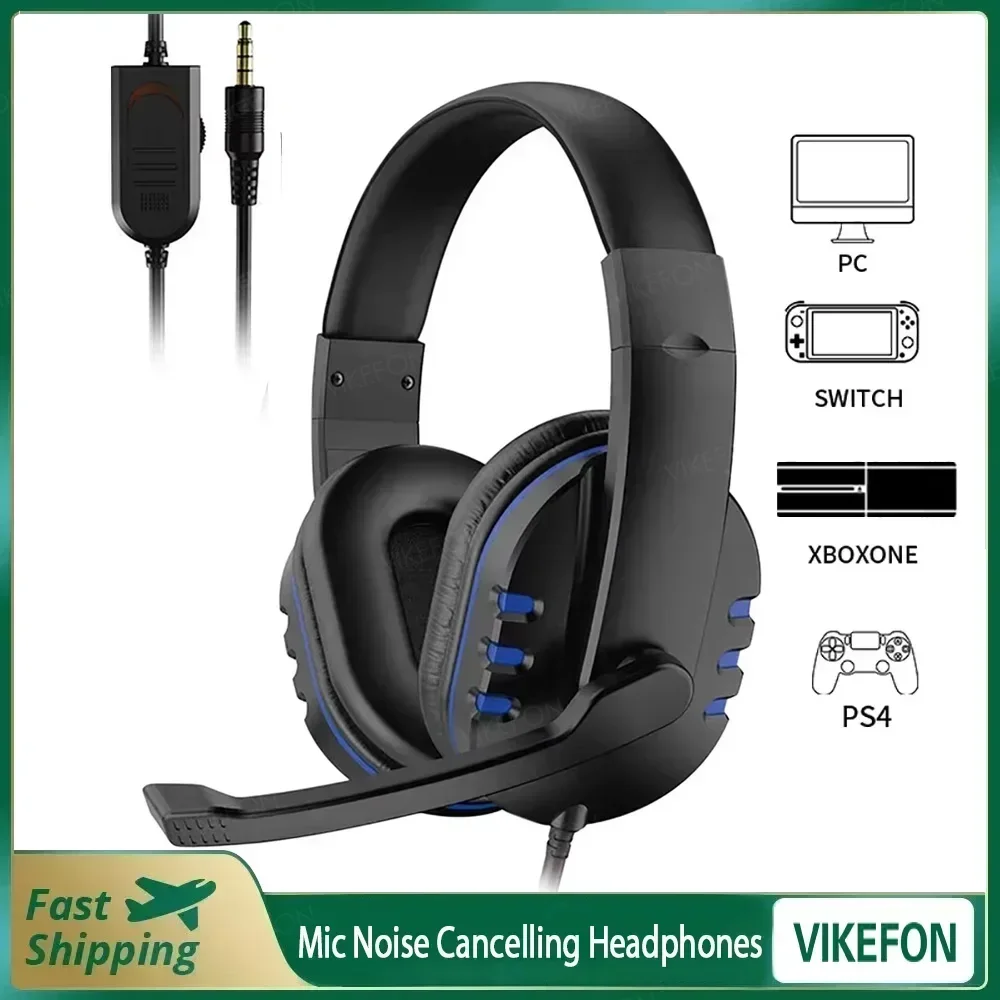
- A wired gaming headset with a 3.5mm plug.
Wired or Bluetooth
USB headsets carry their own sound card, so they work the same on any laptop with a USB port and need no headphone socket. 3.5mm headsets need a socket that takes a headset plug. A headset with two plugs, one for sound and one for the microphone, needs two sockets or an adapter; a USB sound card solves either.
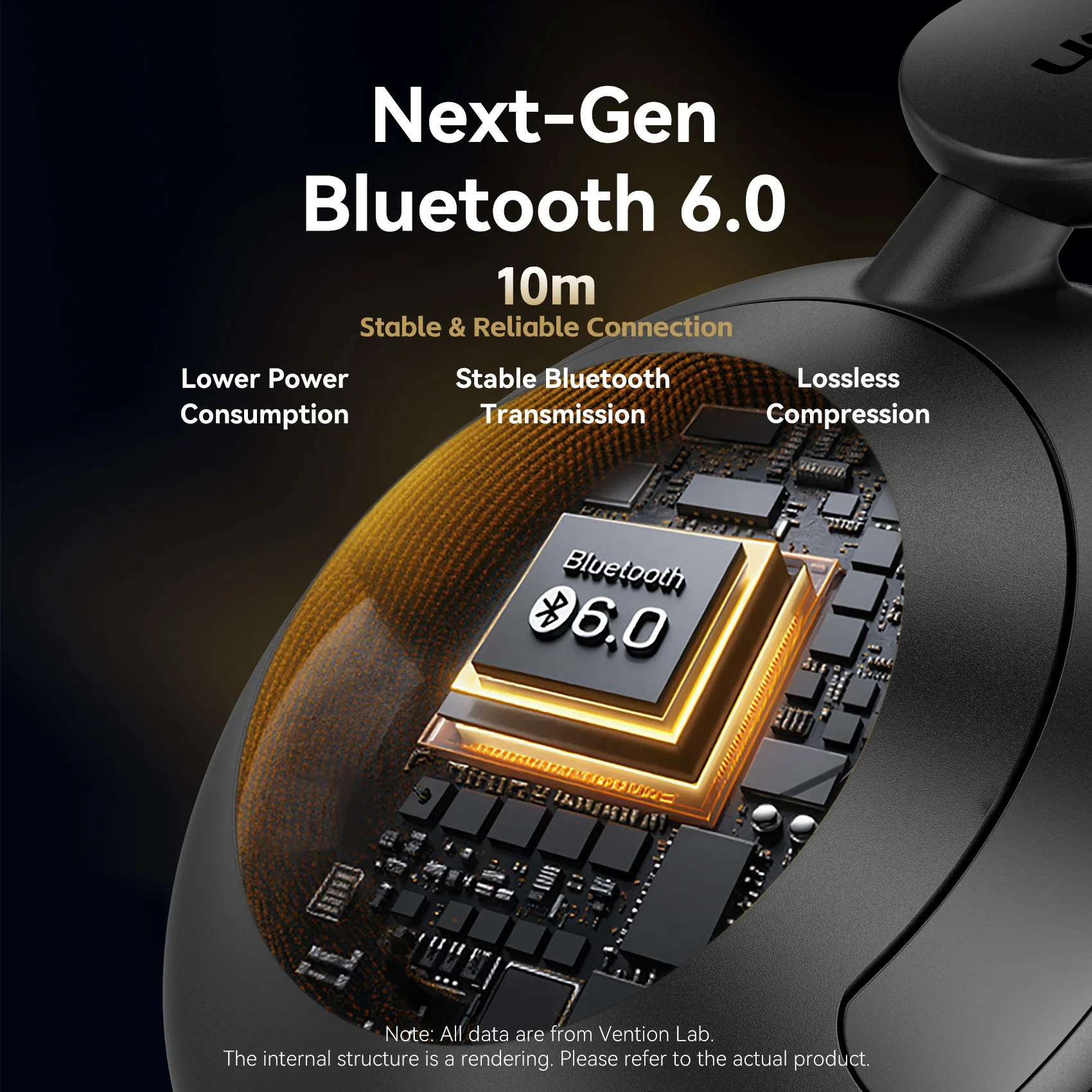
Bluetooth means no cable, but most Bluetooth headsets switch to a lower-quality hands-free mode while the microphone is in use, so voices on a call sound flatter than music does. Newer LE Audio improves this, but only where the headset, the laptop and the software all support it. For long calls at a desk, a wired headset is the safe choice. Our guide to microphones and headsets explains more.
Questions people ask about headsets with a microphone
How loud is too loud?
NHS hearing services advise keeping to no more than 60% of a device's maximum volume when listening for a long time, and taking breaks.
The other person cannot hear me. What do I check?
First the headset's own mute switch. Then choose the headset as the microphone in your call app, and in Settings, System, Sound on Windows, or System Settings, Sound on a Mac.
My laptop only has USB-C.
Use a Bluetooth headset, a USB headset with a USB-C to USB-A adapter, or a USB-C sound card.
How long does delivery take?
Delivery is included in every price and tracked to your door. Each product page says when that headset usually arrives, so check it before ordering for a set date.
More to look at