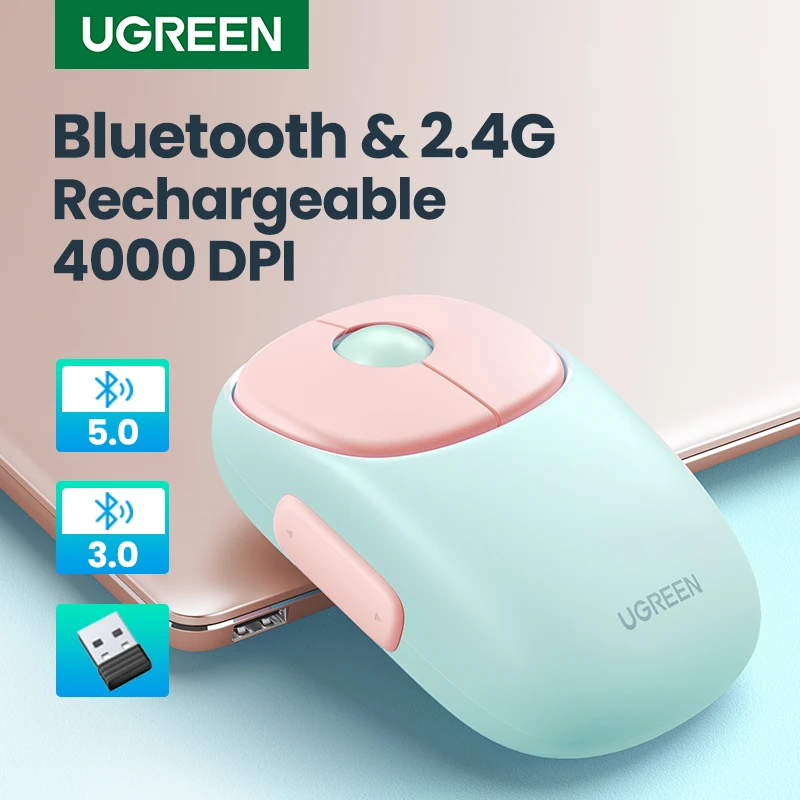
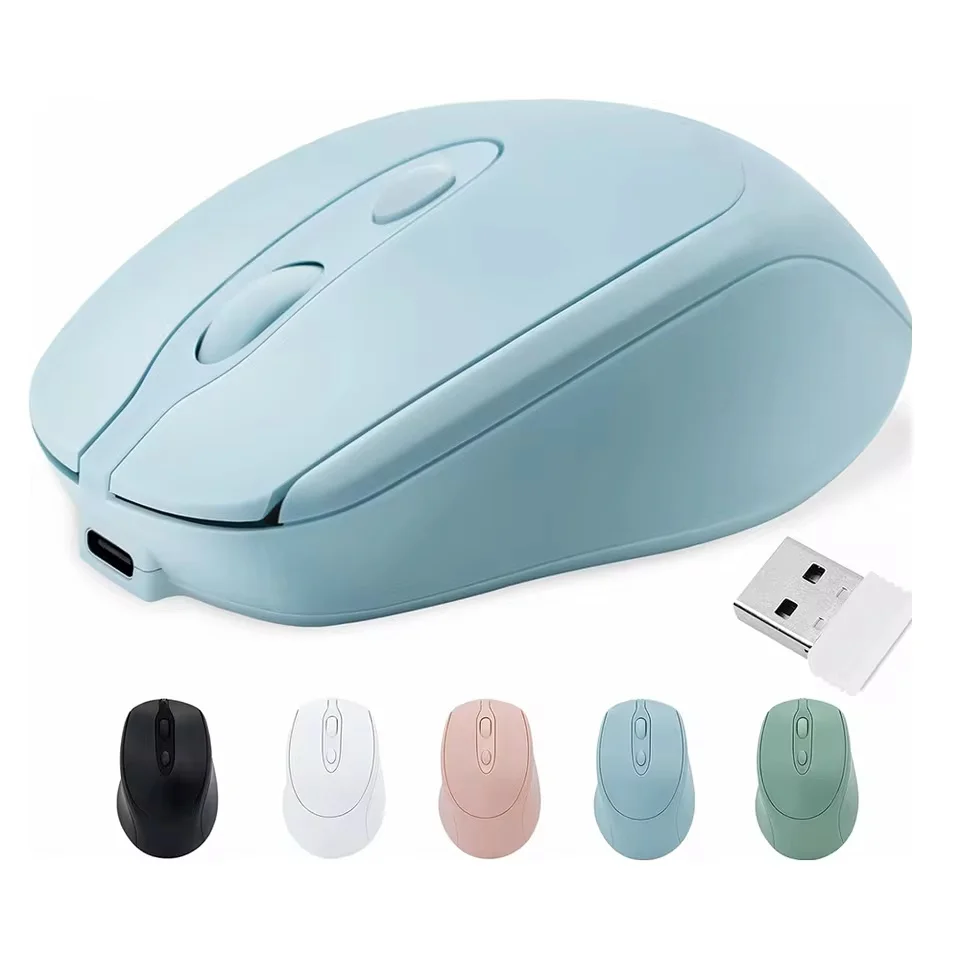
A wireless mouse with a receiver
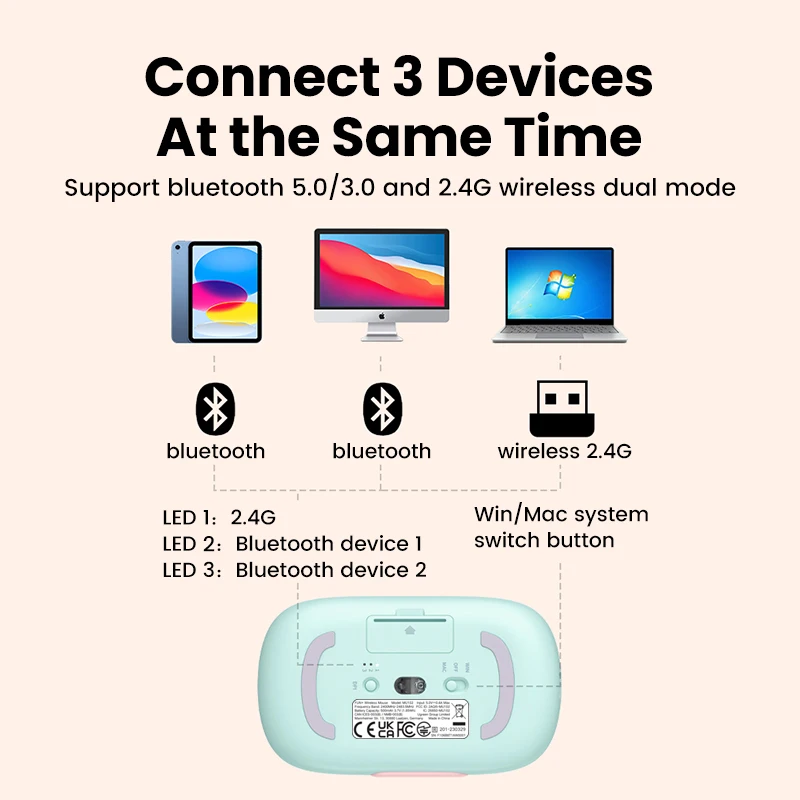
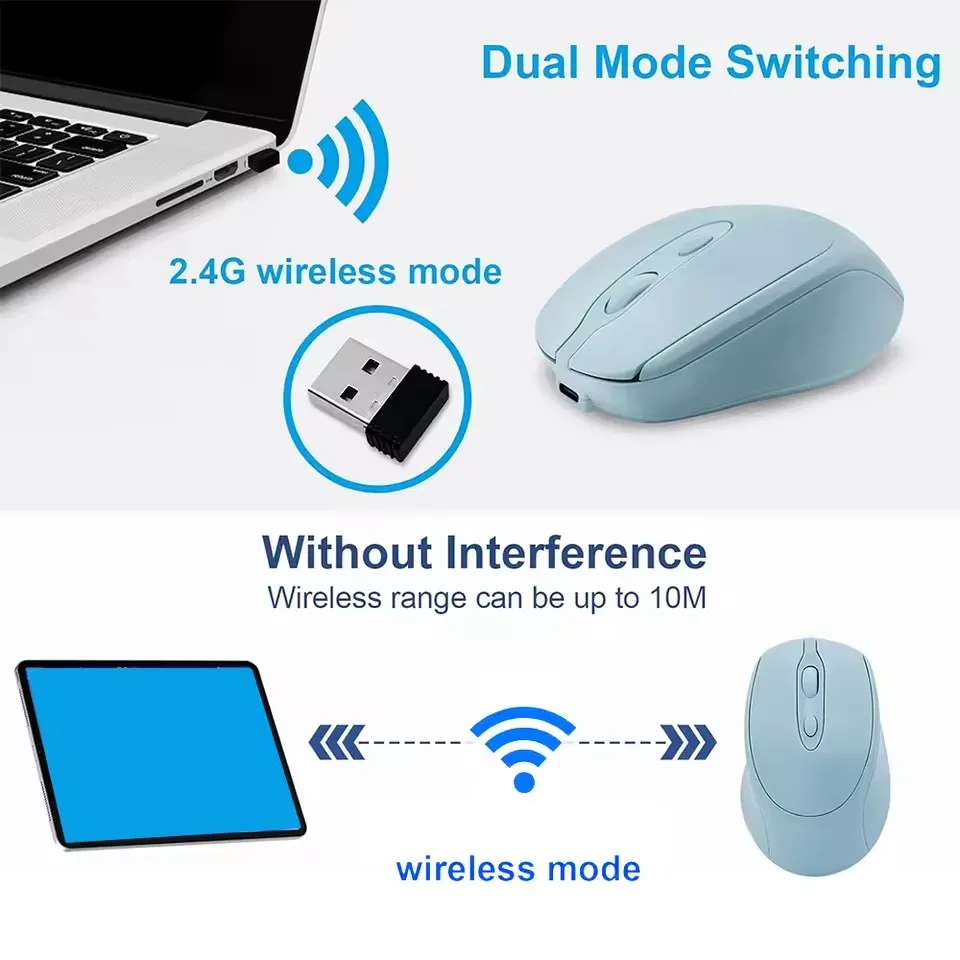
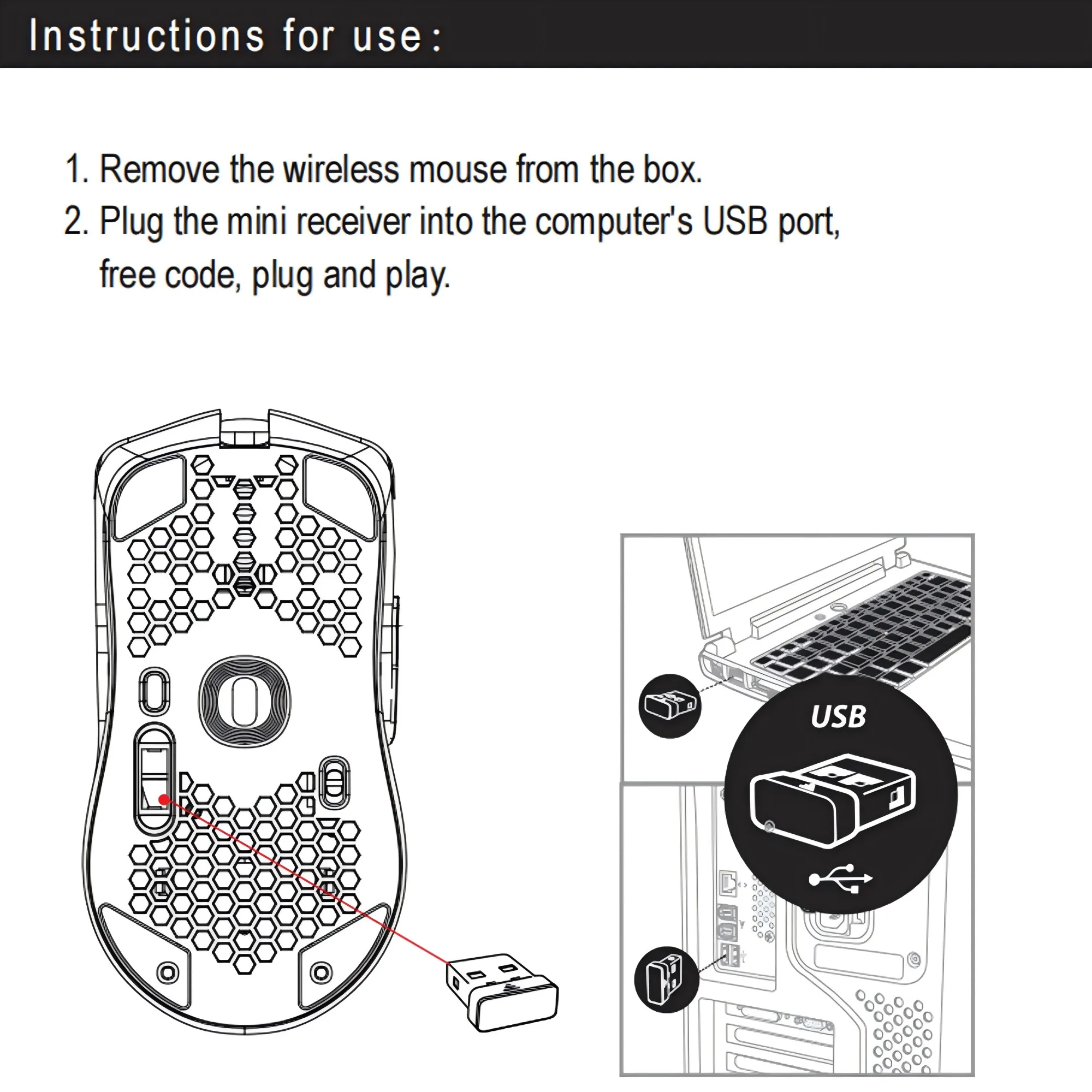
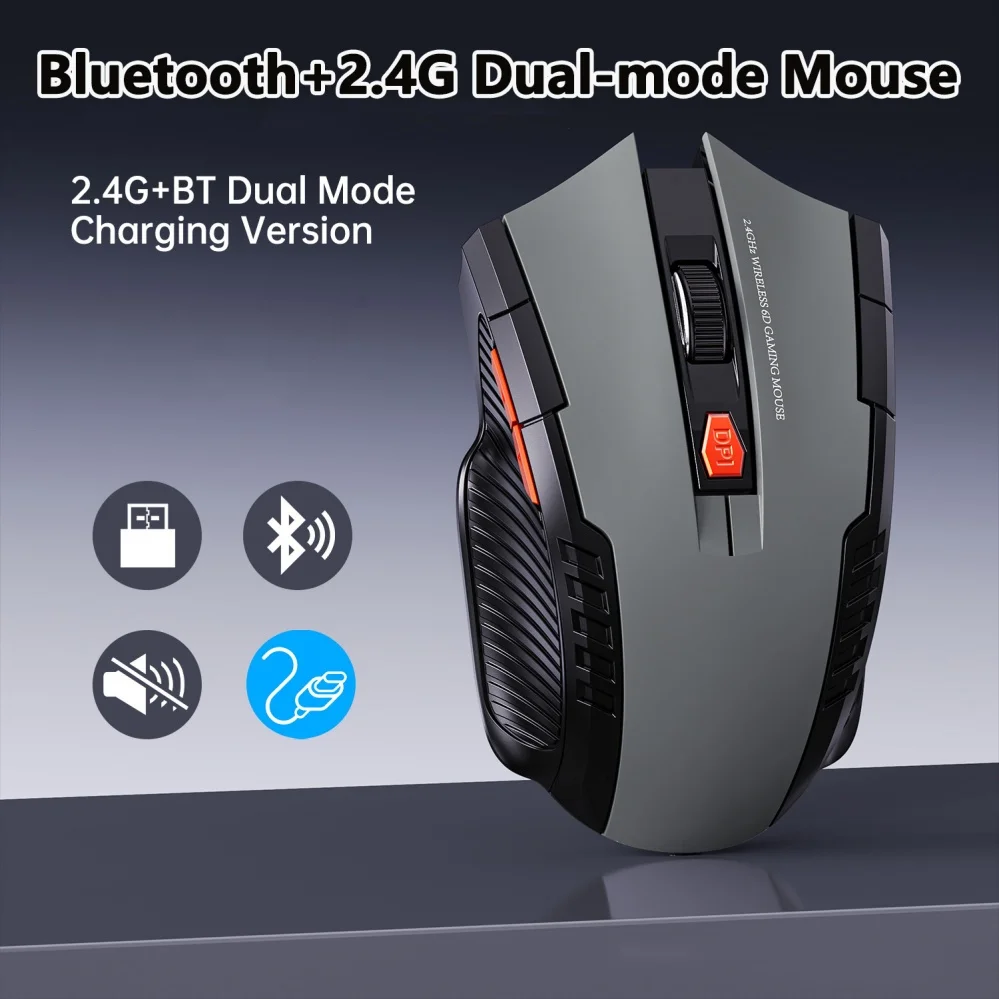
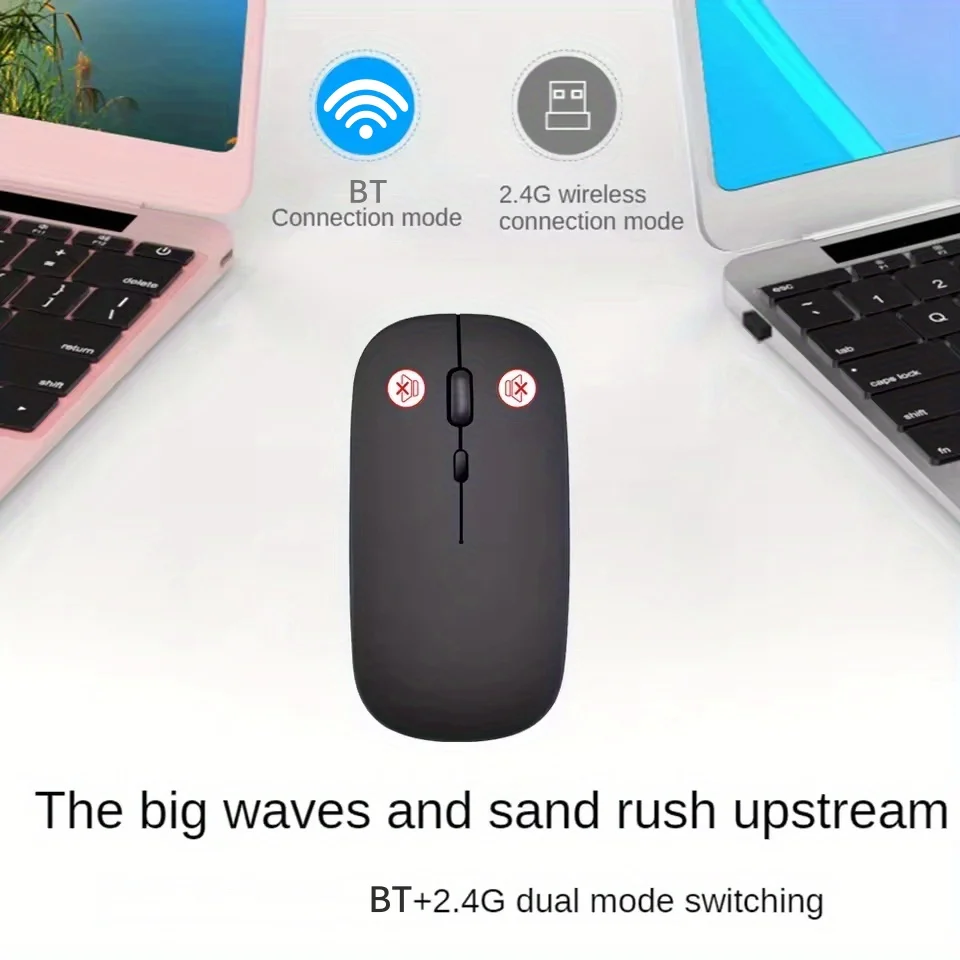
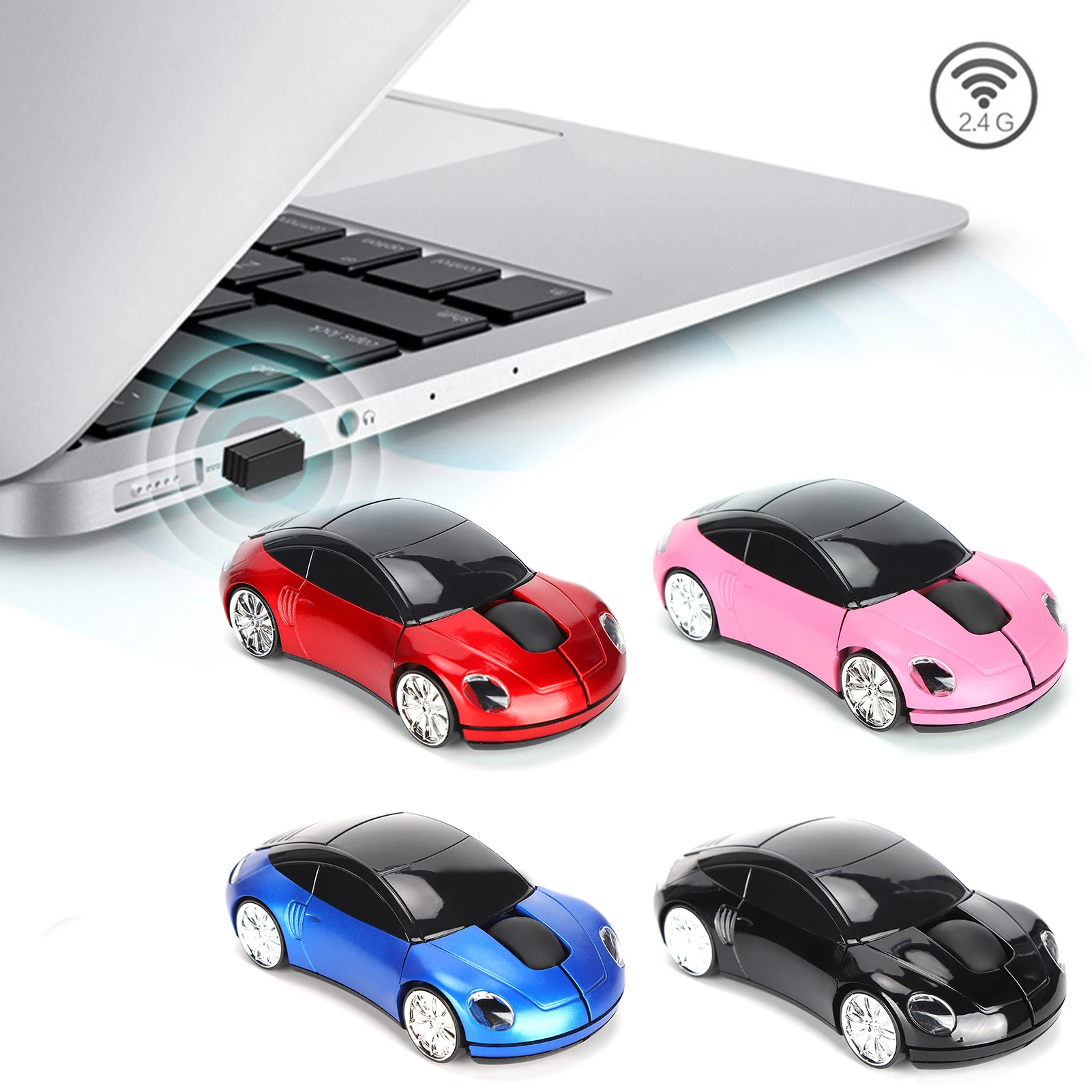
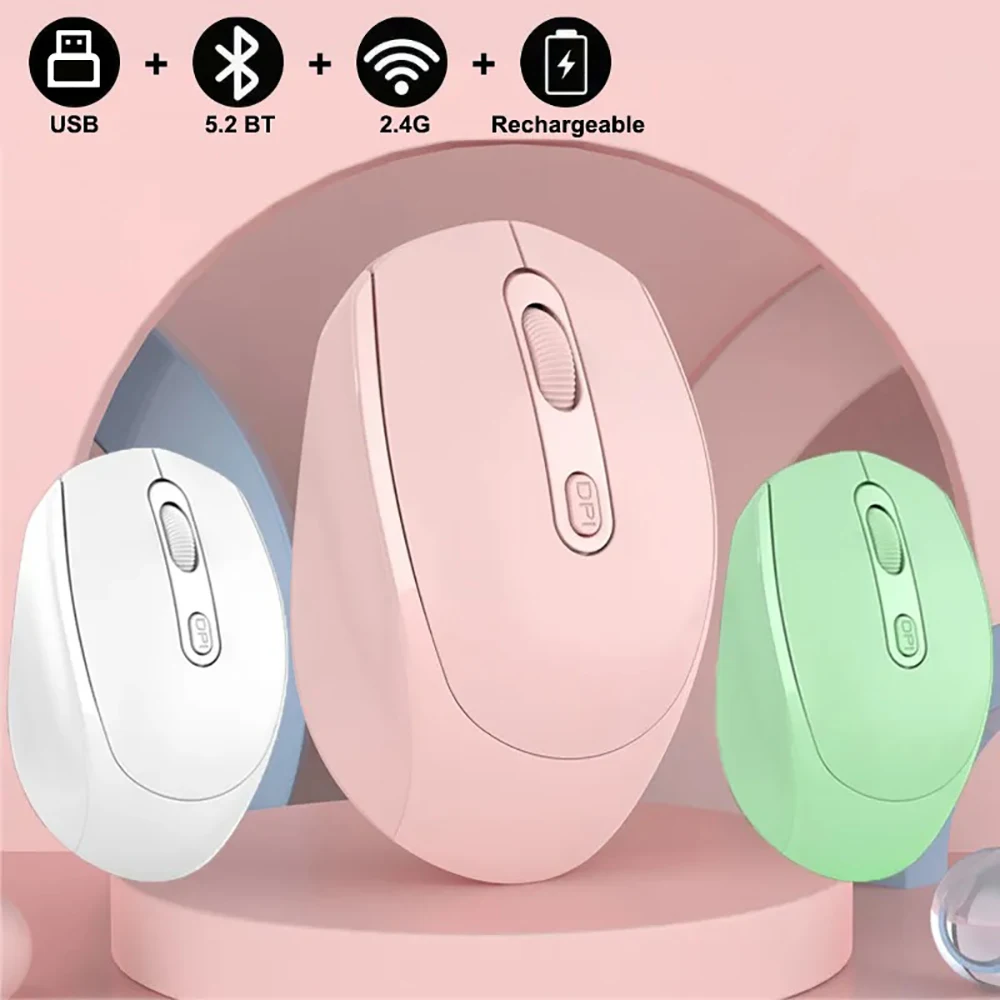
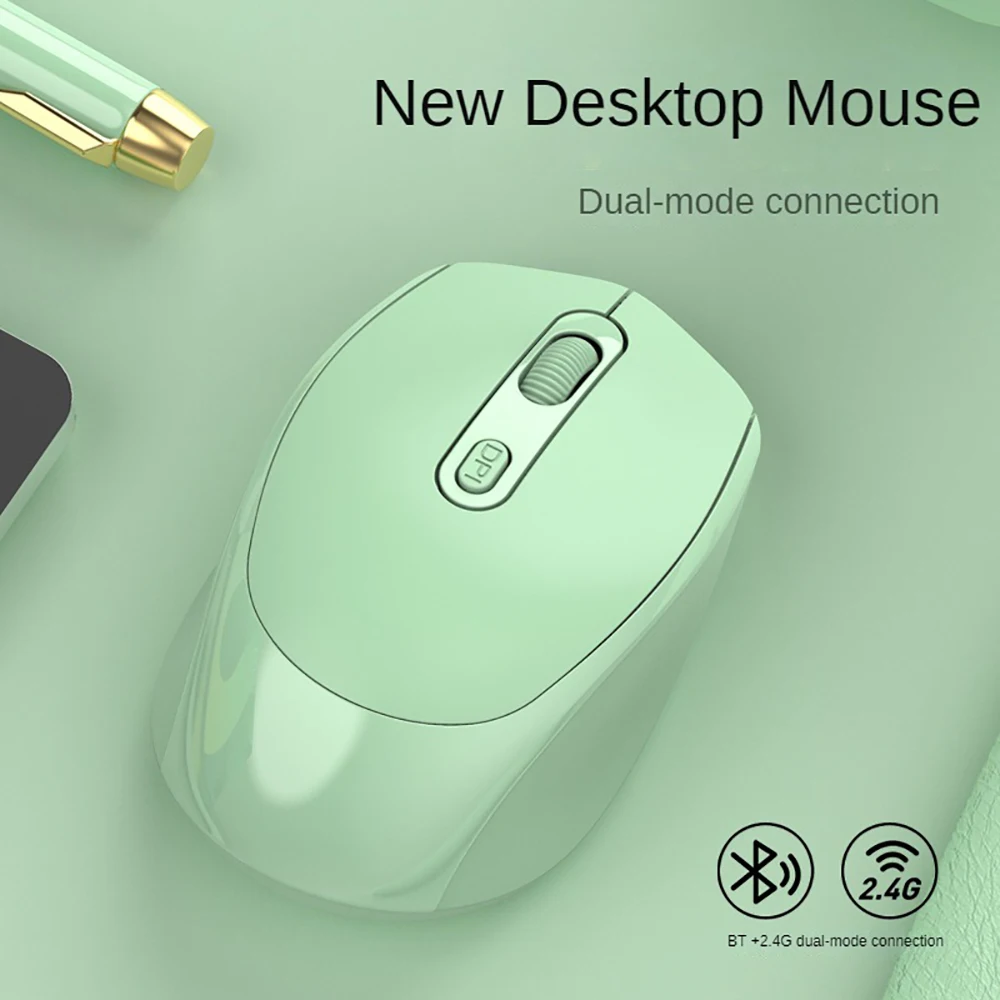
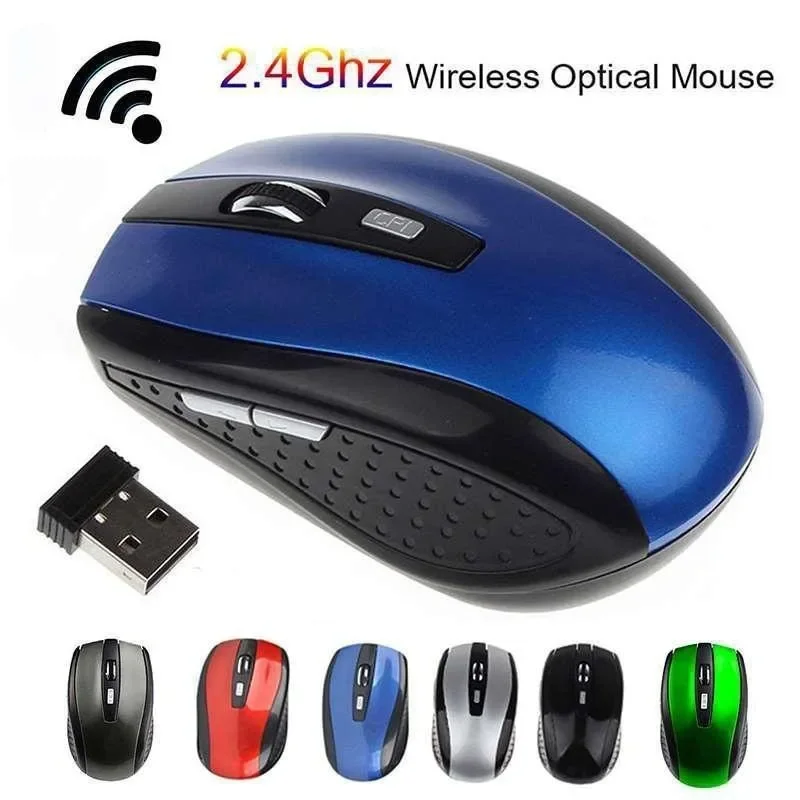
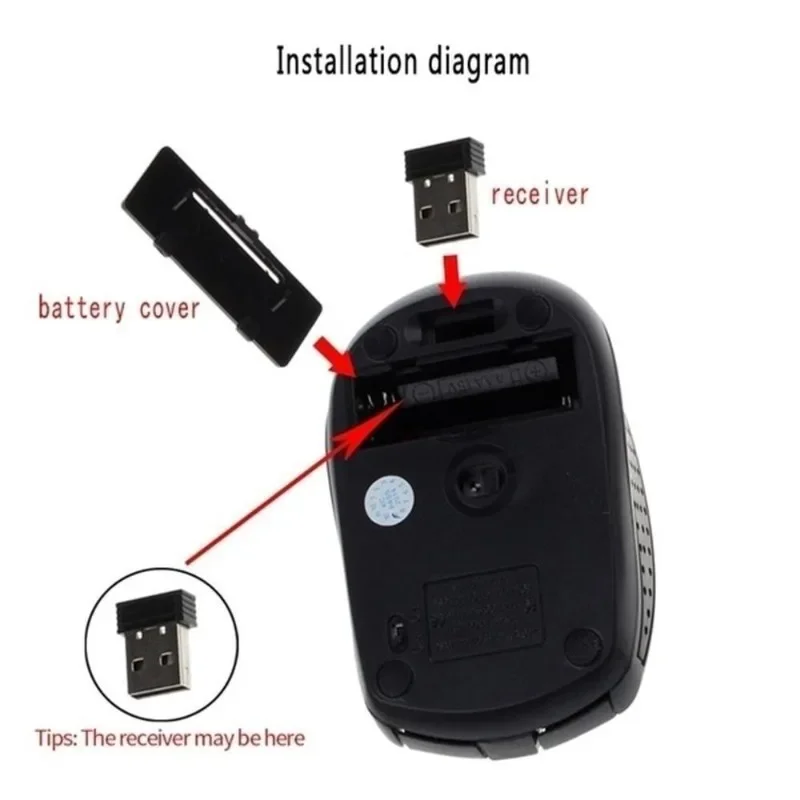
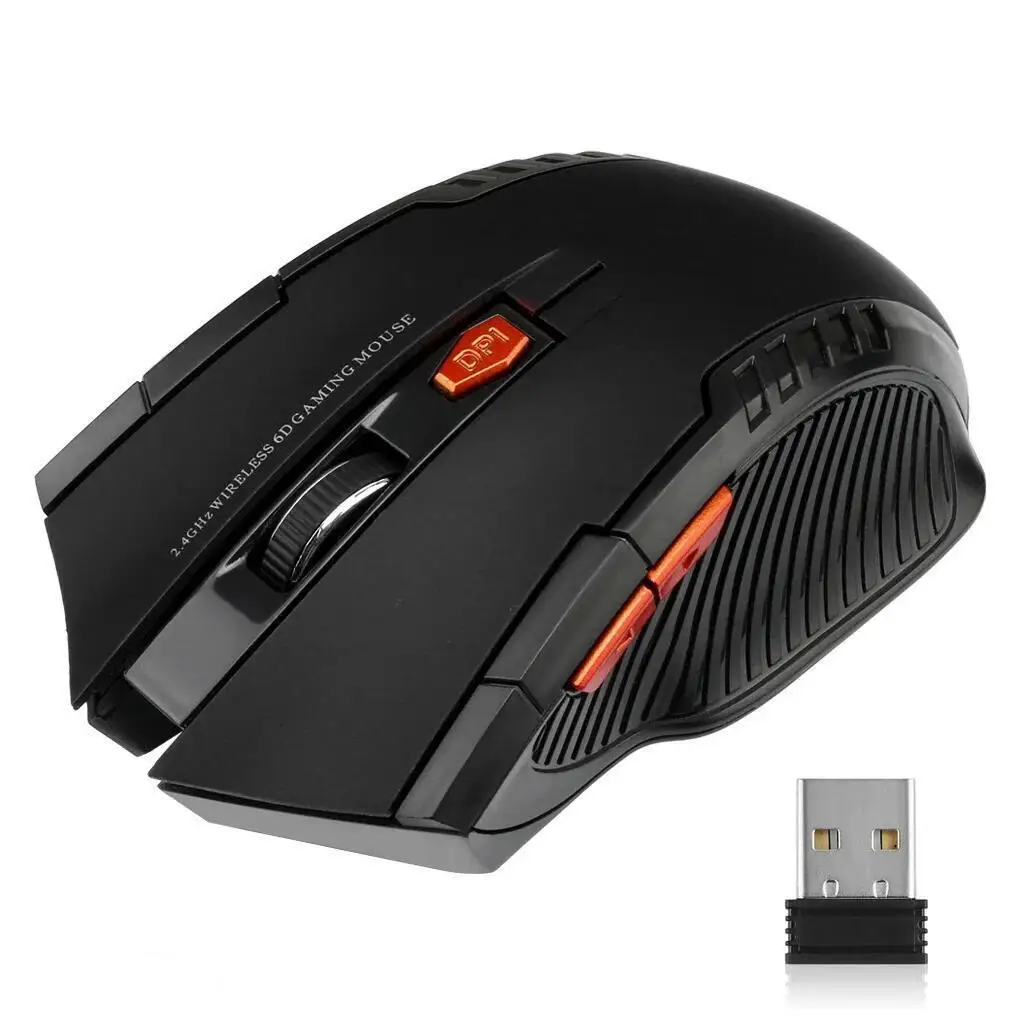
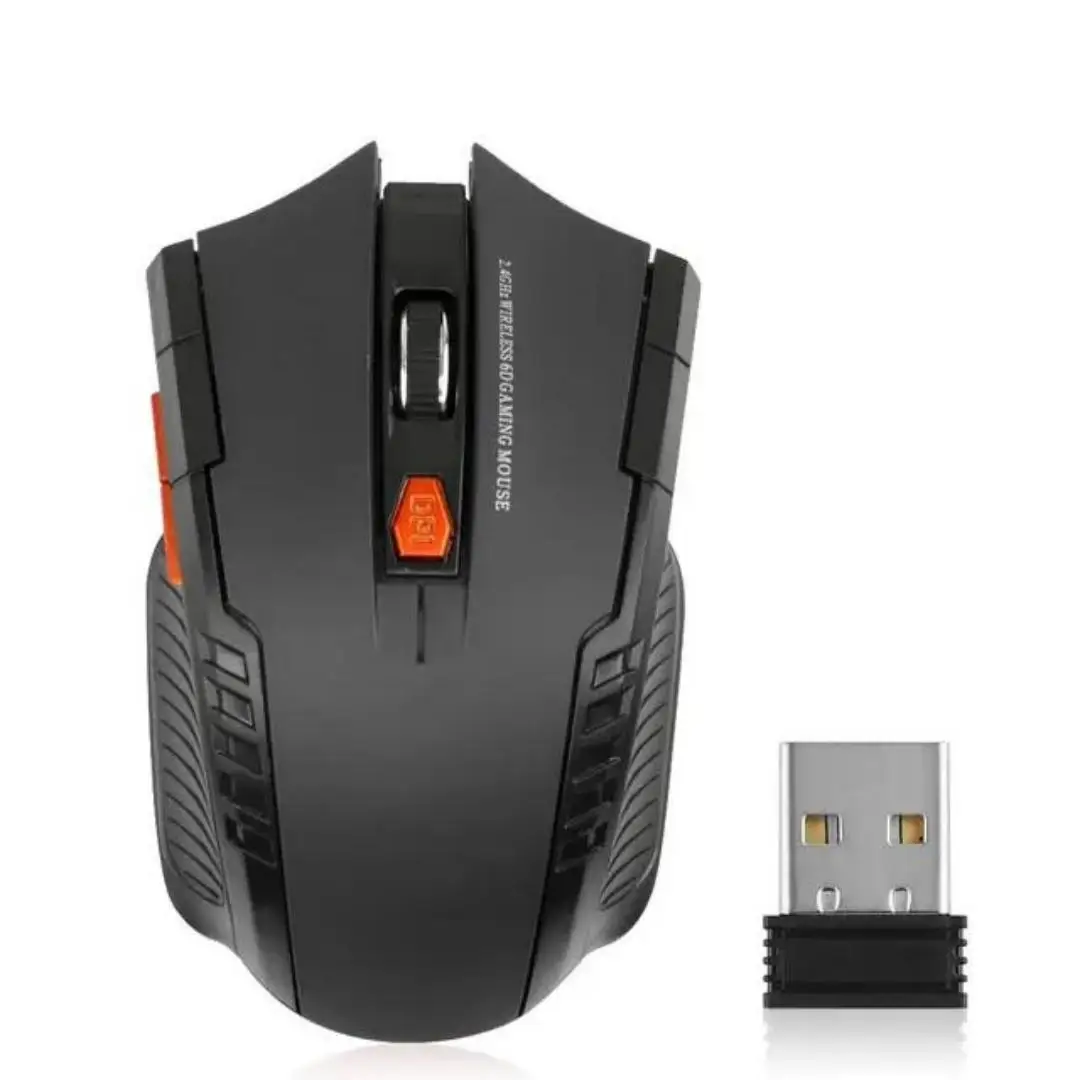
These mice talk to the laptop through a small USB receiver. Plug it in and the mouse works straight away, with no pairing and no settings, which is why a receiver mouse is the simple choice for a work laptop, a school laptop or an older laptop. Many in this range also have Bluetooth, so the same mouse can move between the laptop and a tablet.
What is in the range
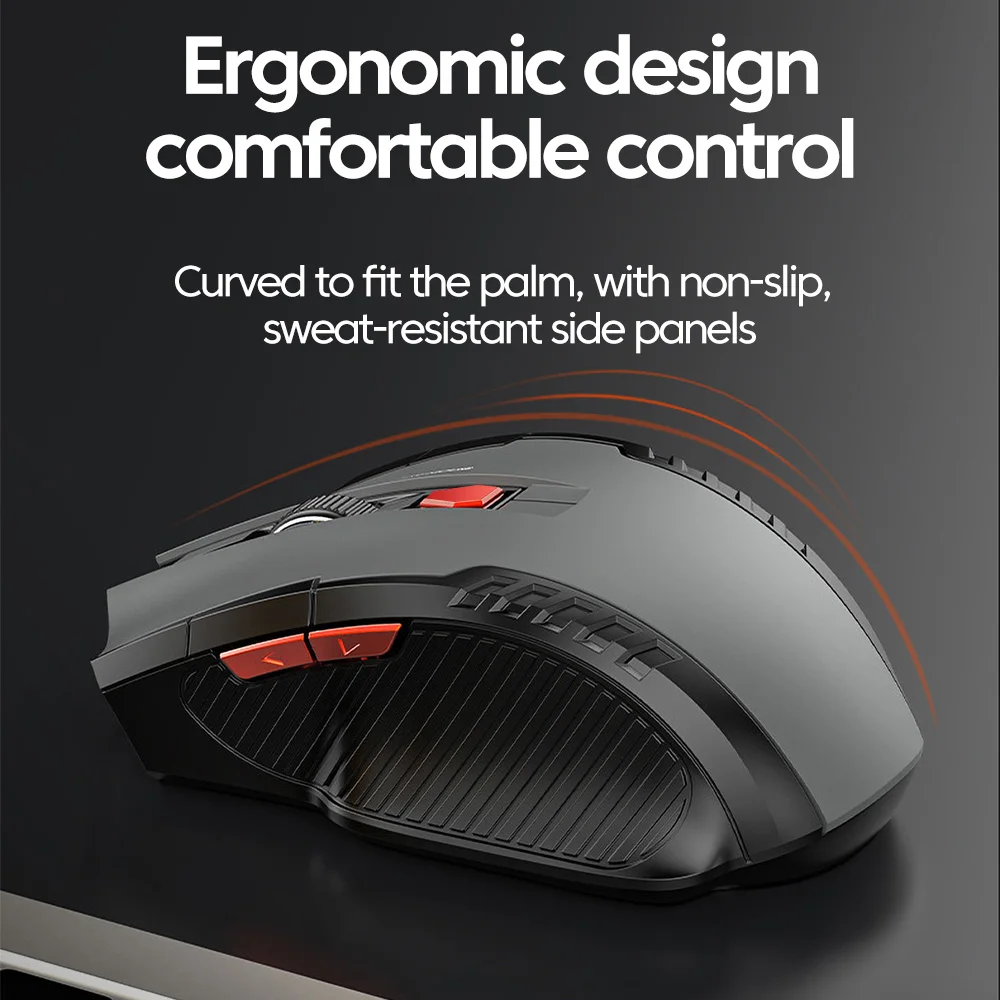
- Receiver-only mice: the plainest kind, some with six buttons, including forward and back for the web.
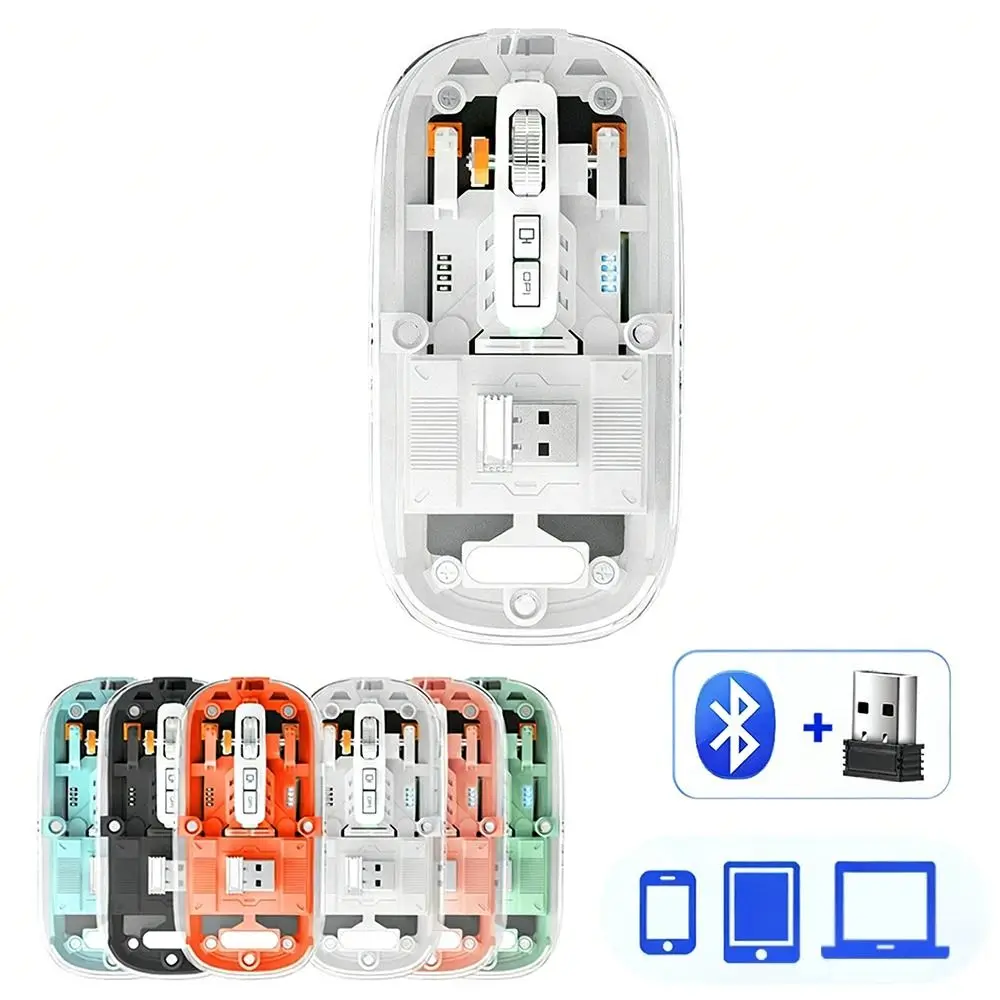
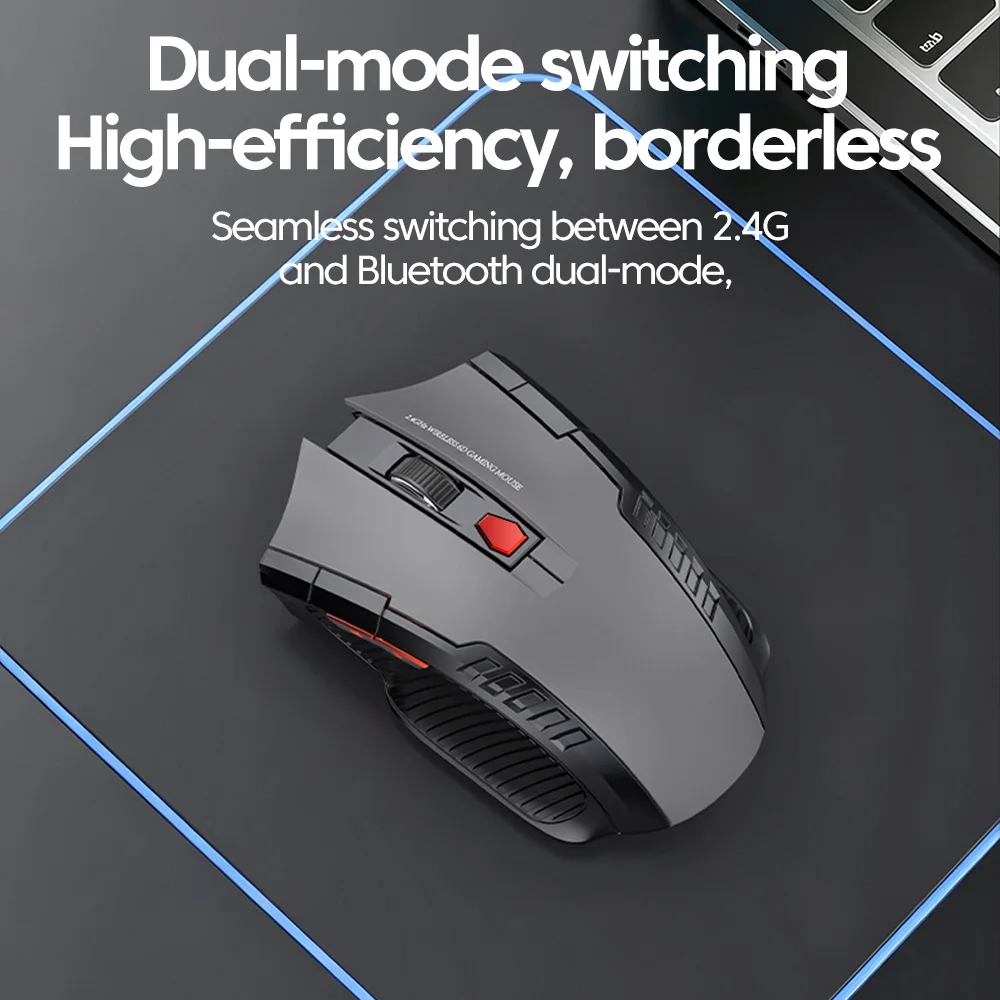
- Dual and three-mode mice with a receiver and Bluetooth. A switch underneath, or a button on top, chooses which device it is talking to.
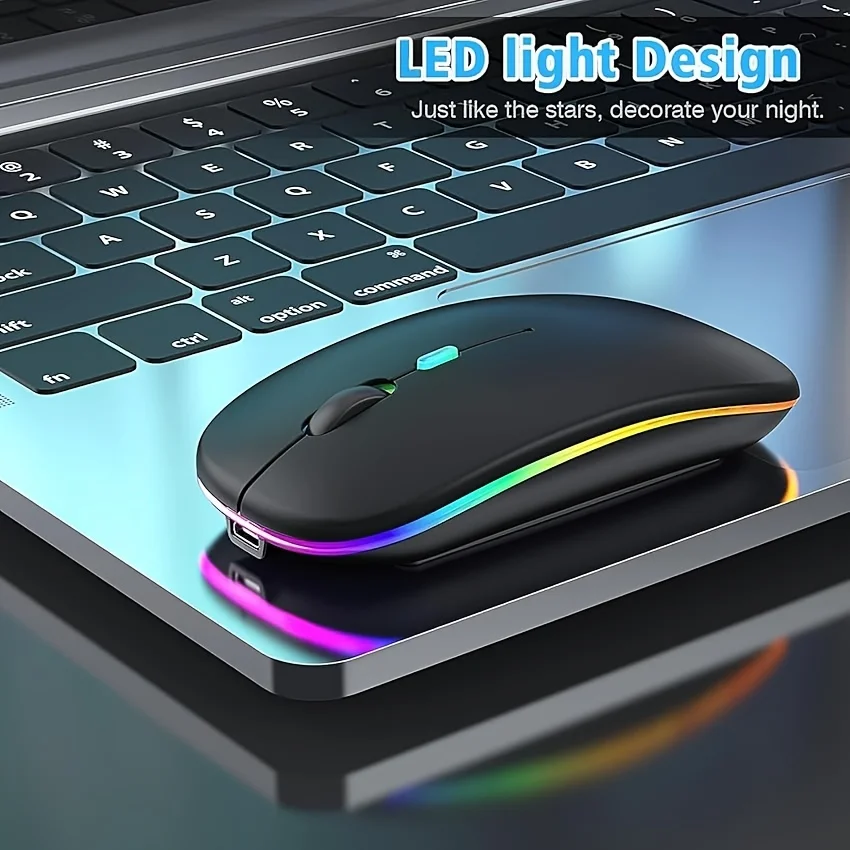
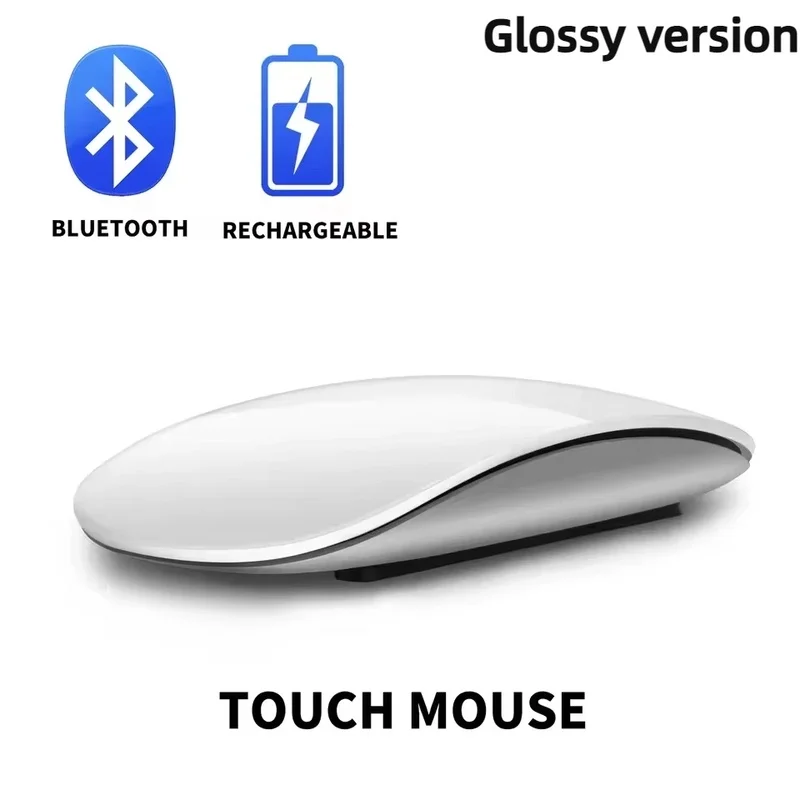
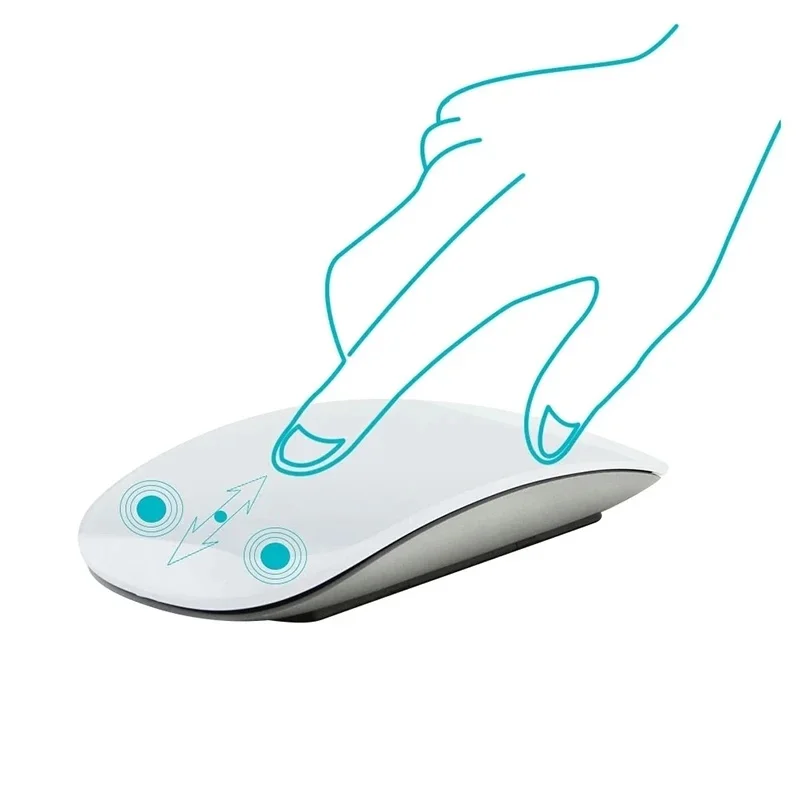
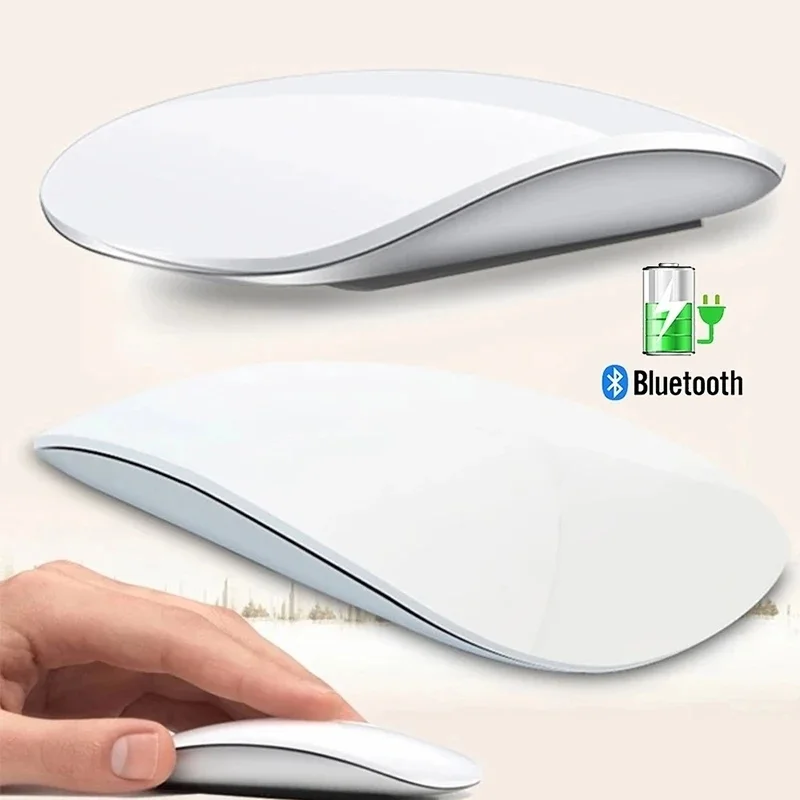
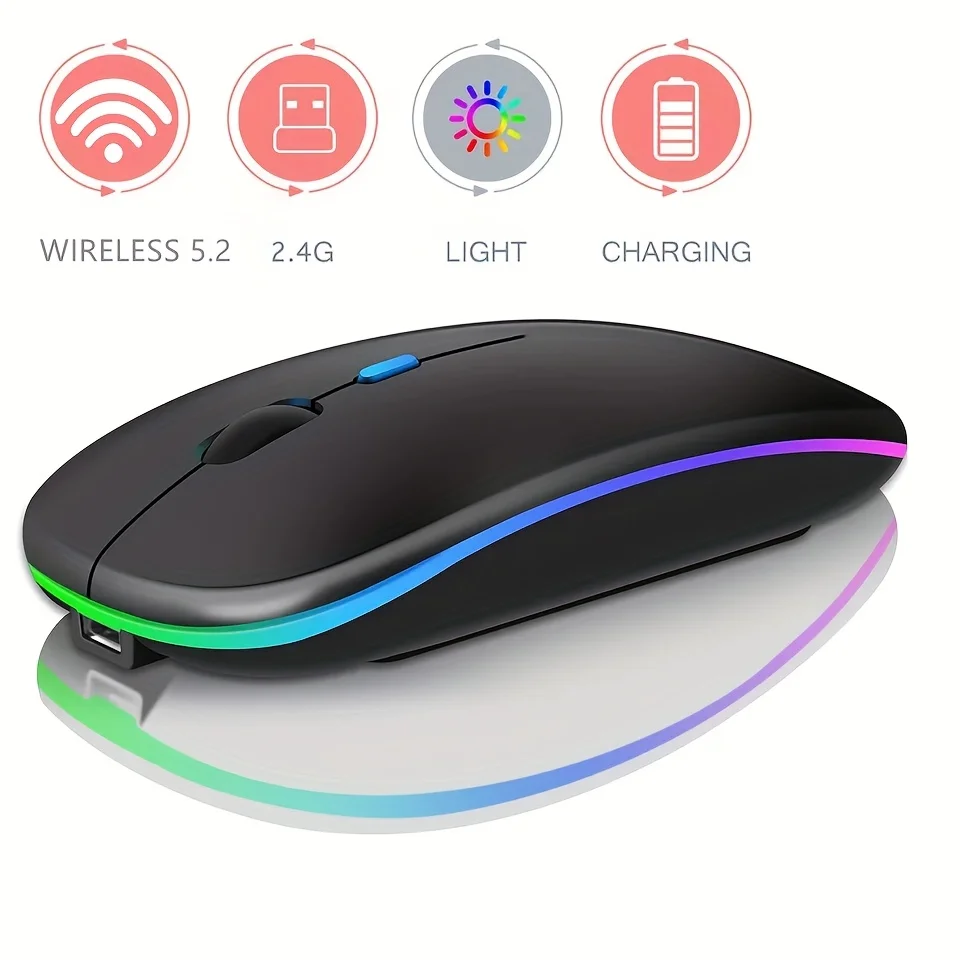
- Slim and travel mice that go flat in a bag pocket, and an ultra-slim mouse with a touch strip for scrolling.
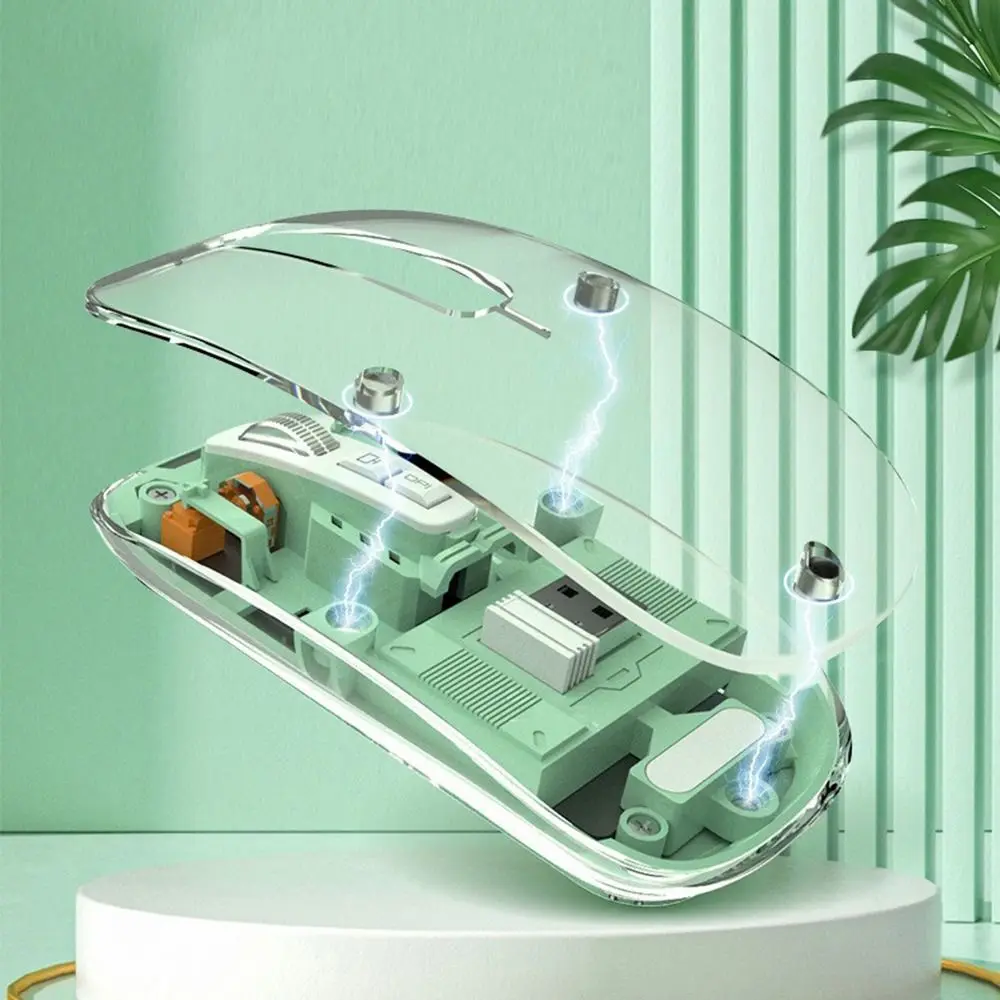
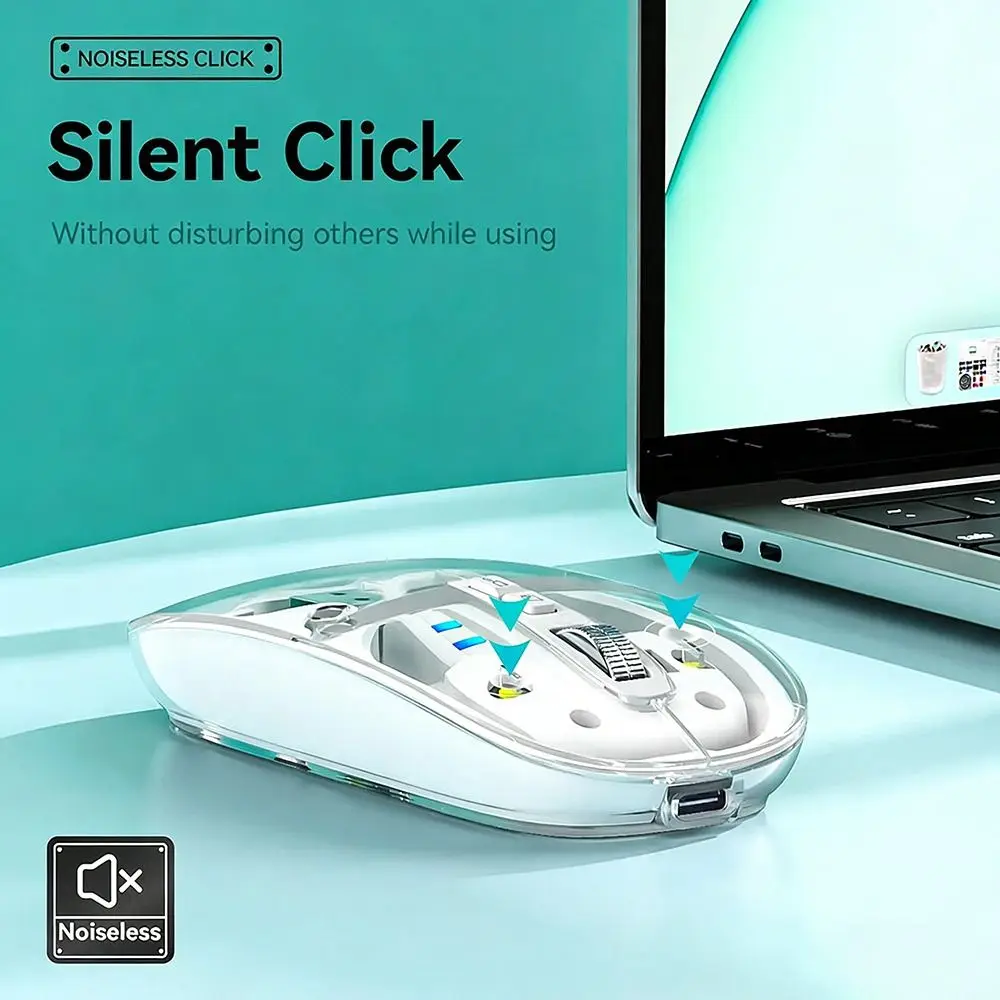
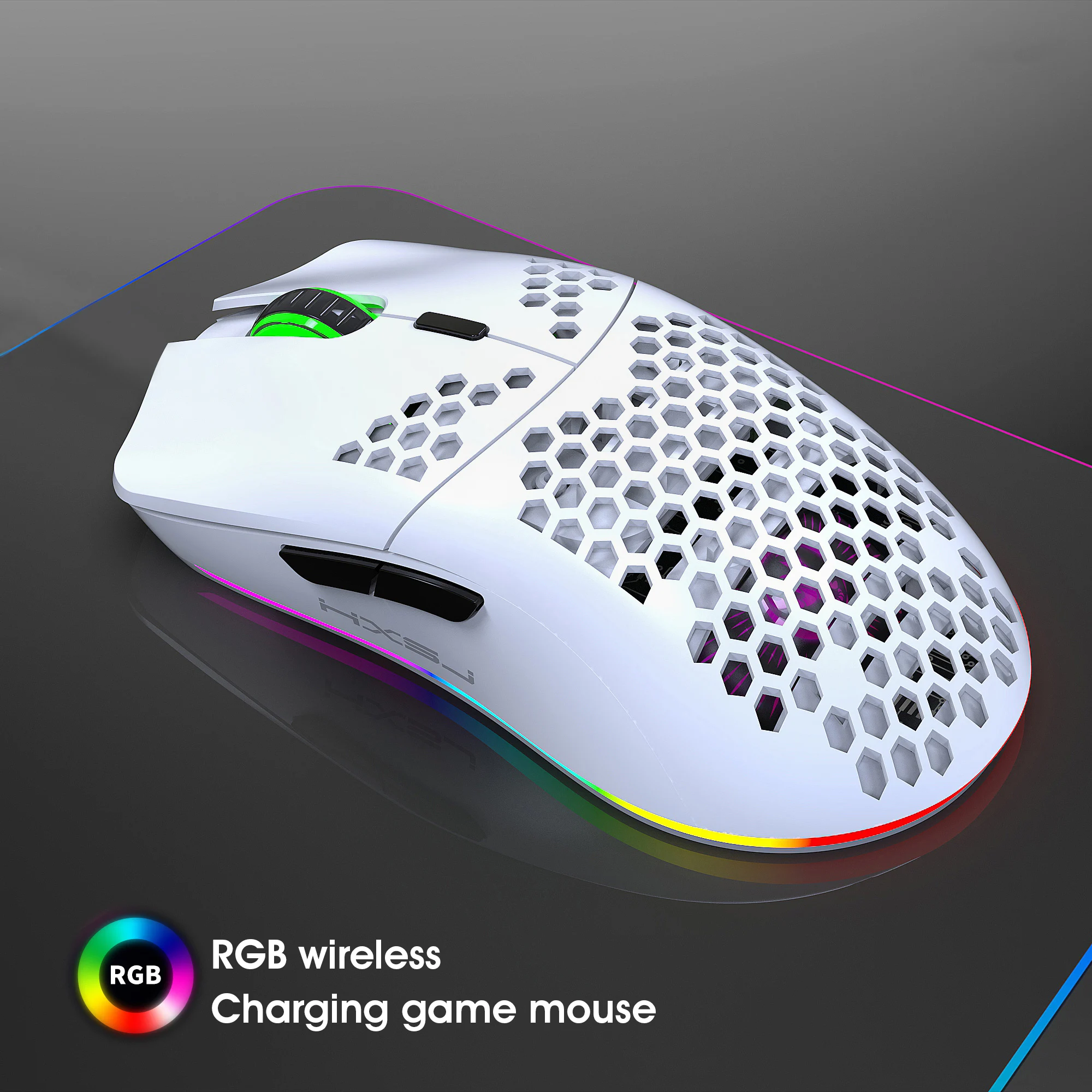
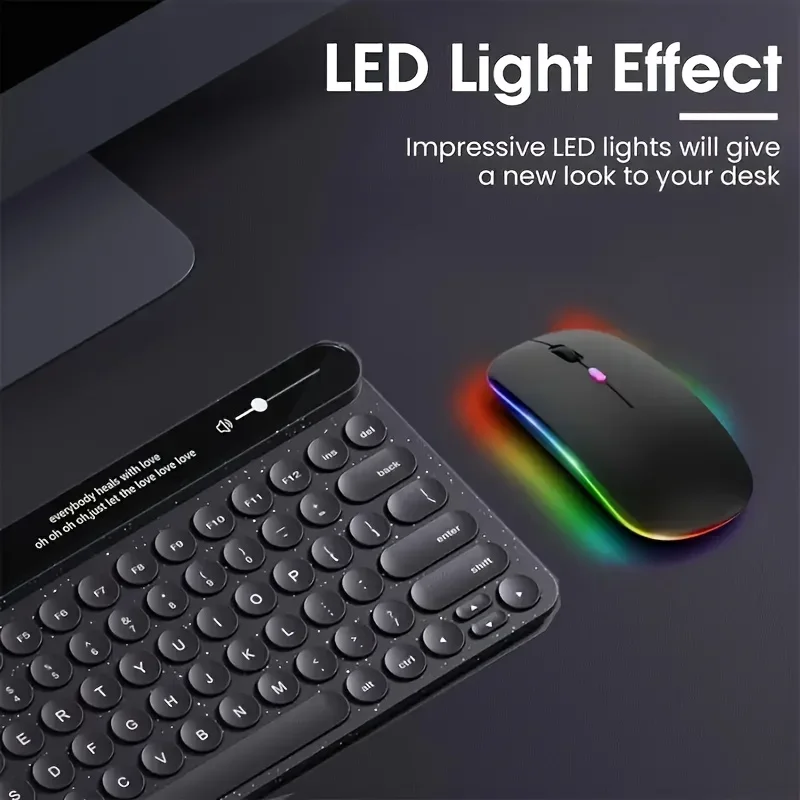
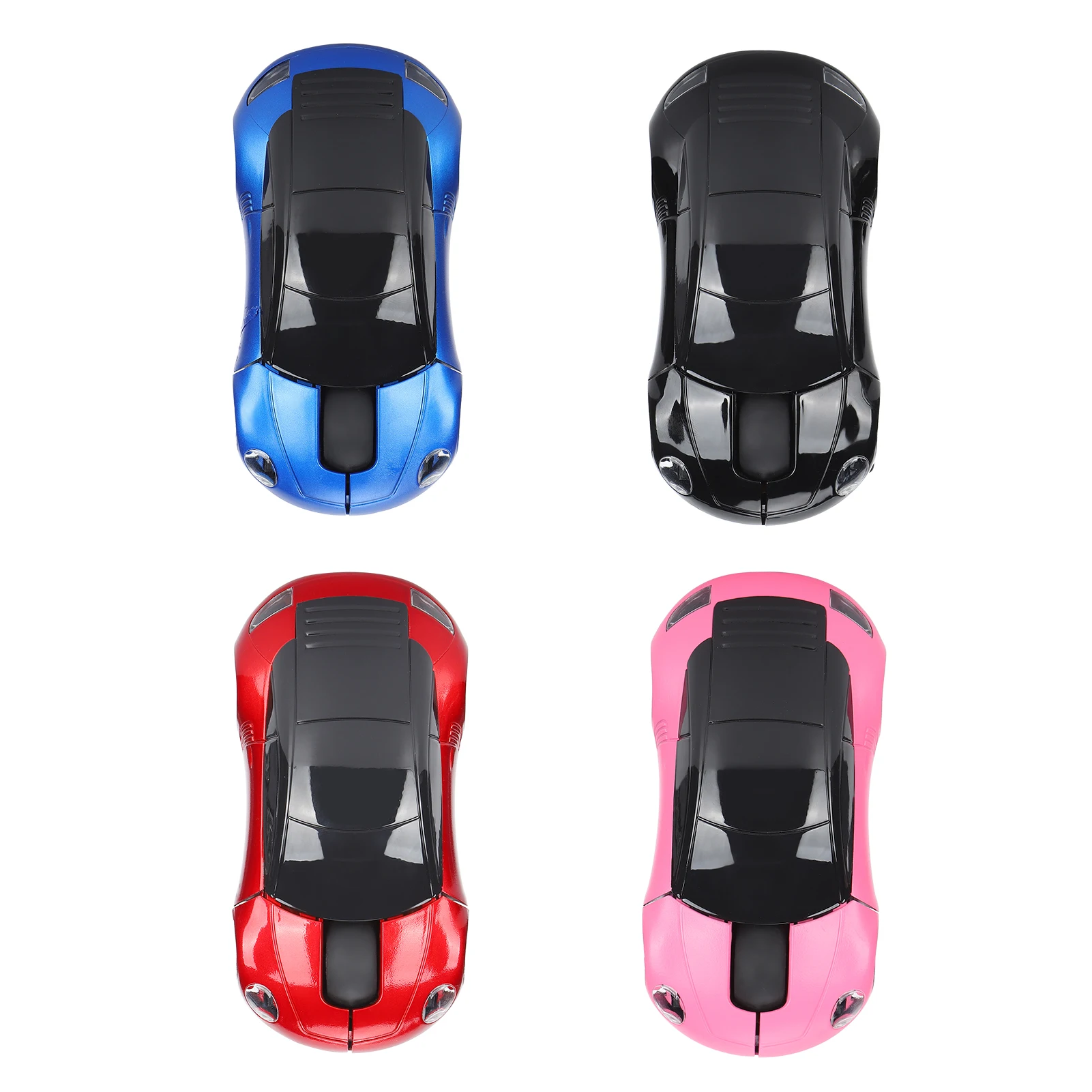
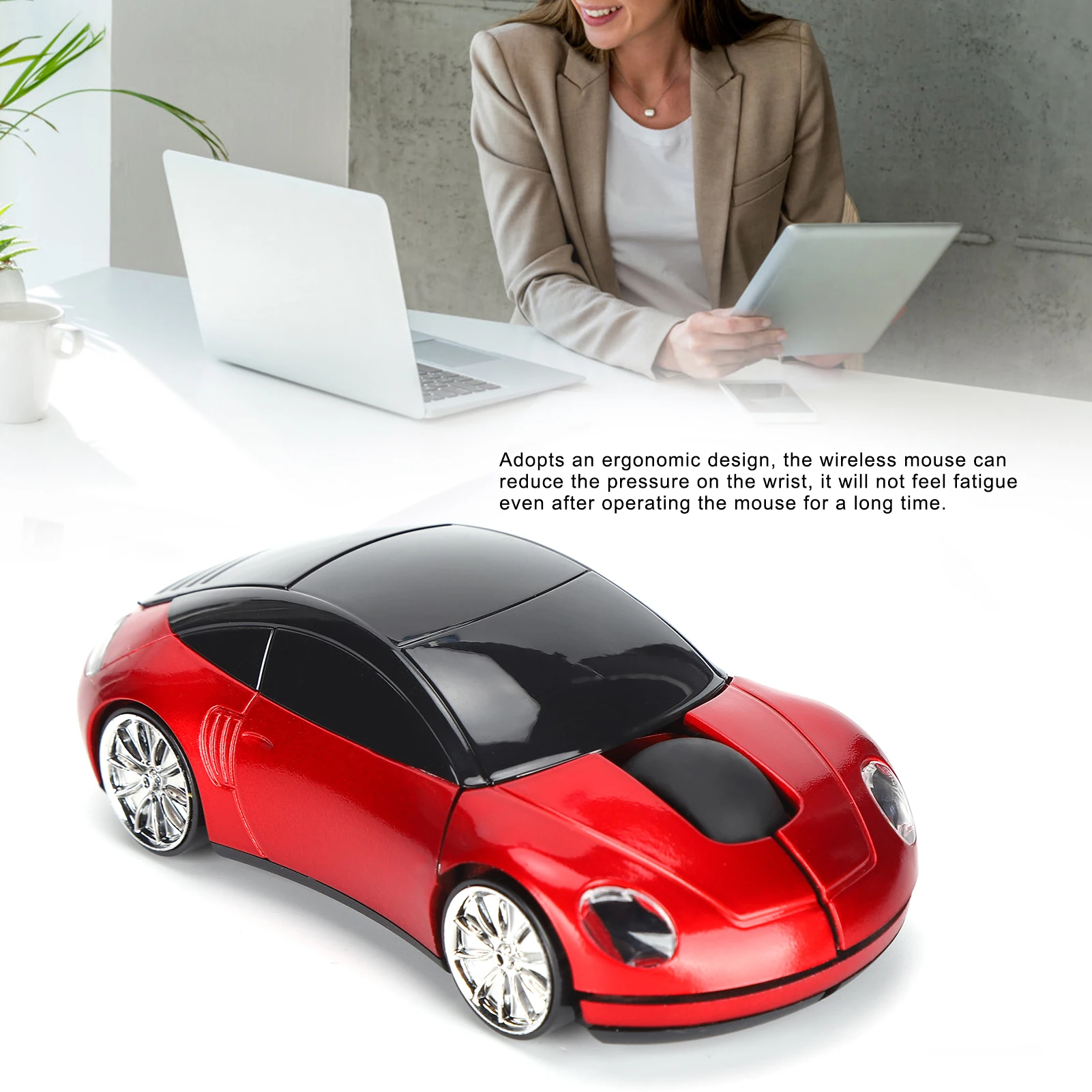
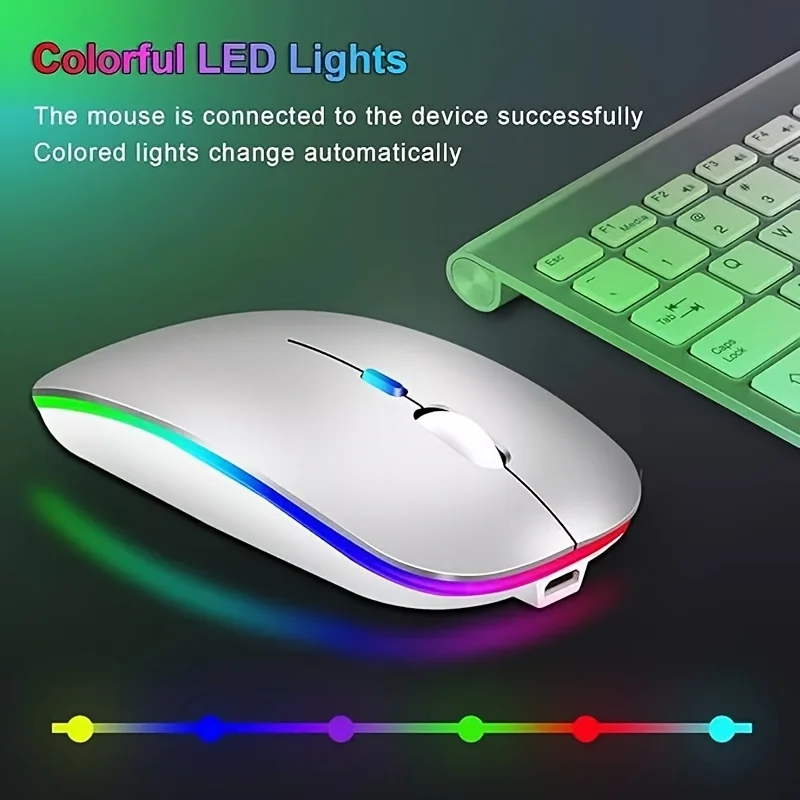
- Mice with character: a see-through mouse, a car-shaped one, and a honeycomb shell with coloured lighting.
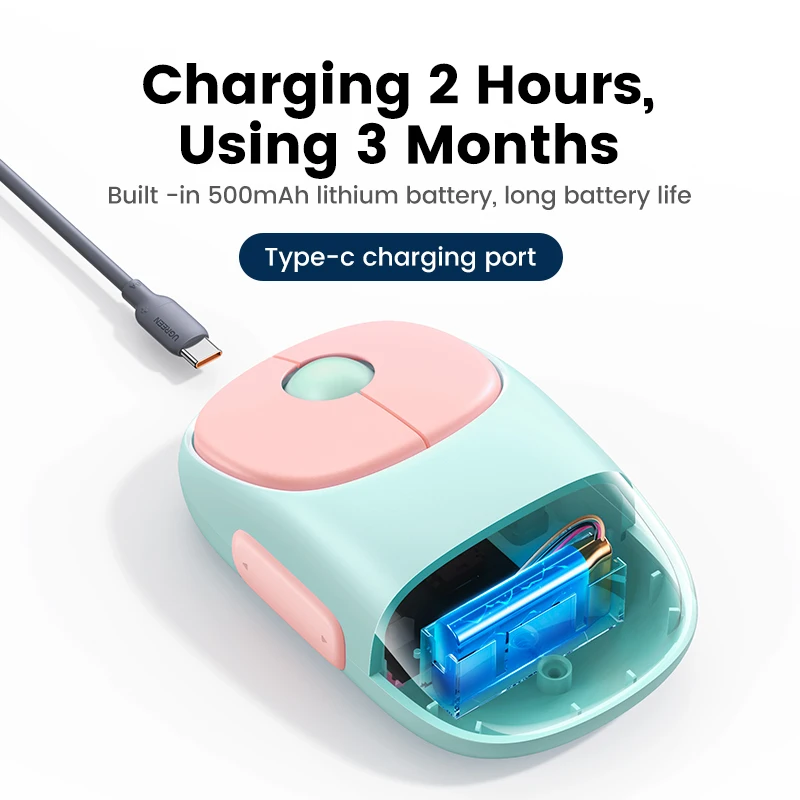
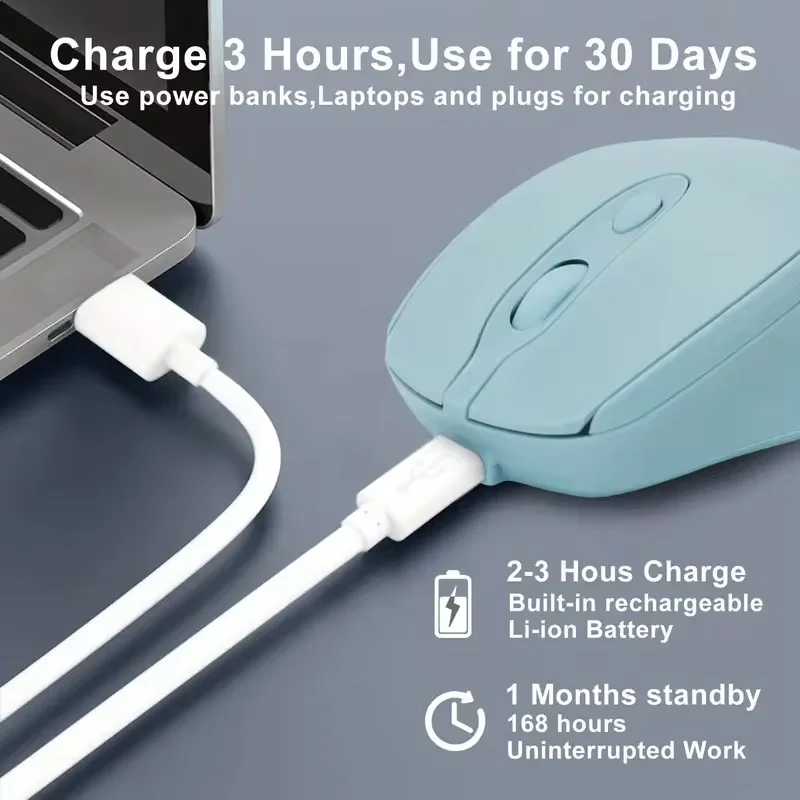
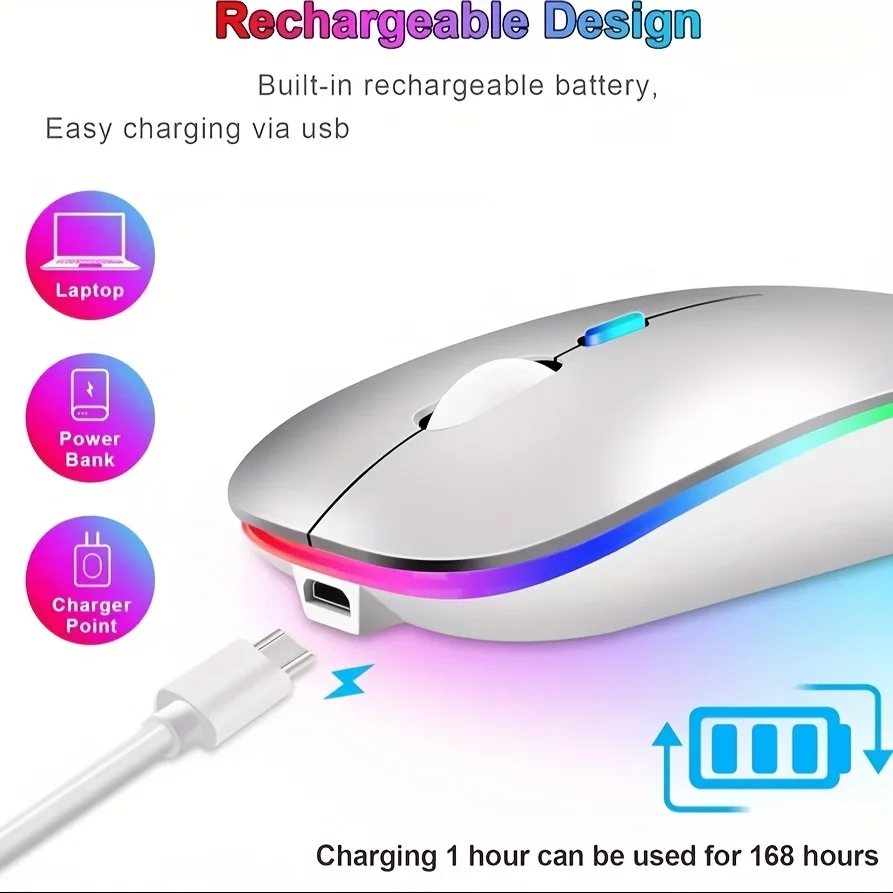
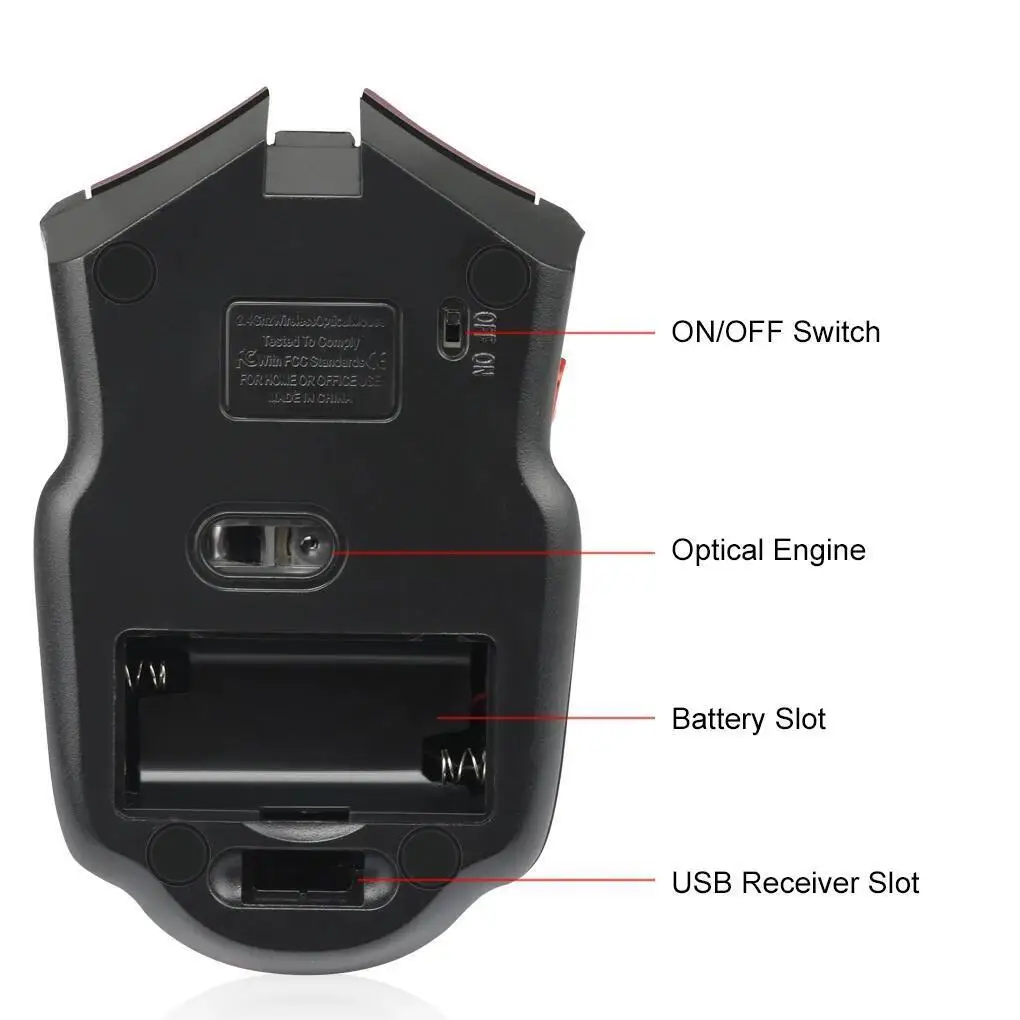
Most charge by cable. One or two take AAA batteries, and the product page says which.
How to choose
Check the laptop's sockets.
A receiver is a small USB plug that stays in the laptop. If your laptop has only USB-C sockets, as many thin laptops now do, either choose a mouse that also has Bluetooth or add a USB-C to USB-A adapter.
Pointer speed. Most of these mice have a DPI button that steps through three settings, usually 800, 1200 and 1600. Lower is steadier for detailed work; higher crosses a big screen with less movement.
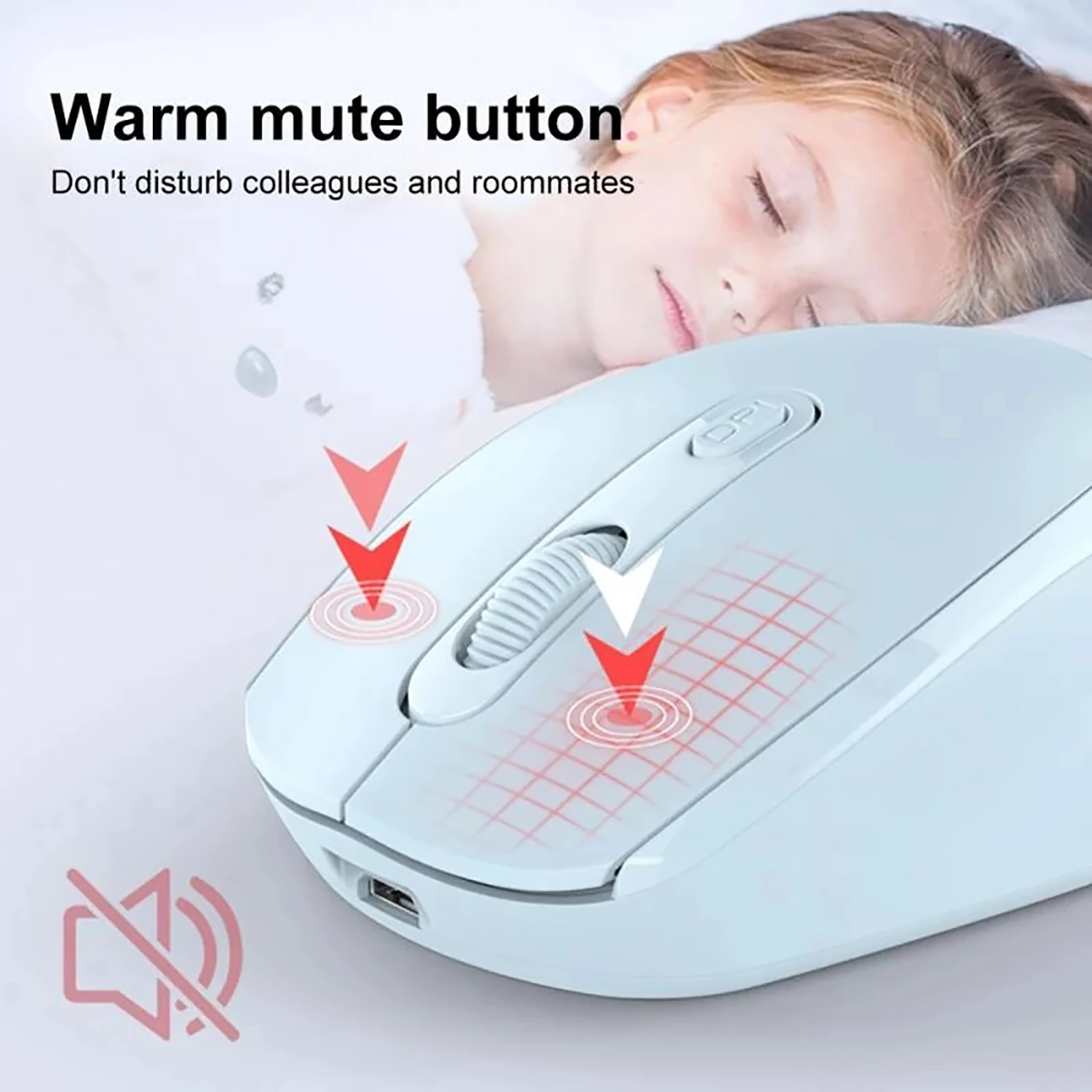
Quiet clicks. Many here have silent left and right buttons, which make a soft press instead of a click. Side buttons are not always silent, and the product page says where they are not.
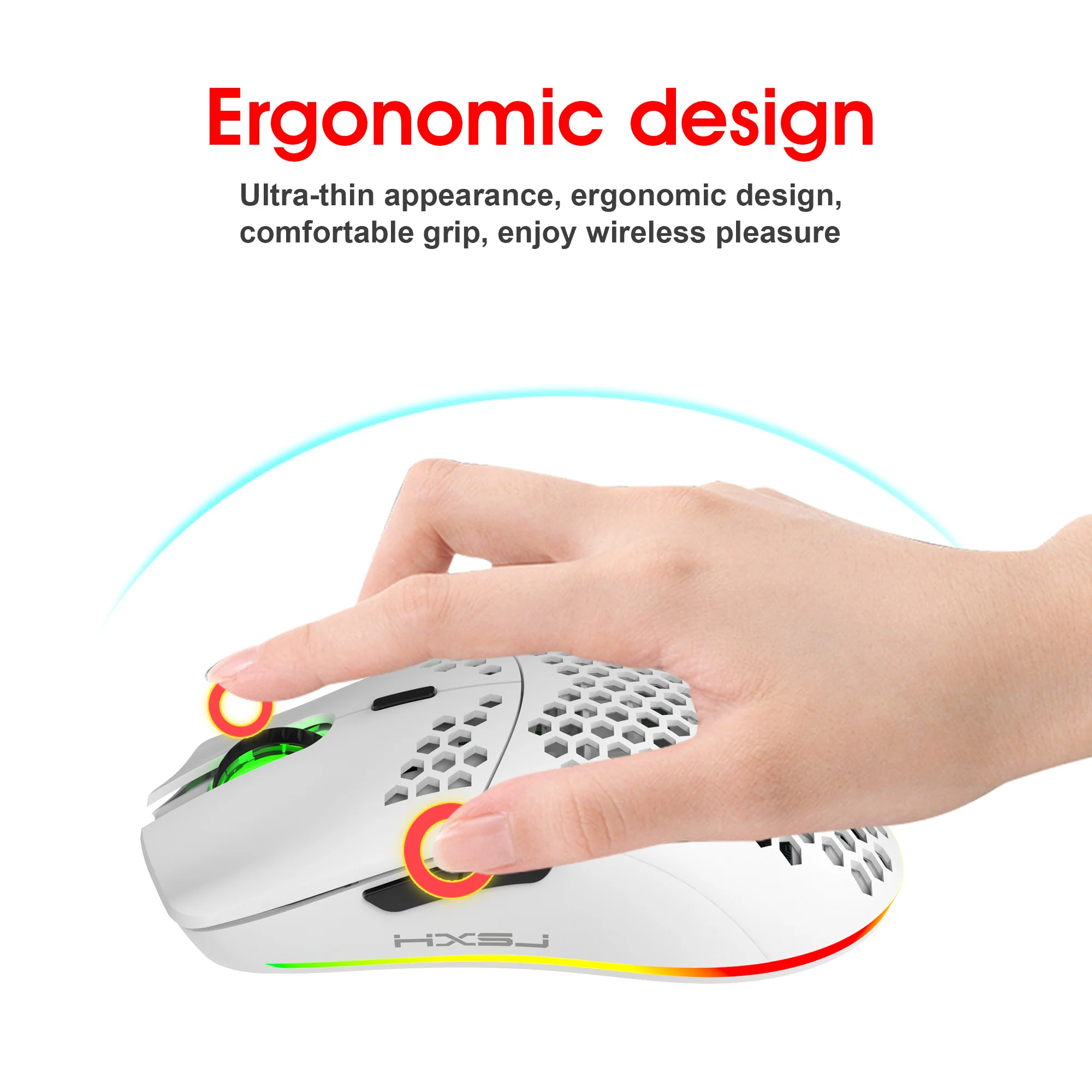
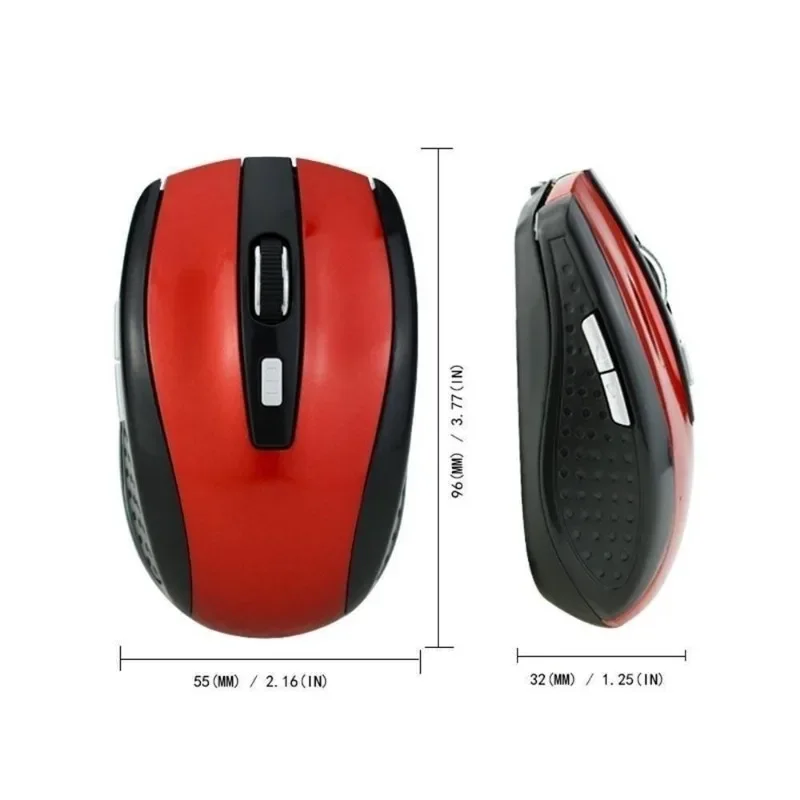
Size. Slim mice are easy to carry but sit under the fingers rather than the palm. If you use a mouse all day, a fuller shape, or a mouse from the ergonomic and vertical range, may suit your hand better.
Questions people ask about wireless mice
What if I lose the receiver?
A receiver is usually paired to its own mouse at the factory, so keep it safe and pack it with the mouse. A dual-mode mouse still works by Bluetooth without it.
Does a receiver mouse work on a Mac or a Chromebook?
Yes. A receiver mouse needs no software for pointing and clicking on Windows, macOS or ChromeOS. Extra buttons may do less on a Mac.
Why does the mouse stop for a moment?
Many go to sleep after a few minutes without movement to save the battery. Move it or click, and it wakes.
Delivery is included in every price and tracked to your door.
More to look at