Keyboards for the bag
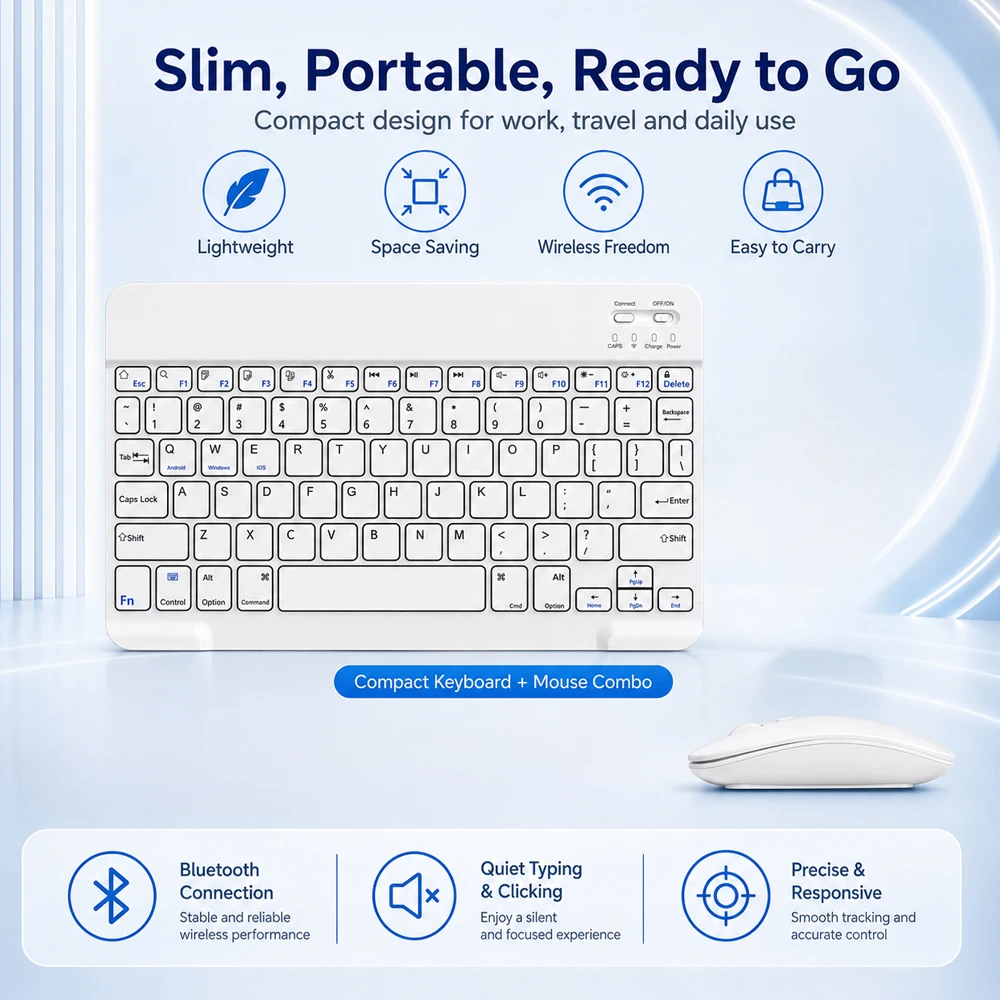
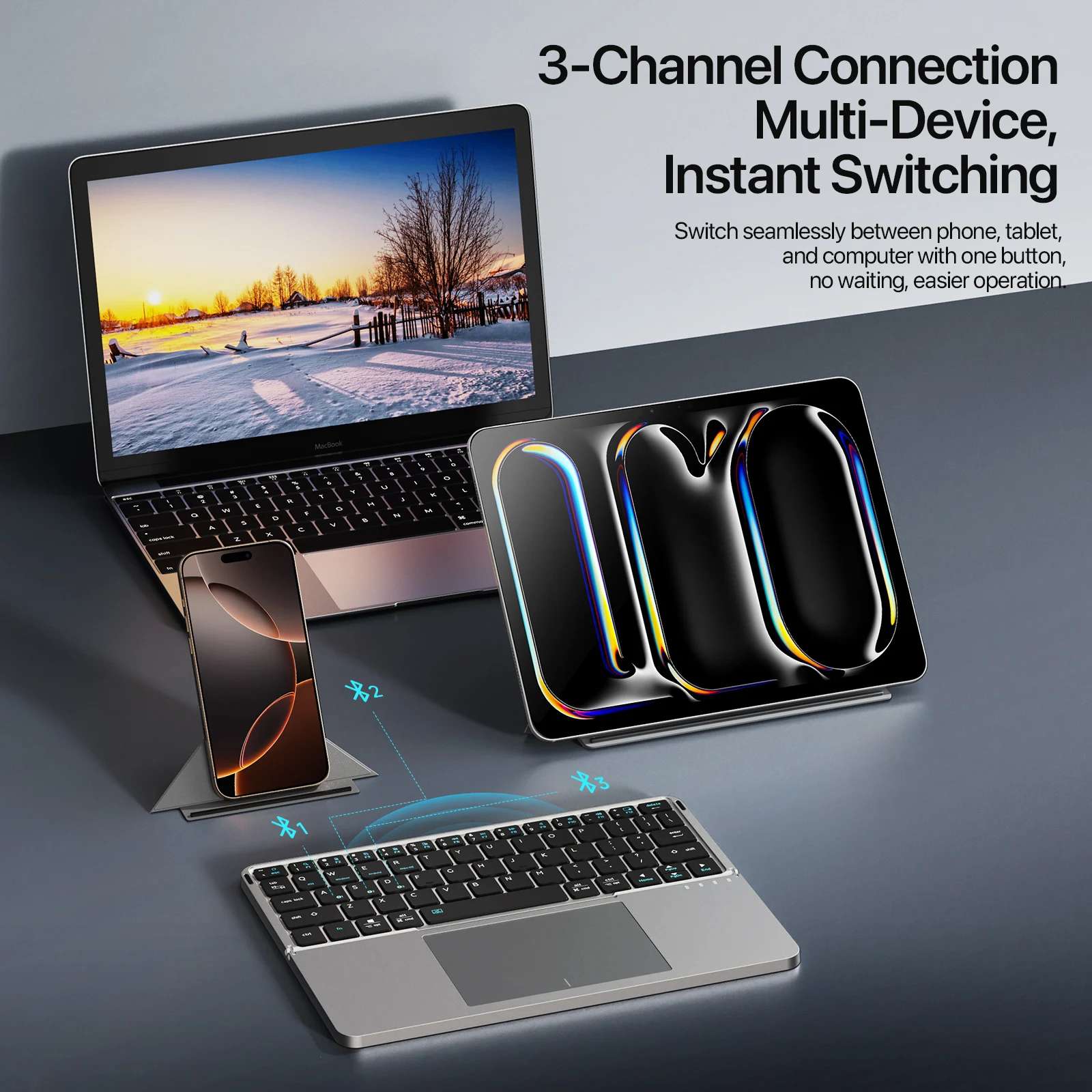
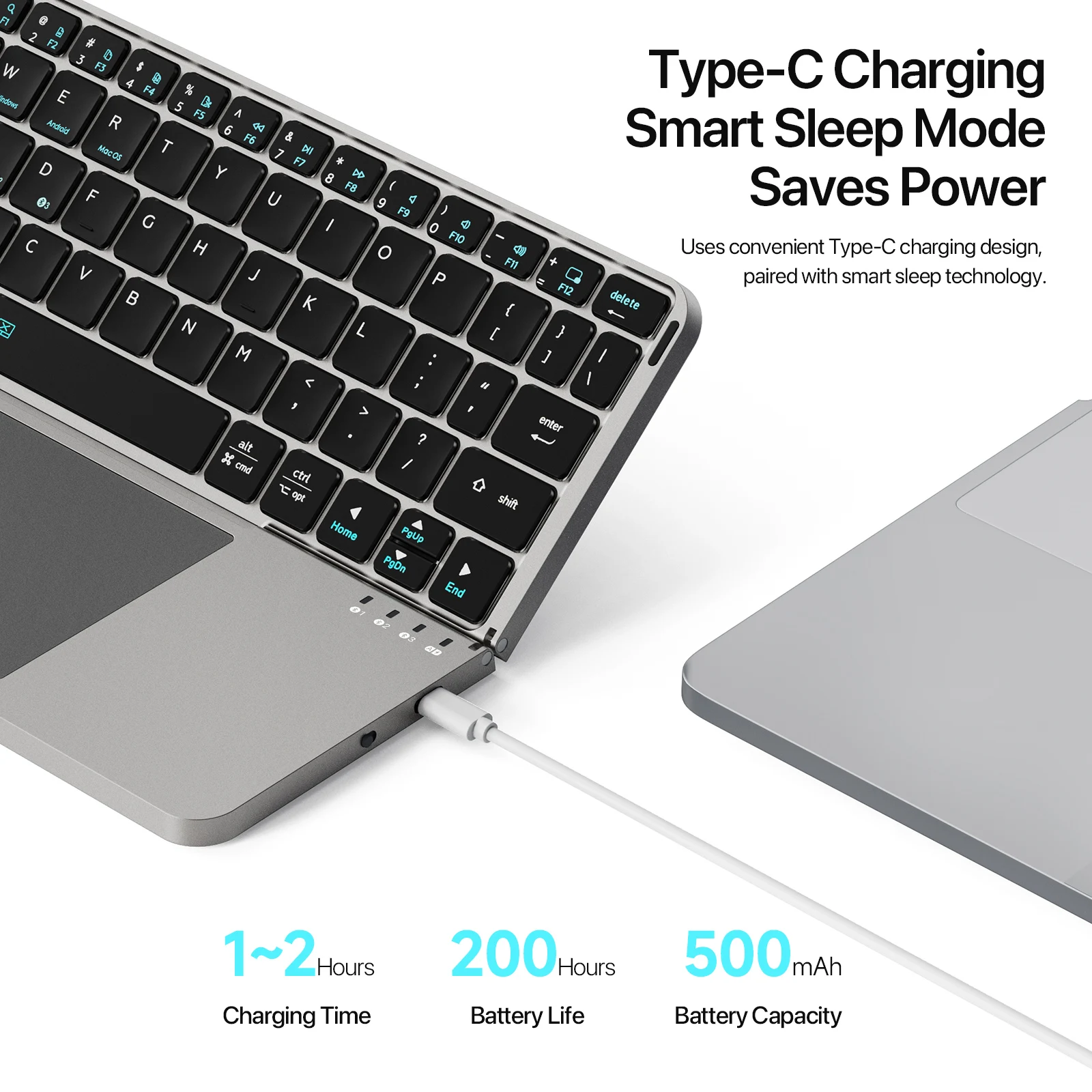
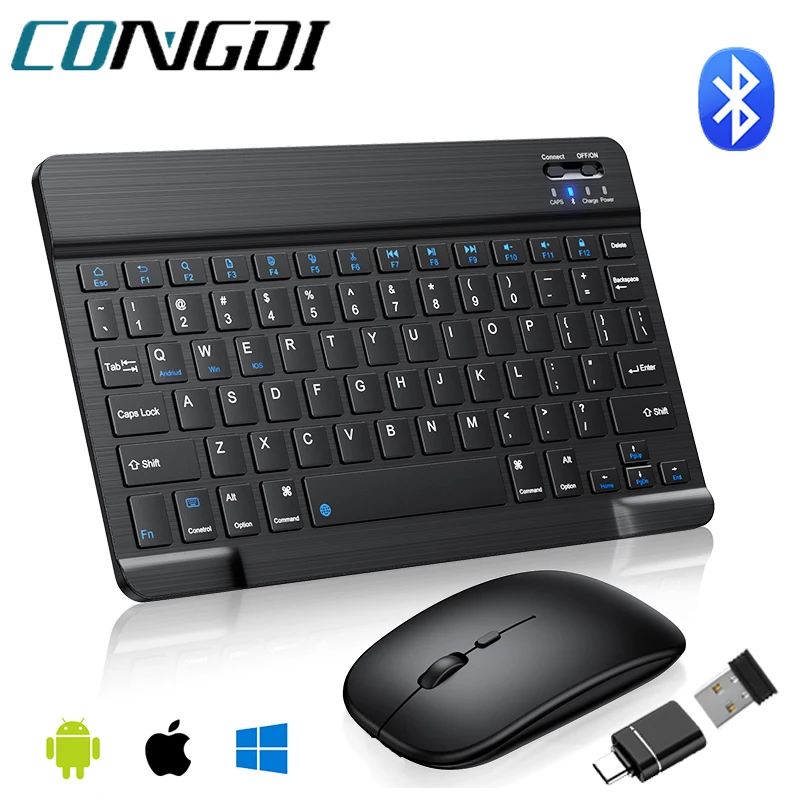
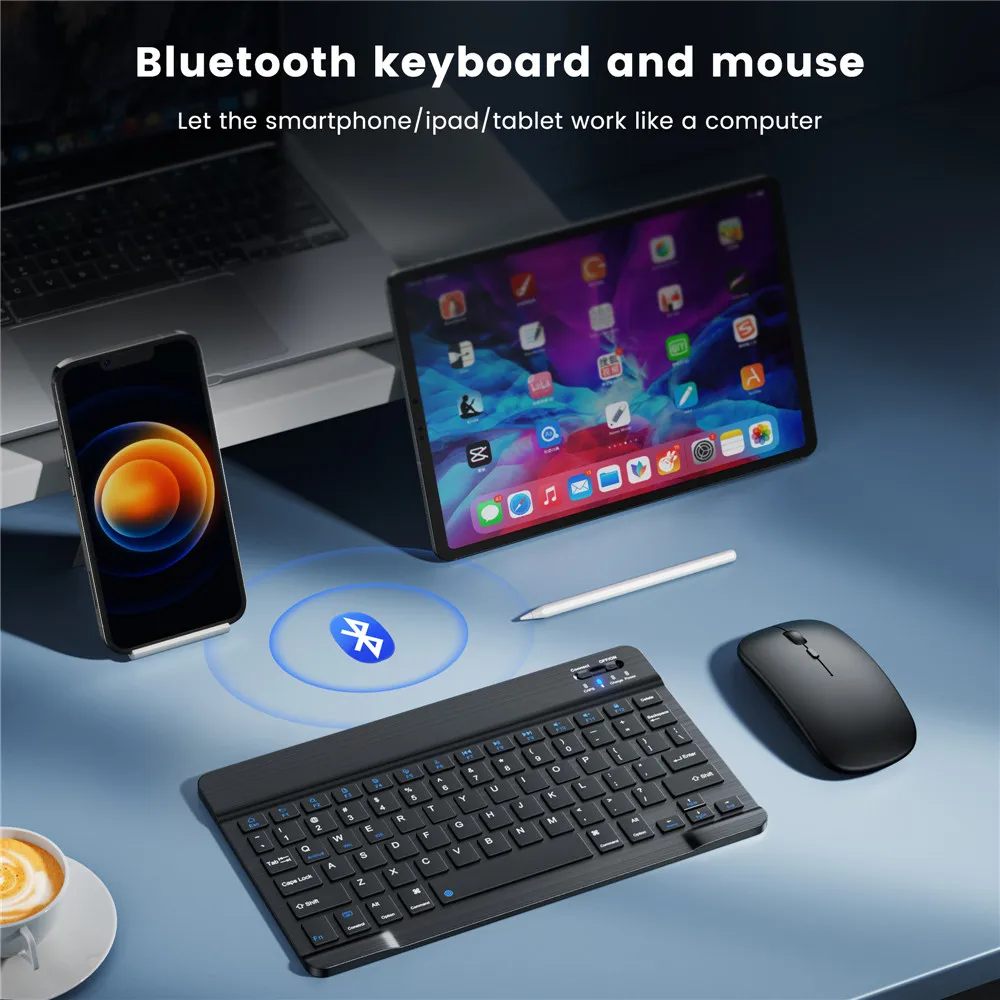
A Bluetooth keyboard connects to the laptop's or tablet's own Bluetooth, so it needs no receiver and no socket. That makes it the keyboard to carry: it works with a laptop at the desk, then with an iPad, an Android tablet or a phone on a train or in a café. Most of the keyboards in this range are made to be carried, and most charge by cable.
What is in the range
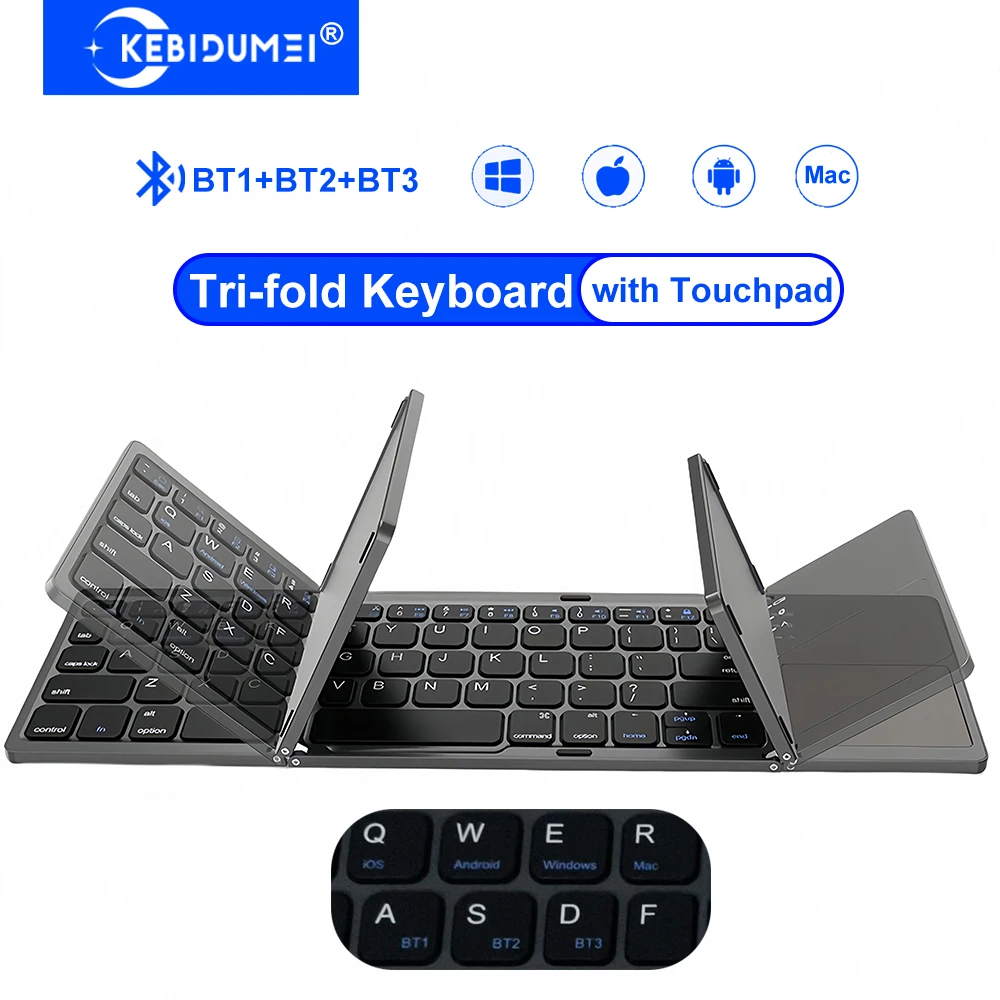
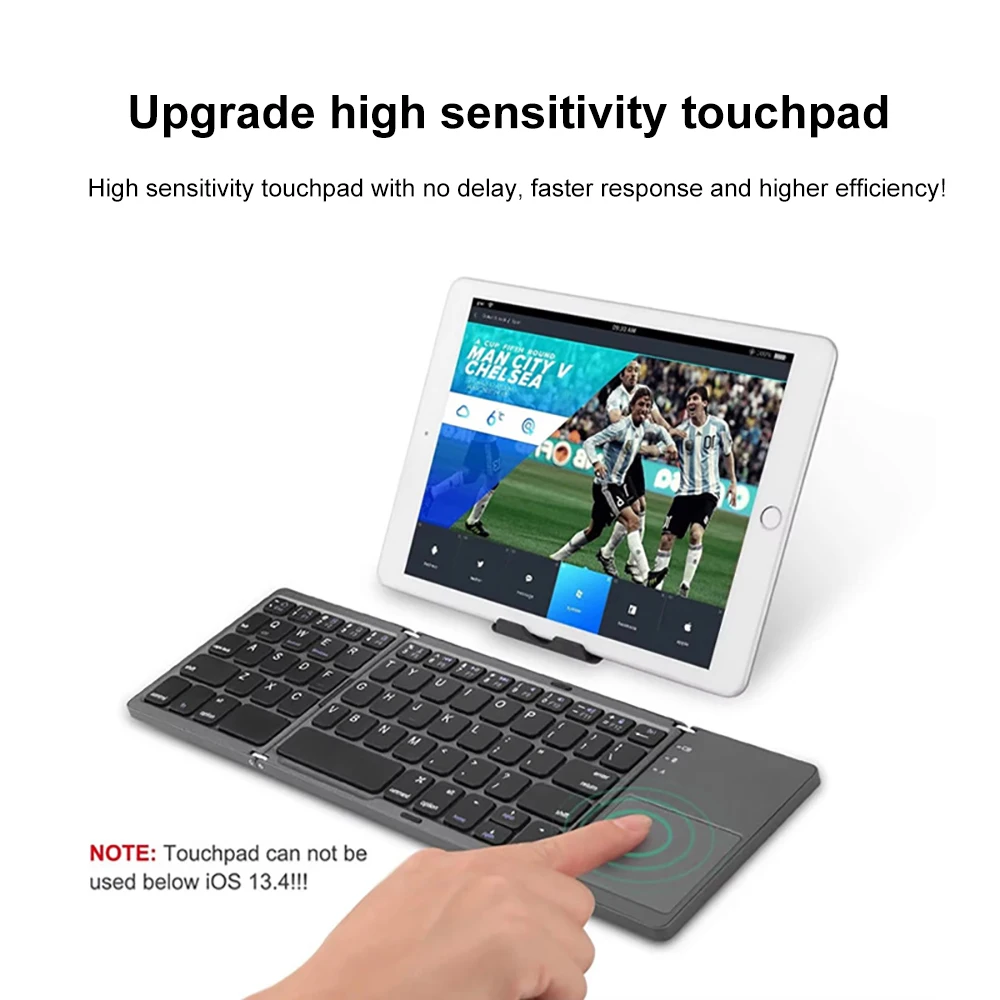
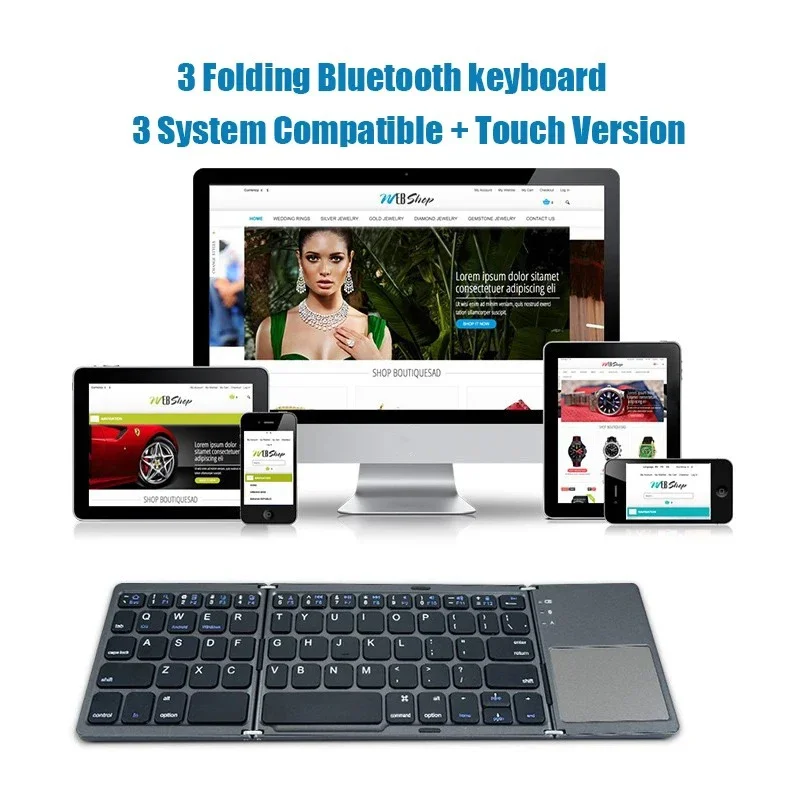
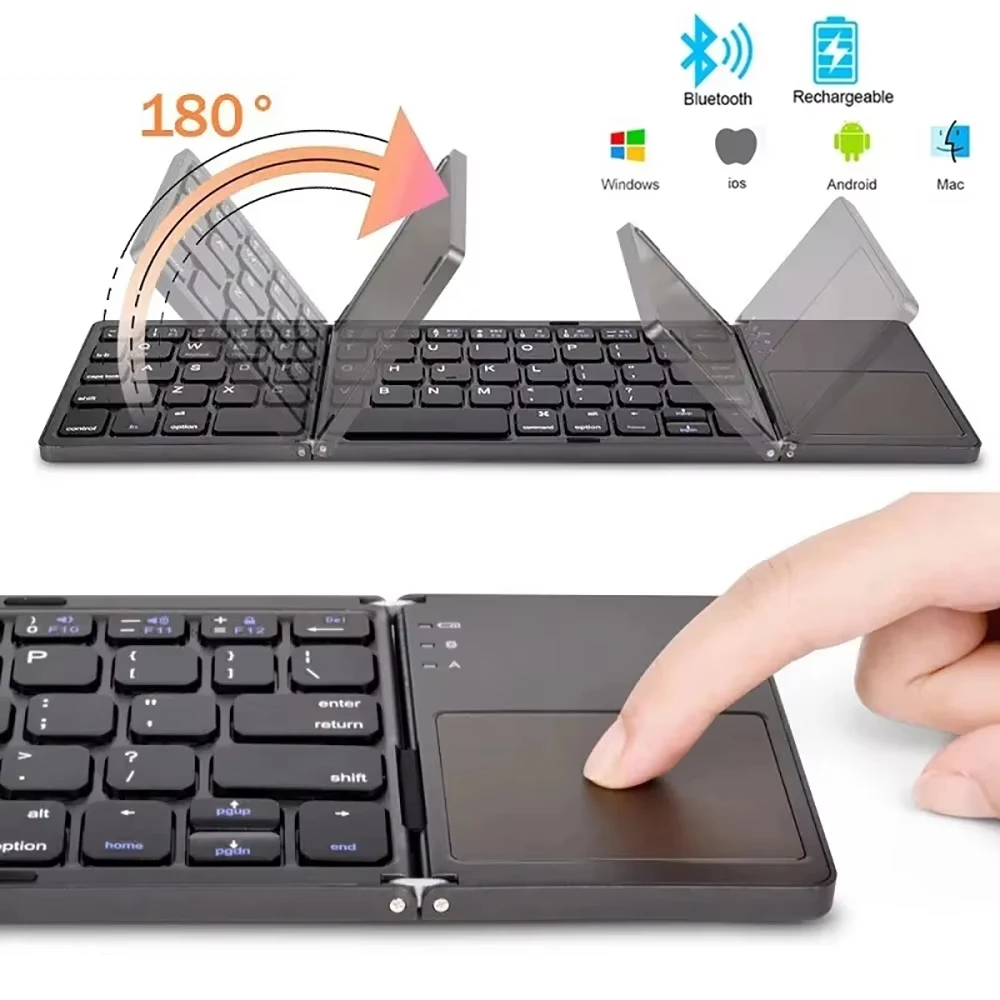
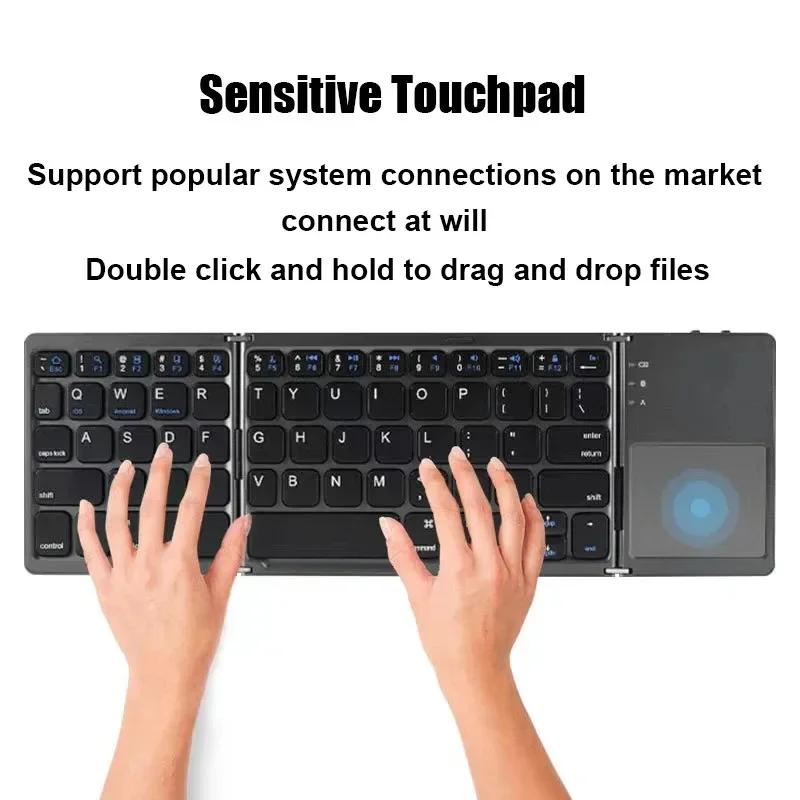
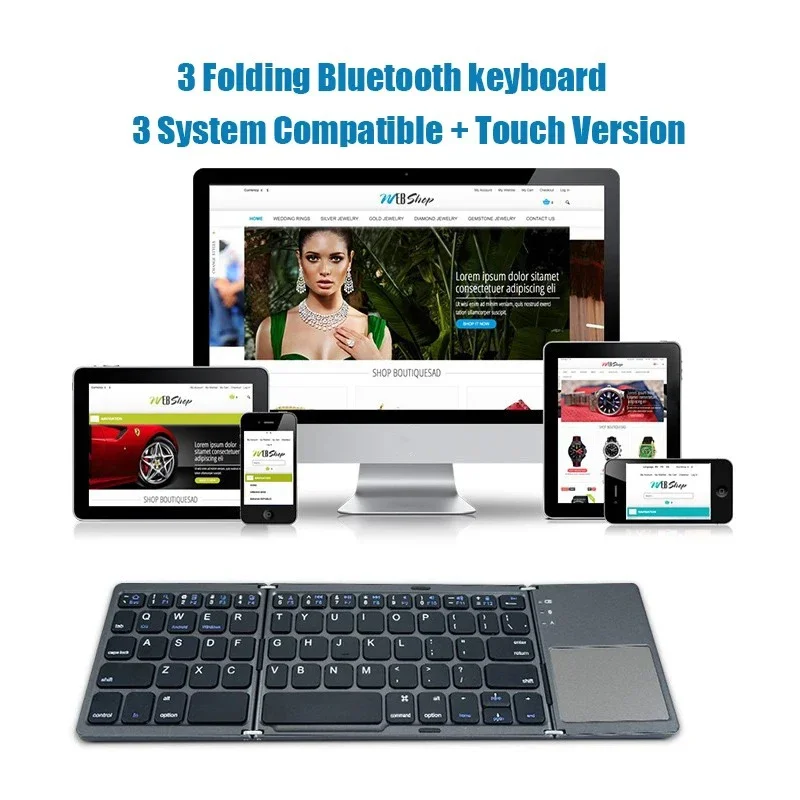
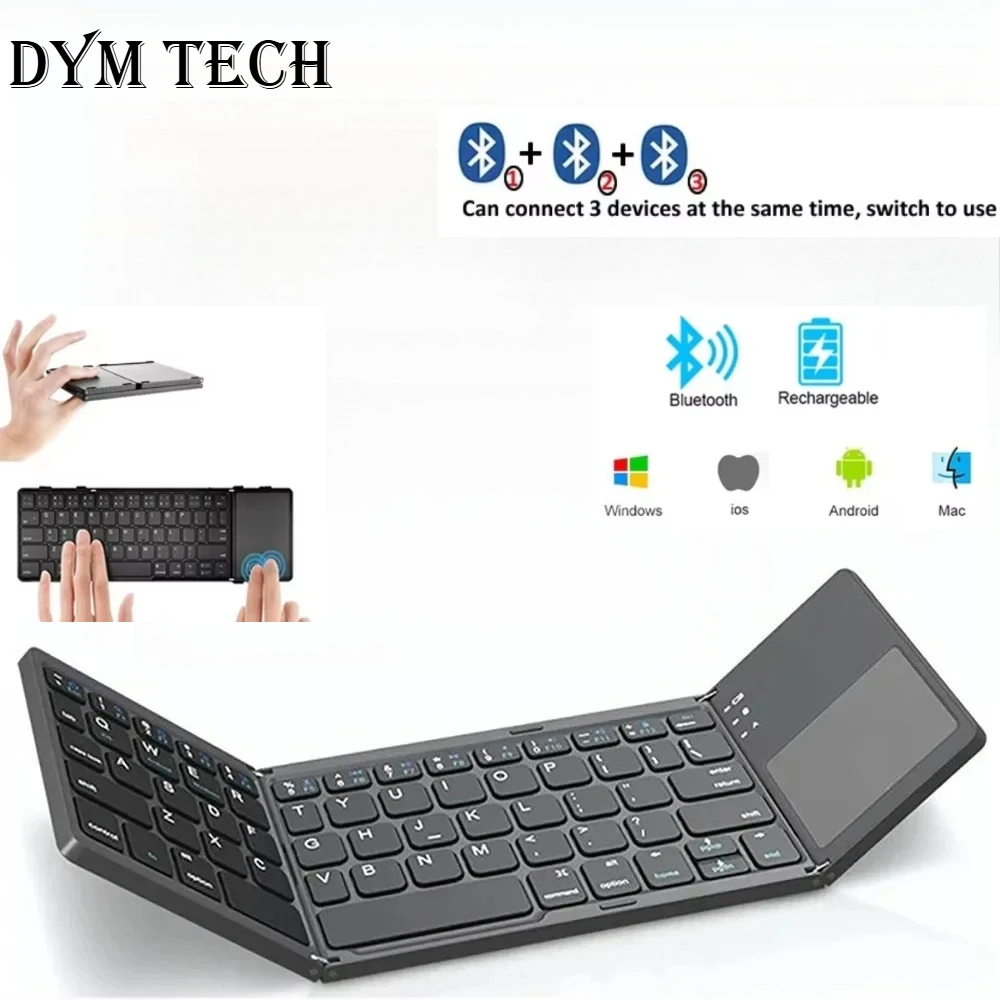
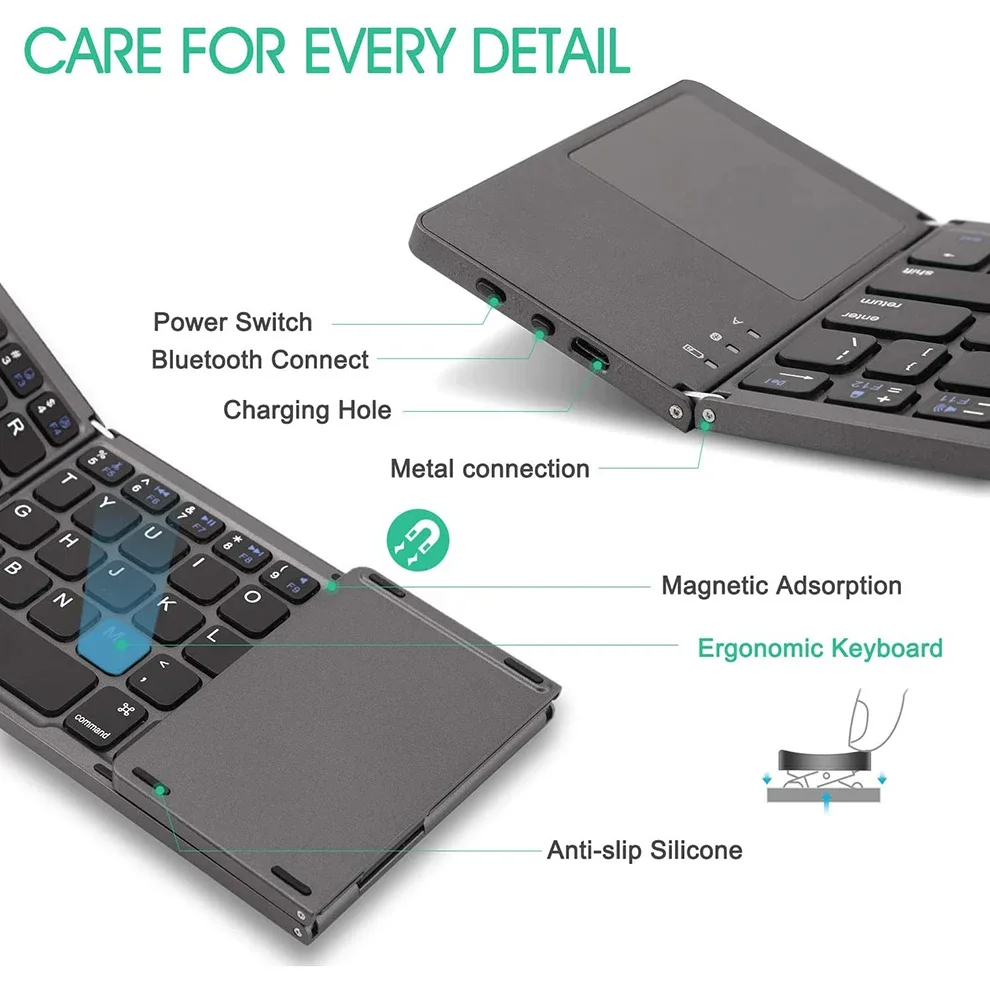
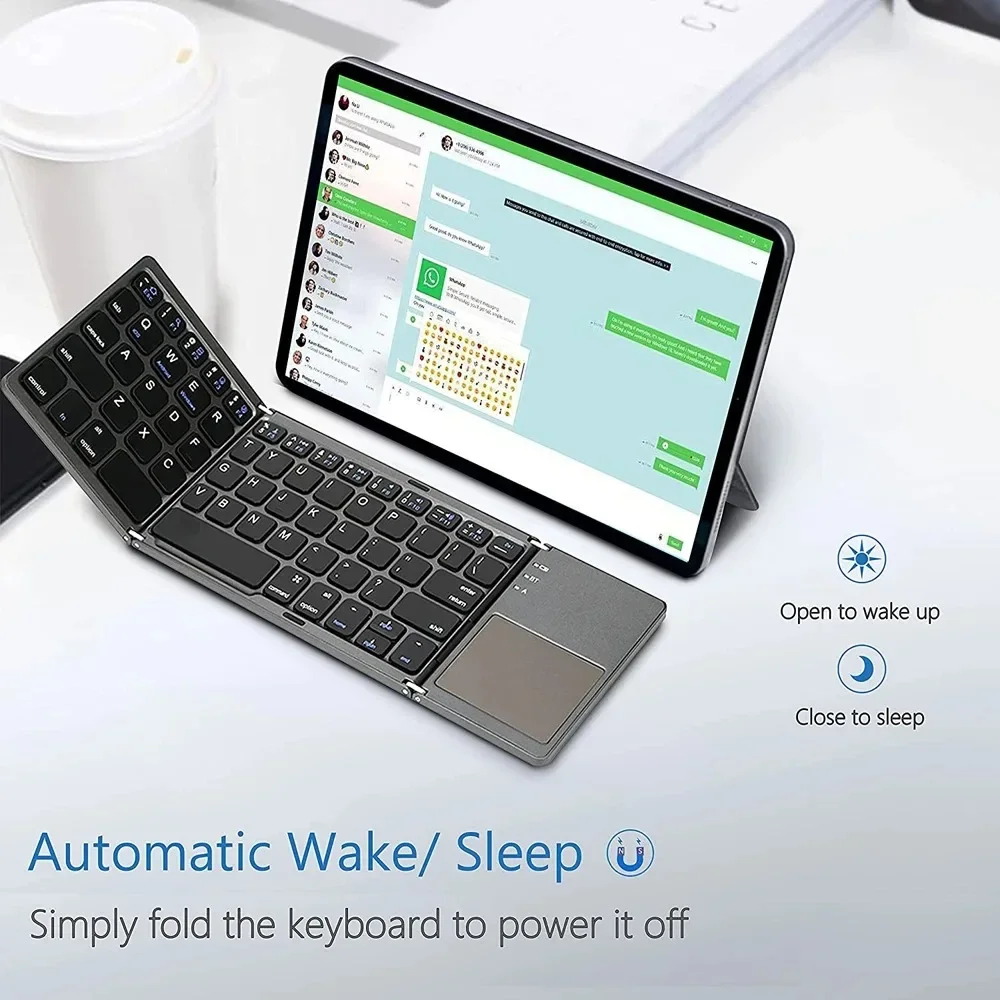
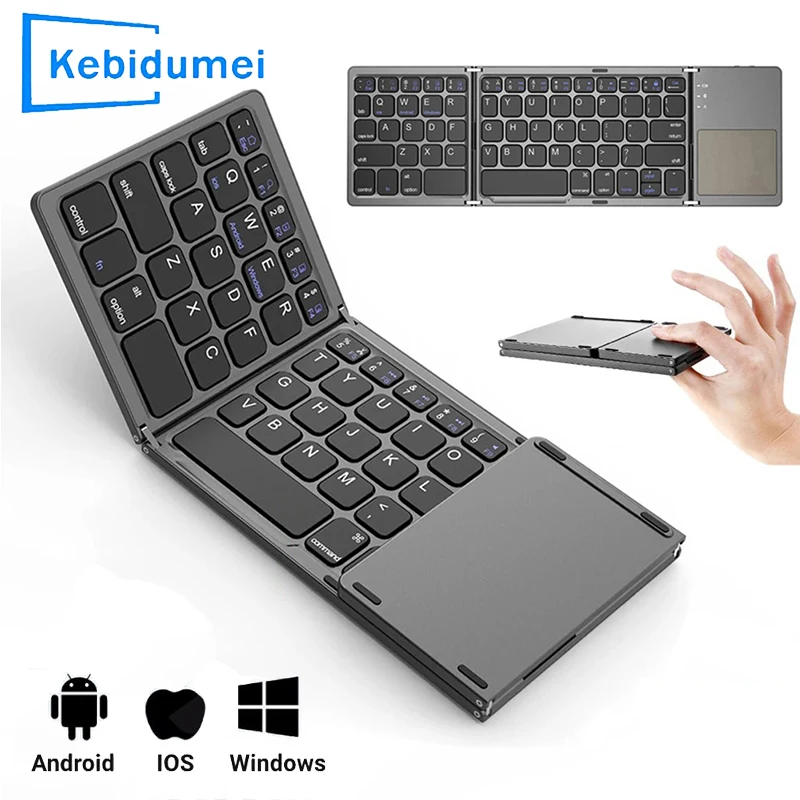
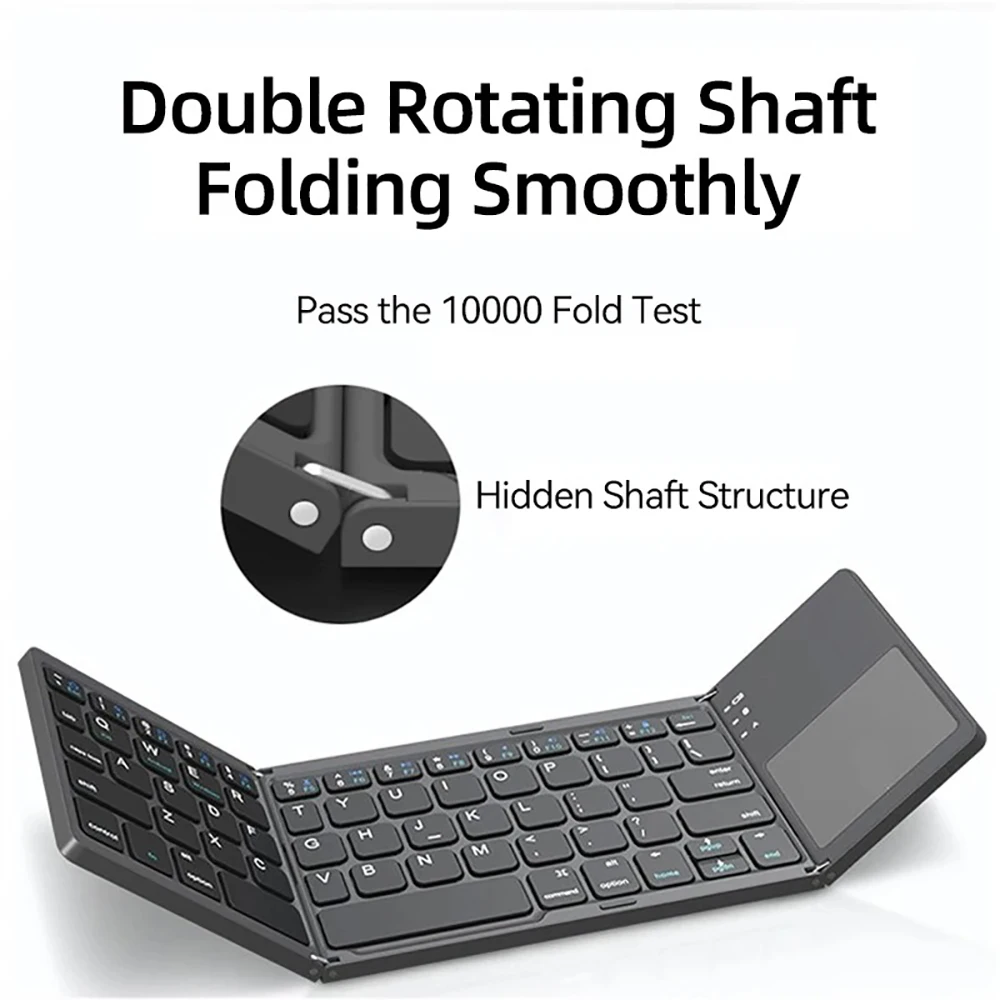
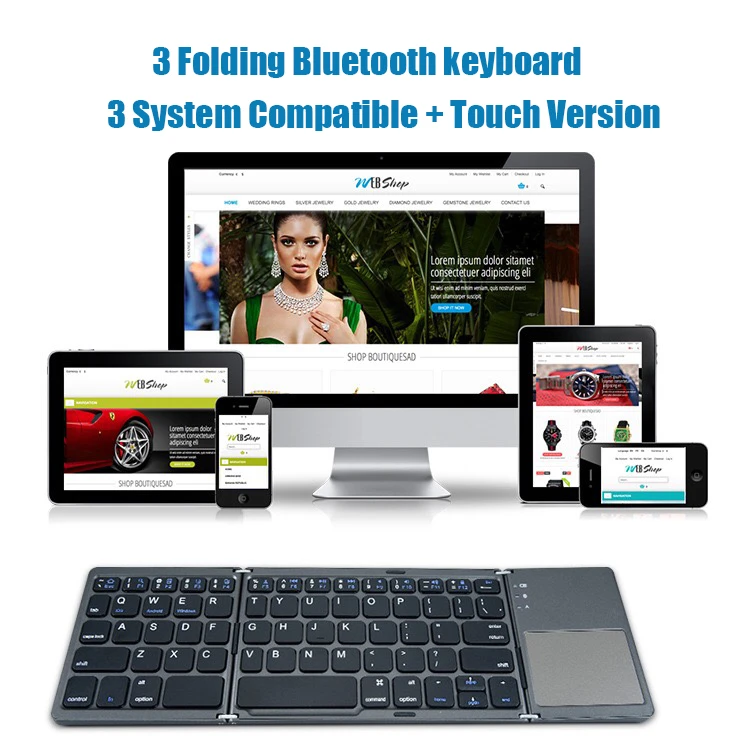
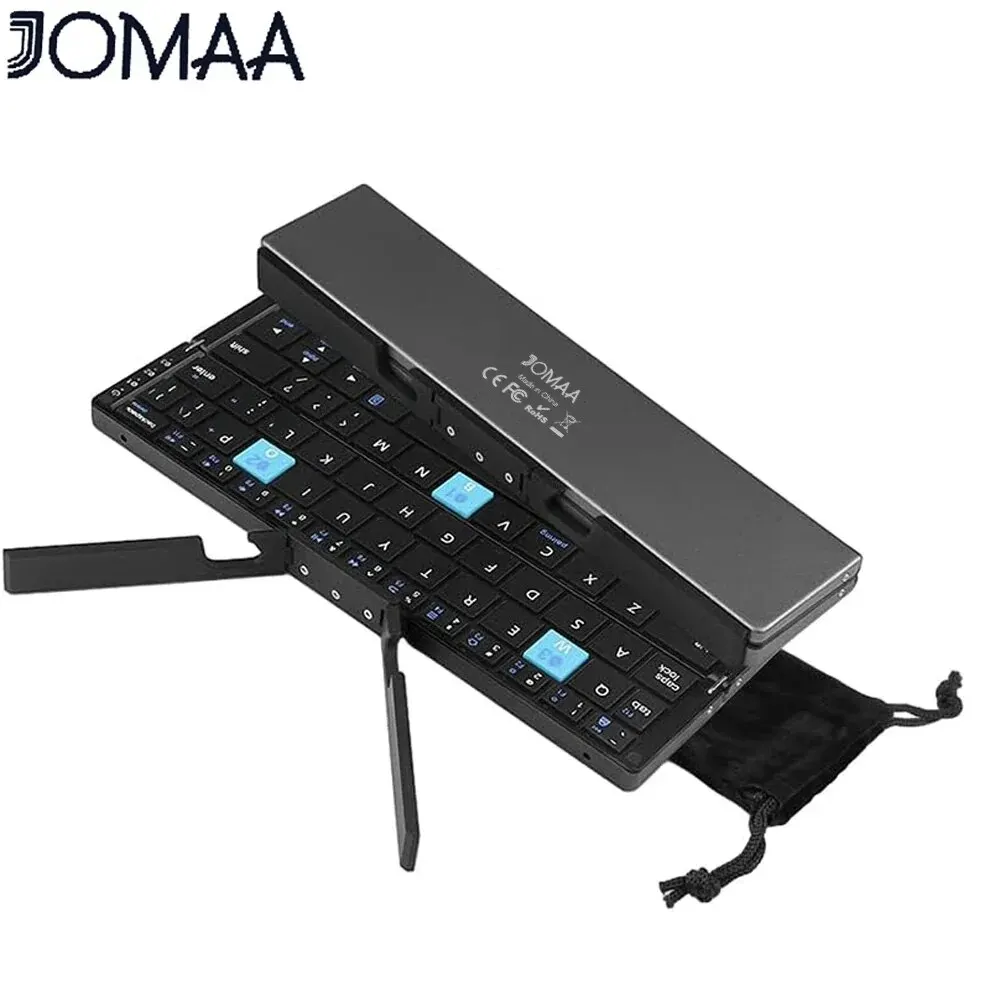
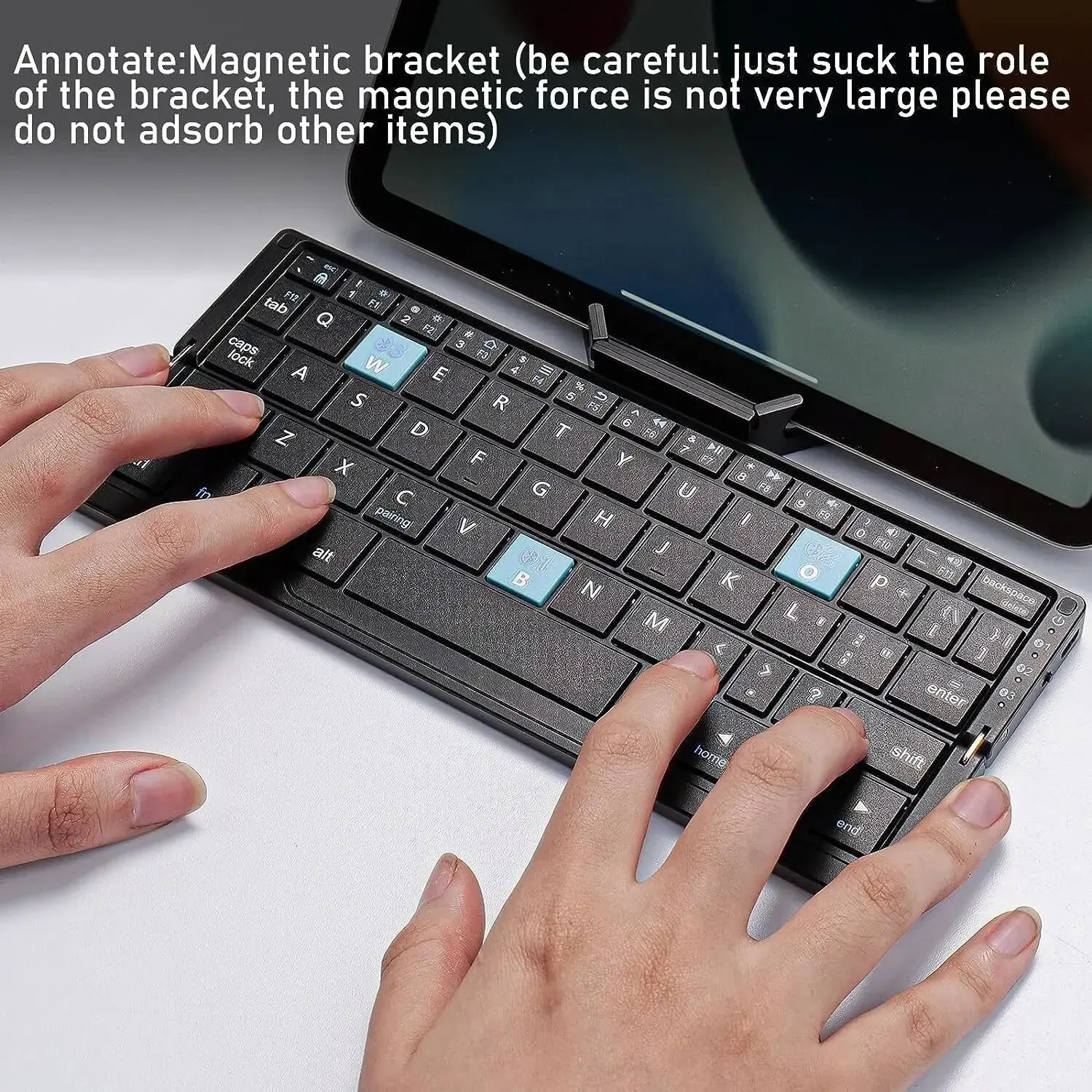
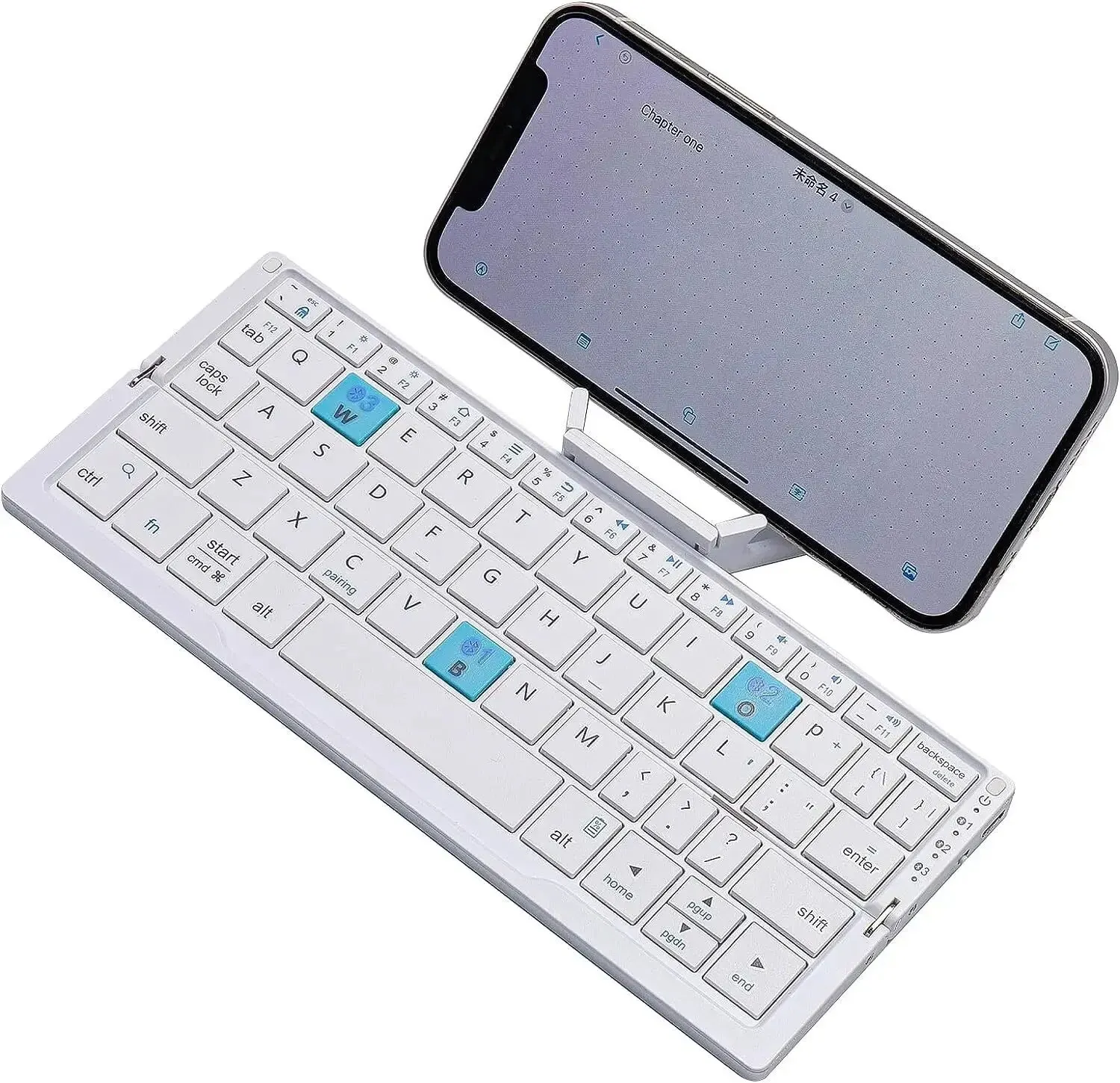
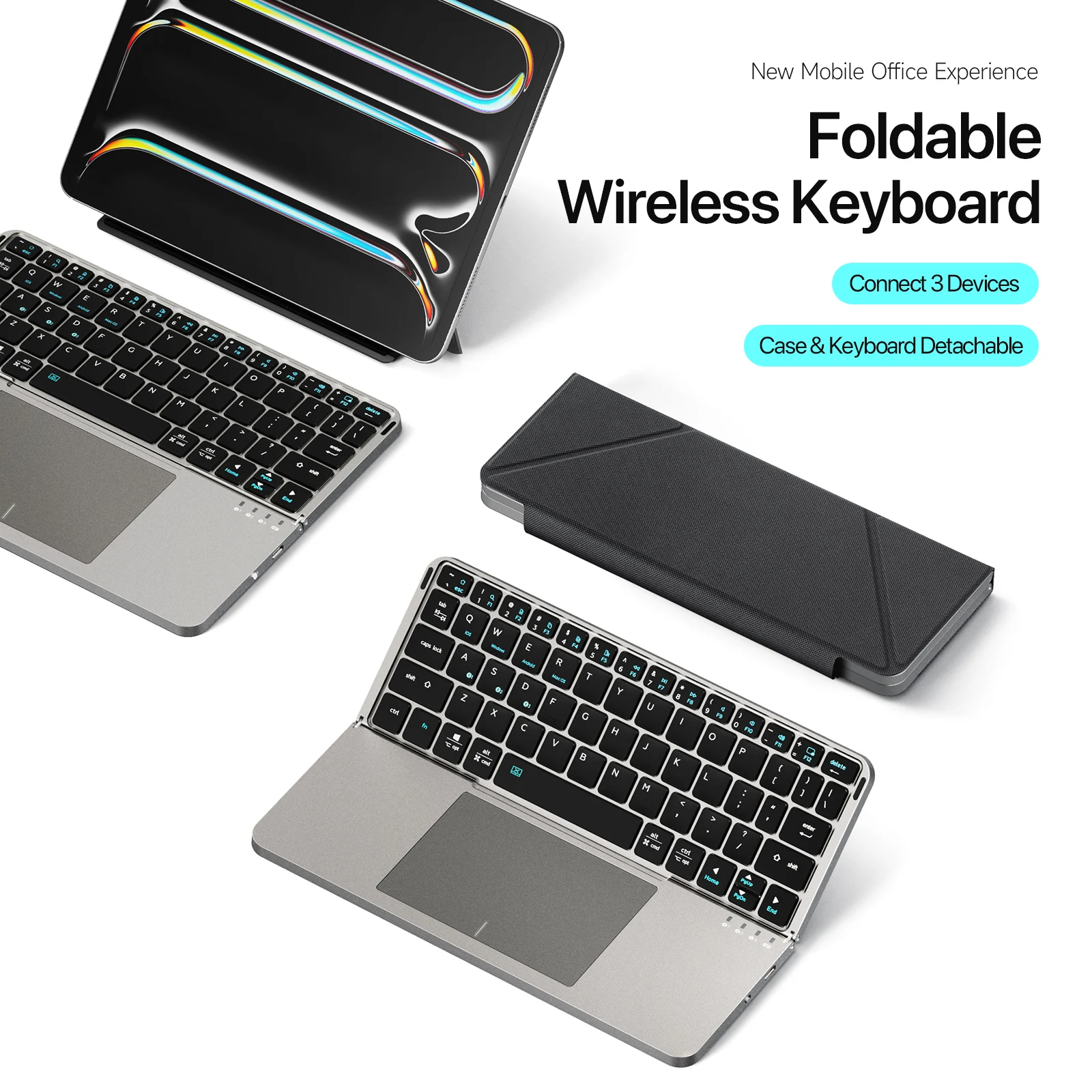
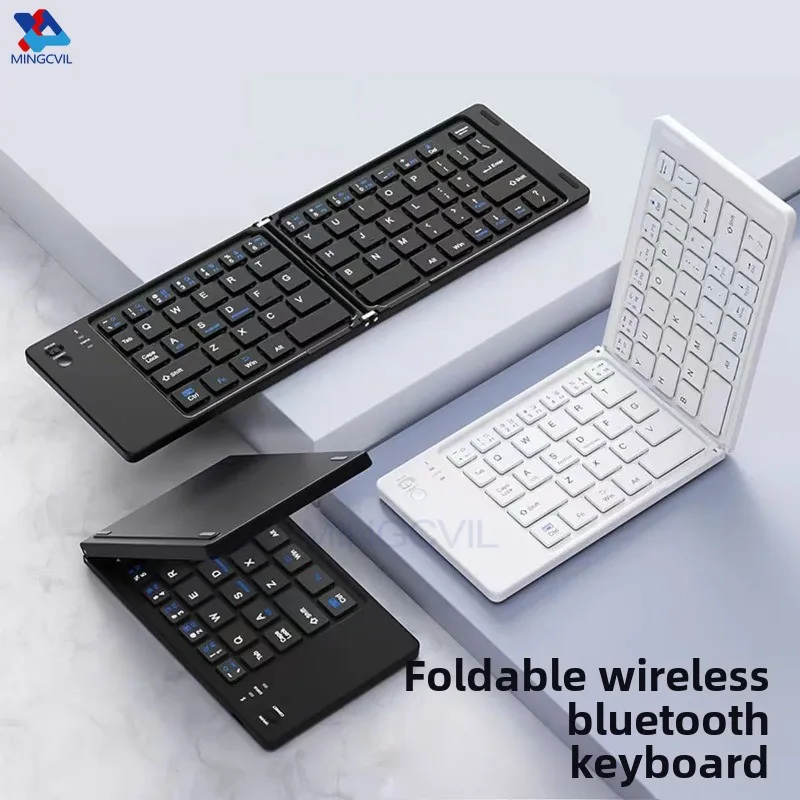
- Folding keyboards that close in two or three to about the size of a wallet, then open into a keyboard with nearly full-width keys. Three-fold versions often have a touchpad, so you need no mouse. One is wrapped in leather, another has a metal back and a magnetic stand for the tablet.
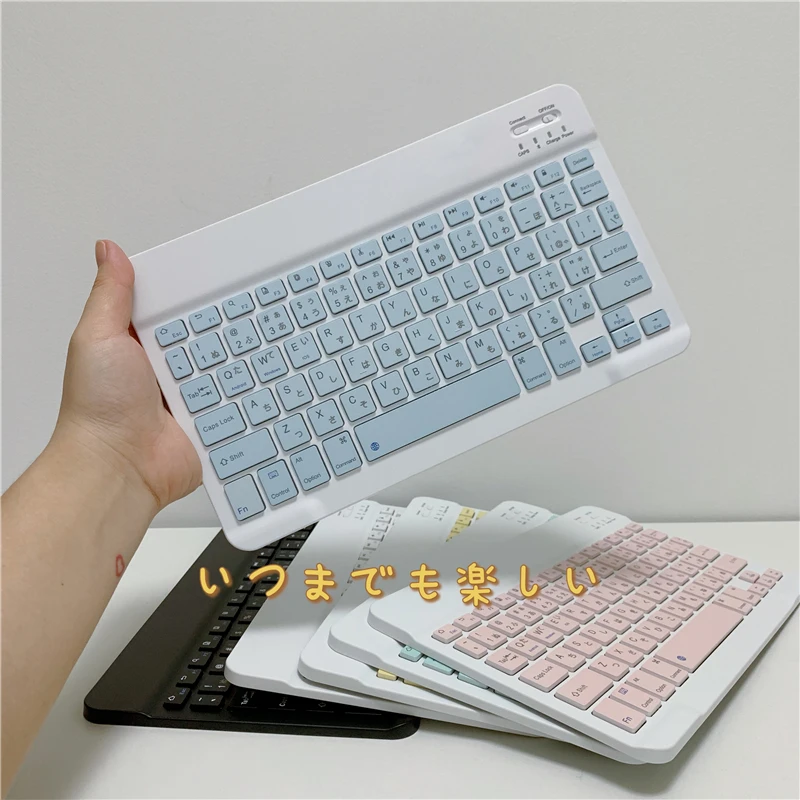
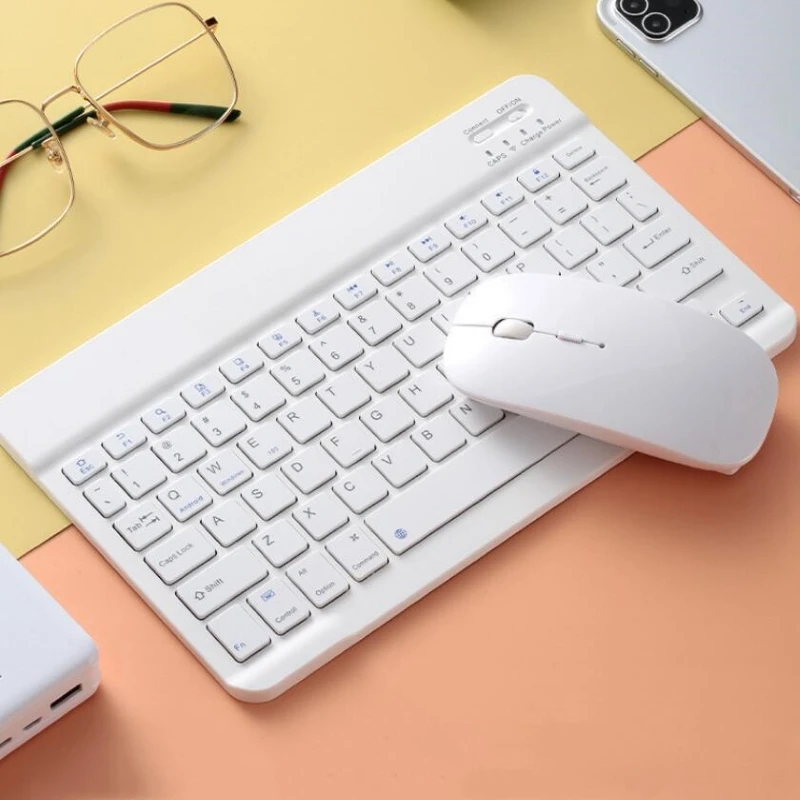
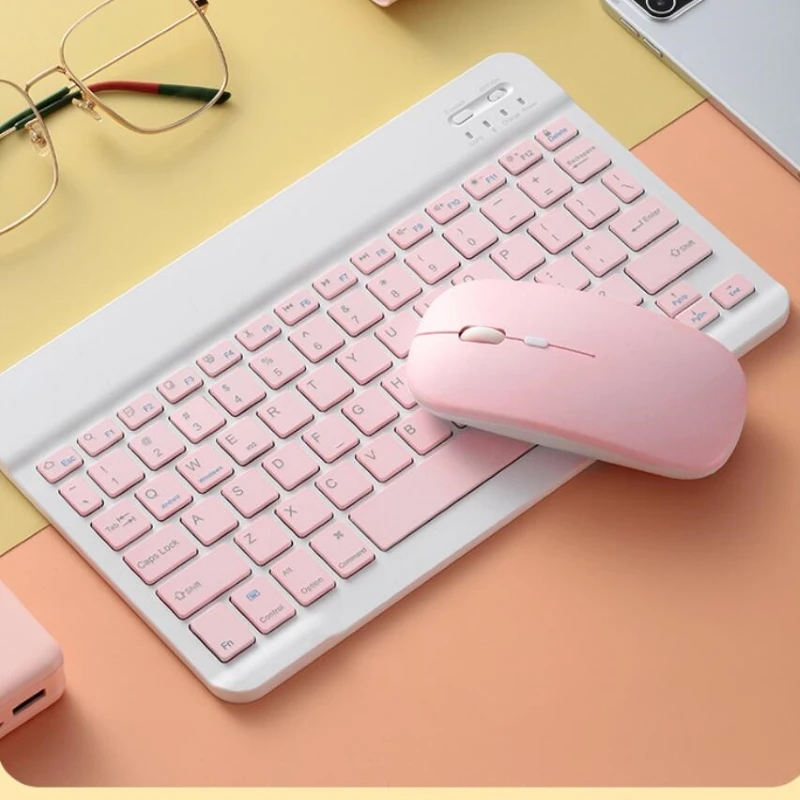
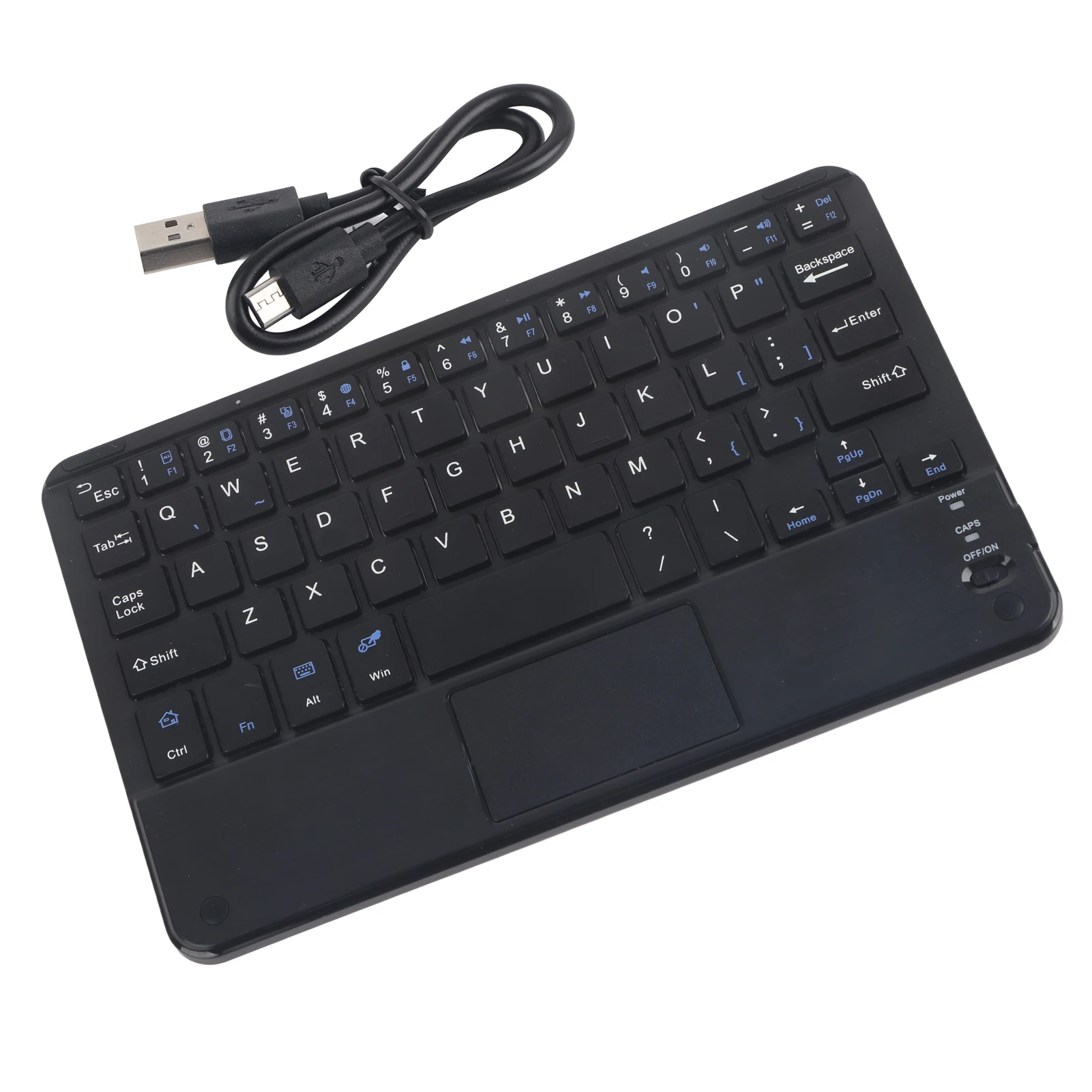
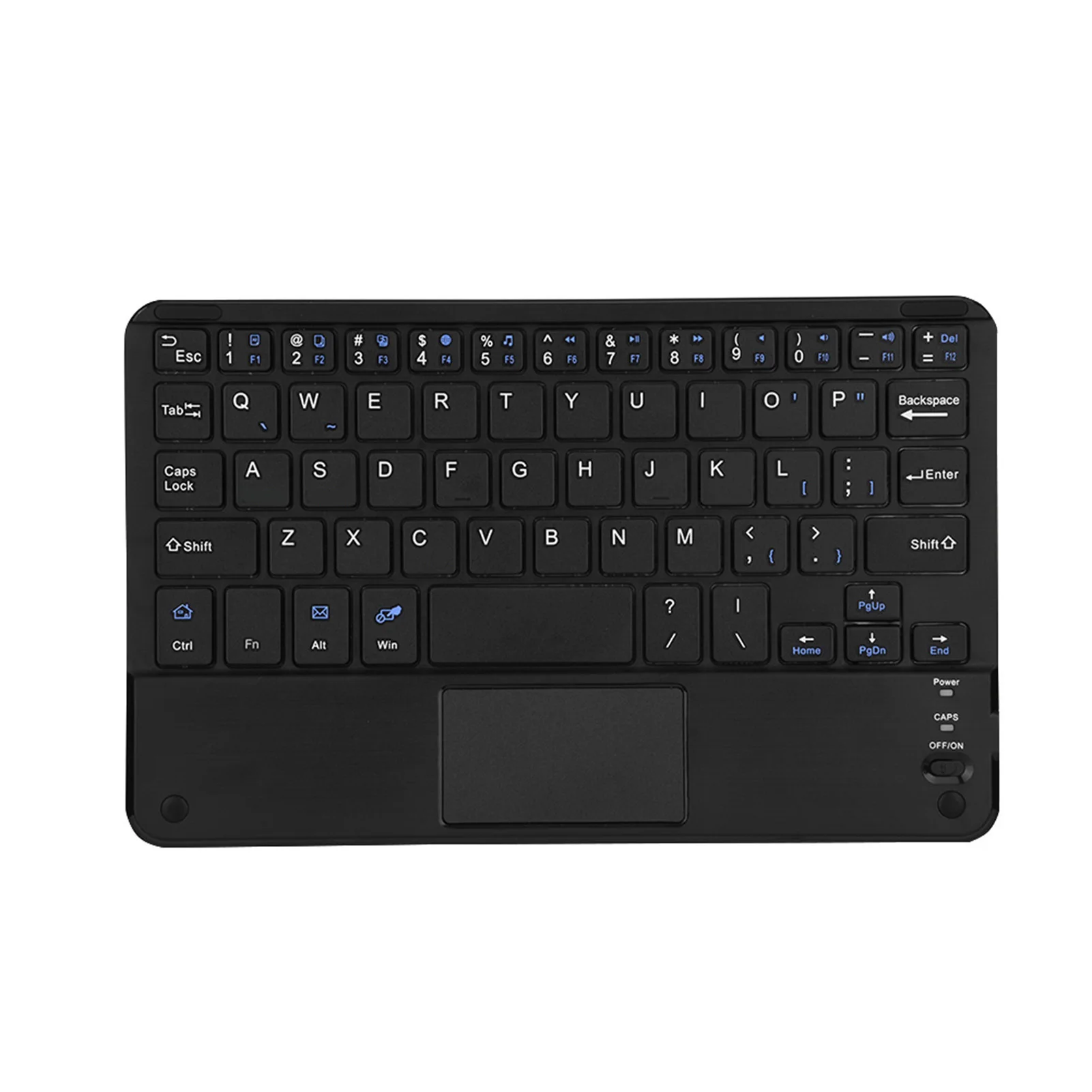
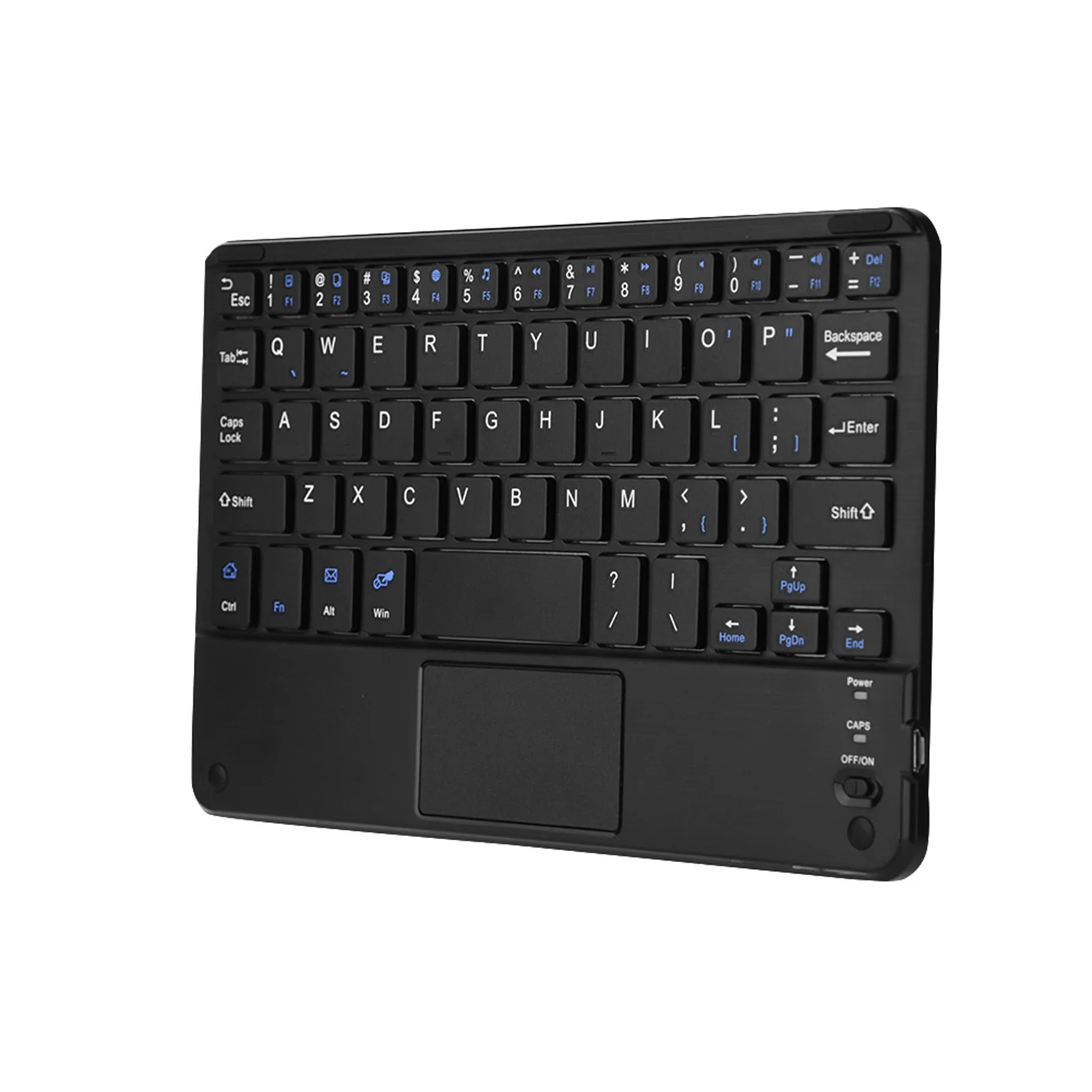
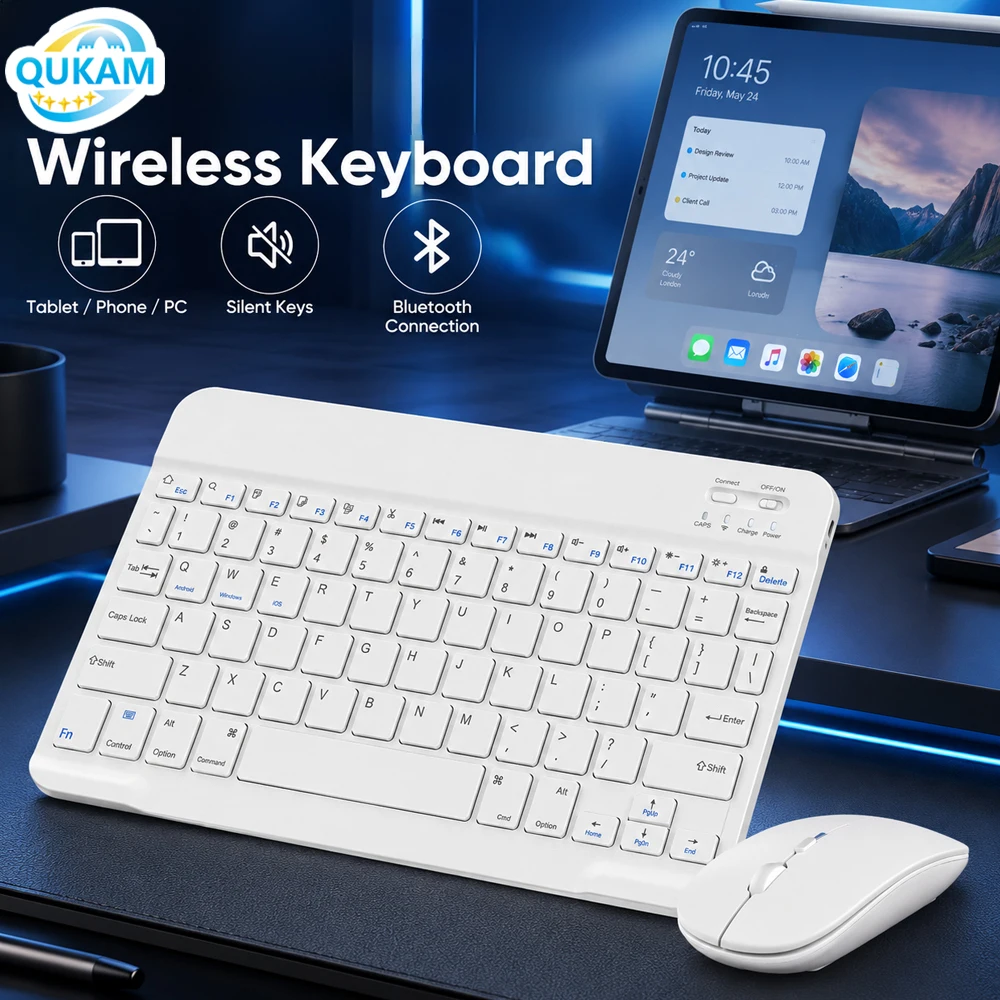
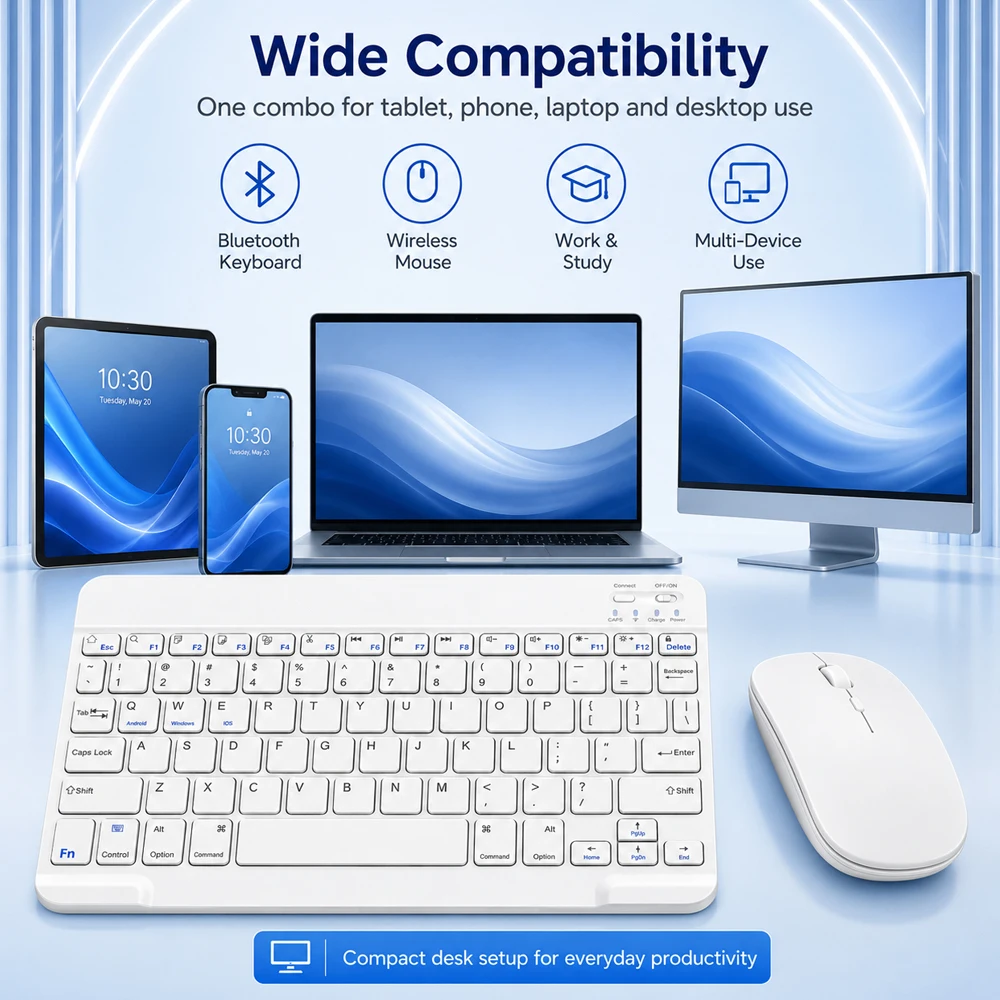
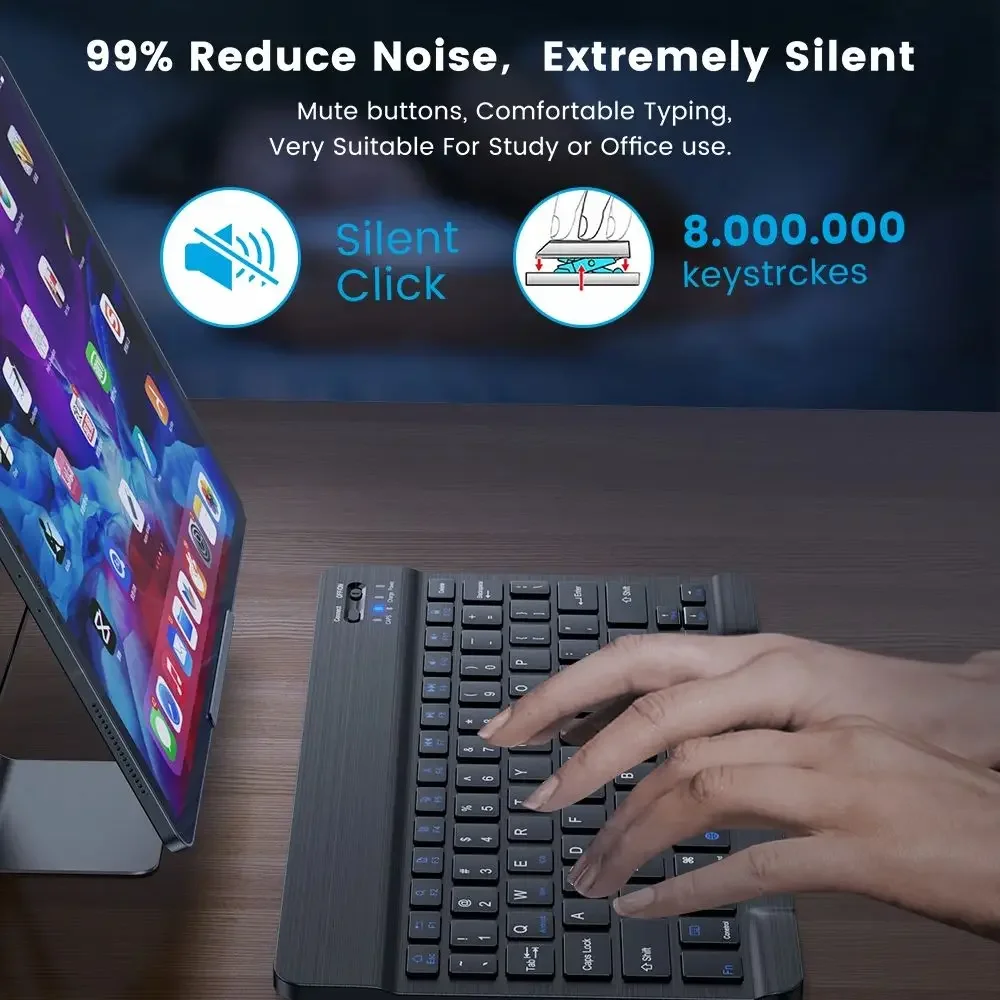
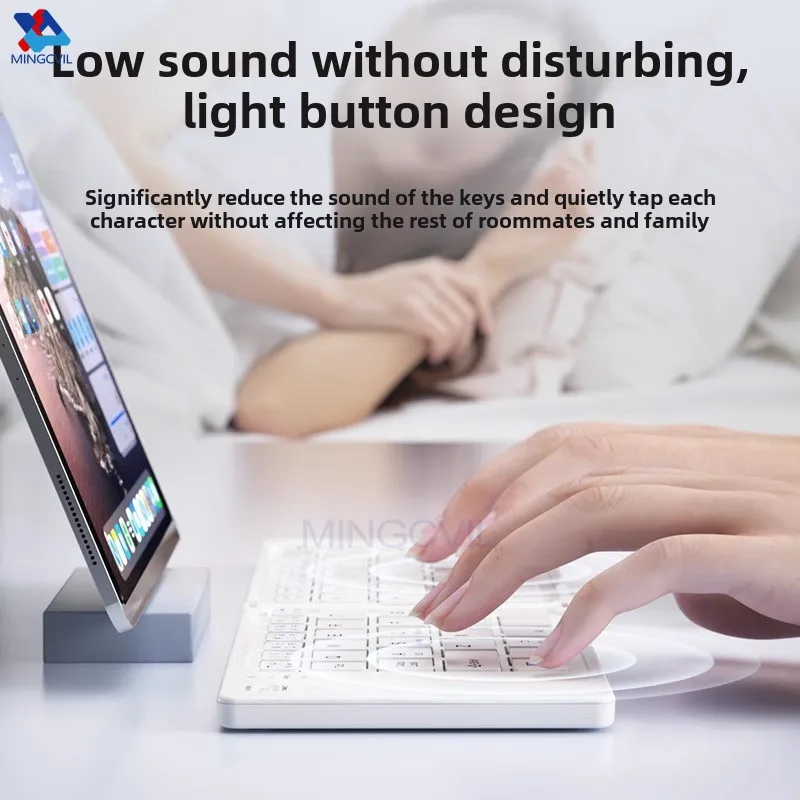
- Very thin keyboards about the size of a 10-inch tablet, with quiet, flat keys.
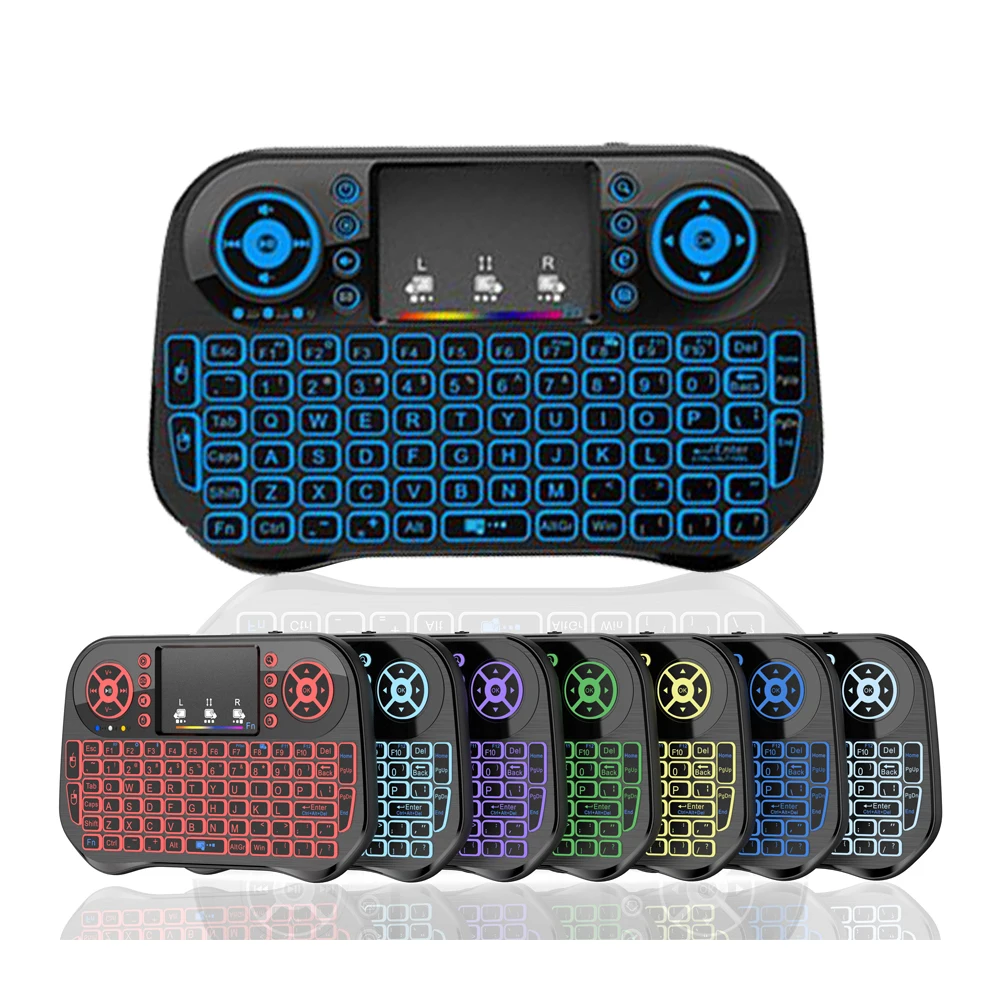
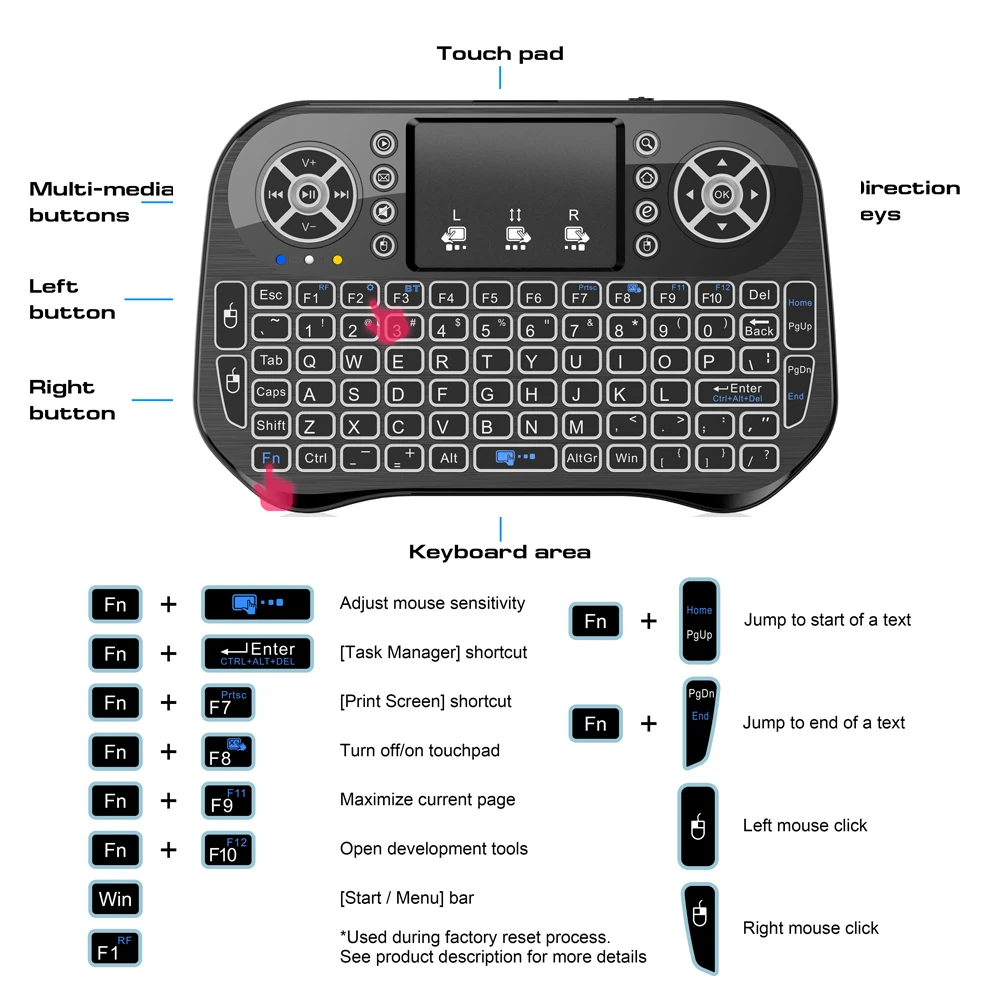
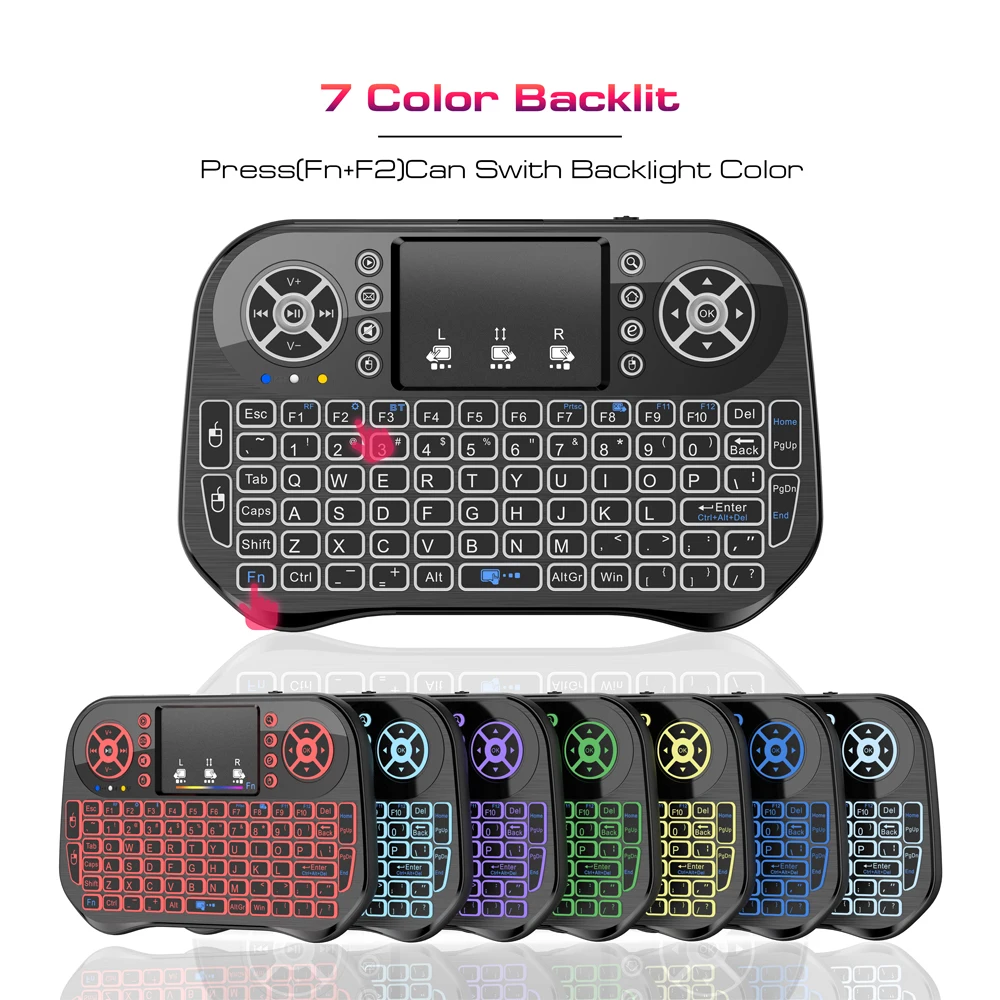
- Mini keyboards with a touchpad and backlight, for a laptop or TV from the sofa.
Several pair with up to three devices and switch between them with Fn and 1, 2 or 3.
How to choose
Size against comfort. A folding keyboard is the smallest to carry, but has a join down the middle and smaller keys at the edges. For long writing sessions, a thin one-piece keyboard is easier.
A touchpad or not. With a tablet on a stand, a keyboard with a touchpad saves carrying a mouse. With a laptop you already have a trackpad.
The layout.
A keyboard made for the UK has the ISO layout, with a tall Enter key that spans two rows. The US layout, used in North America, has a long flat Enter key, and several symbols are printed in different places. Apple tells the layouts apart by the shape of that key, and it is the quickest check. Many keyboards here list their layout or language in the options, so read it before ordering. Then set the same layout on the laptop: in Windows 11 under Settings, Time & language, Language & region; on a Mac under System Settings, Keyboard, Text Input.
Several here are the US layout with 78 keys, and some folding keyboards come with a second language printed on the keys.
Bluetooth on the device. Almost every laptop, tablet and phone has it. A desktop without it can take a USB Bluetooth adapter.
Questions people ask about Bluetooth keyboards
How do I pair a Bluetooth keyboard?
Switch it on and put it into pairing mode as its instructions say. On a Mac, open System Settings, choose Bluetooth and click Connect beside it. In Windows 11, open Settings, then Bluetooth & devices, choose Add device, then Bluetooth, and pick it from the list.
Will it work with an iPad and an Android tablet?
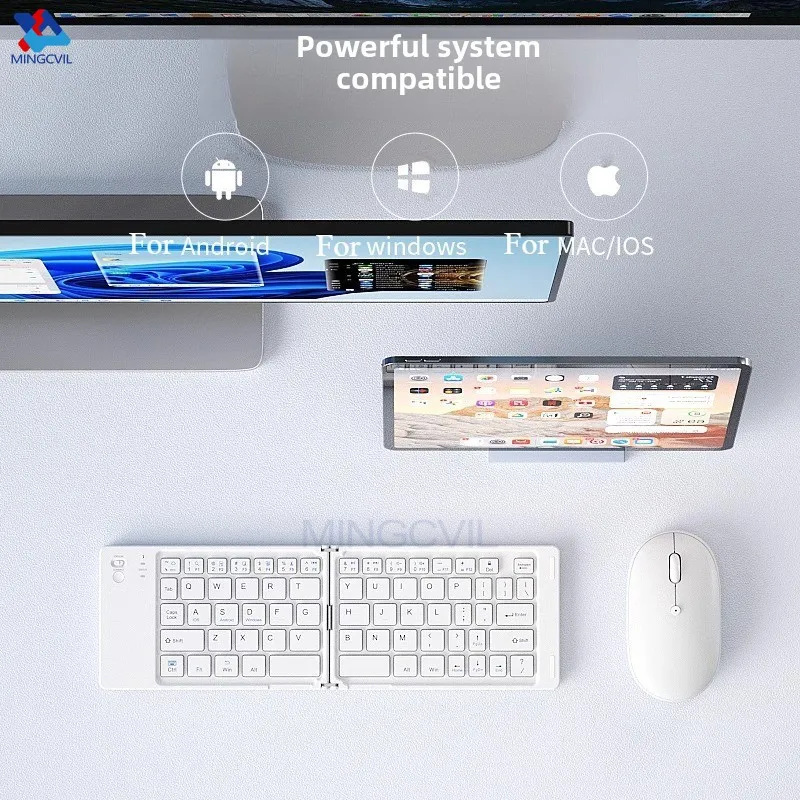
Most here list iOS, Android and Windows. Special keys along the top may only work on some of them, and the product page says which.
Can I use it at the start-up screen?
Not always. Bluetooth starts after the system, so for typing a password before Windows loads, a keyboard with a receiver is more reliable.
Delivery is included in every price and tracked to your door.
More to look at