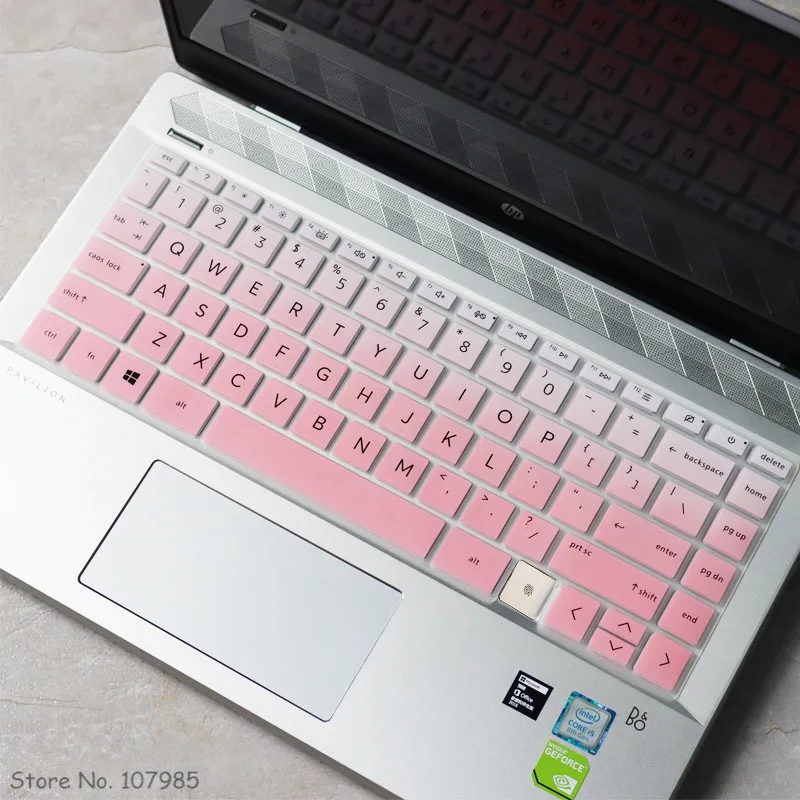
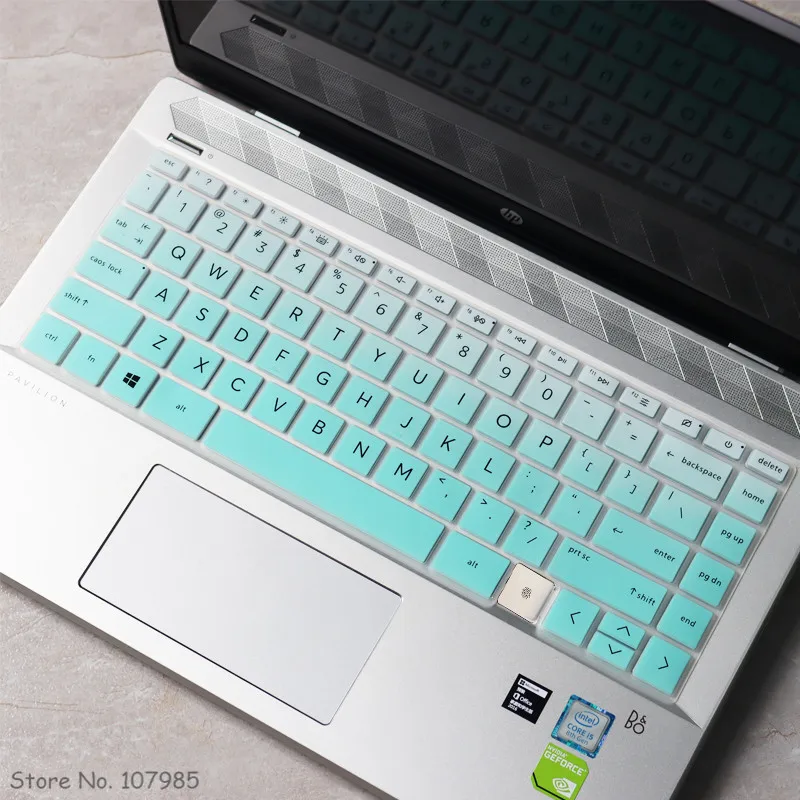
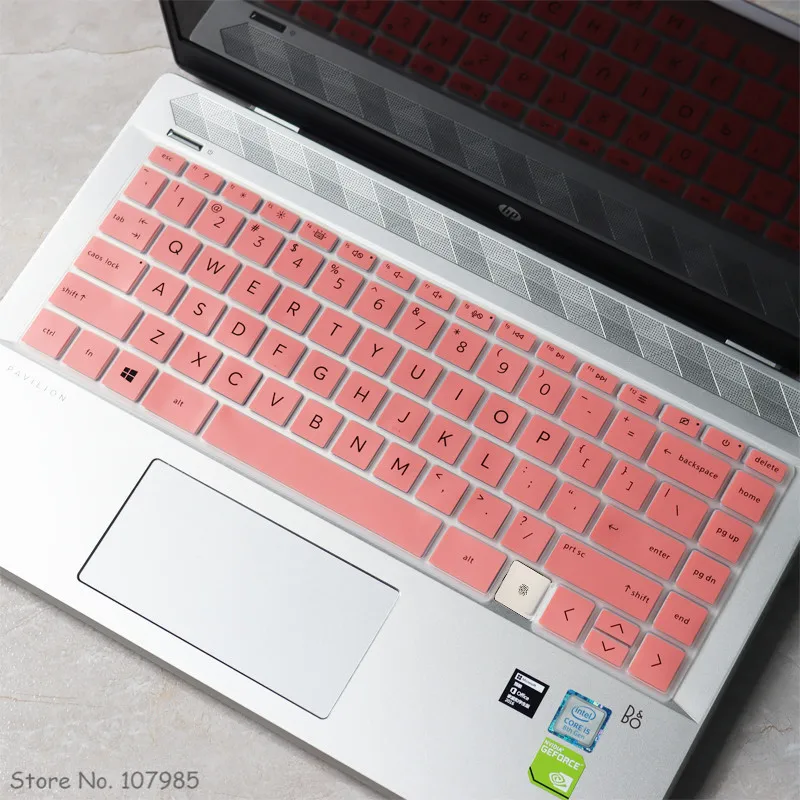
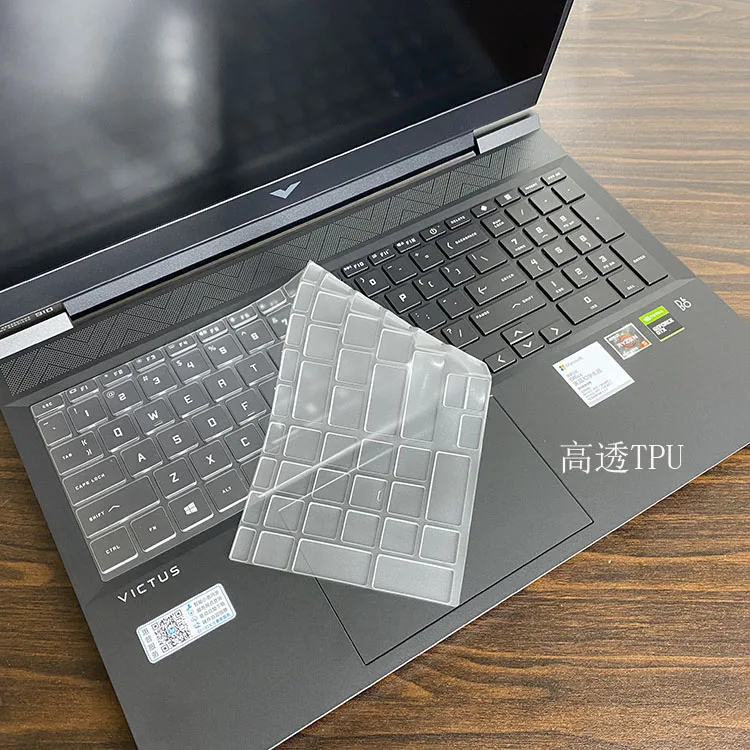
What a keyboard cover does
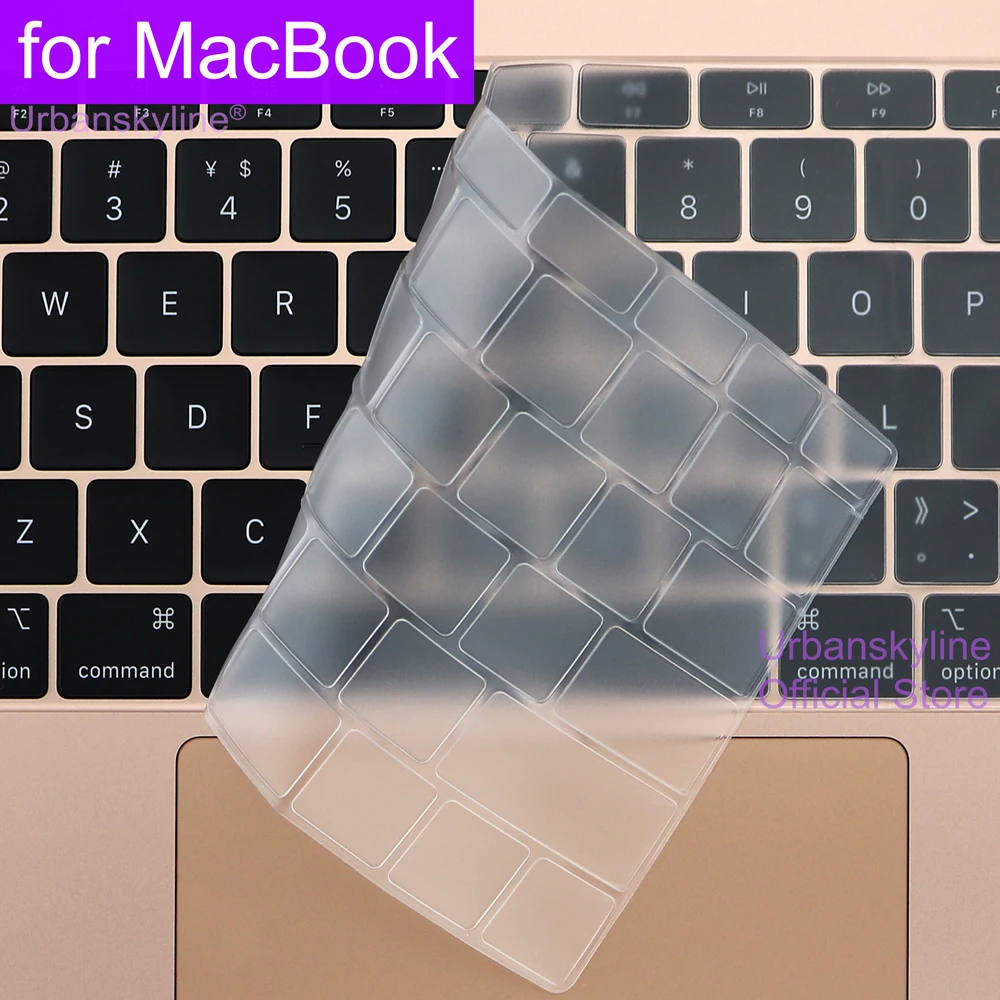
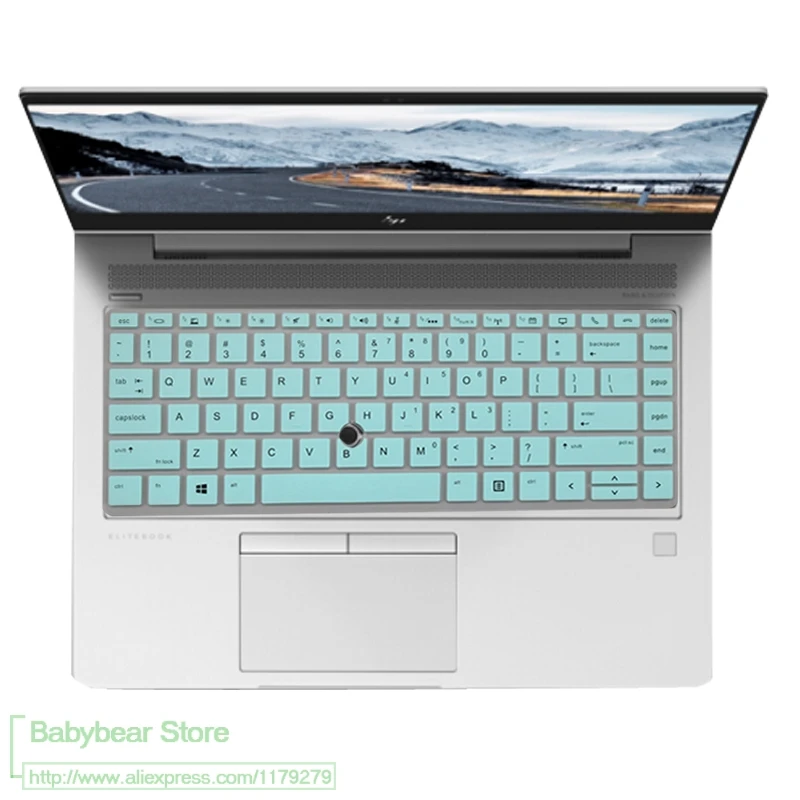
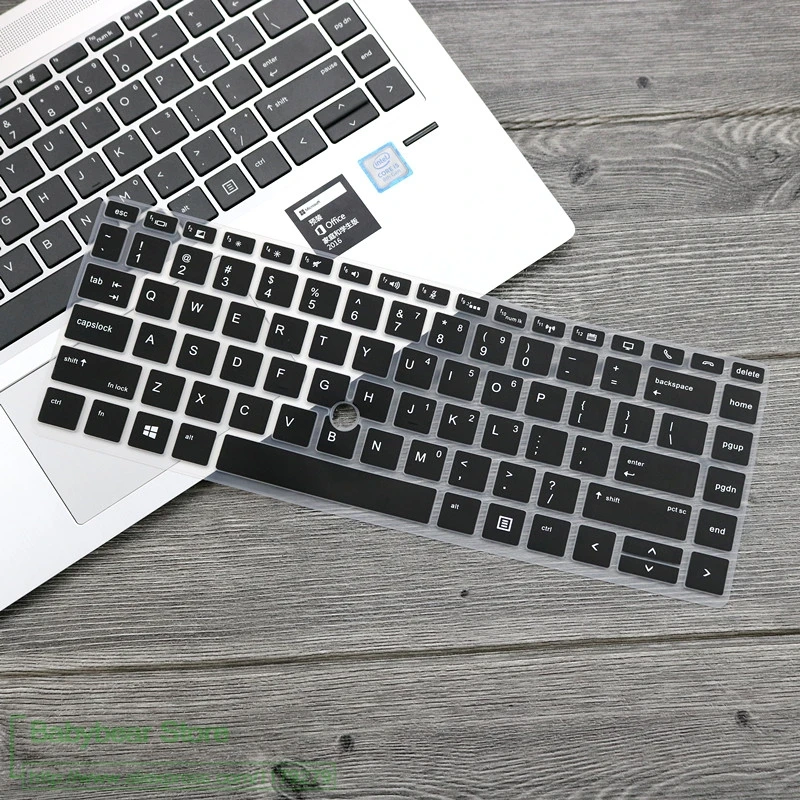
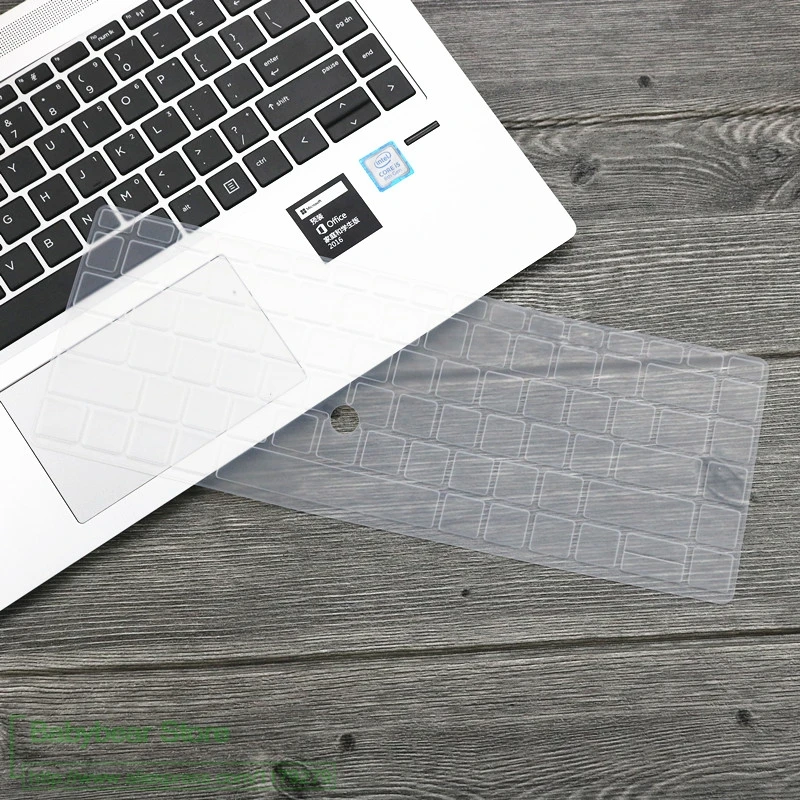
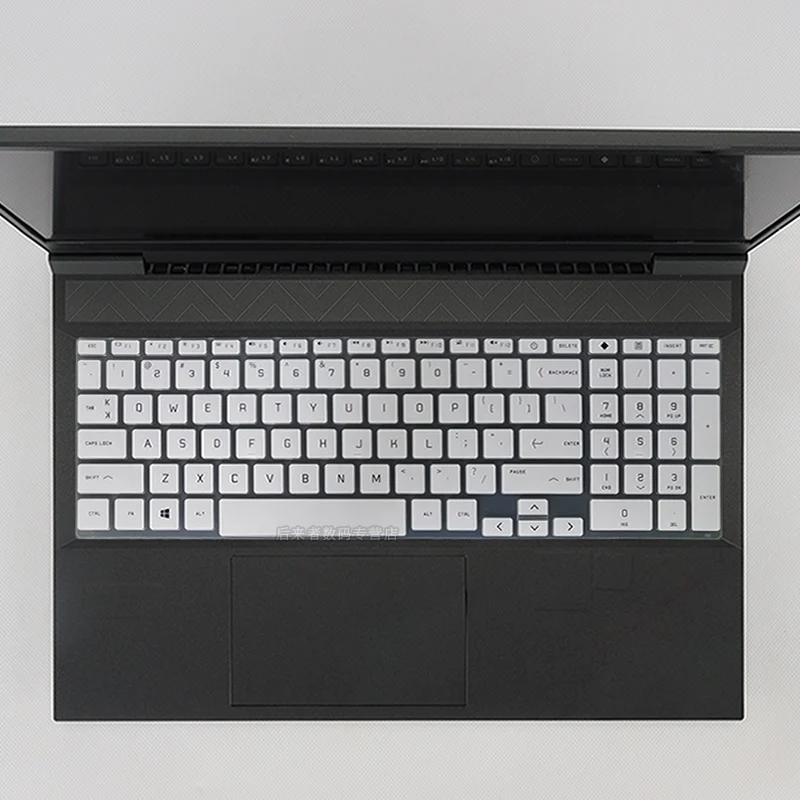
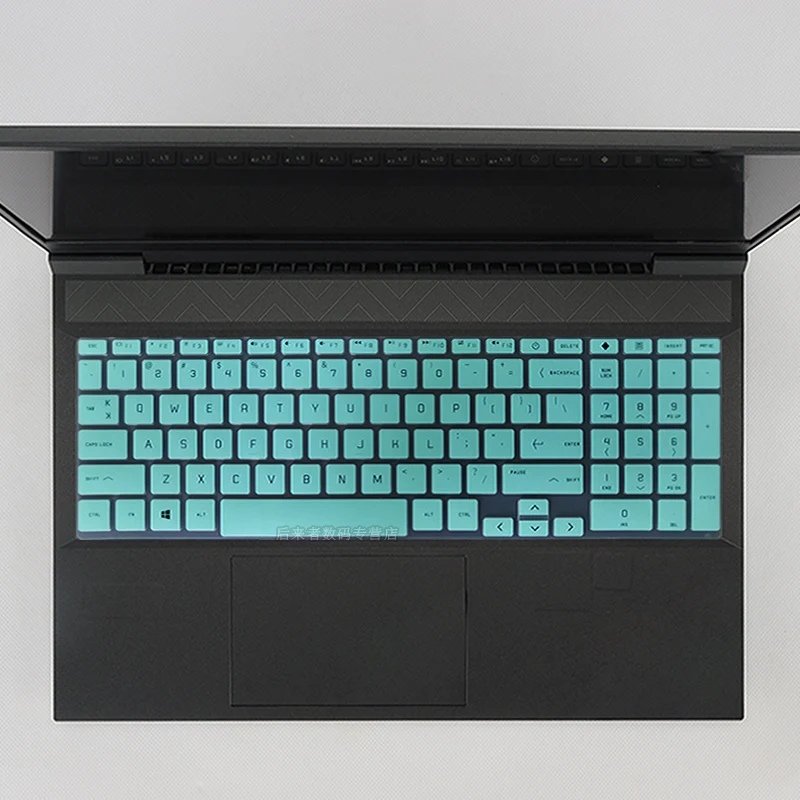
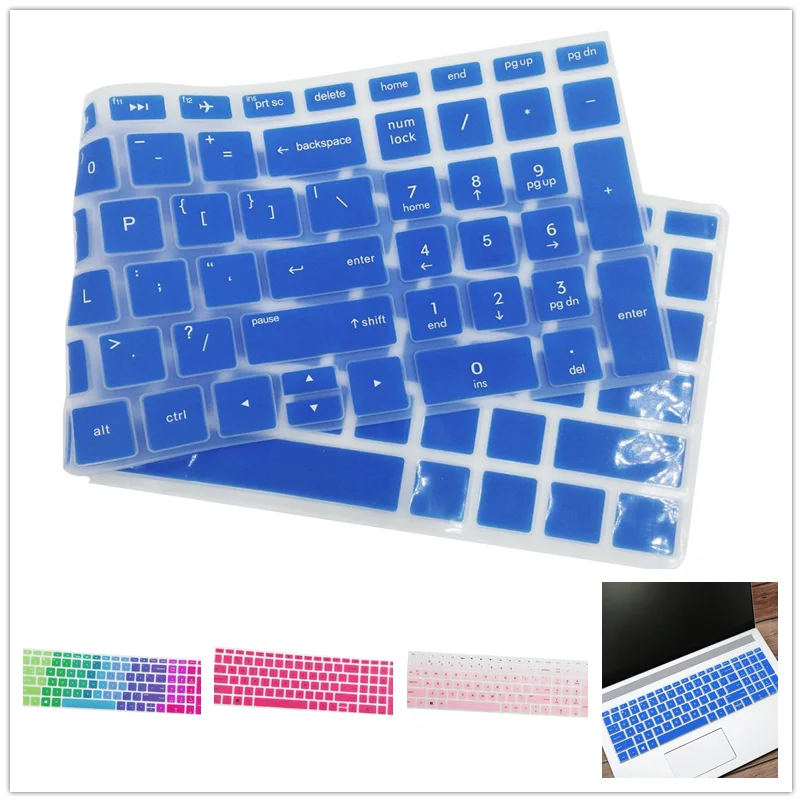
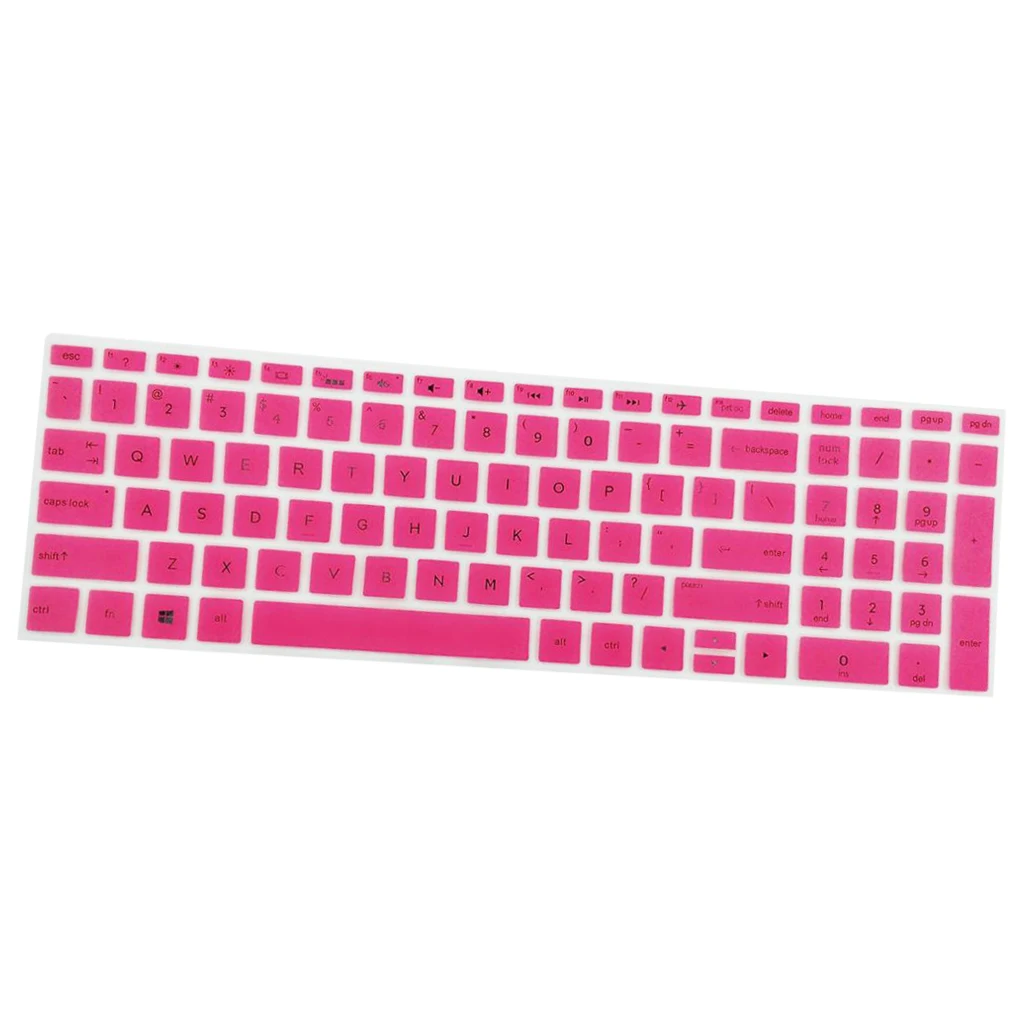
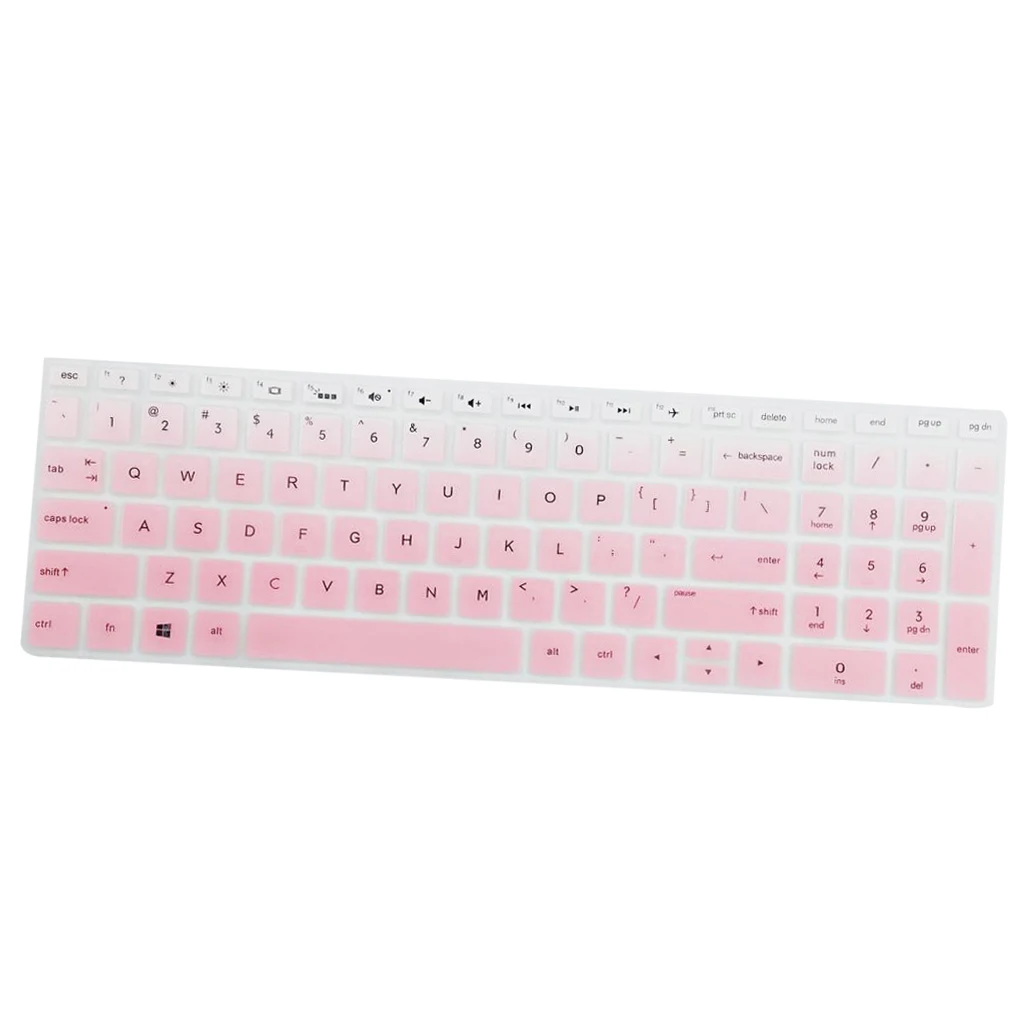
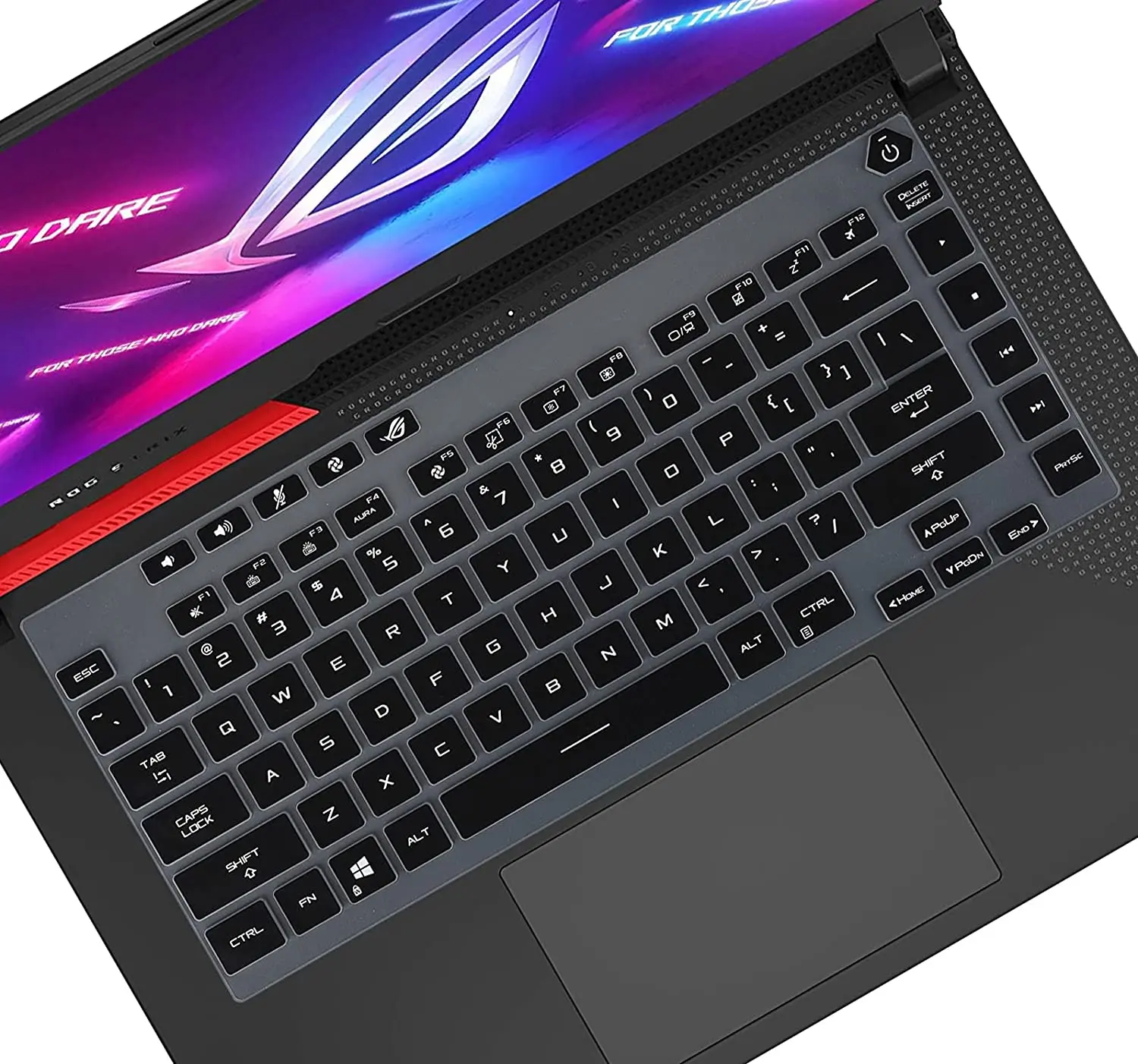
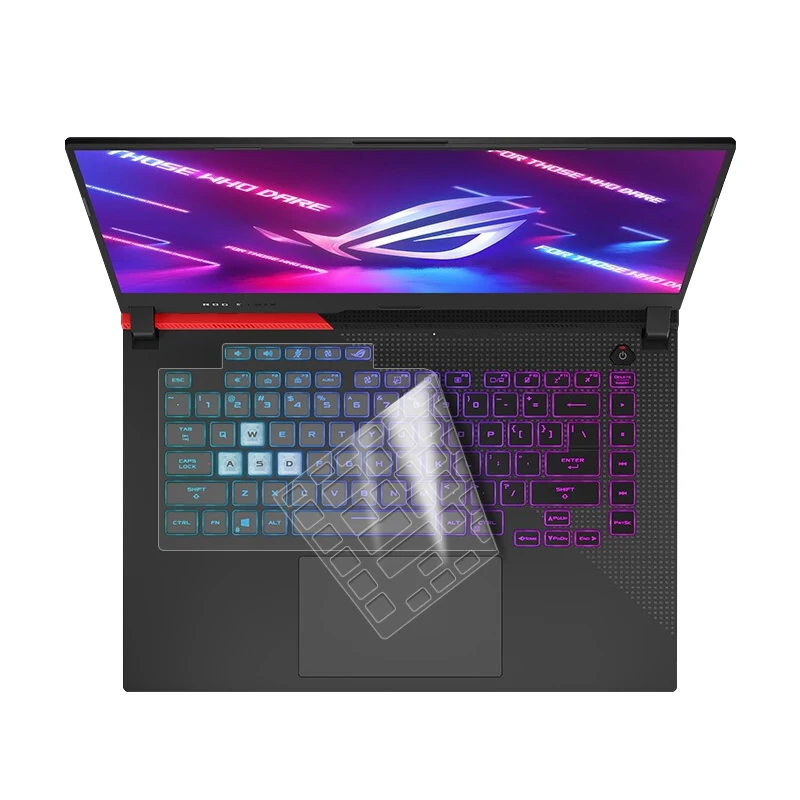
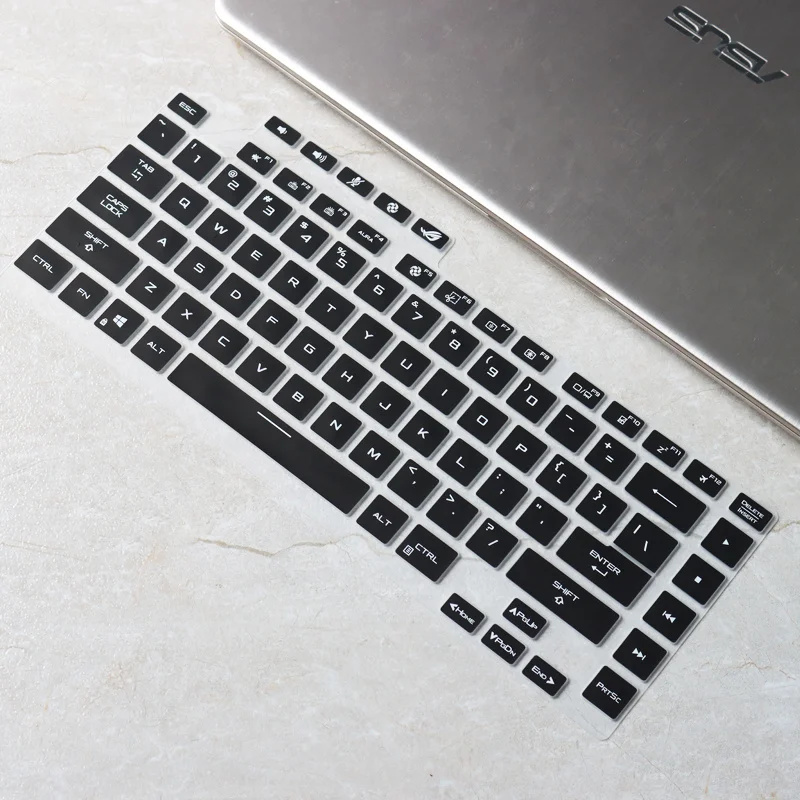
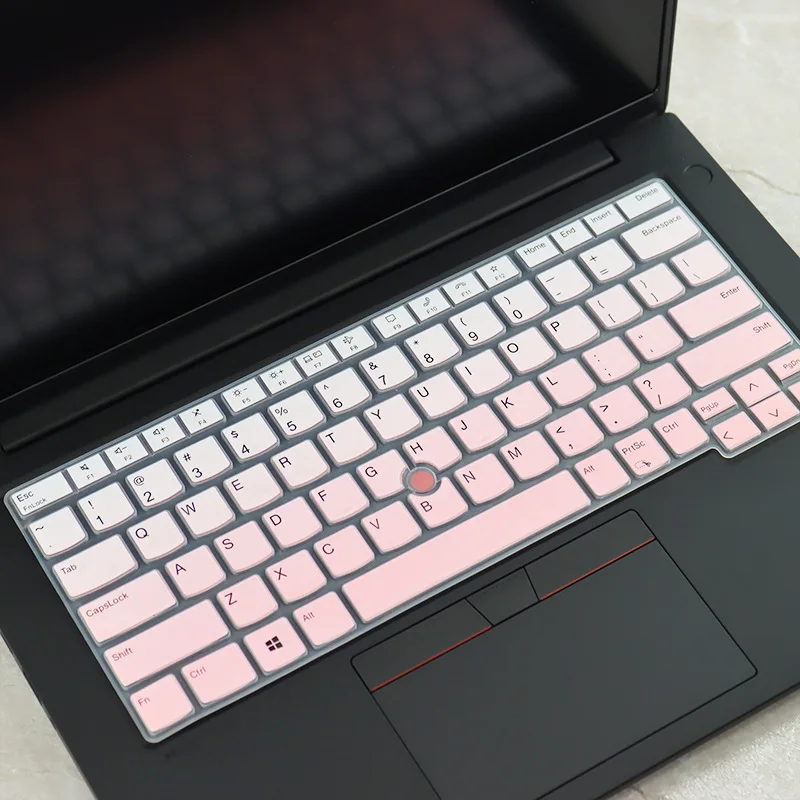
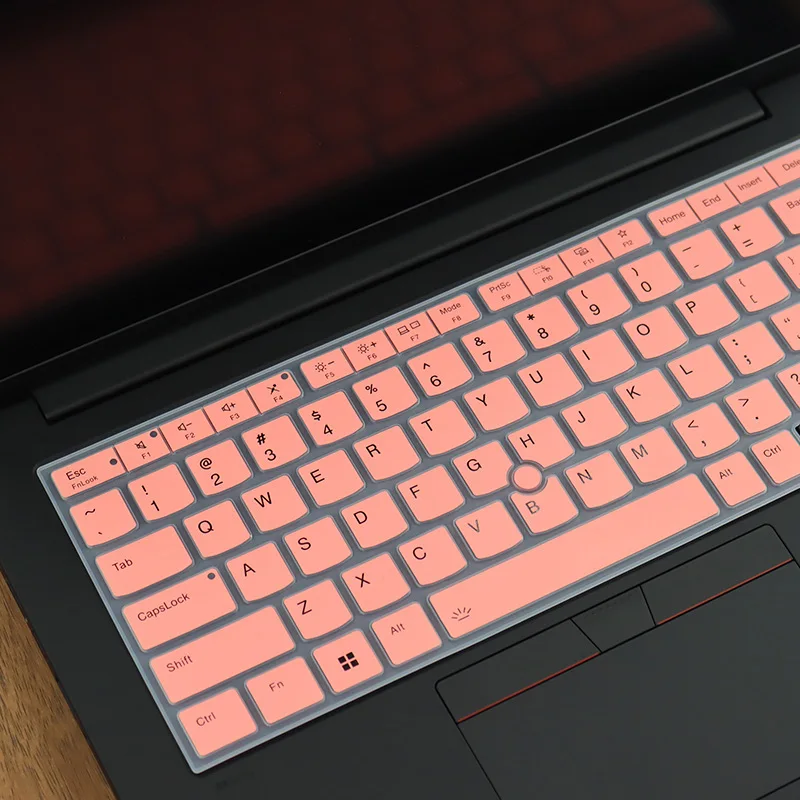
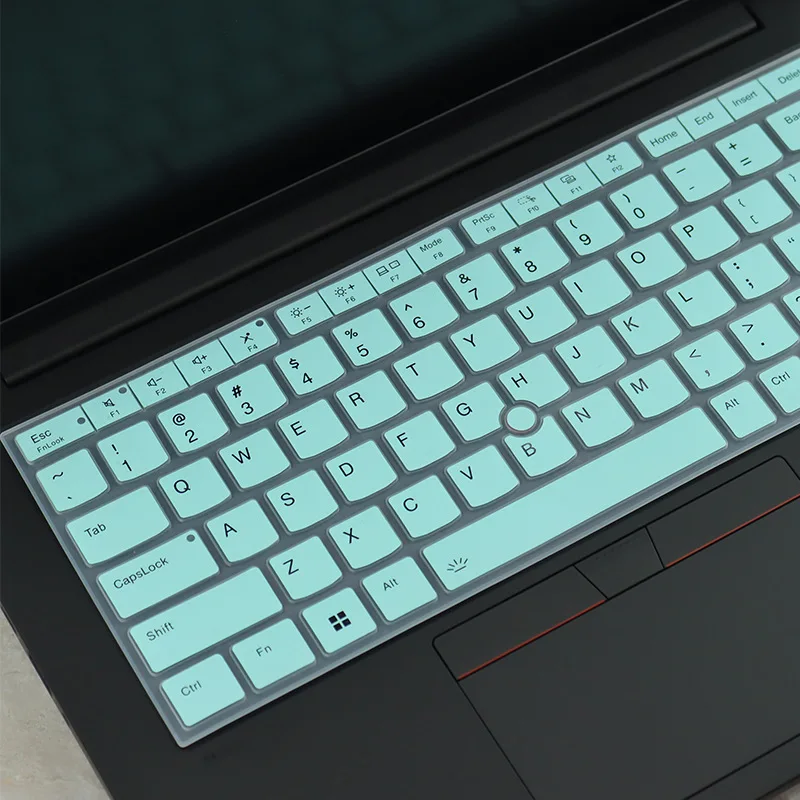
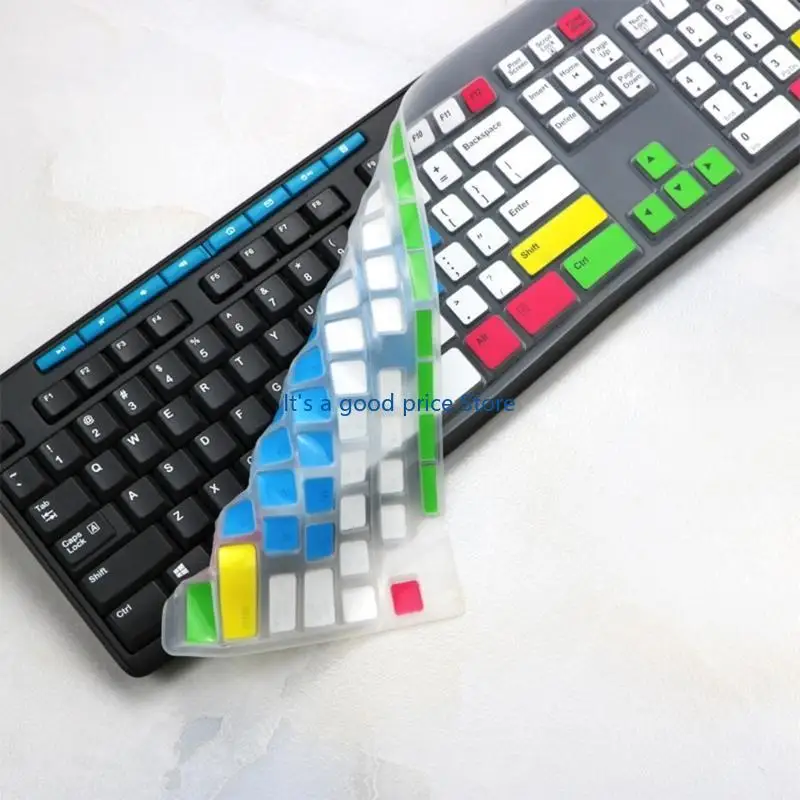
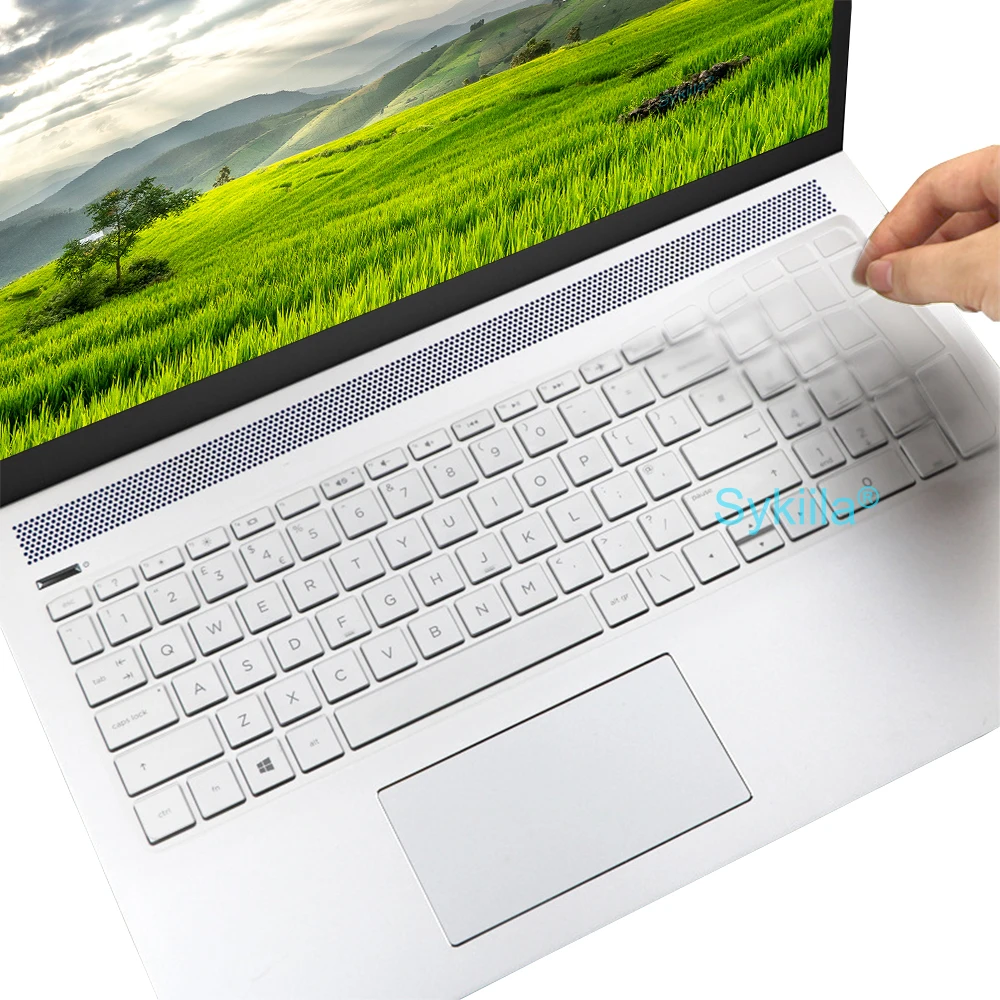
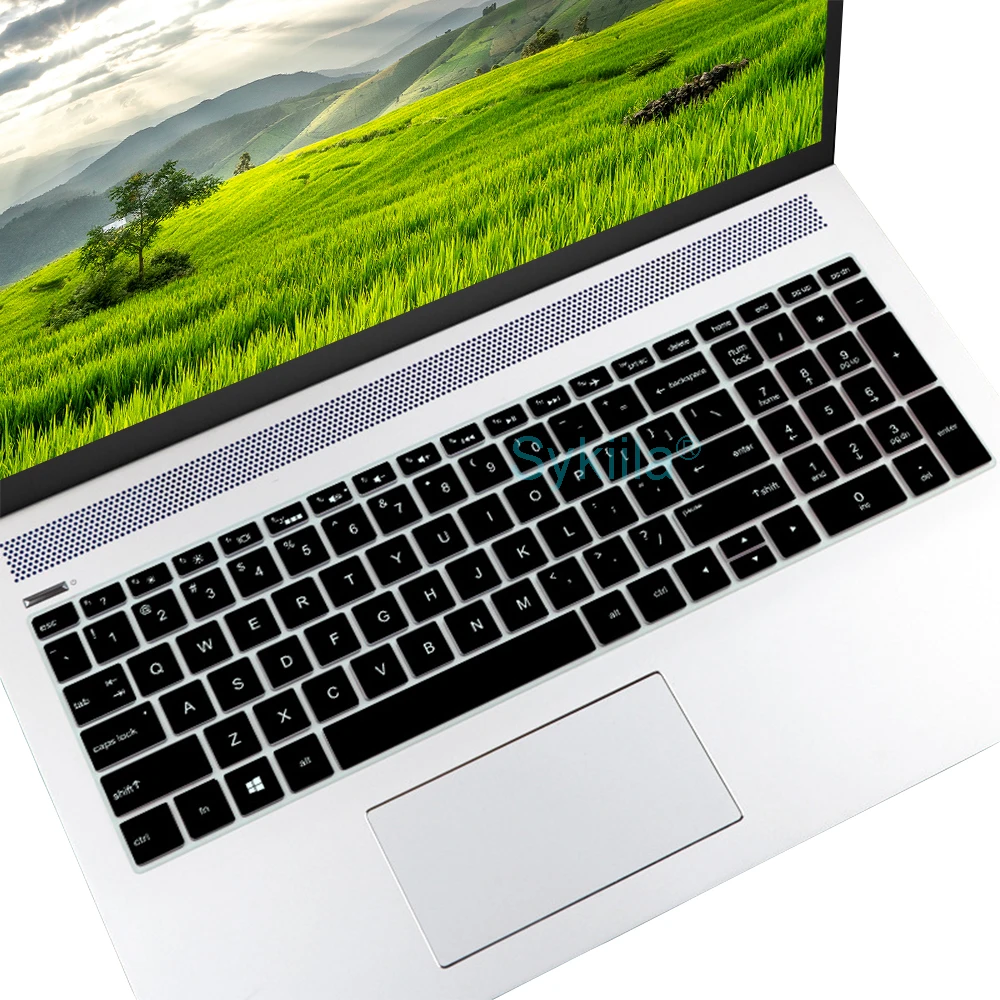
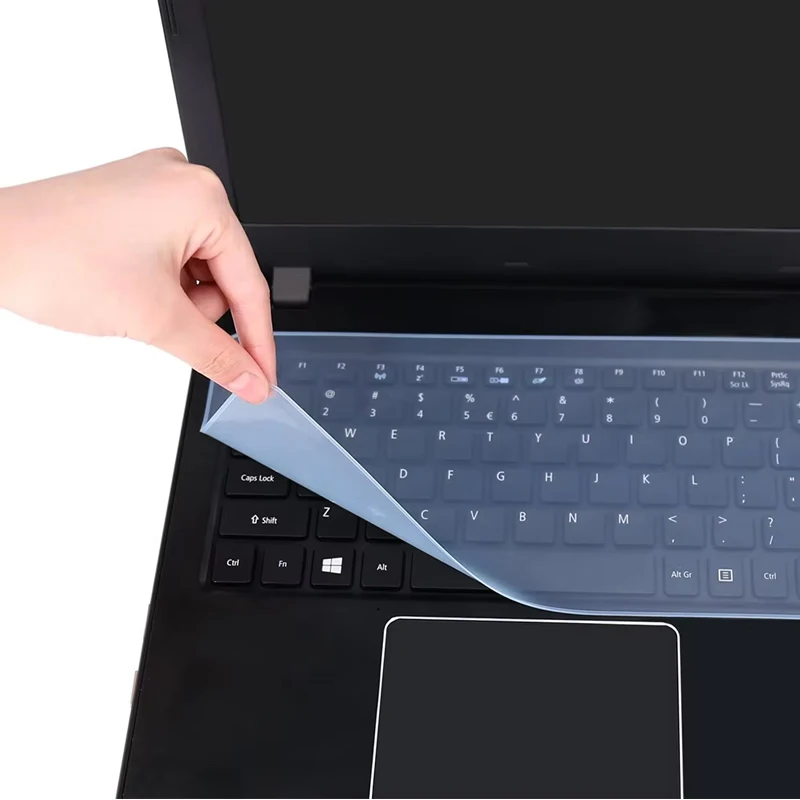
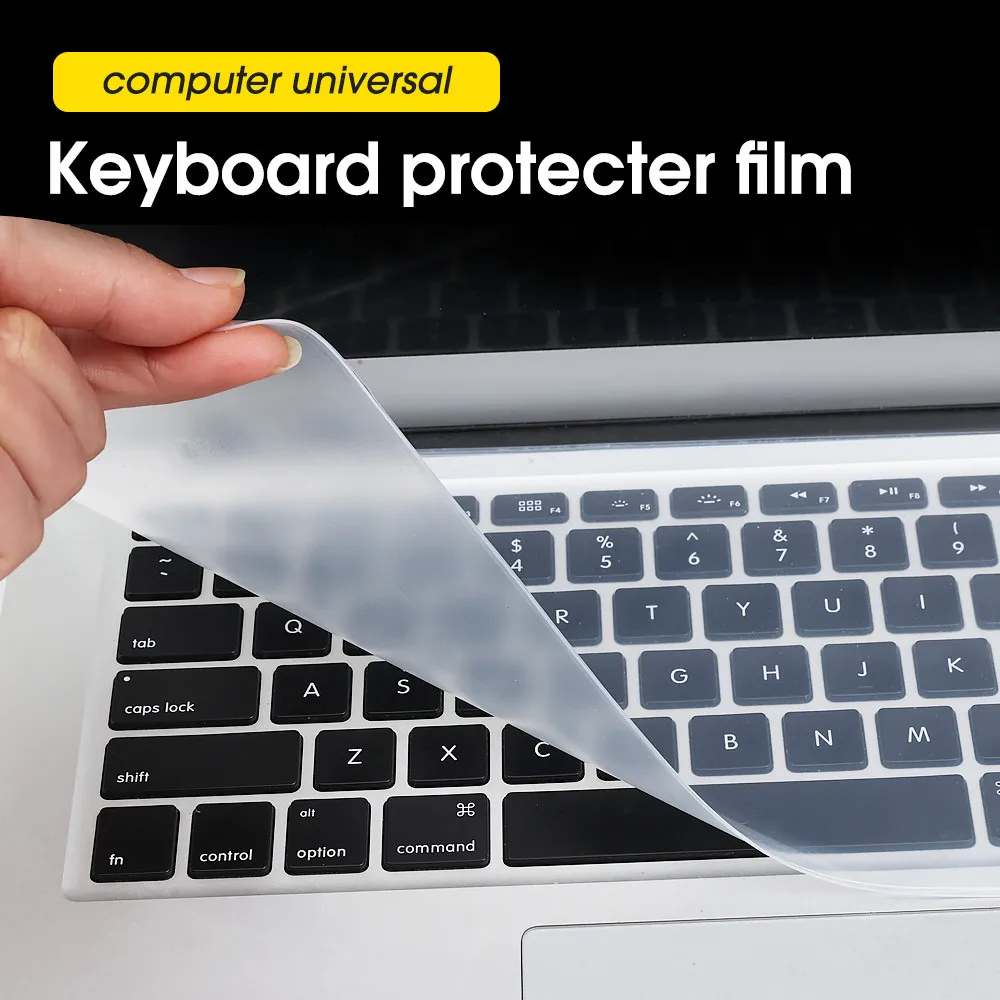
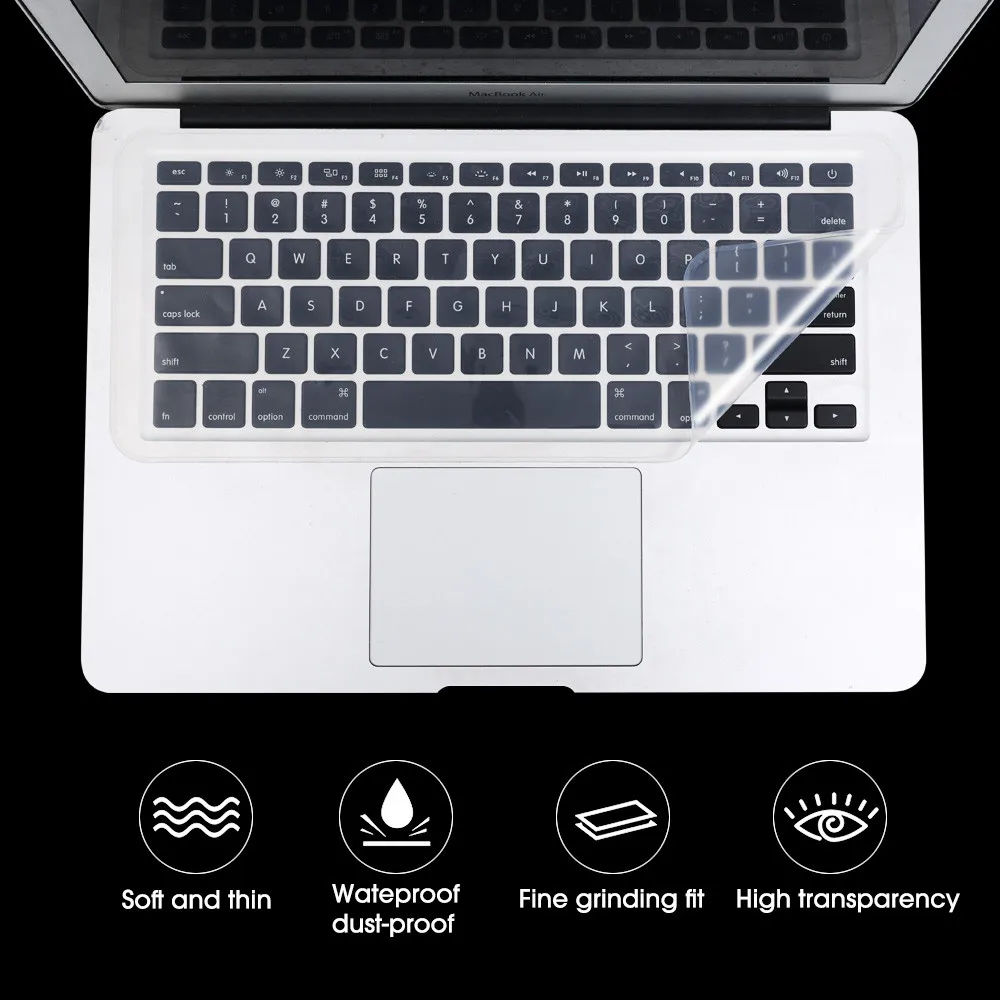
A keyboard cover is a thin silicone skin moulded over each key of a laptop. It keeps crumbs, dust and the odd splash out from under the keys, where they are hard to get out, and you type through it. It lifts off for washing. It suits a laptop used at a kitchen table, by children or in a dusty workshop.
What is in the range
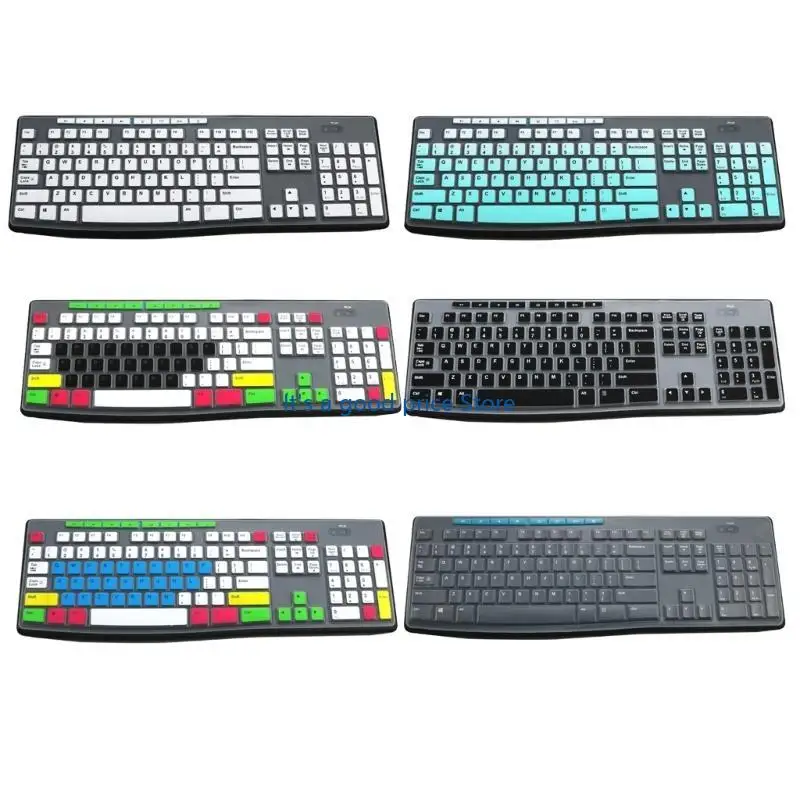
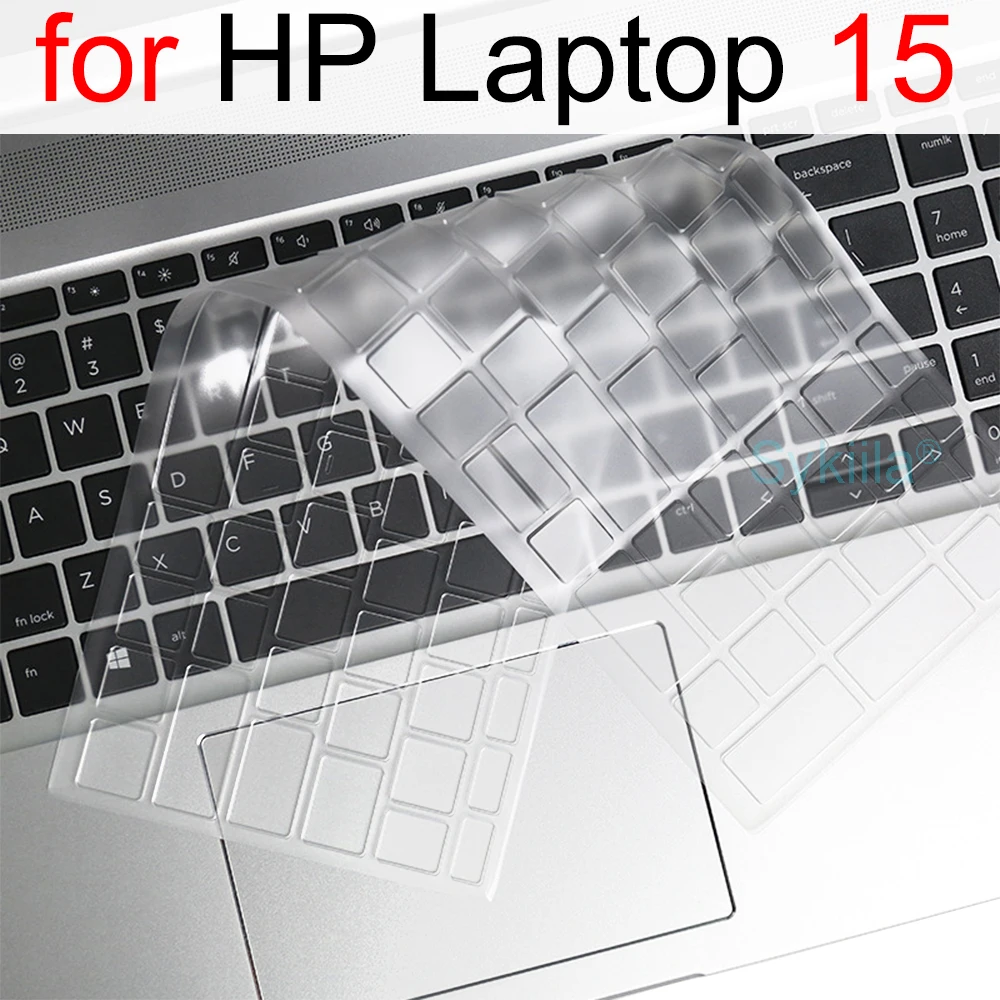
- Covers moulded for named laptops: several HP models (EliteBook, Envy x360 13, Laptop 15, Victus 16), Lenovo ThinkPad T14 and its family, an Asus ROG Strix G15, and MacBook Air and MacBook Pro.
- A universal cover for laptops from 13 to 17 inches, chosen by measuring your keyboard's length.
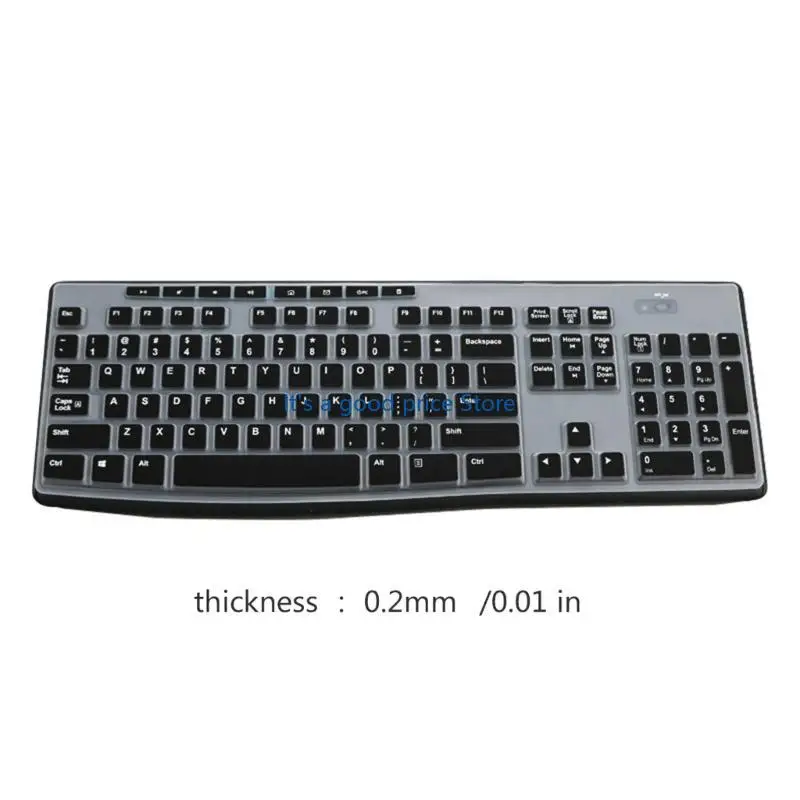
- A cover for some separate desk keyboards, listed by model number.
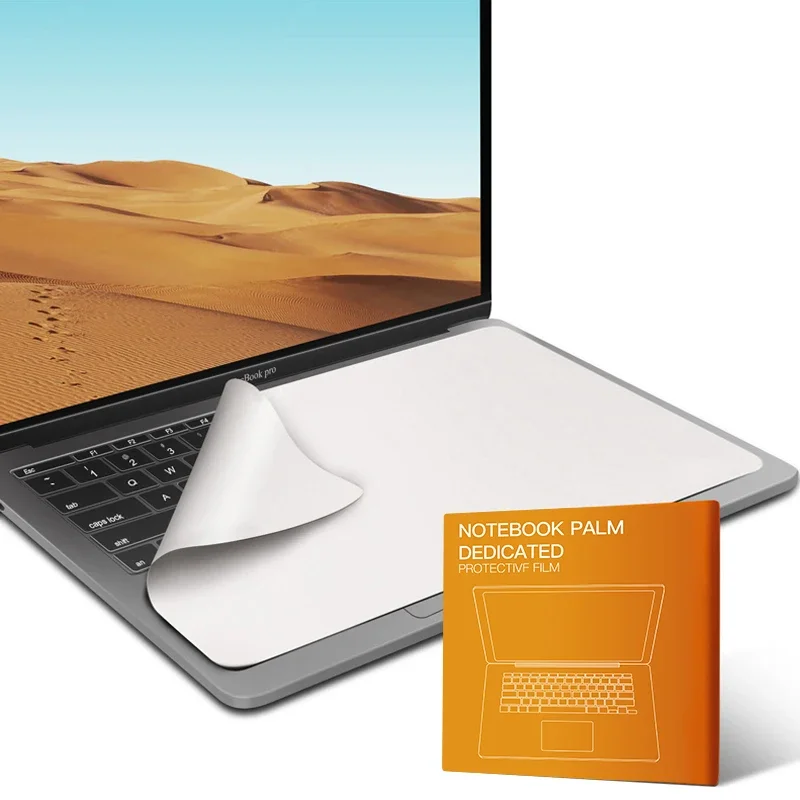
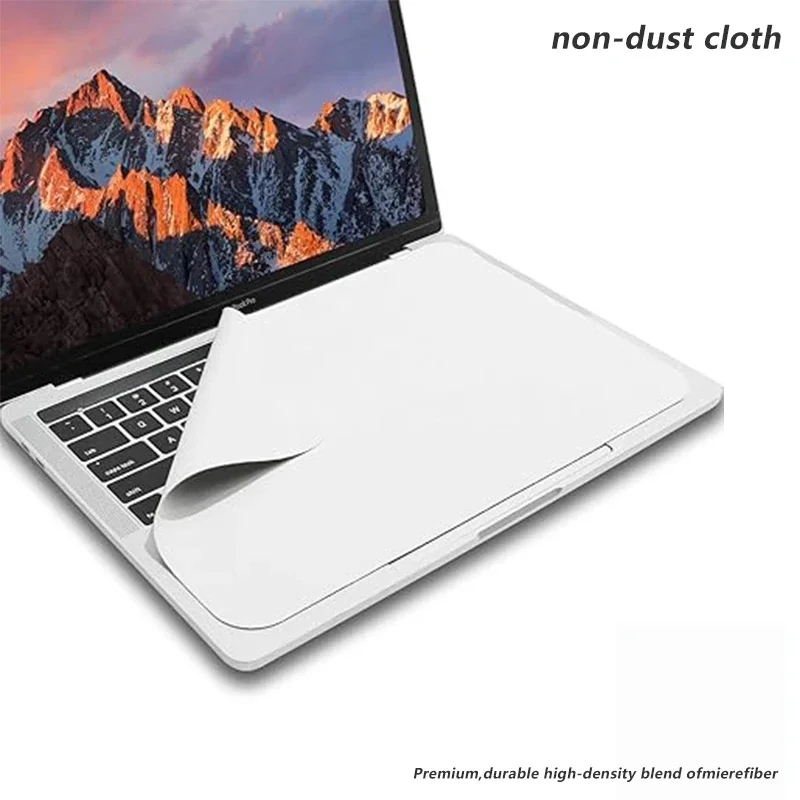
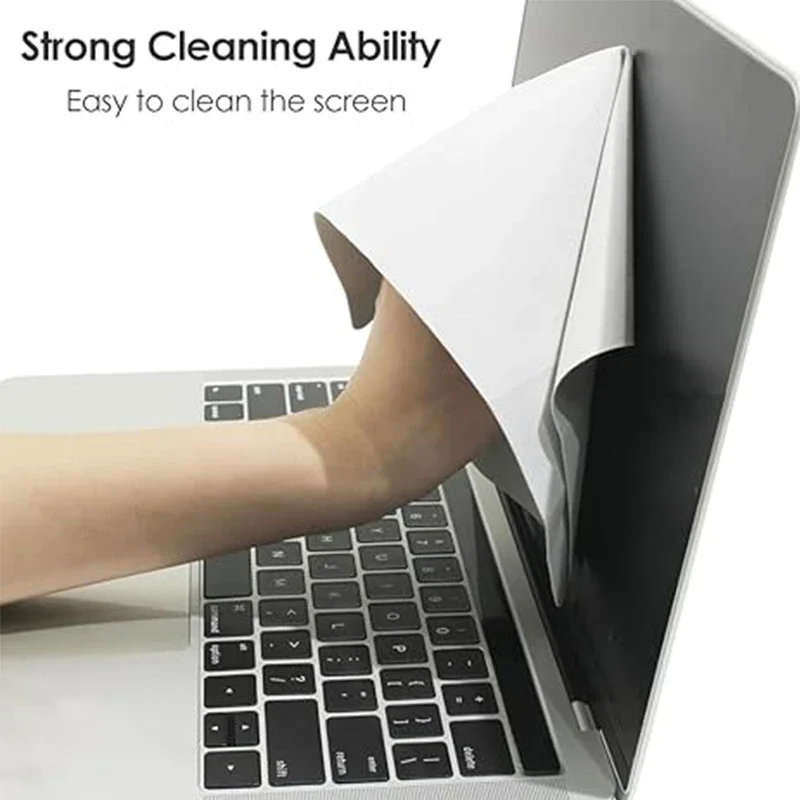
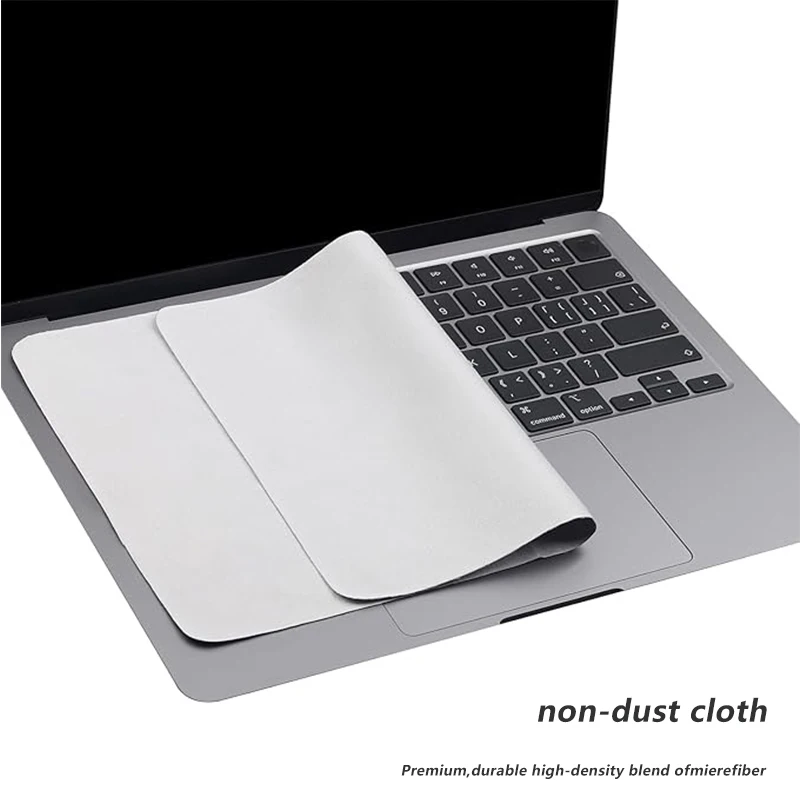
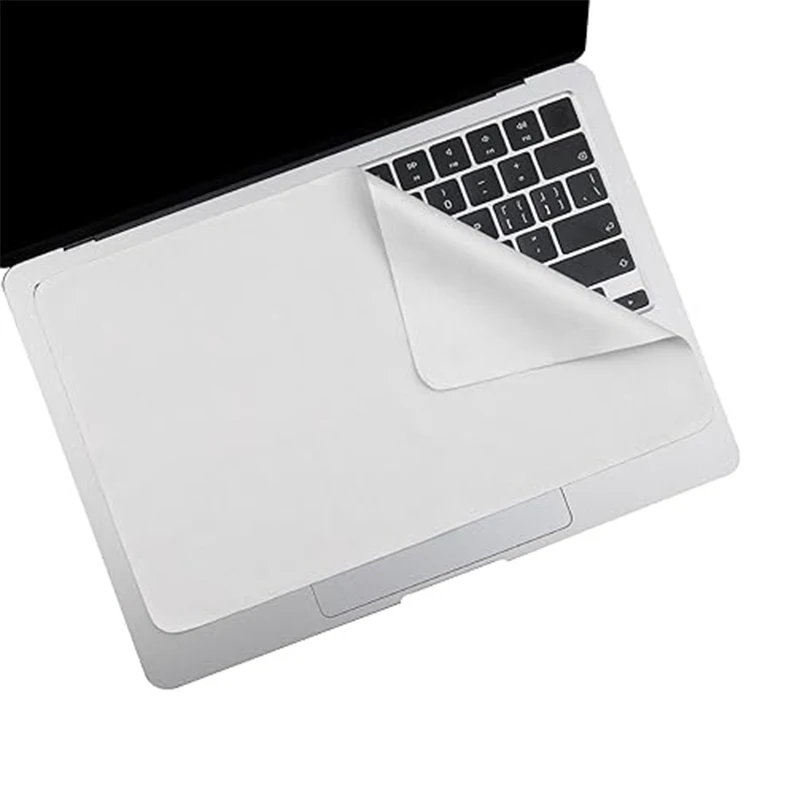
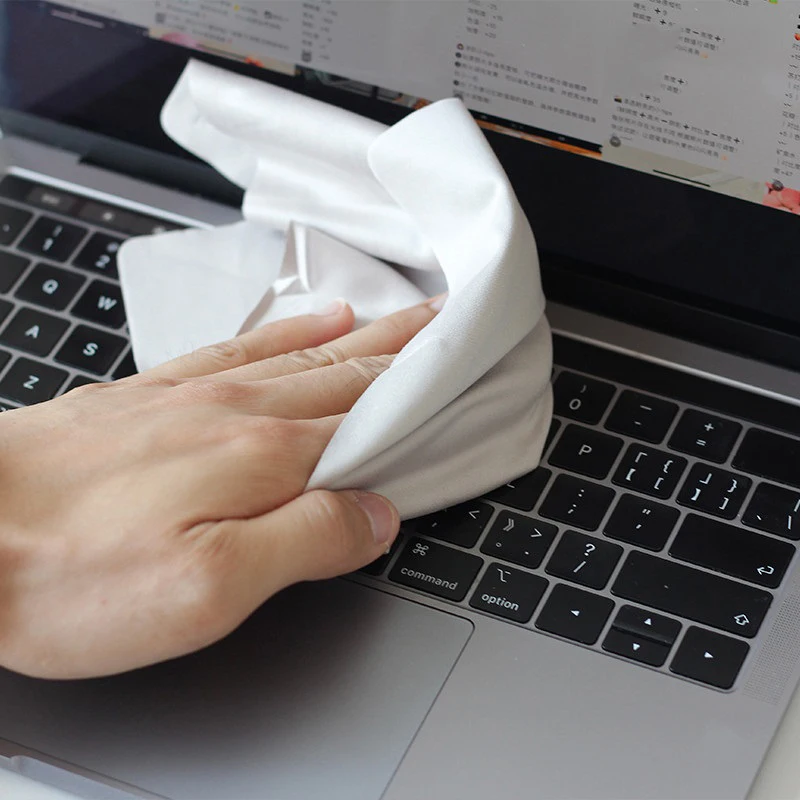
- Microfibre keyboard cloths for MacBooks, which double as a screen cloth.
How to choose: the model and the Enter key
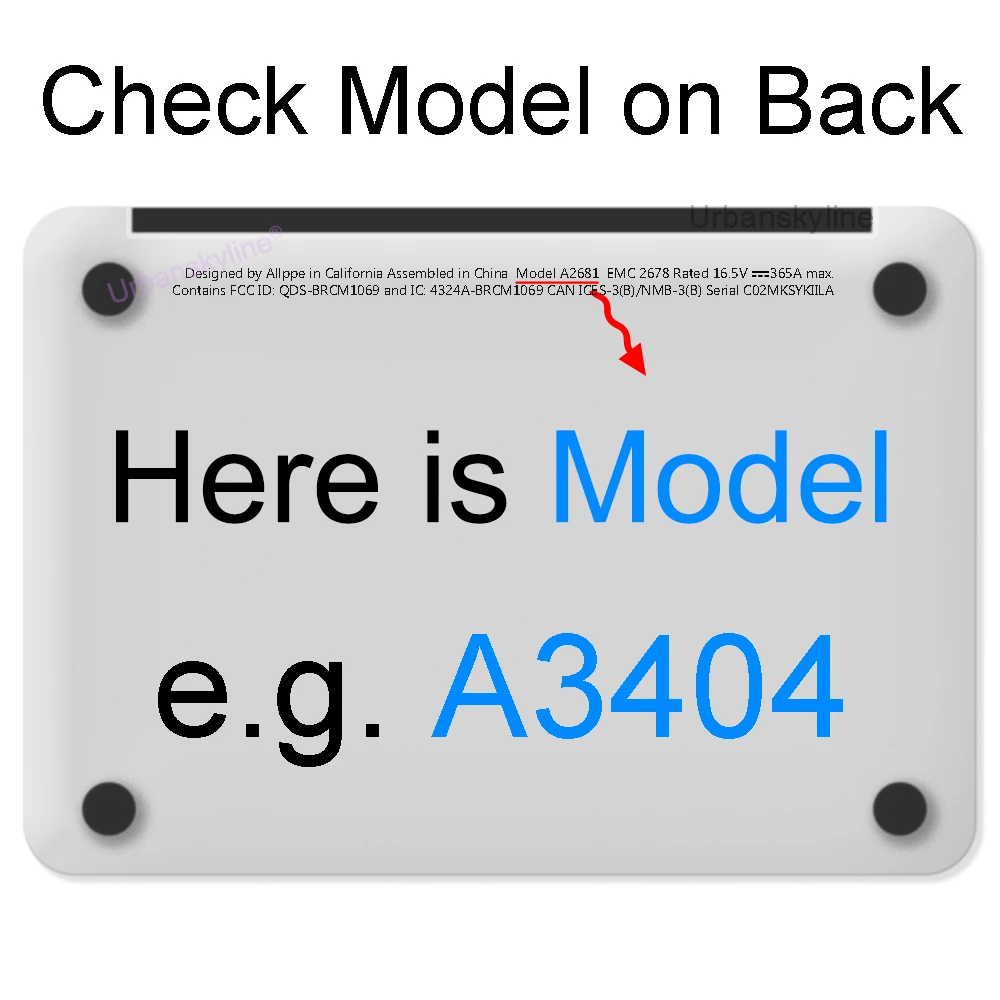
Find your model. A moulded cover fits only the keyboards it is made for. The model number is on a label under the laptop, or in its system information. Match it to the list in the product's description, including the year or generation where it is given.
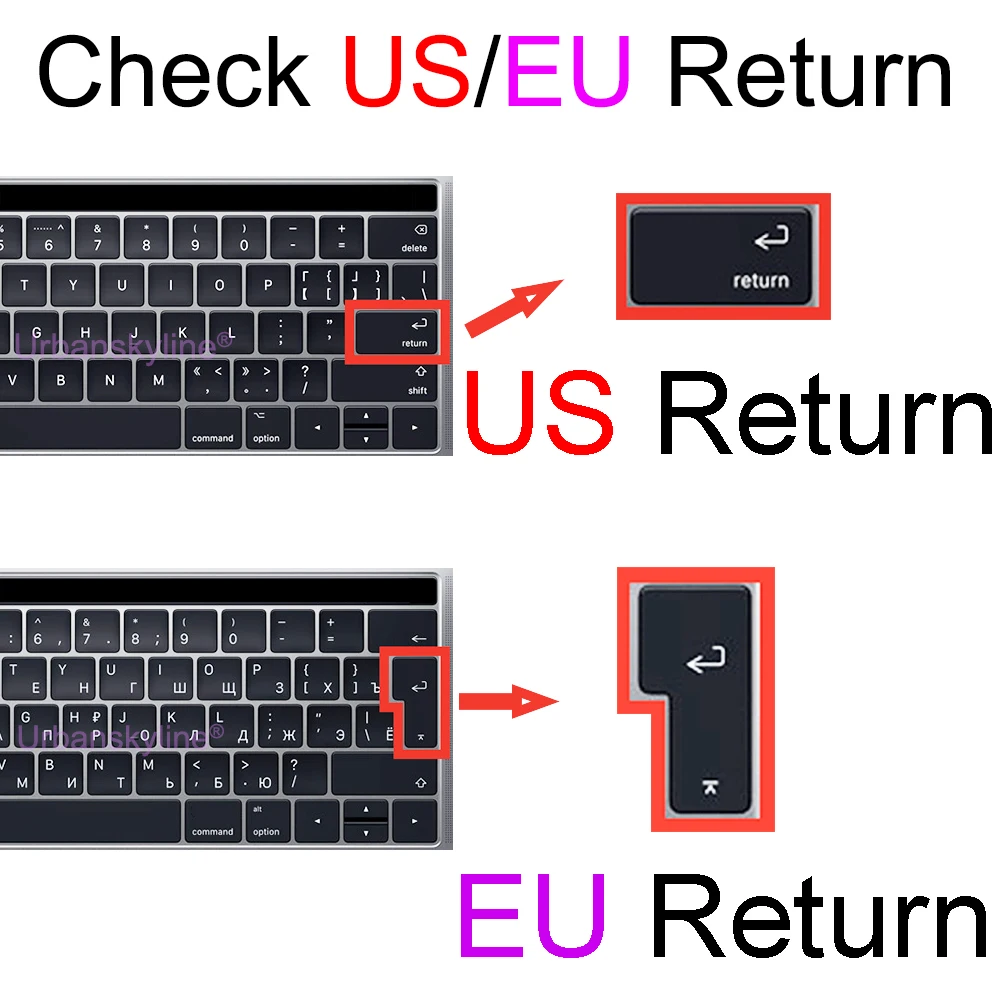
Check the Enter key. This is where most covers go wrong. Many covers here are made for the US layout, with a long flat Enter key. A UK laptop has the ISO layout, with a tall Enter key spanning two rows, and a US cover will not sit over it. The MacBook cover is offered in US and EU layouts: a UK MacBook has the tall Enter key, so choose the EU shape. If the product page says US layout only, it will not fit a UK keyboard.
Clear or coloured. A clear cover keeps the letters and backlight visible. A coloured cover changes the look.
Questions people ask about keyboard covers
Can I close my MacBook with the cover on?
Apple says to take keyboard covers off before closing a Mac laptop. The gap between the screen and the keys is very small, and Apple says anything left on the keyboard or palm rest might press on the screen and damage it. The same care applies to a cloth left over the keys.
How do I clean it?
Lift it off and wash it in warm, soapy water, then let it dry before putting it back. Clean the keys underneath with a keyboard brush or cleaning gel. See our guide on how to clean a laptop safely.
What else protects a laptop?
Laptop skins for the lid and trackpad and palm rest protectors.
Delivery is included in every price and tracked to your door.
More to look at