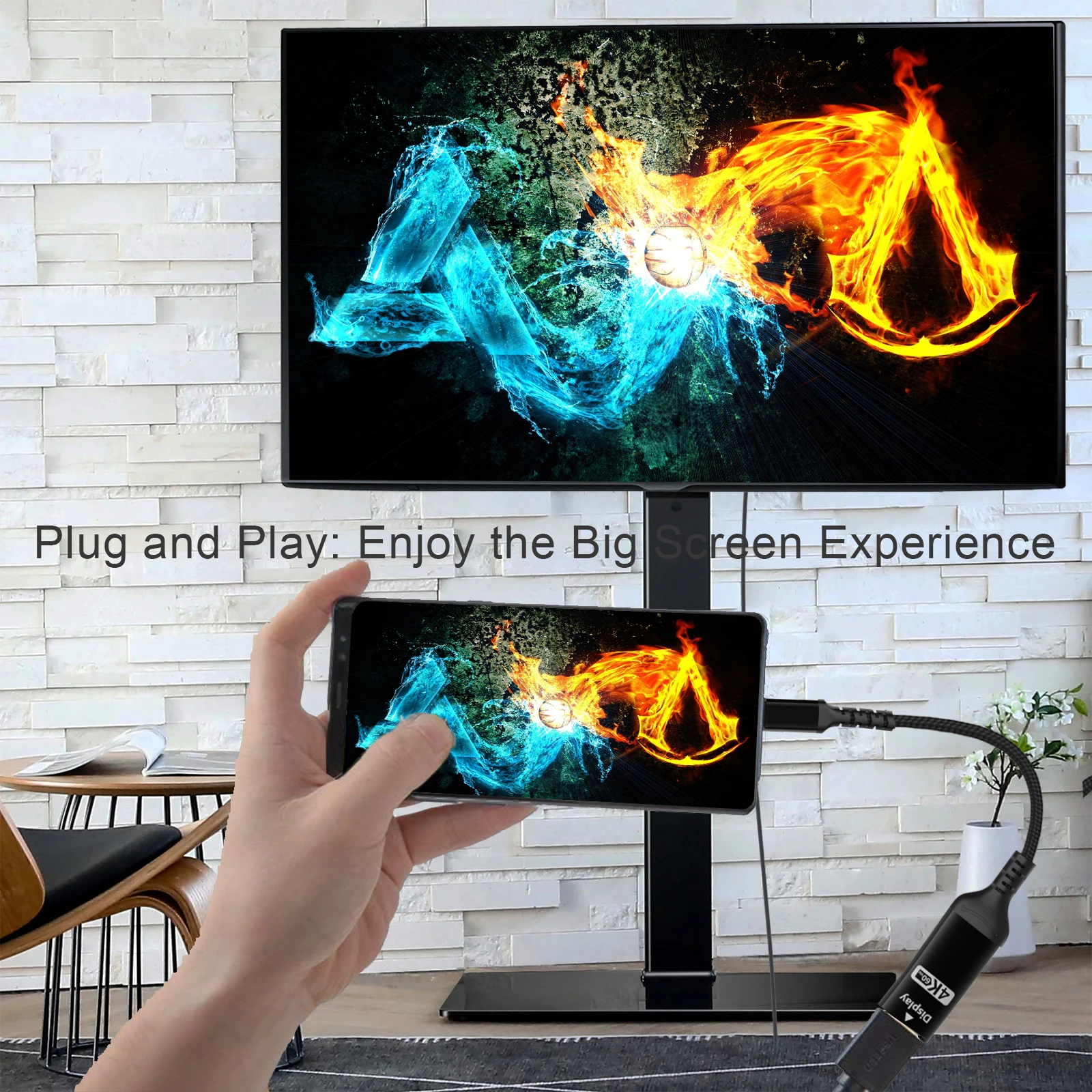
A TV or monitor from your USB-C port
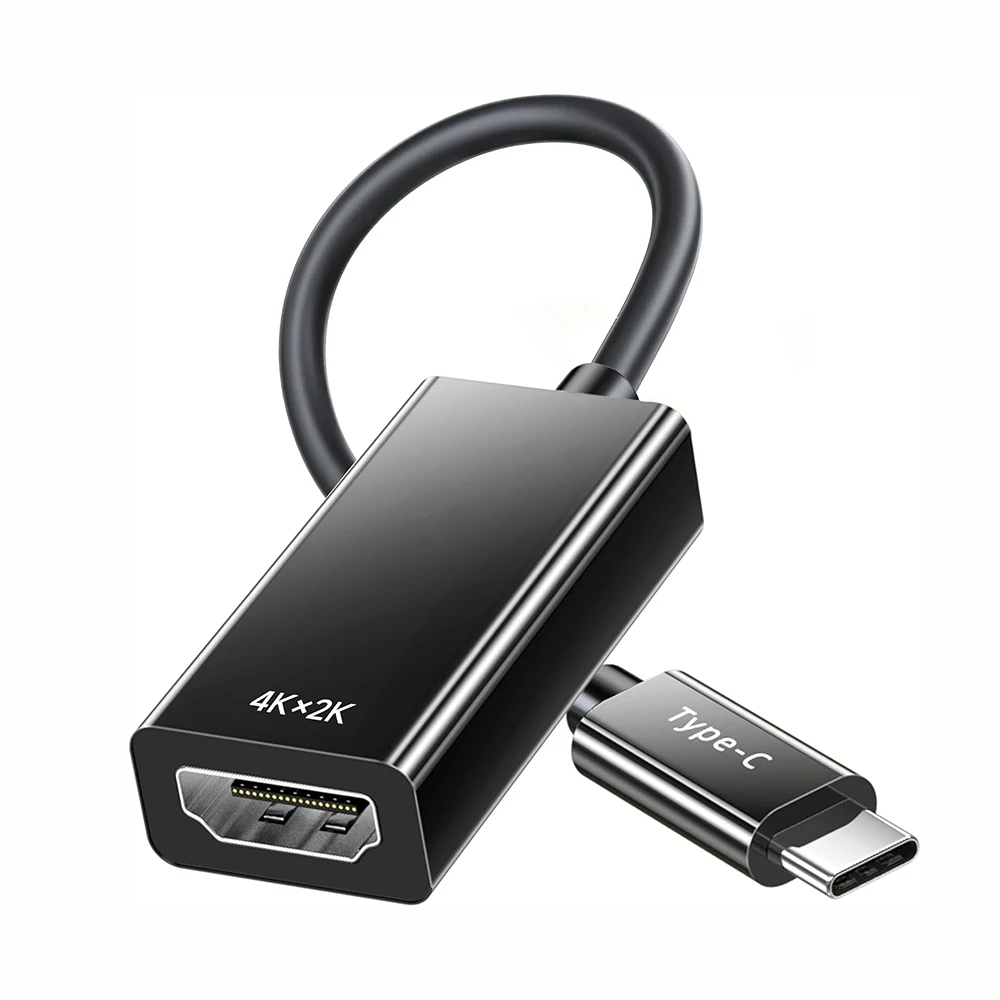
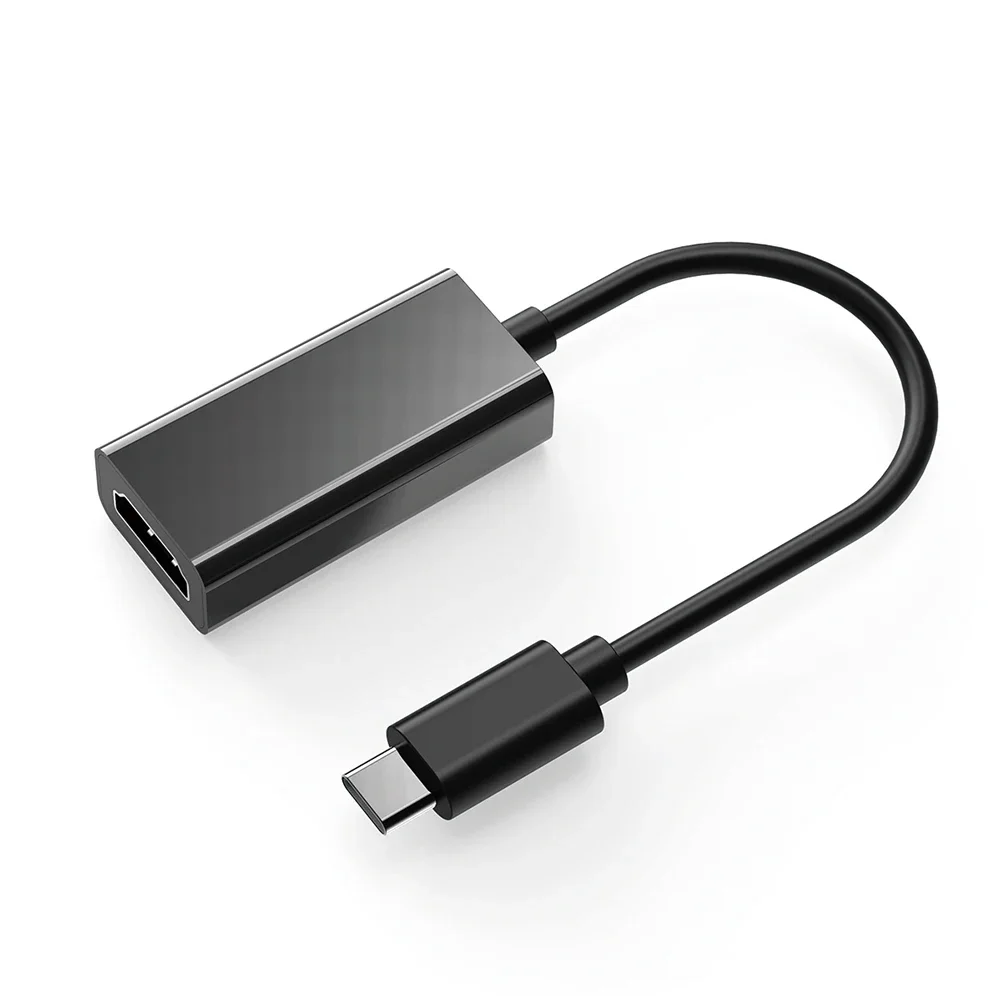
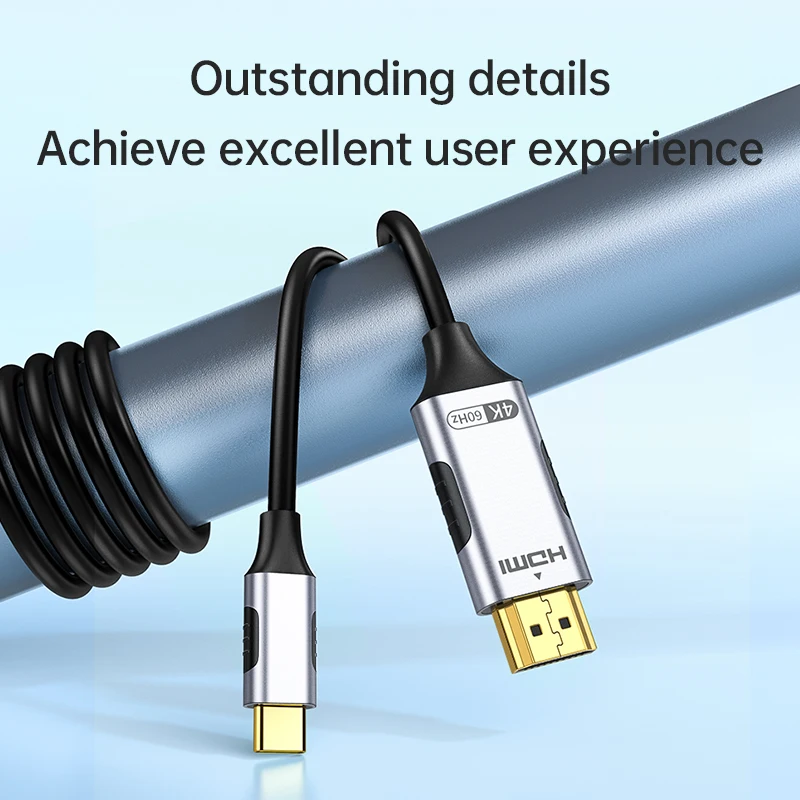
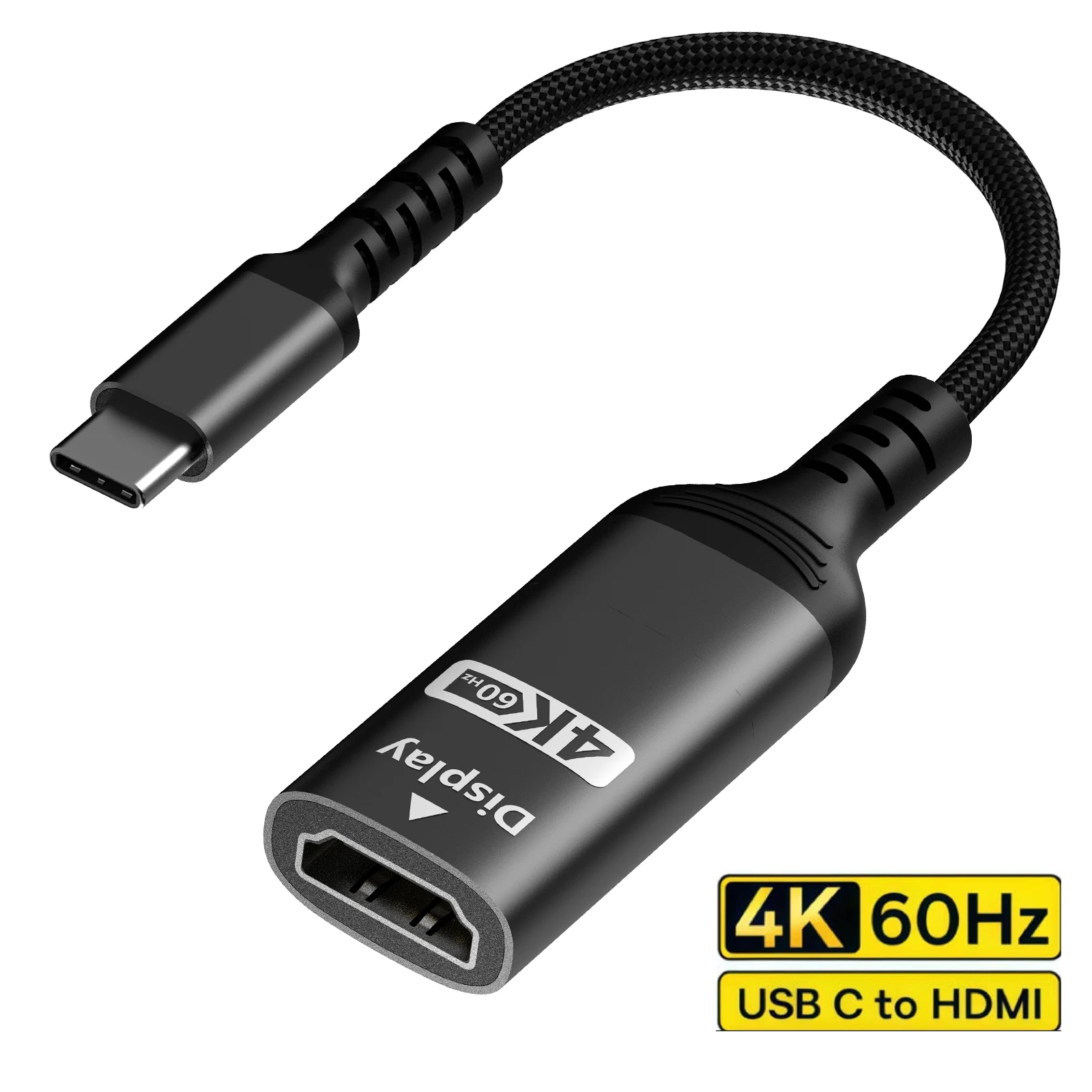
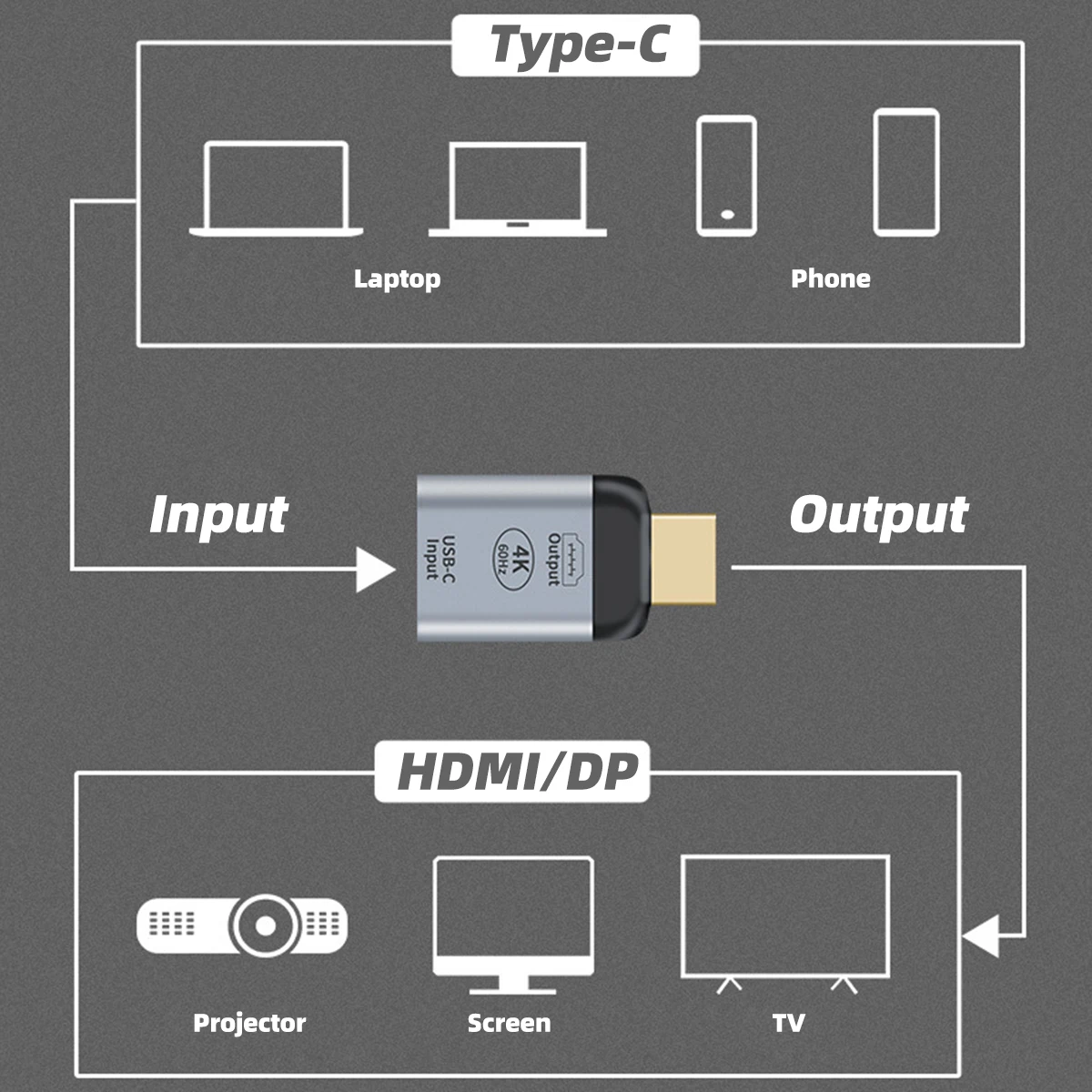
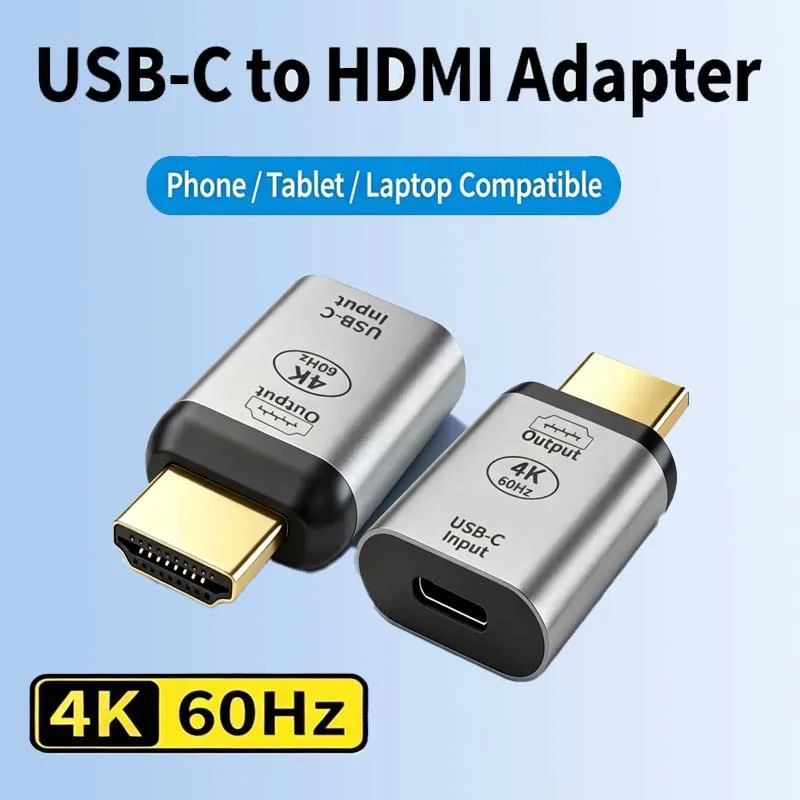
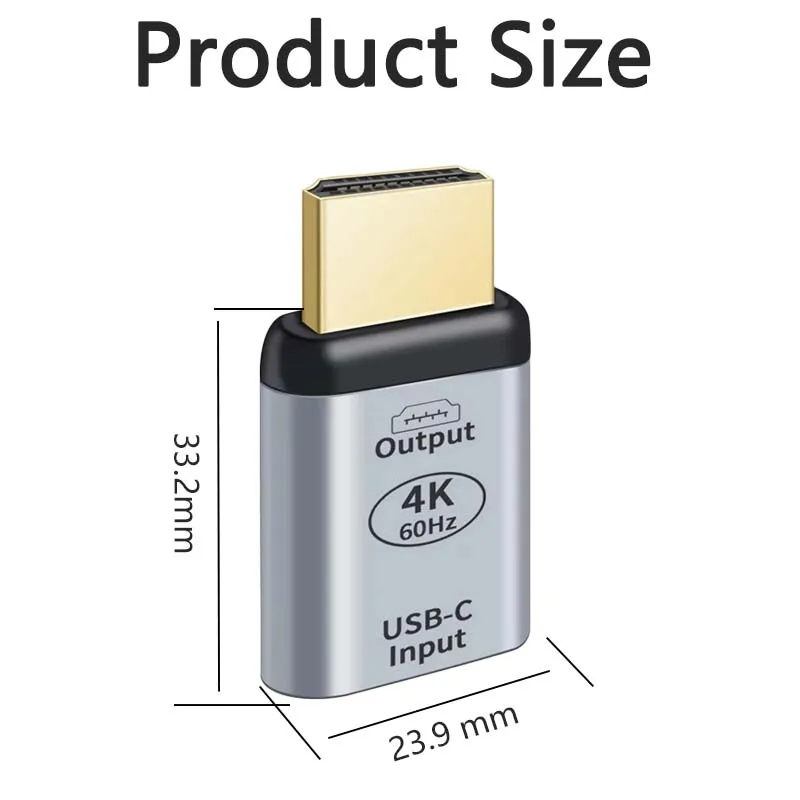
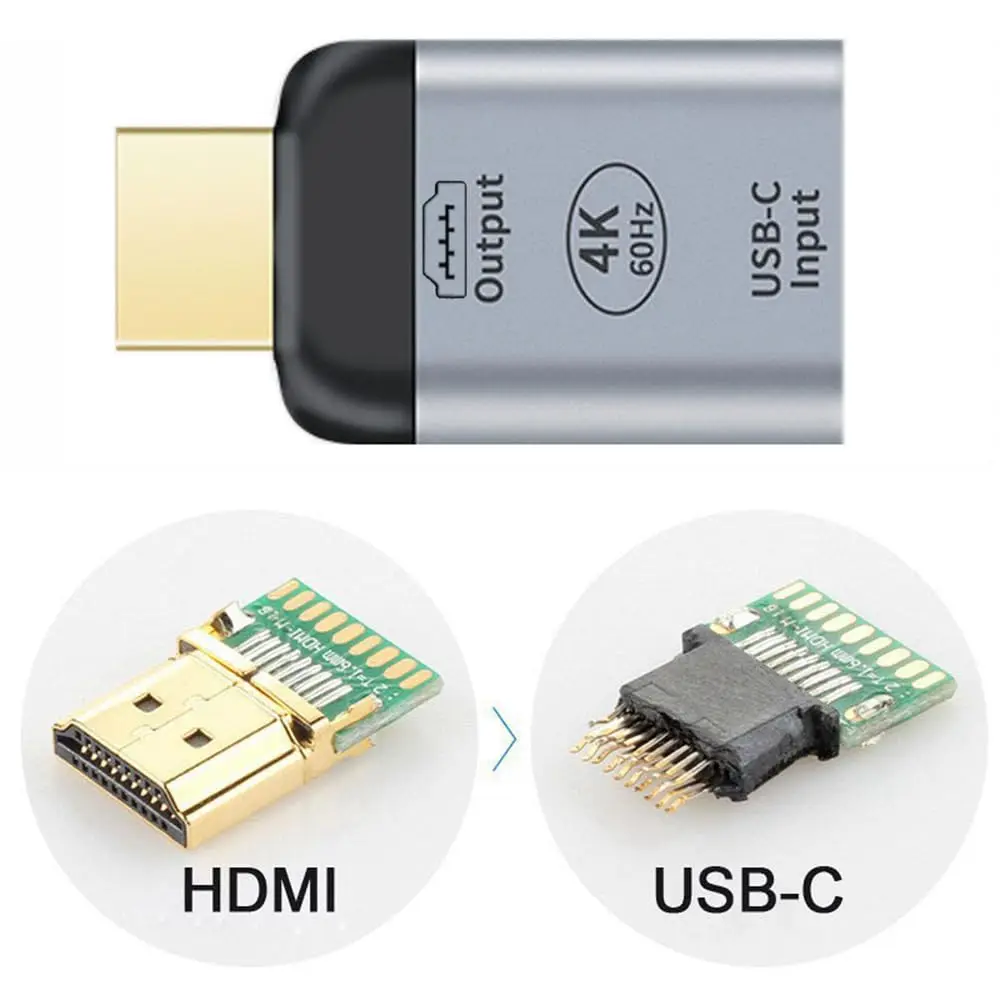
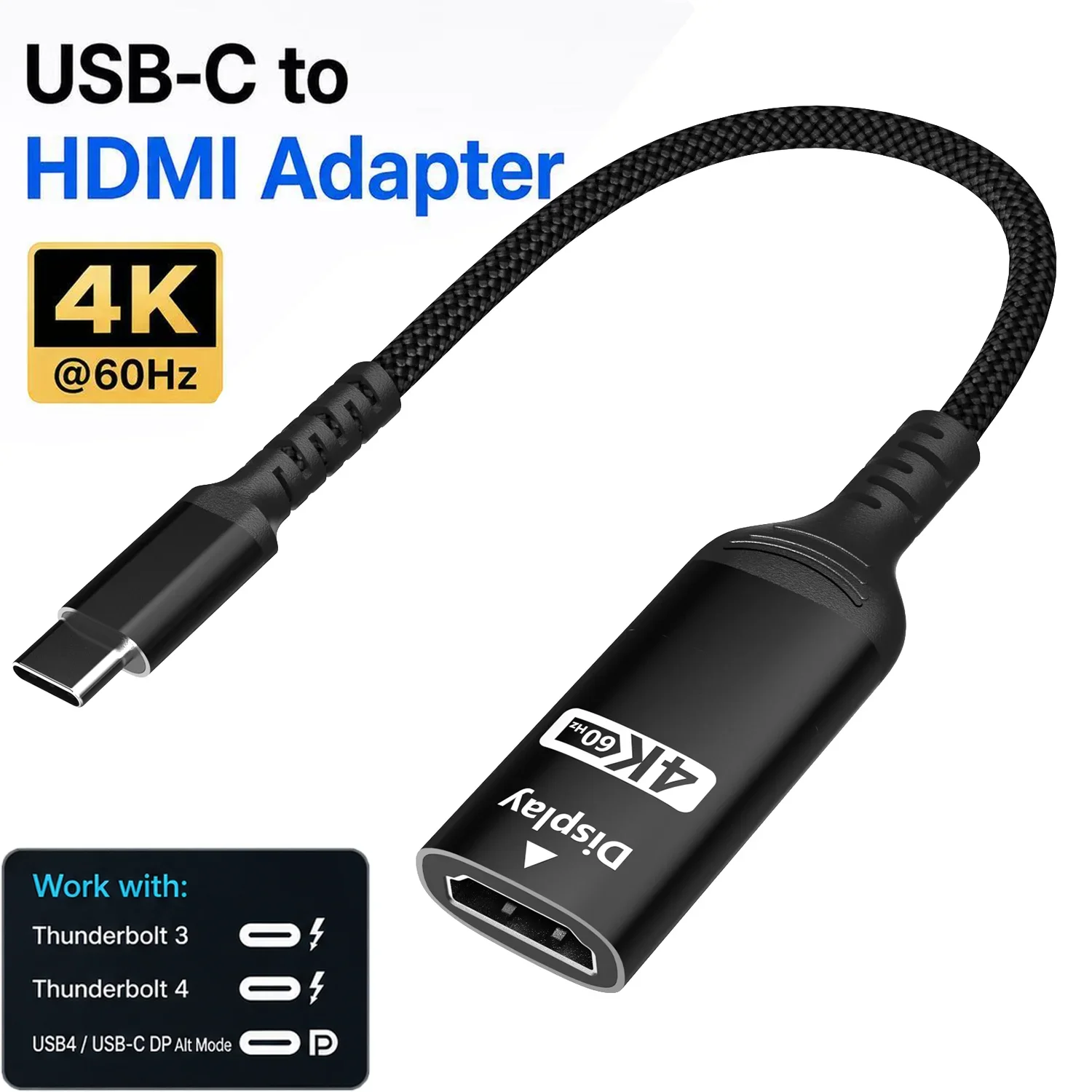
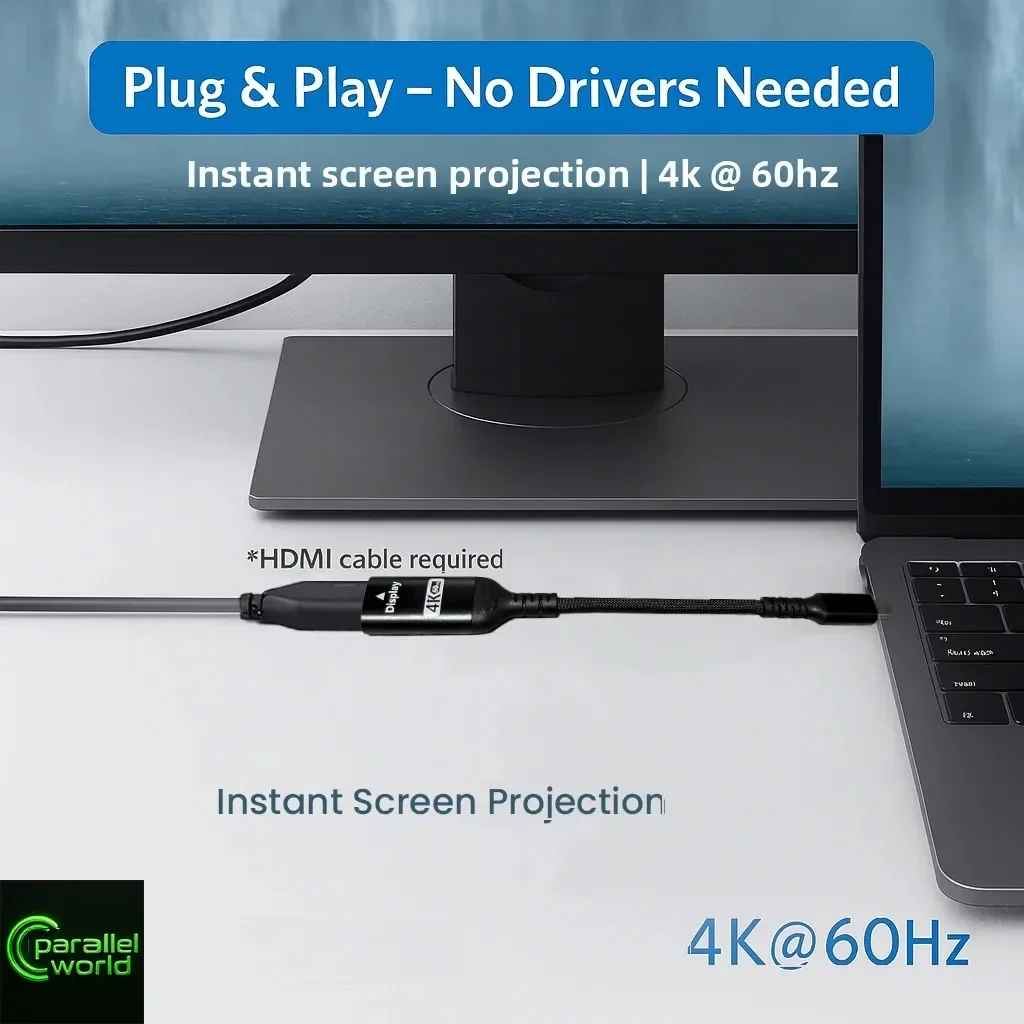
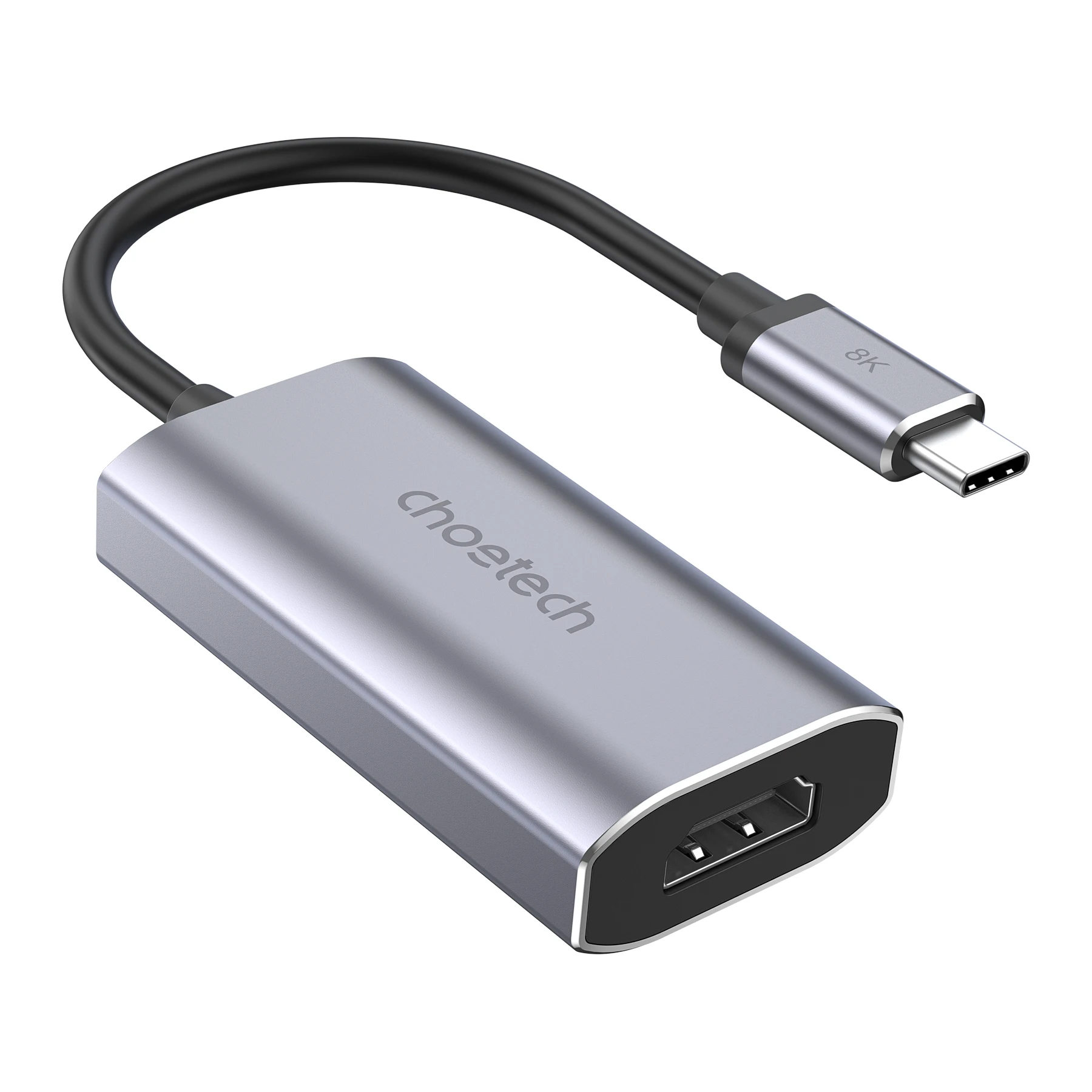
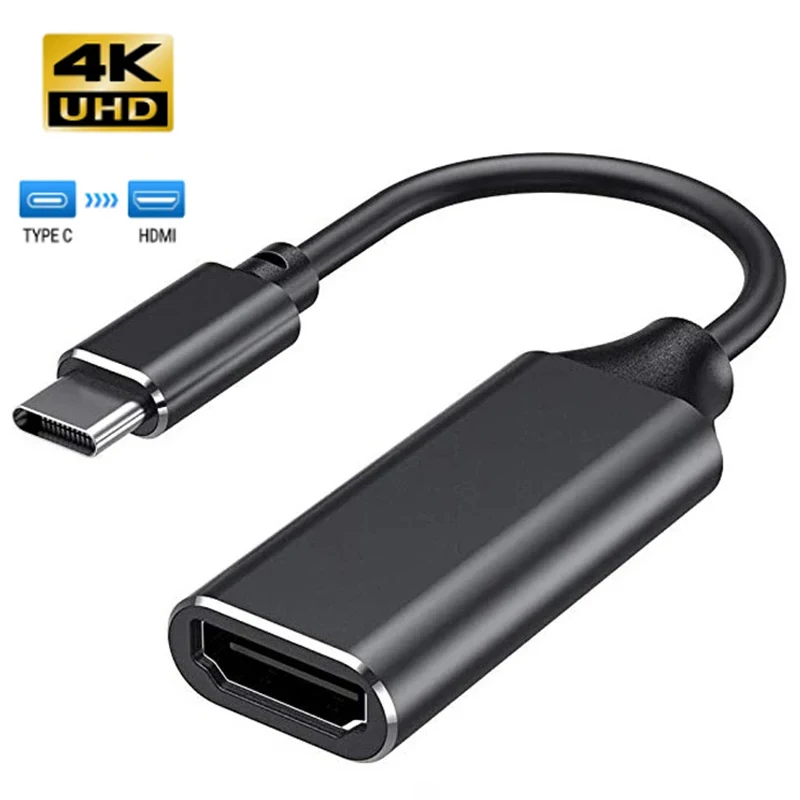
A USB-C to HDMI adapter puts your laptop's picture and sound on a TV or monitor through an ordinary HDMI cable. The adapters here are small aluminium or plastic plugs, and a few are adapter cables with the HDMI plug on the end, from 1m to 3m long. Most are listed as needing no drivers, and several as compatible with Thunderbolt 3 and 4 ports.
The kinds here
- 4K at 30Hz adapters: fine for films on a TV, slides and spreadsheets, but a mouse looks less smooth on a 4K monitor.
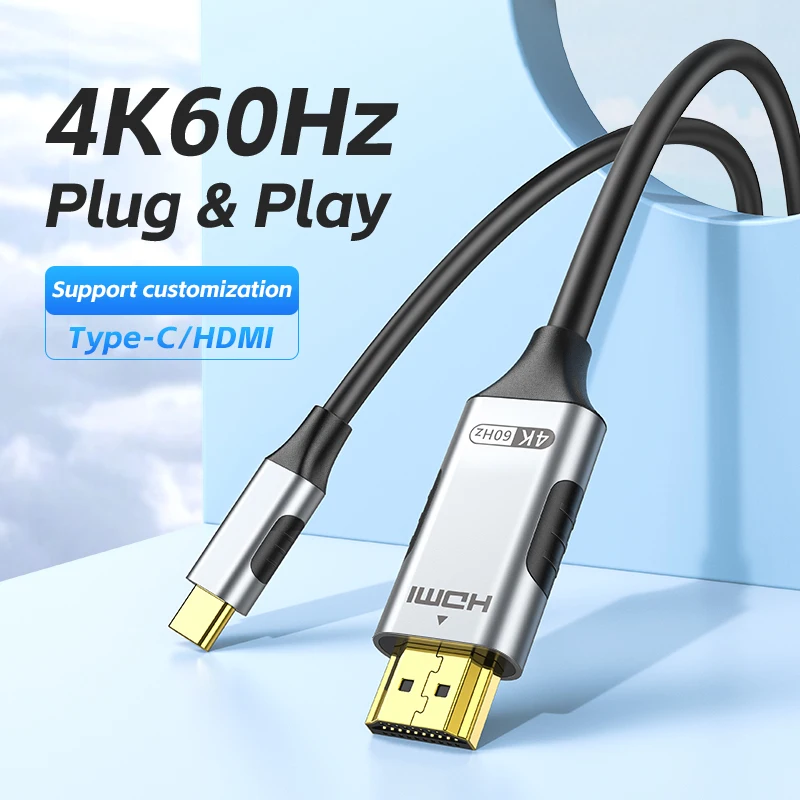
- 4K at 60Hz adapters, the most common here: smooth on a 4K monitor you work on all day.
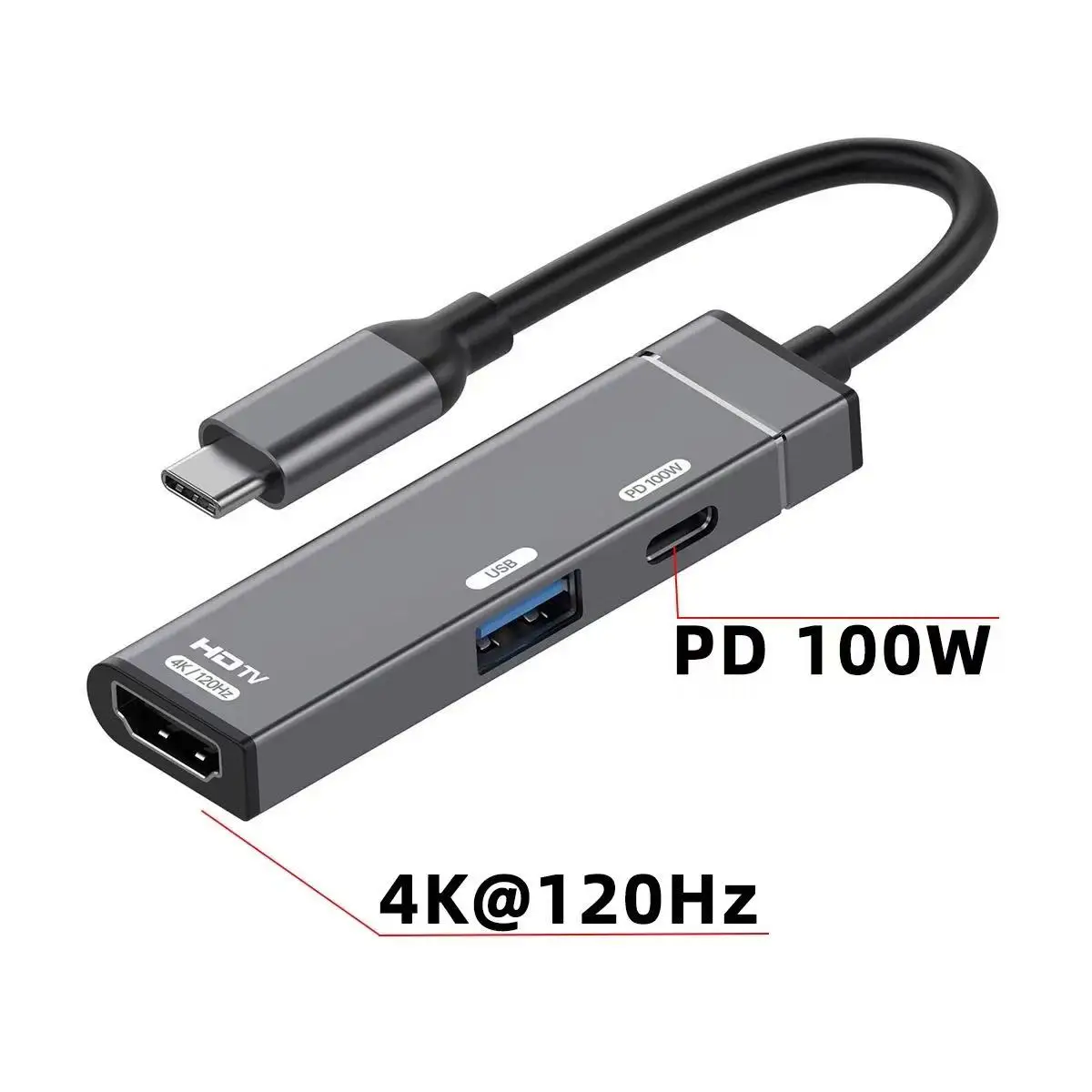
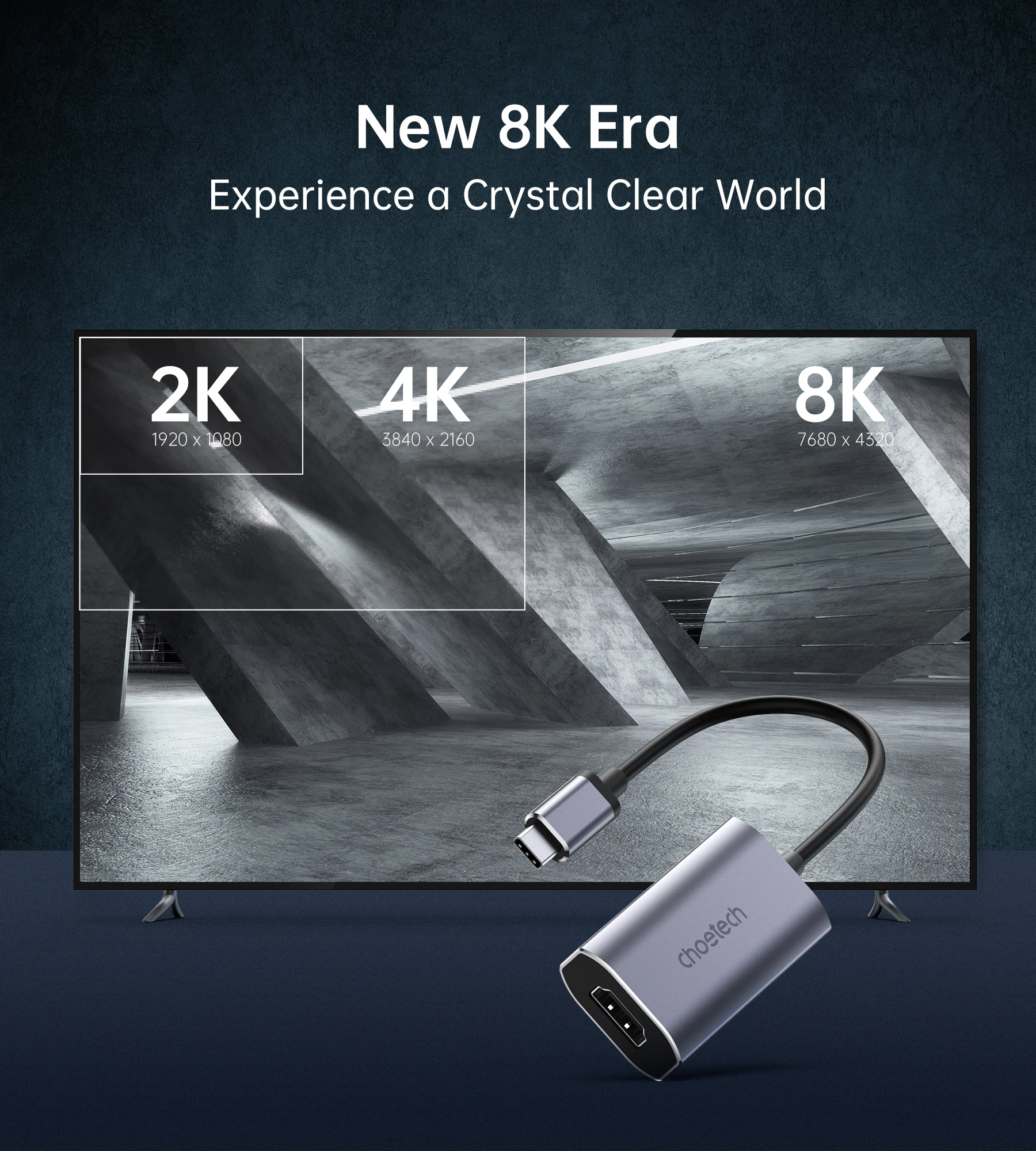
- 4K at 120Hz and 8K at 60Hz adapters, for high-refresh screens and 8K TVs.
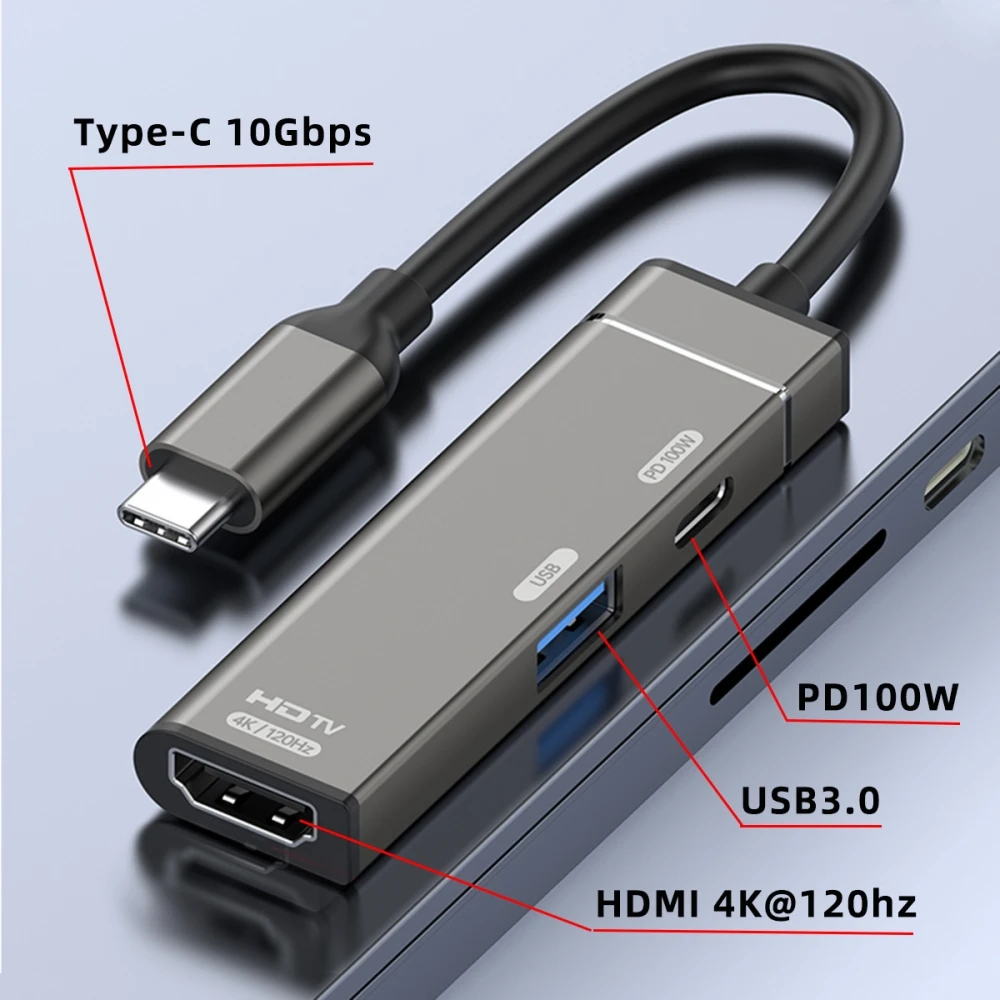
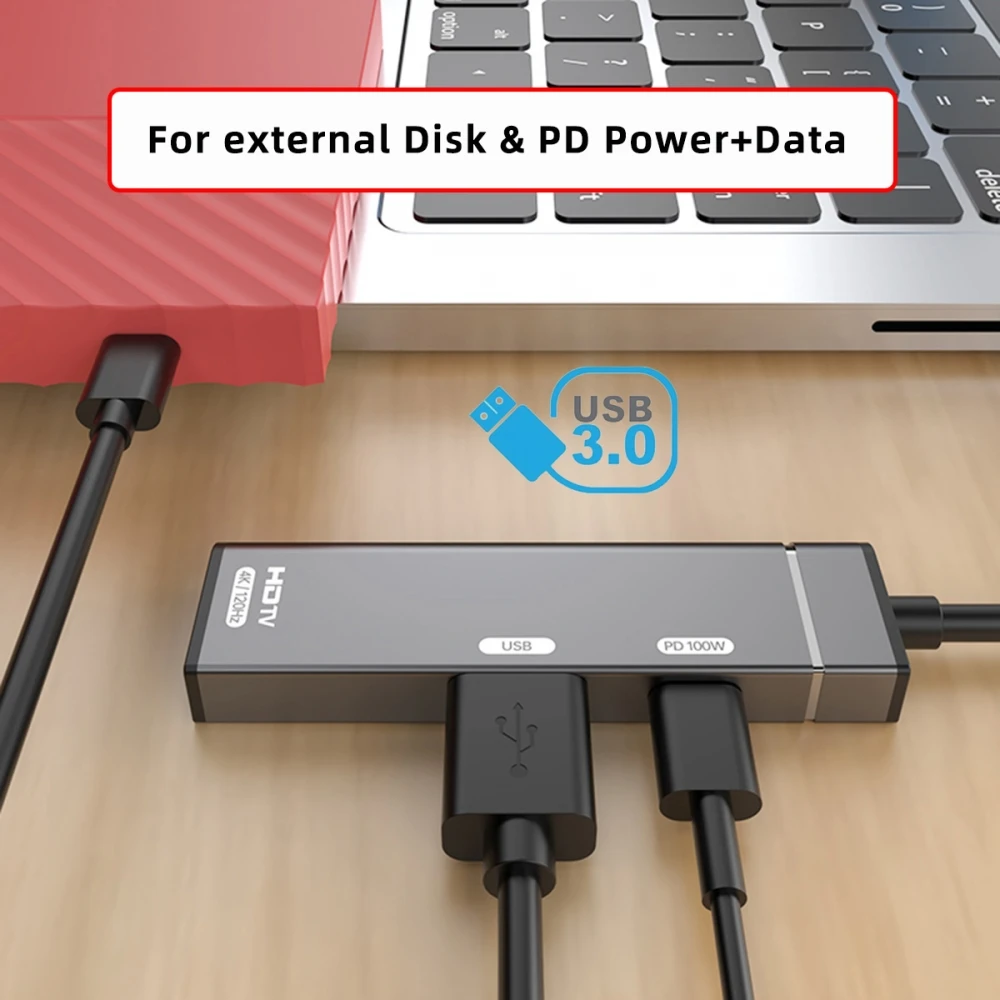
- A multiport adapter with HDMI, a USB 3.0 socket and a charging socket listed at 100W.
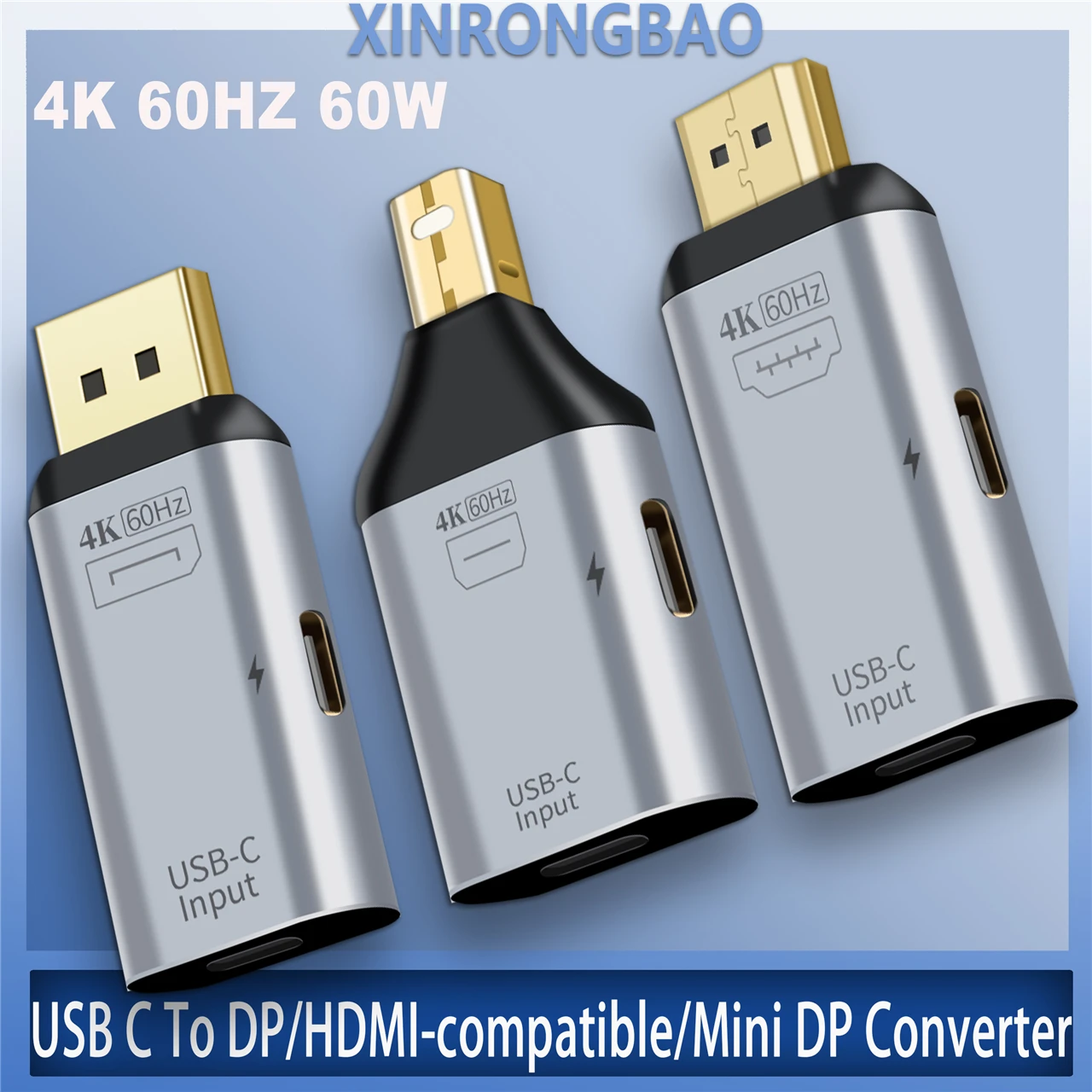
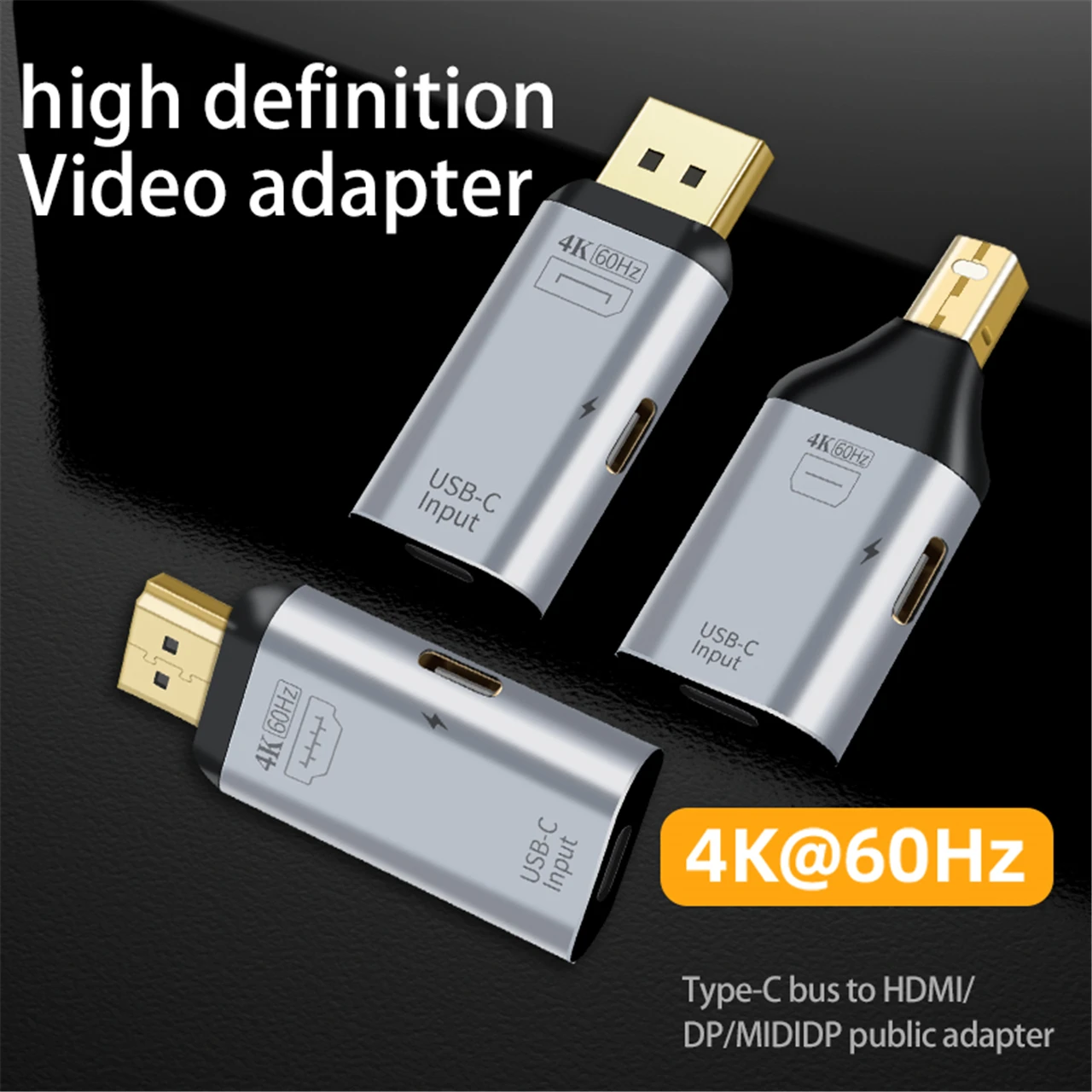
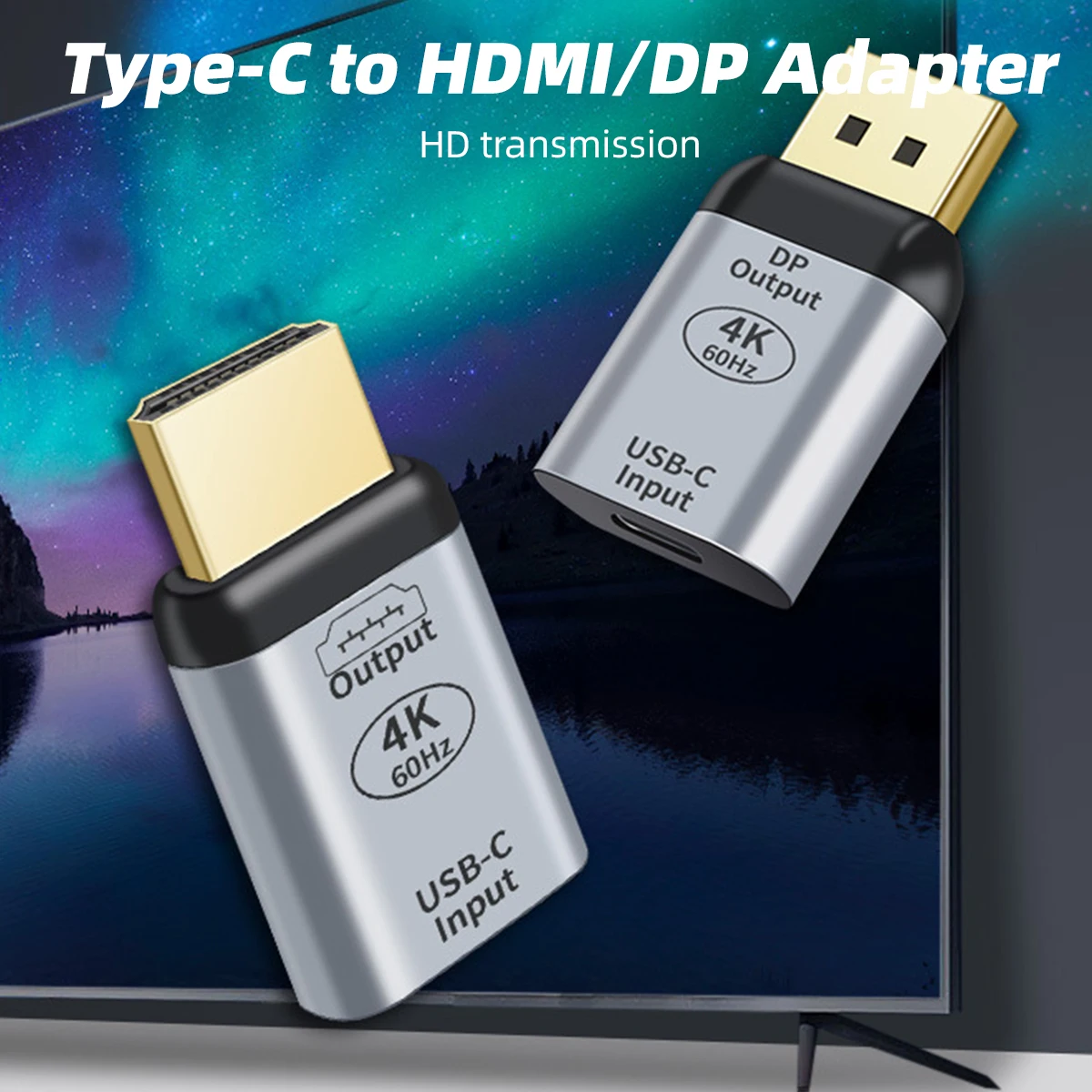
- Switchable adapters that offer HDMI, DisplayPort or Mini DisplayPort from one USB-C plug.
- Packs of two, one for the office and one for home.
How to choose
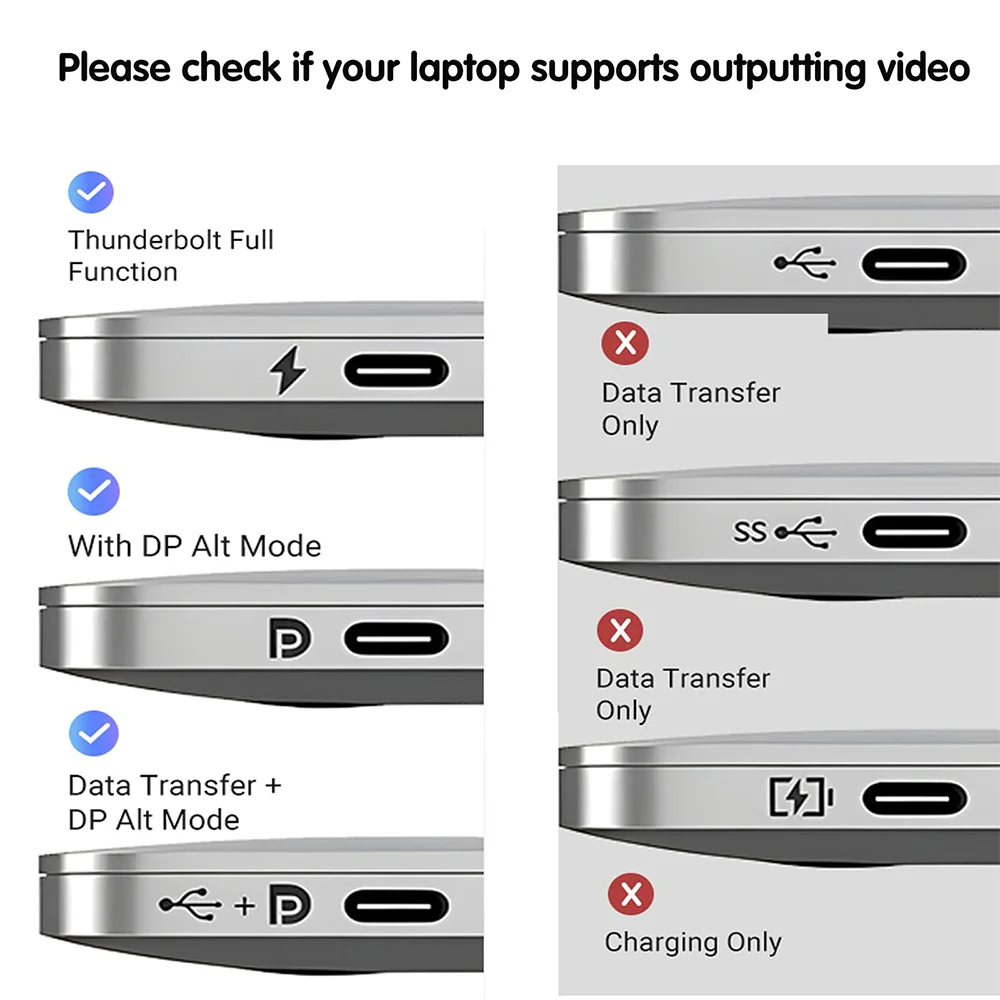
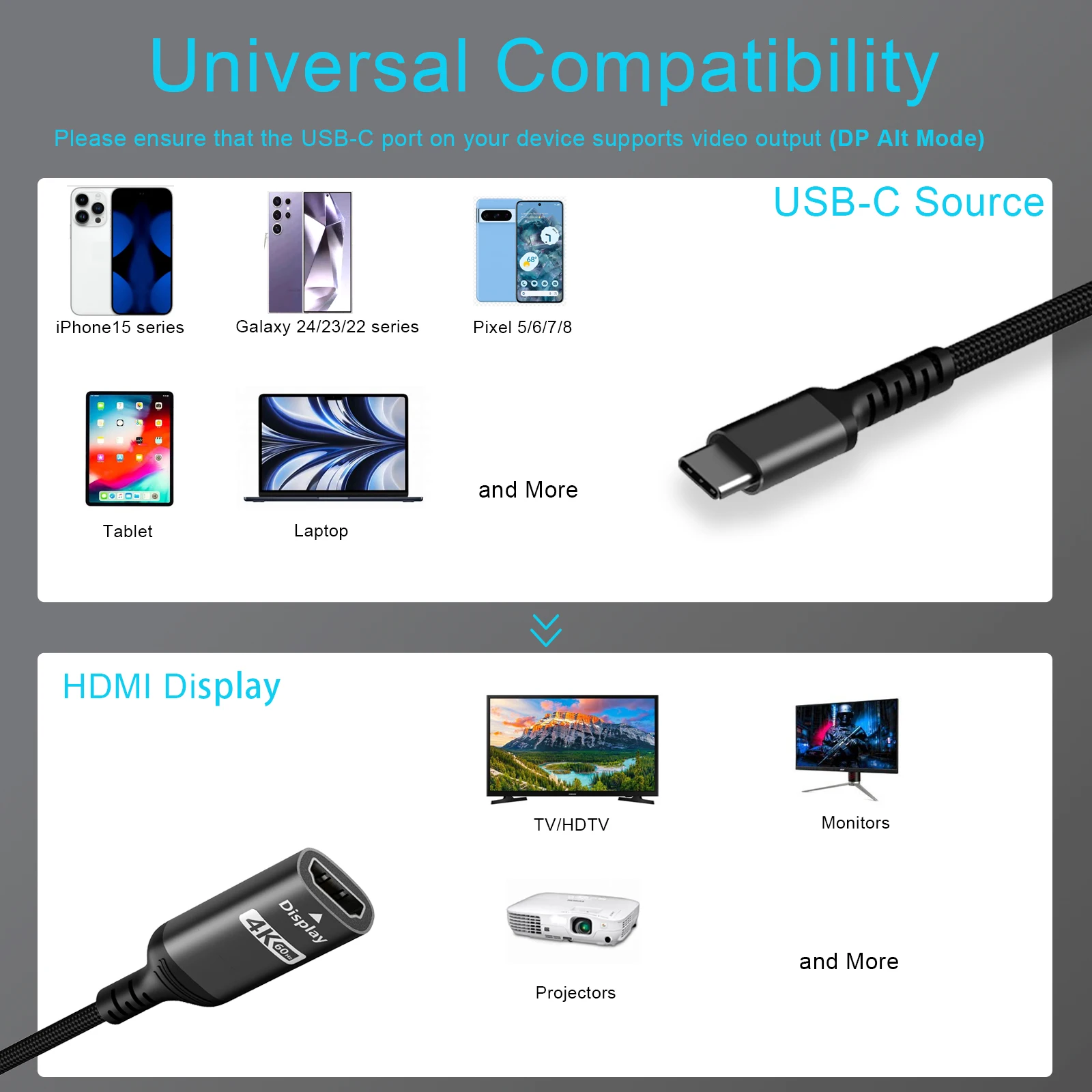
First, the laptop's USB-C port must carry video: DisplayPort Alt Mode, Thunderbolt or USB4, as your laptop's specification says. Then match the adapter to the screen. The two HDMI figures that matter come from HDMI Licensing: HDMI 1.4 handles 4K at up to 30Hz, and HDMI 2.0 added 4K at 60Hz. An adapter's top figure is only reached if the laptop, the cable and the screen can all do it too. For 4K at 60Hz use a Premium High Speed HDMI cable, and for 4K at 120Hz or 8K an Ultra High Speed cable: see HDMI cables.
On a MacBook Air with M1 or M2 you get one external display, so one adapter is all it can use.
Questions people ask about USB-C to HDMI adapters
Why is there no picture?
Usually the port: try the laptop's other USB-C ports, as some carry video and some do not. Then check the TV is on the right HDMI input.
Why does Windows say "Display connection might be limited"?
The port, the adapter or the cable cannot carry the full picture. Plug the adapter straight into the laptop rather than through a hub, and try the other USB-C ports.
Does sound go to the TV?
Yes, HDMI carries sound. If it still plays from the laptop, choose the TV as the output in the sound settings.
Adapter or one cable?
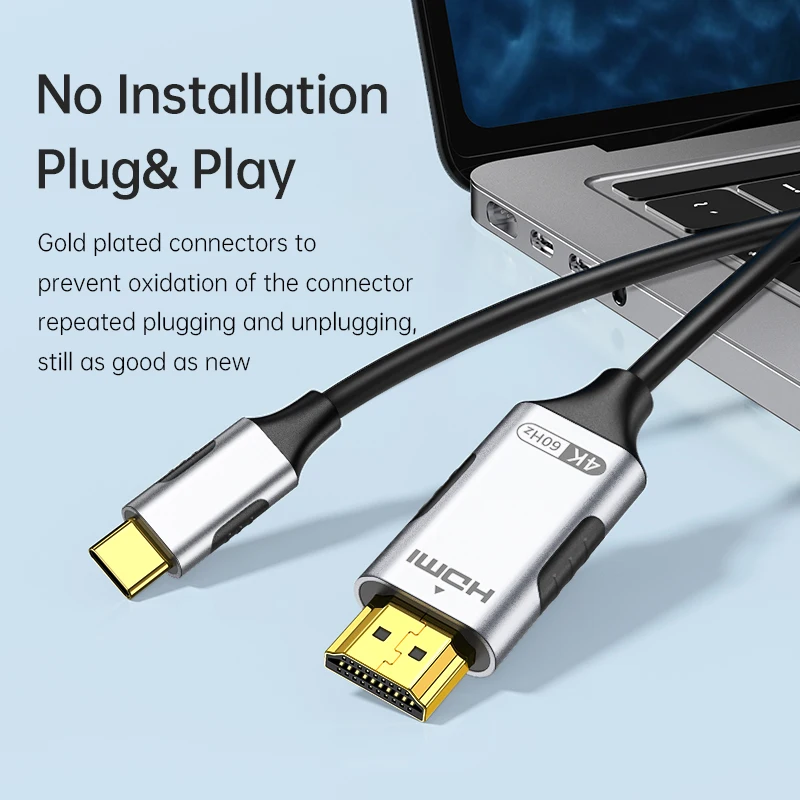
A USB-C to HDMI cable is one lead from laptop to screen. An adapter uses the HDMI cable already there, which suits a TV on the wall. For two screens or more sockets, see USB-C hubs.
More to look at